
The best vibe coding tools now cover much more than a chatbot that writes a few lines of code. The 100 tools compared for this guide include mobile app builders, AI coding agents, full-stack generators, SaaS starter kits, game-making environments, and a few creative products that show where prompt-led building is heading. The right choice depends less on a flashy demo than on what you want to ship, how much code you can review, and whether you need a guided workspace or a professional development environment.
Top picks
| Pick | Tool | Best for | Why it stands out |
|---|---|---|---|
| 1 | Vibecode | Mobile app developers | Generates apps with prompts and lets you view and test them on your phone. |
| 2 | Visual Studio Code | Software developers | Combines a free, open-source editor with AI agents for planning, coding, and debugging. |
| 3 | YouWare | AI creators | Adds a vibe coding community, beginner-friendly coding agent, and project sharing. |
| 4 | Rosebud AI | Game developers | Makes no-code 3D game creation and AI-generated visuals accessible to non-programmers. |
Quick comparison
| Rank | Tool | Score | Best for | Free access | Starting price |
|---|---|---|---|---|---|
| #1 | Vibecode | 93/100 | Mobile app developers | Limited messages | Free: $0/mo |
| #2 | Visual Studio Code | 93/100 | Software developers | Free plan available | Visual Studio Code: Free |
| #3 | YouWare | 92/100 | AI creators | Free plan available | Check vendor pricing |
| #4 | codeflying | 92/100 | Creators | Free plan available | Free: 0$ |
| #5 | VibeMeAI | 92/100 | Creative teams | Free plan available | Check vendor pricing |
| #6 | Vibe3D | 92/100 | Interior designers | Free plan available | Basic: $19 |
| #7 | VibeReady | 92/100 | SaaS founders | Free plan available | AI Framework Only: $149 |
| #8 | Rosebud AI | 92/100 | Game developers | Free plan available | Check vendor pricing |
| #9 | Viblo | 92/100 | Content creators | 7-day free trial | Free Trial: Free |
| #10 | CodeRabbit | 92/100 | Software developers | 14-day free trial | Free: $0 |
How we ranked these vibe coding tools
We ranked the 100 candidates on practical fit for prompt-led building rather than on branding alone. The strongest signals were a clear AI generation or coding workflow, the ability to move from an idea toward a usable project, and a defined audience. We also considered whether a tool supports testing, deployment, review, or iteration; those details matter once the first generated result exists. Scores are close because this is a broad category: a mobile builder and a professional code editor solve different problems. Market usage signals helped break ties, while pricing clarity, quotas, watermarks, provider requirements, and infrastructure constraints shaped the cautions in each review. The shortlist therefore includes direct coding products and adjacent platforms that are useful alternatives for creative builders.
The best vibe coding tools
1. Vibecode
Vibecode
Best overall match for mobile app developers
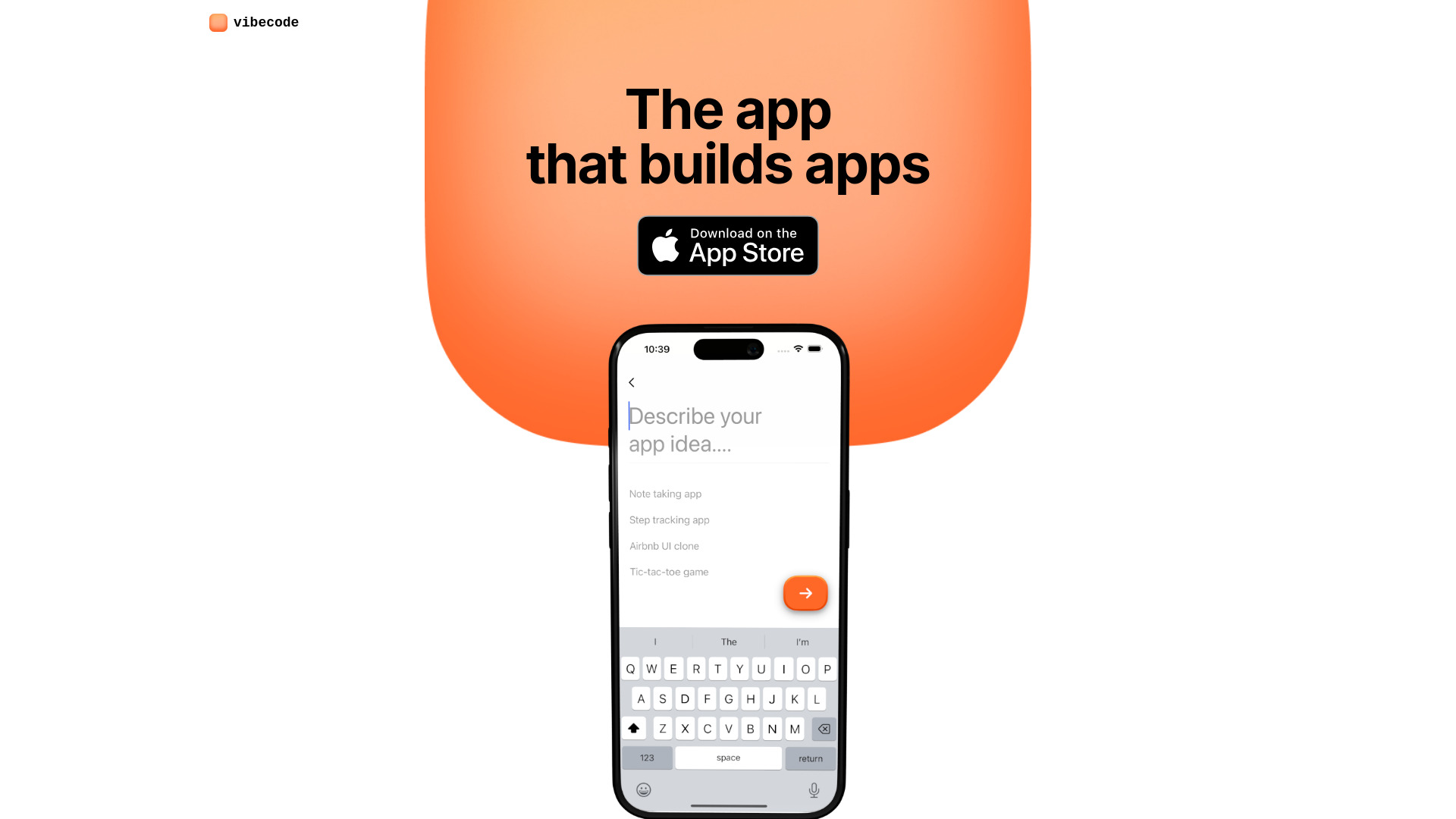
The quickest route from a prompt to something you can inspect on a phone is Vibecode's defining advantage. It is built around generating mobile apps with prompting rather than asking users to assemble a traditional development stack first. That makes the product especially easy to understand: describe the app, generate it, and view and test the result on your phone.
The mobile focus is important. Many AI coding environments are designed around a desktop editor and assume that the user is comfortable moving between files, terminals, and debugging tools. Vibecode instead makes the app itself the center of the workflow. For a founder validating a mobile concept or a developer exploring an early prototype, that tighter loop is a meaningful reason to start here.
My take: Vibecode is the clearest first try for someone whose end product is a mobile app, not a general software project. I like the phone-based testing angle because it keeps the result connected to the experience that matters.
Where it falls short: Some programming knowledge is recommended, so this is not a completely hands-off option for every beginner. Limited messages also mean you should arrive with a focused first prompt rather than spending the allowance on vague experimentation.
Key features
Generates apps with prompting.
Lets you view and test apps on your phone.
Focuses the workflow on mobile app development.
Pros
Simplifies mobile app creation with prompting.
Gives users a direct way to inspect the app on a phone.
Strong fit for fast mobile concepts and early iterations.
Cons
Some programming knowledge is recommended.
Limited messages can constrain extended experimentation.
Choose Vibecode if: You want to turn a mobile app idea into a testable project with prompts and can handle some technical follow-up.
2. Visual Studio Code
Visual Studio Code
Best professional AI coding environment for software developers
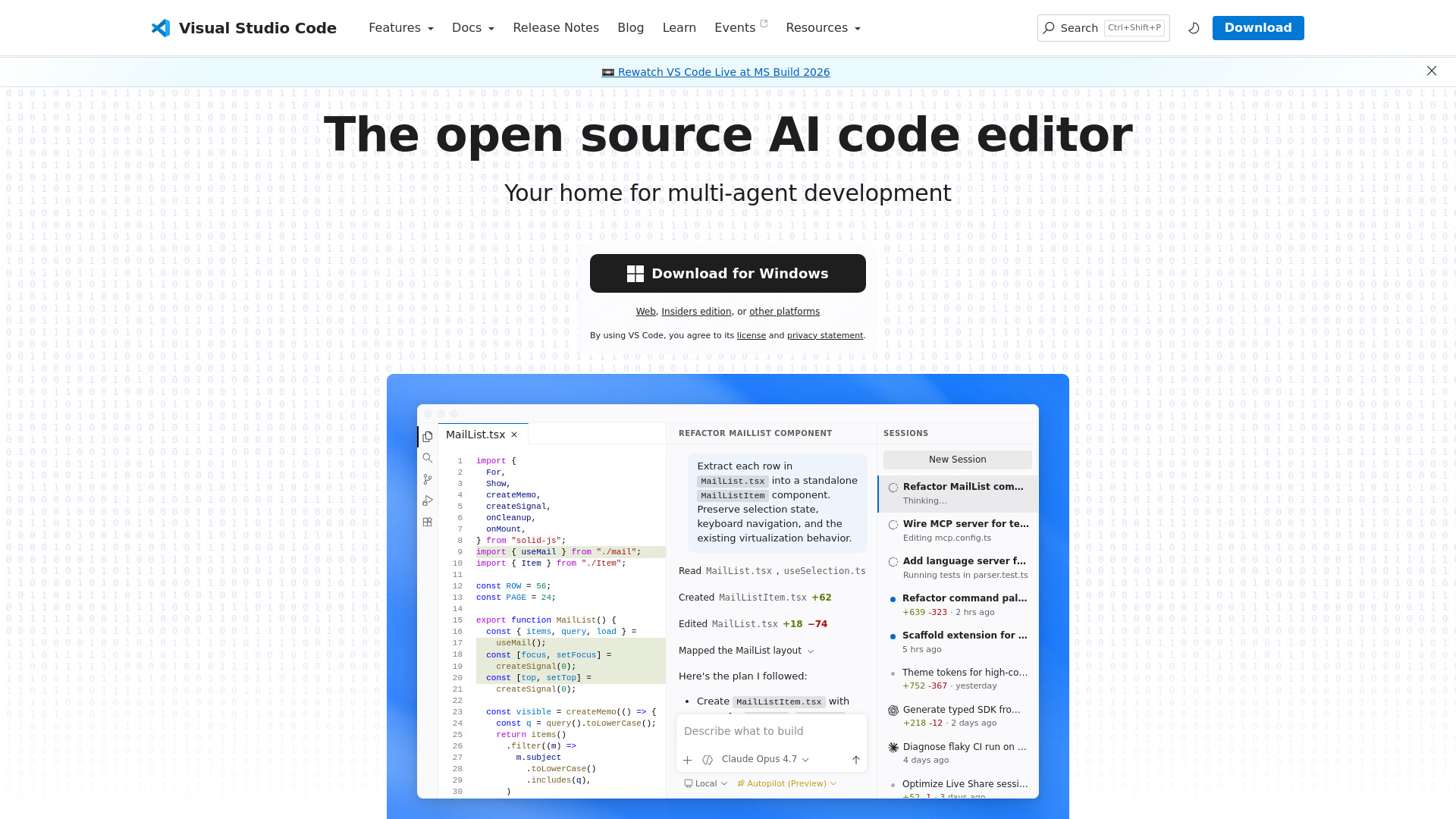
Vibe coding becomes much more useful when you can inspect, revise, and debug what the model produces. Visual Studio Code is the strongest option in this list for that more disciplined version of prompt-led development. Its AI agents support planning, coding, and debugging, while multi-agent workflows can span local and cloud environments.
That combination gives experienced developers room to use natural language without giving up the editor. You can treat the AI as a planning partner, implementation assistant, or debugging aid rather than as a black-box app generator. The result is a better fit for software projects where the generated code needs ongoing maintenance.
My take: This is the best vibe coding platform here for developers who already understand repositories, debugging, and technical trade-offs. It is free and open source, but its flexibility is also its biggest source of friction: you have to shape the environment yourself.
Where it falls short: Advanced capabilities may require additional extensions, services, or provider accounts. Beginners looking for a single guided prompt-to-app experience may find the surrounding editor workflow heavier than dedicated builders.
Key features
AI agents for planning, coding, and debugging.
Multi-agent development workflows across local and cloud environments.
Free and open-source editor foundation.
Pros
Free and open source.
Supports the full cycle from planning through debugging.
Better suited to projects that need continued code-level control.
Cons
Advanced capabilities may require extensions or provider accounts.
The professional workflow can be more demanding for beginners.
Choose Visual Studio Code if: You are comfortable reviewing code and want AI assistance inside a flexible development environment.
3. YouWare

YouWare
Best for AI creators exploring and sharing projects
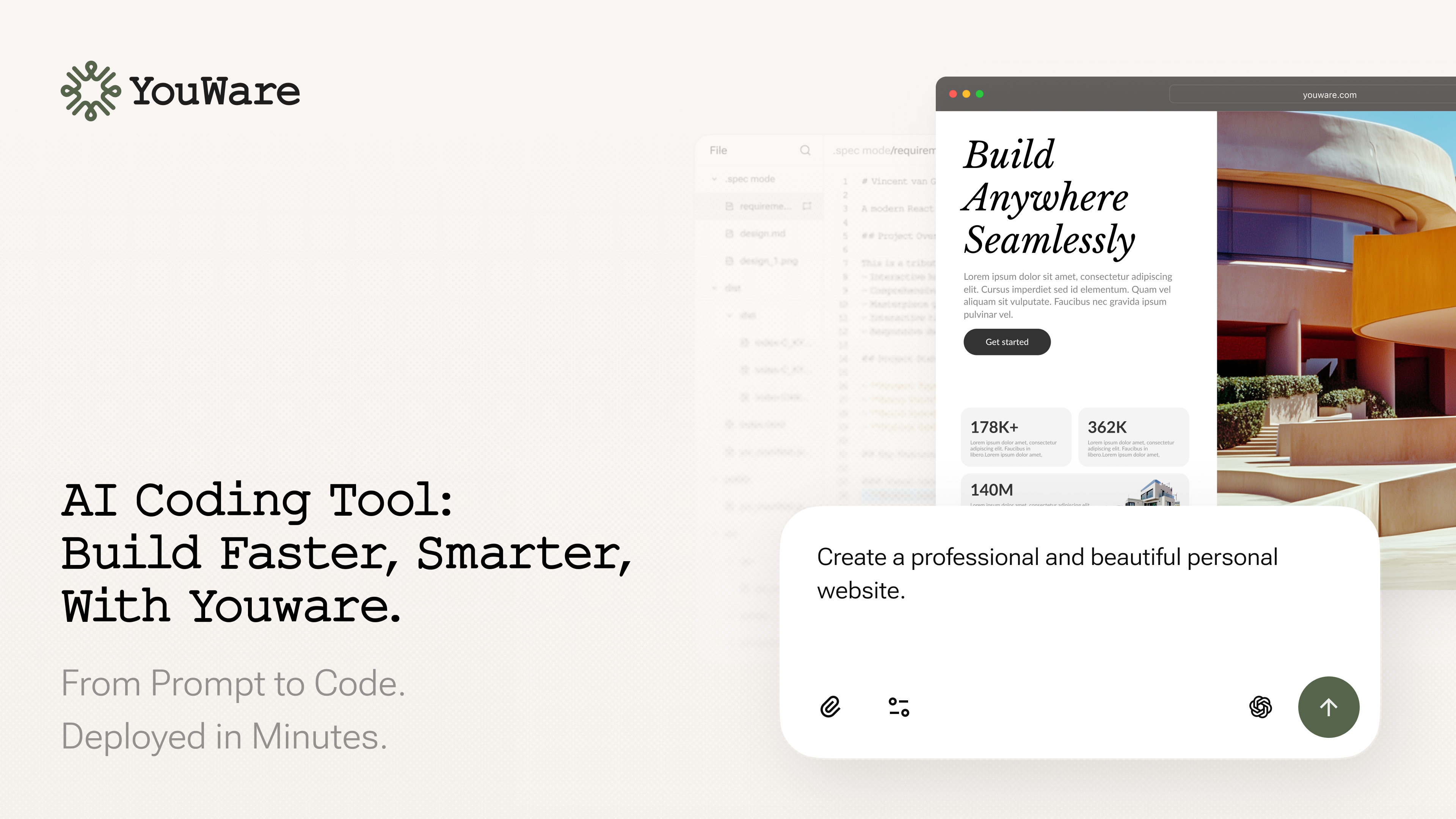
YouWare takes a social approach to vibe coding. Alongside its beginner-friendly AI coding agent, it positions itself as a community for AI creators, with tools for deploying and sharing code projects. That changes the motivation for building: you are not only trying to make a private prototype, but also exploring what other creators make and putting your own work somewhere people can see it.
This makes YouWare an appealing bridge between experimentation and publishing. The coding agent is aimed at creativity and beginners, while deployment and sharing give projects a natural next step. It is a useful alternative when the social and exploratory side of building matters as much as the underlying code.
My take: YouWare is one of the more interesting best tools for vibe coding when your goal is to learn by looking at examples, remix ideas, and share the result. The community angle gives it a distinct personality that a conventional code editor does not have.
Where it falls short: Pricing details are hidden behind a less clear buying path, so check current product fit and workflow limits before committing. It may also feel less appropriate for teams that need a strictly private, conventional engineering process.
Key features
Vibe coding community for AI creators.
Beginner-friendly AI coding agent.
Deployment and sharing for code projects.
Pros
The community gives creators a place to explore projects.
Beginner-friendly positioning lowers the barrier to experimentation.
Supports deploying and sharing what you build.
Cons
Pricing and workflow limits need to be checked with the vendor.
Community-first discovery may not suit every professional team.
Choose YouWare if: You learn best through creative experimentation and want to build, deploy, and share projects in one creator-oriented environment.
4. codeflying

codeflying
Best for creators building full-stack apps by chat
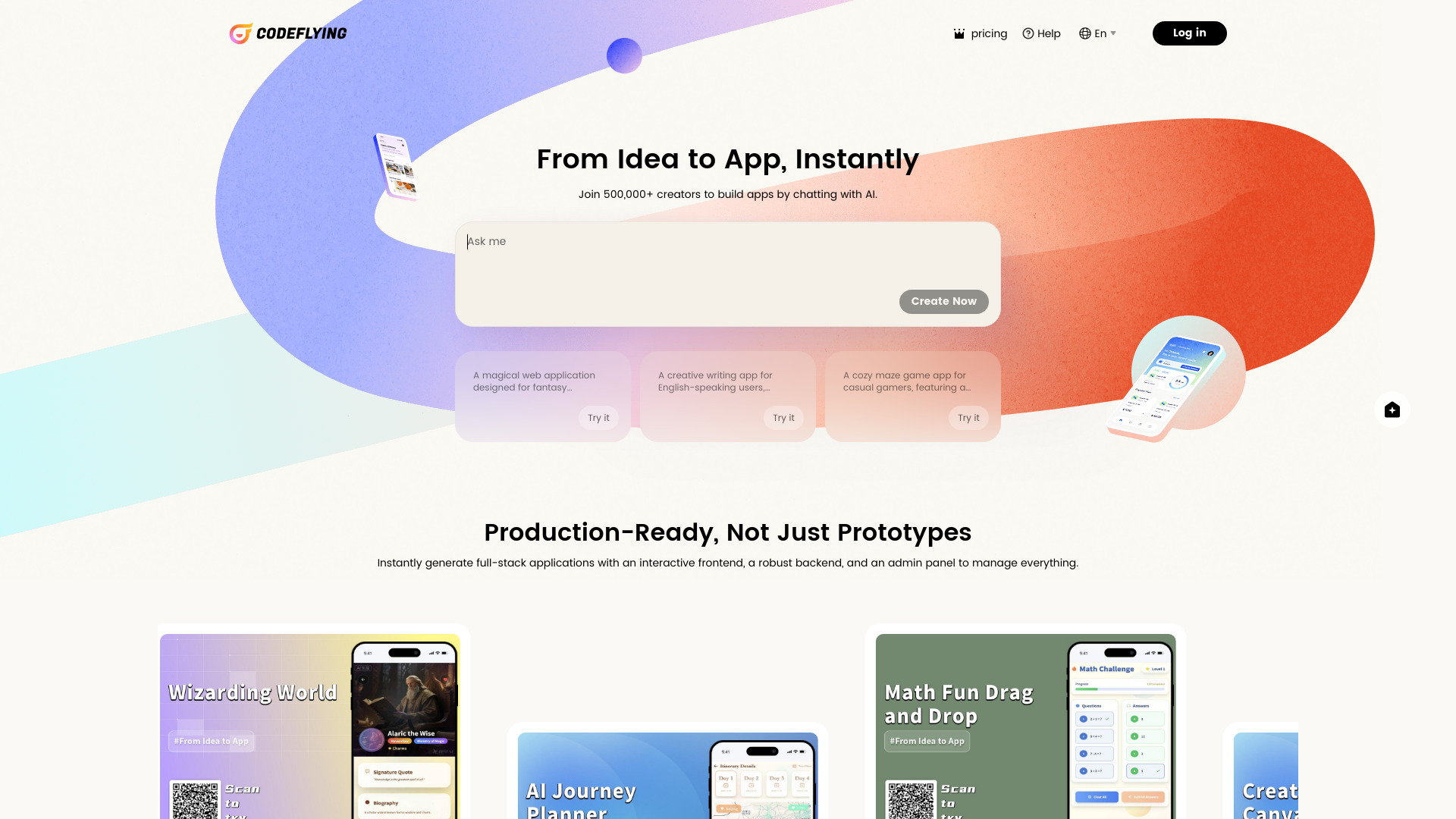
codeflying goes straight after the full-stack use case: describe what you want in a chat and generate an application. Its central promise is complete, production-ready full-stack app creation in minutes, which makes it a compelling choice for creators who want to move beyond a static mockup.
The chat-first workflow should appeal to people who can explain a product clearly but do not want to begin by wiring up every layer manually. It is particularly interesting for early product work, where the first objective is to get a working version into view. The free starting price also makes it easy to test the basic interaction before deciding whether it fits a more serious build.
My take: codeflying is a clean, focused pick for the creator who thinks in product requirements rather than files and functions. Its value rests on how well the generated full-stack result matches the conversation, so precise prompts will matter.
Where it falls short: The listed information does not identify a specific disadvantage, so prospective users should still validate how the generated application fits their own production workflow. A free starting point should not be mistaken for proof that every advanced requirement is covered.
Key features
Full-stack app creation through chat.
AI-assisted creation of complete applications.
A workflow designed to produce apps in minutes.
Pros
Instantly generates complete, production-ready full-stack applications.
Chat is a familiar starting point for nontraditional builders.
Free starting price makes initial evaluation straightforward.
Cons
Confirm production workflow details before relying on it for a larger project.
The chat-first approach may provide less direct control than a traditional editor.
Choose codeflying if: You want to describe a full-stack app conversationally and evaluate a working result without starting in a conventional IDE.
5. VibeMeAI

VibeMeAI
Best for creative teams making AI music videos
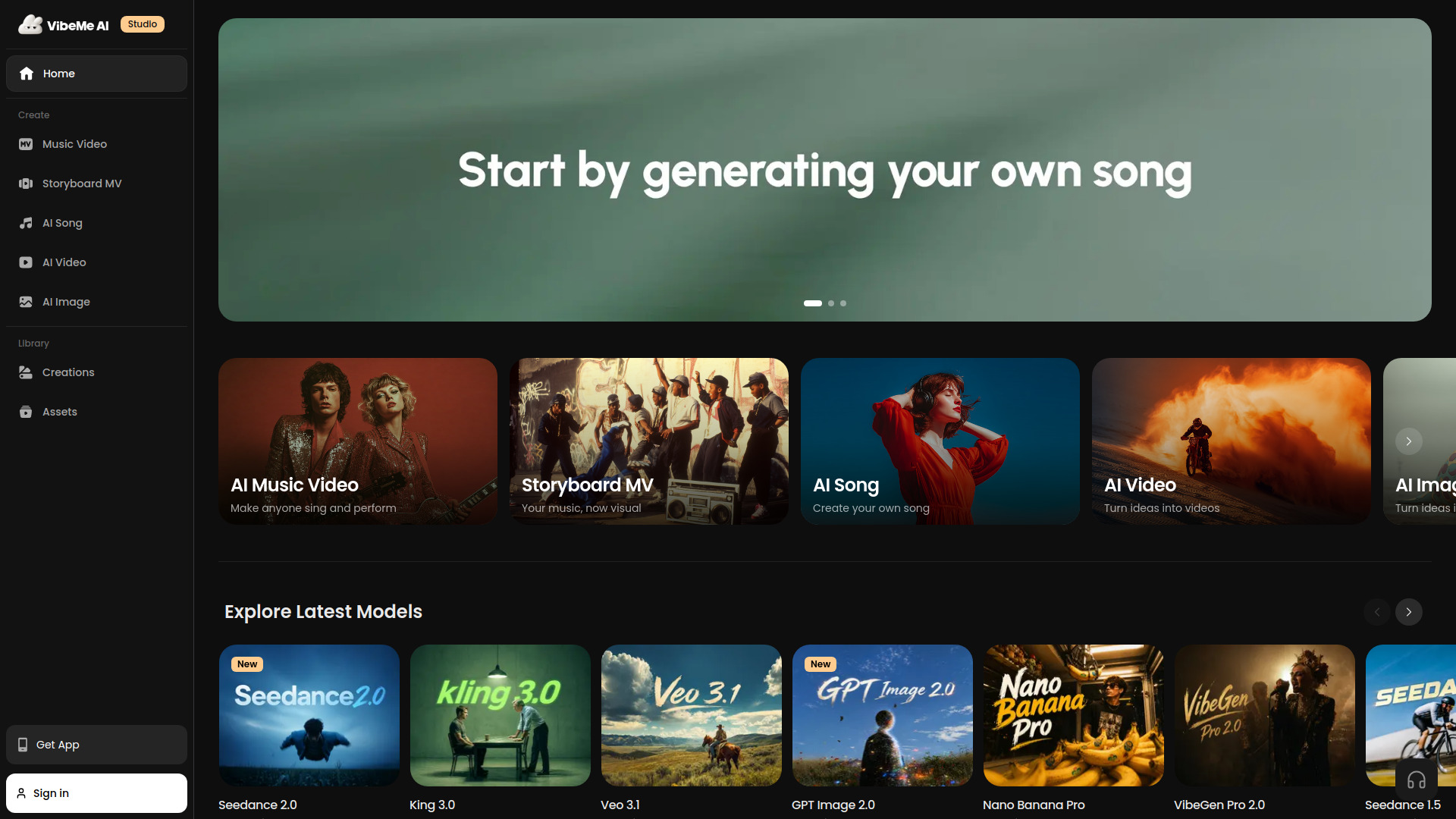
VibeMeAI is an unexpected alternative in a vibe coding comparison, but it belongs in the wider conversation about prompt-led creation. It turns a single photo into an AI music video and brings multiple models into the workflow, including Seedance 2.0, King 3.0, Veo 3.1, and GPT Image 2.0. The emphasis is not source code; it is turning a compact creative direction into a finished visual output.
The one-tap approach removes the need for editing experience, which makes the product relevant to creative teams that want to test concepts quickly. Its multi-model setup is also notable for users who would rather work from one workspace than compare separate generation products manually.
My take: I would not choose VibeMeAI to build a software product, but I would consider it a useful adjacent tool for teams creating the media around a product or campaign. It shows how the vibe coding pattern is spreading into creative production: describe the desired outcome, then iterate on the result.
Where it falls short: Free-tier outputs include watermarks, and pricing is not presented as a clean public starting point here. Teams should check the current plan, output rights, and model availability before making it part of a repeatable workflow.
Key features
Instant AI music video generation from a single photo.
Turns photos into animated performances.
Multi-model integration featuring Seedance 2.0, King 3.0, Veo 3.1, and GPT Image 2.0.
Pros
No editing experience needed with one-tap generation.
Supports a visually focused workflow from a single input.
Brings several named AI models into one creative workspace.
Cons
Free-tier outputs include watermarks.
Pricing and plan details should be checked before team adoption.
Choose VibeMeAI if: Your version of prompt-led building is creative production and you need quick music-video concepts from still images.
6. Vibe3D

Vibe3D
Best for interior designers creating realistic 3D renders
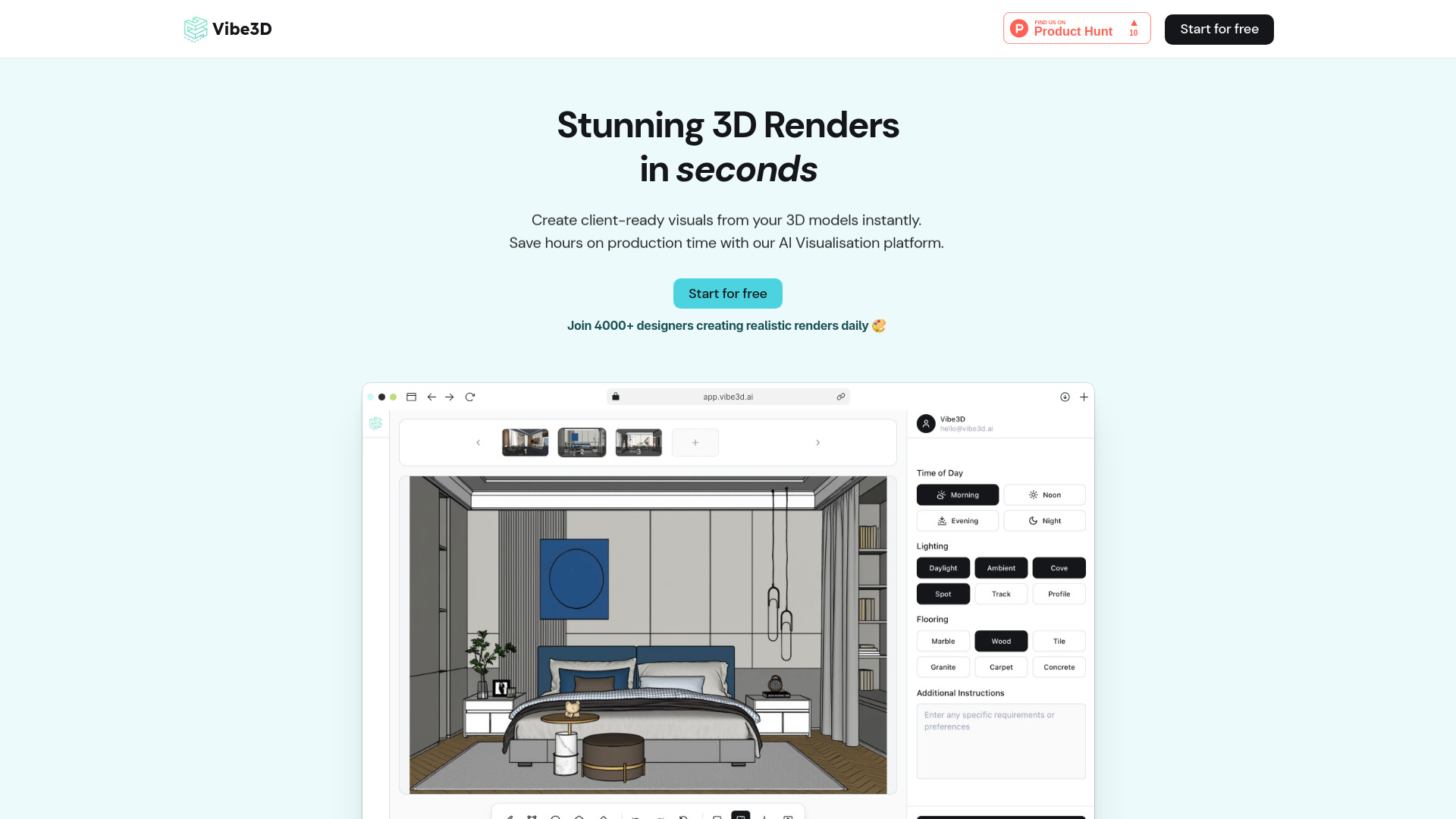
Vibe3D applies natural-language iteration to interior design. Its core workflow combines AI-powered ultra-realistic rendering with one-click edits driven by natural language commands. In practical terms, that means the user can focus on changing the visual direction instead of manually rebuilding every version of a scene.
The product is a useful reminder that vibe coding is not limited to web apps. For a designer, the prompt is still an instruction, the generated render is still a first version, and the real value comes from making quick, understandable revisions. Starting at $19 for 100 realistic renders gives the basic offering a concrete shape, although the exact current plan terms should be confirmed before purchase.
My take: Vibe3D is a strong adjacent pick for people who think spatially rather than in code. The one-click natural-language edits are the feature I would investigate first because they connect generation directly to iteration.
Where it falls short: Check current product fit, pricing, and workflow limits before committing. A rendering tool may be excellent for visual exploration while still requiring another workflow for the rest of a design project.
Key features
AI-powered ultra-realistic rendering.
One-click edits with natural-language commands.
A starting offer of $19 for 100 realistic renders.
Pros
Generates ultra-realistic, client-ready renders using AI.
Natural-language commands make visual iteration more accessible.
Clear fit for interior designers and spatial concepts.
Cons
Confirm current pricing and rendering limits.
It is an adjacent visual tool rather than a general software builder.
Choose Vibe3D if: You want to explore and revise interior concepts through natural-language instructions rather than manual rendering edits.
7. VibeReady

VibeReady
Best for SaaS founders building on a structured foundation
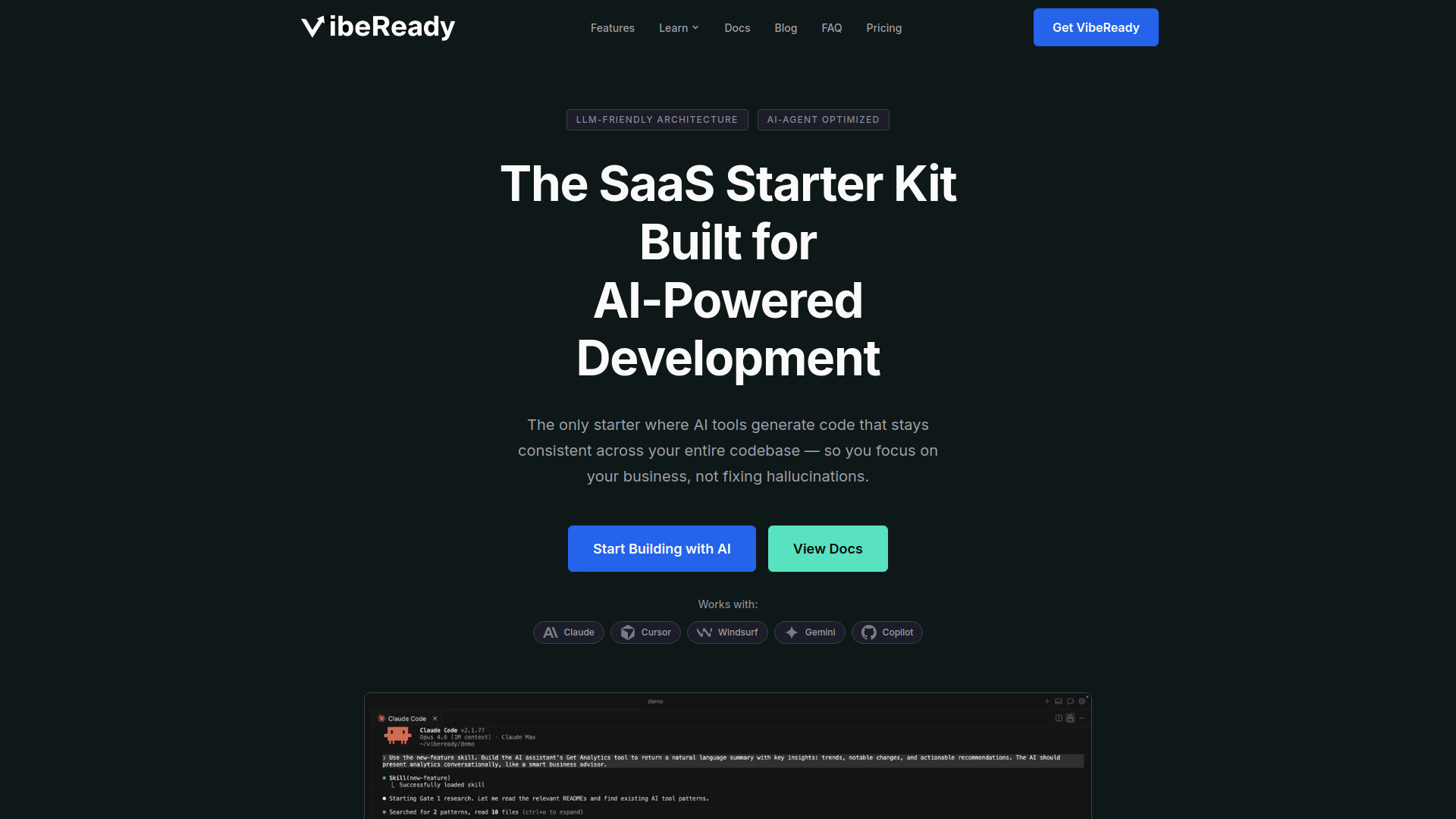
VibeReady is aimed at the part of vibe coding that demos often skip: giving AI-generated software a dependable structure. It offers an AI SaaS boilerplate and an AI framework for vibe coding, with an LLM-friendly architecture, smart context router, and quality gates. Those components are designed specifically for AI tools and to reduce code hallucinations.
That positioning makes it less of a casual playground and more of a foundation for founders who want to build a SaaS product with repeatable guardrails. The one-time $149 price for the AI Framework Only option is also materially different from a free code editor or a simple app generator. You are paying for a more opinionated starting point rather than just access to an AI conversation.
My take: VibeReady is the best fit here for founders who already know they are building a SaaS product and want the architecture to reflect AI-assisted development from the beginning. It is a poor first stop if you are only trying to make a quick prototype.
Where it falls short: Its infrastructure is specifically tailored for Google Cloud Platform. That constraint matters: teams committed to another cloud environment should verify compatibility before buying the framework.
Key features
AI SaaS boilerplate.
AI framework for vibe coding.
LLM-friendly architecture.
Smart context router and quality gates.
Pros
Designed specifically for AI tools to reduce code hallucinations.
Provides a more structured starting point than an empty project.
Clear alignment with SaaS founders and AI-powered development.
Cons
Infrastructure is specifically tailored for GCP.
The AI Framework Only option starts at a $149 one-time payment.
More structure can be unnecessary for a small experiment.
Choose VibeReady if: You are a SaaS founder who wants an AI-oriented architecture and quality controls before the project grows.
8. Rosebud AI

Rosebud AI
Best for non-programmers creating 3D games
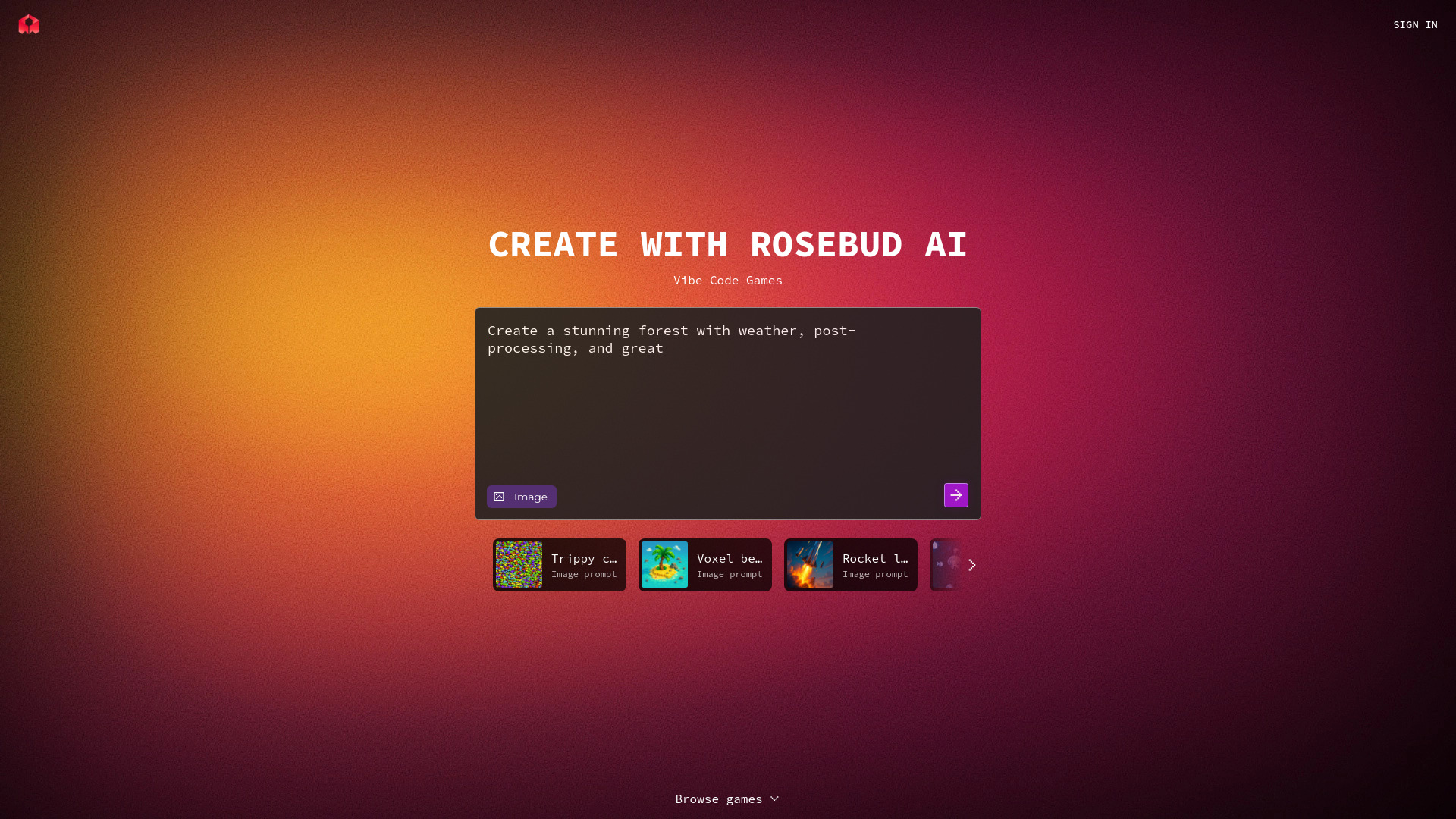
Rosebud AI takes the most literal no-code interpretation of vibe coding in this group. It focuses on game development without traditional coding, paired with AI-generated visuals and no-code 3D game creation. That combination makes it a natural entry point for designers, storytellers, and aspiring game creators who have a world or mechanic in mind but do not want to begin with programming lessons.
The tool's strength is the connection between the idea and the world being made. Instead of separating visual production from game creation, Rosebud AI makes both part of the accessible workflow. It is also one of the more established-feeling options in this shortlist by usage signal, with 643K monthly visits.
My take: Rosebud AI is the clearest choice for a beginner who wants to make a playable 3D concept rather than a business application. The no-code focus is genuinely useful, but serious creators should still plan for a learning curve around game design and iteration.
Where it falls short: Full access to features may require a subscription. The referral offer is not a substitute for a straightforward production plan, so check current access levels before starting a larger game project.
Key features
Vibe coding for game development without traditional coding.
AI-generated visuals.
No-code 3D game creation.
Pros
No coding required, making game development accessible to non-programmers.
Combines game creation with visual generation.
Strong fit for 3D worlds and early playable concepts.
Cons
A subscription may be required for full functionality.
Users should verify which creation features are available at each access level.
Choose Rosebud AI if: You want to create a 3D game or world through prompts and do not want traditional coding to be the first barrier.
9. Viblo

Viblo
Best for content creators automating short-form video edits
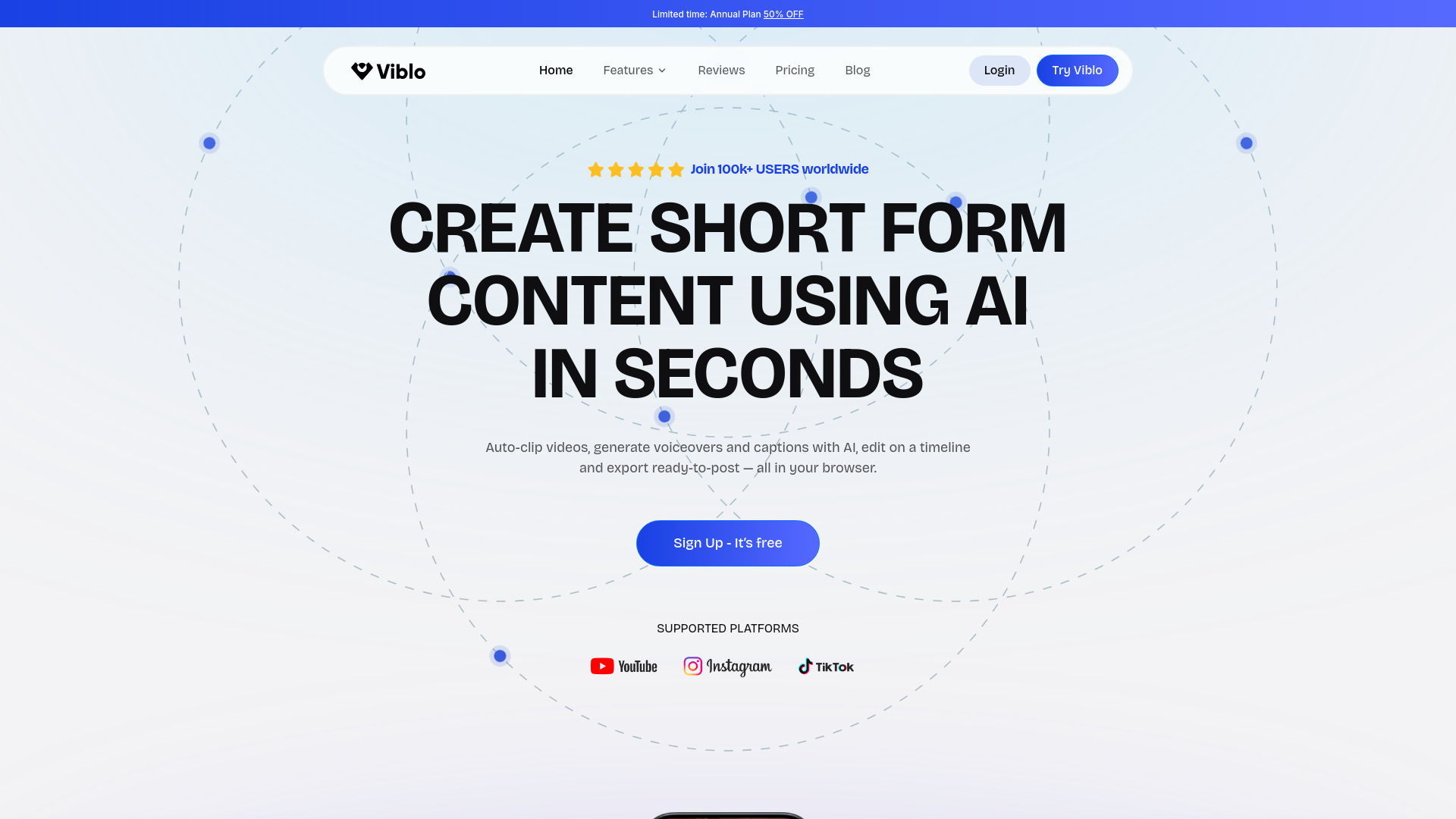
Viblo is another adjacent option, this time for creators who want to automate the repetitive work around short-form video. Its feature set includes auto-clipping, highlight detection, AI voiceover generation, and instant captions. Rather than building software, users are directing an editing system toward the parts of a video that deserve attention.
That makes Viblo relevant to vibe coding discussions because the same prompt-first expectation is now common in content workflows: provide source material, let AI identify and transform the useful sections, then make the final editorial call. The seven-day free trial gives creators a defined way to test whether the automation fits their publishing routine.
My take: Viblo is worth considering when the real bottleneck is not ideation but the hours spent turning long footage into short clips. It does not belong on a shortlist for coding an app, but it is one of the better broader visual studios in this comparison.
Where it falls short: Usage is limited by plan quotas and credits. Creators with a high publishing volume should calculate how quickly those limits might be reached rather than judging the tool from one successful trial project.
Key features
Auto-clipping and highlight detection.
AI voiceover generation.
Instant captions.
A seven-day free trial.
Pros
Automates time-consuming clipping, captioning, and voiceover tasks.
Strong fit for short-form video workflows.
Gives users a trial period before a paid commitment.
Cons
Usage is limited by plan quotas and credits.
It is a video workflow tool, not a general-purpose coding environment.
Choose Viblo if: You are a content creator who wants AI to turn source video into short-form assets with less manual editing.
10. CodeRabbit

CodeRabbit
Best for developers adding AI code review to their workflow
CodeRabbit does not generate an entire application from a single idea. Its role comes later, when generated code needs scrutiny. The tool automates code reviews and provides contextual, line-by-line feedback, including a stated ability to catch 95%+ of bugs. That makes it a useful companion for developers who use AI to move faster but do not want review quality to depend entirely on a rushed manual pass.
This is an important distinction in the best vibe coding platforms conversation. Prompting can accelerate implementation, but acceleration also increases the need to examine what changed. CodeRabbit targets that quality-control step directly, making it particularly relevant alongside an AI coding agent or a conventional development environment.
My take: CodeRabbit is the practical safety net in this list. I would pair it with a builder or editor rather than treat it as a standalone vibe coding app, especially when generated changes touch a shared codebase.
Where it falls short: Paid plans are required for full functionality. The 14-day trial is useful for evaluation, but teams should confirm the current review limits and pricing before making it part of a regular process.
Key features
AI-powered code reviews.
Contextual line-by-line feedback.
Claims to catch 95%+ of bugs.
A 14-day free trial.
Pros
Automates the code review process and can save time.
Feedback is tied to individual lines and their context.
Complements AI-generated code with an explicit review step.
Cons
Paid plans are required for full functionality.
It reviews code rather than generating a complete application.
Choose CodeRabbit if: You already use AI to write software and need a dedicated review layer to examine generated changes.
More tools to compare

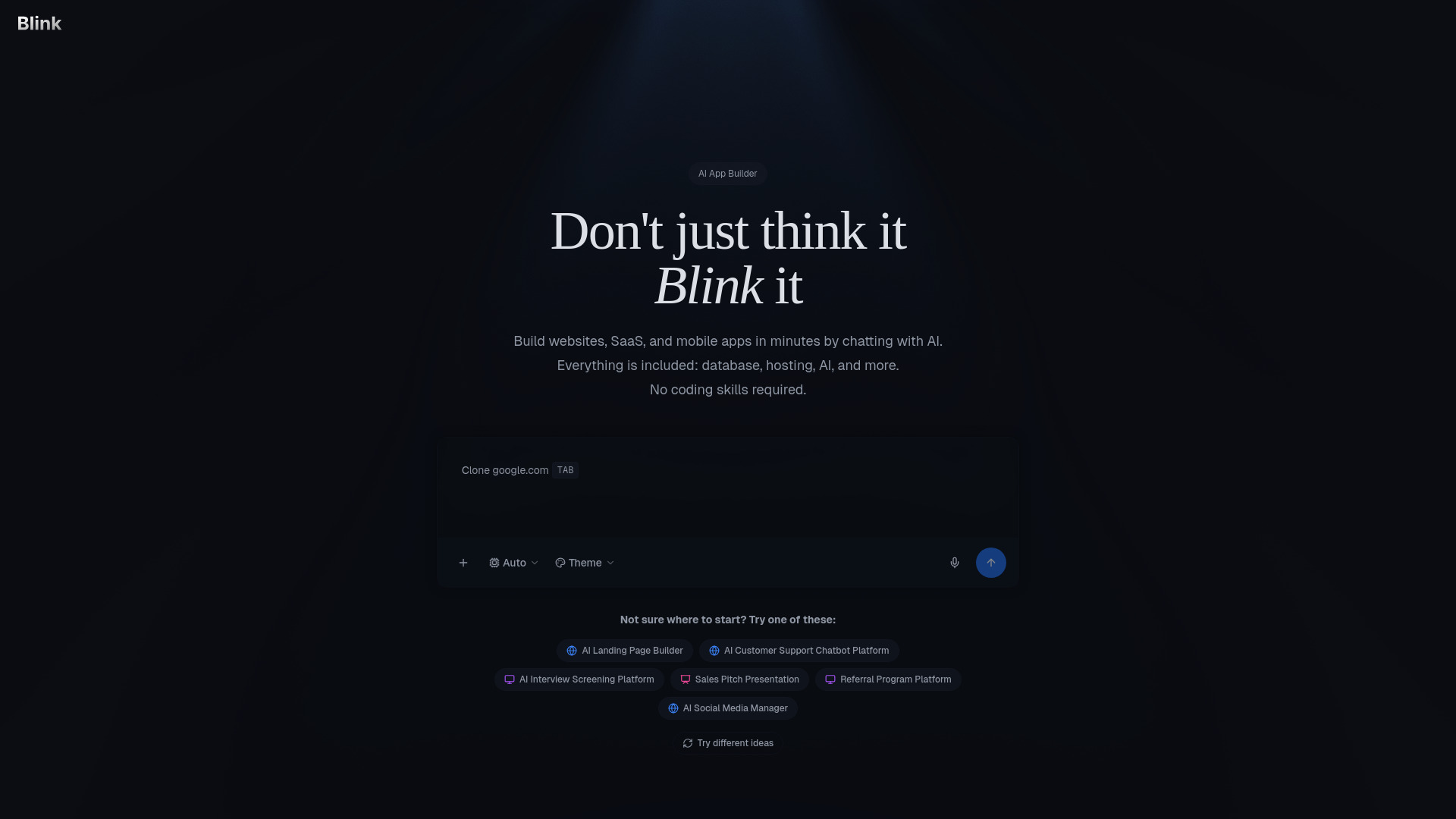
Blink AI App Builder
Rapid MVP and SaaS app building

HyperFrames
AI-assisted video composition


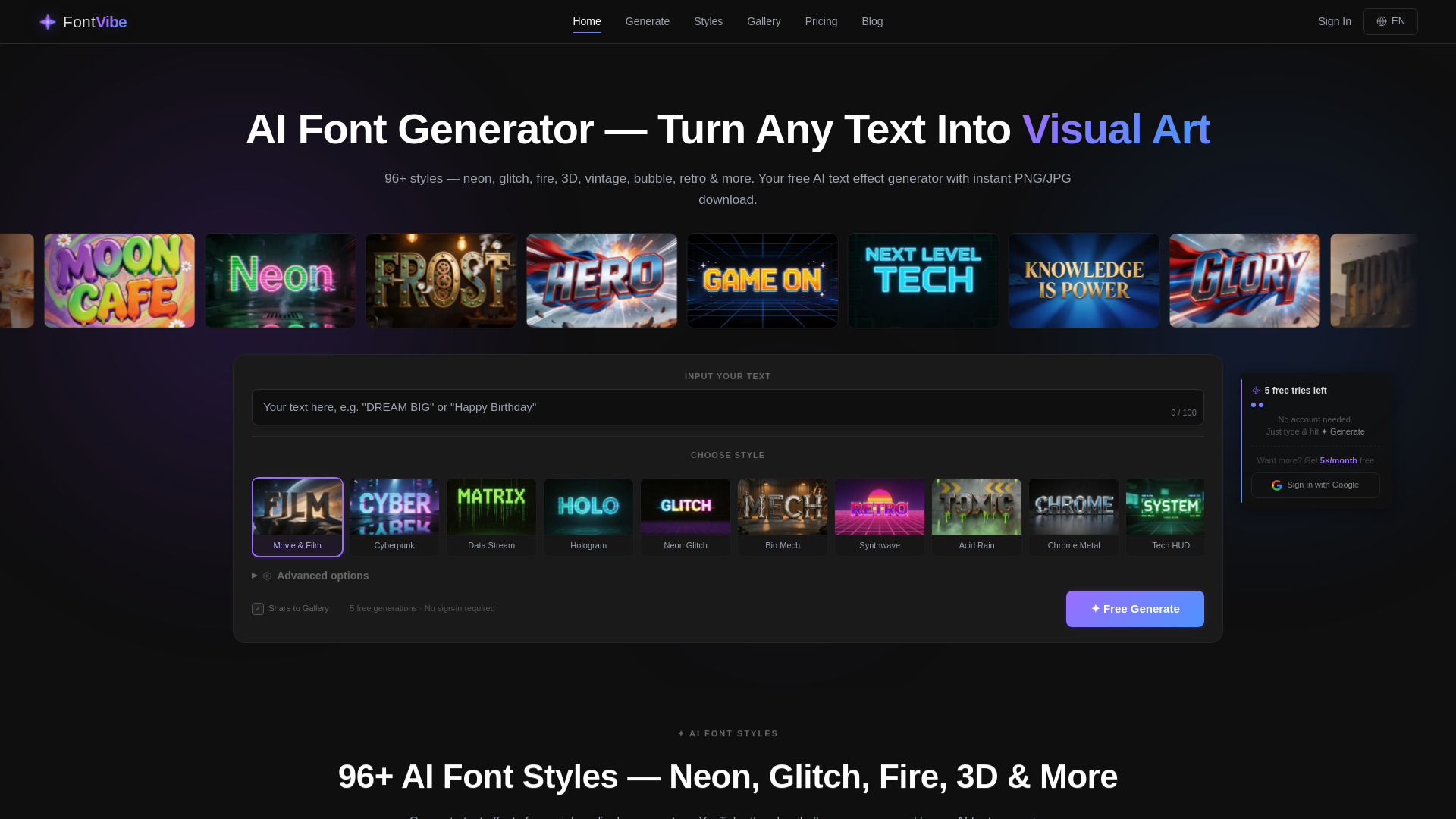
FontVibe
AI text effects and visual assets
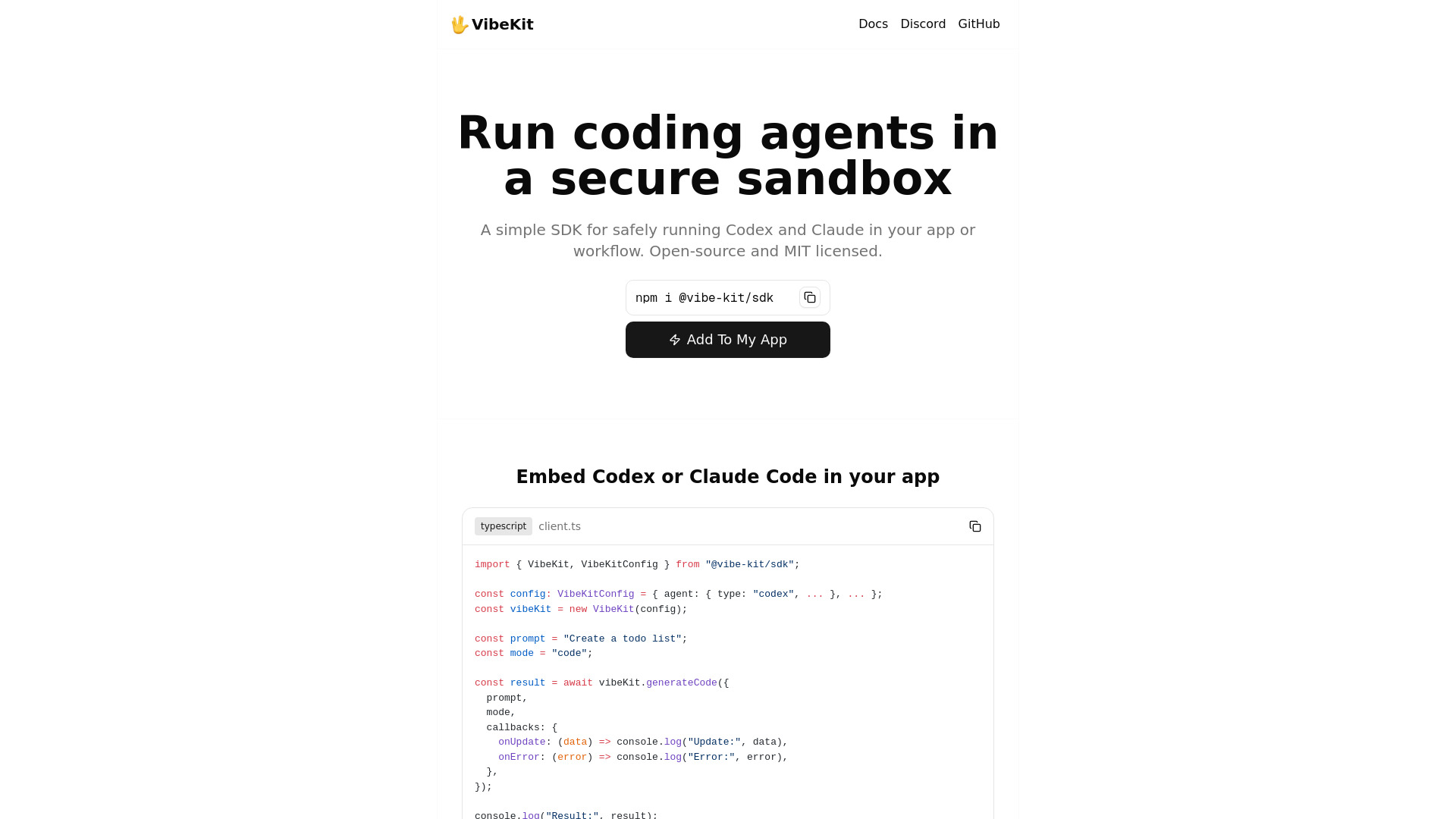
VibeKit
Secure sandbox coding agents

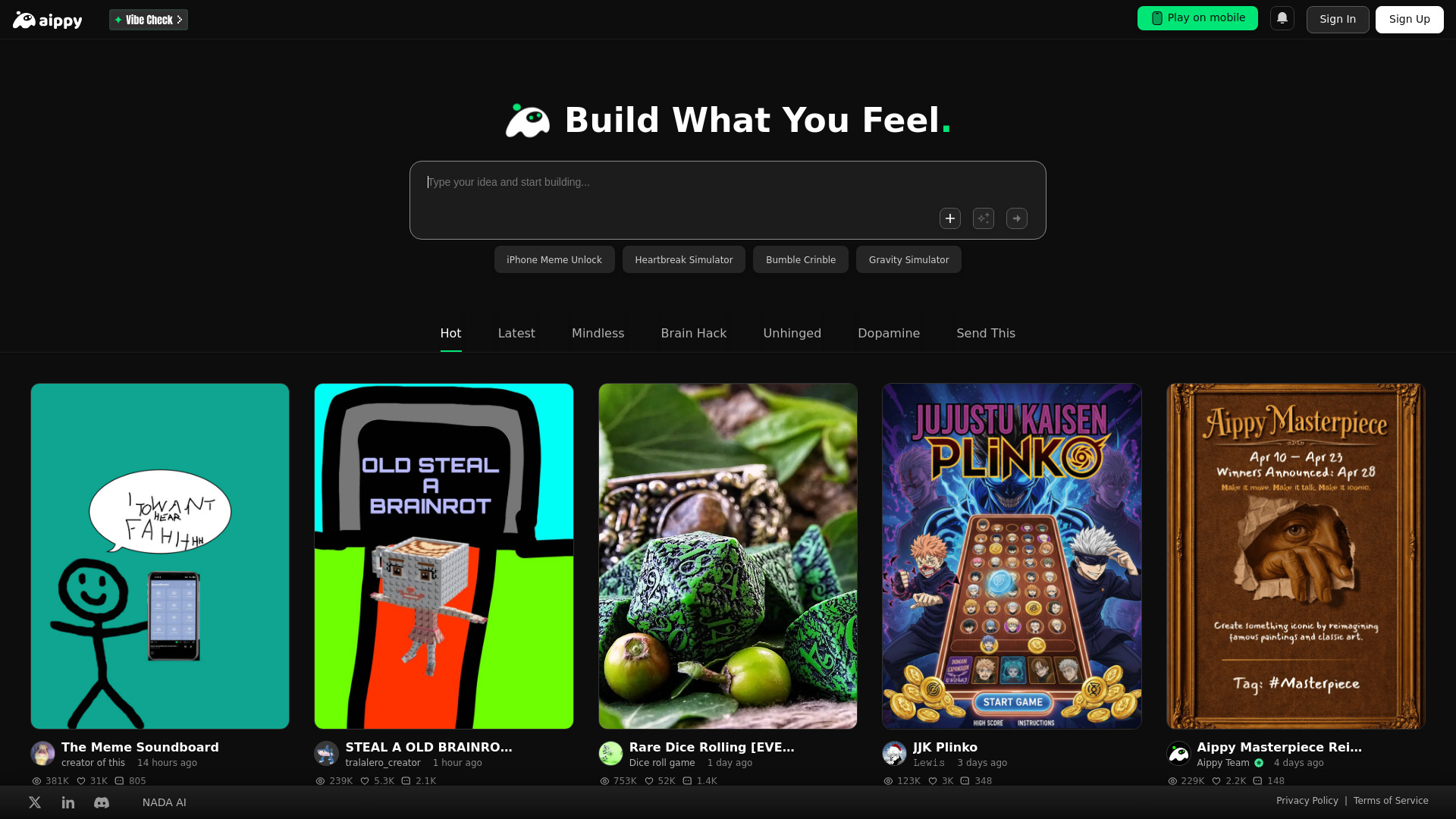
Aippy
AI-powered interactive creations

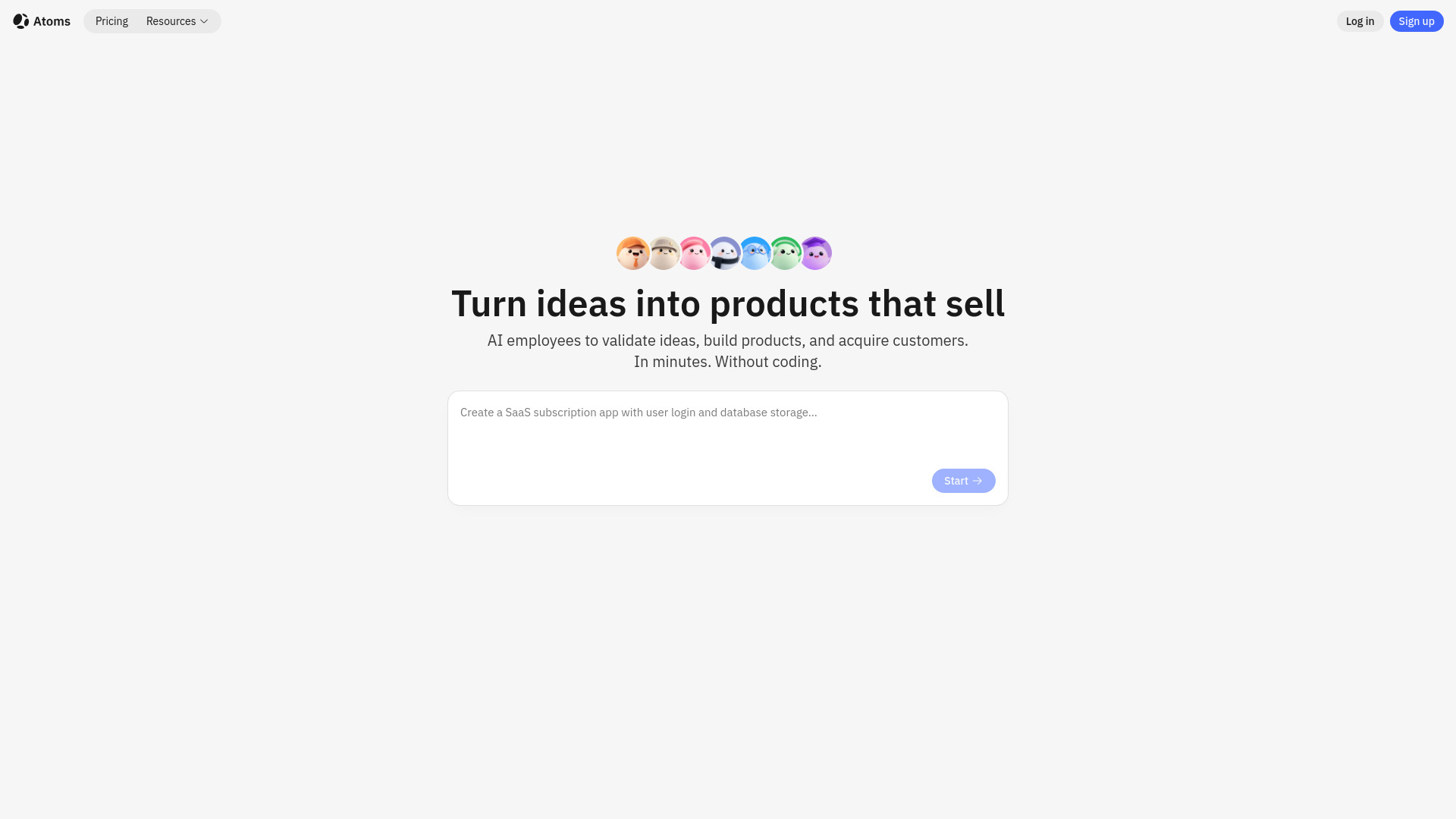
Atoms
Full-stack app building for non-coders

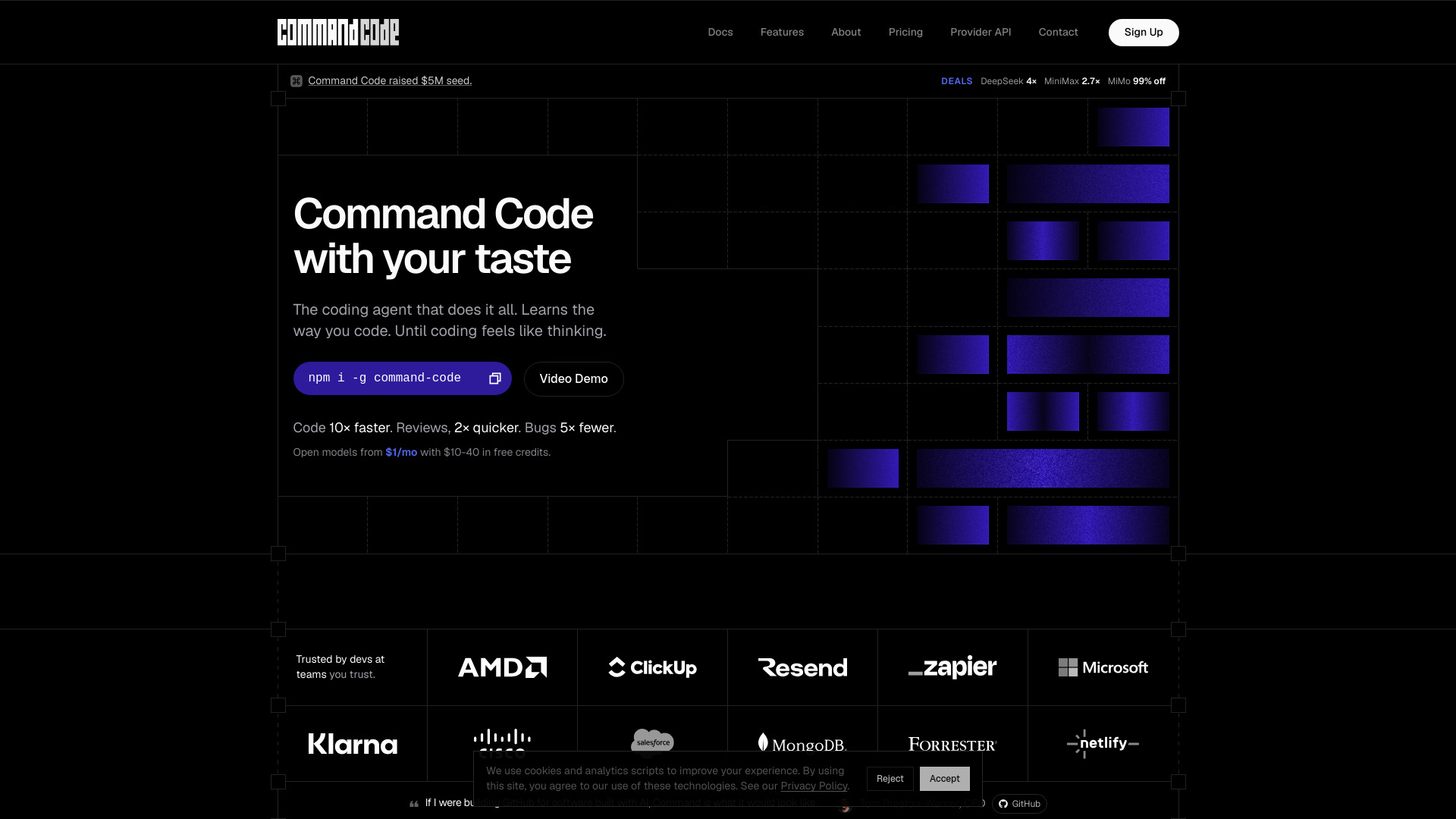
Command Code
Developers seeking coding agents that learn their style

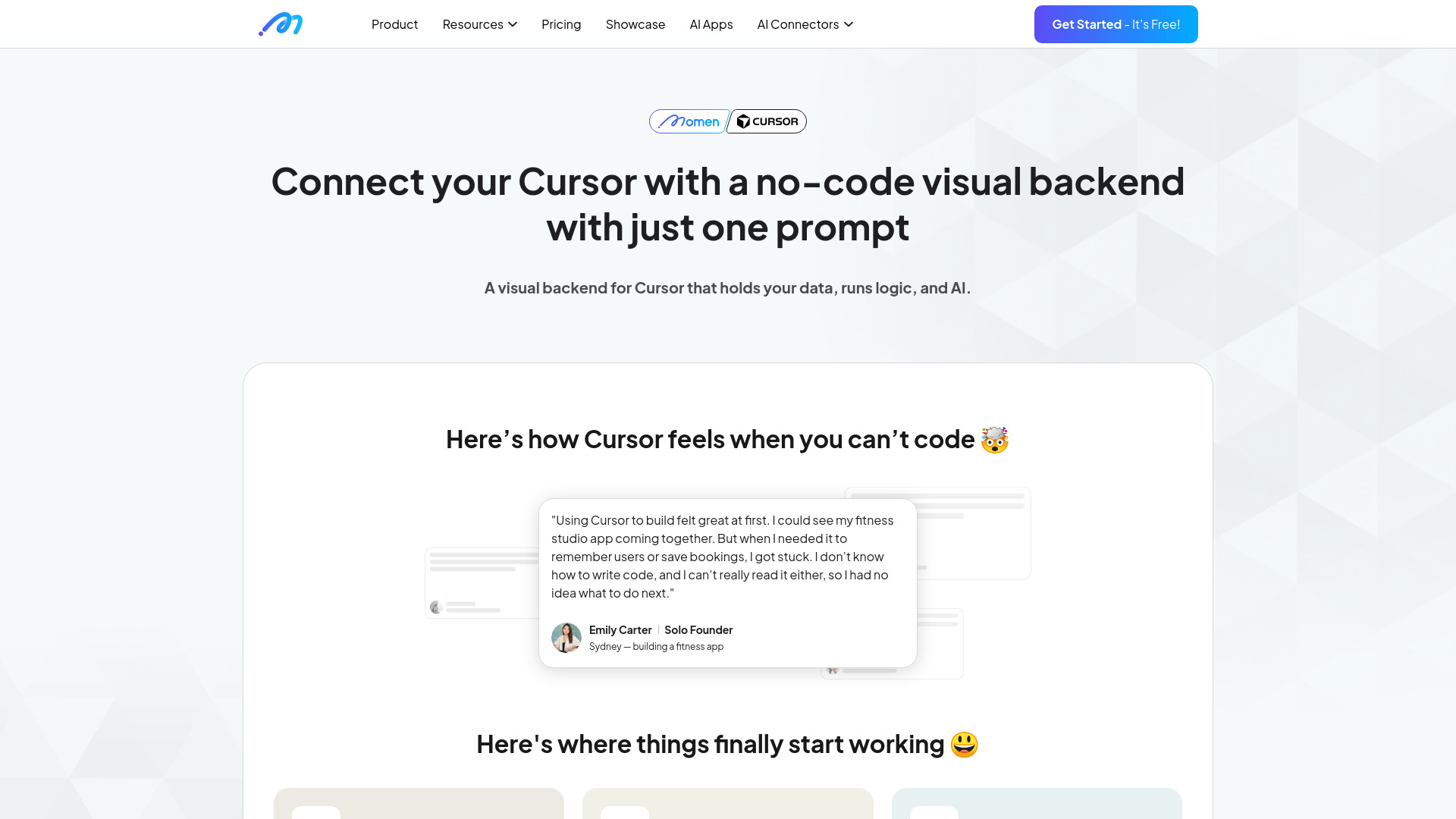
Vibe Architect for Cursor
Visual backends for Cursor

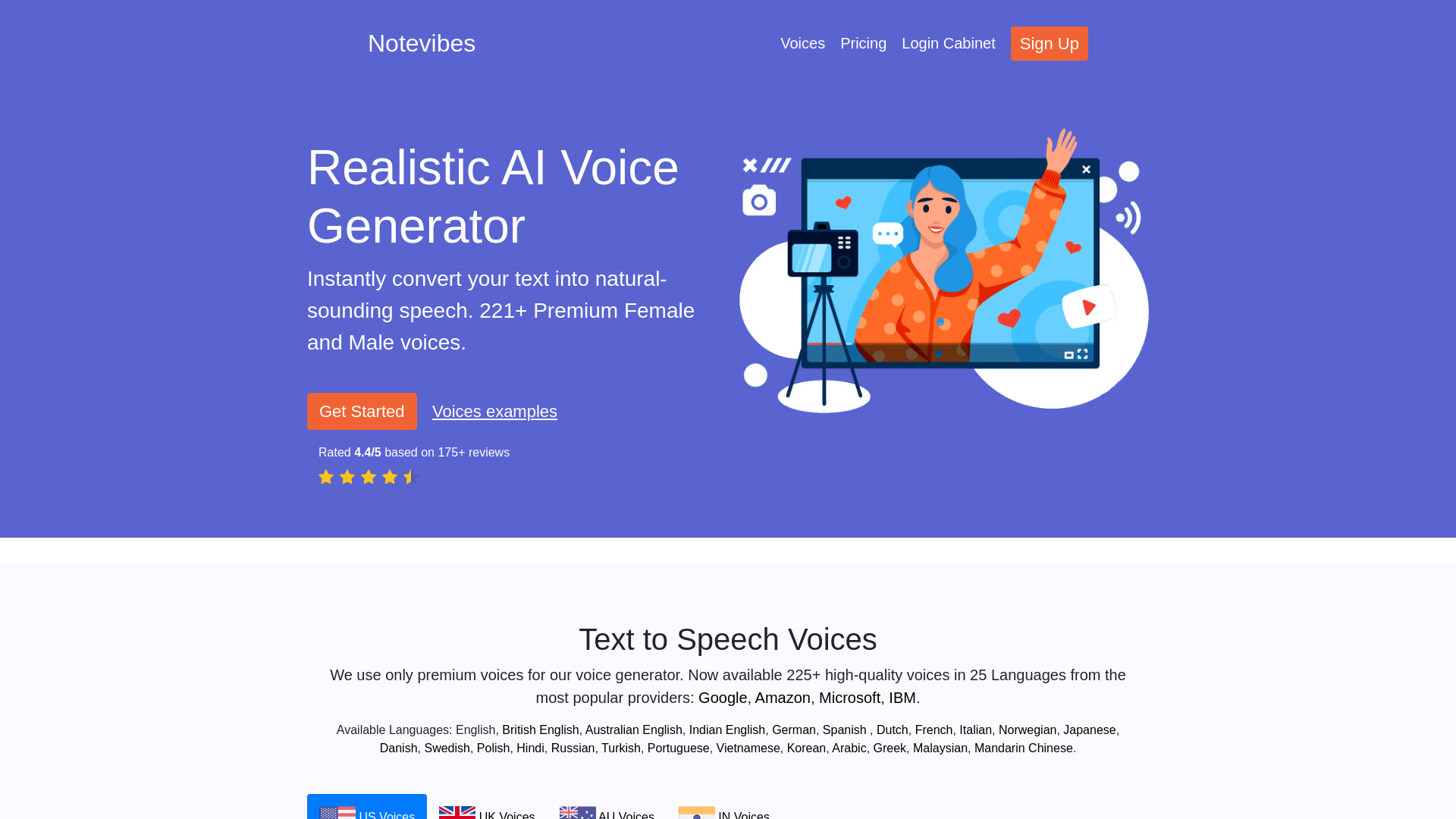
Notevibes
Businesses automating customer calls

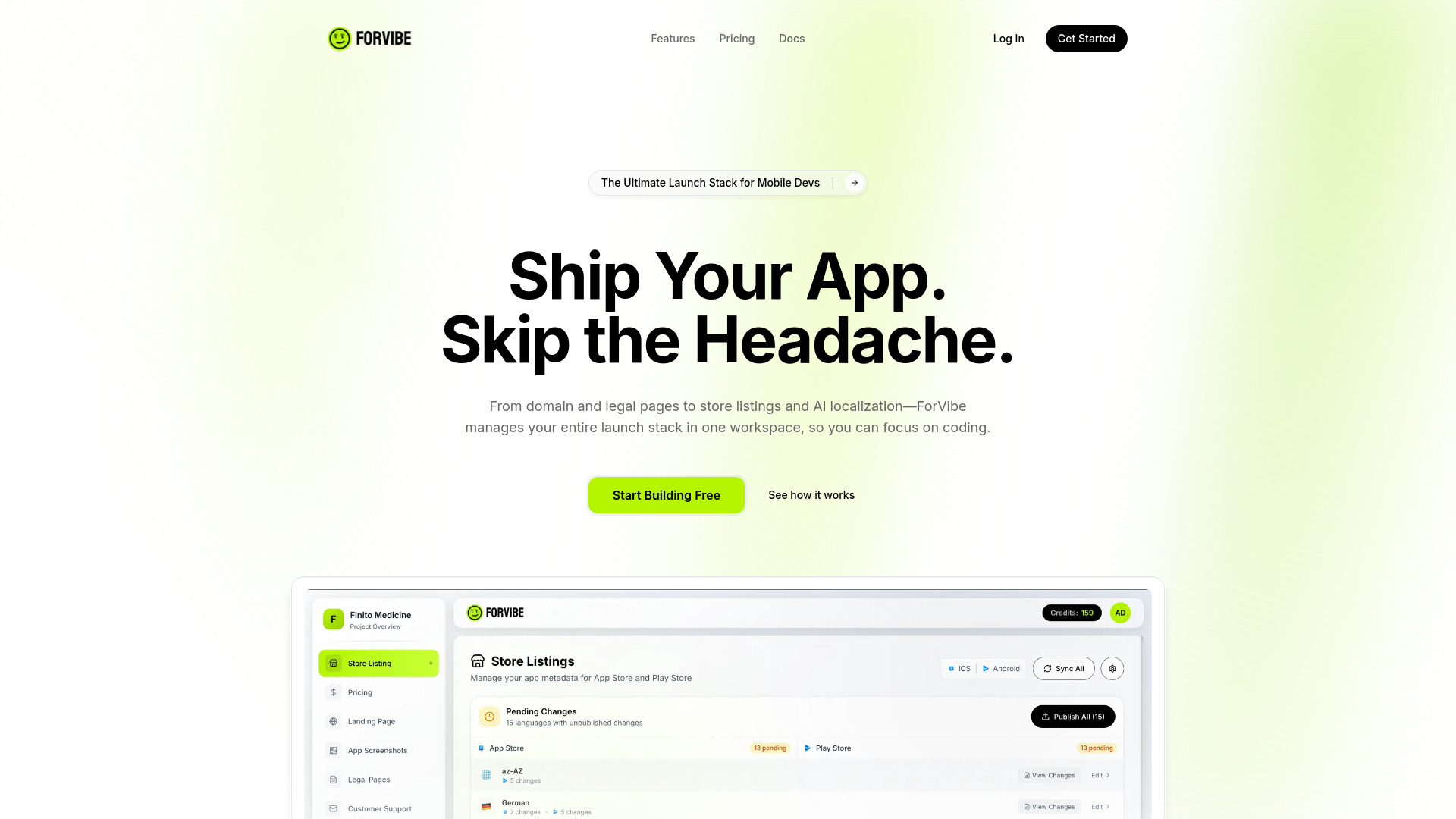
ForVibeApp
Mobile app launch workflows for indie developers
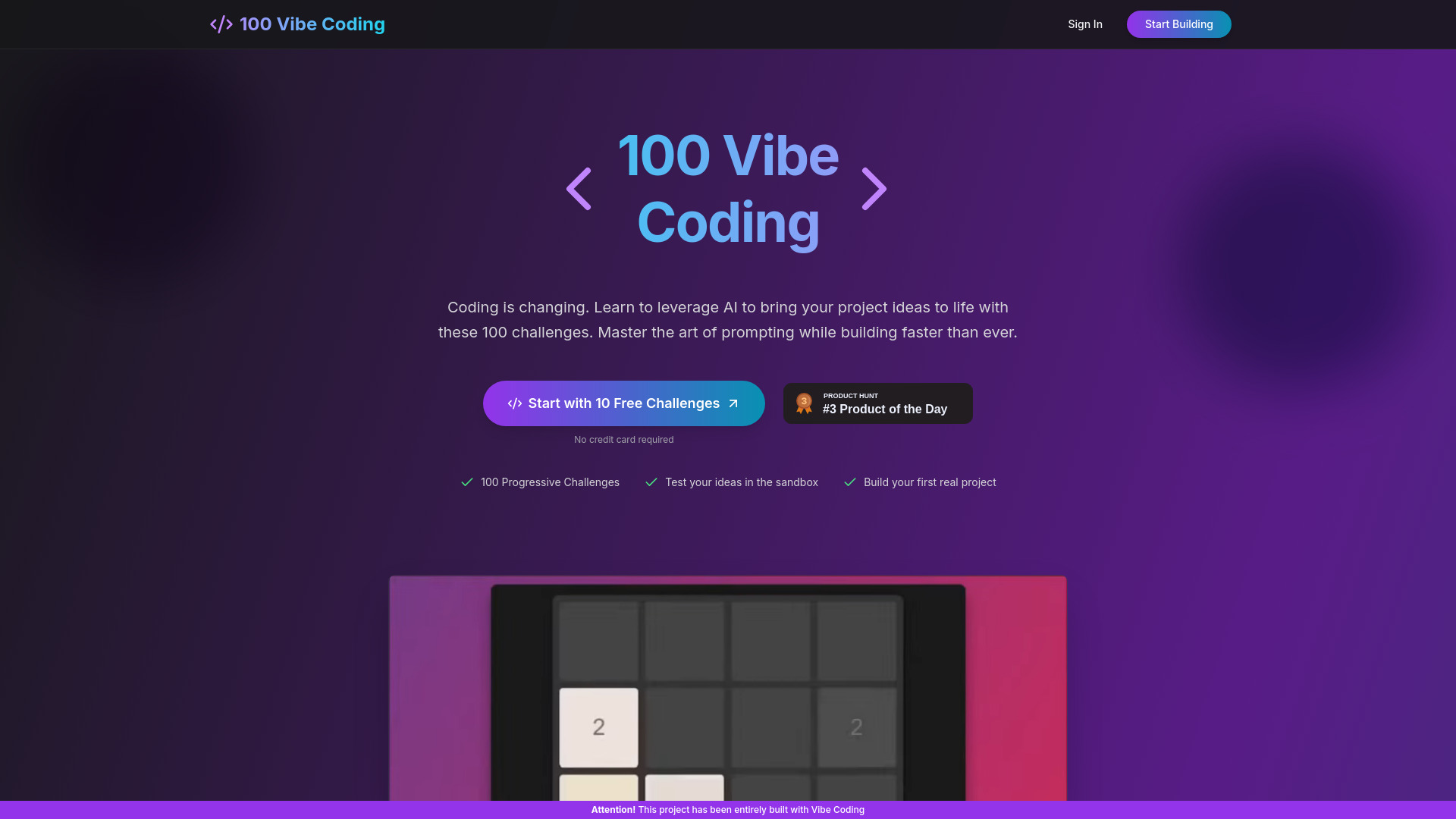
100 Vibe Coding
Beginners learning AI-assisted coding

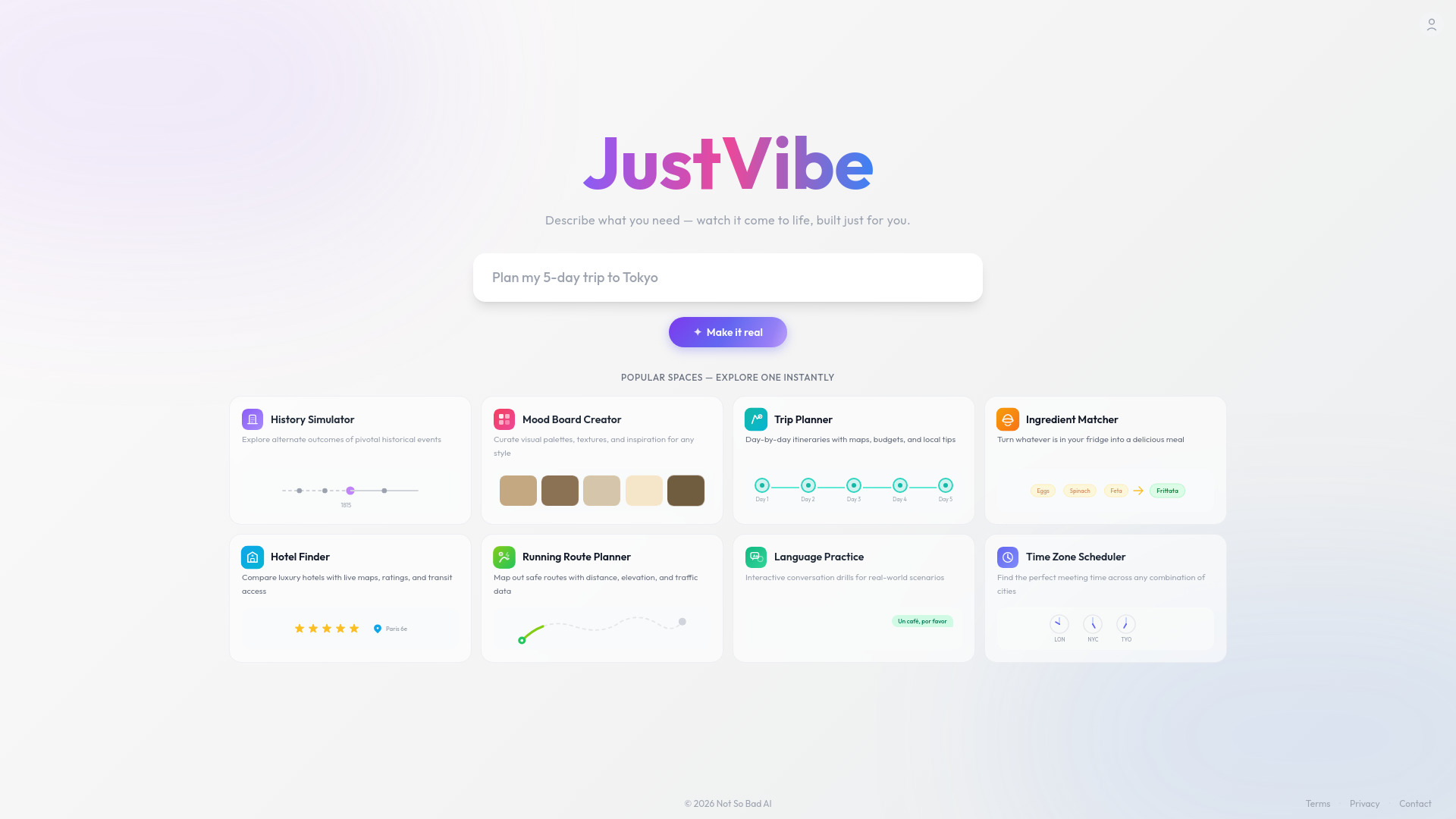
JustVibe
Interactive spaces from plain-language ideas

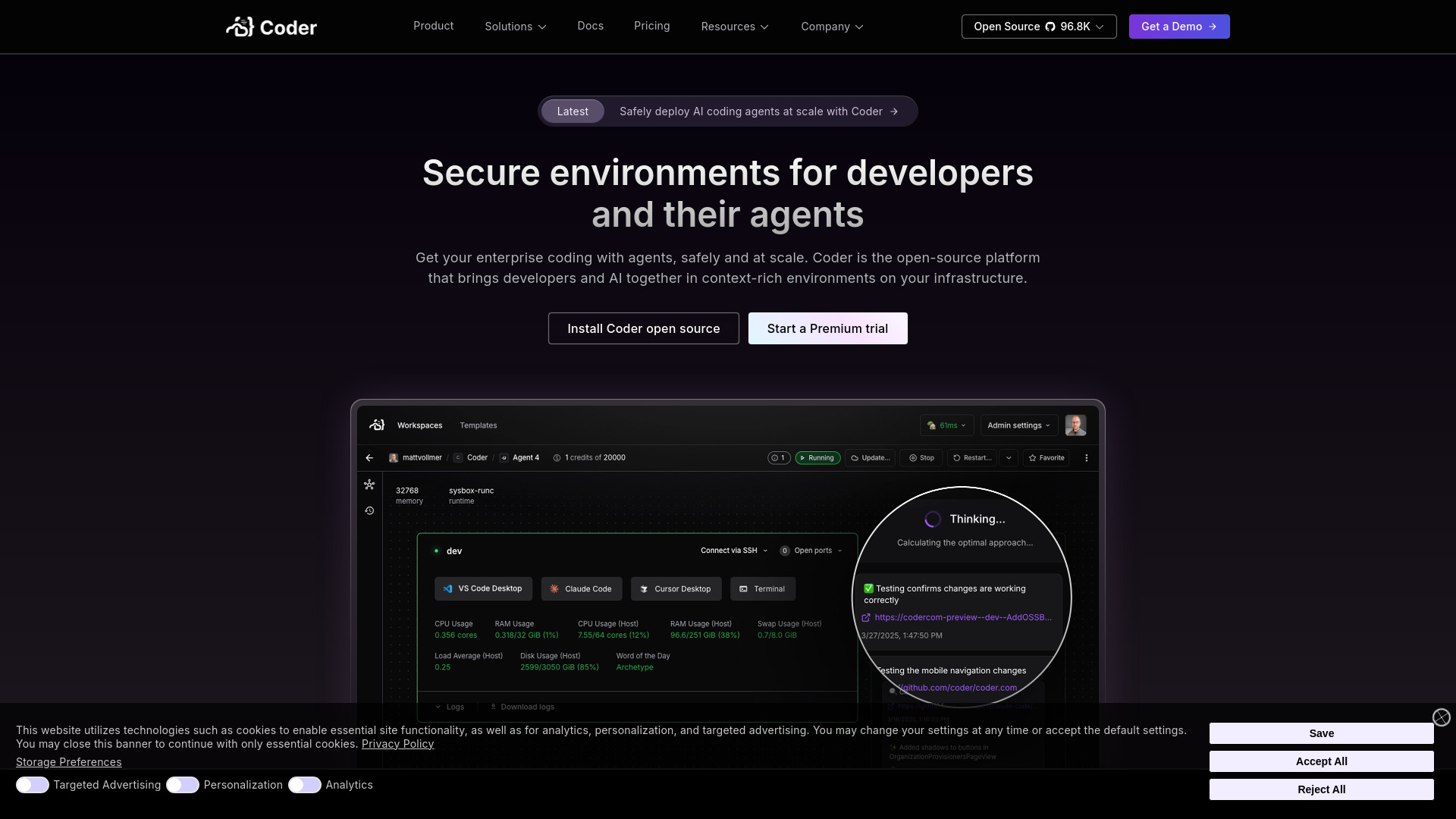
Coder
Self-hosted development teams

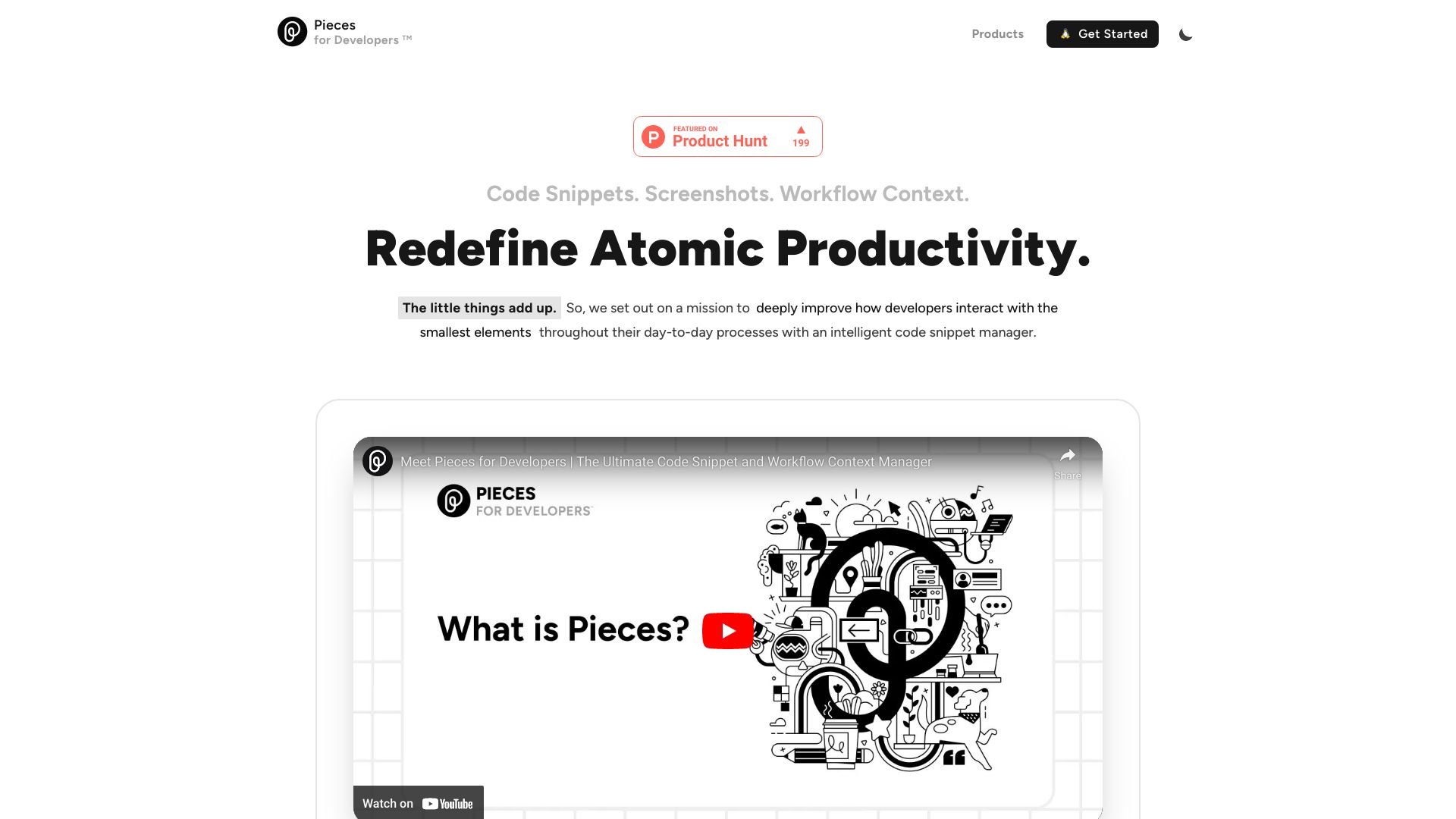
Pieces for Developers
AI code snippet management
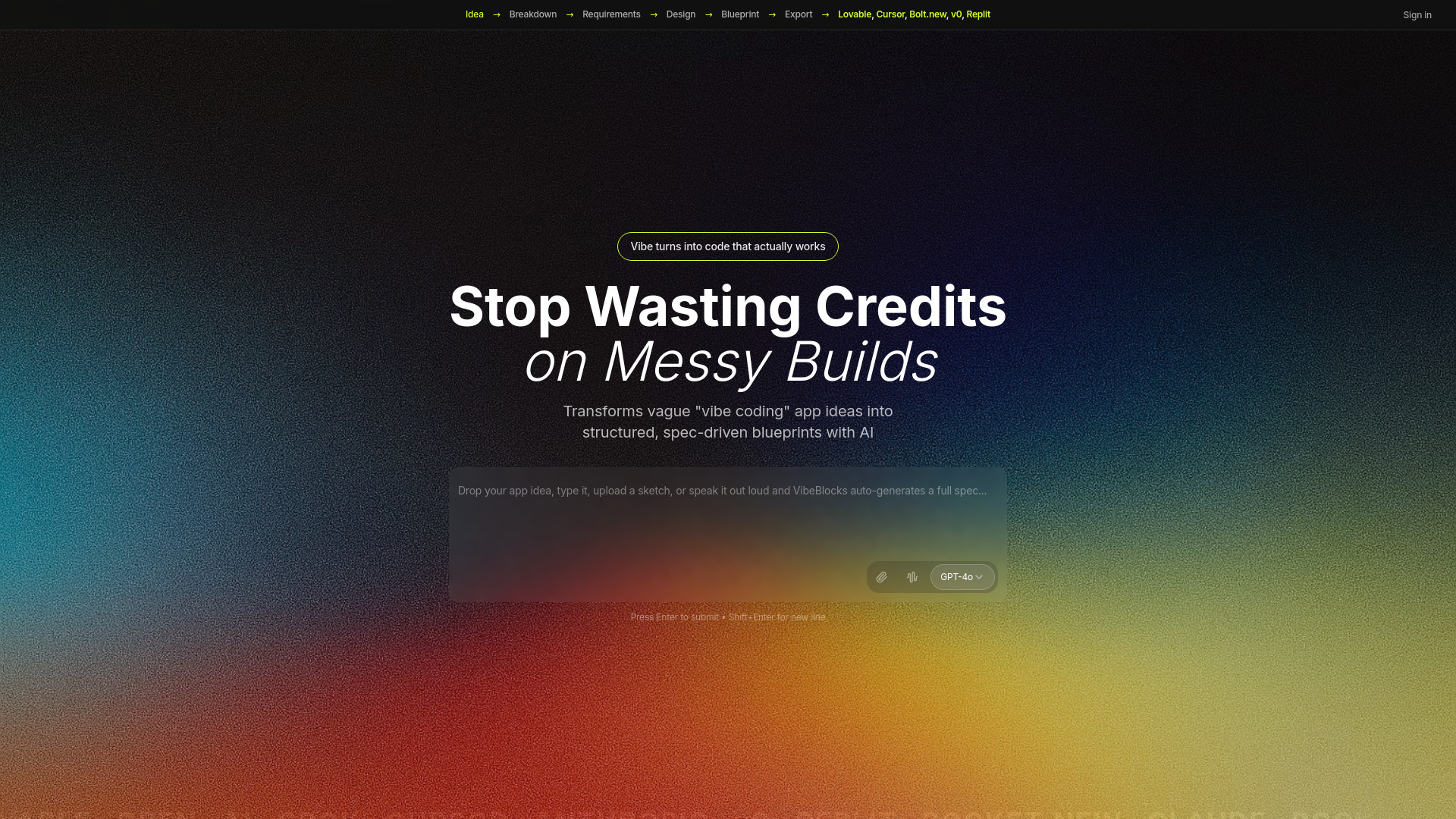
VibeBlocks
Turning app ideas into structured coding blueprints

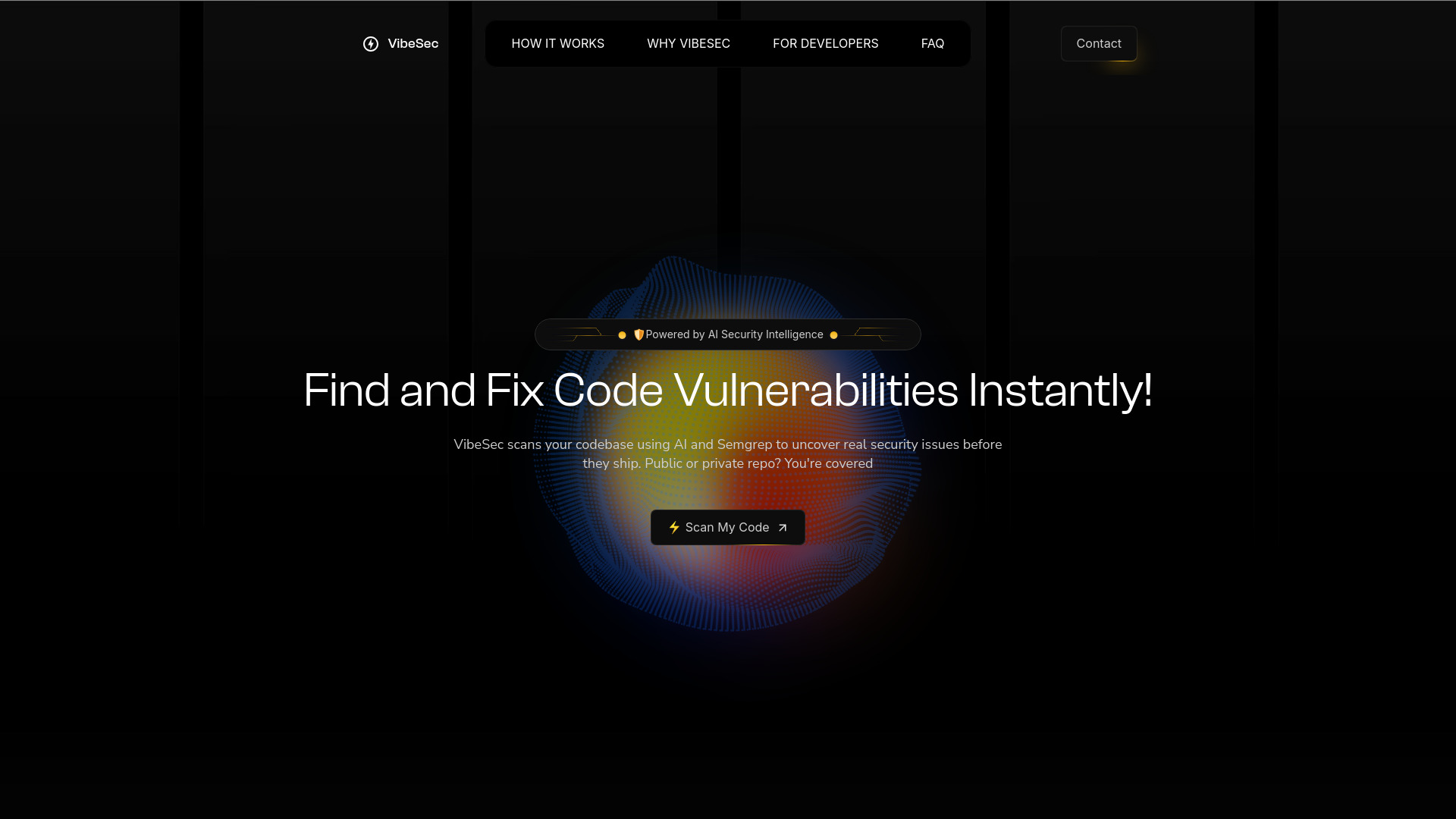
VibeSec
AI code security scanning

v0.dev
Prompt-based React UI generation

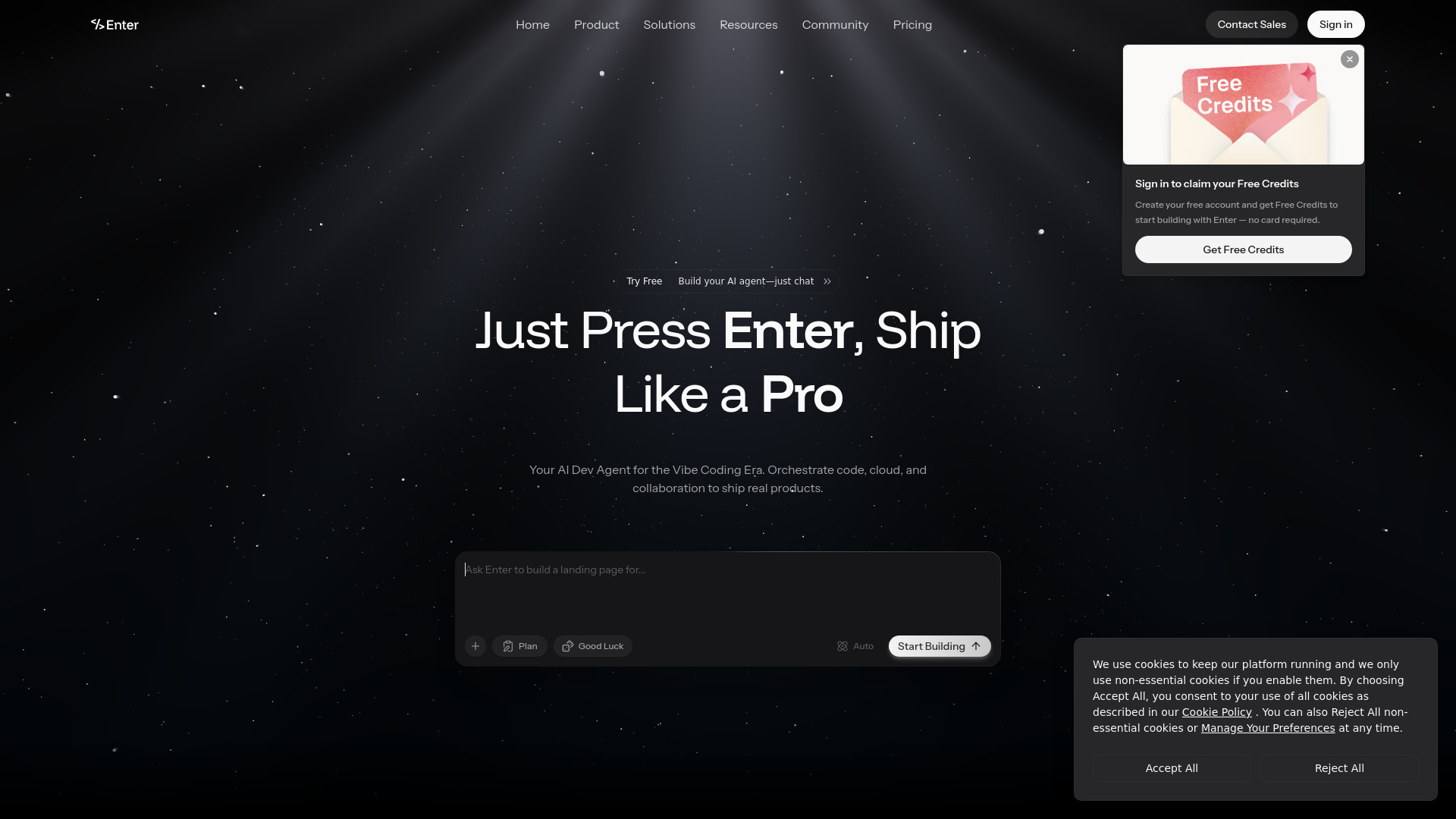
Enter Pro
Vibe coding full-stack apps
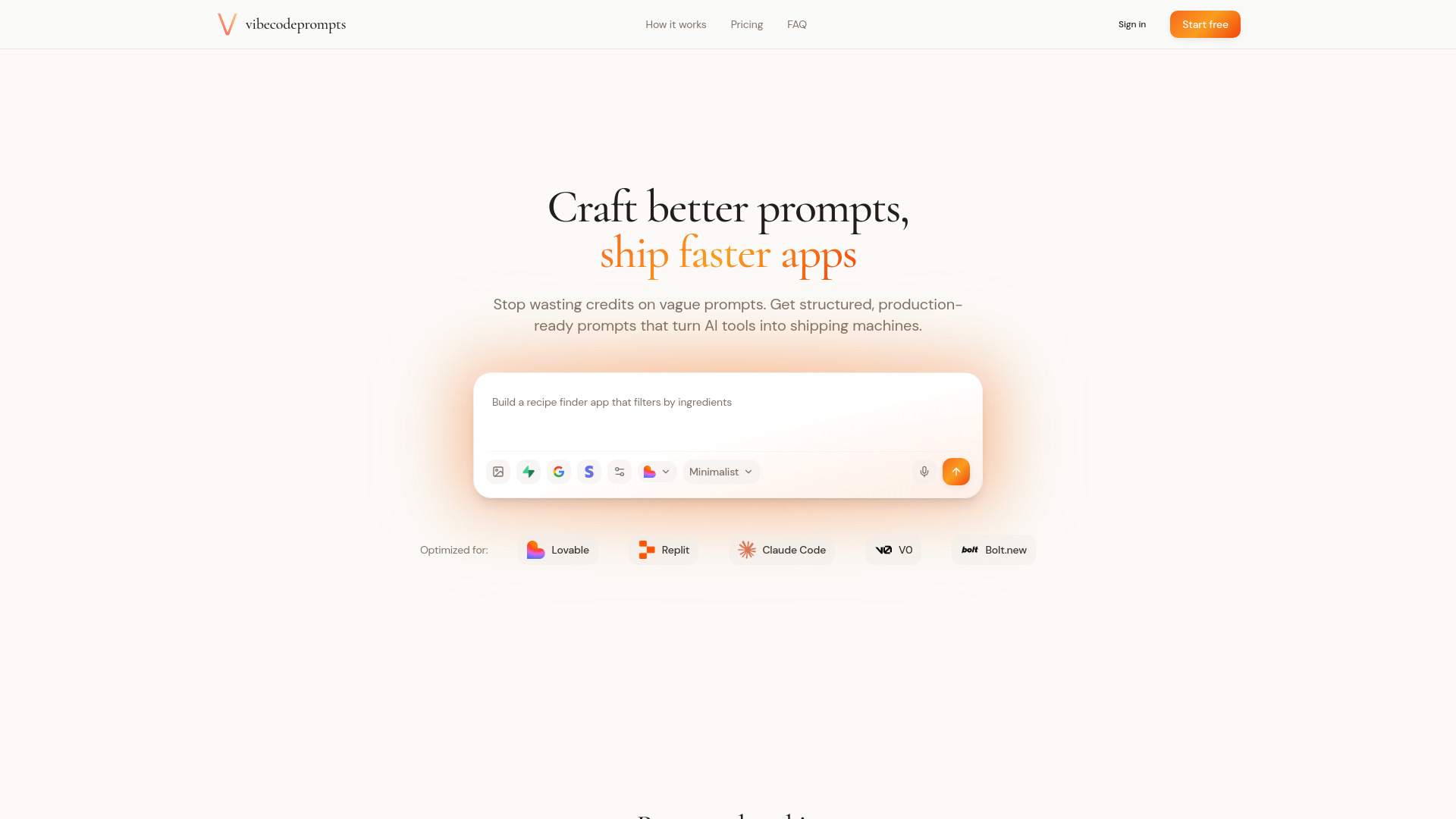
vibecodeprompts
Production-ready prompts for vibe coding
Fabricate
AI-powered full-stack app building
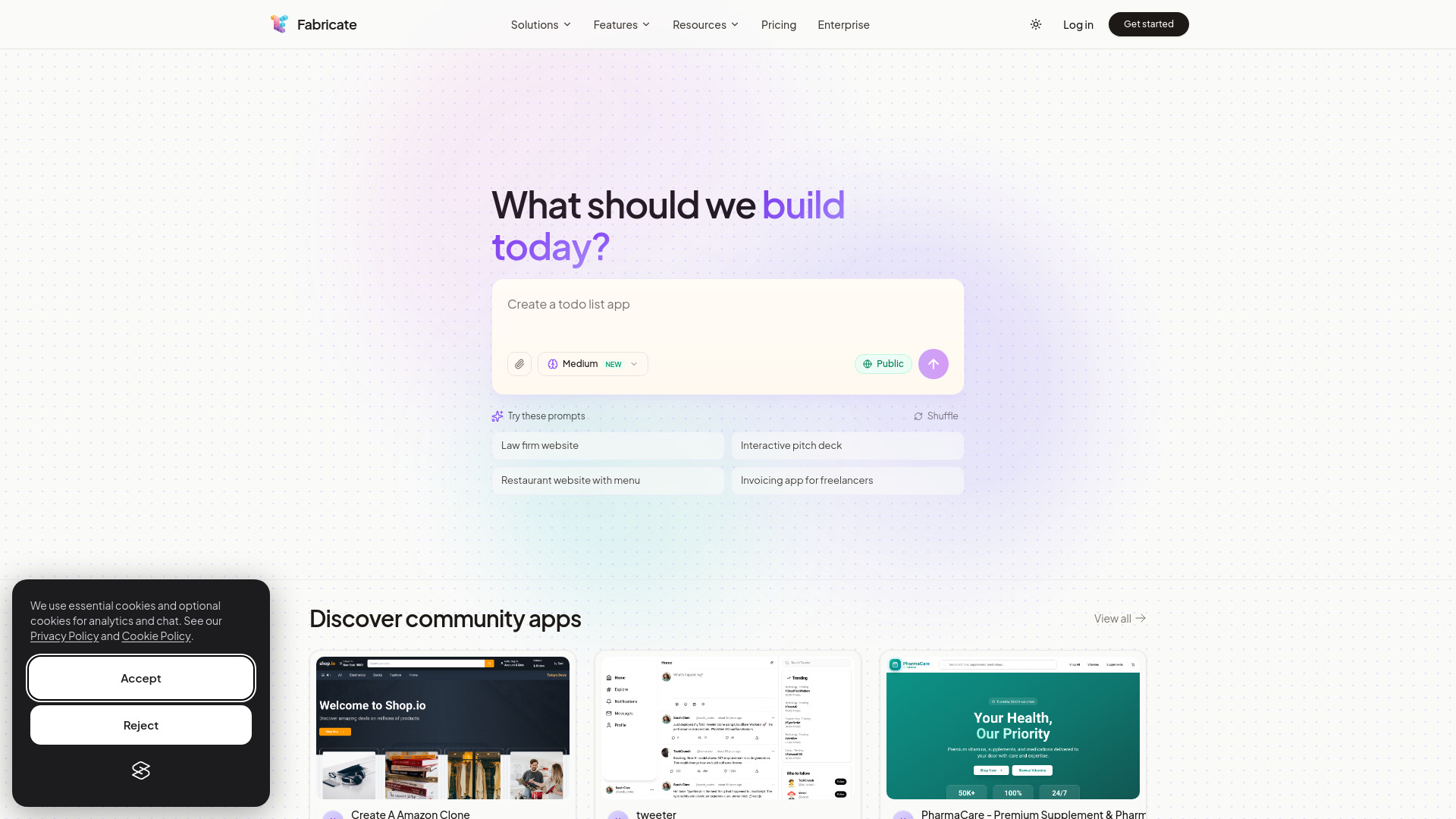

Vibe Architect
Lovable users building production AI apps

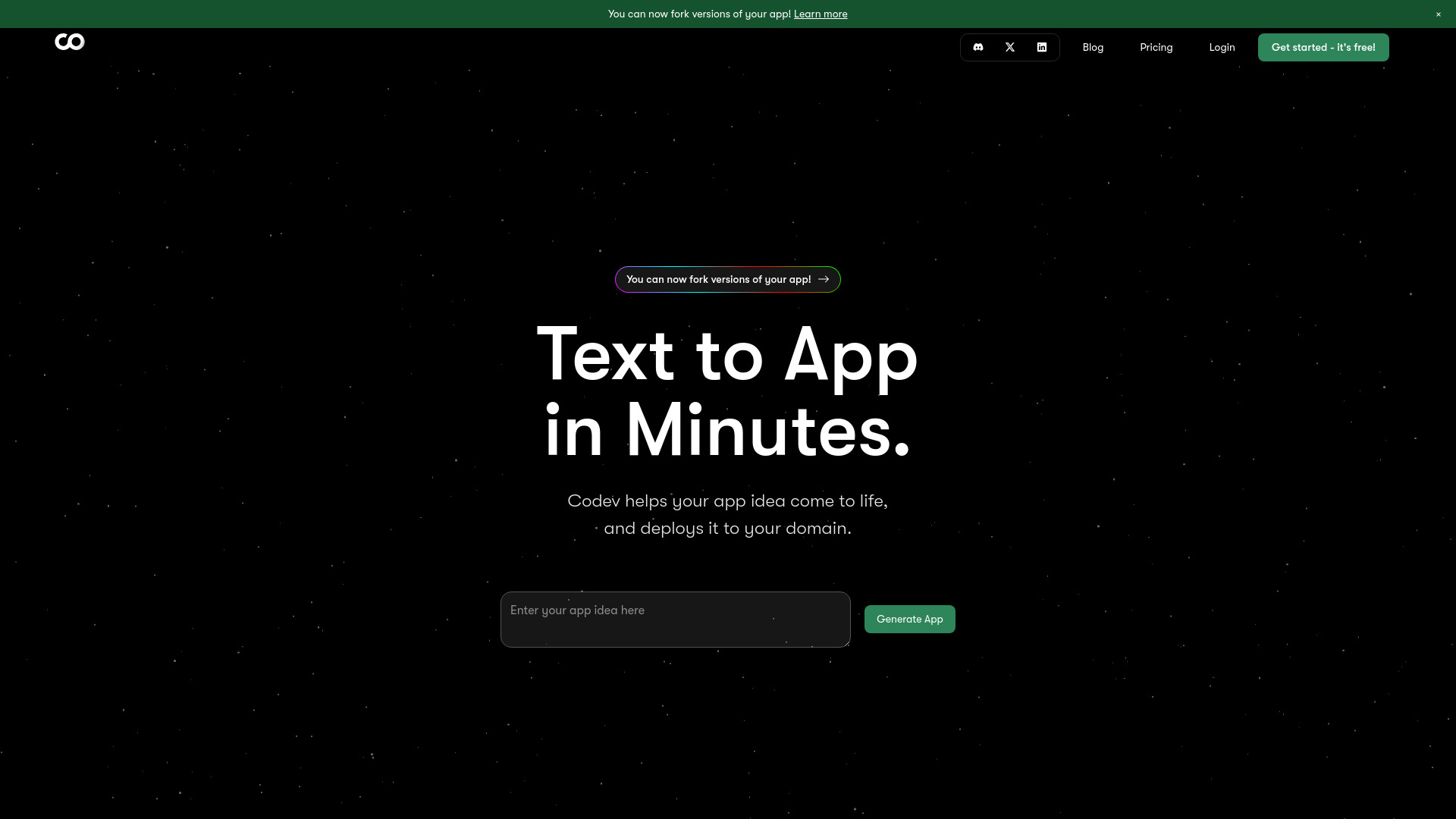
Codev
Text-to-full-stack web app building

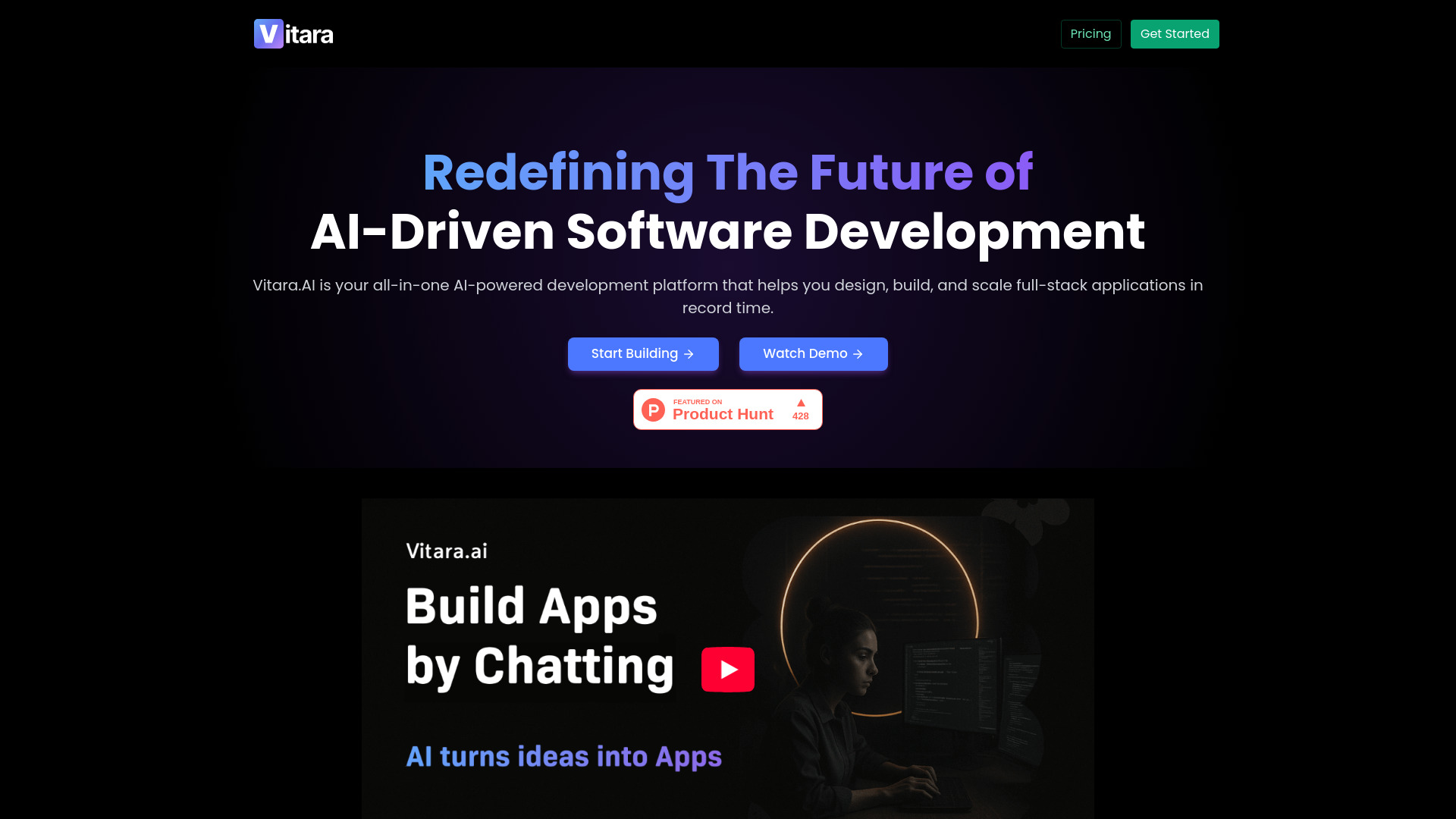
Vitara.ai
Prompt-based full-stack app building

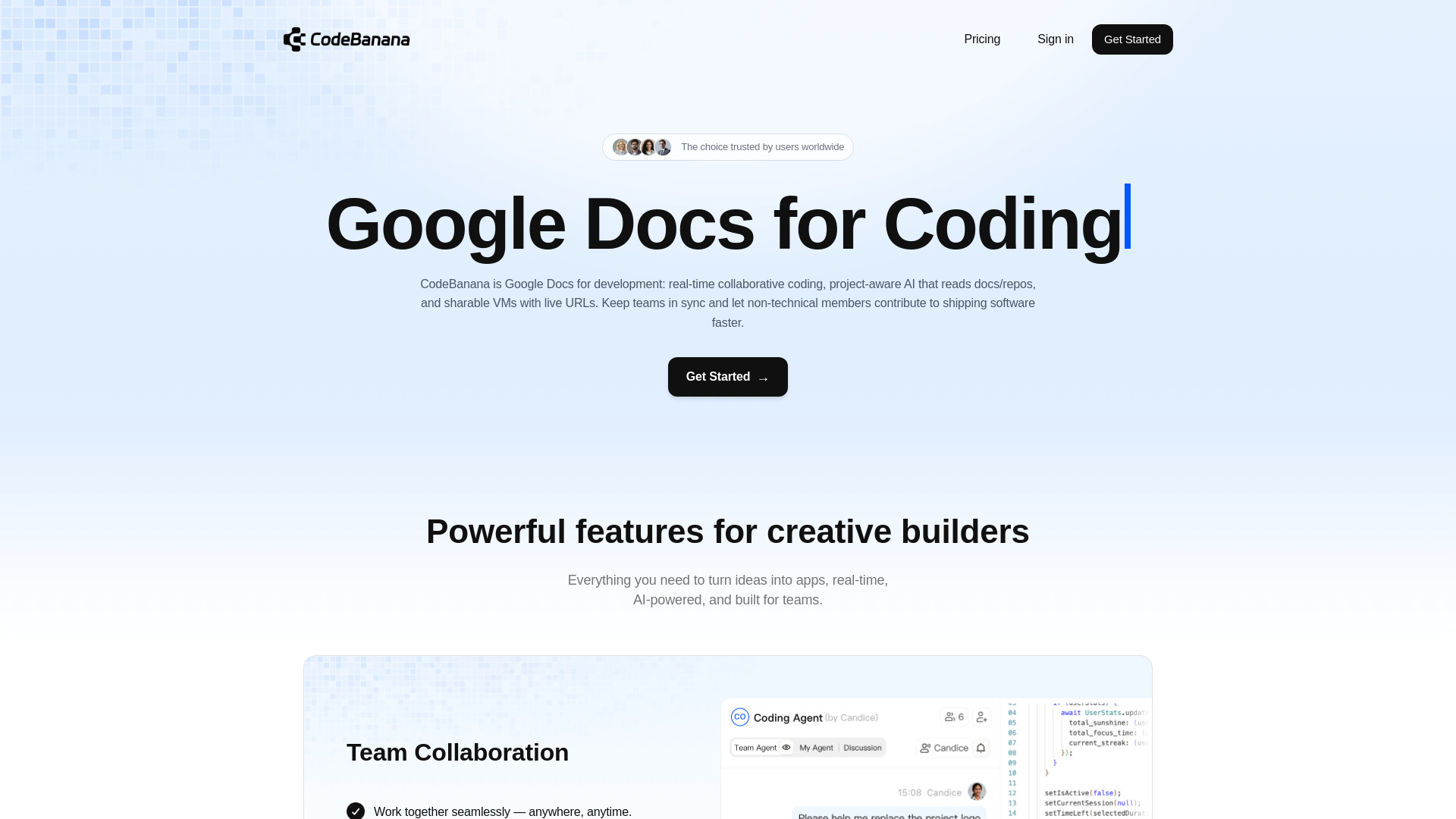
CodeBanana
Real-time collaborative AI coding

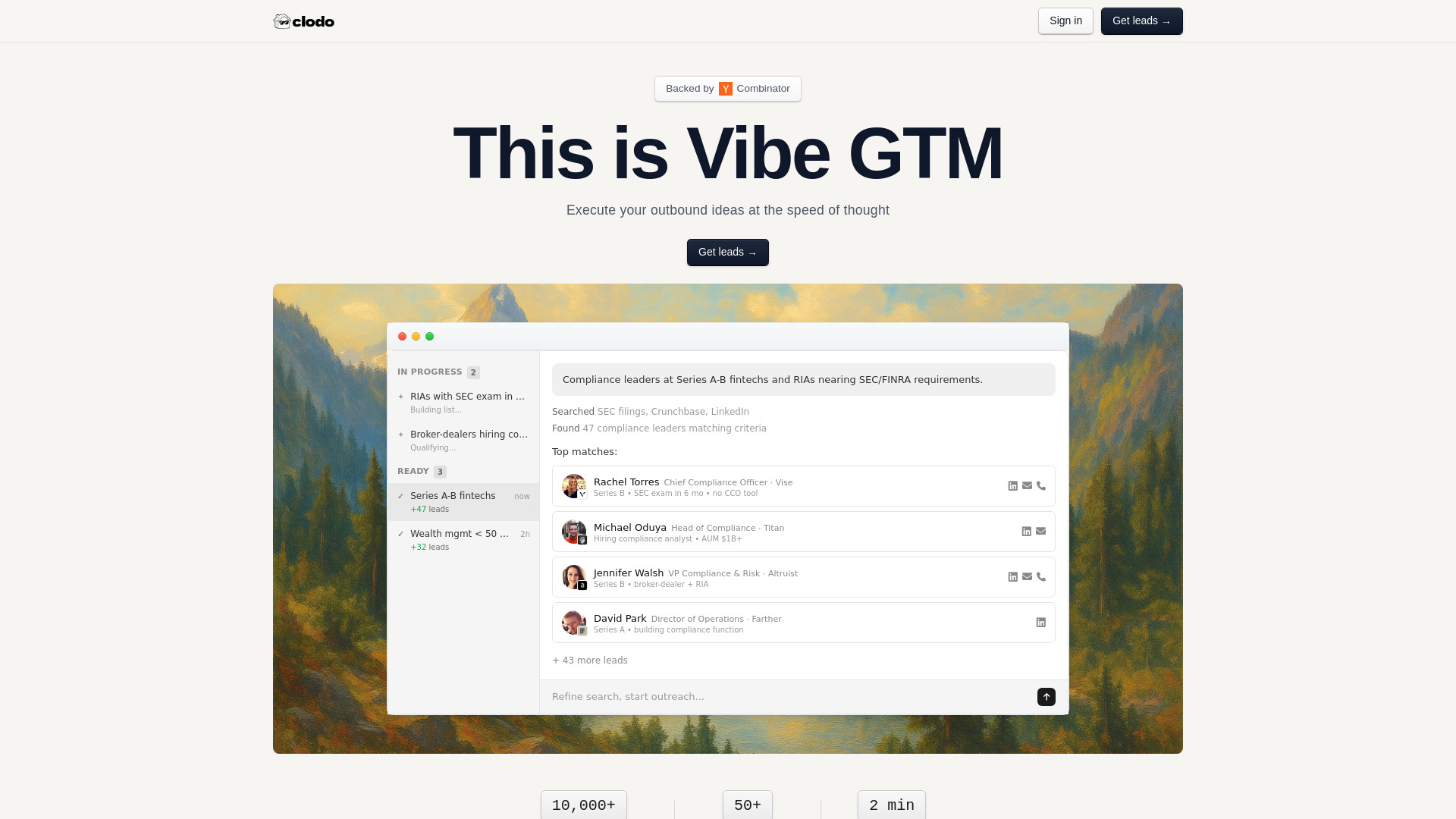
Clodo
Signal-driven B2B outbound prospecting

Youmake
Non-coder app founders
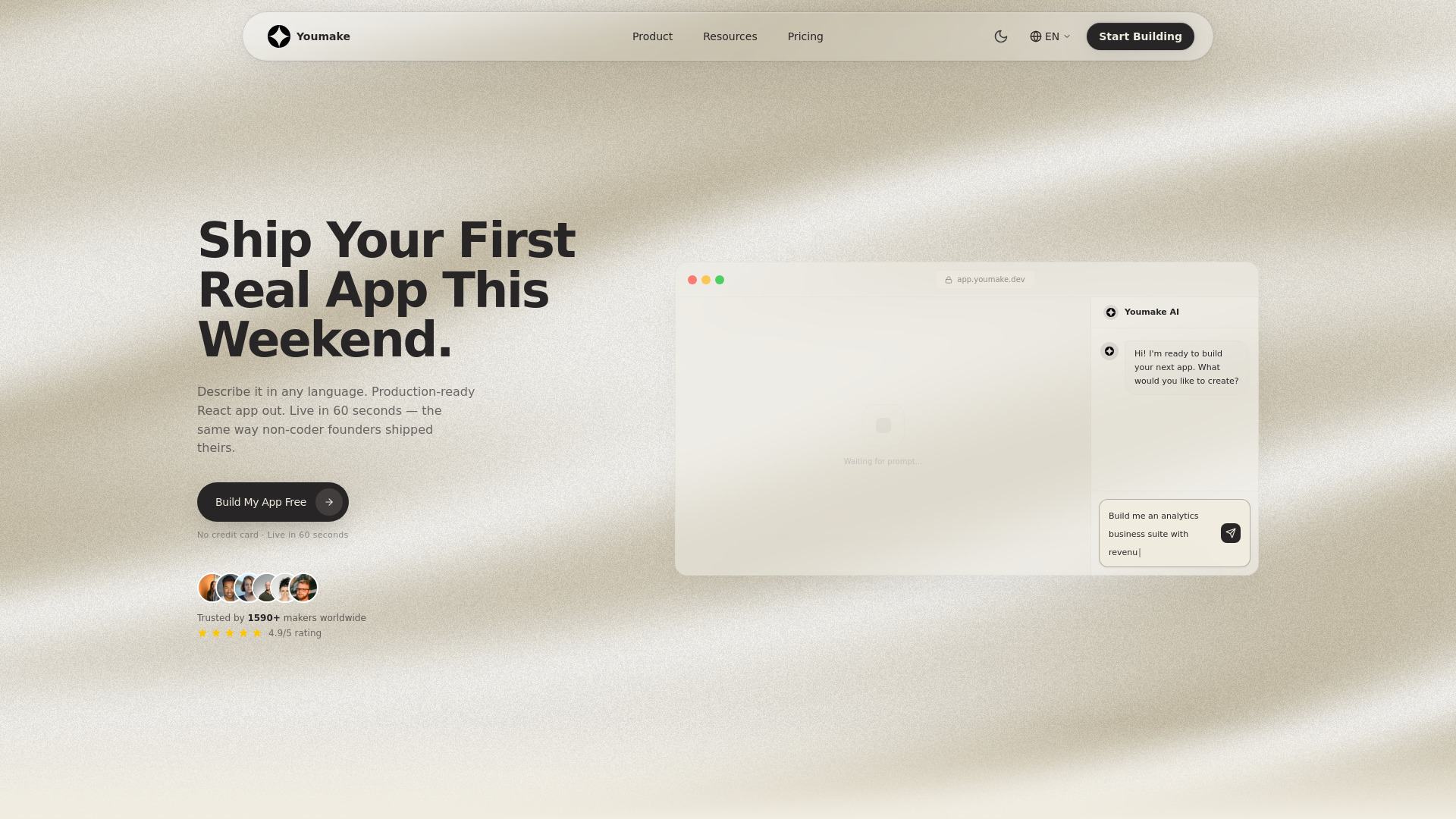

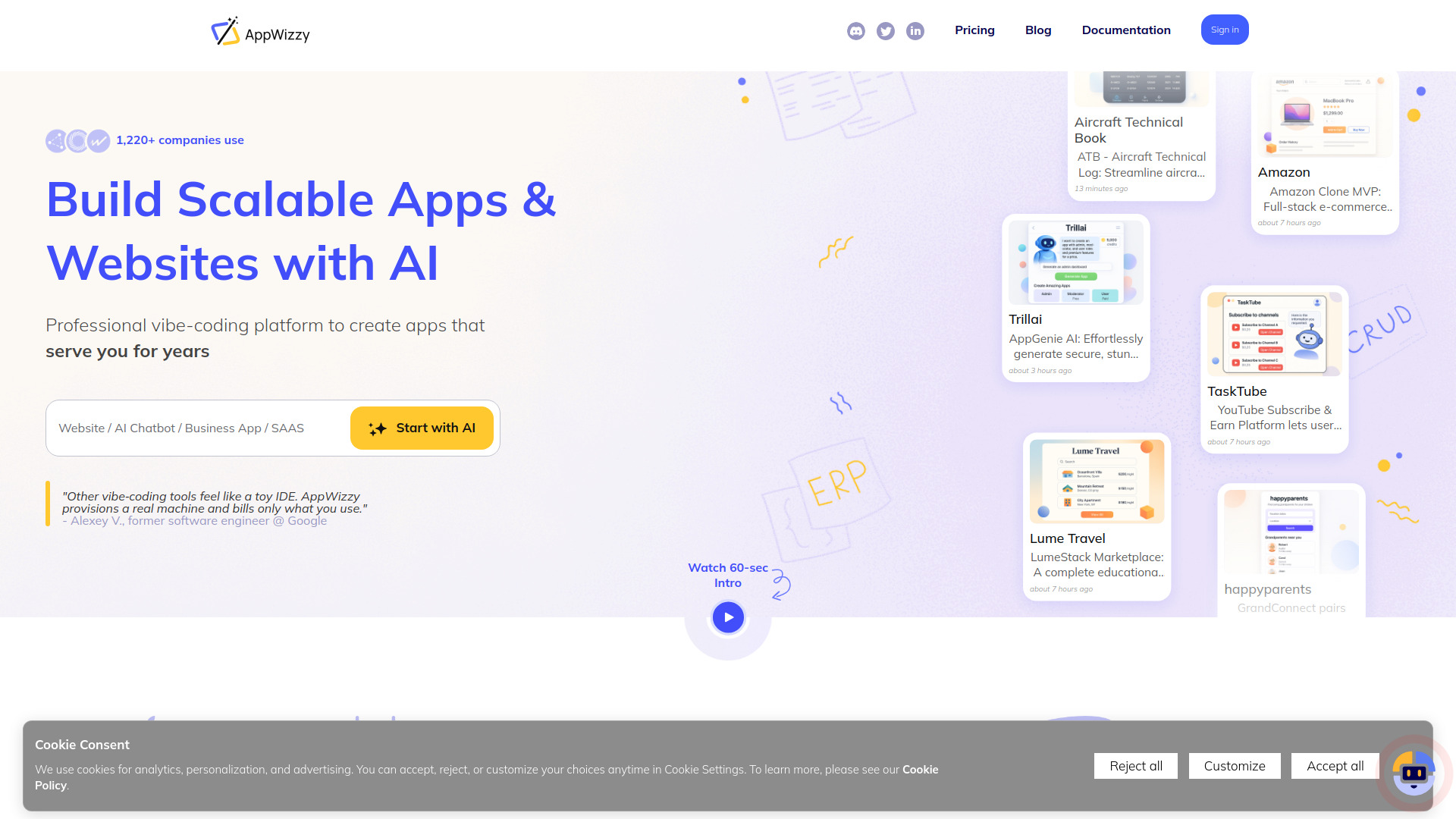
AppWizzy
Production-ready full-stack app builders

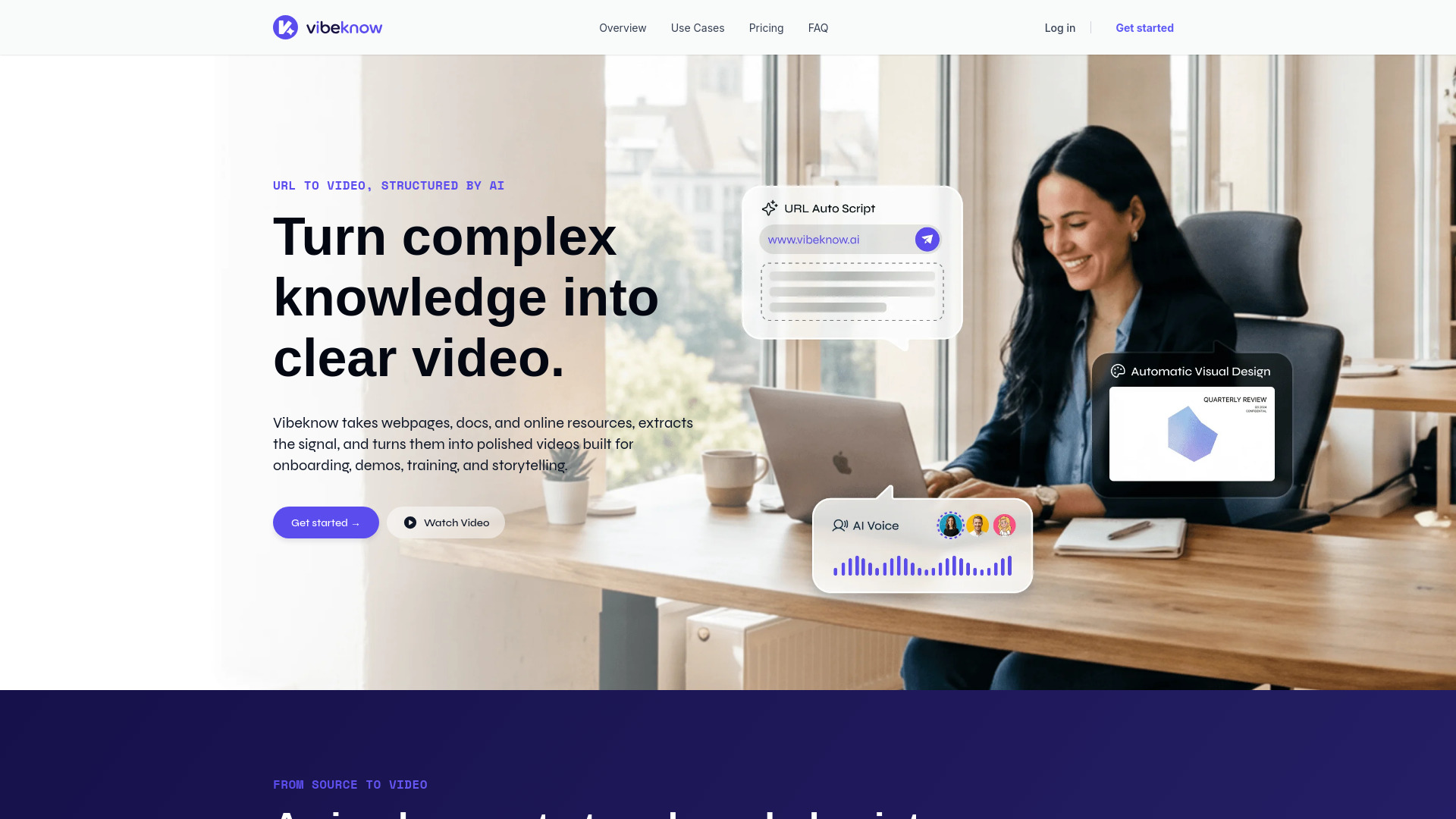
VibeKnow Studio
Turning documents into knowledge videos

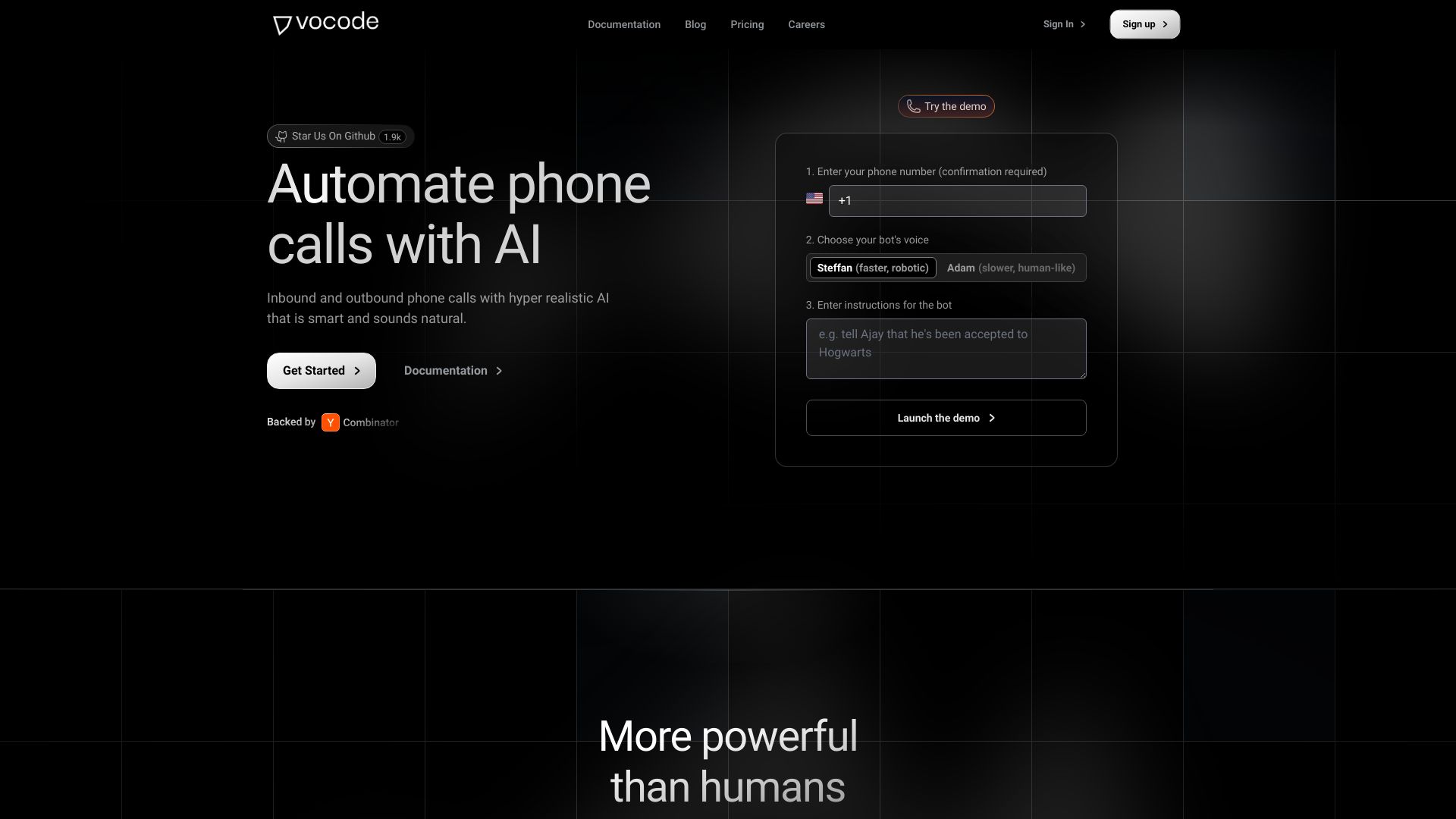
Vocode
Programmable AI phone calls
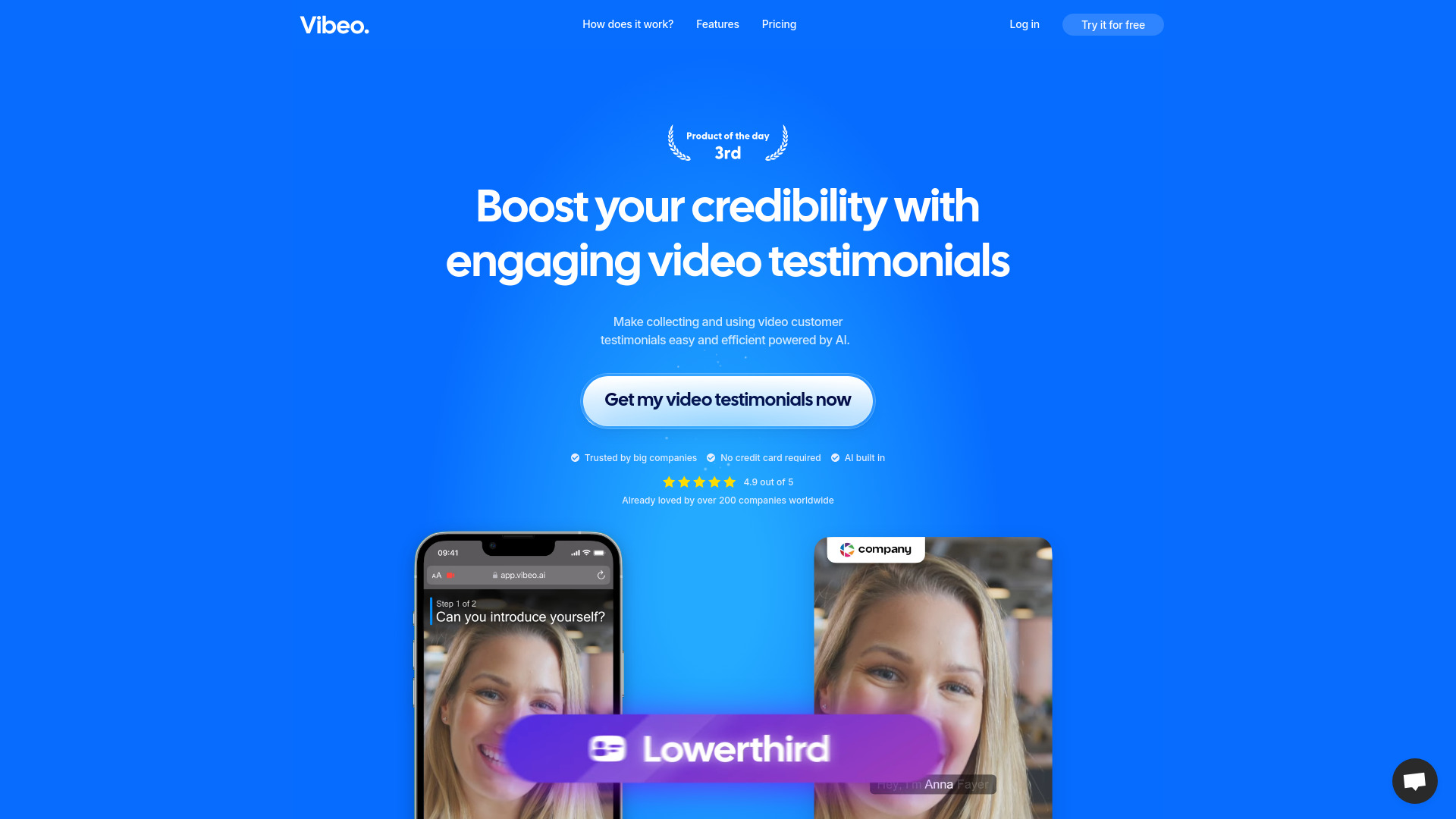
Vibeo AI
Small-business video testimonials
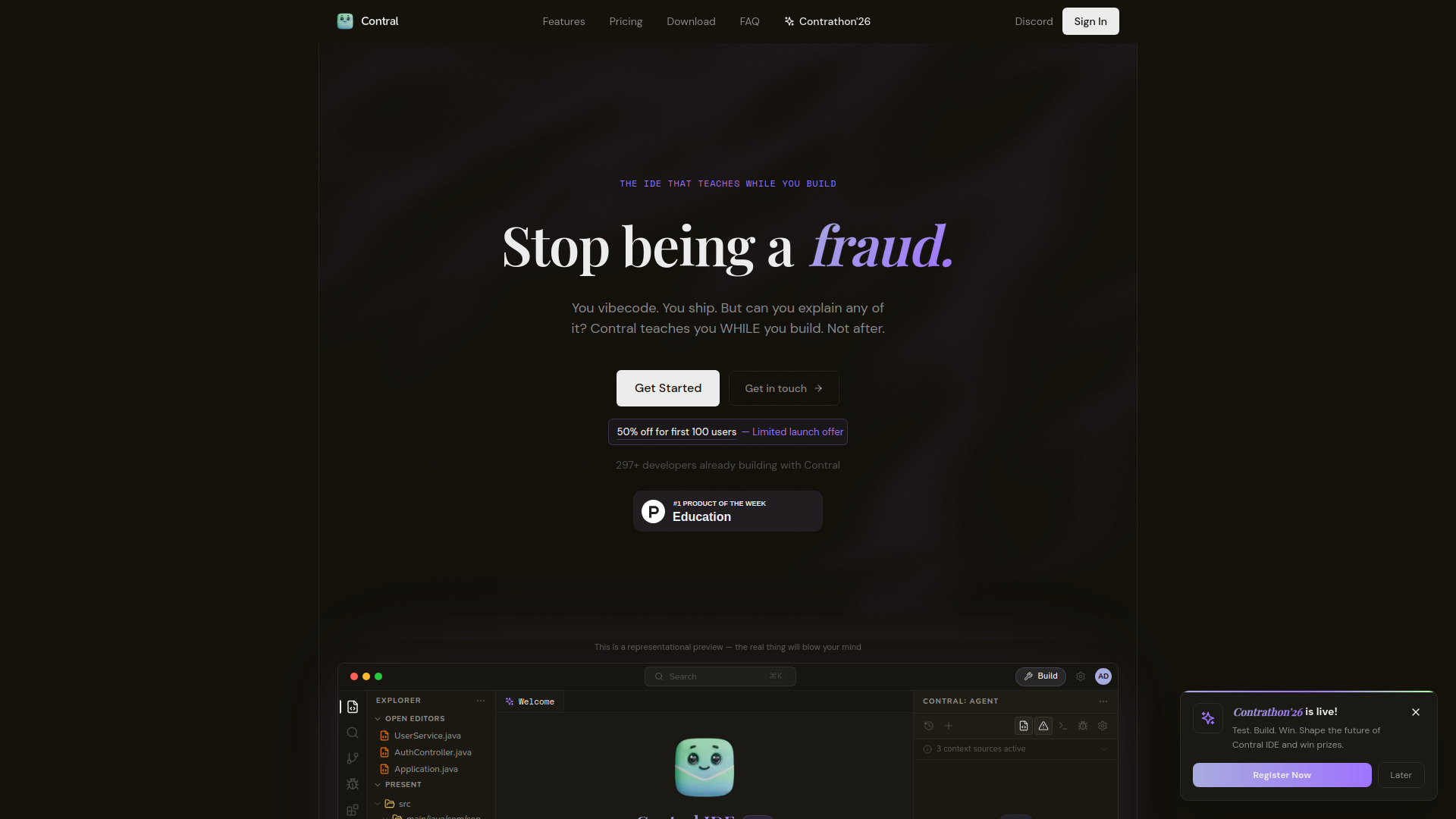
Contral
Developers learning through AI coding

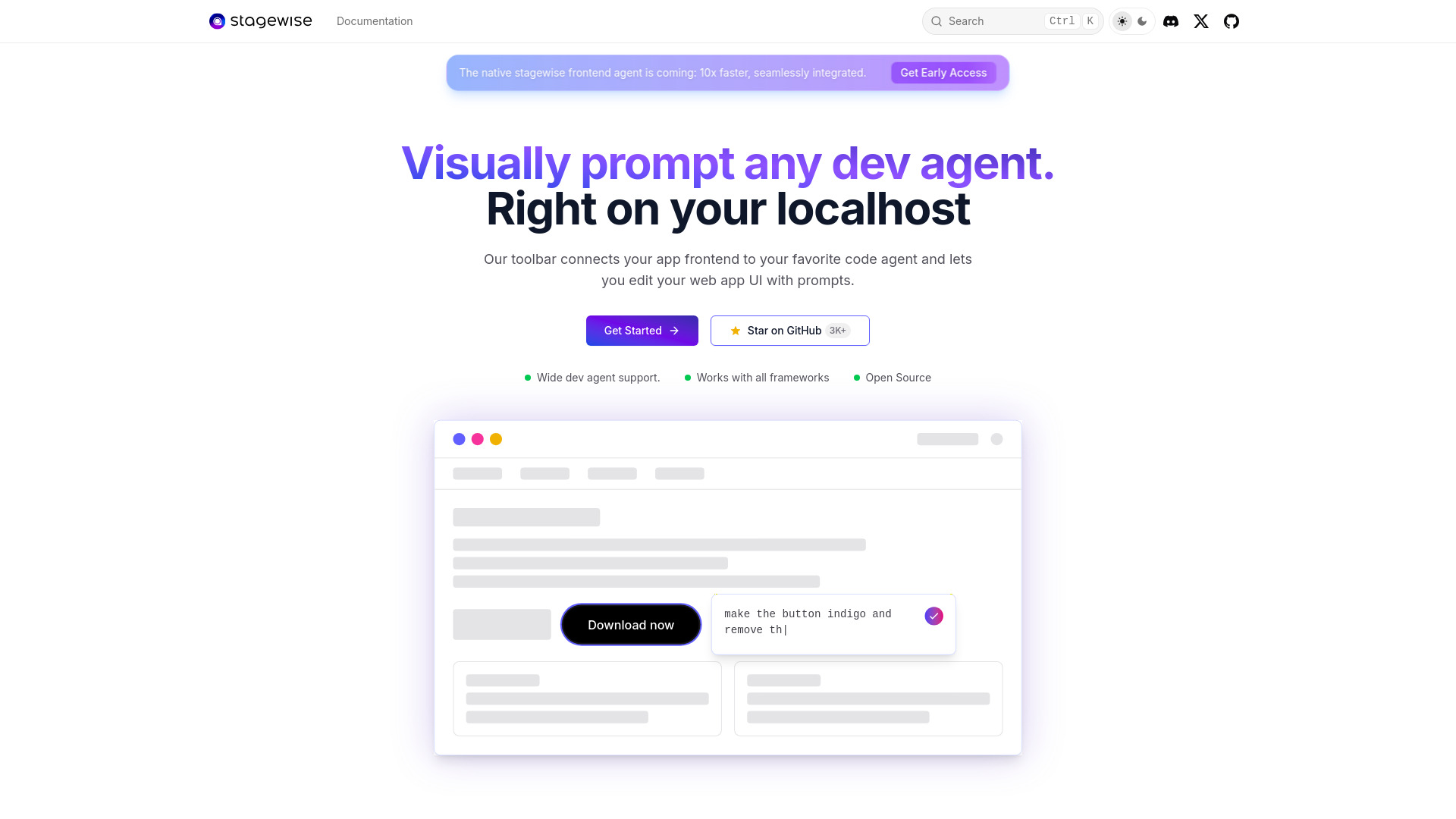
stagewise
Visual UI editing with AI coding agents

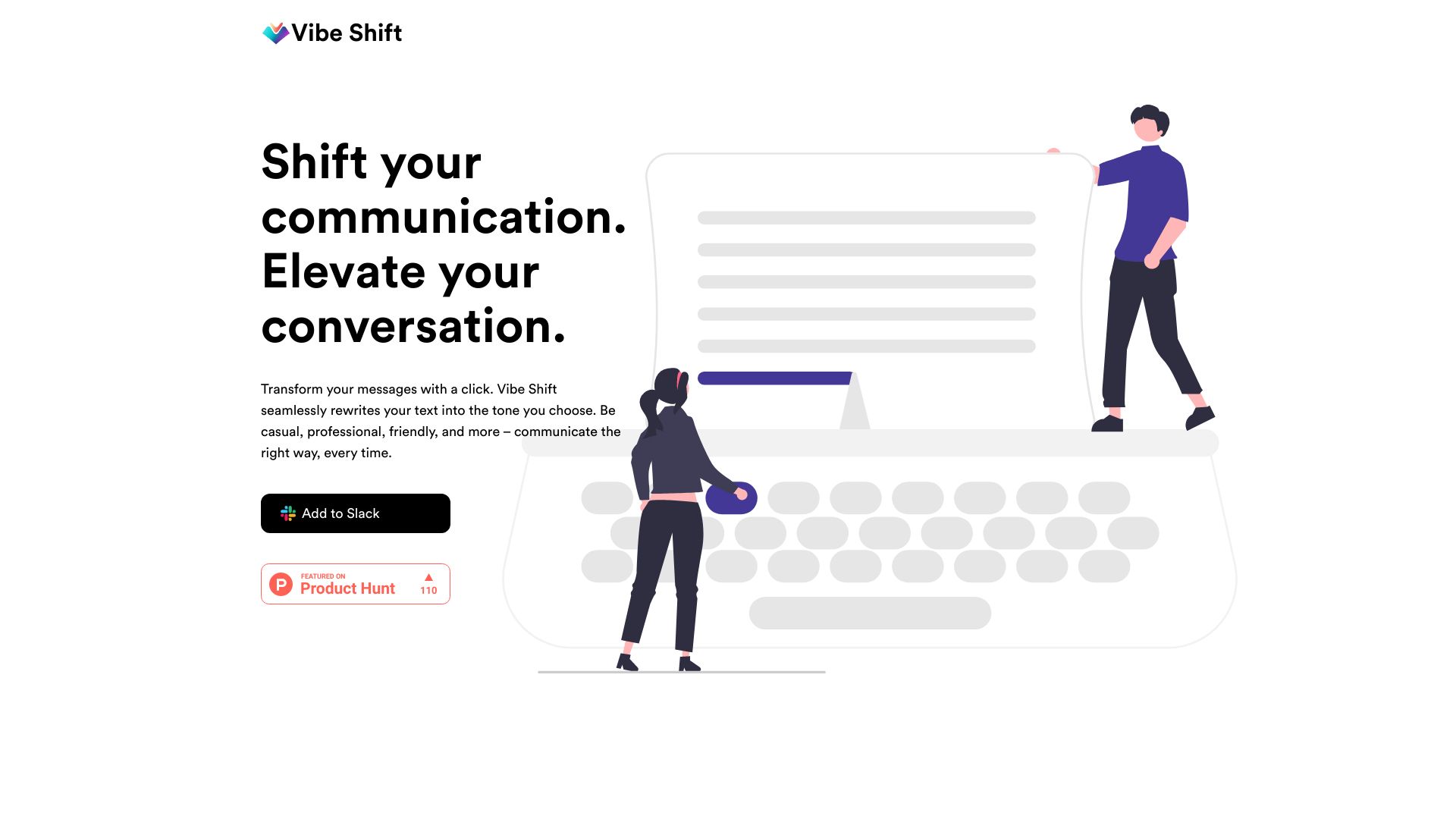
Vibe Shift
Slack message tone transformation

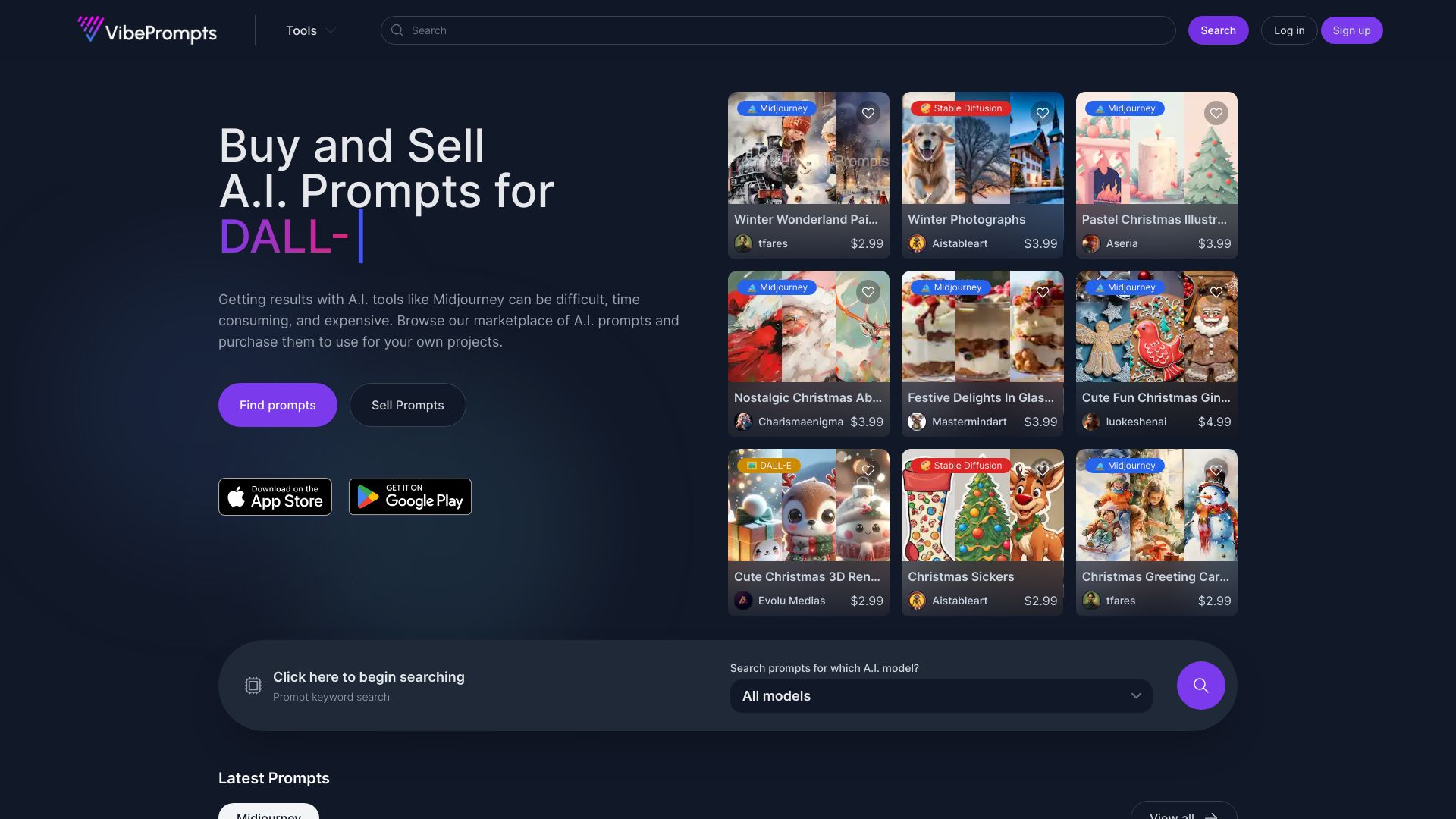
VibePrompts.com
Buying prompts for AI creative projects

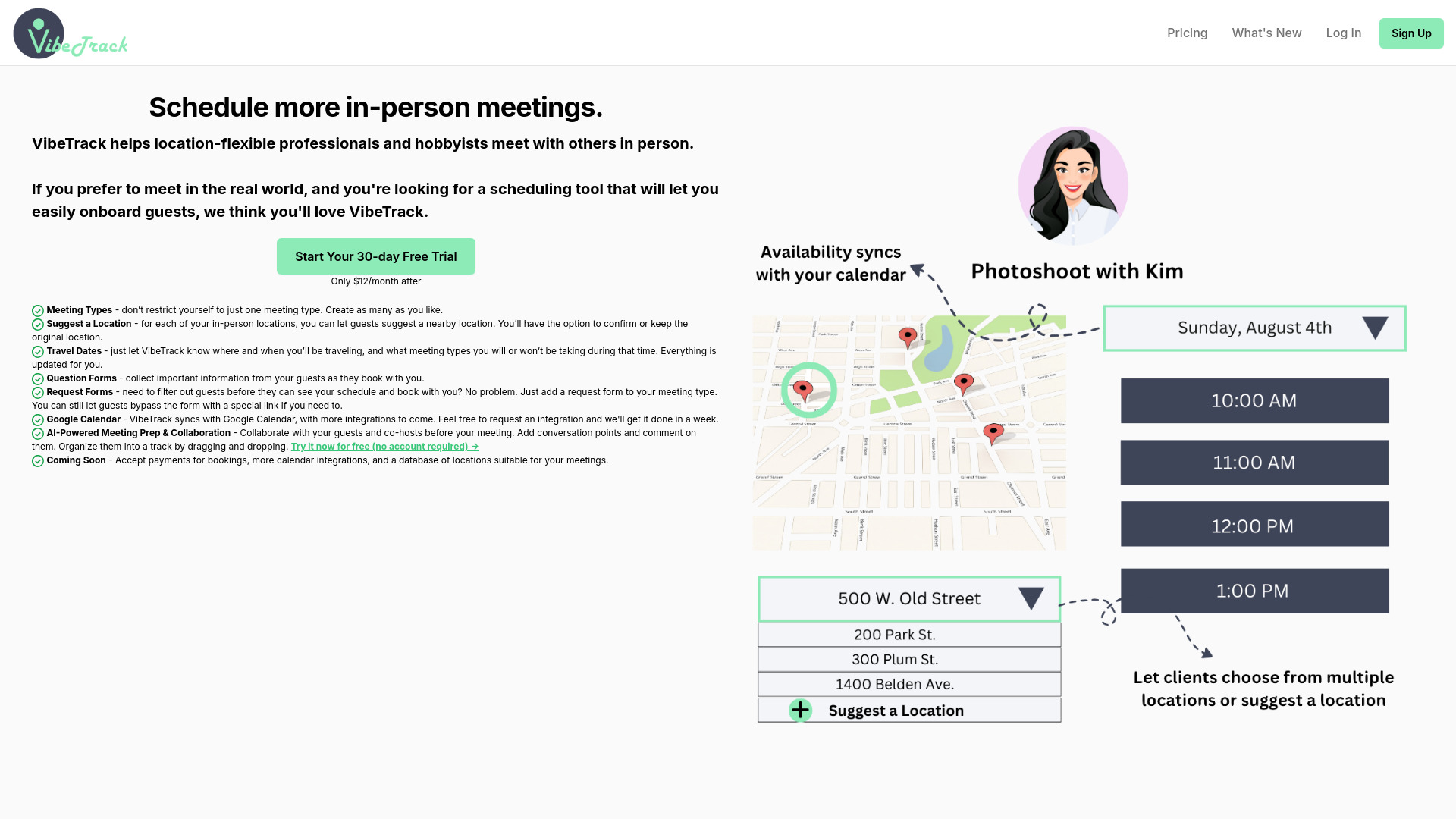
VibeTrack
In-person meeting scheduling

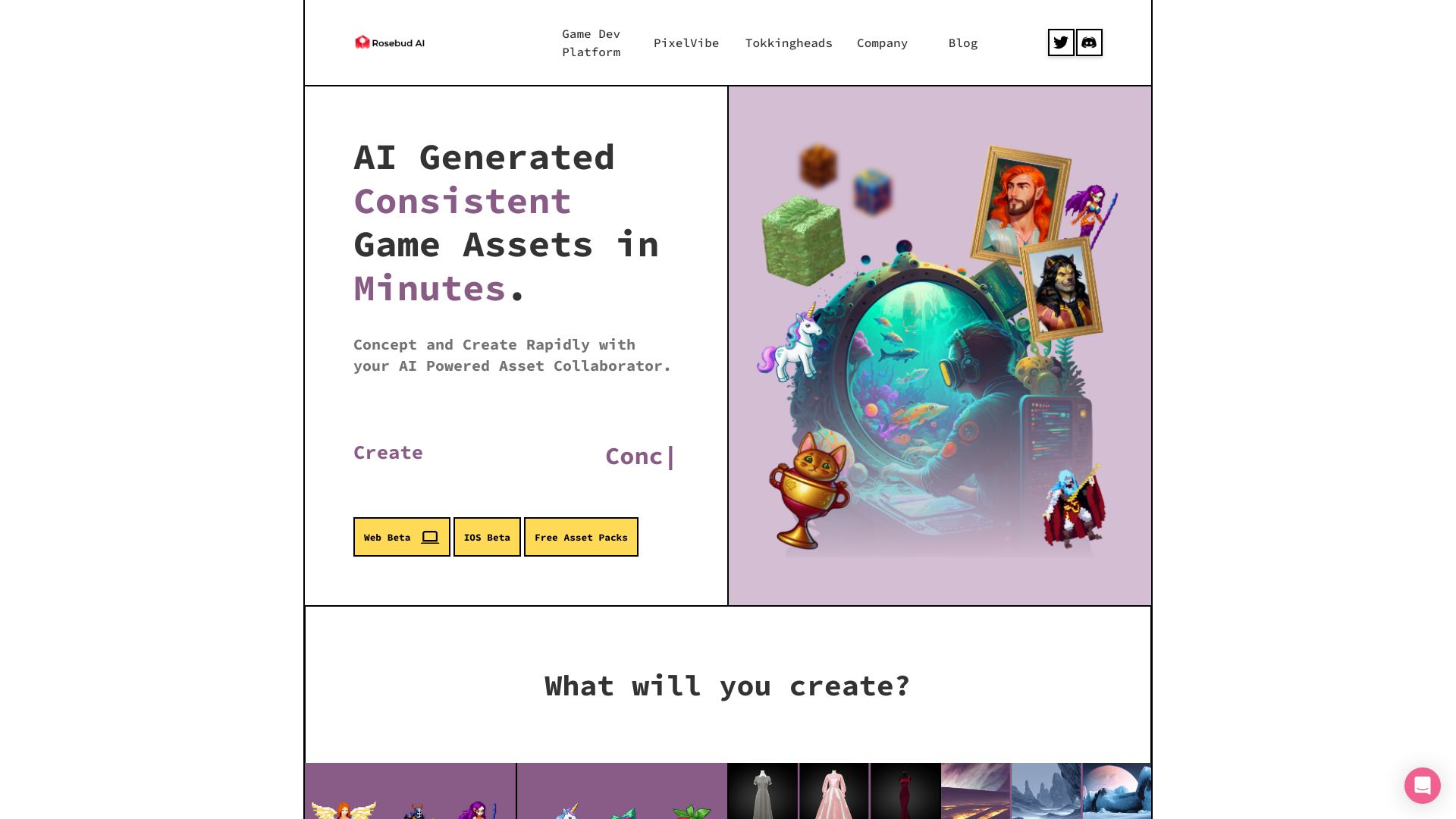
PixelVibe by Rosebud AI
AI game asset generation

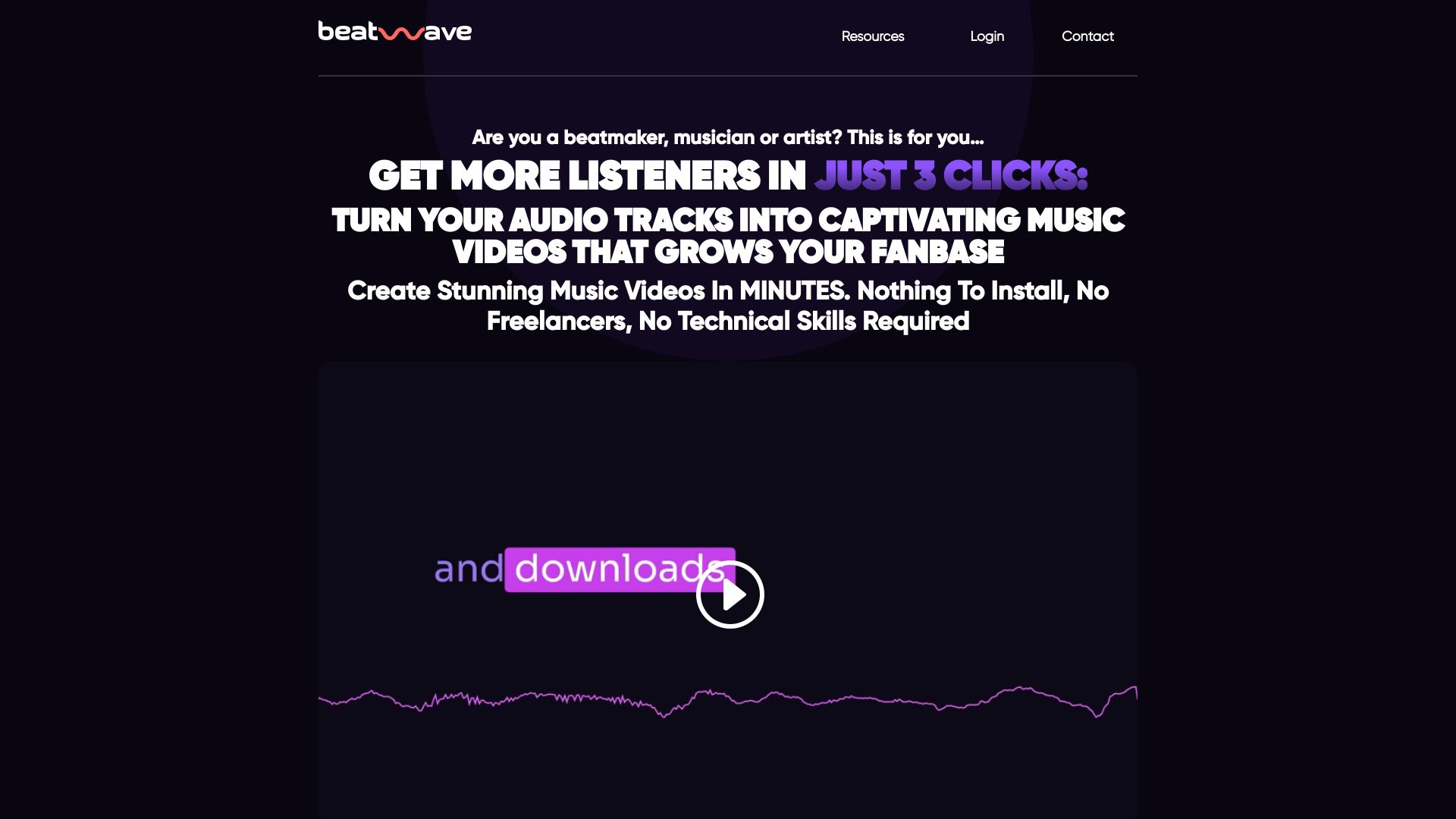
Beatwave
Musicians creating audio visualizers

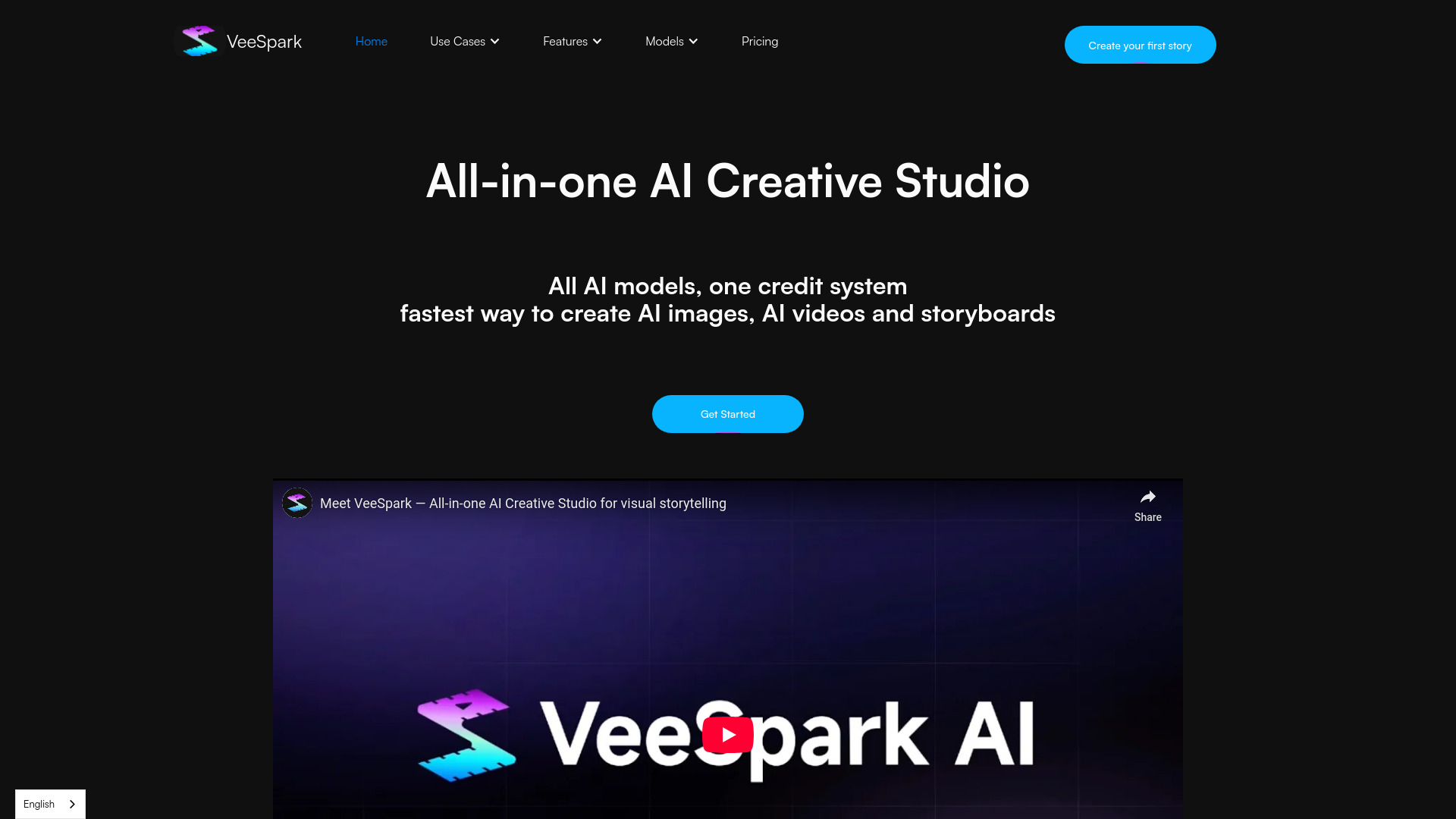
VeeSpark
AI storyboards and visual storytelling

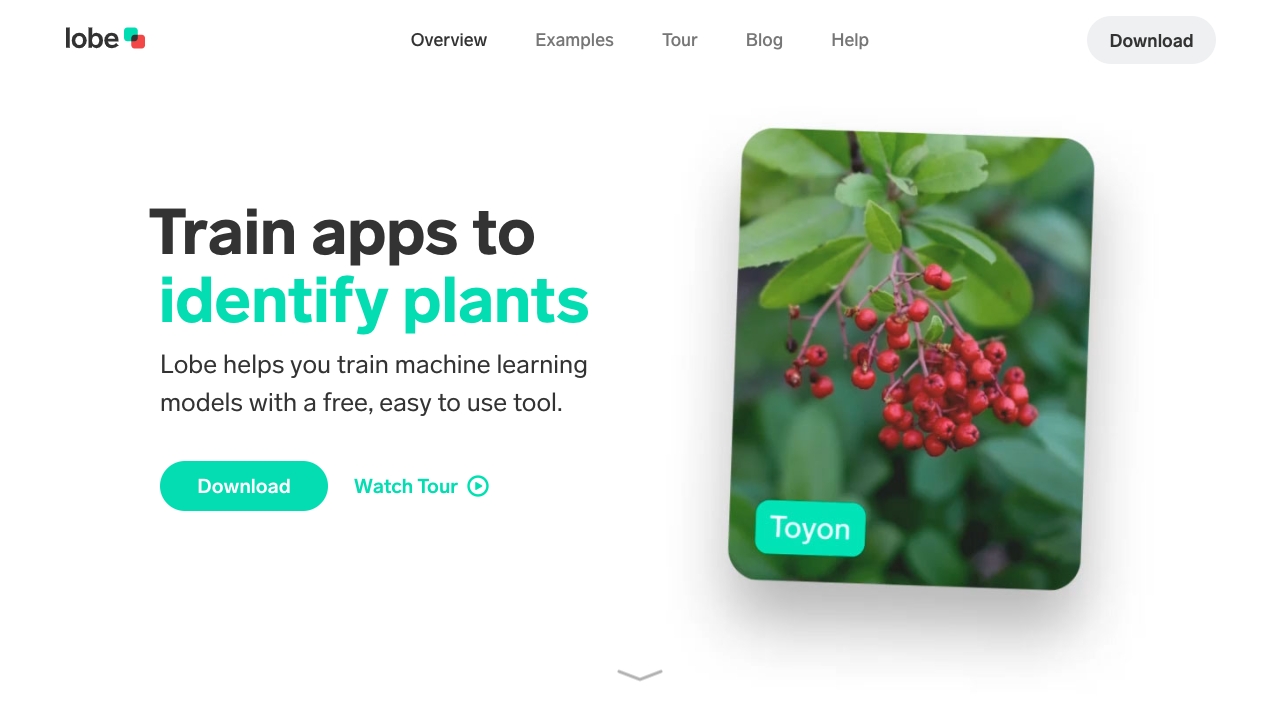
GitHub
Beginner-friendly machine learning prototyping

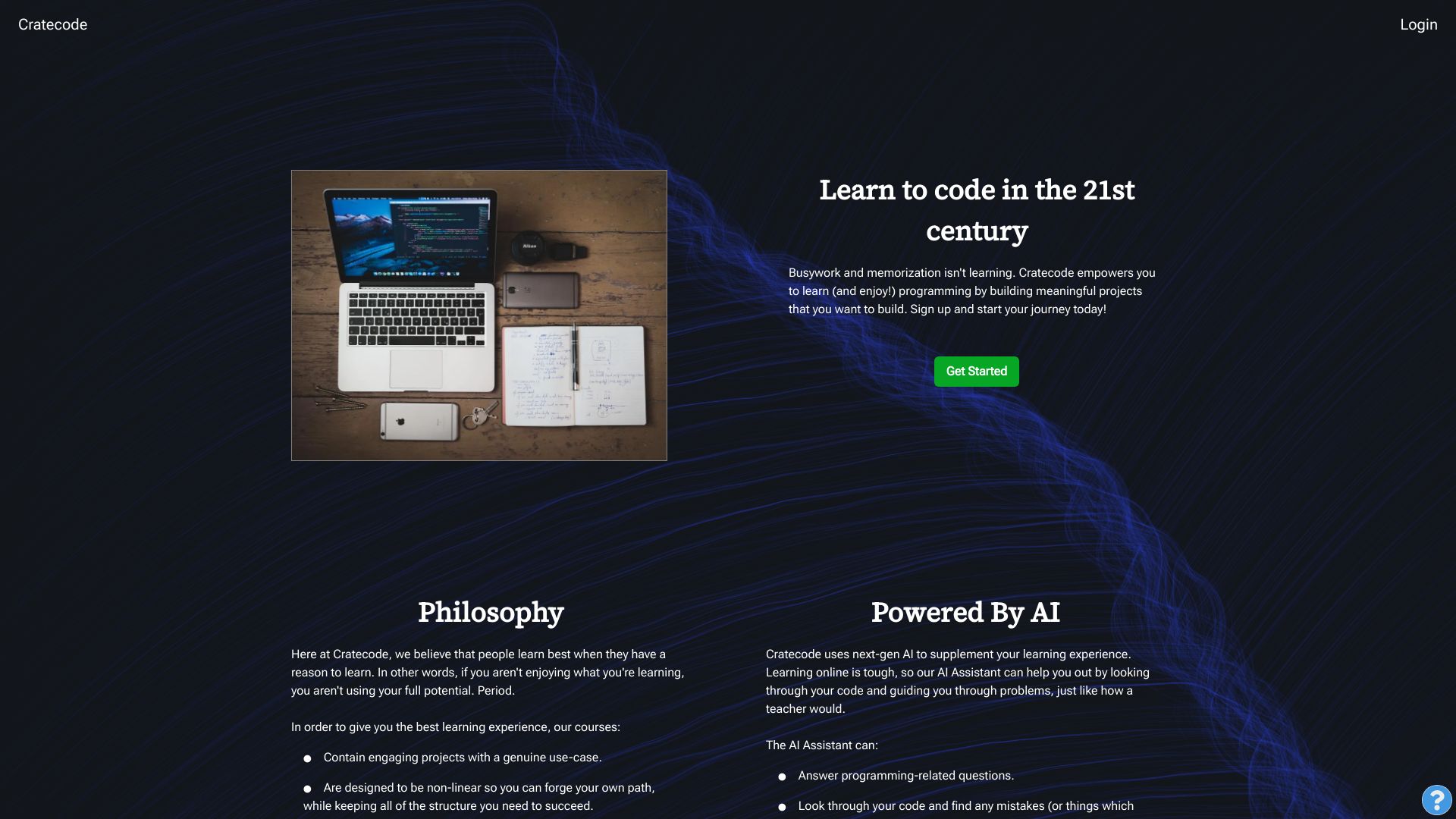
Cratecode
AI-guided project-based coding learners

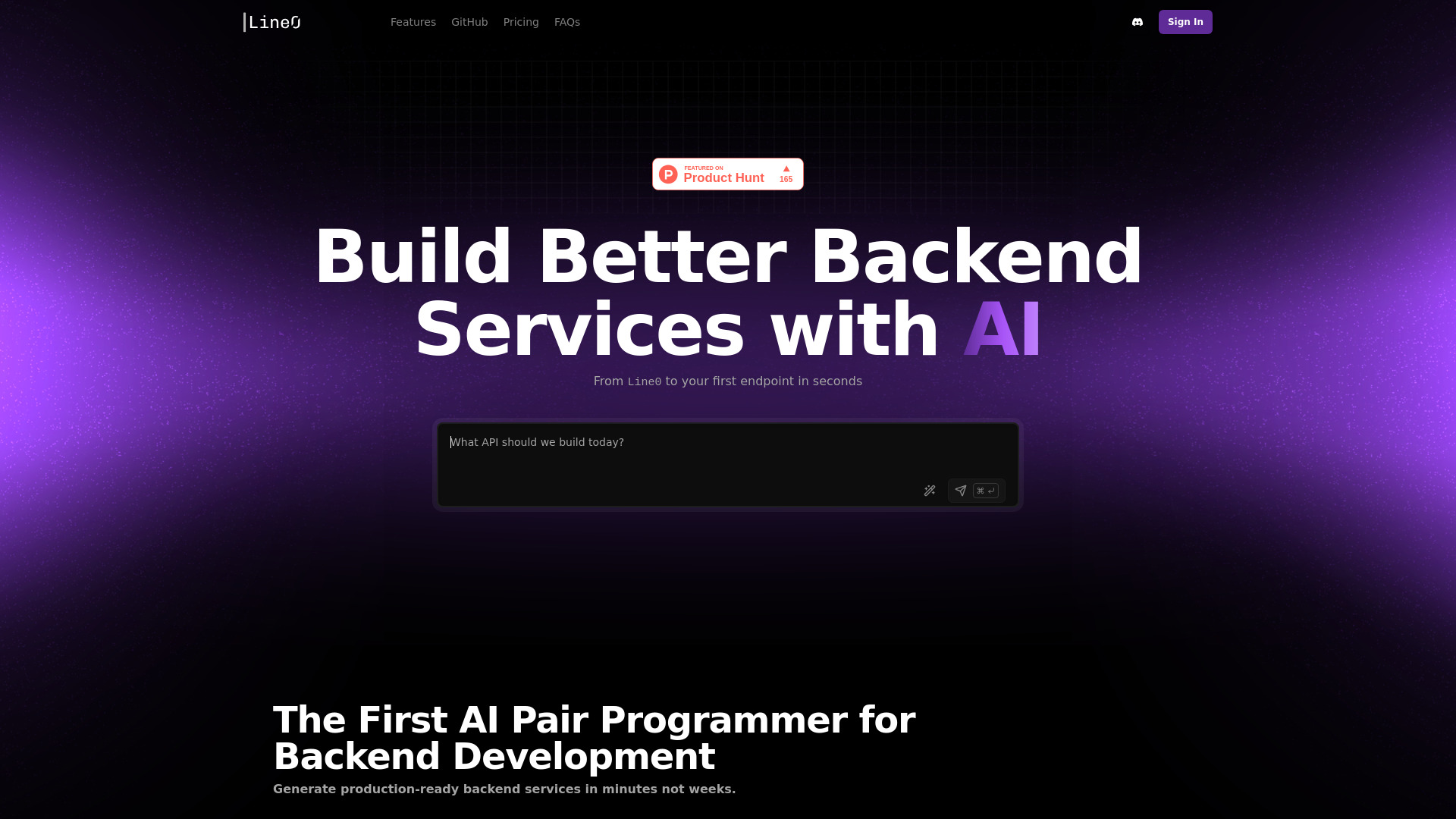
Line0
Backend API development
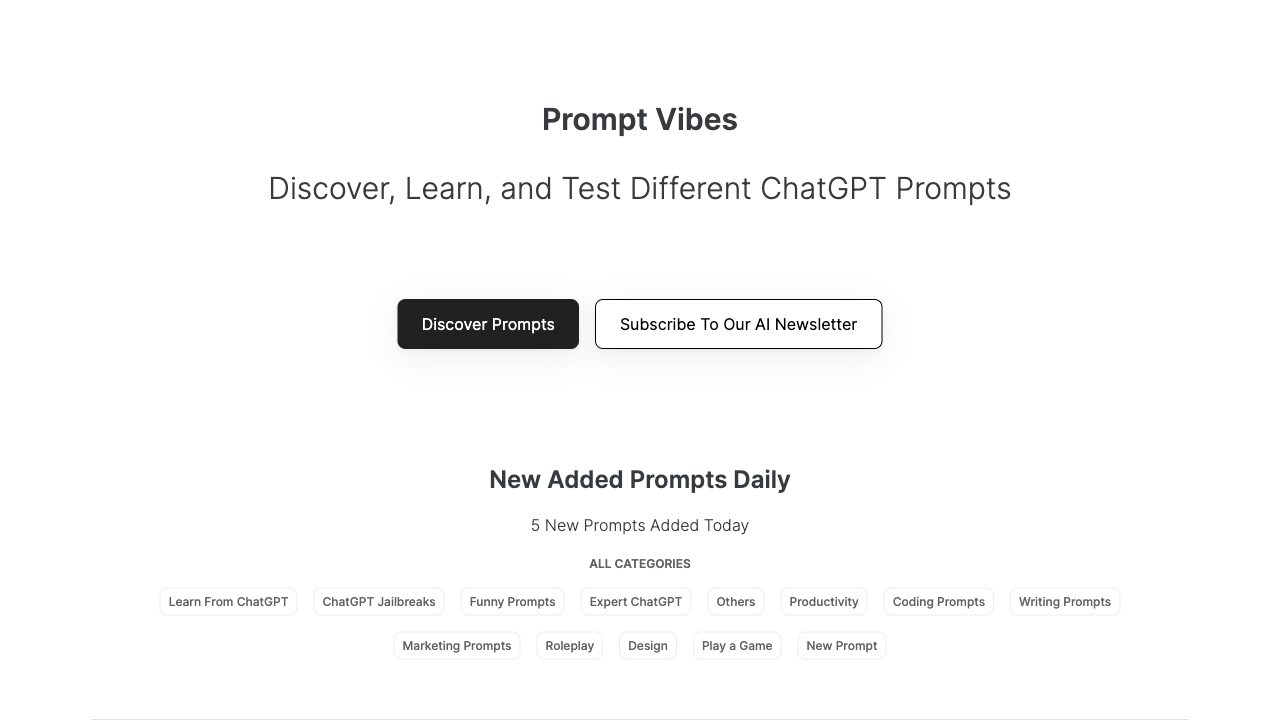
PromptVibes
AI prompt generation and curated prompt libraries

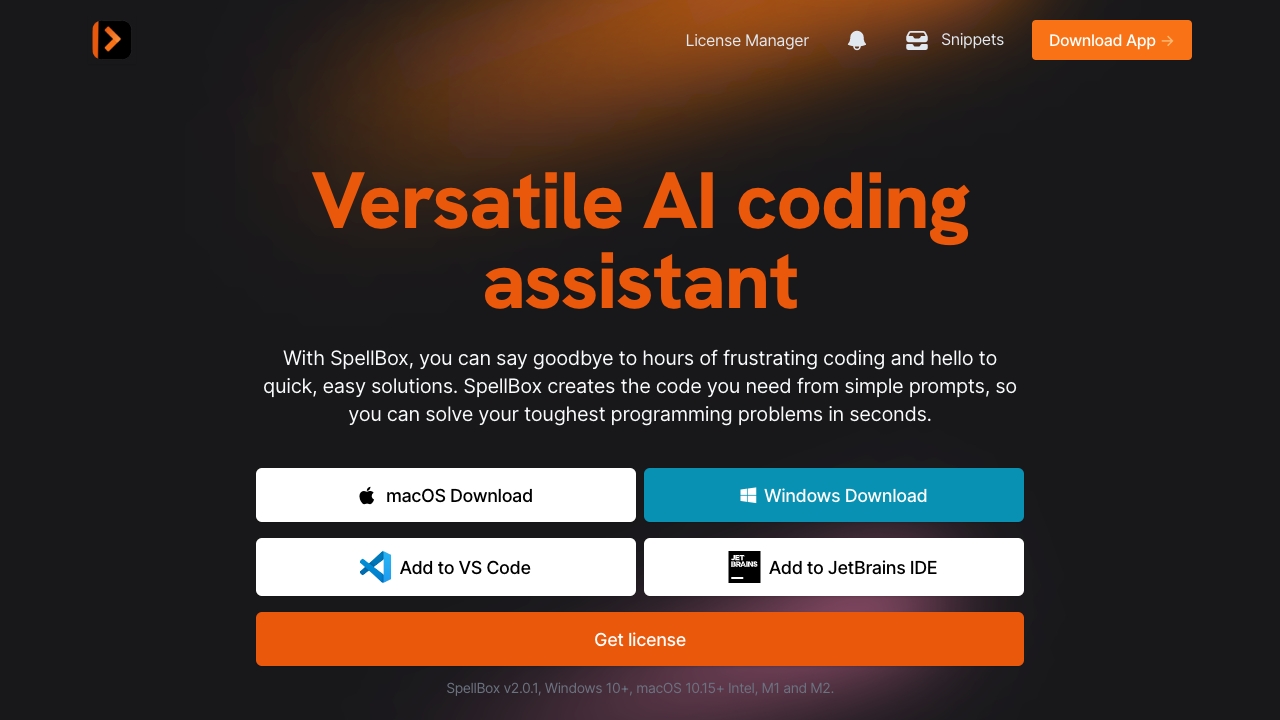
SpellBox
AI-assisted coding and code explanations

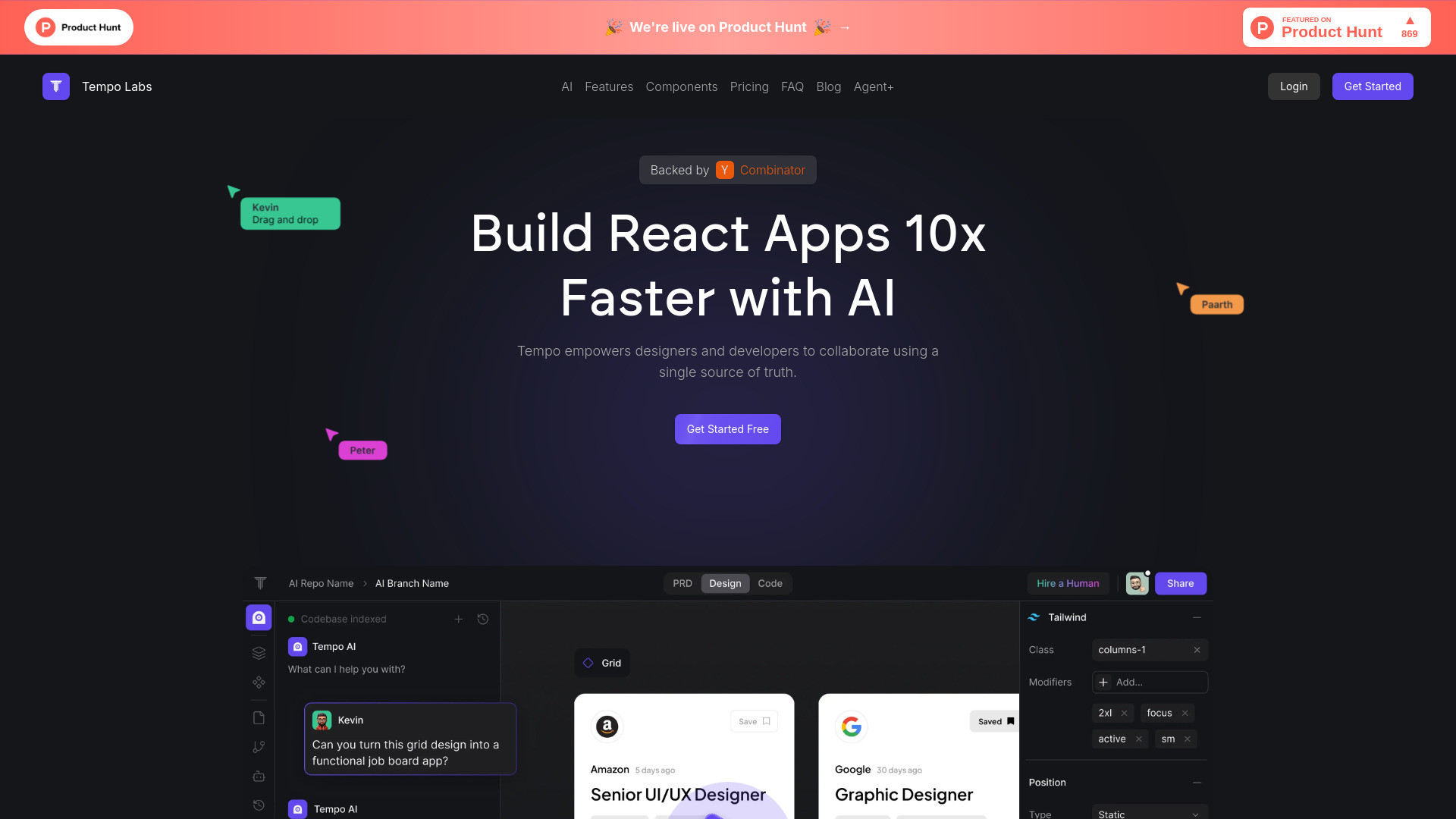
Tempo
React teams building UIs visually

AutoCode
README-driven project building

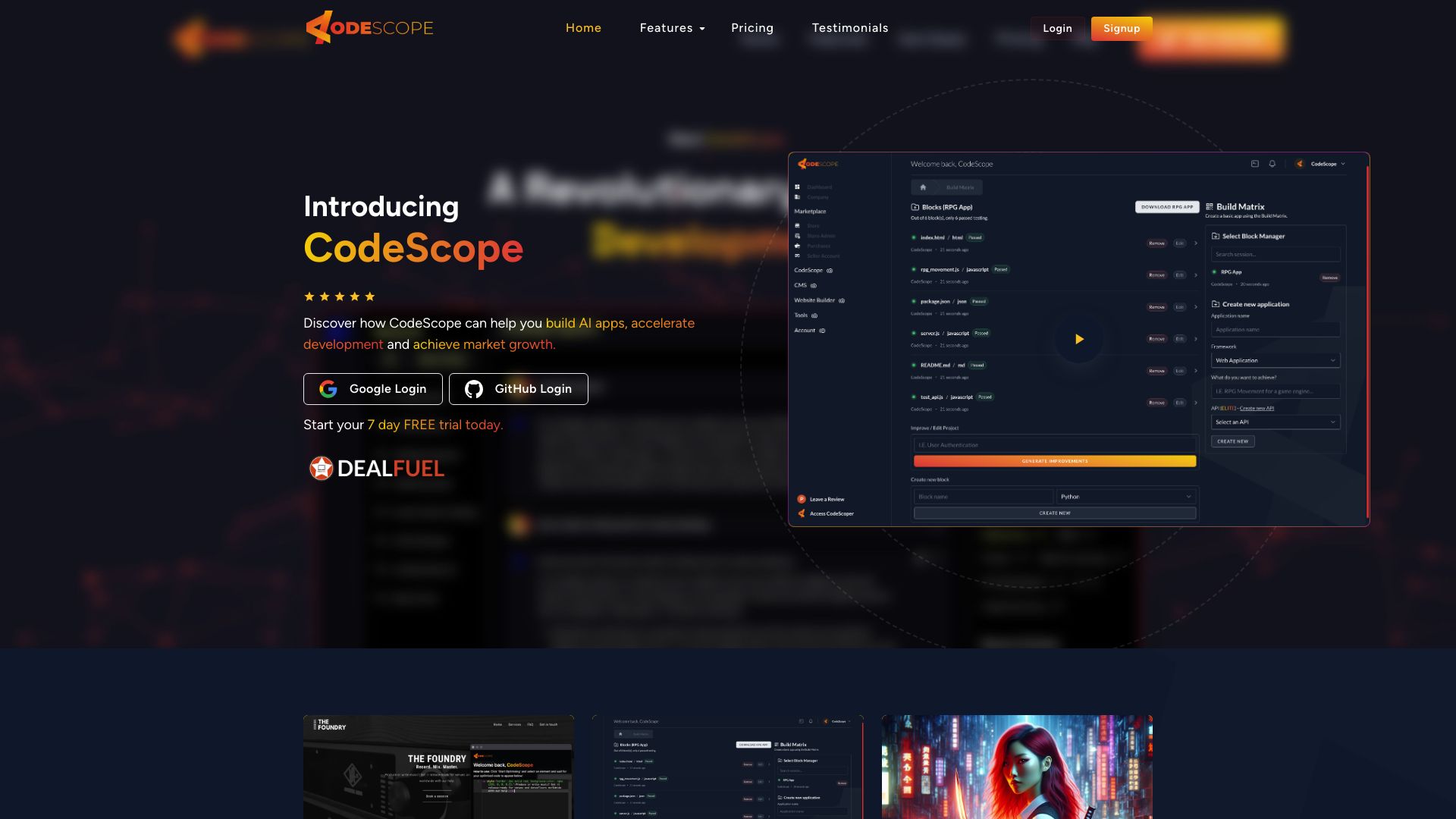
CodeScope
No-code app and plugin creation

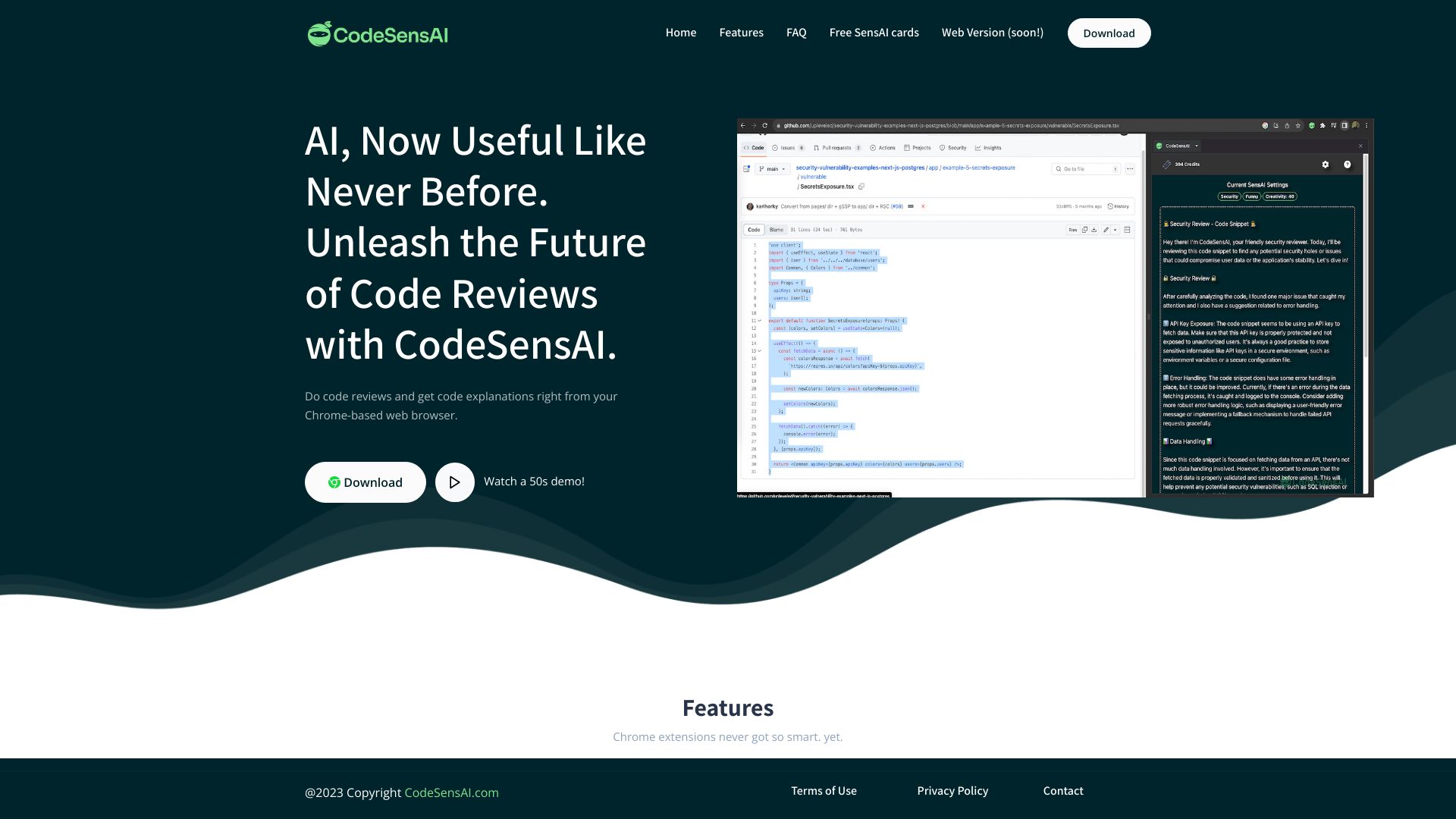
CodeSensAI
Chrome-based AI code reviews

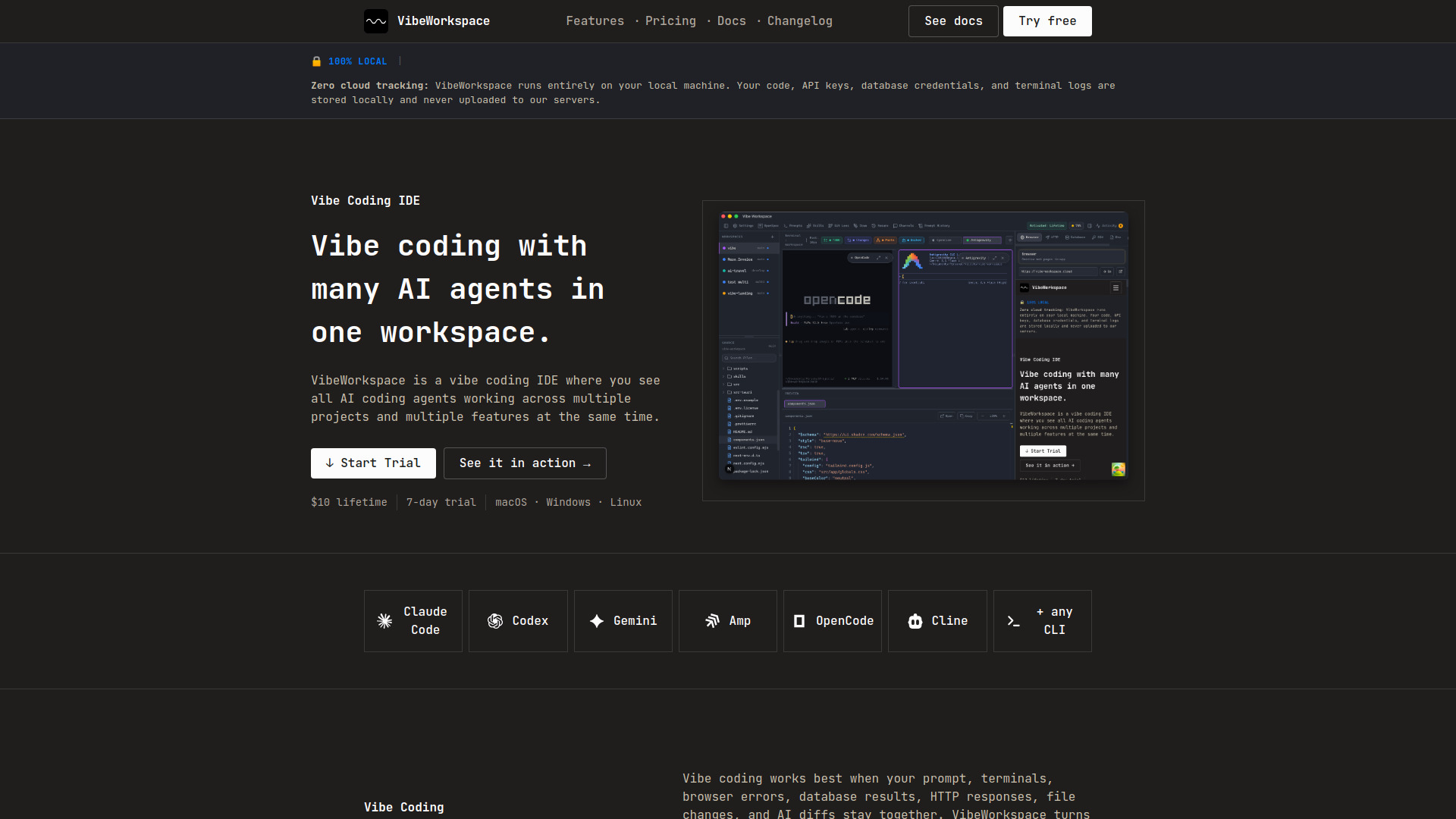
VibeWorkspace
Multi-agent AI coding workflows

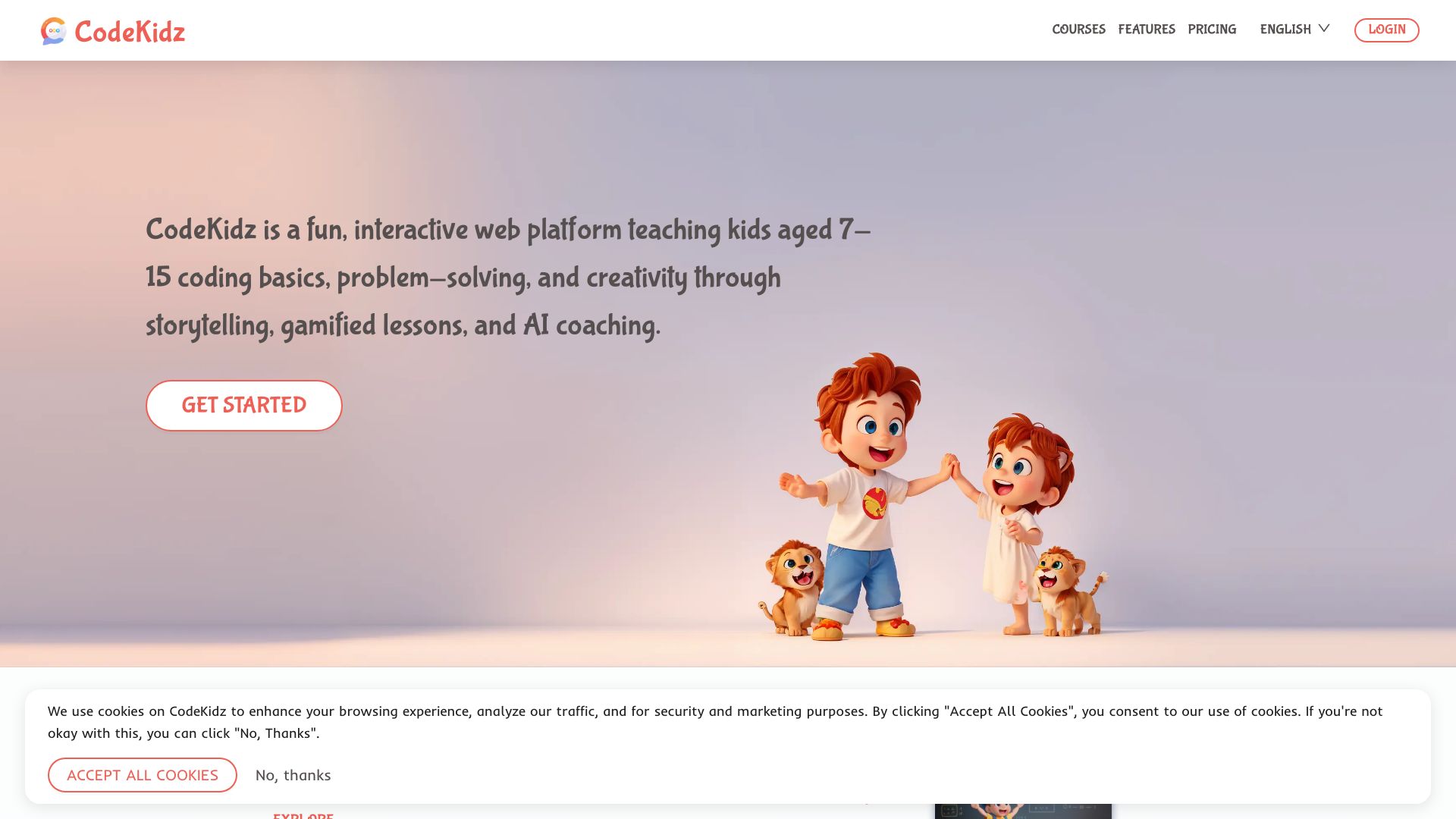
CodeKidz
Kids learning coding through AI coaching

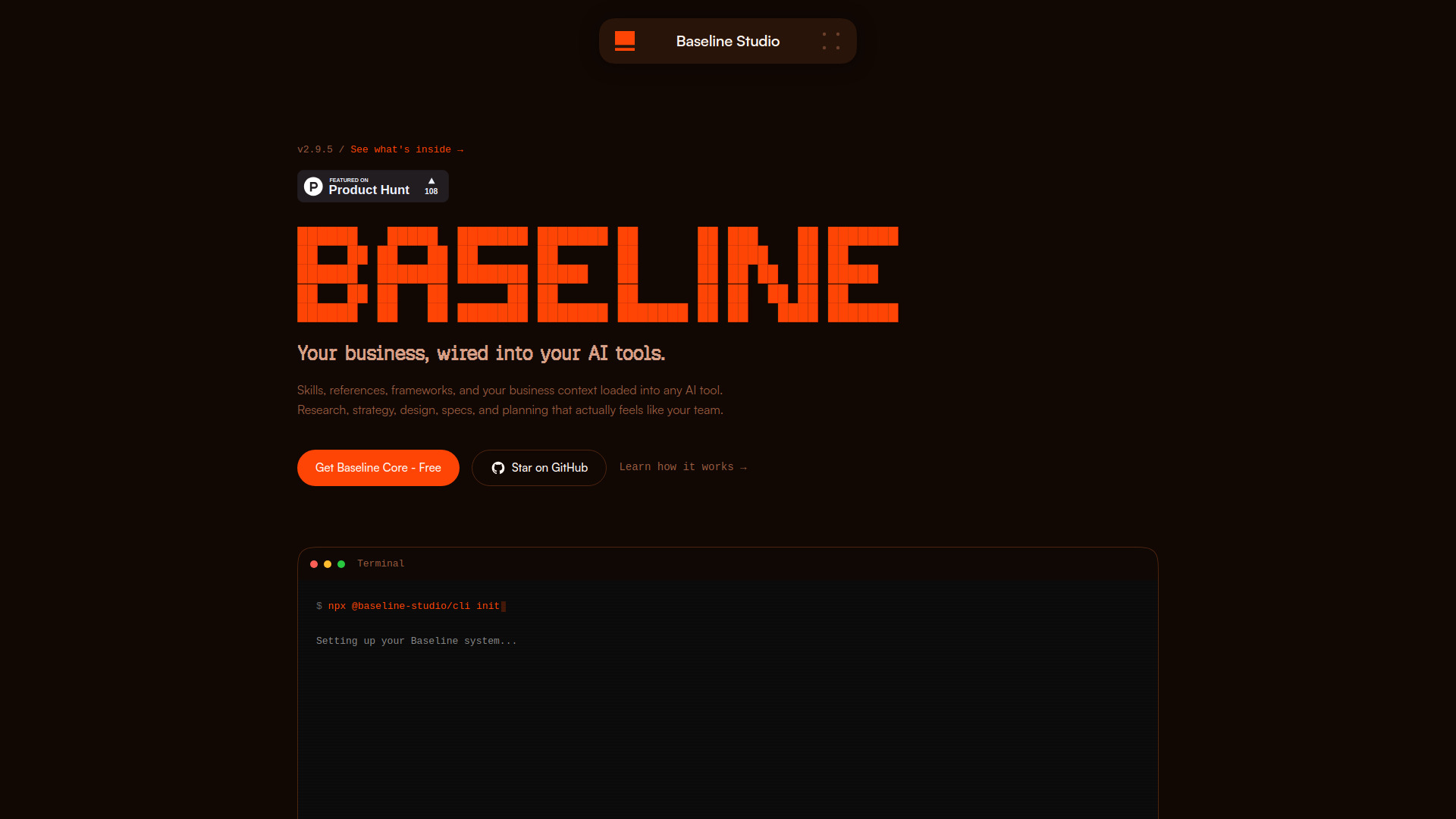
Baseline Studio
Founders and small product teams

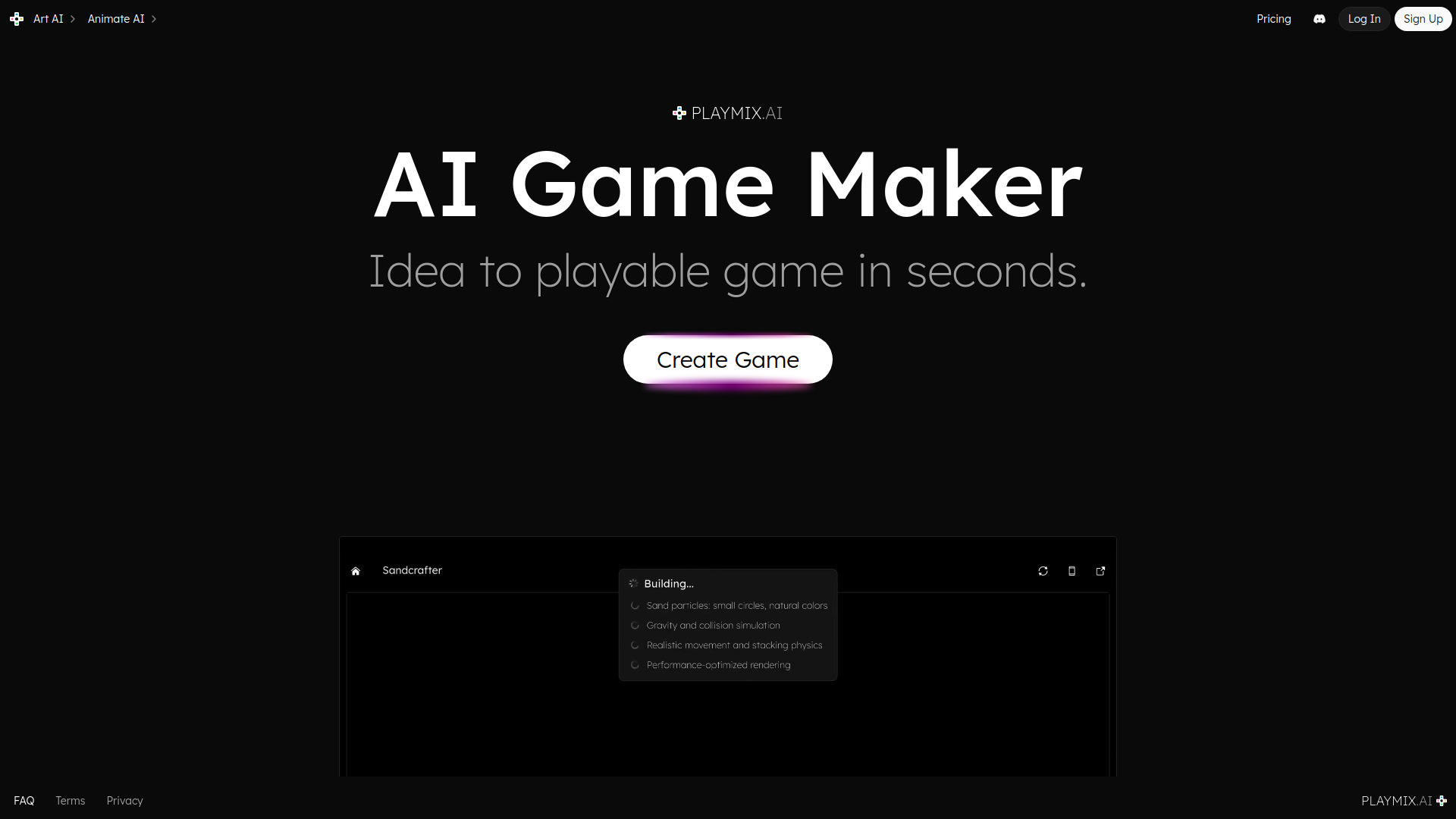
playmix.ai
AI game creation and 2D/3D game art

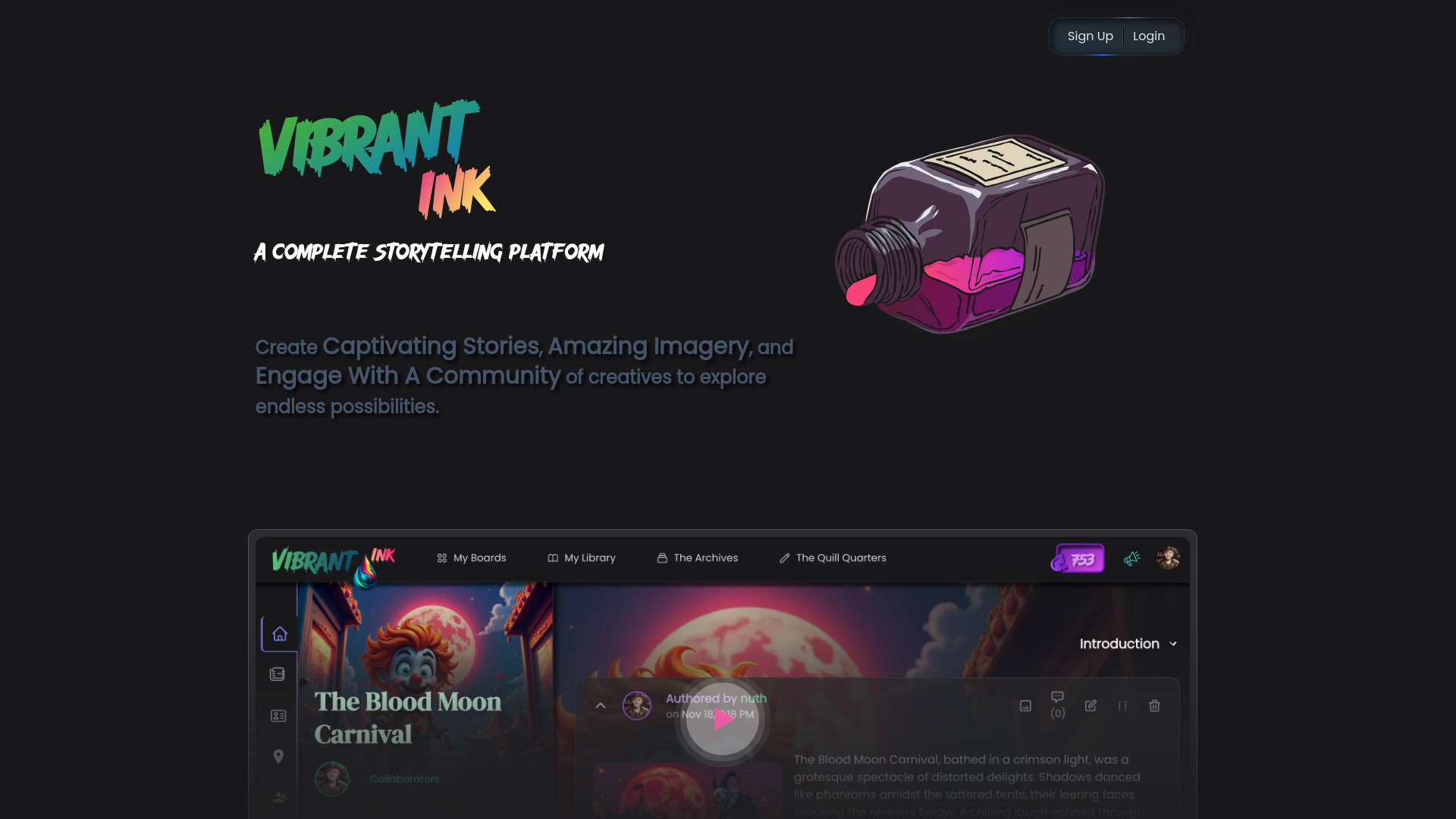
Vibrant Ink
AI-assisted story creation

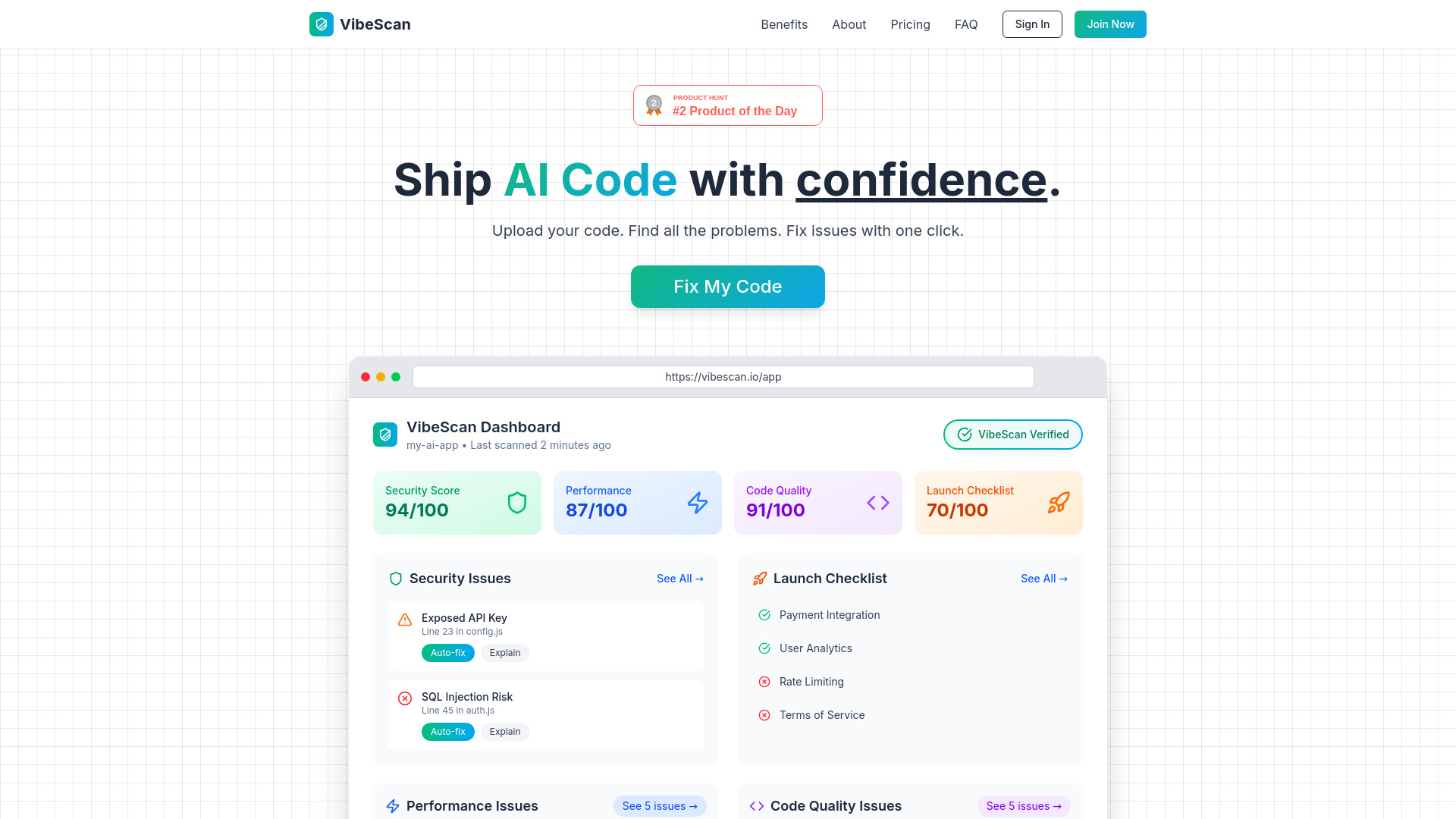
VibeScan
AI-built app security and launch checks

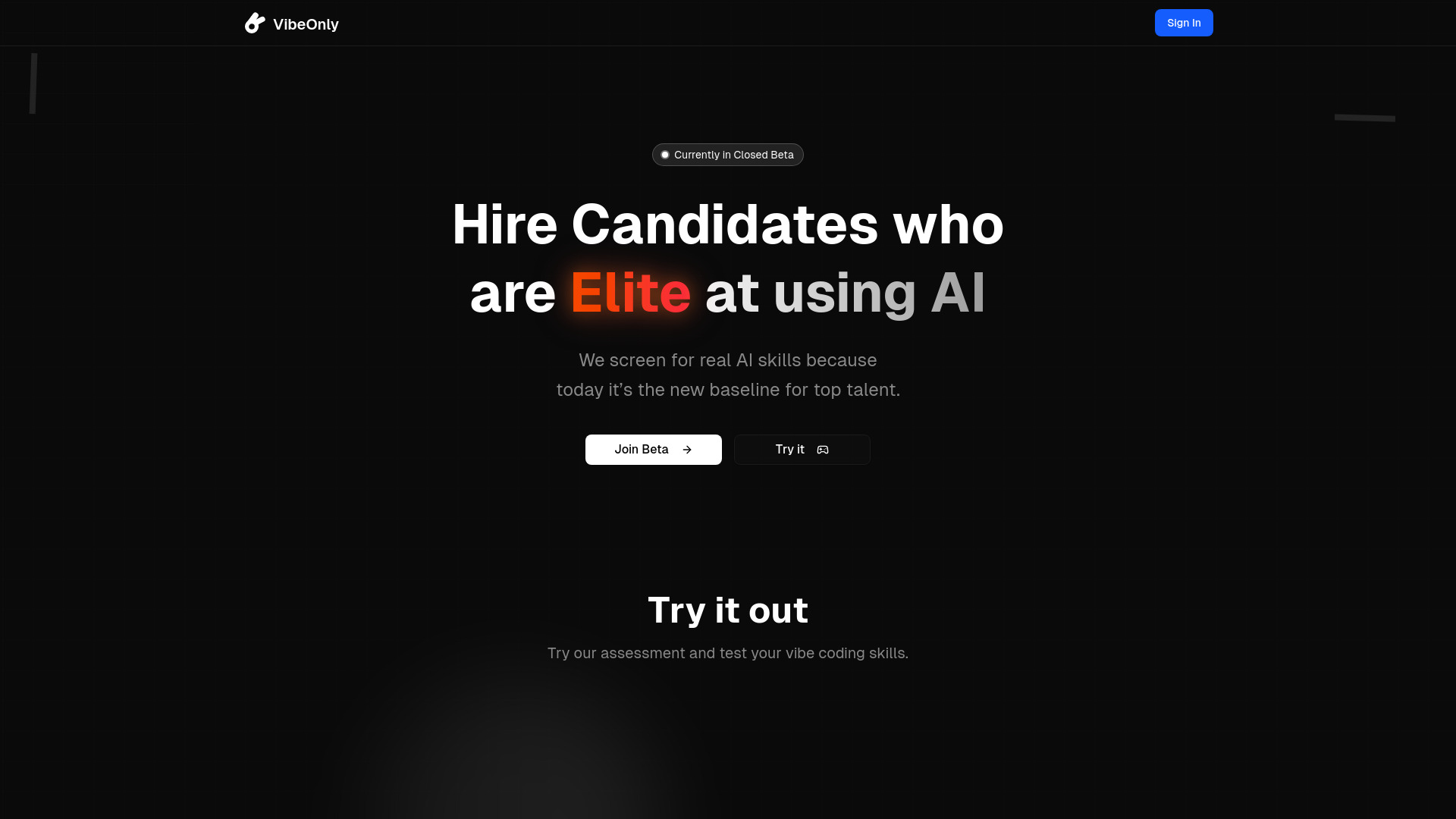
VibeOnly
AI coding skills assessment for hiring

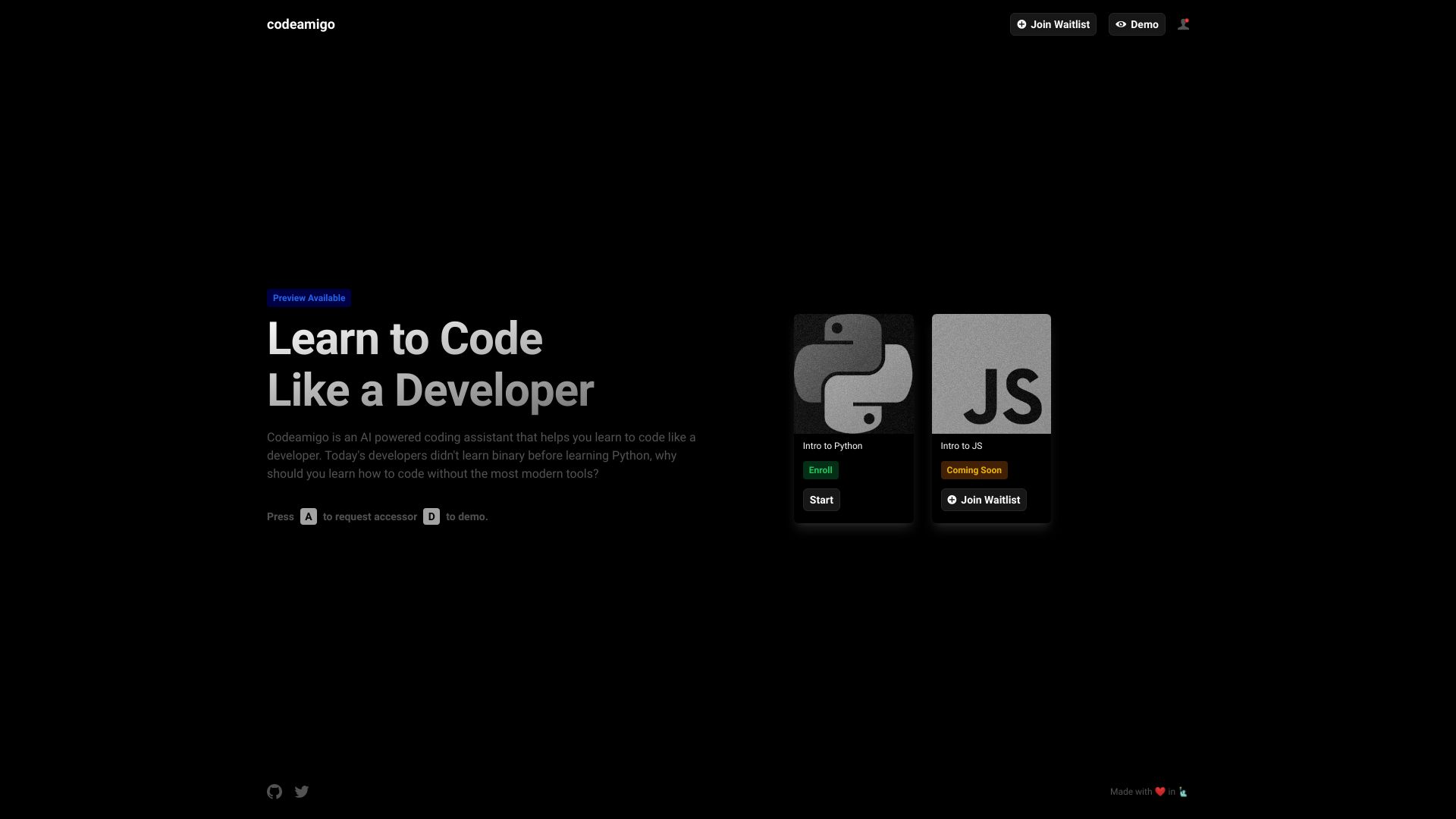
Codeamigo
AI-assisted coding tutorials for new developers

Fly Labs
Solo builders validating startup ideas


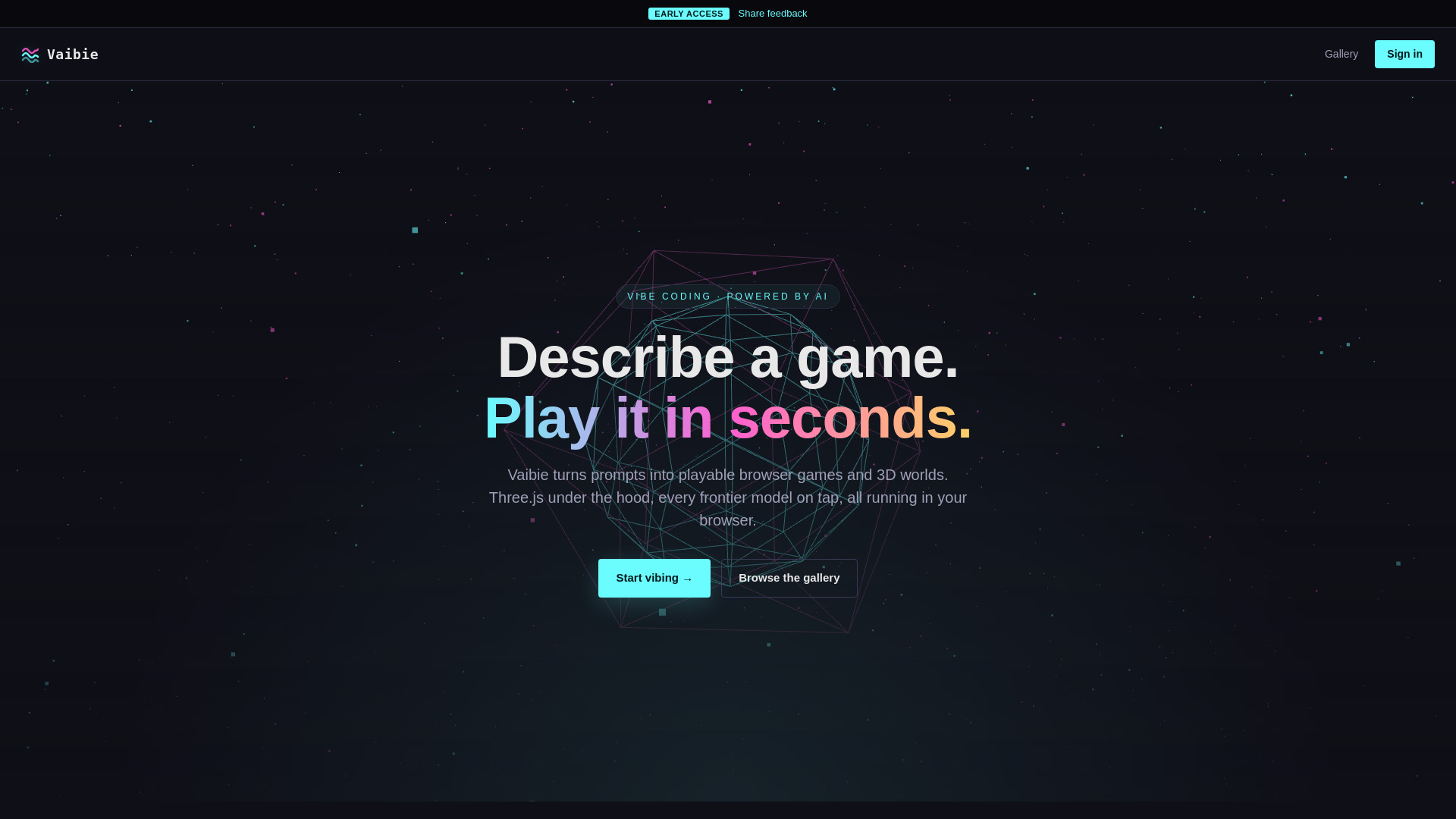
Vaibie
AI-built browser games and 3D worlds

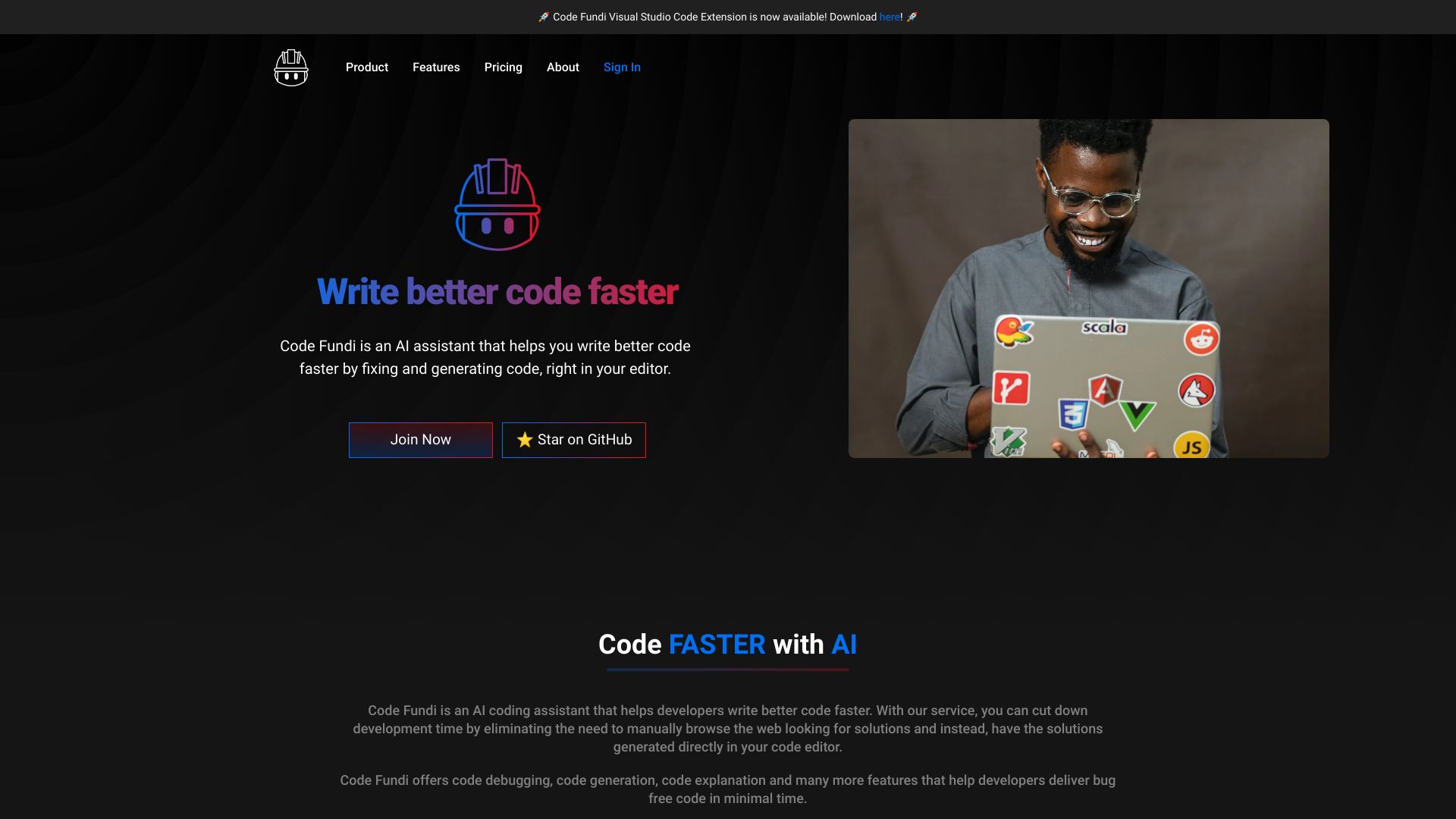
Code Fundi
Teams shipping full-stack software

VibePaper
Multimodal creation on an infinite canvas


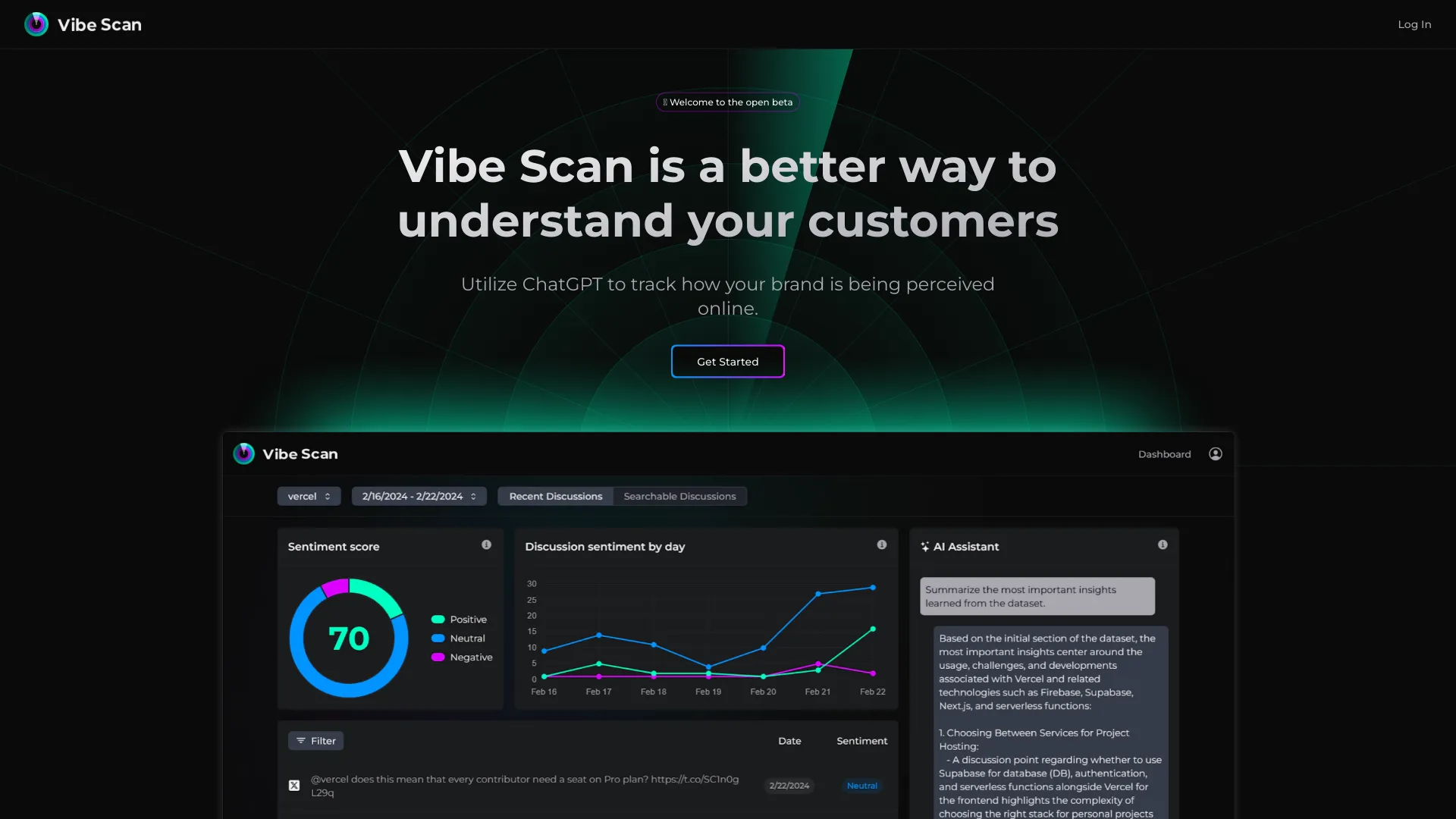
Vibe Scan
Brand reputation sentiment tracking

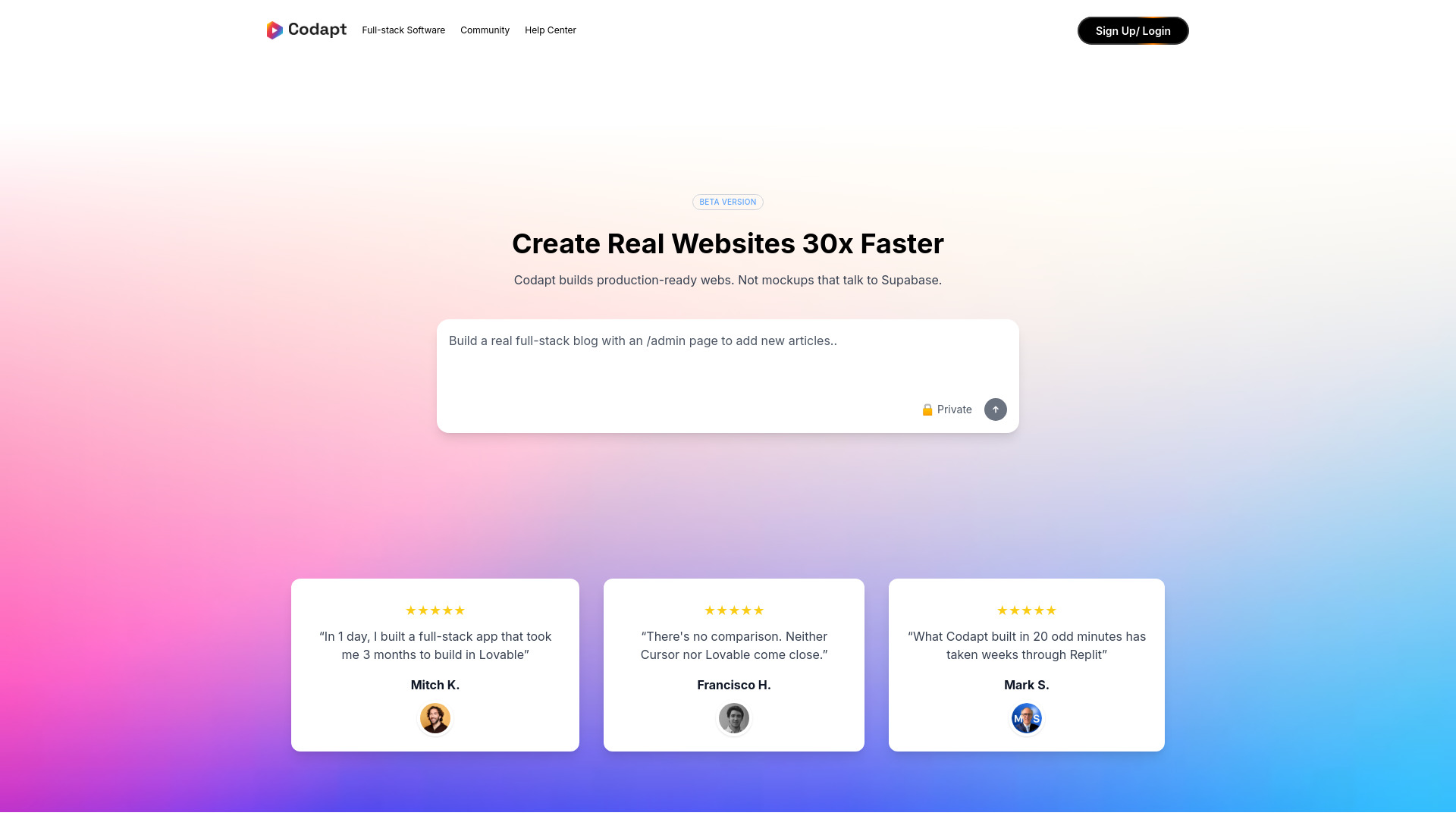
Codapt
Production-ready full-stack web apps

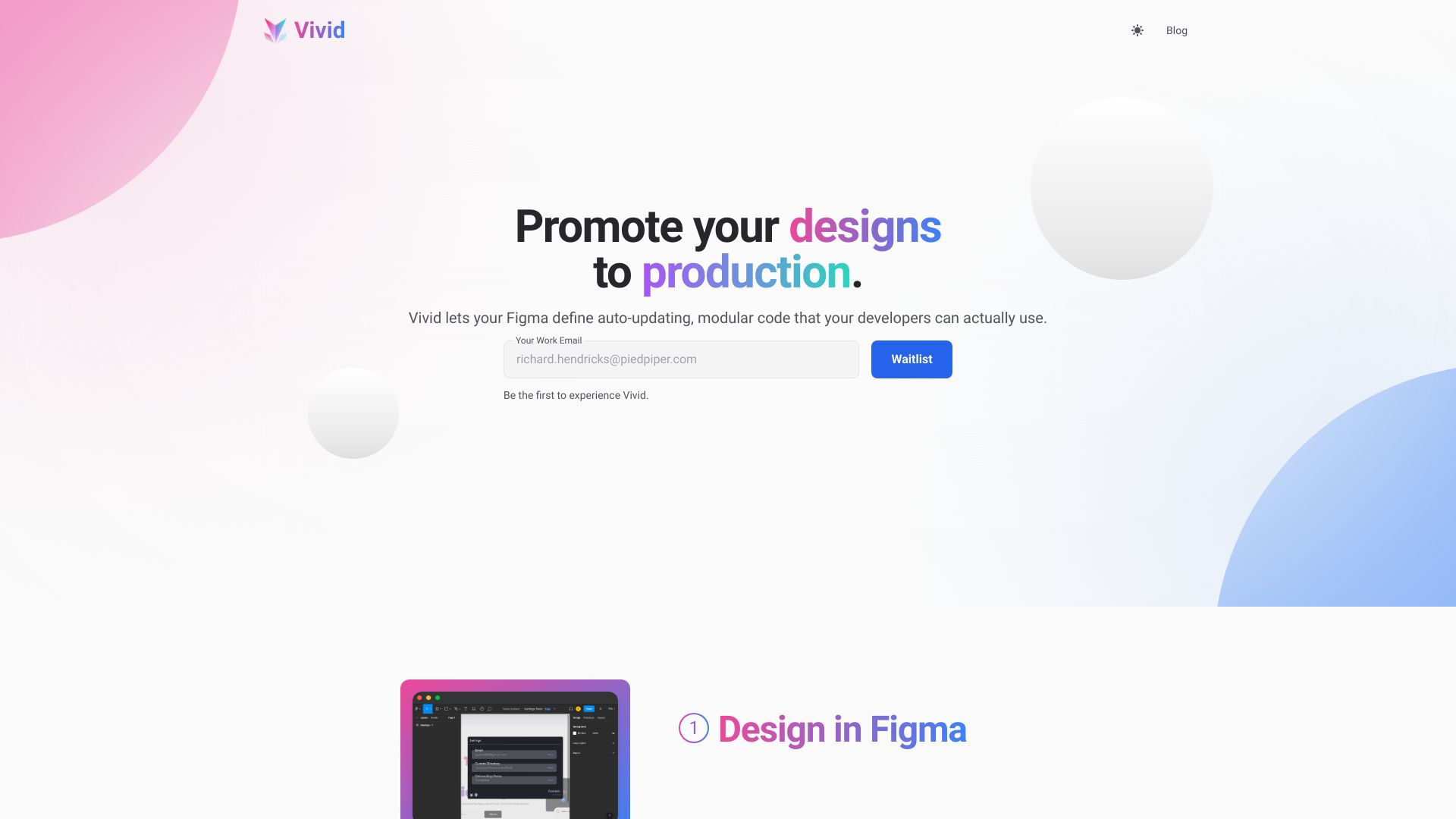
VYBE AI - Project Generator
Full-stack dApp project generation
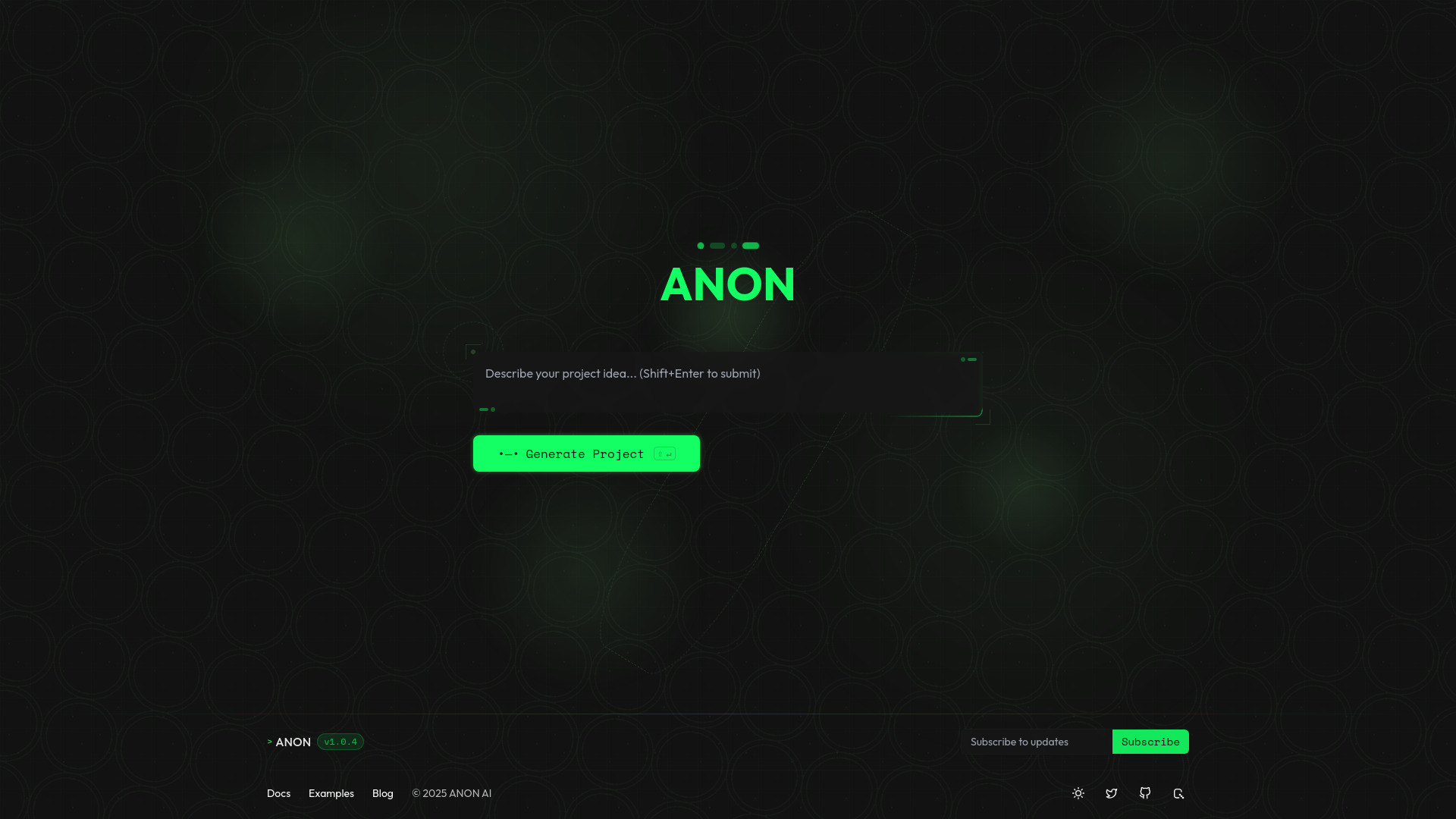

Vibrance Design
Design subscription for brands and agencies
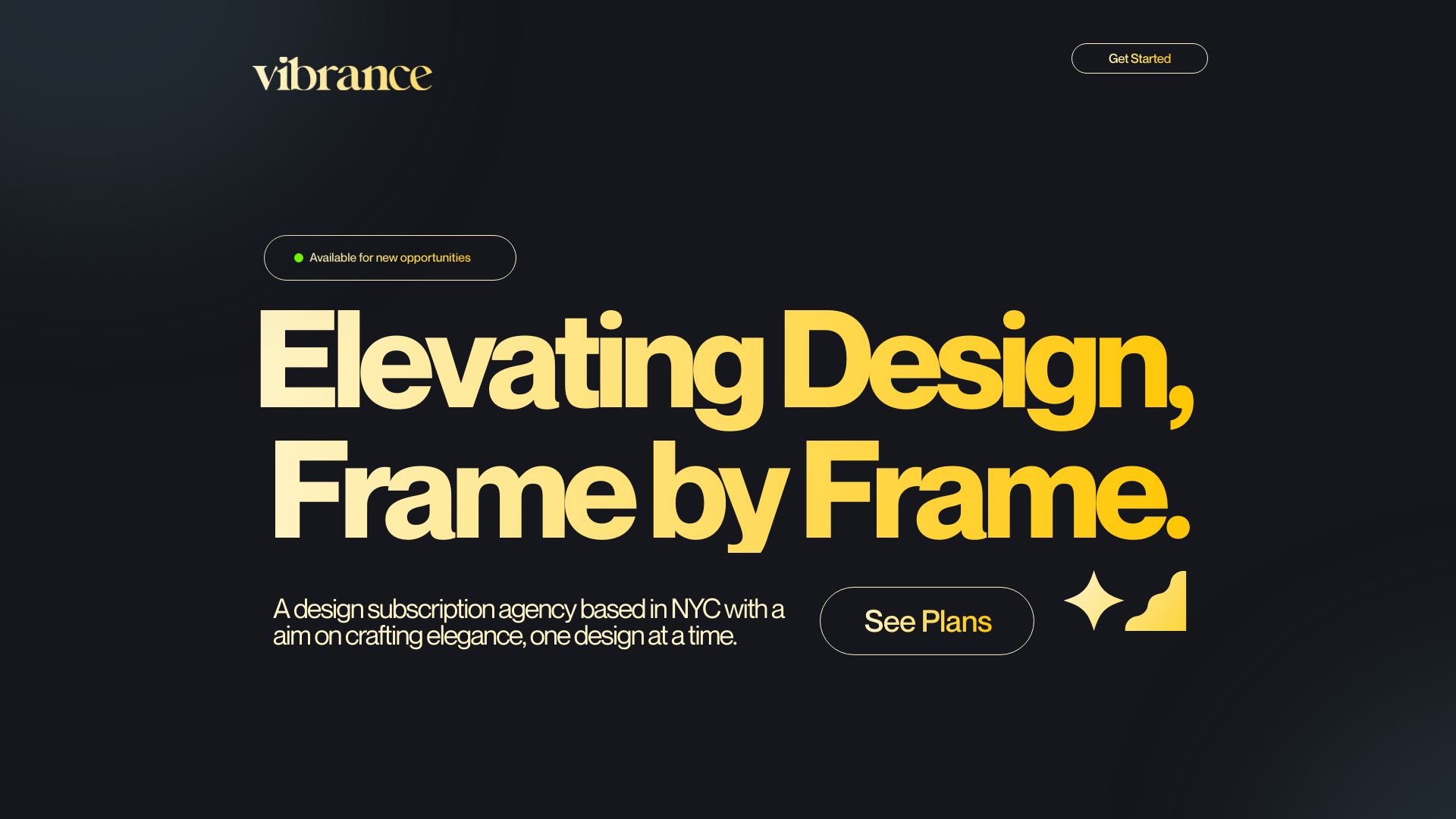

Vivid
Figma-to-code front ends
GoodWorkVibes
AI-curated productivity playlists

codefy.ai
AI coding widgets and code workflows
CodeAir
Mobile VS Code remote control

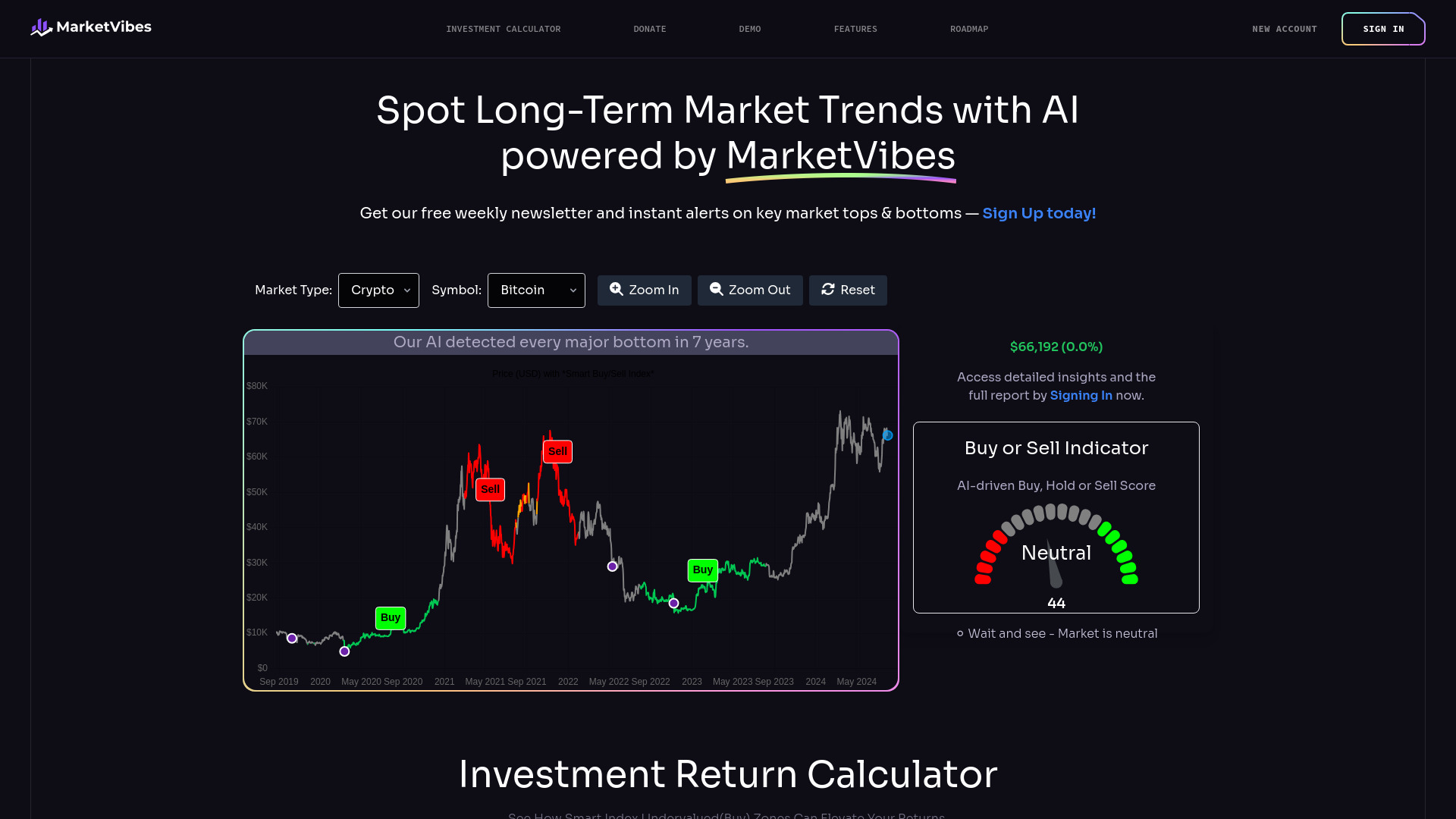
MarketVibes
AI-assisted market trend analysis

CodeStory
AI-assisted code debugging
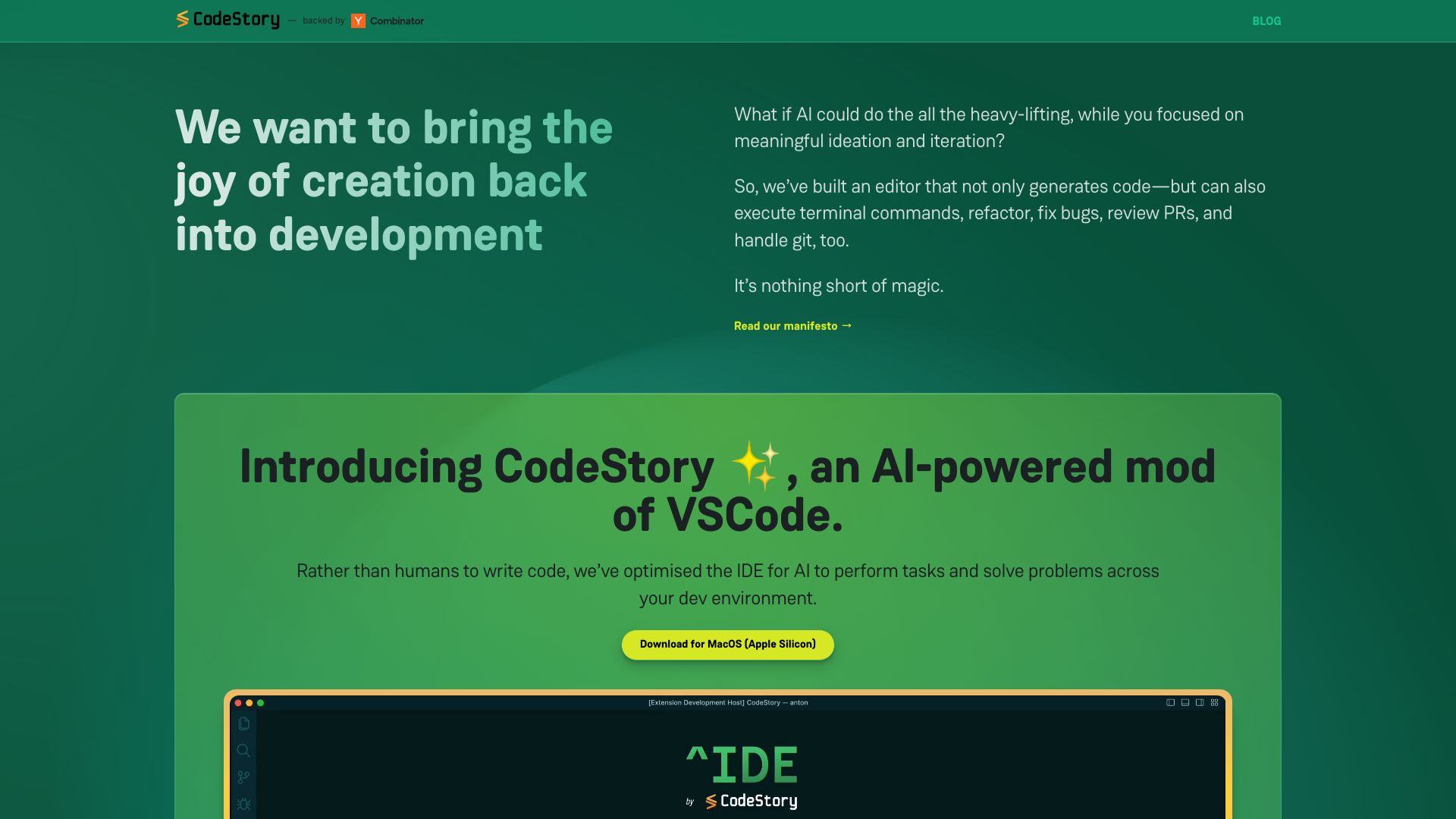

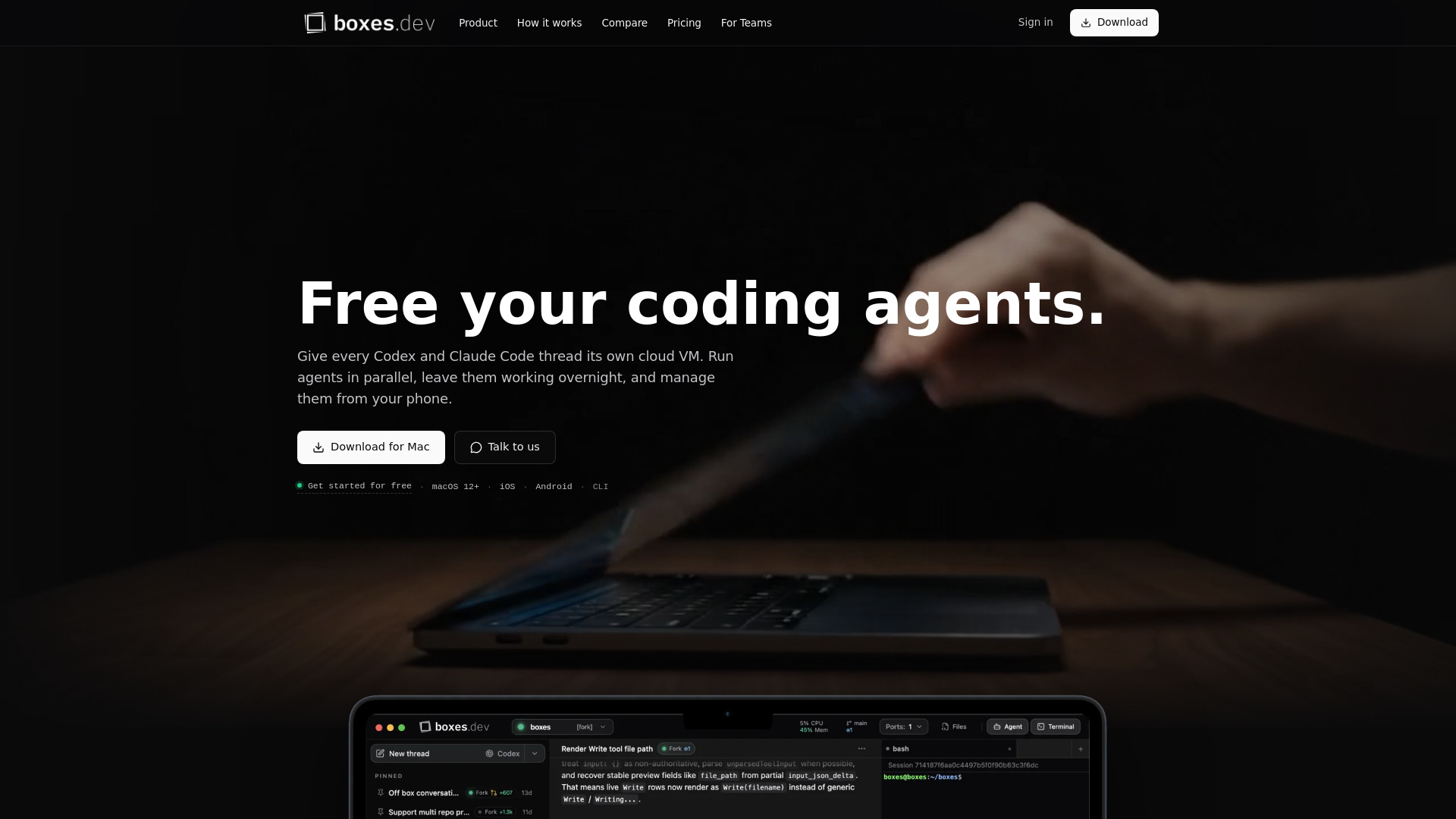
Boxes.dev
Parallel cloud coding agents

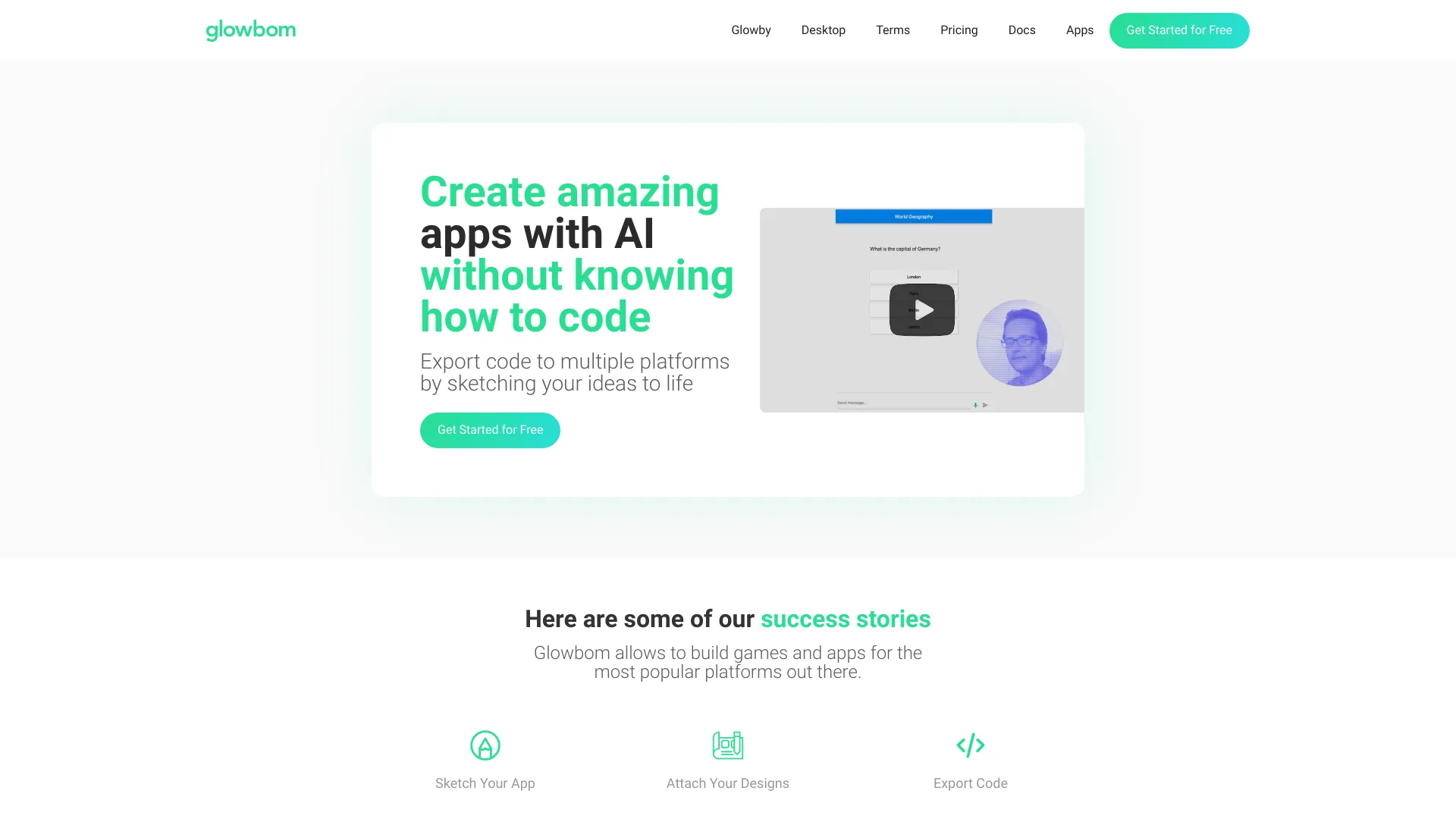
Glowbom
Visual app creation across platforms

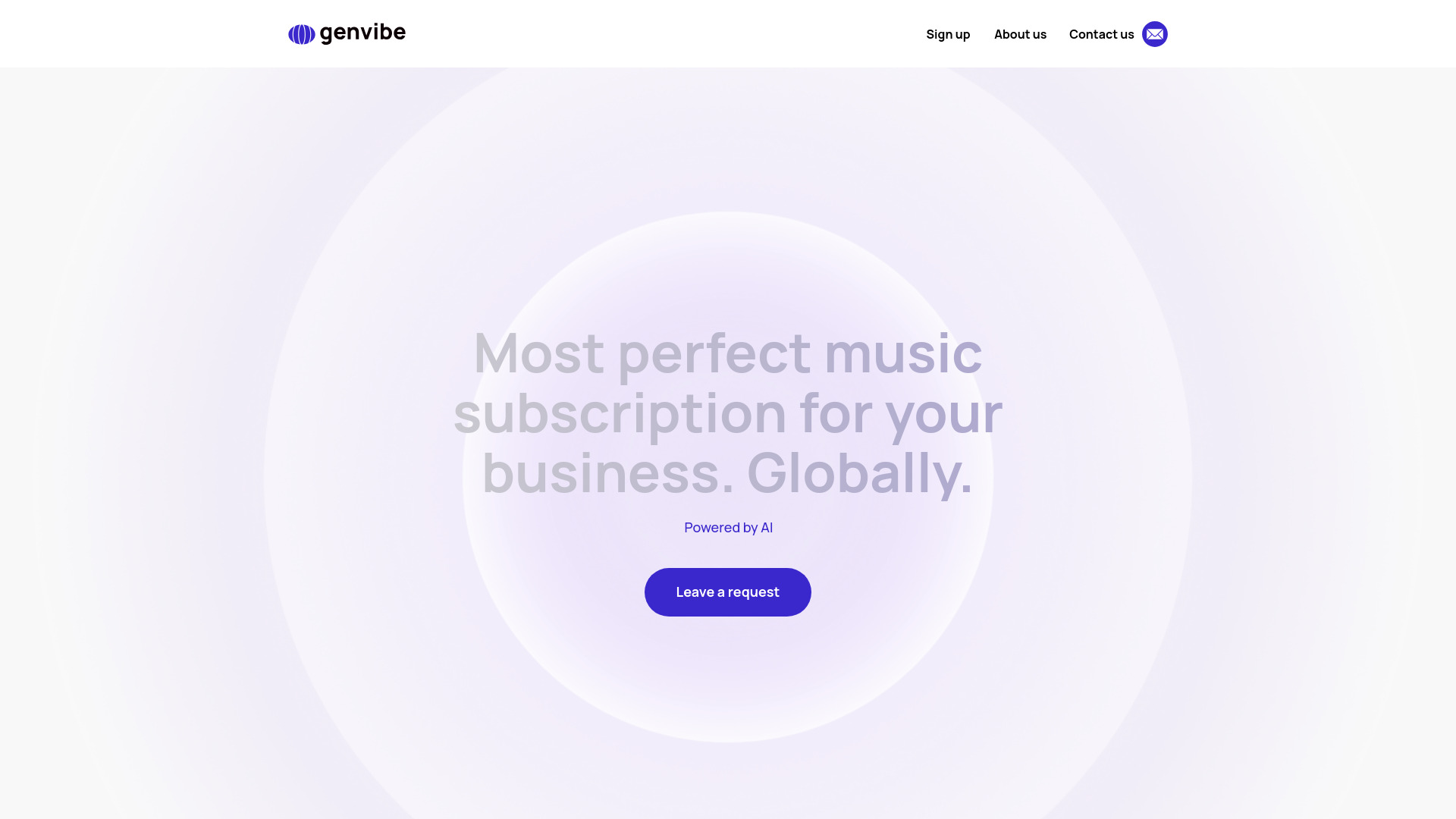
GenVibe
AI-powered branded background music

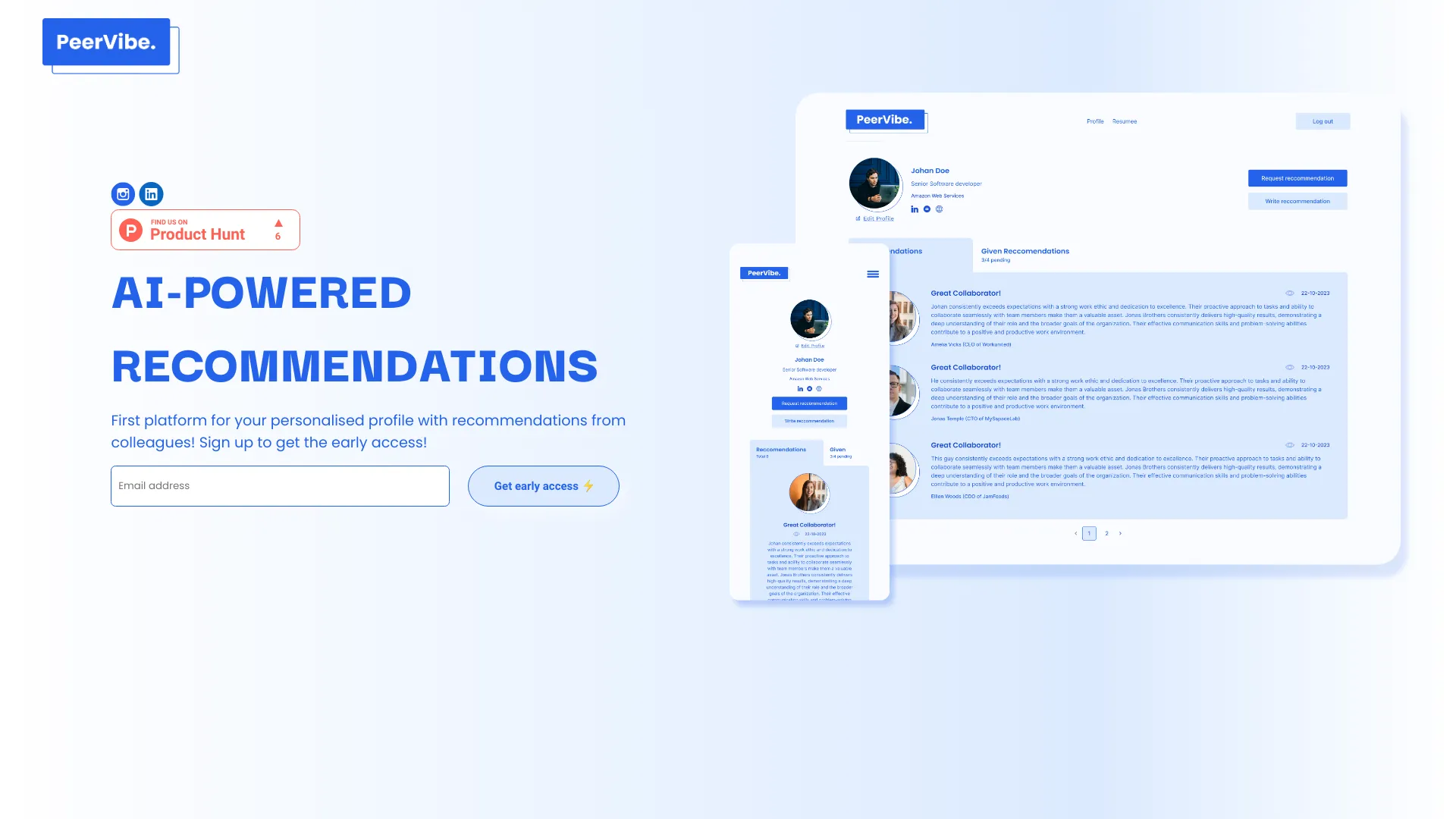
PeerVibe
AI-powered professional recommendations

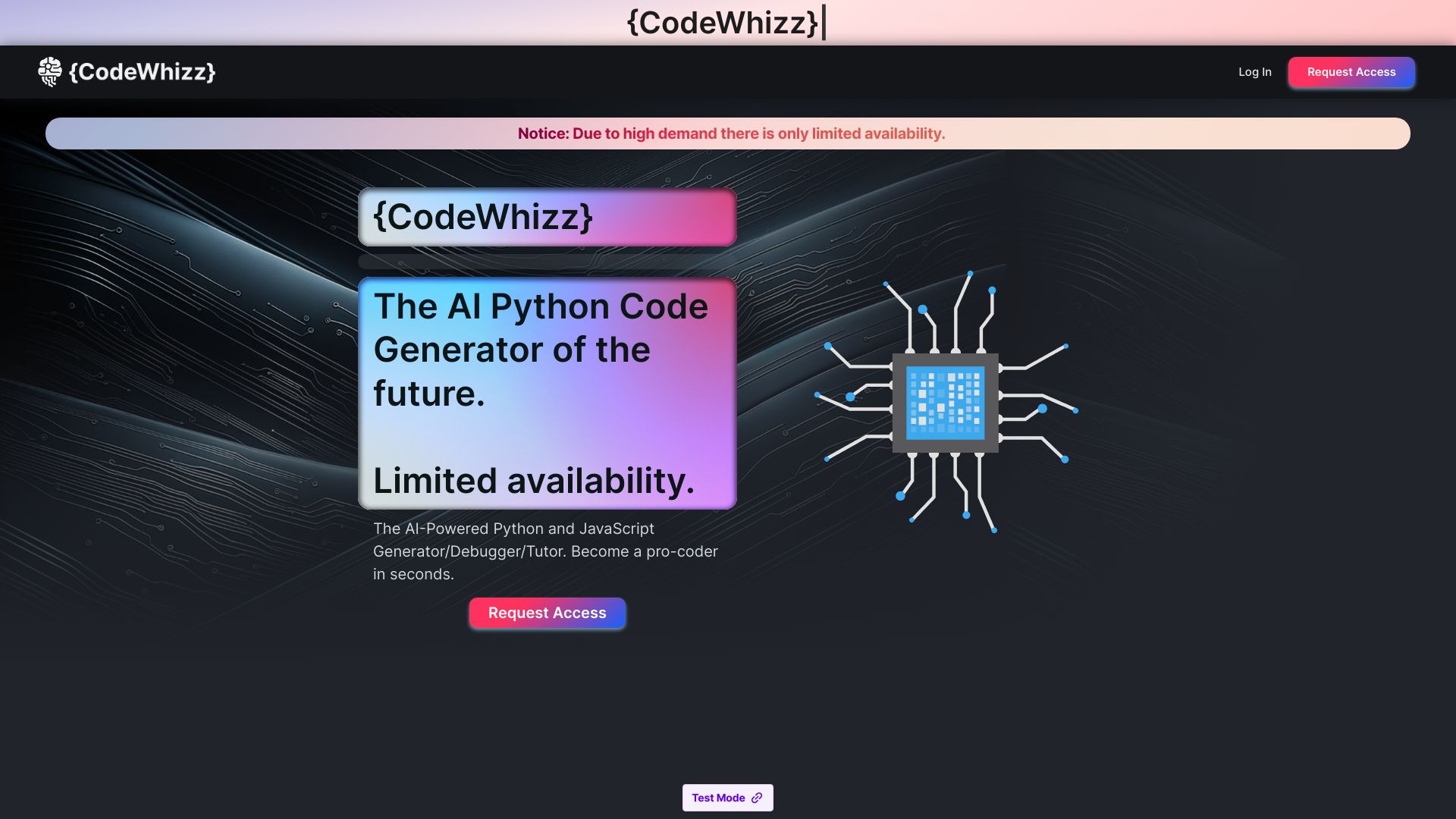
CodeWhizz
Python learners and productivity-focused coders

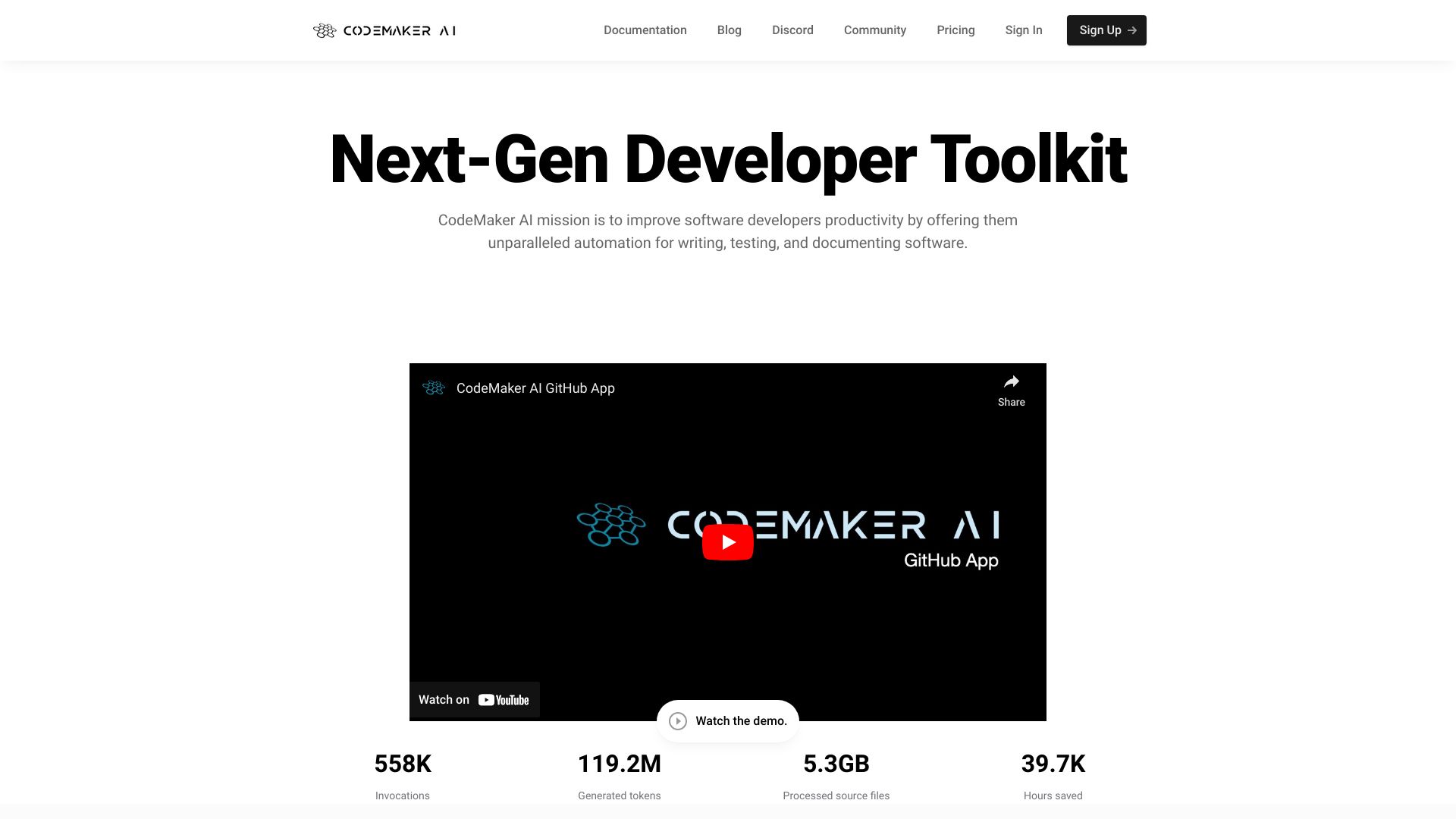
CodeMaker AI
Developers needing IDE and GitHub code automation

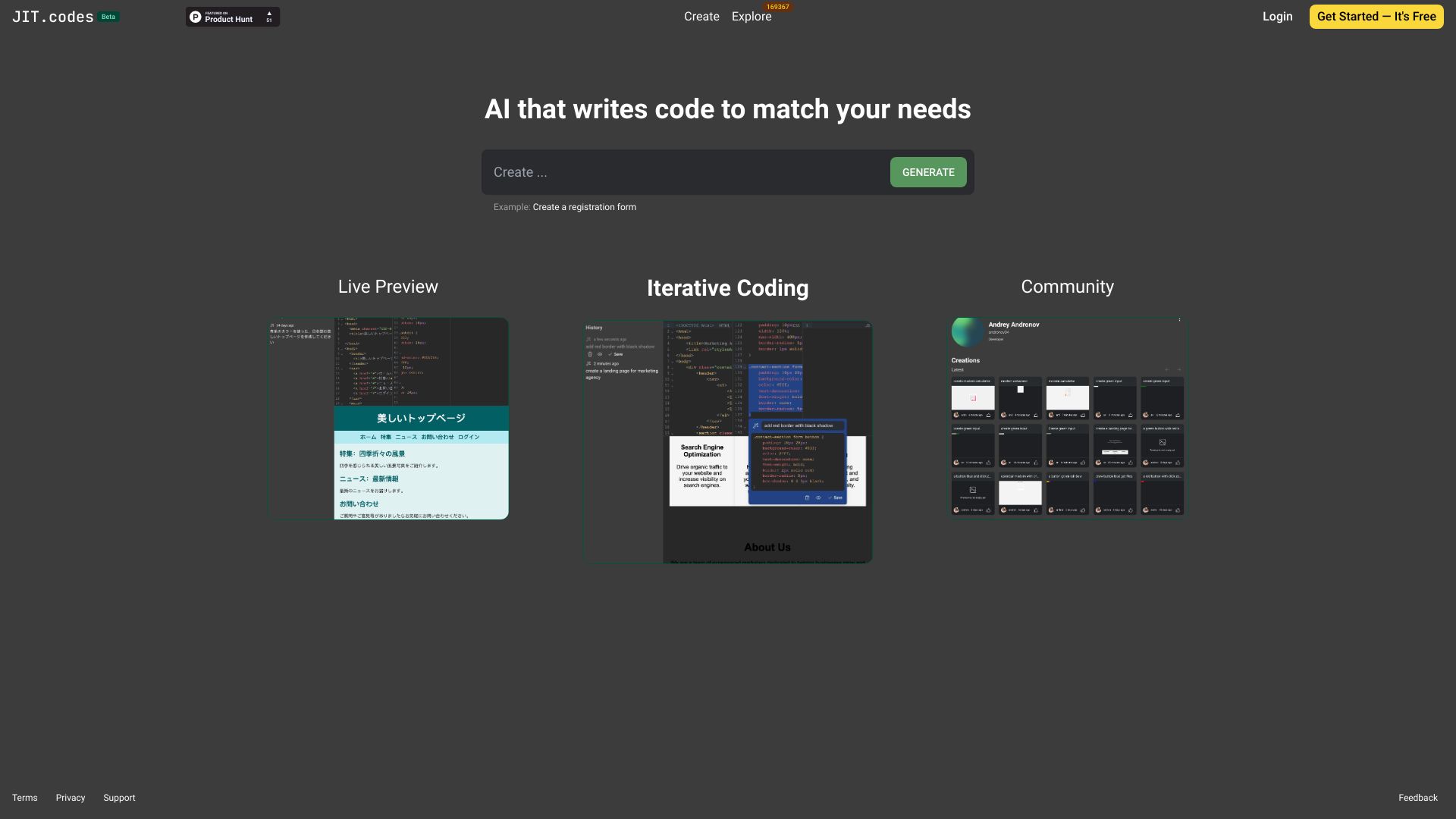
JIT.codes
Conversational code generation and model comparison

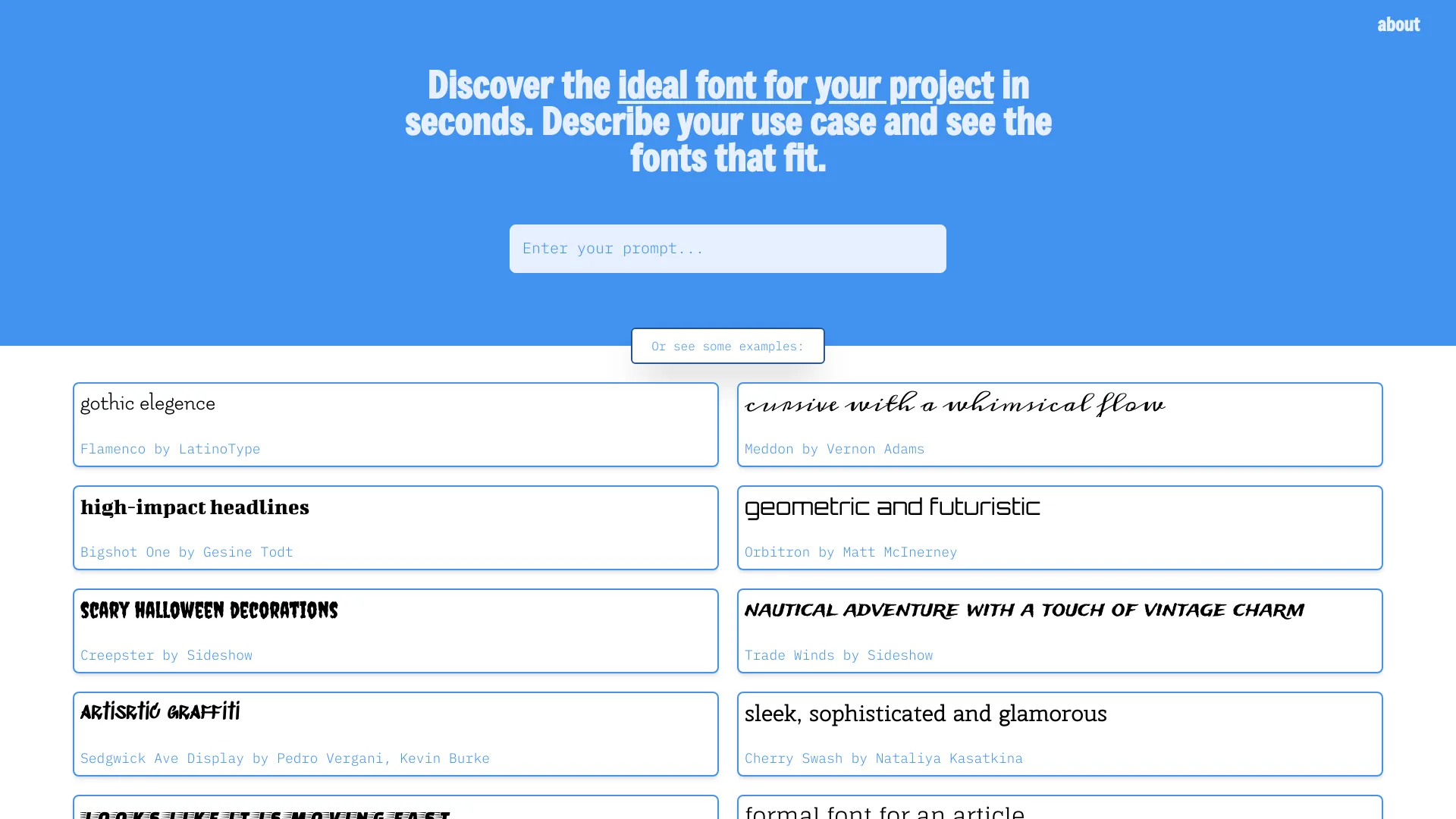
Font Vibes
Prompt-based font discovery

CodeCraft IDE
Collaborative AI coding
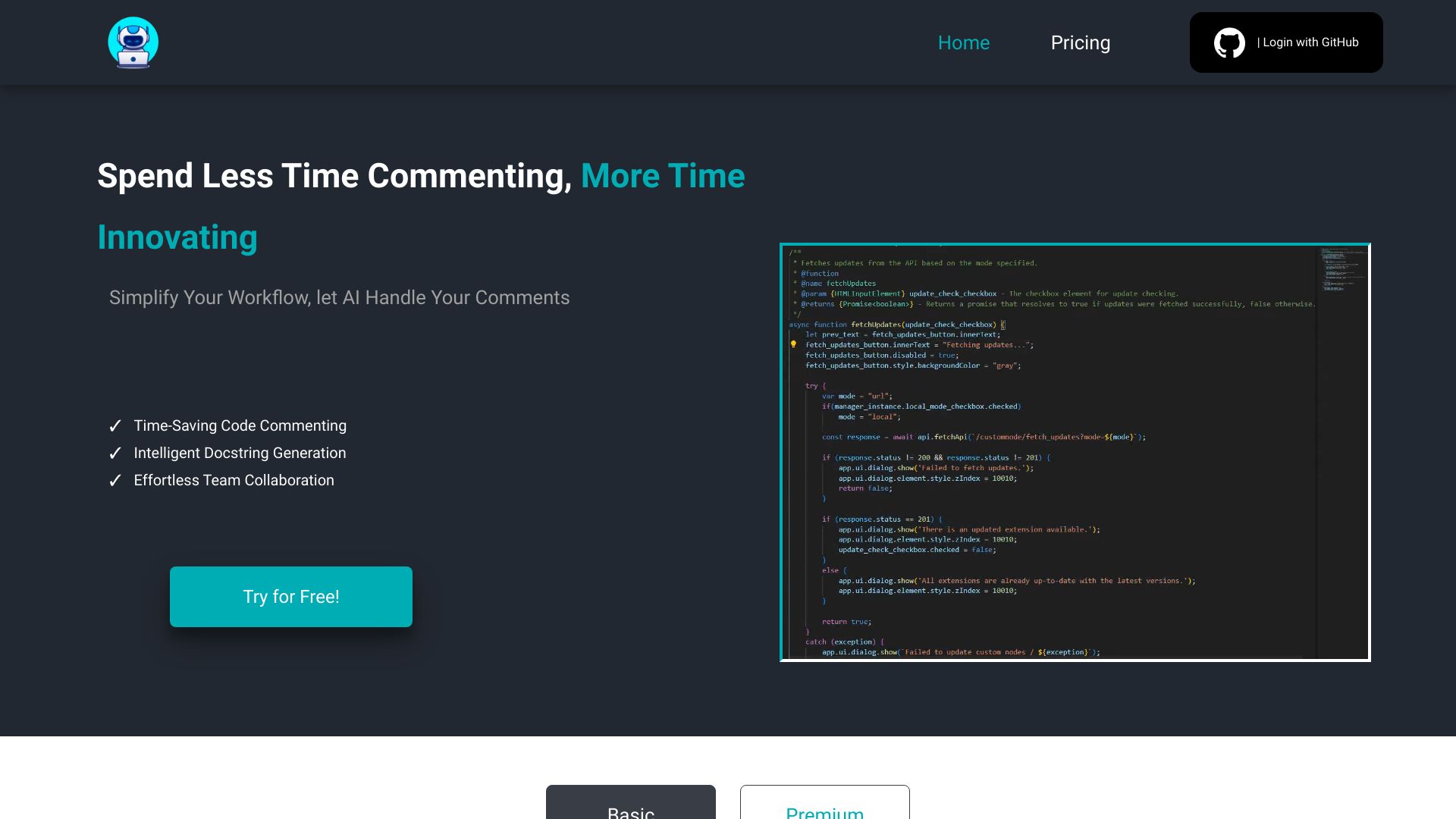
JustCode
JavaScript developers needing automated JSDoc comments

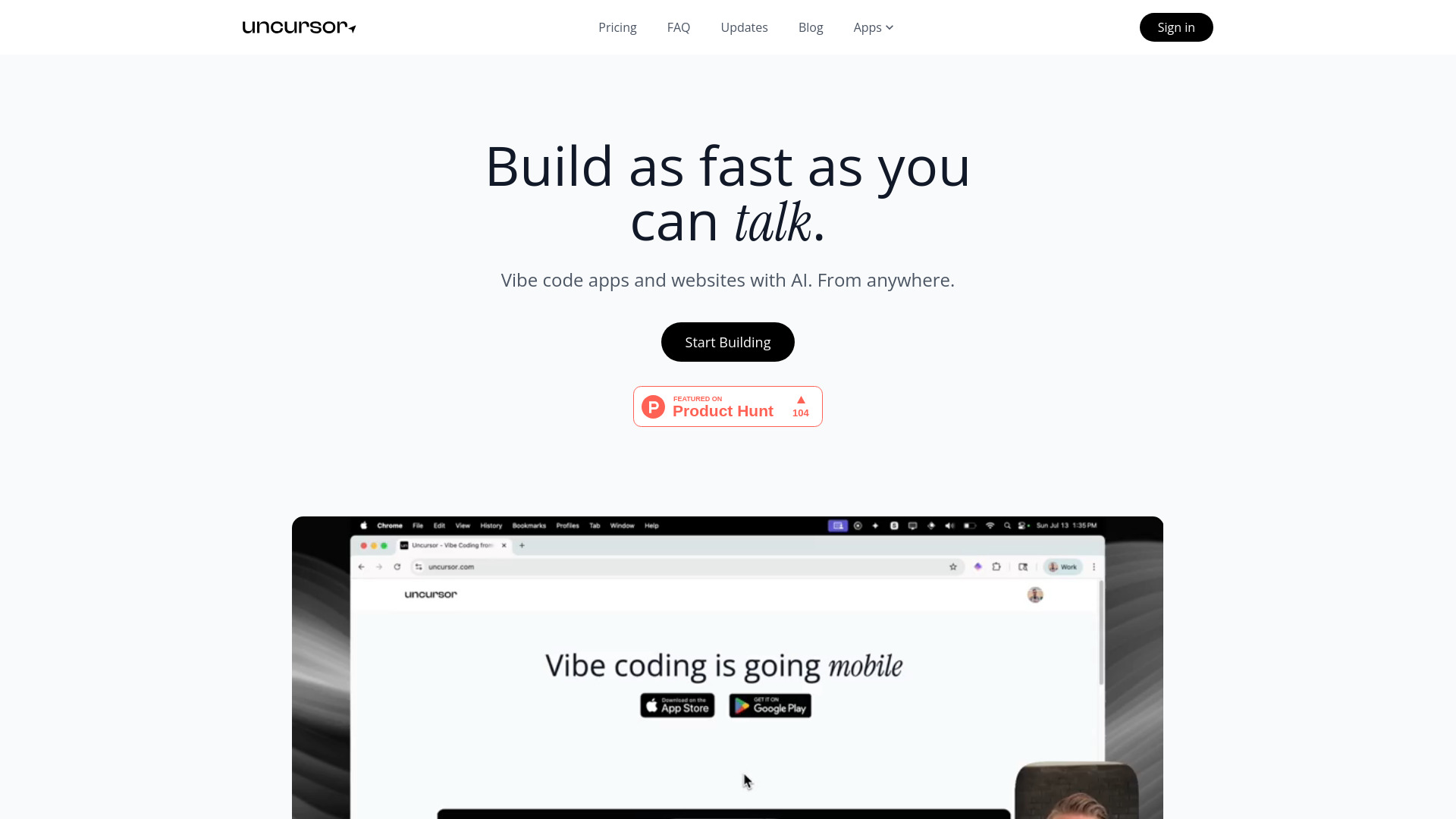
Uncursor
Building websites with natural-language prompts

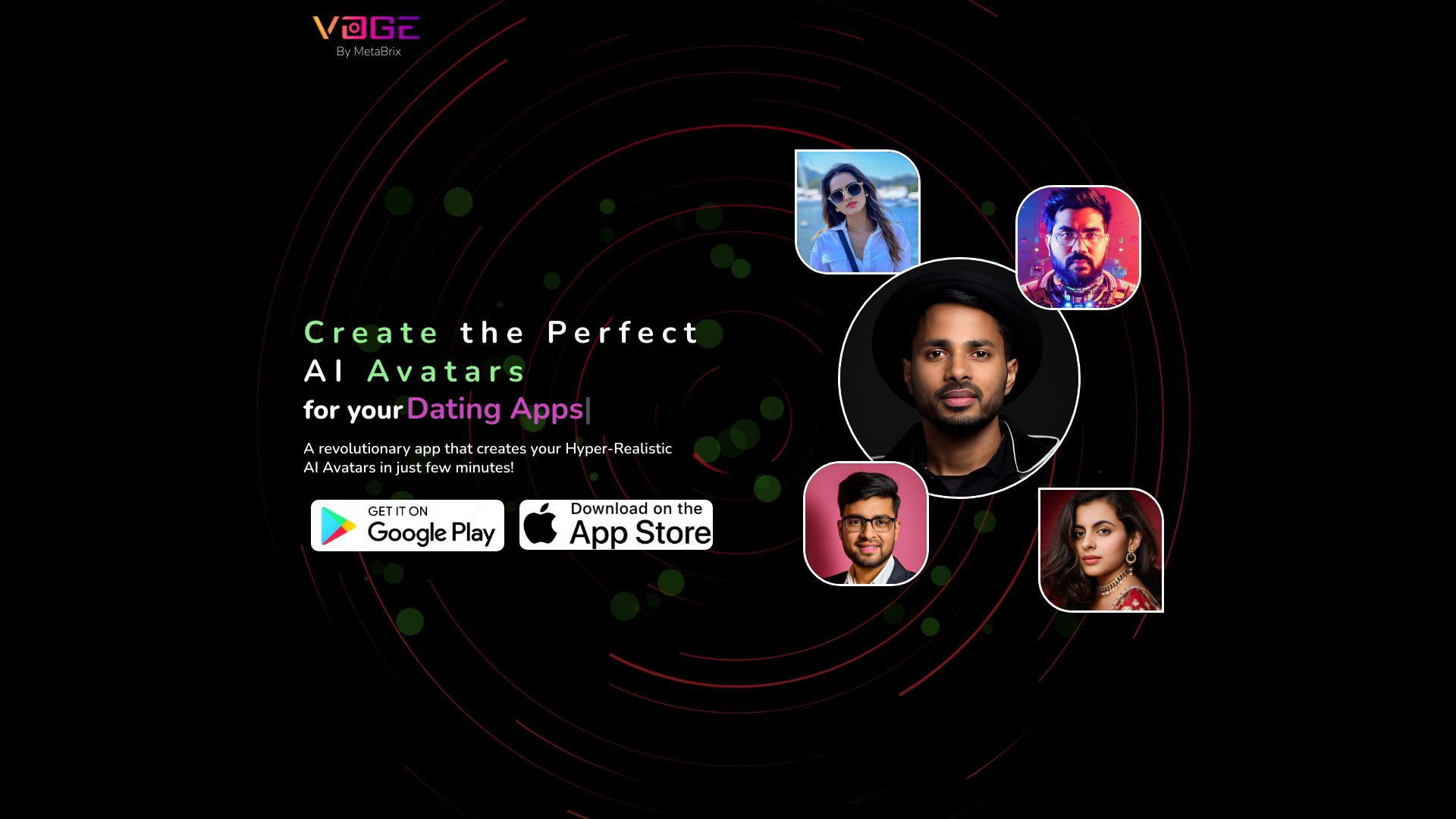
MetaBrix
AI-powered 3D characters and avatars
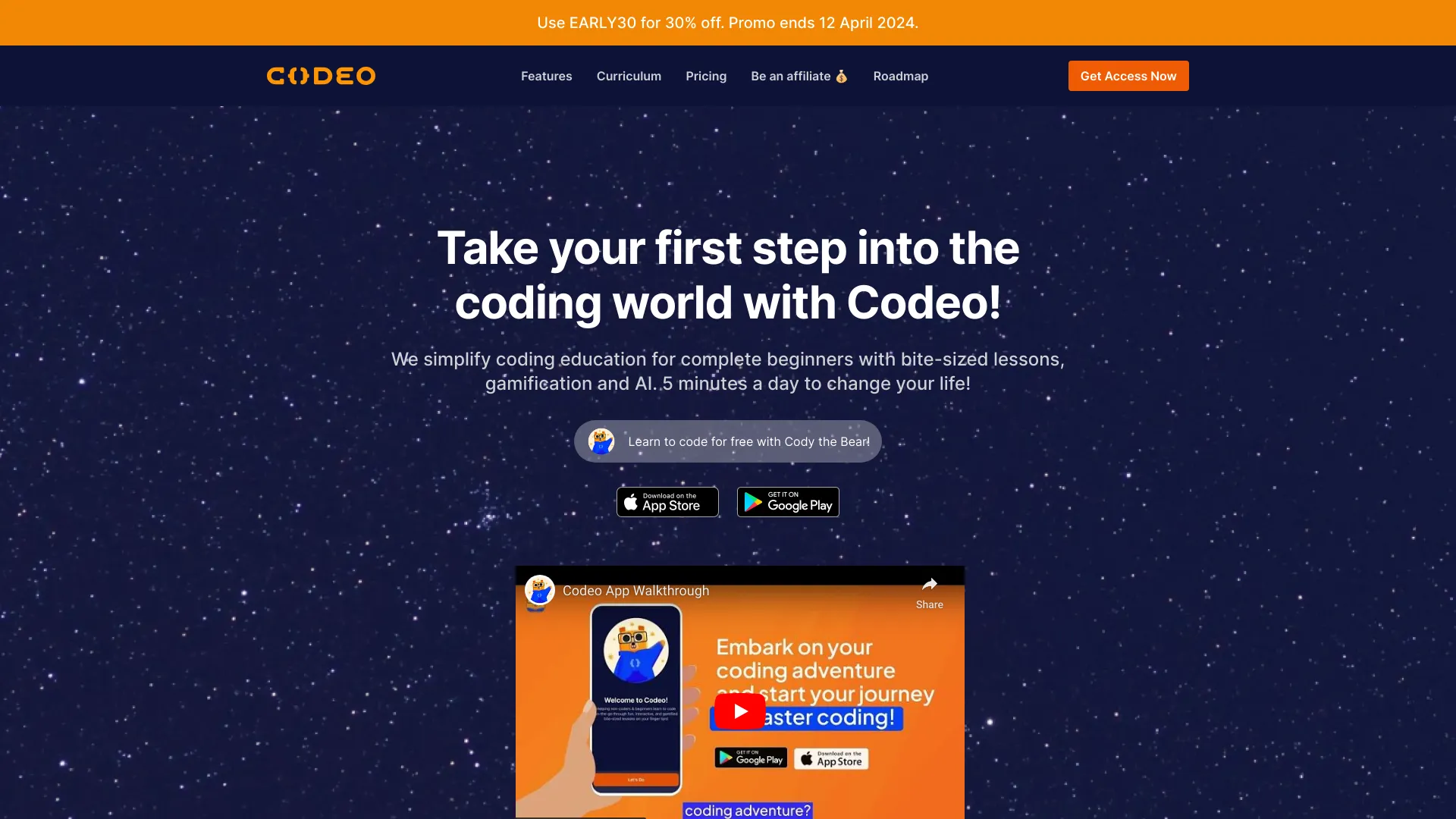
Codeo
Beginners learning coding through gamified lessons

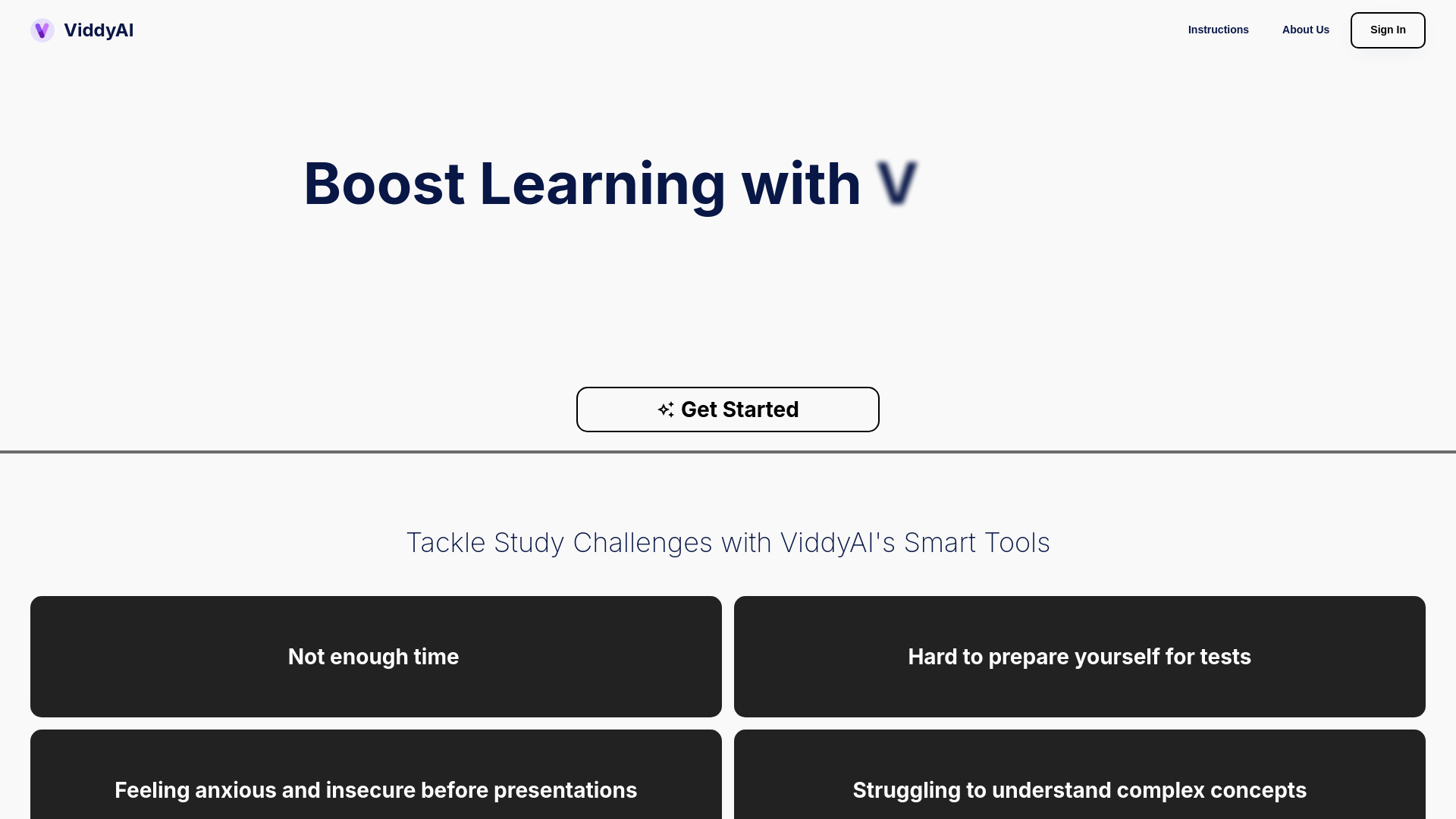
ViddyAI & Bubble
No-code visual app building

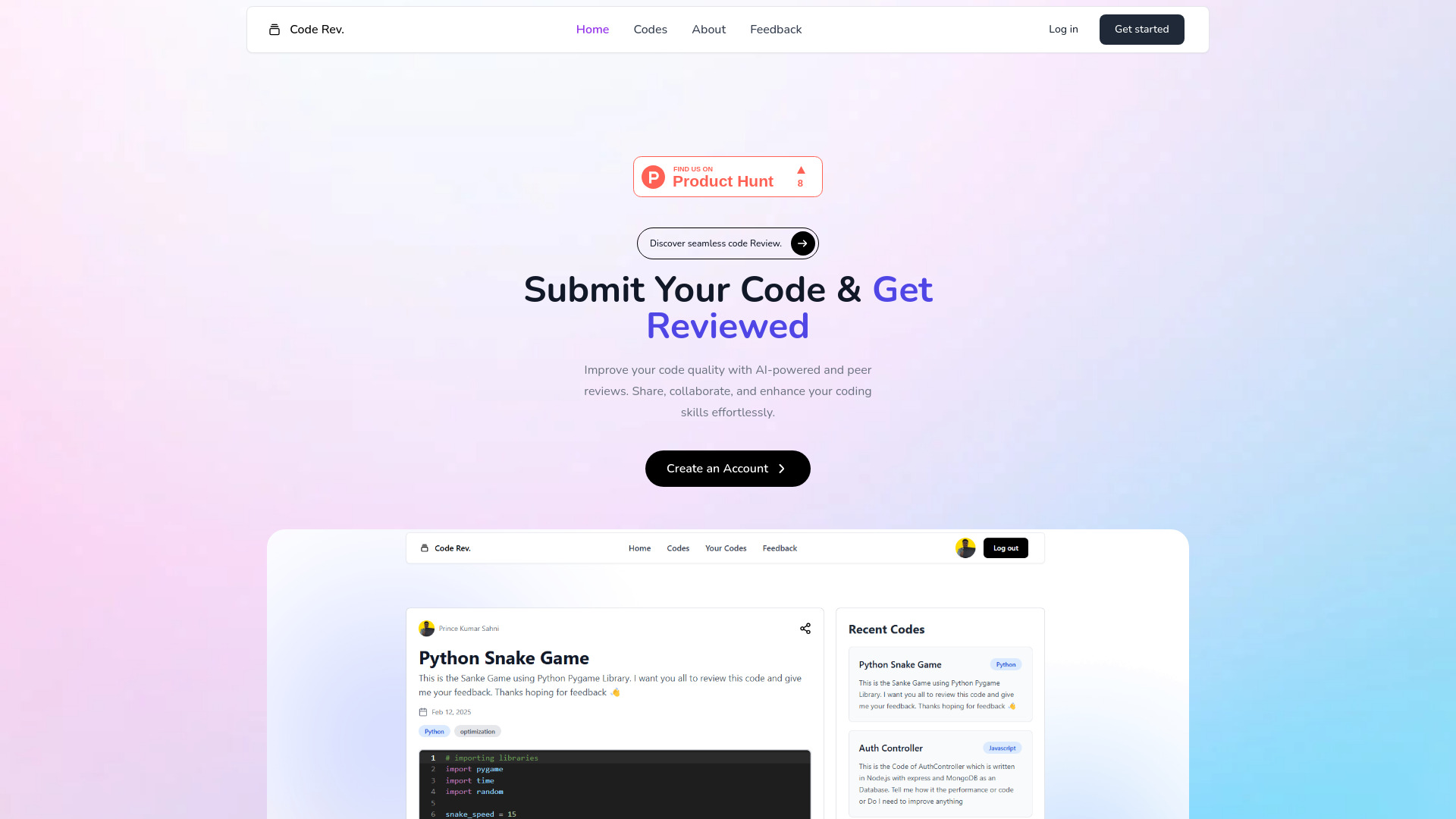
Code Rev.
AI and peer code reviews

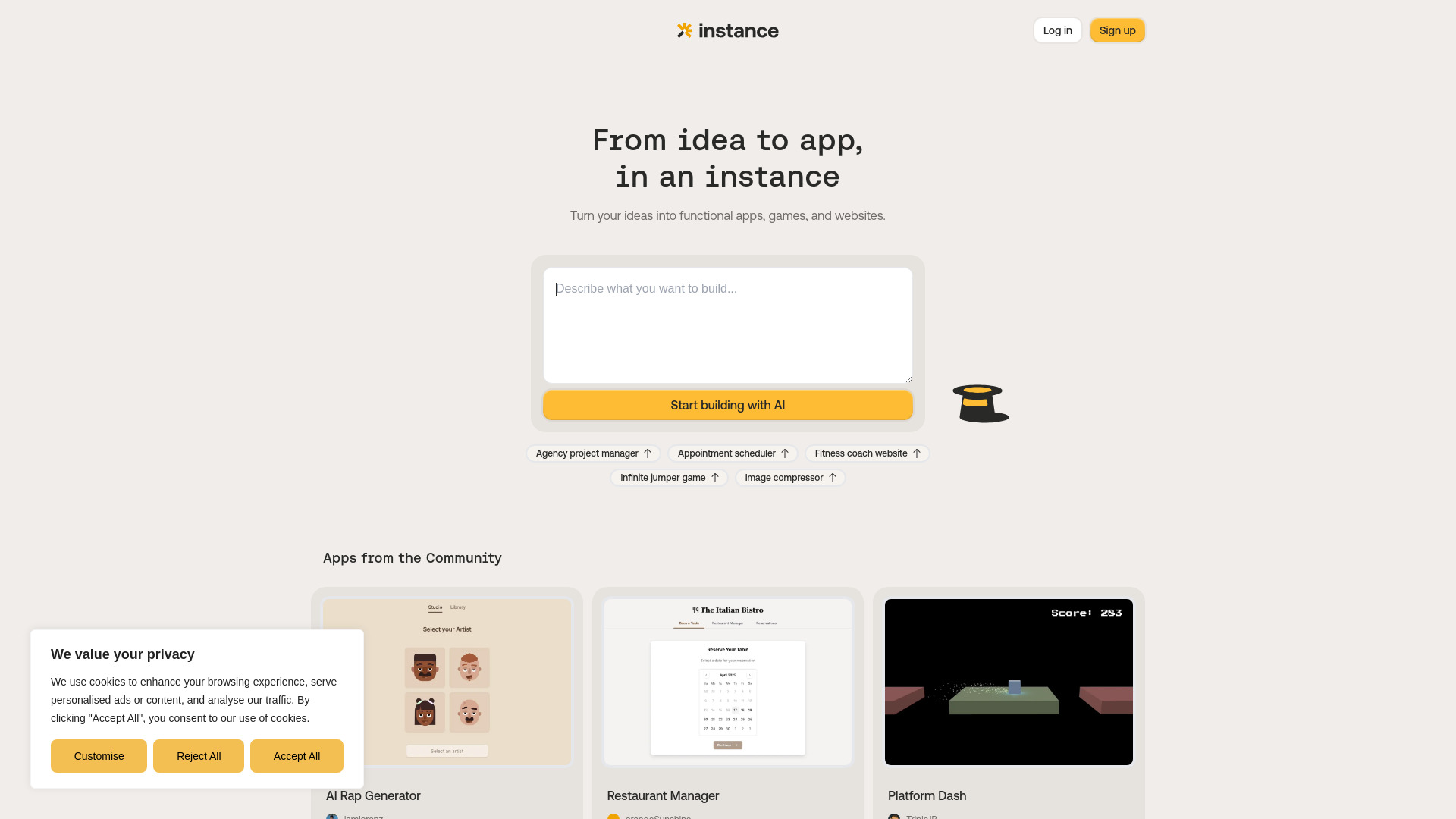
Instance
Plain-English app prototyping

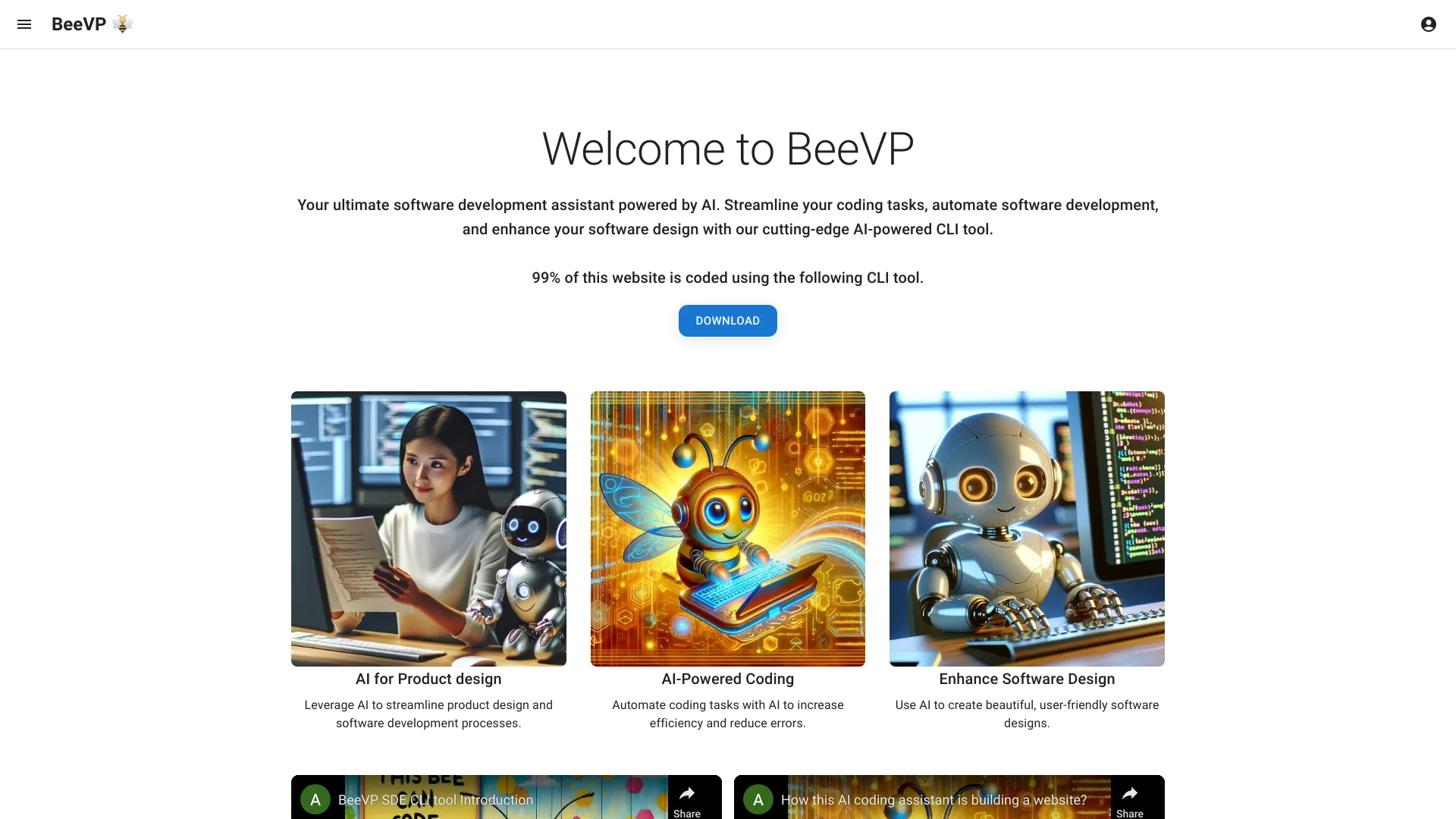
BeeVP
AI-powered CLI coding assistance

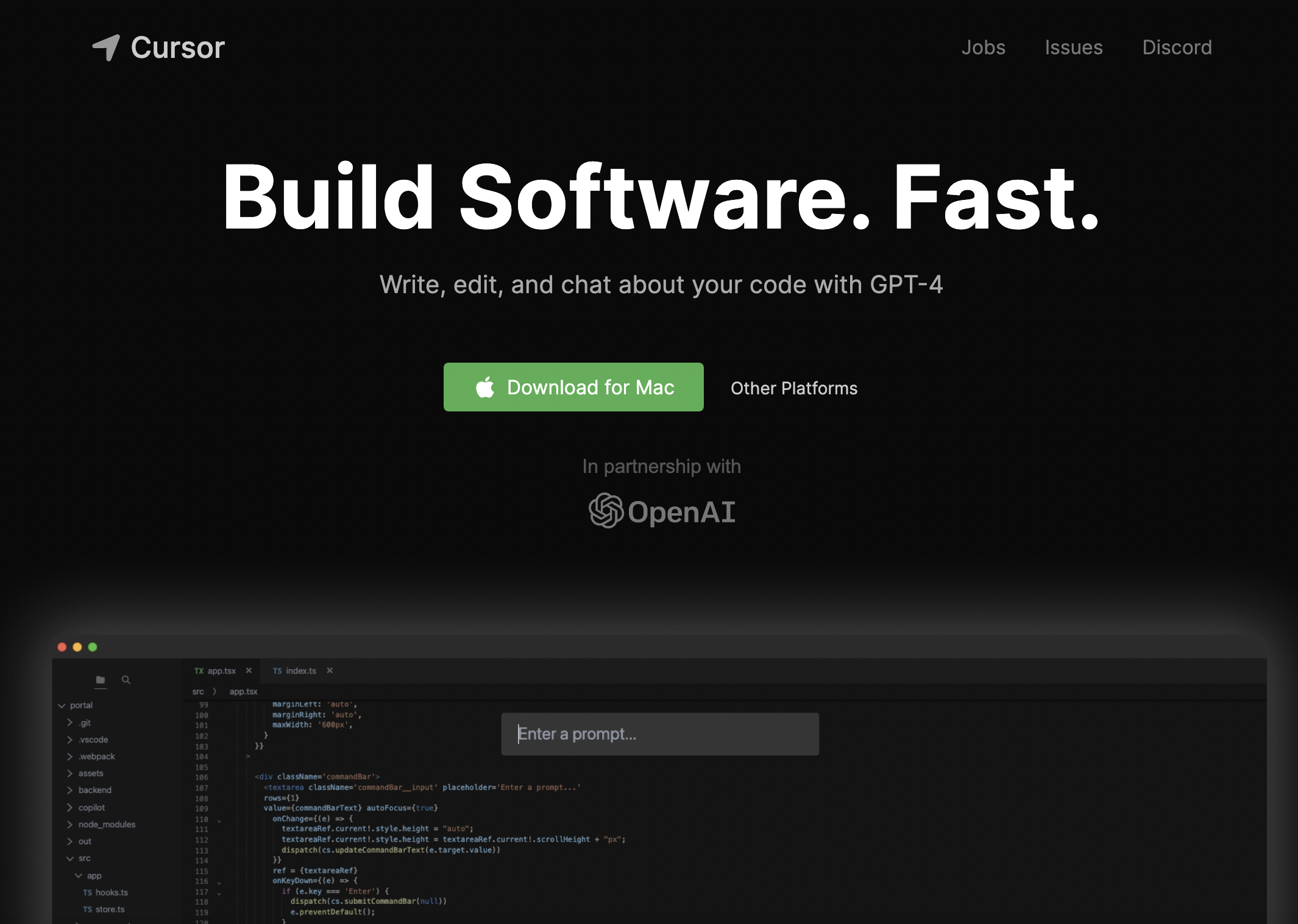
Cursor
AI-assisted software development
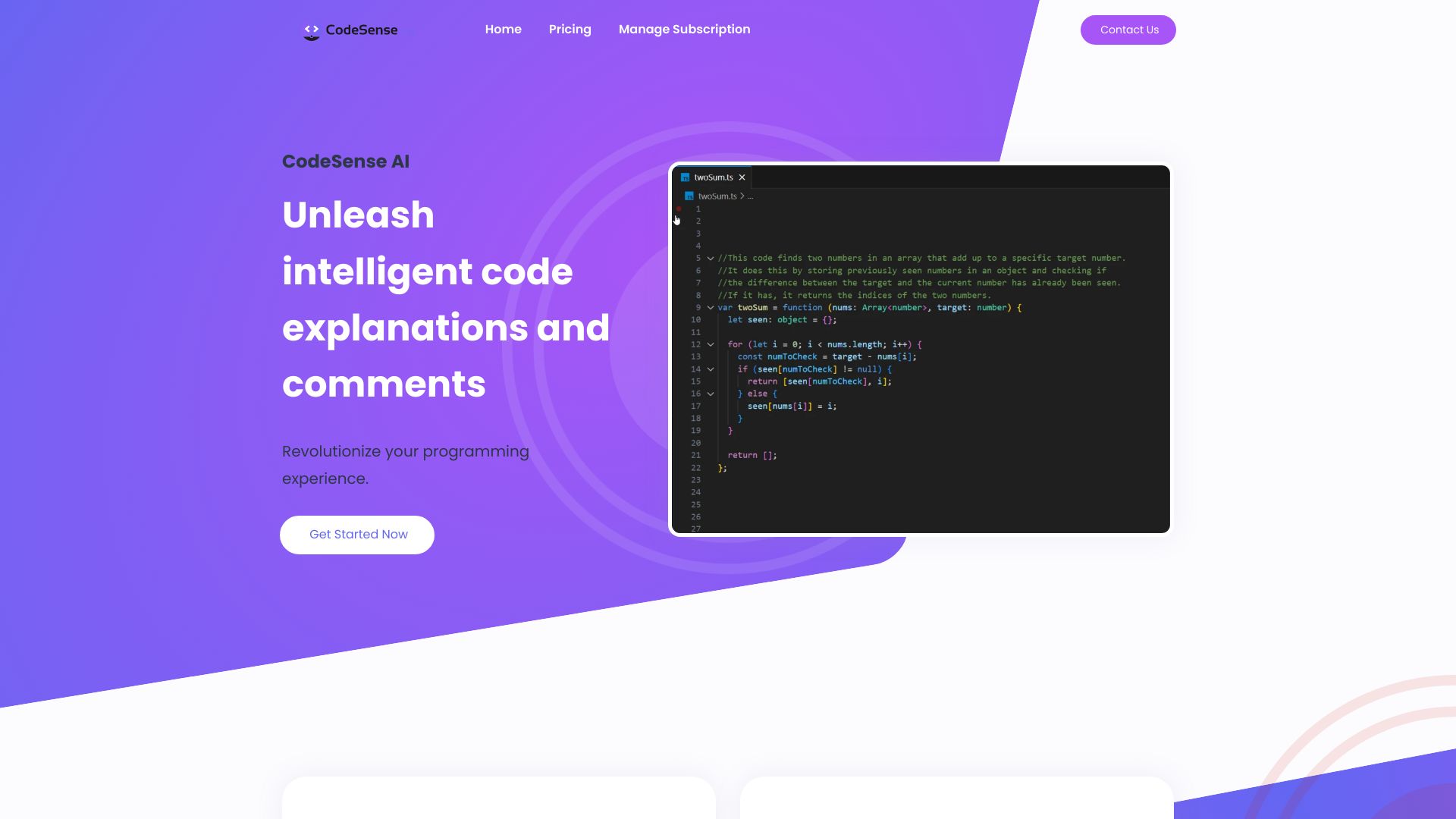
CodeSense AI
AI code explanations and comments in VS Code

YoAmigo
Founders building production-ready MVPs


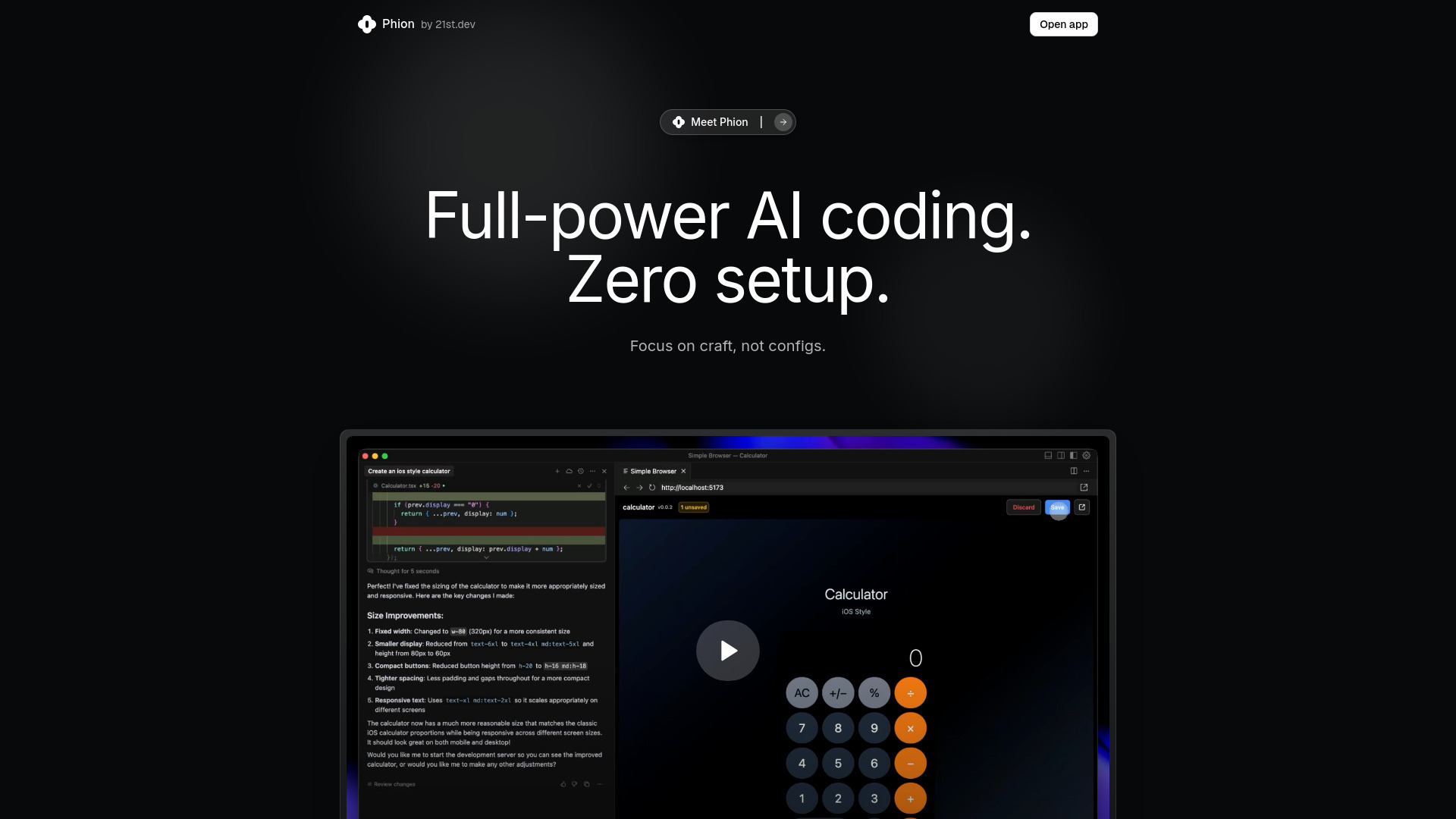
Phion
Zero-setup AI coding in Cursor
Which vibe coding tools should you choose?
Start with the output, not the phrase vibe coding. The best choice changes dramatically depending on whether you are making a mobile app, maintaining a software project, launching SaaS, or creating an interactive world.
| Your goal | Best starting point | Why |
|---|---|---|
| Build and test a mobile app | Vibecode | The workflow centers on prompted app generation and phone testing. |
| Work inside a professional codebase | Visual Studio Code | AI agents support planning, coding, and debugging in a flexible editor. |
| Explore and share creative projects | YouWare | Its coding agent is paired with a creator community and project sharing. |
| Generate a full-stack app from chat | codeflying | The product is built around conversational full-stack app creation. |
| Create a SaaS product with structure | VibeReady | Its boilerplate, context router, and quality gates target AI SaaS development. |
| Make a no-code 3D game | Rosebud AI | It focuses on game creation without traditional coding. |
| Review AI-generated code | CodeRabbit | It adds contextual, line-by-line AI code review. |
| Produce visual or video work | VibeMeAI, Vibe3D, or Viblo | These are adjacent creative studios for music video, rendering, and editing workflows. |
For beginners, Vibecode, YouWare, codeflying, and Rosebud AI offer the clearest outcome-led paths. For developers, Visual Studio Code and CodeRabbit are more credible together than any single prompt-only builder. For founders, VibeReady deserves attention when architecture and AI-specific guardrails matter more than getting a disposable demo online.
My practical recommendation
Try Vibecode first if your project is a mobile app and you want the shortest path from prompt to phone. It has the most direct match between the category and the workflow, plus a free starting point.
Choose Visual Studio Code if you can read and revise code. It is the most durable option for serious software work because its AI support covers planning, implementation, and debugging without forcing you into a narrow app-builder workflow. Add CodeRabbit when review quality is the bigger concern.
If you are building for a specific medium, do not force a general code tool into the wrong job. Use Rosebud AI for a no-code 3D game, VibeReady for an AI SaaS foundation, and the creative alternatives for visual production. The best vibe coding apps are not interchangeable; audience fit matters more than a one-point score difference.
Before paying, run the same small test through two finalists. Ask each tool to create one focused feature, inspect how it handles a revision, and check the free quota, plan limits, provider requirements, and export or deployment path. That short exercise usually reveals more than a polished landing-page demo.
Common mistakes when choosing vibe coding tools
Confusing a prototype with a production system. A quick generated result is useful, but it does not prove that the tool fits long-term maintenance.
Ignoring the review step. AI-generated code still needs debugging and contextual review; CodeRabbit exists because generation and verification are different jobs.
Choosing by score alone. A 93/100 mobile builder is not automatically better for a SaaS founder than a 92/100 framework.
Overlooking technical constraints. Visual Studio Code may need extensions or provider accounts, while VibeReady is tailored for GCP.
Treating free access as unlimited access. Limited messages, credits, quotas, watermarks, and trial periods all affect the real cost.
Using a creative wildcard as a coding platform. VibeMeAI, Vibe3D, and Viblo are useful adjacent tools, but their workflows focus on media and rendering rather than software development.
What changed in 2026
The 2026 shortlist shows that vibe coding has split into several distinct workflows. AI agents now support planning, coding, and debugging inside professional editors, while dedicated products generate mobile and full-stack apps through prompts or chat. At the same time, creator communities, no-code game environments, AI rendering, and automated video editing are adopting the same idea-led interaction model.
The other notable shift is toward structure and verification. VibeReady emphasizes architecture, context routing, and quality gates for AI SaaS work; CodeRabbit focuses on reviewing generated changes. That suggests the mature buying question is no longer simply whether a tool can produce something quickly. It is whether the tool helps you iterate, inspect, share, and maintain the result.
FAQ
YouWare, codeflying, Rosebud AI, and Vibecode are the most approachable starting points, depending on the output. Rosebud AI targets no-code 3D games, while Vibecode focuses on mobile apps and codeflying on full-stack apps through chat.