
Finding the best ai to create images depends less on a flashy sample and more on what you need to make repeatedly. We compared 99 tools across text-to-image generation, illustration, image editing, product visuals, photorealistic people, and enhancement workflows. The 10 featured below are the strongest starting points, while the remaining candidates can be browsed in the card grid later in the article.
Top picks
| Pick | Tool | Best for | Why it stands out |
|---|---|---|---|
| 1 | Depositphotos AI Image Generator | Content creators | Combines text-to-image generation with unique, licensed pictures. |
| 2 | AI Illustration Generator | Designers | Produces consistent illustrations in distinct art styles. |
| 3 | Imagine.art | Artists | Pairs text-to-image generation with image remixing. |
Quick comparison
| Tool | Score | Best for | Standout capability | Free access | Starting price |
|---|---|---|---|---|---|
| Depositphotos AI Image Generator | 94/100 | Content creators | Text-to-image generation | Free plan available | Check vendor pricing |
| AI Illustration Generator | 94/100 | Designers | Consistent art styles | Free plan available | Check vendor pricing |
| Imagine.art | 94/100 | Artists | Text to Image and Image Remix | Free plan available | Check vendor pricing |
| Krea AI | 94/100 | Graphic designers | Realtime AI generation | Free daily generations | Free: $0 |
| a1.art | 93/100 | Digital artists | Image generation and photo filters | Free plan available | Check vendor pricing |
| insMind | 93/100 | E-commerce retailers | AI fashion models | 3-day free trial; 10 credits | Free: $0 |
| Playground AI | 93/100 | Graphic designers | Image creation and editing | Free plan available | Free |
| Image To Image AI | 93/100 | Designers | Prompt-based image variations | Free plan available | Hobby: $7.99/month |
| Photo AI | 93/100 | Photographers | Photorealistic people and videos | Free plan available | Starter: $19/month |
| ArtSpace.ai | 93/100 | Digital artists | Text-to-image and 4K upscaling | 7-day free trial | Rookie Rocket: $3.99/month |
How we ranked these AI image generators
We ranked the 99 candidates by looking first at the job each tool actually supports: generating from text, remixing an existing image, building illustrations, creating product visuals, or producing photorealistic people. We then weighed the clarity of the feature set, the likely audience fit, the stated free access, the starting price where available, and each tool's usage signal. Scores are comparative rather than a promise of identical output quality across every prompt. A focused tool can beat a broader one when it solves a specific workflow better. We also treated limitations honestly: watermarks, paid features, training-photo requirements, and free-plan caps all affect the recommendation.
The best AI image generators
1. Depositphotos AI Image Generator

Depositphotos AI Image Generator
Best AI image generator for content creators
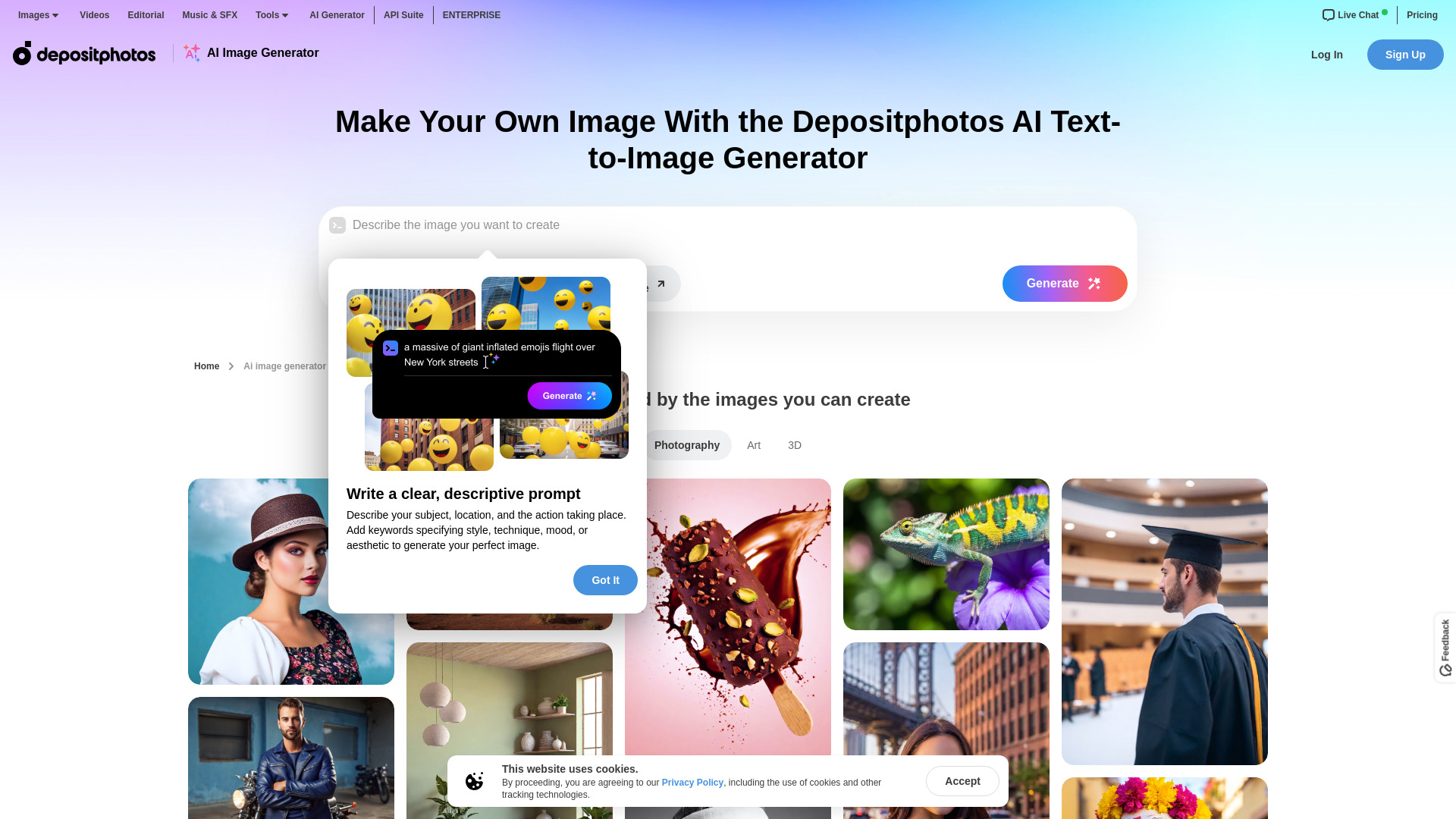
The strongest all-purpose match in this group is built around a straightforward promise: turn a text prompt into a unique picture without making the workflow feel like a technical project. Depositphotos AI Image Generator specifically combines text-to-image generation with licensed pictures, which gives content teams a more practical starting point than a tool focused only on experimentation.
That licensing angle matters when an image is headed for a blog, campaign, presentation, or other public-facing content. The tool is a natural fit for creators who need visuals quickly and want a clearer commercial-use story. Its 5.6M monthly visits also make it the most established-looking option in this shortlist by usage signal.
My take: This is the first tool I would try when the brief is simply "make a usable image from this idea." The combination of generation and licensed visuals makes it easier to move from prompt to publishable asset.
Where it falls short: Pricing and workflow limits need checking on the vendor site before you commit. The feature set presented here is focused on generation, so advanced editing needs should be validated separately.
Key features
Text-to-image generation from written prompts.
Generates unique pictures rather than relying only on a fixed stock search.
Licensed visual output is positioned for safer content workflows.
Pros
Converts text to an image in a few clicks.
Strong fit for content creators who need original visuals.
High usage signal among the featured tools.
Cons
Current pricing is not presented as a simple starting plan.
Advanced editing capabilities are not part of the stated feature set.
Choose Depositphotos AI Image Generator if: you create regular marketing or editorial content and want text-to-image generation paired with licensed visual options.
2. AI Illustration Generator

AI Illustration Generator
Best consistent illustration generator for designers
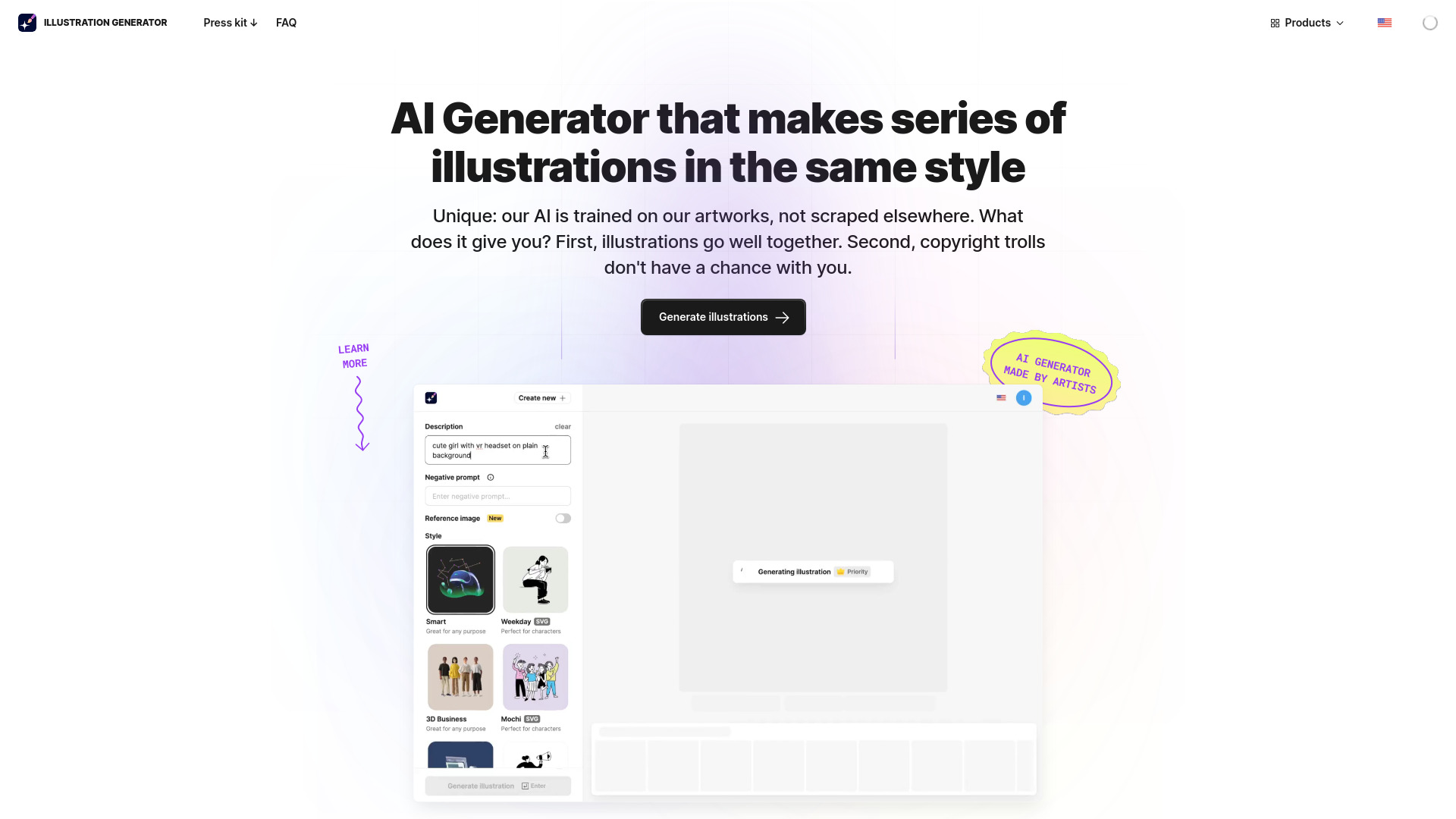
Consistency is the reason to choose this tool over a general-purpose image generator. AI Illustration Generator is designed around AI-powered illustration generation and repeatable art styles, making it more relevant to designers building a visual system than to someone who only wants a one-off novelty image.
That focus can reduce one of the most frustrating parts of the best AI for image creation: getting a second image that looks like it belongs beside the first. The stated commercial-use positioning is another practical benefit for design work, although the free experience places watermarks on images.
My take: This is the best fit here for teams that care about a recognizable illustration language. I would shortlist it for icon-adjacent artwork, editorial graphics, or a collection of illustrations where stylistic continuity matters.
Where it falls short: Watermarks on free images make the no-cost tier less useful for final delivery. Check the paid terms before planning a production workflow around it.
Key features
AI-powered illustration generation.
Generation in consistent, unique art styles.
Text- or image-led illustration workflows are part of its positioning.
Pros
Stronger style consistency than a generic art prompt workflow suggests.
Useful for designers who need multiple related illustrations.
Commercial-use positioning is clearly emphasized.
Cons
Free images include watermarks.
Pricing details require a vendor check.
Choose AI Illustration Generator if: your priority is a coherent illustration set rather than maximum variety from isolated prompts.
3. Imagine.art

Imagine.art
Best AI art generator for artists
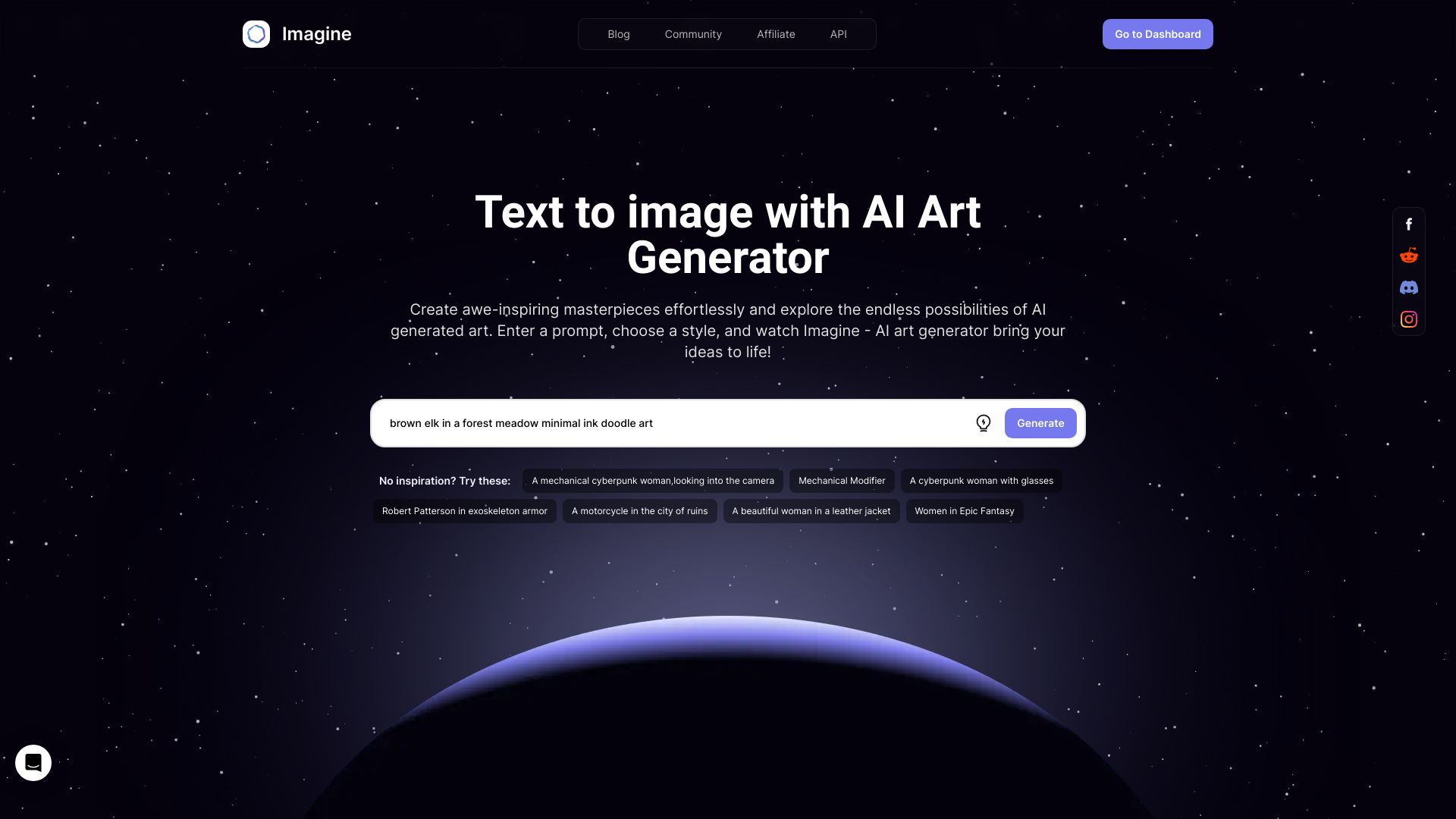
Imagine.art earns its place by serving the creative side of the category. Its two clearly stated workflows-Text to Image and Image Remix-give artists both a blank-canvas route and a way to push an existing visual in a new direction. That makes it a particularly natural candidate for anyone searching for the best ai to create art rather than a narrowly commercial image utility.
The free AI art generation angle lowers the barrier to trying different ideas, while the listed paid entry point of $11 per month gives buyers a reference point even though the live plan details should be confirmed. Image Remix is especially useful conceptually: it lets the process begin with a visual reference instead of requiring every decision to be expressed in words.
My take: Imagine.art is the most artist-friendly pick among the first three. I like the balance between prompt-led exploration and remixing, though it is not the tool I would choose solely for business licensing or structured product imagery.
Where it falls short: The free version has limited features. Finding the desired result may also require iterating on prompts and source images rather than expecting a perfect first generation.
Key features
Text-to-image generation.
Image Remix for transforming an existing visual direction.
Free AI art generation.
Pros
Accessible starting point for artists.
Supports both original prompts and image-led exploration.
Clear fit for people creating varied AI artwork.
Cons
Free access does not include the full feature set.
The available facts do not establish a deeper editing workflow.
Choose Imagine.art if: you want an approachable way to create art from prompts and remix images without starting with a paid subscription.
4. Krea AI

Krea AI
Best realtime AI image tool for graphic designers
Krea AI takes a different route from the static prompt box. Realtime AI generation is the headline capability, and the platform also covers image and video enhancement. For a graphic designer, that combination suggests a workflow that is less about generating one isolated image and more about shaping, improving, and extending visual work.
The free tier includes daily generations, image generation, video generation, and image/video enhancement. That breadth makes Krea one of the more interesting tools to try before paying. The catch is familiar: pro features require a paid subscription, with a listed starting reference of $8 per month when billed yearly.
My take: Krea is my pick for designers who want immediacy and a broader visual workspace. Realtime generation is a meaningful distinction, but buyers should look closely at which capabilities remain behind the subscription.
Where it falls short: The free plan is not the whole product. If your workflow depends on pro features, the annual billing condition and current limits deserve attention before you compare it with a simpler free generator.
Key features
Realtime AI generation.
Image generation and video generation.
Image and video enhancement.
Pros
Intuitive interface for generative AI.
Free daily generations provide a low-risk trial.
Covers both creation and enhancement.
Cons
Pro features require a paid subscription.
Its broader image-and-video scope may be more than a single-image user needs.
Choose Krea AI if: you are a designer who values realtime generation and wants image enhancement alongside creation.
5. a1.art

a1.art
Best free AI artwork generator for digital artists
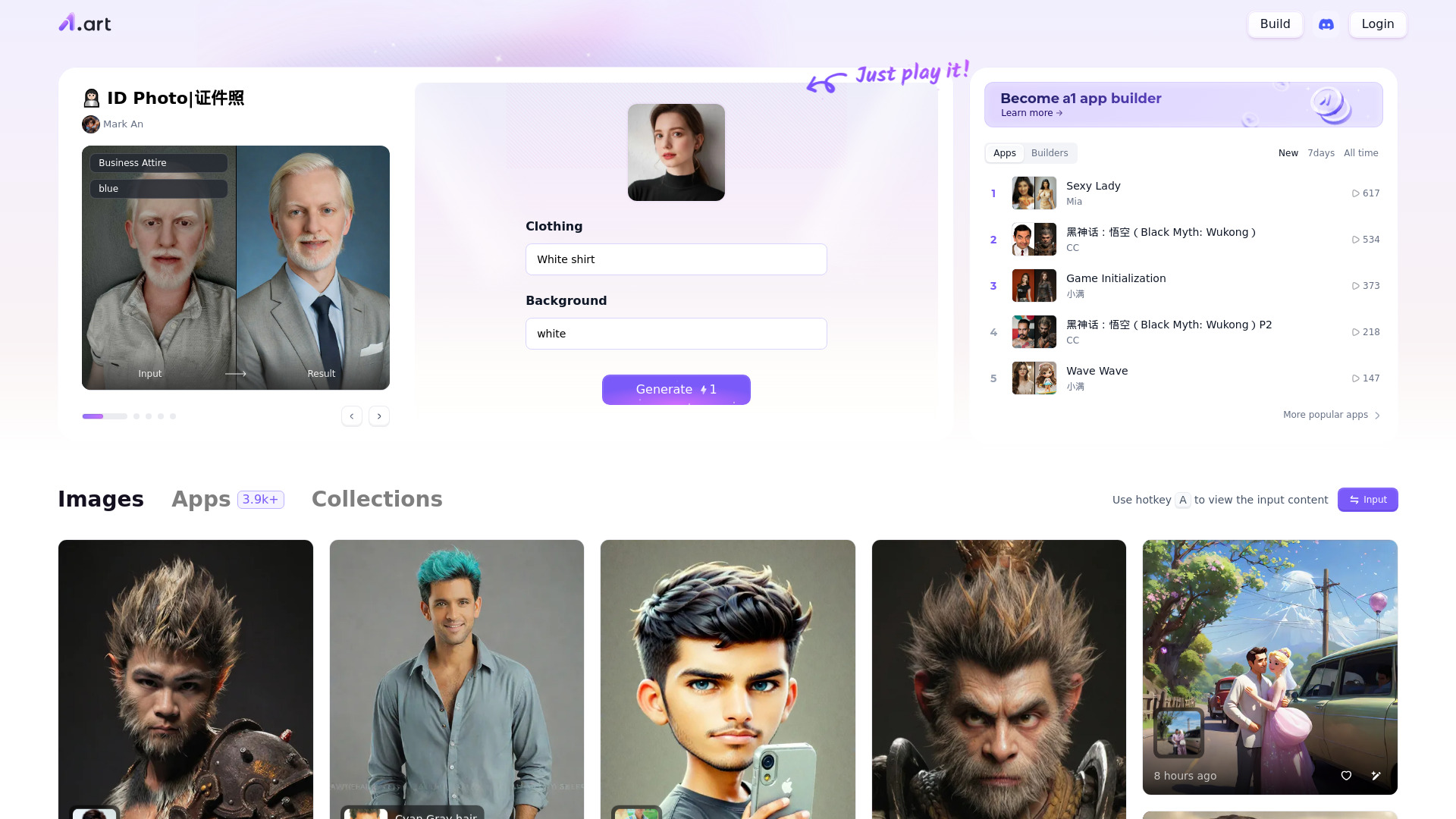
A1.art is built for breadth and play. Alongside AI image generation, it offers millions of photo filters, giving digital artists a large set of directions to explore rather than a single narrowly defined creation mode. That makes it a useful option when discovery and variation are more important than a tightly controlled brand pipeline.
The free-to-use positioning is a genuine advantage for experimentation. You can explore the basic idea of a best image creating AI without immediately adding another subscription. At the same time, the product's own workflow may demand patience: the stated limitation is that users may need experimentation to find the desired result.
My take: I would send a curious digital artist here when they want lots of visual directions to try. The filter library is the differentiator, but it also means you should judge it on the speed of finding a style that works for you.
Where it falls short: Results may take experimentation, and the current pricing structure is not clear enough to use as a purchasing shortcut. It is better suited to exploration than to a tightly specified, repeatable production brief.
Key features
AI image generation.
Millions of photo filters.
Online workflow for creating AI art.
Pros
Free to use.
Large filter selection encourages visual experimentation.
Clear fit for digital artists.
Cons
Desired results may require repeated experimentation.
Pricing details need verification.
Choose a1.art if: you want a free starting point with a very broad set of filters for exploring AI-generated art.
6. insMind

insMind
Best AI image creator for e-commerce retailers
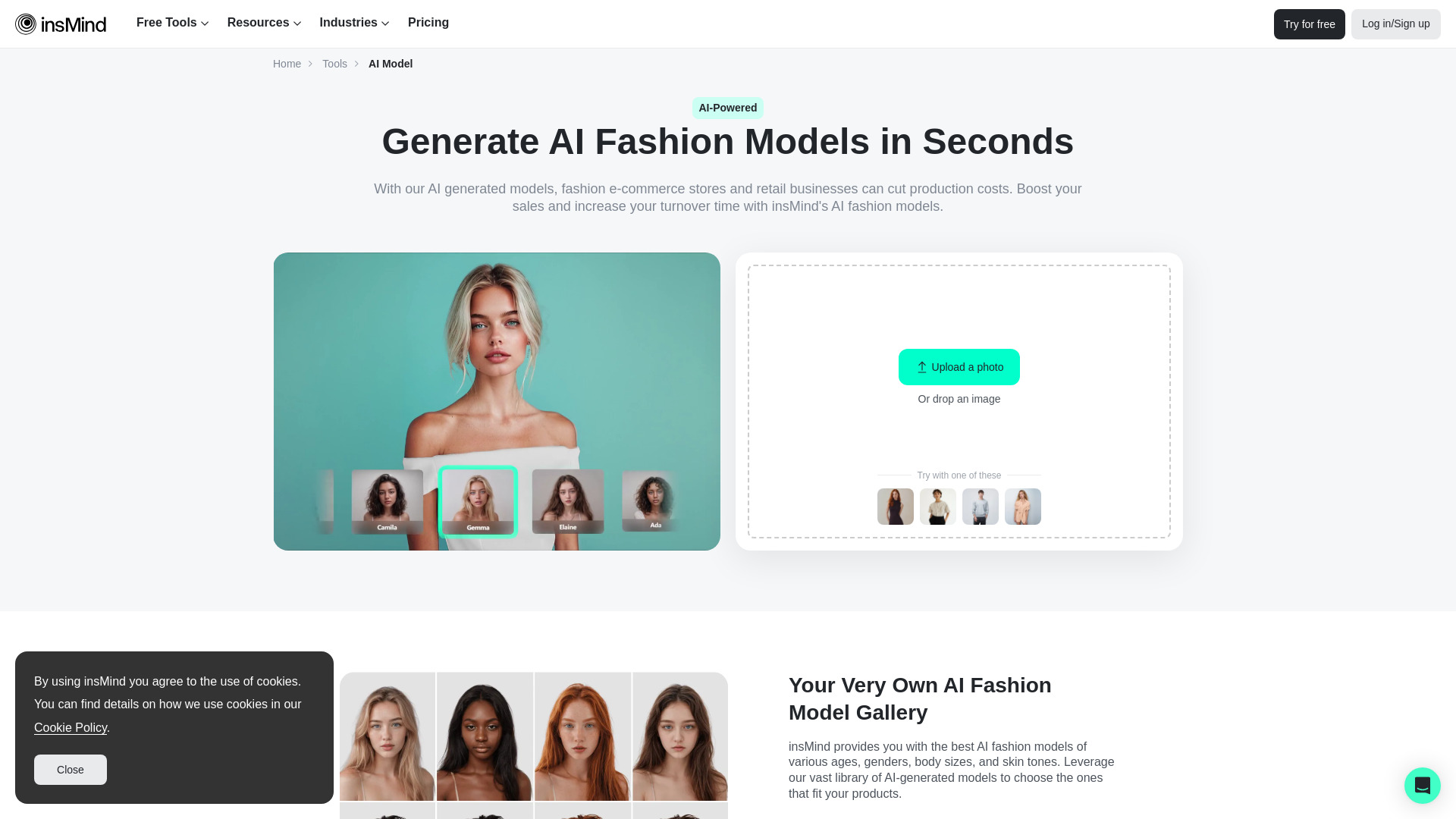
For online retailers, the most useful image is often not an abstract artwork but a product visual that can be prepared quickly. insMind targets that job with an AI Fashion Model Generator and an AI Background Remover, plus AI backgrounds in its free-access description. This is a more focused commercial workflow than a general best ai artwork generator.
The 3-day trial with 10 credits gives buyers a concrete way to test the product before committing. Its listed starting reference also includes a $9.99-per-month plan, though the card displays the free entry point. Some features require Pro, so a retailer should test the exact editing path used for product listings rather than assuming every tool is included.
My take: insMind is the clearest specialist pick in this list. If your catalog needs fashion-model imagery, background removal, or new backgrounds, its focused toolkit is more relevant than a general art platform.
Where it falls short: The trial is short and credit-limited, and some capabilities require Pro. That matters for teams processing many products rather than testing a handful of images.
Key features
AI Fashion Model Generator.
AI Background Remover.
AI backgrounds for marketing and product imagery.
Broader AI creative and photo-editing toolkit.
Pros
Cost-effective positioning for product image creation.
Direct relevance to e-commerce workflows.
A specific trial allowance makes initial testing straightforward.
Cons
Some features require a Pro subscription.
The trial provides only 10 credits over three days.
Choose insMind if: you sell products online and need fashion-model, background-removal, or product-background tools more than open-ended art generation.
7. Playground AI

Playground AI
Best free AI image tool for graphic designers
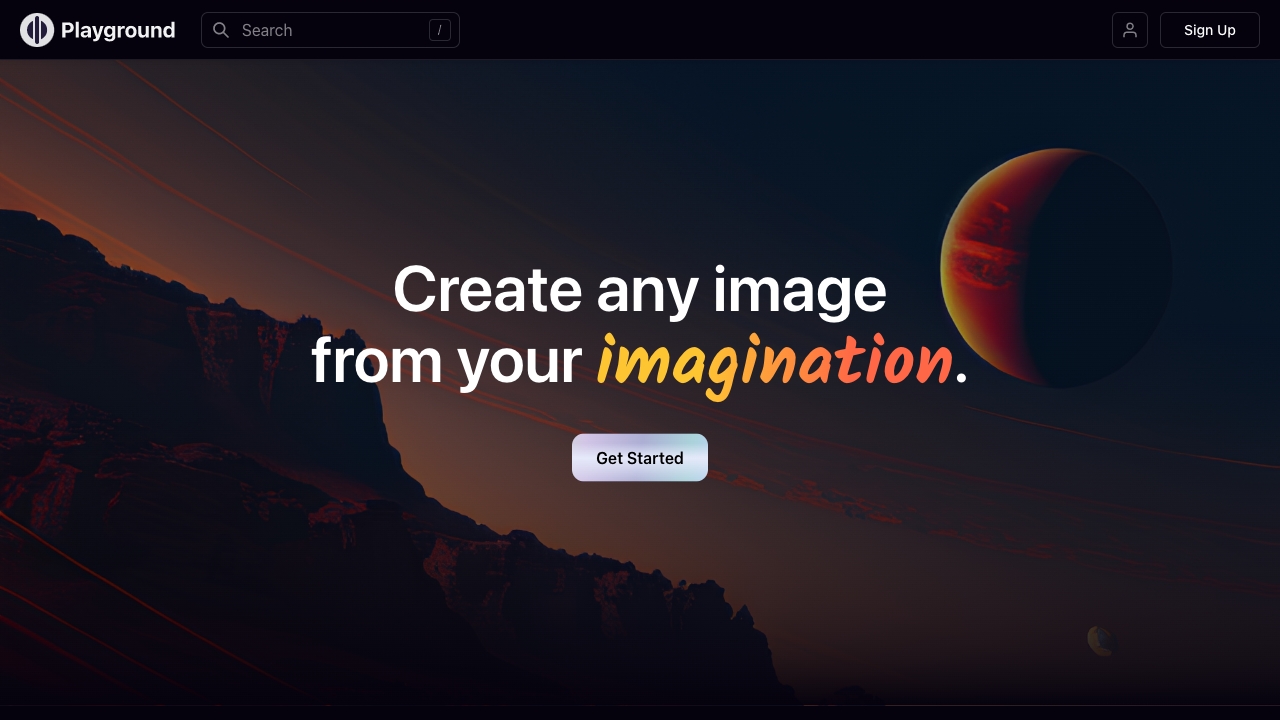
Playground AI is compelling because it treats creation and editing as one workflow. It supports AI image generation, image editing, mixed image editing, and the ability to grow images beyond their edges. That last capability is especially relevant when an existing composition is close but not quite large or complete enough for the intended layout.
The free-to-use positioning makes it accessible for graphic designers who want to create and adjust visuals without starting with a paid plan. Its limitation is not a missing core use case but a learning curve for advanced features. Users can begin quickly, but the more ambitious editing workflow may reward time spent learning the interface.
My take: Playground AI is a sensible first stop for someone who wants one free tool for both generation and hands-on edits. I would choose it over a pure text-to-image app when extending or mixing images is part of the assignment.
Where it falls short: Advanced features may take time to learn. The tool is broader than a simple generator, so beginners should expect some exploration before the complete editing workflow feels natural.
Key features
AI image generation.
Image editing and mixed image editing.
Expands images beyond their existing edges.
Free-to-use access.
Pros
Free to use.
Covers creation and editing in one place.
Useful for extending an image beyond its original frame.
Cons
Advanced features may involve a learning curve.
It may be more capability than users who only want one generated image need.
Choose Playground AI if: you want a free AI image workflow that includes editing, compositing, and extending an existing canvas.
8. Image To Image AI

Image To Image AI
Best image-to-image AI for designers
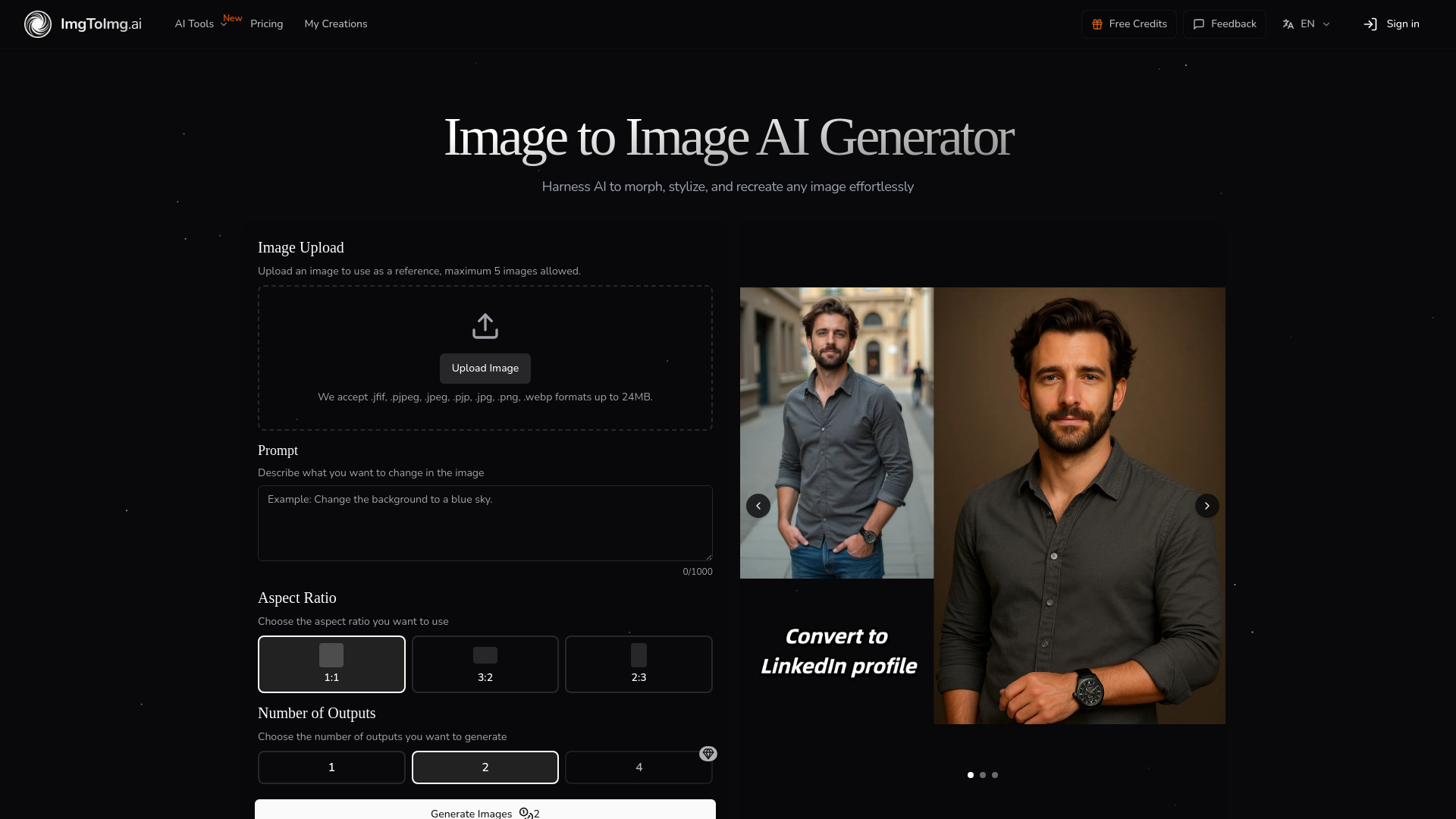
Image To Image AI is the specialist choice when you already have an image and want to change its direction without throwing away its structure. It transforms existing images into new variations using text prompts while preserving the original image's structure and key elements. That is a more controlled brief than "invent something from nothing."
This workflow suits designers who need alternate treatments, restyles, or variations based on a source composition. The Hobby plan is listed at $7.99 per month, and the free access description emphasizes editing, reshaping, and restyling with prompts. The important constraint is that free users receive limited monthly transformations.
My take: This is one of the best ai for image creation options for reference-led work. I would not start here for a blank canvas, but I would absolutely consider it when composition and subject placement need to survive the transformation.
Where it falls short: The free allowance is limited, so frequent iteration may push you toward a paid plan. Buyers should also confirm how much control the current workflow gives them over particularly demanding transformations.
Key features
Transforms existing images into new AI-generated variations.
Uses text prompts to edit, reshape, and restyle.
Preserves the original structure and composition.
Pros
Maintains key elements during transformation.
Strong fit for designers working from references.
Clear $7.99 monthly Hobby starting point.
Cons
Free users have limited monthly transformations.
Less suitable as a purely blank-canvas image generator.
Choose Image To Image AI if: you need to restyle or reshape an existing image while keeping its composition recognizable.
9. Photo AI

Photo AI
Best photorealistic AI image tool for photographers
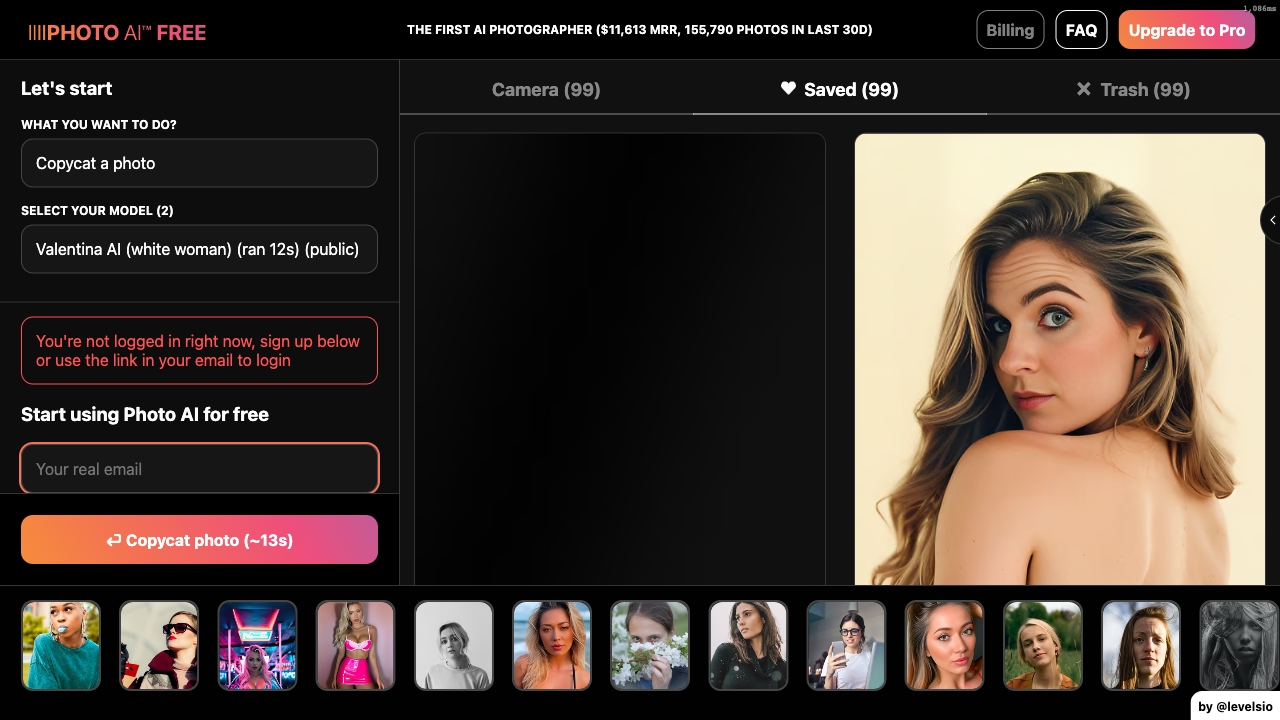
Photo AI focuses on people rather than generic scenes. It supports photorealistic image and video generation, lets users create their own AI model, and offers photo packs. That combination gives photographers and visual-content creators a way to build a repeatable person-centered workflow instead of generating disconnected portraits from scratch.
The trade-off is personal data and setup: the tool requires uploading personal photos for model training. That is not a minor checkbox for every buyer. You should be comfortable with the training workflow and review the vendor's current terms before uploading images. The listed Starter price is $19 per month, while the product description references a $9-per-month starting point, so live pricing deserves particular attention.
My take: Photo AI is the most targeted pick for photorealistic people and short-form visual packs. It makes less sense if you only need illustrations, abstract art, or occasional stock-style scenes.
Where it falls short: Training requires personal photos, which adds privacy and preparation considerations. Pricing references should be reconciled on the vendor site before purchase.
Key features
AI photo generation.
Photorealistic image and video generation.
Create a personal AI model from uploaded photos.
Run photo packs.
Pros
Photorealistic image and video generation.
Purpose-built for people-focused content.
Useful for repeatable photo-pack workflows.
Cons
Requires personal photos for model training.
Pricing needs careful verification because plan references vary.
Choose Photo AI if: you are a photographer or creator who needs photorealistic images and videos of people and accepts the model-training setup.
10. ArtSpace.ai

ArtSpace.ai
Best affordable AI art tool for digital artists
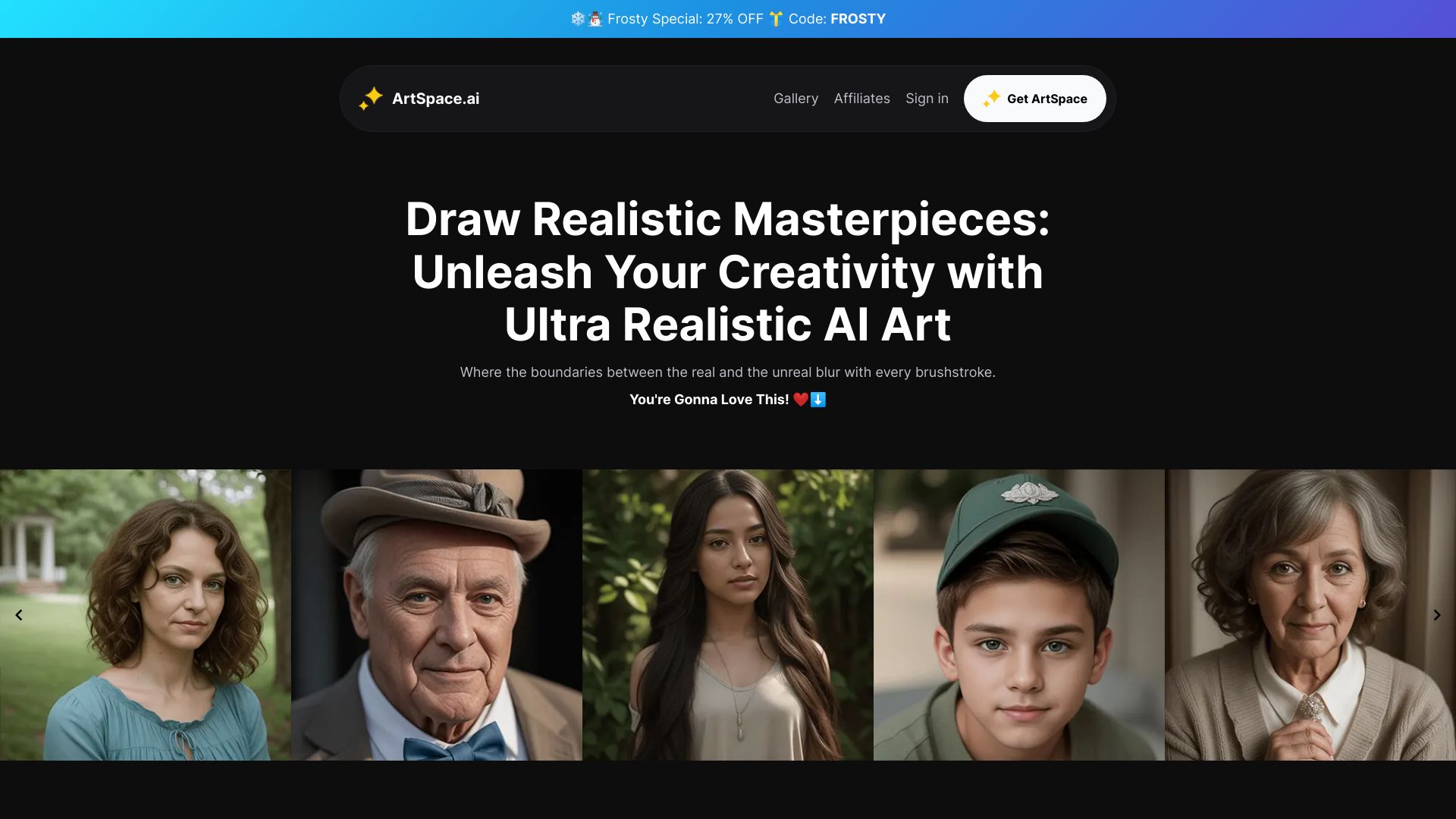
ArtSpace.ai combines text-to-image creation with AI-powered image editing and 4K upscaling. That blend makes it more useful than a generator that stops at the first output: digital artists can create an image, refine it, and improve its resolution in the same general product workflow.
The seven-day free trial is short but concrete, and the listed Rookie Rocket plan starts at $3.99 per month. That is one of the lowest explicit starting prices in this group. The limitation is equally clear: pricing can still be a factor for some users, particularly if the paid workflow becomes necessary for regular generation or upscaling.
My take: ArtSpace.ai is an appealing low-cost experiment for artists who want generation and editing together. The 4K upscaling feature gives it a practical edge for output preparation, but I would test the trial with real project files rather than judging it only on sample art.
Where it falls short: The trial lasts seven days, and the paid cost should be evaluated against how often you generate or upscale. The available feature list does not establish the depth of its editing controls.
Key features
AI image generation from text.
AI-powered image editing.
4K image upscaling.
Seven-day free trial.
Pros
Intuitive interface.
Combines generation, editing, and upscaling.
Low listed starting price of $3.99 per month.
Cons
Pricing may still matter for regular users.
Editing depth should be tested during the trial.
Choose ArtSpace.ai if: you want an inexpensive way to try text-to-image generation with editing and 4K upscaling in the same tool.
More tools to compare

Ghibli AI
Ghibli-style photo transformations
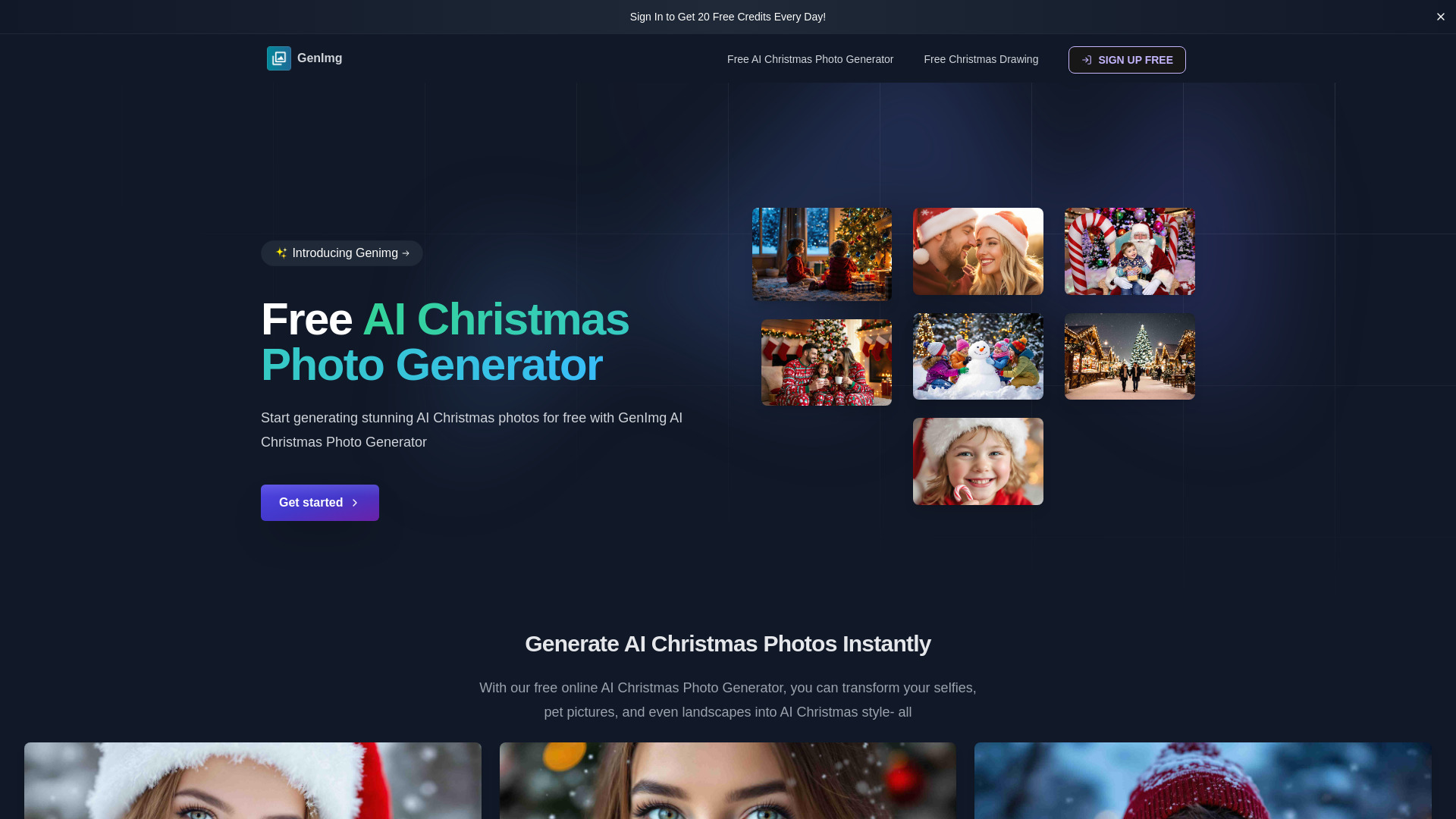

Artificial Studio
Multimedia AI creation
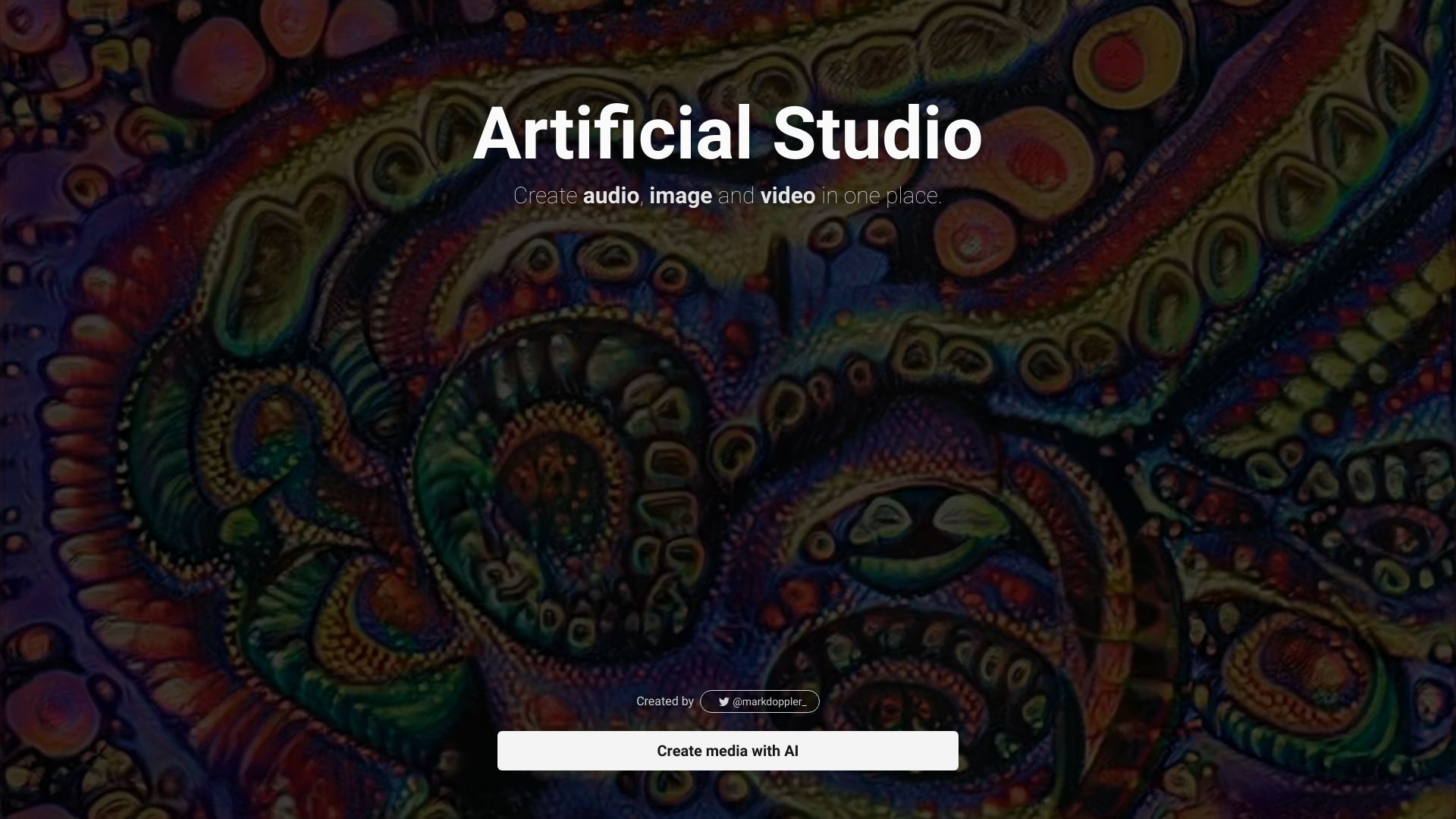
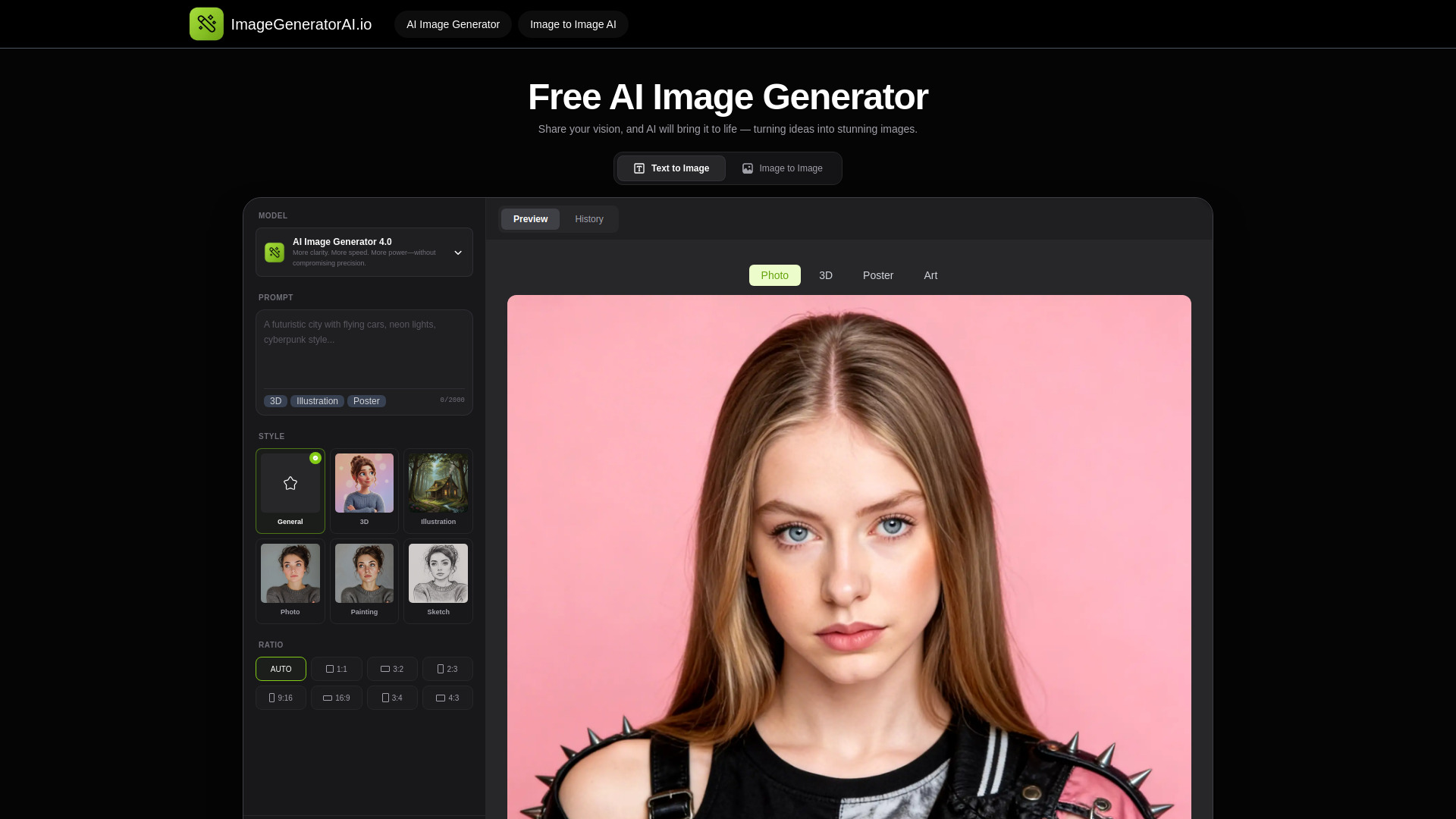
ImageGeneratorAI.io
No-login text-to-image creation

AIAI.com
All-in-one AI image and video creation


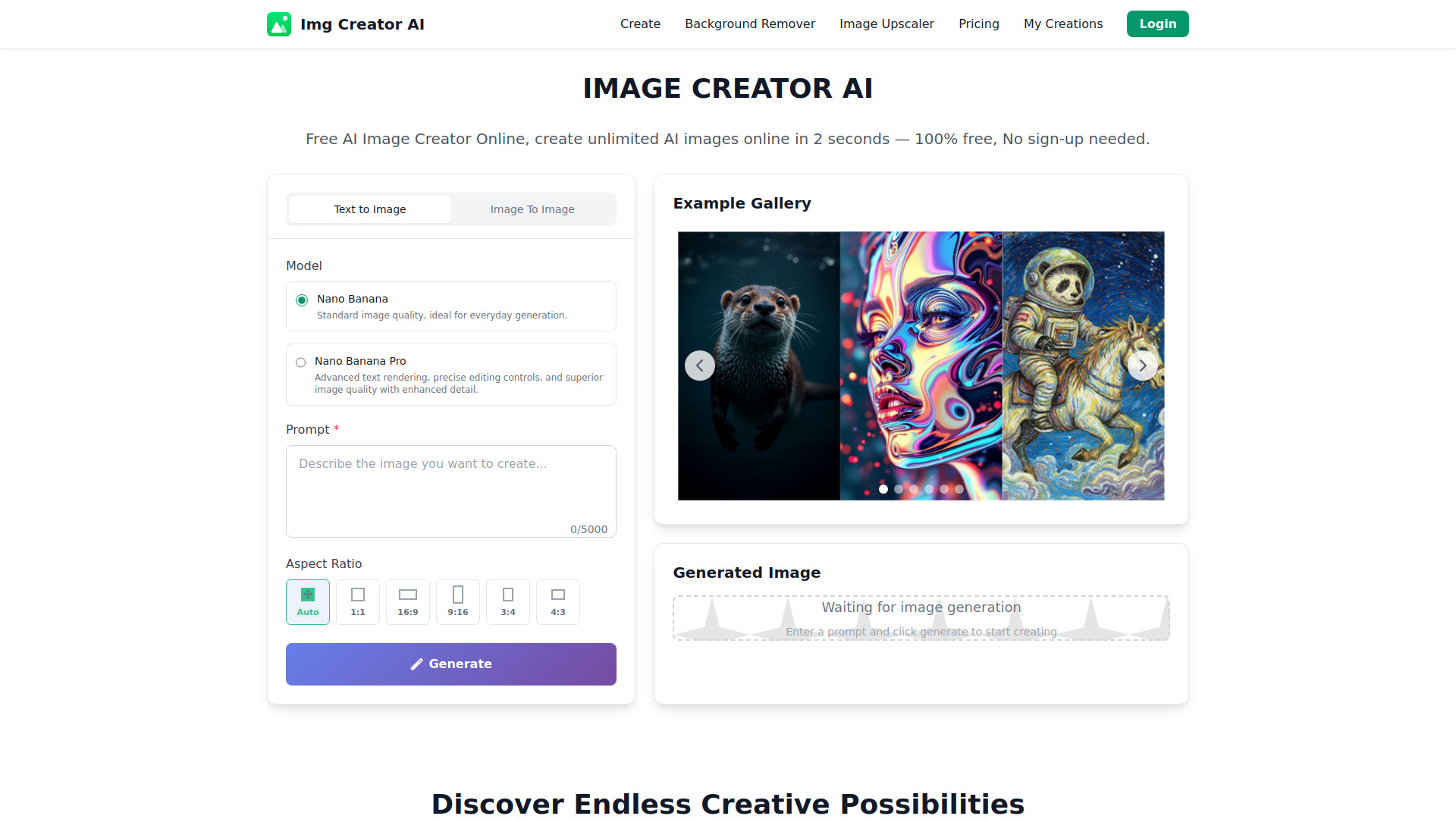
IMAGE CREATOR AI
Fast text-to-image generation
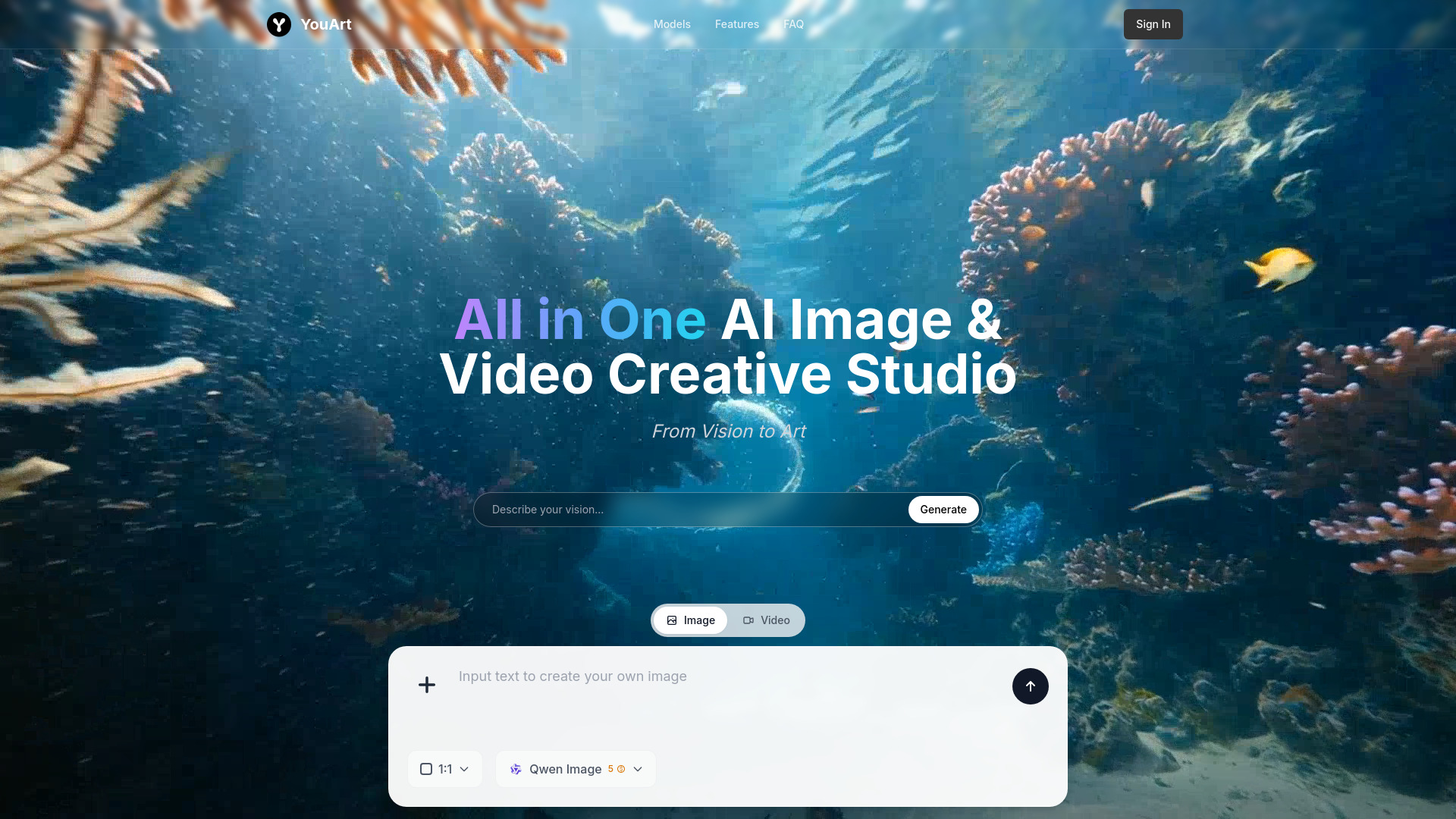
YouArt
All-in-one AI image and video creation
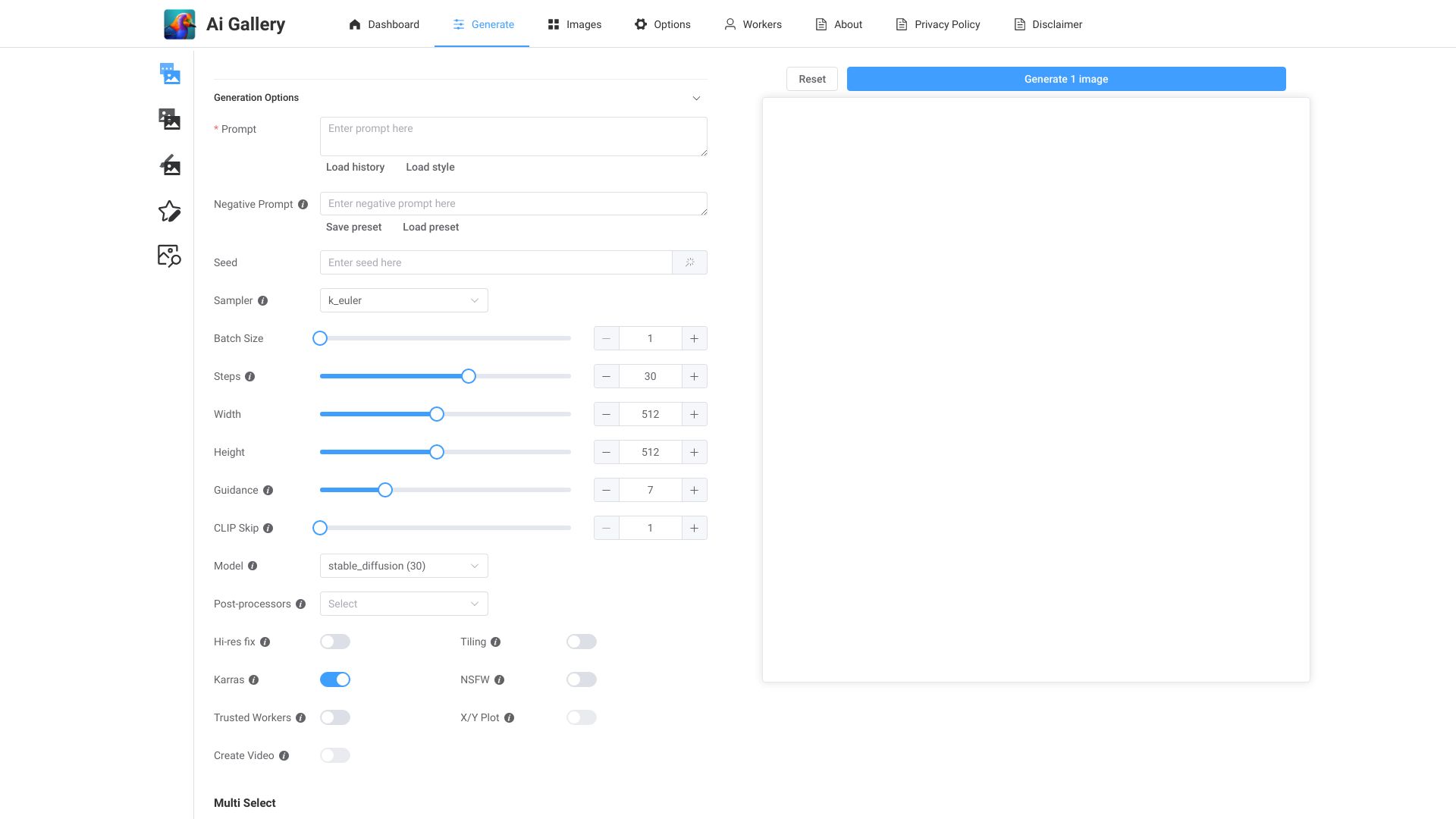
AI Gallery
Fast AI artwork generation

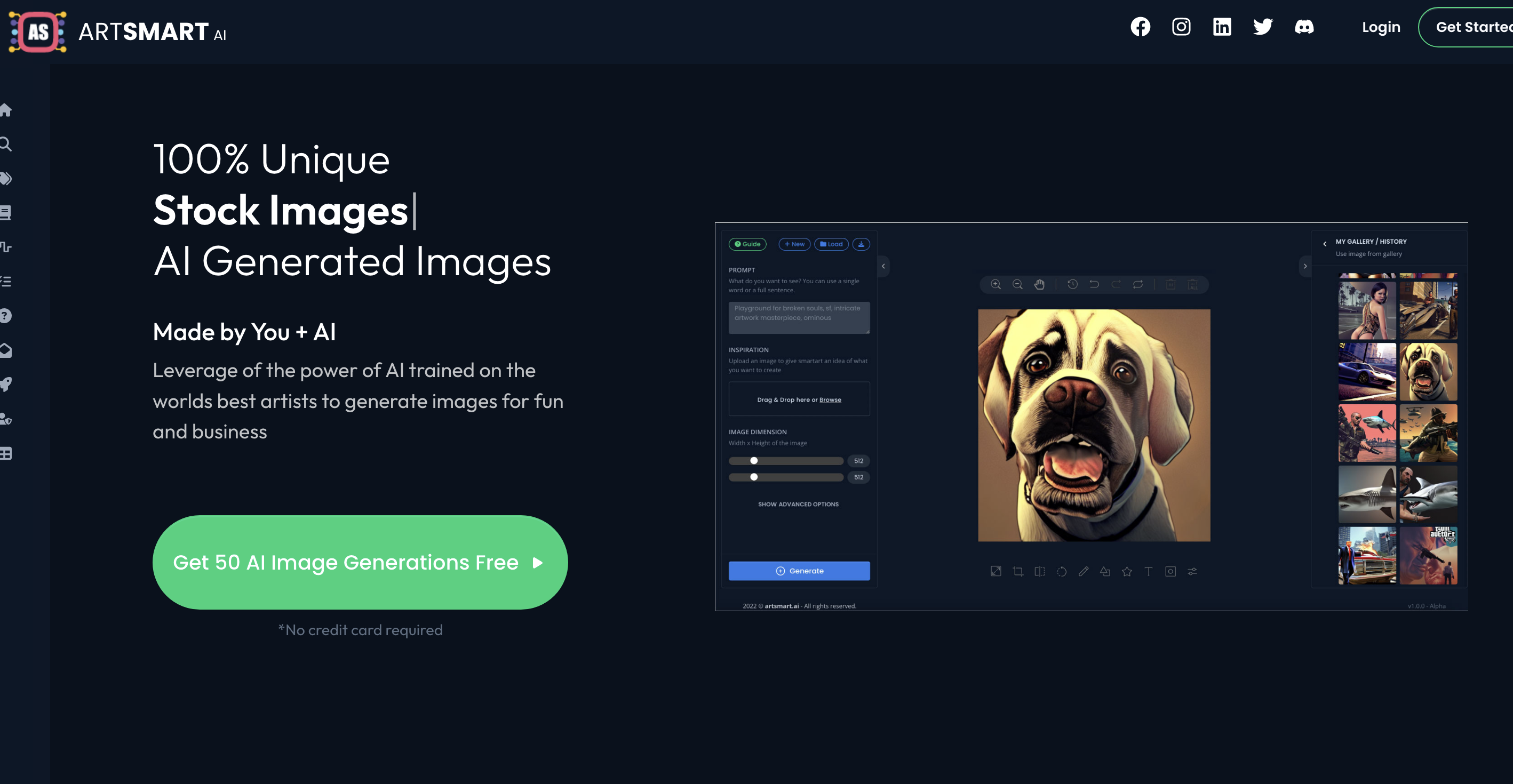
ARTSMART AI
Beginner-friendly AI image creation

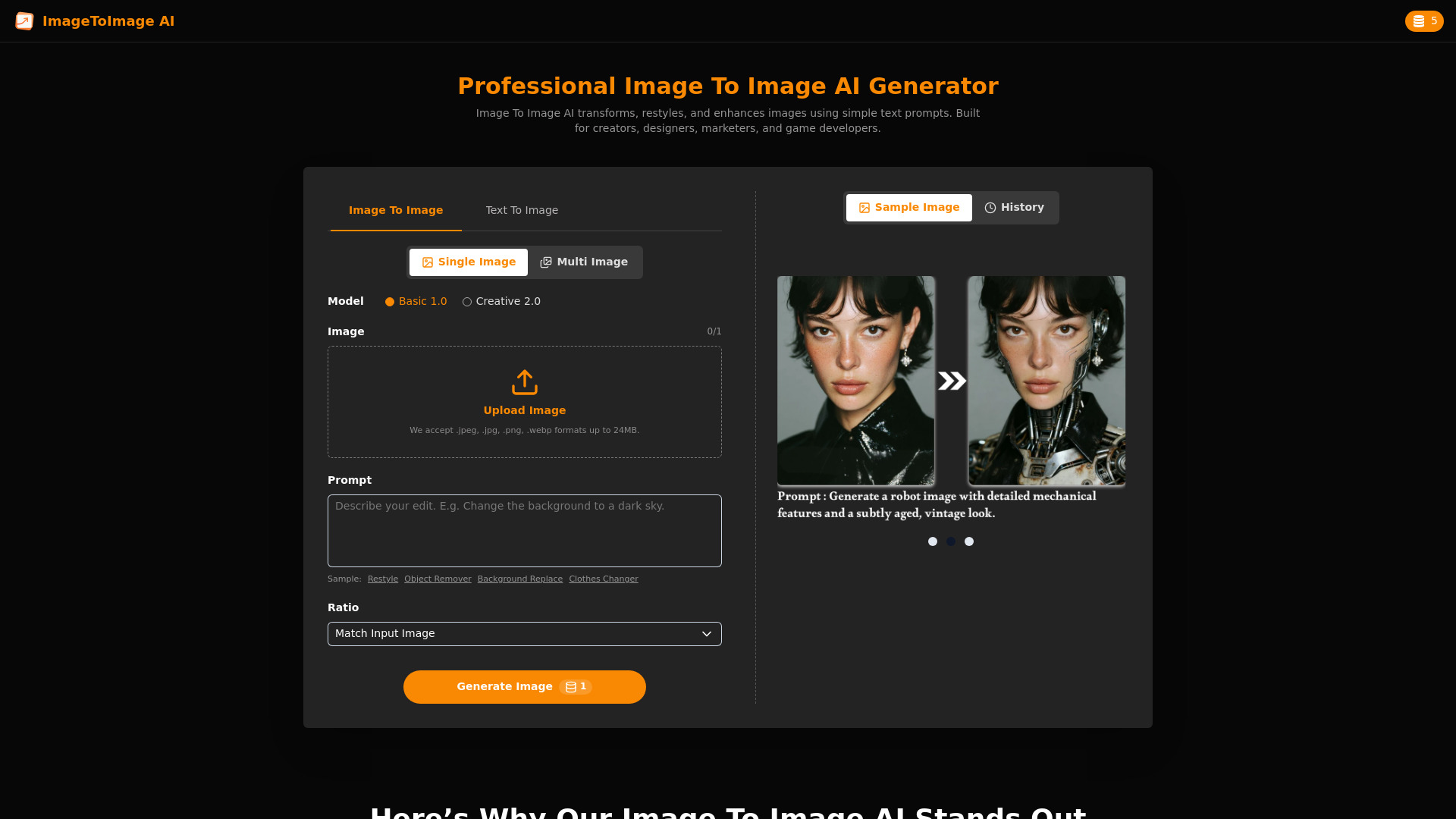
ImageToImage AI
Image-to-image transformations
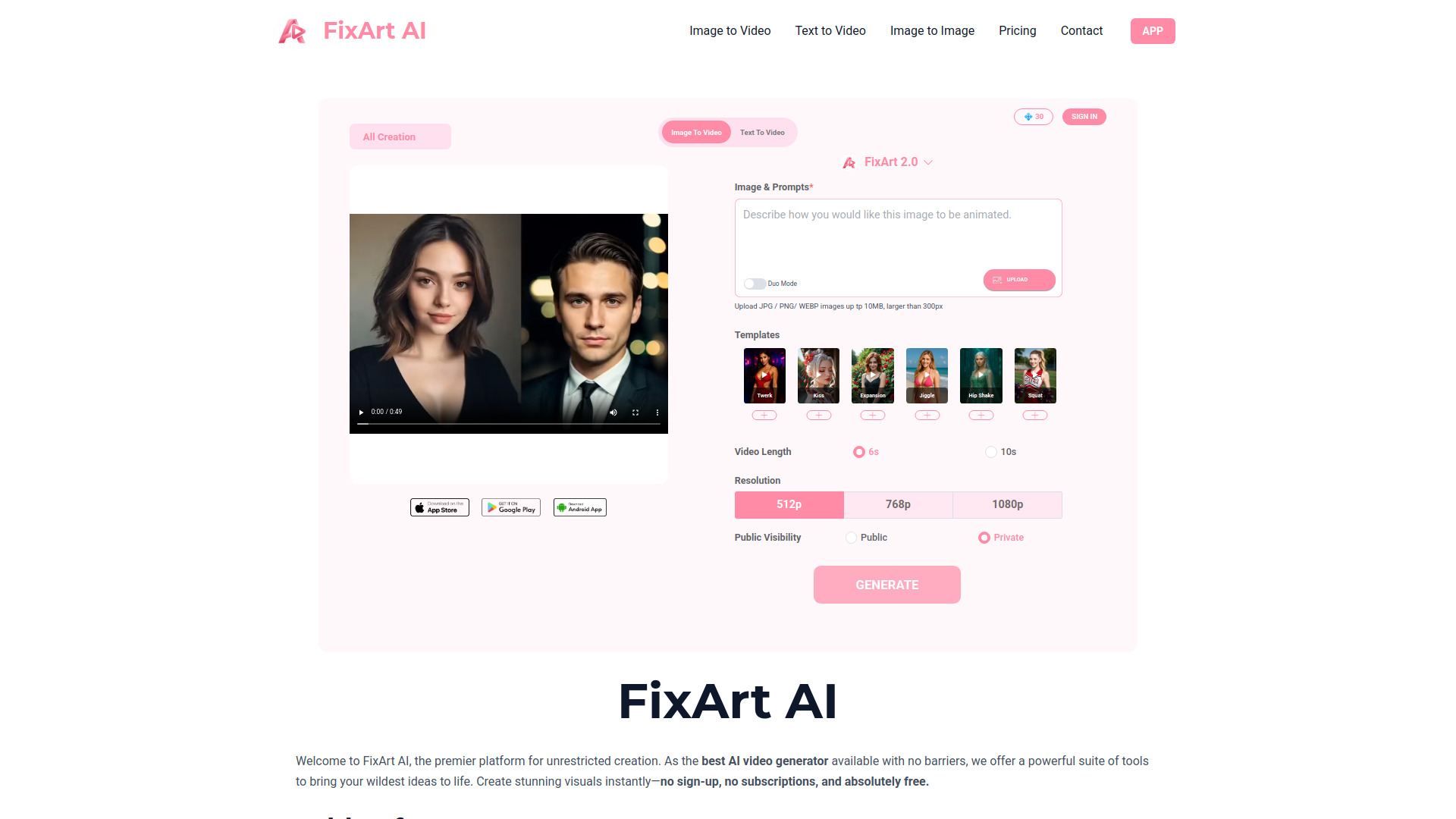
FixArt AI: AI Video, AI Image
Unrestricted AI image and video creation

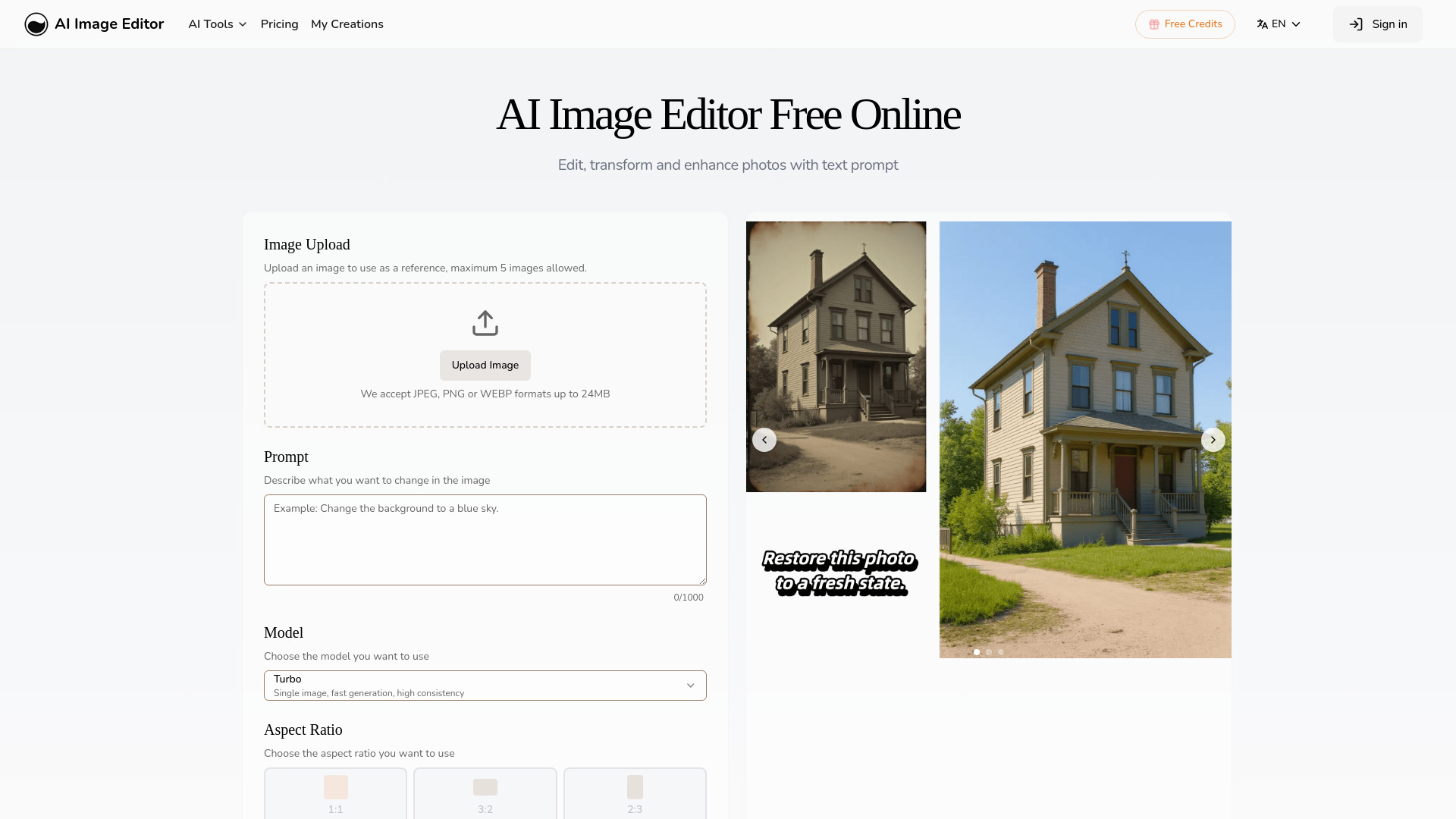
AI Image Editor
Prompt-based photo editing
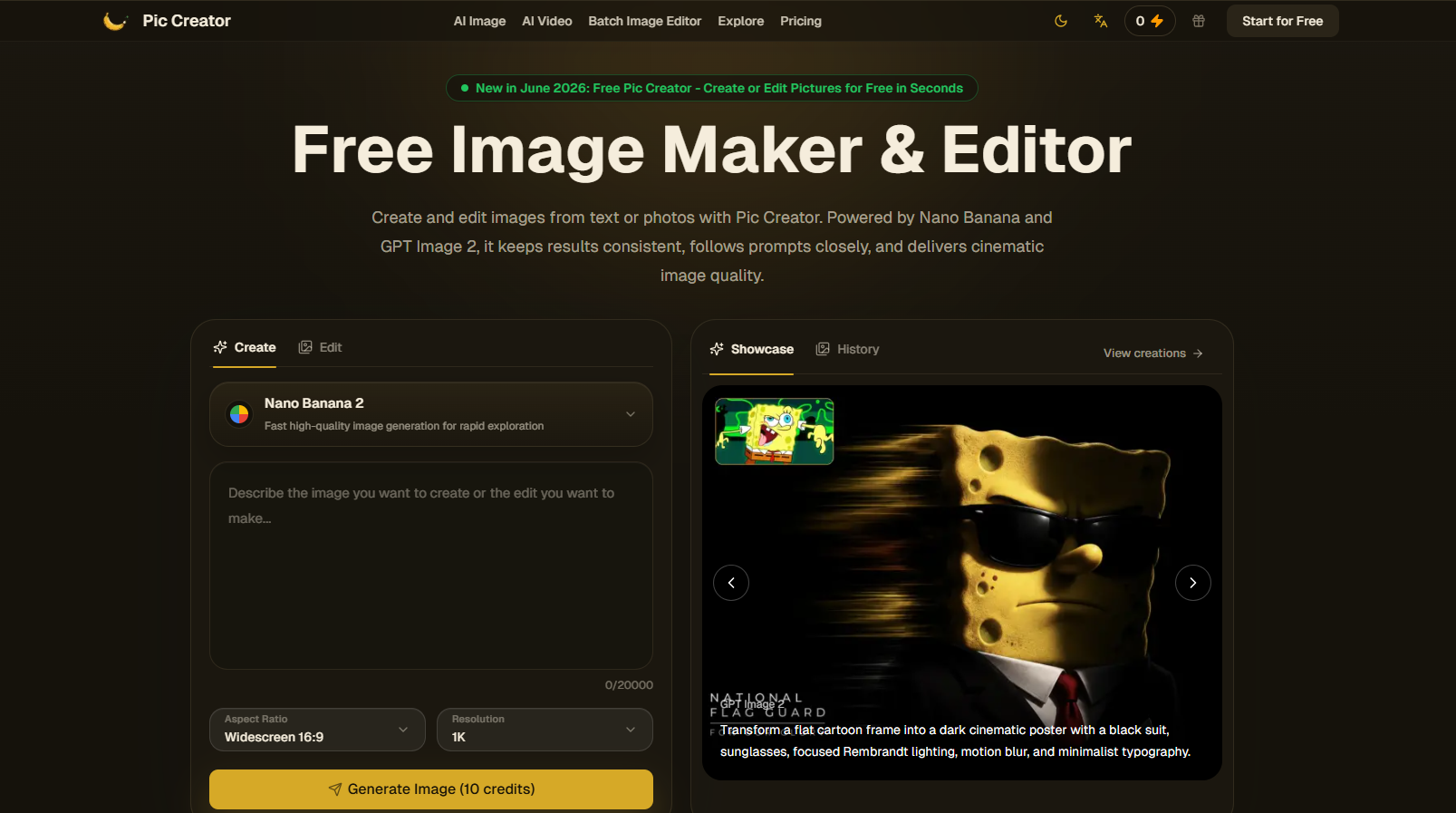
Pic Creator AI
Prompt-based image creation and editing

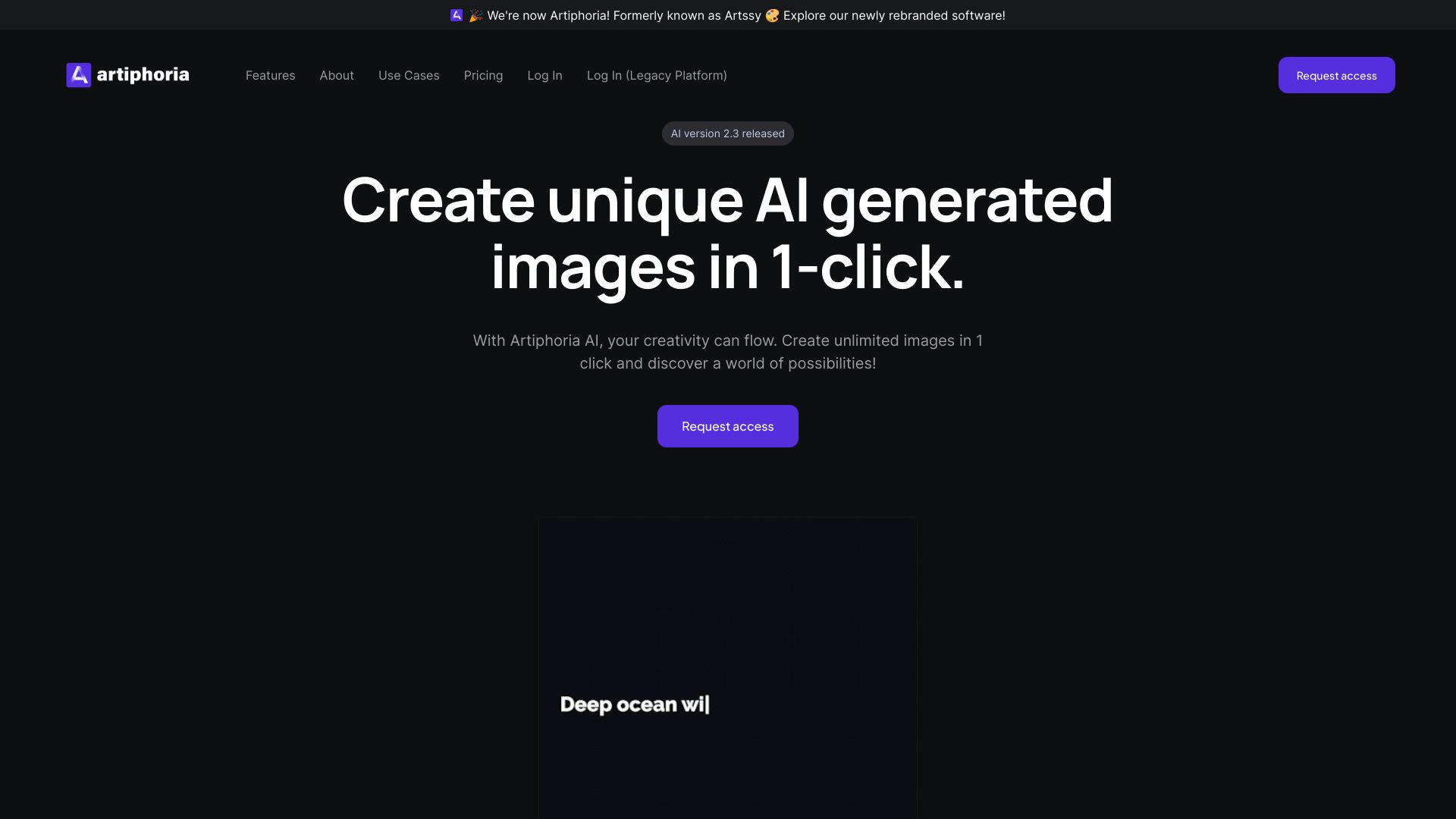
Artiphoria AI
One-click digital art creation

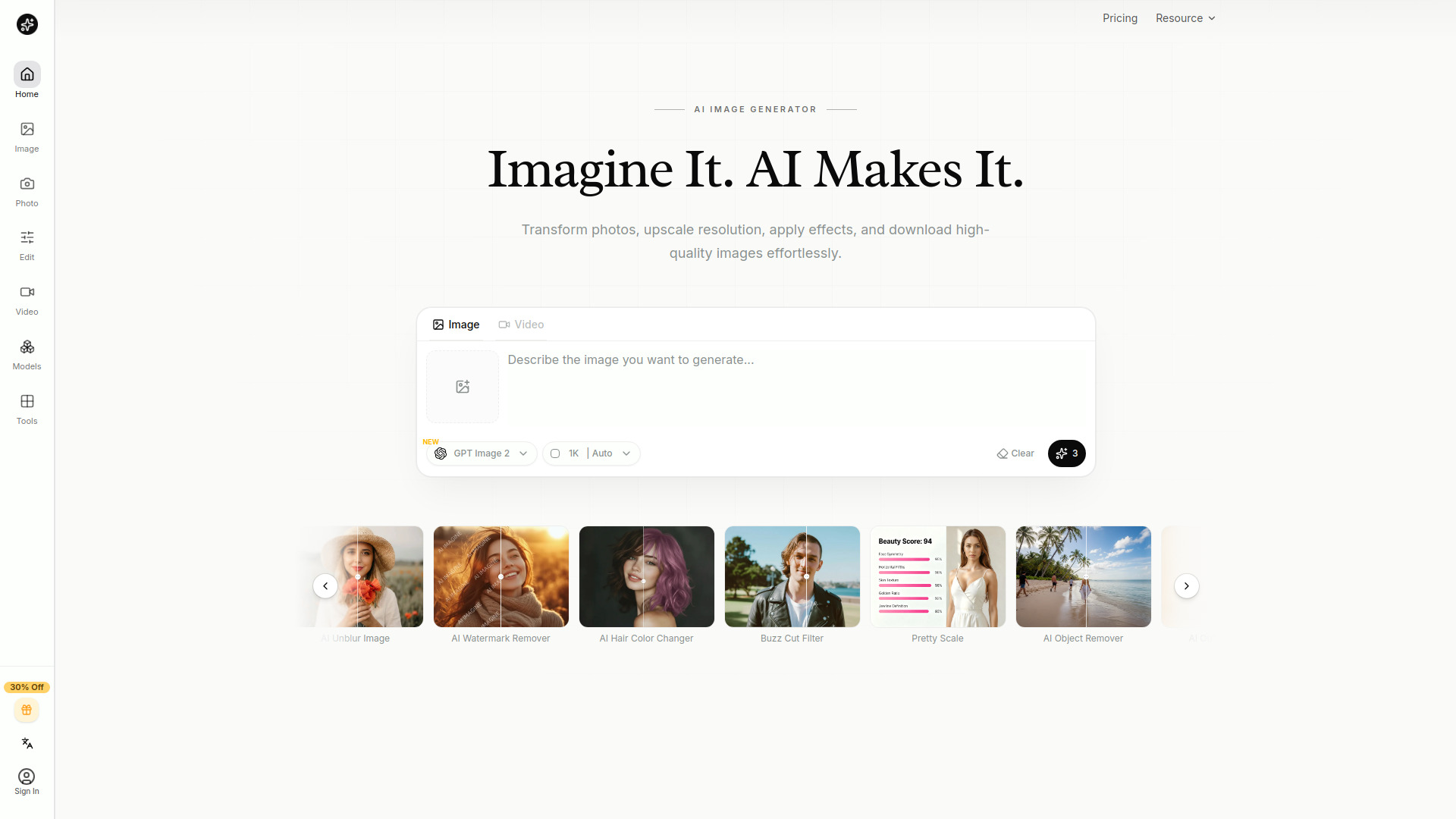
AI Imagine
Creators needing image generation and editing

cre8tiveAI
AI-powered photo and illustration editing

AI Create
Free AI image creation
CreateVision AI
Multi-model AI image creation

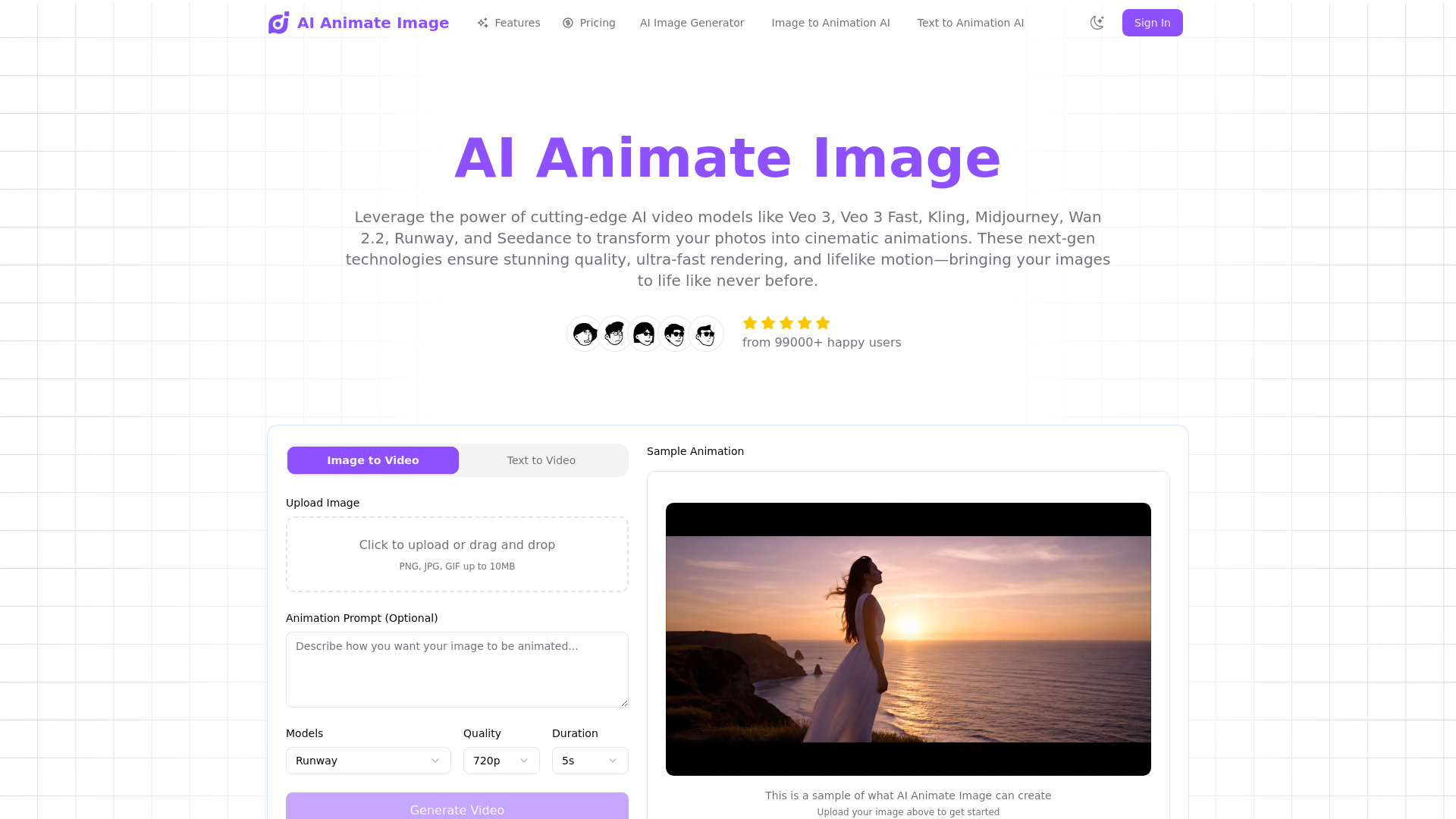
AI Animate Image
Turning photos into animated videos

try9.ai
Ultra-realistic AI image generation

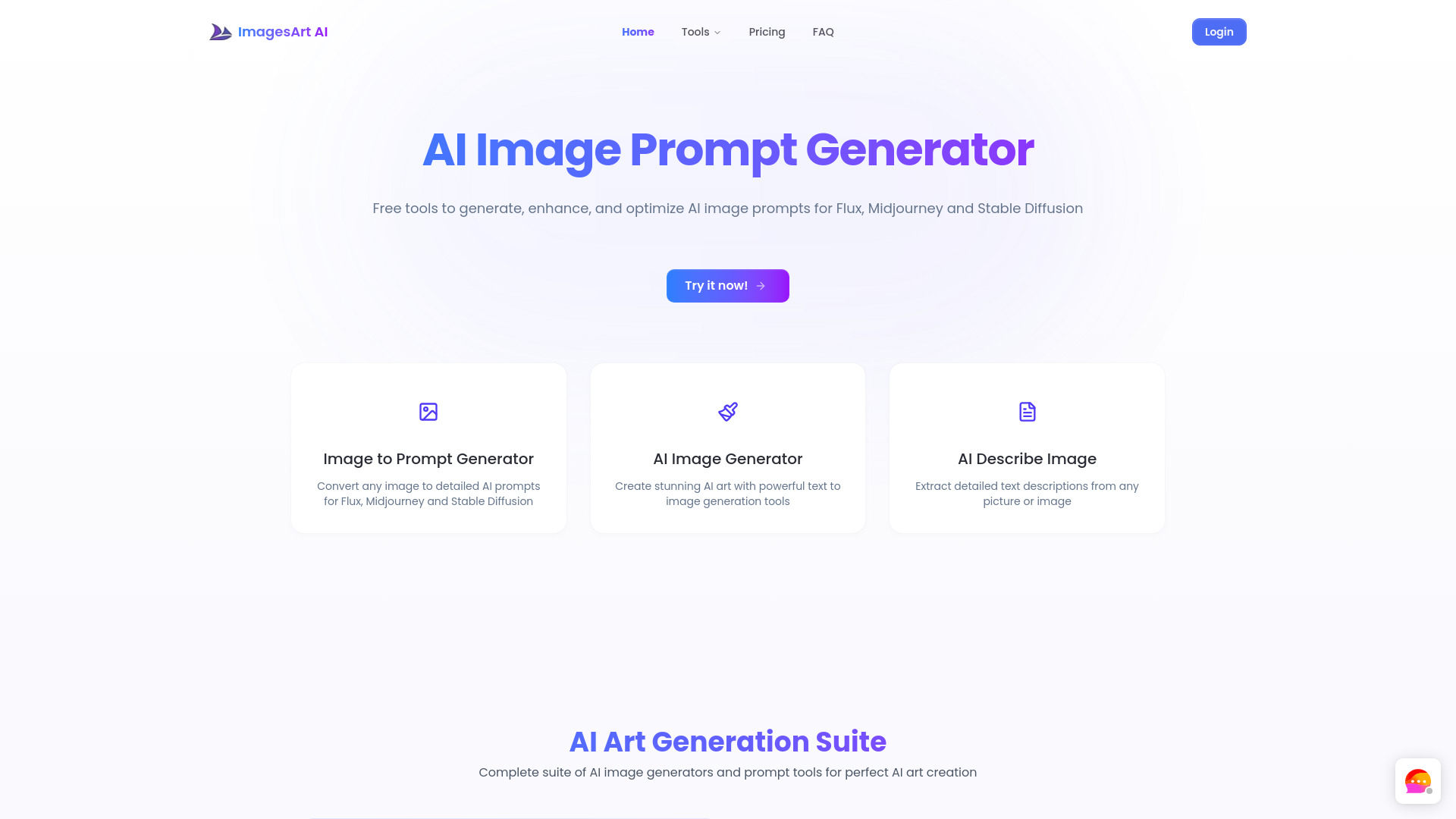
ImagesArt.ai
Beginner-friendly AI image creation

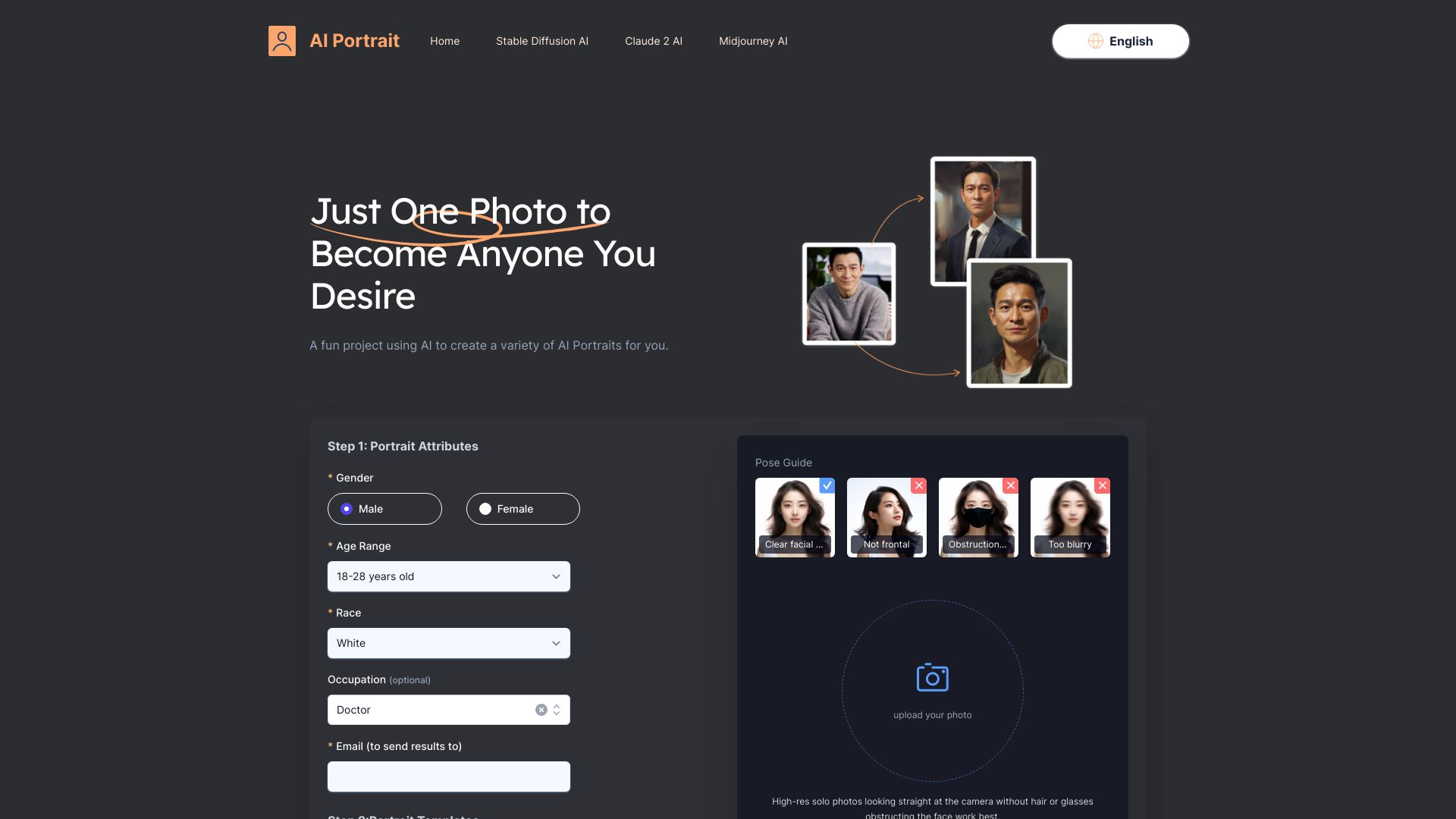
AI Portrait
AI portraits from a single selfie

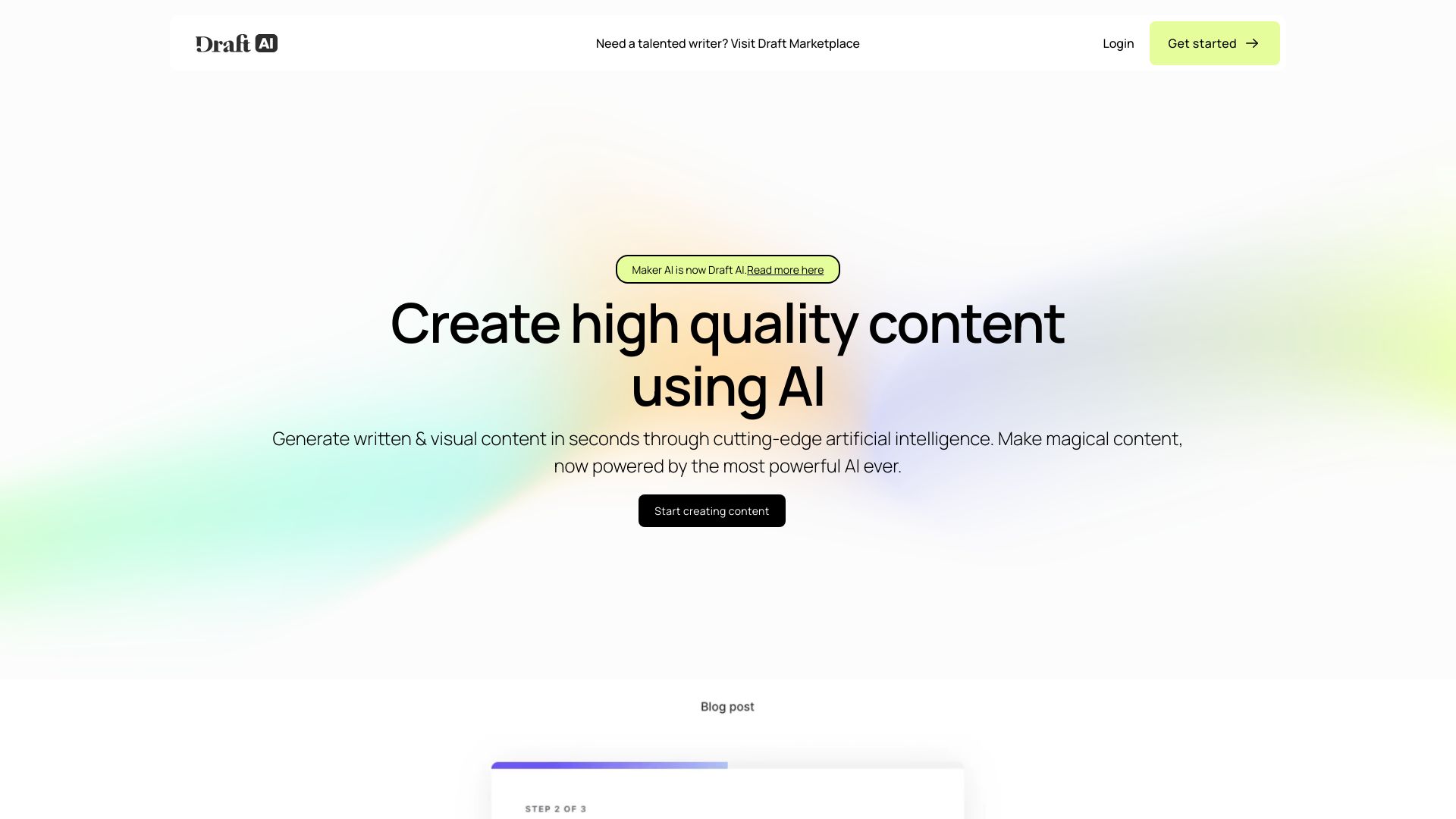
Maker AI
E-commerce product visuals

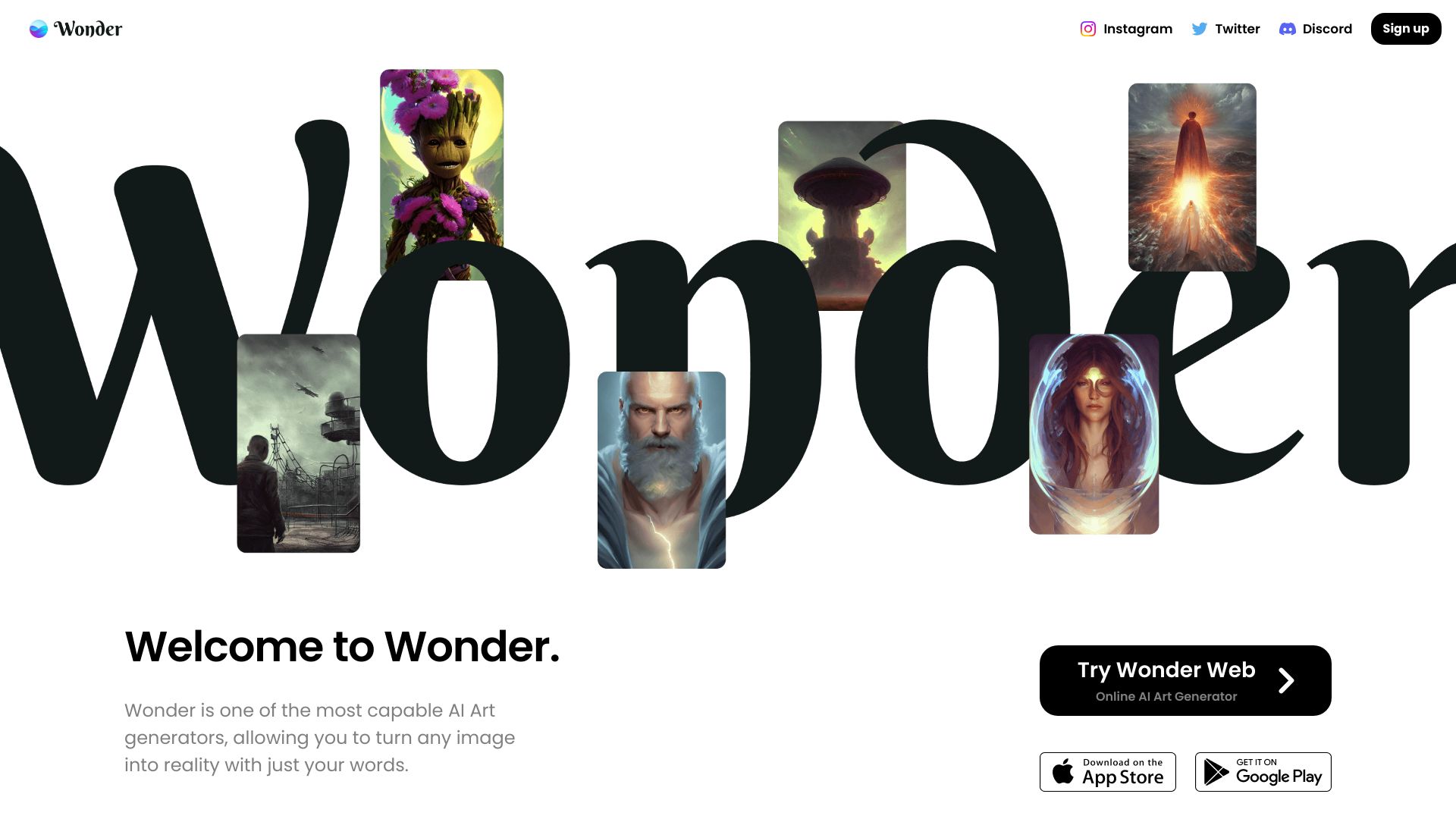
Wonder AI
Text-to-image art exploration

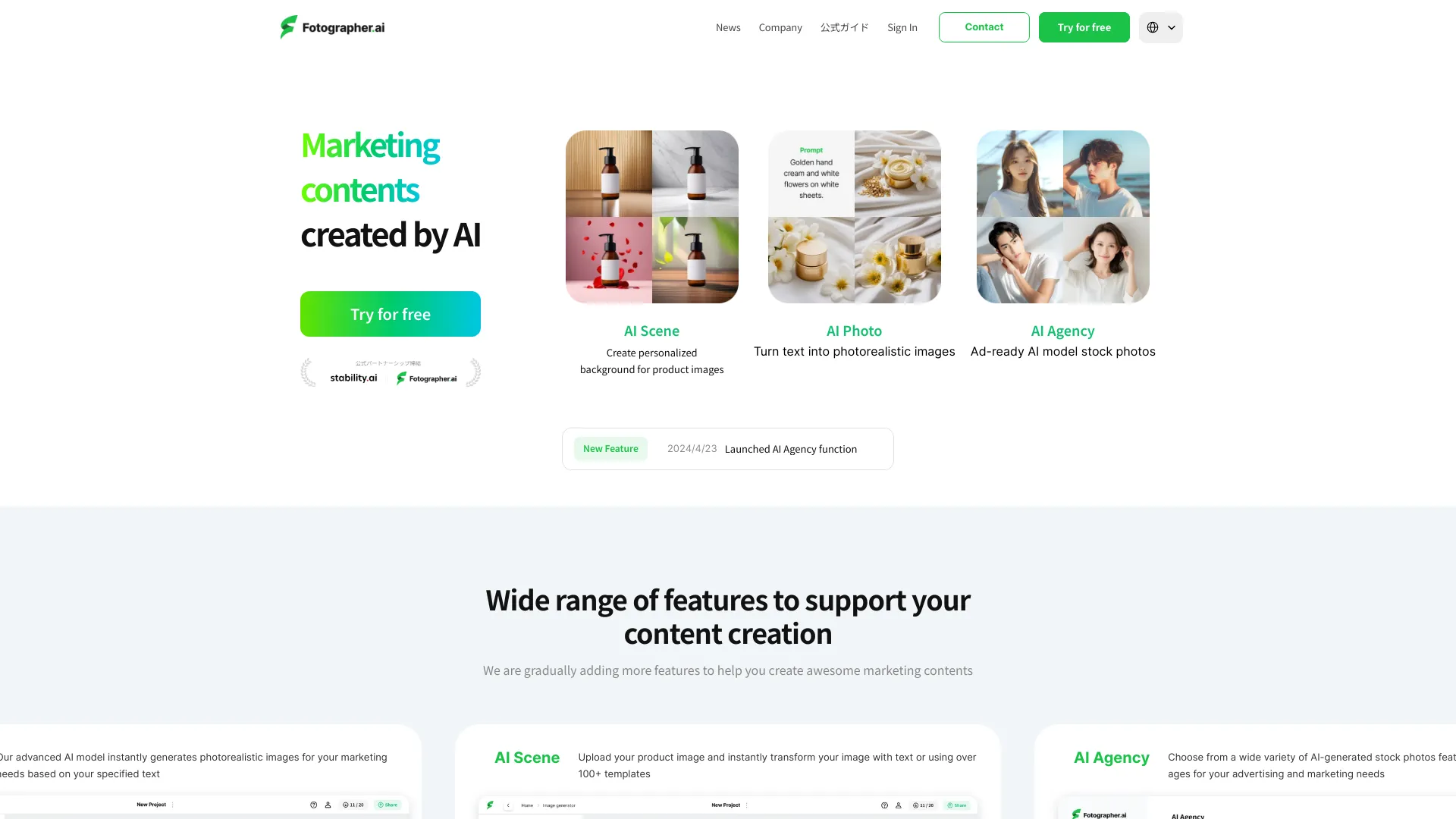
Fotographer AI
AI product photography

Enhance AI
AI image generation and photo enhancement
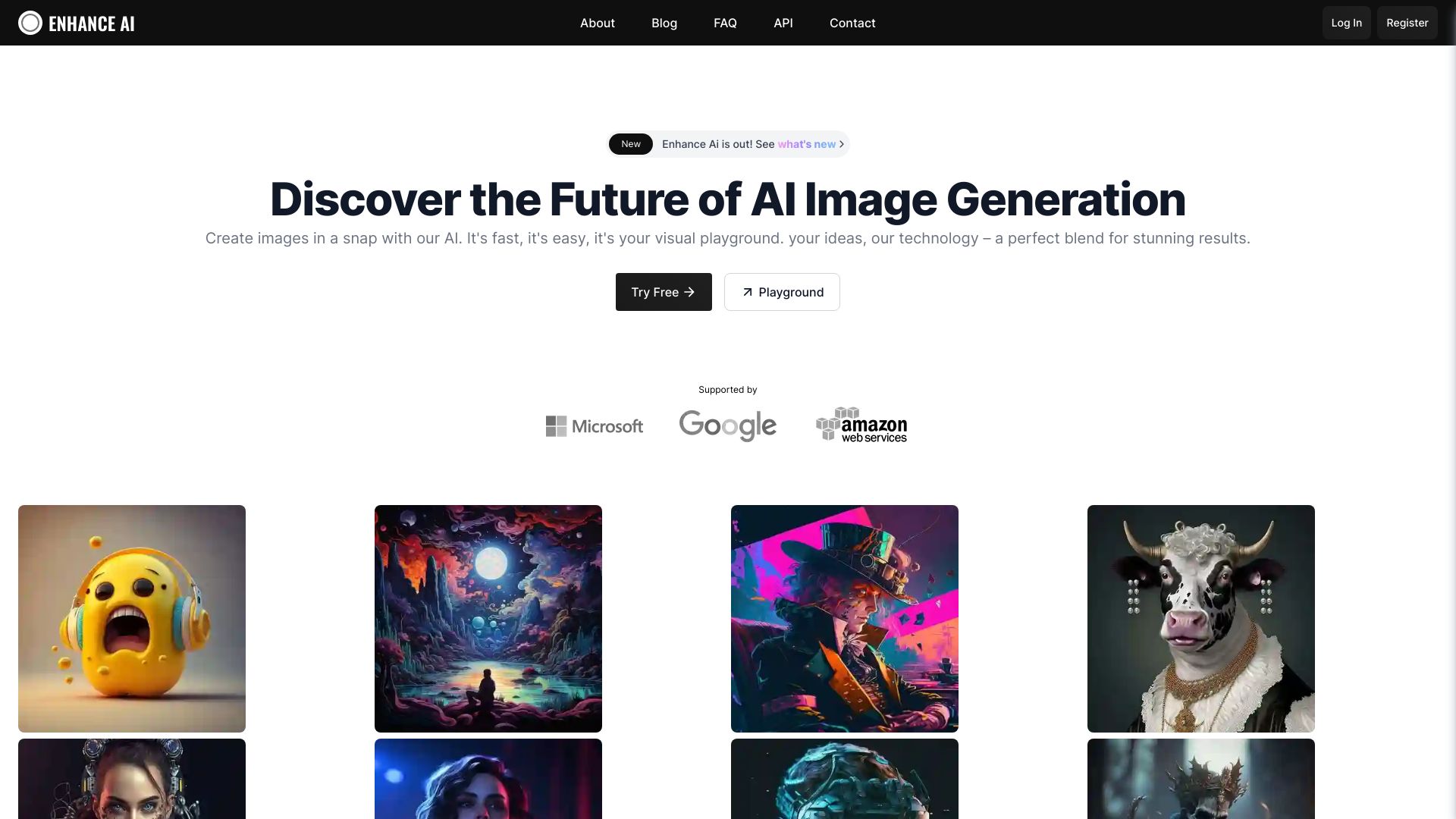
Image to 3D AI
Image-to-3D model generation

AI Picasso
AI art and avatar creation

AI Product Shot
AI product images for brands

img2.ai
Image-to-image and image-to-video creation
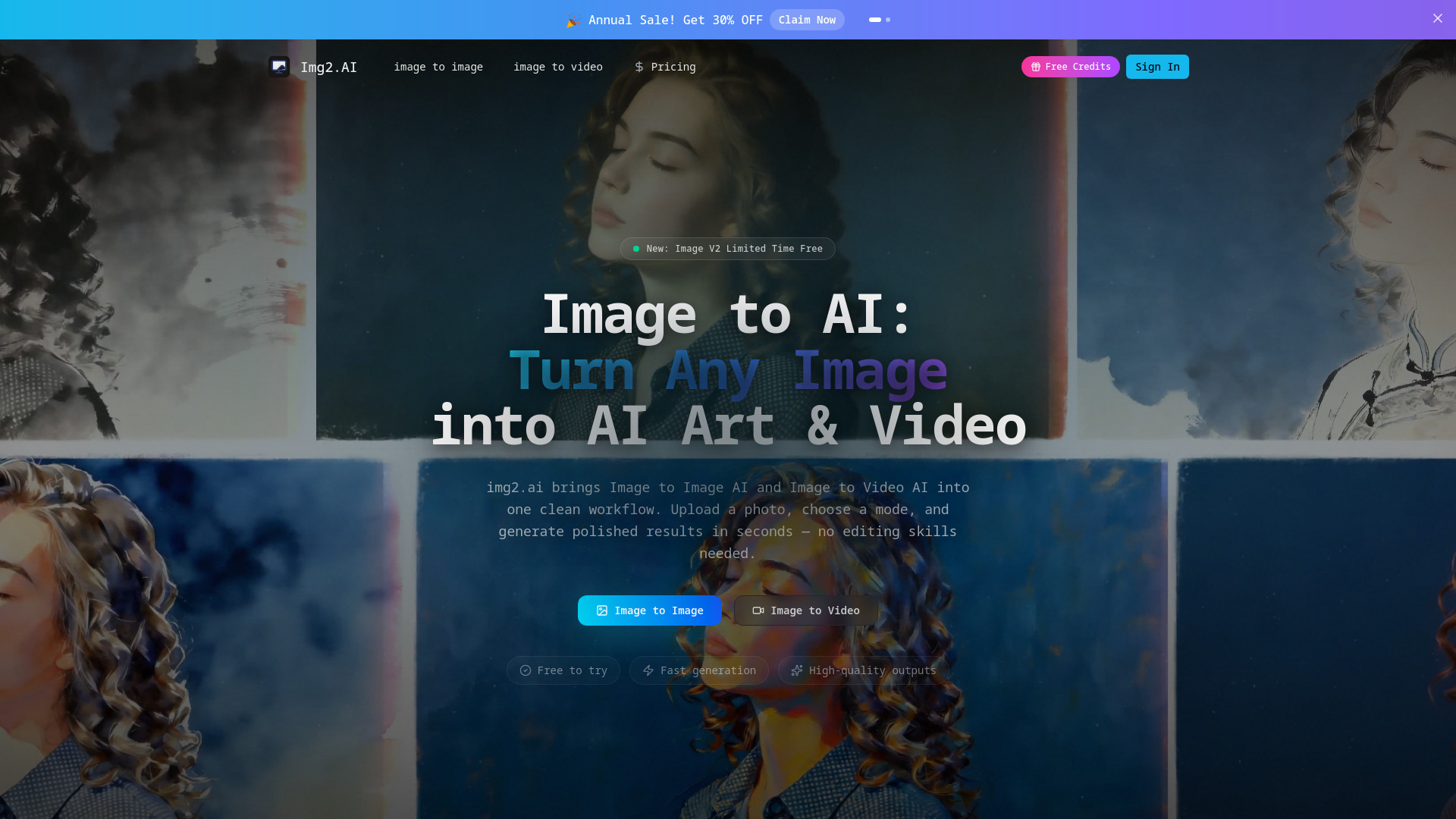

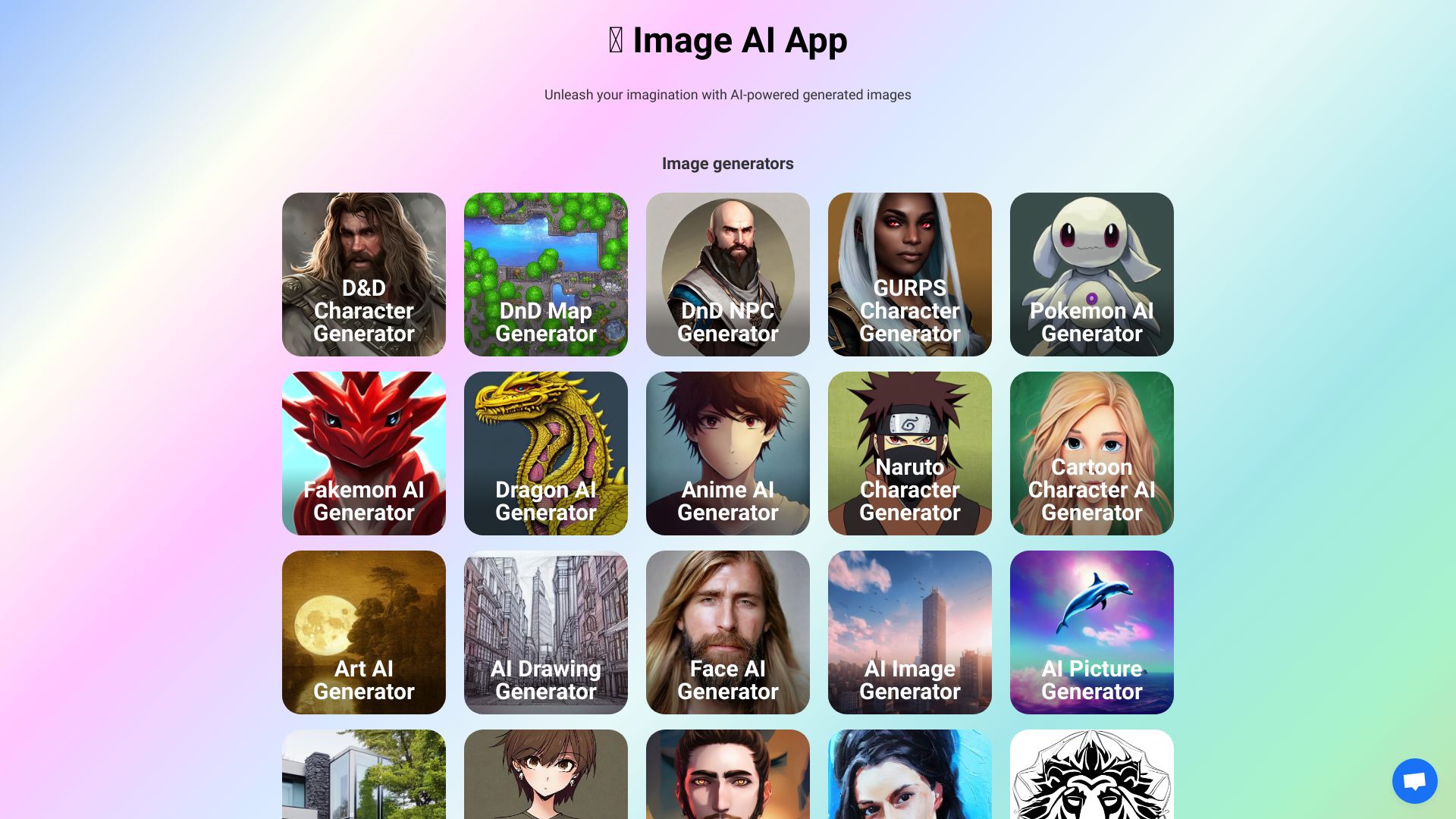
Image AI Generator
Custom fantasy and character art

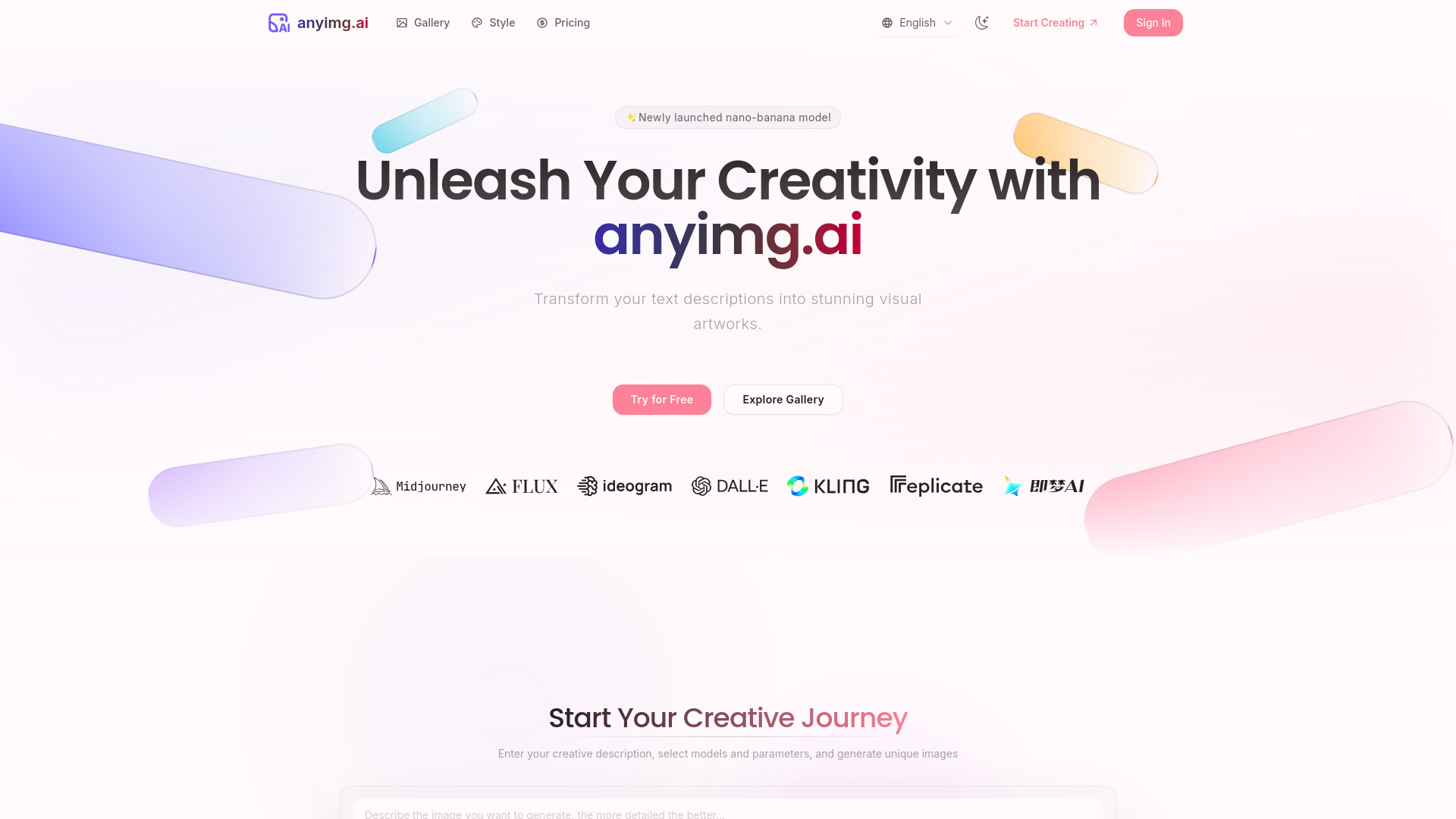
AnyImg AI
Multi-model AI image creation
Whisk AI Image Generator
Image remixing with subject, scene, and style inputs
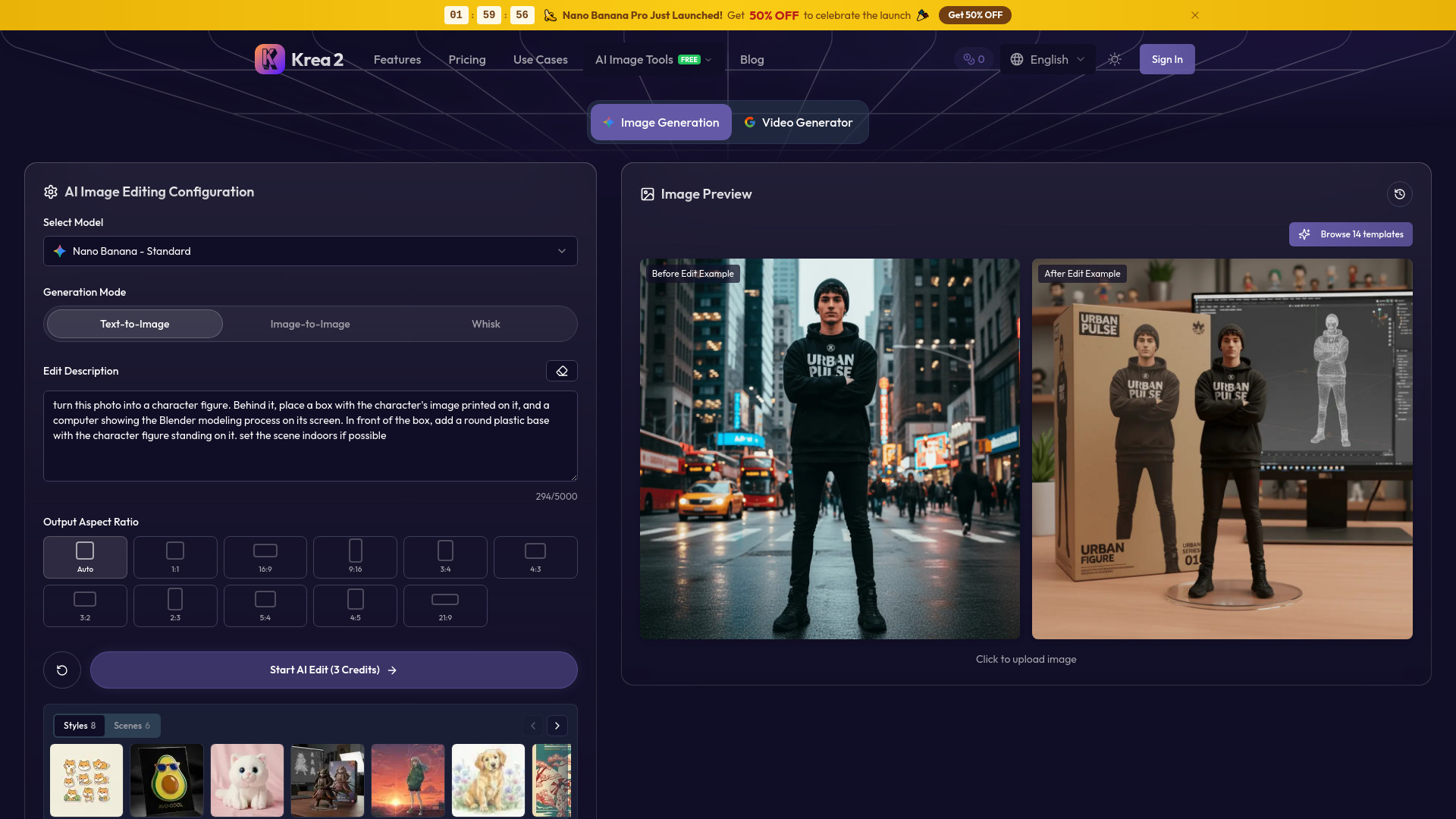
Krea2
Aesthetic image generation with style control

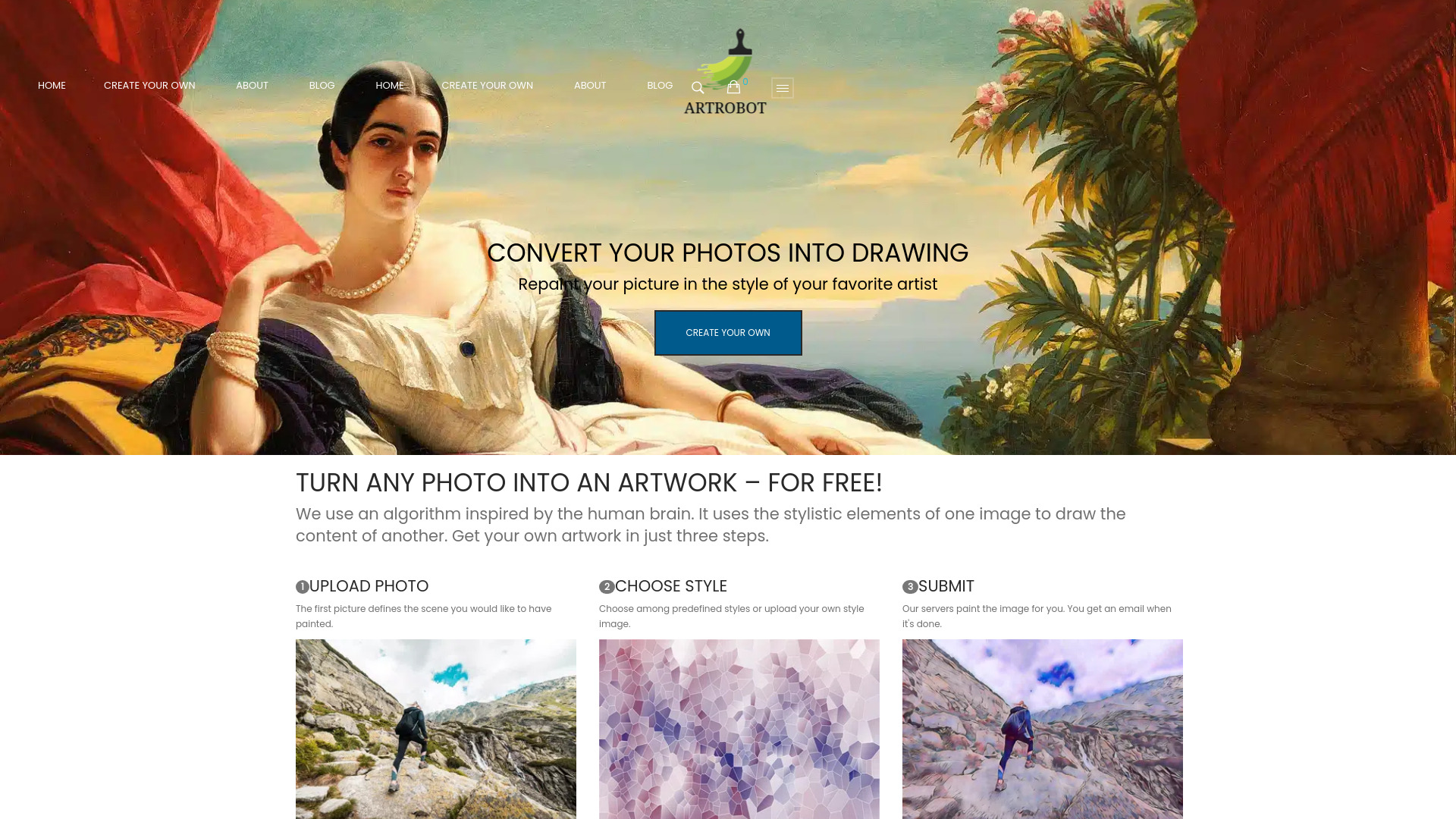
ARTROBOT
Photo-to-art style transfers

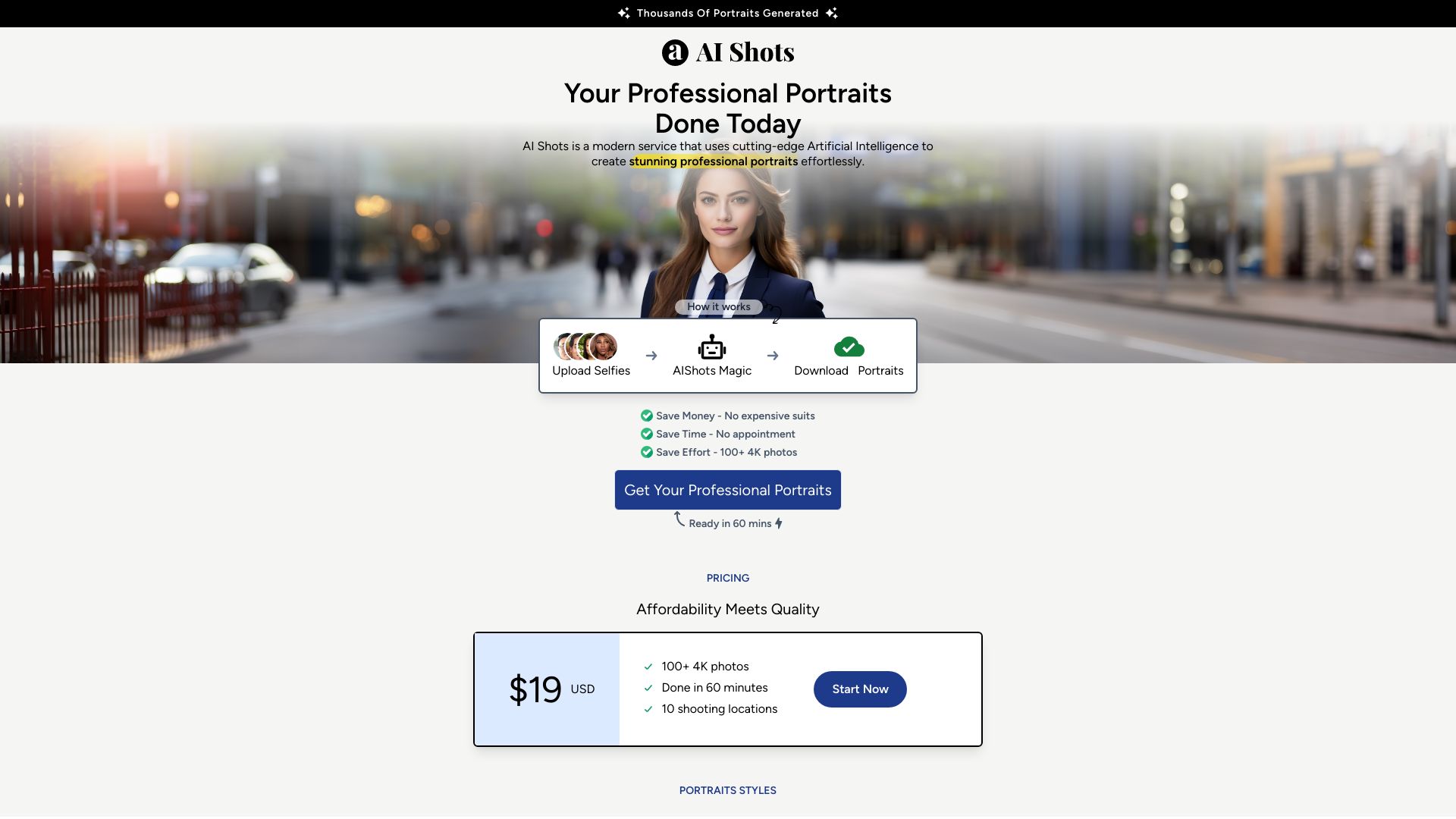
AI Shots
AI-generated professional portraits

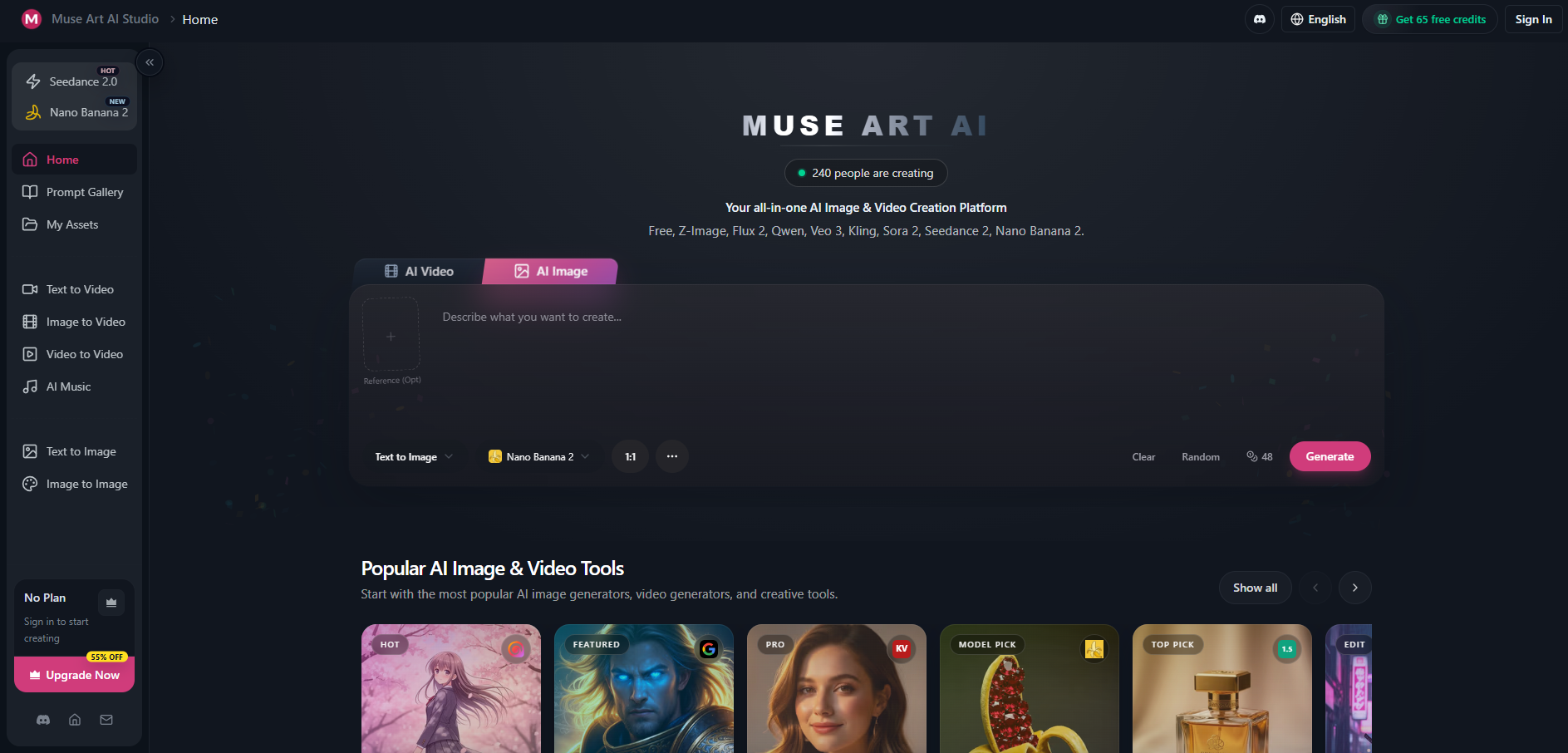
Muse Art AI
Multi-model image and video creation

ArtRoom AI
Layered AI art creation
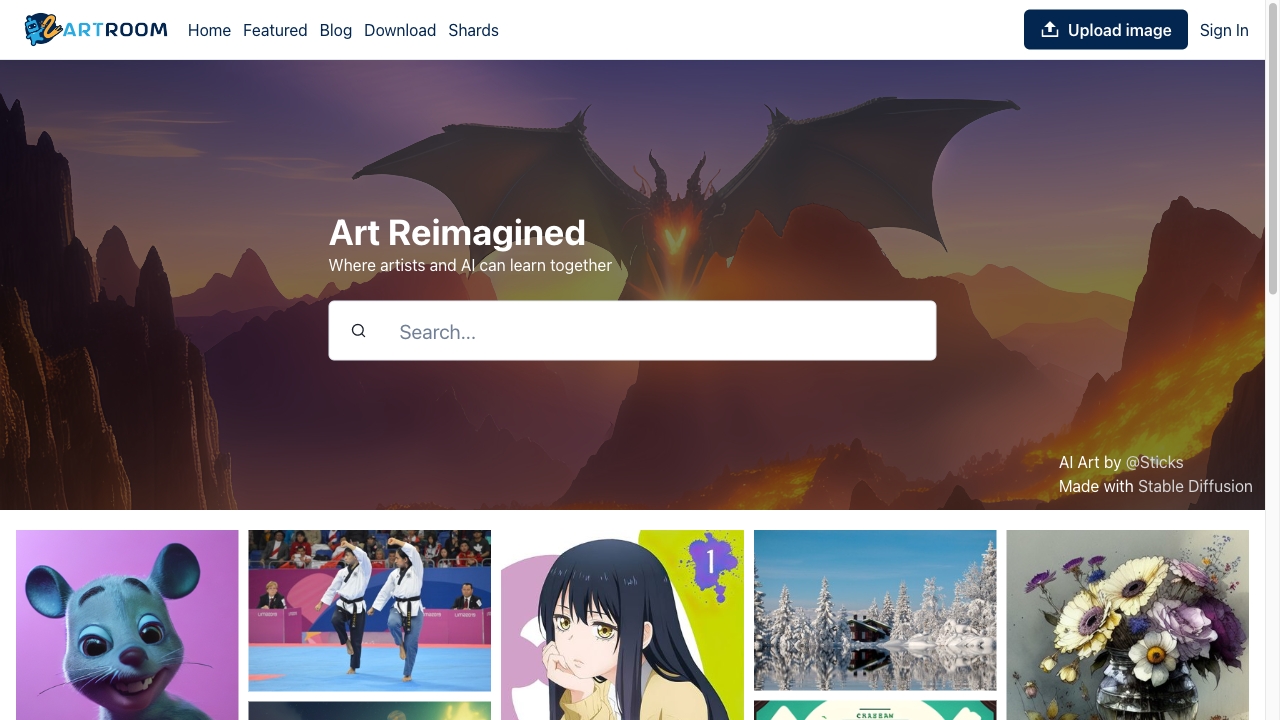
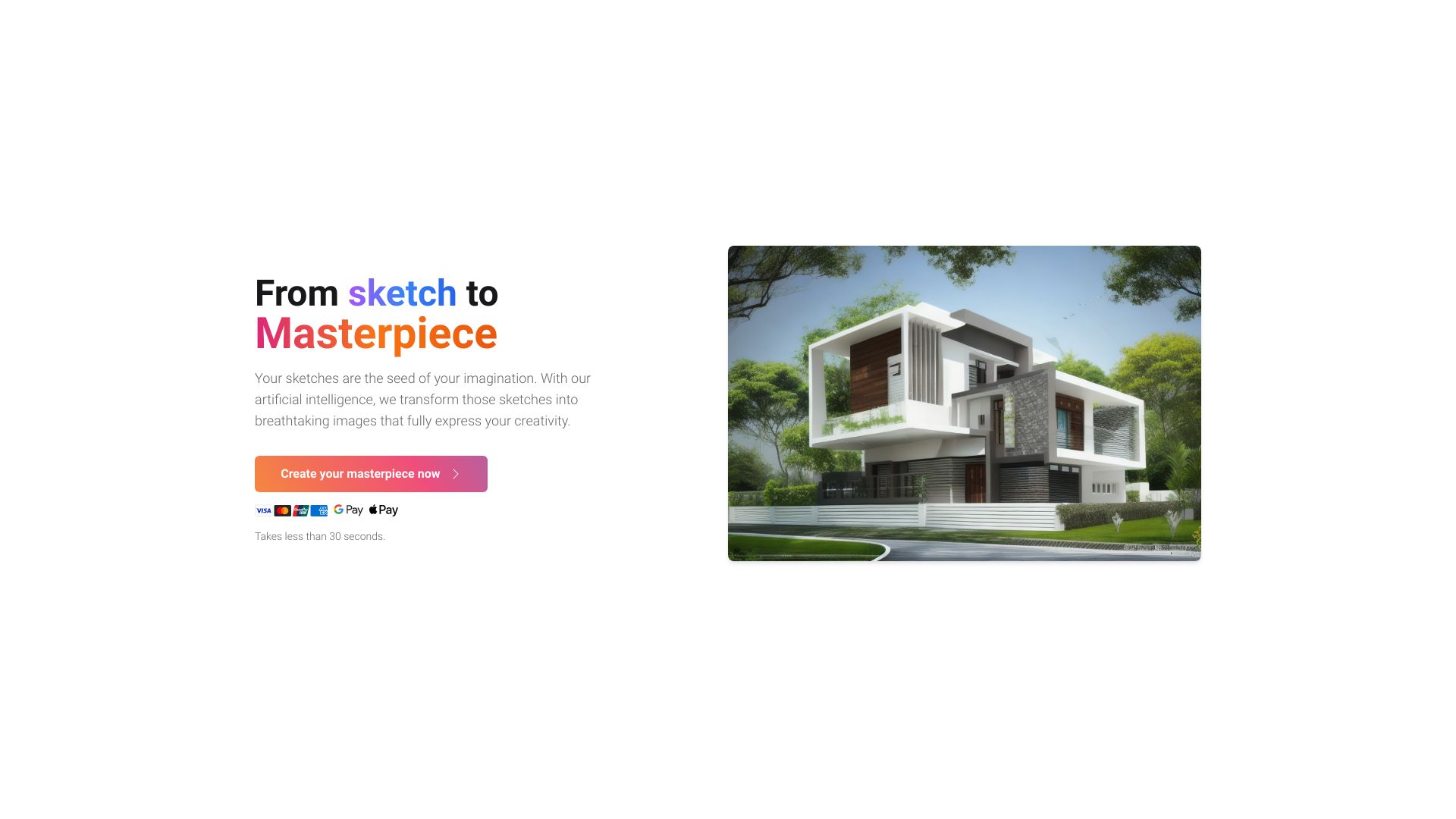
Image to Image AI
Photo restyling and image variations

SketchImage.AI
Sketch-to-image creation

PetPet
AI pet portraits from photos

image to video ai
Creators animating still images

AI Image to Image Generator
Prompt-based photo transformations

aiimageedit.ai
Prompt-based photo variations

Creativio AI
E-commerce product photography
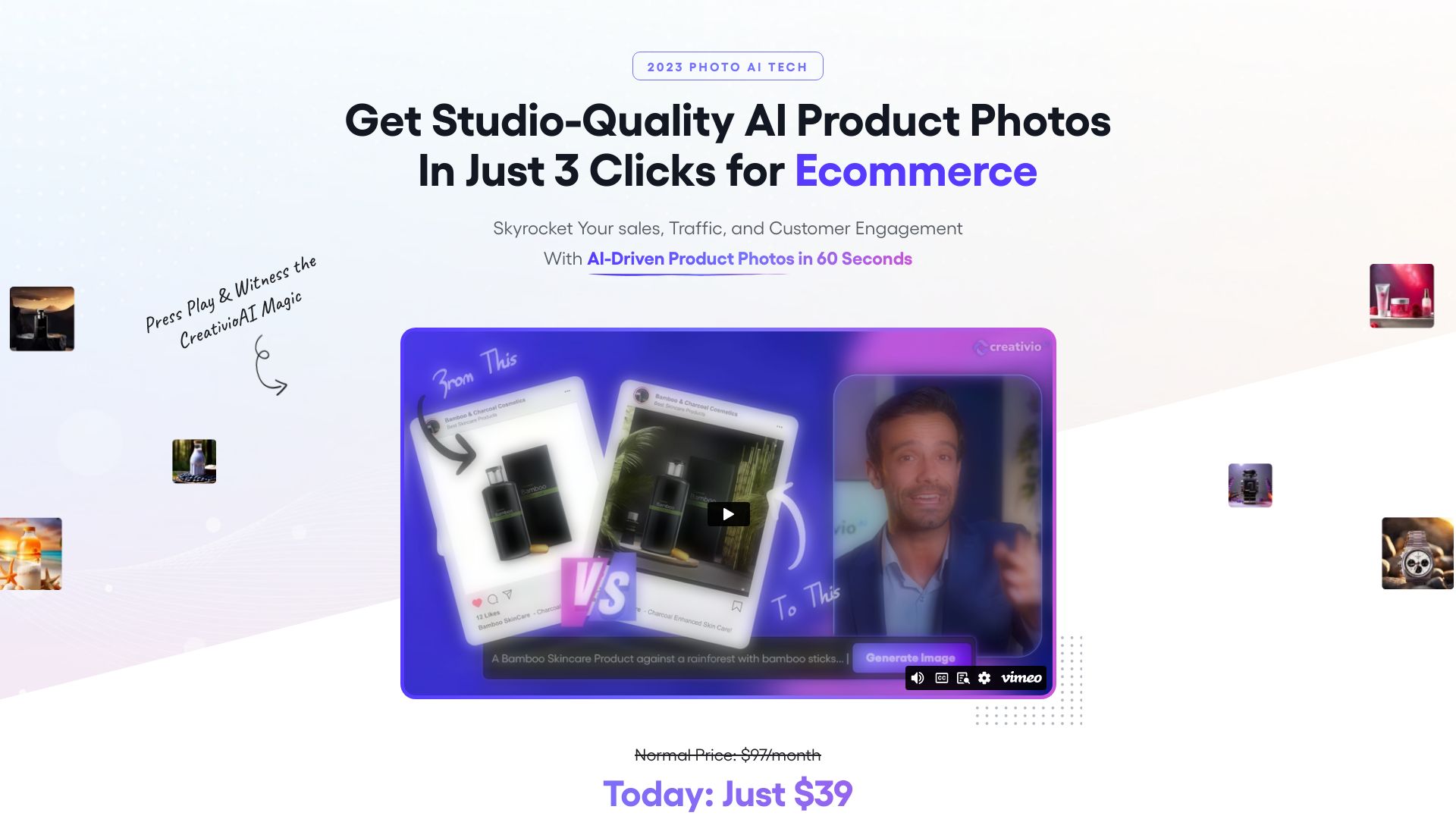
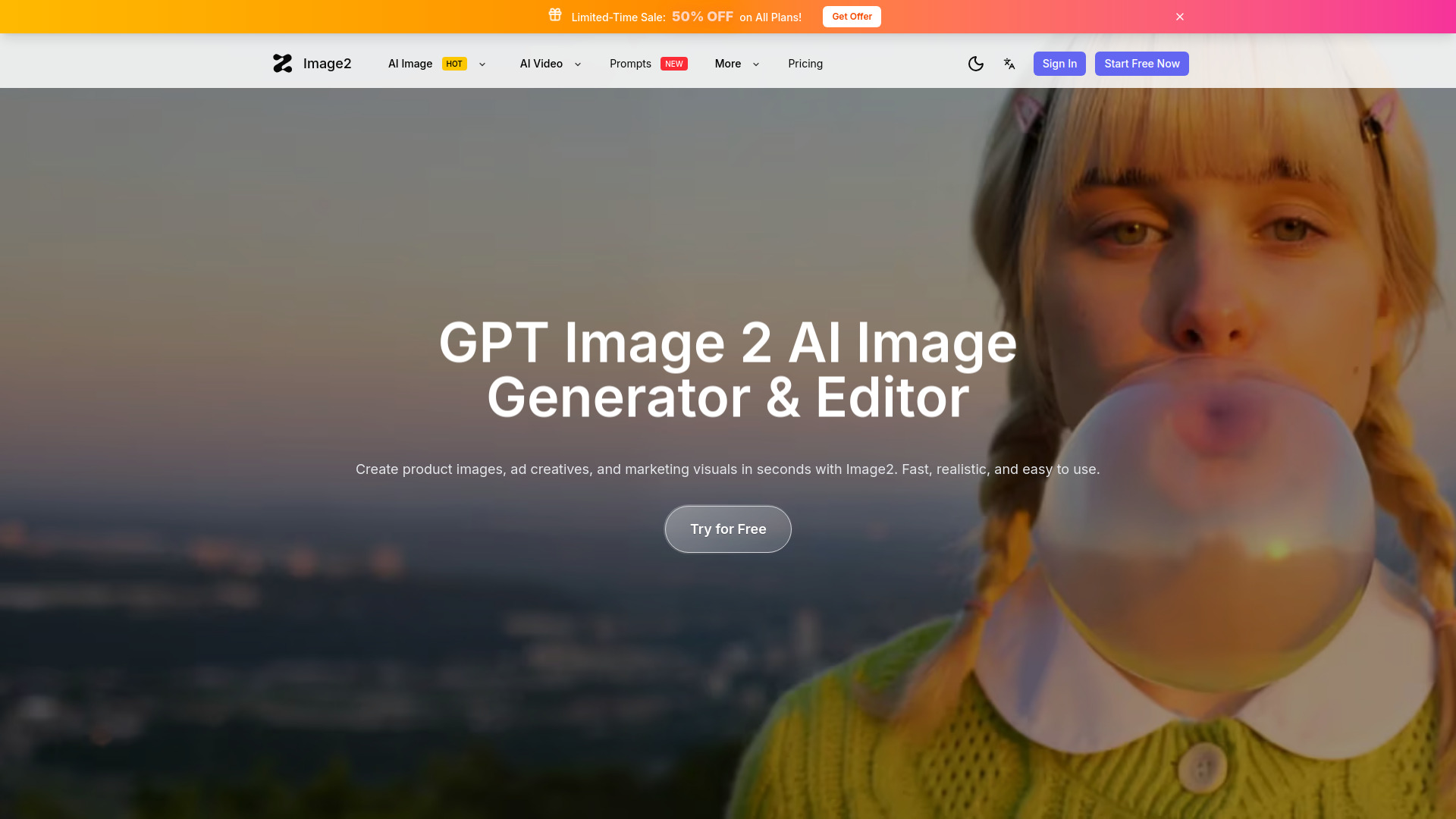
Image2-AI
Product images and ad creatives

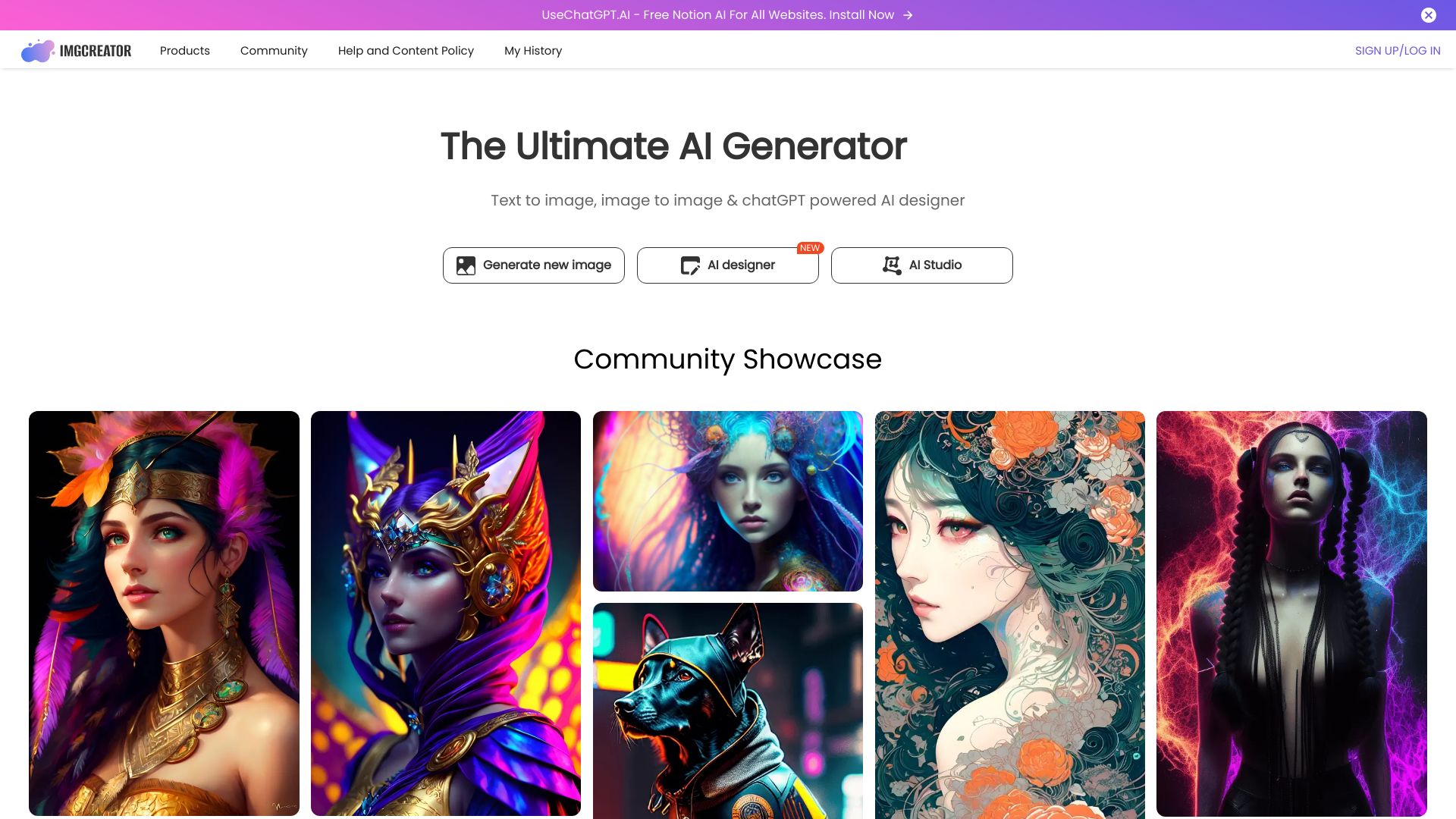
ImgCreator.AI
AI illustrations, anime, and concept art

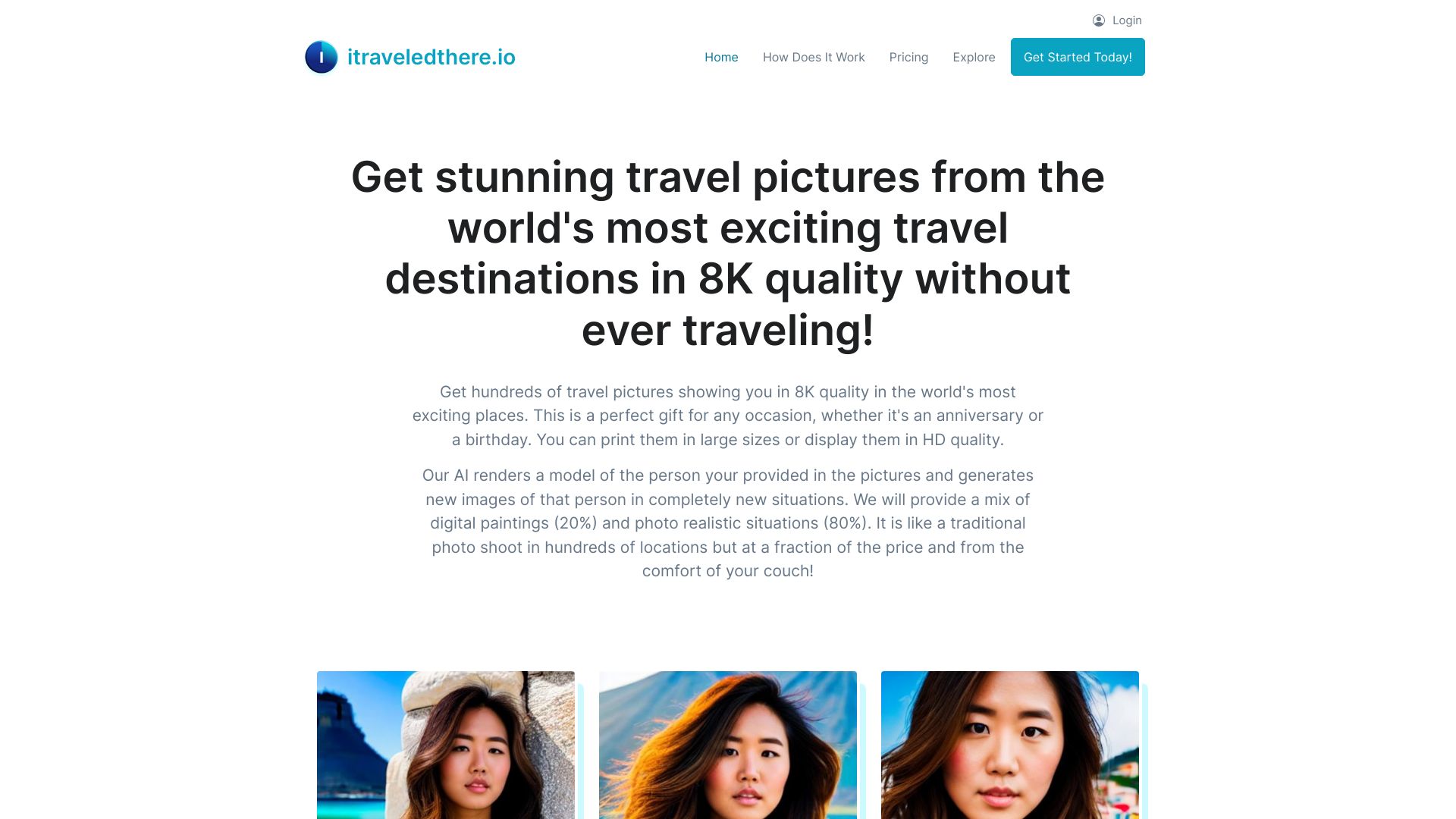
iTraveledThere
AI travel images from selfies

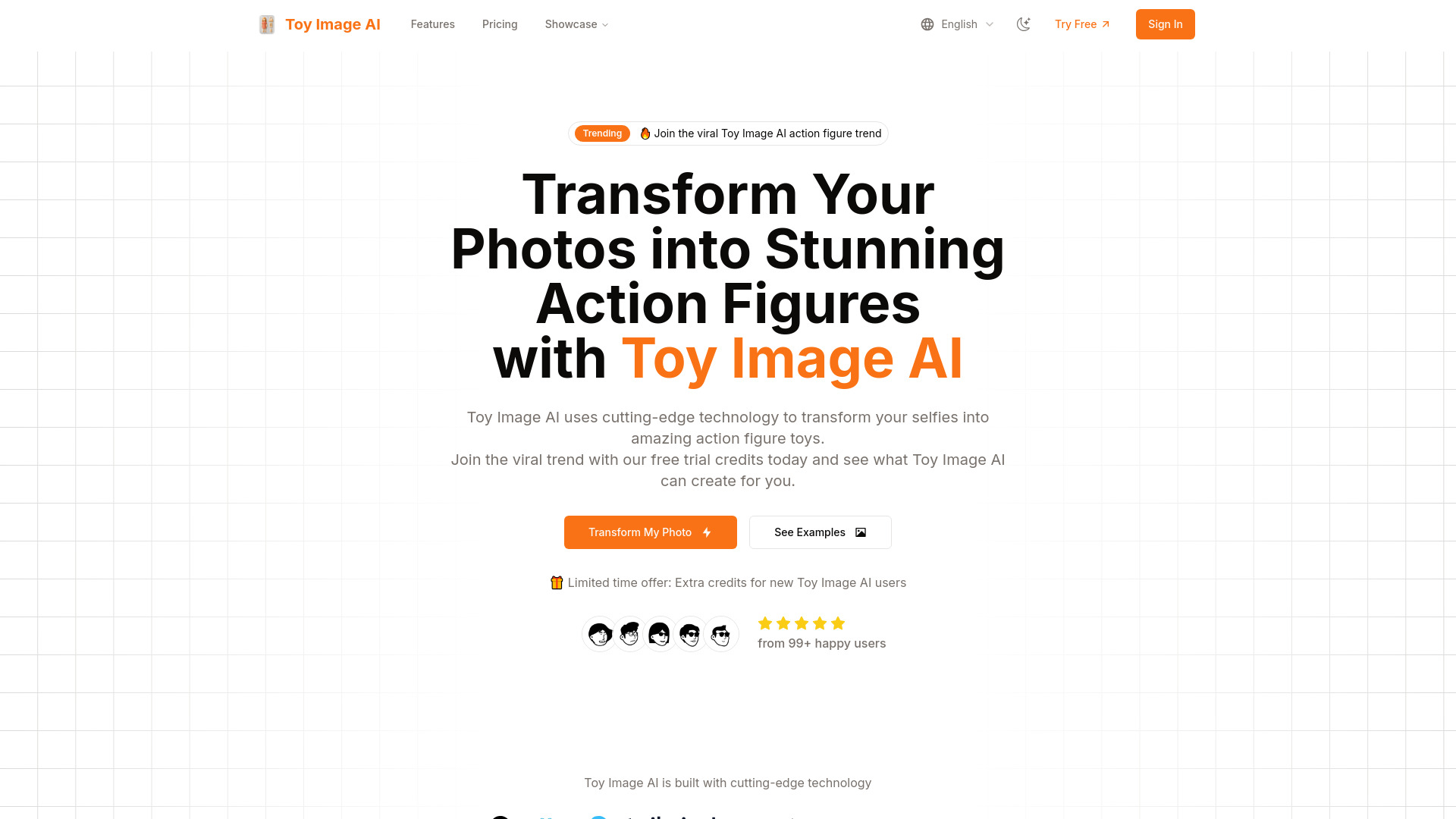
Toy Image AI
Photo-to-action-figure portraits

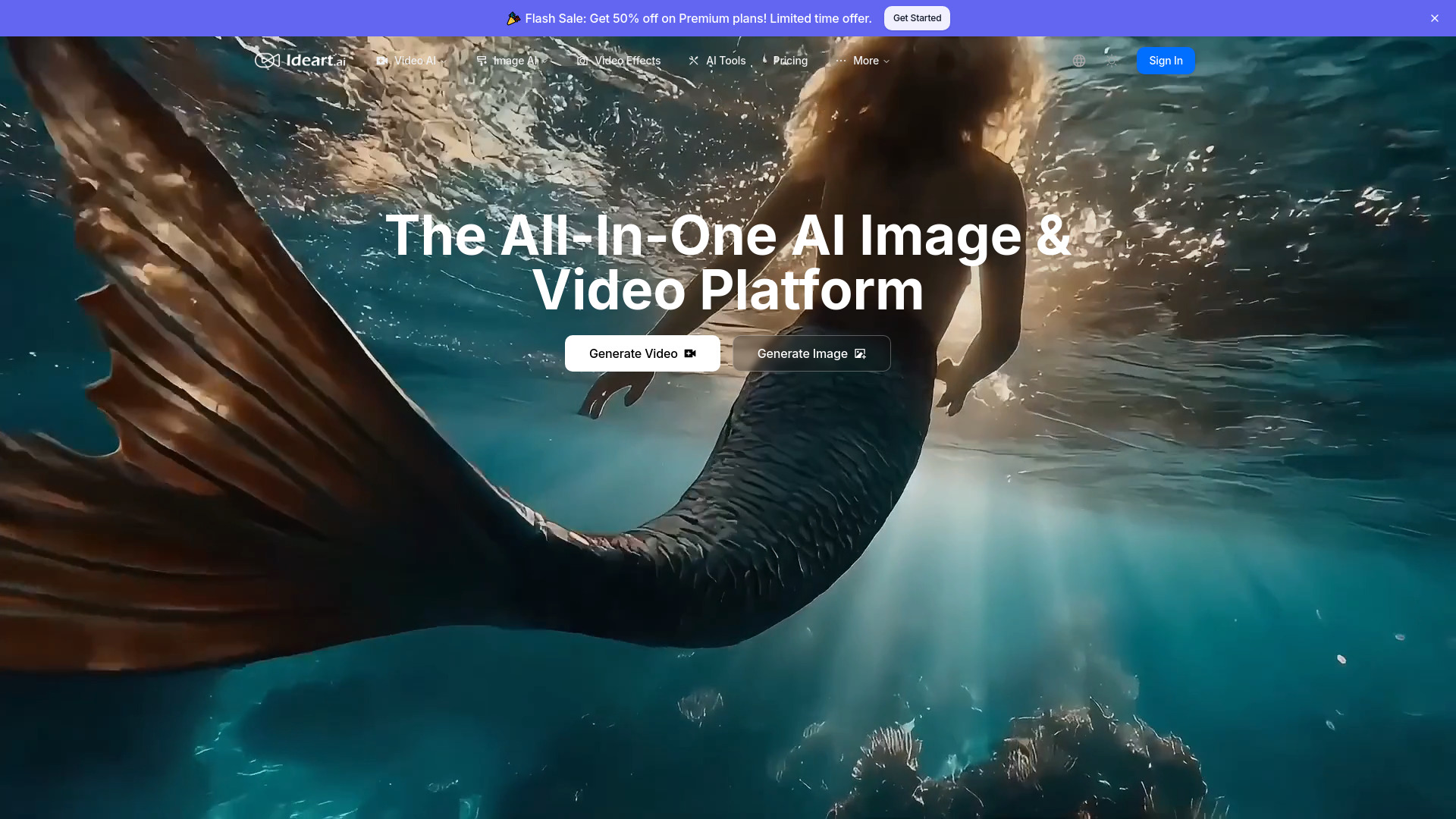
IDEART AI
Multi-model image and video creation

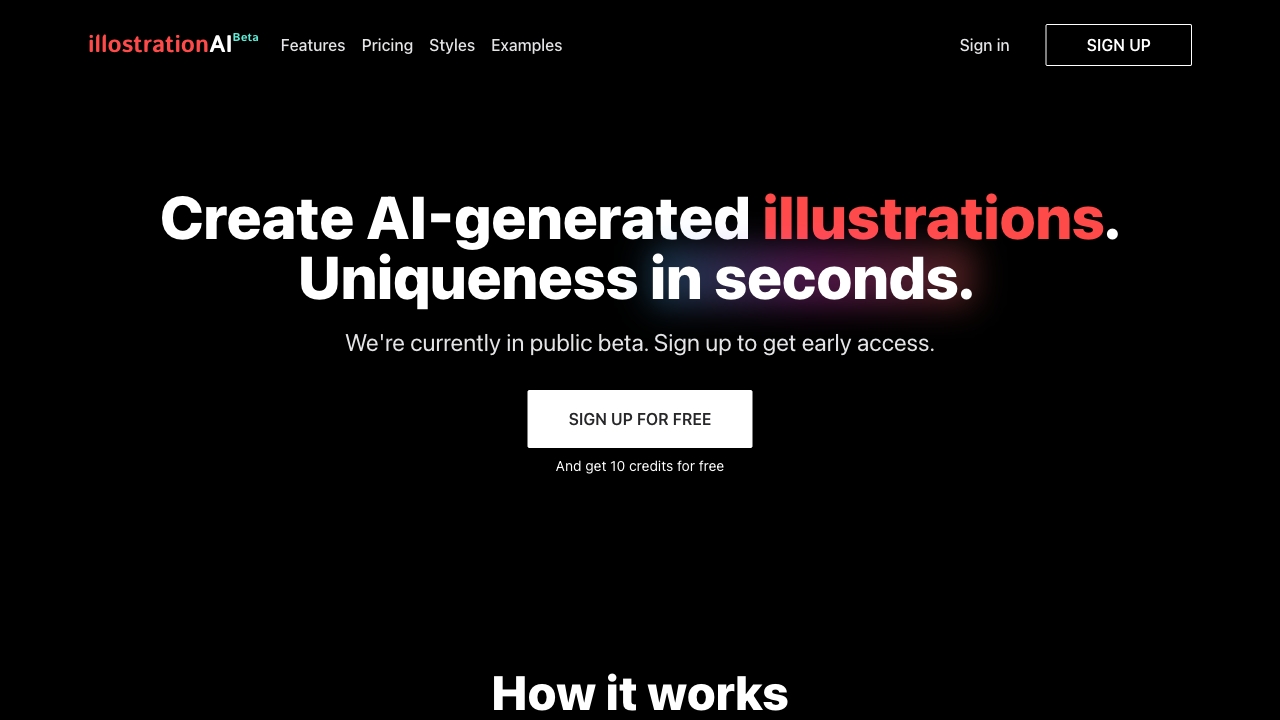
illostrationAI
AI-generated illustrations

Pet Lens AI
AI pet portraits and themed photos

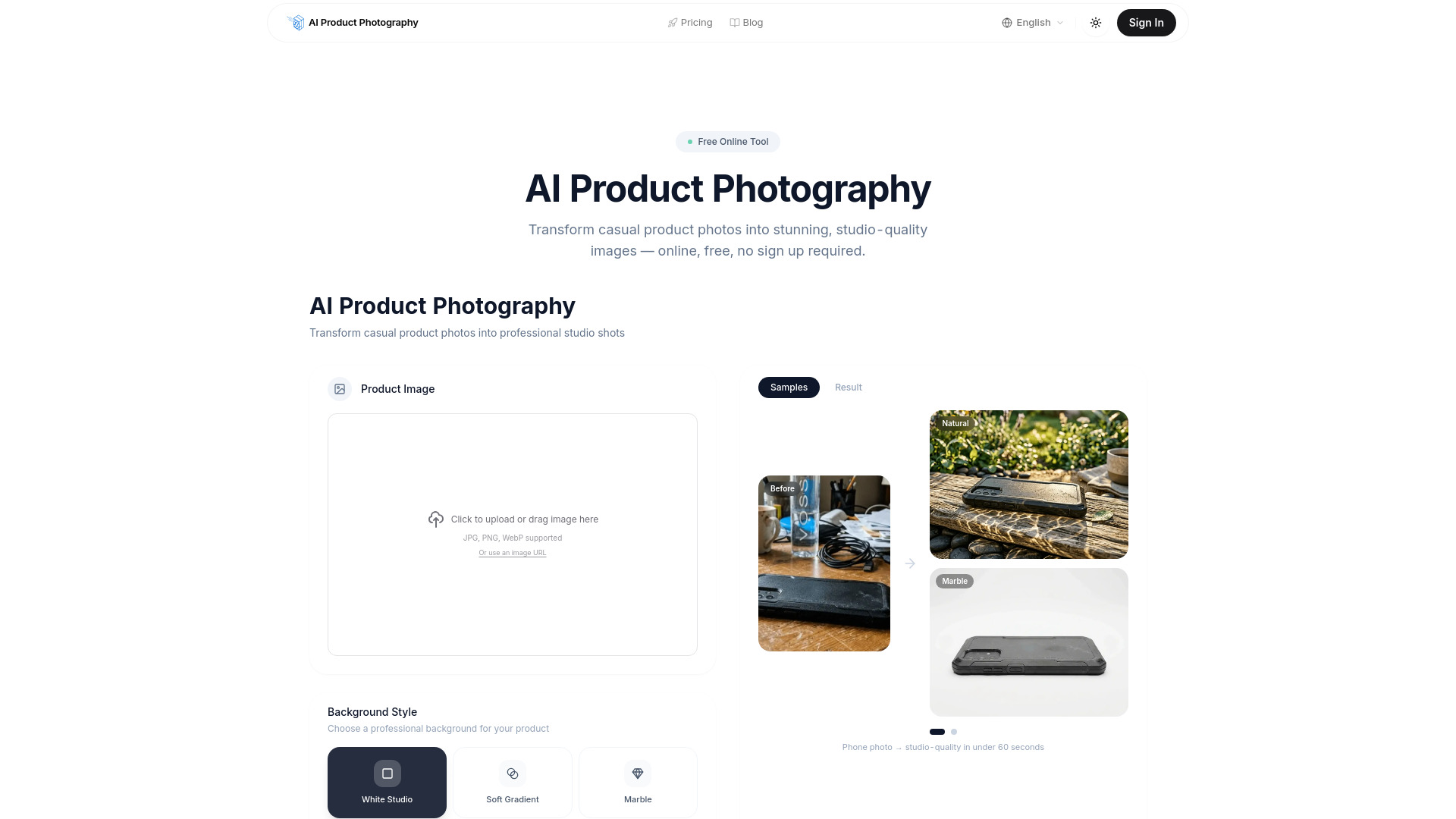
AI Product Photography
E-commerce product image creation

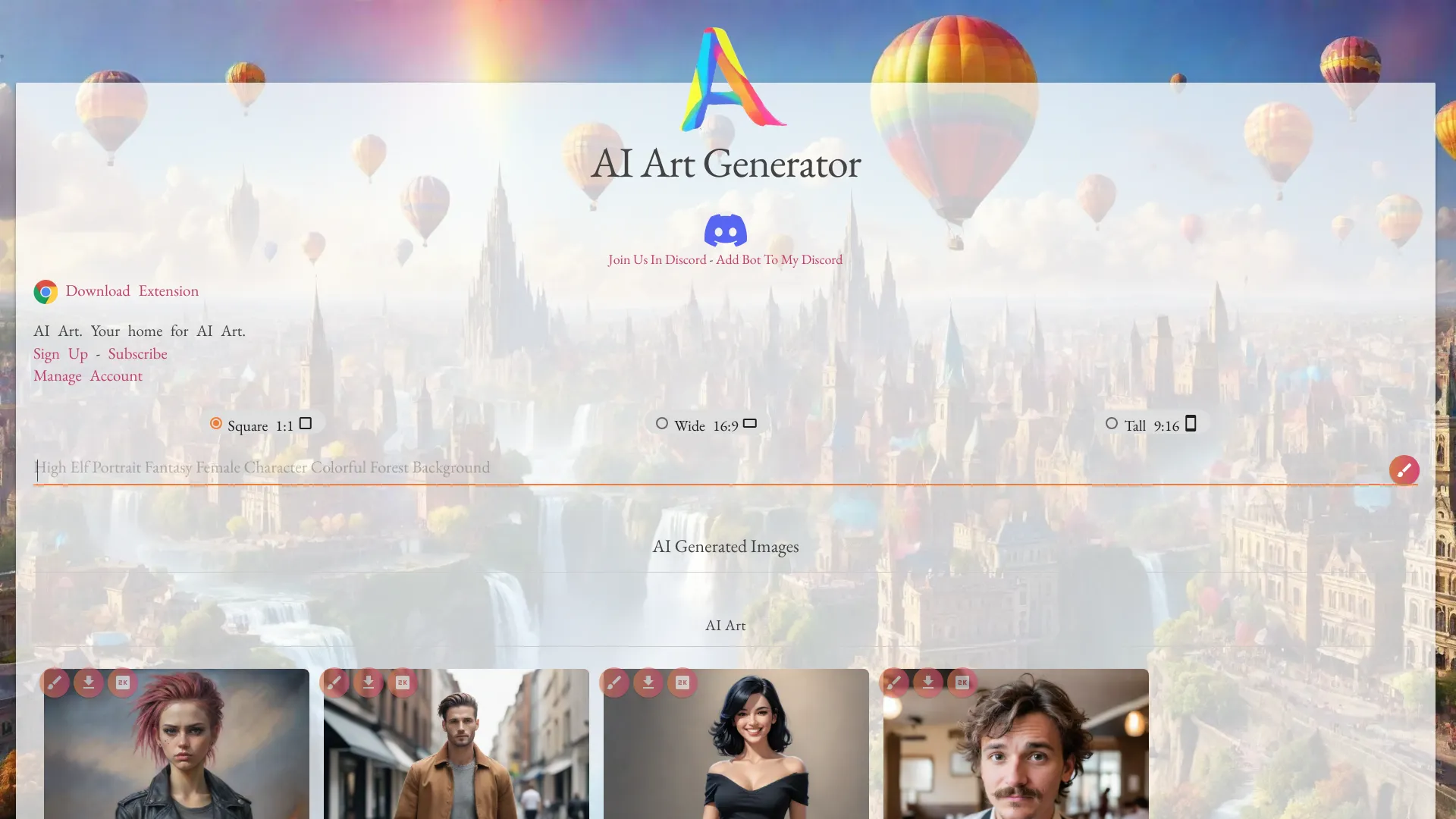
Netwrck.com
AI-generated art and stock art

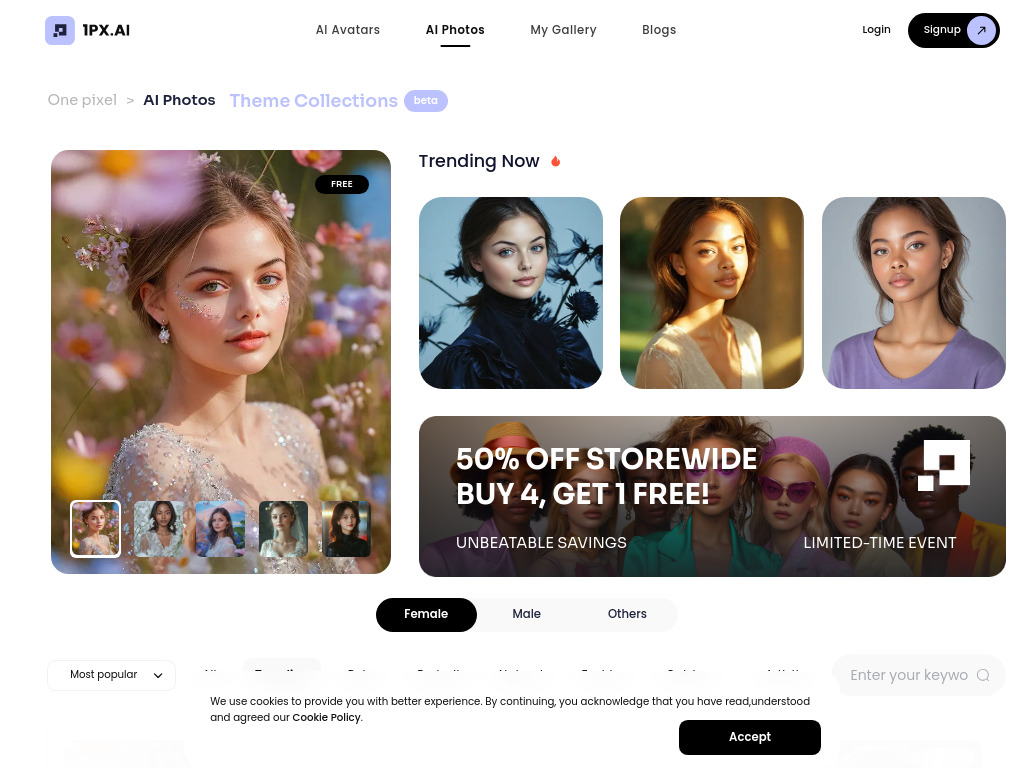
1PX.AI
AI portrait and avatar creation

AI Art image Generator
AI photo creation and transformation
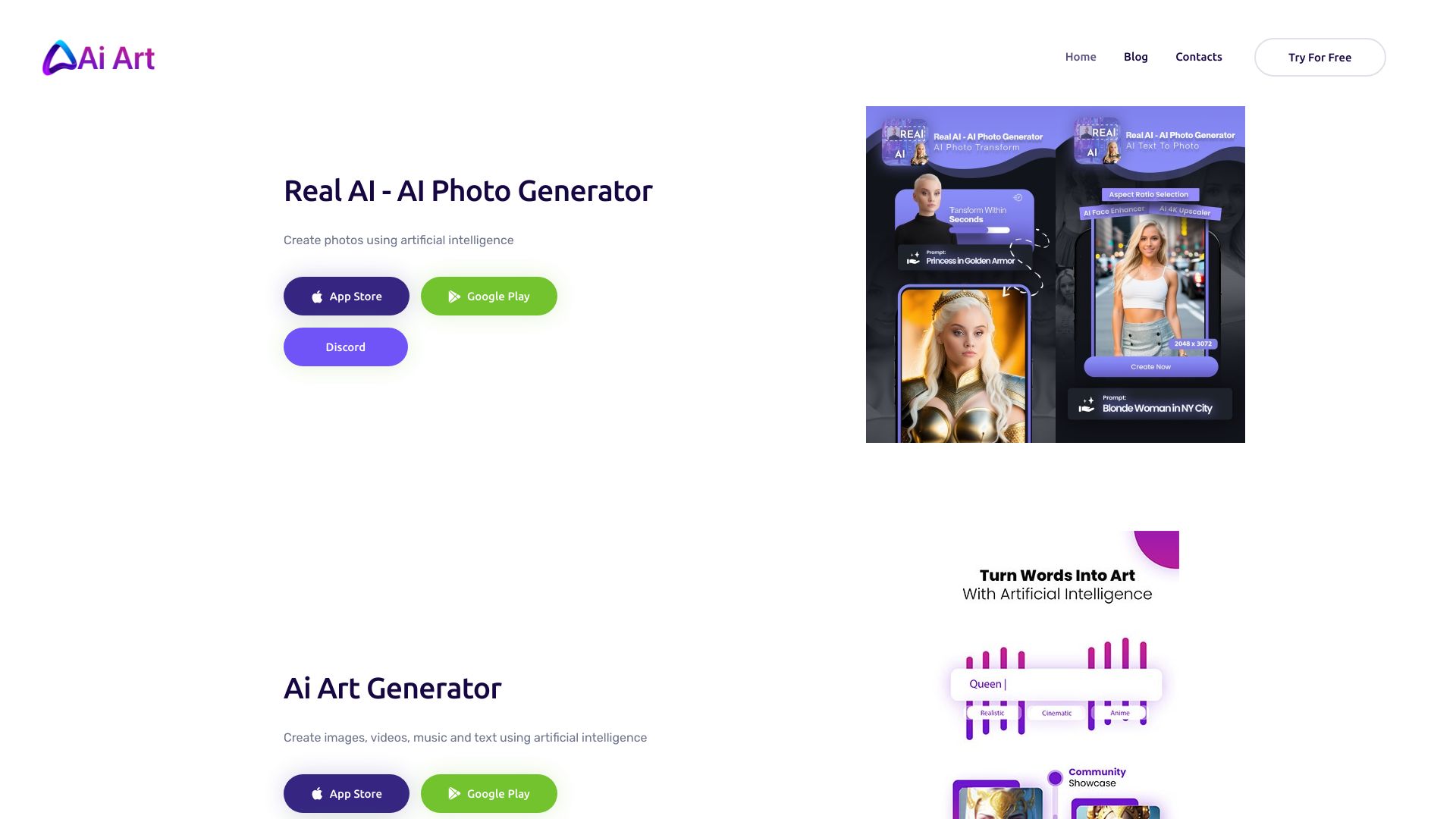
Photo AI
Photorealistic personal AI photo shoots

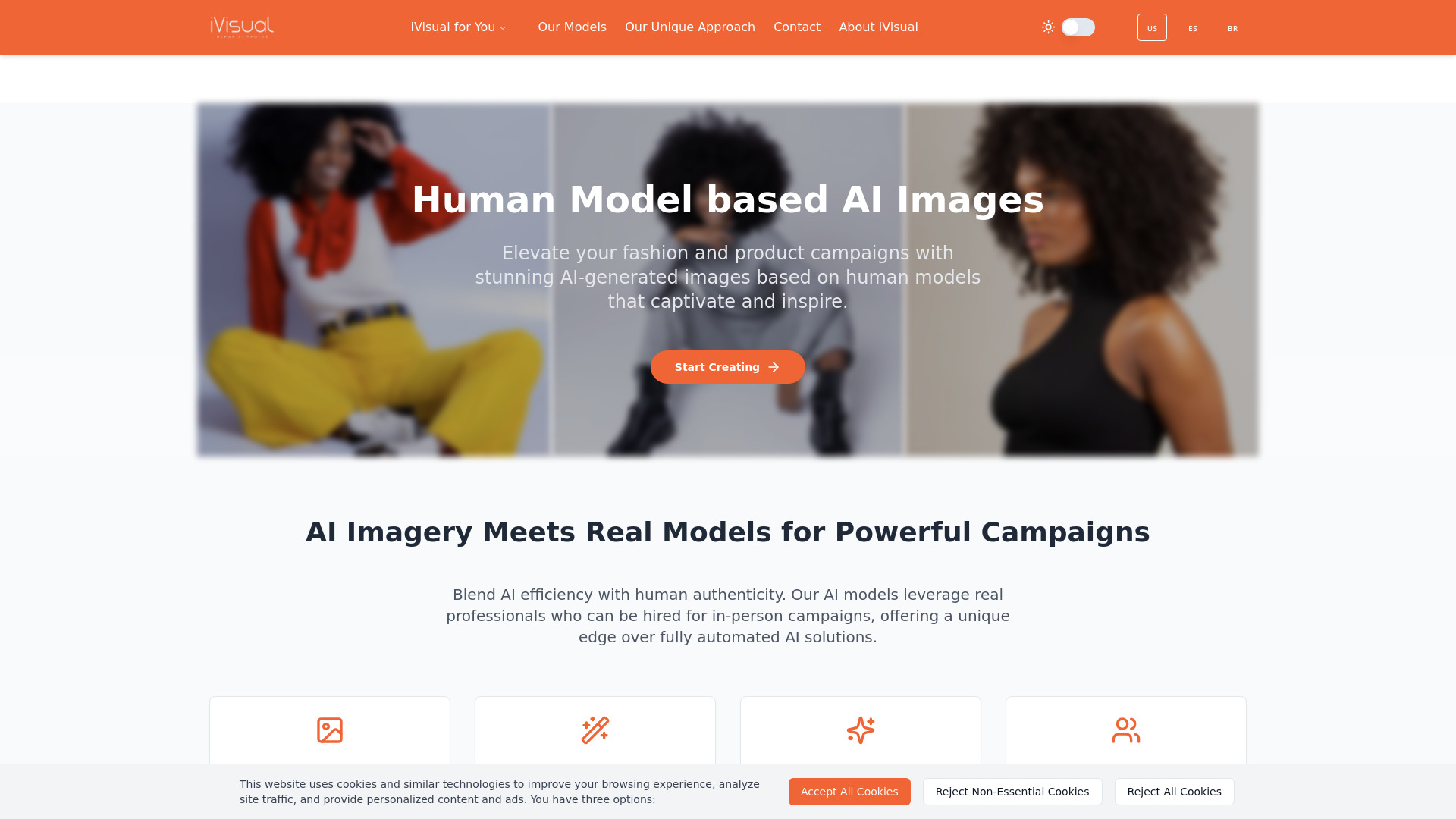
iVisual
Fashion and product campaign imagery

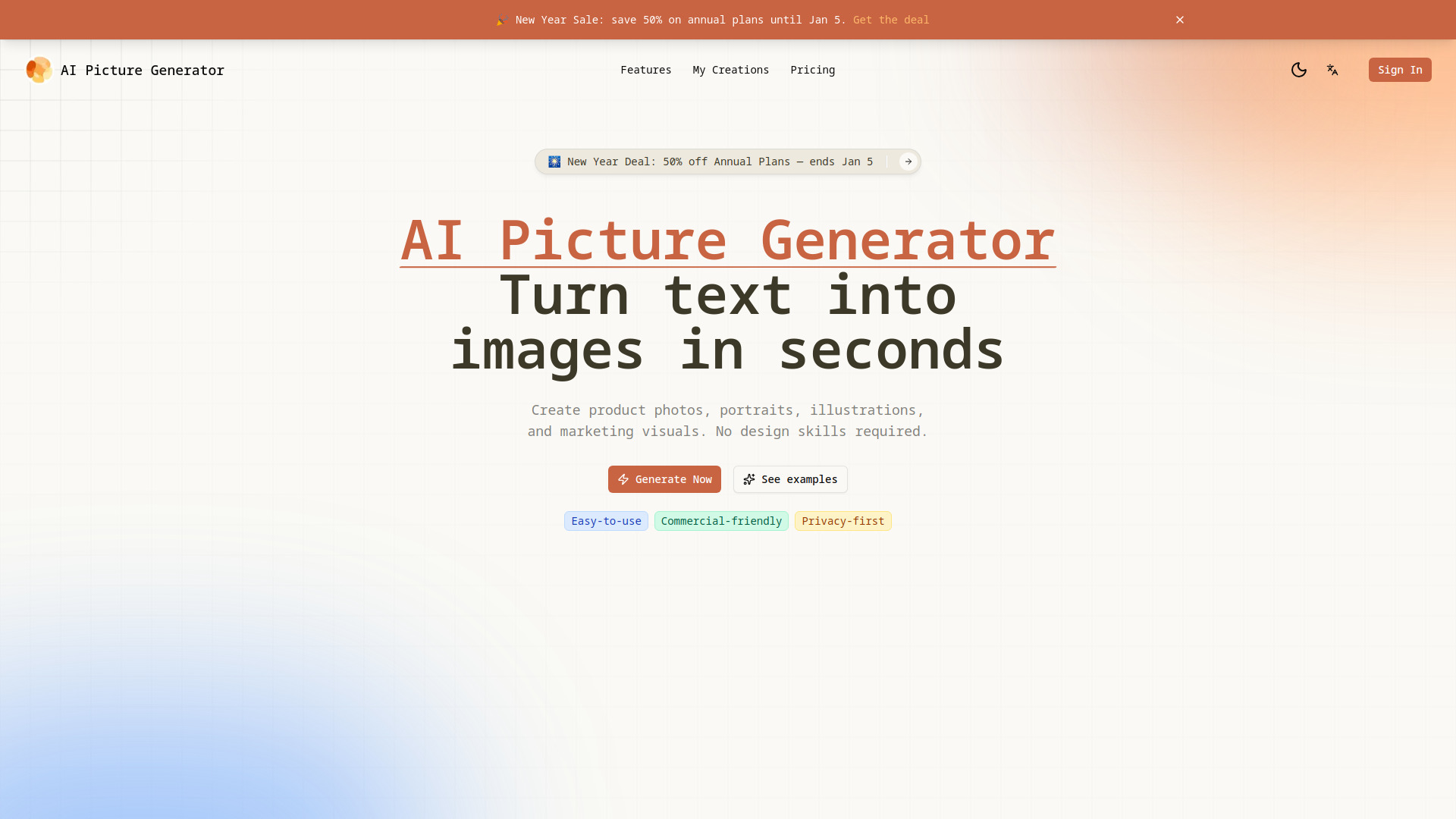
AI Picture Generator
Product photos and social creatives

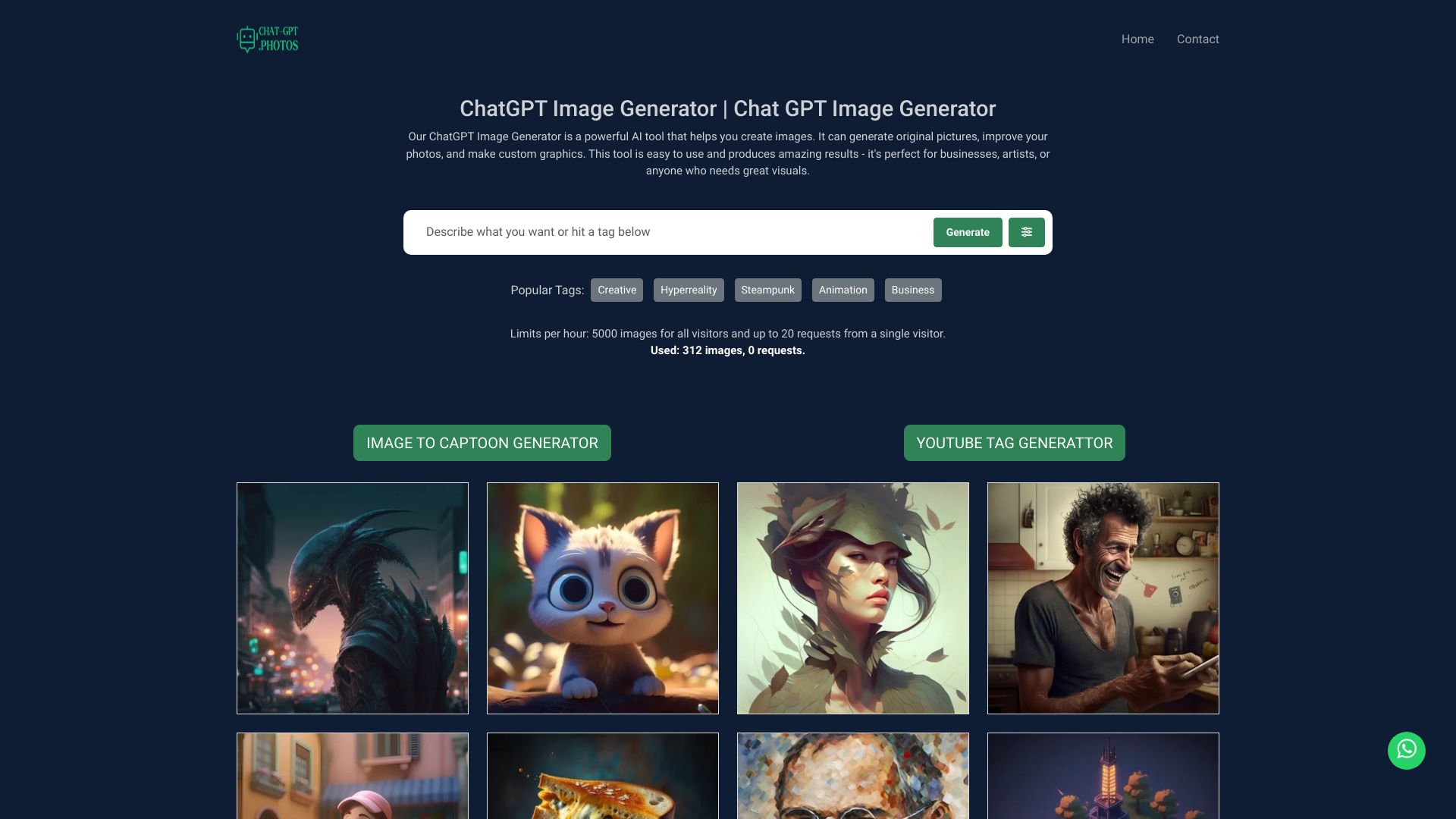
ChatGPT Image Generator
Fast text-to-image creation

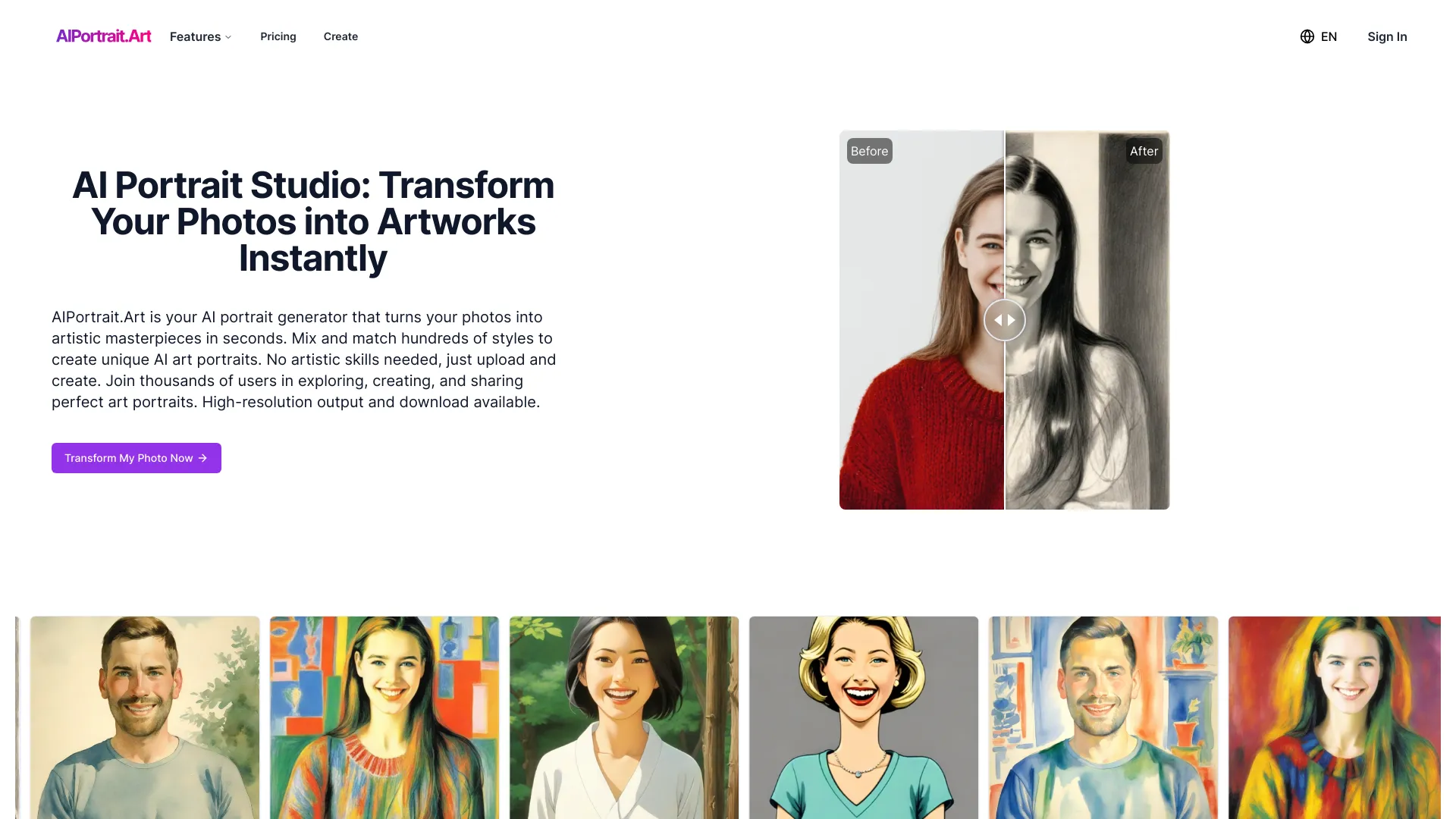
AIPortrait.Art
Artistic photo portraits
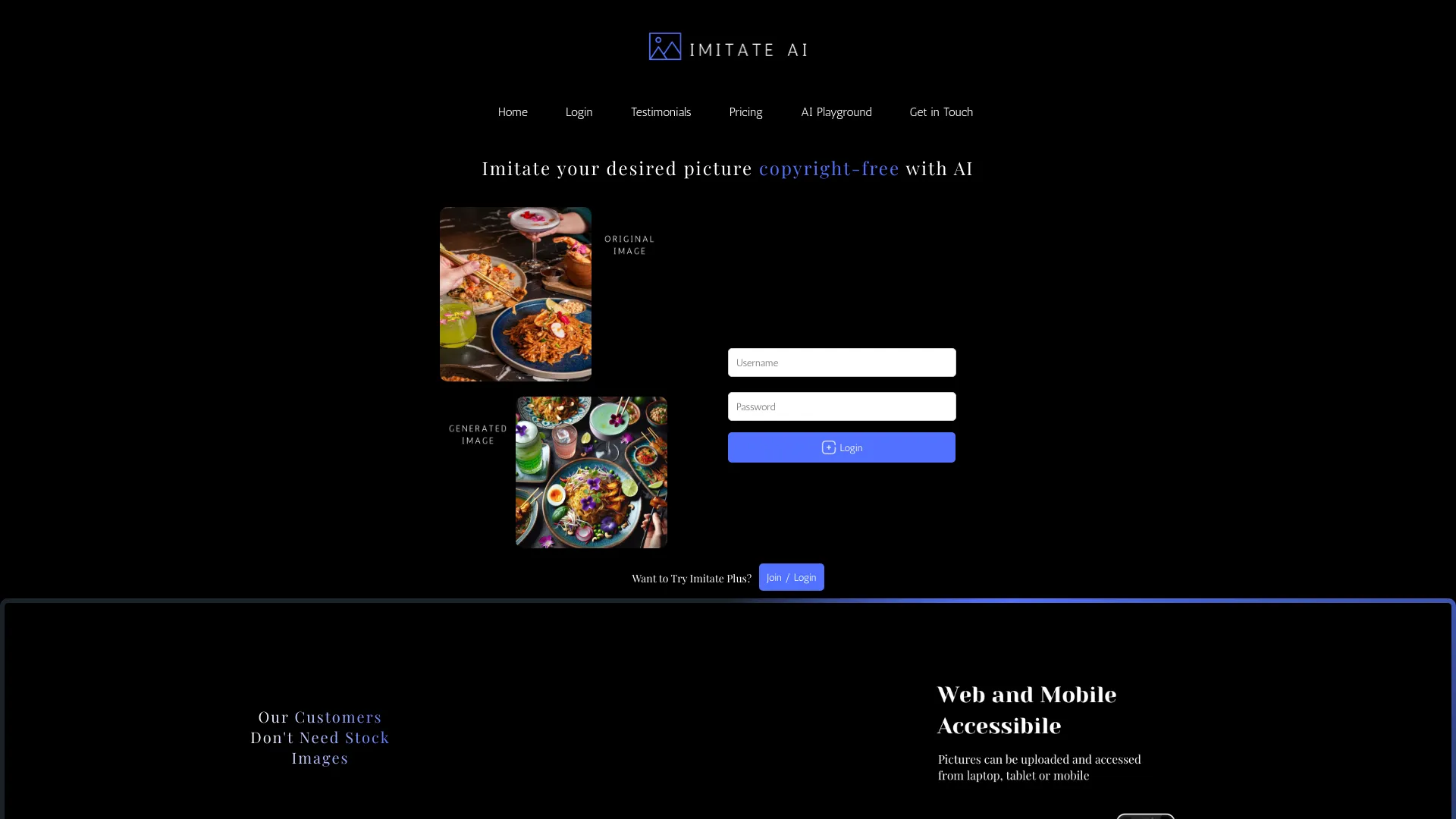
Imitate AI
Copyright-free reference-based images

Gpt Image 2 AI
Reference-based image editing

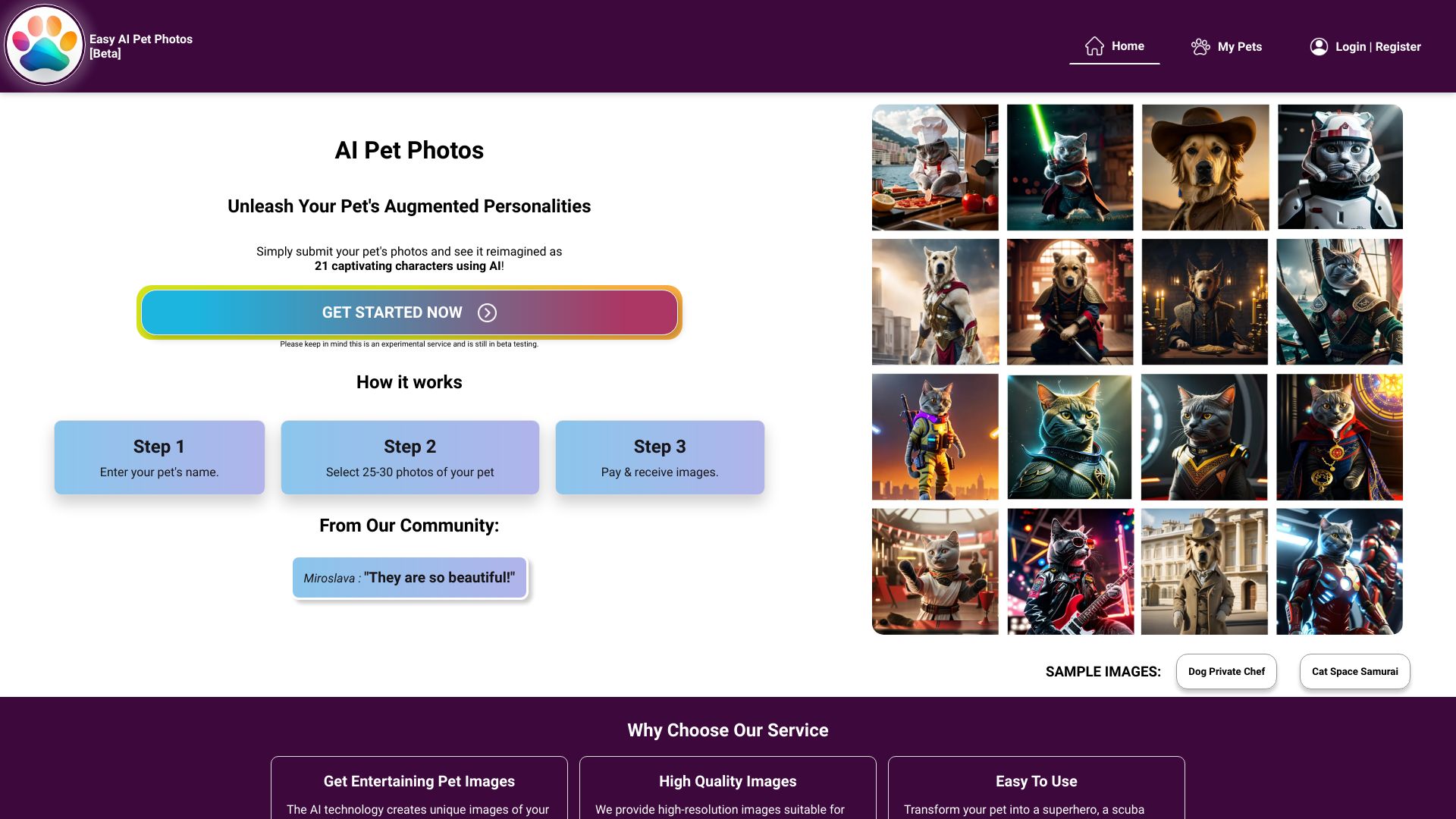
AI Pet Photos
Custom AI pet portraits

Ai Image Creator
AI-generated artwork and illustrations
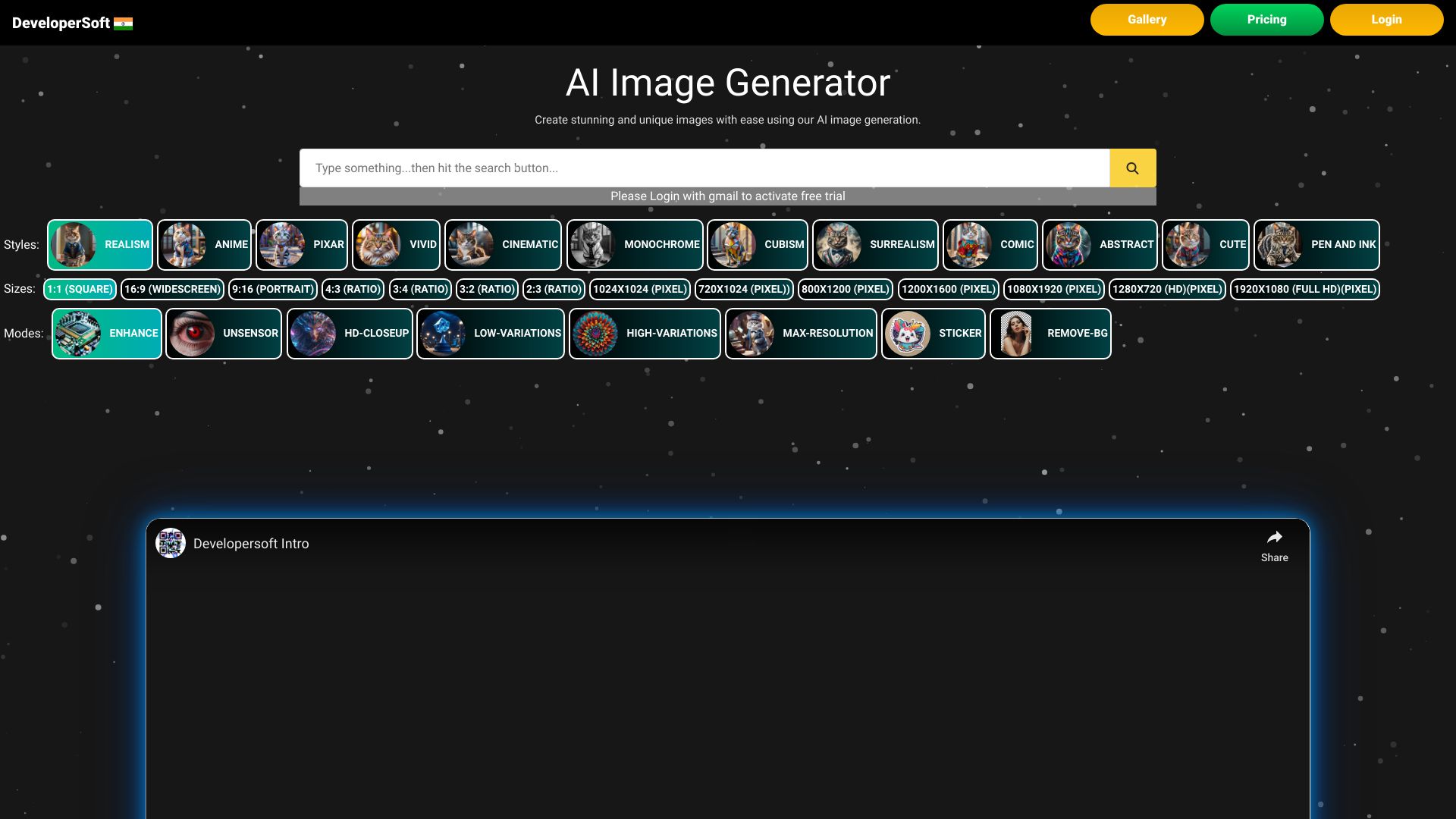
Photo AI
Photorealistic personal and influencer images
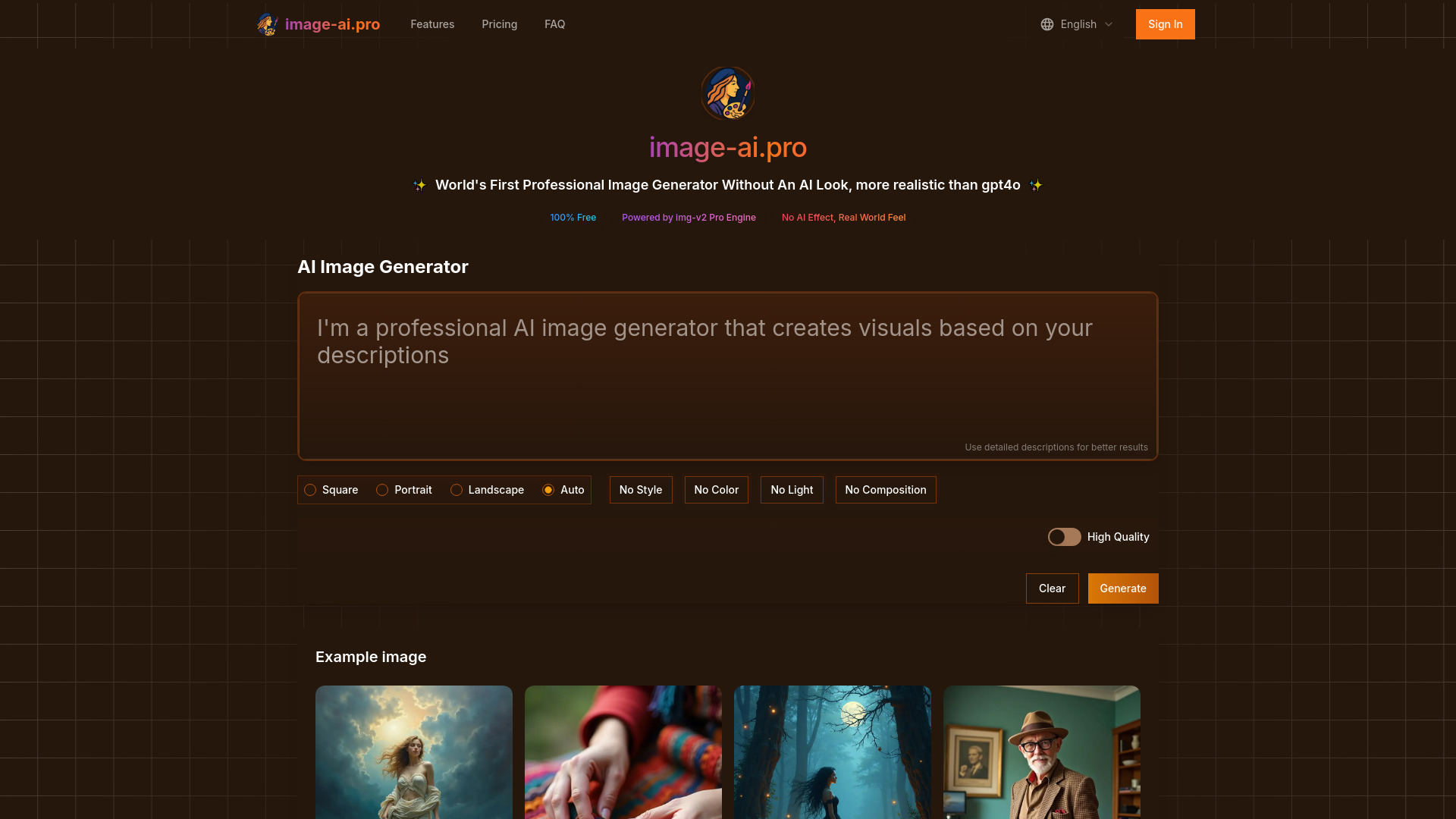
Image-AI.pro
Free image generation without signup

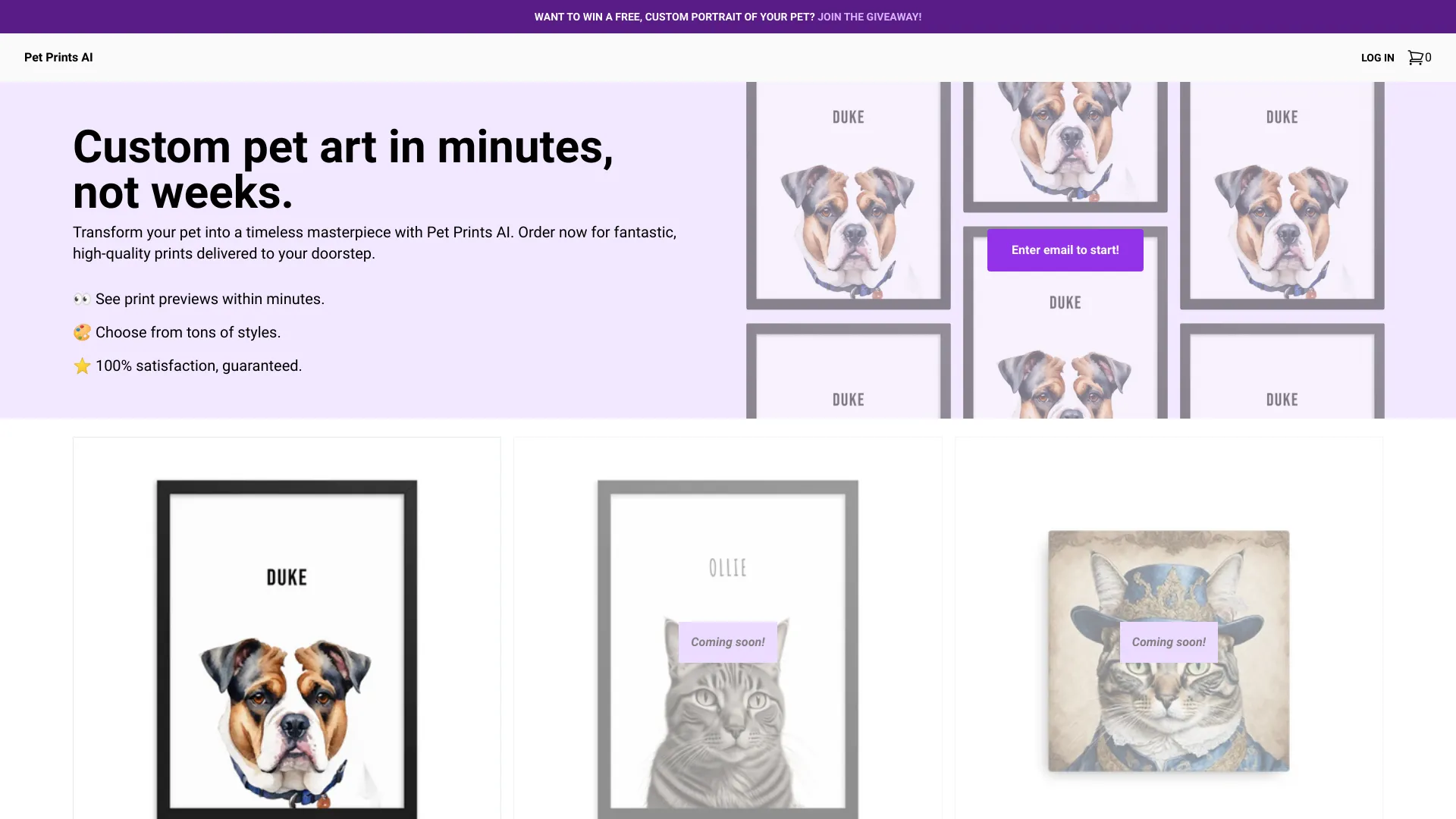
Pet Prints AI
AI pet portraits and custom prints

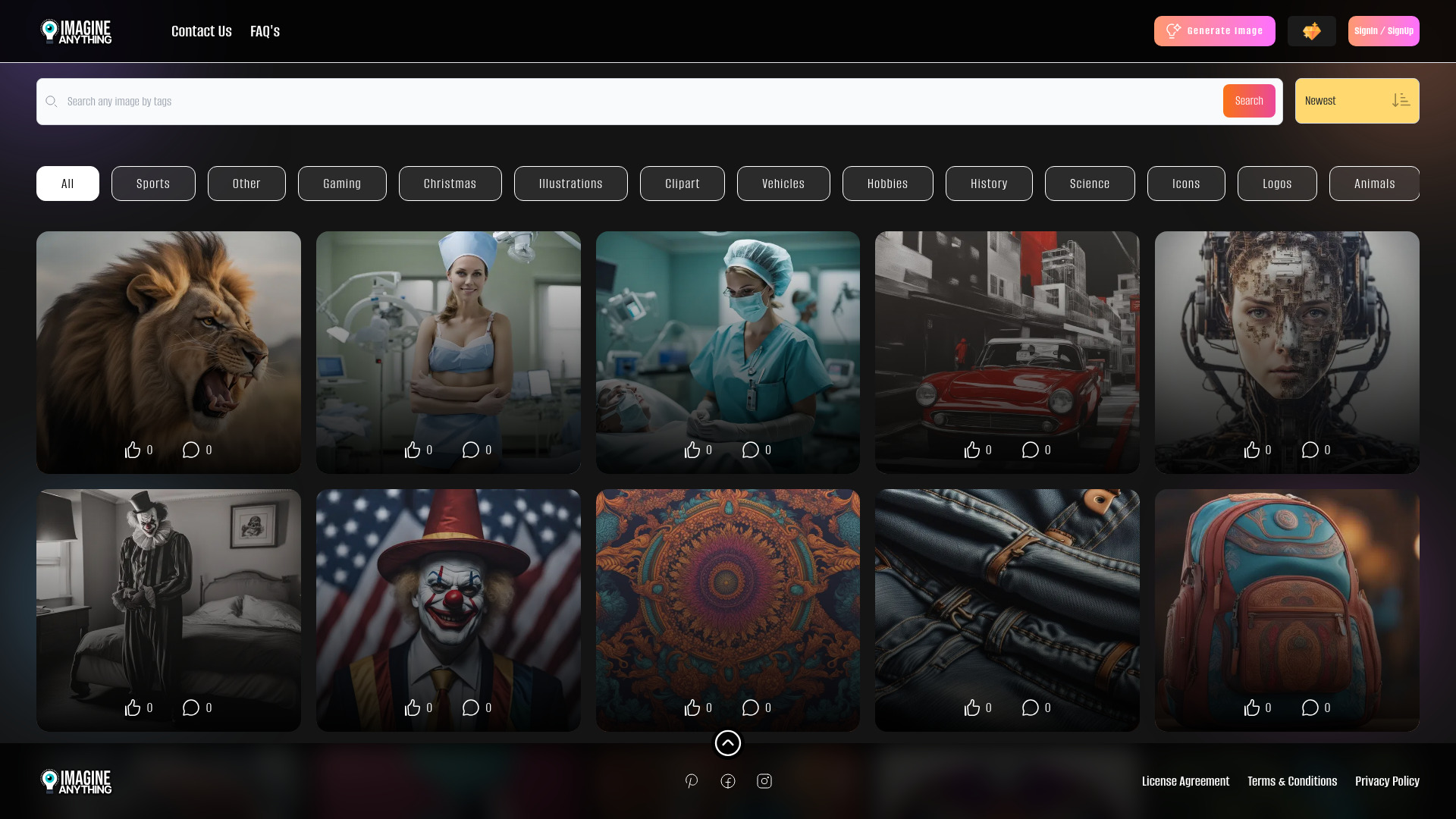
Imagine Anything
Free AI image generation
AI Photo Robot
Personalized AI photo generation

Puppy AI
Personalized pet portraits
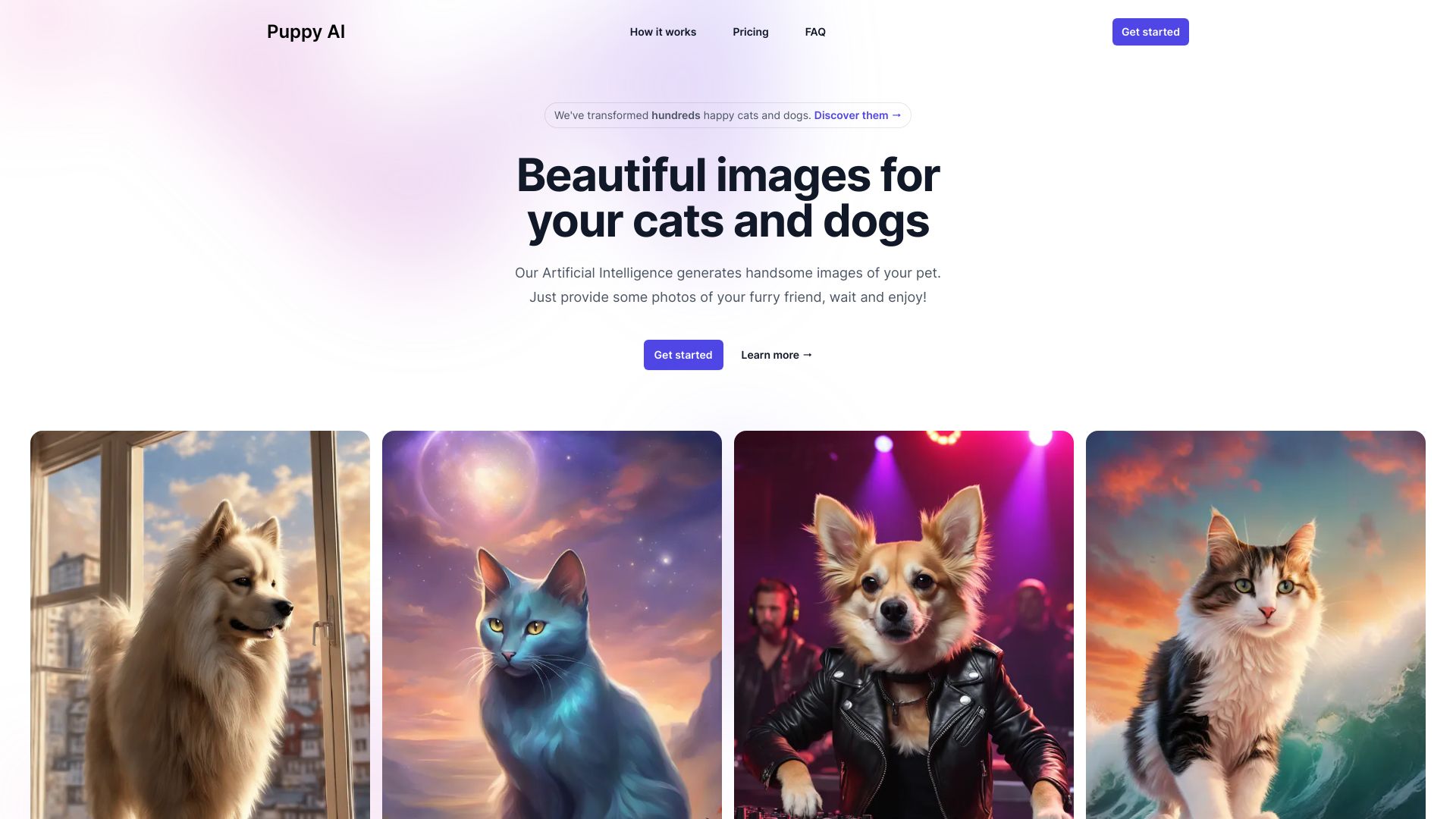

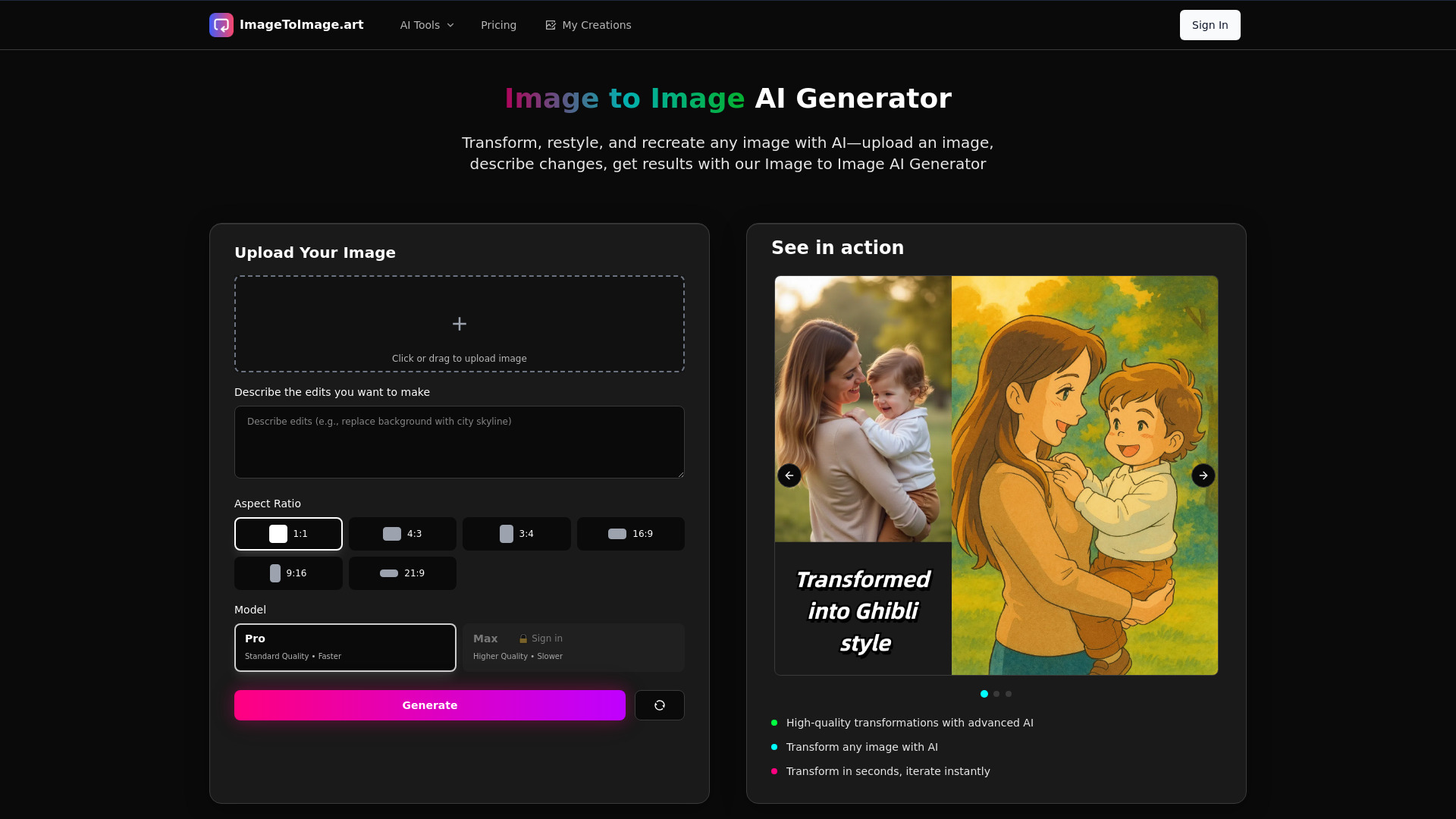
Image to Image AI Generator
Image-to-image edits and restyling
Arteus AI
Text-to-image generation

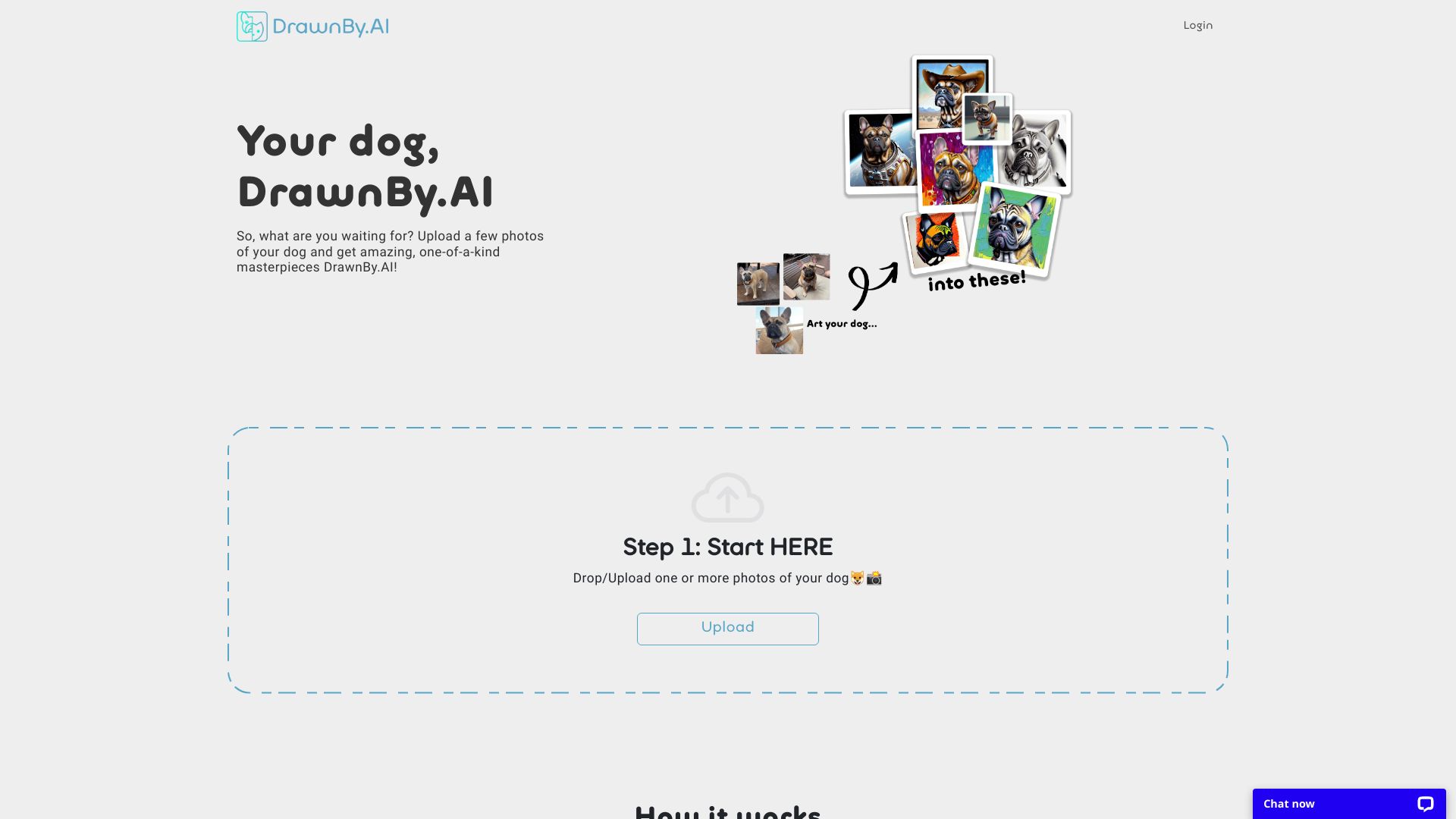
DrawnBy.AI
AI portraits of dogs

Creatii AI
Creators making images, videos, and social content
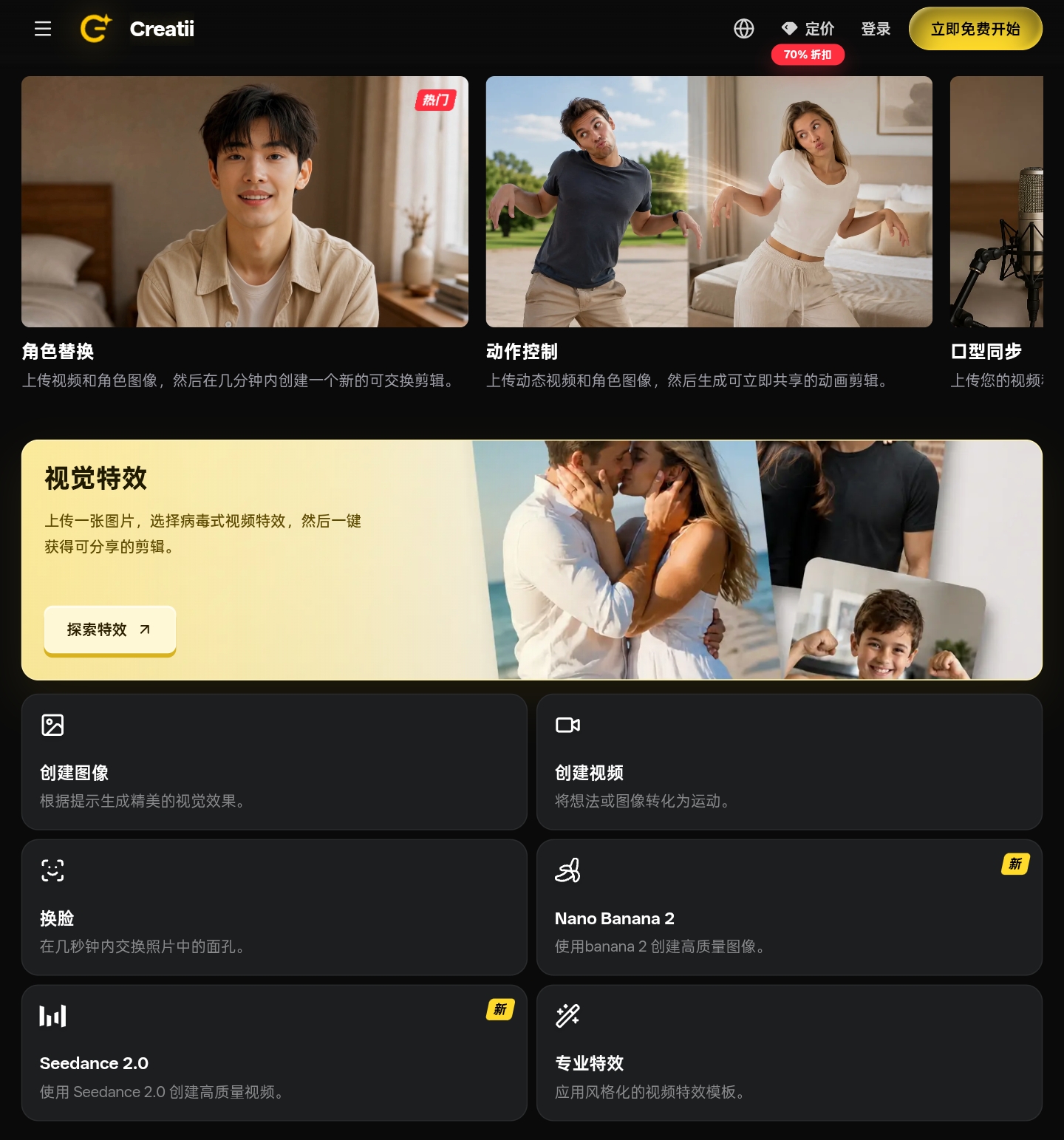

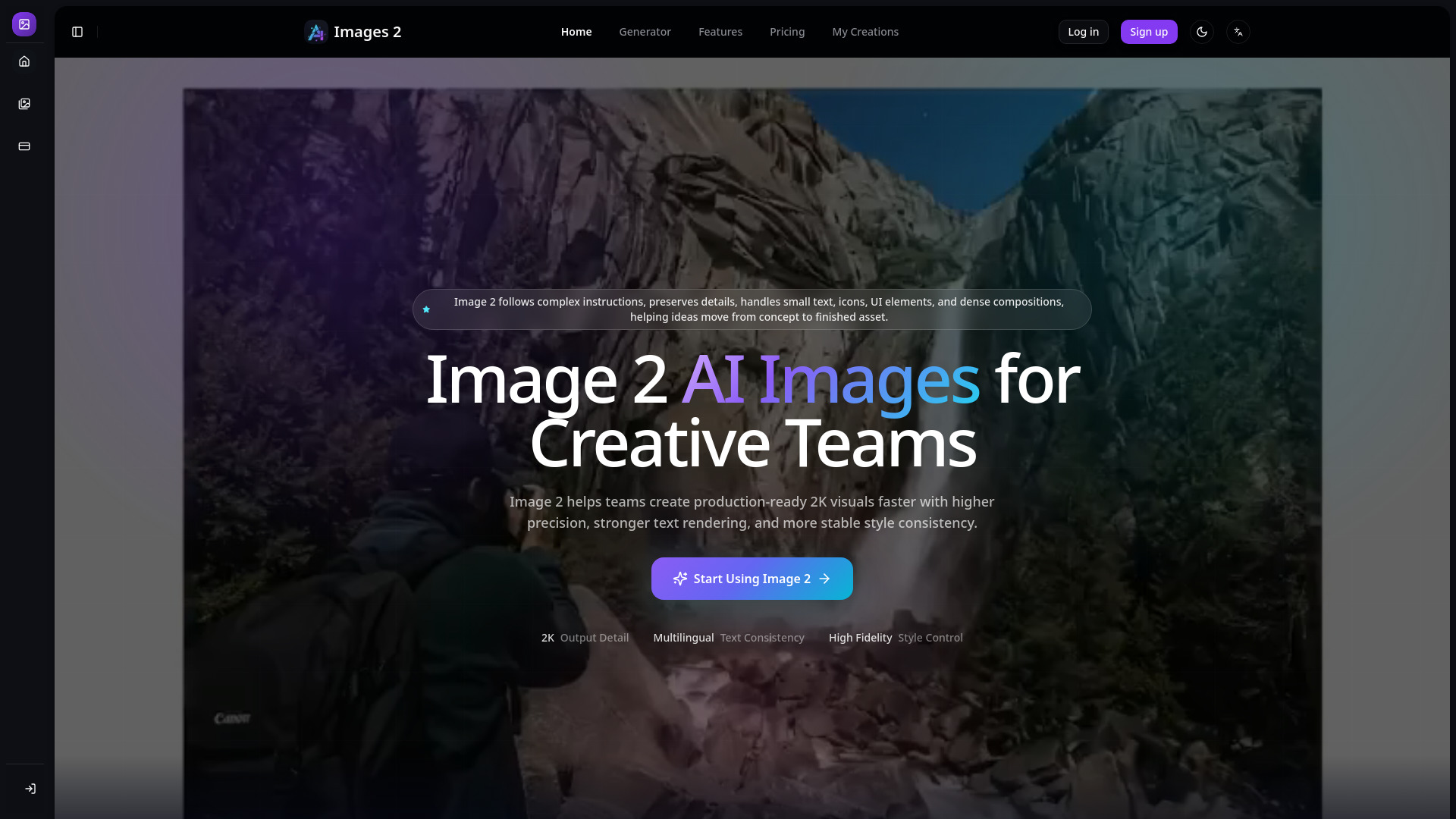
Image 2
Teams needing precise 2K visuals and text
AI Avatar
AI avatar generation from selfies

Flux 2 AI
Marketing and product visuals

GPT Image 1.5
Fast AI image creation and editing
Image Creator AI
Fast text-to-image creation

Eye for AI
Prompt-based image generation

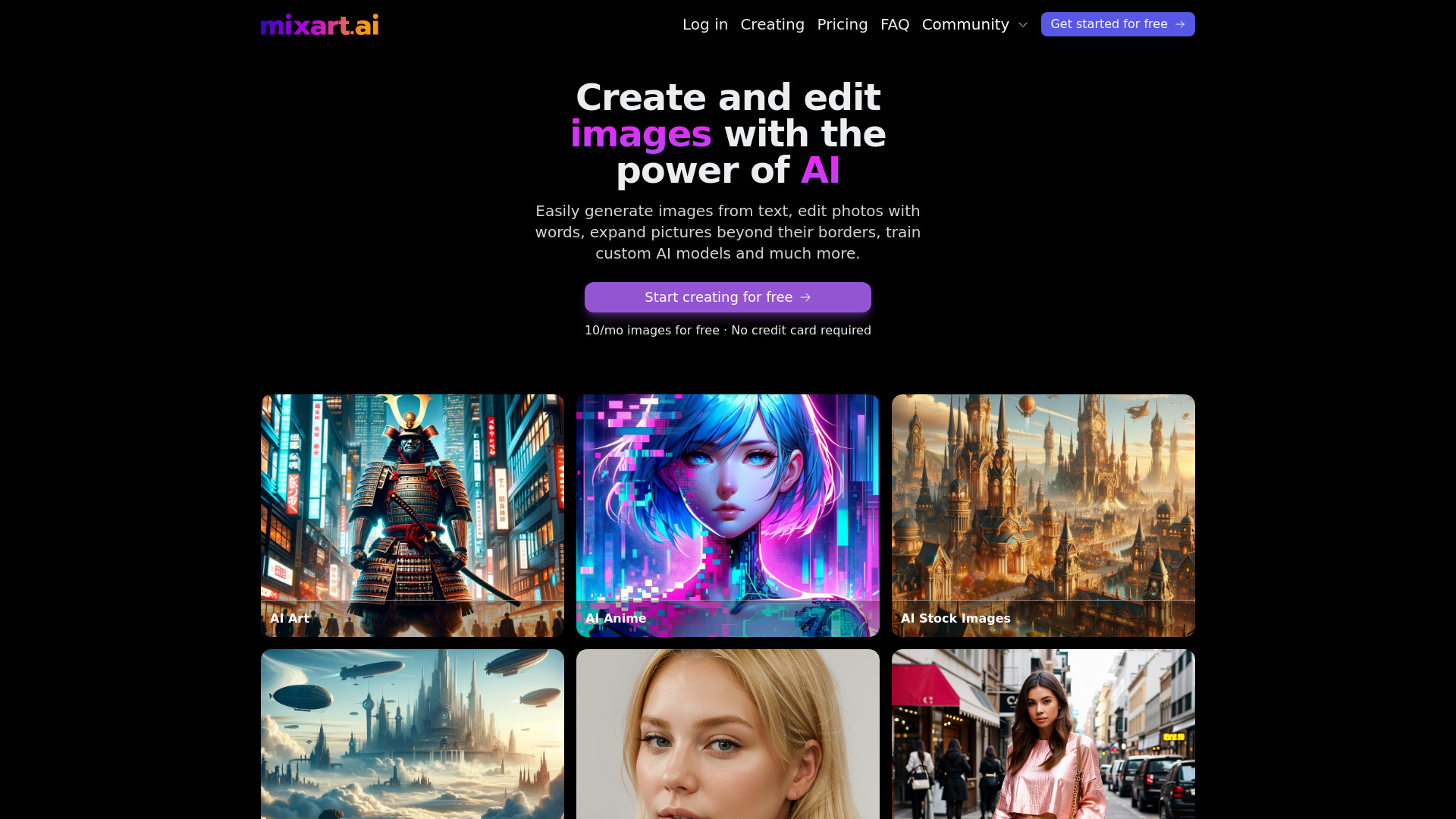
Mixart.ai
AI professional headshots
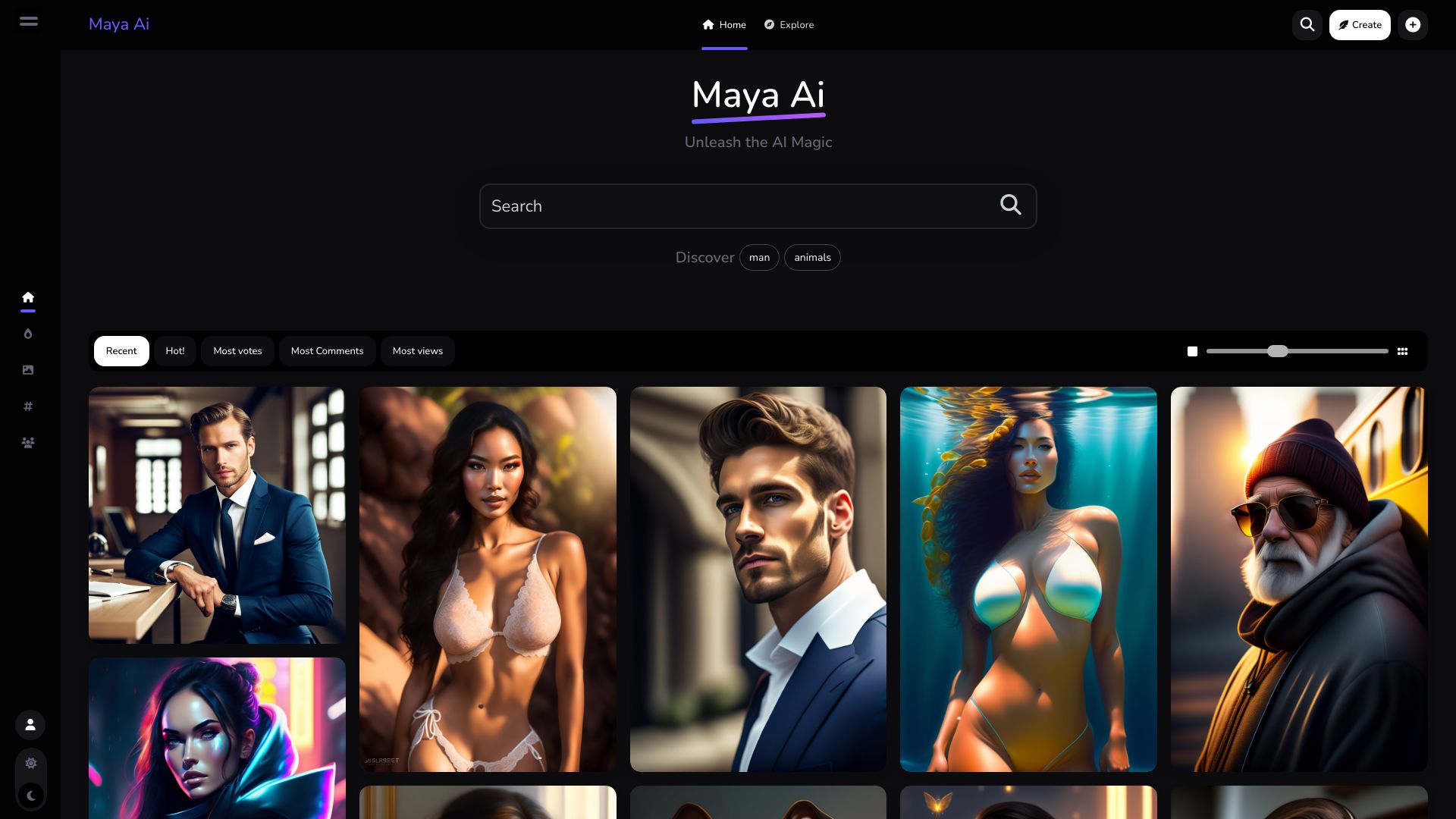
Maya Ai
AI image generation and creator discovery
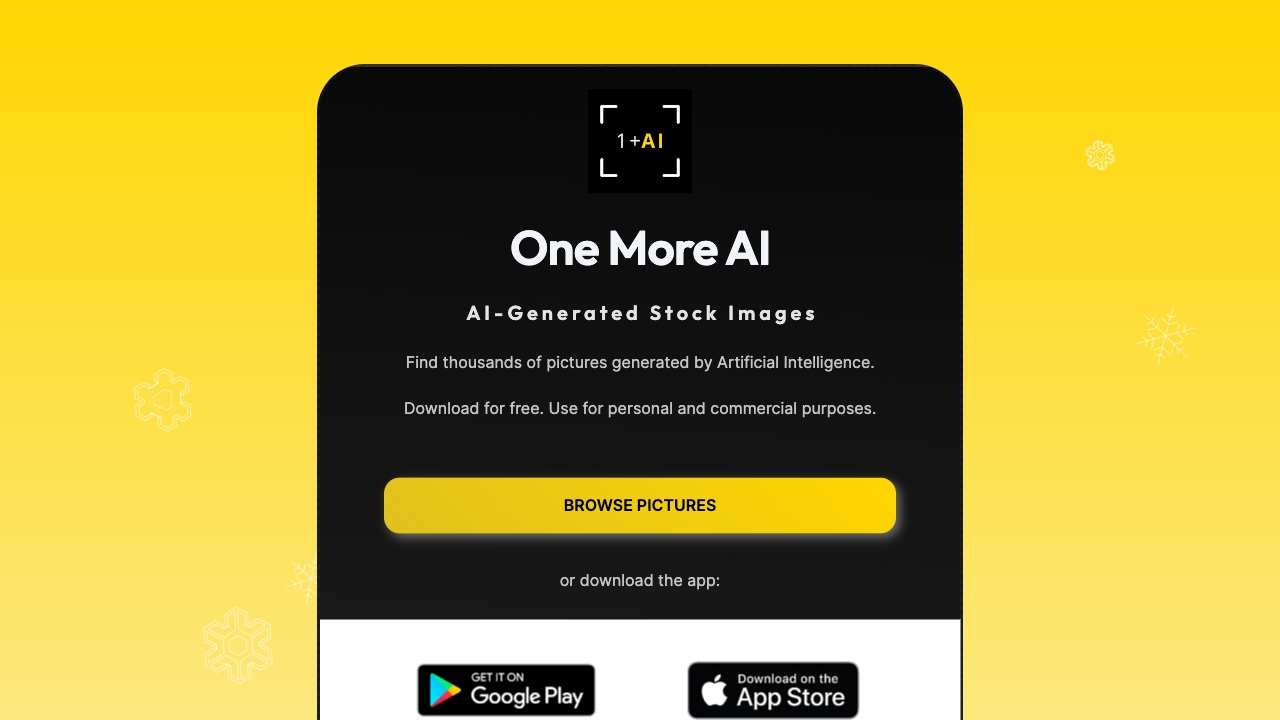
One More AI
Free AI-generated stock images
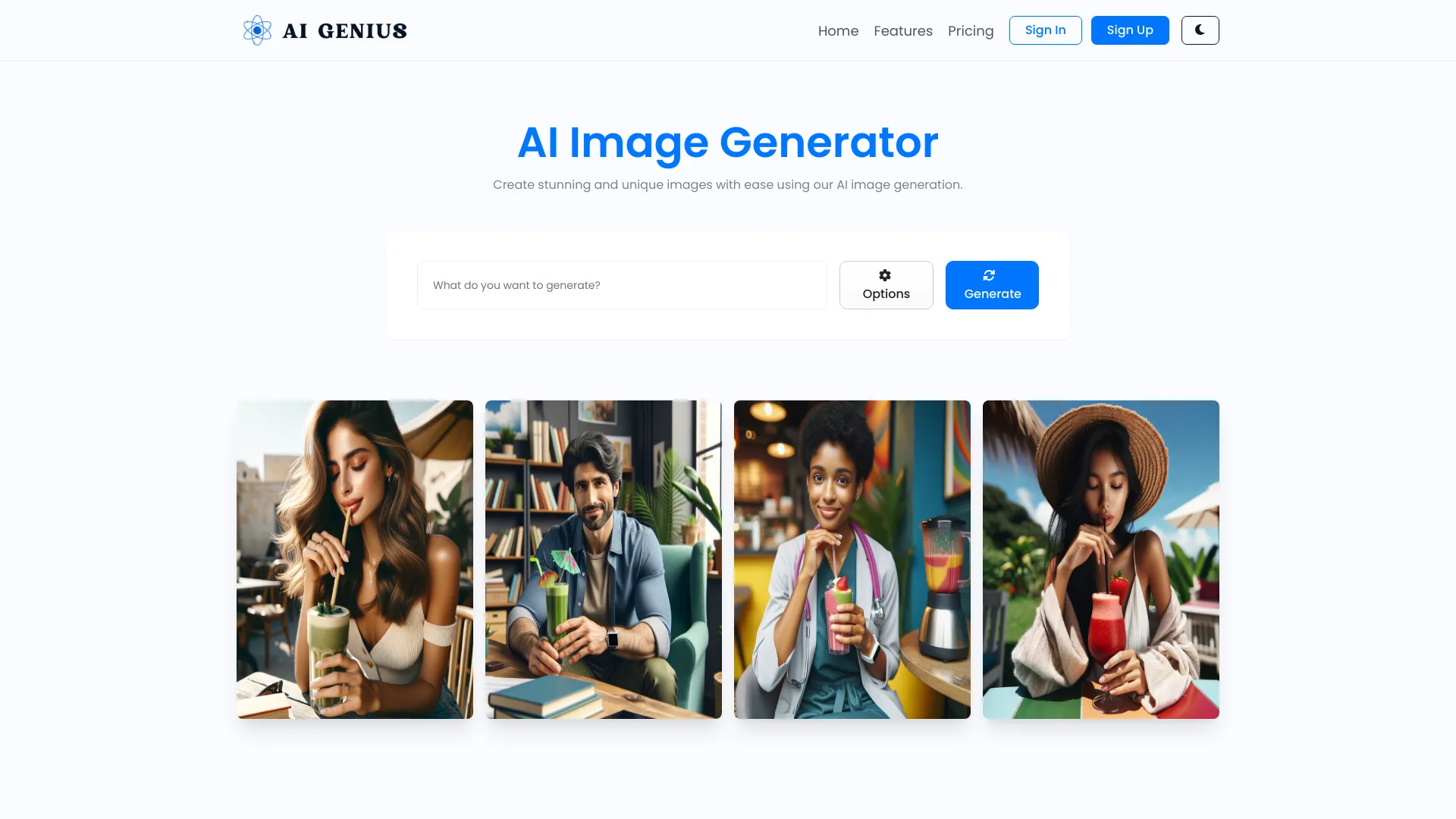
AI GENIUS
Custom AI image generation

AISelfi.es
Professional profile photos from selfies
AI Pet Photos Generator
Custom 4K AI cat portraits

Stock Imagery AI
Hyper-realistic stock images

Studio Ghibli AI
Ghibli-style image transformations
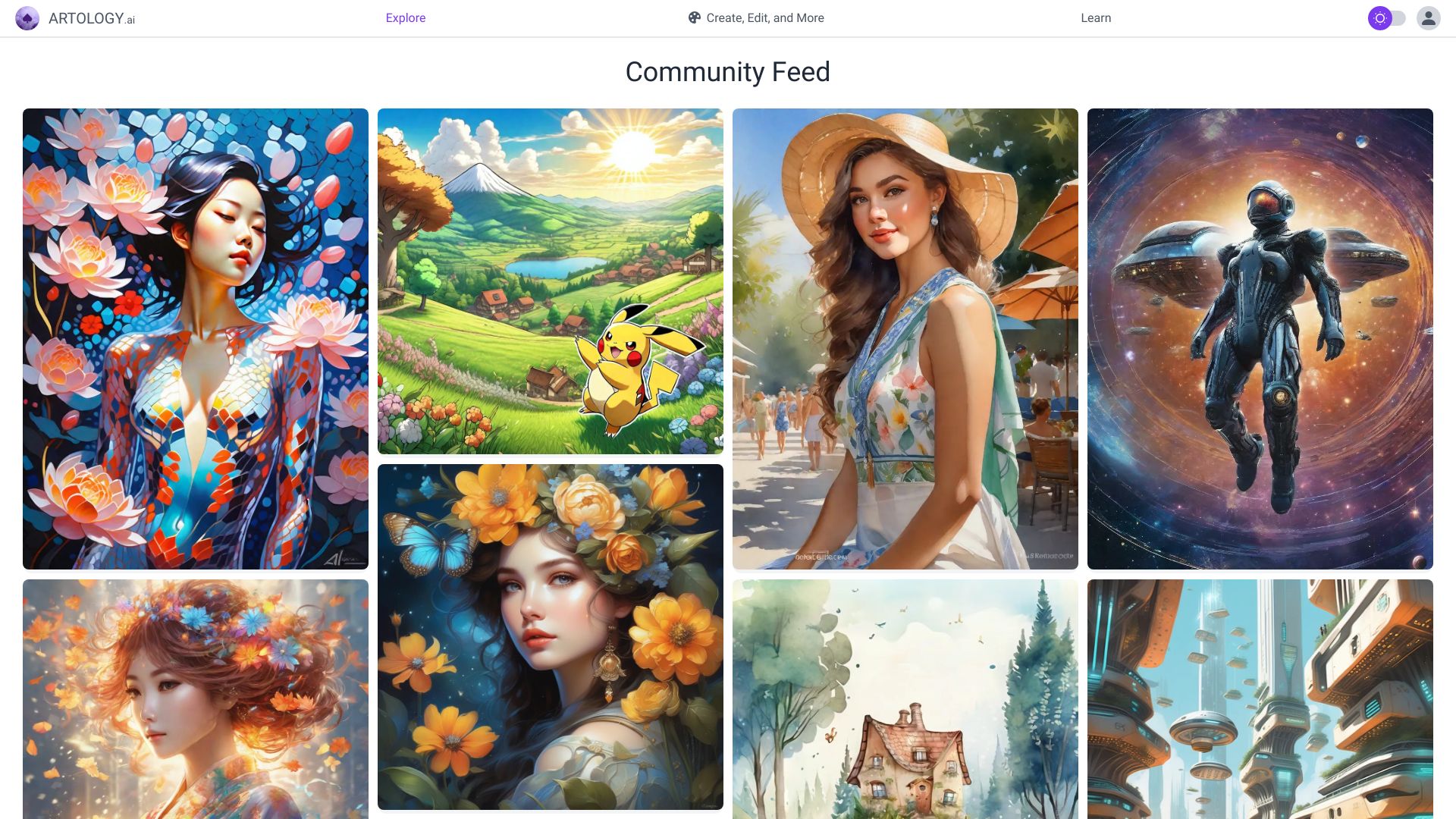
Artology
Free AI art and image generation
Which AI image generator should you choose?
The right pick depends on the asset, not the leaderboard alone. Use this shortlist to narrow the field:
For everyday content visuals: Start with Depositphotos AI Image Generator. Its text-to-image workflow and licensed-picture positioning make it the safest broad match for content creators.
For consistent illustrations: Choose AI Illustration Generator. It is the focused option when a series needs to share an art style.
For open-ended AI art: Try Imagine.art or a1.art. Imagine.art adds Image Remix, while a1.art emphasizes millions of filters and free experimentation.
For realtime design work: Krea AI is the standout because realtime generation sits alongside image and video enhancement.
For product listings: insMind is the obvious specialist, particularly for fashion models, backgrounds, and background removal.
For editing as well as generation: Playground AI offers mixed editing and image expansion. ArtSpace.ai adds editing and 4K upscaling.
For controlled restyling: Image To Image AI is the better fit when a source composition must remain recognizable.
For photorealistic people: Photo AI is the dedicated choice, provided you are comfortable uploading photos for model training.
My practical recommendation
Most buyers should begin with Depositphotos AI Image Generator because it answers the broadest version of the question: create a fresh image from a prompt, with licensed visuals part of the proposition. It is the easiest recommendation for content teams that do not yet know which specialist workflow they need.
Then choose based on the first constraint you hit. Designers who need consistency should move to AI Illustration Generator. Retailers should skip generic experimentation and test insMind with real product assets. Artists can compare Imagine.art with a1.art, while designers who already have source images should test Image To Image AI or Playground AI. For people-centered photography, Photo AI is a more appropriate test than a general art generator.
One practical rule: use the free plan or trial to recreate a real assignment, not just to make a pretty sample. Test the prompt style, revision effort, export needs, and usage terms that will affect your weekly work. Also verify current pricing, because several tools expose a free entry point while reserving important features for paid plans.
Common mistakes when choosing AI image creation tools
Picking from one impressive sample: A tool can make one attractive image and still be frustrating for revisions. Test a small batch with the same visual brief.
Ignoring the starting image: Text-to-image, image remixing, product generation, and photorealistic model creation solve different problems. Match the tool to the asset you already have.
Treating free as unlimited: Watermarks, daily generations, credits, limited transformations, and paid Pro features can change the real cost quickly.
Overlooking licensing and privacy: Licensed-picture positioning can matter for commercial content, while personal-photo model training requires a separate privacy decision.
Comparing prices without checking billing terms: Krea's reference price is tied to yearly billing, and other tools present trial or starting-price language differently. Read the current vendor plan page.
Forgetting editing and resolution: If you need to extend, restyle, remove backgrounds, or upscale, a pure generator may create extra work after the image is made.
What changed in 2026
The strongest AI image tools now divide into clearer workflow categories instead of competing only on prompt quality. Realtime generation and enhancement appear together in Krea AI; image-to-image tools preserve structure for controlled revisions; and specialist products such as insMind focus on e-commerce assets rather than generic artwork. Free access is also more varied: daily generations, credit-based trials, watermarked images, and limited monthly transformations all require closer comparison. For buyers, the practical shift is simple: the best AI for creating images is the tool that fits the production constraint you actually have, not necessarily the one with the broadest feature list.
FAQ
Depositphotos AI Image Generator is the strongest broad recommendation here. It combines text-to-image generation with unique, licensed pictures and has the highest usage signal among the featured tools.