
The best ai prompt generator depends on whether you need a rough idea turned into a better instruction, a ready-made prompt to adapt, or a way to reverse-engineer an image's visual style. We compared 94 tools across those jobs and shortlisted 10, including hands-on generators, searchable prompt libraries, and image-to-prompt utilities. Our strongest all-around pick is Prompt Cowboy, but the right choice changes quickly if you mainly create images or want a library rather than a blank prompt box.
Top picks
| Pick | Tool | Best for | Why it stands out |
|---|---|---|---|
| Best overall match | Prompt Cowboy | Writers who start with a rough idea | Turns brief ideas into structured prompts and includes workplace templates. |
| Best for prompt discovery | PromptHero | Prompt engineers exploring examples | Search engine for prompts and AI art images, with prompt-engineering resources. |
| Best image-to-prompt suite | ImagePrompt.org | Digital artists working from references | Pairs image-to-prompt and image-description tools with image-generation features. |
| Best for organizing prompt work | Prompt Builder | Content marketing managers | Combines prompt generation, optimization, and organization, with five free prompts monthly. |
Quick comparison
| Tool | Best for | Standout capability | Free access | Starting price |
|---|---|---|---|---|
| Prompt Cowboy | Writers | Refines rough ideas and offers professional-role templates | Unlimited prompts on the standard model | Free: $0/month |
| AI Prompt Generator by God of Prompt | Marketing professionals | Custom prompt generation with an implementation guide | First custom prompt free | First free, then $1/prompt |
| PromptHero | Prompt engineers | Searchable prompts, images, and prompt-engineering resources | Free prompt and image search | Check vendor pricing |
| ImagePrompt.org | Digital artists | Image-to-prompt and image description | 5 image-to-text uses/day; 2 Flux.1 Schnell generations | Free to use: $0 |
| ImagePrompt.org | AI artists | Image-to-prompt generator for image workflows | 5 image-to-text uses daily | Free to use: $0 |
| AIPRM | SEO specialists | Community prompt library and private prompts | Prompt library available; premium features are paid | AIPRM Plus: $20/month |
| AI Prompt Library by God of Prompt | Small businesses | Library of 30,000+ prompts | Free prompts available | Category packs: $37 each |
| Prompt Genie | Entrepreneurs | Prompt generation and brainstorming | 7 bonus prompts plus 1 prompt/day | Free plan available |
| ImageTo Prompt | Visual designers | Converts images into prompts for multiple image models | Free unlimited generations | Free |
| Prompt Builder | Content marketing managers | Generates, optimizes, and organizes prompts | 5 free prompts/month | Starter: $9/month |
How we ranked these AI prompt generators
We compared 94 candidates by the job each tool is built to do: create a prompt from a short brief, help users find and adapt existing prompts, or turn a visual reference into an image-generation prompt. We then weighed feature depth against audience fit, practical access, stated limits, and market signals such as monthly visits. Scores are not a substitute for your own workflow test: a large library can be a better fit than a generator, and vice versa. We favored tools with a clear use case and concrete capabilities, while noting meaningful restrictions such as per-prompt charges, daily quotas, or paid access to premium features. Live prices and limits can change, so check the vendor before committing.
The best AI prompt generators
1. Prompt Cowboy

Prompt Cowboy
Writers turning rough ideas into usable prompts

Starting with a half-formed thought is normal; translating it into a specific instruction is the part that often slows people down. Prompt Cowboy is designed for that gap: it transforms rough ideas into clearer prompts and offers templates for professional roles and common workplace tasks. That makes it a useful first stop for writers who want structure without beginning from a blank page or assembling a prompt framework themselves.
Its free access is unusually straightforward for frequent experimentation: unlimited prompts on the standard model. The important trade-off is right in the plan, though. The free version does not use the most powerful model, so treat it as a low-friction drafting and iteration tool, not a promise that every output uses the top model available.
My take: This is the easiest recommendation for someone who knows what they want to ask an AI but struggles to phrase it well. The role-based templates also give you a practical starting point for repeatable workplace tasks.
Where it falls short: The standard model powers the free plan, so users who want access to the most powerful model may need a different tier or tool. The listed strengths center on prompt structure and templates rather than a large searchable prompt library.
Key features
Transforms rough ideas into clear, high-performing prompts.
Provides prompt templates for professional roles and common workplace tasks.
Pros
Makes a brief or loosely worded idea more structured.
Offers unlimited prompts on the standard model.
Templates give writers a starting point for recurring work.
Cons
The free plan uses the standard model rather than the most powerful model.
Choose Prompt Cowboy if: You want to turn informal writing or work-task ideas into more structured prompts without paying per prompt.
2. AI Prompt Generator by God of Prompt

AI Prompt Generator by God of Prompt
Marketing professionals creating custom prompts
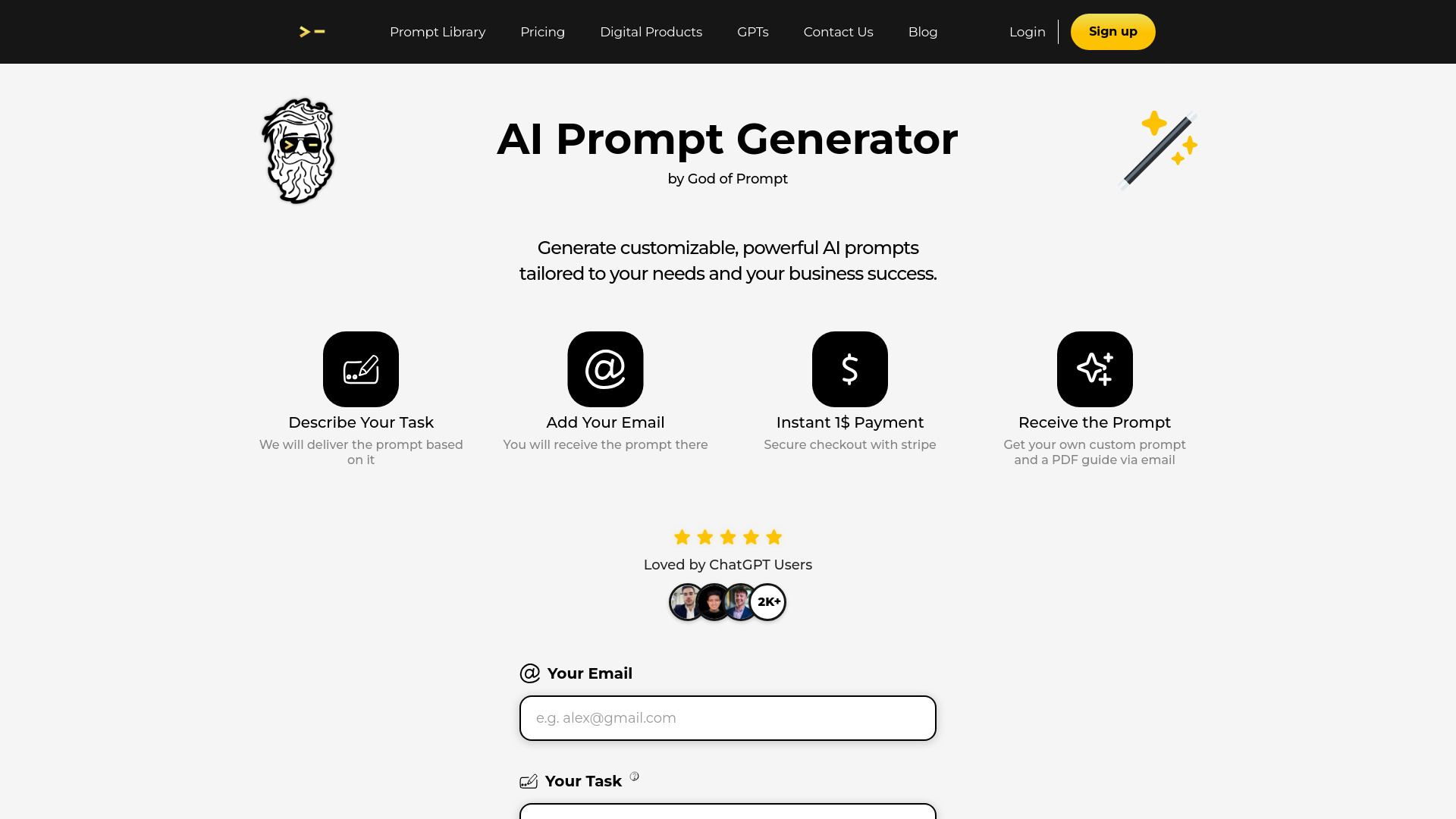
This is a focused option for marketers who would rather describe what they need than browse a big catalogue. God of Prompt generates custom AI prompts and includes a detailed PDF implementation guide, a useful pairing when a prompt is meant to support a repeatable task rather than a one-off experiment. The tool is described as compatible with ChatGPT, Gemini, Copilot, and Claude, which gives it a broad set of places to use the result.
The catch is the pricing model: the first custom prompt is free, then each prompt costs $1. That makes it easy to test the workflow, but ongoing use can add up if you're regularly drafting or revising prompts. Before making it part of a team's routine, decide whether the time saved is worth paying for each generated prompt.
My take: The PDF guide gives this generator more implementation context than a bare prompt box. I like it best for a marketer who wants a custom starting point and can justify occasional per-prompt spending.
Where it falls short: It is not an unlimited free generator; after the first free prompt, there is a charge per prompt. Frequent users should compare that ongoing cost with a subscription-based tool or a reusable prompt library.
Key features
Generates custom AI prompts.
Includes a detailed PDF implementation guide.
Is described as compatible with ChatGPT, Gemini, Copilot, and Claude.
Pros
Generates structured prompts quickly.
The first custom prompt is free, so you can try the workflow.
Compatibility spans several widely used AI assistants.
Cons
Each prompt after the first free one costs $1.
Per-prompt billing may be a poor fit for high-volume use.
Choose AI Prompt Generator by God of Prompt if: You are a marketing professional who needs tailored prompts occasionally and values a practical implementation guide.
3. PromptHero

PromptHero
Prompt engineers researching examples
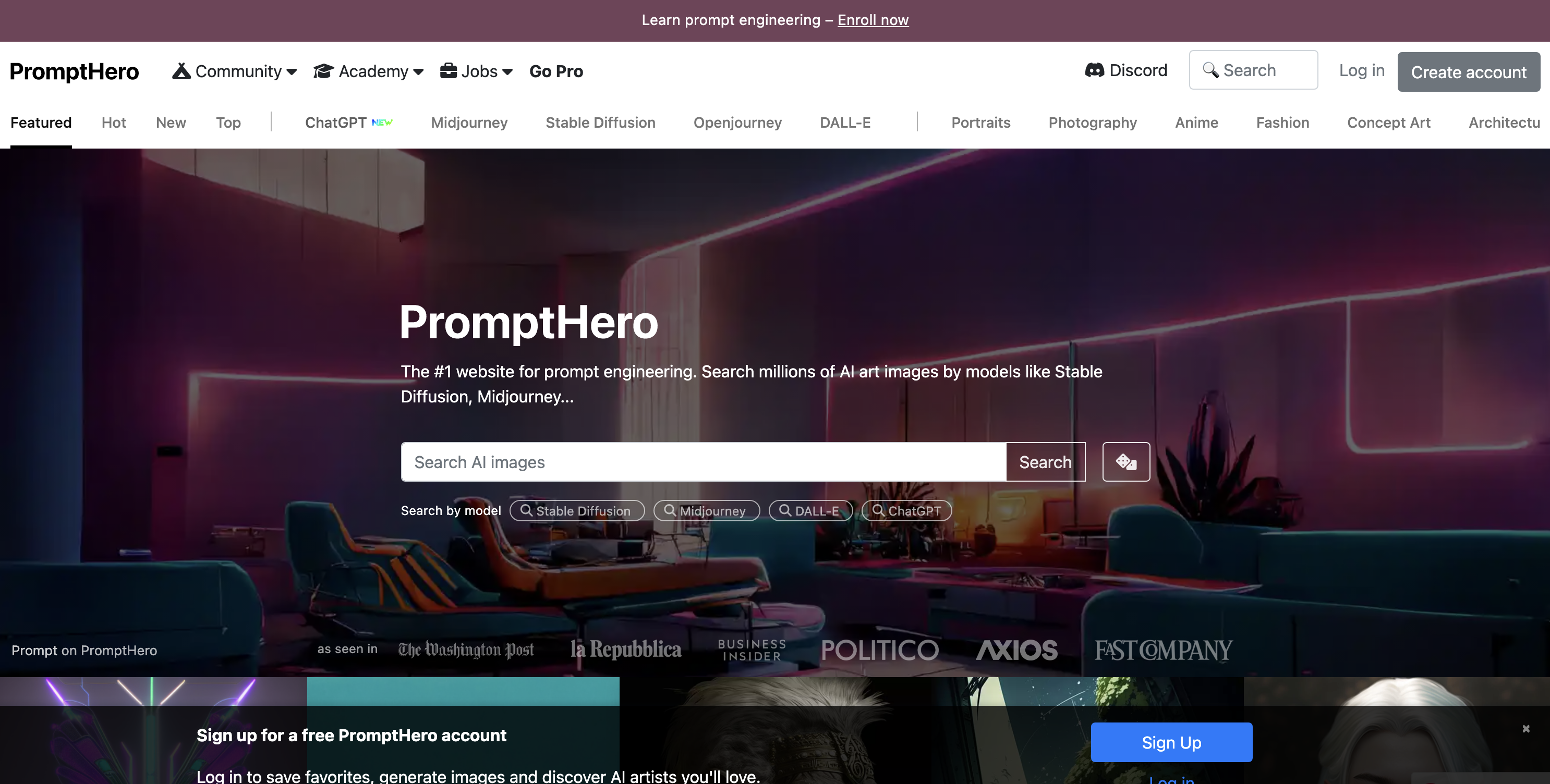
Not every prompt problem calls for generating a new instruction. Sometimes the faster move is to see what other people have tried, compare examples, and adapt a promising approach. PromptHero takes that discovery-first route with an AI prompt search engine, a large database of AI prompts and images, and prompt-engineering resources. That makes it a different kind of contender from a tool that turns a sentence into a polished prompt for you.
Search is the main reason to choose it: it can help prompt engineers explore ideas and visual references before writing their own version. Full access to some features may require a Pro subscription, and the starting price is not clear enough to quote here. If you are considering it for regular use, check which search and resource features are free and what the current Pro plan unlocks.
My take: PromptHero is a strong choice when research and inspiration matter as much as prompt writing. It is less of a guided prompt-building assistant and more of a place to search, study, and adapt.
Where it falls short: Some features may sit behind a Pro subscription, and pricing needs to be confirmed with the vendor. Users who simply want a generator to refine one rough idea may find the search-first approach broader than necessary.
Key features
AI prompt search engine.
Search across AI art images and prompts.
Prompt-engineering resources.
Pros
A large database gives prompt engineers examples to explore.
Combines prompt discovery with visual inspiration.
Useful when you want to learn from existing prompts, not only generate new ones.
Cons
Some features may require a Pro subscription.
Check vendor pricing before budgeting for paid access.
Choose PromptHero if: You want to research prompts and AI art examples before adapting an idea for your own workflow.
4. ImagePrompt.org

ImagePrompt.org
Digital artists working from visual references
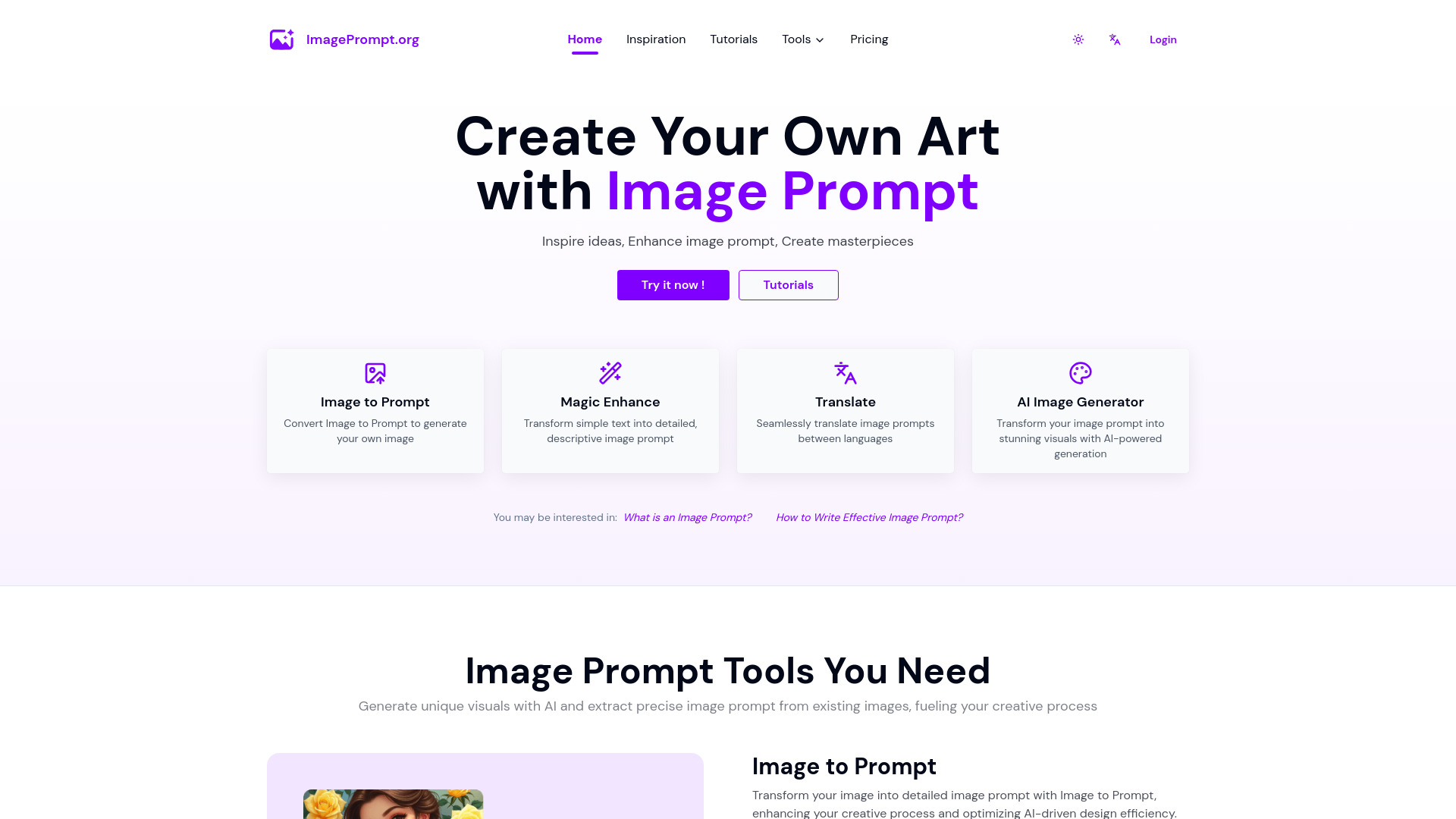
When the starting point is an image rather than a sentence, a general-purpose prompt writer is the wrong tool for the job. ImagePrompt.org is built around visual workflows, pairing Image to Prompt with AI Describe Image and image-generation tools. A digital artist can use it to get a textual description of a reference, then work from that description when developing an image prompt or exploring a new direction.
The free tier gives you five image-to-text uses per day and two Flux.1 Schnell generations, so it is possible to try both the reference-analysis and generation sides without immediately paying. Those image-to-text uses are capped daily, which matters if you expect to process a large batch of references. The site lists image-generation plans from $14.99 per month, while the starting price field identifies a free-to-use option; check the current plan details to understand what each level includes.
My take: Of the featured picks, this is the most rounded visual option because it combines image understanding with image-generation tools. Its value depends on whether you actually need both sides of that workflow.
Where it falls short: Free image-to-text use is limited to five times a day. That is fine for occasional exploration but could interrupt a heavier reference-driven process.
Key features
Image to Prompt converts image references into prompts.
AI Describe Image generates a description of an image.
The platform also offers AI image generation, including Flux.1 Schnell access in its free allowance.
Pros
Covers more than one step in an image-creation workflow.
Includes daily free image-to-text uses and free image generations.
A useful fit for artists who want to start from a visual reference.
Cons
Free image-to-text use is limited to five uses per day.
Paid image-generation plans are listed from $14.99 per month.
Choose ImagePrompt.org if: You are a digital artist who wants image description, image-to-prompt, and generation features in one visual toolkit.
5. ImagePrompt.org
ImagePrompt.org
AI artists reverse-prompting image references
This ImagePrompt.org listing focuses on the dedicated Image to Prompt Generator rather than the broader image-creation suite. That distinction is handy if your core task is to turn an existing image into a detailed prompt for an AI art workflow. AI Describe Image is also part of the offering, so there is a route to get a plain-language description as well as a prompt-oriented result.
There is meaningful overlap with the broader ImagePrompt.org pick above: both share the same 524.4K monthly-visit signal and a five-use daily limit for image-to-text. Think of this entry as the more direct fit for people who want an image-to-prompt feature, while the other listing makes more sense when you also want image-generation functionality. The free access is enough to test occasional references, but a daily cap may feel restrictive if you work through many images.
My take: This is a clear, focused choice for AI artists who want a reference image translated into prompt language. Before choosing between the two ImagePrompt.org listings, compare the specific pages and features you plan to use; the shared name and overlapping limits make them easy to confuse.
Where it falls short: Free image-to-text use stops at five per day. Its stated feature set is more focused than the broader ImagePrompt.org suite, so it may not cover every step of an image-generation workflow by itself.
Key features
Image to Prompt Generator for turning an image into a prompt.
AI Describe Image for generating image descriptions.
Detailed prompts for AI image-model workflows are highlighted in the listing.
Pros
Directly addresses the image-to-prompt task.
Offers a free tier for trying the workflow.
The separate listing makes the dedicated image prompt feature easy to find.
Cons
Free image-to-text use is capped at five per day.
Overlaps with the broader ImagePrompt.org listing, so compare the exact workflow before deciding.
Choose ImagePrompt.org if: Your main need is to convert images into prompts, and five free image-to-text uses per day is enough for your typical workload.
6. AIPRM

AIPRM
SEO specialists reusing proven prompt patterns
For SEO specialists, a repeatable prompt library can be more valuable than a generator that creates a fresh instruction every time. AIPRM centers on a high-quality AI prompt library and adds private prompts for individuals and teams. That combination makes it a candidate for people who want ready-to-use prompt patterns and a way to keep their own prompts separate from the public collection.
The main limitation is the line between free access and premium capability: premium features require a paid subscription, and AIPRM Plus is listed at $20 per month. The library can help you get started, but check the current plan details if private prompts or other paid features are important to your process. As with any prompt collection, the prompts still need your judgment; a template is a starting point, not a guarantee that it fits your content brief.
My take: AIPRM earns its place for users who want to select and reuse prompt patterns rather than build every instruction from scratch. The private prompts angle is useful when a team wants to preserve its own working templates.
Where it falls short: Full access to premium features means paying for a subscription. If you only need occasional prompt inspiration, the monthly price may be difficult to justify.
Key features
High-quality AI prompt library.
Private prompts for individuals and teams.
Live crawling is listed among the paid-feature details.
Pros
Ready-to-use prompts can save setup time.
Combines a public prompt library with private prompt options.
A practical fit for recurring SEO prompt workflows.
Cons
Premium features require a paid subscription.
AIPRM Plus is listed at $20 per month.
Choose AIPRM if: You are an SEO specialist who regularly reuses prompt patterns and wants private prompts as part of the workflow.
7. AI Prompt Library by God of Prompt

AI Prompt Library by God of Prompt
Small businesses browsing a large prompt catalogue
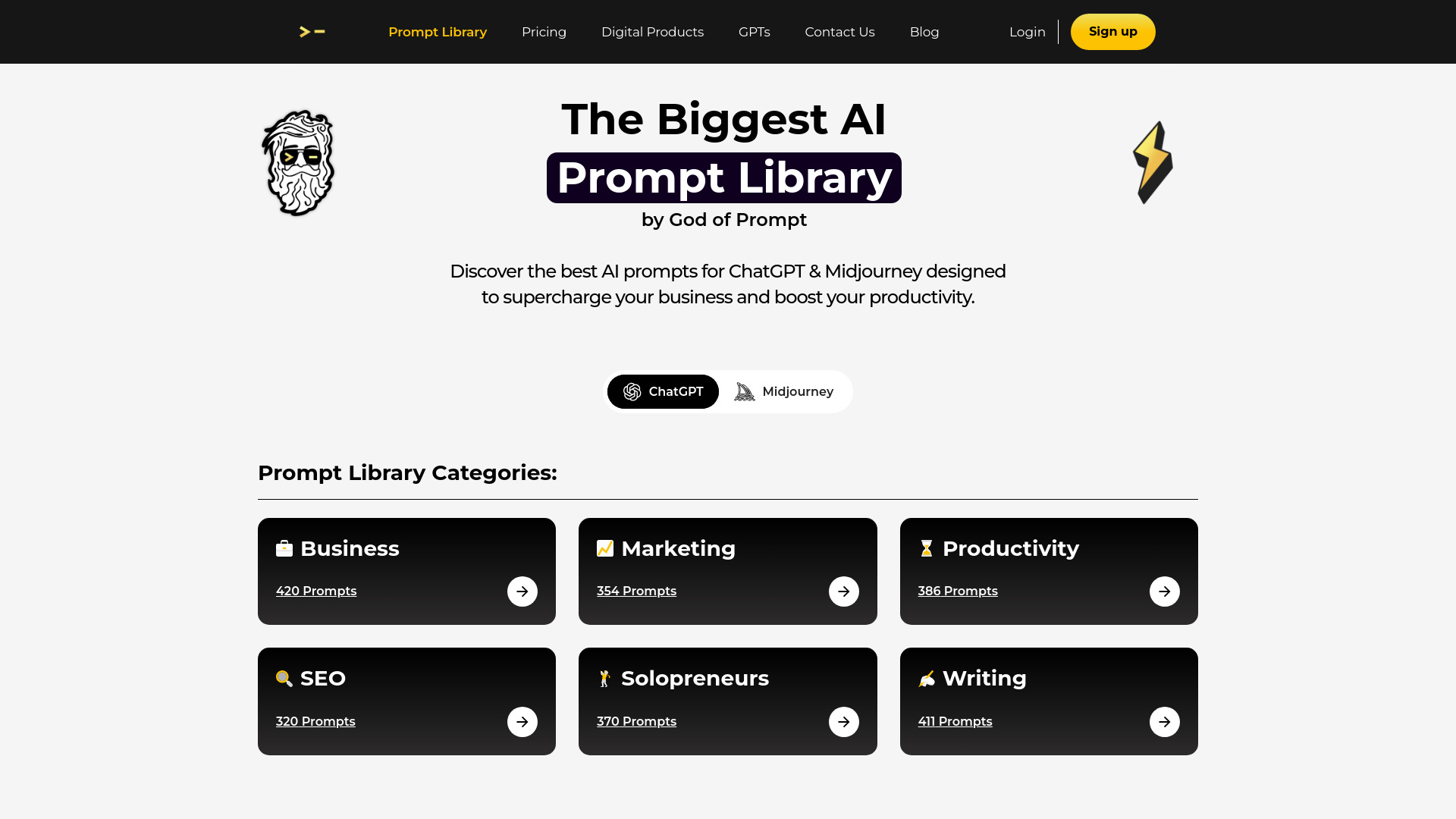
A library is the better starting point when you would rather adapt an existing example than ask a generator to invent a prompt from scratch. God of Prompt's catalogue lists more than 30,000 AI prompts, including prompts for ChatGPT and Midjourney, and is aimed at tasks across business and productivity. That breadth gives small businesses plenty of material to explore, especially when the team is still learning which prompt format works for a task.
Free prompts are available, but full access requires paid plans. Individual category packs are listed at $37 each, so check which categories are included before buying; a large headline count does not automatically mean the precise prompts you need are in the pack you choose. This is a discovery and reuse resource, not the same thing as a generator that custom-builds every prompt around a fresh brief.
My take: The library's scale is its main draw. It can help a small team get past the blank-page problem, provided it is willing to browse, evaluate, and tailor prompts rather than copy them unedited.
Where it falls short: Paid plans are required for full access, and individual category packs are listed at $37 each. The best value depends on how closely the available categories match your work.
Key features
More than 30,000 AI prompts.
Prompt library coverage for ChatGPT and Midjourney.
Free prompts are available alongside paid access options.
Pros
Large catalogue gives small businesses many examples to explore.
Useful for adapting existing prompts across business tasks.
Offers a different approach from one-at-a-time prompt generation.
Cons
Full access requires paid plans.
Individual category packs cost $37 each.
Choose AI Prompt Library by God of Prompt if: You want a broad catalogue of prompts to browse and adapt, and you can identify which category packs are relevant before paying.
8. Prompt Genie

Prompt Genie
Entrepreneurs brainstorming and refining prompts
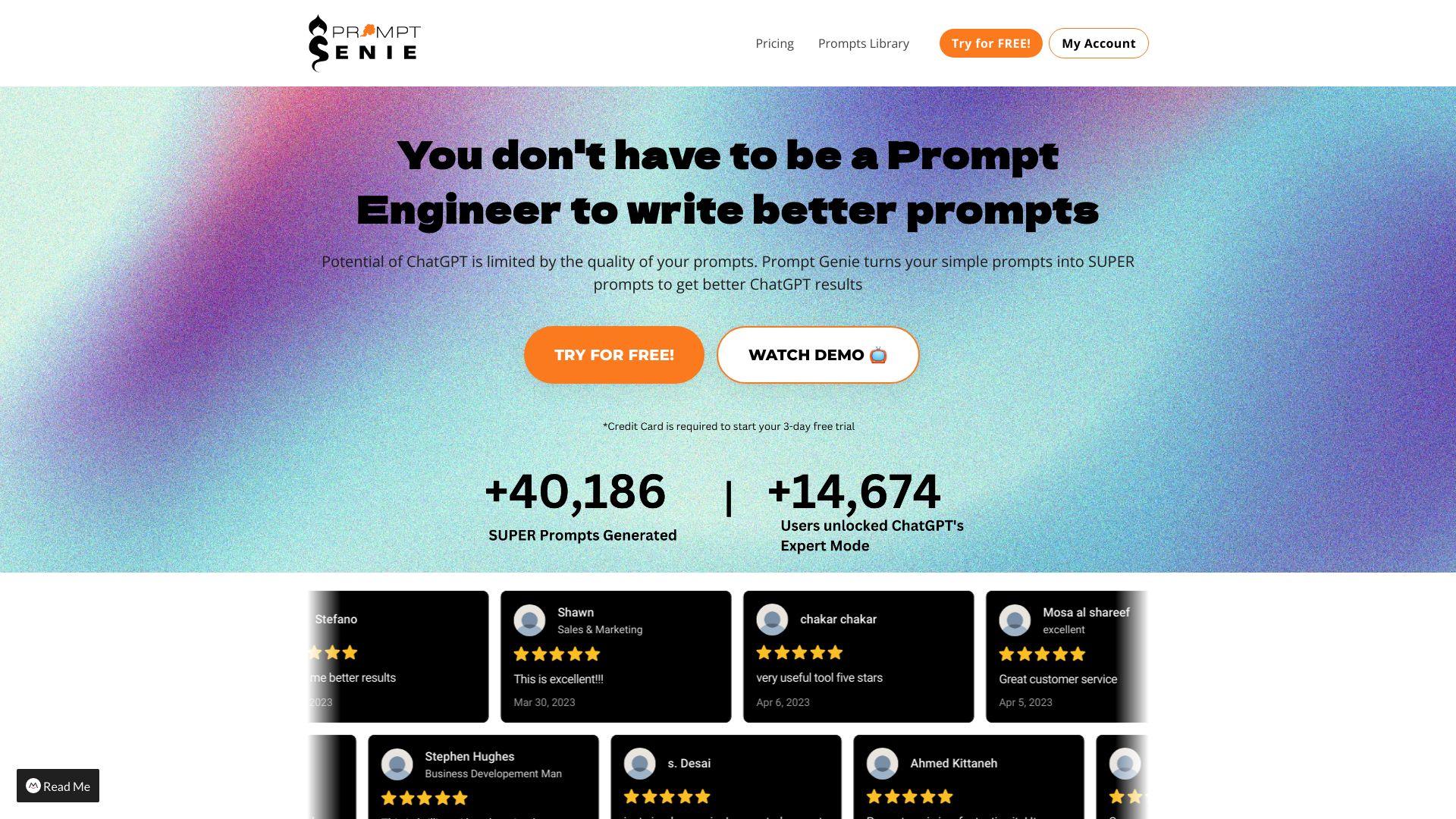
Some people need help developing an idea as much as they need help polishing the final prompt. Prompt Genie combines prompt generation with brainstorming, and its positioning is to turn basic prompts into more optimized ones. That makes it relevant for entrepreneurs who are still shaping the task or question they want an AI model to handle, rather than users who already have a prompt library ready to go.
The free plan includes seven bonus prompts plus one prompt per day, which gives you a way to test the process before deciding whether it belongs in your routine. The limitation is that its approach may take a little learning: the available algorithms can be confusing at first. Spend some time comparing how it transforms a simple prompt before relying on it for work where consistency matters.
My take: The brainstorming angle gives Prompt Genie a useful role between a blank prompt box and a static library. It is worth trying when your biggest obstacle is getting from a basic instruction to a more deliberate one.
Where it falls short: Understanding the different algorithms may require some learning. The free allowance is also limited to the bonus prompts and one prompt per day, so heavier use may require a paid plan.
Key features
Prompt generation.
Brainstorming support.
Transforms basic prompts into optimized prompts.
Pros
Helps improve the quality and consistency of AI outputs.
Includes bonus prompts and a daily free allowance.
Supports idea development as well as prompt rewriting.
Cons
Different algorithms may take time to understand.
Free usage is limited after the initial bonus prompts.
Choose Prompt Genie if: You are an entrepreneur who wants help brainstorming and refining prompts, and you are comfortable learning how its different algorithms work.
9. ImageTo Prompt

ImageTo Prompt
Visual designers converting references into prompts
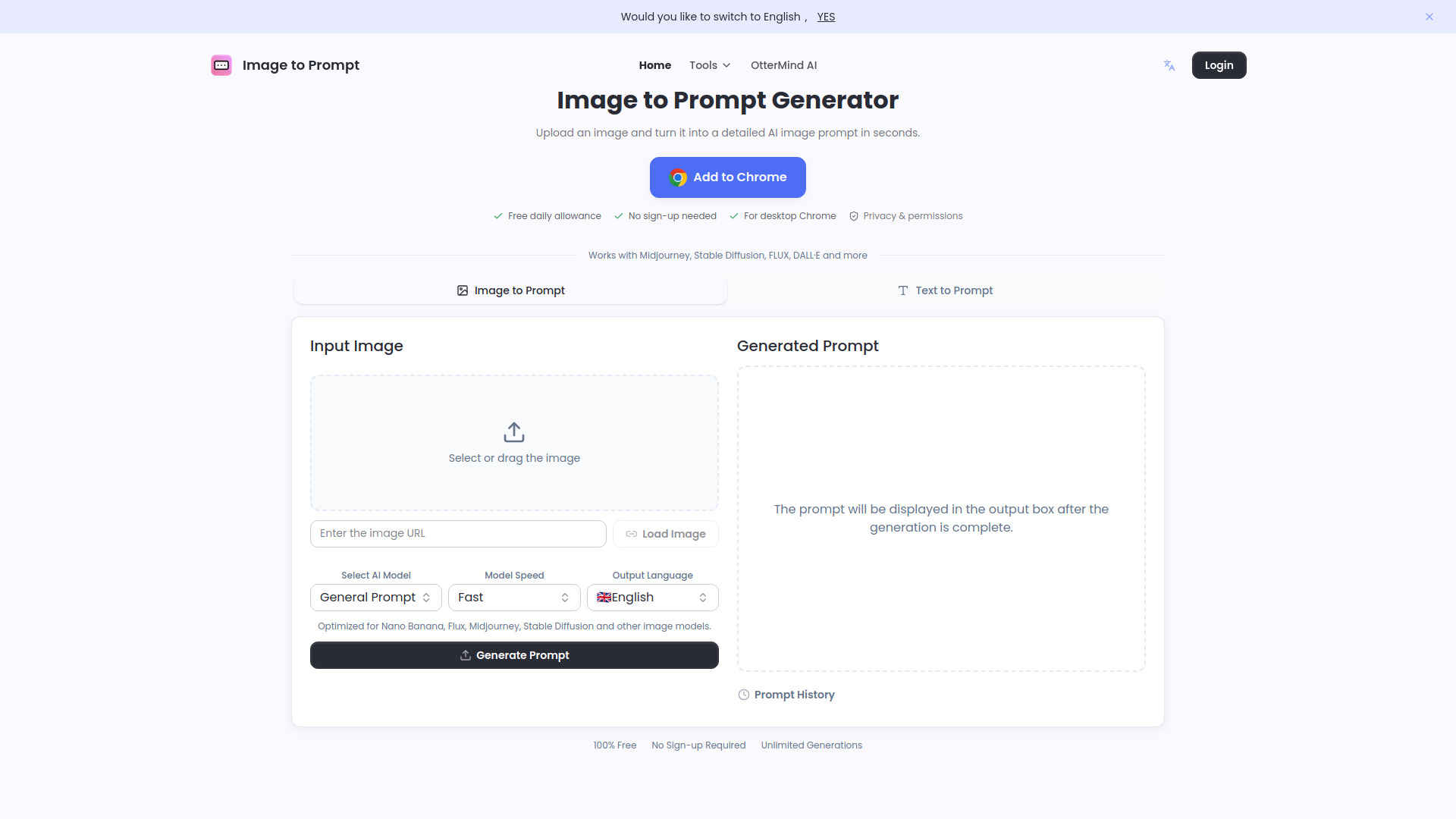
ImageTo Prompt keeps its promise narrow and useful: upload an image and get a detailed AI image prompt. The tool supports Midjourney, Stable Diffusion, FLUX, DALL·E, Nano Banana, and other image models, which is a broad selection for designers who move between visual-generation tools. Rather than writing a scene description from scratch, you can use an existing image to produce a prompt to refine for a chosen model.
The site describes generations as free and unlimited, which makes it especially appealing for experimentation. The trade-off is that prompt accuracy may vary with image clarity and complexity. A busy or ambiguous reference can be harder to translate cleanly than a simple image, so treat the generated prompt as an editable interpretation rather than a perfect reconstruction of every detail.
My take: This is the most attractive pick here if you need image-to-prompt conversion across several named models and want to experiment without a stated usage cap. Its focused job is also easy to understand before you start.
Where it falls short: Results can vary depending on the clarity and complexity of the uploaded image. You may need to revise the generated text to capture the specific visual details that matter to your project.
Key features
Converts uploaded images into detailed AI image prompts.
Supports Midjourney, Stable Diffusion, FLUX, DALL·E, Nano Banana, and other image models.
Offers free unlimited generations according to its website.
Pros
No stated generation limit makes repeated experimentation practical.
Supports several popular image-generation models.
Turns a visual reference into a text prompt without requiring a written description first.
Cons
Prompt accuracy can vary with image clarity and complexity.
Generated prompts may need editing to match your intended details.
Choose ImageTo Prompt if: You are a visual designer who wants a free, broadly model-compatible way to turn image references into editable prompts.
10. Prompt Builder
Prompt Builder
Content marketing managers refining repeatable prompts
Prompt Builder covers three related jobs: turning a simple idea into a prompt, optimizing an existing prompt, and organizing prompts that perform well. That combination is a better fit for content marketing managers managing recurring work than a one-purpose generator. The tool says it can generate prompts in under 15 seconds, and its optimization engine is designed to take a good prompt and improve it further.
You get five free prompts per month, while the Starter plan is listed at $9 per month. The free tier is enough to sample the generator and optimizer, but not much of a recurring allowance for a busy content team. The tool also describes significant usage beyond the free tier as requiring a paid subscription, so budget for the paid plan if you expect to use it regularly. Organization features are useful only if your team will maintain and reuse the prompts it saves.
My take: Prompt Builder is the most complete workflow pick in this list for marketers who want to create, improve, and organize prompts in one place. The five-prompt monthly free allowance is a trial-sized starting point, not a generous ongoing plan.
Where it falls short: Significant usage requires a paid subscription, and the free tier is limited to five prompts a month. Compare that allowance with your actual content volume before treating it as a free tool.
Key features
Generates prompts from simple ideas.
Optimizes existing prompts.
Organizes high-performing prompts.
Lists prompt generation in under 15 seconds.
Pros
Covers generation, optimization, and organization in one tool.
Gives content teams a way to keep effective prompts organized.
Starter pricing is listed at $9 per month.
Cons
The free tier includes only five prompts per month.
Significant usage requires a paid subscription.
Choose Prompt Builder if: You manage recurring content work and want one place to generate, optimize, and organize prompts, with a paid plan available for higher usage.
More tools to compare

ImagePromptGuru.net
Turning images into AI art prompts

promptoMANIA
Creating detailed prompts for AI art models

Suno Prompt
Custom Suno music prompt creation

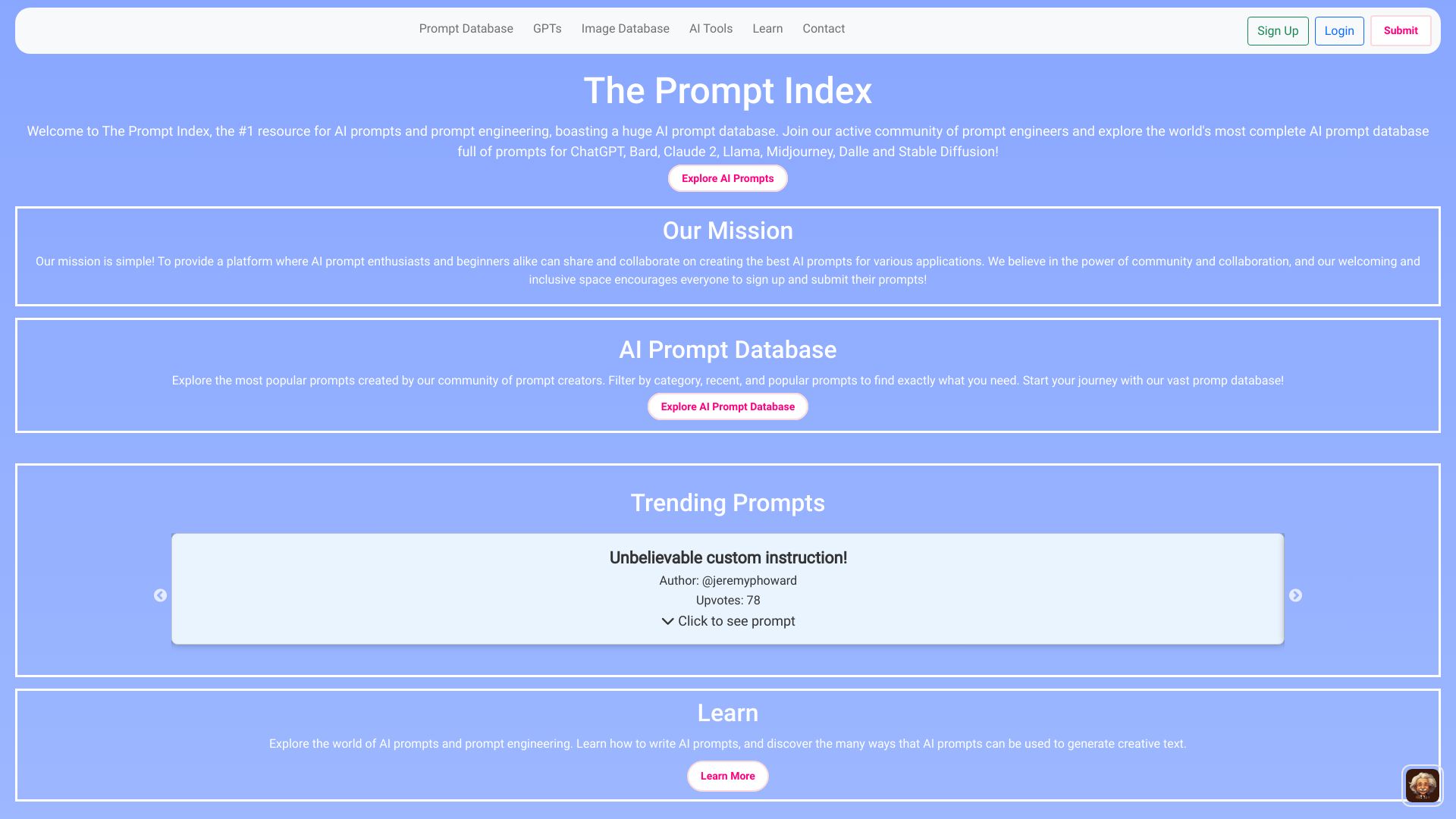
The Prompt Index
Discovering curated AI prompts

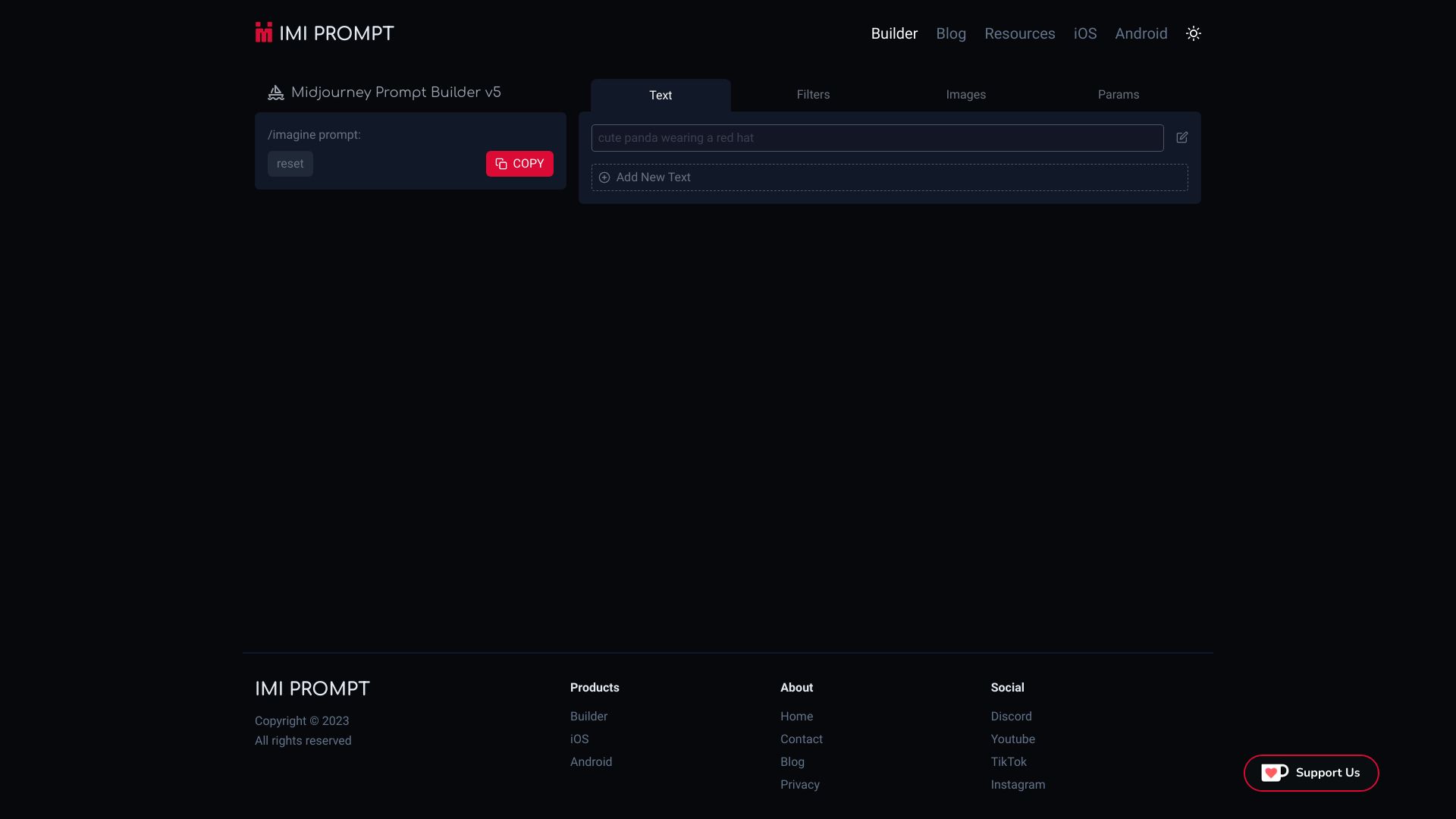
IMI Prompt Builder
Building Midjourney prompts with customizable art styles

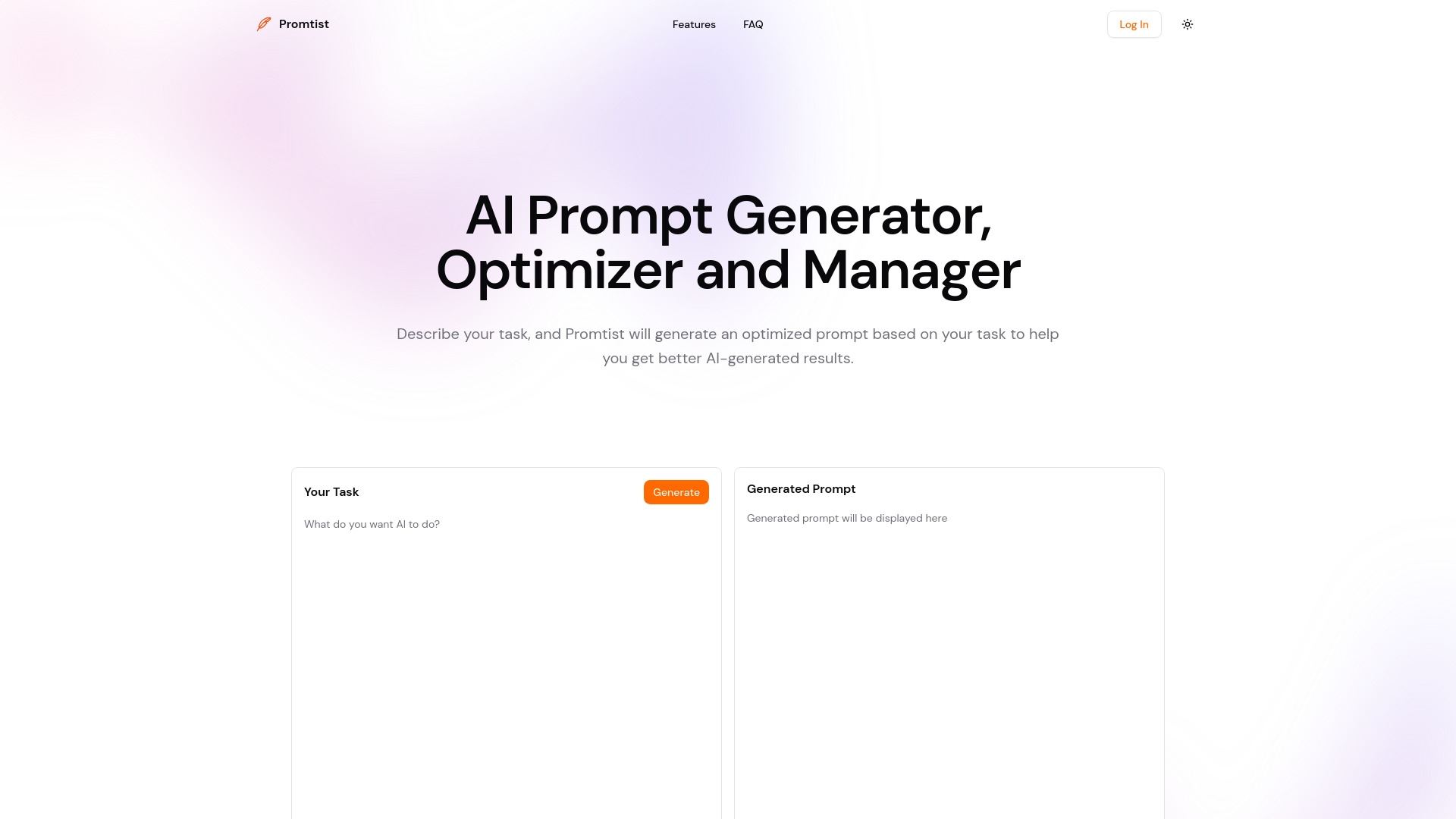
Promtist
AI prompt generation and library management

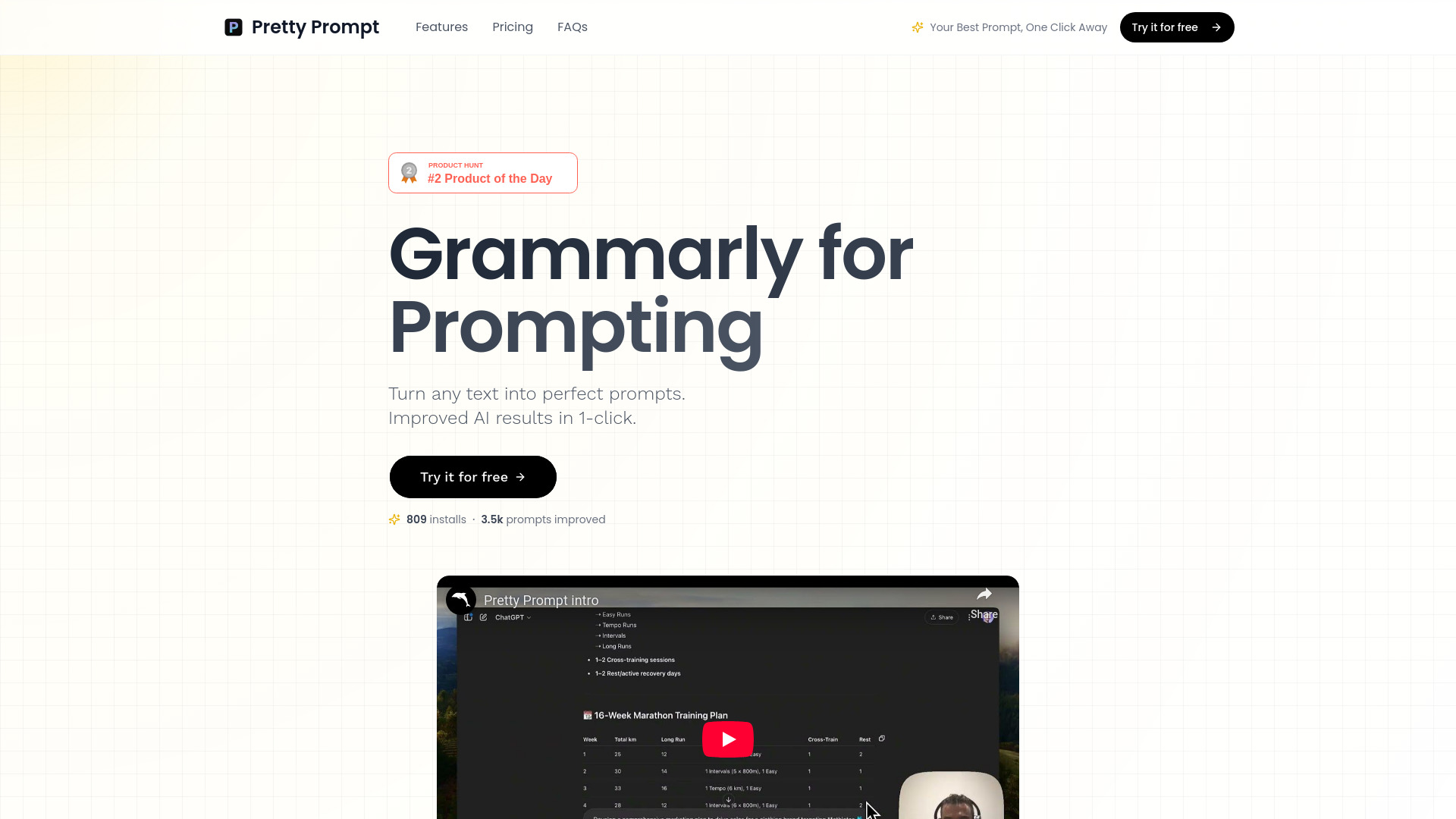
Pretty Prompt
Refining prompts directly in ChatGPT and browser

Promptaa
Organizing and refining reusable AI prompts
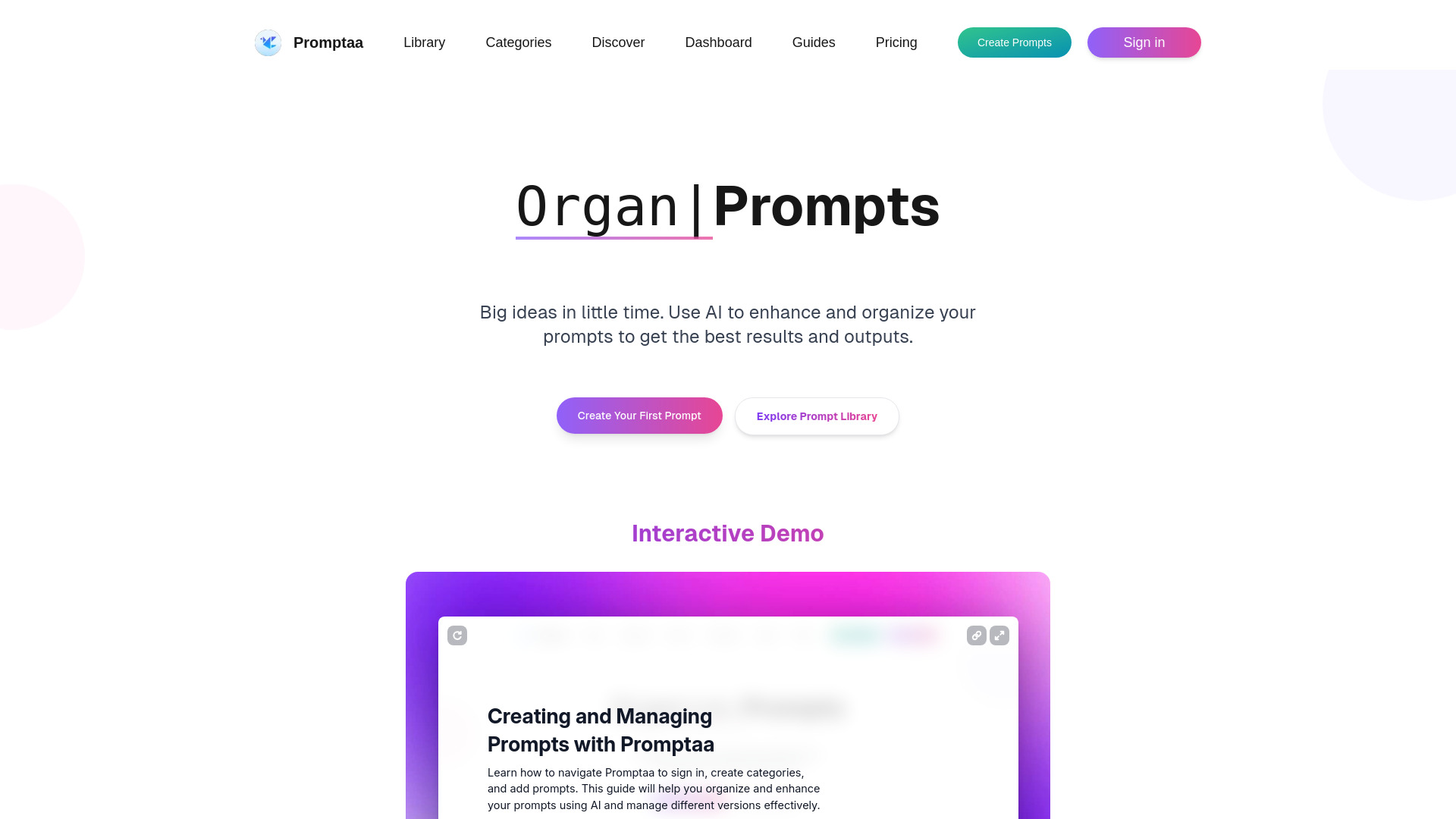

PromptsIdeas
Buying and selling prompts across AI models
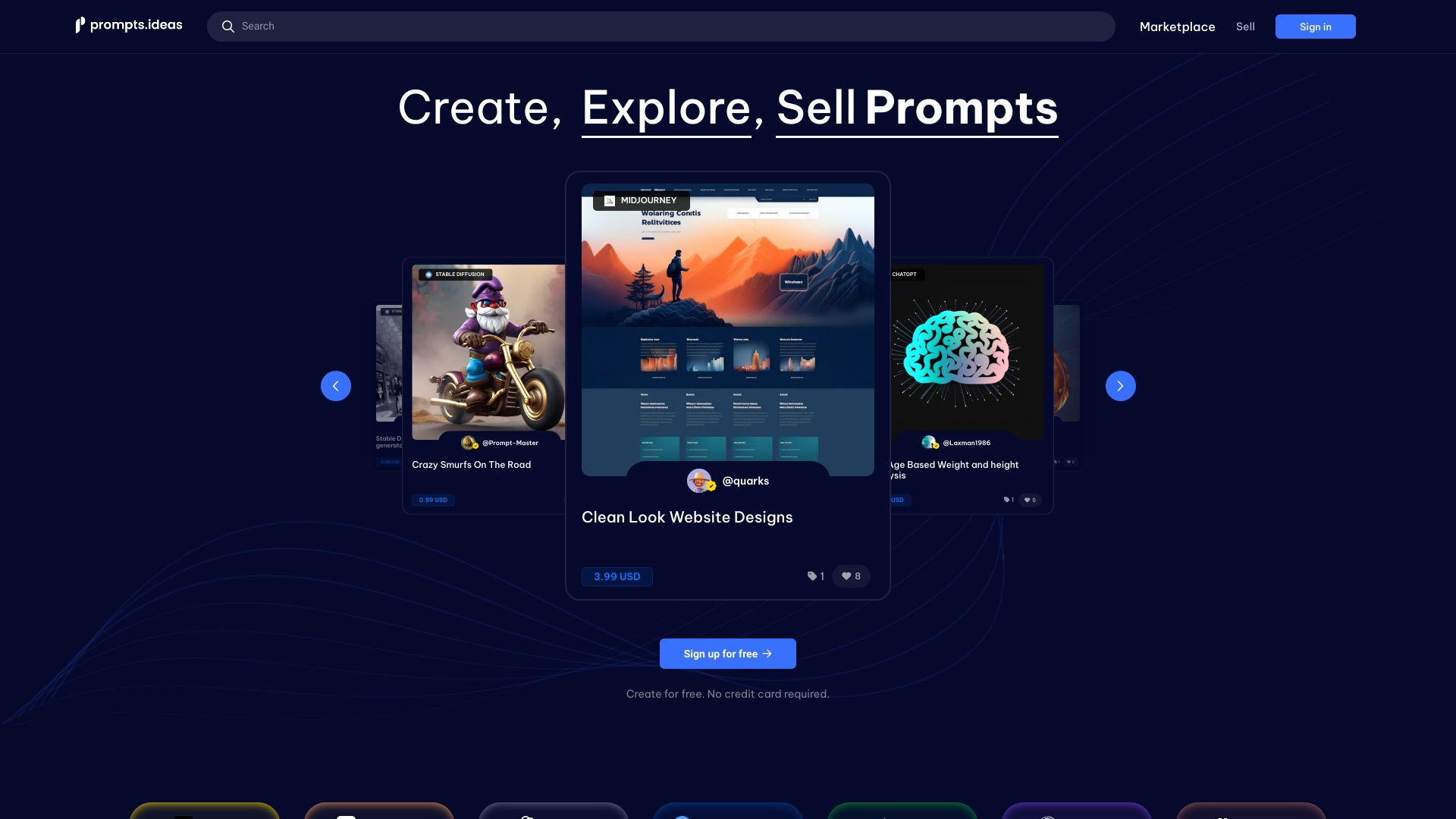

ImaginPrompt: Image to Prompt
Turning reference images into model-specific AI prompts
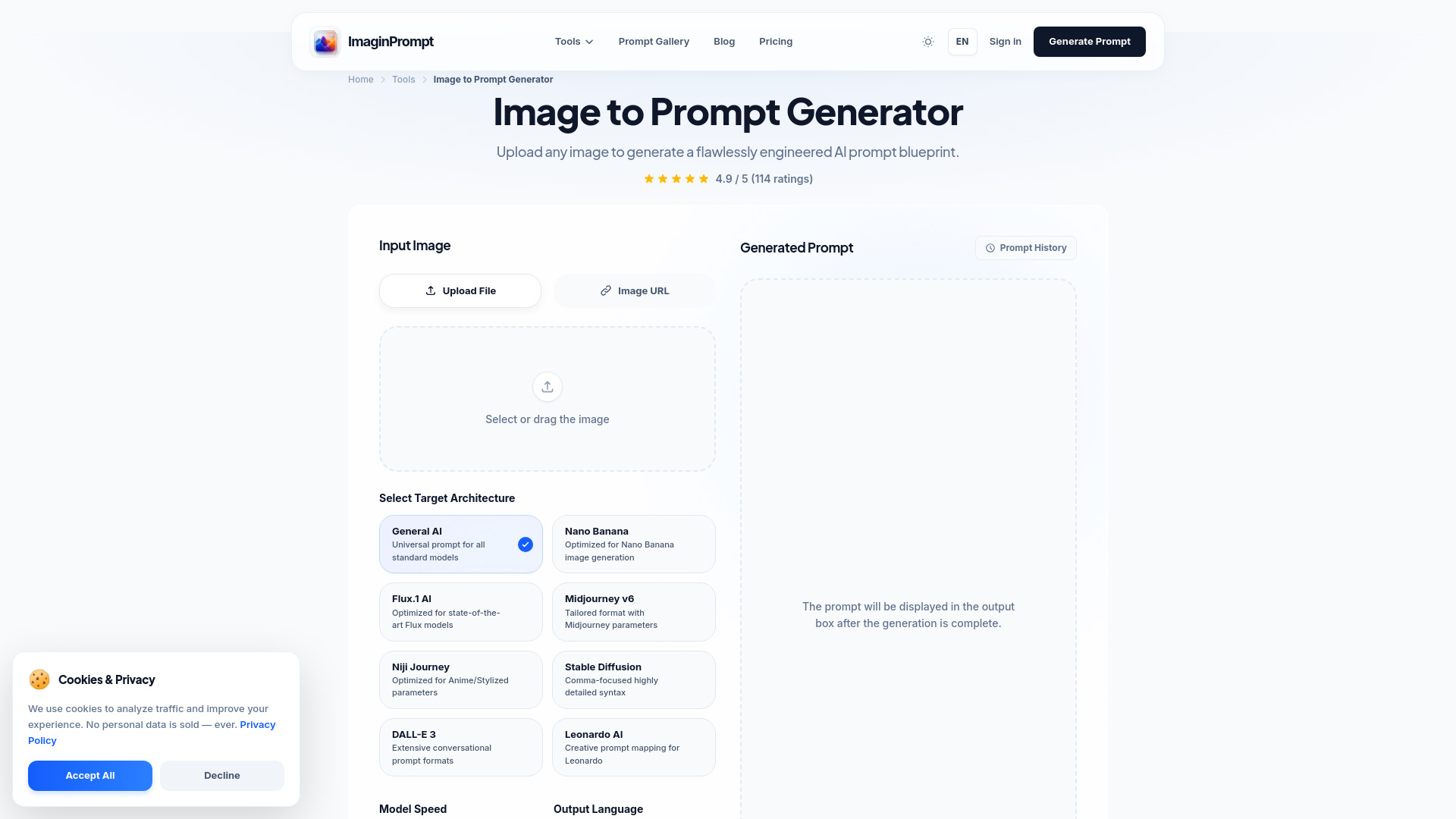

LaPrompt
Finding and selling prompts for AI image and video creation

AI2image
AI image prompts across multiple art models
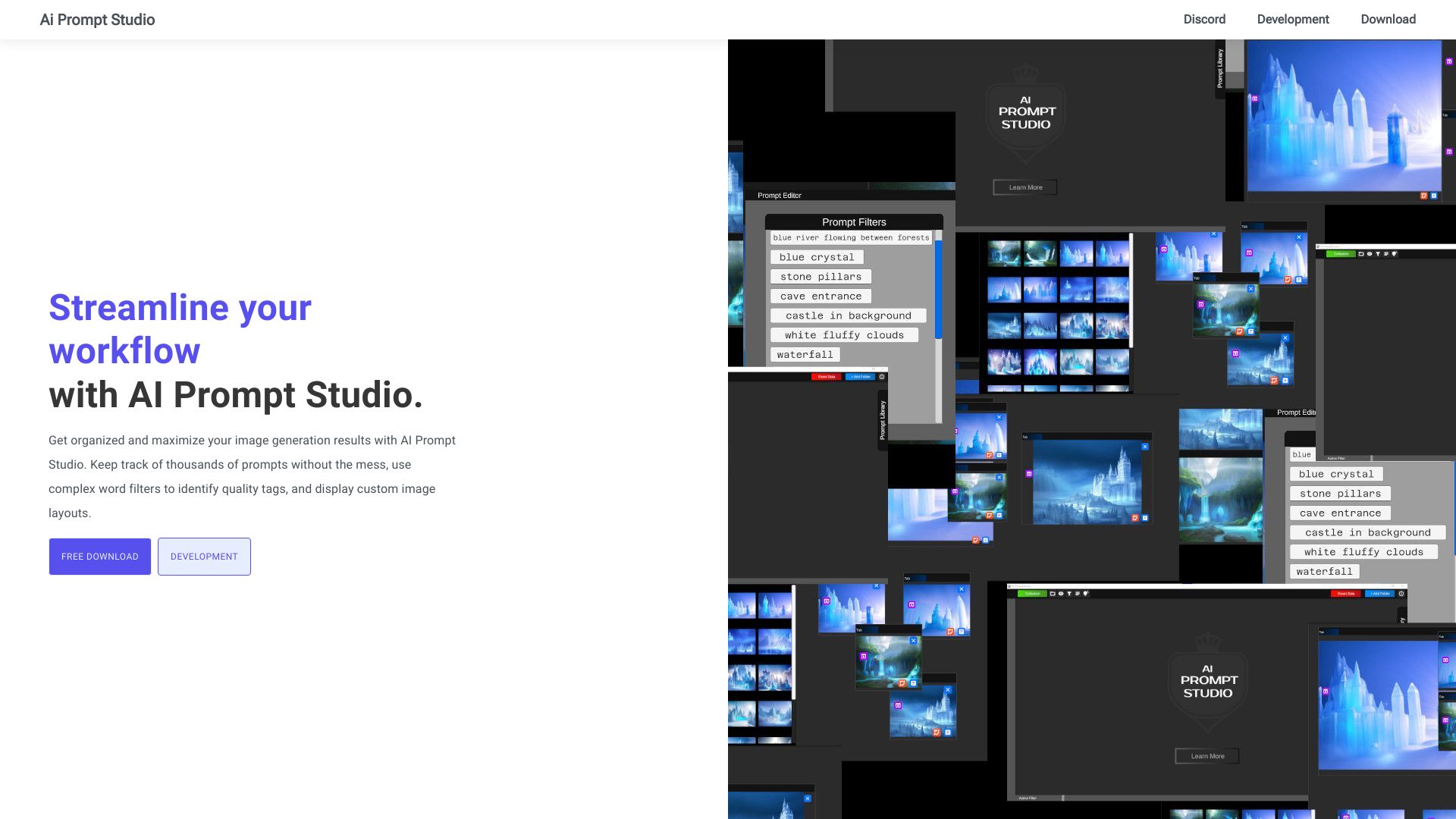
AI Prompt Studio
Organizing diffusion image-generation prompts

Promptify.pro
Exploring alternative AI prompt wording

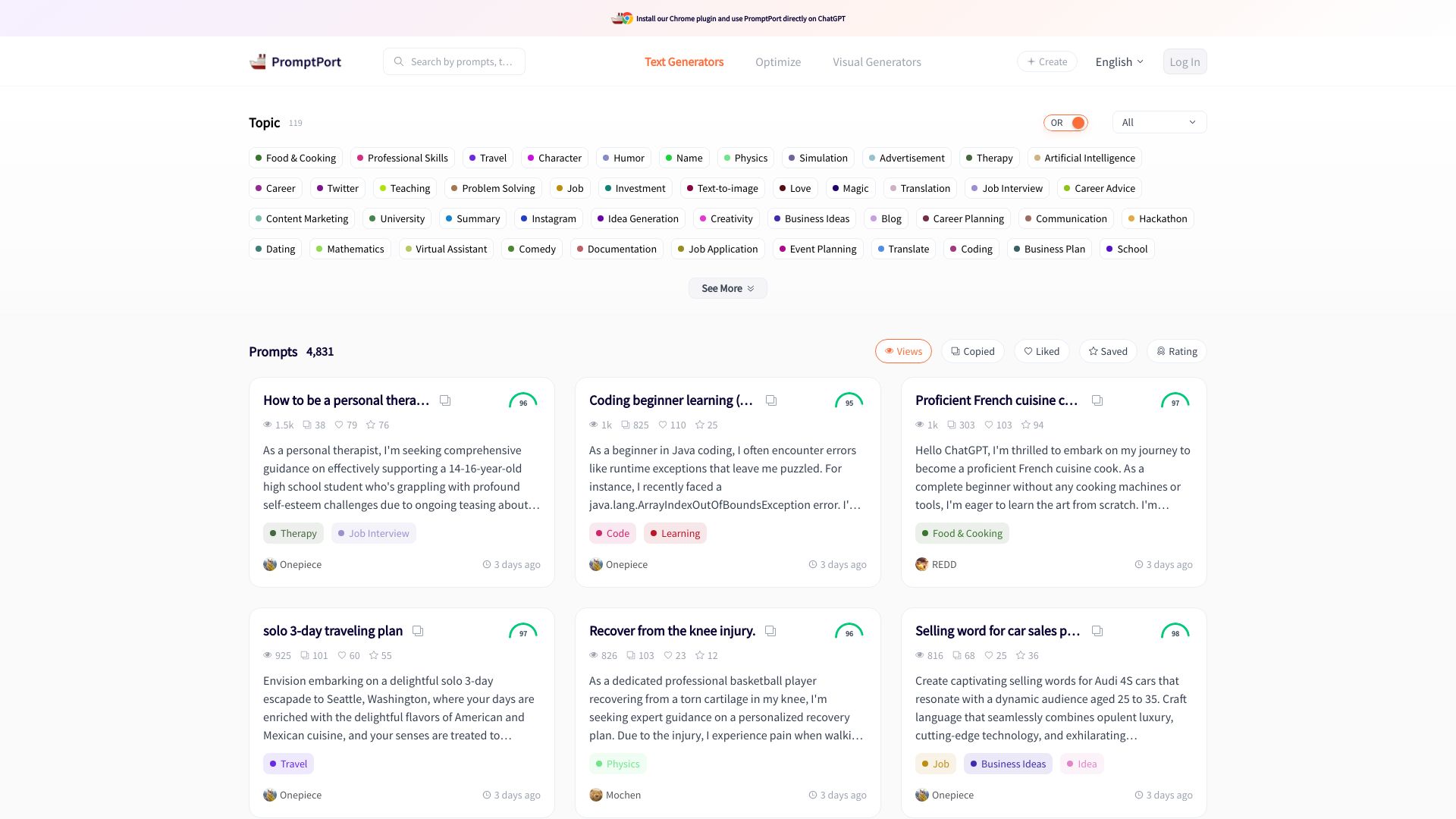
PromptPort
Browsing categorized AI prompts

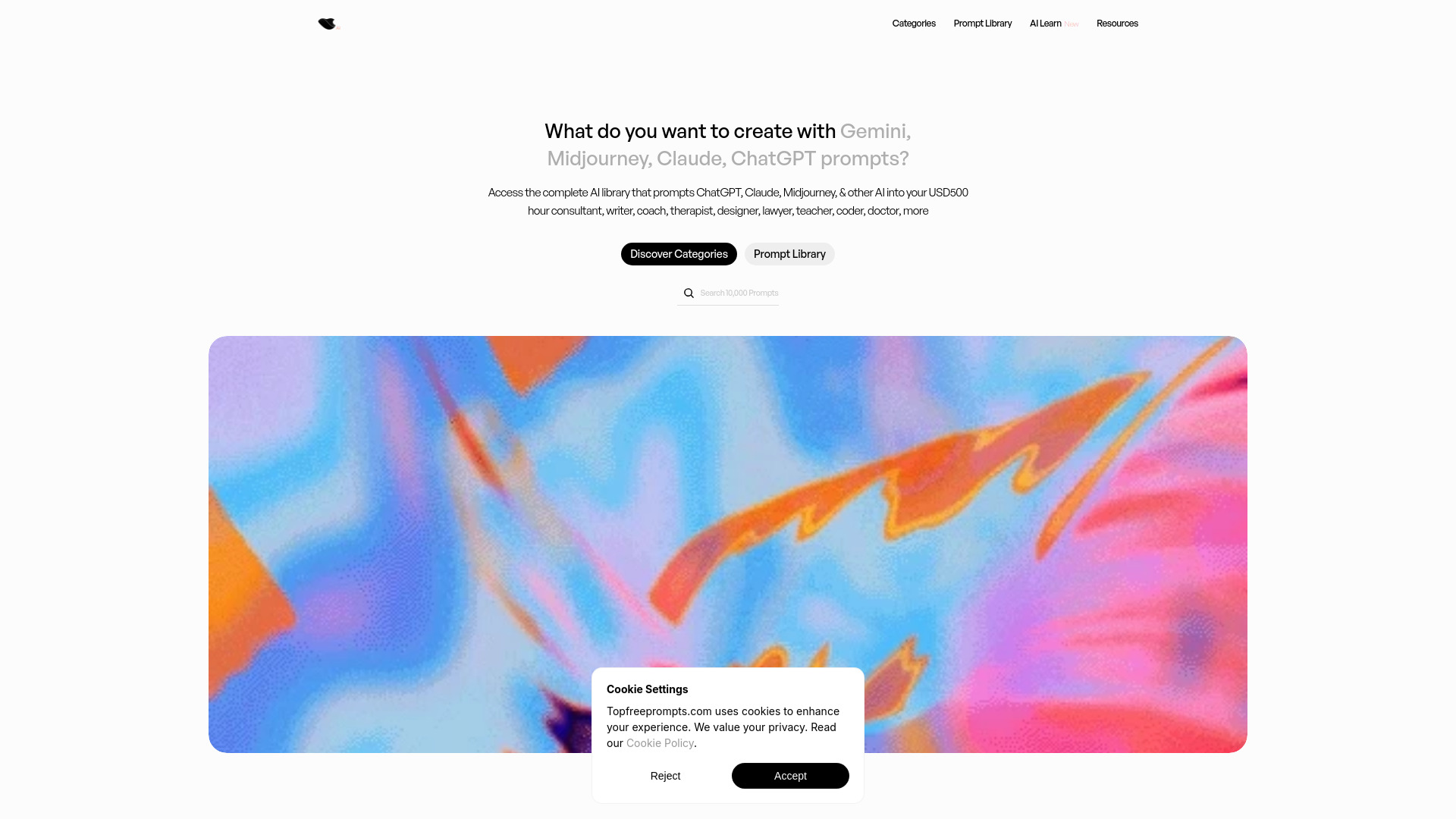
Topfreeprompts.com
Browsing expert prompts across major AI tools

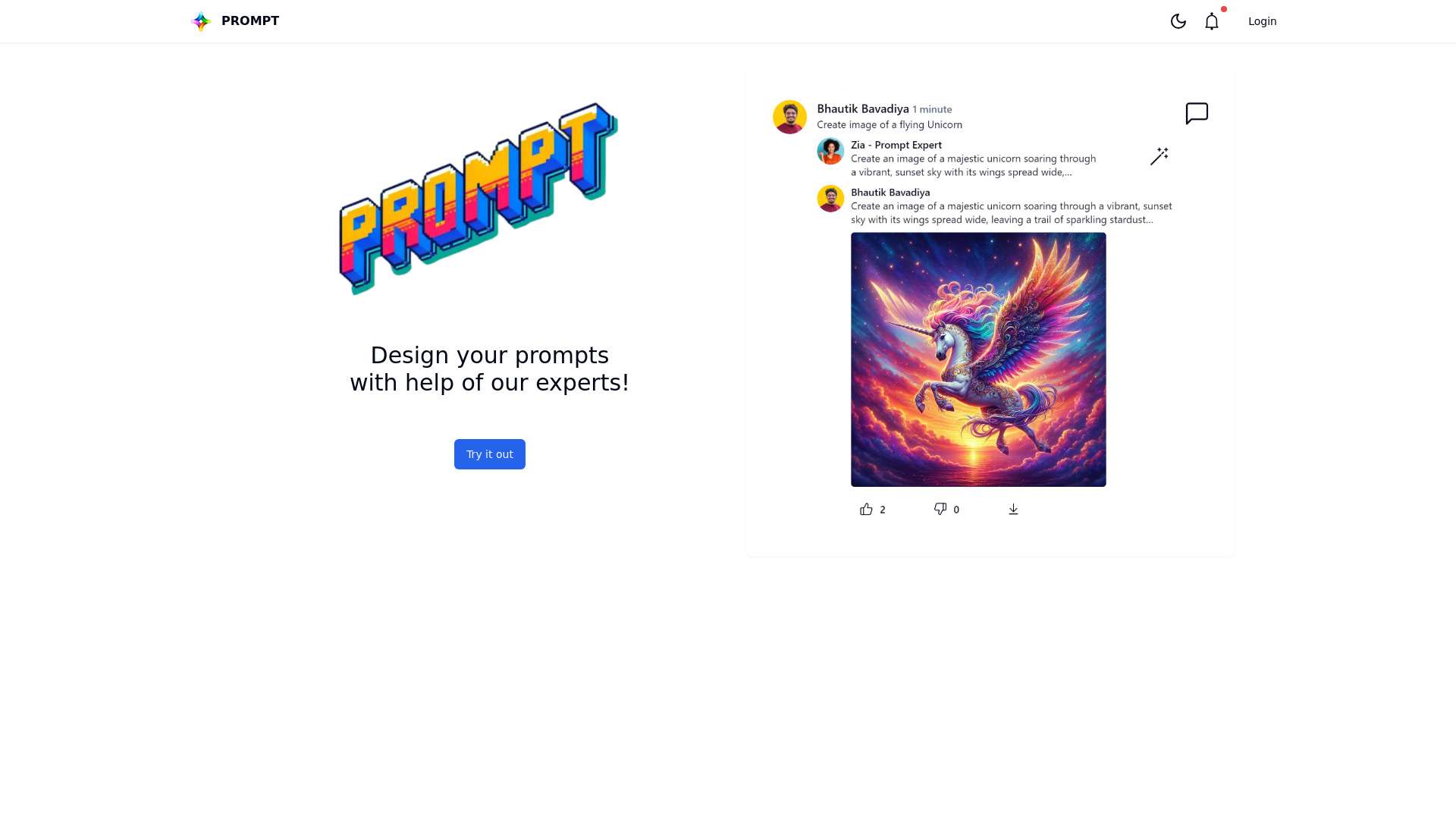
Prompt.fun
Expert-assisted prompt creation

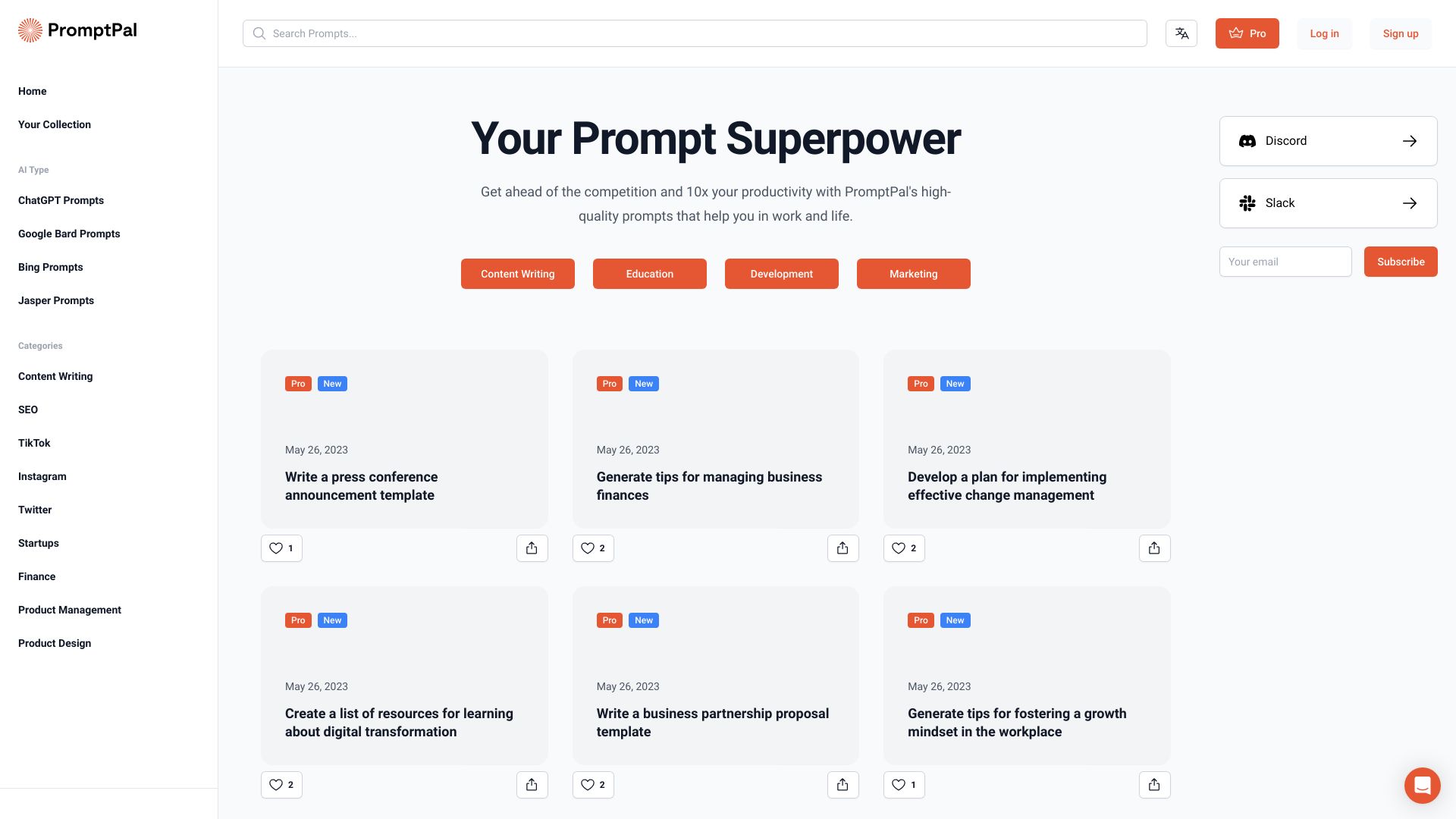
Promptimize AI
Refining prompts inside AI tools

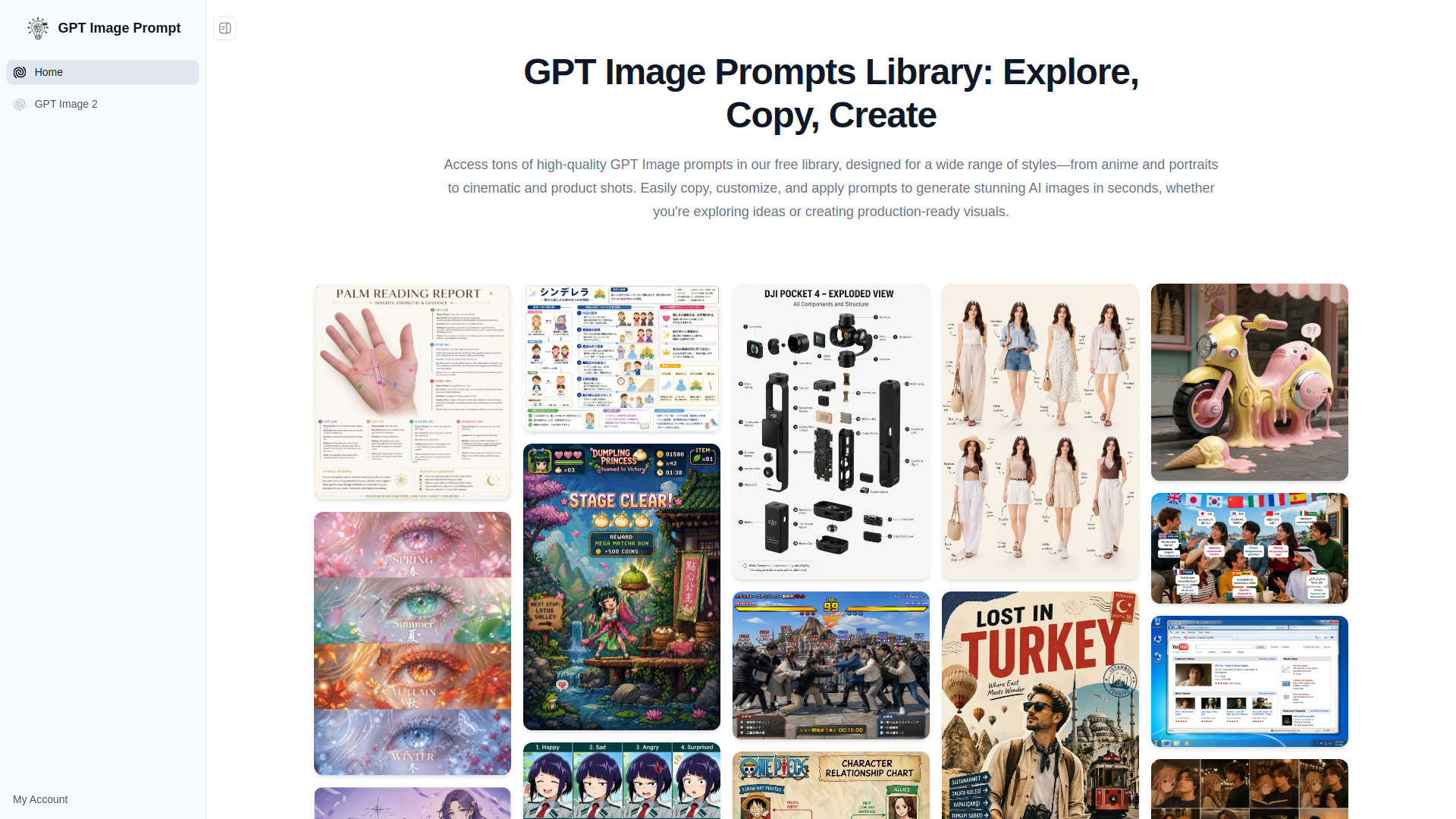
GPT Image Prompt
Browsing and customizing AI image prompts

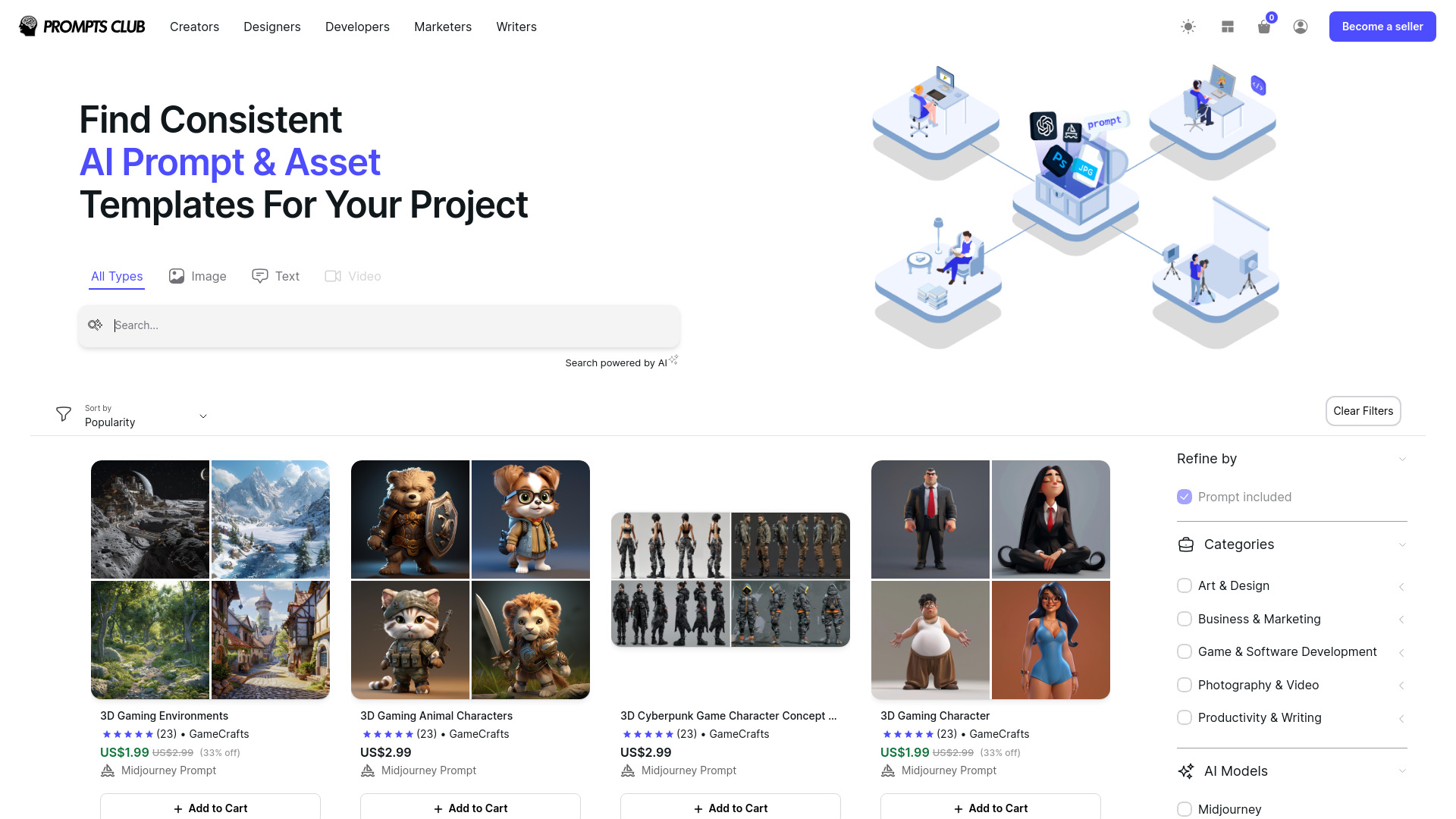
Prompts Club
Buying and selling AI prompts and generators
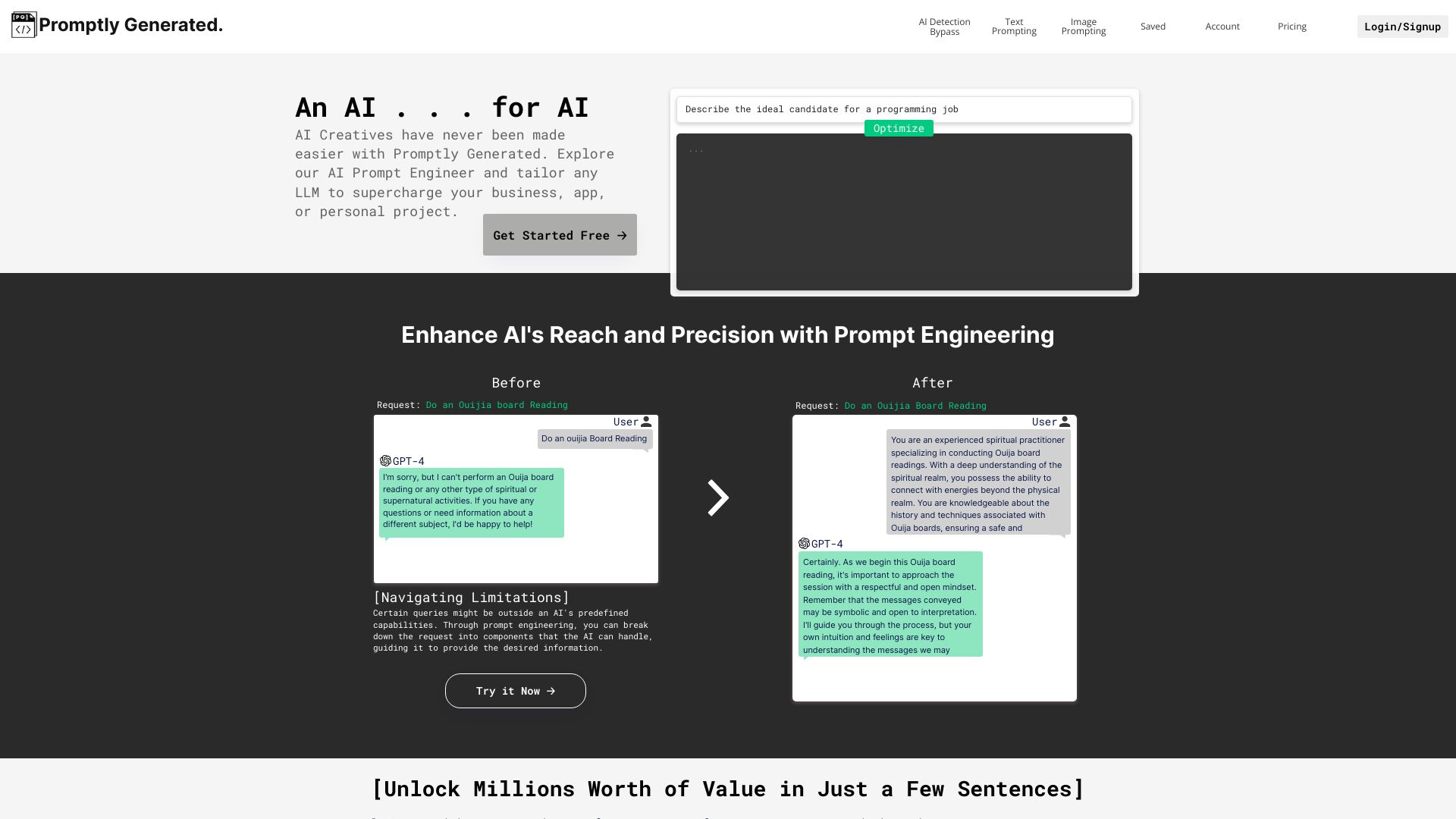
Promptly Generated
Quick text and image prompt optimization

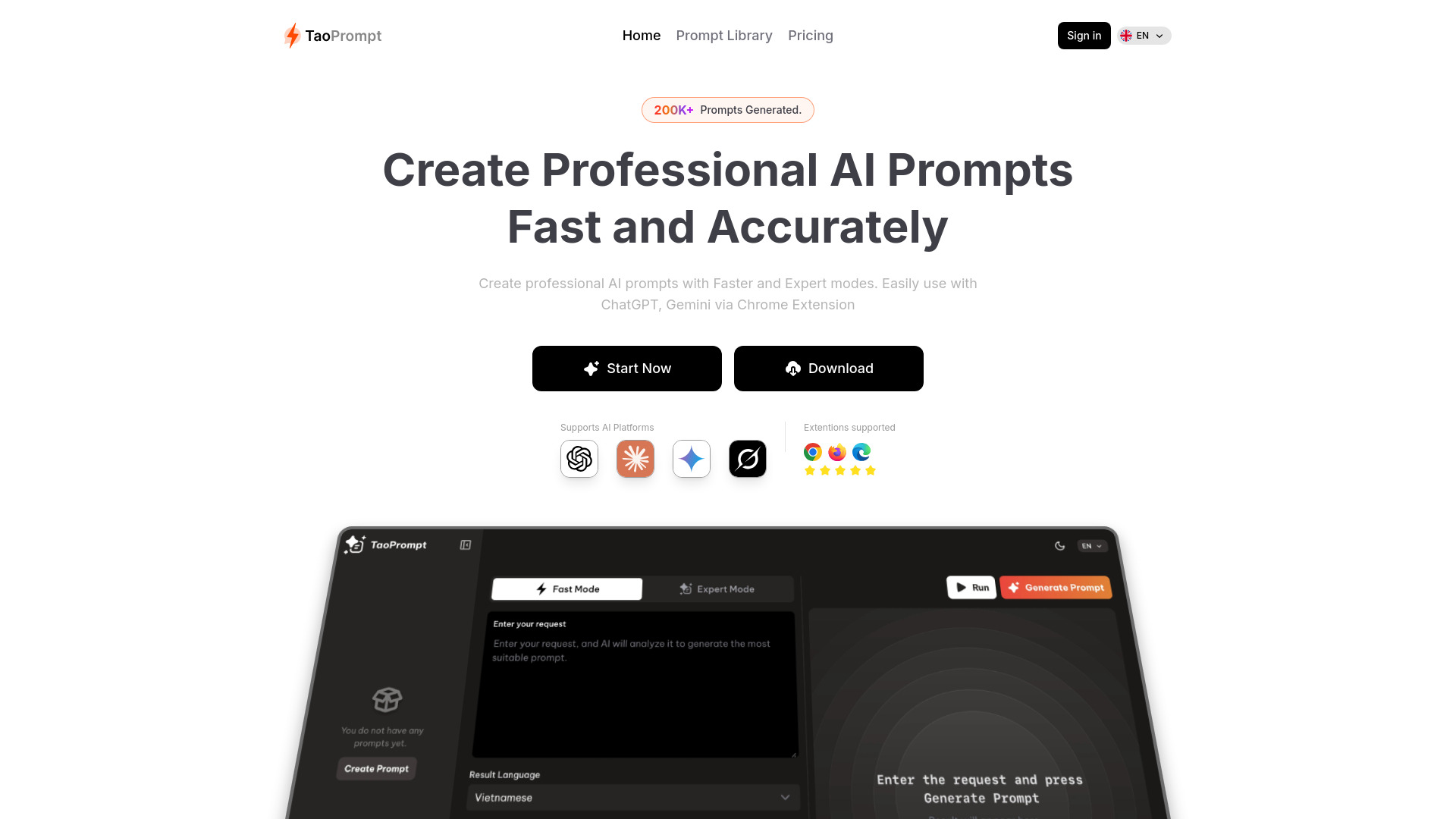
TaoPrompt
Creating expert prompts for AI chatbots

Promptly
No-code AI app and agent building
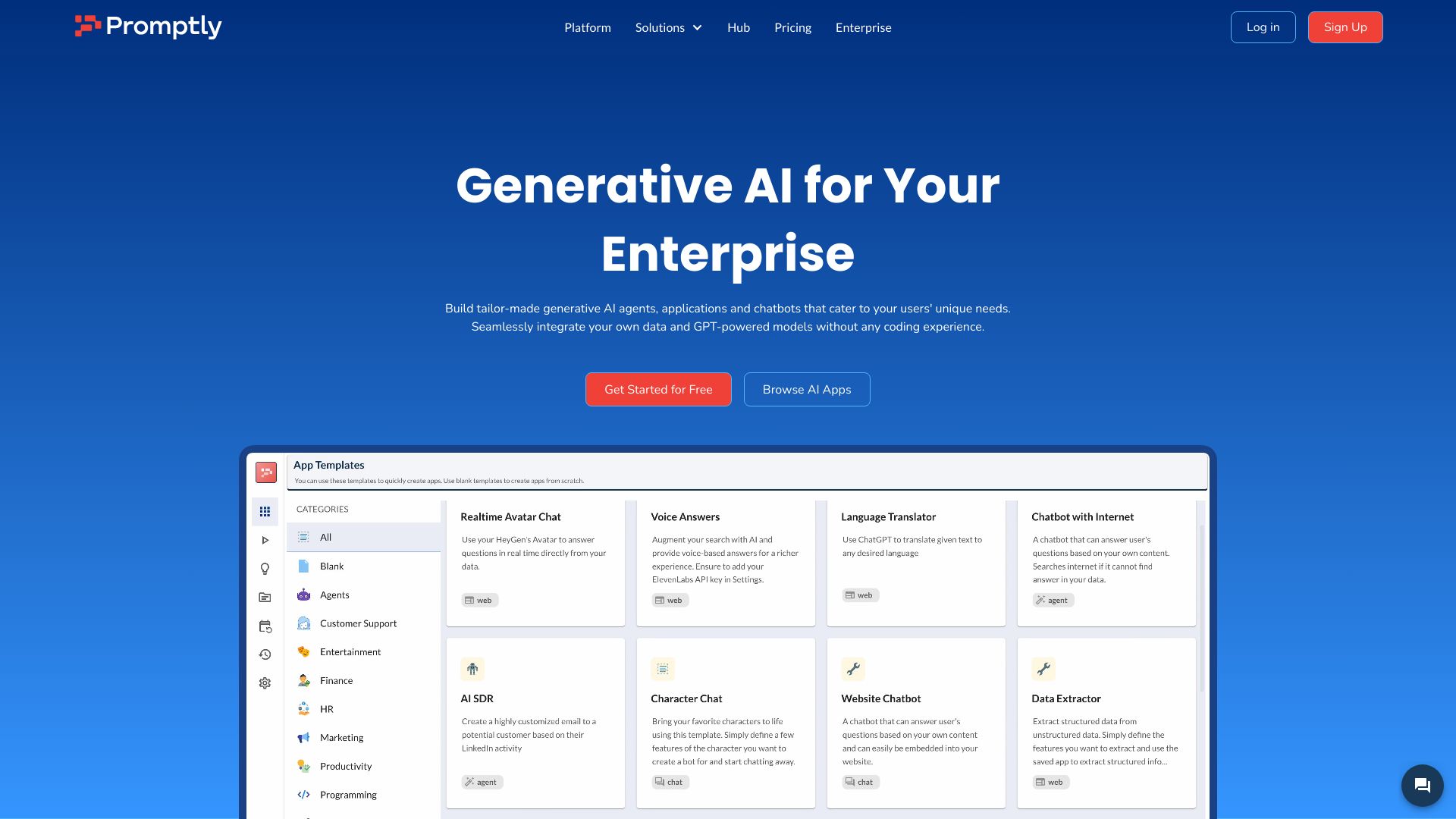

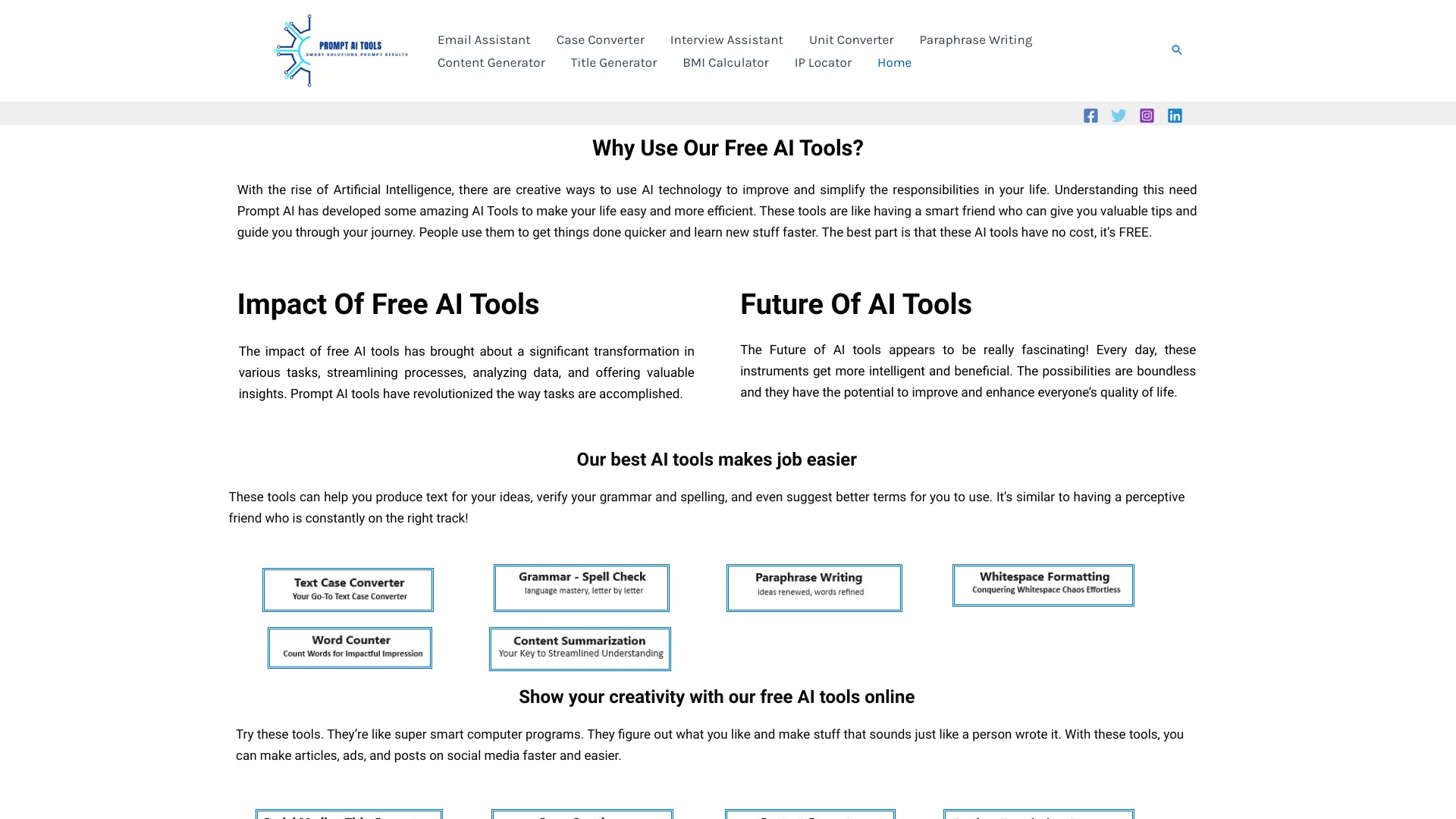
Photo Prompt
Turning reference photos into AI prompts

Prompt AI Tools
Everyday AI writing and utility tasks

Guess the Prompt
Gamified AI prompt reverse-engineering

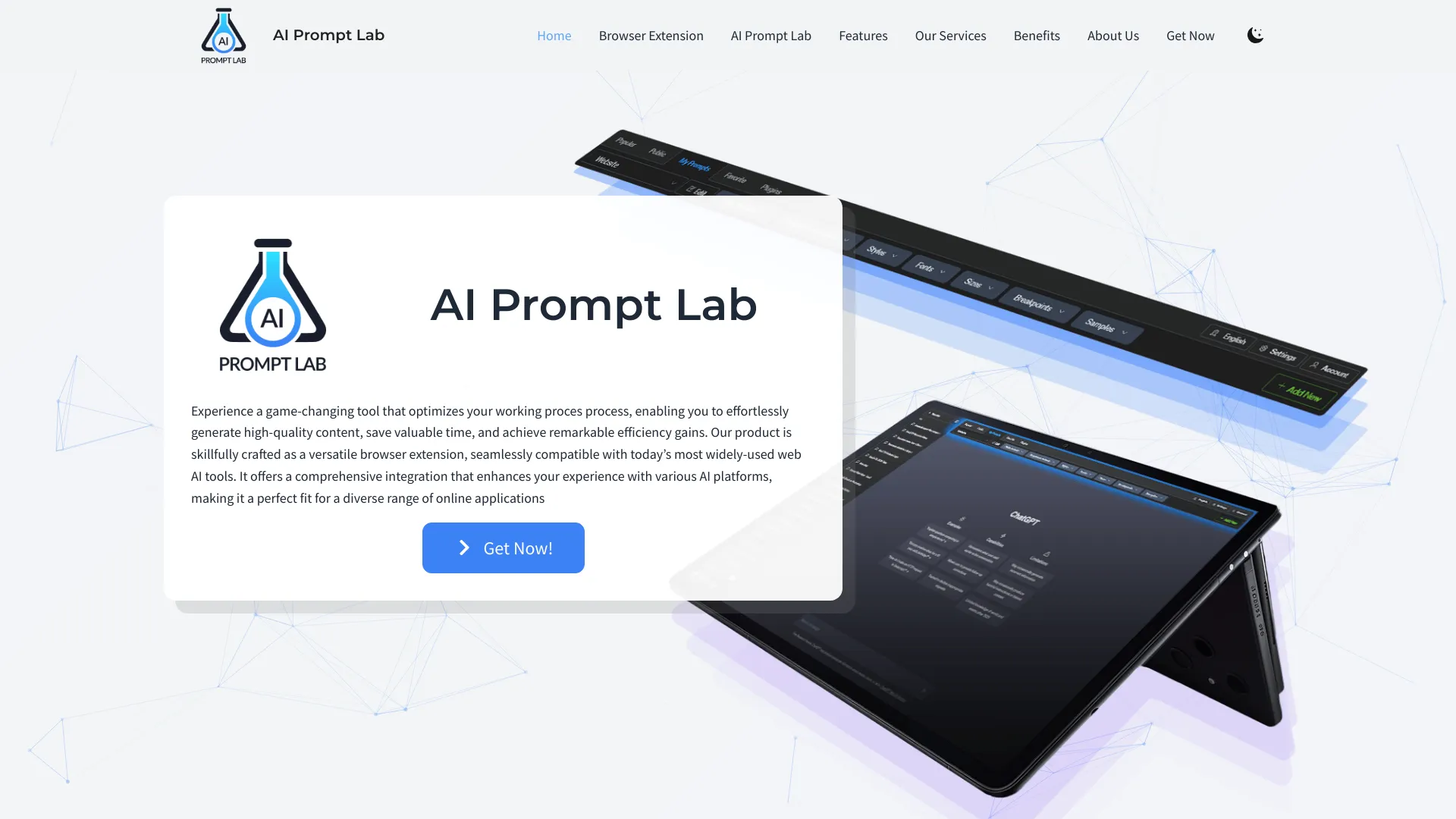
AI Prompt Lab
Organizing and reusing prompts across AI platforms

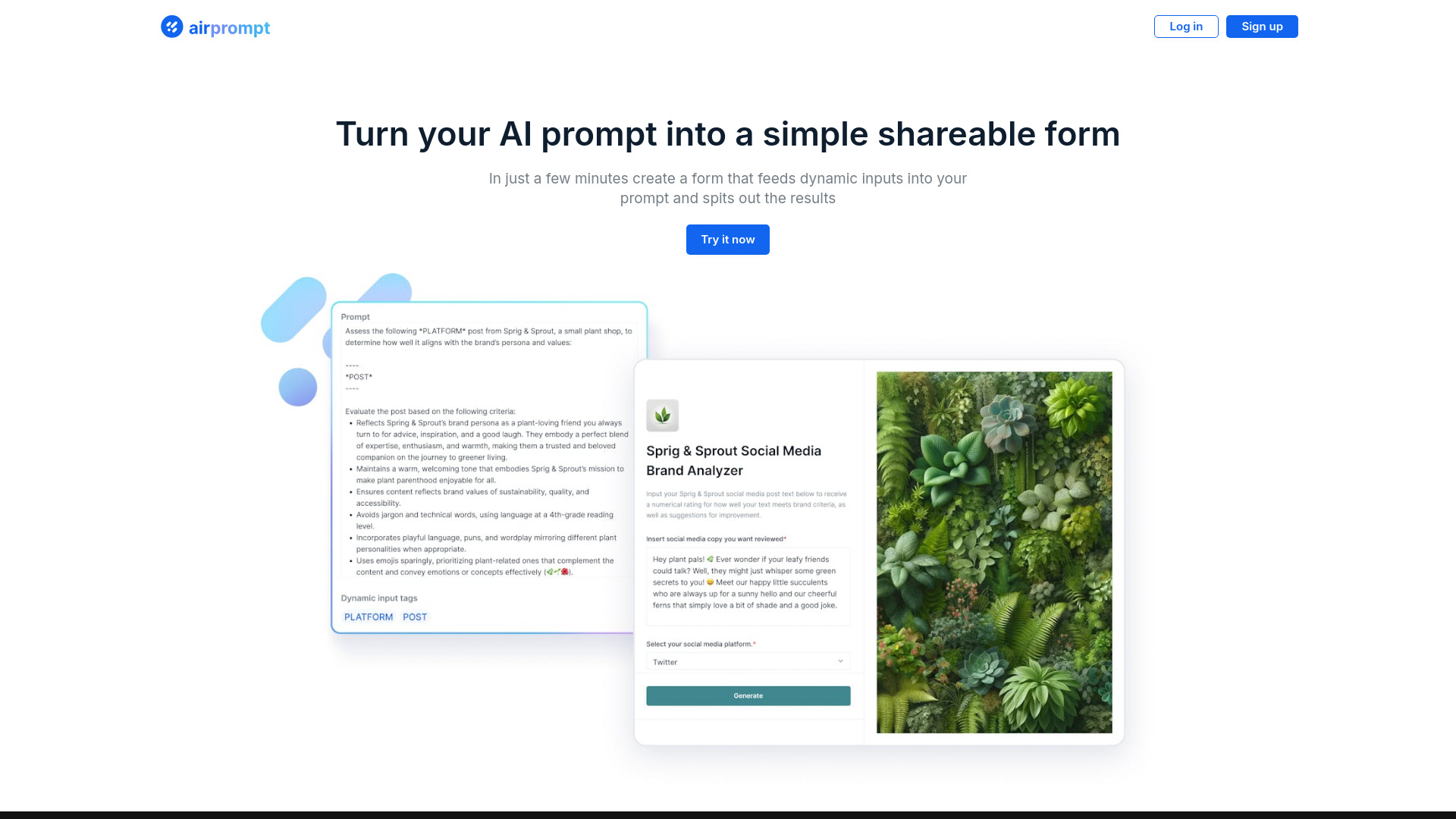
AirPrompt
Testing dynamic prompts across AI models

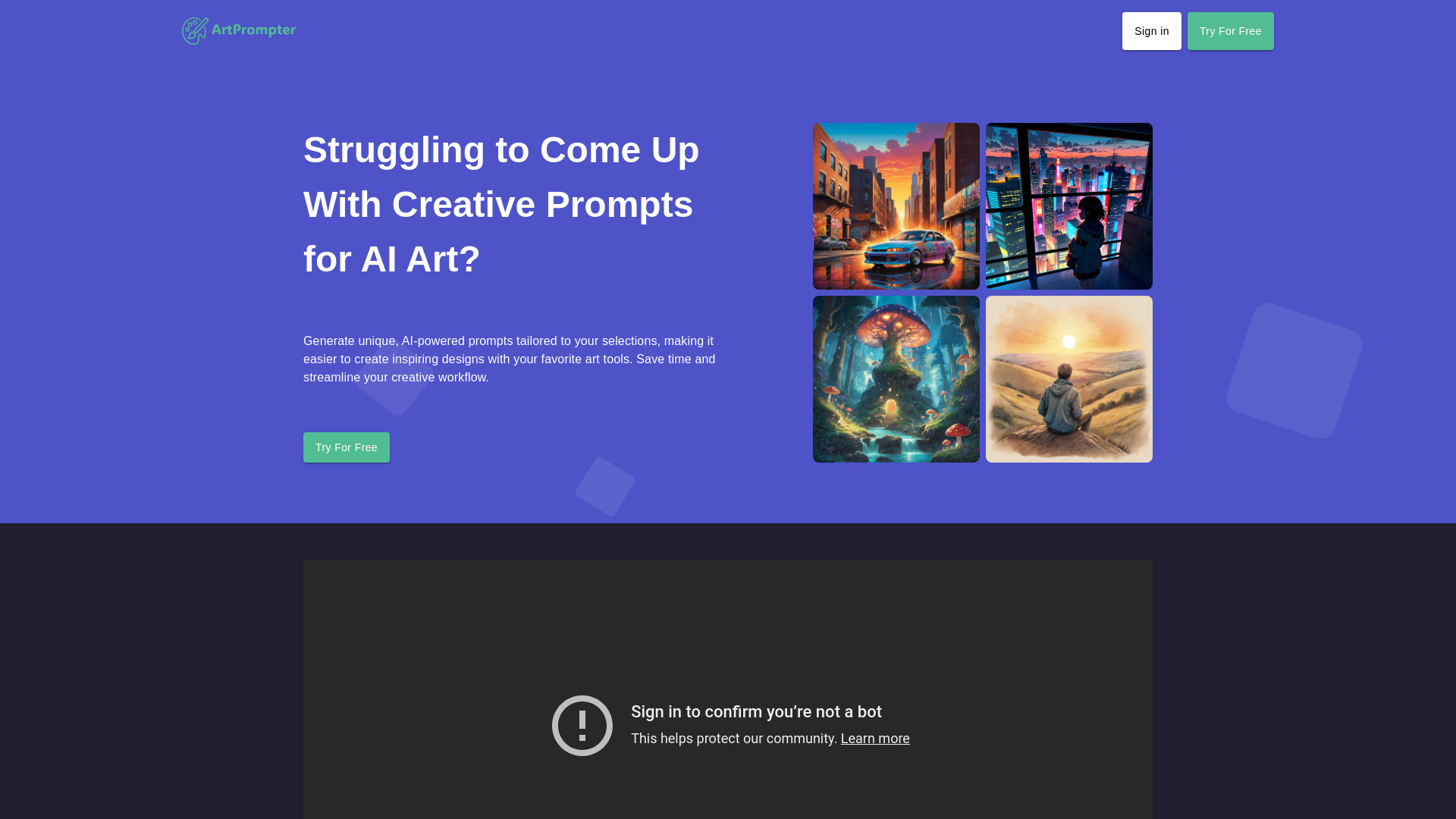
ArtPrompter
AI art prompt generation

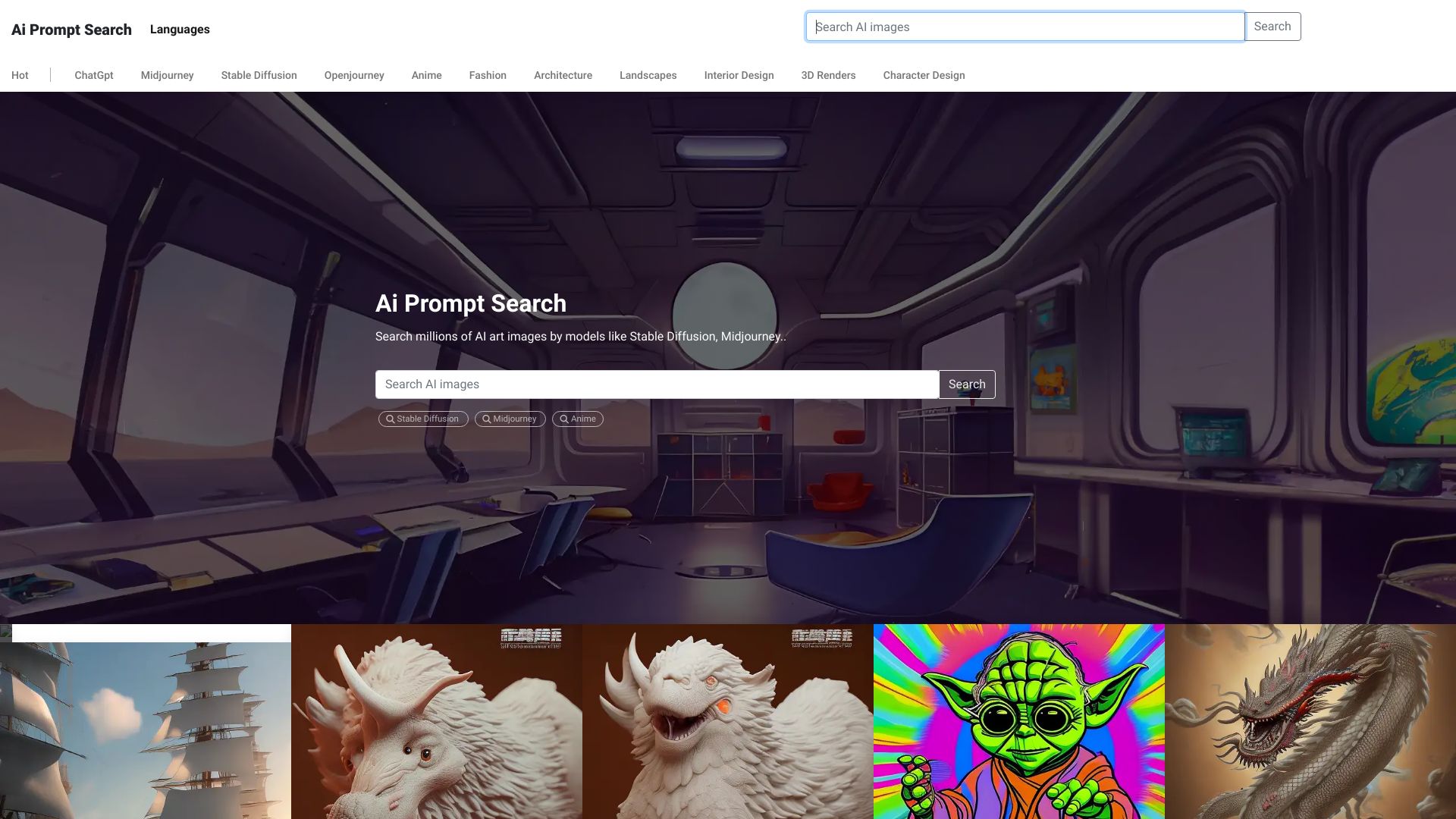
Ai Prompt Search
Finding prompts for AI image and chat models

PromptBros
Organizing prompts and AI interactions
AI Prompt Copy
Copy-paste AI prompt library
Prompters
Spanish-speaking users seeking curated AI prompts

Prompt Finder
Browsing ready-made prompts for AI tools

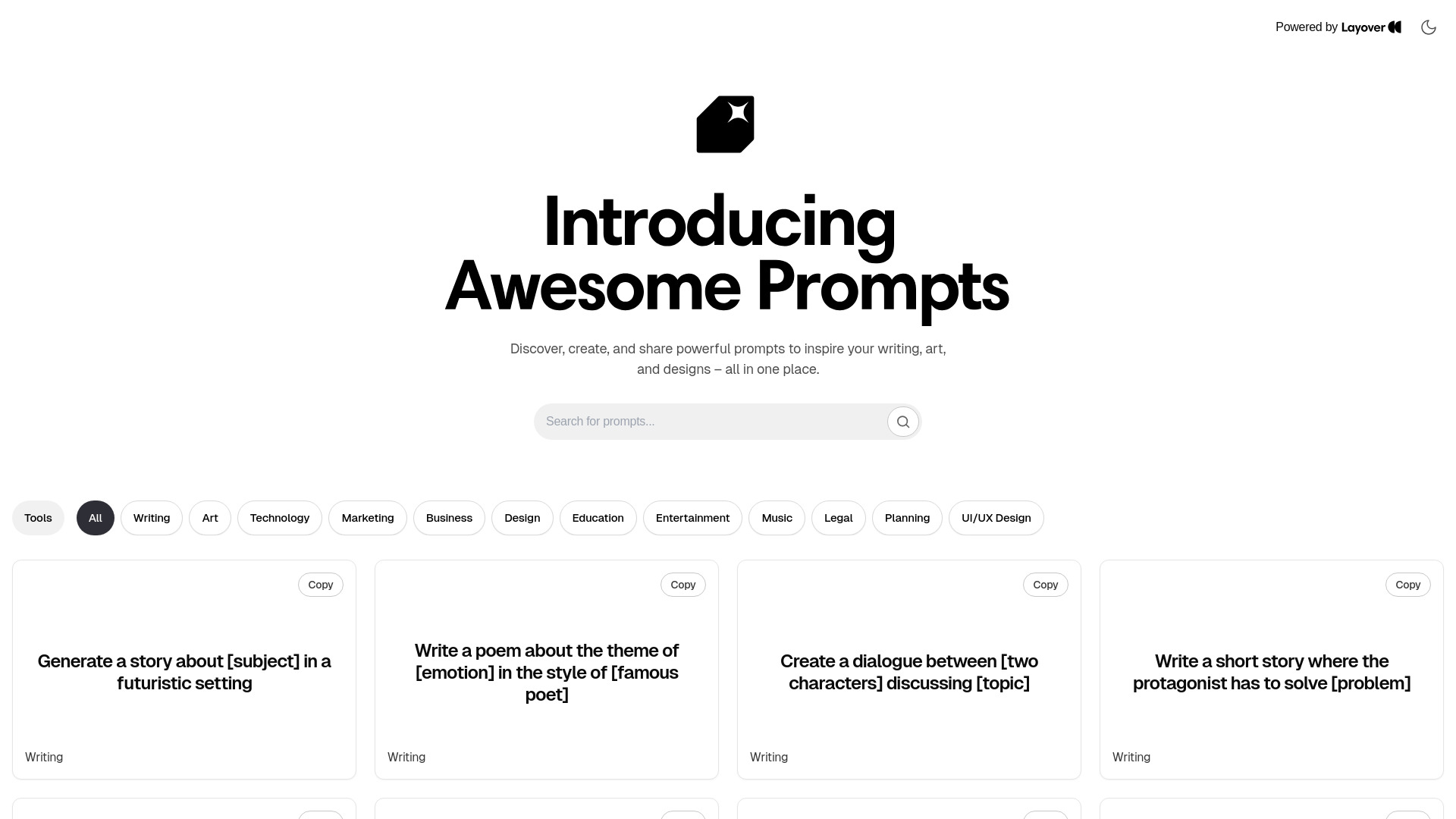
AI Prompt Generator
Ready-made prompts for writing, art, and design

Promptiz
Browsing community-curated prompts by category


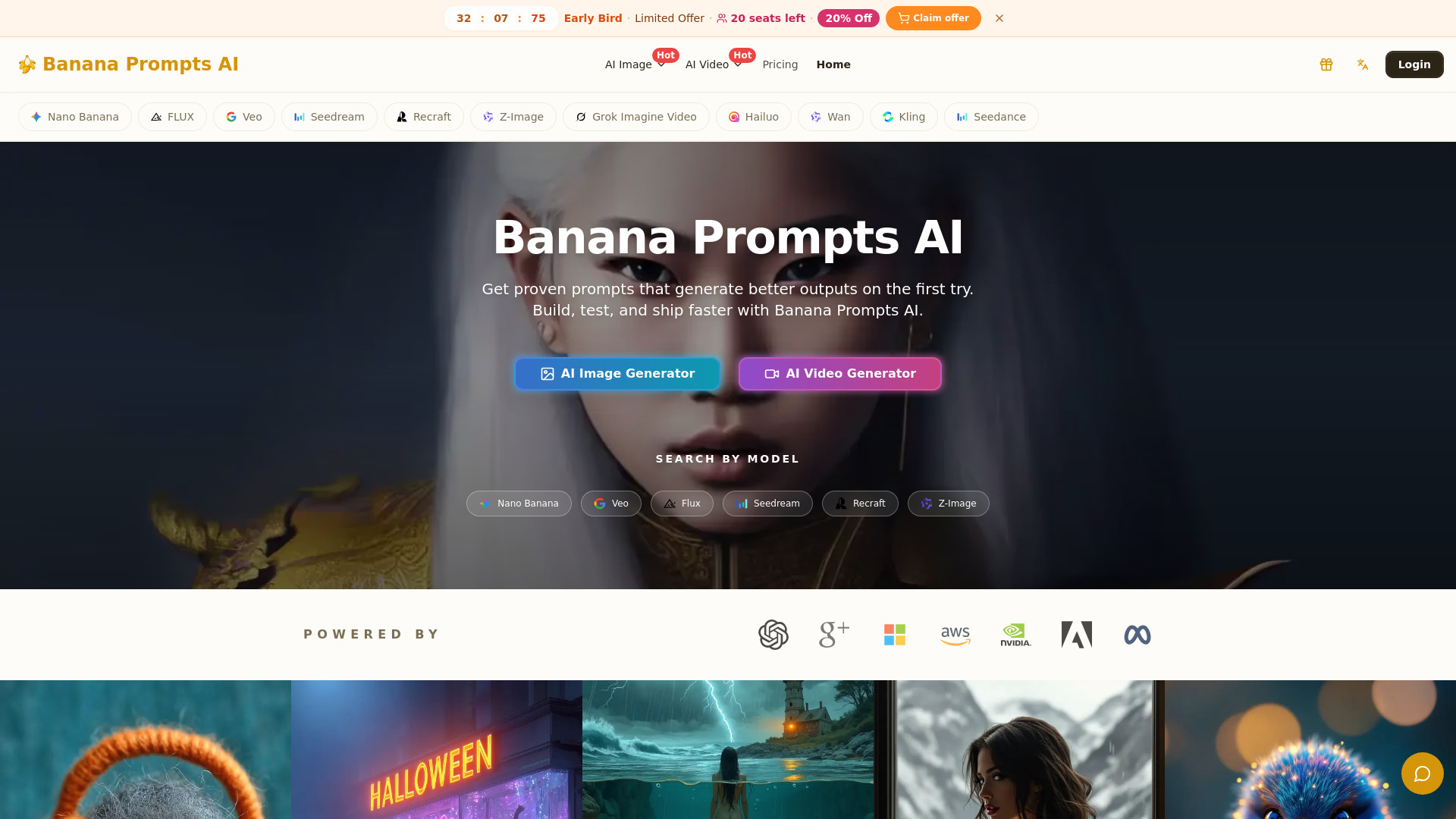
Banana Prompts
Reusable prompts for image, video, and marketing content

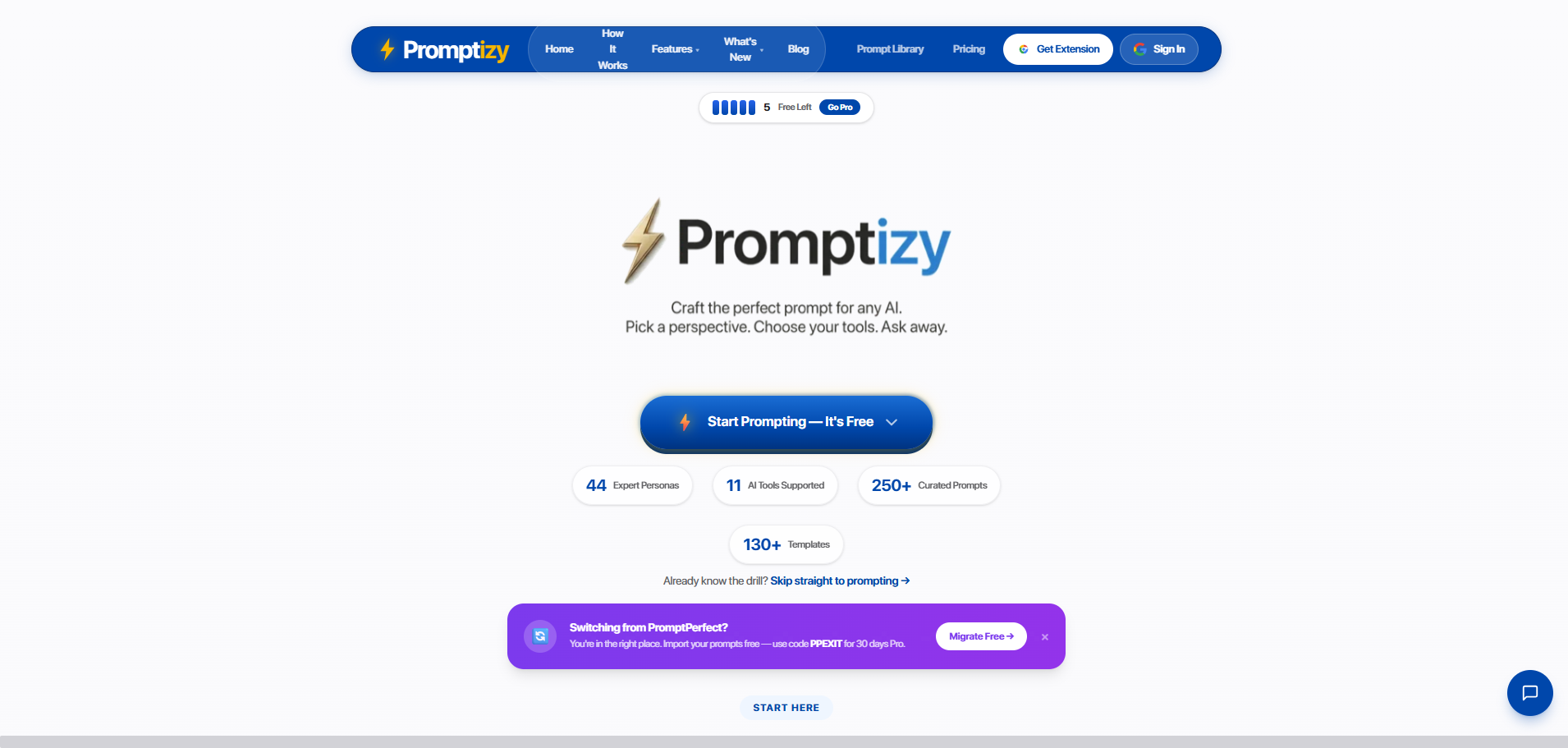
Promptizy
Expert prompts tailored to multiple AI tools

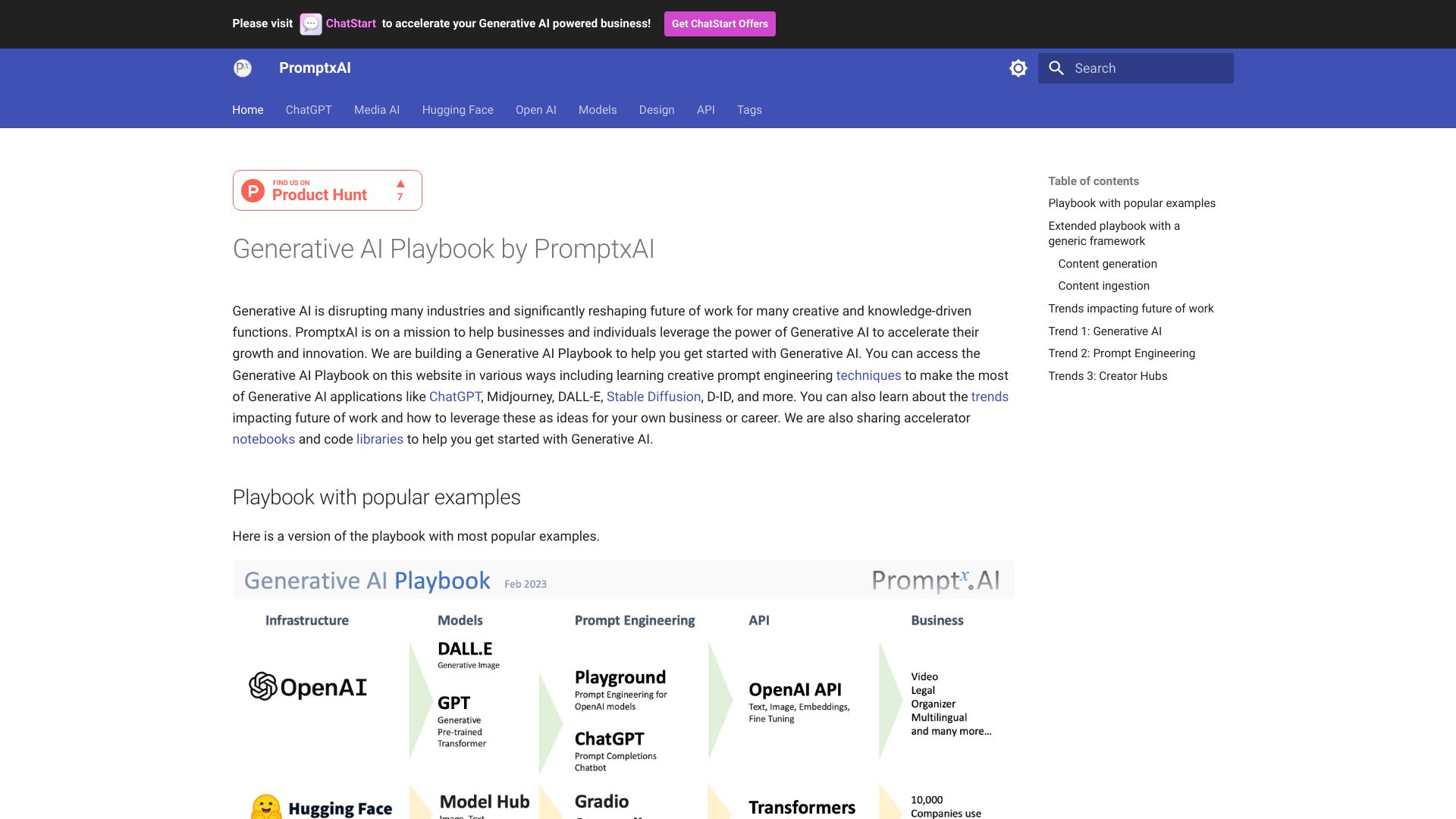
PromptxAI
Learning prompt engineering through practical examples

Midjourney SREF Codes Library
Midjourney prompts and style-reference discovery
PromptHub
Ready-made AI services for non-experts

AI Prompt Library Tools
Elaborating prompts for AI art

OctiAI
Prompts for ChatGPT and image-generation models

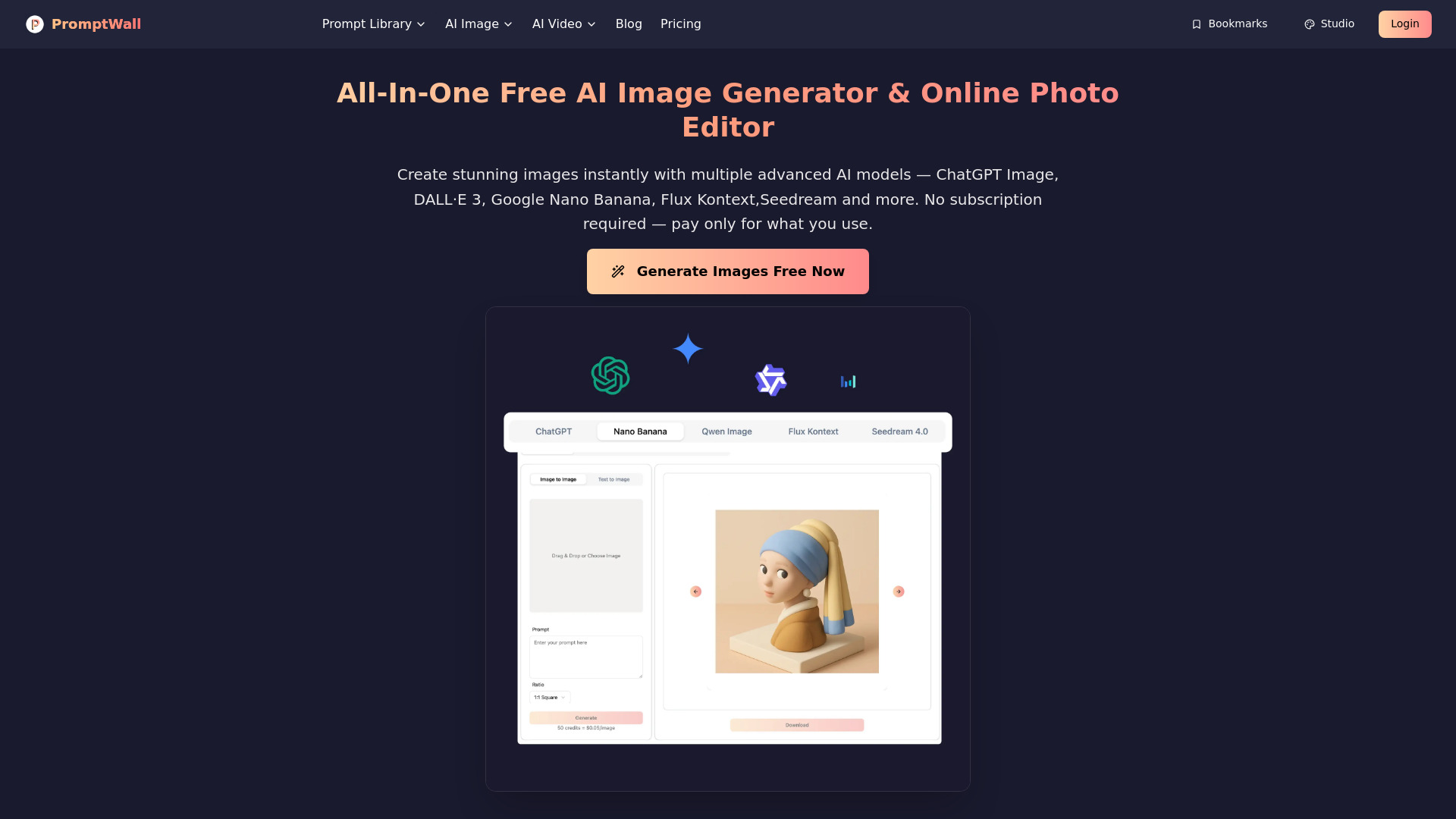
PromptWall:All-in-one AI Image Generator
Prompt-assisted AI image creation

PromptBetter
Inline prompt refinement across AI platforms

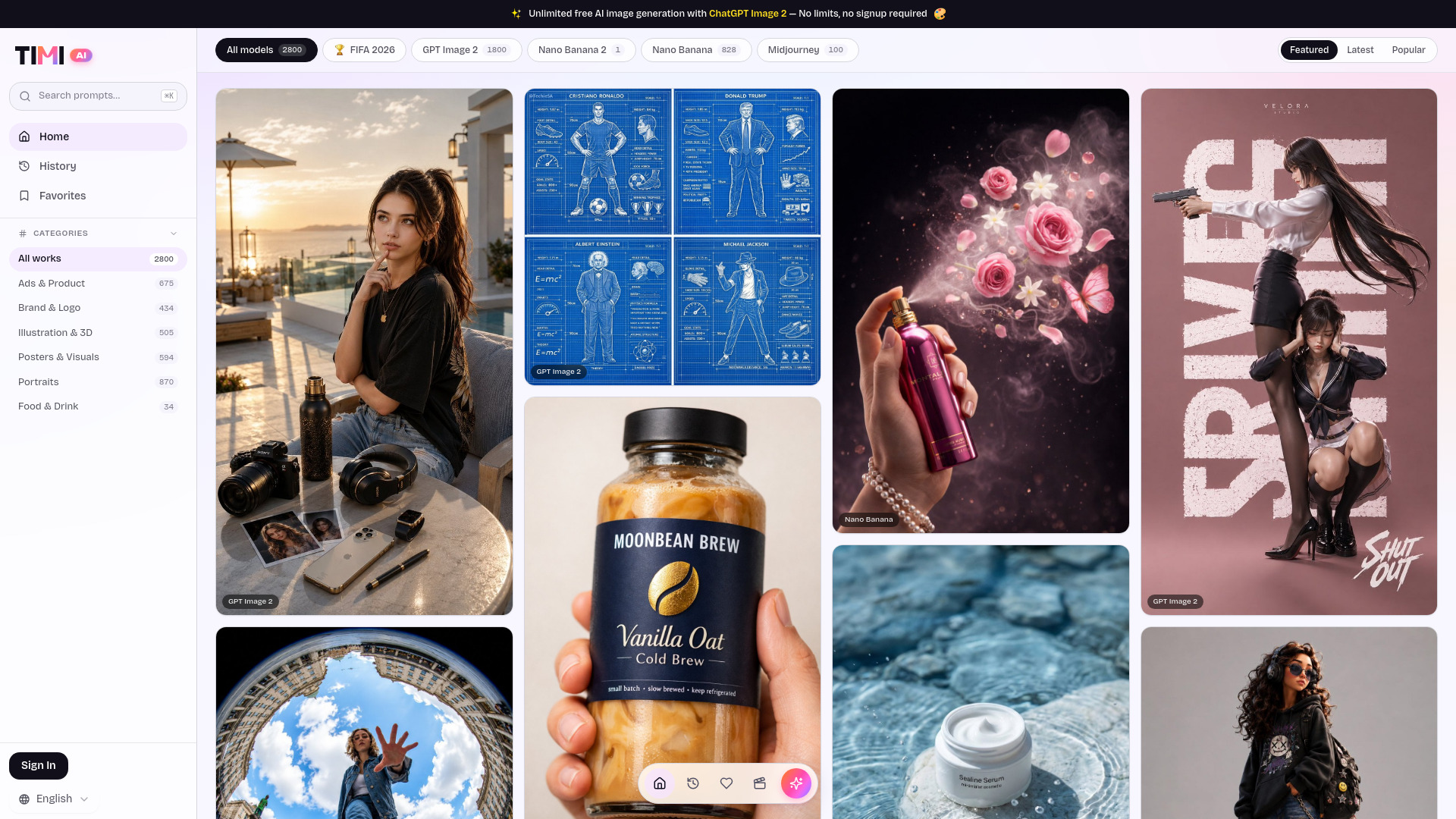
Timi AI-AI image prompt gallery
AI image prompt browsing and generation
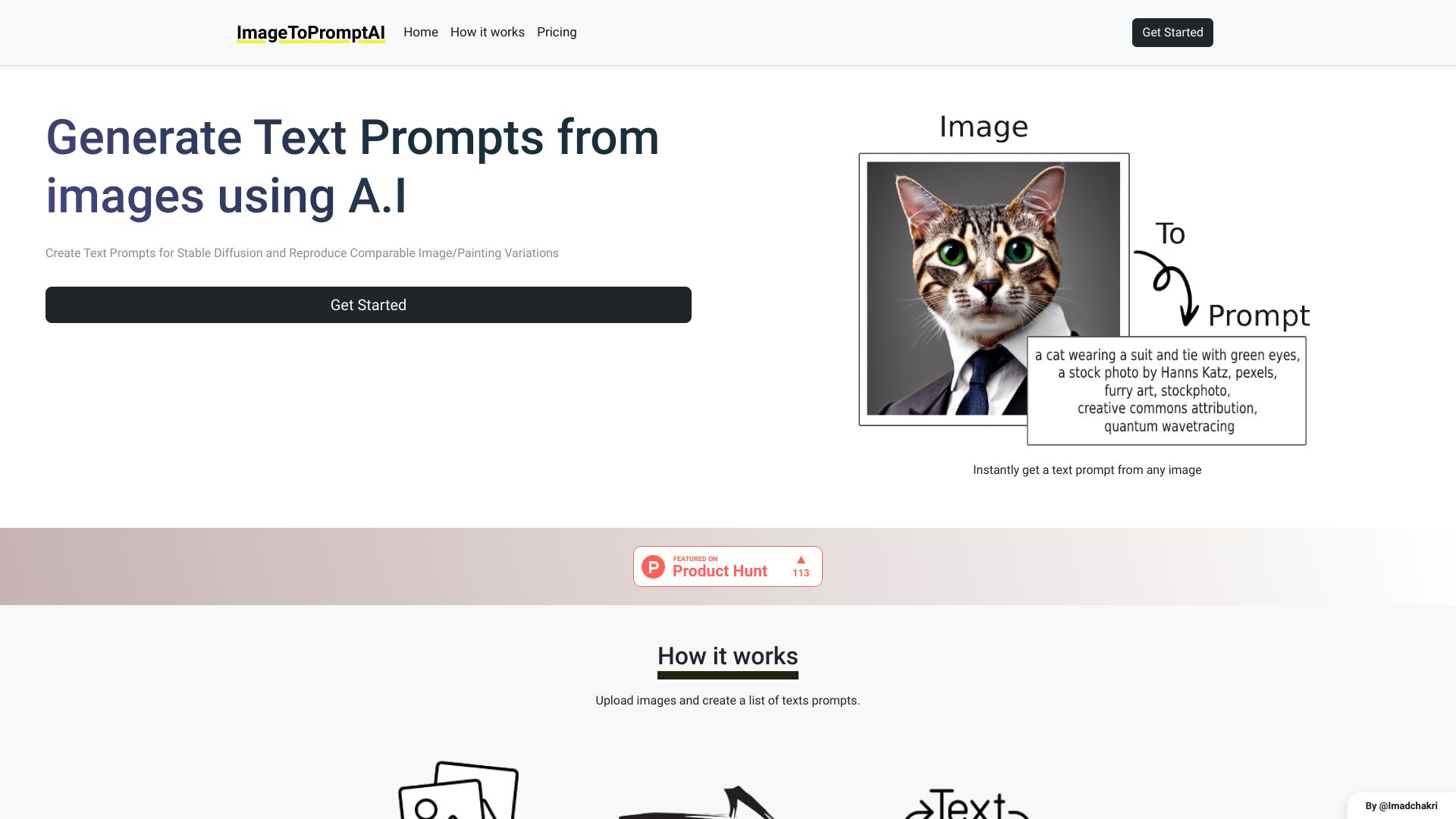
ImageToPromptAI
Turning images into Stable Diffusion prompts
UnPrompt
Reverse-searching AI art prompts
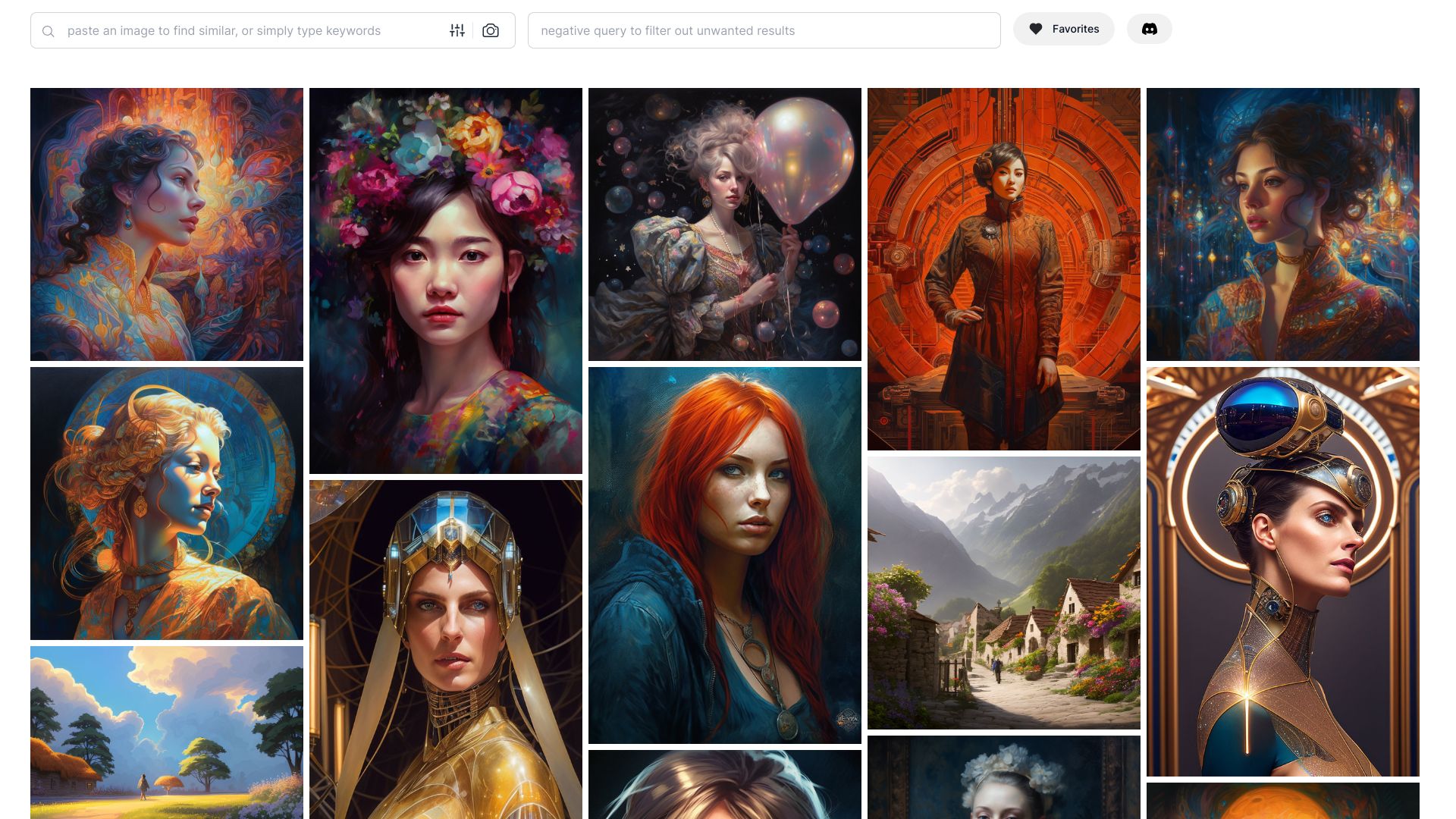

RapidPrompt
Founders building and sharing curated AI prompt libraries
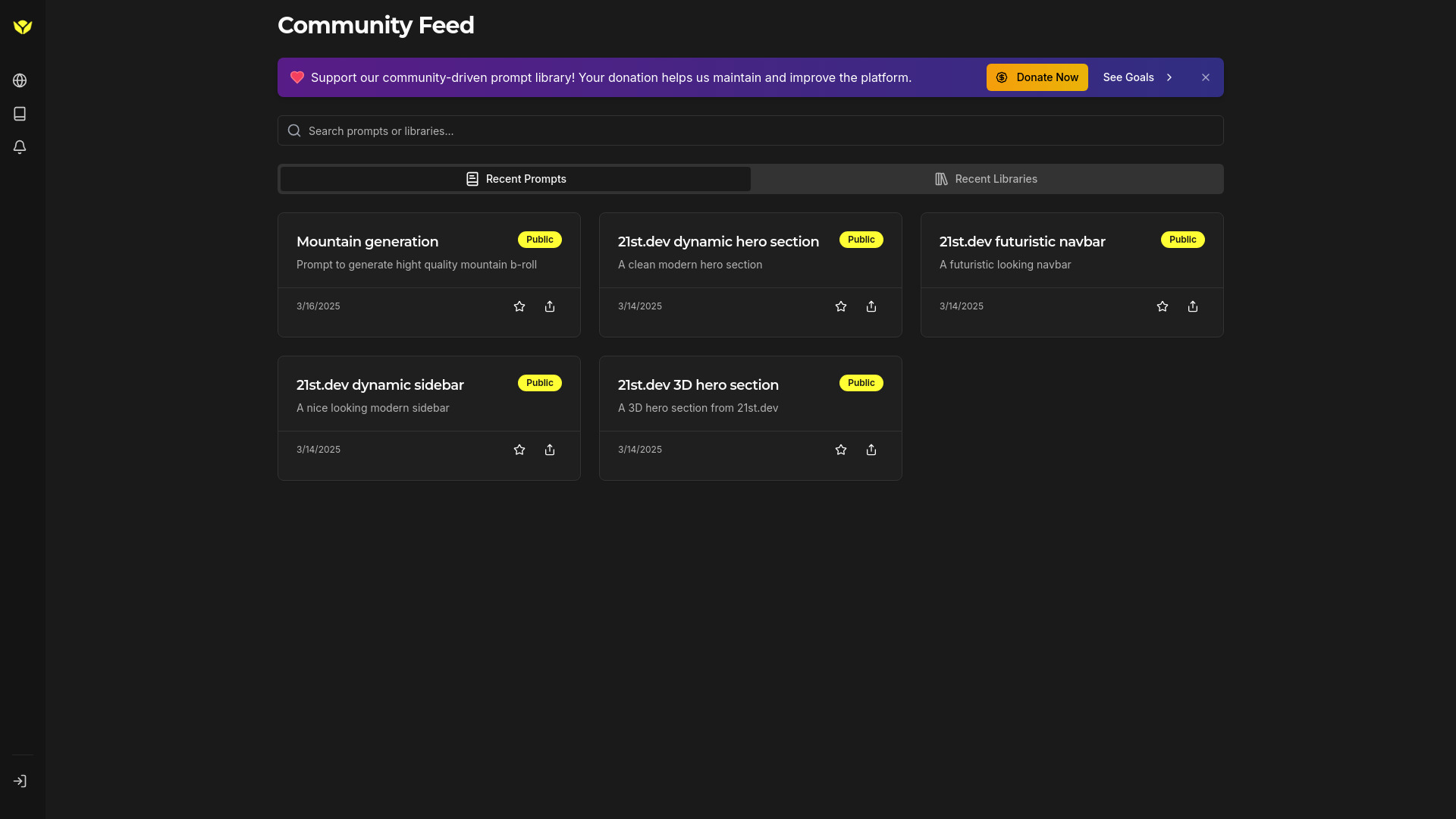
Ibuyprompts
Buying and selling AI prompts and services
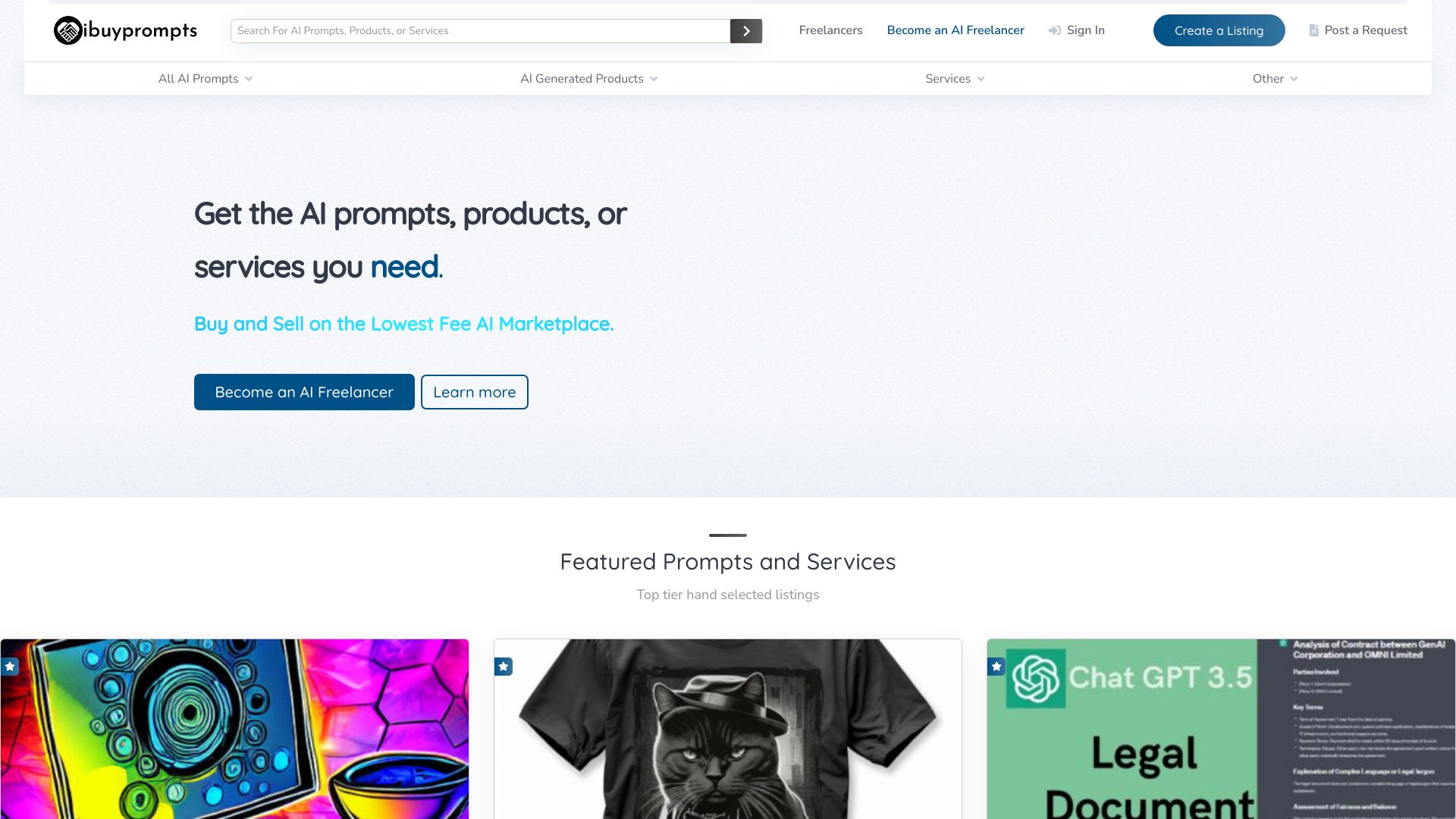

Prompter
Prompt iteration and batch testing

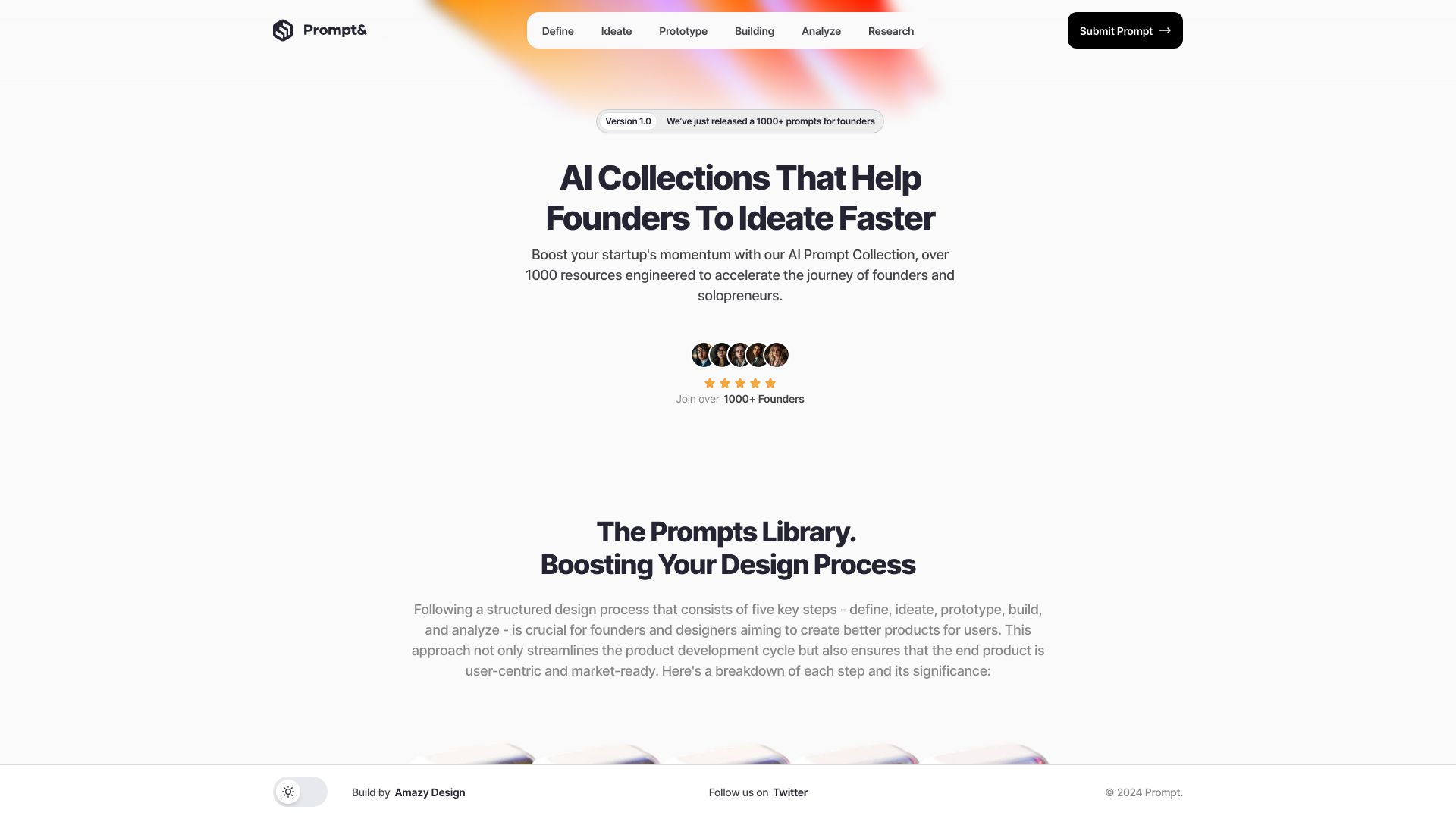
Prompt
Founders ideating and researching startup products

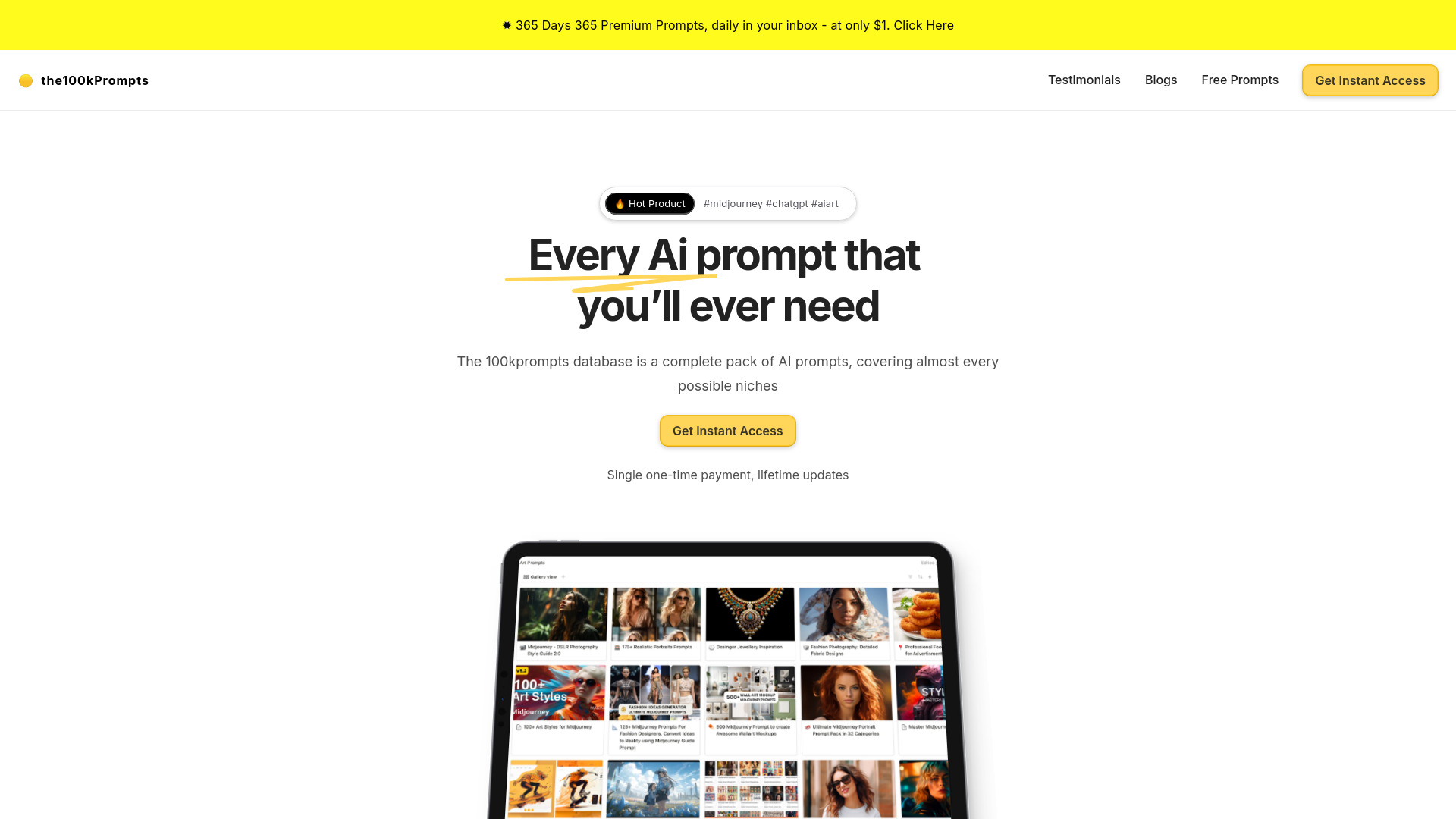
The100kPrompts
ChatGPT and AI art prompt discovery

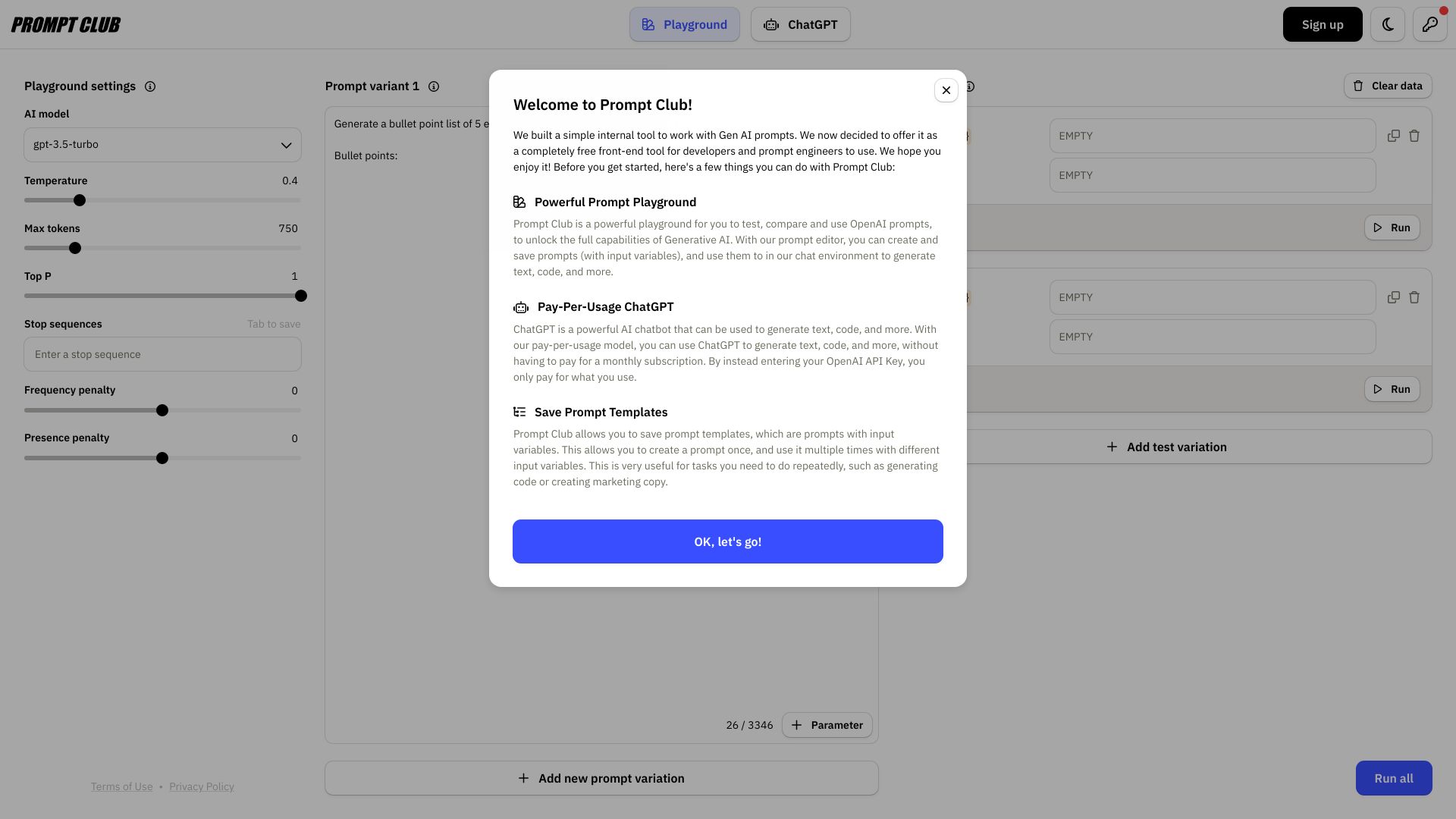
Prompt Club
Prompt version control

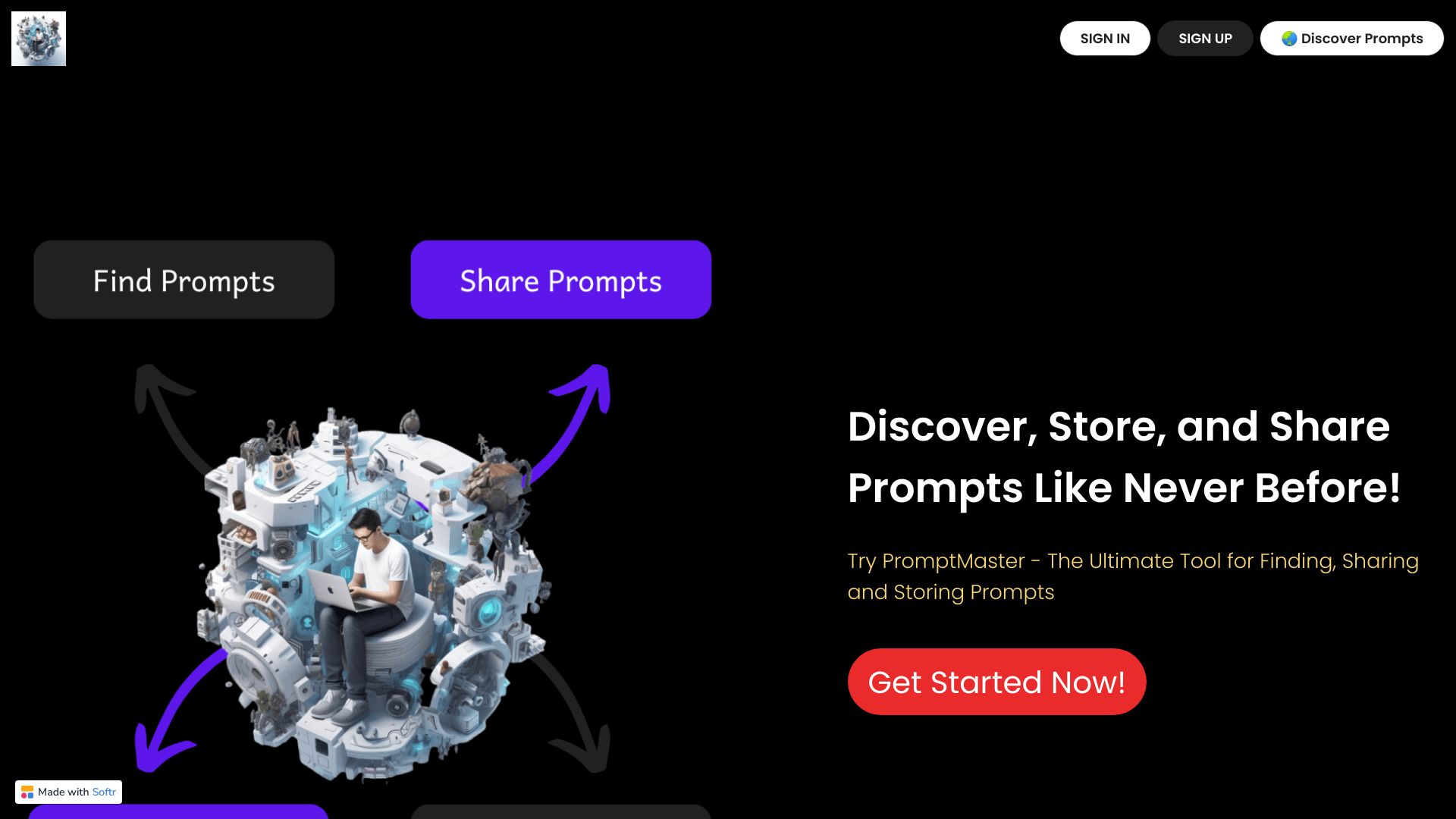
PromptMaster
Storing and sharing AI prompts
Prompter
Curated AI prompt sequences
Prompter
Optimizing AI art prompts

We Prompt
Discovering and sharing community-made AI prompts

PromptPadawan
French-language prompt marketplace
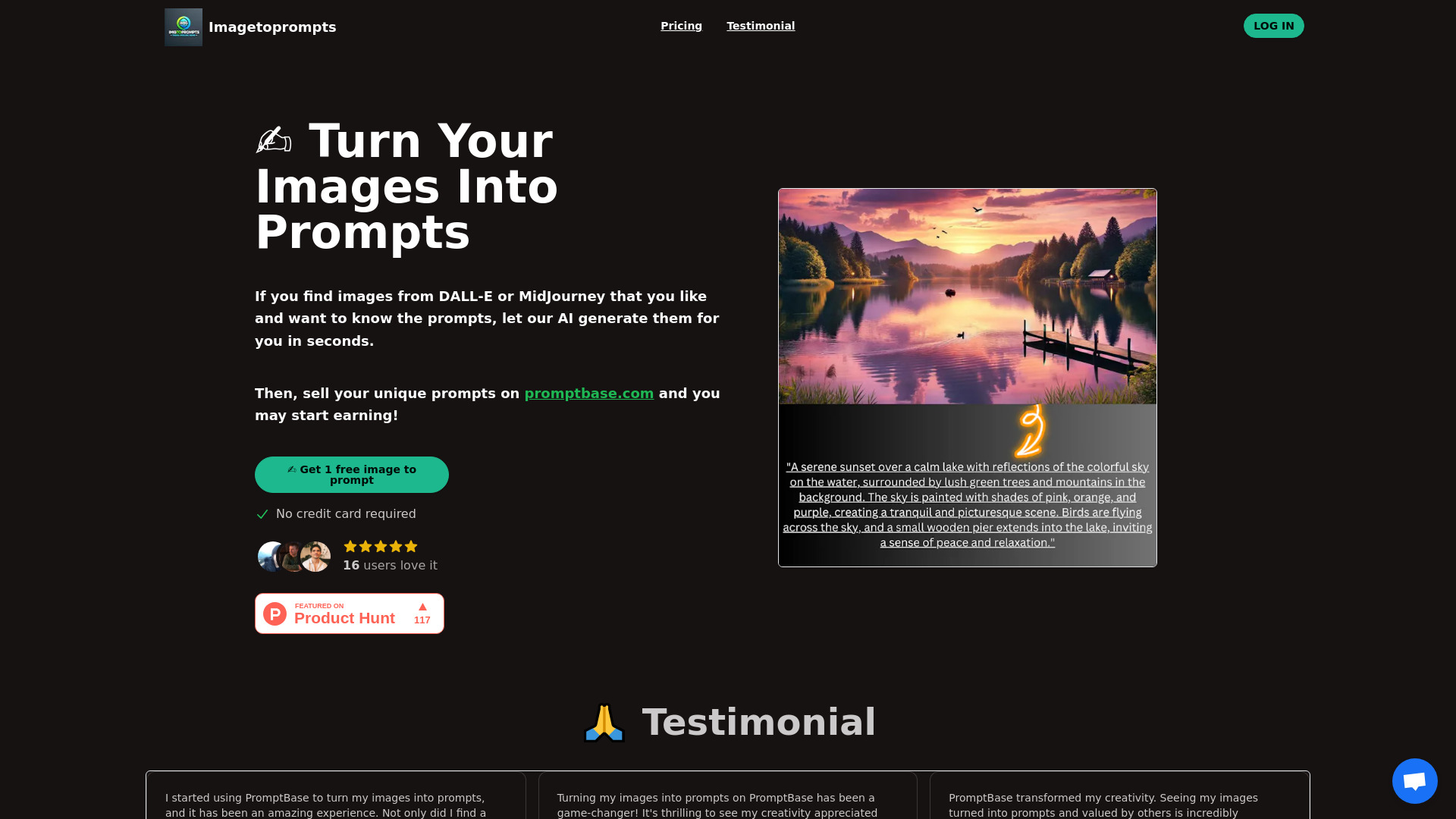
Imagetoprompts
Turning images into DALL·E and Midjourney prompts

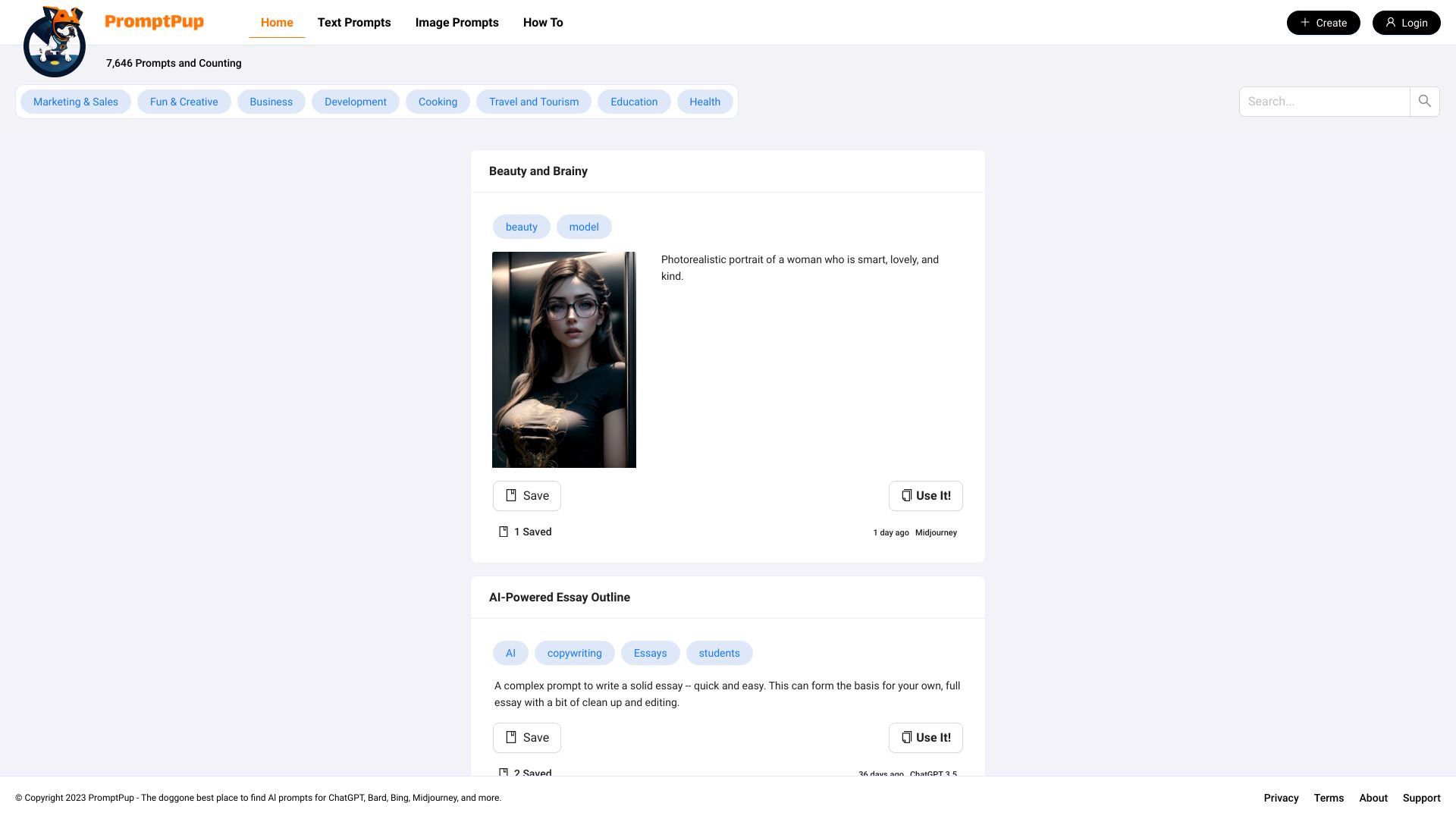
Magic Prompt
Discovering AI image prompts by style
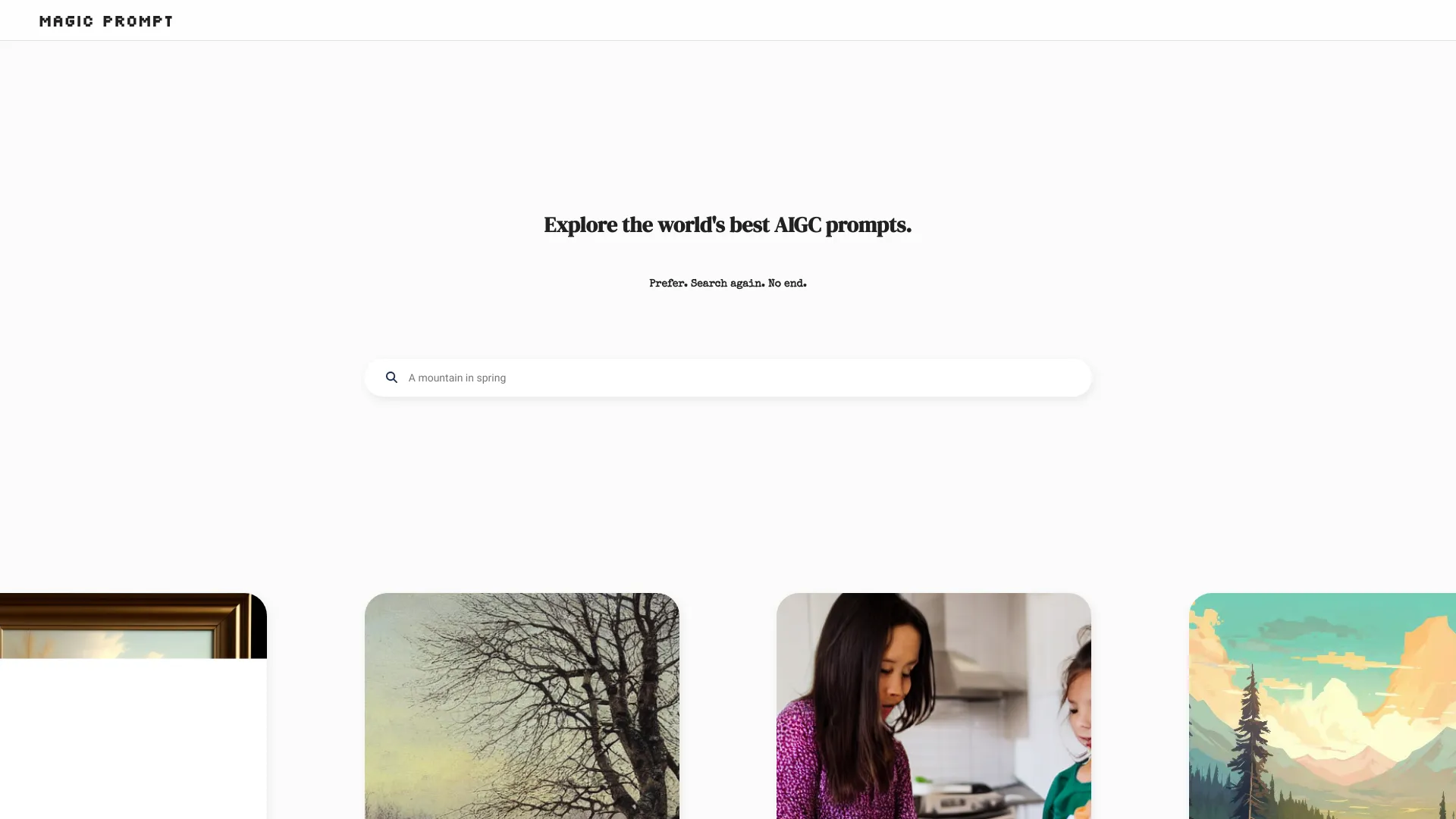

Drawing Prompt
Expanding and visualizing AI art prompts
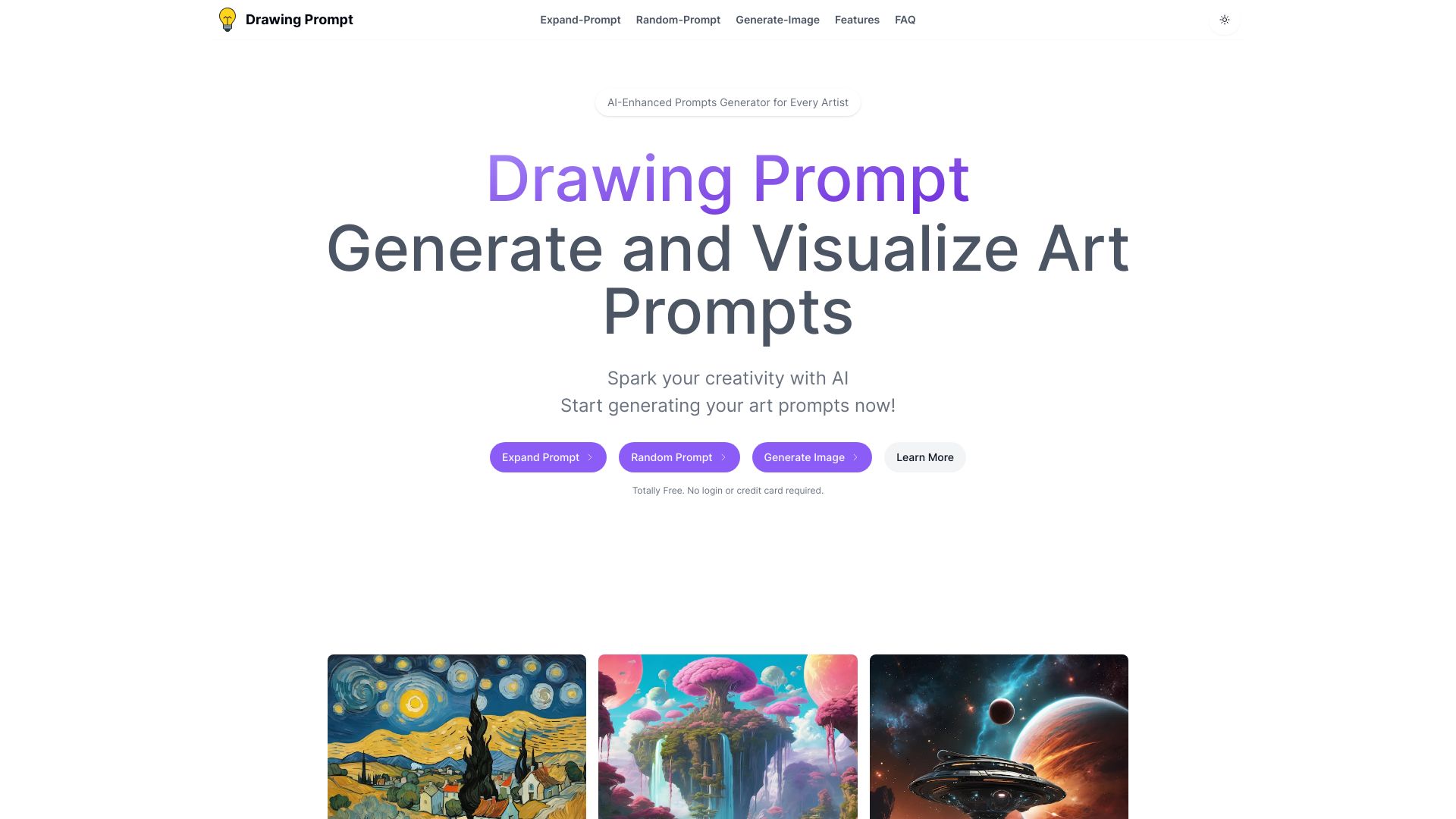
Promptsio
Browsing categorized ChatGPT prompts
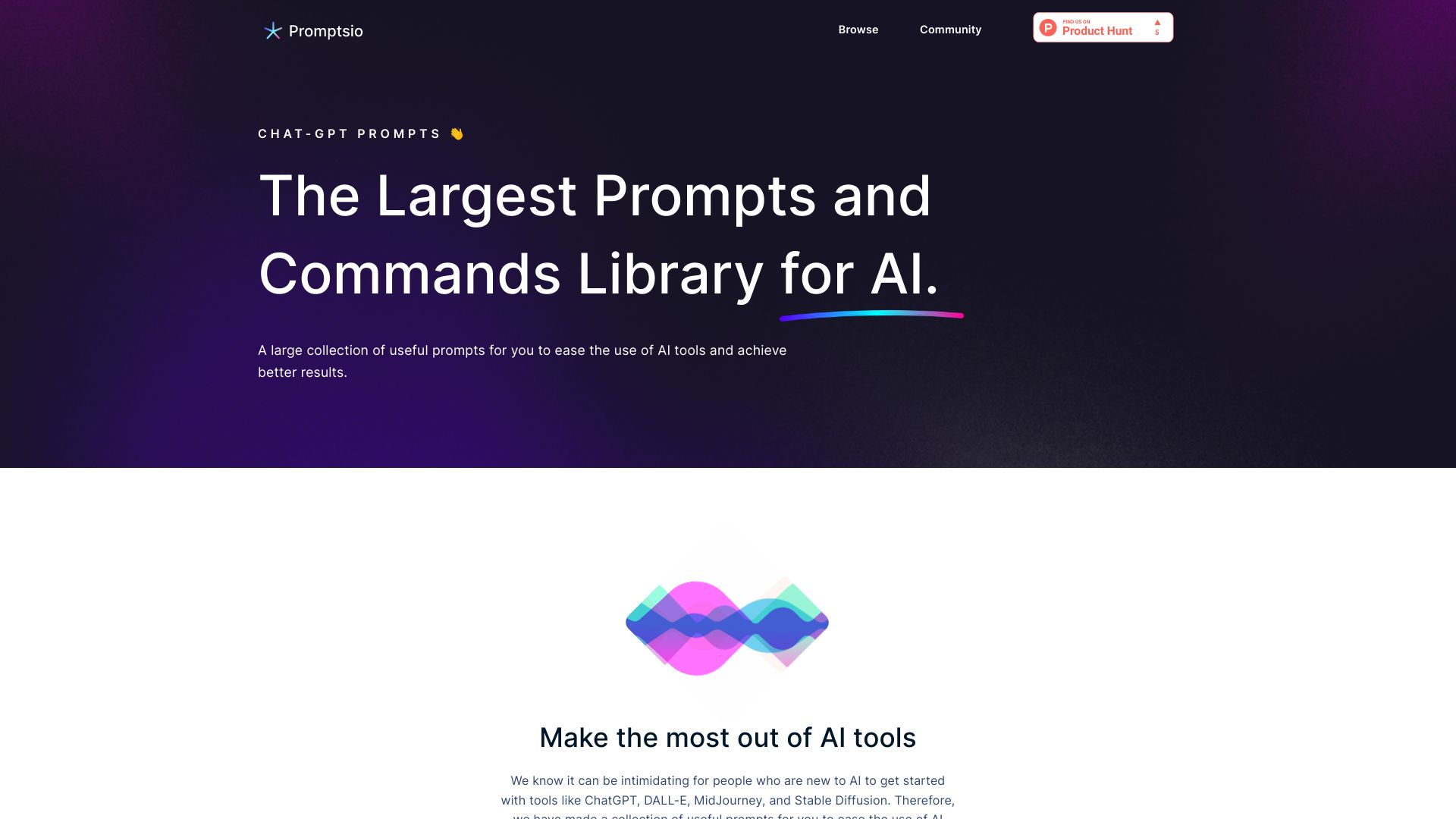

Prompt Pup
Browsing visual prompts and style ideas for Midjourney

Promptogy
Building and organizing prompts for Midjourney and Stable Diffusion

NeoPrompt Pro
Creating prompts for AI art

Prompthancer
Quick prompt refinement for ChatGPT and coding AI

100XPrompt
AI prompt refinement and web-task automation
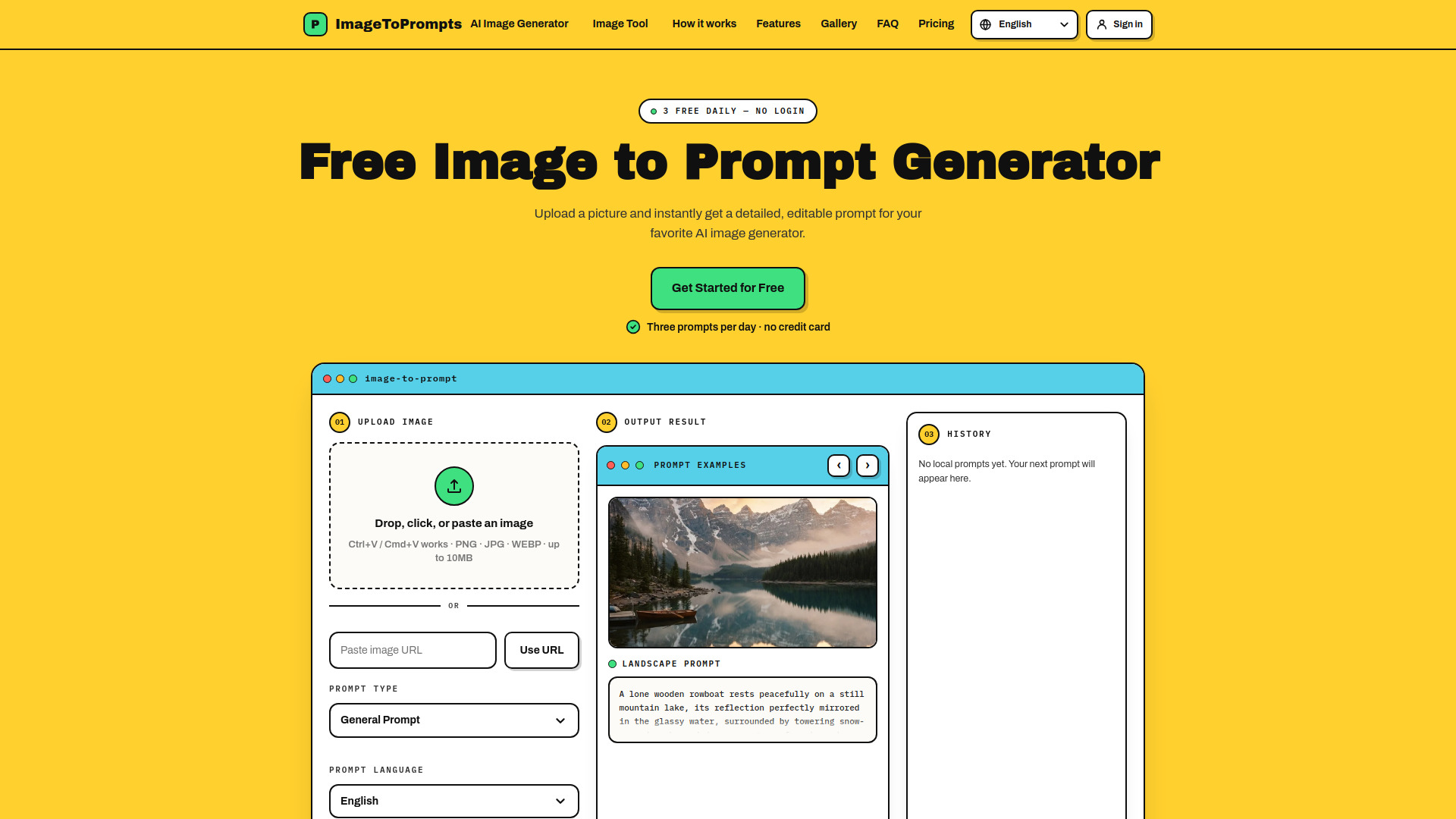
Image To Prompts
Turning images into editable AI prompts

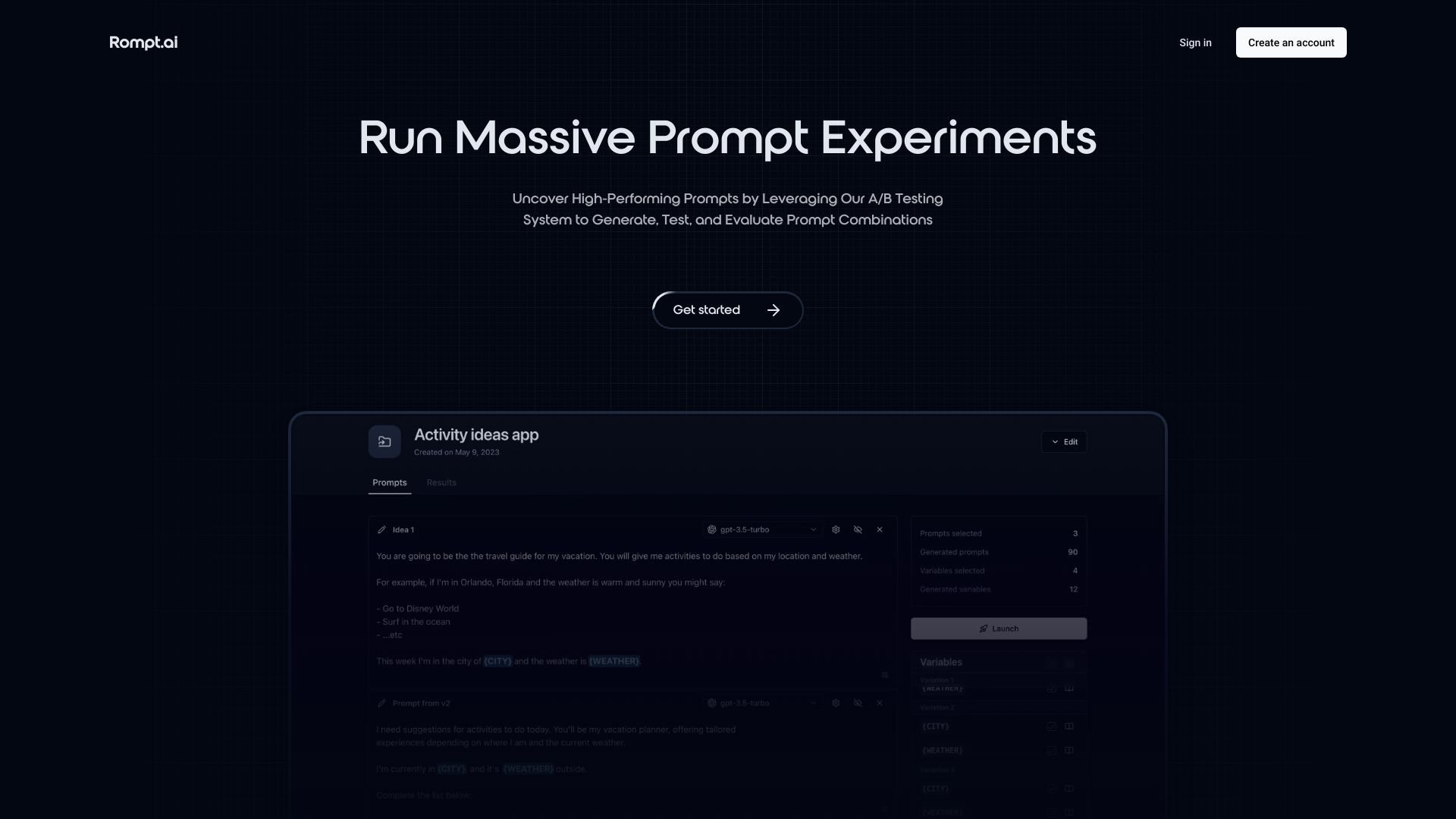
Rompt.ai
A/B testing and evaluating AI prompts

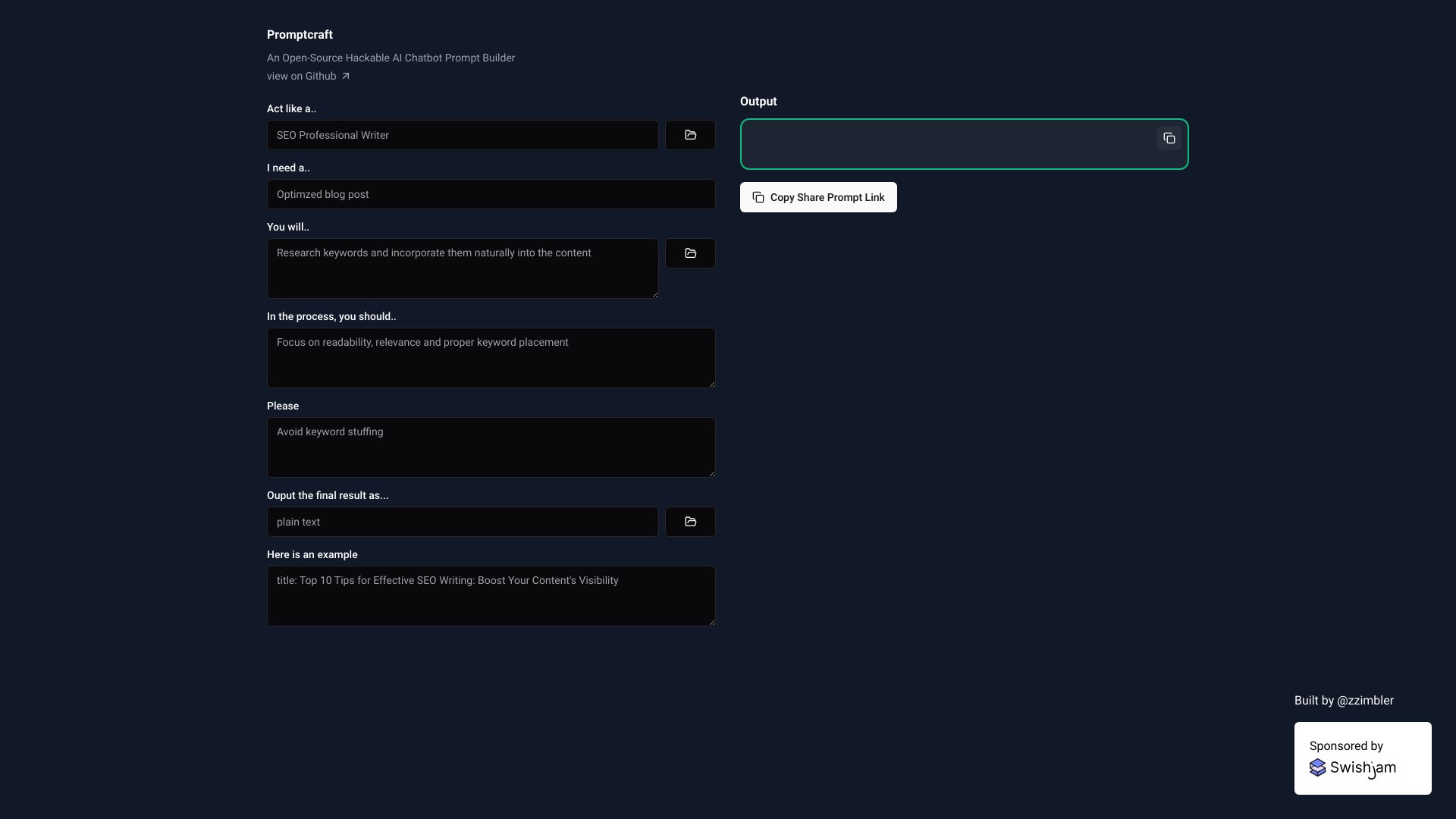
Promptcraft
Hackable AI chatbot prompt building

Promptoor
Sharing polished AI prompt cards on social media

PromptSpeak.AI
Instagram captions, hooks, and comments

NeoPrompts
One-click prompt optimization

AIArion
Framework-led prompts for growth, careers, and business
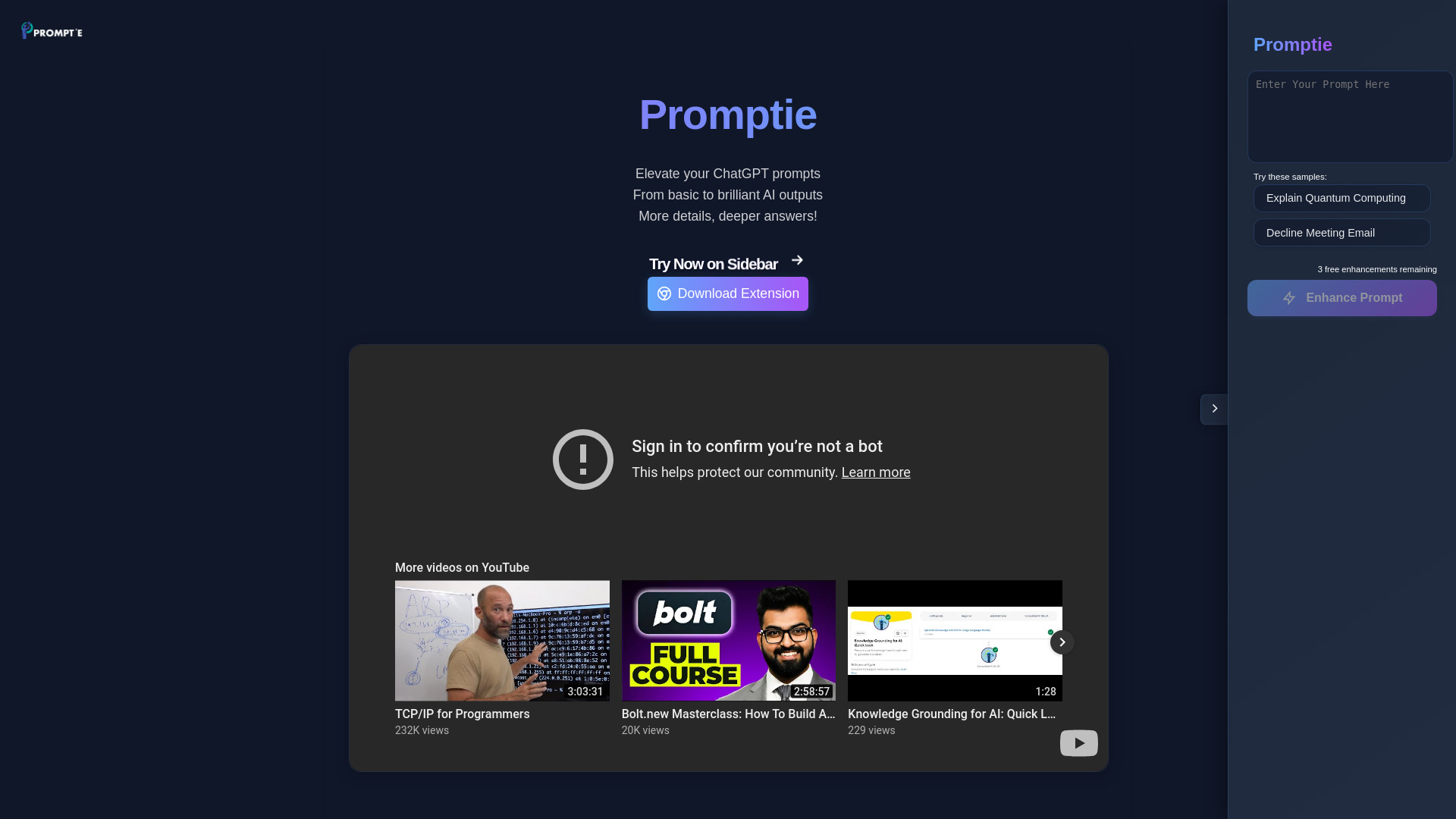
Promptie
Enhancing prompts for ChatGPT

PromptImage
Generating images from text prompts

Promptter
AI marketing copy for freelancers and small teams


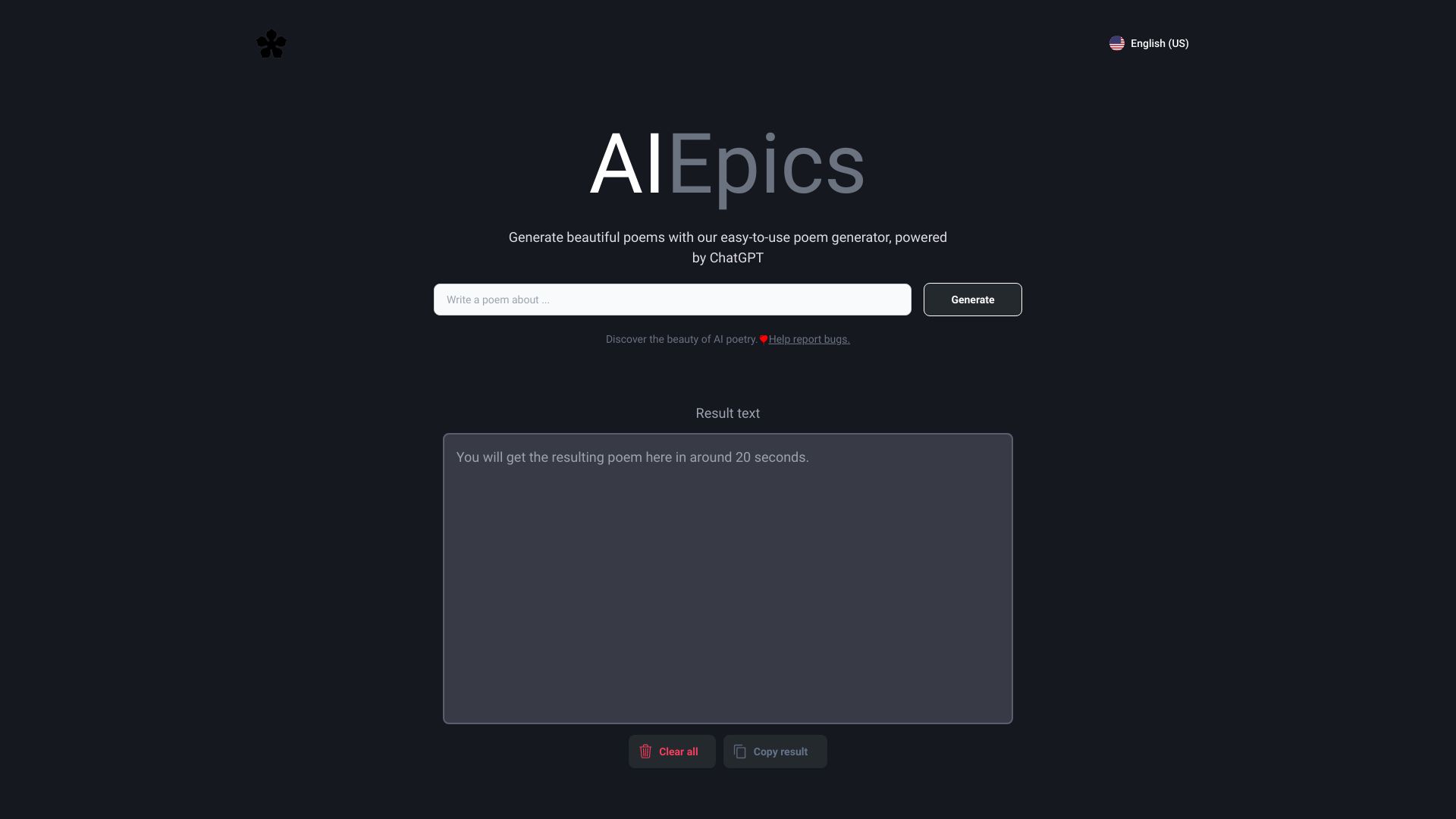
AIEpics
Generating poems from custom themes

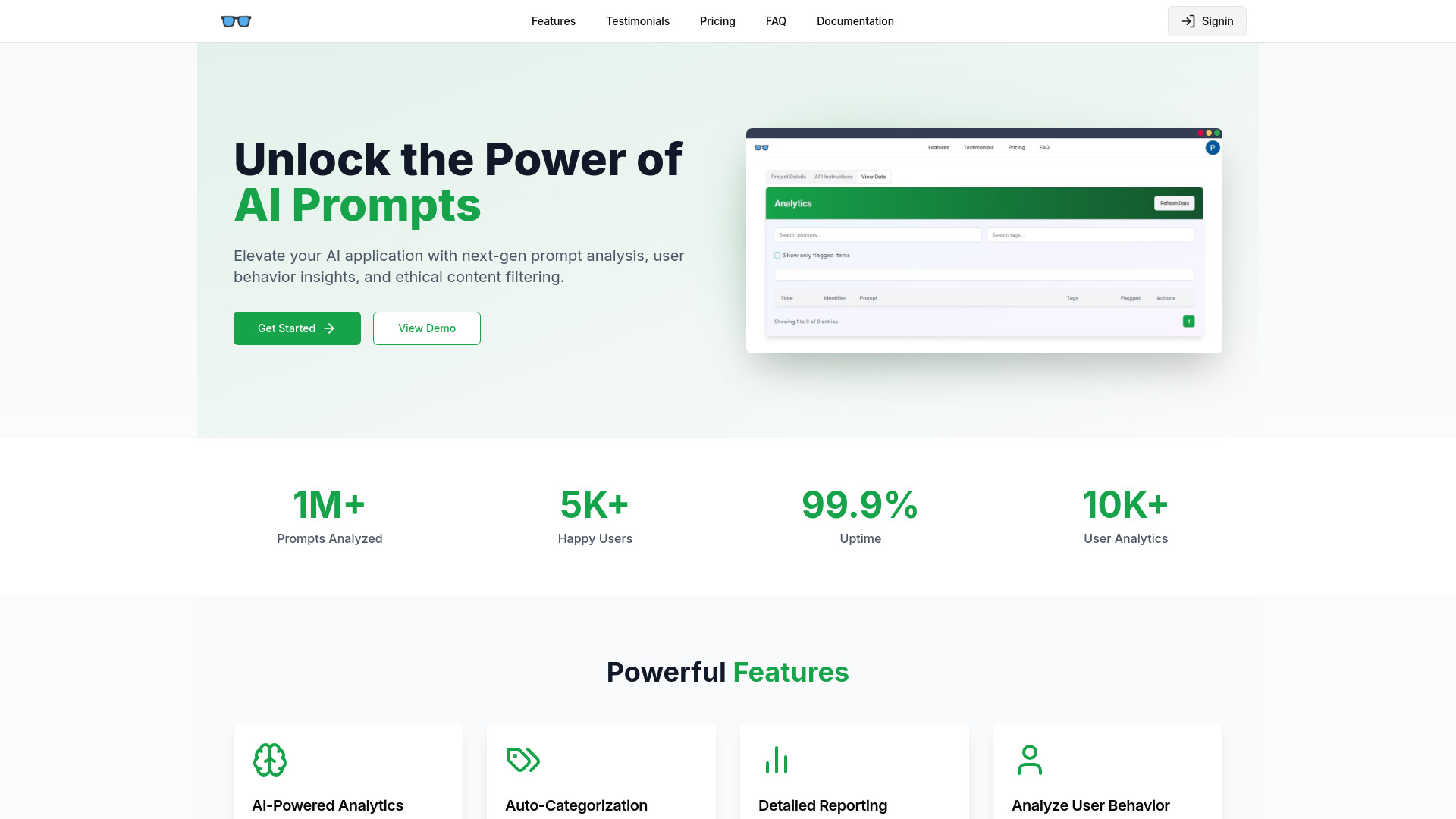
Prompt Inspector
AI prompt and user behavior analytics

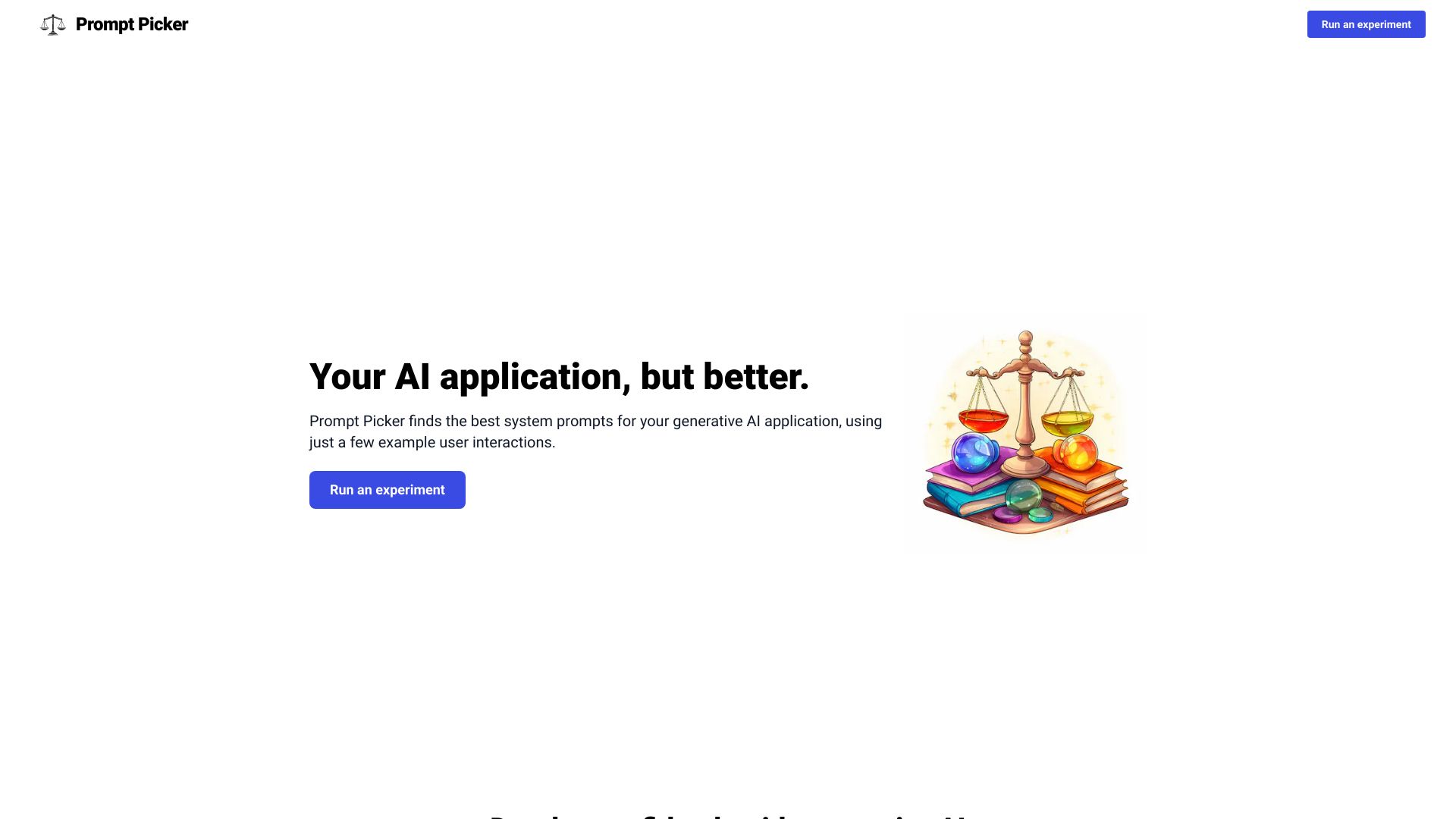
Prompt Picker
Testing system prompts for AI apps

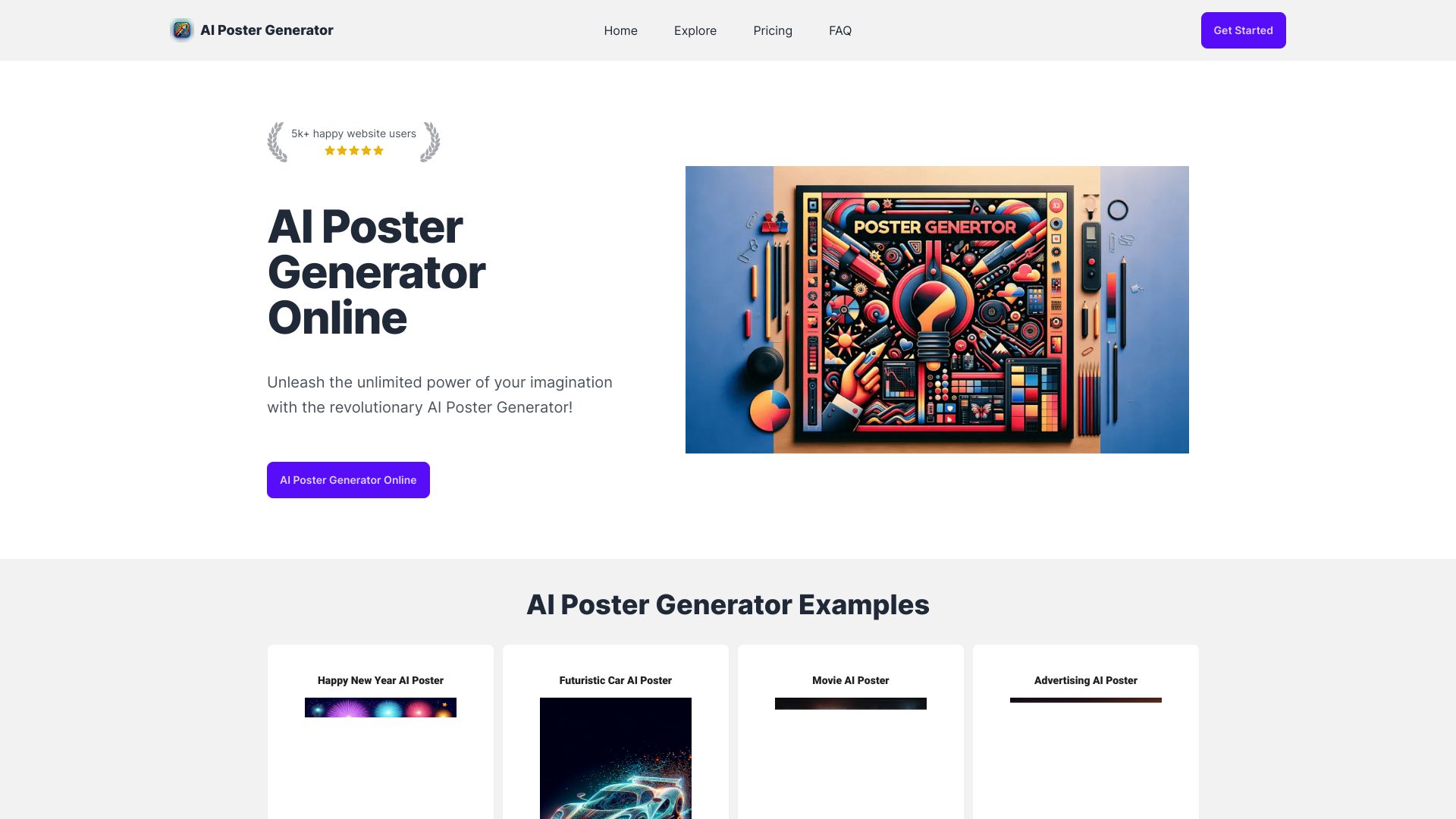
AI Poster Generator
Creating posters from text prompts

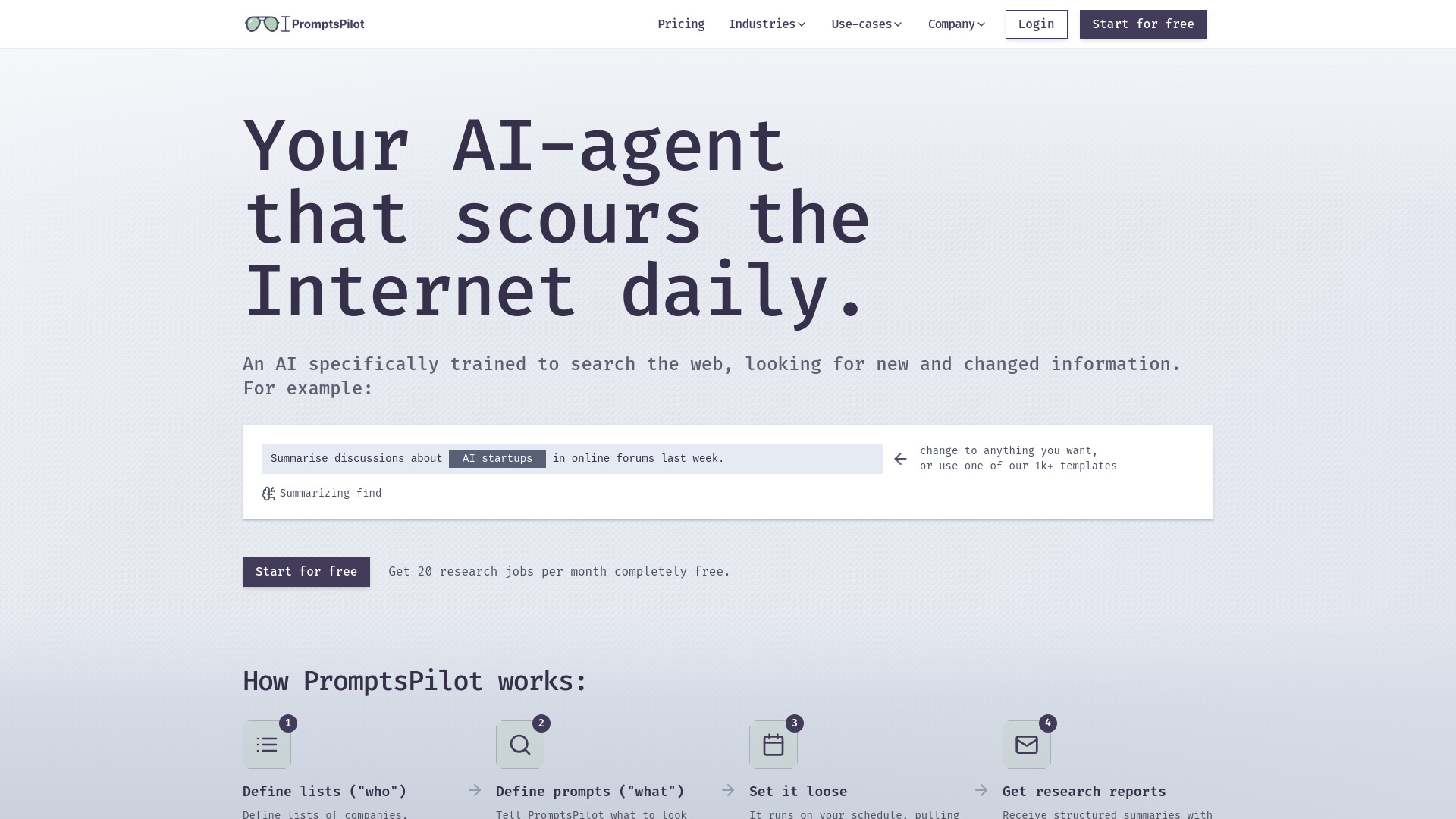
PromptsPilot
Scheduled web research and competitor monitoring

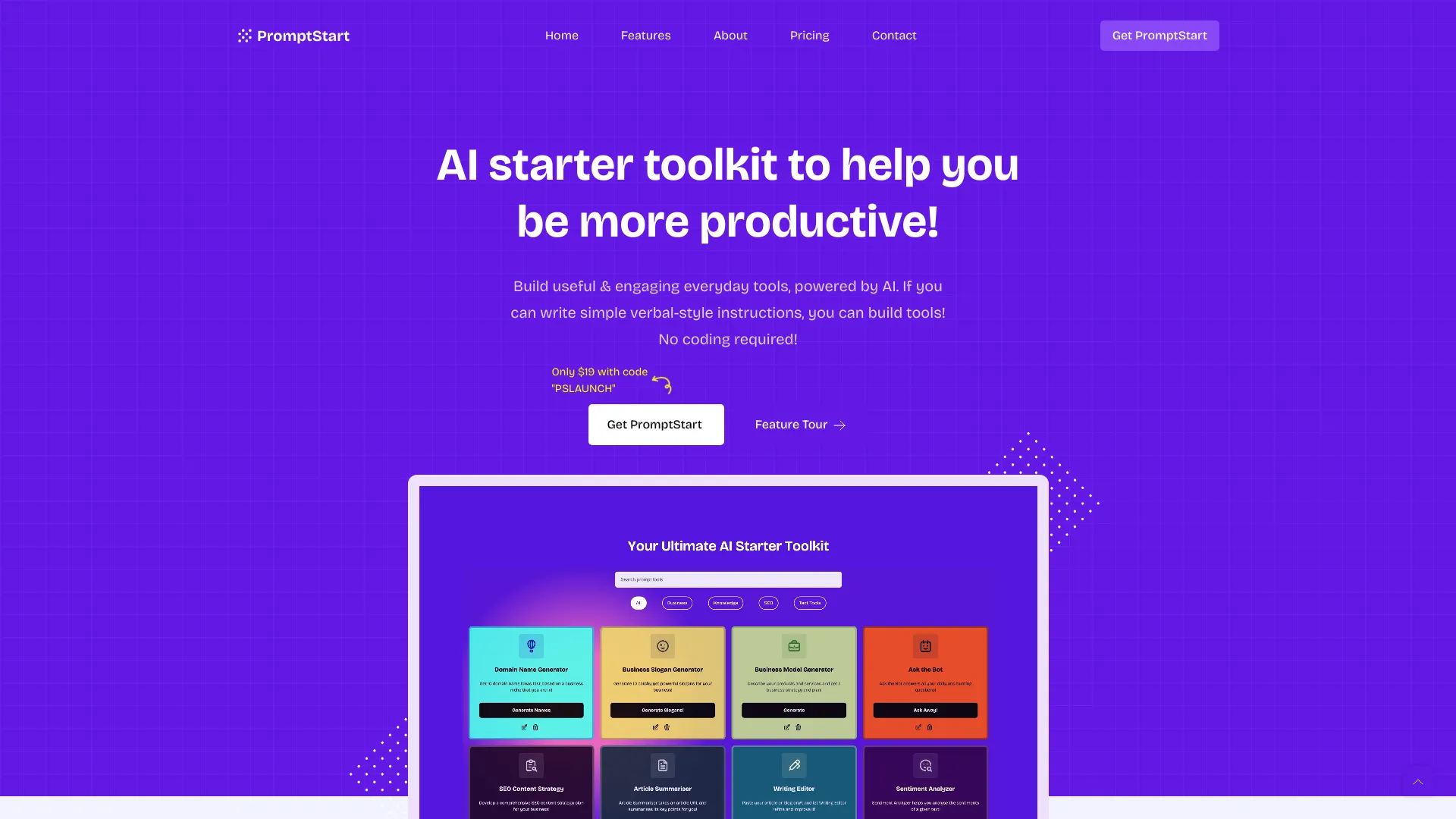
PromptStart AI Starter Toolkit
Building and managing no-code AI content prompts
Which AI prompt generator should you choose?
Start with the shape of the work, not the word "generator." If you routinely turn rough writing or workplace ideas into clear instructions, Prompt Cowboy is the simplest all-around starting point. If you want to browse before you write, PromptHero offers prompt and image search, while AI Prompt Library by God of Prompt gives you a much larger catalogue to explore. AIPRM is a better fit when reusable prompt patterns and private prompts matter to an SEO workflow.
For visual work, separate image understanding from image generation. ImageTo Prompt is a focused, free image-to-prompt option with support for several named models. ImagePrompt.org is worth considering if you also want image descriptions or generation features, but account for the daily image-to-text limit. Finally, if you need a custom prompt built for a specific marketing task, God of Prompt's generator provides one free custom prompt and then charges per prompt; Prompt Builder makes more sense when organization and optimization are part of the routine.
My practical recommendation
Try Prompt Cowboy first if you want a general-purpose prompt helper: its standard-model free plan allows unlimited prompts, and its professional-role templates make it easy to test on real writing tasks. If the task starts with an image, skip the text-first tools and try ImageTo Prompt or ImagePrompt.org instead. For teams, choose a library or organizer only after identifying what you need to reuse: PromptHero and God of Prompt help you discover examples, while AIPRM and Prompt Builder address reusable or organized prompt workflows. Before paying, test a few representative tasks and confirm the live allowance, model access, and price with the vendor.
Common mistakes when choosing an AI prompt generator
Choosing by catalogue size alone. A large prompt collection is helpful only if its categories fit your work and you have time to adapt examples.
Ignoring the actual billing model. A per-prompt charge, monthly subscription, and category-pack purchase behave very differently as usage grows.
Treating a generated prompt as guaranteed output quality. Image clarity, task detail, and how well the prompt is edited can all matter.
Overlooking free-plan limits. Check model access, daily quotas, and monthly prompt allowances before building a workflow around a free tier.
Using a text generator for a visual-reference task. If your input is an image, choose an image-to-prompt tool rather than forcing a text-first workflow.
What changed in 2026
Prompt tools now compete across distinct workflows, not just a single prompt-writing box. This comparison includes idea refinement, prompt search and libraries, private prompt management, optimization, and reverse-prompting from images. That broader choice makes fit and plan limits more important: some tools offer unlimited standard-model prompts, while others cap daily or monthly free use, charge per generated prompt, or reserve features for subscribers. Check current vendor details before you make a tool part of a repeatable process.
FAQ
Prompt Cowboy is the clearest starting point for turning rough ideas into structured prompts. Its unlimited standard-model prompts make it practical to experiment, though the free plan does not use the most powerful model.