
Choosing the best ai meeting note taker is less about getting a transcript and more about what happens after the call: Can you find decisions, share a useful recap, and turn action items into work without adding another chore? We compared 99 tools and narrowed the detailed reviews to 10 picks, from bot-free live transcription to multilingual meeting notes and sales coaching. For a first trial, Tactiq is a strong place to start if you want live transcripts without a meeting bot; Bubbles is our overall match for people who want notes alongside screen recording and async communication.
Top picks
| Pick | Tool | Best for | Why it stands out |
|---|---|---|---|
| Best overall match | Bubbles | Marketers and async teams | Combines an AI meeting note taker with screen recording, summaries, and action items. |
| Best bot-free transcripts | Tactiq | Project managers | Captures live meeting transcripts without a bot joining the call. |
| Best cross-channel assistant | Read AI | Individuals | Extends transcription, summaries, and search across meetings, emails, and messages. |
| Best for multilingual meetings | JotMe | Project managers | Offers real-time transcription and translation in 77 languages. |
Quick comparison
| Tool | Score | Best for | Free access | Starting price |
|---|---|---|---|---|
| Bubbles | 95/100 | Marketers | 30 min/recording; 5 meetings/week | Basic: Free |
| Tactiq | 94/100 | Project managers | 10 transcripts/month; 5 AI credits/month | Free: $0 |
| Read AI | 93/100 | Individuals | 5 free meetings/month | Free: $0 |
| Otter.ai | 93/100 | Sales professionals | 300 transcription minutes/month | Basic: Free |
| Fireflies.ai | 93/100 | Sales teams | 800 mins storage/seat; limited AI summaries | Free: $0 |
| Spellar AI | 93/100 | Frequent meeting attendees | Personalized feedback | Pro+ Plans: 10% discount |
| Meeting.ai | 93/100 | Researchers | 5 hours free credit | Plus: USD 19.99/month |
| tl;dv | 93/100 | Sales managers | Free forever | Free: Free forever |
| JotMe | 93/100 | Project managers | 20 minutes of monthly translation | FREE: $0 |
| Mymeet.ai | 93/100 | Sales teams | 180 minutes; 10 prompts to chat | From 1 cent per minute |
How we ranked these AI meeting note takers
We compared 99 candidate tools and selected 10 for detailed coverage, weighing the strength of each product's meeting-specific features against its intended audience and practical limits. We looked for concrete workflows such as live transcription, automatic summaries, action items, search, translation, and recording rather than treating every AI assistant as interchangeable. Free access and starting-price information help show how easy a product is to try, while stated limitations matter just as much as headline features. Market signals provide additional context, but visits do not prove product quality or fit. Scores reflect the relative match for this category and the evidence available for each tool; your best choice still depends on how you run meetings, who needs access to the notes, and whether you prefer a bot-free workflow.
The best AI meeting note takers
1. Bubbles

Bubbles
Marketers who combine meetings with async screen recordings
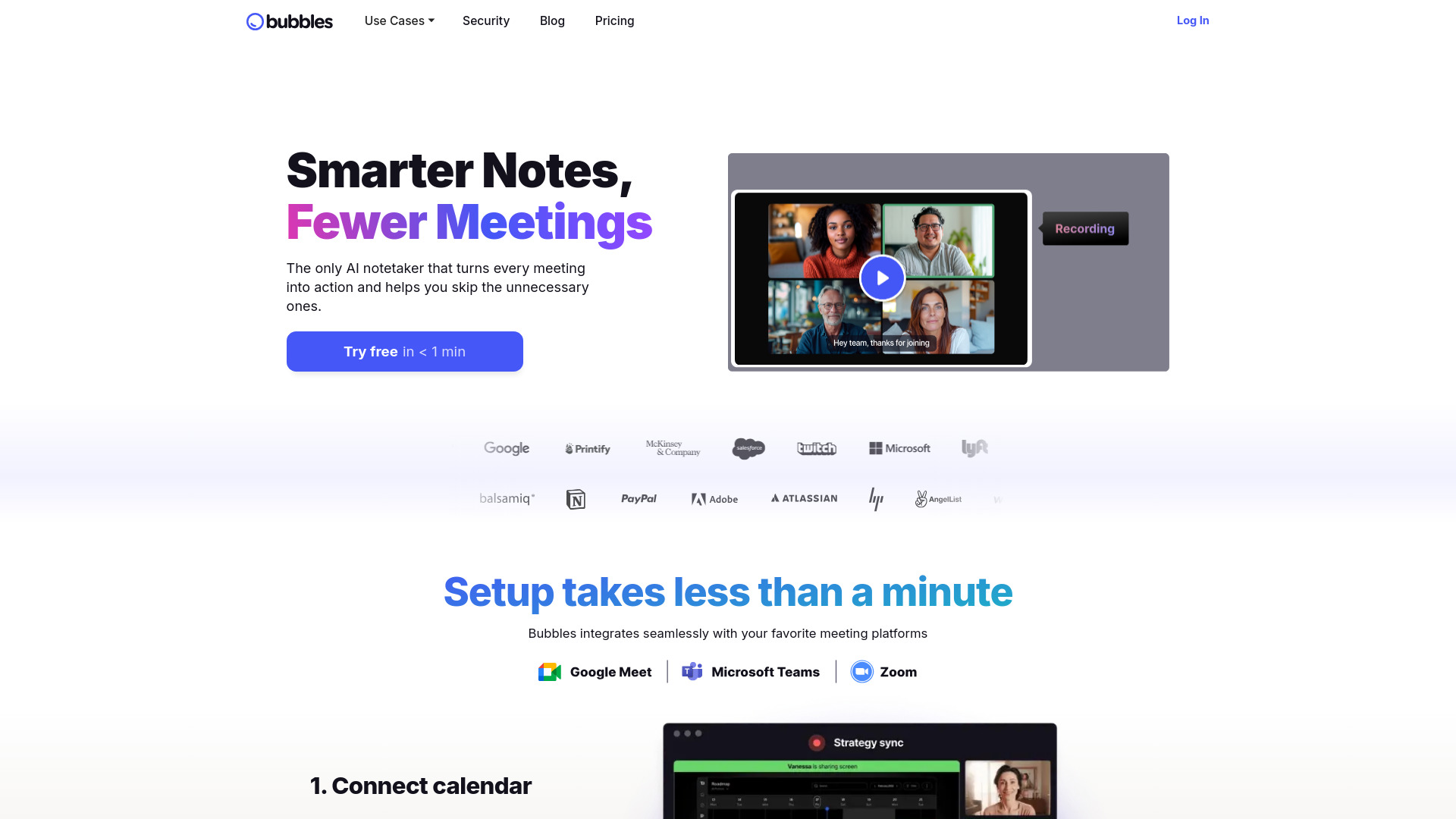
The useful distinction here is that Bubbles is not limited to turning a call into text. It pairs an AI meeting note taker with a screen recorder, which makes it a good fit for marketers and collaborators who need to explain a decision or show a workflow asynchronously as well as capture the conversation. Its meeting features include AI-generated summaries and action items, so the output can be more immediately usable than a transcript alone.
The free plan gives you a tangible way to try the workflow, with a limit of 30 minutes per recording and five meetings per week. That is enough to assess whether the combination of notes and screen recordings suits your routine, but regular meeting-heavy use may run into those caps. The listed starting price is the free Basic plan; verify current upgrade details with the vendor if you need more capacity.
My take: Bubbles earns the top spot because it connects meeting notes to a second useful format instead of treating transcription as the whole job. That makes it especially appealing for teams that regularly explain, review, or hand off work asynchronously.
Where it falls short: The free plan has limits on recording length and weekly meeting recordings. If all you need is a simple transcript, the screen-recording side may be more than you need.
Key features
AI meeting note taking for capturing and summarizing conversations.
AI-generated action items to help make follow-up more concrete.
Screen recording for async communication alongside meeting notes.
Pros
Automates note-taking and generates summaries, reducing manual recap work.
Combines meeting assistance with screen recording in one product.
Cons
Free recordings are limited to 30 minutes each and five meetings per week.
The broader screen-recording workflow may be unnecessary for transcript-only users.
Choose Bubbles if: You want meeting summaries and action items in a tool that also supports screen-recorded async communication.
2. Tactiq

Tactiq
Project managers who want bot-free live transcripts
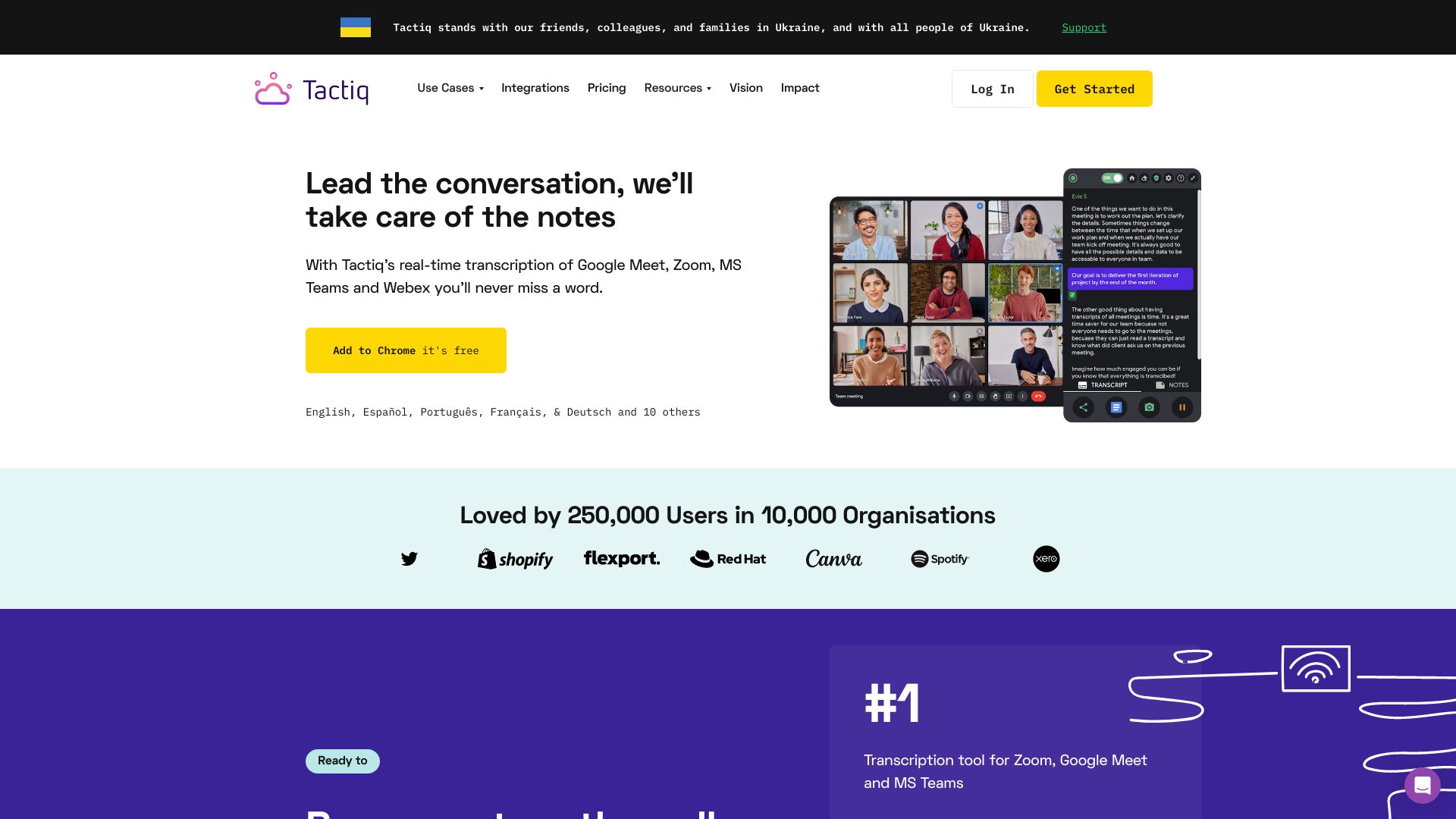
Tactiq's standout choice is to capture the meeting without a bot joining it. It provides live transcription and AI-generated summaries, a combination that suits project managers who want a readable record of the conversation and a faster route to the main points. Bot-free operation also makes Tactiq a particularly relevant option when the visible presence of a meeting assistant is unwelcome.
The free allowance is specific: 10 transcripts and five AI credits per month. That makes it easier to try both the transcript workflow and some AI-assisted processing before deciding whether it fits. One practical caveat is that the transcript is displayed only for you unless you share it, so teams should think through how meeting notes will reach everyone who needs them.
My take: Tactiq is one of the clearest first tools to test if you value live, bot-free transcription more than a large bundle of extra features. Its free allowance gives individuals a reasonable way to check whether the workflow fits their meetings.
Where it falls short: Notes do not automatically become a shared team record just because a meeting was transcribed; sharing is required. The monthly transcript and AI-credit limits may also feel restrictive for frequent use.
Key features
Live transcription of meetings without a bot joining the call.
AI-generated summaries to make long discussions easier to review.
AI action items for turning discussion into follow-up work.
Pros
Bot-free, high-quality real-time transcripts.
A clearly stated free allowance for transcripts and AI credits.
Cons
Transcription is displayed only for the user unless it is shared.
The free plan is capped at 10 transcripts and five AI credits per month.
Choose Tactiq if: You want a bot-free transcript and summaries, and you are comfortable sharing notes with colleagues when needed.
3. Read AI

Read AI
Individuals who want meeting notes across communication channels
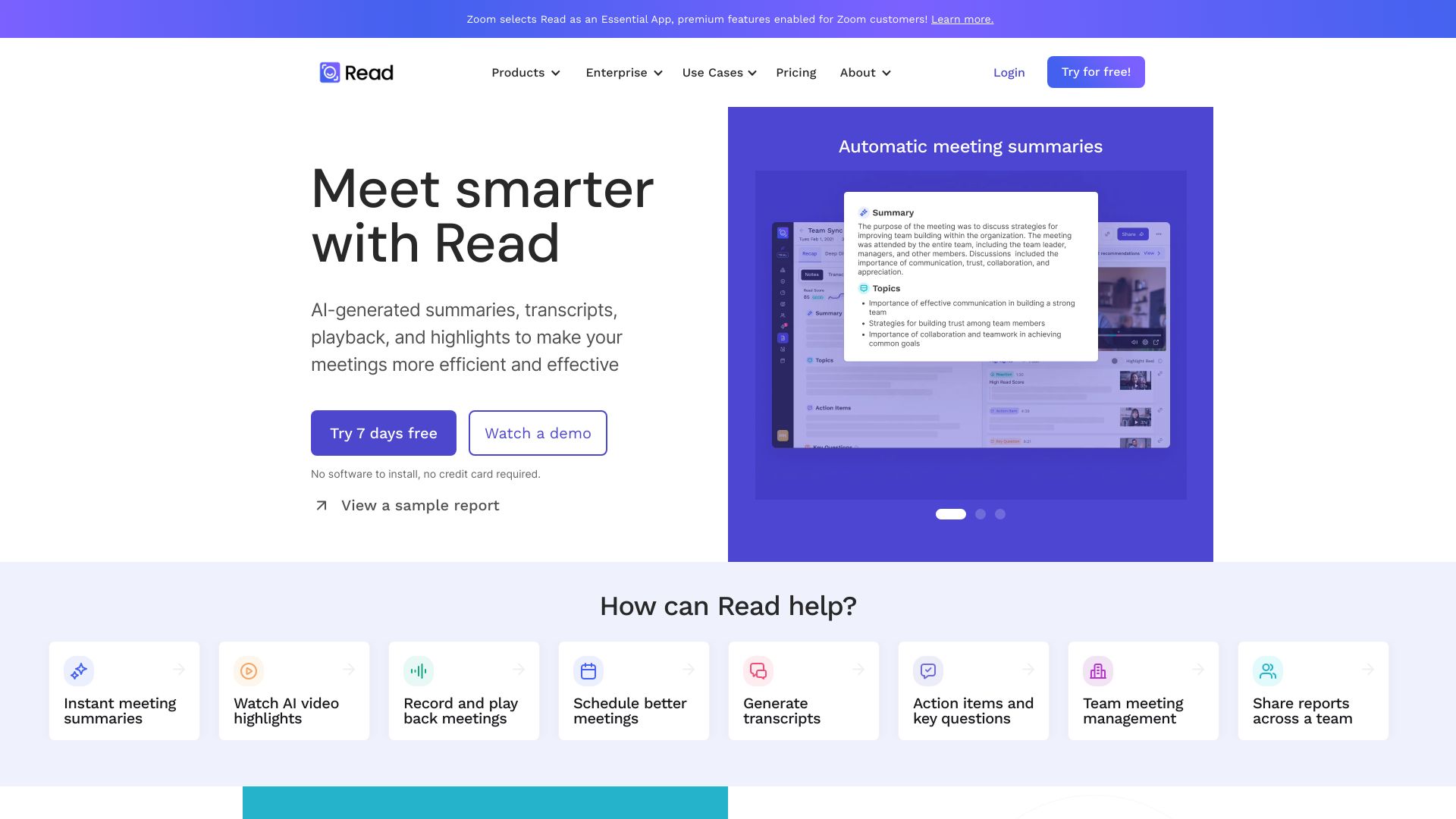
Read AI makes more sense when your work conversations do not stop at the end of a video call. It offers real-time transcription and smart summaries, and its assistant works across meeting platforms, emails, and messages. That broader reach gives individuals a way to look for context across several communication formats rather than keeping meeting notes isolated from the rest of the conversation.
The free option covers five meetings per month, and the product also lists a personalized Speaker Coach alongside AI summaries and search. That mix will appeal to people who want to revisit what happened and reflect on how they participated. Some features sit behind paid plans, however, so check which parts of the cross-channel workflow are included before relying on Read AI for a whole team.
My take: Read AI is the best fit here for someone who wants more than a meeting recorder and values searchable context across work communication. It is less of a narrow notepad and more of a meeting assistant with an individual user in mind.
Where it falls short: Five free meetings a month is a modest allowance for a busy calendar. Some features require a paid plan, so confirm that the functions you care about are included at your intended tier.
Key features
Real-time transcription for meetings.
Smart summaries and AI-powered search.
Personalized Speaker Coach.
Coverage across meetings, emails, and messages.
Pros
Works across meeting platforms, emails, and messages.
Combines transcription and summaries with search and speaker feedback.
Cons
Free access is limited to five meetings per month.
Some features are available only on paid plans.
Choose Read AI if: You are an individual who wants meeting notes and searchable context across more than one communication channel.
4. Otter.ai

Otter.ai
Sales professionals who need real-time transcripts and recaps
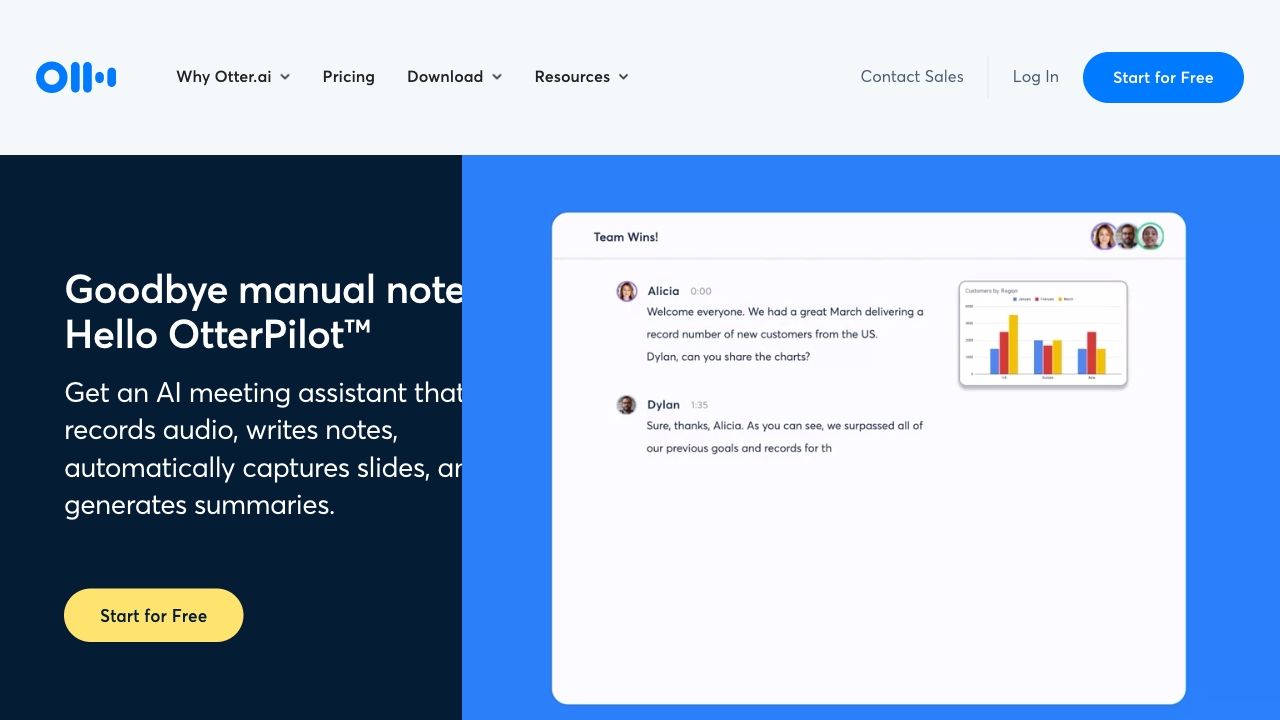
Otter.ai focuses on a familiar meeting-note workflow: record the conversation, transcribe it in real time, and produce an automated summary. For sales professionals, that can make it easier to revisit what a prospect said without relying on handwritten notes taken in the middle of a call. The product is built around the meeting itself, so the main value is turning spoken discussion into text and a faster-to-scan recap.
Its free plan includes 300 transcription minutes per month, which gives you a defined amount of use for testing the core workflow. As with any transcription tool, audio quality and accents can affect the results. Treat the transcript as a useful record to review, not an infallible substitute for checking names, figures, or commitments before sharing a customer-facing follow-up.
My take: Otter.ai is a straightforward candidate when real-time transcription and automated summaries are the priority. The monthly minutes make the free plan easy to evaluate against your actual meeting volume.
Where it falls short: Transcription accuracy can vary with audio quality and accents. Anyone using notes for high-stakes sales follow-up should review the transcript rather than assuming every detail is correct.
Key features
Real-time transcription of meetings.
Automated summaries for reviewing the discussion.
AI meeting assistant that records, transcribes, and summarizes in real time.
Pros
Automated meeting notes and summaries reduce manual recap work.
Free access includes 300 transcription minutes per month.
Cons
Accuracy may vary depending on audio quality and accents.
A transcript still needs human review when details matter.
Choose Otter.ai if: You are a sales professional who wants real-time transcription and meeting summaries with a measurable free monthly allowance.
5. Fireflies.ai

Fireflies.ai
Sales teams reviewing and searching meeting conversations
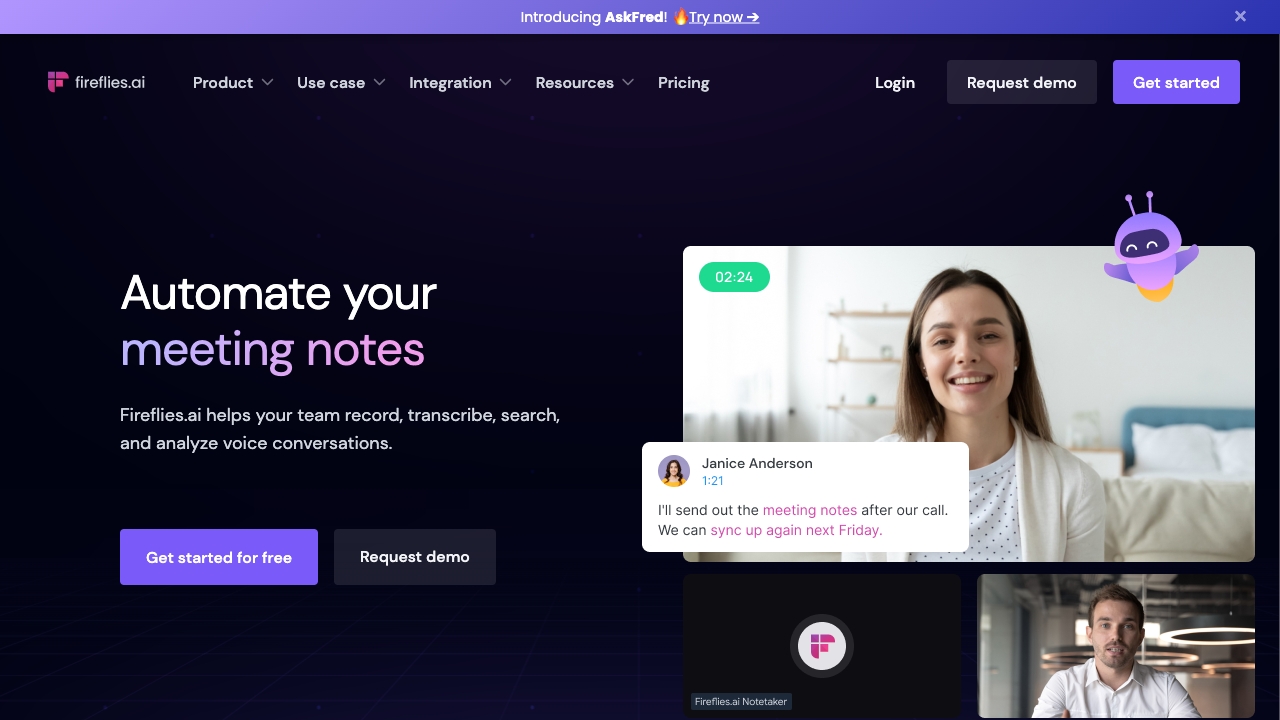
Fireflies.ai puts meeting transcription and summarization together with AI-powered search. That combination is useful for sales teams that need to look back through conversations rather than rely on a single recap written immediately after a call. The product is positioned for meetings across multiple platforms, making it a practical option to consider if your team wants a recurring assistant for recording, transcripts, and summaries.
The free offer includes 800 minutes of storage per seat, with AI summaries limited. The distinction matters: storage and access to generated summaries are not the same thing, so check whether the free tier's summary limits match how often your team reviews calls. Fireflies also lists 95% transcription accuracy as a strength, but it is still wise to verify key details against the recording before treating a generated note as definitive.
My take: Search is the differentiator I would pay attention to here. If your team needs to retrieve information across many conversations, that can be more valuable than simply receiving one summary per meeting.
Where it falls short: Some features are reserved for premium tiers, and the free plan limits AI summaries. A team that depends on frequent AI recaps should compare those limits with its actual call volume.
Key features
Meeting transcription and summarization.
AI-powered search across meeting content.
Recording, transcription, and summaries for meetings across multiple platforms.
Pros
Combines transcripts and summaries with a search workflow.
The product lists 95% transcription accuracy as a strength.
Cons
Some features are limited to premium plans.
Free access includes limited AI summaries, despite the stated storage allowance.
Choose Fireflies.ai if: Your sales team needs to search and revisit meeting conversations, not just receive a one-time recap.
6. Spellar AI

Spellar AI
Professionals with a high volume of meetings who want speaking feedback
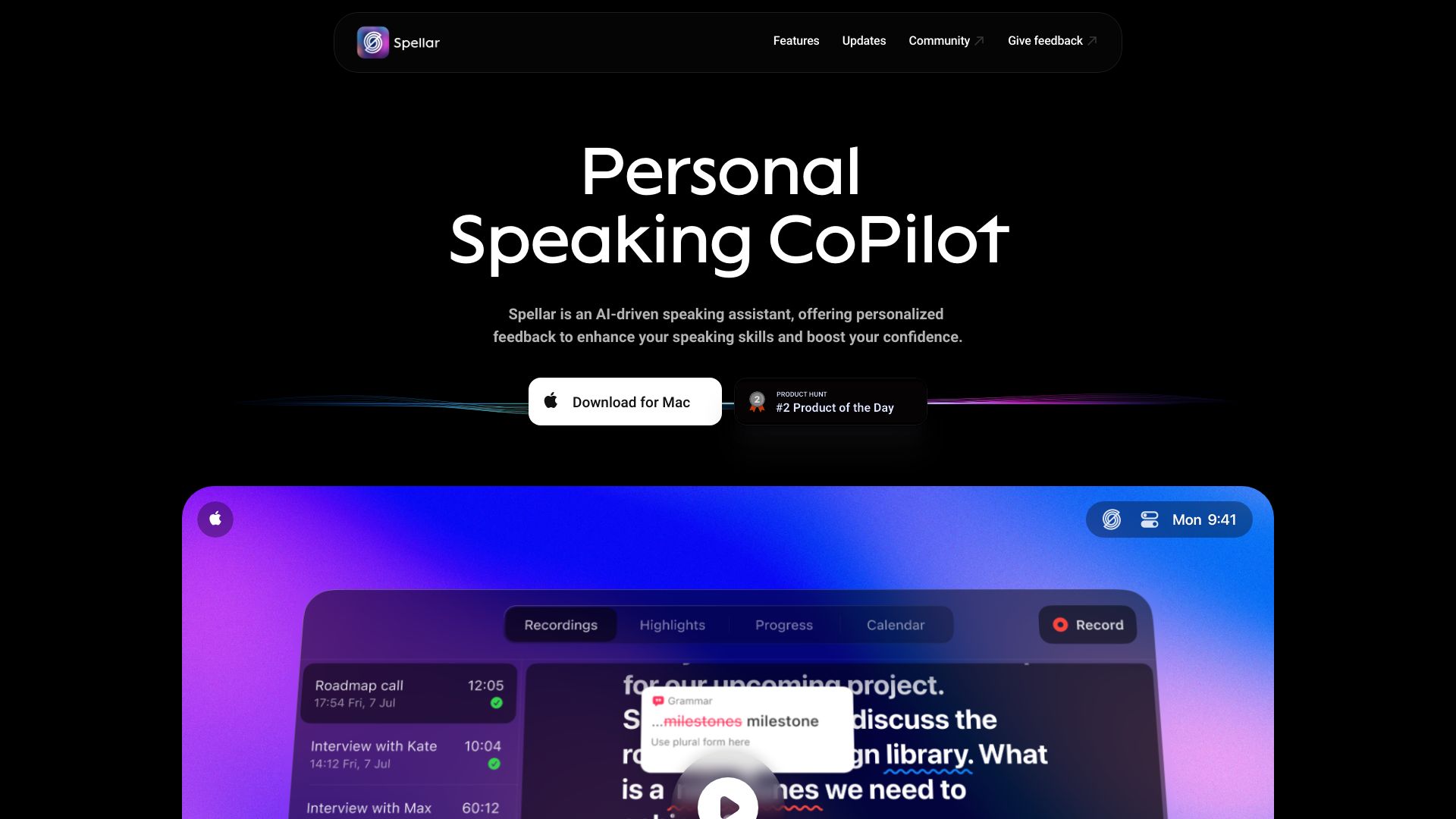
Spellar AI pairs meeting note taking with personalized speaking feedback, which gives it a different angle from tools focused only on transcription. It is a bot-free assistant for macOS and iOS, so it is worth a look for professionals who want support during a packed meeting schedule without adding a visible meeting bot. The speaking-coach element may be especially relevant if you want to work on how you communicate as well as what you need to remember.
The product lists an AI meeting note taker and personalized feedback, but full access may require a subscription. Its pricing information highlights a 10% discount on Pro+ plans rather than a simple, comparable monthly starting price, so confirm the actual plan cost and included features before making it part of a regular workflow. The platform emphasis also matters: this option is specifically described as a macOS and iOS assistant.
My take: Spellar stands out by pairing notes with feedback about your speaking, a useful distinction for people who want to improve their own meeting performance. I would shortlist it for that coaching angle rather than for the broadest team-note feature set.
Where it falls short: Full access may require a subscription, and the listed plan information is less straightforward to compare than a clear monthly price. Check device compatibility and the plan details before committing.
Key features
AI meeting note taking.
Personalized speaking feedback.
Bot-free assistant for macOS and iOS.
Pros
Combines meeting notes with personalized feedback.
Bot-free operation is useful for people who prefer not to add a meeting participant.
Cons
Full access may require a subscription.
The listed pricing detail does not provide a clear monthly starting price.
Choose Spellar AI if: You attend many meetings on macOS or iOS and want bot-free notes plus personalized speaking feedback.
7. Meeting.ai

Meeting.ai
Researchers who need organized meeting notes and action items
Meeting.ai focuses on capturing, transcribing, and organizing meetings, then producing notes and action items automatically. That end-to-end emphasis makes it an interesting fit for researchers who want a cleaner record of discussions without manually reconstructing the key points after each session. Its value is not just the transcript; it is the promise of turning that conversation into organized notes that are easier to revisit.
You can try the product with five hours of free credit. For ongoing use, the listed Plus plan is USD 19.99 per month, while unlimited access and advanced features require a paid plan. If you are comparing the best ai for meeting notes, this is one to evaluate using a real research conversation: check whether the generated structure captures the distinctions and follow-ups you need, not merely whether it produces text.
My take: Meeting.ai looks strongest when the goal is to turn meetings into organized records rather than collect transcripts for their own sake. The five free hours give you a practical starting point for judging the notes against your own work.
Where it falls short: The free credit is finite, and unlimited access or advanced features require payment. Make sure the paid tier supports the volume and organization your research workflow needs.
Key features
AI-powered meeting transcription.
Automatic summarization.
Organized meeting notes and action items.
Pros
Automates note-taking and summarization.
Includes five hours of free credit for trying the workflow.
Cons
Unlimited access and advanced features require a paid plan.
The listed Plus plan costs USD 19.99 per month.
Choose Meeting.ai if: You want to turn research discussions into organized notes and action items, and you are willing to evaluate a paid plan for continued use.
8. tl;dv

tl;dv
Sales managers who need meeting recaps and coaching insights
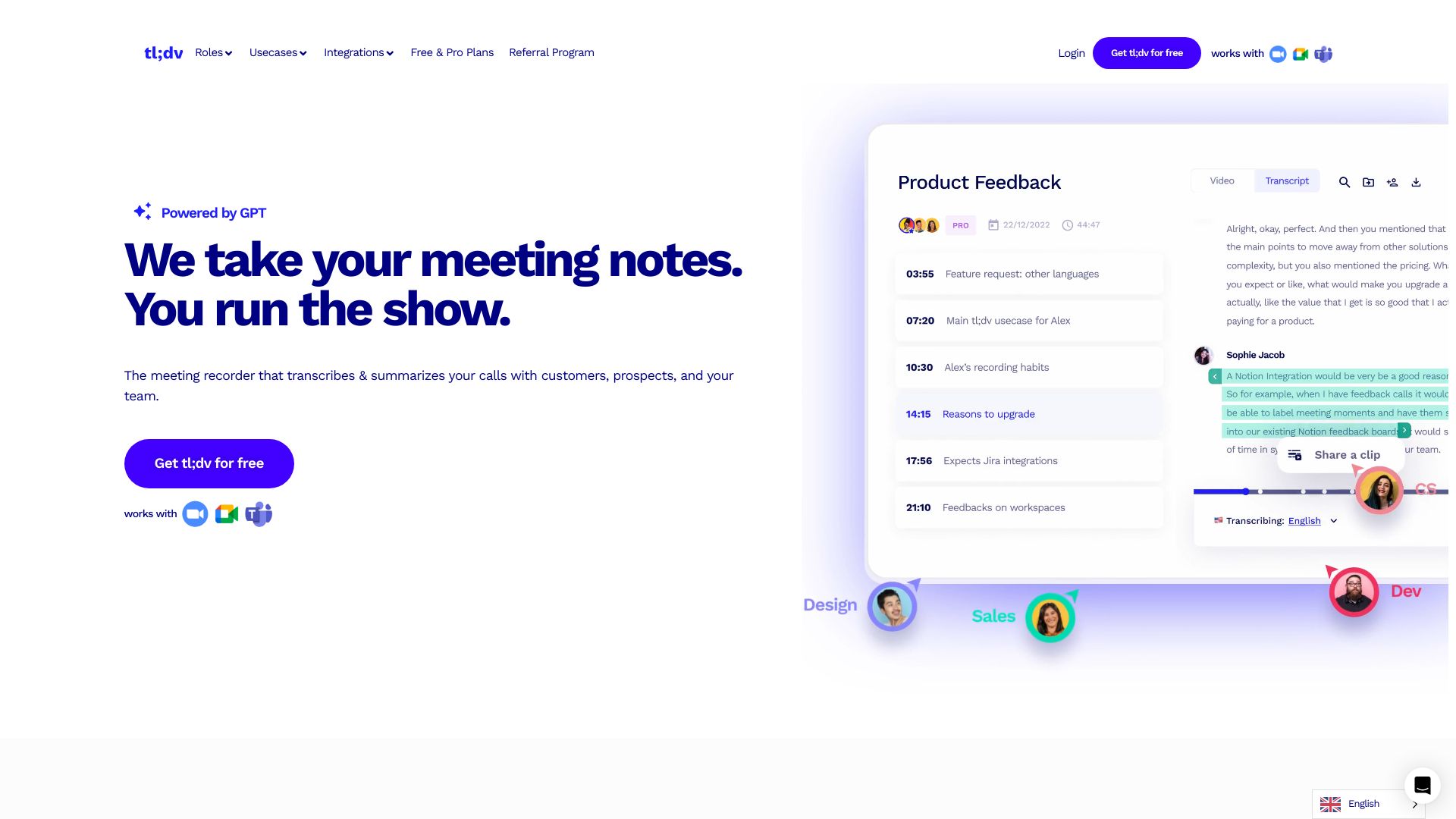
For sales managers, tl;dv has a broader promise than a meeting transcript: its listed capabilities include recording and transcription, automated summaries and notes, CRM updates, follow-up drafting, and sales coaching and insights. That makes it a strong option to inspect if you want a meeting assistant to support what happens after the call as well as document what was said. It is described for Zoom, Microsoft Teams, and Google Meet.
The product offers a free-forever plan, which makes it one of the more inviting options for an initial trial. The trade-off is familiar with any AI note taker: transcription and summaries depend on the quality of the AI output, so review important details before using them for CRM updates or follow-ups. If the notes are going to guide a sales decision, keep a person in the loop.
My take: tl;dv is a compelling first choice for sales teams that want to test meeting summaries and follow-up workflows without an upfront subscription. Its free access and sales-oriented features give it a clear reason to make a shortlist.
Where it falls short: The product relies on AI accuracy for transcription and summaries. That limitation matters most when generated notes are used to update records or draft customer communication without careful review.
Key features
AI-powered meeting recording and transcription.
Automated meeting summaries and notes.
CRM updates and follow-up drafting.
AI-powered sales coaching and insights.
Pros
Free-forever access provides a low-friction way to try the workflow.
Sales-focused functions extend beyond transcription and recaps.
Cons
Transcription and summaries rely on AI accuracy.
Important CRM updates and customer follow-ups should be checked by a person.
Choose tl;dv if: You manage sales meetings and want to try recording, summaries, and sales-focused follow-up features with a free plan.
9. JotMe

JotMe
Project managers working across languages
JotMe is the specialist pick for meetings where language is the main obstacle. It offers real-time transcription and translation in 77 languages, plus AI meeting notes in 10 languages. That combination goes beyond a standard meeting transcript: it can help project managers follow the conversation across languages and produce notes in a language the team can use.
The free allowance includes 20 minutes of monthly translation, so it is useful for testing a real multilingual call but not necessarily enough for regular translation-heavy work. JotMe requires a Chrome extension, which is a practical setup consideration: make sure that fits your browser and the way your team joins meetings before you standardize on it. The listed starting option is free.
My take: JotMe is the easiest recommendation in this group when translation is not an optional extra but a basic requirement. The language counts are its clearest differentiator, and they make it stand out from general-purpose meeting assistants.
Where it falls short: You need a Chrome extension, and the free translation allowance is only 20 minutes per month. Teams with frequent multilingual calls should check paid-plan limits and costs before depending on it.
Key features
Real-time transcription and translation in 77 languages.
AI-powered meeting notes in 10 languages.
Document generation from meeting content.
Pros
Designed to help break down language barriers in meetings.
Provides both live transcription and translation, plus AI notes.
Cons
Requires a Chrome extension.
Free translation is limited to 20 minutes per month.
Choose JotMe if: You work across languages and want live transcription and translation with meeting notes in a multilingual workflow.
10. Mymeet.ai

Mymeet.ai
Sales teams handling calls in multiple languages
Mymeet.ai is built around audio and video transcription in more than 100 languages, paired with automated meeting summaries. That breadth makes it worth considering for sales teams working across languages or handling recorded conversations that need to become searchable, readable material. The product also lists task assignment, which can help move a recap toward follow-up rather than leaving the team with a block of unstructured text.
The free access includes 180 minutes and 10 prompts to chat. Pricing is usage-based, starting from one cent per minute, so the price can rise with the volume of audio you process. That per-minute structure can be easier to align with occasional use, but it deserves close attention if your team transcribes long calls every day. Estimate your likely minutes before comparing it with a flat subscription.
My take: Mymeet.ai earns its place for language coverage and a flexible, usage-based starting point. For a sales team with uneven transcription needs, paying by the minute may be appealing; for a high-volume team, the meter is the part to scrutinize.
Where it falls short: Per-minute pricing can add up, especially for frequent or lengthy meetings. Keep track of usage and compare the total with your expected volume rather than judging the cost by its starting rate alone.
Key features
Audio and video transcription in 100+ languages.
Automated meeting summaries.
Task assignment and prompts to chat with meeting content.
Pros
Broad language coverage for audio and video transcription.
Includes 180 free minutes and 10 prompts to try the workflow.
Cons
Usage-based pricing can become expensive as minutes accumulate.
Teams need to estimate their call volume to compare costs sensibly.
Choose Mymeet.ai if: Your sales team needs multilingual audio or video transcription and you are comfortable tracking usage-based costs.
More tools to compare

TicNote Cloud
Bot-free meeting notes and follow-up tasks

Bluedot
Bot-free meeting notes for sales and recruiting teams

Noota
Meeting summaries and CRM automation

MeetGeek
Automated meeting notes for teams

Jump | AI for Financial Advisors
Meeting notes for financial advisors

Fellow.app
Privacy-conscious team meeting notes

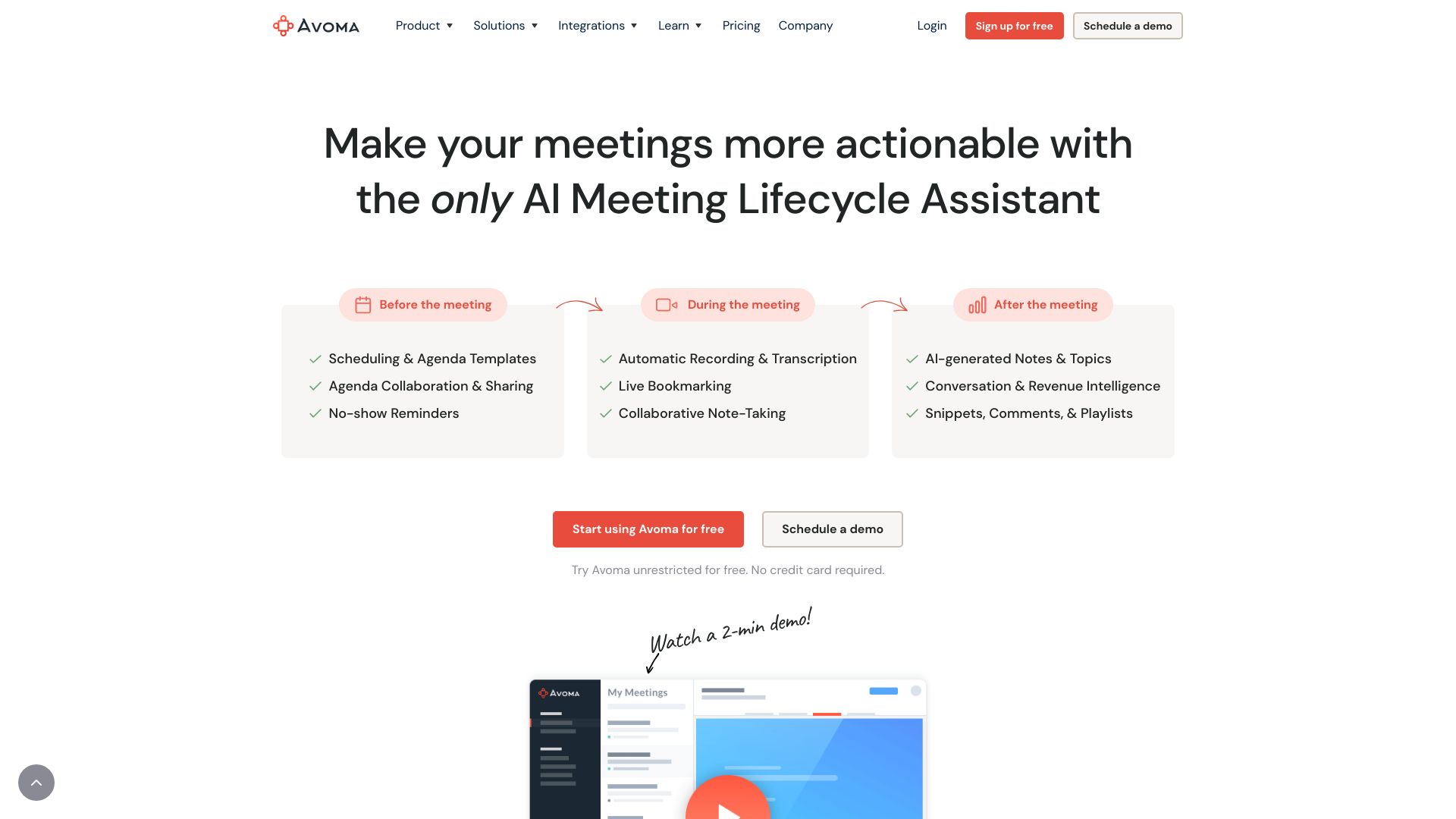
Avoma
Sales teams automating meeting notes and CRM updates

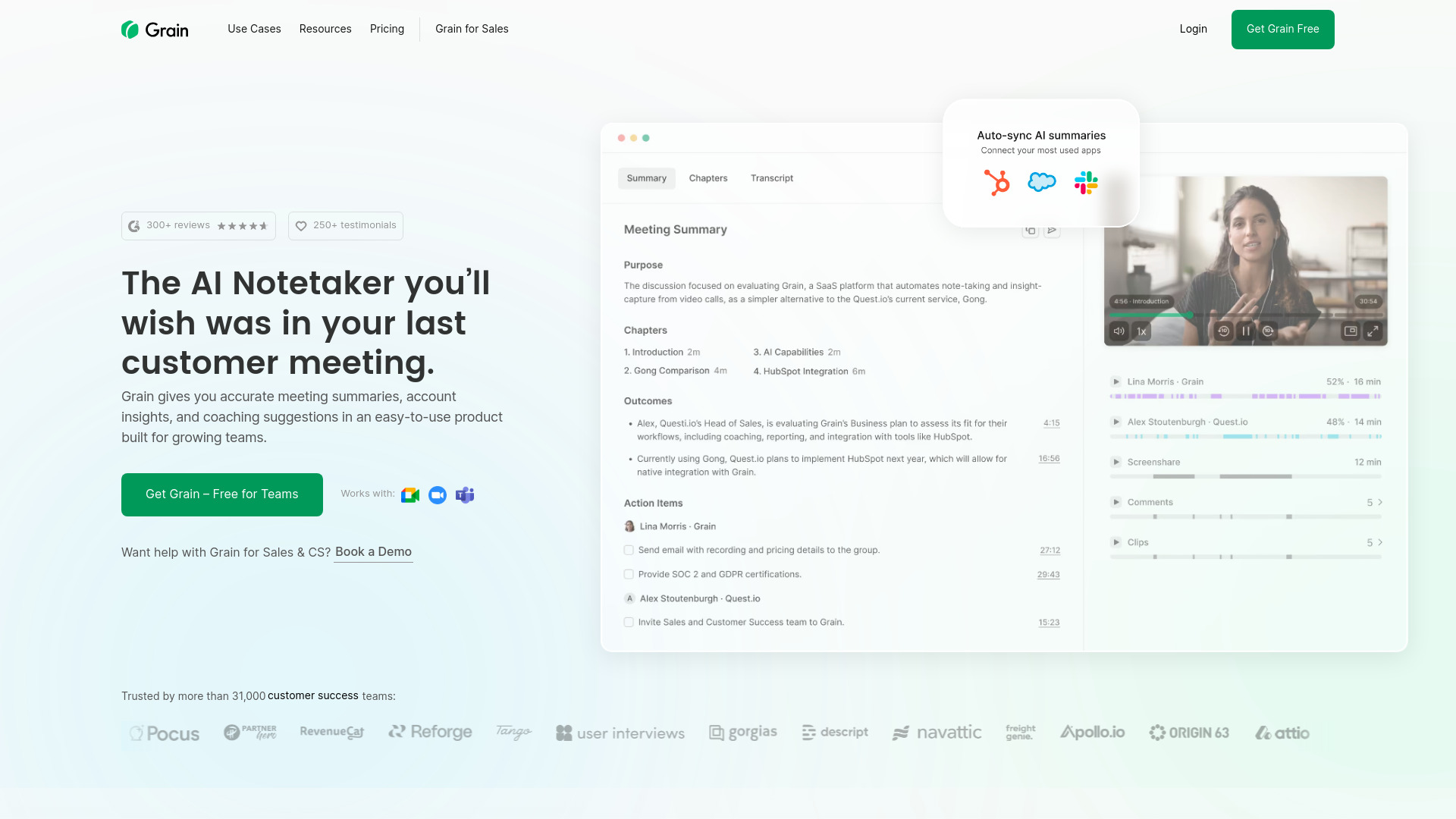
Grain
Growing teams tracking customer meetings
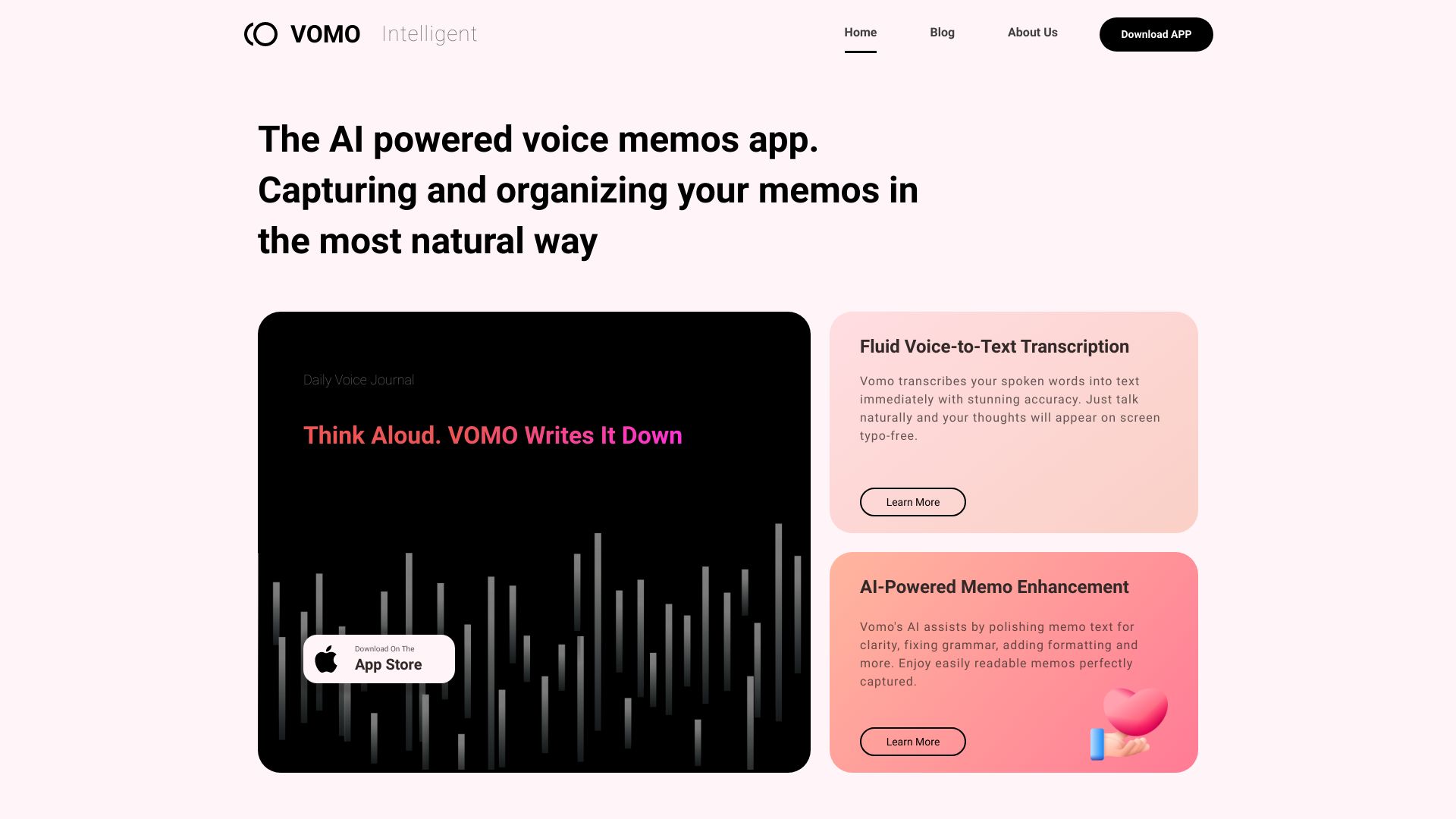
VOMO AI
AI-generated meeting notes and summaries
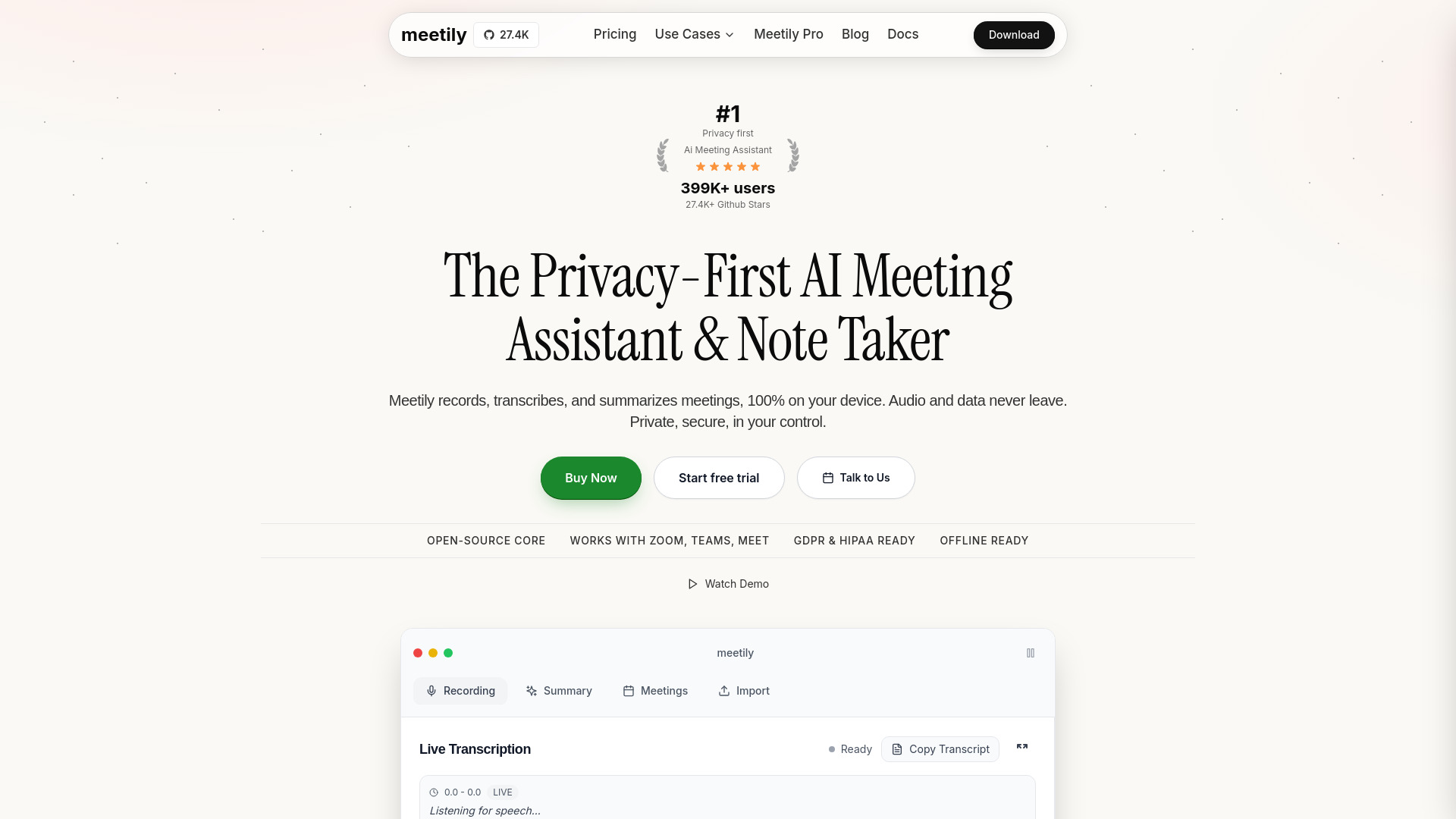
Meetily AI
Privacy-conscious teams needing local meeting notes

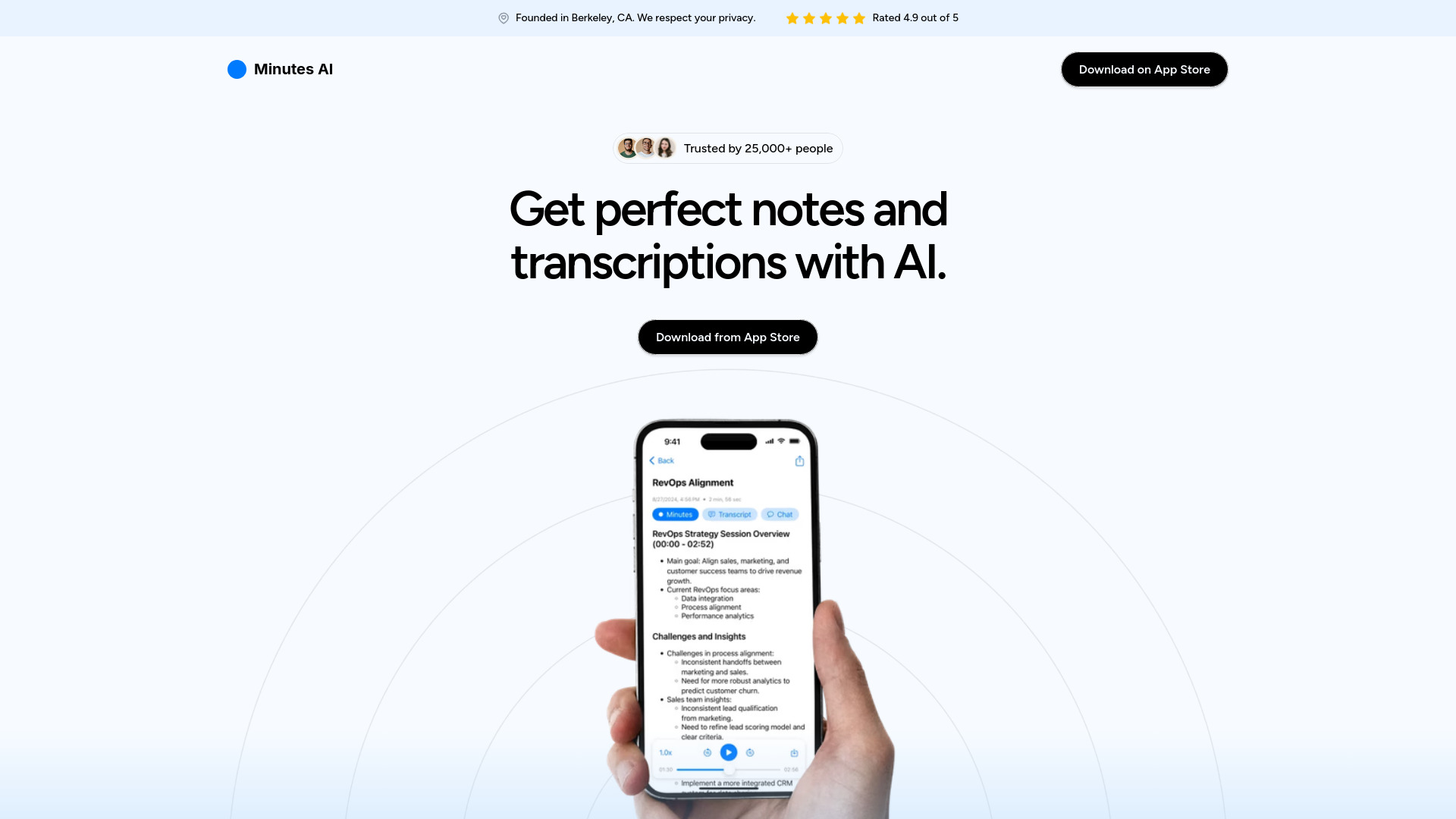
Minutes AI
Meeting and lecture notes from live or uploaded audio

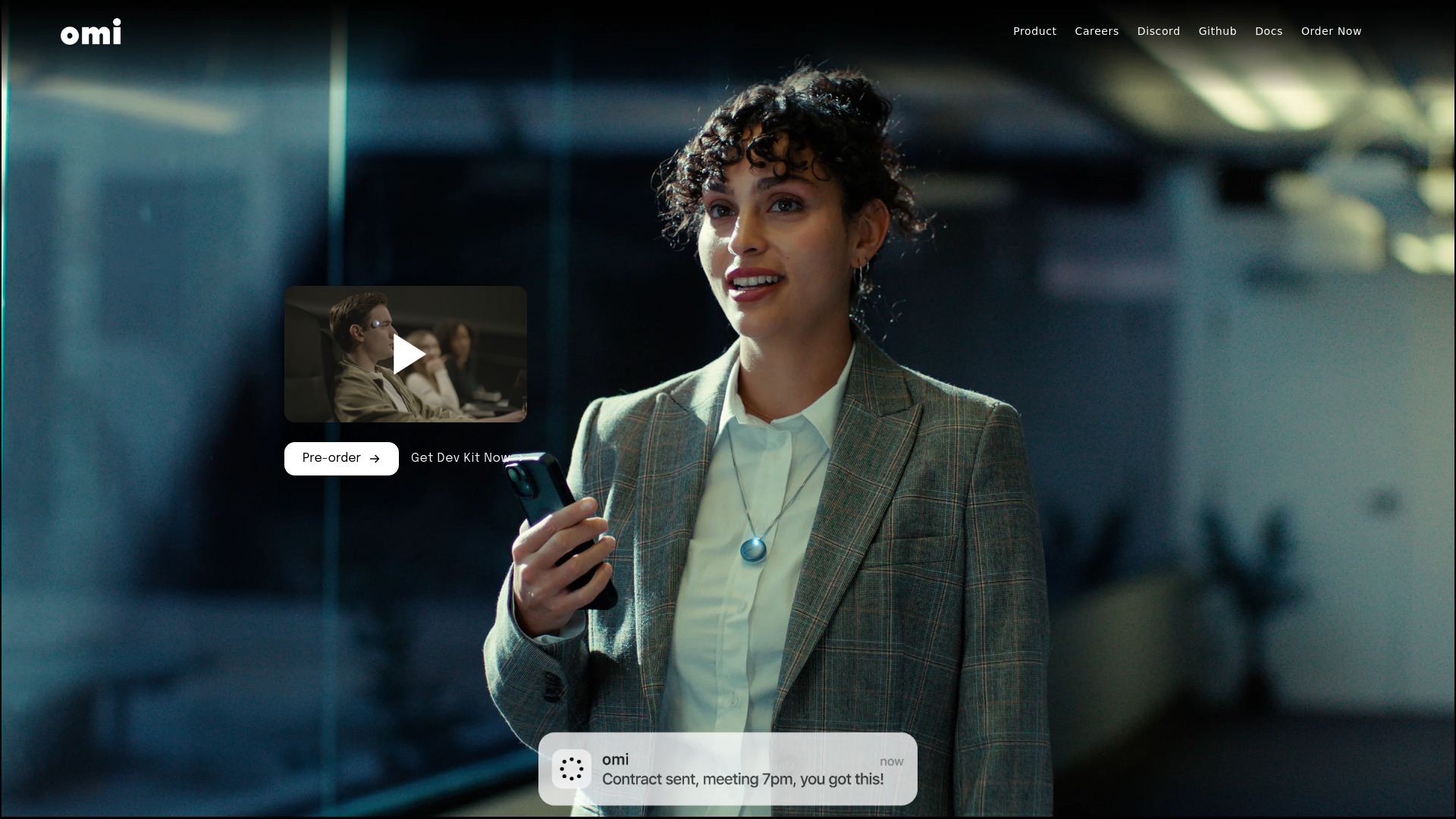
Omi AI
Conversation notes and follow-up tasks

Voicenotes
AI meeting and voice-note transcription
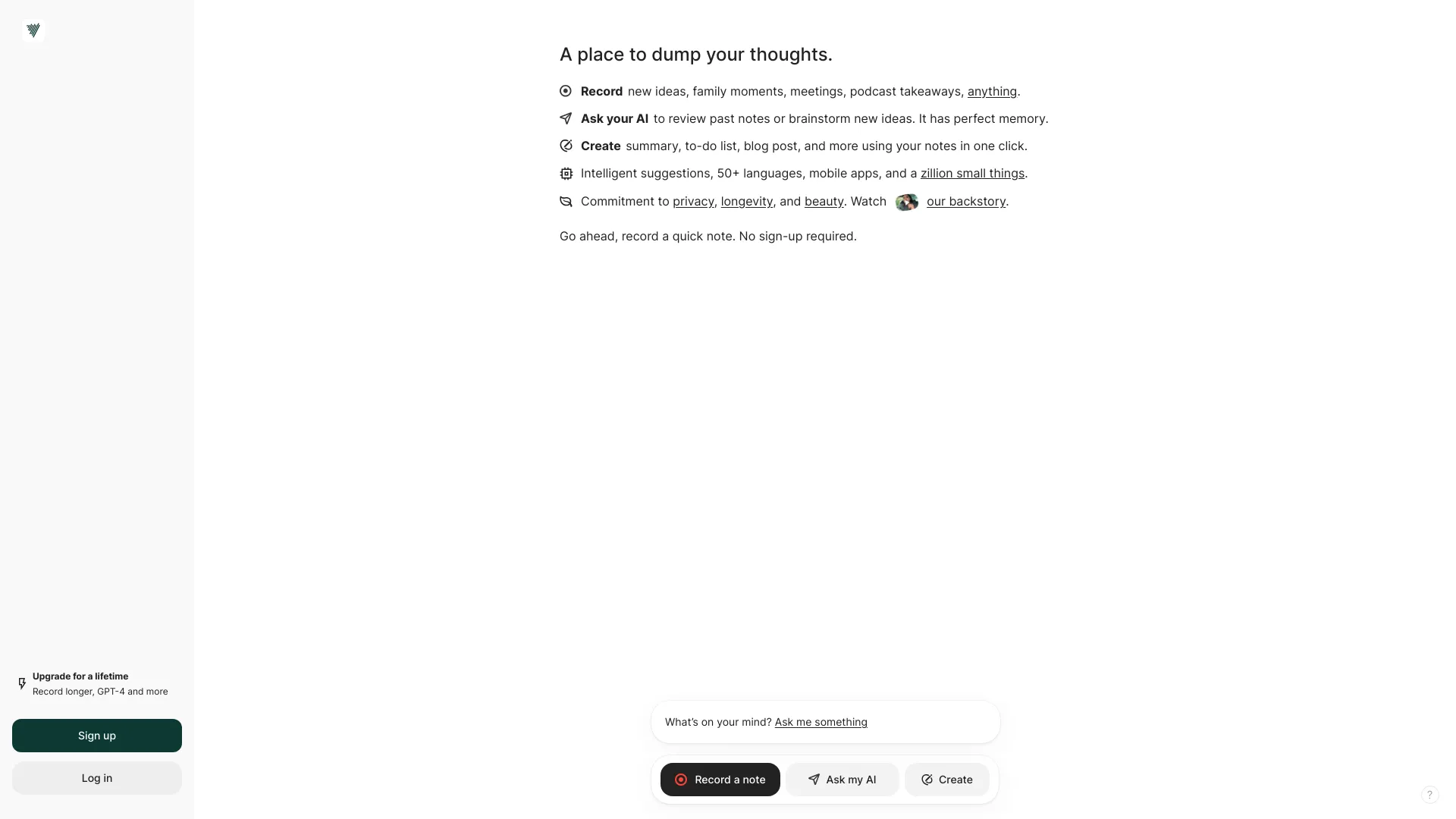

Circleback
AI meeting notes and follow-ups
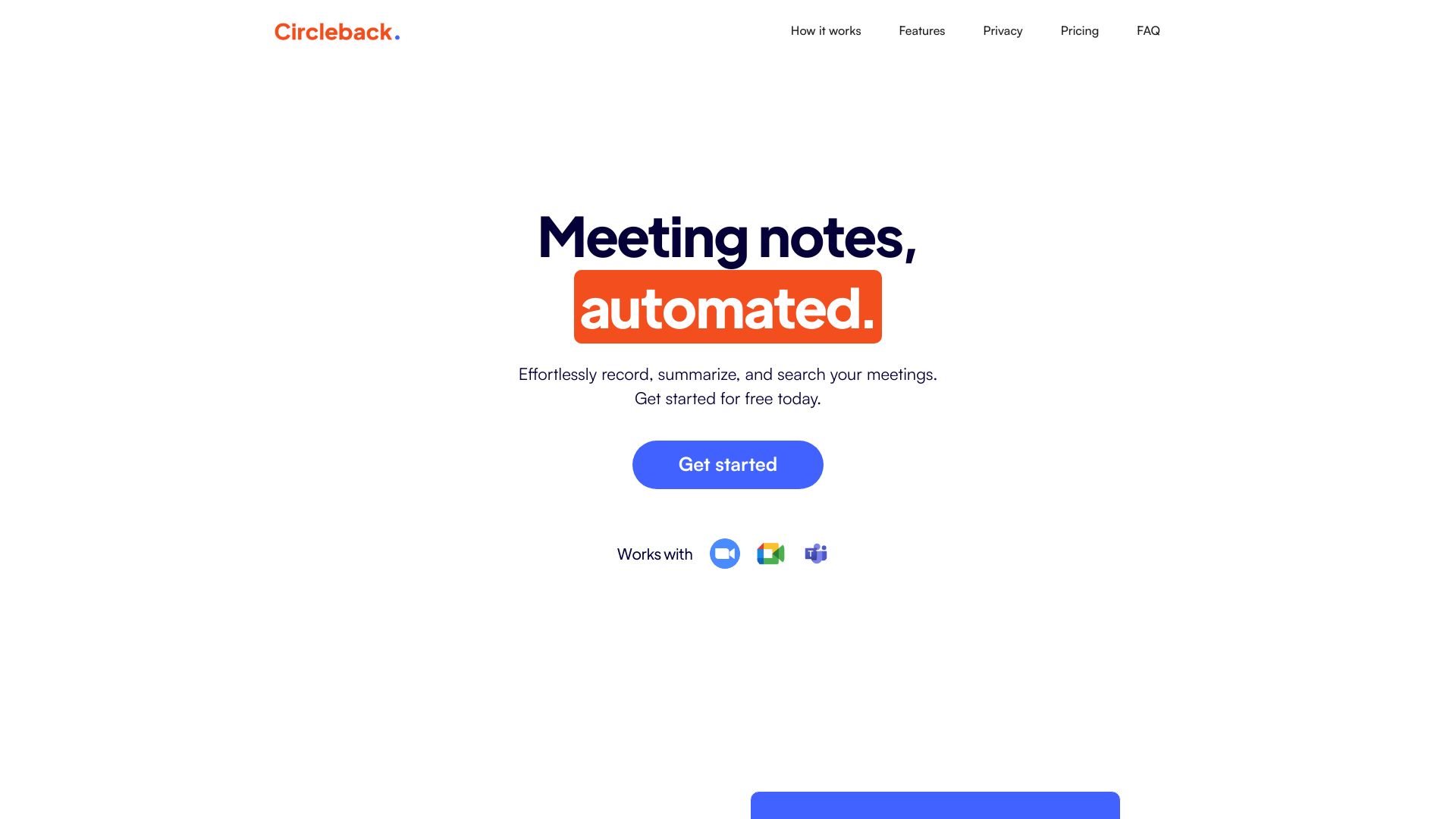

NoteAI
Meeting audio summaries and transcripts
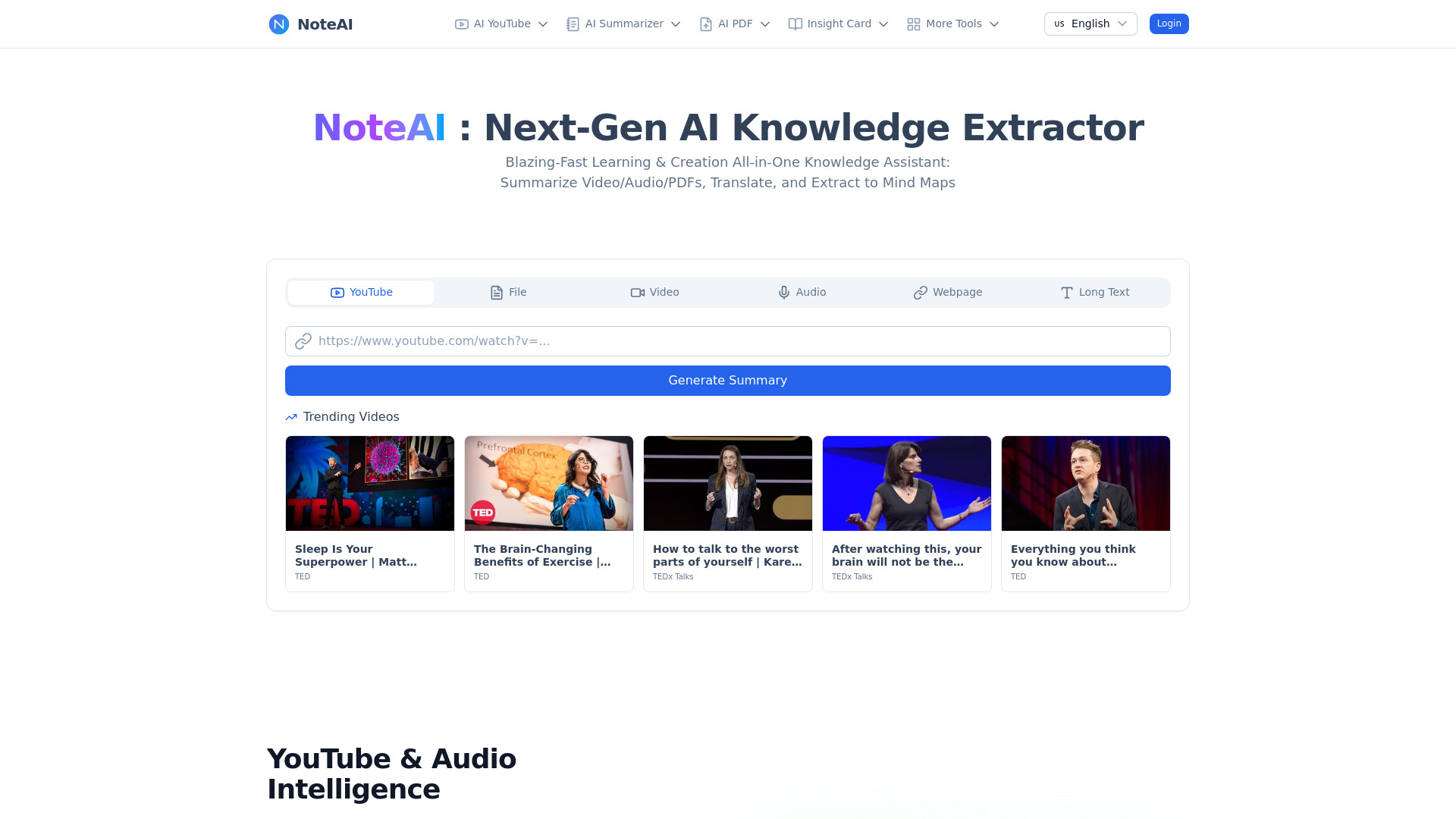

Sembly AI
Multilingual meeting notes and action-item tracking
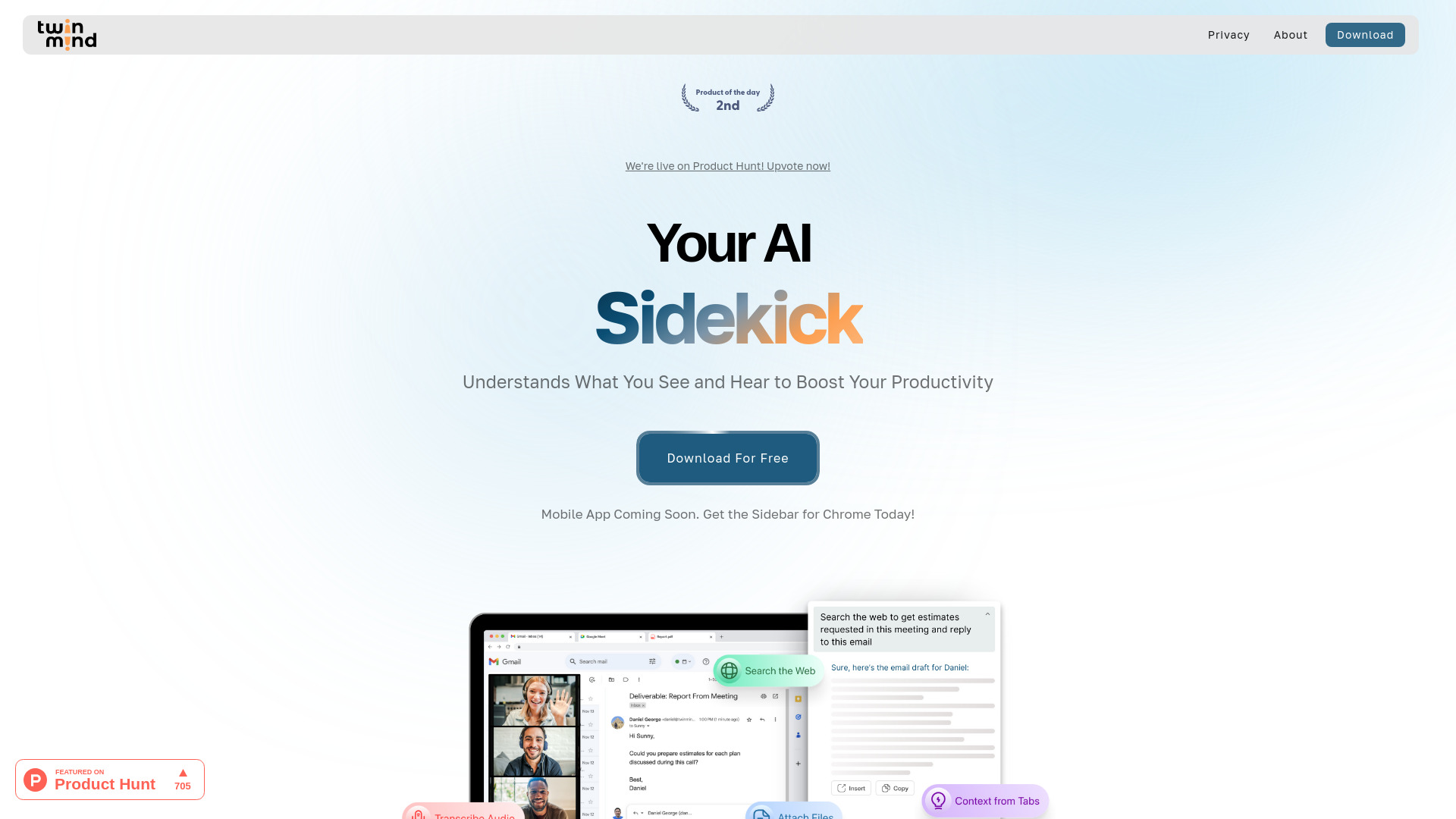
TwinMind
Meeting and lecture notes with ongoing context

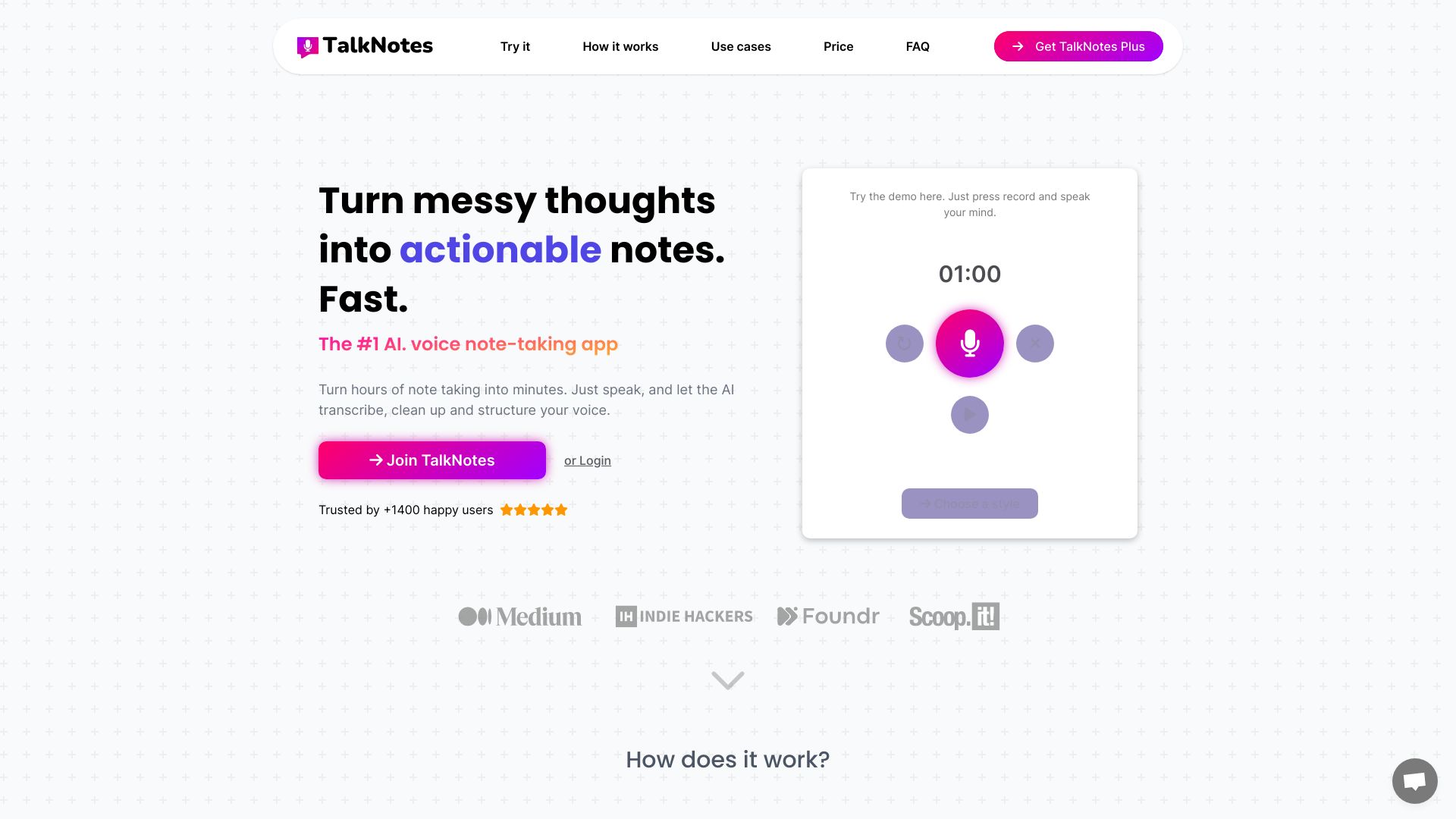
Talknotes
Voice-recorded meeting notes

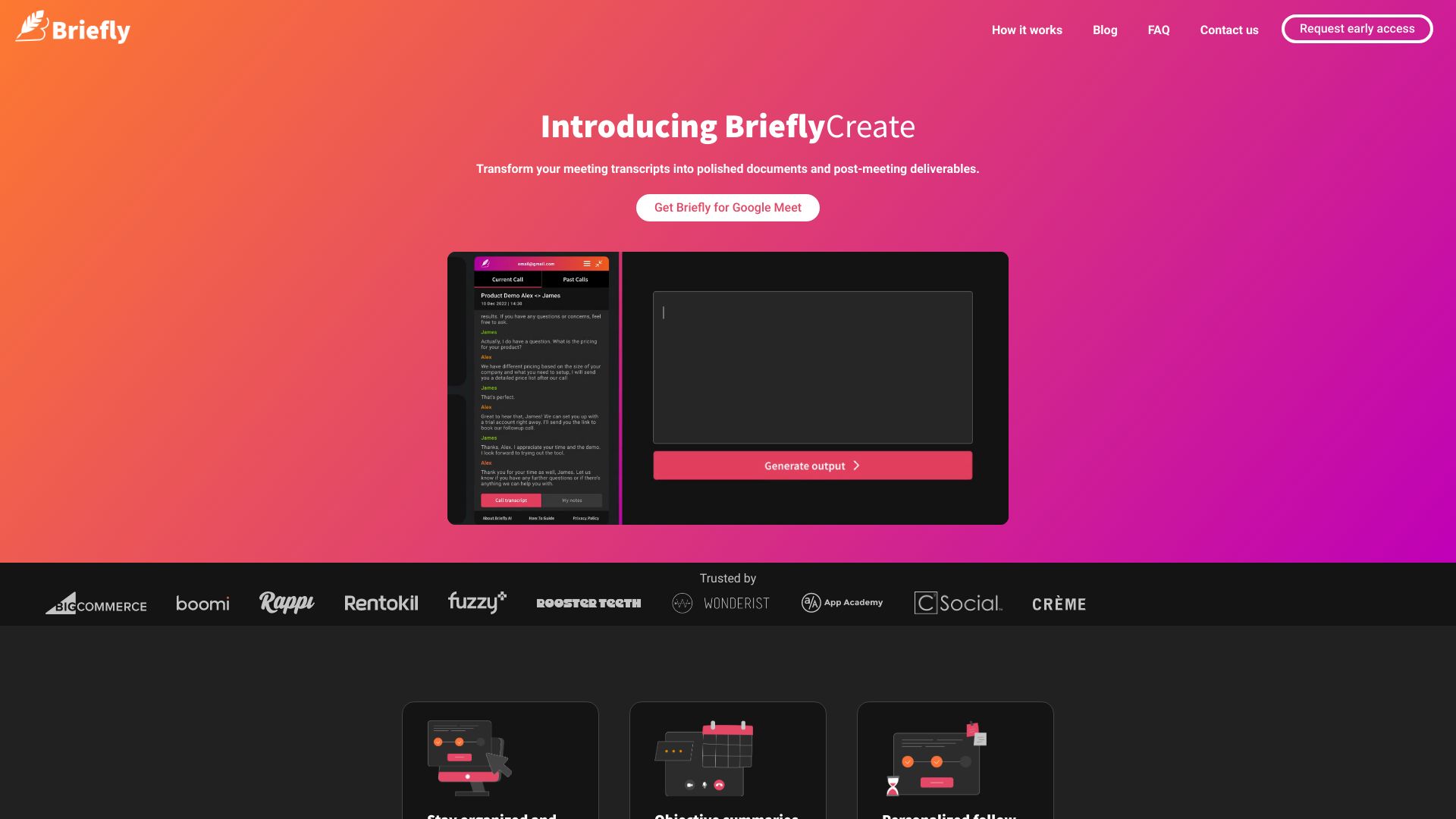
BrieflyAI
Bot-free multilingual meeting notes and follow-ups

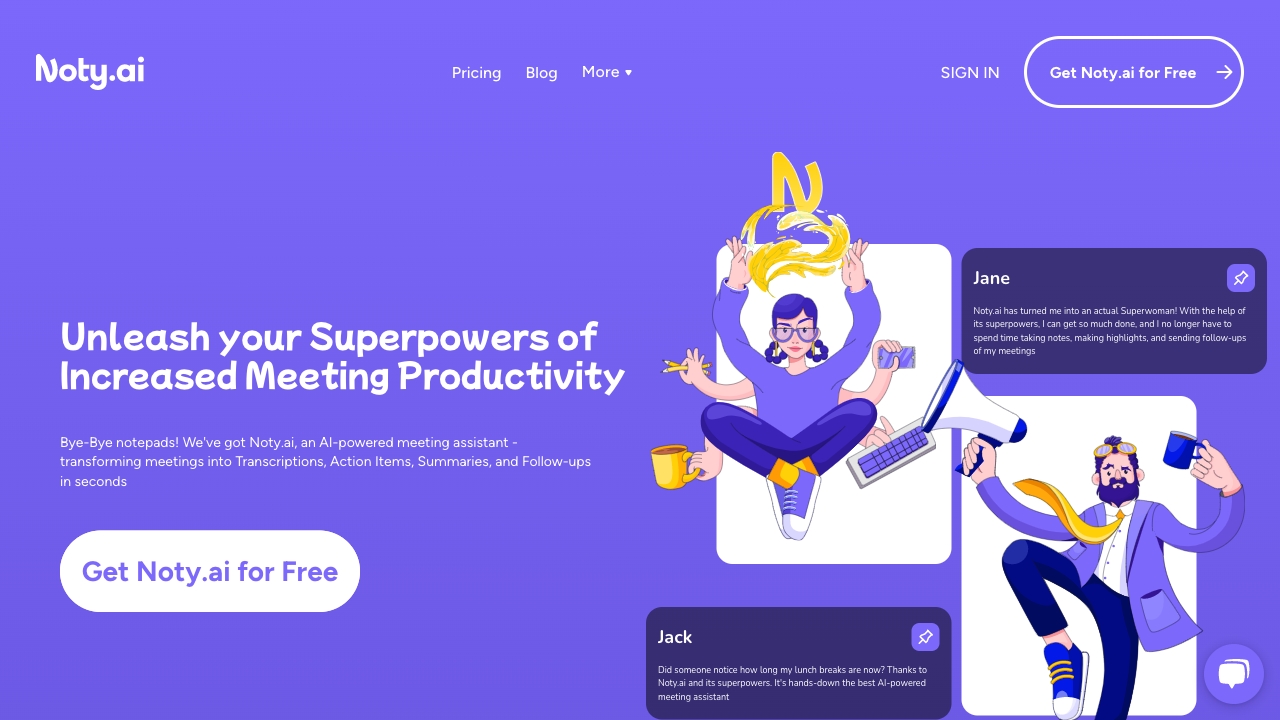
Noty.ai
Turning meeting discussions into tracked tasks
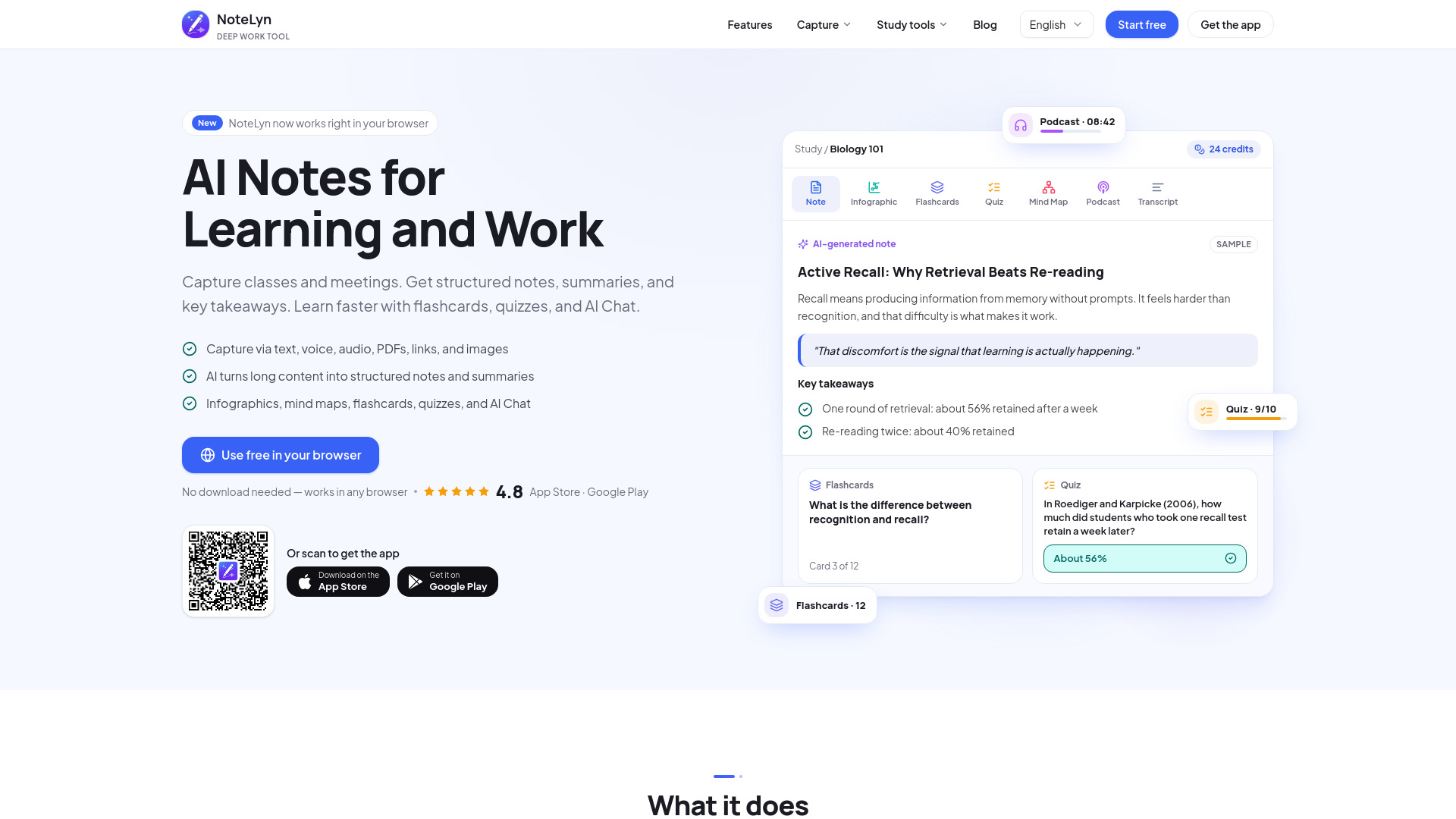
NoteLyn AI
Meeting minutes and study notes

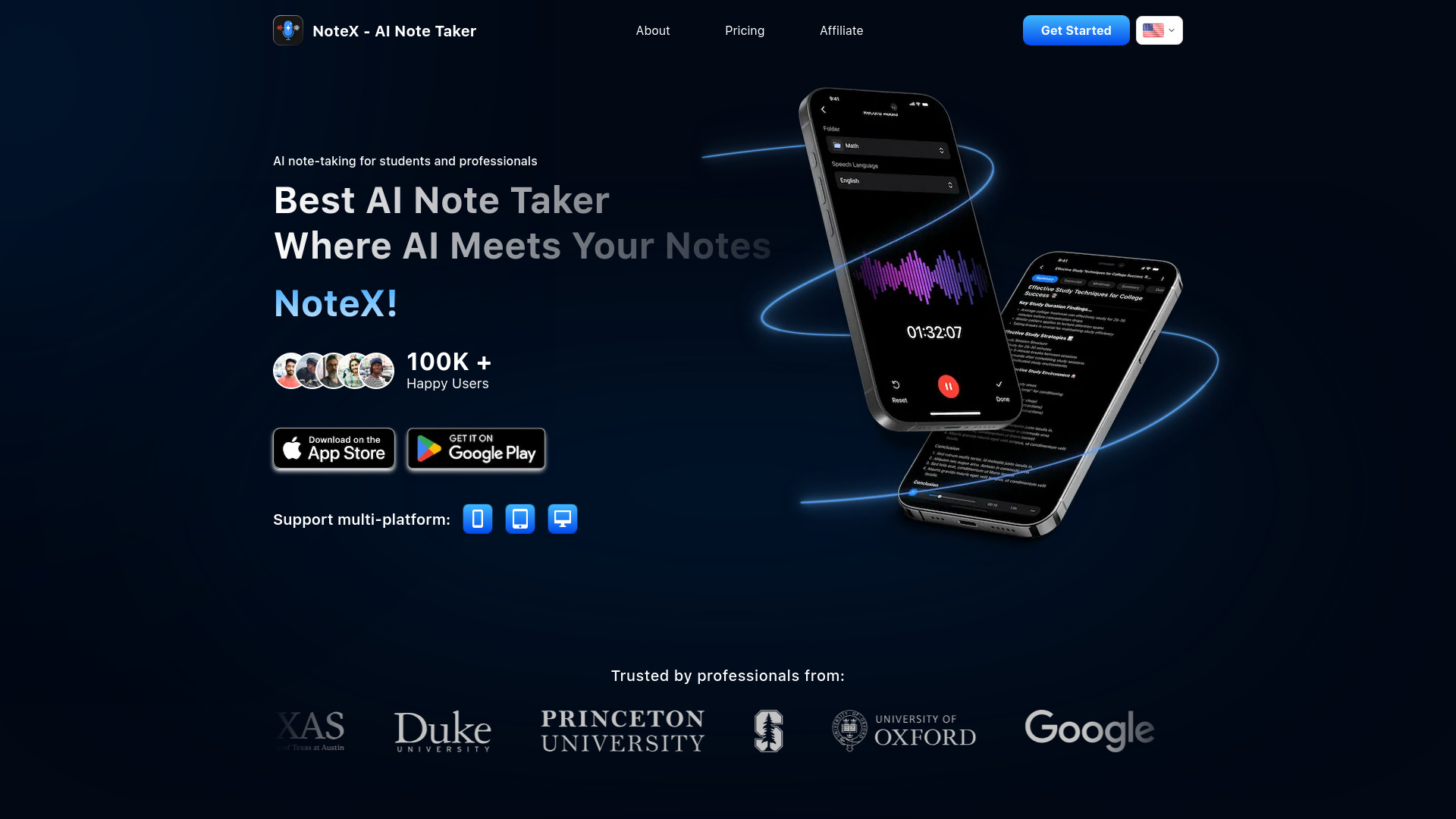
NoteX
Lecture and meeting notes with study aids

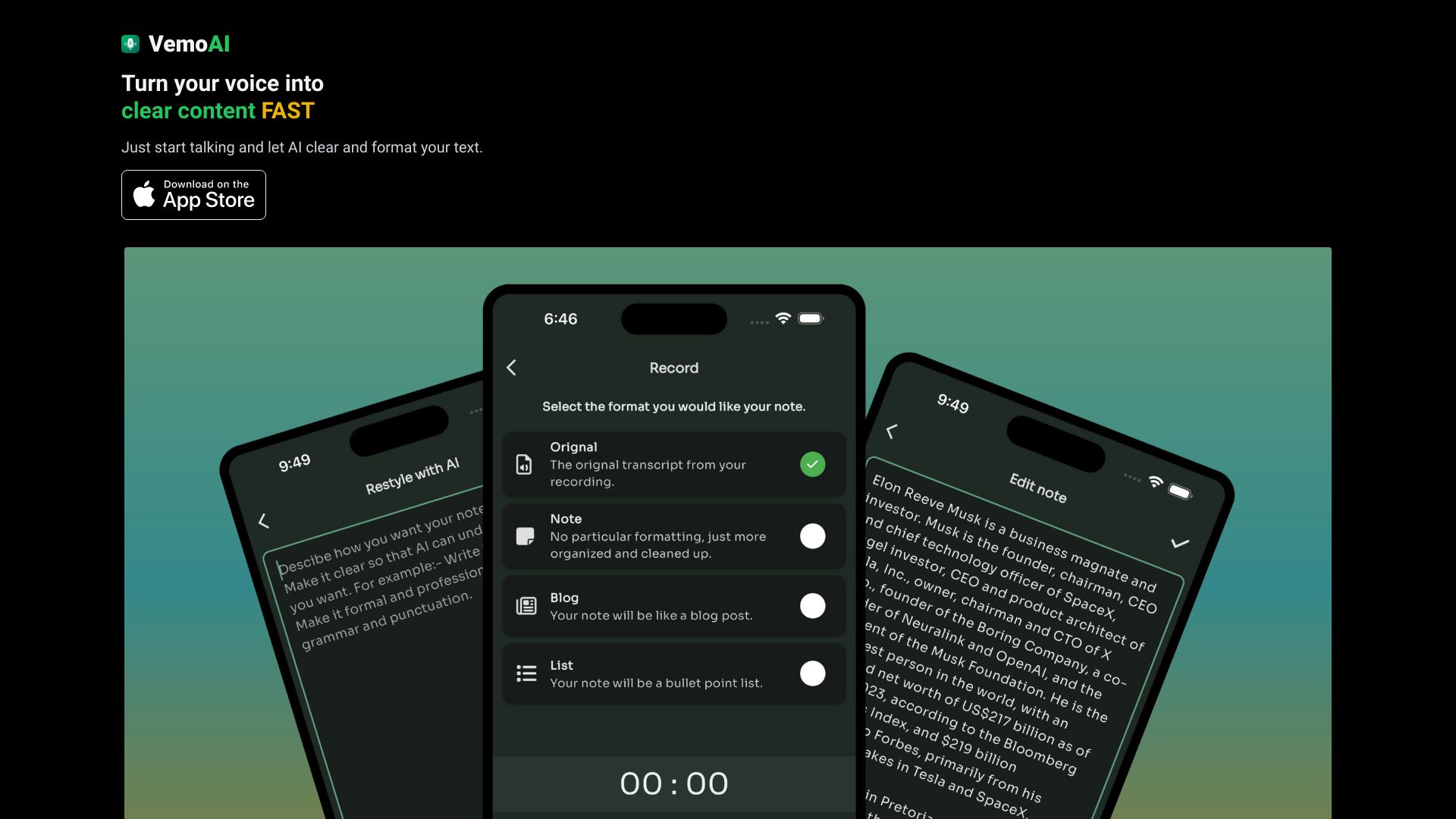
Vemo - AI Meeting Note Taker
Meeting notes with action-item tracking

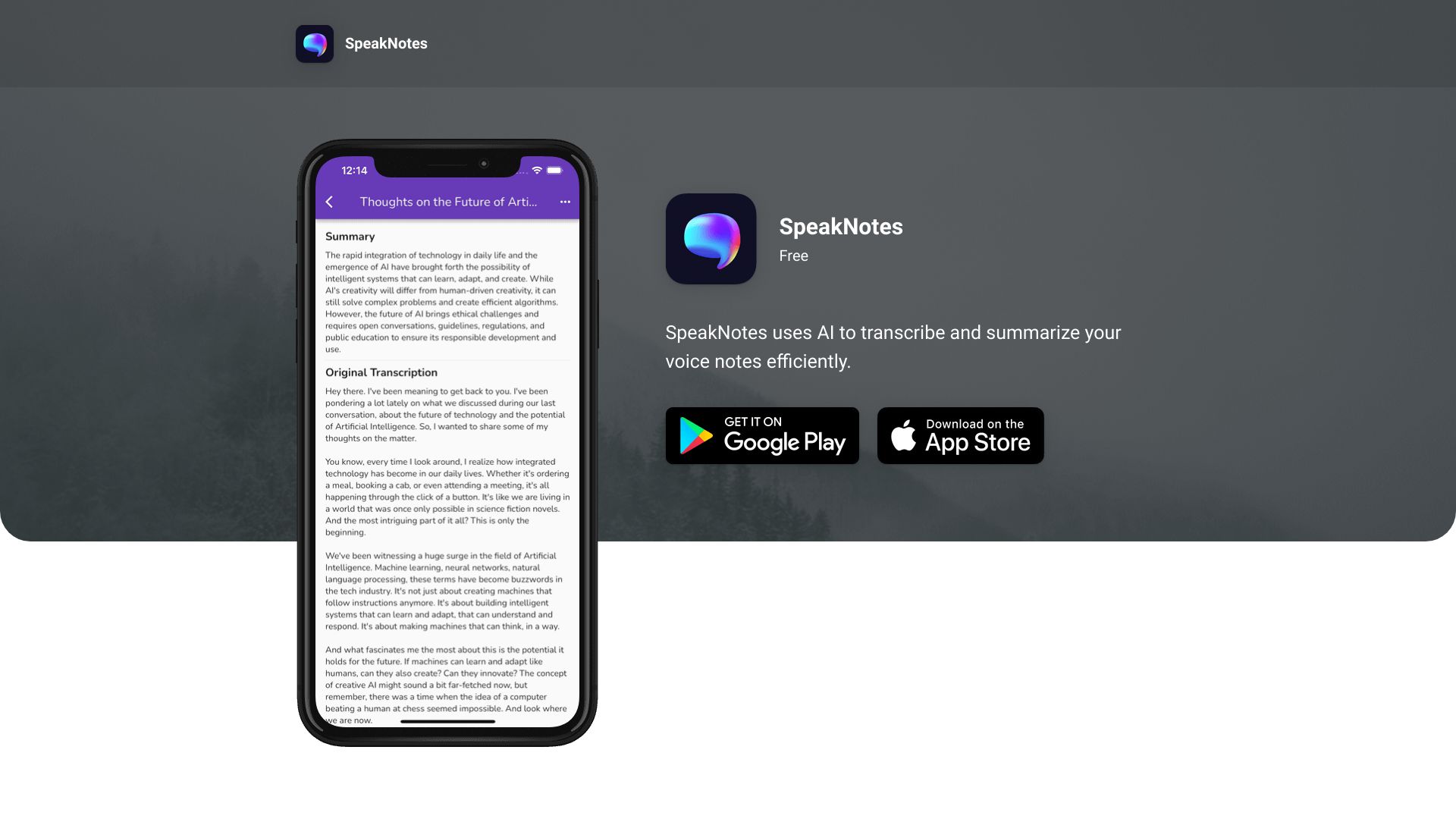
SpeakNotes
Audio-based meeting summaries
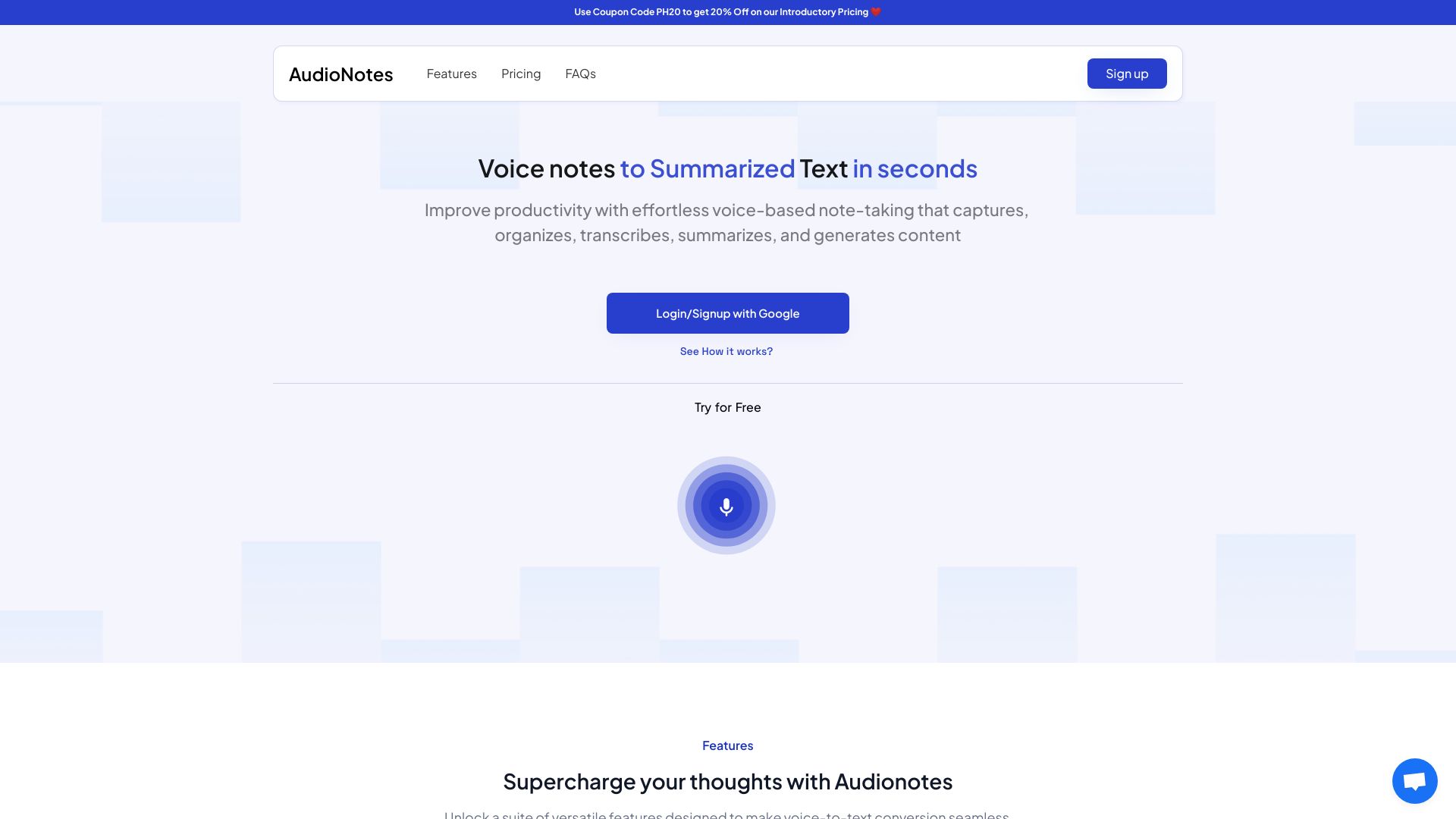
Audionotes.app
Turning voice recordings into structured meeting notes
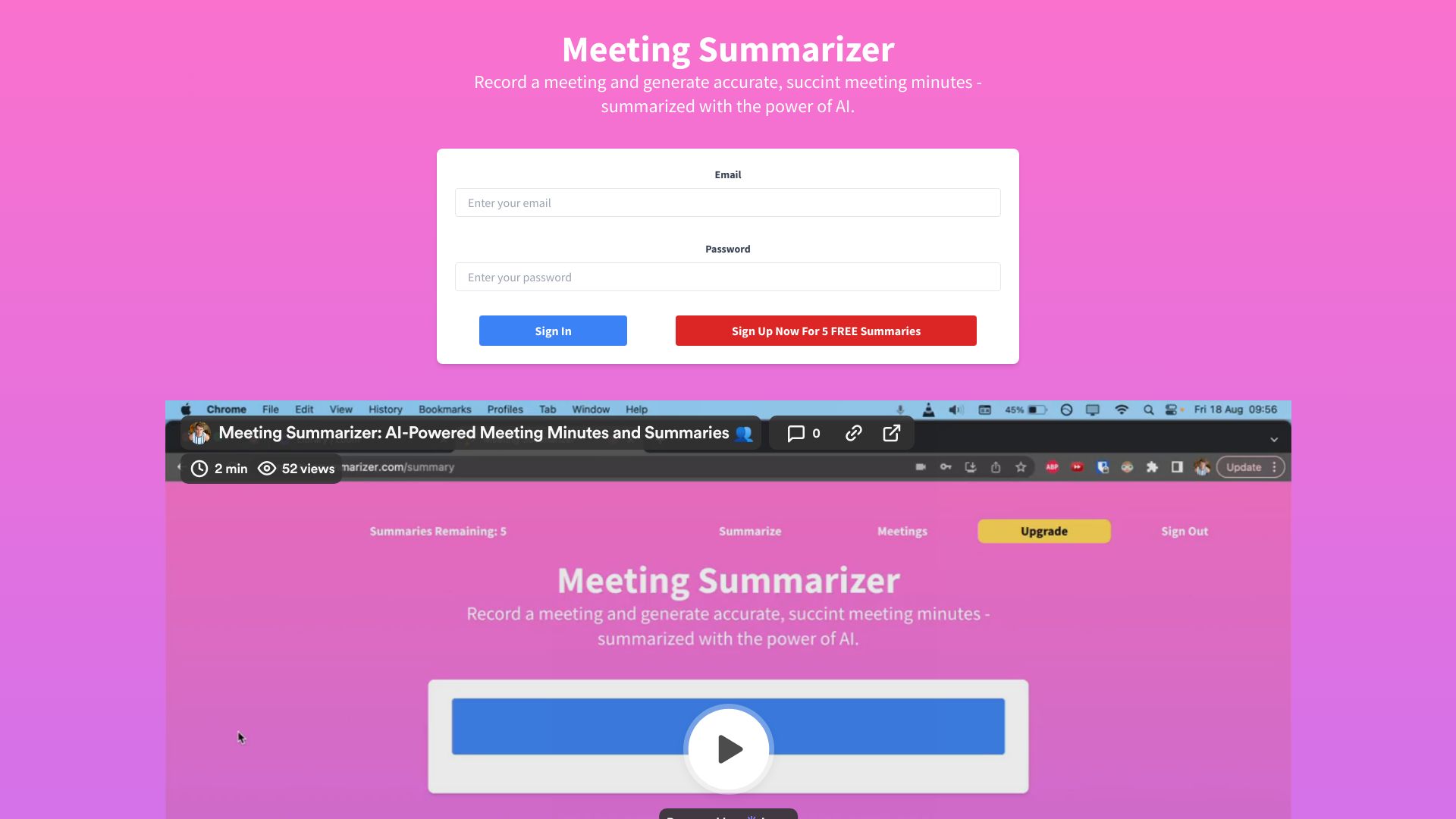
Meeting Summarizer
AI-generated meeting minutes and summaries
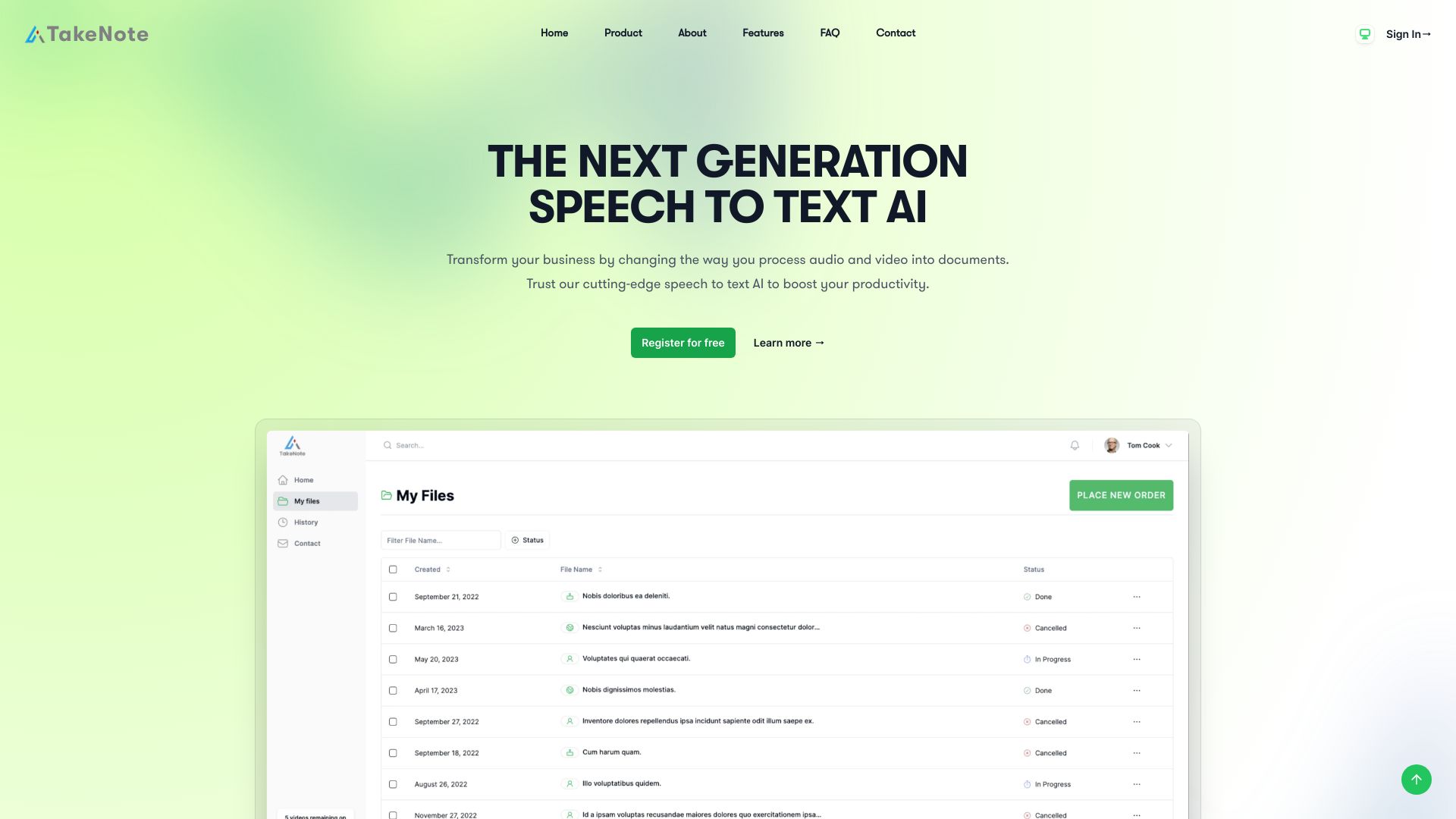
TakeNote
Meeting transcription and analysis

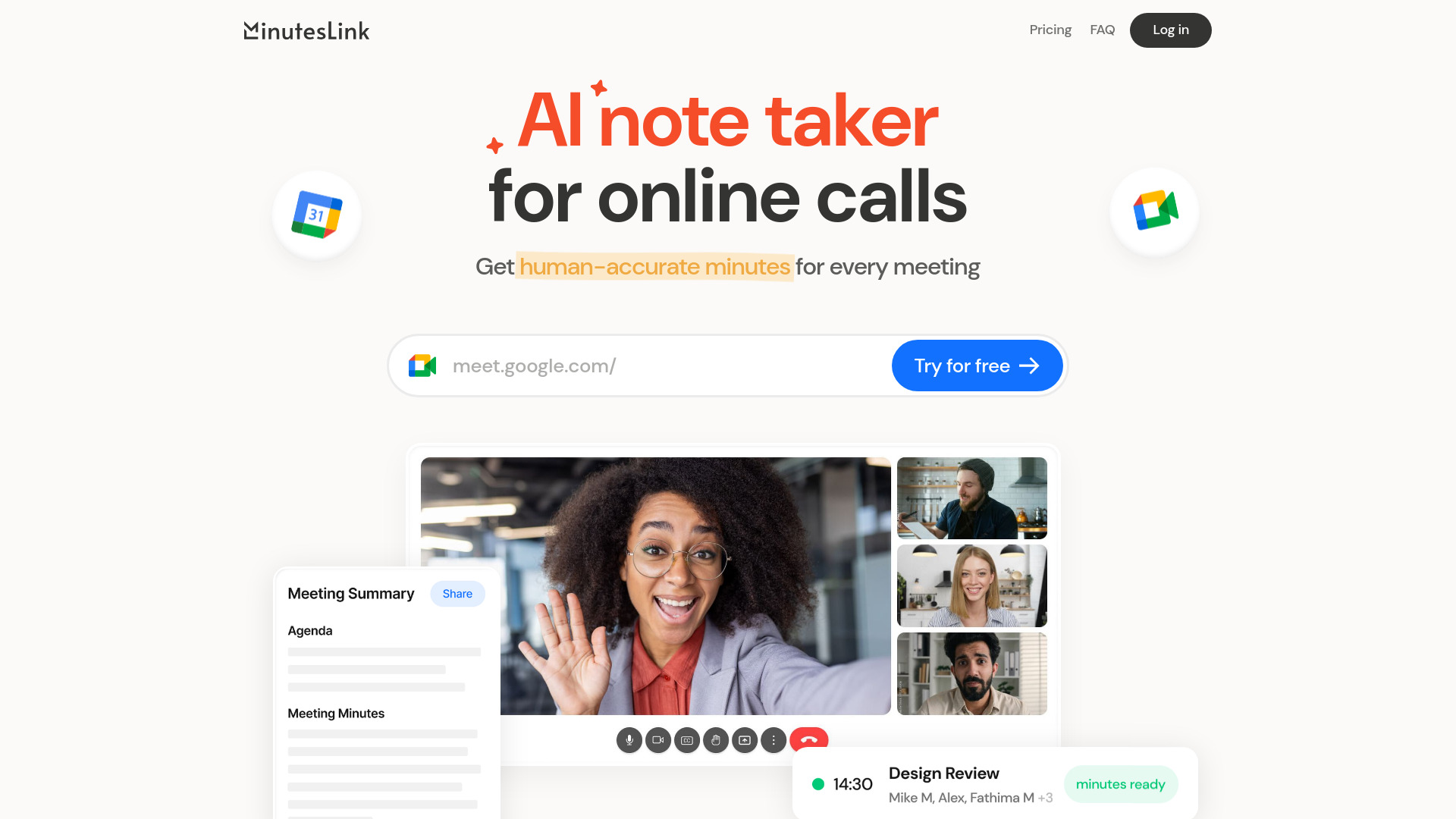
MinutesLink
Teams needing accurate, shareable meeting minutes

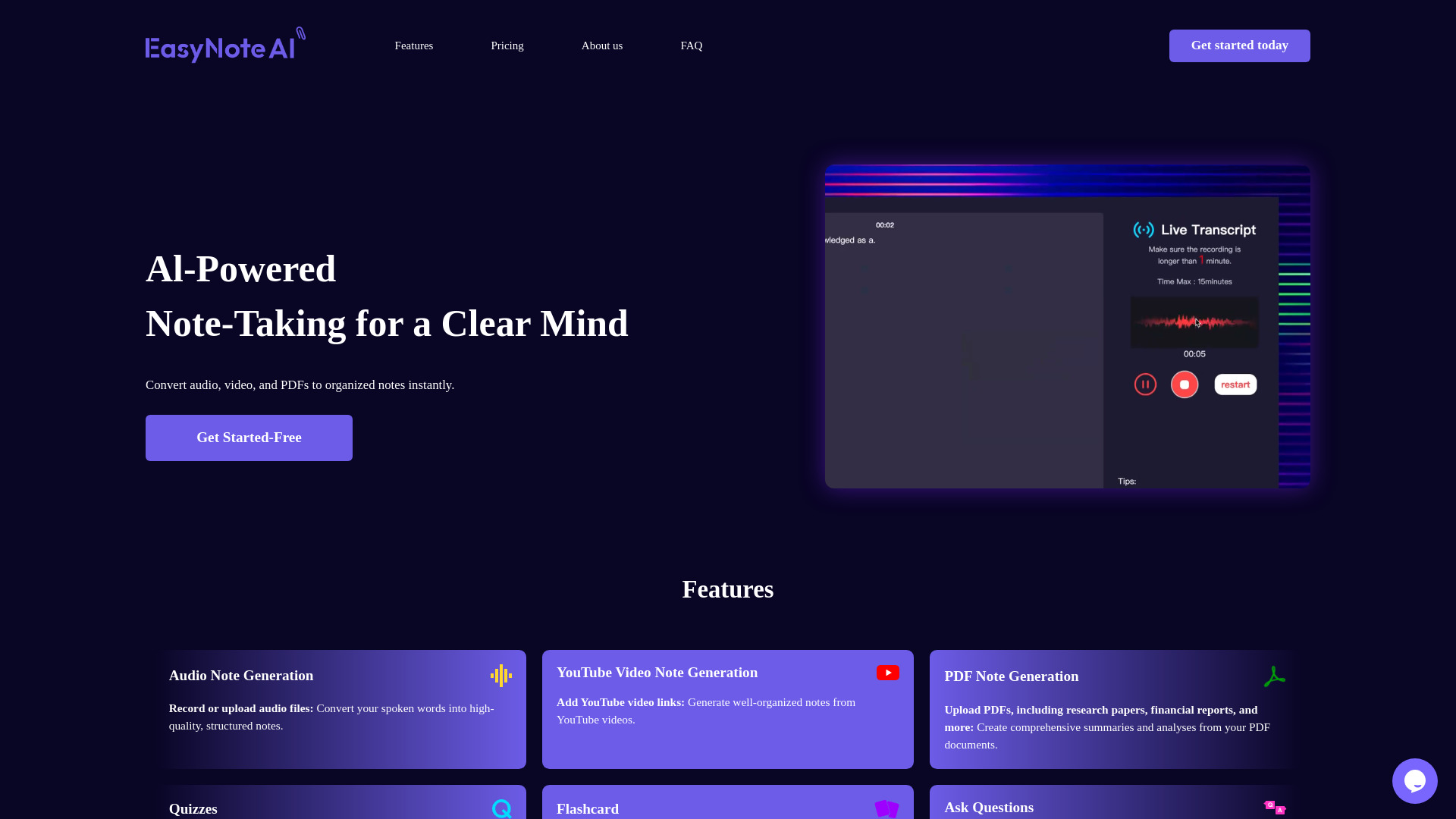
EasyNoteAI
Turning audio, videos, and PDFs into study notes

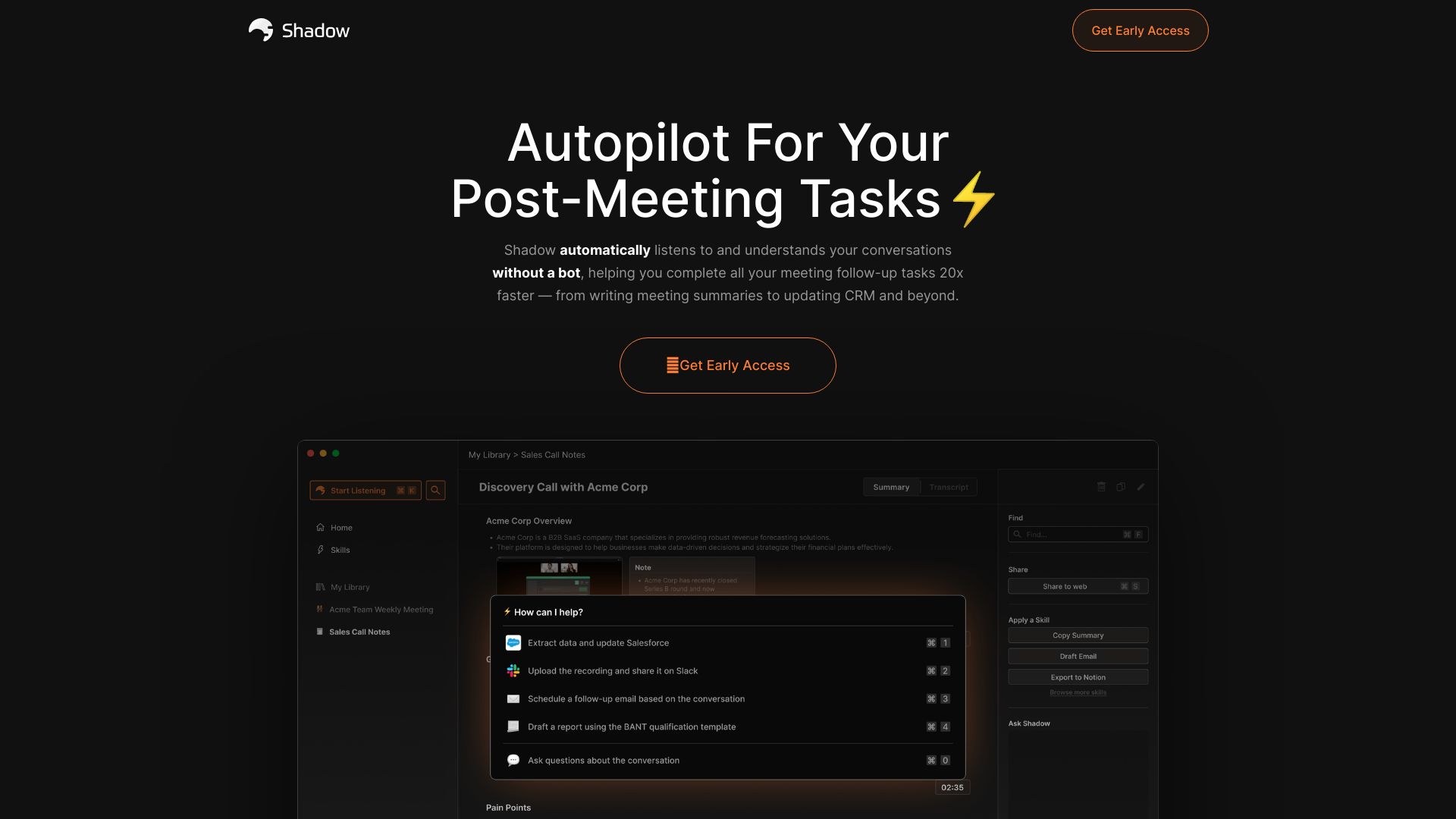
Shadow AI
Bot-free meeting notes and follow-ups

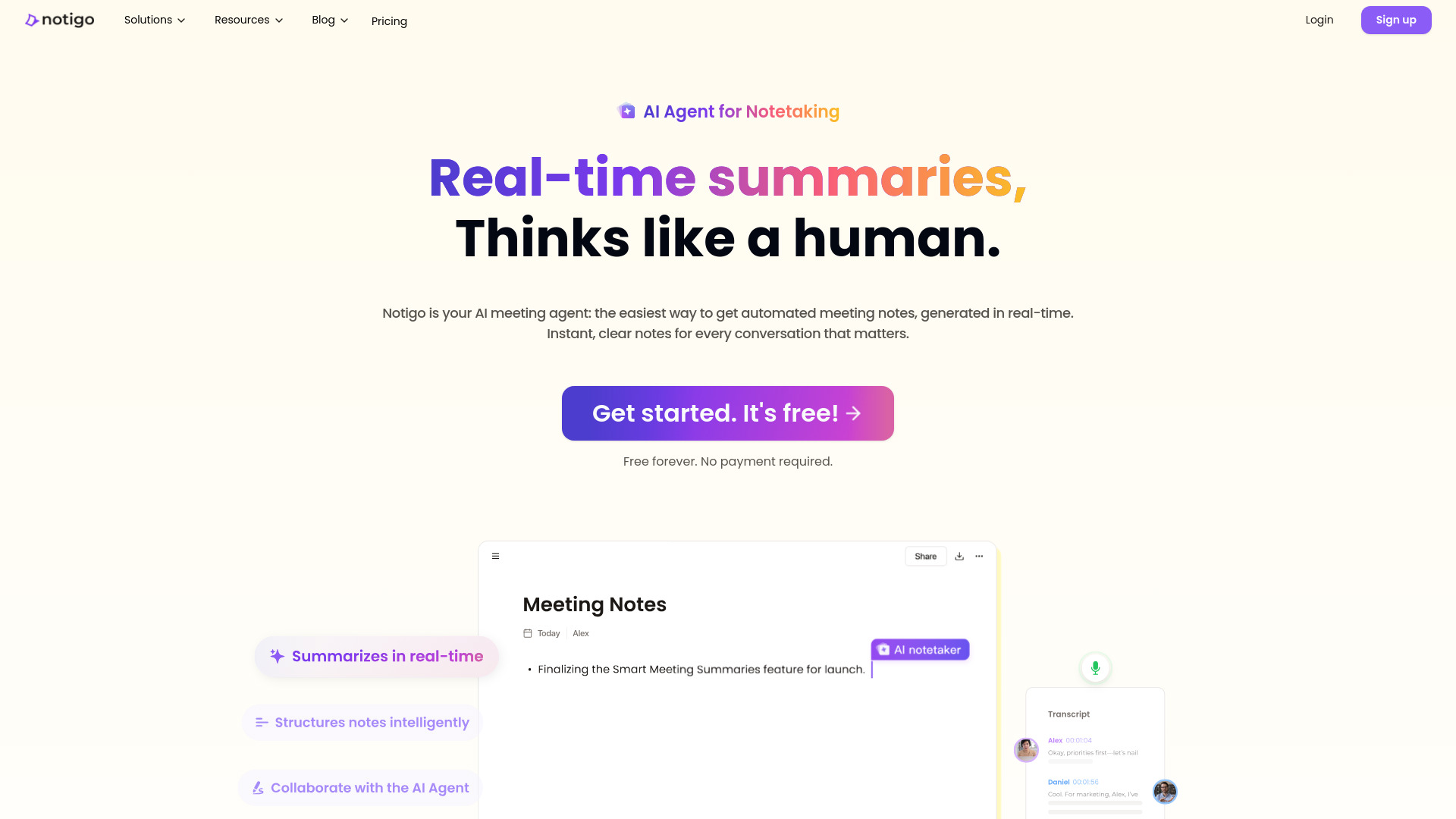
Notigo
Real-time structured meeting notes

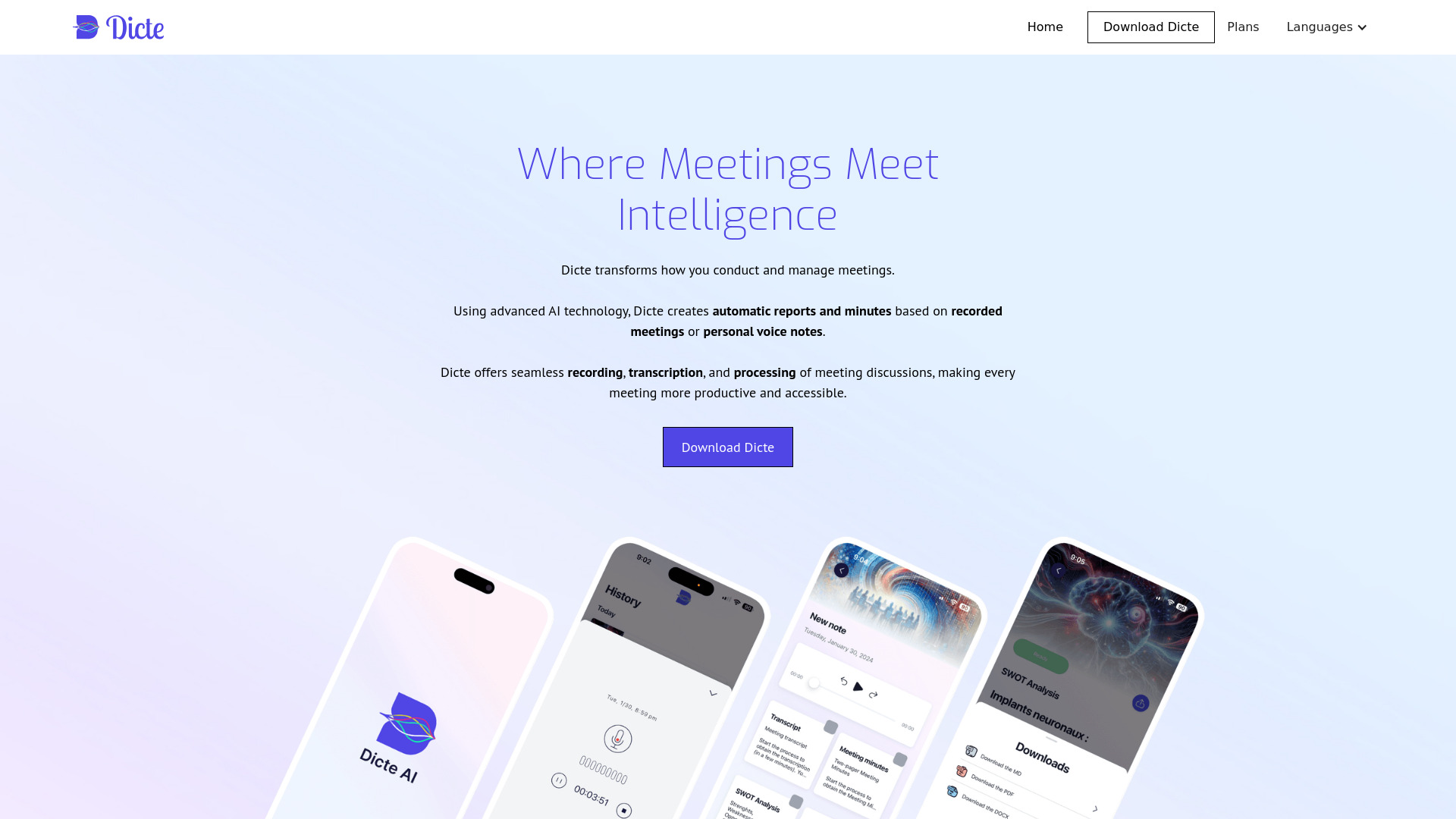
Dicte.ai
Mobile meeting transcription and AI minutes

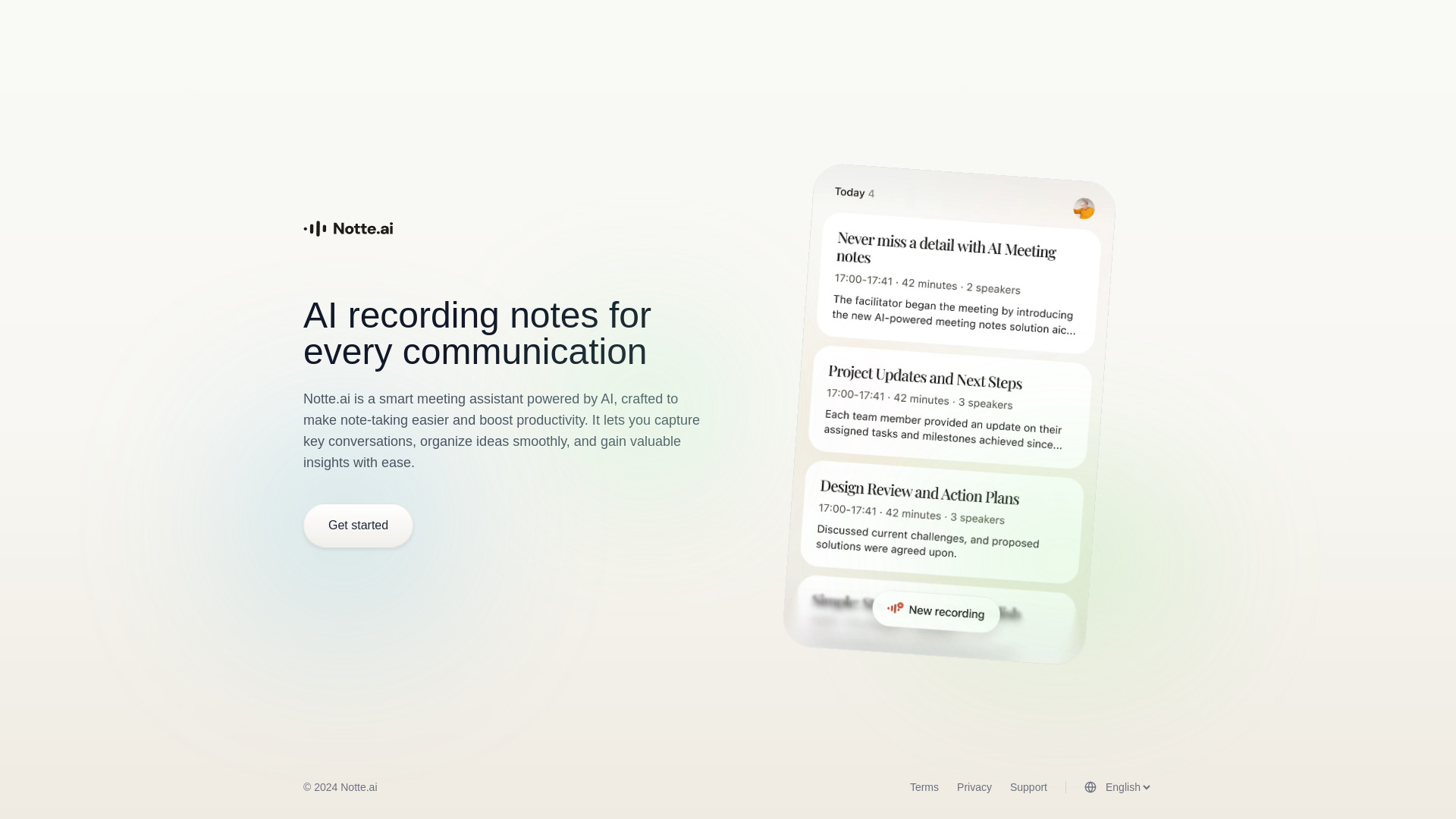
Notte.ai
AI meeting notes and conversation capture

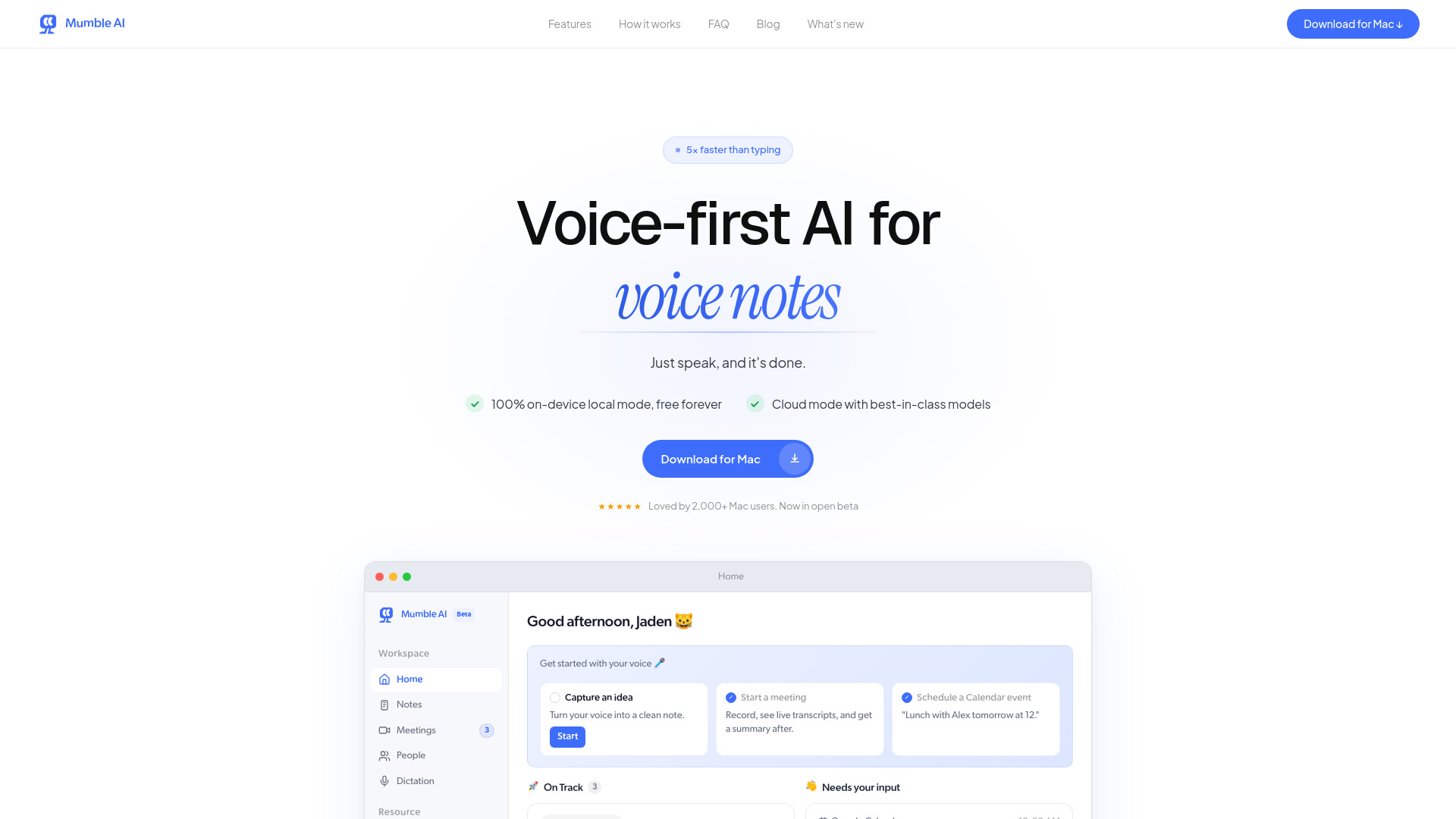
Mumble AI
Mac users wanting bot-free meeting notes
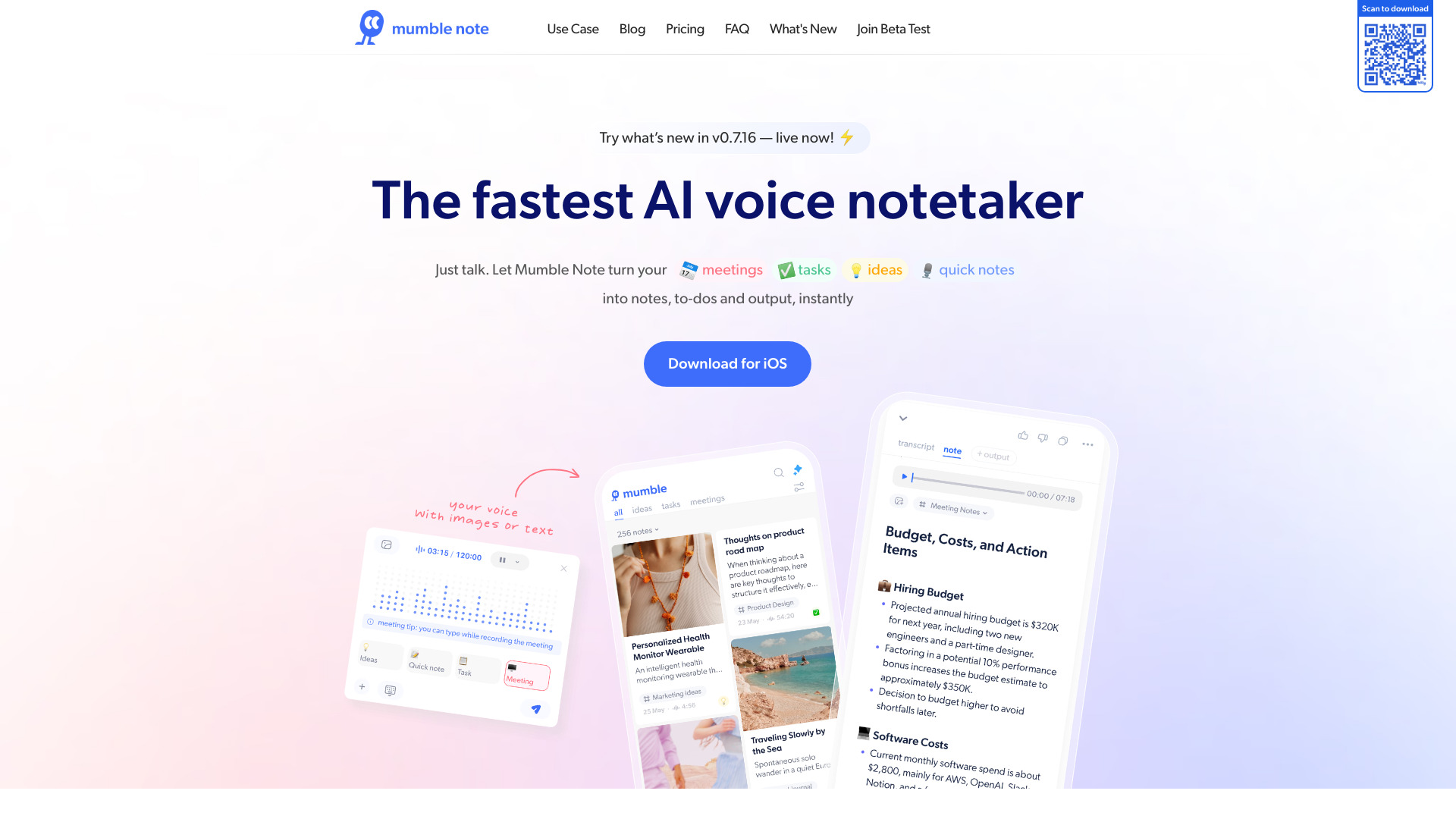
Mumble Note
On-the-go voice meeting notes

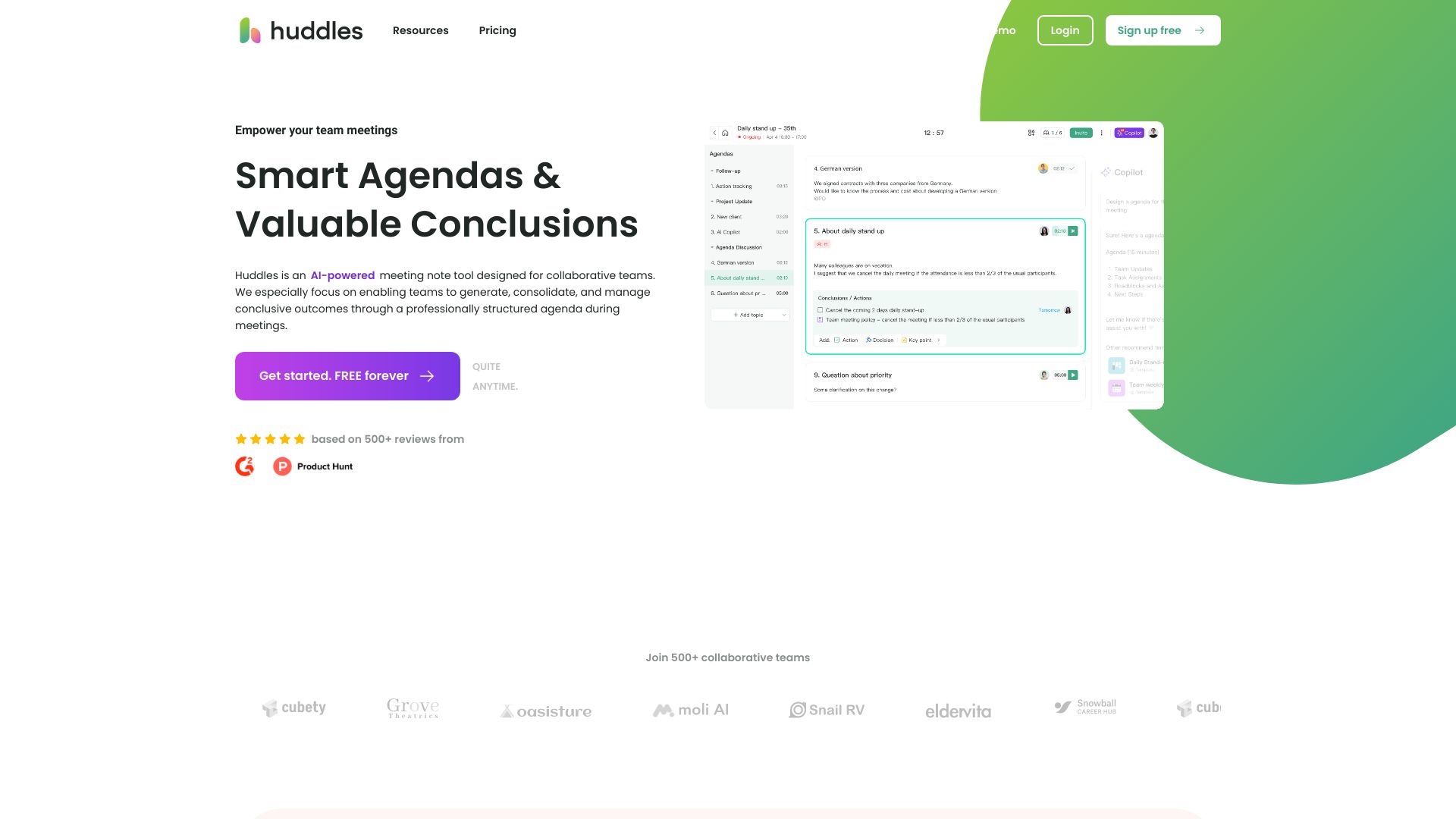
Huddles.App
Collaborative teams tracking meeting outcomes

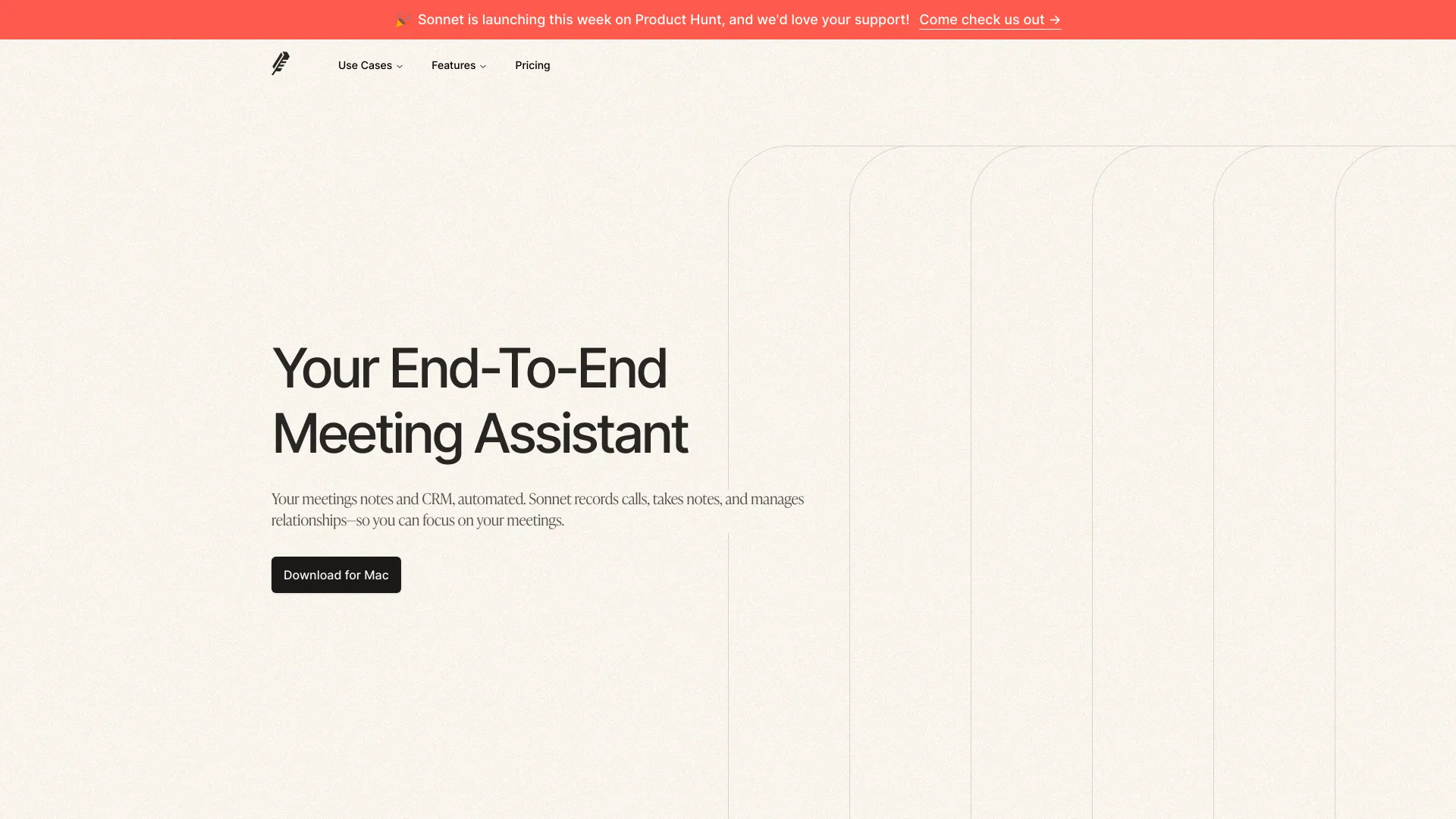
Sonnet AI
Bot-free meeting notes and CRM updates

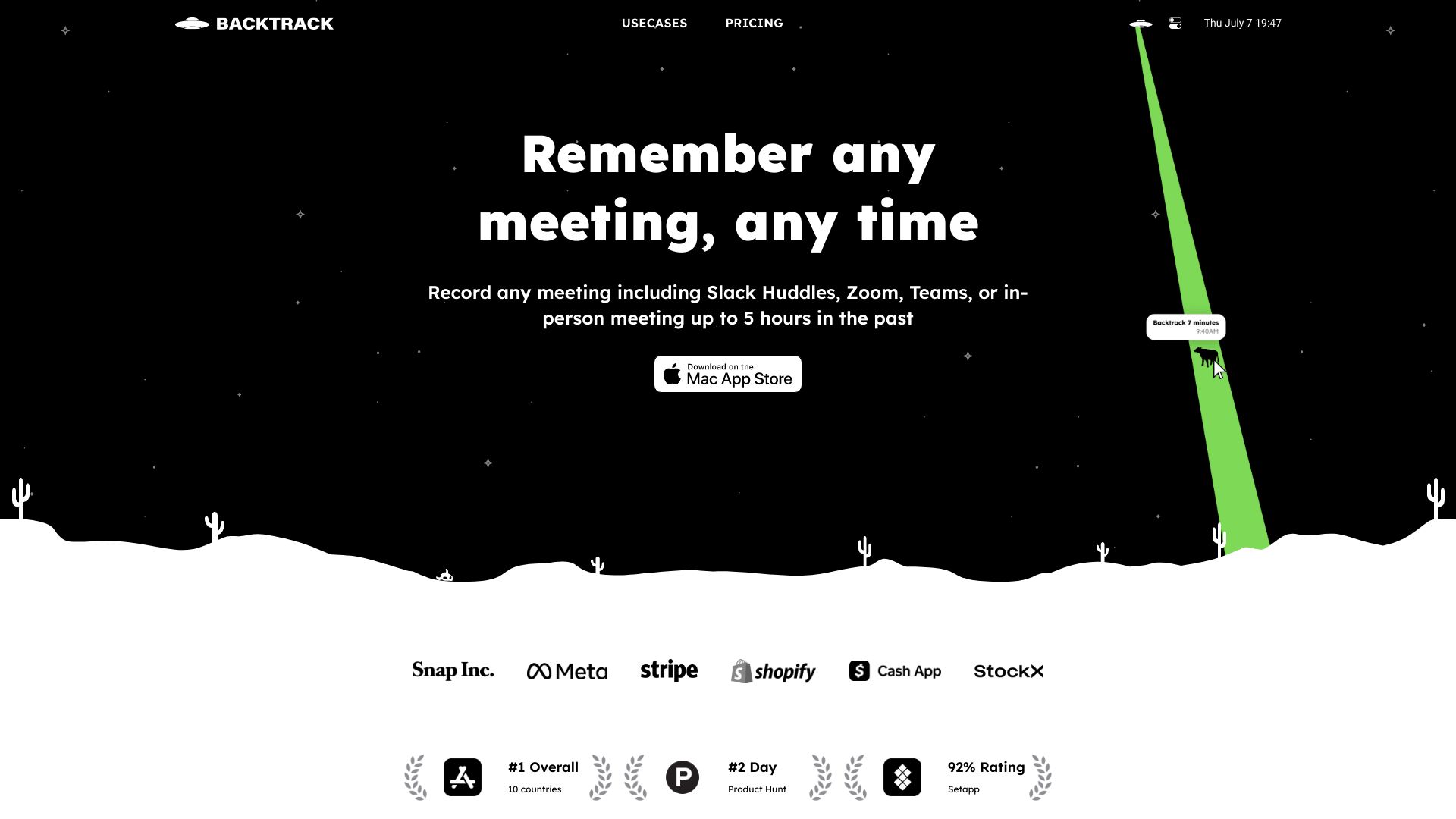
Backtrack AI
Trade show conversation notes and lead capture

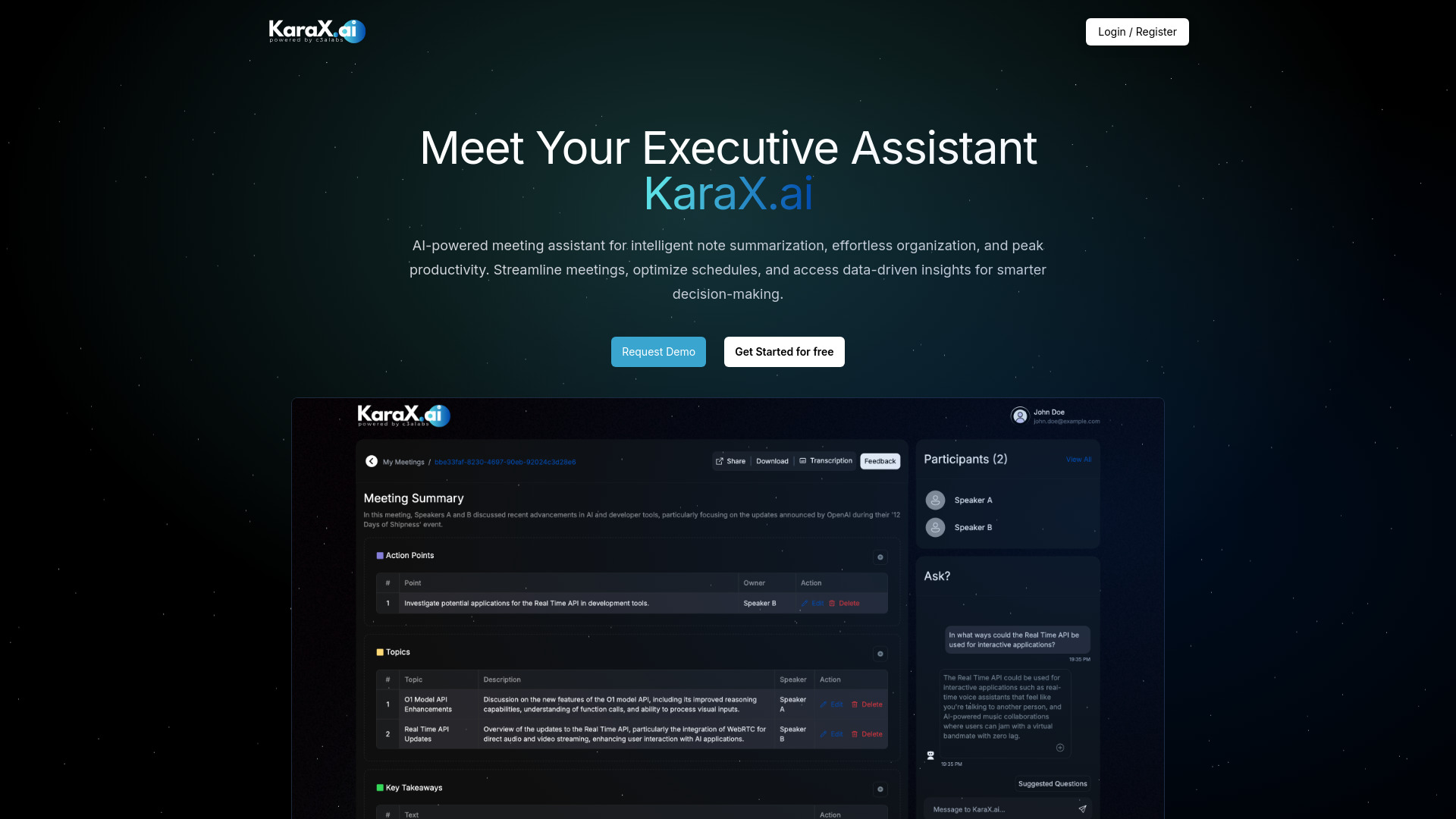
Karax.ai
Teams tracking meeting decisions and action items

Recap AI
Actionable meeting summaries for busy professionals

Wave - AI Note Taker
On-the-go audio transcription and summaries

Superpowered
Bot-free meeting notes and live transcription

AiGenda
Automated notes for Zoom and Google Meet calls
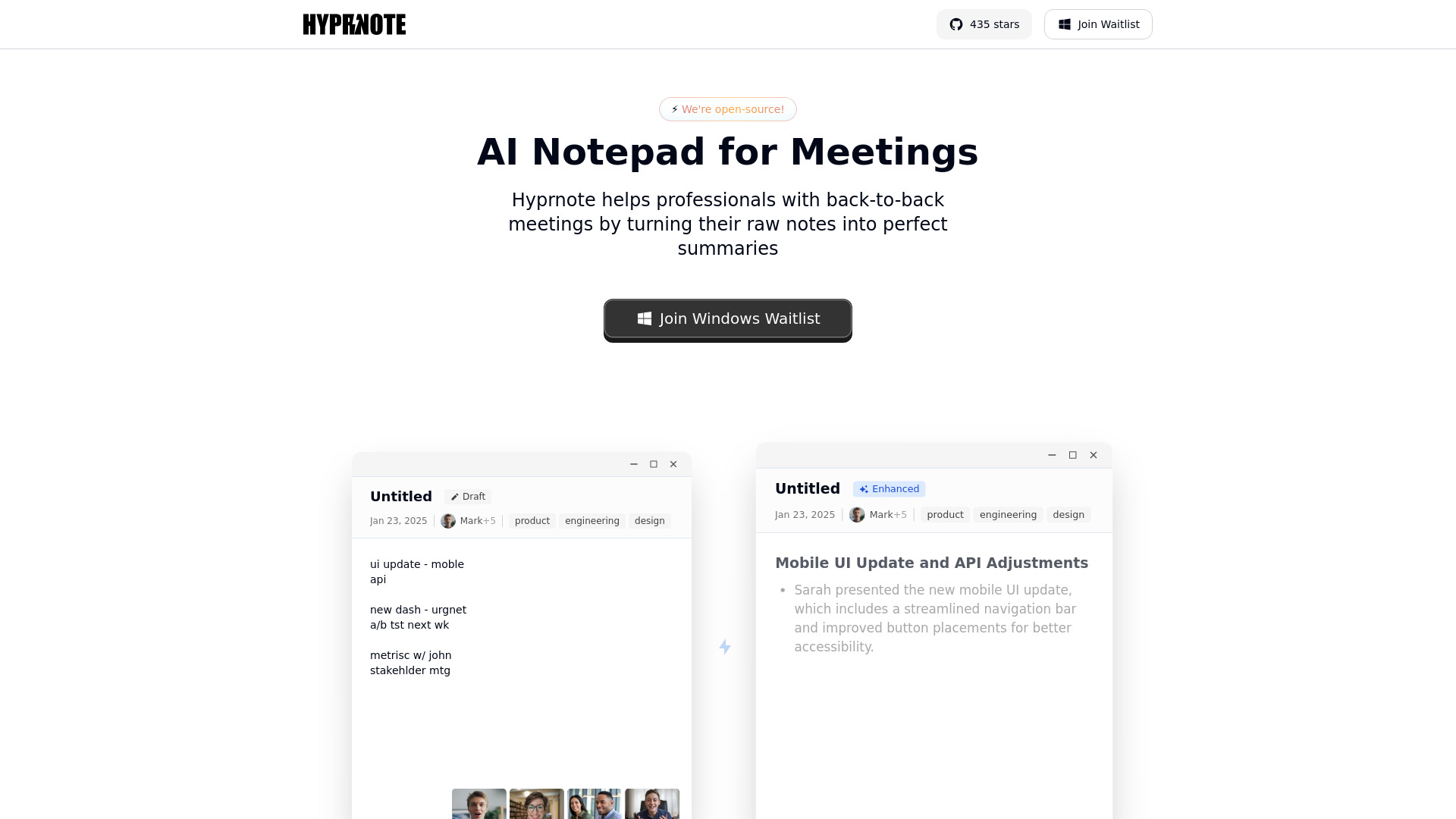
Hyprnote
Private, local meeting notes and summaries

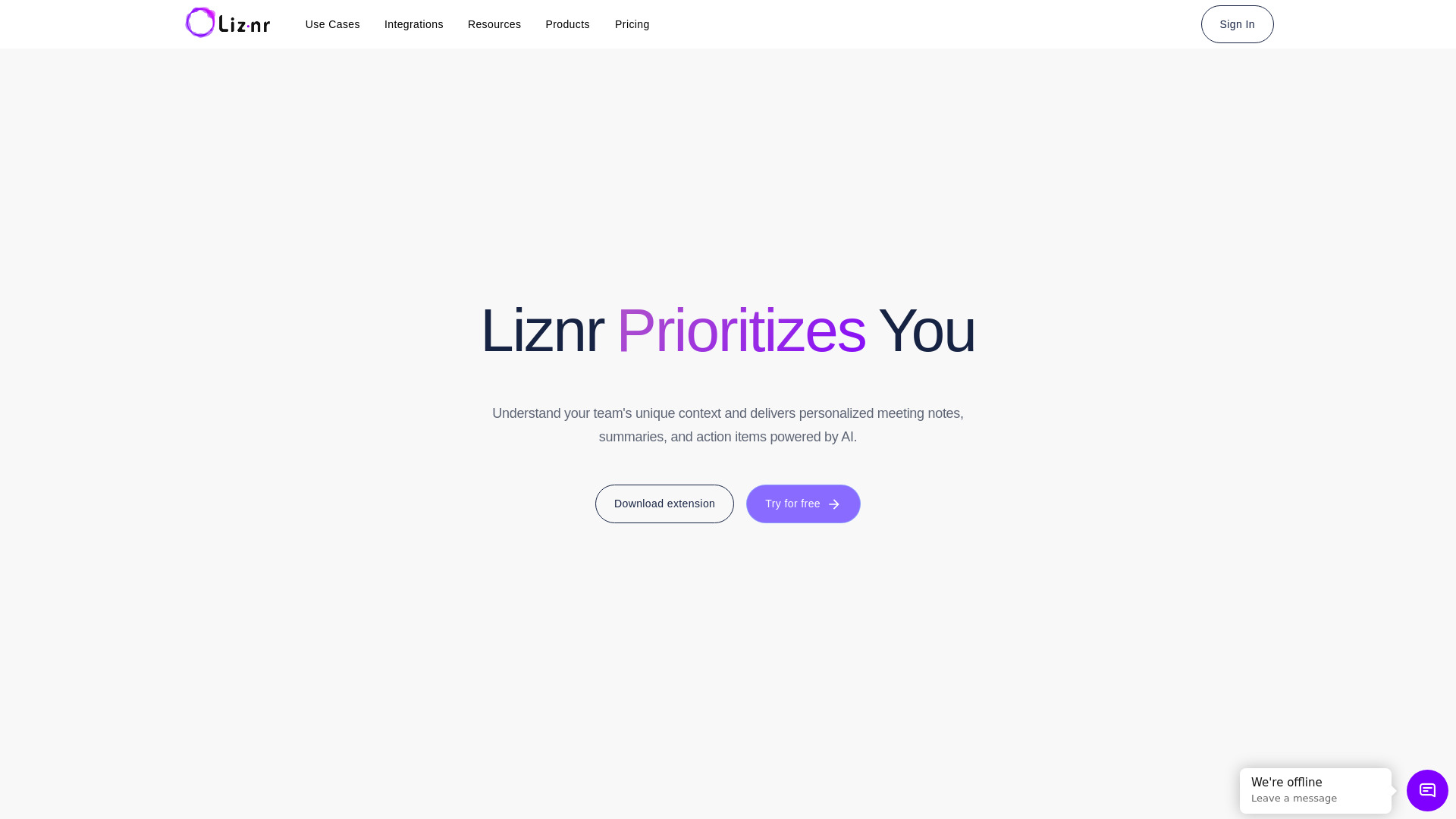
Liznr
Personalized AI meeting notes and action items

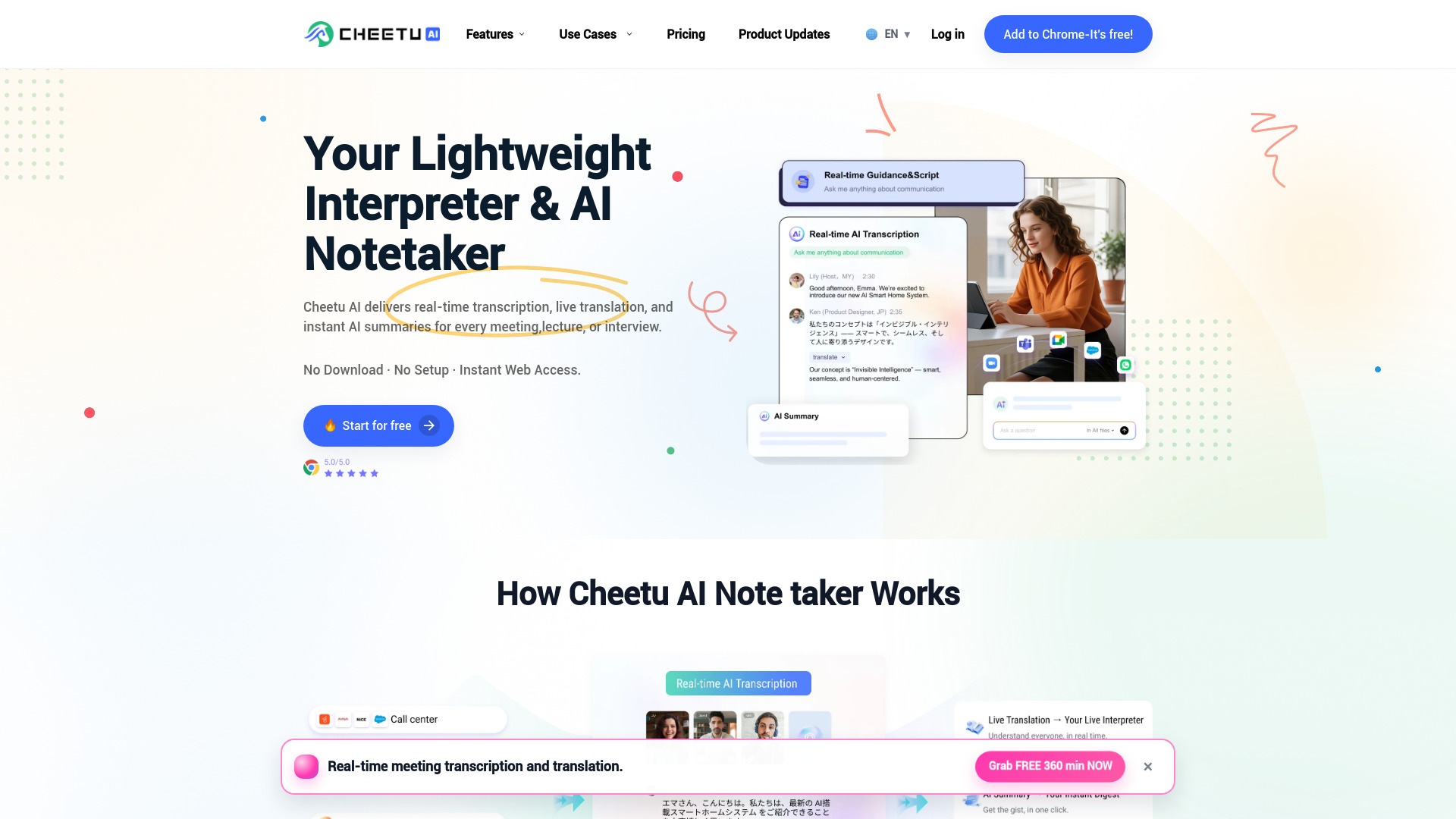
Cheetu AI
Multilingual meeting notes and live translation

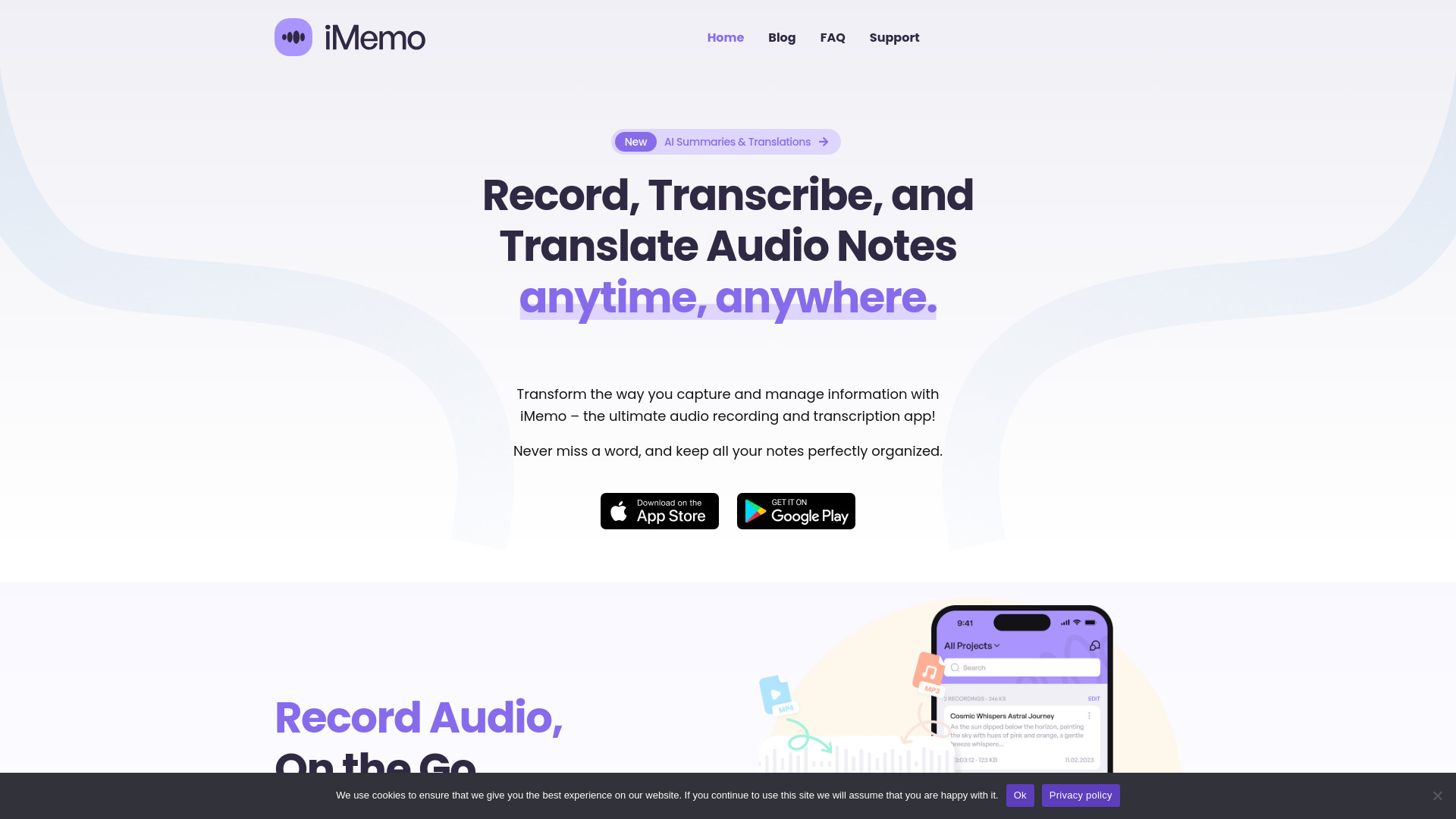
iMemo
Multilingual meeting transcription and summaries

Perfect Memory AI
Private, searchable meeting transcripts


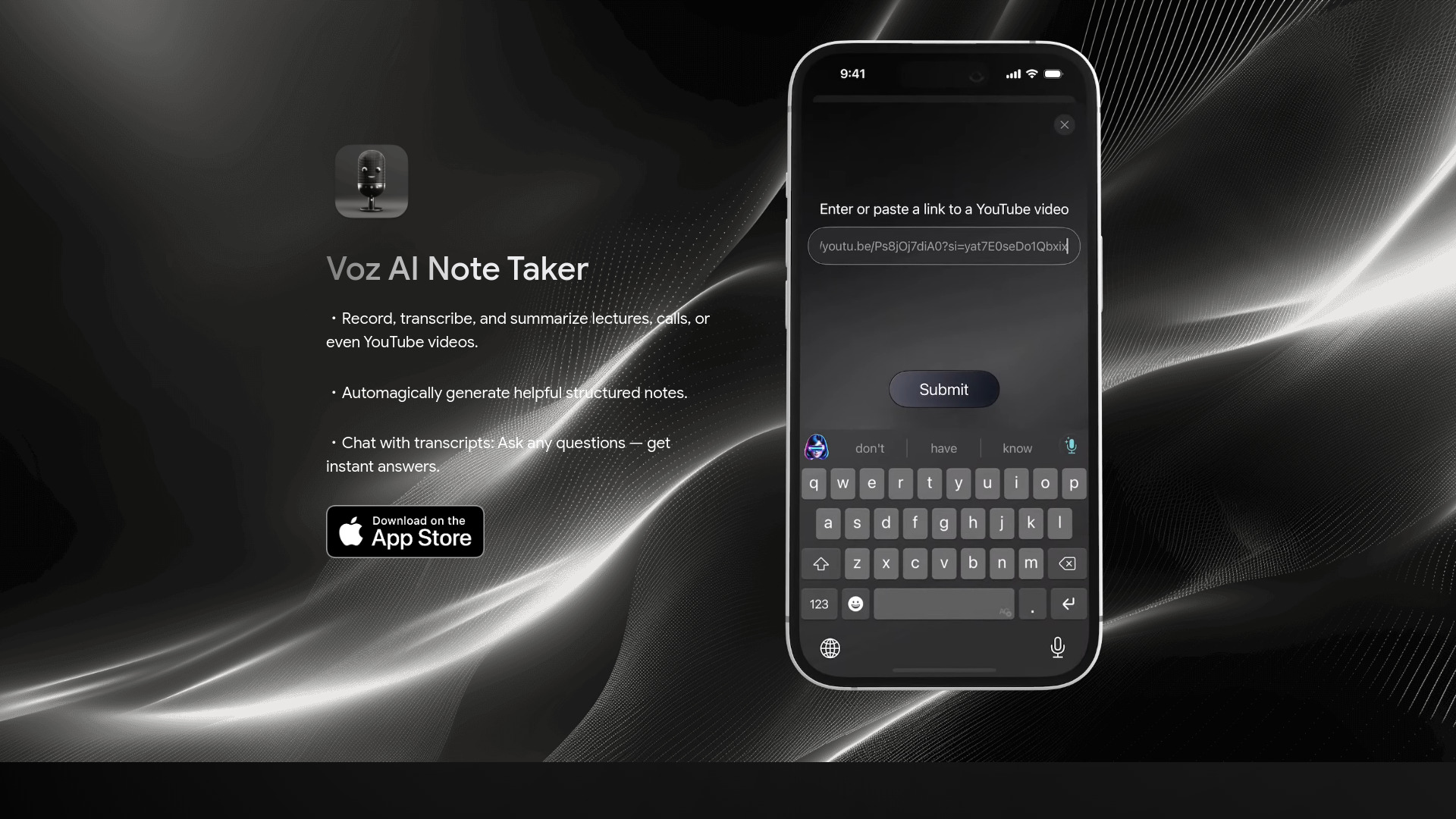
Voz AI Note Taker
Structured notes from lectures and videos

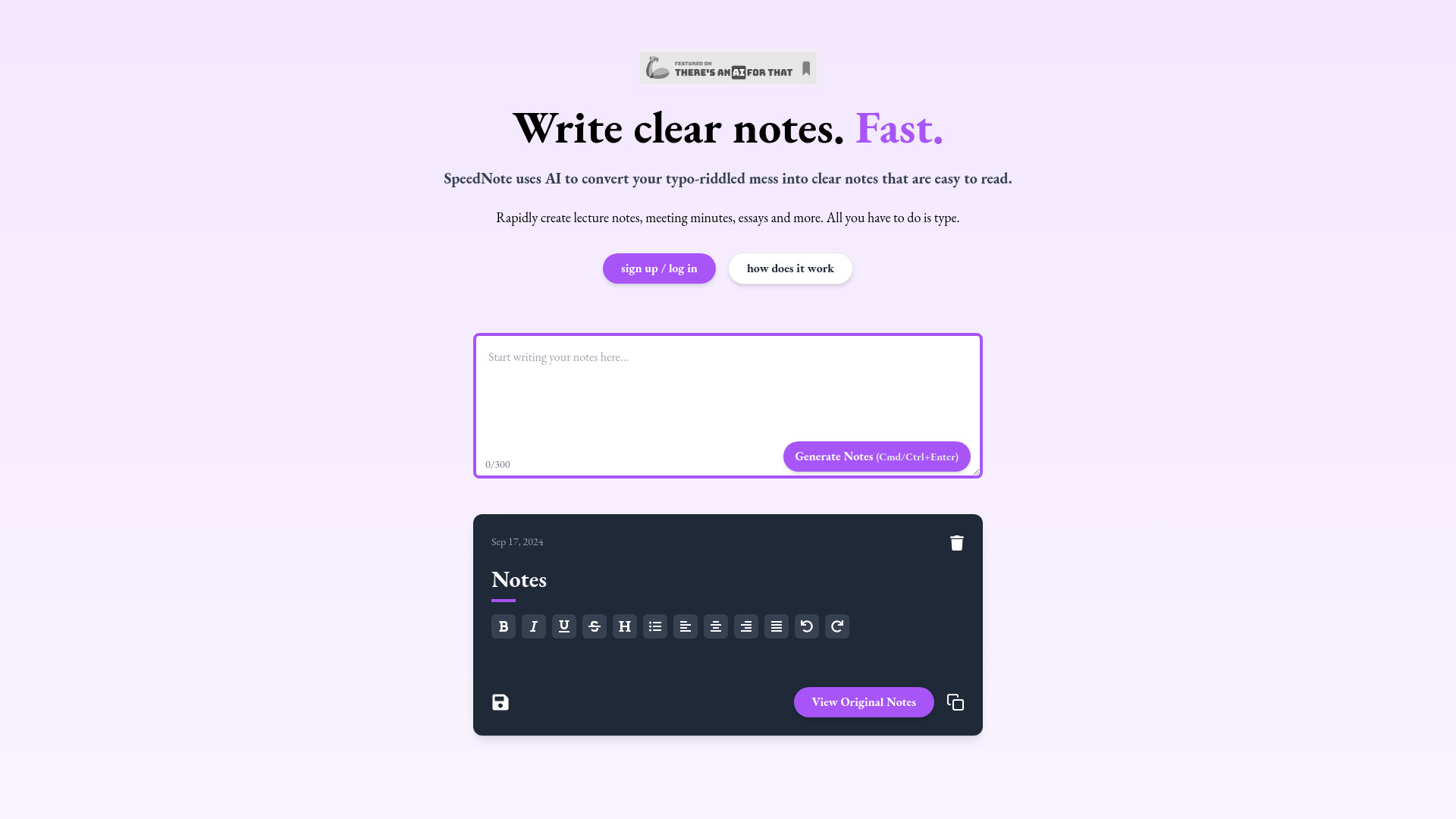
SpeedNote AI
Fast meeting and lecture note cleanup

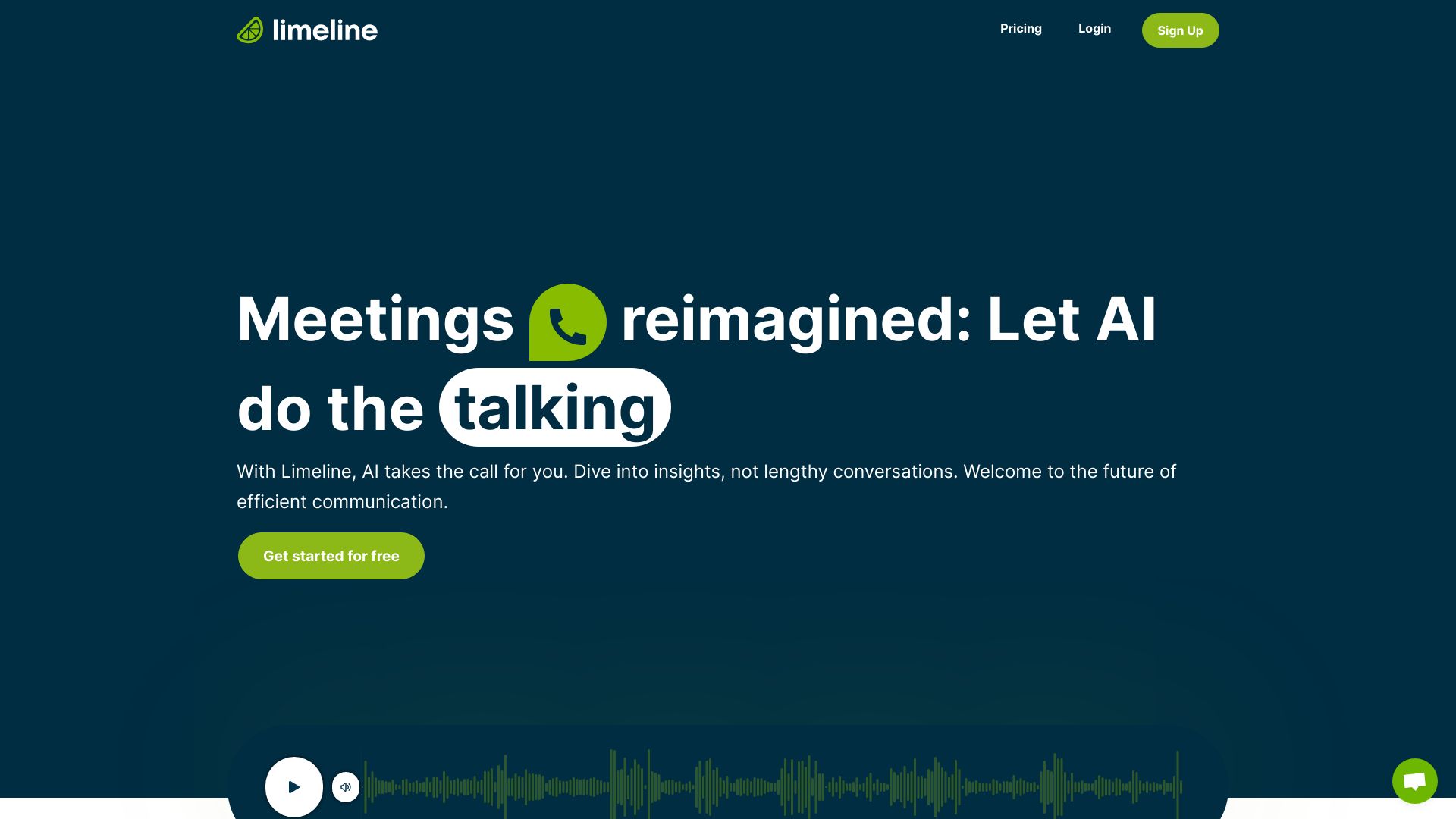
Limeline.ai
Automated AI-led calls and meeting summaries

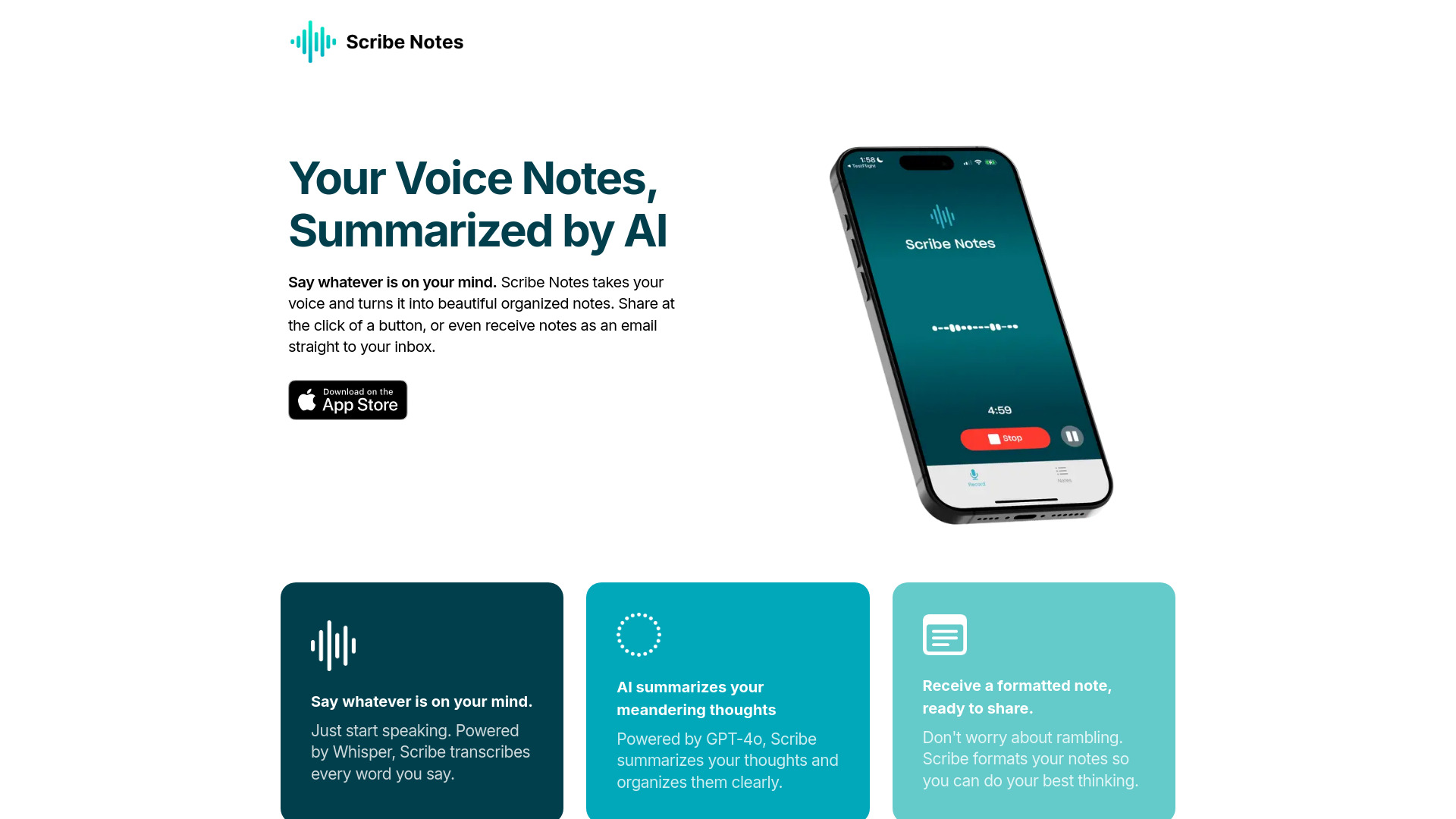
Scribe AI Notes
iPhone voice memos turned into organized notes

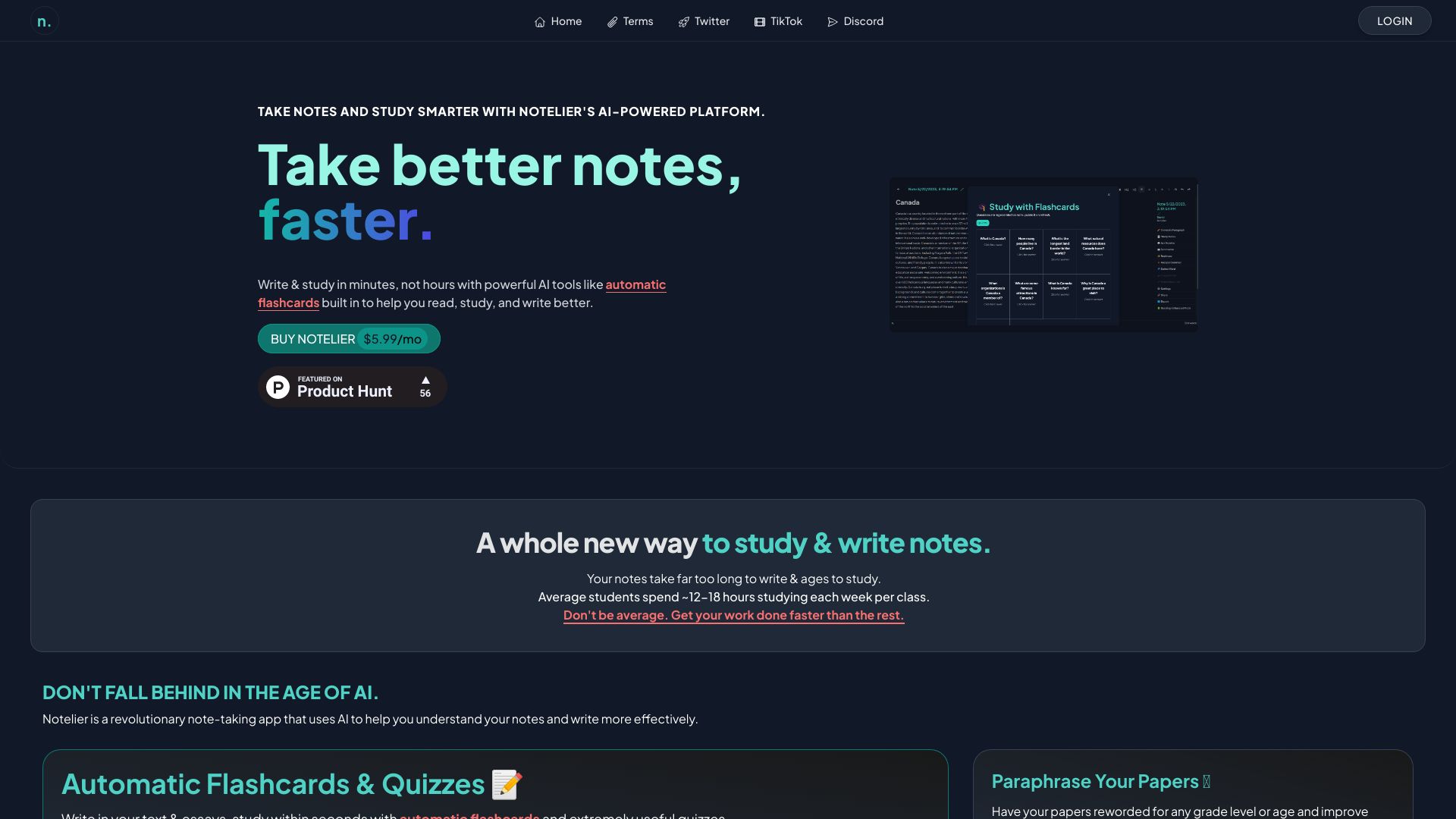
Notelier
AI-powered study notes and flashcards

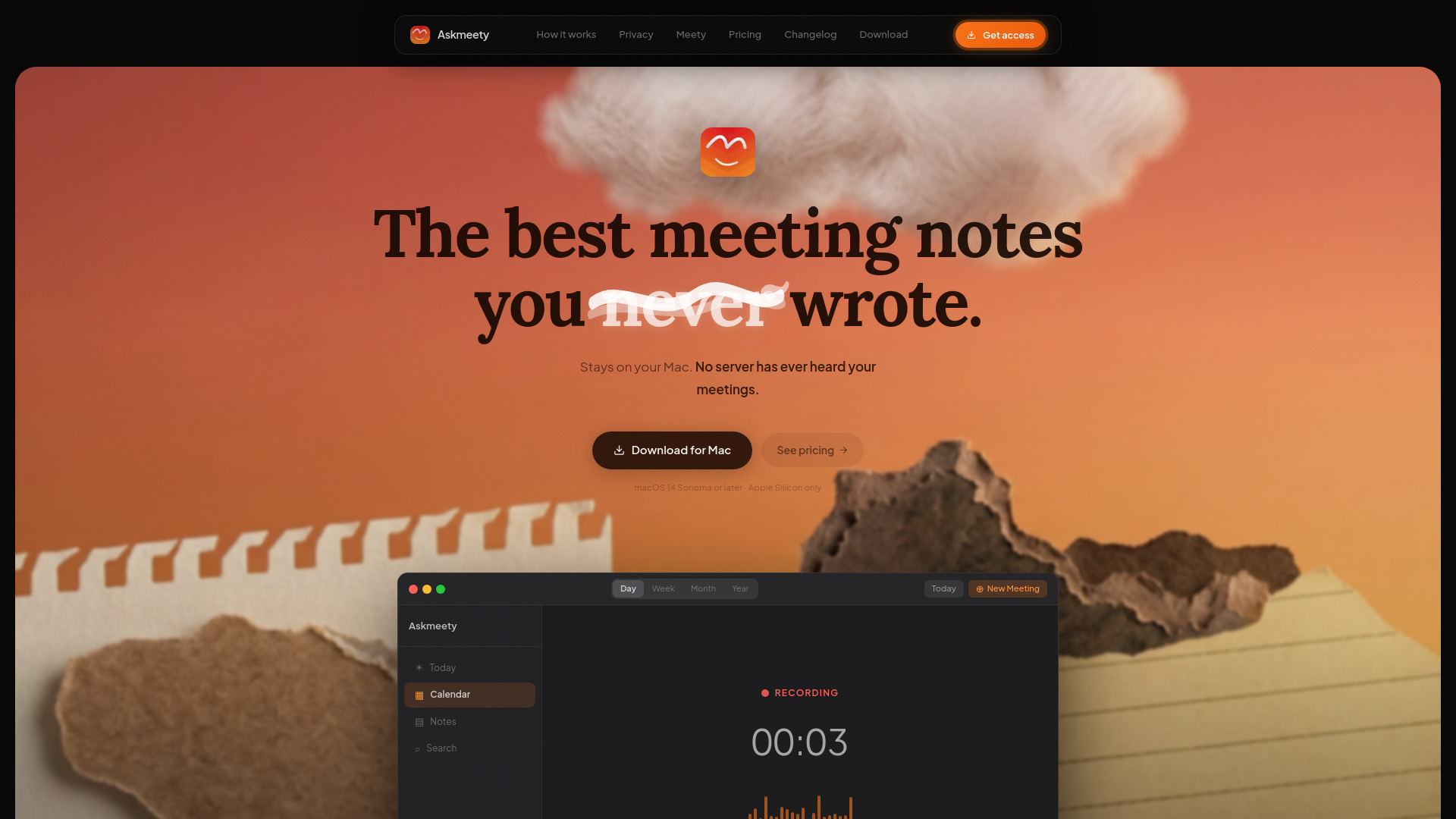
Askmeety
Private meeting notes on Apple Silicon Macs

MeetSummary
Automated emailed meeting summaries
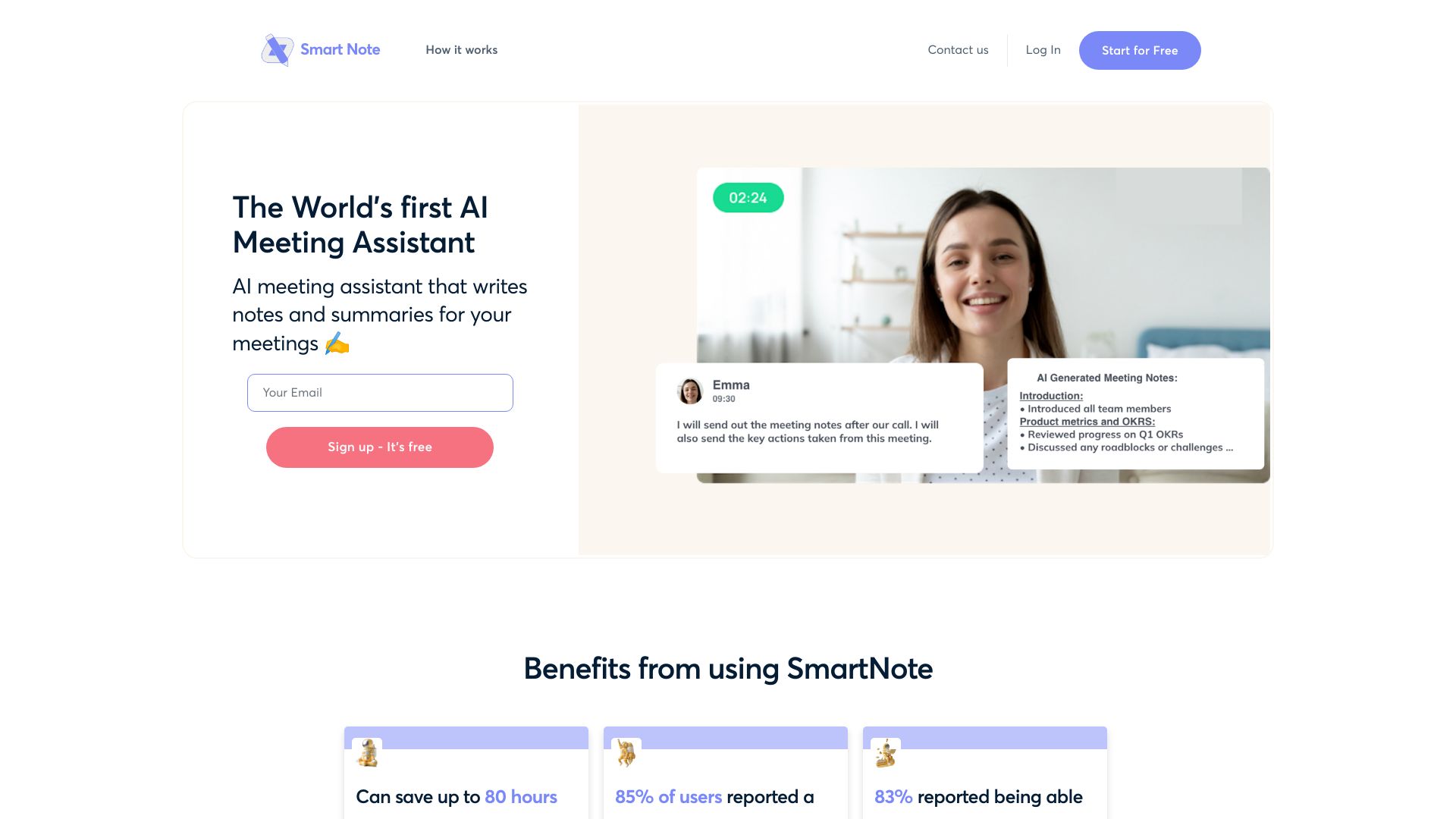
Smart Note
Automated meeting transcripts and summaries

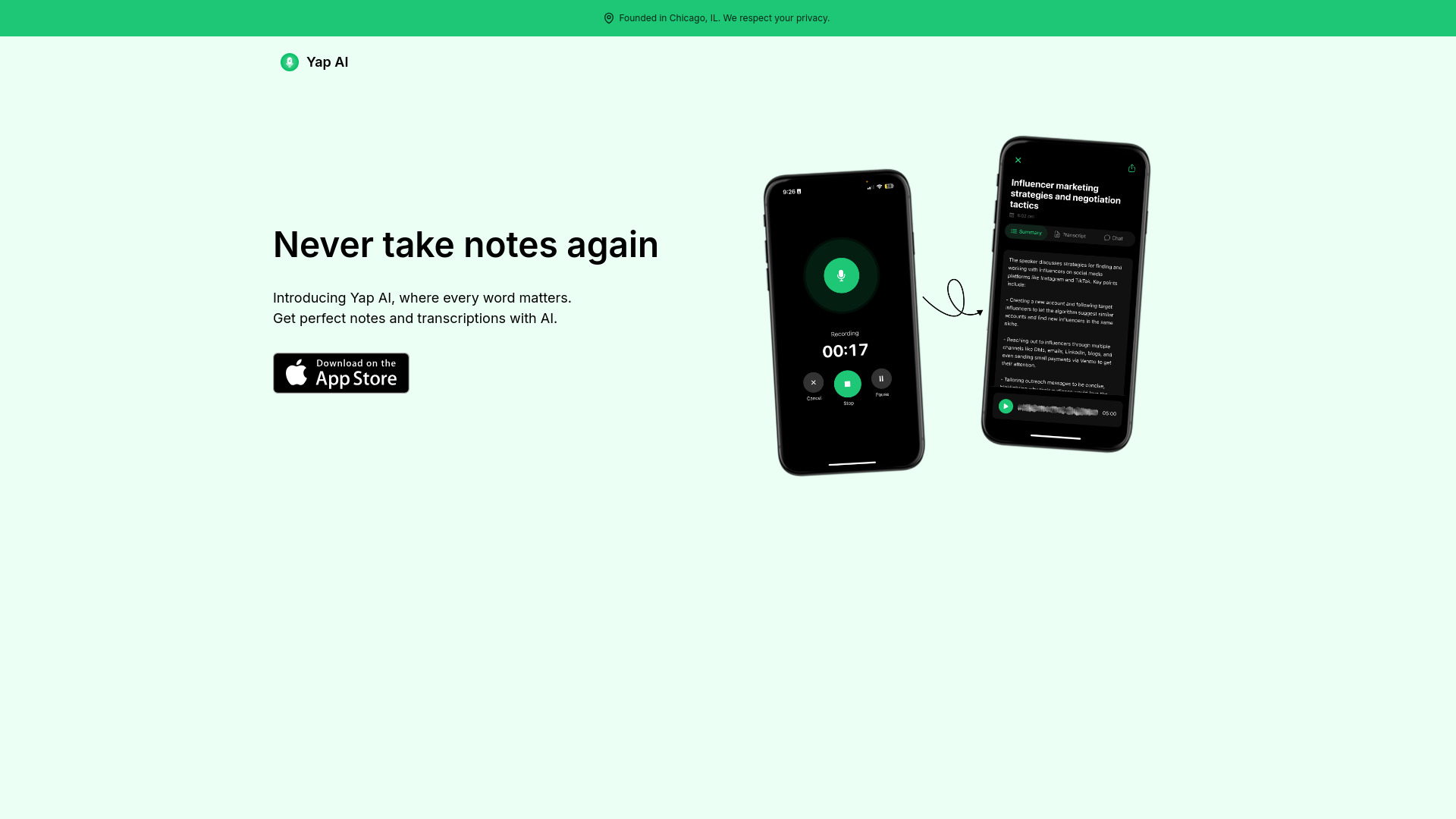
Yap AI
Meeting transcripts and action items

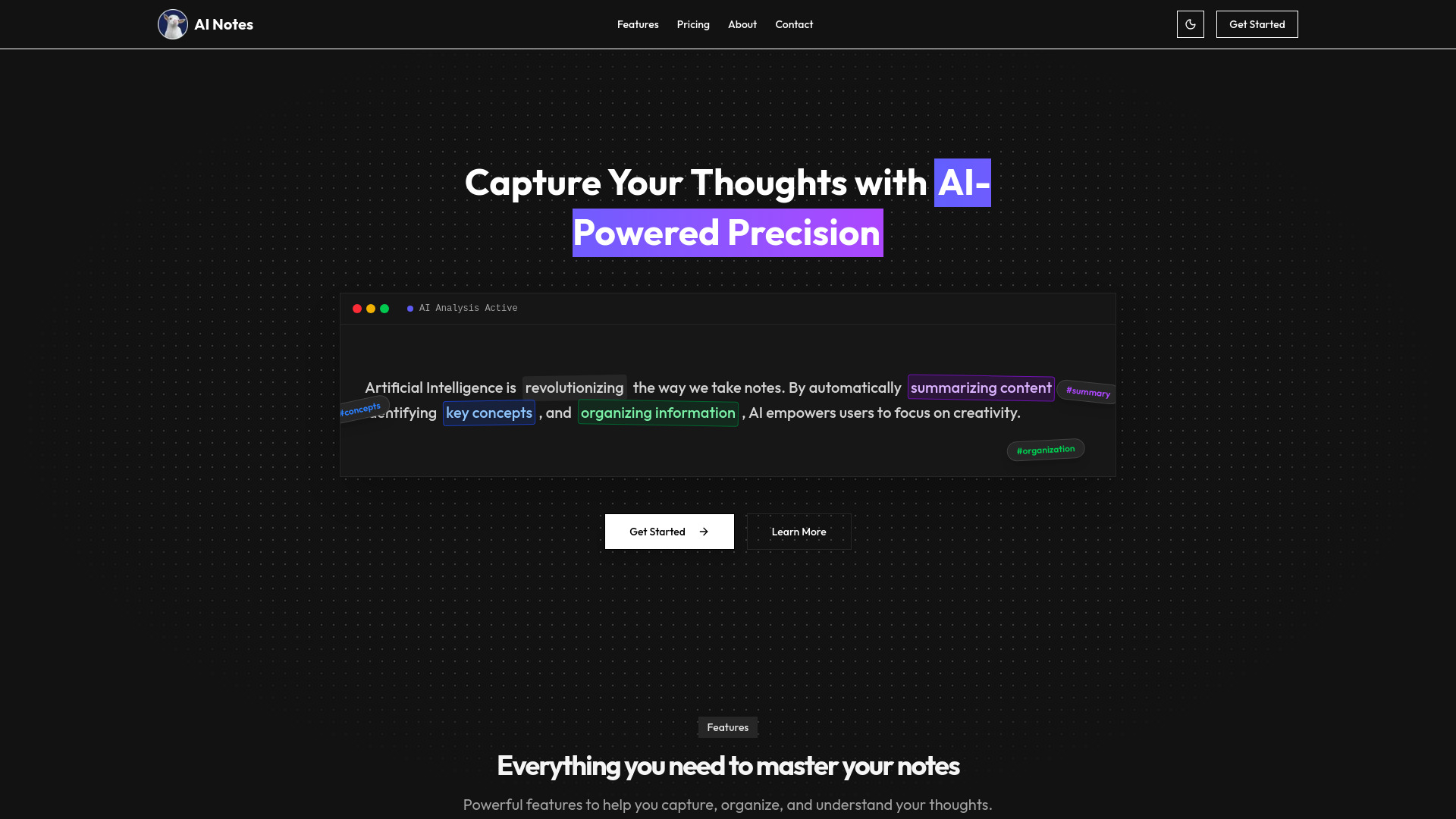
AI Notes
AI-organized personal notes

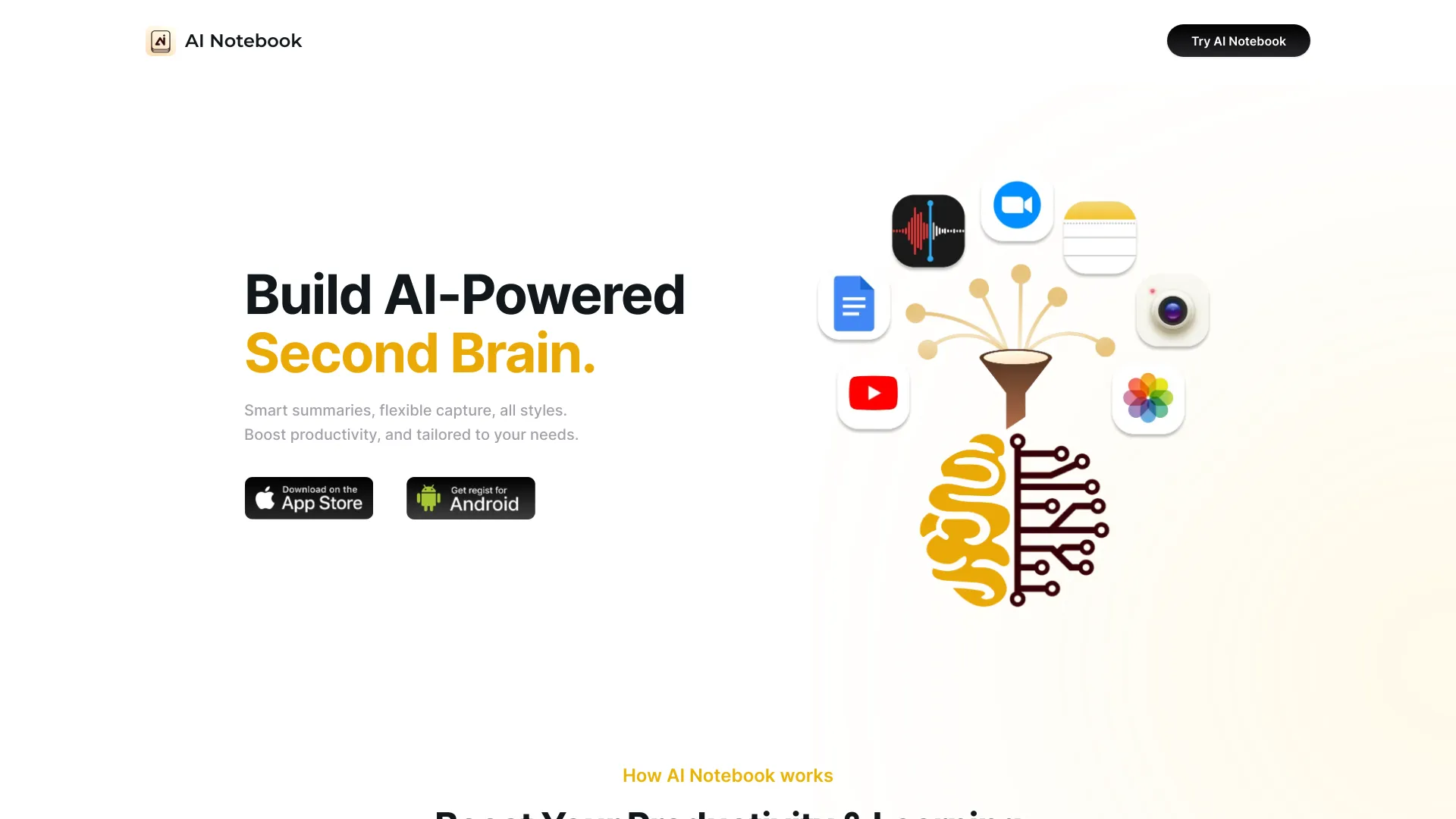
AI Notebook
Meeting and lecture transcription

AI Meeting Tool
Client meetings with scheduling and AI notes

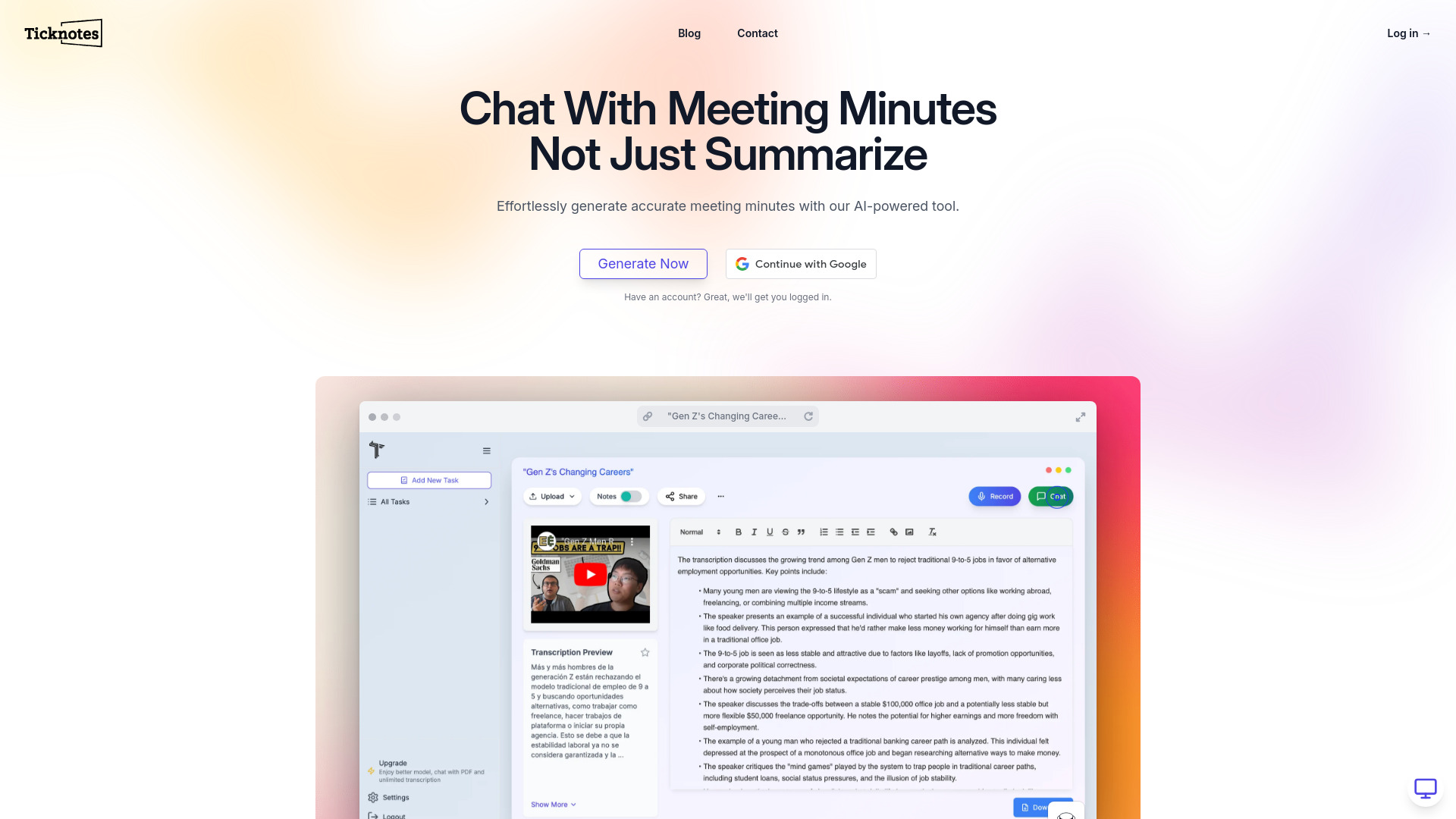
Ticknotes
Meeting and lecture recording summaries
AI Note
Organizing and summarizing study or work notes

Meetmemos
Transcribing and summarizing online meetings and lectures

Audio Note
Turning spoken ideas into polished notes

Rewatch
Teams capturing meeting notes and shared video knowledge
Airgram
AI meeting notes, transcription, and action items

Mina AI
Real-time meeting assistance and follow-through

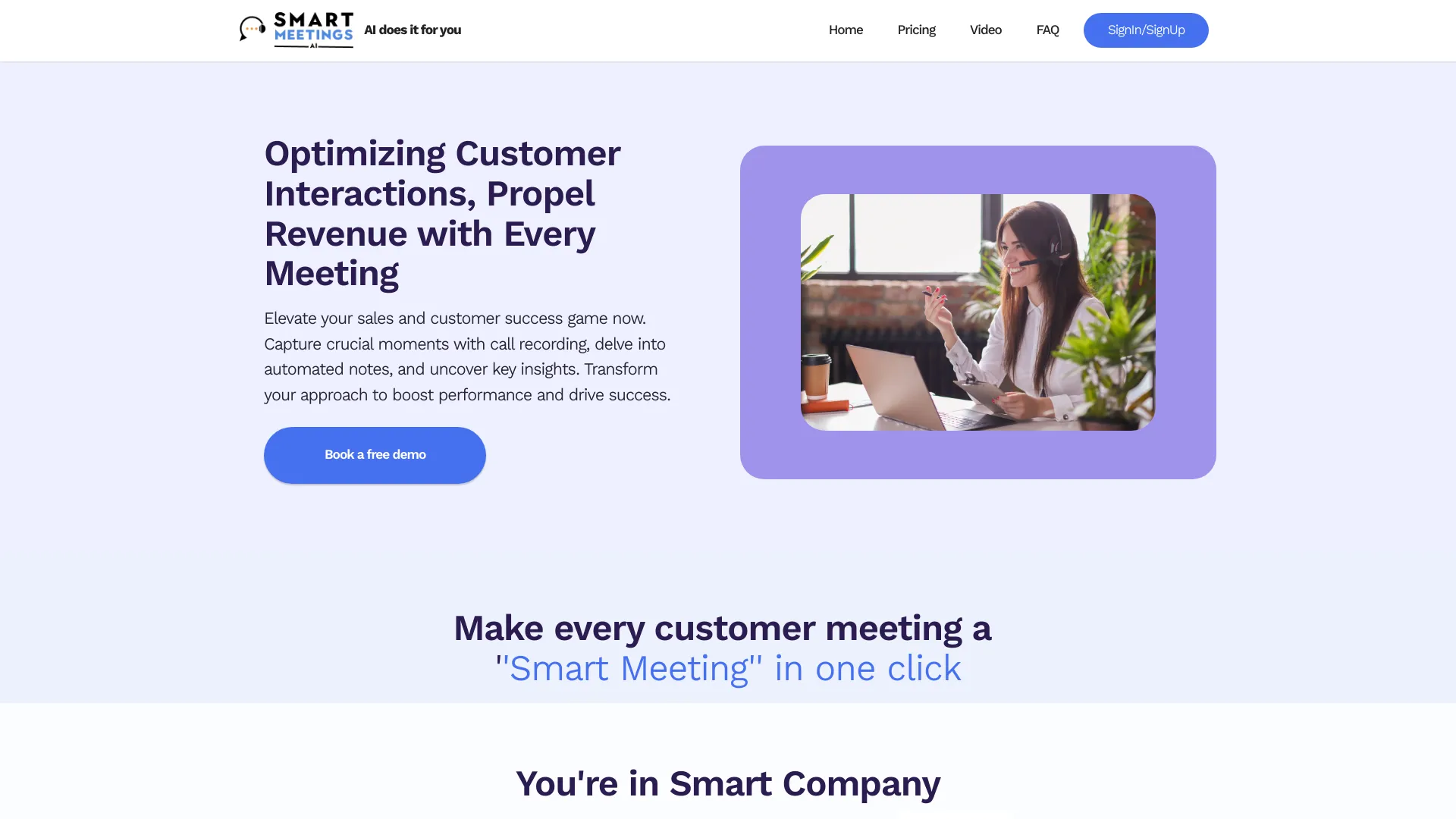
SmartMeetings.ai
Sales and customer-success meeting summaries
Meetext
Summaries of meetings, classes, and talks

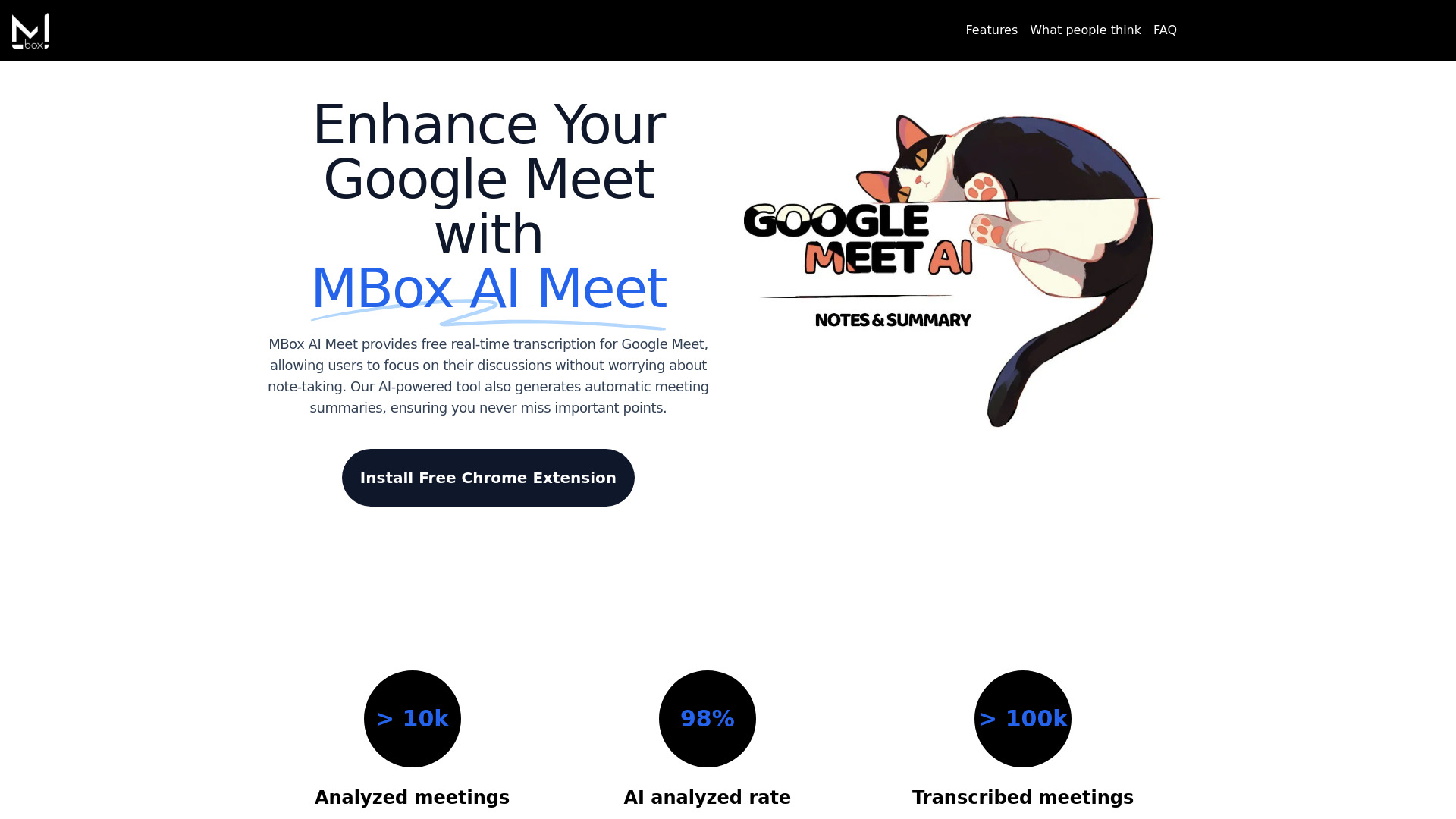
MBox AI Meet
Google Meet transcription and summaries

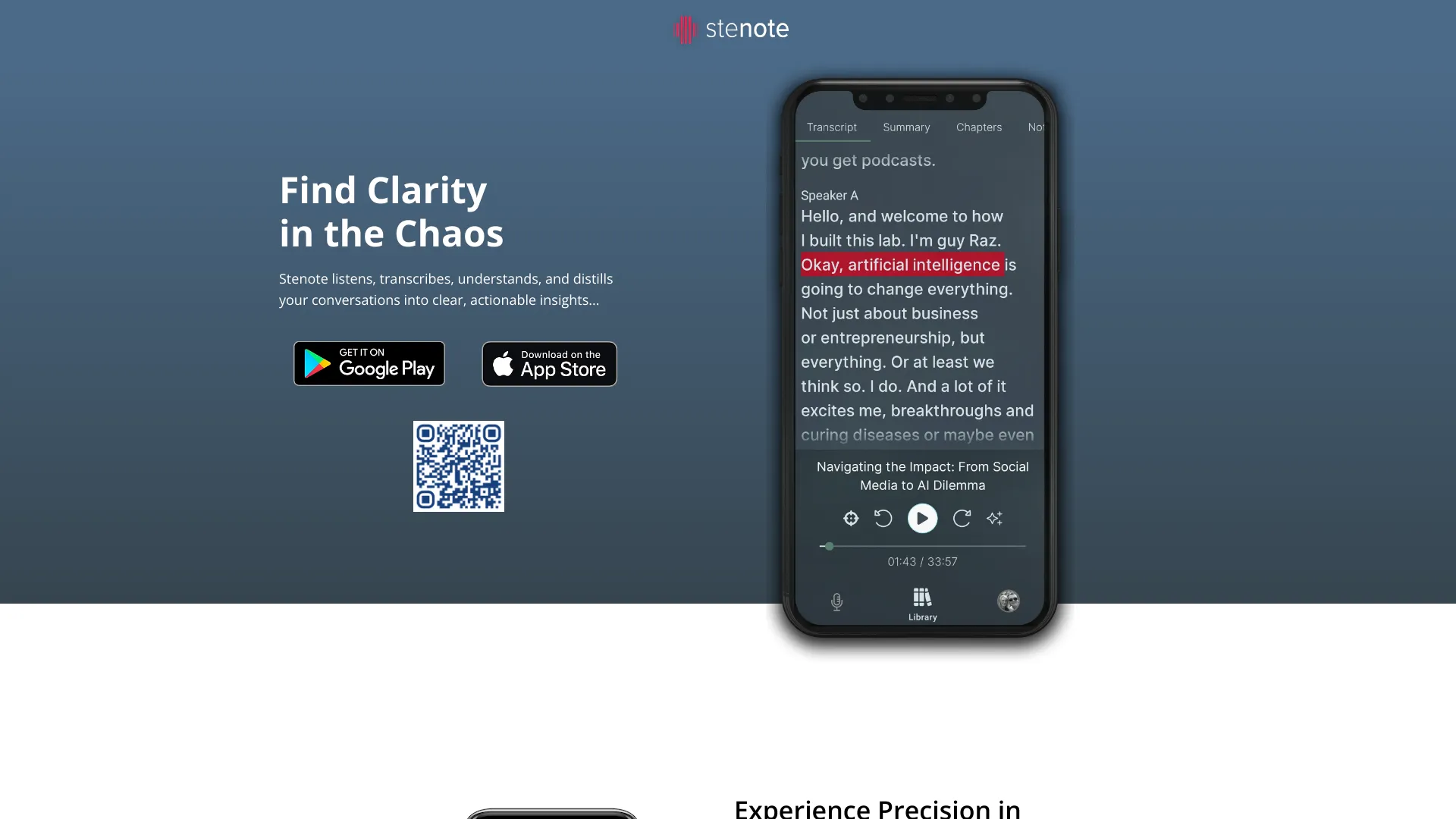
Stenote
Live meeting transcription and actionable summaries

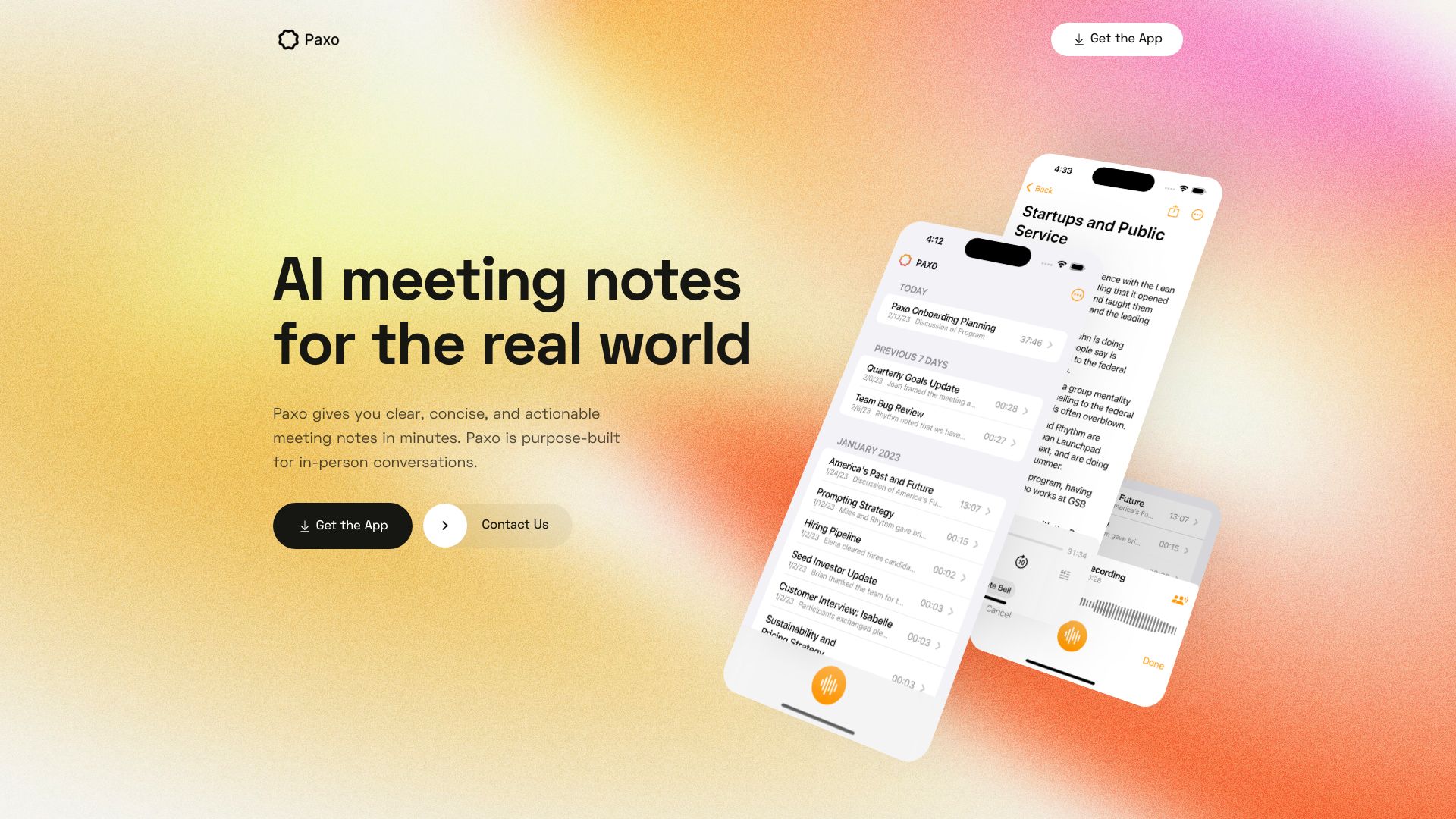
Paxo
Private notes for in-person meetings
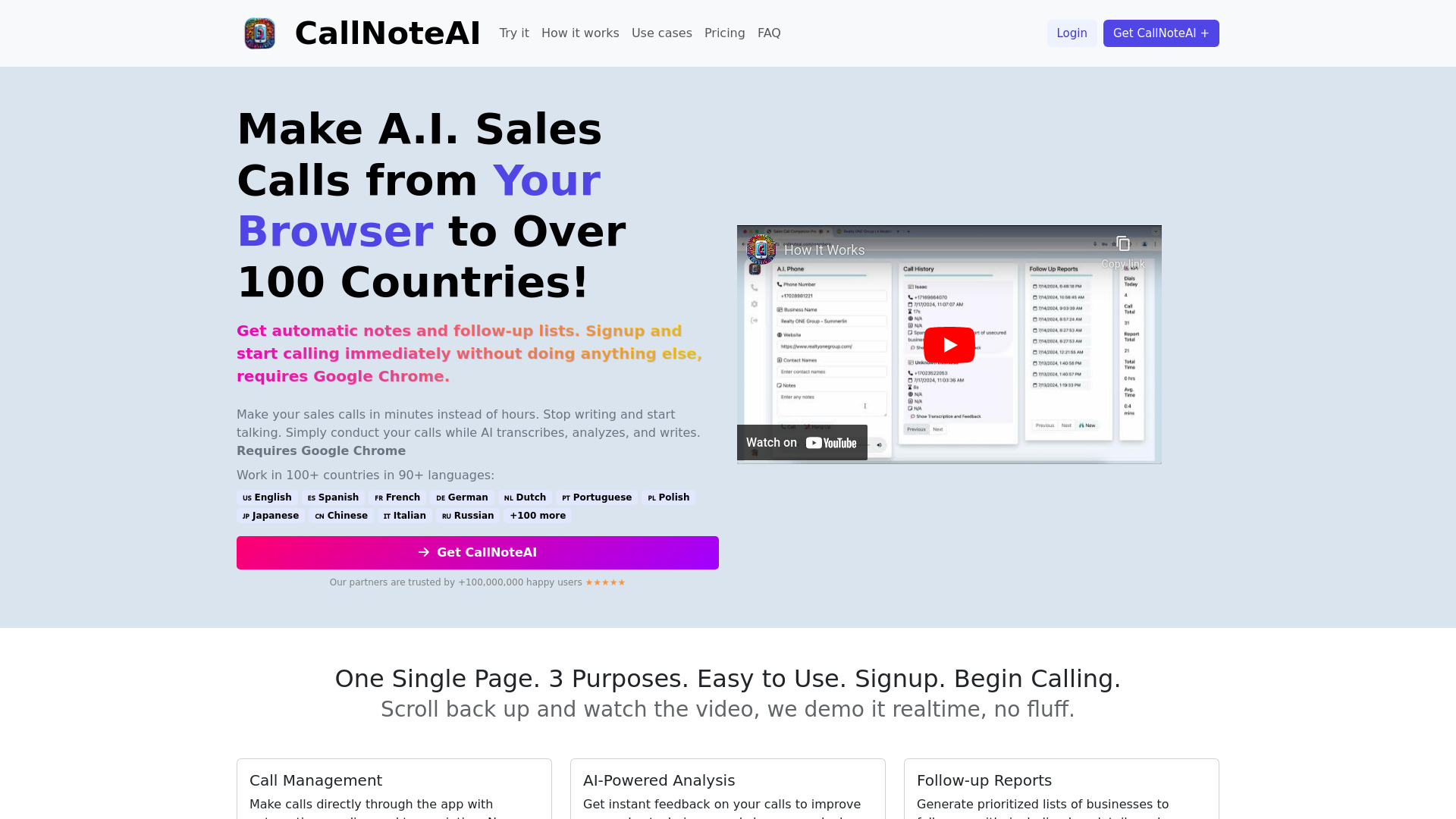
CallNoteAI
AI notes and follow-ups for sales calls

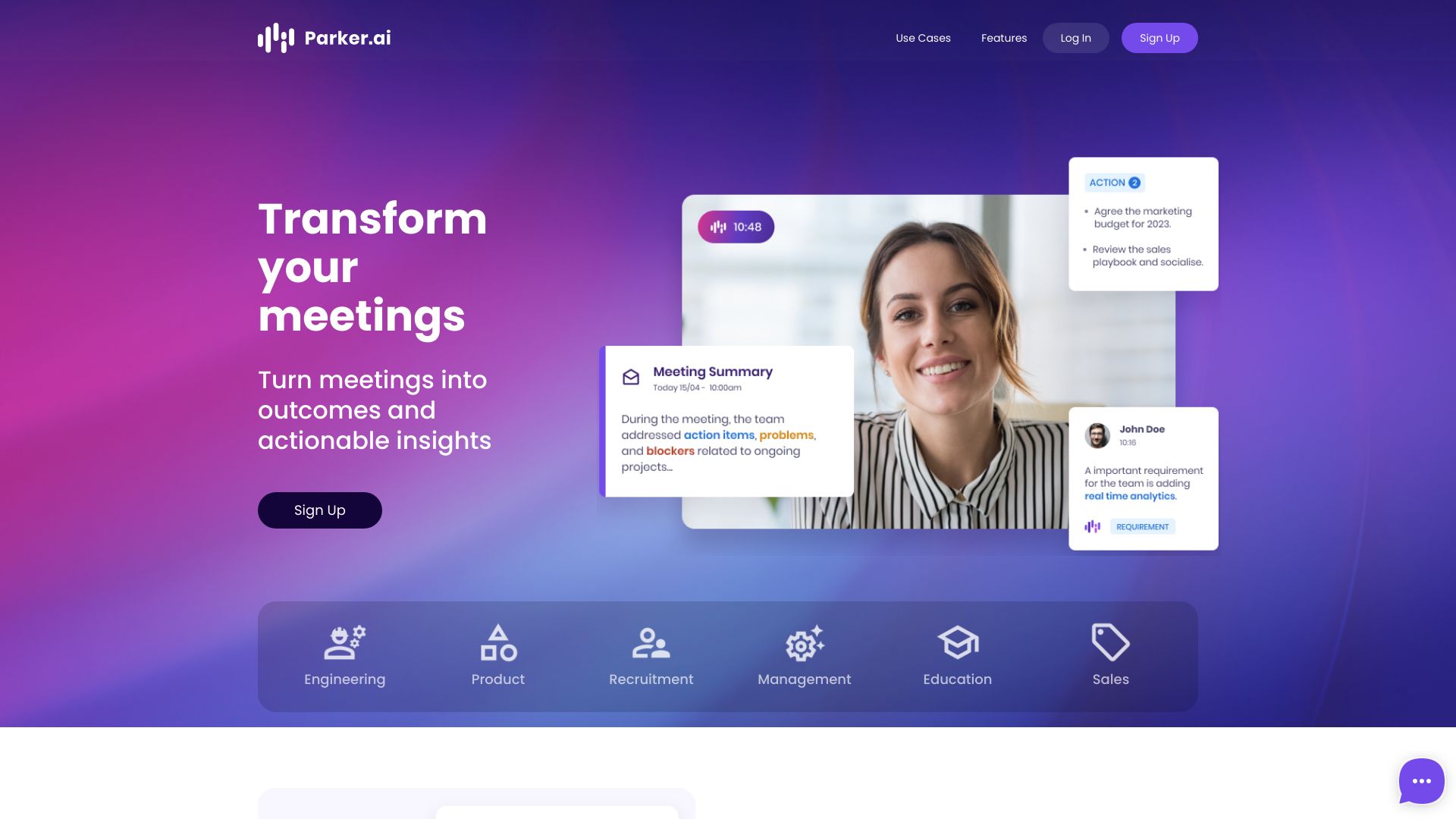
Parker.ai
Meeting summaries and action tracking across Slack
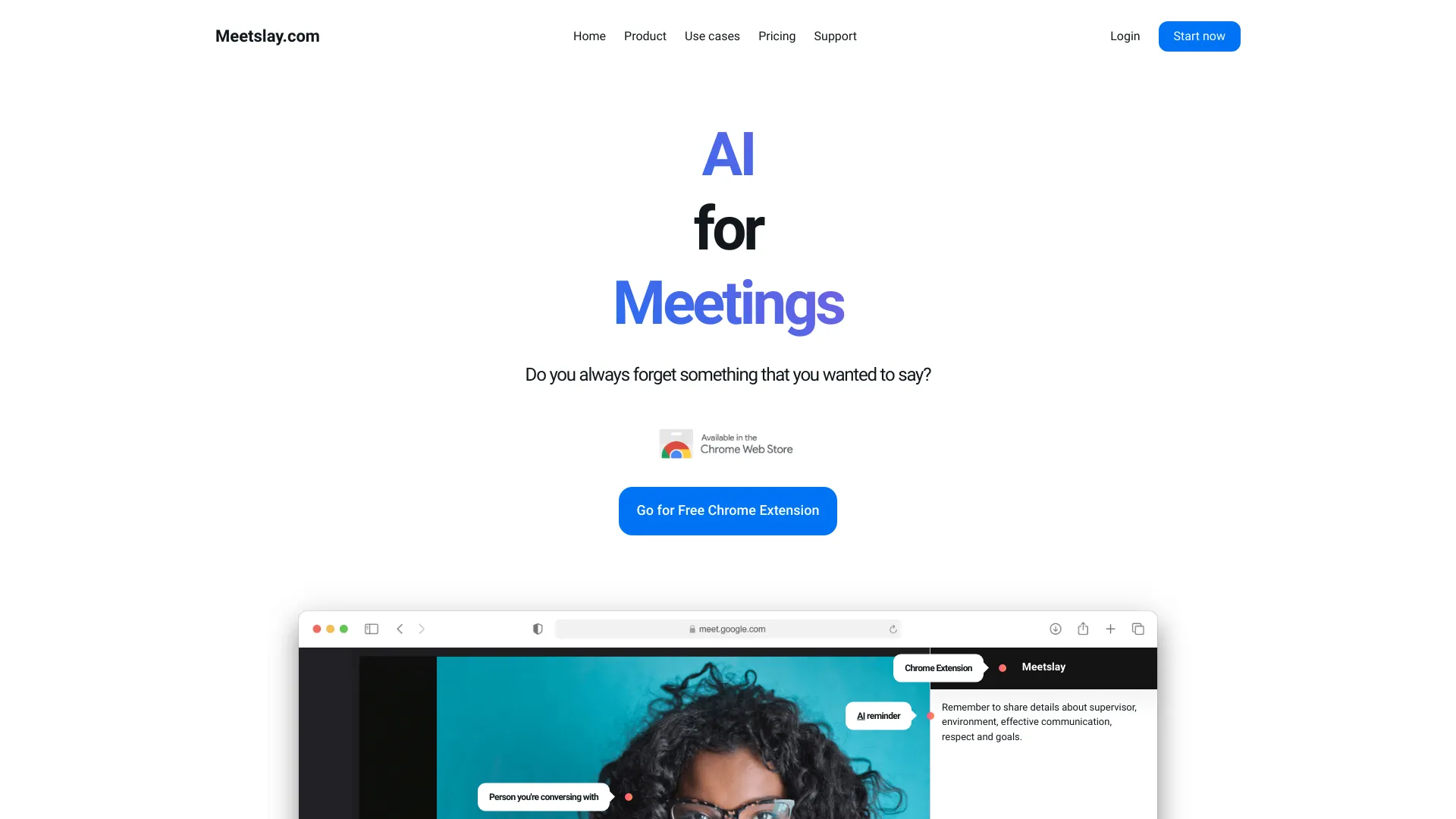
Meetslay
Live meeting reminders and response prompts

Smart Donna AI
Meeting transcription and action items
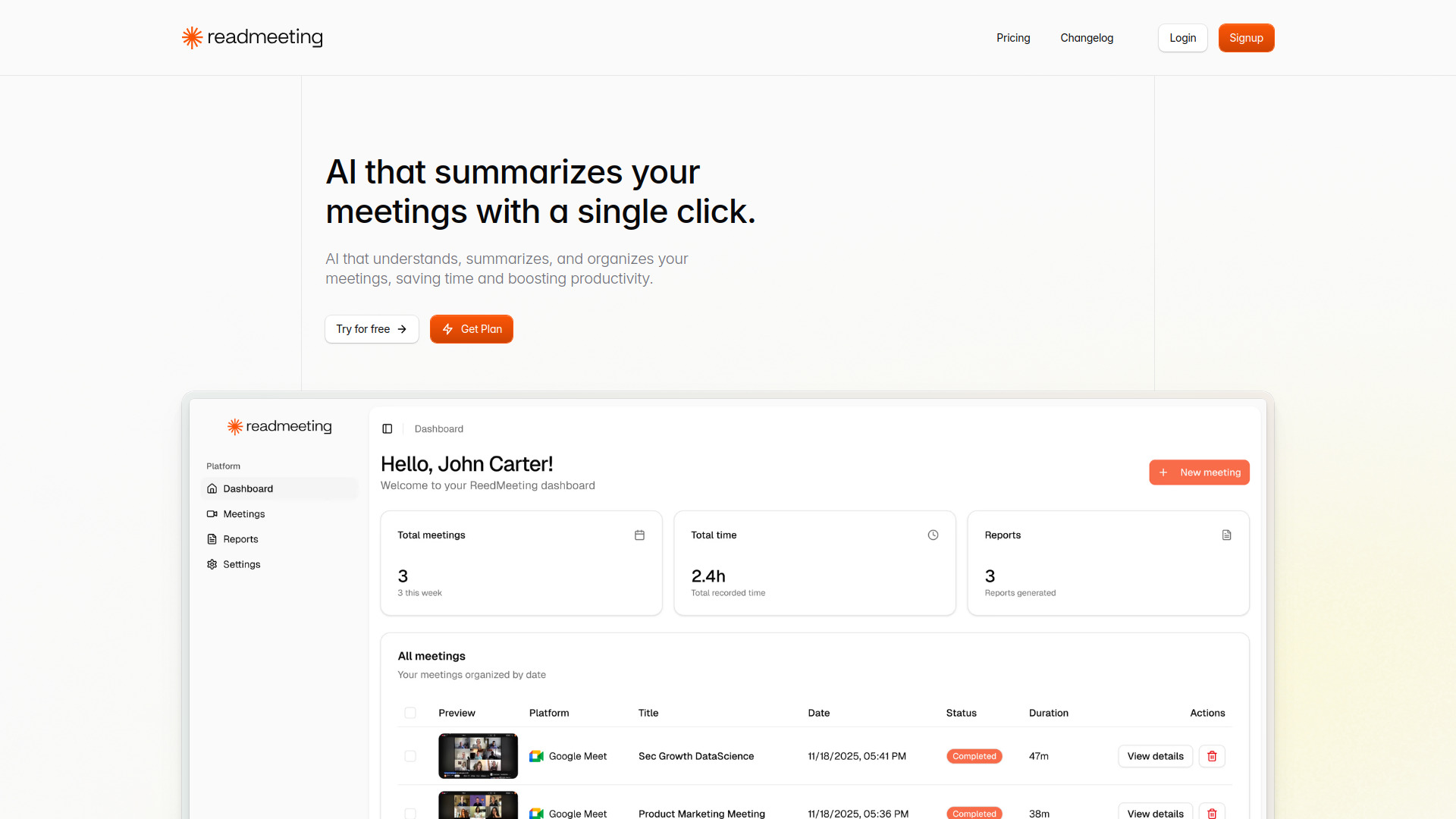
ReadMeeting
AI meeting summaries with action items

JotSense
Cross-source meeting and knowledge notes

Hedy AI
Real-time coaching for meetings and classes

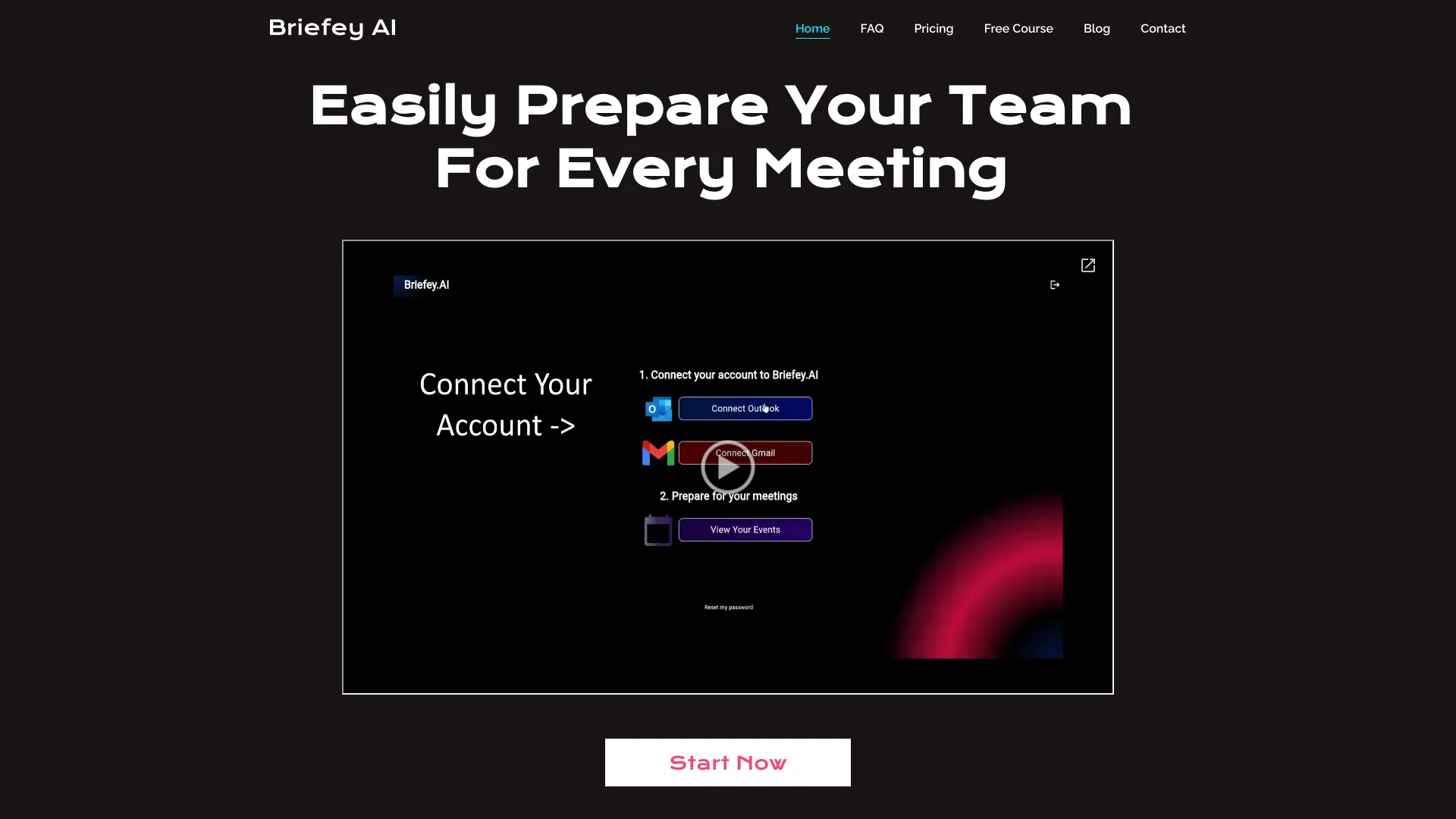
Briefey AI
Pre-meeting briefs for customer-facing teams

MeetingAssistant.co
AI help during job interviews

timeOS
Automated meeting notes and follow-ups
AI Text Transformer
Turning meeting thoughts into structured summaries

RecorderGo.app
Cross-device personal note organization

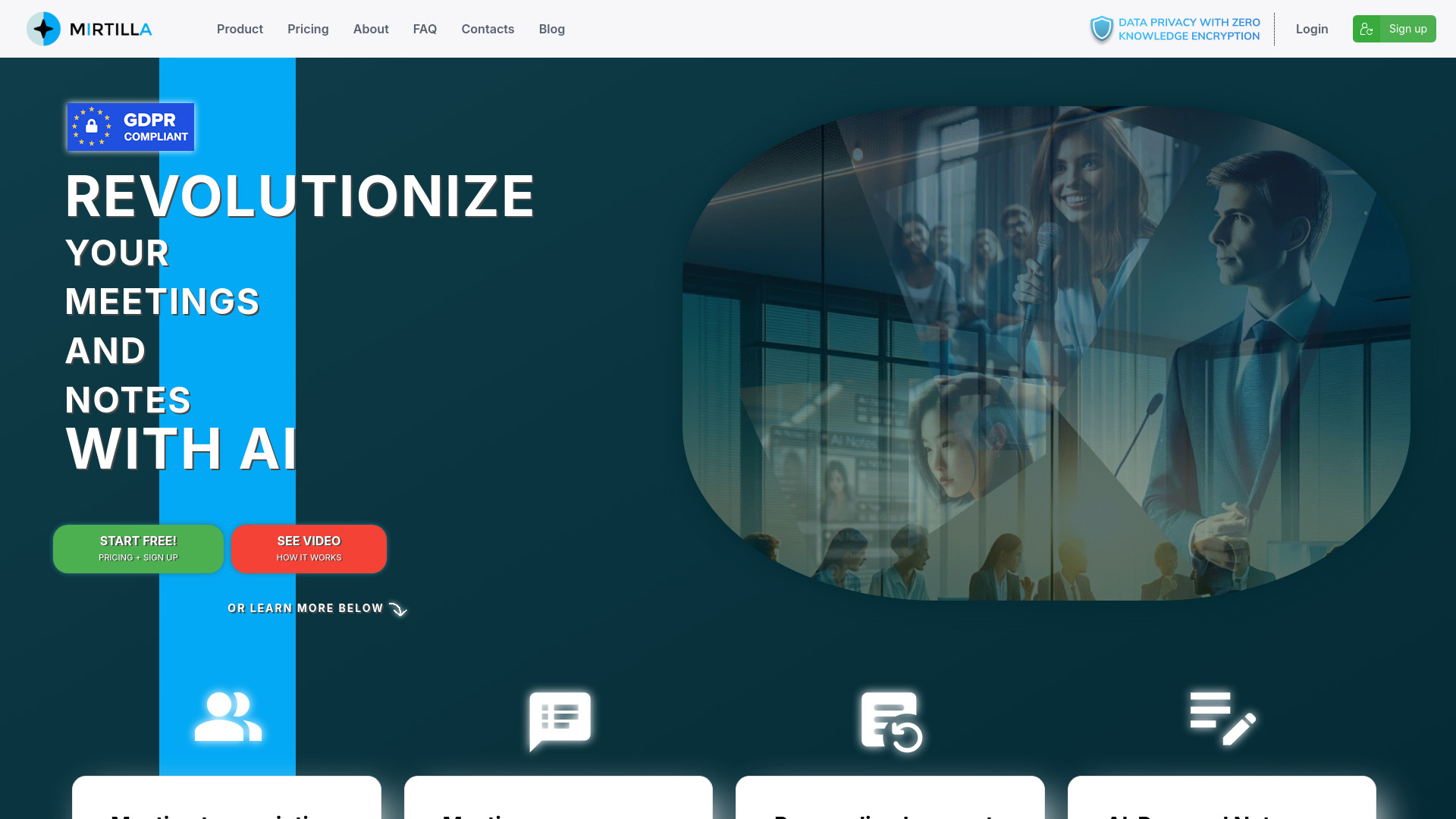
MIRTILLA
Private meeting transcription and summaries
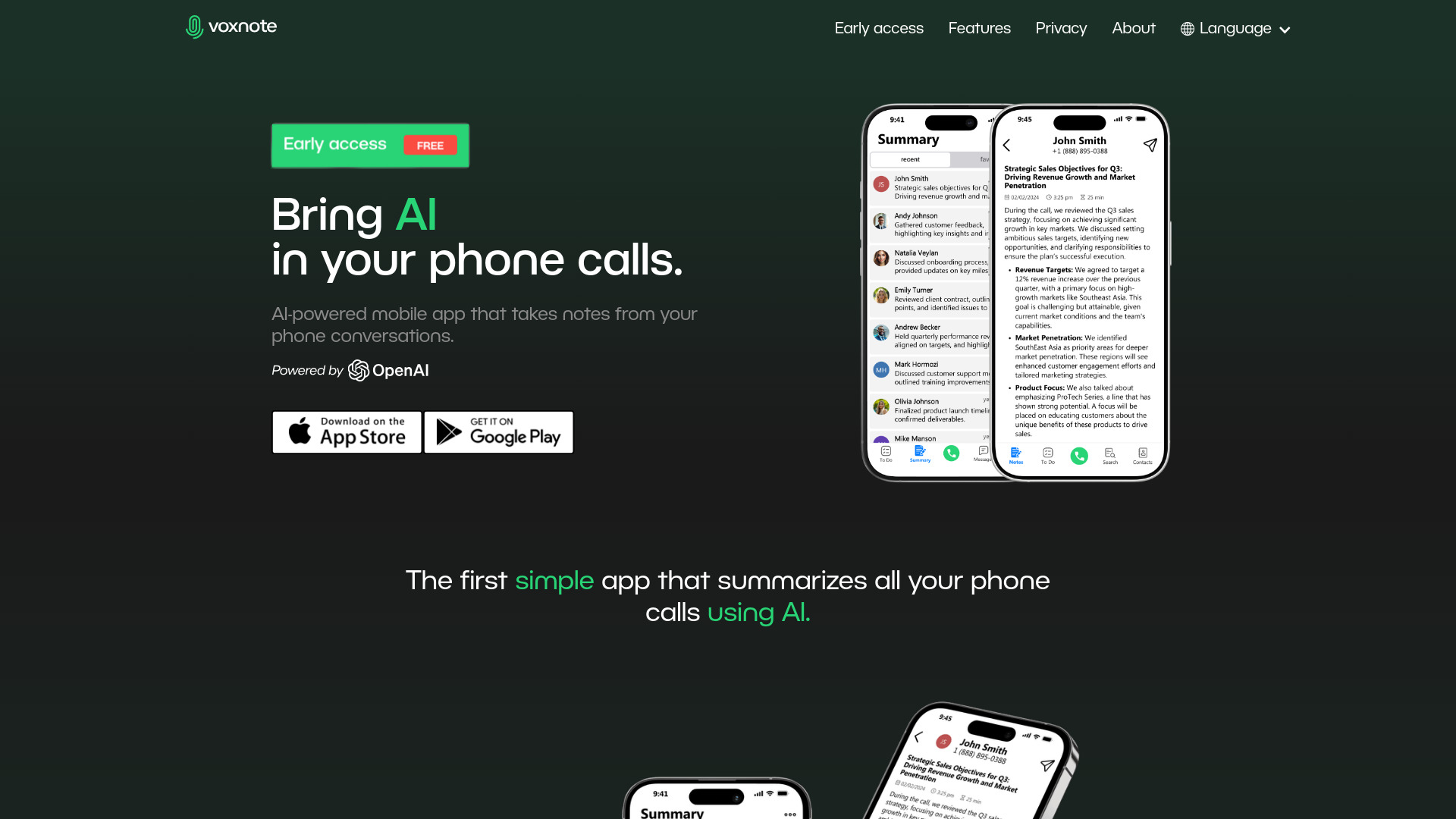
VoxNote
AI summaries of phone calls
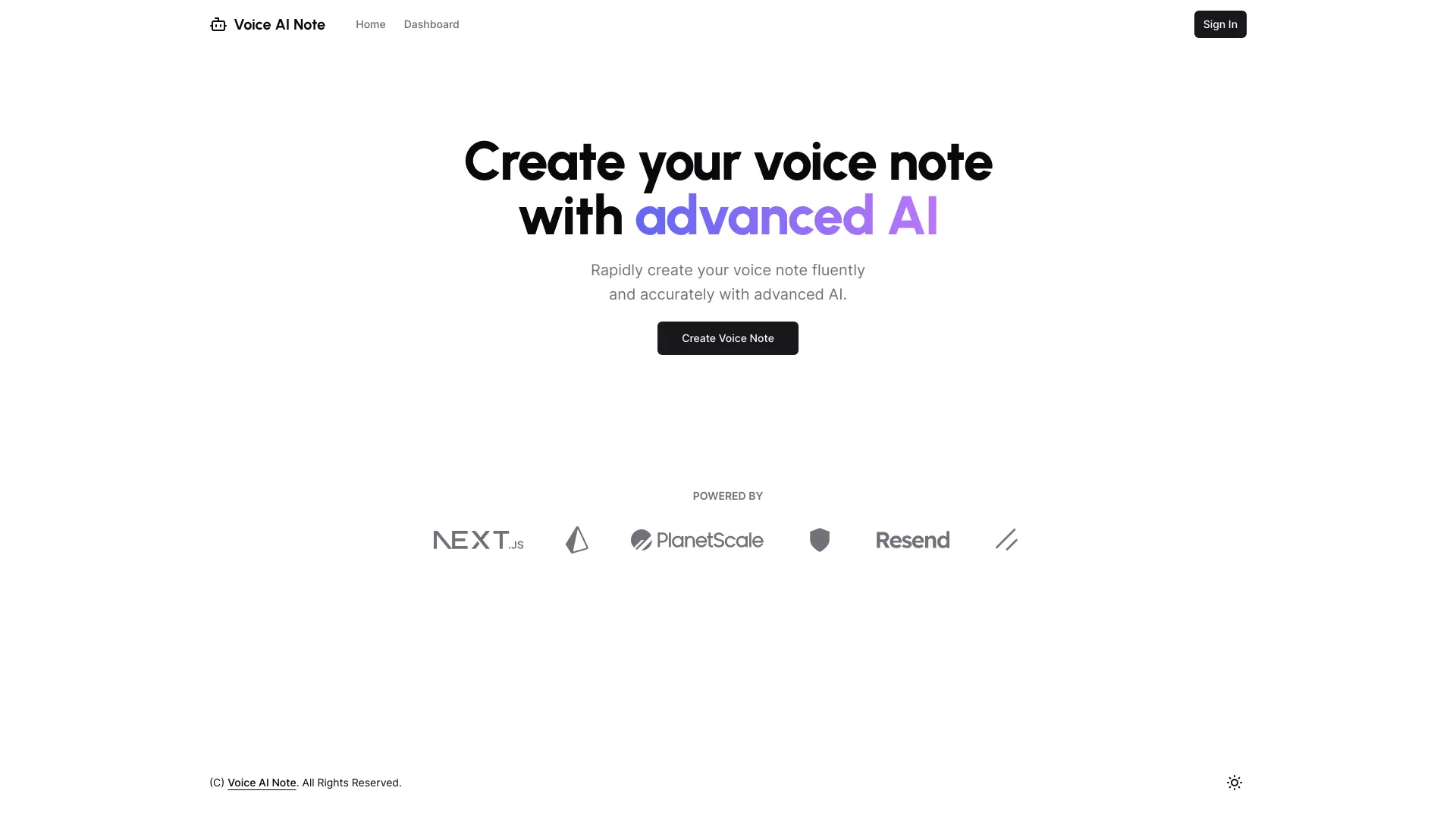
VoiceAINote
Privacy-focused real-time voice notes
Grain
Sales teams needing meeting notes and CRM updates
Inkdrop
Teams automating meeting minutes and follow-ups
Which AI meeting note taker should you choose?
Start with the behavior you want to change, not the longest feature list. If you want a bot-free live transcript, Tactiq is the clearest match. If you want meeting notes paired with screen recordings for async handoffs, choose Bubbles. For cross-channel meeting context and search, look at Read AI; for sales call review and search, compare Fireflies.ai and tl;dv. If language access is central, JotMe and Mymeet.ai are the specialist options, with different translation and transcription strengths.
Your free-plan decision should also reflect how often you meet. Otter.ai's 300 monthly transcription minutes, Read AI's five free meetings, Tactiq's 10 transcripts, and Bubbles' five meetings per week are not interchangeable allowances. Spellar AI is the outlier for people who want speaking feedback as well as notes, while Meeting.ai is worth evaluating if organized research notes and action items are the priority. Try the free tier with a real meeting before moving a team onto any product.
My practical recommendation
For a first trial, I would start with Tactiq if your main frustration is taking notes during calls and you prefer not to have a bot join. Its live transcription, AI summaries, and stated free allowance make the test easy to define. If you want the broadest combination of meeting notes and async screen communication, Bubbles is the stronger overall match; if your work is sales-led, compare tl;dv's free-forever offer with Fireflies.ai's search-oriented workflow.
Do not pick by score alone. Use one ordinary meeting and one meeting with a more demanding workflow: a call with several speakers, a discussion that creates action items, or a multilingual session if that is part of your job. Then check the output for missed names, unclear decisions, and whether sharing is straightforward. That small test tells you more about fit than a polished summary generated from a perfect demo.
Common mistakes when choosing an AI meeting note taker
Treating a transcript as a finished record. AI transcription and summaries can need review, especially when accuracy varies with audio quality or accents.
Ignoring how notes get shared. Tactiq, for example, displays the transcript only to the user unless it is shared. Decide who needs access before building a process around a tool.
Comparing free plans as if they were equal. Minutes, meetings, transcripts, AI credits, and translation time measure different kinds of access.
Overlooking pricing mechanics. A per-minute plan such as Mymeet.ai's can add up with regular use; calculate against your expected call volume.
Choosing features your team will not use. Screen recording, speaker feedback, translation, and sales coaching are valuable only when they solve a real workflow problem.
What changed in 2026
This comparison emphasizes practical differences between meeting assistants rather than treating every tool as a transcript generator. The shortlist includes bot-free options, products that reach beyond the meeting into search or async communication, and specialists for sales workflows, speaking feedback, and multilingual calls. Free allowances are also easier to compare when stated in the unit that matters: meeting count, transcript count, minutes, storage, or translation time. Features and prices can change, so verify current plan details directly with the vendor before adopting a tool across a team.
FAQ
Bubbles is our best overall match because it combines AI meeting notes, summaries, and action items with screen recording for async communication. Tactiq is a strong alternative if bot-free live transcription matters more to you.