
The best ai for video creation depends less on flashy demos than on the job you need done. We compared 100 tools across text-to-video generation, image animation, avatars, editing, short-form repurposing, advertising, and broader content workflows. The 10 featured picks below are the most useful starting points, whether you need a single clip, a narrated lesson, a YouTube production system, or a repeatable social media pipeline.
Top picks
| Pick | Tool | Best for | Why it stands out |
|---|---|---|---|
| 1 | AIReel | Content creators | Multiple AI video models plus 1,000+ social effects |
| 2 | AI STUDIOS | Educators | 150+ avatars and voices in 80+ languages |
| 3 | Veo3 AI | Visual creators | Text- and image-to-video generation with stated 4K output |
| 4 | AIVideo.com | YouTubers | Composer and native editor in one production platform |
The rest of the shortlist fills in the gaps: AI Video Cut is particularly practical for turning long recordings into shorts, while Videflow.ai leans into ads and UGC. V03AI is the specialist choice for Veo 3-powered generation with audio, and VideoWeb AI is the broadest low-friction option when video, images, and music belong in the same project.
Quick comparison
| Tool | Best for | Score | Free access | Starting price |
|---|---|---|---|---|
| AIReel | Content creators | 93/100 | One-time free trial credits | Free: $0 |
| AI STUDIOS | Educators | 93/100 | 3 video exports per month | Free: $0/mo |
| Veo3 AI | Content creators | 93/100 | Free to start | Mini Plan: $15/month |
| AIVideo.com | YouTubers | 93/100 | 10K signup bonus credits | Check vendor pricing |
| AI Video Cut | Content creators | 93/100 | 50 minutes one-time | Free: $0 |
| V03AI | Individual creators | 93/100 | 50 credits one-time | Trial: $2.90 USD |
| Videflow.ai | Marketing professionals | 93/100 | Free trial | Check vendor pricing |
| AIAI.com | Content creators | 93/100 | 40 basic accesses/day | Check vendor pricing |
| ImagineX | Creators | 93/100 | Start free | Basic: $23.90/mo |
| VideoWeb AI | Content creators | 92/100 | 40 credits plus 20 daily | Free: $0 |
Prices and quotas are useful for choosing a first experiment, but they are not interchangeable. A free export allowance is more useful for an educator than a handful of generation credits, while a creator making social clips may care more about editing minutes and ready-made effects.
How we ranked these AI video creation tools
We ranked each tool against the workflow it actually supports: generation quality claims, input types, editing depth, avatar or voice coverage, social and advertising features, free access, price clarity, and the size of its usage signal. We gave extra weight to tools that reduce handoffs between scripting, generation, editing, and export. We also treated limitations as part of the product experience rather than footnotes. Conflicting resolution claims, experimental audio, expiring credits, restricted free plans, and sales-wall pricing all affect the score a buyer should act on. The result is a practical shortlist, not a claim that one model wins every visual style or production format.
The best AI tools for video creation
1. AIReel

AIReel
Best all-around AI video creation for content creators
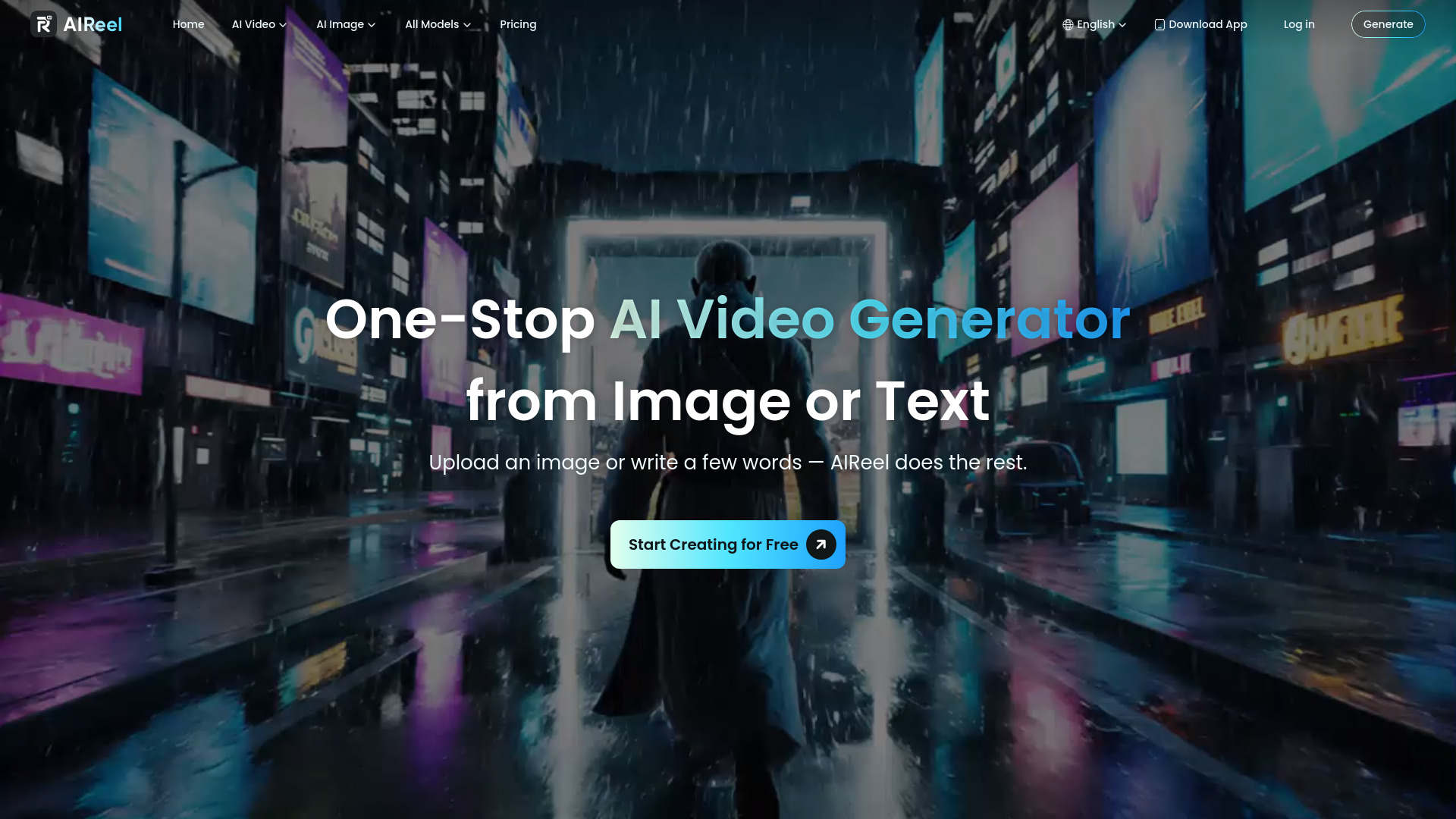
AIReel earns the top spot by making model choice less of a research project. Instead of committing to one generator, creators get access to multiple AI video and image models in one place. That is a meaningful advantage when you are testing different looks, motion styles, or image-to-video approaches and do not want five separate accounts.
The second half of the pitch is practical rather than technical: more than 1,000 ready-to-use AI effects for social media. Those effects give a short-form creator a faster path from idea to publishable concept. The one-time trial credits also make it easy to test the workflow before paying, and the entry price is unusually approachable for a multi-model platform.
My take: I would start here if I wanted the best ai video creation tool for experimenting quickly without betting on a single model. Its breadth is more useful than a narrow promise of one perfect generation mode.
Where it falls short: Monthly subscription credits expire at the end of the billing period and do not roll over. That makes the plan less attractive for occasional users who generate in bursts.
Key features
Multiple AI video and image models in one platform.
Image-to-video animation for turning still assets into moving clips.
More than 1,000 ready-to-use AI effects for social media.
Pros
Broad model access reduces the need to juggle separate tools.
Trial credits let creators test generation before committing.
Starting price is listed from $7.99 per month for paid access.
Cons
Unused monthly subscription credits expire.
A multi-model interface may require experimentation before you know which model fits your style.
Choose AIReel if: You create social content and want one affordable place to compare several AI video models and effects.
2. AI STUDIOS

AI STUDIOS
Best avatar-led AI video creation for educators
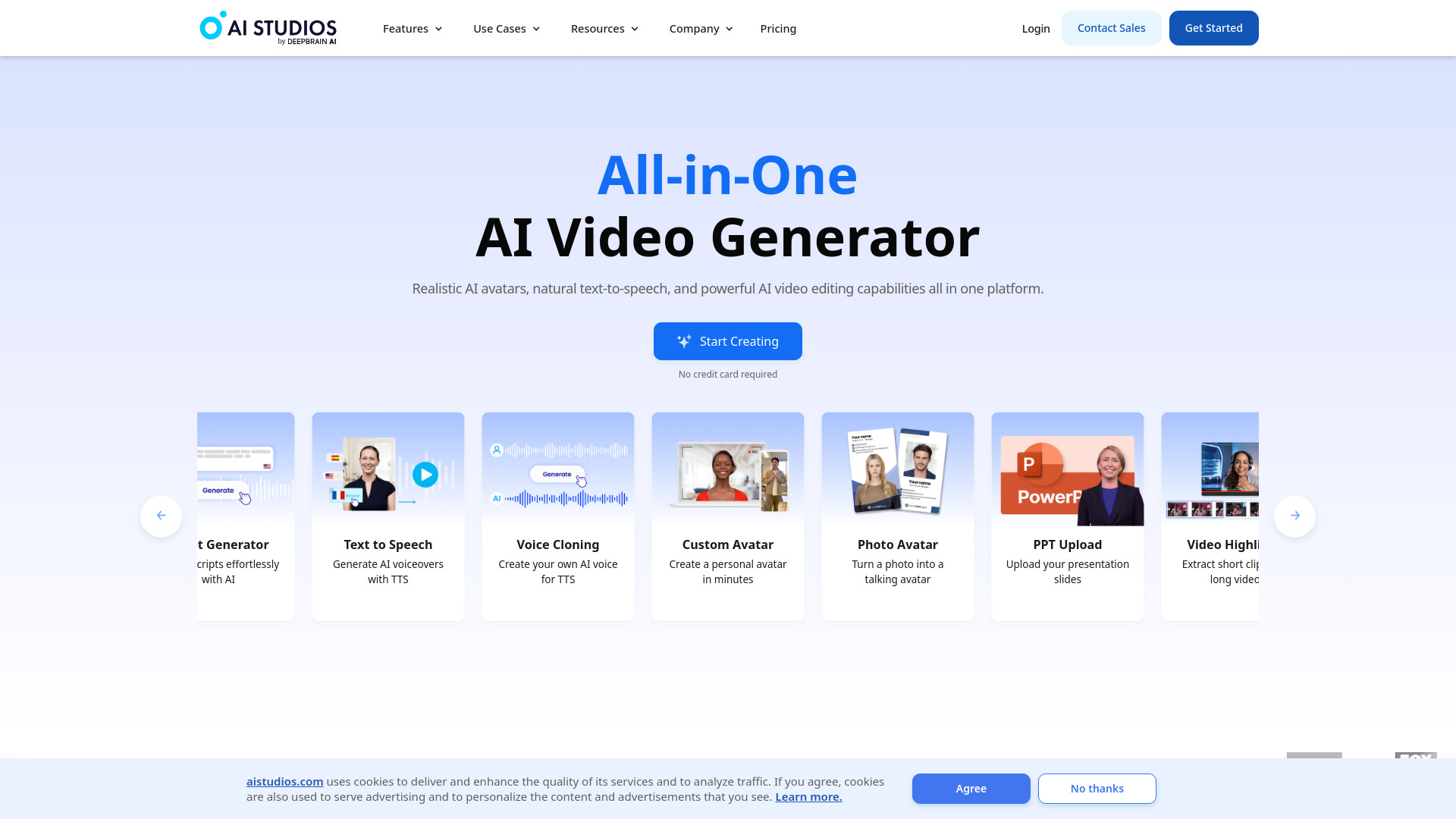
A lesson, onboarding module, or internal announcement often needs a presenter, not just moving imagery. AI STUDIOS addresses that use case with more than 150 realistic digital avatars and AI voices covering more than 80 languages. That combination gives educators and training teams a direct route from written material to a presenter-led video.
It also positions itself as an all-in-one creation and editing platform, so the workflow is broader than selecting an avatar and pressing generate. Text-to-video generation, voice selection, and editing live in the same general workspace. For teams producing recurring instructional content, that consolidation can be more valuable than having the most experimental visual effects.
My take: This is one of the best ai tools for video creation when clarity, narration, and repeatable presenter-led lessons matter more than cinematic prompt exploration. The language coverage is a real differentiator for distributed audiences.
Where it falls short: The free plan limits users to three video exports per month and restricts features. You will need to move to a paid plan quickly if you are testing a full course or frequent training schedule.
Key features
More than 150 realistic AI avatars.
AI voices in more than 80 languages.
Text-to-video generation within an all-in-one video creation and editing platform.
Pros
Strong fit for narrated lessons and instructional videos.
Large avatar selection supports different presenter styles.
Broad language support is useful for multilingual education and training.
Cons
Free exports are limited to three videos per month.
Advanced features are not fully available on the free plan.
Choose AI STUDIOS if: You need an AI presenter and multilingual voice options for lessons, explainers, or employee training.
3. Veo3 AI

Veo3 AI
Best text- and image-to-video tool for visual creators
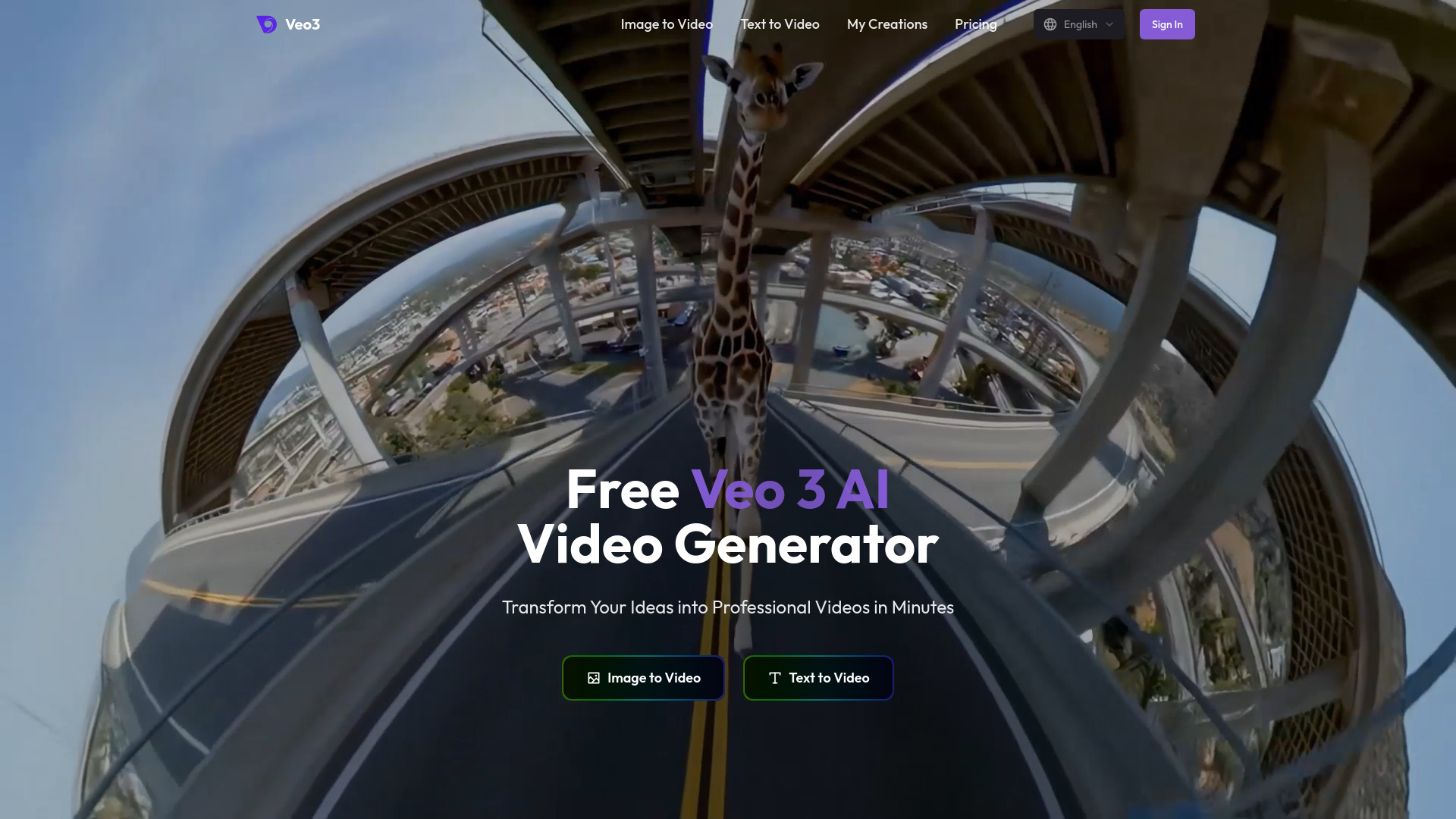
Veo3 AI keeps the workflow focused: describe a scene with text, supply an image, or combine both into an AI-generated video. That simplicity makes it appealing for creators who want to concentrate on visual direction rather than build an entire avatar, editing, or marketing pipeline.
The product presents 4K video output as a headline capability, which is attractive for larger visuals and polished creative tests. There is an important pricing-page catch, though: paid plans specify 1080p output, contradicting the broader 4K claim on the homepage. Buyers should confirm which resolution applies to their selected plan before using it for a final deliverable.
My take: Veo3 AI is a strong choice for prompt-led visual experimentation and image animation. It is less compelling if you need a full production suite around the generated clip.
Where it falls short: The resolution messaging is inconsistent. Treat 4K as a claim to verify, not an assumption that applies to every paid tier.
Key features
AI video generation from text and images.
Text-to-video workflow for starting from a written scene description.
Image-to-video workflow for animating existing visual material.
Homepage claim of 4K video output.
Pros
Supports both text and image inputs.
Free access makes initial testing straightforward.
A listed 200-credit plan gives buyers a concrete starting point for paid use.
Cons
Paid-plan resolution details conflict with the general 4K homepage claim.
It is more generation-focused than a complete editing workflow.
Choose Veo3 AI if: You want to generate visual clips from prompts or still images and are willing to verify the output resolution before buying.
4. AIVideo.com

AIVideo.com
Best complete AI video workflow for YouTubers
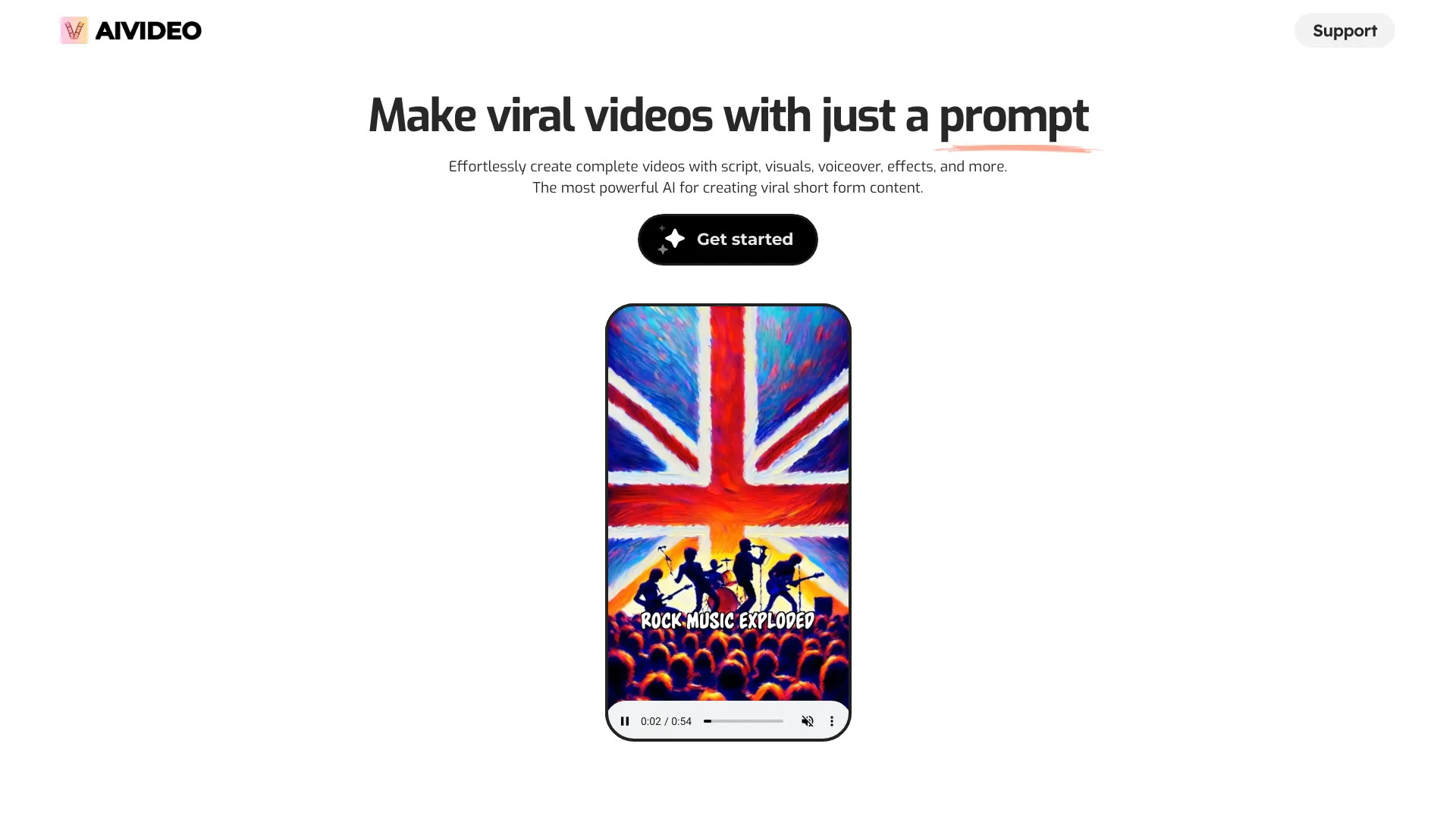
AIVideo.com aims beyond isolated clips. Its AI Video Composer can create full videos from simple instructions, while the AI Native Video Editor provides more hands-on creative control afterward. That pairing matters for YouTubers, who generally need a sequence of script, voiceover, visuals, animation, clips, edits, and revisions rather than one generated shot.
The platform also covers scripts and voiceovers alongside visual production. That makes it one of the best ai tools for video content creation when your bottleneck is assembling a complete episode or short-form package. A 10K signup bonus credit allowance provides room to explore the workflow before making a purchasing decision.
My take: This is the most attractive pick for creators who want AI to handle the first draft but still expect to edit and shape the result. The composer gets you moving; the native editor keeps the output from feeling entirely hands-off.
Where it falls short: Pricing is hidden behind a less transparent buying journey. You should confirm the current plan structure and how credits map to scripts, voiceovers, visuals, and exports before building a regular publishing process.
Key features
AI Video Composer for creating full videos from simple instructions.
AI Native Video Editor for more direct creative control.
Tools for scripts, voiceovers, visuals, animation, and video clips.
Support for complete videos and viral short-form content.
Pros
Combines generation and editing in one platform.
10K signup bonus credits make initial testing generous.
Covers more of the YouTube production chain than a single-purpose generator.
Cons
Pricing is not clearly available on the main page.
Broad workflows can take time to learn compared with a simple clip generator.
Choose AIVideo.com if: You publish YouTube videos or shorts and want one workspace for drafting, generating, and refining a complete production.
5. AI Video Cut

AI Video Cut
Best AI video repurposing tool for content creators
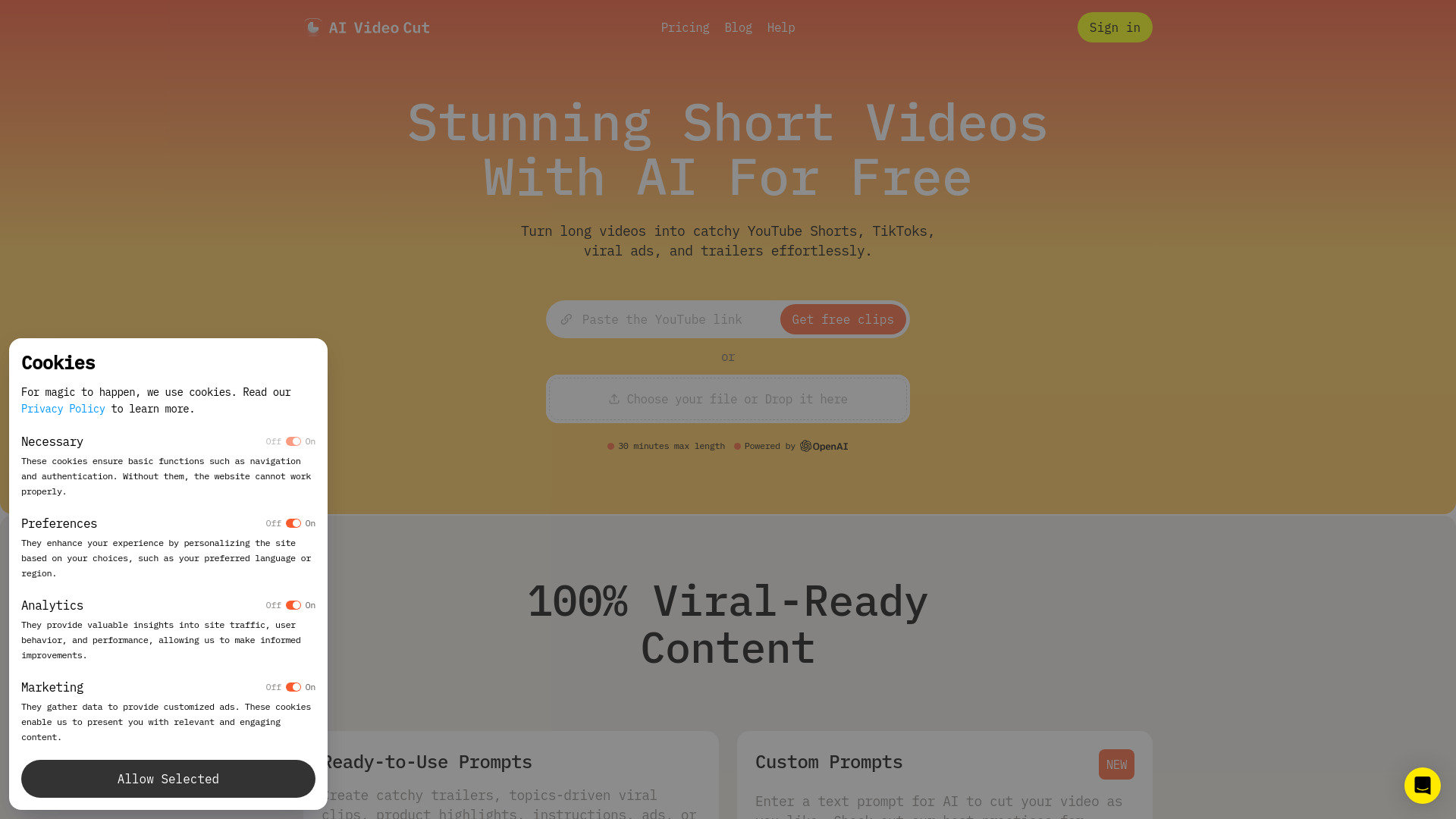
Not every creator needs text-to-video generation. Many already have long interviews, podcasts, webinars, or recorded talks and need help finding the moments that can work as short social clips. AI Video Cut is built around that more grounded problem: transforming long videos into engaging shorts.
Its AI cutting and speech recognition features are designed to reduce the tedious scanning and trimming that makes repurposing expensive. Ready-to-use prompts add a way to guide the transformation without starting each edit from a blank timeline. A one-time 50-minute allowance is enough to test the core workflow on a meaningful recording.
My take: This is one of the best ai video creation tools for people who already have footage. It is a better first click than a generative video platform if your content backlog is sitting in long-form recordings.
Where it falls short: Branded videos and Telegram bot features are still coming soon. That matters if your workflow depends on a mature branded-content system or automated messaging distribution.
Key features
AI video cutting for turning long recordings into shorter clips.
High-accuracy video cutting and speech recognition.
Ready-to-use prompts for guiding short-form transformations.
A workflow aimed at viral social media shorts.
Pros
Solves a clear long-form-to-short-form problem.
The 50-minute one-time allowance supports a useful first test.
Speech recognition can make finding spoken moments faster.
Cons
Branded video features are not yet available.
Telegram bot functionality is still coming soon.
Choose AI Video Cut if: You have long recordings to repurpose and want to produce social clips without manually reviewing every minute.
6. V03AI

V03AI
Best Veo 3-powered generator for individual creators
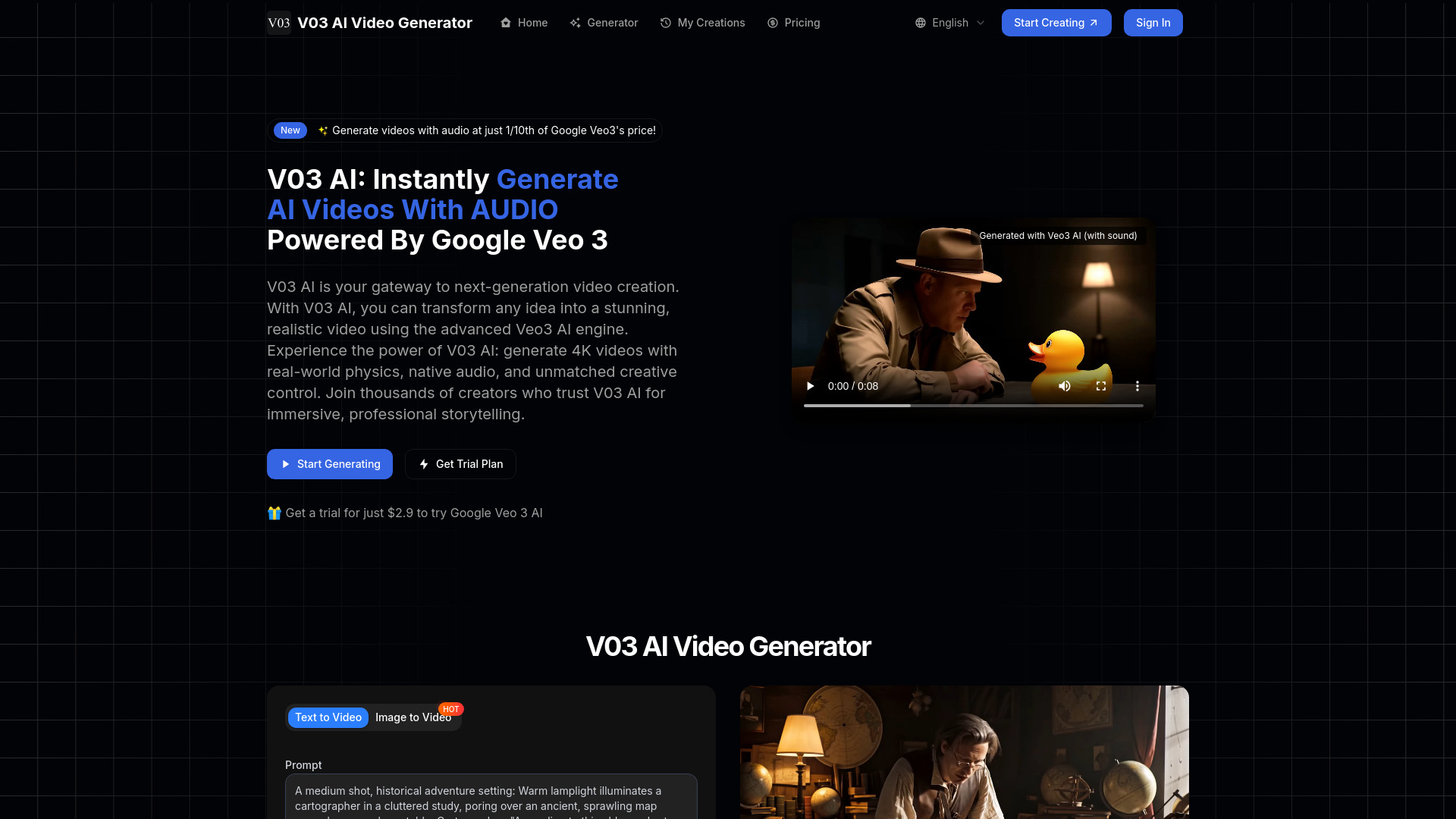
V03AI differentiates itself by centering Google Veo 3-powered generation. The core workflow supports both text-to-video and image-to-video, giving individual creators two straightforward ways to begin a scene. It also promotes video generation with audio, an appealing direction for creators who want a more complete result from a single generation request.
The 50 one-time credits make the first experiment accessible, and the low-cost trial is a less intimidating entry point than committing to a larger subscription. However, audio remains experimental. Sound may not appear consistently, particularly in fast mode, so the tool should not be treated as a dependable replacement for a separate audio workflow.
My take: V03AI is a focused option for testing Veo 3-style video generation without needing a broad content suite. I like the low-cost trial, but I would budget time for silent outputs and audio cleanup.
Where it falls short: Audio generation is not yet dependable. If your brief requires every clip to include usable sound, keep a backup plan.
Key features
Text-to-video generation.
Image-to-video generation.
Video generation with audio.
Google Veo 3-powered generation.
Pros
Strongly focused on a named high-end video model.
Supports both text and image starting points.
One-time credits and a $2.90 trial lower the testing barrier.
Cons
Audio generation is experimental.
Fast mode may produce video without sound.
Choose V03AI if: You are an individual creator who wants to test Veo 3-powered clips and can tolerate occasional audio gaps.
7. Videflow.ai

Videflow.ai
Best AI advertising video platform for marketing professionals
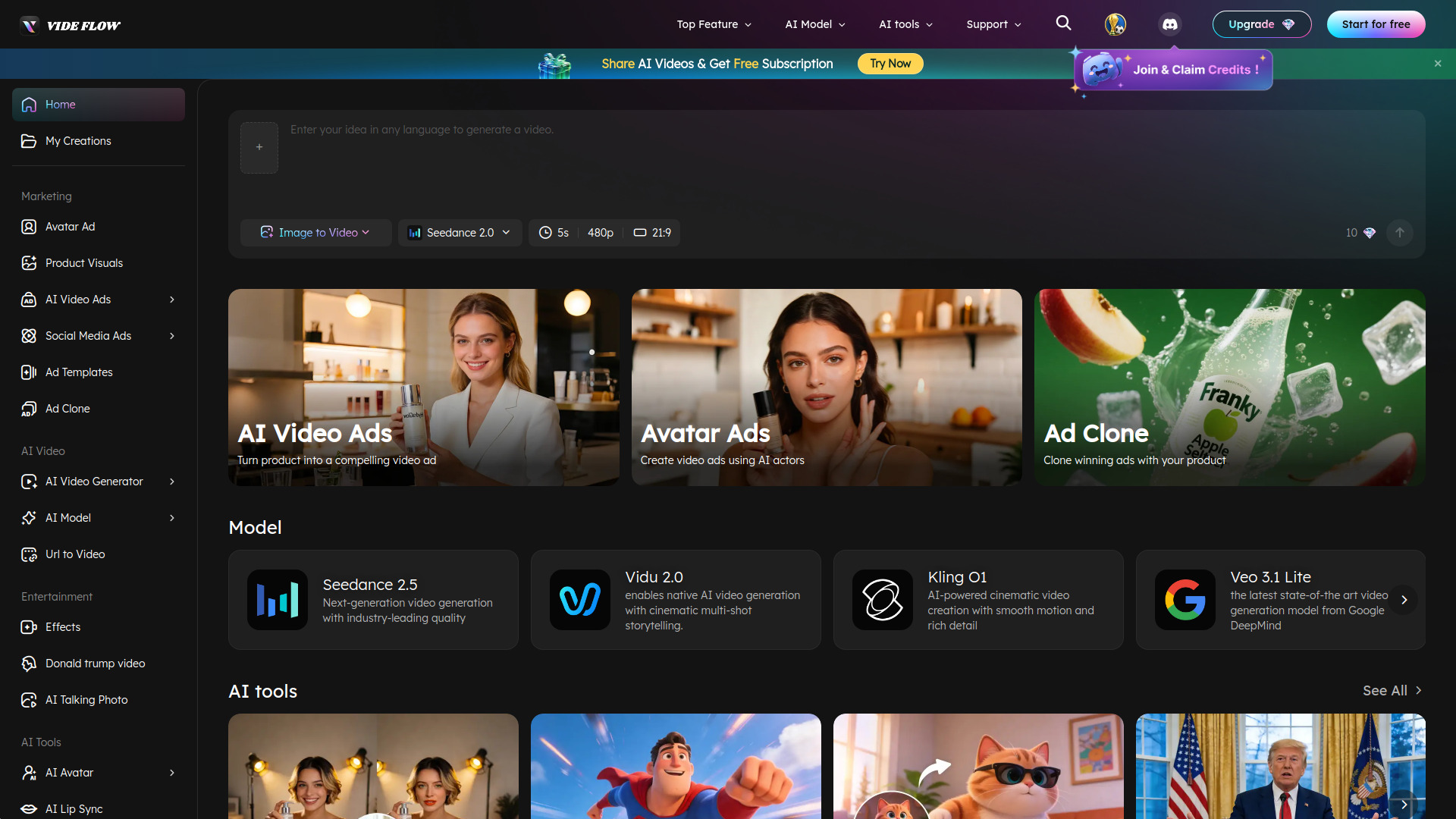
Videflow.ai is built for a different buyer from the cinematic prompt crowd. It supports video generation from text, images, URLs, and reference inputs, then applies that flexibility to AI video ads, social media ads, avatar ads, and ad cloning. For marketers, the ability to start from existing references is often more useful than generating a completely unrelated scene.
The platform covers generation and editing in one workflow, with UGC video creation included in its positioning. That makes it a natural candidate for campaign teams that need multiple creative variations rather than one finished brand film. A free trial is available, but the buying decision is harder because pricing details are not clearly shown.
My take: Among the best ai tools for video content creation, Videflow.ai is the one I would investigate first for performance marketing and UGC-style campaigns. Its input flexibility maps well to real ad production.
Where it falls short: Pricing is not clearly displayed, so calculating the cost of a campaign batch takes extra vendor research. Do not assume the free trial represents the economics of regular production.
Key features
Video generation from text, images, URLs, and reference inputs.
AI video ads and social media ads.
Avatar ads and ad cloning.
UGC video creation and multi-model video generation.
Pros
Strong alignment with marketing and advertising workflows.
Multiple input types make it easier to work from existing campaign material.
Covers generation and editing in one platform.
Cons
Pricing details are not clearly shown.
The broad ad feature set may be more than an individual creator needs.
Choose Videflow.ai if: You are producing ads, UGC, or campaign variations and want generation tools organized around marketing output.
8. AIAI.com

AIAI.com
Best broad AI content workspace for content creators

AIAI.com makes sense when video is only one part of the job. Its platform combines video, image, audio, and text generation, while the video workflow includes text-to-video and image-to-video. That breadth can be useful for a creator who wants to build a visual package, write supporting copy, and generate companion assets without switching tools.
The free allowance is unusually concrete: 40 basic model accesses per day plus 20 credits. The catch is equally clear. The free plan has limited access and credits and does not include advanced AI models. Buyers should therefore treat the free tier as a way to understand the interface and basic workflow, not as proof that premium generation economics will suit them.
My take: AIAI.com is a sensible generalist pick for creators making mixed content. It is not my first choice when a specialized editor, avatar system, or ad workflow is the central requirement.
Where it falls short: Advanced models are excluded from the free plan, and the paid pricing is not clearly presented here. Verify both model access and credit rules before relying on it for client work.
Key features
Text-to-video generation.
Image-to-video generation.
Video, image, audio, and text generation in one platform.
AI writing tools alongside visual content creation.
Pros
Useful when a project spans several media types.
Daily basic accesses provide a practical way to explore the platform.
Supports both text and image inputs for video.
Cons
Free access excludes advanced AI models.
Free credits and accesses are limited.
Pricing details are not clearly available.
Choose AIAI.com if: You want one general-purpose AI workspace for video plus image, audio, text, and writing tasks.
9. ImagineX

ImagineX
Best straightforward short-form AI video tool for creators
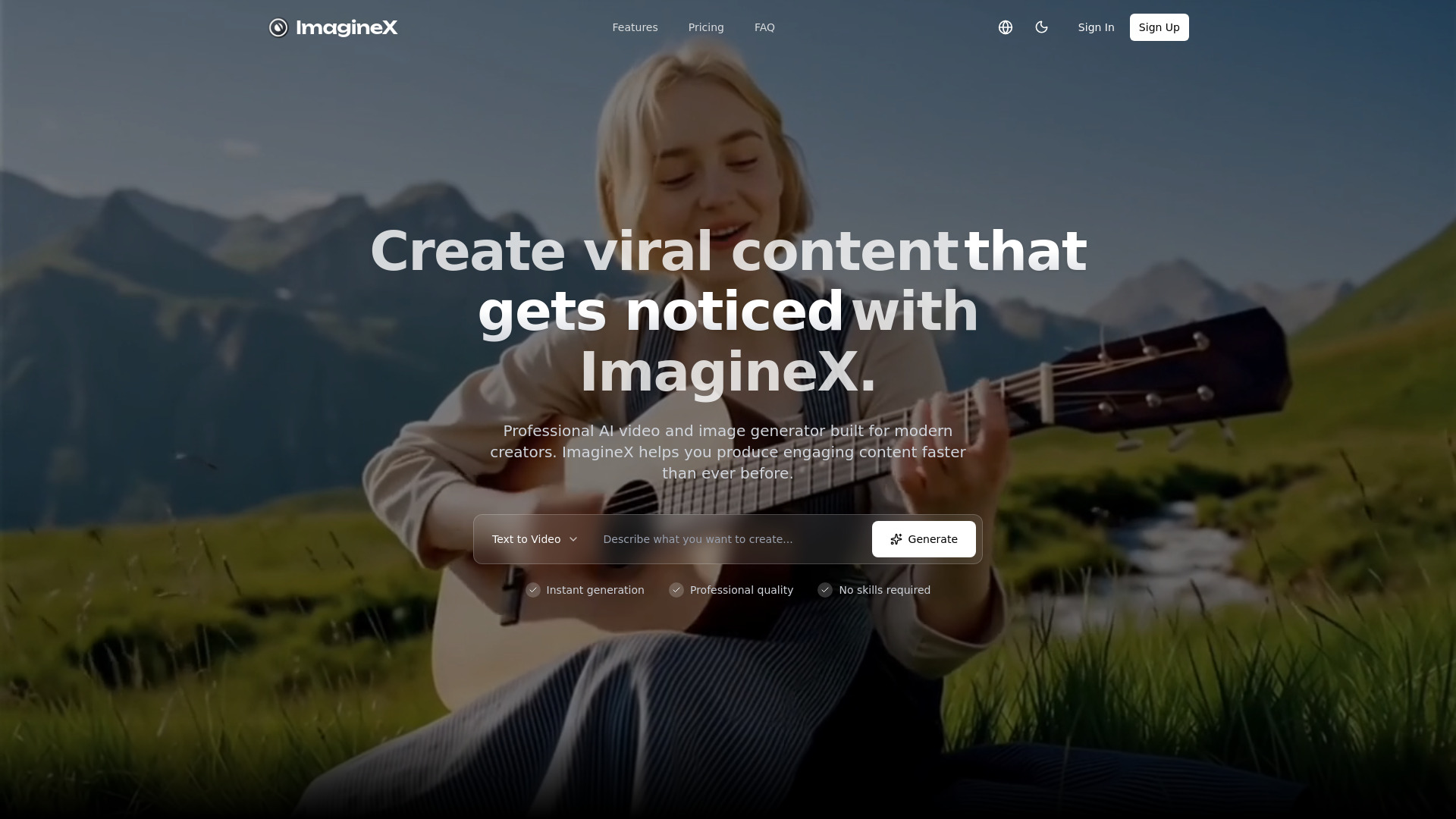
ImagineX keeps its value proposition compact: text-to-image generation and short-form video creation in a professional AI content platform. That pairing suits creators who need to develop a visual idea and turn it into a short clip without assembling a larger production stack.
The workflow is appealingly direct for quick concepts, social assets, and visual experimentation. It is also one of the more expensive starting points on this shortlist at $23.90 per month, while the free experience is described as start-free rather than with a specific quota. That makes the first test important: confirm how much generation the entry plan actually supports.
My take: ImagineX is a good fit for creators who value a simple video-and-image workspace and do not need avatars, full editing, or campaign features. I would test it against AIReel before paying because their scopes overlap around fast visual content.
Where it falls short: Specific free-tier quotas are not clearly detailed. The $23.90 monthly starting point also makes it less attractive for casual users who only create occasionally.
Key features
Text-to-image generation.
Short-form video creation.
Text-to-video generation.
A combined video and image creation workflow.
Pros
Clear focus on quick videos and visual assets.
Free start enables an initial product test.
Useful for creators working across images and short-form video.
Cons
Free quota details are not explicit.
Basic pricing starts at $23.90 per month.
It does not foreground avatars, long-form editing, or ad-specific workflows.
Choose ImagineX if: You want a clean creator-oriented tool for producing short videos and supporting images from text.
10. VideoWeb AI

VideoWeb AI
Best all-in-one media generator for content creators
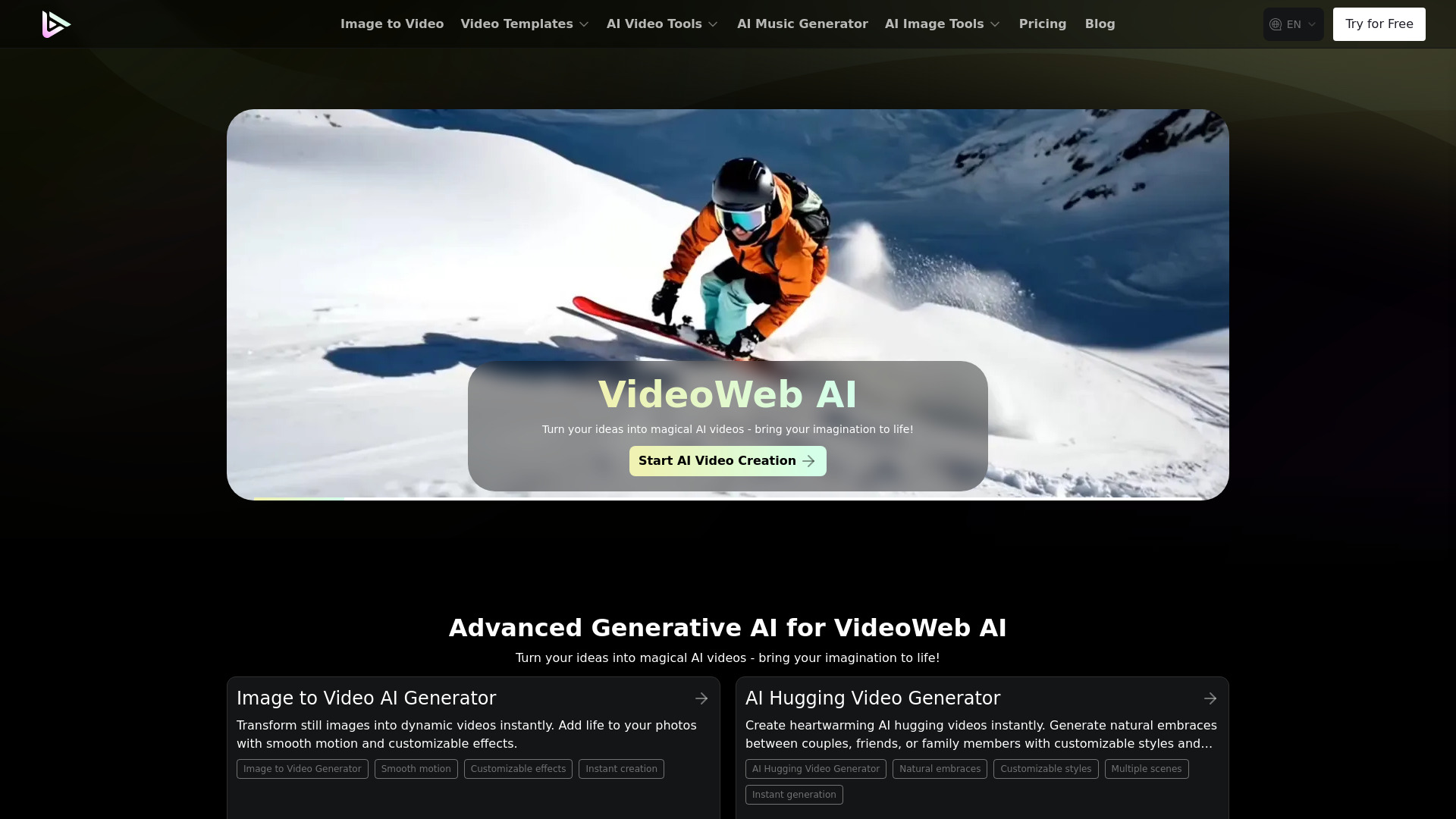
VideoWeb AI takes the broadest interpretation of video creation by putting video, image, and music generation together. The AI Video Generator is the obvious starting point, but the adjacent image and music tools can help a creator assemble a more complete content package in one place.
The onboarding allowance is straightforward: 40 credits for new users plus 20 credits through daily check-ins. That is helpful for sampling several media types, although the credit-based system becomes the main constraint once you move beyond the free experience. Premium features consume credits, so frequent users need to watch how quickly a project uses its balance.
My take: VideoWeb AI is a practical low-commitment generalist. It is a good first tool for someone who wants to explore AI media creation, but a specialist will probably deliver a more controlled workflow for avatars, repurposing, or advertising.
Where it falls short: Premium functionality runs on credits. That can make ongoing costs less predictable than a simple export- or subscription-based model.
Key features
AI video generator.
AI image generator.
AI music generator.
New-user credits and daily check-in credits.
Pros
Combines three useful media-generation categories.
Free access supports exploration without an immediate subscription.
A natural fit for creators building video with companion visuals and music.
Cons
Premium features use a credit-based system.
Generalist coverage may not match a dedicated video editor's control.
Choose VideoWeb AI if: You want to try video, image, and music generation together before committing to a specialized platform.
More tools to compare

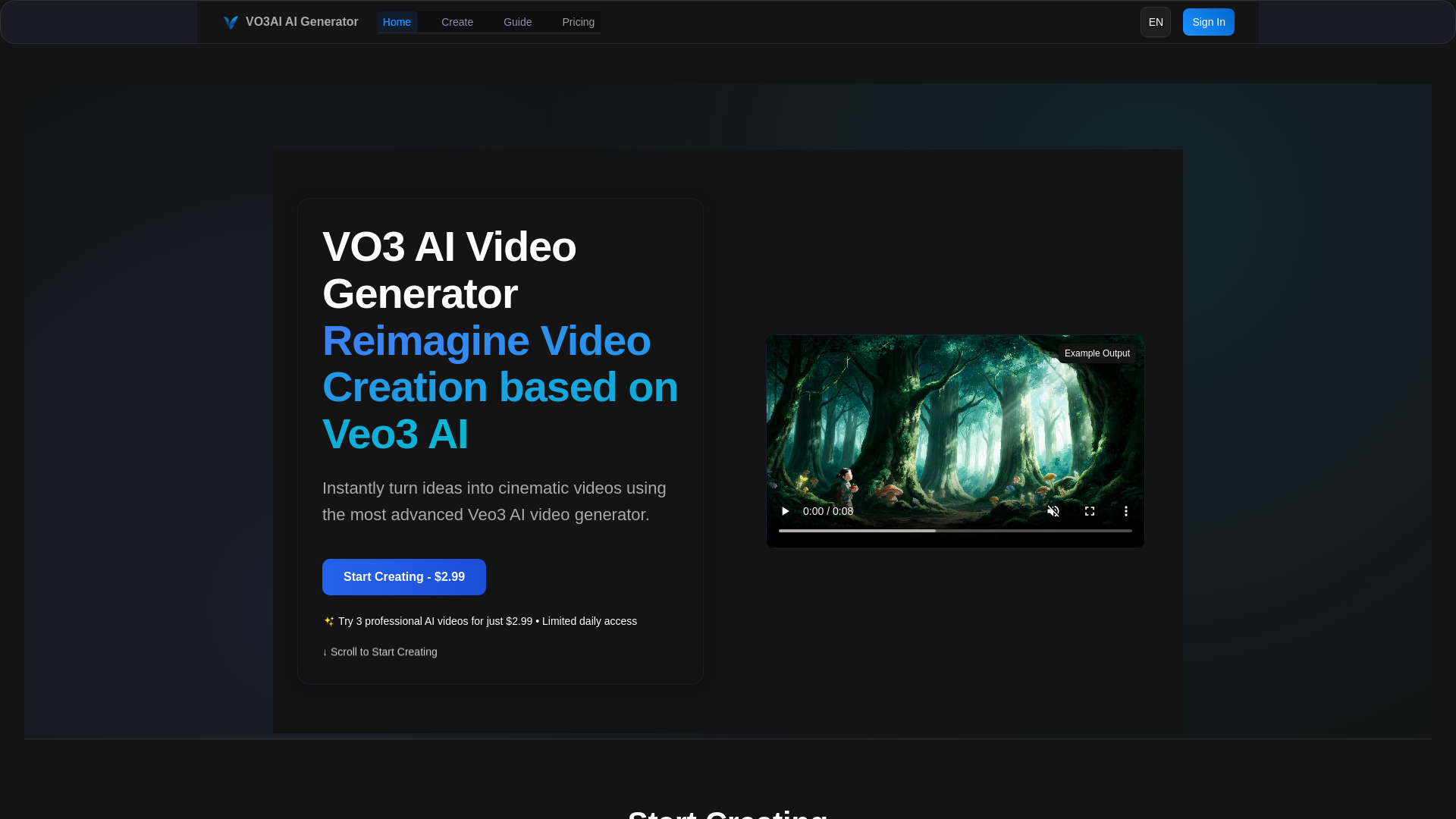
VO3 AI
Veo-powered cinematic video creation

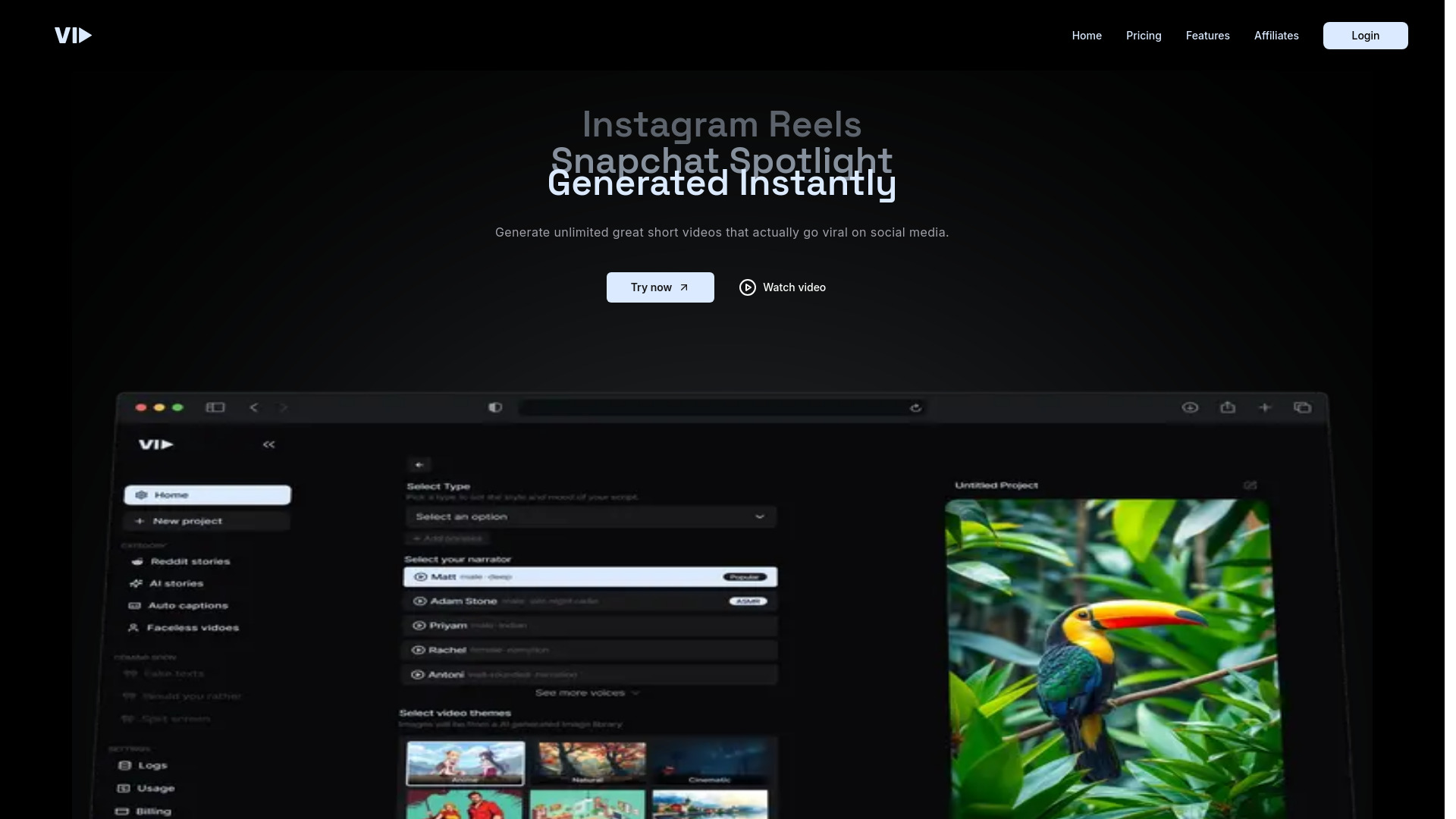
Vid.AI
Short-form social videos

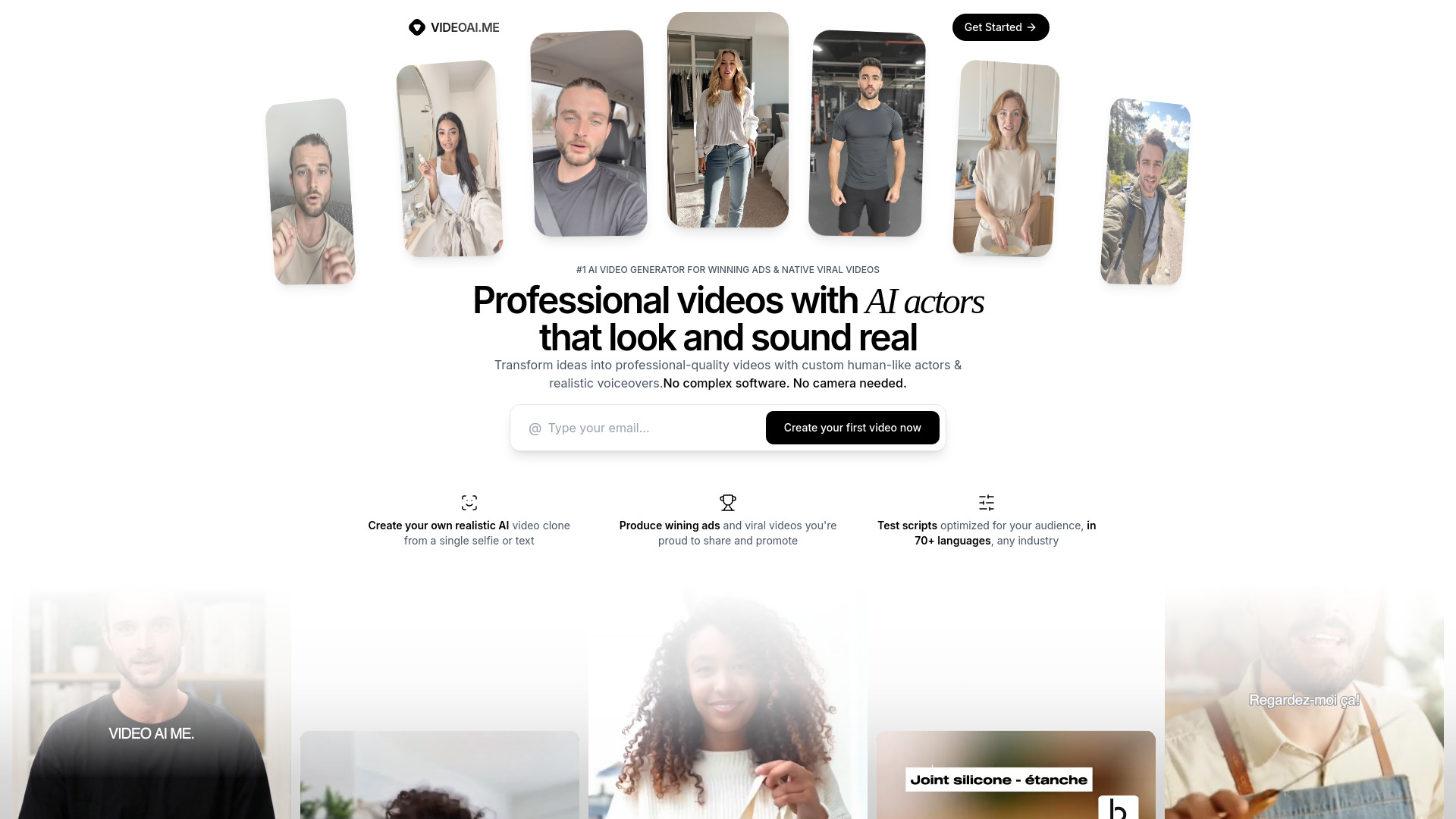
VIDEOAI.ME
AI video ads and avatar content

JXP AI Video Generator
Text-to-video and image-to-video creators

Free AI Video Maker & Generator
Short-form text-to-video and image animation

Viw AI
Creators using multiple AI video models

AI Studio for Video
Comparing AI video and image models

cre8tiveAI
Photo-to-video and AI retouching

AI Create
Private browser-based video creation

Voor AI
Fast text-to-video and image generation

RE:Create Video
Trend-led short-form video creation

AI Video API
Developers building AI video apps

Ray3
Professional cinematic video generation

Footage
Image and text prompt video creation

VideoIdeas.ai
YouTube script generation

AI Animate Image
Animating photos into short videos

Veo 4
Cinematic multi-shot video creation

Videomagic
URL-to-video product marketing


Photo Video AI
Creators turning photos into cinematic videos

Veo 5 AI
No-login AI video generation

AI Effect
Social creators making short-form videos

VideoAI
AI video generation and style transfer

image to video ai
Image-to-video creators

Veo Ai
Cinematic AI video creation
Veo 3 AI
Cinematic videos with synced audio
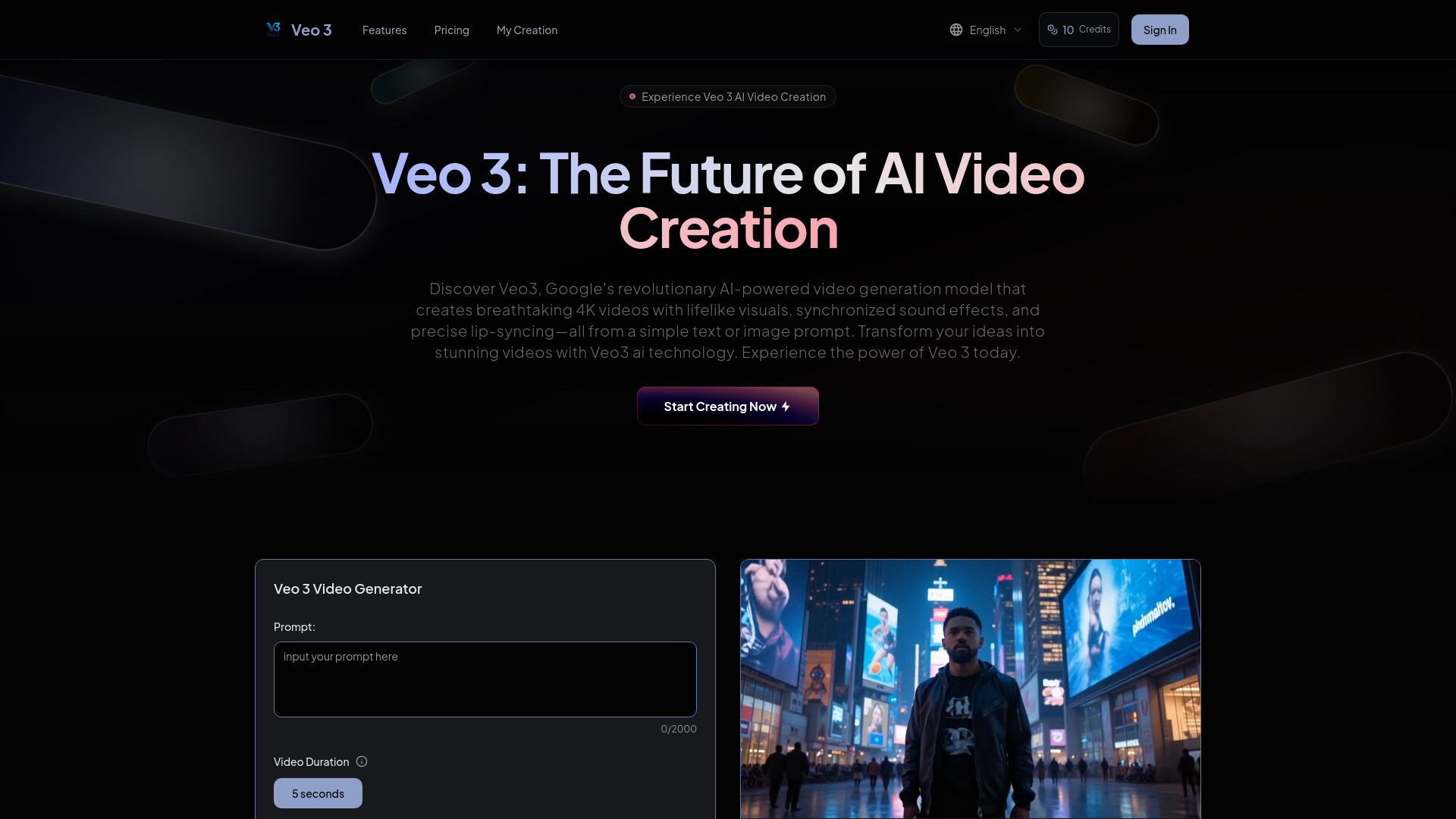

ClipVideo AI
Product demos and social ads
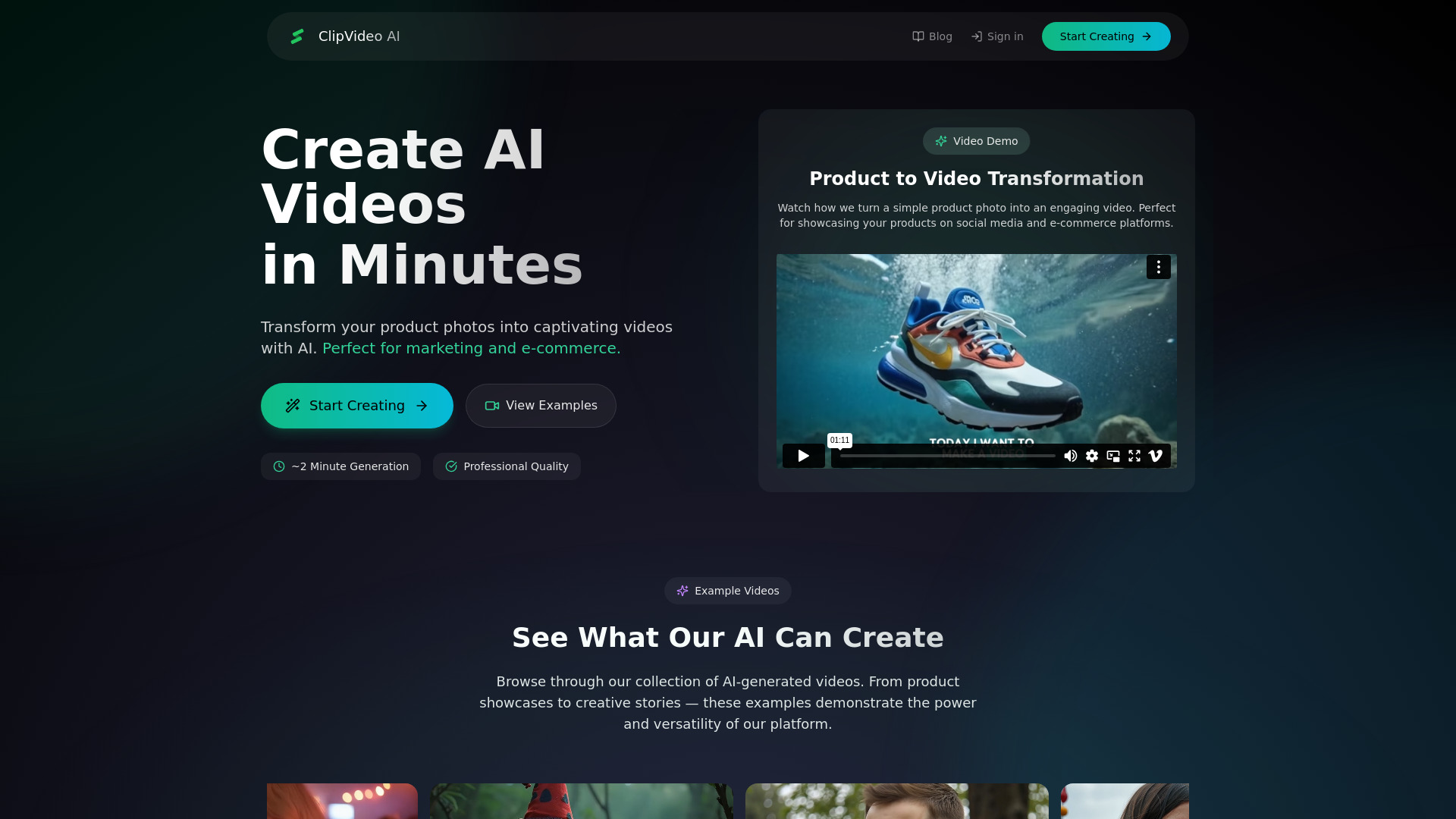

Auralume AI
Cinematic AI video generation
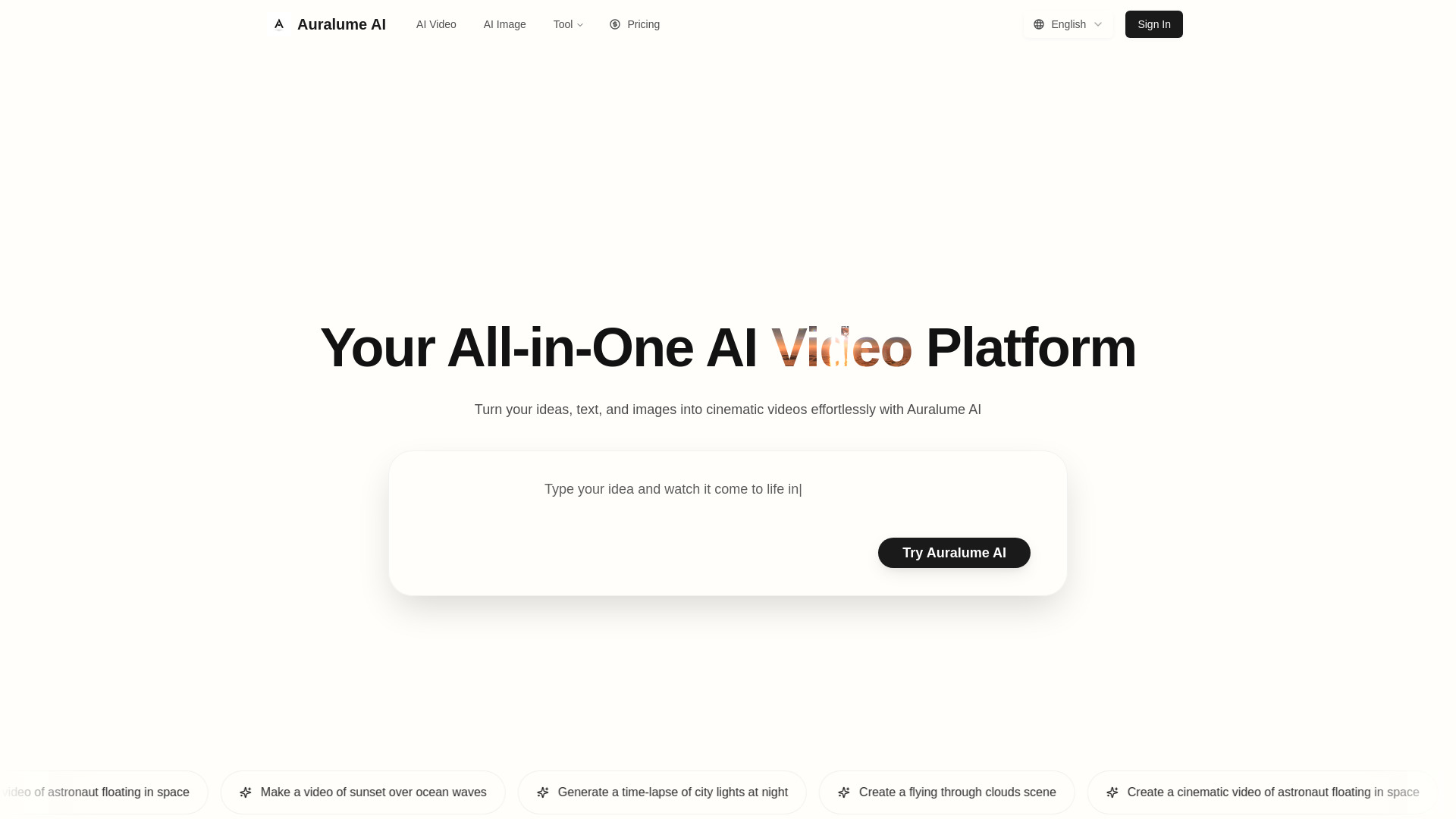

Muse Video
Creators seeking cinematic video with native audio

Ray3 Video AI
Professional HDR video creation

Ray 3 AI Video
HDR cinematic video creation

AIVLOG
Automatic AI vlog editing

aivideoapi
Developers integrating multiple AI video models

Vimera AI
Cinematic and reference-based video creation

iCreat AI - AI Videos & AI Images Generator & AI Creation Platform
All-in-one AI image and video generation

ImageToVideoAI
Image-to-video creators

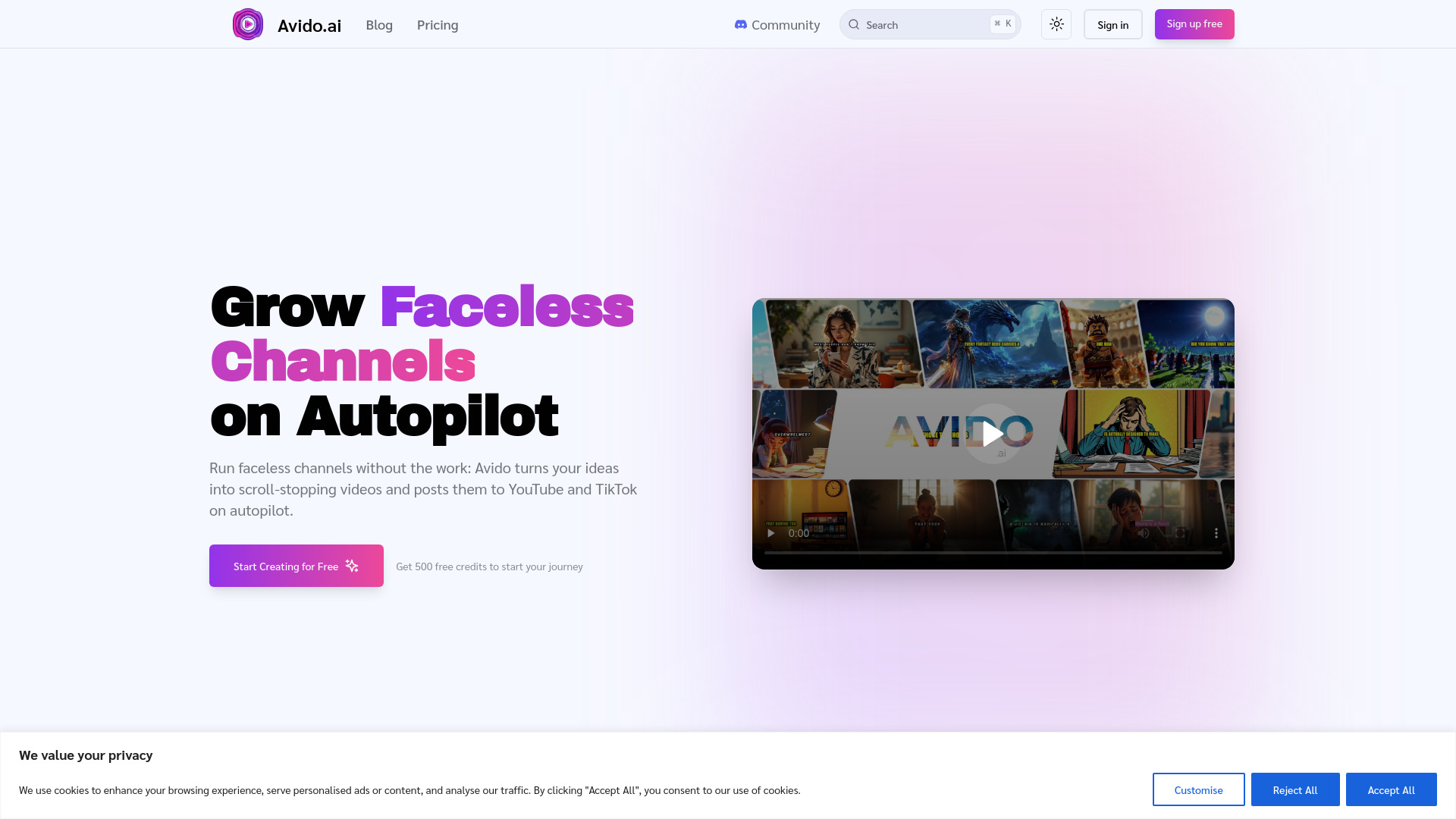
Avido.ai
Faceless YouTube and TikTok channels

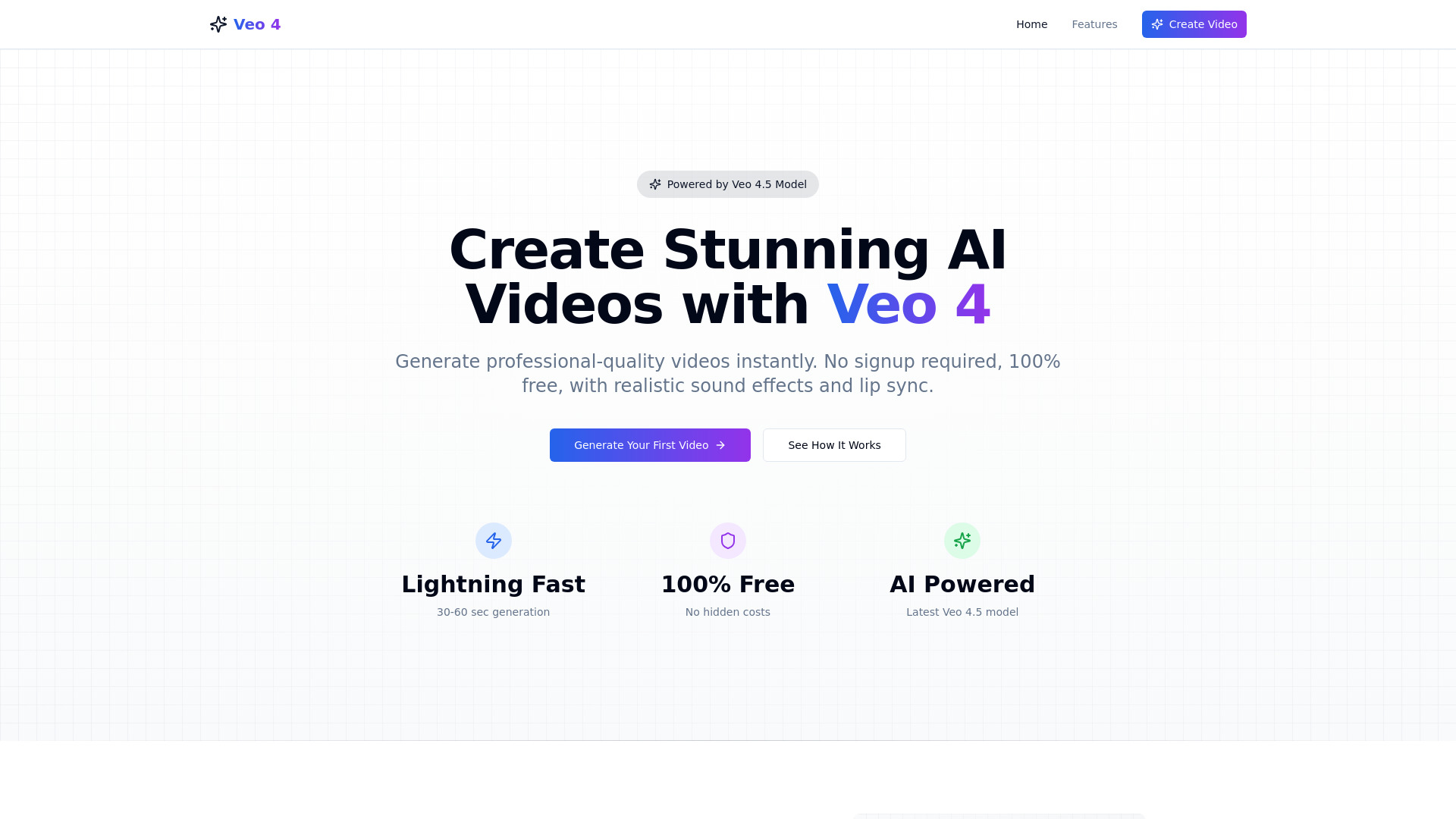
Veo 4 ai
Free text-to-video creation

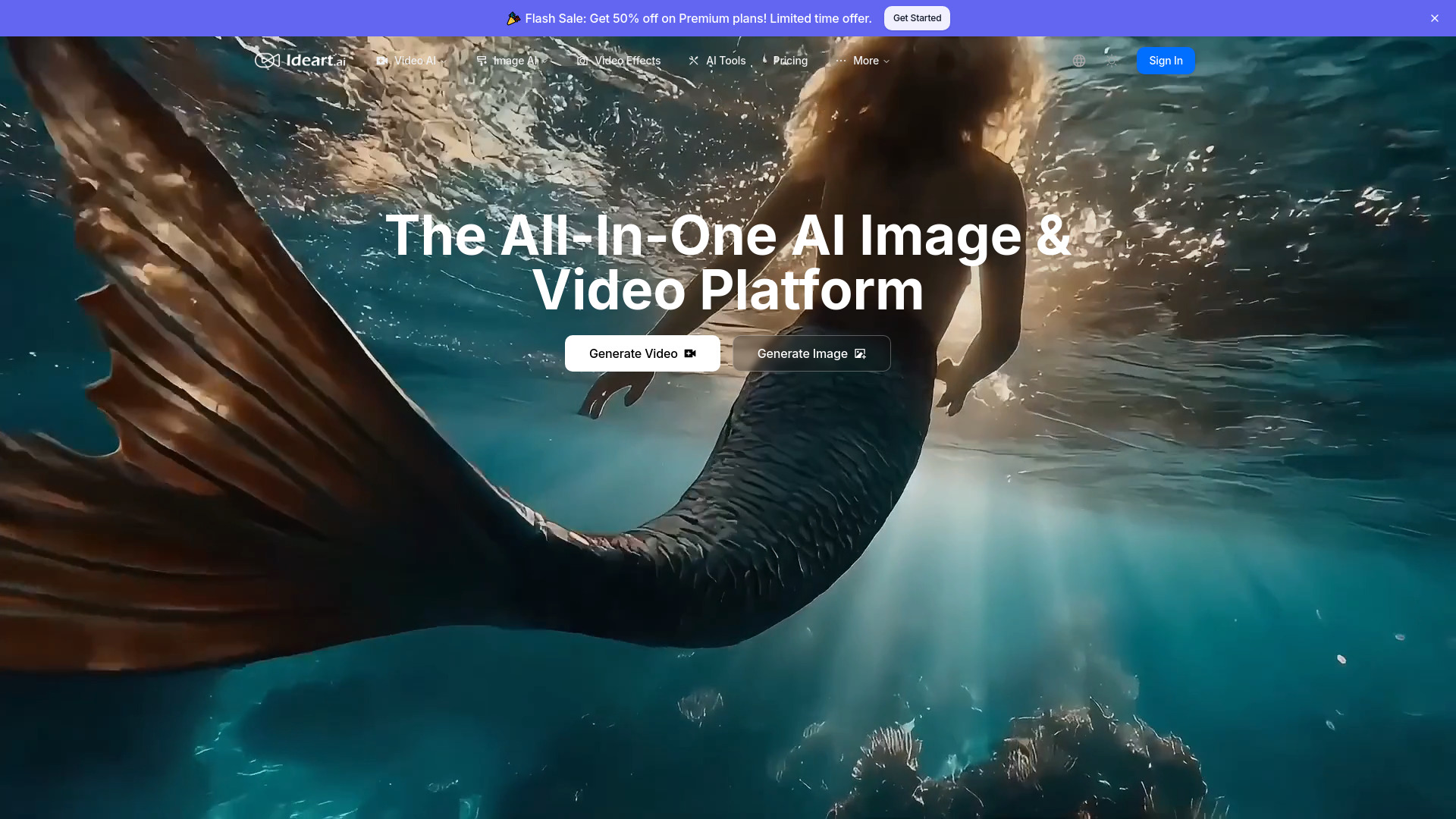
IDEART AI
Creators needing multiple AI video models

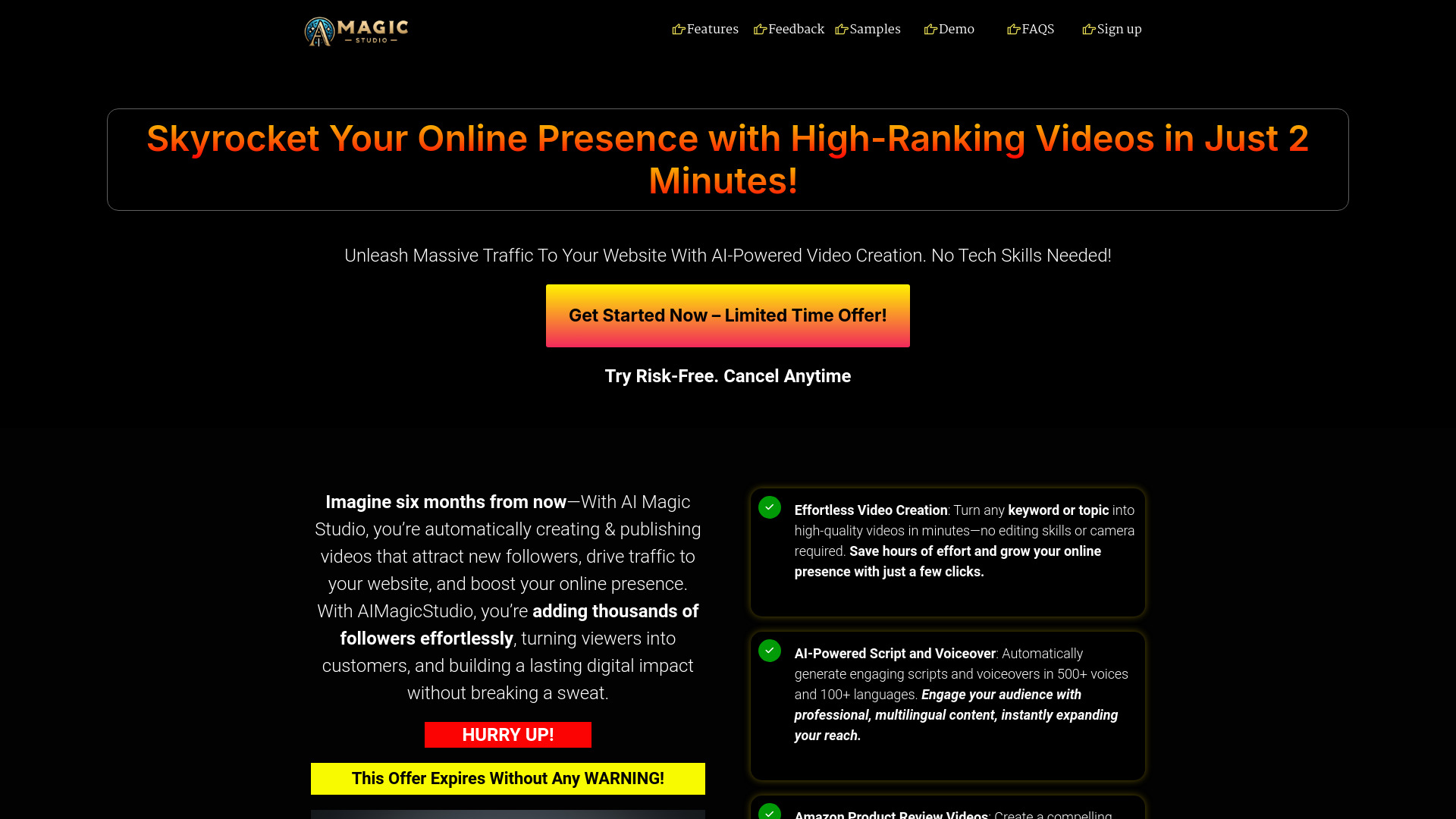
AIMagicStudio
Keyword-to-video creators

VanceAI Video AI
Video upscaling and restoration

AIVO3.com
Cinematic video generation with synchronized sound

Flux Video AI
Cinematic short-form video creation

VideoEditorAI.com
AI video creation and editing

Veo 4 AI Video
Cinematic AI video generation
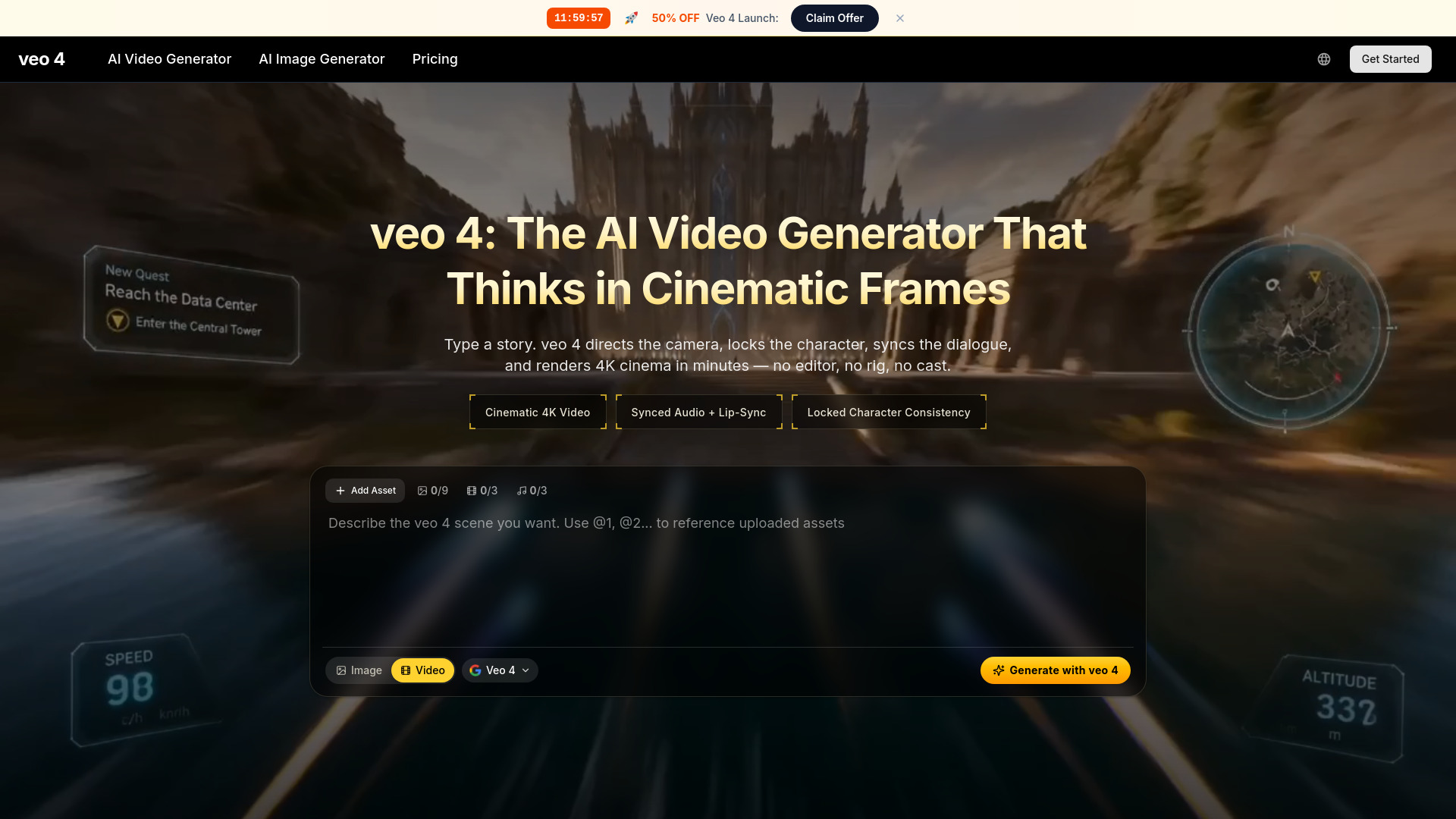

MakeAIVideo
Text-to-video creators
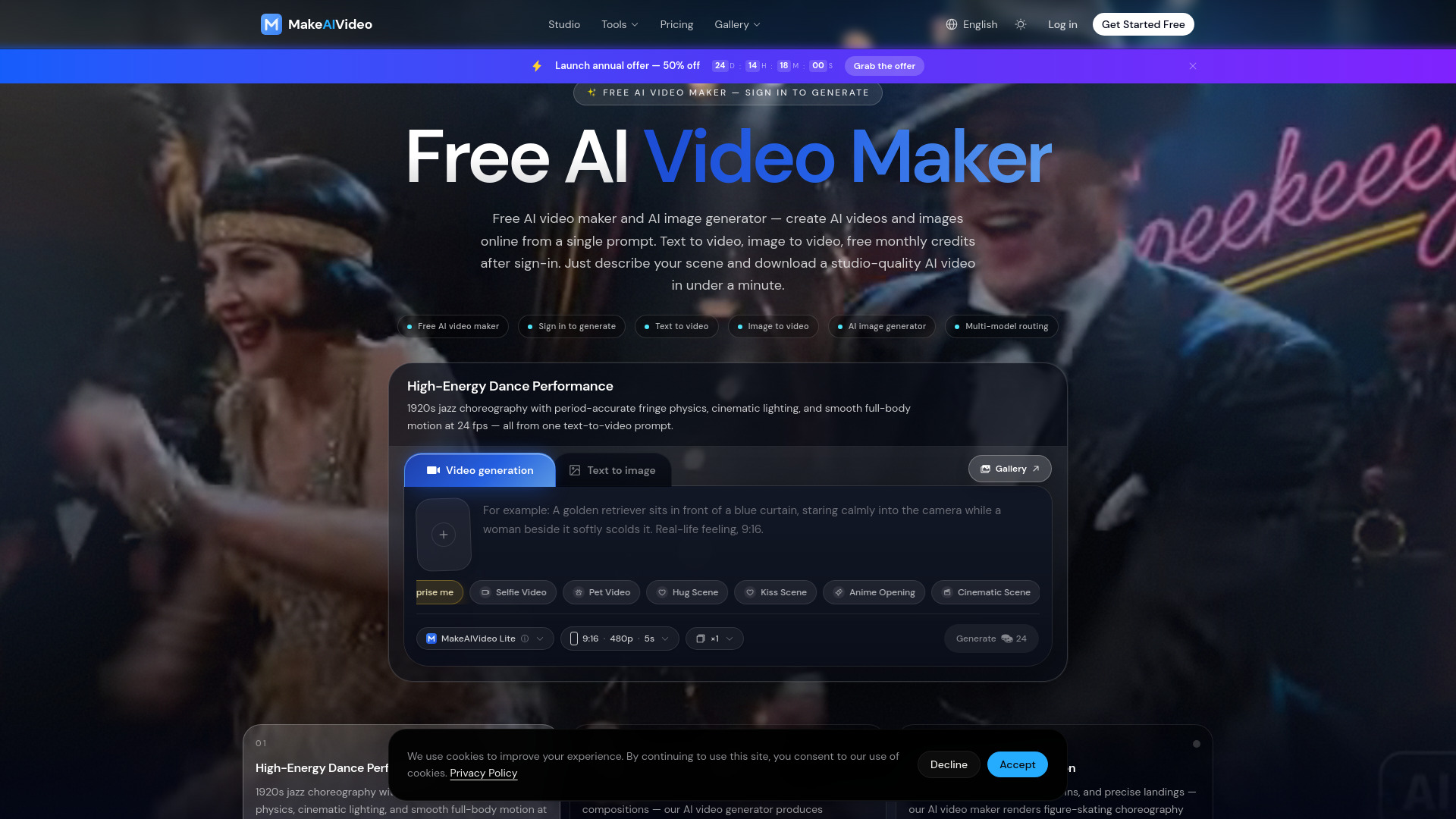

Aivvid AI
Multi-model AI video creation
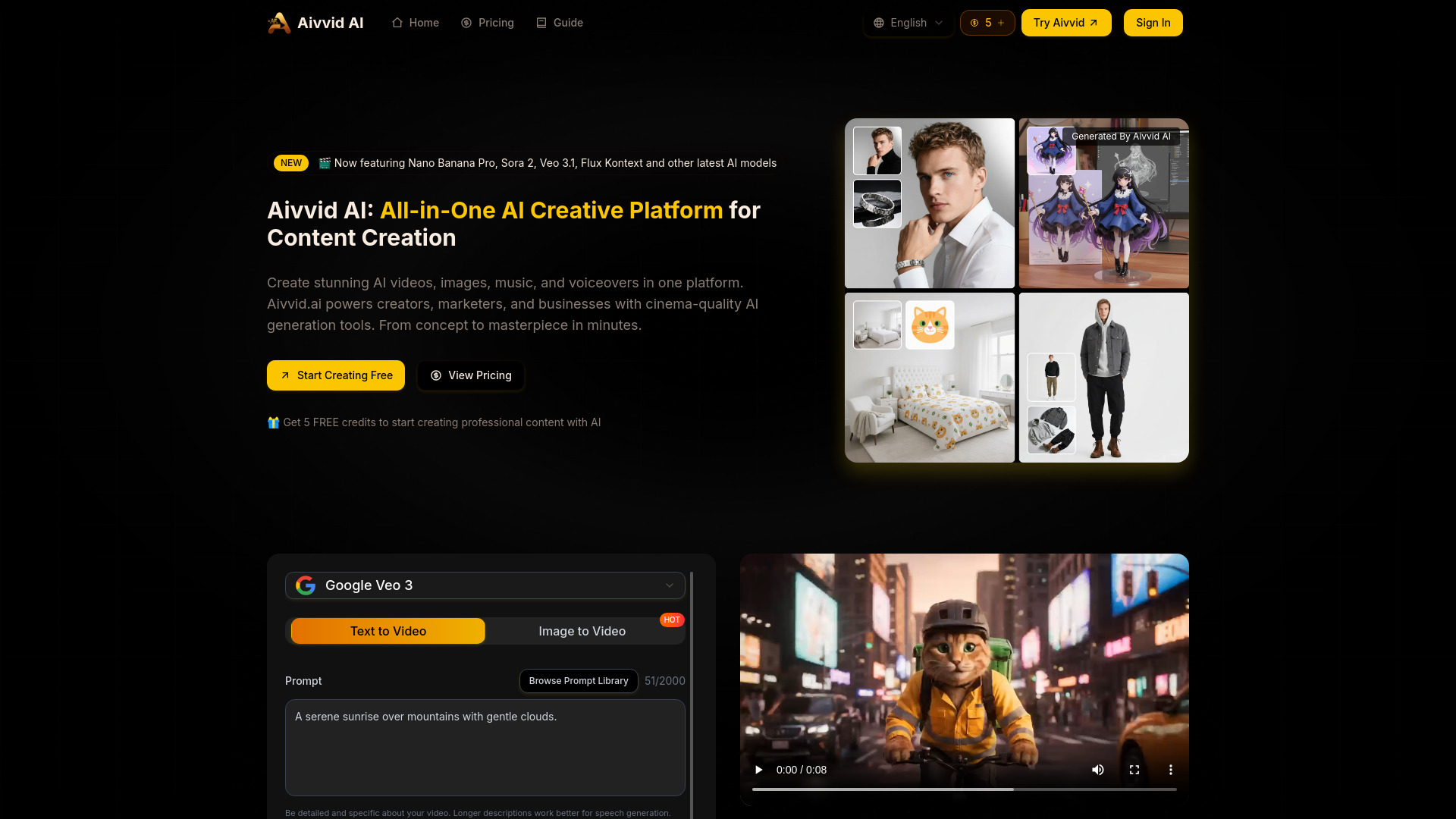
Veo3 AI
Short-form AI video creation
Veo 4 AI
Cinematic AI video generation

Veo 3.1
Cinematic multi-shot video creation

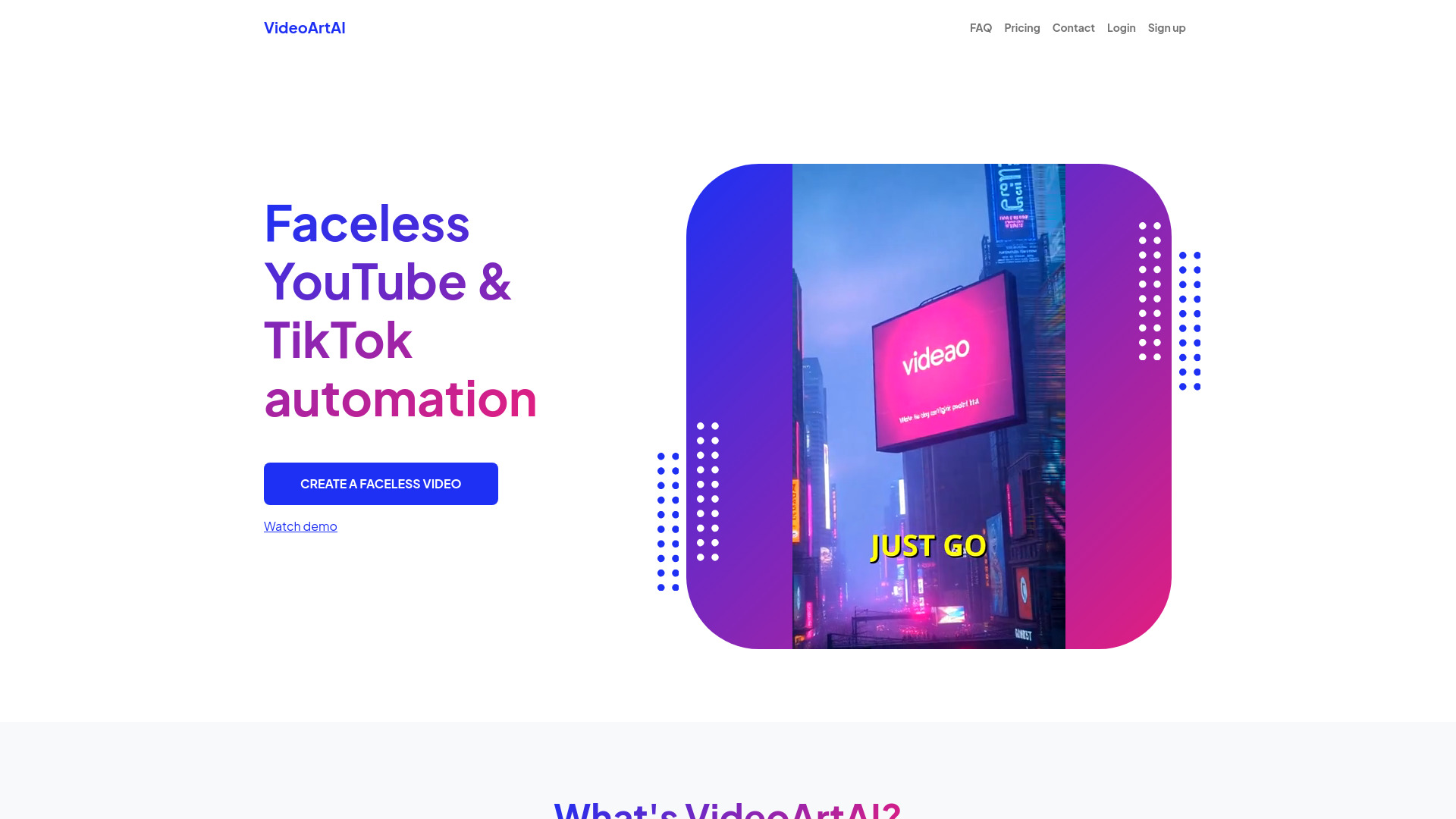
VideoArtAI
Faceless YouTube and TikTok creators

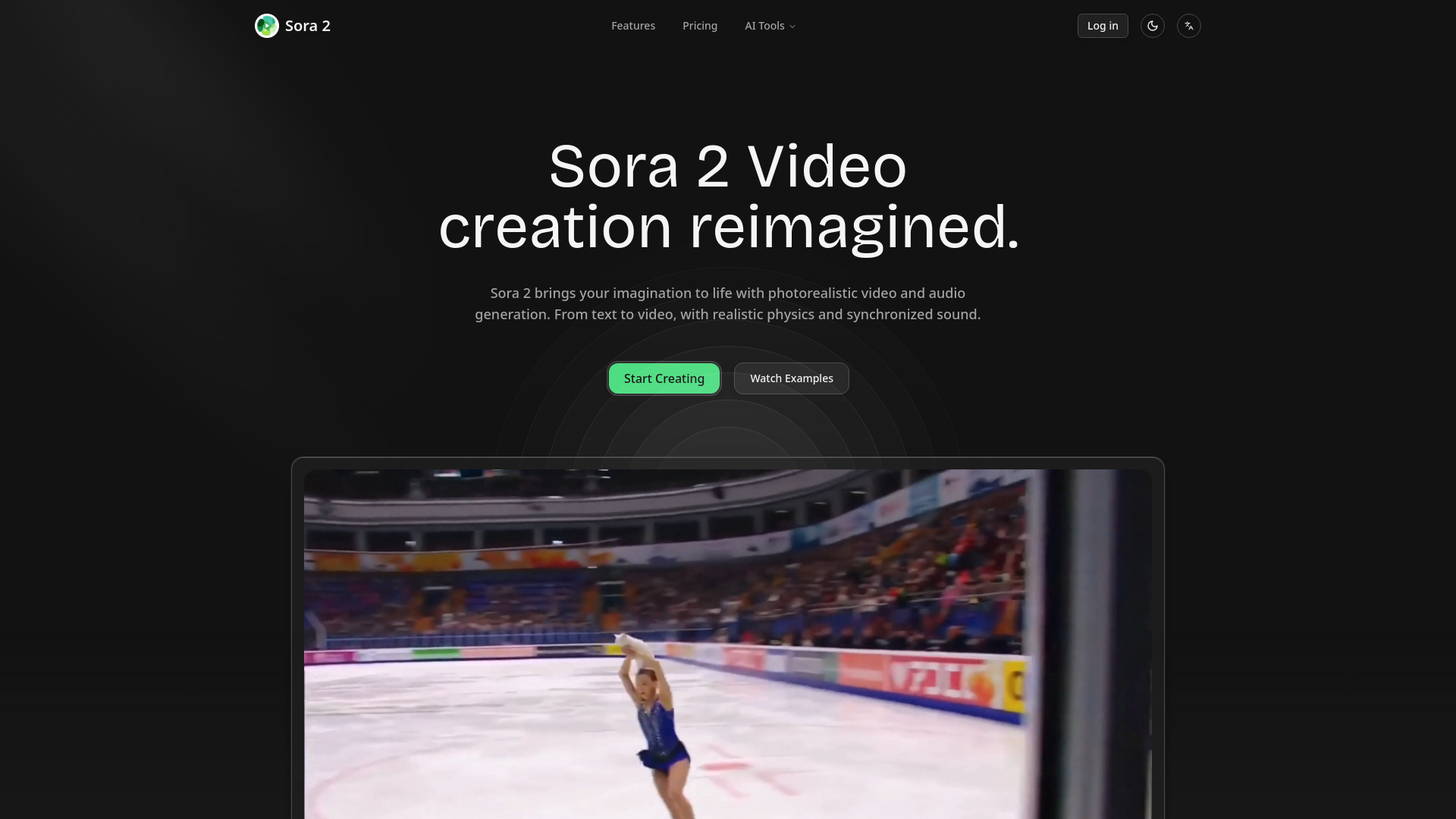
AI Sora 2 Video
Photorealistic text-to-video creators

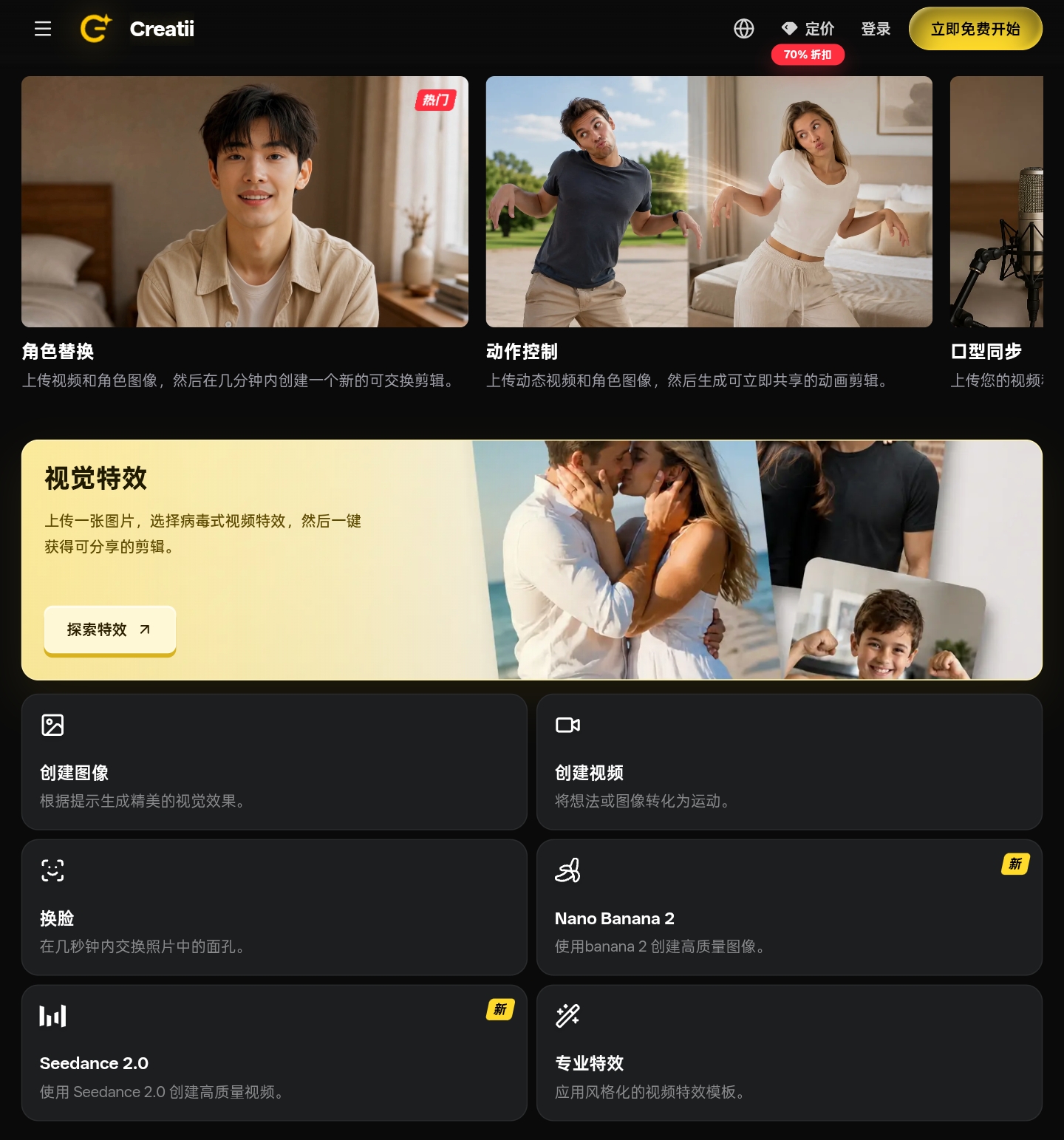
Creatii AI
Social video and image creators

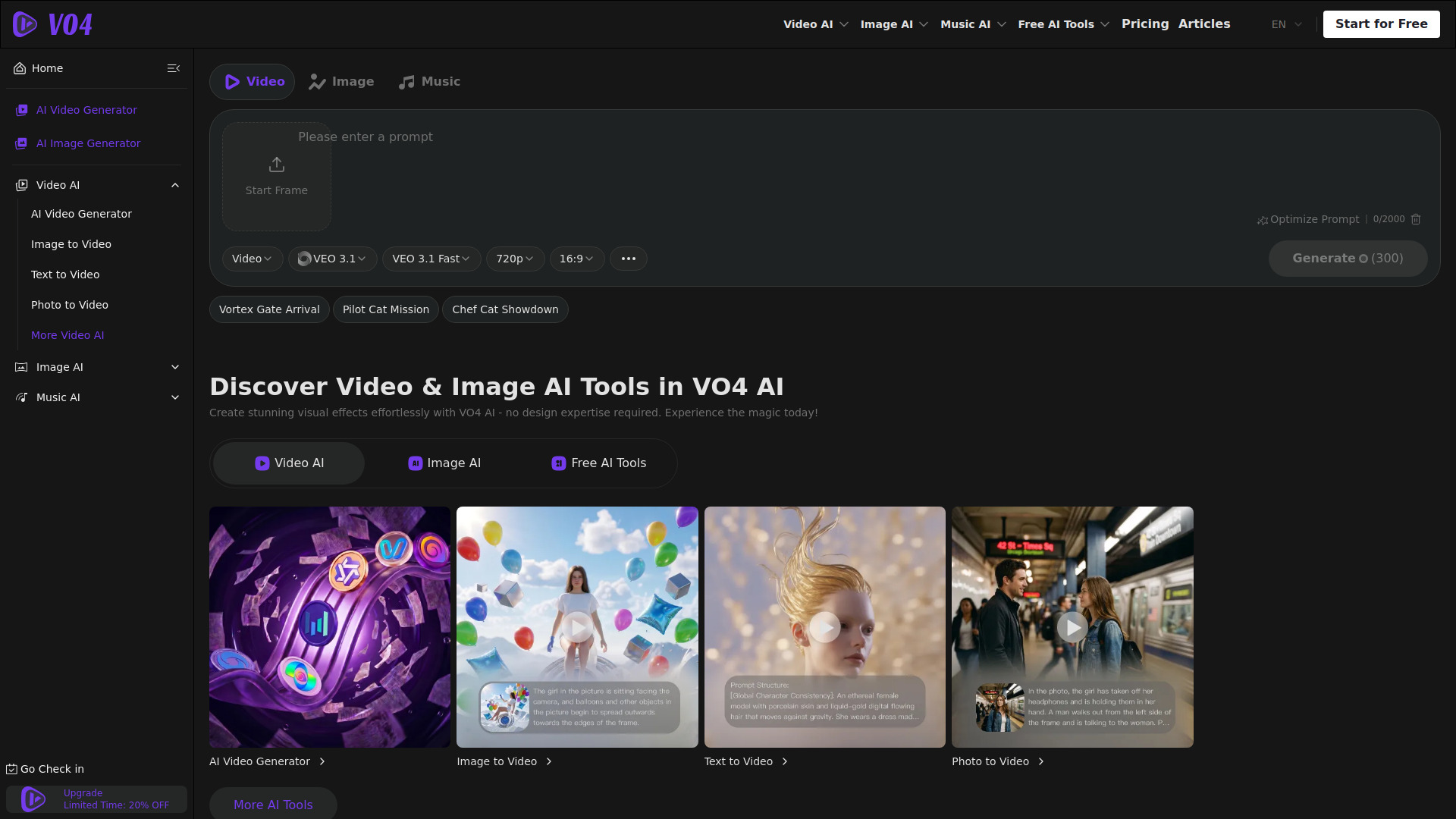
VO4 AI Video Generator
Multi-model AI video creators
AI Sora Tech
Text-to-video creation

Viral Ai Video Maker
TikTok and Reels creators
ImagetoVideoAI
Multi-model image-to-video creation

AIVideoFree
Free AI video and image generation

Video Studio AI
Text and image-to-video creation
Veo 4
Cinematic AI video concepts

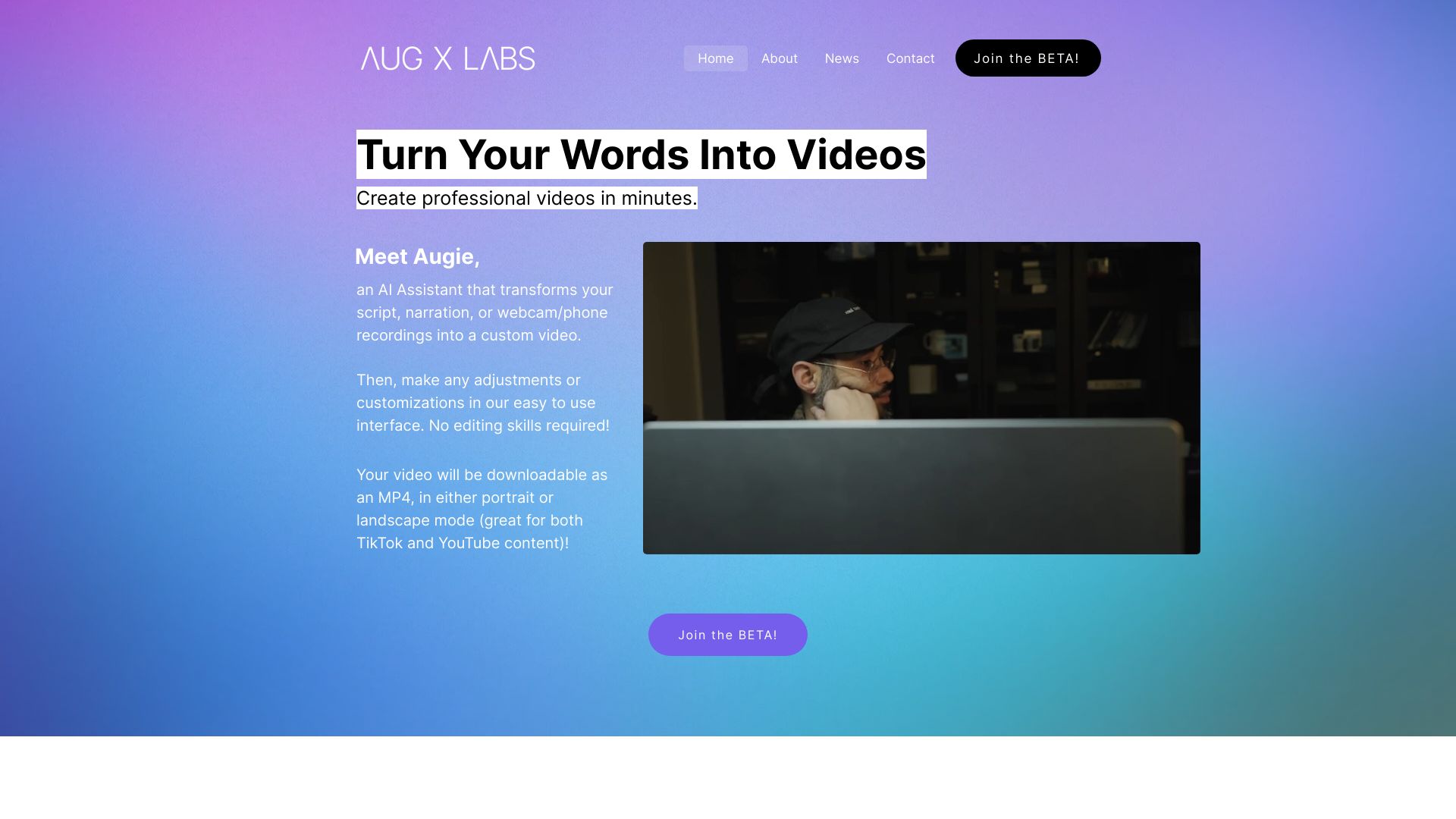
Augie
Marketing teams making social videos

AI Video Editor
Quick online video resizing and format conversion
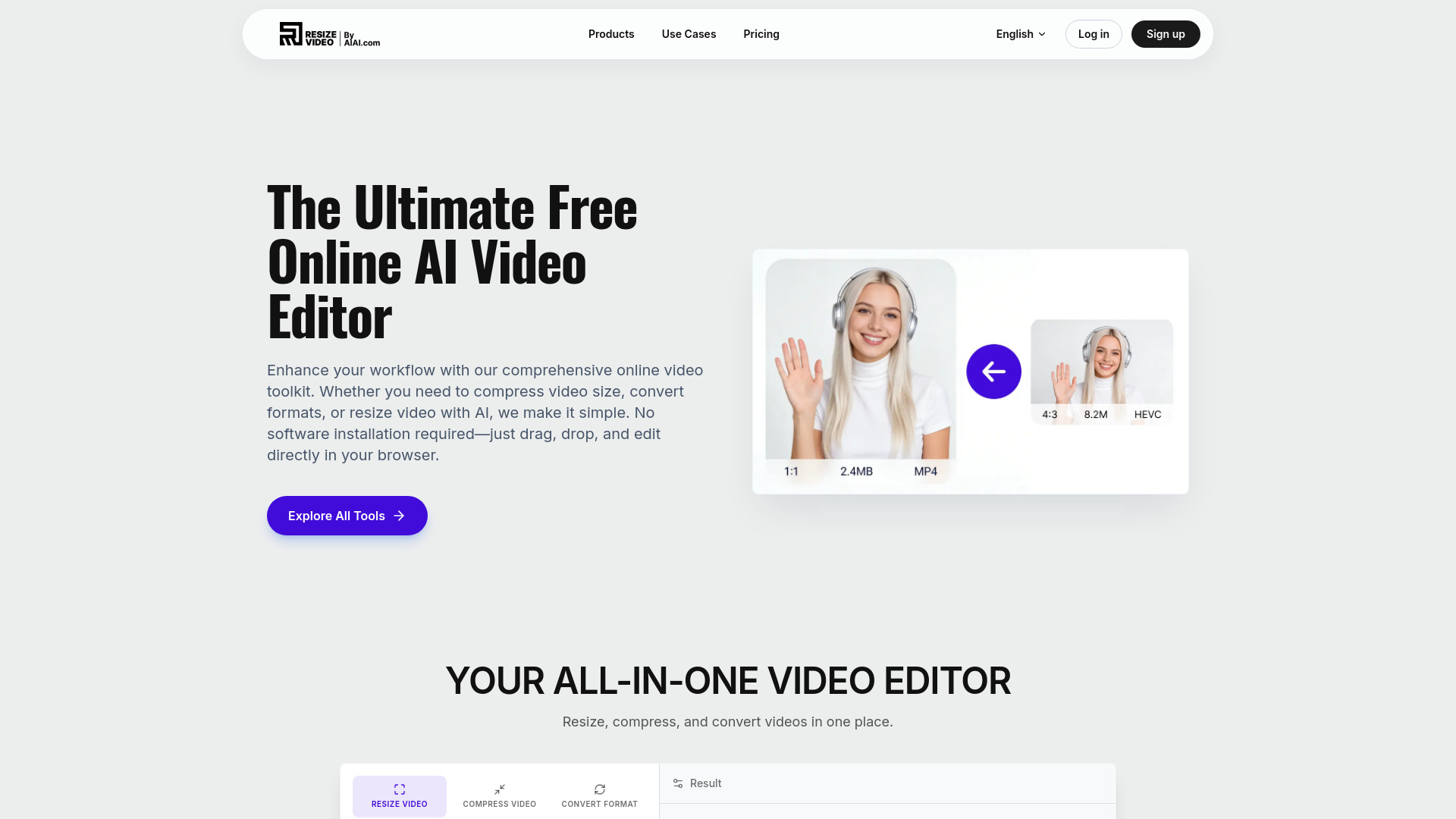

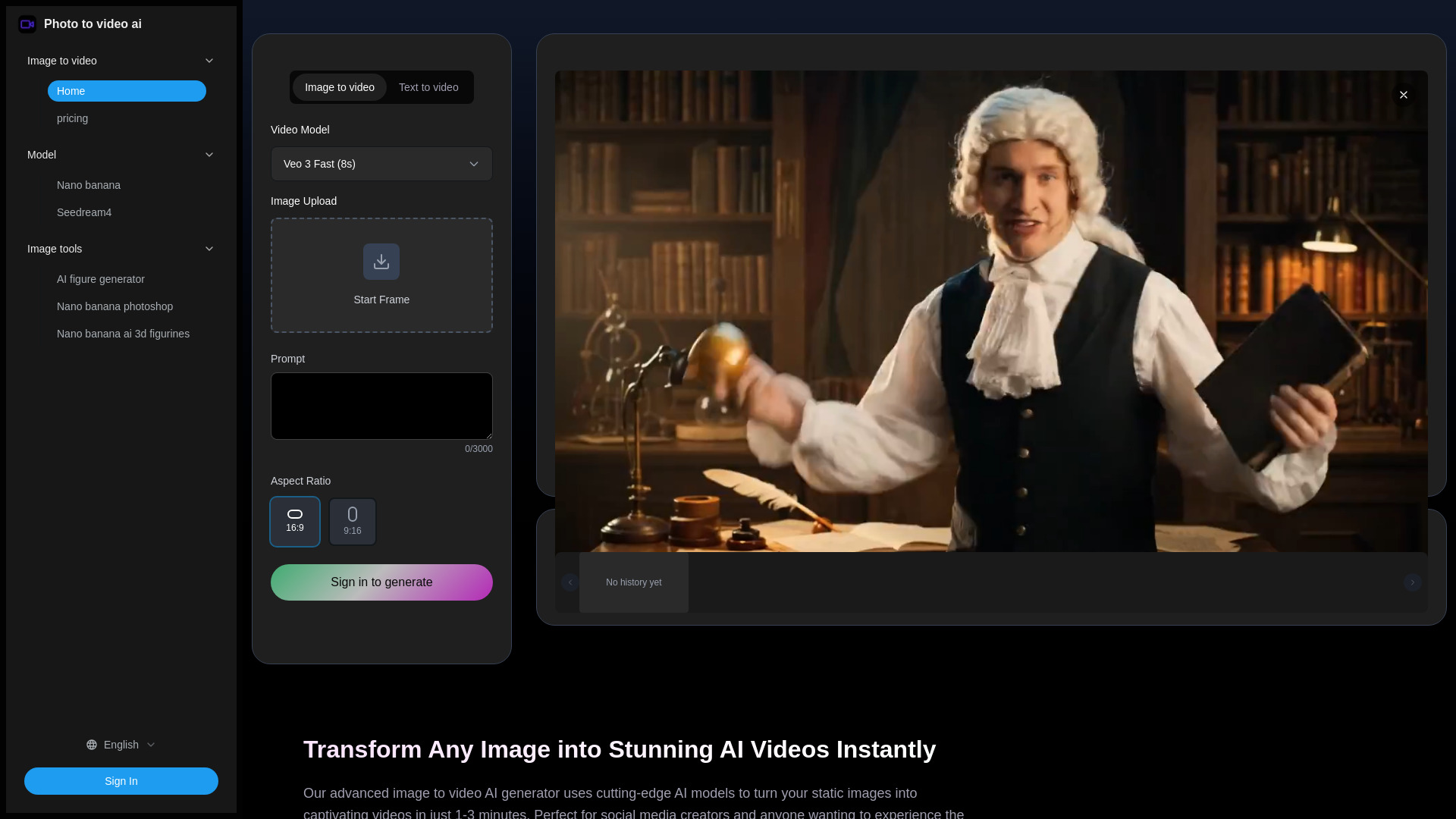
Photo to video ai
Image-to-video social content

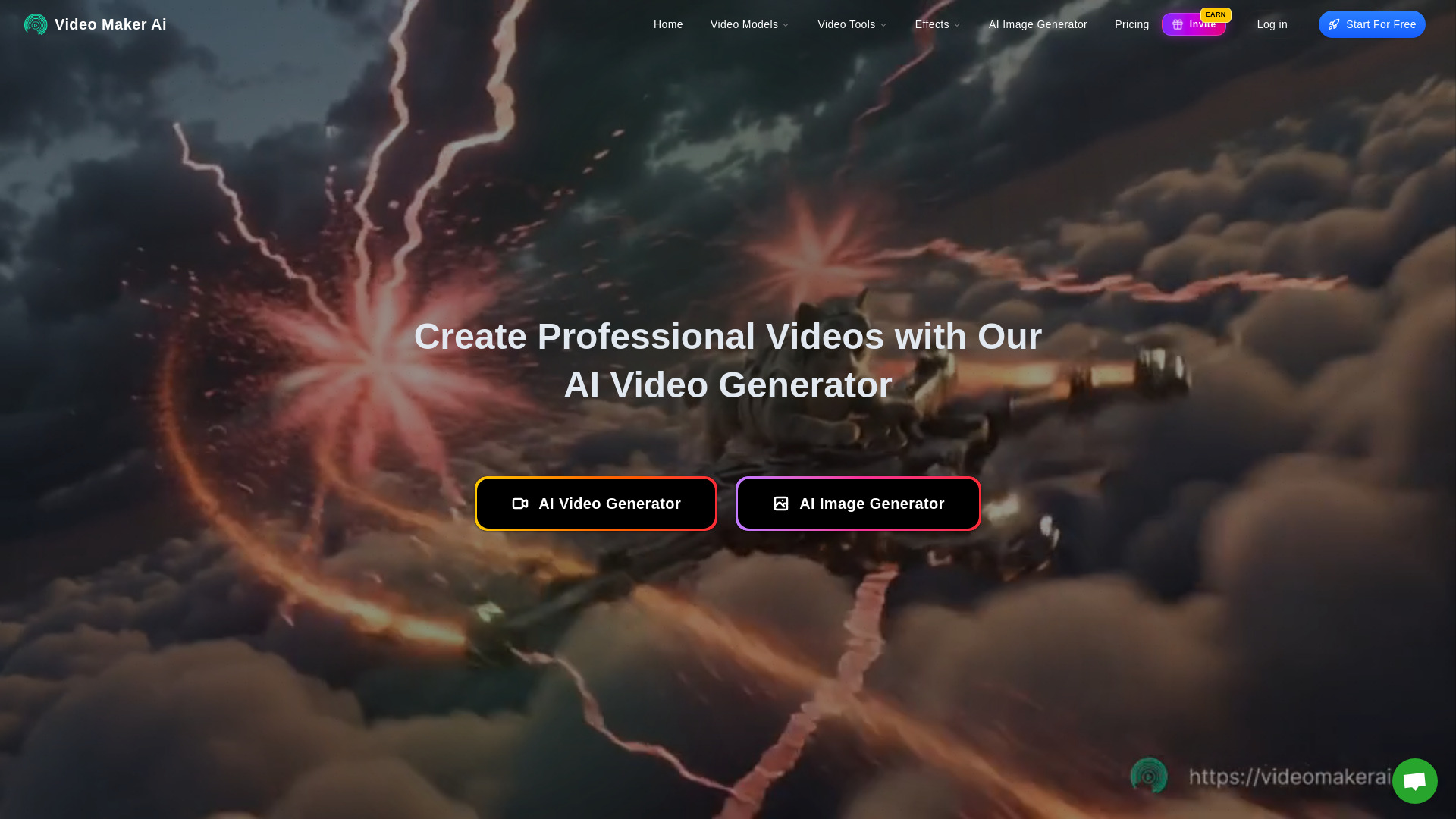
Video Maker AI - Video generation
Text-to-video and image-to-video creation
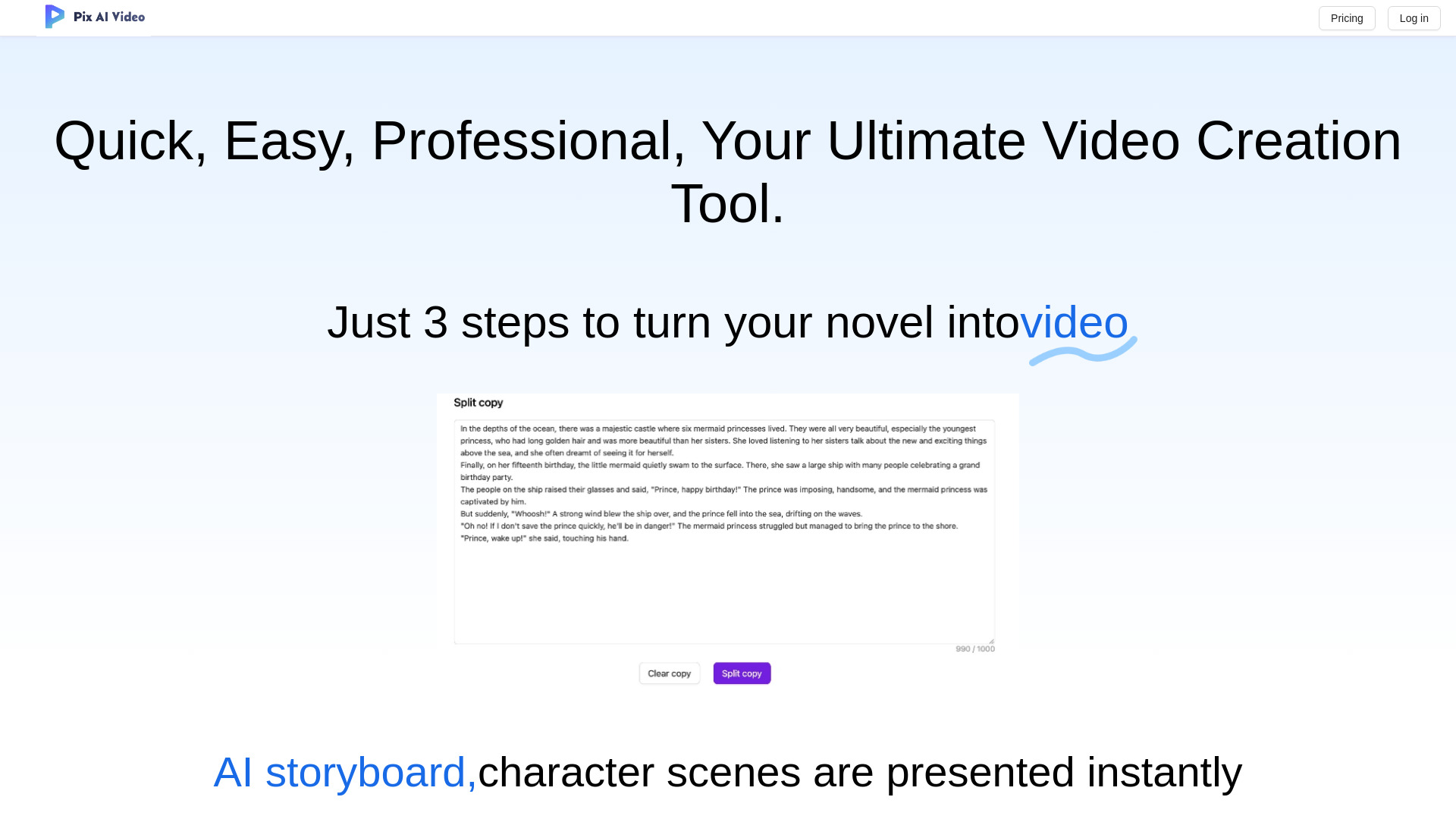
PixAIVideo
AI storytelling and animated video creation
VEO 3.1
Cinematic 1080p video creation

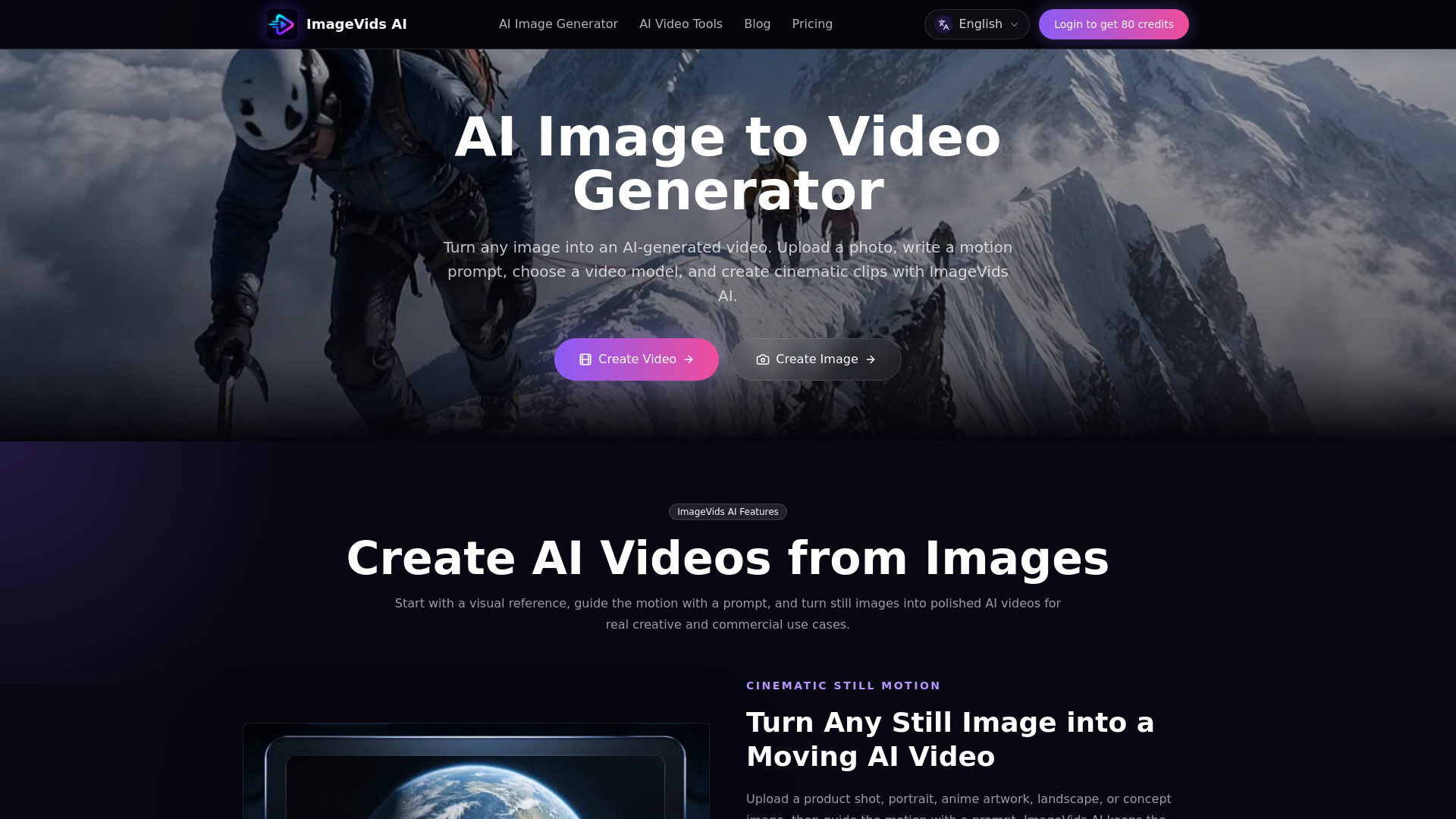
ImageVids AI
Image-to-video creators
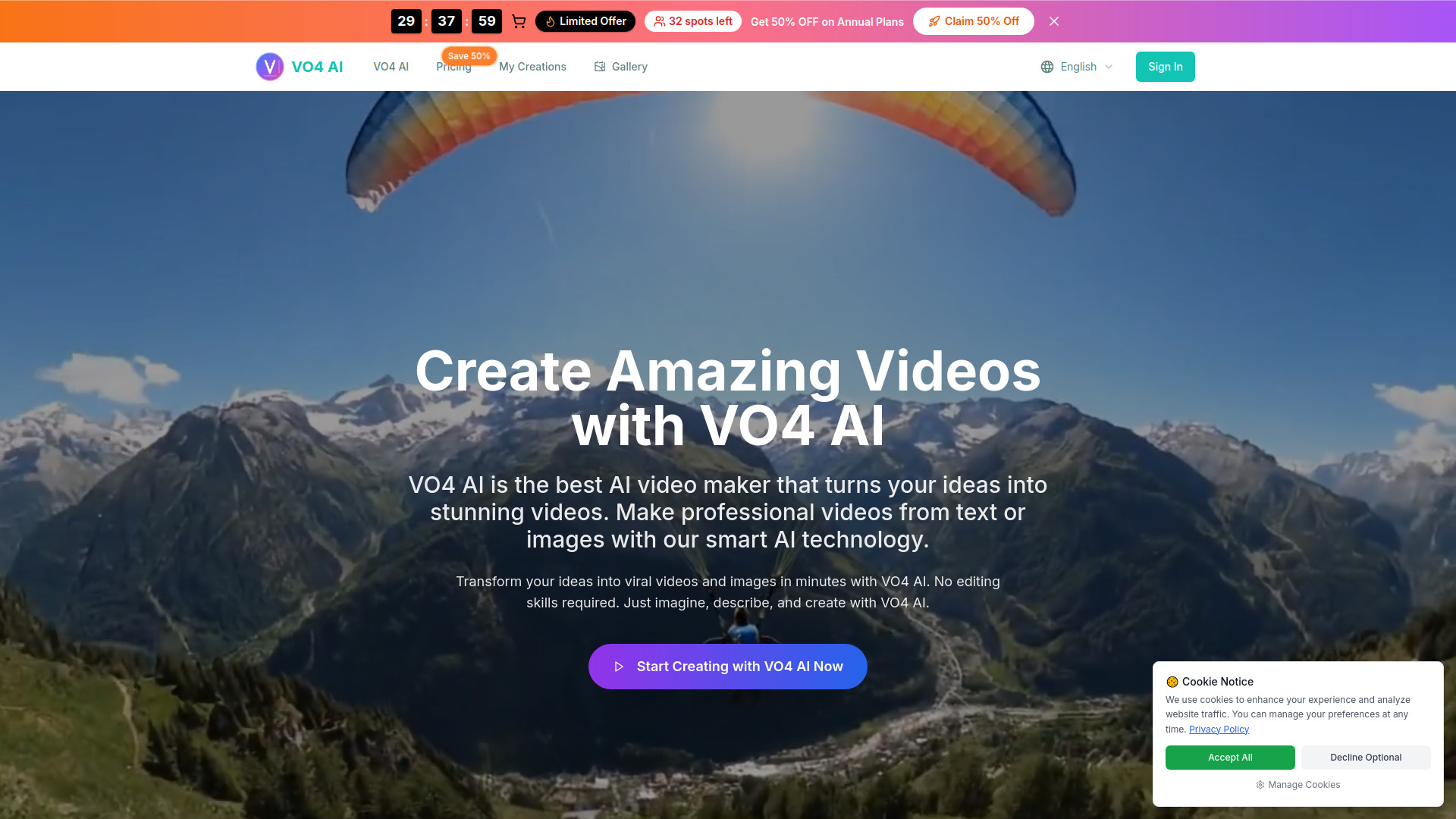
VO4
Social media video creation

Video AIditor
AI video platforms and automated generation

Invideo AI
Multimodel AI video creation

A9 AI
Product promo videos for startups

Creatoor AI
AI avatar social videos

Augie Studio
AI-assisted video creation

Vidthis: All In One AI Video Generator
Creators needing multiple video and image models

Vidthis AI
Open-source AI video creation
Sora2 AI
AI video creation with synchronized audio
ClipVideo AI
Product and photo-to-video creation

Sora 2 AI
Realistic cinematic AI videos

2Vid
AI marketing video creation

AI Powers
AI video creation
LTX-2 Video
Professional 4K video creation

Ai Sora2
Photorealistic AI video with synchronized audio

Arcloop AI
Anime short series and story-driven videos


Wan2.5 AI Video Studio
1080p videos with native audio

Creatorfield AI
High-volume short-form content repurposing

AiReelGenerator
Automated faceless short videos
Ray 3
HDR video creation for professional creators

Anyvids
Creators seeking multiple AI video models
Veo 3 AI
Cinematic AI video generation

AIGPTS
All-in-one AI video creation
Sora2 AI Video
Viral social media videos
Which AI video creation tool should you choose?
Start with the output, not the model name. These are the cleanest matches from the shortlist:
For the best all-around starting point: Choose AIReel. Multiple models, image-to-video animation, social effects, and an accessible paid entry point make it the safest first experiment.
For lessons and training: Choose AI STUDIOS. Its avatar library and 80-plus language voice coverage are more relevant than cinematic generation.
For prompt-based visual clips: Choose Veo3 AI or V03AI. Veo3 AI is the simpler text/image generator; V03AI is the more specific Veo 3-powered option with experimental audio.
For YouTube production: Choose AIVideo.com. Its composer and native editor cover more of the journey from instruction to finished video.
For repurposing existing footage: Choose AI Video Cut. It is designed for long recordings that need to become social shorts.
For ads and UGC: Choose Videflow.ai. Its URL, reference, avatar-ad, cloning, and ad workflows fit campaign production.
For mixed AI media: Choose AIAI.com or VideoWeb AI. Both extend beyond video into other content types, with different access and credit tradeoffs.
For simple creator visuals: Choose ImagineX if short-form video and images are your main needs and the $23.90 starting price fits your budget.
There is no single winner across all the best ai video creation tools. The right choice is the one whose limits match your publishing rhythm. A daily creator may prefer expiring monthly credits over a higher per-project price; an occasional user may value credits that can be tested without a recurring commitment.
My practical recommendation
For most first-time buyers, I would test AIReel first. It offers the widest model choice in this group, includes image-to-video animation and a large set of social effects, and lets you learn the basic generation workflow with trial credits. It is the strongest general answer to the question of what is the best ai for video creation when the brief is still evolving.
Then choose a specialist based on the asset you already have. Use AI STUDIOS when the presenter is the product. Use AI Video Cut when the footage already exists. Use AIVideo.com when you need an end-to-end YouTube draft. Use Videflow.ai when the deliverable is an ad or UGC variation rather than a standalone creative clip.
Before subscribing, run the same small test in two tools: one prompt, one source image if relevant, one target duration, and one export. Record the credits used, resolution, audio behavior, editing steps, and time to a usable result. That comparison will tell you more than a polished homepage demo.
Common mistakes when choosing AI tools for video creation
- 1
Choosing a generator for an editing problem. If you already have a podcast or webinar, a repurposing tool such as AI Video Cut may save more time than a text-to-video model.
- 2
Treating free credits as a monthly production plan. Trial credits, daily check-ins, exports, and subscription credits behave differently. Check expiration and limits.
- 3
Taking output claims at face value. Veo3 AI illustrates why resolution should be confirmed at the plan level when homepage and paid-plan language differ.
- 4
Ignoring sound until the final export. V03AI notes that audio can be experimental and may not appear in fast mode. Test audio early.
- 5
Paying before testing the complete workflow. A compelling generation step can still be a poor fit if editing, exports, or credit usage create friction.
- 6
Comparing prices without comparing units. A monthly subscription, a 50-minute allowance, and a credit balance are not equivalent measures of output.
What changed in 2026
The strongest options in this 2026 comparison increasingly cover more than one stage of production. AIReel brings multiple video and image models together; AIVideo.com combines composition with editing; Videflow.ai connects generation to ads and UGC; and VideoWeb AI adds image and music generation around its video tool.
There is also a clearer split between creator workflows. Some tools emphasize model experimentation and text or image inputs, while others focus on avatars, long-to-short editing, or campaign variations. Audio is becoming part of the product conversation too, although V03AI's experimental behavior is a useful reminder that the feature is not equally dependable in every workflow.
For buyers, the practical change is that tool selection now starts with the production stage you want to remove. Generation quality still matters, but credits, exports, editing, language coverage, and asset reuse can determine whether a tool works week after week.
FAQ
AIReel is the strongest overall starting point in this shortlist because it combines multiple AI video and image models, image-to-video animation, more than 1,000 social effects, and trial credits.