
The best ai avatar generator depends less on a flashy sample image than on what you need the avatar to do next. We compared 99 tools, including portrait makers, photo-to-3D creators, and talking-avatar video apps. PhotoGrid AI Avatar Generator is our strongest all-around pick for its multiple ways to start and its detailed customization. But artists, marketers, developers, and anime fans have compelling reasons to choose something else.
Top picks
| Pick | Tool | Best for | Why it stands out |
|---|---|---|---|
| Best overall match | PhotoGrid AI Avatar Generator | Content creators | Starts from text, a reference image, or a real-photo clone, with controls for appearance and style. |
| Best for art workflows | Artguru AI | Digital artists | Combines text-to-image and image-to-image generation with avatar and portrait tools. |
| Best for 3D characters | Avaturn | Game developers | Turns a 2D photo into a customizable, animatable 3D avatar. |
| Best for talking-photo videos | Mango AI | Marketers | Pairs talking-photo creation with avatar dialogue and a broad set of AI video tools. |
Quick comparison
| Tool | Best for | Standout capability | Free access | Starting price |
|---|---|---|---|---|
| PhotoGrid AI Avatar Generator | Content creators | Text, reference-photo, and real-photo avatar creation | Free plan available | Check vendor pricing |
| Artguru AI | Digital artists | Text-to-image and image-to-image generation | 1 free image generation | Check vendor pricing |
| Mango AI | Marketers | Talking photos and avatar dialogue | Free plan available | Free: $0/mo |
| Avaturn | Game developers | 2D photo to customizable 3D avatar | Free plan available | Basic: Free |
| GenYOU | Social media users | Free AI portraits and avatar creation | Free plan available | Check vendor pricing |
| AvatarCraft AI | Executives | Talking avatars and video ads | Free plan available | Free: $0 |
| Pica AI | Digital artists | Avatar creation plus text- and photo-based art | Free plan available | Check vendor pricing |
| JoyPix.ai | Content creators | Talking photos with AI lip-sync | Free plan available | Free: $0 |
| AI Portrait | Social media users | Portrait styles from a single photo | Free plan available | Check vendor pricing |
| Anime AI | Anime fans | Anime-style portraits, including named style options | 100 pictures free | Check vendor pricing |
How we ranked these AI avatar generators
We compared 99 candidate tools and selected 10 for detailed review, looking at how directly each product serves an avatar-making workflow. We gave weight to input flexibility, the kind of output the tool specializes in, customization options, and whether it can take a still image into a video or 3D workflow. We also considered the intended audience and practical friction, such as account requirements, stated limits, and how clearly a tool explains its pricing. Scores combine feature depth, audience fit, and market signals; they are not a guarantee that every output will match a particular user's expectations. The right choice depends on whether you want a stylized profile image, a photoreal portrait, a speaking face, or a usable 3D character.
The best AI avatar generators
The picks below cover different meanings of "avatar." Some are image generators first; others are better understood as video or character tools. That distinction matters: a polished portrait generator is not automatically the right fit for a speaking presenter, and a 3D avatar workflow may be more than a social profile needs.
1. PhotoGrid AI Avatar Generator
PhotoGrid AI Avatar Generator
Content creators who want flexible avatar inputs
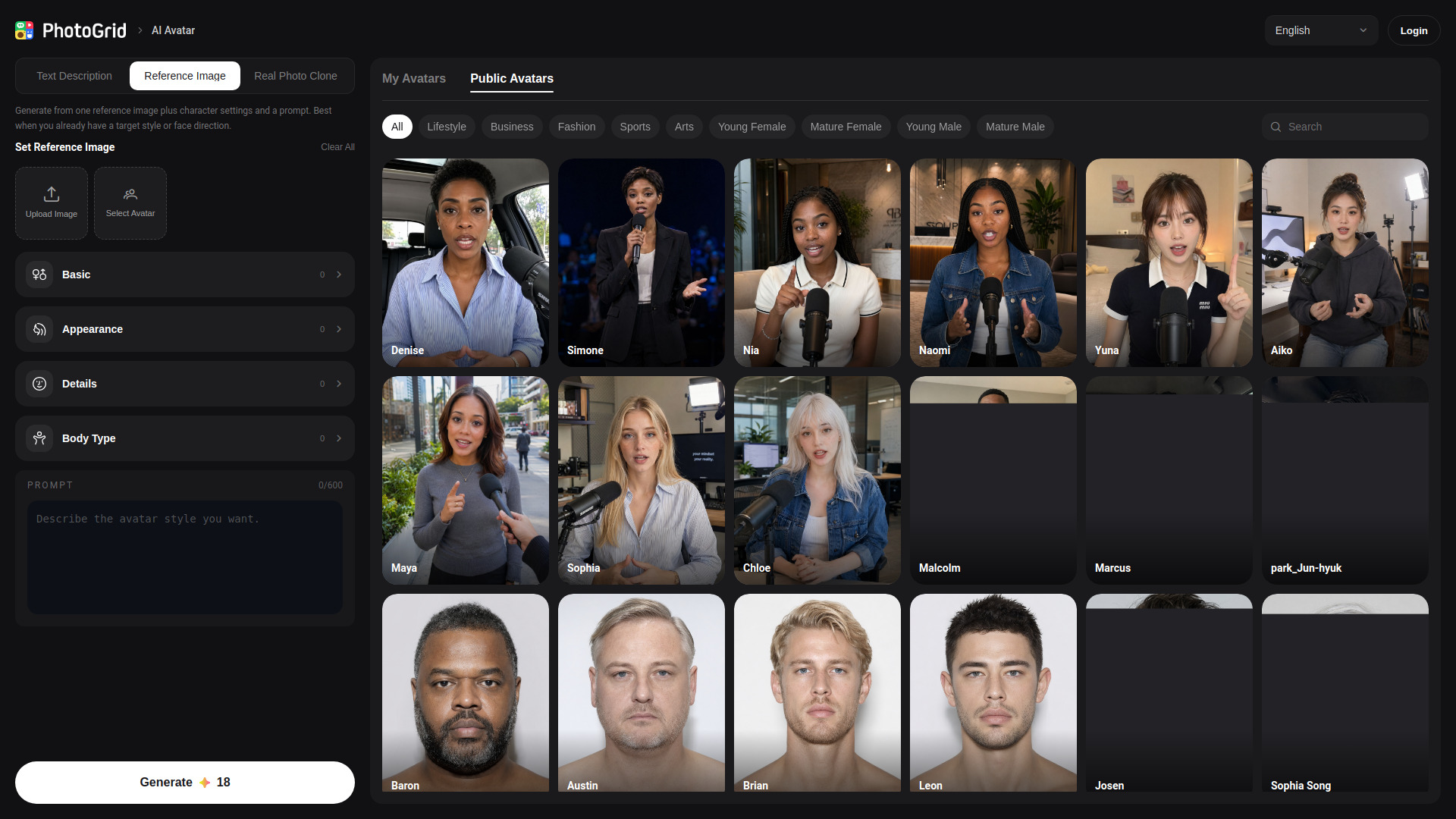
PhotoGrid earns the lead by giving creators more than one way into the same job. You can build from a text prompt, a reference image, or a real-photo cloning workflow, then tune attributes such as face, hairstyle, skin tone, body type, and style. That makes it a versatile best ai avatar maker for people who want to experiment with a look rather than accept a single preset direction.
Its range is useful when you're creating different kinds of visual assets and want to stay inside one avatar workflow. The tradeoff is that a text-led result still depends on a prompt that describes the outcome clearly. The prompt cap is 600 characters, so you have room for direction but not a long creative brief. If your process relies on extensive written specifications, you'll need to keep them concise.
My take: This is the easiest recommendation for creators who aren't sure yet whether they'll start from a photo or a text idea. The combination of input modes and appearance controls makes it the most adaptable pick here.
Where it falls short: Text prompts are capped at 600 characters. Pricing details aren't clearly presented in the information available, so verify the current plan before building a paid workflow around it.
Key features
Generate from text, a reference image, or a real-photo cloning workflow.
Adjust face, hairstyle, skin tone, body type, and style.
Pros
Multiple input options support different starting points.
Attribute controls give creators more direction over the result.
Cons
Prompts have a 600-character maximum.
Starting price needs to be confirmed with the vendor.
Choose PhotoGrid AI Avatar Generator if: You want one flexible tool for exploring custom avatar concepts from either prompts or photos.
2. Artguru AI
Artguru AI
Digital artists making avatars and images
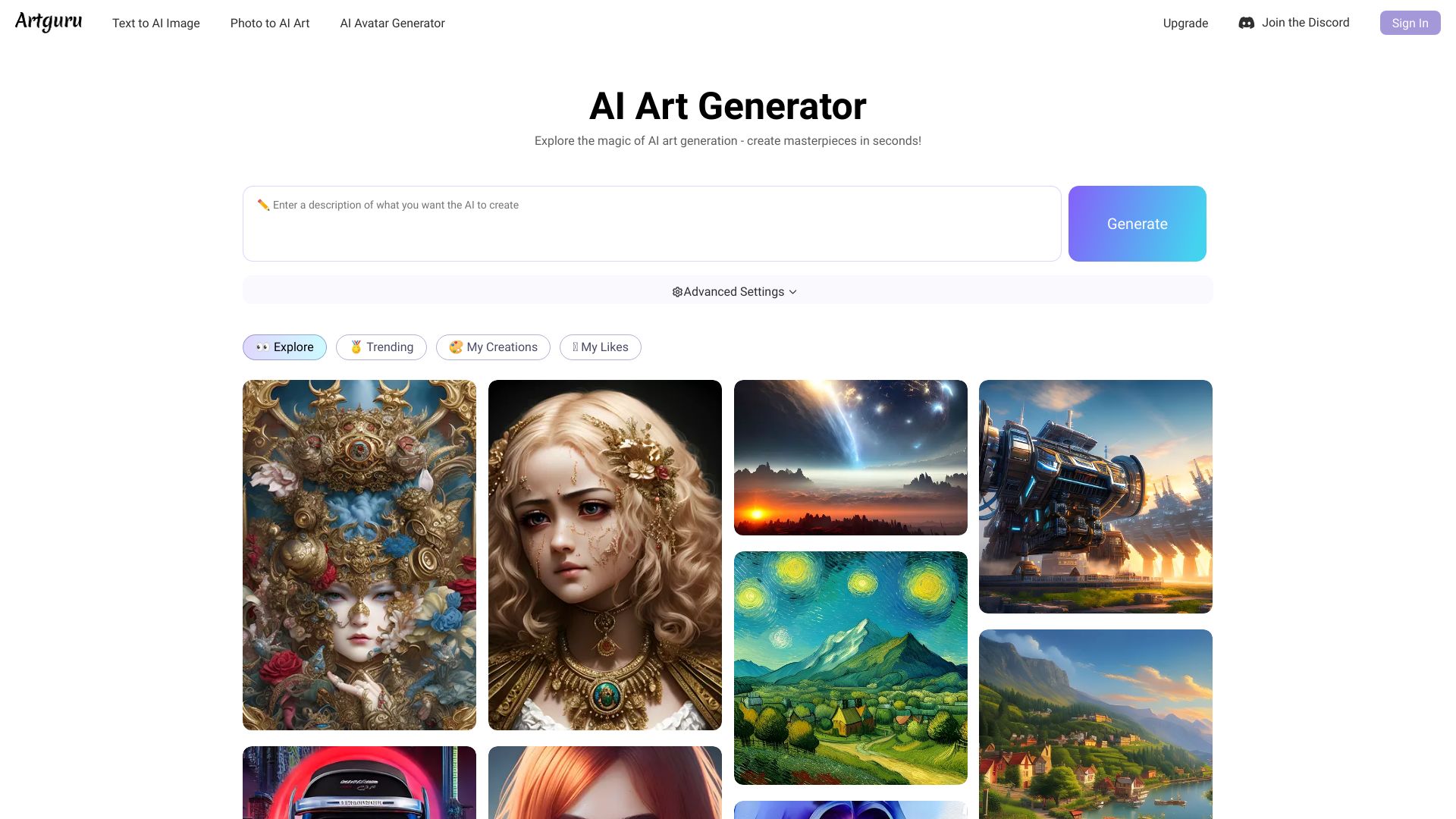
Artguru makes sense for artists who want avatar creation to sit alongside broader image-making tools. Its AI art generator works from text or an existing image, giving you two distinct routes: describe a new visual, or use a photo as the basis for a transformation. Avatar and portrait generation extend that creative toolkit, rather than making the product feel like a narrowly focused headshot utility.
The catch is the free-use boundary. One image generation is available without paying, but the tool limits how many images you can make without logging in. That's enough to get a first impression, not a promise of an open-ended free studio. For artists who expect to iterate, check the sign-in and pricing experience before committing to a larger batch of work.
My take: Artguru is a strong fit when the avatar is one part of a wider illustration or image workflow. If you only need a polished, consistent portrait of yourself, a tool built around photo-based identity may be a more direct route.
Where it falls short: Anonymous use is limited, and pricing isn't clearly surfaced here. Plan for a login if you want to explore beyond a quick trial.
Key features
Text-to-image AI art generation.
Image-to-image generation from an existing photo.
AI avatar and portrait creation.
Pros
Free image generation provides a low-friction first try.
Text and photo inputs cover different creative approaches.
Cons
The number of images available without logging in is limited.
Starting price should be checked with the vendor.
Choose Artguru AI if: You want an avatar tool that also supports text- and image-based art generation.
3. Mango AI
Mango AI
Marketers creating avatar video
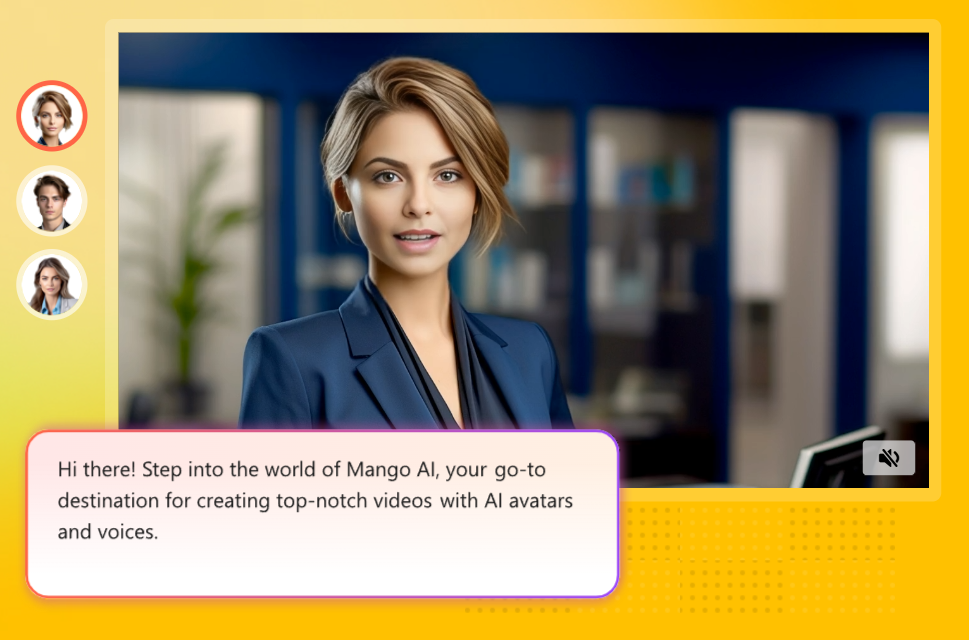
Mango AI shifts the focus from making a still profile image to making a face perform on screen. Talking Photo and Avatar Dialogue are the clearest reasons to consider it: those features place the product in the AI video category, where an avatar can support a marketing or social video rather than just decorate a profile. It also offers a wider range of AI-powered video creation tools, which may be useful if your content plan extends beyond one avatar clip.
That broader scope is a plus, but it also means buyers should check the details of the specific video workflow they need. The main-page pricing information is not readily available, even though a free option is listed. Confirm what the free access includes and what paid use costs before planning a regular publishing schedule. The product's strongest fit is video creation, not simply generating a static headshot.
My take: For marketers weighing talking-photo content, Mango AI is a more relevant starting point than a portrait-only generator. I like the clear emphasis on video, but I'd verify plan limits before relying on it for recurring campaigns.
Where it falls short: Pricing for the wider product isn't easy to find from the main page. The free starting point doesn't, on its own, explain the limits of a finished video workflow.
Key features
Talking Photo for animated-photo video creation.
Avatar Dialogue for avatar-led video content.
A range of AI-powered video creation tools.
Pros
Built for video use cases rather than only still images.
Talking Photo and Avatar Dialogue provide distinct starting workflows.
Cons
Pricing information isn't readily available on the main page.
Check what the free option covers before using it for ongoing work.
Choose Mango AI if: Your main goal is to create talking-photo or avatar dialogue videos for marketing and social content.
4. Avaturn

Avaturn
Game developers building 3D characters
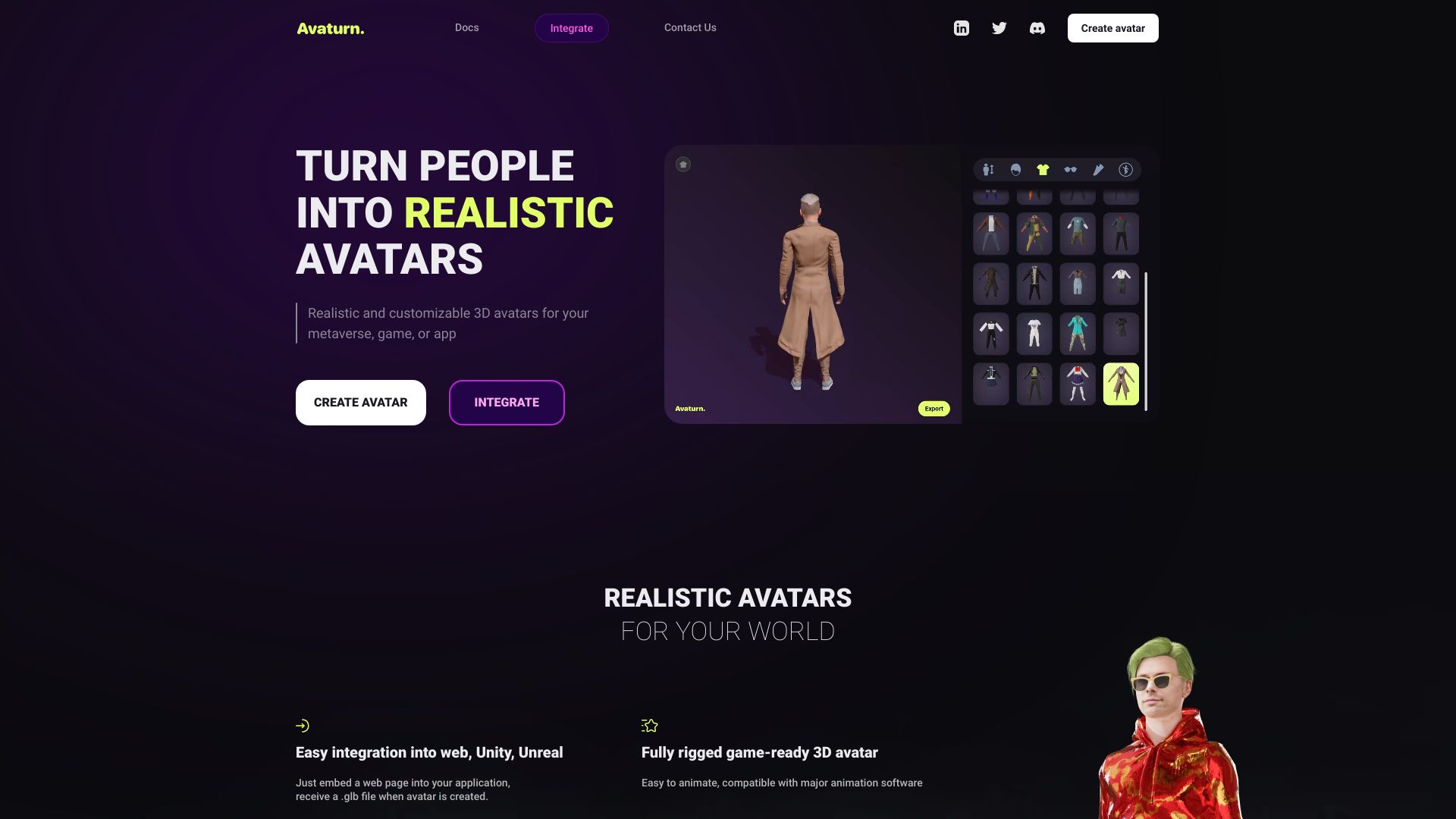
A 2D photo-to-3D workflow is Avaturn's defining advantage. Instead of returning another portrait or cartoon profile picture, it creates a realistic, customizable 3D avatar from a photo. The platform describes the resulting characters as animatable, a meaningful distinction for developers who need a character concept that can move beyond a flat image.
That specialization makes Avaturn a less obvious pick for someone who just wants a new social avatar, but a much more relevant one for a 3D character workflow. Its Basic plan is listed as free, while pricing for advanced features and higher avatar limits is a stated limitation. Before using it in a production pipeline, check whether the plan you need covers your intended volume and customization requirements.
My take: Avaturn is the clearest category switch in this list: think character creation, not a quick portrait filter. The photo-to-3D angle gives it a distinct job, and developers should evaluate the free Basic tier against their actual output needs.
Where it falls short: Advanced features and higher avatar limits may have separate pricing. The available details don't establish the cost of those upgrades, so check current vendor terms.
Key features
AI-powered conversion from a 2D photo to a 3D avatar.
Realistic, customizable 3D characters.
Characters described as animatable.
Pros
Offers a distinct 3D workflow rather than another flat portrait generator.
A free Basic plan gives developers a way to start evaluating it.
Cons
Advanced features and higher avatar limits may cost more.
It is more specialized than a simple social-profile avatar maker.
Choose Avaturn if: You need to explore realistic, customizable 3D avatars from photos for a game or character workflow.
5. GenYOU
GenYOU
Social media users creating personal portraits
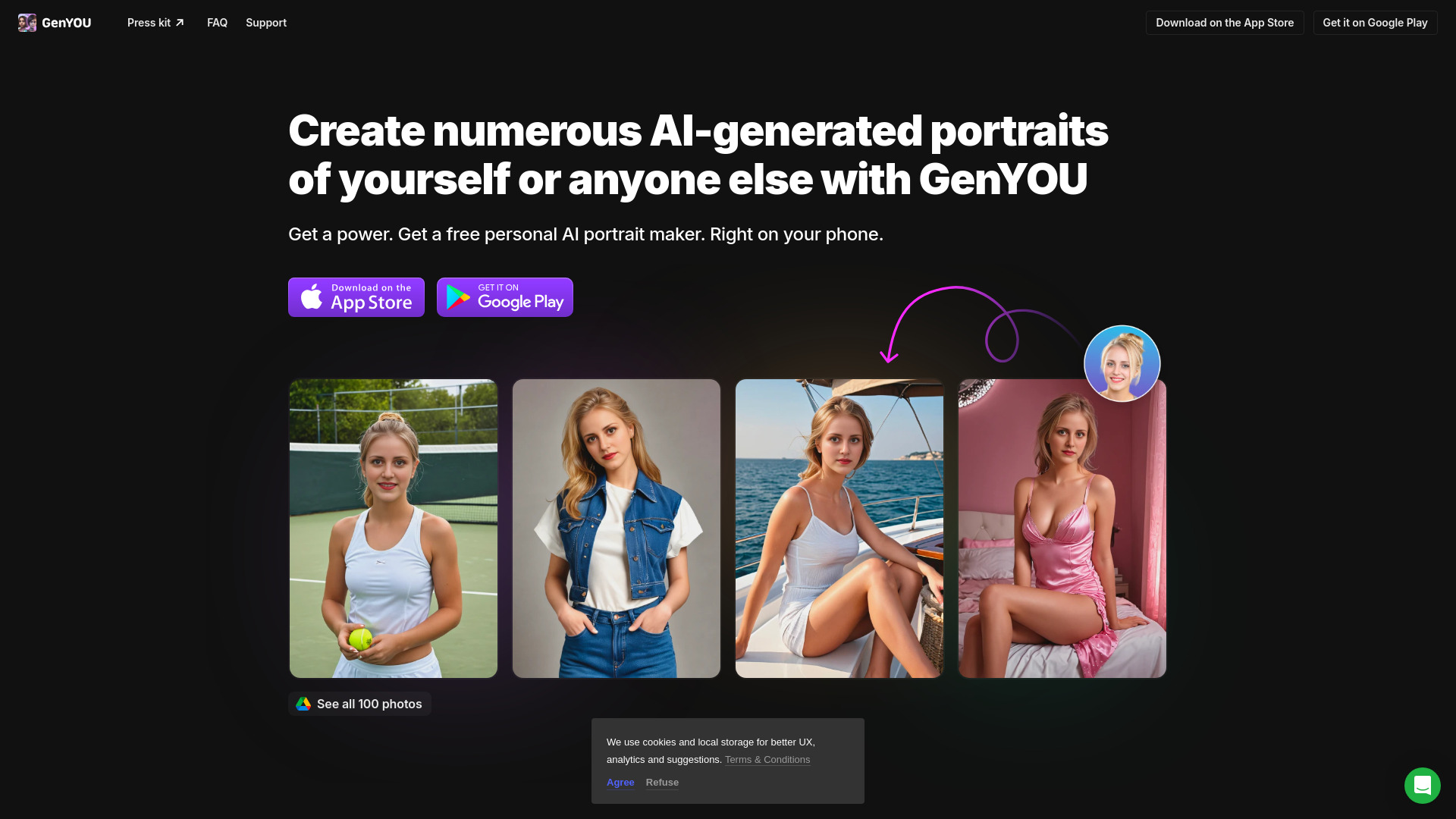
GenYOU is aimed at people who want personalized AI imagery without turning the process into a full creative-production project. It offers free AI portrait generation and avatar creation, with options that include selfies and full-body photos. Its stated identity-preserving approach is especially relevant if you want an output that still represents you, rather than a wholly invented character.
The product's free positioning makes it a reasonable first stop for casual experimentation, but don't assume every feature or quantity is unlimited. The available limitation about possible in-app purchases is not explicitly confirmed, so treat it as a reason to inspect the app's terms rather than a definitive charge. If you're comparing the best free ai avatar generator options, pay close attention to what you can generate before any purchase prompt appears.
My take: GenYOU has a straightforward appeal for social users: create portraits and avatars with your own identity in view. I'd use it as a low-commitment option, then verify the actual boundaries inside the app before making it a regular tool.
Where it falls short: The available details don't establish a specific free quota or current paid pricing. Some advanced features may involve in-app purchases, so review the terms before relying on them.
Key features
Free AI portrait generation.
Avatar creation, including selfie and full-body photo use cases.
Identity-preserving portrait generation.
Pros
Free access makes it easy to explore portrait and avatar creation.
The identity-preserving focus suits personalized imagery.
Cons
The exact free-generation allowance isn't specified.
Check the app for any in-app purchases or advanced-feature costs.
Choose GenYOU if: You want to experiment with personalized portraits and avatars for social use before committing to a paid tool.
6. AvatarCraft AI

AvatarCraft AI
Executives creating presenter-style content
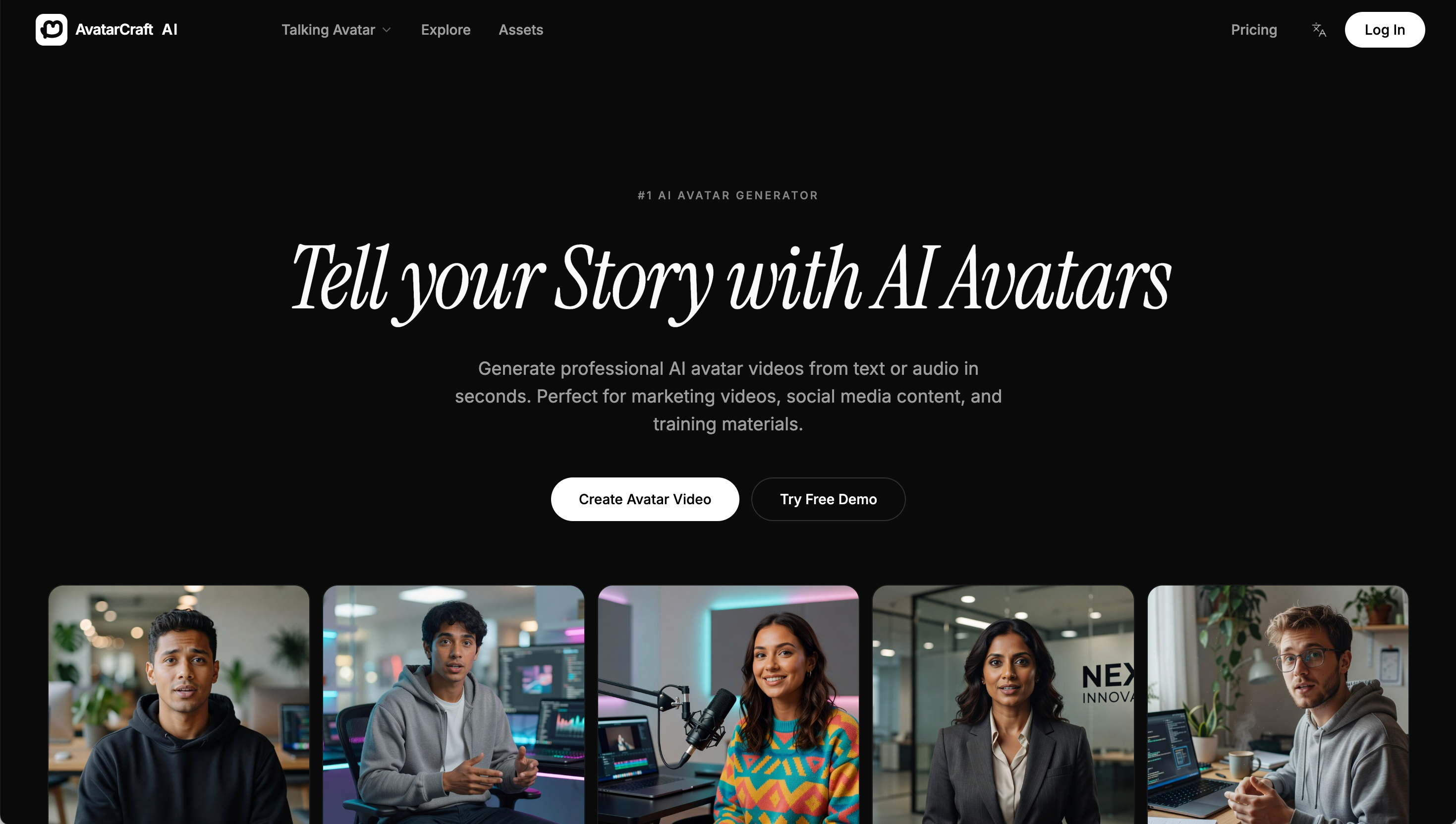
AvatarCraft AI is built around business-facing video applications. Its AI Talking Avatars and AI Avatar Video Ads point to a use case beyond profile pictures: create avatar-led material for marketing, social media, or training. The product description also positions it as a way to produce videos from text or audio, which can suit teams that want a presenter-style format without filming every update themselves.
There is a practical privacy tradeoff: the tool requires uploading personal photos. That may be perfectly acceptable for a user making their own presenter avatar, but it deserves thought before asking colleagues or clients to contribute images. The free option is listed, although the details here don't specify a quota or what the free access includes. Treat the $0 starting point as an invitation to inspect the actual plan, not proof that every use case is covered.
My take: If you need a business-oriented talking avatar, AvatarCraft's focus is easy to understand and more relevant than a general portrait generator. I'd make photo consent and the limits of free access part of the evaluation from day one.
Where it falls short: You have to upload personal photos, and the exact free-use limits aren't stated. Teams should confirm both their comfort with the upload workflow and the plan terms.
Key features
AI Talking Avatars.
AI Avatar Video Ads.
Video creation from text or audio, as described by the product.
Pros
Focuses on presenter-style and advertising video use cases.
Free access is listed, offering a starting point for evaluation.
Cons
Requires uploading personal photos.
The free-plan allowance isn't clear from the available details.
Choose AvatarCraft AI if: You want to make talking-avatar videos or video ads and are comfortable providing the necessary photos.
7. Pica AI
Pica AI
Digital artists exploring avatars and AI art
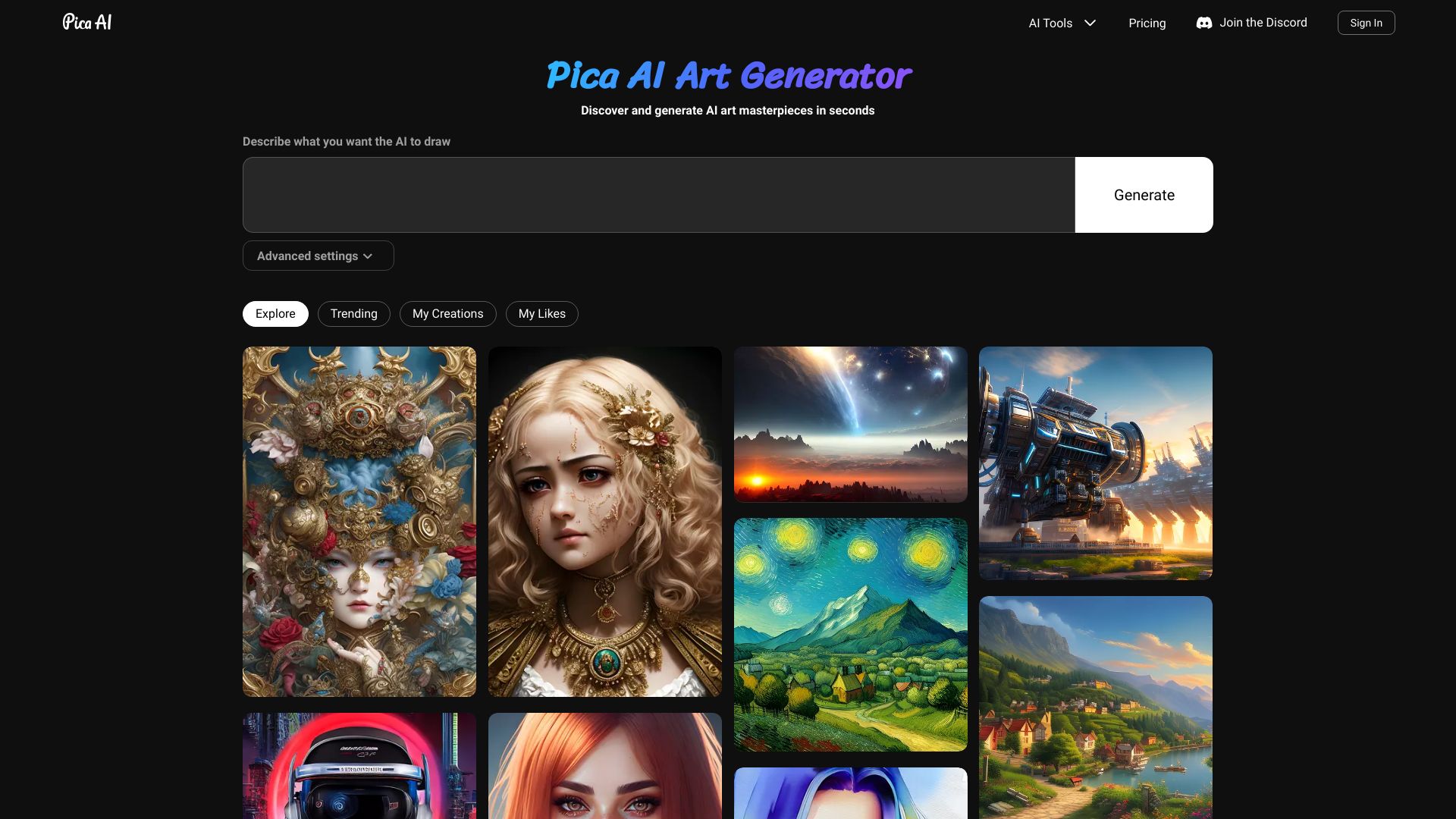
Pica AI brings avatar creation together with art generation from text and photos. That makes it a useful option for a digital artist who wants to try both prompt-led ideas and photo-based transformations without narrowing the work to one avatar format. Its easy-to-use interface is a stated strength, which matters when you want to spend your time iterating on images rather than figuring out where to begin.
Some features require a login, including access to image quantities. That can interrupt a quick try-it-now session, and the exact number of free creations isn't specified here. Pricing details also aren't clearly stated, so use the free access to judge the workflow and then check the vendor's current terms if you plan to use it at volume. Pica's blend is broader than a dedicated identity-preserving portrait service.
My take: Pica AI is a sensible option for creative exploration, especially if you want one place to make avatars and other AI images. The interface gets the nod, but the login gate means a truly frictionless anonymous trial isn't its strongest point.
Where it falls short: Certain features and image limits require logging in. Check both account requirements and pricing before choosing it for a high-volume workflow.
Key features
AI-powered avatar creation.
AI art generation from text.
AI art generation from photos.
Pros
An easy-to-use interface supports quick creative exploration.
Combines avatar creation with text- and photo-based art tools.
Cons
Login is required to access some features and image quantities.
The exact free allowance and starting price aren't established here.
Choose Pica AI if: You want an approachable art generator that can also create avatars from text or photos.
8. JoyPix.ai

JoyPix.ai
Content creators making lip-synced clips
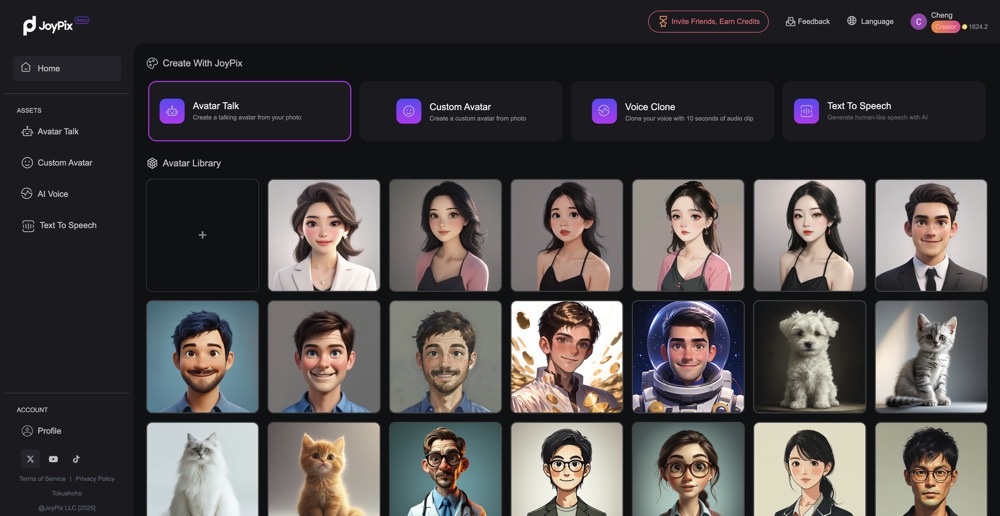
JoyPix.ai is a video-first option for creators who want a still image to speak. Its Talking Photo feature uses AI lip-sync technology to animate an uploaded photo, and Talking Animals extends the idea to pet images. The product also lists an avatar generator and voice cloning, making it a broader toolkit for people exploring AI talking videos rather than a simple static-image avatar maker.
The free listing includes one voice clone, but buyers should confirm what else is included and how the paid plans work. The starting price is listed as $0, with a $7.90-per-month price also shown in the product details. One clear limit: API access is not yet available, which matters if you need to connect the tool to a custom product or automated production process. For independent creators, a user-friendly design may make that omission less important.
My take: JoyPix has a fun, concrete use case: bring a photo or pet image into a talking-video workflow. It stands out from portrait generators, but I wouldn't shortlist it for a project that depends on API access.
Where it falls short: API access isn't available yet. Confirm the current free-plan limits and subscription terms before producing clips regularly.
Key features
Talking Photo with AI lip-sync technology.
Talking Animals for speaking-pet videos.
Avatar generation and voice cloning.
Pros
Offers a clear path from photo to talking video.
Talking Animals gives creators a distinct alternative to human avatars.
User-friendly design is listed as a strength.
Cons
API access is not yet available.
Check current plan details to understand the free allowance and paid features.
Choose JoyPix.ai if: You want to create lip-synced talking-photo or talking-animal videos without needing API integration.
9. AI Portrait

AI Portrait
Social users making portraits from one photo
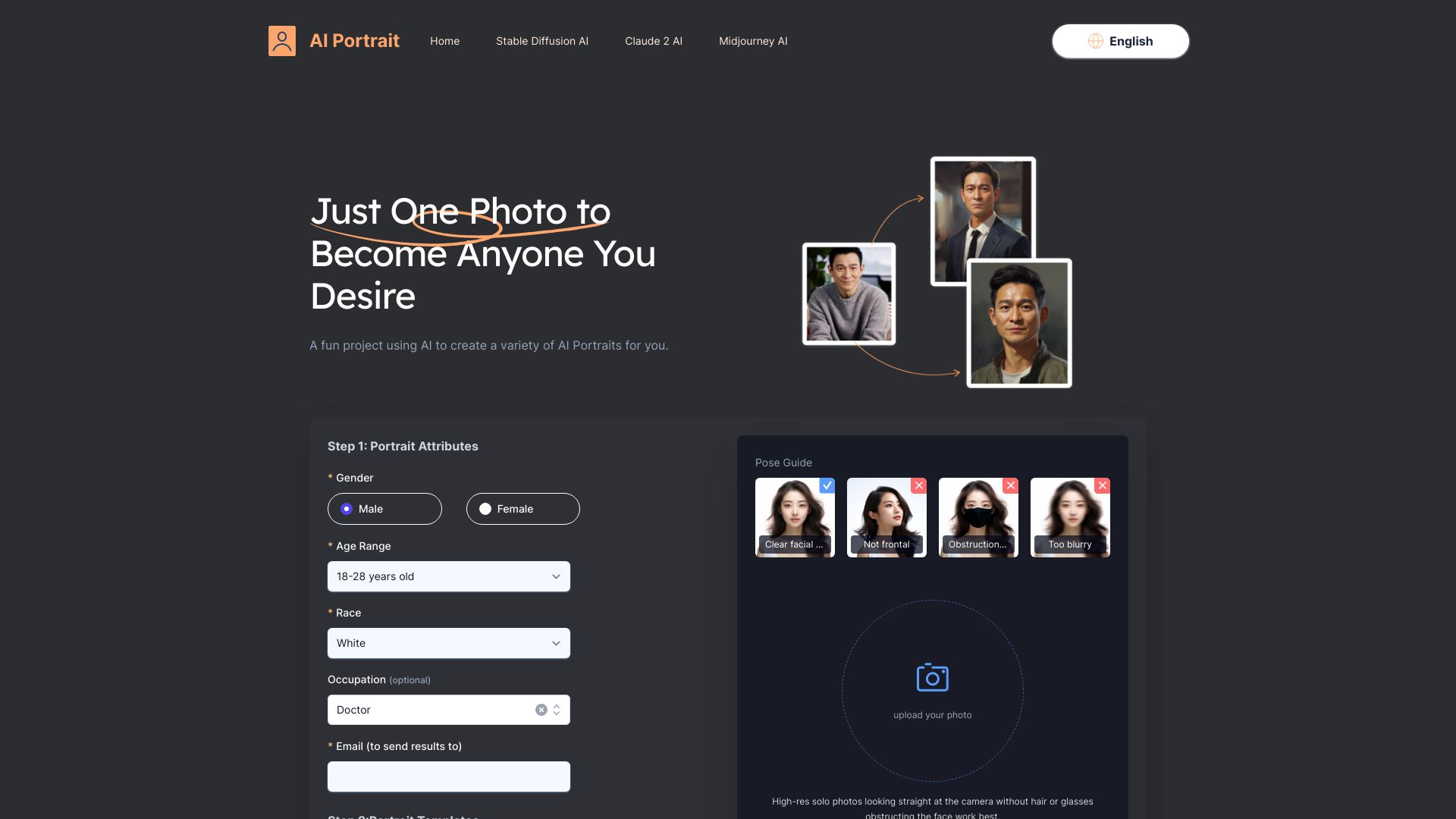
AI Portrait keeps the entry point simple: provide one photo and choose a direction. Its listed styles include ID Photo, Film Portrait, and Cartoon Avatar, so the same input can serve very different personal-image goals. That variety makes it useful when you want to test several looks without learning a complicated avatar workflow or sourcing multiple reference images.
A single-photo process is convenient, but it also puts more pressure on the source image. The tool's stated limitation is that results rely on the quality of the initial photo. A clear, suitable input is therefore a sensible starting point; if the photo doesn't represent you well, don't expect style choices alone to fix it. Pricing and a precise free quota aren't specified here, so verify those details before making it your regular portrait tool.
My take: This is a practical choice for people who want a quick set of portrait styles from one image. I like the low-friction input, but the quality of that first photo is the hinge on which the experience turns.
Where it falls short: Results depend on the quality of the uploaded photo. The pricing and exact free-use allowance should be confirmed with the vendor.
Key features
AI portrait generation from a single photo.
Style options include ID Photo, Film Portrait, and Cartoon Avatar.
Product description says it is powered by Midjourney V5 and Faceswap AI.
Pros
One photo is enough to get started.
Multiple style options support different portrait goals.
Cons
The output relies on the initial photo's quality.
Current pricing and free limits aren't clear from the listed details.
Choose AI Portrait if: You want a simple way to try several portrait styles using one photo as your starting point.
10. Anime AI

Anime AI
Anime fans creating illustrated avatars
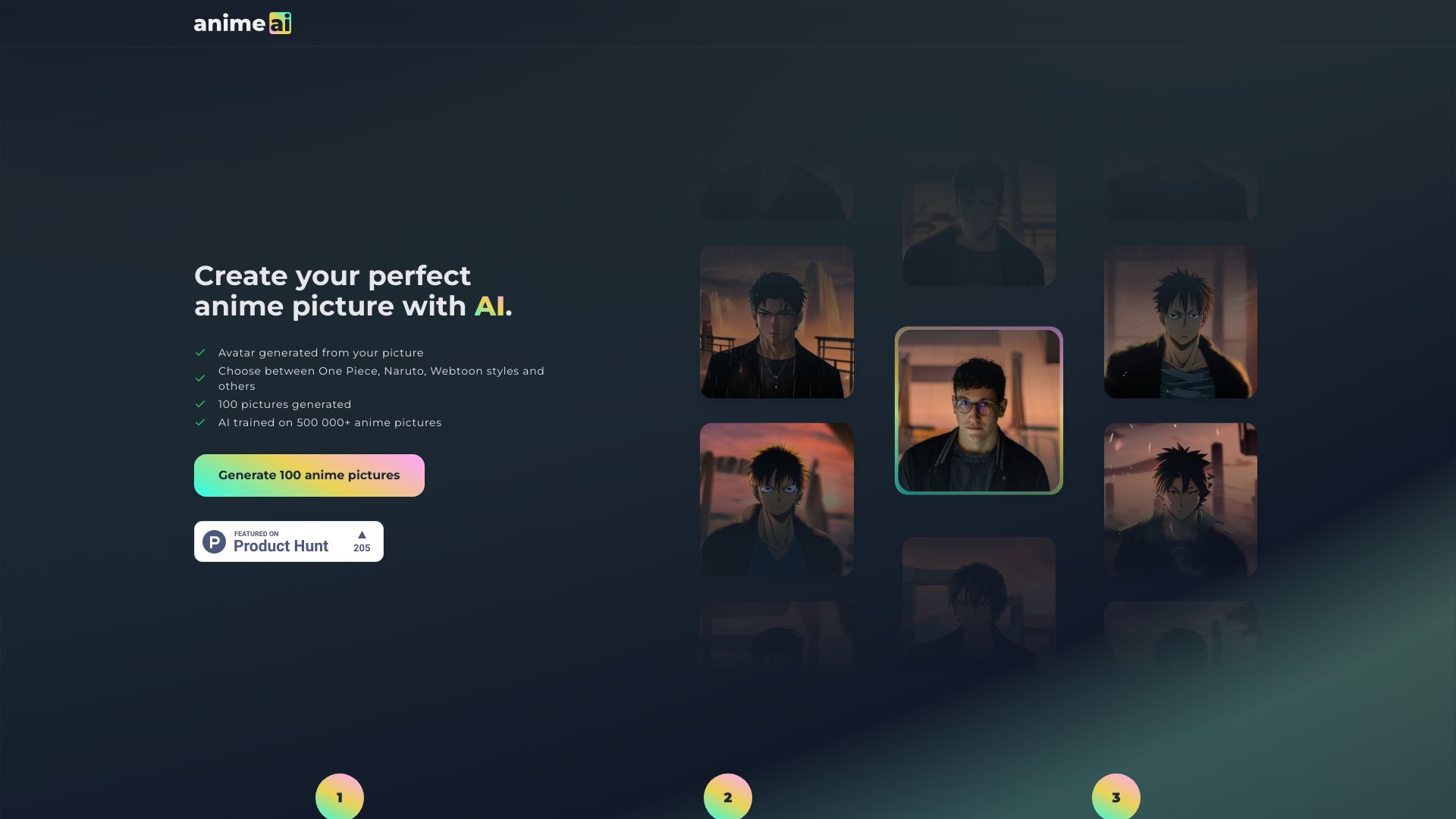
Anime AI is the specialist pick for anyone who wants an illustrated character rather than a realistic headshot. It generates anime-style pictures and offers several recognizable style directions, including One Piece, Naruto, and Webtoon. The no-sign-up experience and 100 free pictures make it a particularly easy tool to try when you're looking for a playful profile image or testing anime-inspired concepts.
The specialization is also the boundary. This is not the tool to choose for a realistic executive portrait or a 3D game character. The product notes that the AI may not accurately represent every attribute, particularly attributes that are under-represented in anime databases. If accurate representation is a priority, check several outputs closely rather than assuming a named style will handle every detail consistently.
My take: Anime AI is the easiest recommendation here for a user who already knows they want an anime look. The no-sign-up start and 100 free pictures are appealing, but representation accuracy is worth checking before you settle on a final avatar.
Where it falls short: The output may not accurately represent all attributes, especially those under-represented in the underlying anime data. It is a focused style tool, not a general-purpose portrait maker.
Key features
AI-powered anime picture generation.
Multiple styles, including One Piece, Naruto, and Webtoon.
No sign-up required to try the tool.
Pros
100 free pictures provide room to experiment.
Easy to use without creating an account.
A clear specialist option for anime-inspired avatars.
Cons
Some attributes may be represented inaccurately.
The anime focus won't suit users who want realistic portraits or 3D characters.
Choose Anime AI if: You want a free, low-friction way to create anime-style profile images and are willing to review the results for accuracy.
More tools to compare

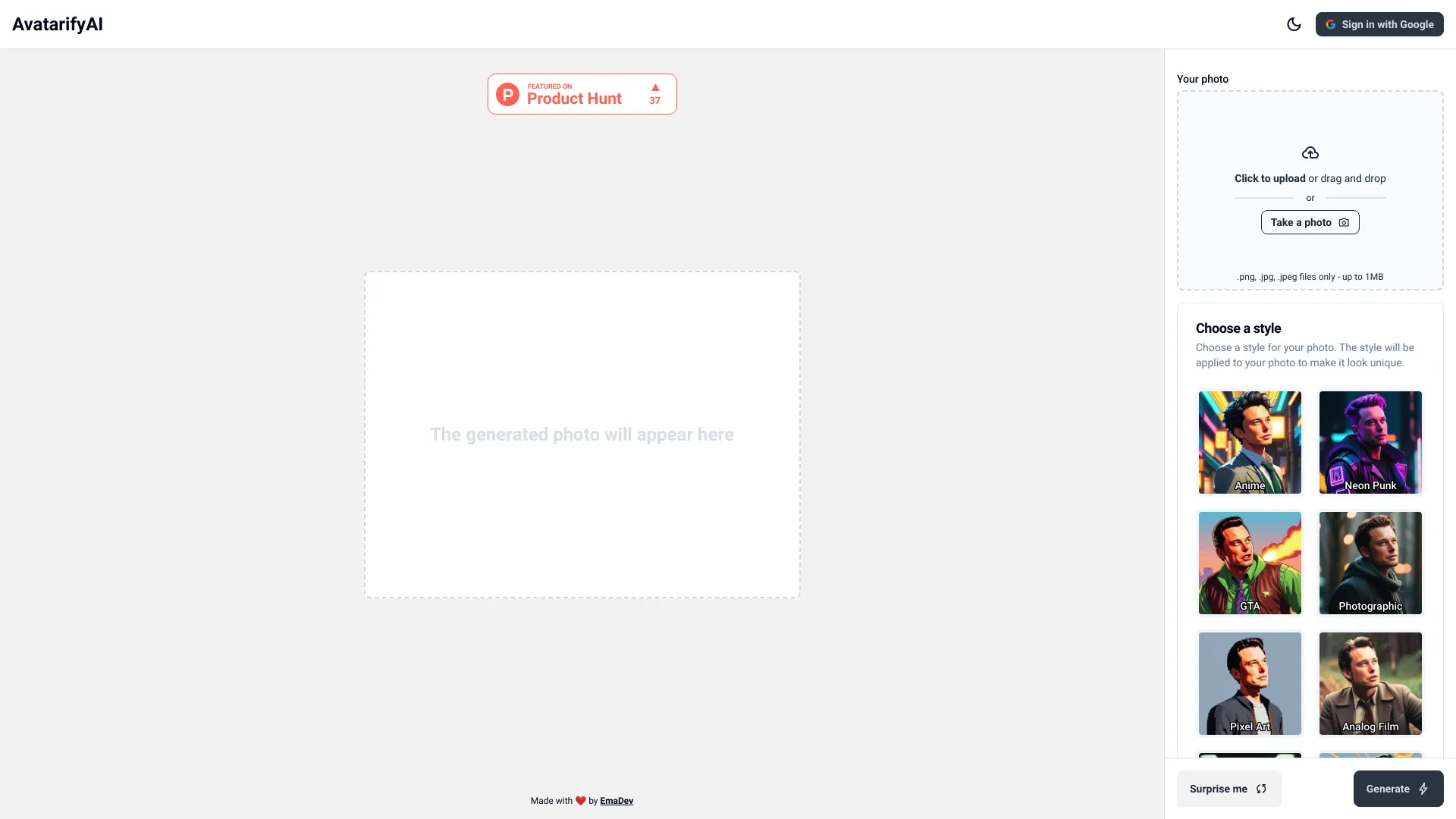
Avatarify AI
Custom photo avatars in creative styles

Gaga
Expressive talking-avatar videos
BikinAvatar.com
AI avatars with Indonesian prompts

Avatar 2
Creating talking avatar videos from portraits

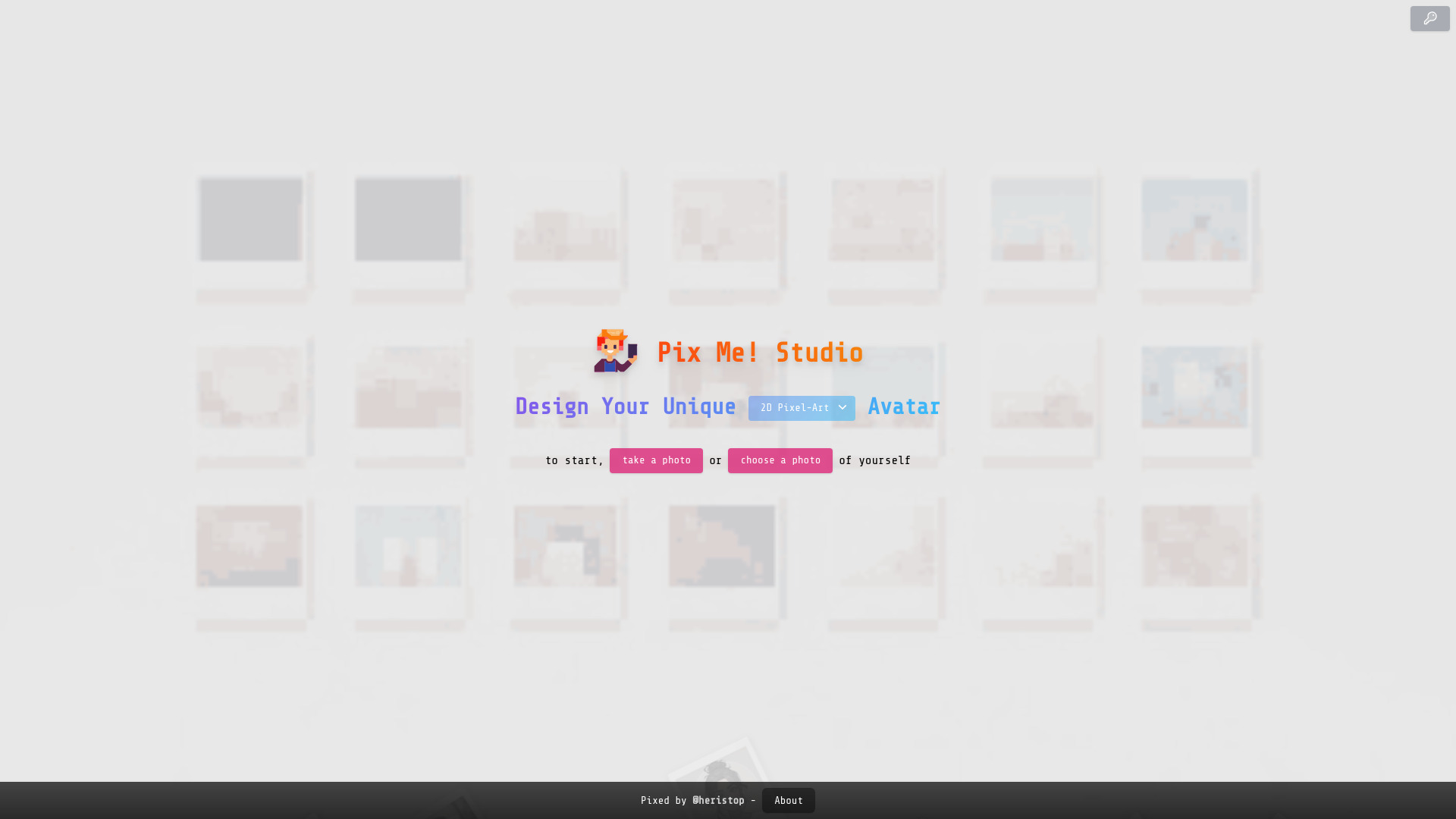
Pix Me!
Stylized AI photo avatars

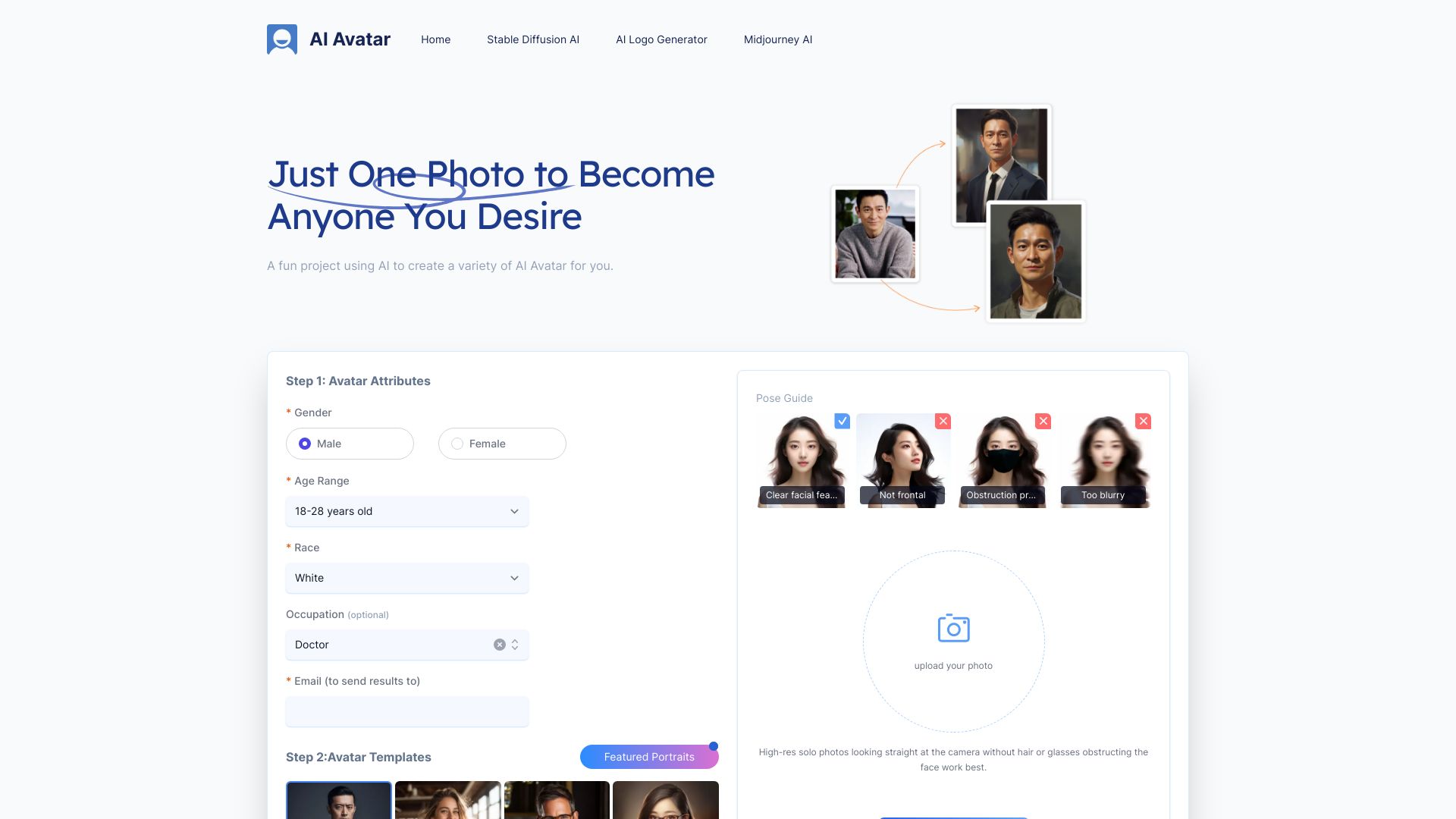
AI Avatar Generator
Customizable photo-based AI avatars
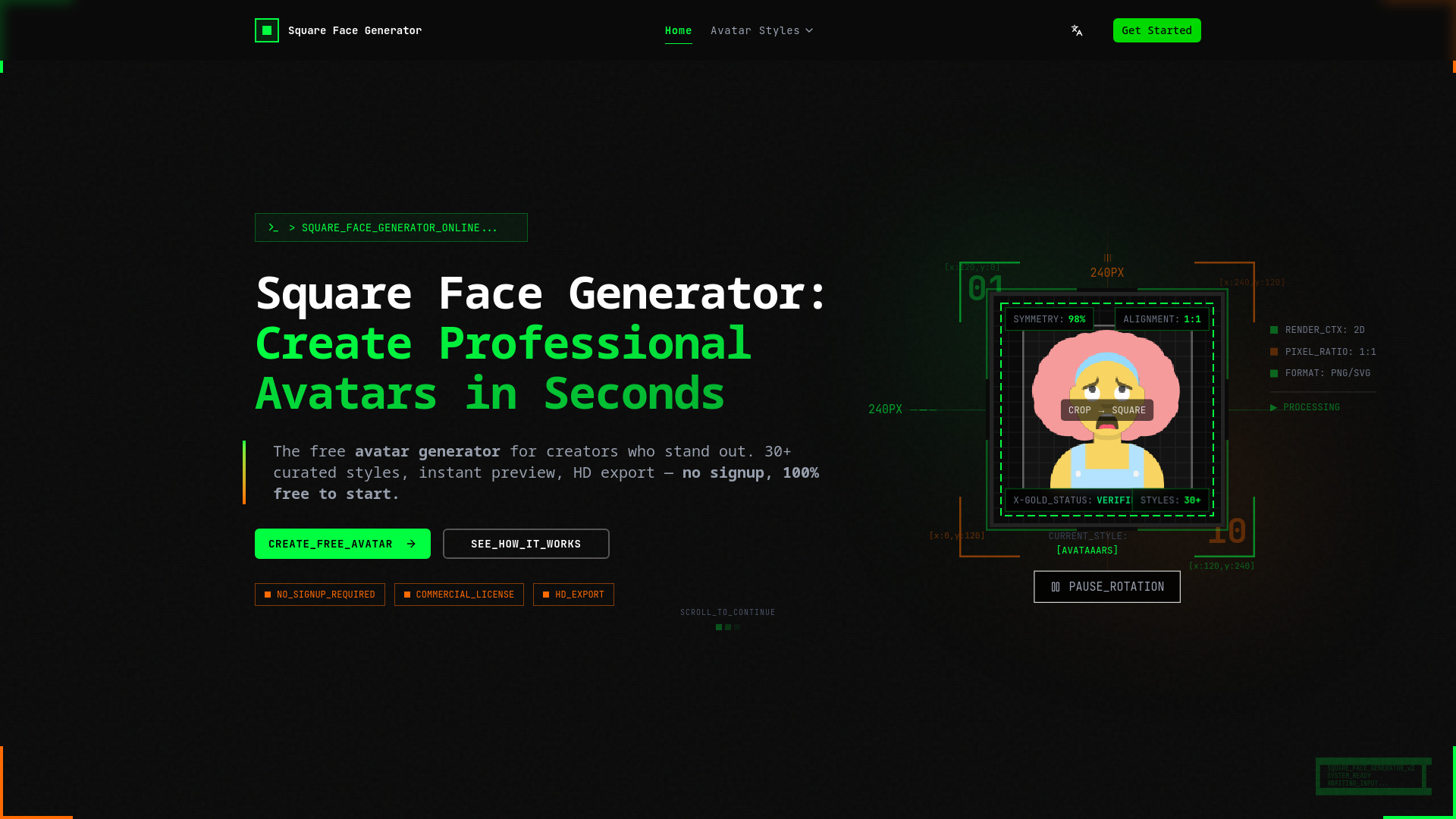
Square Face Generator
Square avatars for social profiles and Discord bots

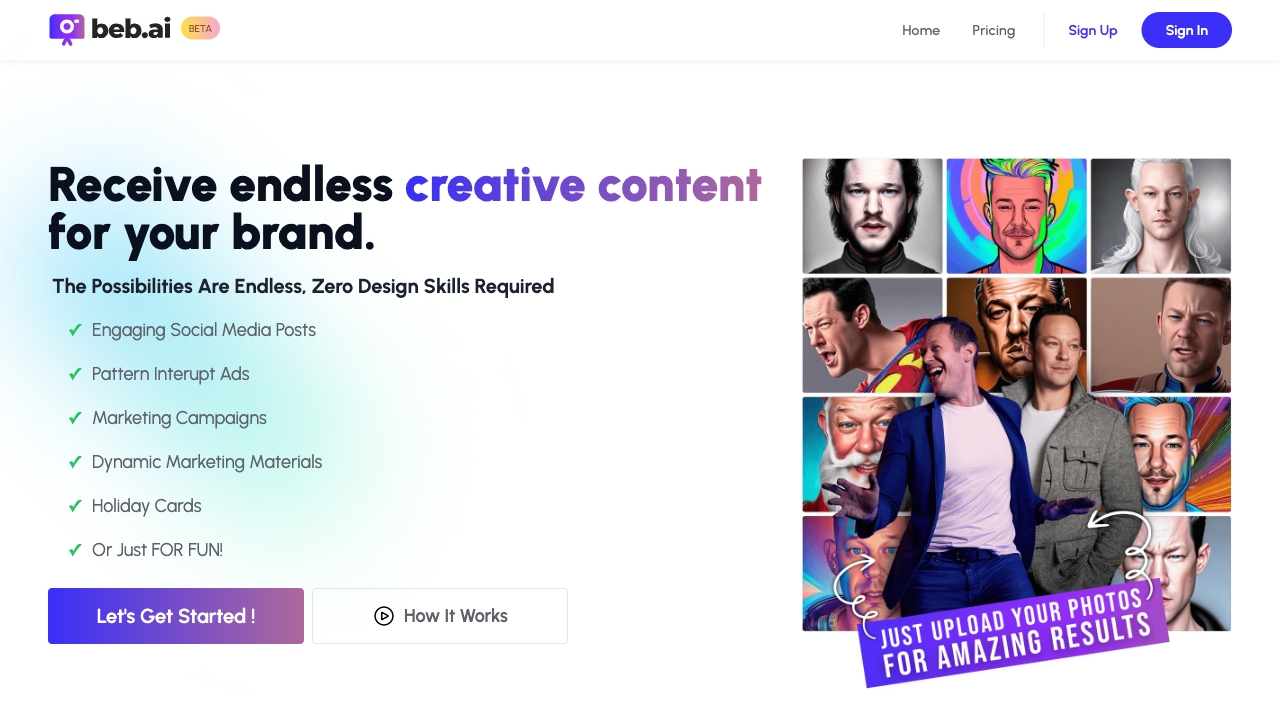
Beb.ai
Branded AI portraits and social content

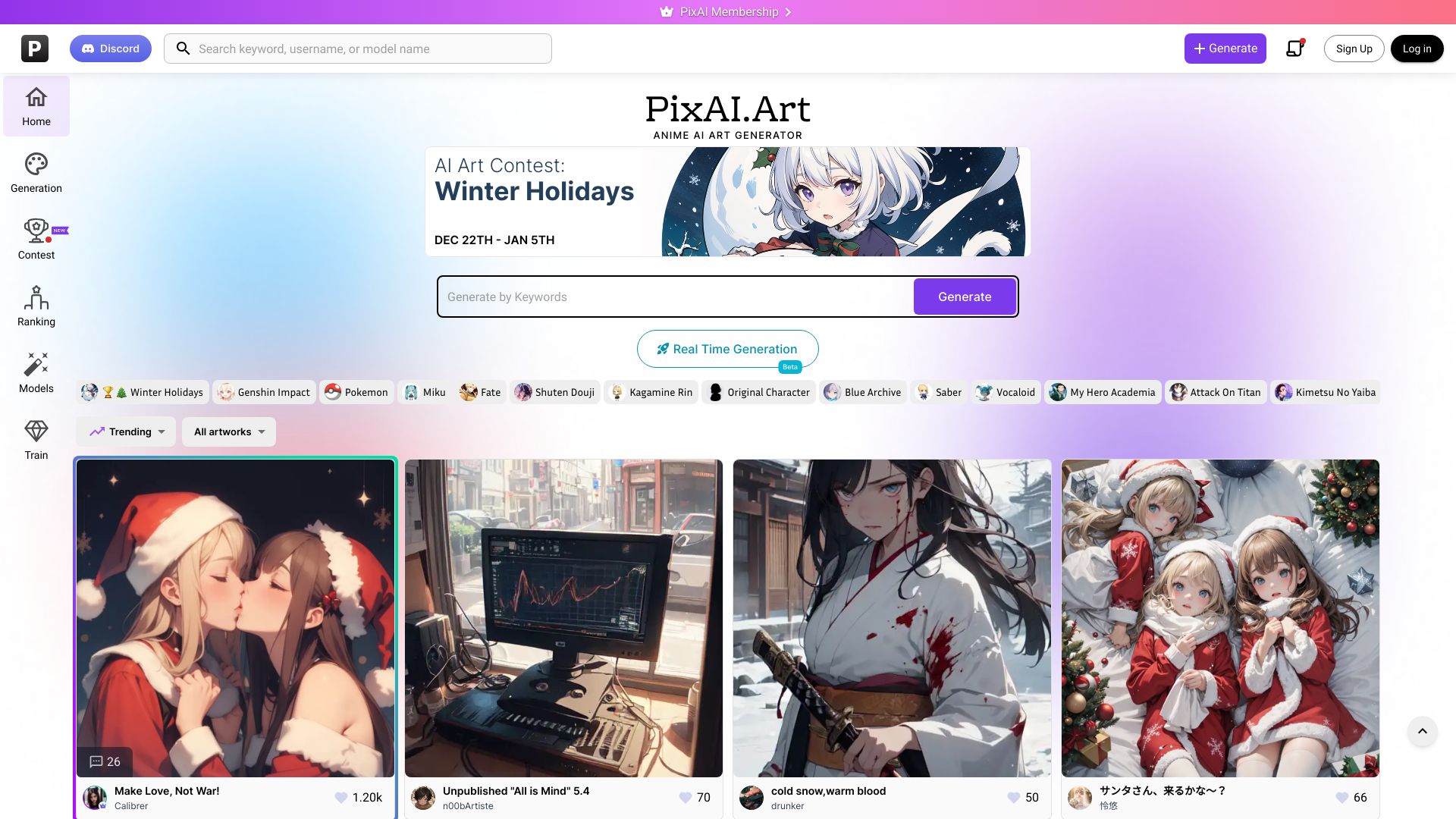
PixAI
Anime-style AI art creation

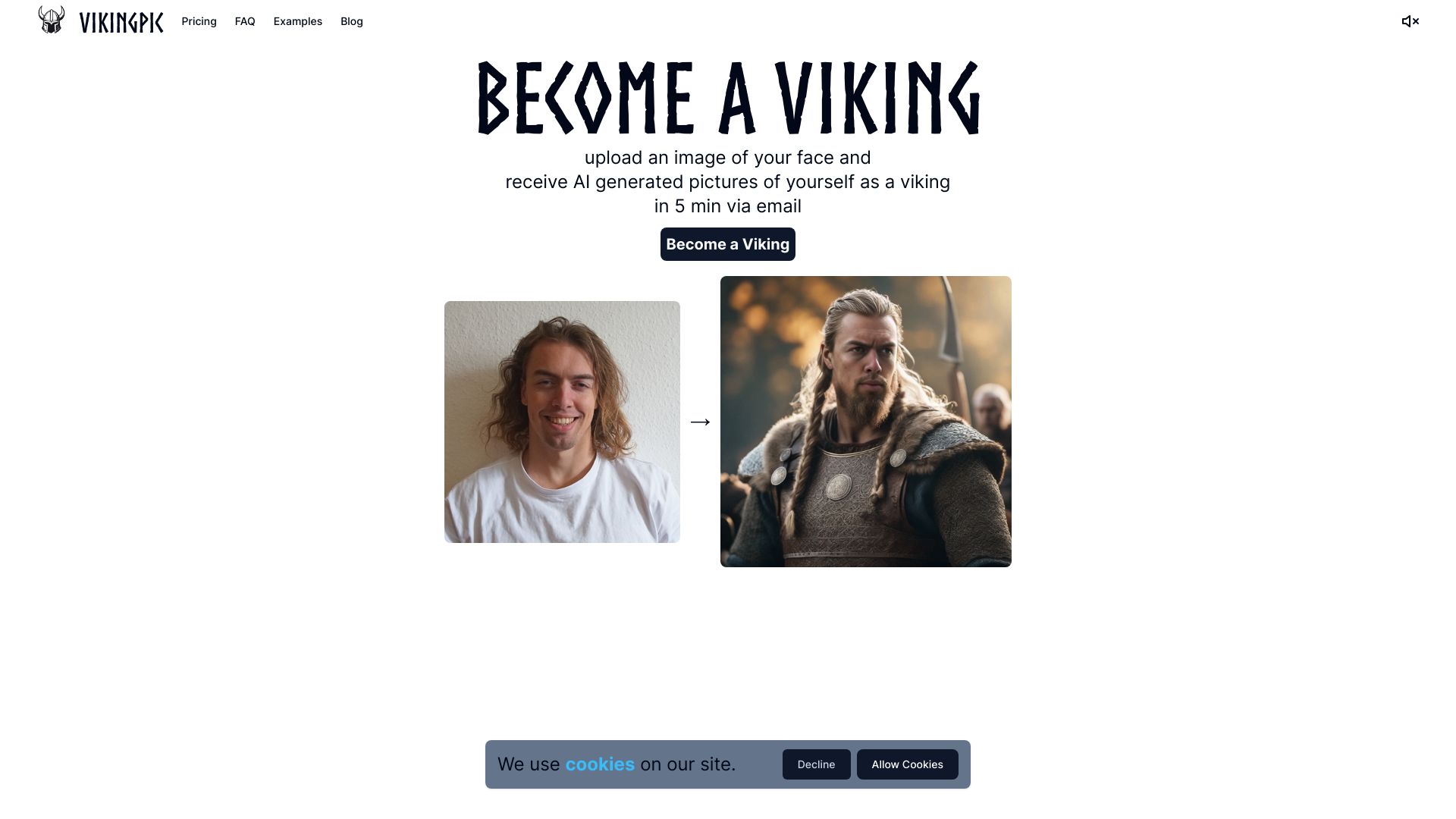
VikingPic
Viking-themed portrait makeovers
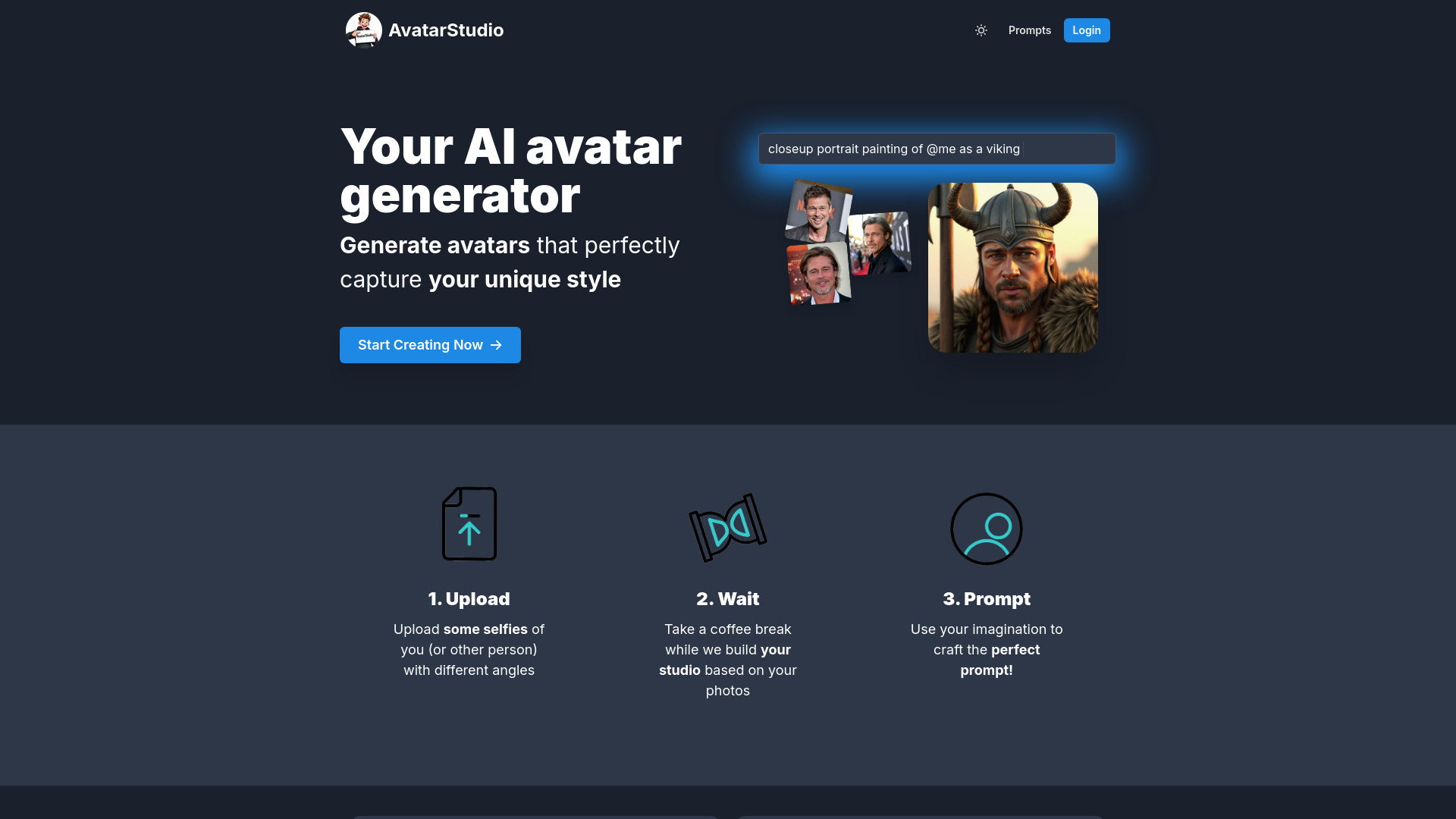
AvatarStudio
Custom-trained AI avatar studios

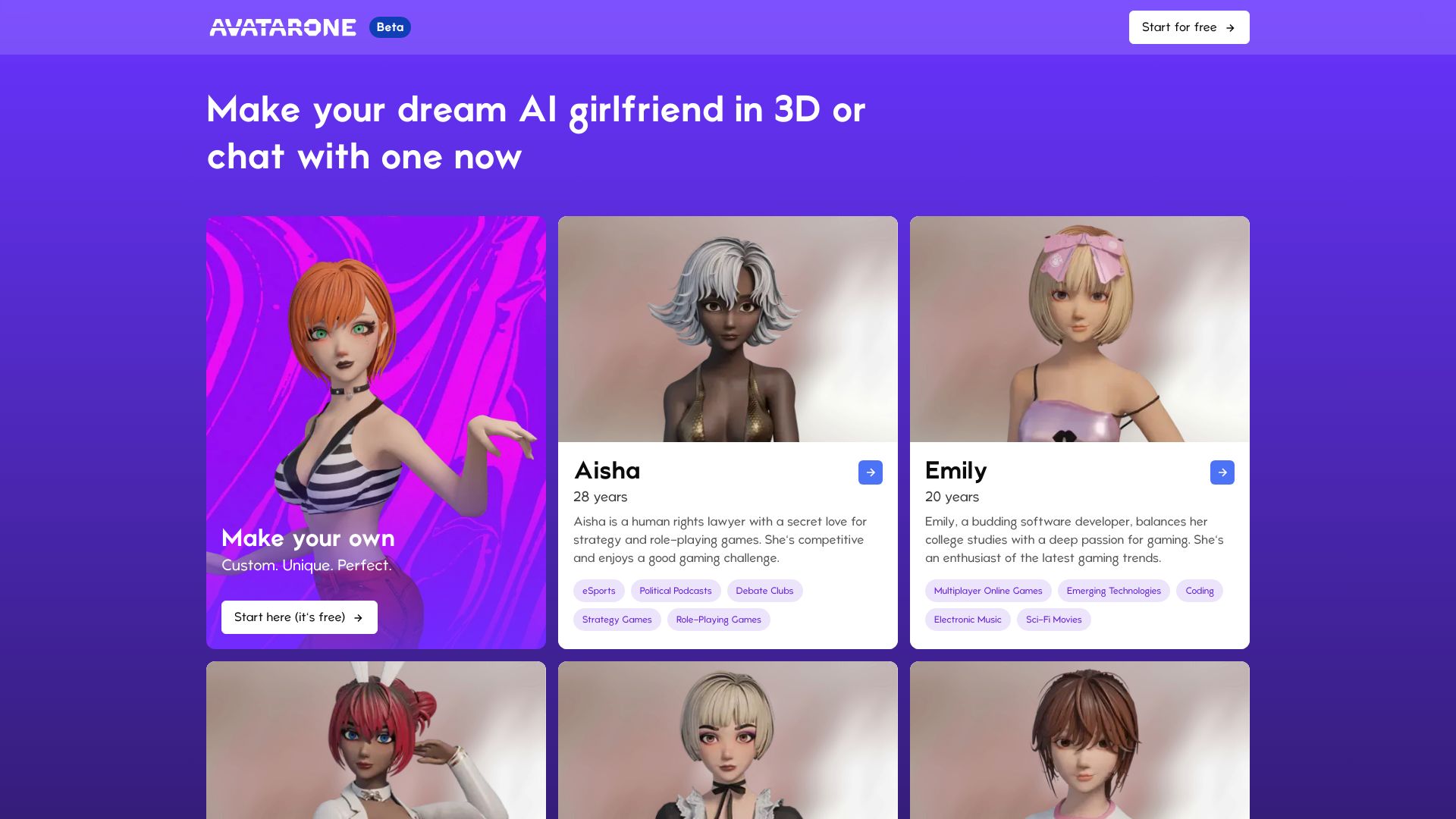
Avatar.One
Immersive 3D AI companion creation

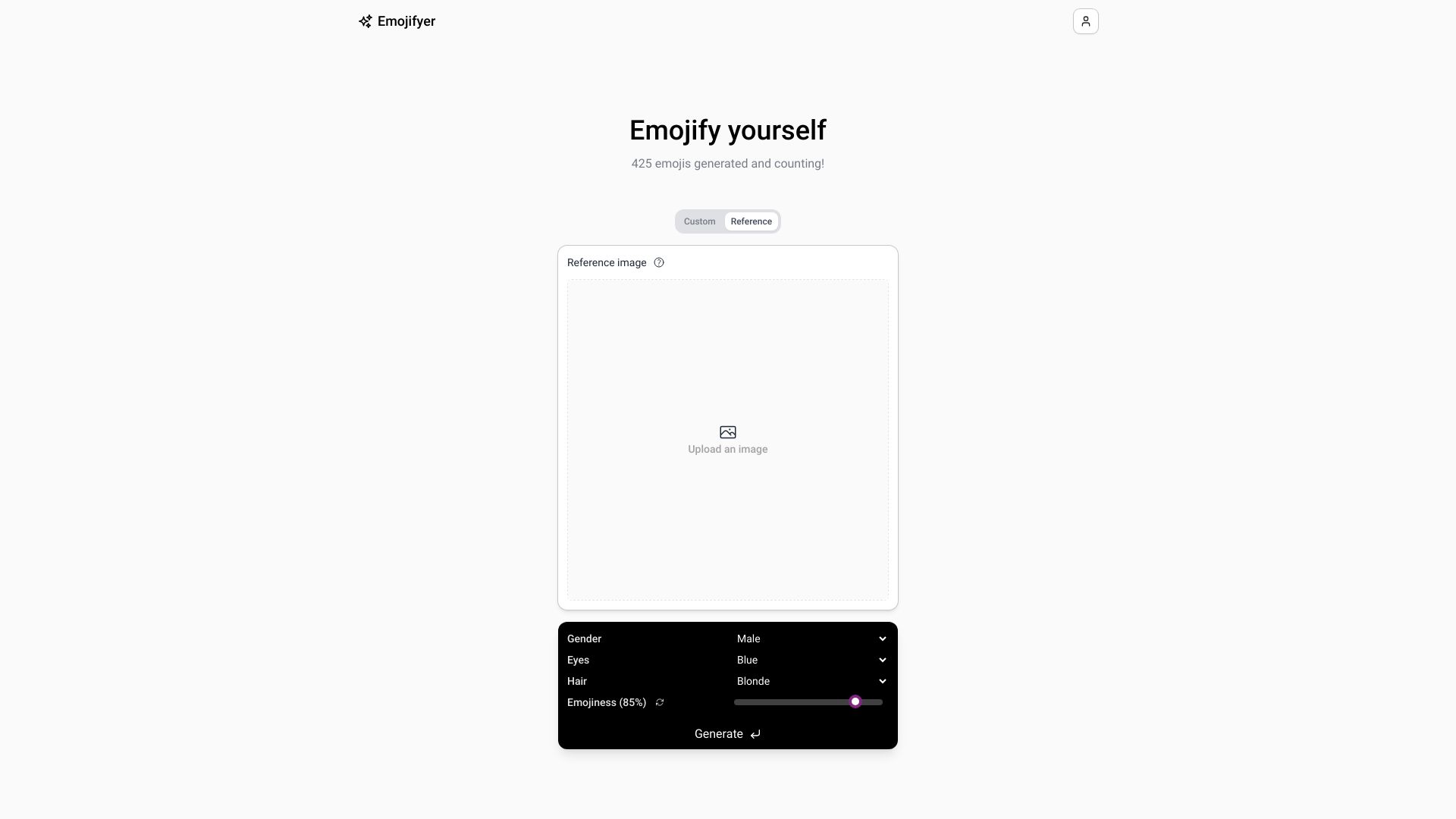
Emojifyer
Turning selfies into custom AI emojis

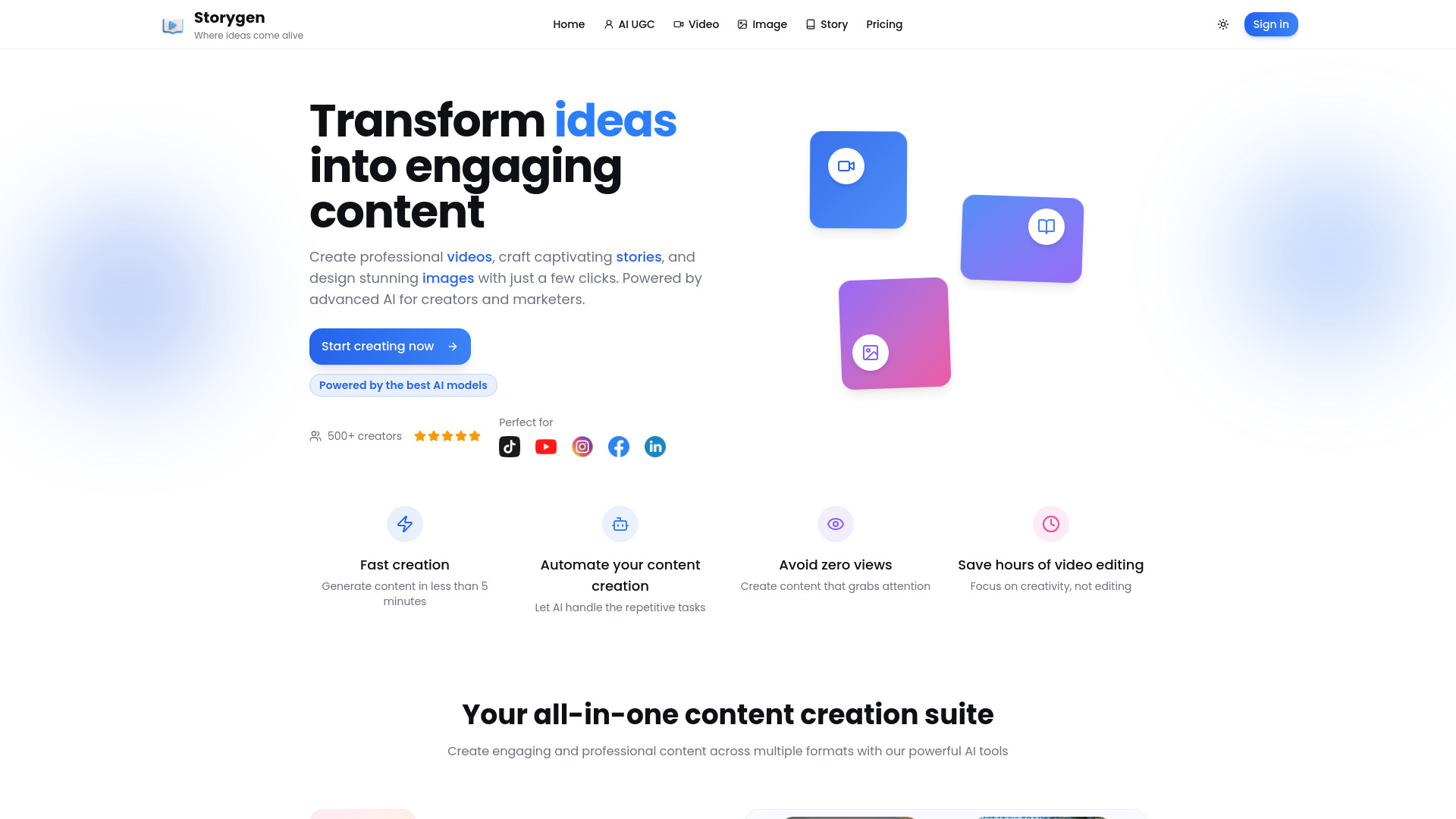
Storygen
Hook-based UGC videos with AI avatars
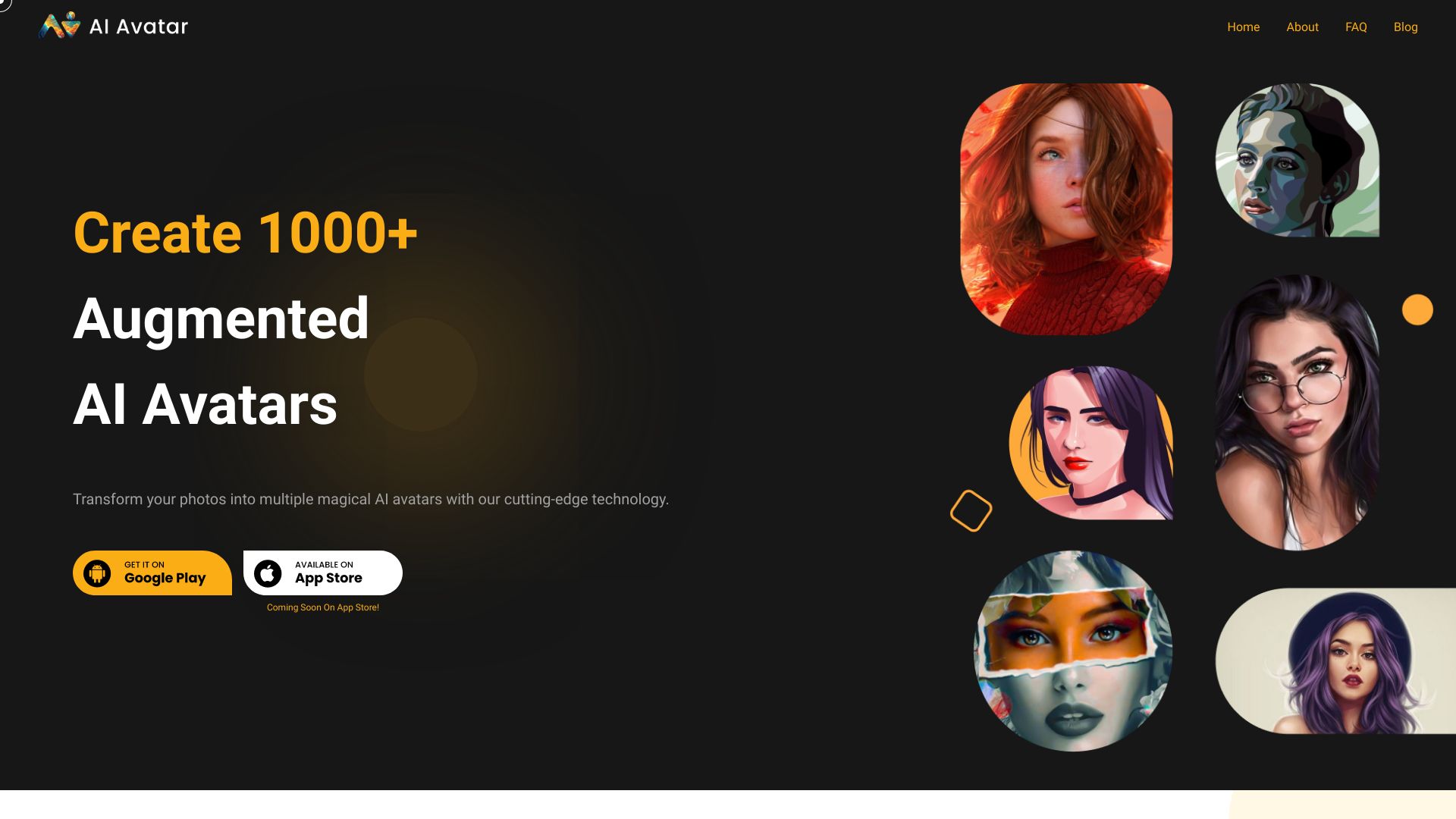
AI Avatar
AI portraits from selfie photos

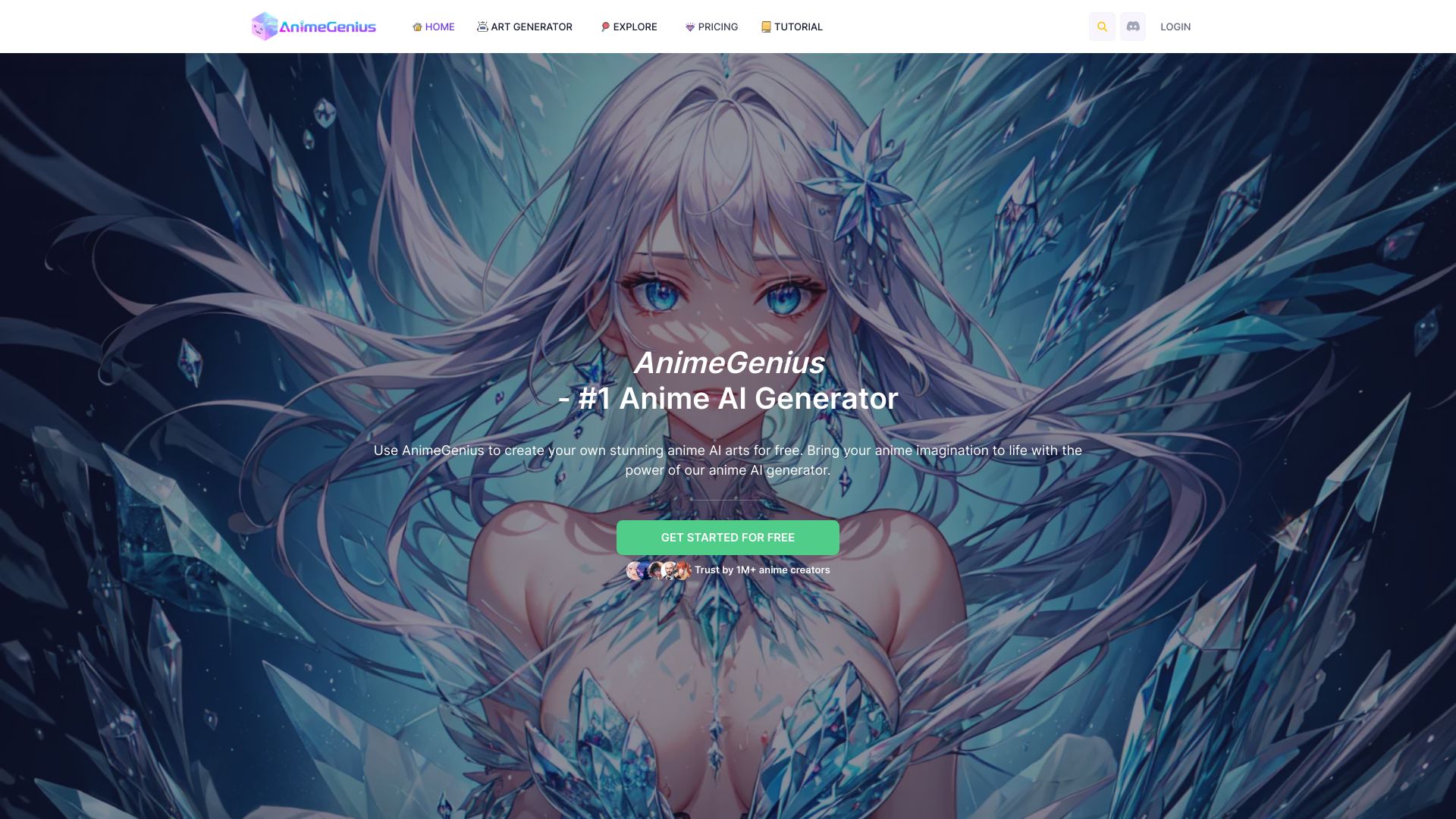
AnimeGenius
Anime-style character art and photo-to-anime edits
AI Avatar Generator
Photo-based avatars in multiple art styles
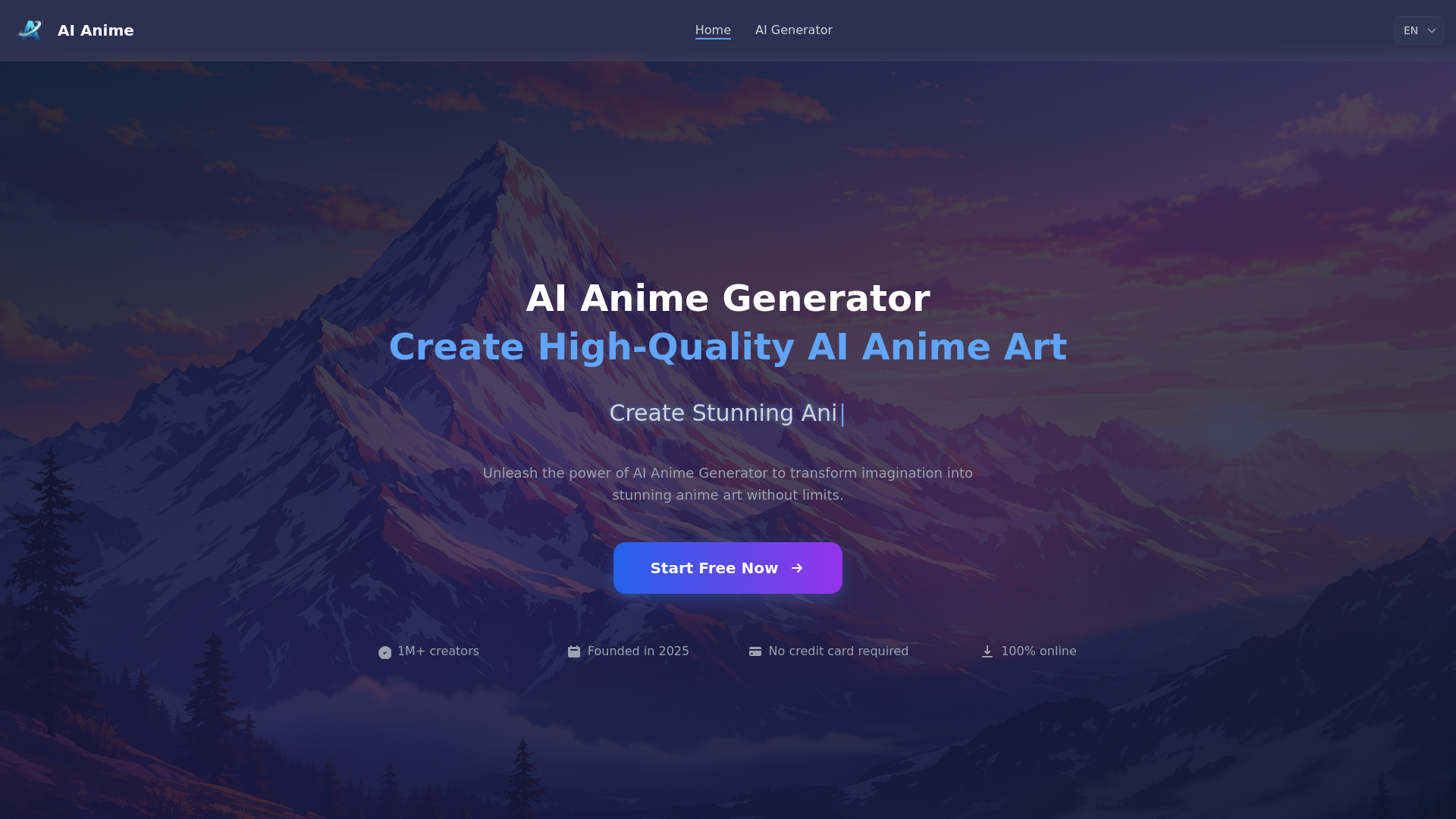
AI Anime Generator
Anime character and scene generation

Avatar Maker
Anime and 3D photo avatars
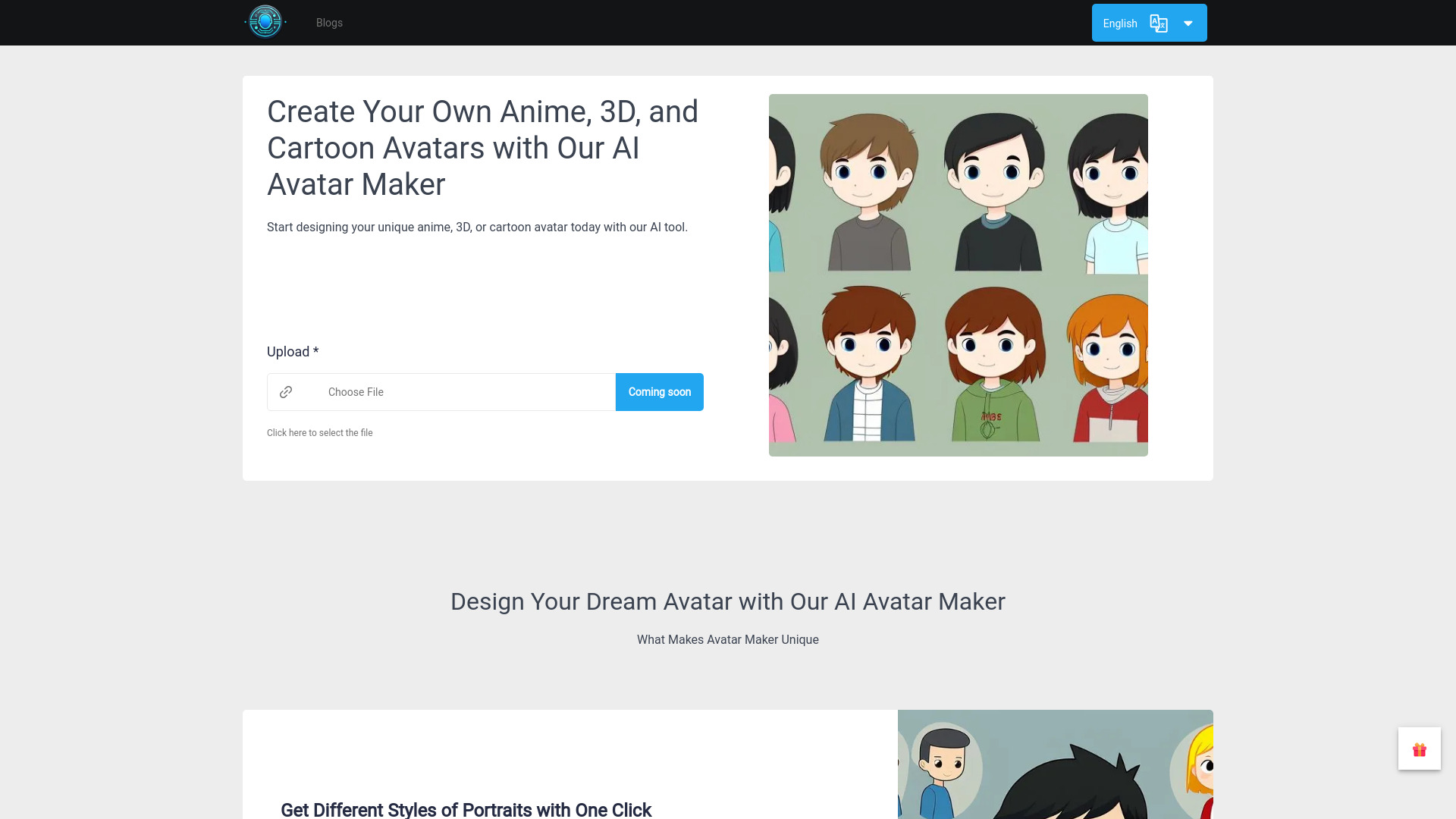

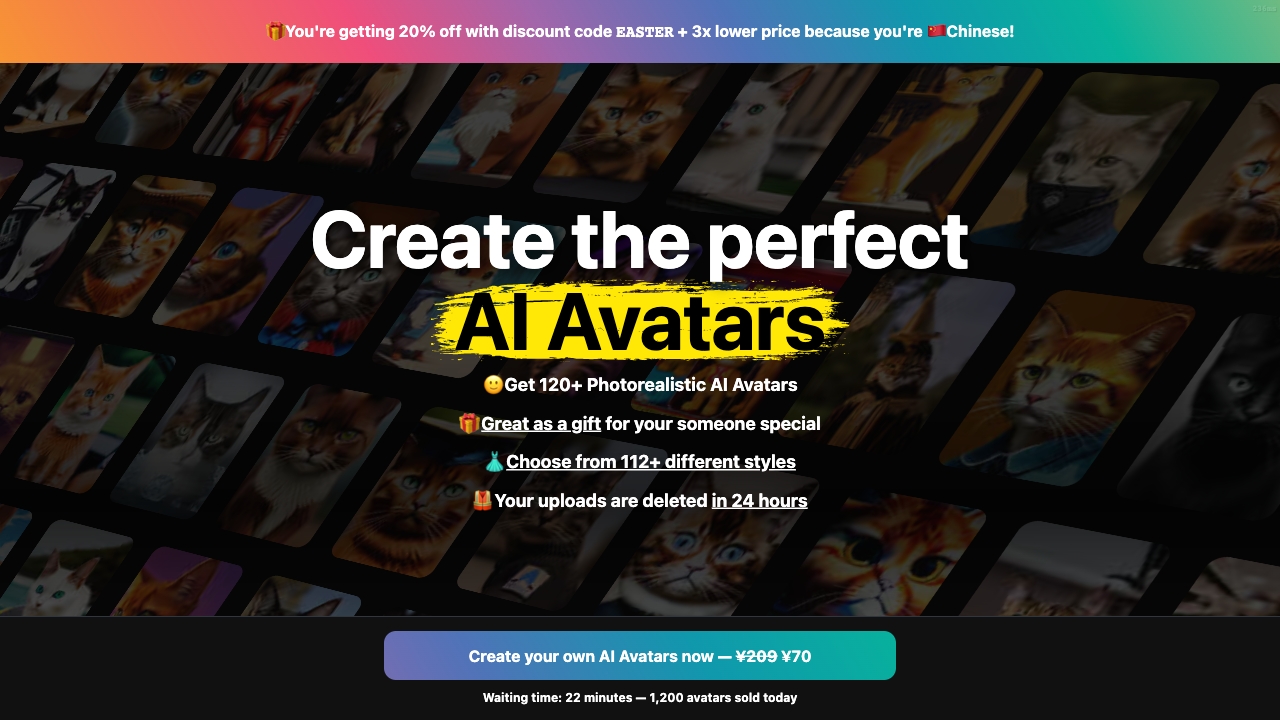
Photo AI
Photorealistic personalized AI portraits and videos
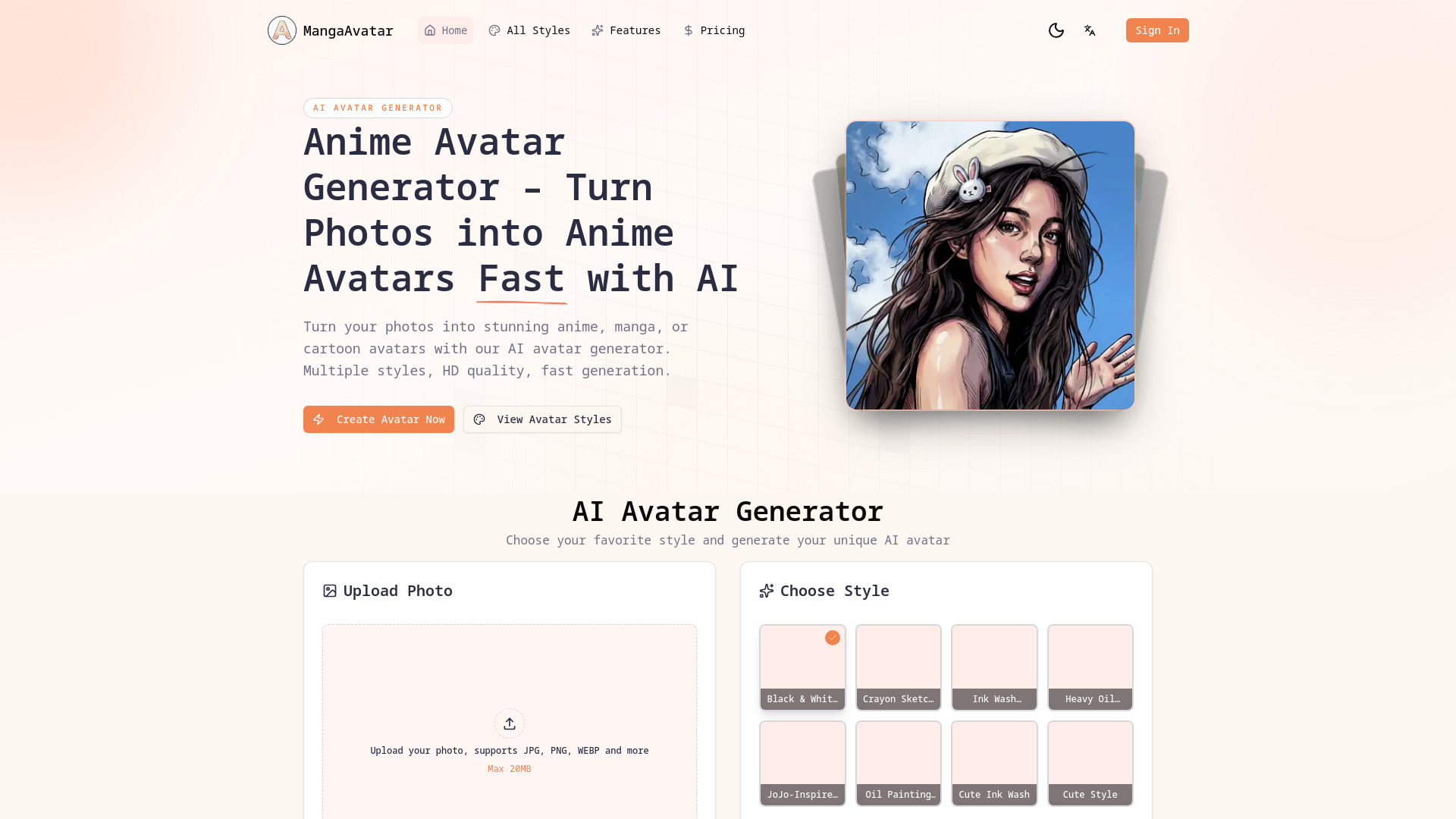
mangaavatar
Photo-based anime and manga avatars
AiPetAvatar.com
Custom AI avatars of pets

AI Cartoon Generator
Turning photos and prompts into cartoon art

Avatar Generator
Custom avatars for apps and websites
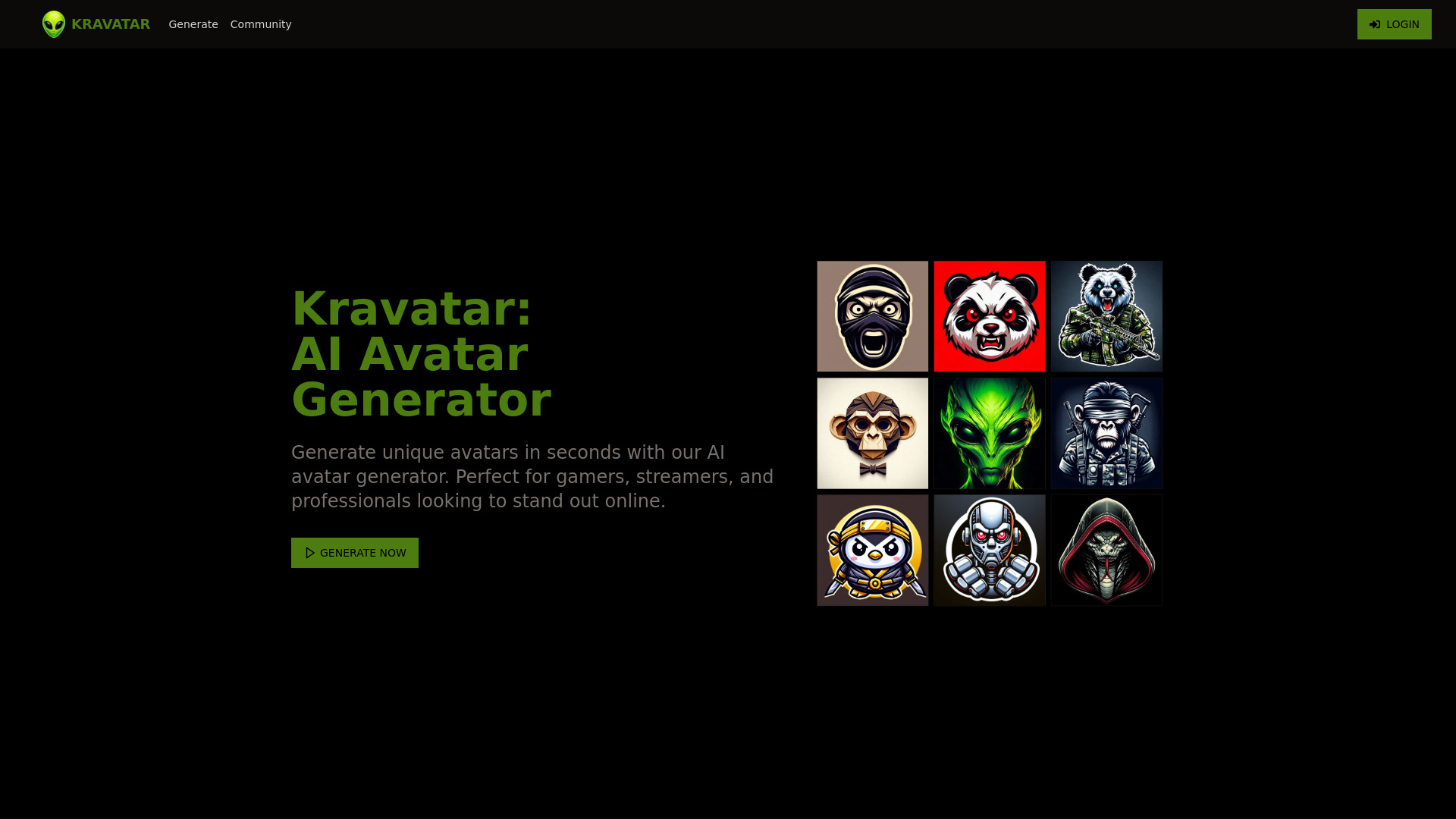
Kravatar
Custom gaming and social media avatars

1PX.AI
Personalized AI portrait avatars
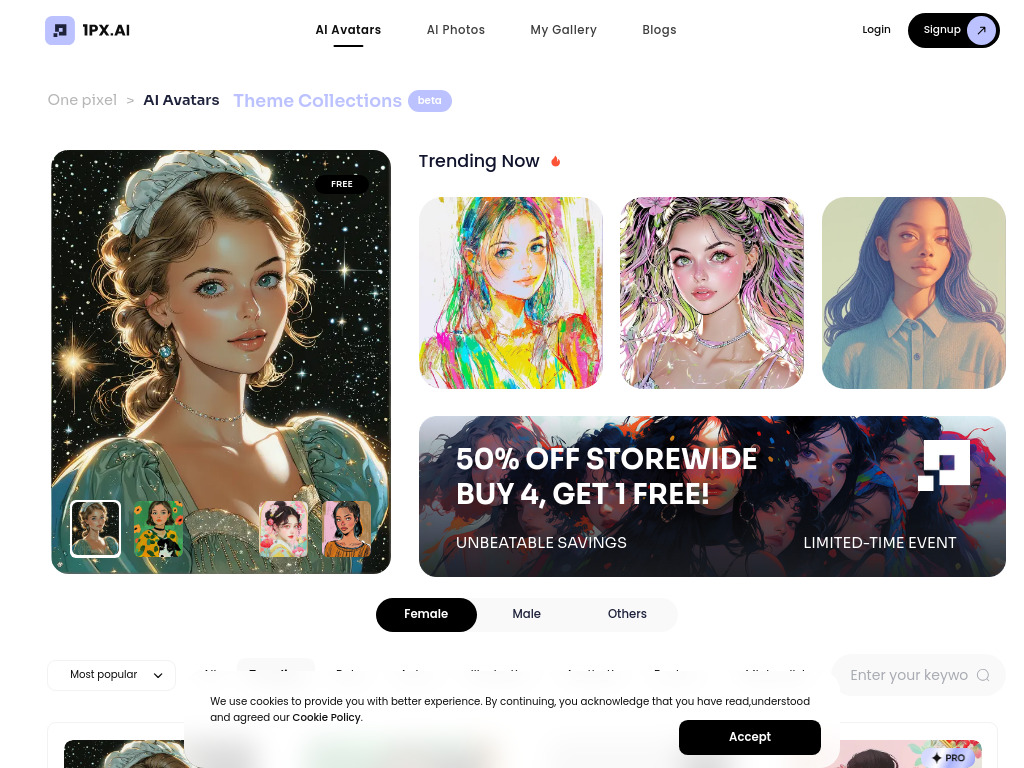
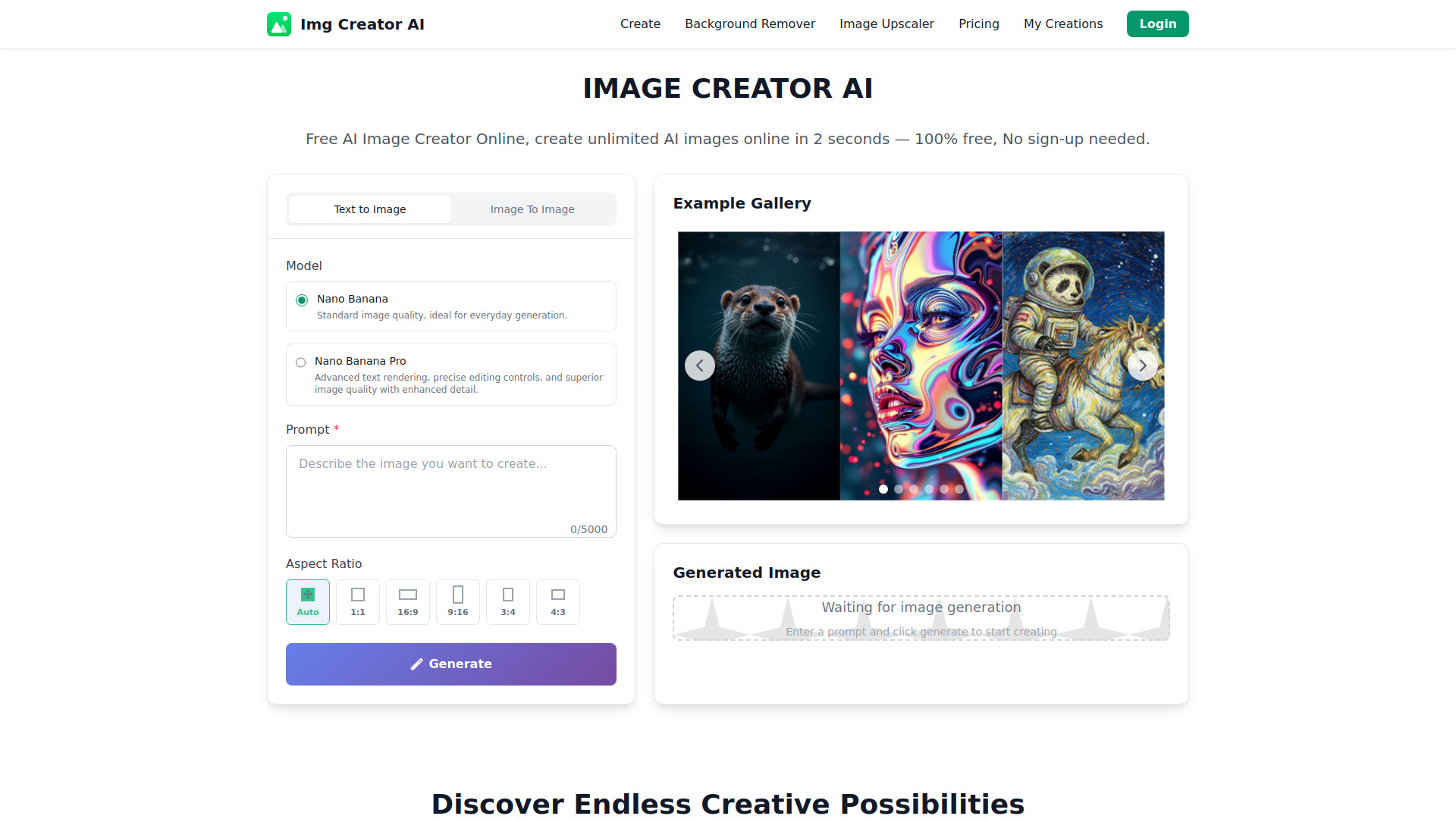
IMAGE CREATOR AI
Fast AI image creation and editing

avatarify
Personalized AI avatars from selfies
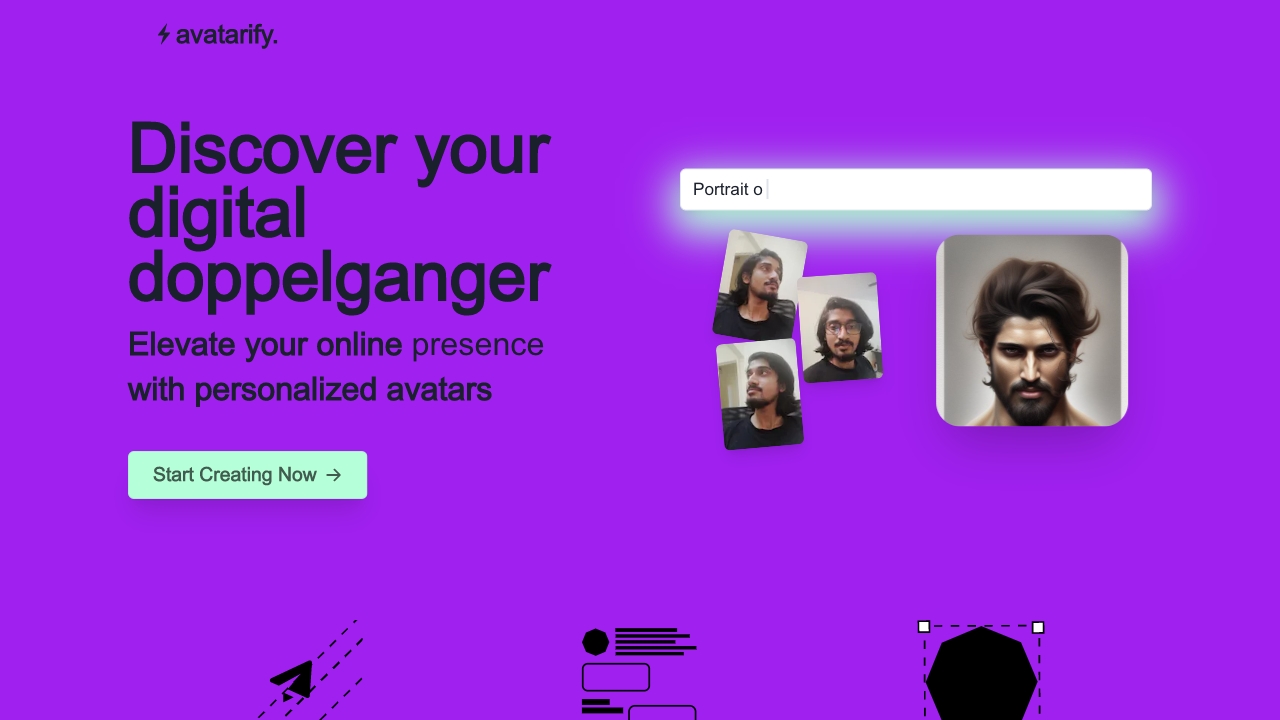
AI Avatar
Quick personal AI avatar creation

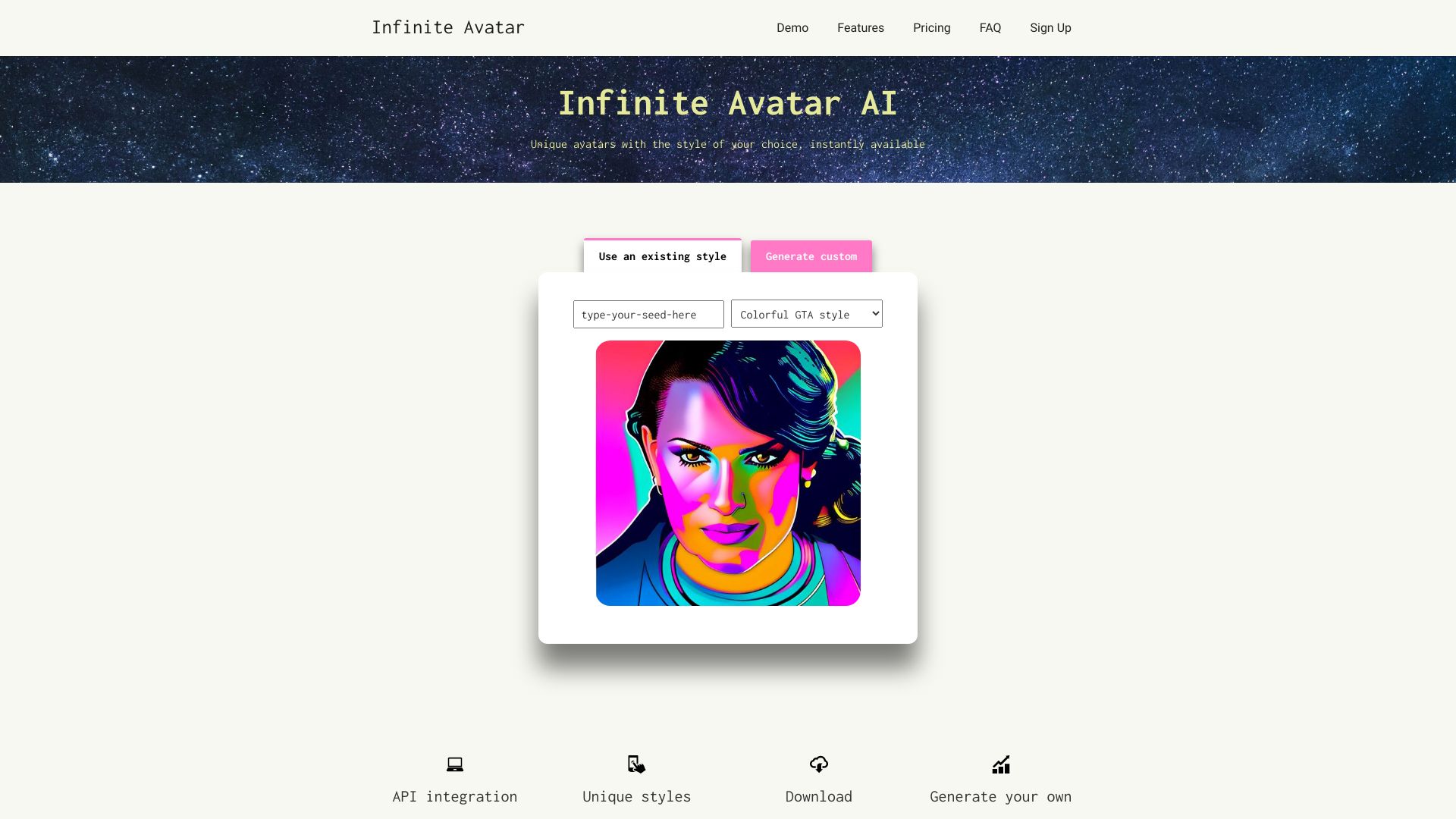
Infinite Avatar AI
Custom avatar styles for apps

Arti.pics
AI avatars from personal photos

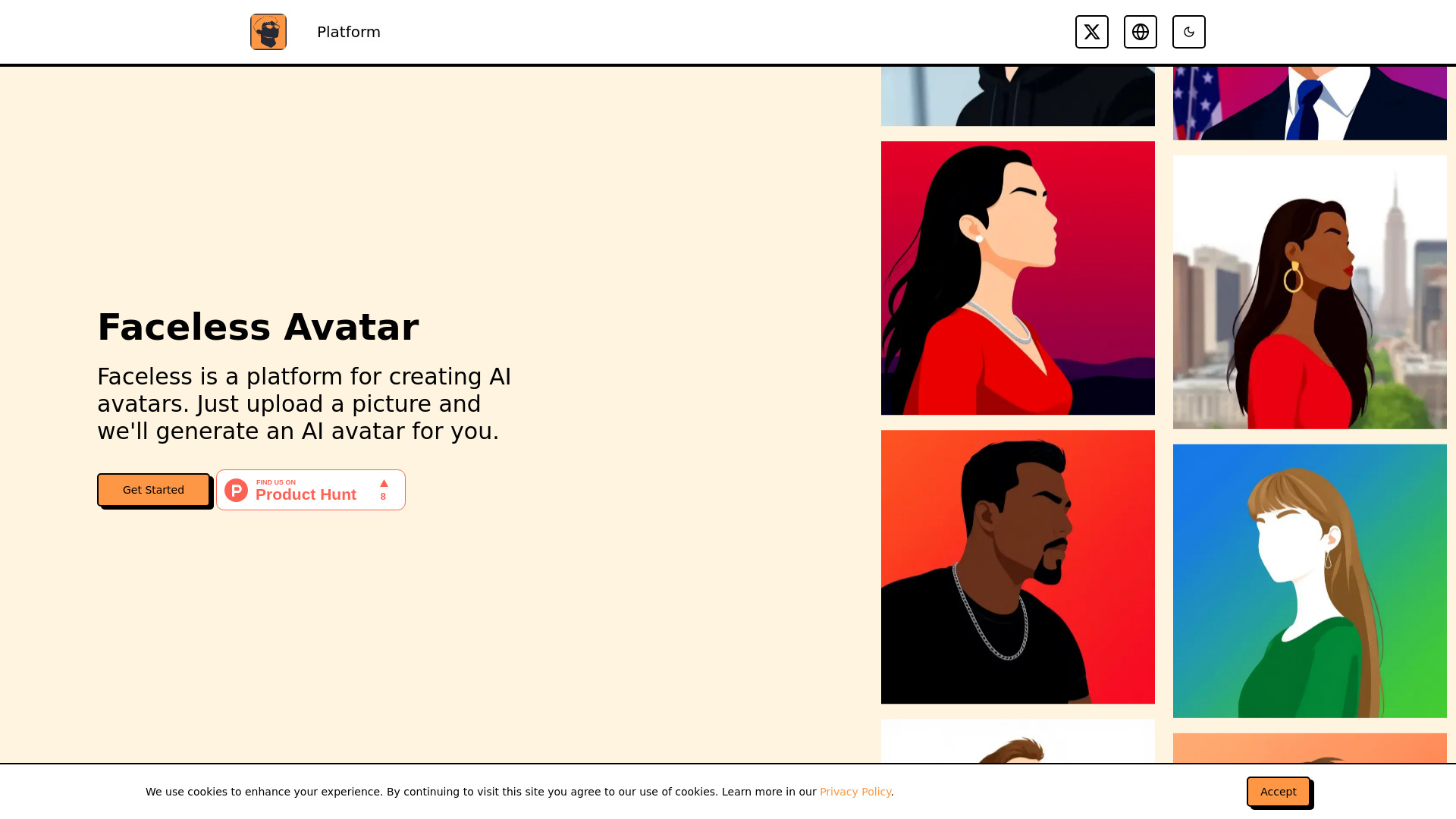
Faceless Avatar
AI-generated profile portraits
AI Avatar Generator
Artist-crafted avatar and profile-picture styles
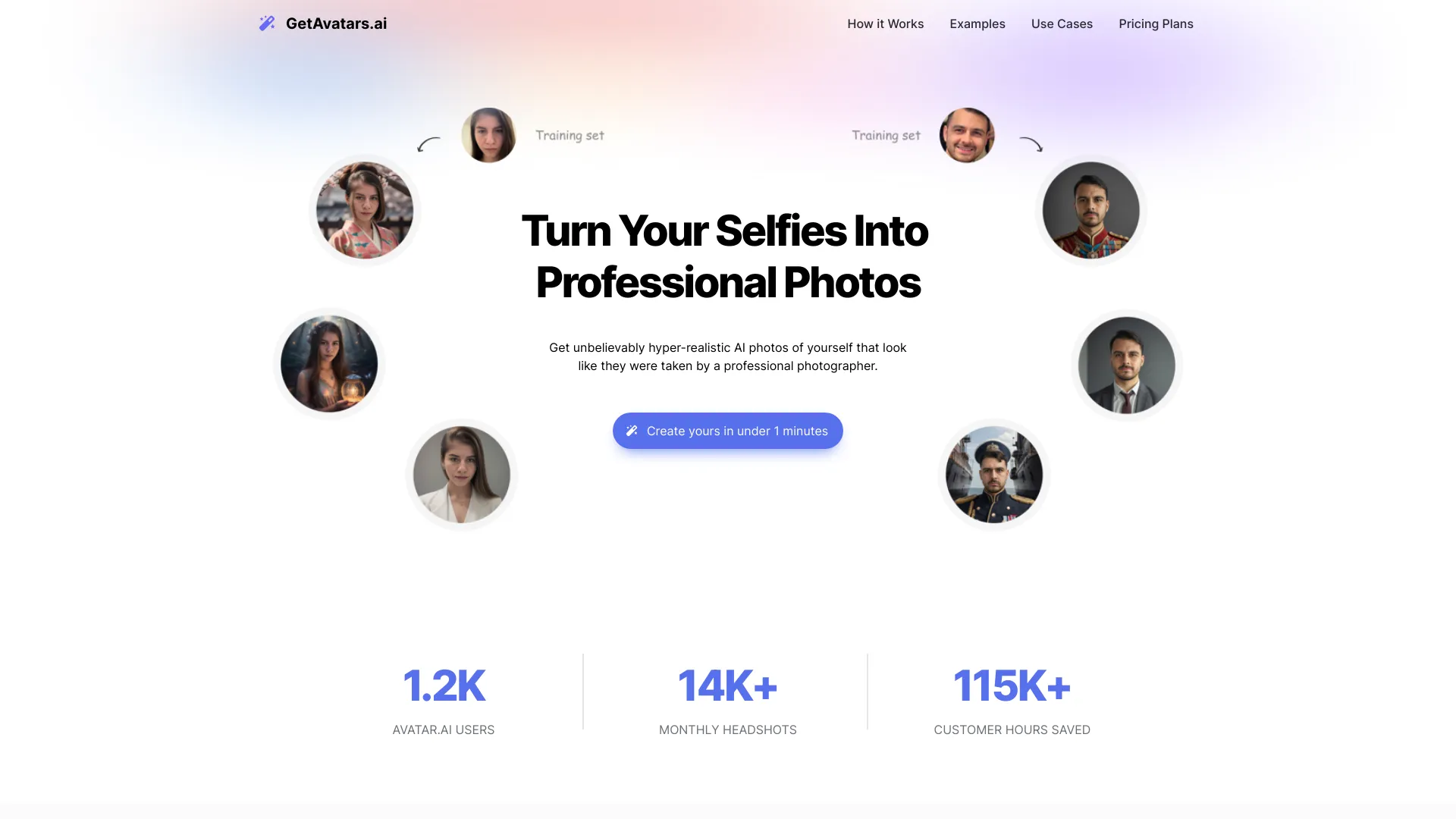
GetAvatars.ai
Professional AI headshots from selfies

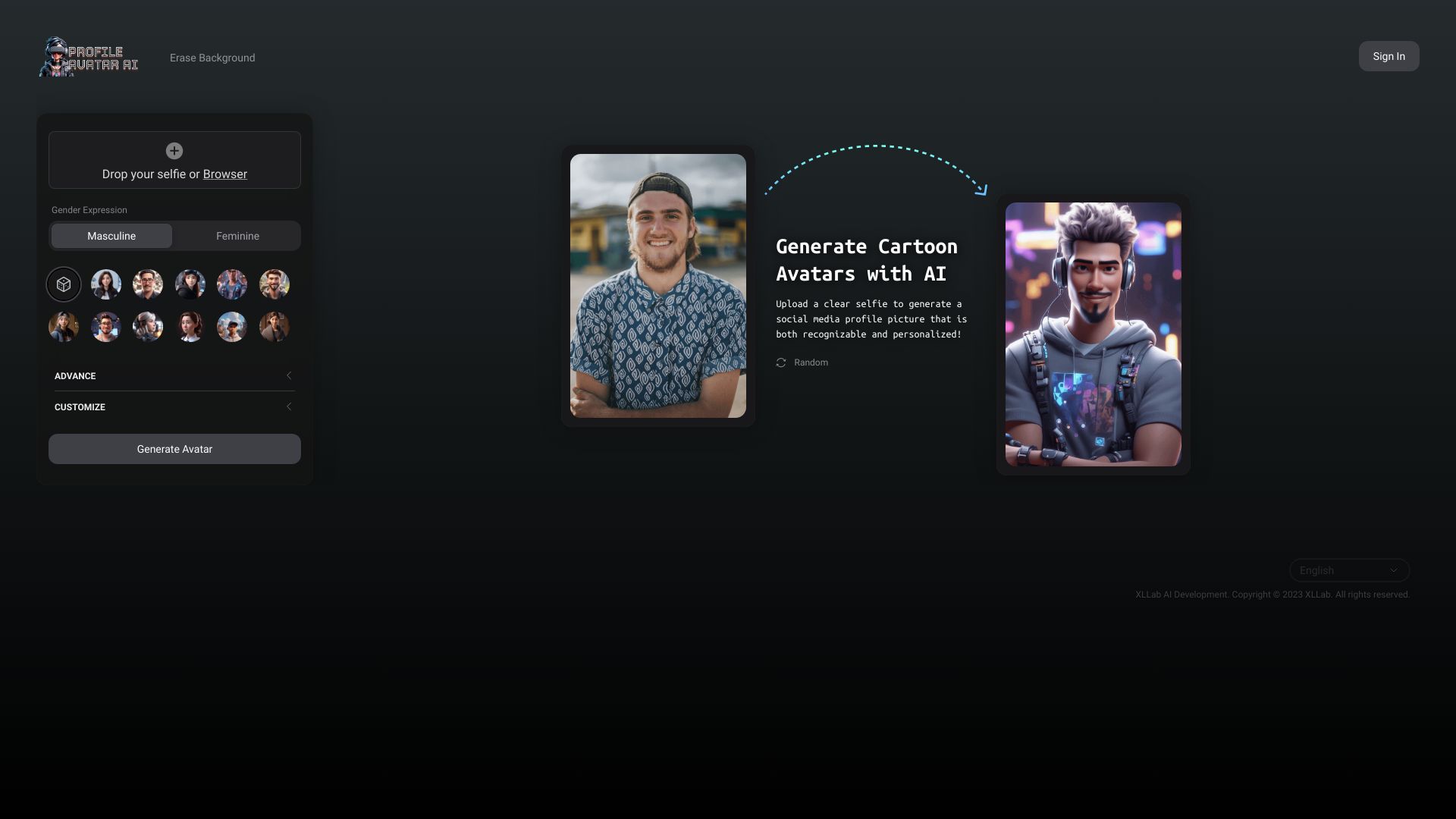
Profile Avatar AI
Personalized cartoon avatars from selfies

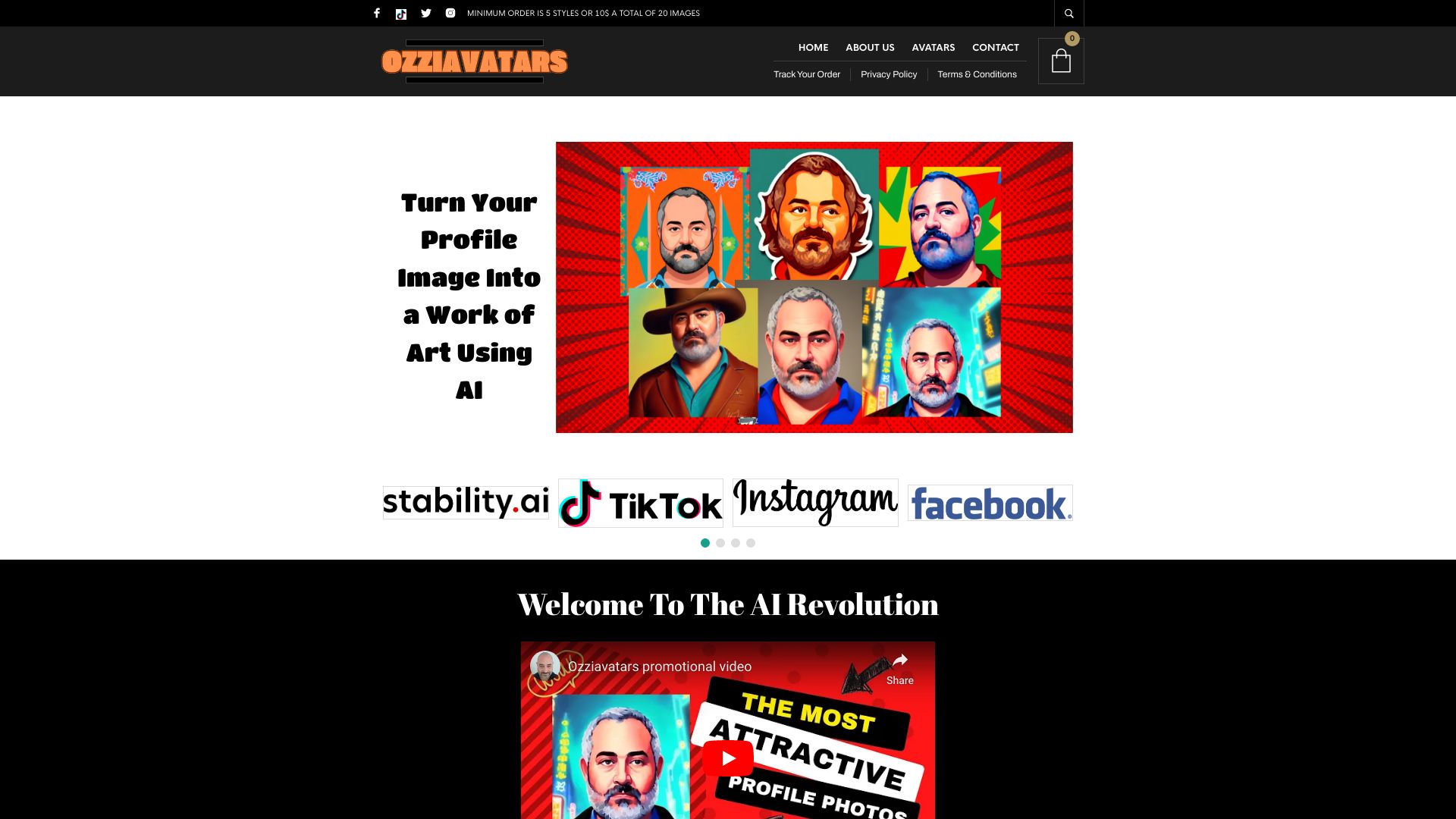
Ozziavatars
Custom AI avatars in 70+ styles

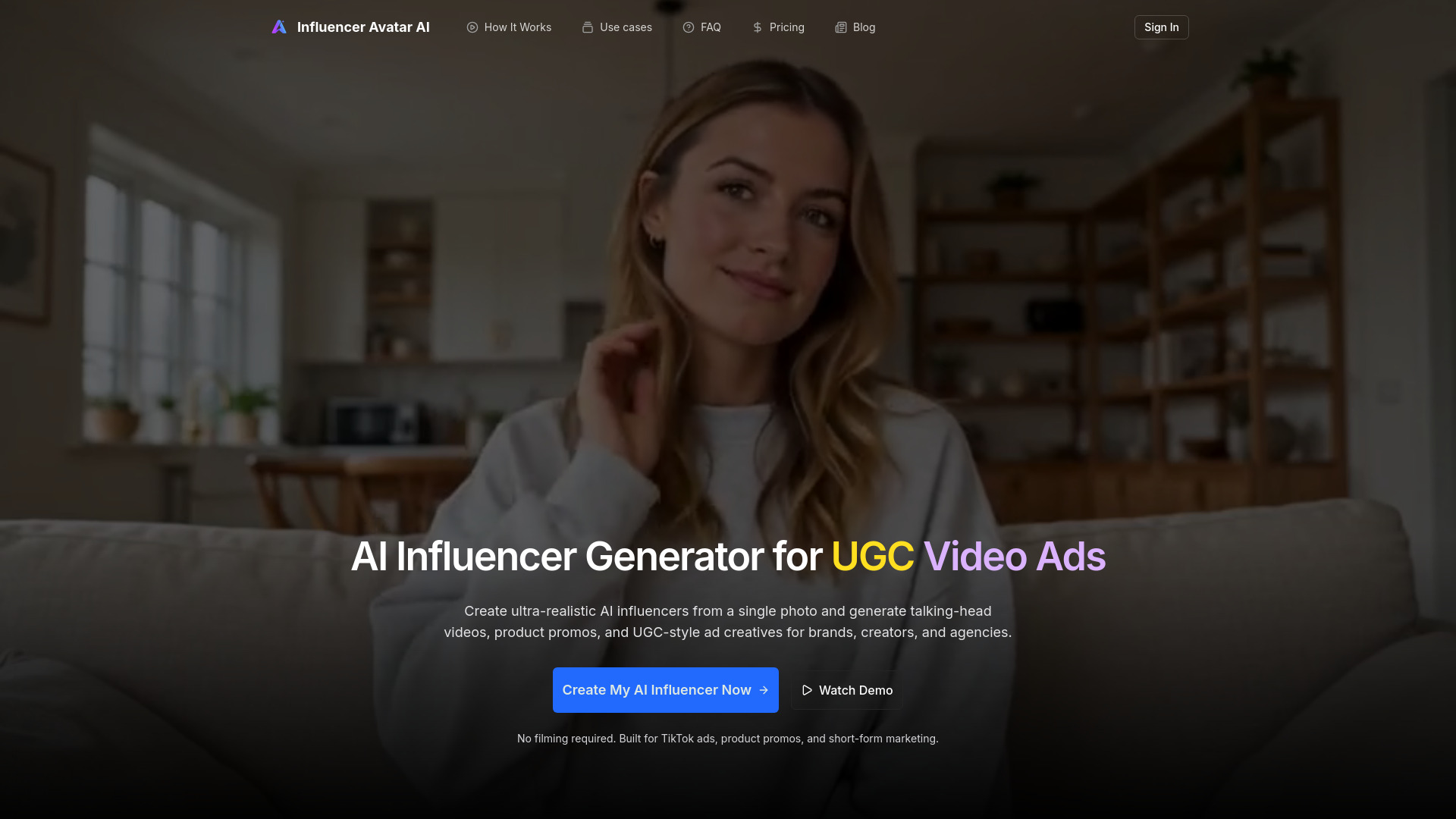
Influencer Avatar AI
AI influencer videos and UGC-style ads

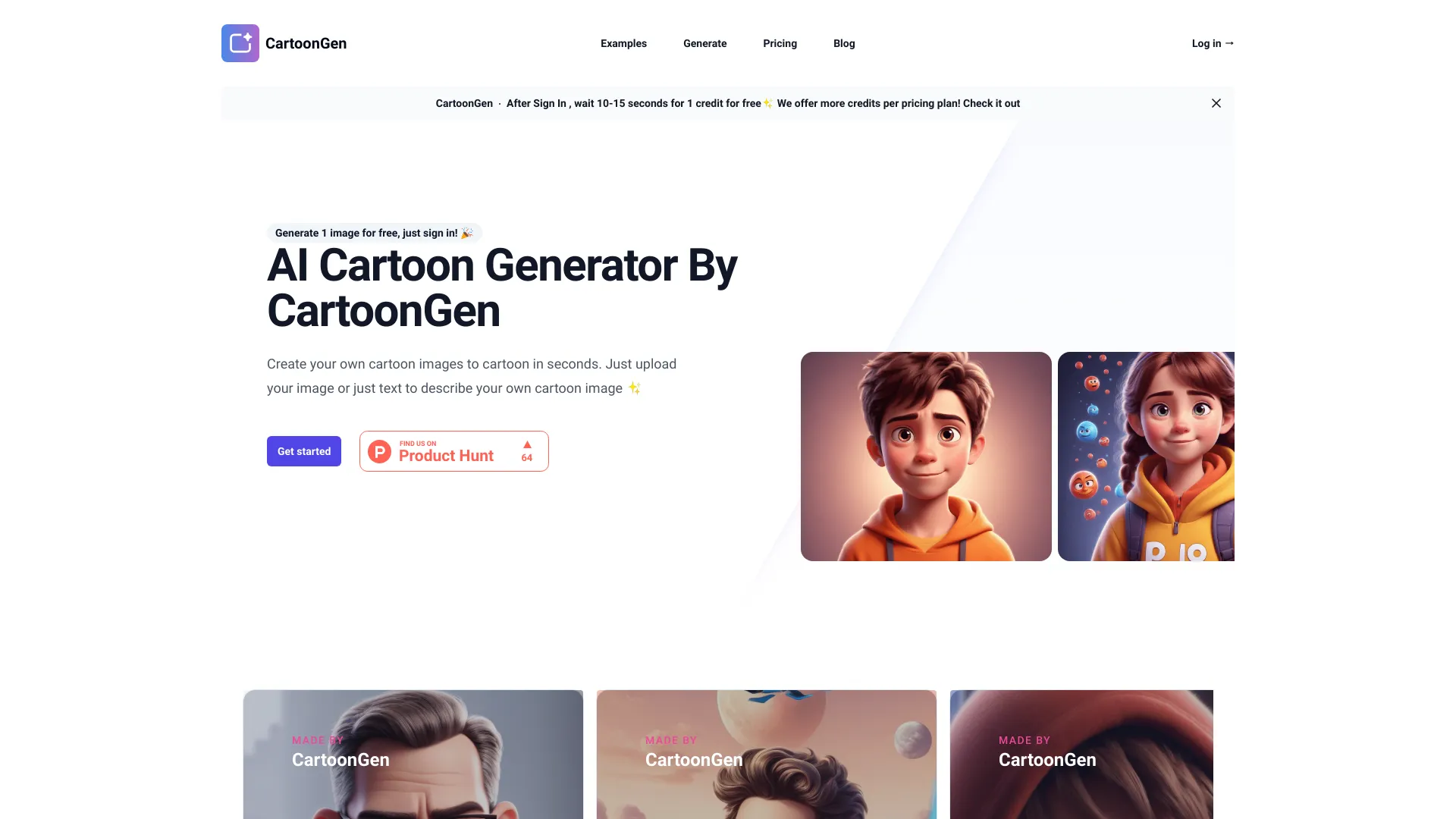
CartoonGen
Cartoon avatars from text or photos

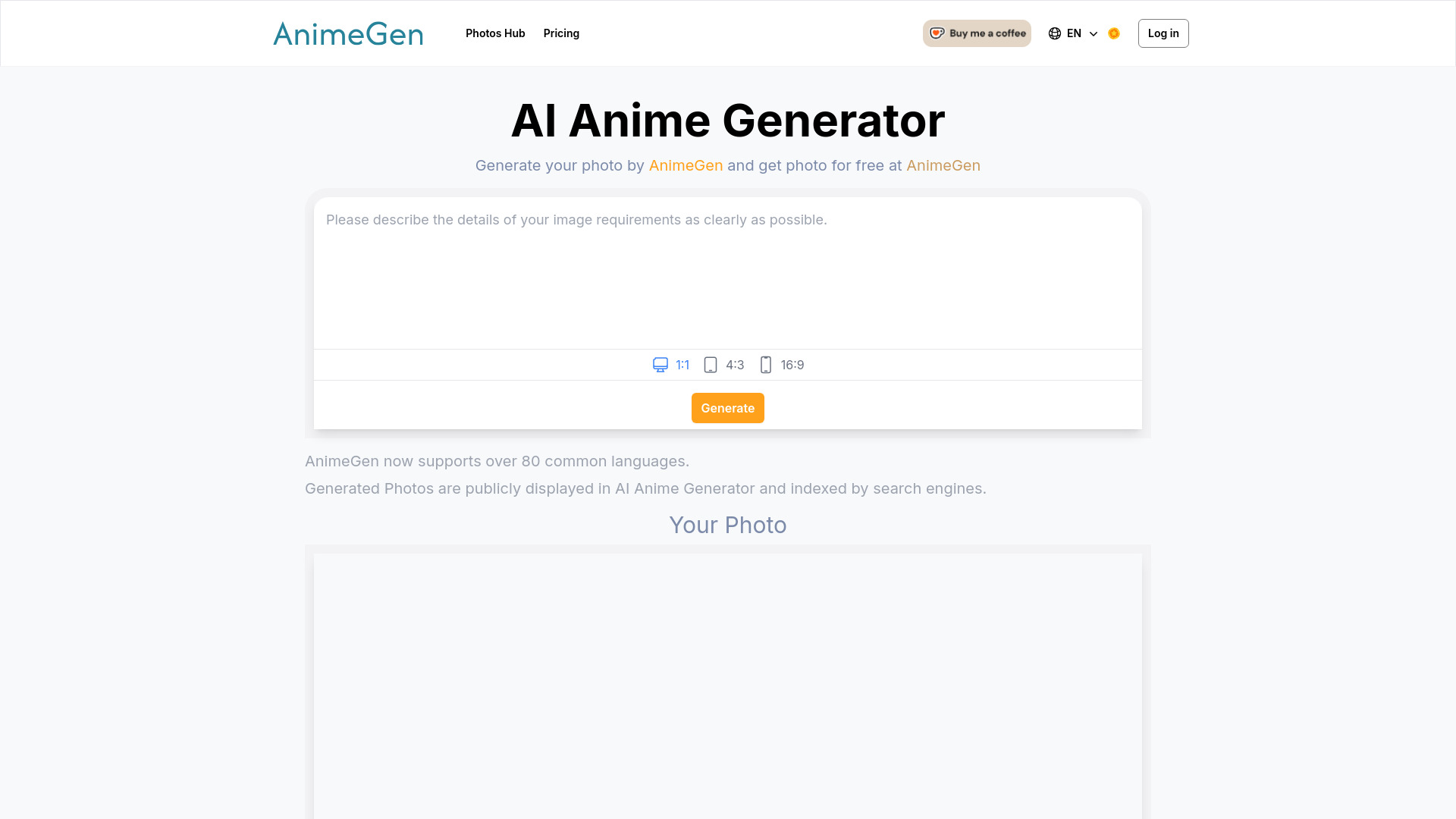
AnimeGen
Anime-style portraits and prompt-based art
PikaPiku
Personalized AI avatar portraits

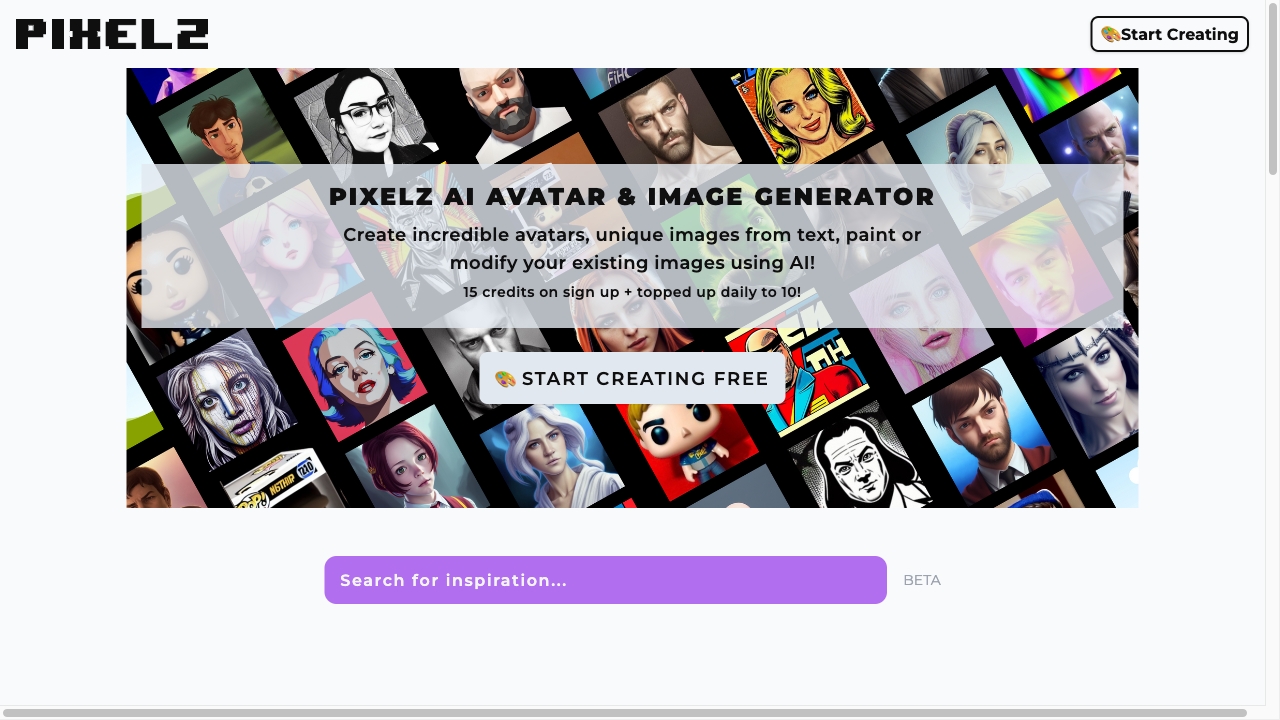
AI Avatar & Image Generator
AI avatars and text-to-image creation
animeGen
Turning photos into anime avatars and art
1PX.AI
Lifelike AI photo and avatar generation

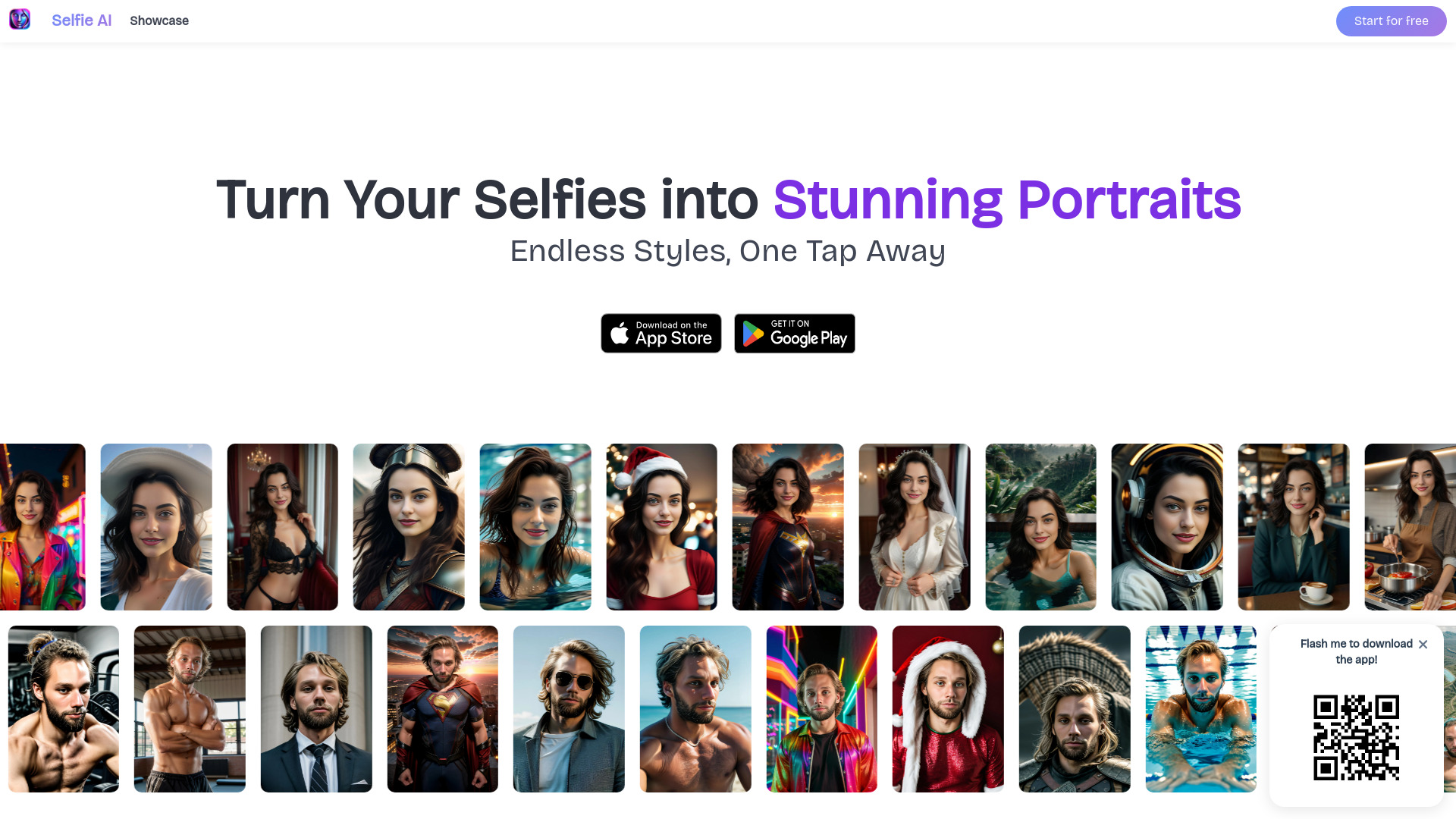
Selfie AI
AI portraits from selfies in 40+ styles

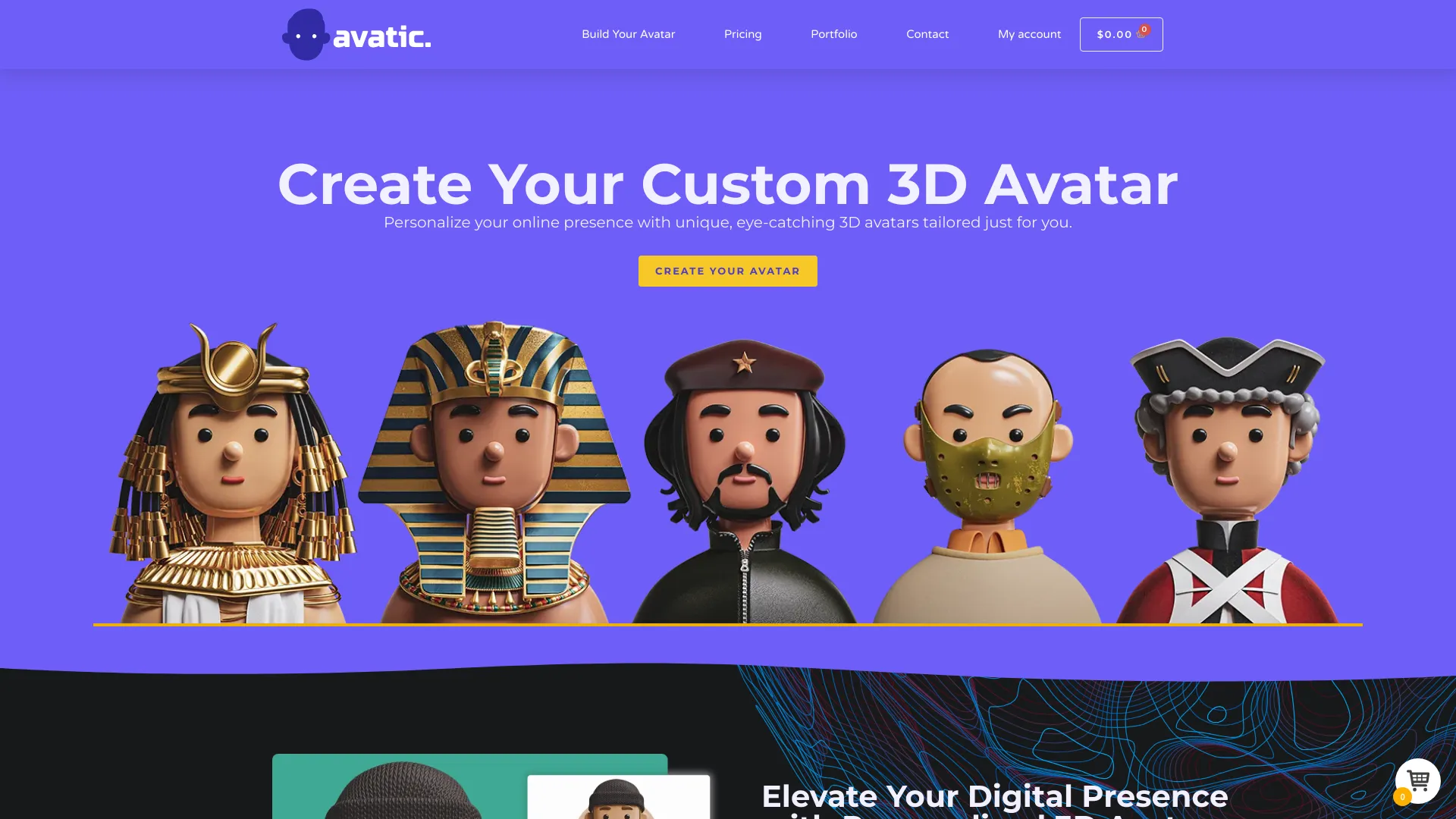
Avatic.net
Personalized 3D avatars from photos
Avatar
Conversations with tweet-based public-figure avatars
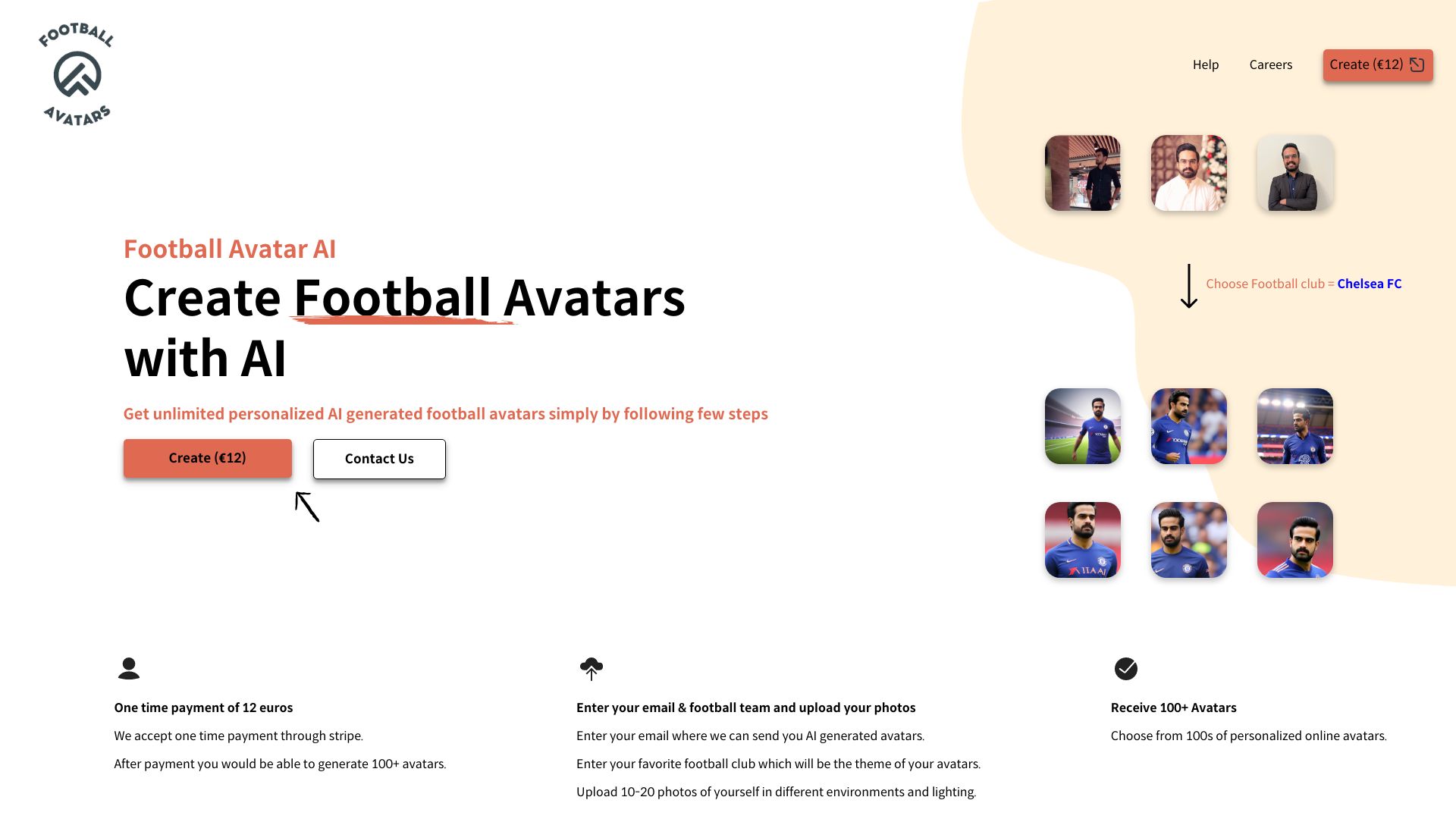
Football Avatar AI
Football-themed personalized AI avatars

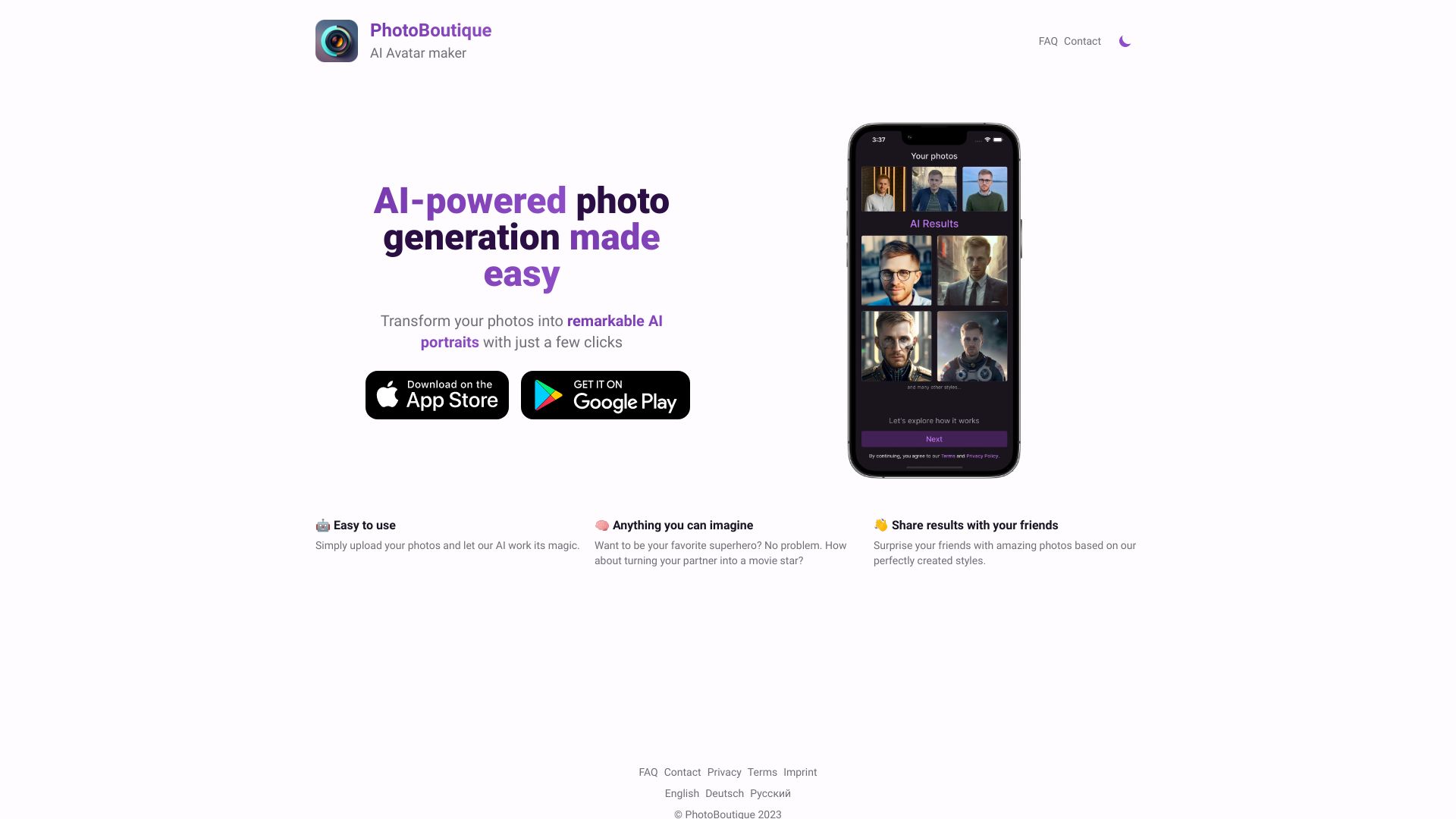
PhotoBoutique
Personalized AI avatars and professional headshots
1PX.AI
Themed AI portraits for social profiles

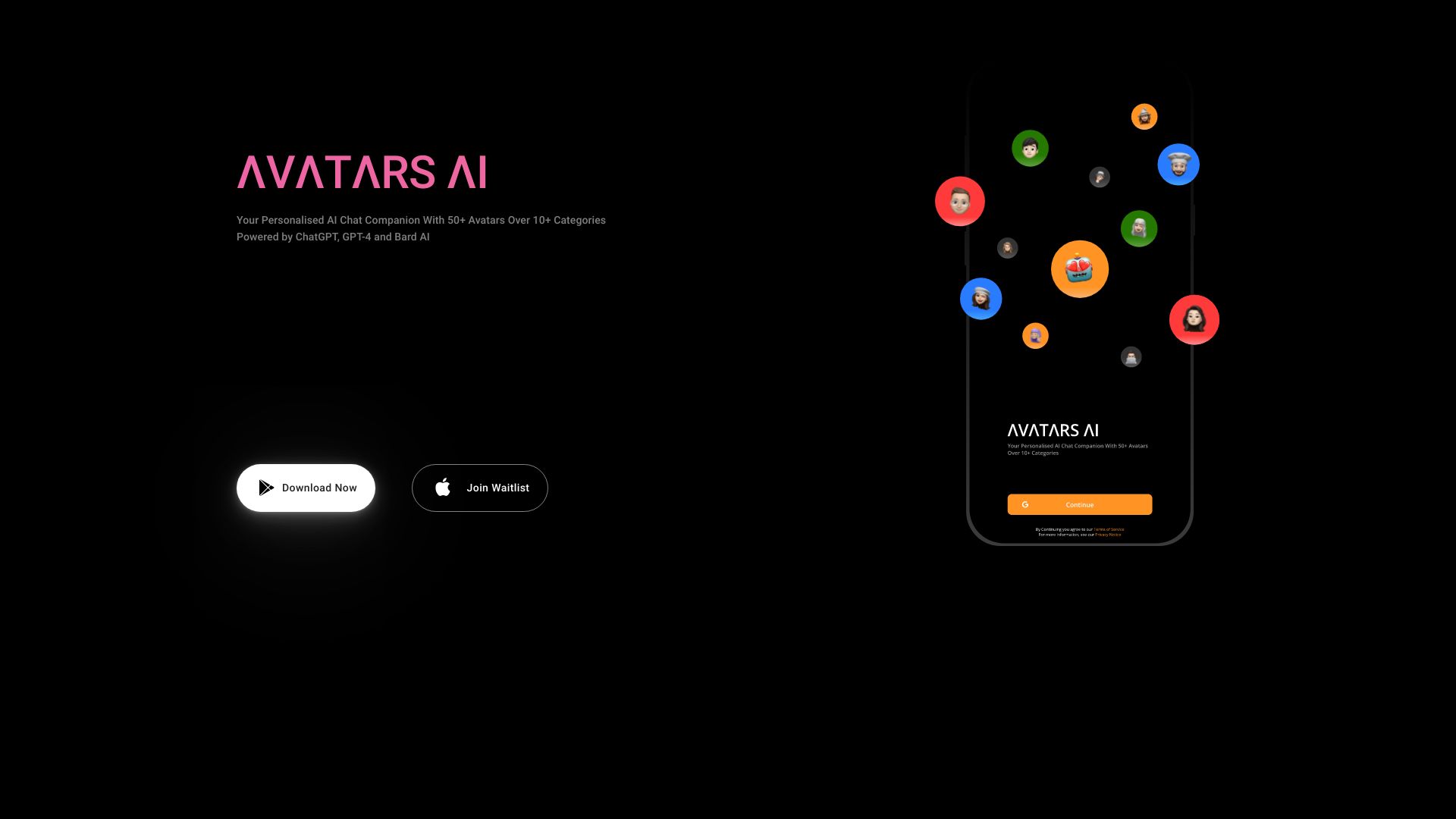
Avatars AI
Personalized AI chat companions
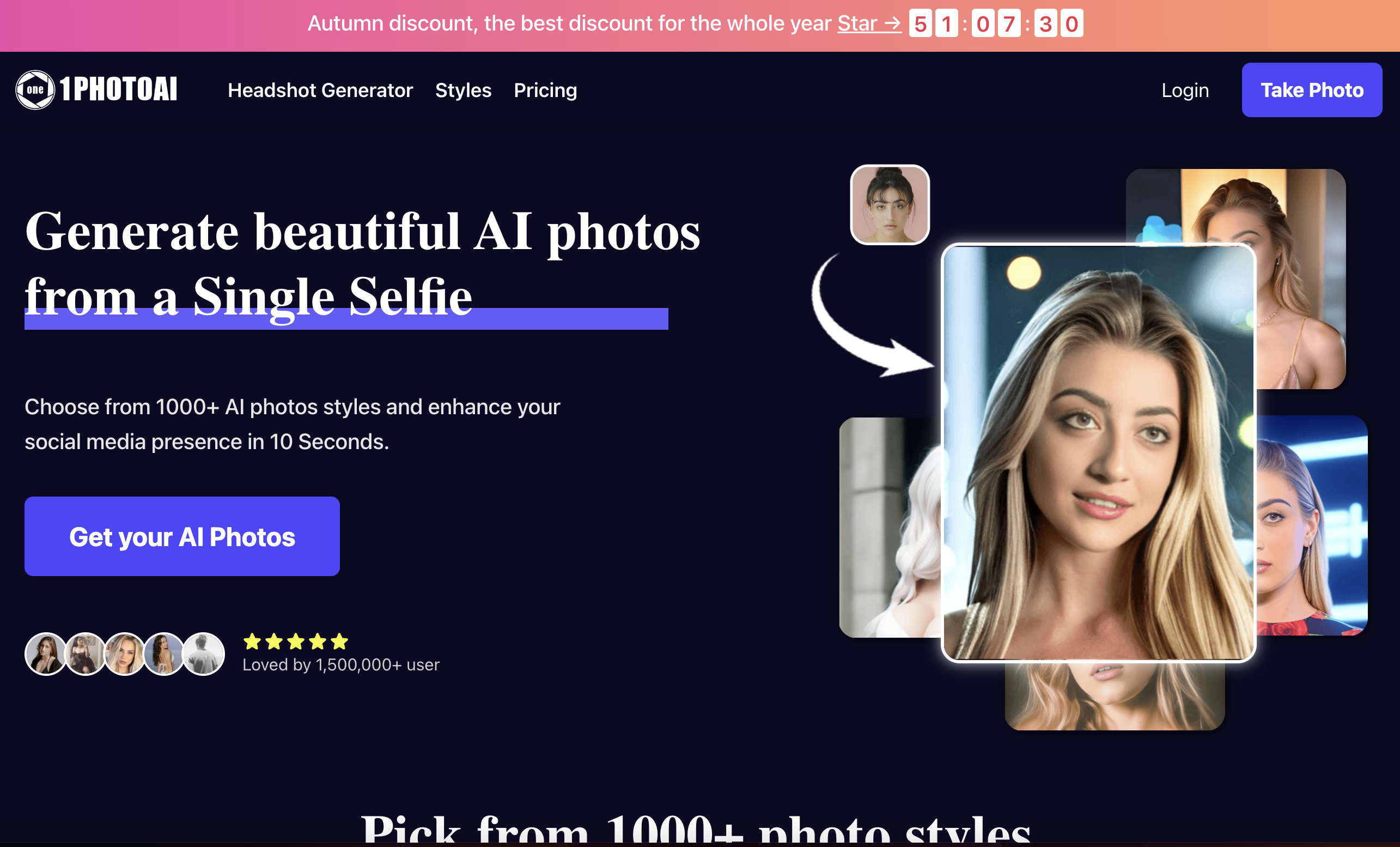
1PhotoAI
AI headshots and stylized social avatars

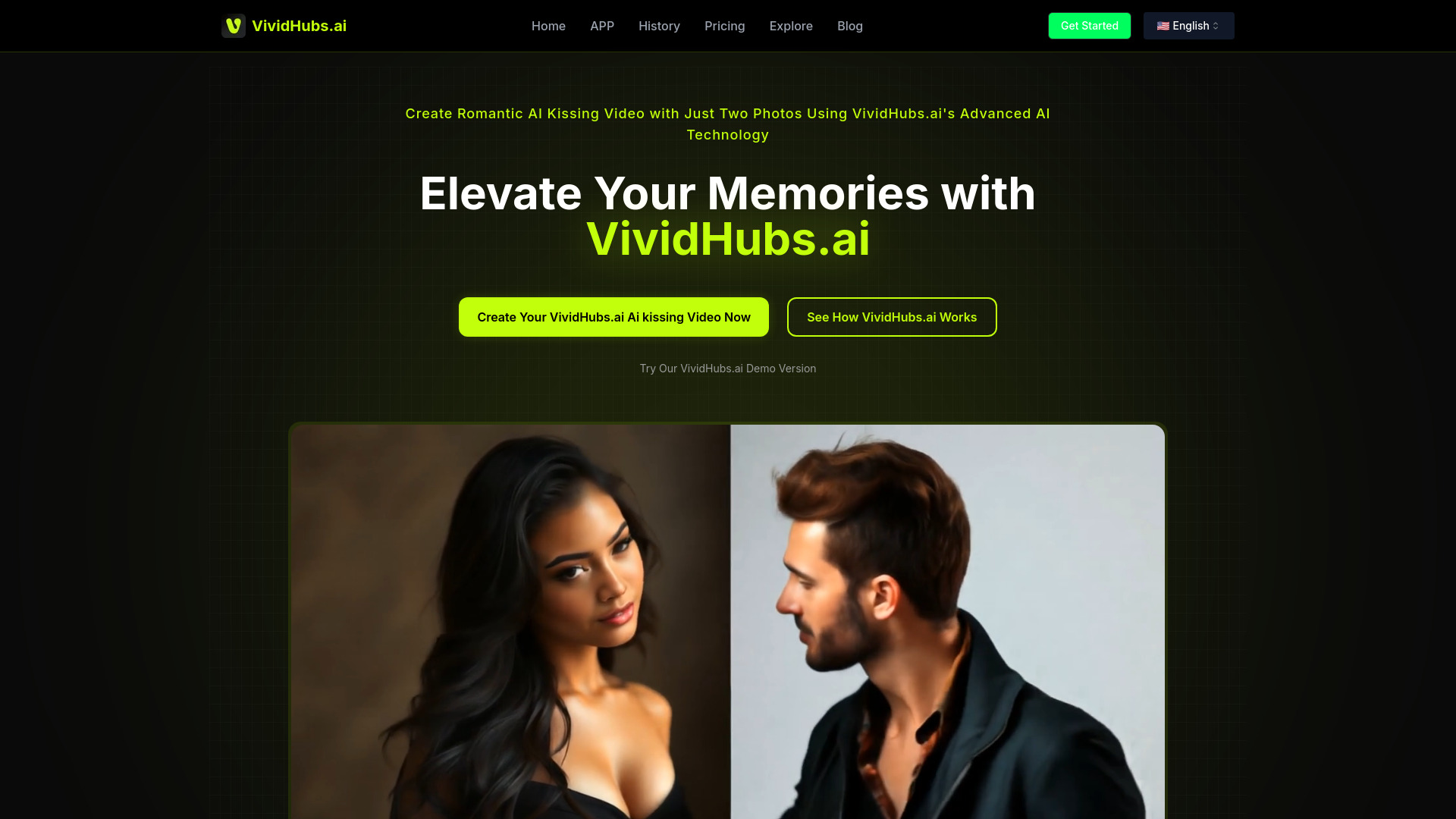
VividHubs.ai
AI kissing videos from two photos
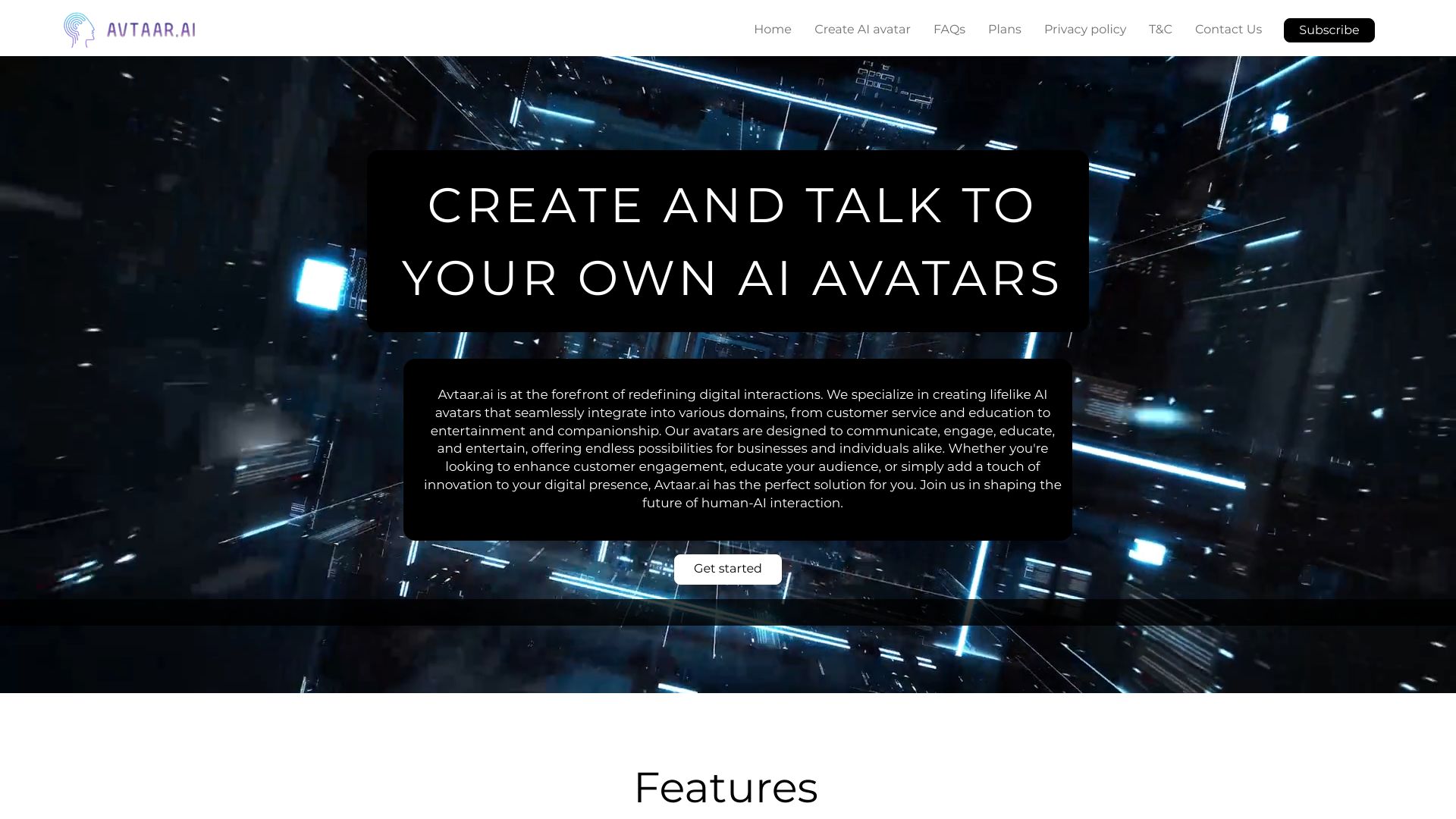
Avtaar.ai
Personalized 3D AI companion avatars
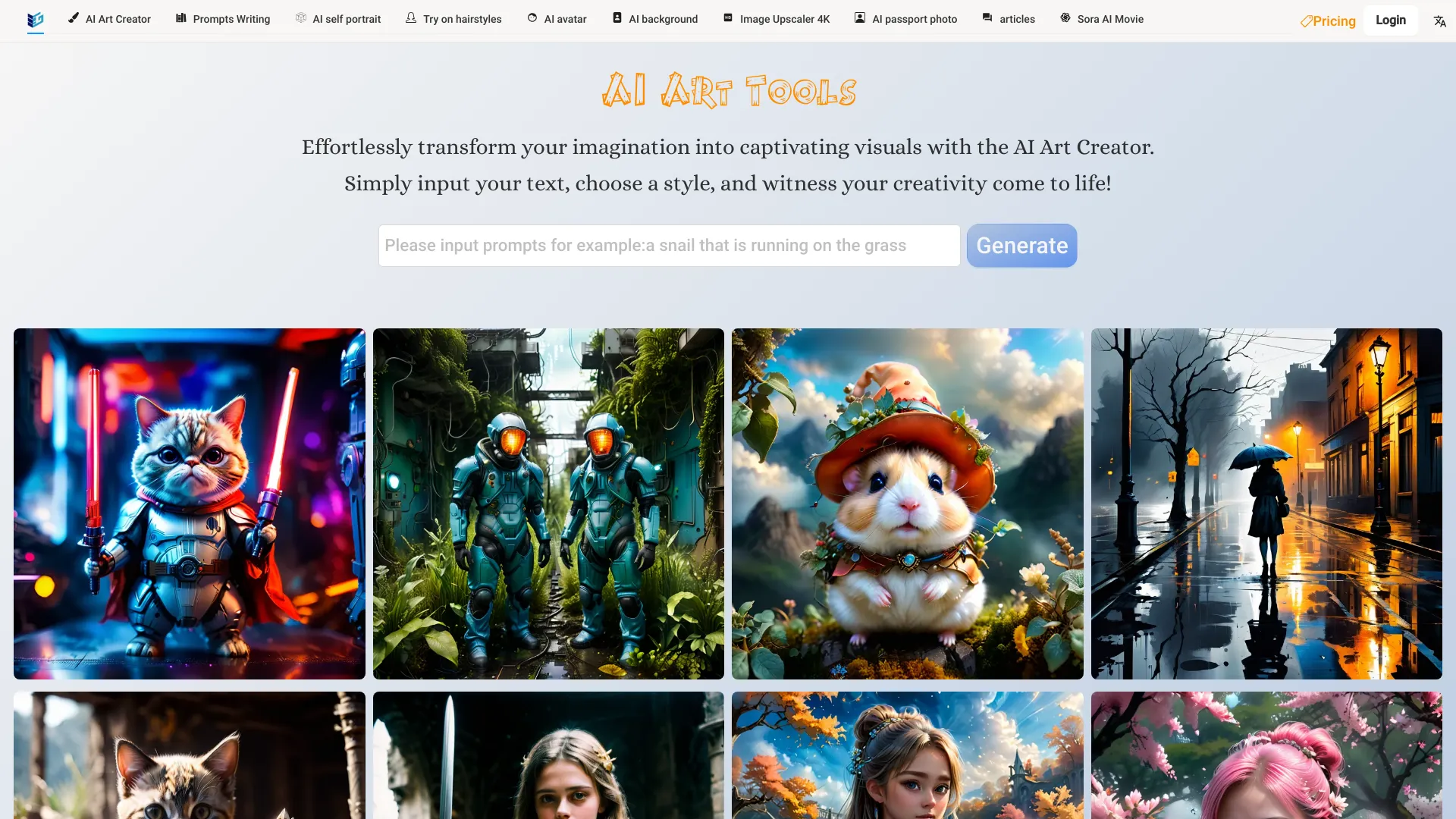
Free AI Art Platforms
AI avatars and cosplay art
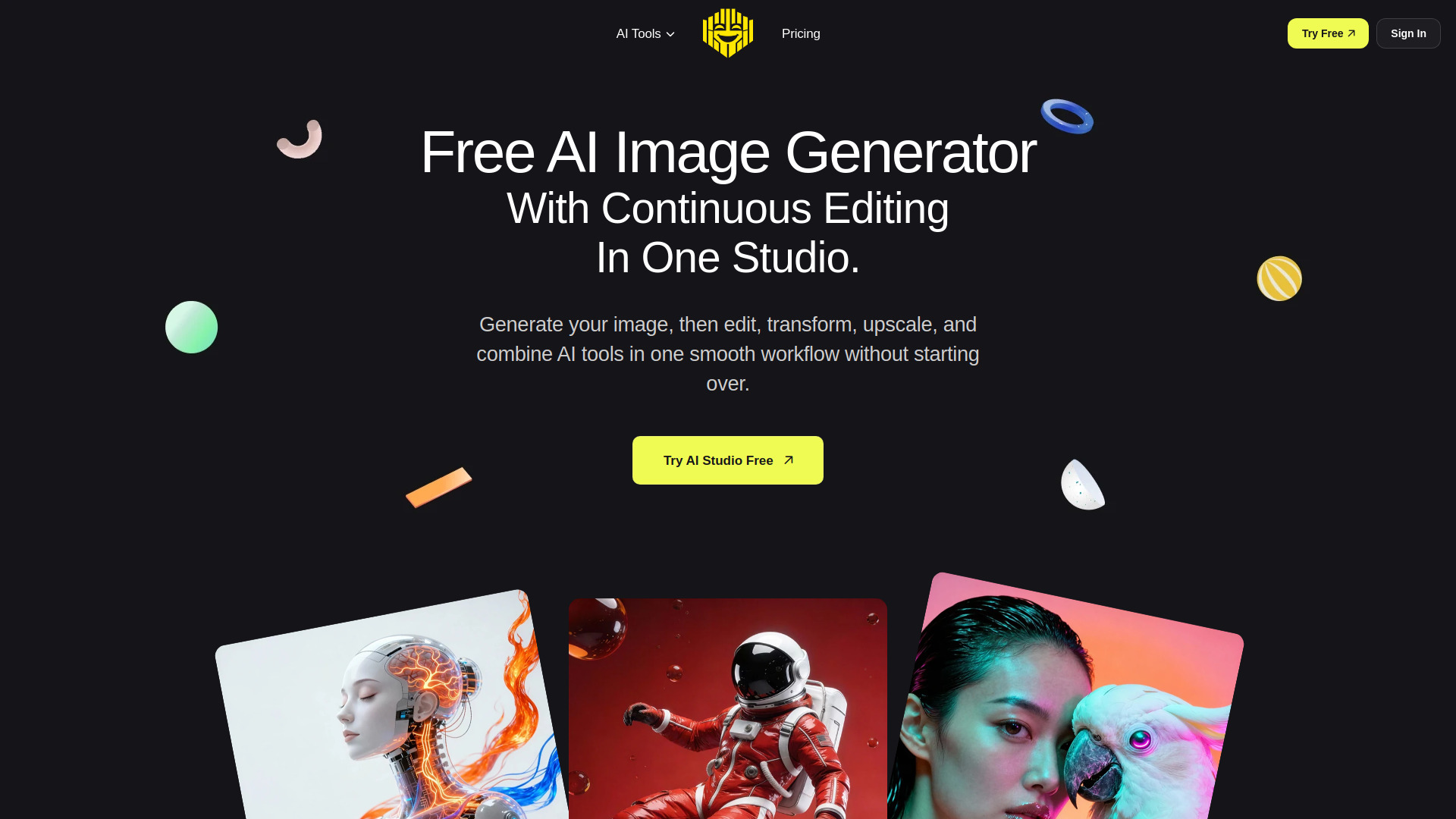
Free AI Generator
AI headshots and iterative portrait editing
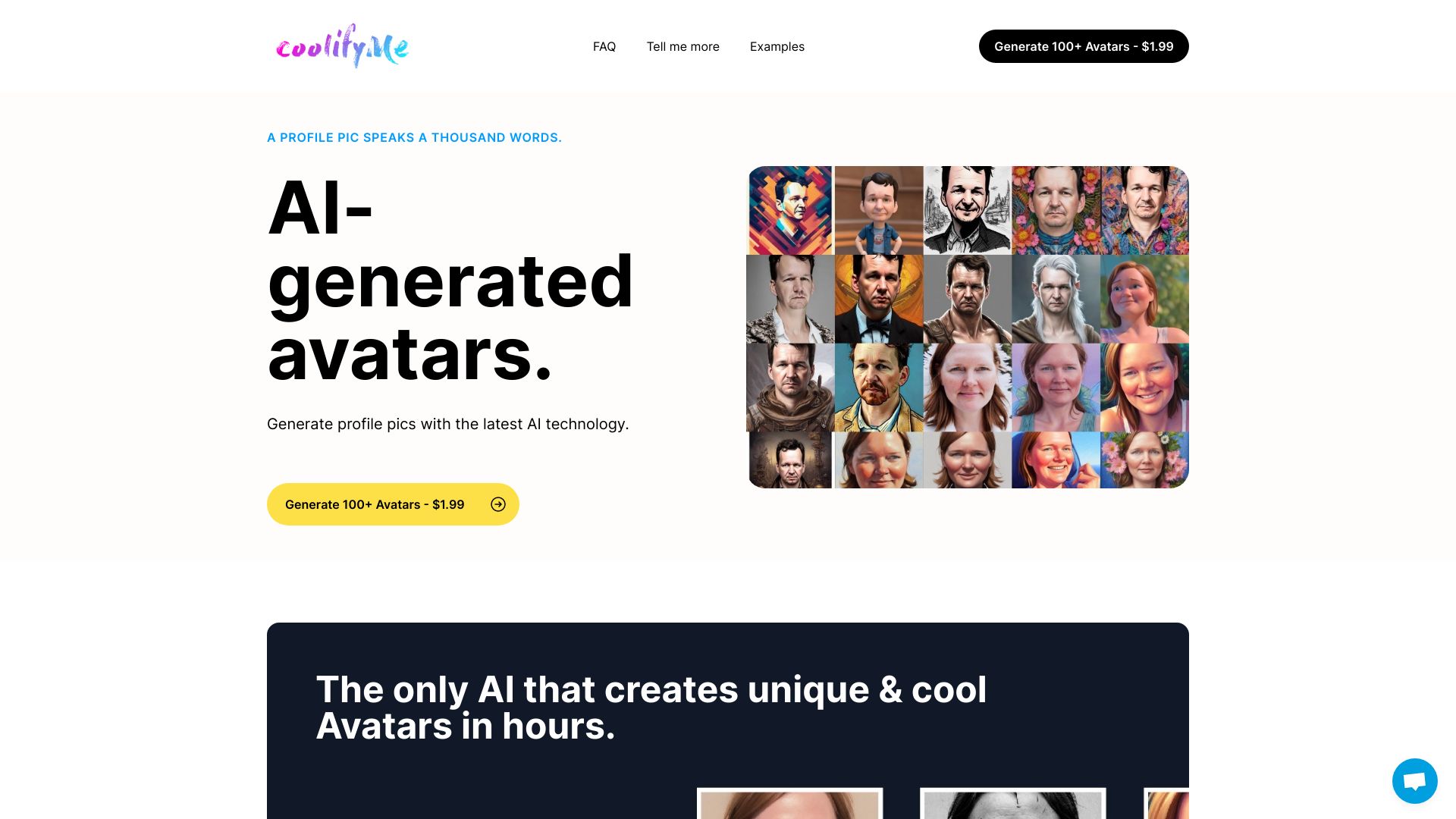
CoolifyMe
Personalized profile avatars from photos

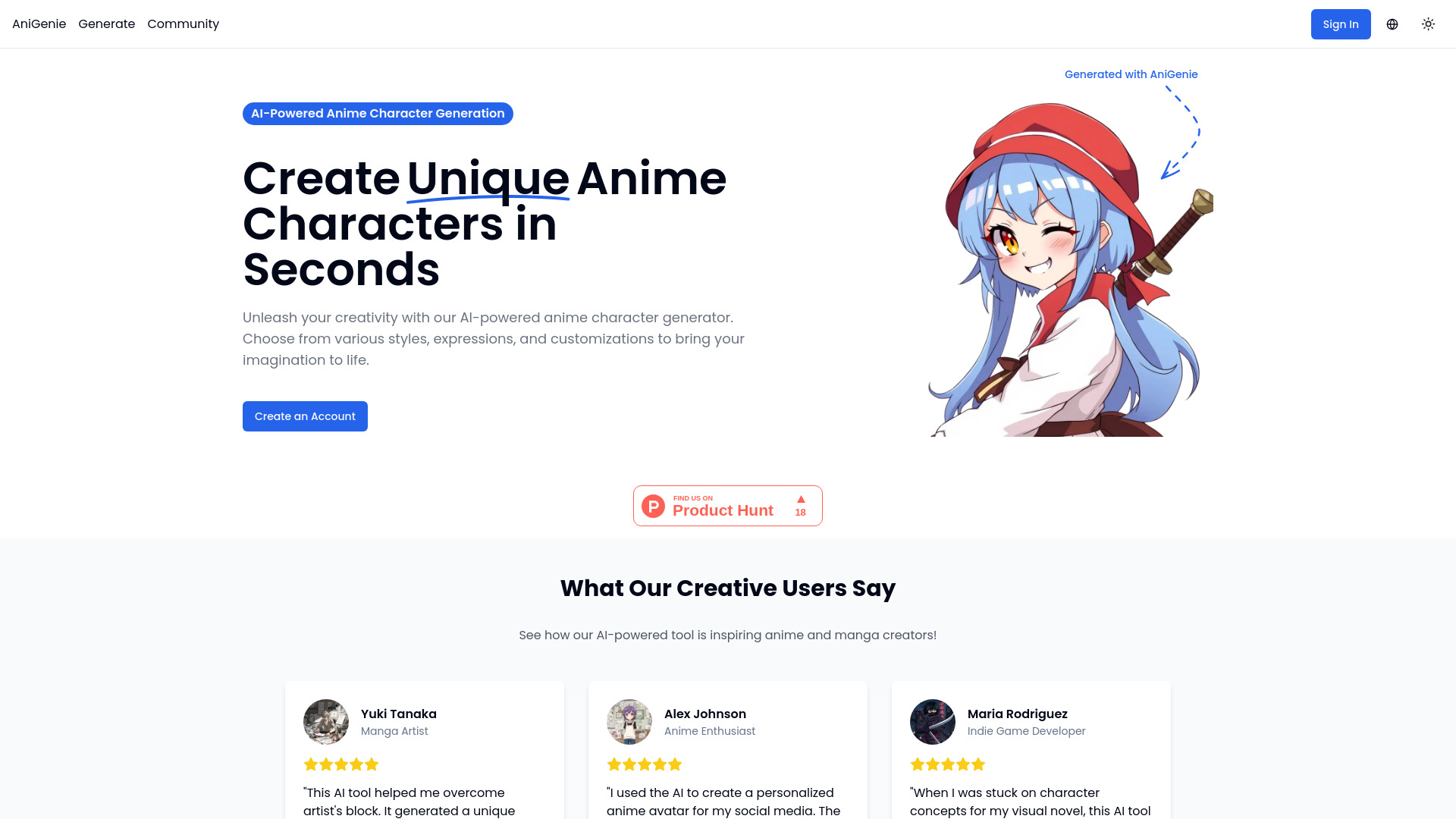
AniGenie
Anime character concept creation

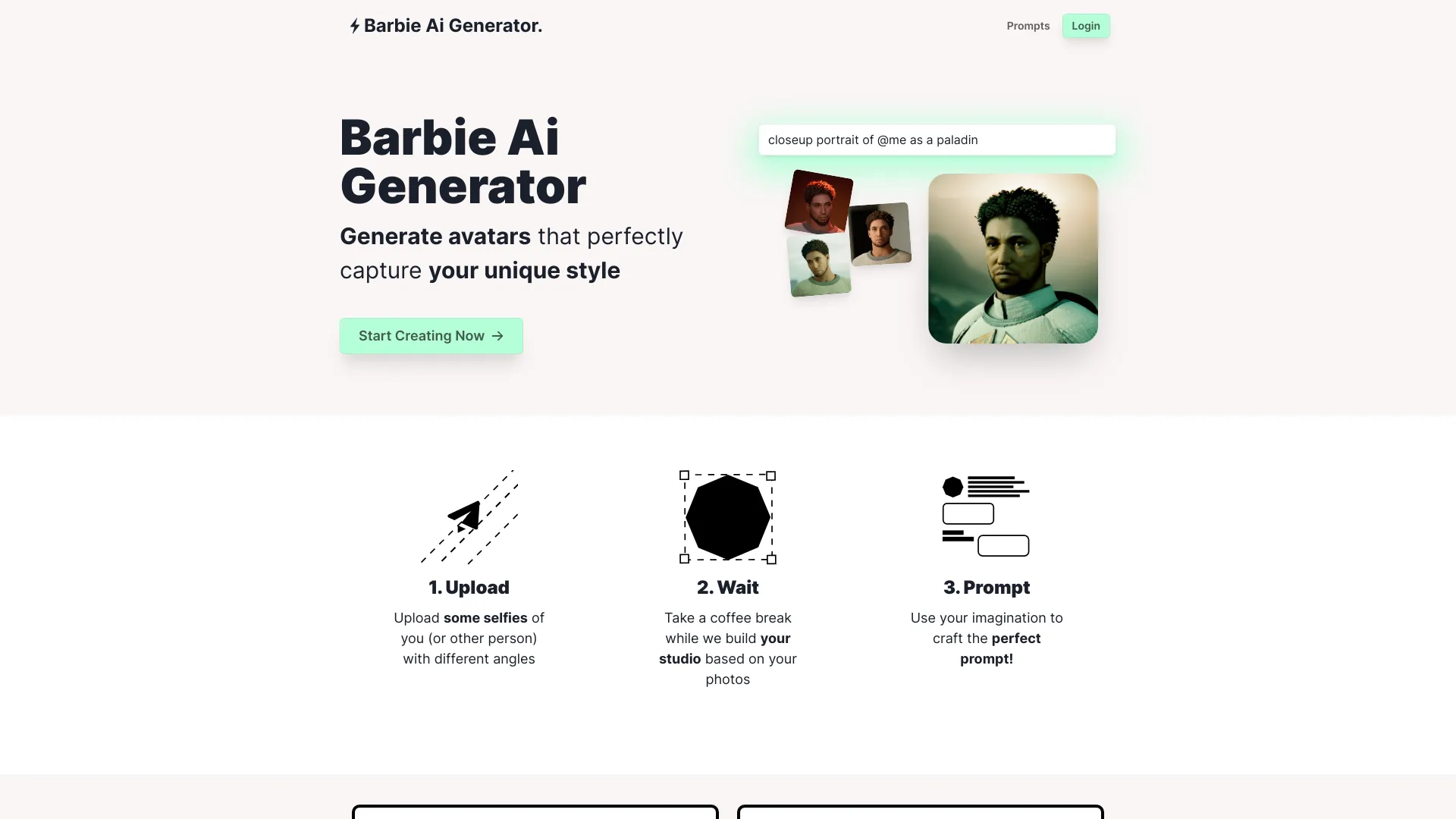
Barbie AI Generator
Custom-trained selfie avatars
AI Avatar Animator
Animating personalized portrait avatars

X-Me AI
Fast text-to-avatar videos

Pixverse AI
Animating still images into videos
AHG
AI headshots for LinkedIn and ID photos
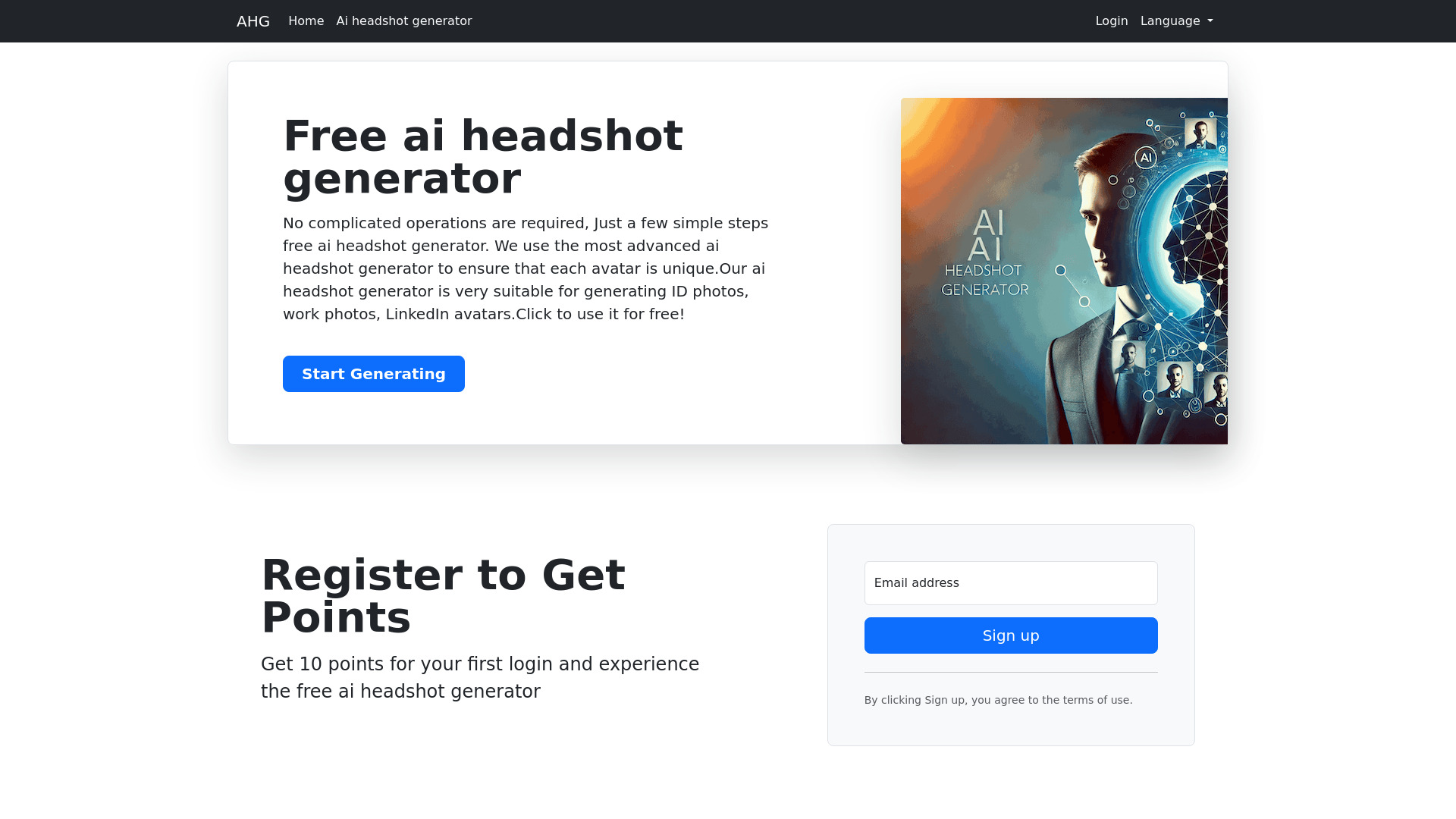

FusionArt AI
3D social media avatars from a photo

Png AI
Quick AI-generated PNG artwork

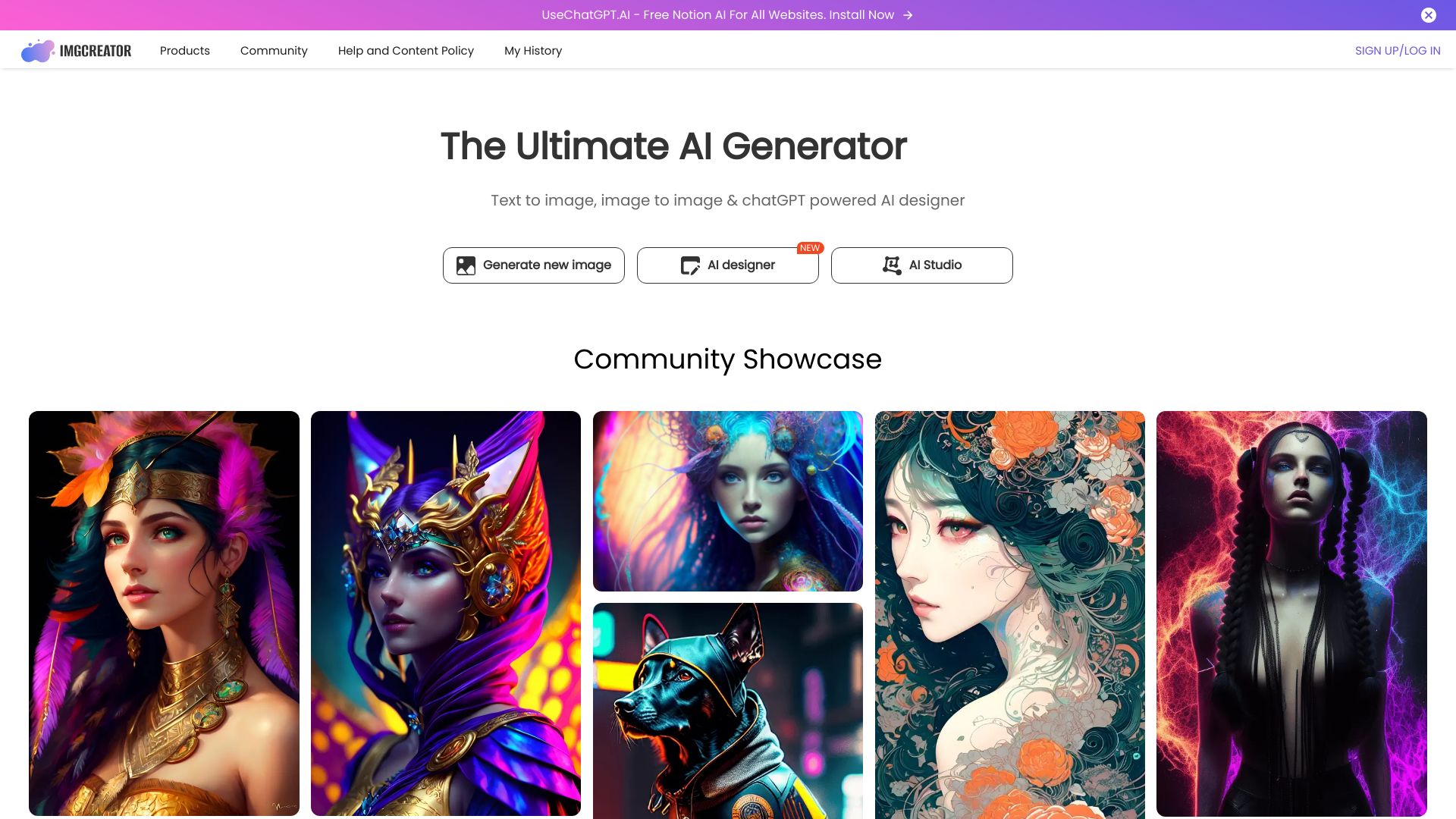
ImgCreator.AI
AI portraits and character illustrations

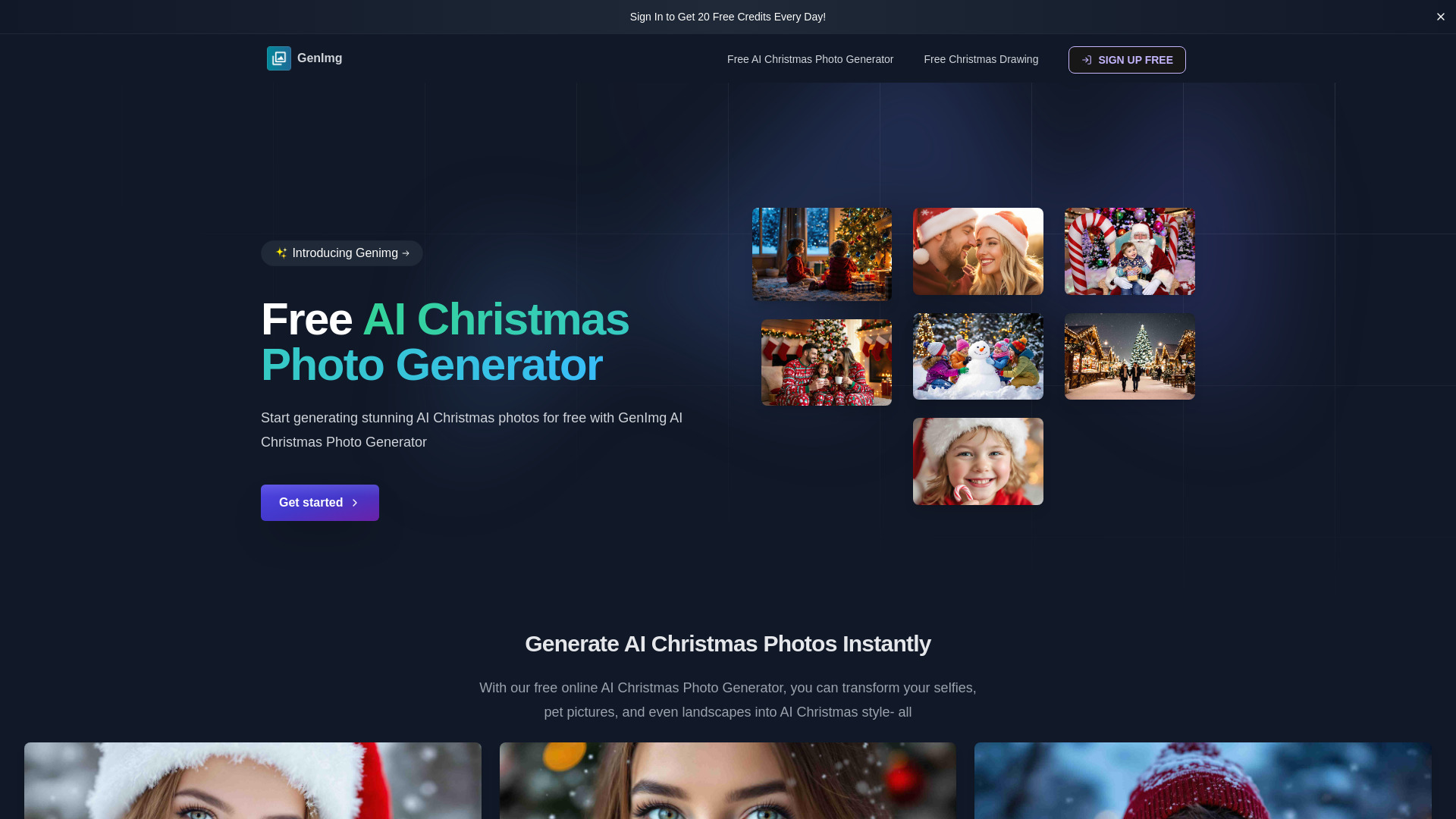
Ghibli AI
Turning photos into Ghibli-style artwork

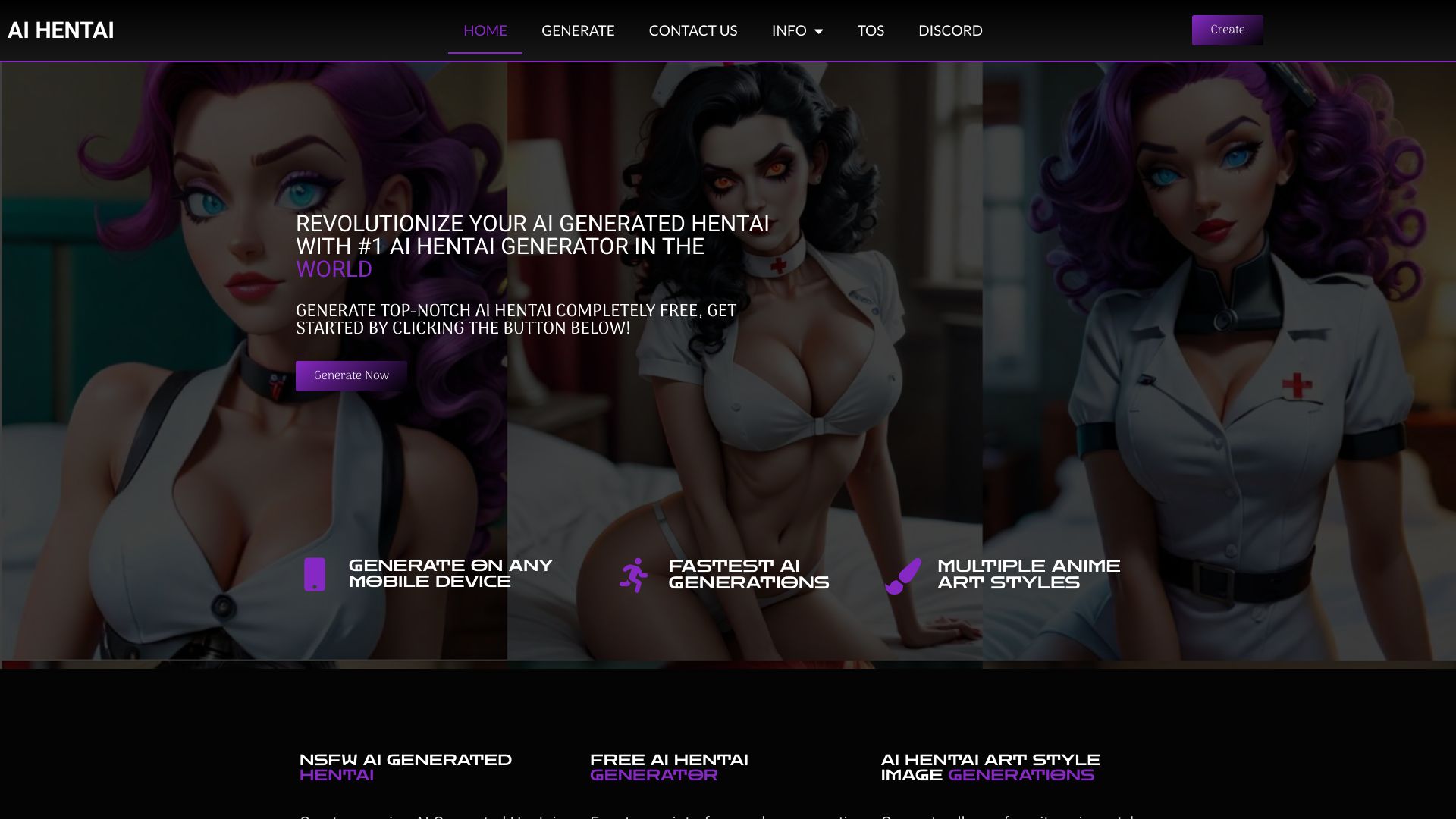
AI Hentai Generator
Anime-style adult image generation
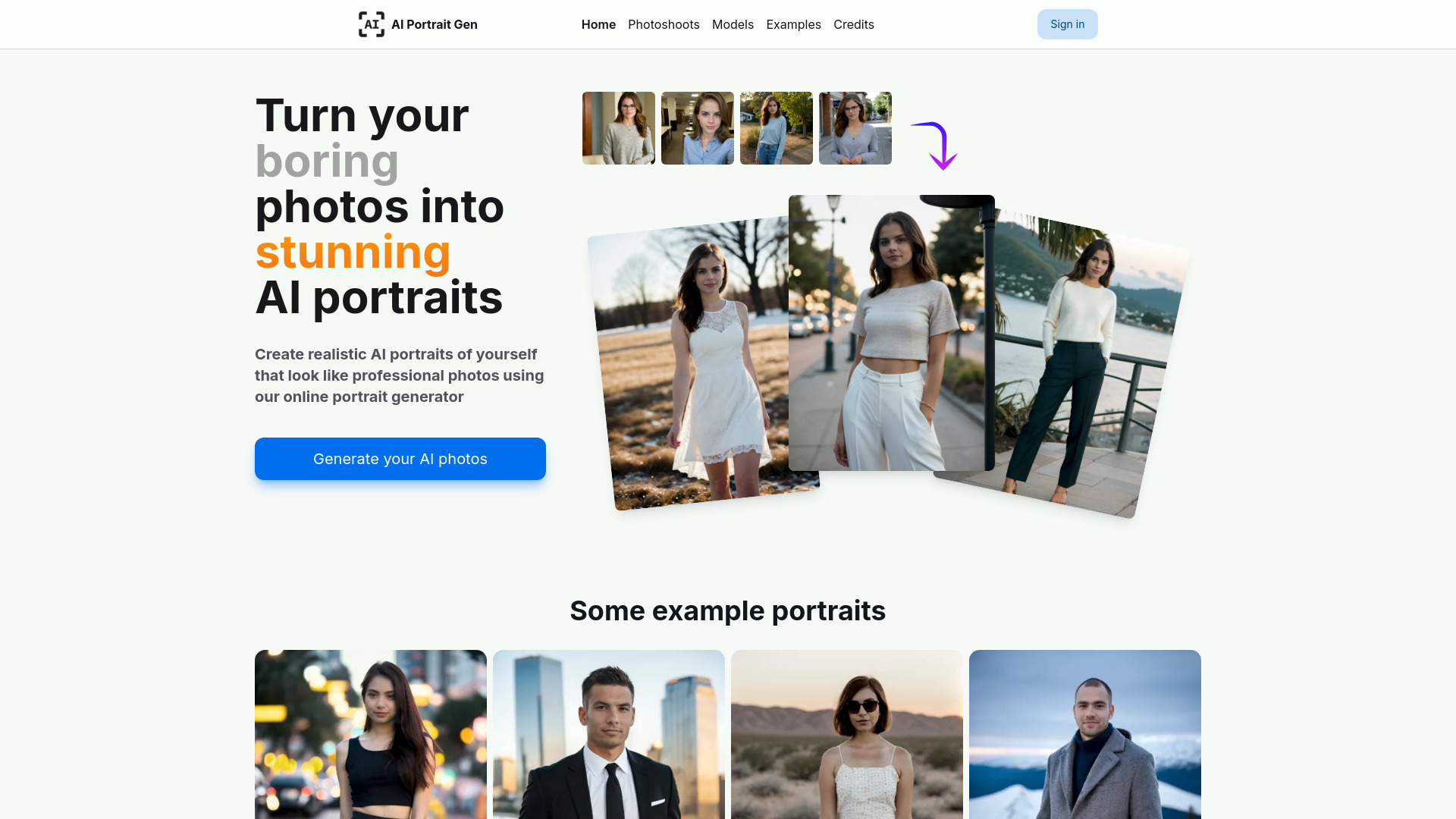
AI Portrait Gen
Realistic AI headshots from personal photos

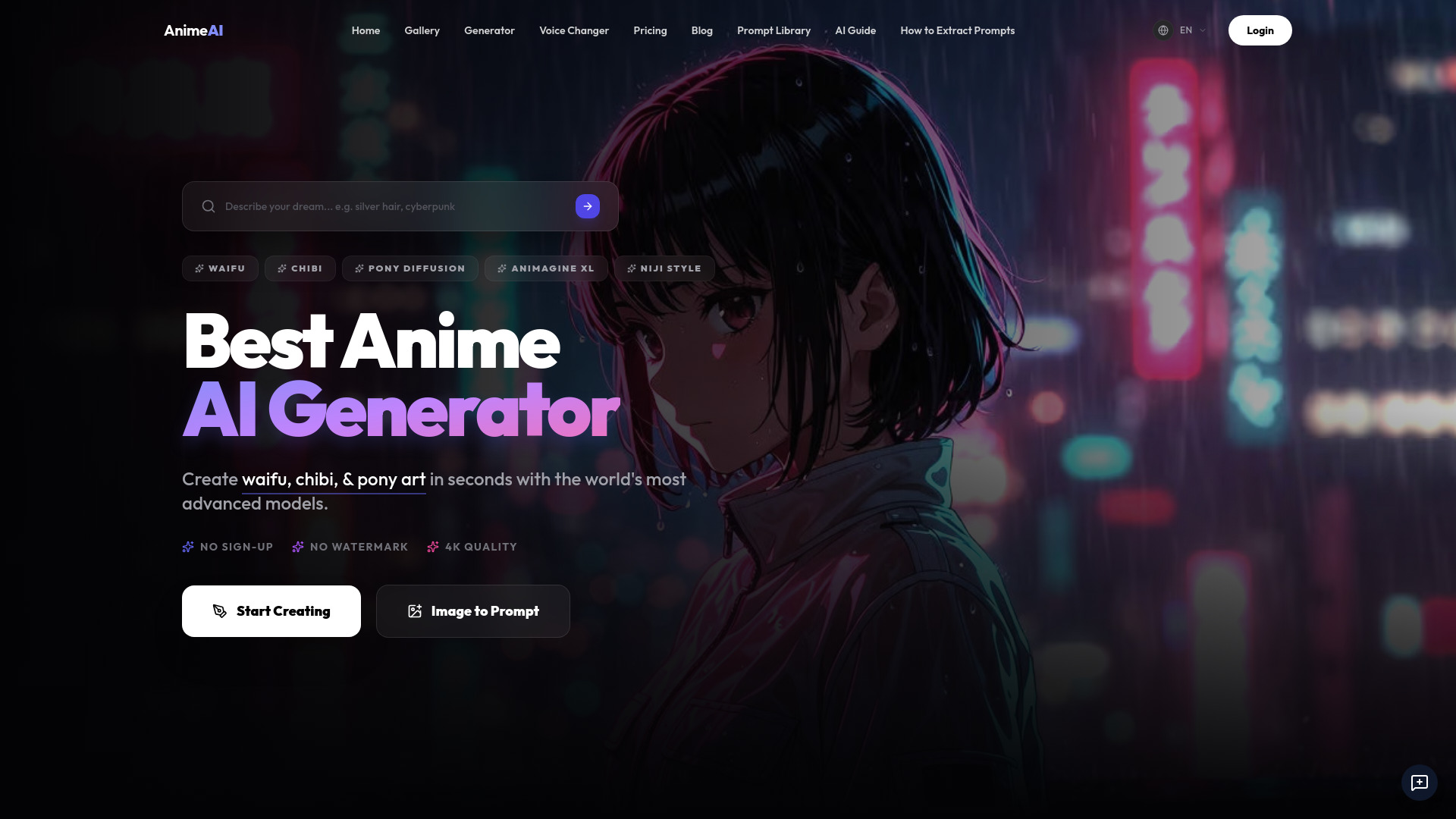
AnimeAI
Anime character and waifu art
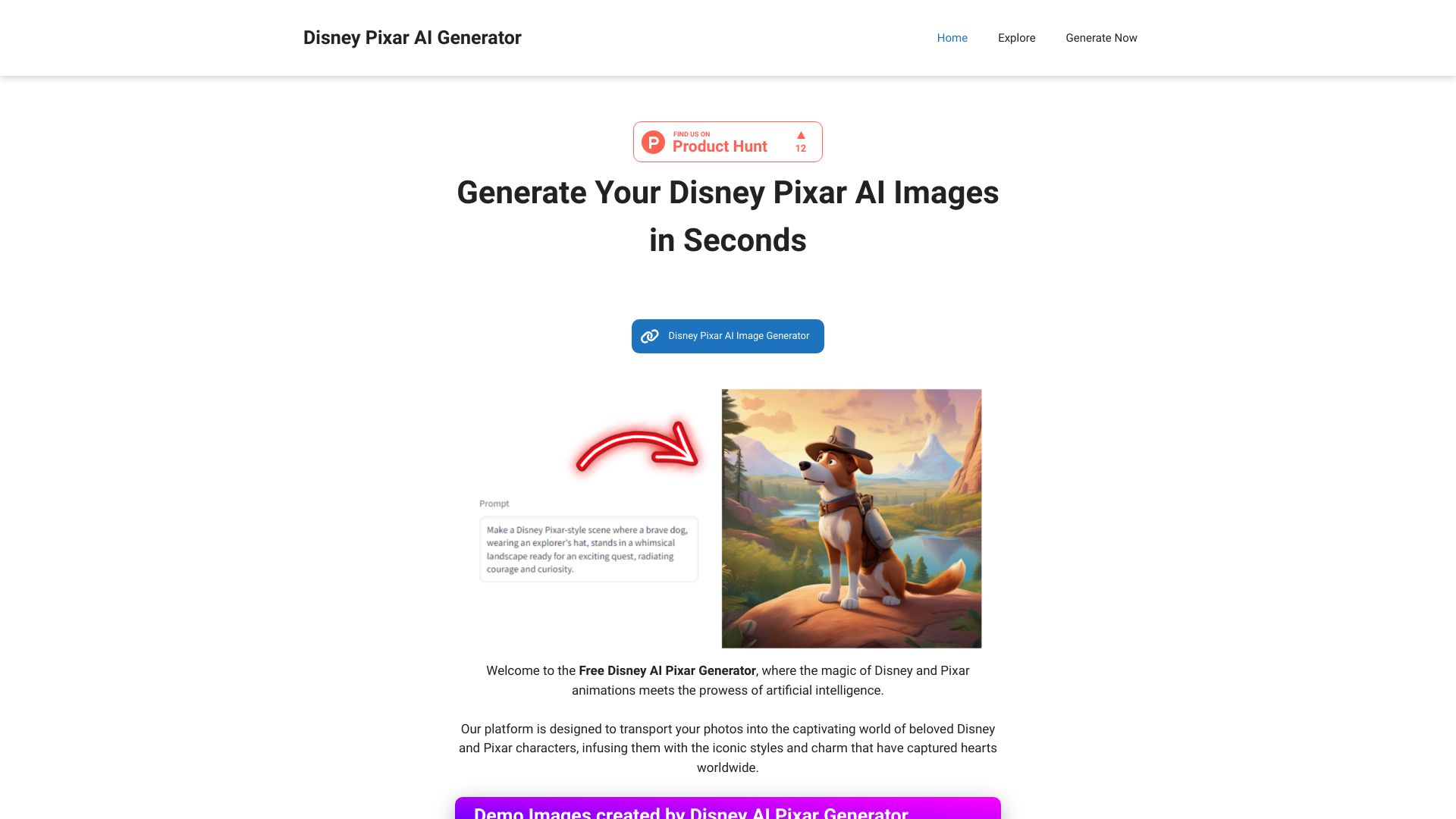
Disney AI Pixar Generator
Pixar-style character images

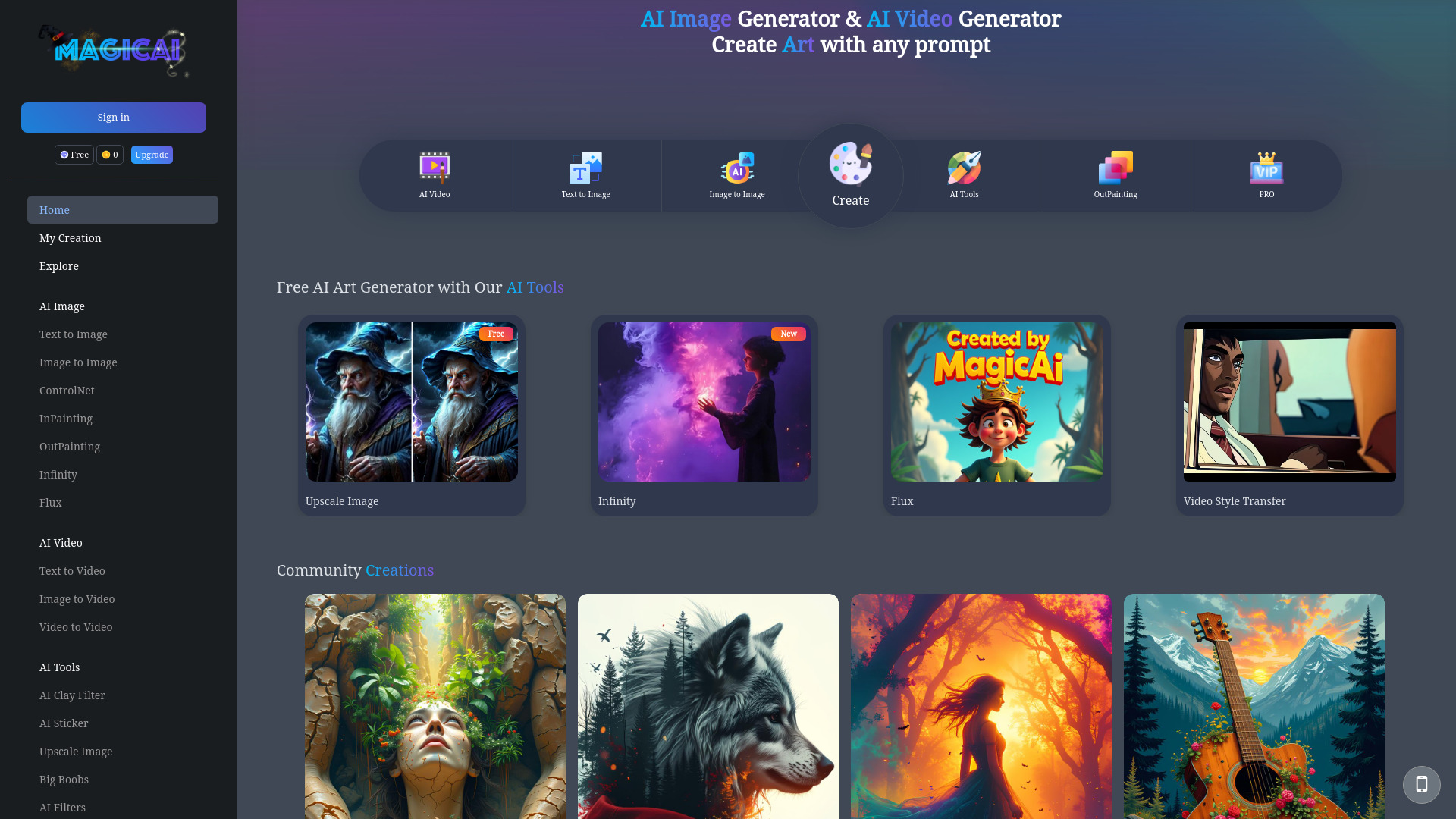
MagicAI
AI anime-style image and video creation

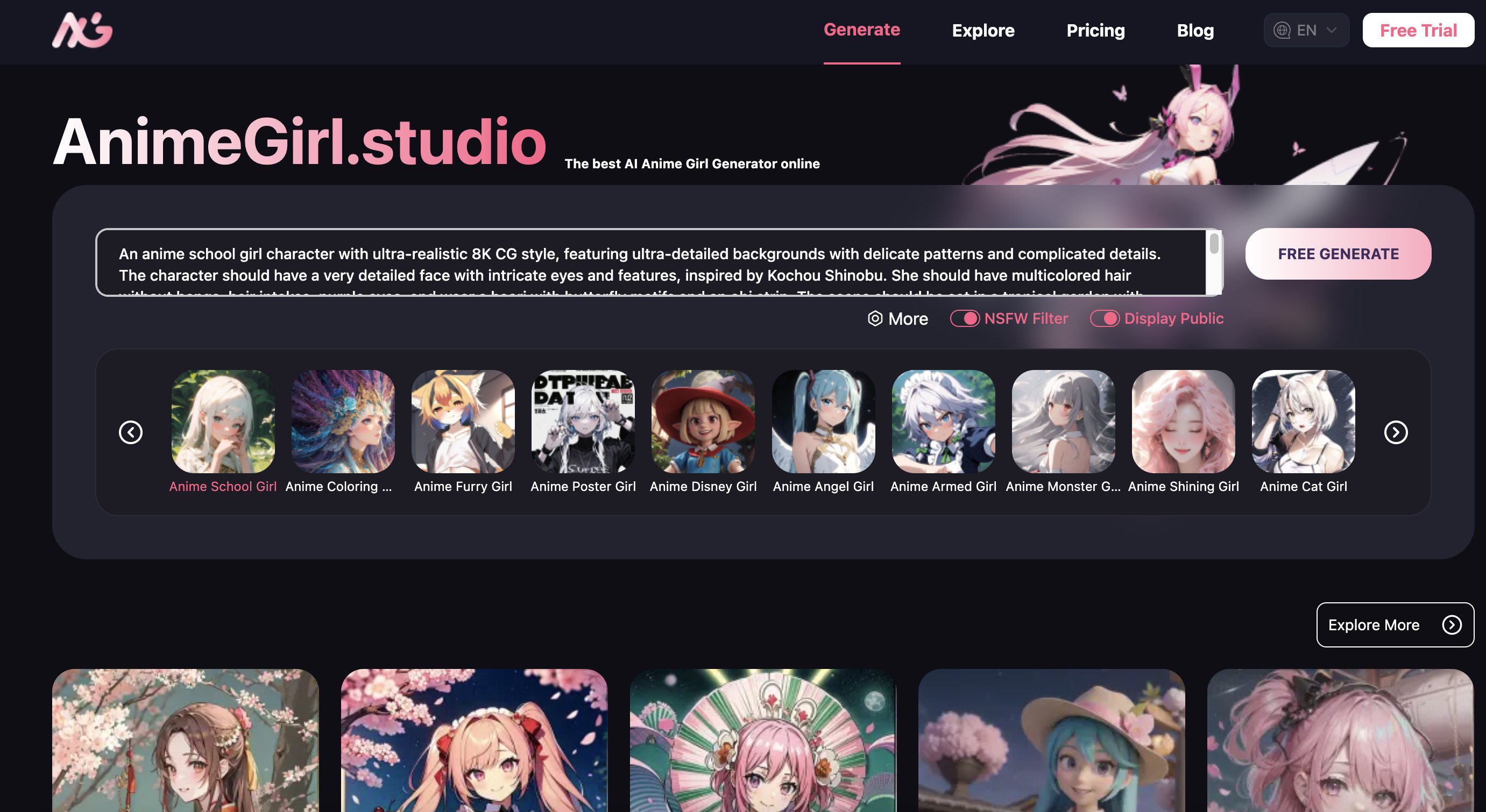
AI AnimeGirl.Studio
Anime character art generation

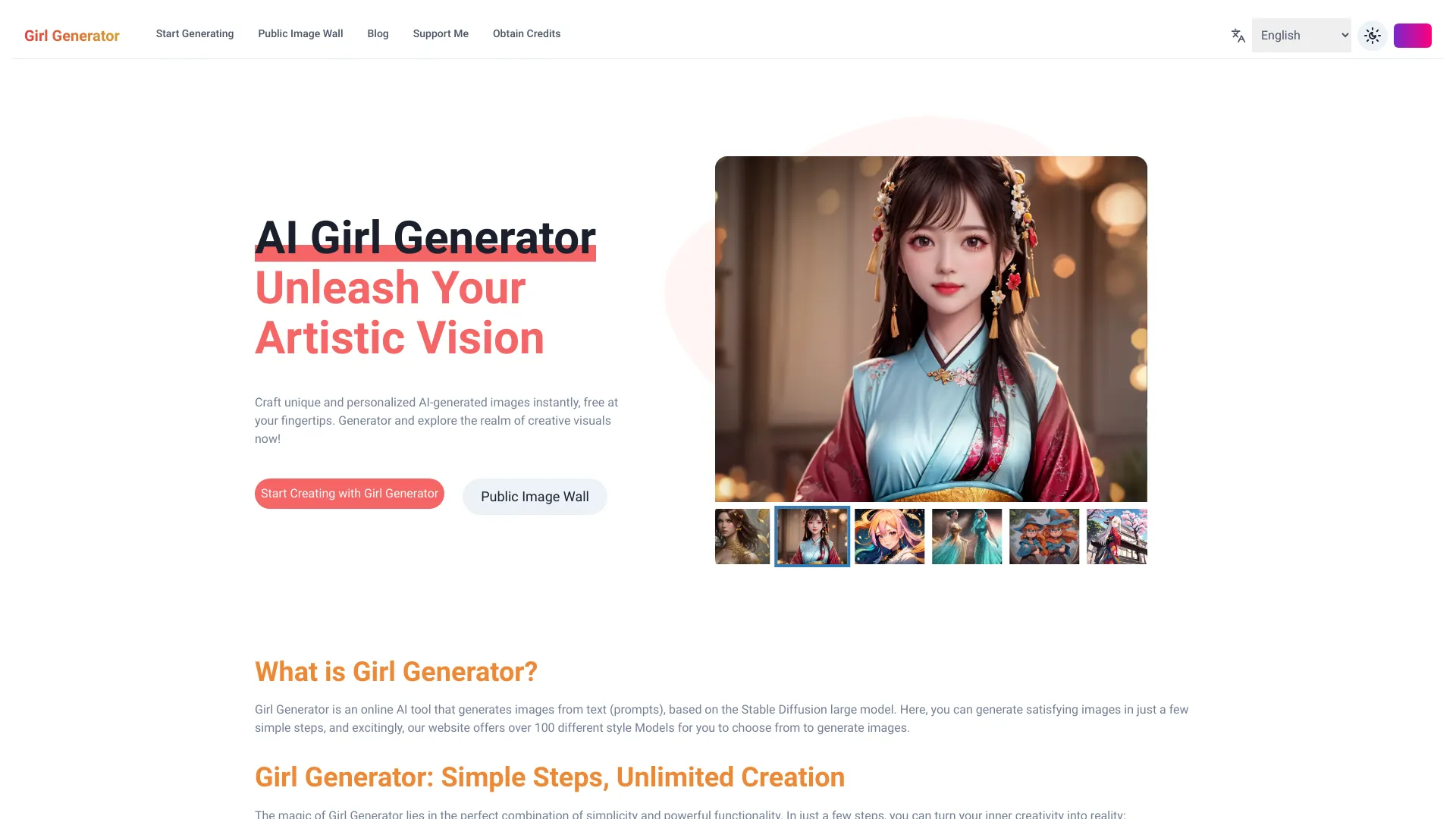
AI Girl Generator
AI-generated female avatars and character art
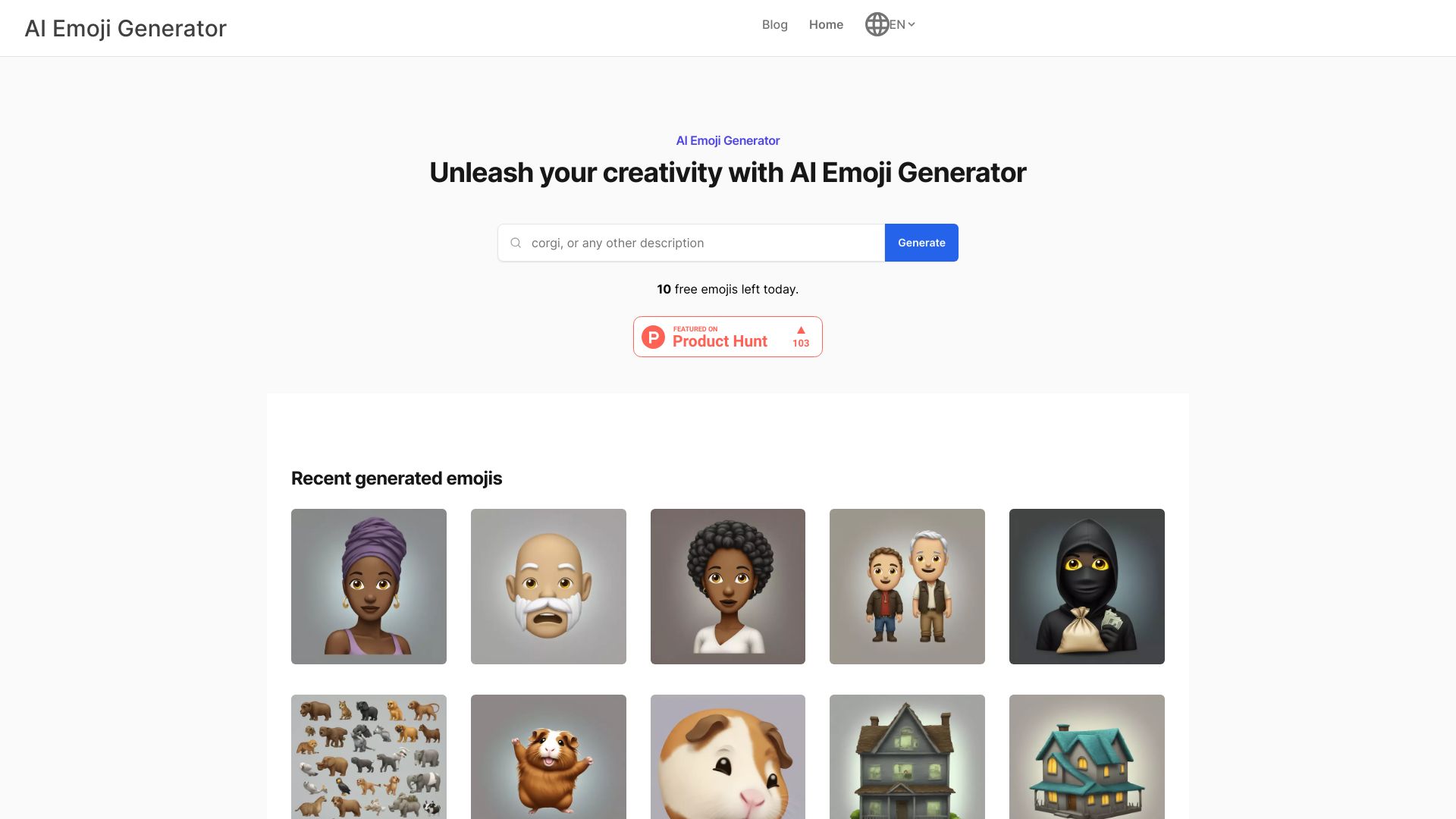
AI Emoji Generator
Text-to-emoji generation

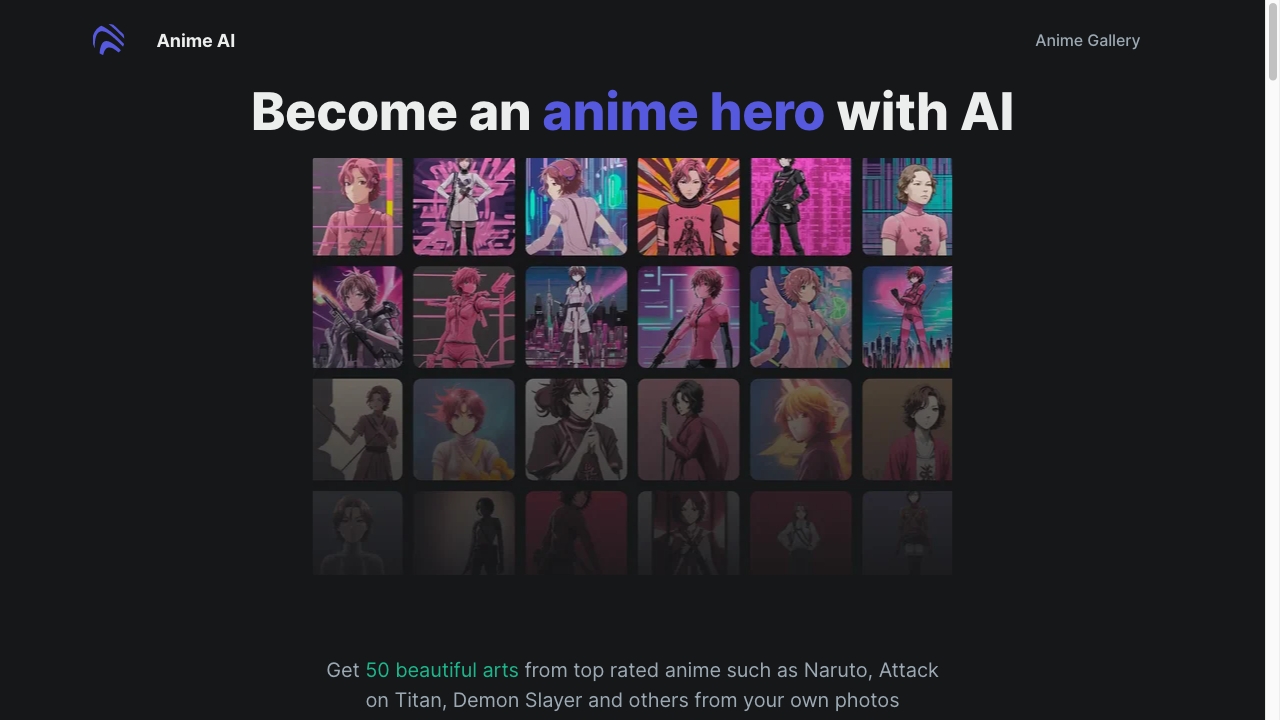
Anime Art Studio
Anime-style avatar and character generation
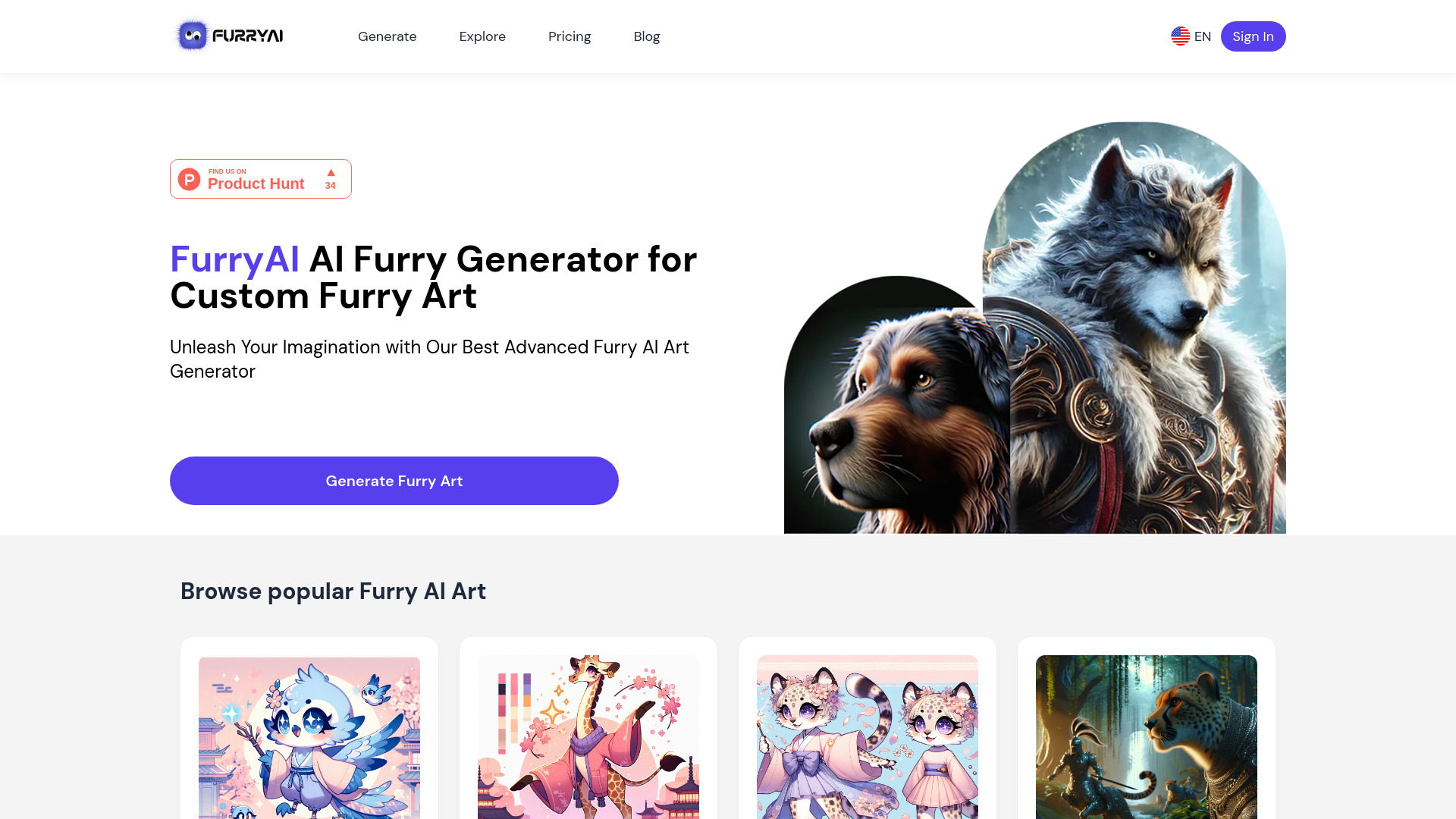
AI Anime Generator
Text-to-anime character and scene creation

OC Maker
Original-character art and animation

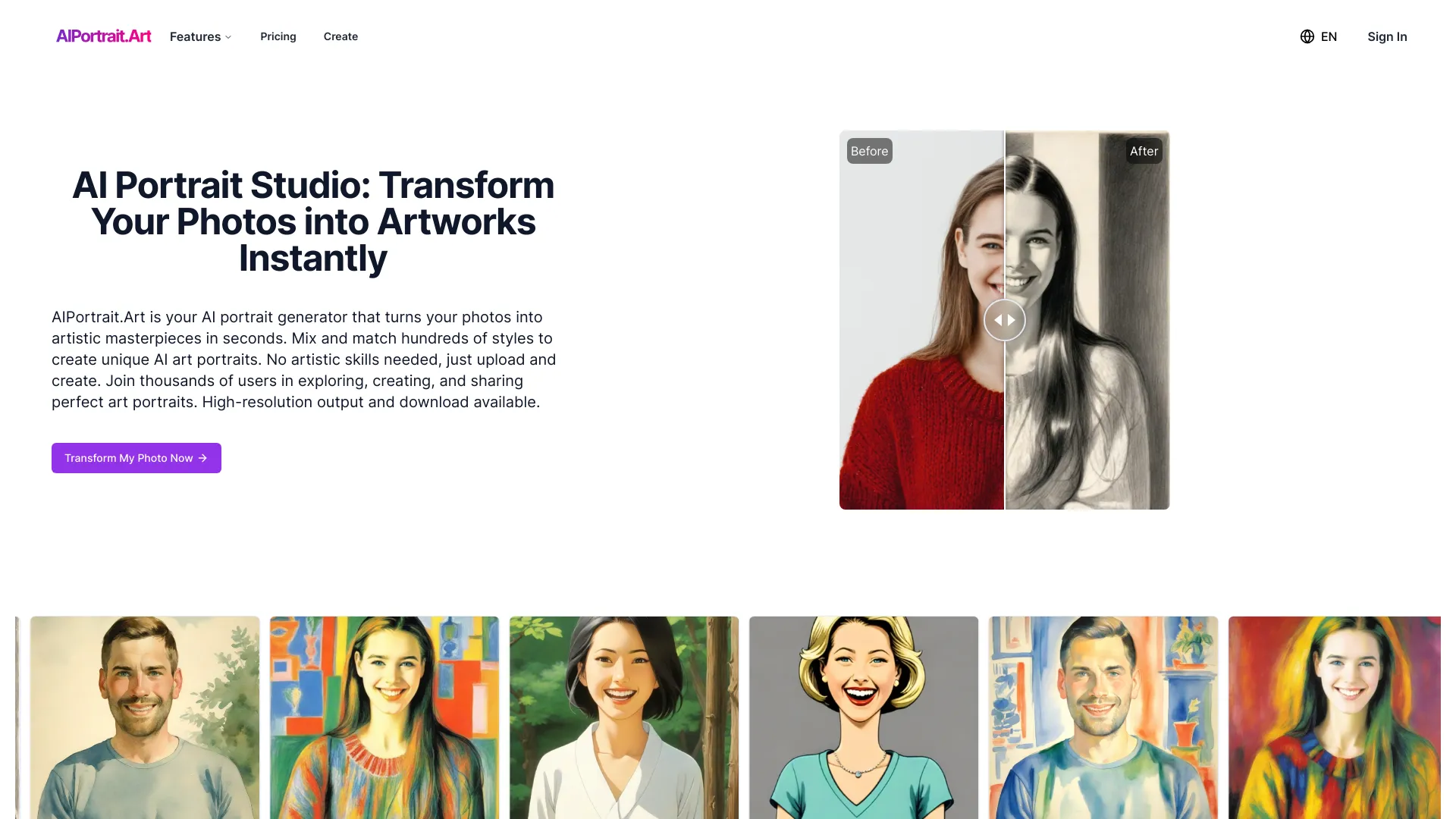
AIPortrait.Art
Turning photos into styled AI portraits

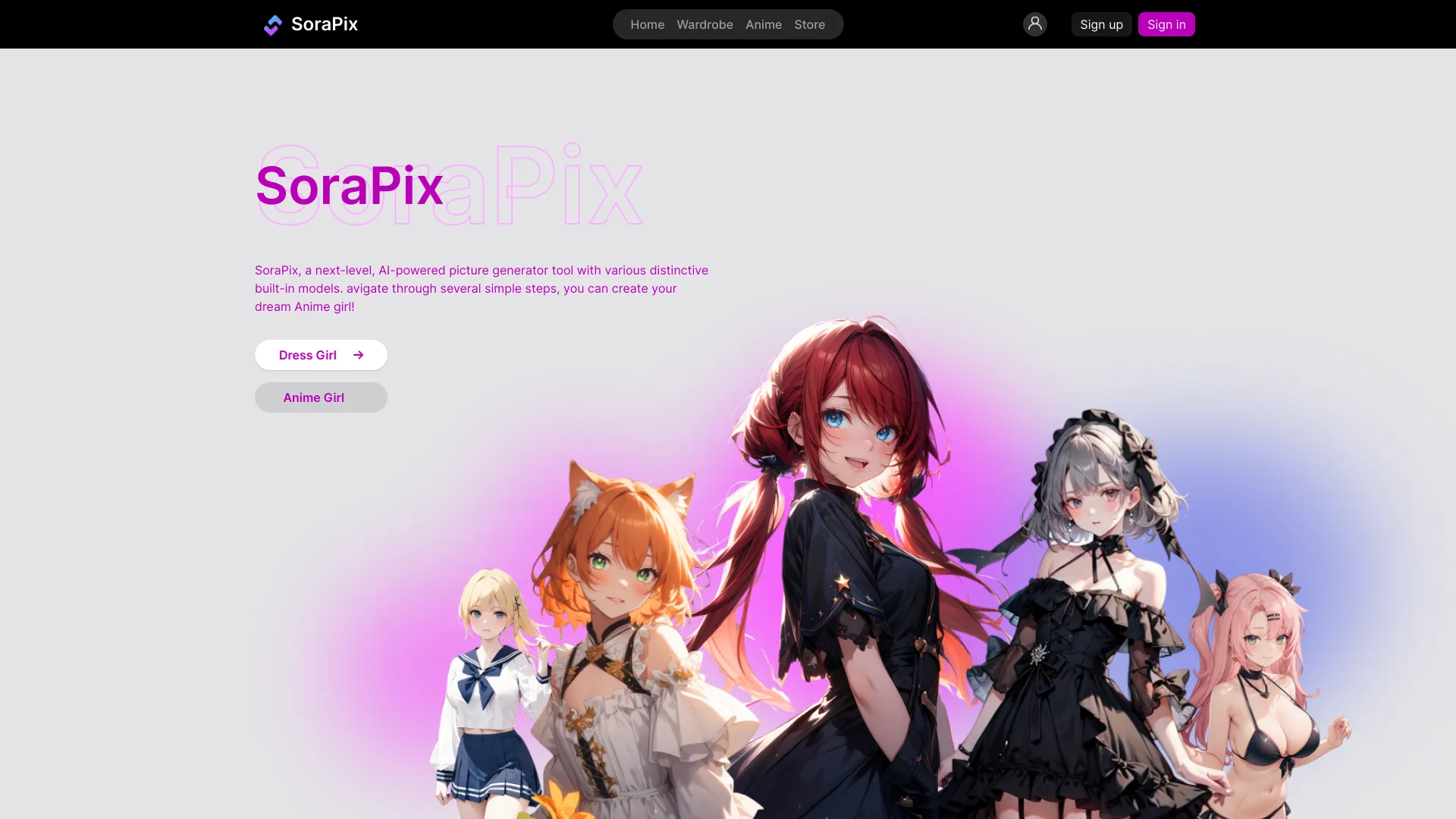
SoraPix
Creating and styling anime characters
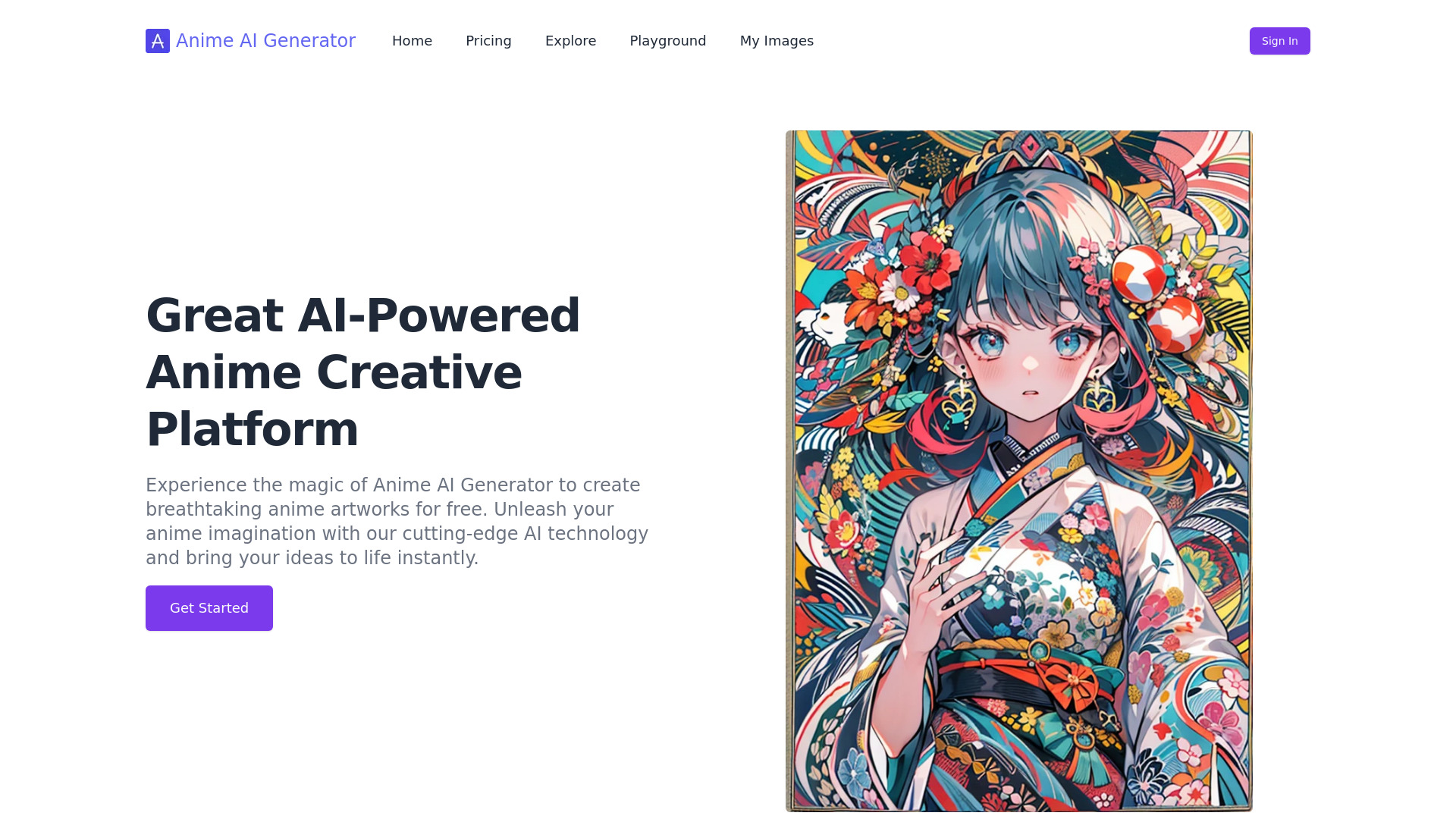
AI Anime Generator
Custom anime character art

Anime AI Generator
Anime-style art from text prompts
AI Pet Photos Generator
Custom 4K AI pet portraits
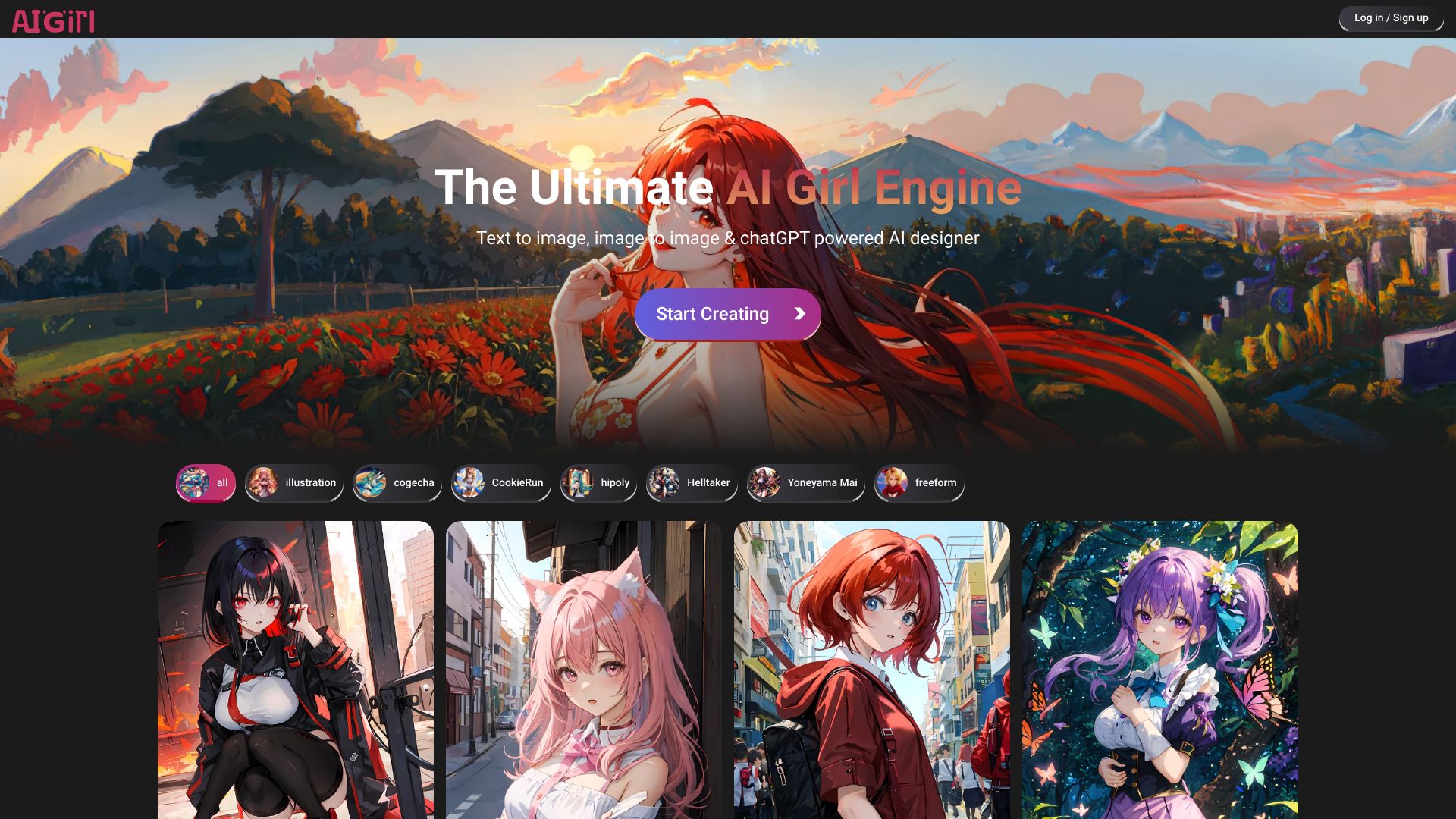
AI Girl
Customizable anime character creation
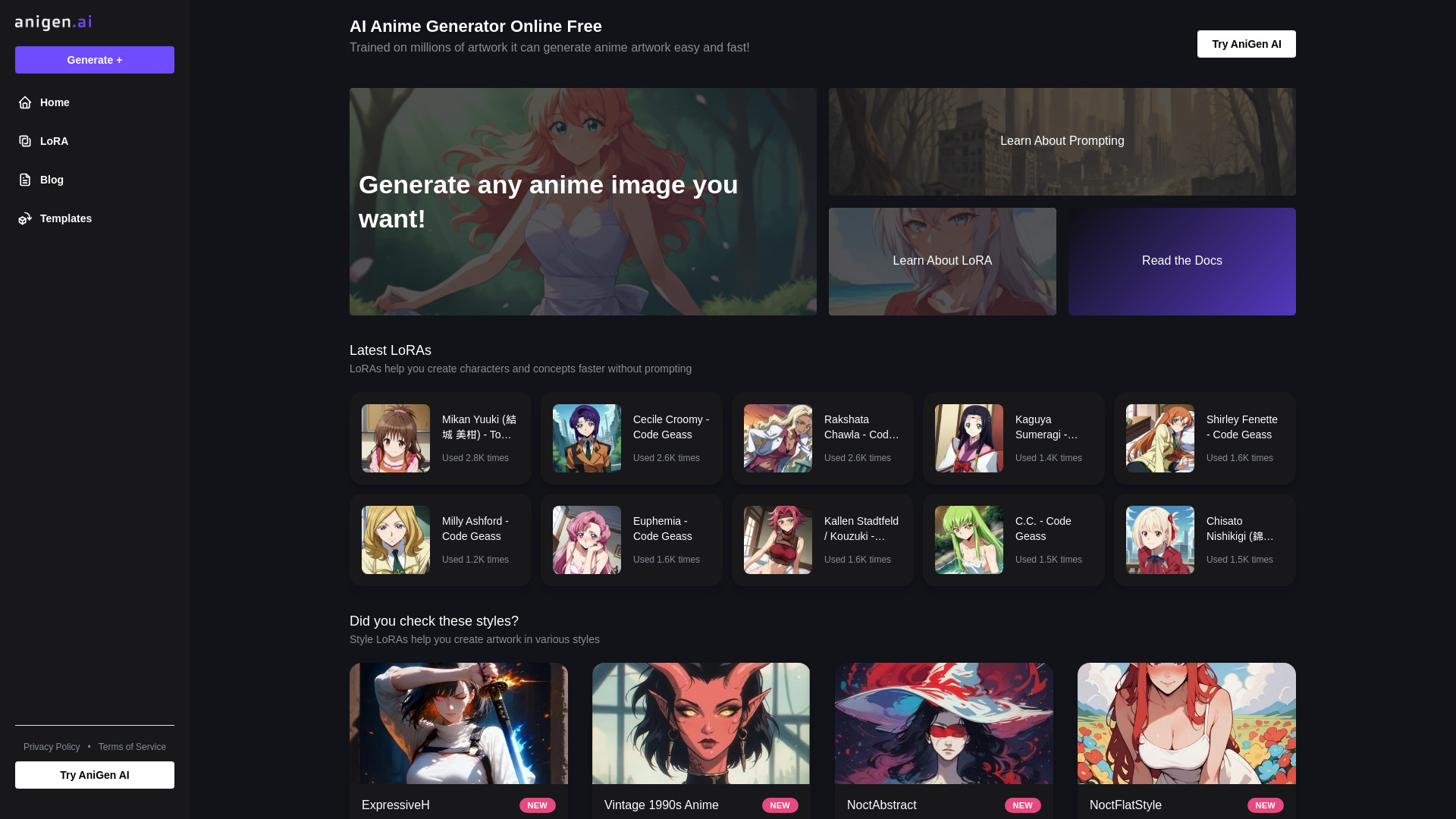
AniGen AI
Generating anime-style artwork

AI Tattoo Generator
AI-generated tattoo concept sketches


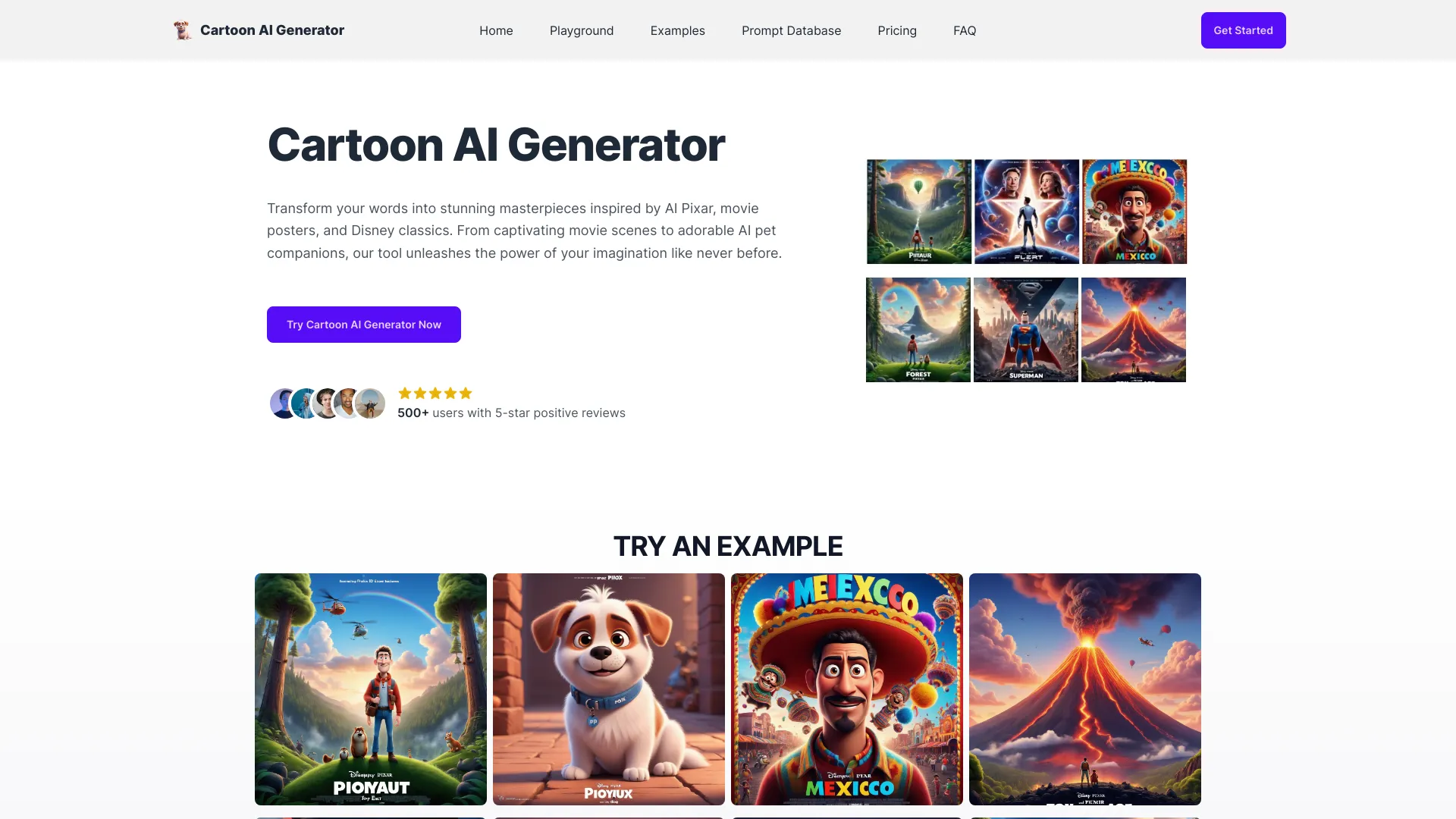
Cartoon AI Generator
Text-to-cartoon story illustrations

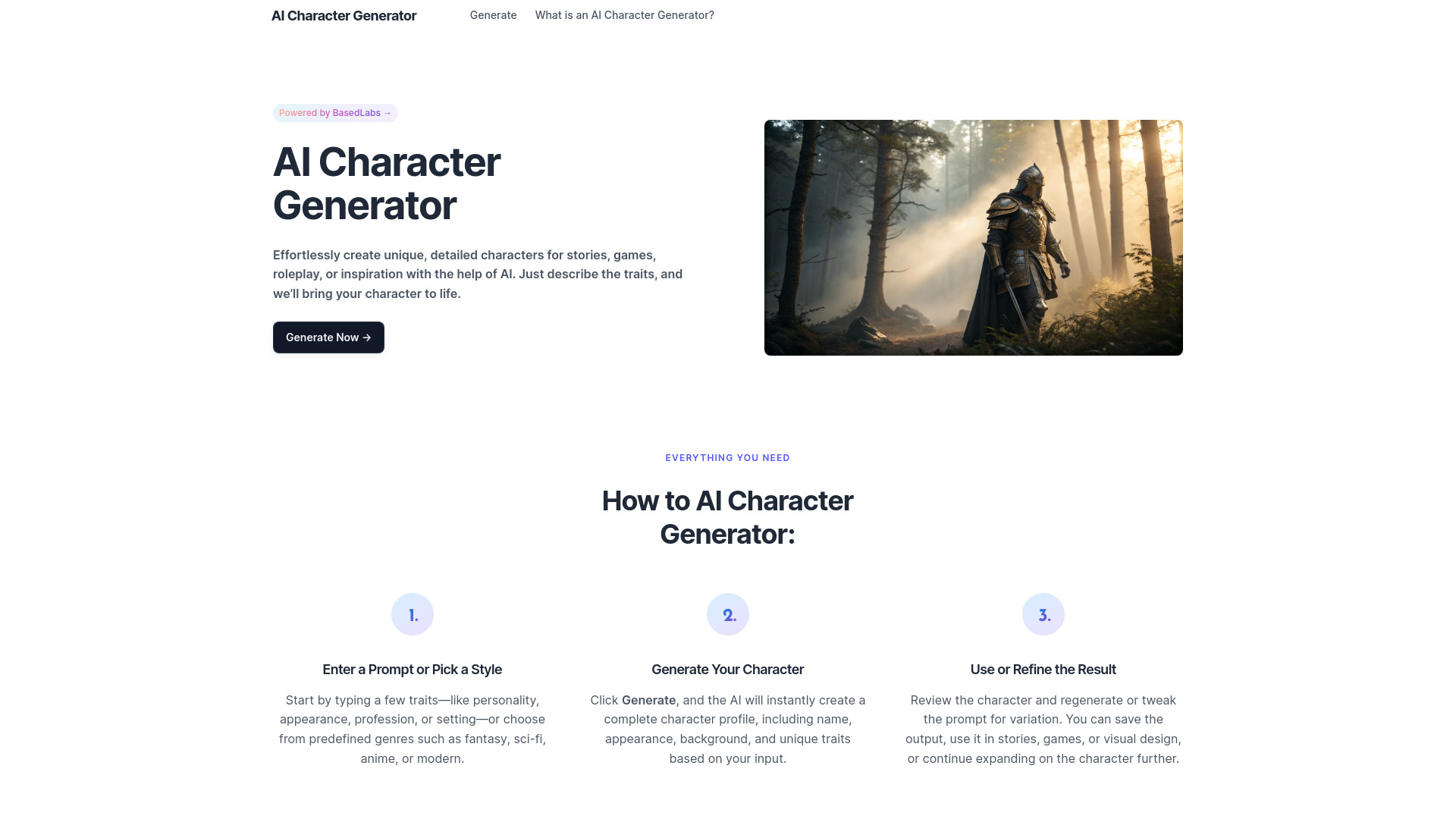
AI Character Generator
Creating story and RPG characters

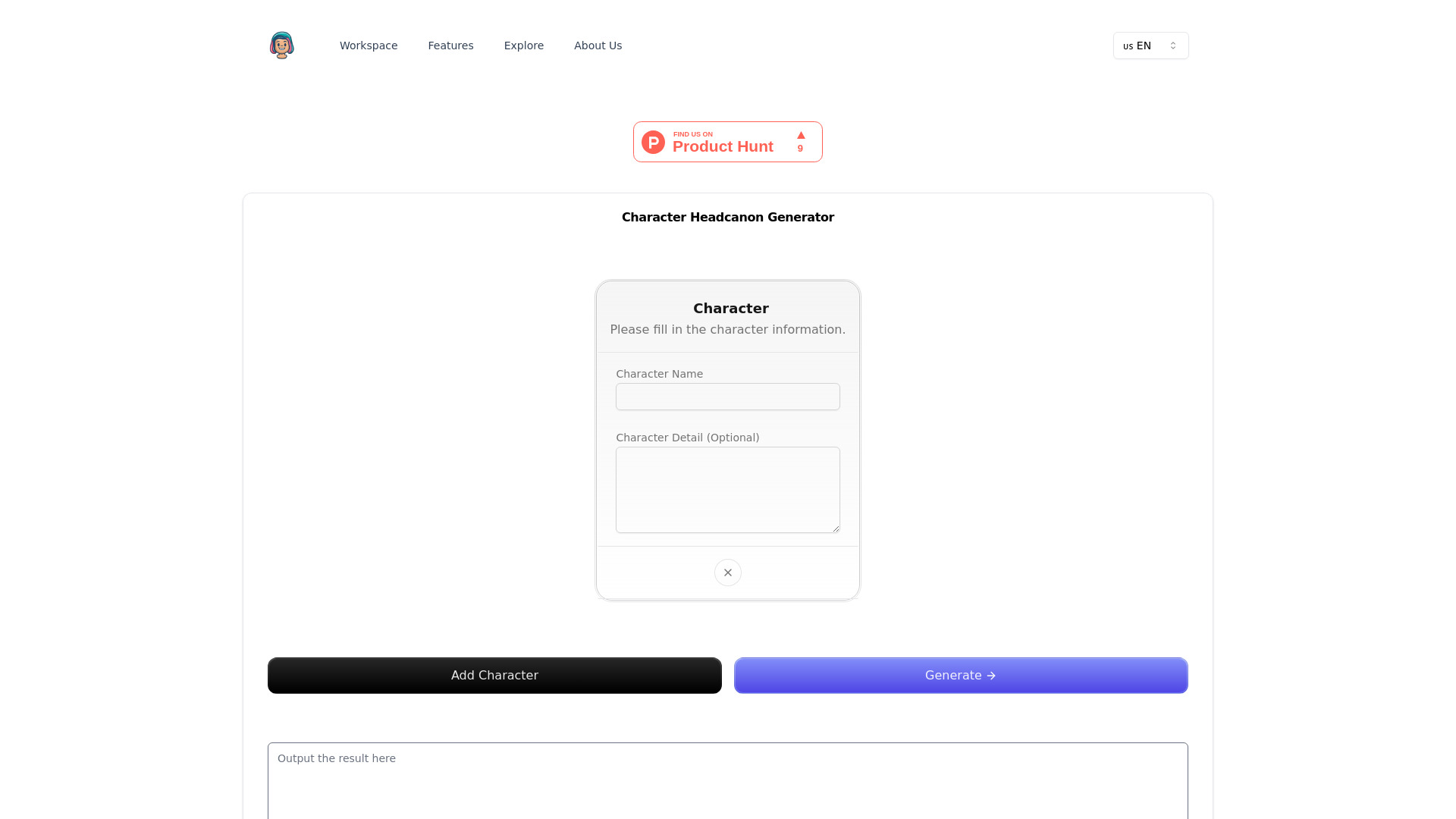
Character Headcanon Generator
AI character headcanon creation
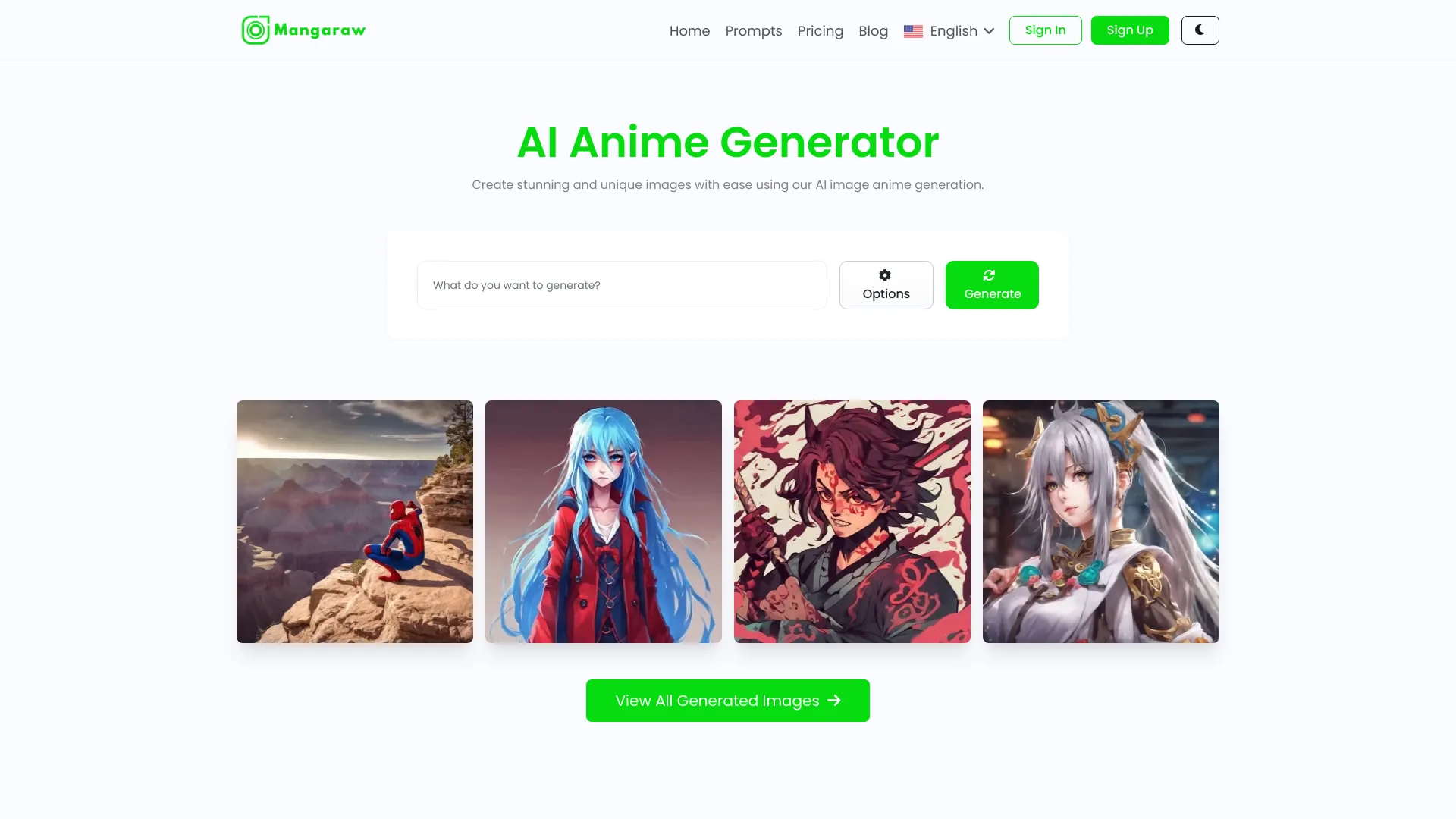
Mangaraw AI
Anime images from text prompts
Which AI avatar generator should you choose?
Start with the output, not the tool's label. If you want a flexible portrait workflow that can begin from text or a photo, try PhotoGrid. For broader AI art experiments, compare Artguru and Pica AI. If you want an image to speak, look at Mango AI, AvatarCraft AI, or JoyPix.ai; their video features make them better fits than static portrait tools. Developers who need a 3D character should evaluate Avaturn, while Anime AI is the focused choice for illustrated anime looks.
For a quick, free first experiment, distinguish between a free plan and a stated free quantity. Anime AI lists 100 free pictures, and Artguru lists one free image generation. Other tools advertise free access without specifying the same kind of quota in the details here. If identity preservation matters, compare GenYOU's stated approach with your expectations. If privacy is a concern, consider carefully whether you're comfortable uploading personal photos, particularly for a talking-avatar workflow.
My practical recommendation
I would start with PhotoGrid if I wanted one tool to explore multiple avatar directions. Its mix of text, reference-photo, and cloning inputs gives you options without forcing you to decide on a single style up front. For a video assignment, I'd skip the portrait-first tools and test Mango AI or JoyPix.ai against the specific result I need. For game or 3D character work, Avaturn is the obvious specialist to evaluate.
Before paying, make a small test with the kind of input you'll actually use. Check whether the output preserves the details you care about, what the free plan really permits, and whether the price covers your intended volume. That's a more useful test than comparing sample galleries alone.
Common mistakes when choosing AI avatar generators
Choosing by sample image alone: A polished still doesn't tell you whether a tool supports video, 3D output, or the input method you need.
Treating every free offer as equivalent: Some tools state a specific allowance; others simply list free access. Confirm the limits and any account requirement.
Ignoring the source photo: Single-photo tools depend on that input, and photo-based workflows may require uploading personal images.
Overlooking the end use: A social profile, an ad, a talking presenter, and a game character call for different outputs.
Skipping a pricing check: Confirm current plan details and limits directly with the vendor before putting a recurring workflow in place.
What changed in 2026
The practical divide among avatar tools is increasingly about what happens after the image is made. This comparison includes text- and photo-based portraits, talking-photo and avatar-dialogue video tools, and a photo-to-3D workflow. That range makes category labels less useful on their own: buyers should compare the actual output and workflow they need. Free access also varies, from a stated generation allowance to an unspecified free plan, so checking current limits remains essential.
FAQ
PhotoGrid AI Avatar Generator is our best overall match because it supports text, reference-photo, and real-photo cloning workflows, plus detailed appearance customization.