
Choosing the best ai video editing app depends less on how many AI features a product advertises and more on what you need to finish: a polished timeline edit, a batch of social clips, or a video built around a generated presenter. We compared 100 tools and put the most useful fits up front. Movavi is our strongest starting point for beginners, while Vizard is the sharper choice for turning long videos into short social clips. The comparison also includes adjacent AI video makers, because a creator's workflow does not always start with traditional editing.
Top picks
| Pick | Tool | Best for | Why it stands out |
|---|---|---|---|
| Best overall match | Movavi | Beginner video editors | Familiar, approachable video and photo editing in one toolkit. |
| Best for repurposing | Vizard.ai | Social media marketers | Automatically finds short clips and lets you edit through transcript text. |
| Best for long-to-short workflows | SNAPVID | Content creators | Focuses on quickly making short-form videos, with a credit limit to watch. |
| Best for scripted presenters | AI STUDIOS | Educators | Pairs 150+ AI avatars with voices in 80+ languages. |
Quick comparison
| Tool | Best for | Standout capability | Free access | Starting price | Score |
|---|---|---|---|---|---|
| Movavi | Beginner video editors | Video and photo editing | 7-day free trial | Video Suite: NT$690 | 95/100 |
| Vizard.ai | Social media marketers | AI clipping and transcript-based editing | 60 upload minutes/month | Free: $0 | 95/100 |
| DreamVid | Personal-photo animation | AI hug and kissing video creation | Check current access | Check vendor pricing | 94/100 |
| Runway Aleph AI | Content creators | Multi-task visual edits and camera control | Check current access | Hobby: $7.92/month | 94/100 |
| SNAPVID | Content creators | Viral shorts creation | 7-day free trial | Basic: $16/month, billed yearly | 94/100 |
| BeautyPlus | Social media users | AI photo editing and filters | 7-day free trial | Check vendor pricing | 94/100 |
| Wondershare Filmora | YouTubers | AI editing and smart short clips | 7-day free trial | Monthly plan: €49.99/month | 94/100 |
| AI STUDIOS | Educators | AI avatars and multilingual voices | 3 video exports/month | Free: $0/month | 94/100 |
| AICO | YouTubers | Shorts creation with automatic subtitles | Create a short for free | Check vendor pricing | 94/100 |
| Eddie AI | Video editors | Prompt-led edits and story crafting | Check current access | Check vendor pricing | 93/100 |
How we ranked these AI video editing apps
We compared 100 candidates for practical fit across distinct video workflows, rather than treating every AI video product as a conventional timeline editor. The shortlist prioritizes clear, relevant capabilities: beginner-friendly editing, automatic clipping, transcript-based changes, short-form creation, visual transformation, and presenter-led production. We also considered audience fit, stated limitations, starting-price clarity, and usage signals as directional market context. Scores reflect the usefulness of the available product information for choosing a tool, not a promise that every feature or price will suit every region. Several picks are adjacent creation tools, so we call out where they differ from editing footage on a traditional timeline. Check the vendor's current plan terms before committing.
The best AI video editing apps
The right shortlist changes depending on what goes into your video. A broad editor can be the simplest place to start, but a clip repurposing tool or avatar studio may save more effort when your output is predictable. These ten picks represent those different jobs; the detailed notes below explain where each one earns its place and where you should look twice.
1. Movavi

Movavi
Beginner video editors who want approachable video and photo tools
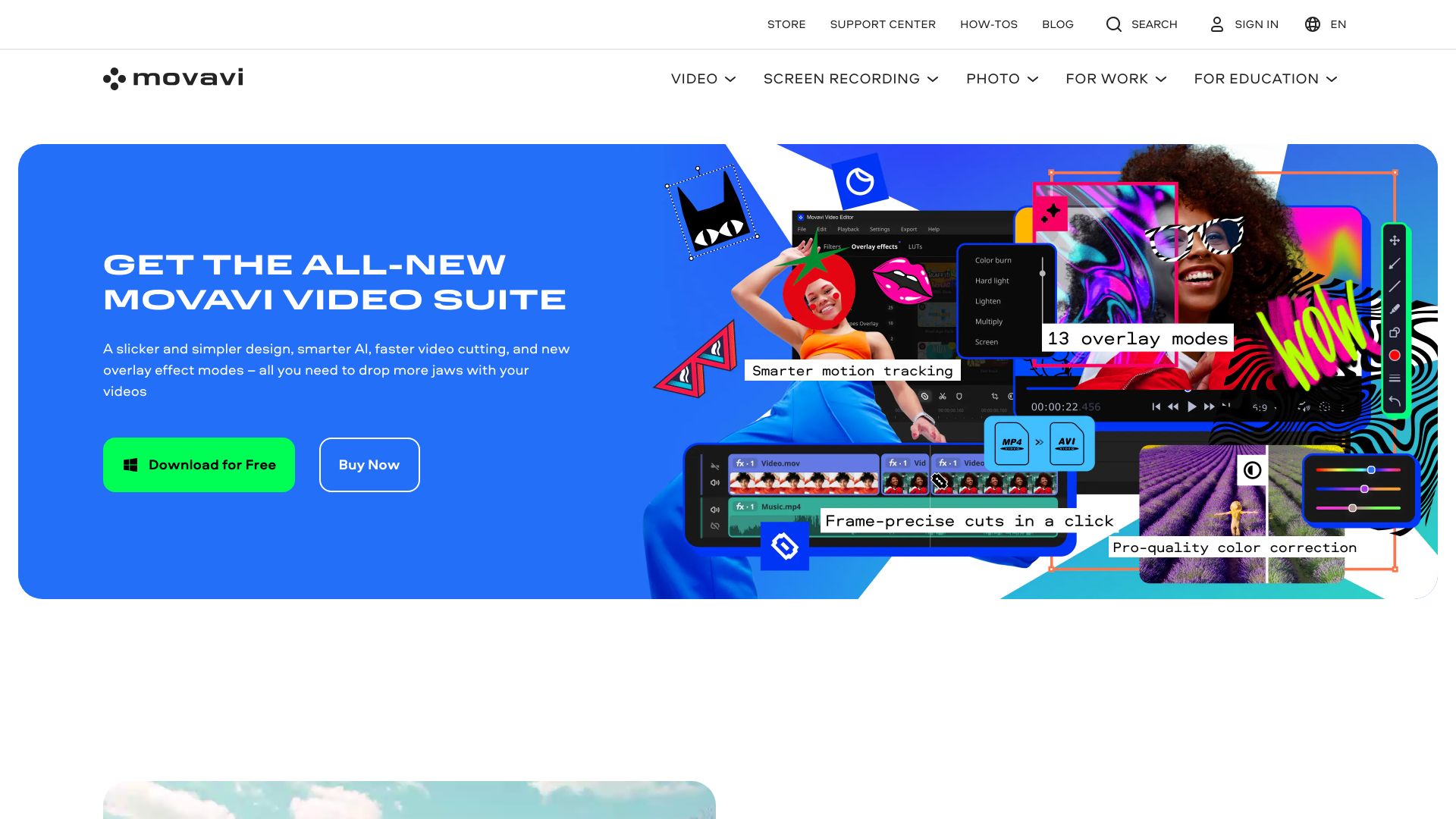
Movavi earns the lead for a straightforward reason: its strongest fit is the person who wants to edit video without first learning a complex production system. The product combines video editing and photo editing, and its positioning includes AI-powered features. That makes it a sensible general-purpose first stop if you want one familiar toolkit for more than one kind of visual task, rather than a narrowly specialized clip generator.
The trade-off is that broad accessibility is not the same as unlimited free use. The listed access is a 7-day trial, and free versions can include watermarks or feature restrictions. Its listed Video Suite price is NT$690; check the vendor page for the billing period, included features, and local currency before comparing it with subscription-based alternatives. Movavi's large monthly visit signal gives useful market context, but the workflow fit should matter more than popularity.
My take: For a first editor, a low-friction interface is worth more than a long menu of AI tricks you may never use. Movavi is the safest all-around starting point in this group if your priority is editing familiar footage and you do not need an automated clipping pipeline.
Where it falls short: The trial and free-version restrictions make it important to check export conditions before building a regular workflow around it. Its listed core features do not establish the same specialized long-to-short or prompt-led editing approach offered by several picks below.
Key features
Video editing for general footage workflows.
Photo editing in the same product family.
AI-powered features, without a more specific feature list to rely on here.
A 7-day trial is listed for evaluating the product.
Pros
Easy-to-use interface suited to beginners.
Video and photo tools provide a broader entry point than a single-purpose clip app.
Strong overall fit for buyers starting their search for an AI video editor app.
Cons
Free versions may include watermarks or limited features.
The listed starting price is in NT$, so confirm the applicable regional offer and billing terms.
Choose Movavi if: You want an approachable general editor for video and photo work and are comfortable verifying trial and export terms before paying.
2. Vizard.ai

Vizard.ai
Social media marketers repurposing longer videos into short clips

Vizard is built around a common content bottleneck: you already have a long video, but need several short pieces worth sharing. Its AI clipping feature identifies engaging sections and generates short clips, taking some of the repetitive scanning and cutting out of the process. That workflow is more specific than a general editor's, and it is why Vizard stands out for marketers working with existing video rather than starting from a blank canvas.
Text-based editing is the other useful distinction. Vizard lets you edit a video by deleting corresponding text in its transcription, which can make rough edits feel more direct for people who think in words before they think in timeline tracks. The free access listed is 60 upload minutes per month, and the listed starting price is $0. The catch is familiar with AI-assisted selection: an automatically identified highlight is a suggestion, not a guarantee that it has the context or tone you want.
My take: If your week involves repeatedly cutting interviews, webinars, or other long recordings into social snippets, Vizard's job-specific workflow is compelling. It is one of the clearest picks for the best free AI video editing apps when the free upload allowance matches your workload.
Where it falls short: AI can miss the point of a moment or choose a clip that needs human context. Plan to review and refine the results rather than treating automatic clipping as a finished editorial decision.
Key features
AI clipping identifies engaging sections and generates short clips.
Text-based editing lets you make changes by deleting transcript text.
Designed to repurpose long-form video into shorter social content.
Listed free access includes 60 upload minutes per month.
Pros
Saves time and production budget when repurposing video.
Combines clip discovery with transcript-led editing.
Clear fit for social media marketers with a steady supply of source footage.
Cons
AI-selected clips can require editorial review and correction.
The free upload allowance is finite, so check whether it covers your monthly source material.
Choose Vizard.ai if: You regularly turn existing long videos into short clips and want AI to accelerate both selection and basic text-led edits.
3. DreamVid

DreamVid
People animating personal photos of family, friends, or pets
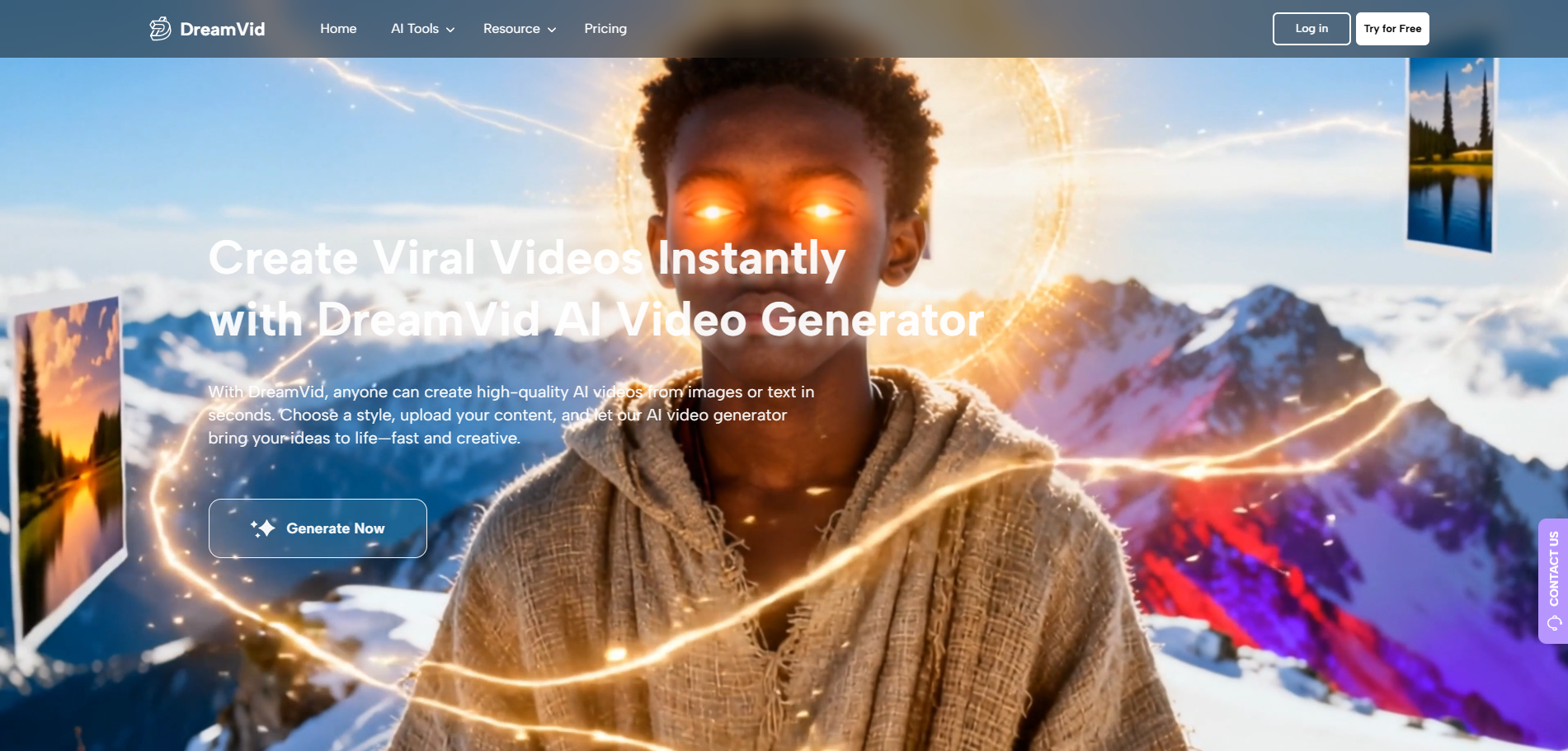
DreamVid is the most personal, and least conventional, pick on this list. Rather than positioning itself around trimming a timeline or polishing a finished recording, it focuses on turning images into generated video moments. Its listed AI hug and AI kissing video creation features make the intended use clear: animate photos of people or pets into stylized, shareable clips. That is a different creative job from editing a vlog, but it can be exactly the right one for a lighthearted personal project.
The interface is described as intuitive and usable without specialized skills, which lowers the barrier for occasional creators. The broader product description also presents video and image generation, text-and-photo inputs, and multiple styles. Pricing and specific access limits should be checked directly with the vendor; a free-access quota is not clearly established here. If you need precise control over cuts, dialogue, or a full-length project, do not assume an image-animation tool replaces a traditional editor.
My take: DreamVid makes sense when the source material is a still photo and the goal is a playful animation, not a polished production timeline. Its high usage signal is notable, but its specialized purpose is the real reason to consider it.
Where it falls short: This is an adjacent AI video creation tool, not the most direct choice for conventional editing. Confirm current pricing, workflow limits, and whether its generated style suits the kind of personal content you plan to make.
Key features
AI hug video creation from personal images.
AI kissing video creation.
Photo-to-video generation with different creative styles, as described by the product.
The broader platform also includes image generation and AI face swap features.
Pros
Intuitive workflow aimed at people without specialist editing skills.
Purpose-built for animating personal photos, including images of pets.
A distinctive alternative when a still image is the starting point.
Cons
Pricing and exact usage limits need confirmation with the vendor.
Its photo-animation focus is narrower than a general video editor's workflow.
Choose DreamVid if: You want to animate a personal photo into a playful video and do not need a full-featured timeline editor.
4. Runway Aleph AI

Runway Aleph AI
Content creators experimenting with AI-directed visual changes
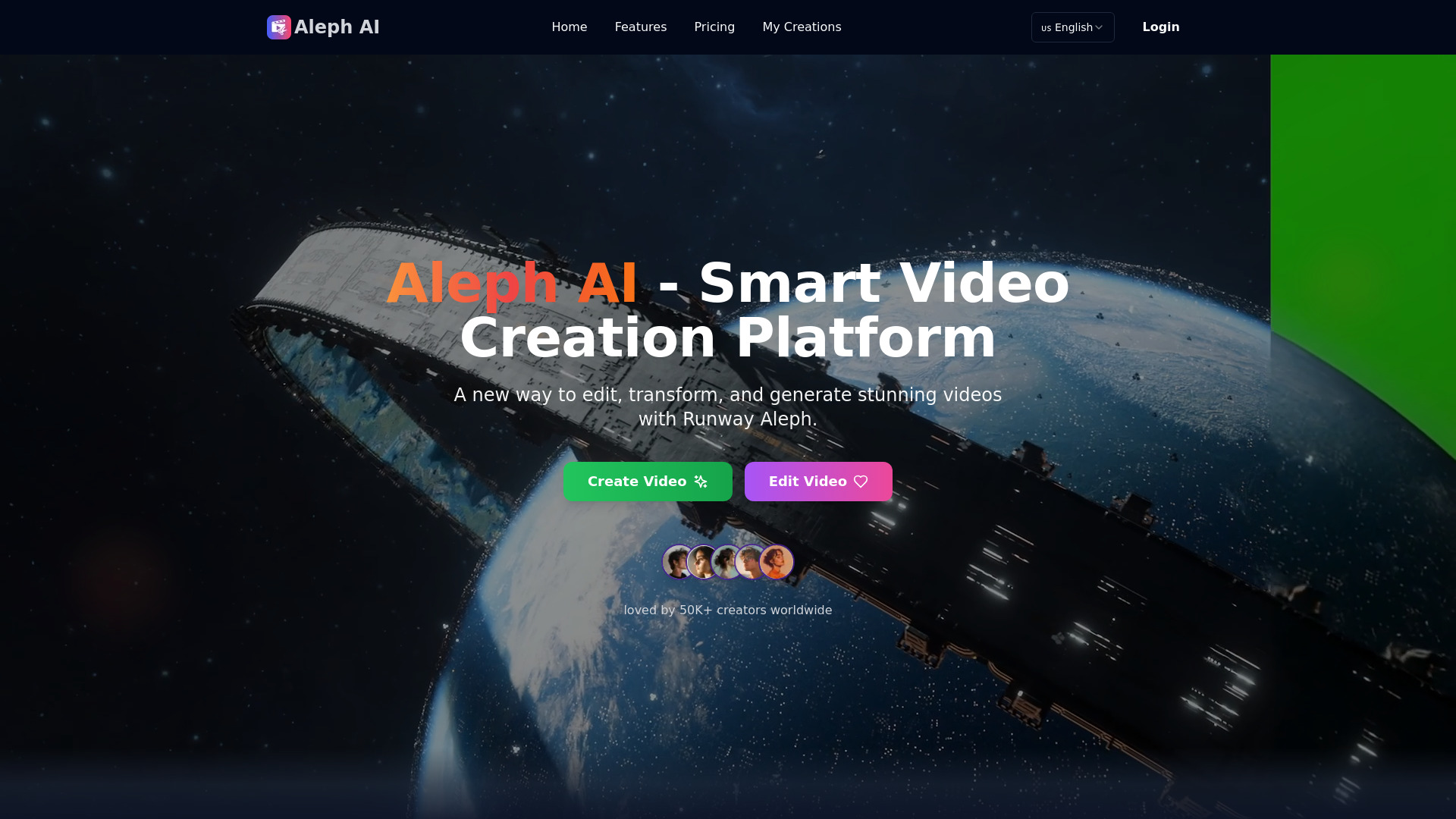
Runway Aleph AI aims at visual changes that can be tedious or difficult to stage again. Its described multi-task generation can add or remove objects, transform environments, and modify elements in a video. Dynamic camera control adds another creative dimension by letting creators generate different angles or perspectives. Those are ambitious tools for a content creator who wants to reshape existing visuals, rather than simply cut a sequence of shots together.
There is an important practical boundary: the listed processing range is currently 5 to 30 seconds. That makes it easier to picture Aleph as a focused tool for short visual edits or experiments than as the sole editor for a long project. The listed Hobby plan starts at $7.92 per month. Check current plan limits and output behavior before relying on it for work with tight delivery requirements; generative results may need iteration to match the shot you have in mind.
My take: The object and environment controls are more interesting than another generic promise of automatic editing. For creators with a specific visual change in mind, Aleph offers a distinct kind of assist; for ordinary assembly and trimming, a conventional editor will likely be a better fit.
Where it falls short: The 5-30-second video limit is a real constraint, not a minor footnote. Its AI-centered workflow may also take experimentation to get a result that fits a particular scene.
Key features
Multi-task visual generation can add or remove objects and transform environments.
Dynamic camera control supports generated camera angles and perspectives.
AI-enhanced video editing for short visual transformations.
Listed Hobby pricing starts at $7.92 per month.
Pros
Targets complex visual modifications rather than only routine cuts.
Combines object, environment, and camera-oriented generation features.
A relatively clear listed entry price for a specialized tool.
Cons
Currently limited to videos between 5 and 30 seconds.
Not the clearest fit for a full-length, traditional editing workflow.
Choose Runway Aleph AI if: Your project needs AI-assisted changes to short video shots, such as modifying objects, surroundings, or camera perspective.
5. SNAPVID

SNAPVID
Content creators making short-form videos from longer material
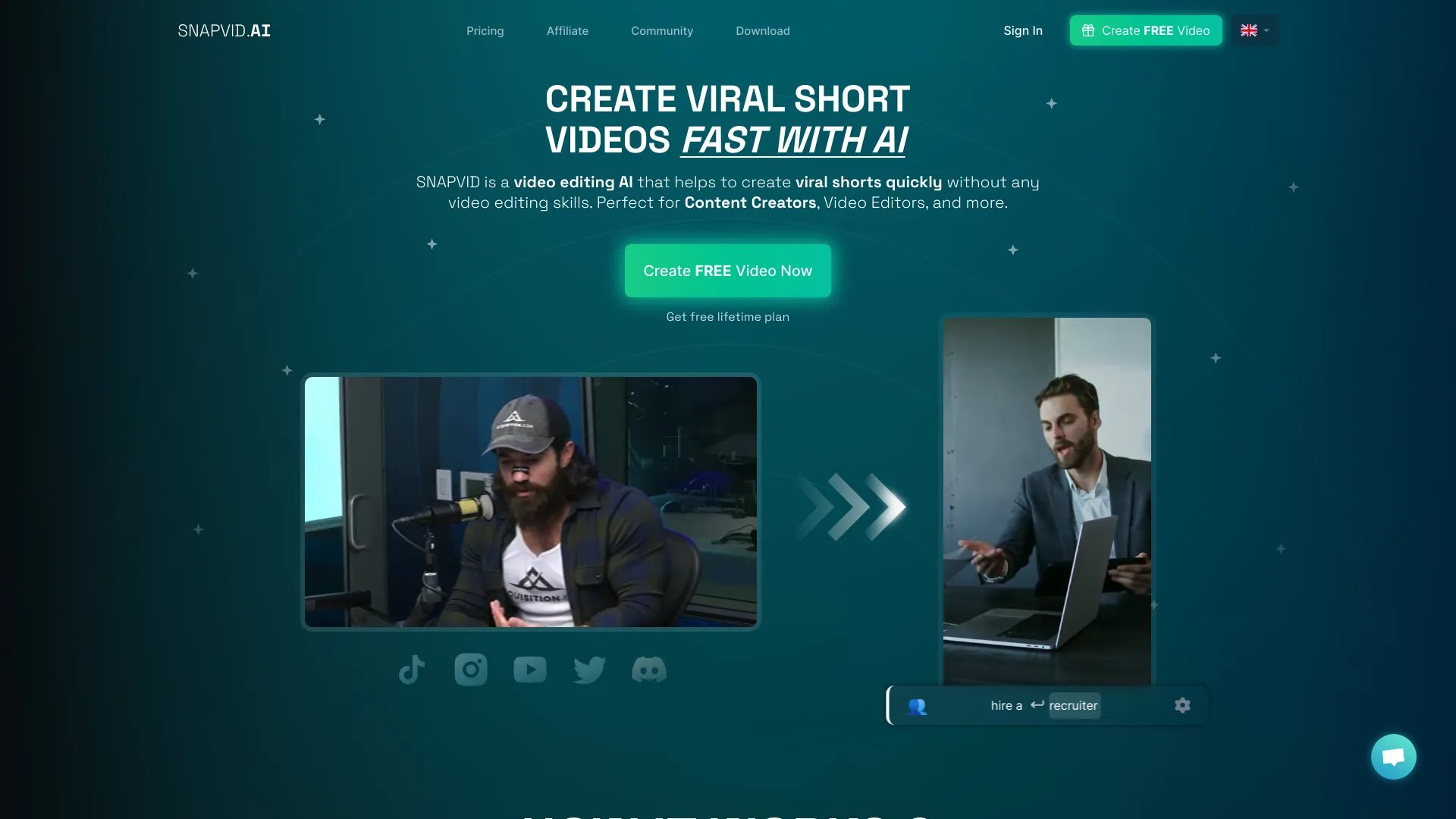
SNAPVID is aimed at creators who want short videos without having to become video editors first. Its core pitch is AI-powered editing and viral shorts creation, with auto B-roll and a long-to-shorts workflow among the described capabilities. That focus makes it a plausible time-saver for recurring social content, especially when the task is to produce a quick set of vertical or short clips rather than carefully shape a feature-length story.
A 7-day free trial is listed, with a Basic plan shown at $16 per month billed yearly. The billing detail matters: compare the annual commitment and credit allowance against the number of videos you expect to create. The product's own limitation is that its credit system can cap how many videos some plans support. For a creator publishing at volume, the practical question is not just whether a clip can be generated, but how quickly the plan's credits run down.
My take: SNAPVID earns consideration for a straightforward, repeatable short-form workflow. It is a good candidate when speed matters more than hands-on control, but I would check the credit math before treating it as an always-on production line.
Where it falls short: Credits can constrain monthly output, and the listed Basic price is billed yearly. Make sure you understand the quota and renewal terms before planning a content calendar around it.
Key features
AI-powered video editing for short-form output.
Viral shorts creation from source material.
AI auto B-roll is included in the listed workflow description.
A 7-day trial provides a short evaluation window.
Pros
Designed to be usable without video editing skills.
Focuses on fast short-video production rather than broad editing complexity.
A defined trial and listed annual-billing price make initial evaluation easier.
Cons
Credit limits can restrict the number of videos on some plans.
The listed Basic price is billed yearly, which is different from a month-to-month commitment.
Choose SNAPVID if: You need a fast path from existing video to short-form social content and can work within a credit-based plan.
6. BeautyPlus

BeautyPlus
Social media users enhancing photos and visual posts
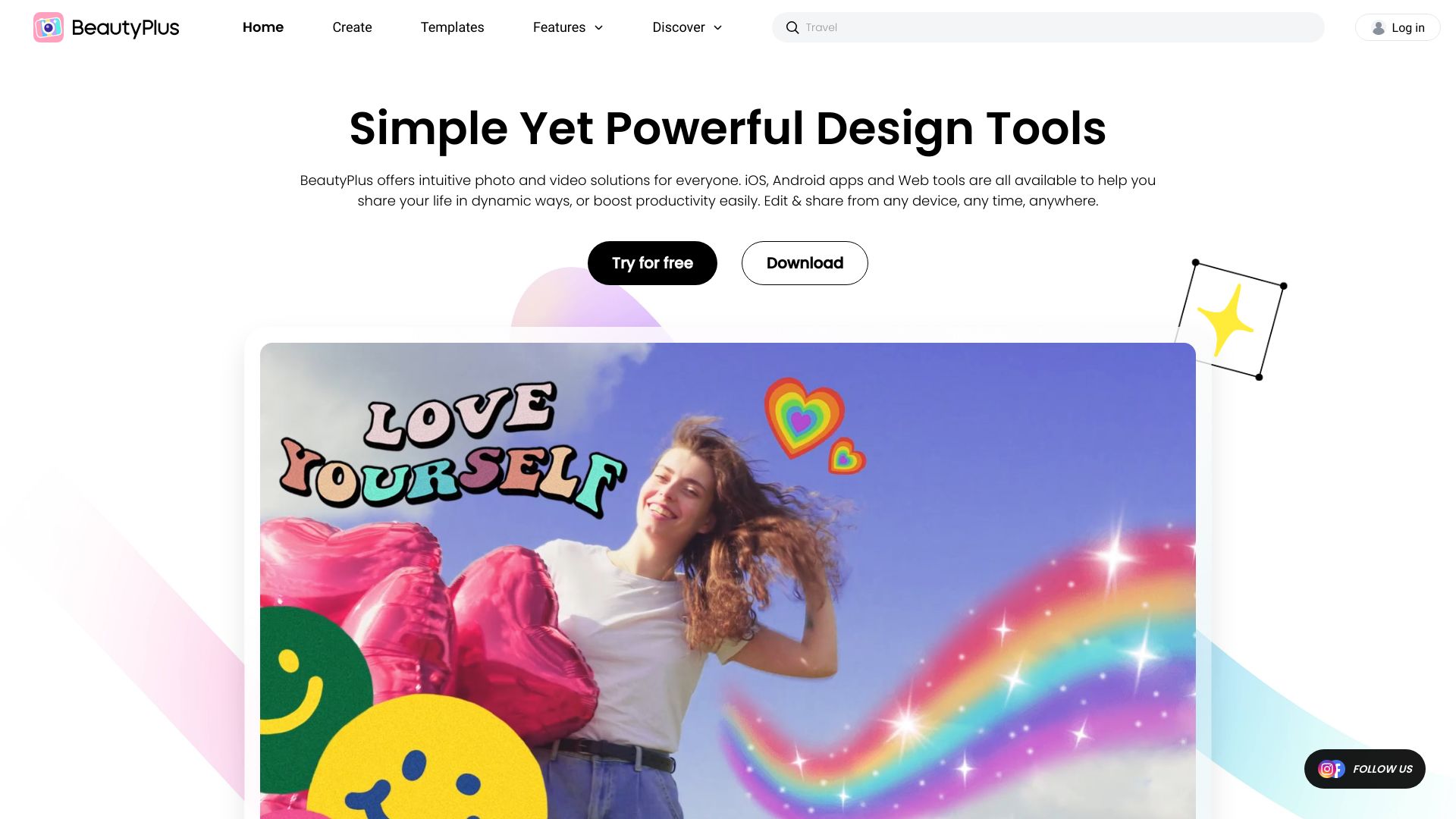
BeautyPlus is a broader visual studio rather than a dedicated editing app for footage. Its listed strengths are an AI photo editor and AI filters, while its product description also points to image generation, portrait enhancement, and video enhancement. That makes it relevant for social media users who move between polished photos and short visual content, but the available feature detail is more specific about image work than about timeline editing.
A 7-day free trial is listed, and the product is described as free to use with a range of AI-powered features. Some functions may still require a subscription or in-app purchases, so look at the exact feature you need before assuming it is included. Pricing is not clearly listed as a clean starting figure; verify the current offer and any app-specific charges with the vendor.
My take: BeautyPlus is worth a look if your social workflow is image-first and you also want some video enhancement options close at hand. I would not choose it as my primary editor solely on the strength of its photo tools.
Where it falls short: The feature set here does not establish a deep video-editing workflow, and some tools may be paid. It is better thought of as an adjacent visual tool than a direct substitute for an editor built around footage and cuts.
Key features
AI photo editing.
AI filters for visual styling.
Portrait enhancement and image generation are included in the product description.
Video enhancement is also listed, though detailed editing capabilities are not specified.
Pros
Useful mix of AI photo and social-visual features.
A free-to-use offering is described, alongside a 7-day trial.
Stronger fit for creators who routinely polish portraits and posts than for footage-heavy editors.
Cons
Some features may require a subscription or in-app purchase.
No clear starting price is available to compare with dedicated video editors.
The listed feature details focus more on images than on video editing.
Choose BeautyPlus if: Your main need is polishing social photos and portraits, with video enhancement as a useful extra rather than your core editing workflow.
7. Wondershare Filmora

Wondershare Filmora
YouTubers looking for an approachable editor with AI assists
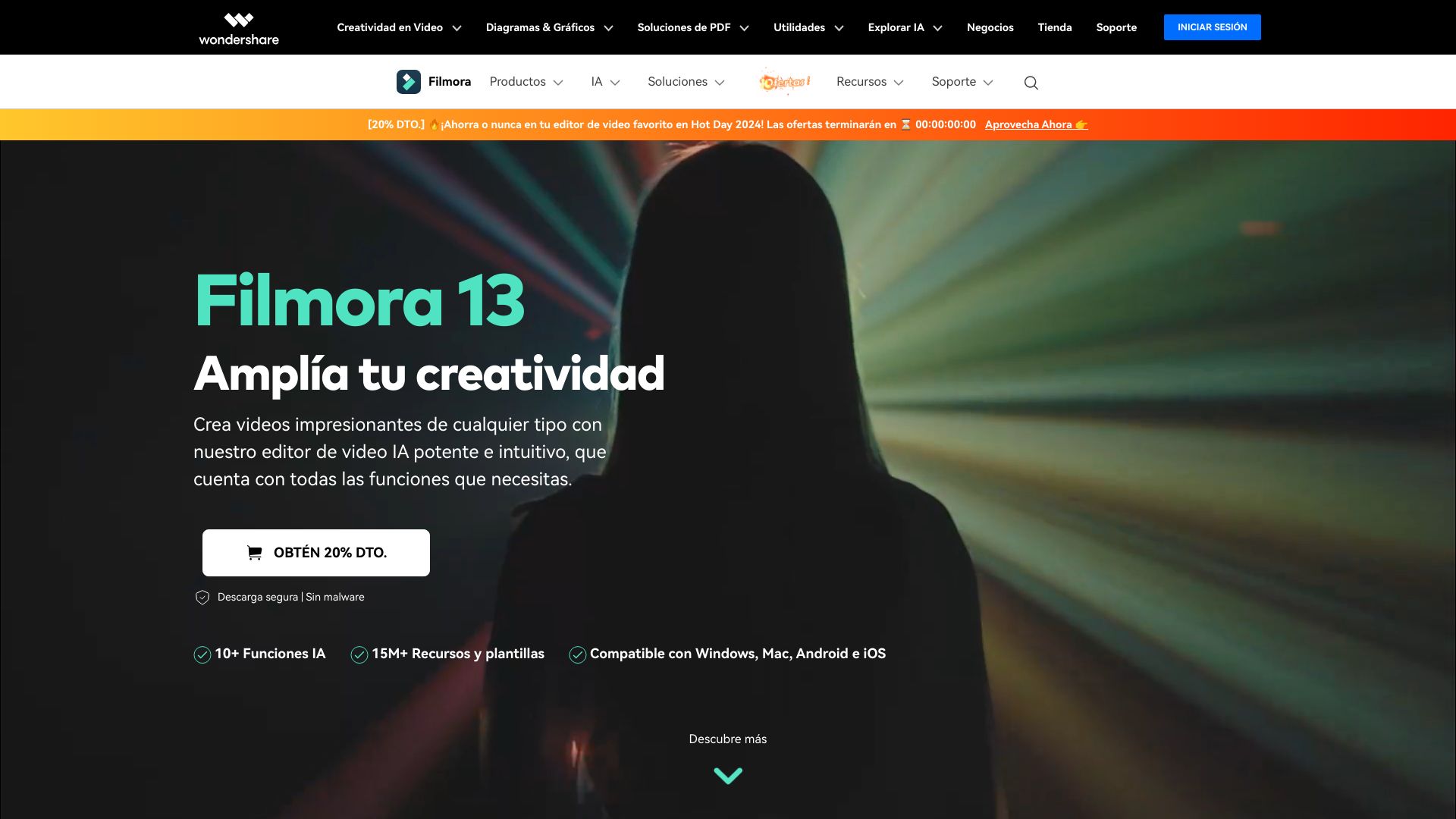
Filmora has a more familiar editor profile than the tools built mainly around generated clips or avatars. It pairs AI-powered editing tools with smart short-clip generation, making it relevant for YouTubers who need both a general editing environment and help turning longer footage into shorter moments. The interface is described as intuitive, which is useful for creators who want capable editing tools without beginning with a steep learning curve.
The trial is listed as seven days, but the price information deserves a close look: the listed Monthly Plan is €49.99 per month, while a separate feature-and-plan description advertises an offer from US$3.75 per month. Those figures are not directly comparable without region, billing term, and plan details. Confirm the live price, what the trial includes, and whether the export conditions meet your needs. Some features may require a paid subscription.
My take: Filmora is a practical contender for a creator who wants an approachable editor and AI assistance in the same workflow. The smart short-clip feature is a useful bridge between conventional editing and the more automated repurposing tools in this comparison.
Where it falls short: Subscription requirements and differing listed price figures make it especially important to check the plan page carefully. Do not compare an entry offer with a monthly plan until you know the billing period and export terms match.
Key features
AI-powered editing tools within a video-editing workflow.
Smart short-clip generation.
An intuitive interface aimed at a range of skill levels.
A 7-day free trial is listed.
Pros
Combines broader editing with AI assistance.
Smart clips can support creators who publish both long and short videos.
Beginner-friendly interface is a useful fit for YouTubers building confidence.
Cons
Some features may require a paid subscription.
Listed pricing differs across the provided offers; confirm the current regional plan and billing schedule.
Choose Wondershare Filmora if: You want an approachable general video editor with AI tools and short-clip generation, and you are willing to check which subscription price applies to your region.
8. AI STUDIOS

AI STUDIOS
Educators producing presenter-led instructional videos
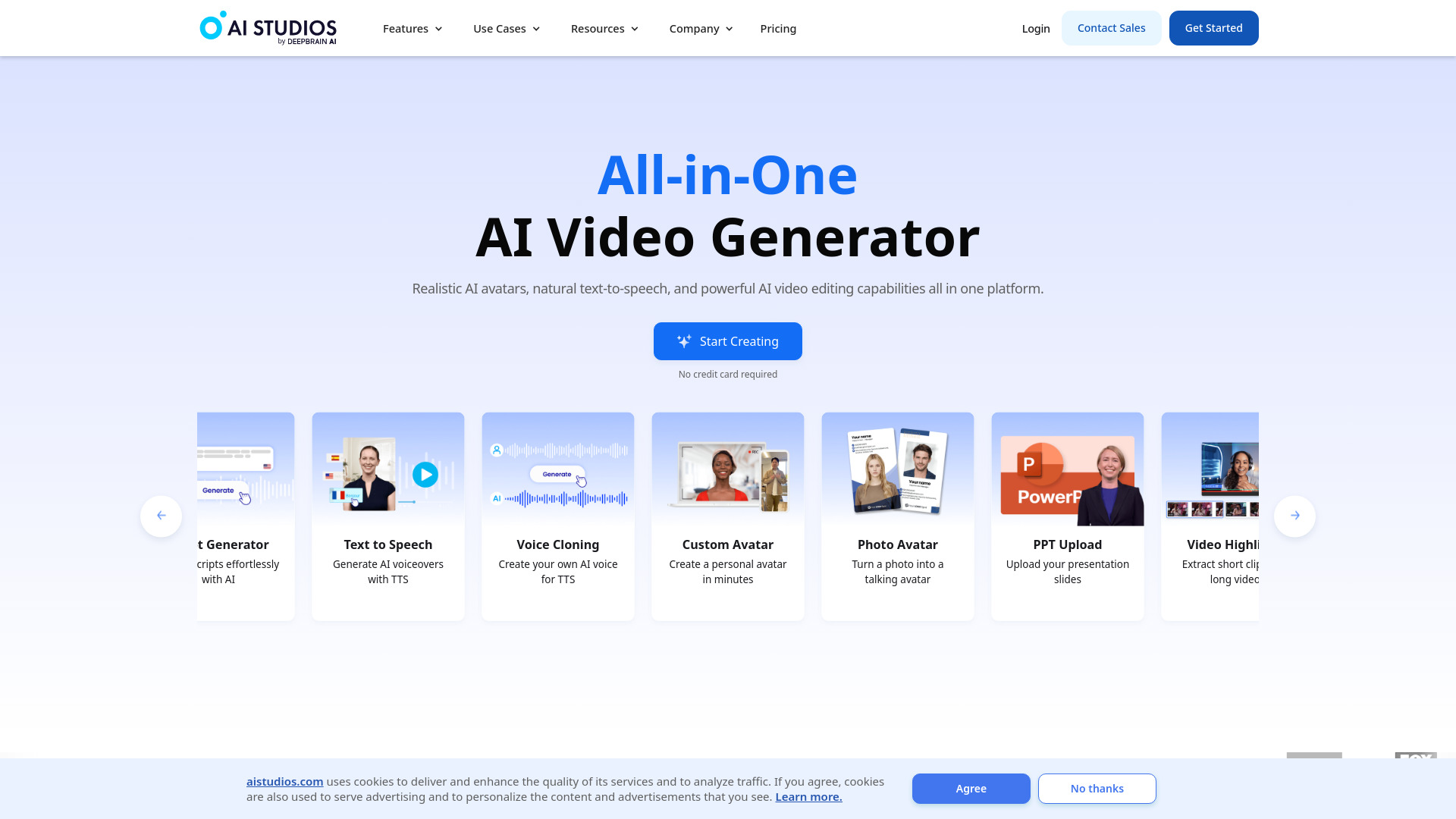
AI STUDIOS is less about cutting camera footage and more about creating a video around a digital presenter. Its listed features include more than 150 realistic AI avatars and AI voices in 80+ languages, alongside text-to-video generation. That combination can suit educators preparing explainers, training material, or repeatable instructional content, particularly when a scripted presentation is more important than footage captured on location.
The free plan includes three video exports per month, which gives a new user a concrete way to try the workflow. That quota is also a clear limit: three exports may be enough to assess a format, but it is not a large production allowance. The product describes itself as an all-in-one creation and editing platform, though buyers should check the current export caps and paid-plan details before moving a course or content series into it.
My take: For scripted lessons where a presenter and voice are the main ingredients, AI STUDIOS solves a different problem from a standard video editor. Its avatar and language range are the clearest reasons to try it, not a claim that it replaces every part of a traditional production workflow.
Where it falls short: The free plan's three monthly exports can become restrictive quickly, and avatar-led videos are not a fit for every teaching style. Check whether the available voices and presentation options suit your audience.
Key features
More than 150 realistic digital avatars.
AI voices in over 80 languages.
Text-to-video generation for presenter-led content.
Free access includes three video exports per month.
Pros
Combines avatars, voices, and video creation in one platform.
Strong fit for educators creating scripted material.
Free export allowance gives buyers a specific way to test the workflow.
Cons
Free plan limits users to three video exports per month.
Presenter-led generation may not suit videos that depend on real-world footage or a personal on-camera presence.
Choose AI STUDIOS if: You create scripted educational or explanatory videos and want to test a digital presenter workflow before committing to a paid plan.
9. AICO

AICO
YouTubers turning existing videos into Shorts
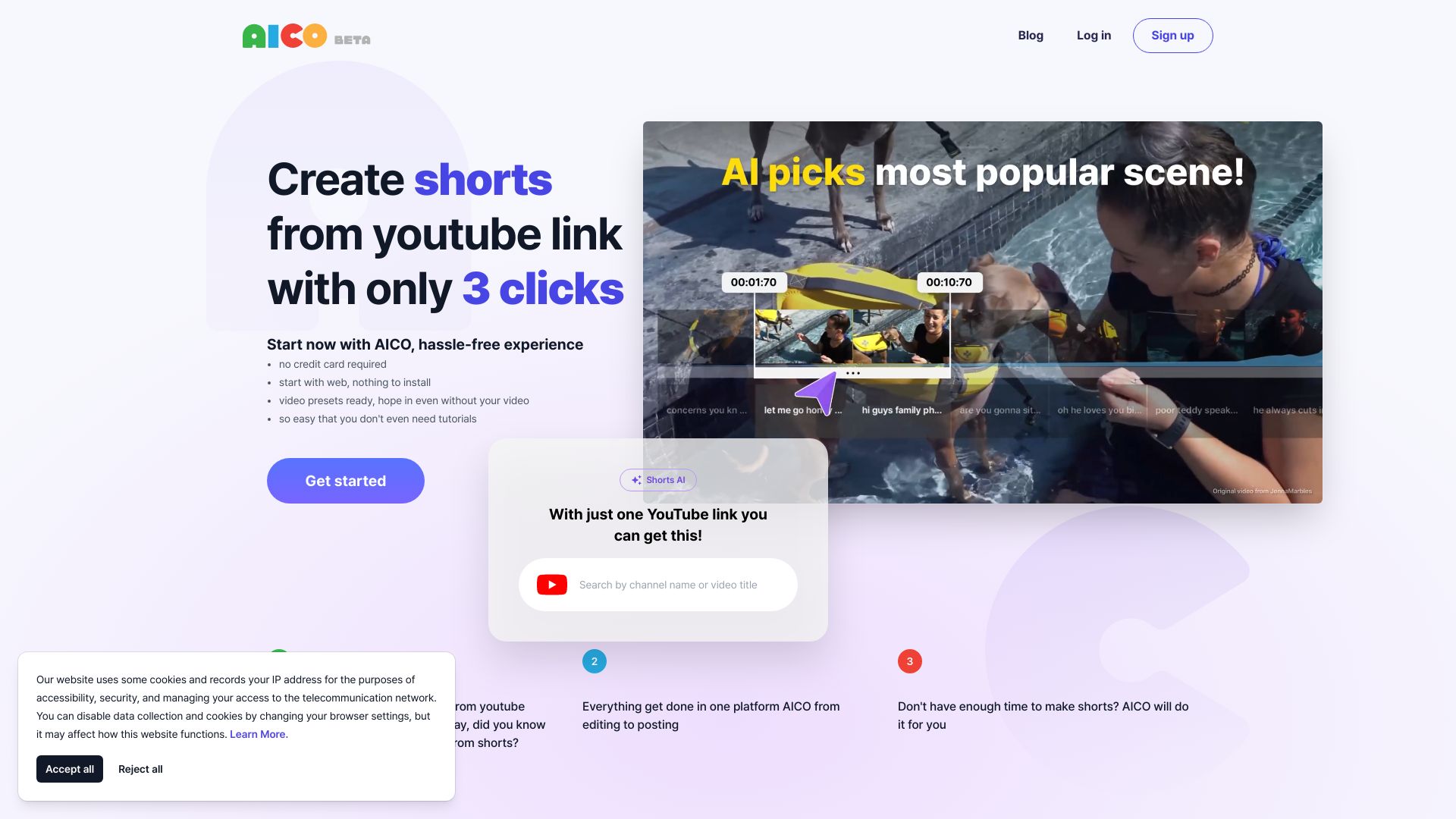
AICO keeps its promise narrow: make short-form videos from YouTube content with minimal setup. The listed workflow includes AI-powered editing, automatic subtitle generation, and automatic titles, with a three-click editing claim that points to a deliberately simple experience. For a YouTuber who already has source material and wants to produce Shorts without rebuilding each edit from scratch, that focus is more useful than a sprawling menu of unrelated creation tools.
The product says you can create a short for free, but full functionality may require a paid plan. Pricing details are not clearly listed here, so check the vendor's current plans and clarify what the free workflow includes. Its monthly visit signal is smaller than some of the other picks; that is context, not a verdict on the quality of a specific edit. Test it with a representative video and review subtitles, titles, and clip boundaries before publishing.
My take: AICO is appealing when a simple Shorts-specific process matters more than a general-purpose editor. Treat the automatic subtitles and titles as a draft to approve, especially if accuracy and brand voice matter to your channel.
Where it falls short: The full feature set may require a paid plan, and there is no clear starting price to budget against. Its narrow focus is a benefit for repurposing, but not a reason to use it for every kind of video project.
Key features
AI-powered video editing for short-form content.
Automatic subtitle generation.
Automatic title generation.
A three-click workflow is described for creating YouTube Shorts.
Pros
Focused on repurposing YouTube videos into Shorts.
Offers a free way to create a short.
The simple workflow may suit creators who want fewer editing decisions.
Cons
Full functionality may require a paid plan.
Starting price is not clearly listed; check the vendor before budgeting.
Automated text and clip choices still need review before publishing.
Choose AICO if: You want to make Shorts from YouTube videos with a quick workflow and are prepared to verify the free-plan limits.
10. Eddie AI

Eddie AI
Video editors shaping interview footage into a story
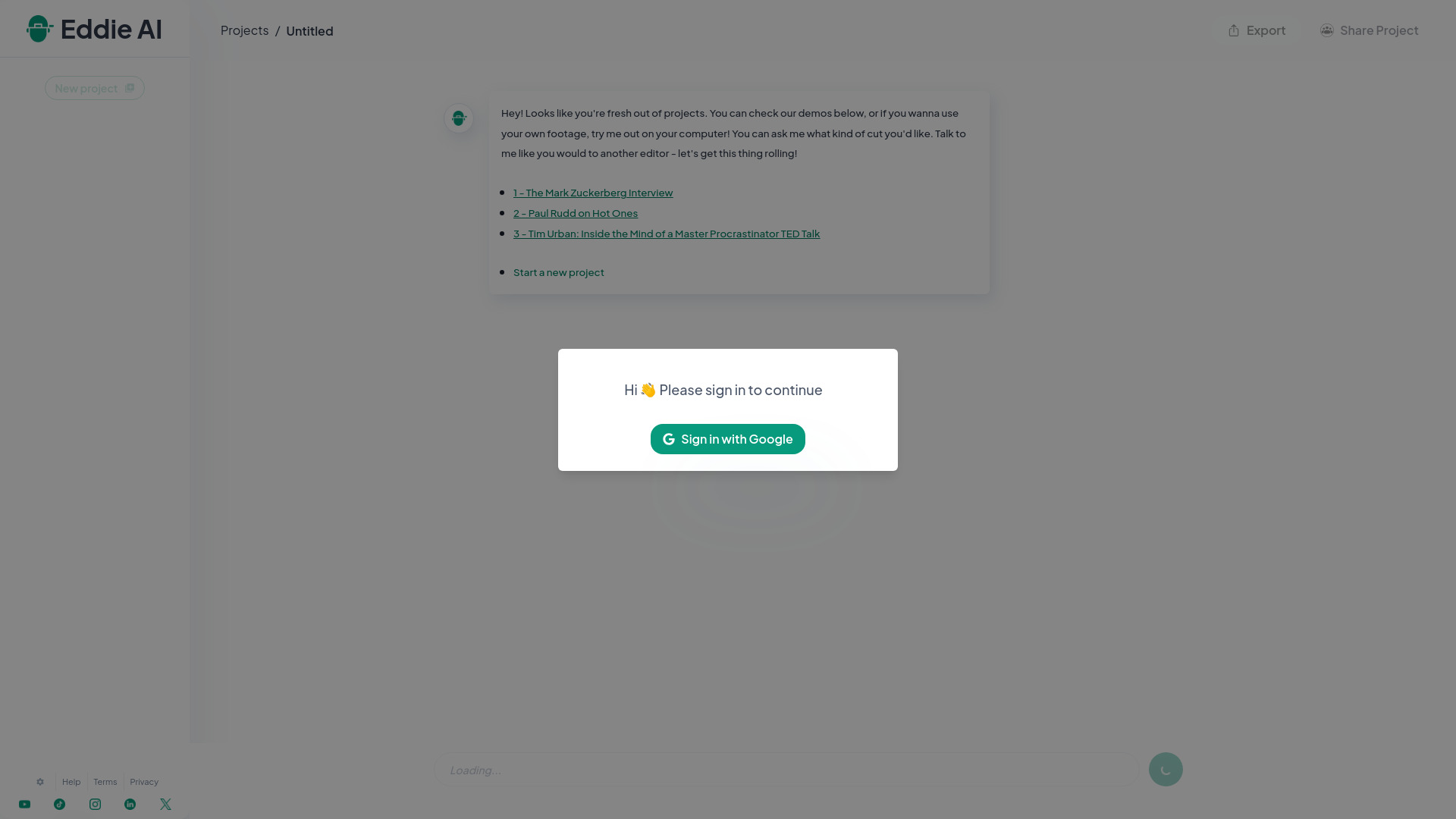
Eddie AI takes an editor's problem seriously: the challenge is often not cutting footage, but finding a coherent story inside the material. Its prompt-to-video editing and AI-assisted story crafting are aimed at helping shape narratives from interviews and other video content. That makes it a more editorially minded choice than a tool that simply finds short moments or adds generated visuals.
The product description highlights iteration: you can prompt and refine a story from interview footage, then export to MP4, Adobe, Resolve, and FCP. That export flexibility may matter to editors who want AI assistance without abandoning their established finishing tools. The trade-off is that working effectively with prompts may take practice. Pricing and exact free access are not clearly established here, so confirm both directly before placing it in a production pipeline.
My take: Eddie is the most interesting specialist here for editors who already know what a good story should feel like but want help finding and shaping it in the footage. It is not necessarily the simplest first app for a casual creator; its value depends on whether prompt-led editing fits your editorial process.
Where it falls short: There can be a learning curve in writing prompts that produce useful edits, and the pricing needs vendor confirmation. If your main need is a quick social clip, the more focused clipping tools may be easier to start with.
Key features
Prompt-to-video editing.
AI-assisted story crafting from interviews and video content.
Iterative workflow for shaping a narrative.
Export options include MP4, Adobe, Resolve, and FCP.
Pros
Tackles story development rather than only mechanical editing.
Export options can support workflows that continue in established editing tools.
Particularly relevant to editors working with interviews.
Cons
Effective prompt use may take time to learn.
Pricing and free access need confirmation with the vendor.
Choose Eddie AI if: You edit interviews or narrative footage and want prompt-based help developing a story before continuing in your preferred finishing workflow.
More tools to compare

Vid.AI
AI-generated social video shorts

VCut.lol
Quick edits for talking-head videos
Wondershare Filmora
AI-assisted video editing for social creators

InVideo
Template-based social and marketing videos

Invideo AI
Creators generating videos with multiple AI models

DojoClip
AI-assisted video editing and subtitles

Detail
AI editing for video podcasts and social clips

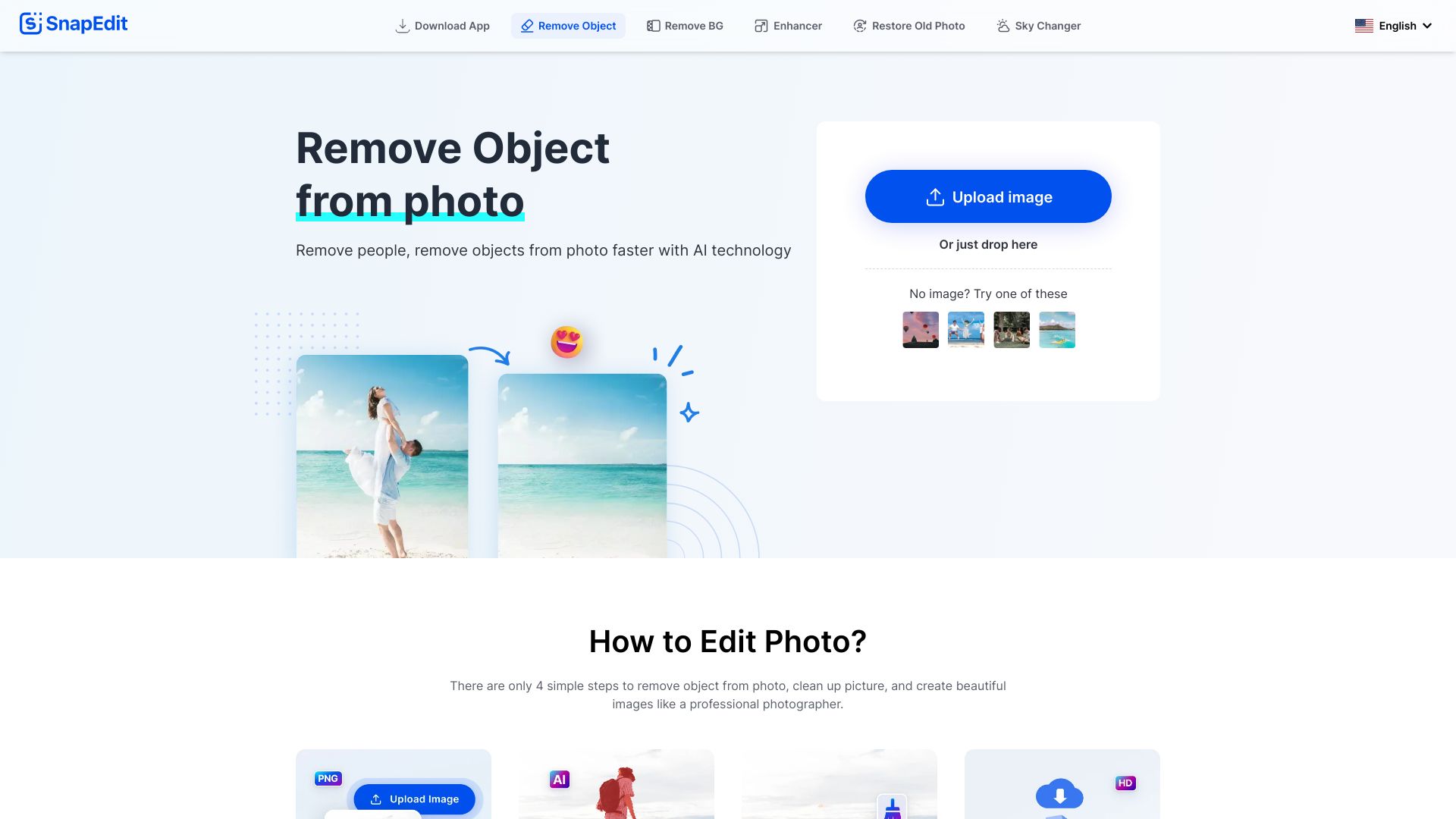
SnapEdit
AI photo cleanup and object removal

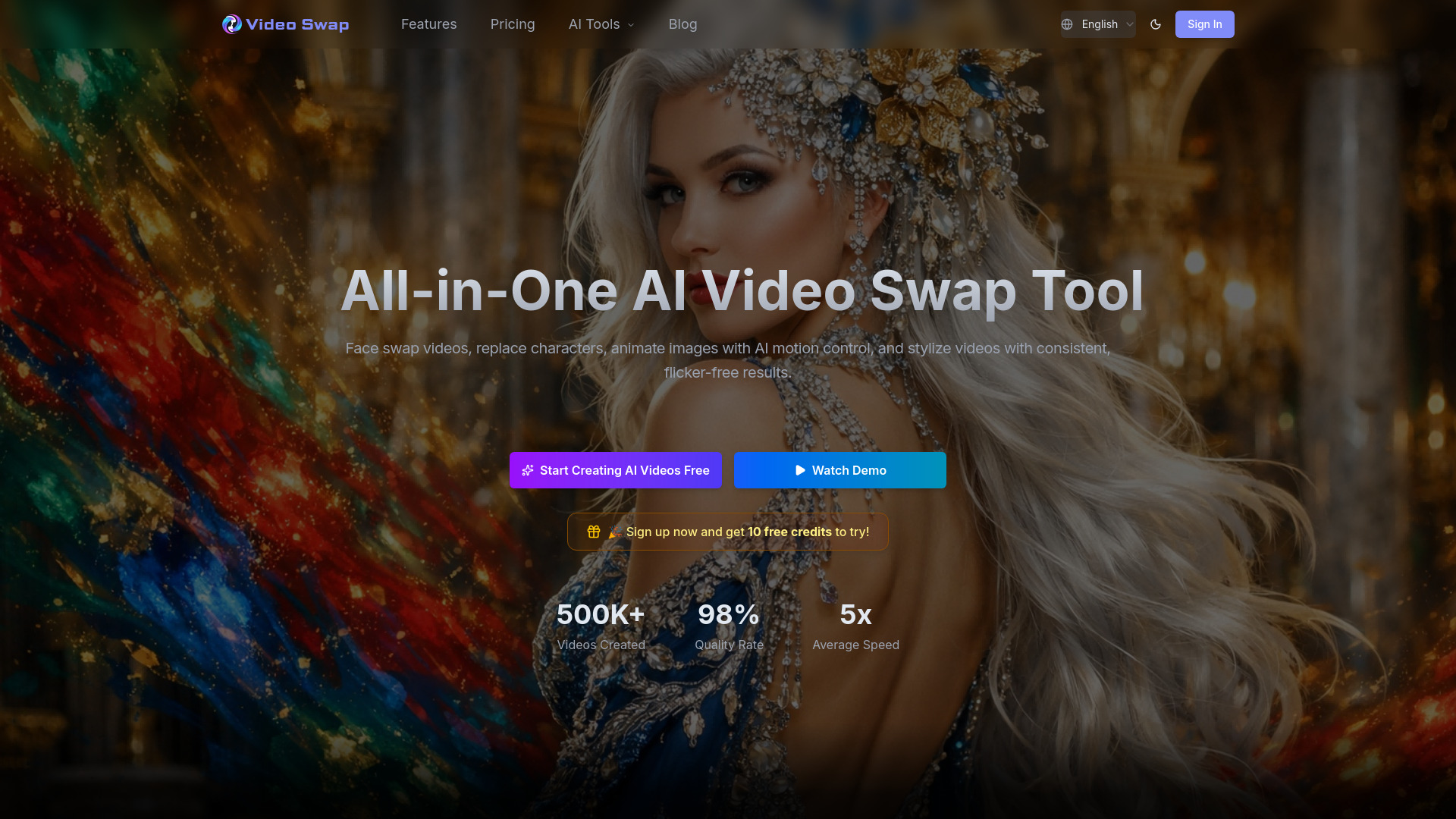
Video Swap
AI face swaps and character replacement

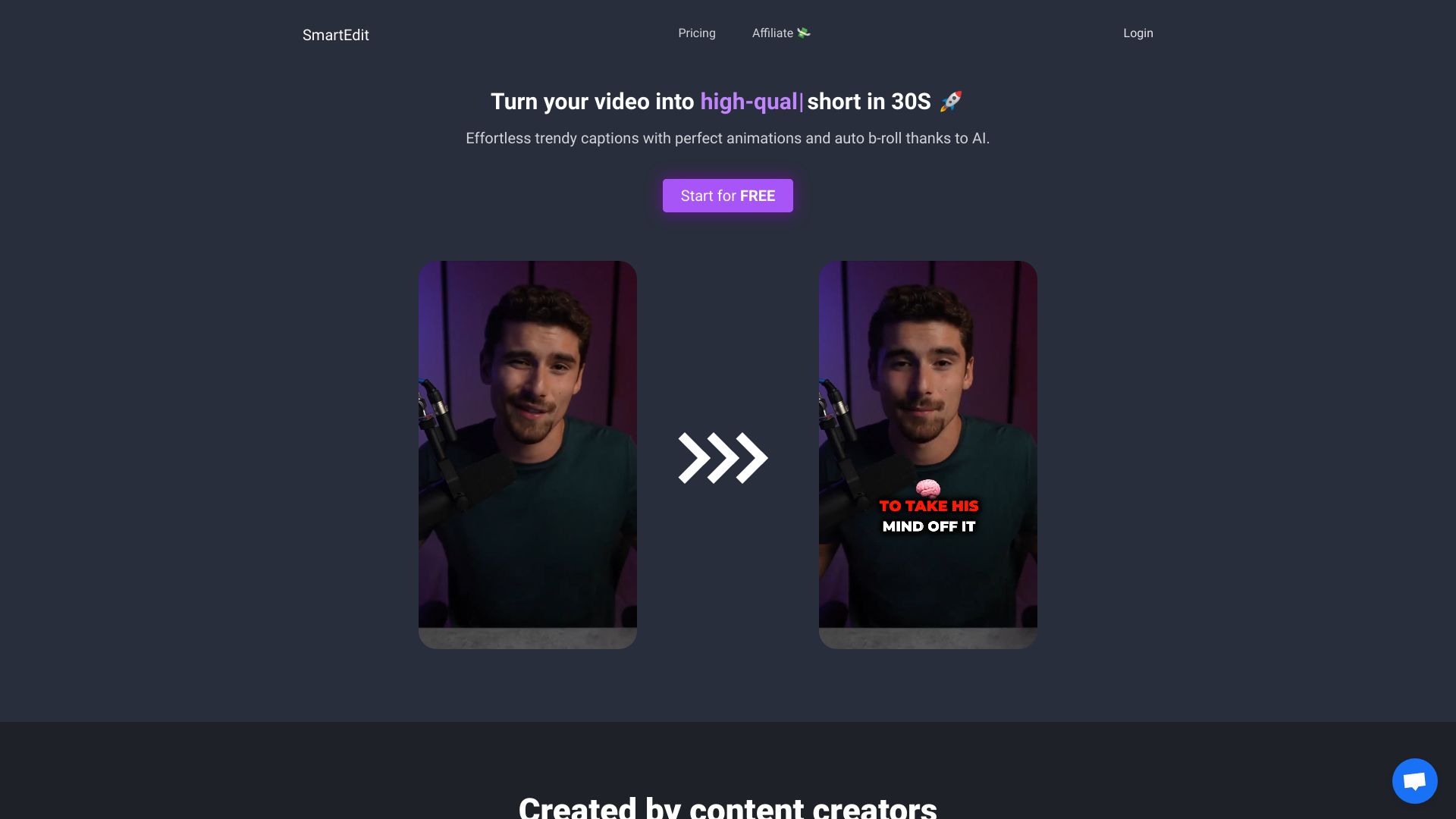
SmartEdit
Turning videos into captioned viral shorts

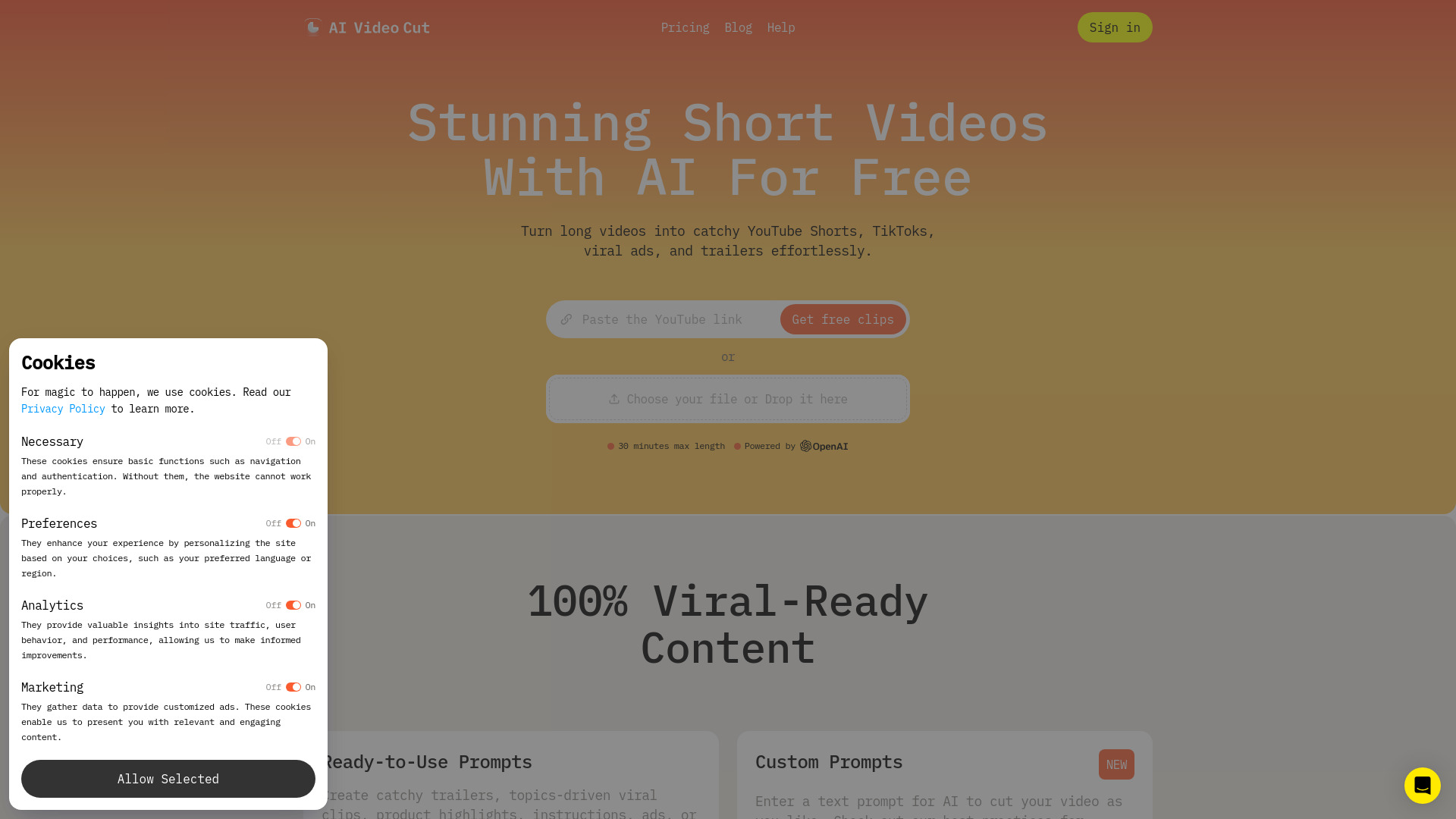
AI Video Cut
Repurposing long videos into social clips

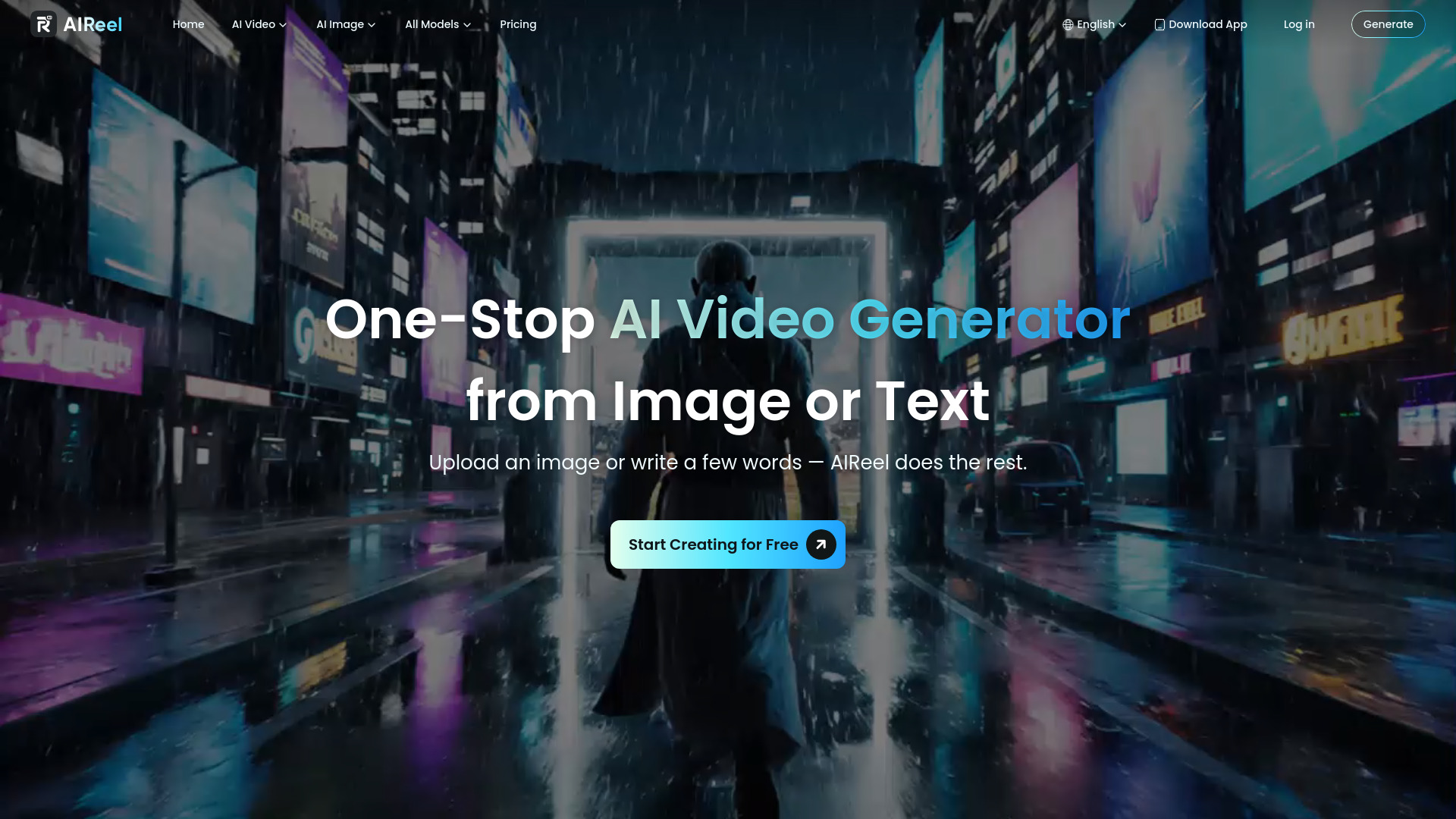
AIReel
Text- and image-to-video creation

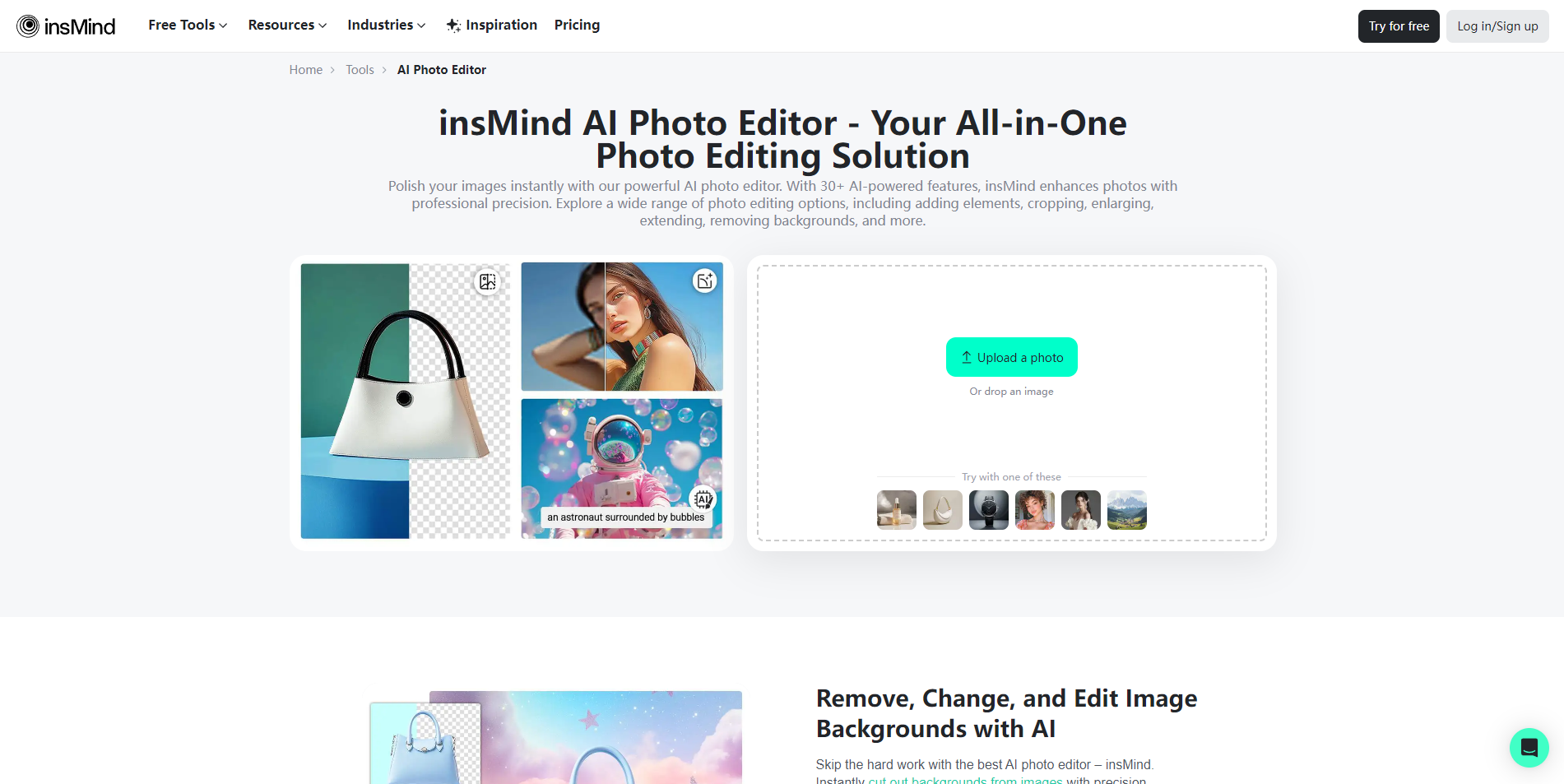
insMind
AI-powered product photo editing

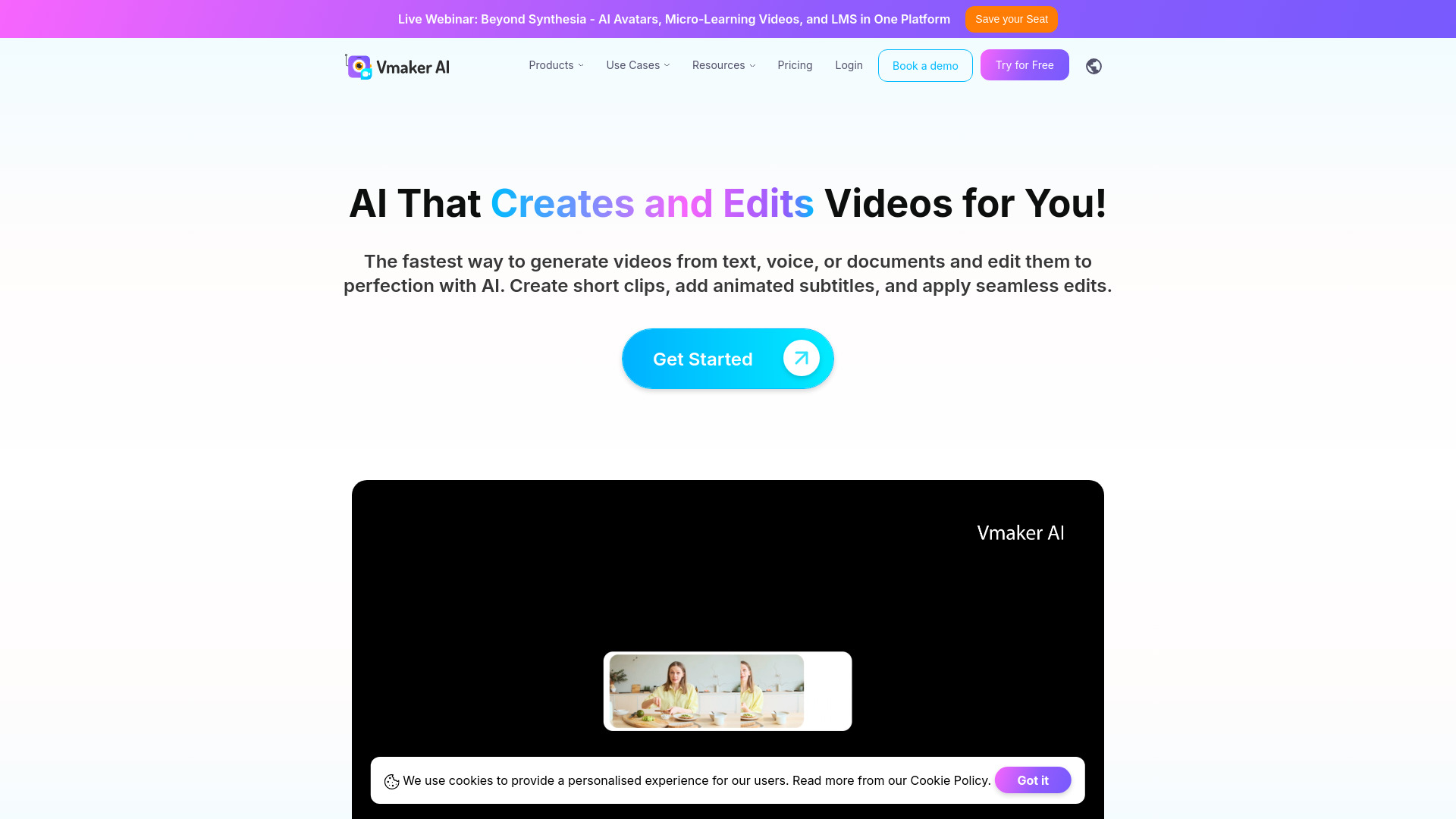
Vmaker Ai
Creators repurposing long videos into social clips

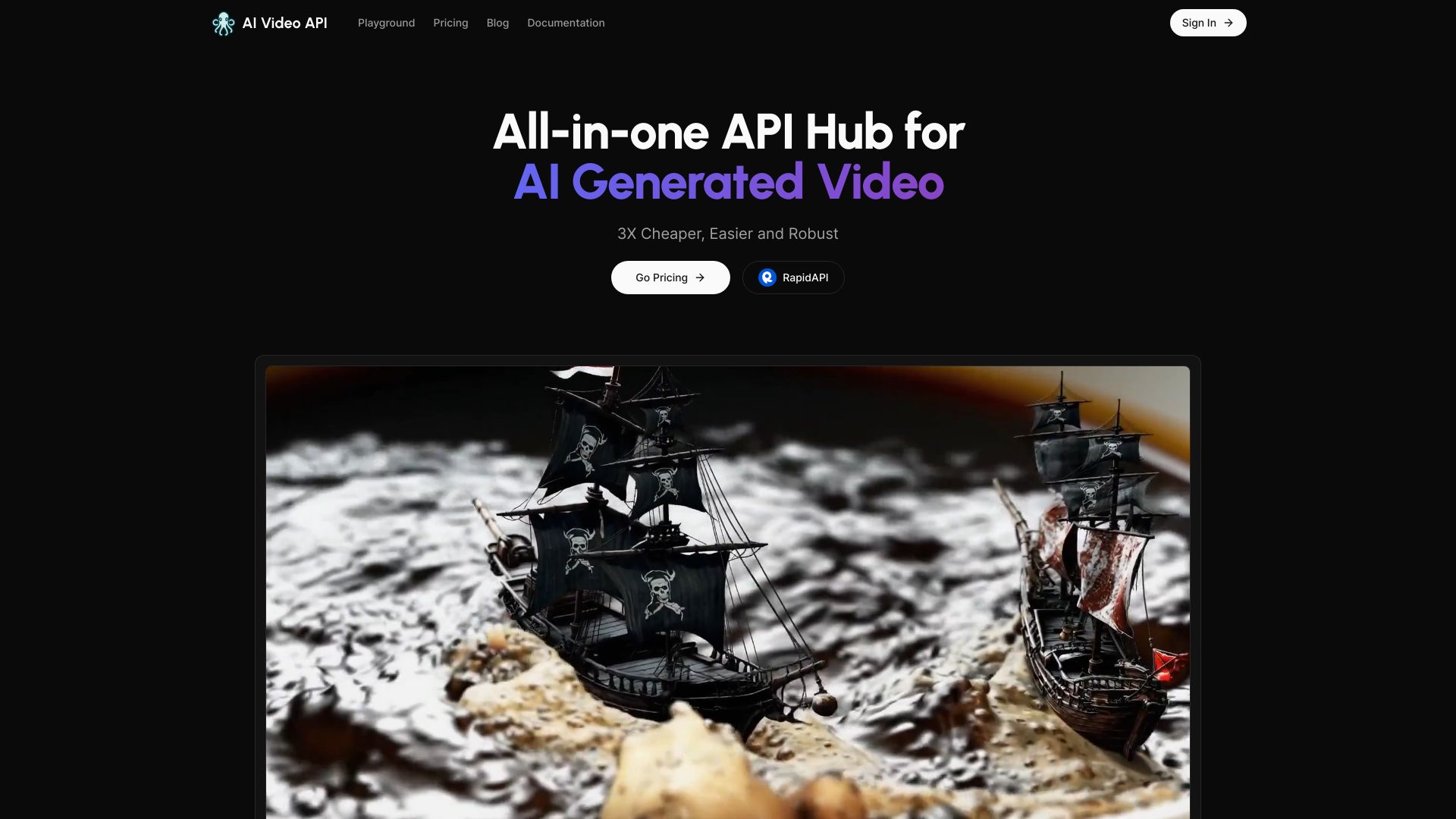
AI Video API
Developers integrating AI video generation

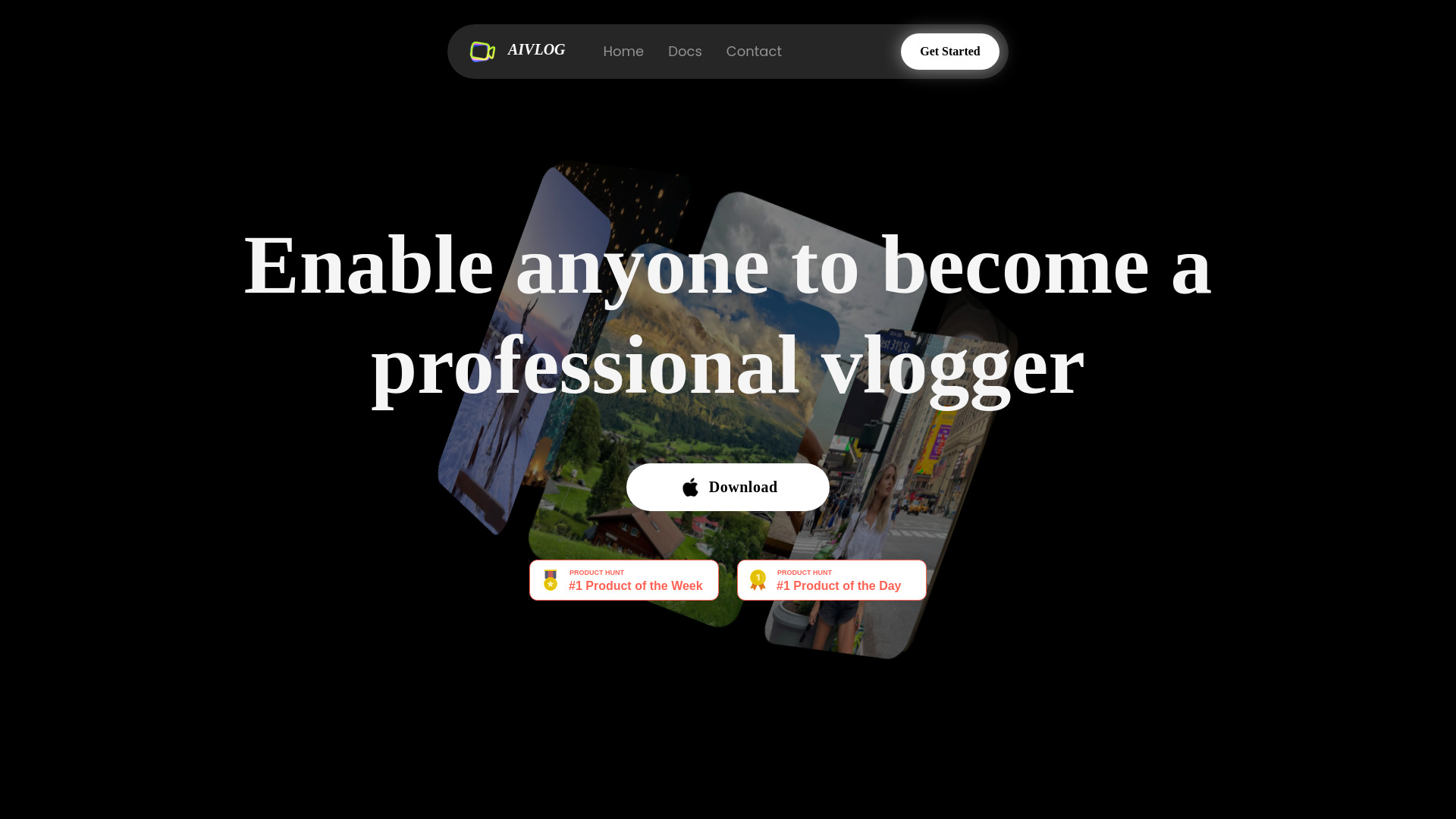
AIVLOG
Automatic highlight editing for lifestyle vlogs

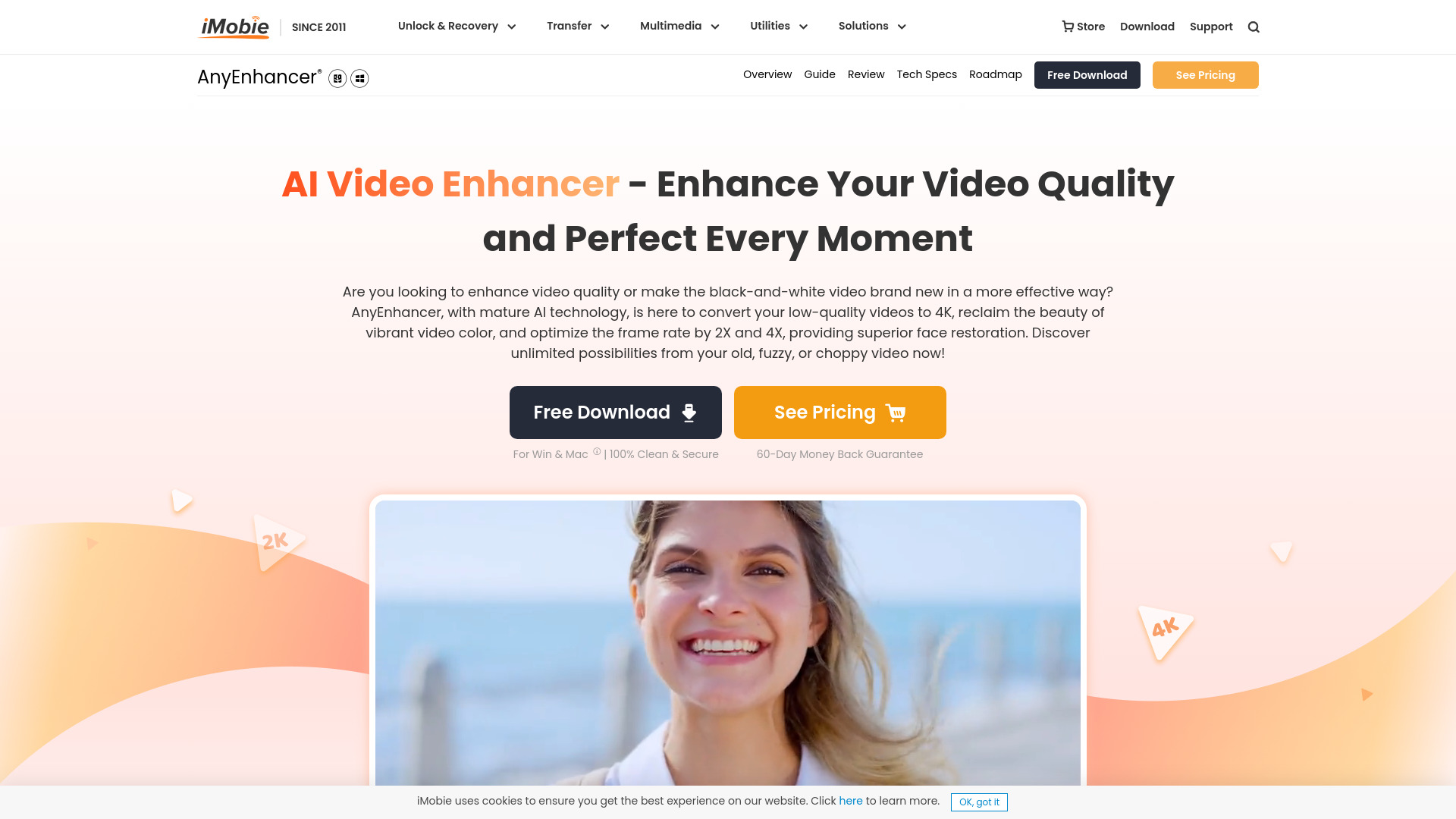
AnyEnhancer
Upscaling and restoring low-quality videos

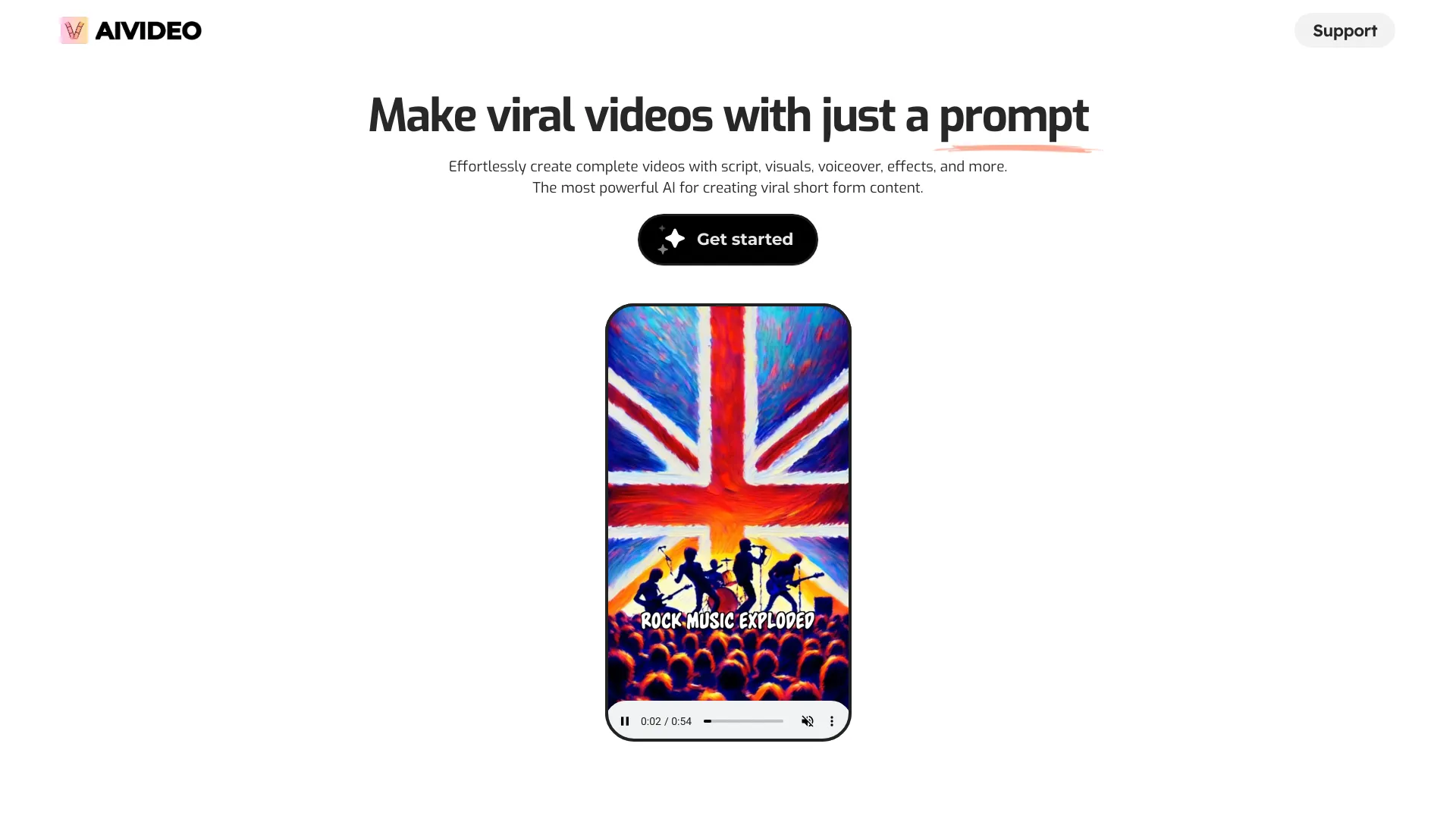
AIVideo.com
All-in-one AI video production

AI Mirror
Anime-style video transformations
AIAI.com
AI video and image generation


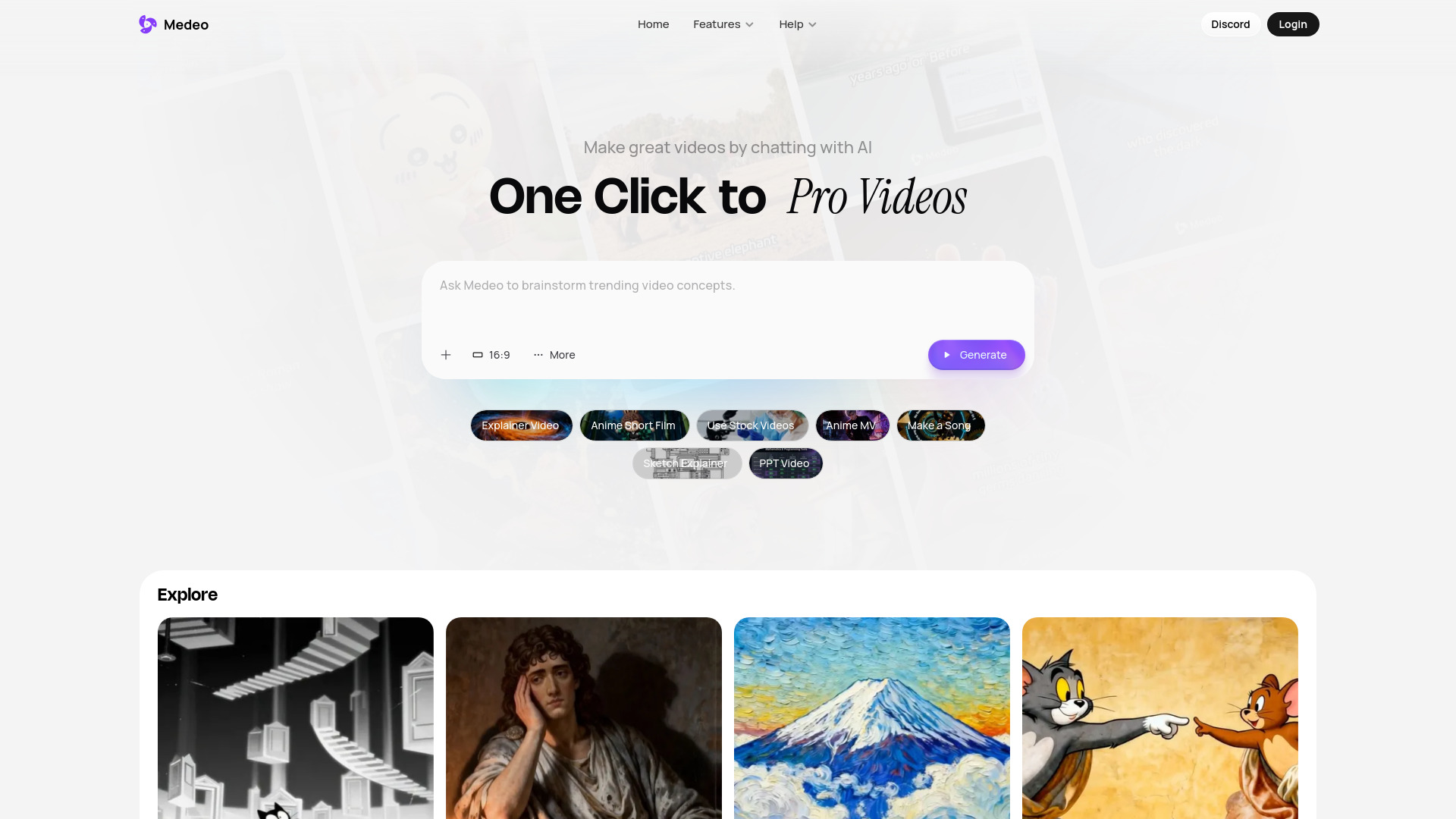
Medeo
Chat-driven AI video creation

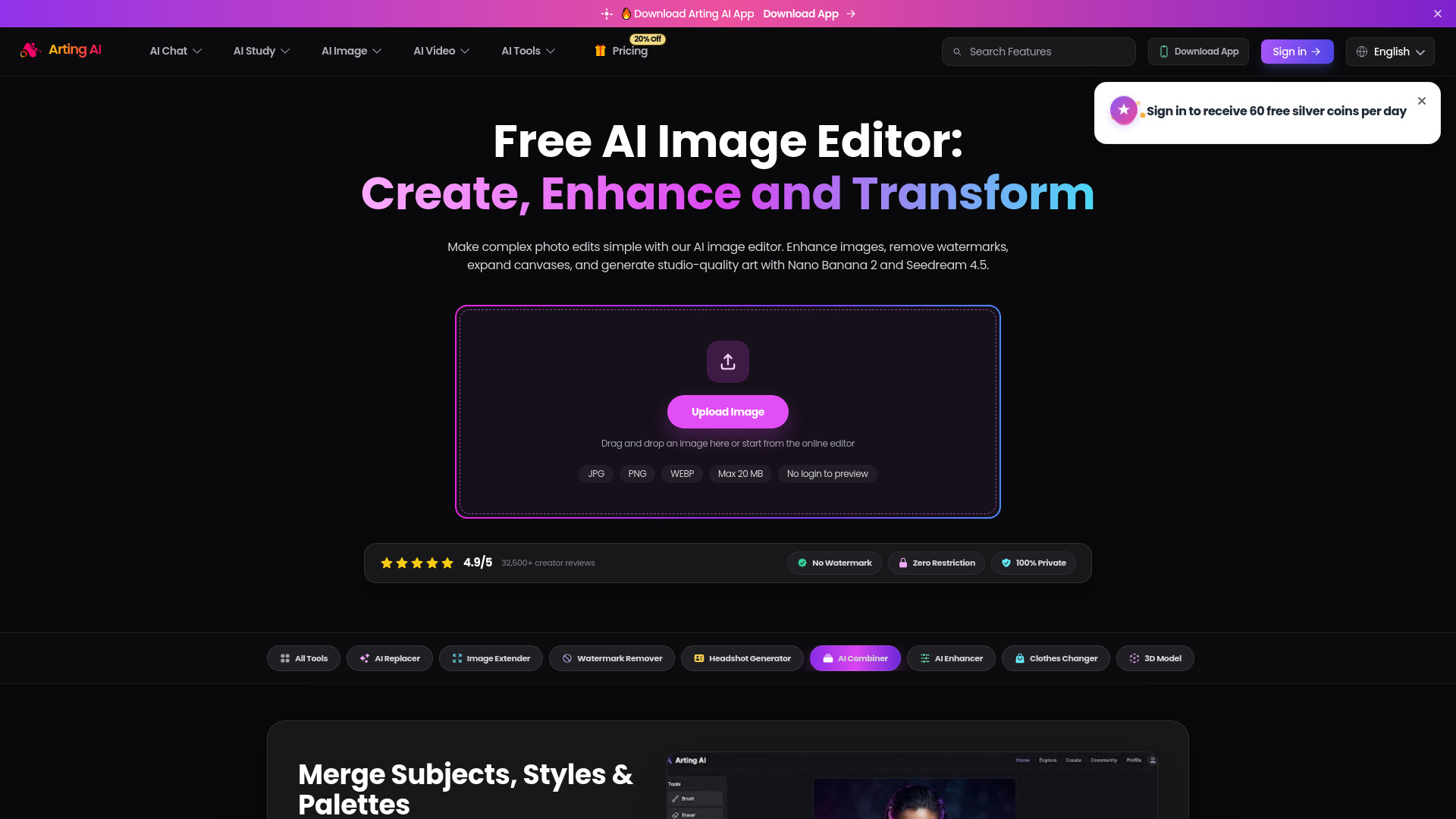
AI Image Editor
Prompt-based photo editing and image enhancement

AVCLabs
Upscaling and restoring low-quality video
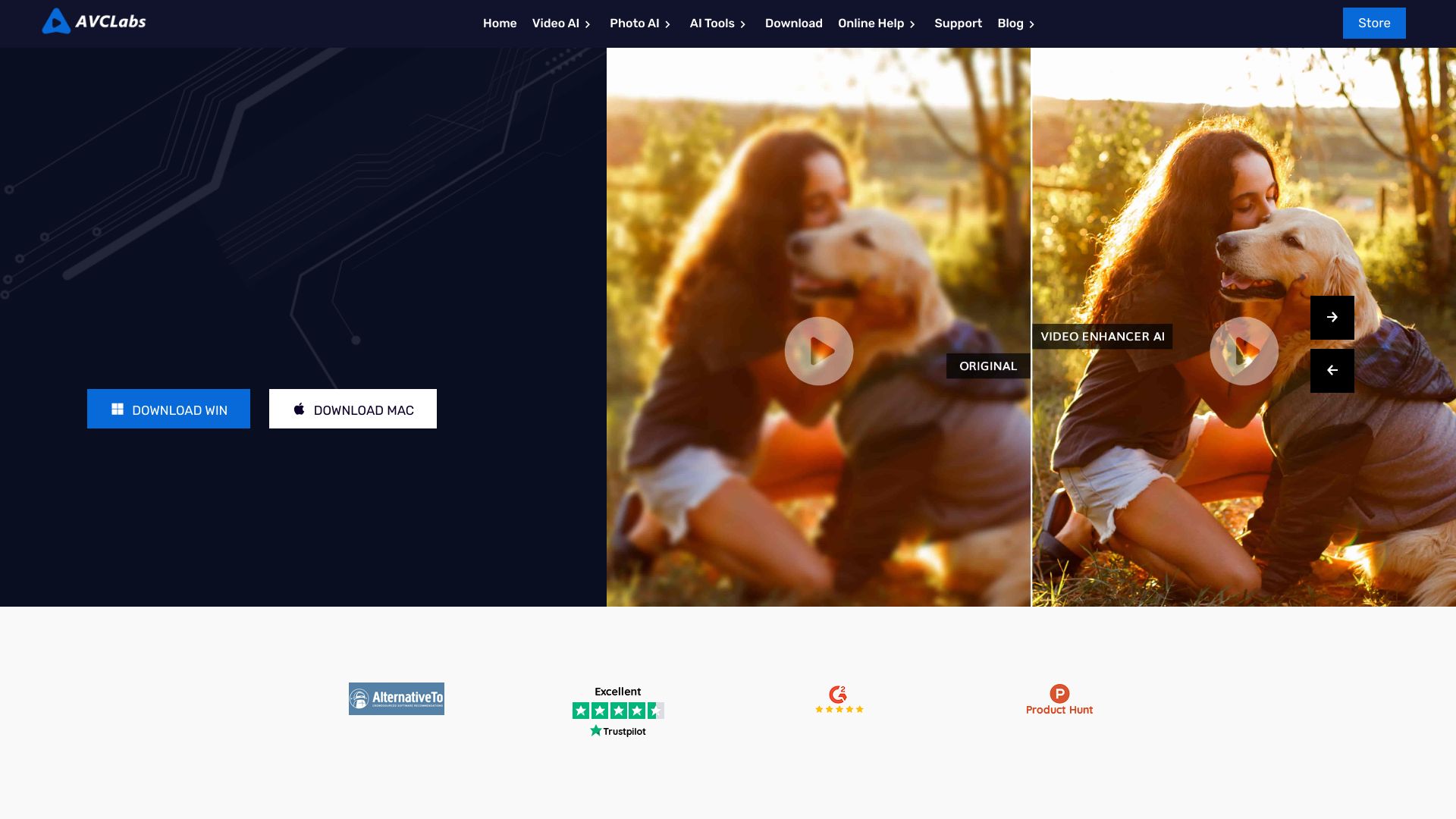

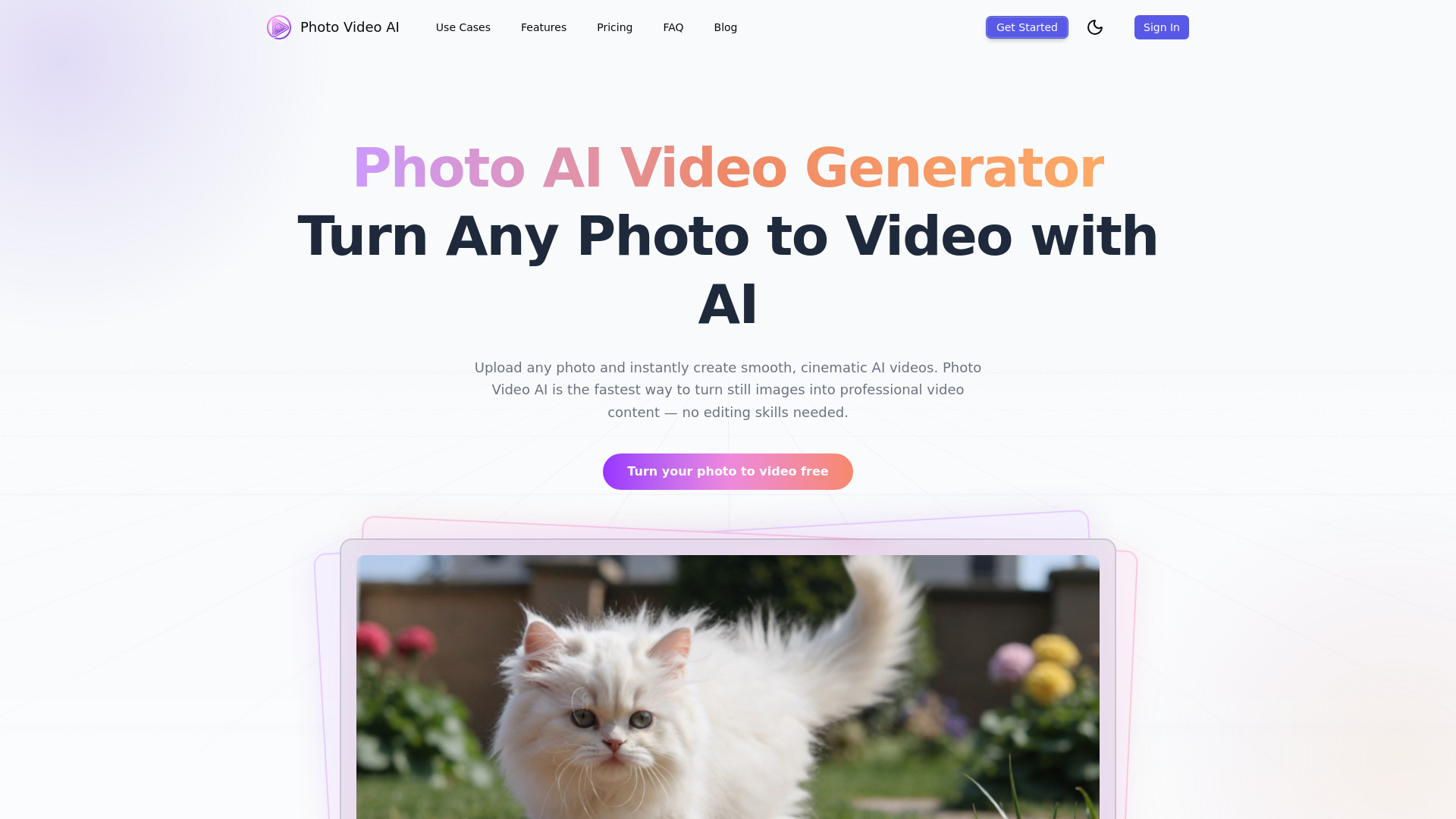
Photo Video AI
Turning still photos into cinematic video clips

V03AI
Short AI videos with generated audio

Photoleap
AI-powered mobile photo editing

VideoAI
Multi-model text-to-video creation

AIVideoFree
Quick text- and image-to-video creation

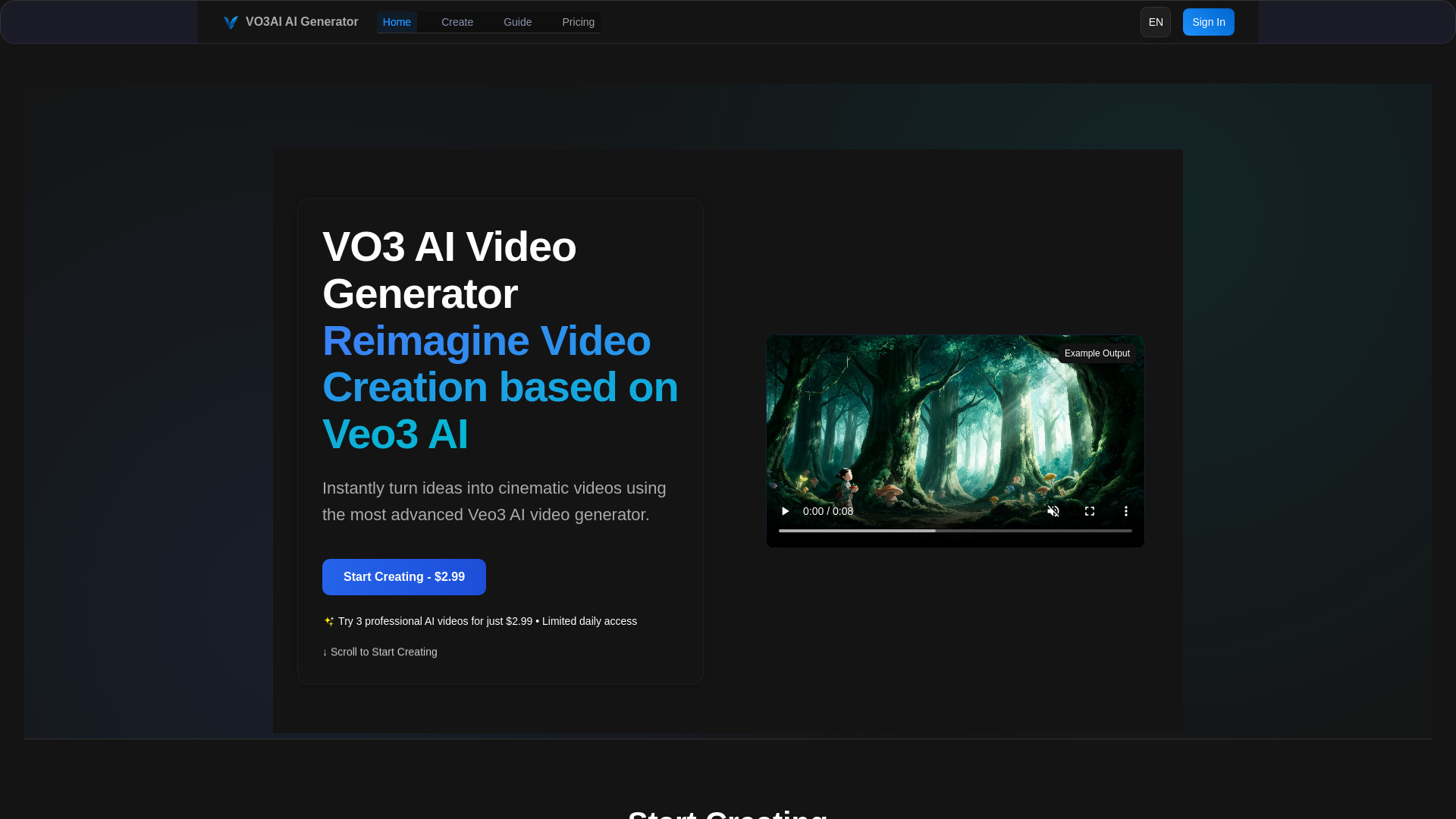
VO3 AI
Cinematic AI video generation with audio

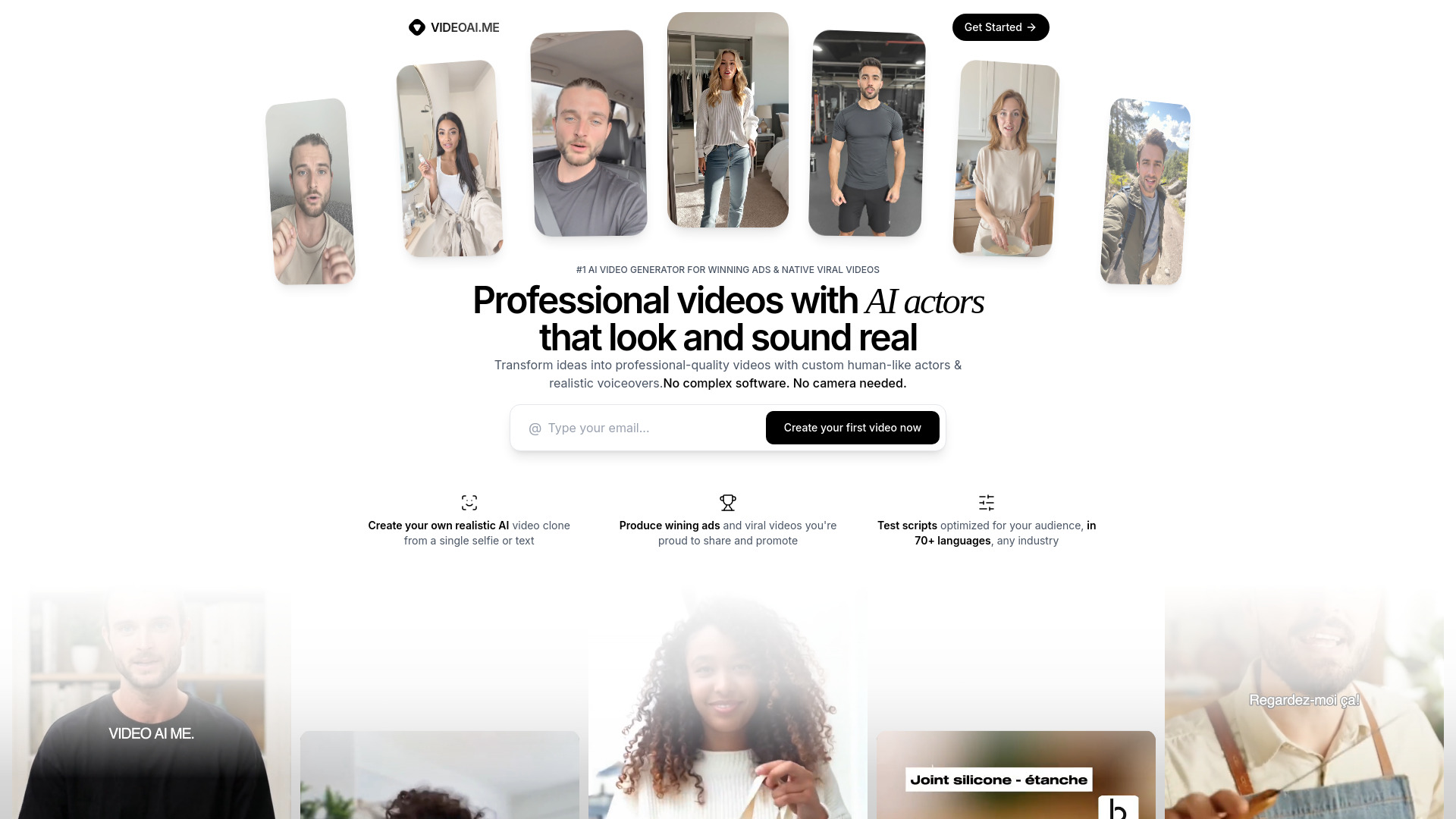
VIDEOAI.ME
AI spokesperson ads and multilingual short-form videos

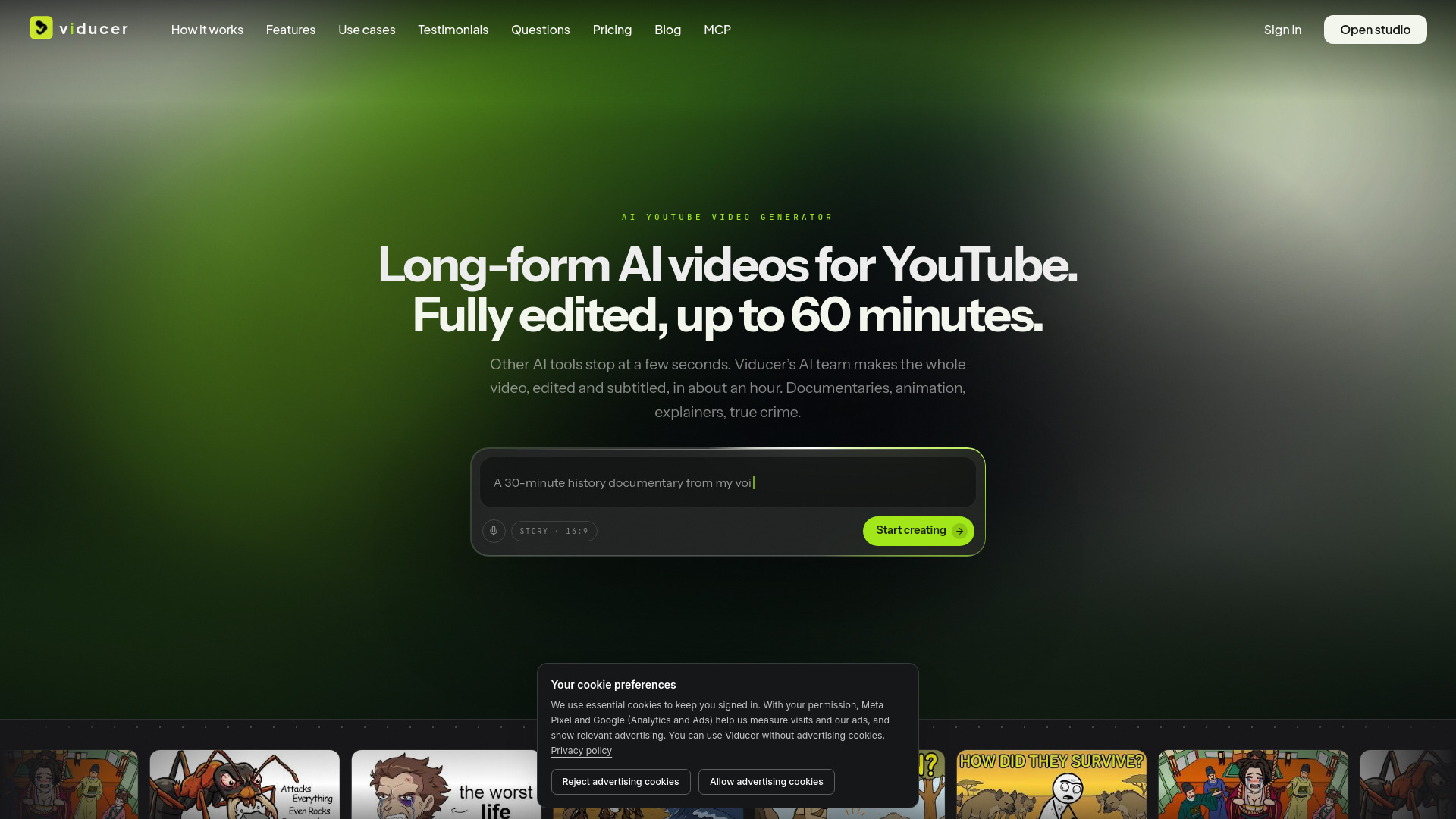
Viducer
Long-form faceless YouTube videos

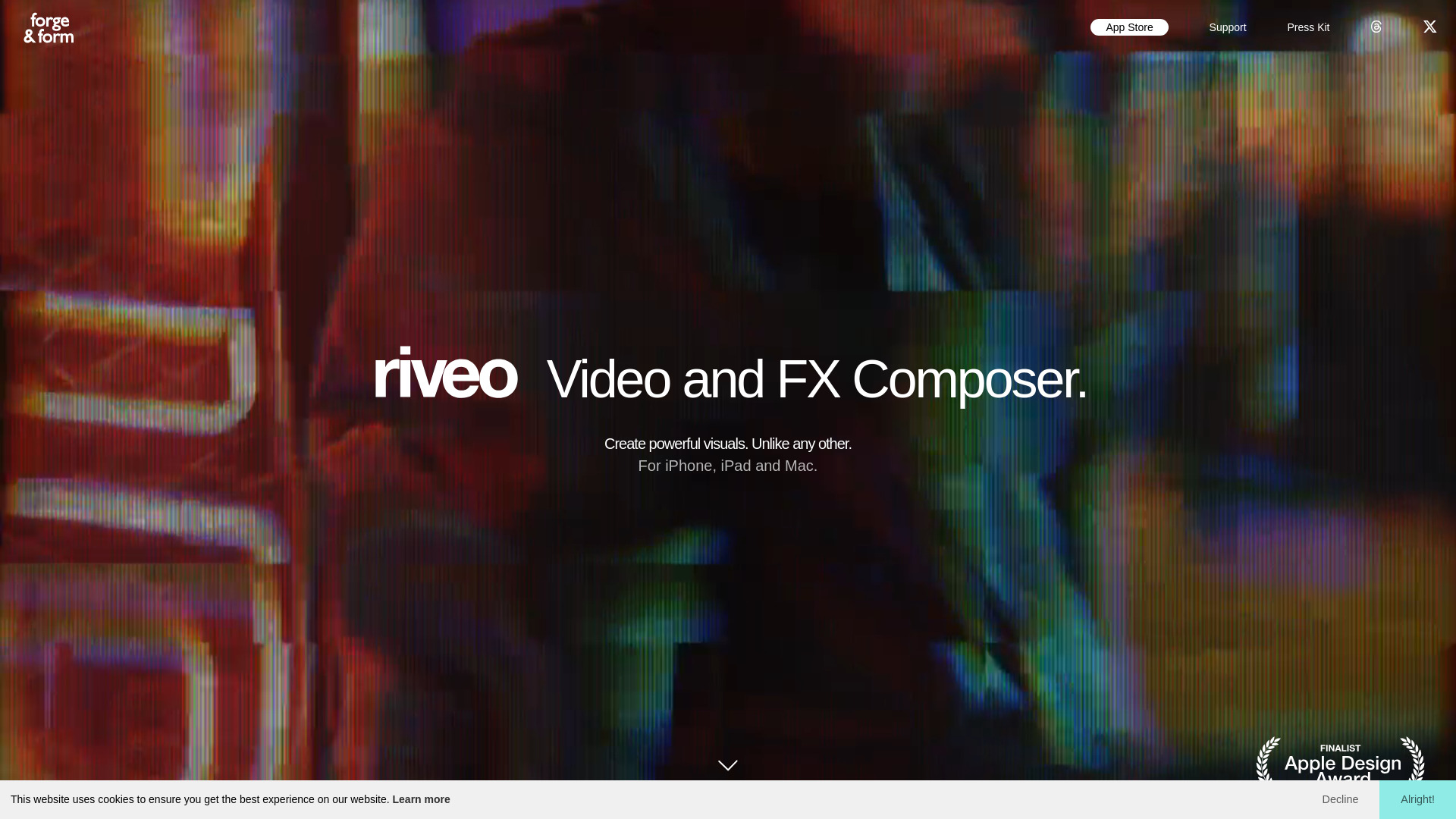
Riveo
Creators adding cinematic effects to mobile videos

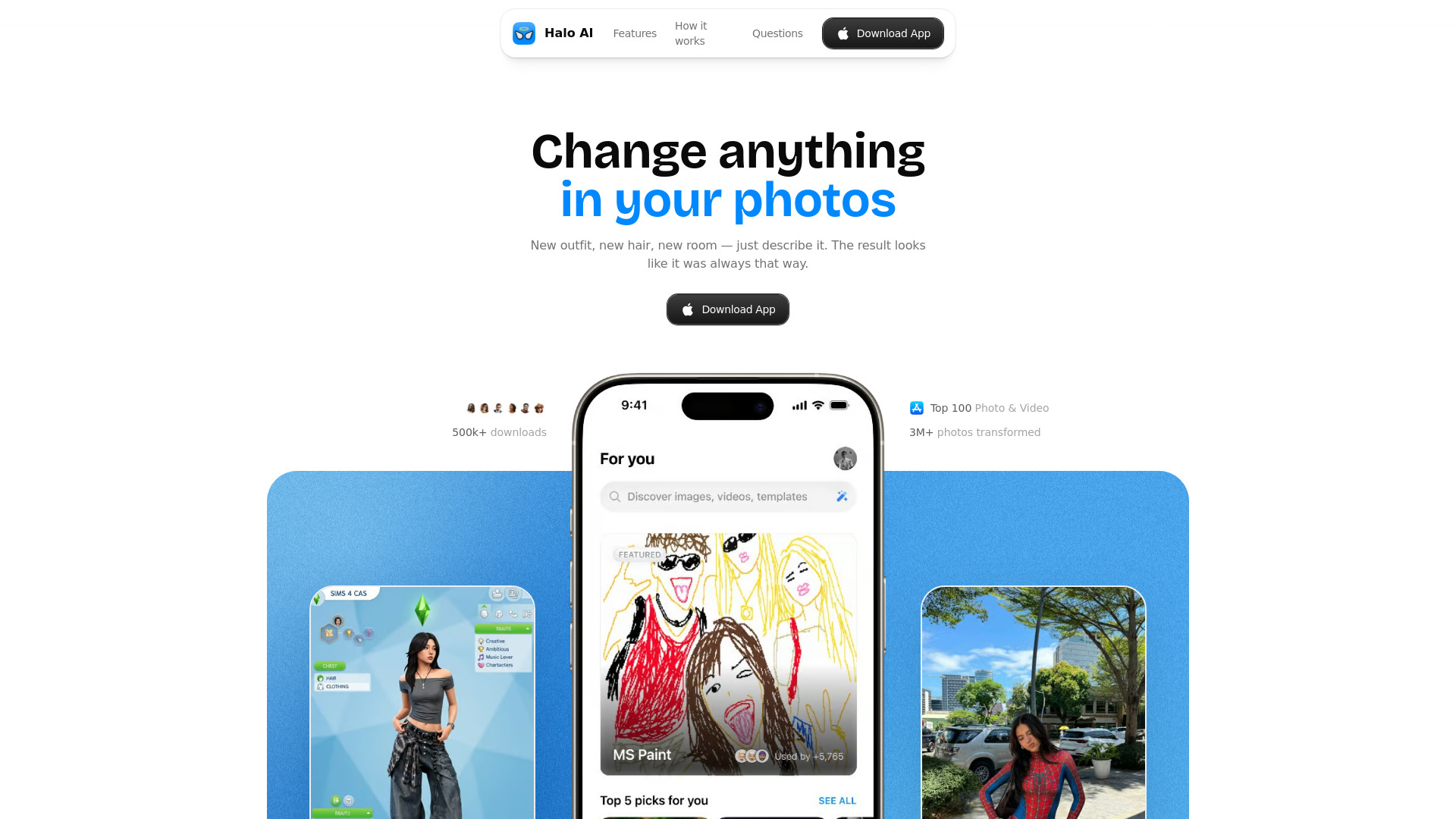
Halo AI
AI photo-to-video clips for social media

AI Studio for Video
Comparing AI video and image models in one workspace

Imagvio AI
Prompt-driven image editing and AI video generation

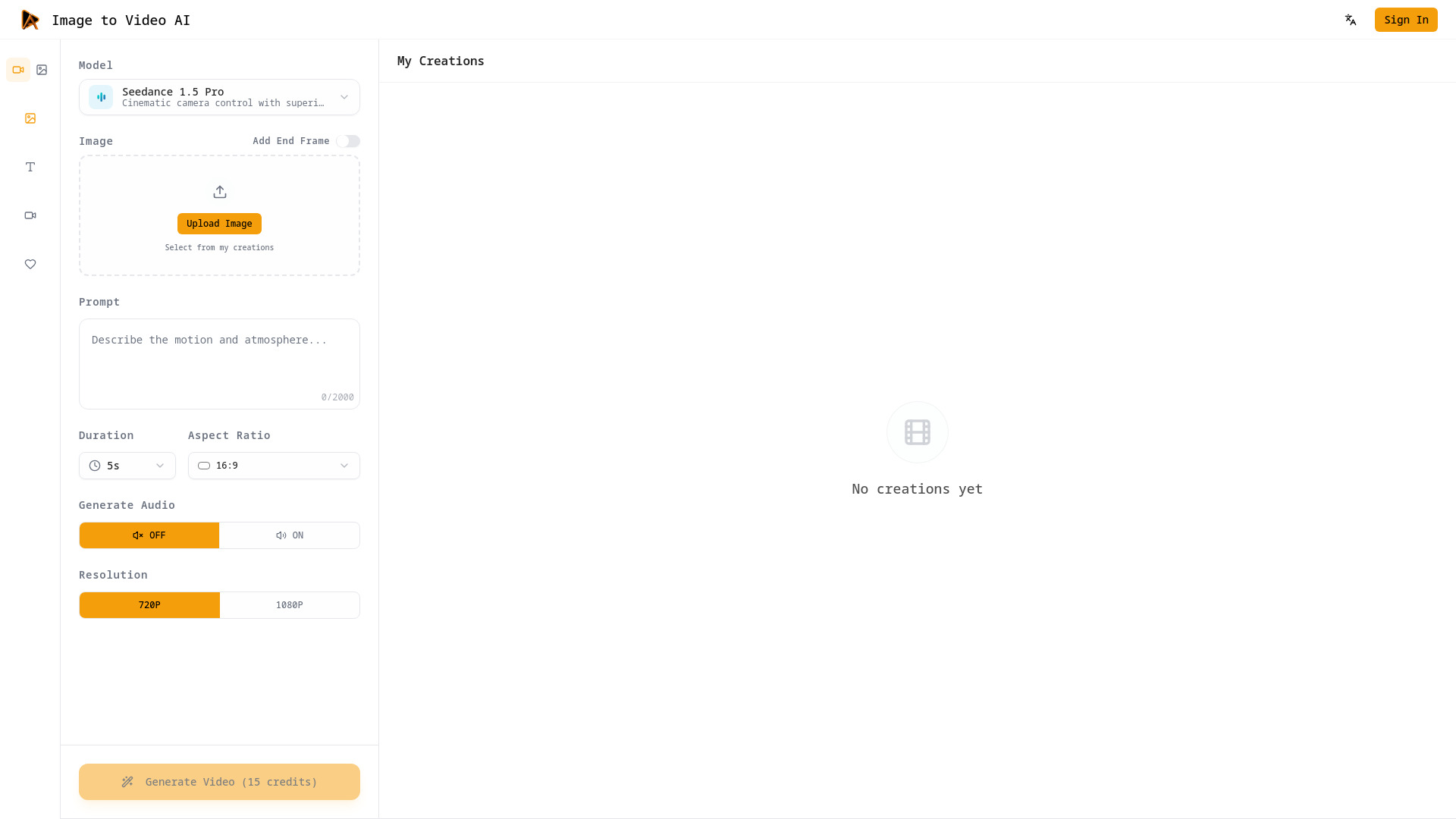
Image to Video AI
Turning still images into cinematic video clips

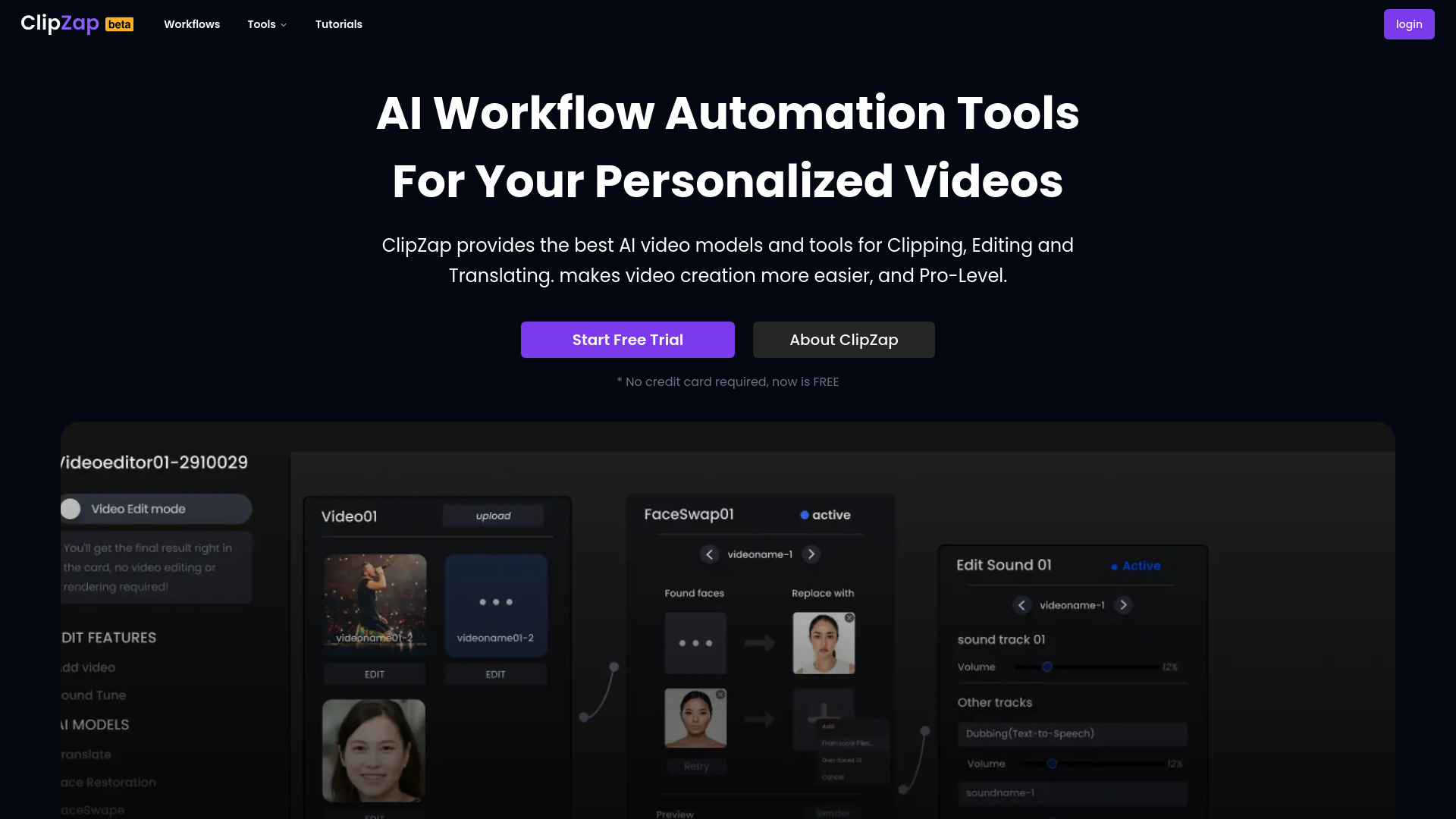
ClipZap AI
AI video workflows for content creators
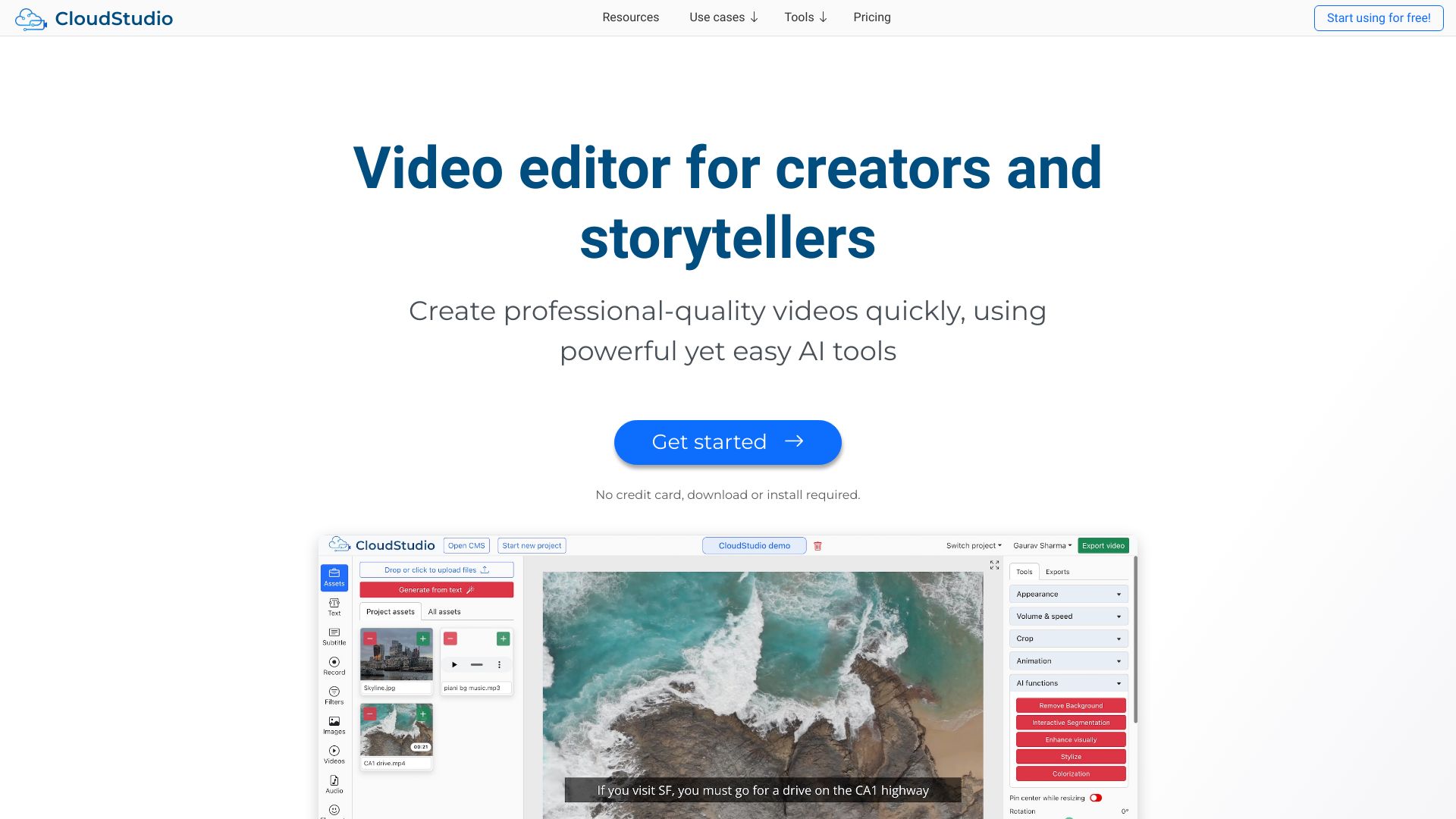
CloudStudio
AI-assisted browser video editing

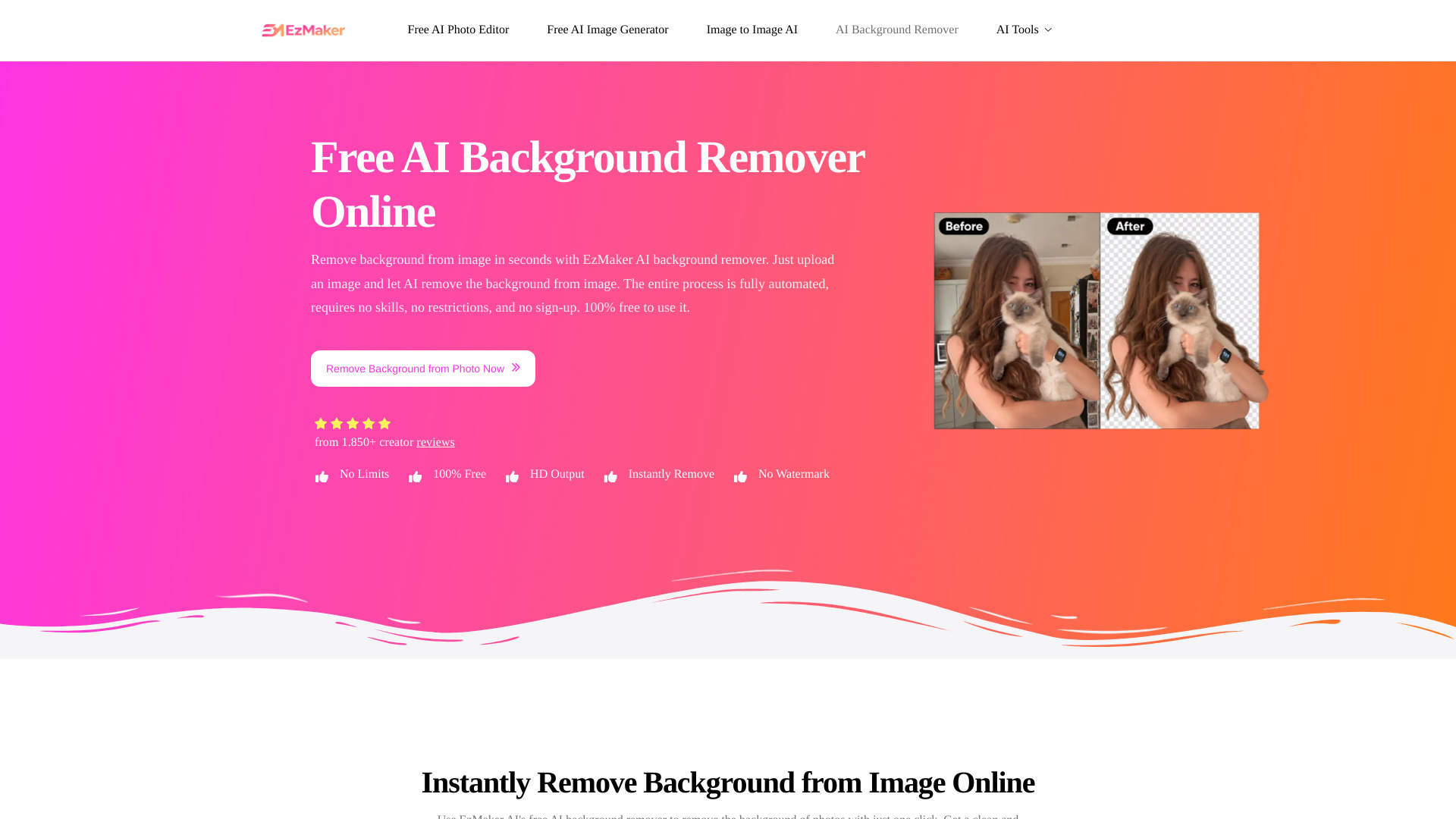
EzMaker AI Background Remover
Quick image background removal

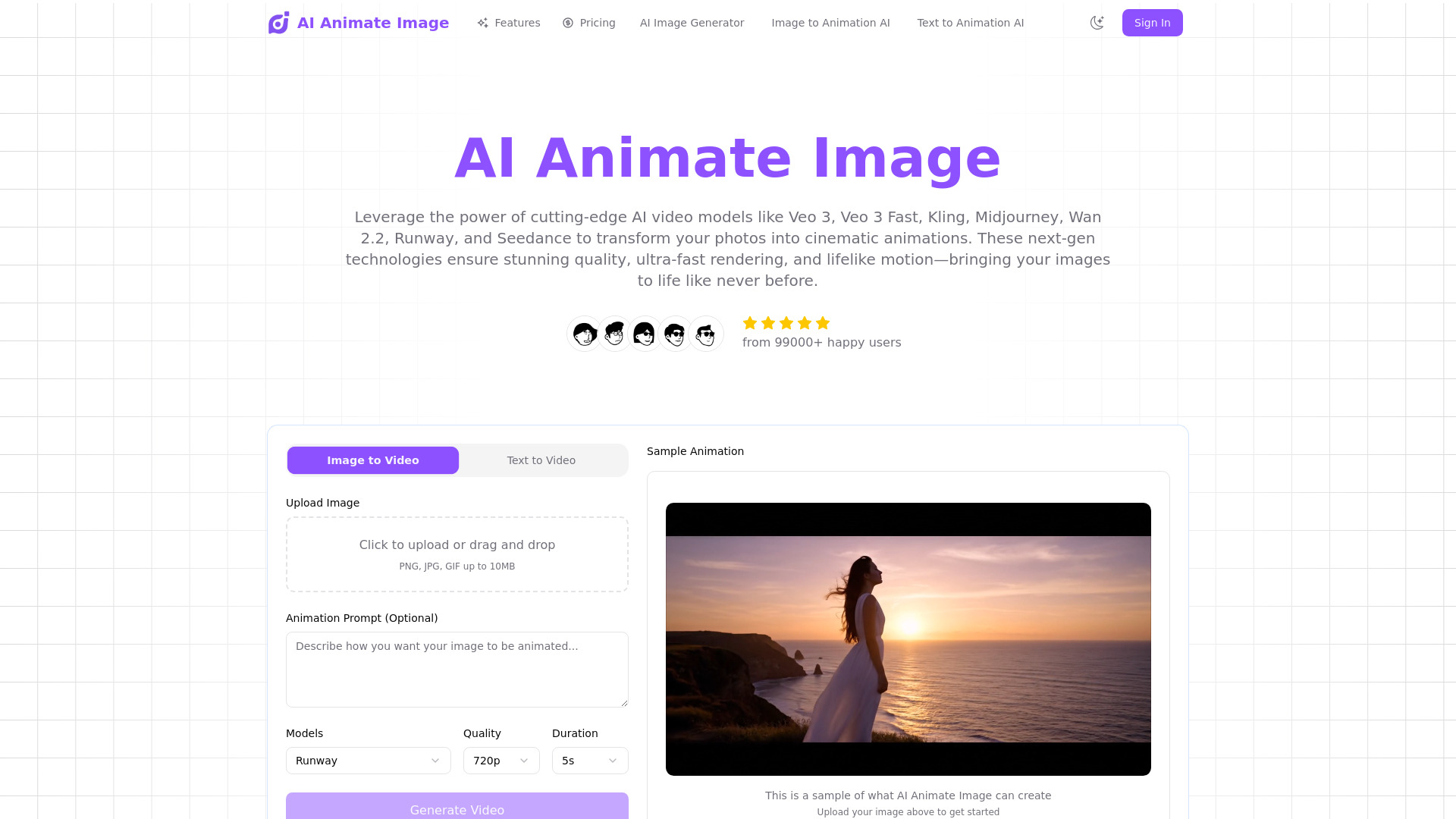
AI Animate Image
Animating still photos into short videos
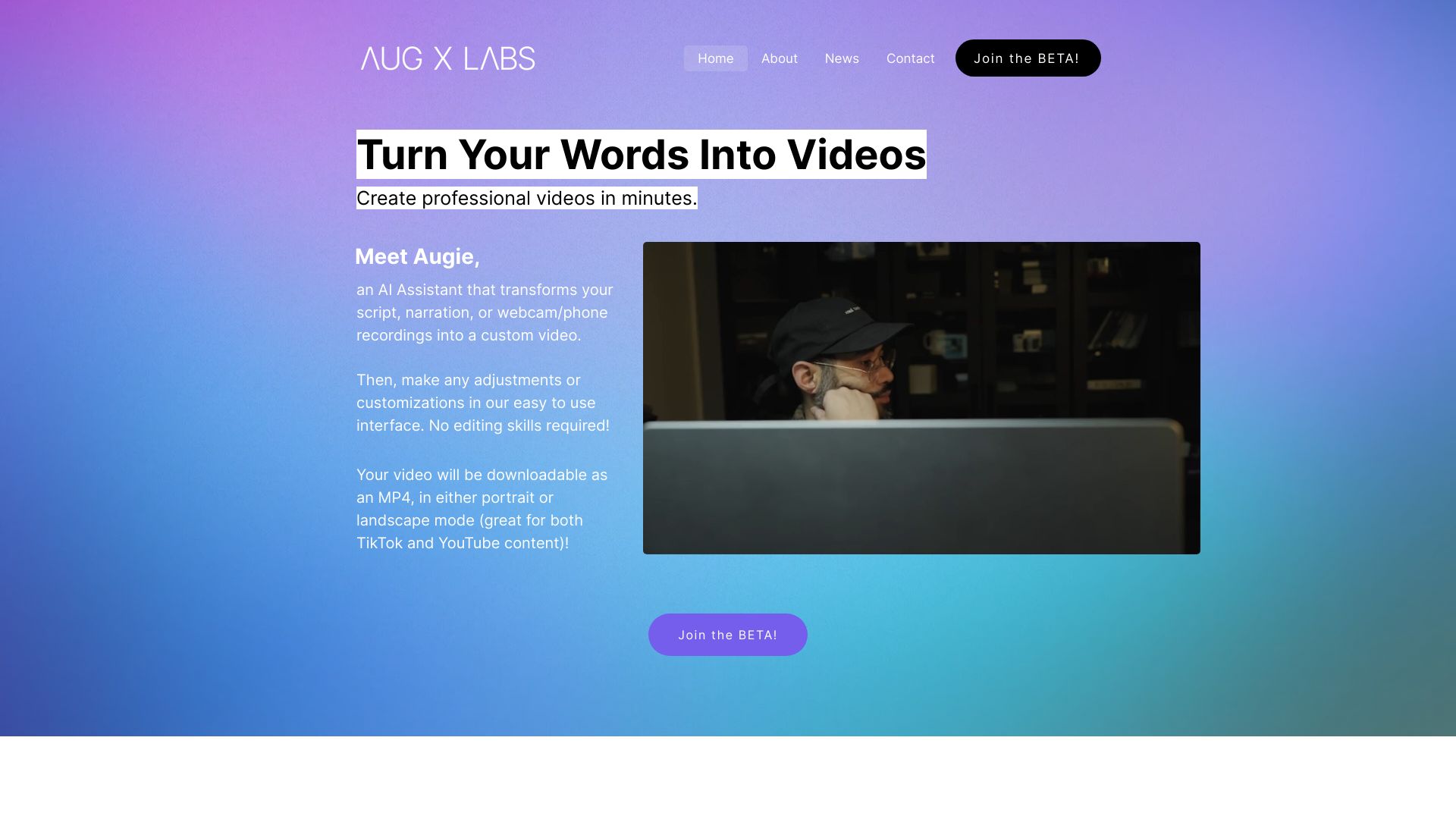
Augie
Marketing teams creating branded social videos

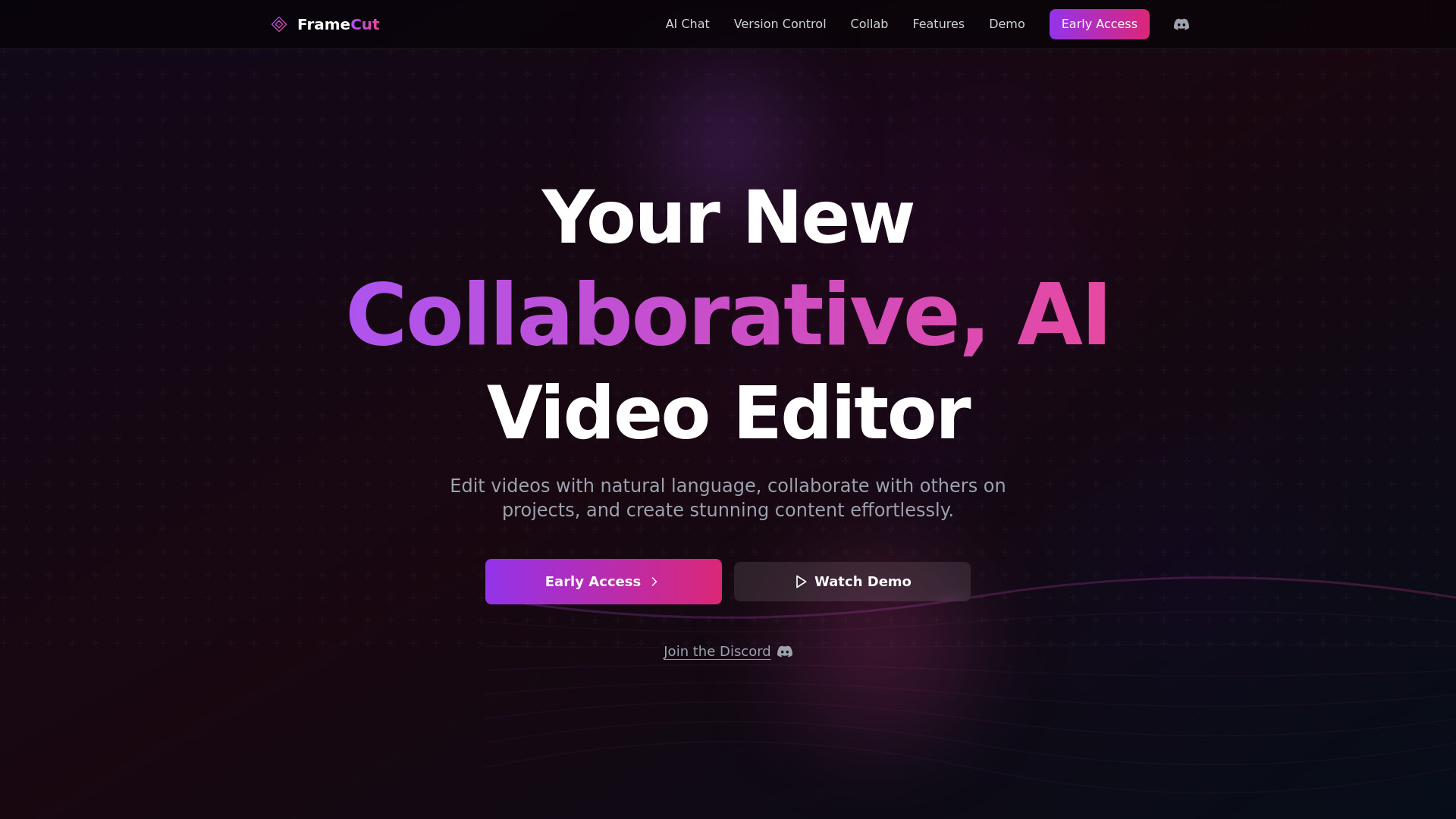
Mosaic AI
AI-agent video editing workflows

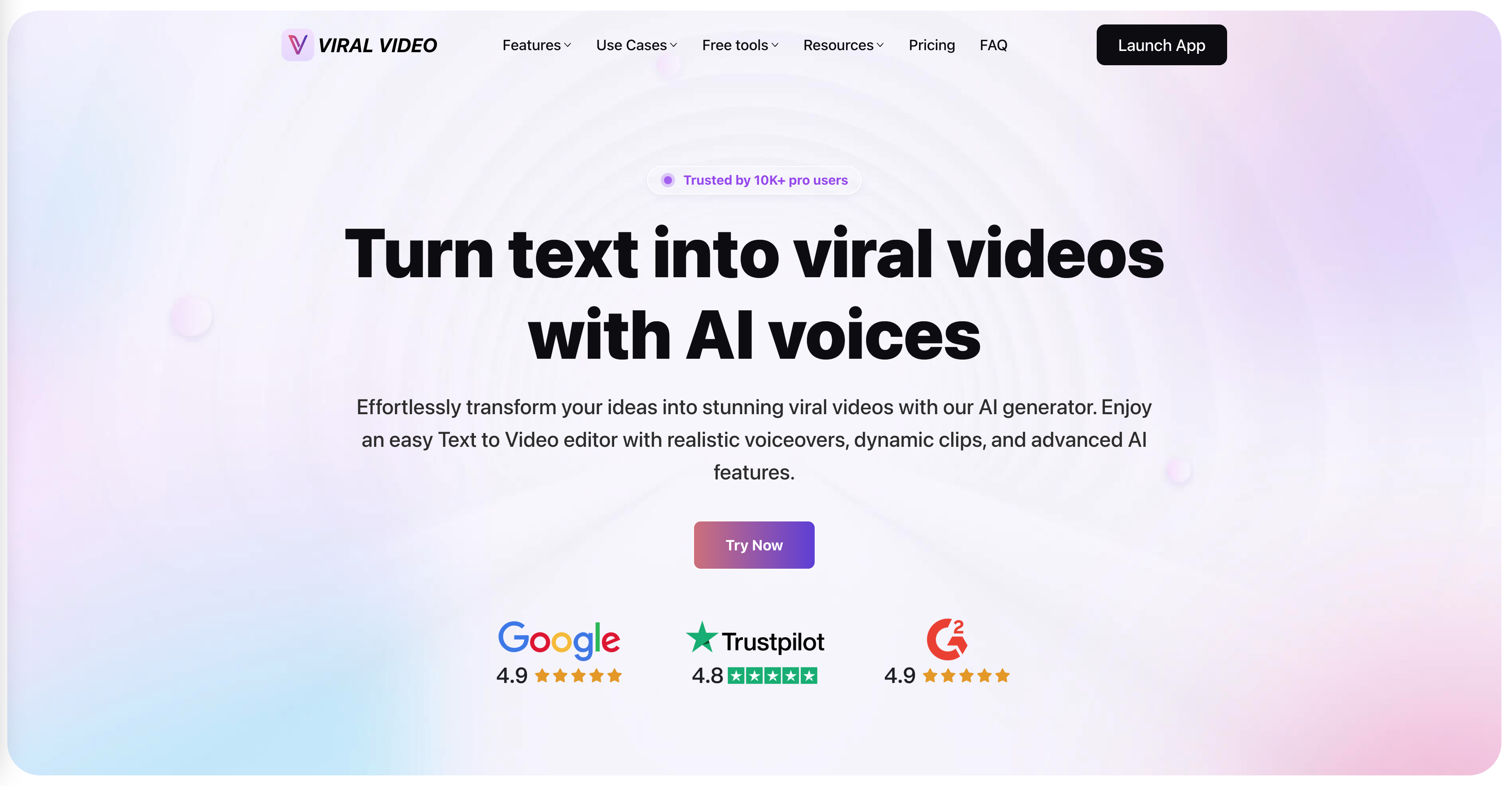
ViralVideo
AI-generated social shorts

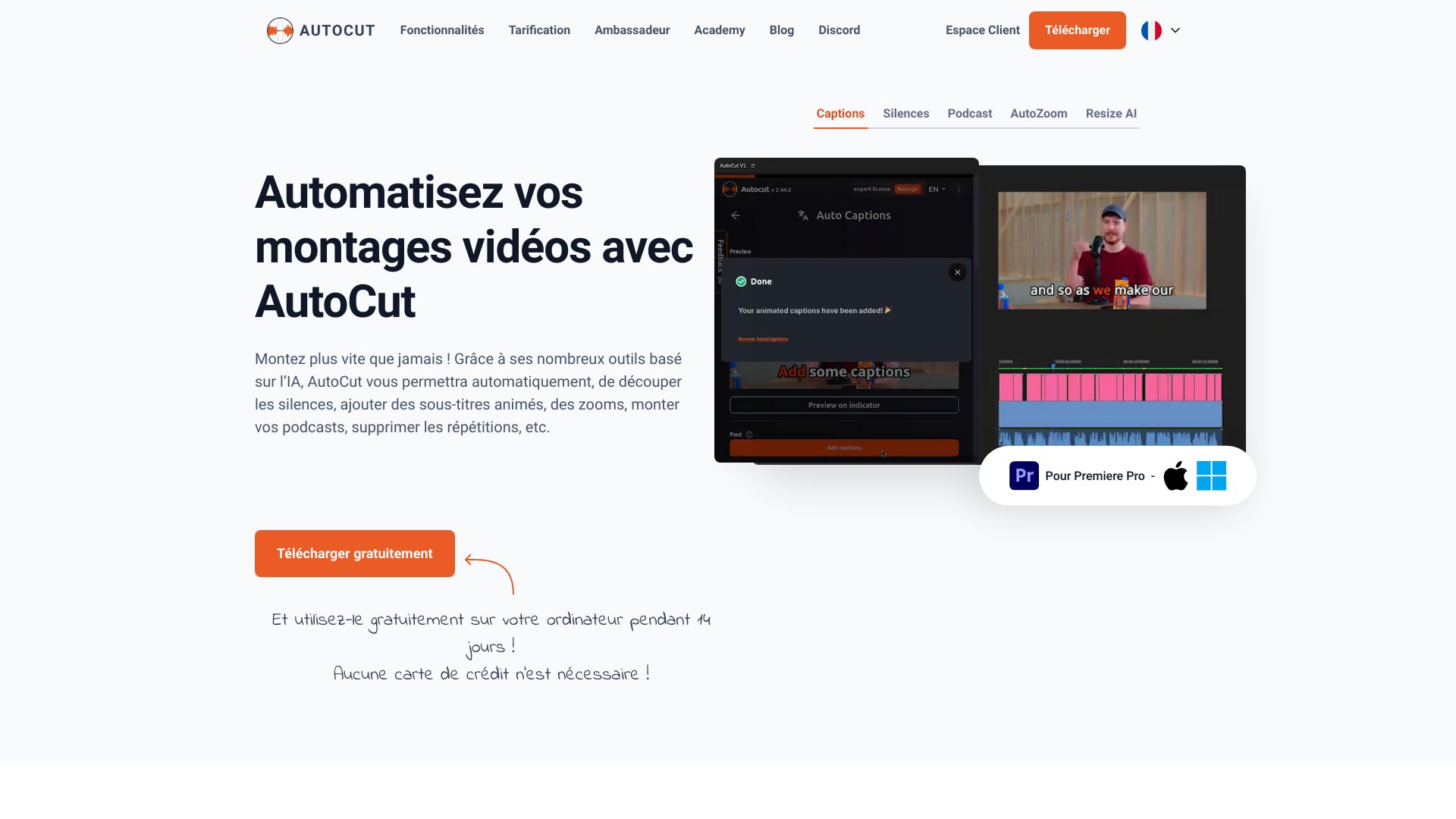
AutoCut
Automating repetitive edits in Premiere Pro and DaVinci Resolve

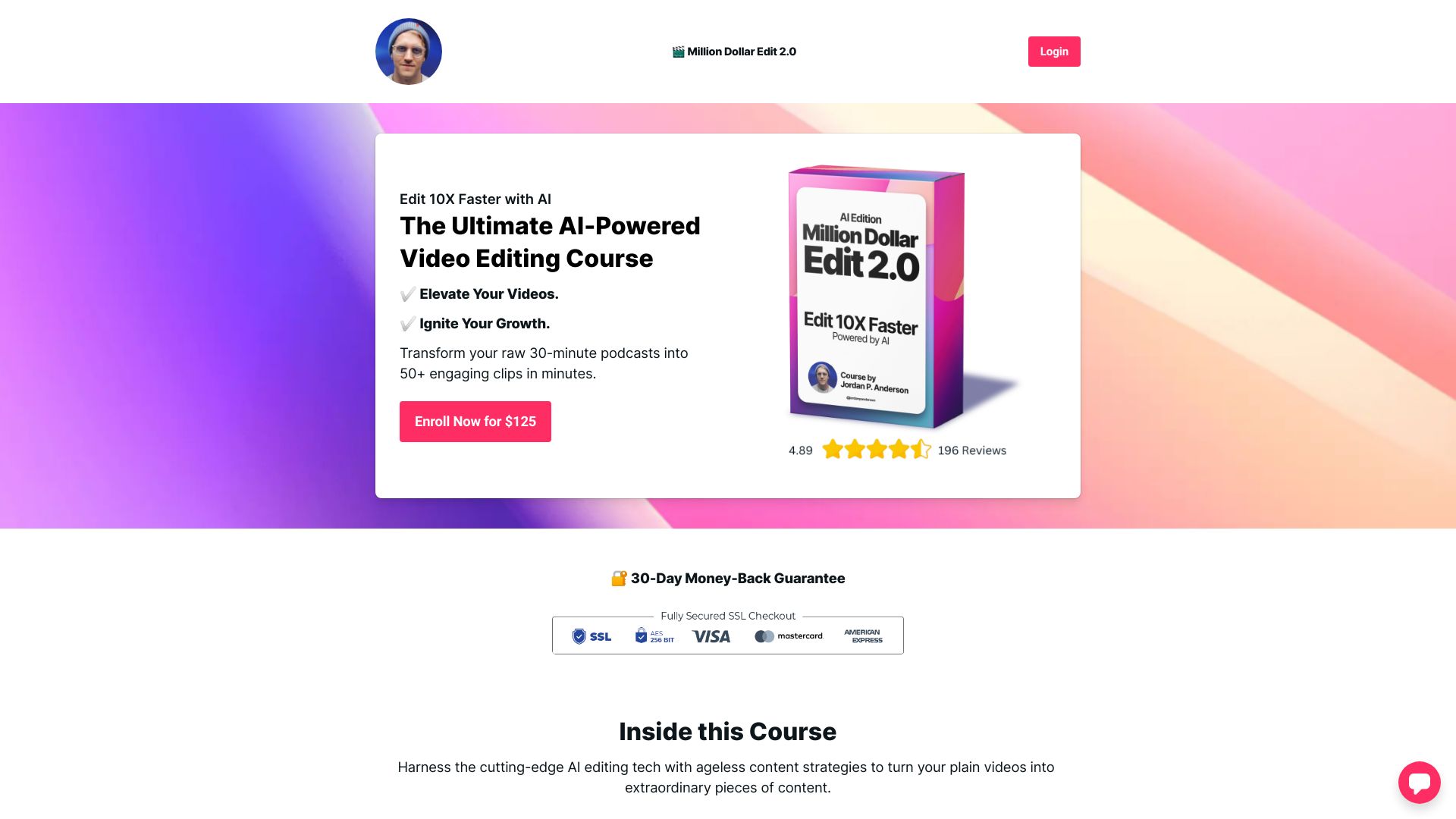
MillionDollar Edit 2.0
Creators turning long videos into social clips

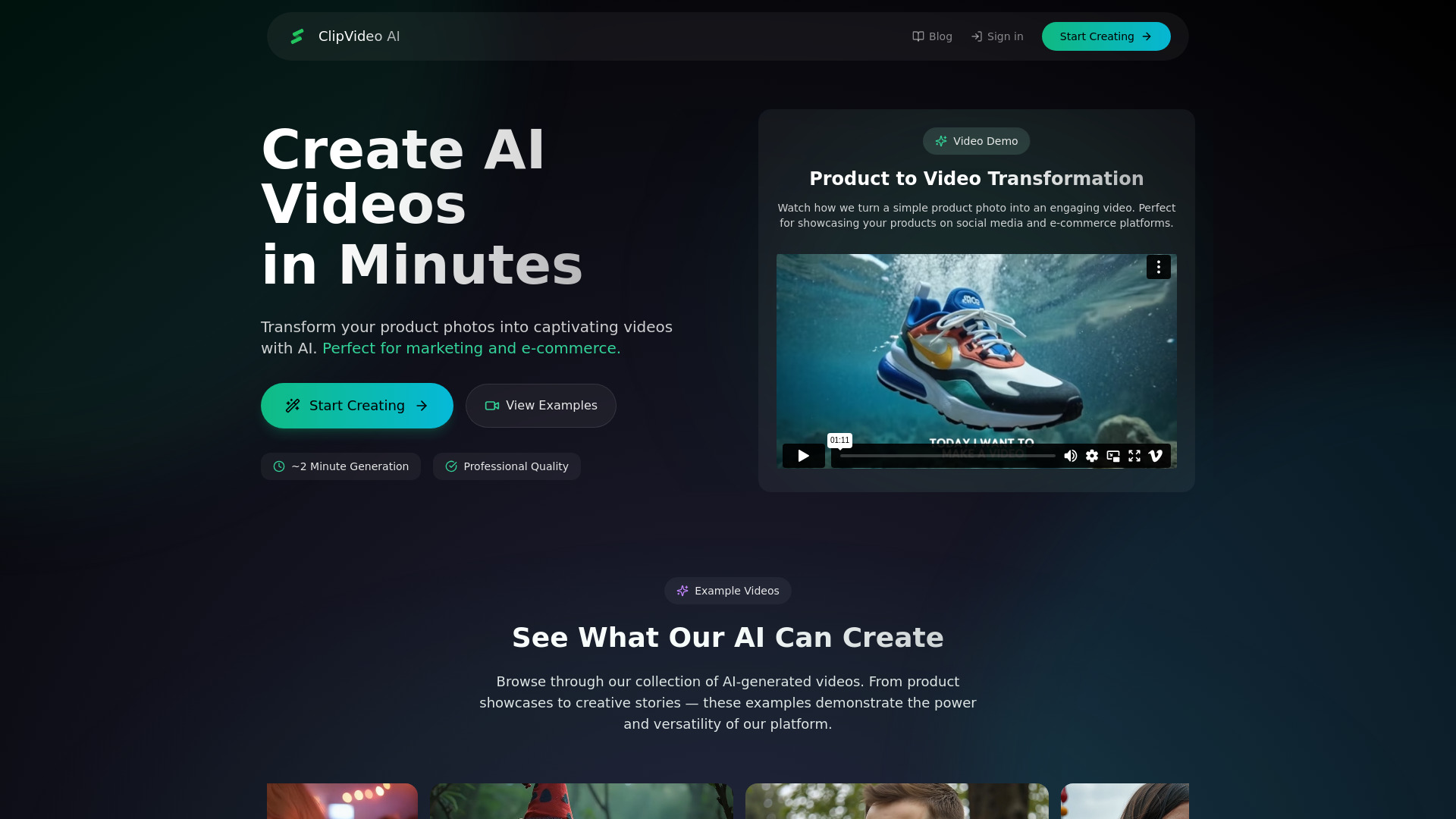
ClipVideo AI
Product-photo marketing videos
ai image editor
Quick AI photo retouching and background removal

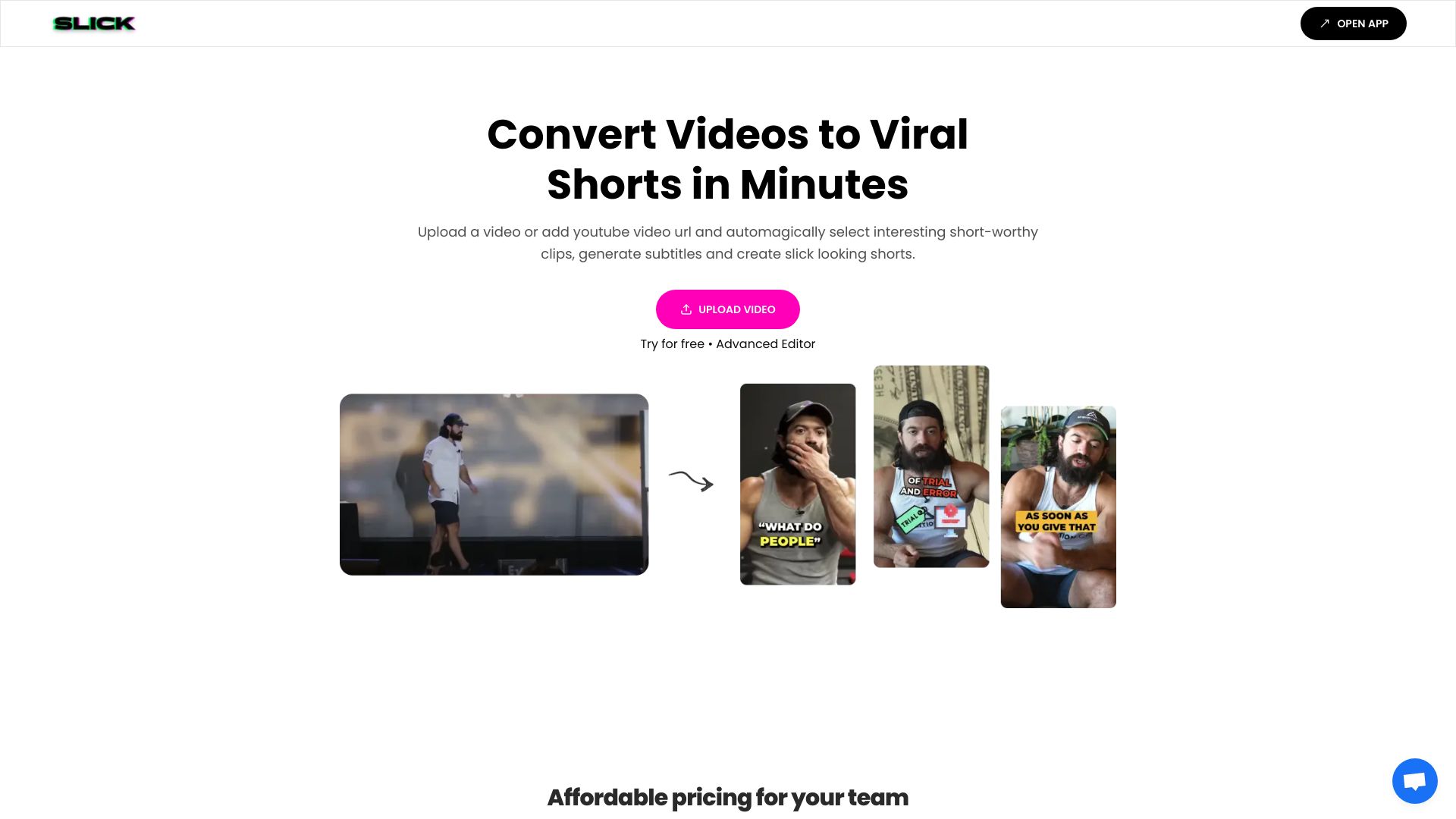
Slick
Turning long videos into customizable shorts

Movmix AI
AI video and image generation

Avido.ai
Automated faceless YouTube and TikTok videos

Vidu Studio AI
Quick text- and image-to-video creation

AI Video Editor
Resizing, compressing, and converting videos online

AI Photo Editor
Prompt-based photo cleanup and retouching
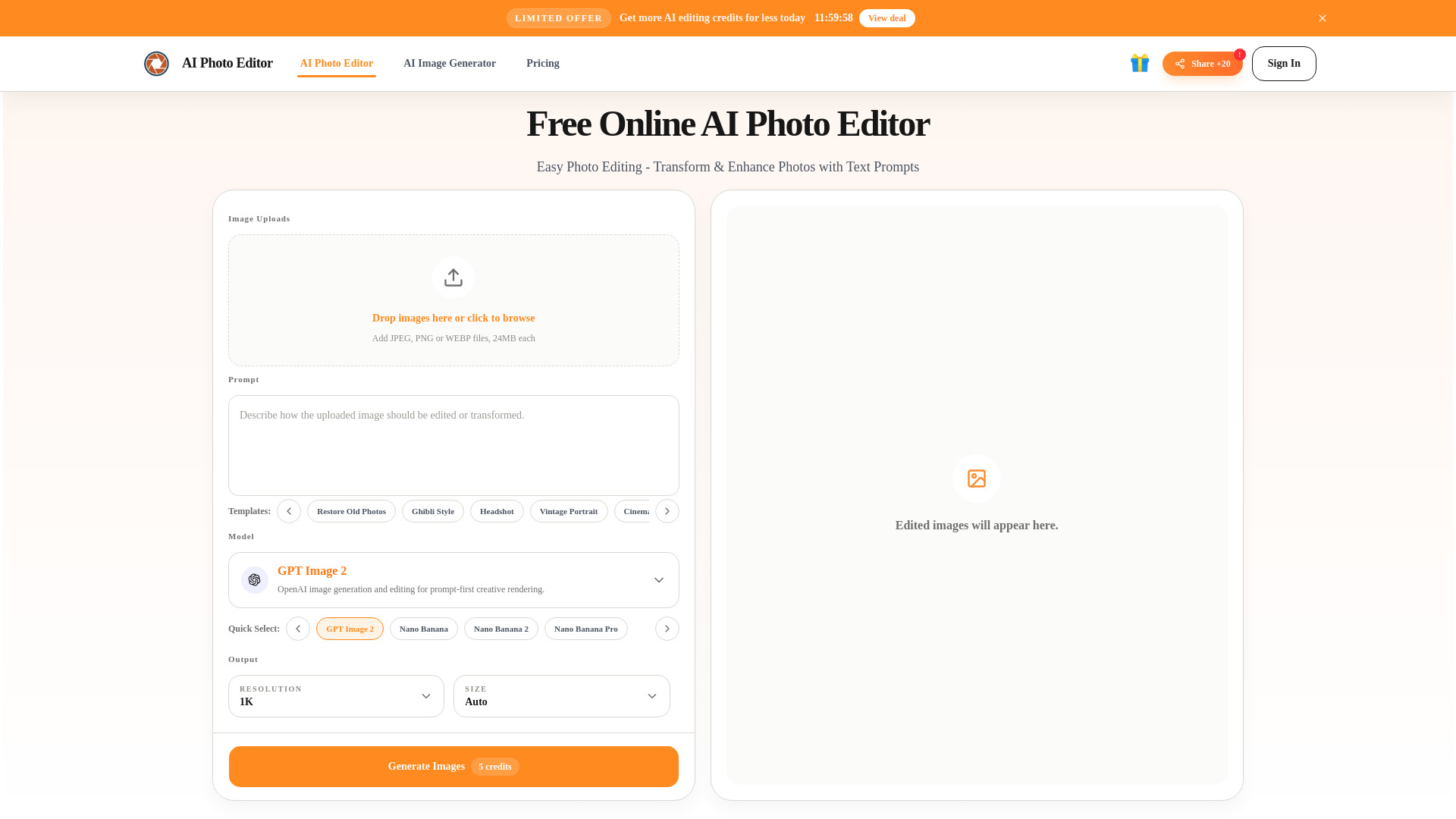

Ava (by Avlana)
Prompt-led editing of real footage

Video AIditor
AI platform video generation APIs
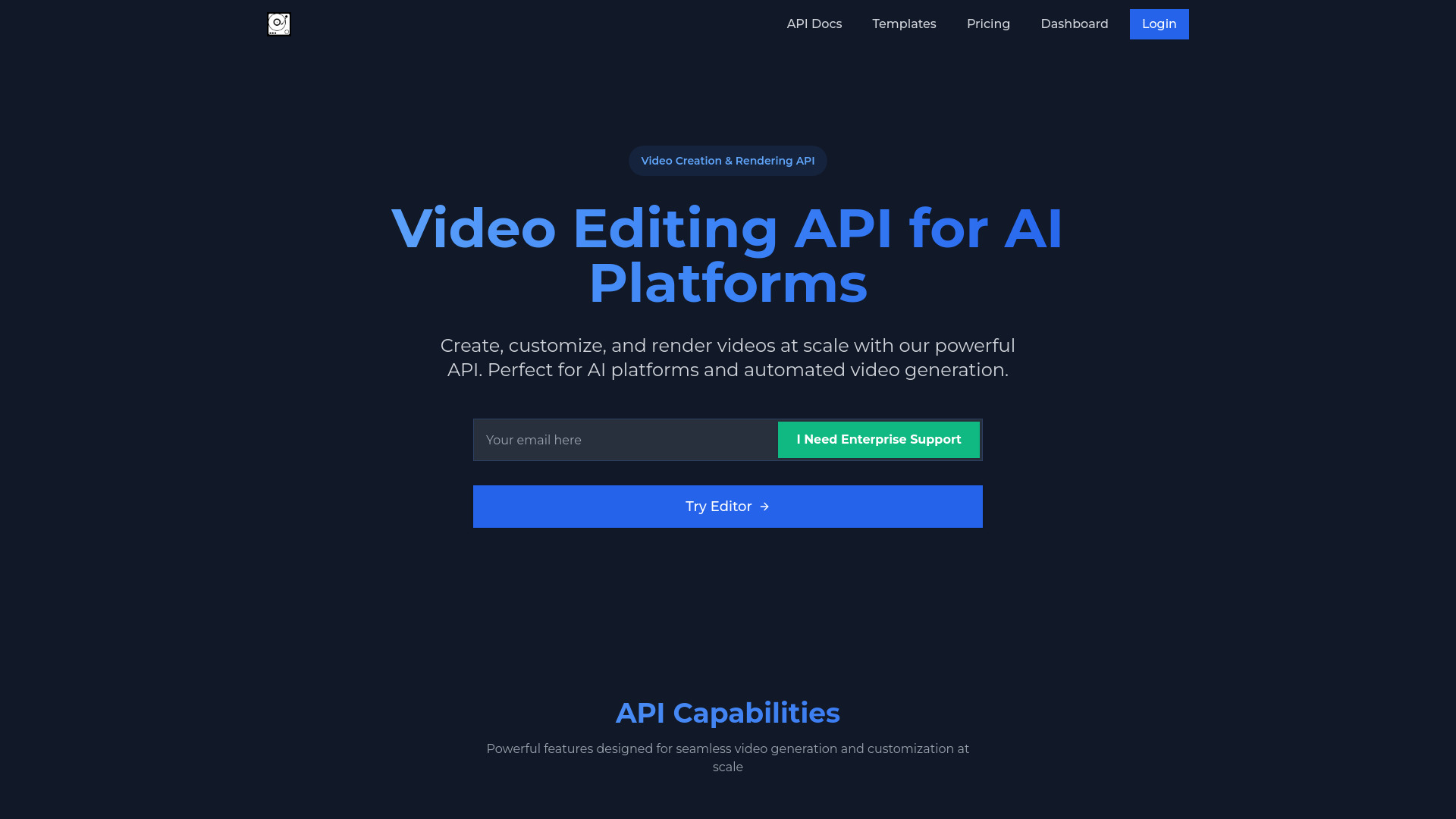

VideoEditorAI.com
Prompt-based AI video editing and creation
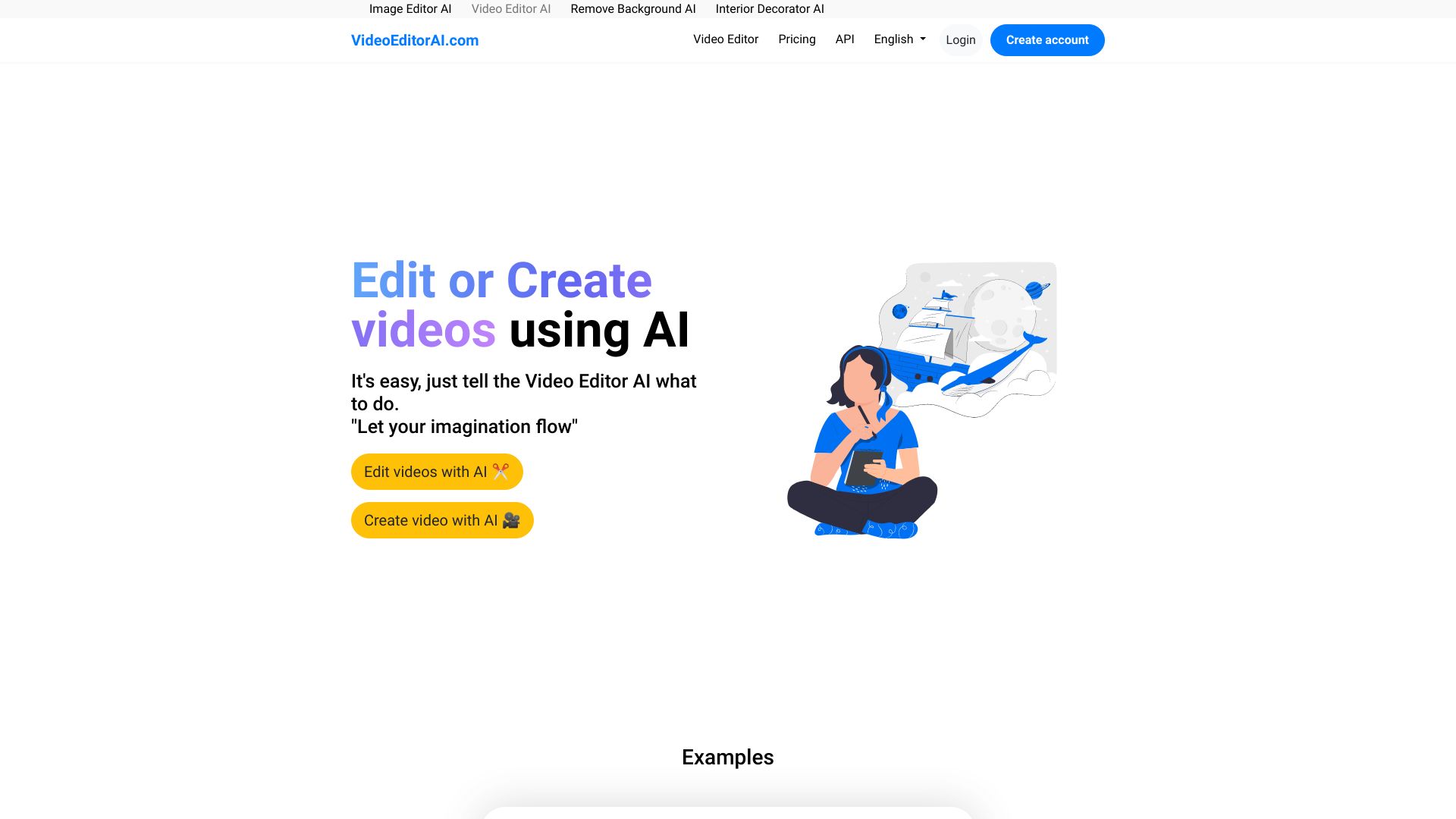
MetaPix
Mobile AI photo and video editing

Veo 3.1
Multi-shot AI video storytelling

ImageVids AI
Turning still photos into AI videos

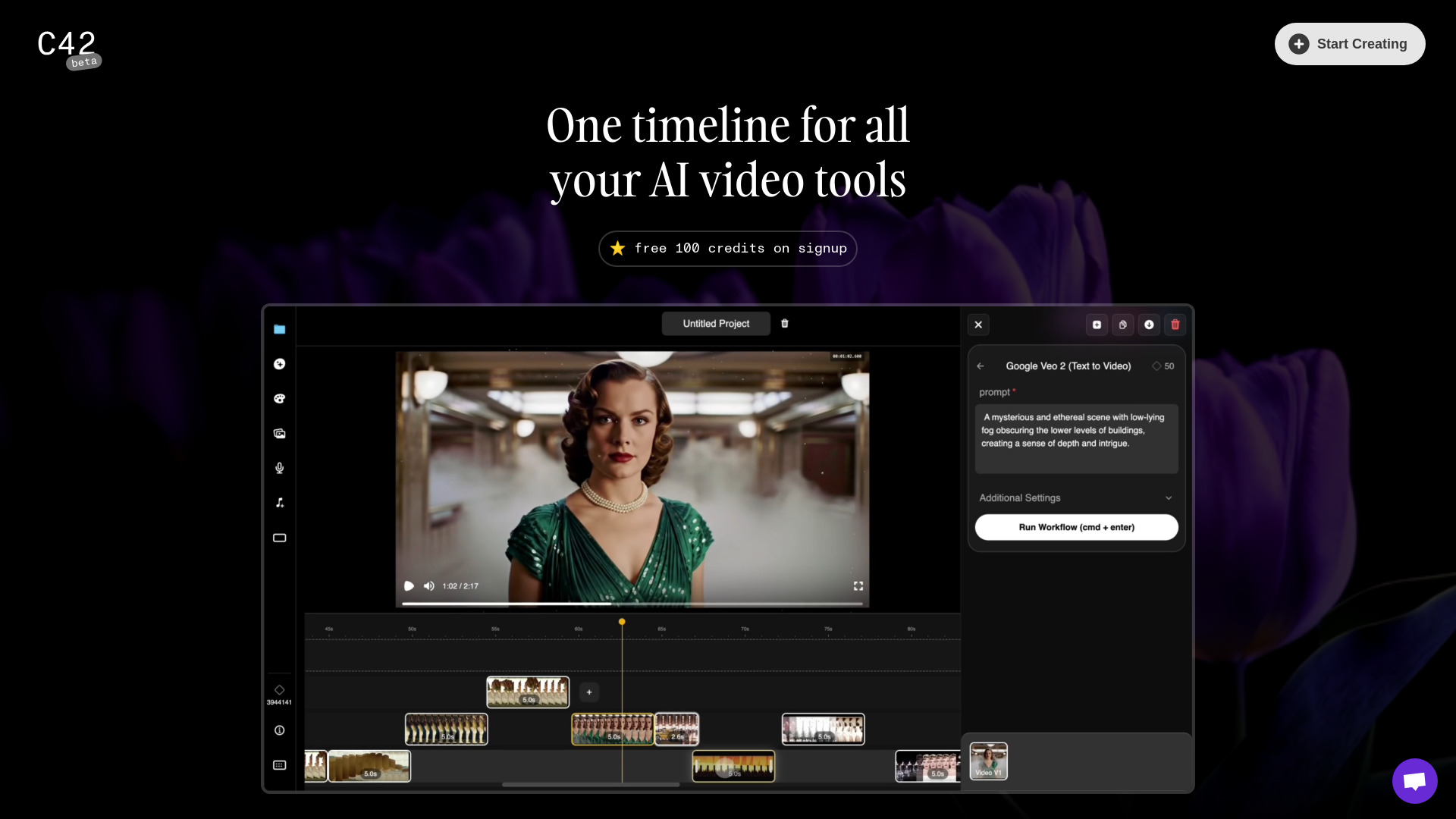
Channel42
AI-assisted video editing and footage creation
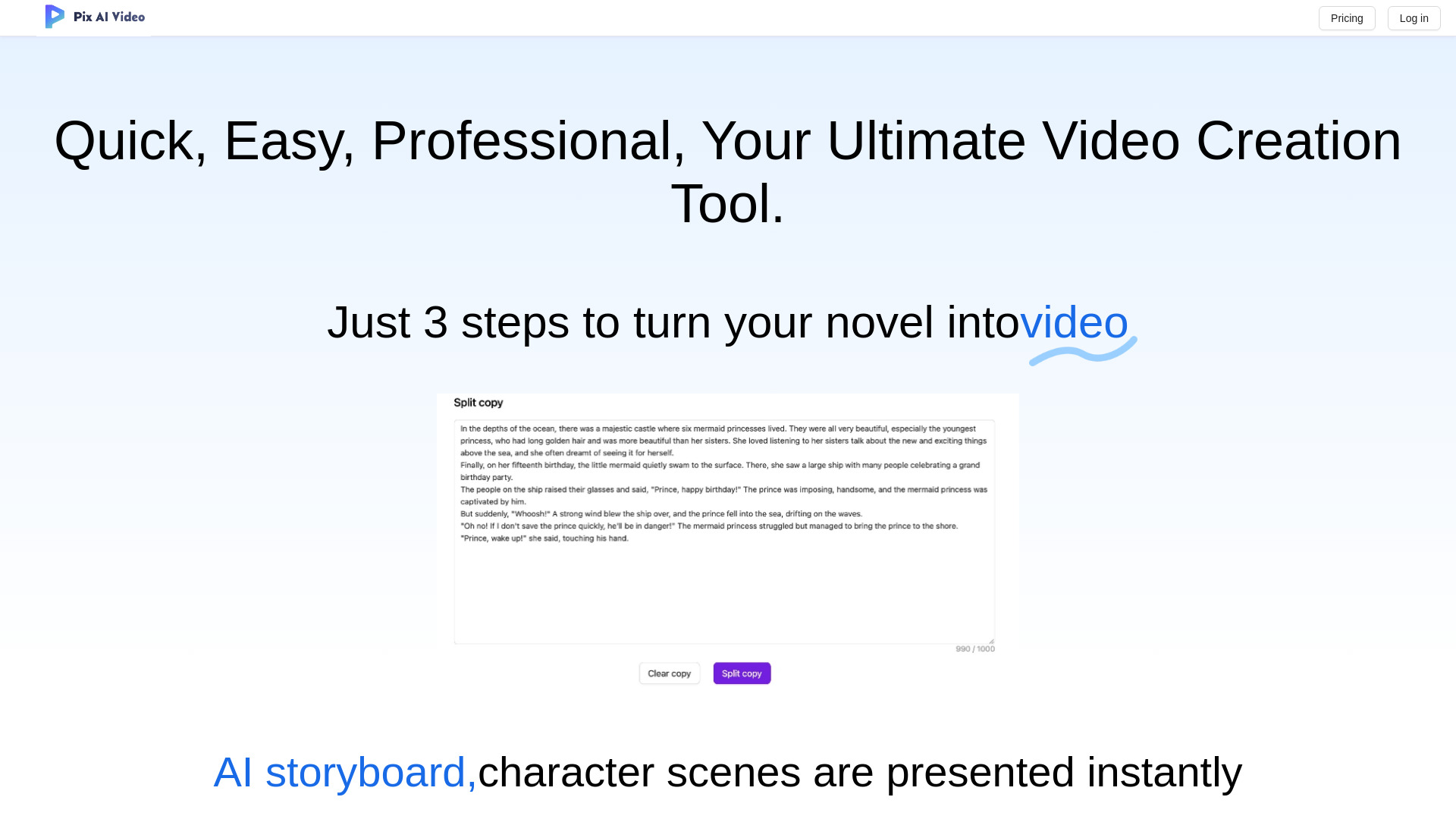
PixAIVideo
Turning stories into animated videos
VidMaskPro
AI-filtered social video editing
VideoAI
AI video generation from images and prompts

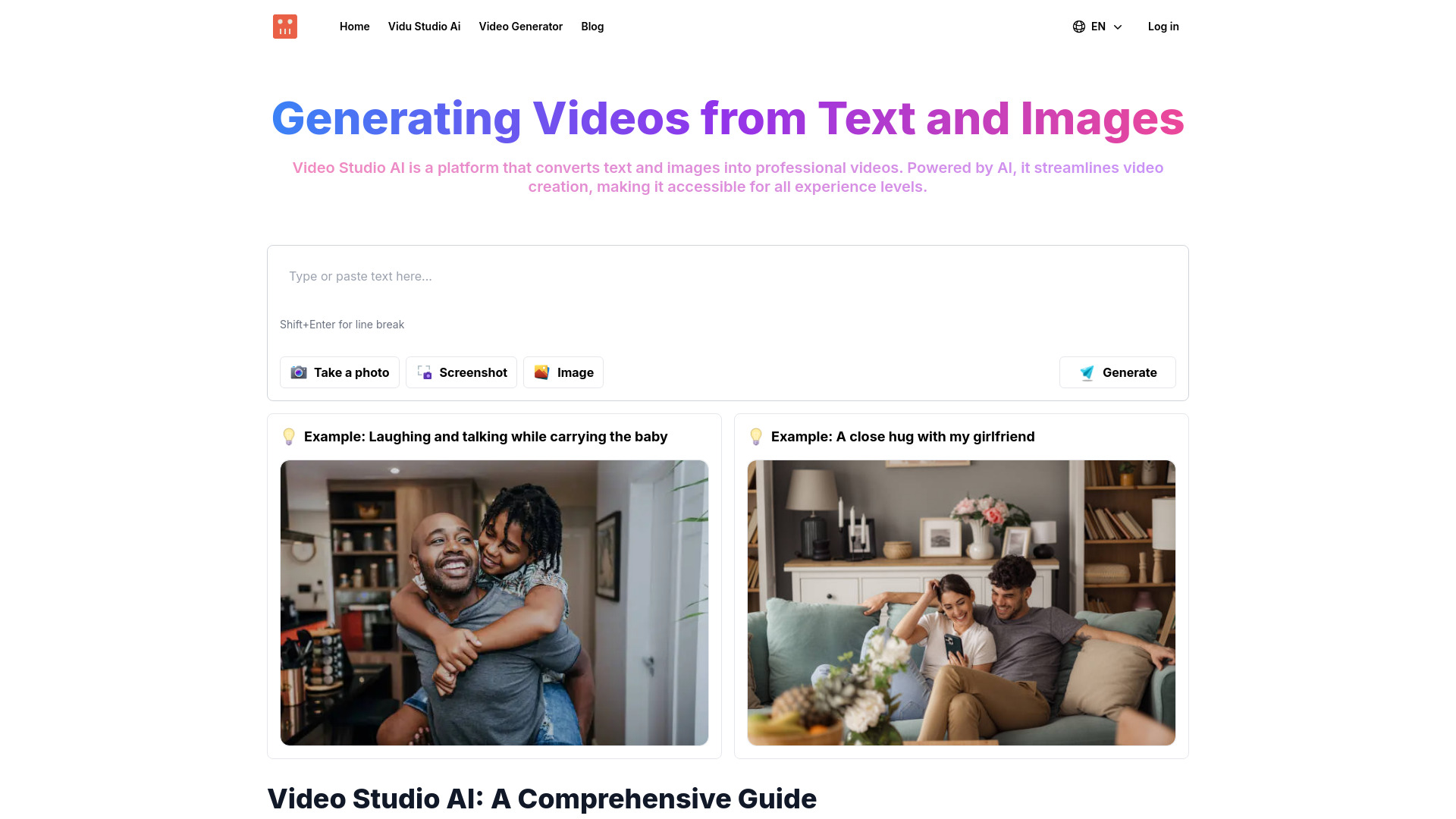
Video Studio AI
Beginner-friendly text- and image-to-video creation

AiCanvas
AI-assisted canvas video creation


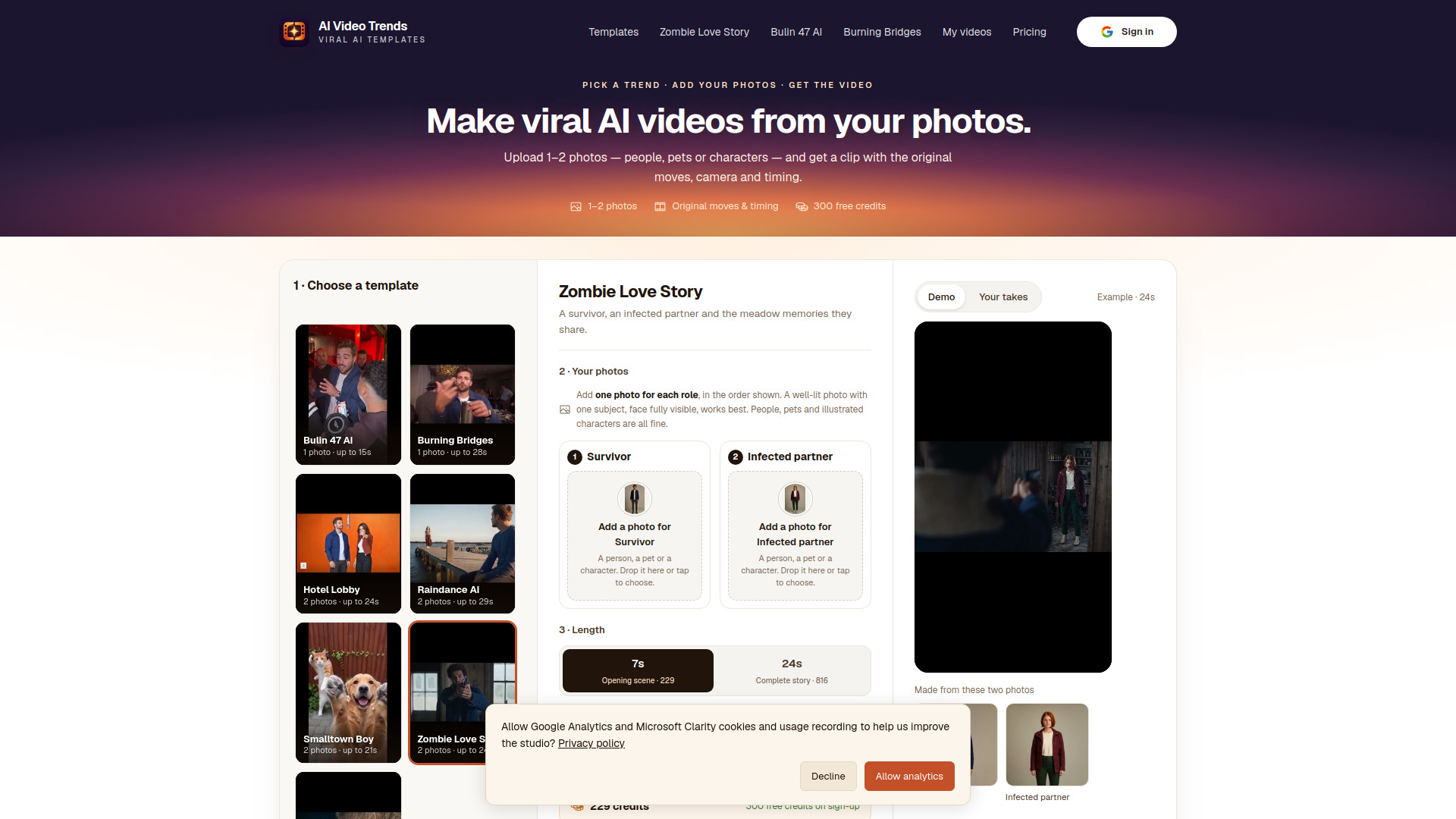
AI Video Trends
Recreating viral video trends from photos

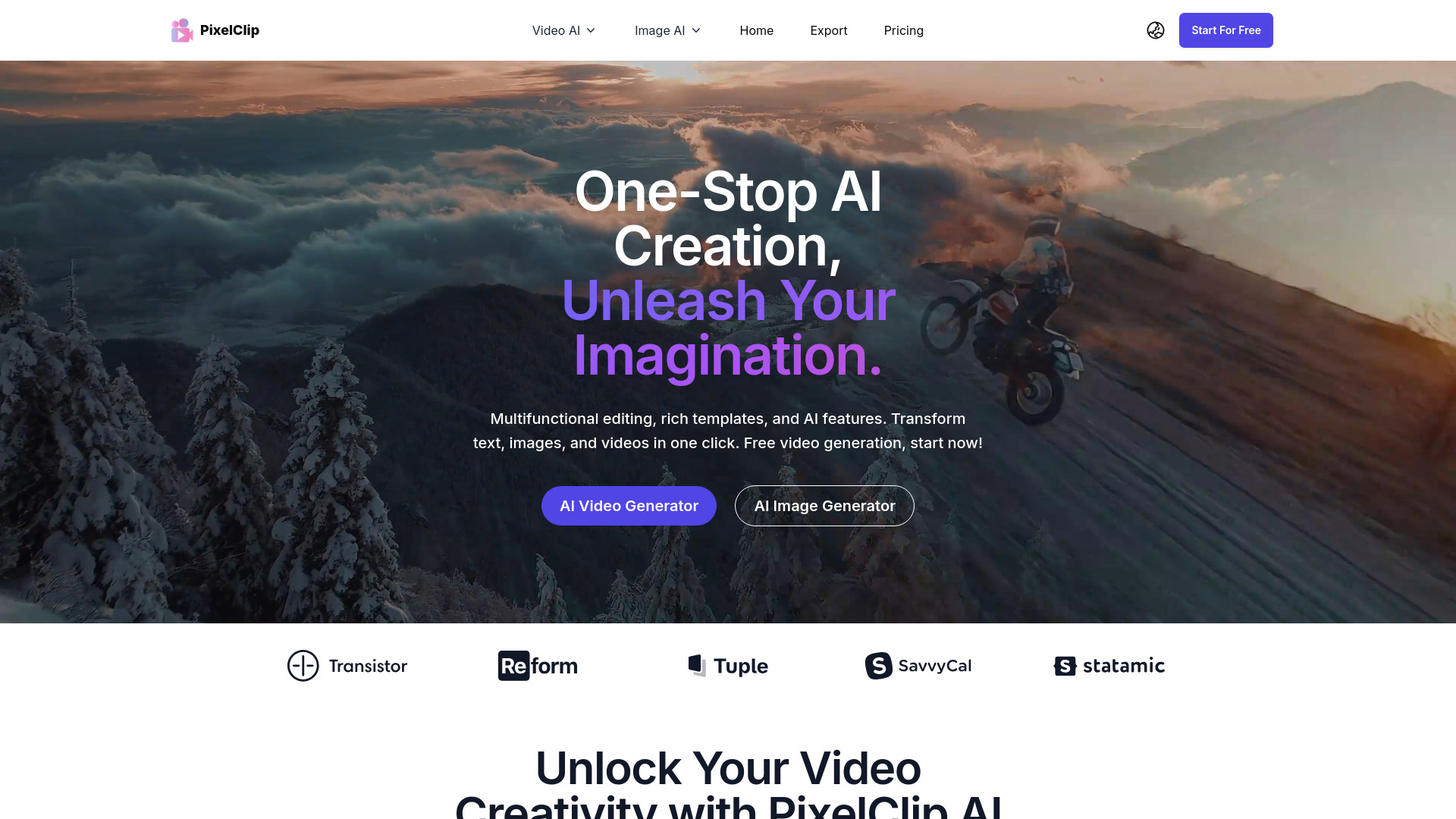
PixelClip AI
Text- and image-to-video creation

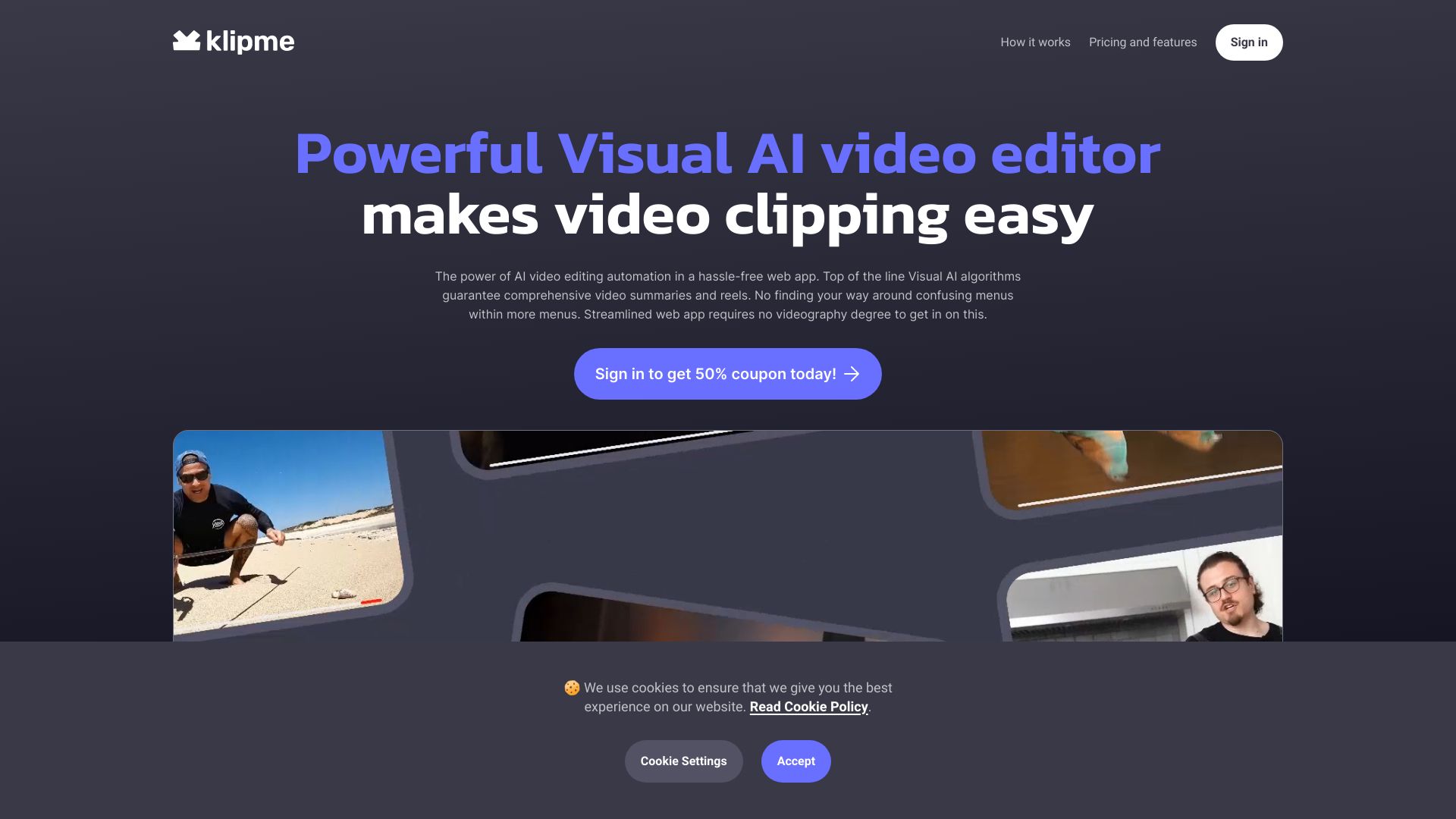
Klipme
Turning long videos into social clips

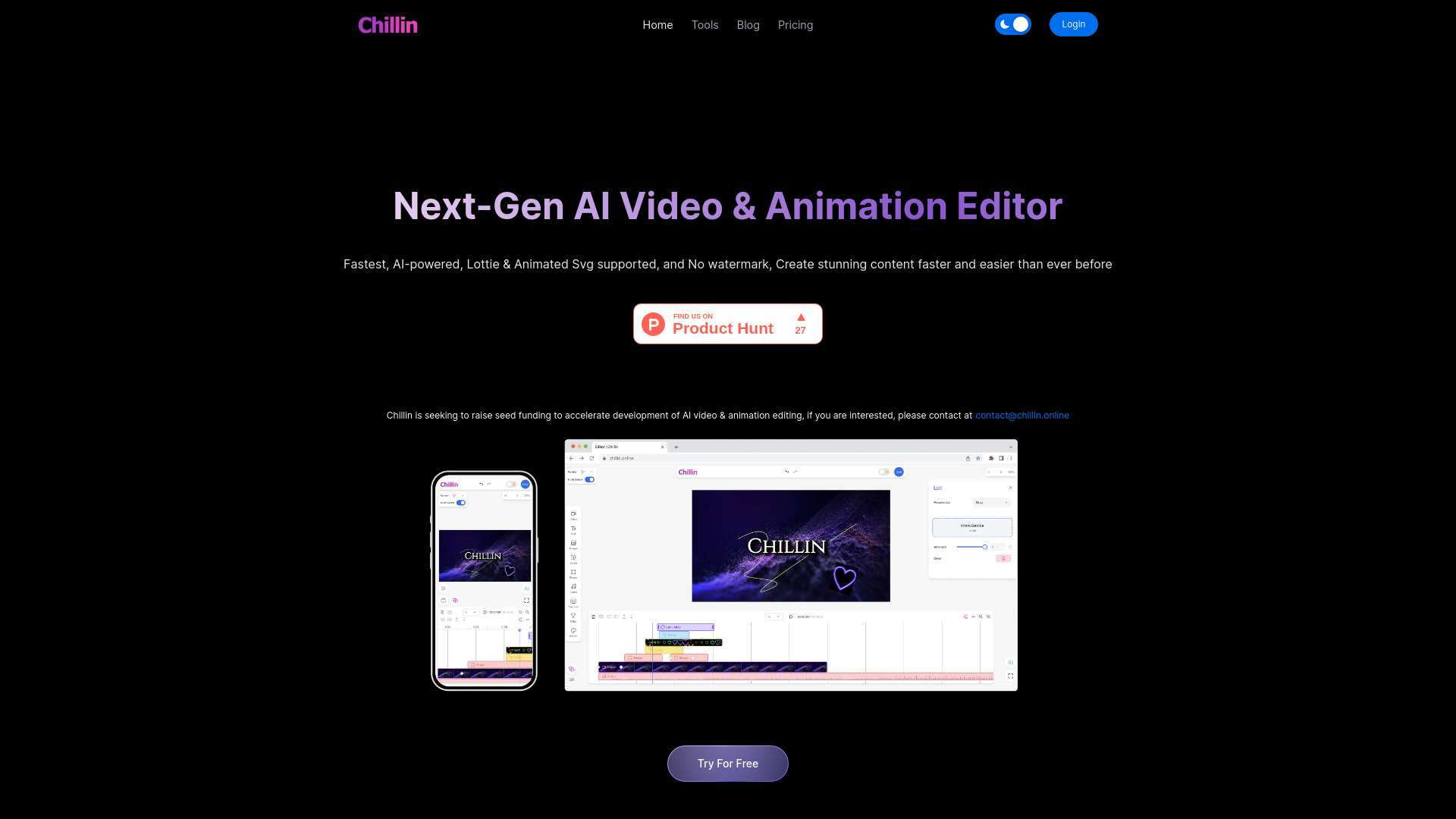
Chillin
AI video editing with vector motion graphics

Picsart Mod APK
Mobile photo and video editing
Runway Aleph AI
Text-prompt edits to existing video footage

VanceAI Video AI
AI video upscaling and restoration

App ahead
Offline text-to-image generation

MakeAIVideo
Prompt-based video creation for creators and small businesses

Photo to video ai
Turning photos into social media videos

Viral Ai Video Maker
Quick TikTok and Reels videos

Aivvid AI
Multi-model AI video creation and content workflows

Video Maker AI - Video generation
Text-and-image-to-video creation

AI Video Maker
Image-to-video clips with multi-model controls

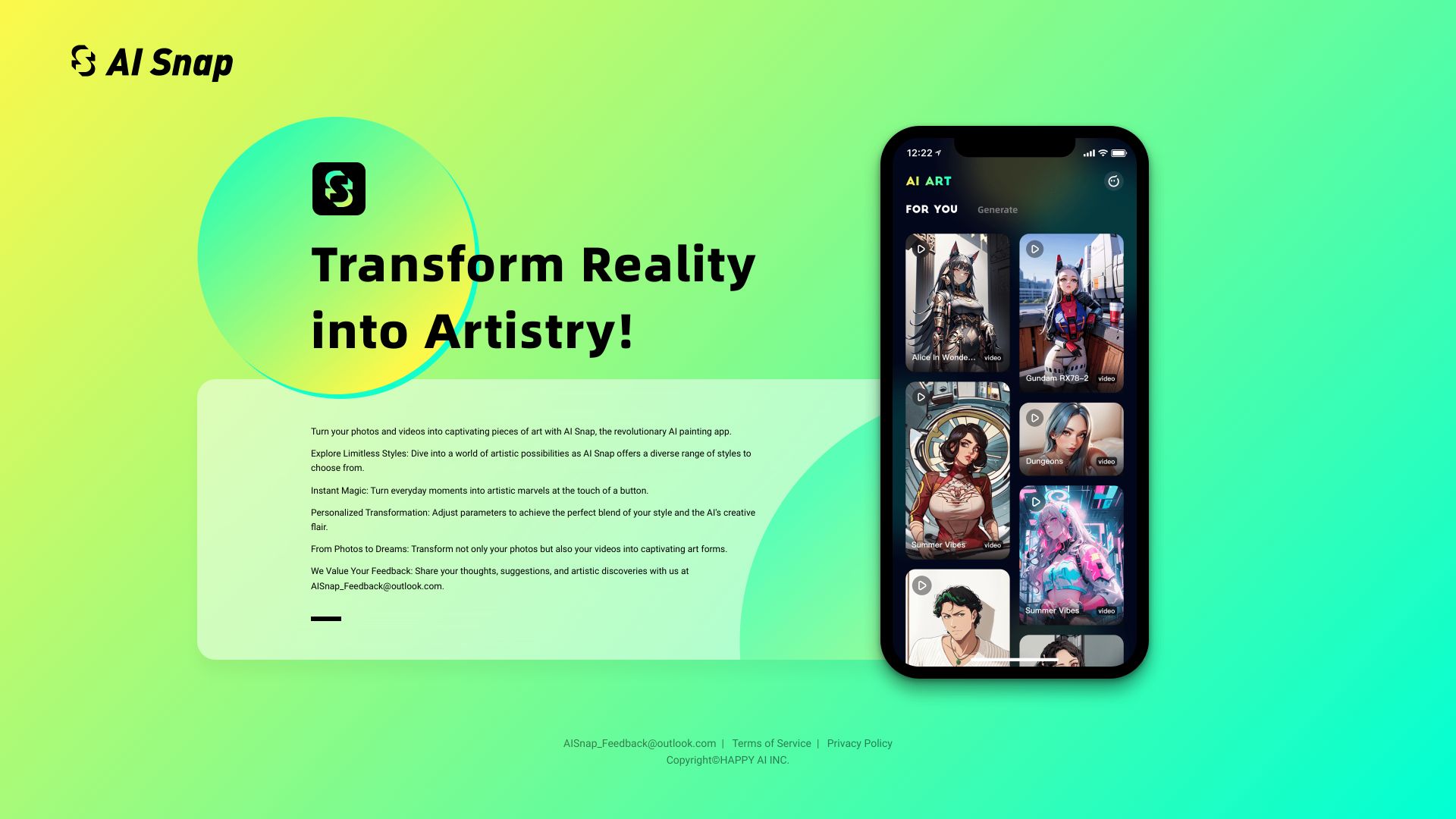
AiSnap
AI-styled photo and video art

Veo3 AI
Short AI videos from text and images

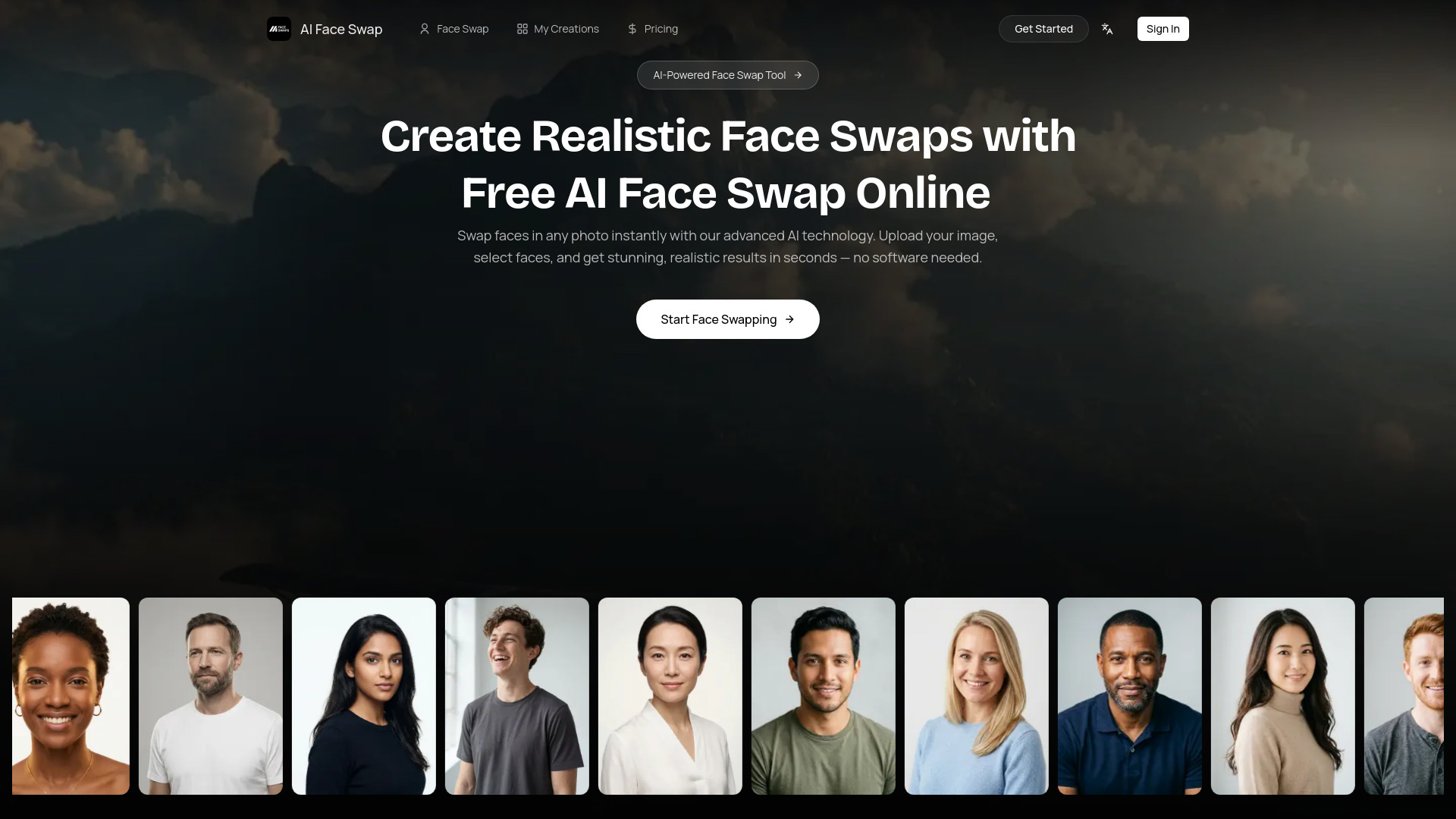
AI Face Swap
Photo and video face swaps

Pixae AI
AI image and video creation with built-in editing tools
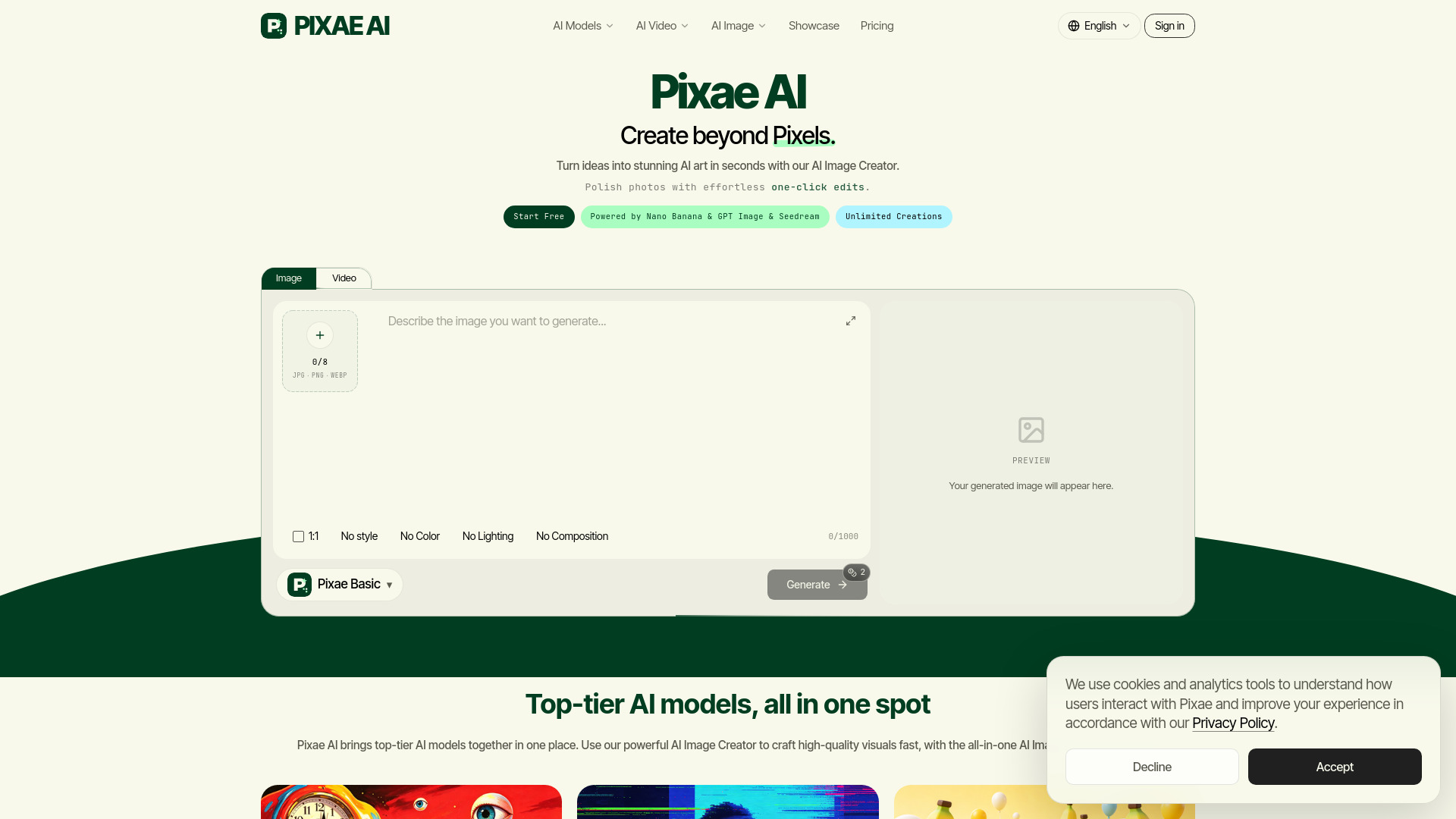
image to video ai
Turning still images into short AI videos

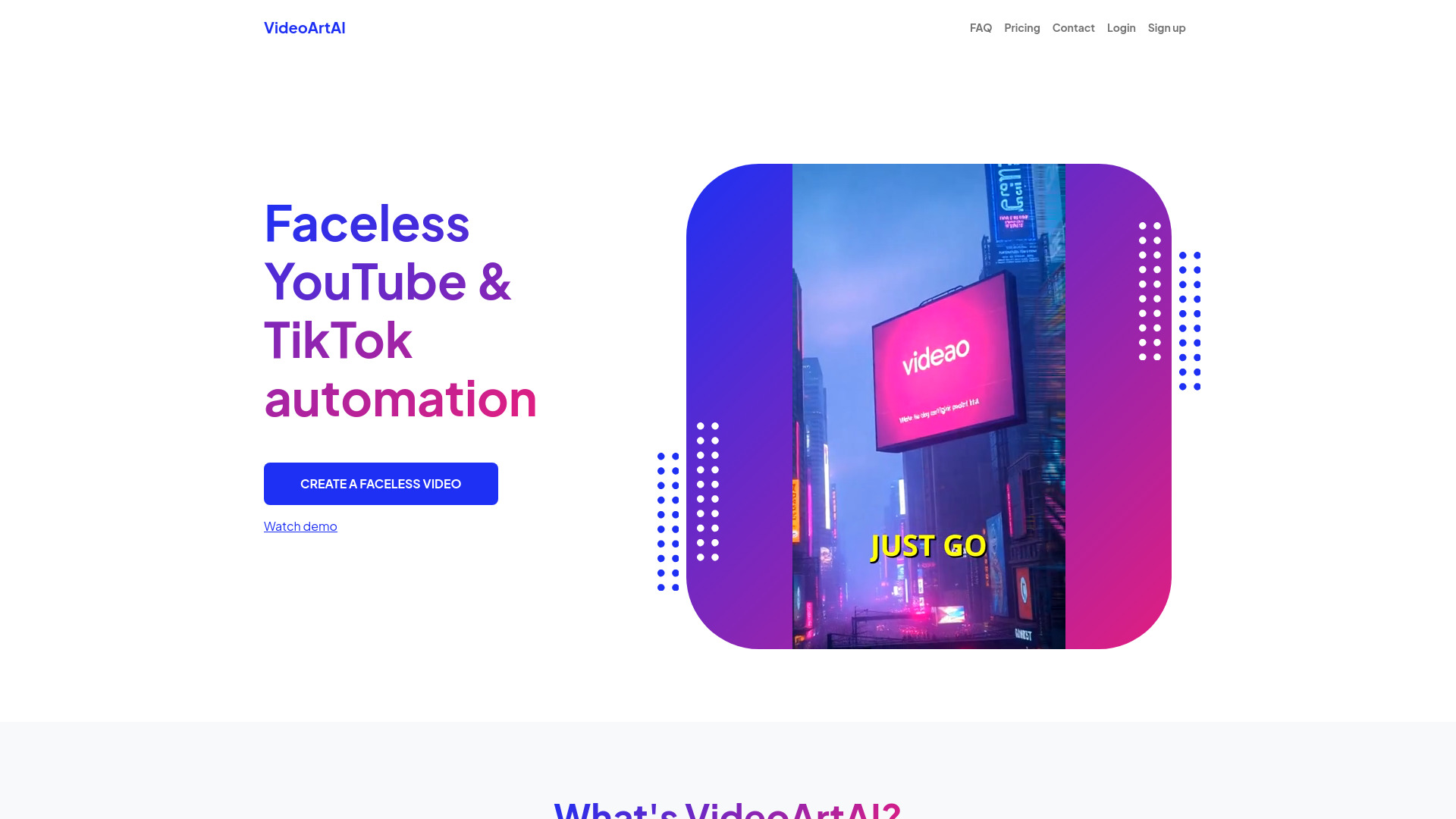
VideoArtAI
Faceless YouTube and TikTok videos

VideoGPTAI
Rapid AI Shorts creation

RetouchAI
AI image generation and photo retouching

Veo 4
Prompt- and image-led cinematic video concepts

ImagetoVideoAI
Product-image ad video creation

Growing Up Video
Milestone videos from childhood photos
Which AI video editing app should you choose?
Start with the job you need to finish, not the most impressive-sounding AI feature. For an approachable general editor, Movavi is the clearest first try. If you already publish long recordings and need short clips, compare Vizard, SNAPVID, and AICO: Vizard emphasizes clip discovery and transcript editing, SNAPVID leans into quick shorts and auto B-roll, and AICO is specifically oriented toward YouTube Shorts. Those differences matter more than a shared AI label.
For more specialized work, choose the tool that matches your source material. Eddie AI is the editorial option for finding a story in interview footage. Runway Aleph AI is for short visual transformations, within its stated 5-30-second range. DreamVid animates personal photos; AI STUDIOS creates presenter-led videos; BeautyPlus is a better fit for social photo enhancement than footage-heavy editing. Filmora bridges general editing and AI short-clip generation. Before committing, verify trial terms, export limits, credit quotas, language support, and regional pricing on the vendor's live site.
If your priority is the best free AI video editor app, begin with the actual free allowance rather than the word "free." Vizard lists 60 upload minutes per month, AI STUDIOS lists three exports per month, and AICO lets users create a short for free. These are different kinds of limits, so match them to your source-video length and publishing volume. For other best free AI video editing apps, confirm whether a trial, free tier, or individual feature is available where you live.
My practical recommendation
For most first-time buyers, I would start with Movavi if you need to edit ordinary footage and want an approachable interface. It is the least specialized pick here, which is a plus when you have not yet discovered a need for transcript-based cutting, avatars, or generated visual changes. Use its trial to check the actual editing flow and export conditions before purchasing.
If your content already exists as long recordings, test Vizard first. Its 60 upload minutes per month give you a measurable free allowance, and transcript-based editing plus automatic clipping map directly to repurposing work. Mark a few source moments yourself, then compare those with the AI suggestions; that small test reveals whether its selection style fits your channel. In this comparison, the best ai video editor app is the one whose limits and workflow match your production habits, not automatically the one with the highest score.
Common mistakes when choosing AI video editing apps
Confusing generation with editing: A tool that creates an avatar video or animates a photo may not offer the timeline workflow you need.
Taking an AI clip as the final cut: Review context, subtitles, titles, and pacing before publishing automatically selected segments.
Ignoring the quota: Upload minutes, exports, and credits measure different things. Calculate which limit you are likely to hit first.
Comparing unlike prices: Check region, billing period, trial terms, and included features before comparing plans.
Skipping an export test: Confirm that the output format and export conditions work for your destination and existing editing process.
What changed in 2026
AI video editing now covers several distinct workflows under one label: selecting clips from long recordings, editing through transcript text, changing elements within short shots, creating avatar-led explainers, and animating still photos. The practical takeaway is to choose by input and intended output. Free access also varies widely: some tools list upload-minute allowances, others cap exports, and some offer a time-limited trial. Plan details can change, so confirm current capabilities and pricing with the vendor before relying on a specific limit.
FAQ
Movavi is our best overall match for beginners because its interface is described as easy to use and it covers video and photo editing. Try the trial first and check watermark and export restrictions.