
The best ai video maker is not the same thing for every buyer. Some people want fast text-to-video output, others want ad workflows, and plenty just want the easiest path from a script to something watchable. So we compared 100 tools, then narrowed the field to 10 that actually look useful in the real world, not just impressive on a pricing page.
Top picks
| Pick | Tool | Best for | Why it stands out |
|---|---|---|---|
| Best overall match | SuperMaker AI Video Generator | Marketers | All-in-one video, image, music, and voice generation in one workflow |
| Best free-first option | Free AI Video Maker & Generator | Marketers | Unlimited generations on the free plan, even if the clips are short |
| Best for templates | InVideo | Marketing teams | Huge template library plus an AI text-to-video editor |
| Best for short-form repurposing | AI Video Cut | Content Creators | Turns long videos into shorts with speech recognition and ready prompts |
Quick comparison
| Rank | Tool | Best for | Score | Free access | Starting price |
|---|---|---|---|---|---|
| #1 | SuperMaker AI Video Generator | Marketers | 95/100 | 20 free credits; no login required | From $8.3/month |
| #2 | VideoMaker.me | Marketers | 95/100 | Text to Video / Image to Video | From $7.9/month |
| #3 | Free AI Video Maker & Generator | Marketers | 95/100 | Unlimited 5-sec 480p videos | Free plan: $0/mo |
| #4 | Videflow.ai | Marketing professionals | 95/100 | Free trial | Check vendor pricing |
| #5 | InVideo | Marketing teams | 95/100 | 10 mins/wk of AI generation free | From $28/month |
| #6 | Animaker | L&D Teams | 95/100 | Free 3 video downloads/month | From $15/month |
| #7 | Image-to-Video Maker | Filmmakers | 94/100 | 10 credits; create from text, images, or clips | $6.5 first month |
| #8 | Vidu Studio AI | Businesses | 94/100 | Text and image to video conversion | Check vendor pricing |
| #9 | AIReel | Content creators | 94/100 | One-time free trial credits | From $7.99/month |
| #10 | AI Video Cut | Content Creators | 94/100 | 50 minutes one-time | Free: $0 |
Ranking model
We ranked these best ai video maker tools by combining output quality, workflow speed, and how much you can actually do before paying. Free access mattered, but so did whether the tool feels like a production surface or just a demo with a shiny landing page. We also weighed the practical stuff buyers care about: text-to-video support, image-to-video support, template depth, premium model access, and whether the platform covers the full workflow or only one slice of it. When pricing was unclear, we treated that as a buying friction signal, not a dealbreaker, and marked it accordingly.
The best ai video maker tools
1. SuperMaker AI Video Generator

SuperMaker AI Video Generator
Best all-around AI video maker for marketers
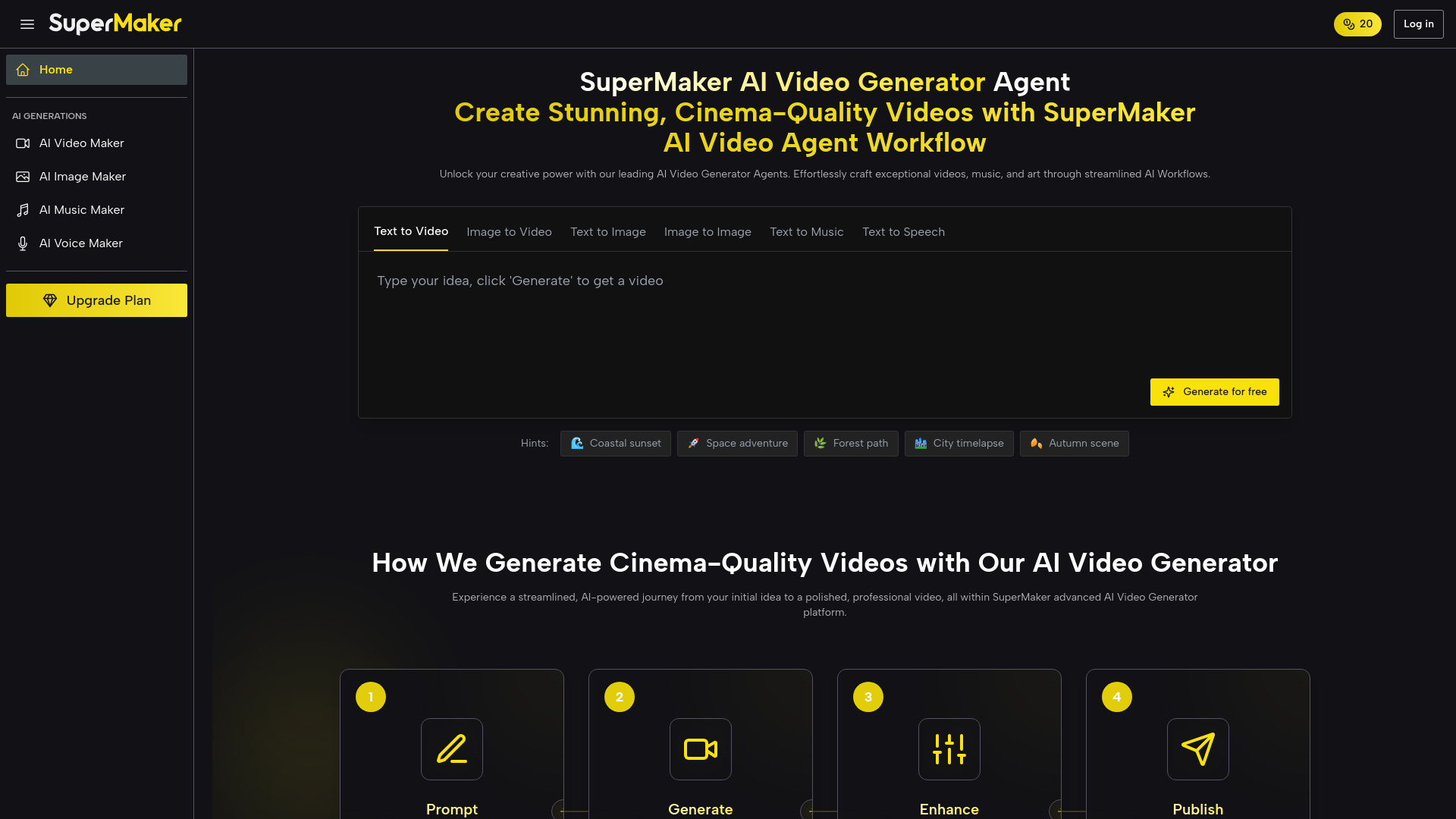
SuperMaker lands at the top because it does the thing most buyers actually want: keep video generation, image generation, music, and voice in one place instead of forcing you to stitch together four separate tools. The AI video maker workflow includes text-to-video, image-to-video, storyboarding, and post-production, which makes it feel more complete than a lot of simple prompt boxes.
I also like that it keeps the entry point low-friction. You can try it without logging in, which is exactly what busy marketers want when they are just testing a concept for a campaign. The free allowance is not huge, but it is enough to learn whether the interface fits your workflow.
My take: This is the strongest all-around best ai video maker if you want one tool that can handle more than just generation. It has the broadest usefulness of the top group.
Where it falls short: The free plan is tight, so serious production work will push you toward a paid tier quickly. That is normal here, but still worth noting.
Key features
AI Video Maker with text-to-video, image-to-video, storyboarding, and post-production.
AI Image Maker with text-to-image and image editing.
AI Music Maker and voice generation inside the same platform.
No login required to start testing.
Pros
Combines multiple creative workflows in one place.
Strong fit for marketers who want fast concept-to-asset production.
Cons
Free usage is limited.
Not the deepest specialist if you only need one narrow video function.
Choose SuperMaker AI Video Generator if: You want the most complete all-purpose AI video maker on this list and prefer one creative suite over a stack of separate apps.
2. VideoMaker.me

VideoMaker.me
Best simple AI video maker for marketers
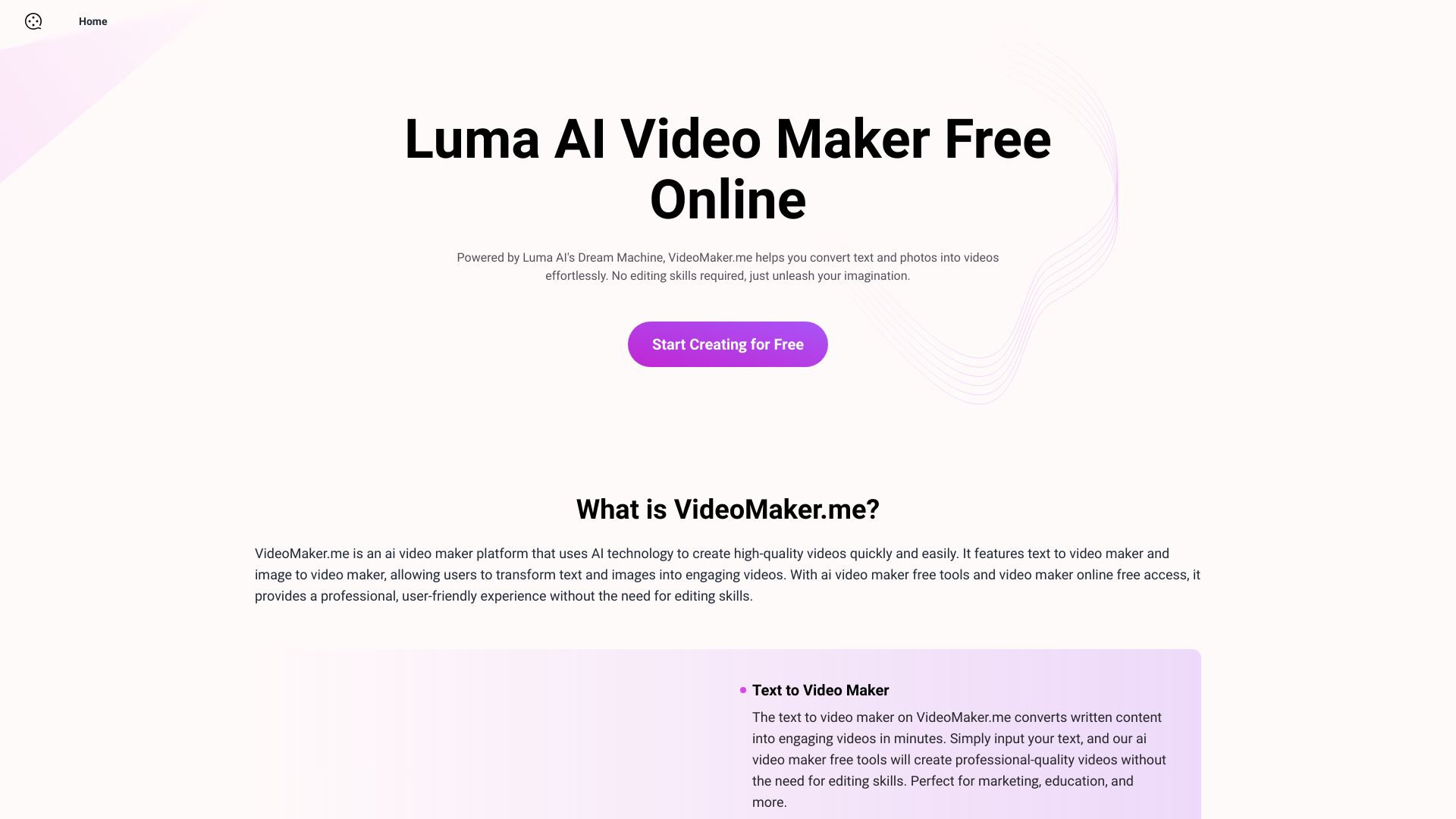
VideoMaker.me keeps the pitch simple: turn text or photos into engaging videos without demanding editing skill. That simplicity is the selling point. For teams that do not want a lot of knobs and timelines, it looks refreshingly direct compared with more crowded editors.
The downside is obvious too. High demand can create wait times, which is a real annoyance when you are trying to ship marketing content on a deadline. Still, the low starting price and beginner-friendly interface make it one of the better best ai video generator websites for quick experiments.
My take: If you want a straightforward best ai video generator online and hate clutter, this is a strong first stop.
Where it falls short: The wait-time issue can interrupt a fast workflow, especially if you are iterating on ads or multiple variants.
Key features
Text to Video Maker.
Image to Video Maker.
User-friendly interface with no editing skills required.
Pros
Easy to learn.
Low entry pricing.
Cons
High demand may cause wait times.
Choose VideoMaker.me if: You want a simple AI video maker that converts text and images into video quickly without a steep learning curve.
3. Free AI Video Maker & Generator

Free AI Video Maker & Generator
Best free AI video maker for marketers
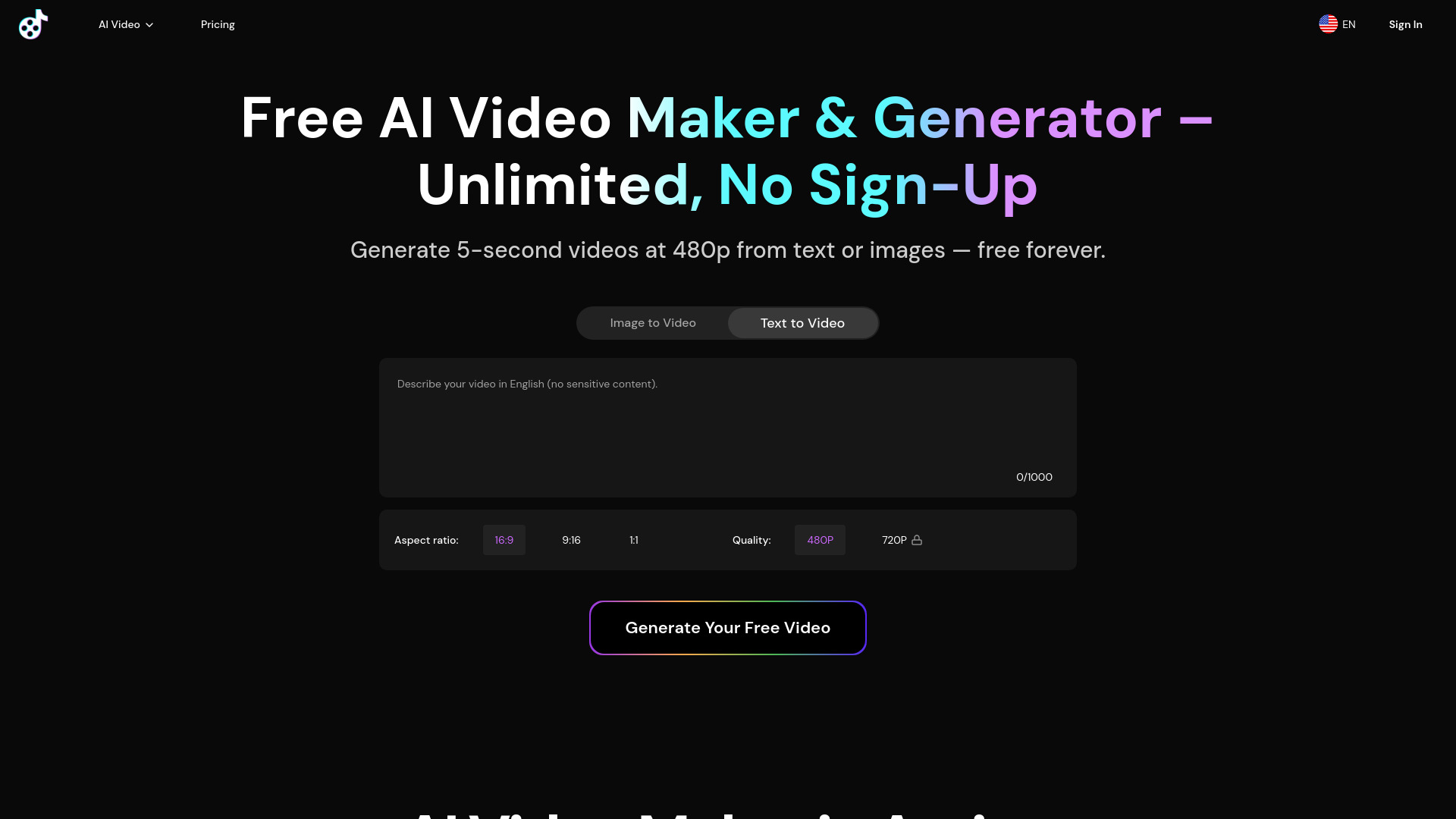
This one is all about getting people hooked on output, not features. The free plan allows unlimited generations, which is rare and immediately useful if you are testing prompts or creating rough social-first concepts. The catch is that those clips are capped at 5 seconds and 480p, so you are not building polished brand assets on the free tier.
That tradeoff makes sense for creators who want to explore ideas before paying. It also explains why this tool is worth mentioning among the best video ai tools even though the free version is clearly constrained.
My take: The unlimited free generation is the headline, and for early-stage experimentation that matters a lot.
Where it falls short: Five-second clips and 480p resolution keep it firmly in prototype territory unless you upgrade.
Key features
Text to Video generation.
Image to Video generation.
Unlimited generations on the free plan.
Pros
Strong free access.
Good for rapid testing and idea generation.
Cons
Free videos are short.
480p limits production quality.
Choose Free AI Video Maker & Generator if: You want to test a best ai video maker with essentially no upfront cost and can live with very short preview clips.
4. Videflow.ai

Videflow.ai
Best AI video maker for marketing professionals
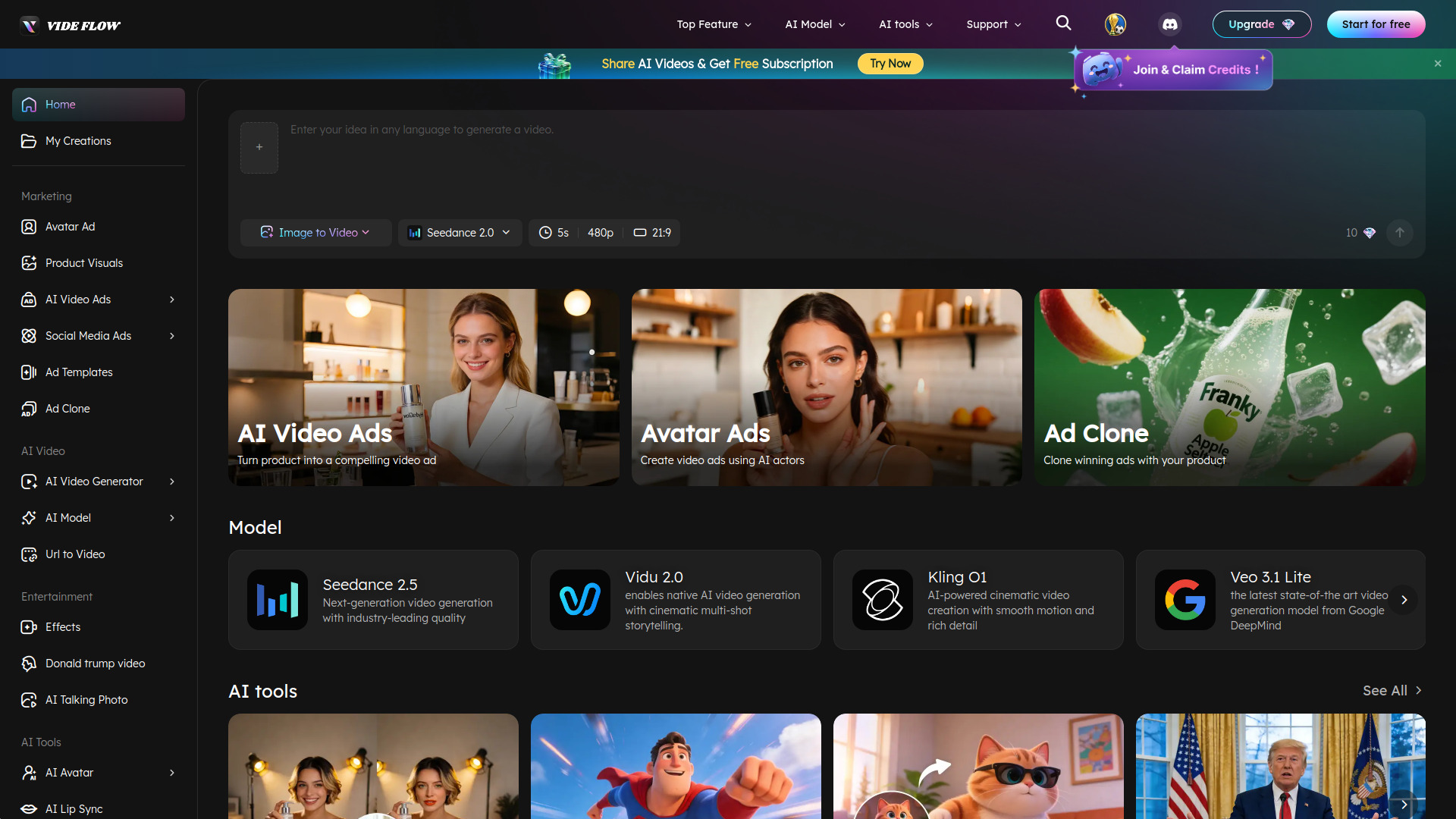
Videflow.ai feels broader than a basic generator. It covers generation from text, images, URLs, and reference inputs, then extends into video ads, social media ads, avatar ads, and ad cloning. That breadth makes it appealing for teams that need more than a one-off clip maker.
What stands out most is the full workflow angle. You are not just pushing a prompt through a model and hoping for the best; you are working inside a platform that seems built for marketing output. Pricing is not clearly shown, though, so this is one of those cases where you will likely need to dig deeper before committing.
My take: For marketing teams, this is one of the most compelling best ai video creation websites because it tries to cover the whole ad pipeline.
Where it falls short: The pricing path is not as transparent as I would like, which slows down comparison shopping.
Key features
AI video generation from text, images, URLs, and reference inputs.
AI video ads, social media ads, avatar ads, and ad cloning.
Free trial access.
Pros
Covers generation and ad workflows in one platform.
Flexible input types.
Cons
Pricing details are not clearly shown.
Choose Videflow.ai if: You want a marketing-focused AI video maker that can support ad production, not just basic generation.
5. InVideo

InVideo
Best template-heavy AI video maker for marketing teams
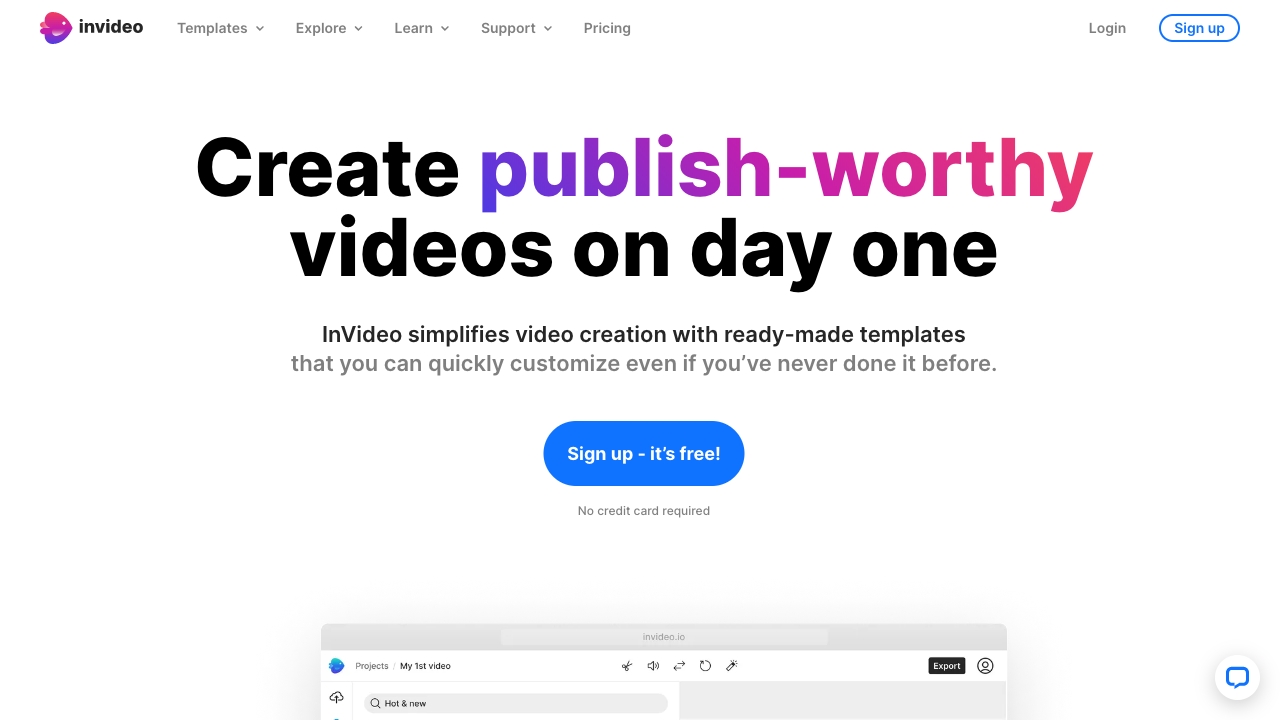
InVideo is the familiar heavyweight here, and the reason is obvious: templates. With 5000+ professionally created templates and an AI-powered text-to-video editor, it is built for people who want structure more than blank-canvas creativity. That makes it a particularly good fit for teams that churn out social promos, explainers, and branded clips.
The platform is easy to use, which matters because template-rich tools can still feel overwhelming if the interface gets in the way. The free usage is limited, though, so the practical buying decision depends on whether those templates save enough time to justify the monthly cost.
My take: InVideo is one of the safest best ai video generator websites for teams that value speed, polish, and repeatable formats.
Where it falls short: Some features are limited in the free plan, so the free tier is more of a sampler than a workflow solution.
Key features
5000+ professionally created templates.
AI-powered text to video editor.
Built-in stock media support.
Pros
Huge template catalog.
Easy-to-use interface.
Cons
Free plan is limited.
Starting price is higher than some simpler tools.
Choose InVideo if: You want a template-first best ai video maker that helps you produce polished marketing videos quickly.
6. Animaker

Animaker
Best animated AI video maker for L&D teams
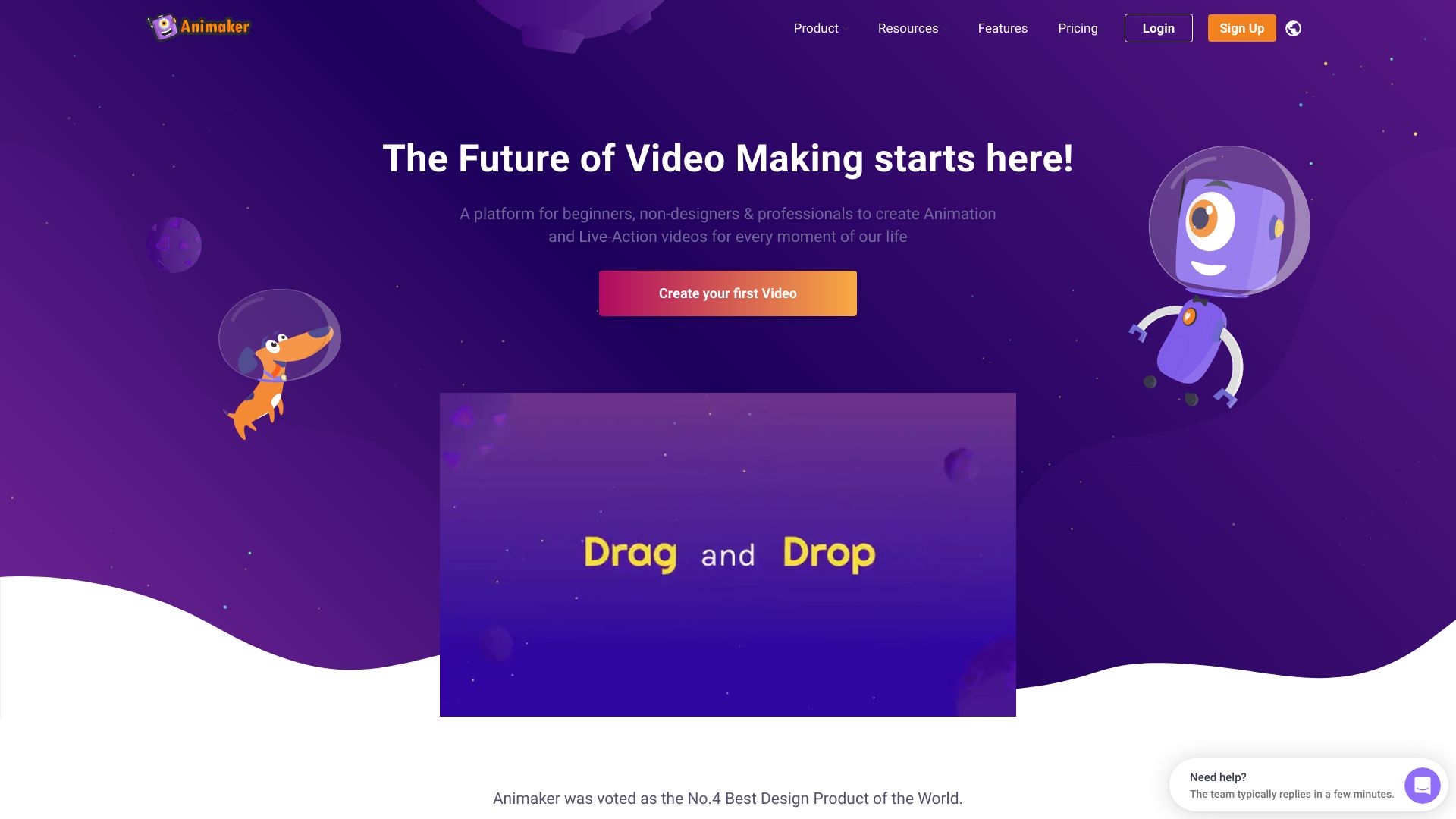
Animaker leans into animated content rather than generic AI video output, and that makes it a very different kind of pick. The character builder is the feature that jumps out because it gives training, onboarding, and explainers a more custom feel than standard stock-style video tools.
It is positioned for both beginners and professionals, which is a useful blend in learning and development teams where different stakeholders may touch the same project. The free plan is constrained, but not useless, and the price point is still approachable compared with more complex creative suites.
My take: If your AI video maker needs to produce animated training content, Animaker is one of the most obvious choices.
Where it falls short: The free tier does not offer much room to scale, so you will outgrow it fast if you are producing at volume.
Key features
AI-powered video creation.
Character builder.
Built for animation-focused production.
Pros
Friendly for beginners.
Strong fit for learning and development content.
Cons
Limited features in the free plan.
Choose Animaker if: You need an AI video maker for animated explainers, training modules, or internal learning content.
7. Image-to-Video Maker

Image-to-Video Maker
Best premium-model AI video maker for filmmakers
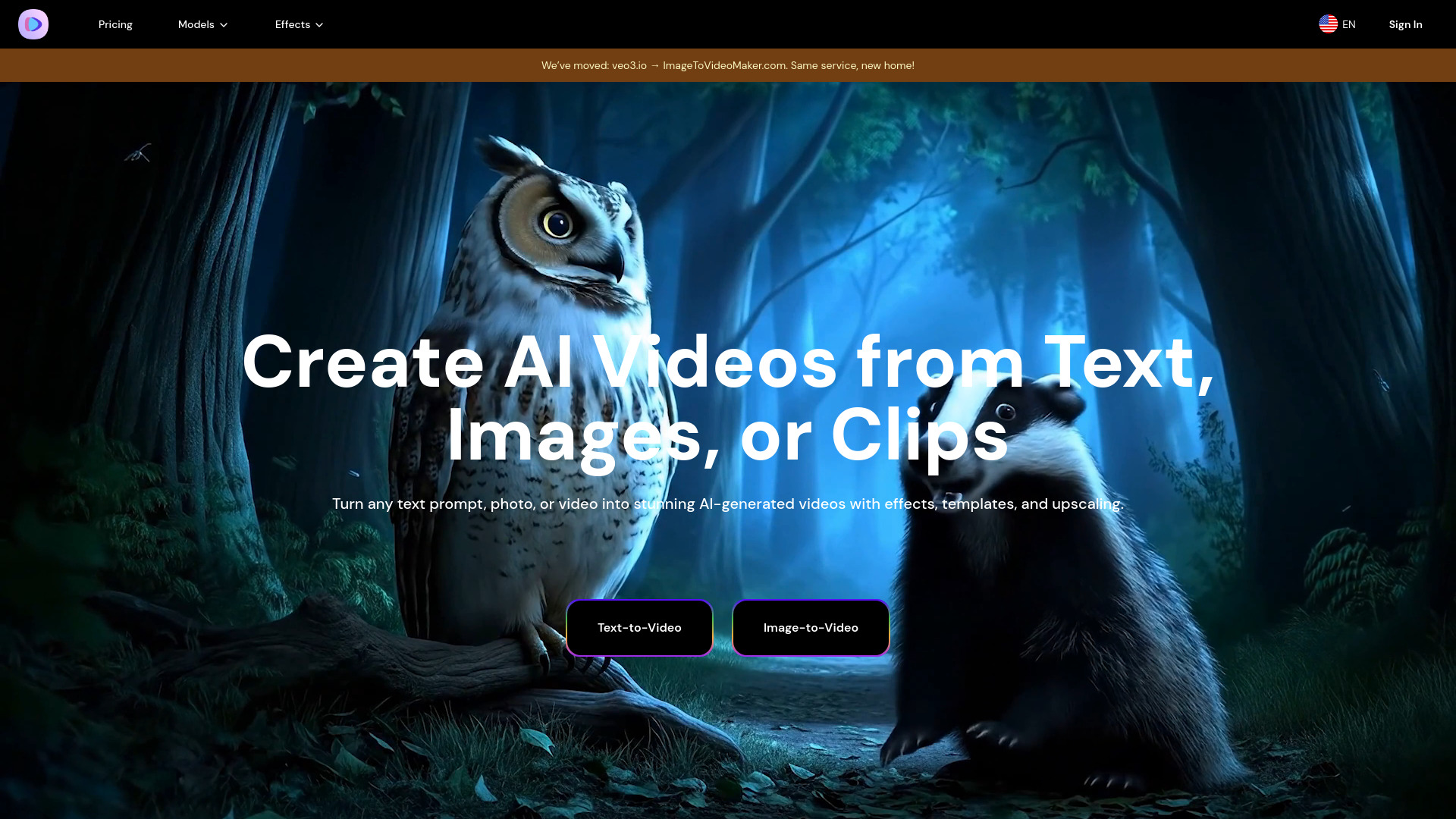
This is one of the more interesting specialist picks because it gives you access to premium AI models like Veo 3, Kling 2.1, Hailuo 02, and Seedance. That matters if you care about model variety and want to experiment across different visual styles rather than locking into one engine.
It also supports text, images, and video clips as inputs, which makes it feel more like a flexible creation surface than a single-purpose converter. The main caution is audio sync, especially in intense dialogue scenes. That is the sort of issue that will bother filmmakers more than casual social creators.
My take: For experimentation with premium models, this is one of the sharper best ai video creation websites on the list.
Where it falls short: Audio sync is a real concern if your project depends on dialogue timing.
Key features
Generate AI videos from text, images, or video clips.
Access to premium AI models.
Upscaling to 4K.
Pros
Wide model access.
Flexible input options.
Cons
Audio sync challenges in dialogue-heavy scenes.
Choose Image-to-Video Maker if: You want a model-rich AI video maker for creative experimentation and cinematic-style output.
8. Vidu Studio AI

Vidu Studio AI
Best easy AI video maker for businesses
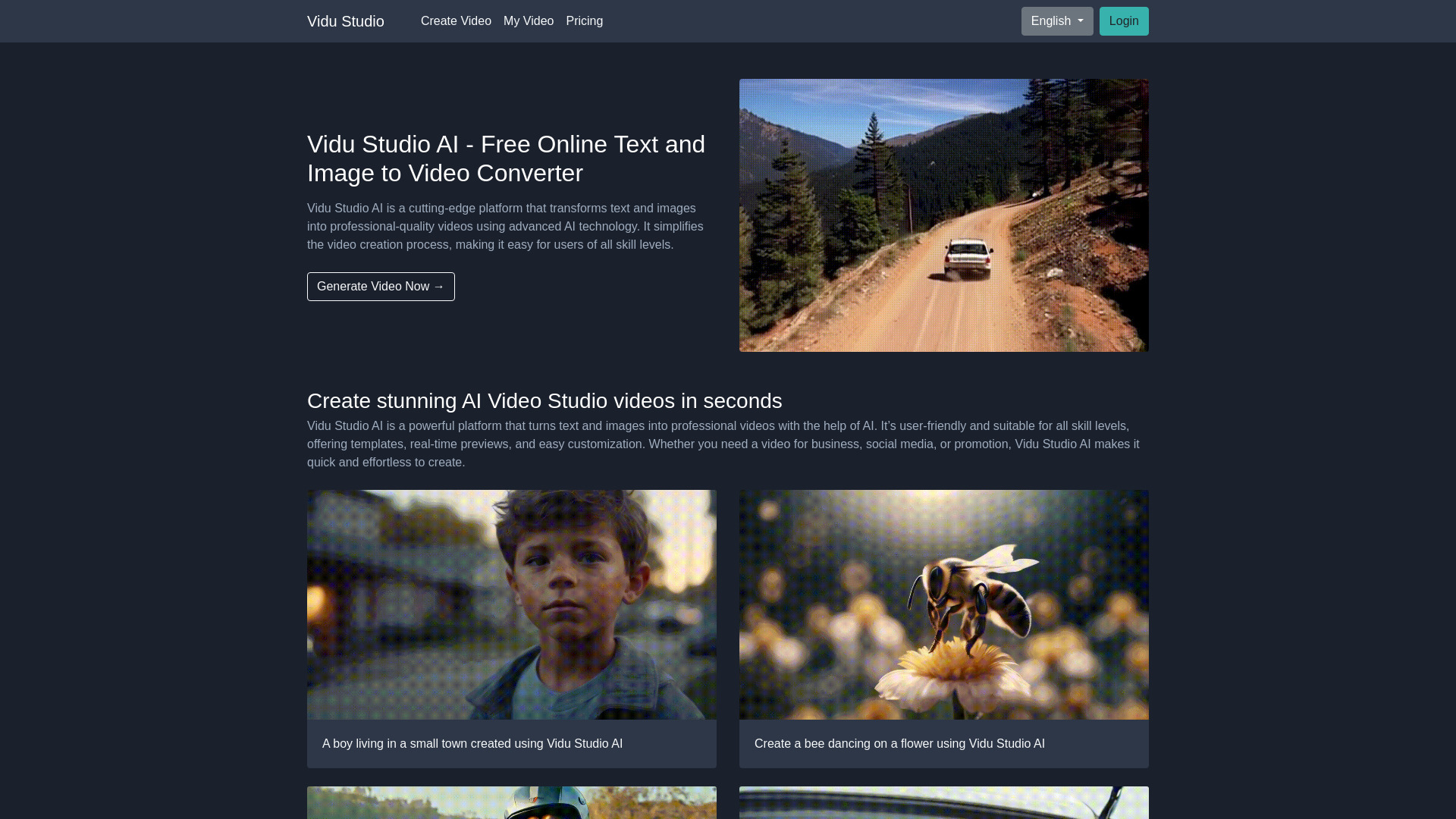
Vidu Studio AI keeps things clean: text-to-video, image-to-video, and a user-friendly interface. That combination is often enough for business teams that need an understandable tool rather than a massive feature map. It feels practical instead of theatrical.
The downside is that the free version is limited, and pricing is not clearly displayed in a clean way. That makes it a little harder to evaluate than the more transparent options above it. Still, if the team wants something approachable, this belongs on the shortlist of best video ai tools.
My take: This is a sensible choice when you want a straightforward AI video maker for internal or client-facing business use.
Where it falls short: The limited free version and unclear pricing make it tougher to compare at a glance.
Key features
Text-to-video conversion.
Image-to-video conversion.
User-friendly platform.
Pros
Easy to navigate.
Good business-oriented simplicity.
Cons
Free version has limited features.
Choose Vidu Studio AI if: You want a simple AI video maker for business use and do not need a heavy editing suite.
9. AIReel

AIReel
Best AI video maker for content creators
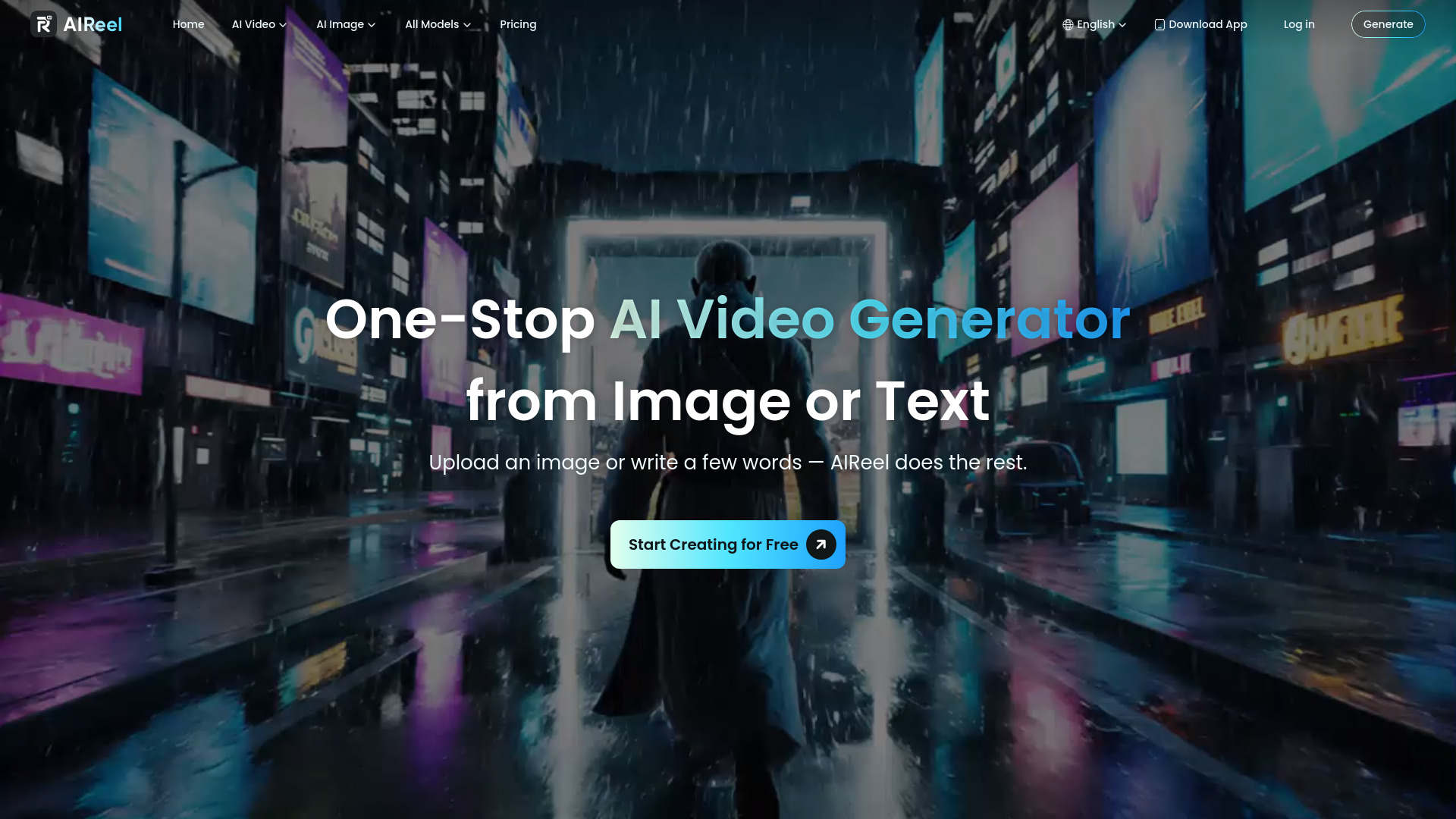
AIReel is built for people who care about output volume and model variety. It bundles multiple AI video and image models plus 1000+ ready-to-use AI effects for social media, which makes it feel tailored for creators who want to move fast and keep feeds active.
The one caveat is the subscription credit policy. Monthly credits do not roll over, so you need to use what you pay for inside the billing period. That is fine for active creators, but wasteful if your production schedule is sporadic.
My take: Among the best ai video makers for social creators, AIReel stands out because it gives you both model access and a fast path to trendy effects.
Where it falls short: Non-rolling credits are a bad fit if your publishing rhythm is inconsistent.
Key features
Multiple AI Video and Image Models.
1000+ ready-to-use AI effects for social media.
Image-to-video animation.
Pros
Wide variety of models in one place.
Strong social content focus.
Cons
Monthly subscription credits expire each billing period.
Choose AIReel if: You publish social content regularly and want a model-heavy AI video maker with built-in effects.
10. AI Video Cut

AI Video Cut
Best AI video maker for repurposing long videos
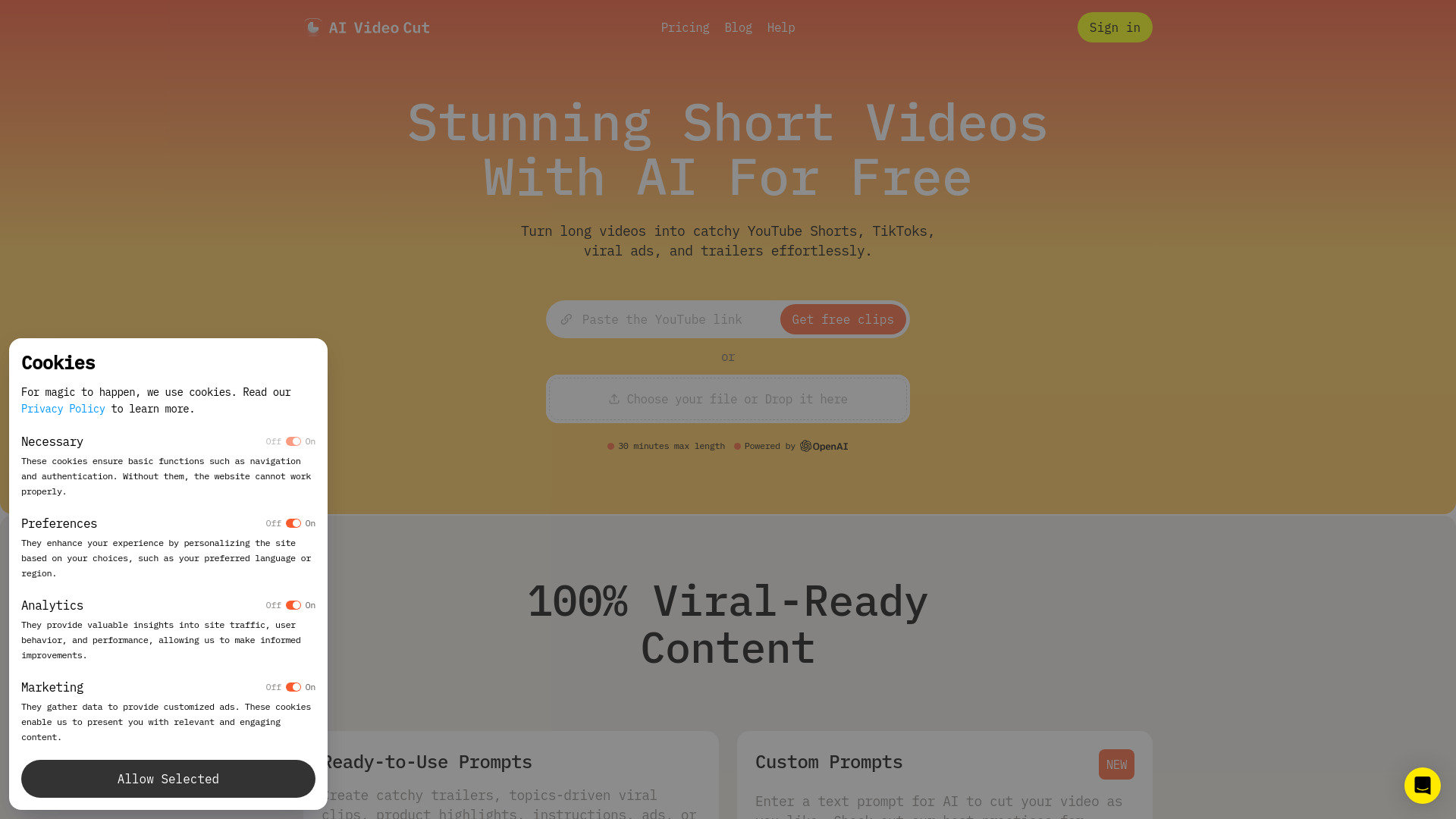
AI Video Cut is the outlier in the best way. Rather than trying to be a general-purpose generator, it focuses on converting long videos into short clips people can actually use on social platforms. The ready-to-use prompts and speech recognition are the practical details that make that workflow easier.
It is the kind of tool I would pick when the source footage already exists and the job is repackaging, not inventing. That specificity is exactly why it earns a place in a broad AI video maker comparison. The roadmap note about branded videos and Telegram bot features being coming soon is nice, but not something I would buy on today.
My take: If your real problem is repurposing, this is one of the smartest best ai video generator online options to consider.
Where it falls short: It is more of a clipping and repurposing tool than a full creative studio, so it will not replace a broader editor.
Key features
AI Video Cut for long-to-short repurposing.
Ready-to-use prompts.
High-accuracy video cutting and speech recognition.
Pros
Fast way to create short-form content.
Useful for existing footage libraries.
Cons
Branded videos and Telegram bot features are still coming soon.
Choose AI Video Cut if: You already have long-form video and want an AI video maker that turns it into shorts with minimal manual editing.
More tools to compare

Promo.com
Business promo and social videos

AIVideo.com
All-in-one video production

Vid.AI
Short-form social video creation

Veo Ai
Cinematic AI video creators

Wondershare Filmora
Beginner-friendly social video editing

ImageToVideo AI
Image-to-video creation

Vmake AI
Talking-head video editing

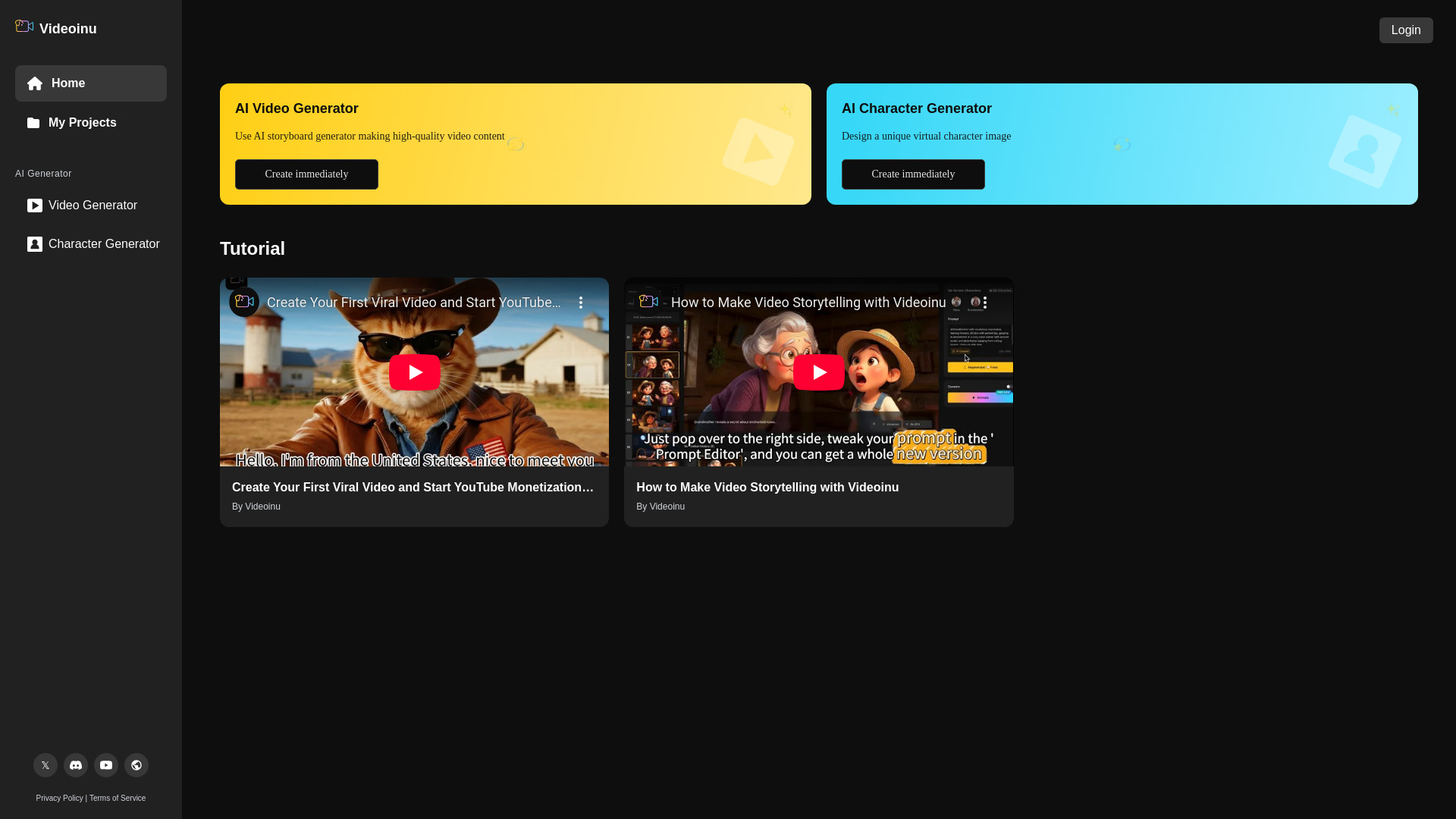
Videoinu
Faceless animated story videos
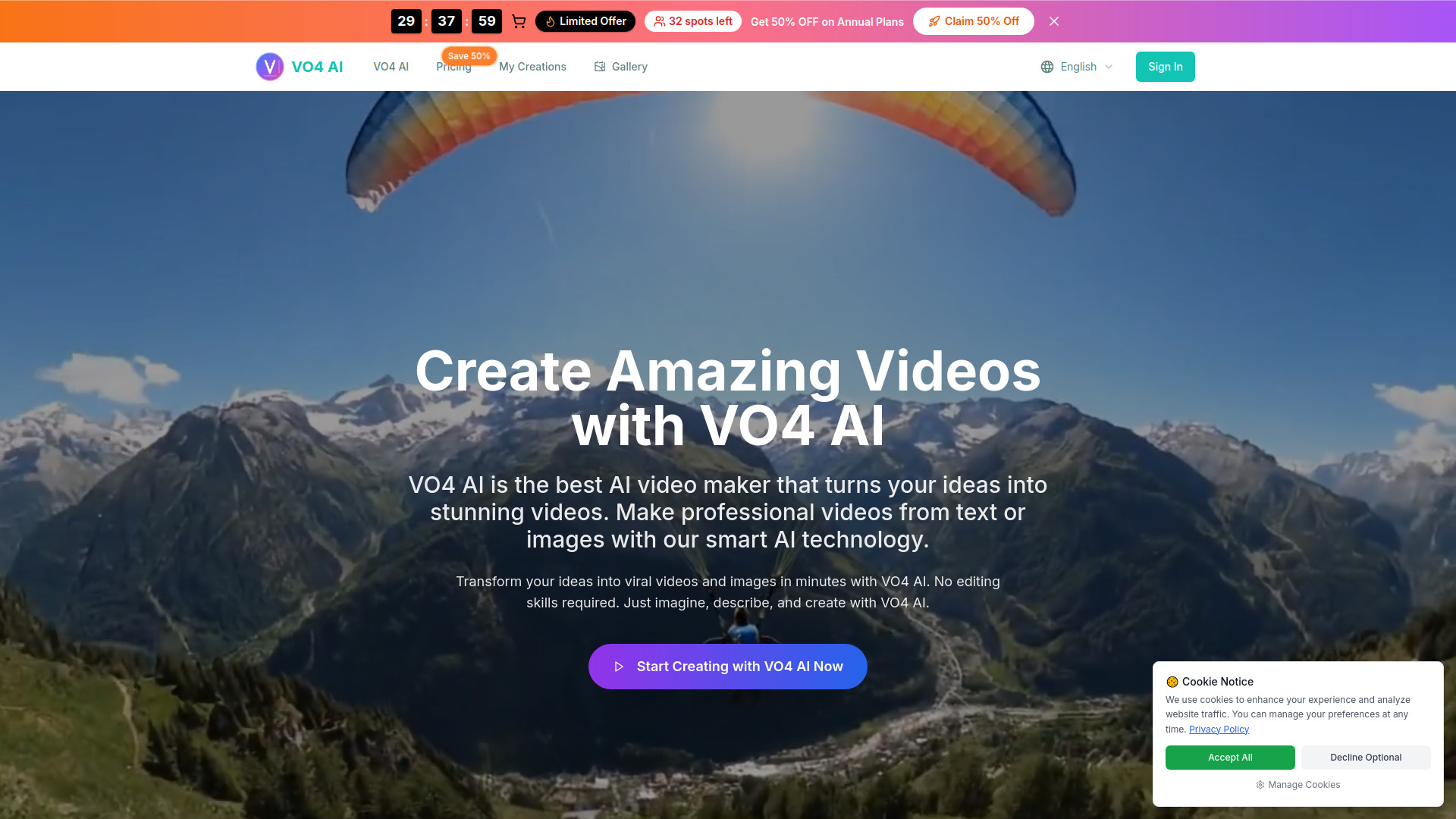
VO4
Text-to-video and image-to-video creators

Media AI Generator
Quick AI video effects and generators

Movavi
Beginner-friendly video editing

Vidnoz AI
AI avatar and explainer videos

Vmaker Ai
AI video editing and content repurposing

Product Link To Video Maker
Product URL video ads

AI STUDIOS
AI avatar-led training videos

Veo3 AI
Text-to-video and image-to-video creation

AIVideoFree
Social media and marketing video creation

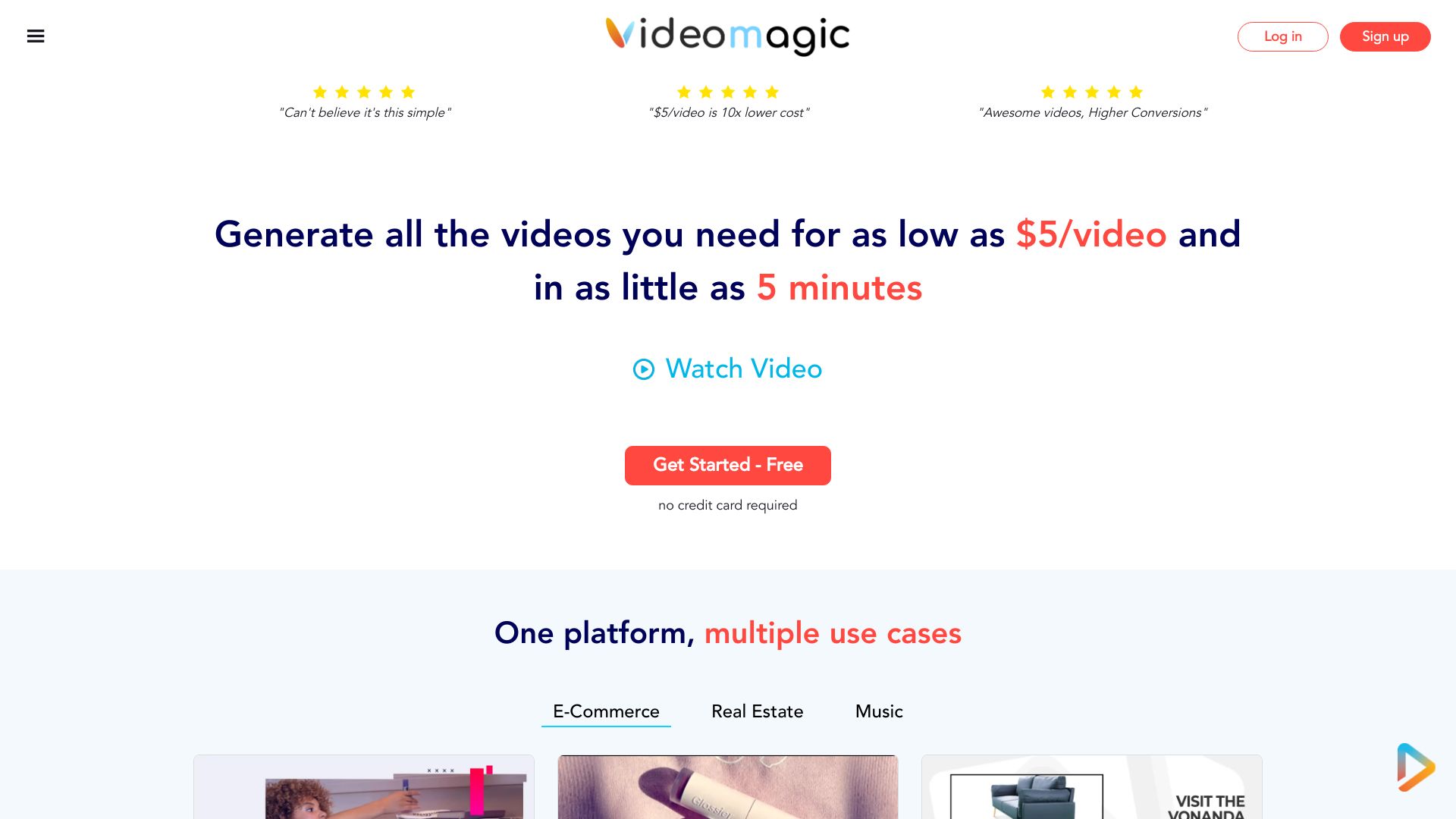
AI Image to Video
Turning still images into short AI videos
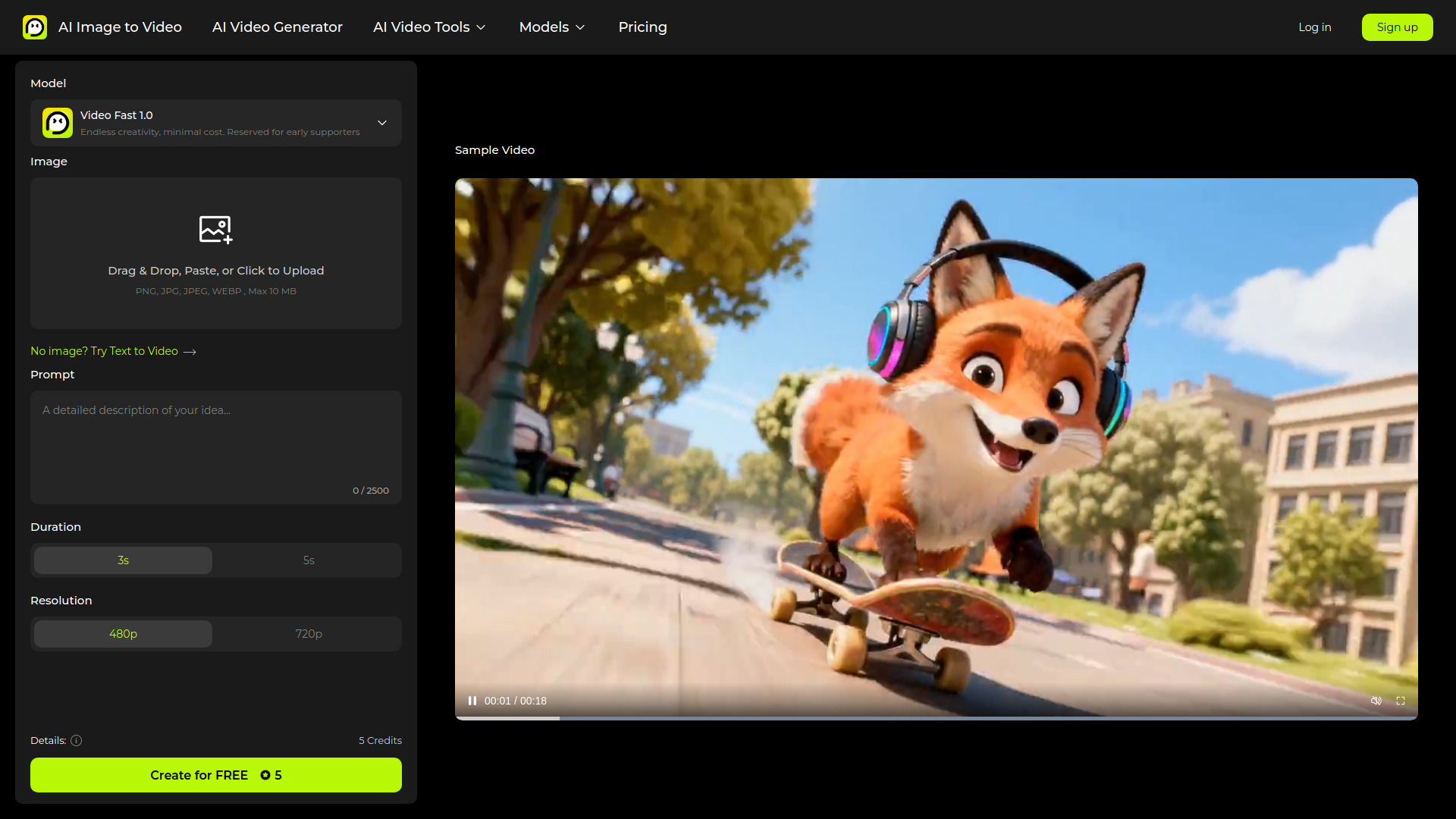

ImageToVideoAI
Multi-model image-to-video creation
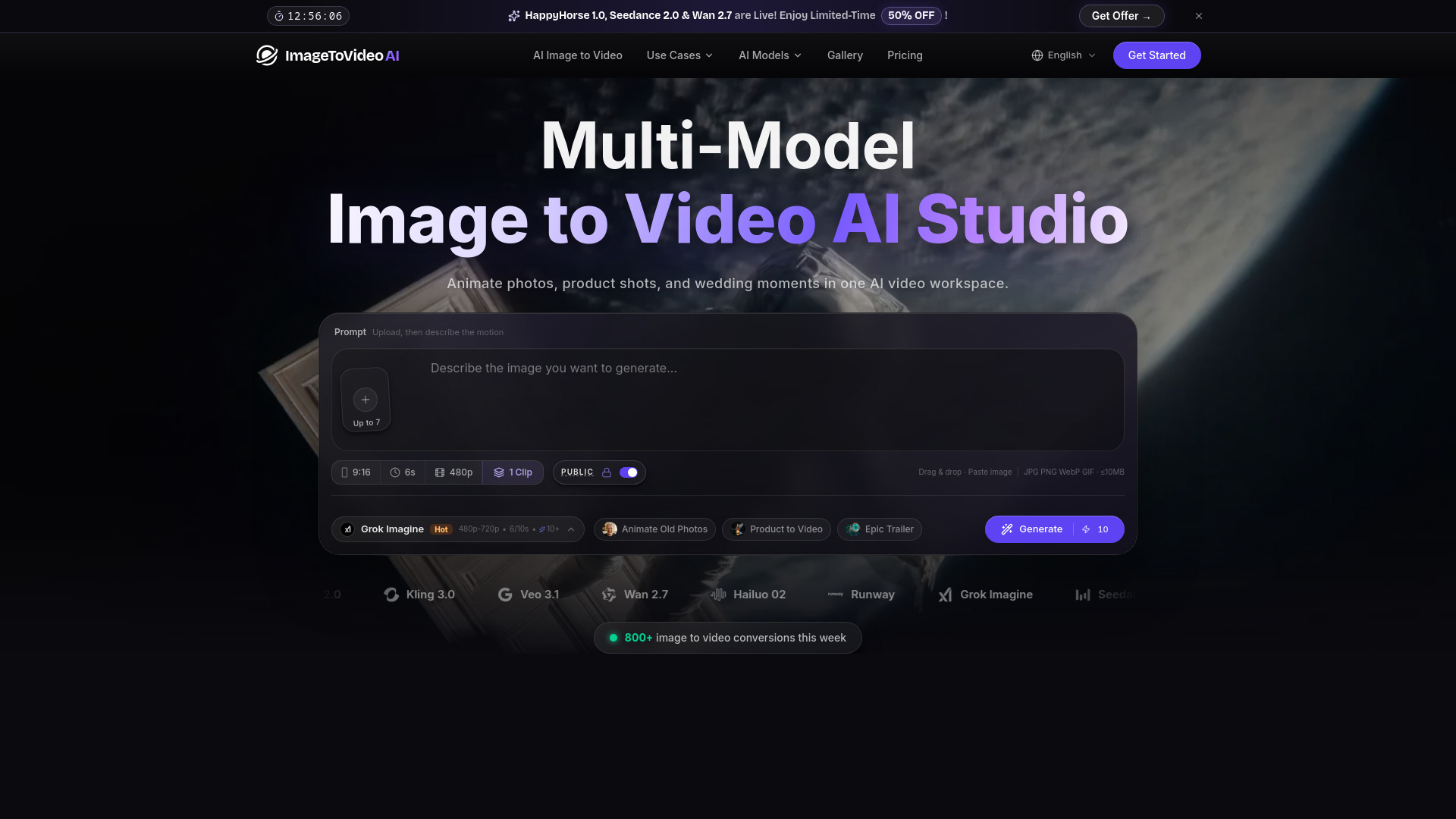

Videomagic
URL-to-video product marketing
Vidguru - All-in-One AI Video & Image Maker
All-in-one AI content creation
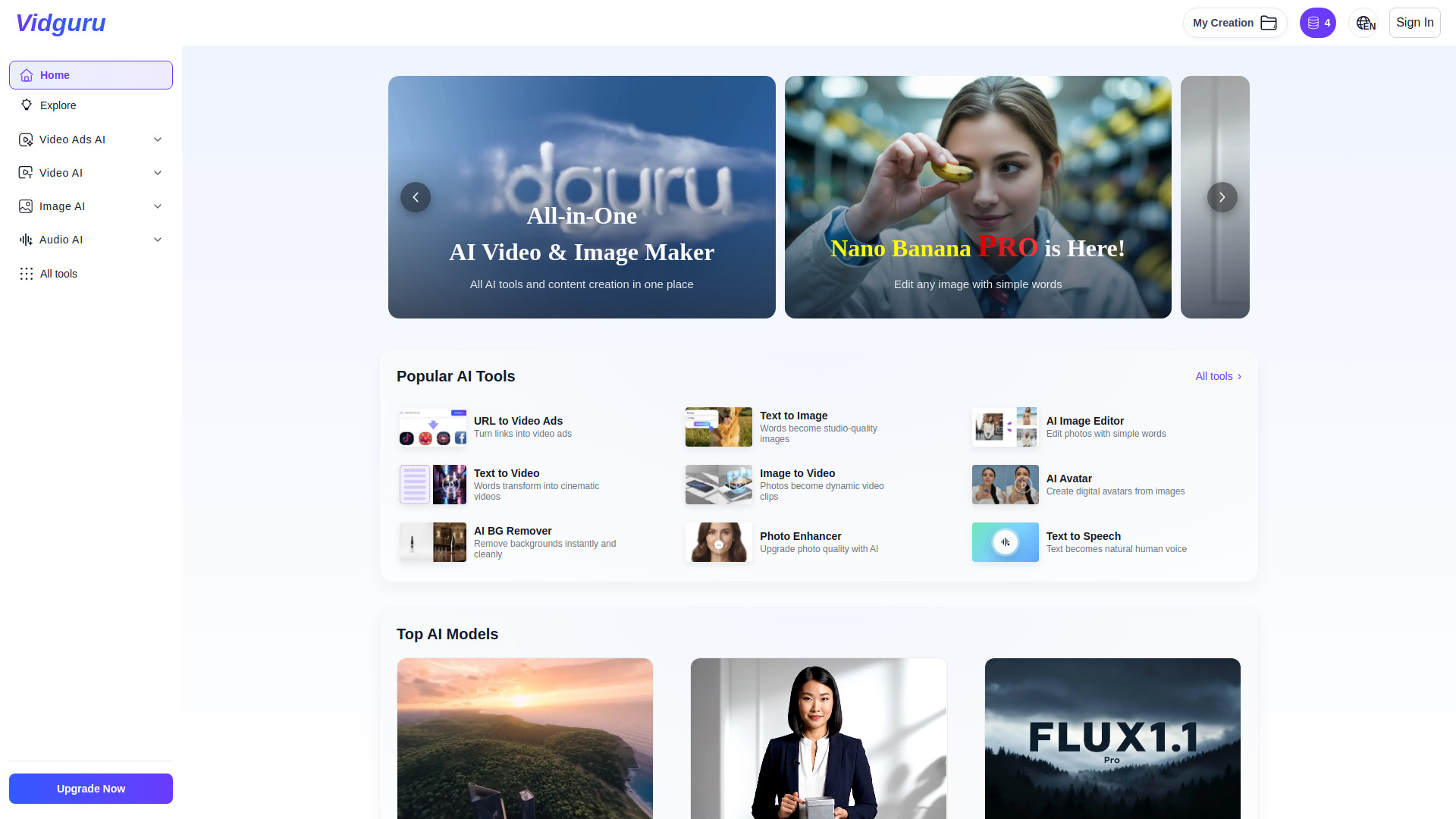

AIAI.com
AI video and image generation


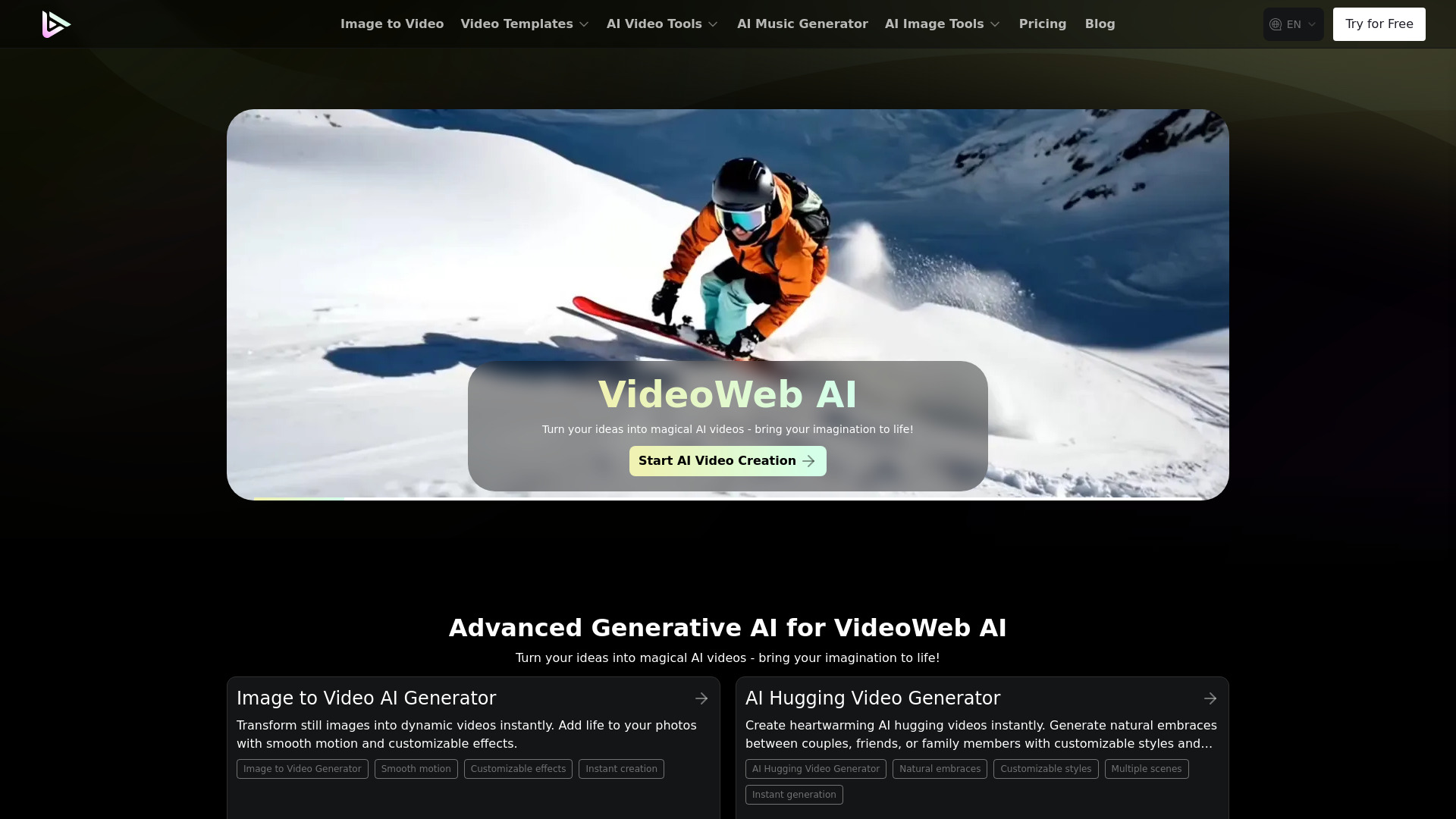
VideoWeb AI
All-in-one AI video and image creation

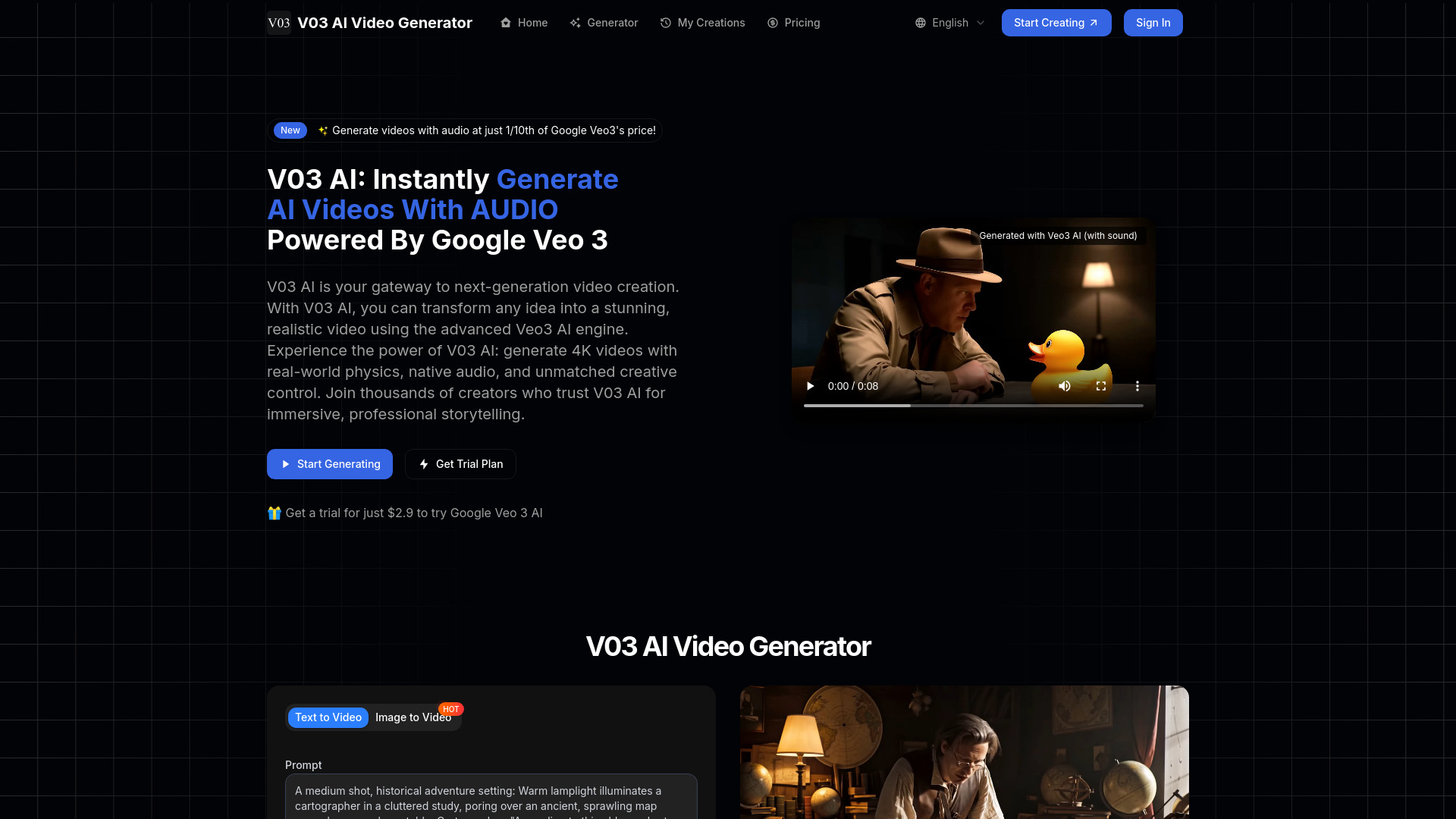
V03AI
Cinematic videos with native audio

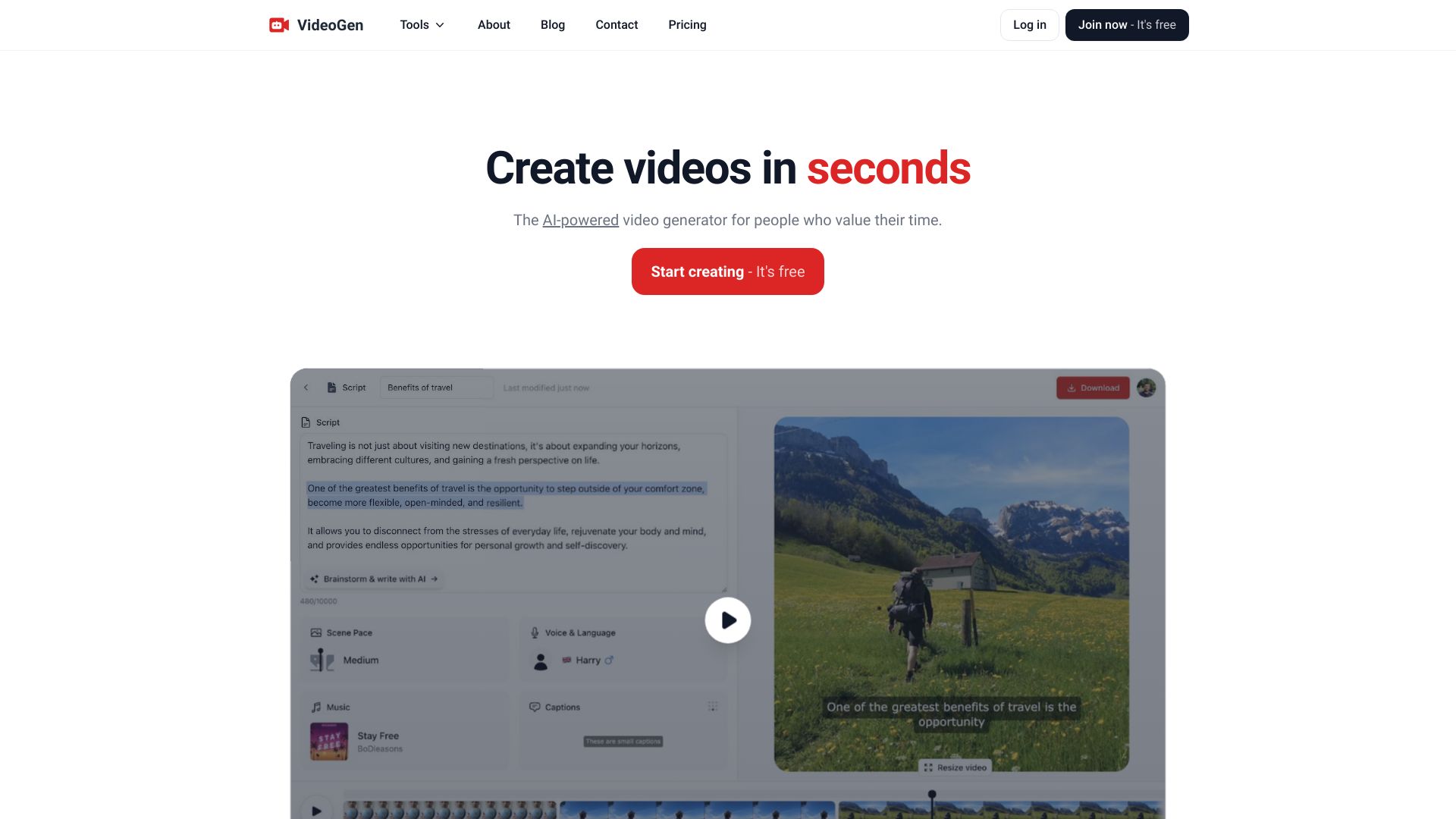
VideoGen
Fast AI video creation

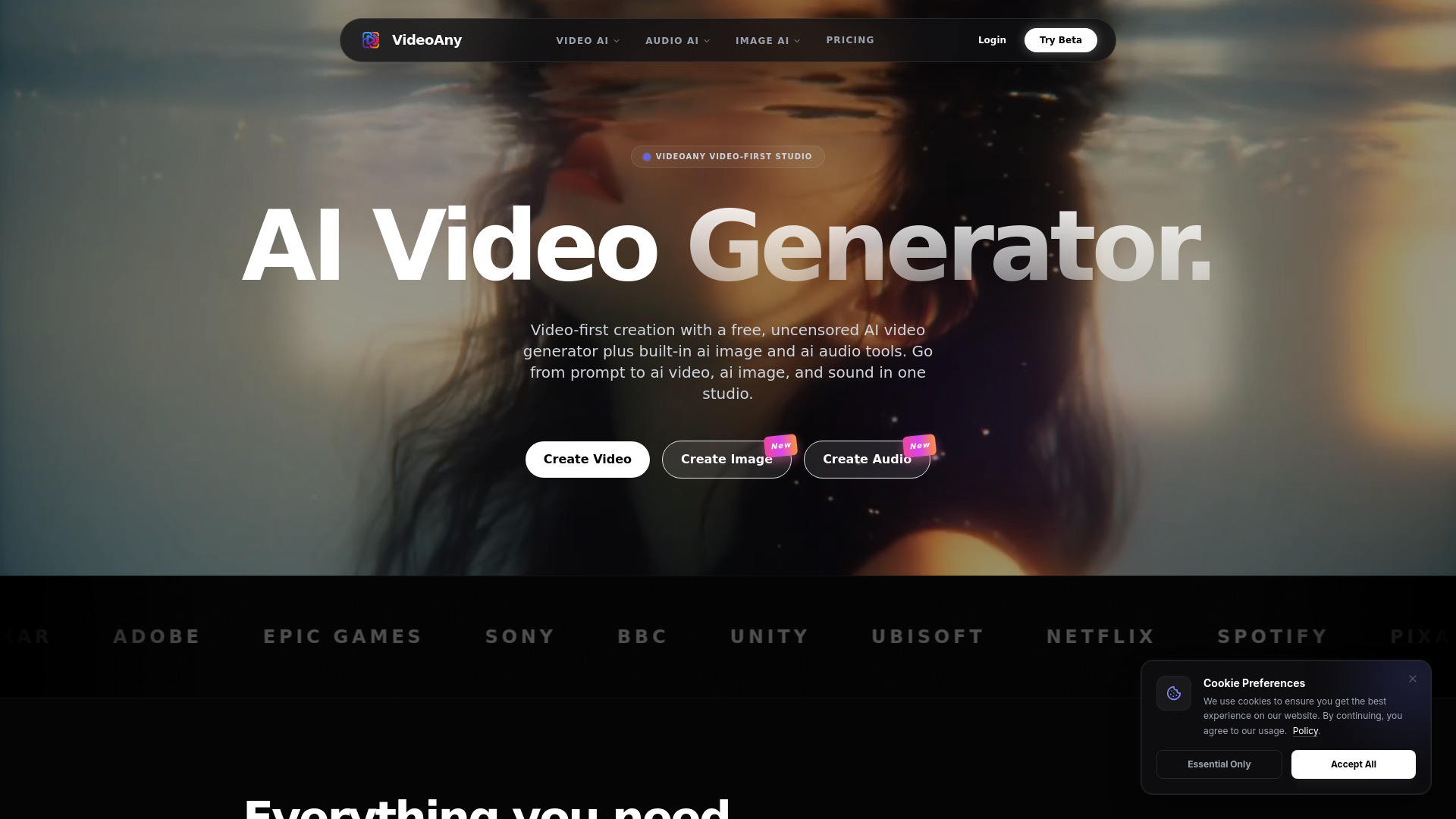
VideoAny
Video-first content creators

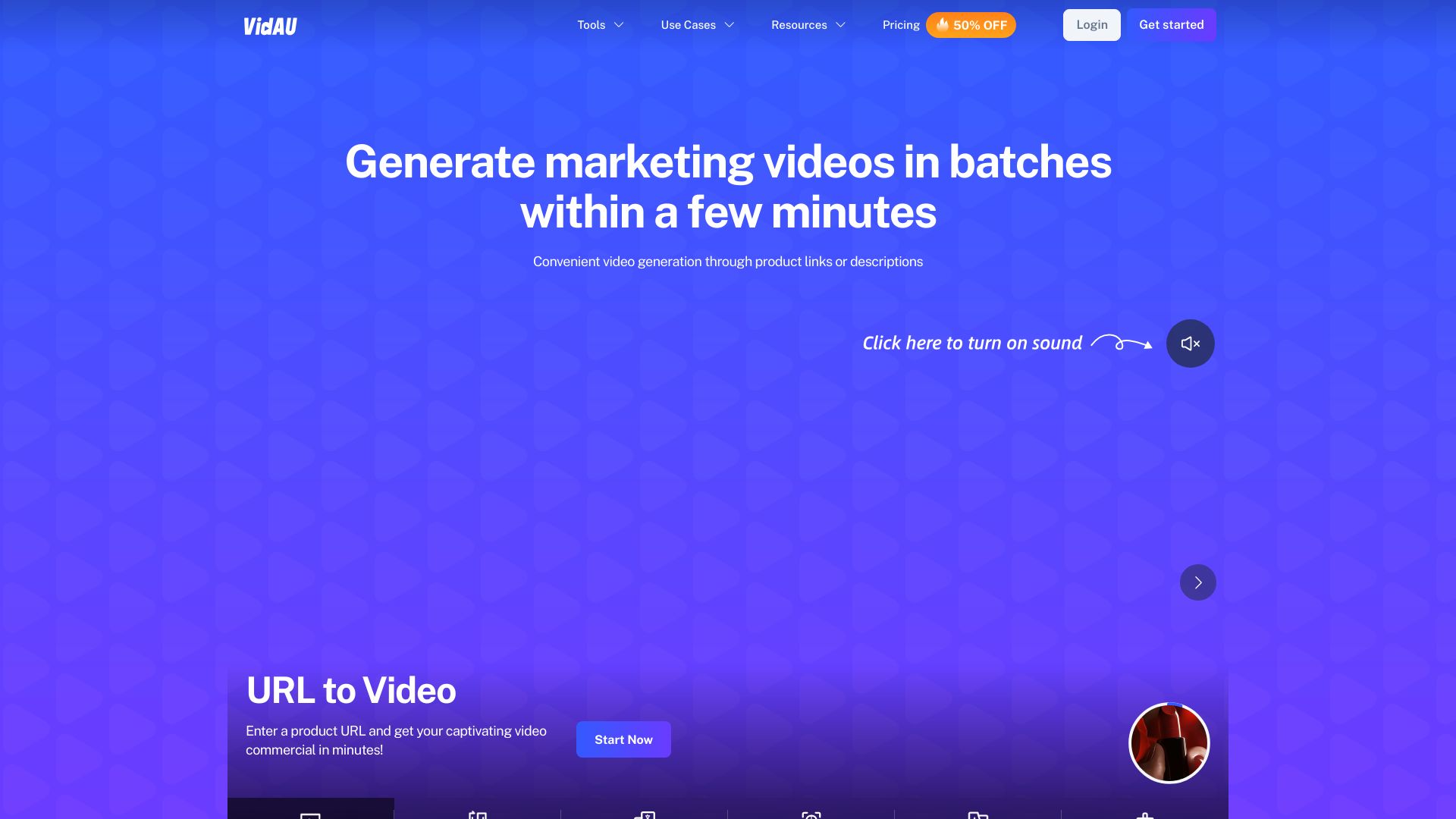
VidAU AI
E-commerce video ads and UGC content

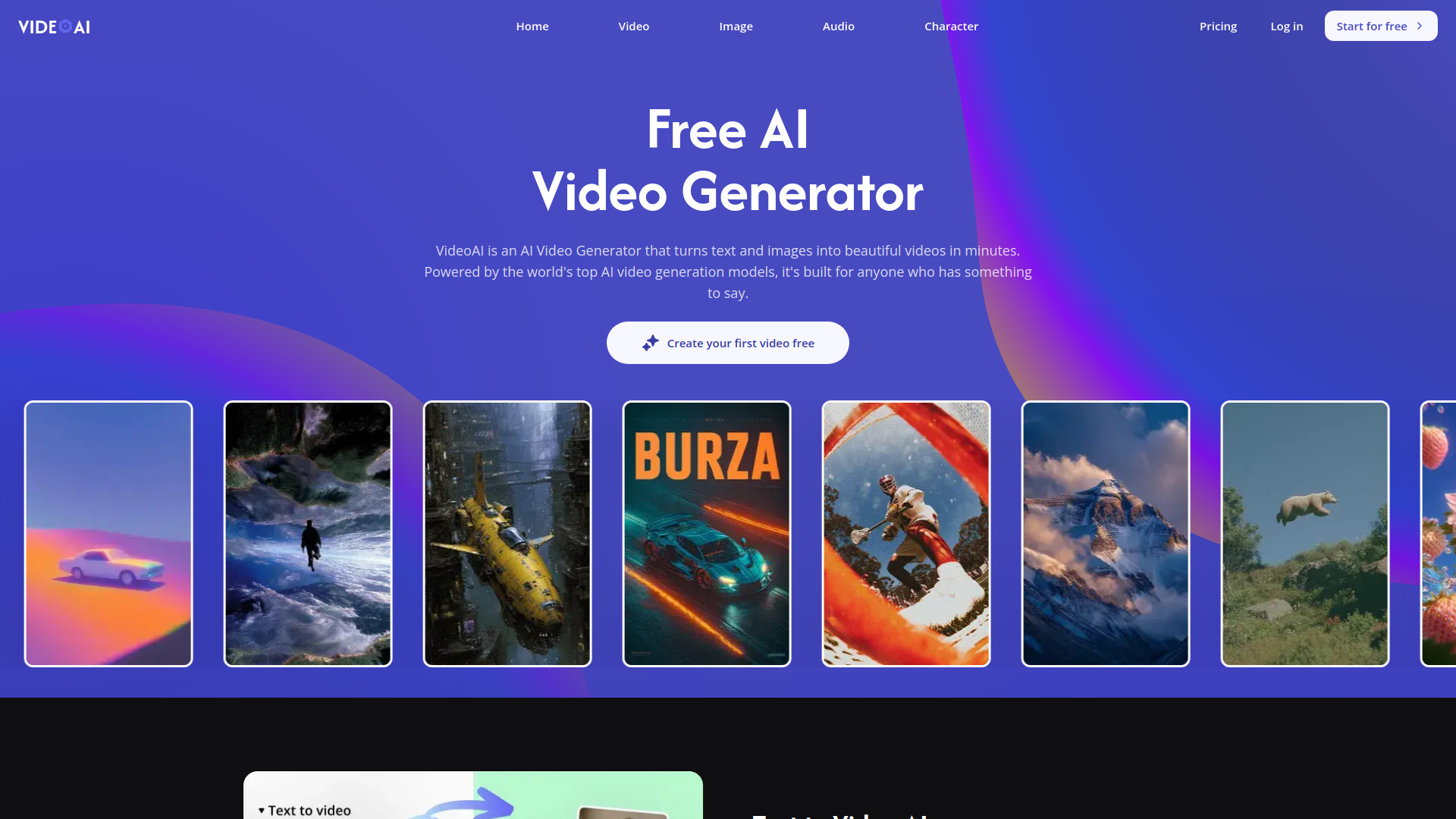
VideoAI
Multi-model AI video creation

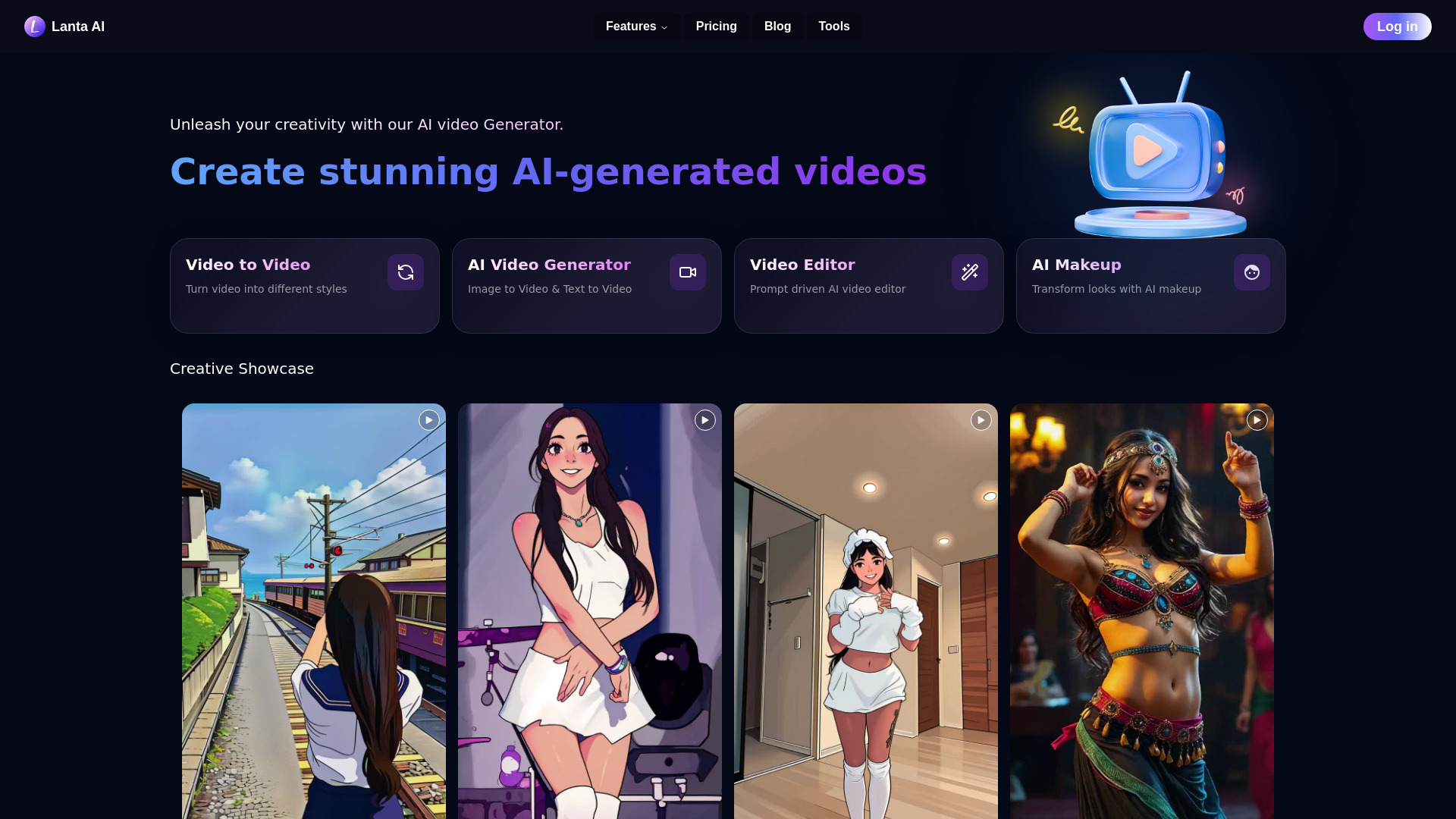
Lanta AI
AI video creation from text, images, or video

Eddie AI
AI editing for interviews and multicam video
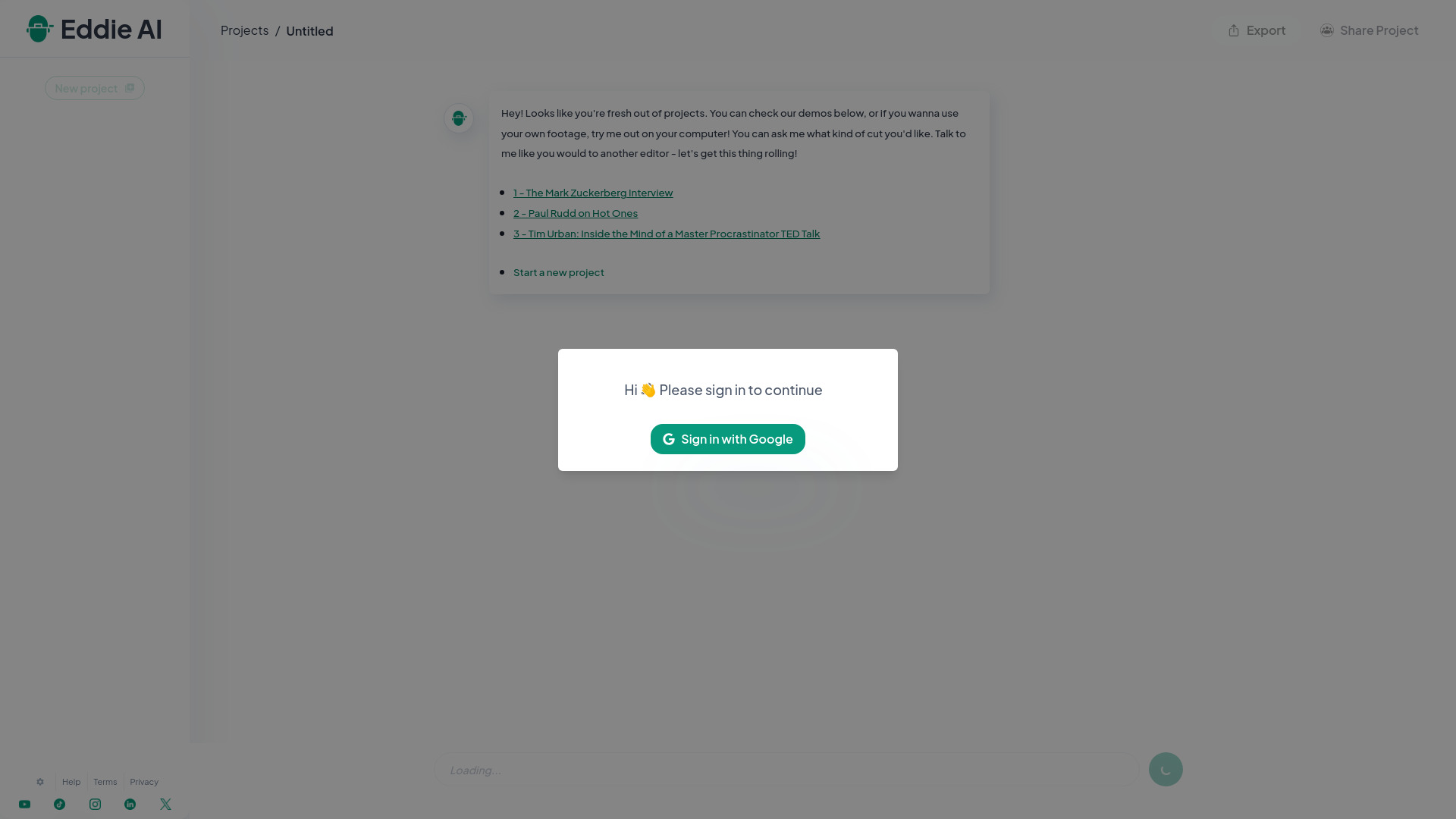

VIDEOAI.ME
AI actor videos and multilingual marketing ads
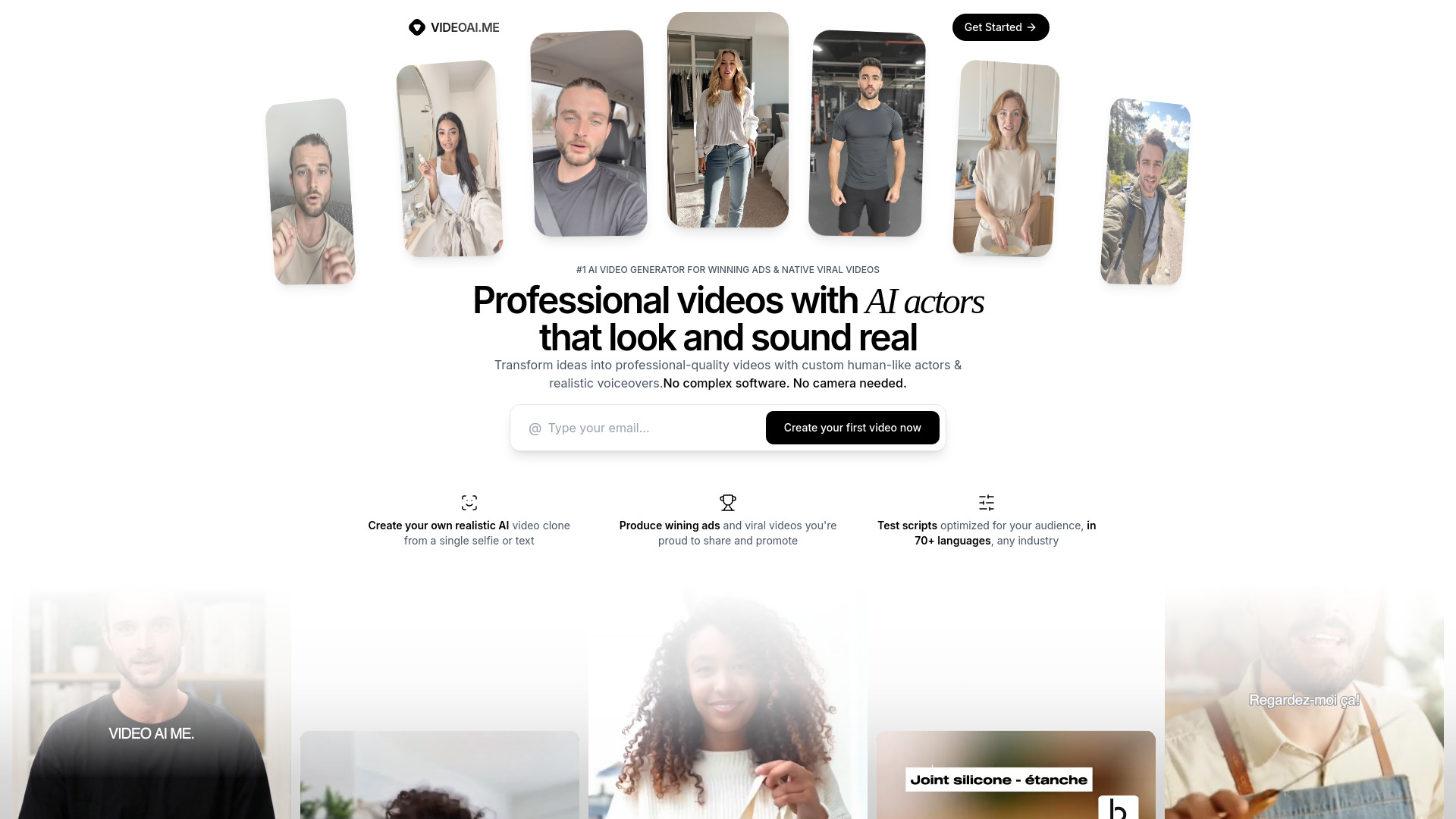

VO3 AI
Cinematic short-form video creation
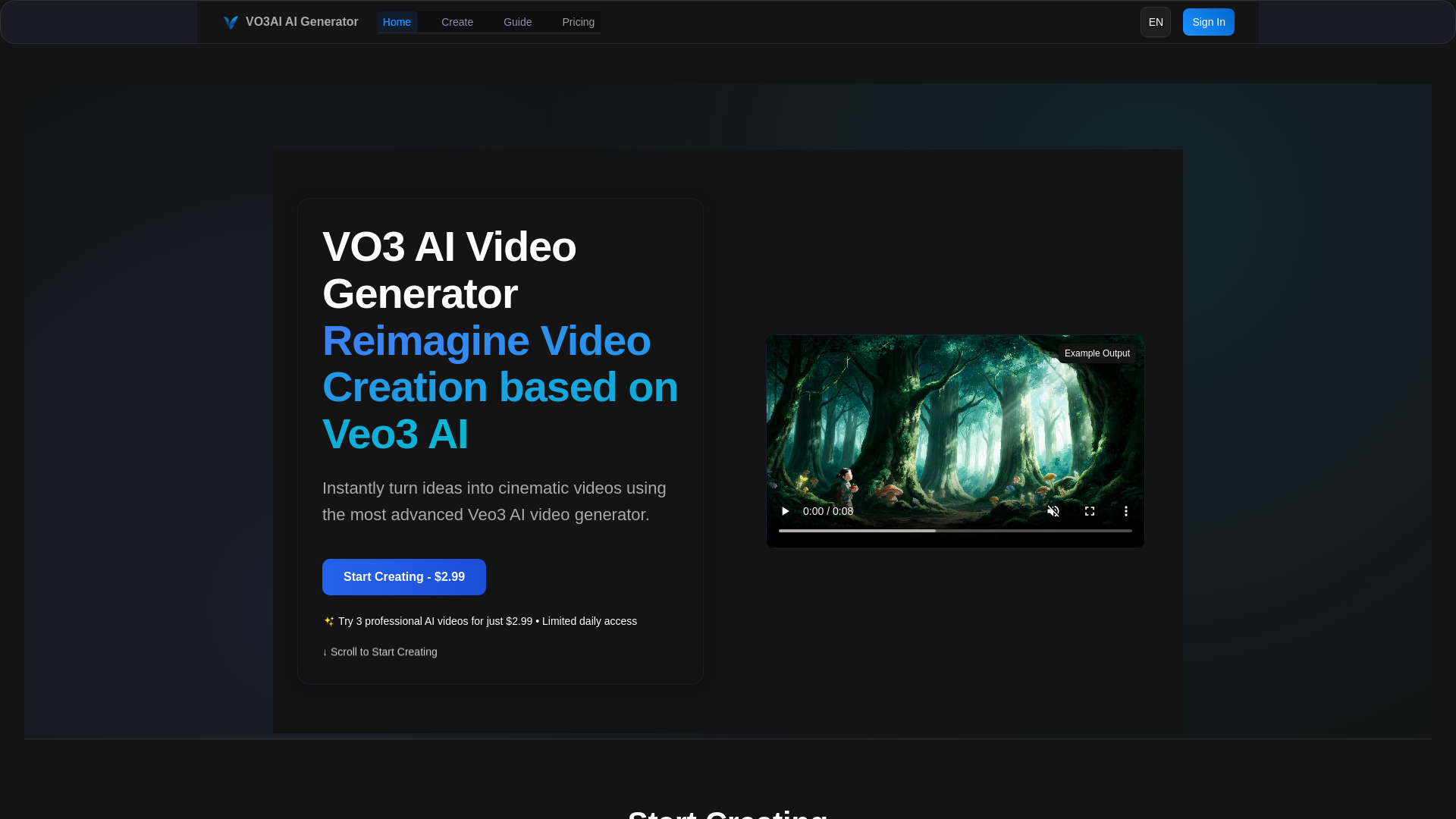

AI Video Maker
Image-to-video creators

Viral Ai Video Maker
Fast social video creation

Video Maker AI - Video generation
Text-to-video and image-to-video creators

Animate AI
Animated video series and kids' stories

Viddyoze
AI marketing videos

MakeAIVideo
Creators needing multi-model AI video generation

Vidgo AI
Multi-model image-to-video creation

Free Image to Video AI Generator | ImageToVid AI
Image-to-video creation from photos

AI Animate Image
Animating photos into short videos

Photo Video AI
Photo-to-video creators
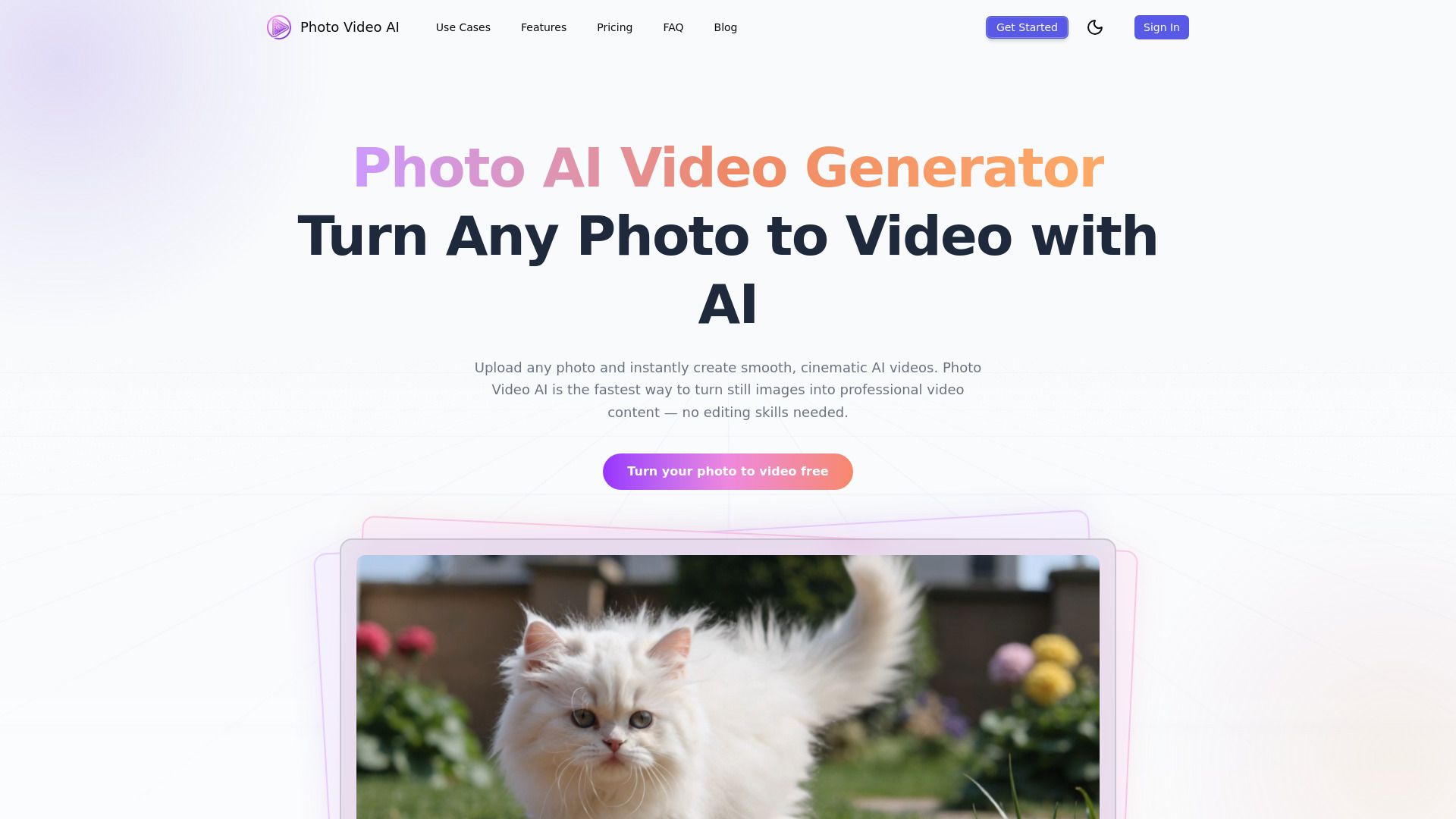

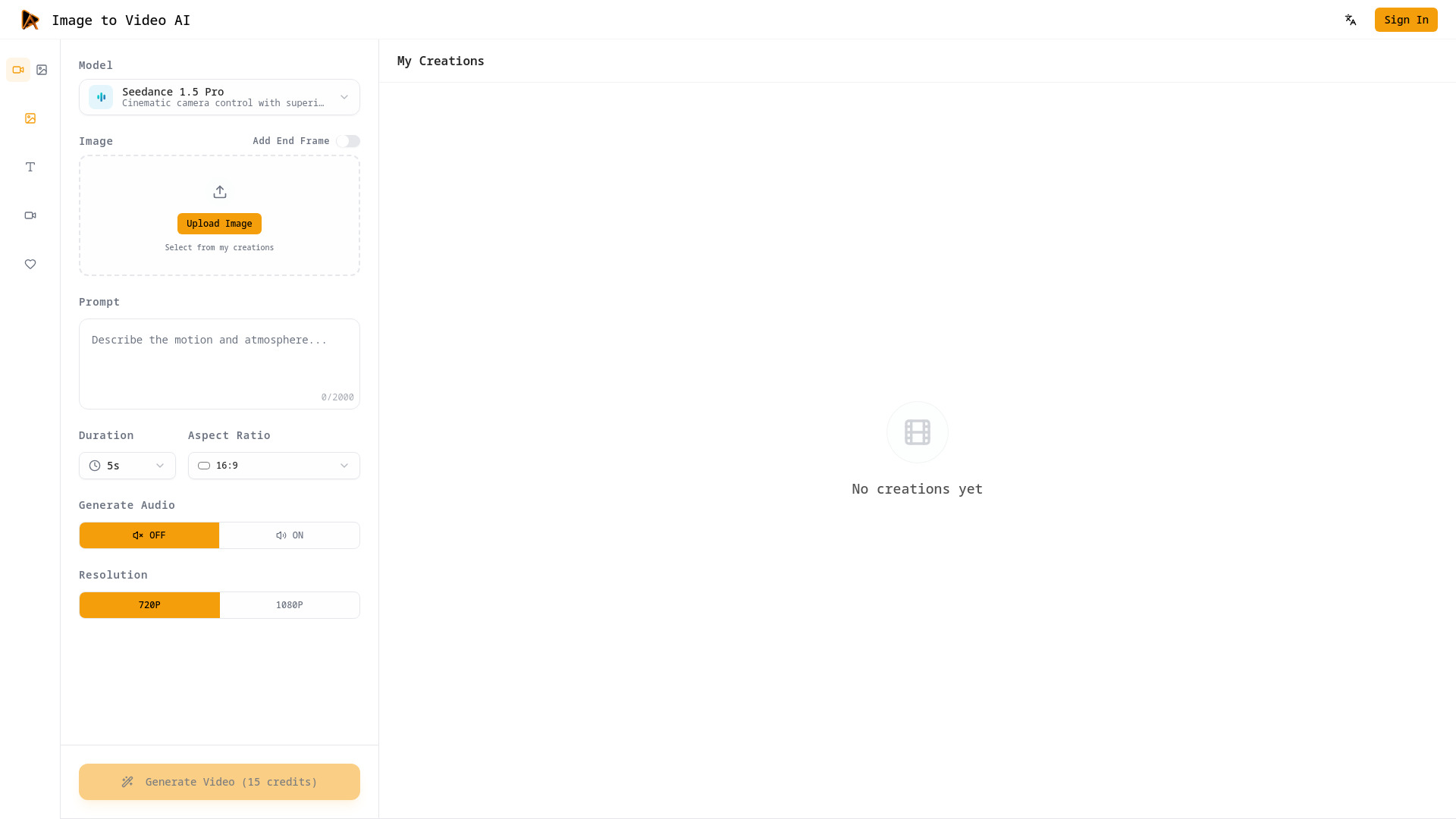
Image to Video AI
Cinematic image-to-video creation

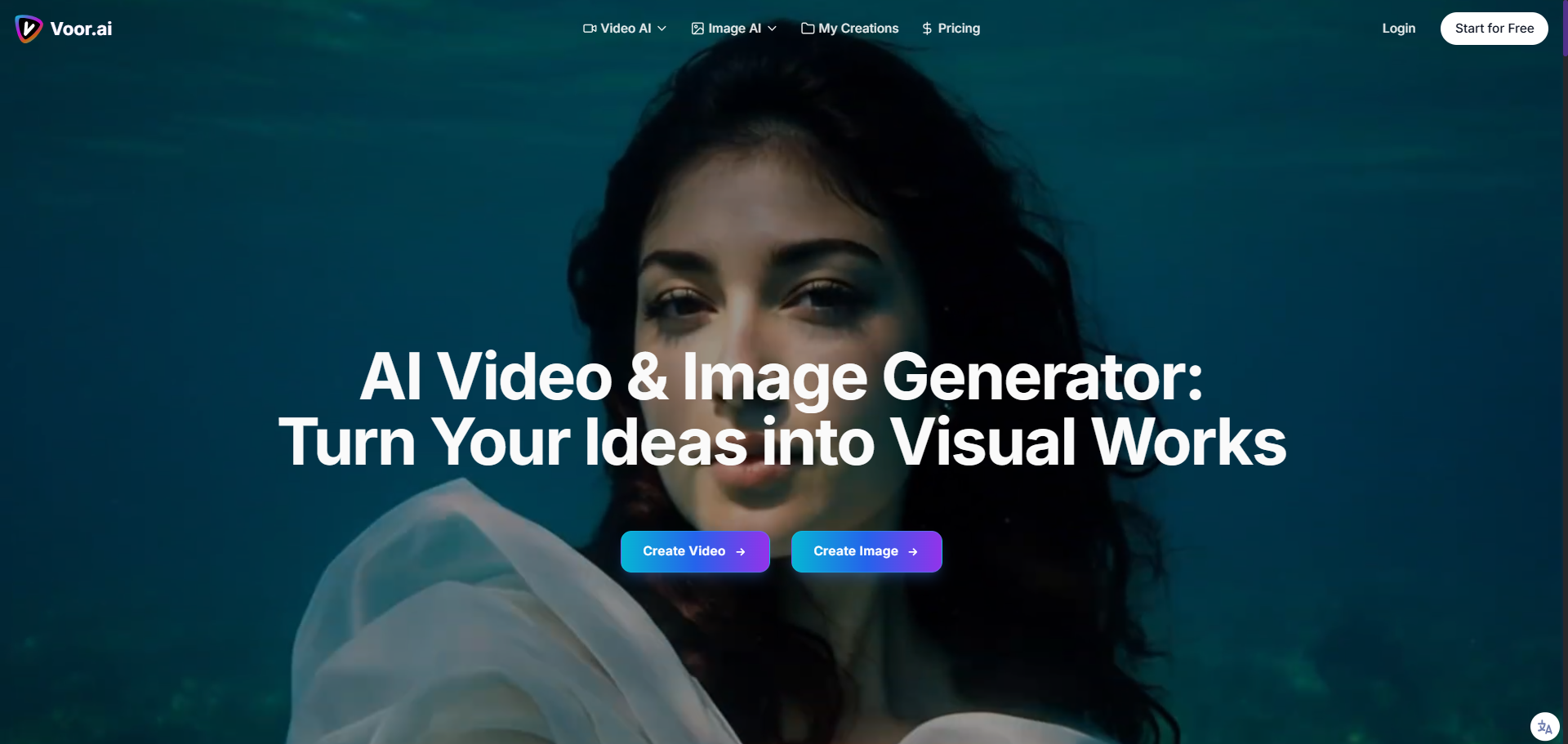
Voor AI
Text-to-video and image generation

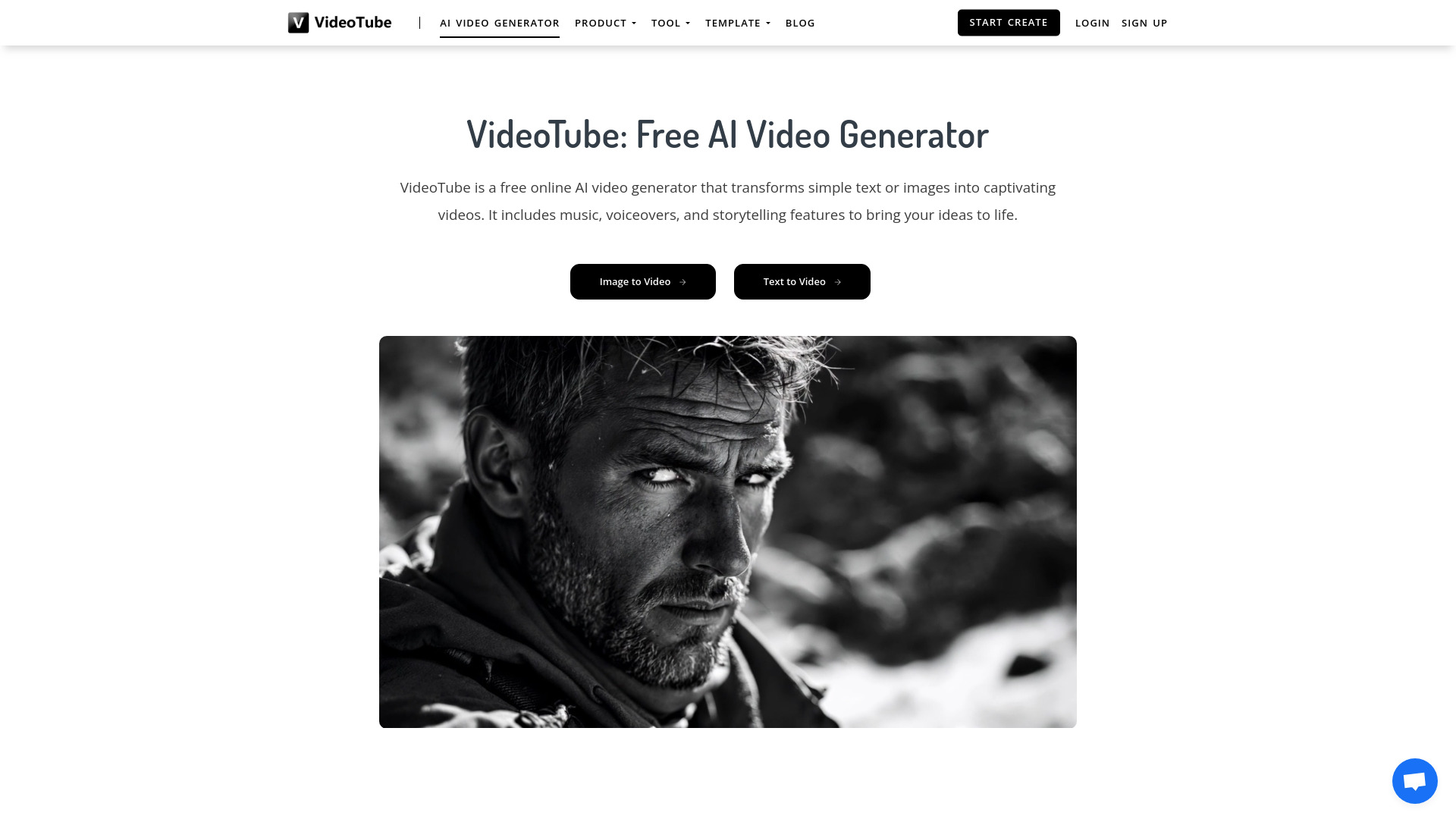
VideoTube
Social and marketing video creation

Maker AI
E-commerce product photos and videos

AI Studio for Video
AI video and image model comparison
AI Image to Video
Creators turning static images into short videos

AI Video API
Developers building AI video apps

AIVO3.com
Cinematic videos with synchronized sound

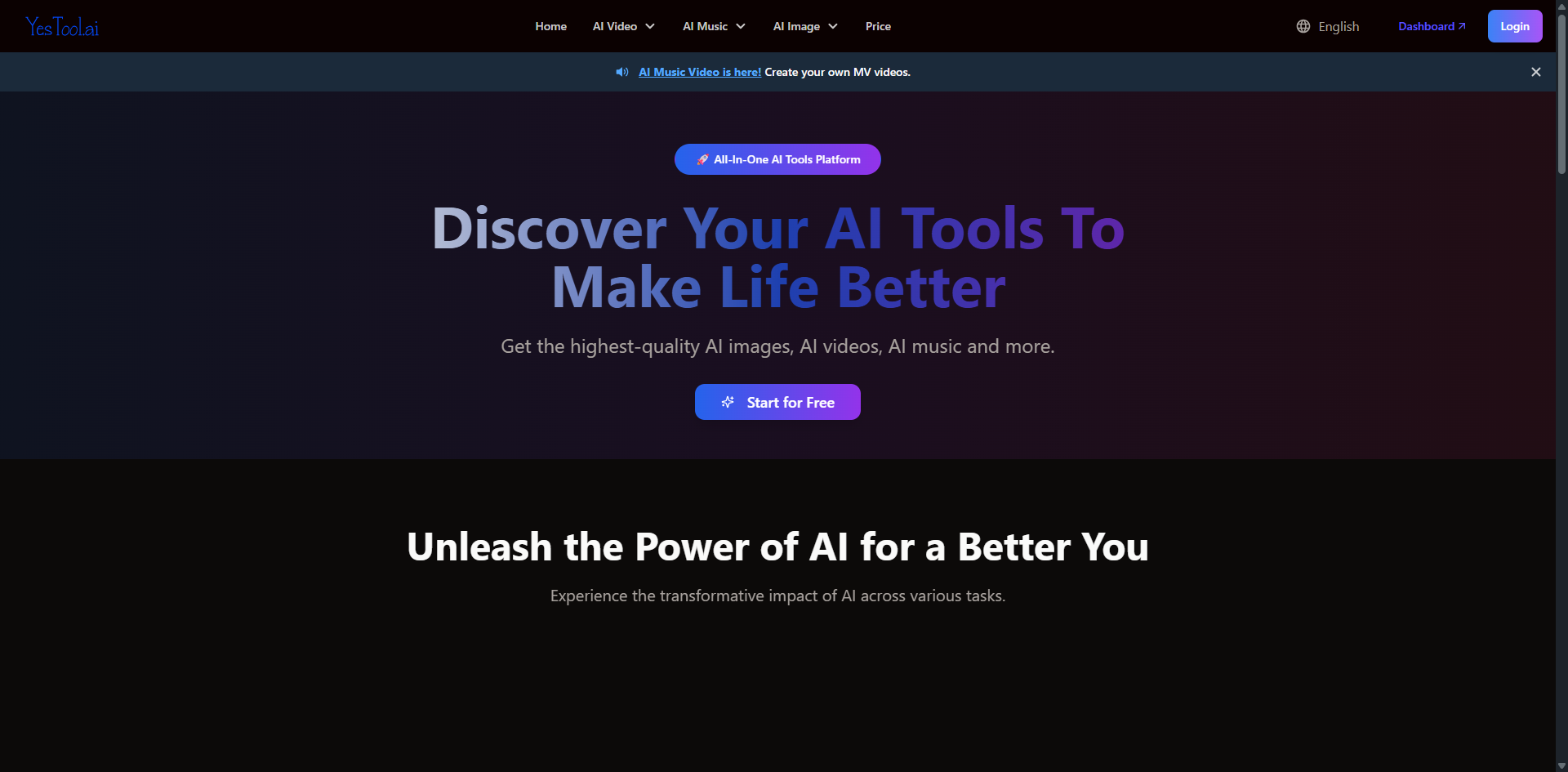
yesTool AI
AI video creation with voiceover and music

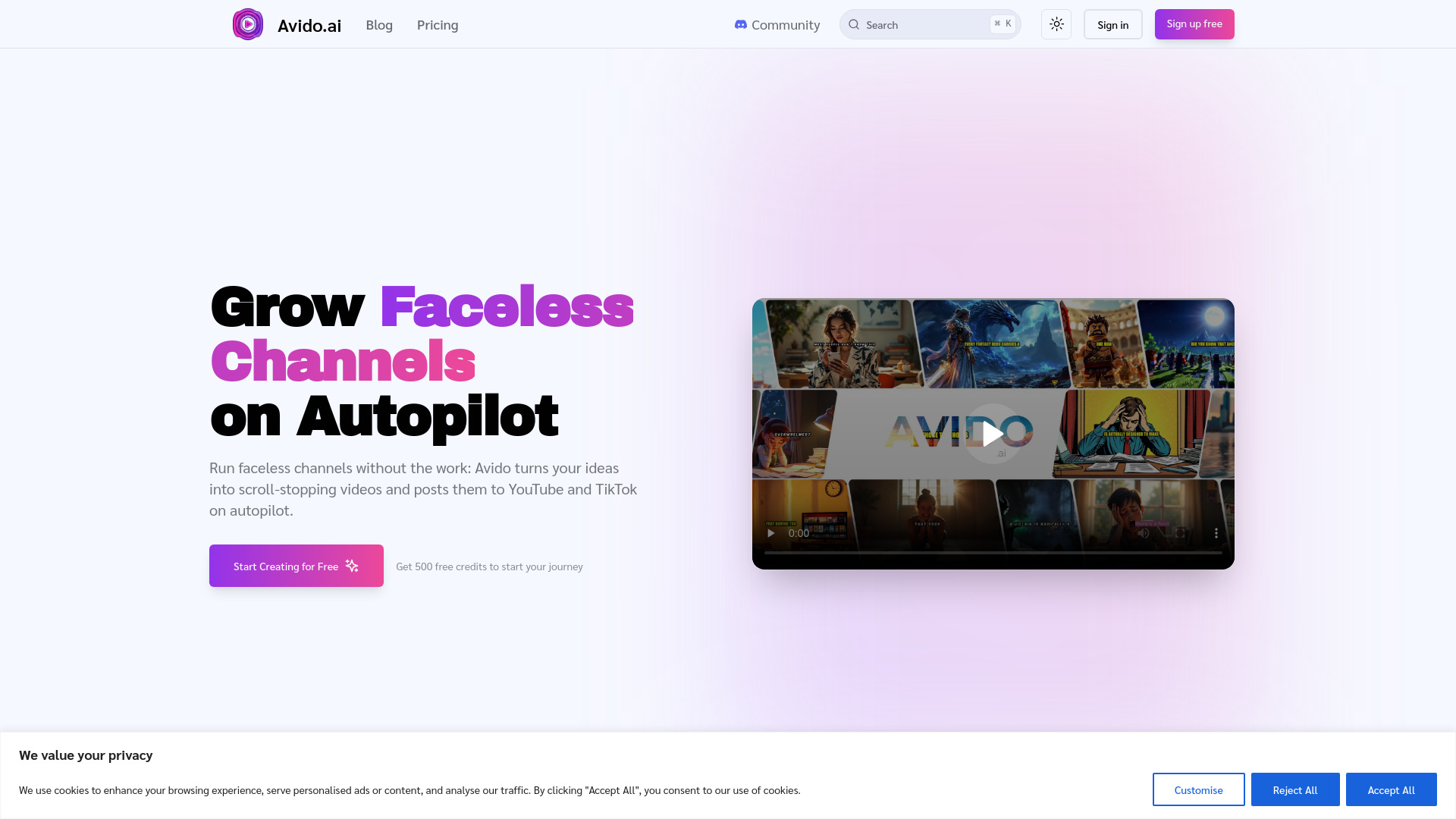
Avido.ai
Faceless YouTube and TikTok channels

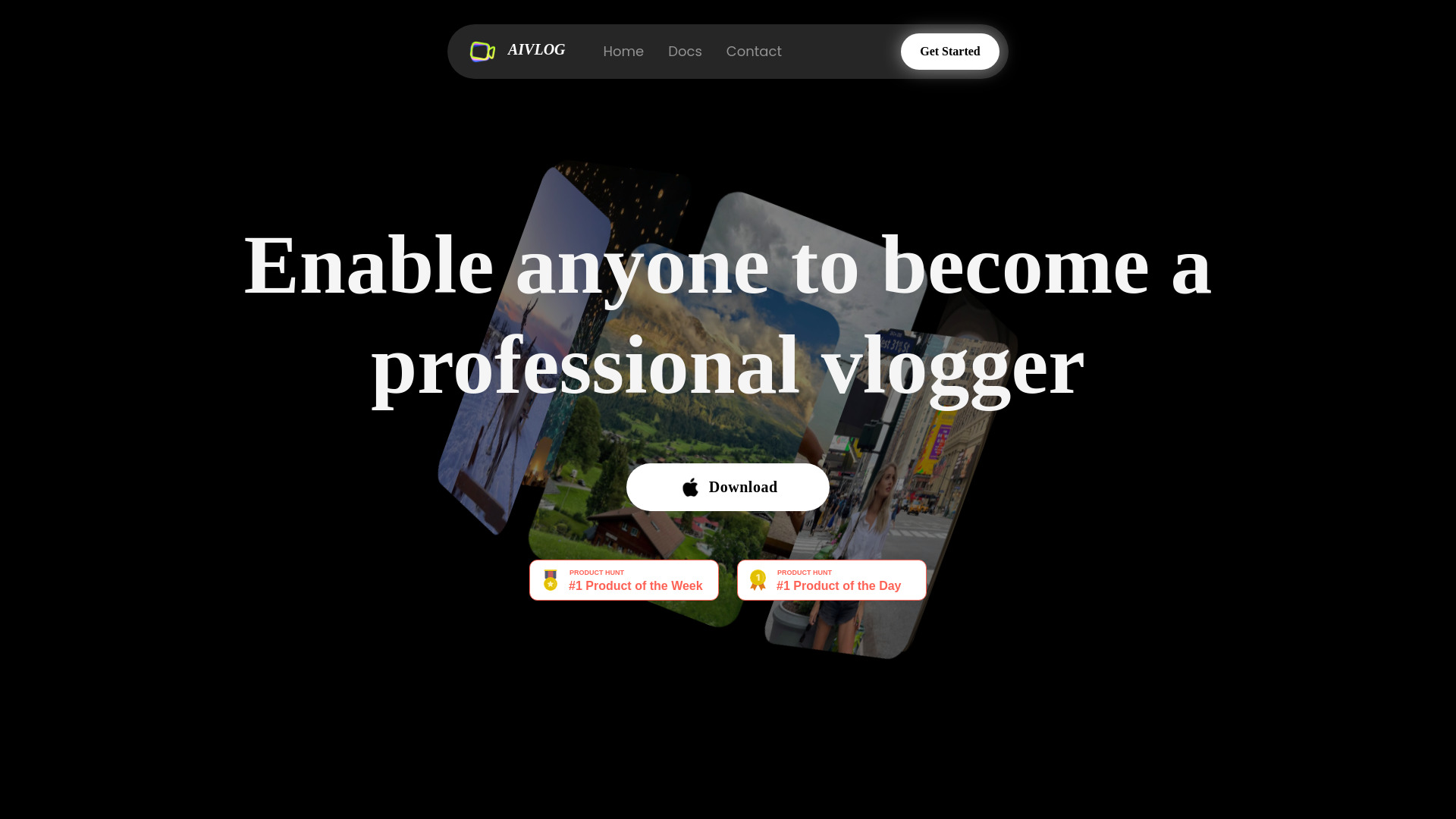
AIVLOG
AI-assisted vlog editing

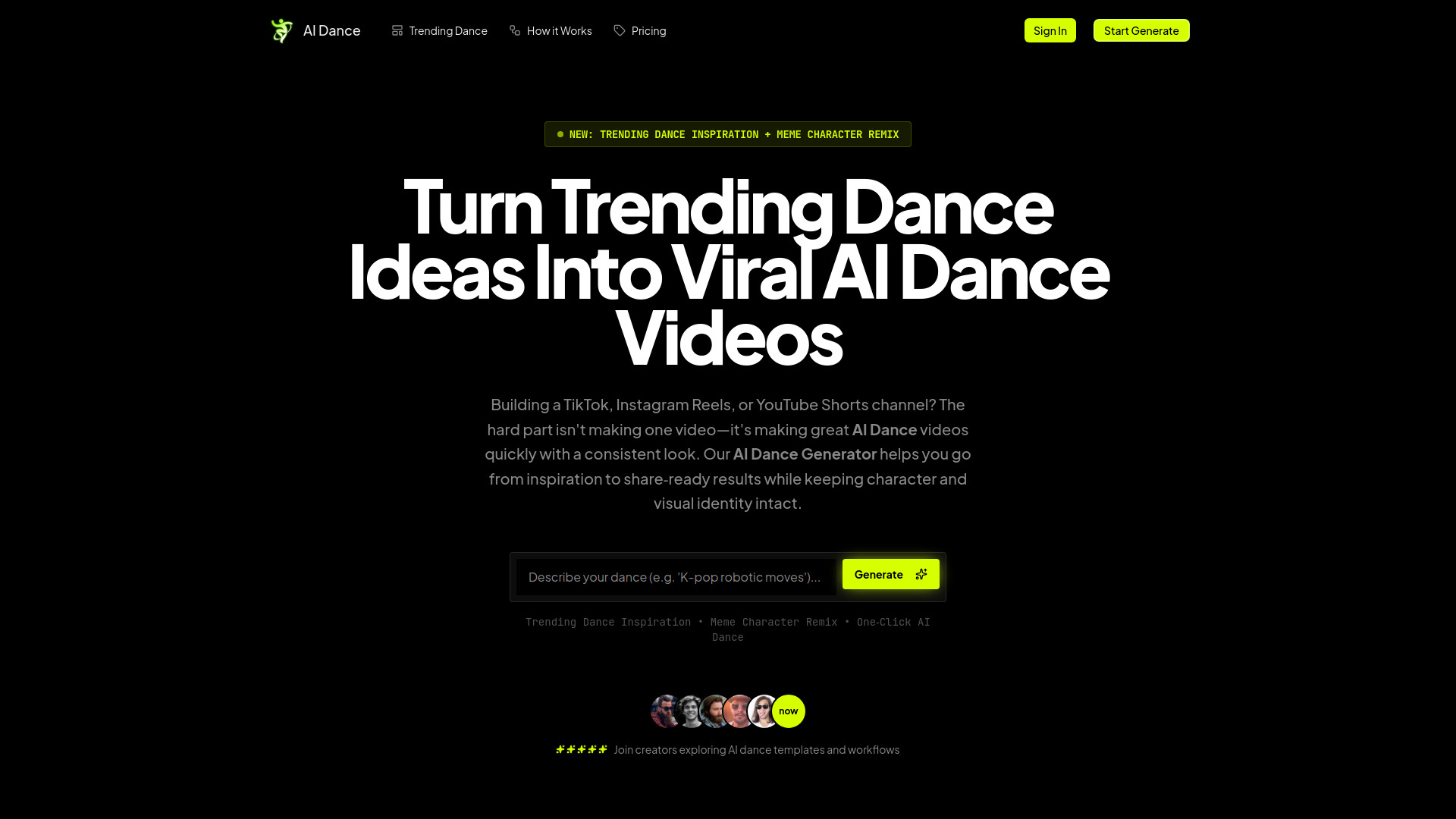
AI Dance Generator
TikTok and Shorts dance creators

Veo 4 ai
No-signup AI video generation

ClipVideo AI
Product videos and social ads

AI Video Editor
Video resizing, compression, and format conversion
image to video ai
Turning images into AI-generated videos
Veo3 AI
Short-form creators and educators

PictureMaker
Creators needing image and video tools

Veo 3.1
Cinematic multi-shot video creation
ImageToVideoAI
Creators turning images into videos

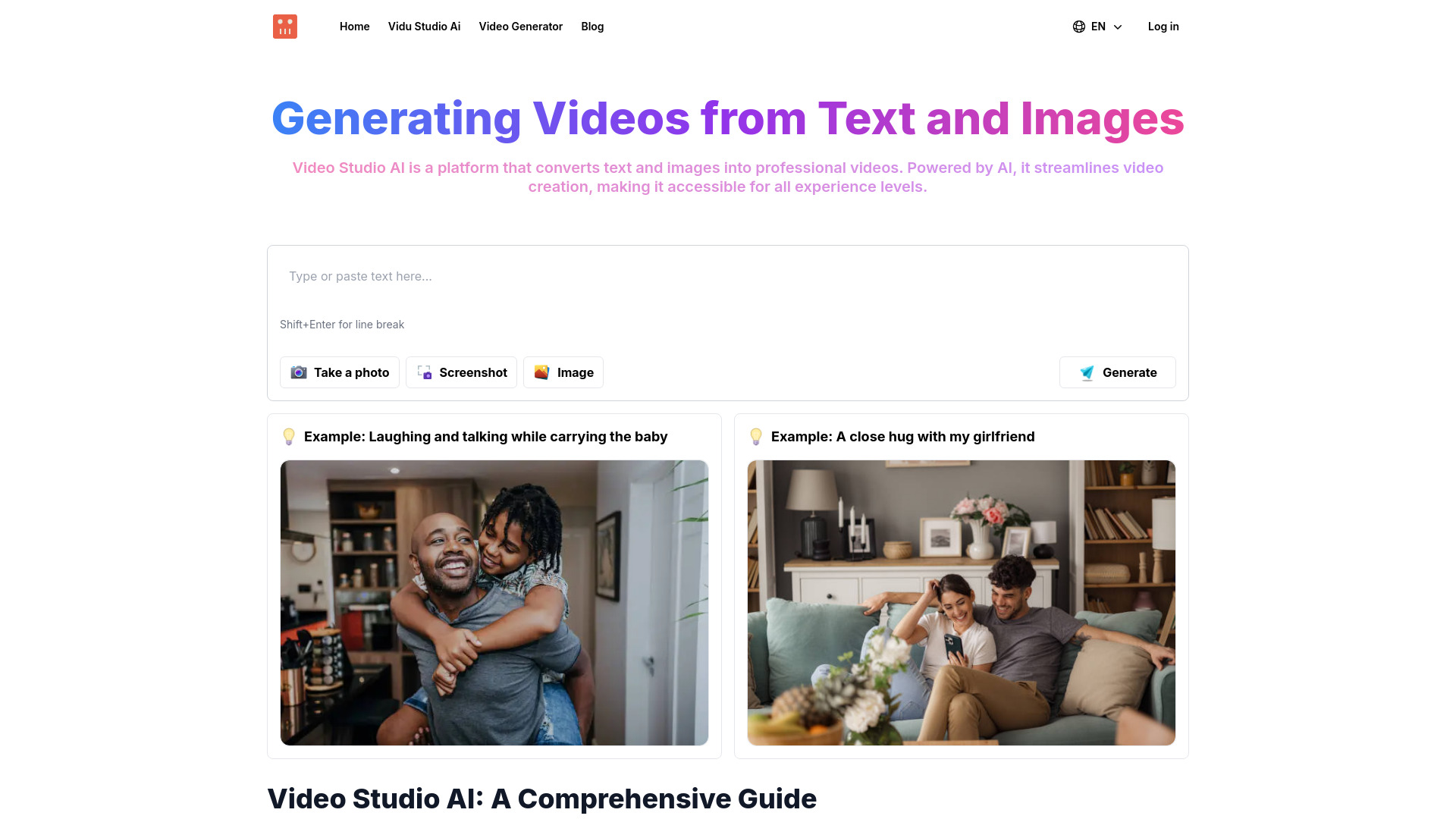
Video Studio AI
Text-to-video creation

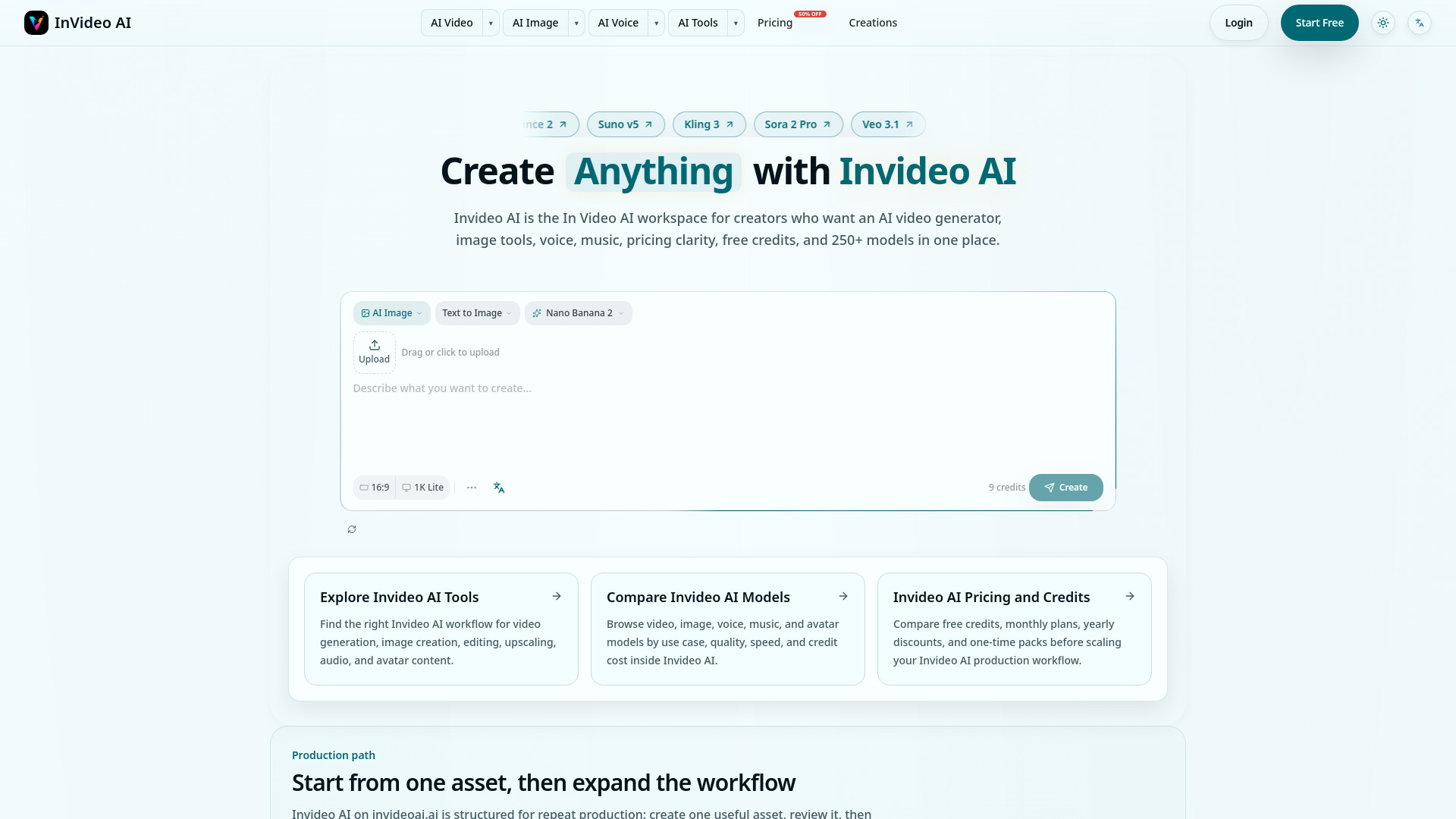
Invideo AI
Multimodel video and content production

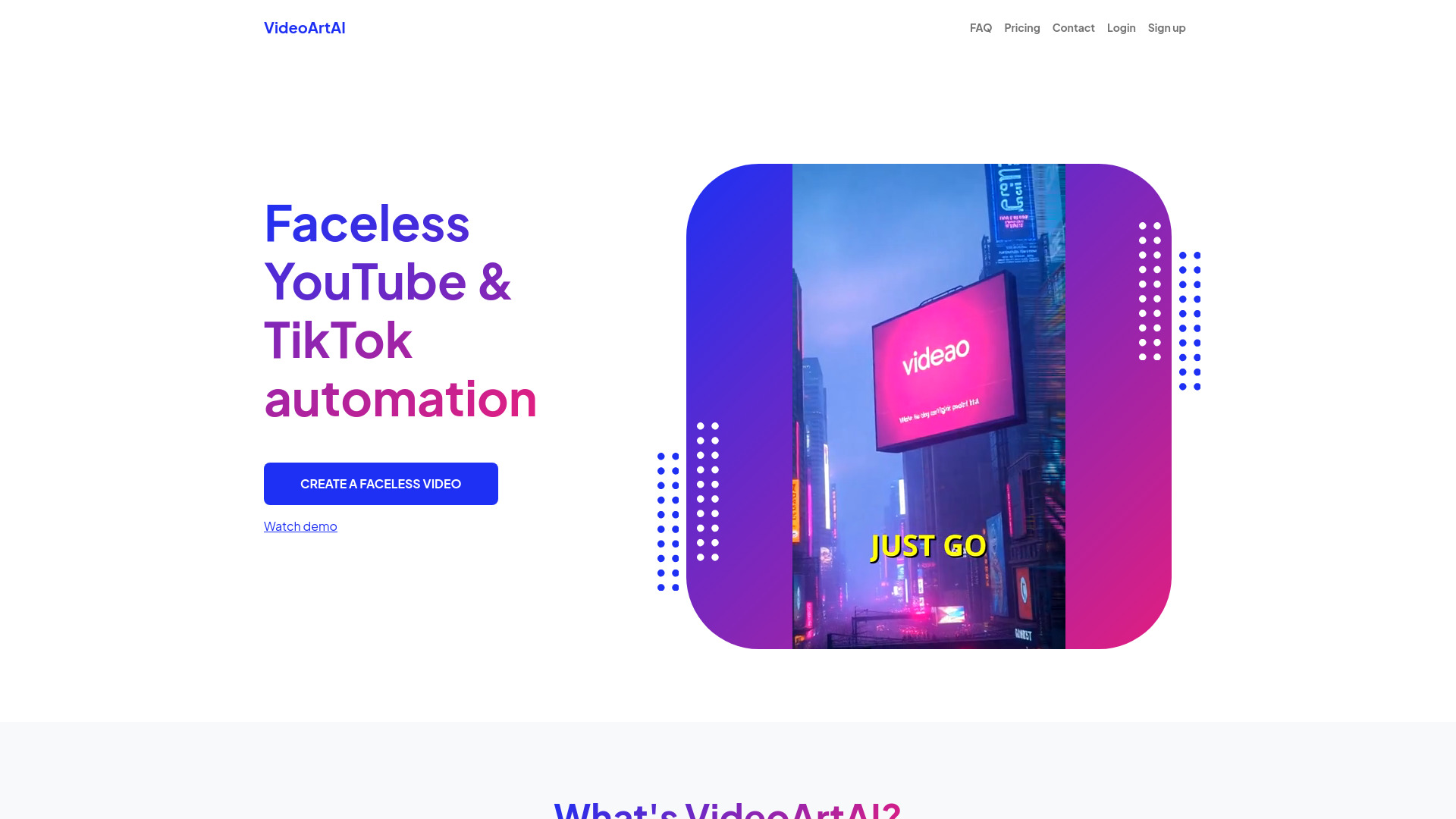
VideoArtAI
Faceless YouTube and TikTok creators
Revid AI
Viral short-form video creation
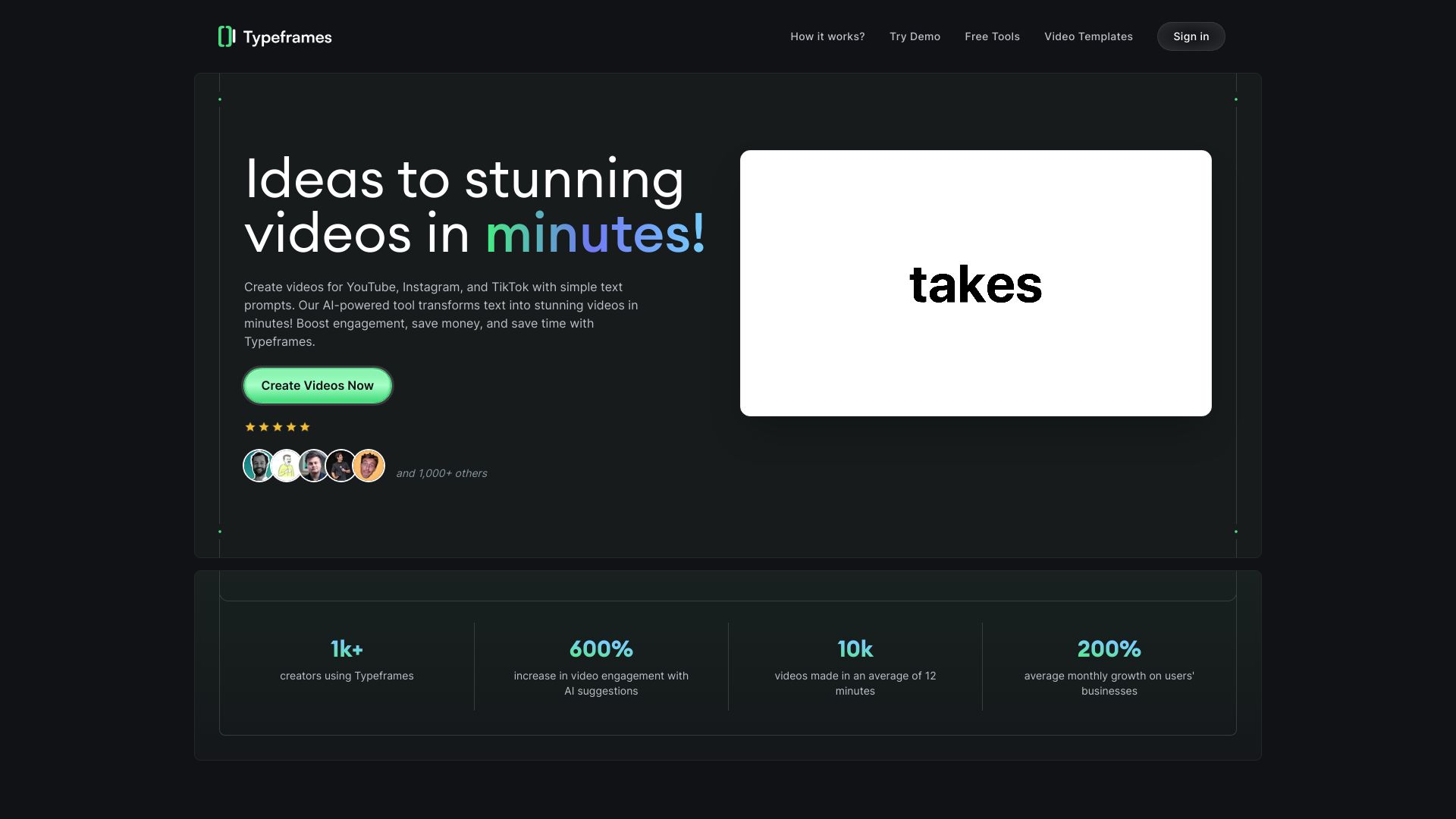
CloudStudio
AI video editing for creators and teams
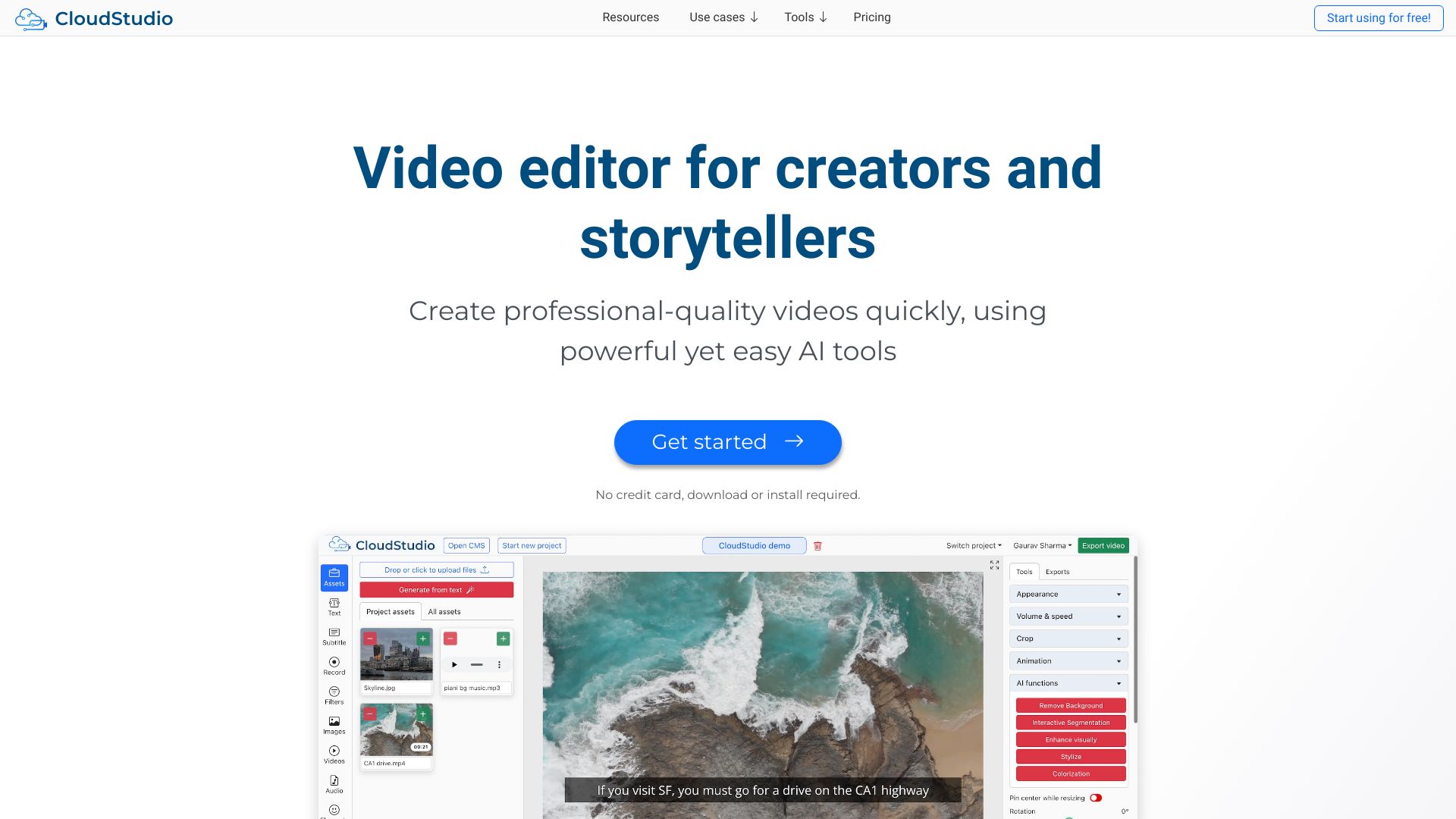

BlitzVideo
Faceless YouTube video creation
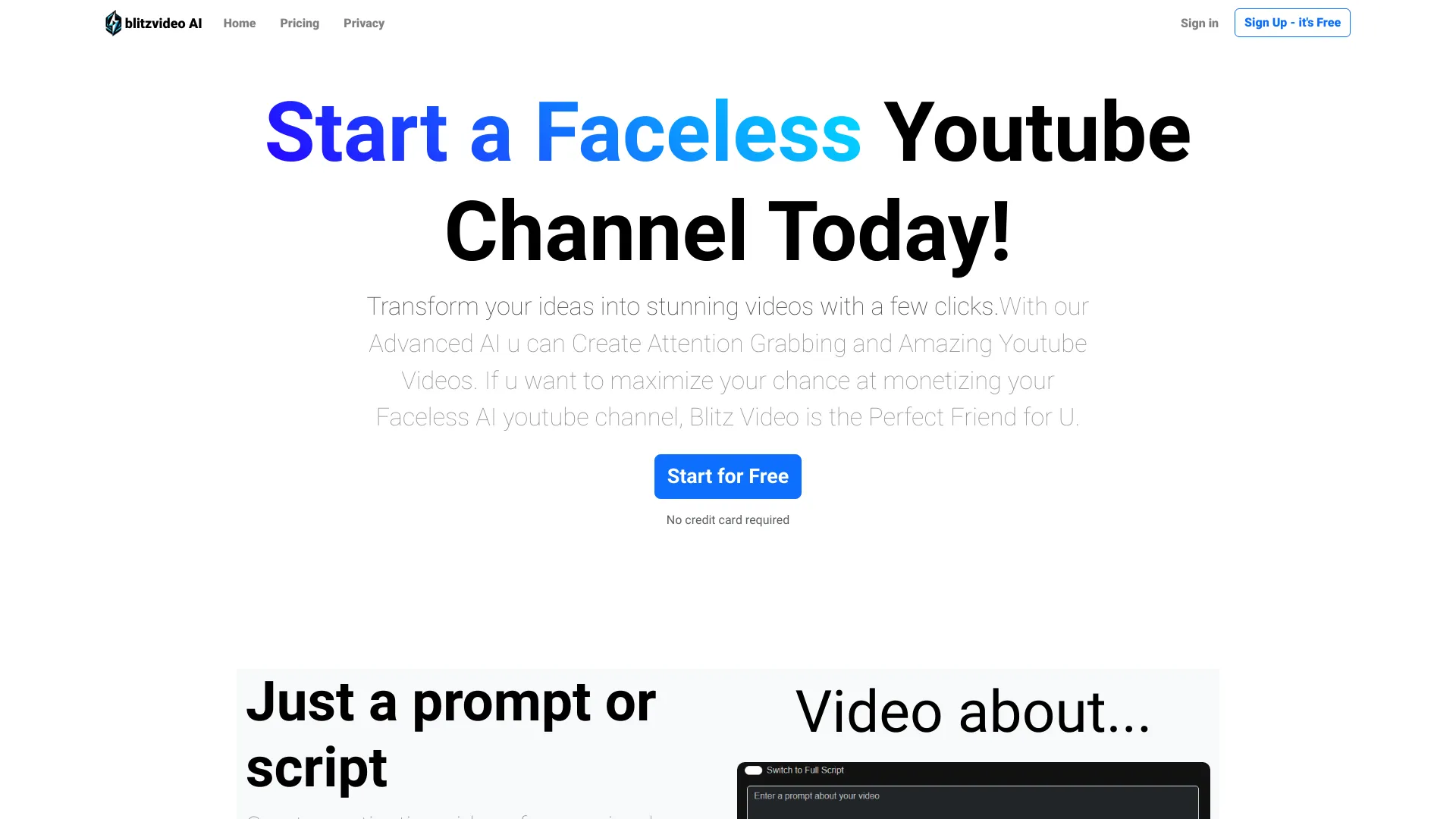

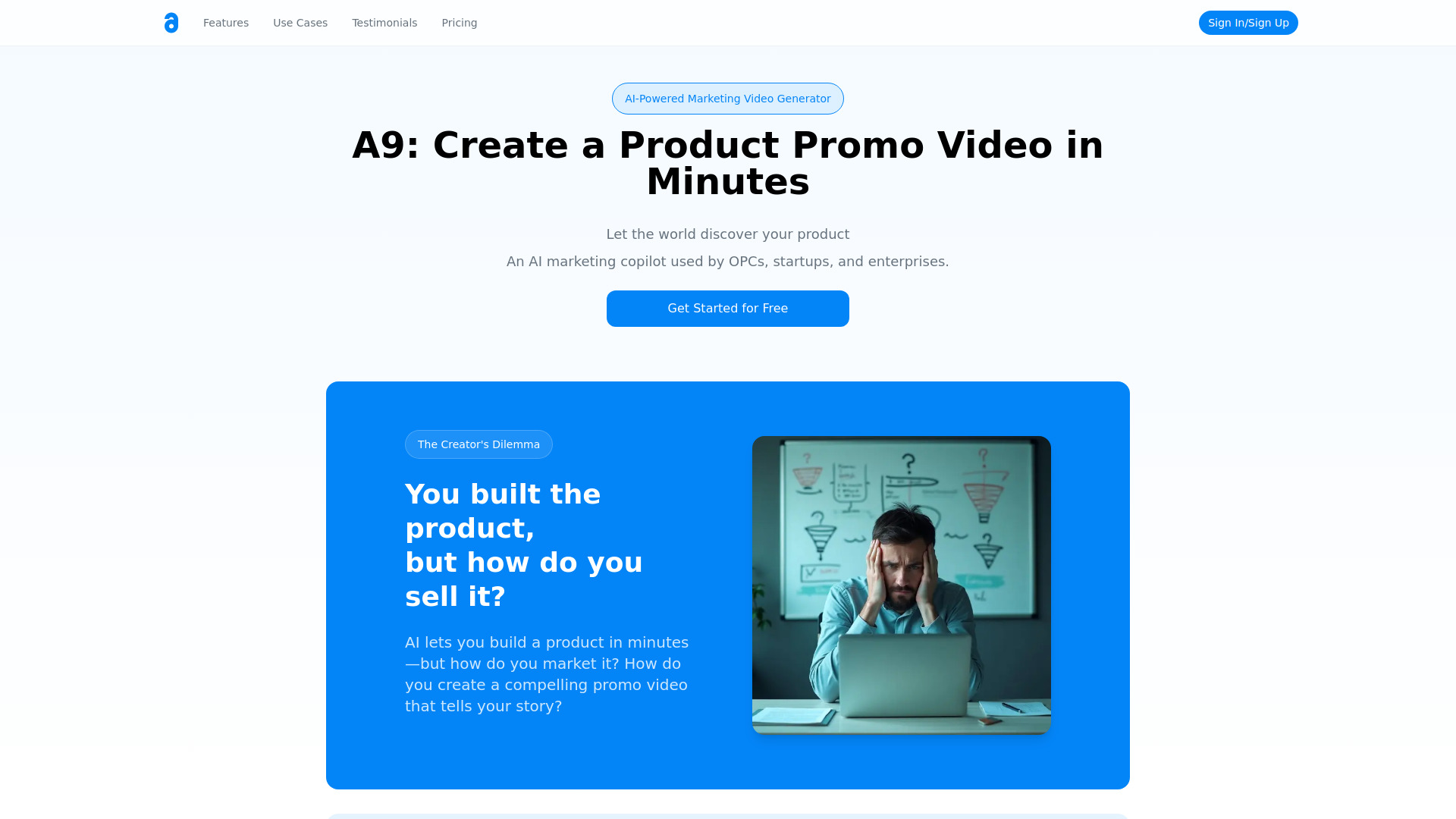
A9 AI
Product promo videos for startups

VideoEditorAI.com
AI video editing and creation
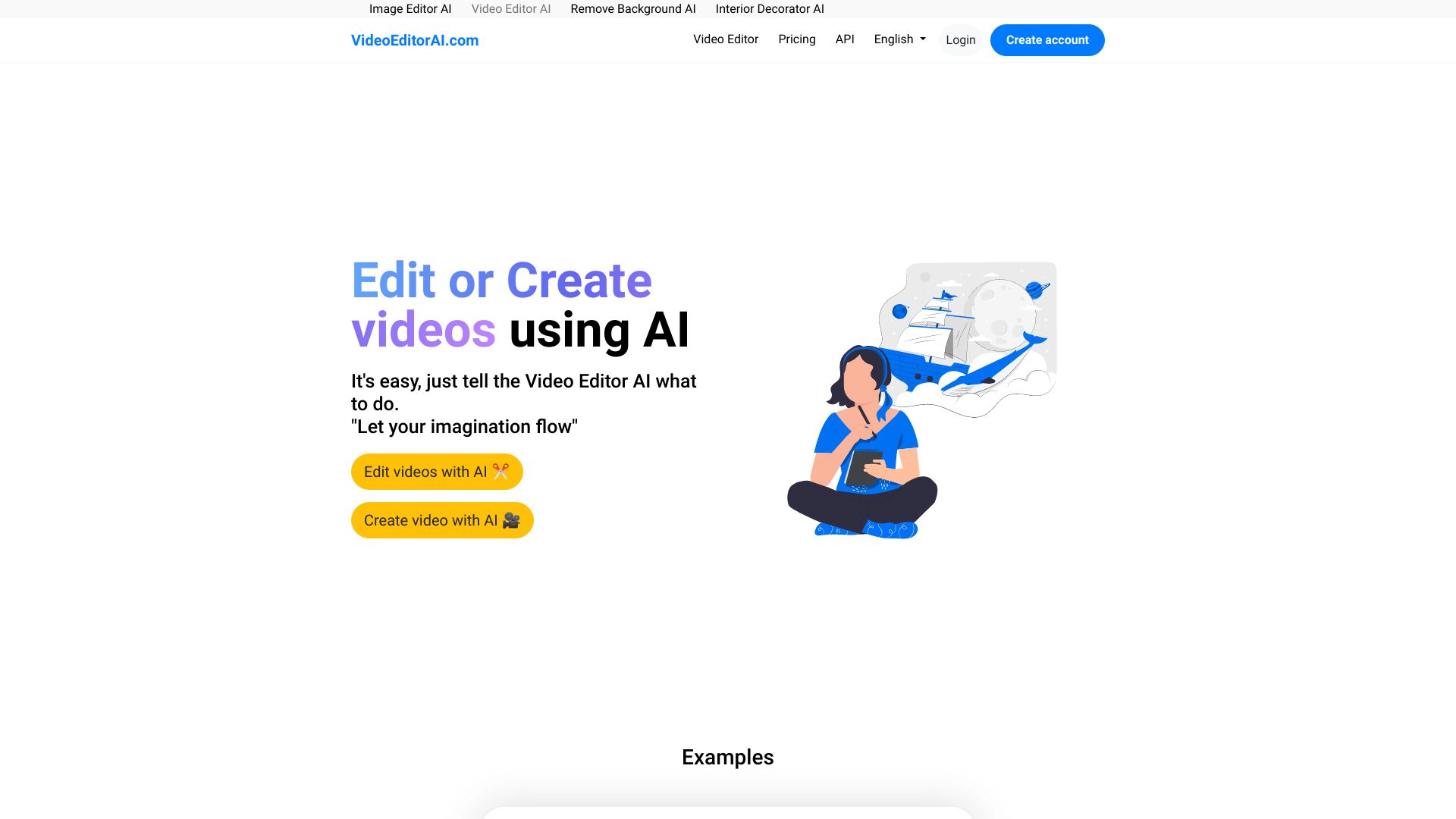

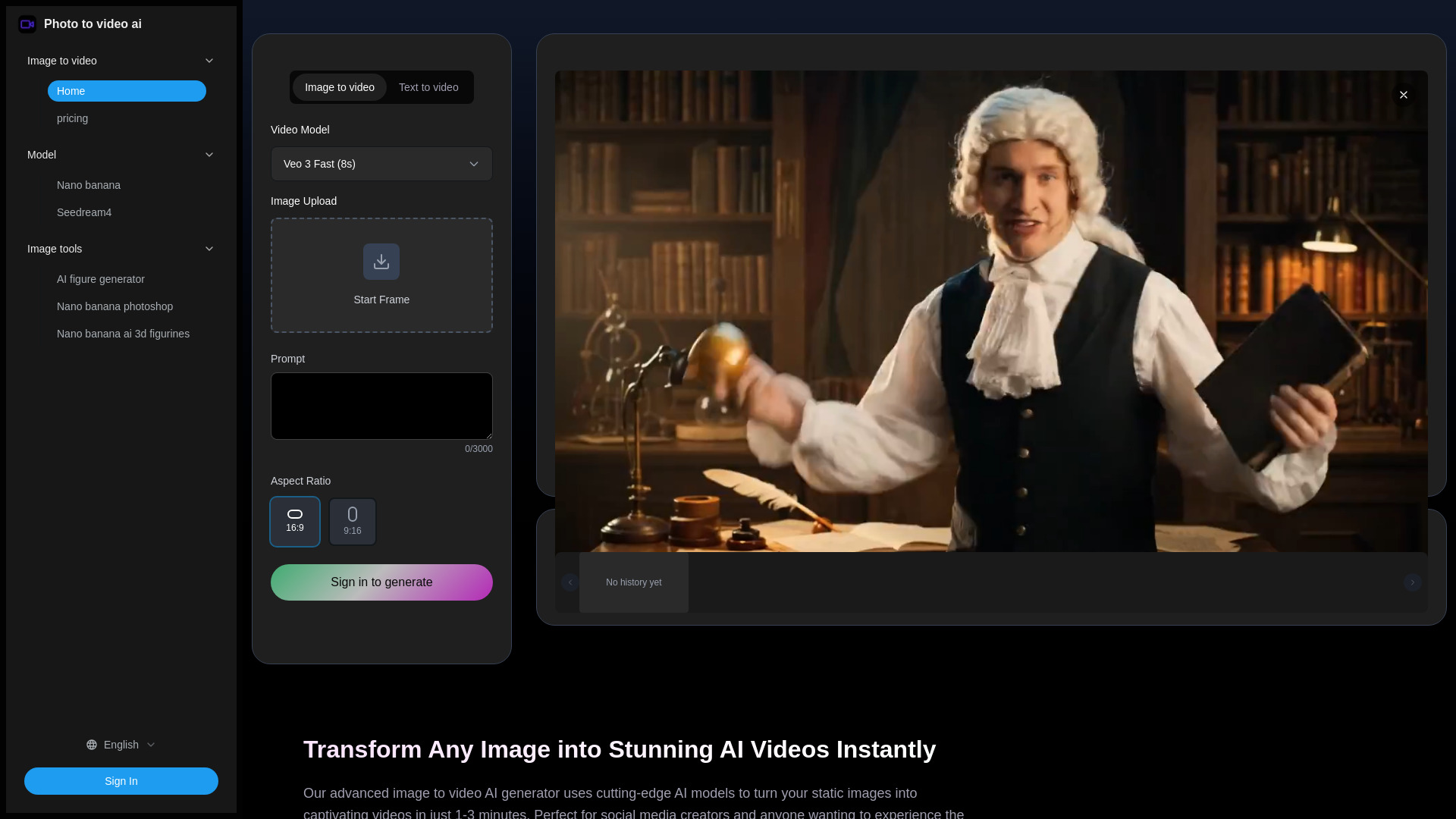
Photo to video ai
Social creators animating still images
VideoAI
AI image-to-video creation

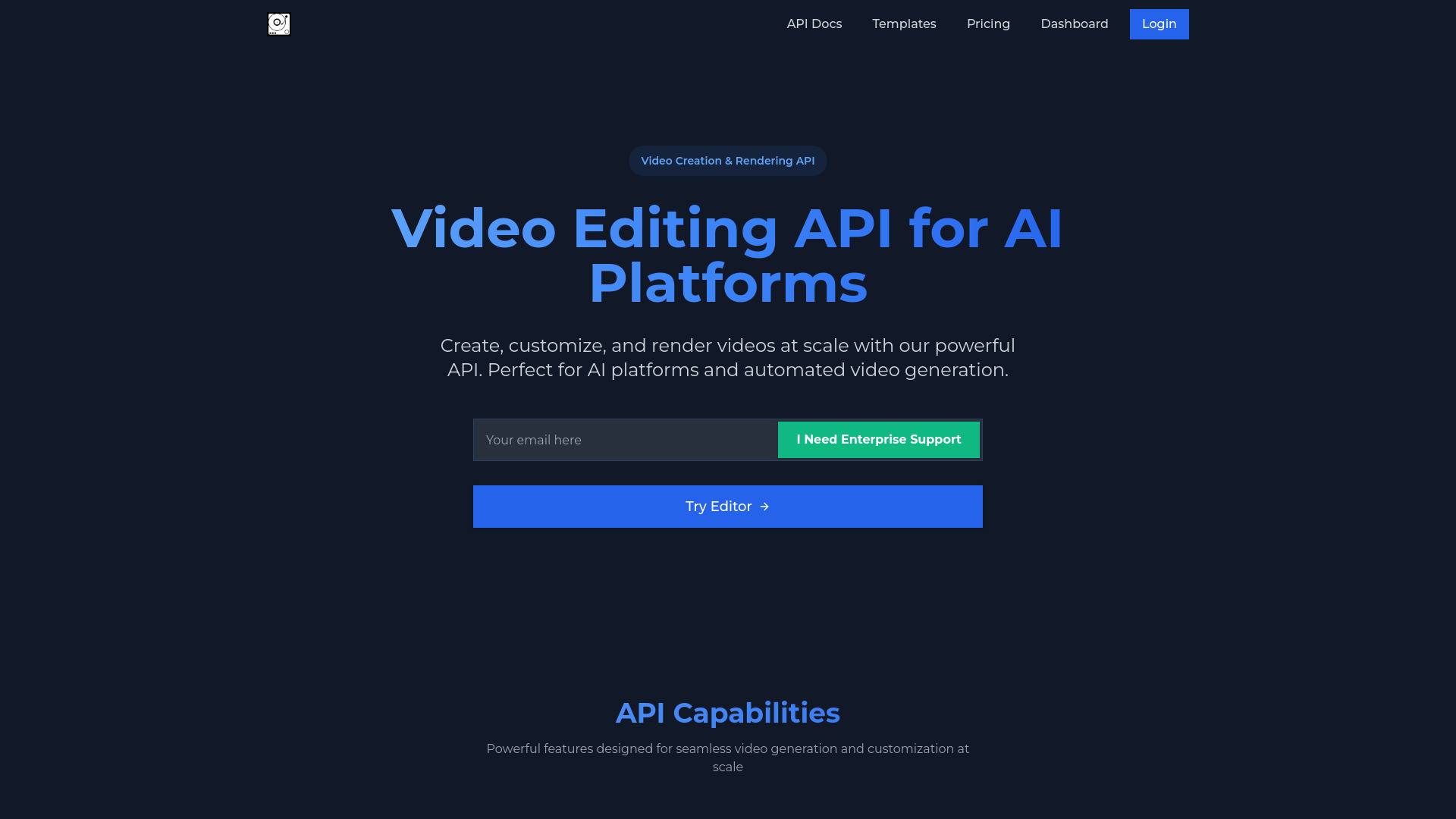
Video AIditor
AI platforms and automated video generation

Aivvid AI
Multi-model AI content creation

Vidthis: All In One AI Video Generator
Multi-model video and image creation
ImagetoVideoAI
Multi-model image-to-video creation

Wan2.5 AI Video Studio
1080p text-to-video with audio

Veo2.ai
Text-to-video and creative video effects

Veo 4 AI Video
Cinematic AI video generation

Draw to Video
Sketch-to-video animation

Vidu AI
Text-to-video creators

VO4 AI Video Generator
Multi-model AI video creation
PixAIVideo
Story-driven animated video creation
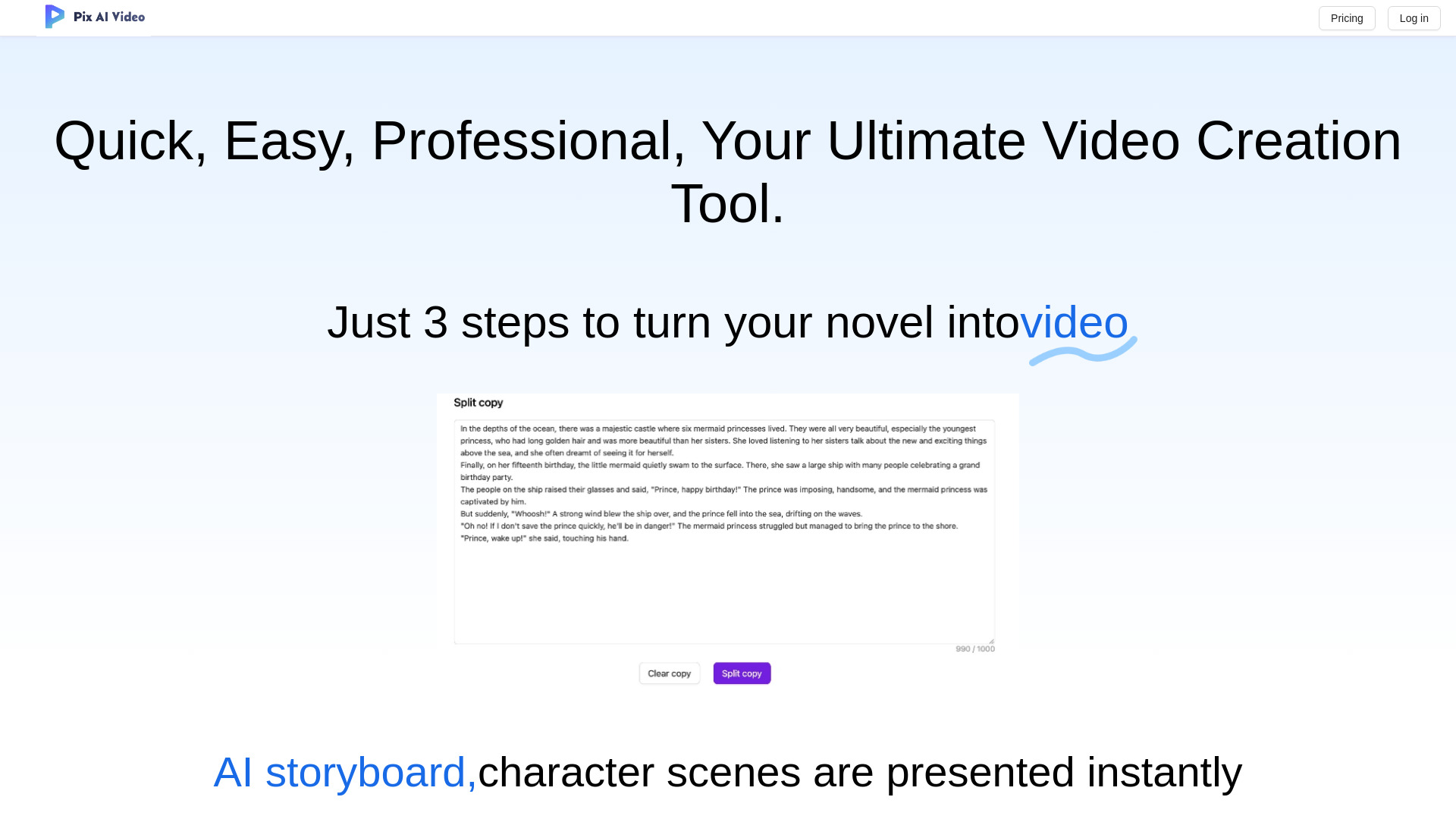

ImageVids AI
Image-to-video creators
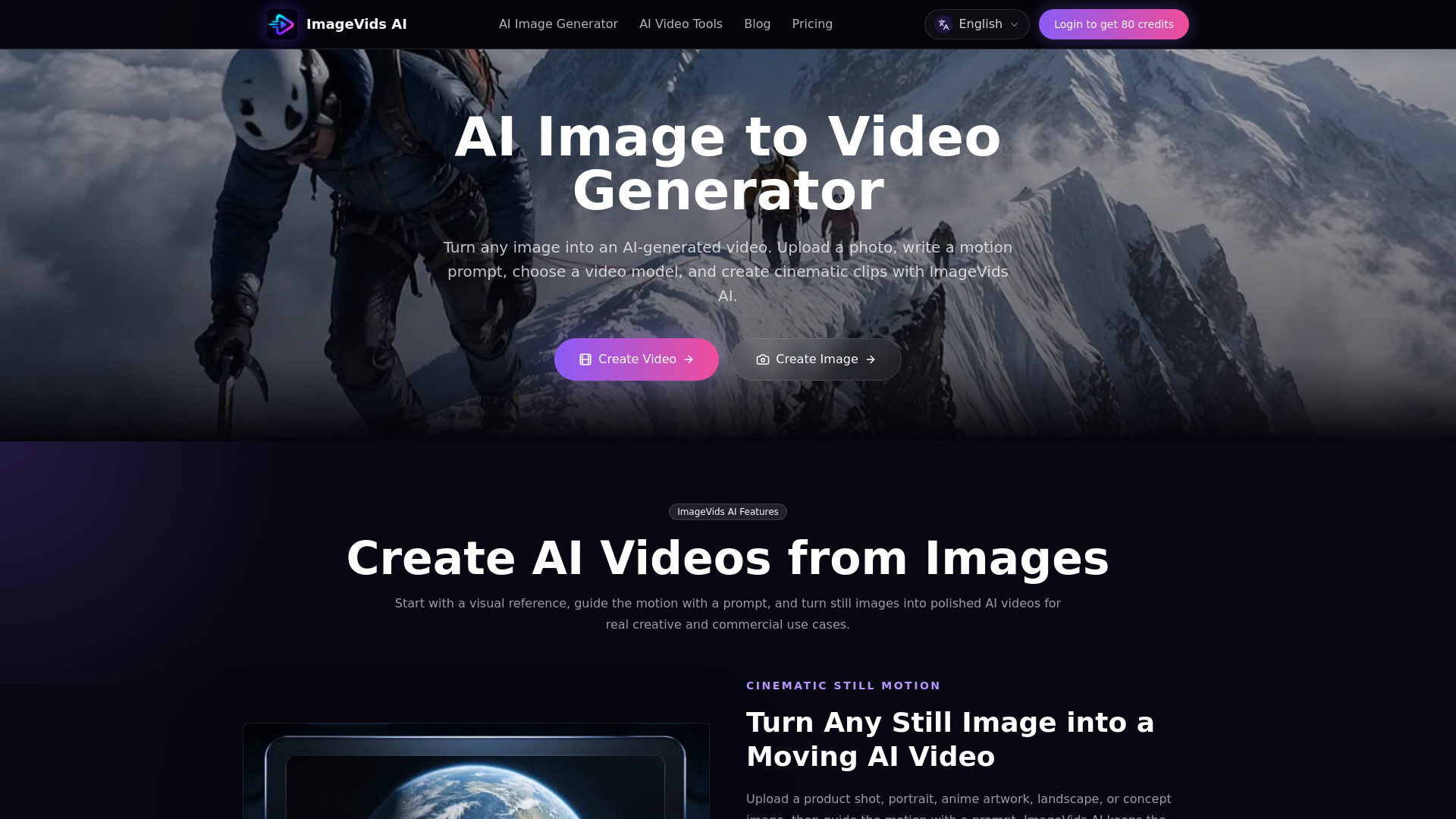
Vmake AI
Talking-head video creators

BestMaker AI
Text-to-video and image-to-video creators
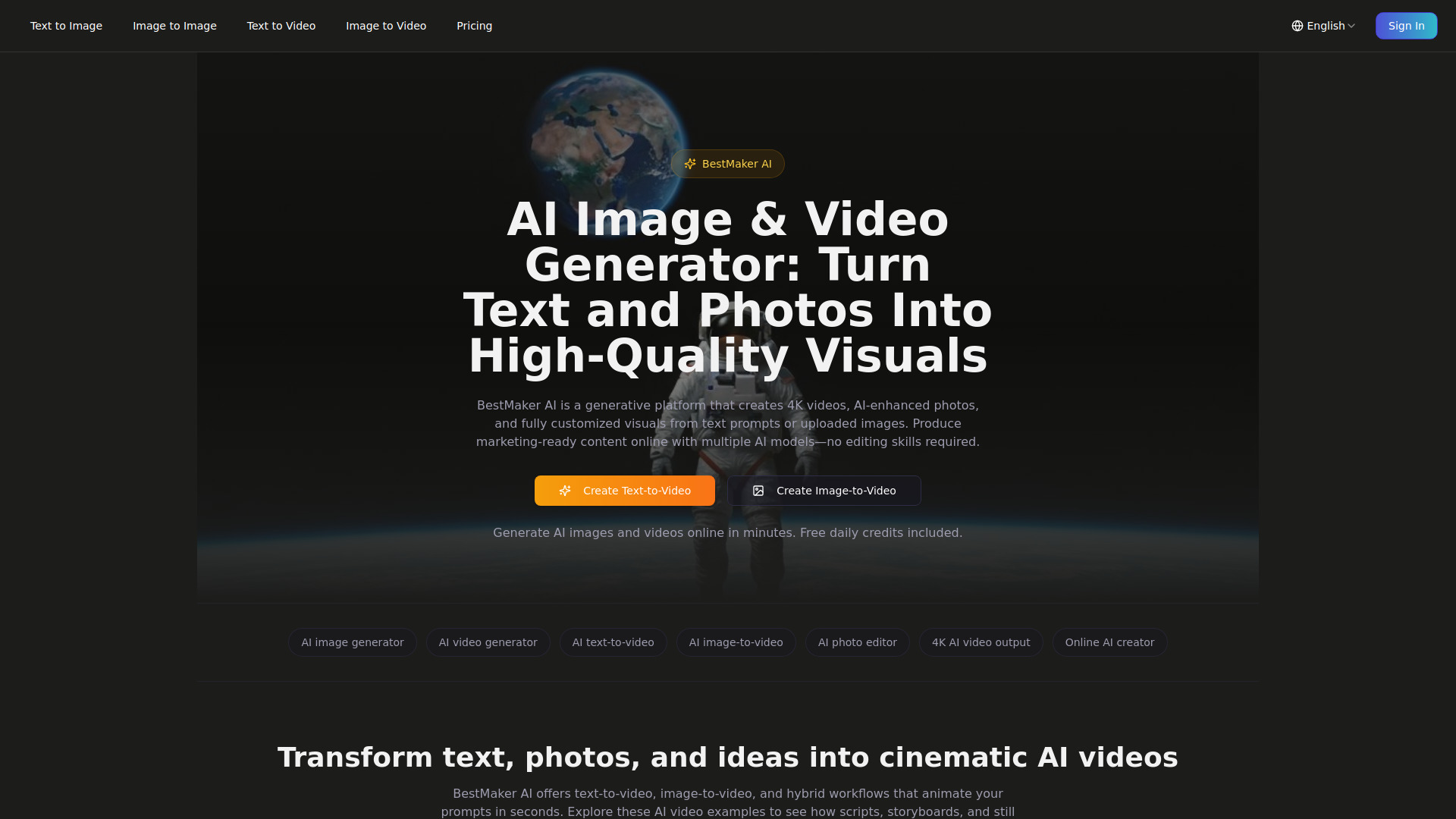

TopMaker AI
Multi-model AI video creation

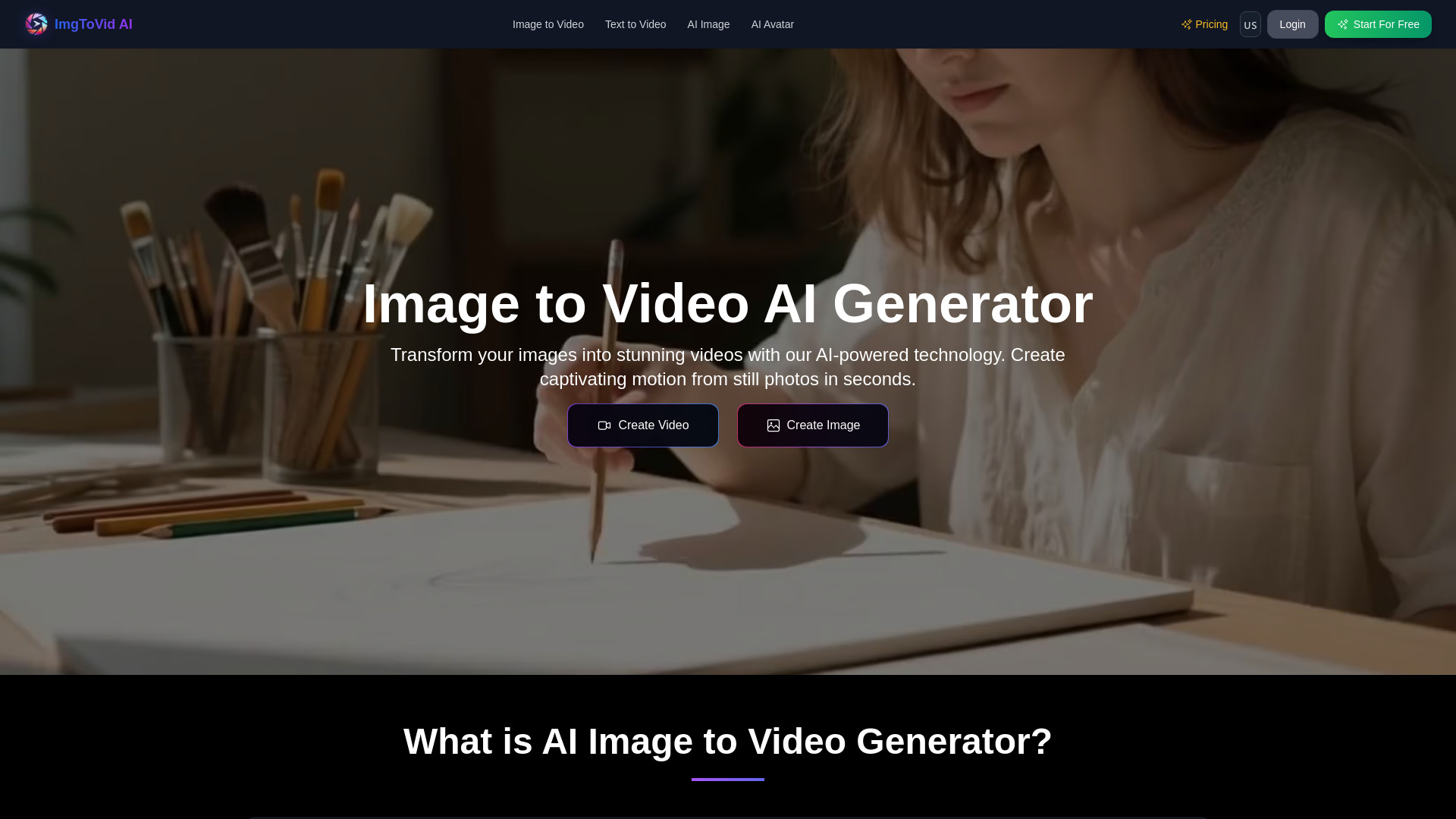
ImgToVid AI
Turning images into short AI videos

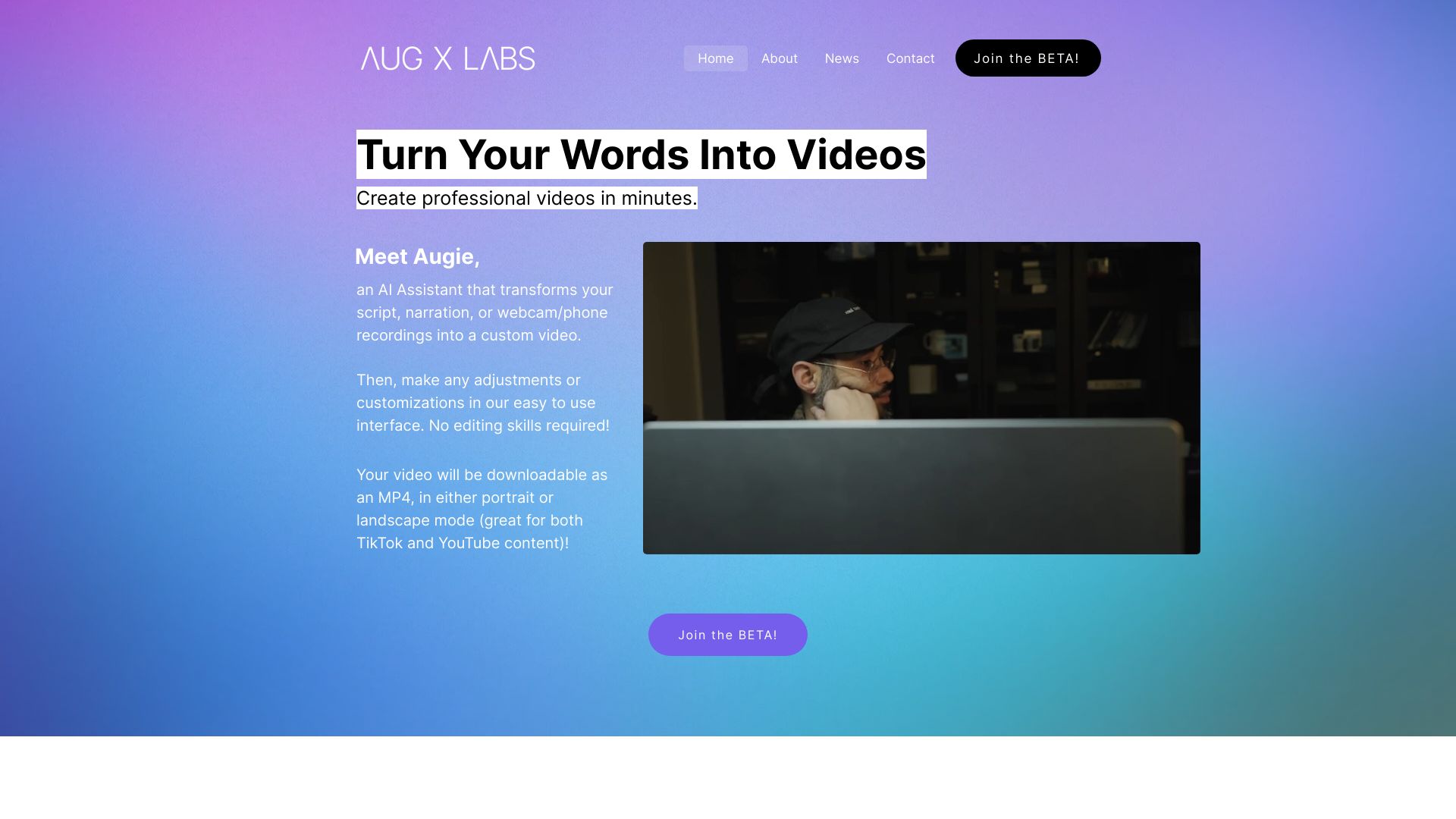
Augie
Fast AI-assisted marketing and social video creation

Smoothie AI
Rapid AI video creation

Which ai video maker should you choose?
If you want the safest all-around pick, start with SuperMaker AI Video Generator. It is the best mix of breadth, usability, and low-friction testing.
If you care most about templates, InVideo is the obvious choice. If you want a creator-friendly free tier, Free AI Video Maker & Generator is hard to ignore. If your work leans toward short-form repurposing, AI Video Cut is the most specialized option here.
For teams, I would usually narrow it this way:
Marketers: SuperMaker, Videflow.ai, or InVideo
Creators: AIReel or AI Video Cut
L&D and training: Animaker
Filmmaker-style experimentation: Image-to-Video Maker
Simple business workflows: Vidu Studio AI
My practical recommendation
Do not start with the tool that has the longest feature list. Start with the tool that matches your output format.
If you need one best ai video maker to test first, I would choose SuperMaker for most buyers. It is broad enough to cover marketing, concepting, and multimedia production without making the interface feel like a maze. If your budget is tight, Free AI Video Maker & Generator is the easiest place to learn the workflow. And if your team lives on templates, InVideo will probably save the most time.
Common mistakes when choosing ai video makers
Picking for model names instead of workflow fit. Premium models are nice, but they do not help if the editor slows you down.
Ignoring clip limits on free plans. A free tier that only makes tiny previews can still be useful, but only if you expect that.
Overlooking pricing transparency. If the vendor hides the number, budget for a sales conversation.
Choosing a generalist when you really need a repurposing tool, or vice versa.
What changed in 2026
2026 makes the AI video maker market feel more fragmented and more useful at the same time. We are seeing clearer specialization: template-heavy editors, multi-model studios, short-form repurposing tools, and ad-focused platforms all competing for different buyers.
The biggest shift is that free access is no longer a simple yes-or-no question. Now you have to inspect clip length, resolution, credit rules, and whether a trial actually lets you learn the workflow before you pay.
FAQ
SuperMaker and VideoMaker.me are the easiest starting points. They keep the workflow simple and do not assume you know editing jargon.