
The best ai podcasts are no longer limited to apps that simply generate a synthetic conversation. The strongest tools now cover the whole workflow: recording a real show, cleaning up difficult audio, turning episodes into notes and clips, or producing an AI-hosted program from a written brief. We compared 83 tools and ranked 10 featured picks for different jobs, from serious podcast production to fast research and experimentation. The shortlist includes broader podcast platforms as well as unexpected alternatives for people searching for the best podcasts about AI and practical ways to make them.
Top picks
| Pick | Tool | Best for | Why it stands out |
|---|---|---|---|
| 1 | Adobe Podcast | Podcasters | Excellent audio enhancement, noise removal, and a familiar creator workflow |
| 2 | Podsqueeze | Podcast content repurposing | Converts audio or video into transcripts, show notes, and related content |
| 3 | AIdeaFlow Podcast | Educators | Turns text into AI podcasts with 120+ natural voices and multilingual support |
| 4 | EchoPod | Content marketers | Transforms written content into studio-quality podcast audio |
Quick comparison
| Tool | Score | Best for | Free access | Starting price |
|---|---|---|---|---|
| Adobe Podcast | 95/100 | Podcasters | 2 free quick tools | Check vendor pricing |
| Podsqueeze | 94/100 | Podcasters | 30 mins of podcast time/month | Free: $0 |
| AIdeaFlow Podcast | 94/100 | Educators | Transform text into AI Podcasts | Hobby: $8.25/month |
| EchoPod | 93/100 | Content marketers | 1 free podcast | Basic: €100.00/month |
| Podwise | 93/100 | Podcast enthusiasts | 4 AI-enhanced episodes | Free |
| AudioPod AI | 93/100 | Podcasters | 10,000 credits/month | Basic: FREE |
| podcast.ai | 93/100 | ML enthusiasts | AI-generated podcasts | Check vendor pricing |
| CreateWise AI | 93/100 | Podcasters | 200 free credits/month | Free: $0 |
| Podcastle | 93/100 | Podcasters | Free unlimited audio recording | Basic: Free |
| Wondercraft | 93/100 | Businesses | 72 minutes of audio/year | Creator: $25/mo, paid yearly |
How we ranked these AI podcast tools
We ranked each tool against the practical jobs a buyer is likely to have: creating audio, improving recording quality, converting source material into a show, understanding existing episodes, and producing reusable content. Feature depth mattered, but it was not enough on its own. We also considered the clarity of free access, the usefulness of the starting plan, audience fit, usage signals, and the severity of stated limitations. Scores reflect the relative strength of this 83-tool comparison, not a promise that every product suits every format. A specialist summarizer can beat a full studio for research, while a simple recorder may be better than a synthetic voice platform for an interview-led show.
The best AI podcasts and podcast tools
1. Adobe Podcast

Adobe Podcast
Best overall AI audio platform for podcasters
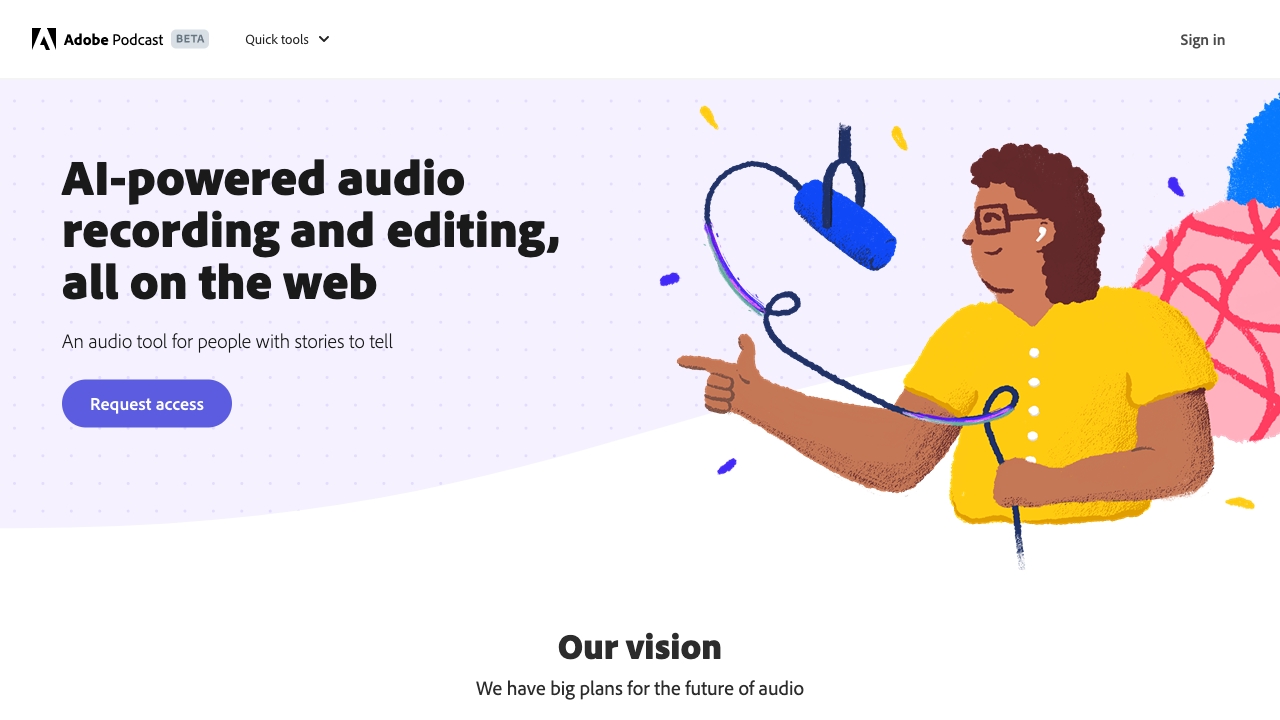
Adobe Podcast takes the top spot because it focuses on the part of podcast production that can make an immediate difference: getting spoken audio into better shape. Its AI-powered audio enhancement, noise removal, and echo removal are especially useful when recordings come from bedrooms, home offices, or inconsistent remote setups. The workflow also covers AI-powered recording and editing, plus transcription and sharing, so it is more than a single cleanup button.
The free access is unusually easy to understand at a glance: two free quick tools are available. That makes Adobe Podcast a sensible first test for a new creator who wants to hear whether enhancement improves a sample before committing to a larger production workflow. The catch is availability. The full product is under a waitlist, and pricing is not presented as a clean starting plan here.
My take: I love Adobe Podcast as the first place to test a rough recording. It earns the highest score because its core benefit is immediately practical rather than dependent on generating an entire show from scratch.
Where it falls short: The waitlist can interrupt momentum for anyone who wants a complete production workspace today. Buyers should also check current access and pricing directly with Adobe before planning a team workflow.
Key features
AI-powered audio enhancement for spoken recordings.
Noise and echo removal.
AI-powered audio recording and editing.
Transcription and sharing in the broader workflow.
Pros
Strongest overall match for improving podcast audio quality.
Useful for recordings affected by background noise or room echo.
Two free quick tools make initial testing straightforward.
Cons
The full product is under a waitlist.
Current pricing requires checking the vendor.
Choose Adobe Podcast if: You already have spoken audio and want the fastest route to cleaner, more polished podcast sound.
2. Podsqueeze

Podsqueeze
Best for turning episodes into publishable content
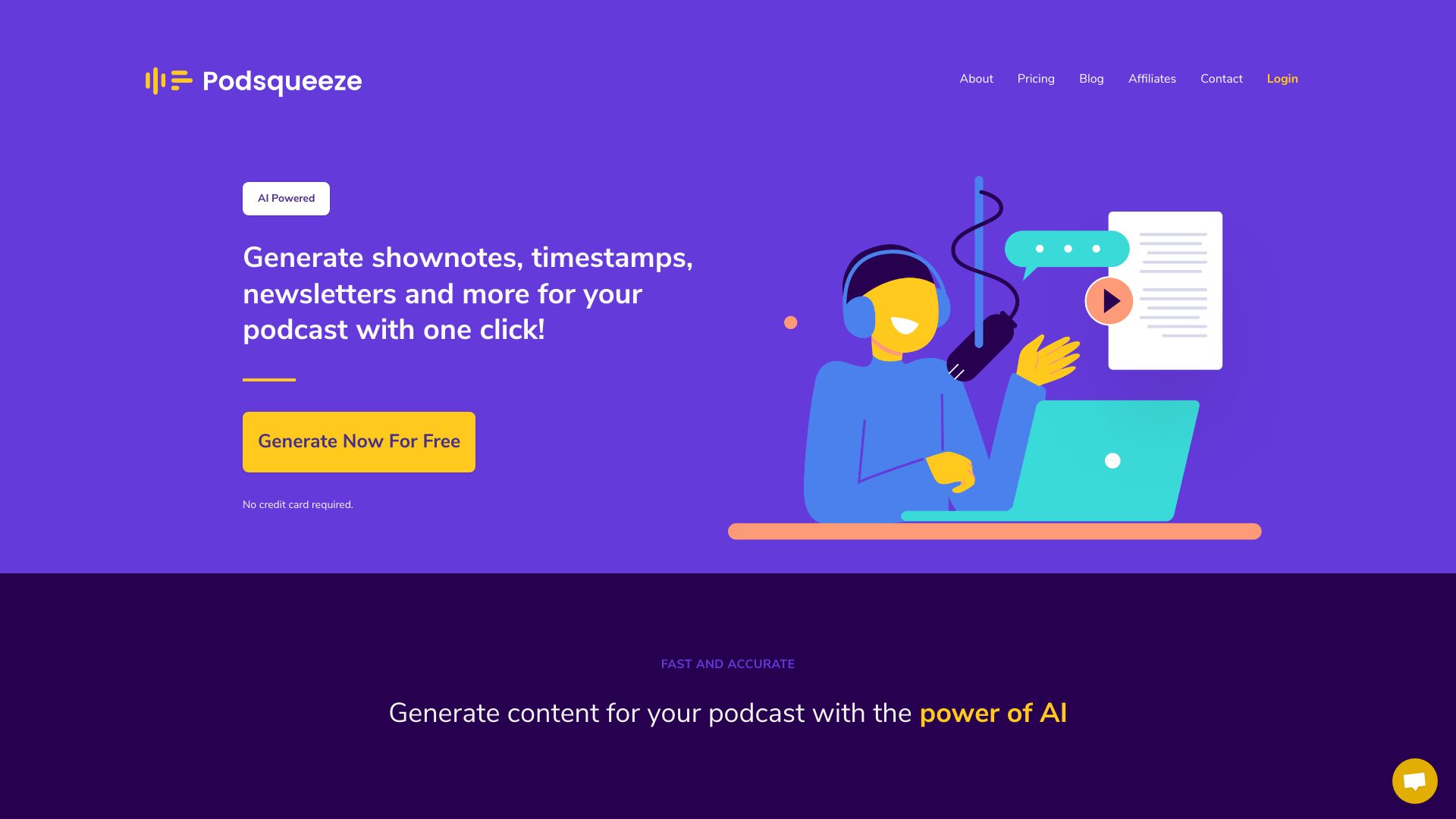
A podcast rarely ends when the audio file is exported. Podsqueeze is built around the work that follows: turning audio or video into transcripts, show notes, timestamps, and other content. Its AI-powered content generation and podcast transcription make it a strong fit for creators who want one episode to support a broader publishing schedule without manually replaying the recording several times.
The free allowance provides 30 minutes of podcast time per month, which is enough to test the central workflow on a short episode or selected segment. It also makes Podsqueeze one of the easier tools to evaluate before paying. The limitation is not the concept but the plan detail: pricing needs careful review to understand how minutes and other features are divided between tiers.
My take: Podsqueeze is my pick for a creator who has decent audio already but is losing hours to post-production writing. It is less about making the recording itself and more about extracting value from it.
Where it falls short: Users with long episodes or frequent publishing schedules should inspect plan limits closely. The free allowance may be useful for testing, but it is not necessarily enough for a full archive.
Key features
AI-powered content generation.
Podcast transcription.
Transcripts, show notes, and timestamps from recorded content.
Pros
Fast content generation from audio or video.
Helps turn one episode into several written publishing assets.
Free monthly podcast time supports a low-risk trial.
Cons
Plan limits require careful pricing review.
It is focused on content extraction rather than being a complete recording studio.
Choose Podsqueeze if: You publish podcasts regularly and need transcripts, show notes, and timestamps without doing the work manually.
3. AIdeaFlow Podcast

AIdeaFlow Podcast
Best text-to-podcast tool for educators
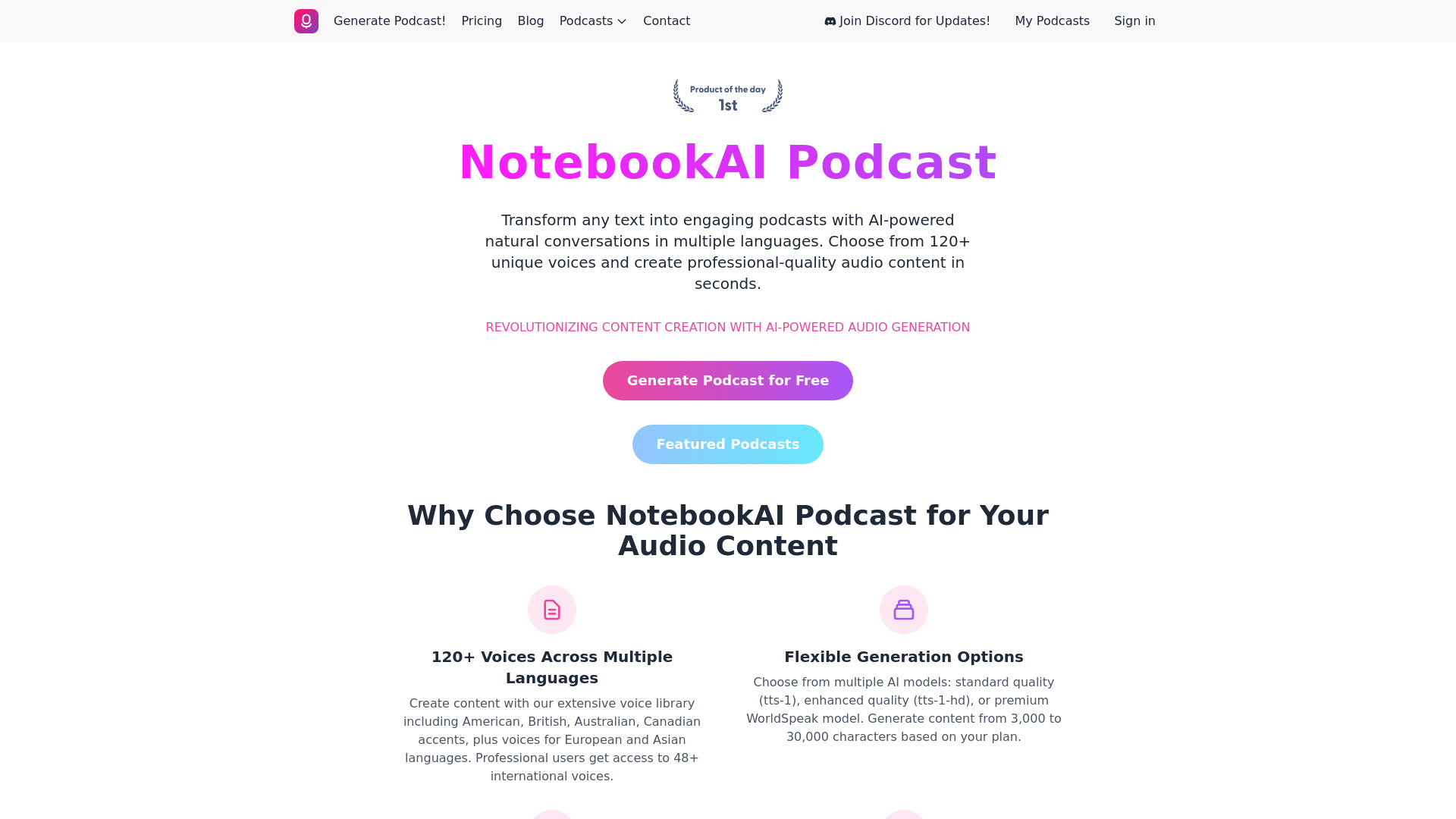
AIdeaFlow Podcast takes a different route from traditional recording software. Start with text, then turn it into an AI podcast using a library of more than 120 natural voices. Multilingual support expands the use case beyond a single-language show, making the tool interesting for educators, course creators, and teams that need to convert written material into something easier to consume.
That text-first approach can be efficient when the source is already a lesson, article, or briefing. You do not need to coordinate speakers or record a complete narration before testing the format. The Hobby plan starts at $8.25 per month, while some features remain limited to higher-tier plans. Its relatively small usage signal also suggests that buyers should test the output carefully for their own audience rather than assuming it will replace editorial review.
My take: AIdeaFlow Podcast is one of the clearest choices for turning educational text into listenable material. The voice range is the standout detail, but the real value is the short path from written source to audio.
Where it falls short: The platform is less compelling if your show depends on authentic interviews or your own voice. Higher-tier limits may also matter once a classroom or content library grows.
Key features
AI-powered audio generation from text.
More than 120 natural voices.
Multilingual support.
Text-to-podcast workflow.
Pros
Easy and fast podcast creation.
Useful for educational and informational content.
A clear starting price for experimentation.
Cons
Some features are limited to higher-tier plans.
AI-generated delivery may not suit personality-led shows.
Choose AIdeaFlow Podcast if: You have written lessons, articles, or scripts and want to convert them into multilingual audio quickly.
4. EchoPod

EchoPod
Best for content marketers converting articles to audio
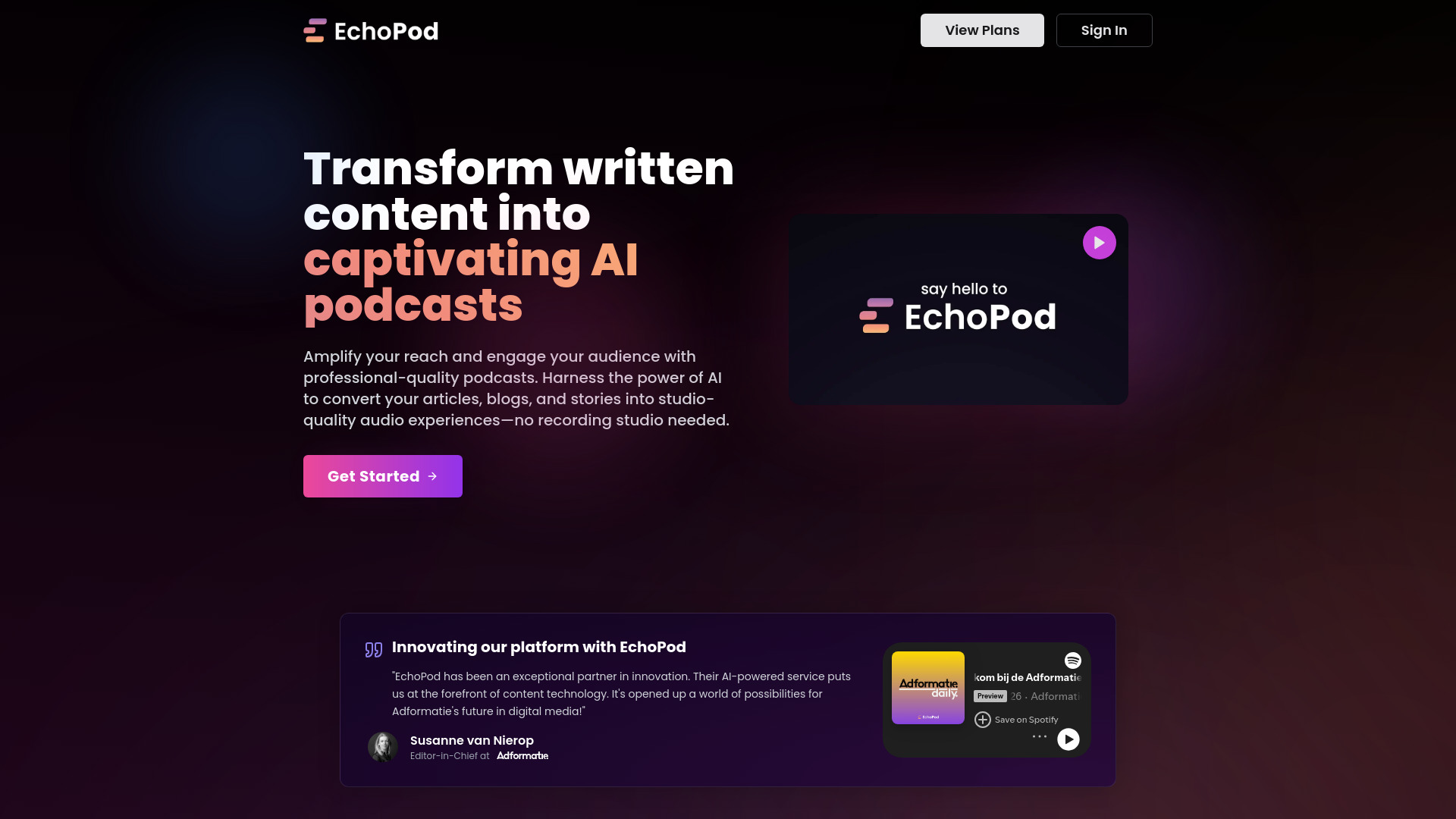
EchoPod is aimed at the article-to-podcast pipeline. Its AI-powered content transformation turns written content into podcast material, while professional-grade audio quality and studio-quality output address the biggest concern with automated narration: the result should feel produced, not merely read aloud by a machine.
One free podcast gives marketers a chance to judge the transformation on their own source material. That is important here because the quality of the input text will influence the usefulness of the finished episode. The entry pricing is significant at €100 per month for Basic, and pricing may exclude VAT, so this is better suited to a team with a repeatable content operation than to a casual hobbyist.
My take: EchoPod makes the most sense when a company already owns a library of written content and wants an additional audio channel. I would test one representative article rather than a polished demo before making a budget decision.
Where it falls short: The starting price is much higher than the free or low-cost options in this list. VAT treatment can also make the real purchase price less obvious.
Key features
AI-powered transformation of written content.
Professional-grade audio quality.
AI-powered podcast creation.
Studio-quality audio with music.
Pros
Effortless route from written content to podcast production.
Designed around a polished audio result.
One free podcast supports an initial quality check.
Cons
Basic pricing starts at €100 per month.
Pricing can exclude VAT.
Choose EchoPod if: You are a content marketer with written material to repurpose and a budget for a studio-style production workflow.
5. Podwise

Podwise
Best for learning from existing podcasts
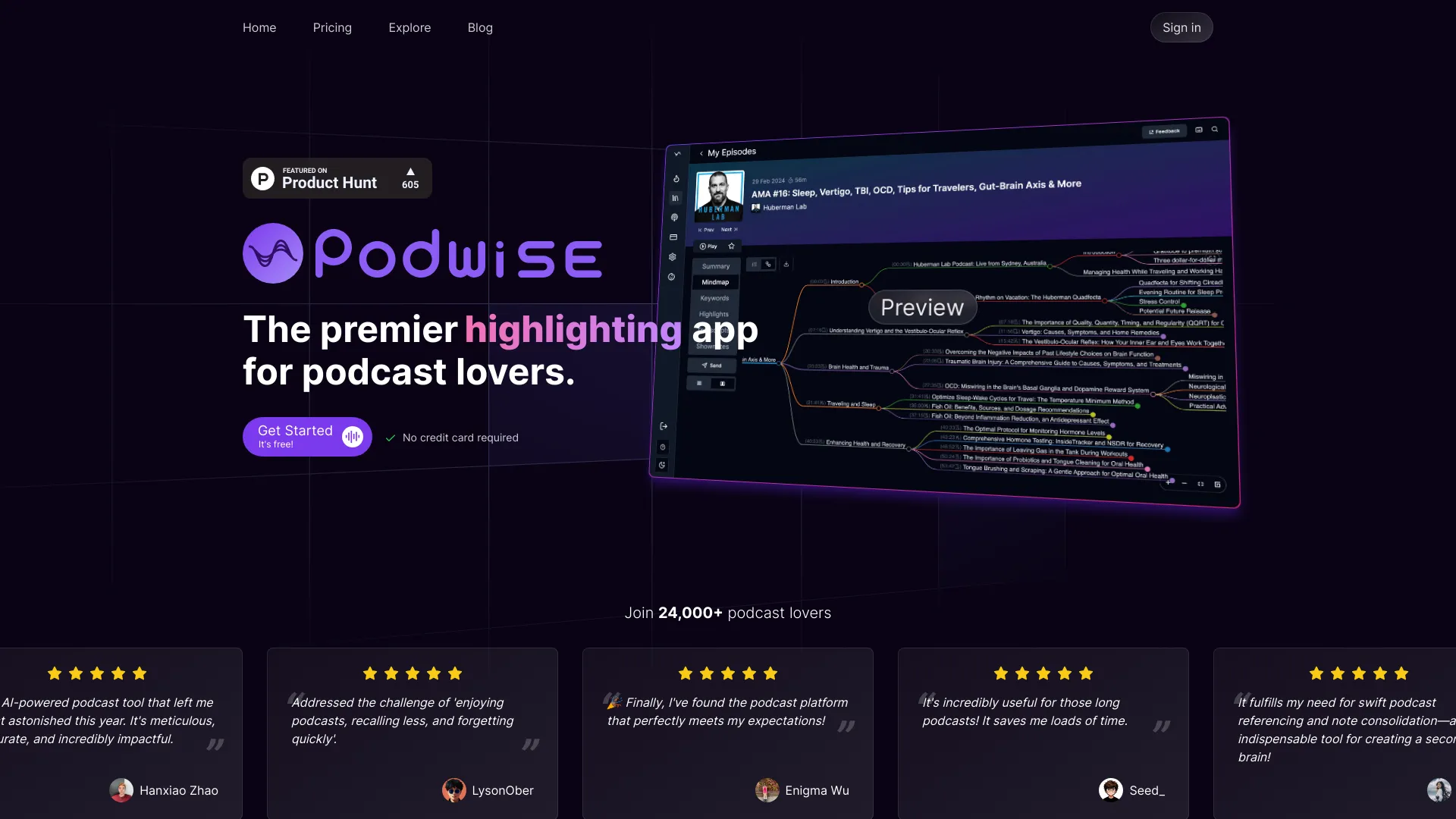
Podwise is the outlier that many listeners actually need: it helps you understand podcasts rather than produce them. The app transcribes episodes, extracts insights, summarizes dense discussions, and can generate mindmaps. For anyone using podcasts as a research source, that changes the experience from passively listening to building a searchable outline of the useful ideas.
The free allowance includes four AI-enhanced episodes and three AI queries per day. That is enough to test Podwise on a handful of dense episodes and decide whether its summaries fit your learning style. Unlimited access requires a paid subscription, so heavy listeners should assess how often they will process episodes and whether the mindmap and query workflow earns its place in the budget.
My take: Podwise is my favorite recommendation for people searching for the best podcast about AI to learn from, because it addresses the time problem after discovery. A good summary does not replace listening, but it makes a large back catalog far easier to navigate.
Where it falls short: The free allowance is deliberately limited, and the product is not a substitute for a recording or editing studio. Its value depends on whether you want structured learning from existing episodes.
Key features
AI-powered podcast summarization.
Transcription and insight extraction.
Mindmap generation.
AI queries for exploring episode content.
Pros
Saves time when reviewing long or dense episodes.
Useful for research and knowledge management.
Free access provides four AI-enhanced episodes.
Cons
Unlimited access requires a paid subscription.
It is for listening and learning, not creating a podcast.
Choose Podwise if: You want to turn long podcast episodes into summaries, outlines, and connected insights you can revisit later.
6. AudioPod AI

AudioPod AI
Best for advanced audio processing and voice work
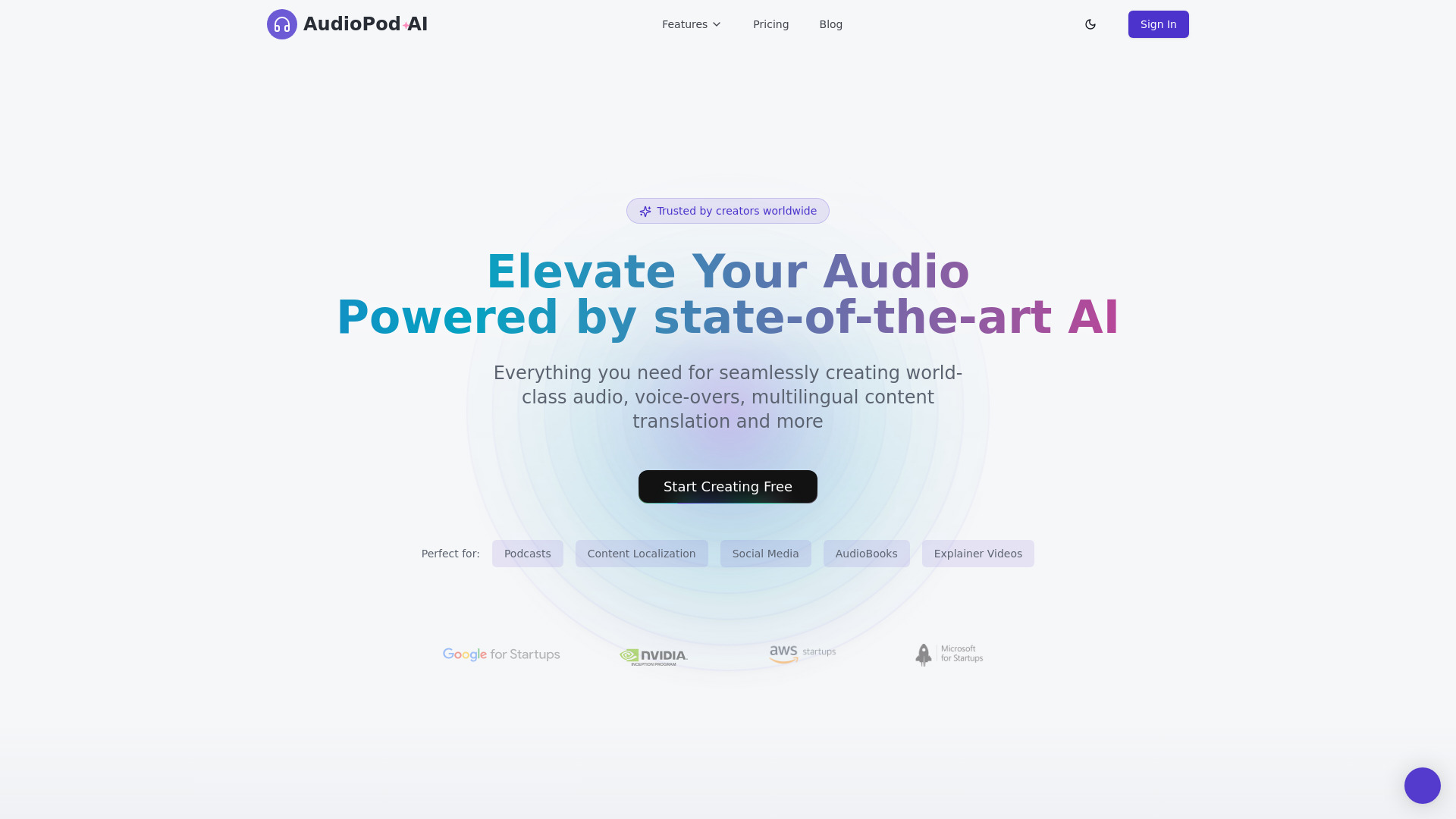
AudioPod AI combines several production tasks that usually require separate tools. AI-powered noise reduction helps clean recordings, while voice cloning and audio translation open more specialized workflows. Speaker separation is a particular strength in the editorial profile, making the platform worth a look when a conversation needs to be divided into distinct voices before further editing or repurposing.
The free Basic tier includes 10,000 credits per month, along with voice cloning, noise reduction, and audio translation. That is a generous-looking starting point for testing, although the credit system deserves attention before a production team builds a regular process around it. Pricing may become a barrier for some users as their volume or feature needs increase.
My take: AudioPod AI is the most interesting pick for creators who need more than cleanup. It has a wider technical toolbox than a basic enhancer, but that also means you should test each required operation rather than judging it on one demo.
Where it falls short: Specialized features can make pricing and usage harder to predict. Voice cloning and translation also deserve careful human review before public release, even when the processing itself works well.
Key features
AI-powered noise reduction.
Voice cloning.
Audio translation.
Speaker separation with a focus on accuracy.
Pros
Strong speaker separation for conversational audio.
10,000 free credits per month for initial testing.
Brings cleanup, cloning, and translation into one platform.
Cons
Pricing may become a barrier for some users.
Credit usage can require careful monitoring.
Choose AudioPod AI if: You need noise reduction plus voice, translation, or speaker-processing features in the same audio workflow.
7. podcast.ai

podcast.ai
Best for machine learning enthusiasts exploring generated shows
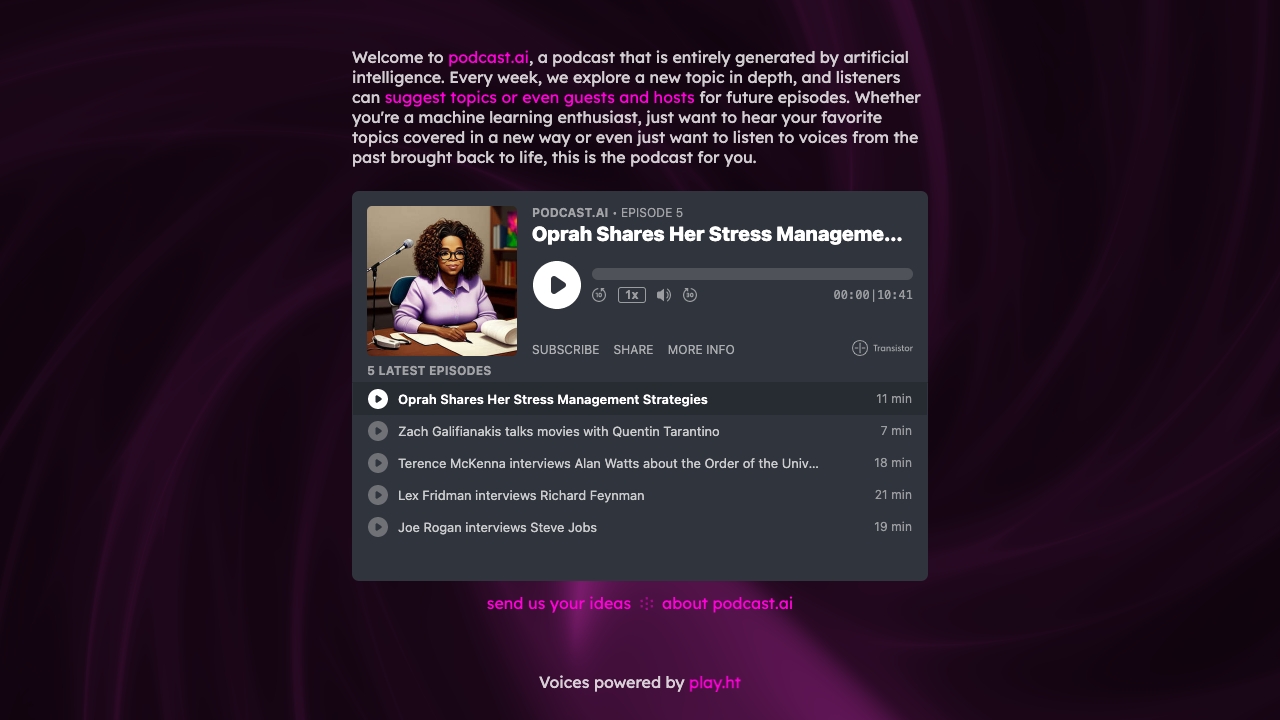
Some of the best podcasts on AI are useful because they explain technology; podcast.ai is interesting because the technology is the format. It creates AI-generated podcast content, including interviews with historical figures and voices from the past brought back to life. That makes it a particularly distinctive destination for listeners who want to explore what synthetic hosts and generated conversations can do.
This is not the obvious choice for a business that needs a dependable, human-led editorial show. The content is entirely AI-generated, which will not appeal to every listener, and pricing requires checking the vendor. Still, it deserves a place in a comparison because it demonstrates a genuinely different podcast experience rather than another variation on transcription or editing.
My take: podcast.ai is best treated as an experiment and a source of ideas. I would recommend it to curious listeners and machine learning enthusiasts, not to a team that needs tight control over every claim and line reading.
Where it falls short: Fully generated content can feel less authentic and may not match the expectations of listeners who want human interviews or reporting. Buyers should also verify the current product and pricing details before relying on it.
Key features
AI-generated podcast content.
AI-generated interviews with historical figures.
Voices from the past brought back to life.
Pros
Unique approach to AI-generated audio.
Interesting for exploring synthetic conversations and formats.
Clear fit for machine learning enthusiasts.
Cons
Content is entirely AI-generated.
The format may not appeal to all listeners.
Current pricing requires checking the vendor.
Choose podcast.ai if: You want to explore fully AI-generated podcast episodes and unusual historical or synthetic interviews.
8. CreateWise AI

CreateWise AI
Best for automated podcast editing and content assets
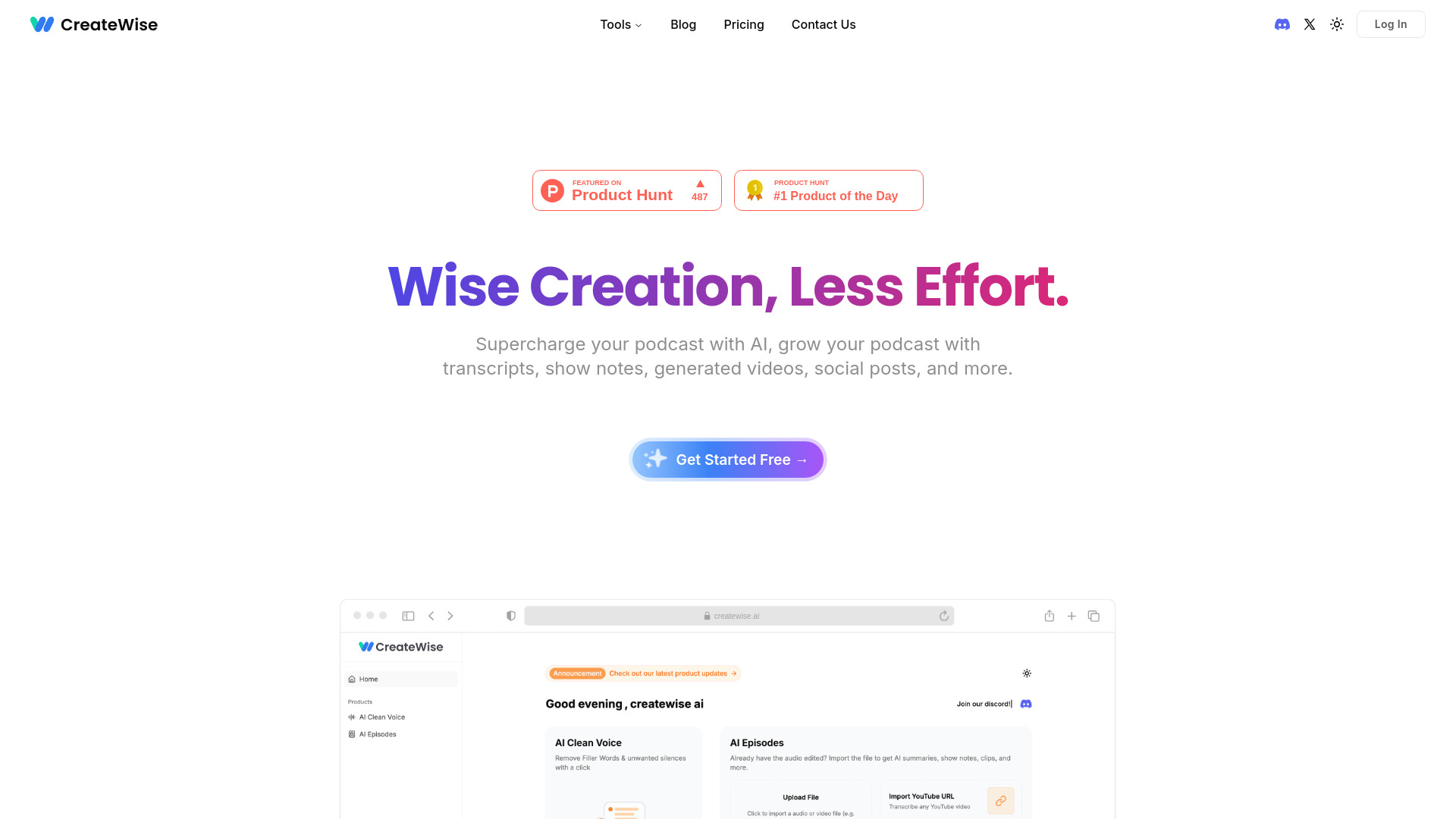
CreateWise AI targets the repetitive work that slows down podcast publishing. Its AI-powered podcast editor removes filler words and silences, then helps produce show notes, highlights, and social media clips. That combination is practical for a creator who wants one upload to generate the basic assets needed for an episode page and promotion schedule.
The free plan includes 200 credits per month, giving new users a concrete way to test the editor before paying. The product is not only about polishing audio; it is designed to reduce the number of separate post-production steps. Accuracy of AI-generated content may vary, however, so show notes, highlights, and removed sections still deserve a human pass.
My take: CreateWise AI is one of the better first tools for a solo podcaster who is drowning in post-production. It will not remove the need for editorial judgment, but it can make the routine parts much less tedious.
Where it falls short: Automated filler-word and silence removal can change pacing if left unchecked. Generated content also needs review, particularly when highlights or show notes represent the episode publicly.
Key features
AI-powered podcast editing.
Automatic filler-word and silence removal.
Show notes and highlights.
Social media clip creation.
Pros
Saves time on editing and content creation.
200 free credits per month supports a meaningful trial.
Connects audio editing with promotional assets.
Cons
AI-generated content accuracy may vary.
Automated edits should be checked for pacing and context.
Choose CreateWise AI if: You want one affordable workflow for cleaning an episode and creating show notes, highlights, and social clips.
9. Podcastle

Podcastle
Best for recording and editing podcasts in one place
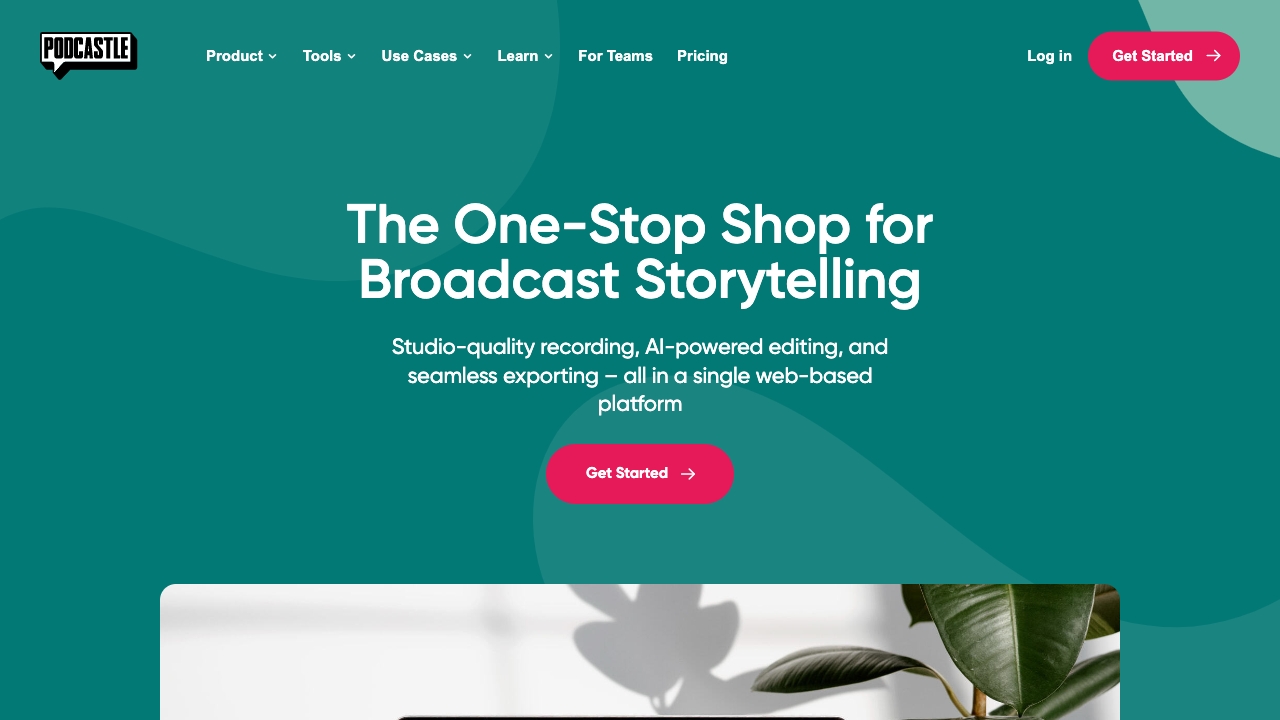
Podcastle is the most conventional all-around studio in this group. It combines studio-quality recording with AI-powered editing and adds AI voices for creators who need more than a live microphone workflow. Free unlimited audio recording makes it approachable for someone starting a show, while the broader platform can support video and podcast creation, editing, and distribution.
The free tier is a meaningful advantage because recording is often the first recurring need. You can begin without worrying about a small trial expiring, then decide whether premium features justify the move beyond Basic. Some capabilities are limited to premium plans, so the free experience should be evaluated against the exact production workflow you intend to use.
My take: Podcastle is the safest recommendation for a first-time creator who wants a recognizable studio-style starting point rather than a narrow AI utility. It is easier to recommend as a home base than as a specialist for one unusual task.
Where it falls short: The most advanced features sit behind premium plans. If you only need transcription or audio cleanup, a more focused tool may be simpler and less expensive.
Key features
Studio-quality recording.
AI-powered editing.
AI voices.
Video and podcast creation, editing, and distribution.
Pros
Free unlimited audio recording.
Broad workflow for recording and editing.
Strong fit for creators who want one starting studio.
Cons
Some features are limited to premium plans.
A broad platform may be more than a specialist user needs.
Choose Podcastle if: You want to record and edit podcasts in one approachable platform, with room to explore AI features later.
10. Wondercraft

Wondercraft
Best for businesses creating branded audio content
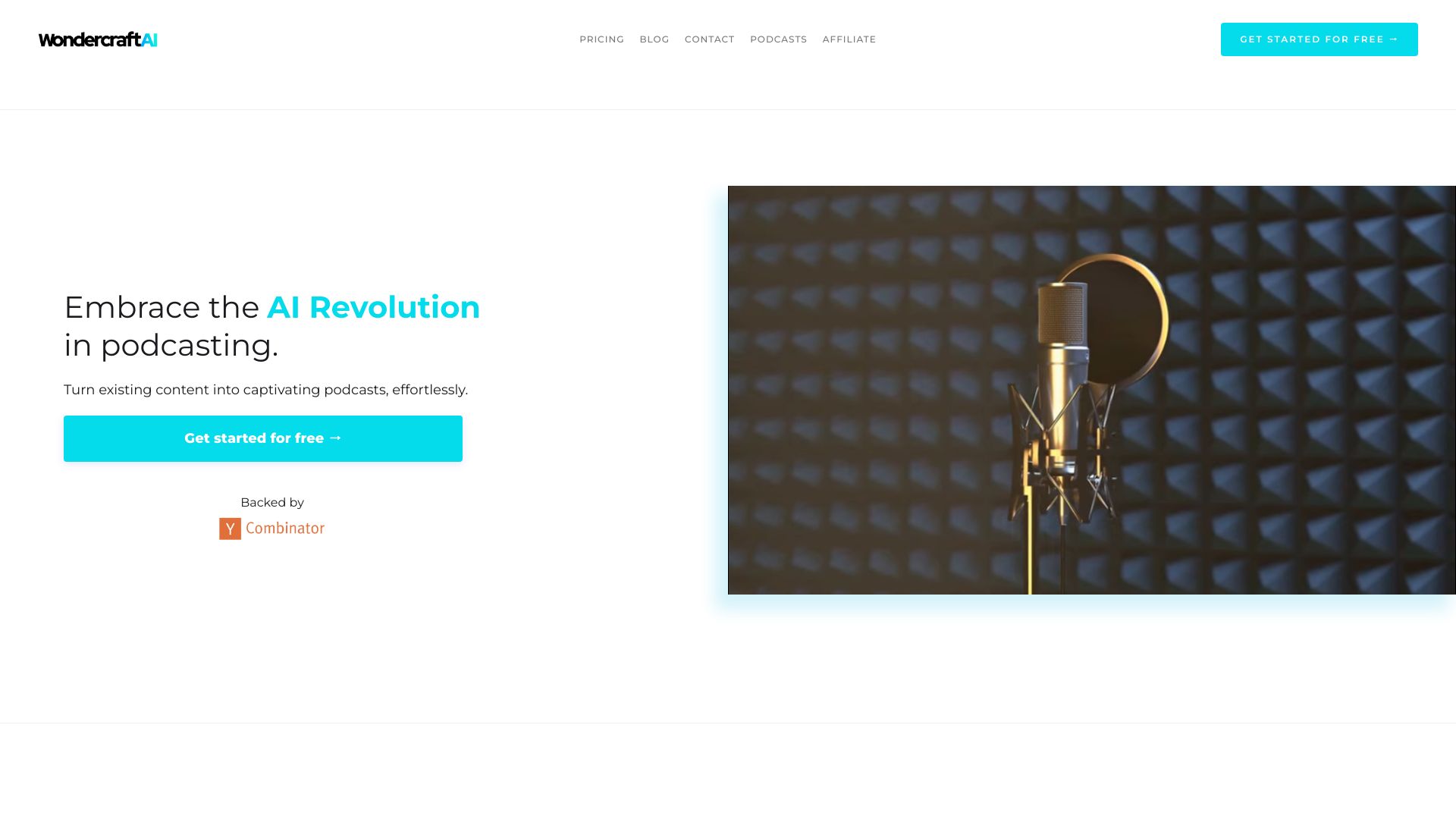
Wondercraft is designed for fast production from existing material. AI voices and script generation support a workflow where a business turns a brief, article, or other source into an audio asset, while content repurposing keeps the tool relevant for teams that publish across multiple channels. The product is less about teaching someone to record a perfect interview and more about getting a usable branded production made quickly.
The free allowance is 72 minutes of audio per year, and the Creator plan starts at $25 per month when paid yearly. That gives buyers a clear test path, but the annual framing matters when comparing it with tools that advertise monthly pricing. Wondercraft also discourages autogenerated content consisting of two AIs speaking to one another, a useful reminder that speed should not replace a deliberate editorial format.
My take: Wondercraft is the strongest business-oriented option here for content repurposing. I would use it for explainers, updates, and internal or branded audio, while keeping a human editor involved in scripts and final approval.
Where it falls short: The annual payment condition changes the headline price, and fully synthetic back-and-forth dialogue is not the recommended use case. Teams looking for authentic interviews should choose a recording-first platform instead.
Key features
AI voices.
Script generation.
Podcast creation in minutes.
Repurposing existing content.
Pros
Efficient for business content teams.
72 minutes of annual audio for initial testing.
Strong fit for turning existing material into audio.
Cons
Creator pricing is listed for yearly payment.
Autogenerated conversations between two AIs are discouraged.
Choose Wondercraft if: You are a business team that needs branded audio from existing content without building every episode around a live recording.
More tools to compare

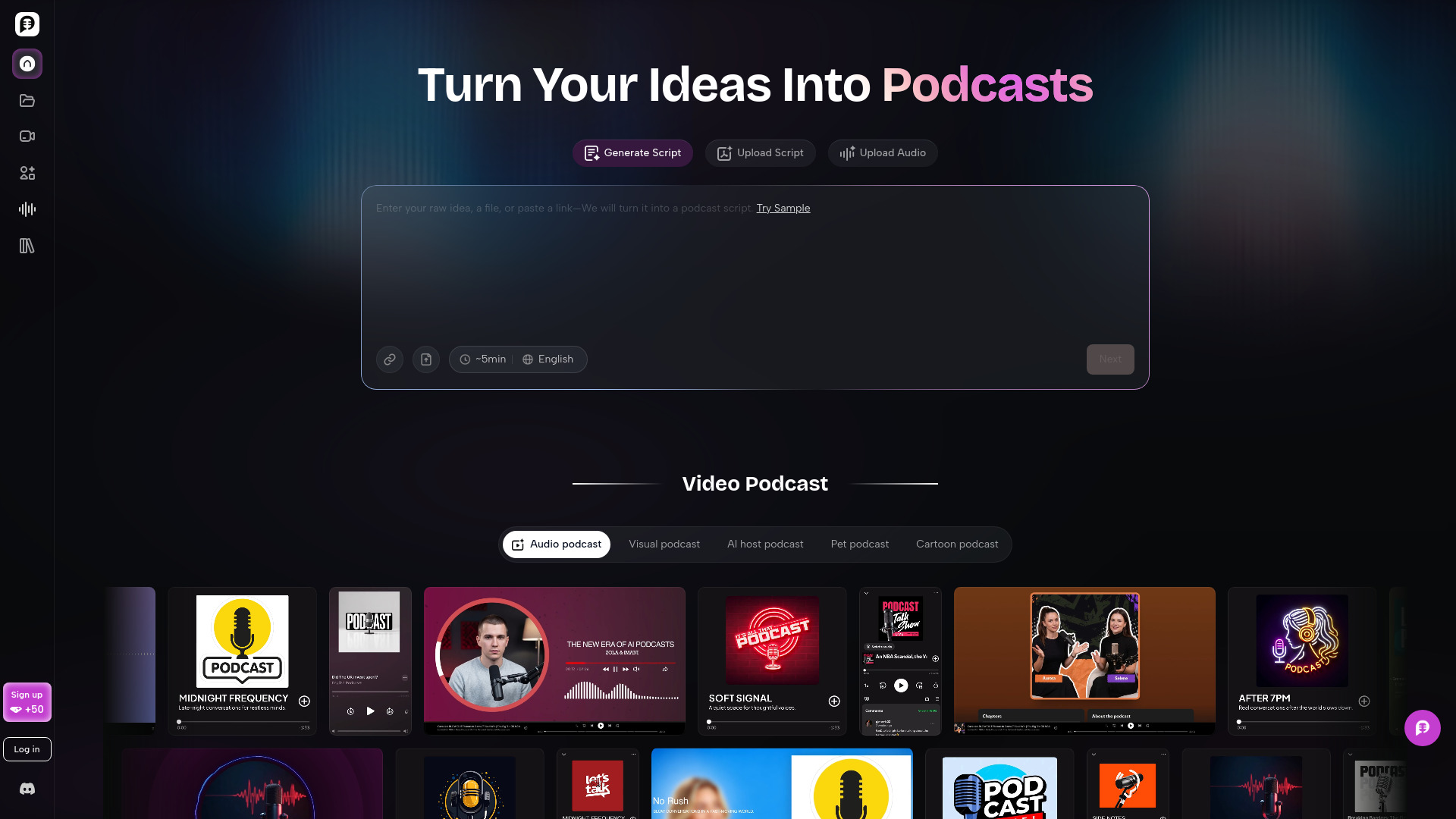
PodcastorAI
Creators repurposing content into audio and video podcasts
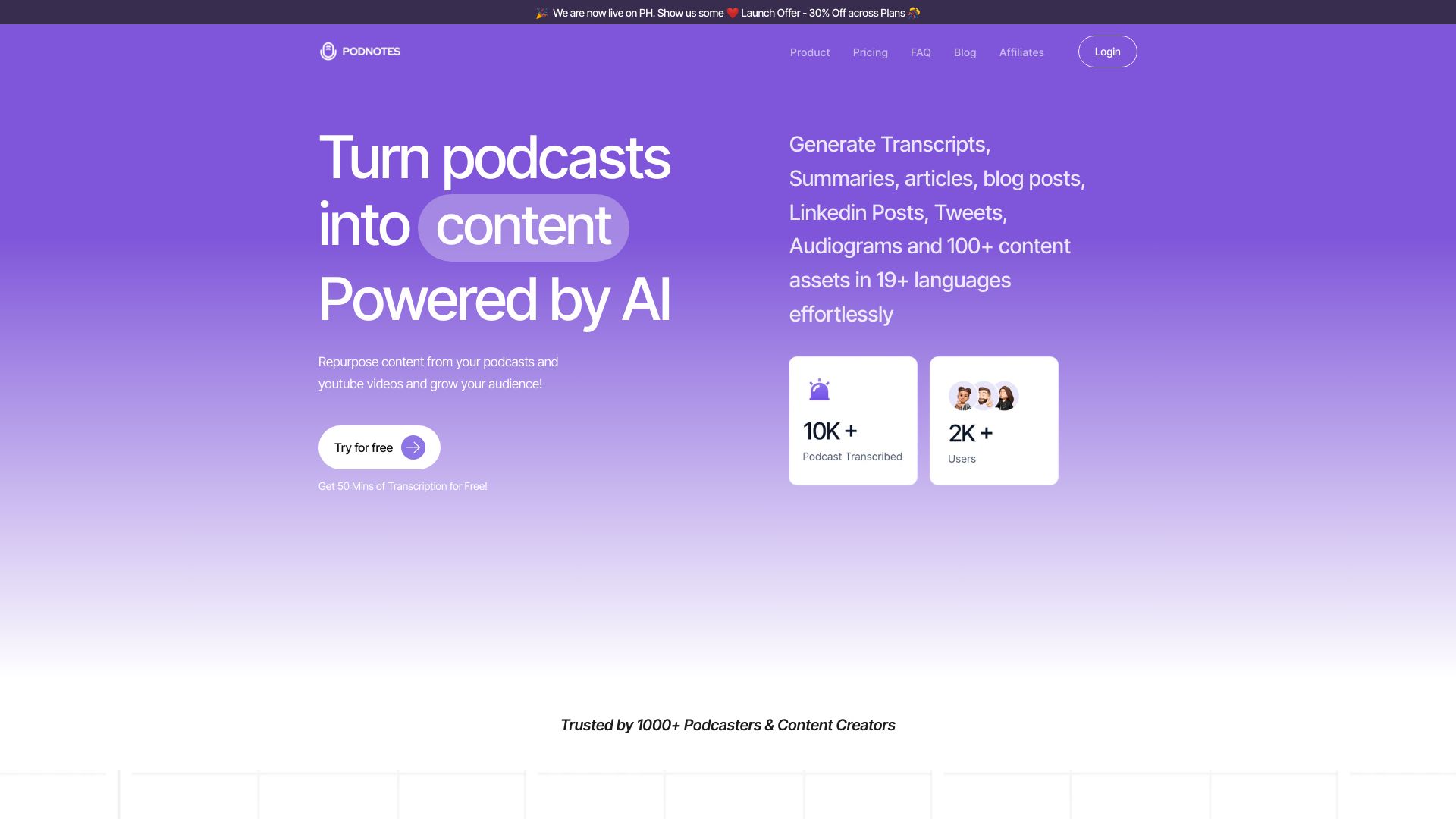
Podnotes
Podcast repurposing and content creation
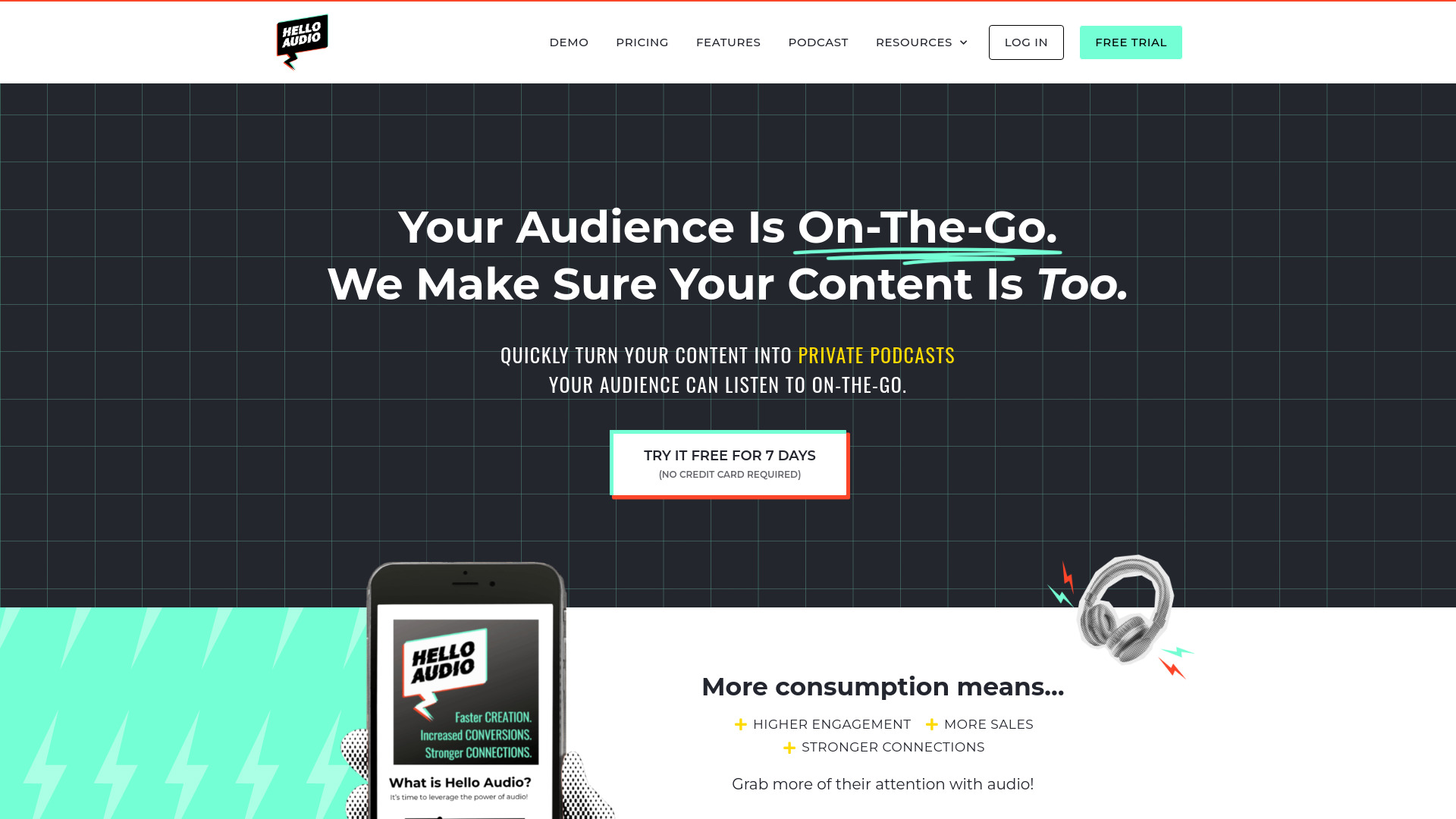
Hello Audio
Private podcasts for courses and memberships

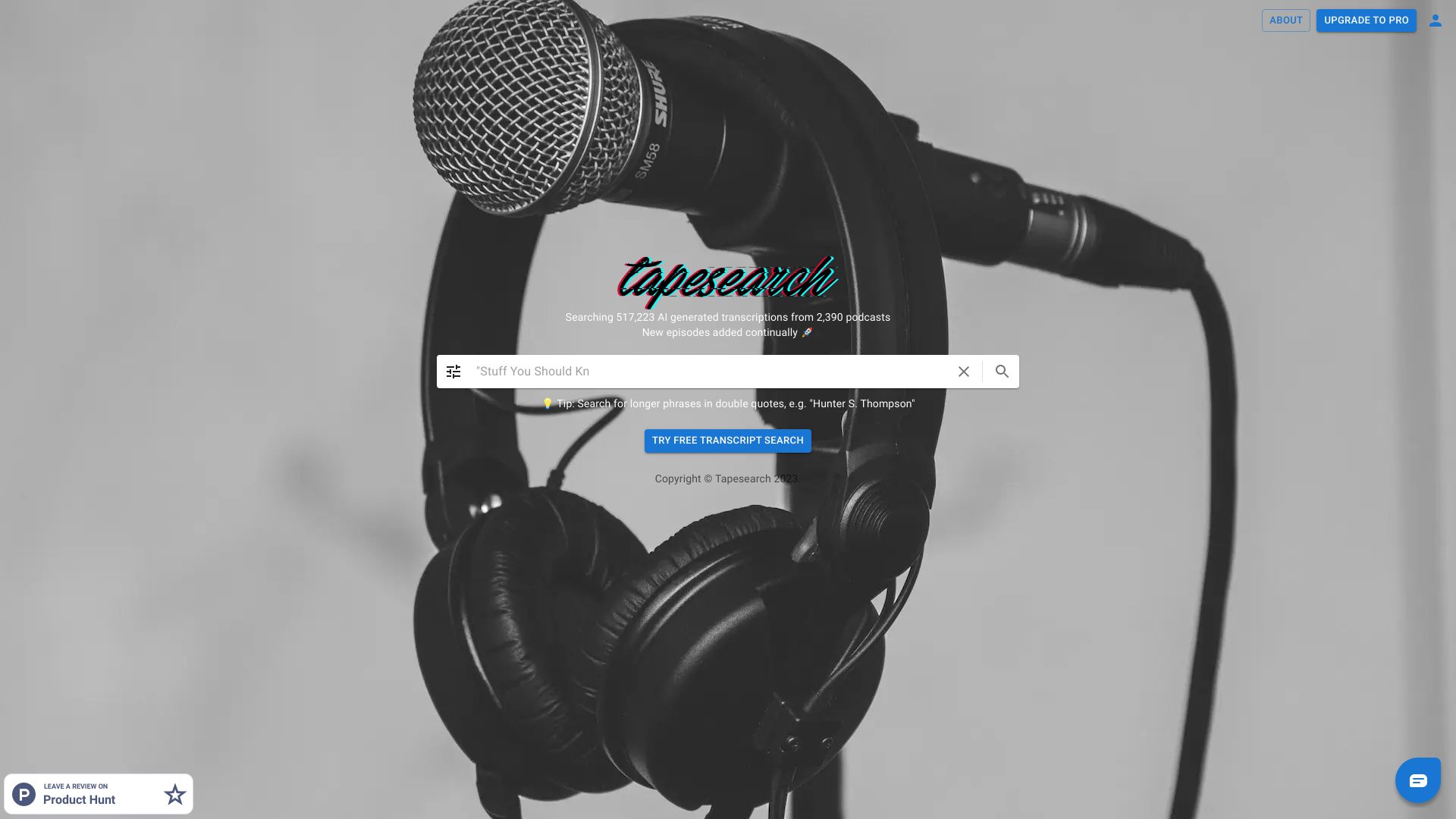
Tapesearch
Podcast transcript research
Anycast
Multilingual podcast listening

Audioread
Turning articles and files into audio

Algo
Podcast-to-social video creation

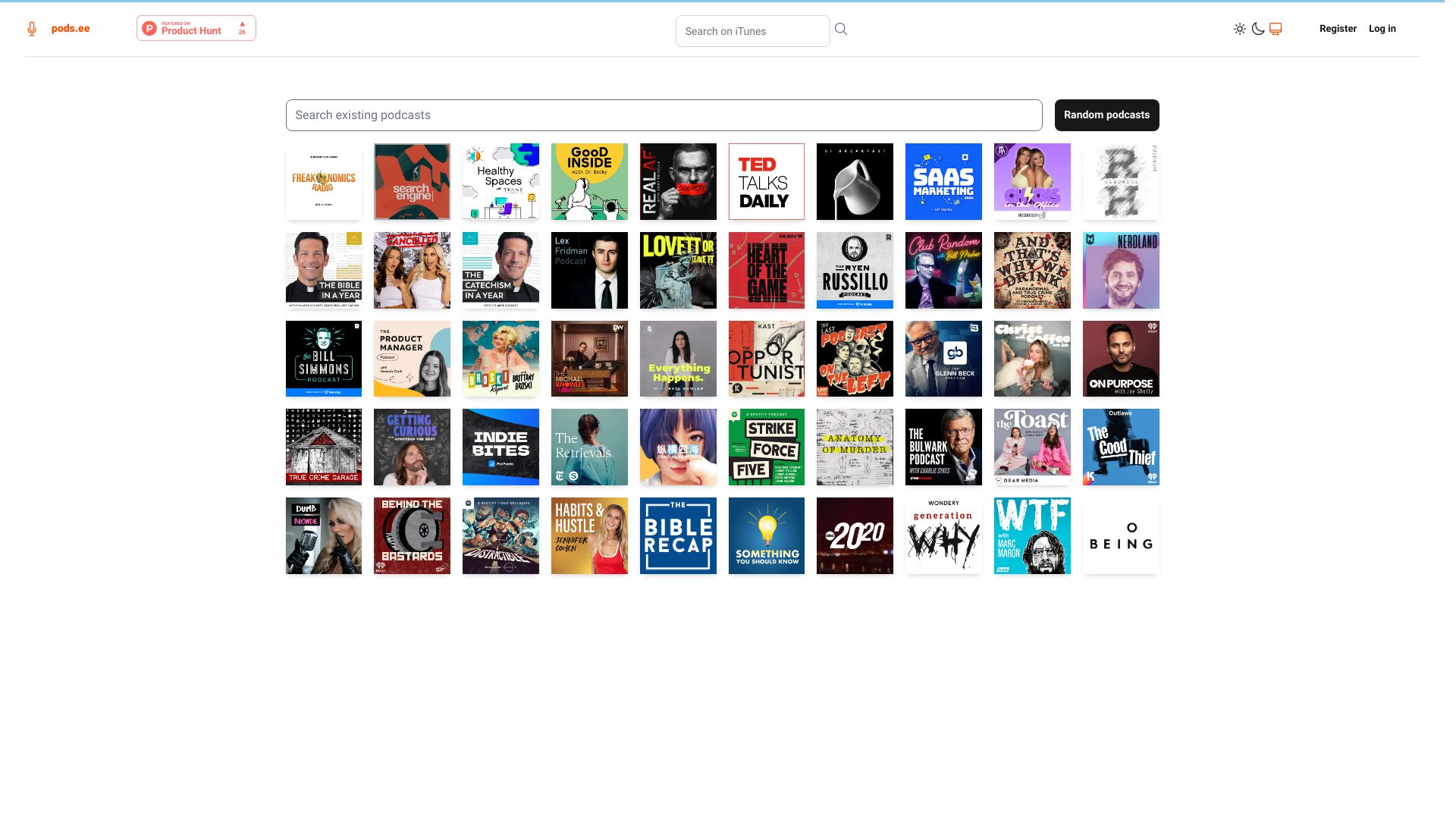
pods.ee
Podcast listeners seeking AI summaries and transcripts

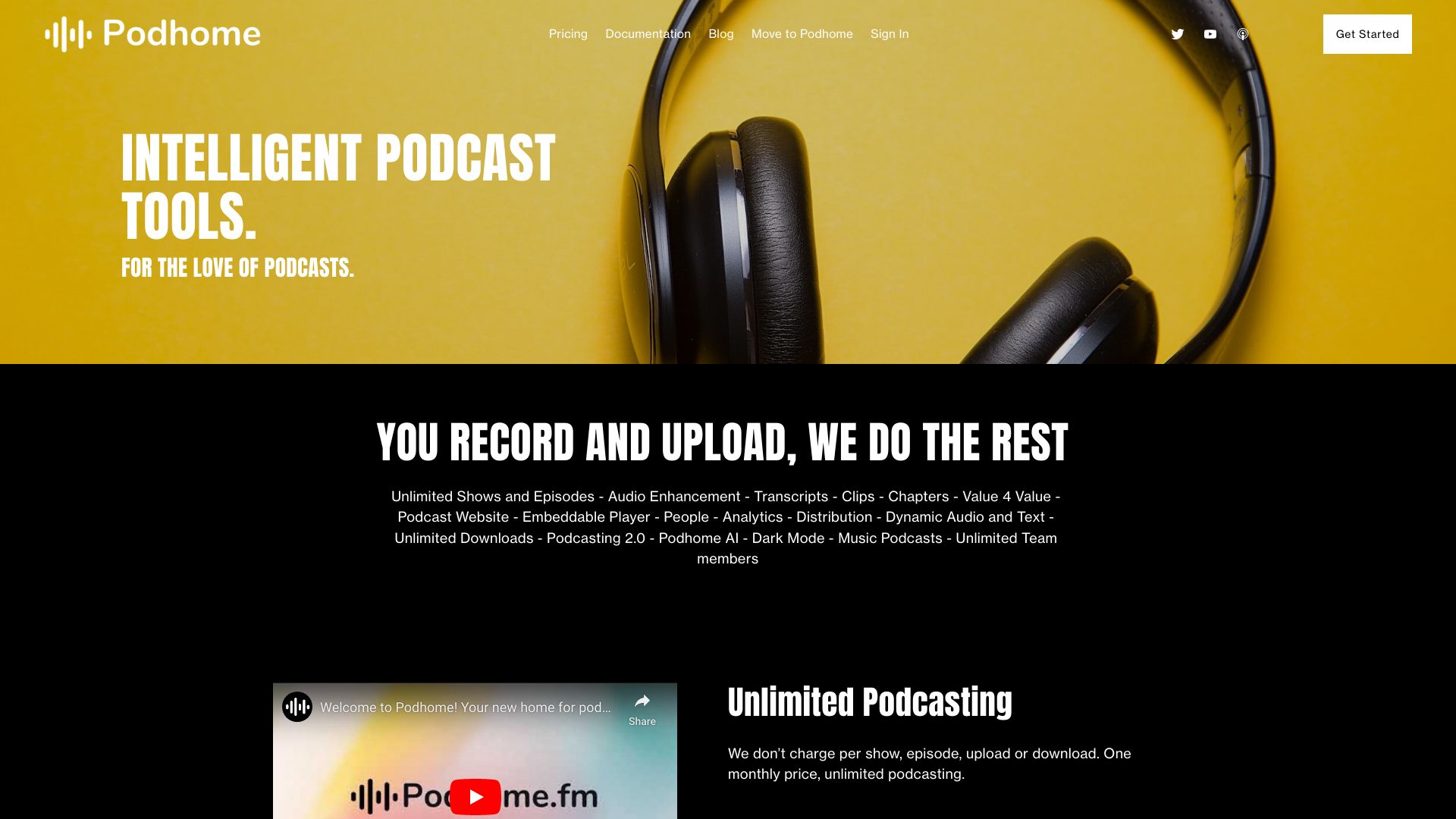
Podhome
Unlimited podcast hosting
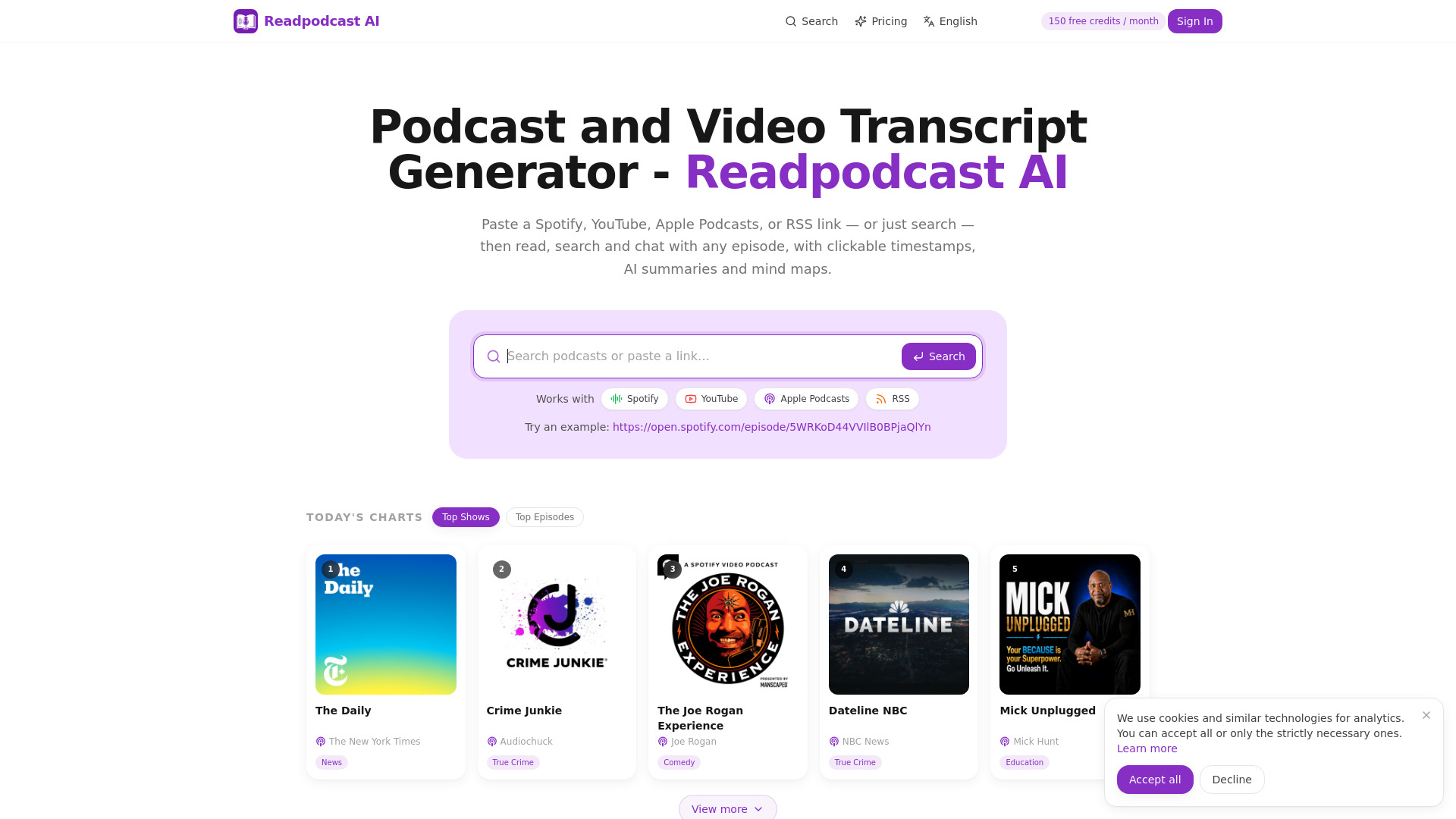
Readpodcast AI
Podcast and video transcript research

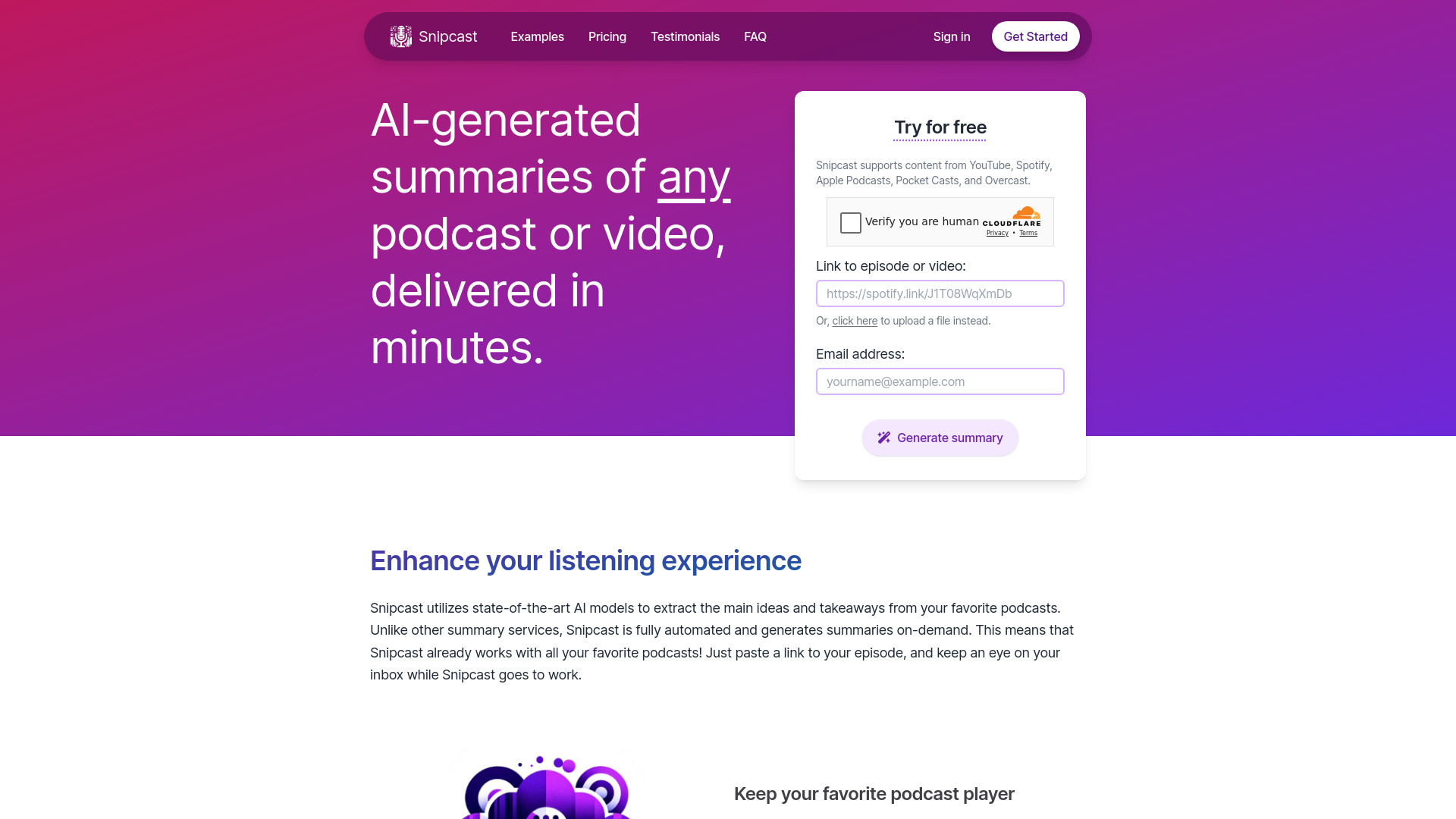
Snipcast.io
Podcast listeners wanting emailed AI summaries

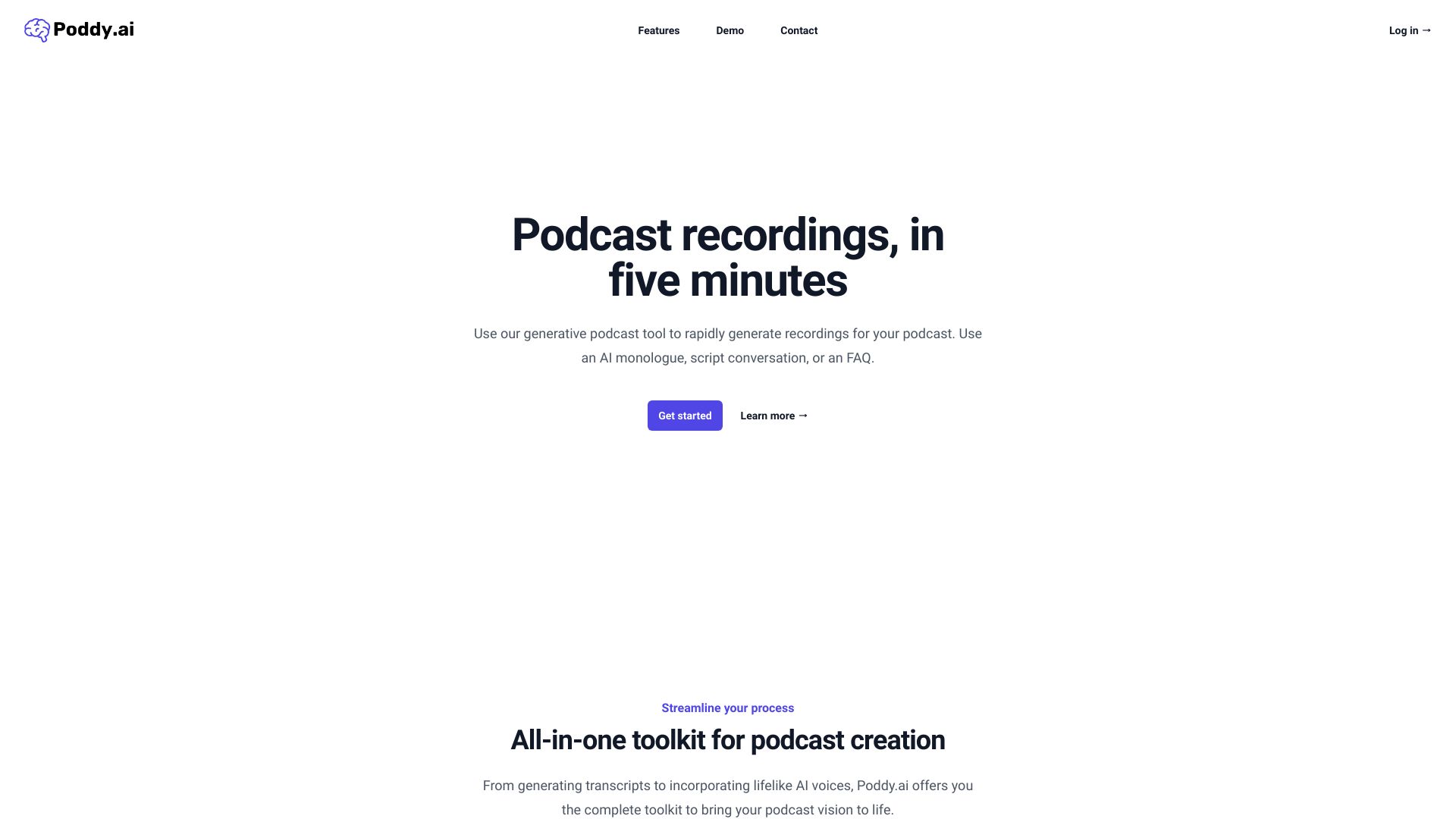
Poddy.ai
Rapid AI podcast creation

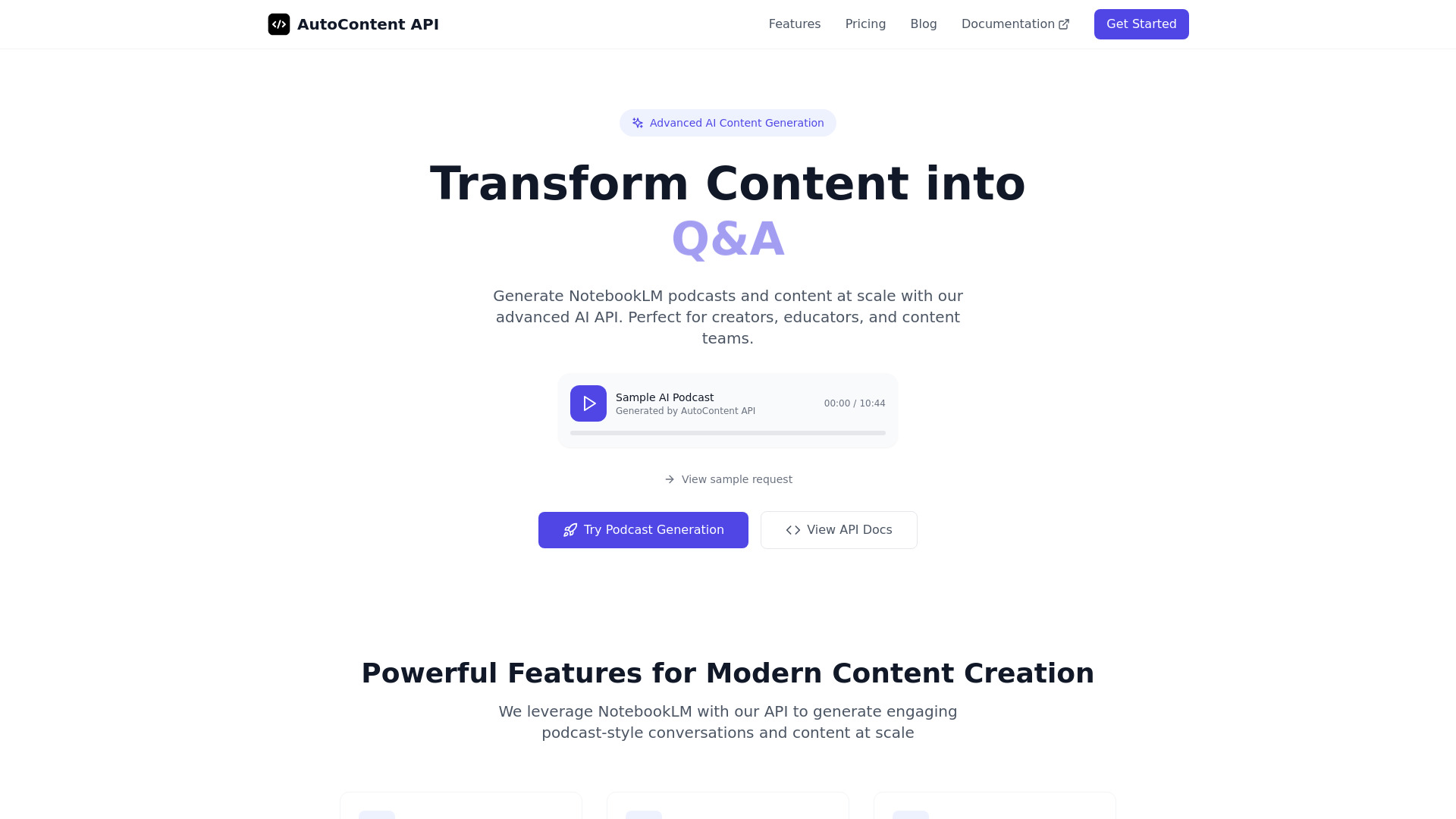
AutoContent API
API-powered podcast generation
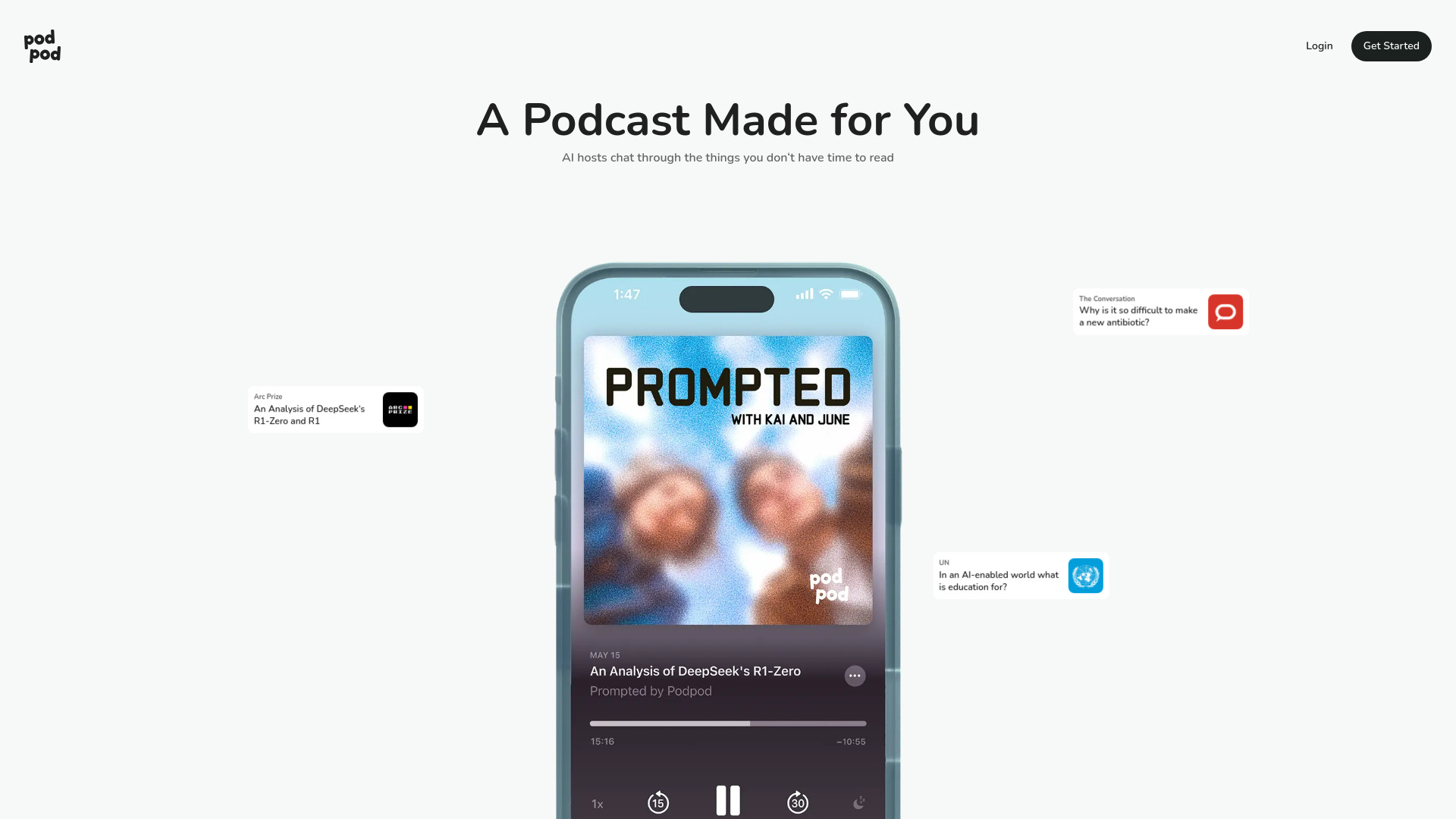
Podpod
Article-to-podcast conversion

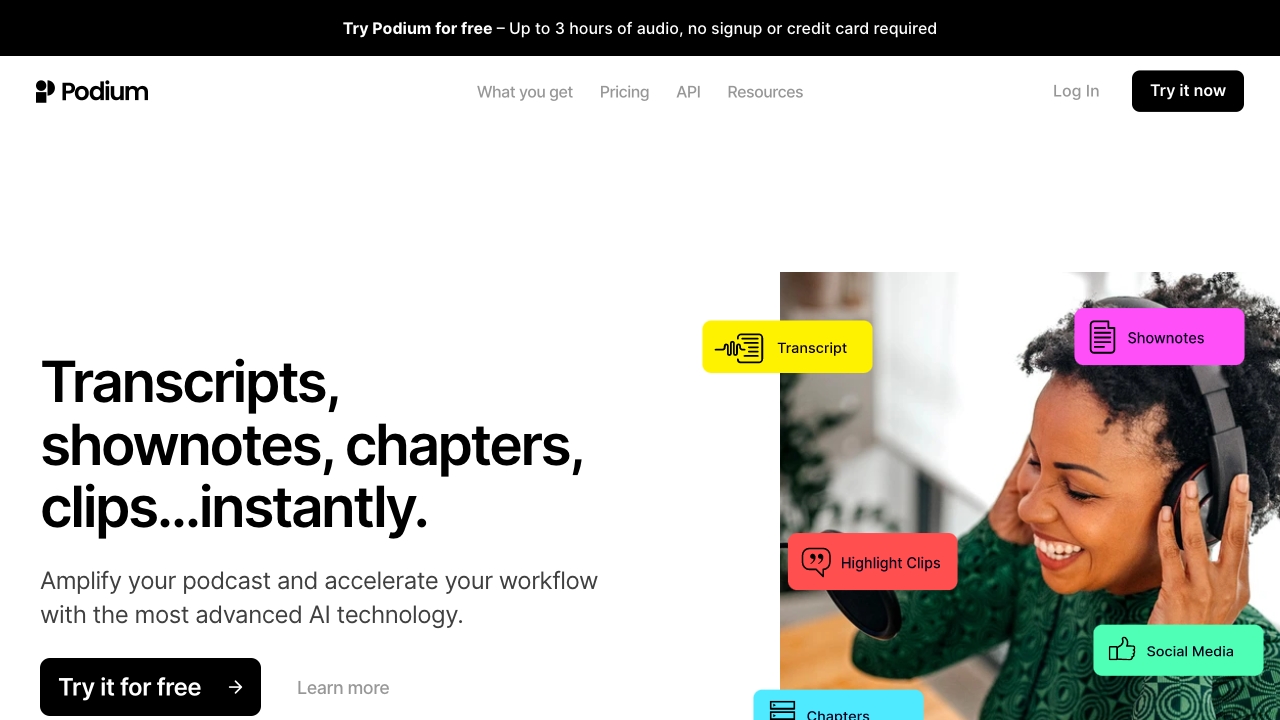
Podium
Podcast transcripts and show notes

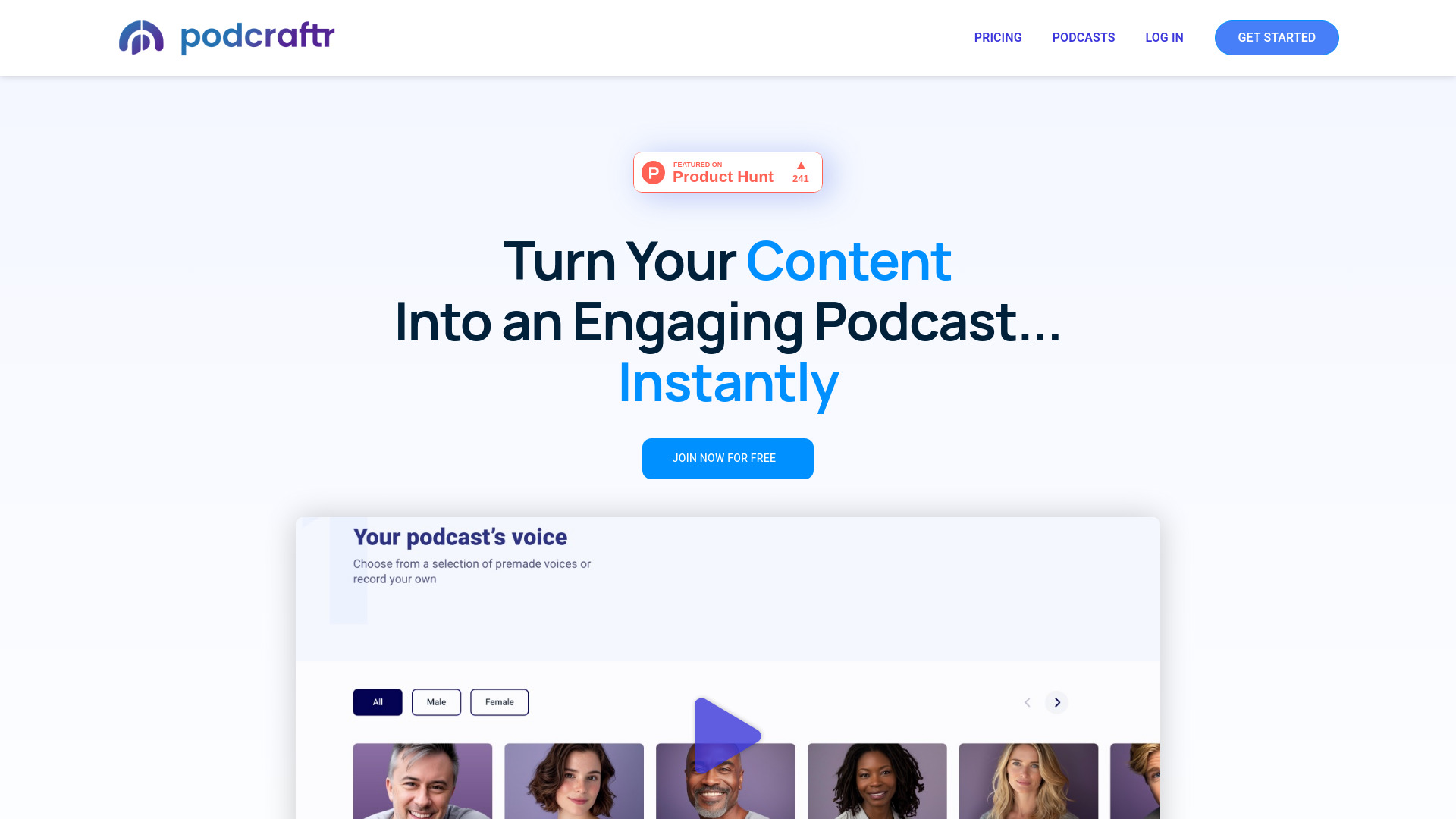
Podcraftr
Publishers repurposing written content as podcasts

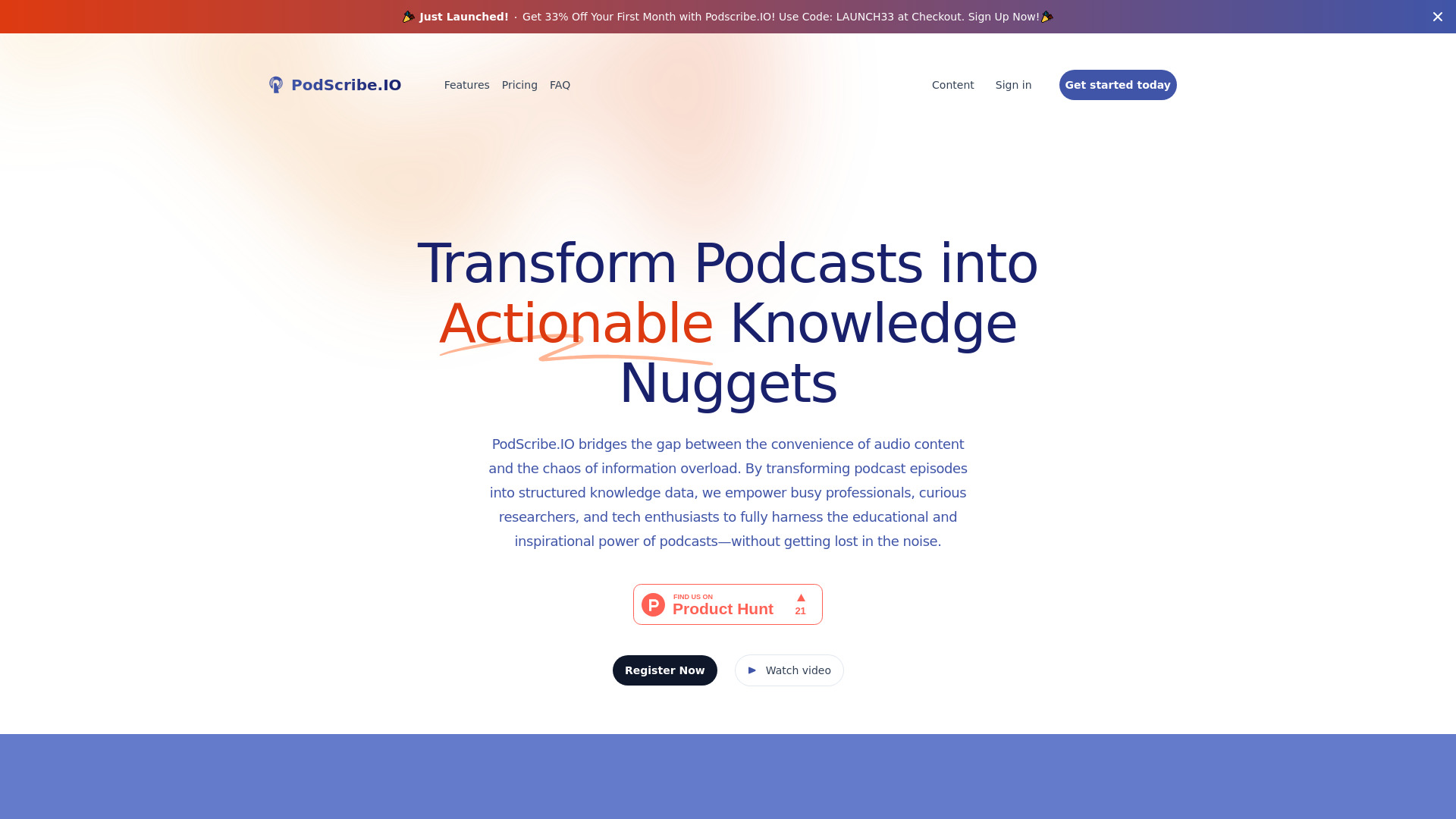
PodScribe.IO
Podcast creators repurposing audio into content

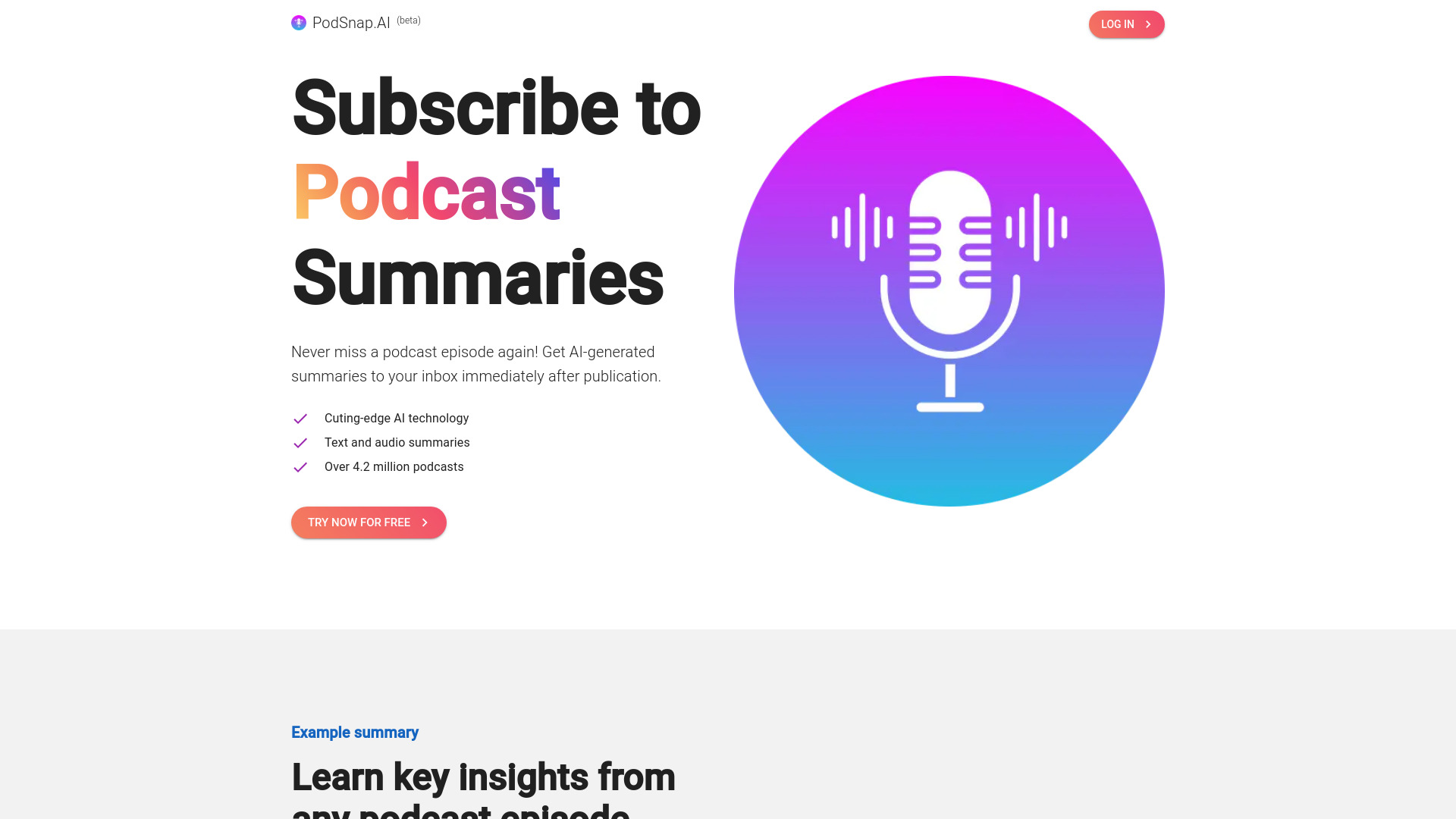
PodSnap.AI
Busy podcast listeners

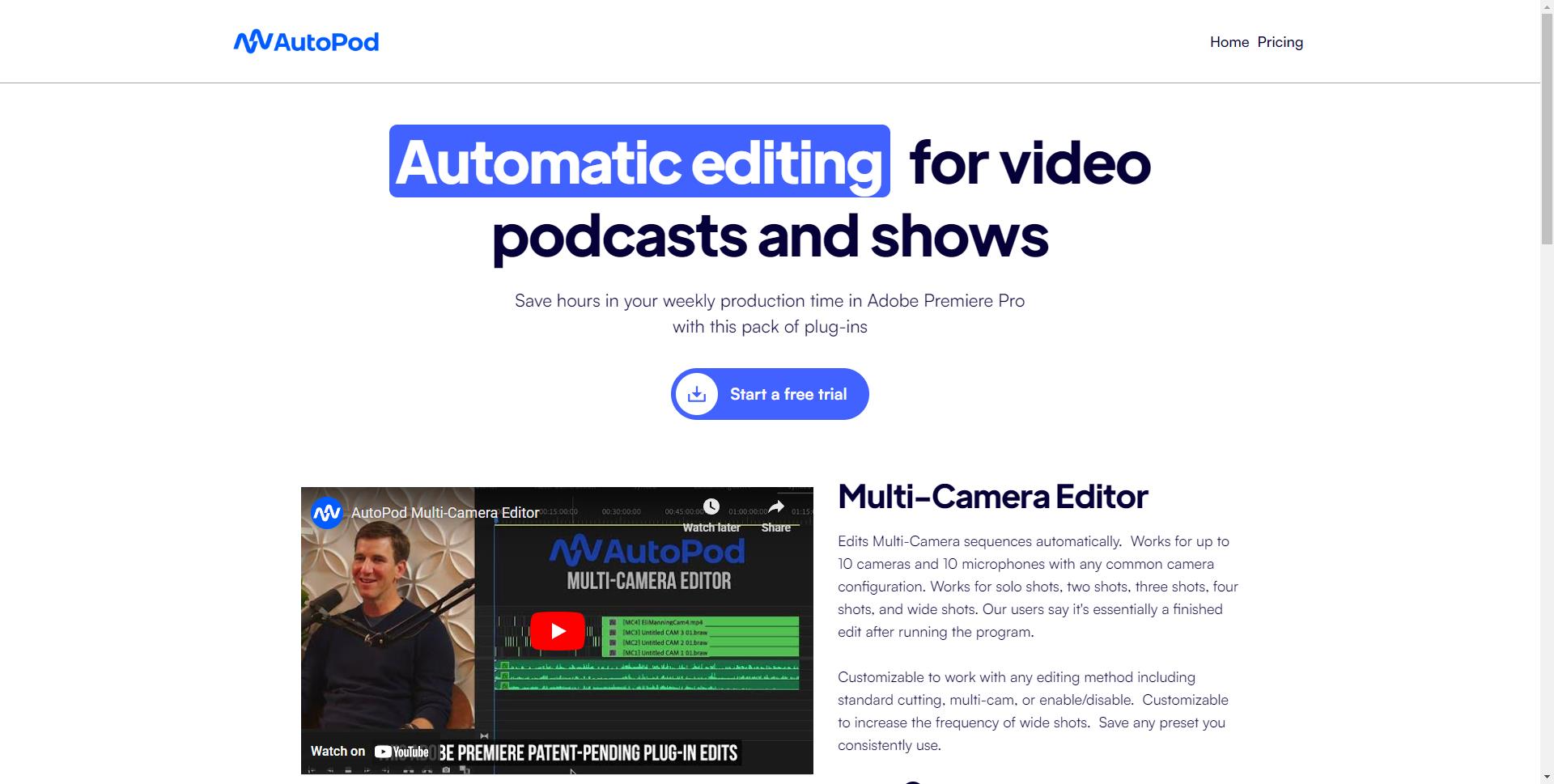
AutoPod
Automated video podcast editing

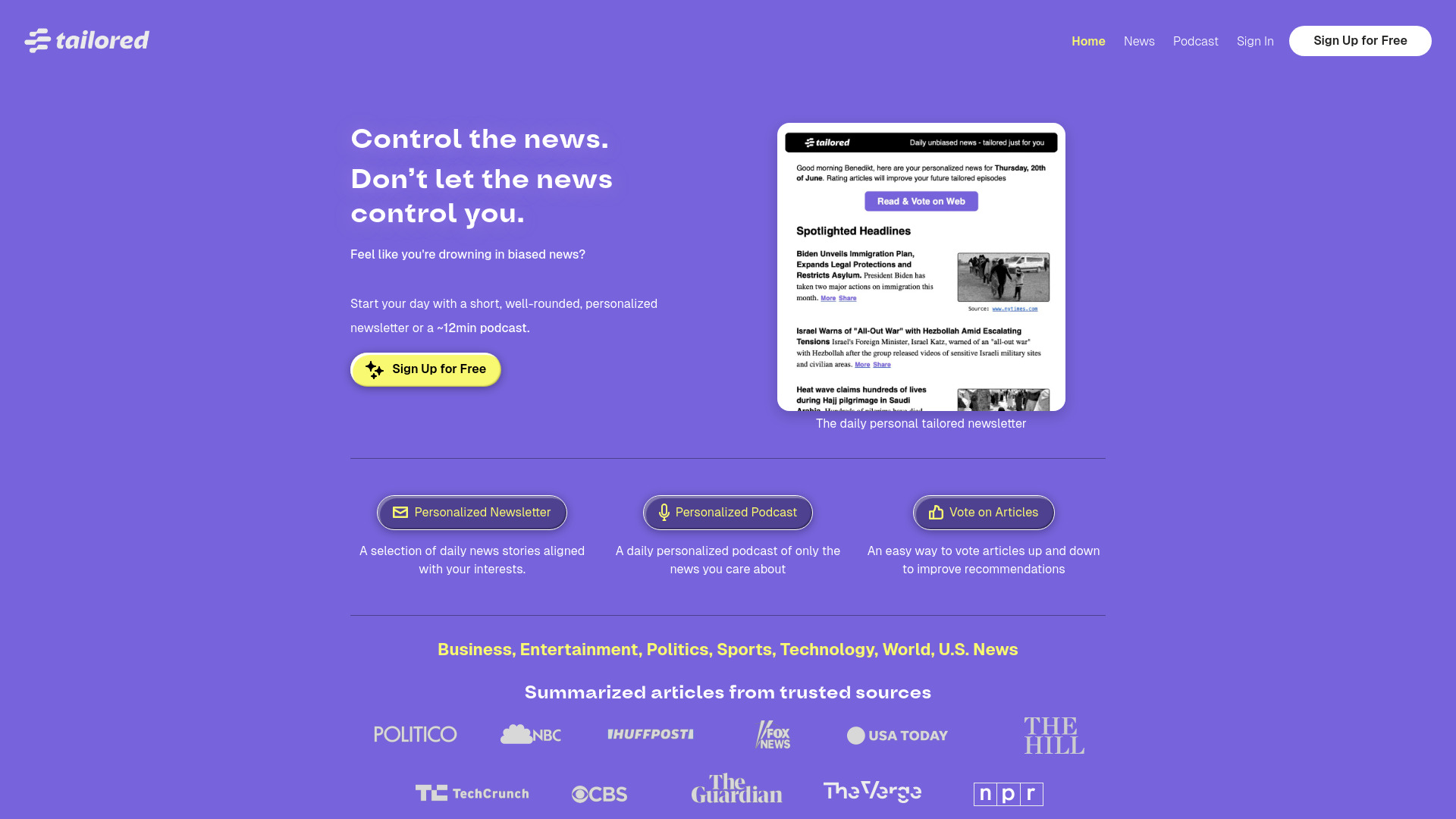
TailoredPod
Personalized daily news podcasts

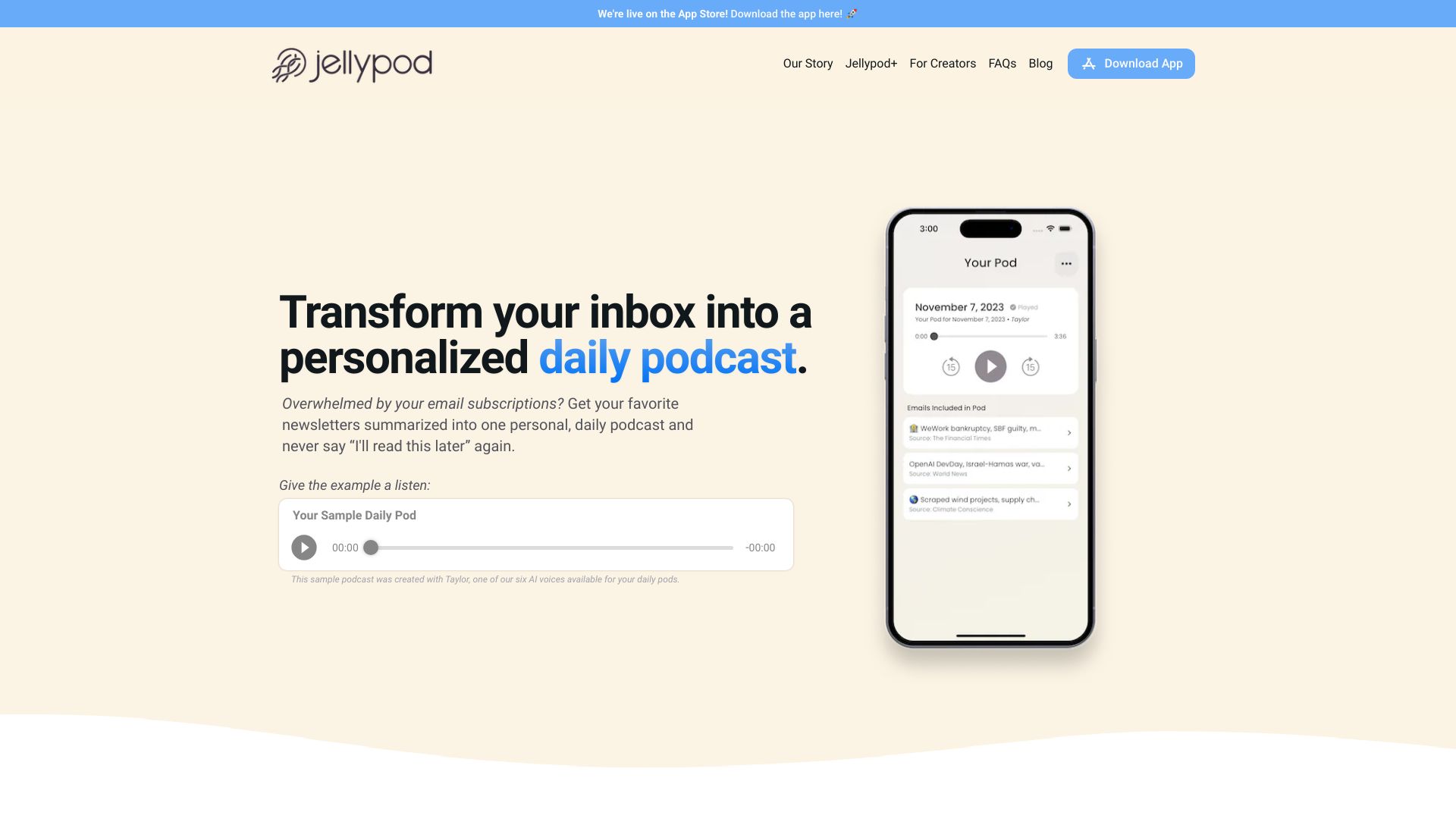
Jellypod
AI podcast creation and publishing

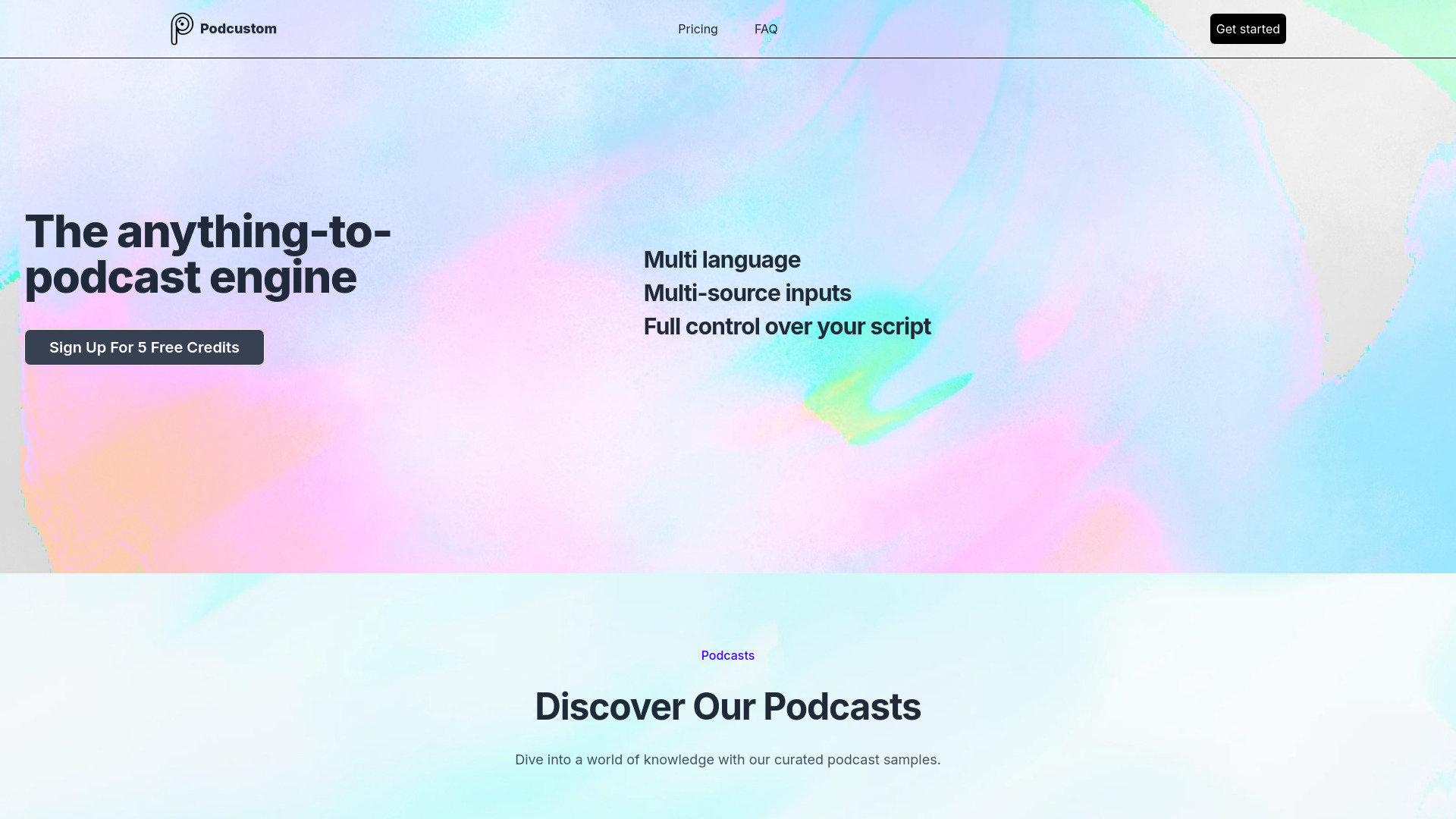
Podcustom
Prompt-to-podcast creation

PodRoll
Podcast audience growth

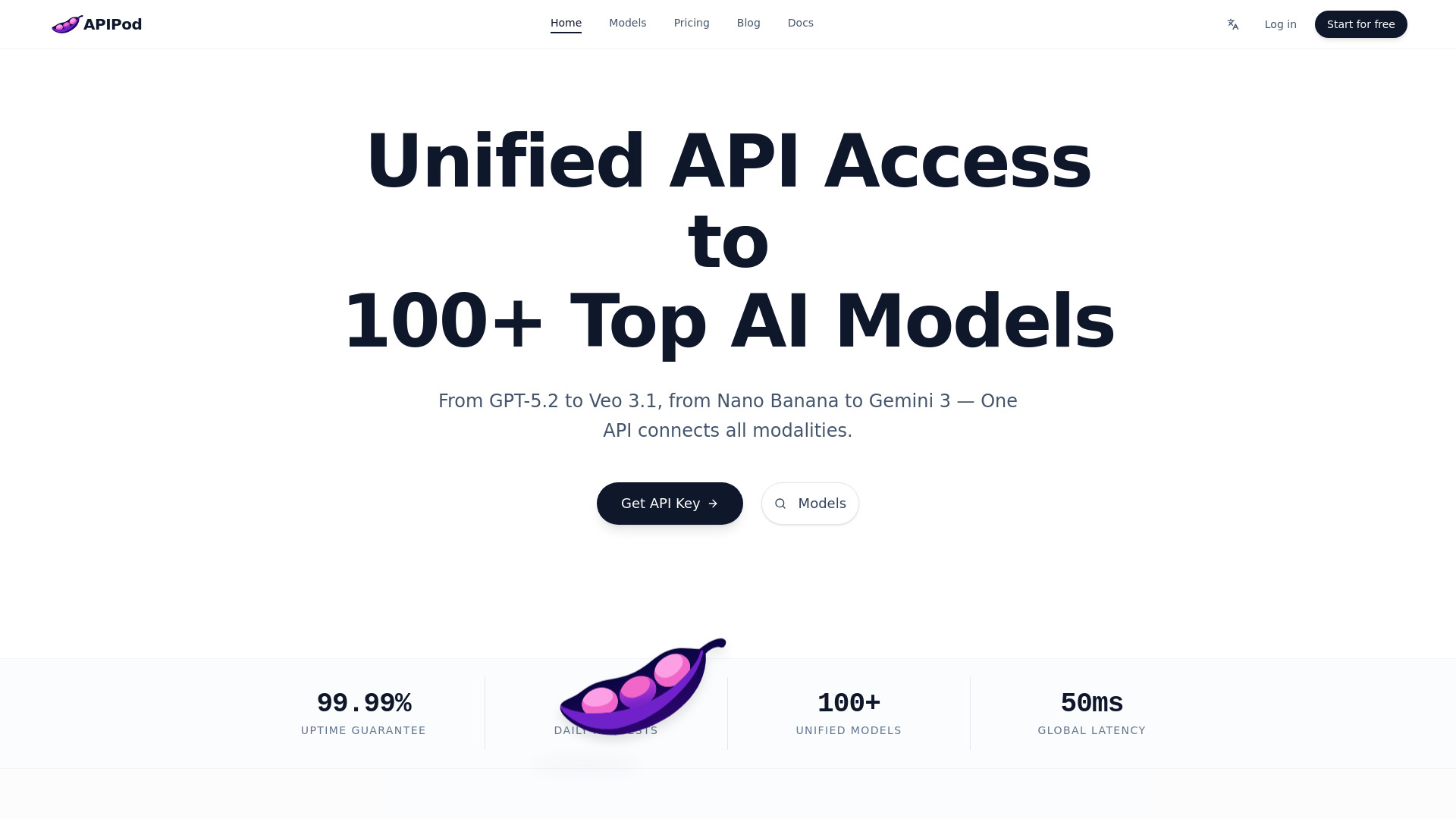
APIPod
Developers building AI-powered podcast apps
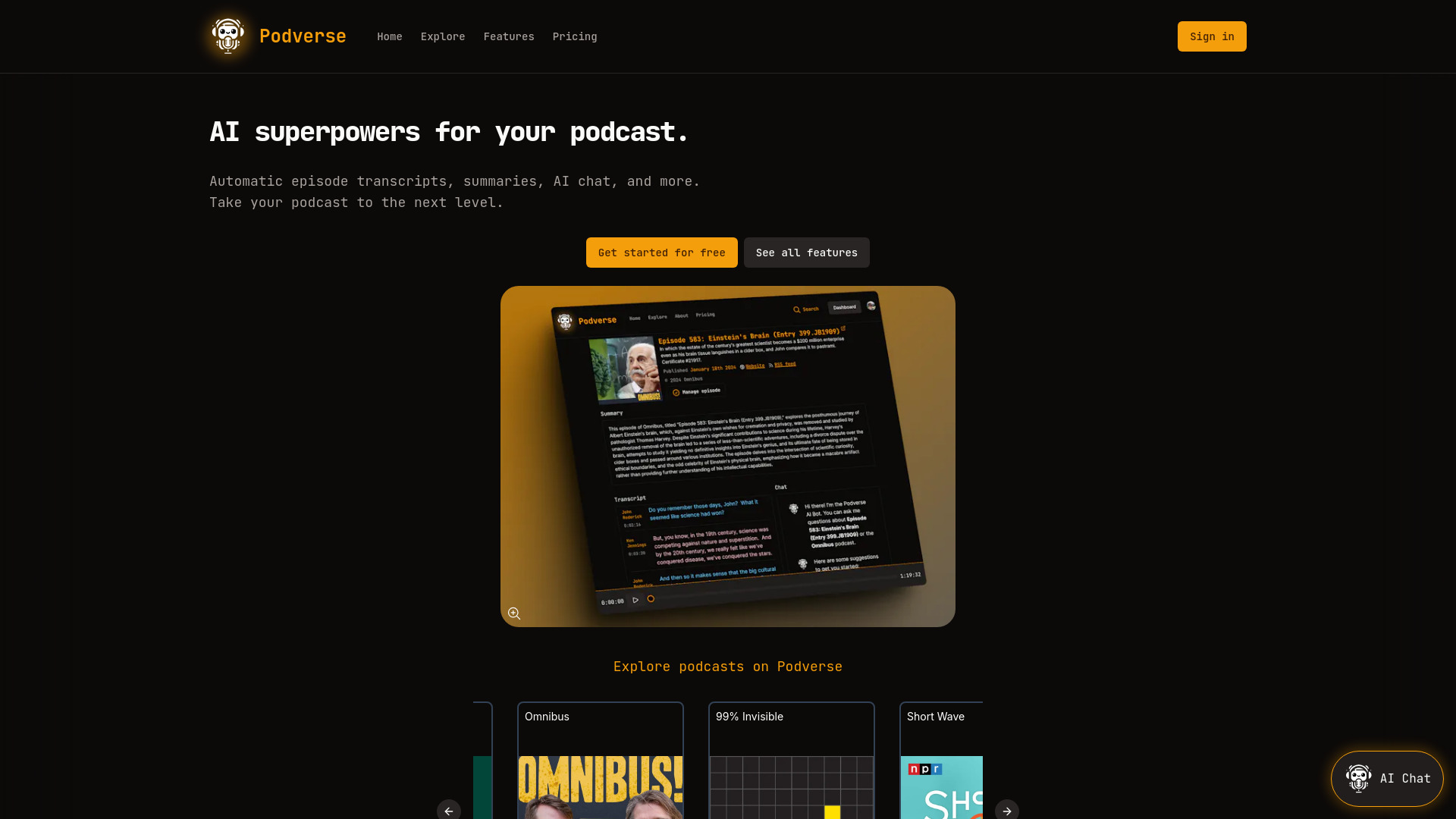
Podverse
AI-powered podcast transcripts and summaries
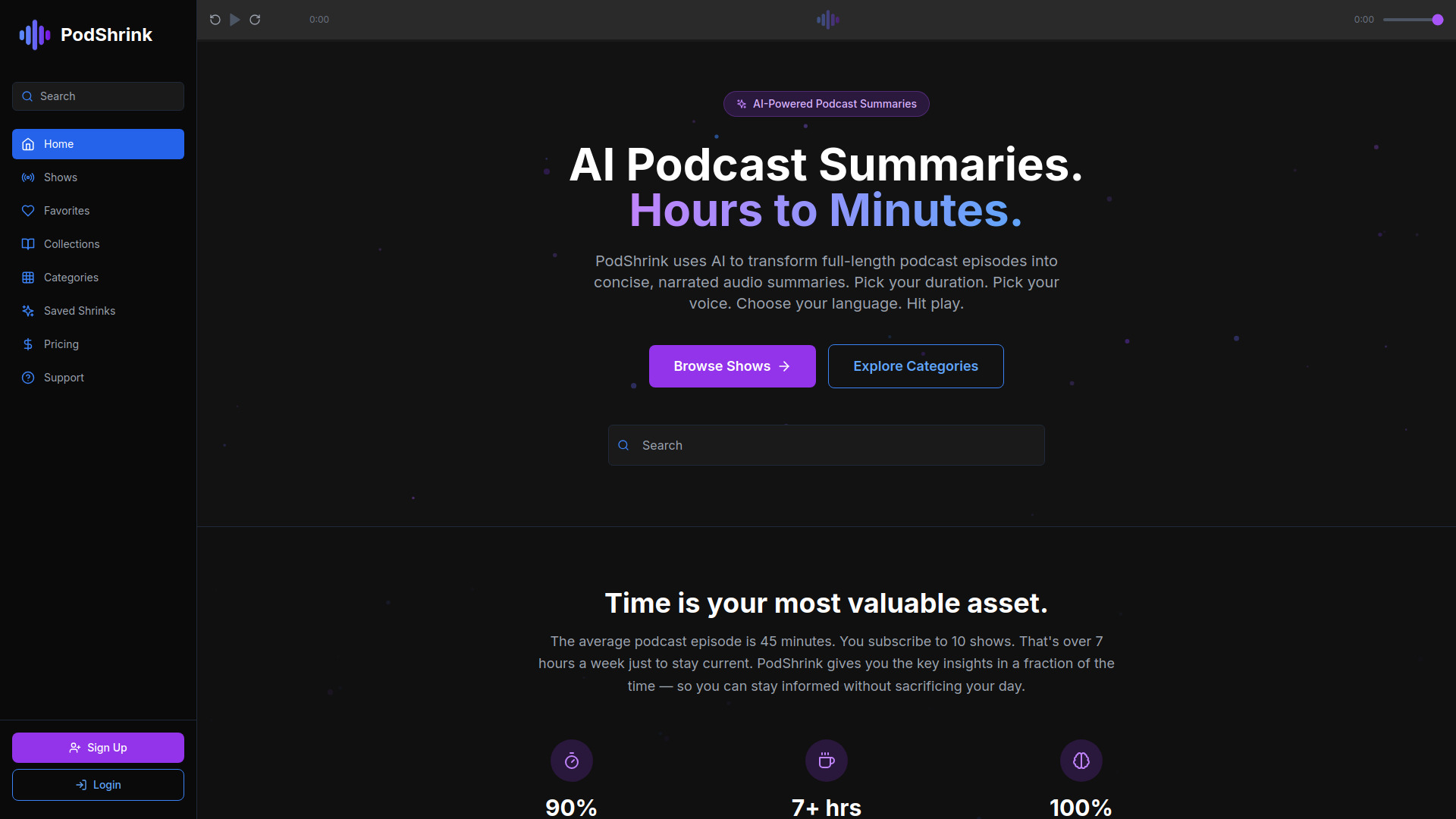
PodShrink
Podcast listeners short on time

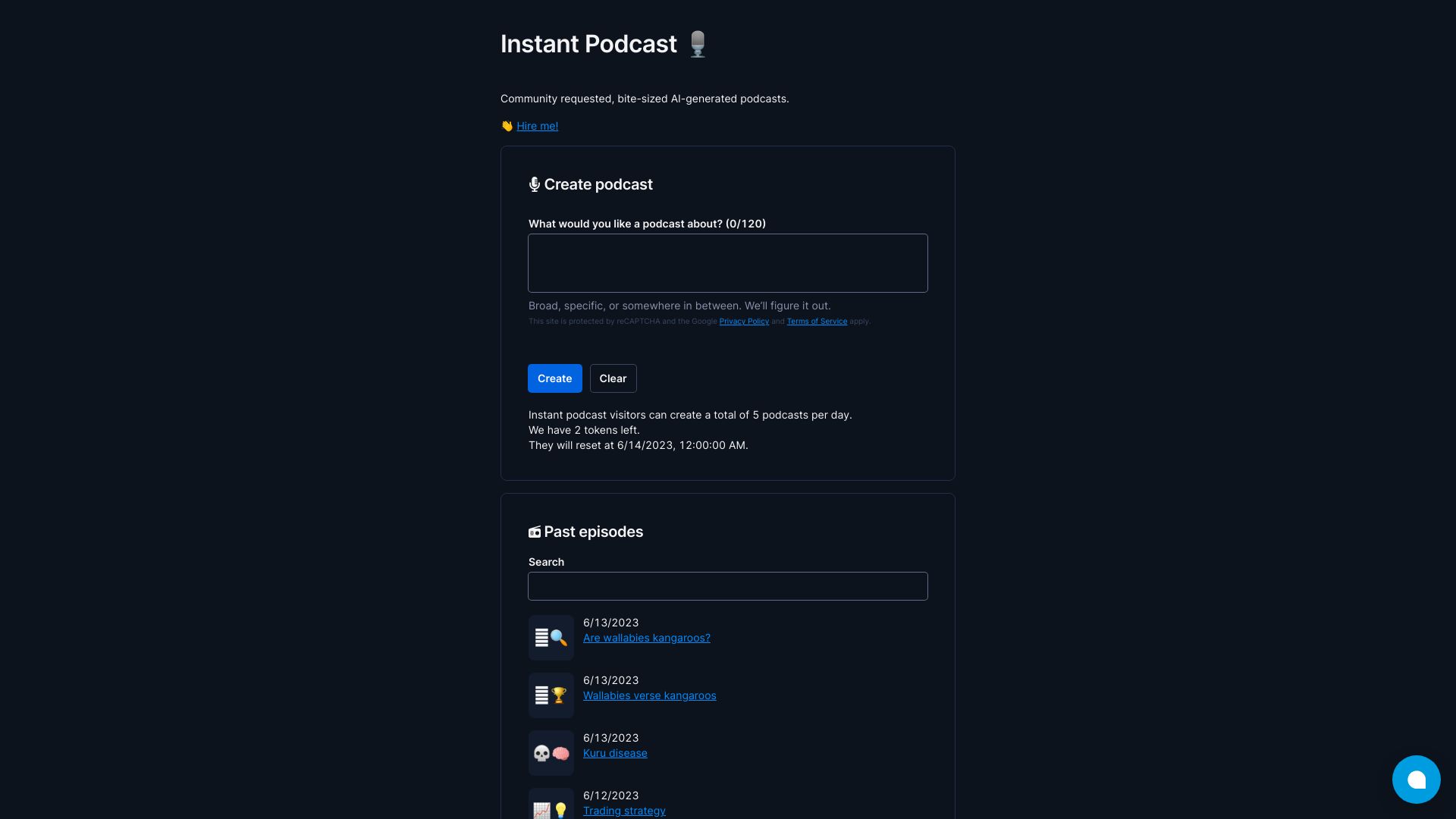
Instant Podcast
Bite-sized AI-generated podcasts

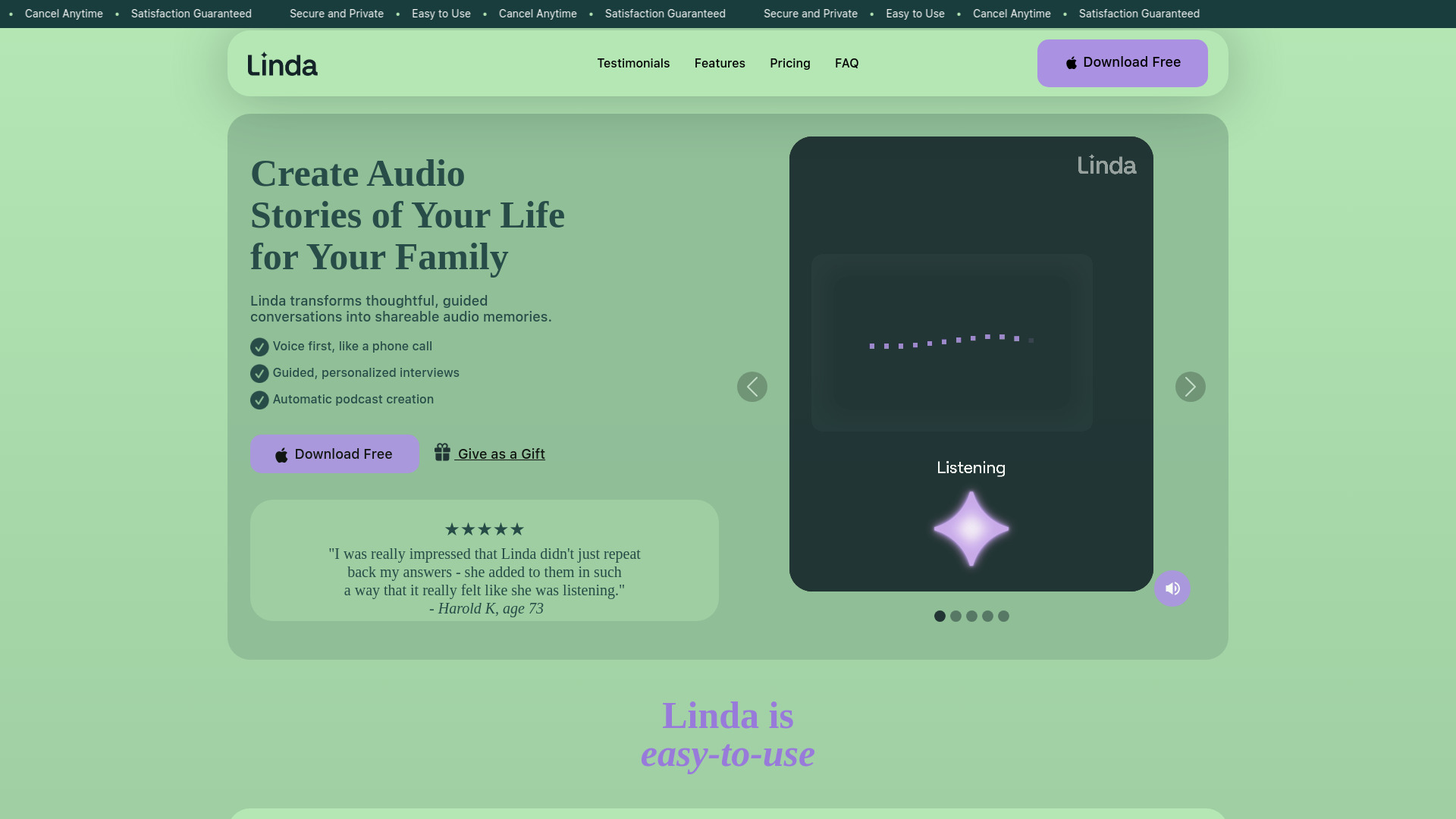
Linda AI
Preserving family stories as audio podcasts

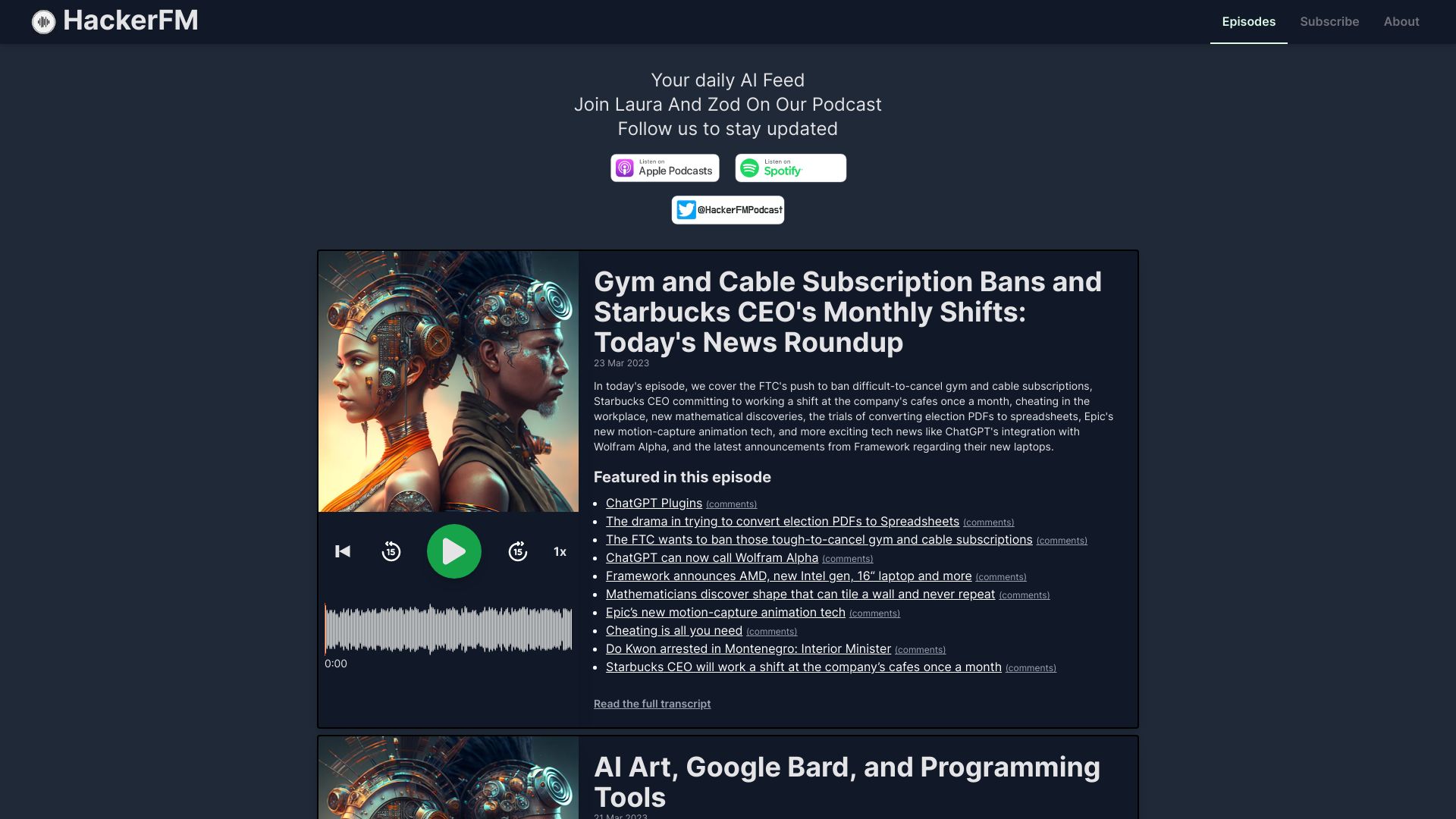
HackerFM
Daily AI-generated tech news podcasts

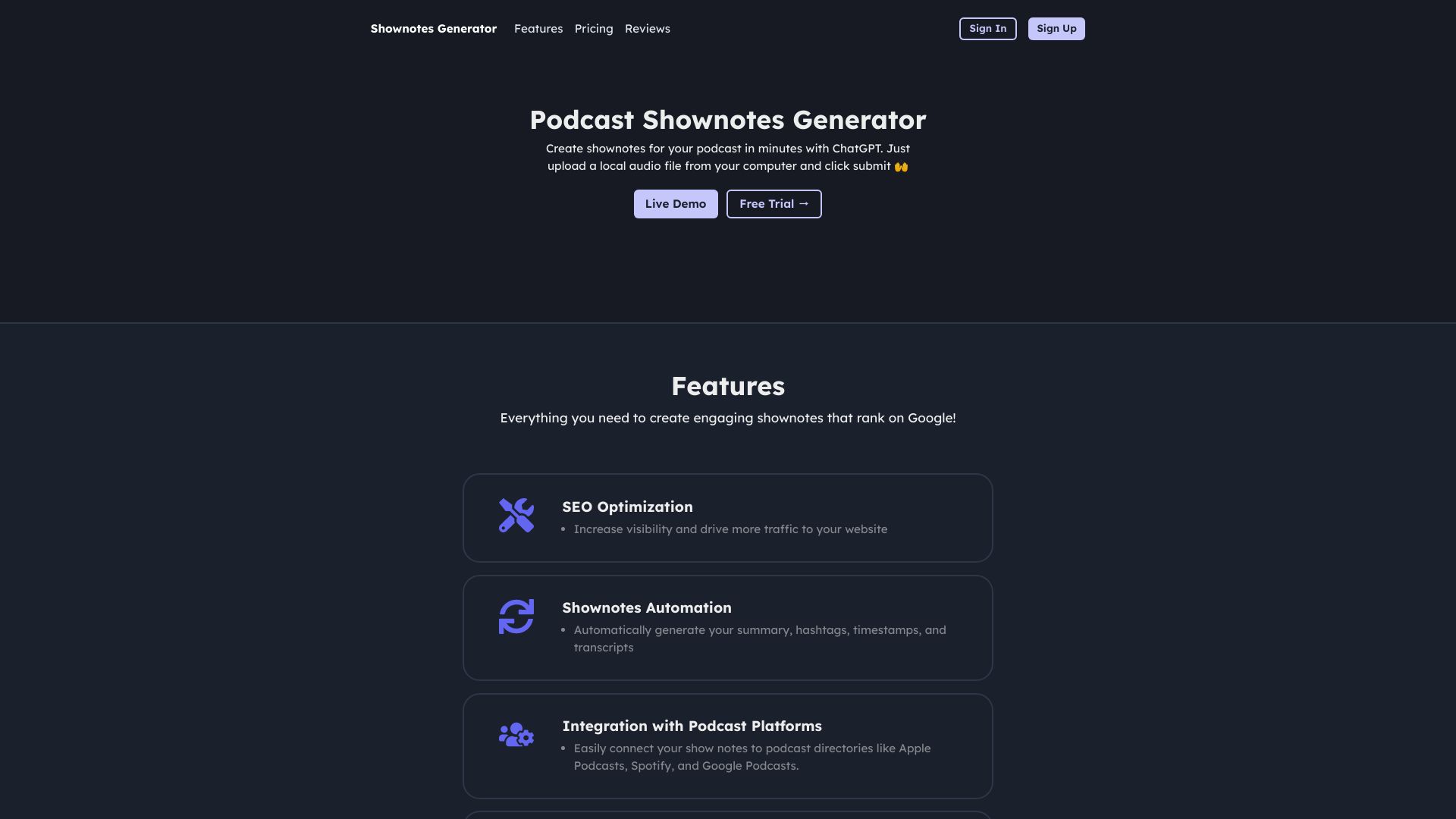
Podcast Show Notes Generator
Podcast creators repurposing audio content

PodcastAI.cc
Small-business text-to-podcast creation

Anypod
Podcast creators

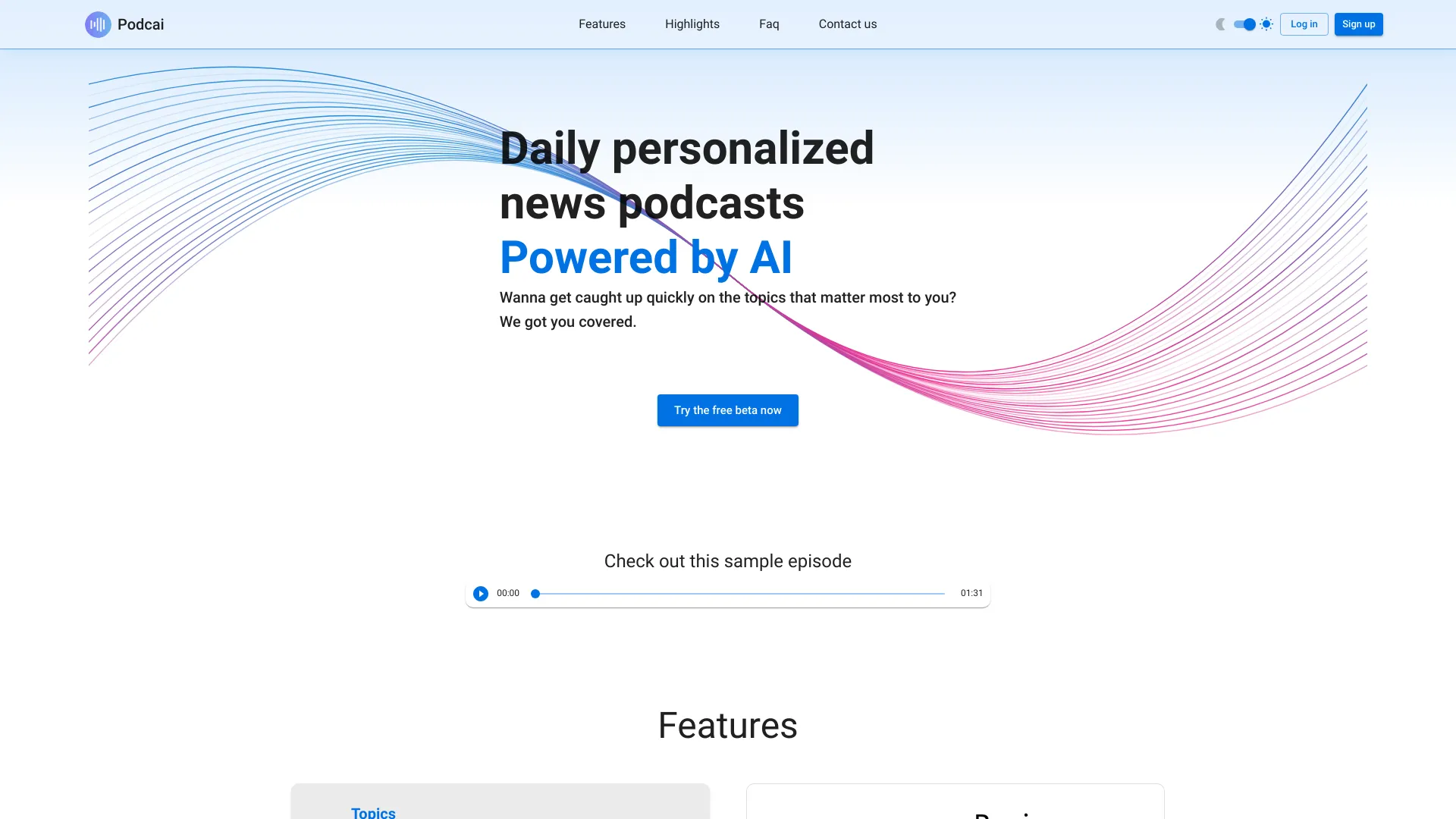
Podcai
Personalized daily news podcasts

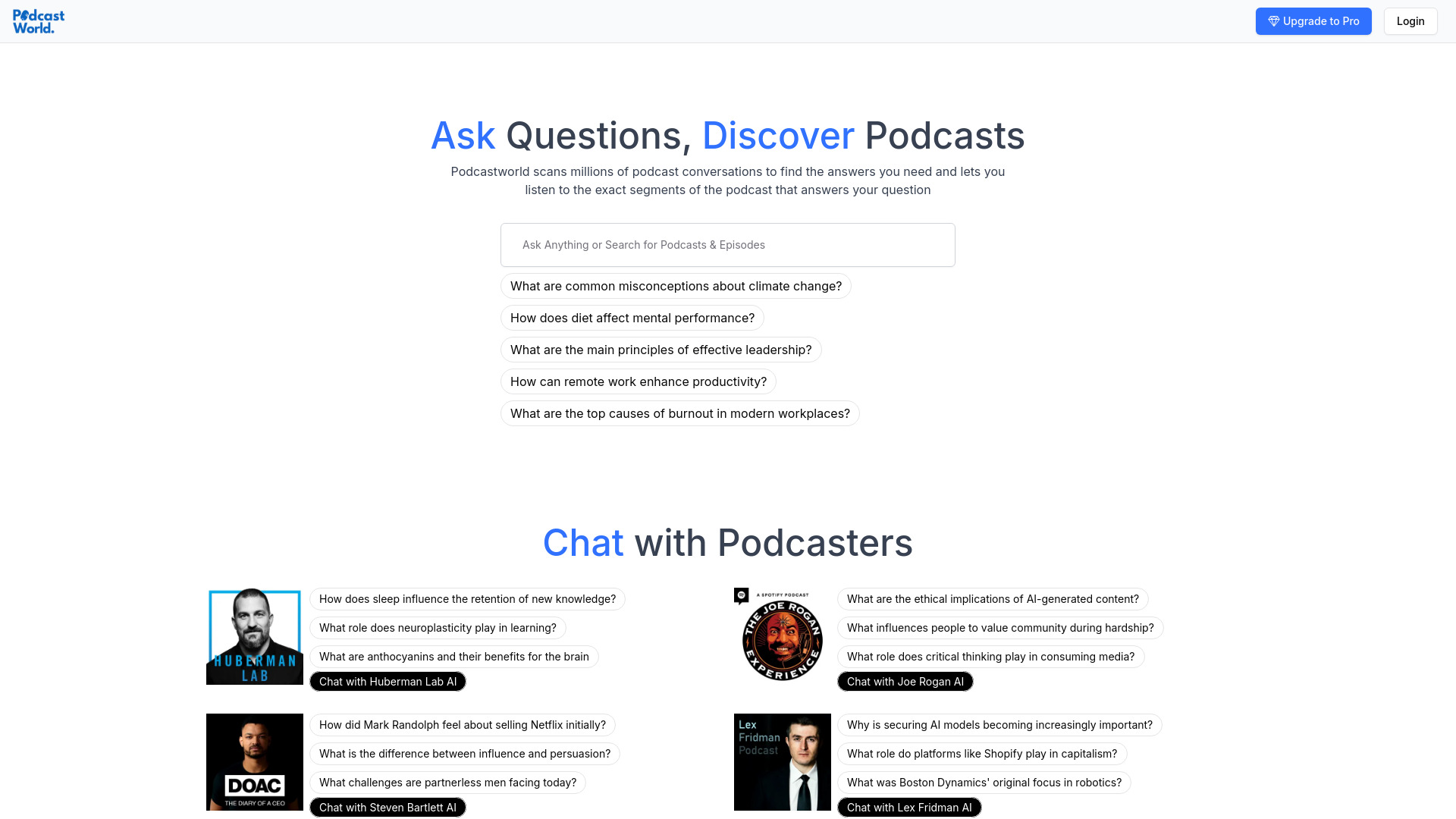
Podcastworld.io
Podcast search and episode research

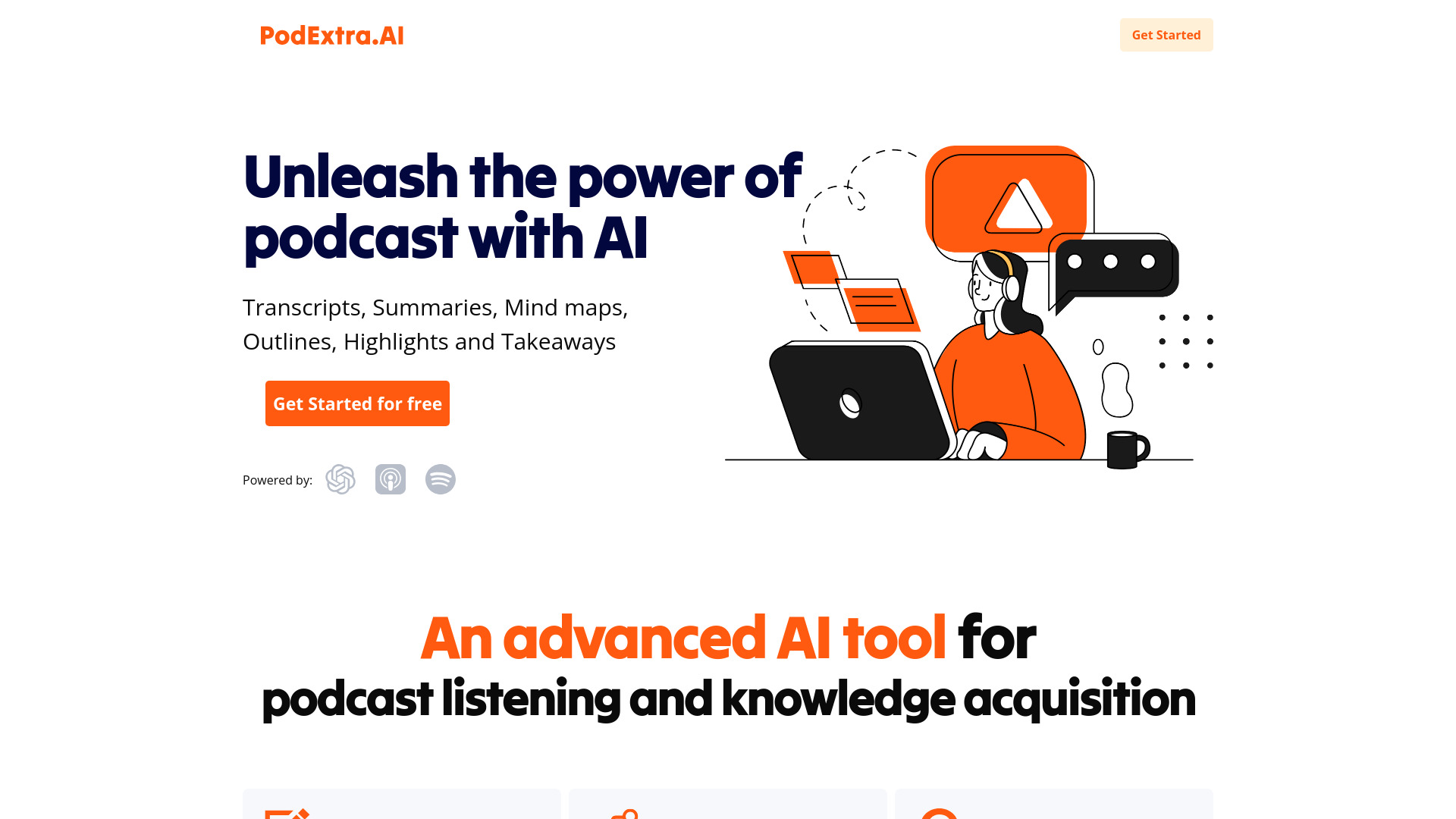
PodExtra AI
Podcast listeners seeking AI summaries

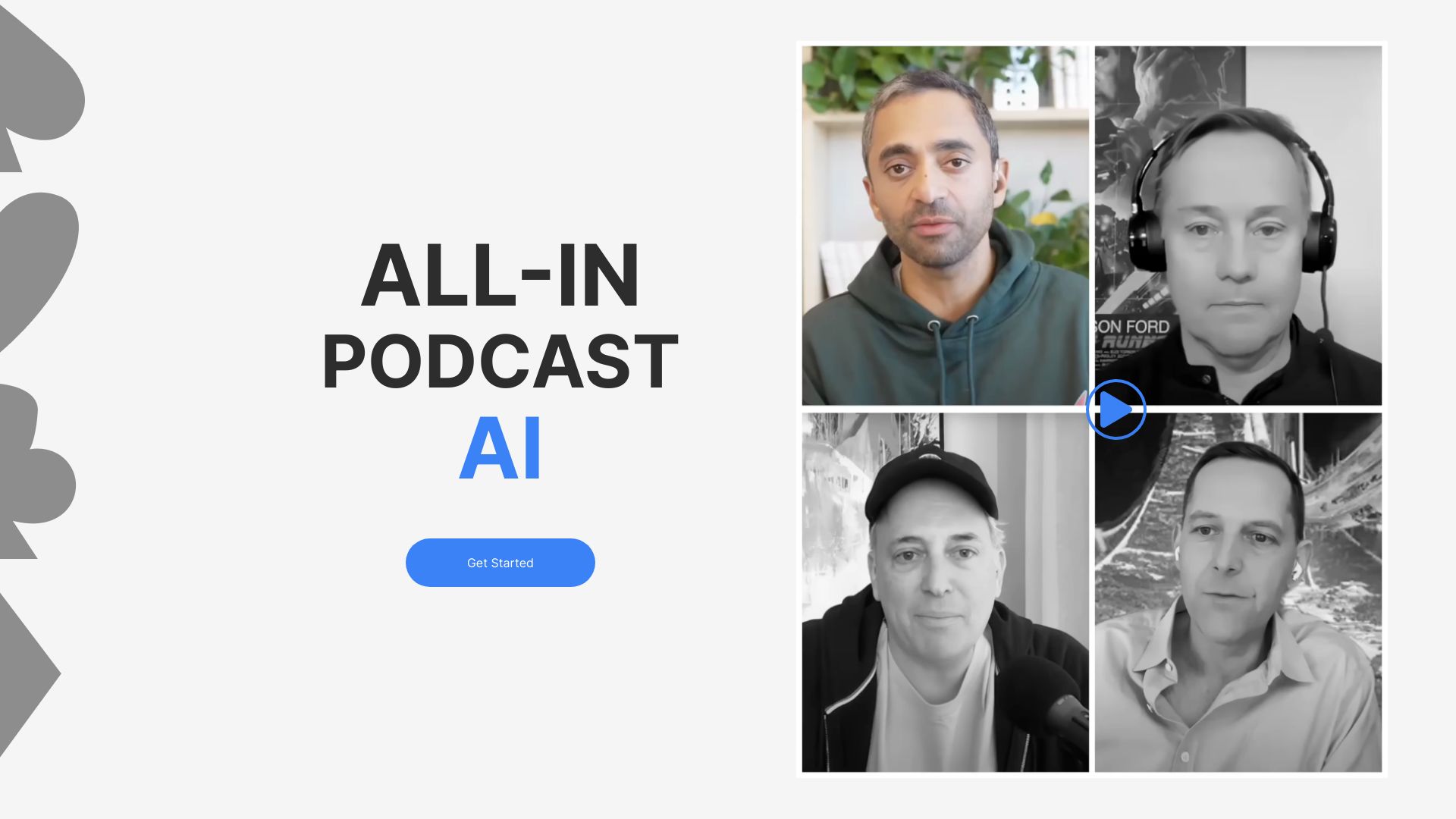
Allinpod.ai
AI podcast audio and video creation

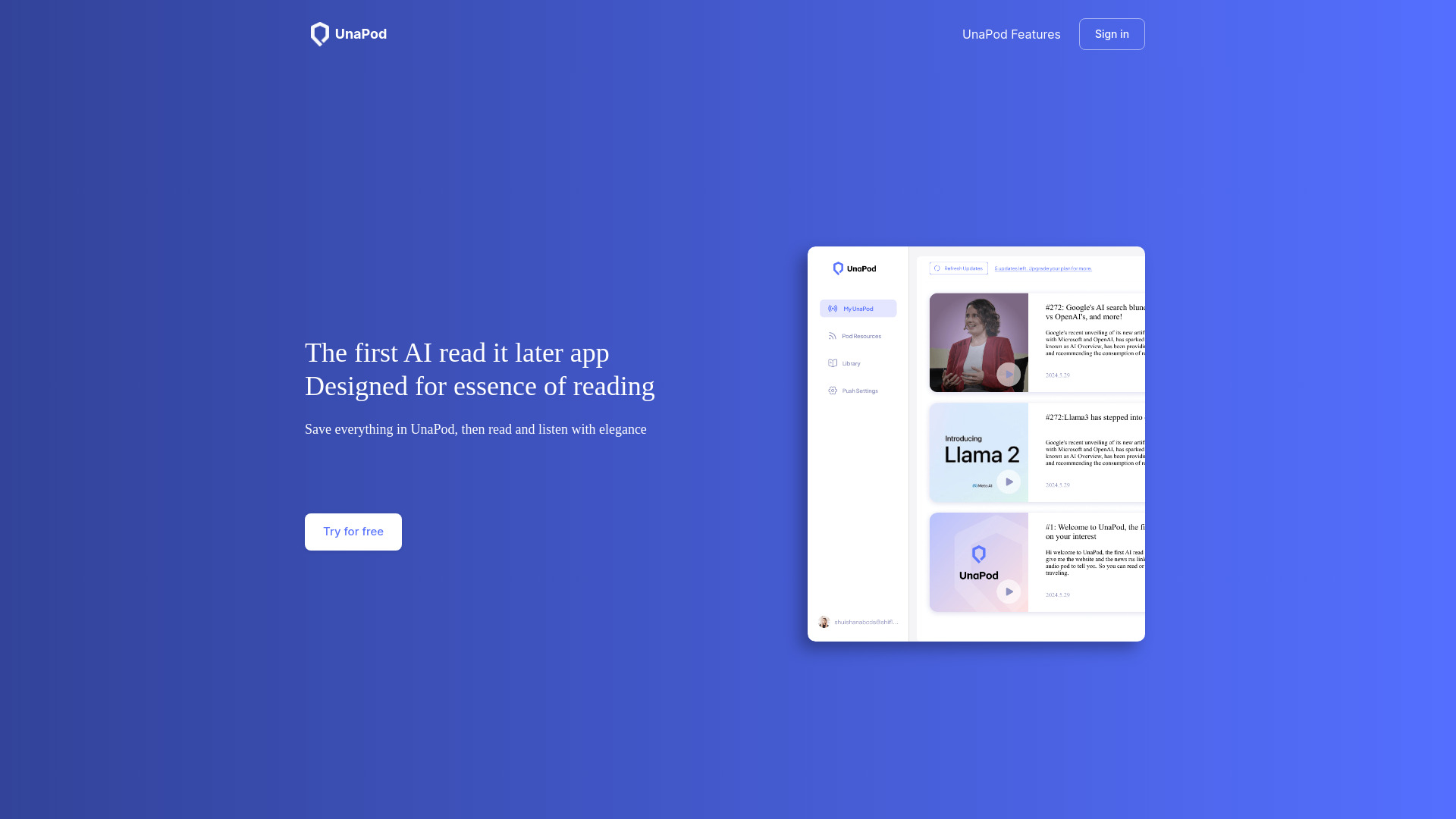
UnaPod
Personalized news podcasts

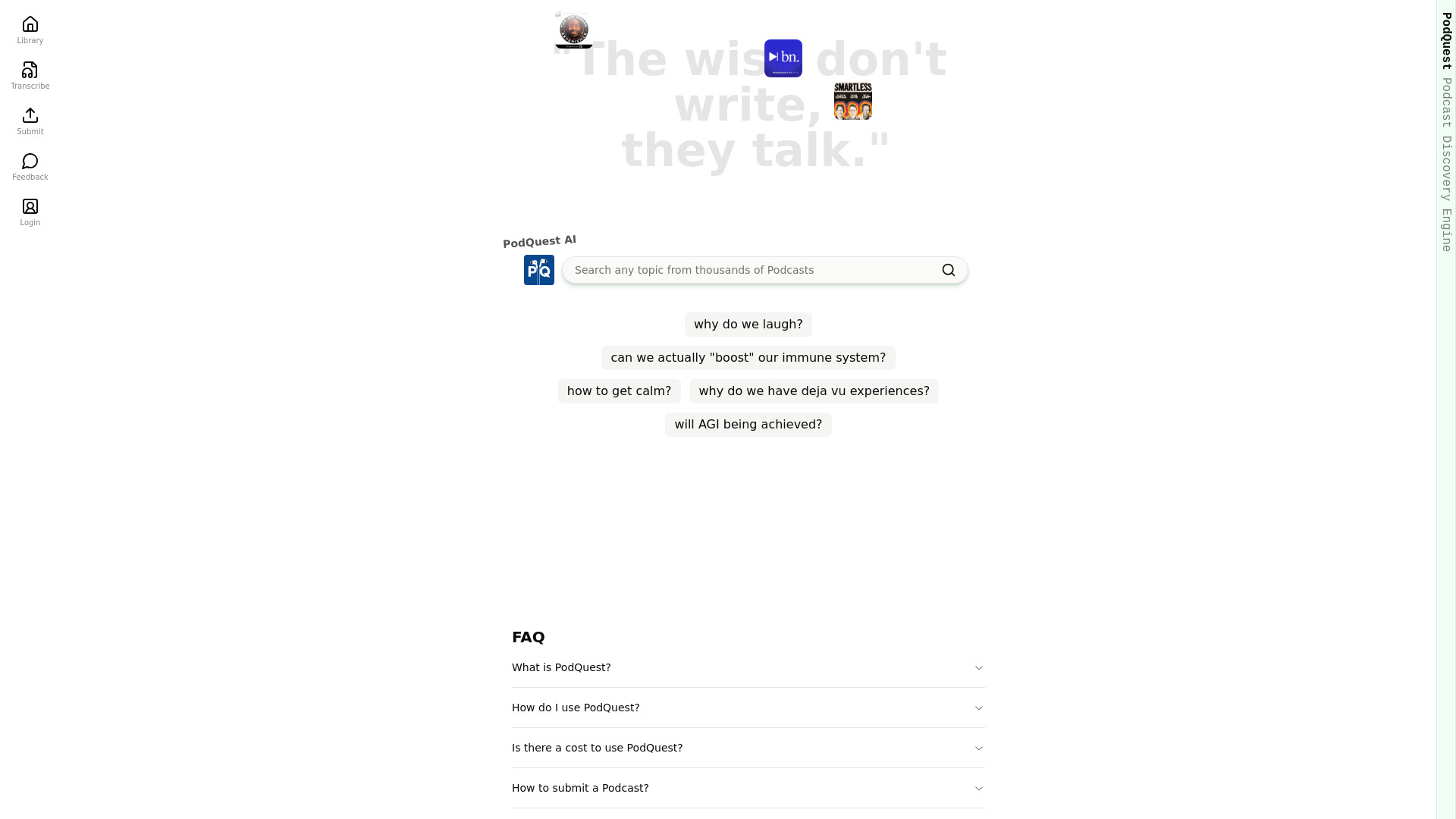
PodQuest
AI-powered podcast discovery
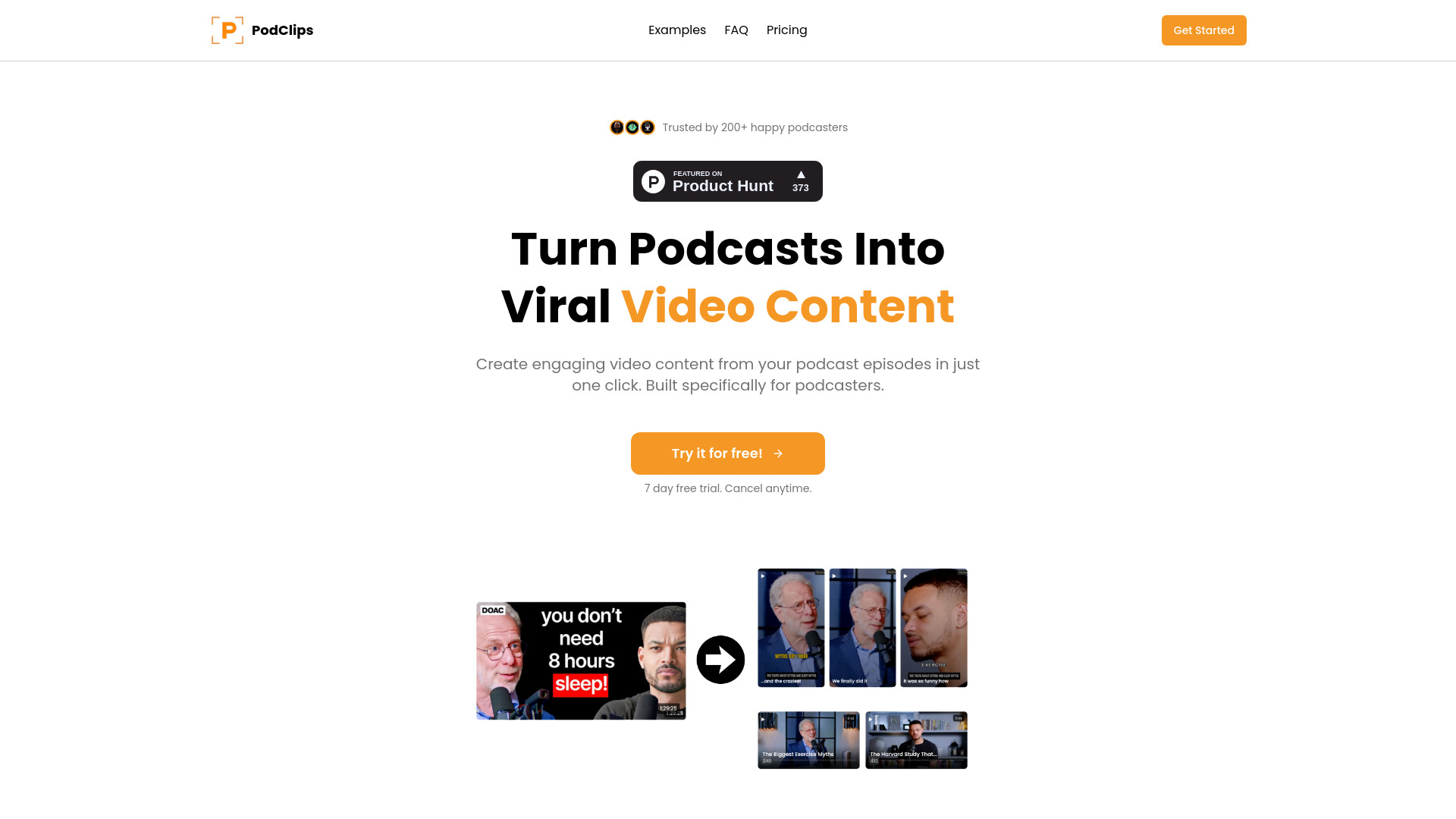
PodClips
Automated podcast video clips

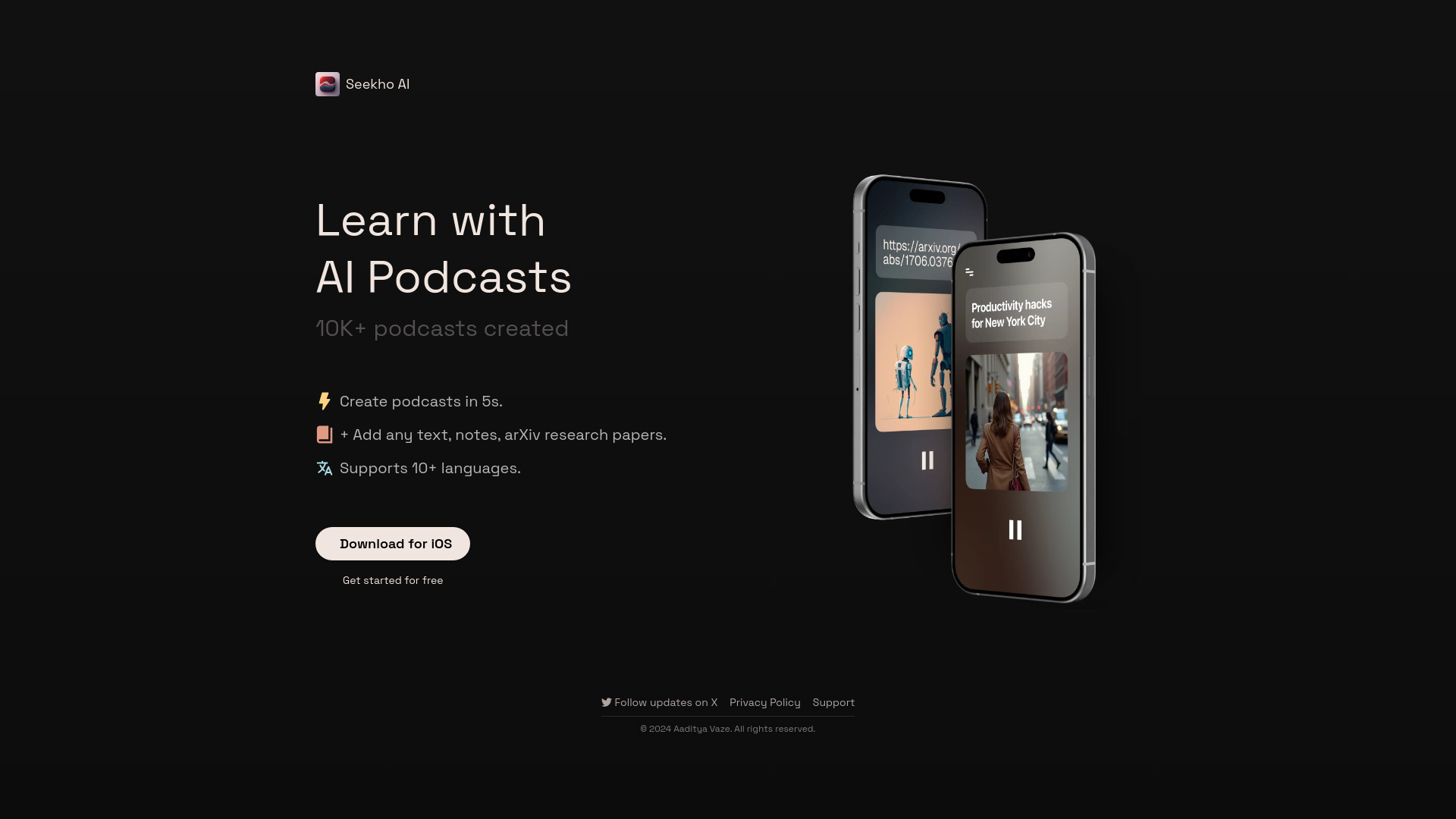
Seekho
AI podcasts from PDFs and YouTube

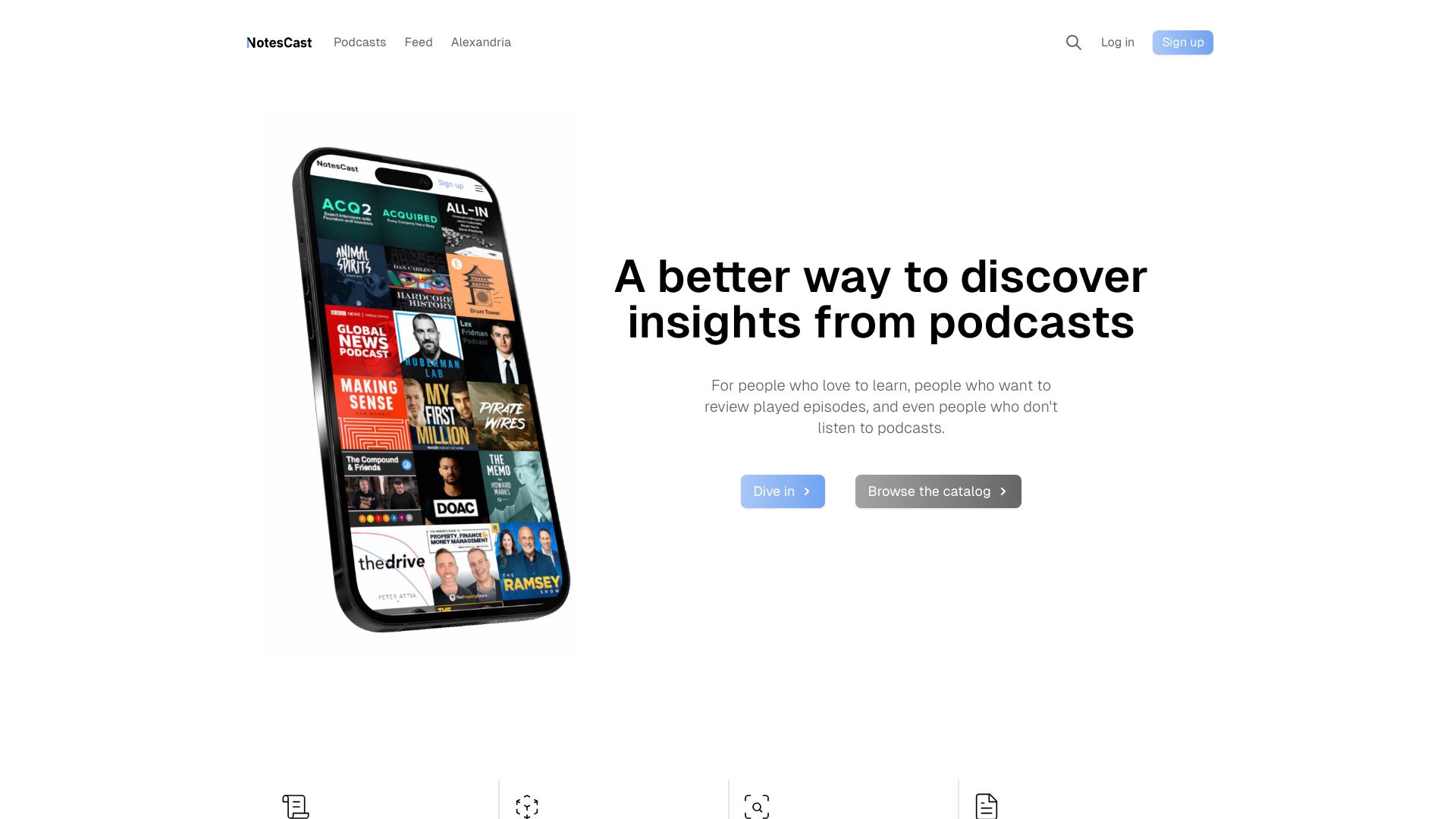
NotesCast
Podcast listeners seeking AI episode summaries

My Daily Pod
Personalized YouTube audio summaries

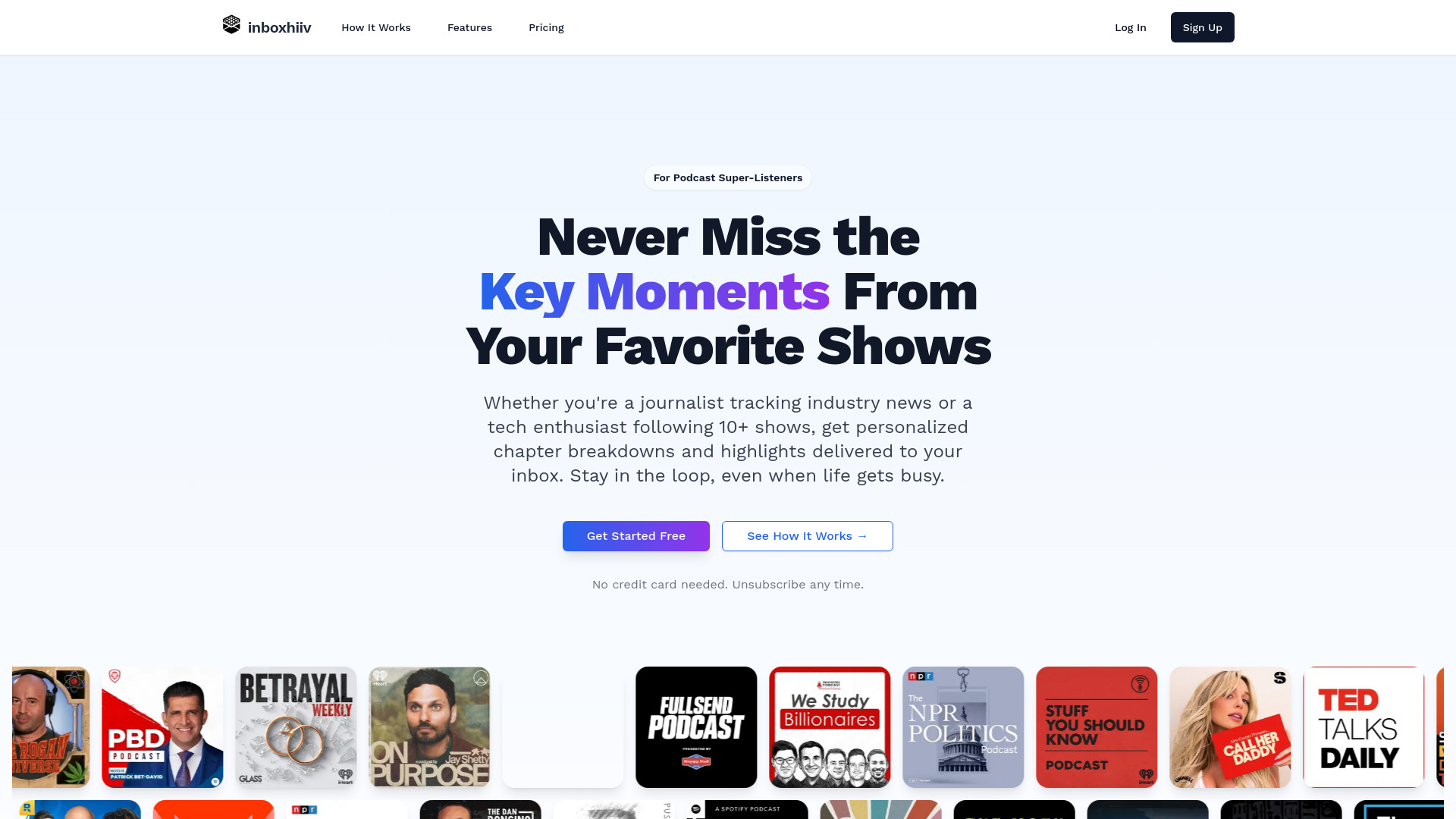
inboxhiiv
Podcast backlog management

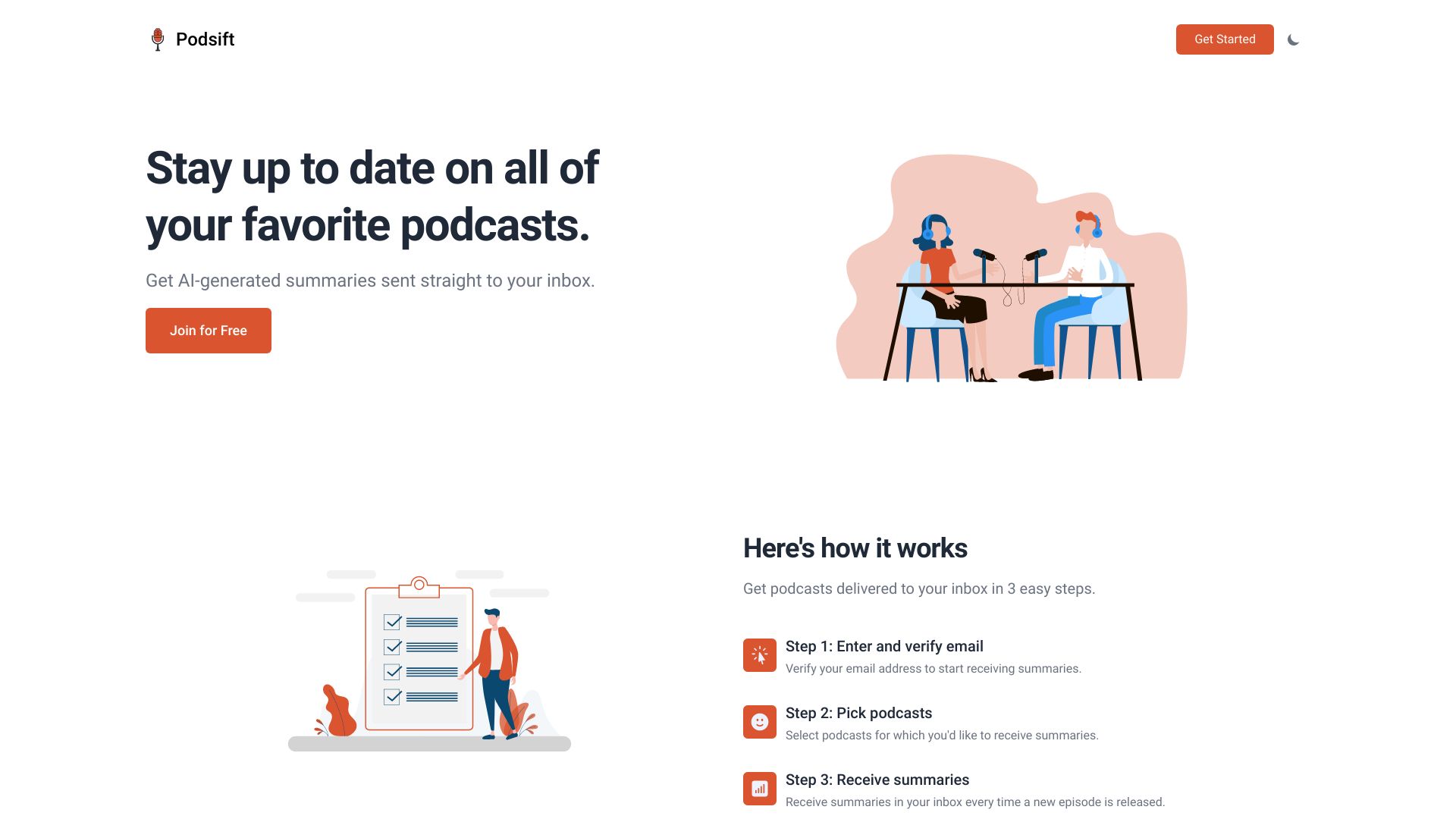
Podsift
Podcast listeners needing summaries

Framer AI Podcast Converter
Blog-to-podcast conversion

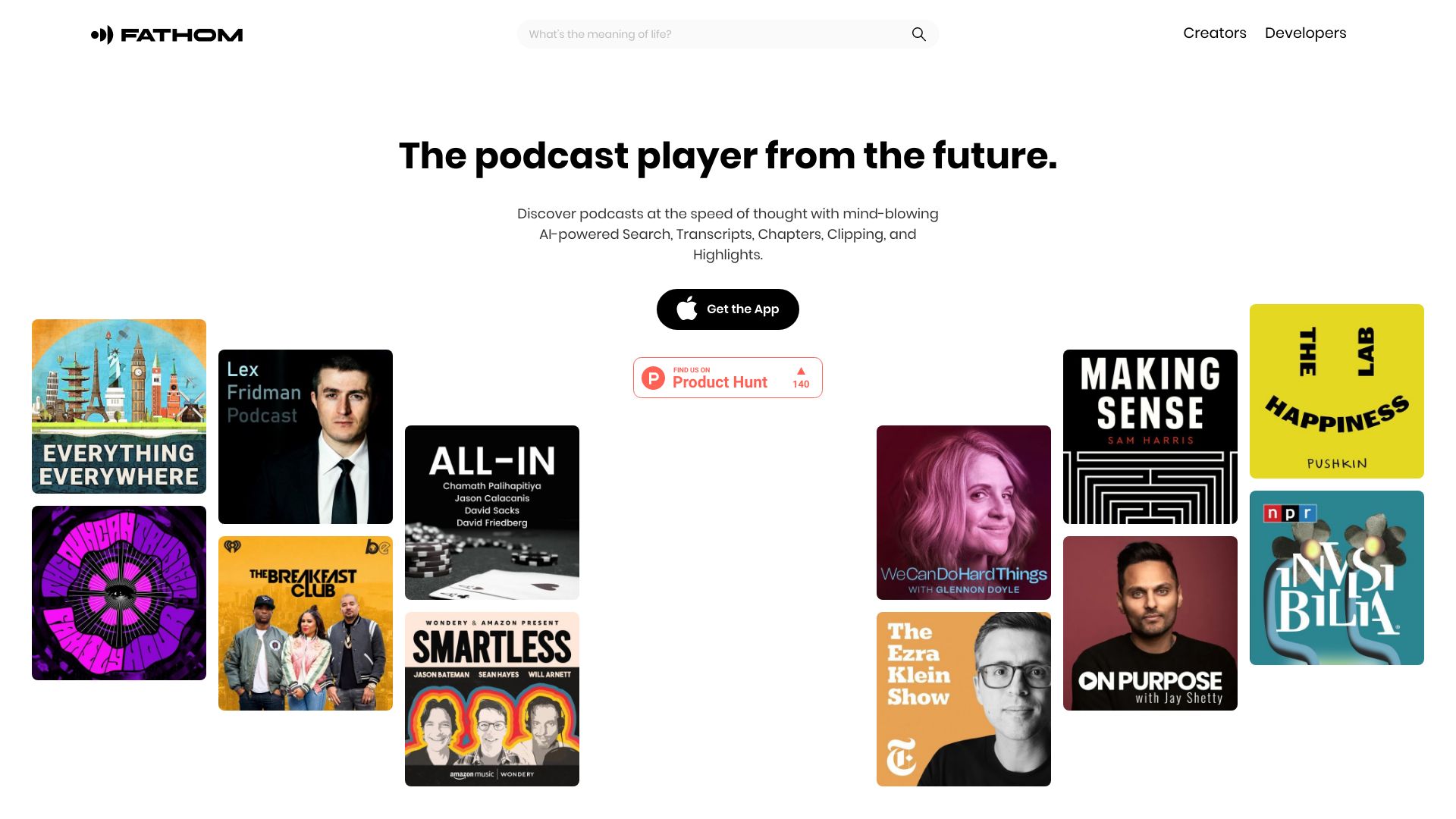
Fathom.fm
AI podcast search and discovery

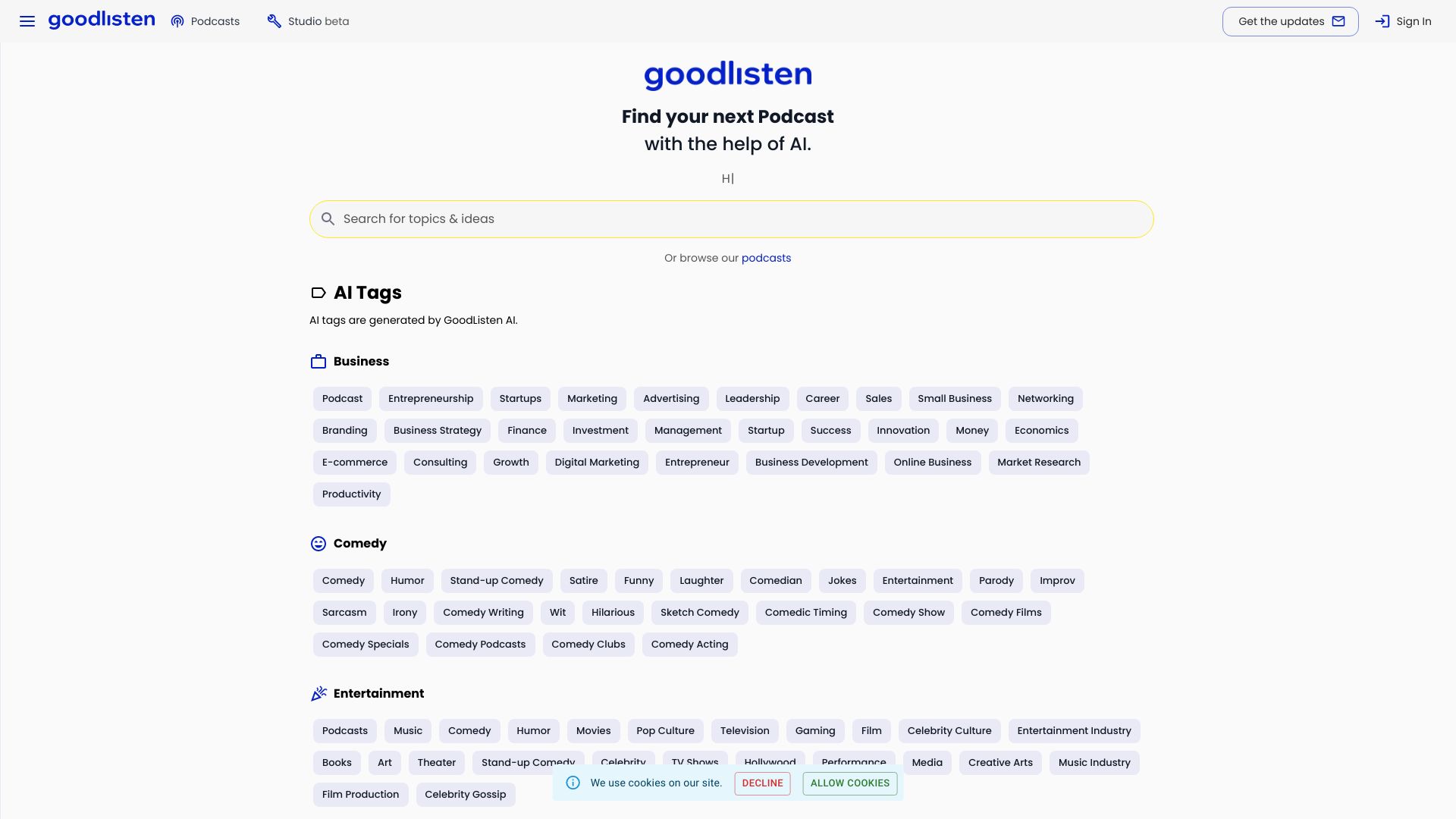
GoodListen
Podcast discovery and content repurposing
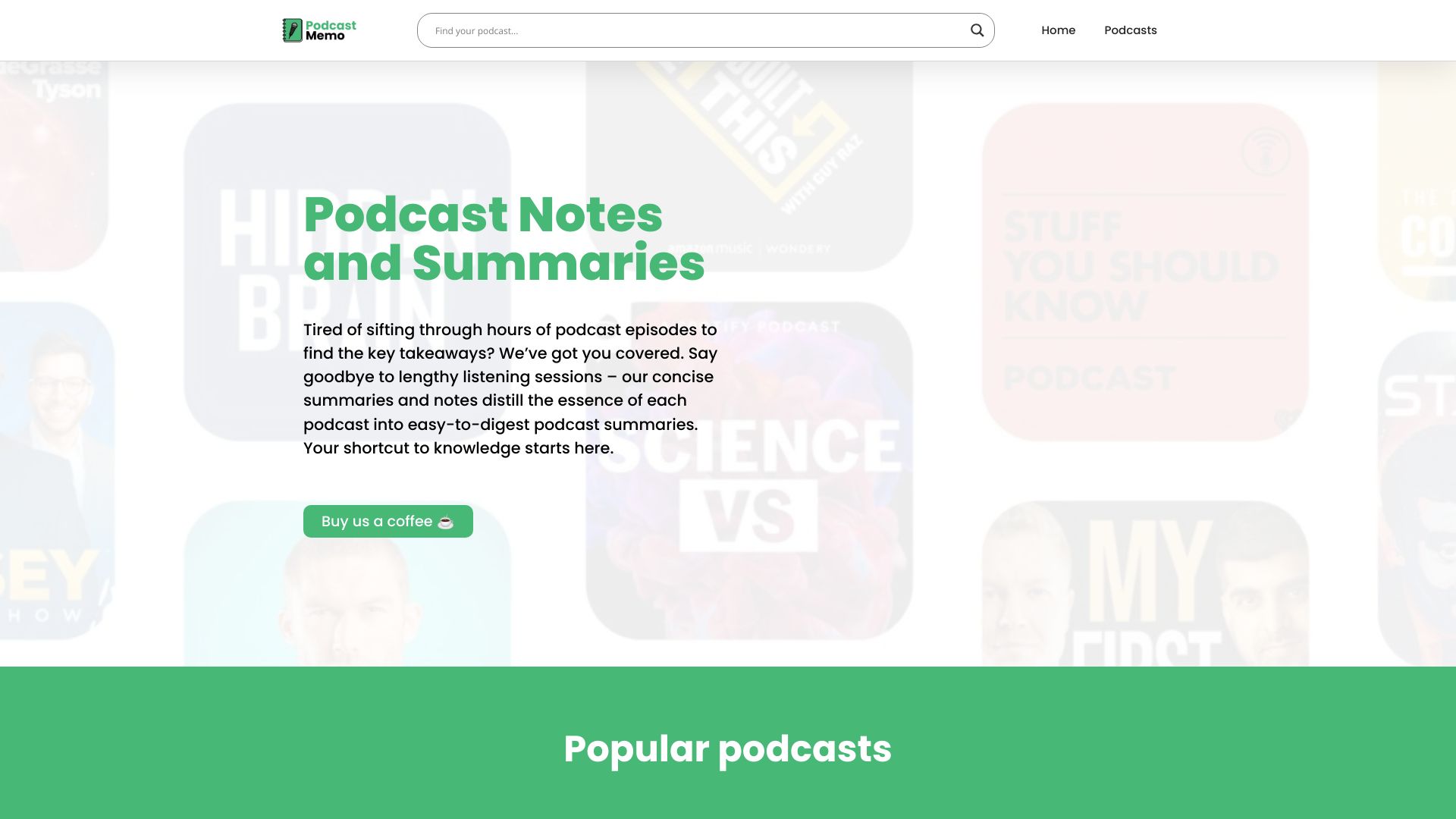
PodcastMemo
Quick podcast summaries and notes

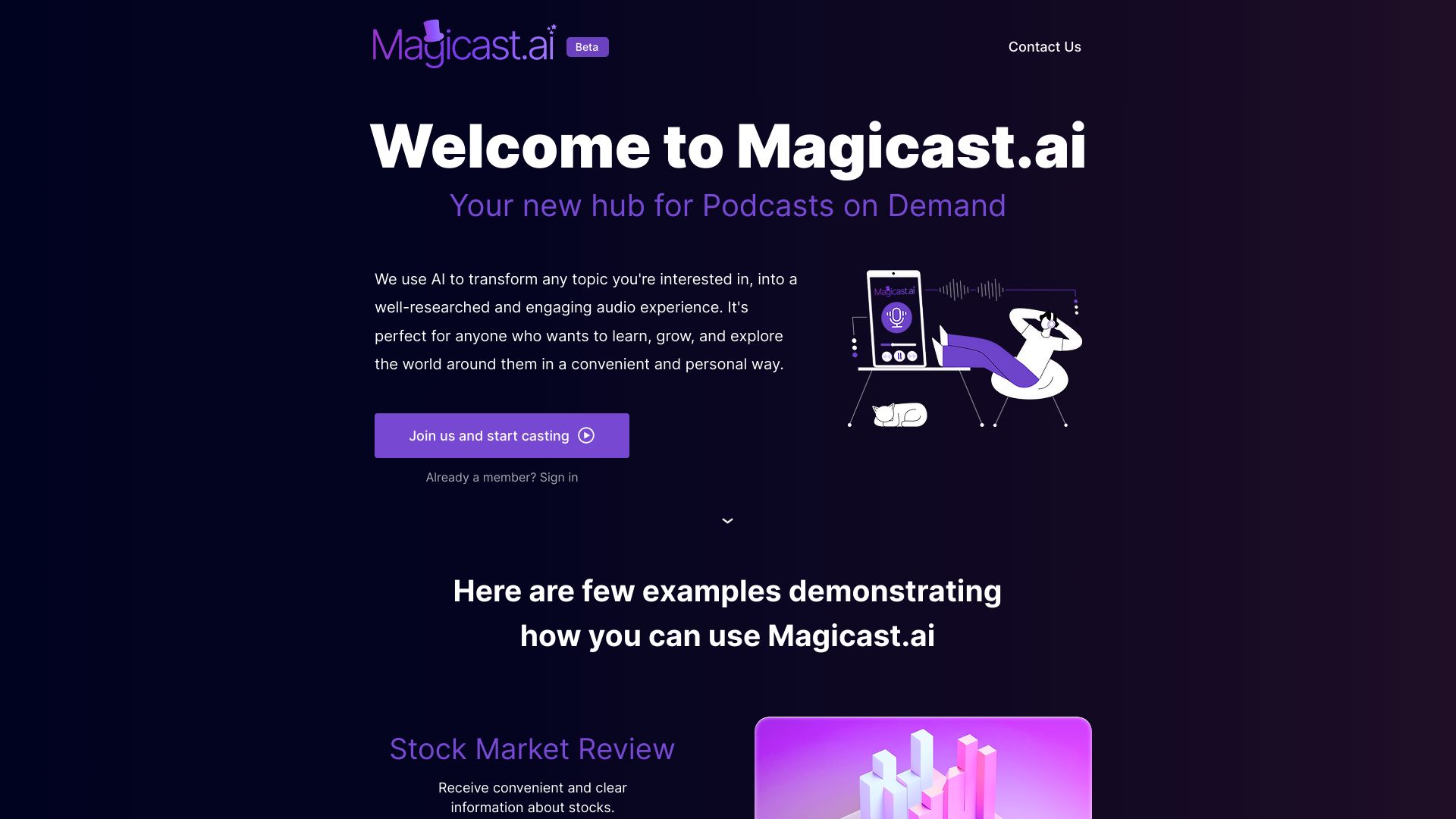
Magicast.ai
Personalized podcasts on demand

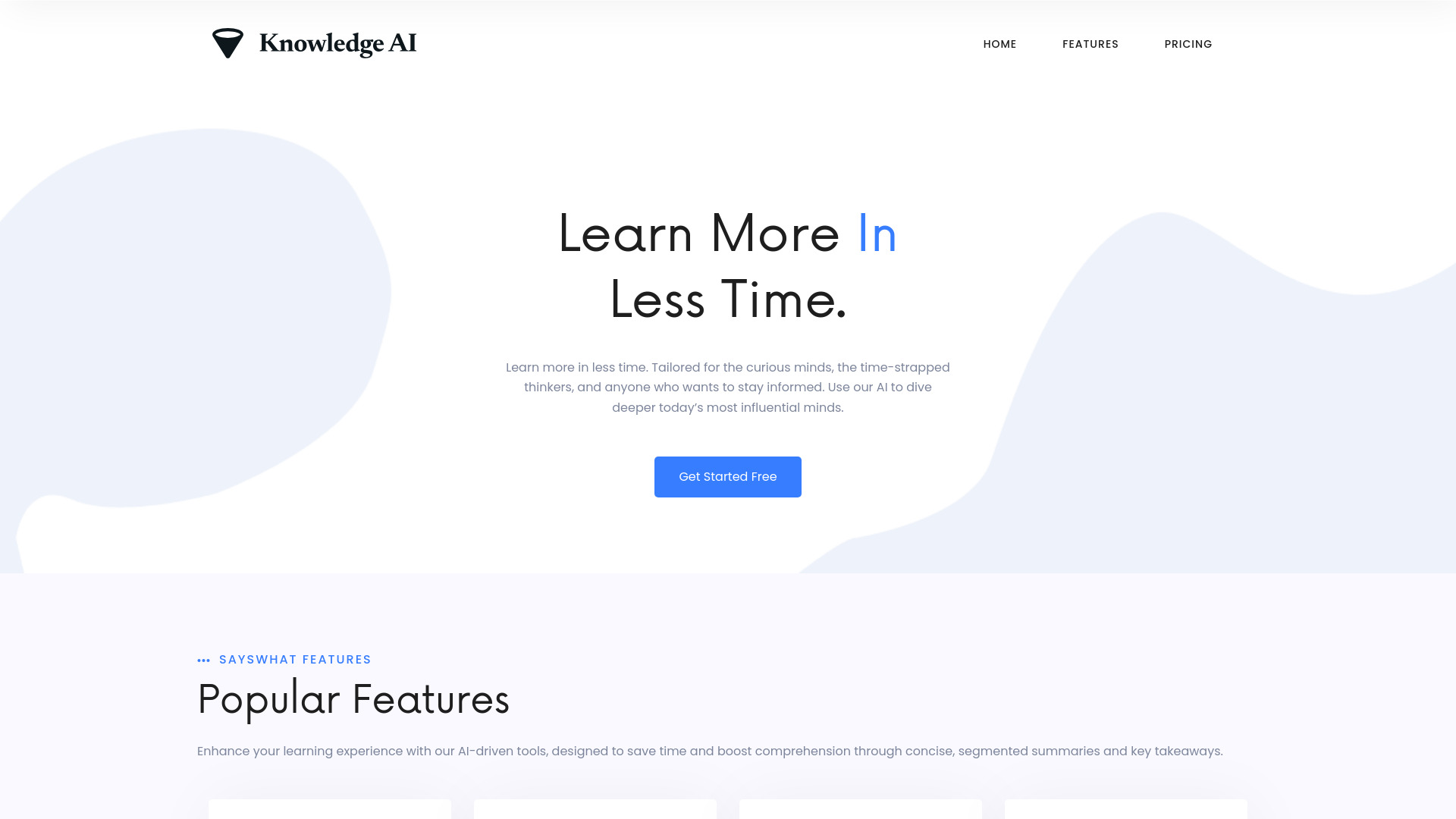
Knowledge AI
Podcast listeners seeking fast, detailed summaries

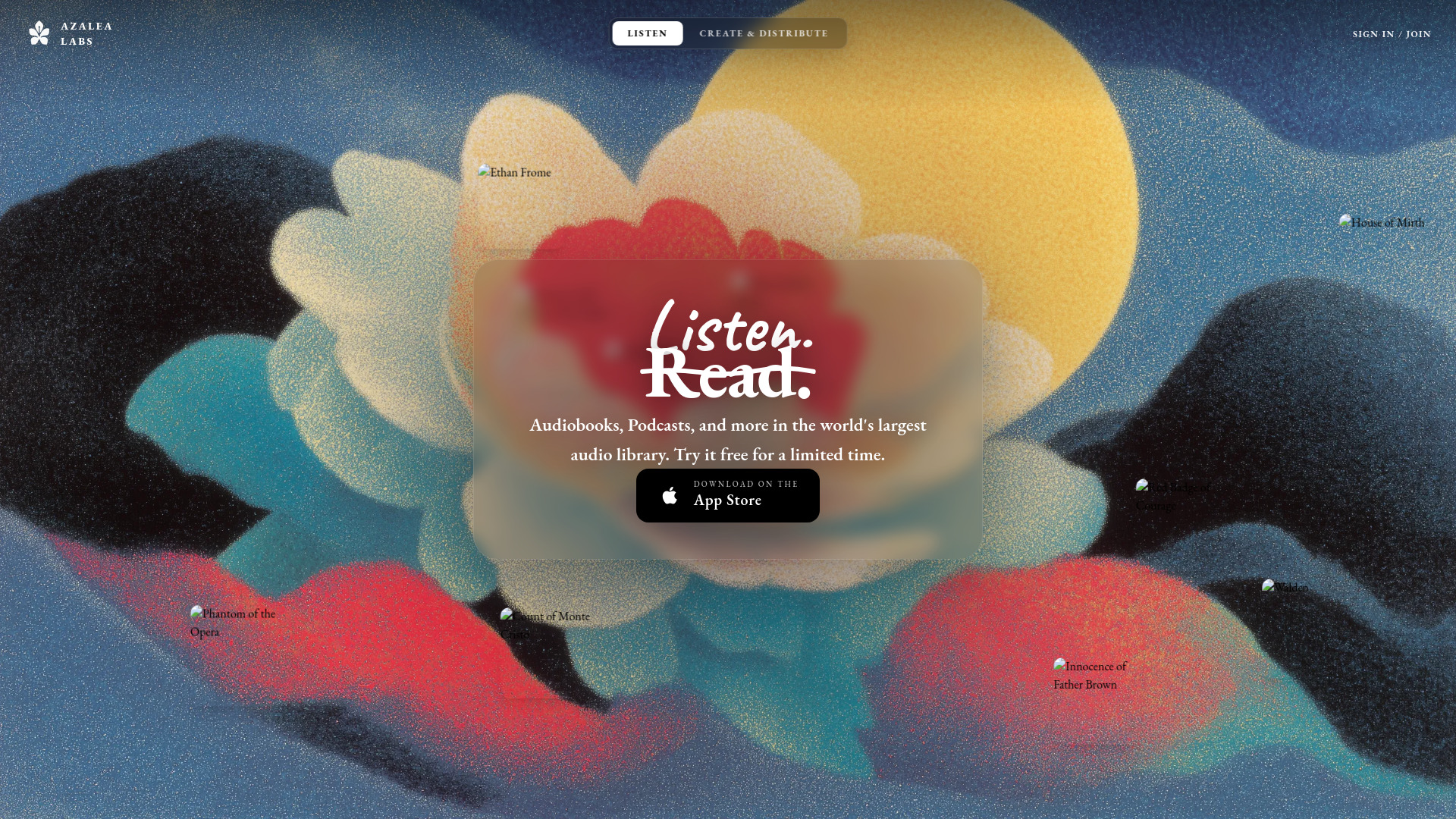
Azalea Labs
AI-narrated audiobooks and spoken-word listening

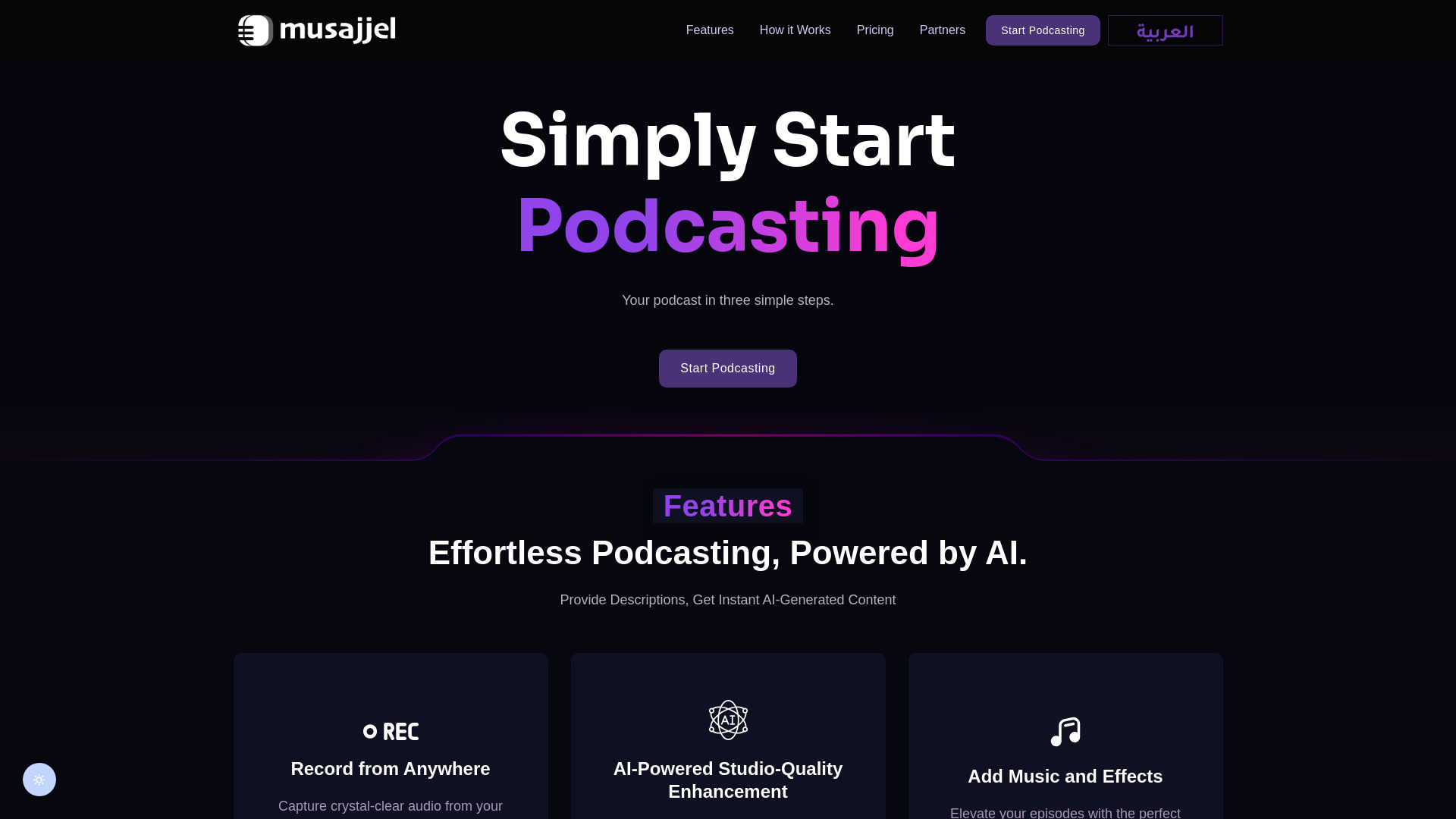
Musajjel
AI-assisted podcast creators

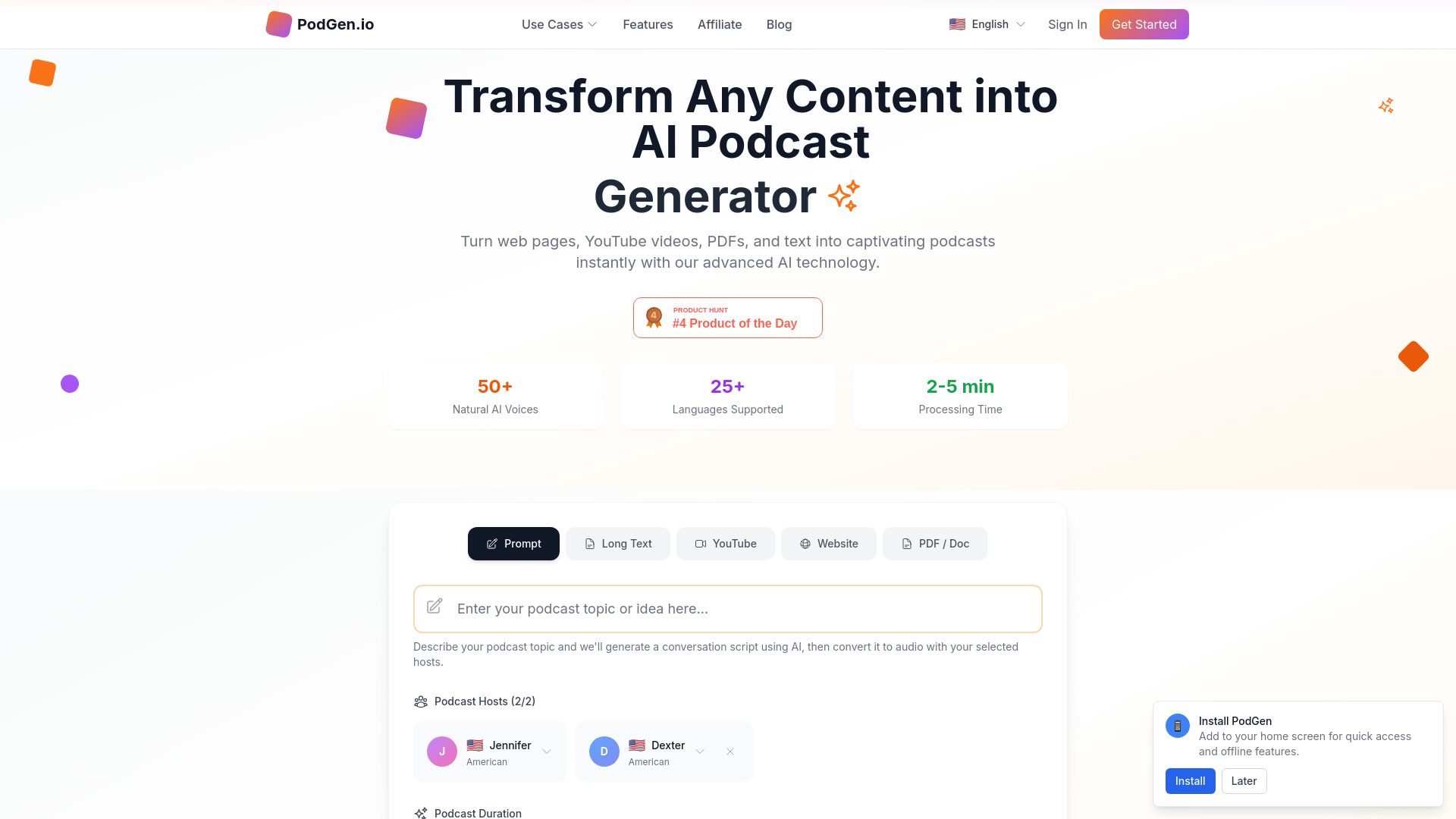
PodGen.io
Repurposing articles and videos into podcasts

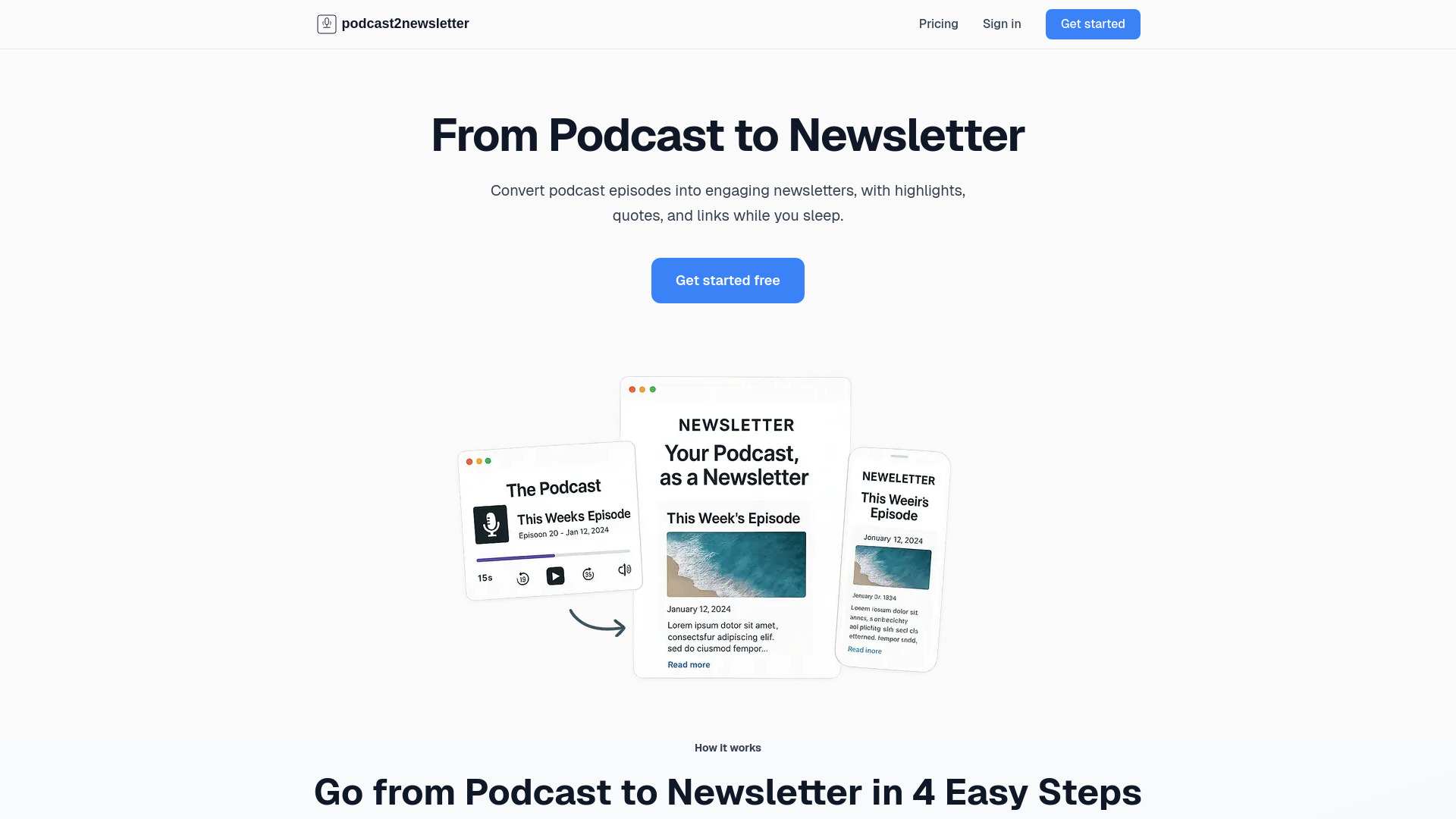
Podcast 2 Newsletter
Podcast creators repurposing episodes
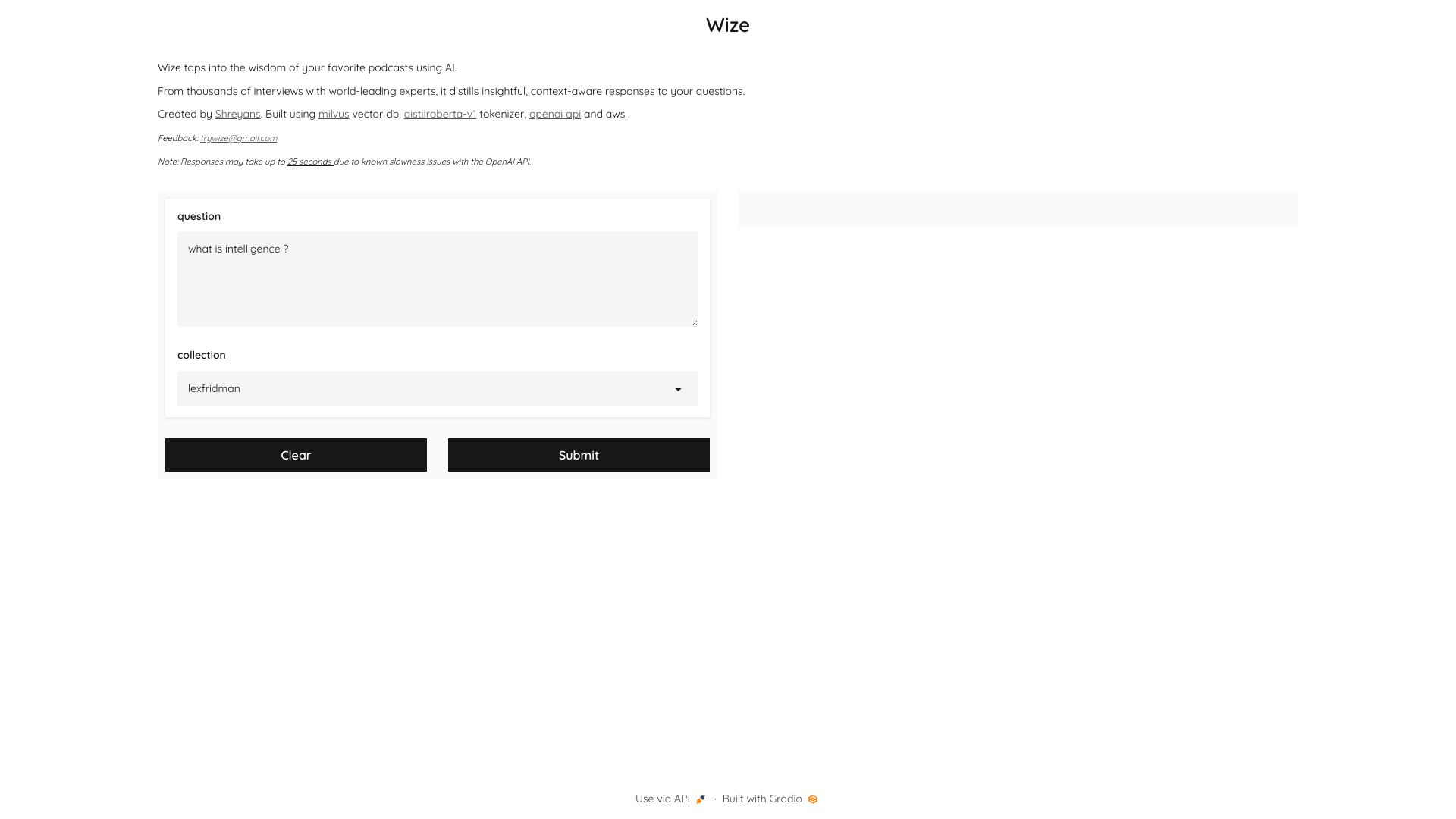
Wize
Chatting with podcast insights

Audioloom
Turning PDFs into podcasts
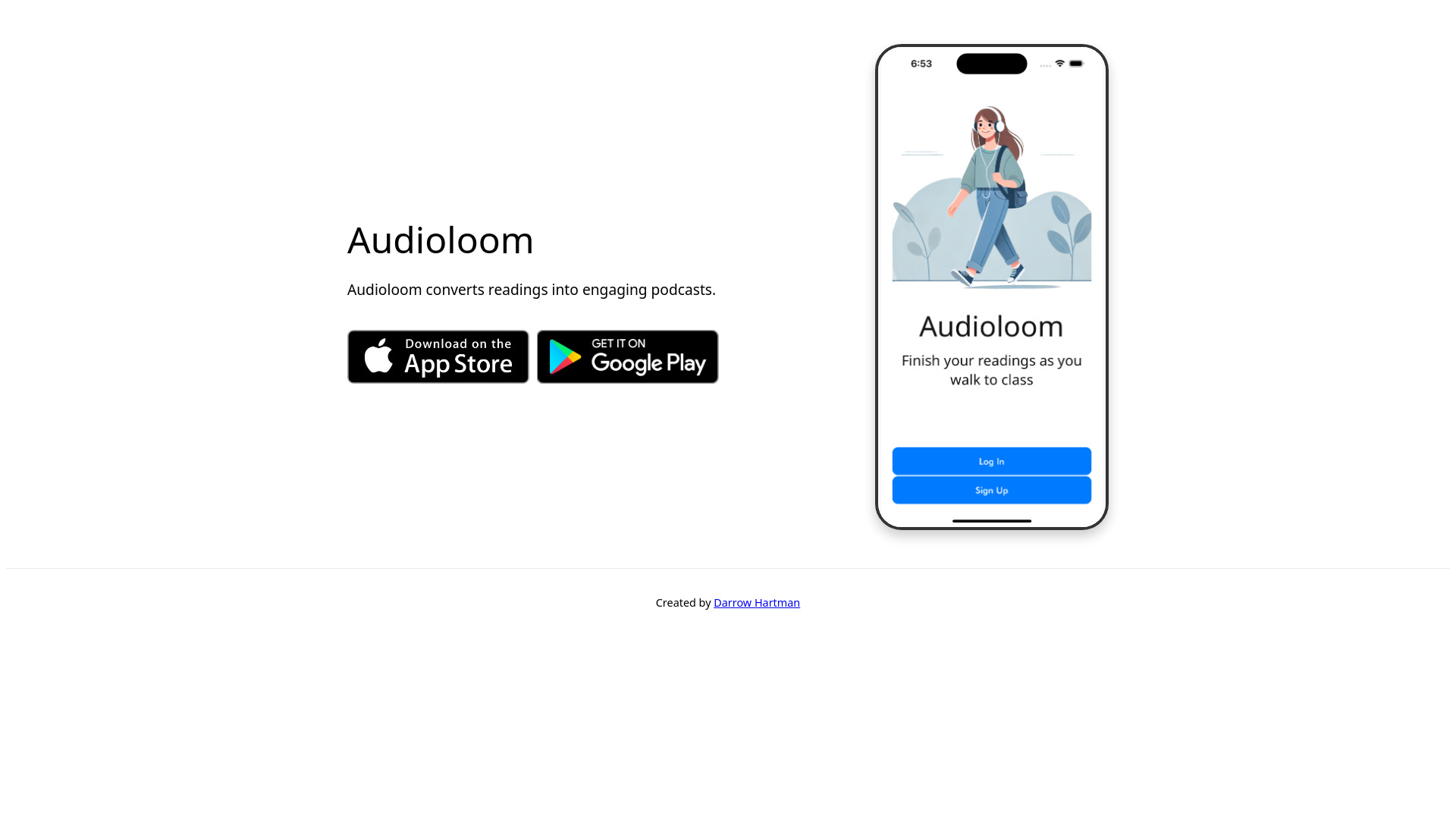

PodBravo
Podcast content repurposing for busy hosts
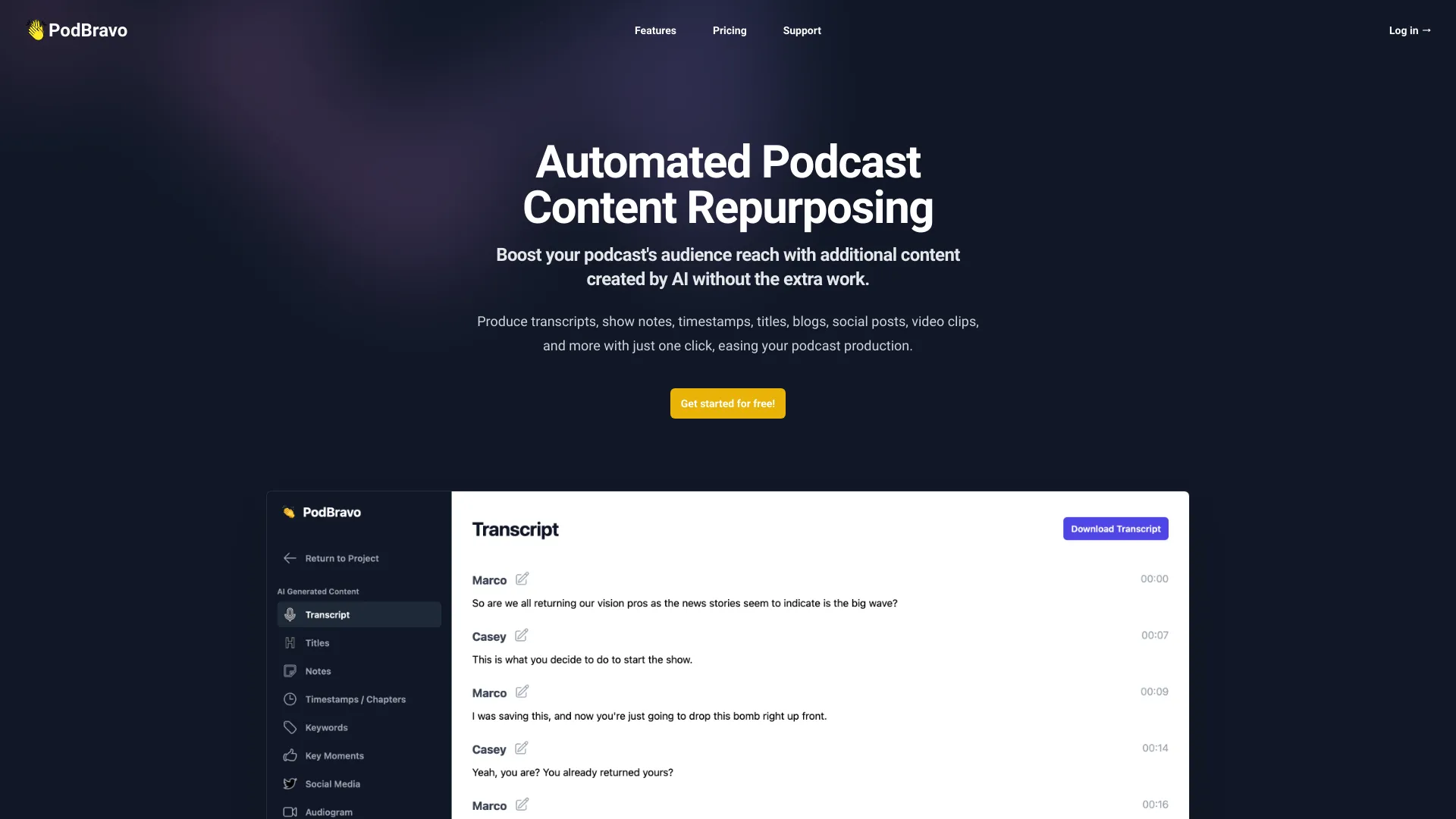

Explica AI
Turning PDFs, websites, and videos into podcasts
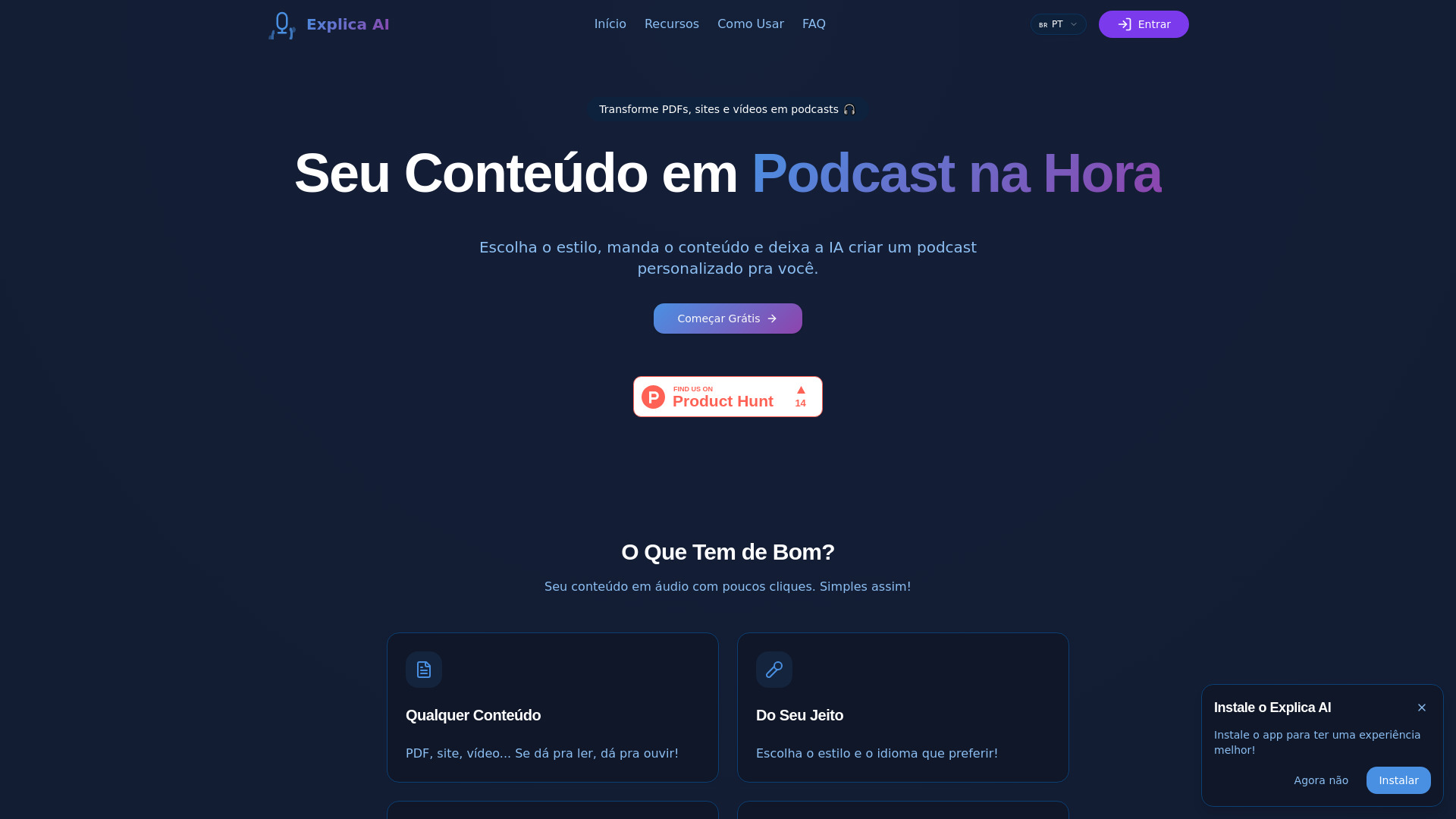
Podmob
AI-generated podcast recaps
VideoVoice
Podcast audio cleanup
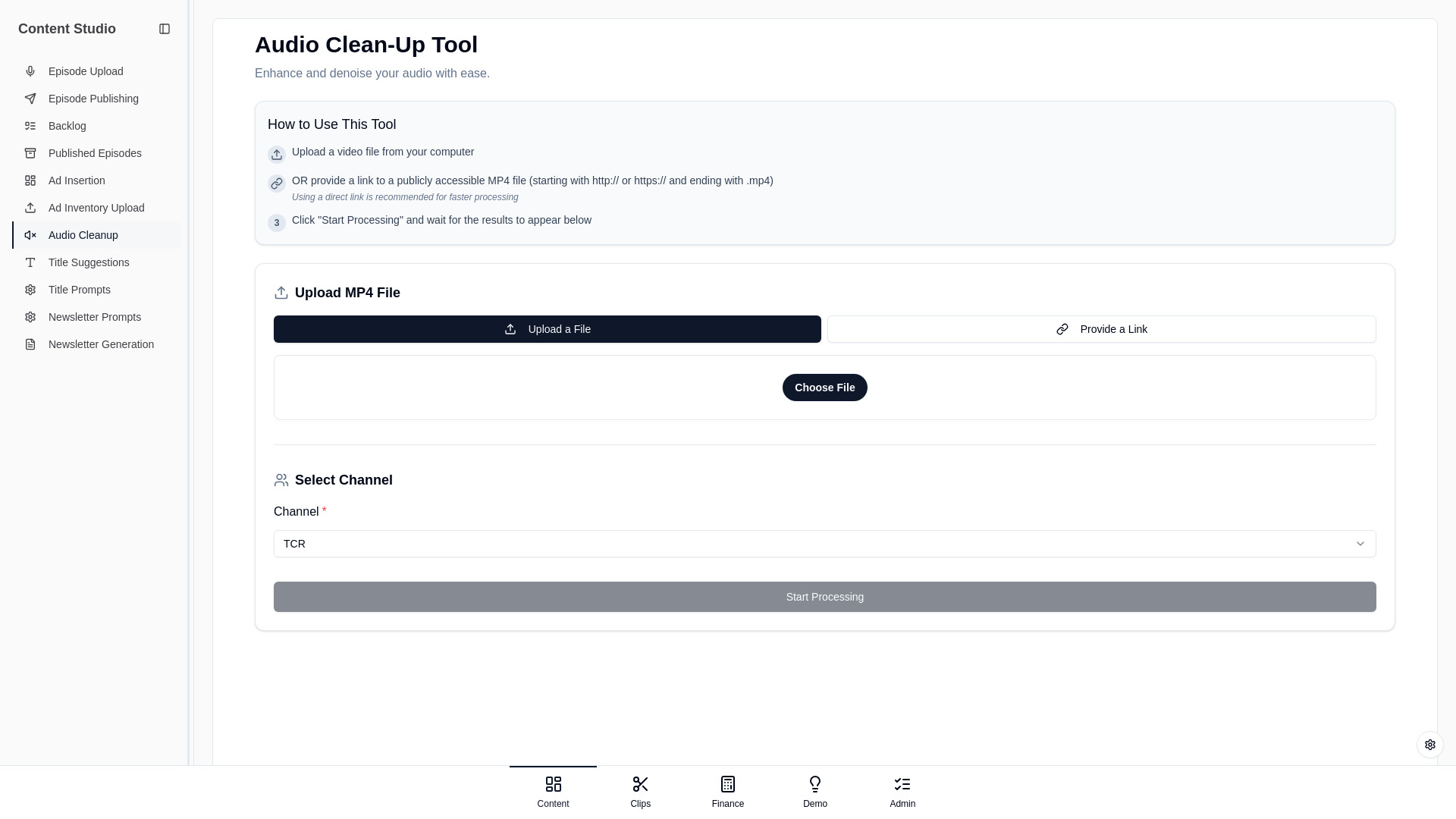

Adauris
Publishers repurposing articles as audio
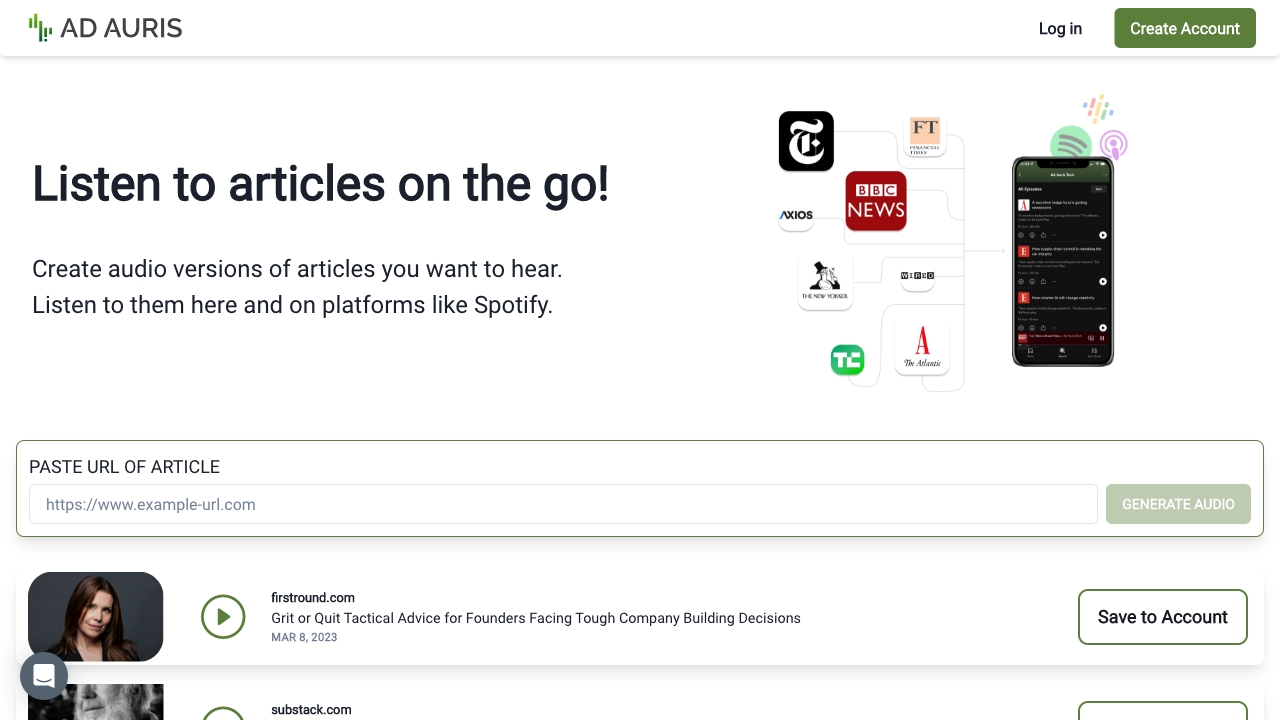

Syndy
Personalized AI podcast creation
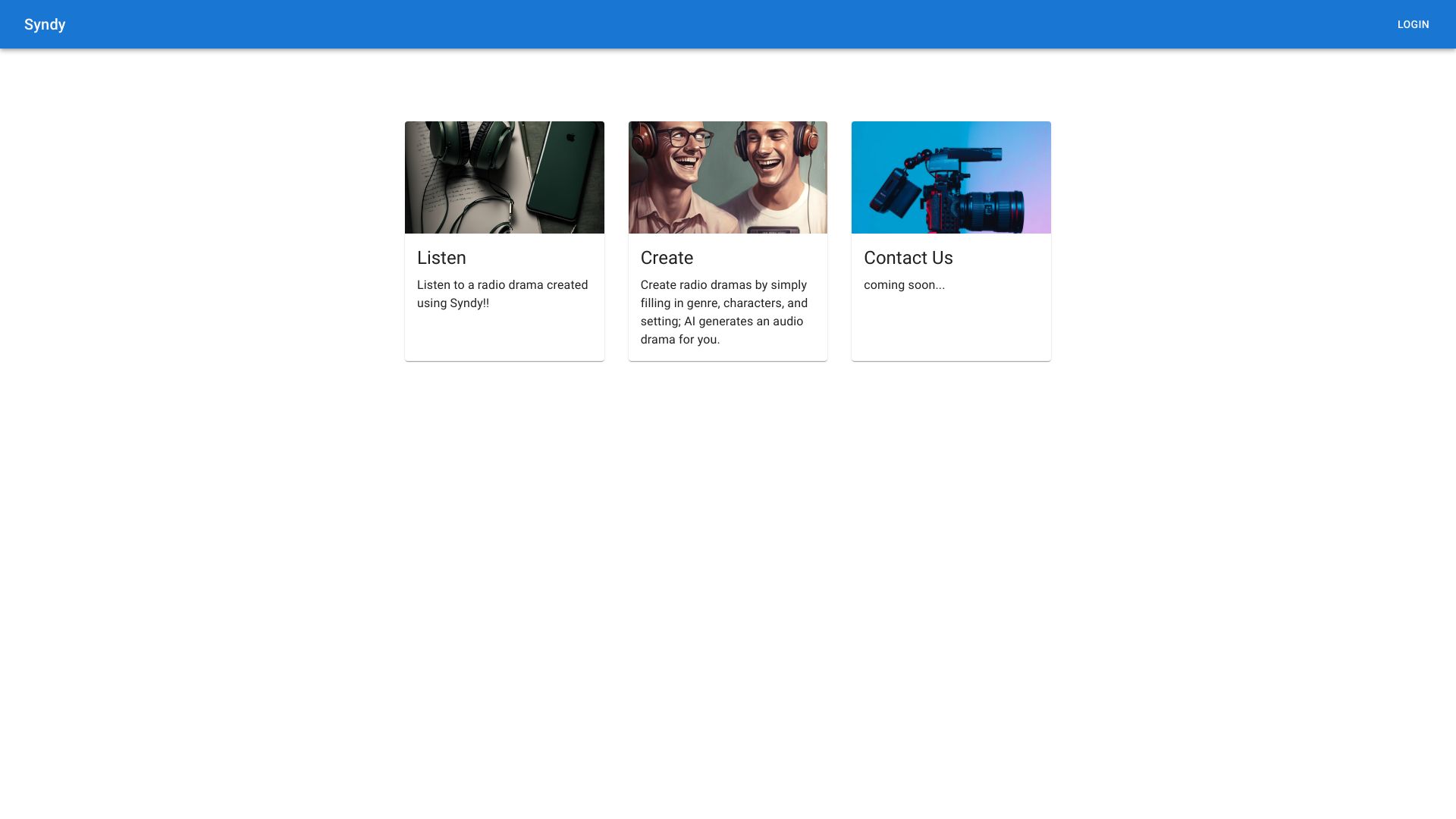

Contxt
Quick educational podcast discovery
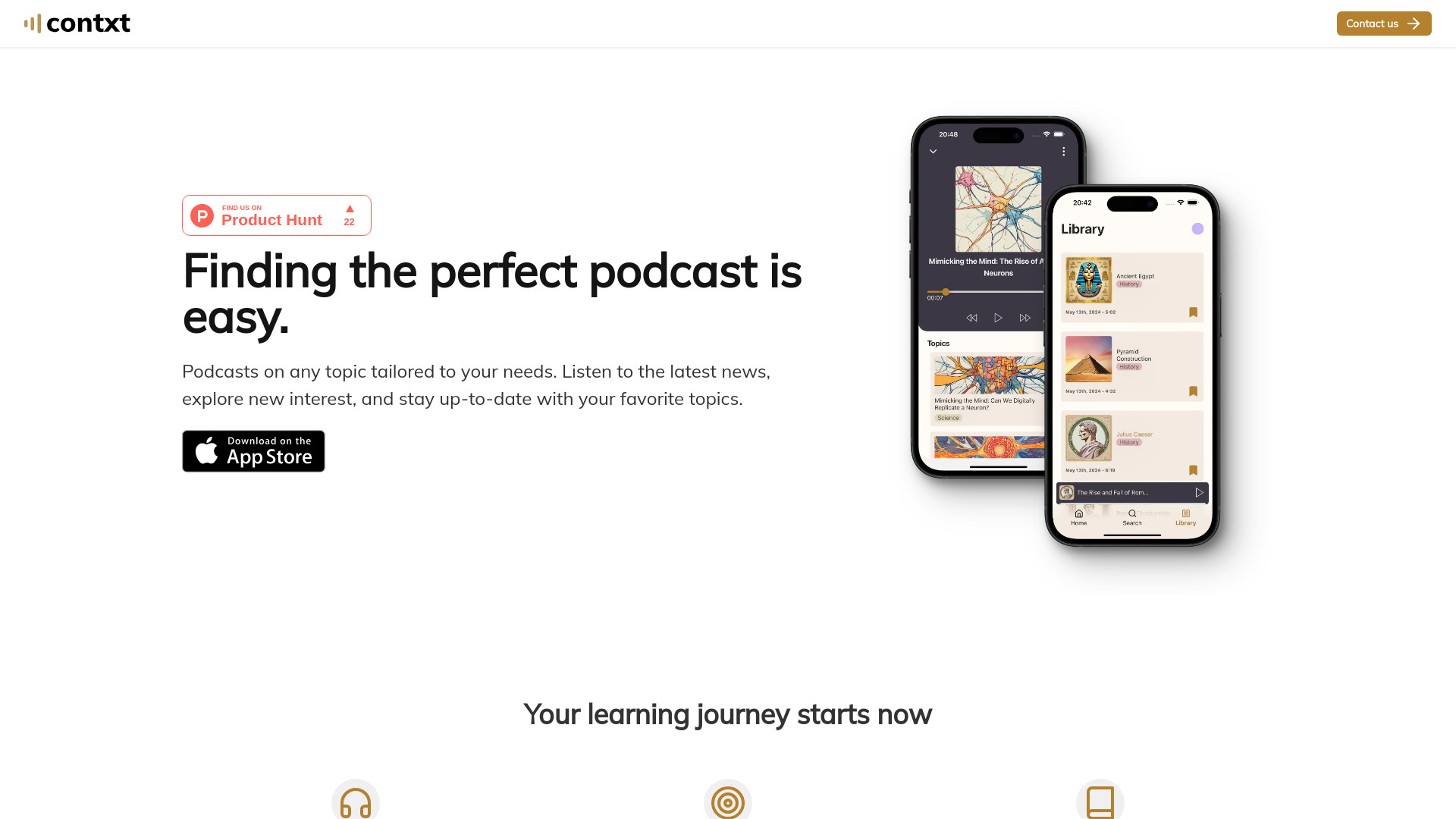

ChatPods
AI-powered podcast discovery

Podchat & Spotify for Creators
Podcast search and episode summaries
PodcastPrepper
Podcast guest research and interview preparation

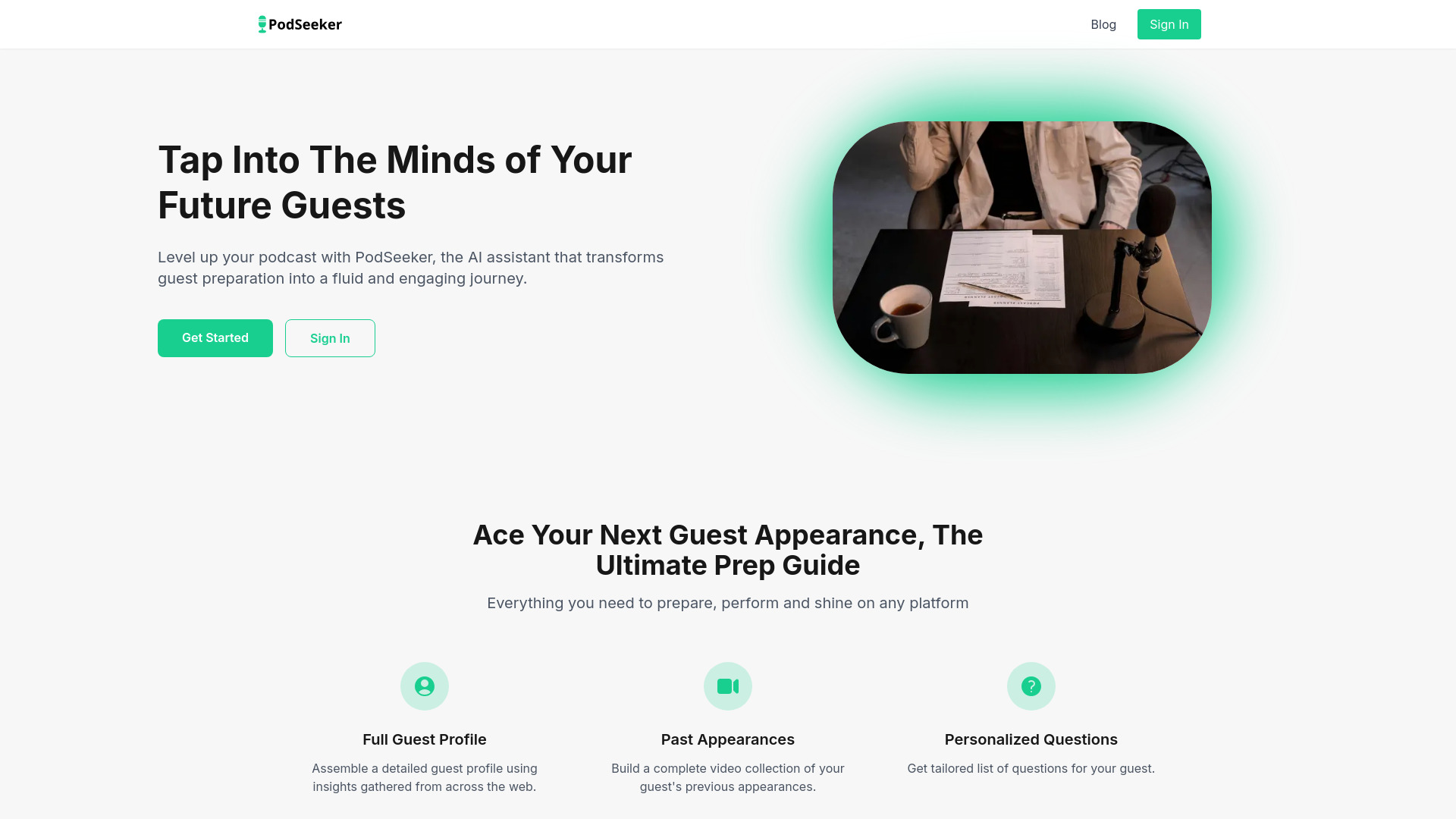
PodSeeker
Podcast guest research
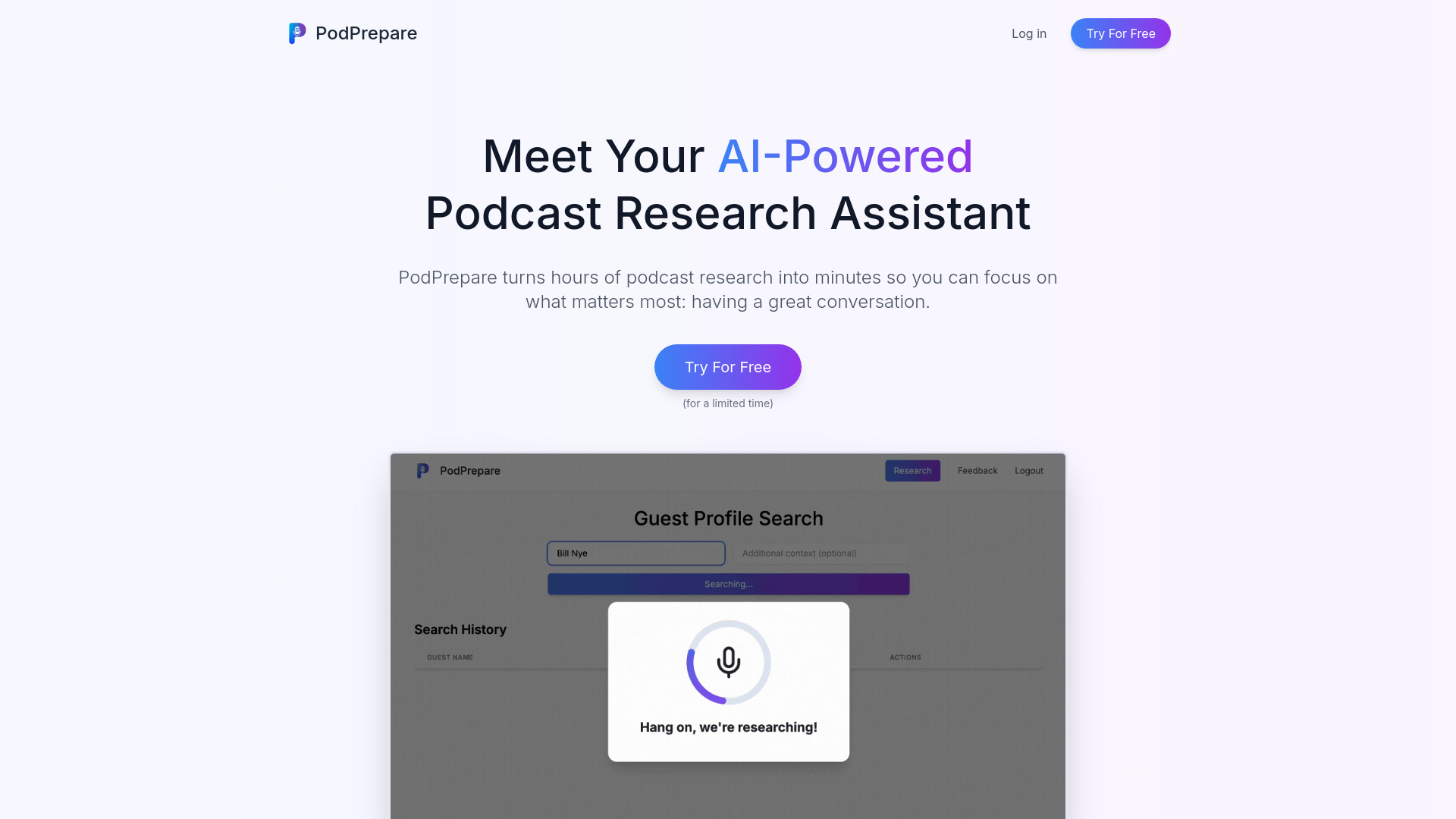
PodPrepare
Podcast hosts researching guests

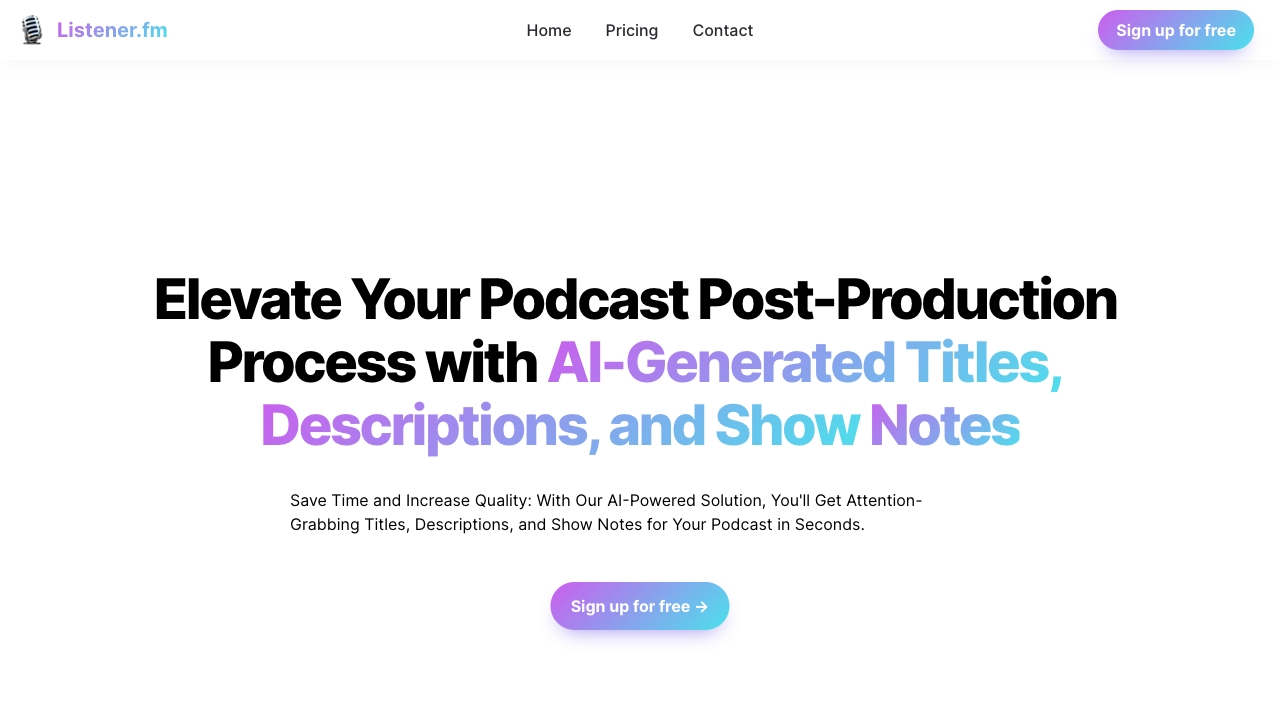
Listener.fm
AI podcast post-production
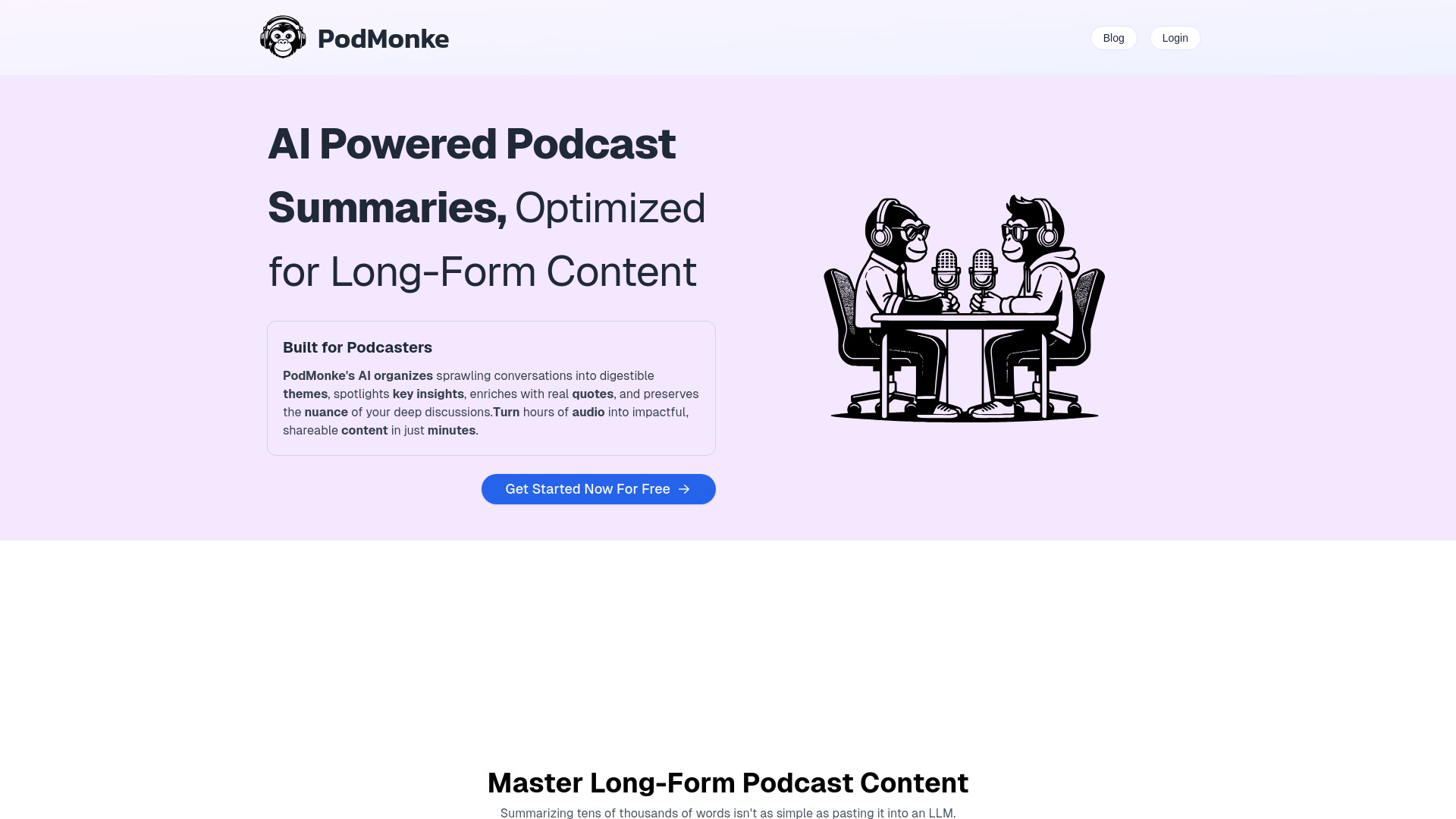
PodMonke
Long-form podcast summarization

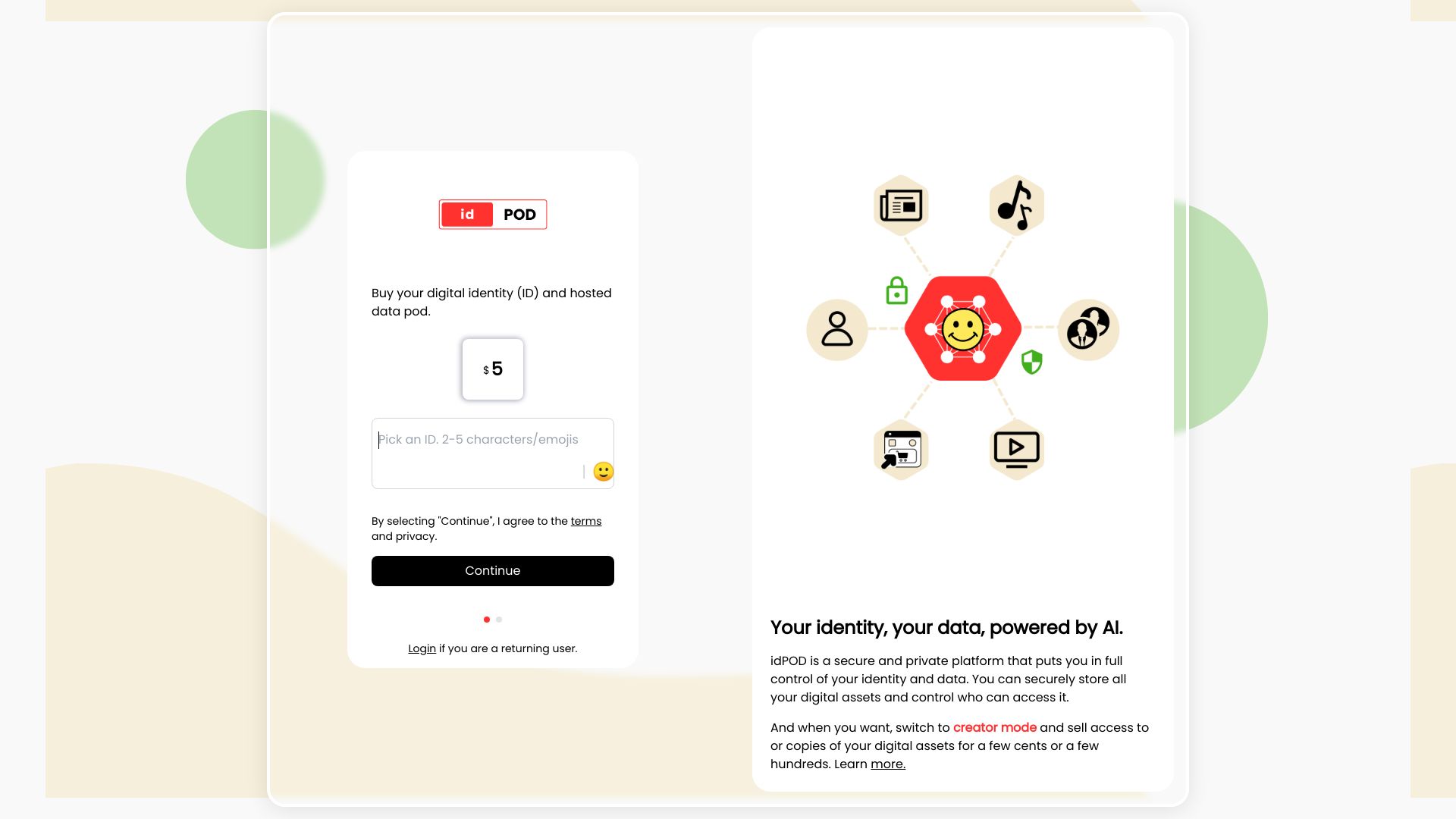
idPOD
Privacy-first digital identity and data control

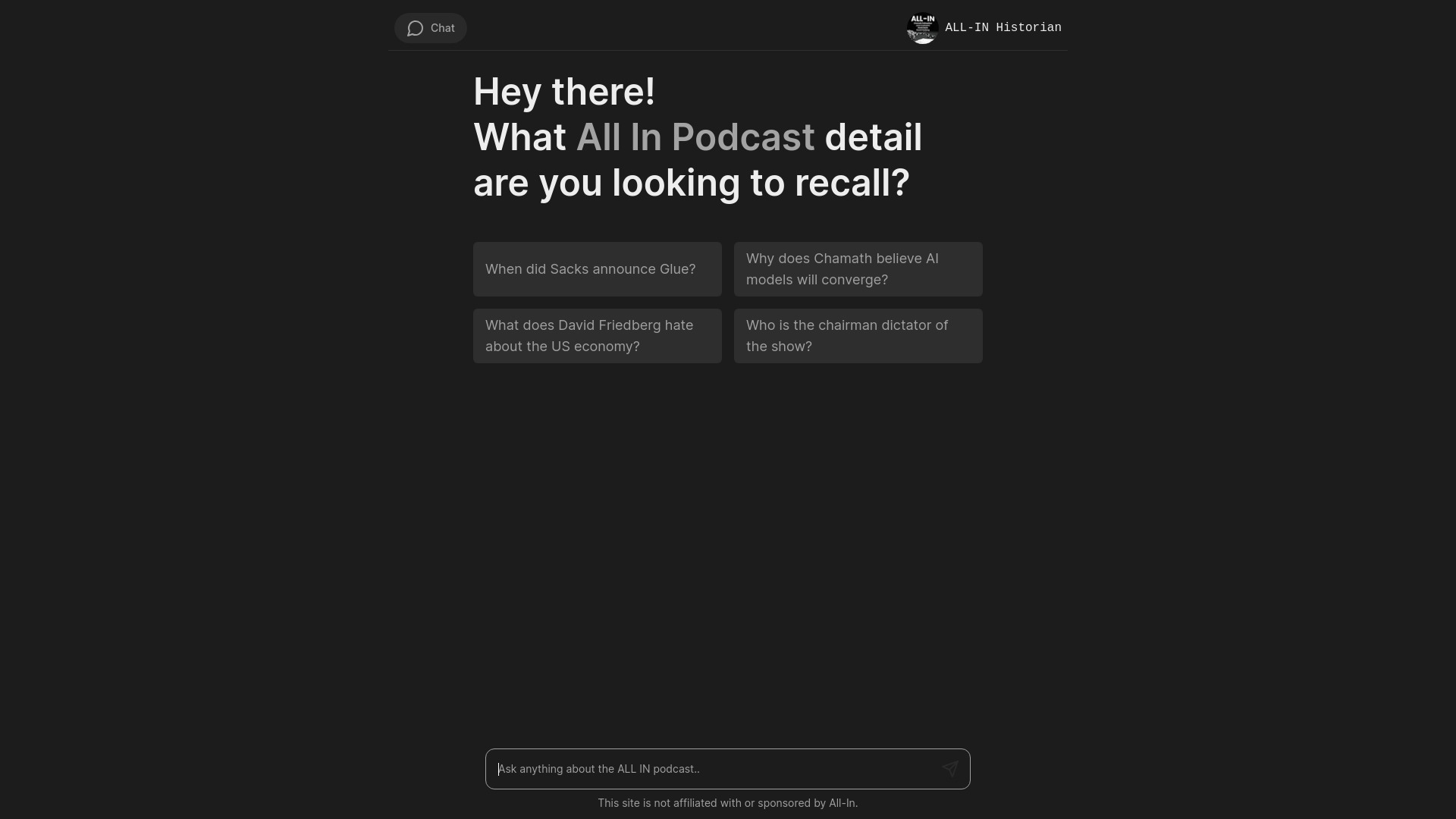
All-In Historian
All-In podcast episode insights

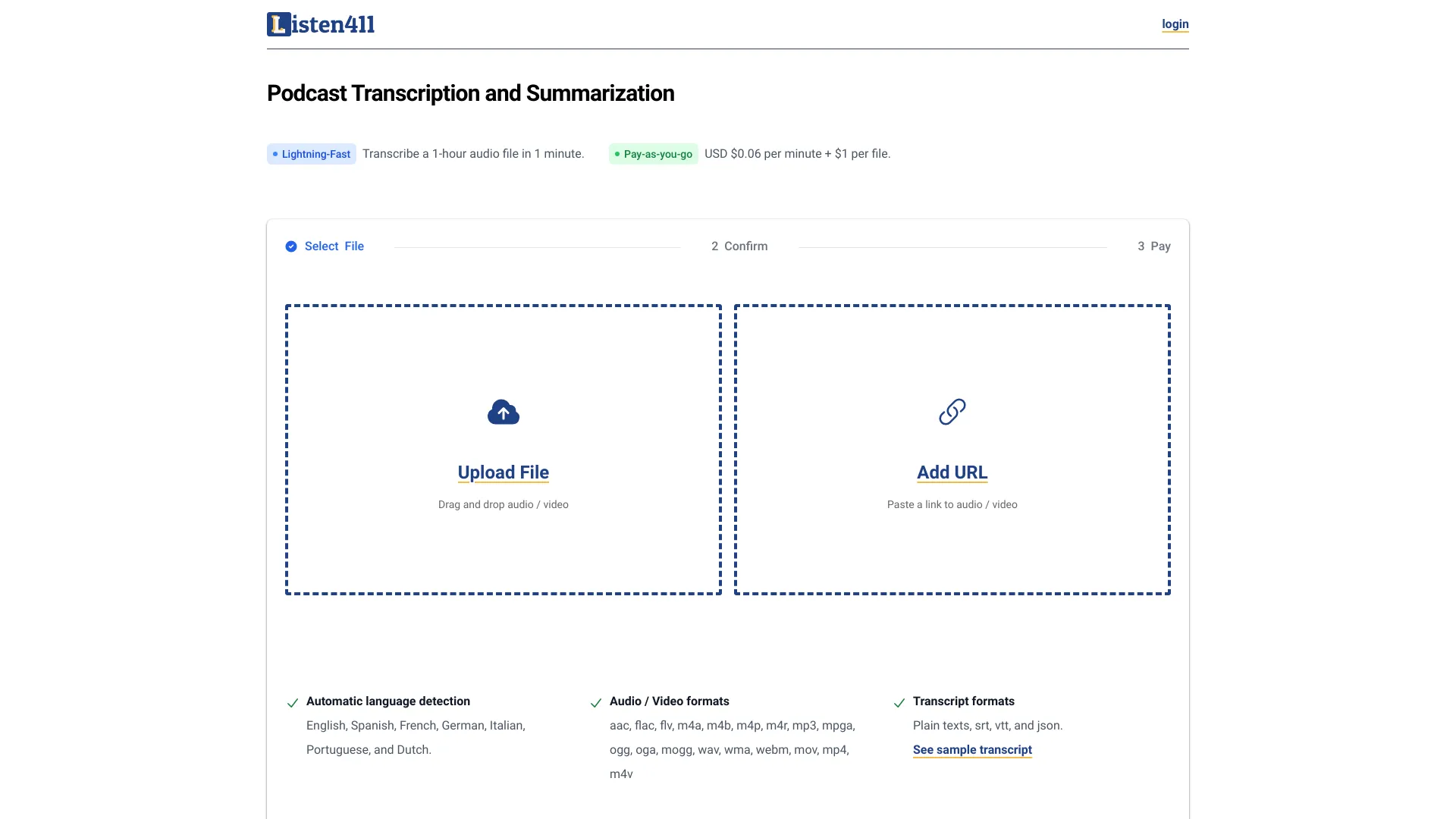
Listen411
Fast podcast transcription and summarization
Which AI podcast tool should you choose?
The right choice depends on what you mean by "podcast." These products divide into four practical groups, and choosing the wrong group is the fastest way to waste time.
For the best all-around starting point: Choose Adobe Podcast if your priority is improving spoken audio, or Podcastle if you need recording and editing in one place.
For repurposing an existing episode: Choose Podsqueeze for transcripts, show notes, and timestamps, or CreateWise AI when automated editing and social clips matter as much as written assets.
For text-to-audio production: Choose AIdeaFlow Podcast for educational and multilingual material, EchoPod for a more studio-oriented content-marketing workflow, or Wondercraft for business content.
For research and listening: Choose Podwise when you want summaries, transcripts, mindmaps, and insight extraction from existing episodes.
For specialist audio processing: Choose AudioPod AI when noise reduction, voice cloning, translation, or speaker separation are central to the job.
For experimentation: Choose podcast.ai if the appeal is fully AI-generated content and unusual historical interviews rather than conventional production.
A useful buying test is to bring one real episode or source document to the trial. Do not judge only from a product tour. Ask whether the output is accurate, whether the free allowance covers your actual file length, and whether you can fix the result without exporting it to three other tools.
My practical recommendation
For most first-time creators, start with Adobe Podcast if you already record audio and Podcastle if you need a complete recording workspace. Both address an immediate production problem without forcing you to redesign your entire publishing process.
For an established show, I would pair a recording tool with Podsqueeze or CreateWise AI. The biggest productivity gains often come after the interview: transcripts, show notes, highlights, and clips are the assets that turn one episode into a broader publishing package. If your content begins as text, test AIdeaFlow Podcast or Wondercraft instead of buying a recording studio you may not need.
Finally, treat synthetic voices and generated conversations as editorial choices, not just technical features. They can make production faster, but the audience still needs a reason to trust and finish the episode.
Common mistakes when choosing AI podcast tools
Confusing a listening tool with a production tool: Podwise summarizes existing episodes; it does not replace a recording studio.
Ignoring the source format: Text-to-podcast tools suit written material, while interview shows need recording, cleanup, and speaker handling.
Comparing free plans by headline alone: Check minutes, credits, episodes, queries, and whether the allowance resets monthly or annually.
Skipping a real-output test: A polished demo may not reveal how the tool handles your room noise, accents, pacing, or source document.
Publishing generated text without review: Show notes, highlights, scripts, and summaries can contain errors even when the audio sounds natural.
Overlooking payment conditions: Wondercraft's listed Creator price is paid yearly, while EchoPod pricing may exclude VAT.
Automating away the editorial voice: The fastest workflow is not always the most credible one, especially for a show built around expertise or interviews.
What changed in 2026
AI podcast tools now fall into clearer workflow categories instead of competing only on synthetic voices. Audio enhancement and noise removal remain valuable for real recordings, but text-to-podcast generation, automated repurposing, mindmaps, speaker separation, translation, and social clips are becoming equally important buying criteria. Free access is also more varied: some tools meter minutes, others use credits, episodes, queries, or annual audio allowances. That makes a direct workflow test more useful than comparing prices alone. The most practical tools in 2026 are the ones that fit into an existing publishing process and leave room for human review.
FAQ
Adobe Podcast is the strongest first test for improving spoken audio. Podcastle is a better starting point if you need recording and editing in one place.