
Choosing the best ai for excel depends on what is slowing you down: writing a nested formula, cleaning a workbook, analyzing a table, or turning spreadsheet data into a report. We compared 98 tools and shortlisted 10 that cover those jobs, from focused formula assistants to broader AI workspaces. The short version: ExcelMaster.ai is the strongest fit for formula and VBA work, while Formula Bot and Excelmatic make more sense when analysis matters as much as formulas.
Top picks
| Pick | Tool | Best for | Why it stands out |
|---|---|---|---|
| Best overall match | ExcelMaster.ai | Excel professionals | Formula generation plus VBA and Python code support |
| Best for formula help on a budget | Ajelix | Business managers | Formula generation and explanation, with five free requests |
| Best conversational spreadsheet work | ChatExcel AI | Accountants | Processes tables through chat without formulas or code |
| Best for analysis and visualization | Formula Bot | Data analysts | Pairs formula generation with data analysis and visualization |
Quick comparison
| Tool | Best for | Standout capability | Free access | Starting price |
|---|---|---|---|---|
| ExcelMaster.ai | Excel professionals | Formulas, VBA, and Python code generation | Not clearly specified | Starter: $1/month, then $6.90/month |
| Airtable | Project managers | No-code apps, AI analysis, and automation | Free plan with 250 AI credits/user | Check vendor pricing |
| Ajelix | Business managers | Formula generator and explainer | 5 AI tool requests | Free; paid from $5.95/month |
| ChatExcel AI | Accountants | Chat-based table processing | 1,000 daily credits | Free; paid from ¥39/month |
| AI Excel Bot | Data analysts | Formula generation and explanation | 5 generations or explanations/month | Free: $0/month |
| FormulAI | Data analysts | Formula builder and explainer | 10 requests/month | Unlimited: $3.99/month |
| Formula Bot | Data analysts | Formula generation, analysis, and visualization | 10 chat messages and 15 enrichments/month | Free forever: $0/month |
| Excelmatic | Data analysts | Natural-language spreadsheet analysis | 10 chat messages/month | Free: $0 |
| Julius AI | Finance professionals | Data analysis and chart generation | Not clearly specified | Check vendor pricing |
| ExcelDashboard Ai | Data analysts | Converts Excel files into dashboards and reports | 250 AI credits and 1 file upload | Free: $0 |
How we ranked these AI tools for Excel
We ranked these tools by how directly they address real spreadsheet work: generating or explaining formulas, processing tables, analyzing data, and producing useful outputs such as dashboards or charts. A specialist formula assistant can be a better choice than a broad platform when the task is narrow, so we considered audience fit alongside feature range. We also looked at the limits attached to free access, the clarity of the listed starting price, and each tool's stated drawbacks. Market usage signals helped us understand which products have broader reach, but traffic alone did not decide a rank. The list includes adjacent platforms where their AI data or workflow features can help spreadsheet users, while noting when they are not dedicated Excel formula tools.
The best AI tools for Excel
These picks solve different parts of the spreadsheet job, and not every one is an Excel-first assistant. Start with the work you repeat most: formula writing, conversational analysis, reporting, or building a lightweight app around your data. That distinction matters more than a feature checklist when choosing a best ai tool for excel.
1. ExcelMaster.ai

ExcelMaster.ai
Excel professionals who need formula and code help
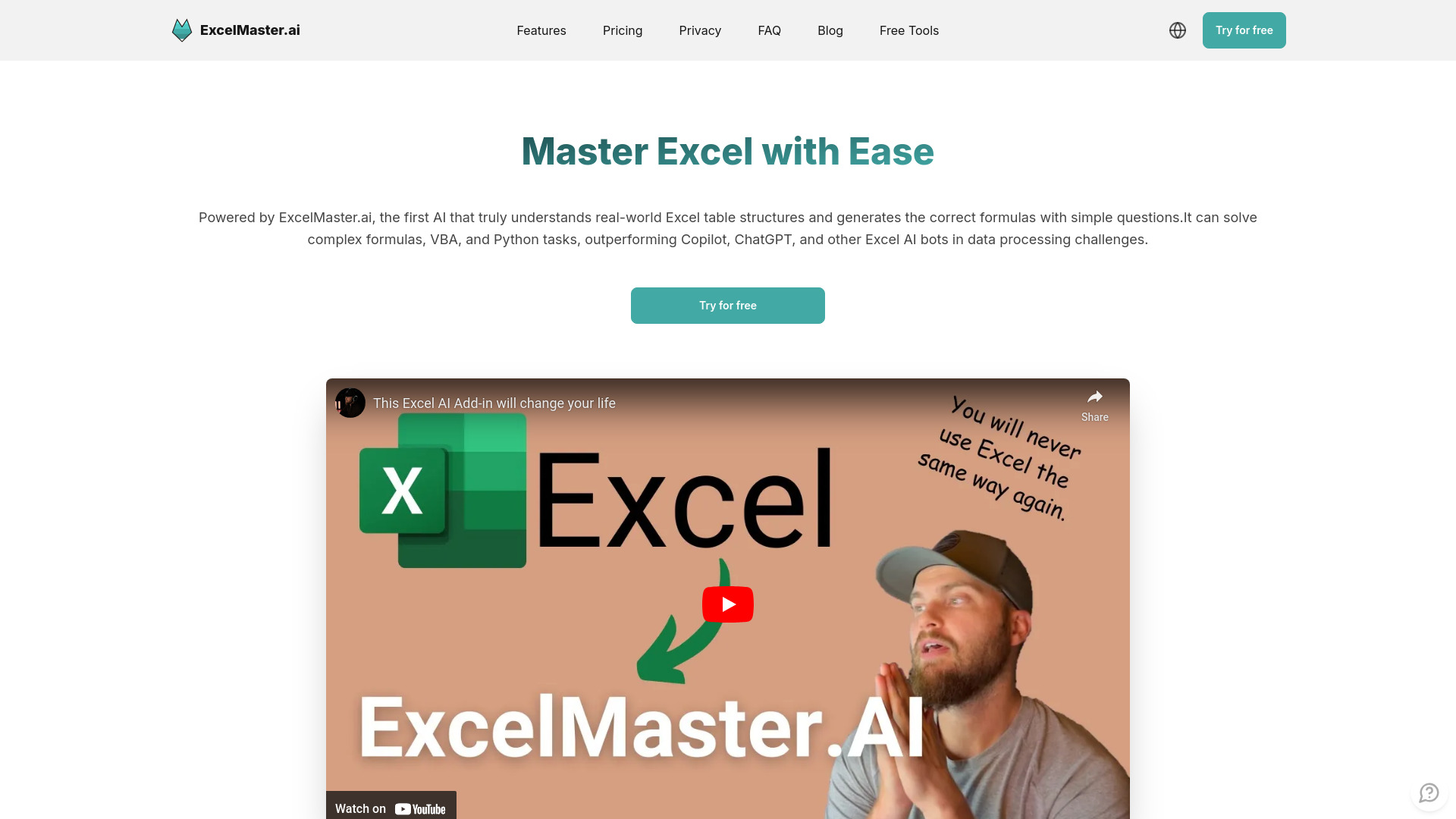
ExcelMaster.ai earns the top spot by going beyond formula prompts. Its stated toolkit includes AI-powered formula generation alongside VBA and Python code generation, making it the most substantial option here for people who move between spreadsheet logic and automation. That combination is particularly relevant for professionals who already know what a workbook should do but want help translating the task into a formula or code.
The listed starter price is $1 for the first month, then $6.90 per month. That is a low entry price, but the stated drawback is that its subscription costs more than some competing formula bots. The free-access details are not clear enough to treat as a dependable no-cost plan, so check the vendor's current terms before building a workflow around it.
My take: The blend of formulas and VBA gives ExcelMaster.ai the most convincing specialist profile in this shortlist. It is the first place I would look for recurring formula and automation work, rather than a one-off data question.
Where it falls short: The subscription is pricier than some formula-focused alternatives, and the listed capabilities do not establish how much usage is included at each tier. Confirm both the plan limits and the code features you need before paying.
Key features
Generates Excel formulas from natural-language instructions.
Generates VBA code for spreadsheet automation.
Includes Python code generation among its stated capabilities.
Supports data-processing automation tasks.
Pros
Covers formula writing and code generation in one focused tool.
Strong match for professionals who work with VBA and automation as well as formulas.
Cons
Subscription fee is higher than some other formula bots.
Free access and plan limits are not clearly established here.
Choose ExcelMaster.ai if: You regularly create formulas or automate spreadsheet processes and want a specialist assistant that also generates VBA or Python code.
2. Airtable

Airtable
Project managers organizing data and workflows
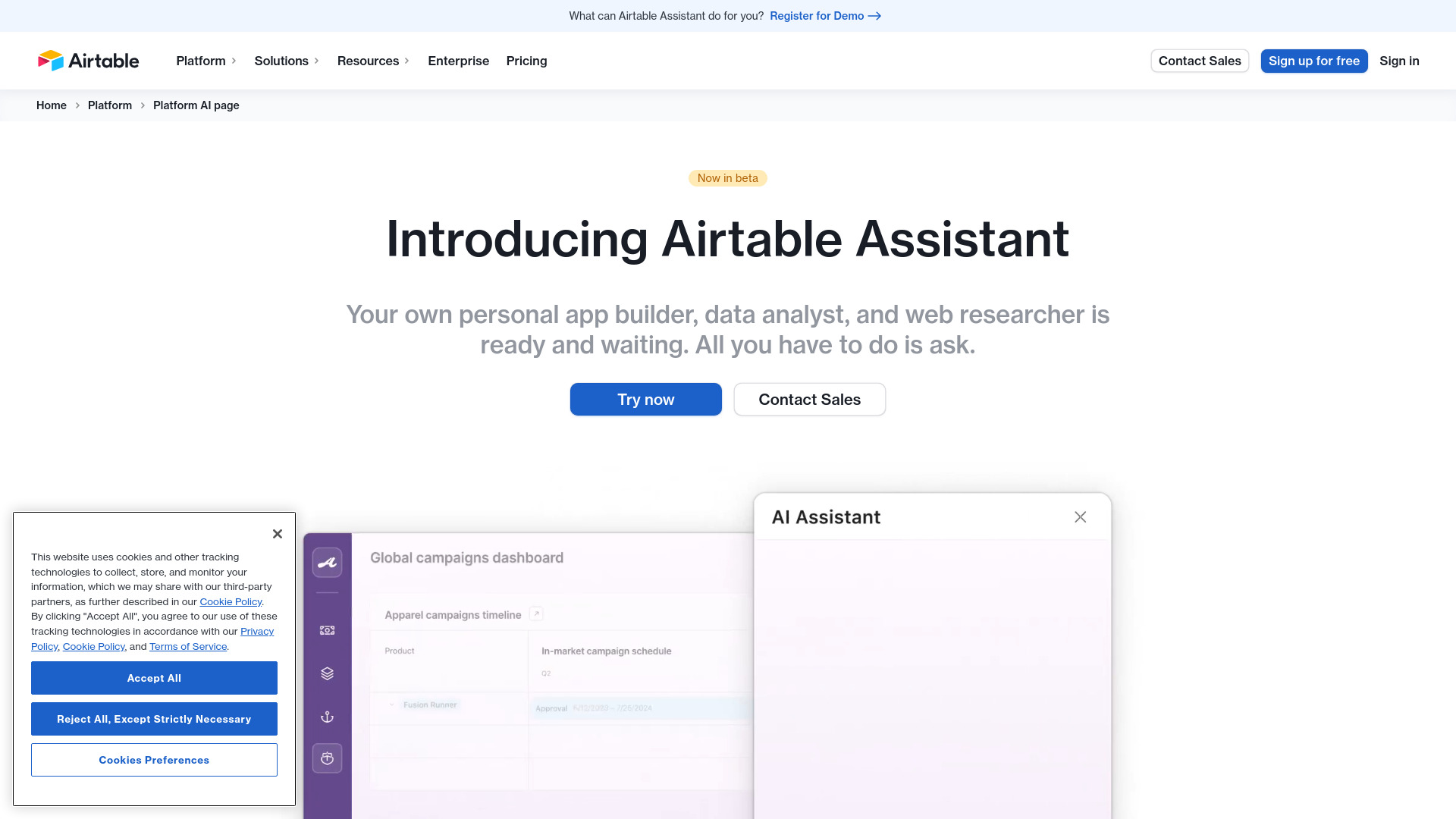
Airtable is the broadest departure from a classic Excel assistant in this group. Its appeal is not a dedicated formula generator; it is the combination of no-code app building with AI-powered data analysis and automation. For a project manager, that can mean turning a managed dataset into a more structured workflow rather than only asking an AI to write a cell formula.
That broader scope is useful when the spreadsheet is one piece of a team process, but it also makes the comparison less apples-to-apples. Airtable is best understood as an adjacent data and workflow platform, not a direct replacement for an Excel formula helper. The free plan includes 250 AI credits per user. Pricing can become complex with add-ons and user-based fees, so check the exact plan and total seat cost before settling on it.
My take: Airtable makes sense when the real problem is organizing information and building a no-code process around it. If all you need is a formula explained, a narrower Excel tool is likely a cleaner fit.
Where it falls short: Its broader platform scope brings pricing complexity, and the listed strengths do not establish dedicated Excel formula-generation features. Consider it for workflow design, not as a like-for-like formula bot.
Key features
No-code app building for organizing data into workflows.
AI-powered data analysis.
AI-supported workflow automation.
Free plan includes 250 AI credits per user.
Pros
No coding is required for app development.
Combines data management with analysis and automation features.
Cons
Pricing can be complex because of add-ons and user-based fees.
It is an adjacent workflow platform rather than a dedicated Excel assistant.
Choose Airtable if: Your spreadsheet problem is really a team data-management or no-code workflow problem, and you want AI features as part of that wider setup.
3. Ajelix

Ajelix
Business managers who need formula support

Ajelix keeps the core spreadsheet task front and center: making formulas easier to create and understand. Its Excel Formula Generator helps turn a requested calculation into a formula, while the Formula Explainer is useful when you inherit a workbook and need to decode what an existing expression is doing. That two-way help is more practical than generation alone for managers who need to both edit and maintain spreadsheets.
The free allowance is five AI tool requests, enough to try a few representative tasks but not a large recurring workload. Paid access is listed from $5.95 per month, while some features may require a subscription. Ajelix also describes broader productivity support for automation, analysis, and visualization, though the clearest spreadsheet-specific reasons to choose it are the generator and explainer.
My take: Ajelix is a sensible first test for someone who wants formula help without starting with a complex analytics workspace. The free request allowance lets you judge whether its explanations are useful on the kinds of formulas you actually encounter.
Where it falls short: Five free requests disappear quickly if you use the assistant throughout the week. Check which tools are included in the paid tier, since some features require a subscription.
Key features
Generates Excel formulas from a task description.
Explains existing formulas in plainer language.
Includes VBA script writing among its available tool functions.
Supports spreadsheet productivity and workflow automation tasks.
Pros
Formula generation and explanation cover both creating and troubleshooting work.
Free requests give new users a small way to evaluate the workflow.
Paid pricing starts at a modest listed monthly rate.
Cons
The free allowance is limited to five AI tool requests.
Some features may require a paid subscription.
Choose Ajelix if: You manage business spreadsheets and want a straightforward way to generate or understand formulas before moving to a broader analysis tool.
4. ChatExcel AI

ChatExcel AI
Accountants processing and reconciling tables

ChatExcel AI changes the interaction from writing a formula to asking for spreadsheet work in chat. Its stated capabilities include table processing without formulas or code, plus automatic data analysis, cleaning, and cross-sheet reconciliation. That makes it a strong fit for accountants and other users who need to work through a table or reconcile information without first translating every step into spreadsheet syntax.
The trade-off is a credit-based workflow: credits are limited and reset each billing cycle. The free access is listed as 1,000 daily credits, and paid pricing starts at ¥39 per month. Since the number of credits a particular task consumes is not specified here, test a representative reconciliation or cleanup job before relying on a plan for regular workloads.
My take: This is one of the clearest picks for people who think in tasks rather than formulas. I like the breadth of its data-cleaning and cross-sheet work, but I would pay attention to credit use from the start.
Where it falls short: Credit limits can make frequent or complicated work harder to predict. The available details do not spell out how much processing each type of request consumes, so the headline allowance alone may not tell you how much work it covers.
Key features
Processes tables through chat, without requiring formulas or code.
Automatically analyzes and cleans data.
Supports cross-sheet reconciliation.
Can generate presentations as part of its stated capabilities.
Pros
Lowers the barrier for users who do not want to write formulas or code.
Combines analysis, cleaning, and reconciliation in one chat-led workflow.
Offers a stated daily free credit allowance.
Cons
Credits are limited and reset each billing cycle.
The value of the credit allowance depends on how much each task uses.
Choose ChatExcel AI if: You want to request spreadsheet cleanup, analysis, or cross-sheet reconciliation in plain language instead of building the work from formulas.
5. AI Excel Bot

AI Excel Bot
Data analysts who need quick formula help
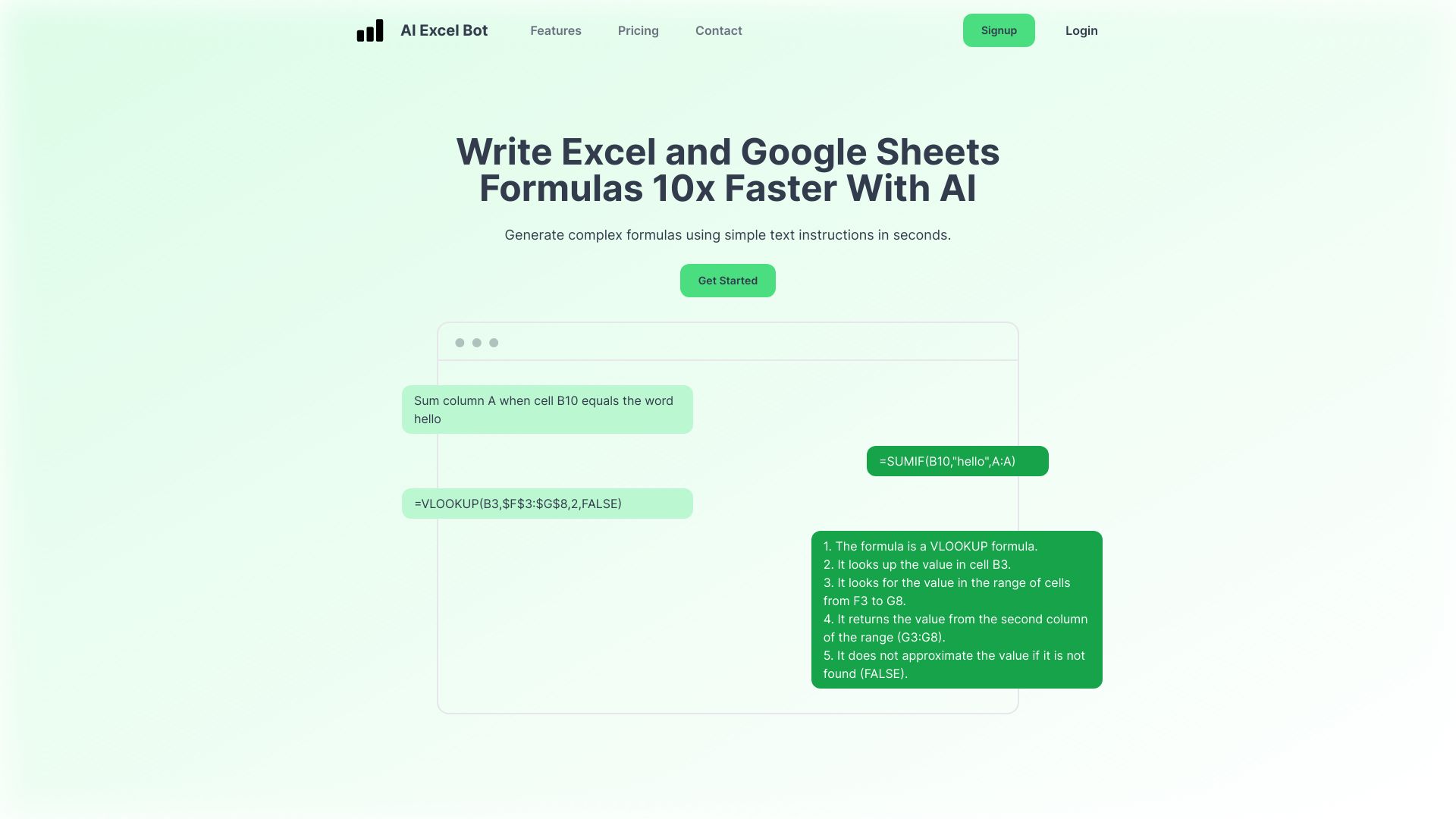
AI Excel Bot is a focused option for turning a written instruction into a formula, with formula explanation as the companion feature. It also supports Excel and Google Sheets formulas, giving analysts a way to get help across two common spreadsheet environments without changing the basic prompt-first approach. If your main bottleneck is remembering syntax or translating a calculation into a formula, this is a more direct fit than a dashboard builder.
The free plan is deliberately small: five formula, code, or task generations and explanations per month. That is enough for occasional questions or an initial trial, but not much of a monthly budget for frequent work. The stated limitation is exactly that restricted access to the free plan, so consider how often you need help before treating the no-cost tier as a lasting solution.
My take: AI Excel Bot is appealing because its job is easy to understand. Ask for a formula, or ask what a formula means; you do not have to adopt a larger data platform to get that help.
Where it falls short: The five-use monthly allowance is the main constraint. It may suit occasional assistance, but regular analysts should check the paid terms rather than assume the free plan will stretch.
Key features
Generates Excel formulas from text instructions.
Generates Google Sheets formulas as well as Excel formulas.
Explains formulas in plain language.
Includes code and task generation or explanation in its free allowance.
Pros
Saves time when building formulas from a natural-language request.
Supports both Excel and Google Sheets formula tasks.
The core use case is narrow and easy to evaluate.
Cons
Free access is limited to five generations or explanations per month.
Frequent users may outgrow the no-cost allowance quickly.
Choose AI Excel Bot if: You mostly need an easy prompt-to-formula assistant, with occasional explanations for Excel or Google Sheets formulas.
6. FormulAI

FormulAI
Data analysts building or debugging formulas
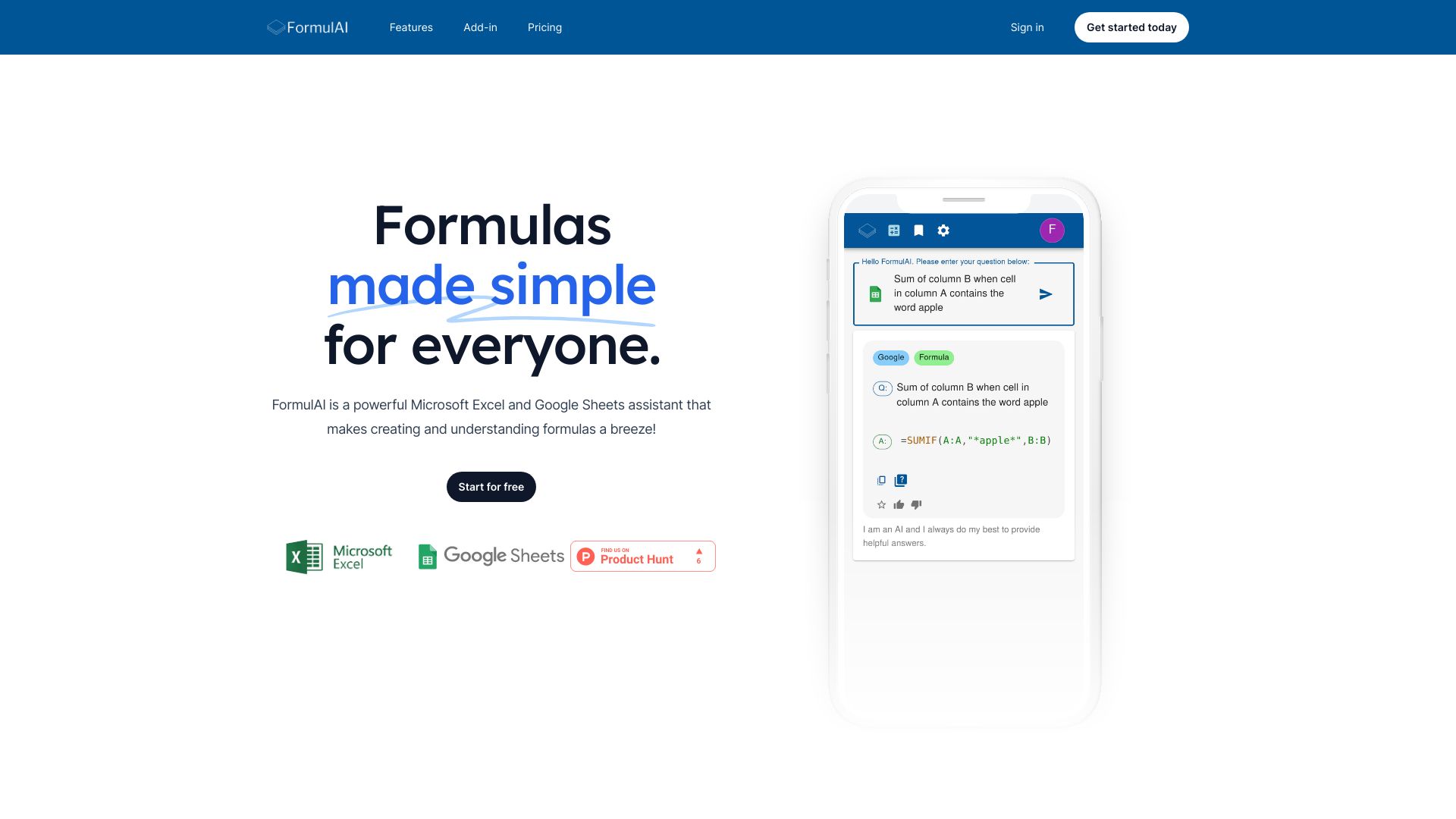
FormulAI makes a clear case for itself with two complementary tools: a Formula Builder and a Formula Explainer. That pairing supports the full small-but-common cycle of spreadsheet work: create an expression for a calculation, then understand or troubleshoot one that is already in a workbook. For analysts who want formula help rather than a full conversational data studio, that focused scope is a plus.
The free tier allows 10 requests per month, and the listed unlimited plan starts at $3.99 per month. The free plan has limited request volume as well as limits on data simulation and query capabilities, so do not assume that the same allowance covers every kind of analysis. Its relatively low stated paid price makes it worth comparing if formula work is your priority and you want a simple upgrade path.
My take: FormulAI is a compact, budget-conscious formula assistant. I would test it on both a formula you need to build and one you find hard to interpret; that quickly shows whether the builder-explainer combination fits your workflow.
Where it falls short: The free tier limits more than request count, including data simulation and querying. Its stated feature set is less expansive than tools focused on broader analysis and reporting.
Key features
Formula Builder for generating spreadsheet formulas.
Formula Explainer for understanding existing formulas.
Supports Excel and Google Sheets assistance.
Unlimited usage is listed at $3.99 per month.
Pros
Covers both formula creation and comprehension.
Provides 10 free requests each month.
The listed unlimited tier has a low starting price.
Cons
The free plan limits requests and data simulation or query capabilities.
Its main strength is formula assistance rather than a wider reporting workflow.
Choose FormulAI if: You want inexpensive, focused help generating and understanding formulas, and do not need a full data-analysis workspace.
7. Formula Bot

Formula Bot
Data analysts moving from formulas to insights
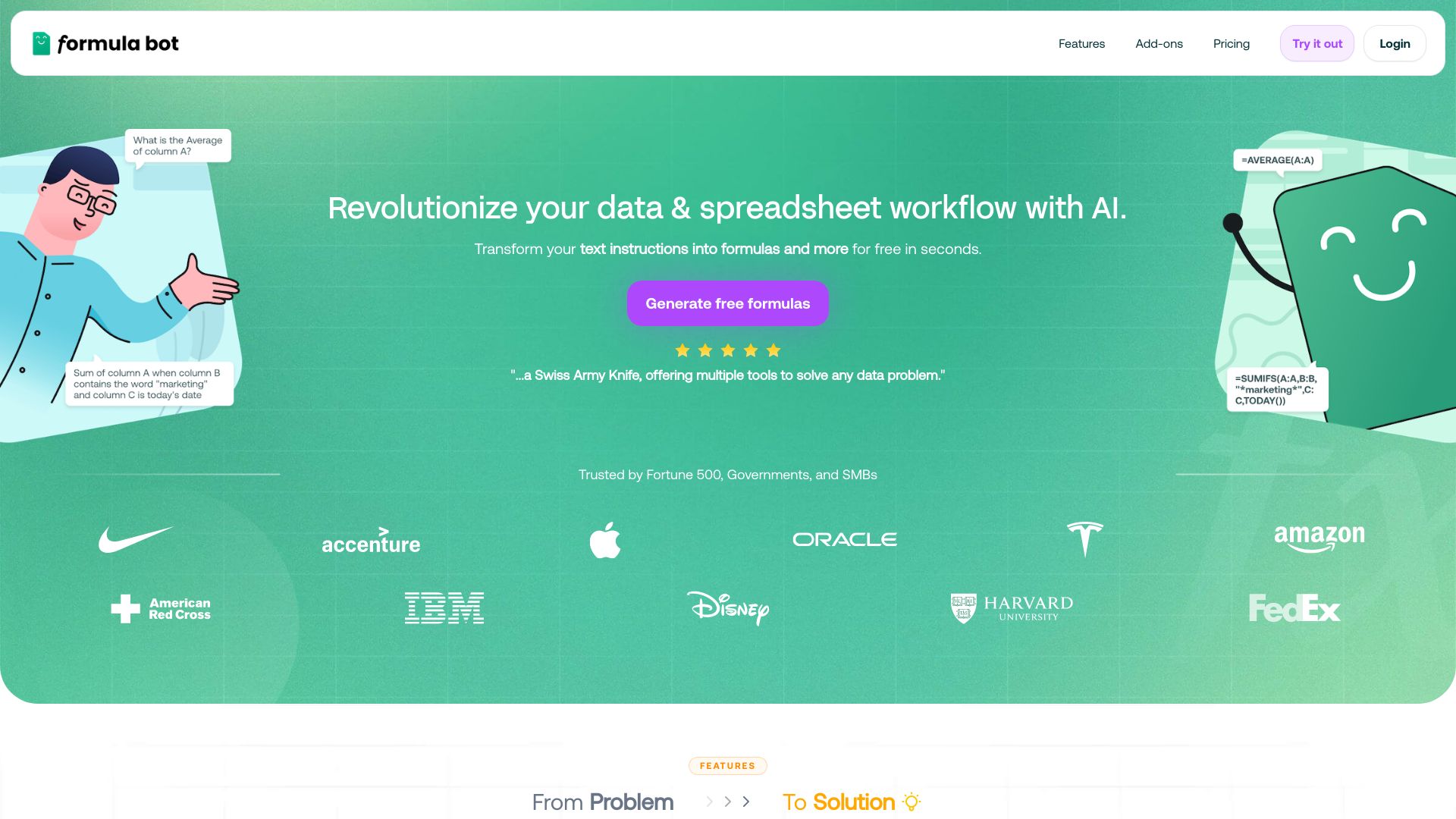
Formula Bot is a strong middle ground for analysts who want more than formula generation but are not ready to choose a specialized dashboard product. Its stated features pair AI-powered formula generation with data analysis and visualization. The platform also lists SQL query generation among its free-plan capabilities, extending its appeal to people who move between spreadsheets and data queries.
Its free plan includes 10 chat messages and 15 enrichments per month, while the starting price is listed as free forever. The catch is that usage and file size are limited on the free plan. That matters because analysis often depends on the size and shape of the workbook, not just the number of prompts. Check the current allowances against the files and tasks you expect to use before settling on it.
My take: Formula Bot is one of the more versatile options in the shortlist without losing its spreadsheet focus. It is a good first trial when you are unsure whether you need formula help, data analysis, or both.
Where it falls short: The free limits on usage and file size can interrupt a real analysis workflow. Make sure the plan supports your typical file and workload rather than judging it only on a small sample.
Key features
Generates formulas from natural-language prompts.
Supports data analysis and visualization.
Includes SQL query generation among its capabilities.
Offers free monthly chat messages and data enrichments.
Pros
Goes beyond formulas into analysis and visualization.
Useful for analysts who work across spreadsheet formulas and SQL queries.
Offers a free-forever plan for initial evaluation.
Cons
Free usage is limited to 10 chat messages and 15 enrichments per month.
Free-plan file-size limits may affect larger workbooks.
Choose Formula Bot if: You want one tool to help with formulas and basic data analysis, and you are willing to check its file and usage limits against your actual workload.
8. Excelmatic

Excelmatic
Data analysts exploring data in natural language
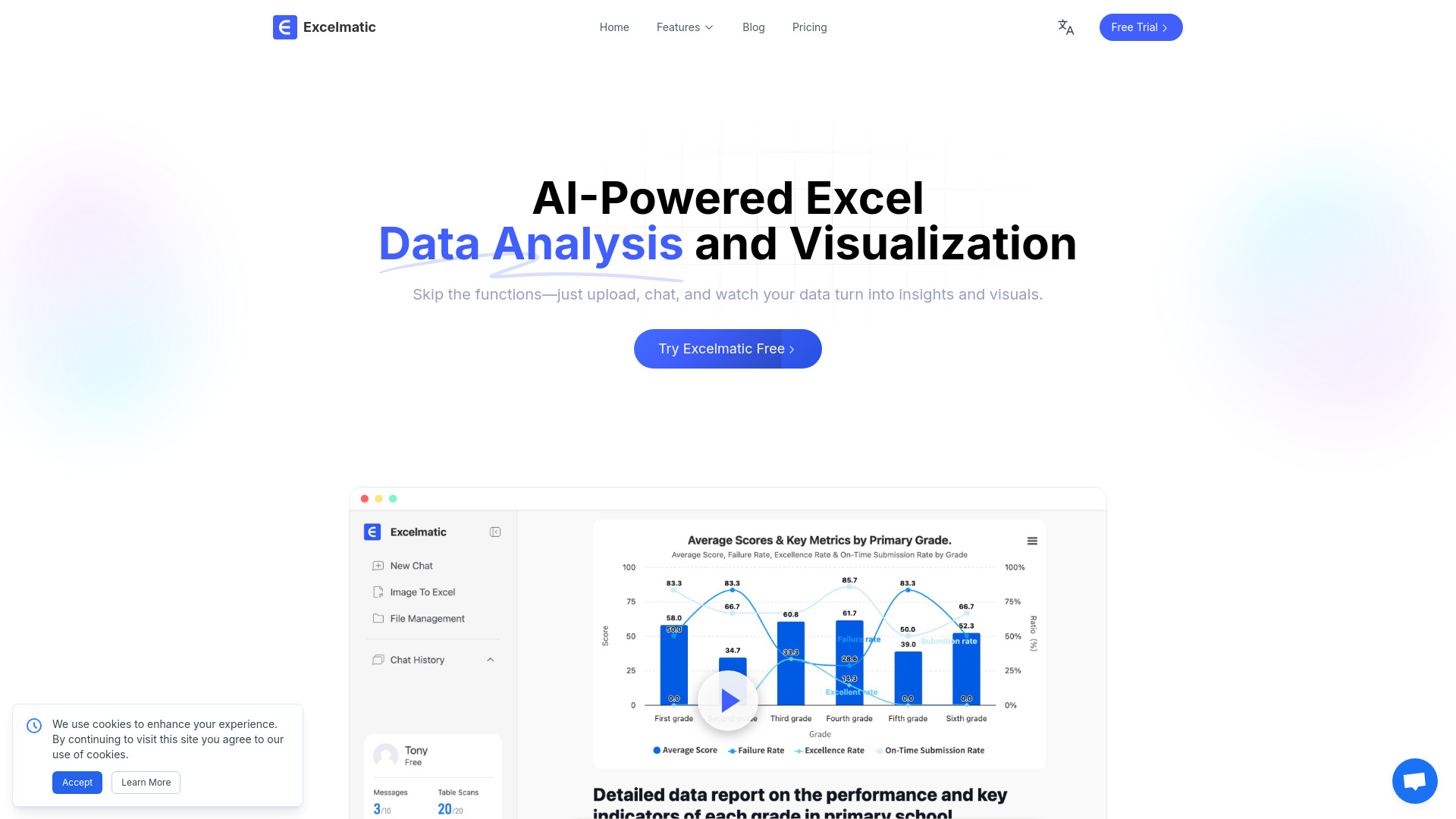
Excelmatic centers the interaction on natural language: its AI Spreadsheet Assistant supports smart Excel operations, and its AI Data Analysis feature is designed for statistical analysis and insights. It also lists data visualization and Excel-related capabilities, giving analysts a route from asking about data to looking at it in a chart or other visual output. That makes it more analysis-oriented than a pure formula generator.
The free plan is listed with 10 chat messages per month and 20 image-to-Excel uses per month. One important limitation is that accounts are for individual use only, with no current support for team sharing. That makes Excelmatic easier to recommend to an individual analyst than a group that needs shared access or collaboration built into the account setup.
My take: Excelmatic is a good fit when the question you want to ask is about what the data means, not just how to write a formula. The natural-language angle is useful, but the individual-only account model is a real consideration for team workflows.
Where it falls short: The 10-message allowance puts a ceiling on free chat use, and the stated lack of team sharing makes it a weaker choice for shared analysis. Confirm that the free limits and account model match your intended use.
Key features
Supports smart Excel operations through natural-language interaction.
Provides AI-assisted data analysis and statistical insights.
Includes data visualization capabilities.
Offers 20 image-to-Excel uses per month on the listed free access.
Pros
Lets users approach spreadsheet analysis in natural language.
Combines analysis with visualization rather than focusing only on formulas.
Has a free plan for individual evaluation.
Cons
Free chat access is limited to 10 messages per month.
Accounts are for individual use, with no current team sharing support.
Choose Excelmatic if: You are an individual analyst who wants to explore Excel data and request analysis in plain language rather than rely only on formula prompts.
9. Julius AI

Julius AI
Finance professionals analyzing and visualizing data

Julius AI is the most analysis-led pick for finance professionals in this list. Its core stated functions are AI data analysis and chart and graph generation, which put the emphasis on interpreting information and making it visual rather than building spreadsheet formulas. If your next step after organizing figures is to investigate them or present a view of the results, this angle deserves a look.
The available details do not establish a clear starting price or a specific free allowance, so check the vendor's current plans before evaluating cost. Julius AI is also described as an early-stage AI lab, with the possibility of bugs or limitations. That is worth weighing when your workflow depends on repeatable results, especially if the analysis feeds a decision or a report that needs careful review.
My take: Julius AI has a compelling role when data analysis and charts are the point of the exercise. I would treat it as an analysis assistant whose outputs need a human check, not as a reason to skip understanding the numbers.
Where it falls short: Pricing and free access are not clear here, and its early-stage status may mean rough edges. Validate important outputs and confirm the current plan before depending on it for routine finance work.
Key features
AI-assisted data analysis.
Generates charts and graphs.
Focuses on data interpretation and visualization for analysis workflows.
Pros
Fast data analysis and visualization are its stated strengths.
A natural fit for finance professionals who need charts as well as analysis.
Cons
Early-stage status means potential bugs or limitations.
Starting price and free access need to be confirmed with the vendor.
Choose Julius AI if: You are a finance professional who wants help analyzing data and generating charts, and you are comfortable checking AI outputs carefully.
10. ExcelDashboard Ai

ExcelDashboard Ai
Data analysts turning spreadsheets into reports
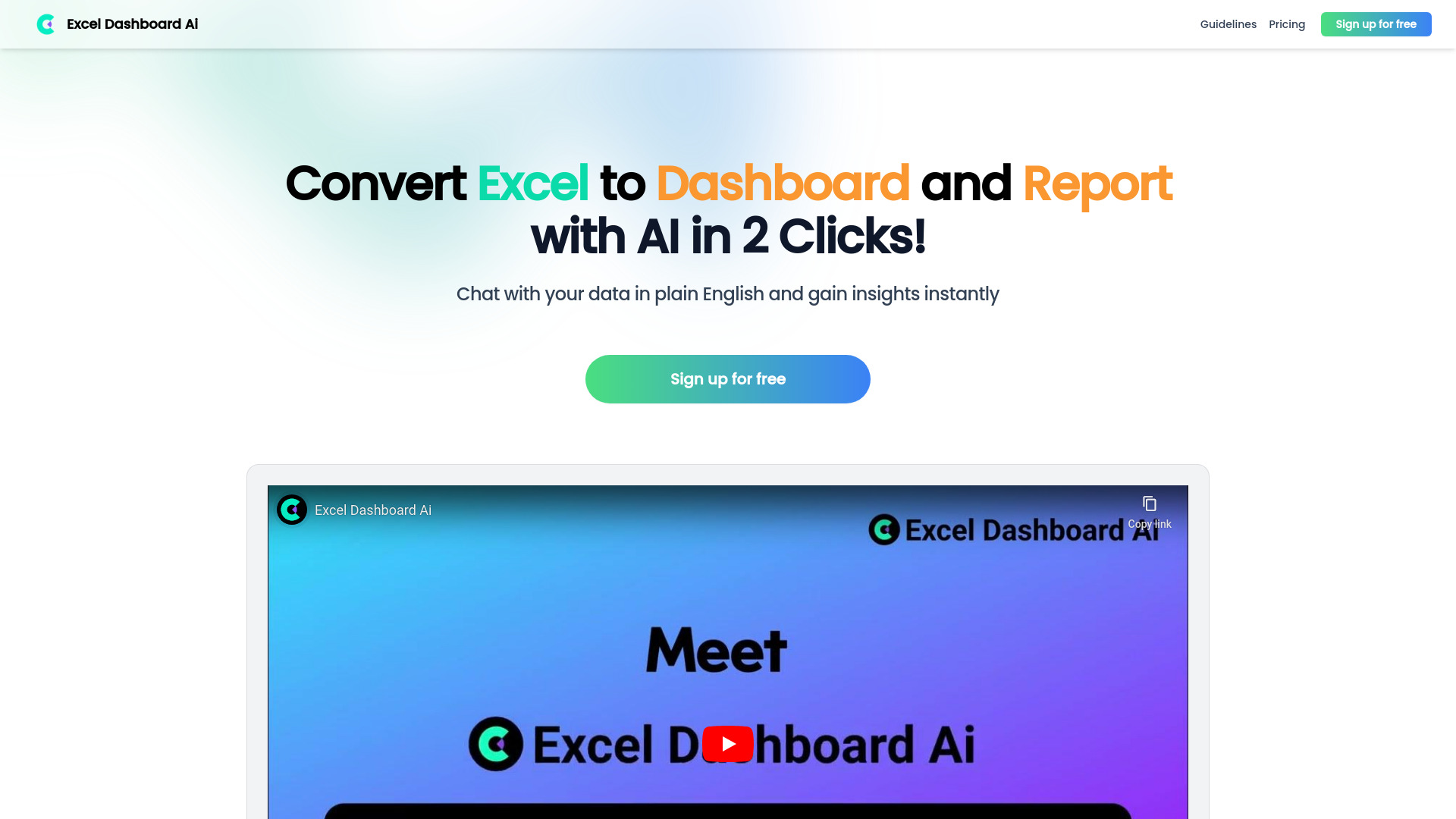
ExcelDashboard Ai takes a specific output-first approach: turn an Excel file into a dashboard or report, then use AI-generated analysis to help interpret the data. Its listed features also include chatting with data in plain English. That makes it a useful candidate when the tedious part of your process is moving from a workbook to something easier to review, rather than authoring formulas cell by cell.
The free access includes 250 AI credits and one file upload. That gives you a way to evaluate the upload-to-dashboard workflow, although a single file is a small test for anyone with a regular stream of reports. The stated drawback is that relying on AI too heavily may limit the development of a user's own analytical skills. Use the generated report as a starting point and check how it reached its conclusions before sharing it.
My take: For reporting work, ExcelDashboard Ai has a clear point of difference from formula bots: the deliverable is a dashboard or report. Try it with a representative workbook and judge whether the generated view answers the questions your readers actually ask.
Where it falls short: The free upload allowance is limited, and an attractive report is not a substitute for understanding the underlying analysis. Review outputs rather than treating them as automatically correct.
Key features
Converts Excel files into dashboards and reports.
Generates data analysis from uploaded spreadsheet content.
Supports plain-English chat with data.
Free access includes 250 AI credits and one file upload.
Pros
Saves time on analysis and report creation.
Has a clear reporting-focused workflow distinct from formula generators.
Offers a small free allowance to try the conversion process.
Cons
Free access includes only one file upload.
Overreliance on AI may limit the user's own analytical skill development.
Choose ExcelDashboard Ai if: Your recurring job is turning Excel files into dashboards or reports and you are prepared to review the generated analysis yourself.
More tools to compare

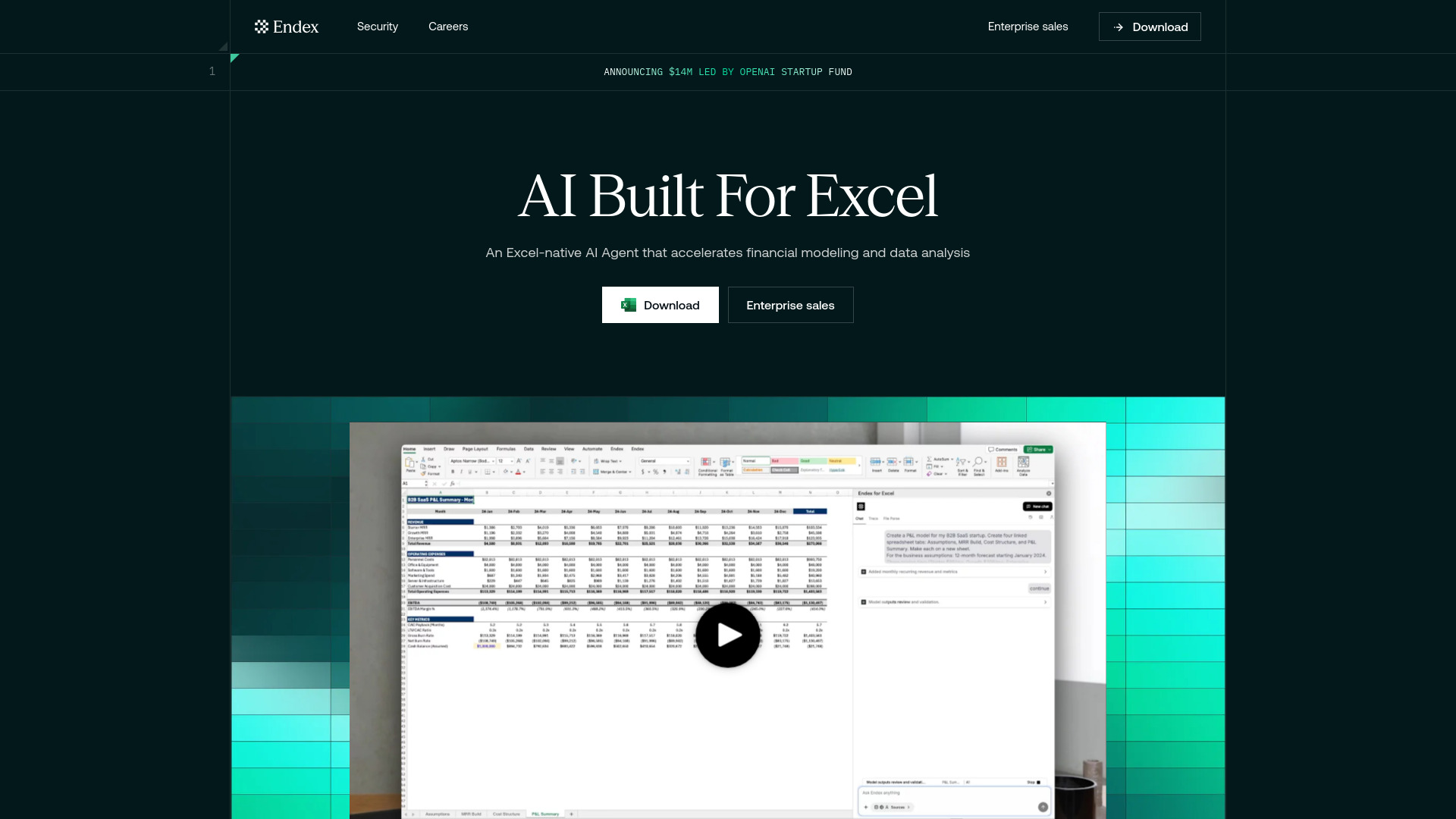
Endex AI Agent
Financial modeling and analysis in Excel

AI Perfect Assistant
Creating Excel formulas and normalizing data

Easygenerator
AI-assisted e-learning course creation

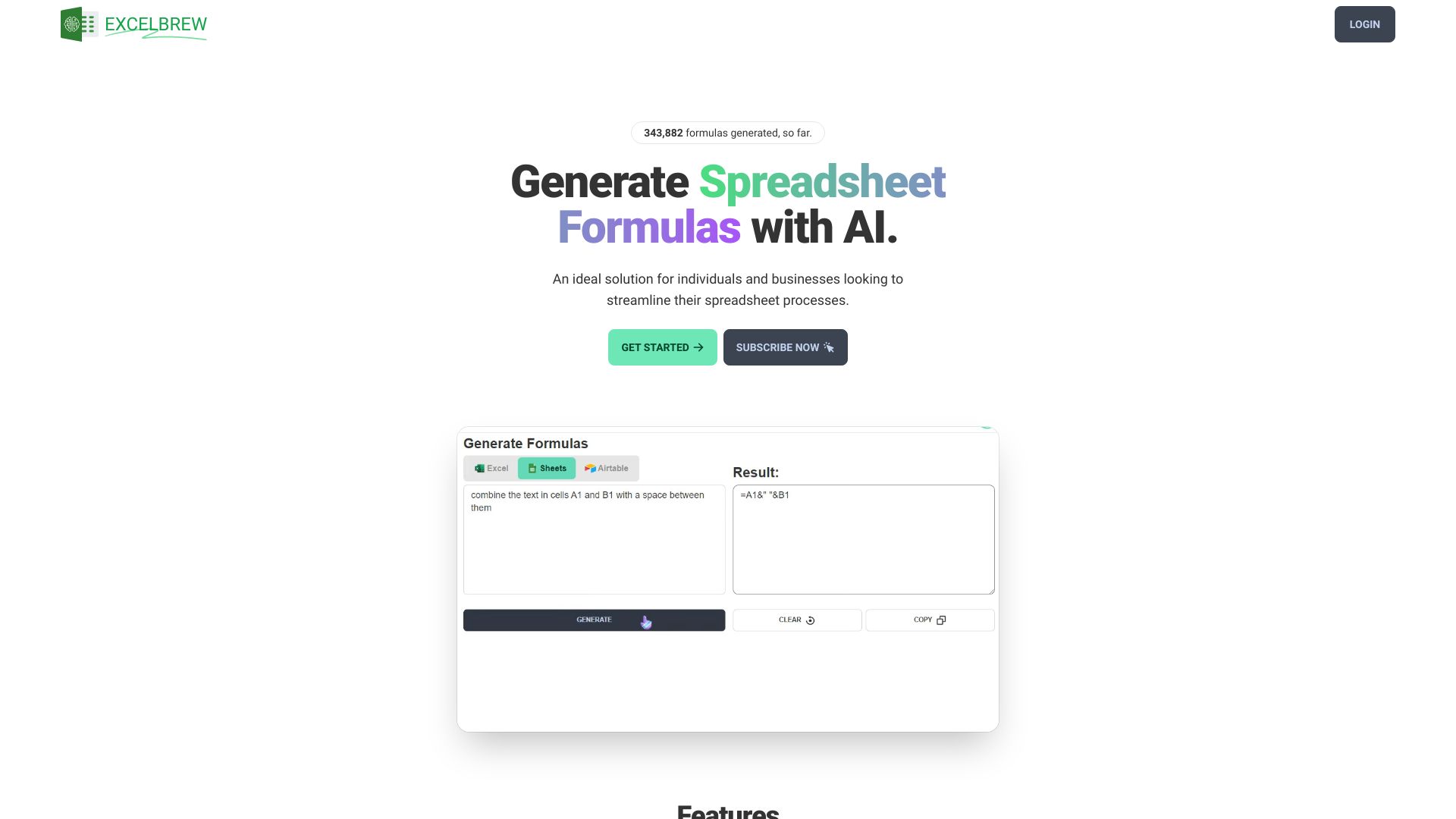
GPTExcel
Excel and Sheets formula generation

AITable.ai
AI-assisted spreadsheet and database analysis


Answer.AI
Student homework help and explanations


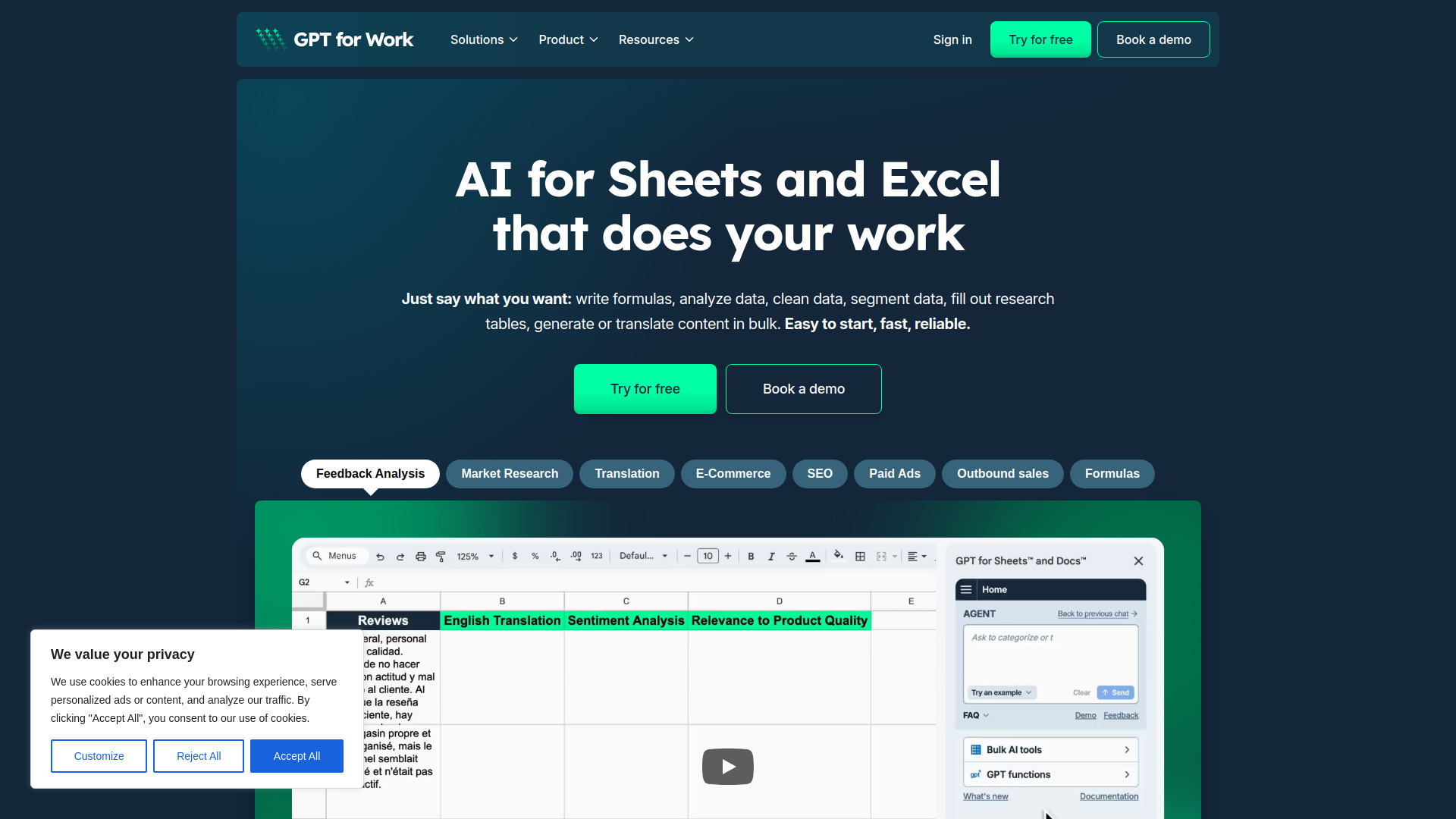
GPT For Work
Bulk AI tasks in Excel and Google Sheets

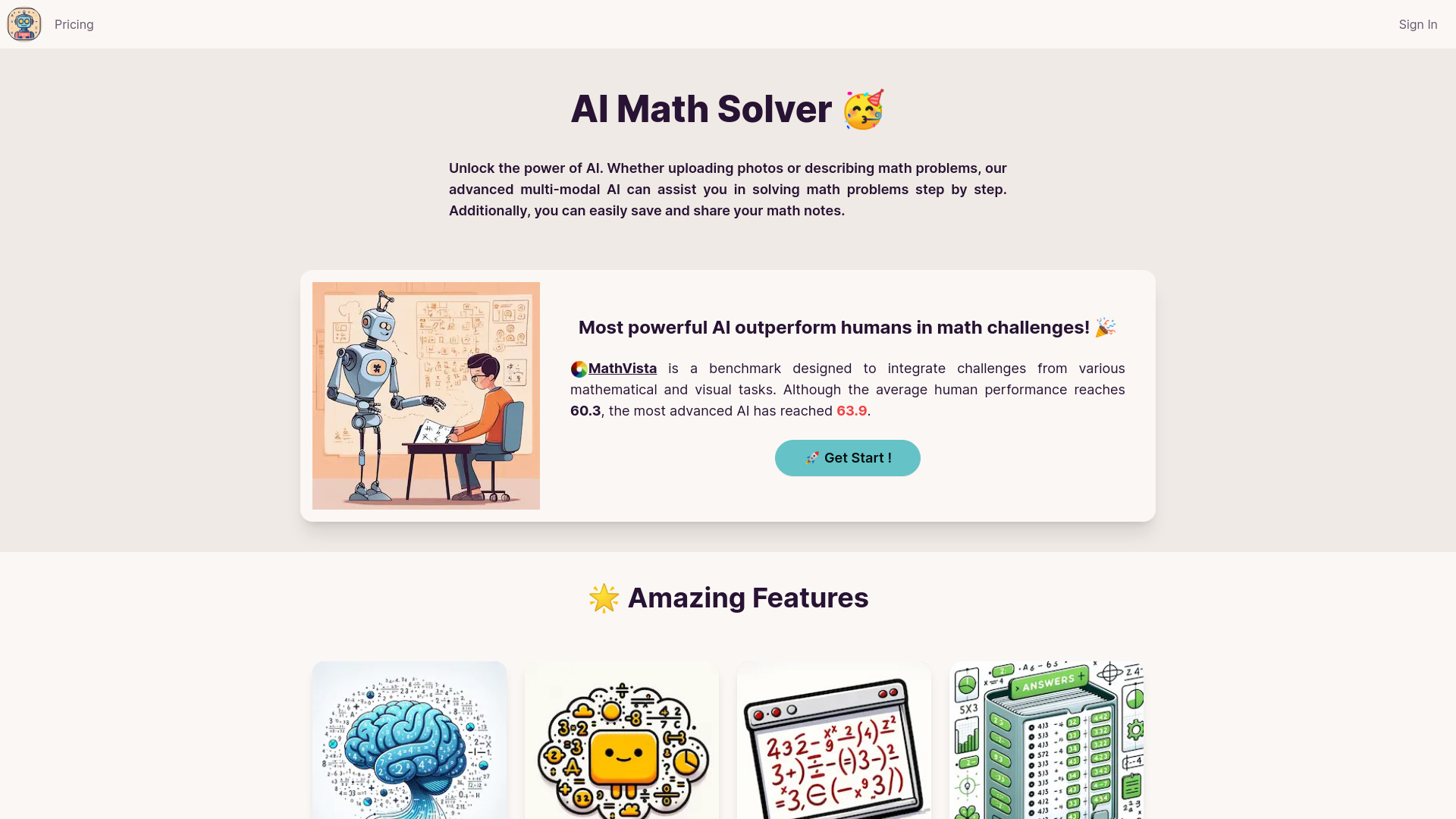
SheetAI
AI formulas and content in Google Sheets
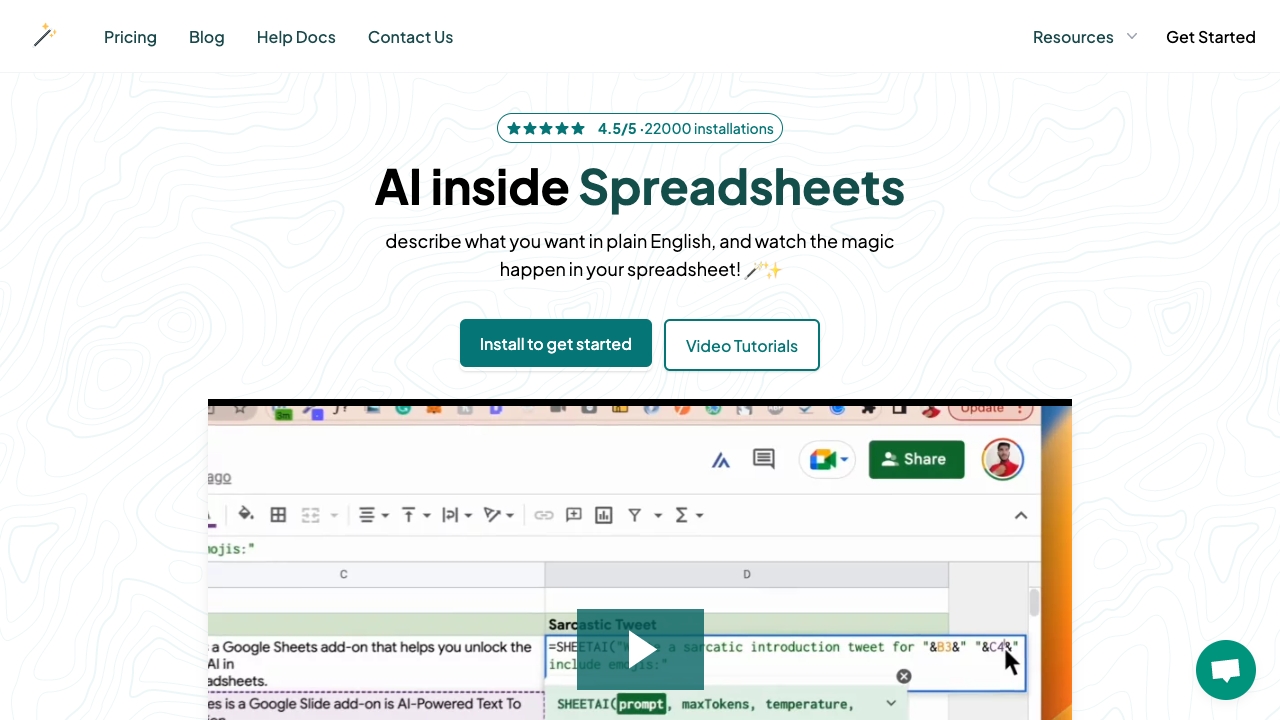

AI2sql
Natural-language SQL and spreadsheet queries
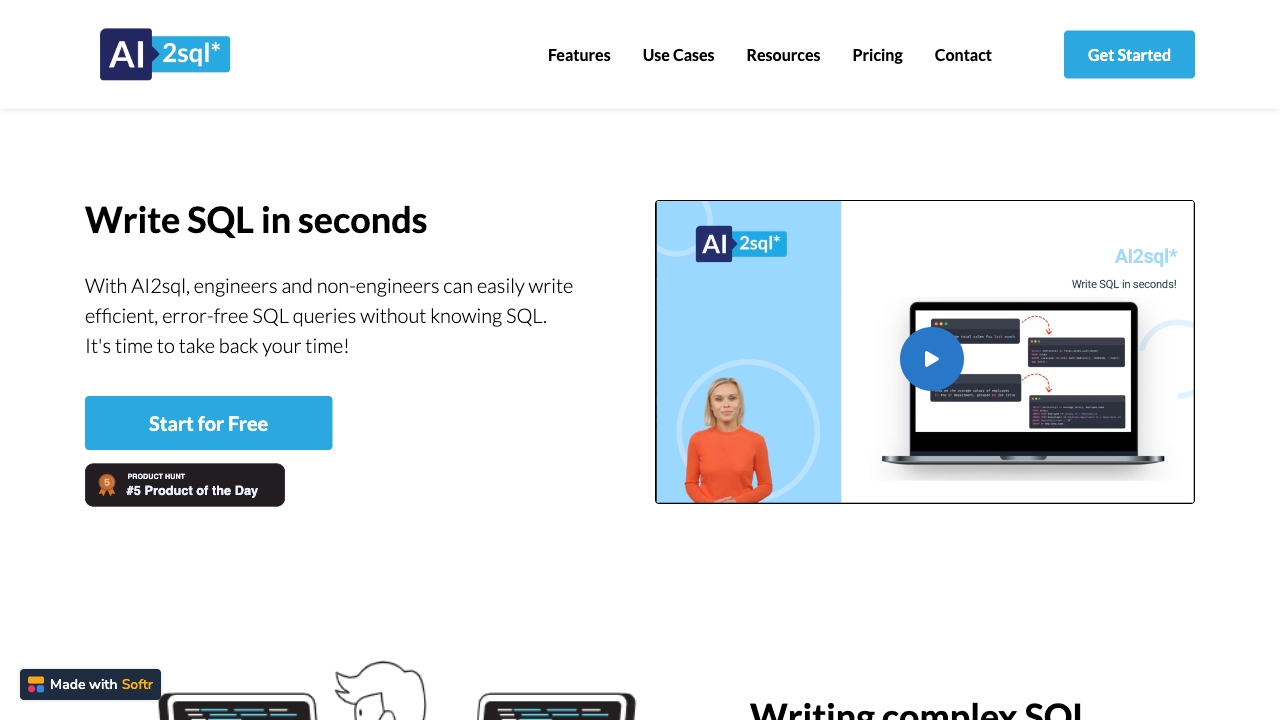

Sparkco AI Spreadsheet Agent
Natural-language spreadsheet analysis with live data sync
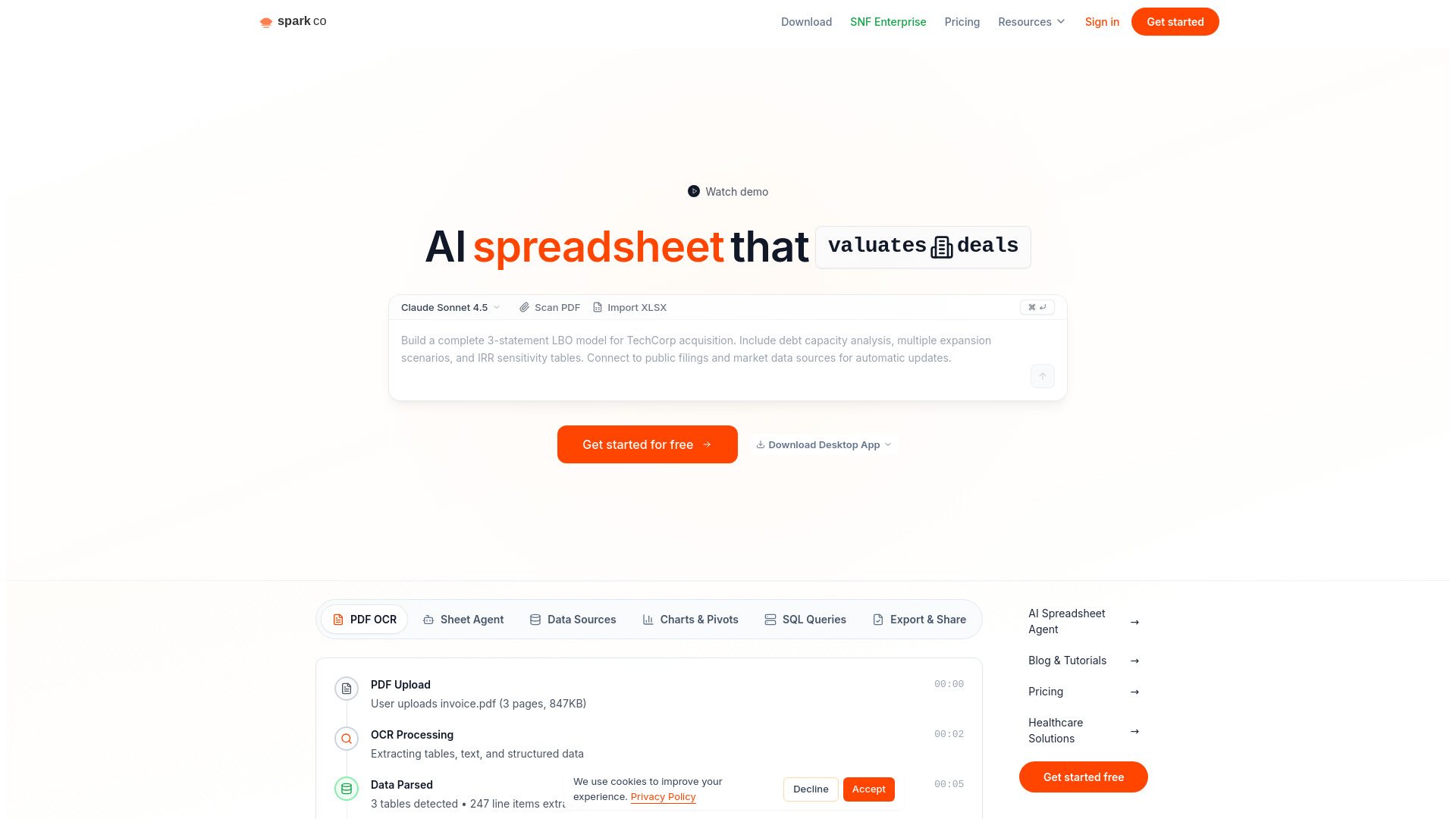

AI Math Solver
Step-by-step math problem solving

Sports AI
Machine-learning sports betting predictions


Sheeter.ai
Generating Excel and Sheets formulas from plain-language prompts

RowSpeak
Analyzing messy spreadsheets and generating business reports

ERP.AI
Enterprise financial reporting workflows


AStudio
AI-assisted data analysis and spreadsheet work


Sourcetable
AI-powered spreadsheet data analysis

AI OFFICE BOT
AI formula help for Excel and spreadsheets


AiAssistWorks
Bulk AI tasks in Google Sheets

SQLAI.ai
Generating and optimizing SQL queries


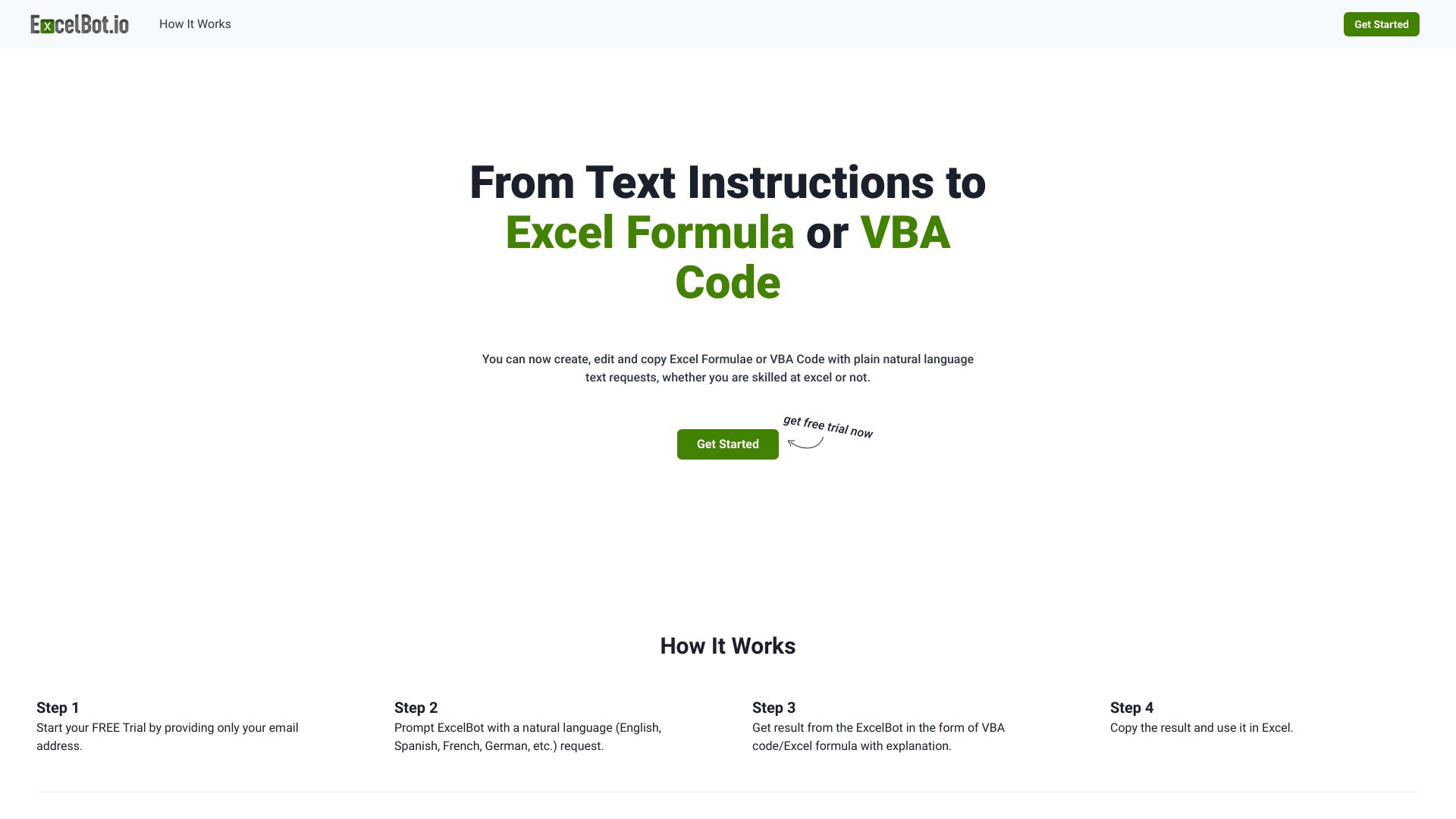
ExcelBot
Natural-language Excel formulas and VBA code

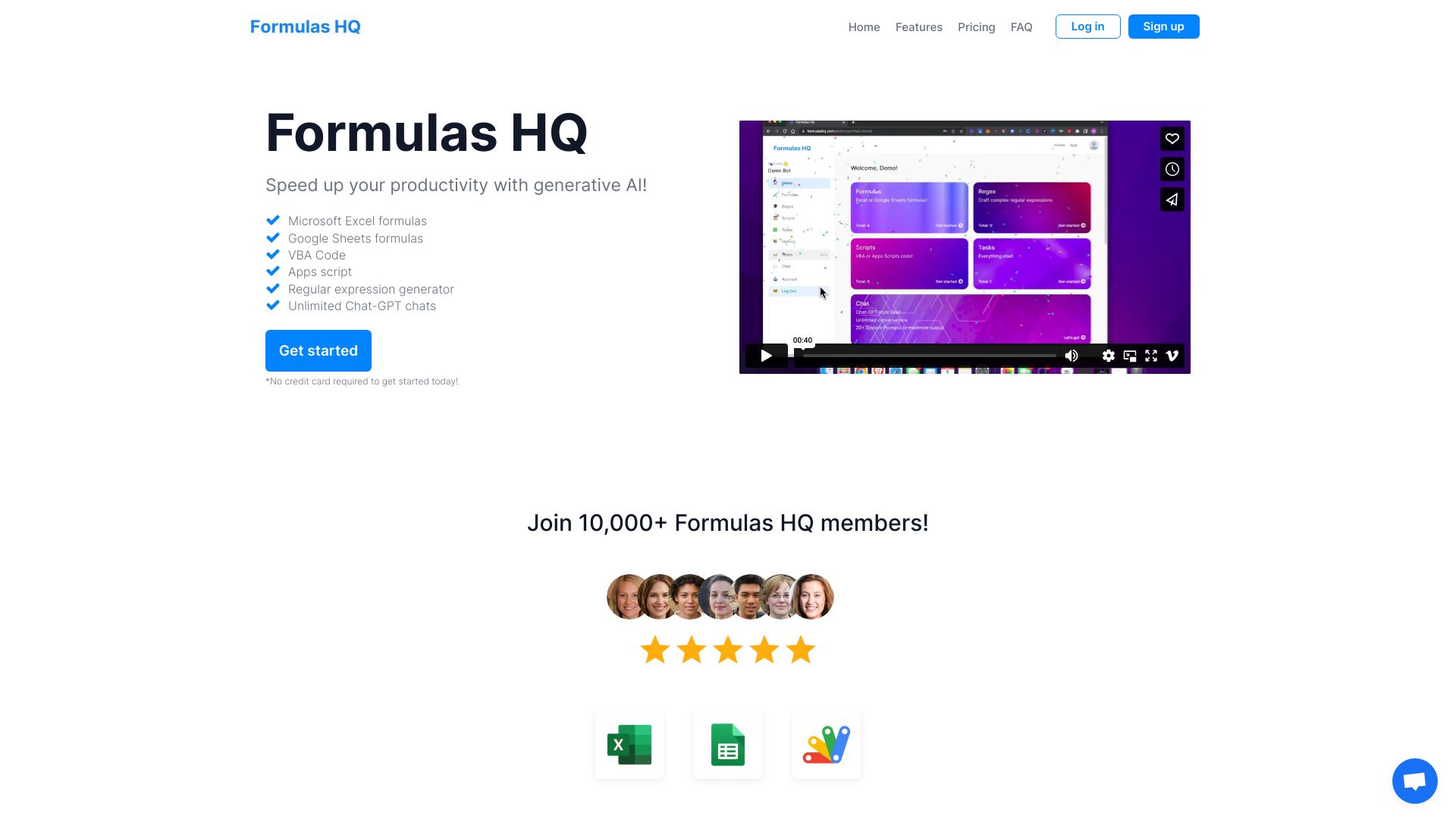
Formulas HQ
Generating Excel and Google Sheets formulas

Athenic AI
Natural-language analysis of spreadsheet data


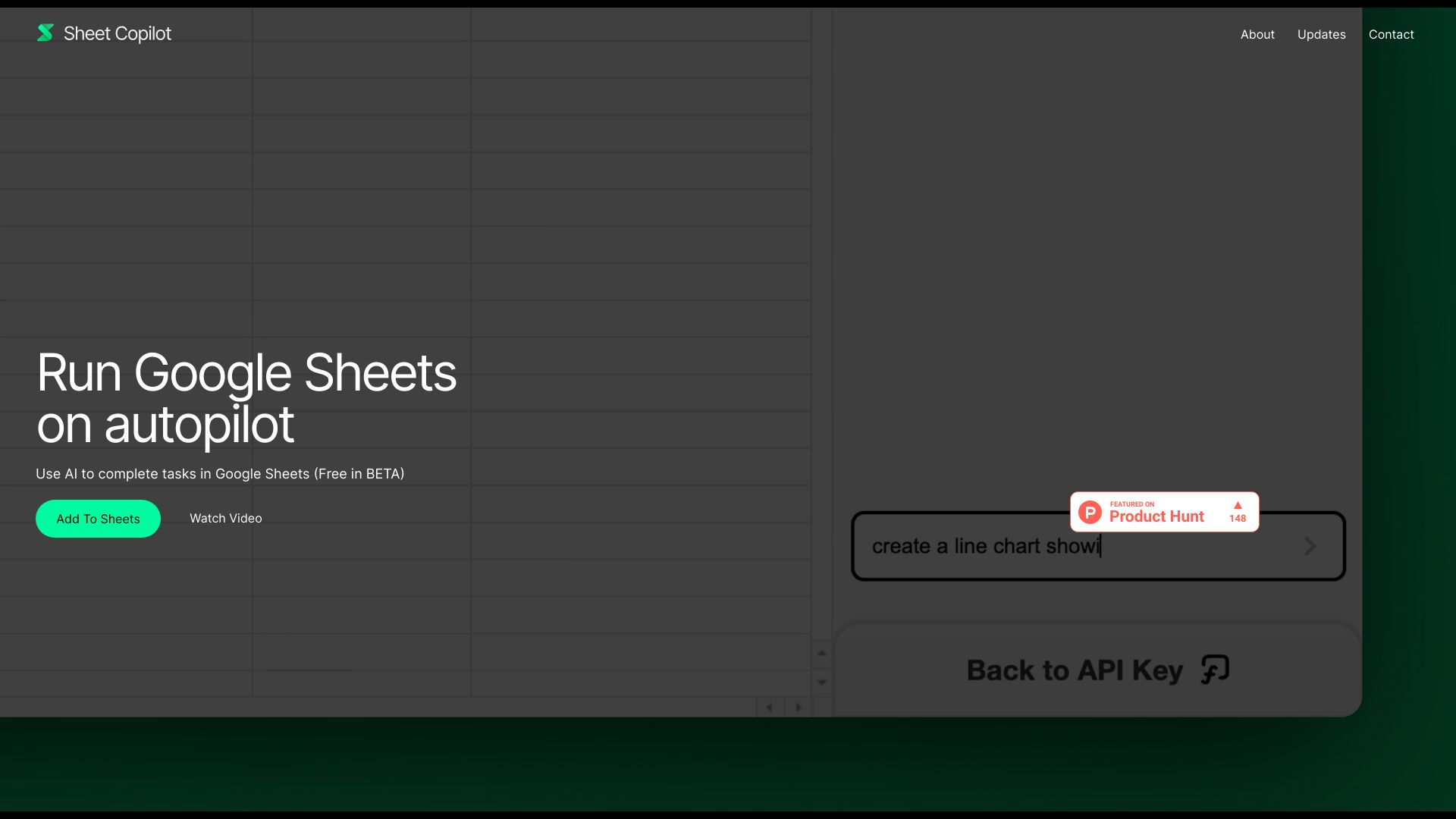
Sheet Copilot
Automating Google Sheets tasks

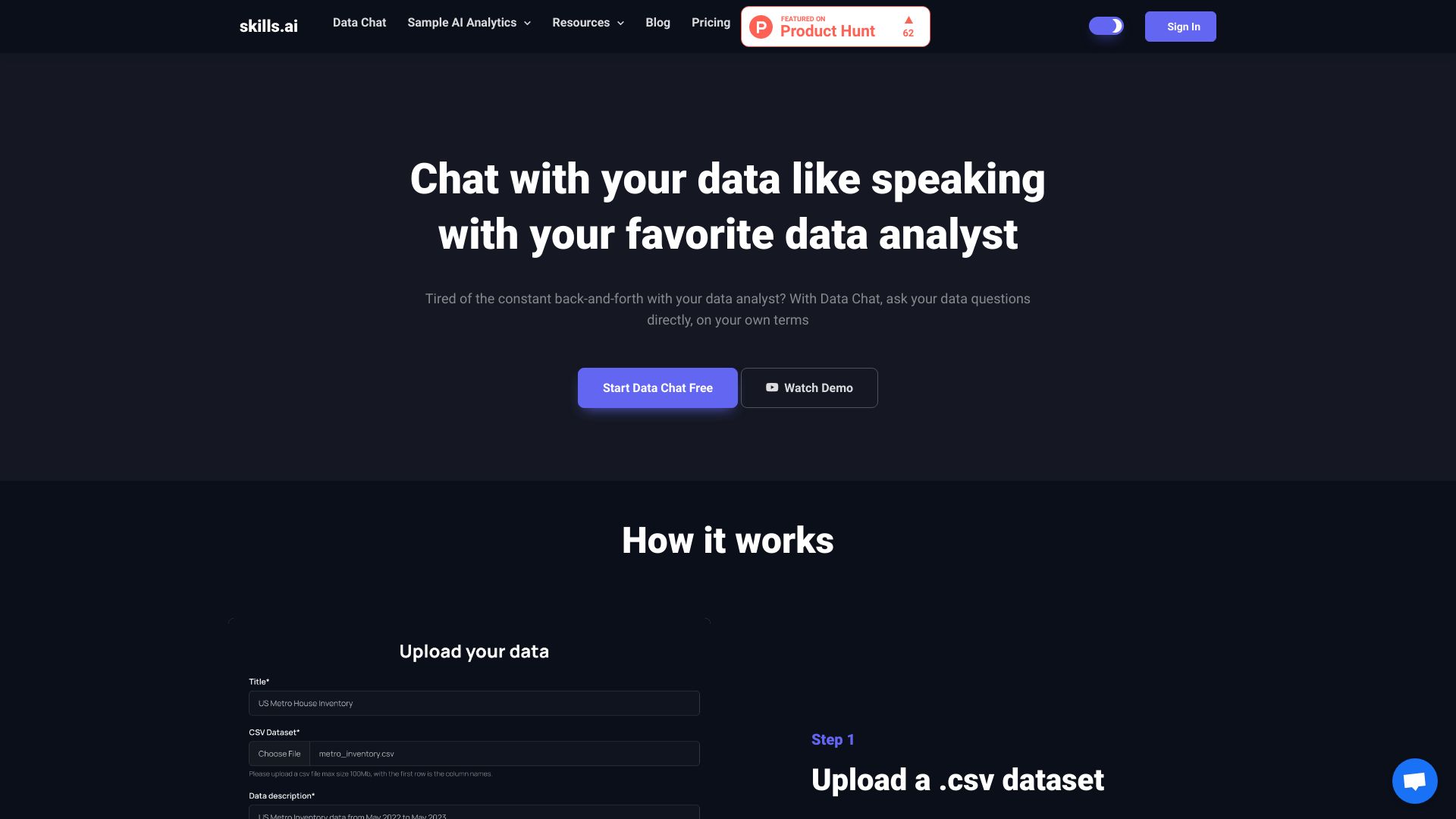
skills.ai
Conversational spreadsheet data analysis

Cycling Coach AI
Personalized cycling training plans


AI Tutor
Comparing AI models in one workspace


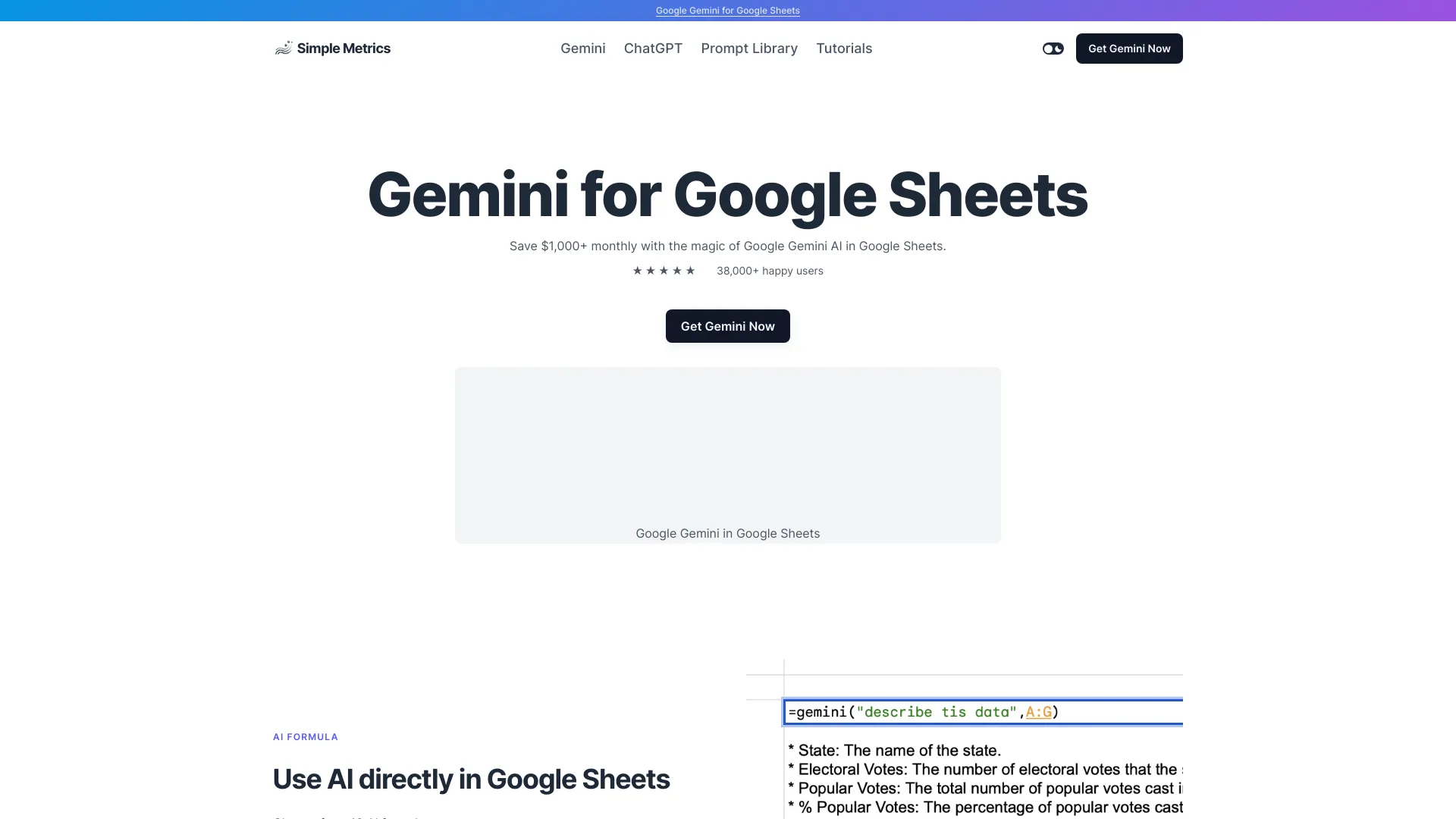
Simple Metrics
AI-powered Google Sheets workflows

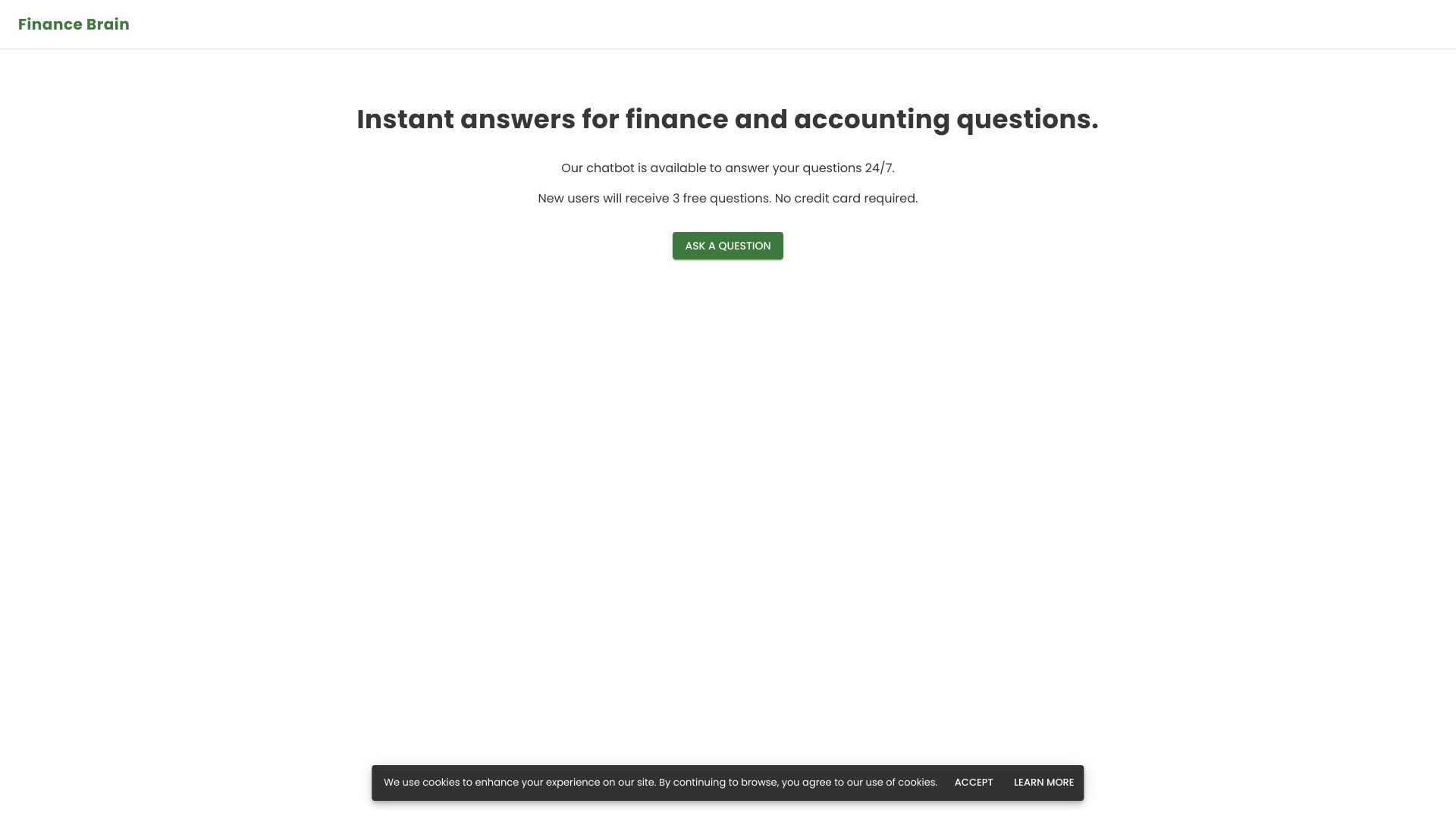
Finance Brain
Finance and accounting Q&A on spreadsheet data

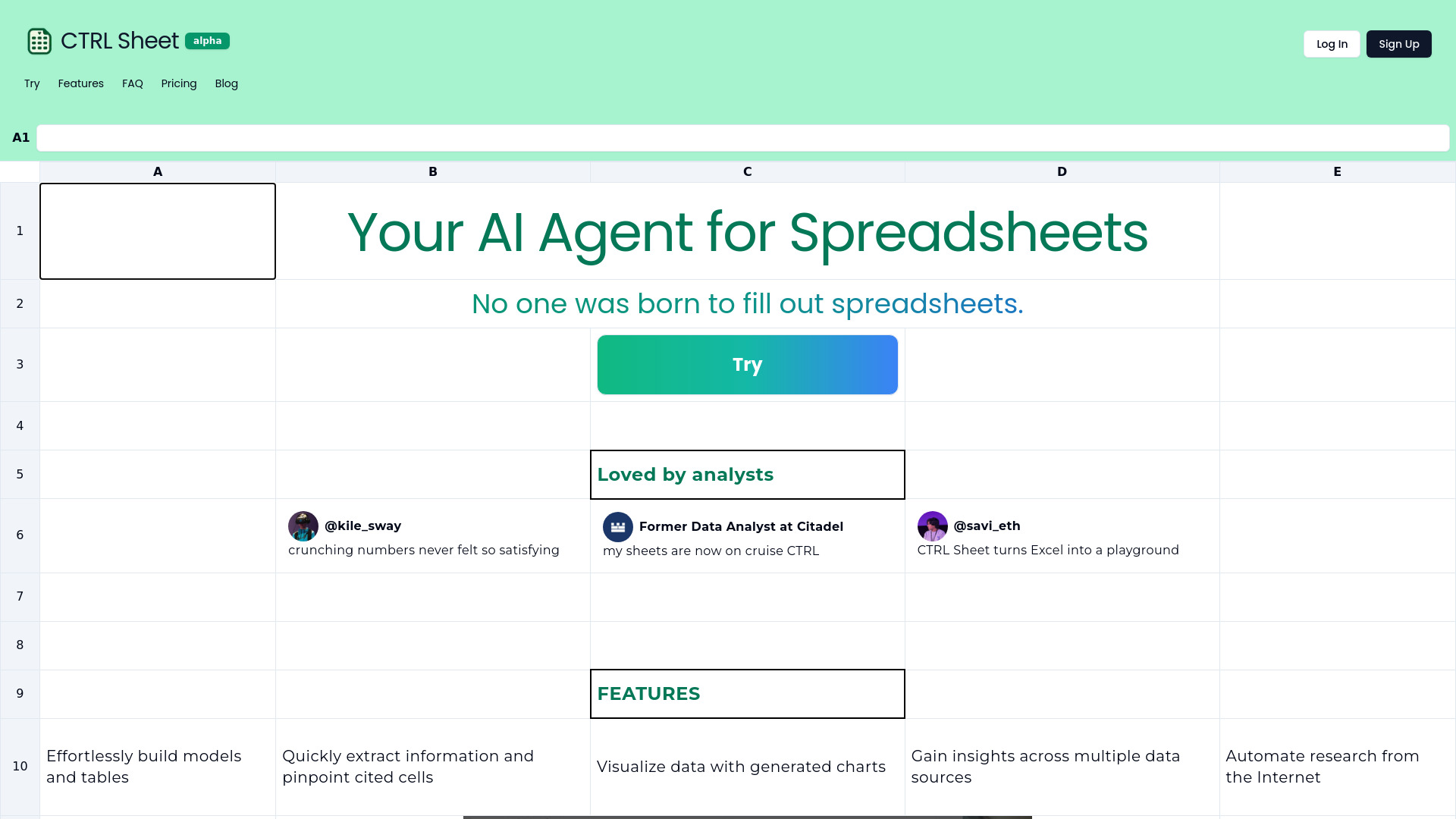
CTRL Sheet
AI spreadsheet modeling and data extraction
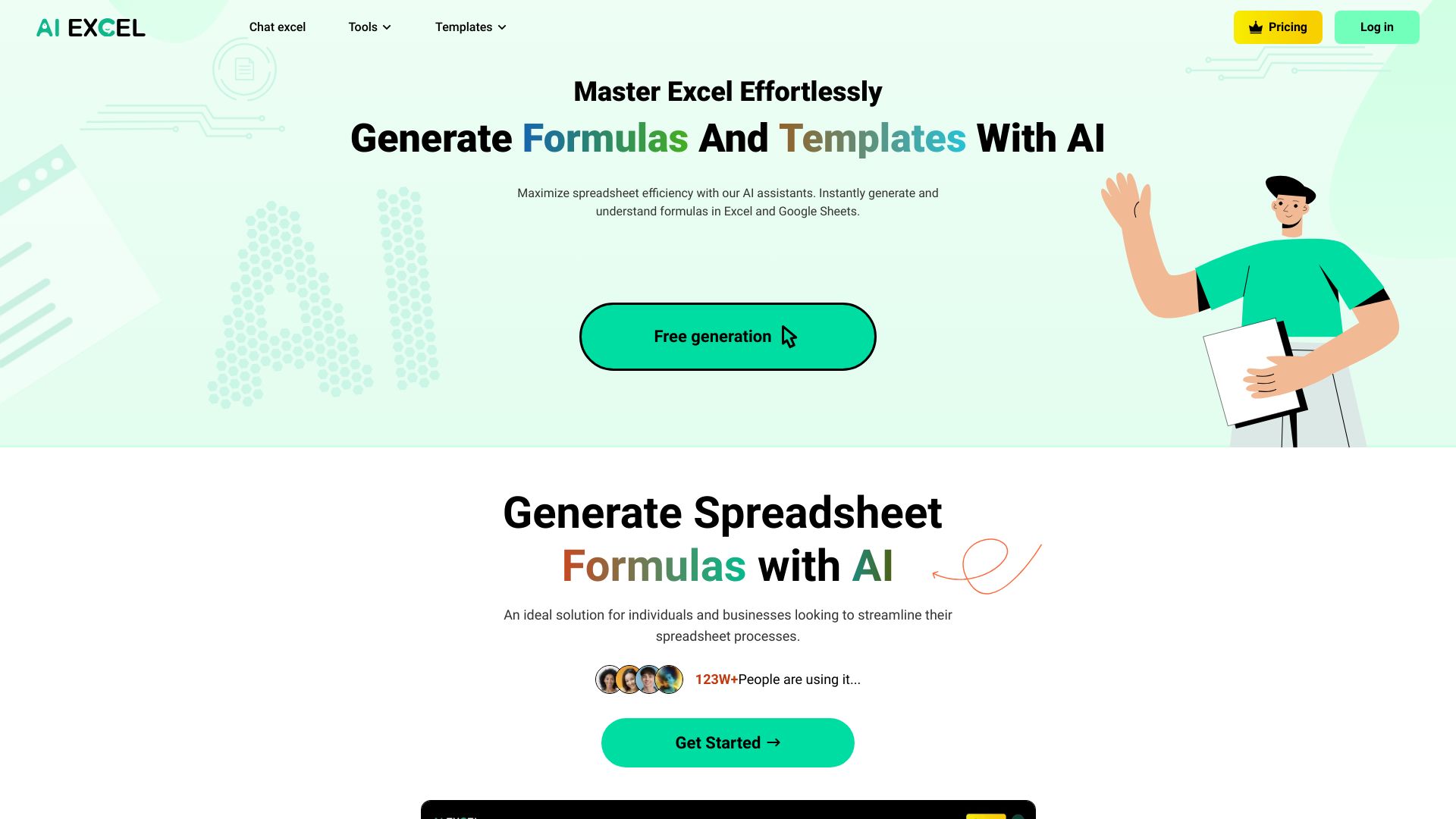
AIexcelsheet.com
AI spreadsheet formulas and template generation

Eilla AI
VC, PE, and M&A deal research


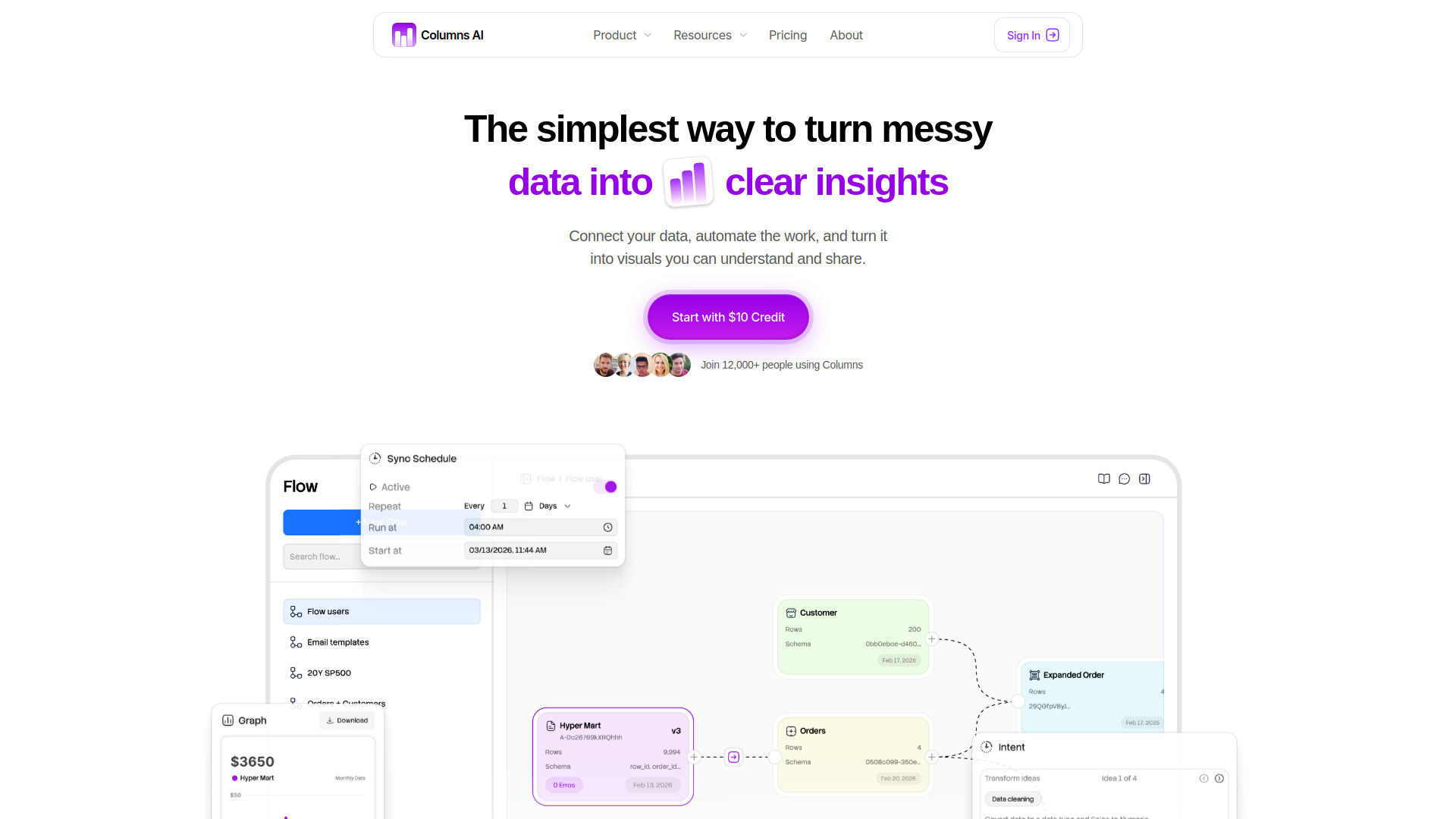
Columns AI
Turning spreadsheet data into visual stories

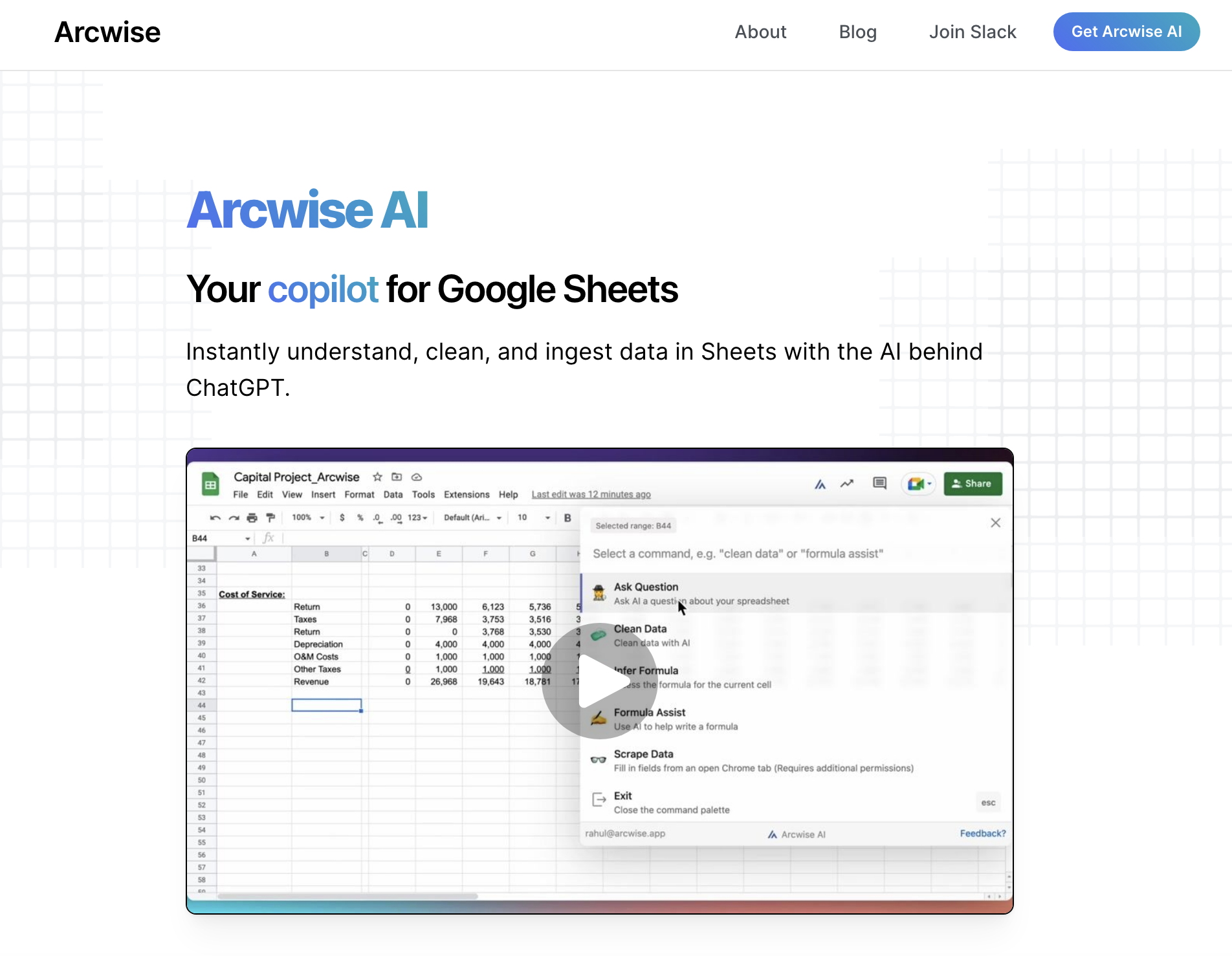
Arcwise AI
AI-powered analysis in Google Sheets

AI FIRST
No-code business AI agent creation


Fill A Form AI
Autofilling web forms from past entries and saved data

Lots AI
AI chart analysis and trade risk sizing


AIAccountingApps.com
Discovering AI accounting tools

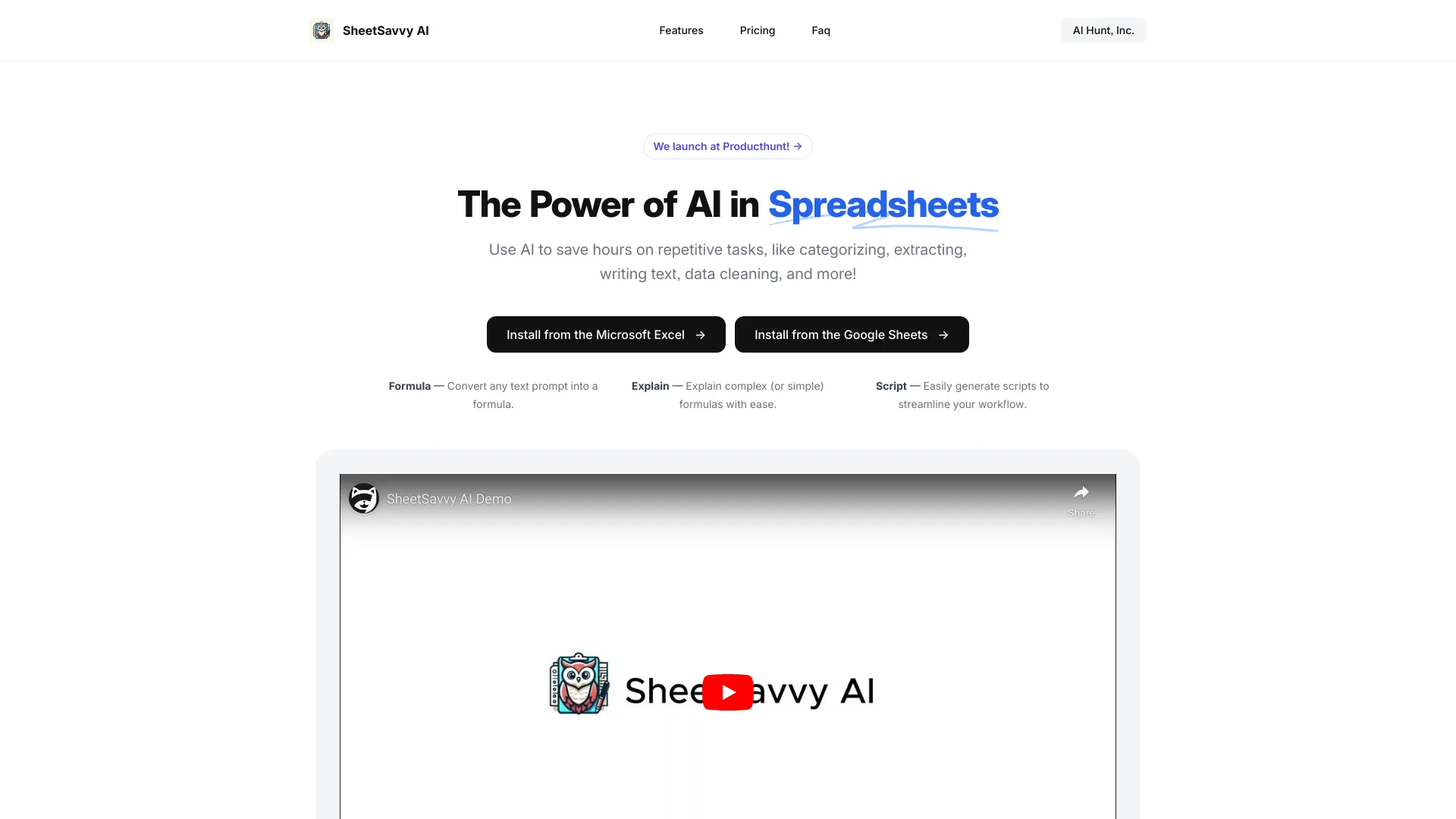
SheetSavvy AI
Excel and Sheets formula generation

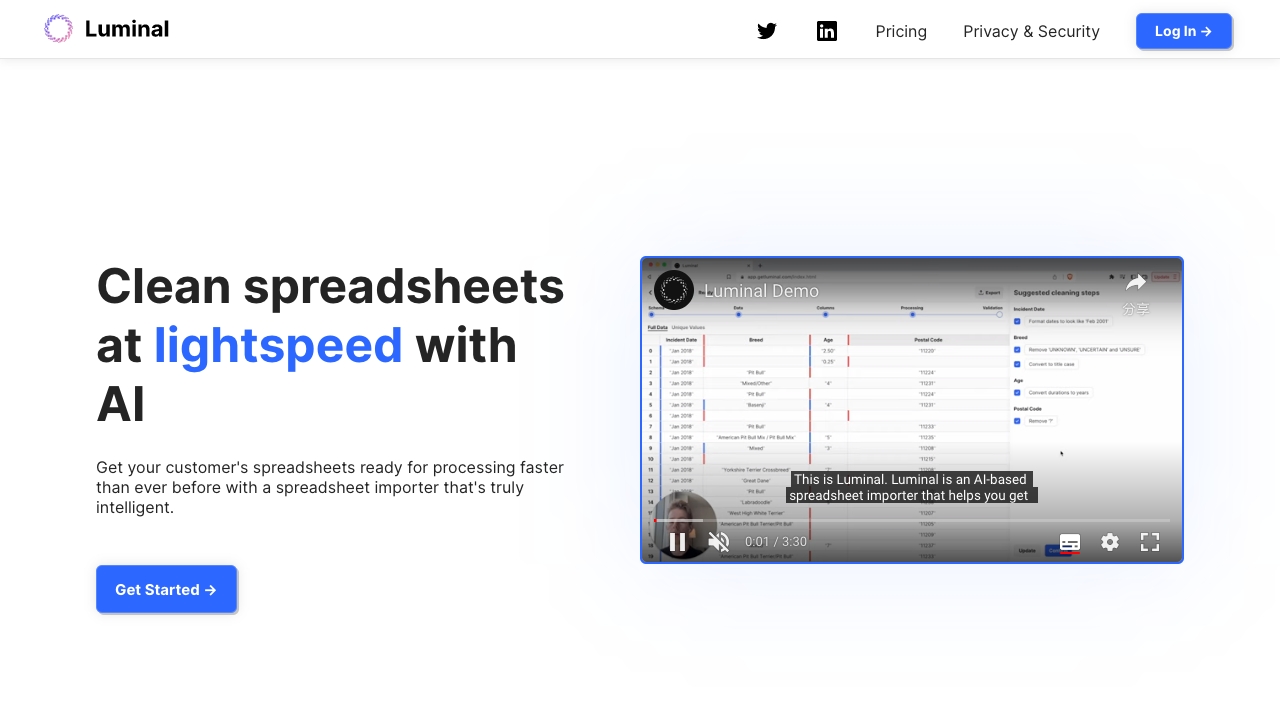
Luminal
AI-powered spreadsheet cleaning and analysis

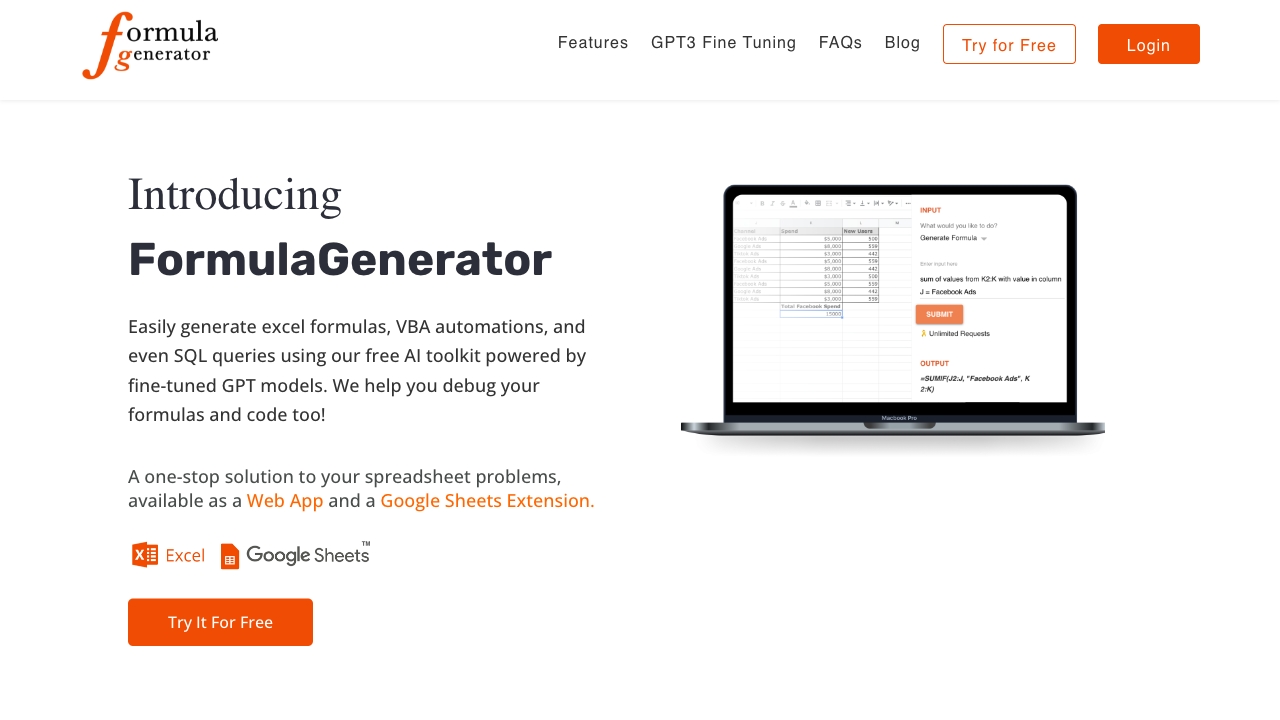
FormulaGenerator
Excel formula generation and debugging

FormelFlow
Generating and understanding Excel formulas

Formularizer
Generating and explaining spreadsheet formulas
Formula Wizard
Generating Excel, Notion, and Airtable formulas
Array Assistant
AI-assisted Excel formulas and data cleanup

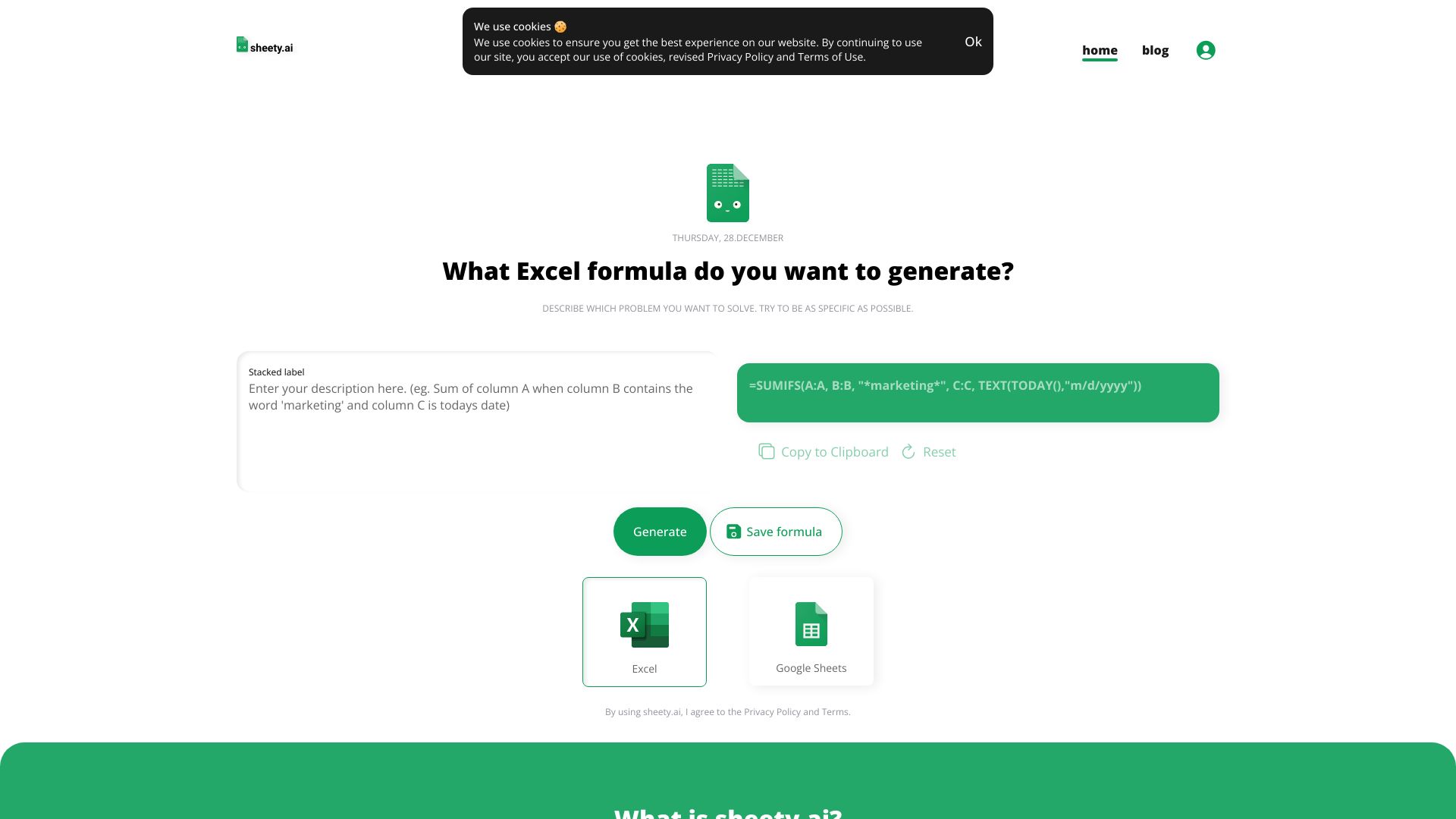
Sheety.ai
Generating Excel and Google Sheets formulas

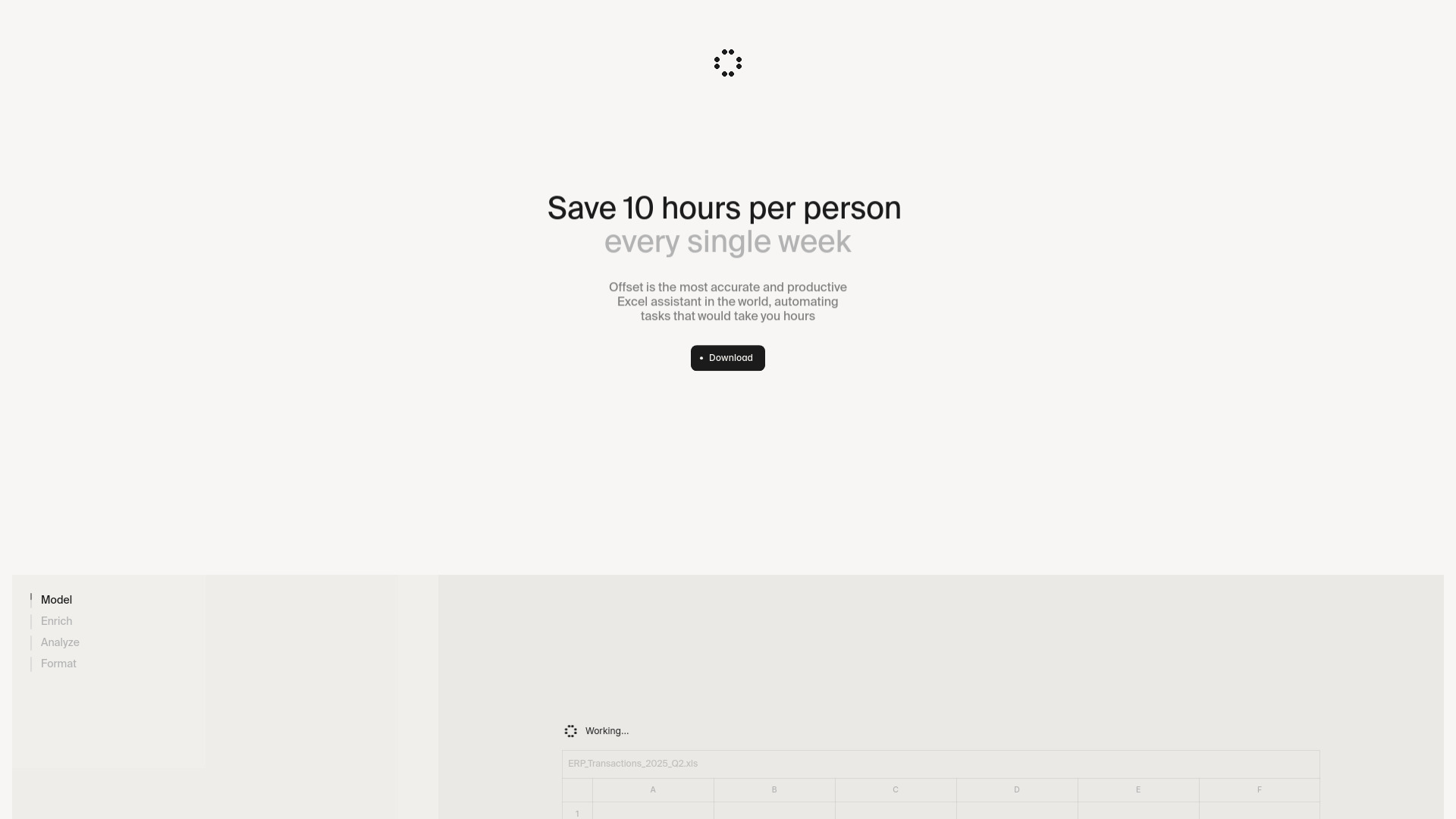
Offset
AI financial modeling and DCF analysis in Excel

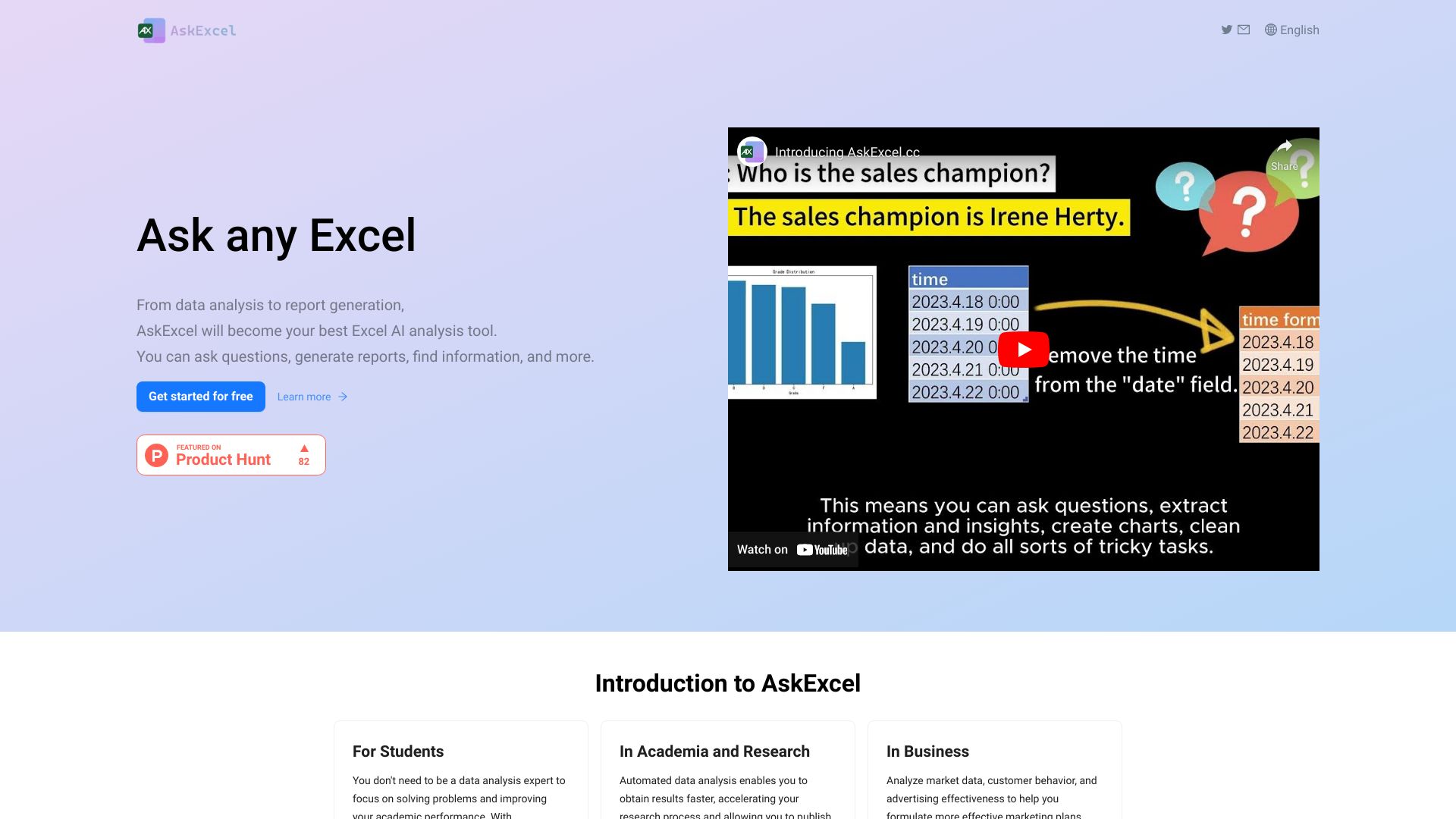
AskExcel
Conversational Excel analysis and report generation

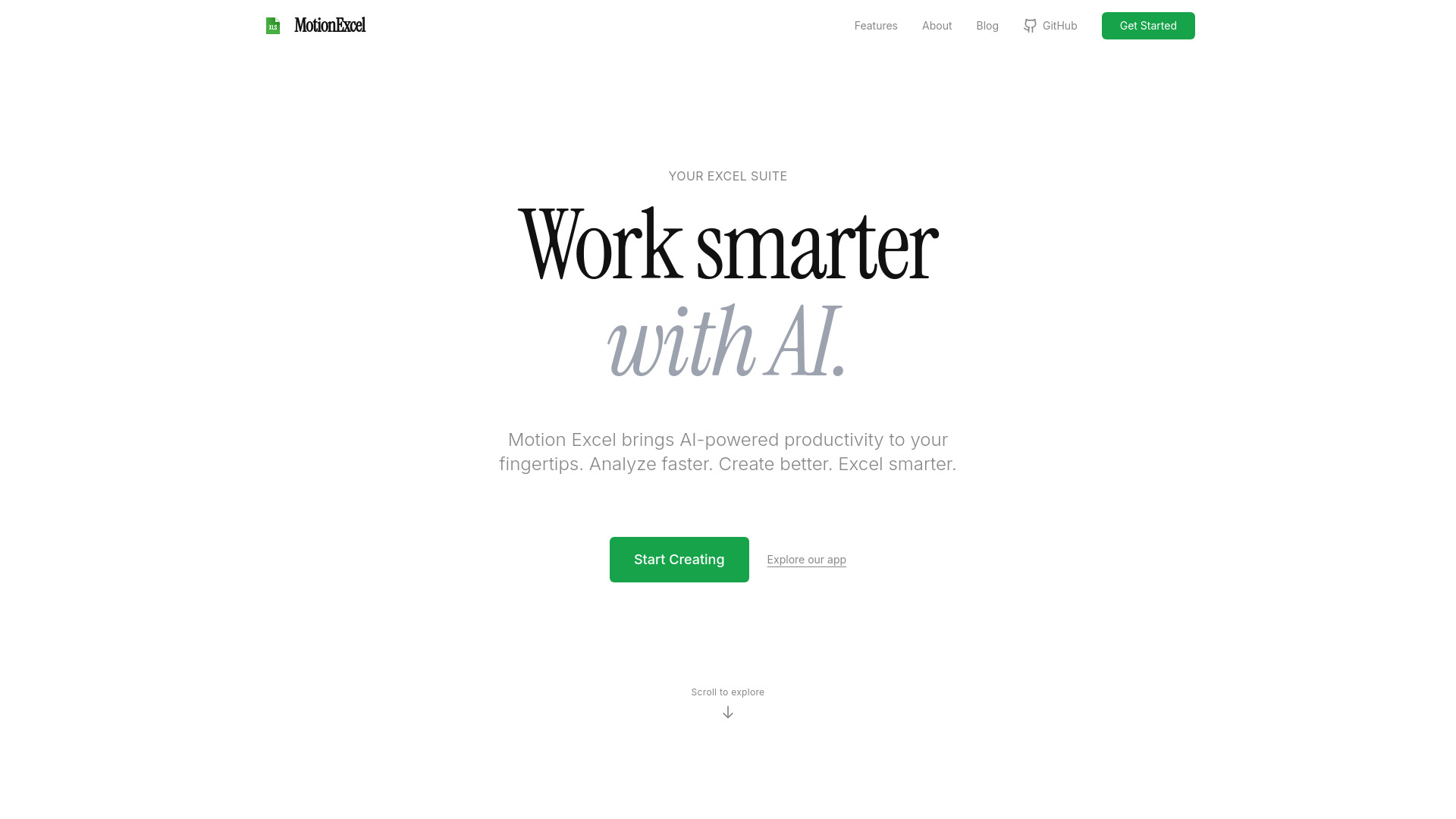
MotionExcel
AI-powered spreadsheet data analysis

Chatsheet AI
Automating AI tasks in spreadsheets
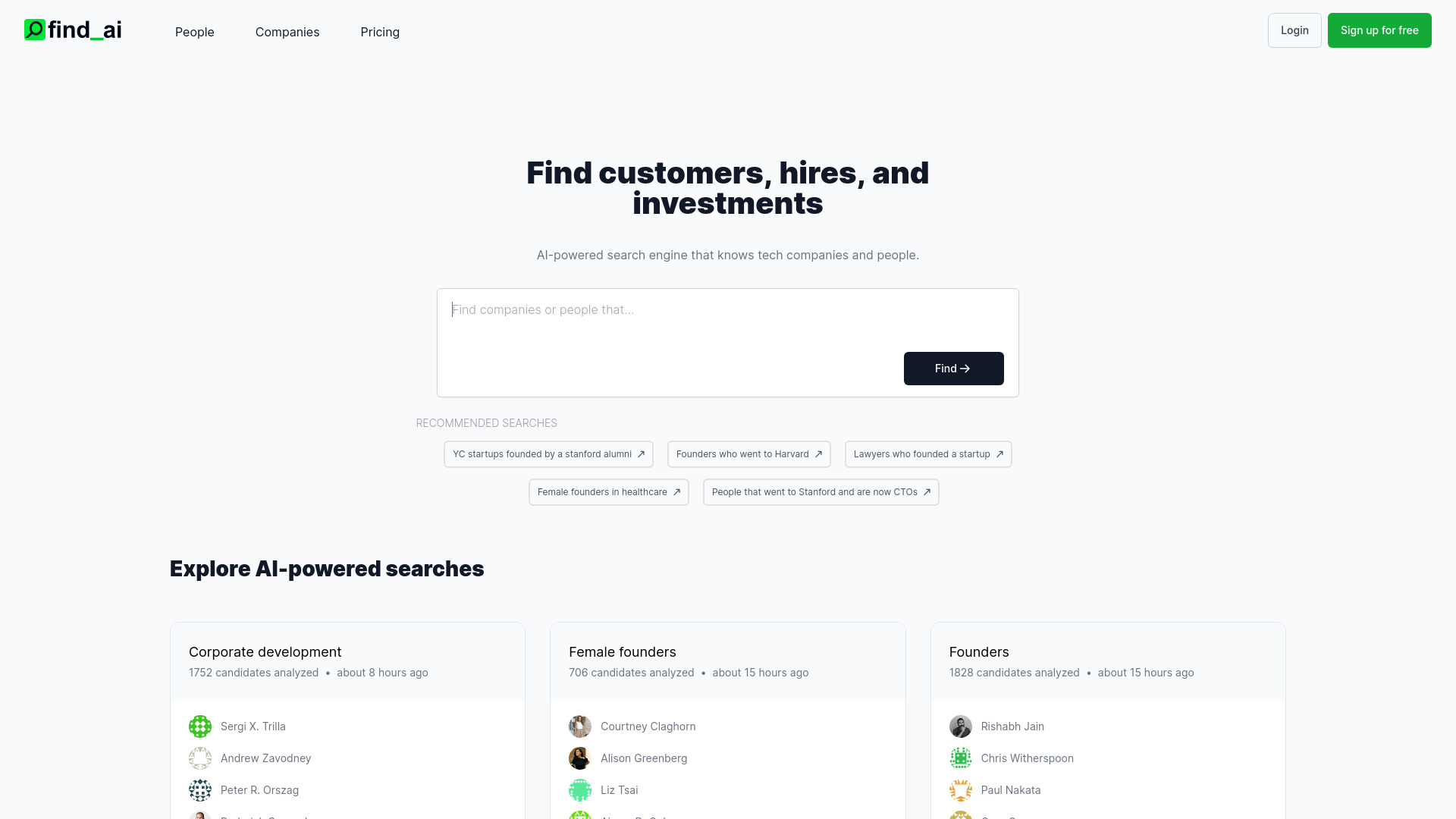

AYWorks
Generating and explaining Excel formulas and VBA macros
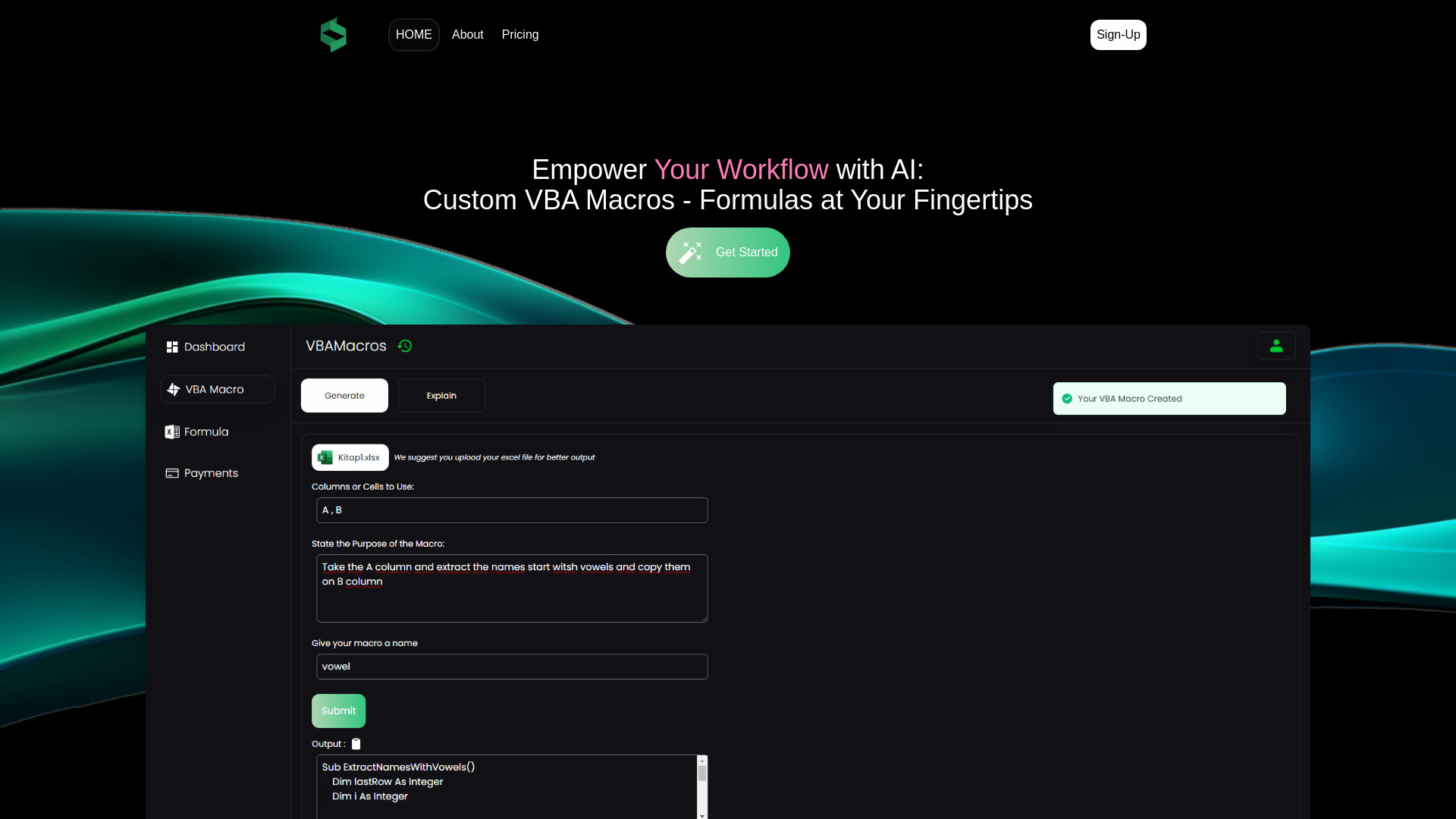

SheetBot AI
AI analysis and charting of spreadsheet data
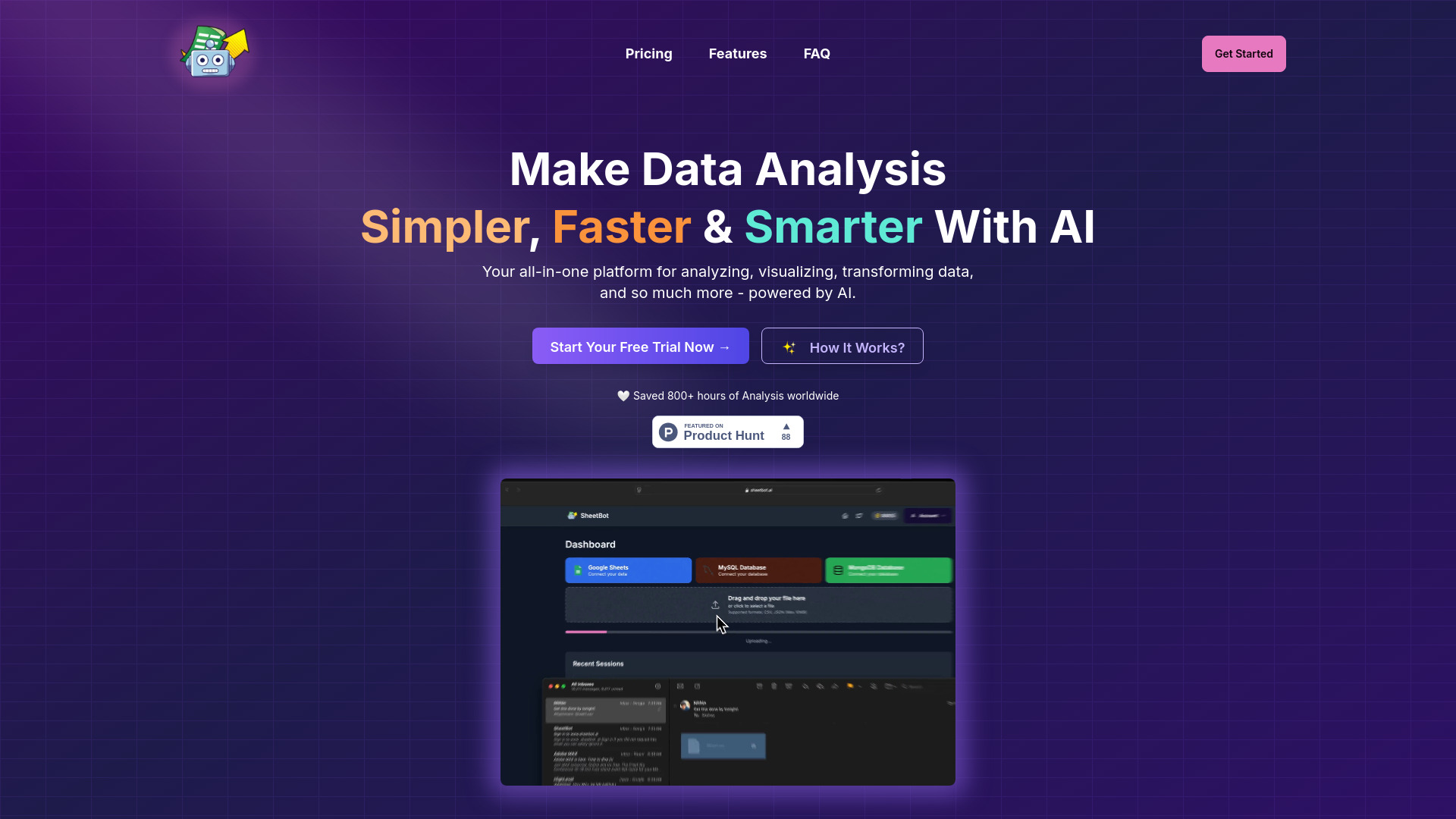

ManyExcel
Excel and Google Sheets formula generation

csv2.ai
AI-powered spreadsheet data processing


Accounting Solver AI
Accounting problem solving from prompts and spreadsheets
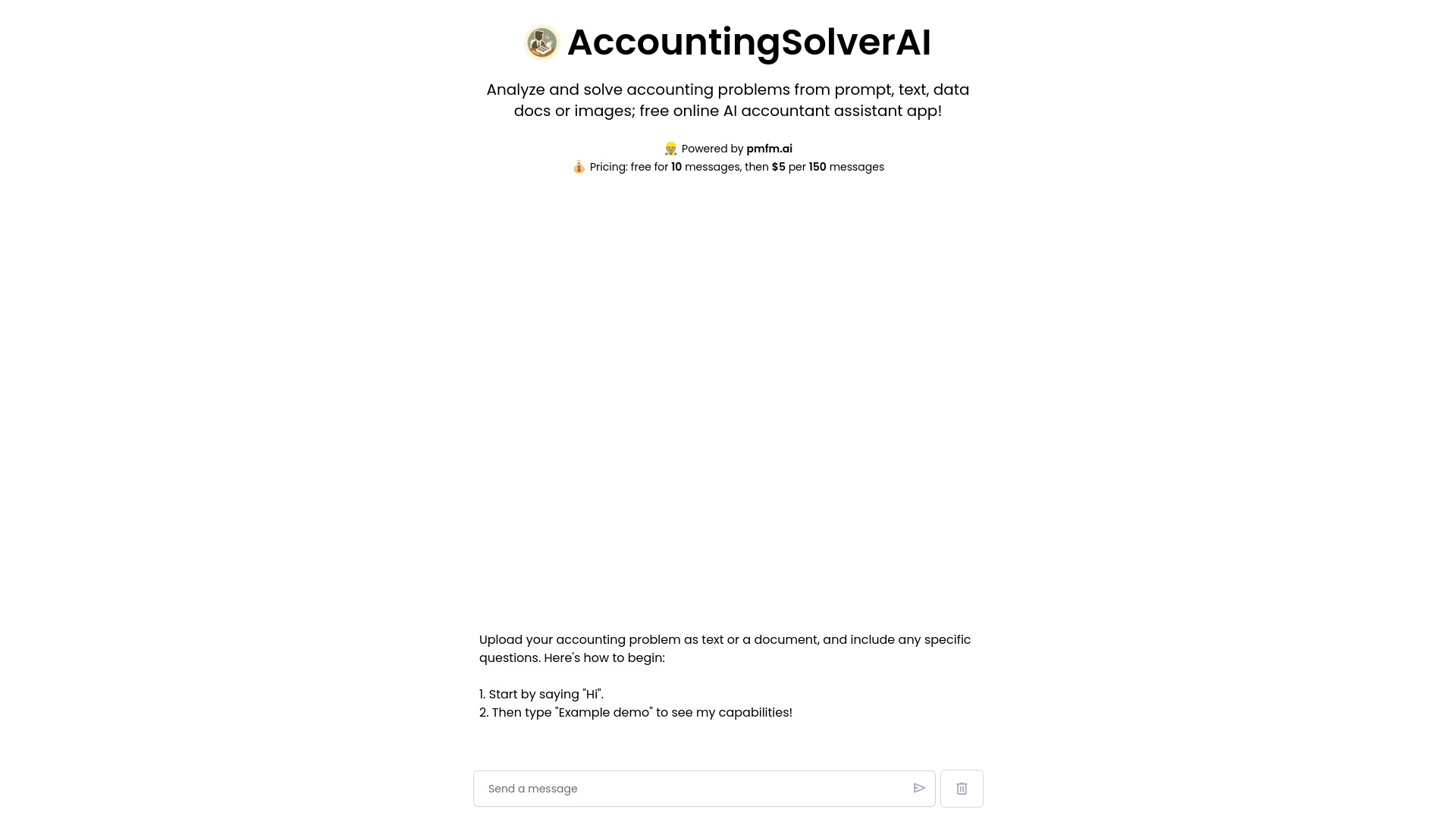

Celina AI
Natural-language spreadsheet analysis
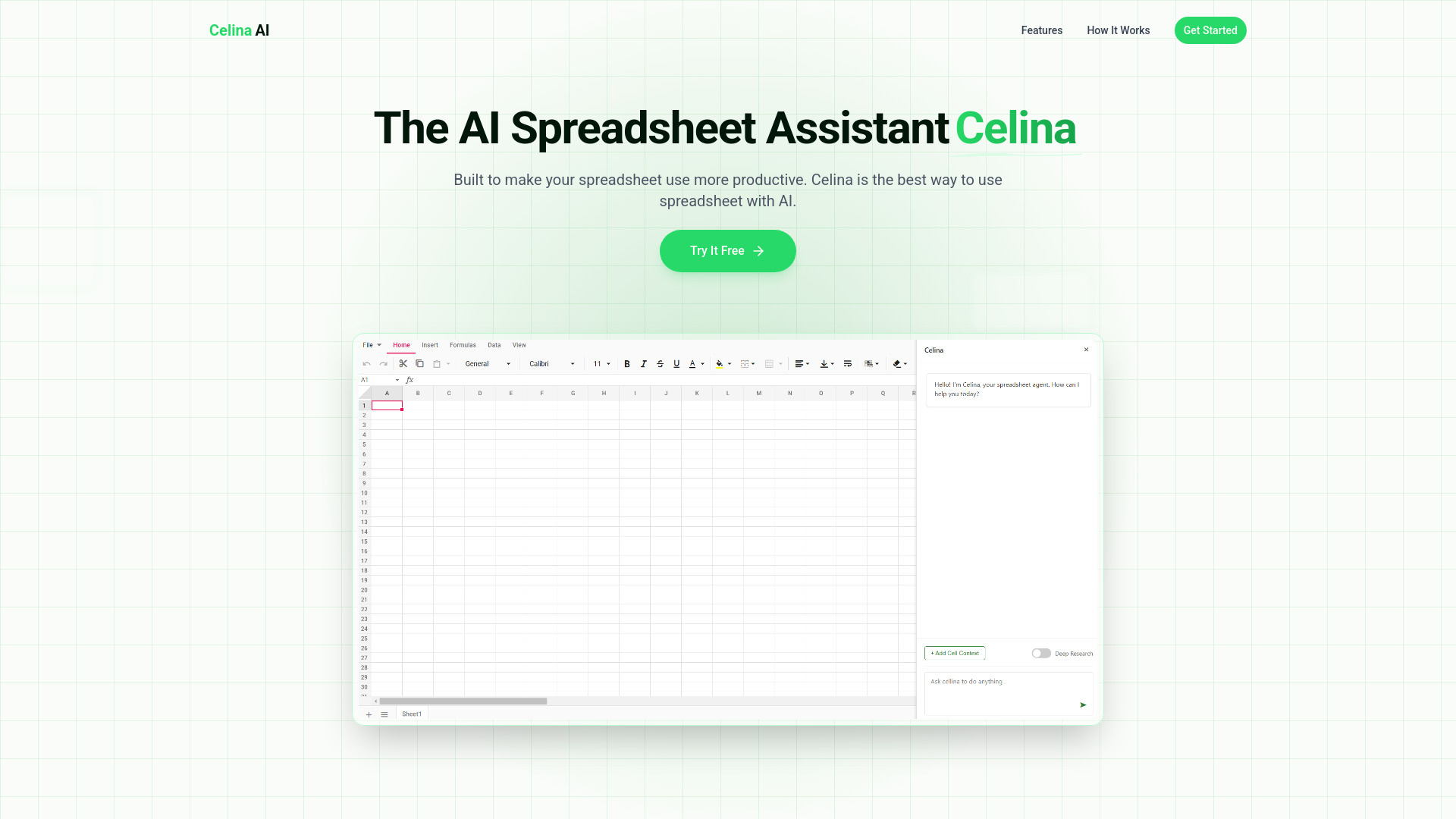

Dataslide.ai
One-click analysis and presentations from spreadsheet data
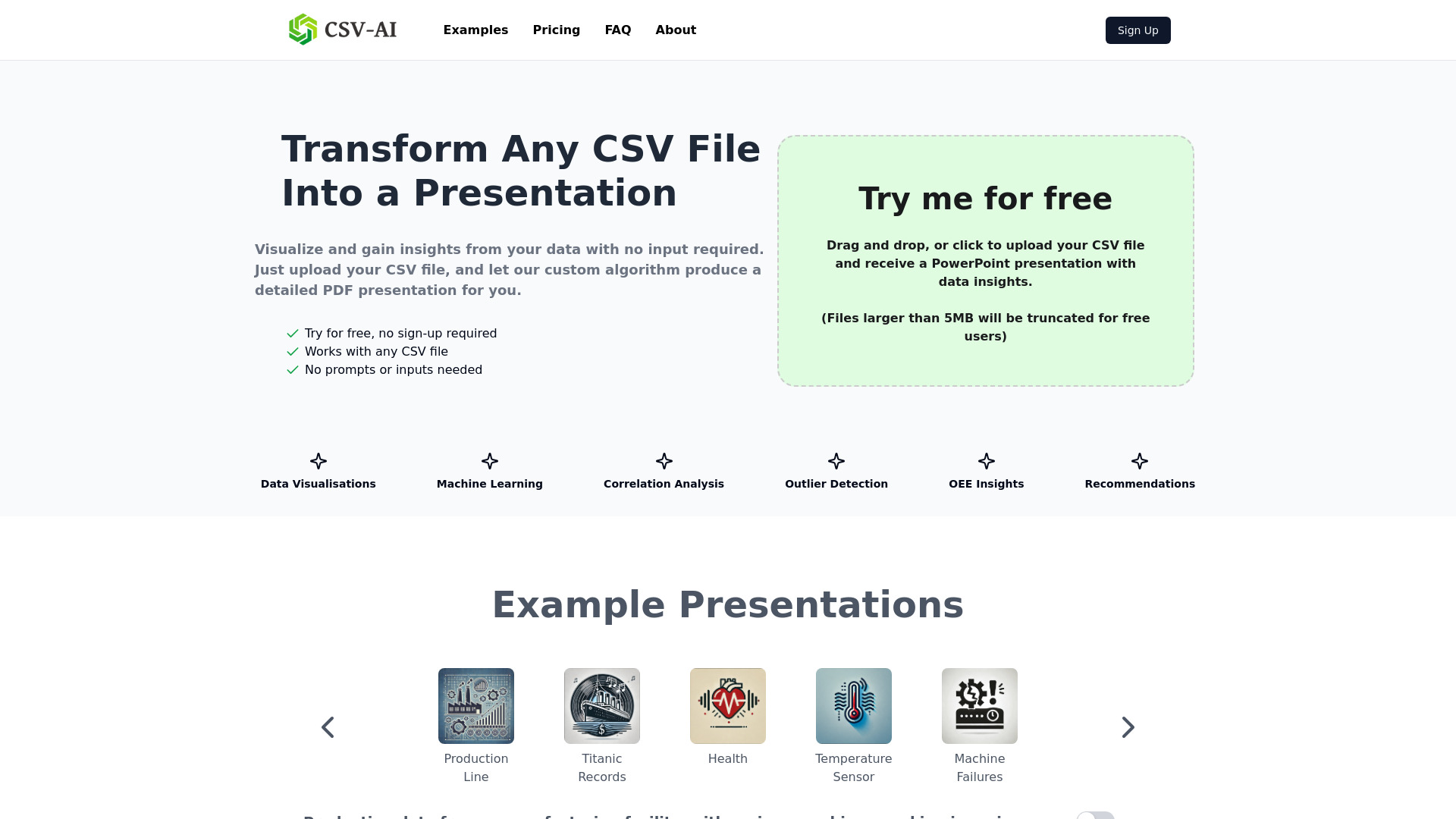

Mica
Natural-language Excel task automation
AI Investing Tools
Finding AI tools for investing and trading

Tabulator AI
Creative tables for game developers and storytellers


Athena AI
Turning study documents into quizzes and flashcards


Ag1 Labs
AI-assisted essays and structured documents

Helper-AI
On-page Excel formula assistance

CapGo AI
Extracting data from PDFs in Google Sheets

Pane
AI-assisted spreadsheet editing and analysis

AssistED AI
AI-powered competitive exam preparation


Sally Suite AI
AI-assisted Excel and Google Sheets analysis

Kenley
AI research and workflows for consulting firms

Botsheets
Google Sheets reporting and data-story generation
SQLAI.ai
Generating and optimizing SQL queries

ExcelFormulaGPT
Generating Excel formulas from plain-language requests

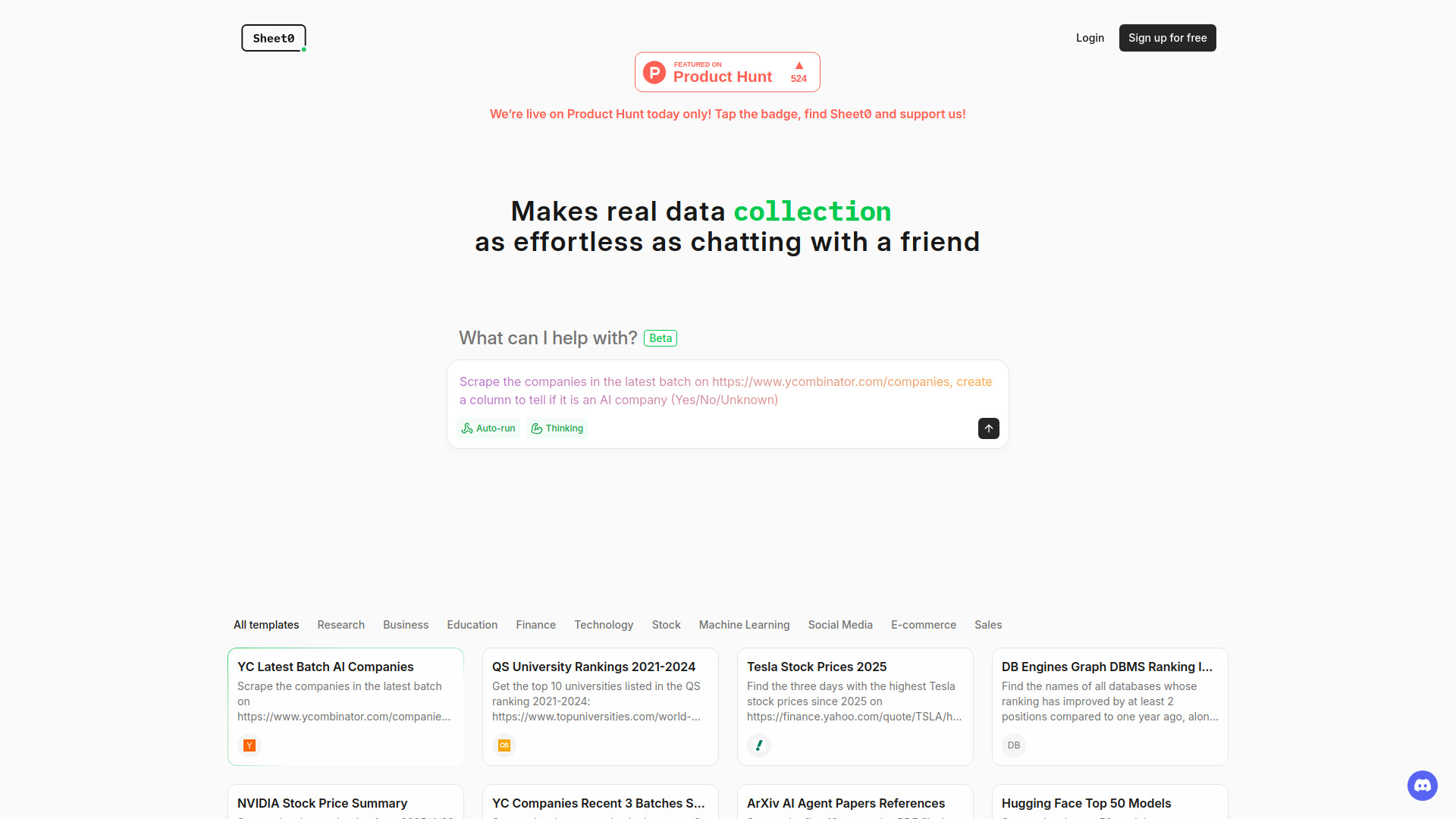
Sheet0
Automated web research in spreadsheets
AlgForce Copilot
Natural-language enterprise database analysis

SwiftSheets.ai
Natural-language analysis and editing in Google Sheets

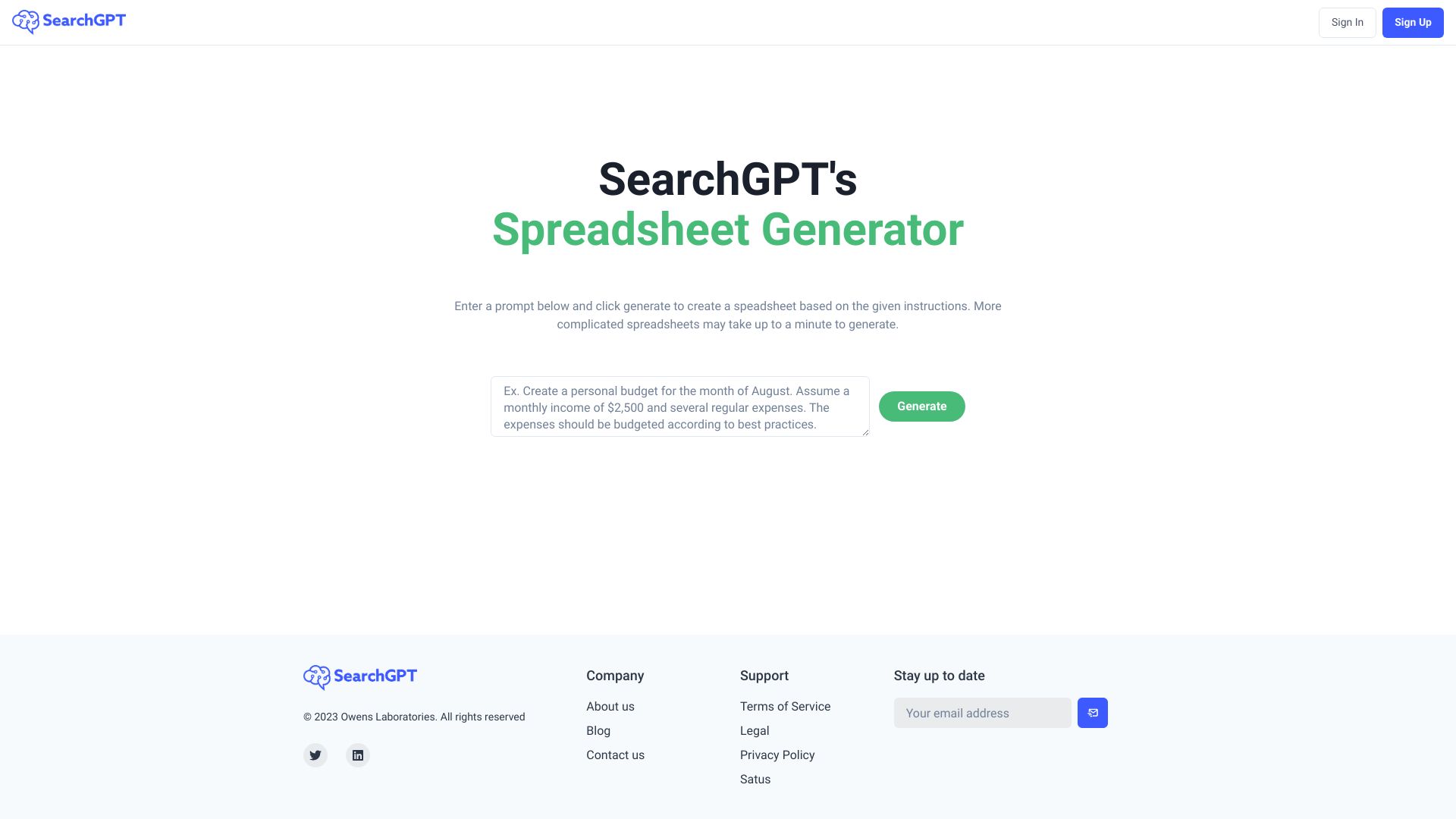
SearchGPT
Generating spreadsheets from prompts

ArtsAI
Cross-channel ad attribution and personalization


Lime
AI-assisted Jupyter notebook data analysis

RapiLearn AI
AI-powered course study


Simpla AI
Tax and accounting advice for startups and SMEs

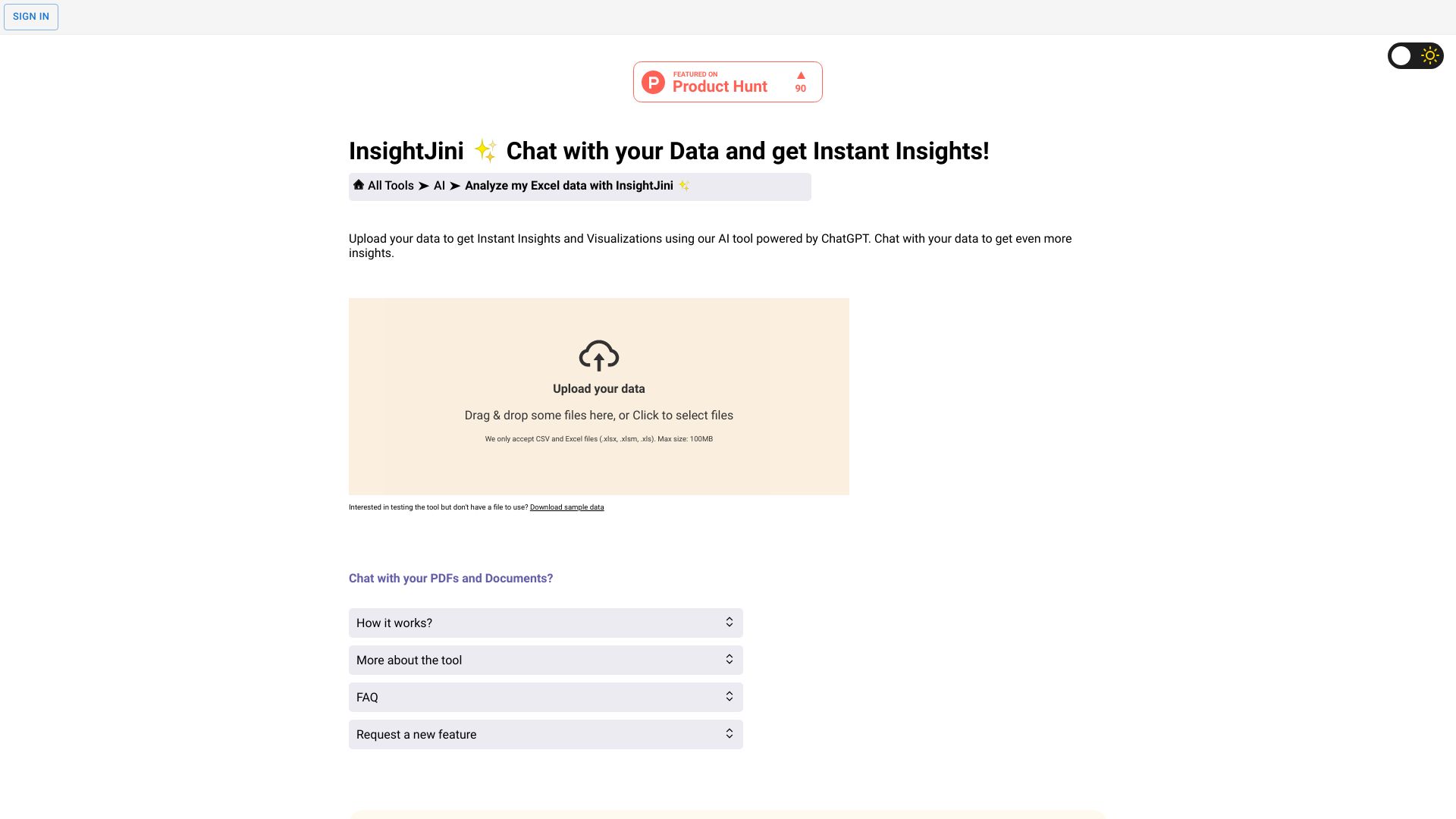
Magictool AI
Natural-language insights from Excel and CSV data
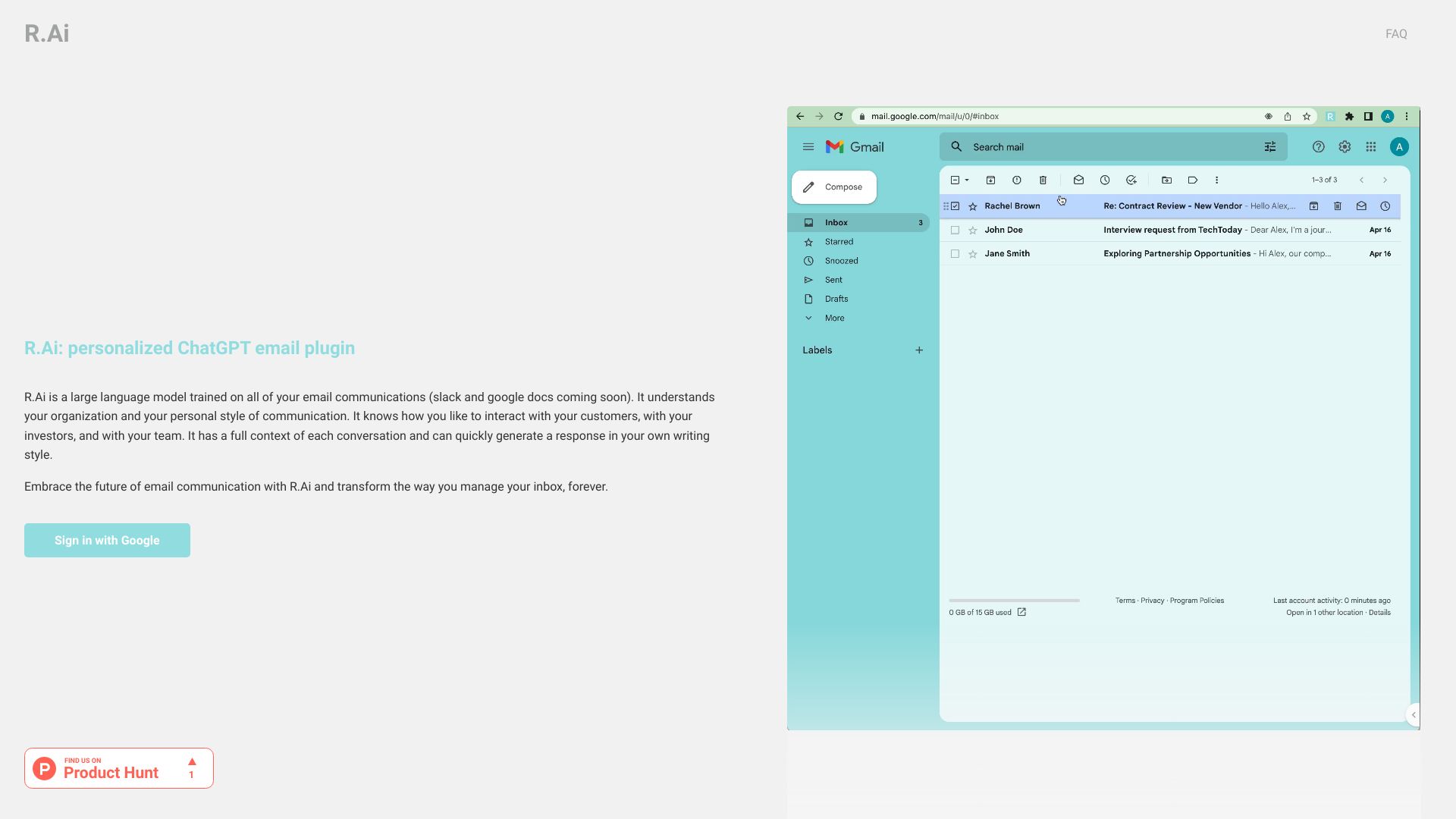
R.Ai
Personalized email reply drafting

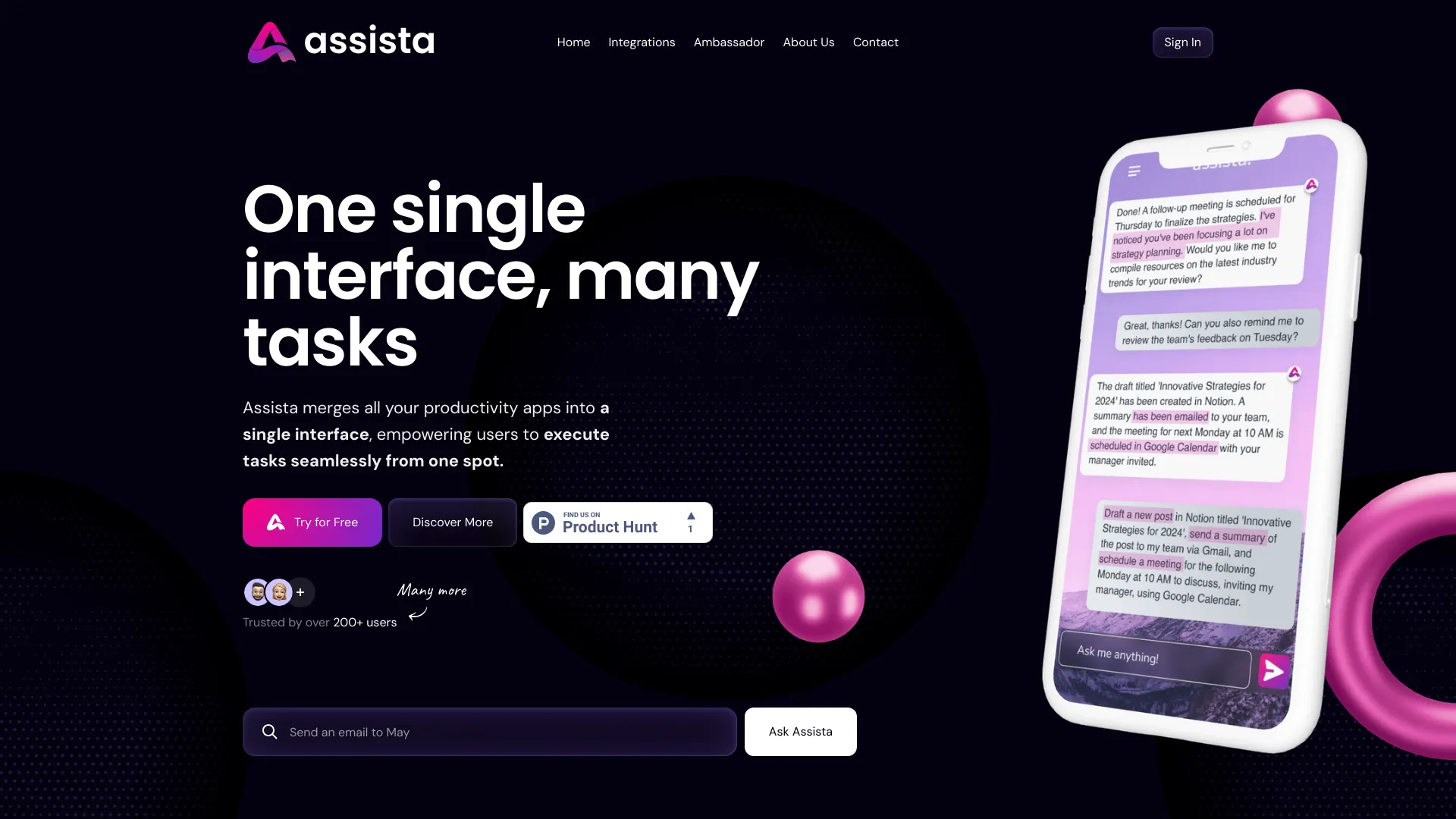
Assista AI
Cross-app business workflow automation
Michael AI
AI-powered investment research

Cols AI
Enterprise data integration and model fine-tuning


ExperAI
Creating shareable, custom-context AI expert chats

D&AViz
Visualizing Excel and CSV data


Amy AI
Inbox-focused executive assistance


IELTS Champ
AI feedback on IELTS writing and speaking
Which AI tool for Excel should you choose?
Choose based on the part of the spreadsheet process you want to improve, not on the broadest feature list:
For formulas and automation: Start with ExcelMaster.ai if VBA and code generation matter; try Ajelix or FormulAI for formula creation and explanations.
For formula help across spreadsheet environments: AI Excel Bot supports Excel and Google Sheets formulas, but its free allowance is only five uses per month.
For chat-first cleanup or reconciliation: ChatExcel AI is the clearest match for table processing without formulas or code. Keep an eye on credit use.
For analysis and visualization: Compare Formula Bot and Excelmatic. Formula Bot adds formula generation and SQL query support; Excelmatic emphasizes natural-language operations and analysis.
For charts or finished reporting: Julius AI focuses on analysis and charts, while ExcelDashboard Ai is specifically oriented toward dashboards and reports from Excel files.
For a wider team workflow: Airtable is an adjacent option when you want no-code app building, data management, and automation rather than an Excel-only helper.
The best excel ai for a solo user may not be the right one for a team. In particular, Excelmatic's accounts are individual-use only, while Airtable's pricing can depend on seats and add-ons. Before you upload work data, also check each vendor's live plan details and your organization's data-handling requirements; the feature summaries here do not establish specific security or compliance terms.
My practical recommendation
Start with the smallest tool that can handle a real task you repeat. For a formula or VBA bottleneck, test ExcelMaster.ai against a formula you understand well enough to verify. If you mainly need to understand formulas, compare Ajelix and FormulAI. For plain-language analysis, try Formula Bot or Excelmatic with a small, representative table; for a report-oriented workflow, test ExcelDashboard Ai with a file you can safely use.
A useful trial is not just a clever prompt. Choose a familiar spreadsheet task, note how much editing the result needs, and check the answer against your own calculation or existing process. That reveals more than a demo built around an ideal example. If you need help only occasionally, the free limits may be enough. If the tool becomes part of weekly work, compare paid limits and pricing directly with the vendor before committing.
Common mistakes when choosing AI tools for Excel
Picking a formula bot for an analysis job. Formula generation and data interpretation are different needs; match the tool to the work you repeat.
Assuming free means unlimited. Several plans cap monthly requests, chat messages, credits, enrichments, or uploads.
Ignoring file and account constraints. Formula Bot lists free file-size limits, and Excelmatic does not currently support team sharing.
Trusting a generated answer without checking it. Validate formulas, calculations, charts, and summaries against a known result before using them in important work.
Comparing prices without comparing plan limits. A starting price is useful only when you know which features and usage limits it covers.
What changed in 2026
The useful distinction in this comparison is less about whether a tool says AI and more about how it fits into spreadsheet work. Some of the strongest options focus on formula generation and explanation; others let users analyze or clean tables in chat, create charts, or move from an Excel file to a dashboard. Free access also varies considerably, from a handful of monthly formula requests to daily credits or limited file uploads. These differences make a small test with your own representative task more valuable than choosing by feature count alone. The products and plan details can change, so verify current pricing and limits with each vendor before buying.
FAQ
ExcelMaster.ai is our best overall match for professionals because it combines formula generation with VBA and Python code support. For analysis, reporting, or chat-based table work, Formula Bot, Excelmatic, or ChatExcel AI may fit better.