
Finding the best ai translator depends less on a flashy language count and more on what you actually need to translate. We compared 100 tools for this guide, including general text translators, document and image specialists, video dubbing platforms, and a few unexpected alternatives for code and multilingual content. The shortlist below gives you a practical starting point for choosing the best ai for translation without treating every translation job as the same problem.
Top picks
| Pick | Tool | Best for | Why it stands out |
|---|---|---|---|
| 1 | AITranslator.com | Small and medium businesses | 240+ languages, text and document translation, and 500 free credits per month. |
| 2 | Lufe AI Translator | Language learners | Bilingual web reading plus word selection, pronunciation, image, and PDF translation. |
| 3 | Image Translator | Marketing managers | Translates text inside images while preserving context and formatting across 130+ languages. |
| 4 | Vidnoz AI | Businesses | Video translation with lip-sync, voice cloning, and support for 140+ languages. |
The leading tools split into clear camps. AITranslator.com is the strongest general-purpose choice, while Lufe is better when translation happens in a browser as you read. Image Translator and Vidnoz are more specialized, but their specialized workflows are exactly why they outrank many generic text tools for visual content.
Quick comparison
| Rank | Tool | Best for | Standout capability | Free access | Starting price | Score |
|---|---|---|---|---|---|---|
| #1 | AITranslator.com | Small and medium businesses | Text and document translation | 500 free credits/month | Free plan: $0/month | 95/100 |
| #2 | Lufe AI Translator | Language learners | Bilingual web, PDF, and image translation | Unlimited machine translation | Free plan: $0 | 95/100 |
| #3 | Image Translator | Marketing managers | Image translation with formatting preservation | Free demo translation | Check vendor pricing | 94/100 |
| #4 | Vidnoz AI | Businesses | Video translation with lip-sync | 3 min/day | Free: $0 | 94/100 |
| #5 | Maestra AI | Content creators | Transcription, subtitles, and voiceovers | 10-minute free trial | Pay as you go: $12 | 94/100 |
| #6 | AI Code Translator | Software developers | Conversion between programming languages | Free access available | Check vendor pricing | 94/100 |
| #7 | AI STUDIOS | Educators | Avatars and voices in 80+ languages | 3 video exports/month | Free: $0/month | 94/100 |
| #8 | Precise AI Document Translator | Businesses | Format-preserving document translation | Starts at $1 for up to 20,000 words | Check vendor pricing | 94/100 |
| #9 | Pipiads | E-commerce entrepreneurs | AI image translation alongside a TikTok ads library | Free access is listed | Check vendor pricing | 94/100 |
| #10 | Noiz AI | Podcast producers | Emotional speech, voice cloning, and dubbing | Free access is listed | Starter: $3.90/month | 94/100 |
This table exposes an important distinction: a low starting price does not automatically make a tool the best translator ai for your workflow. Some products charge by credits, some limit free video or file usage, and some make the most sense only when translation is part of a larger media-production process.
How we ranked these AI translators
We scored each shortlisted tool on practical translation fit rather than language-count claims alone. The model considered the type of input supported, the specificity of the workflow, stated language coverage, free access, starting price, and the clarity of the tool's main use case. We also weighed audience fit and usage signals as market context, not as a substitute for product quality. General text and document tools received credit for breadth; image, video, code, and voice tools were judged against the more specialized jobs they are built to handle. Finally, we applied a reality check to limitations such as file-size caps, paid feature gates, credit systems, and free-use restrictions. That is why this list includes both broad translation platforms and adjacent visual or audio studios.
The best AI translators
1. AITranslator.com

AITranslator.com
Best all-around AI translator for small and medium businesses
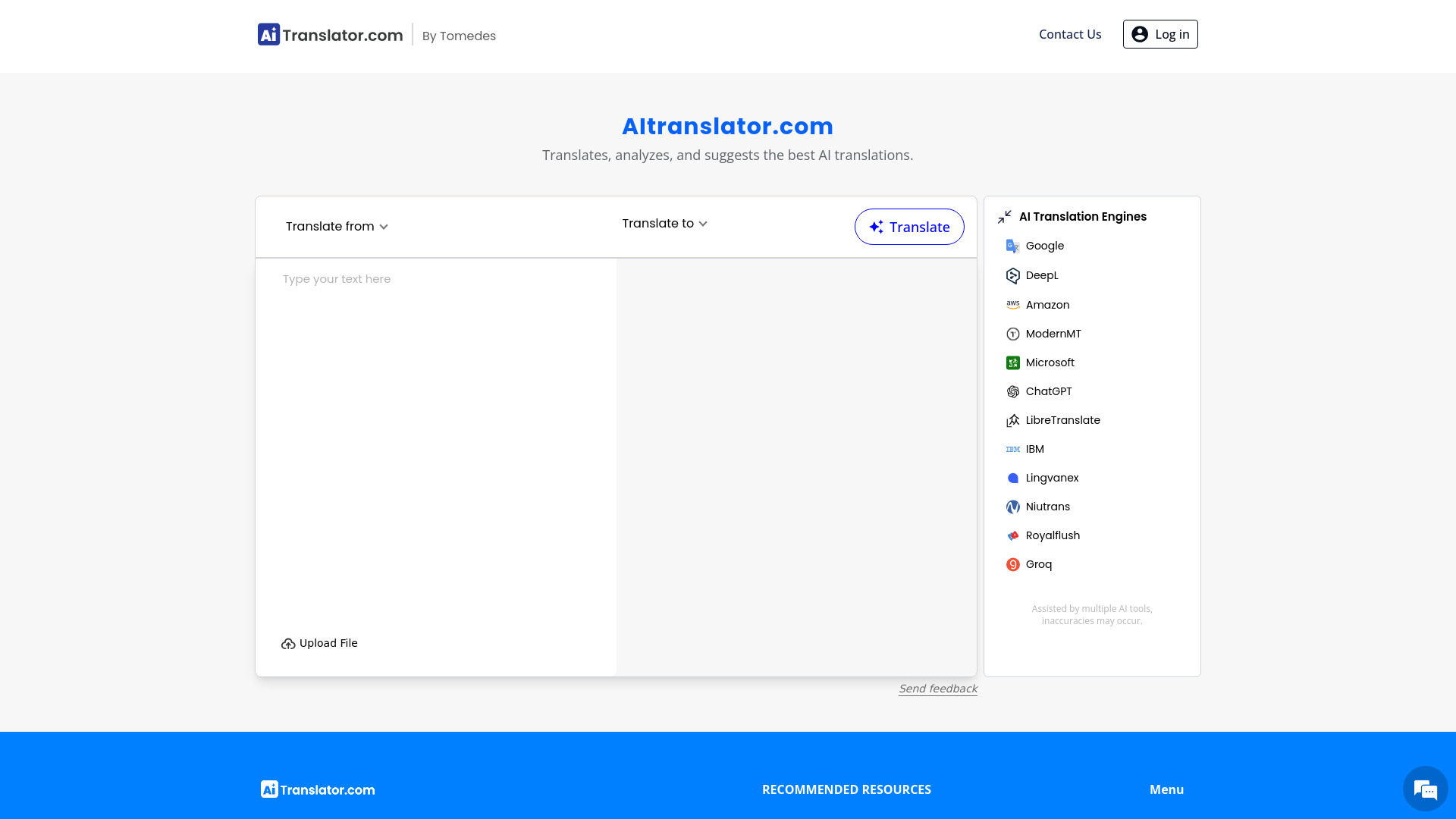
The broadest match in this group is also the easiest recommendation for a business that does not want to assemble several specialist tools. AITranslator.com handles AI-powered text translation and document translation, giving it a useful two-layer workflow: translate short content when speed matters, then move longer business material through the same service. Its stated coverage of more than 240 languages is unusually broad for a general-purpose pick.
The free allowance of 500 credits per month gives buyers a meaningful way to test the workflow before committing. That matters for small and medium businesses that may need to translate recurring documents but do not yet know their monthly volume. The trade-off is familiar with AI translation: speed and scale do not eliminate the need to review important legal, technical, or customer-facing copy.
My take: This is the safest first stop when you need one best ai translation tool for mixed text and document work. I like the combination of breadth, a clear business audience, and a concrete free credit allowance.
Where it falls short: AI reliance can lead to inaccuracies, so high-stakes translations still need human review. The large language count should not be confused with equal quality in every language pair.
Key features
AI-powered text translation for everyday written content.
Document translation for longer or formatted materials.
Support for more than 240 languages.
500 free credits per month.
AI-Assisted Translation Insights are listed among the available access details.
Pros
Fast and efficient AI translation.
Covers both text and documents in one workflow.
Broad language coverage for international business use.
Free credits make initial testing straightforward.
Cons
Potential inaccuracies due to reliance on AI.
Credit-based access may require careful volume monitoring as usage grows.
Choose AITranslator.com if: You want a broad, affordable starting point for translating business text and documents across many languages.
2. Lufe AI Translator

Lufe AI Translator
Best AI language translator for language learners
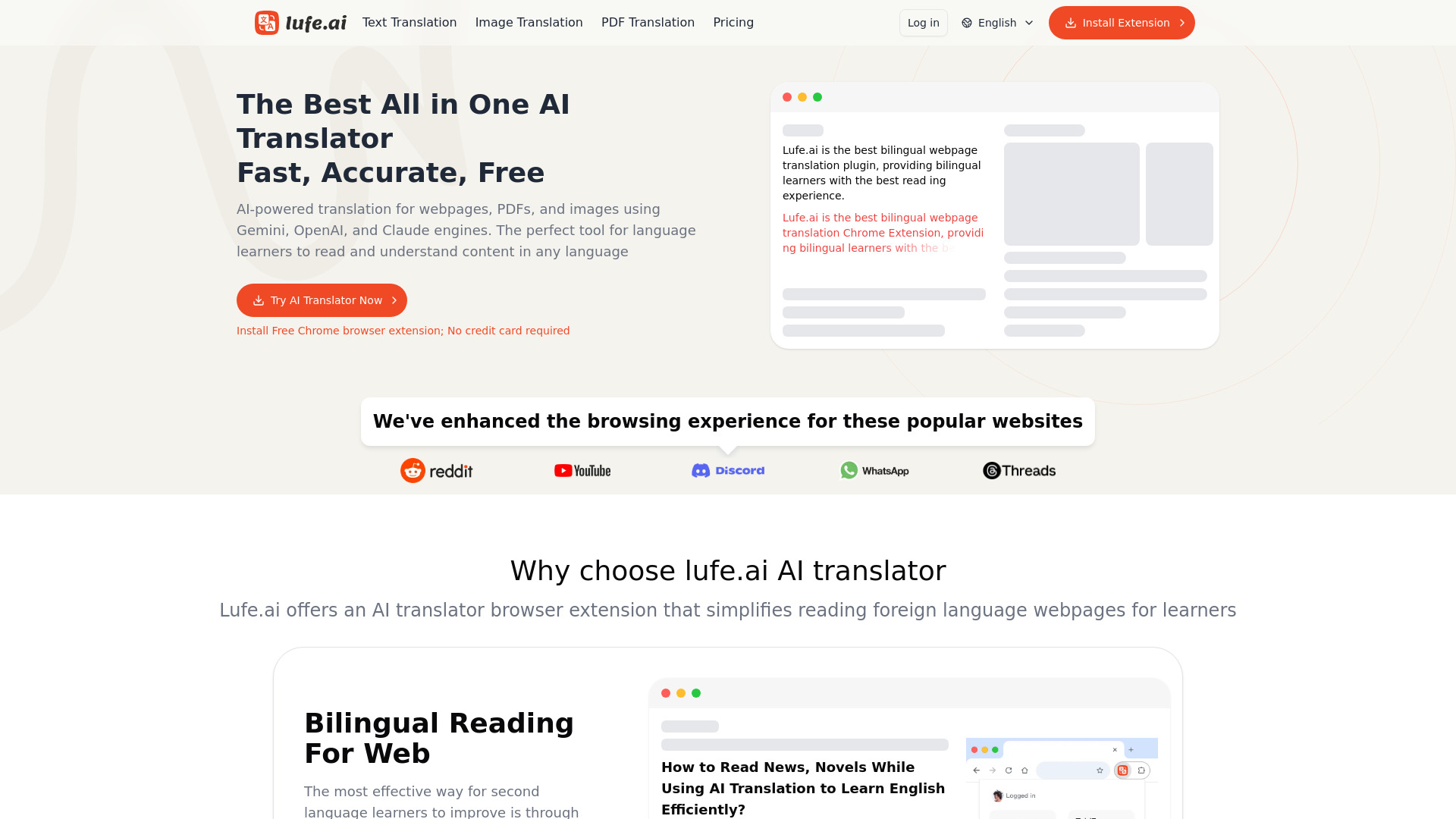
Lufe takes a different route from the conventional translator box. Its core experience is bilingual web translation, so learners can read a page in the original language and translated language together instead of copying paragraphs into a separate site. That makes it particularly well suited to browsing, research, and gradual vocabulary building.
The small interaction details are what make the product stand out. Word selection translation with pronunciation supports the moment when a learner gets stuck on a phrase or individual term. Lufe also includes image and PDF translation, extending the same learning workflow to visual material and downloaded documents. Basic machine translation is free and unlimited, while advanced AI translation features require a paid subscription.
My take: Lufe is the best translation ai choice here for people who learn by reading rather than by translating isolated sentences. The browser-first approach feels more useful than a generic text field when context and pronunciation matter.
Where it falls short: The most advanced AI capabilities sit behind a subscription. Users who only need occasional plain machine translation may never need those features, but professional or nuanced work should account for the upgrade.
Key features
AI-powered bilingual web translation.
Word selection translation with pronunciation.
Image translation.
PDF translation.
Unlimited machine translation on the free offering.
Pros
Fast, accurate, and free for basic machine translation features.
Keeps translation in the context of the webpage being read.
Pronunciation support makes it more useful for learners.
Handles web pages, images, and PDFs.
Cons
Advanced AI translation features require a paid subscription.
The learning-oriented interface may be more than casual one-off users need.
Choose Lufe AI Translator if: You want to read bilingual webpages, understand individual words with pronunciation, and translate PDFs or images while learning.
3. Image Translator

Image Translator
Best image translator for marketing managers
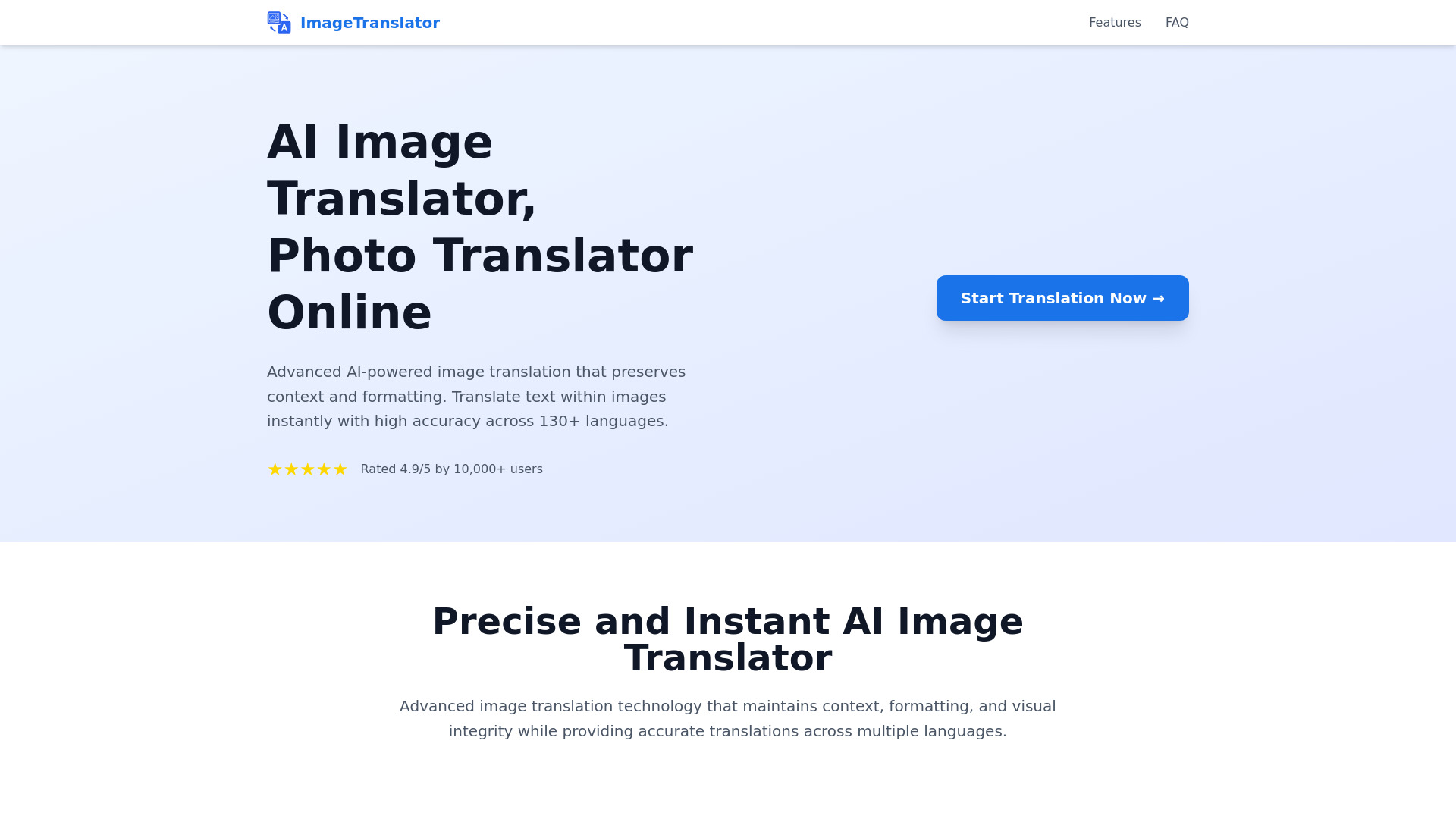
Translating a product image, social graphic, poster, or screenshot is not the same as translating a paragraph. Image Translator focuses on that visual problem: it translates text inside images and is designed to preserve context and formatting. For marketing managers, that can remove a tedious sequence of extracting text, translating it, rebuilding the design, and checking whether the localized version still looks right.
The platform supports more than 130 languages and offers a free demo without registration, making it easy to test on a real campaign asset. The main catch is operational rather than conceptual: free users face a maximum file size of 10MB. That may be perfectly adequate for social graphics, but larger campaign files or high-resolution creative need checking before they enter the workflow.
My take: This is the right kind of specialist tool when the image itself is the source of friction. It earns its place as a best ai for translation option because it addresses layout and visual context, not just words.
Where it falls short: The 10MB free-user file limit can interrupt a production workflow. Pricing is also something to confirm directly with the vendor before planning regular volume.
Key features
AI-powered translation of text inside images.
Support for more than 130 languages.
Context preservation during image translation.
Formatting preservation for translated visual assets.
Free demo translation with no registration required.
Pros
Advanced AI is designed for accuracy and context preservation.
Removes the need to rebuild translated graphics manually.
Useful for marketing assets that combine text and design.
A free demo makes evaluation low risk.
Cons
Free users have a 10MB maximum file size.
Pricing should be checked with the vendor for ongoing use.
Choose Image Translator if: You manage multilingual marketing images and need translated text to retain the original visual context and formatting.
4. Vidnoz AI

Vidnoz AI
Best video translator for businesses
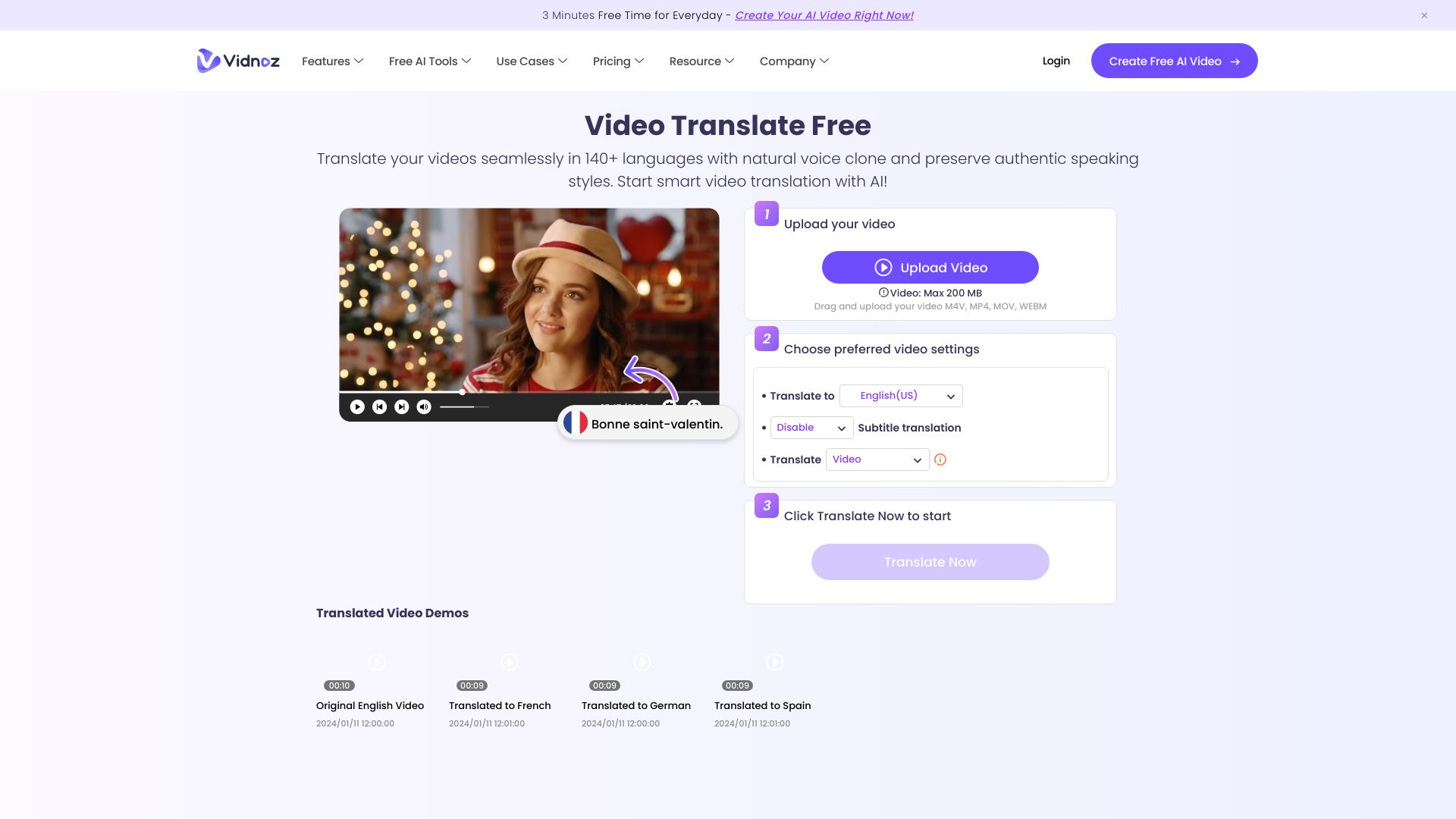
When the content is a talking-head video, translating the script is only half the job. Vidnoz AI combines video translation with lip-sync and natural voice cloning, so the output is aimed at a viewer watching a localized video rather than a reader checking a block of text. It supports video translation into more than 140 languages and also includes AI video generation with avatars and templates.
That broader studio angle makes Vidnoz useful for businesses producing explainers, training material, or international marketing videos. The free offer includes three minutes per day, but the listed limitation is important: free video translation is limited to the first 30 seconds of a video. Treat the free tier as a test of the pipeline, not as a complete production allowance.
My take: Vidnoz is the best translator ai pick when spoken video is the deliverable. Lip-sync and voice capabilities are much more relevant here than a plain text translator's language list.
Where it falls short: Free usage is restricted to the first 30 seconds for video translation, which can make a full sample difficult to judge. Businesses should verify the current paid limits before moving a large video library.
Key features
AI video translation with lip-sync.
Translation into more than 140 languages.
Natural voice cloning.
AI video generation with avatars and templates.
Free access of three minutes per day is listed.
Pros
Supports a broad set of languages for video localization.
Lip-sync makes translated speech fit the original performance more naturally.
Voice cloning can preserve a recognizable speaker style.
Also works as an avatar and template-based video creation platform.
Cons
Free video translation is limited to the first 30 seconds.
The wider video-creation feature set may be unnecessary if you only need text translation.
Choose Vidnoz AI if: You need to localize spoken videos with translated audio, voice cloning, and lip-sync rather than simply export translated text.
5. Maestra AI

Maestra AI
Best AI translator for content creators
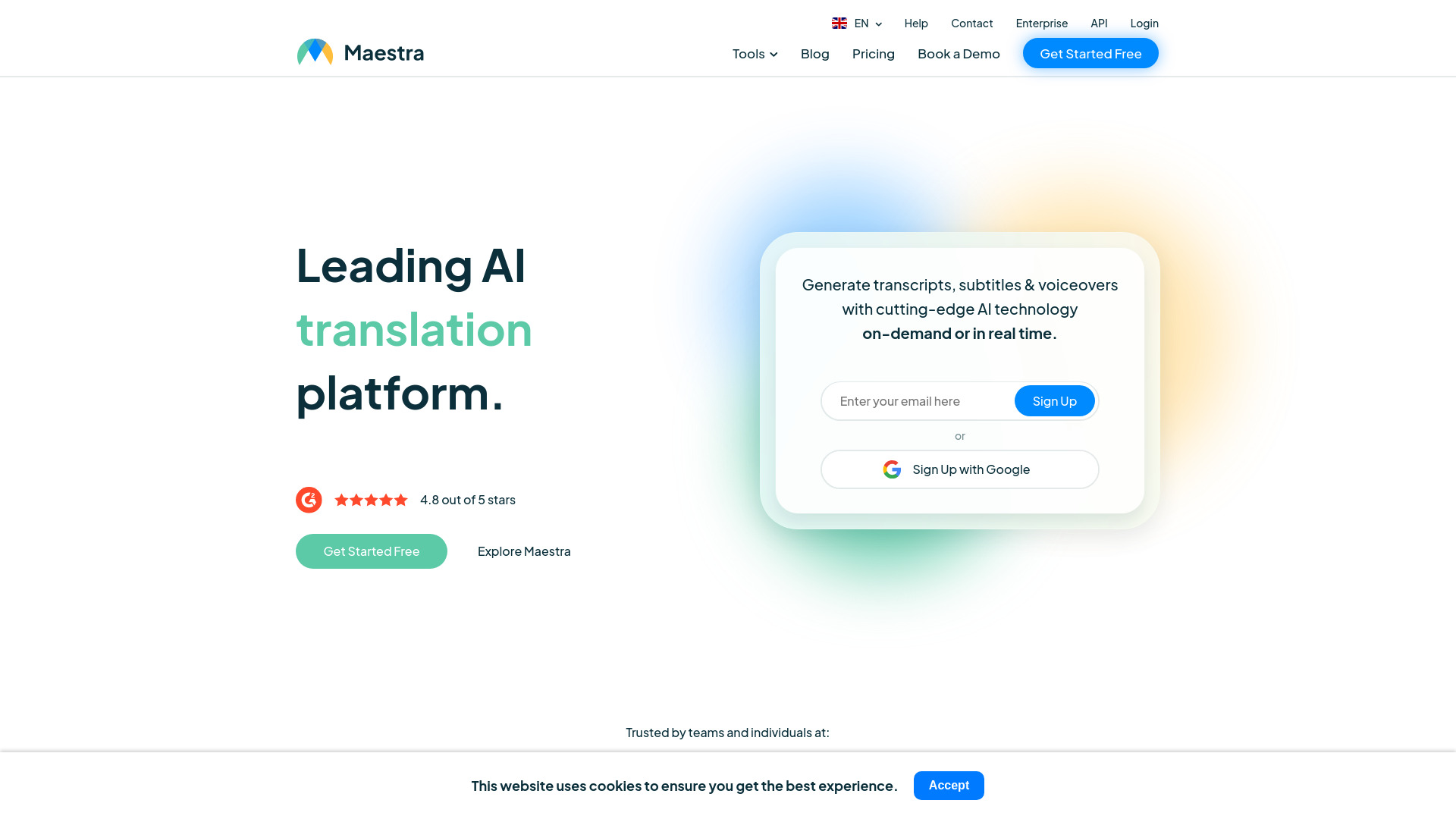
Maestra AI is built around the production chain that follows recorded content. It combines AI-powered transcription, real-time translation, subtitles, and multilingual voiceovers in a single platform, with support for more than 125 languages. That makes it more compelling for creators and media teams than a translator that stops once it produces a paragraph.
The platform's 10-minute free trial is enough to test a short clip or a representative section of a longer recording. There is also a pay-as-you-go option listed at $12, while another starting figure is shown from $23 per month, so buyers should confirm which plan and billing model applies to their exact workflow. Some features may require a paid subscription.
My take: Maestra is a strong choice when translation is one stage in a subtitle or voiceover pipeline. It is less about quick phrase translation and more about turning spoken content into something a multilingual audience can watch.
Where it falls short: The plan structure needs careful checking, and some features require payment. Occasional users may find a full media workflow excessive compared with a simple text translator.
Key features
AI-powered transcription.
Real-time translation.
Subtitles for translated content.
Multilingual voiceovers.
Support for more than 125 languages.
A 10-minute free trial with no account required is listed.
Pros
Supports the full path from speech to translated media.
Broad language coverage for creator and media projects.
Useful combination of transcription, subtitles, and voiceovers.
Pay-as-you-go access is available.
Cons
Some features may require a paid subscription.
Pricing appears across more than one entry point, so confirm the applicable plan.
Choose Maestra AI if: You create videos or audio and need transcription, translation, subtitles, and multilingual voiceovers in one workflow.
6. AI Code Translator

AI Code Translator
Best translator ai for software developers
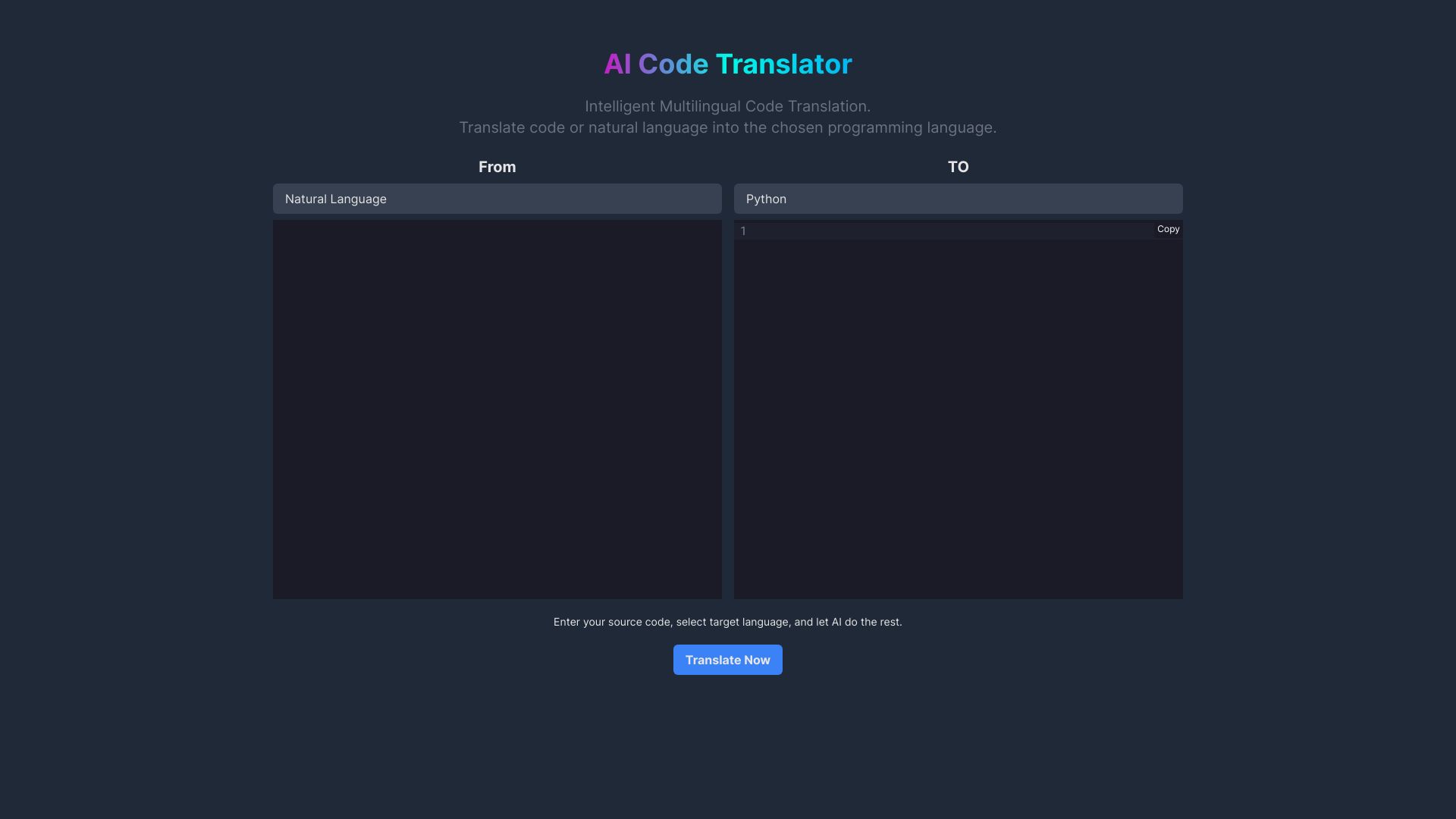
Not every translation job involves a human language. AI Code Translator targets developers who need to move code between multiple programming languages, making it an unexpected but useful alternative in a broad AI translator roundup. Its value is the conversion workflow itself: instead of manually rewriting syntax and structure, you can use an AI-powered tool as a first pass.
The product promises seamless code translation and intelligent code conversion. That positioning makes it useful for prototyping, migration research, and understanding how an implementation might look in another language. It should not be treated as an automatic substitute for tests or code review, however. The stated limitation is reliance on AI, which can result in imperfect translations.
My take: This is a narrowly focused tool, but it is a sensible pick for developers who specifically mean programming-language translation. It would be a poor choice for a marketing team, and a potentially handy first-pass assistant for a technical migration.
Where it falls short: AI-generated code conversion can introduce errors that are harder to notice than a bad sentence. Pricing details are not clearly presented here, so check the vendor before planning high-volume use.
Key features
Code translation between multiple programming languages.
AI-powered intelligent code conversion.
Online workflow for converting code.
Free access is listed.
Pros
Directly addresses a programming-language conversion task.
Can provide a quicker starting point than manual rewriting.
Free access allows developers to explore the workflow.
Cons
Reliance on AI may result in imperfect translations.
Converted code still needs testing and human review.
Pricing should be confirmed with the vendor.
Choose AI Code Translator if: You are a developer looking for an AI-assisted first pass when converting code between programming languages.
7. AI STUDIOS

AI STUDIOS
Best multilingual video studio for educators
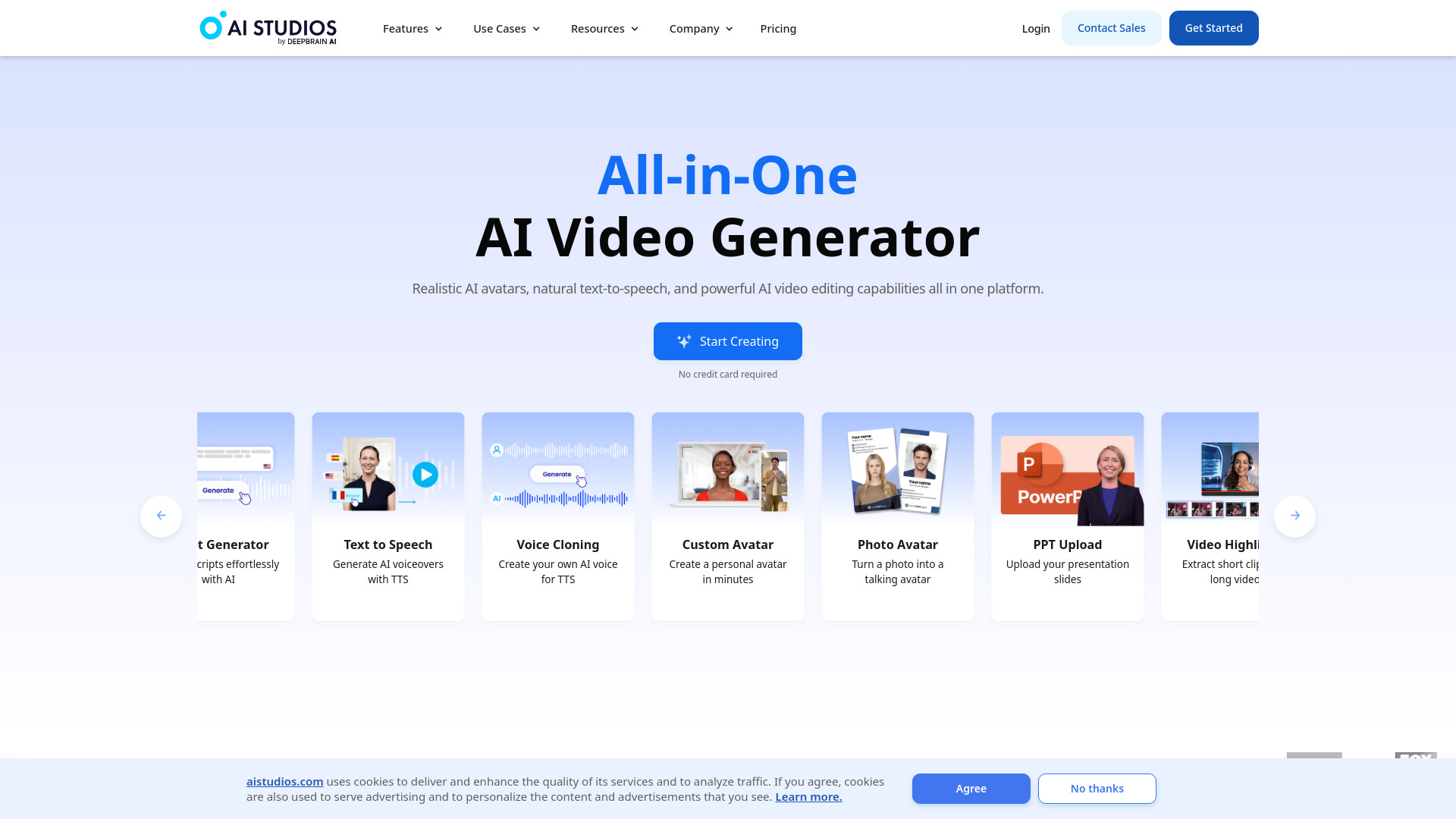
AI STUDIOS approaches translation through video creation. Its platform includes more than 150 realistic digital avatars and AI voices in more than 80 languages, which makes it a practical adjacent option for educators producing multilingual lessons, announcements, or training videos. Rather than translating an existing document, you can create a presenter-led video from text and choose a voice and avatar for the target audience.
The free plan includes three video exports per month, enough to test a short educational format or produce occasional material. The limitation is equally clear: the free plan has limited video exports and features. That makes the product better suited to teams that value repeatable video creation than to someone who only needs a translated sentence or file.
My take: AI STUDIOS belongs on this list as a broader visual studio, not as a replacement for a conventional translator. For educators, its avatar and voice combination may solve the more important problem: delivering the same lesson in multiple languages without recording every version from scratch.
Where it falls short: Free exports and features are limited. Its 80+ language voice offering is useful, but it is a different proposition from a high-volume text or document translation service.
Key features
More than 150 realistic AI avatars.
AI voices in more than 80 languages.
AI video generation from text.
All-in-one video creation and editing workflow.
Three video exports per month on the free plan.
Pros
Combines avatars, voice, and video creation in one platform.
Well suited to repeatable educational content.
Multilingual voices support international lessons and training.
Free plan provides a concrete way to test the format.
Cons
Free plan has limited video exports and features.
It is broader than a standard translator and may be excessive for text-only work.
Choose AI STUDIOS if: You are an educator who wants to turn scripts into avatar-led lessons with multilingual AI voices.
8. Precise AI Document Translator

Precise AI Document Translator
Best document translator for businesses
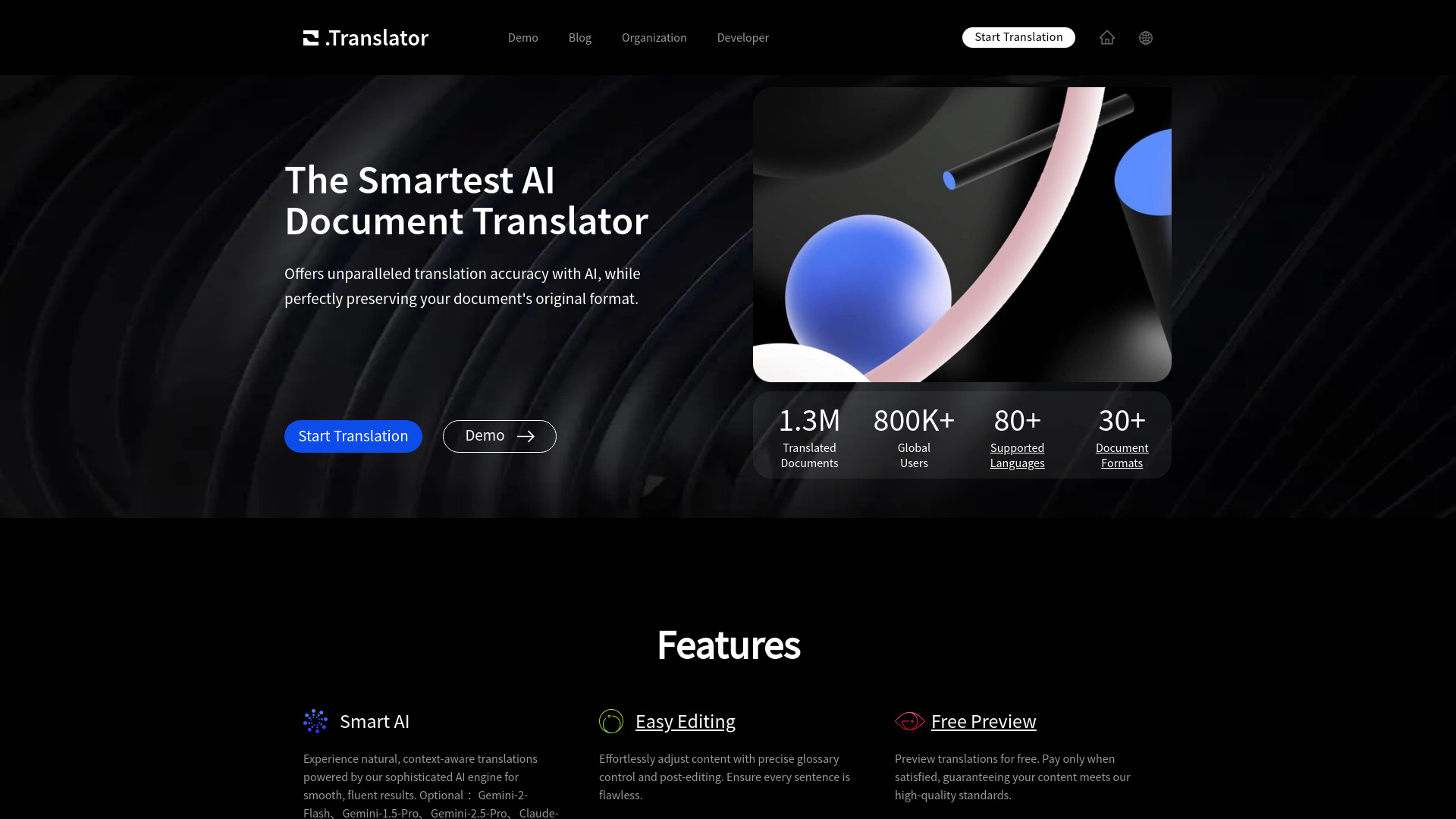
Document translation becomes frustrating when the translated words are accurate but the file's structure falls apart. Precise AI Document Translator focuses on that practical concern with AI-powered translation and format preservation. It supports more than 30 document formats, so the workflow is aimed at businesses handling varied files rather than only pasted text.
The listed entry point is $1 for up to 20,000 words, which is a useful benchmark for a small test or a short business document. The service also flags GPT-4 translation as more expensive, so buyers should distinguish between the base workflow and premium model choices when estimating costs. Pricing is not presented as a clean standard starting plan, making a live vendor check important.
My take: This is one of the most sensible choices when keeping the original document layout matters more than having the widest possible language list. It is a focused business utility, and that focus is a strength.
Where it falls short: GPT-4 translation prices are higher, which can change the economics of a large project. It also supports 30+ formats rather than claiming the broader coverage of a general platform, so confirm that your file type is supported.
Key features
AI-powered translation with format preservation.
Support for more than 30 document formats.
Layout preservation for translated files.
Pricing from $1 for up to 20,000 words is listed.
GPT-4 translation is available at a higher price.
Pros
Accurate AI-powered translations are the central use case.
Preserving layout can save substantial document rework.
Supports multiple business document formats.
Low listed entry point for testing a smaller job.
Cons
GPT-4 translation prices are higher.
Confirm current pricing and supported file formats before a large project.
Choose Precise AI Document Translator if: You need business documents translated without losing their original formatting and layout.
9. Pipiads

Pipiads
Best image translation adjacent tool for e-commerce entrepreneurs
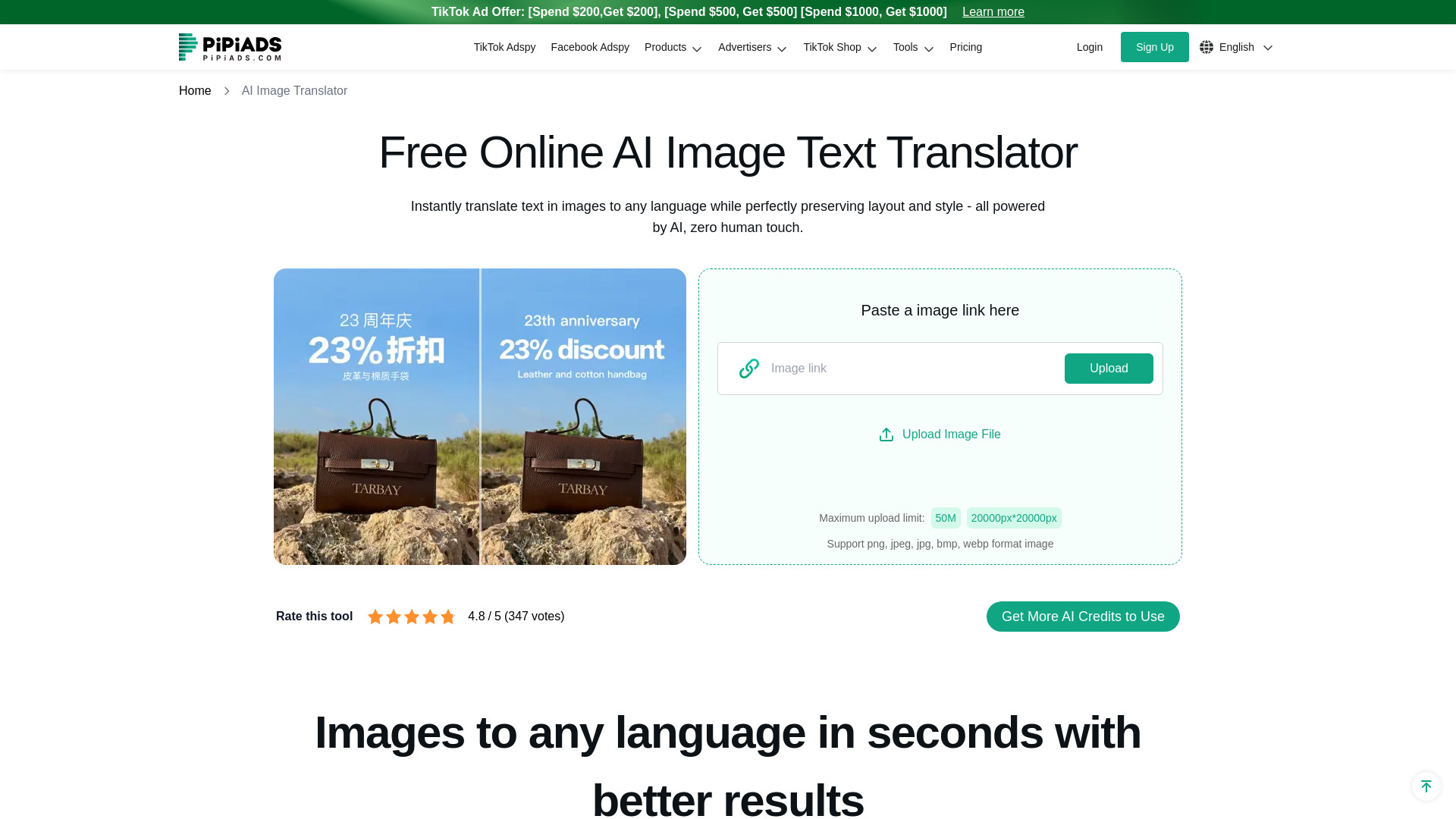
Pipiads is the most unexpected entry in this ranking. Its main product is an advertising and dropshipping platform specializing in TikTok ads and product research, but it also includes an AI Image Translator. That combination may appeal to e-commerce entrepreneurs who are already researching products and ads and then need to adapt product creative for another market.
The important distinction is scope. Pipiads is not a general translation workbench; its strongest surrounding context is the TikTok Ads Library and advertising examples. Its focus primarily on TikTok limits the usefulness of its insights for other platforms, but that same focus can be valuable if TikTok is where your product research and creative testing happen.
My take: Choose Pipiads for the e-commerce workflow around image translation, not for a standalone multilingual content department. It is a useful adjacent tool when localization and ad research belong in the same browser tab.
Where it falls short: The platform's TikTok emphasis limits cross-platform insight. Pricing is not clear enough here to estimate regular translation volume, so check the vendor before treating the image feature as your primary translator.
Key features
AI Image Translator.
TikTok Ads Library.
TikTok advertising examples and library.
Product research and advertising workflow.
Information about TikTok ads cost and manager is listed.
Pros
Combines image translation with e-commerce research.
Comprehensive TikTok ads library.
Relevant to entrepreneurs adapting product creative for commerce campaigns.
Free access is listed.
Cons
Focus primarily on TikTok, limiting insights for other platforms.
It is not the best fit for general text, document, or professional translation.
Pricing should be confirmed with the vendor.
Choose Pipiads if: You run e-commerce campaigns and want image translation alongside TikTok ad research and product discovery.
10. Noiz AI

Noiz AI
Best voice translation adjacent tool for podcast producers
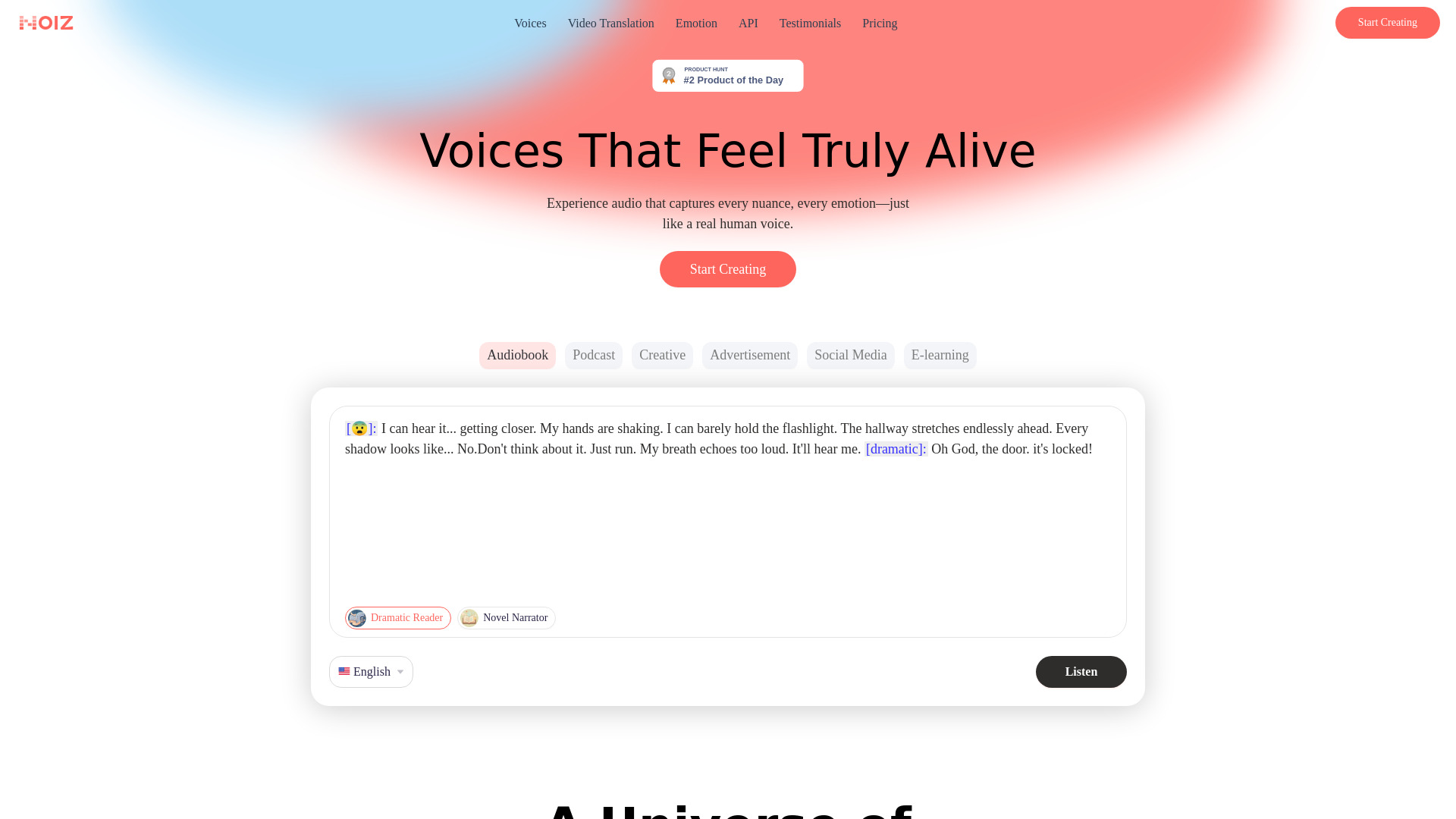
Noiz AI sits on the audio side of translation. Its emotional text-to-speech, voice cloning, and voice design features make it relevant to podcast producers and creators who need multilingual dubbing to sound expressive rather than mechanically read. The product also lists multilingual dubbing, so its role is closer to localized audio production than to sentence-by-sentence translation.
The Starter plan is listed at $3.90 per month with 150,000 credits per month, a low entry price for testing voice workflows. The catch is the credit-based system: high-volume usage may become constrained depending on the plan and how much audio you generate. The ability to control emotion and create lifelike, human-sounding speech is the clearest reason to consider it.
My take: Noiz is a compelling specialist for audio localization, especially when a flat, neutral voice would undermine the original content. It is not my first recommendation for documents, but it is one of the more interesting best ai language translator alternatives when spoken output is the goal.
Where it falls short: Credits can limit high-volume production depending on the plan. Buyers should calculate expected audio volume rather than judging the $3.90 entry price in isolation.
Key features
Emotional text-to-speech.
Unlimited voice clone and voice design are listed.
Multilingual dubbing.
Voice cloning for localized audio.
Starter access includes 150,000 credits per month.
Pros
Can control emotion in generated speech.
Designed for lifelike, human-sounding audio.
Voice cloning supports continuity across localized content.
Low listed Starter price for initial experimentation.
Cons
Credit-based usage may limit high-volume work depending on the plan.
Audio production features are not a substitute for a general text translator.
Choose Noiz AI if: You produce podcasts or spoken content and want expressive multilingual dubbing with voice cloning and emotional control.
More tools to compare

Mirai Translate
Security-conscious organizations
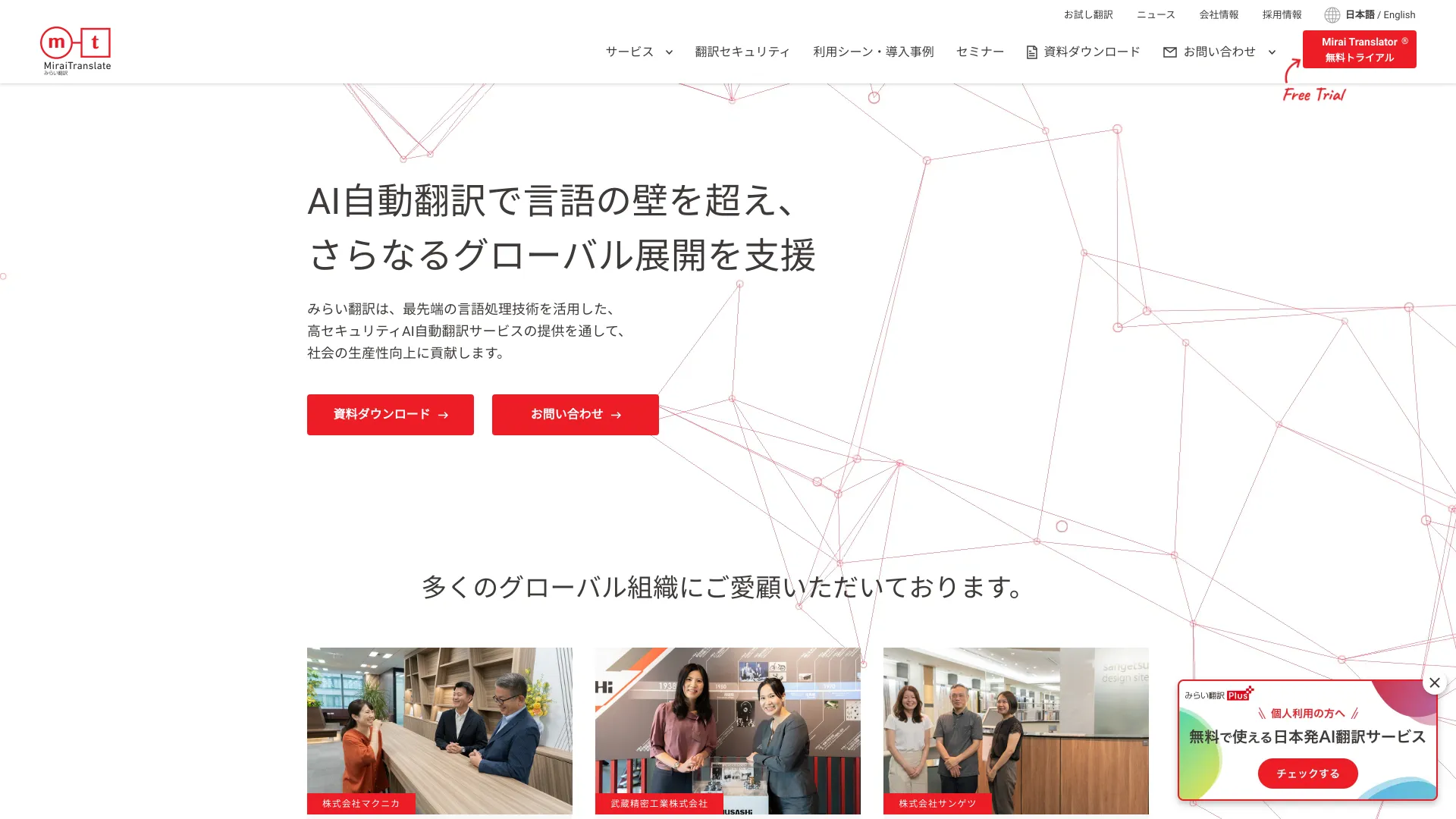

ImageTranslate.AI
Translating text in images

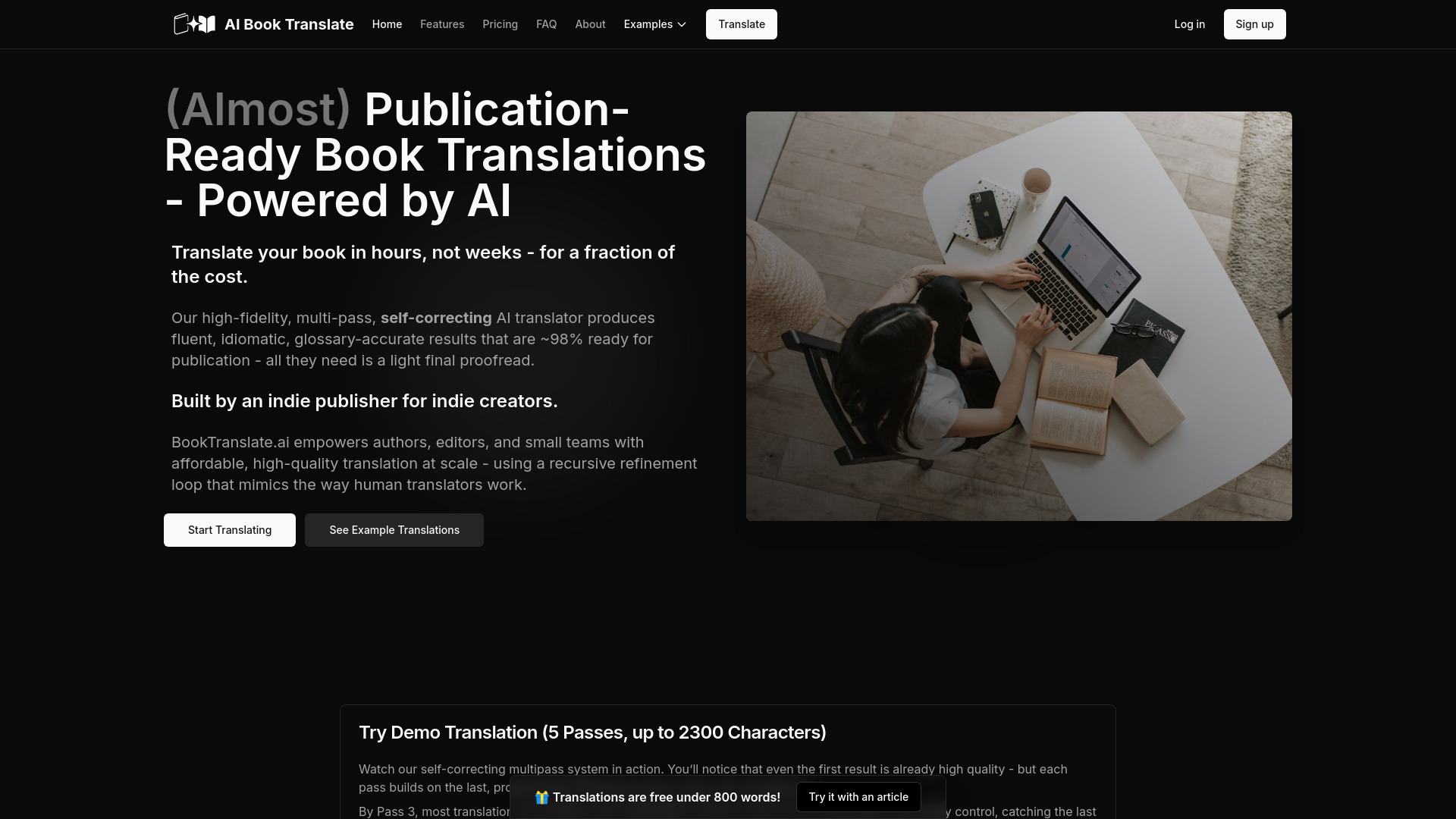
BookTranslate.ai
Long-form book translation
Transor
Web, document, and subtitle translation

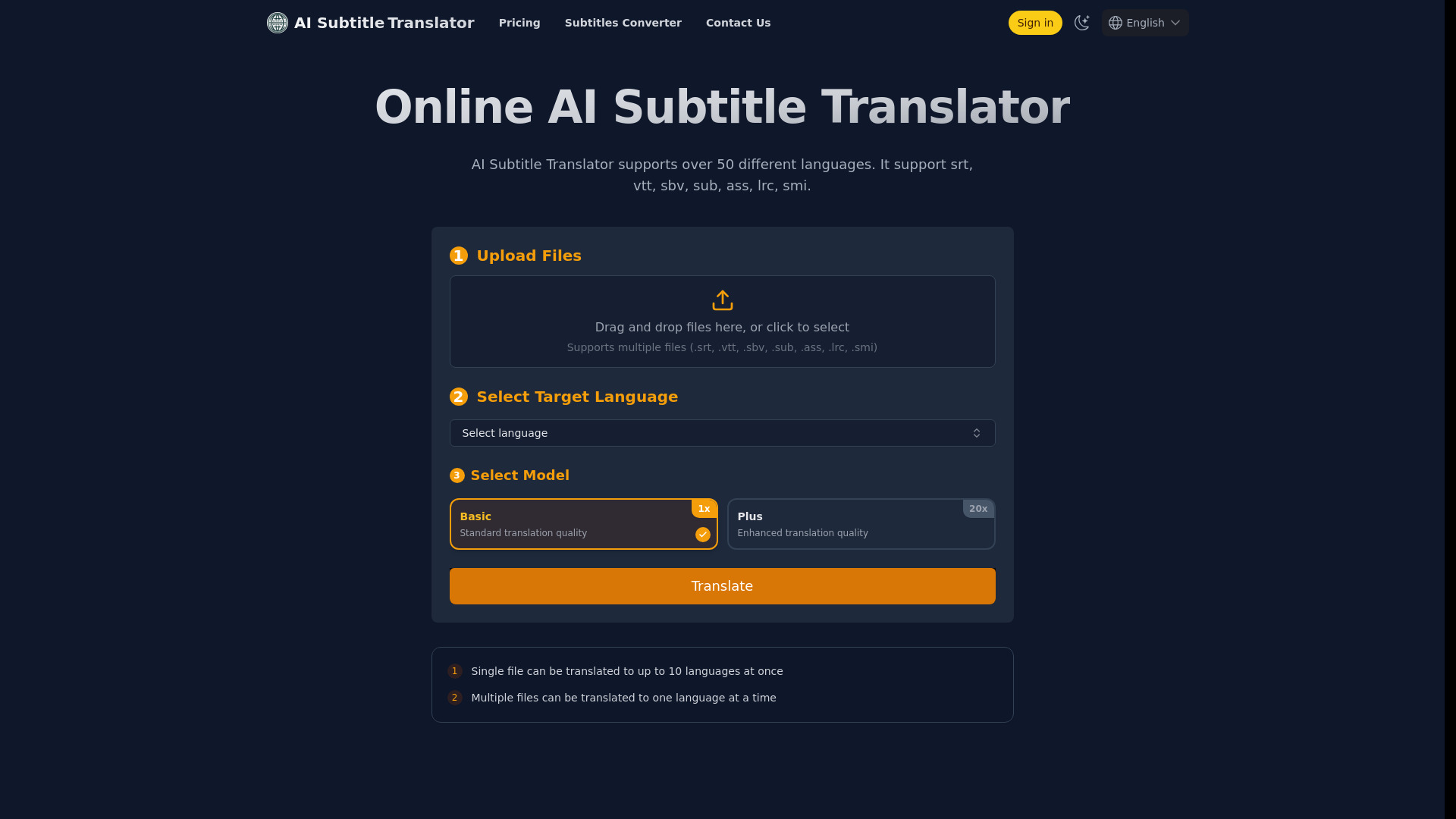
AI Subtitle Translator
Subtitle translation for creators
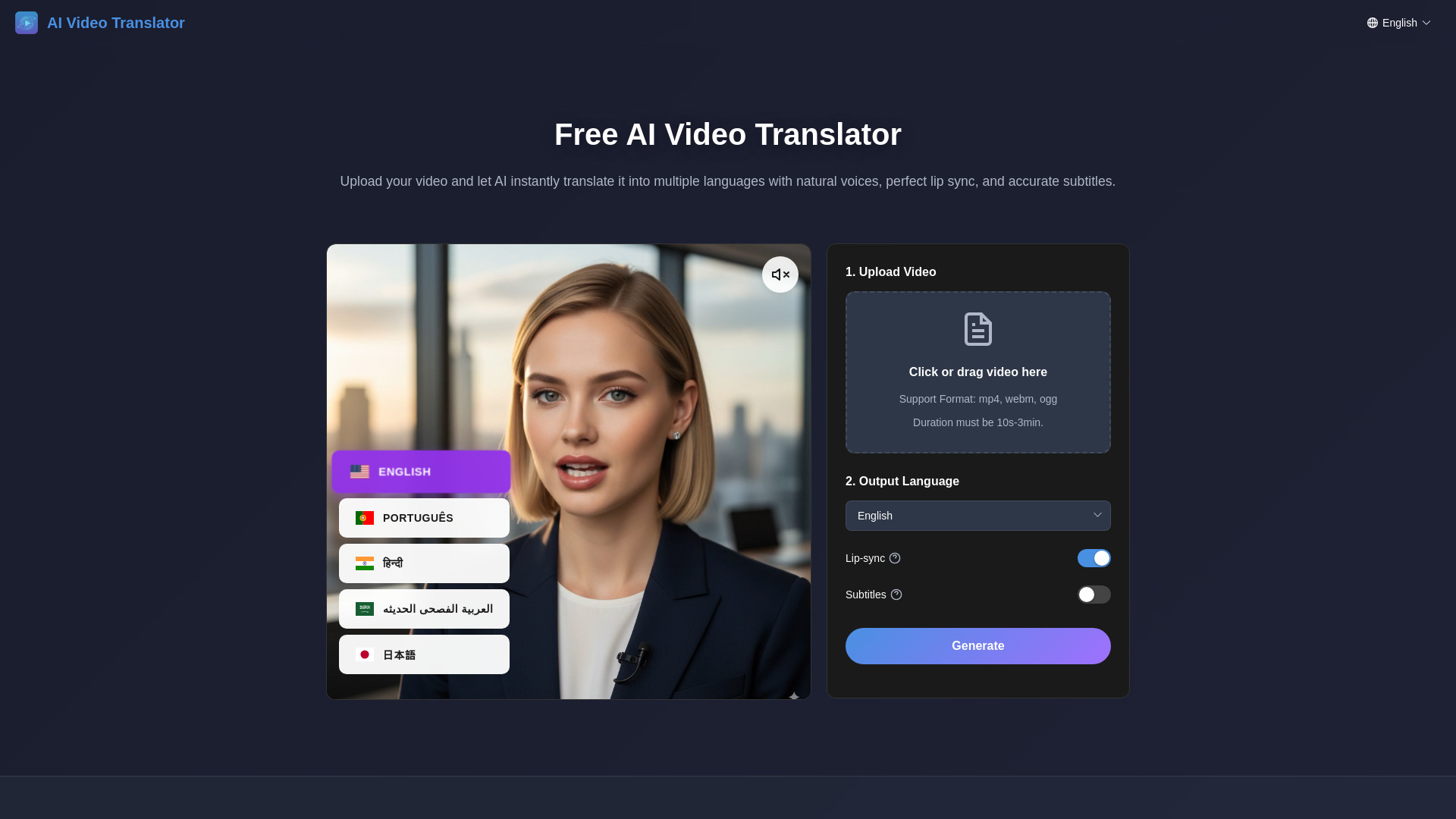
AI Video Translator
Multilingual video dubbing

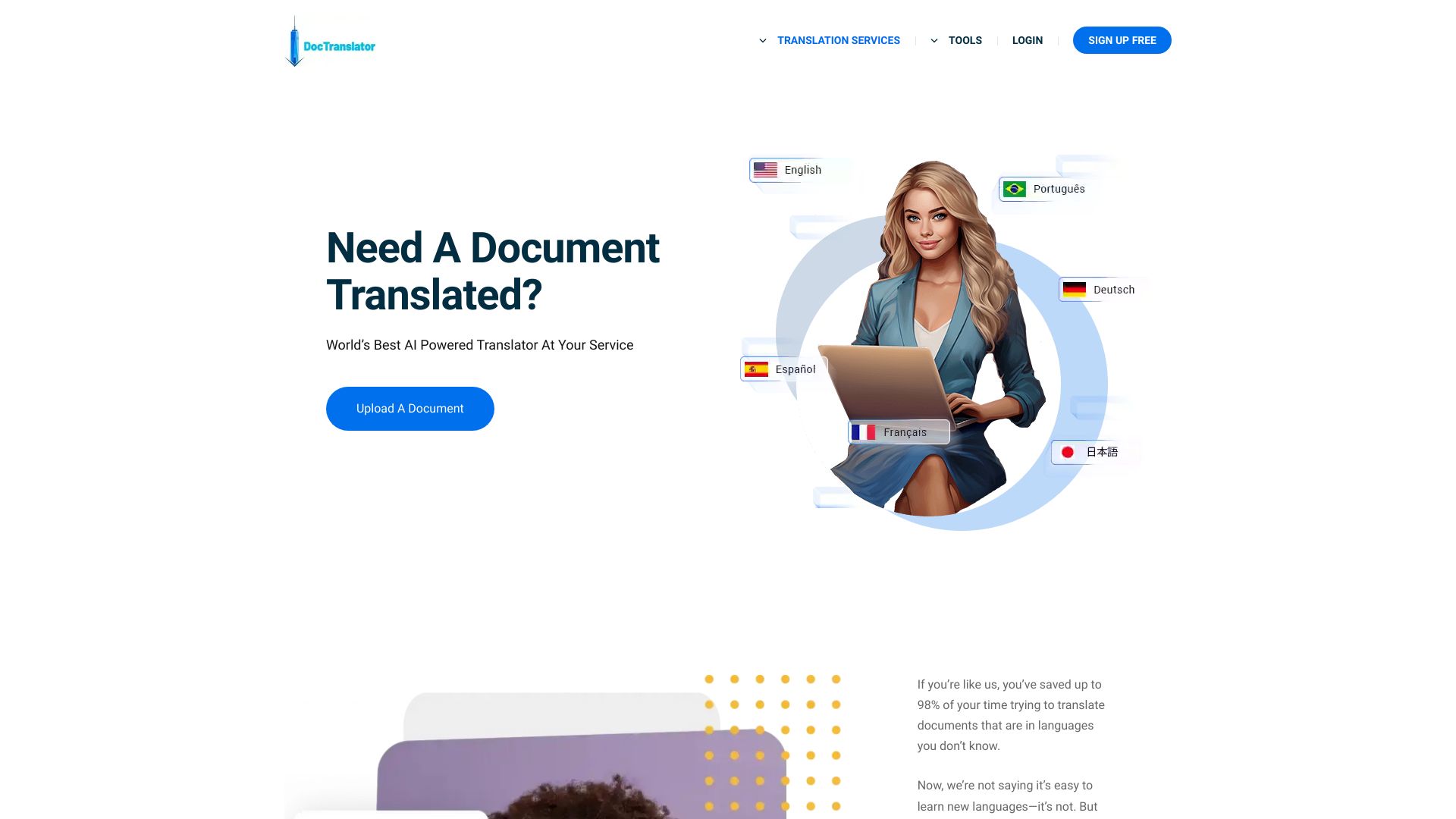
DocTranslator
Translating large documents
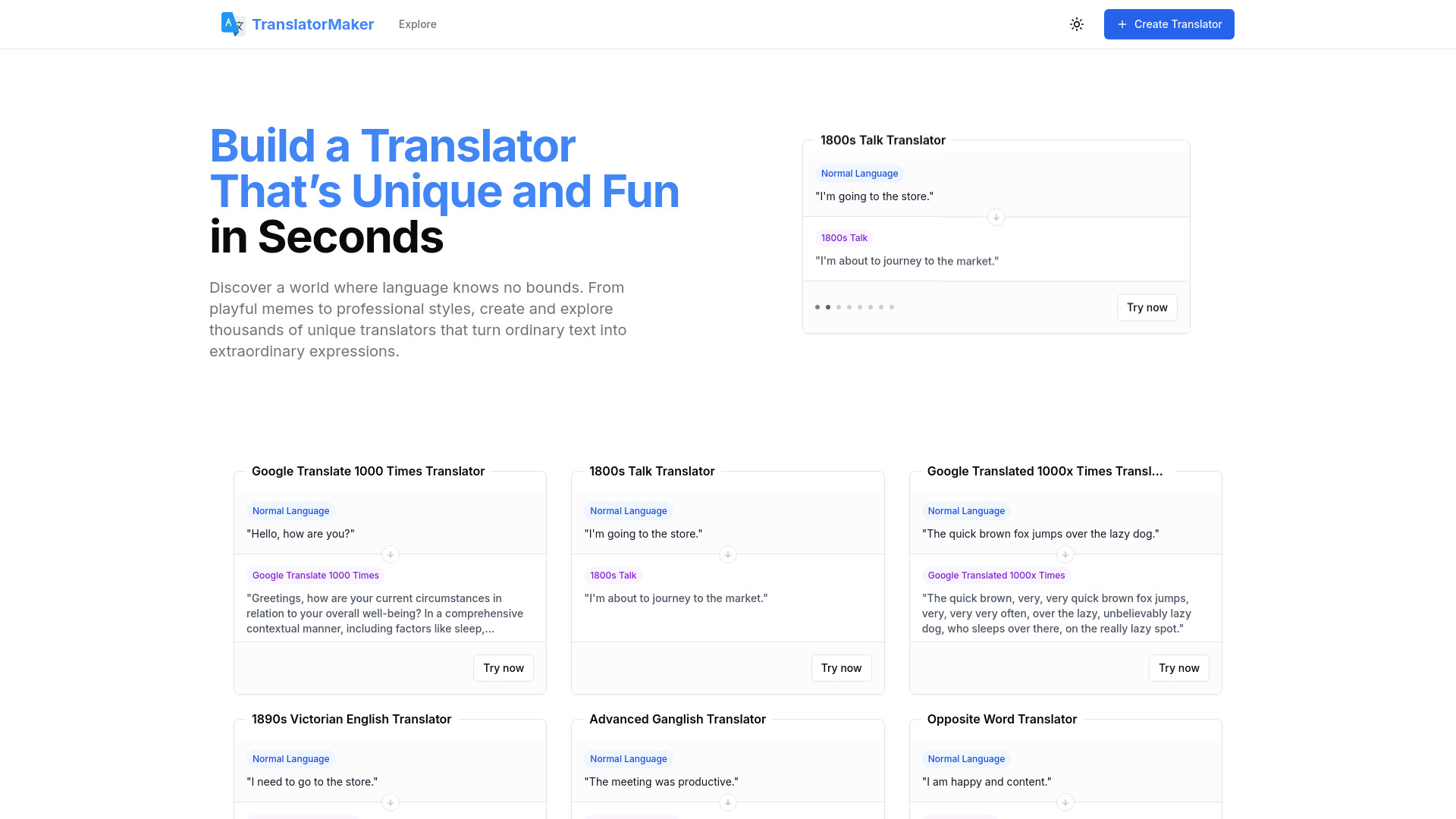
Translator Maker
Playful language transformations

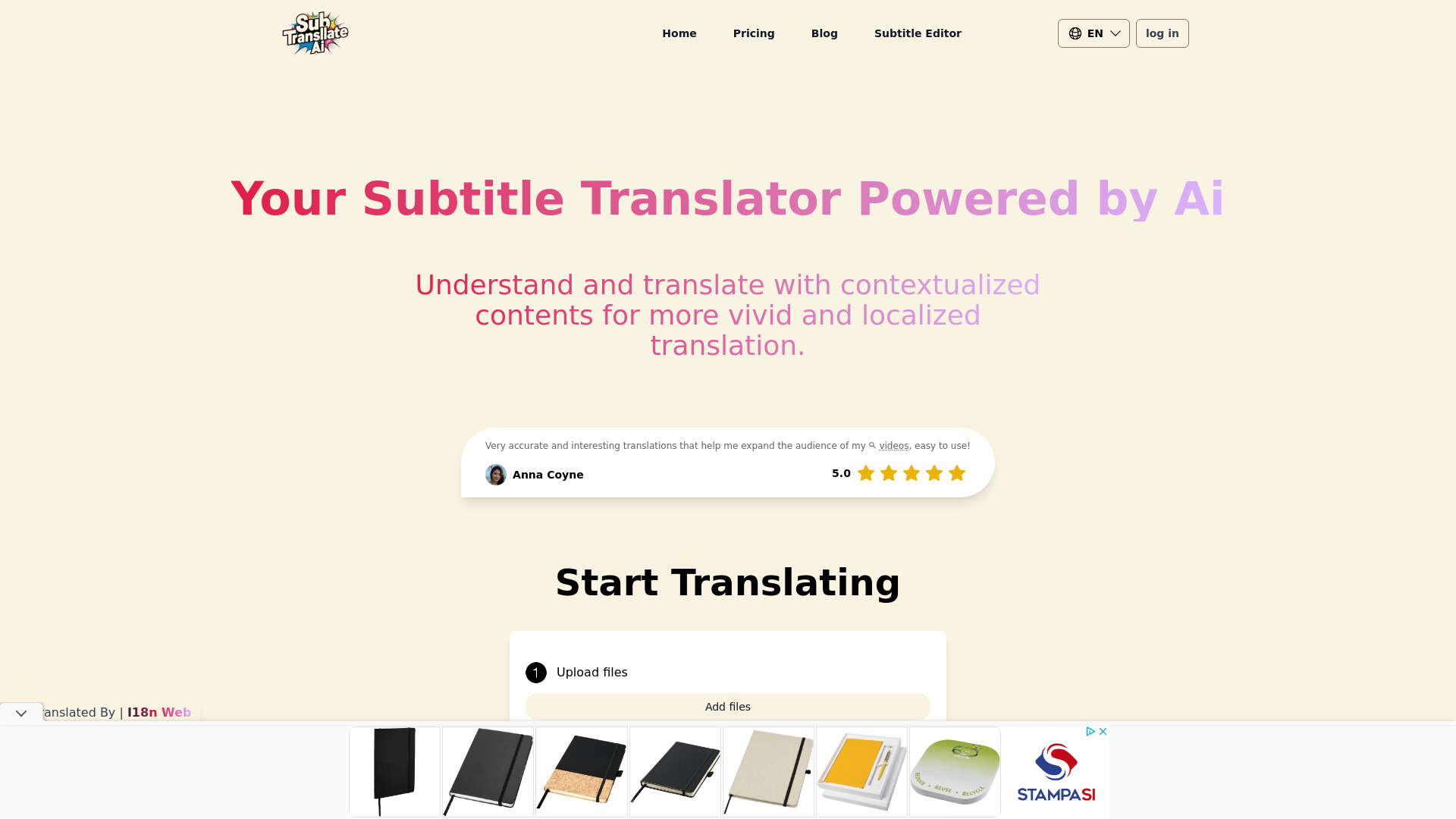
SubTranslateAI.com
Subtitle translation for video creators

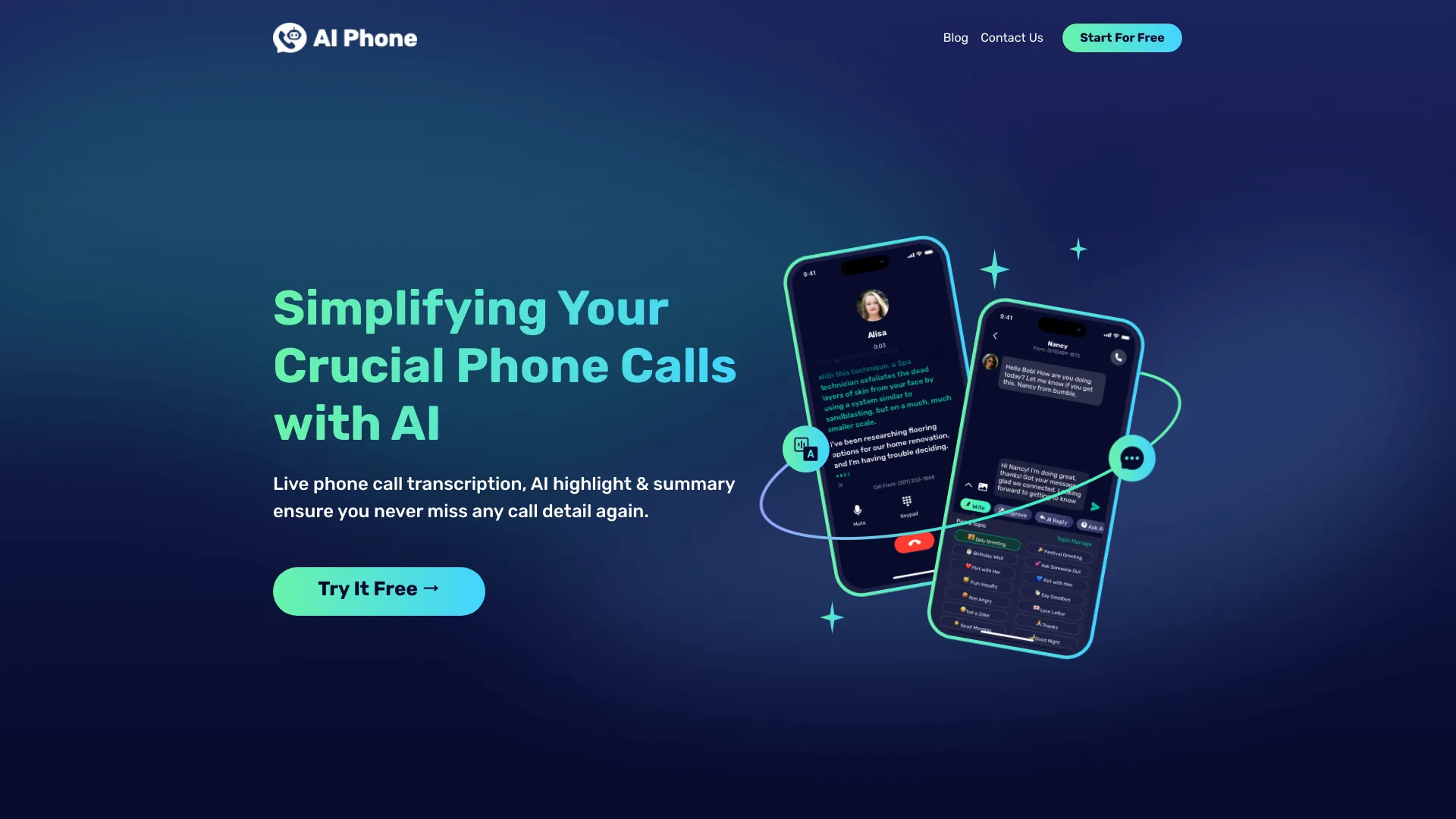
AI Phone
Live call translation across languages

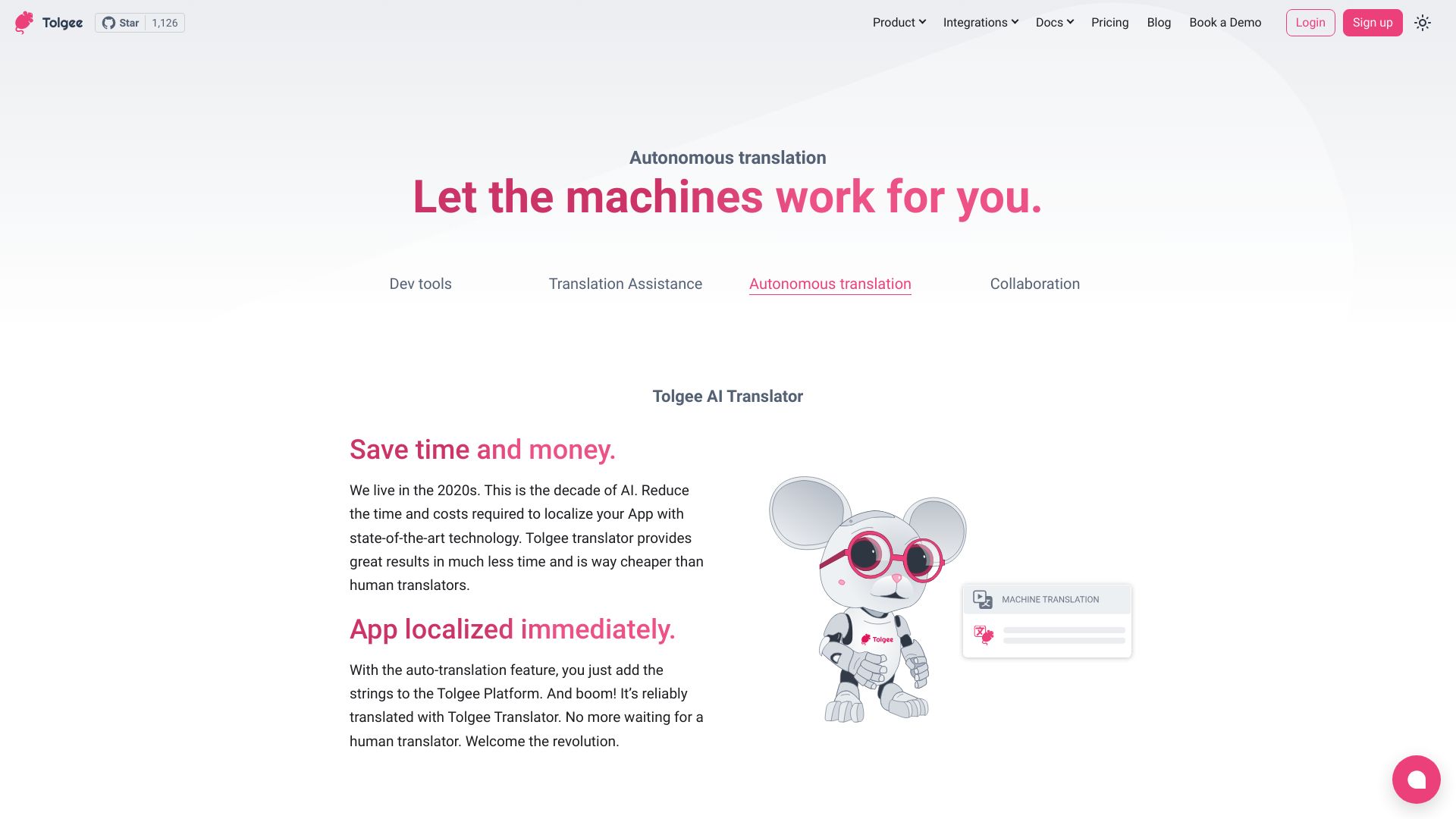
Tolgee
Context-aware app localization

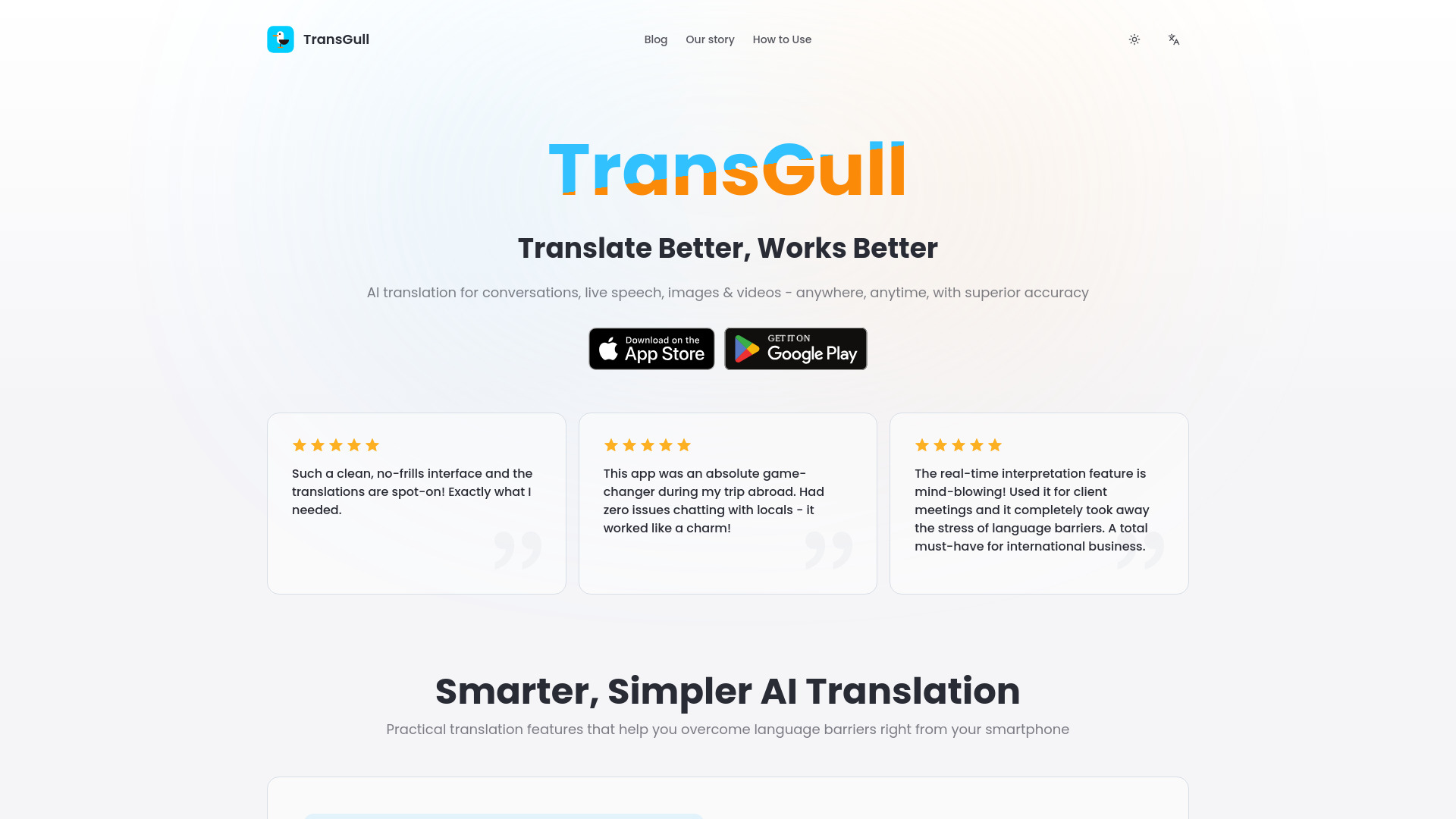
TransGull
Real-time conversation translation

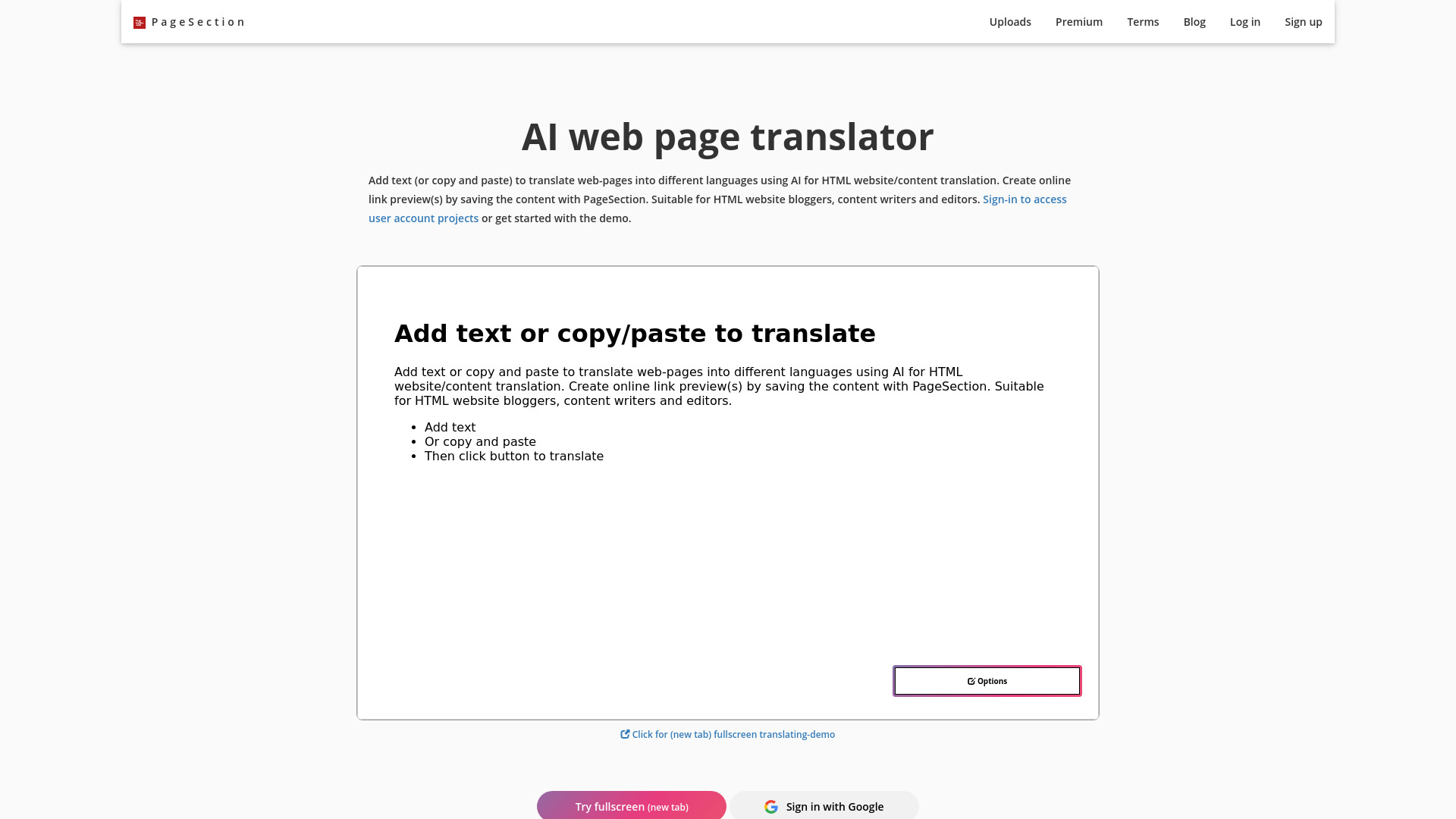
AI web page translator by pagesection.com
HTML webpage translation

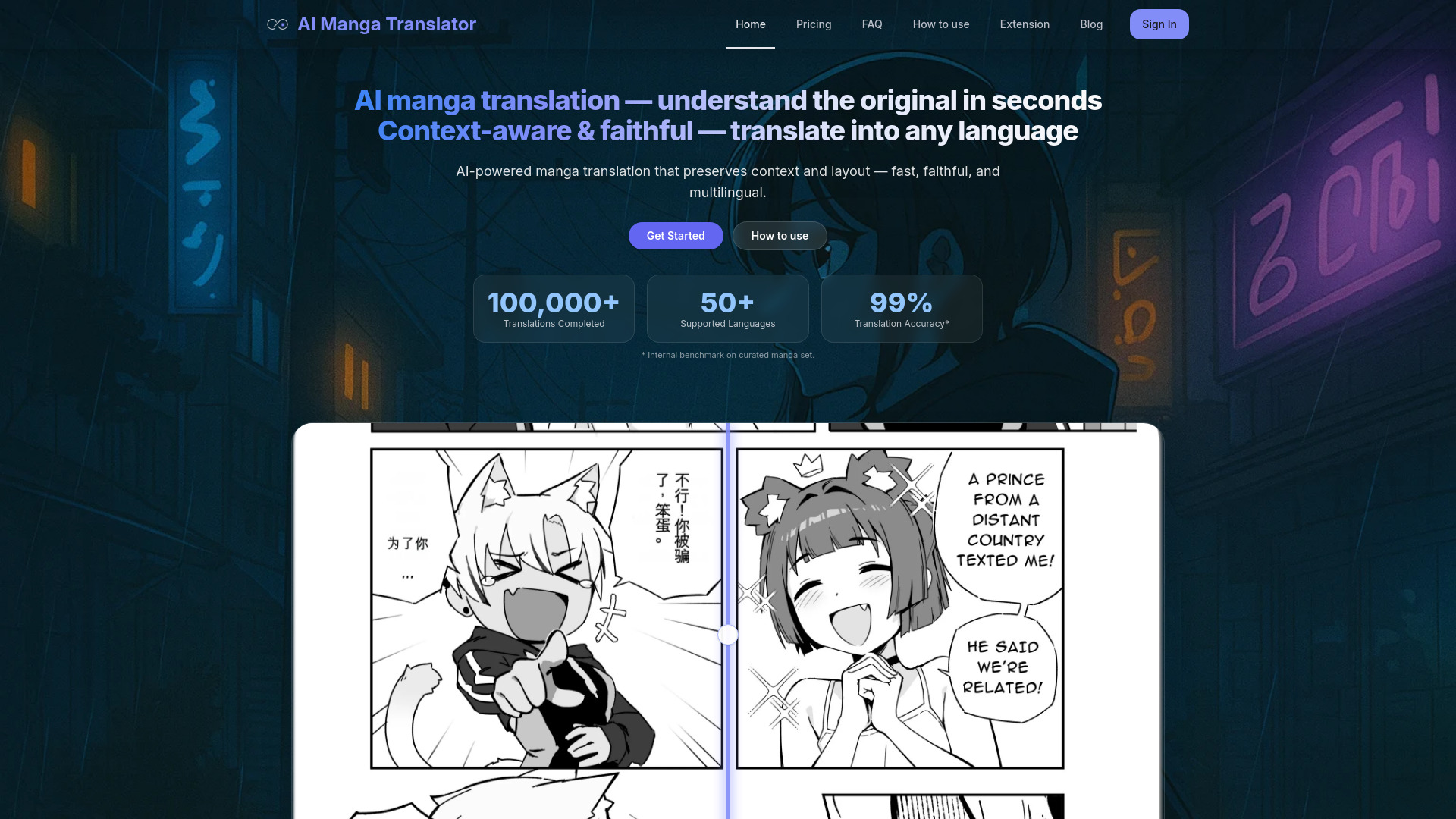
AI Manga Translator
Manga and doujin translation
AI Manga Translator
Manga and scan translation

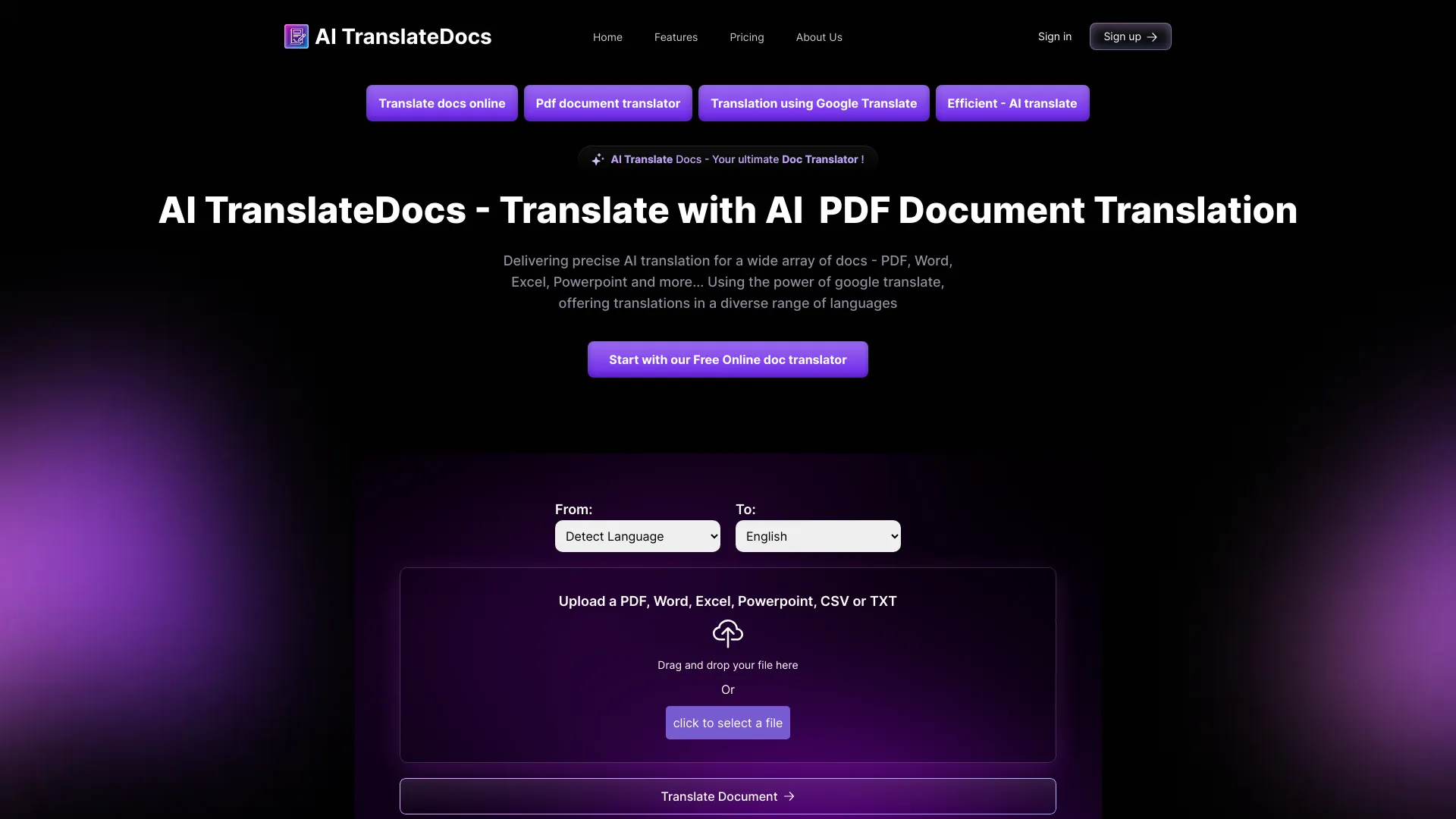
AI TranslateDocs
Translating formatted business documents

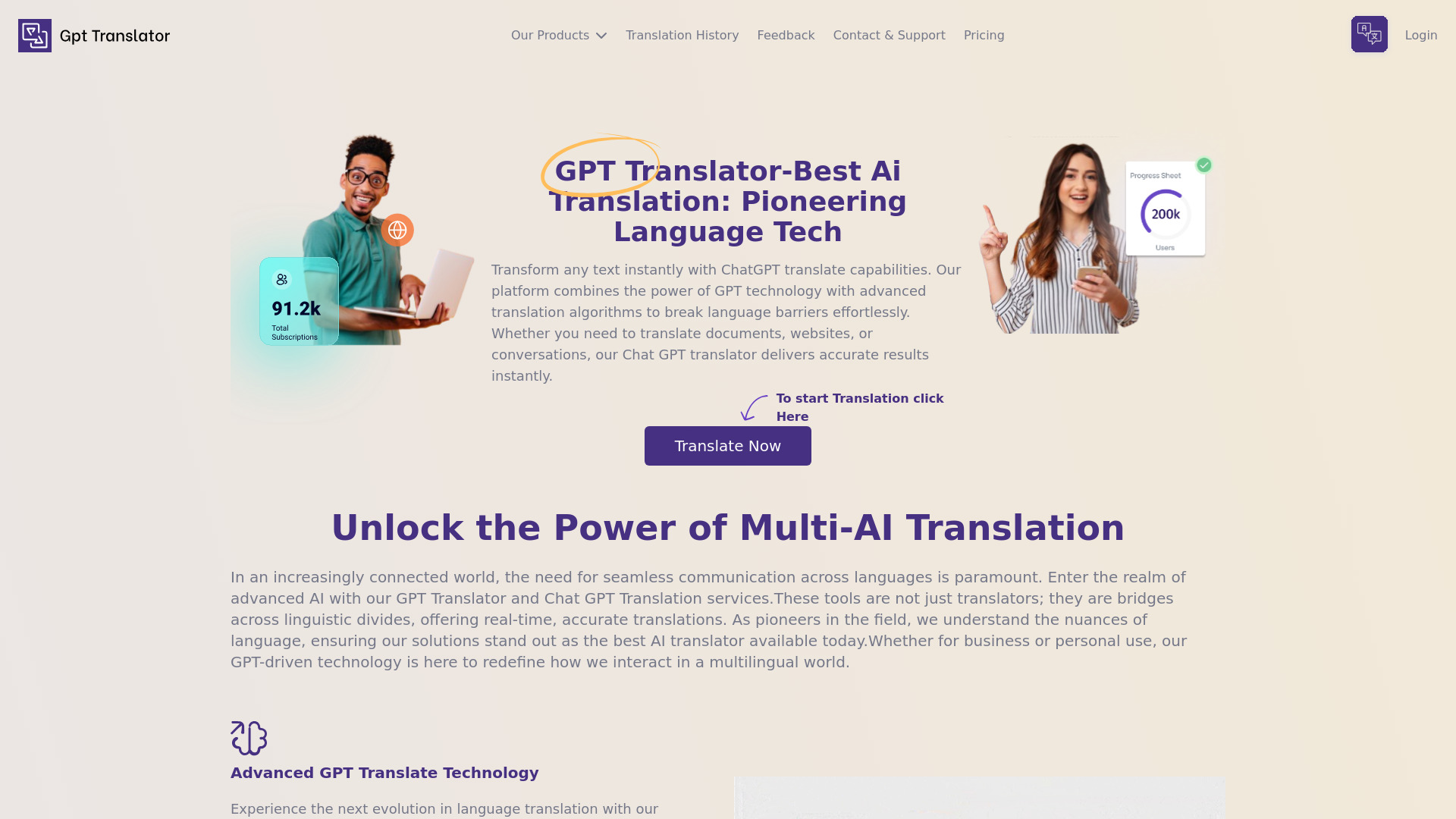
GPT Translator
Multilingual document translation

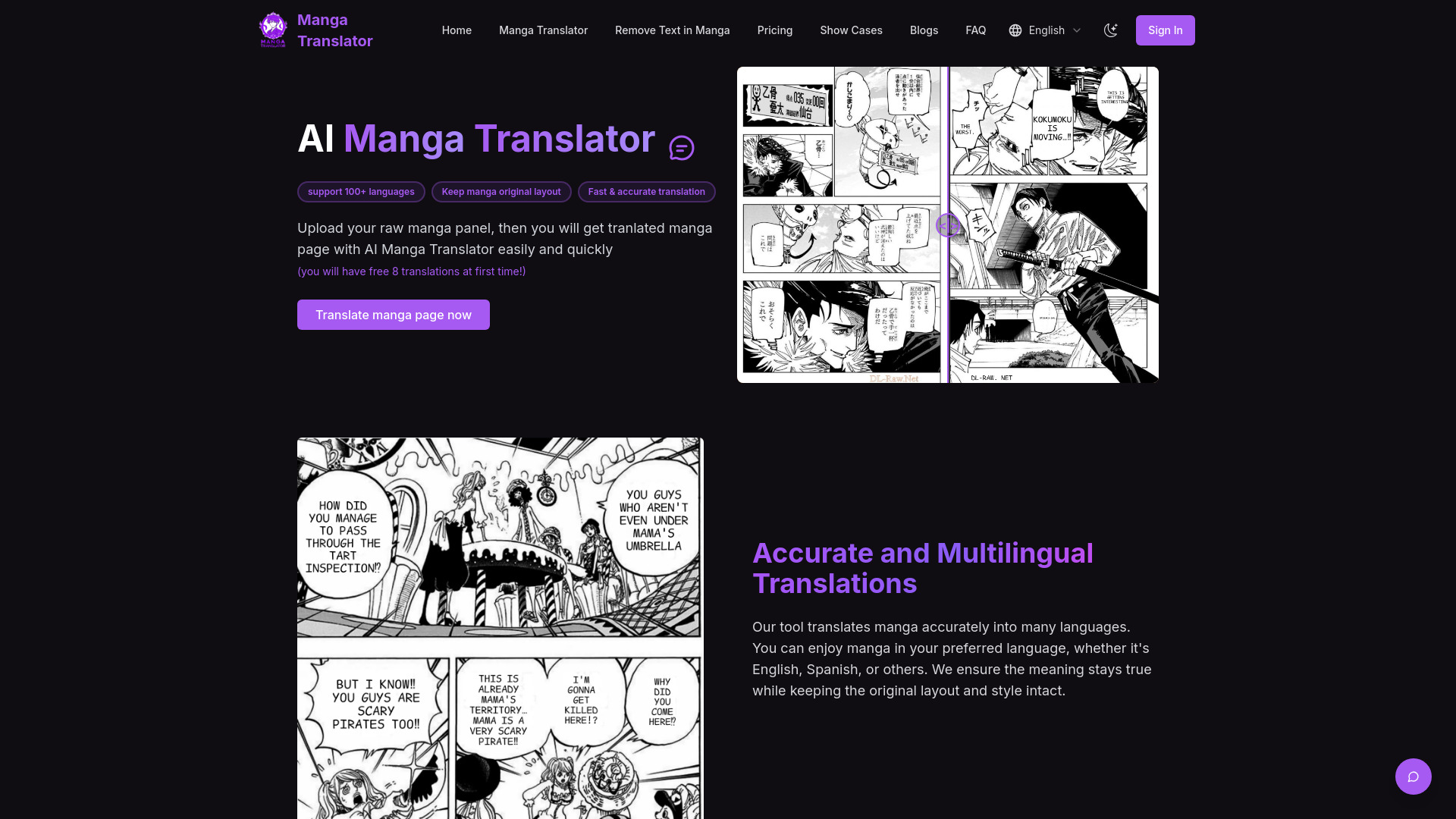
Manga Translator
Manga and manhwa page translation

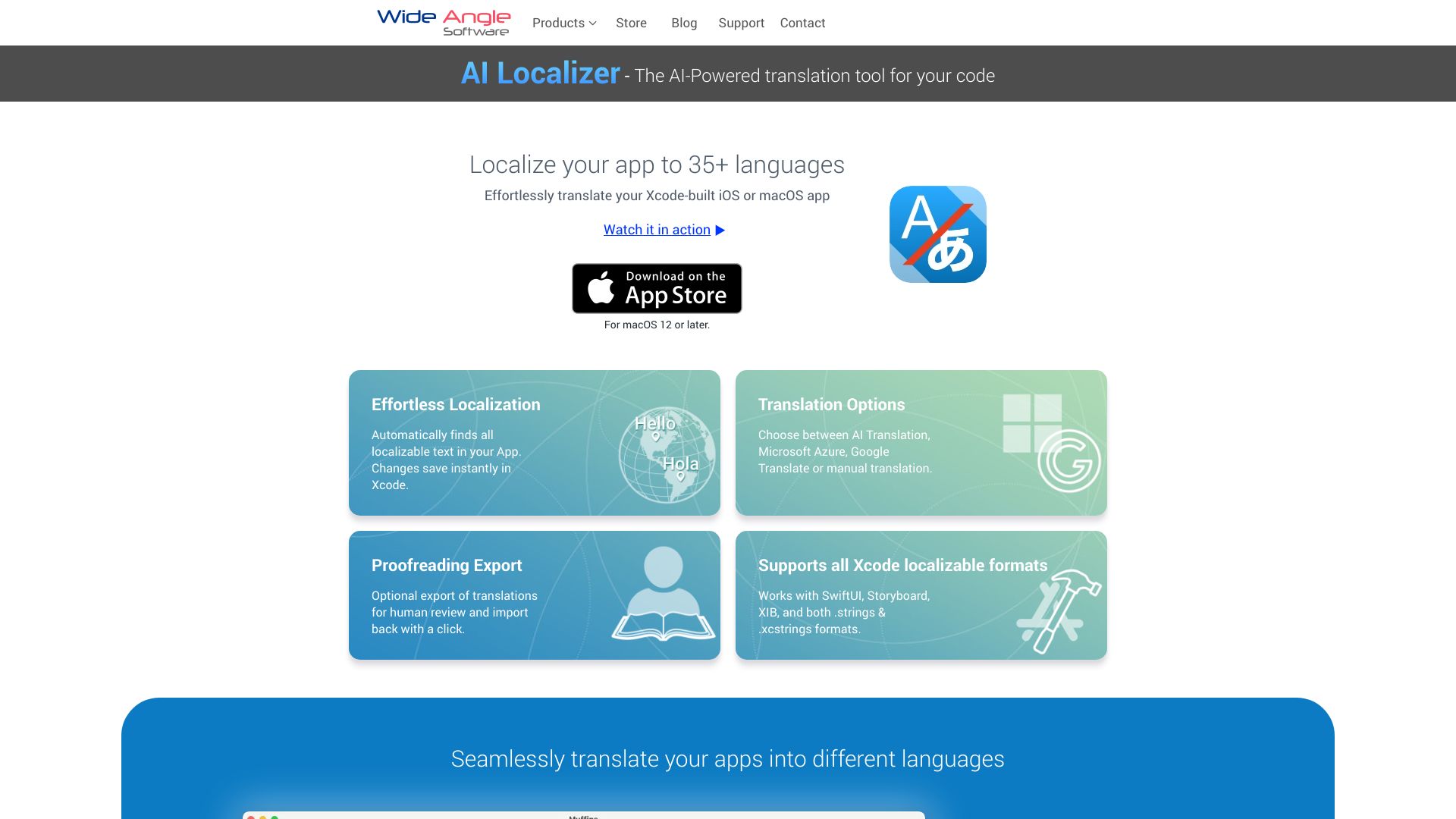
AI Localizer
Translating Xcode app projects

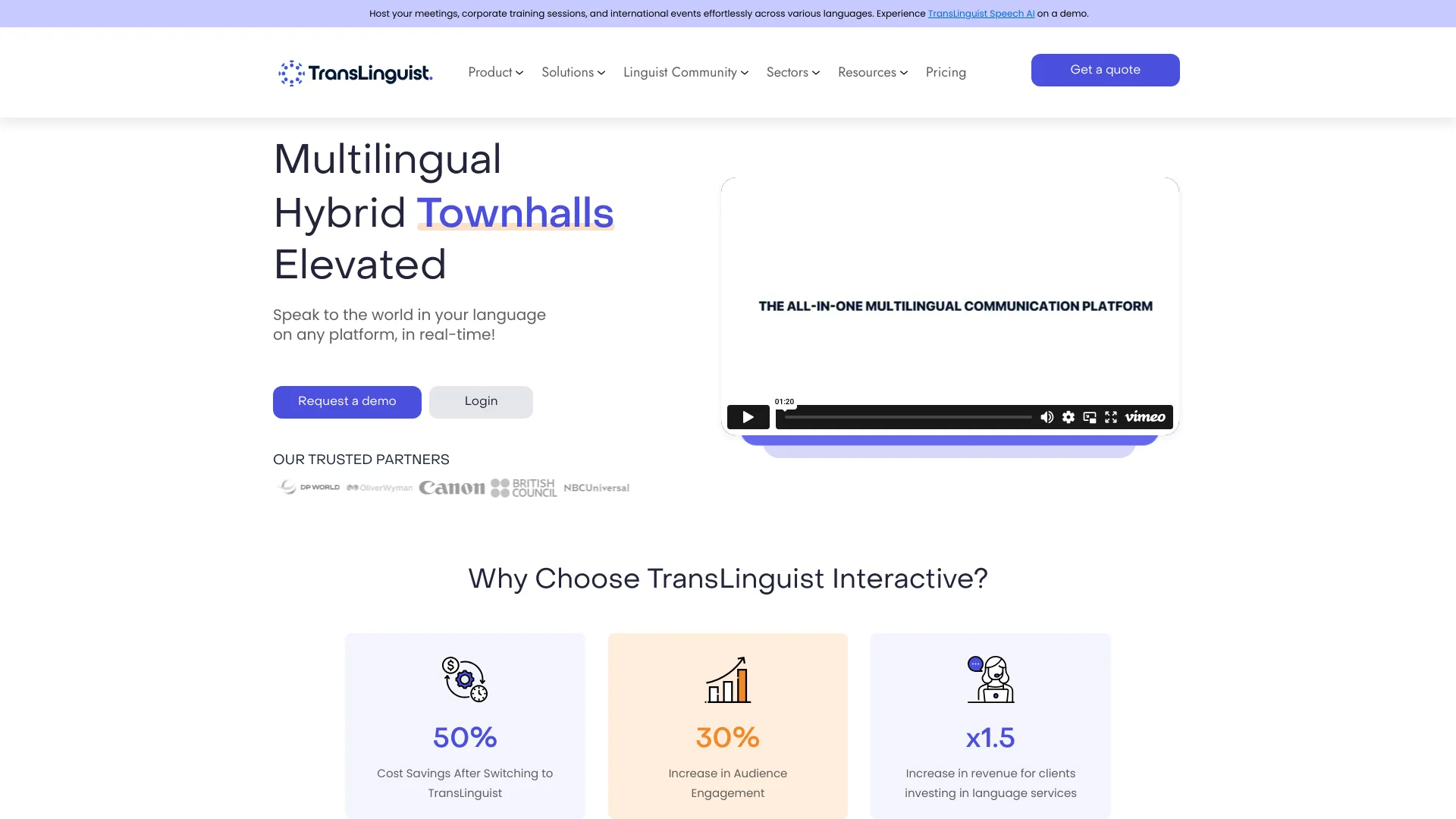
TransLinguist
Multilingual business meetings and events
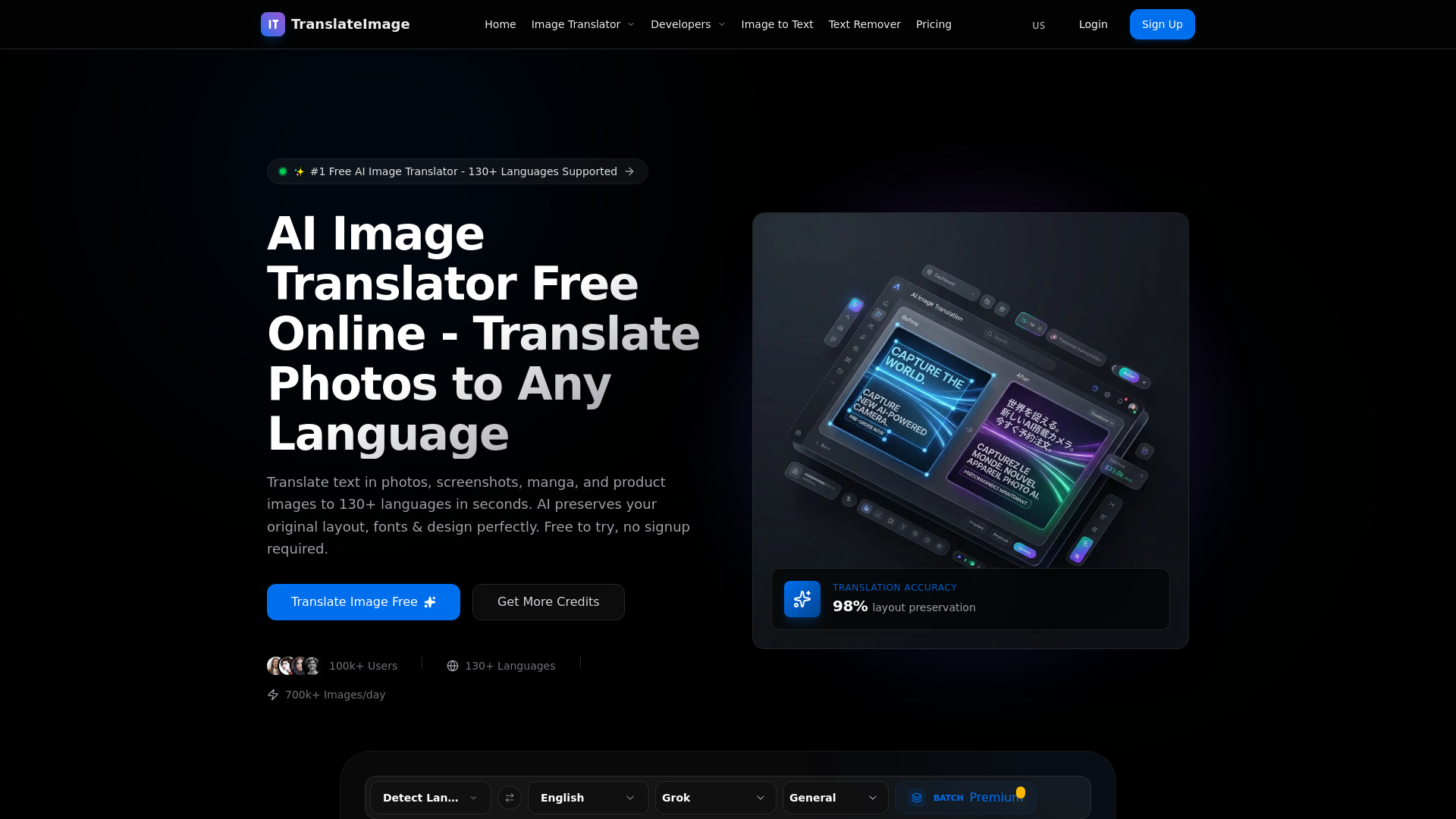
TranslateImage
Translating images, manga, and product visuals
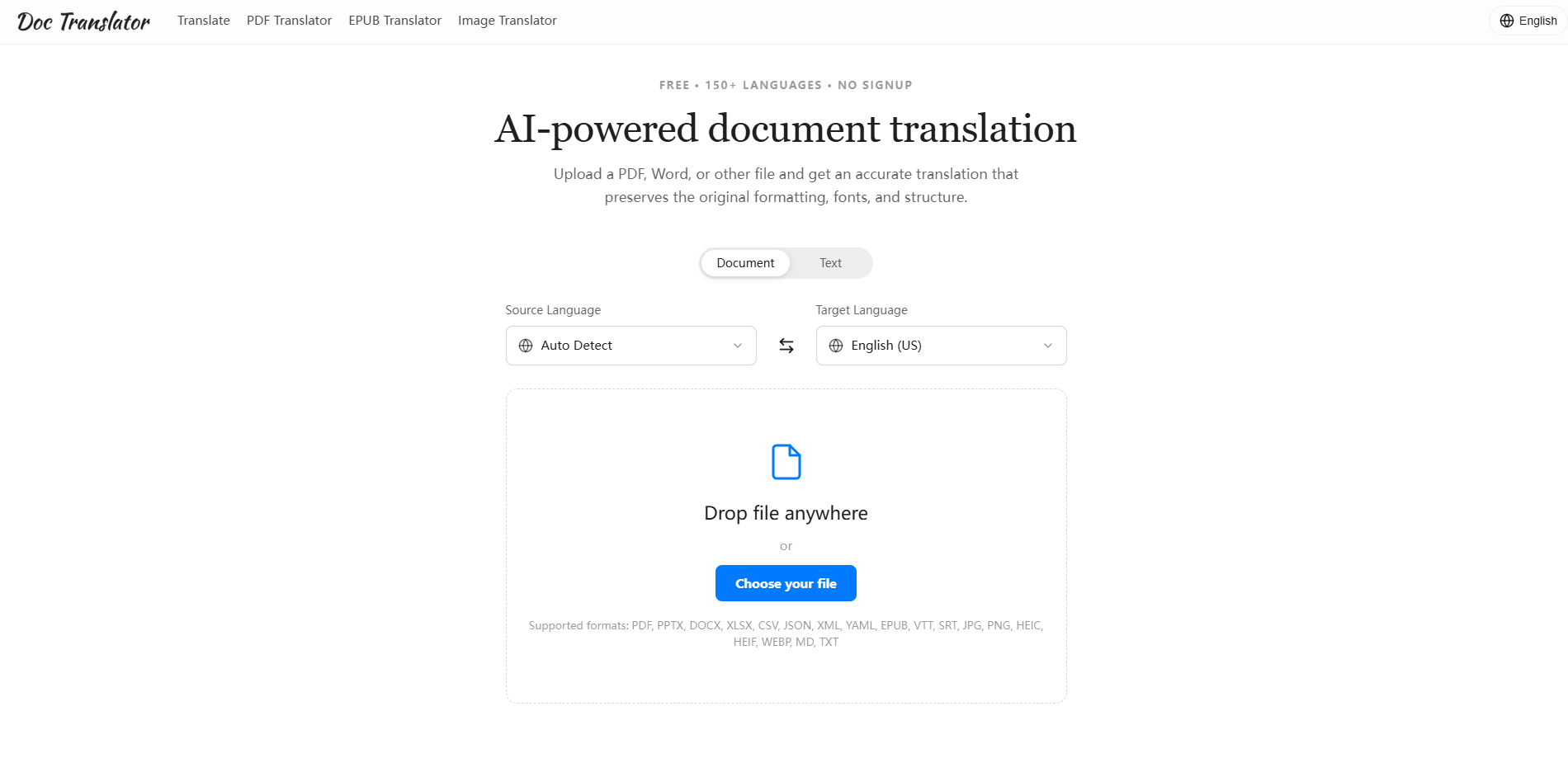
Doc Translator
Translating documents while preserving layout

Global Scale Picture Text Translation
Translating text in images while preserving layouts

Voisi AI
Multilingual voice and text translation

Telelingo
Real-time phone call translation

MixTranslate
Comparing AI translation outputs
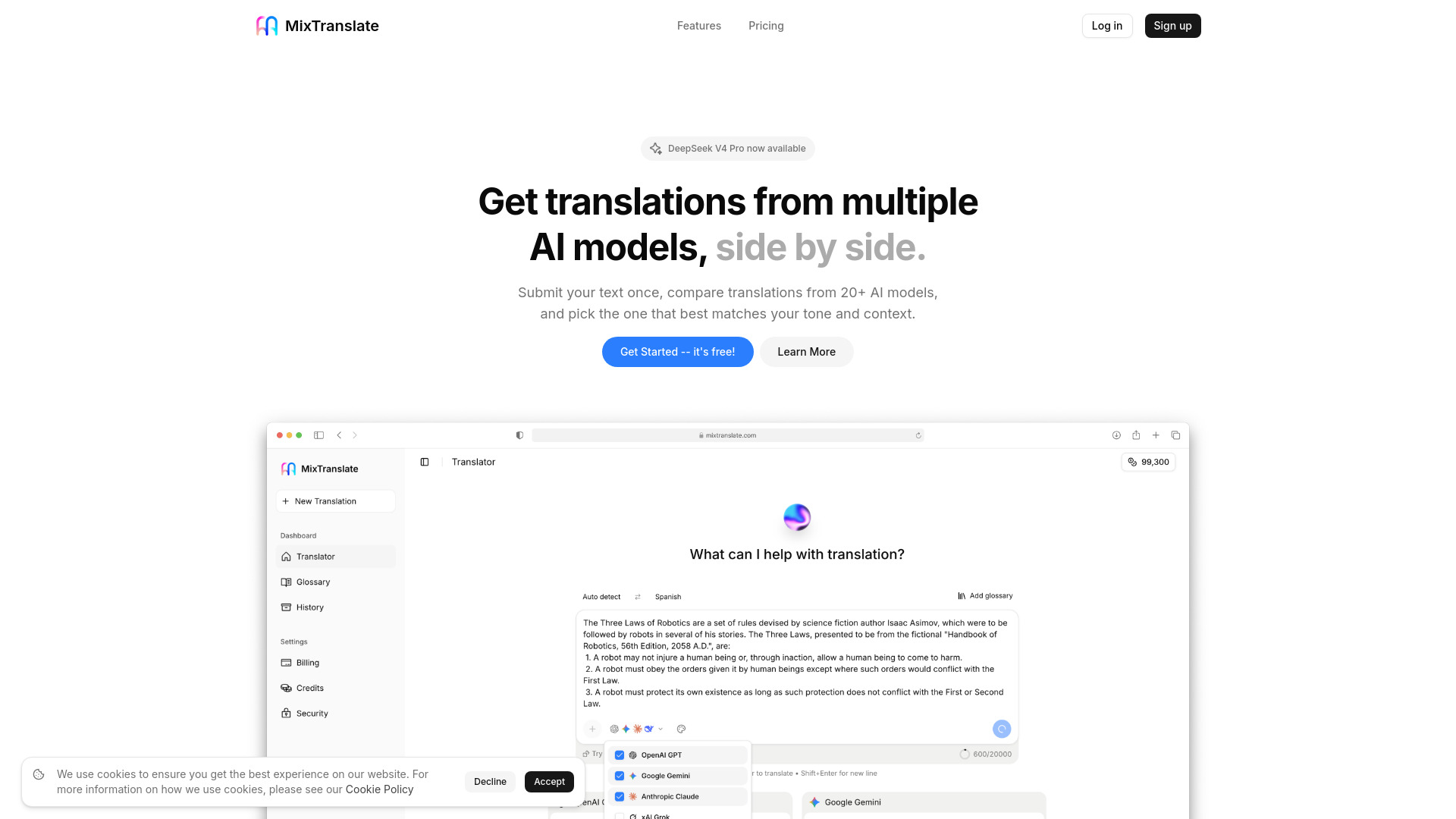

AI Image Translator
Translating images while preserving text formatting
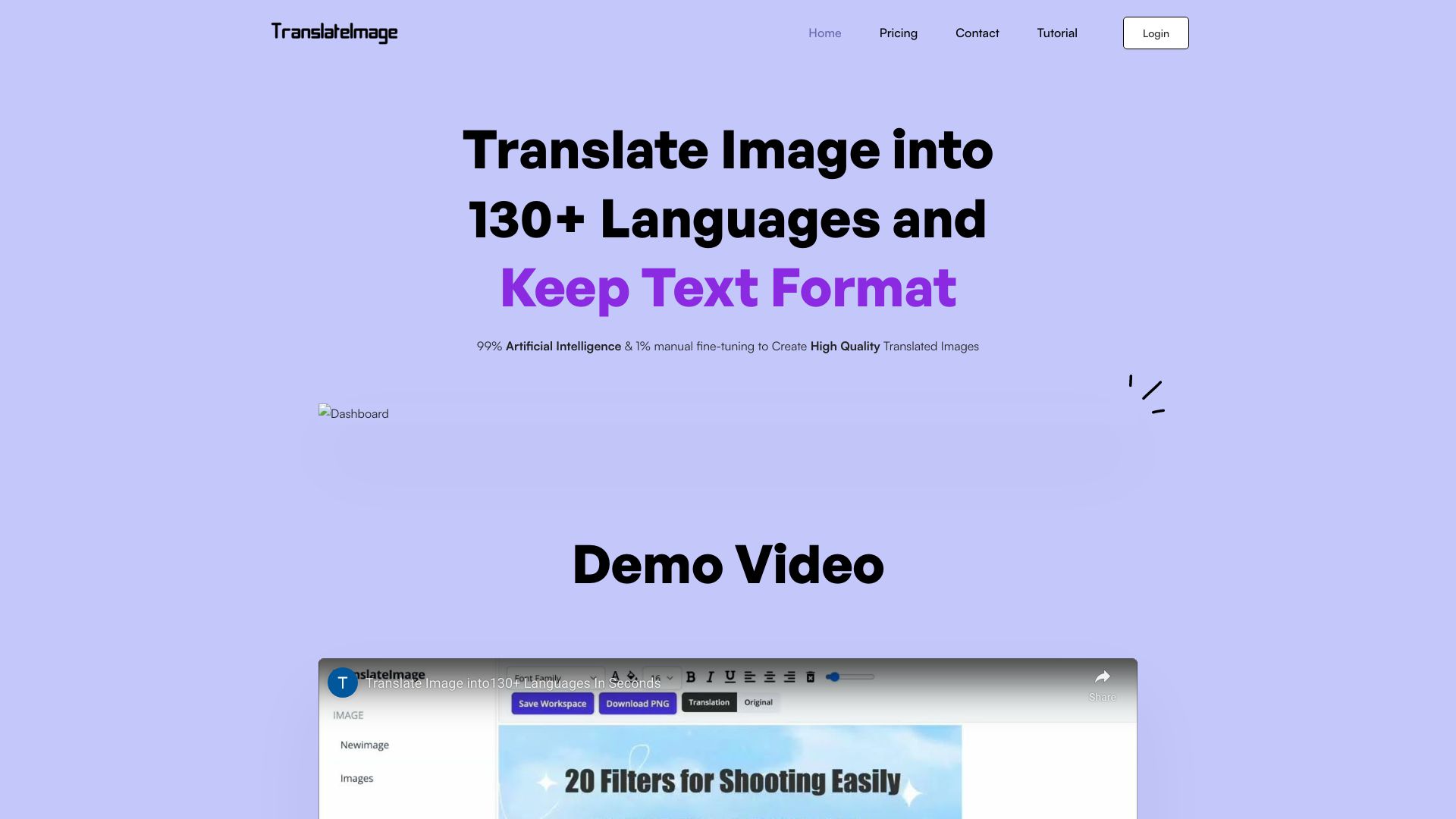

AI Girl
AI character roleplay and virtual companionship
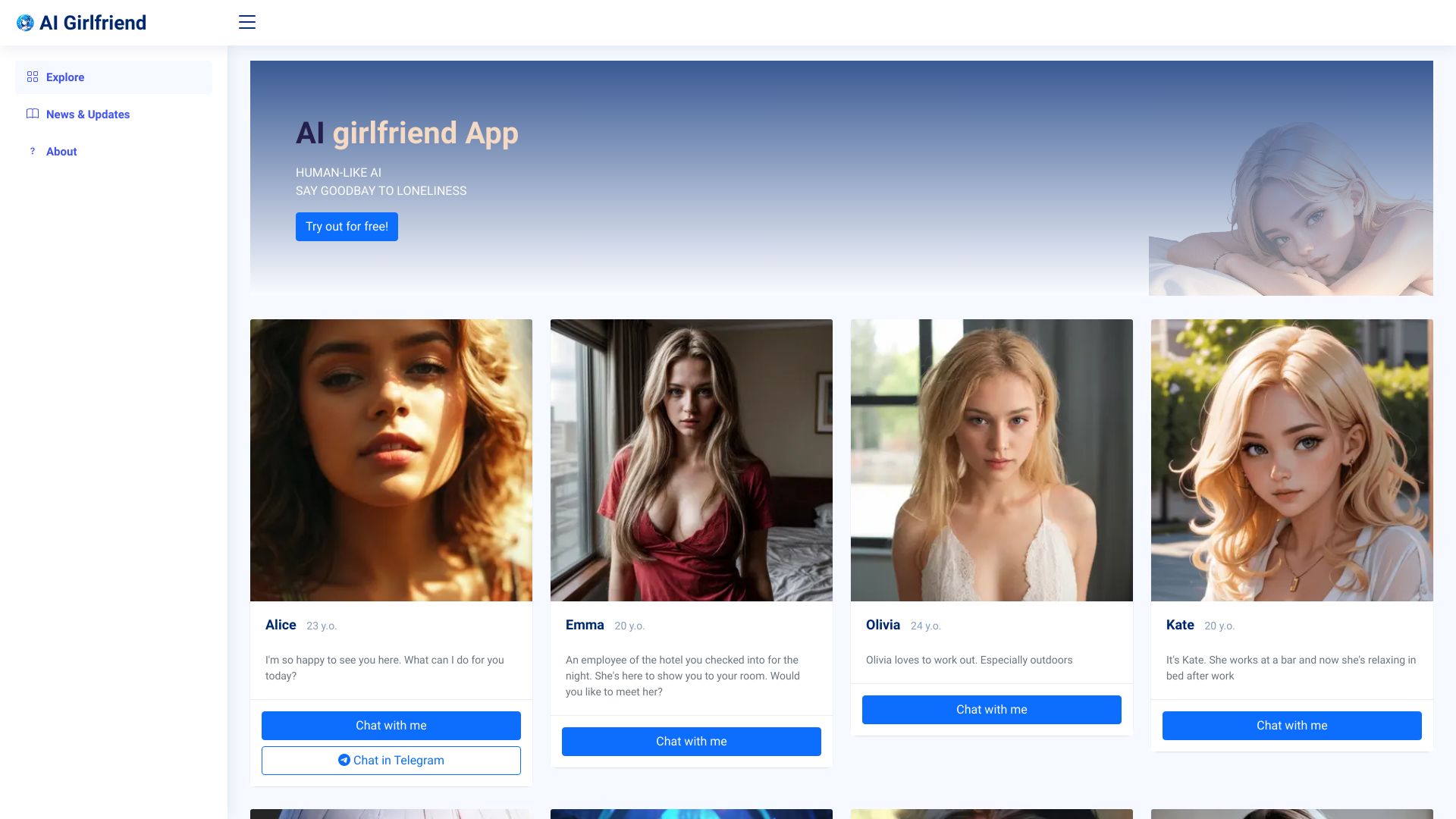

Anytalk
Real-time video conference translation
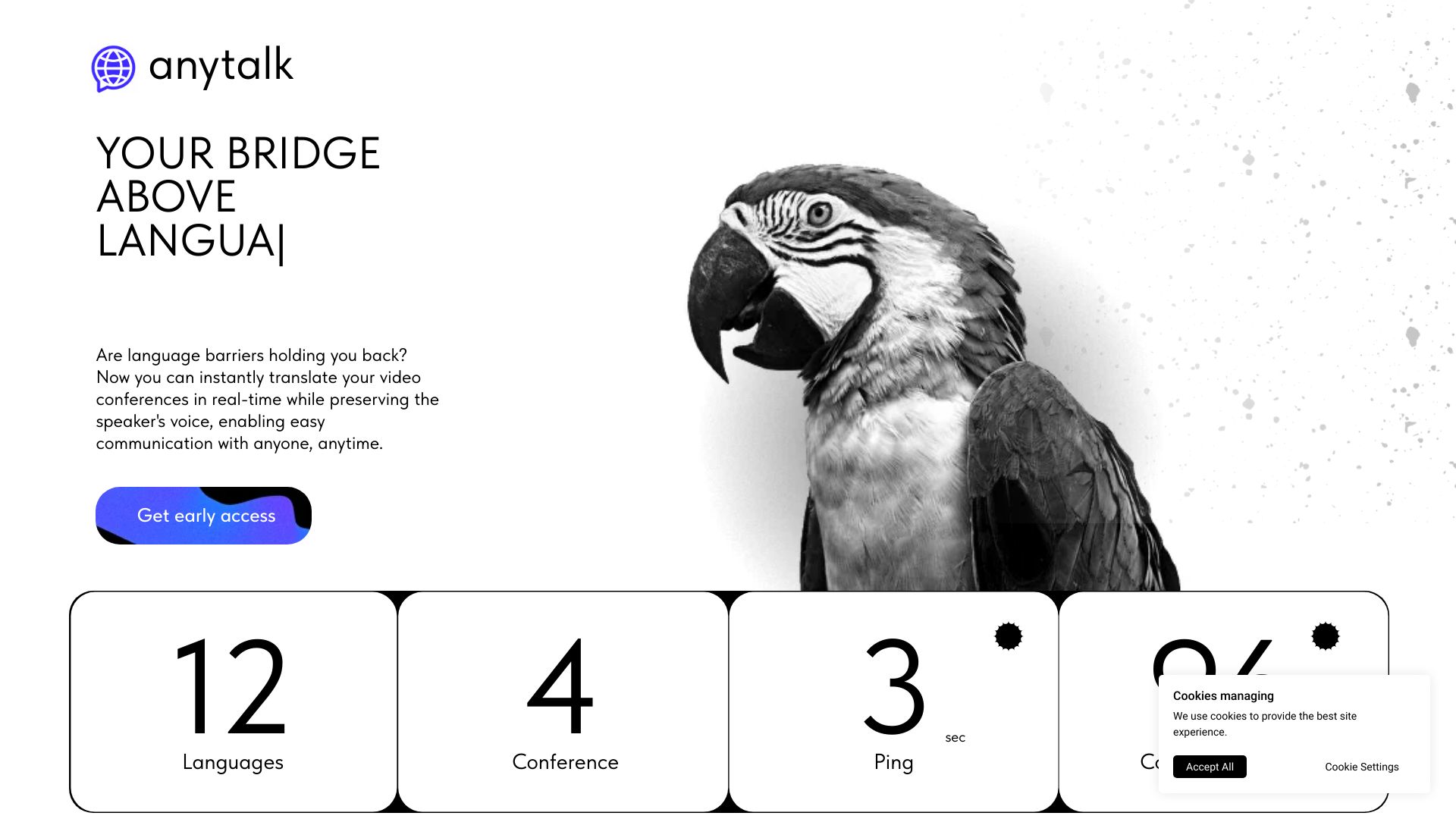

Talkio AI
AI language speaking practice

Apertera
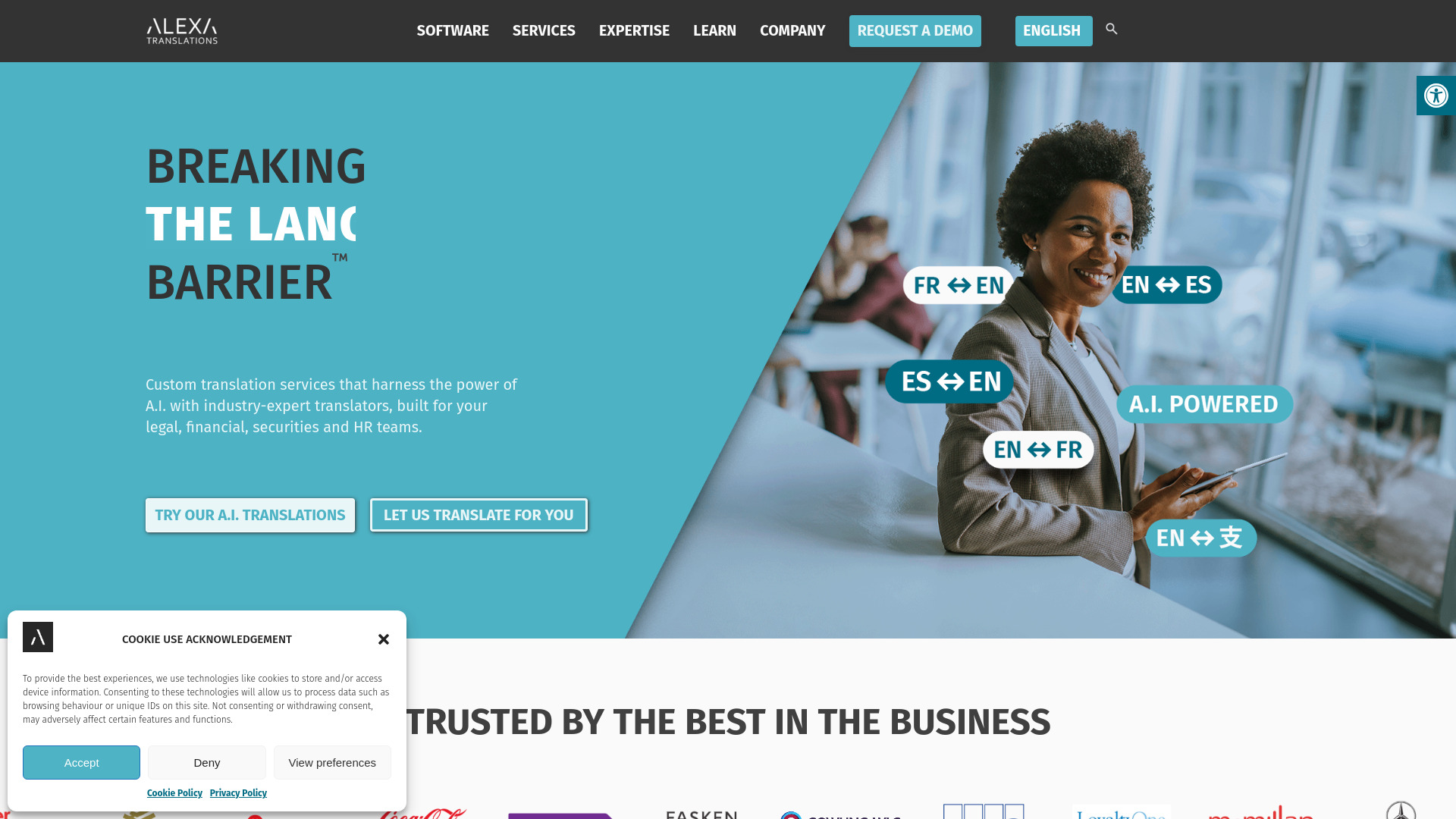
Legal and financial translation workflows
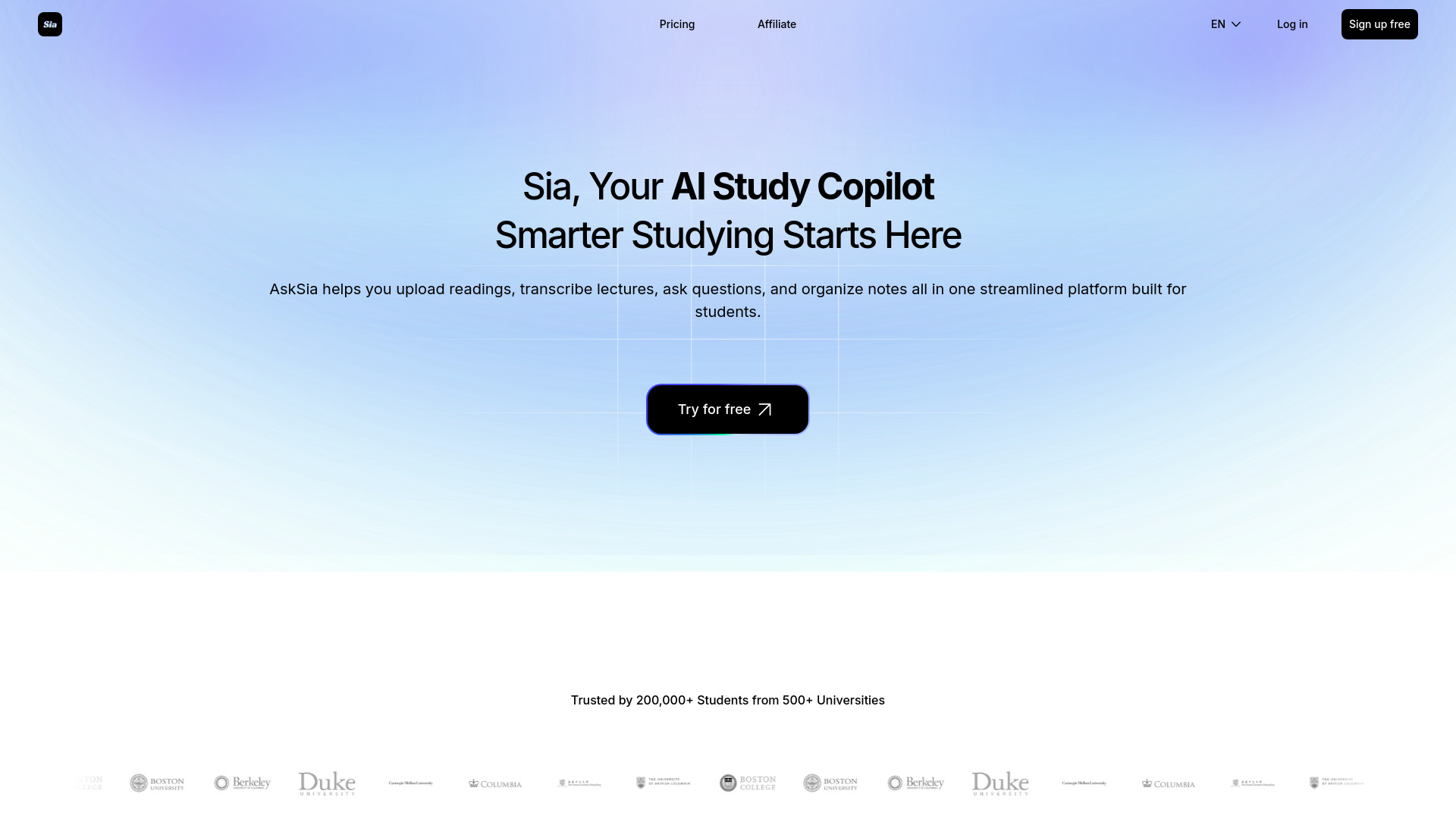
Asksia
Students needing AI study support

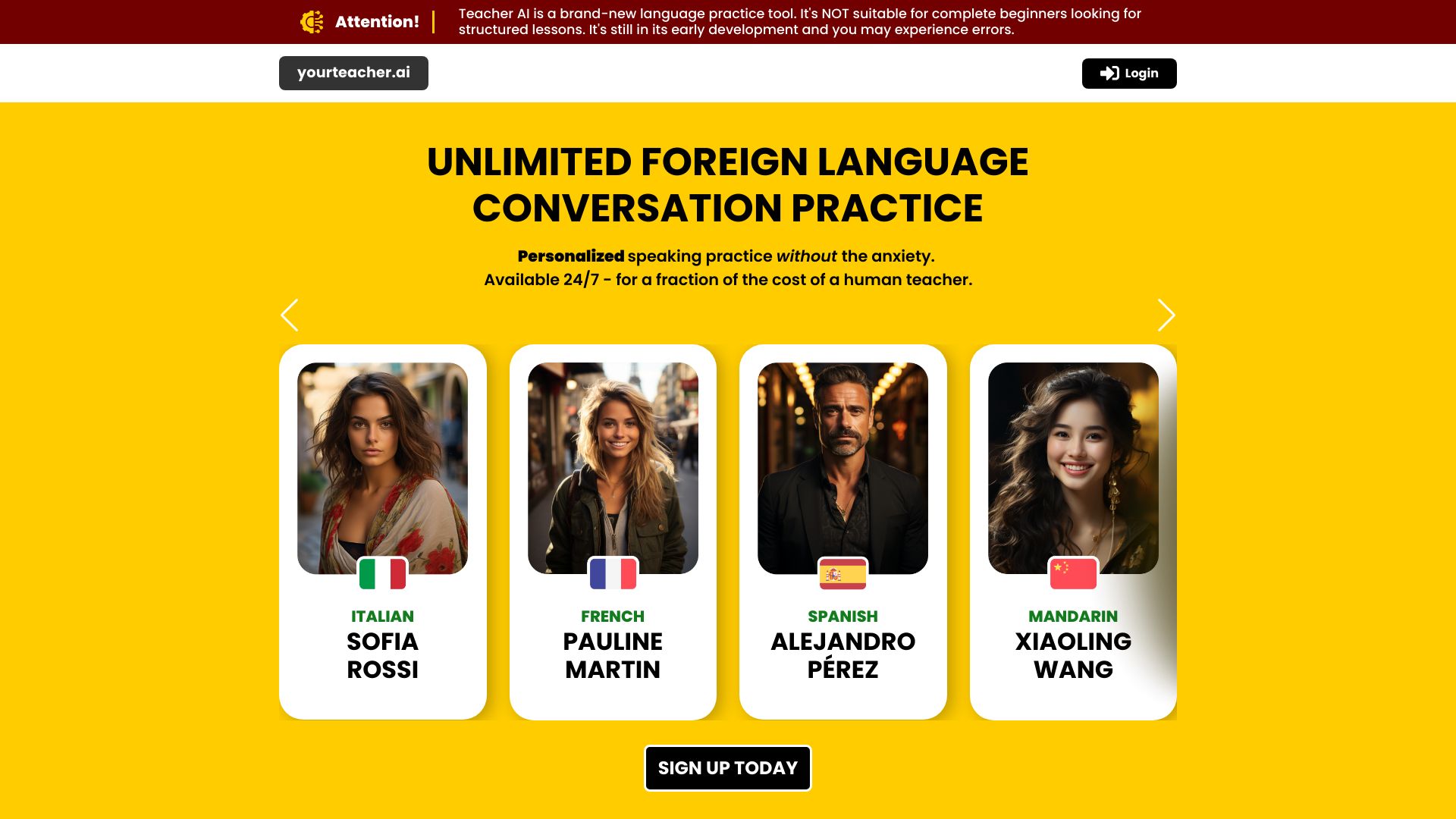
Teacher AI
Intermediate language speaking practice
Manga Translator
Manga and manhwa image translation

Speak AI
Multilingual teams and researchers

AI2sql
Natural-language SQL generation

Tuya.ai
AI-powered smart home and connected-device ecosystems

Alle-AI
Comparing multiple AI models

MaxAI.me
One-click translation anywhere online

Alice - Your Personal AI Assistant App
Desktop AI productivity and translation

OneSky Localization Agent
App and software localization

i18nowAI
Developers localizing i18next apps

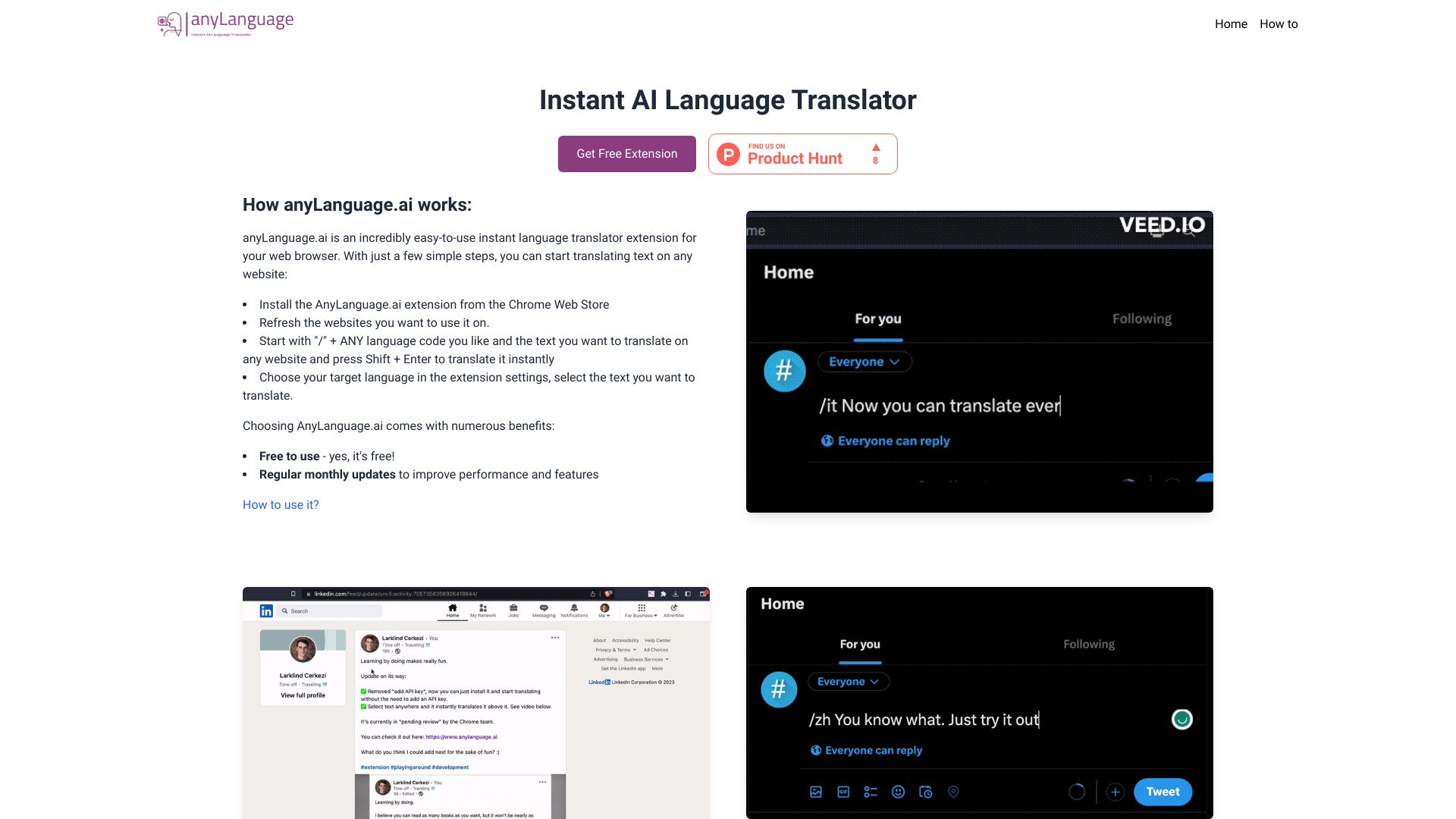
AnyLanguage.ai
Instant browser translation

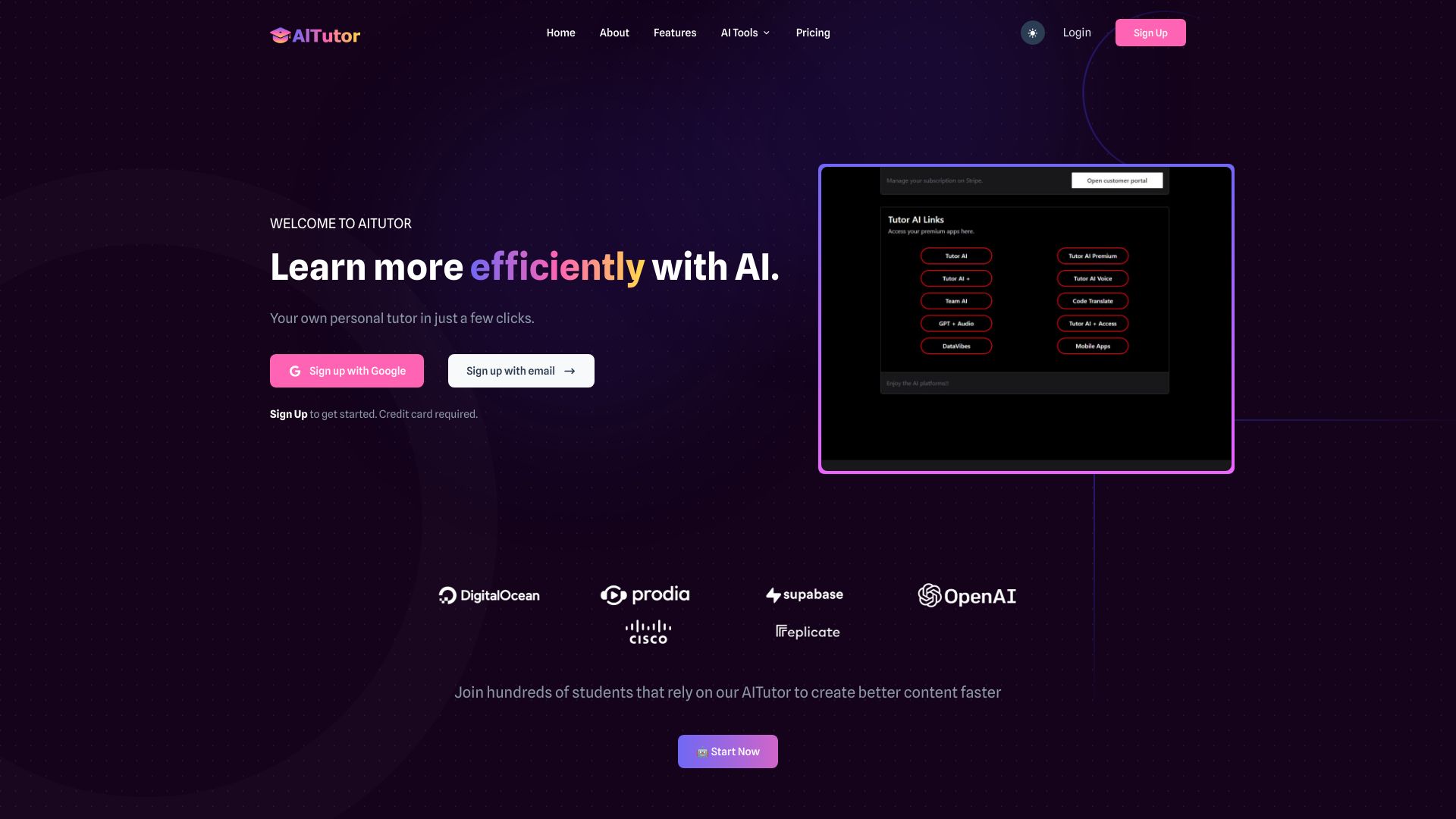
AI Tutor
Exploring 200+ AI models and learning tools

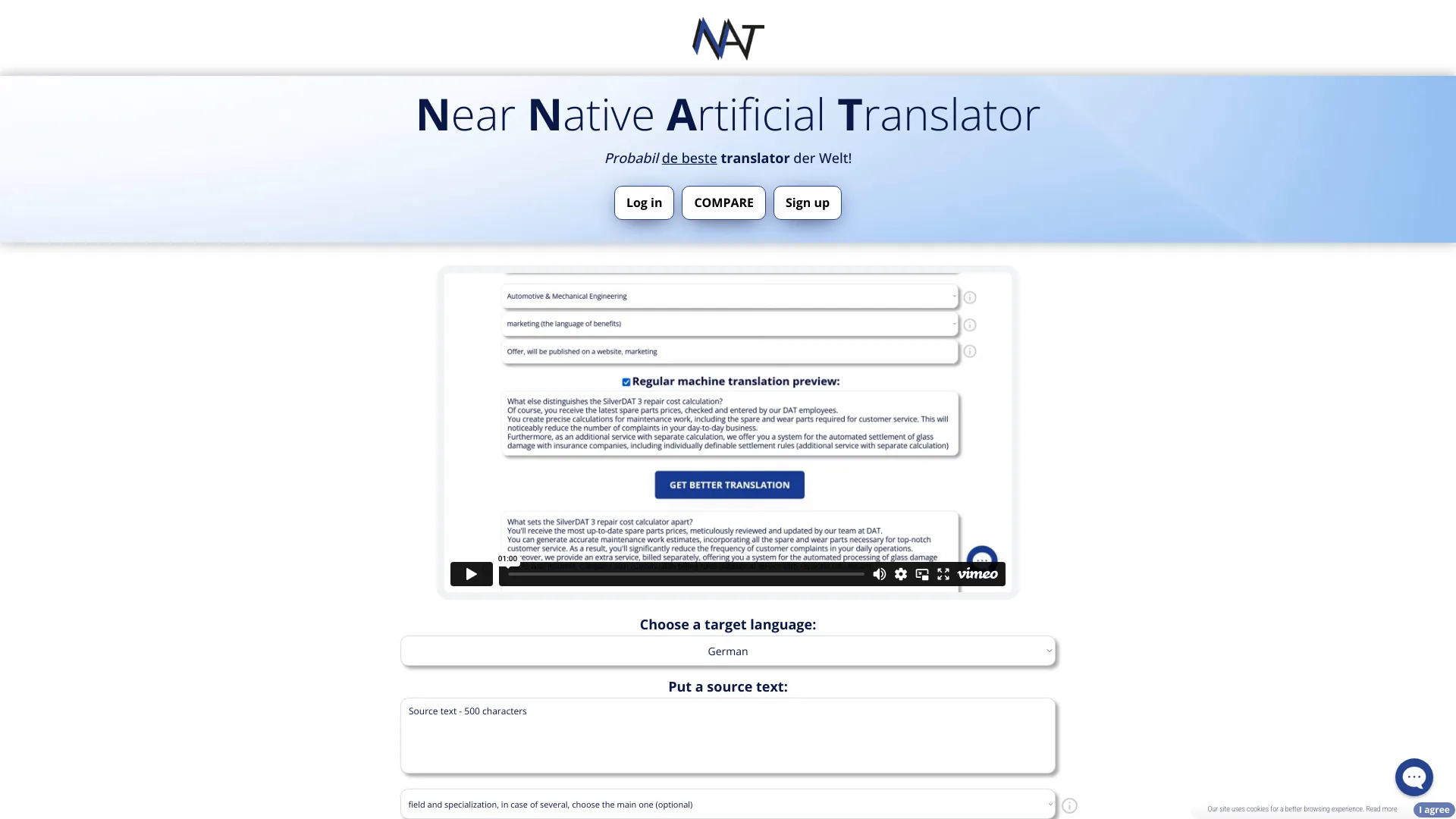
NNAT – Near Native Artificial Translator
Near-native multilingual translation

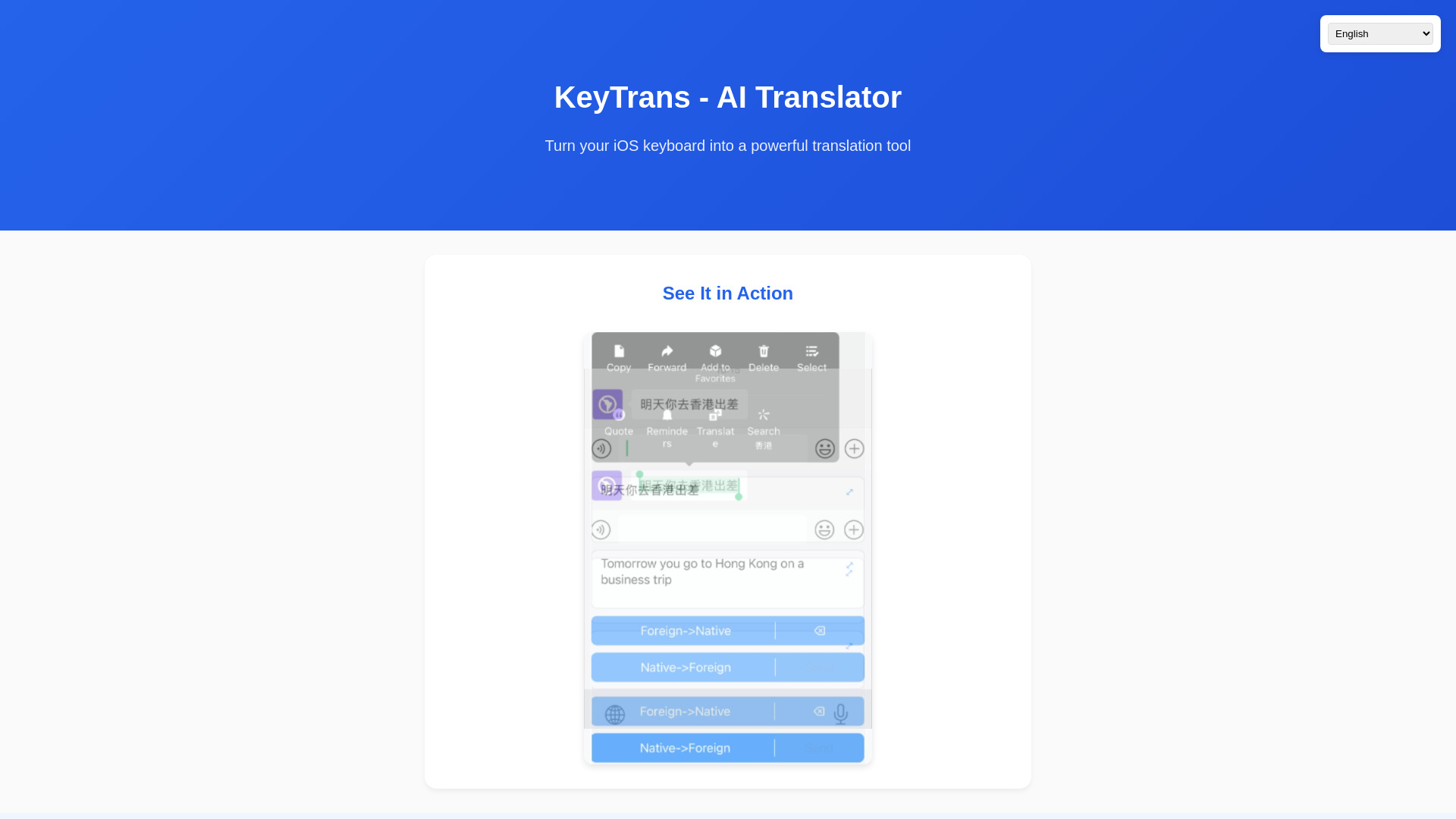
KeyTrans
Translating within iOS apps

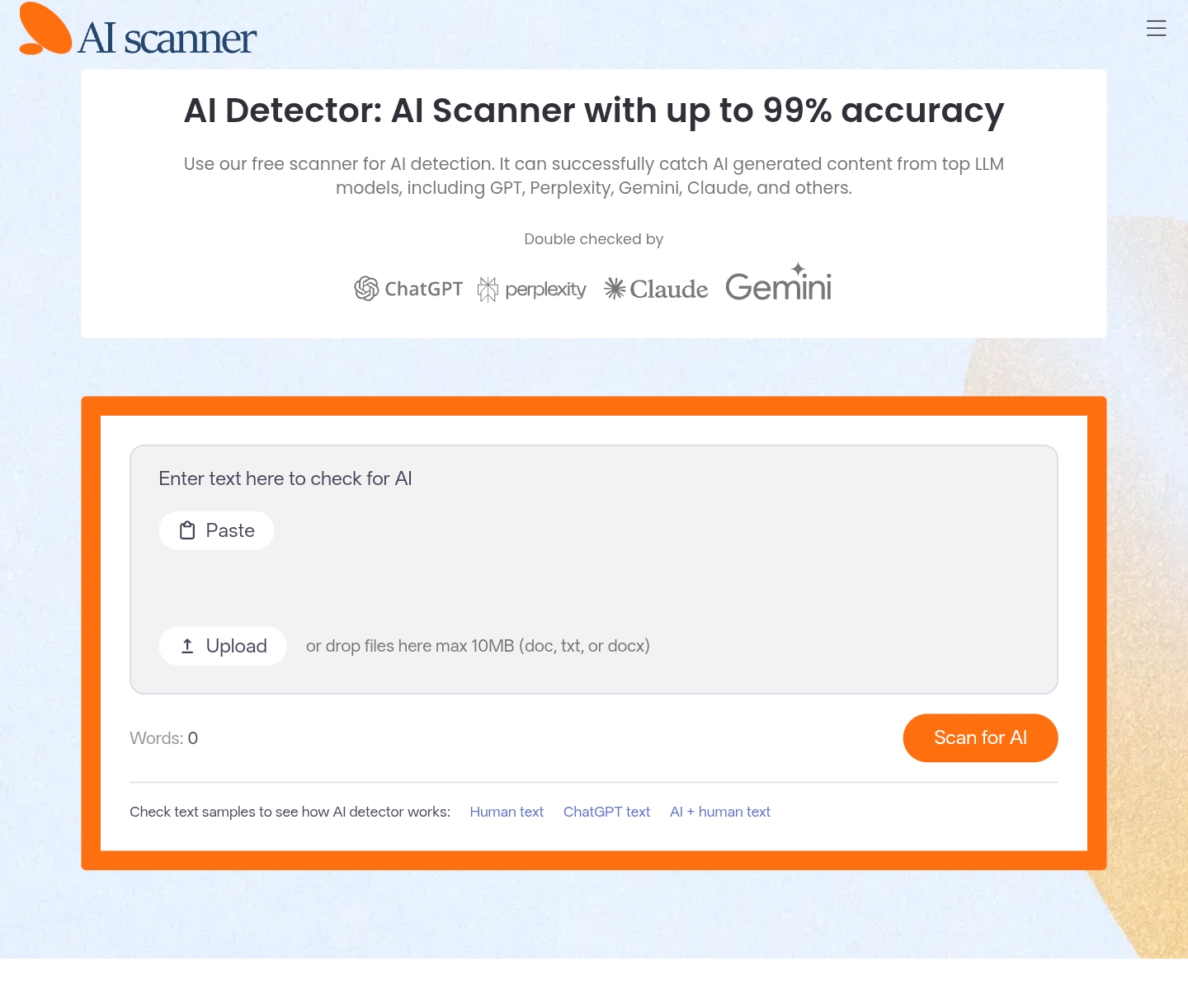
AI Scanner
Free AI writing detection
TypeAri
AI translation in browser text boxes
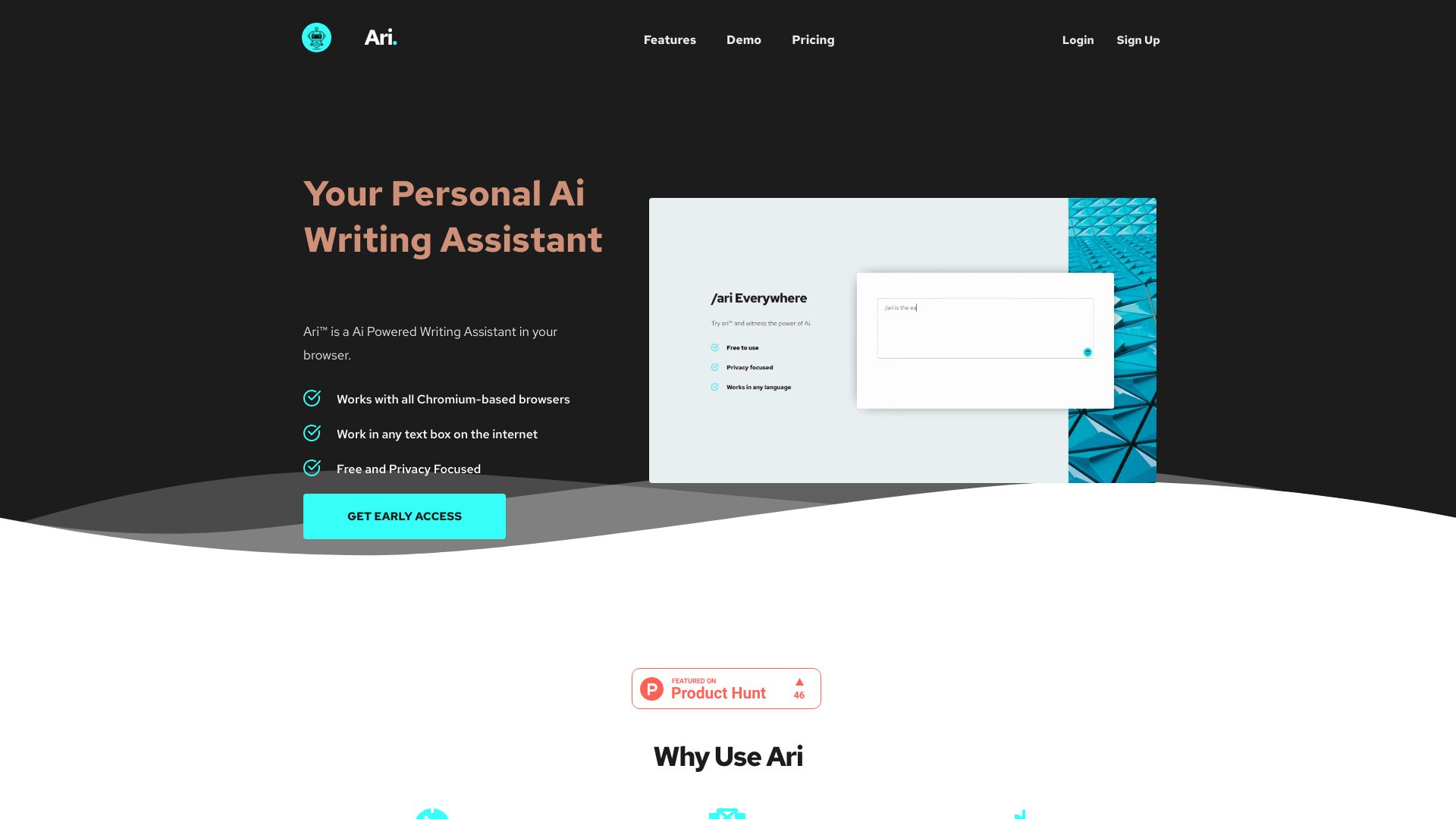

AI Chat
AI assistance by text message
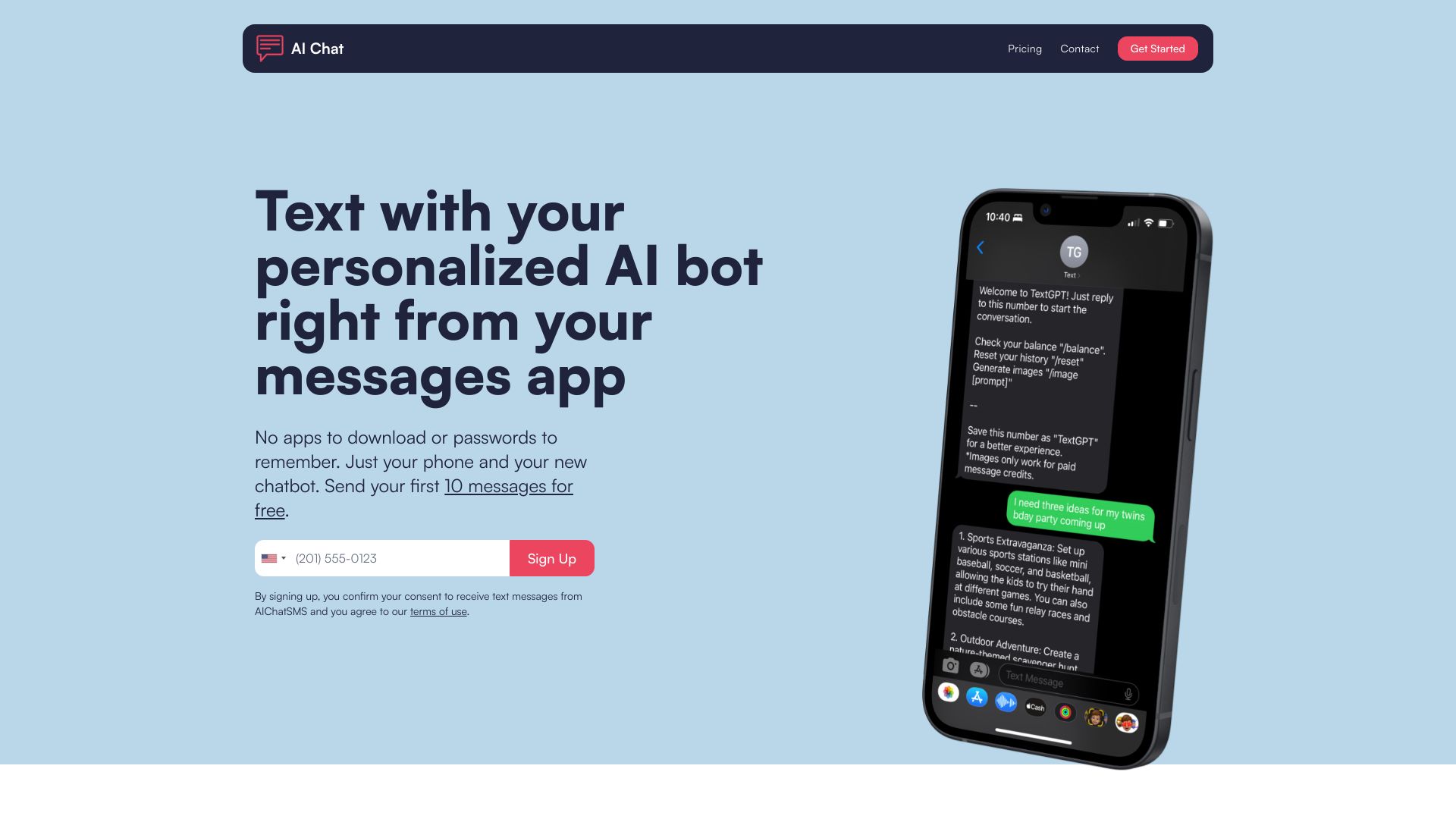

YuanbaoPower AI
Multi-model AI chat and image creation

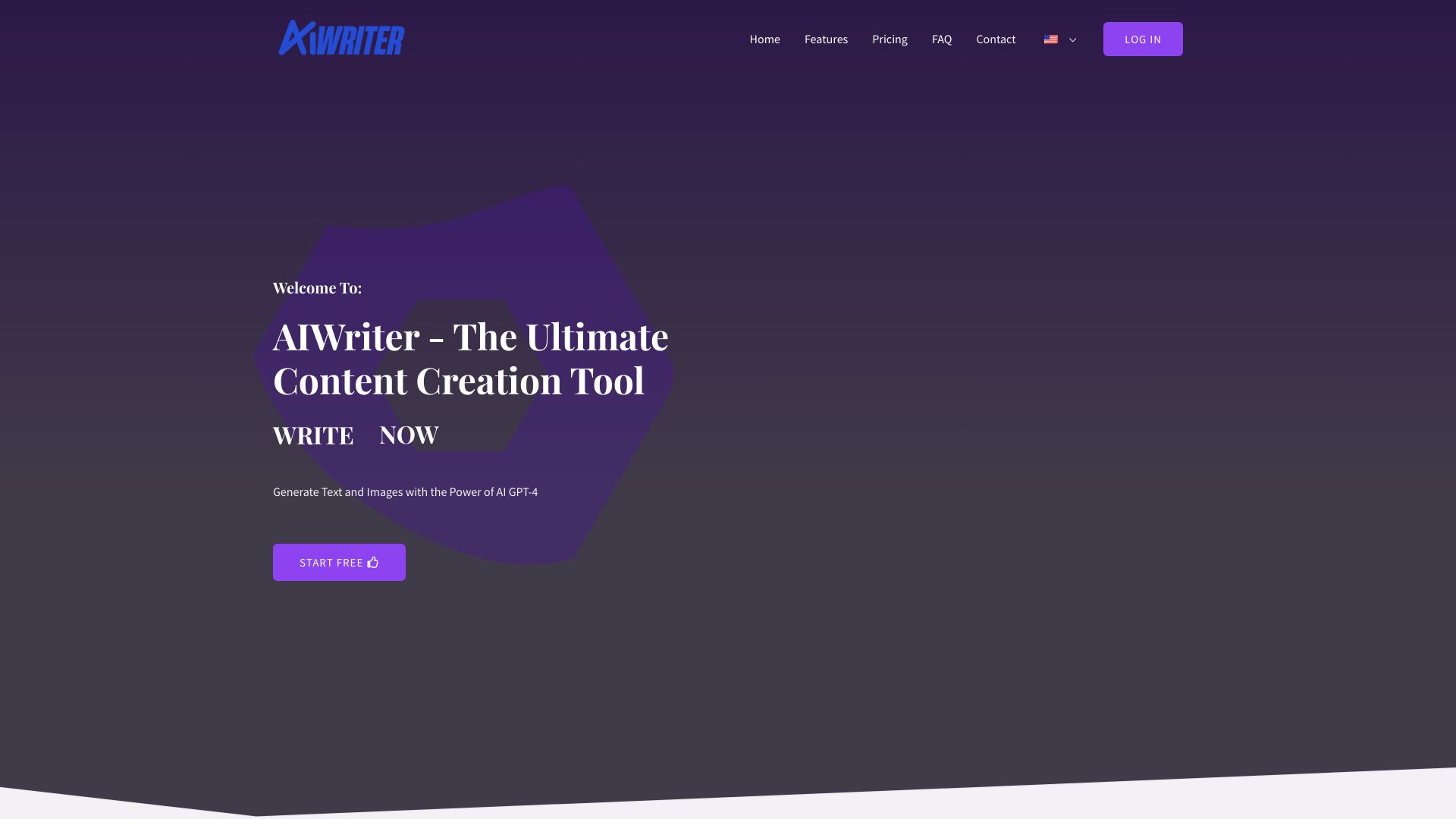
AIWriter
Multilingual content creation

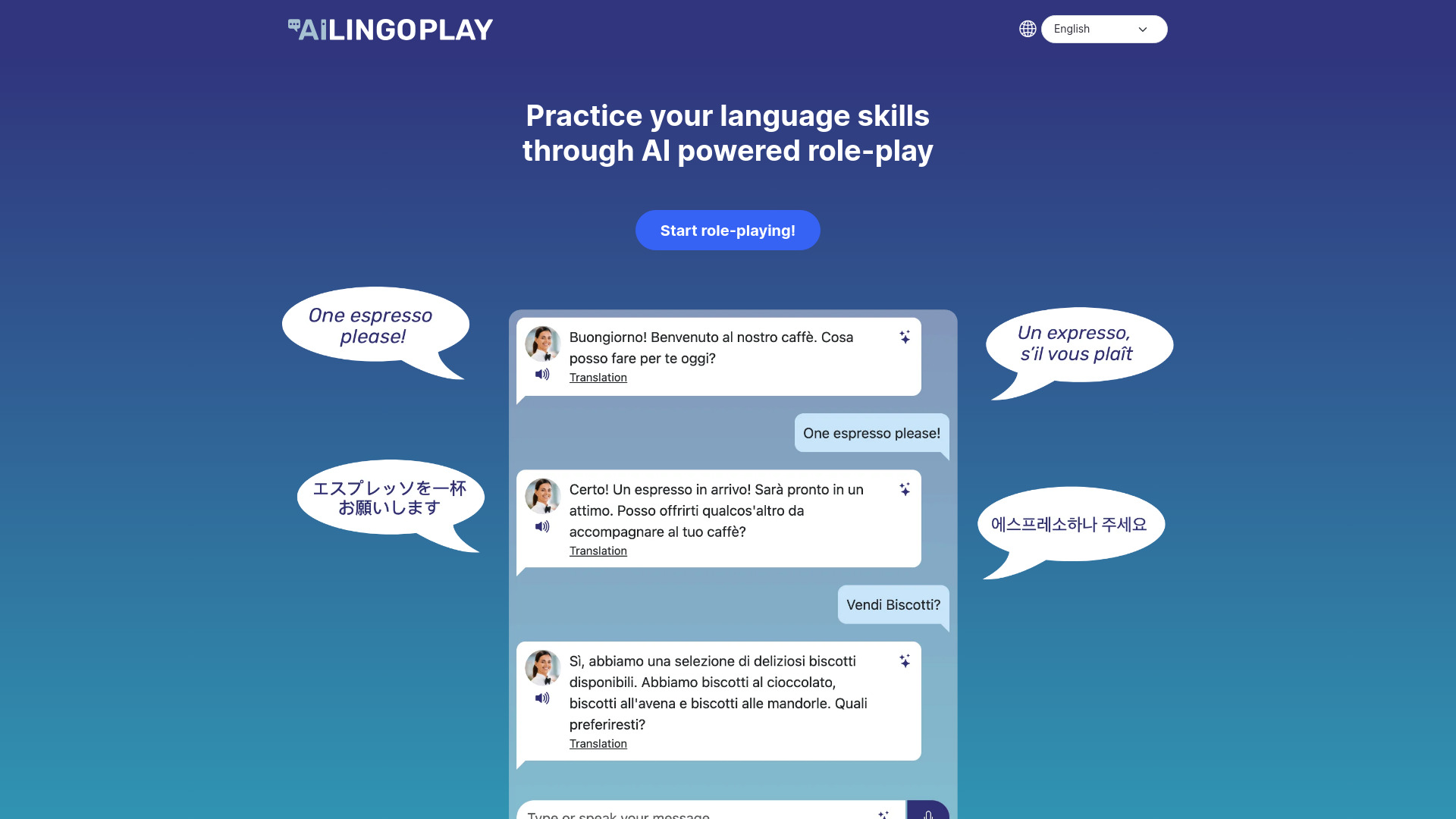
AI LingoPlay
AI role-play language practice

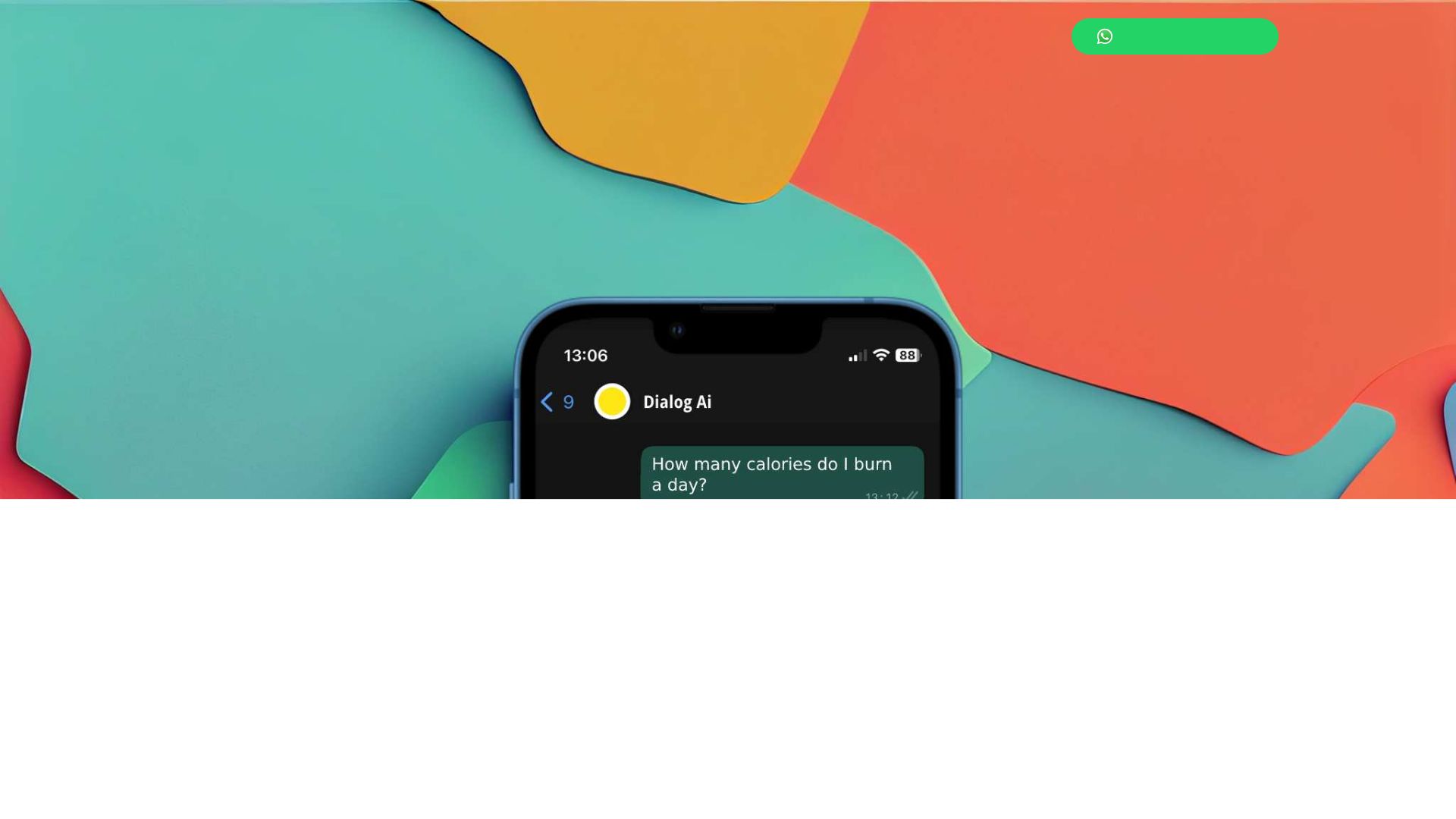
DialogAi
WhatsApp AI chat and voice-note transcription

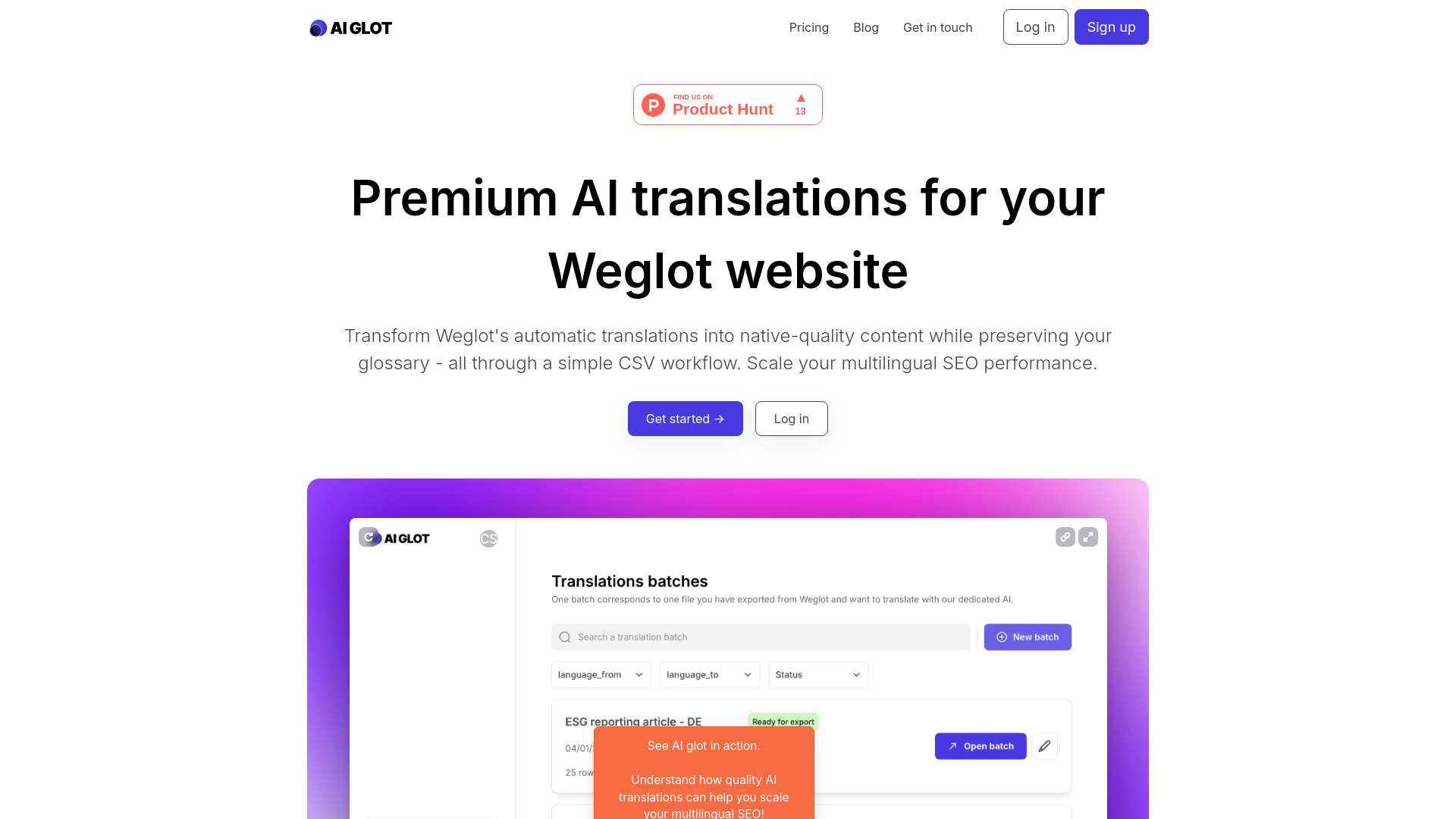
AI glot
Context-aware Weglot website translations

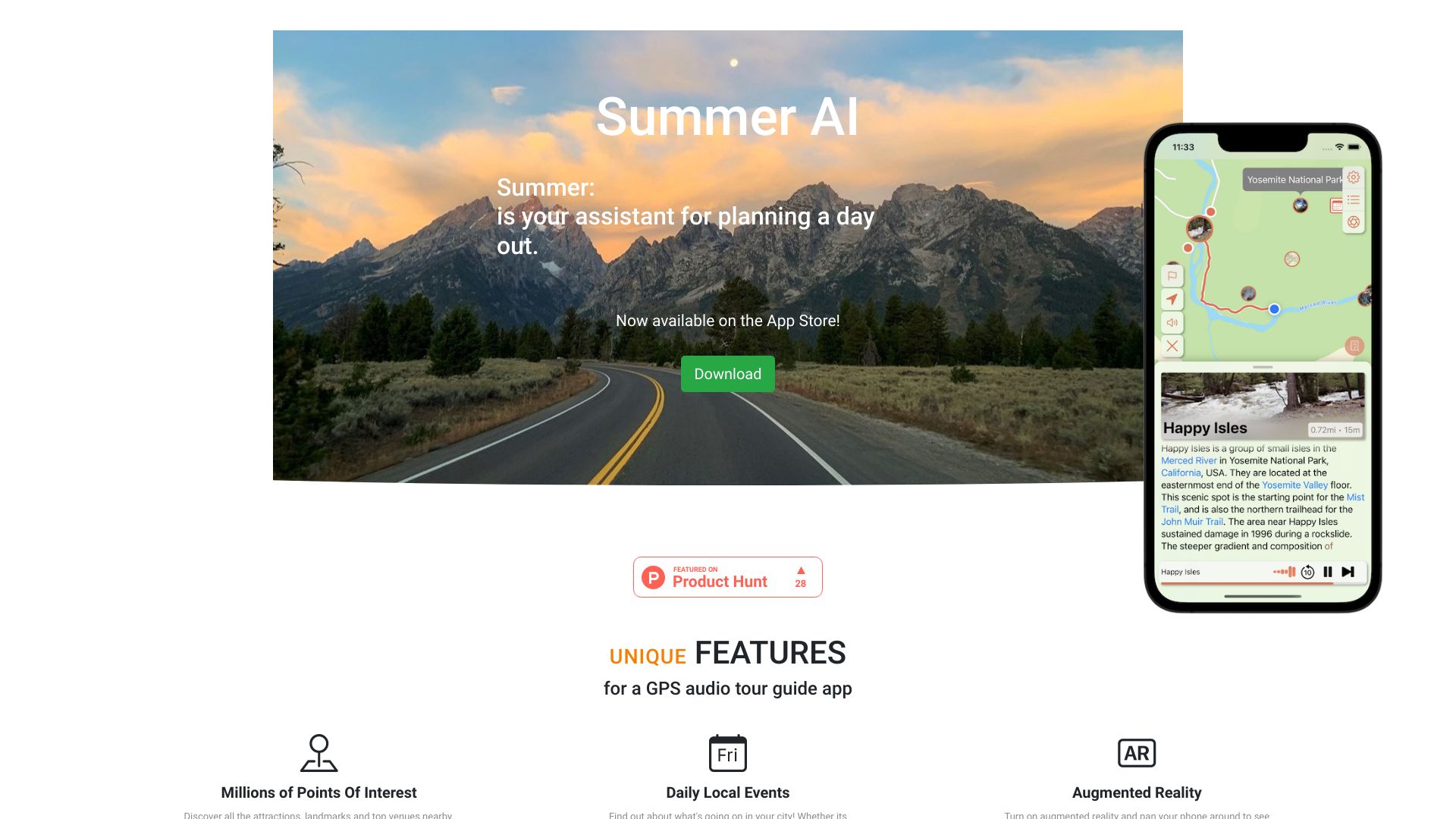
Summer AI
GPS audio tours and local discovery
AI to Human Text Converter
AI-generated text rewriting

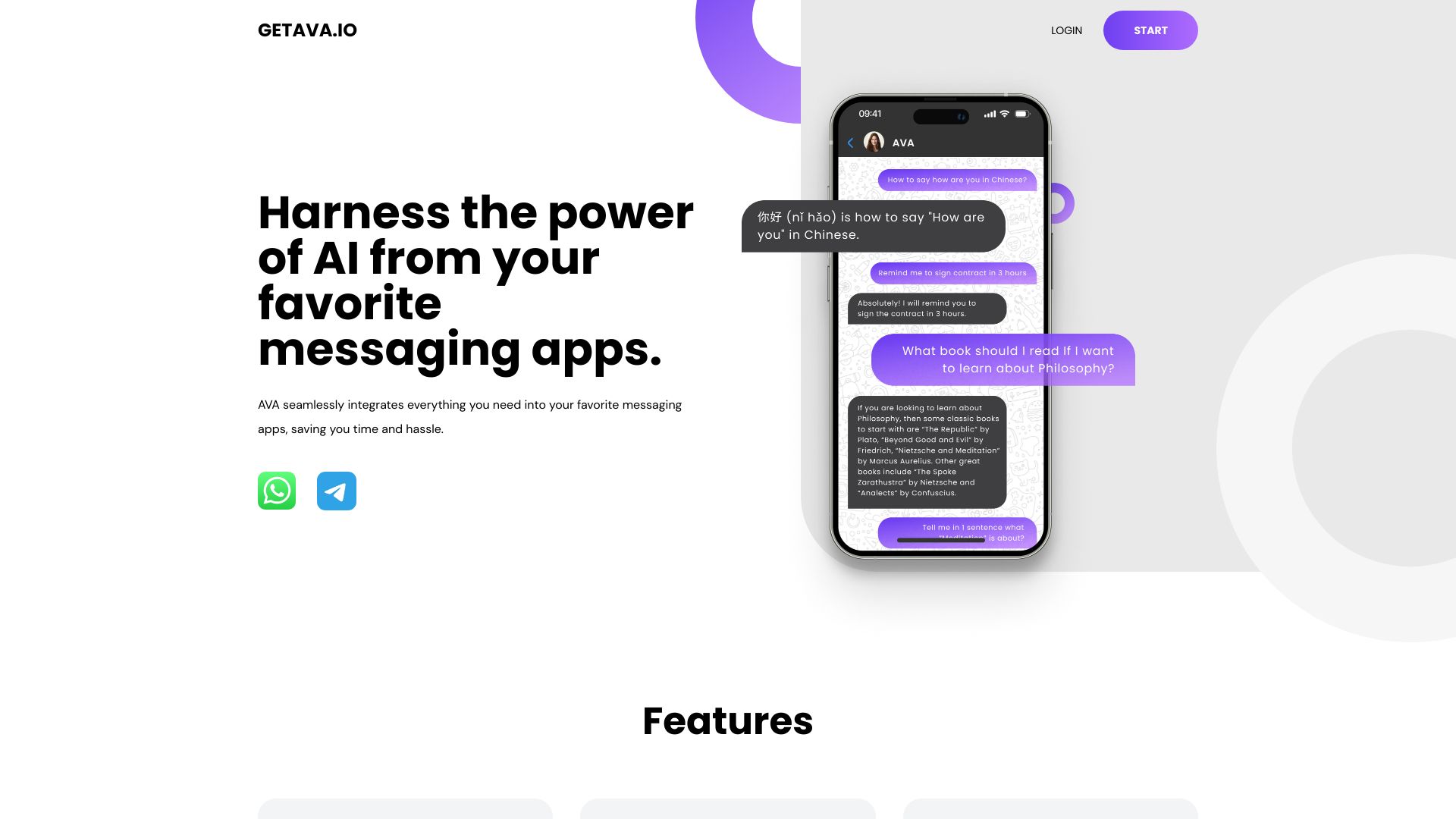
AVA | AI
AI assistance in messaging apps
AI Image Translator
Translating text in images
OpenTranslationAI
Human-like AI translation


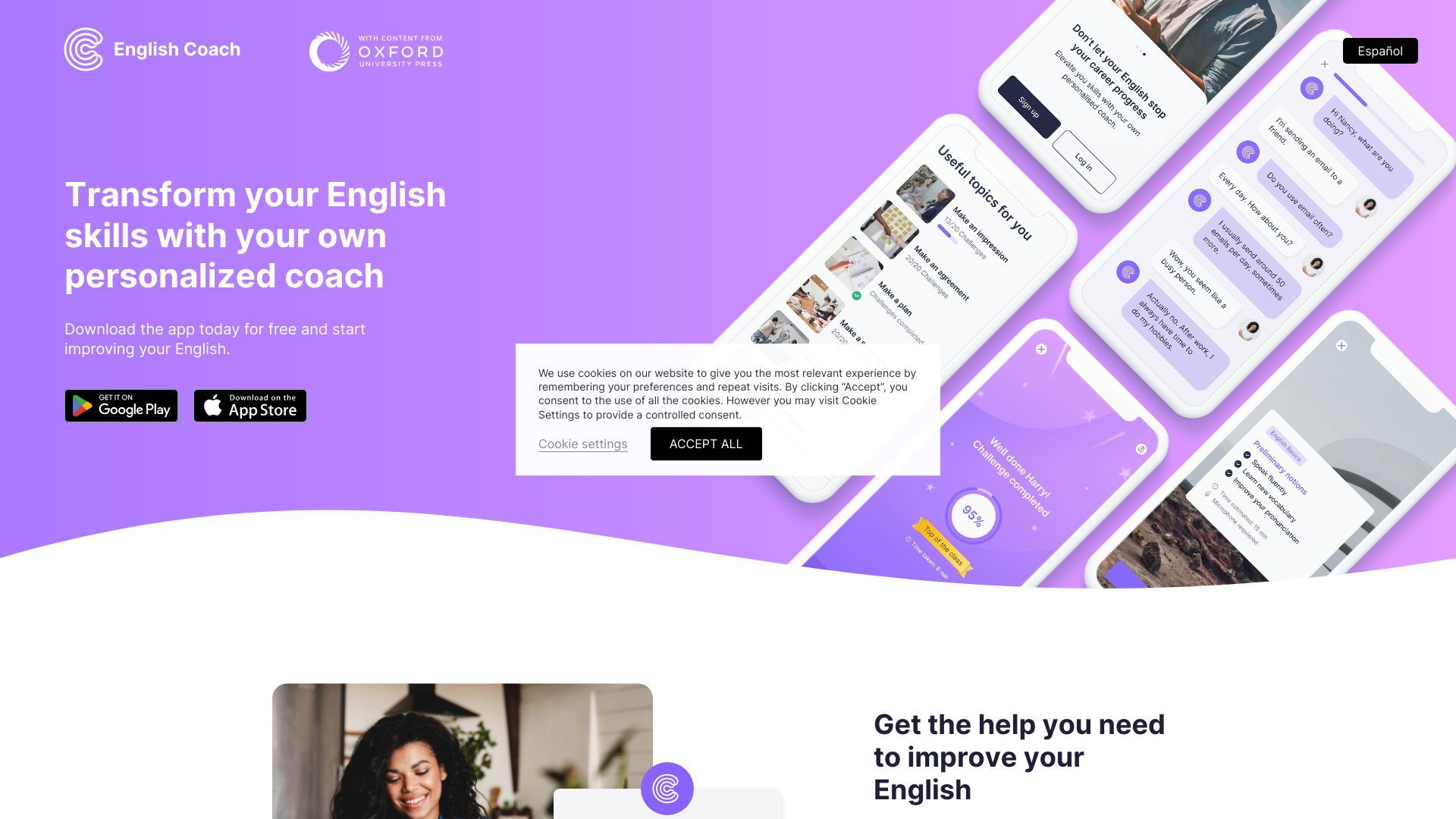
Language Coach AI
English speaking and pronunciation practice

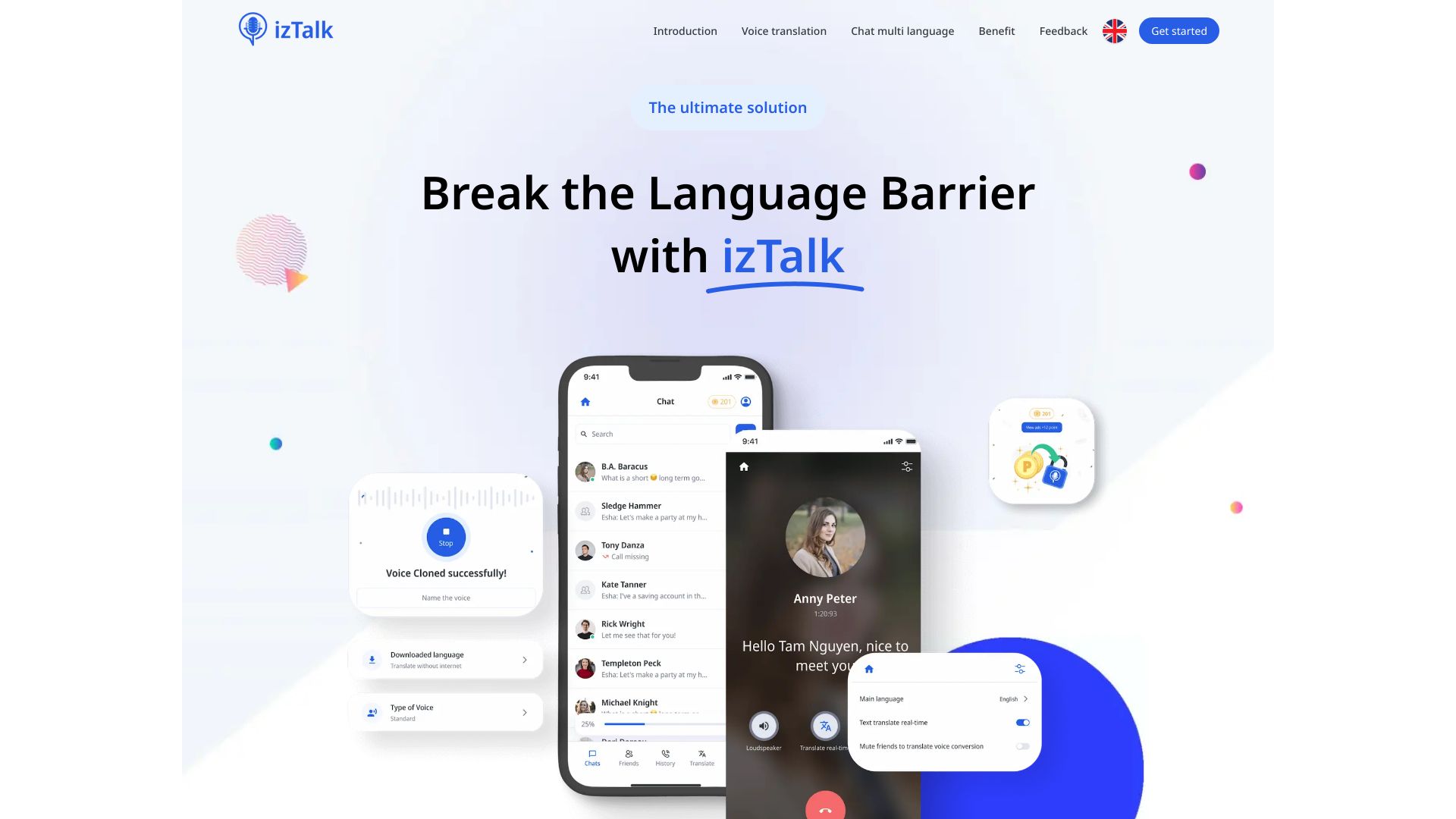
izTalk
Real-time voice translation

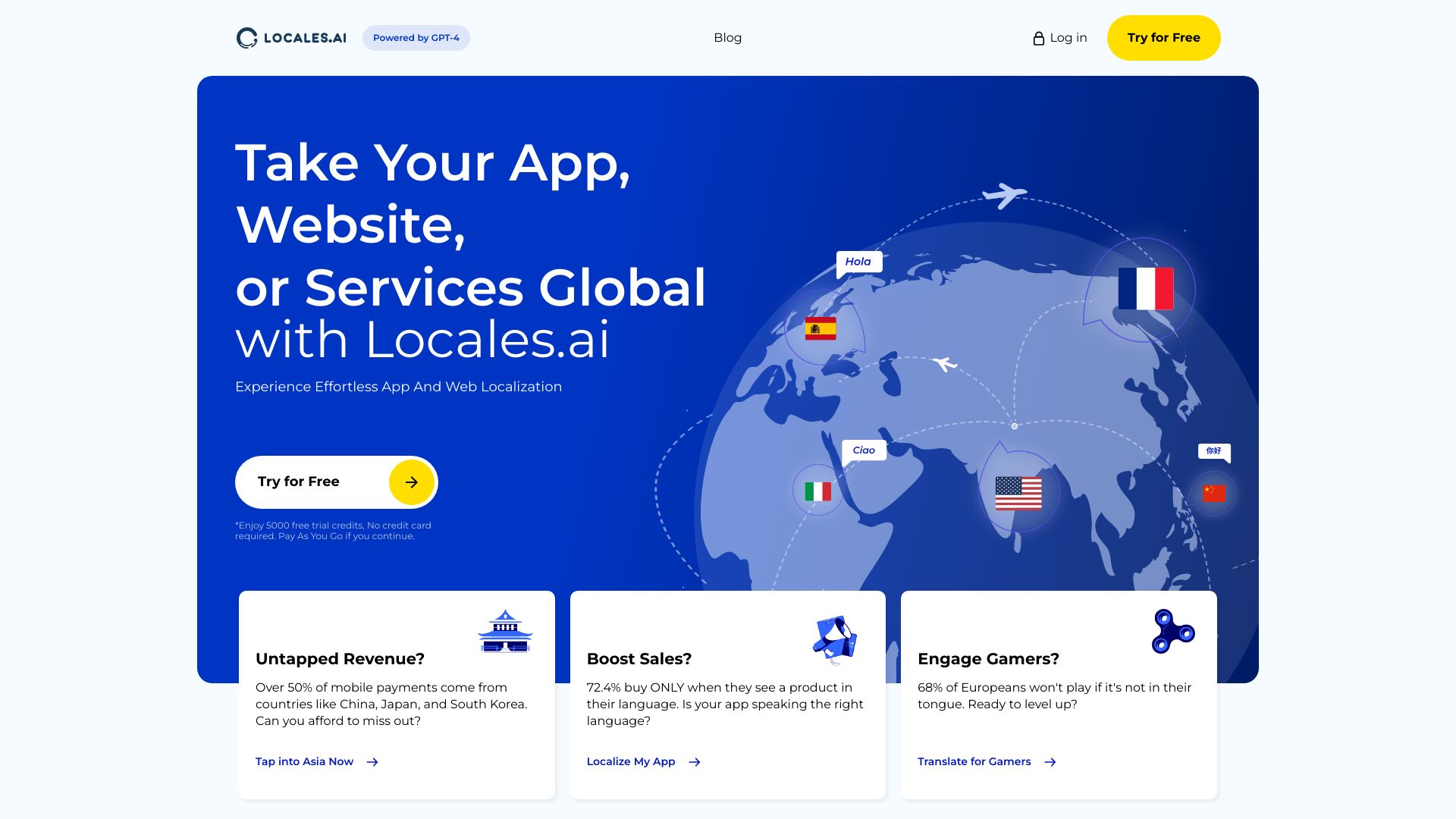
Locales.ai
Website and app localization

Robo Translator
Audio, video, and text localization

AudioGenius.ai
Voice cloning and speech translation

O.Translator
Formatted document translation

Translatio.AI
Fast audio translation

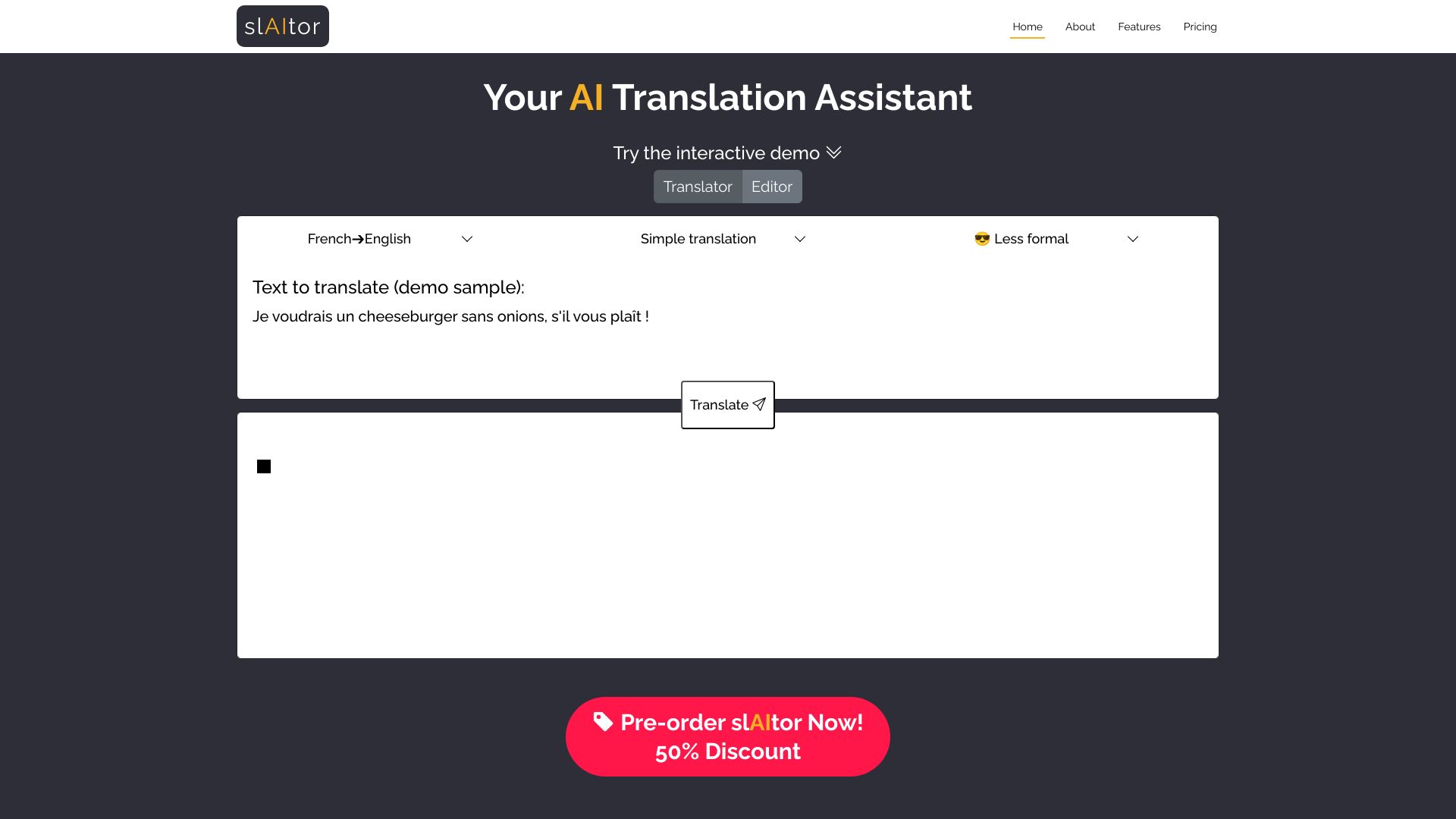
slAItor
Explained, style-aware translation

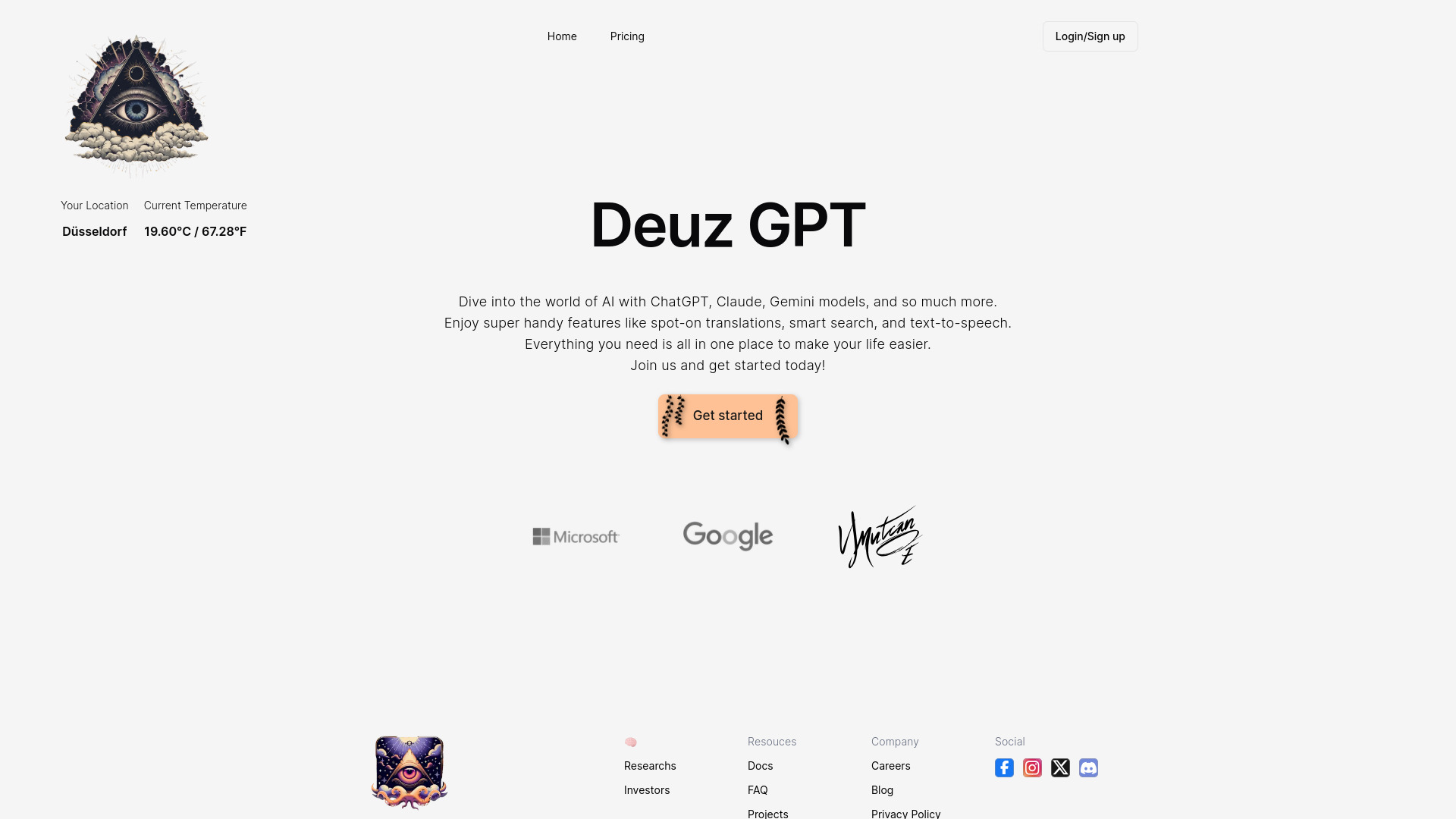
Deuz.ai
Document translation and AI workflows

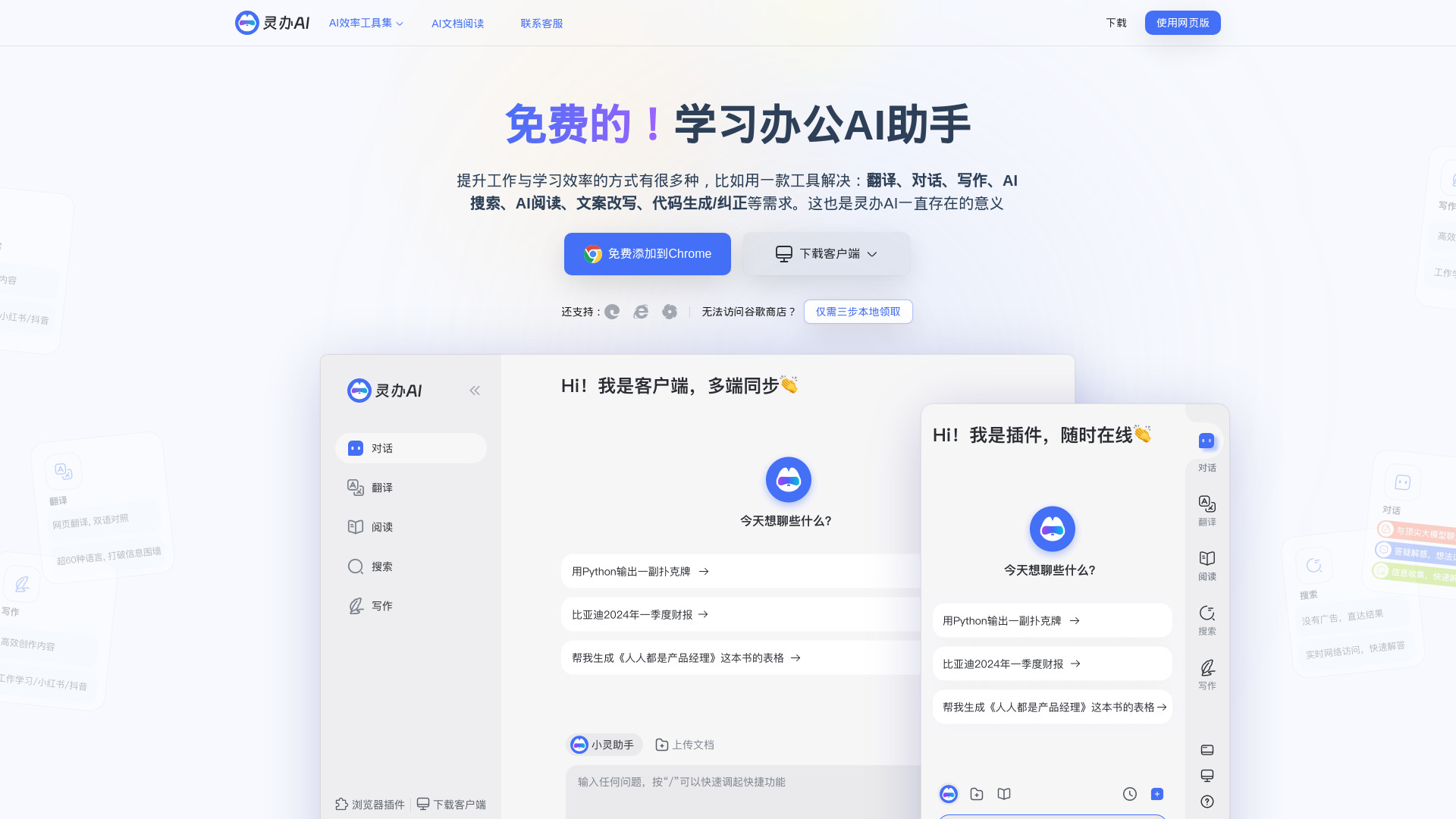
Lingban AI
Multilingual translation and AI assistance

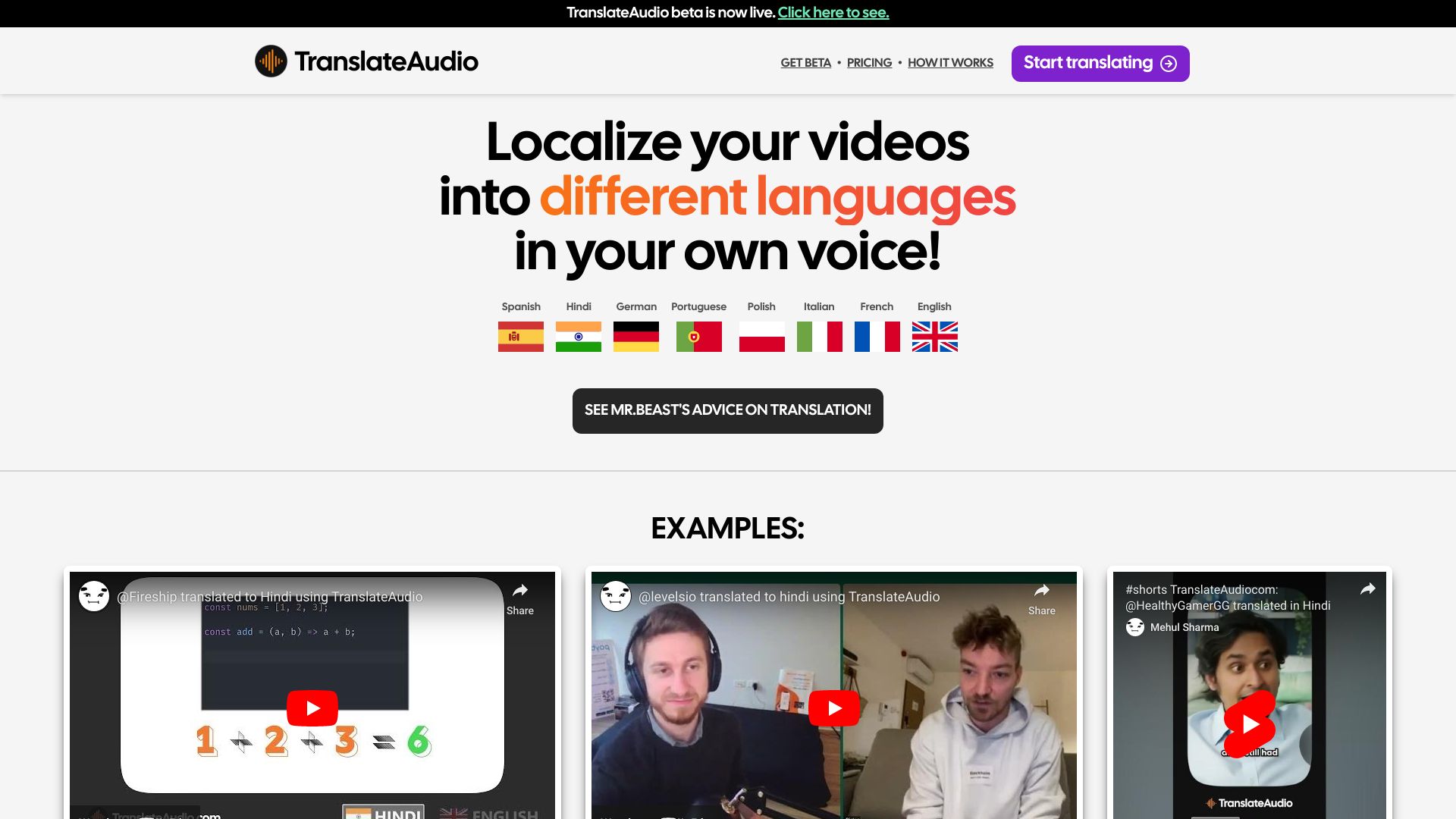
TranslateAudio
YouTube voice translation

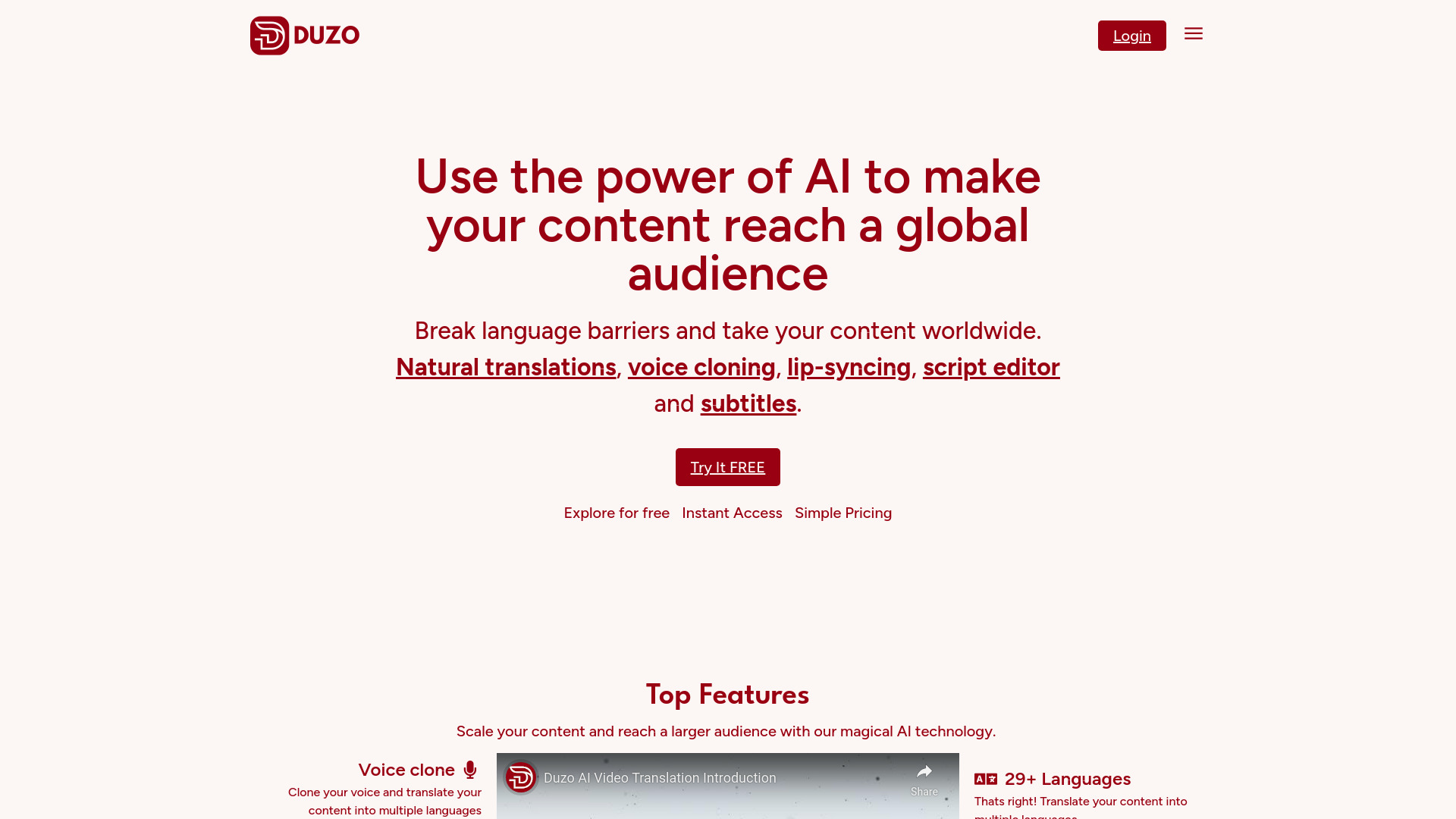
Duzo AI Translation
Video creators localizing content
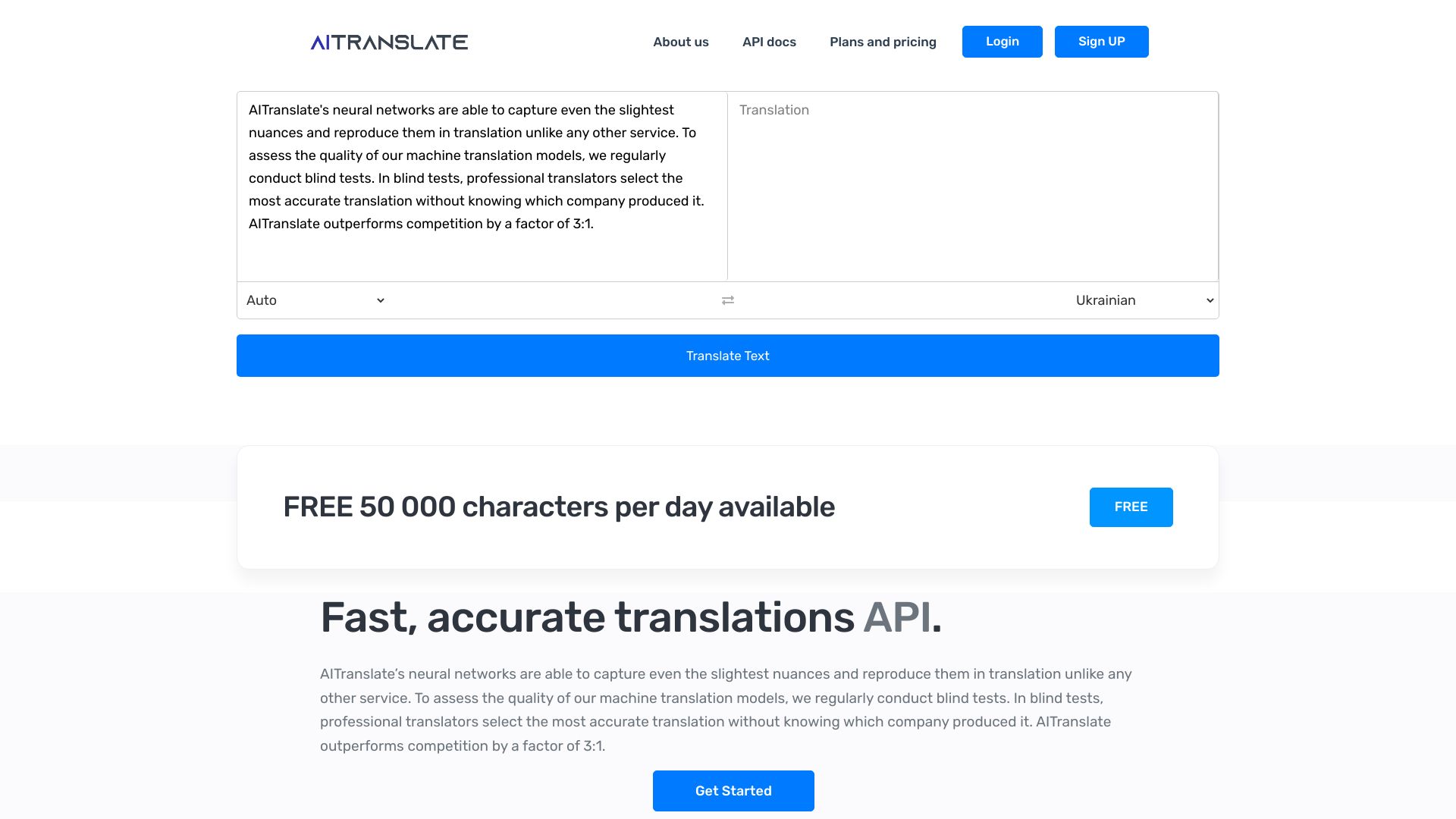
AI-Translate.Pro
Multilingual translation APIs

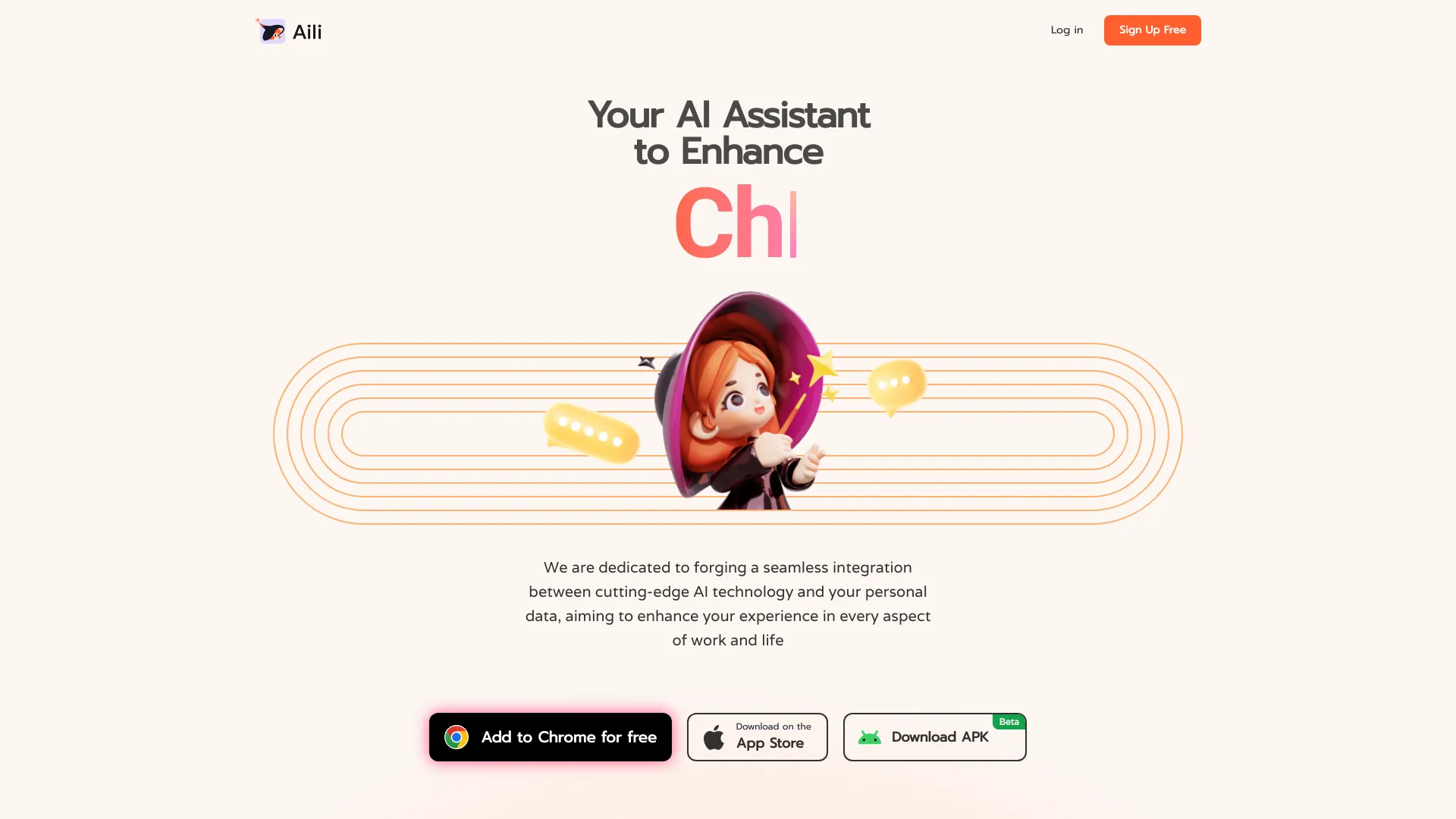
Aili
Webpage summarization and AI research

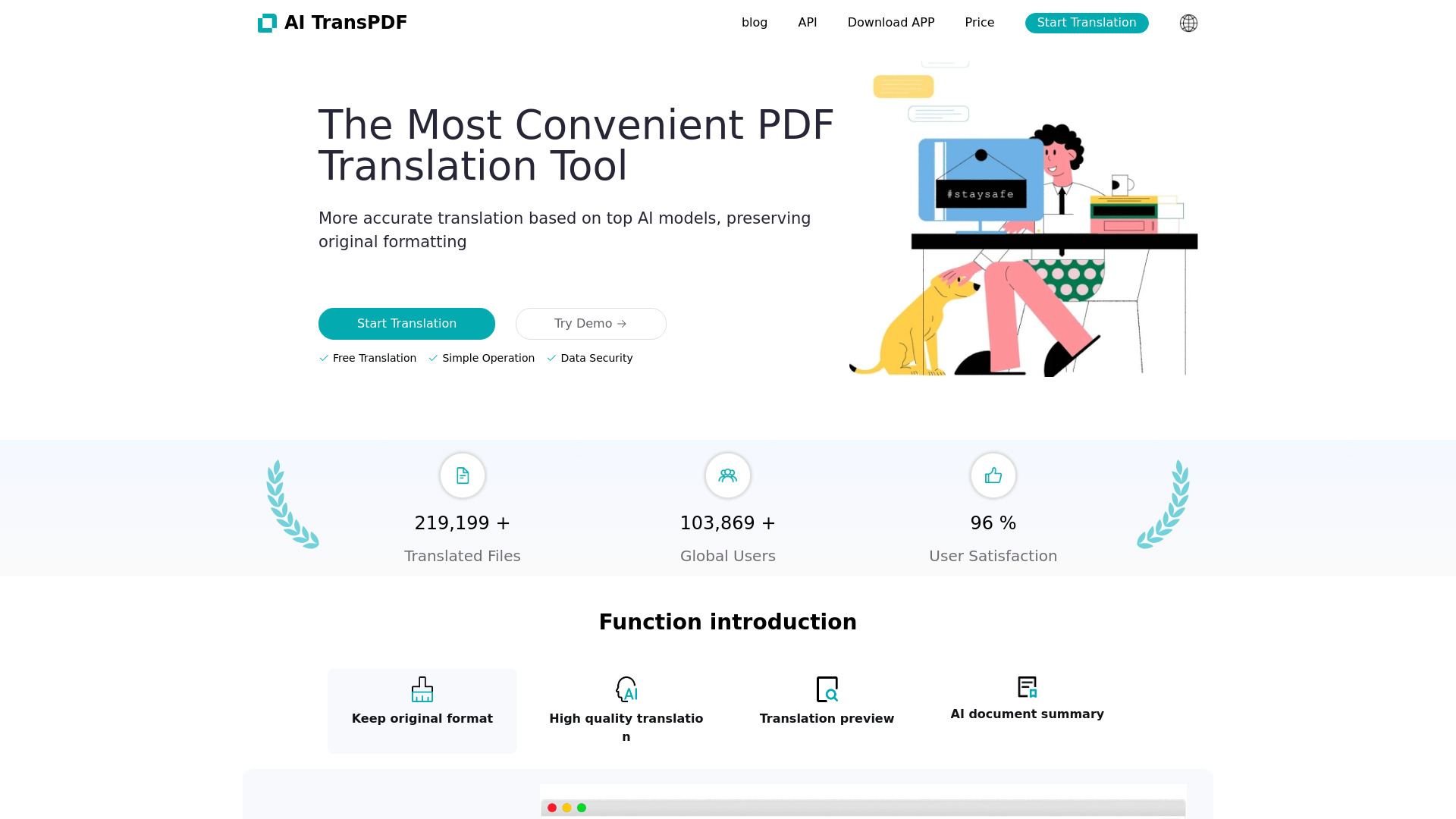
AI TransPDF
Format-preserving document translation
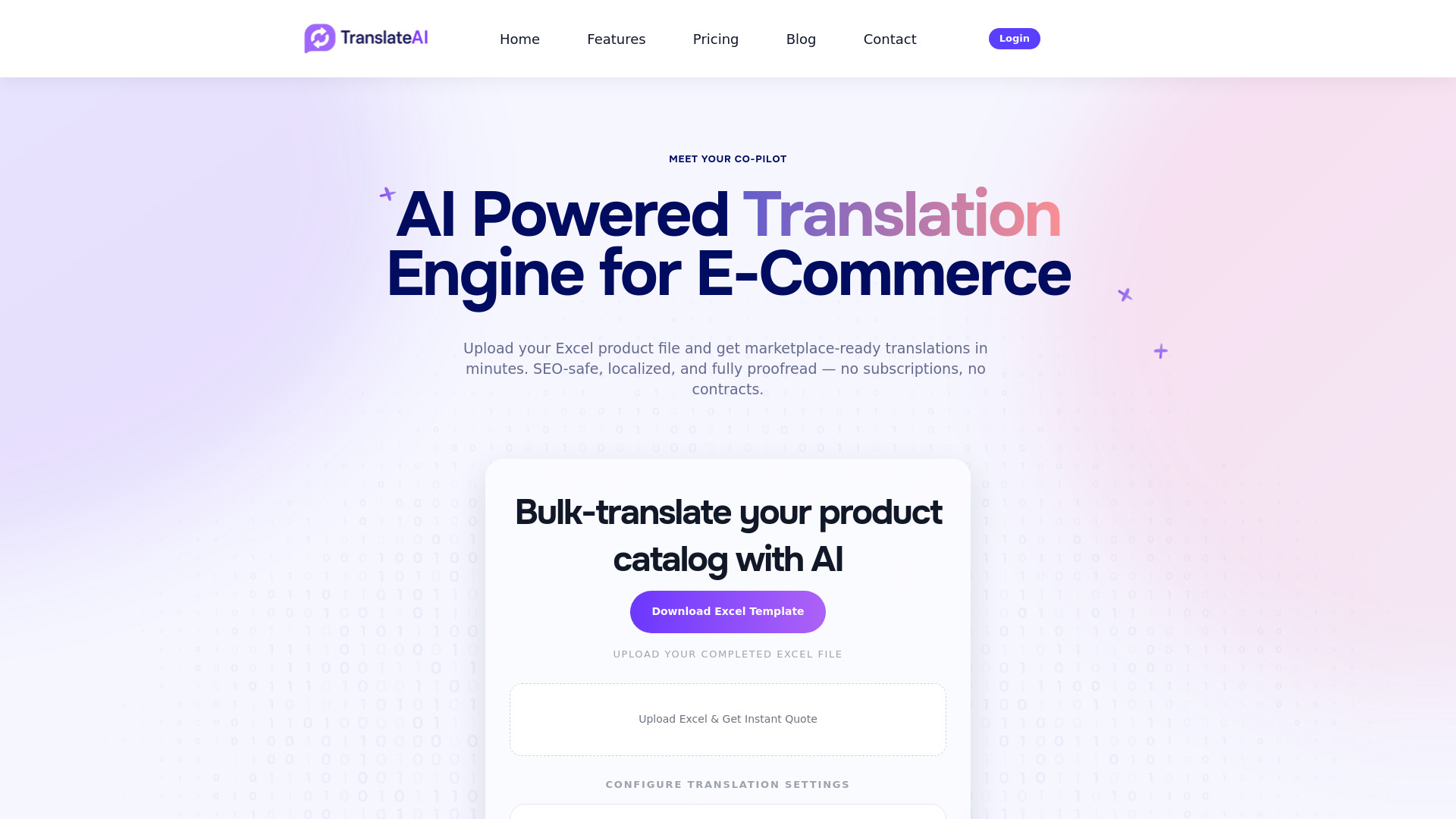
TranslateAI
E-commerce product catalog translation
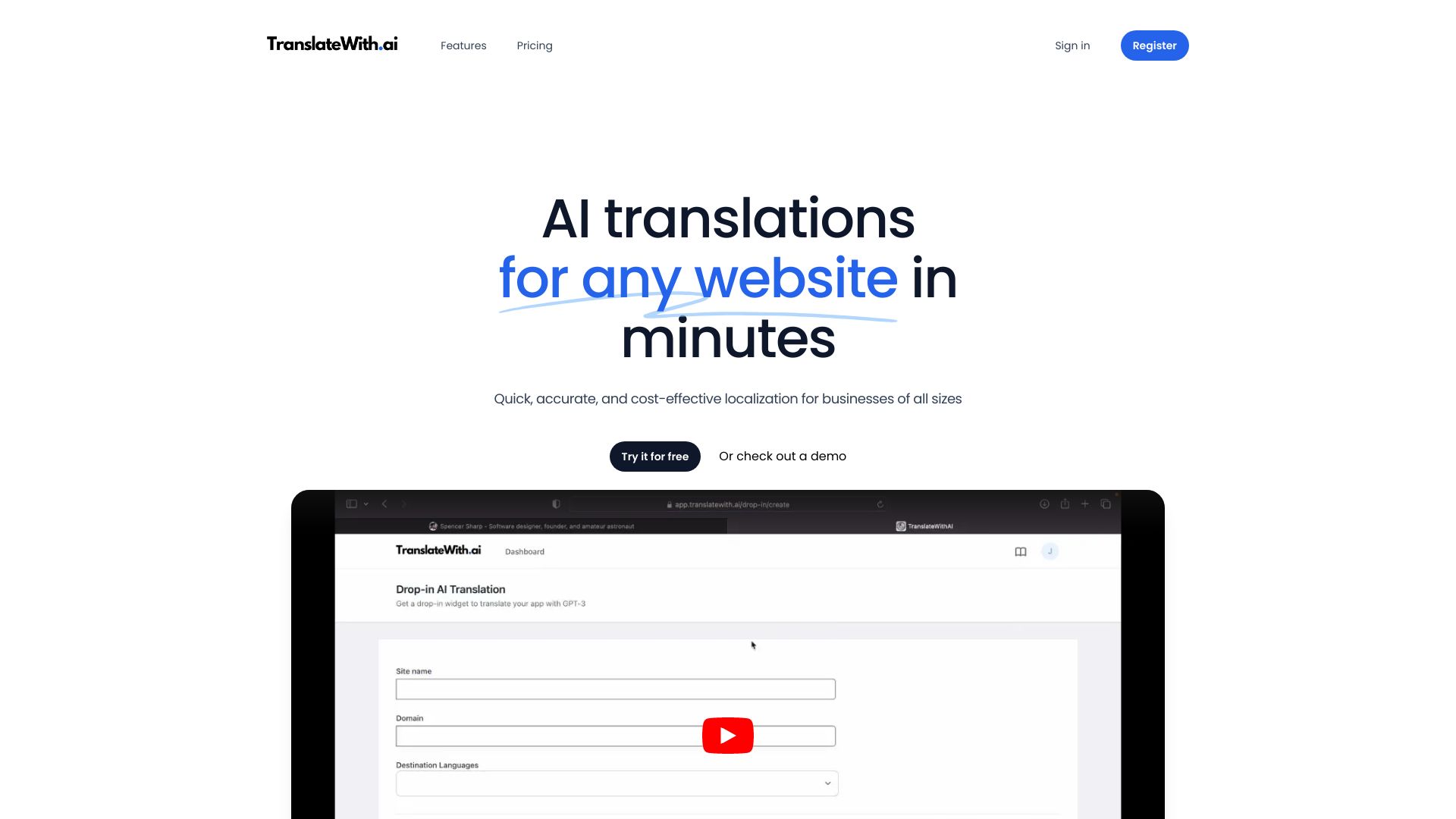
TranslateWith.ai
Website localization for small businesses

AI Search
Native-language web search

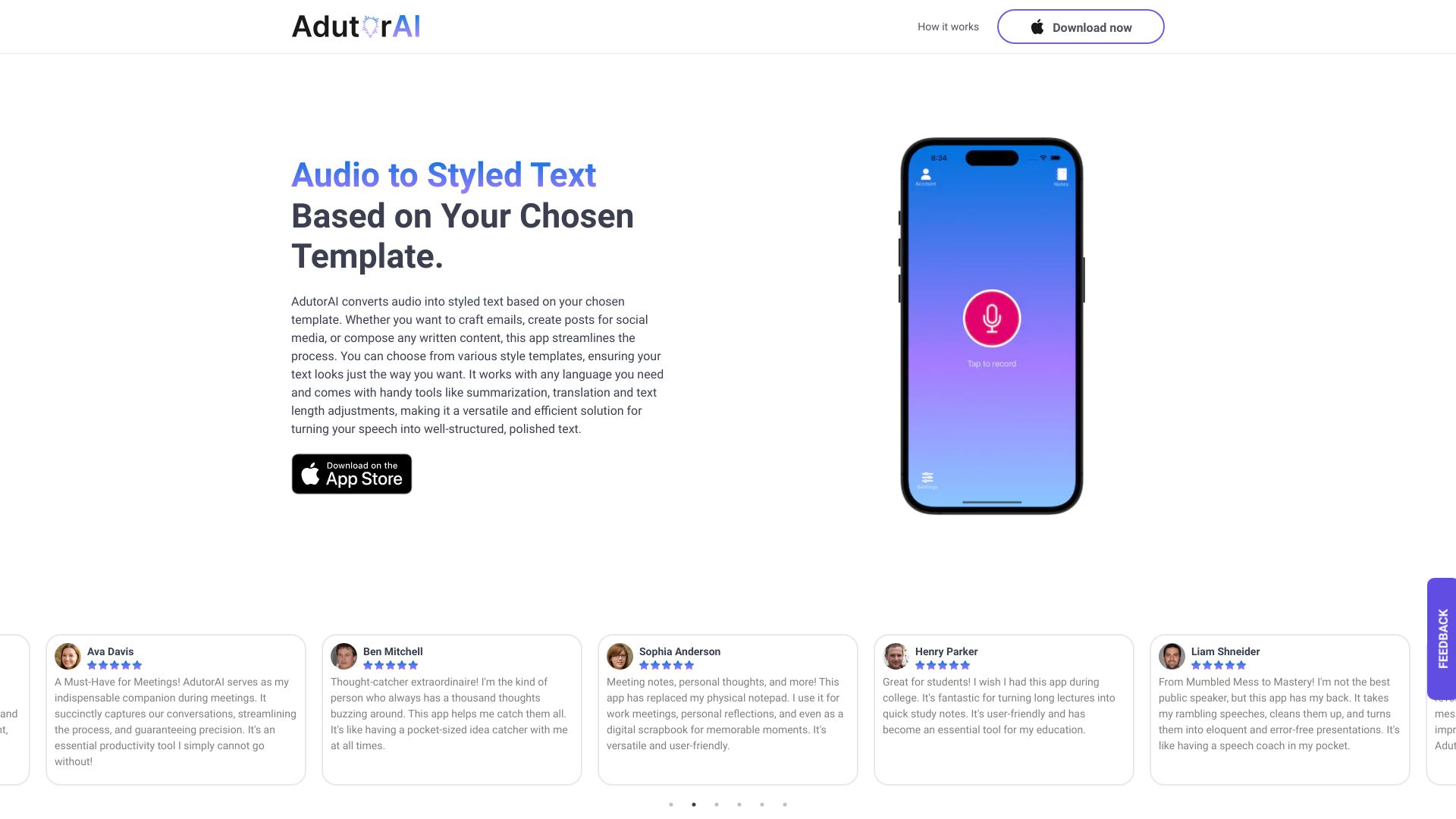
AdutorAI
Voice-to-text notes and translation

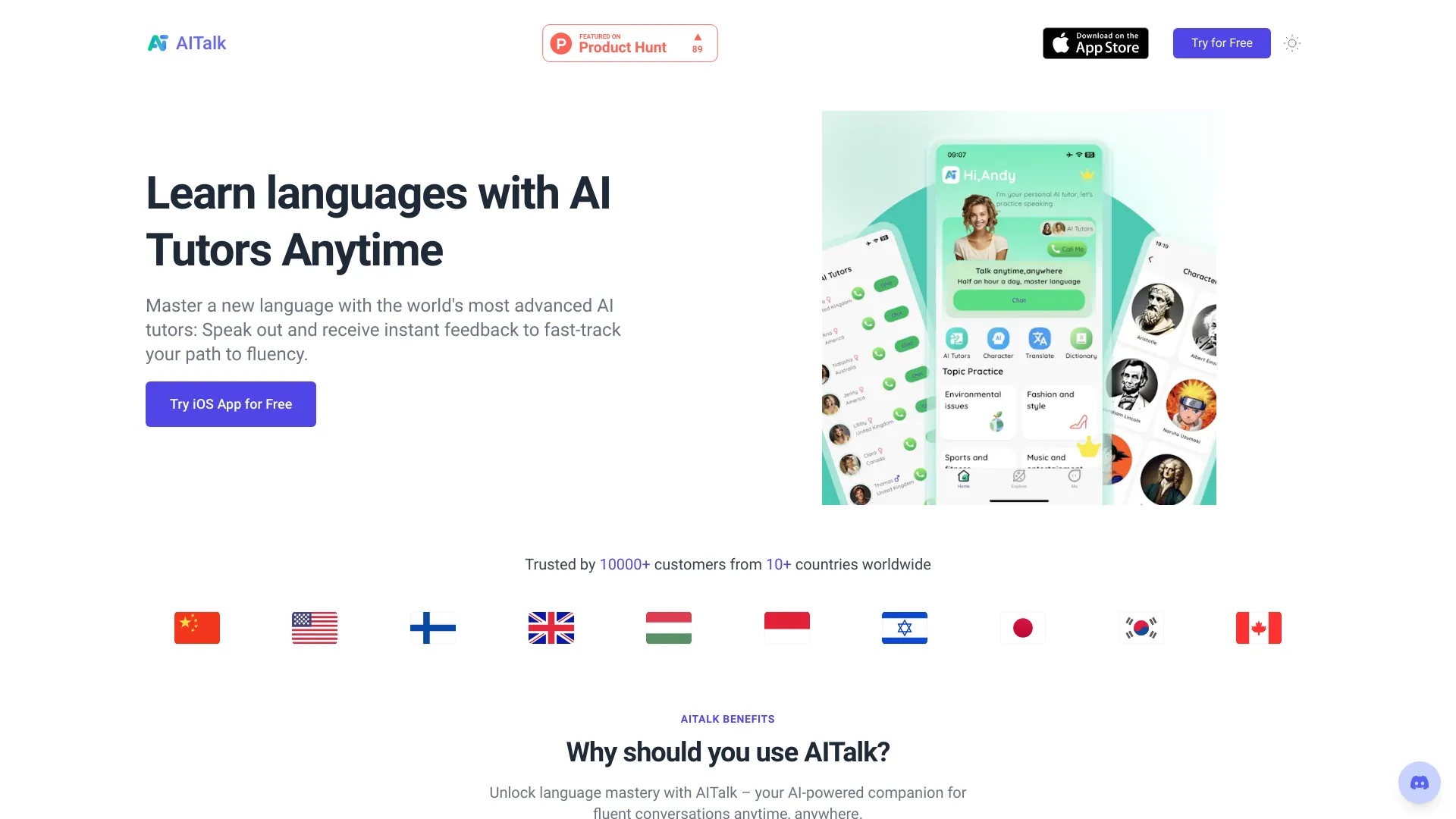
AITalk
AI-powered language speaking practice

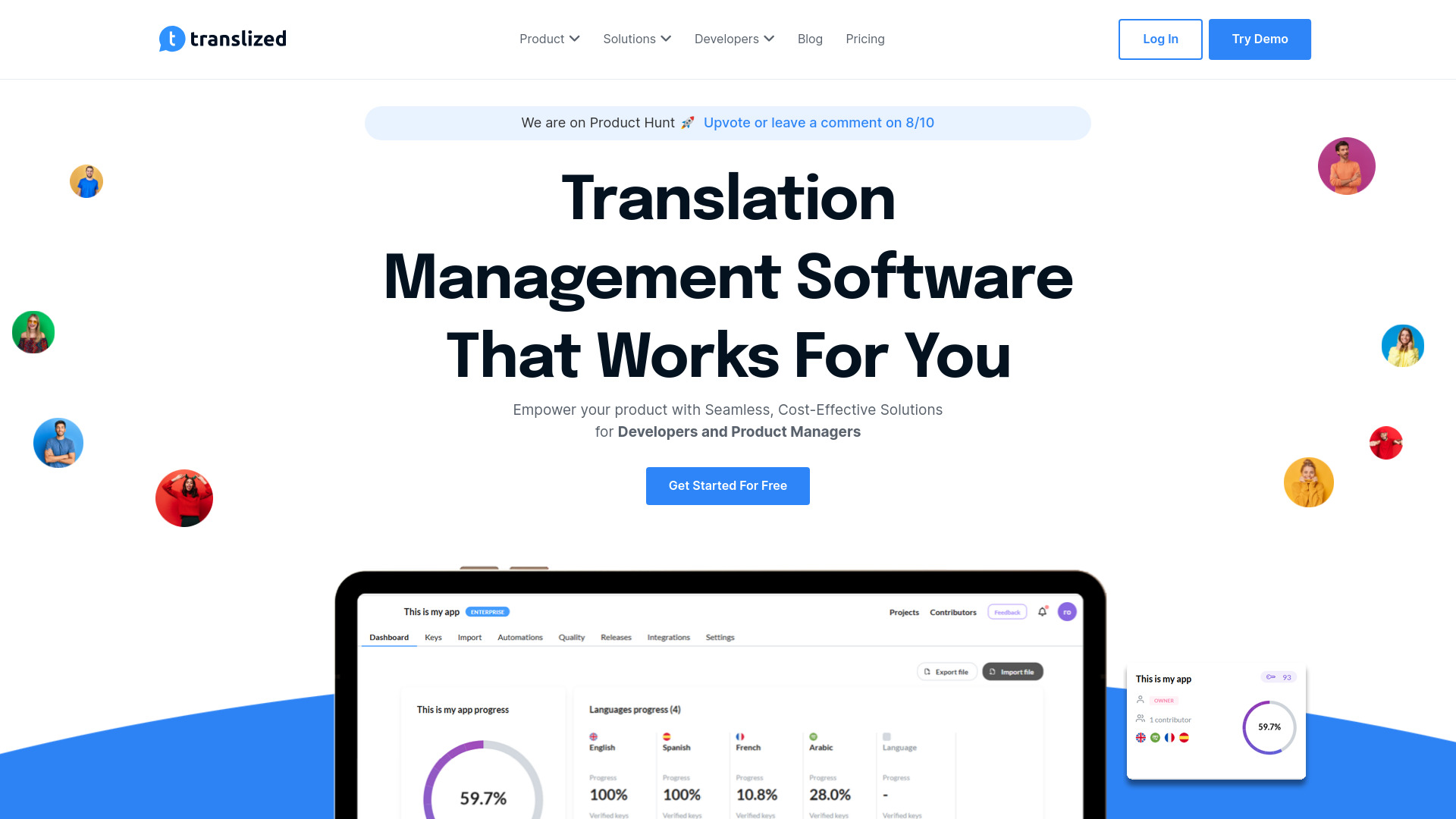
Translized
Software localization teams

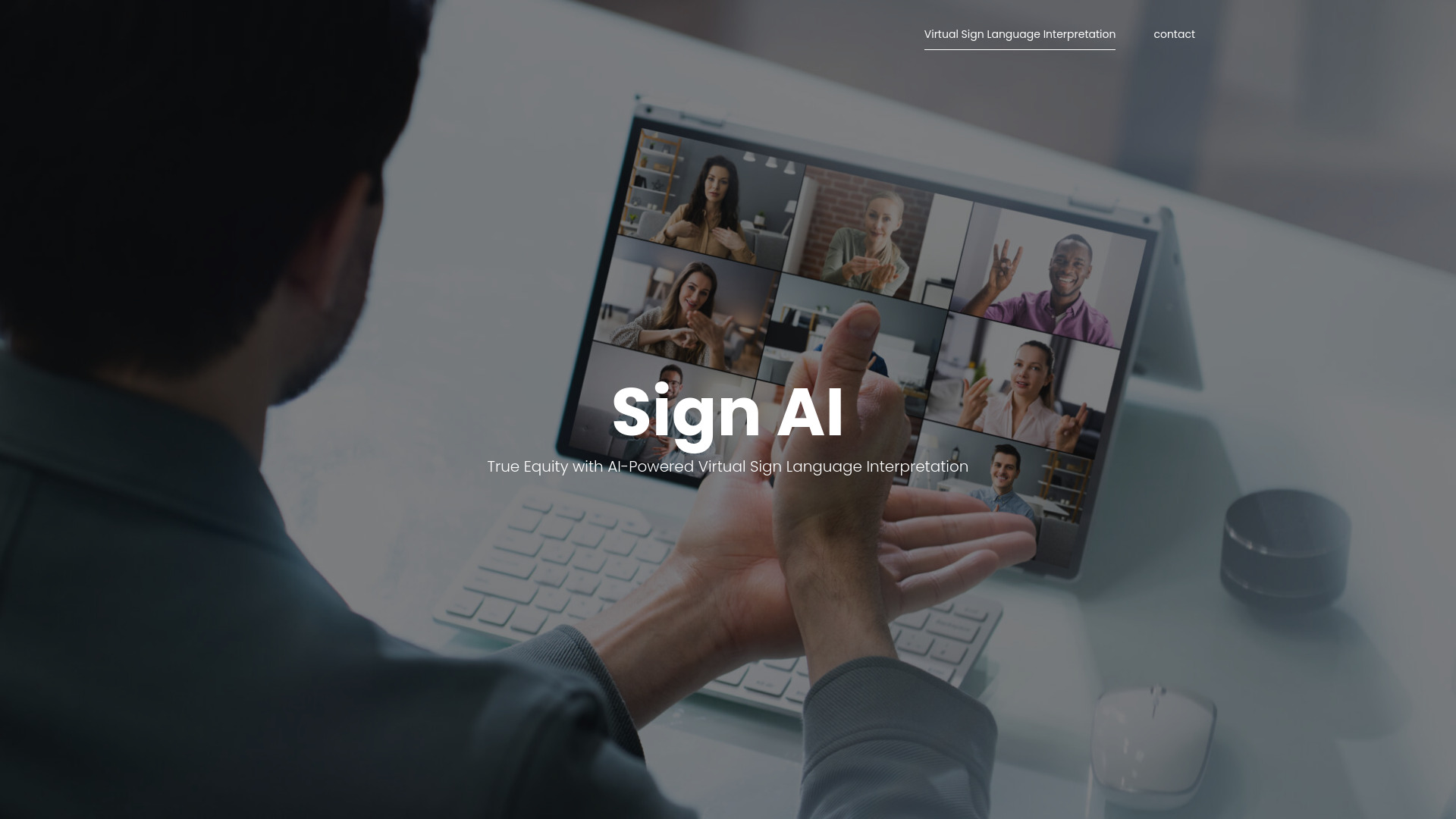
Sign AI
On-demand ASL interpretation

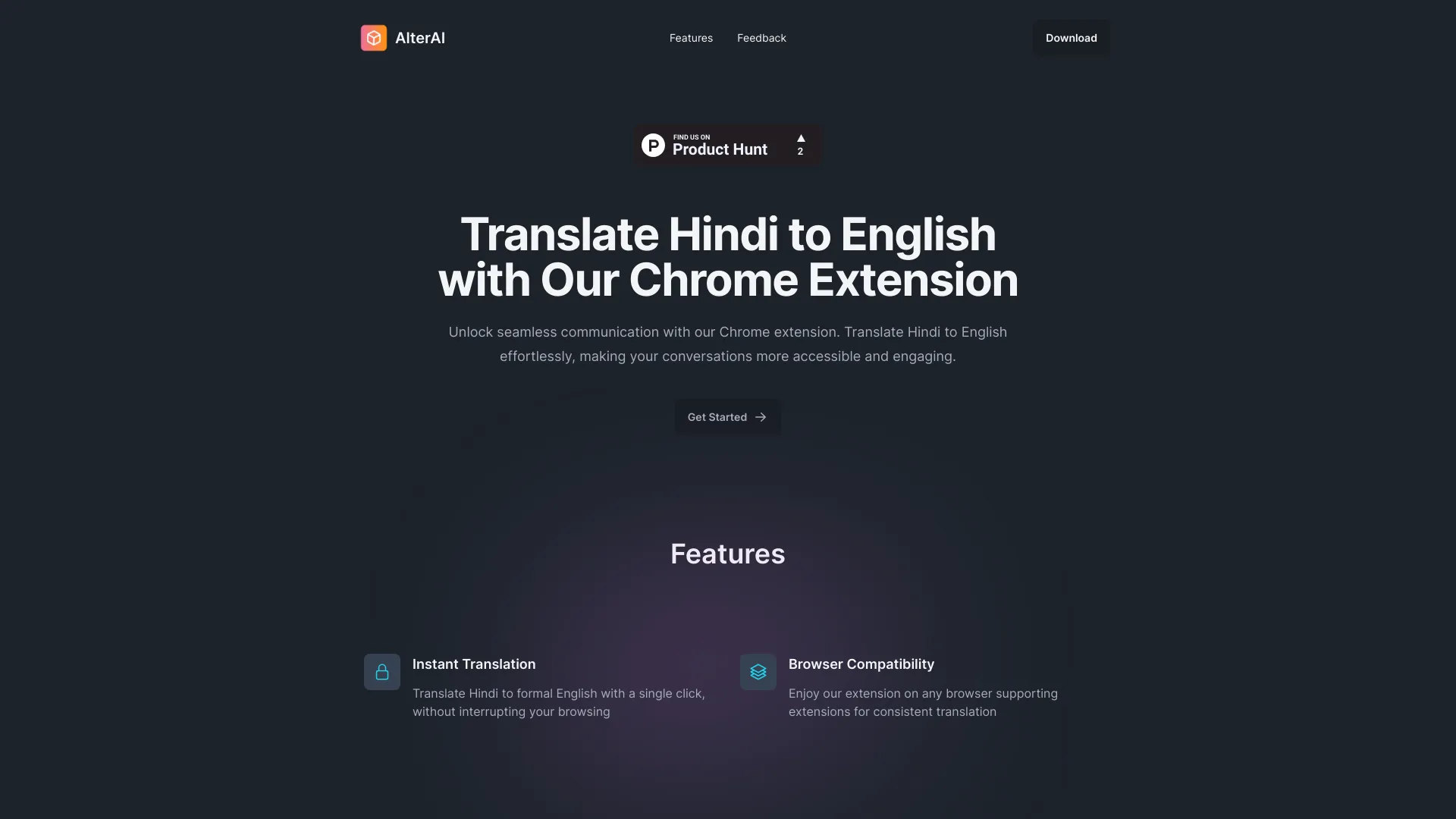
AlterAI
Hindi-to-formal-English translation

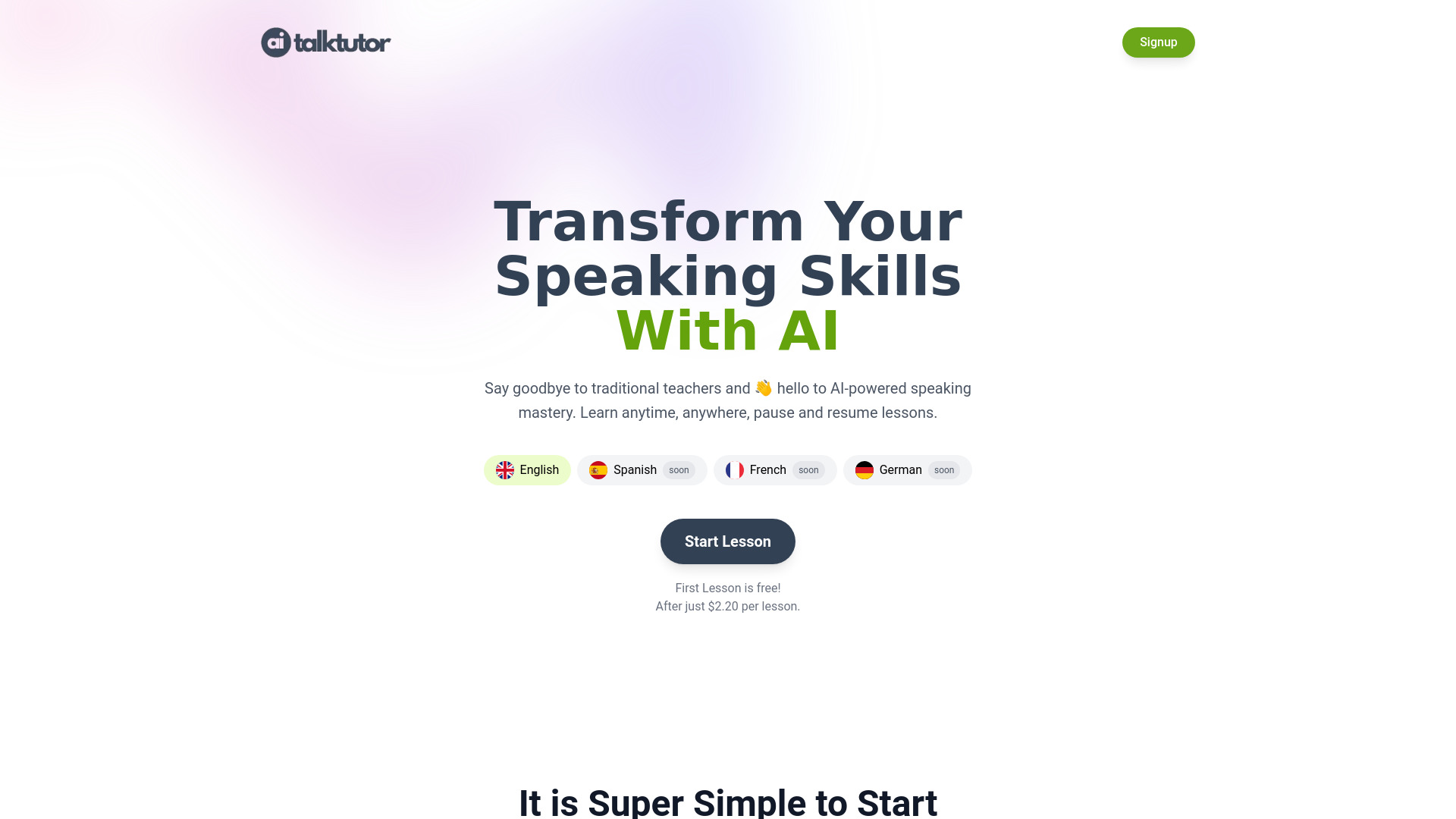
AiTalkTutor
Interactive AI language practice

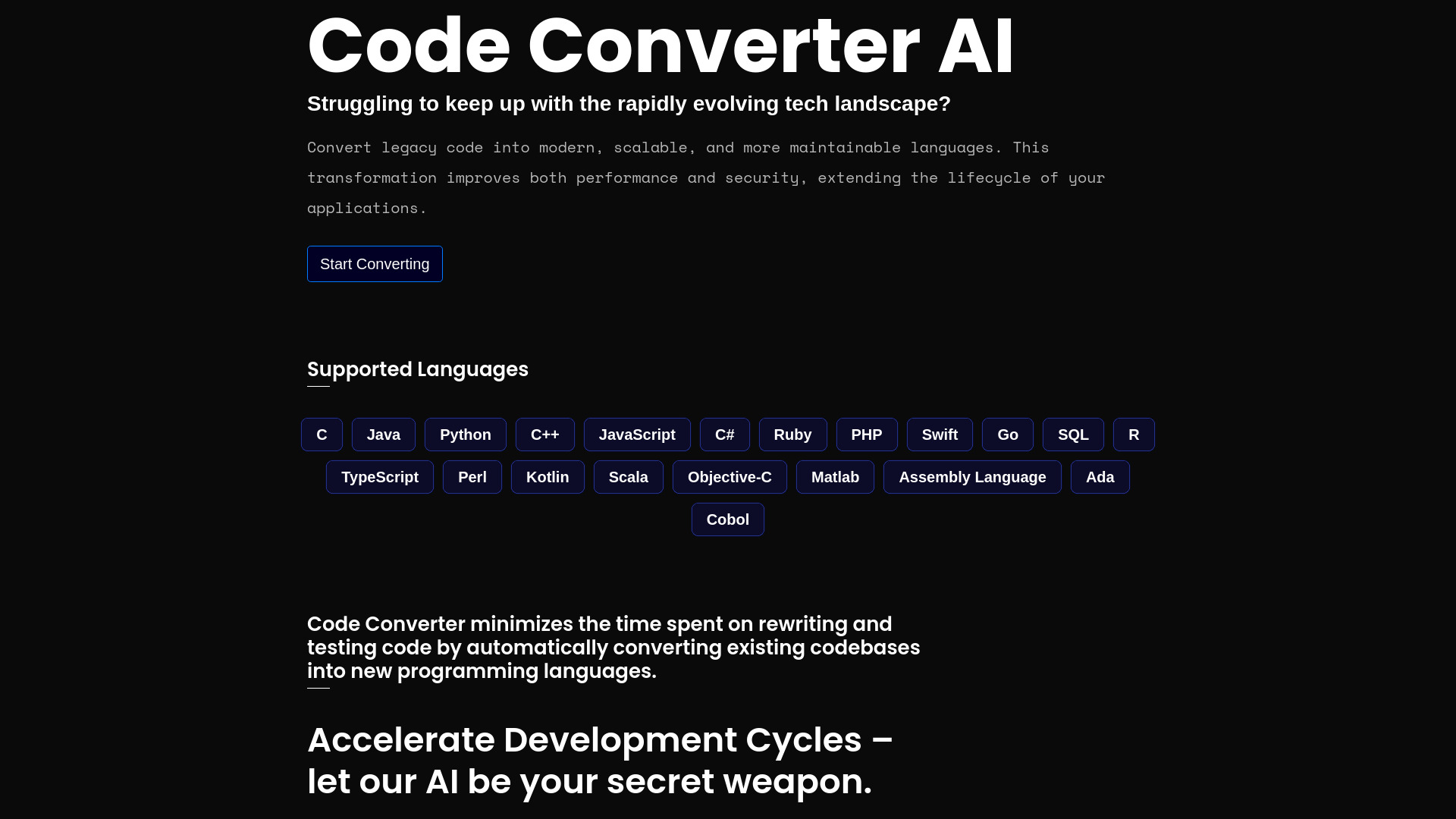
Code Converter AI
Legacy code migration
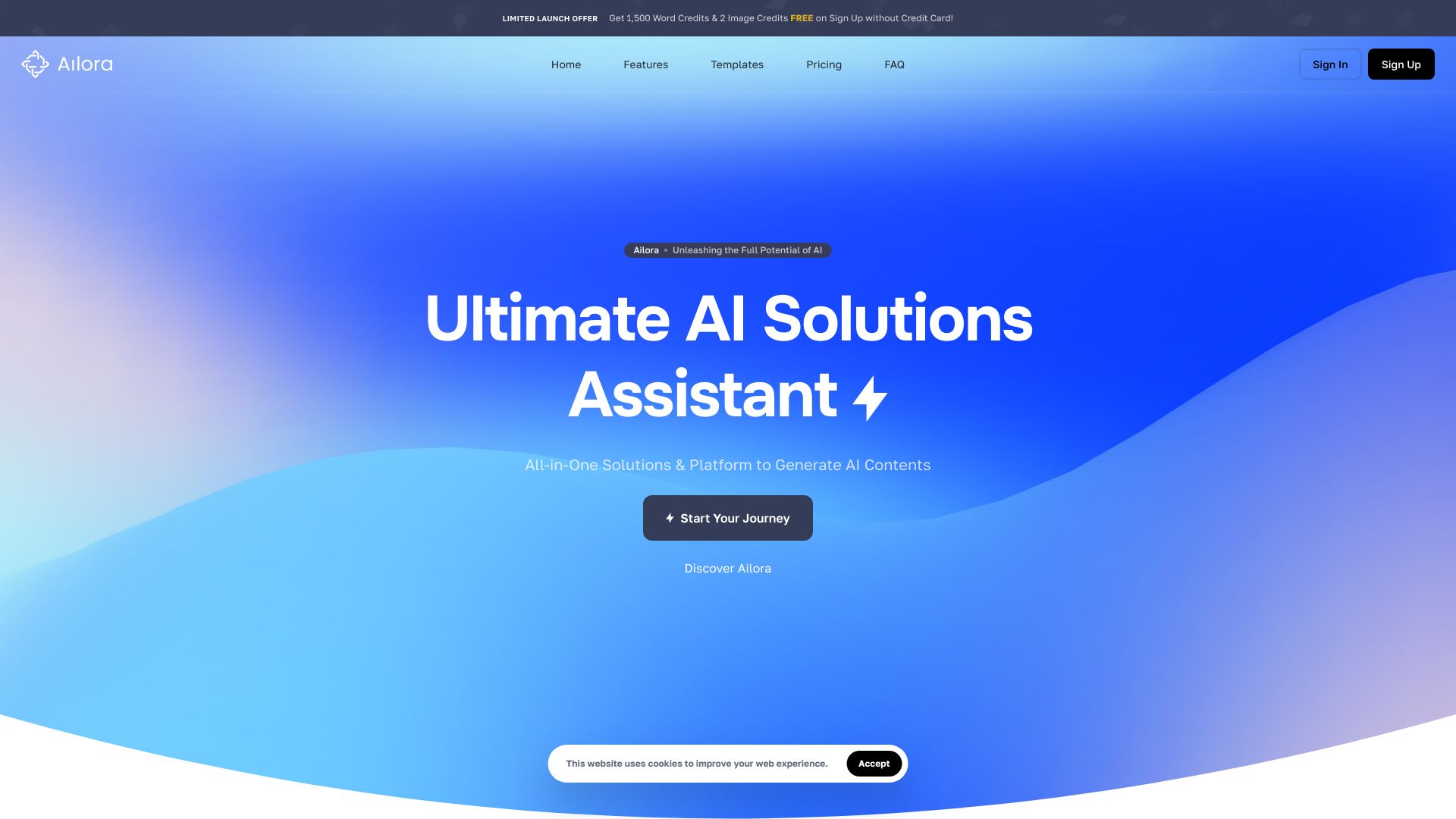
Ailora AI
Multilingual content creation
Lexai
Culturally aware translation

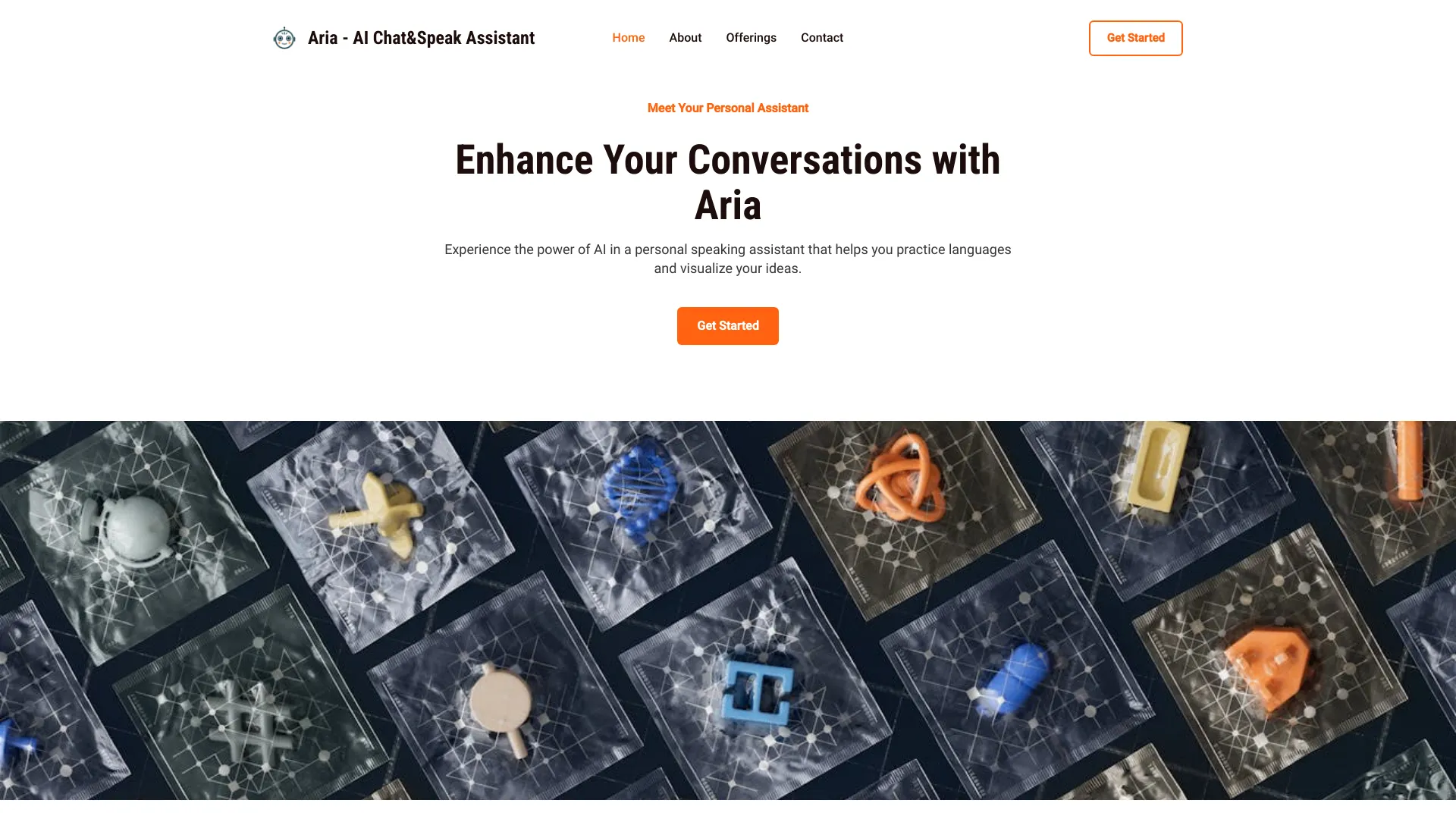
Aria - AI Chat&Speak Assistant
Hands-free language practice
AIAnalyzer.io
Comparing AI model performance

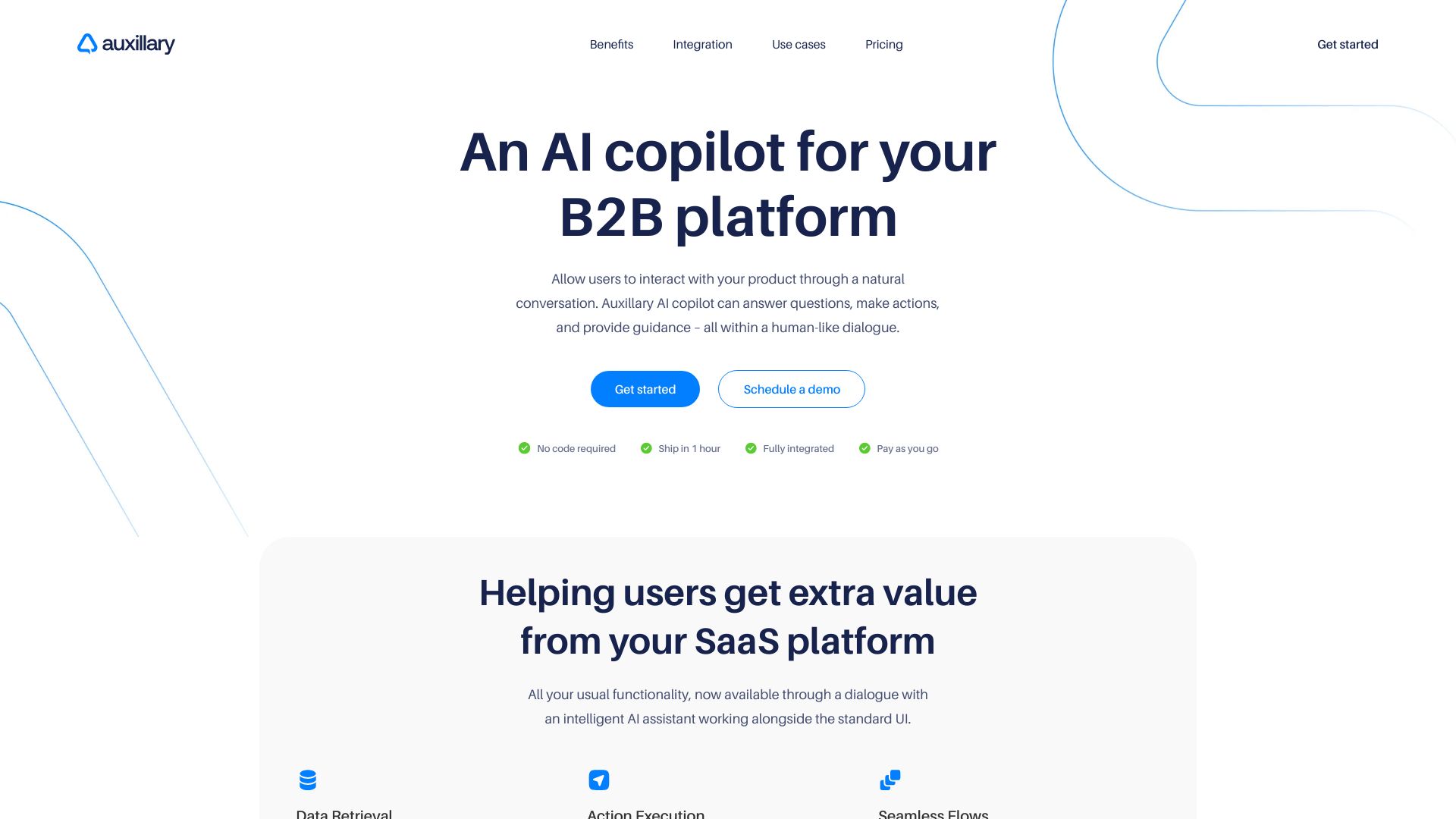
Auxillary AI
B2B SaaS platforms adding AI copilots

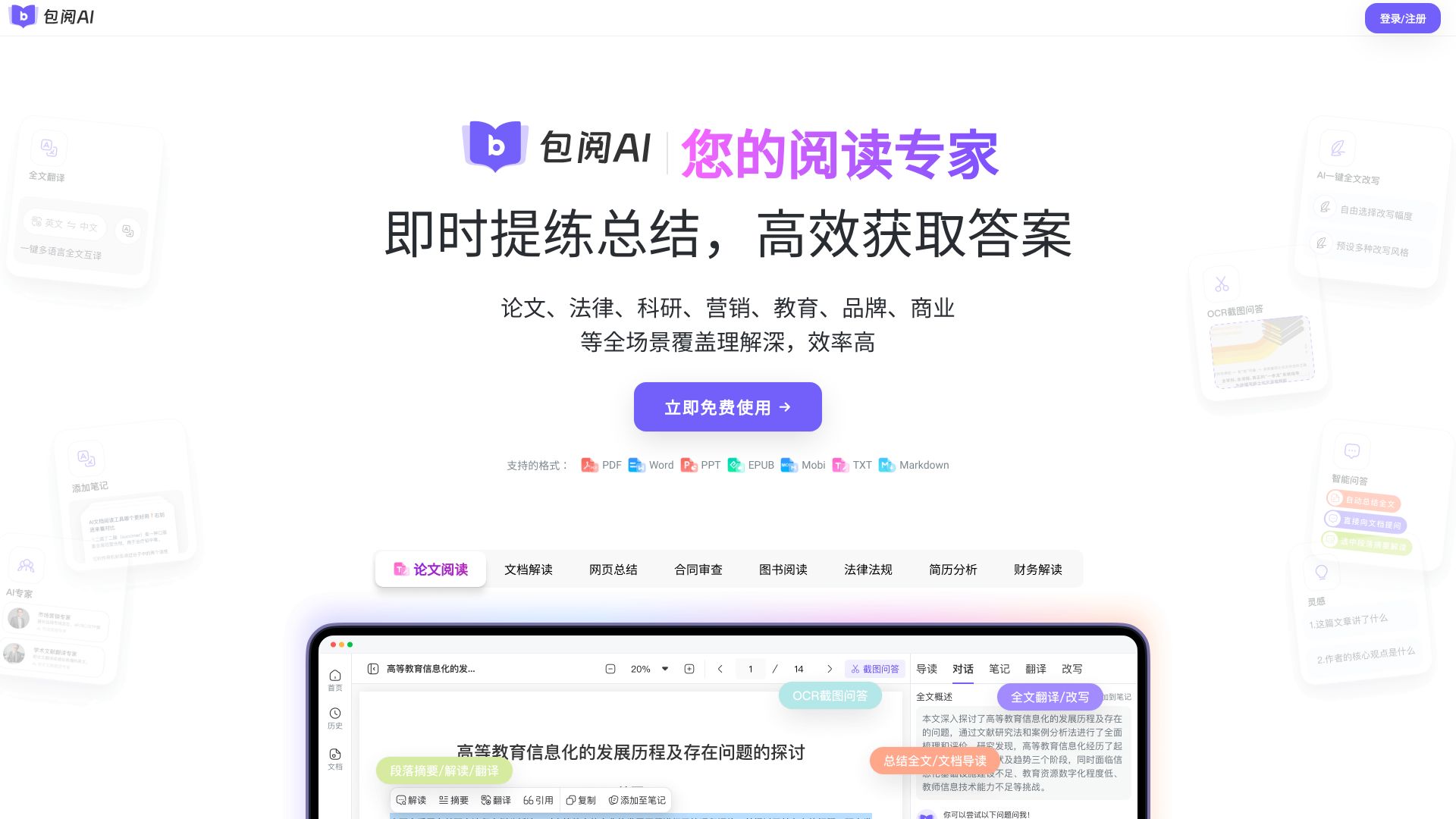
包阅AI
多格式文档翻译与阅读
Which AI translator should you choose?
The right choice depends on the input you are translating, not simply the number of languages in a product description.
For most small and medium businesses: Start with AITranslator.com. It covers text and documents, supports 240+ languages, and provides 500 free credits per month.
For language learners and web research: Pick Lufe AI Translator. Bilingual web reading, pronunciation, PDFs, and images make it more contextual than a basic translation box.
For images and marketing creative: Choose Image Translator. It is built around preserving context and formatting in visual assets.
For video localization: Compare Vidnoz AI and Maestra AI. Vidnoz emphasizes lip-sync, voice cloning, and video creation; Maestra emphasizes transcription, subtitles, real-time translation, and voiceovers.
For formatted business files: Use Precise AI Document Translator when layout preservation and multiple document formats matter.
For code migrations: Try AI Code Translator, but treat its output as a draft that requires testing and review.
For avatar-led education: AI STUDIOS makes more sense than a conventional translator when the deliverable is a multilingual video lesson.
For e-commerce ad research: Pipiads is an adjacent choice if TikTok product research and image translation belong together.
For expressive audio dubbing: Noiz AI is the specialist option for voice cloning, emotional speech, and multilingual audio.
A useful buying shortcut is to separate translation from localization. Translation changes the language. Localization may also require preserving a document layout, matching a speaker's lip movements, rebuilding an image, or recreating a voice. The specialist tools in this list earn their place because they handle one of those extra requirements.
My practical recommendation
For a first tool, I would begin with AITranslator.com unless your input is clearly visual, video, audio, or code. It has the best balance of general text and document coverage, a broad language range, and a concrete free-credit allowance. That combination reduces the risk of choosing a tool that solves only one narrow task.
Then run a representative test before paying. Use the actual document, image, video clip, or code sample you expect to translate. Check names, numbers, formatting, technical terms, and the output's editing burden. A tool that looks cheaper on a landing page can become less economical if you need to rebuild every translated asset manually.
For media teams, I would shortlist Maestra and Vidnoz rather than forcing a text translator into a video workflow. For a learning workflow, Lufe is more natural than a generic tool because it keeps translation tied to the page and individual words. And for formatted files, Precise AI Document Translator deserves a direct test against your real templates.
Common mistakes when choosing an AI translator
- 1
Comparing language counts without testing your language pair. A service can list hundreds of languages, but your decision should depend on the languages and content type you actually use.
- 2
Ignoring the input format. Text, PDFs, images, code, video, and audio create different problems. Choose for the source material, not just the word "translation."
- 3
Treating free access as unlimited production. Free plans may use credits, limit file size, cap video duration, or restrict exports. Vidnoz, Image Translator, AI STUDIOS, and Noiz AI illustrate different kinds of limits.
- 4
Skipping human review for important content. AI can be fast and useful while still producing inaccurate wording. Legal, medical, financial, technical, and customer-facing content deserves review.
- 5
Looking only at the monthly price. Credit systems, pay-as-you-go charges, premium model costs, and volume limits can matter more than the headline plan.
- 6
Buying a full media studio for a text-only job. Video and avatar tools are valuable when you need localized media, but they add unnecessary complexity for a paragraph or ordinary document.
What changed in 2026
The practical definition of an AI translator has widened. Text translation remains the foundation, but buyers increasingly encounter tools that translate images, preserve document layouts, dub video with lip-sync, convert code, or generate multilingual speech. That is why this 100-tool comparison includes both general translators and adjacent platforms.
The strongest products now compete on workflow completion rather than raw translation alone. Image Translator focuses on keeping visual context intact. Precise AI Document Translator focuses on preserving layouts. Vidnoz and Maestra move from translated words to localized video and voice. AI STUDIOS and Noiz AI show how translation can become part of content creation and dubbing.
Free access has also become more varied. A free tier may mean credits, a short trial, a daily video allowance, a file-size threshold, or a limited number of exports. Before choosing the best ai language translator for a team, test the exact volume and format you plan to use and confirm current pricing with the vendor.
FAQ
AITranslator.com is the strongest overall match in this ranking because it combines AI text and document translation, support for more than 240 languages, and 500 free credits per month.