
Choosing the best voice cloning AI depends on what you need the voice to do: reproduce a voice for creator content, change it live on a stream, support a music workflow, or generate multilingual narration. We compared 71 tools and shortlisted 10, including direct cloning products and adjacent audio tools that can be useful in a voice production workflow. ElevenLabs is our strongest general-purpose pick, while specialist options make more sense for streamers, music producers, and podcasters.
Top picks
| Pick | Tool | Best for | Why it stands out |
|---|---|---|---|
| Best overall match | ElevenLabs | Creators | Voice cloning alongside text-to-speech, speech-to-text, and dubbing services |
| Best for live voice changing | Voice.ai | Streamers | Combines real-time AI voice changing with voice cloning |
| Best no-sign-up trial | kikivoice.ai | Content creators | Starts without registration and offers three built-in cloning models |
| Best for music workflows | Kits AI | Music producers | Pairs AI voice cloning with singing generation and mastering |
Quick comparison
| Tool | Best for | Standout capability | Free access | Starting price |
|---|---|---|---|---|
| ElevenLabs | Creators | Text-to-speech and speech-to-text | 10K credits/month | Free: $0 per month |
| Voice.ai | Streamers | Real-time AI voice changing | Free basic version | Check vendor pricing |
| Voicv | Content creators | Zero-shot cloning and multilingual support | 3,000 credits per week | Free: $0 |
| kikivoice.ai | Content creators | Three built-in cloning models | Weekly resetting credits | Check vendor pricing |
| Kits AI | Music producers | Voice cloning and AI singing generators | Free access available | Free |
| Vbee AIVoice | Content creators | Text-to-speech and AI dubbing | Free access details vary | Check vendor pricing |
| Cleanvoice AI | Podcasters | Filler and background-noise removal | 30 minutes free | Free trial: Free |
| Voicemaker | Content providers | Text-to-speech with a broad voice library | 100 conversions per week | Free plan: $0 |
| Deepgram AI Voice Generator | Content creators | Natural-sounding, low-latency text-to-speech | Free access details vary | Check vendor pricing |
| Noiz AI | Podcast producers | Emotional TTS and voice cloning | Free access details vary | Starter: $3.9/month |
How we ranked these voice cloning tools
We ranked the 10 featured picks from a pool of 71 candidates using the fit between each tool's stated capabilities and common voice-production workflows. Direct cloning and voice changing matter most for this category, but text-to-speech, multilingual support, dubbing, and related audio production features can make a tool more practical in daily use. We also considered the intended audience, stated free access, pricing clarity, and the market-usage signals available for comparison. Scores should be read as a shortlist guide, not a promise that every tool suits every recording or consent scenario. Before using a cloned voice commercially, check the vendor's current terms and the rights attached to the source audio.
The best voice cloning AI tools
1. ElevenLabs

ElevenLabs
Creators who need a broad AI audio workflow
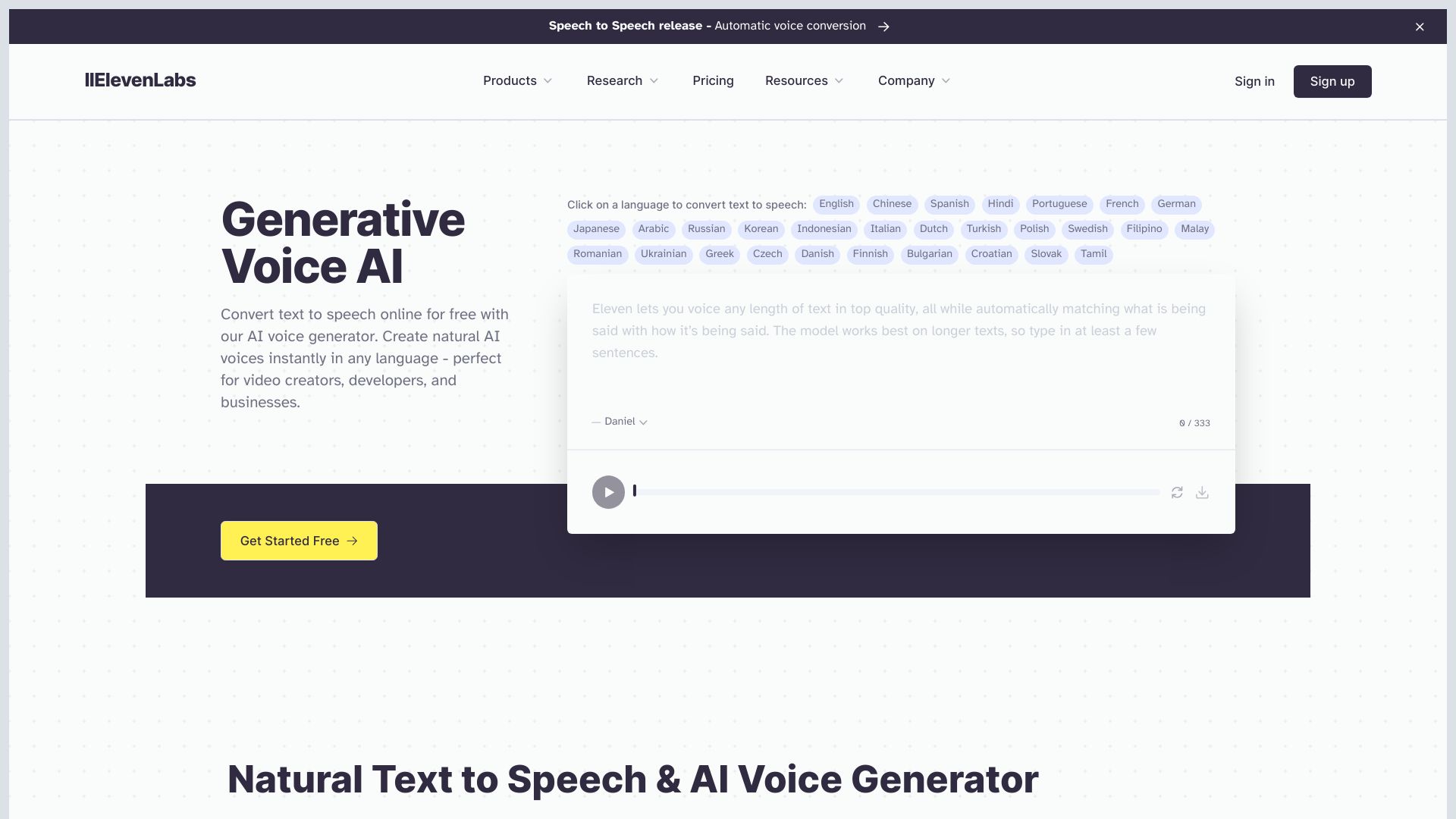
ElevenLabs is the most balanced starting point in this group because its listed scope goes beyond voice cloning. Text-to-speech and speech-to-text give creators two useful sides of an audio workflow, and the platform is also described as offering dubbing services. That makes it a sensible first stop for someone producing narrated or localized content rather than looking only for a one-purpose voice effect.
The free access listing includes 10,000 credits per month, alongside realistic text-to-speech and AI voice generation. That gives a new user room to explore before paying. The caveat is straightforward: pricing can become a barrier, so check which plan covers your expected volume and the features you actually need instead of assuming the free allowance will support regular production.
My take: This is the strongest all-around match for creators who want voice cloning in a broader audio platform. Its range is more compelling than a narrow feature list, but the cost deserves a close look as usage grows.
Where it falls short: Pricing may be difficult for some users. The listed facts do not specify plan-level cloning limits, so confirm current allowances before building a high-volume workflow around it.
Key features
Text-to-speech generation.
Speech-to-text capability.
Voice cloning and AI voice generation.
Dubbing services.
Pros
Broad AI audio scope for creator workflows.
Includes 10K credits per month in the listed free access.
Very large usage signal relative to the other featured picks.
Cons
Pricing can be a barrier for some users.
The specific limits for cloning are not stated here; check the live plan details.
Choose ElevenLabs if: You want a general-purpose creator audio platform that combines cloning with speech generation and transcription.
2. Voice.ai

Voice.ai
Streamers who want live voice effects
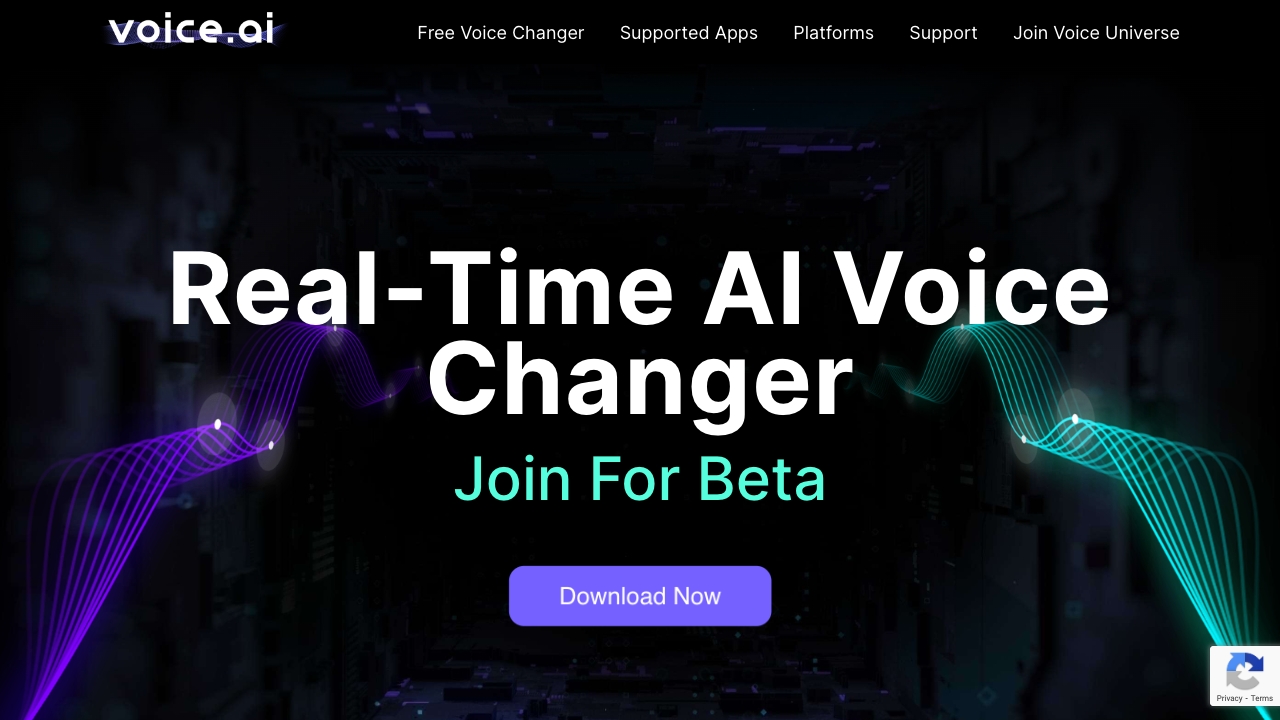
A live voice workflow is where Voice.ai separates itself from the more narration-oriented picks. It offers real-time AI voice changing alongside voice cloning, so it is a natural candidate for streamers and other users who want to change their voice while speaking rather than create only a finished audio track. A UGC voice library, Voice Universe, adds another stated part of the product's voice offering.
The basic version is free to download and use, which lowers the barrier to trying it. Here's the catch: the product's advanced features and higher-quality audio require premium plans, and pricing details are not clear enough here to quote a starting tier. Try the basic version against your actual live setup, then verify the paid feature boundary before relying on it for regular streams.
My take: Voice.ai has a clear use case, and it is a better fit for live voice changing than a general-purpose narration tool. I would treat the free version as a way to test the workflow, not proof that the paid-quality experience is included.
Where it falls short: Advanced features and higher-quality audio require a premium plan. Check current pricing and the features included before upgrading.
Key features
Real-time AI voice changing.
Voice cloning.
Voice library through Voice Universe.
Pros
Free basic version is available to download and use.
Designed around real-time voice changing, a useful distinction for streamers.
Cons
Premium plans are needed for advanced features and higher audio quality.
Starting price is not clear; confirm current terms with the vendor.
Choose Voice.ai if: You want to experiment with cloned or changed voices in a live streaming workflow.
3. Voicv

Voicv
Content creators making multilingual audio
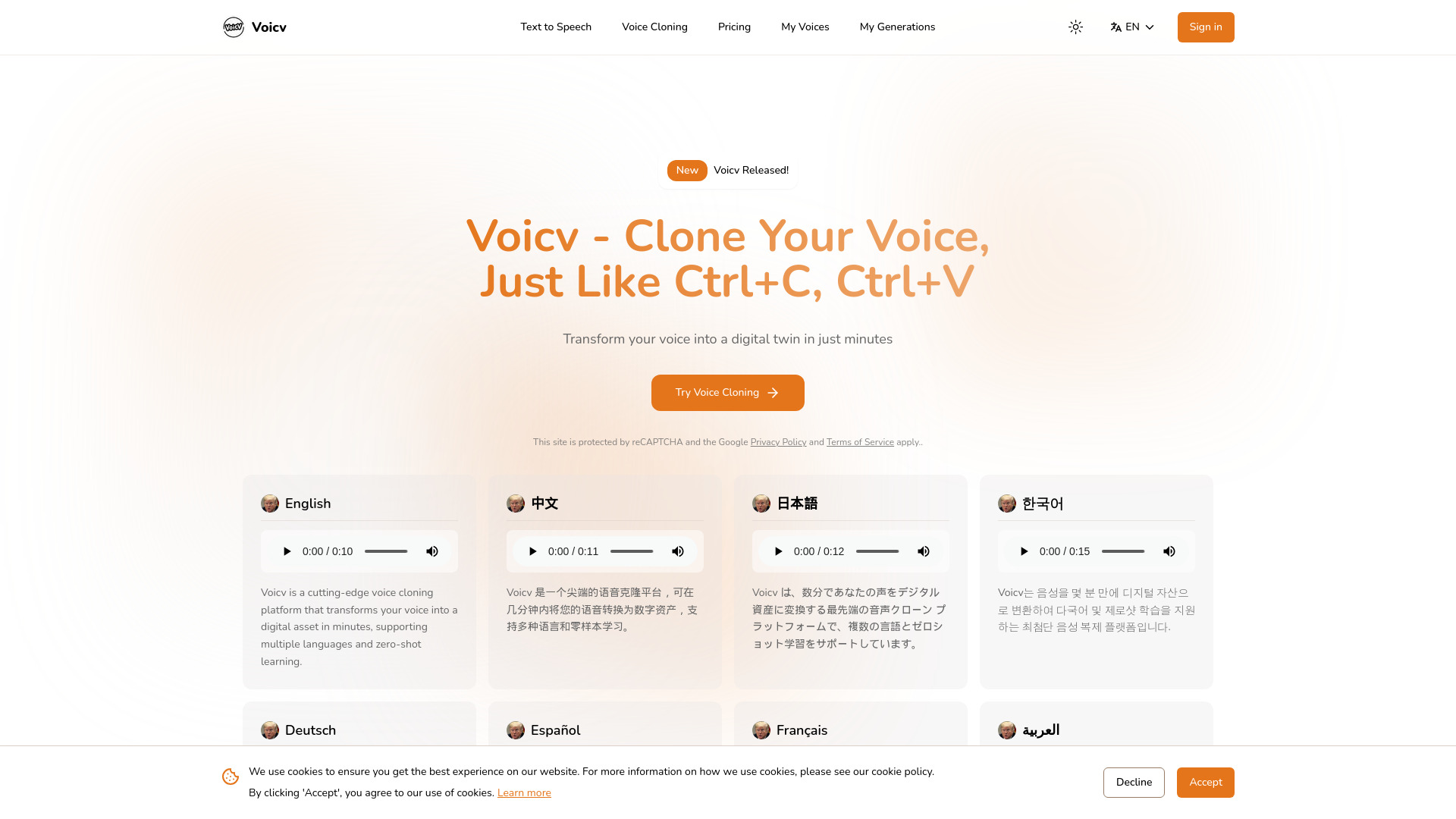
Voicv's standout is zero-shot voice cloning, paired with multilingual support. That combination can be attractive to content creators who want to turn a voice into a reusable digital asset without making the tool's appeal depend on a single language. Its stated feature set also includes text-to-speech and speech-to-text, giving the product a wider role than cloning alone.
The free access listing provides 3,000 credits per week, and the starting price is listed as free. That is a useful way to test the tool before sorting out a paid tier. Pricing across tiers may vary, though, so think of the free allowance as a trial of the workflow rather than a reliable forecast of ongoing production cost.
My take: Voicv is an interesting pick when multilingual support and zero-shot cloning are central to the brief. It has a focused reason to be on this list, even if buyers should clarify how different tiers handle their expected use.
Where it falls short: Pricing for different tiers may vary. Check the current plan details before estimating the cost of a regular publishing schedule.
Key features
Zero-shot voice cloning.
Multilingual support.
Text-to-speech and speech-to-text.
Pros
The free allowance includes 3,000 credits per week.
Combines cloning with speech tools for a broader content workflow.
Cons
Pricing may differ across tiers.
The exact language list and plan-specific limits should be verified with the vendor.
Choose Voicv if: You want to explore zero-shot voice cloning and multilingual audio in a creator-oriented platform.
4. kikivoice.ai
kikivoice.ai
Content creators who want to start without an account
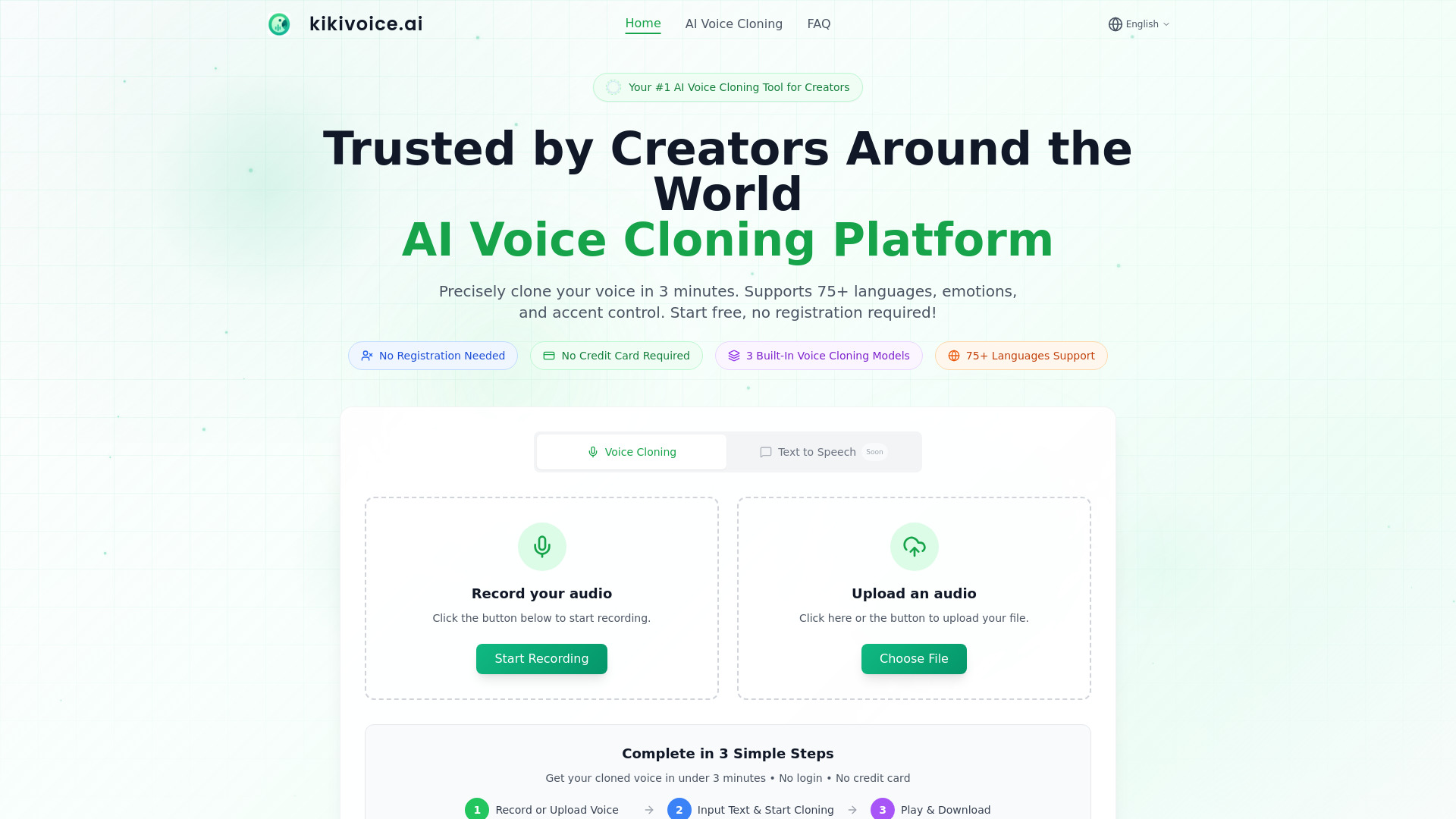
Kikivoice.ai makes the first test unusually friction-light: it can be used without signing up or entering a credit card. It offers three built-in voice cloning models-Kiki Core, Kiki Pro, and Kiki Multilingual-so a prospective user can try more than one model path before committing to an account or payment.
The tool advertises support for 75+ languages and up to 99% similarity, but those claims should be treated as vendor descriptions rather than a guarantee for every voice or recording. Its free credits reset weekly, which is convenient for occasional experiments but creates a real ceiling for heavier use. Pricing is not clear enough to compare confidently with a quoted paid starting tier.
My take: This is one of the easiest tools here to sample. The no-sign-up start is excellent for a quick first impression; the resetting credit limit makes it less straightforward as a dependable production option.
Where it falls short: Free usage is limited by weekly resetting credits. Confirm the paid plan and its allowances if you expect to create audio frequently.
Key features
Three built-in models: Kiki Core, Kiki Pro, and Kiki Multilingual.
Start without signing up.
Advertised support for 75+ languages.
Advertised similarity of up to 99%.
Pros
No sign-up or credit card is required to start.
Multiple built-in models provide distinct options to explore.
Cons
The free tier has weekly credit limits.
Pricing details should be checked directly with the vendor.
Choose kikivoice.ai if: You want to try voice cloning quickly, without first creating an account or entering payment information.
5. Kits AI

Kits AI
Music producers building AI-assisted audio
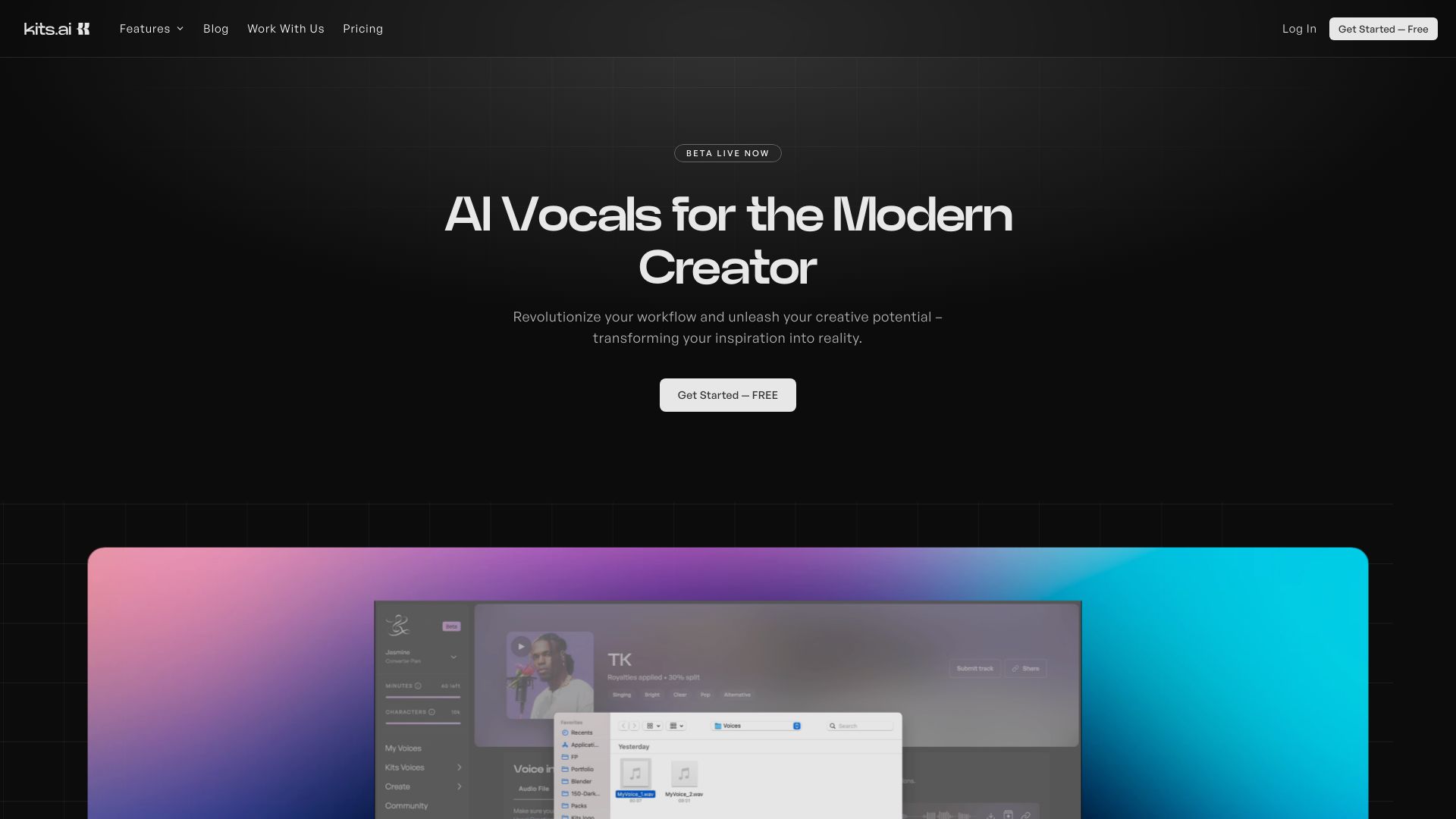
Kits AI is the clear specialist for music-oriented users in this shortlist. Its feature set combines AI voice cloning with AI singing generators and AI mastering, which puts it closer to a production toolkit than a simple text-to-speech utility. If your voice work sits alongside song creation or mastering, that combination is a more relevant reason to consider it than a generic promise of realistic speech.
Free access is listed, and the product's listing says no credit card is required. Full access does require paid plans, so establish which capabilities are available at no cost before planning a complete project around the free option. The listed starting price is simply "Free"; the source does not give a paid entry price to compare.
My take: For music producers, Kits AI earns its place through the surrounding music tools, not just cloning. If you need everyday narration rather than singing or music production features, a broader speech platform may fit better.
Where it falls short: Paid plans are required for full access. Check the current plan breakdown to see whether the cloning and music features you need are included.
Key features
AI voice cloning.
AI singing generators.
AI mastering.
Pros
Its feature mix is specifically relevant to music production.
Free access is available without a credit card, according to the listing.
Cons
Full access requires a paid plan.
A music-first feature set may be unnecessary for straightforward narration.
Choose Kits AI if: You are a music producer who wants voice cloning alongside AI singing generation and mastering tools.
6. Vbee AIVoice

Vbee AIVoice
Content creators producing speech and dubbed audio
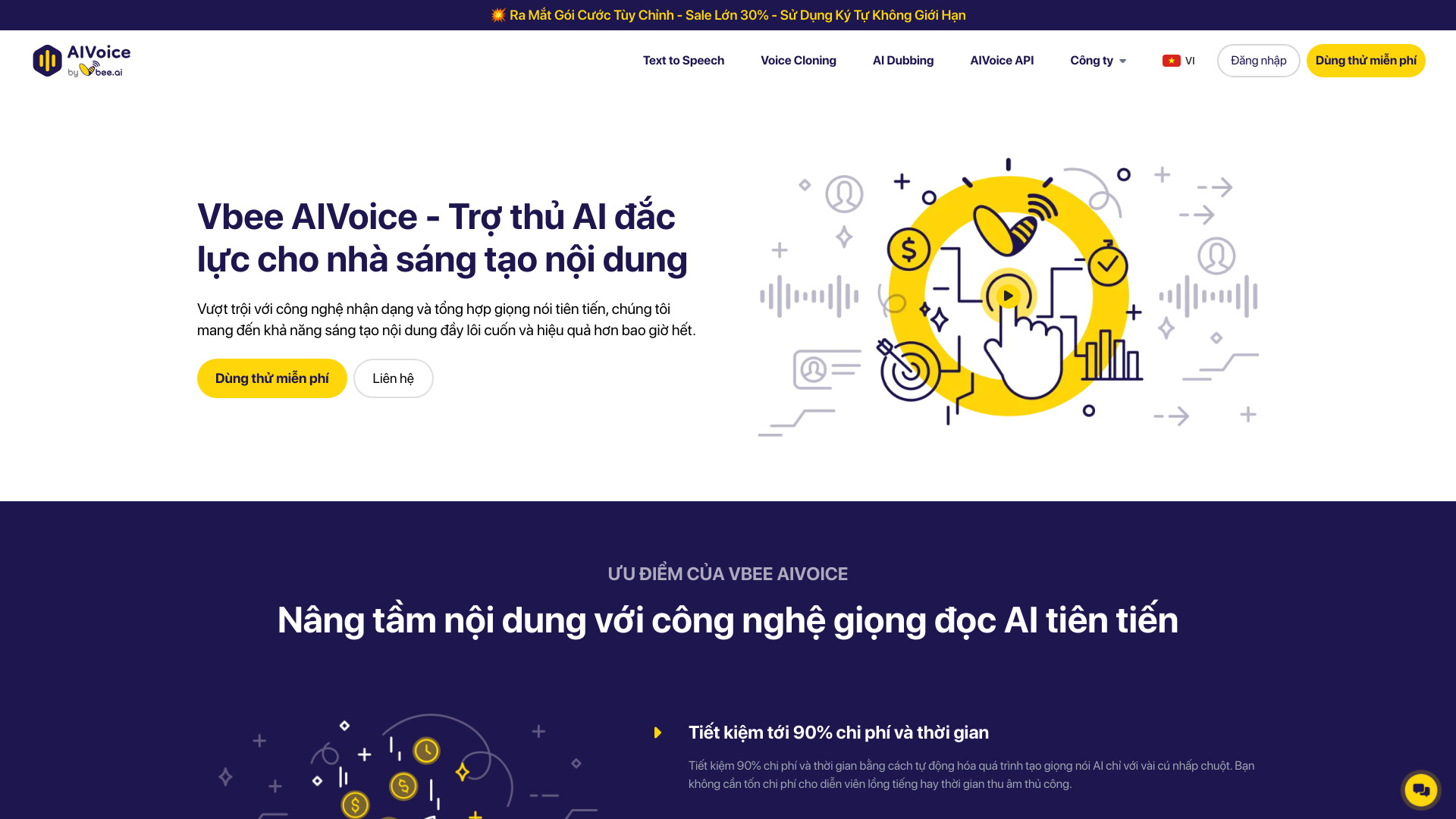
Vbee AIVoice is worth considering when the job includes more than cloning a voice. The listed capabilities include text-to-speech and AI dubbing, and the product is described as offering over 50 languages and 400+ AI voices. That breadth may suit creators who need to produce spoken content across languages or adapt audio for different audiences.
The vendor describes its voices as emotional and human-like and says the service can save up to 90% of cost and time. Those are product claims, not a guarantee for an individual workflow, so test with your own scripts and production requirements. A subscription may be necessary for full access, and the starting price is not clear here; check the current offer before budgeting.
My take: Vbee AIVoice has a useful combination of TTS and dubbing for content teams. It is less compelling as a simple, price-transparent cloning recommendation because the subscription details need clarification.
Where it falls short: Full access may require a subscription, and a clean starting price is not available to compare. Verify the current plan and supported workflow directly.
Key features
Text-to-speech conversion.
AI dubbing.
A listed library of 400+ AI voices and support for 50+ languages.
Pros
TTS and dubbing provide a broader content-production use case.
The listed voice and language range is extensive.
The vendor positions it as a way to reduce recording time and cost.
Cons
Full access may require a subscription.
Current pricing and free access should be confirmed with the vendor.
Choose Vbee AIVoice if: Your content workflow needs text-to-speech and dubbing across a wide range of voices and languages.
7. Cleanvoice AI

Cleanvoice AI
Podcasters cleaning recorded audio
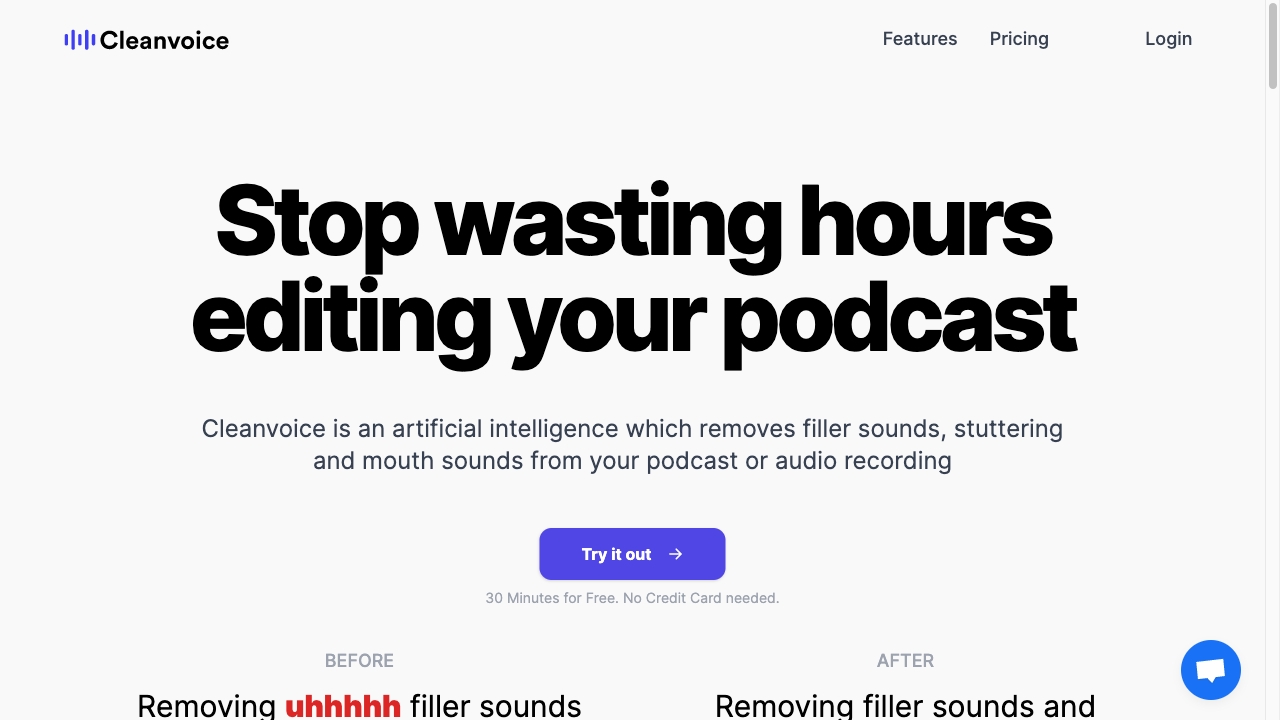
Cleanvoice AI is an adjacent pick rather than a voice cloner: its strength is cleaning recordings. It removes filler sounds, stuttering, mouth sounds, and background noise, which can save a podcaster time before publishing. That makes it useful in a voice production stack, even though it addresses recorded-audio cleanup rather than creating a cloned voice.
The listing includes 30 minutes free and says no sign-up is required, with paid access described as starting from $11 per month. Processing uses credits, so the amount of audio you can clean depends on the available allowance. If you are comparing the best voice cloning software strictly by cloning capability, this is not a direct substitute; if you are improving spoken recordings, it may solve a more immediate problem.
My take: Cleanvoice belongs in this guide as a practical companion for people who record podcasts. It will not clone a voice, but removing editing chores can be more valuable than adding another generation feature to a workflow.
Where it falls short: Credits are required to process audio, and the core features listed are cleanup rather than voice cloning. Keep that distinction clear when comparing it with direct cloning products.
Key features
Filler sound removal.
Stuttering and mouth-sound removal.
Background-noise removal.
Pros
Targets time-consuming podcast editing tasks.
Includes 30 minutes of free access.
Can complement a separate voice generation or cloning tool.
Cons
It is an audio-cleanup tool, not a direct voice cloning product.
Processing uses credits.
Choose Cleanvoice AI if: You already record spoken audio and want to reduce manual cleanup before editing or publishing.
8. Voicemaker

Voicemaker
Content providers generating voiceovers
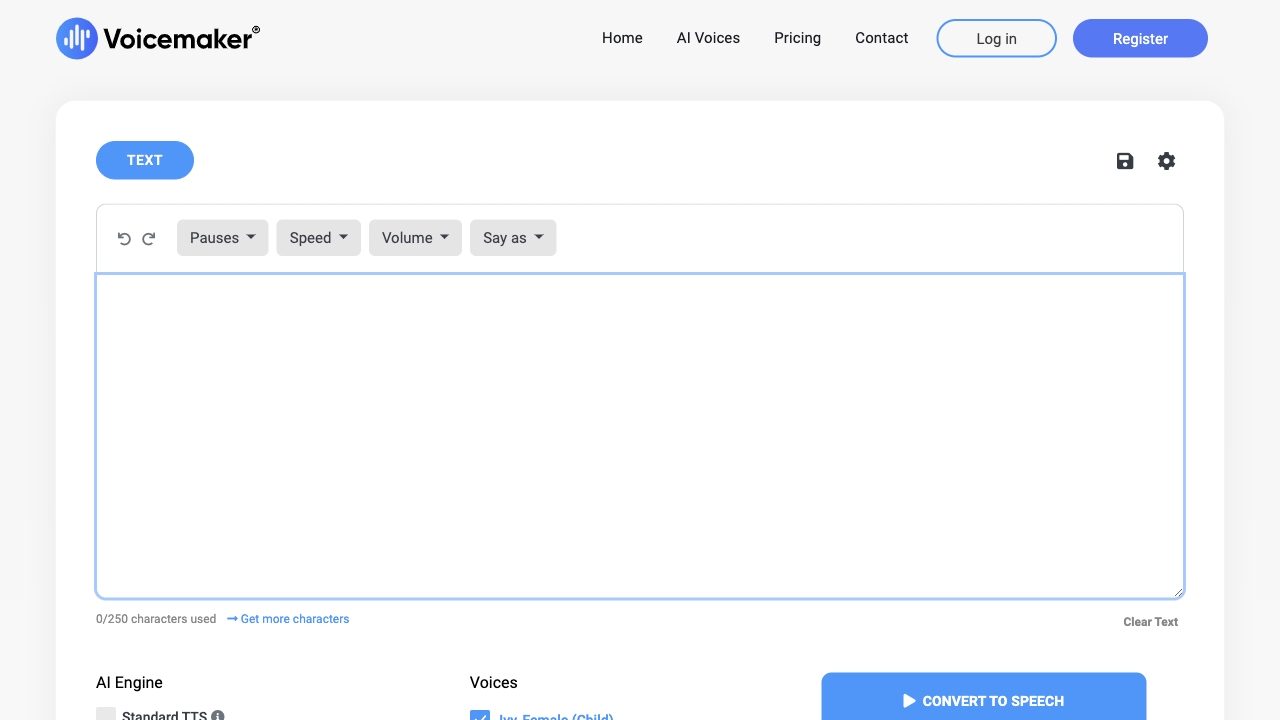
Voicemaker is primarily a text-to-speech option, with a broad stated selection of more than 1,000 AI voices in 130 languages. It also lists custom voice cloning, making it an adjacent choice for buyers who want to generate voiceovers and may later explore a custom voice. Its scale of voice and language options is the headline advantage, especially for content providers producing many kinds of narration.
The free plan includes 100 conversions per week, and commercial-use audio is listed among its free-access details. Some features are paid, however, so do not assume custom cloning or every customization control is included at no cost. Confirm the precise commercial terms and the paid feature boundary before using generated audio in a client or business project.
My take: Voicemaker is a practical voiceover generator with a notably broad library. It is a better fit for converting scripts into speech than for someone whose only requirement is a dedicated cloning workflow.
Where it falls short: Some features are available only on paid plans. Check whether custom voice cloning and the controls you want are included in the free tier or require an upgrade.
Key features
Text-to-speech conversion.
More than 1,000 AI voices across 130 languages, as listed.
Custom voice cloning is listed as a capability.
Free access includes 100 conversions per week.
Pros
A large stated choice of voices and languages.
Free plan is available.
Commercial-use audio is included in the listed free-access details.
Cons
Some features require a paid plan.
Its emphasis is TTS, so verify the cloning workflow fits your specific need.
Choose Voicemaker if: You need text-to-speech voiceovers across many languages and want custom cloning as a possible extension.
9. Deepgram AI Voice Generator

Deepgram AI Voice Generator
Content creators seeking natural-sounding TTS
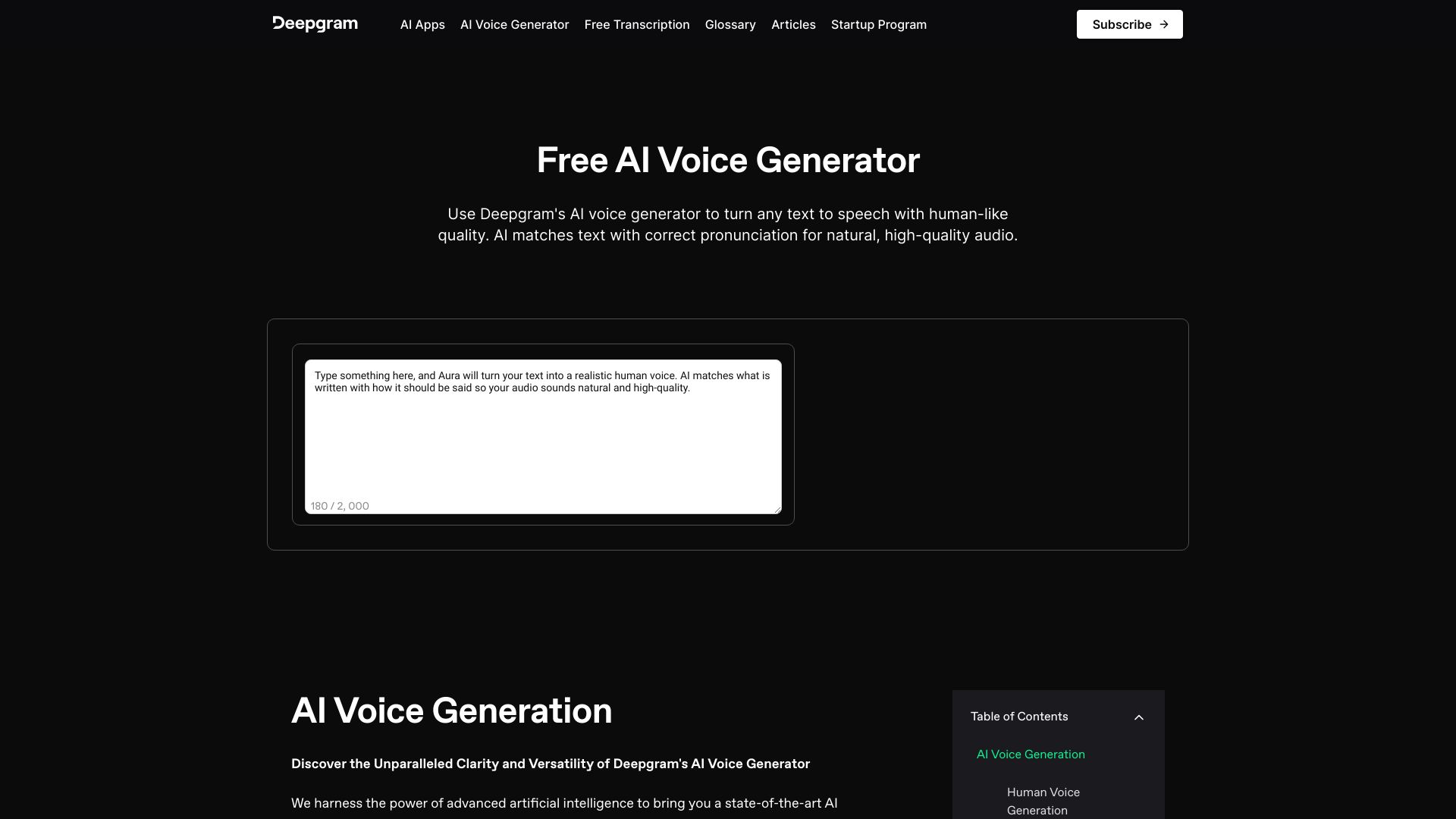
Deepgram AI Voice Generator is another adjacent option: the stated focus is text-to-speech, not a clearly specified cloning workflow. Its positioning emphasizes human-like voice quality, a diverse library covering genders, ages, and accents, and low-latency generation. Those details make it relevant to creators who need generated speech with a range of voice characteristics, especially where responsiveness matters.
The available feature details do not provide a clean starting price or a specific free allowance, so check the vendor's current offer before comparing costs. The listed limitation is that terms and privacy policies apply. That is a useful reminder to review the rules governing input audio, generated output, and intended use rather than treating voice generation as a purely technical choice.
My take: Deepgram is worth investigating for natural-sounding, low-latency TTS, but I would not choose it as a dedicated cloner without first confirming that its current product supports the cloning workflow you need.
Where it falls short: Pricing and free access need direct confirmation, and the listed capabilities center on TTS. Review the vendor's terms and privacy policy before using it with sensitive audio.
Key features
Text-to-speech conversion with a stated human-like voice quality.
Voice choices covering genders, ages, and accents.
Low-latency generation is listed.
Pros
Emphasizes natural-sounding speech.
The stated voice range gives creators several characteristics to consider.
Low latency may matter in responsive voice applications.
Cons
The listed feature set does not establish a specific voice cloning capability.
Pricing and free access should be checked with the vendor.
Terms and privacy policies apply.
Choose Deepgram AI Voice Generator if: Your priority is natural-sounding, low-latency text-to-speech and you have verified that its current capabilities match your project.
10. Noiz AI

Noiz AI
Podcast producers shaping expressive speech
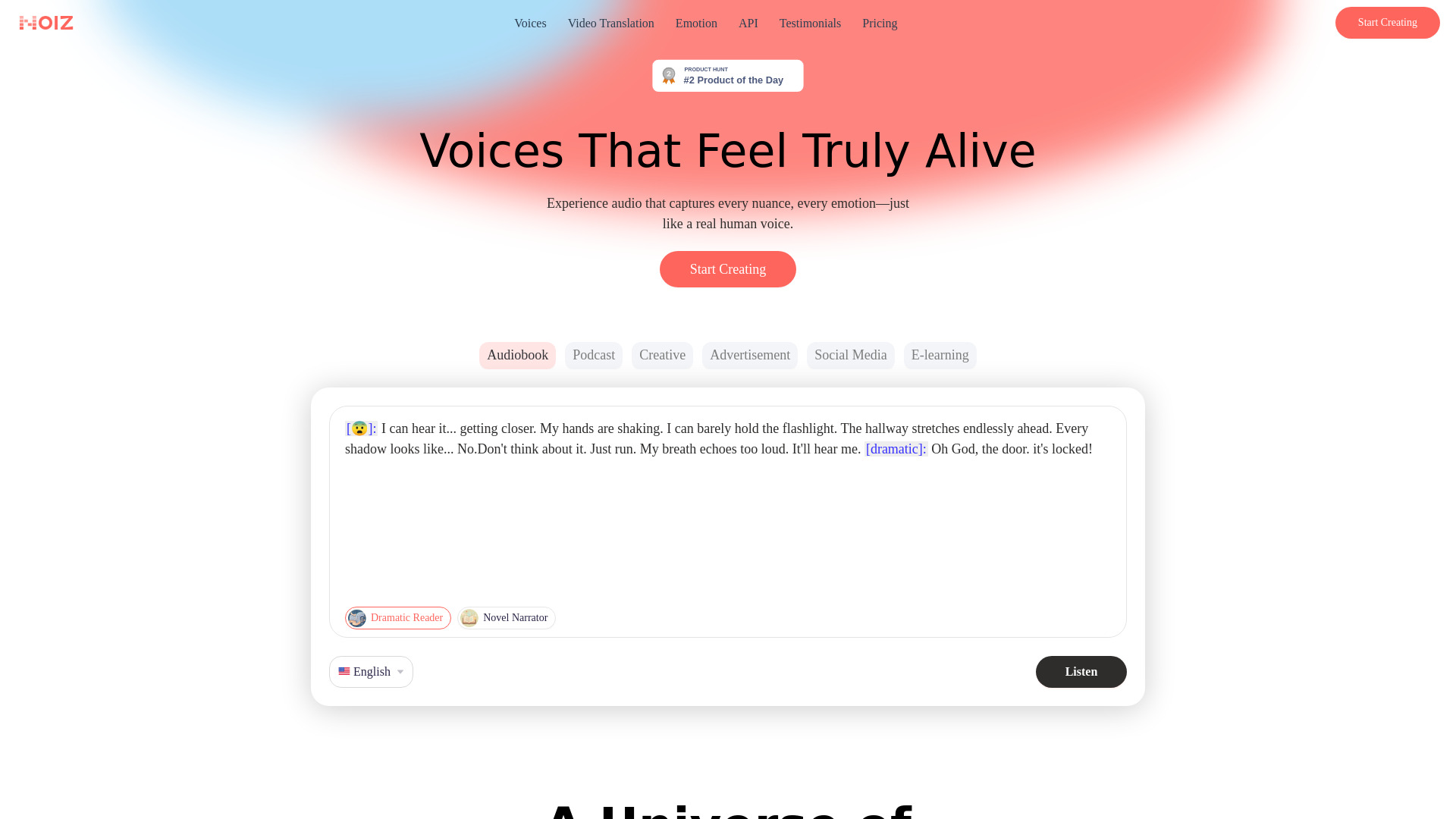
Noiz AI stands out for emotional text-to-speech, voice cloning, and voice design. That mix is a promising fit for producers who care about more than a clean spoken read and want to shape the expression of generated speech. Multilingual dubbing is also listed, giving it a wider potential role in podcast or content workflows that cross language boundaries.
The listed starter plan is $3.90 per month and includes 150,000 credits per month. Credits are central to how the service is used, which means high-volume production could be constrained by the plan allowance. Compare your expected output against the live credit rules before treating the low starting price as the final cost of a regular workflow.
My take: Noiz AI has one of the clearest creative angles in this group: emotional control paired with cloning and voice design. The credit model is the detail to understand before scaling beyond experiments.
Where it falls short: Credit-based usage may limit high-volume work depending on the plan. Verify what the monthly allowance covers for your chosen features and output volume.
Key features
Emotional text-to-speech.
Voice cloning and voice design.
Multilingual dubbing.
Starter plan listed at $3.90 per month with 150,000 credits per month.
Pros
Combines cloning with expressive speech and voice design.
Includes multilingual dubbing in its listed capabilities.
A stated low-cost starter option is available.
Cons
Credit-based usage can constrain high-volume production.
The practical output covered by the credit allowance should be checked before subscribing.
Choose Noiz AI if: You want voice cloning with emotional TTS and voice-design options, and you are comfortable tracking a monthly credit allowance.
More tools to compare

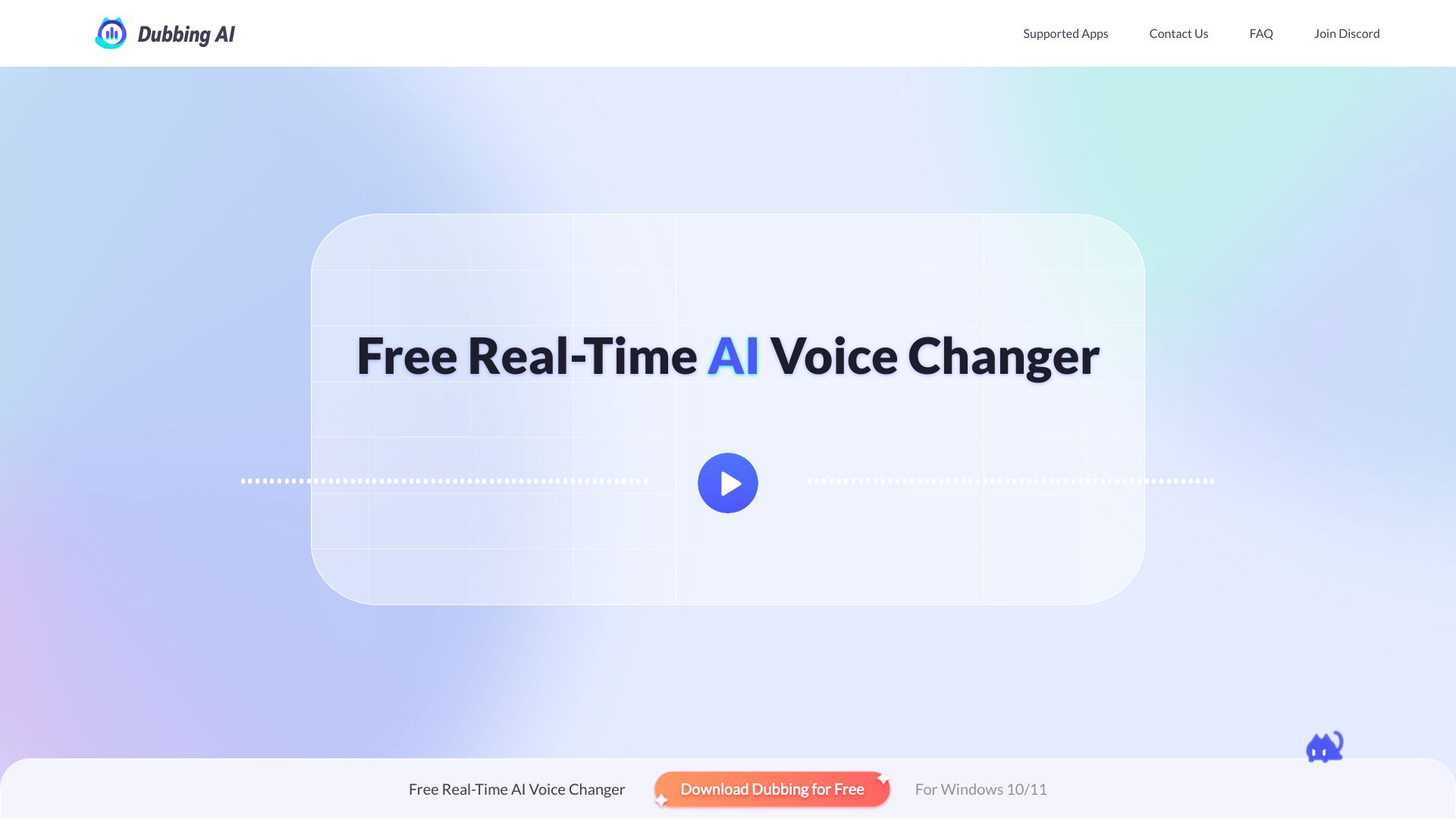
Dubbing AI
Real-time character voice changing for gamers and streamers

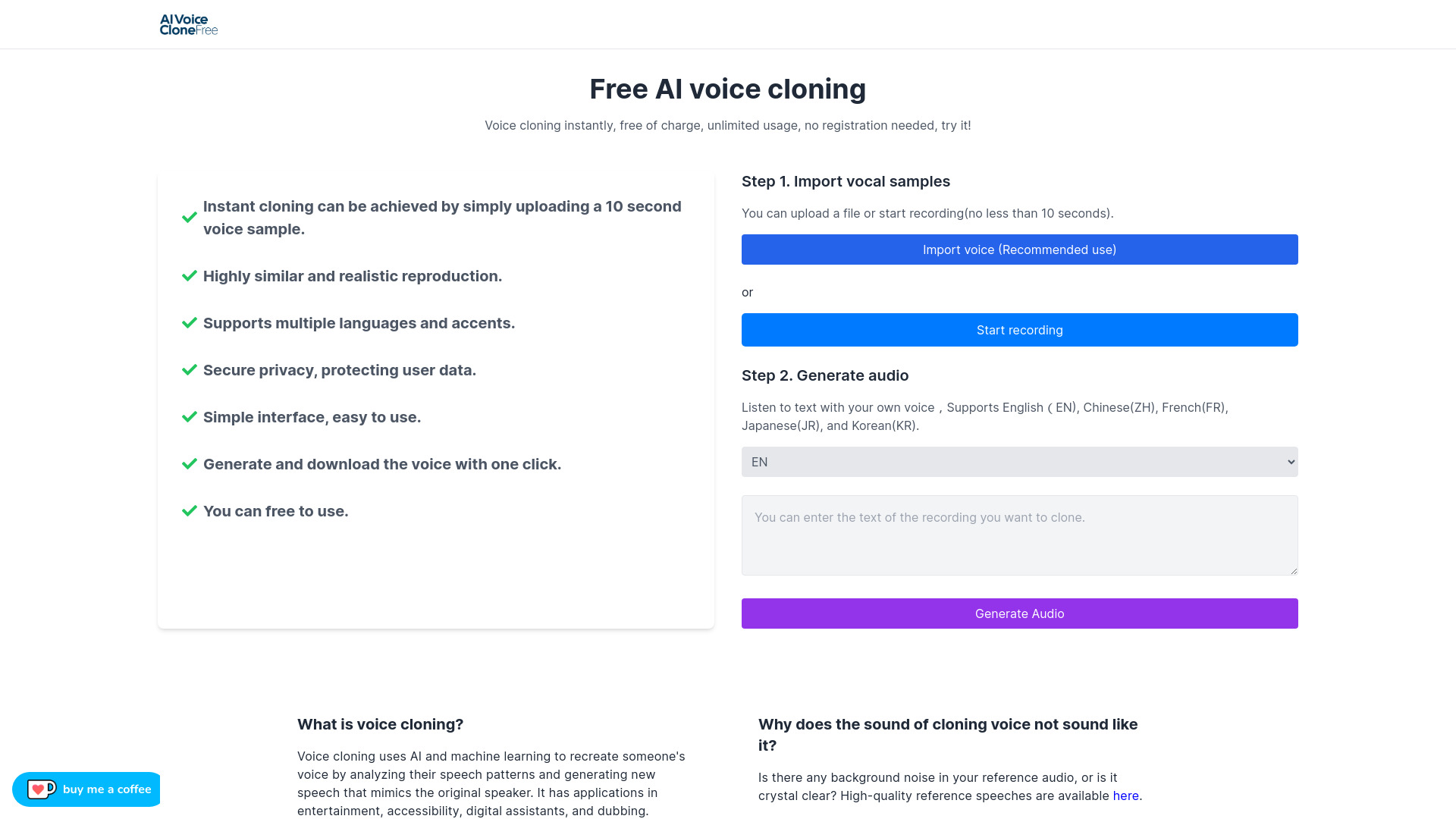
Free Voice Cloning
Personal voice cloning and content creation

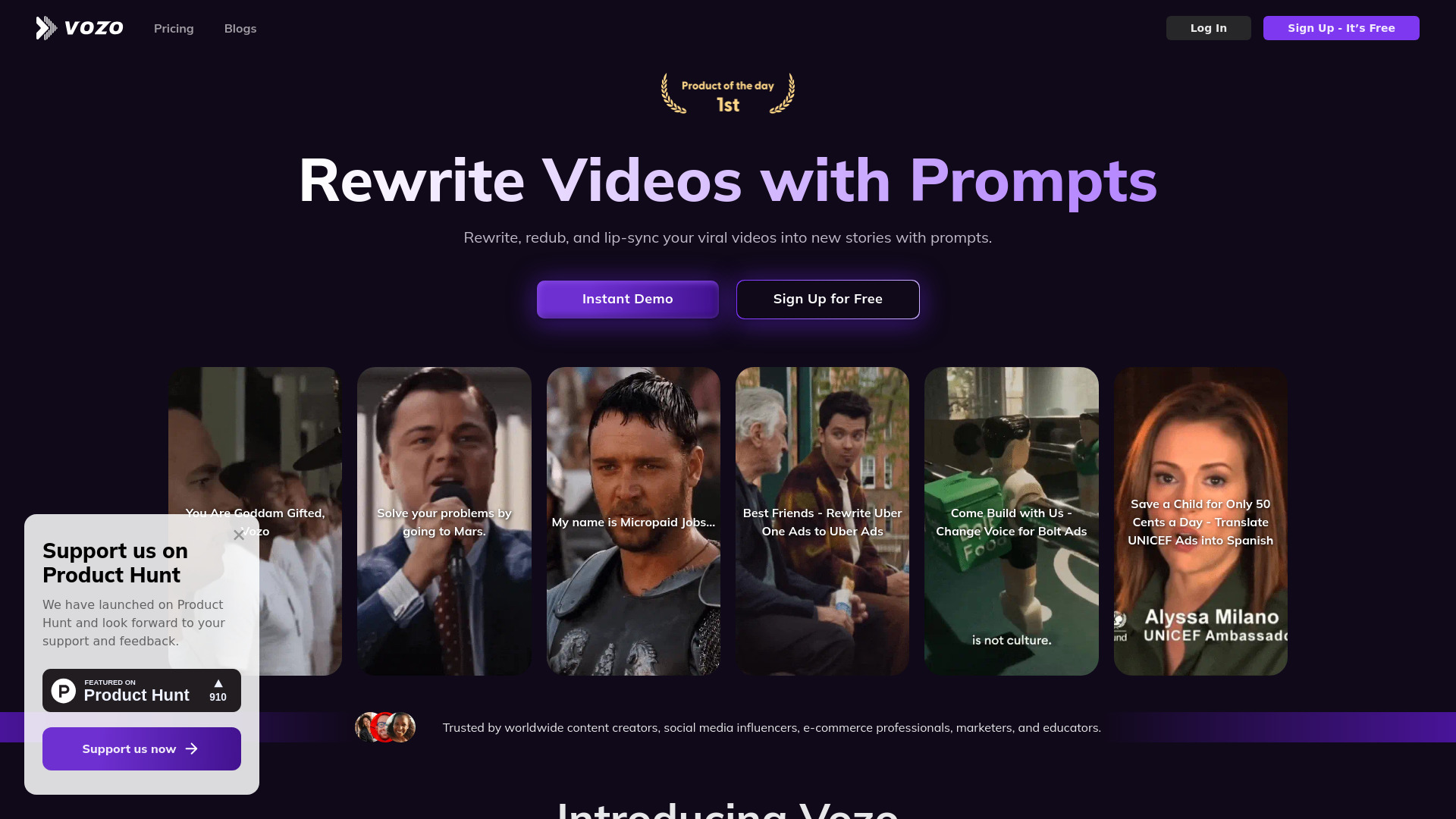
Vozo
Video dubbing and localization

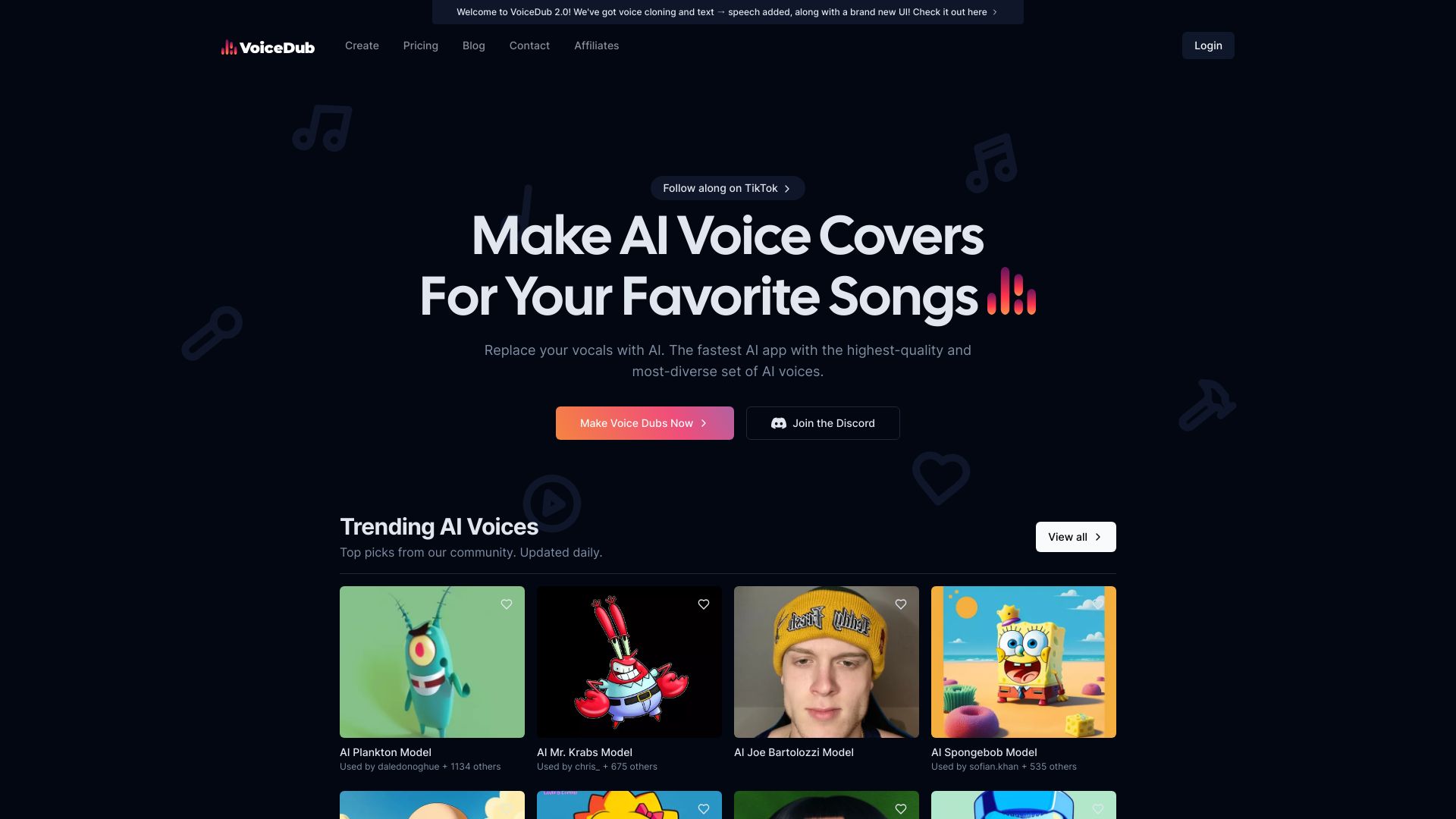
VoiceDub
AI voice covers and custom voice cloning

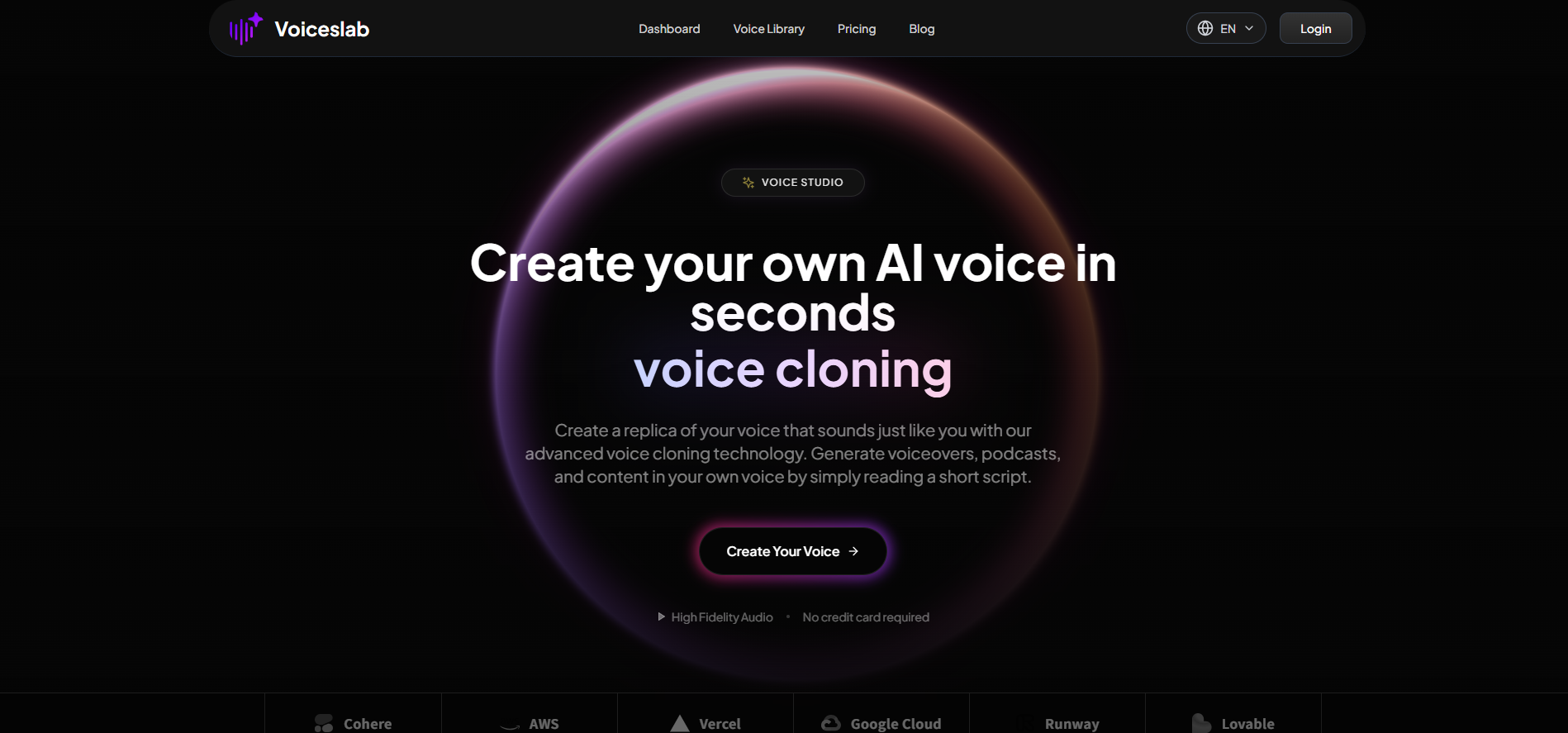
voiceslab
Instant personal voice cloning

MyVocal.ai
Voice cloning for singing and speech


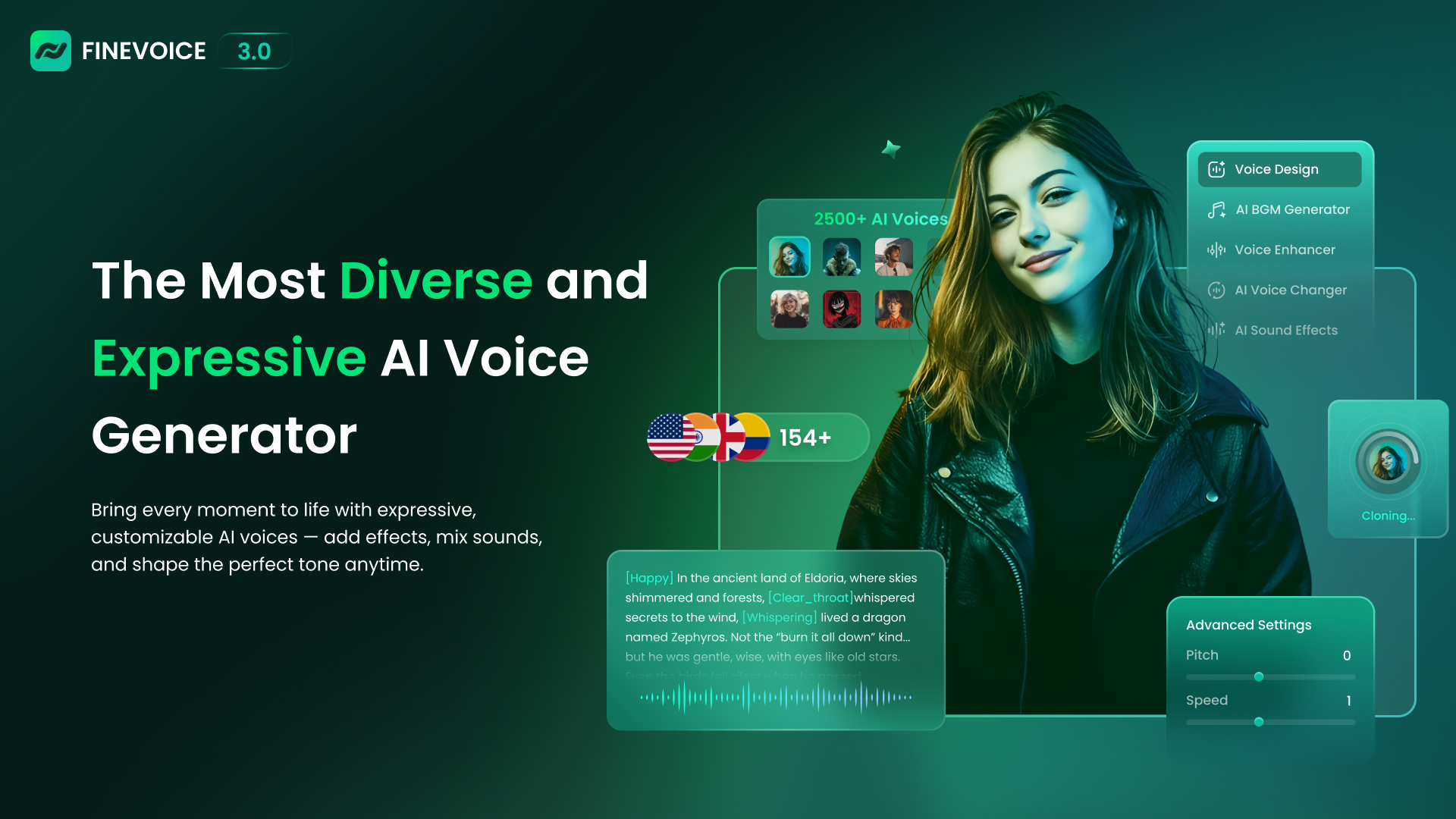
FineVoice
Quick voice cloning and multilingual voiceovers

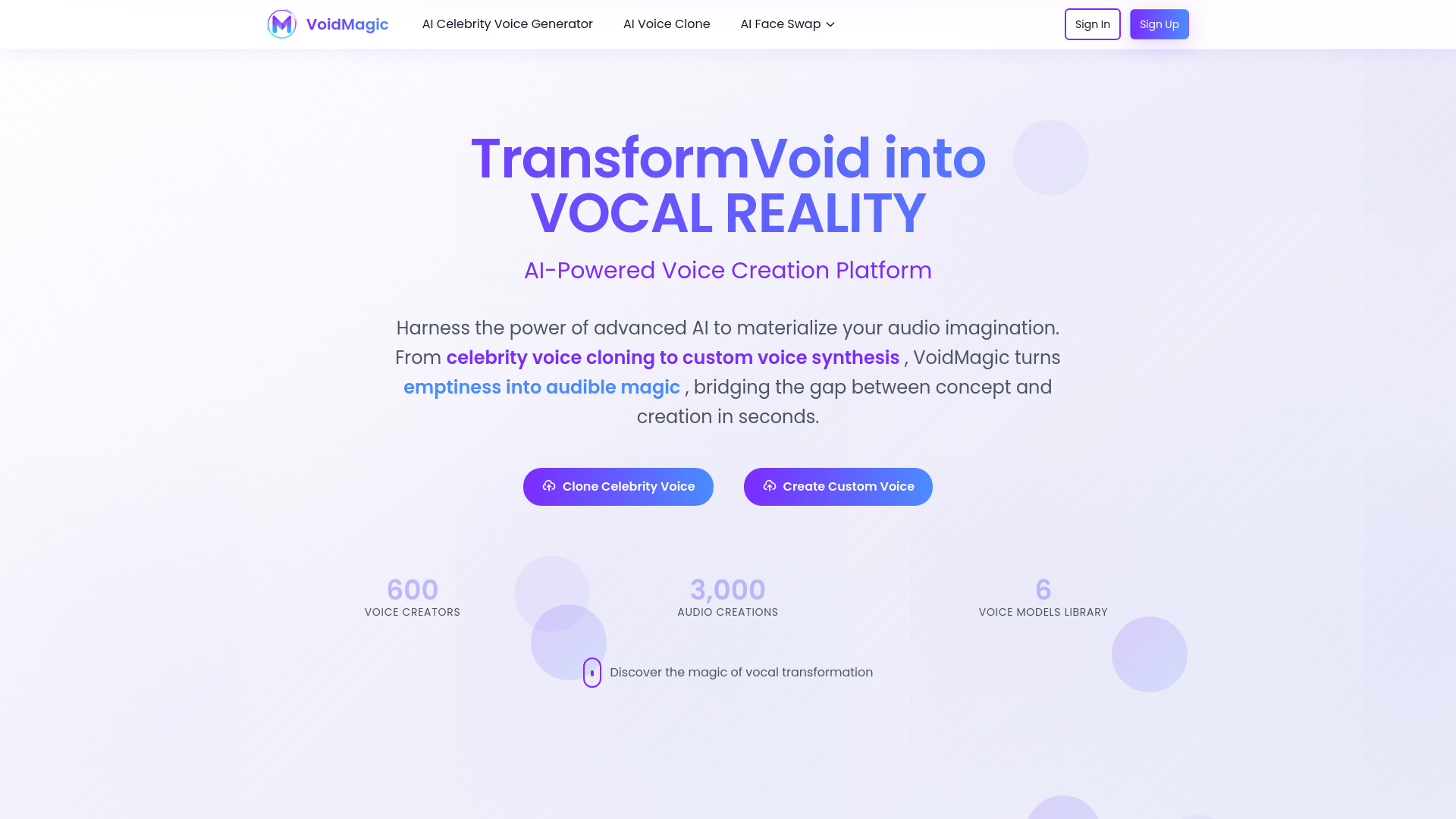
VoidMagic
Celebrity voice cloning

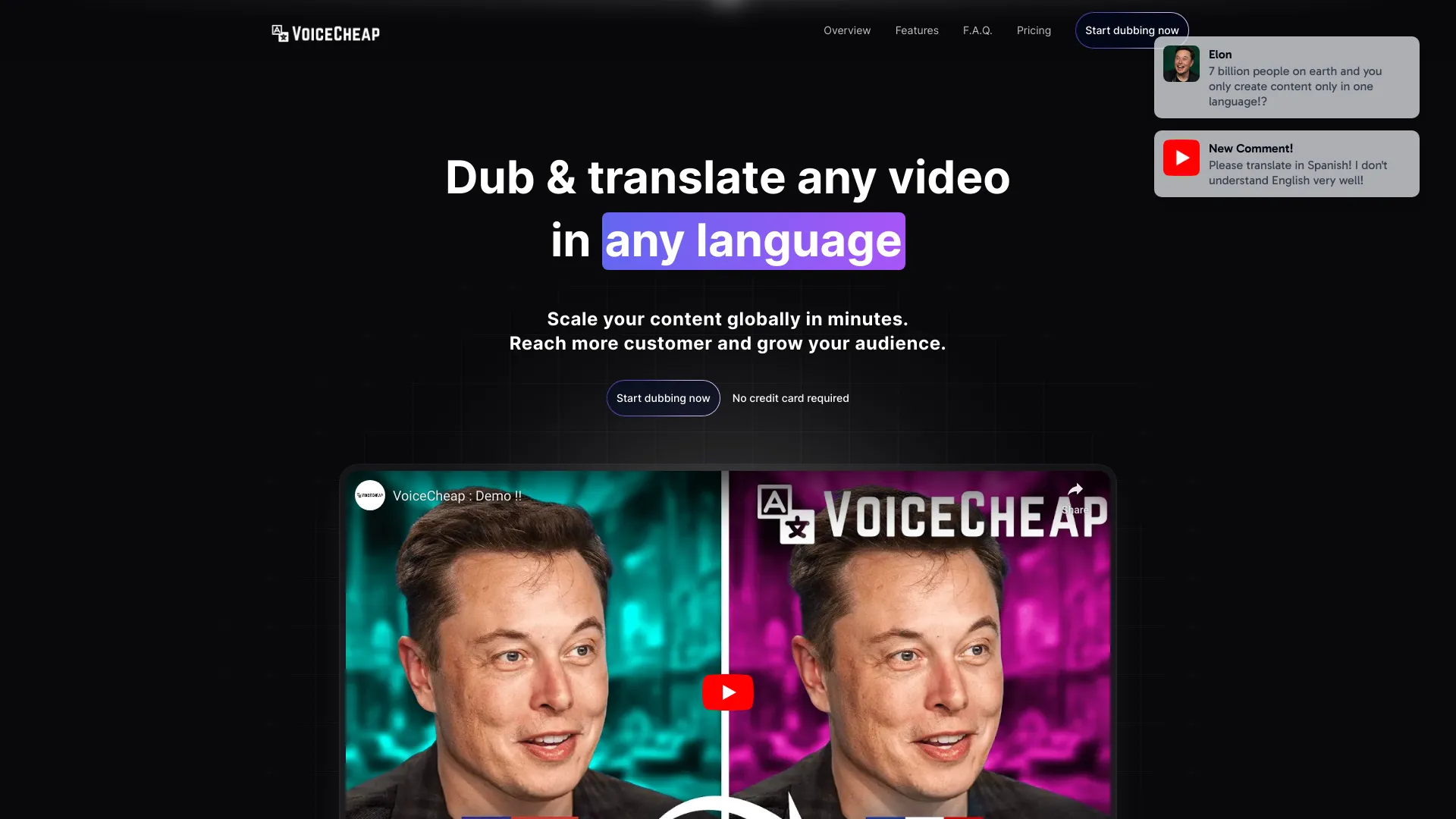
VoiceCheap
Creators localizing videos with voice cloning
AI Voice Generator by AIVocal
Voice cloning and AI audio creation

FakeYou
Celebrity voice experiments

AudioPod AI
Voice cloning and audio localization

Voice Cloner
Free personal voice cloning
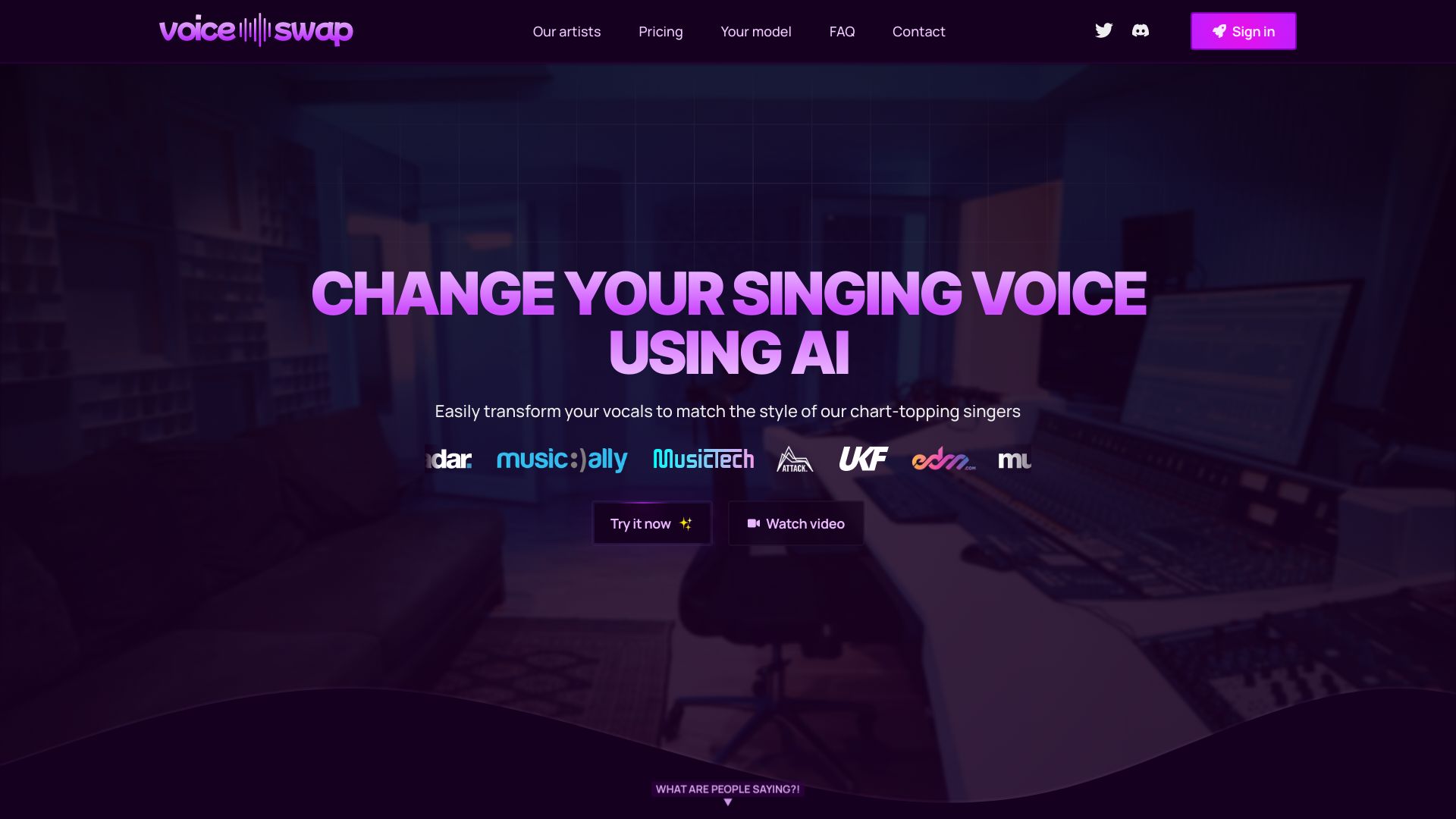
Voice-Swap
AI vocal demos for producers and songwriters

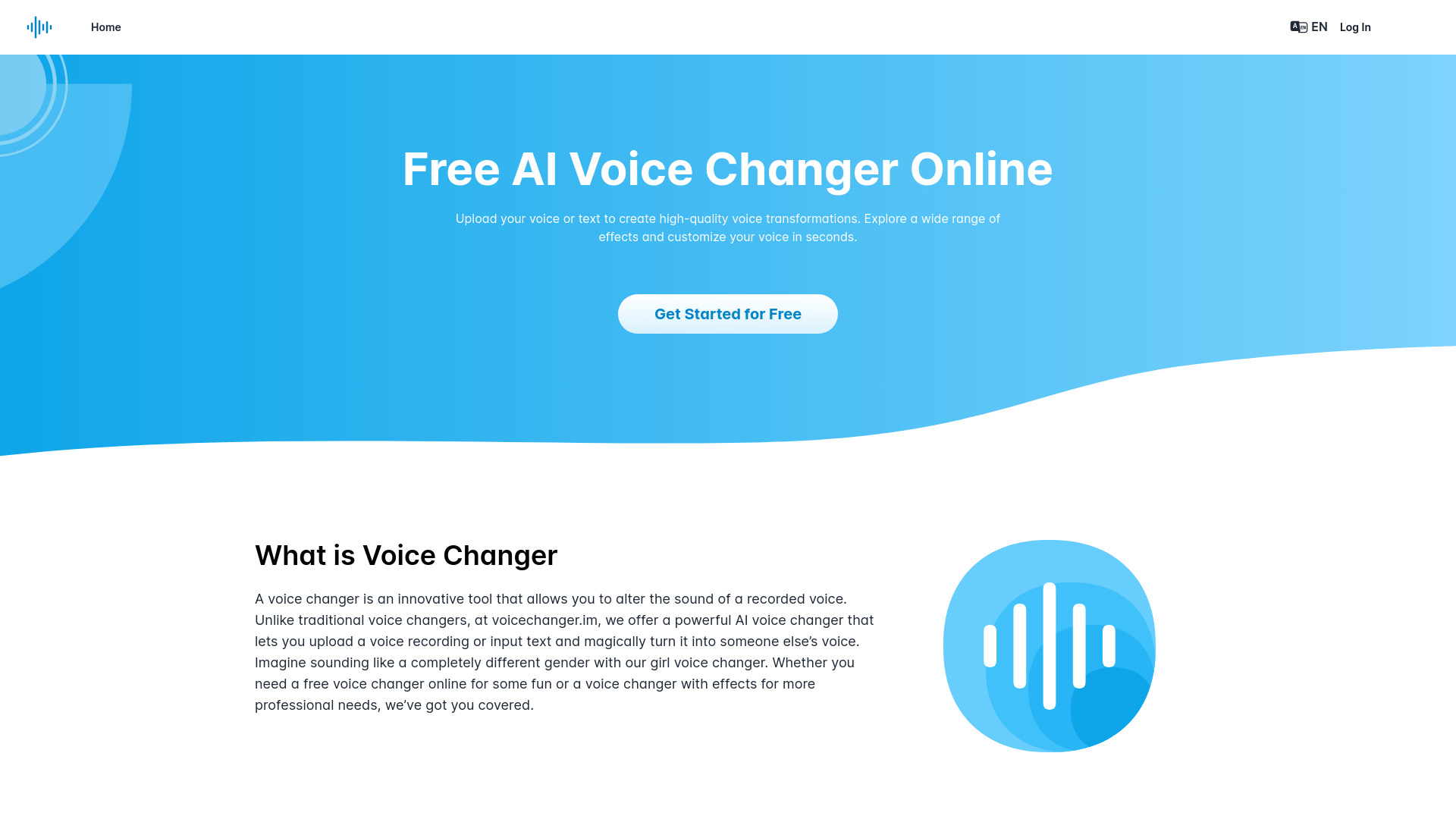
voicechanger.im
Free voice transformation
Choicer Voicer
Voice cloning and multilingual video dubbing

All Voice Lab
Budget voice cloning and TTS

Resemble AI
Enterprise voice cloning

clonemyvoice.io
Voiceovers and dubbing

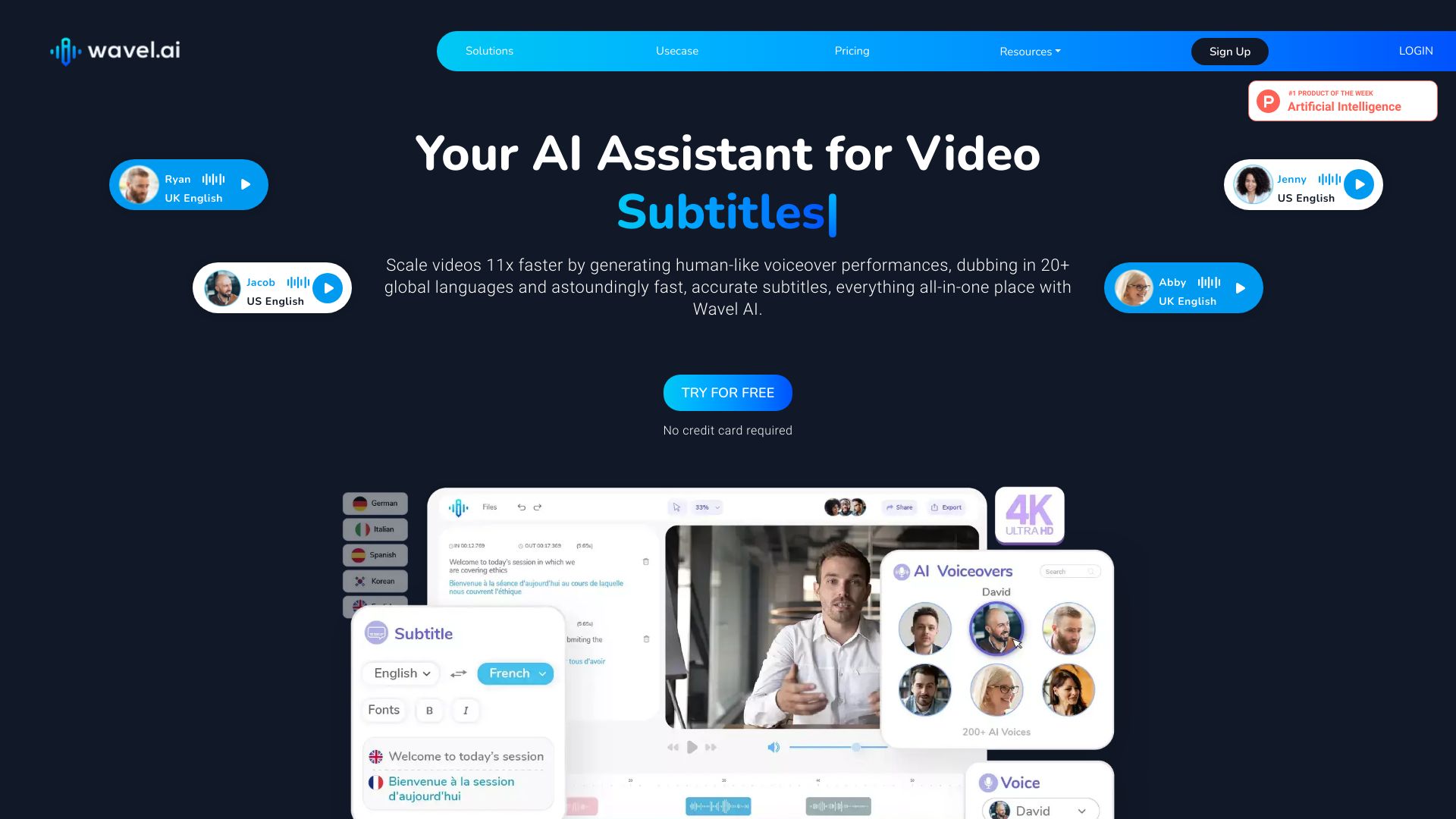
Wavel AI
Multilingual voice cloning and video localization

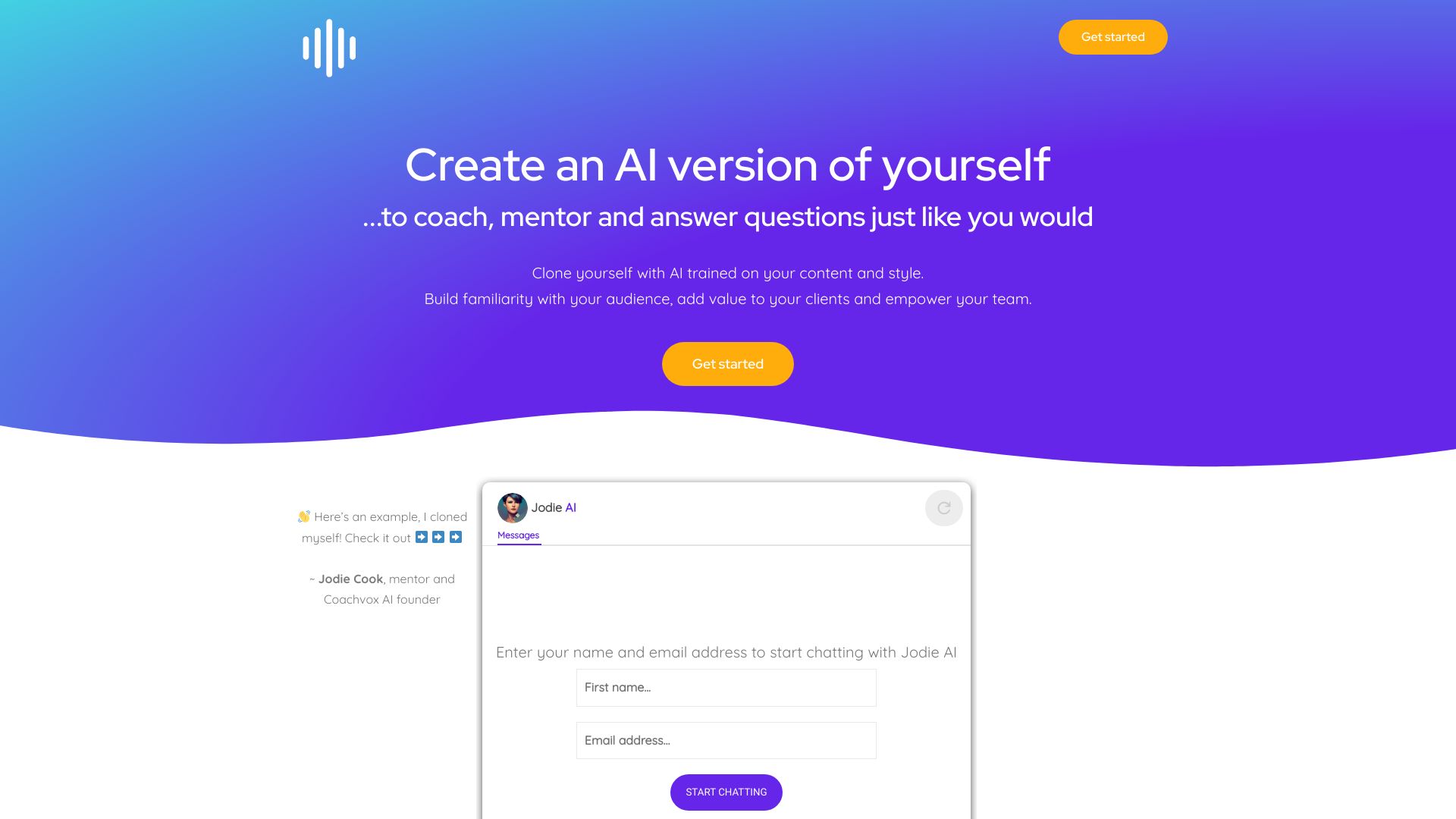
Coachvox AI
Coaches and consultants building AI clones

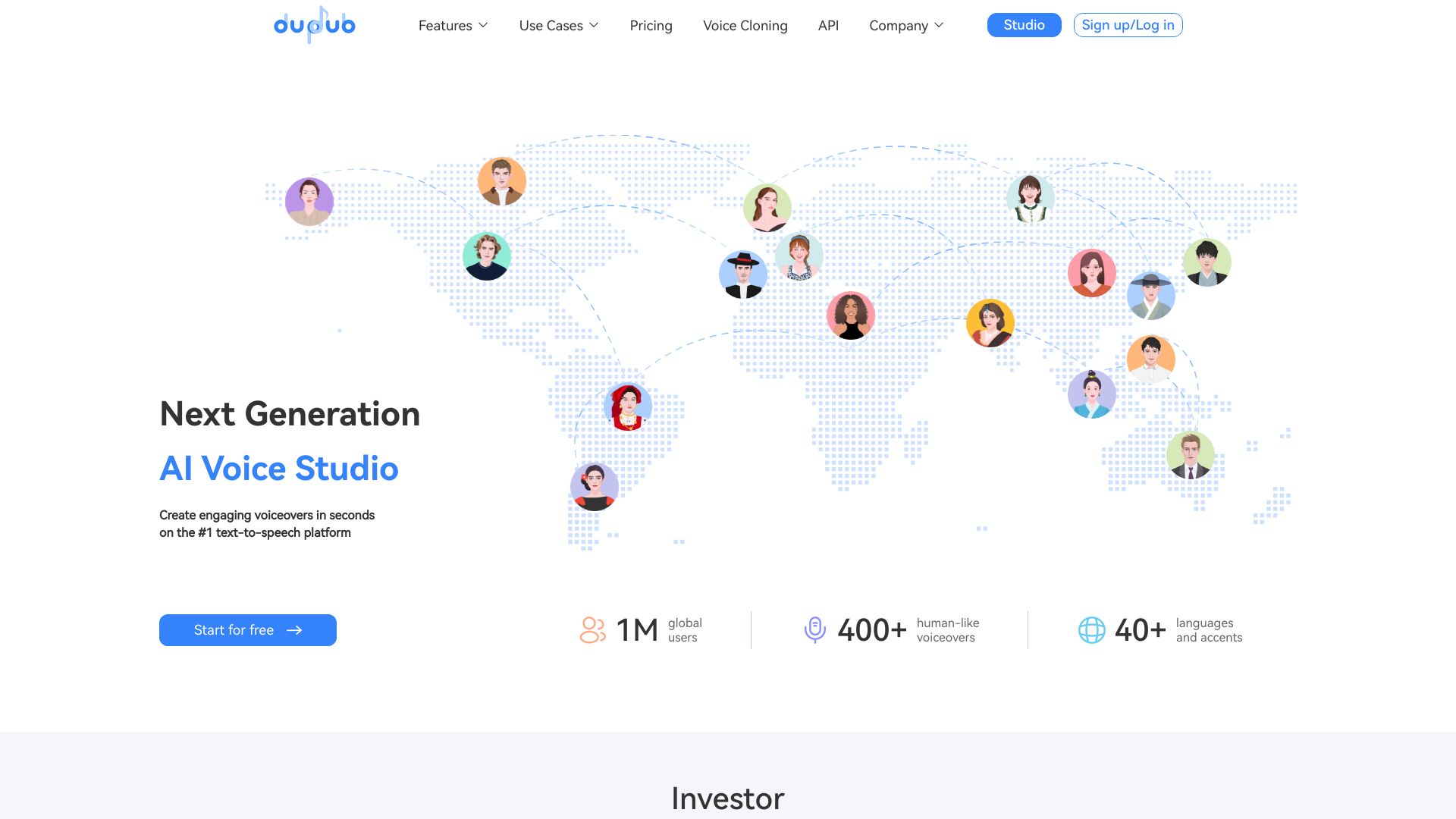
DupDub
Voice cloning and realistic text-to-speech

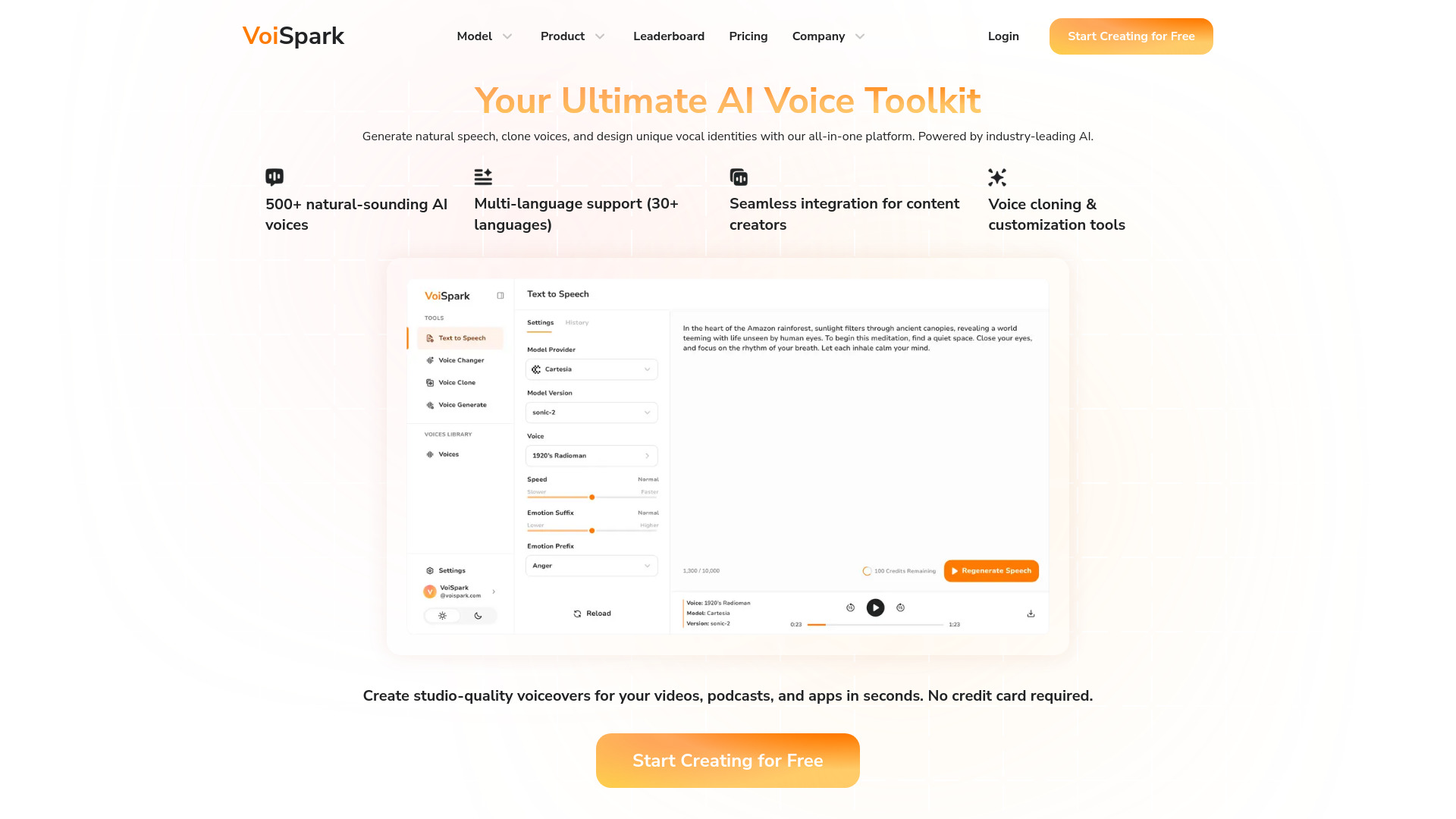
VoiSpark
Voice cloning and custom AI voices

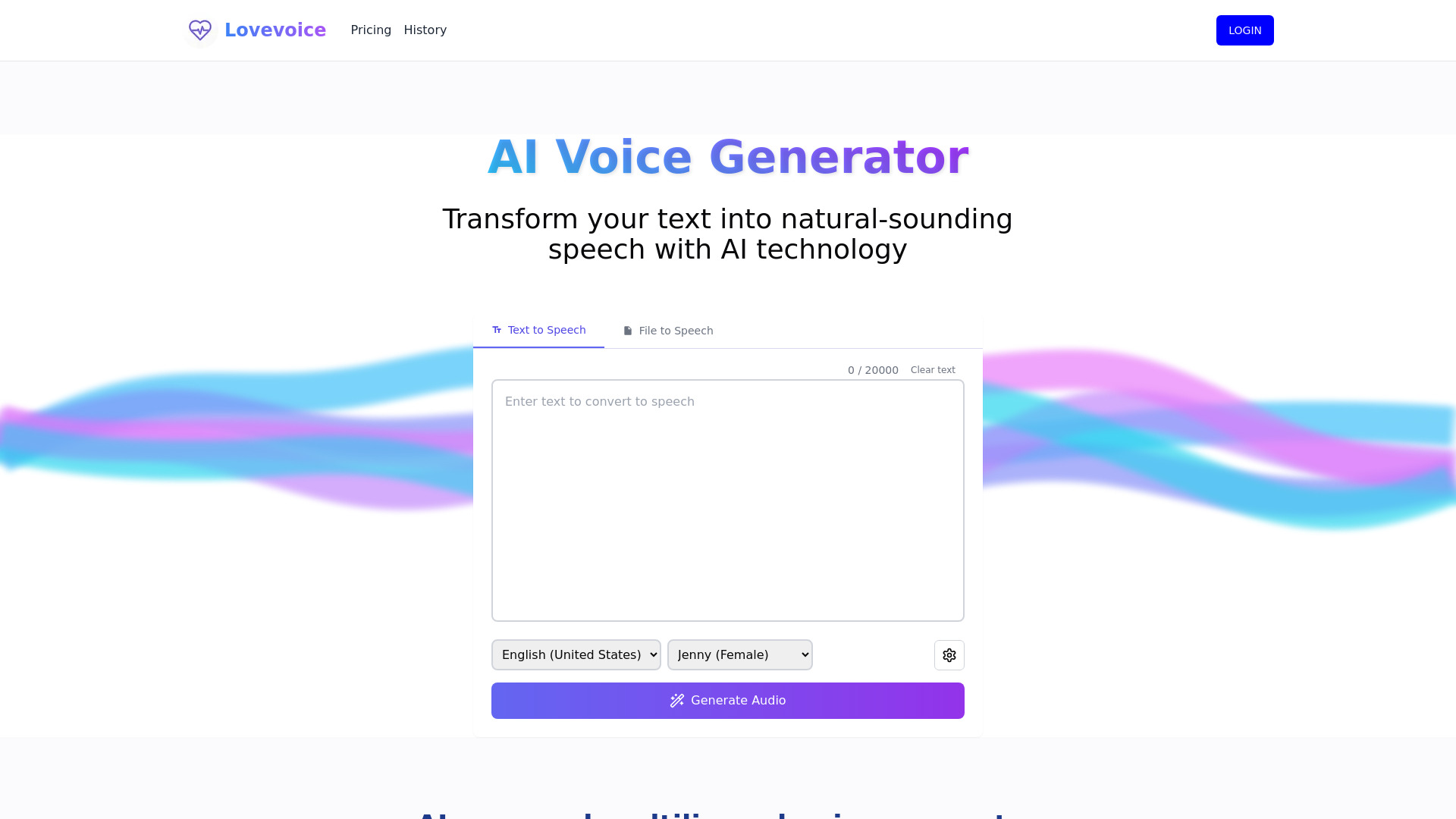
Lovevoice AI
Multilingual text-to-speech voiceovers

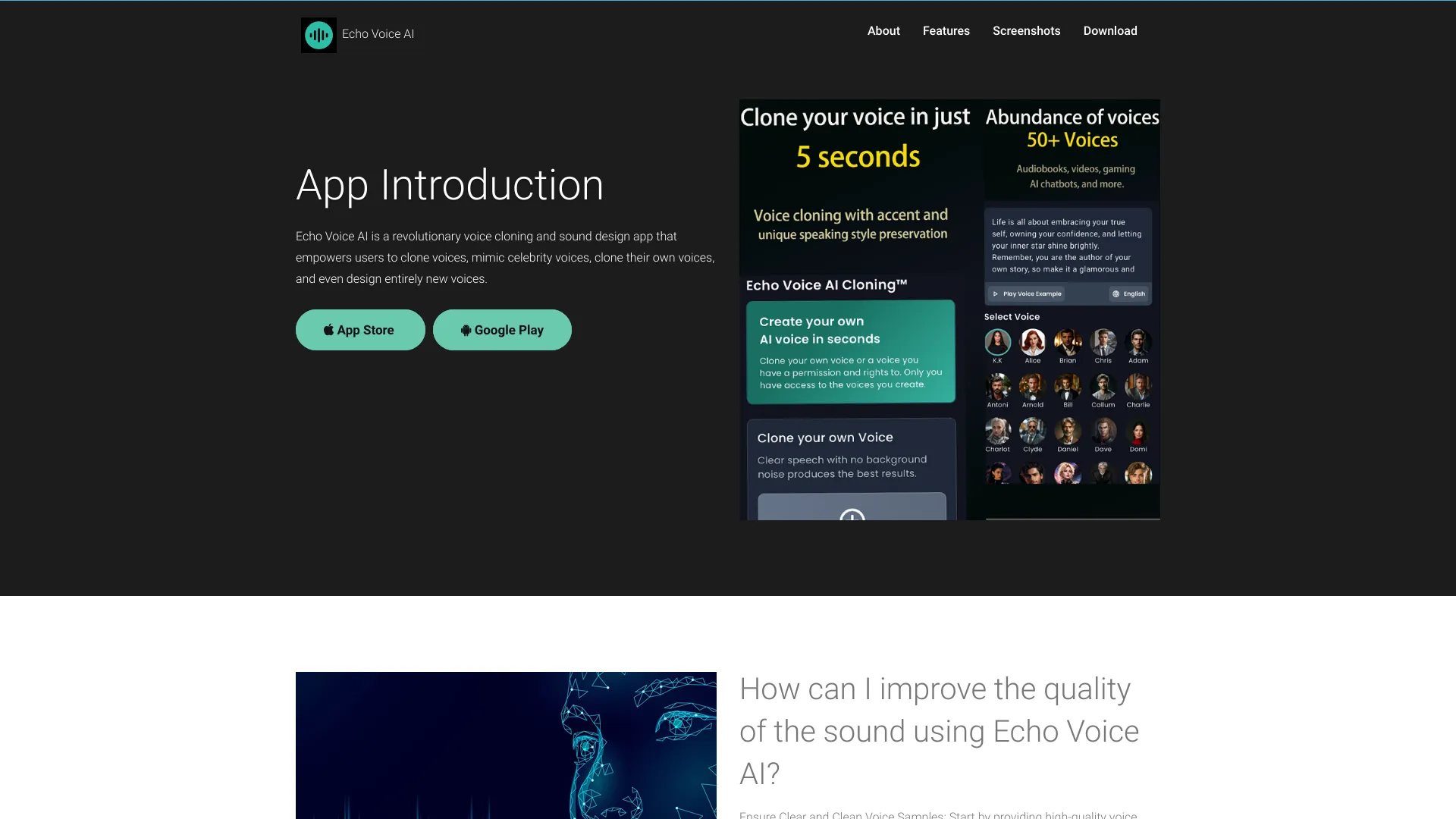
Echo Voice AI
Celebrity voice cloning

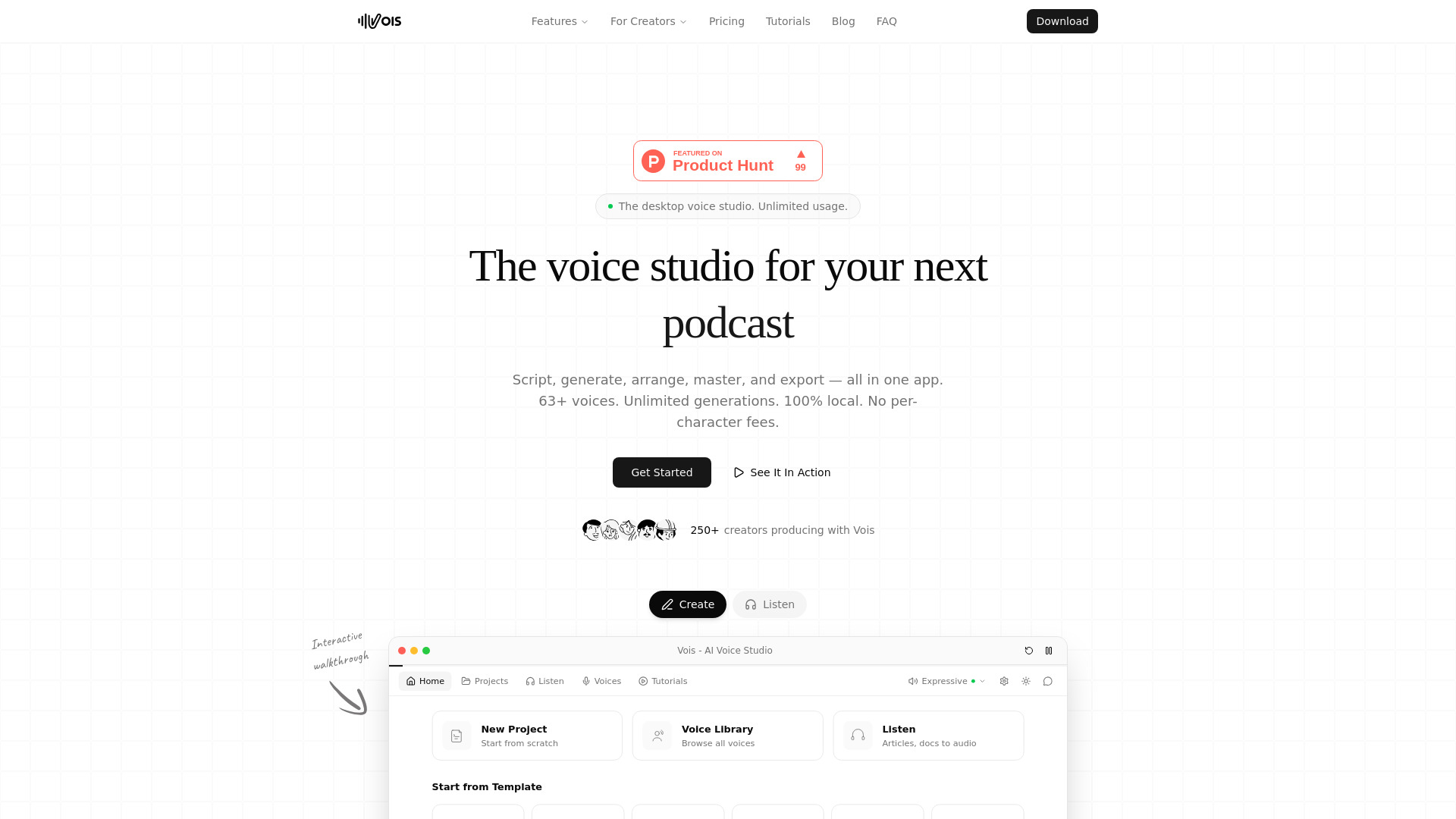
Vois
Offline voice production for podcasters and authors

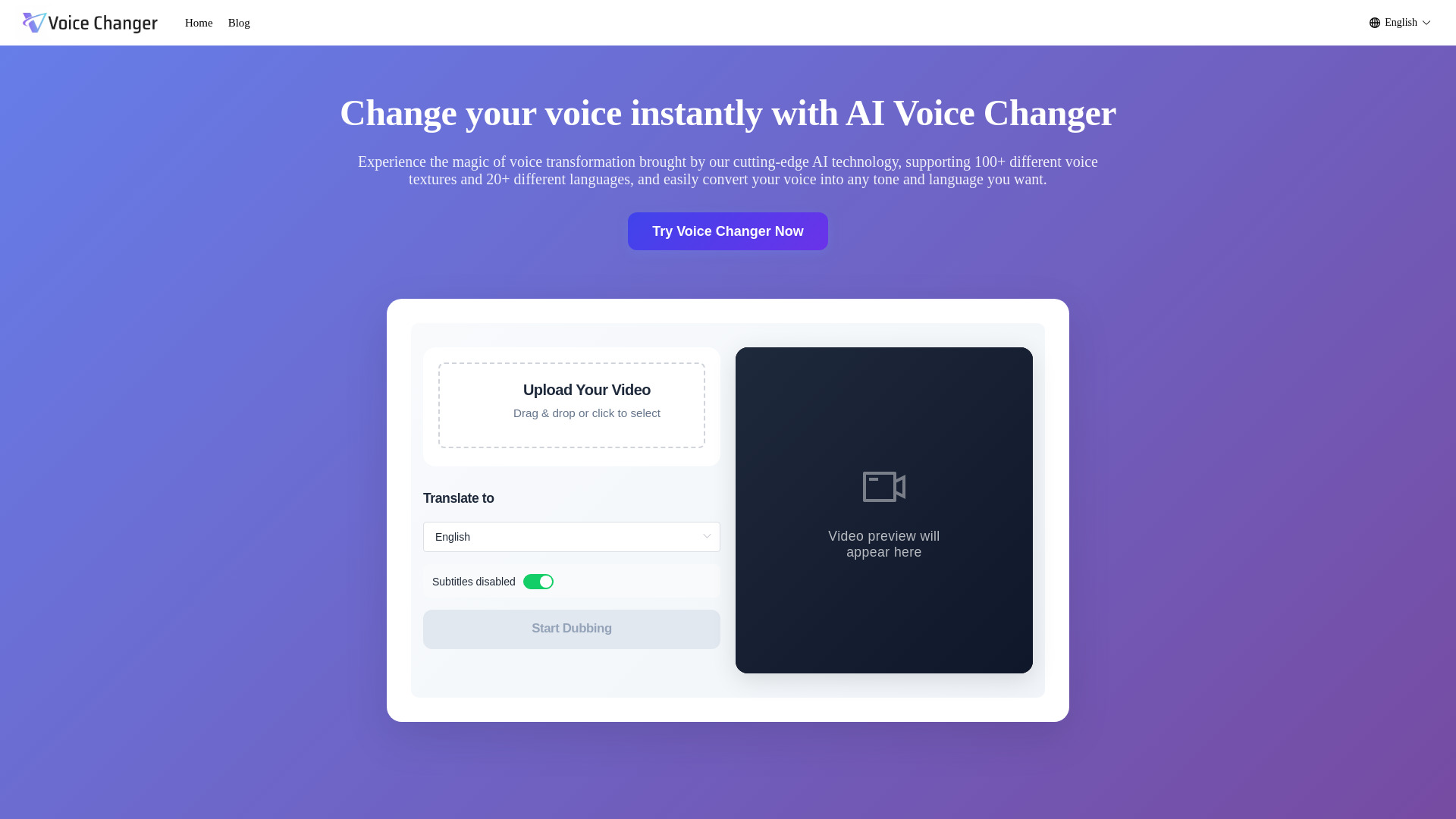
Voice Changer
Multilingual voice transformation

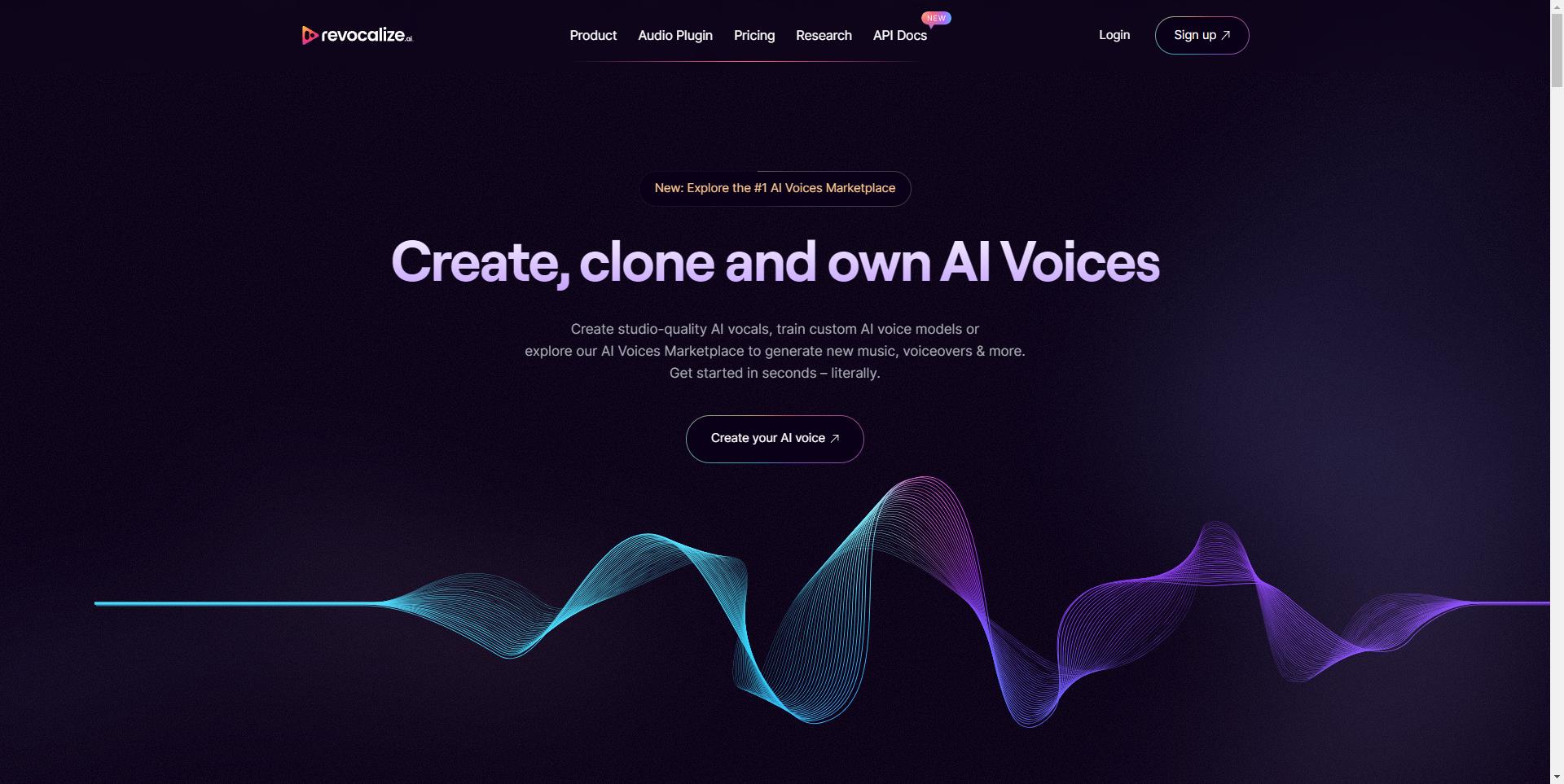
Revocalize AI
AI vocals and voice transformation

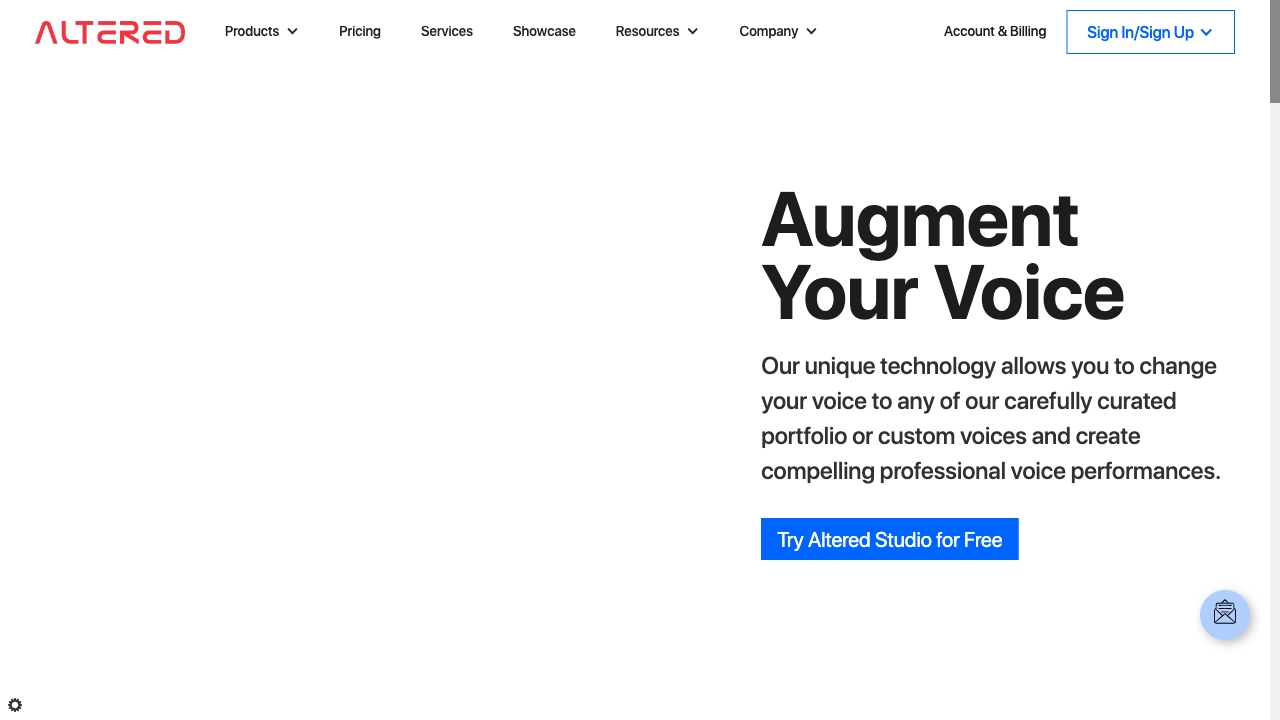
Altered Studio
Voice cloning for media production
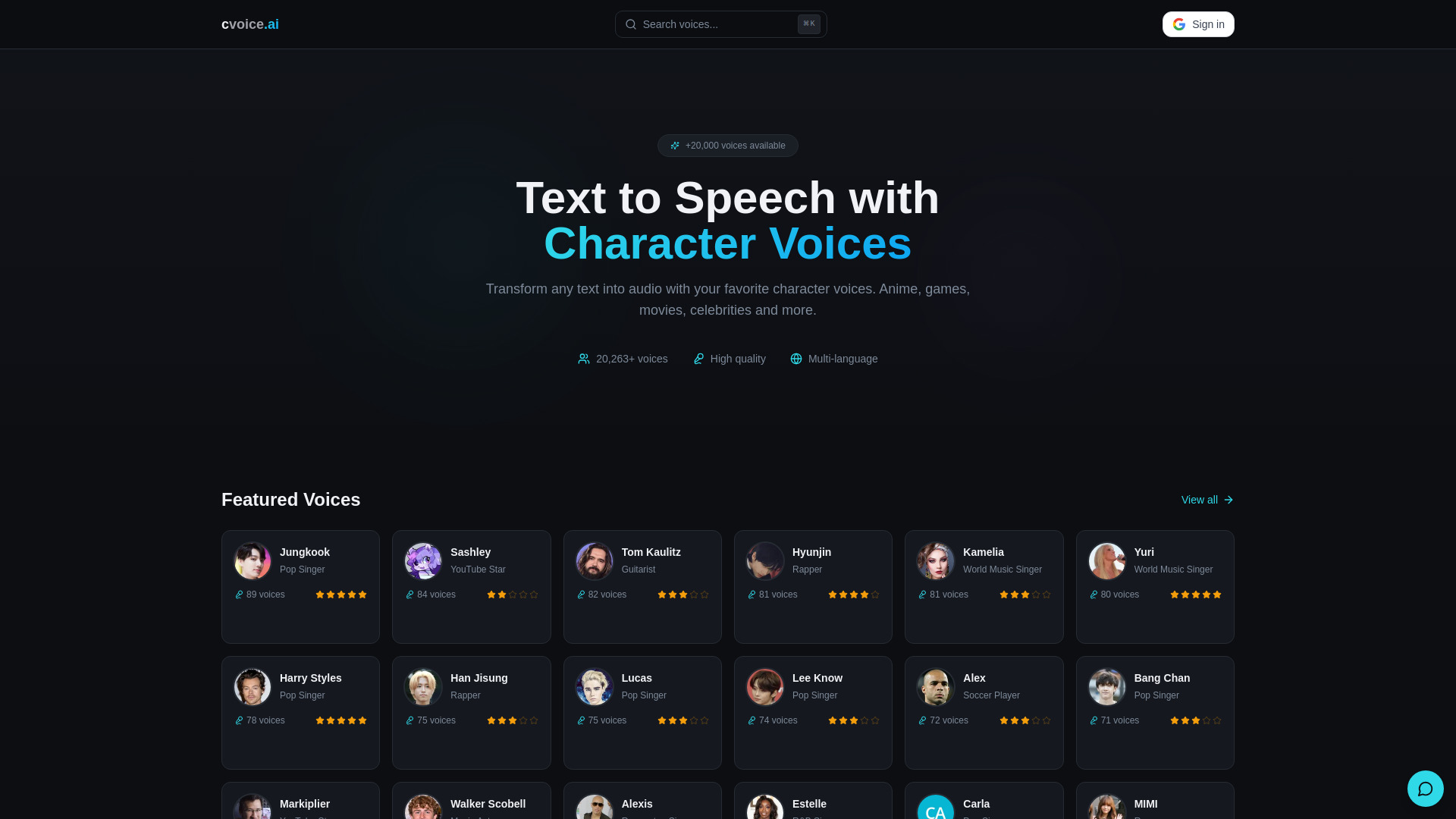
cvoice.ai
Character voice text-to-speech

The AI Voice Generator
Celebrity and multilingual voice cloning
StarVoiceAi
Celebrity voice prank clips

LOVO AI
Voice cloning and video voiceovers
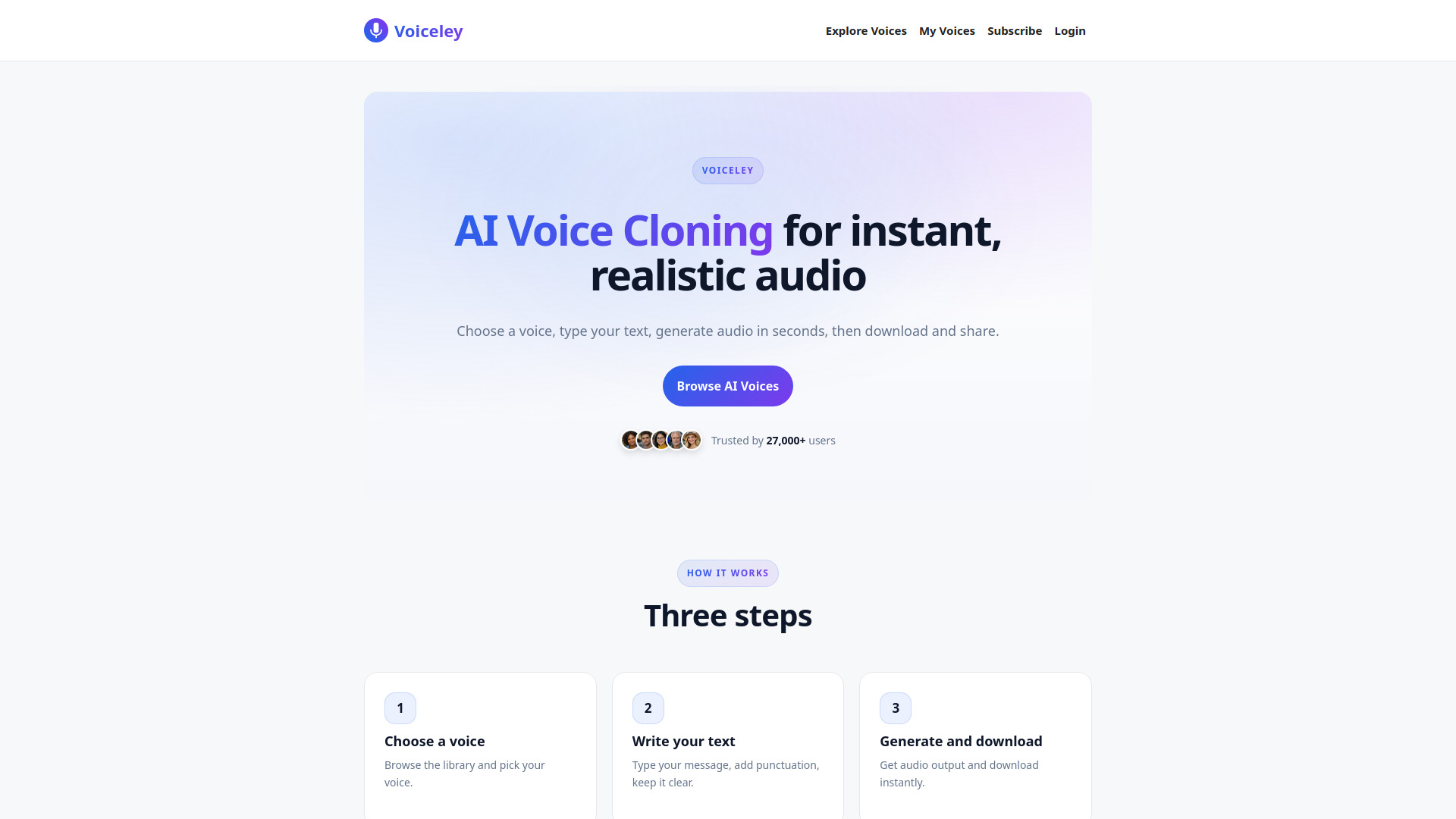
Voiceley
Fast AI voice cloning

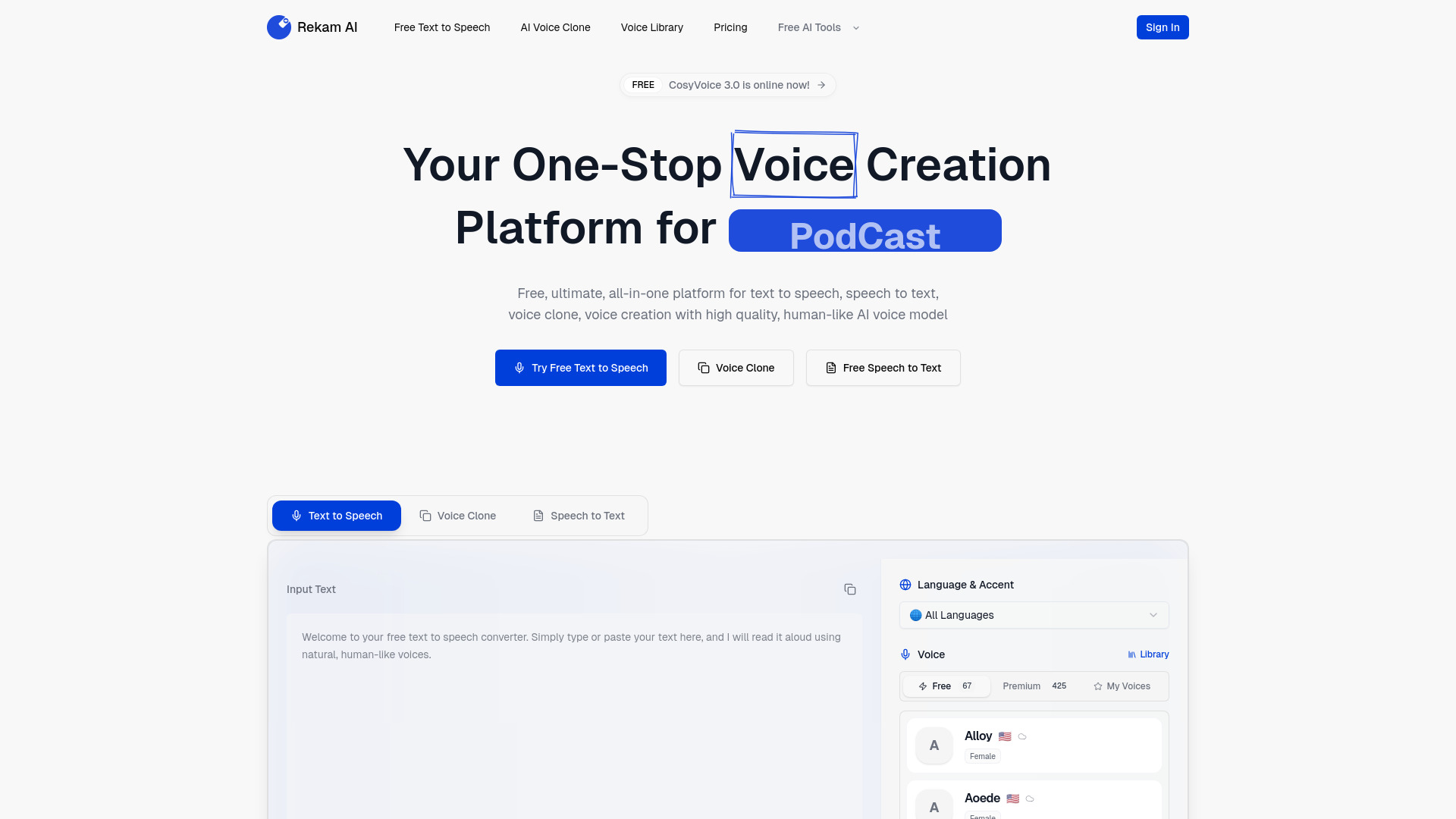
Rekam AI-Your One-Stop Voice Creation Platform
Voice cloning and multilingual audio creation

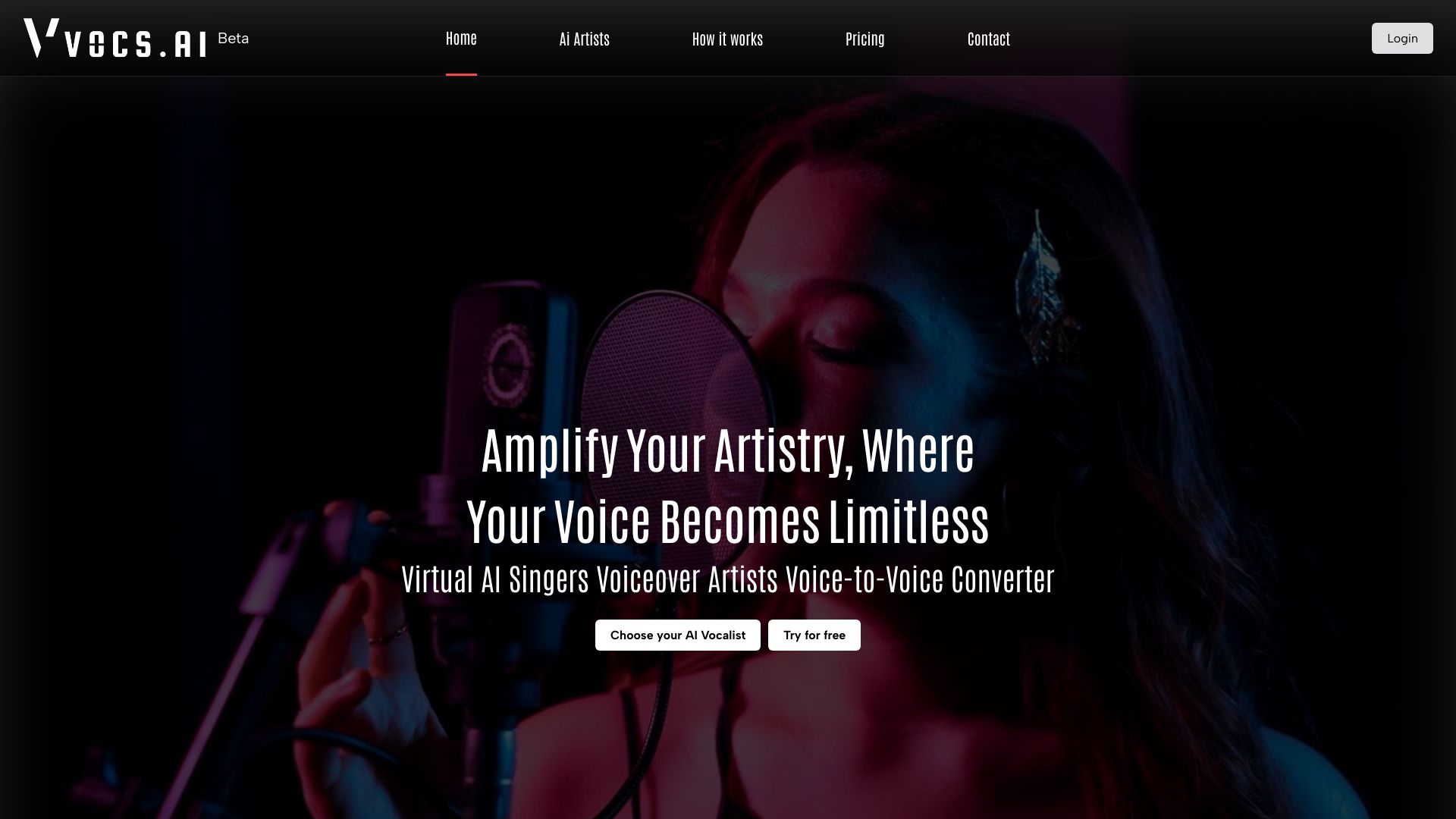
Vocs AI
Voice-to-voice conversion for singers and rappers

TalkingAvatar
Voice-cloned talking avatar videos
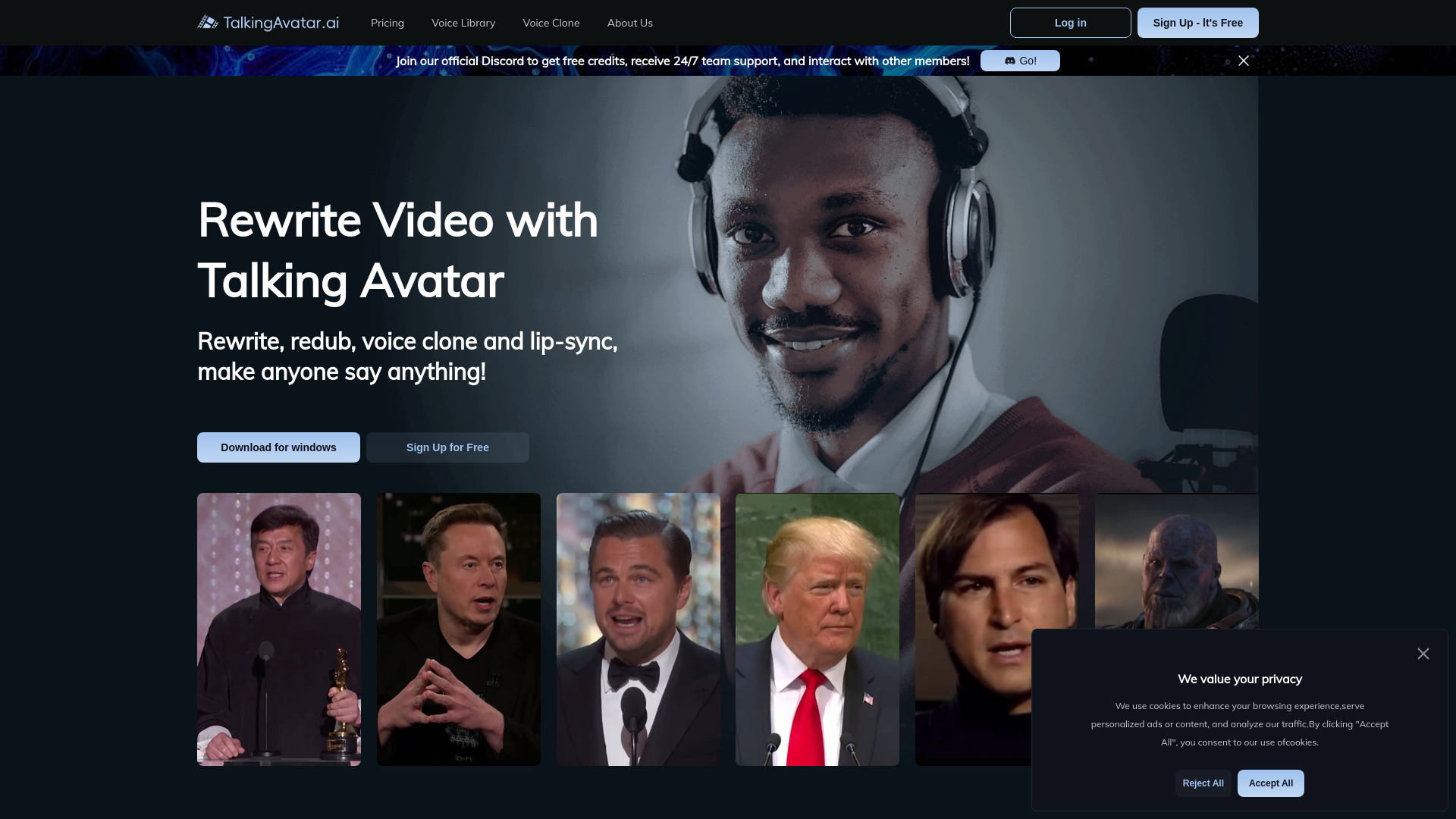

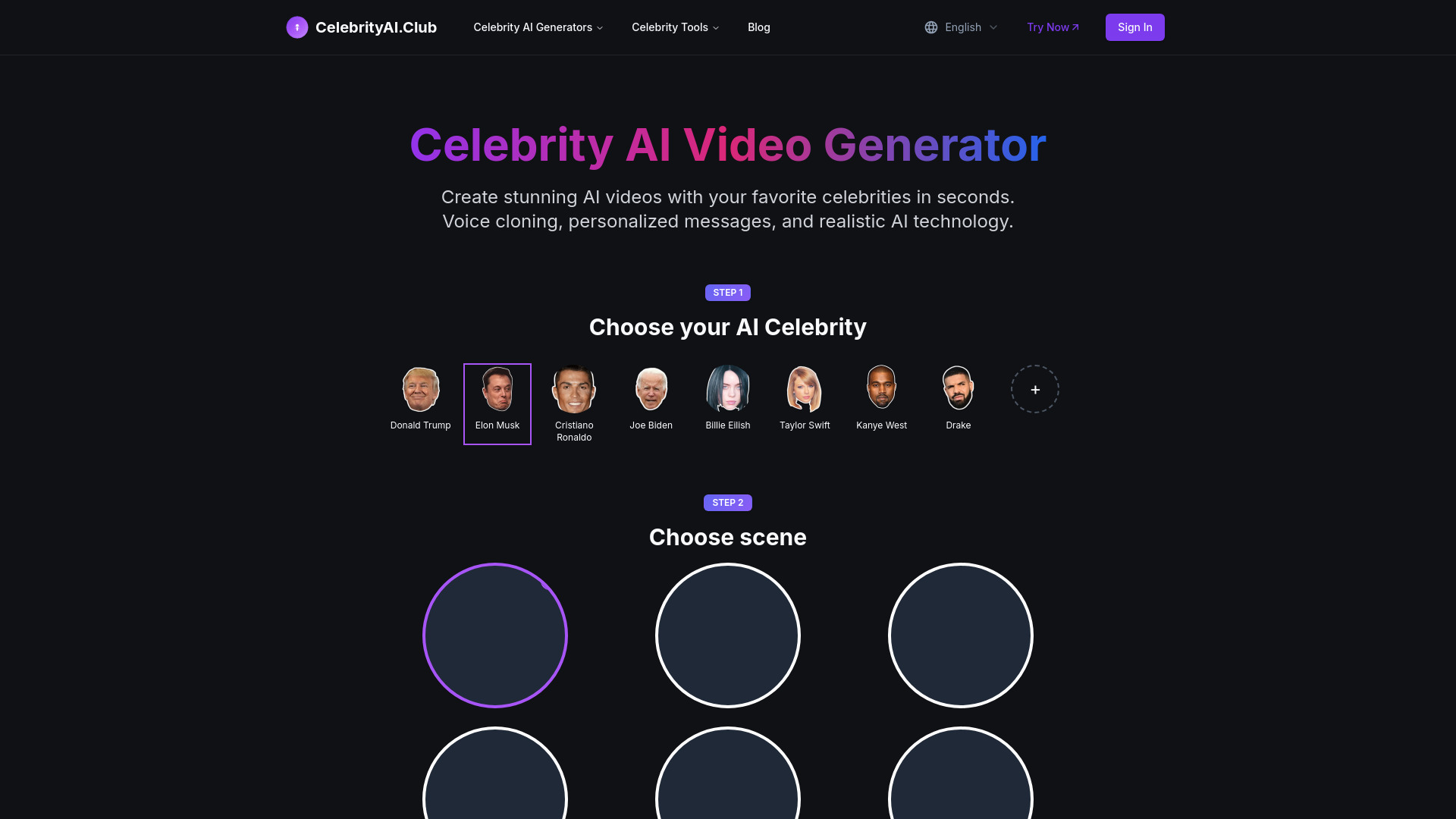
Celebrity AI
Personalized celebrity videos and voice cloning

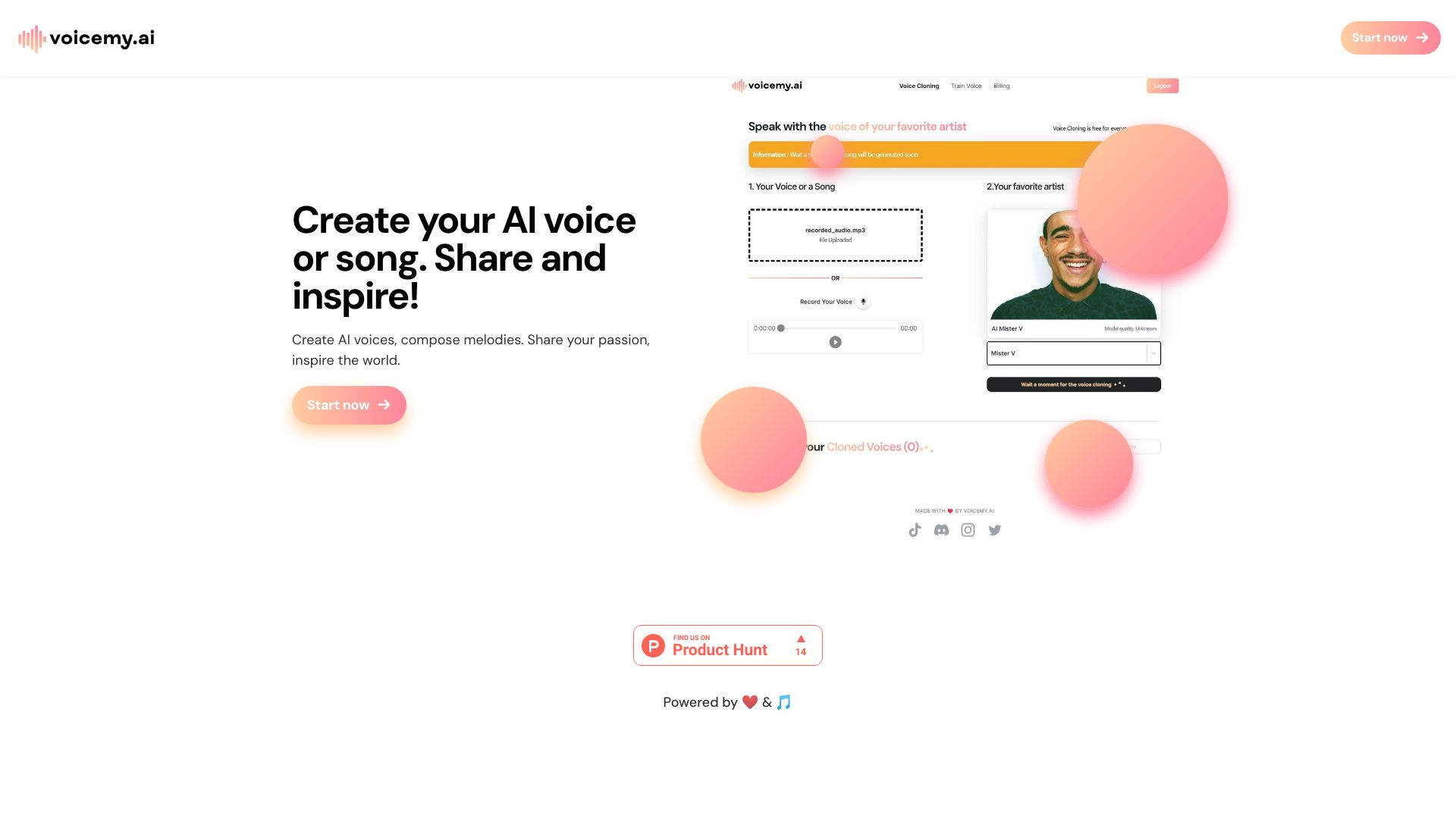
Voicemy.ai
Voice cloning and AI voice model training

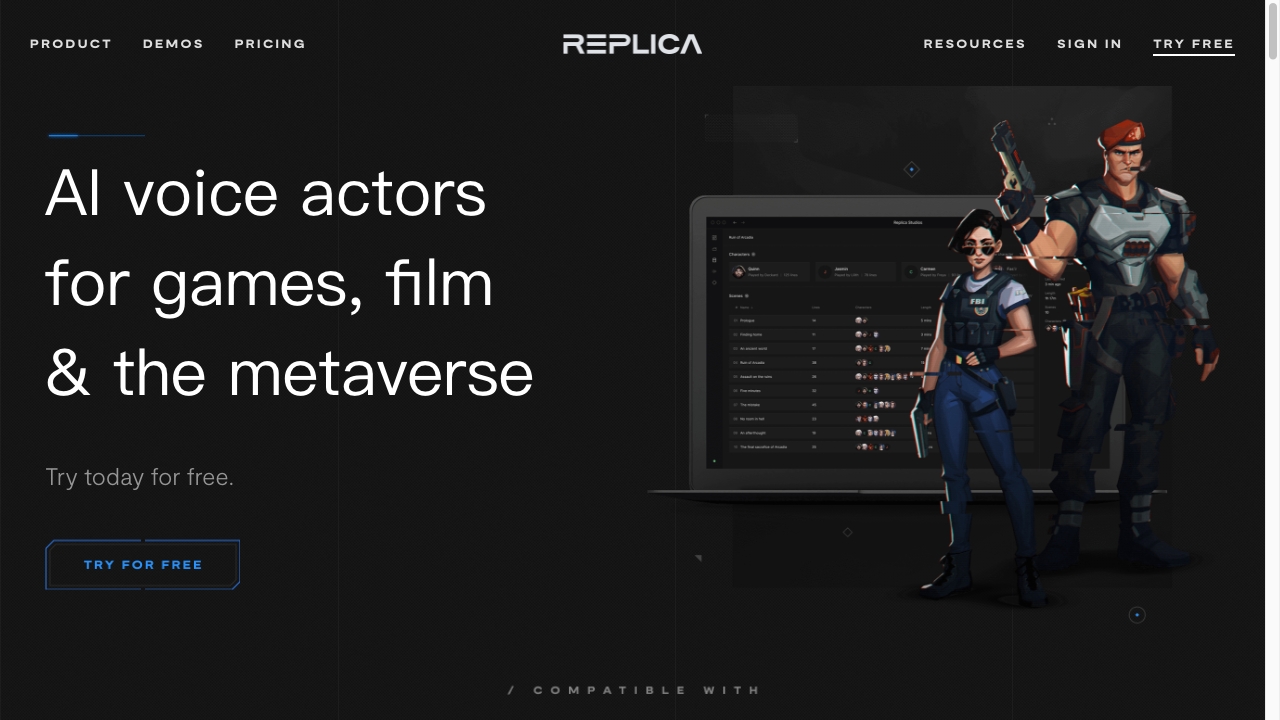
Replica Studios
Game and creative voice generation

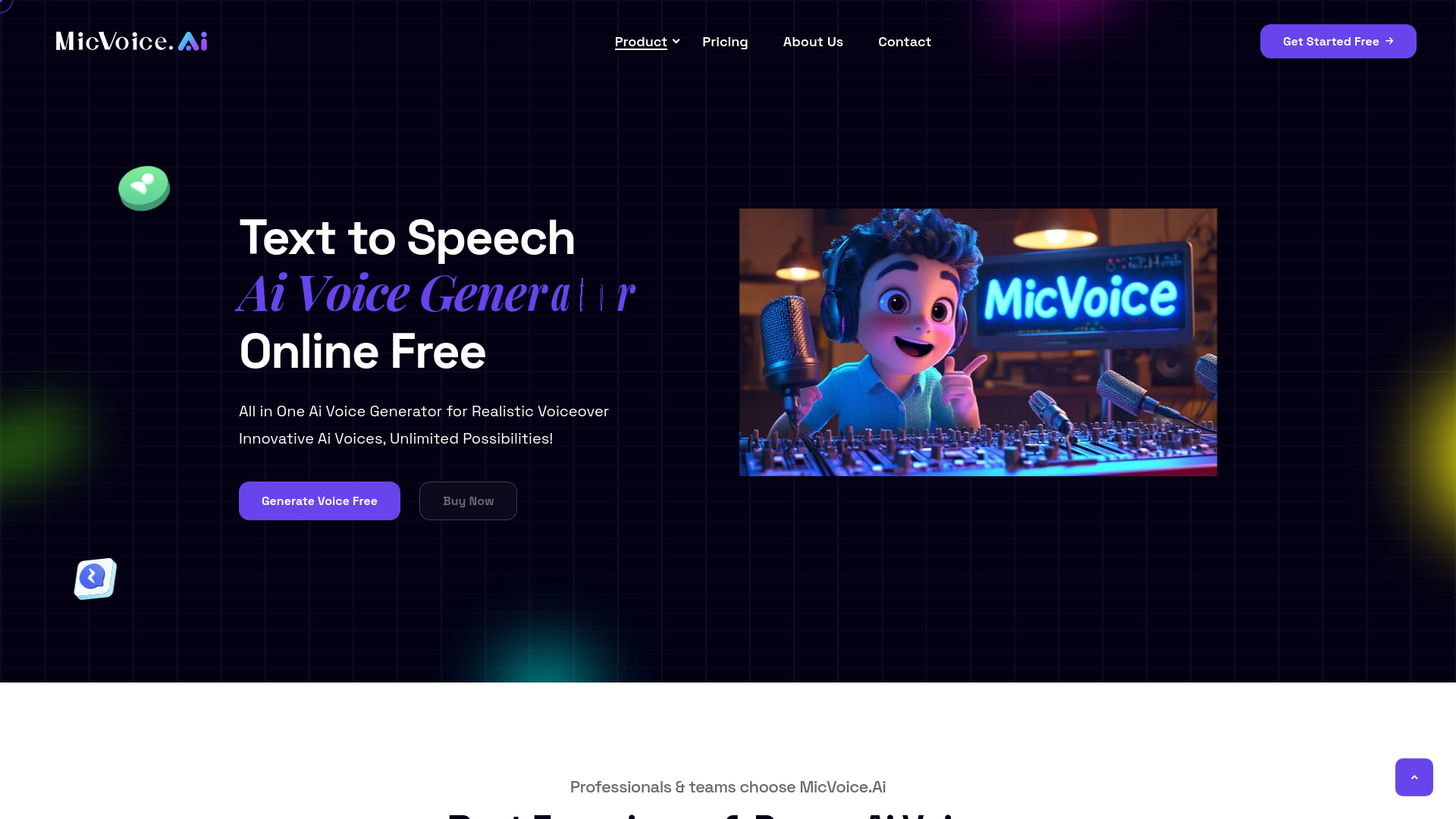
MicVoice.Ai
Creating customizable AI voiceovers

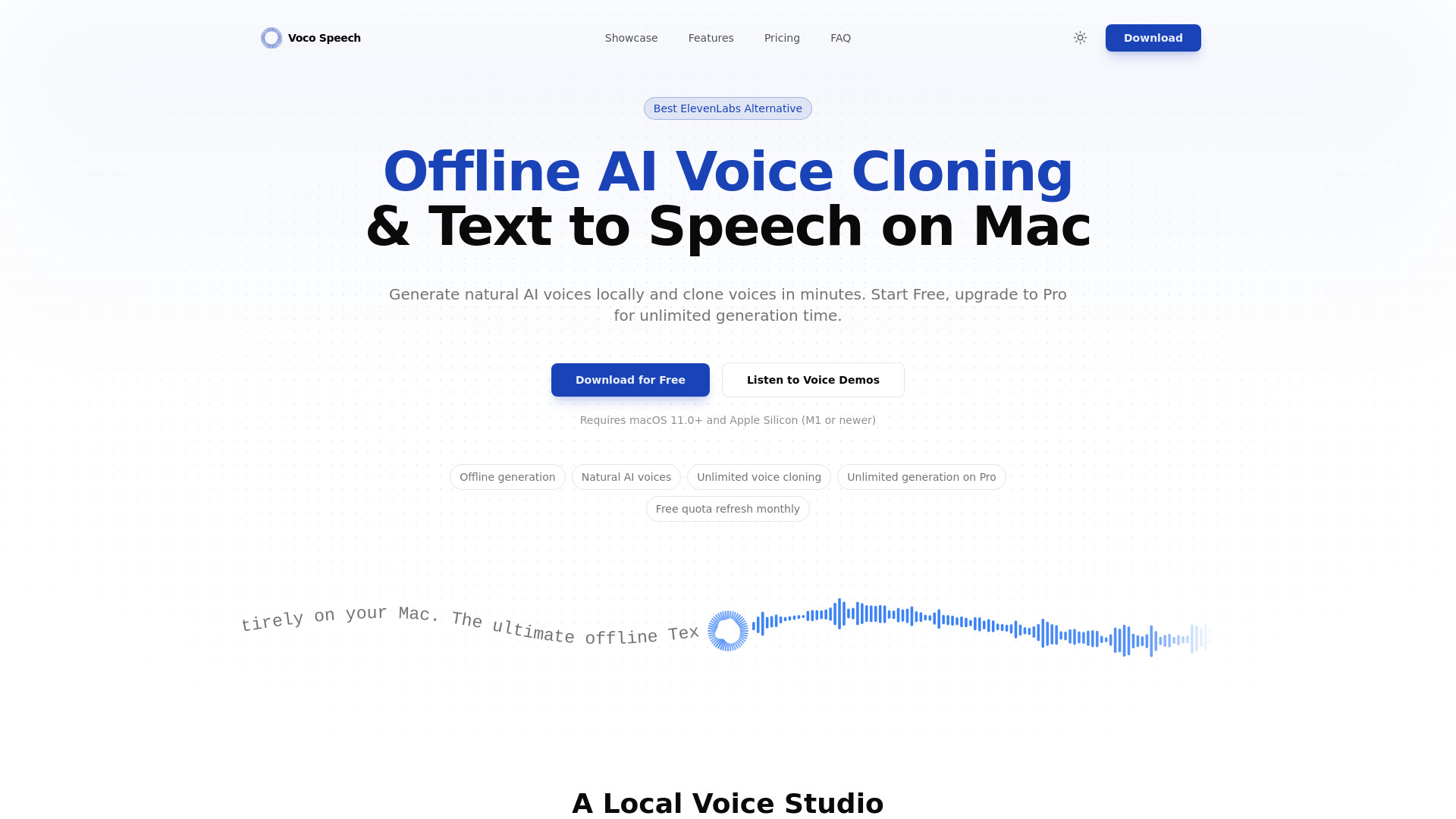
VocoSpeech
Offline voice cloning on Mac

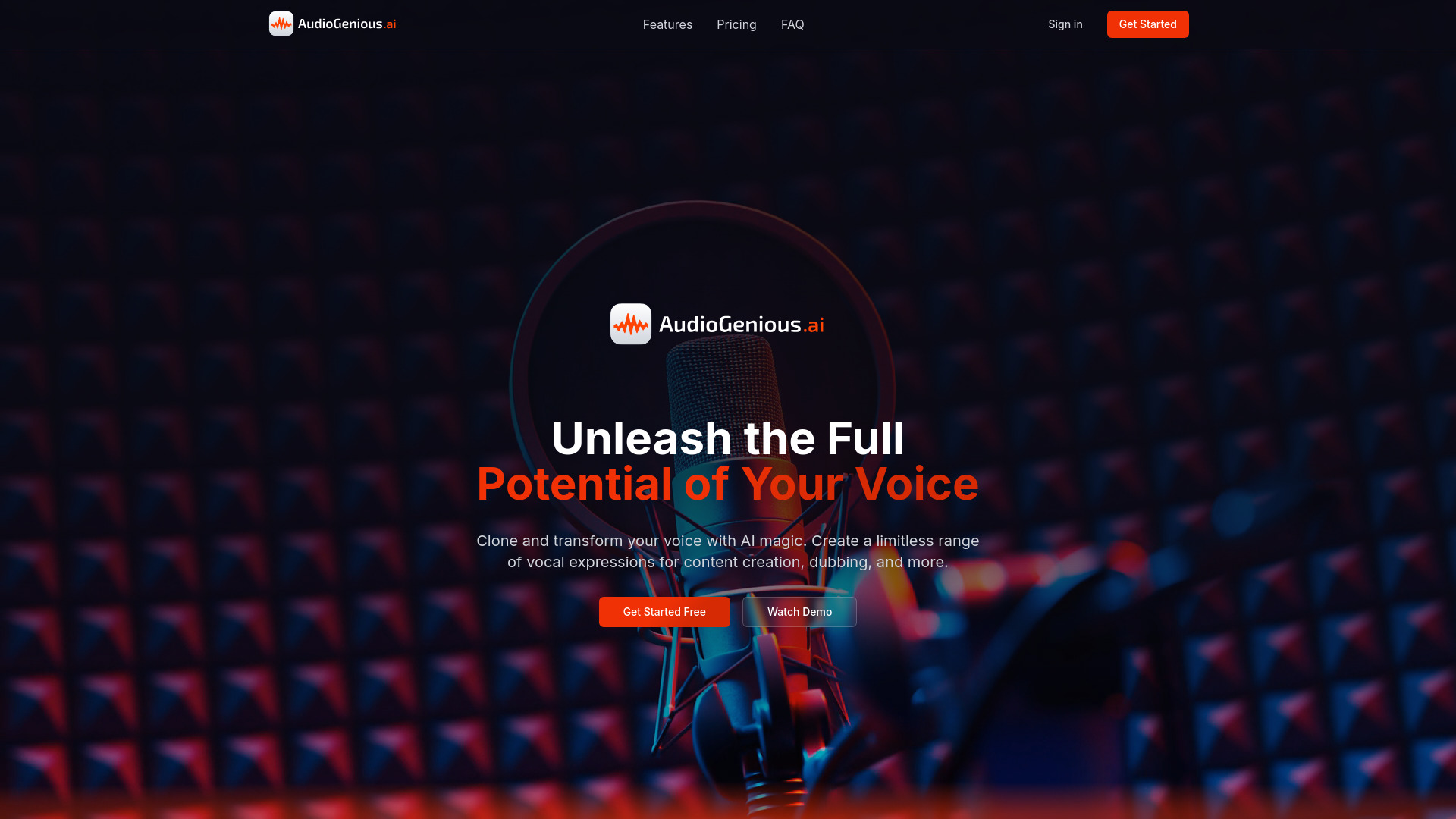
AudioGenius.ai
Voice cloning and speech translation

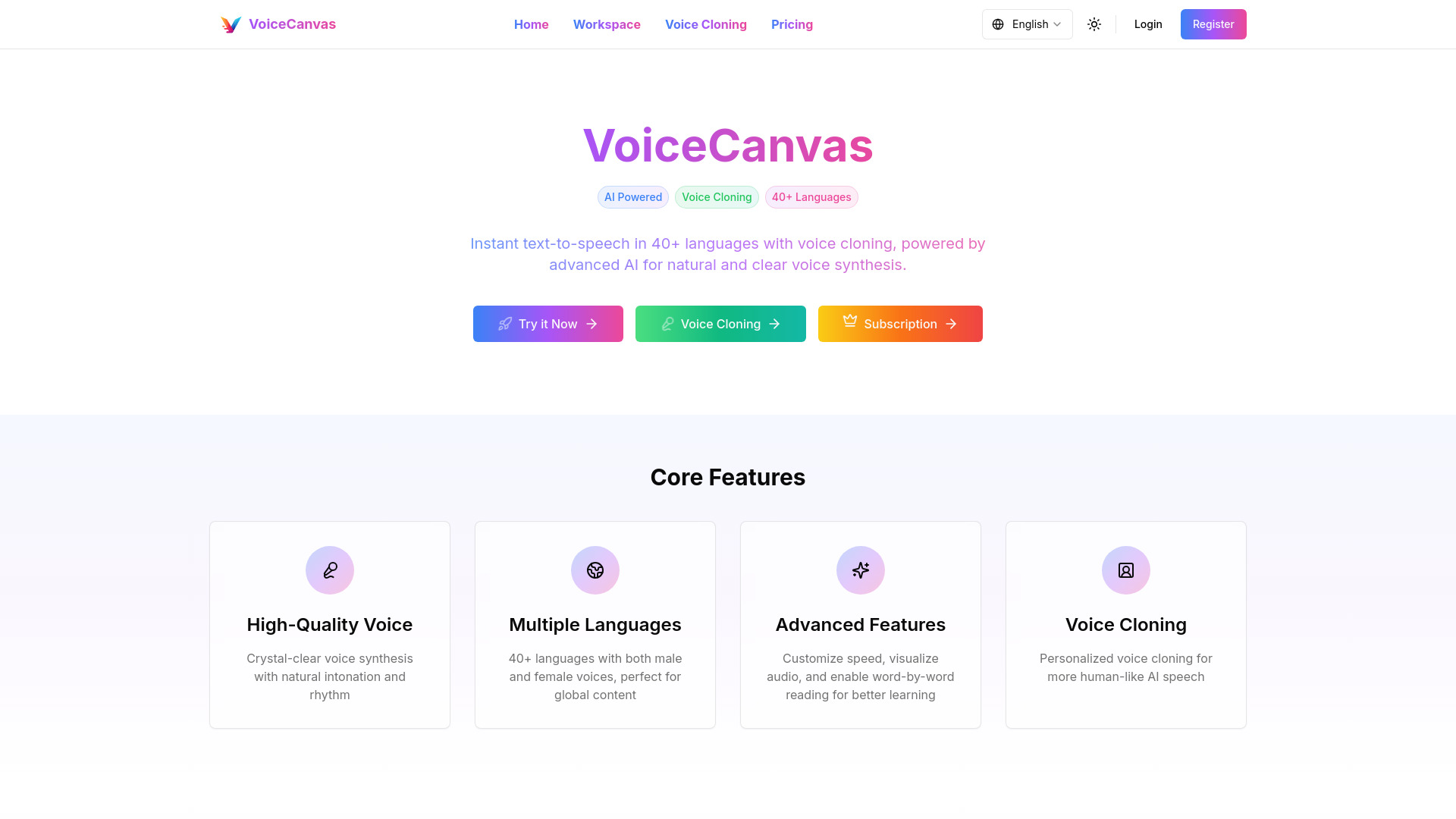
VoiceCanvas
Multilingual voice cloning

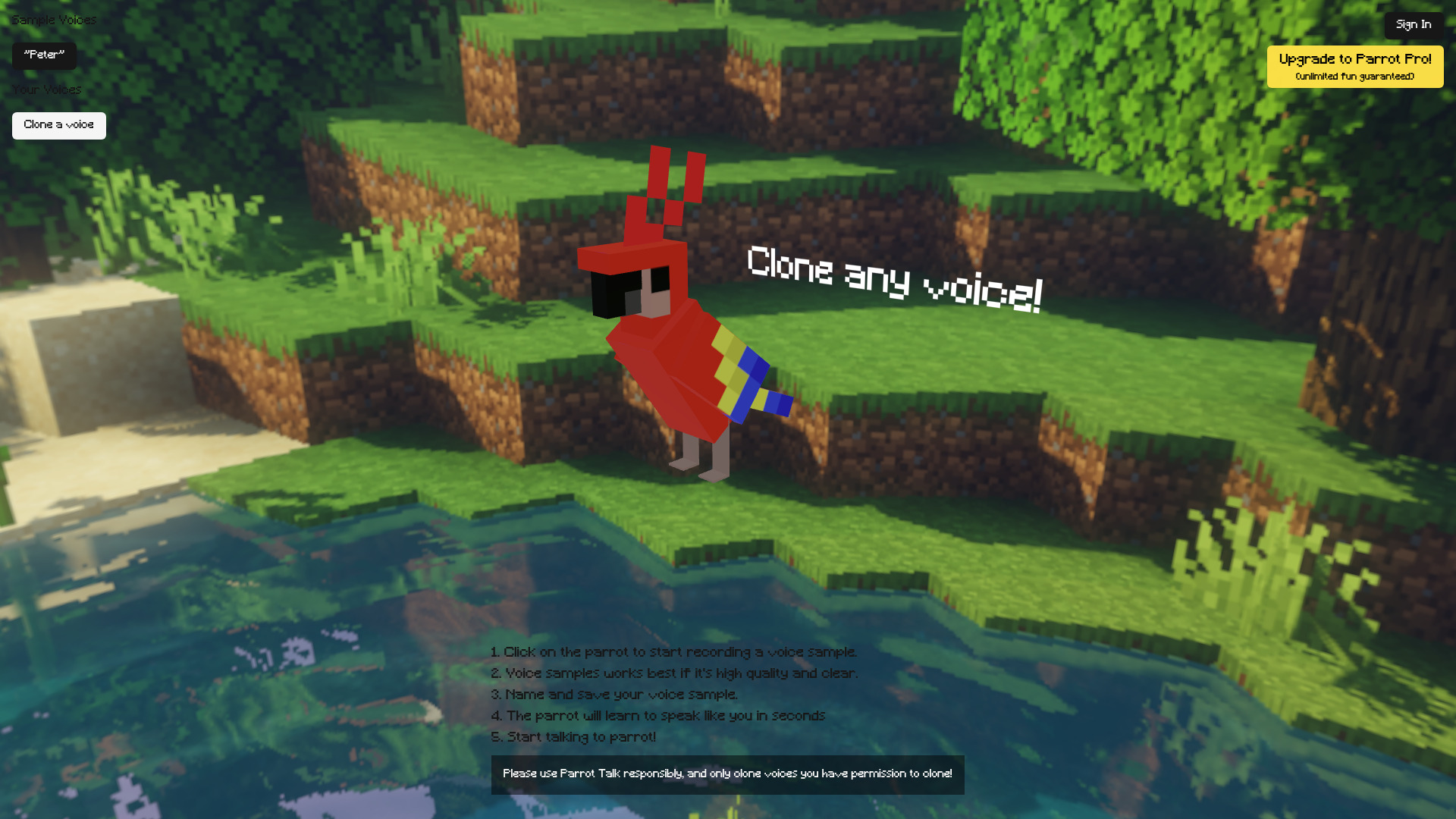
Parrot Talk
Single-sample voice cloning

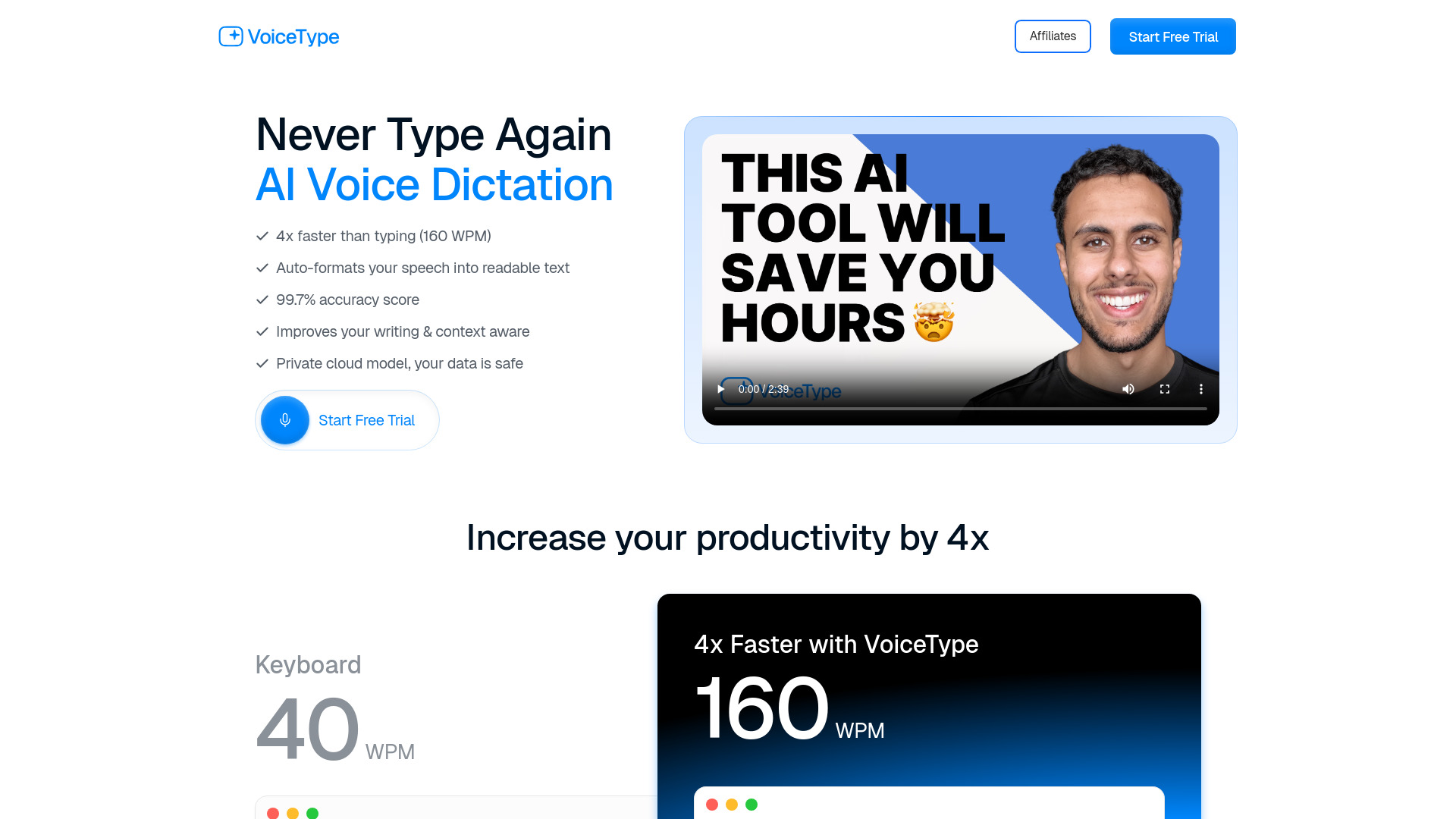
VoiceType AI
AI voice dictation across apps
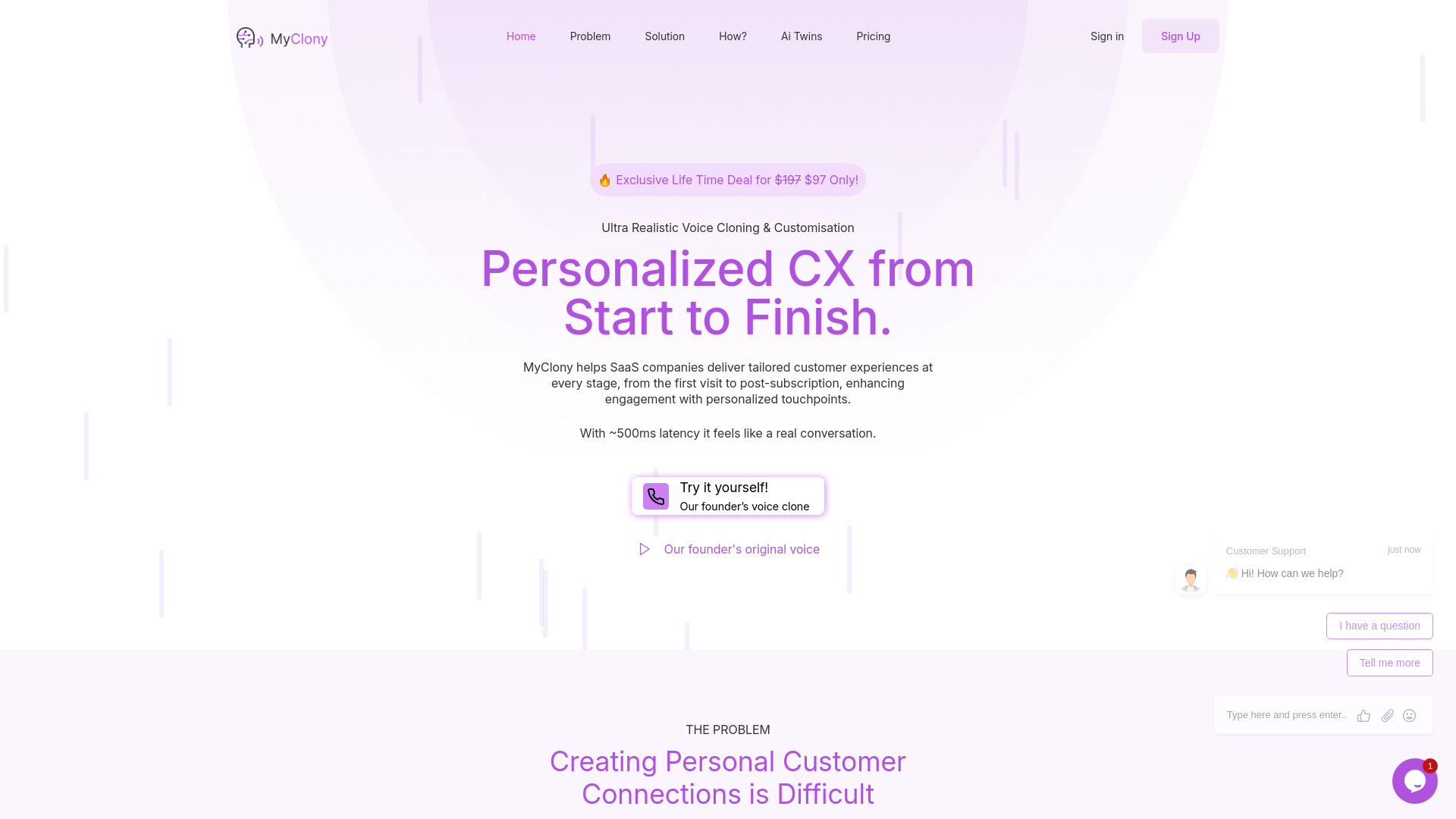
MyClony
Personalized voice support for SaaS customers

GPT Clone
Conversational voice cloning
VoiceReplace
Localizing video voiceovers

VoiceGen
Multilingual voice cloning
Voice Cloner
Voice memes and lip-sync jokes

Babylon Voice
Multilingual voice cloning

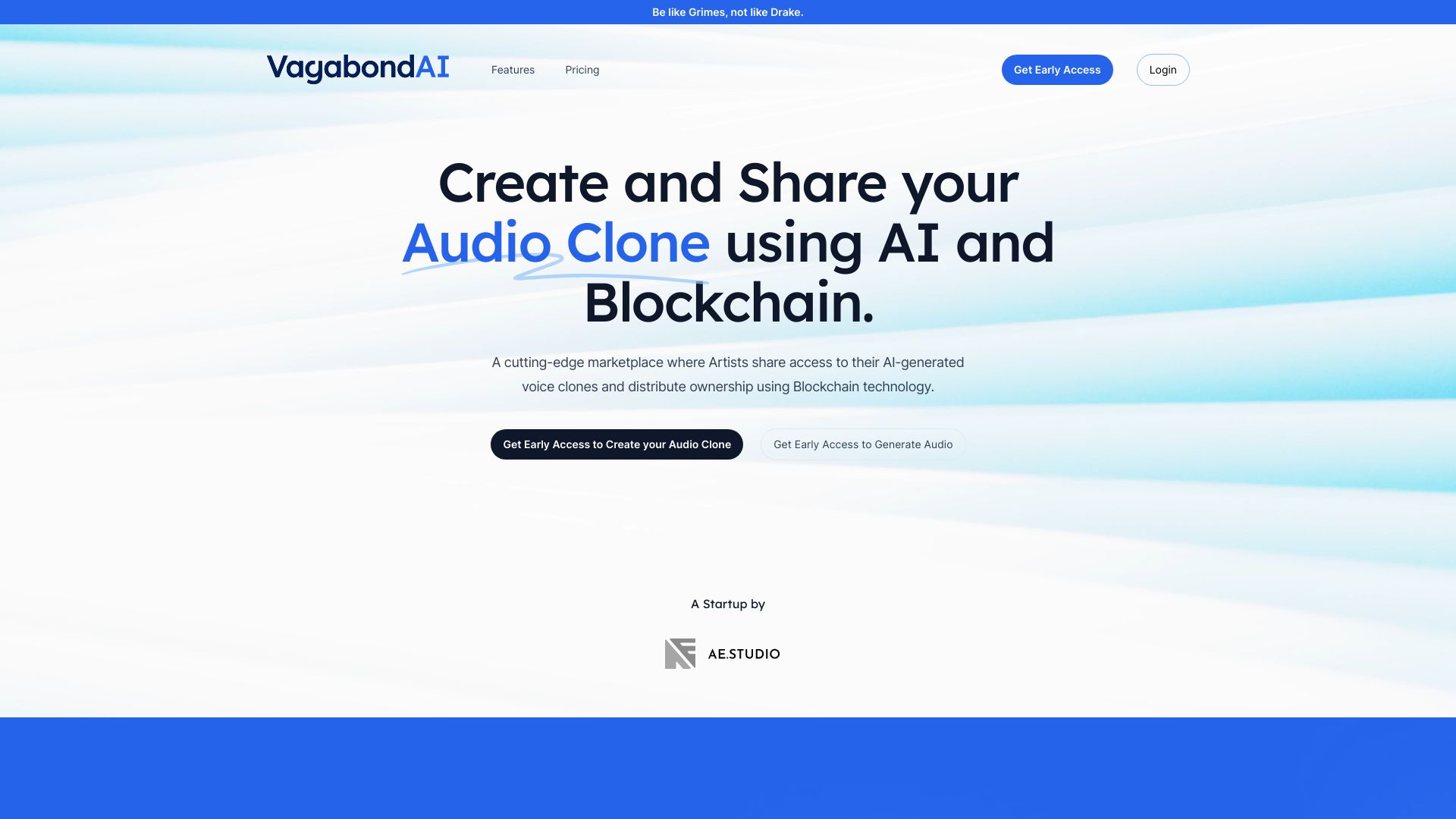
Vagabond AI
Artist voice clones with shared audio ownership

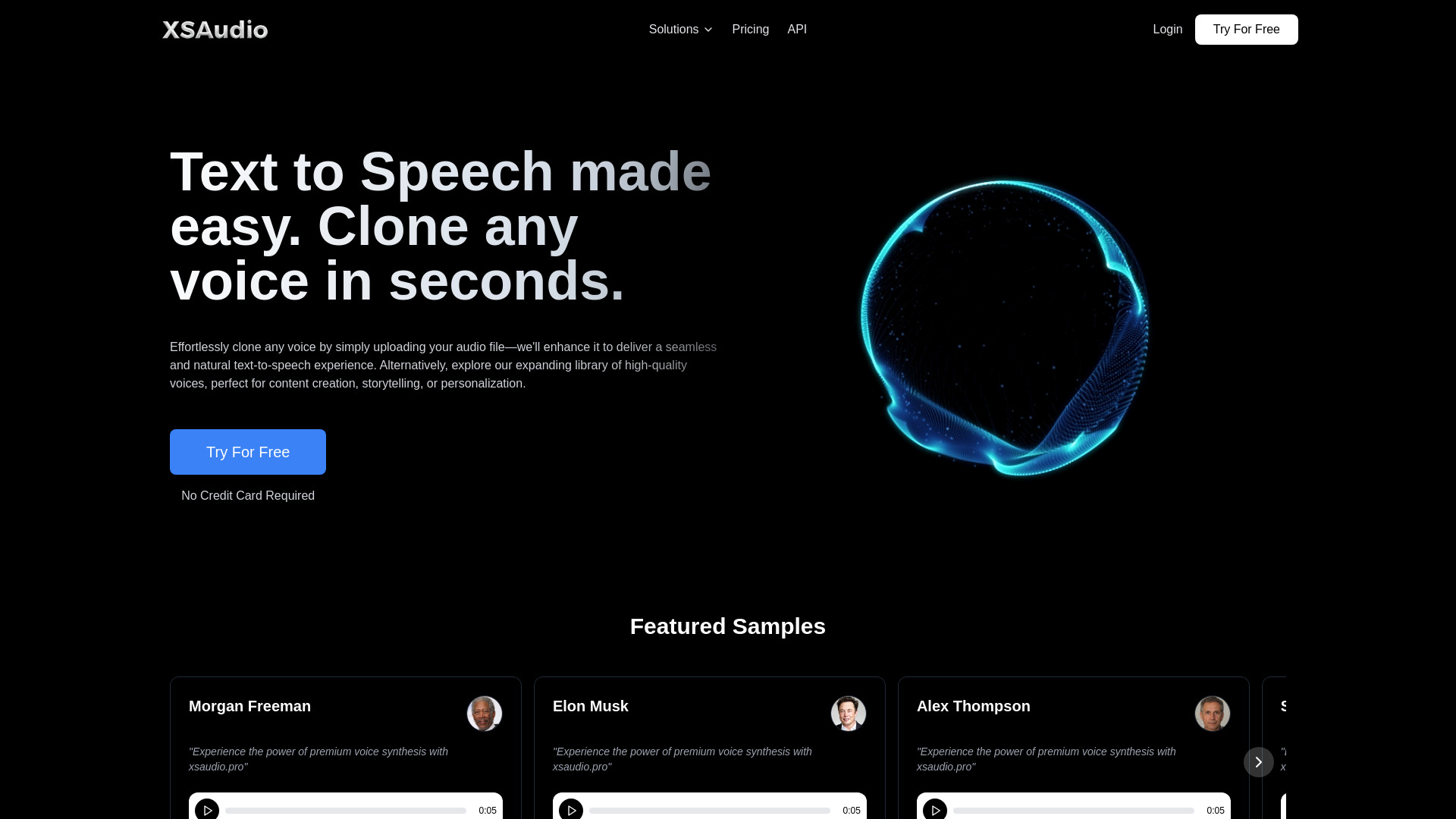
XSAudio
Voice cloning and text-to-speech creators

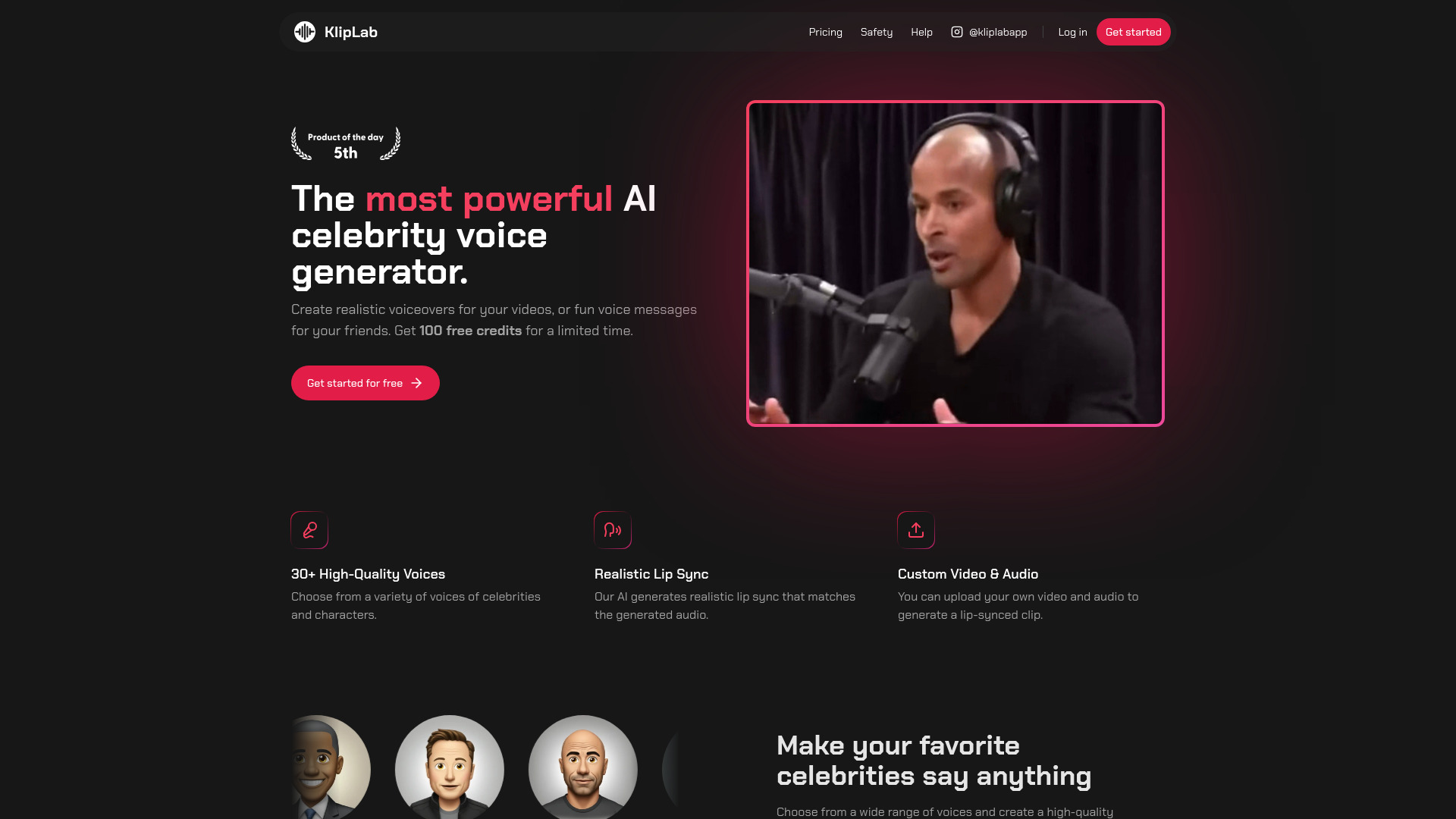
KlipLab
Celebrity voiceovers and lip-synced videos
Eadlyn
Voice and portrait cloning

Advanced Voice
Real-time voice interactions

Voiceling
YouTube video dubbing

ToneShift
Custom voice cloning and music remixing

Voicesend.ai
AI ringless voicemail outreach

VoiceVector
Flexible voice cloning for creators
Which voice cloning AI should you choose?
Start with the workflow, not a similarity claim. For a broad creator audio platform, ElevenLabs is the strongest first pick in this comparison. Choose Voice.ai if live voice changing is the point. Kits AI is the natural specialist for producers who also want singing generation and mastering, while kikivoice.ai makes sense for a fast, no-sign-up experiment.
For multilingual content, compare Voicv, Vbee AIVoice, and Voicemaker based on whether your priority is cloning, dubbing, or script-to-speech voiceovers. Noiz AI is appealing when emotional delivery matters. Cleanvoice AI and Deepgram AI Voice Generator are adjacent workflow choices: one cleans recorded audio, while the other focuses on generated speech. Neither should be mistaken for a direct clone-first recommendation without checking the current product details.
My practical recommendation
If you are unsure where to begin, test ElevenLabs first: its combination of voice cloning, text-to-speech, and speech-to-text makes it the most versatile starting point here. Then compare it with one specialist that matches your actual job. A streamer should try Voice.ai; a music producer should look at Kits AI; a podcast producer interested in expressive generated speech should test Noiz AI.
Use the free allowances to evaluate your own scripts and recordings, not just a polished sample. Compare the result, the amount of editing needed, the usage limits, and the paid plan you would actually buy. For any cloned voice, confirm that you have the right to use the source audio and that your intended use follows the vendor's terms.
Common mistakes when choosing voice cloning AI
Choosing by realism claims alone. Test output with your own material; advertised similarity does not guarantee the same result for every voice.
Confusing TTS with cloning. Several tools here focus on speech generation or cleanup. Confirm the exact workflow before subscribing.
Ignoring usage limits. Weekly credits, monthly credits, and conversion caps affect how much you can produce.
Treating a free tier as a production plan. Check paid feature boundaries and commercial-use terms.
Skipping consent and privacy checks. Review rights to source recordings and the vendor's terms before cloning or publishing a voice.
What changed in 2026
This comparison shows how voice work now sits alongside broader creator workflows: cloning appears with text-to-speech, dubbing, live voice changing, music tools, and audio cleanup. The practical difference is that the best fit may be a focused tool or a wider production platform, depending on whether you are creating a voice, changing one live, or polishing a recording. Free trials and credit allowances can make first tests easier, but plan limits and feature boundaries still deserve attention before you build a recurring workflow.
FAQ
ElevenLabs is the best all-around starting point in this comparison because it combines voice cloning with text-to-speech and speech-to-text. Your ideal choice may differ if you need live voice changing, music tools, or multilingual dubbing.