
The best ai writing tools are no longer interchangeable text boxes. Some are built for long-form storytelling, others for sourced articles, model comparison, private browser-based work, or fast fill-in-the-blank prompts. We compared 100 tools to find the 10 most useful starting points, then looked closely at what each one actually helps you do, where it creates friction, and who should pay for it.
Top picks
| Pick | Tool | Best for | Why it stands out |
|---|---|---|---|
| 1 | NovelAI | Writers and storytellers | Strong creative control plus AI-assisted storytelling and anime image generation |
| 2 | Type.ai | Professional writers | Combines an AI writing assistant with a document editor |
| 3 | Chat & Ask AI | Broad AI workflows | Adds search, image generation, and chat PDF tools in one platform |
| 4 | 1min.AI | Multimodal creators | Covers text, image, audio, and video work with a generous free credit allowance |
The shortlist is deliberately broader than a traditional copywriting list. A writing assistant is often only one part of a real workflow: research, source checking, image production, and editing matter too. That is why a privacy-first browser tool and multi-model research platform appear alongside dedicated writing products.
Quick comparison
| Rank | Tool | Best for | Free access | Starting price | Score |
|---|---|---|---|---|---|
| #1 | NovelAI | Writers | 50 free text generations | Paper: Free Trial | 96/100 |
| #2 | Type.ai | Writers | AI writing assistant and document editor | Check vendor pricing | 96/100 |
| #3 | Chat & Ask AI | Writers | Chatbot, image generator, and chat PDF | Free membership | 95/100 |
| #4 | 1min.AI | AI trailblazers | 450,000 free credits/month | Free | 95/100 |
| #5 | AIChatting.net | Entrepreneurs | AI chat and AI writer | $3.33/month | 95/100 |
| #6 | Ninja AI | Researchers | 6 tasks per day | Basic: Free | 95/100 |
| #7 | Use AI | Researchers | $1 trial | $29.99/month | 95/100 |
| #8 | AI Create | Content creators | Unlimited free usage | Check vendor pricing | 95/100 |
| #9 | AI-Writer.com | Students | 1-week free trial | $29/month | 94/100 |
| #10 | LowTech AI | Writers and nontechnical users | No sign-up required for core tools | Check vendor pricing | 94/100 |
How we ranked these AI writing tools
We weighted writing usefulness first: whether a tool can help produce, reshape, or develop text rather than merely answer a question. We then considered workflow breadth, clarity of the free entry point, audience fit, and the practical cost of moving beyond that entry point. Research and citation features received extra attention because fluent prose is not enough when accuracy matters. We also accounted for friction, including unclear pricing, premium-only features, hardware requirements, and the need to verify AI output. Finally, market signals such as monthly visits helped distinguish promising niche tools from products with wider adoption. The result is a buyer-oriented ranking, not a claim that one model is perfect for every writing job.
The best AI writing tools
1. NovelAI

NovelAI
Best overall AI writing tool for fiction writers
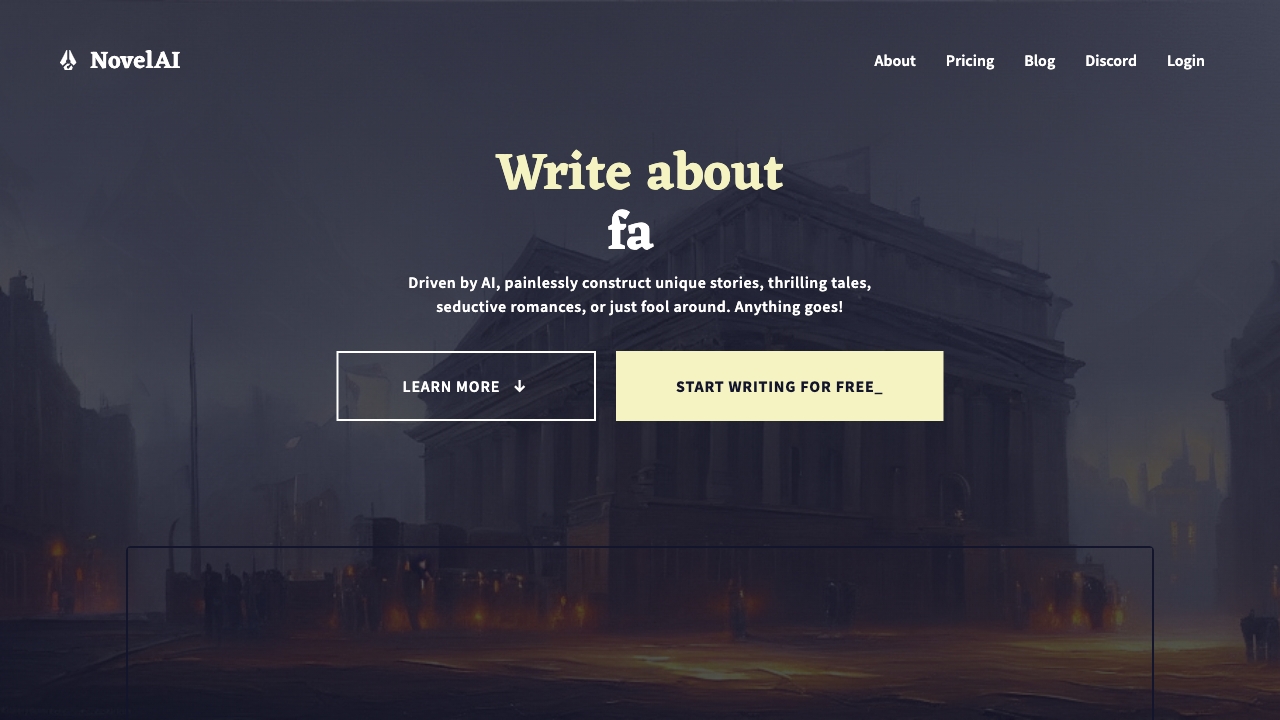
NovelAI earns the top spot because it treats writing as an ongoing creative process rather than a one-off prompt. Its core workflow centers on AI-assisted writing and storytelling, giving writers room to develop scenes and narrative ideas with a high degree of freedom and customization. That makes it a more natural fit for fiction than a generic business copy generator.
The image-generation capability is a useful extension for creators who want visual references or anime-style artwork alongside their text. With 4.2M monthly visits, it also has a substantial usage signal. The free entry point includes 50 text generations, which is enough to test the interaction before committing.
My take: I would start here for worldbuilding, character work, and exploratory fiction. The creative flexibility is the reason to choose it, not a promise of effortless finished prose.
Where it falls short: The subscription requirement can make casual experimentation expensive. Writers who only need occasional summaries or short business drafts may find the platform more specialized than necessary.
Key features
AI-assisted writing and storytelling.
Image generation through Anime Art AI and other models.
High freedom and customization for creative workflows.
50 free text generations for initial testing.
Pros
Strong match for writers who want creative control.
Combines storytelling with anime-oriented image generation.
Large 4.2M monthly-visit usage signal.
Cons
Requires a monthly subscription for ongoing use.
The creative focus may be excessive for simple workplace copy.
Choose NovelAI if: You write fiction or visual stories and want an adaptable creative partner rather than a rigid article template.
2. Type.ai

Type.ai
Best AI document editor for professional writers
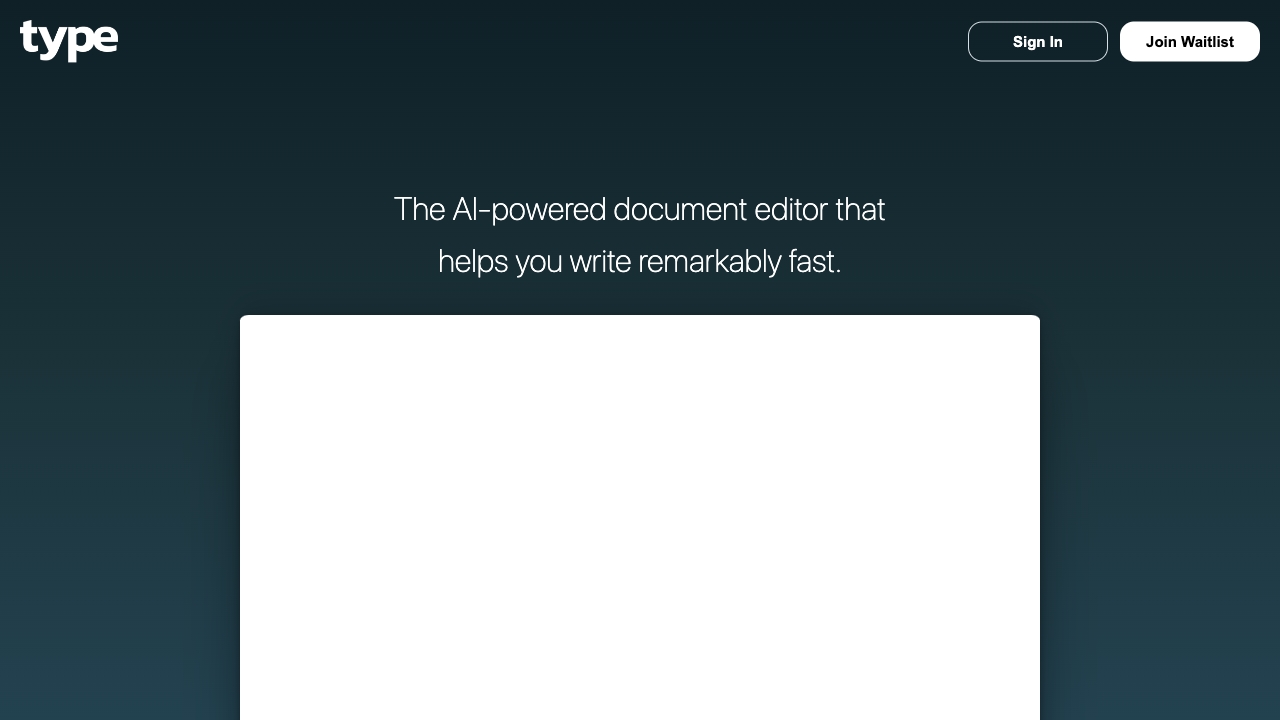
Type.ai focuses on the place where writing usually happens: the document. Its two defining capabilities are an AI Writing Assistant and an AI Document Editor, a combination that should appeal to professionals who want help revising and extending text without jumping between a chat window and a separate editor.
That document-first approach is its clearest advantage. It suggests a workflow built around drafting, editing, and improving a working piece of text rather than generating isolated paragraphs. The trade-off is pricing friction: the headline offer points to a $23/month starting price, while the main pricing picture requires further navigation. At 518K monthly visits, it has meaningful reach, but buyers should confirm the current plan and usage terms before paying.
My take: Type.ai is one of the strongest choices when the document itself is the center of the workflow. I like the premise, but I would not subscribe without checking exactly what the advertised plan includes.
Where it falls short: Pricing is not clearly defined on the main page, so comparison shopping takes extra effort. The available feature set is also narrower than an all-in-one AI platform.
Key features
AI Writing Assistant for drafting and refinement.
AI Document Editor for working directly with documents.
Professional writing workflow centered on editable text.
AI-powered assistance aimed at writing faster and better.
Pros
Focused experience instead of a sprawling tool collection.
Strong fit for professional document work.
Clear writing-specific value proposition.
Cons
Pricing requires additional navigation to verify.
Less suitable if you need image, audio, or video tools in the same app.
Choose Type.ai if: You spend most of your time drafting and revising documents and want AI help close to the text you are already editing.
3. Chat & Ask AI

Chat & Ask AI
Best broad AI writing workspace for curious writers
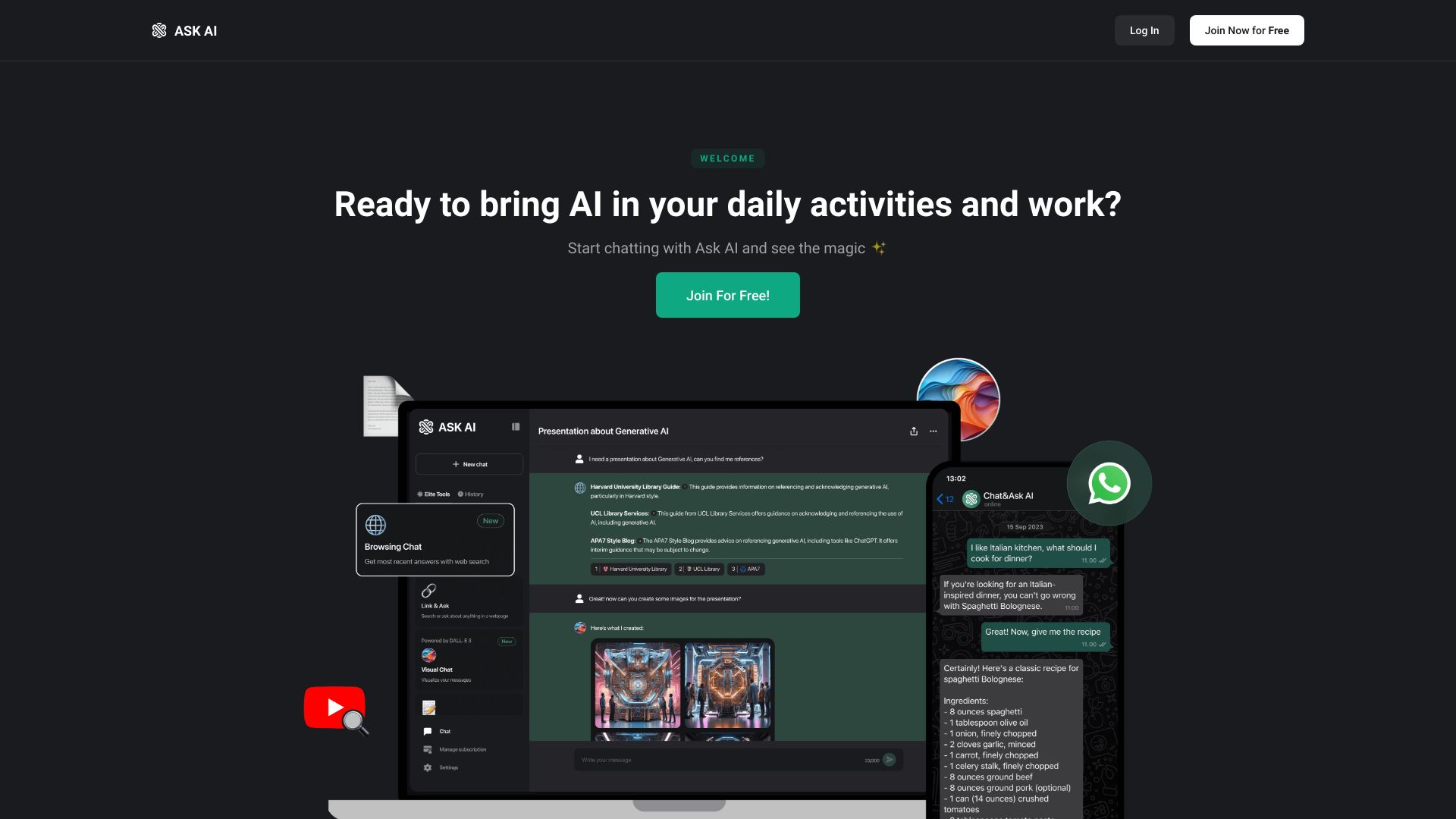
Chat & Ask AI takes a wide-angle approach. Instead of narrowing itself to prose generation, it brings together an AI search engine, AI image generator, and AI chat PDF functionality. The result is a useful option for writers whose work begins with questions, source material, or visual concepts before it becomes finished copy.
Its free membership makes the first experiment straightforward, although some features are limited to premium members. The 1M monthly-visit signal suggests this is not a tiny utility, and the platform's broader collection can reduce the need to maintain several separate AI accounts. Still, buyers should distinguish breadth from depth: a platform that does many things may not provide the same document-centric control as Type.ai or the storytelling specialization of NovelAI.
My take: This is the best starting point when writing is part of a larger research-and-content routine. It is particularly attractive for readers who want one place to ask questions, inspect PDFs, and create supporting images.
Where it falls short: Premium restrictions can appear once you move beyond basic use. Writers seeking a highly specialized editing environment may find the broad interface less focused.
Key features
AI Search Engine for research-oriented workflows.
AI Image Generator for visual content.
AI Chat PDF for working with document material.
AI chatbot with a broad collection of tools.
Pros
Wide range of AI-powered tools in one platform.
Free membership lowers the barrier to trying it.
Useful bridge between research and writing.
Cons
Some features are limited to premium members.
Breadth may come at the expense of a dedicated writing workspace.
Choose Chat & Ask AI if: You want writing assistance alongside search, PDF conversations, and image generation rather than a single-purpose editor.
4. 1min.AI

1min.AI
Best all-in-one AI writing tool for multimodal creators
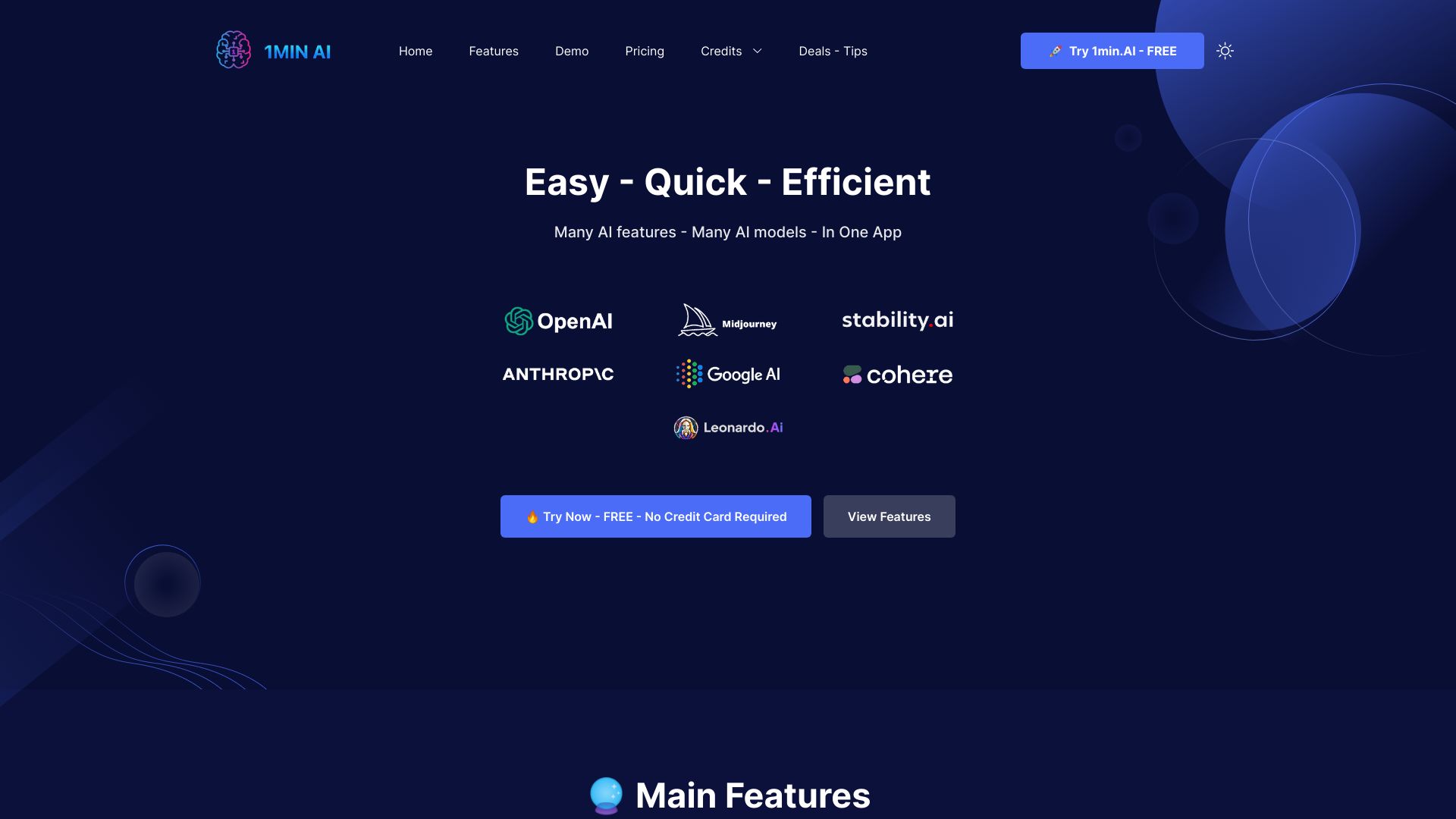
For creators who move between formats, 1min.AI is compelling because writing is only one part of its product. It supports text generation and editing alongside image generation, upscaling, and editing, while also covering audio and video tasks. That makes it a practical content hub for someone producing a complete campaign rather than a single article.
The free offer is unusually concrete: 450,000 credits per month. A paid tier is listed from $6.50/month for 1,000,000 credits, while the displayed starting price is free. The laptop experience is the safer choice, however; the mobile site is not as user-friendly. With 638,668 monthly visits, it offers a credible balance of reach, feature variety, and low-cost experimentation.
My take: I would pick 1min.AI for a creator who needs to turn a written idea into a mixed-media package. The credit system is appealing, but track consumption if you use several media types heavily.
Where it falls short: The mobile site creates avoidable friction, and the all-in-one layout may feel busy if you only need a focused writing assistant.
Key features
Text generation and editing.
Image generation, upscaling, and editing.
Audio and video AI tools.
450,000 free credits per month.
Pros
Diverse AI tools under one platform.
Strong free allowance for testing and light use.
Supports text alongside visual, audio, and video production.
Cons
Mobile site is less user-friendly than the laptop site.
Credit-based usage can be harder to compare than a simple word limit.
Choose 1min.AI if: You create content across text and other media and want one low-cost workspace to coordinate the whole process.
5. AIChatting.net

AIChatting.net
Best accessible AI writing tool for entrepreneurs
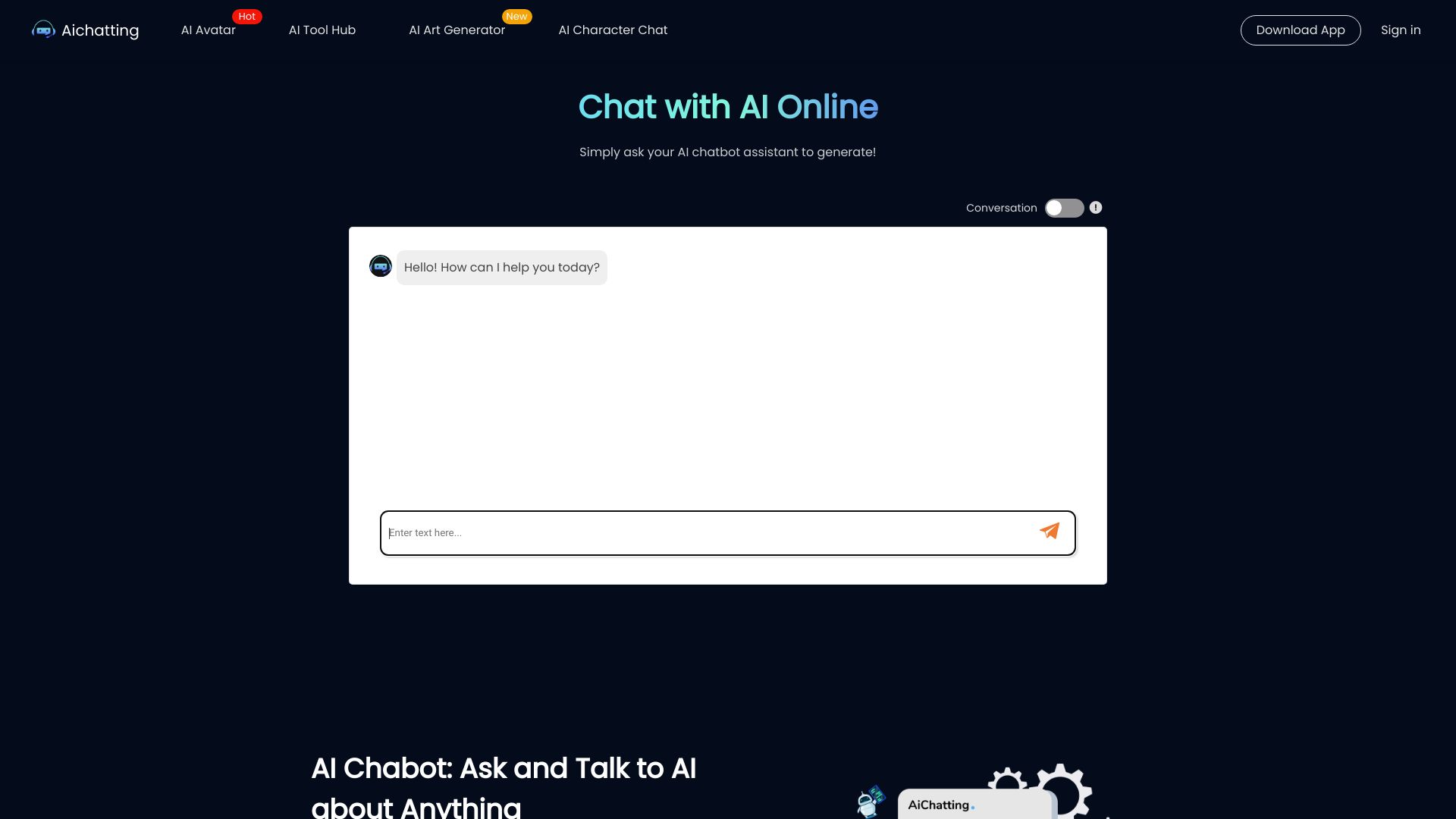
AIChatting.net keeps the entry point familiar: an AI chatbot paired with an AI writer. That simplicity works well for entrepreneurs who need help brainstorming, drafting, or reworking everyday business content without learning a complicated production suite. AI character chat is another notable part of the product, giving the platform a more conversational angle than a conventional document editor.
The service is free to use, with an offer from $3.33/month and a weekly plan listed at $3.99. That makes it easy to test before taking on a larger commitment. The catch is that free usage may be limited, so frequent users should treat the free tier as an evaluation path rather than assume it will cover an entire content operation.
My take: This is a sensible first stop for solo operators who want fast, inexpensive writing help. It is less convincing as a rigorous research environment or a specialized long-form editor.
Where it falls short: Free usage may have limits, and the product's broad chat orientation means you will still need to review and shape important business copy yourself.
Key features
AI Chat for general questions and drafting.
AI Writer for writing-focused tasks.
AI Character Chat for conversational use cases.
Low-cost paid entry options.
Pros
Free to use for initial exploration.
Simple combination of chatbot and writing tools.
Good fit for entrepreneurs with varied short-form needs.
Cons
Free usage may be limited.
Not positioned as a dedicated citation or document-editing system.
Choose AIChatting.net if: You run a small business and want inexpensive, approachable help with everyday writing and ideation.
6. Ninja AI

Ninja AI
Best AI writing and research workspace for researchers
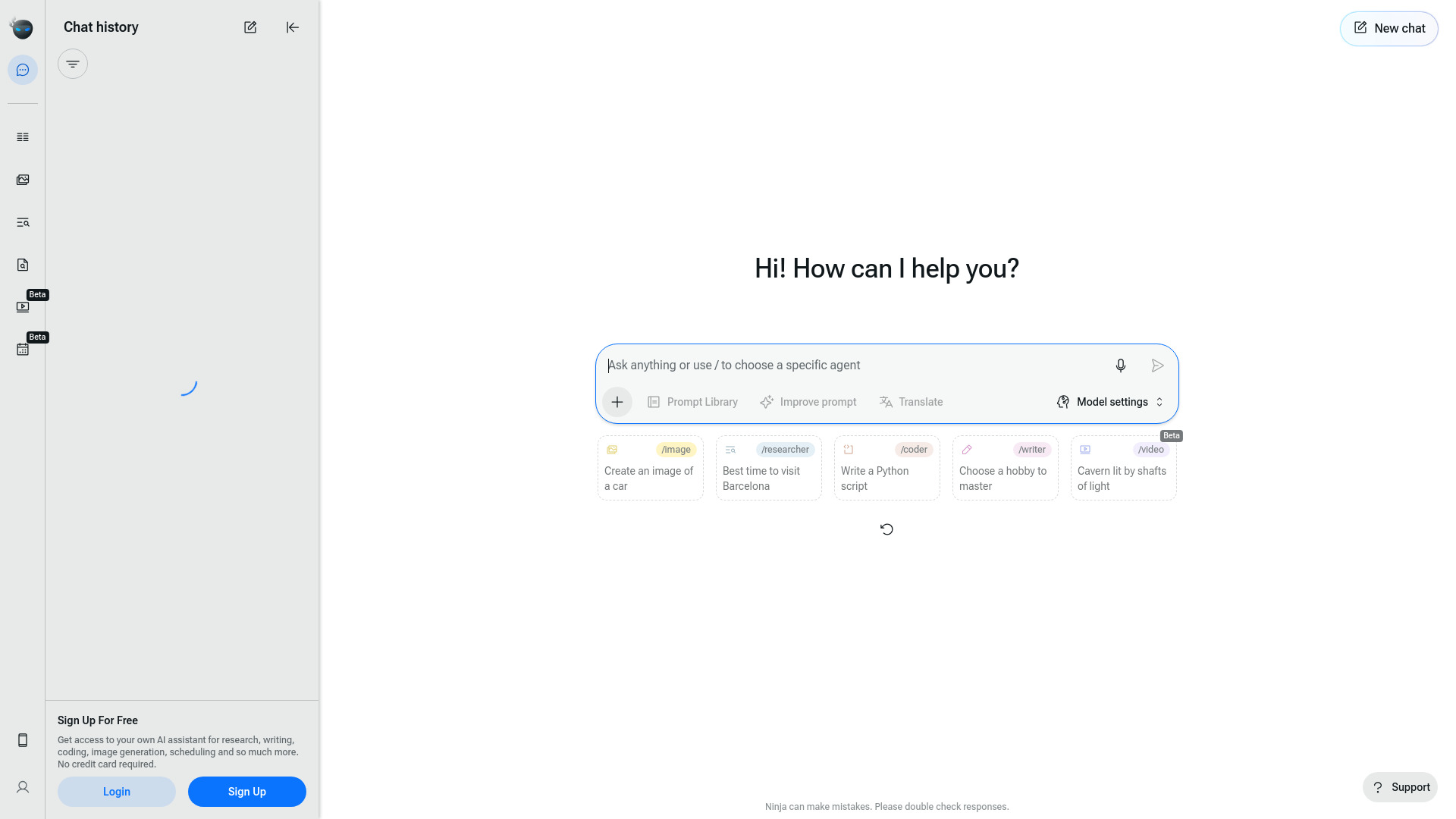
Ninja AI stands out by putting research and writing next to code generation, debugging, image generation, and editing. Its headline advantage is access to 24 or more leading LLMs under one platform, which can be useful when a researcher wants to compare approaches instead of relying on one assistant for every task.
The free Basic plan allows six tasks per day, and paid access starts at $5/month. That is a clear, approachable way to test the workflow, but the task limit matters for intensive research. More importantly, Ninja can make mistakes, so responses require double-checking. The 148,553 monthly visits indicate a smaller usage signal than the top entries, but the model breadth is unusually relevant for demanding users.
My take: Ninja AI is a strong choice when model selection matters more than a polished single-purpose writing editor. I would use it to explore, compare, and develop ideas, then verify factual claims before publication.
Where it falls short: AI errors remain a central limitation, especially in research. The six-task daily allowance may also feel restrictive for heavy users on the free plan.
Key features
Research and Writing workflows.
Code Generation and Debugging.
Image Generation and Editing.
Access to 24+ leading LLMs.
Six free tasks per day.
Pros
Broad model access under one platform.
Useful combination of research, writing, and technical tools.
Low $5/month starting point for paid use.
Cons
Responses require manual double-checking.
Free daily task limits may constrain intensive work.
Choose Ninja AI if: You research complex topics and want access to multiple models while keeping writing and adjacent tasks in one workspace.
7. Use AI

Use AI
Best AI model comparison tool for researchers
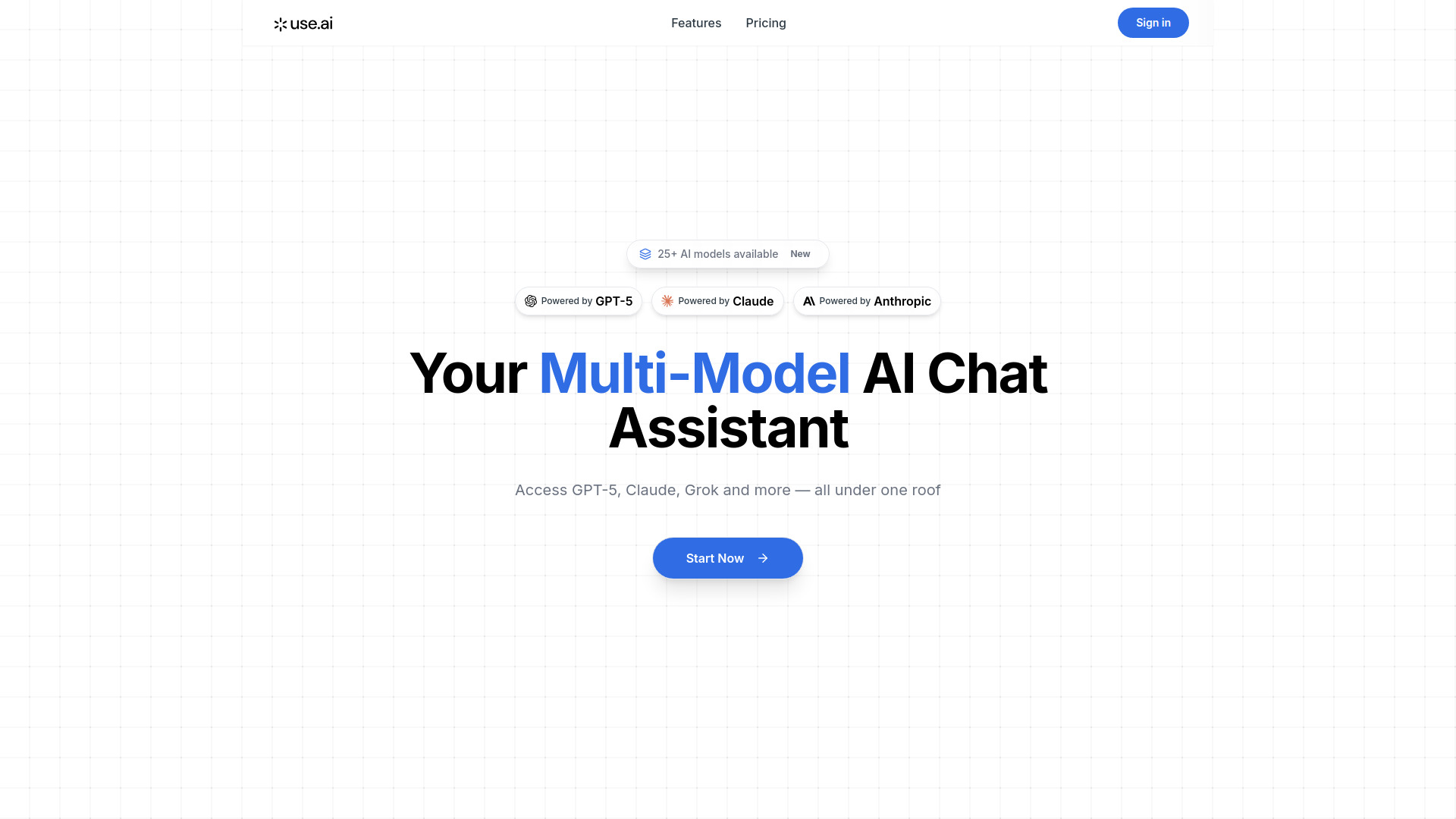
Use AI is the heavyweight model-access option in this lineup. It provides access to 25+ LLM models and lets users select models by task, including research, coding, writing, and image generation. For people asking what is the best AI for writing, this is a useful reminder that the answer may depend on the model and task rather than a single permanent winner.
The platform has a very strong 13.8M monthly-visit signal, but its business model is primarily subscription-based. There is a $1 trial, while the monthly subscription is listed at $29.99. That price is justified only if you will genuinely use the breadth of models; occasional writers should compare it with a focused free tool before signing up.
My take: Use AI makes the most sense for researchers and power users who actively want model choice. It is overkill for someone who simply needs a quick email rewrite twice a week.
Where it falls short: The ongoing subscription is the main hurdle. Model variety can also create decision fatigue when a simple writing task would be faster with one familiar assistant.
Key features
Access to more than 25 LLM models.
Model selection by task.
Workflows for research, coding, writing, and image generation.
$1 trial for initial evaluation.
Pros
Exceptional model variety under one subscription.
Strong market usage signal.
Lets users match models to different writing tasks.
Cons
Primarily a paid subscription service.
$29.99/month is difficult to justify for light users.
Choose Use AI if: You regularly compare models or work across research, writing, coding, and image tasks enough to benefit from one multi-model account.
8. AI Create

AI Create
Best private free AI writing tool for content creators
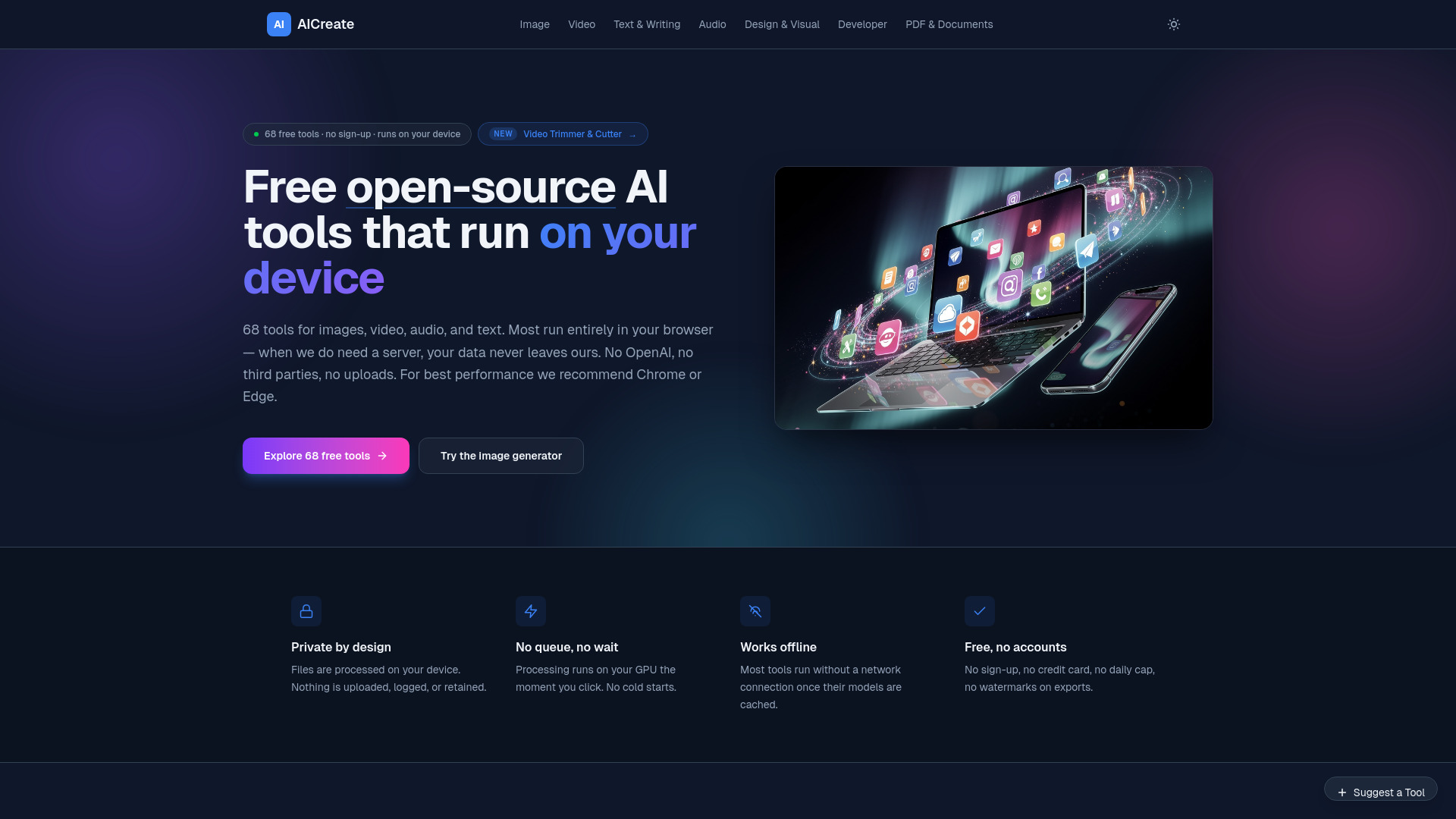
AI Create takes a very different route: its browser-based tools process work locally, with no uploads, no login, and no sign-up required. That privacy-first design is its defining strength. It offers 68 free tools across images, video, text, and design, so writers can experiment without handing content to a remote service or managing another account.
The trade-off is hardware. Performance depends on the user's local GPU and system, which means the same tool can feel very different across computers. The 32,429 monthly visits are modest compared with larger platforms, but the product's unlimited free usage and privacy posture give it a clear niche. Pricing is hidden behind a need to check the vendor rather than presented as a clean standard plan.
My take: AI Create is the most interesting pick for privacy-conscious creators and people who want to avoid subscriptions. I would try it first on the computer that will actually handle the workload, because local processing changes the performance equation.
Where it falls short: Users with weaker hardware may see slower or less comfortable performance. The local approach also means it may not feel as effortless as a cloud-first writing assistant.
Key features
Privacy-first local processing with no uploads.
68 free browser-based AI tools.
Text, image, video, and design tools.
Unlimited free usage.
No login or sign-up required.
Pros
Completely free with no daily limits.
Strong privacy story for sensitive drafts.
Very low-friction access.
Cons
Performance depends on local GPU and hardware.
Smaller usage signal than the major cloud platforms.
Choose AI Create if: You want free, private browser-based writing tools and have hardware capable of handling local processing.
9. AI-Writer.com

AI-Writer.com
Best AI writing tool for sourced articles and students
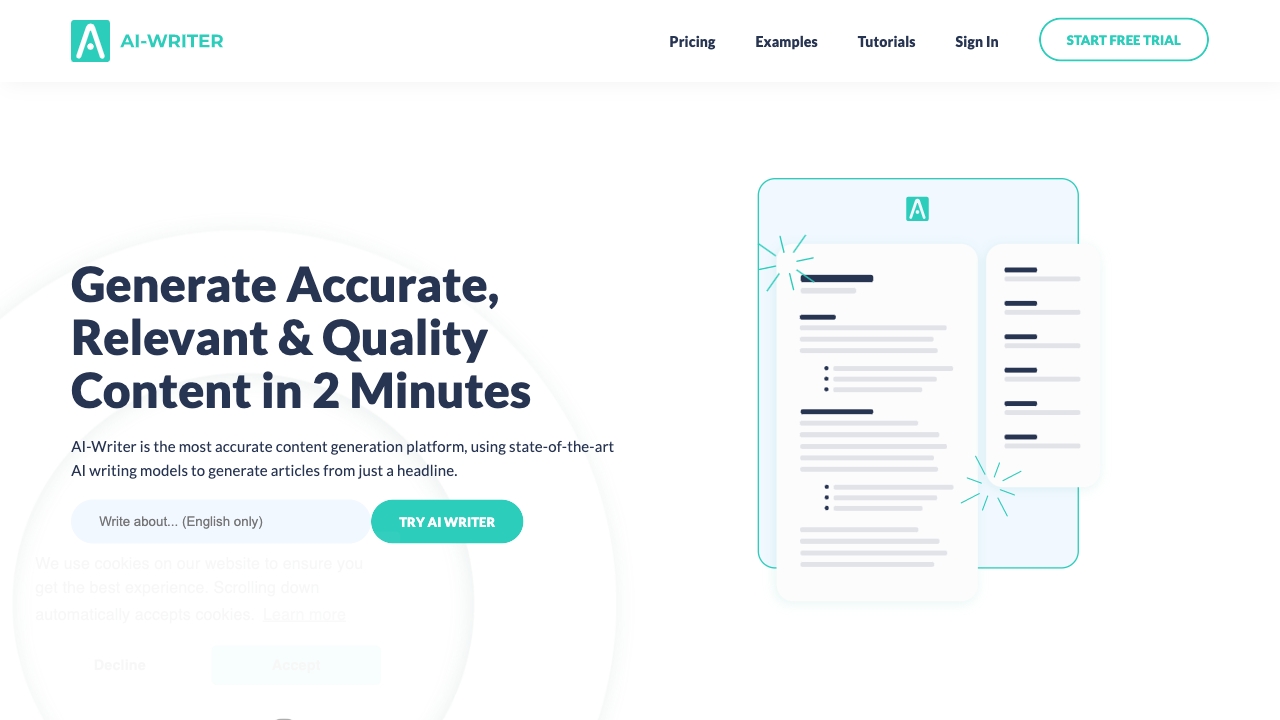
AI-Writer.com targets one of the most important weaknesses in generated content: unsupported claims. Its feature set includes 1-Click Article Writing, Tailor-Made Articles, verifiable citations, and guaranteed originality. That combination makes it more relevant to students and writers producing informative articles than a general chatbot that simply sounds confident.
A one-week free trial with no credit card required provides a useful test window, while the Basic plan starts at $29/month and supports up to 40... as displayed in the offer. The citation advantage does not remove the need for editorial judgment: AI-generated sources and facts still deserve manual verification. With 22,786 monthly visits, it is a focused specialist rather than a mass-market generalist.
My take: If citations are central to the assignment, AI-Writer.com deserves a serious look. It is much easier to justify than a generic writing bot when the output must show where claims came from.
Where it falls short: The $29/month starting price is substantial for students who only need occasional help. Its reliance on AI means every factual claim still needs checking before submission or publication.
Key features
1-Click Article Writing.
Tailor-Made Articles.
Verifiable citations.
Guaranteed originality.
One-week free trial without a credit card.
Pros
Generates articles with credible sources.
Clear fit for research-oriented writing.
Trial makes evaluation straightforward.
Cons
AI output still requires manual fact verification.
$29/month may be high for infrequent users.
Choose AI-Writer.com if: You need article drafts with citations and are prepared to review sources rather than publish generated text untouched.
10. LowTech AI

LowTech AI
Best simple AI writing tool for nontechnical users
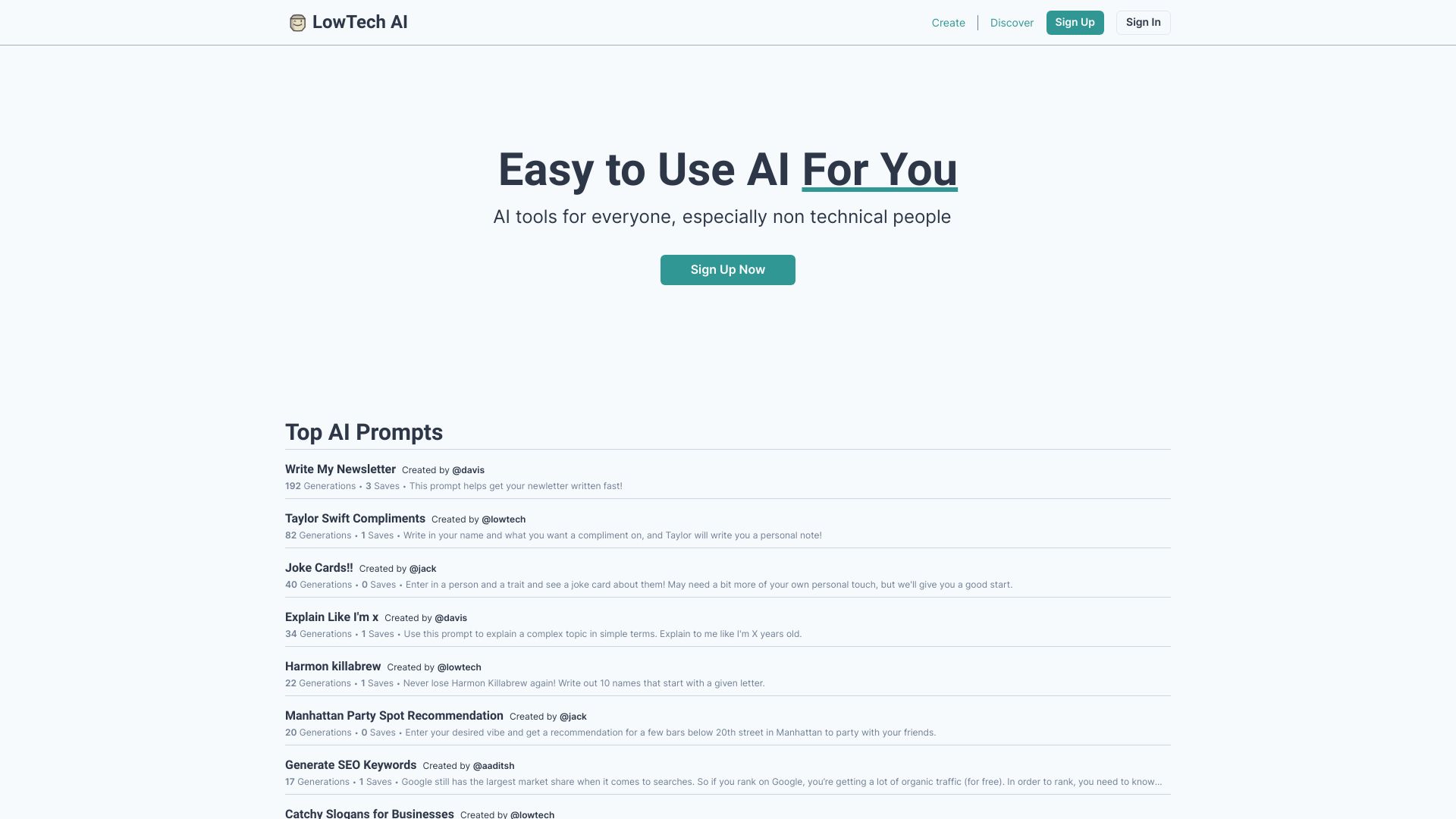
LowTech AI removes much of the prompt-writing burden. Its fill-in-the-blank interface gives nontechnical users a structured way to provide inputs, while tool creation and customization offer a path beyond the preset experience. Zero-friction sharing is another practical touch for teams or individuals who want to pass a useful workflow to someone else.
The core tools require no sign-up, which is ideal for a quick first draft or a one-off experiment. Saving and managing tools may require an account, so the no-registration promise applies best to immediate use rather than long-term organization. Its 14,290 monthly visits are modest, but the simplicity is a real differentiator in a market that often assumes users understand prompting.
My take: LowTech AI is the answer when ease of use matters more than model control. It will not satisfy a prompt engineer looking for deep configuration, but it can get a hesitant first-time user moving quickly.
Where it falls short: Account friction appears once you want to save and manage tools. Pricing also needs to be checked with the vendor, which makes long-term cost comparison less direct.
Key features
Simple fill-in-the-blank interface.
Tool creation and customization.
Zero-friction sharing.
No sign-up required for initial use.
Pros
Easy to use for nontechnical users.
Fast path from input to a usable writing task.
Customization keeps it from being only a static template library.
Cons
Sign-up may be required for saving and managing tools.
Smaller monthly-visit signal and less visible pricing detail.
Choose LowTech AI if: You want the best writing AI tools to feel like guided forms rather than a blank prompt box.
More tools to compare

AI Content Labs
Visual AI content workflows

WriteABookAI
Professionals writing nonfiction books

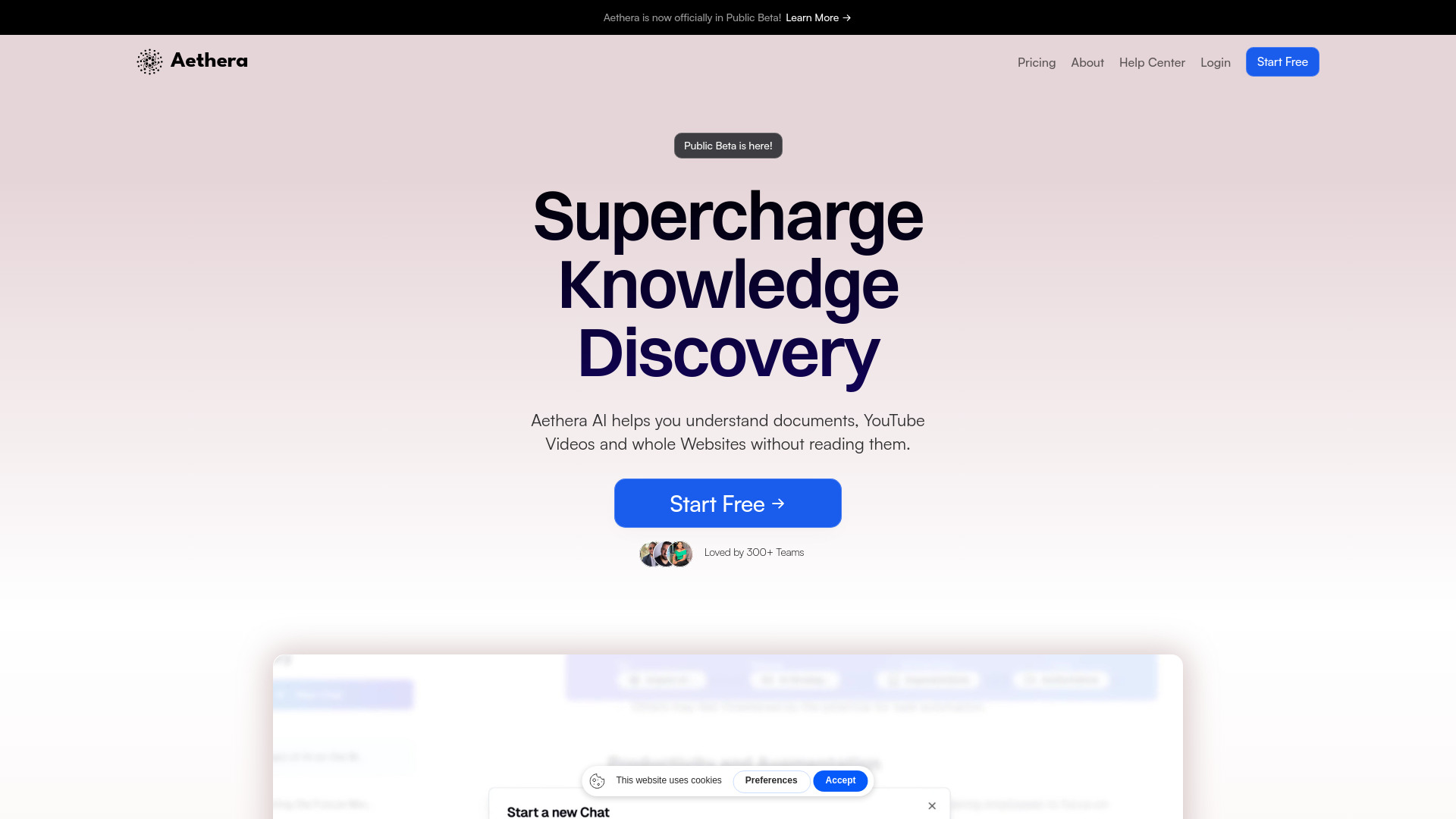
Aethera AI
Document analysis and AI-assisted writing

Yanbio AI
Chinese academic and workplace writing


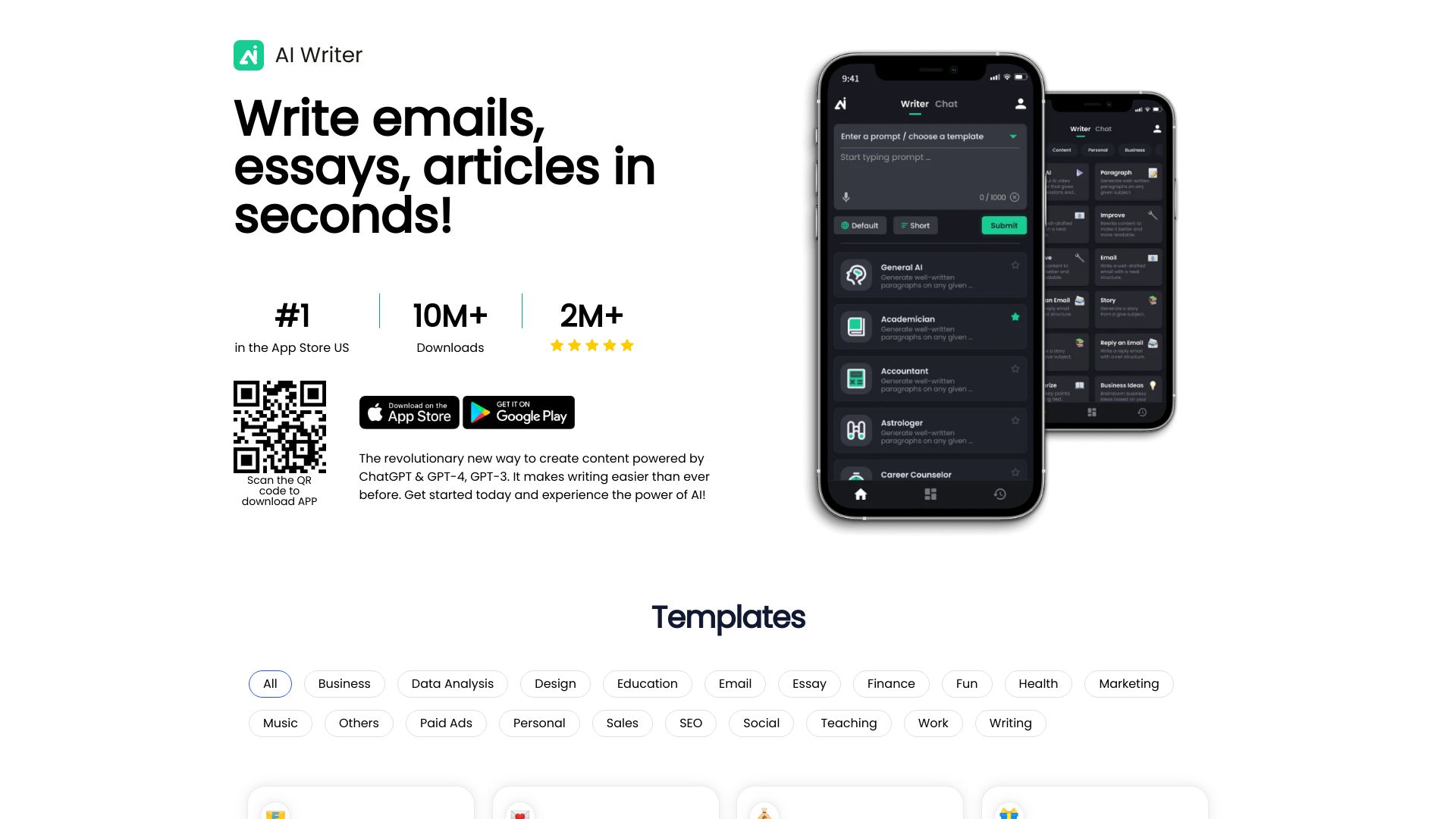
AI Writer
Essays, emails, and articles

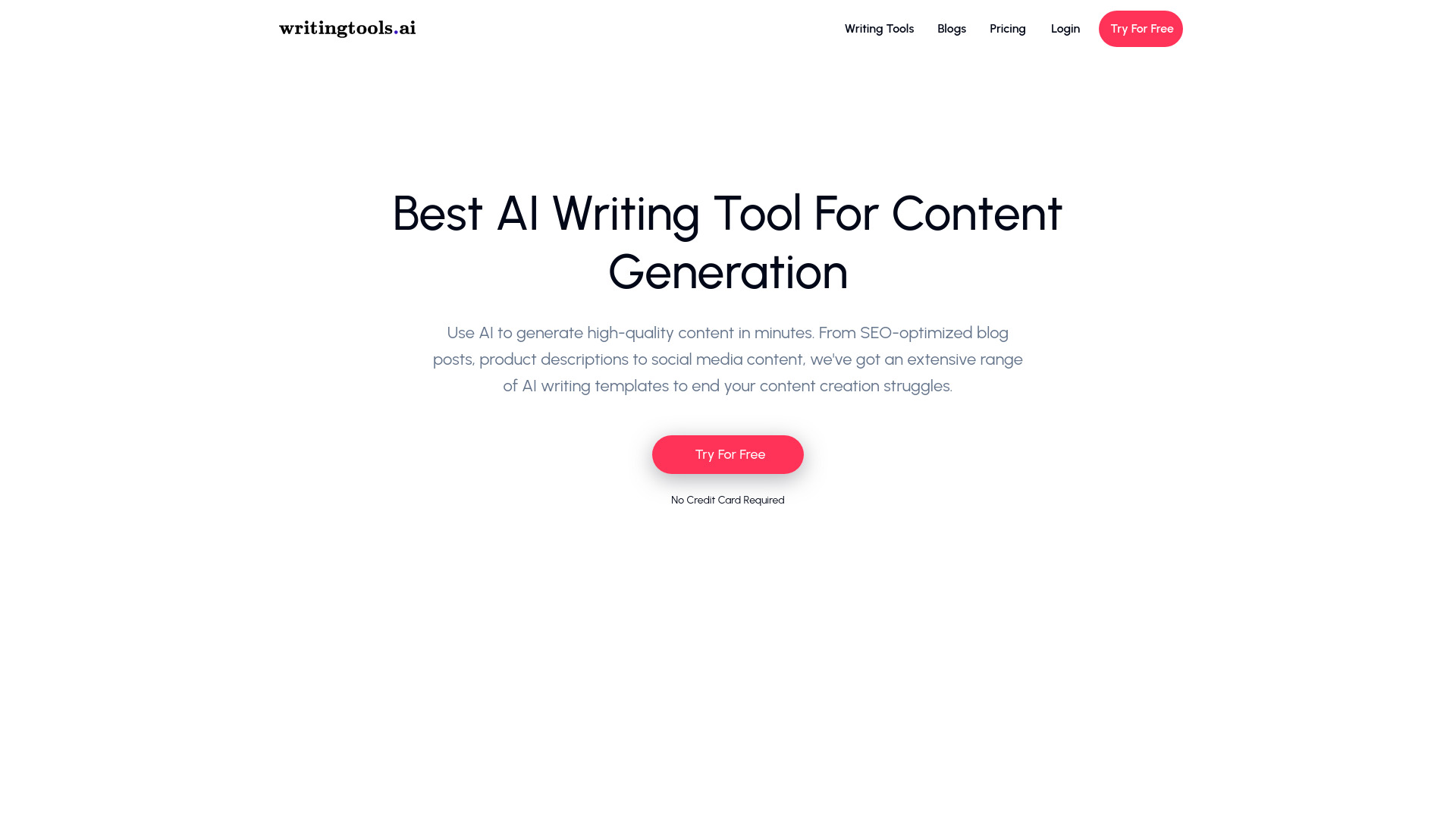
WritingTools.ai
SEO and long-form content creation

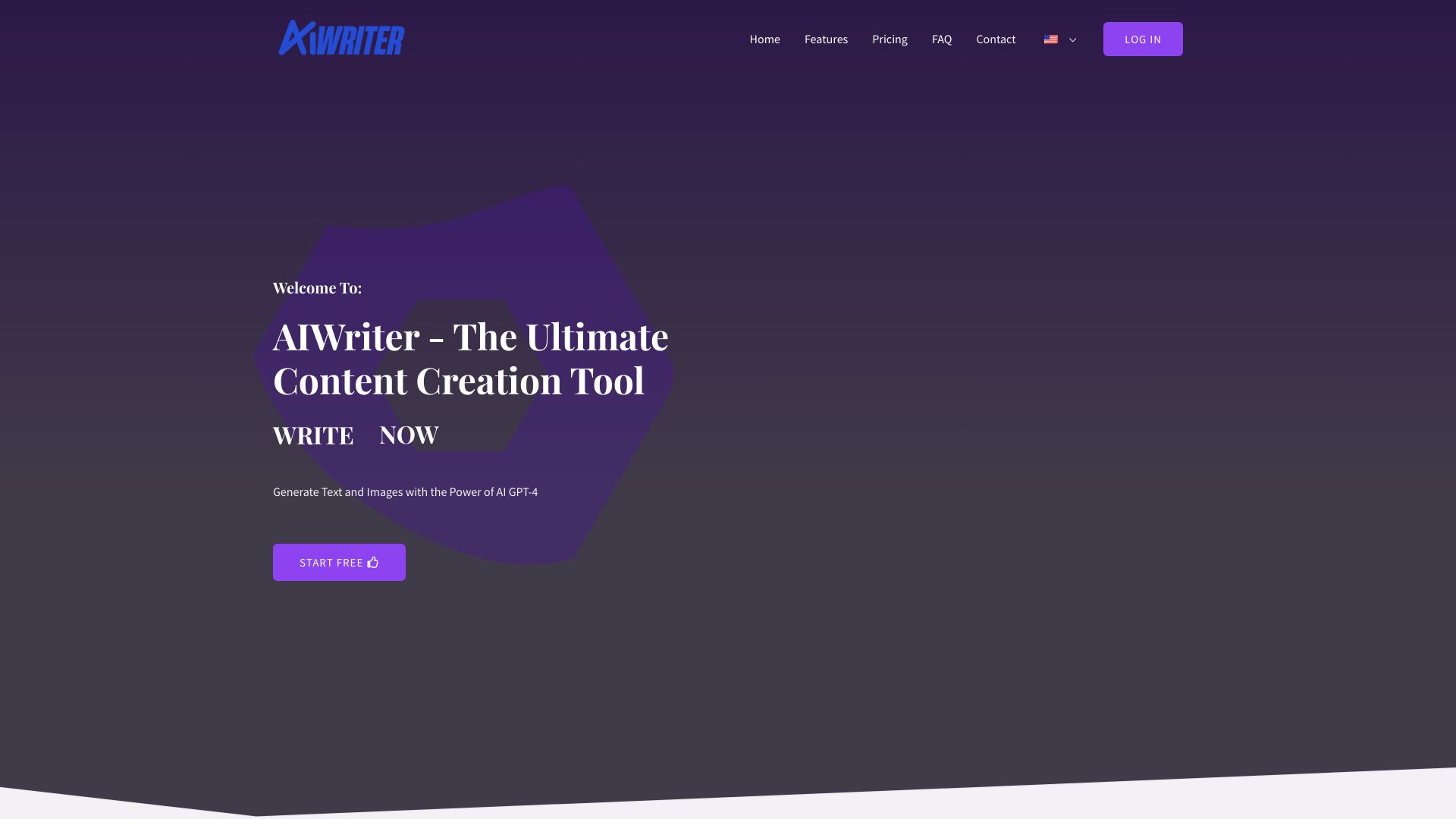
AIWriter
Multilingual content creation

AI Book Generator
AI-assisted book creation
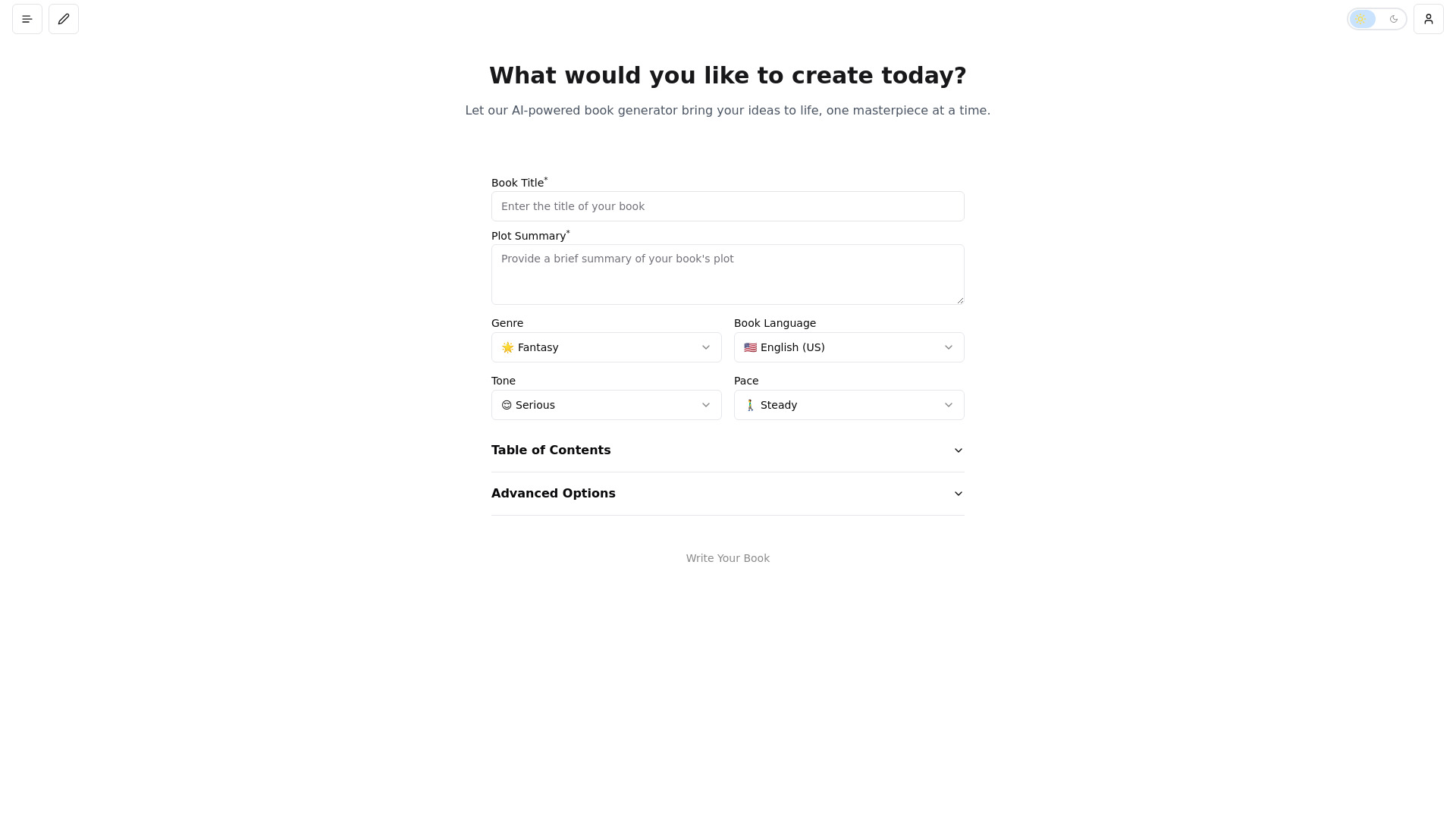

BookAI
AI-assisted book and novel creation
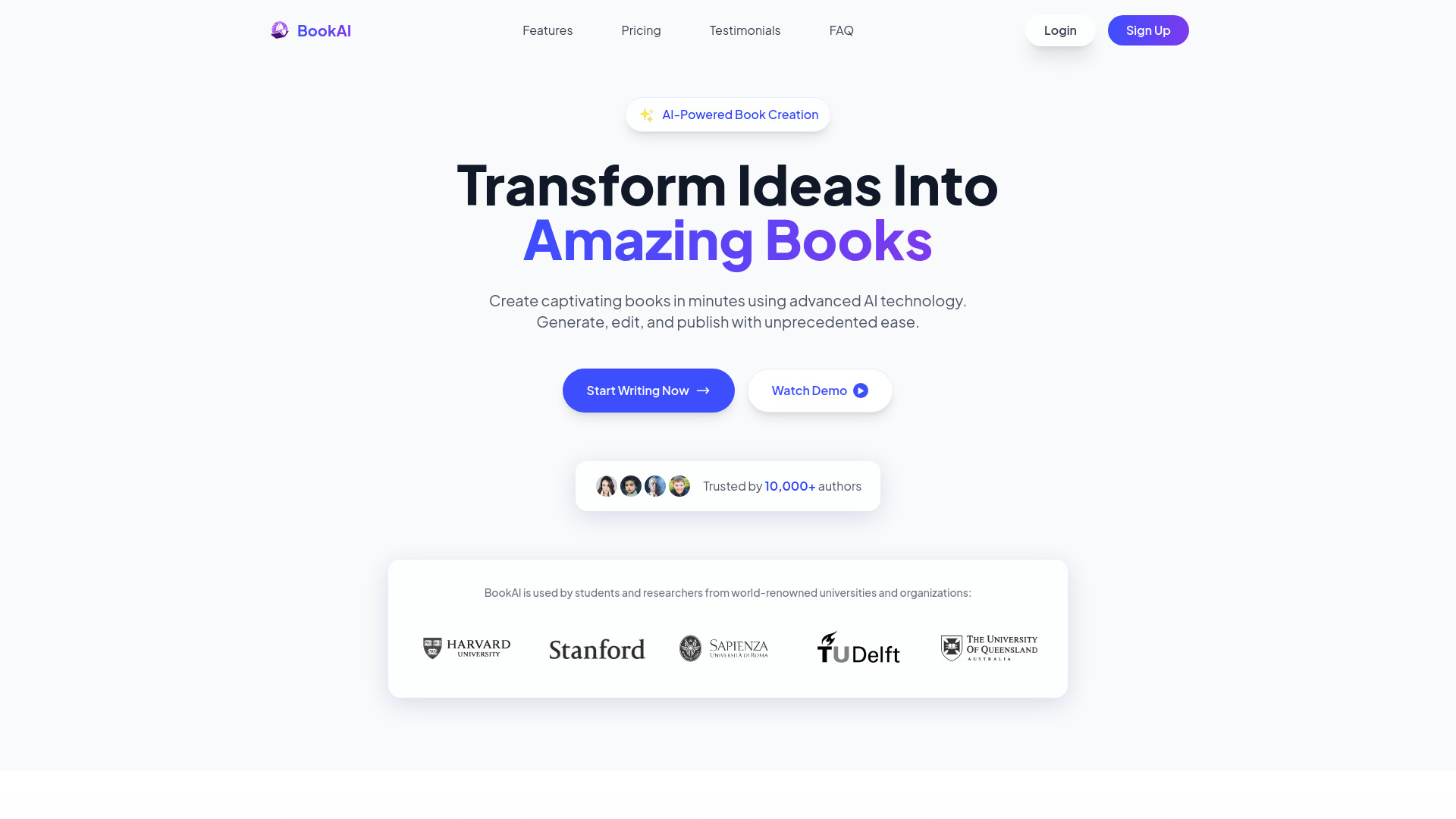

YuanbaoPower AI
Multi-model AI chat and image creation
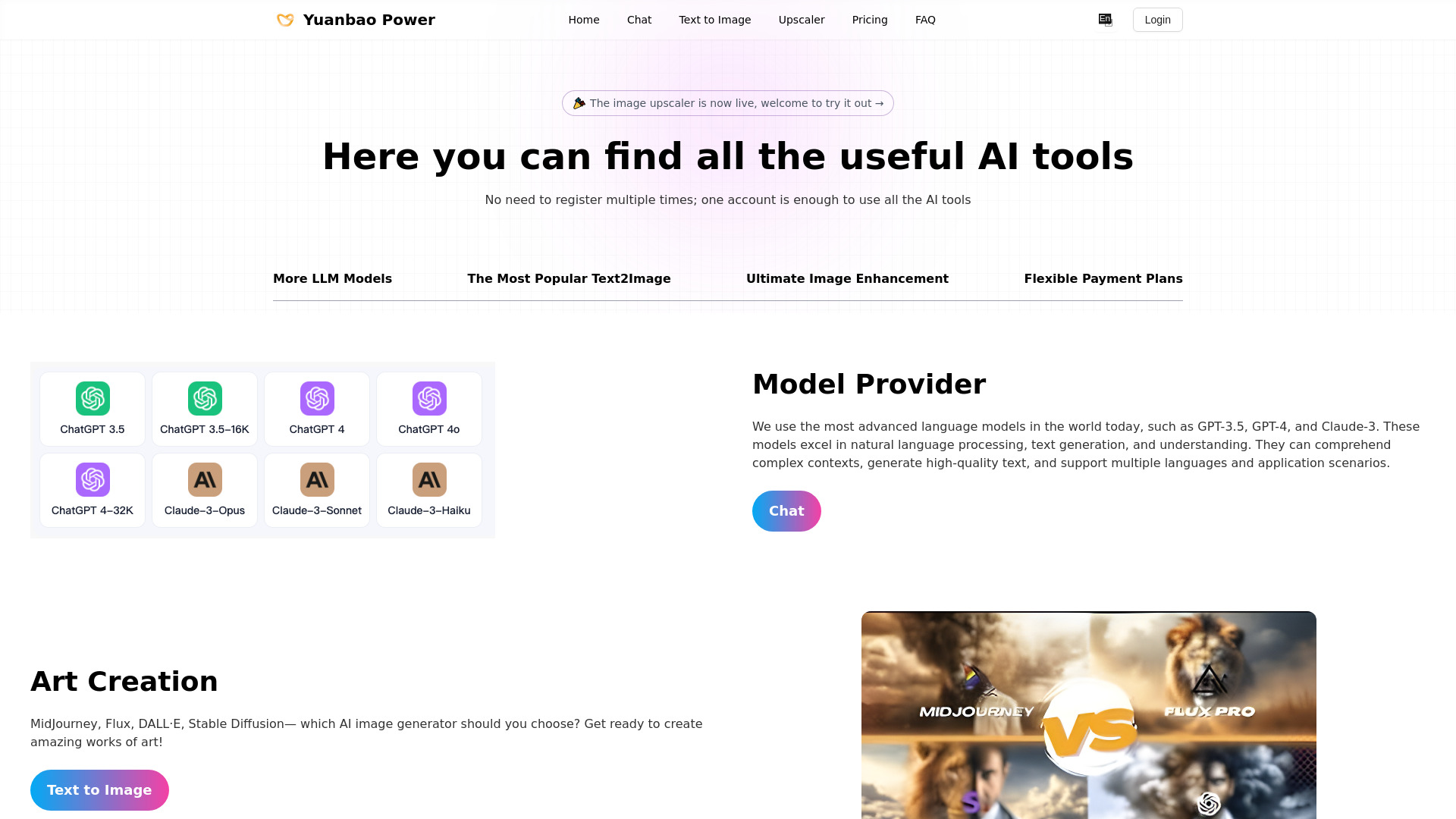

Edde AI
Academic writing and research

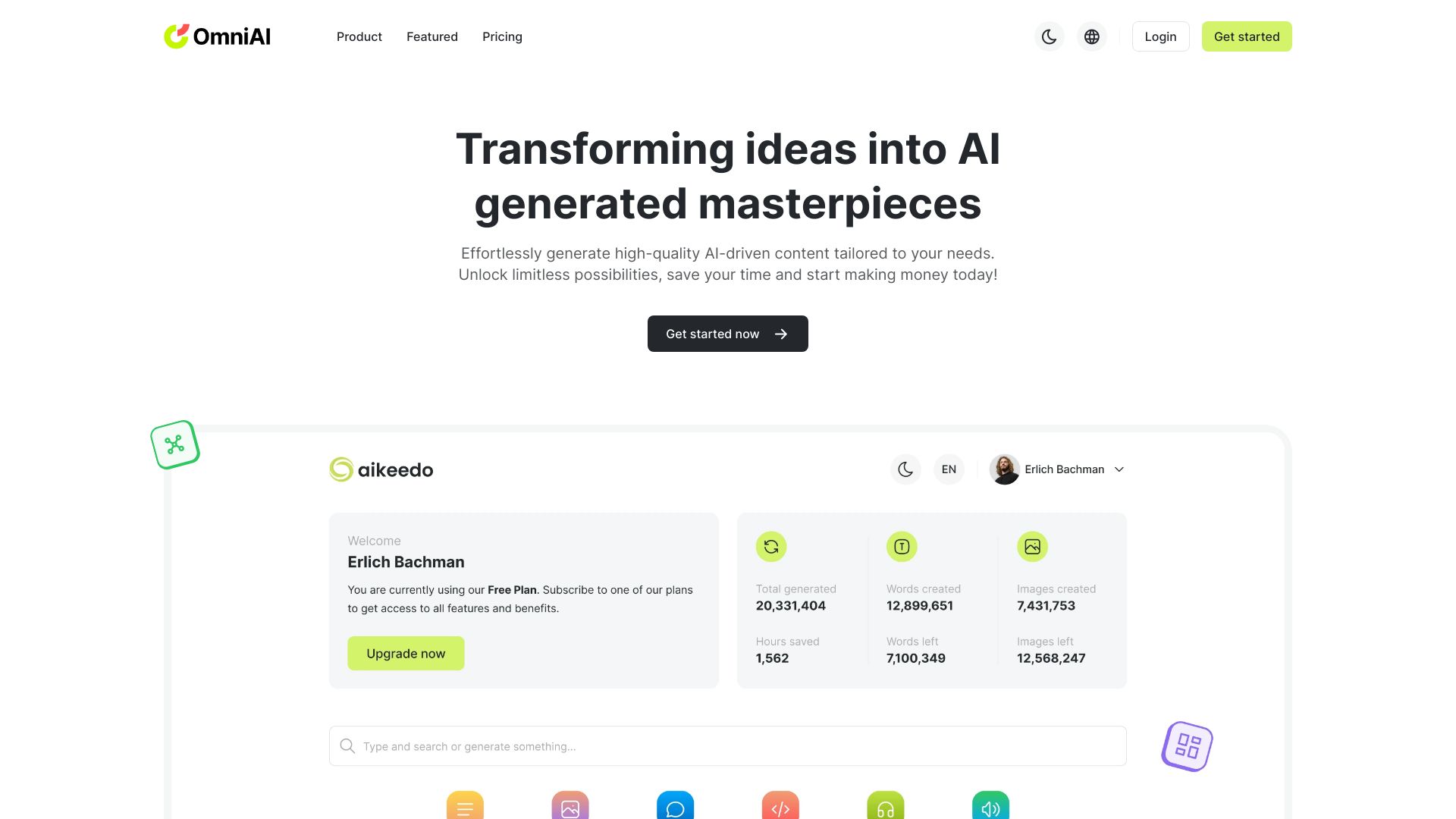
OmniAI
All-in-one AI content creation

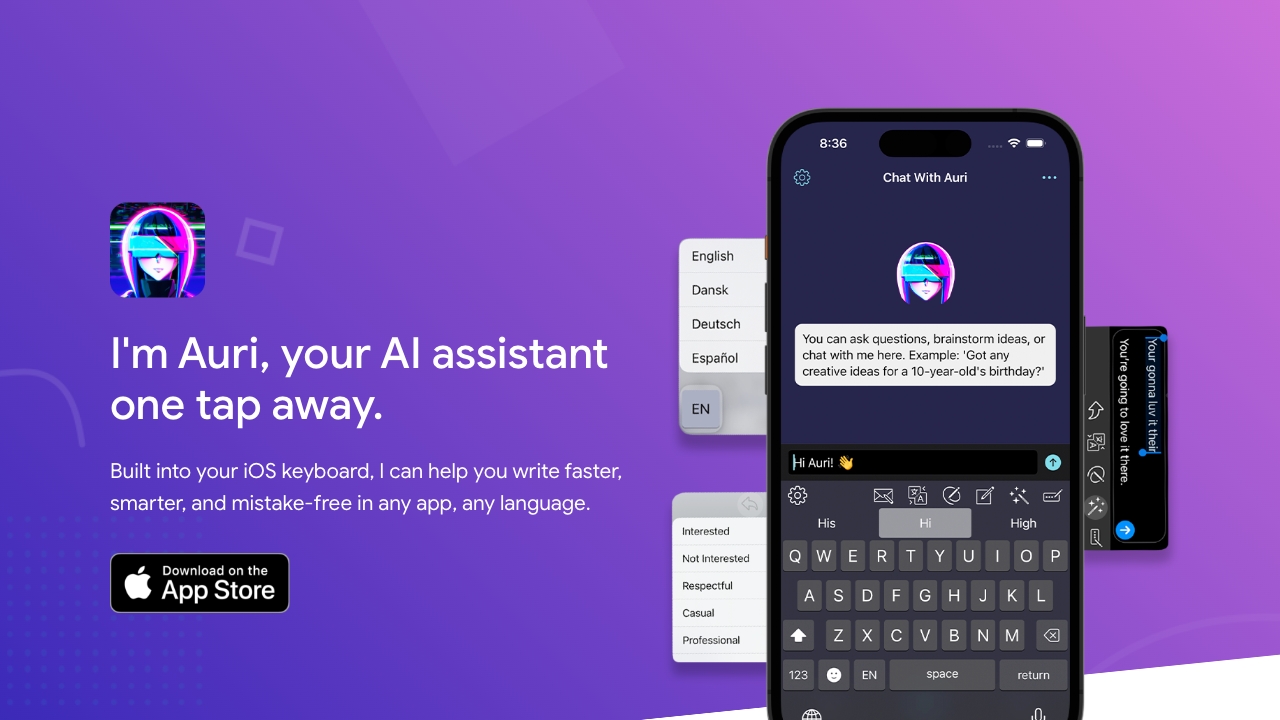
Auri AI
Multilingual mobile writing assistance

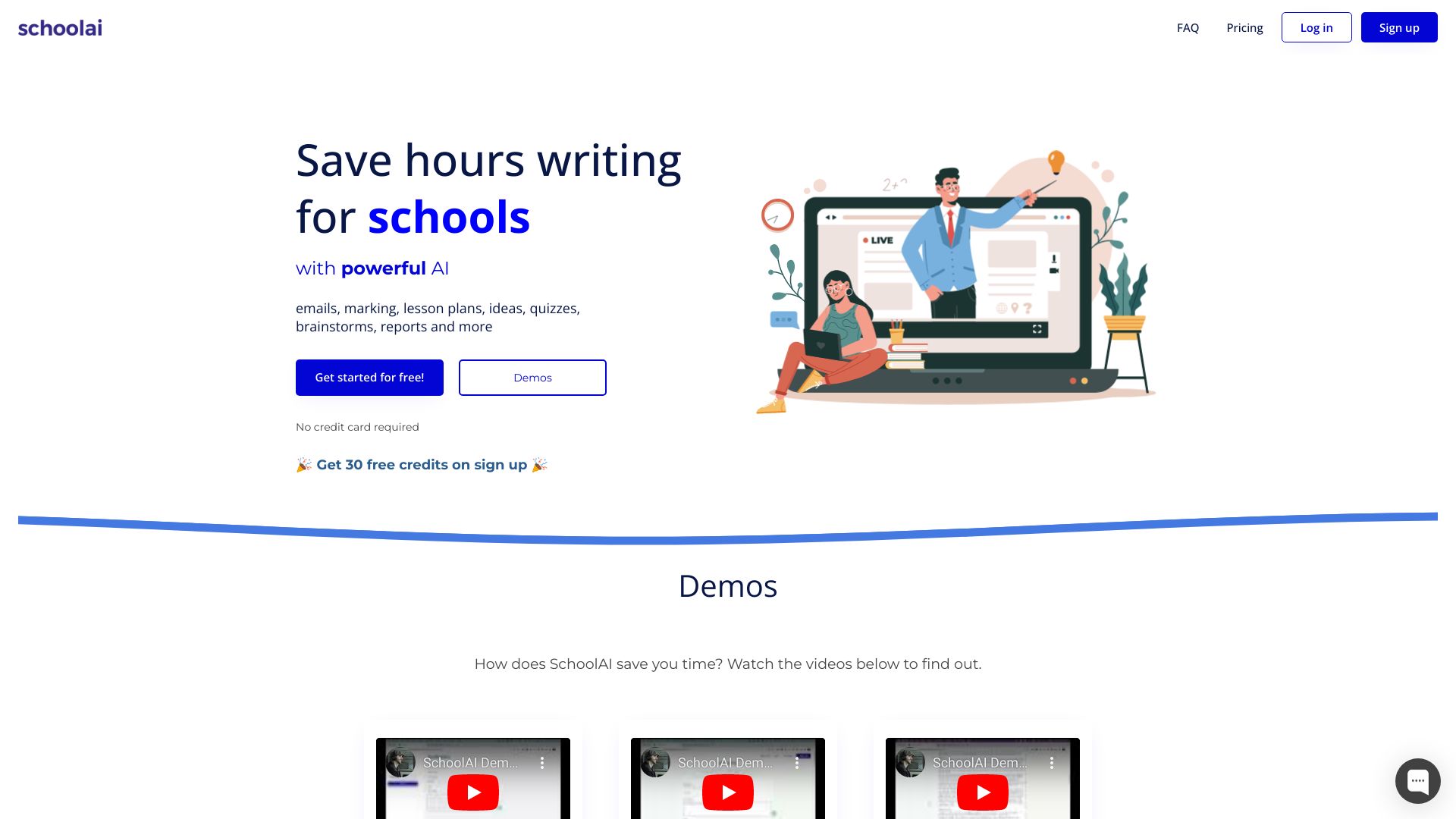
SchoolAI
AI writing for educators

Skillfusion
AI writing and book creation
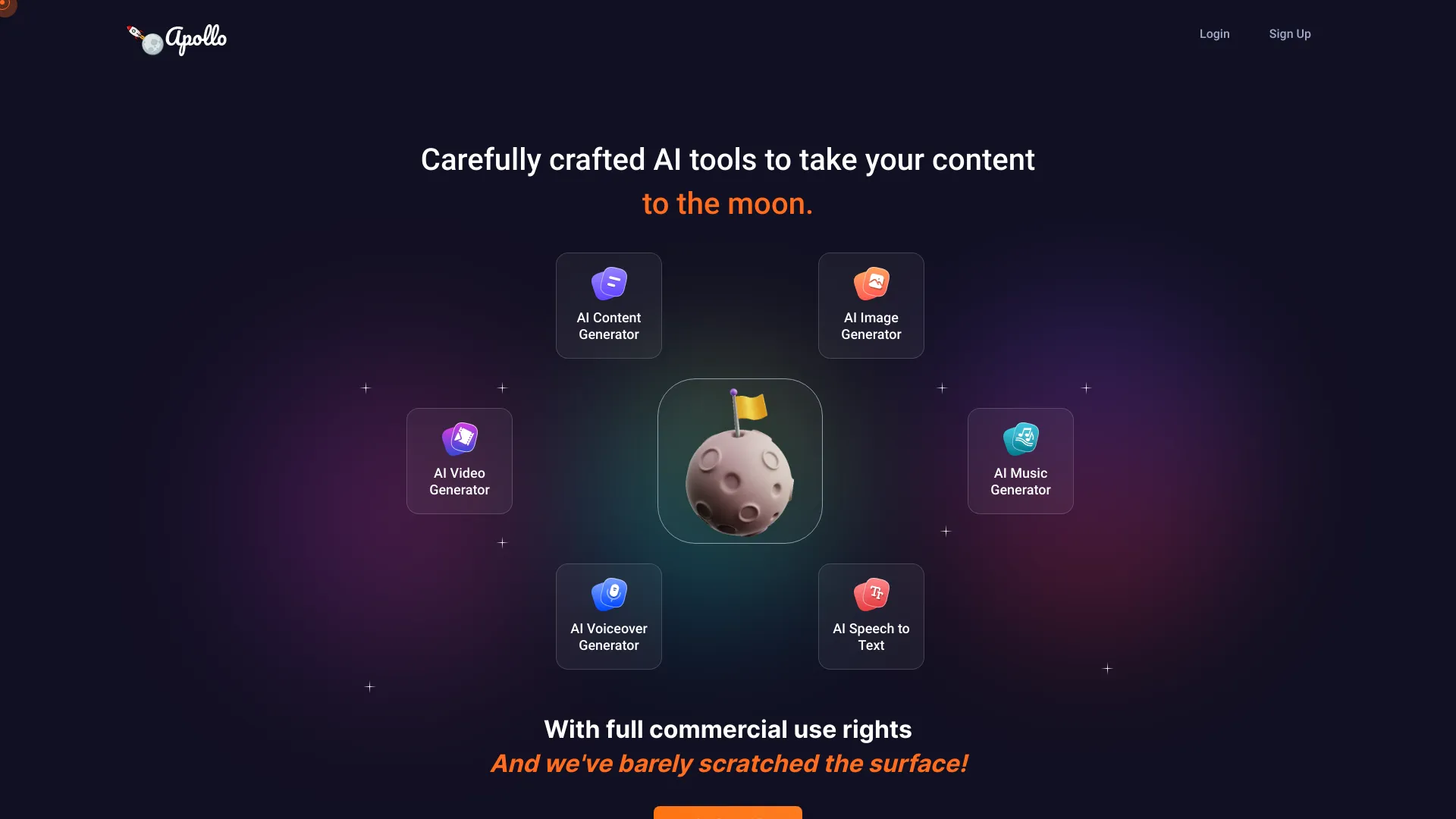
ApolloAI
All-in-one AI content creation

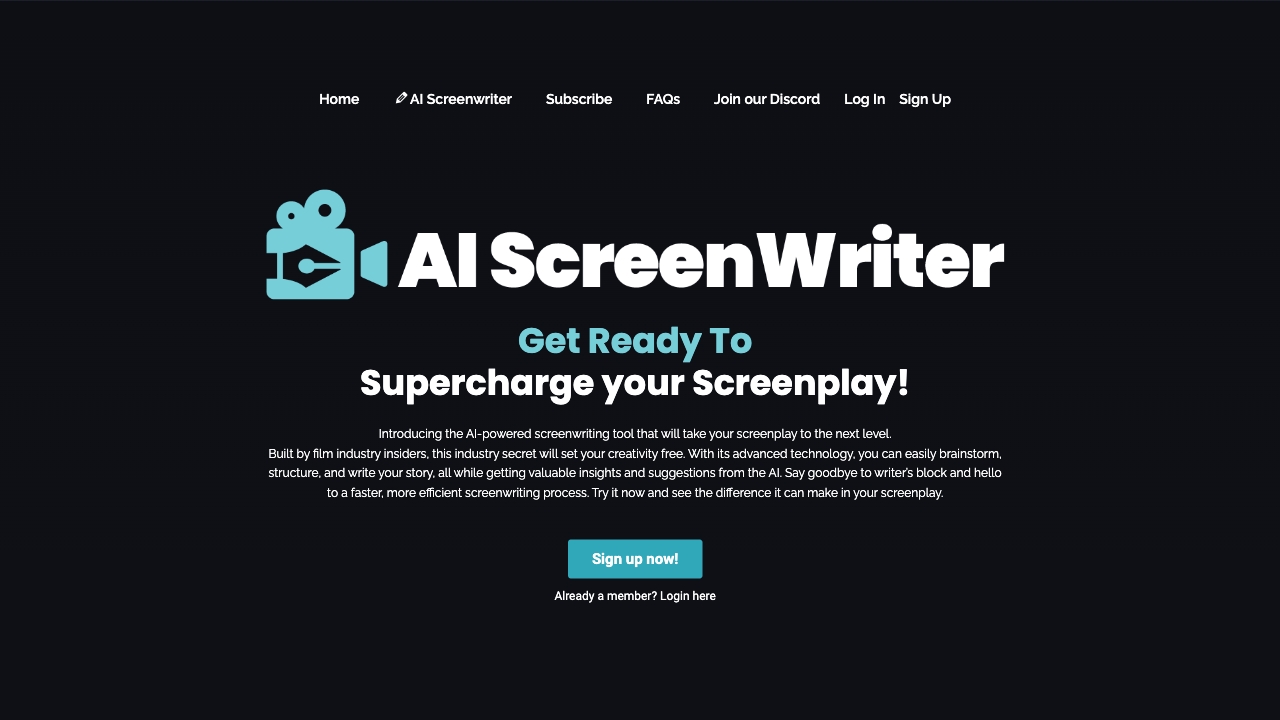
AIScreenwriter
Screenwriters and filmmakers

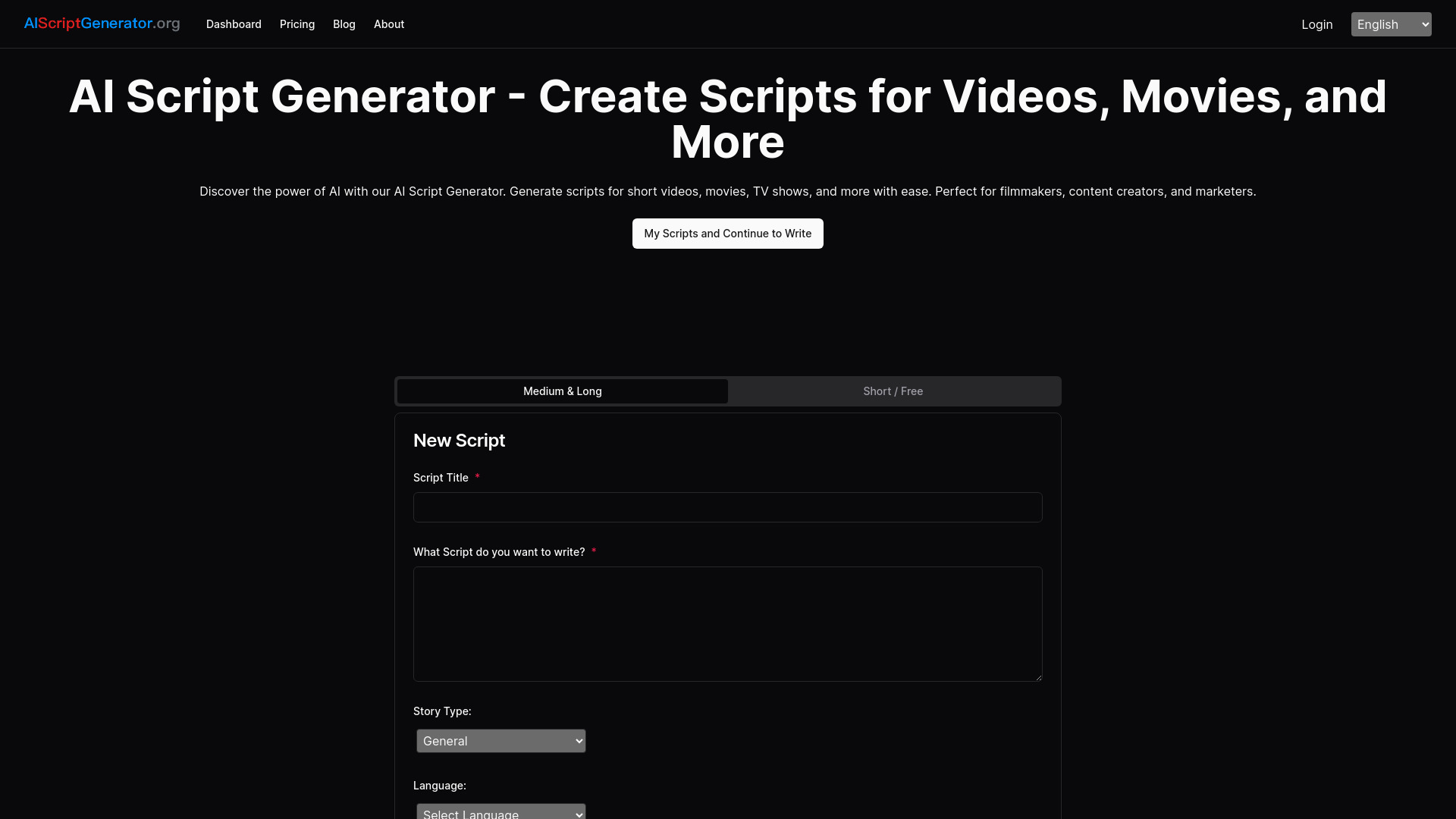
AI Book Writer
Video and movie script writers

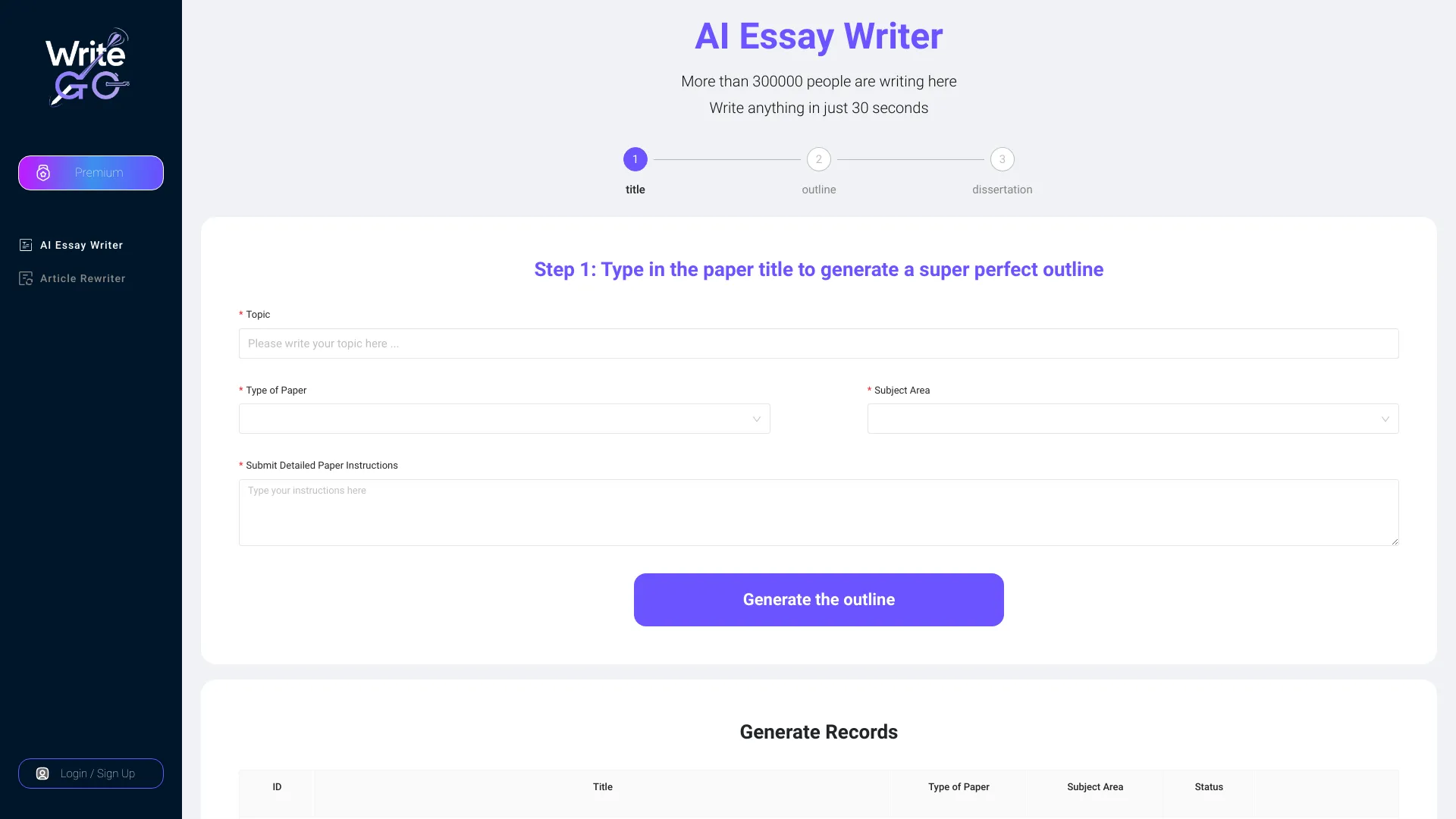
WriteGo.AI
Academic essay and research writing

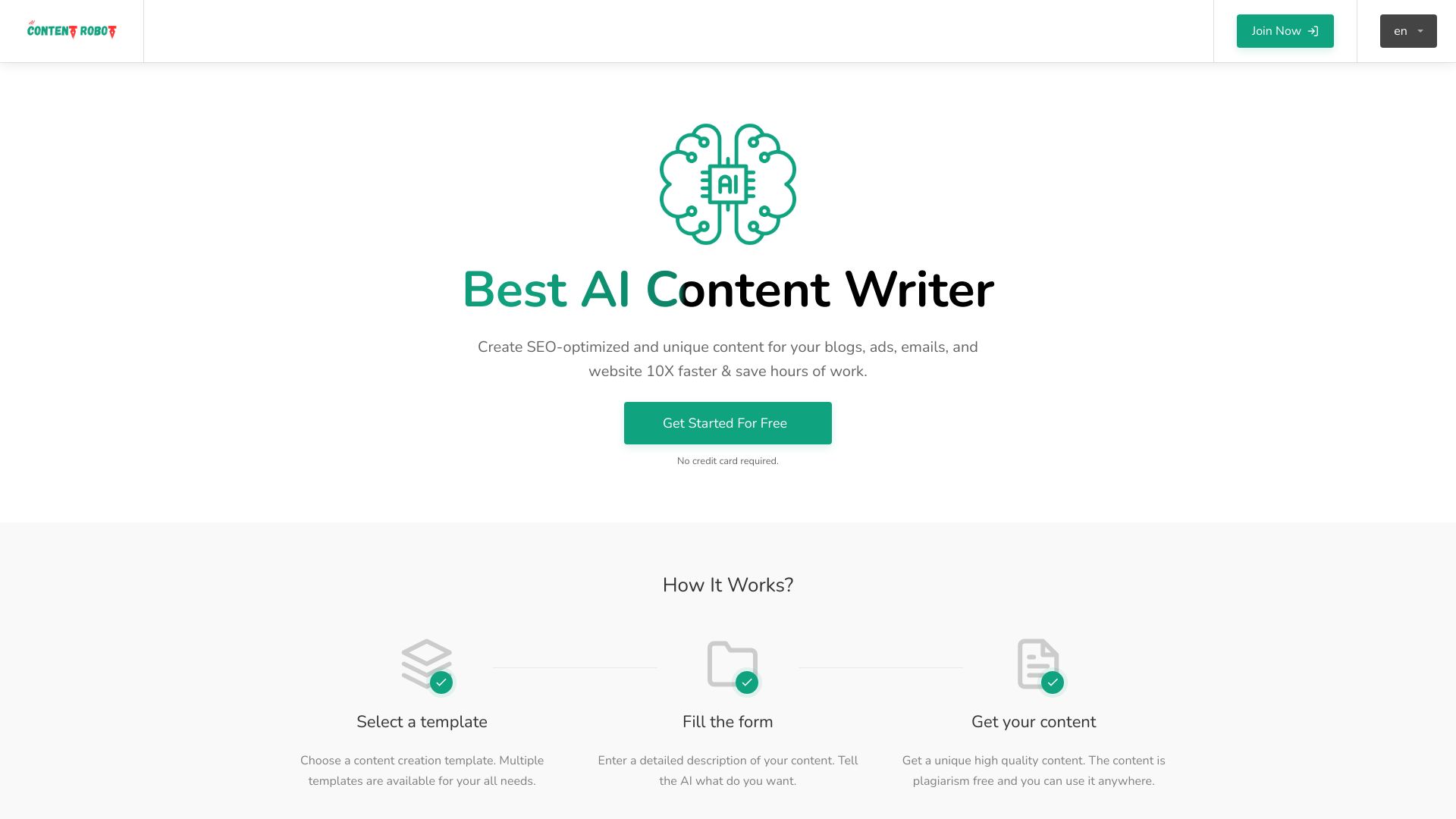
Content Robot
AI content and product listing generation
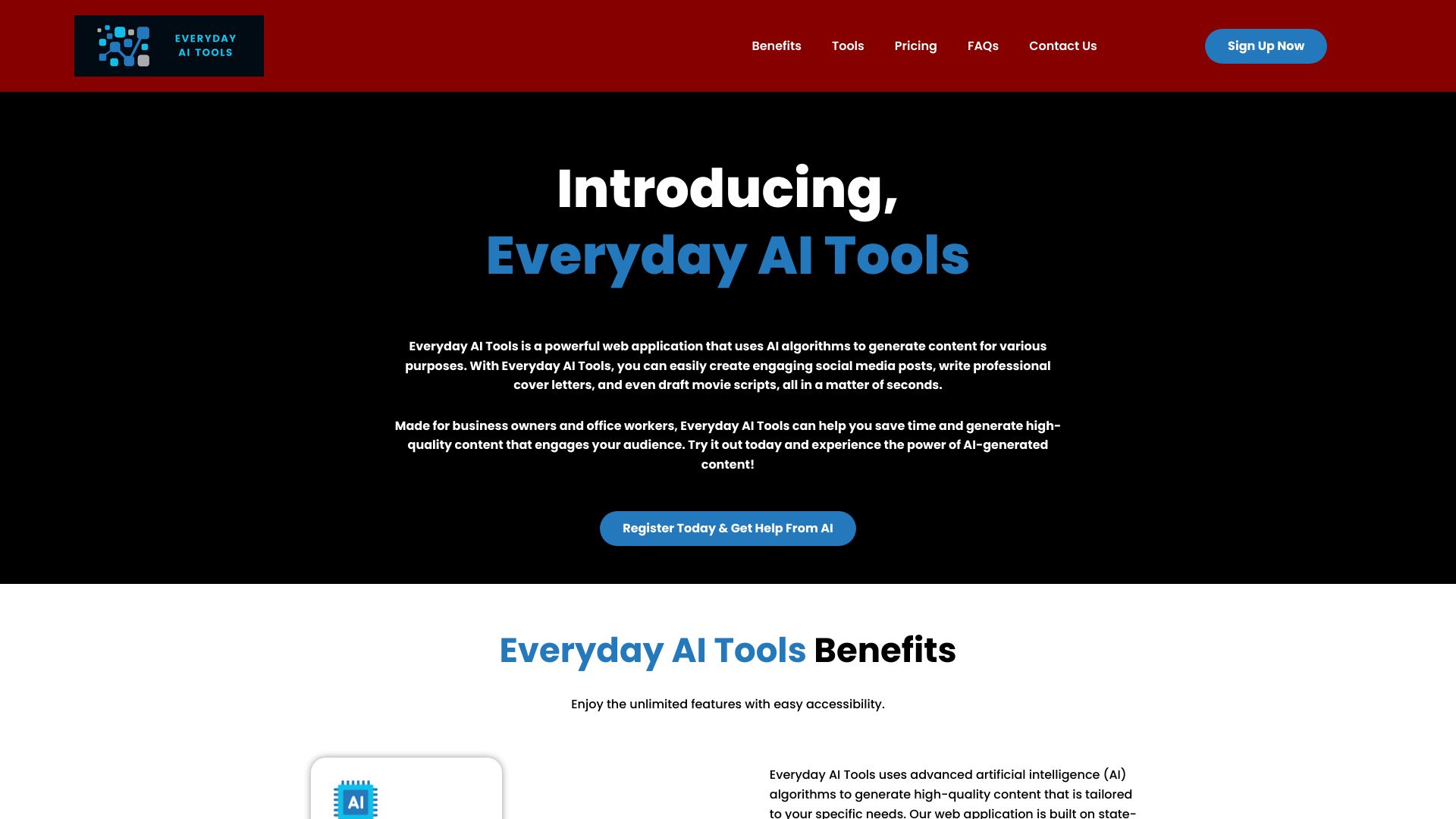
Everyday AI Tools
Business writing and content templates

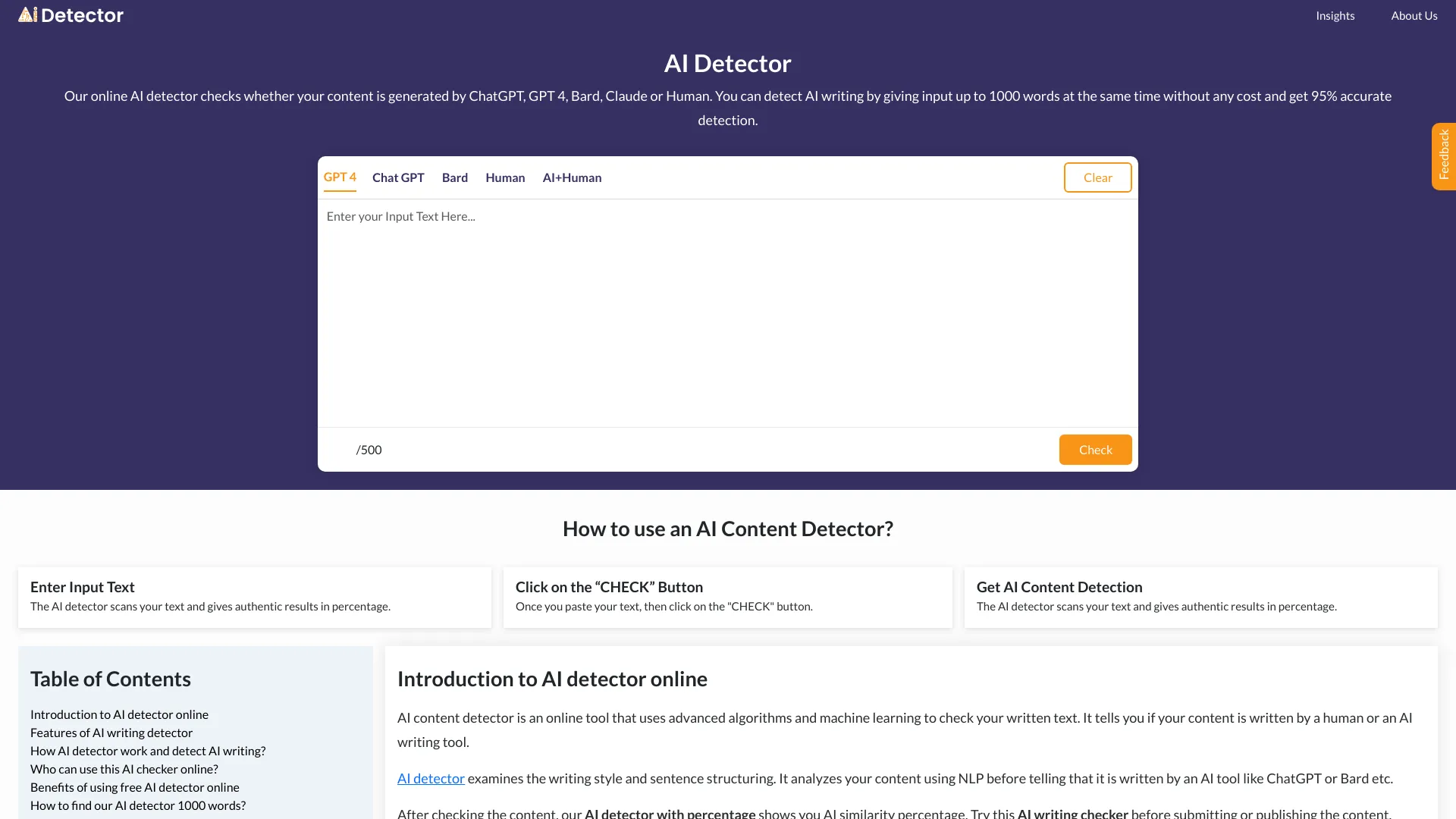
AI-Detector
AI content similarity checks
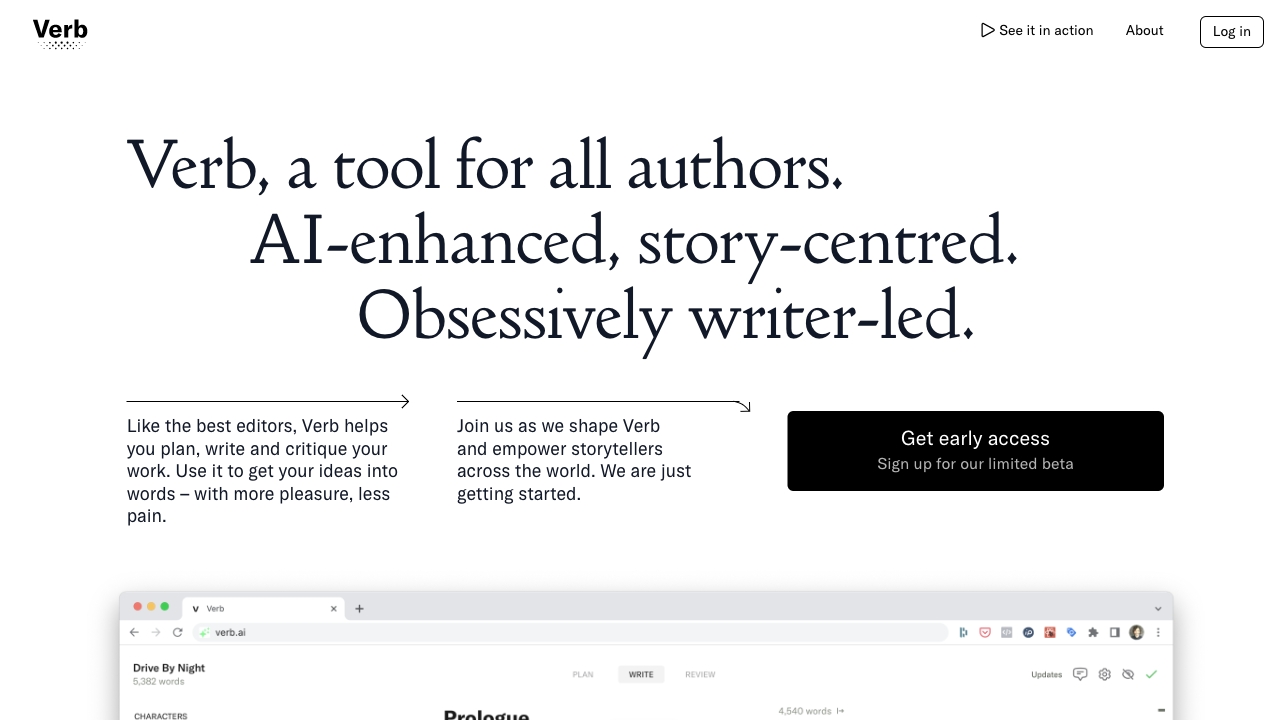
Verb
Fiction writers and novelists

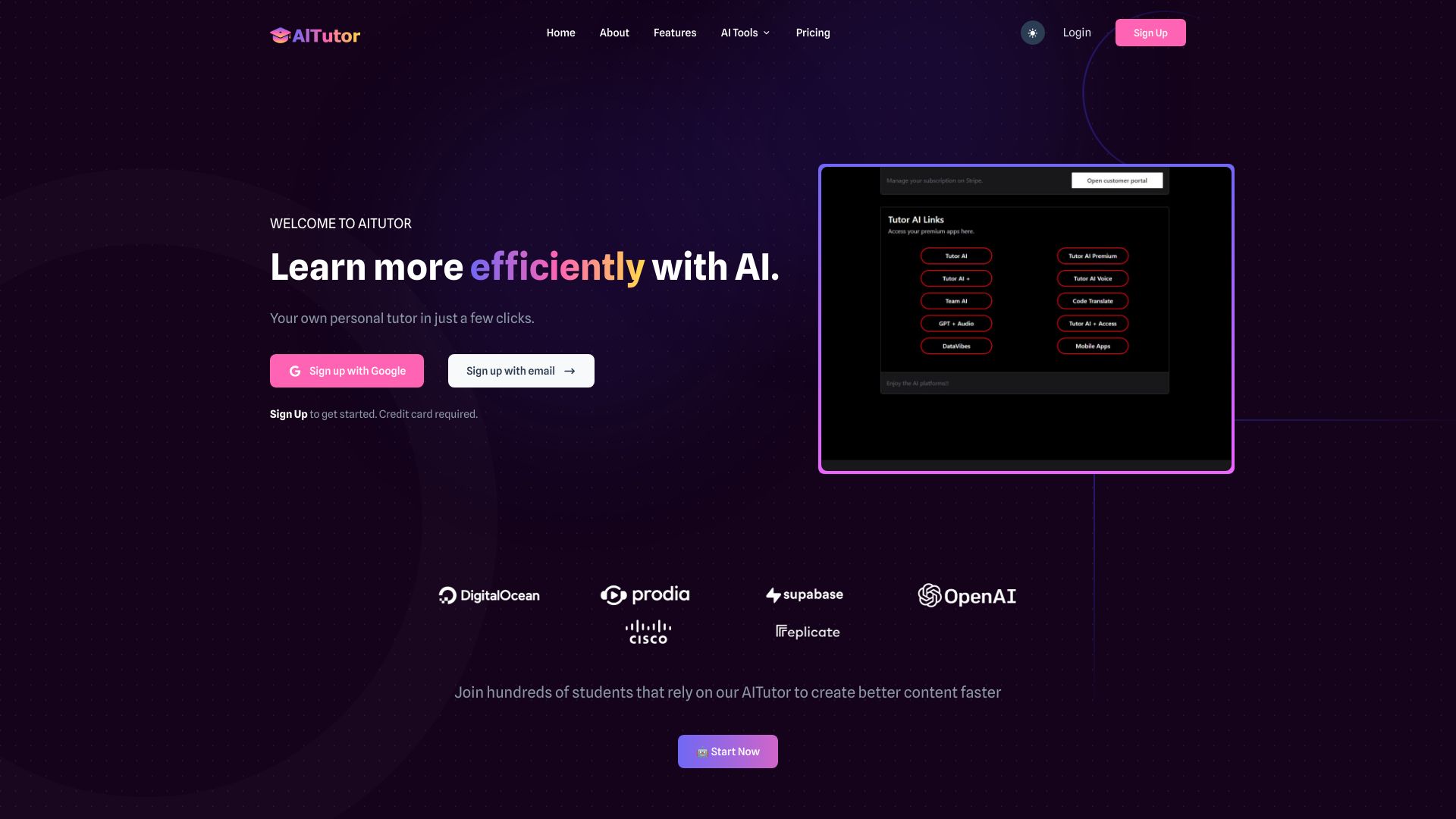
AI Tutor
Students needing many AI models in one workspace

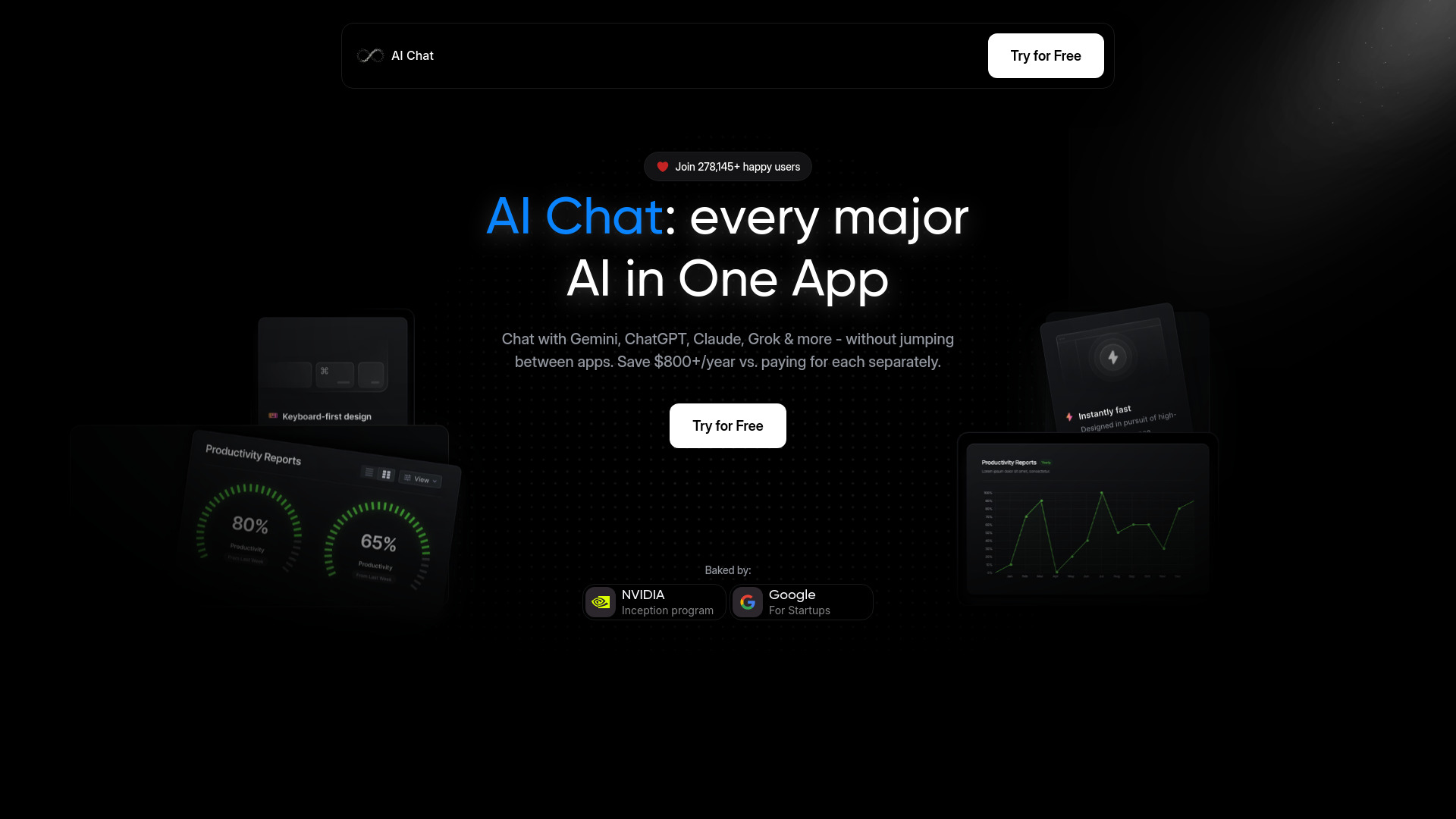
AI Chat
Using multiple AI models in one app

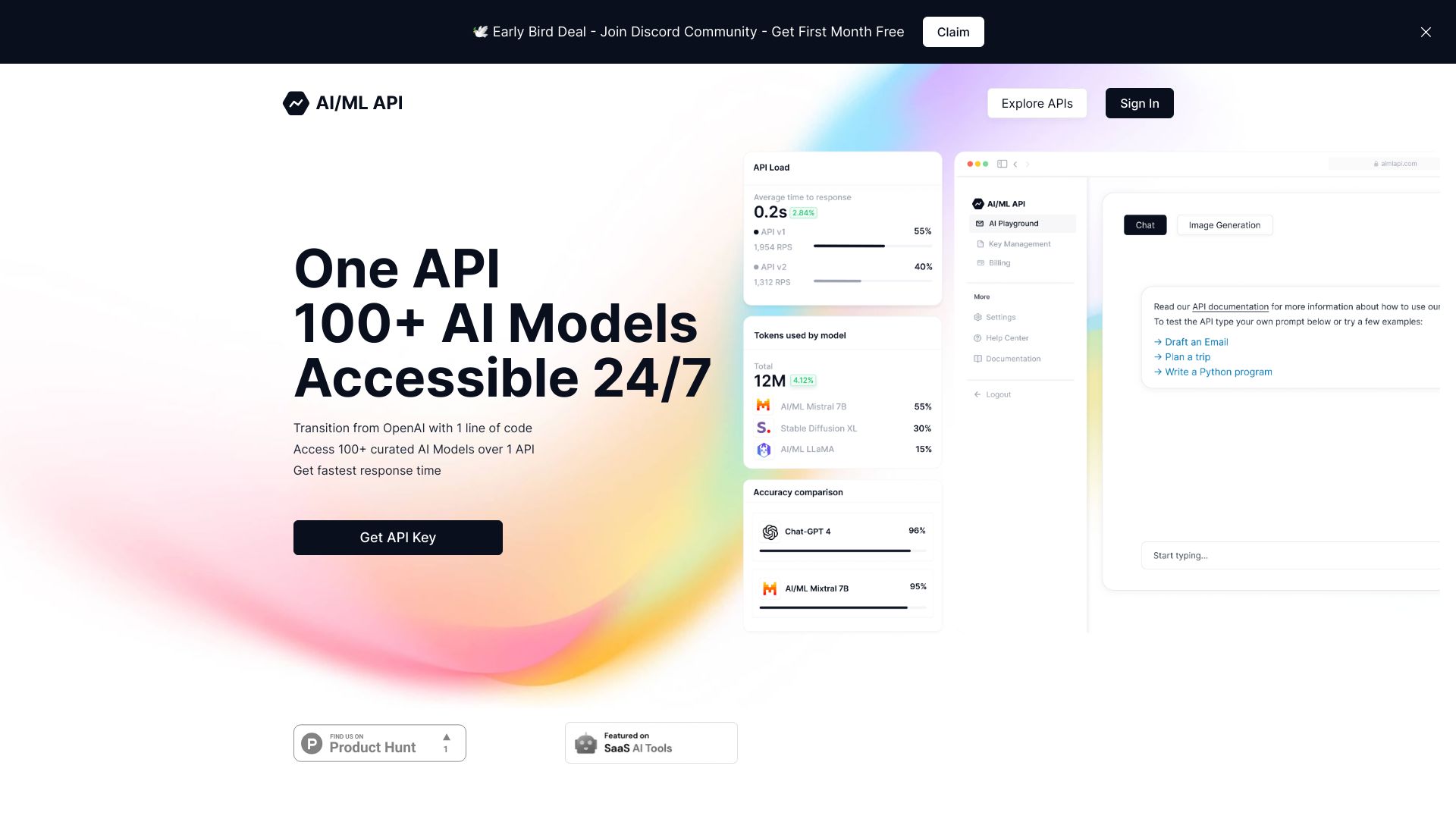
AI/ML API
Developers integrating multiple AI models

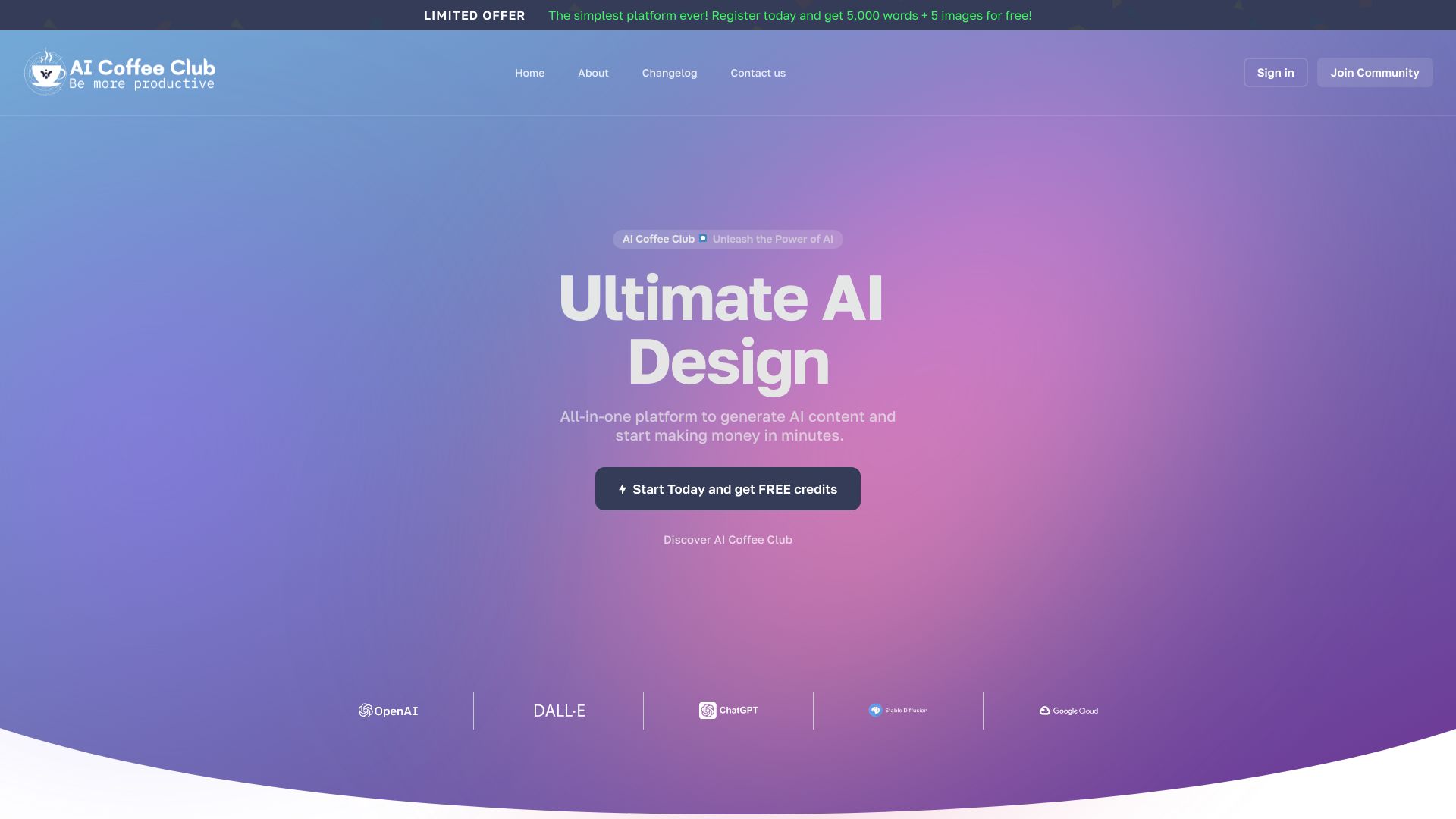
AI Coffee Club
All-in-one AI content creation
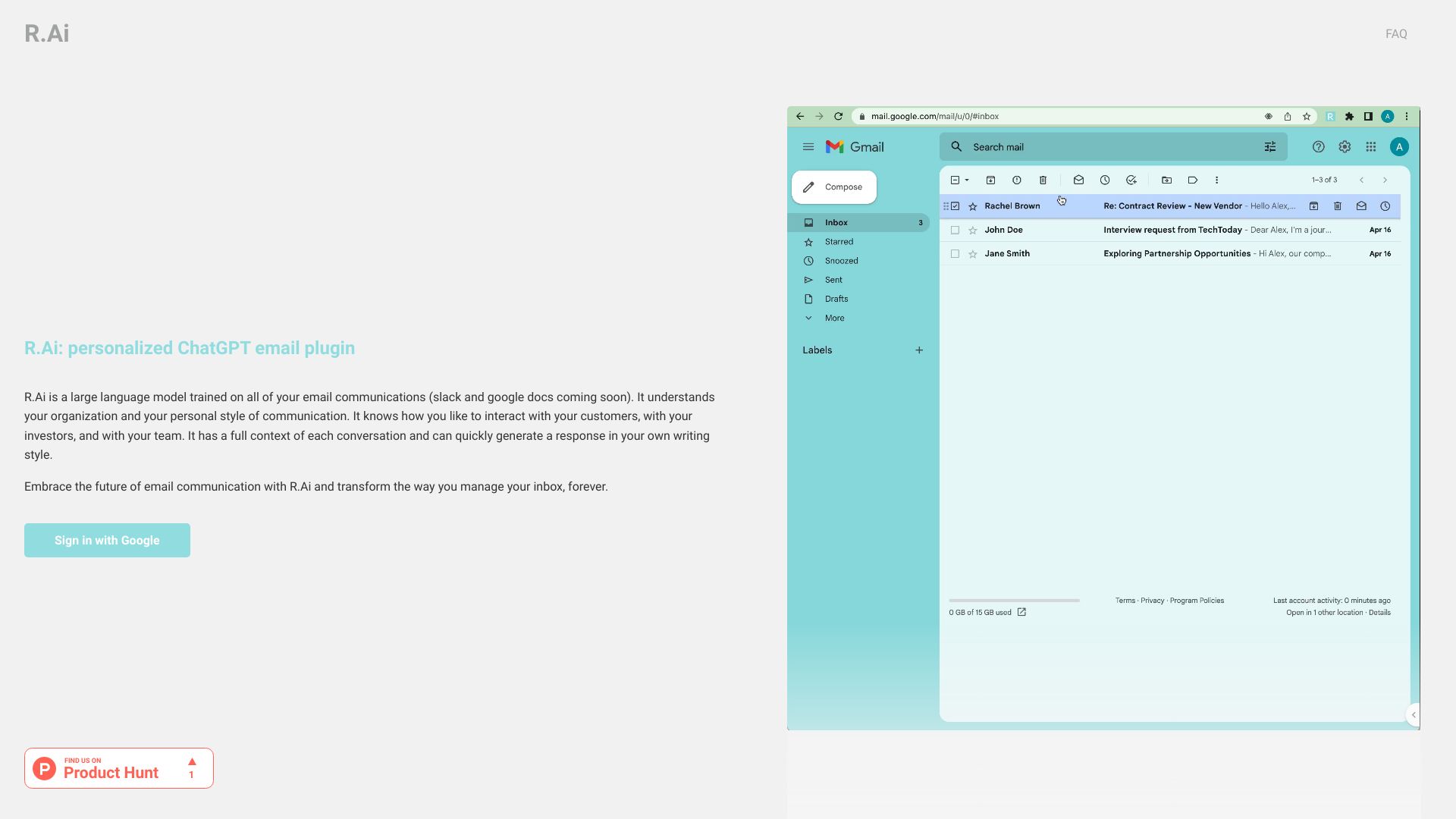
R.Ai
Personalized email response drafting

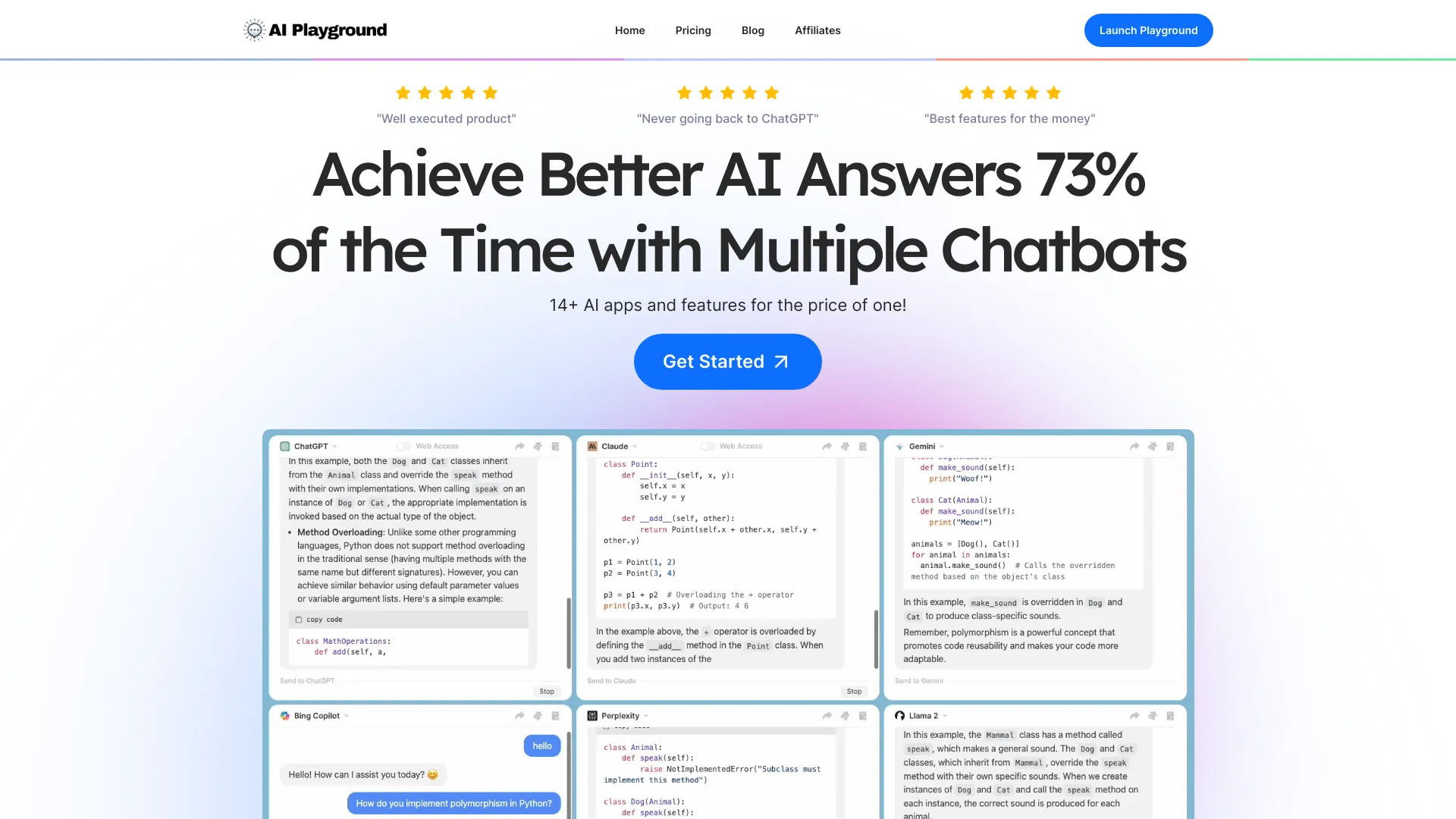
ChatPlayground
Comparing AI models

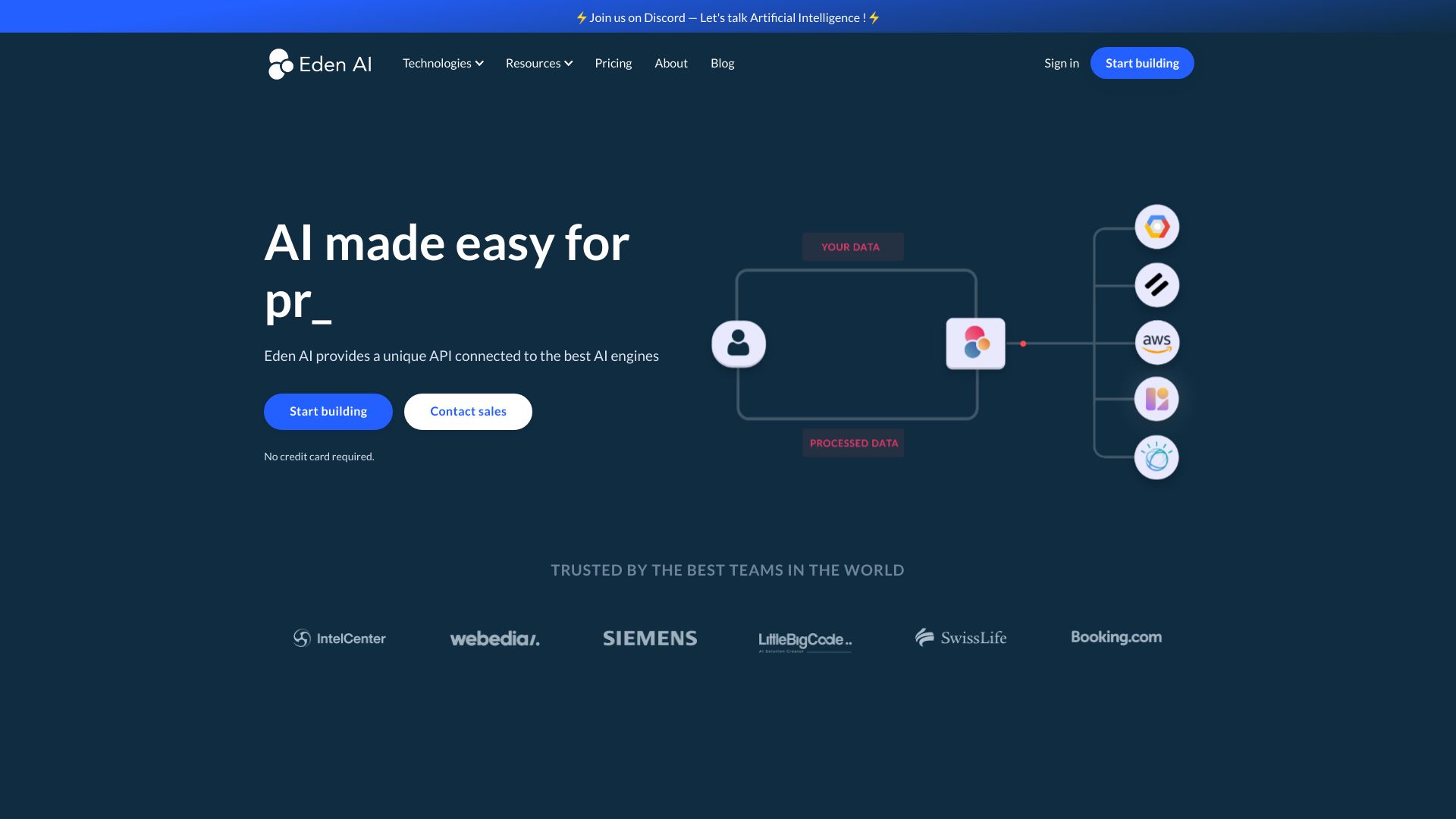
Eden AI
Developers comparing AI APIs

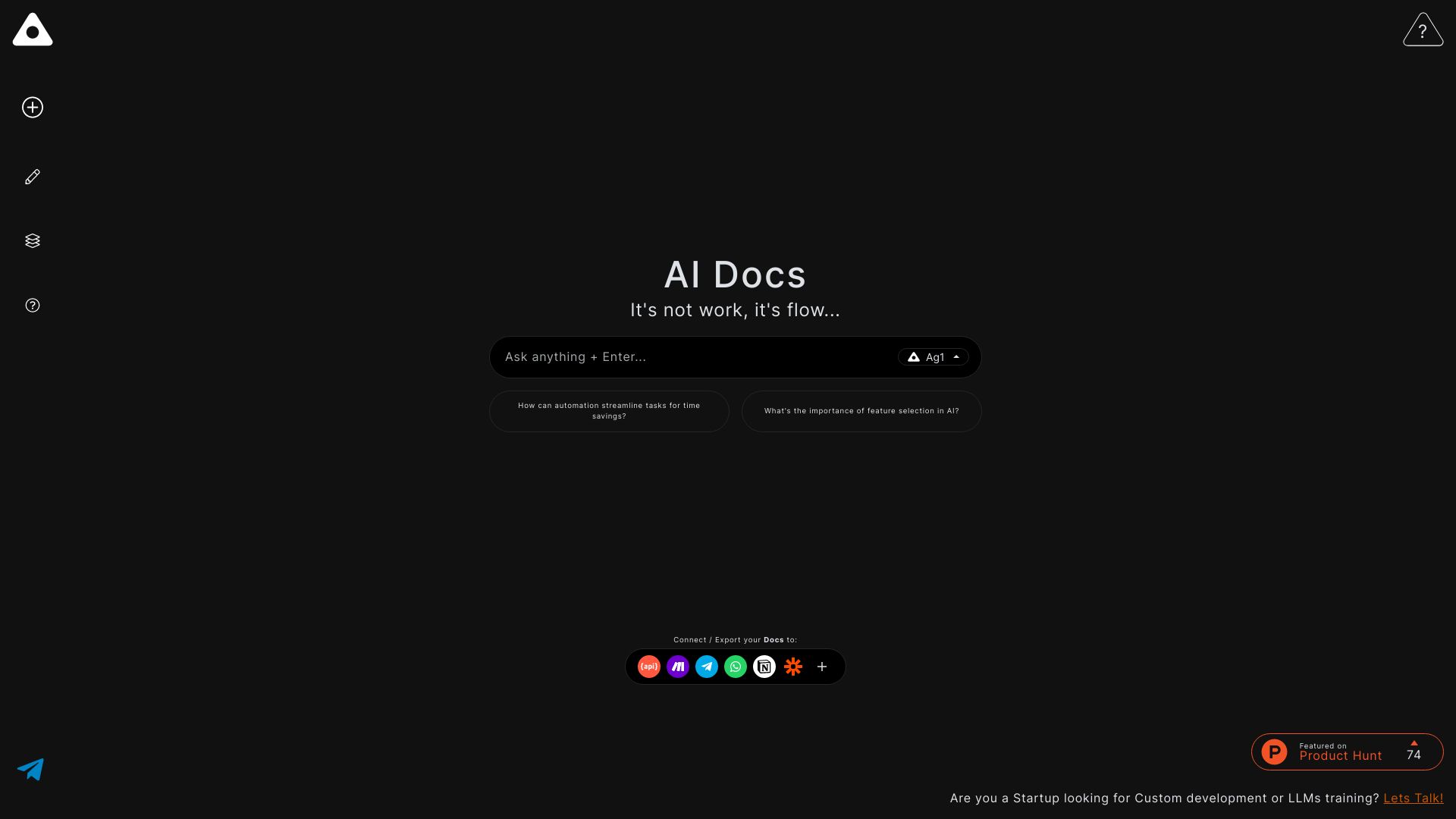
Ag1 Labs
AI-assisted essays and structured documents

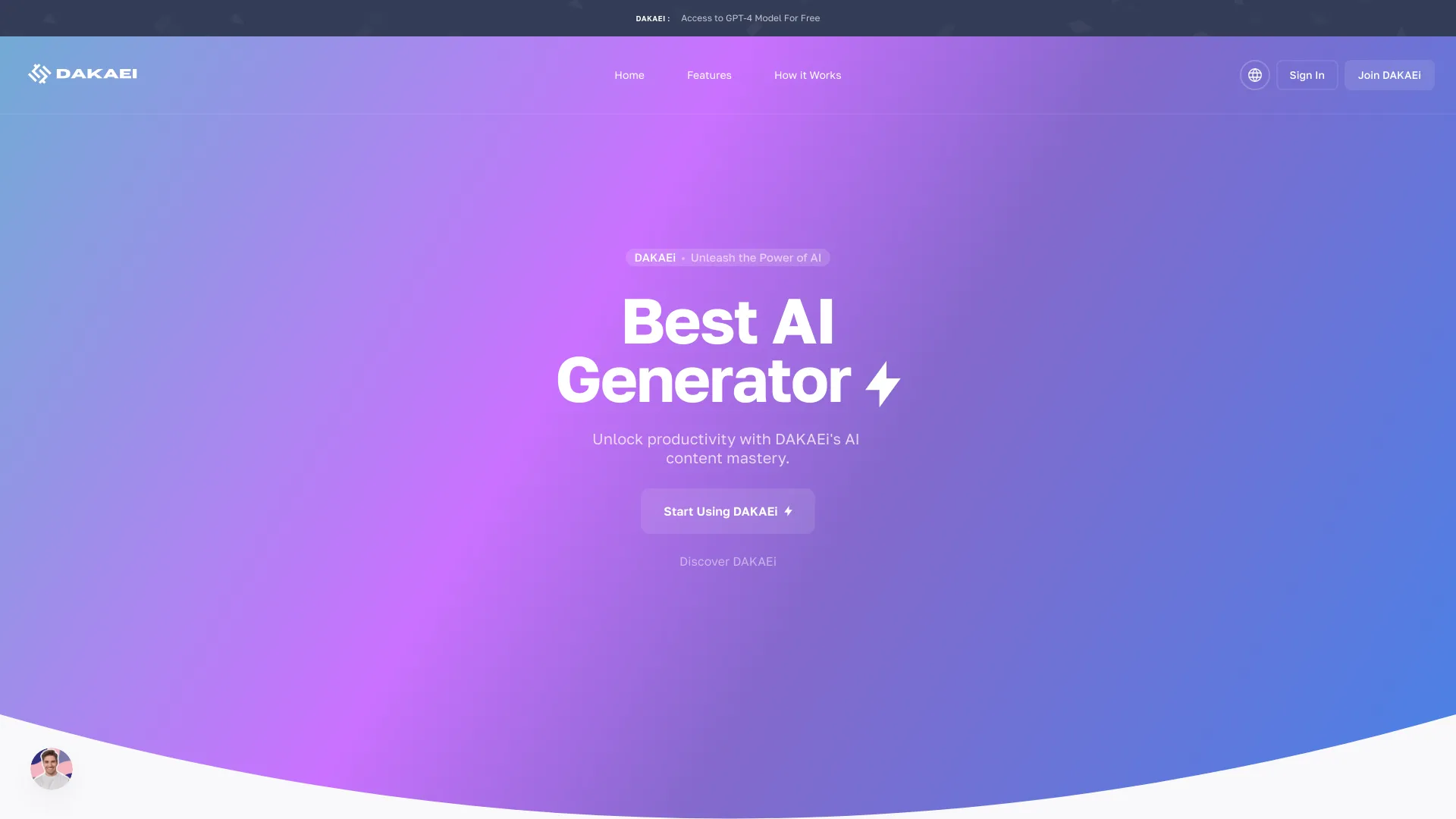
DAKAEi
Multimodal content creation

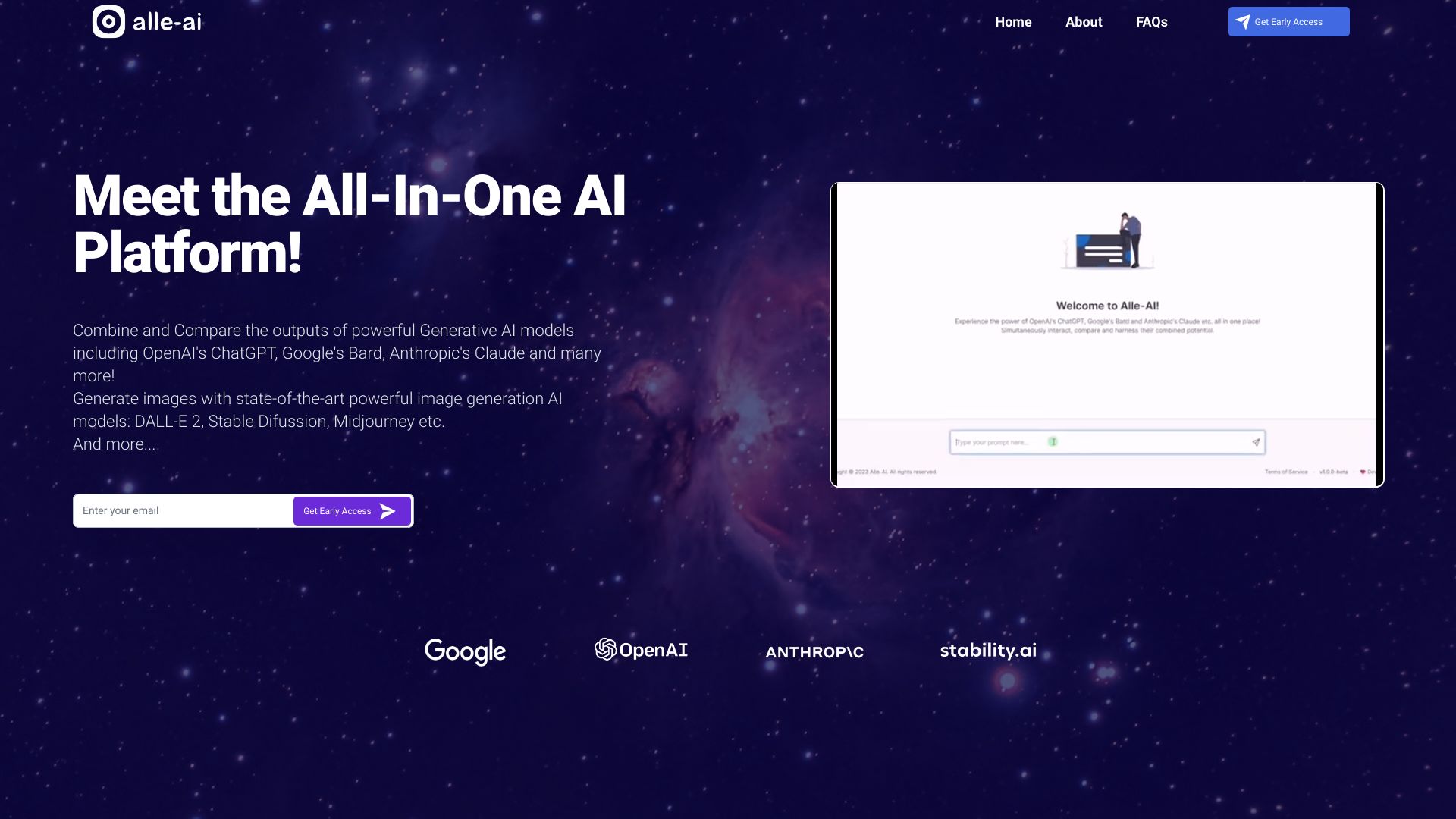
Alle-AI
Comparing multiple AI models

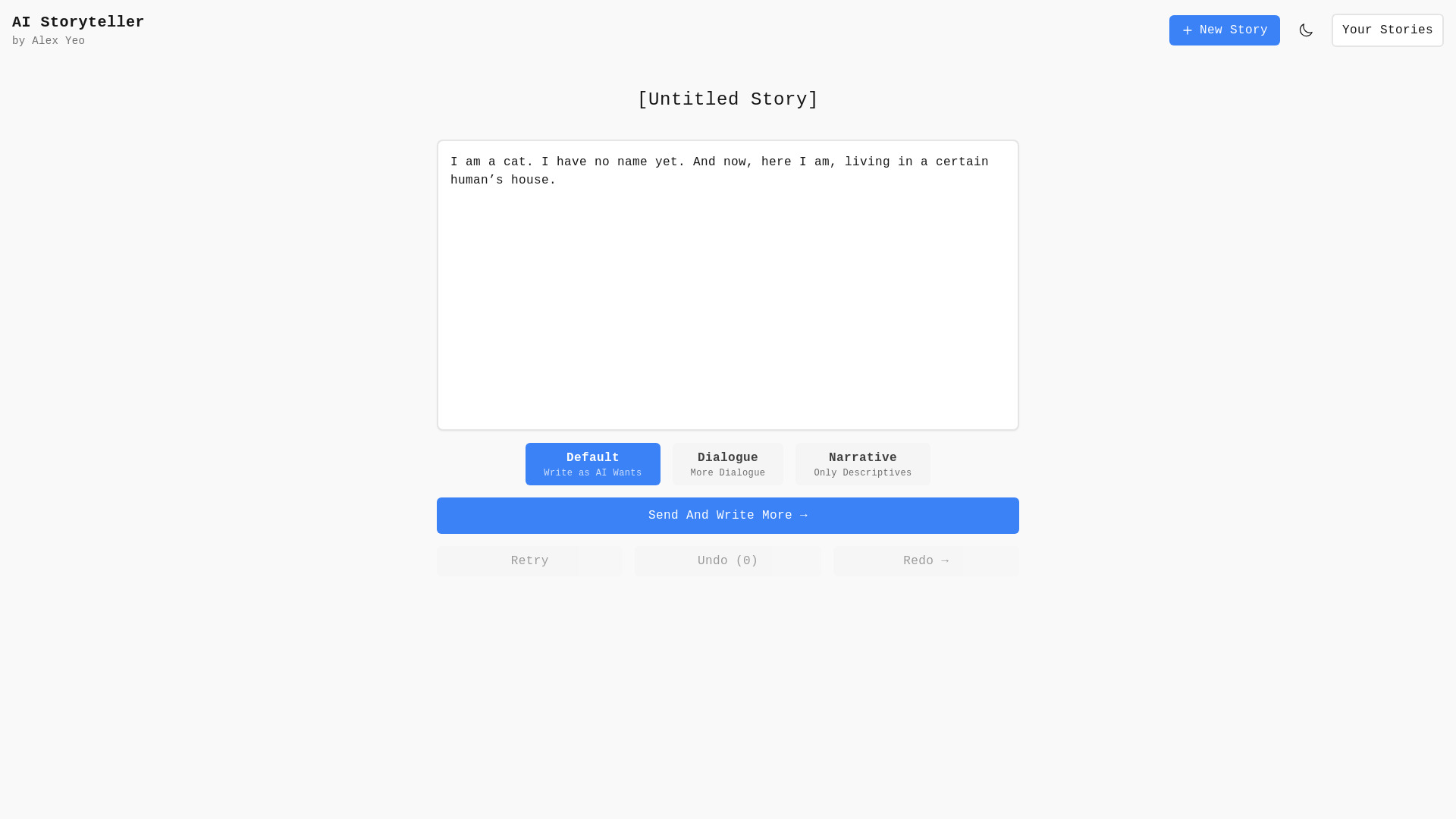
AI Storyteller
AI-assisted creative writing

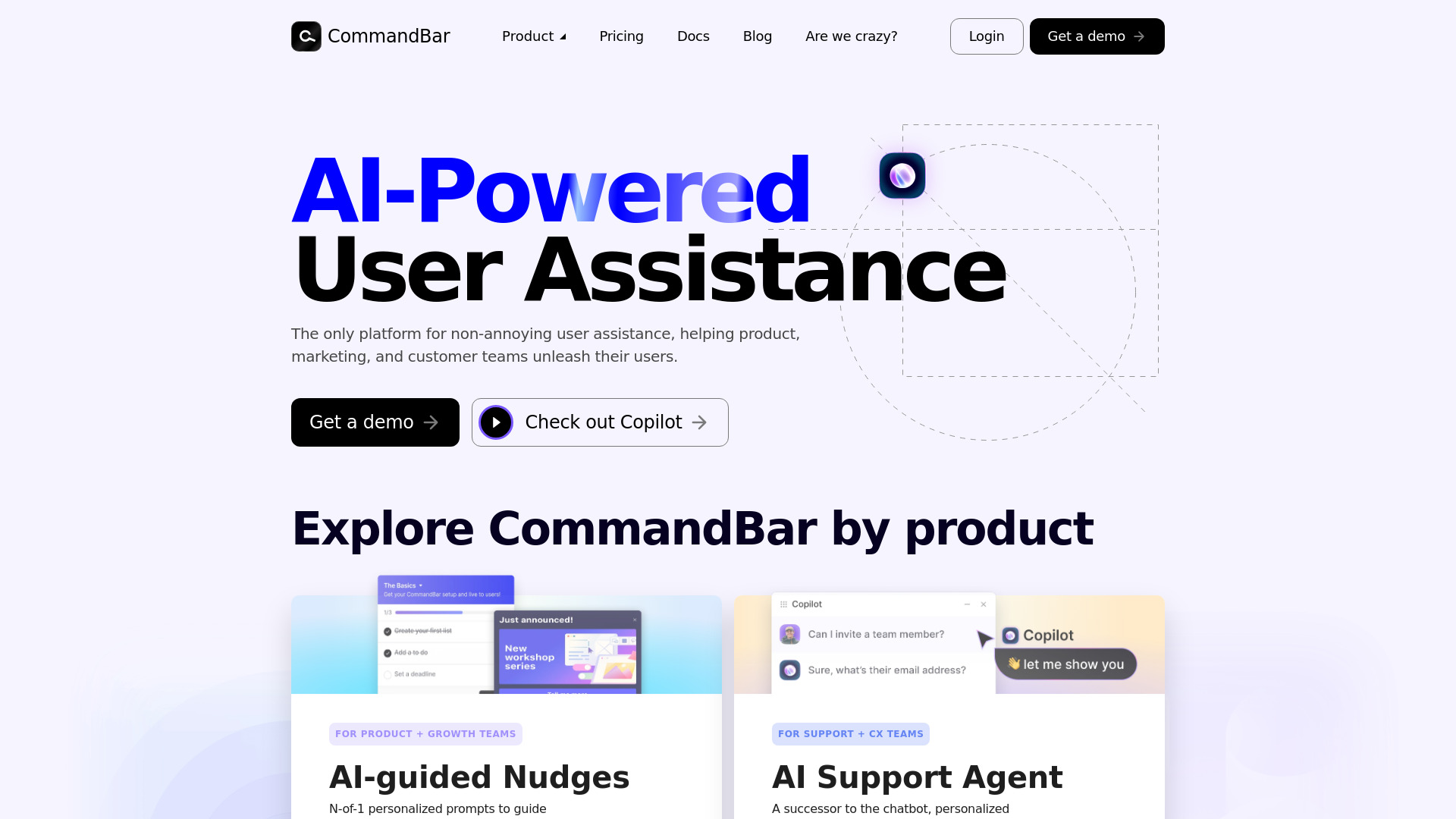
Command AI
In-app user assistance for product and support teams

AI Checker
Checking AI-generated content

AraMind AI
Creative AI writing and content generation

AuthorAI
AI-assisted creative authoring

ElevenLabs
Realistic AI voice generation
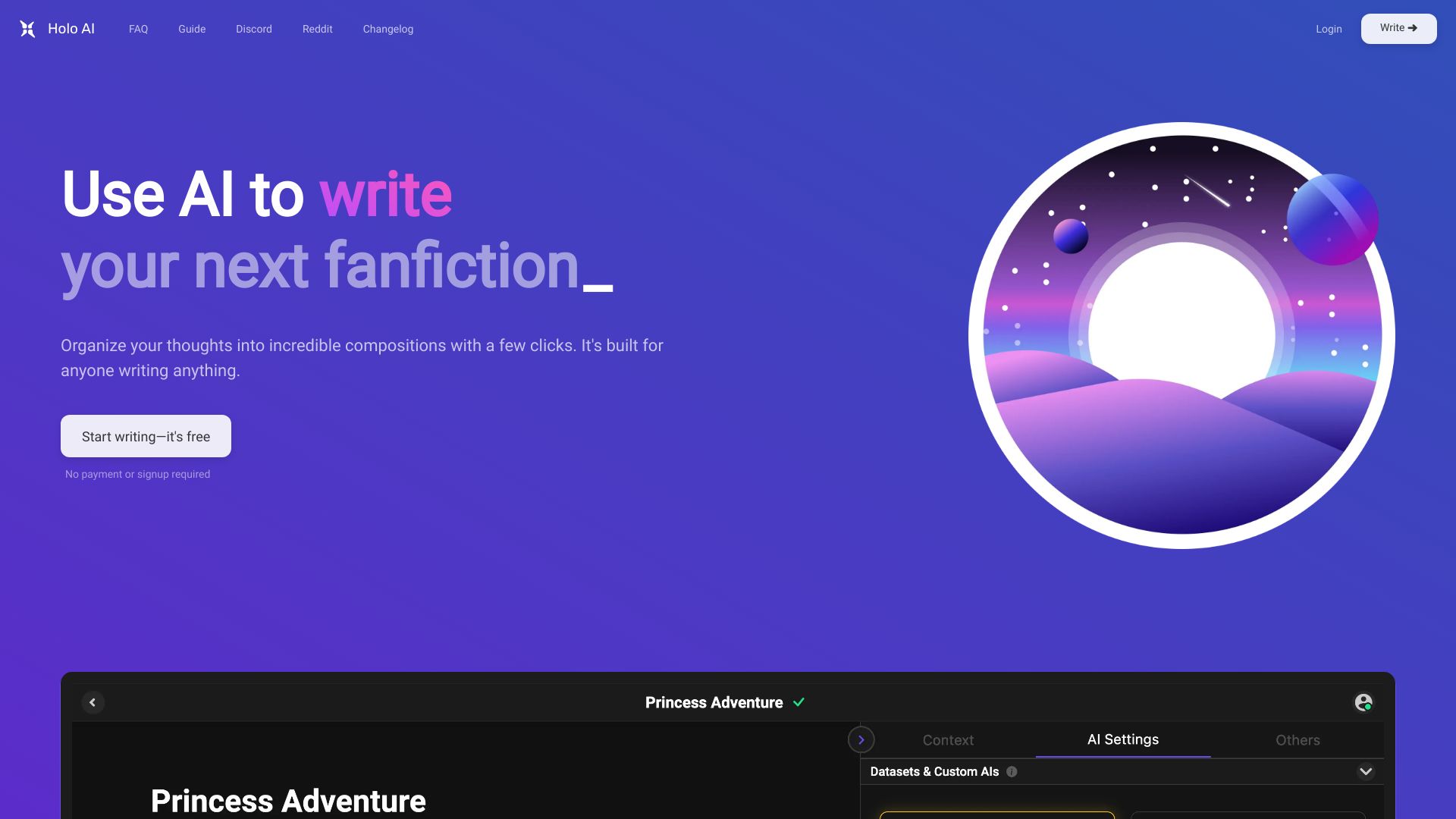
Holo AI
AI-assisted novel and story writing
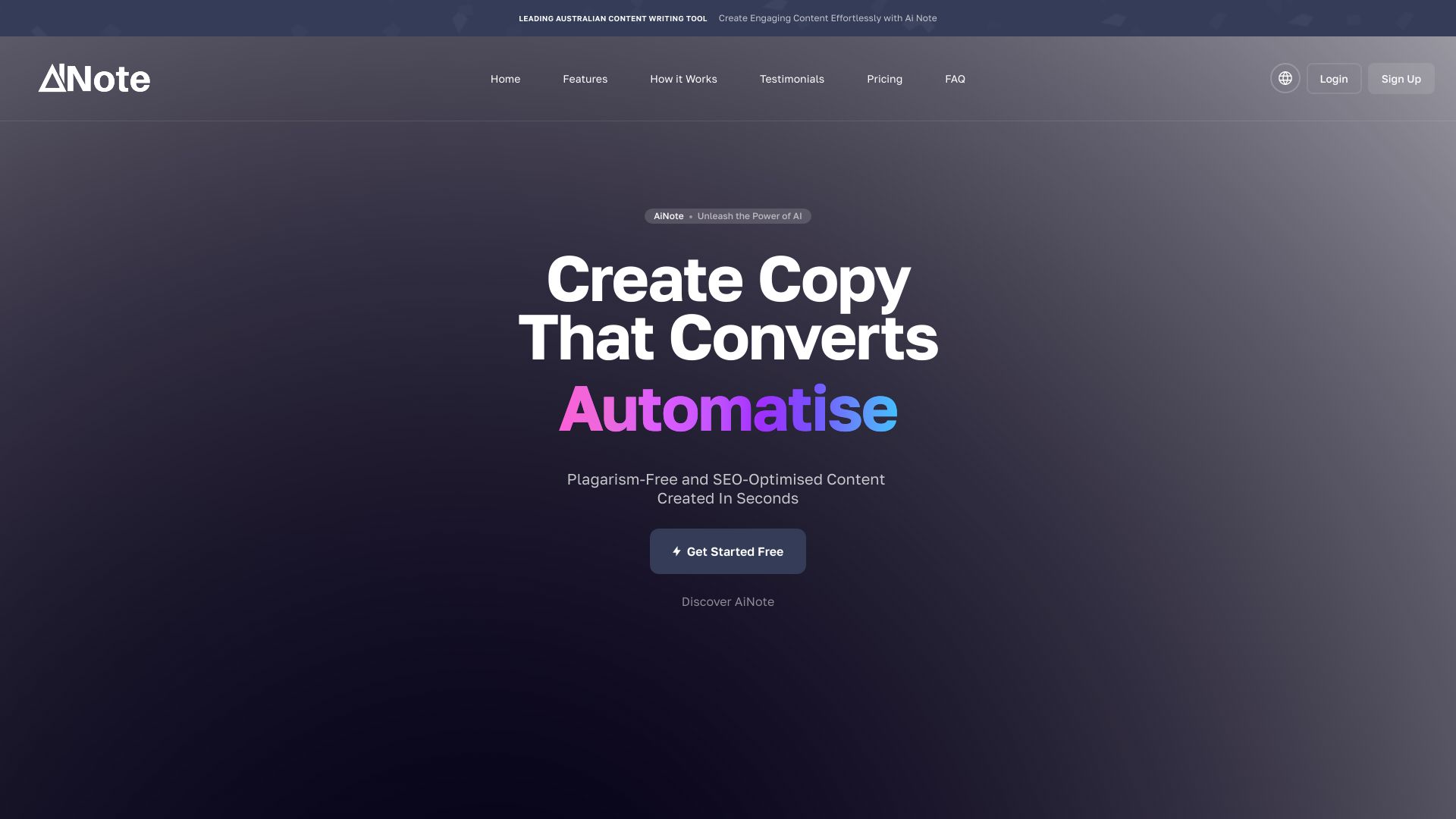
AiNote
SEO content and copywriting
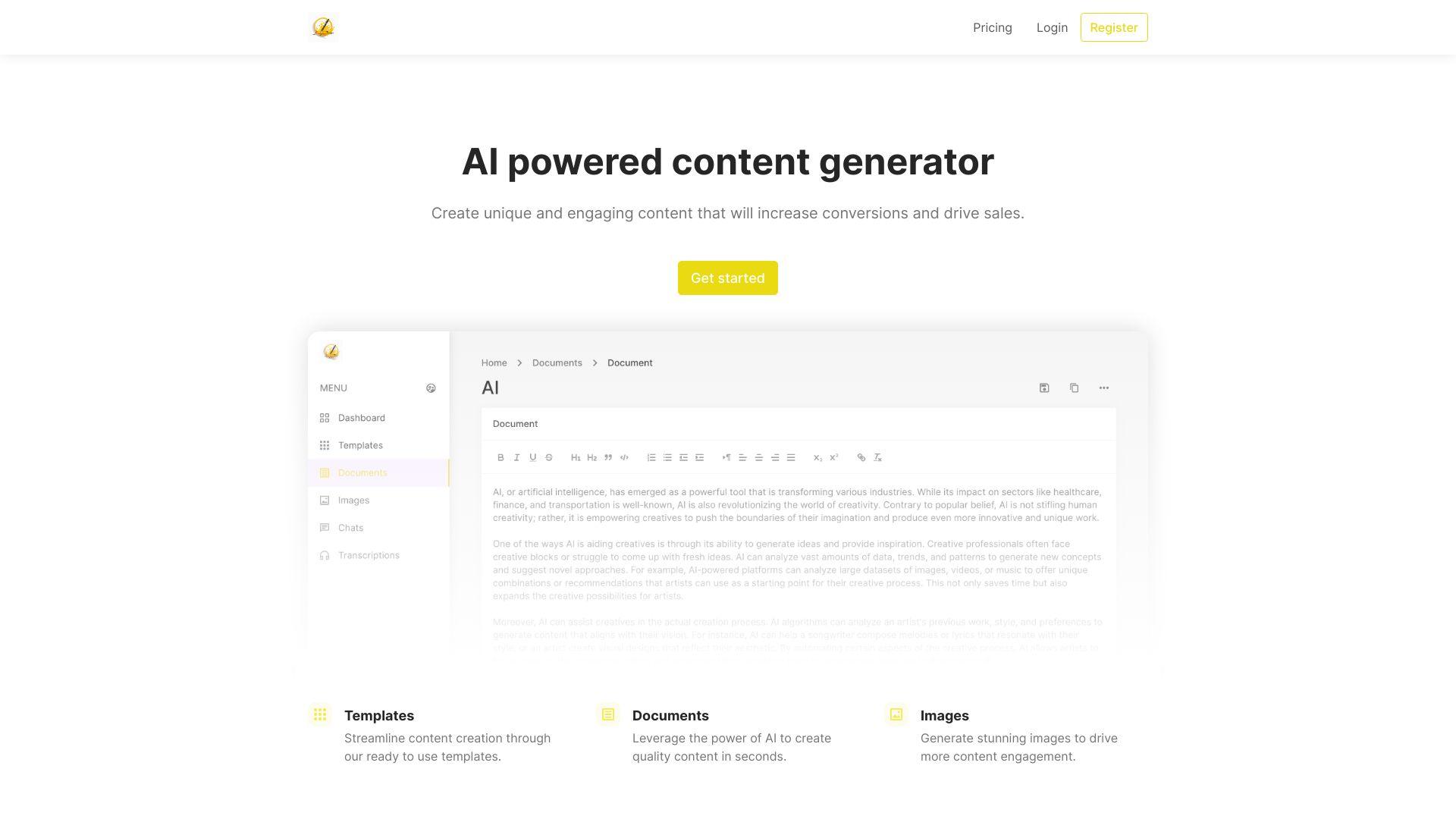
Jotters Pad
Template-based content generation
Only One AI
Discovering AI tools across many categories

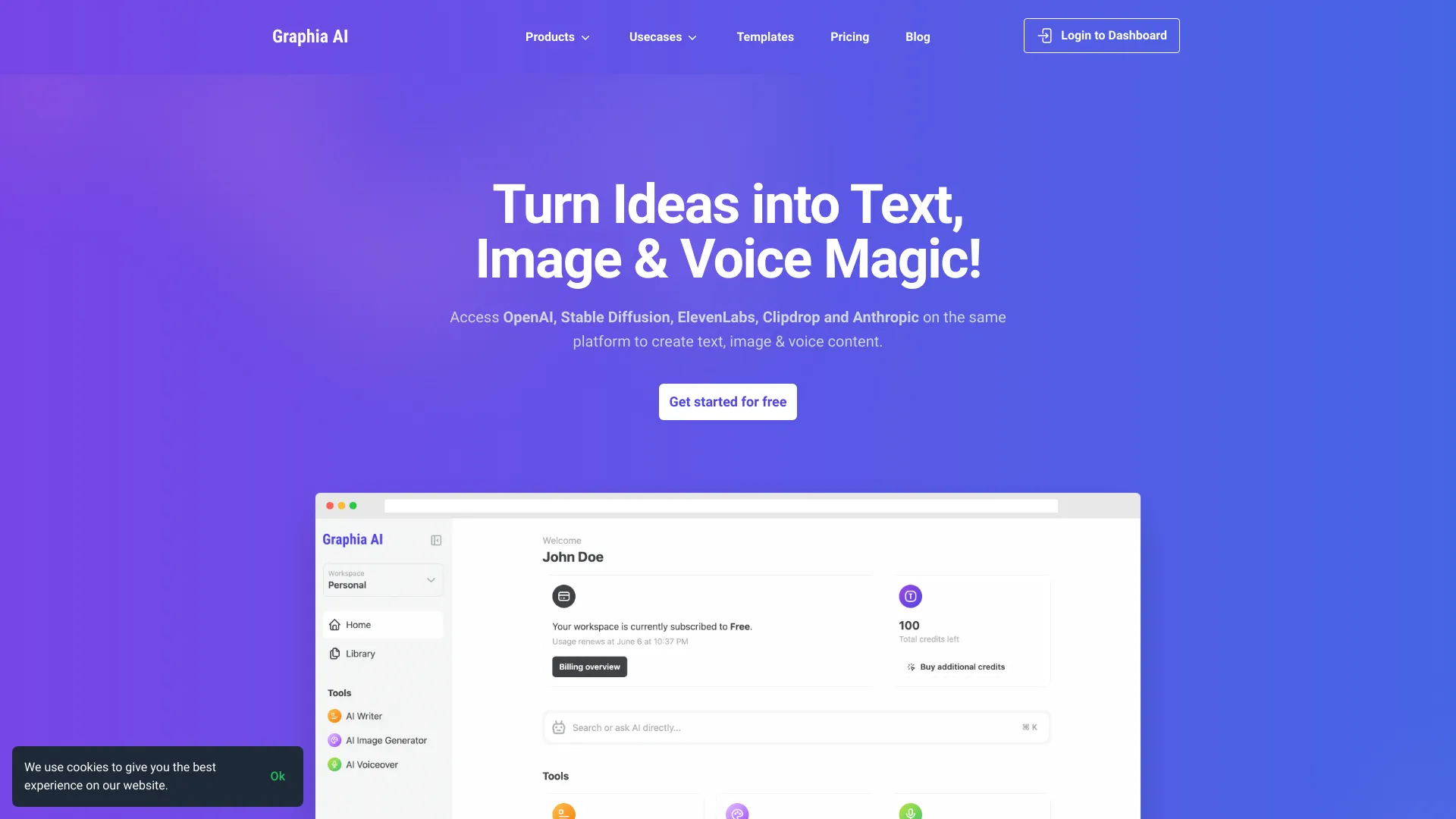
Graphia AI
Multiformat content creators

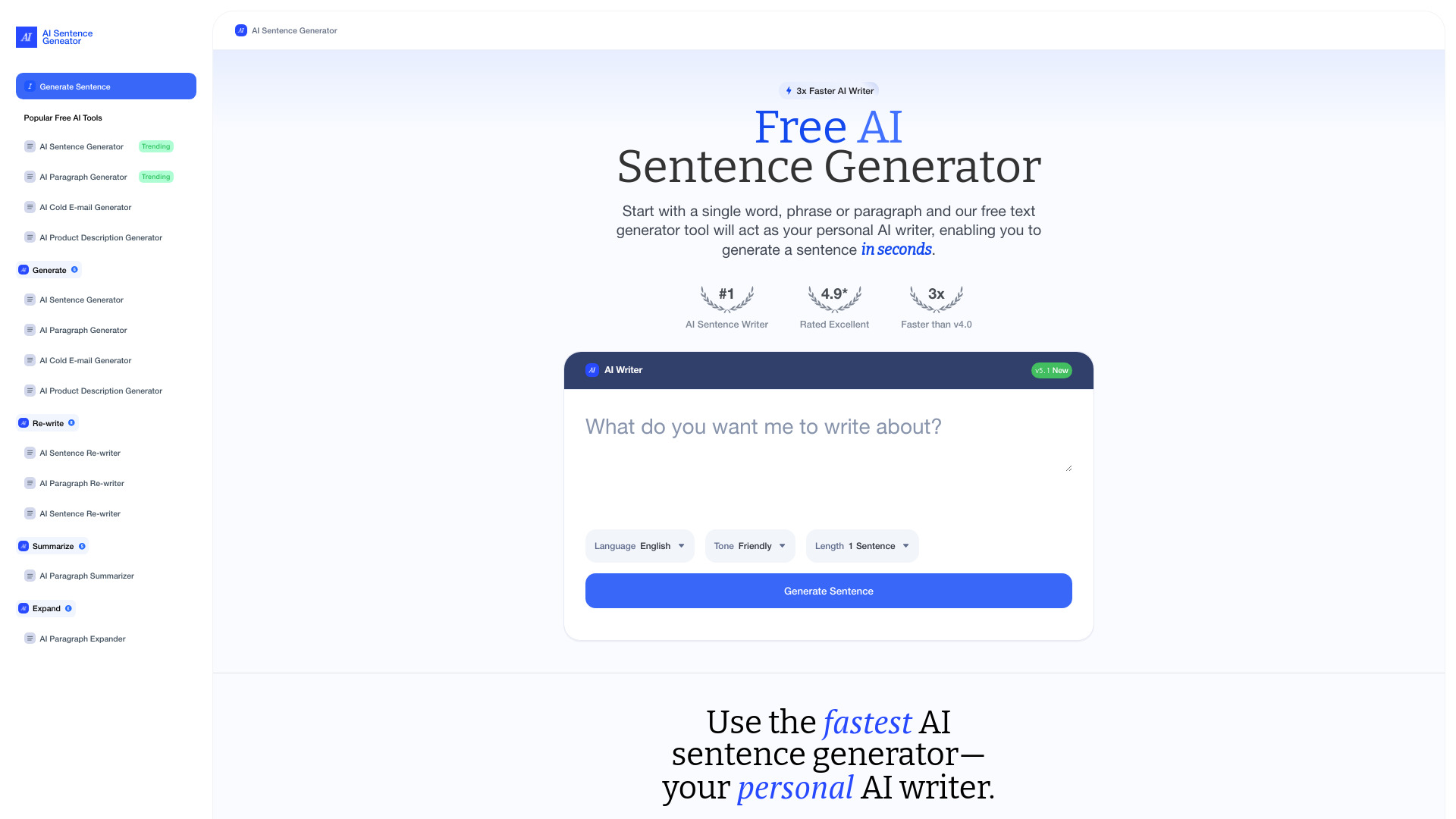
AI Sentence Generator
Quick sentence and paragraph generation

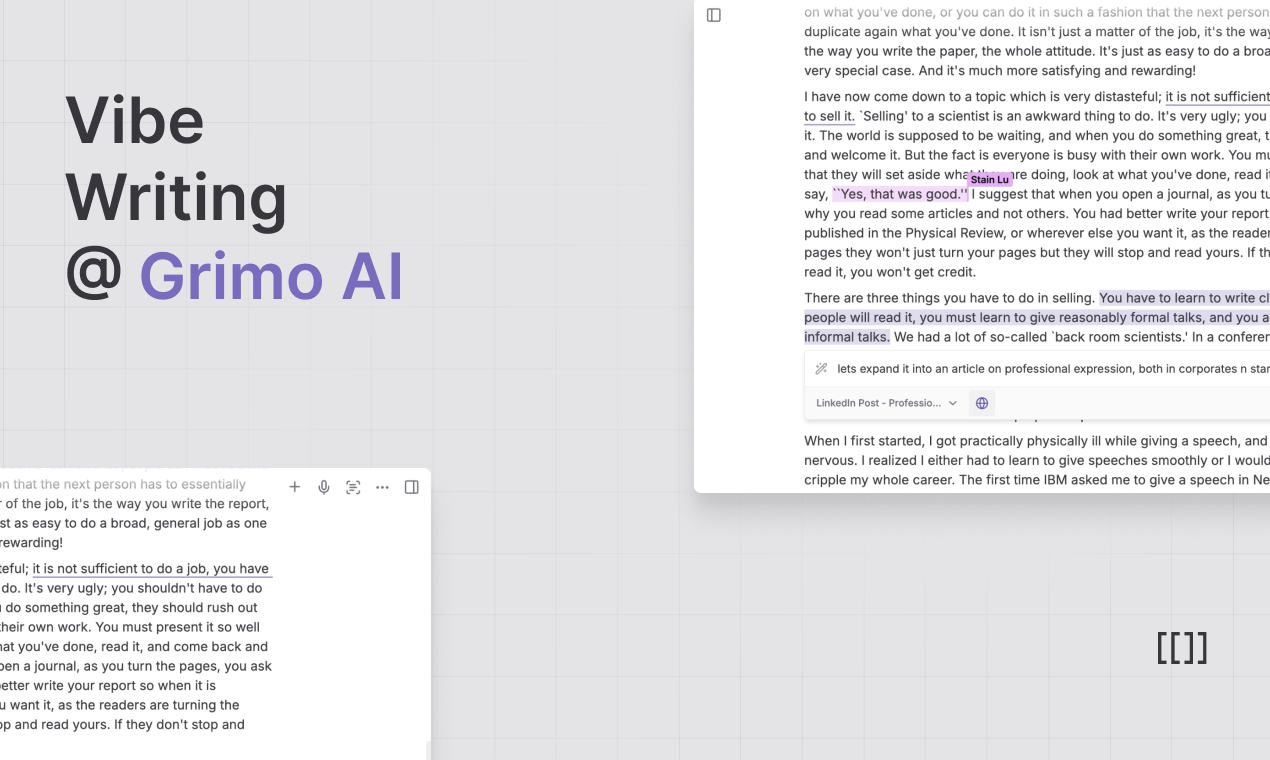
GrimoAI
AI-assisted writing and knowledge work

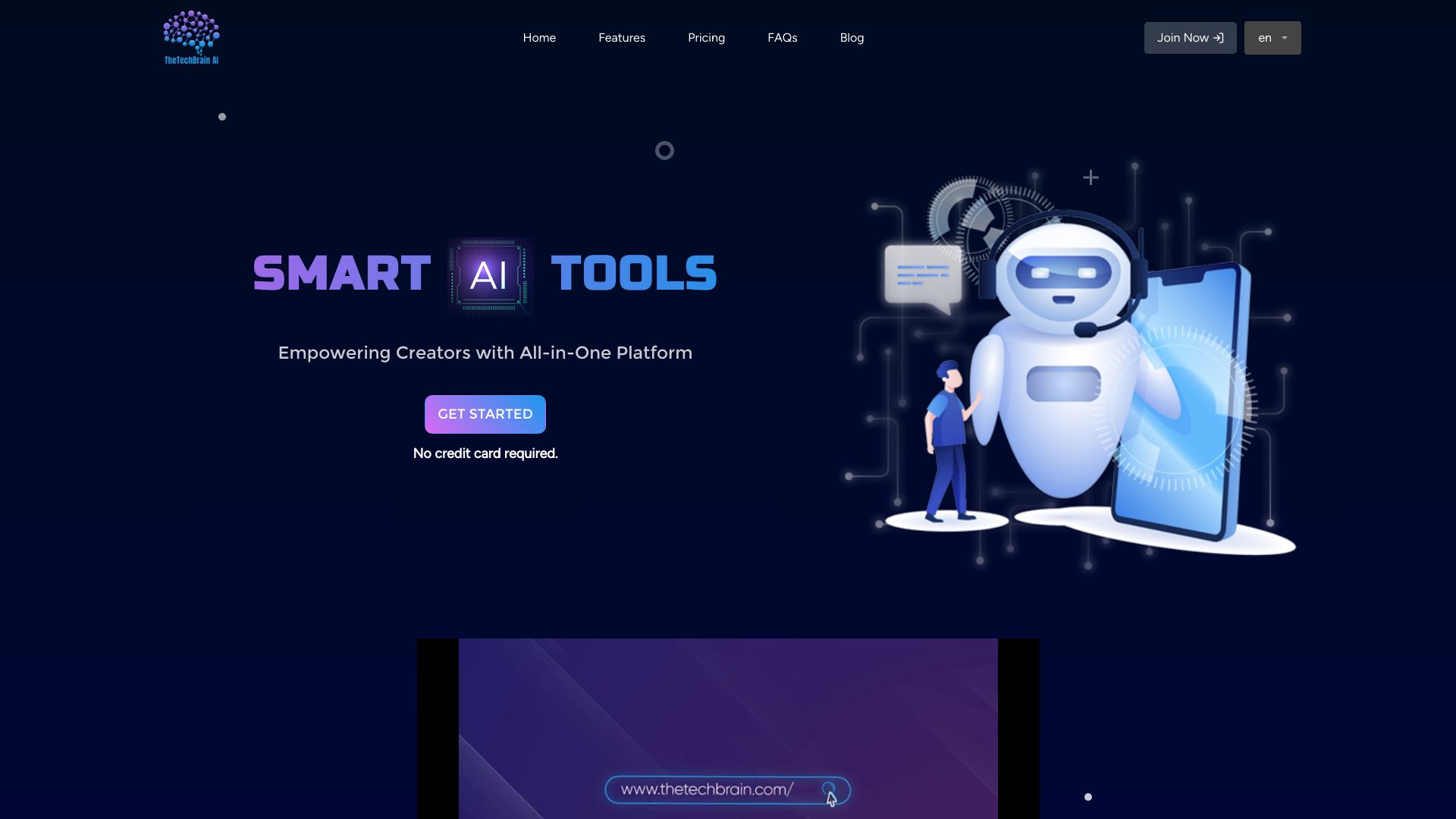
TheTechBrain AI
All-in-one AI content creation
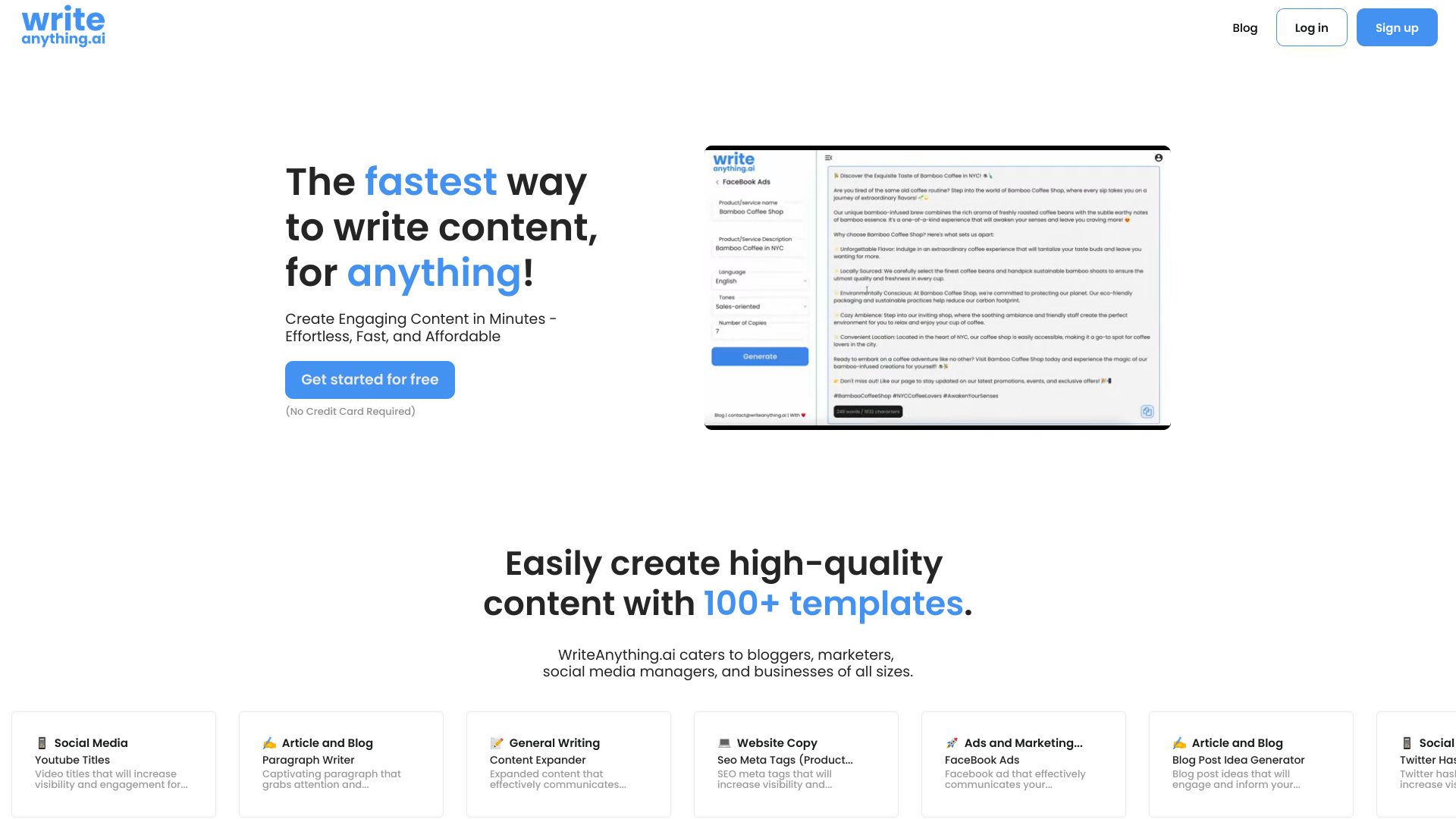
WriteAnything.ai
Blog, social, and email content

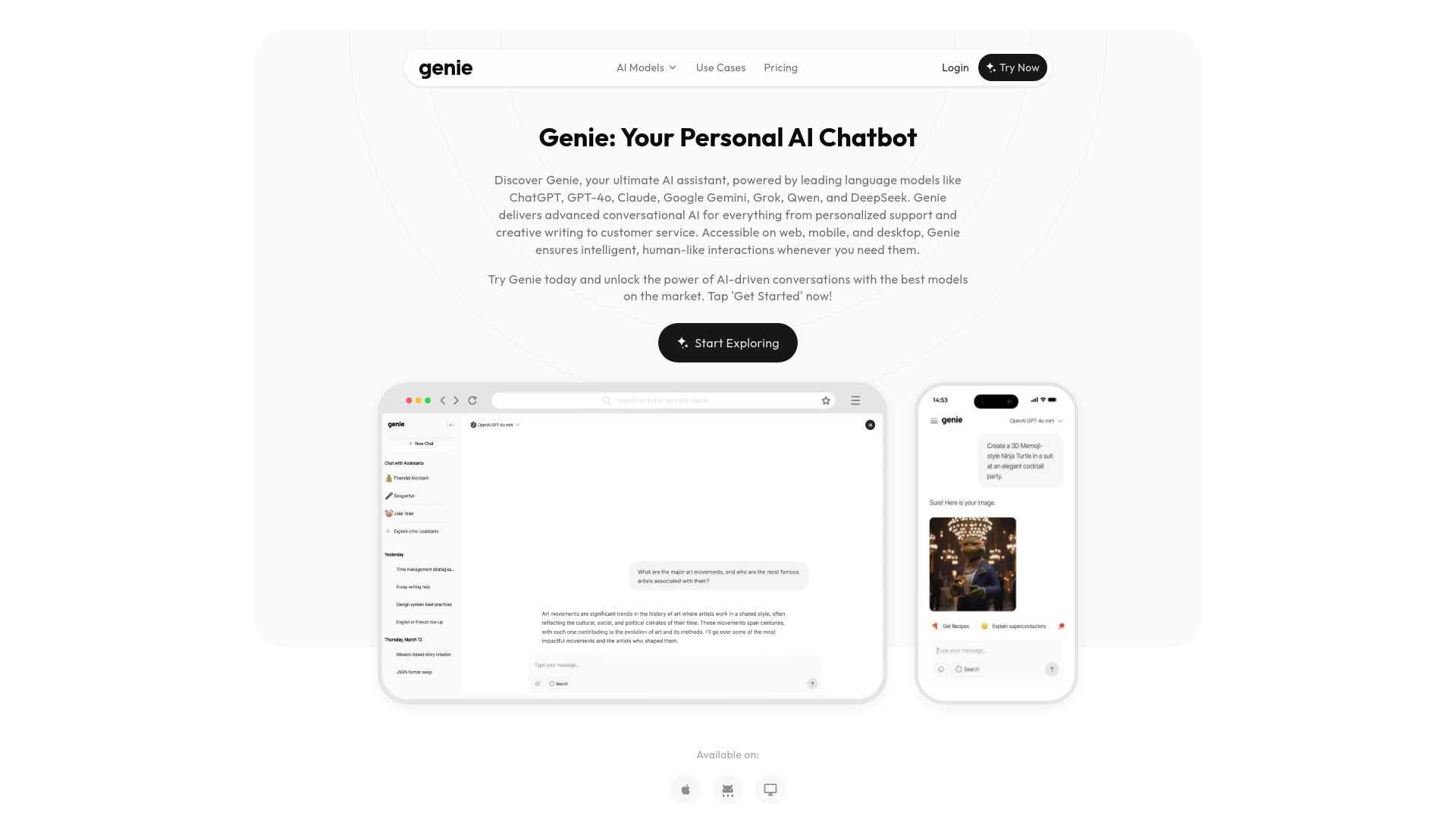
Genie AI
Multi-model AI chat and writing

XW.AI
All-in-one AI content generation
Ailora AI
All-in-one AI content creation

WriteAI.tech
SEO and marketing copy


Wonder AI
Text-to-image art creation
Lazy Write
Content projects and blog writing


PlayAI
Real-time conversational voice agents

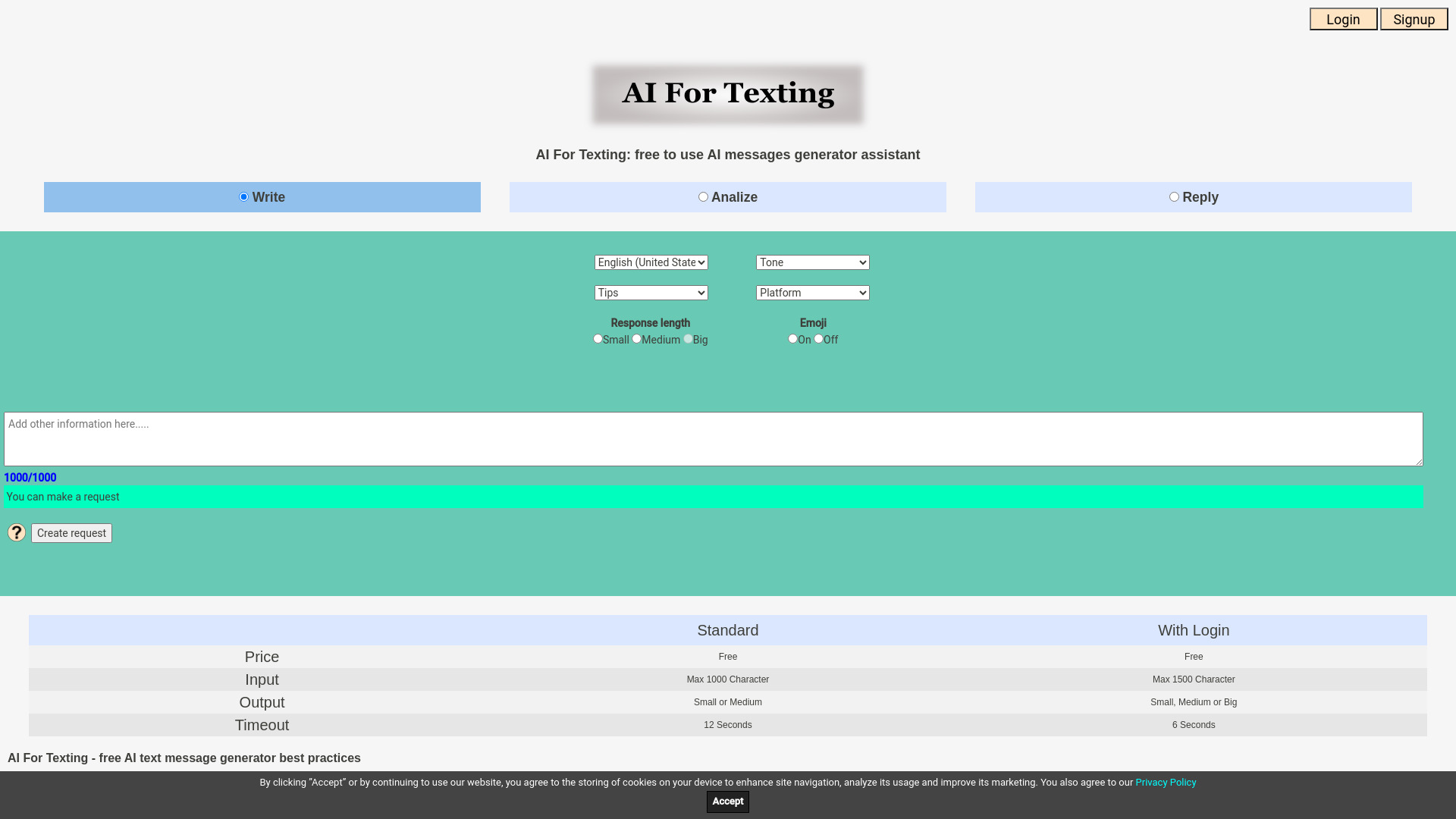
AI For Texting
Writing and replying to messages

AI Generating
Copywriters and digital marketers


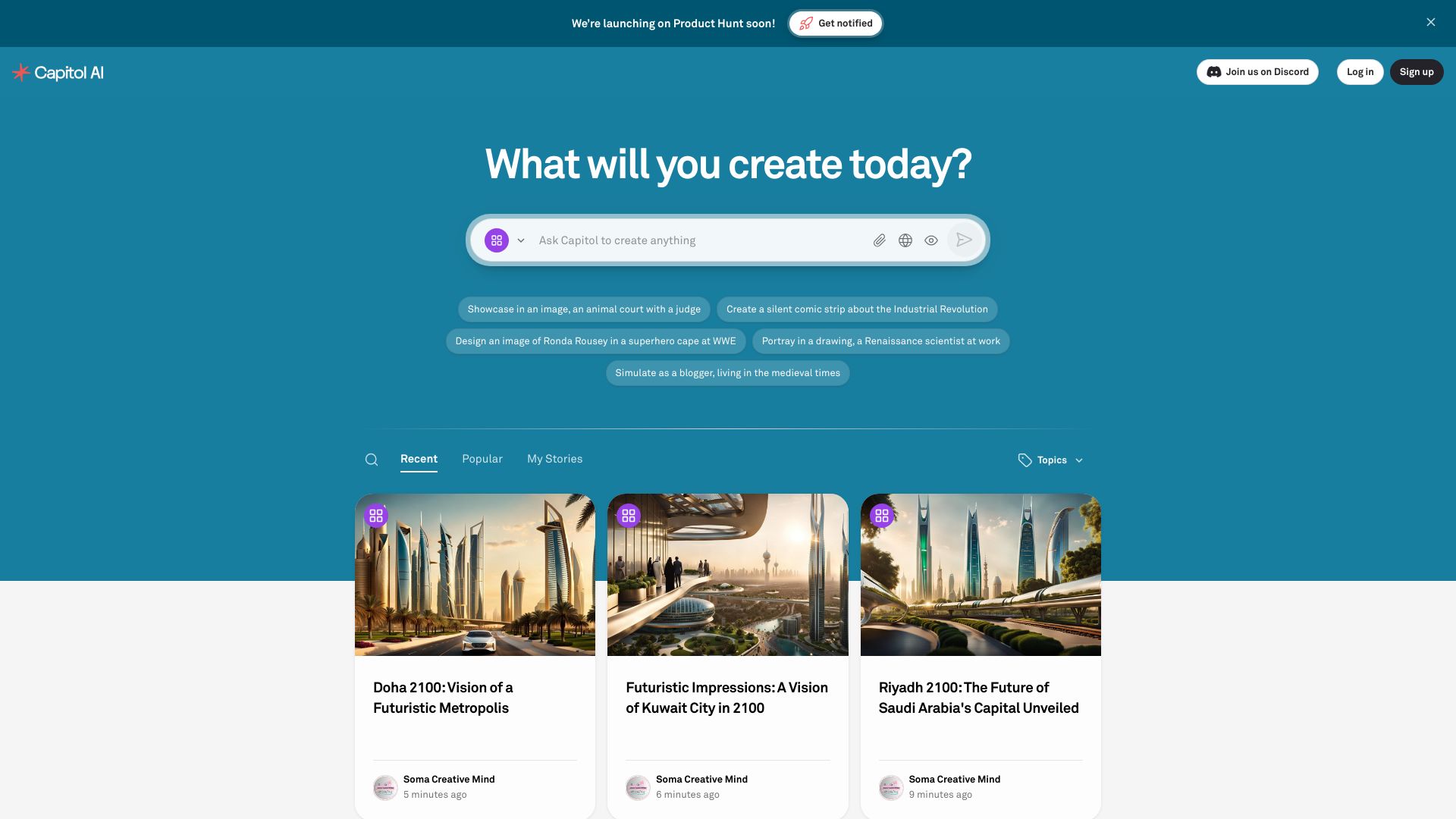
Capitol AI
Enterprise document creation
AI Speeder
SEO content and marketing copy
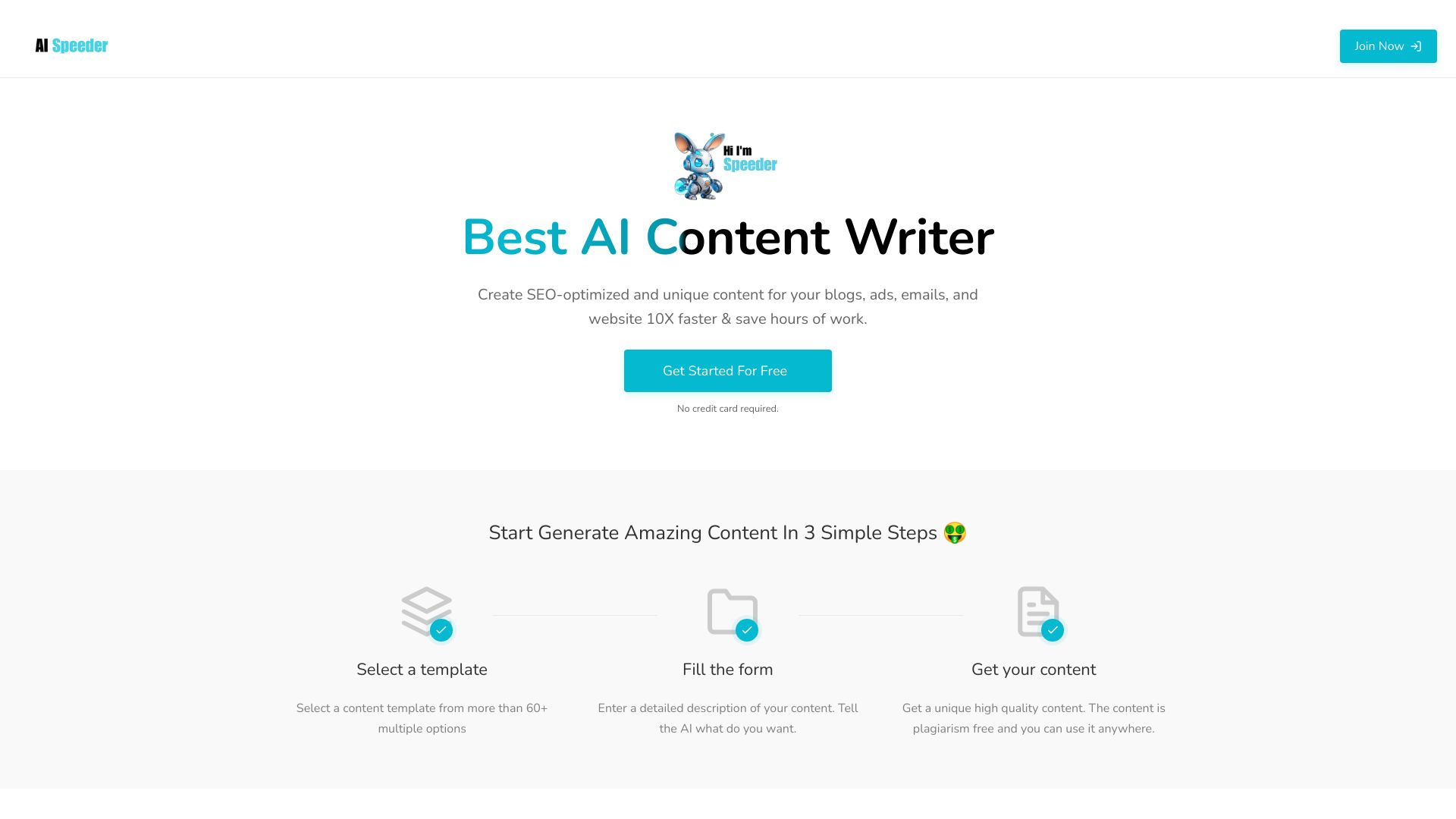

tyy.ai
Discovering AI tools
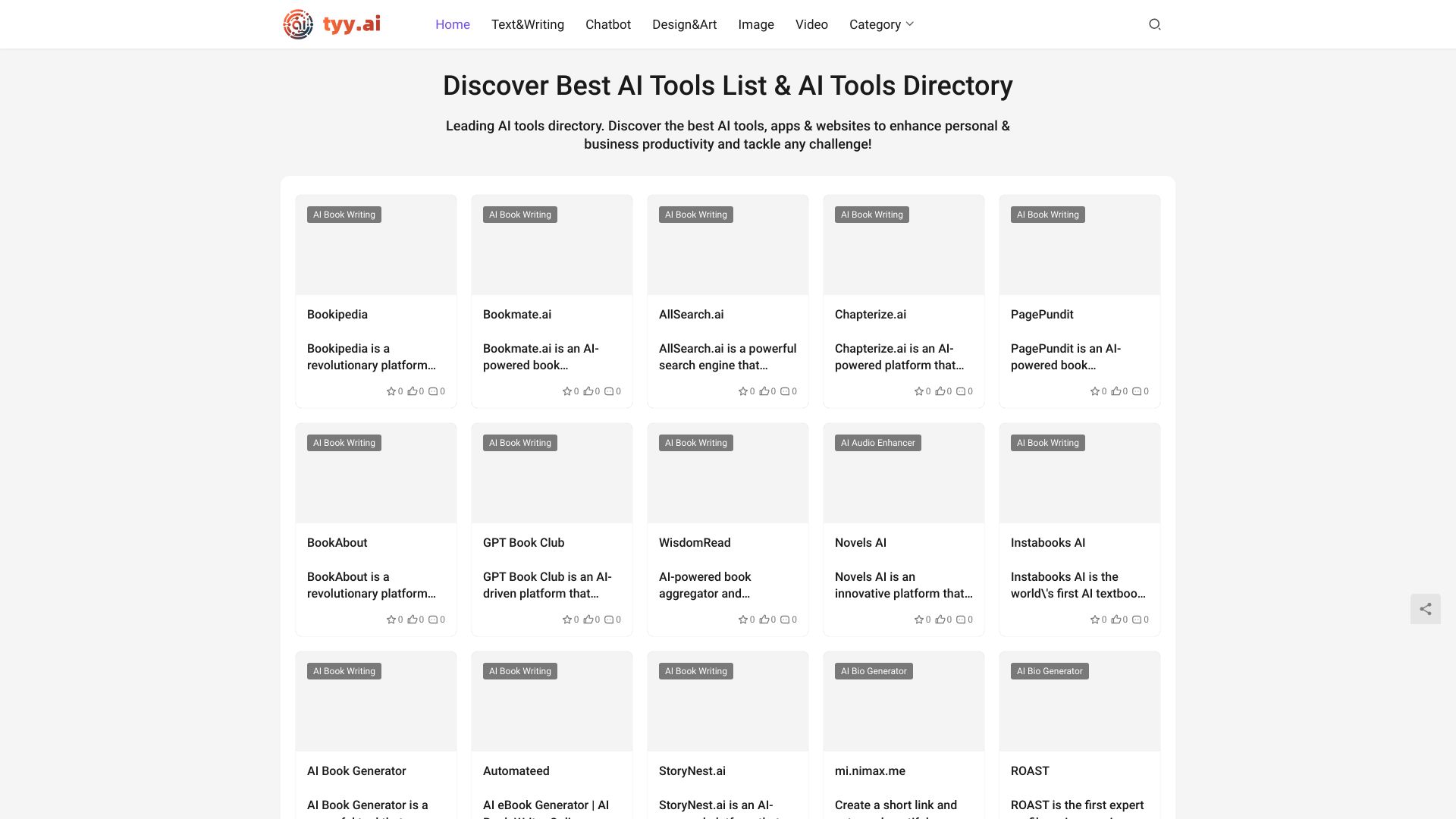

Eloise AI
SEO and long-form writers
WriteAI.me
Marketing copy, ads, emails, and blog posts

AppAi
AI marketing and blog copy

DropYourAI
Discovering AI tools

Siuuu.ai
AI writing for stories, research, and marketing

Writey A.I
AI blog content creation

Something AI
Personalized AI character chats
CodeAI
Privacy-first full-stack AI development

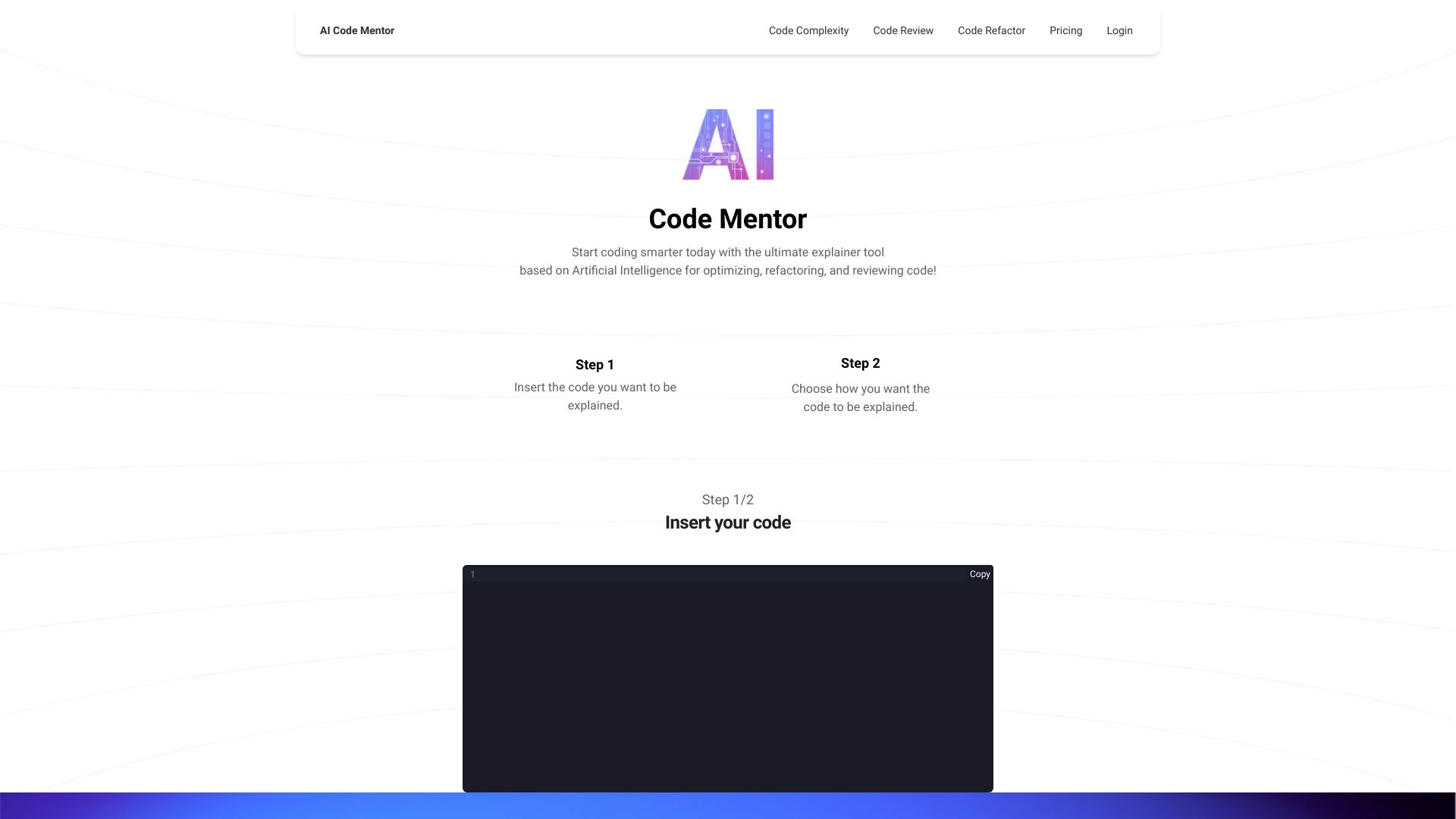
AI Code Mentor
Beginner-friendly code explanations

Sparks AI
Building custom AI agents with teams


AI FIRST
Building autonomous AI agents

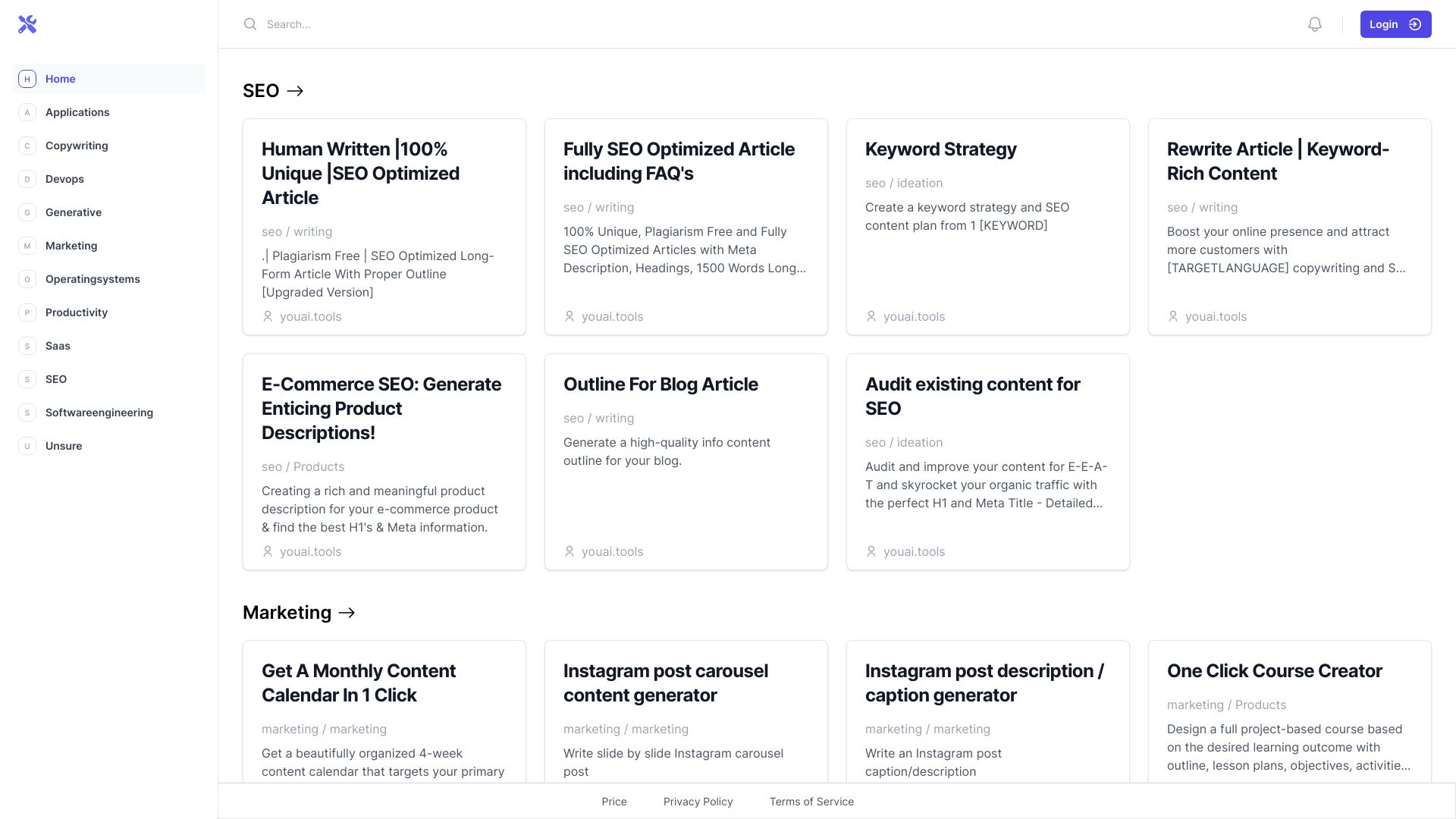
You AI Tools
AI writing and prompt tools

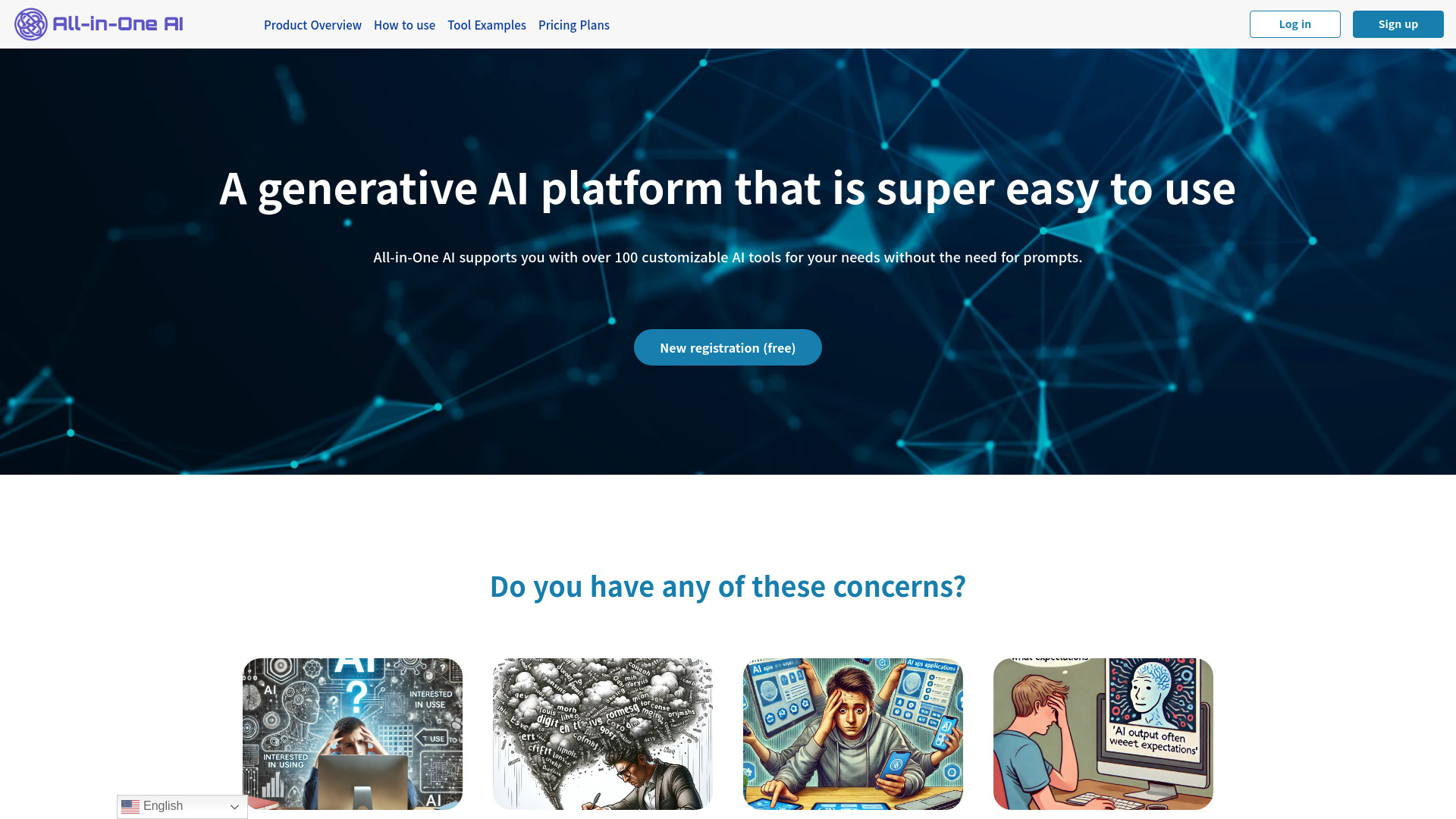
All-in-One AI
Prompt-free content and image generation

AI Things
AI tools and resources for engineers

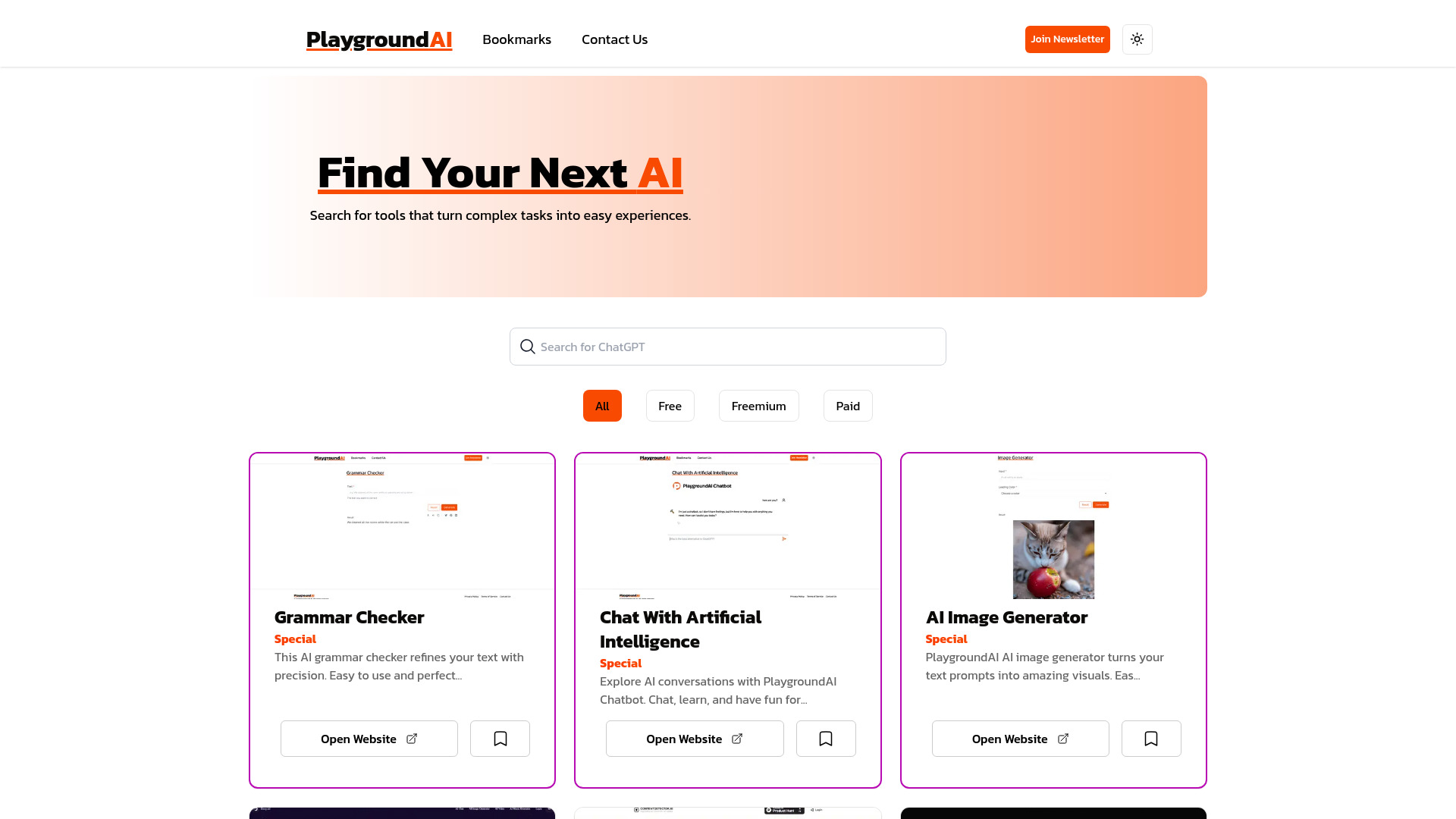
Playground AI
Discovering AI tools

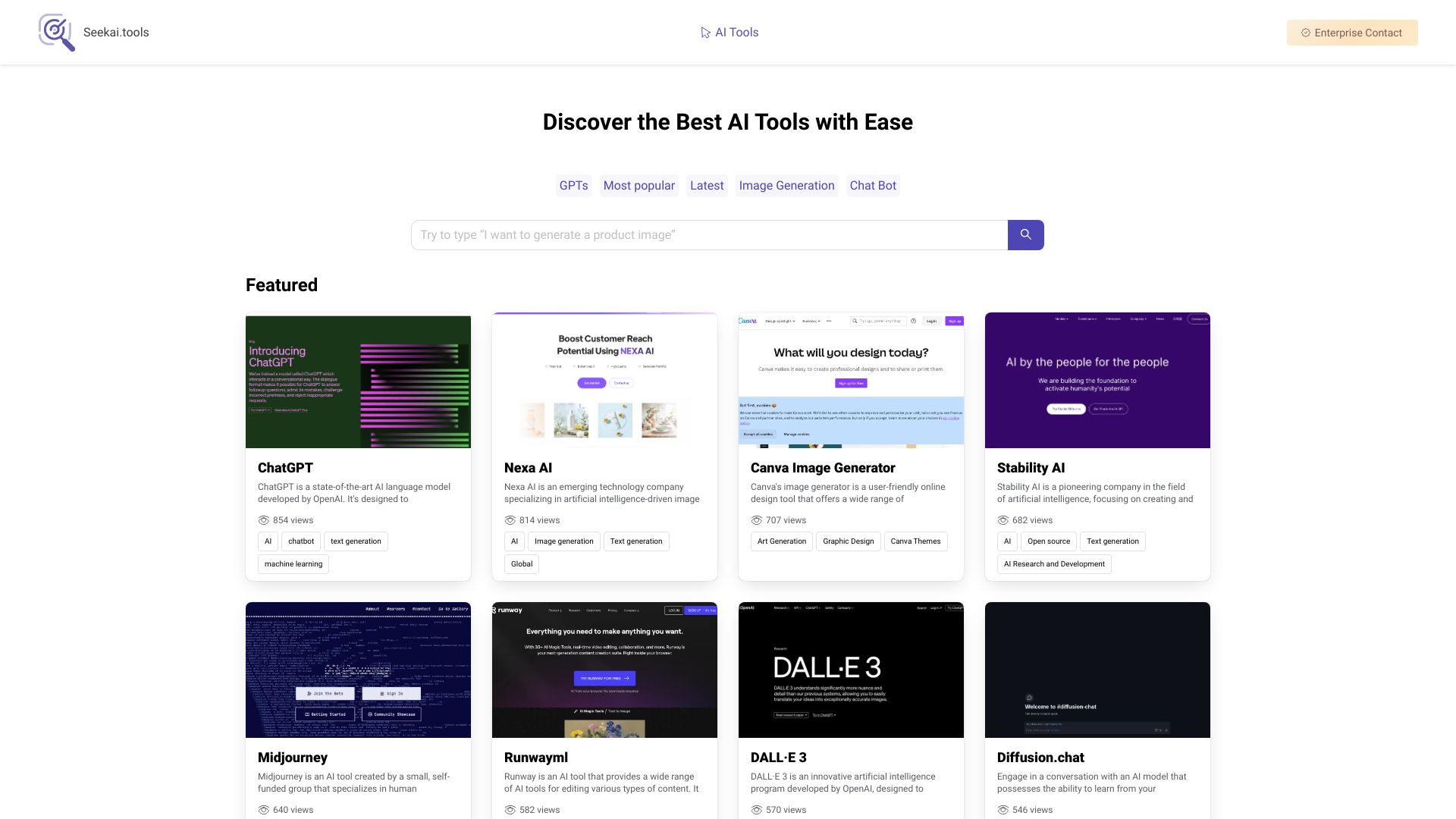
Seekai.tools
AI tool discovery
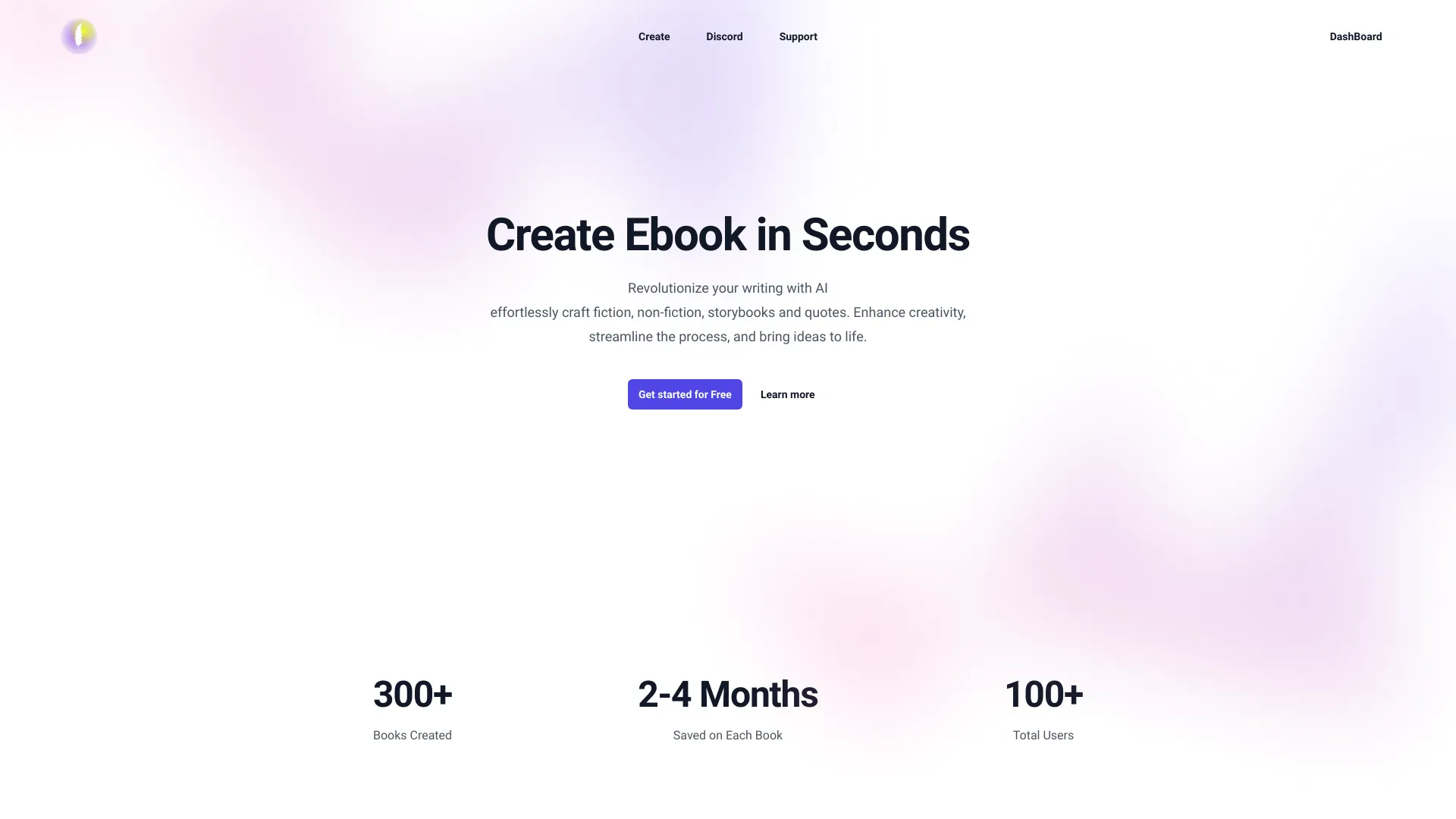
Swift AI Writer
AI-generated ebooks and storybooks
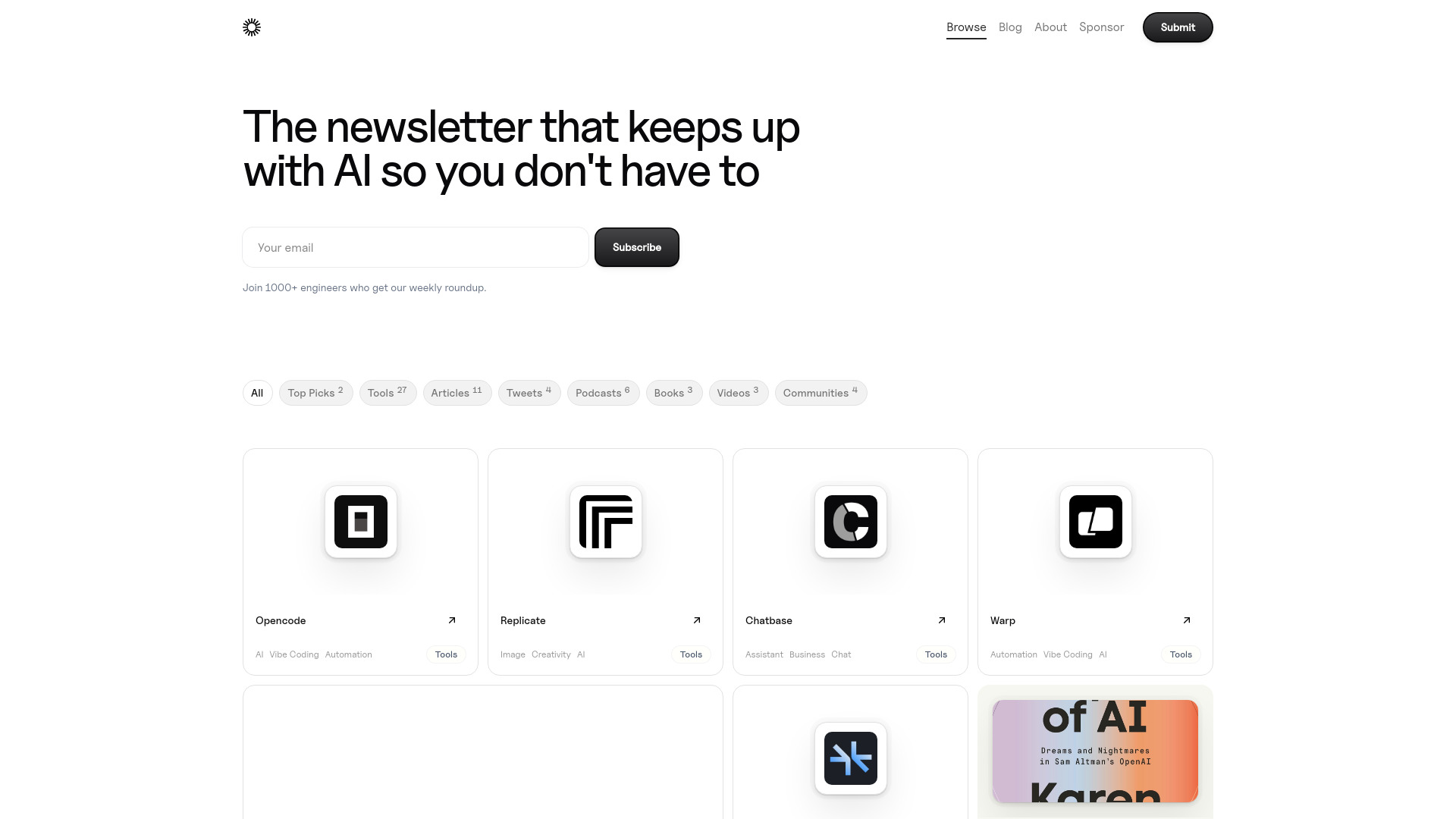
Daily Tech AI
Discovering curated generative AI tools
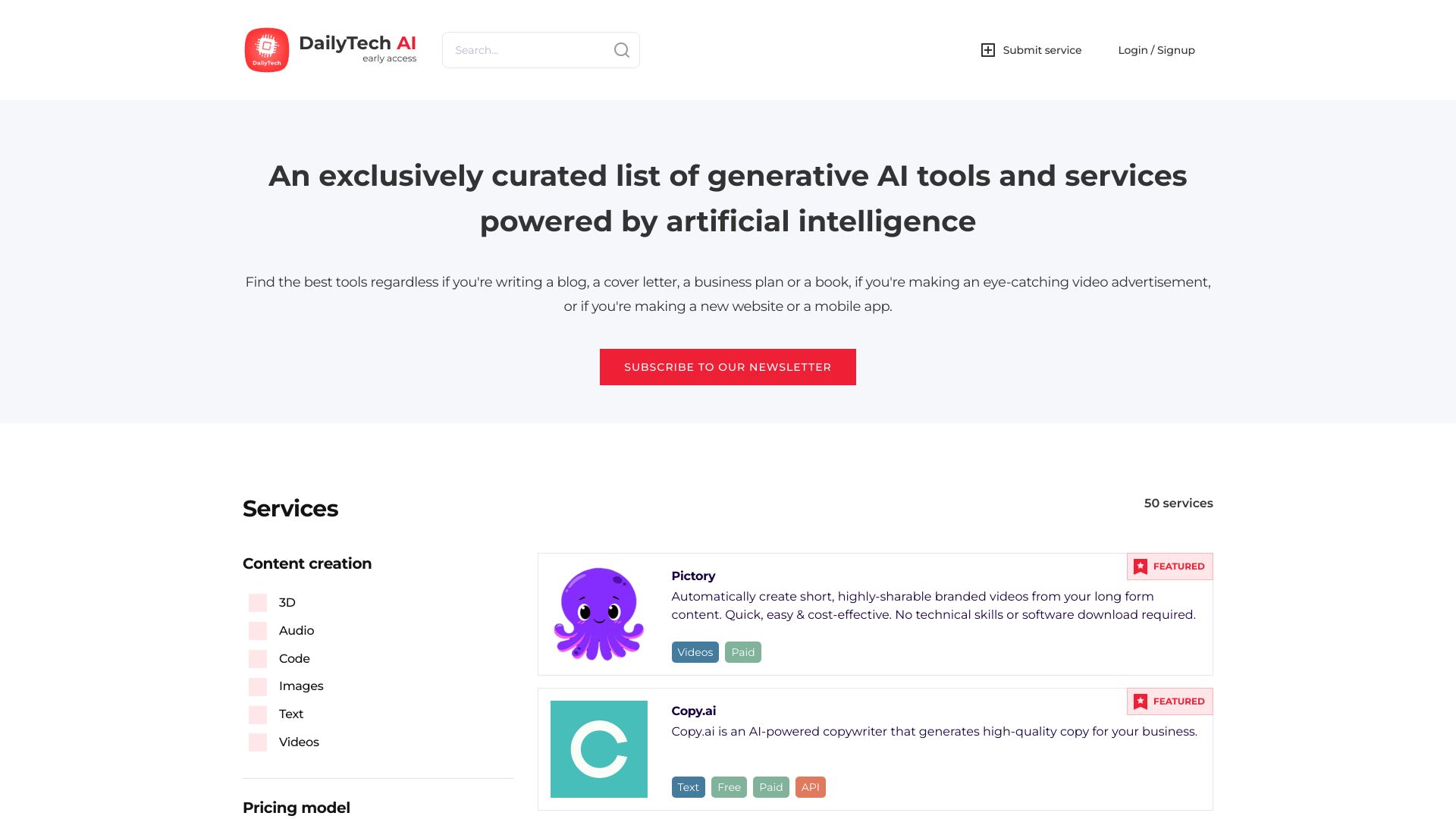

AI Character Generator
Writers and RPG worldbuilders
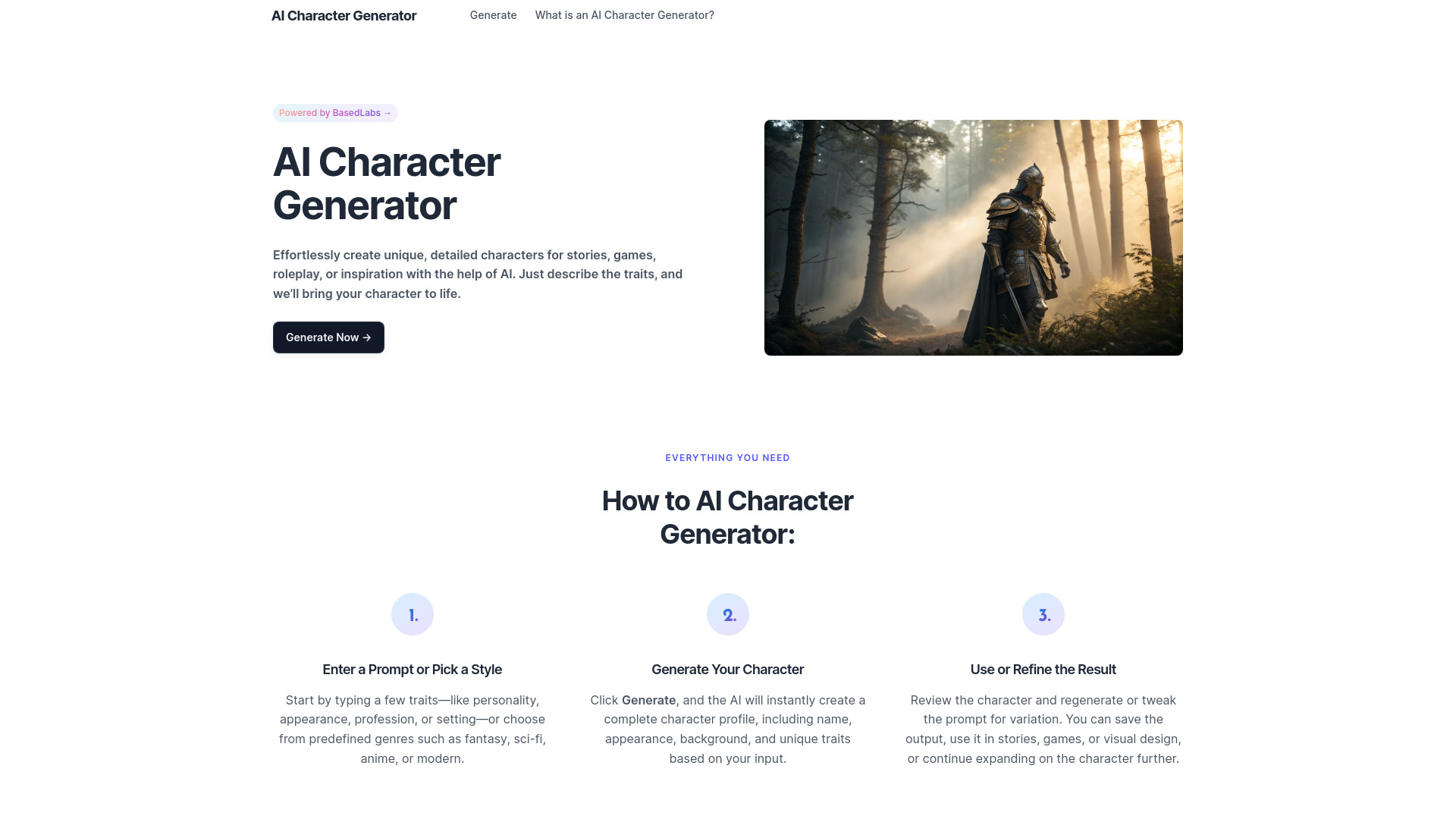

AI Essay Writer
Students needing essay drafting help

Wryter AI
AI content generation and marketing copy

My-tools.ai
AI content creation across text, images, code, and music

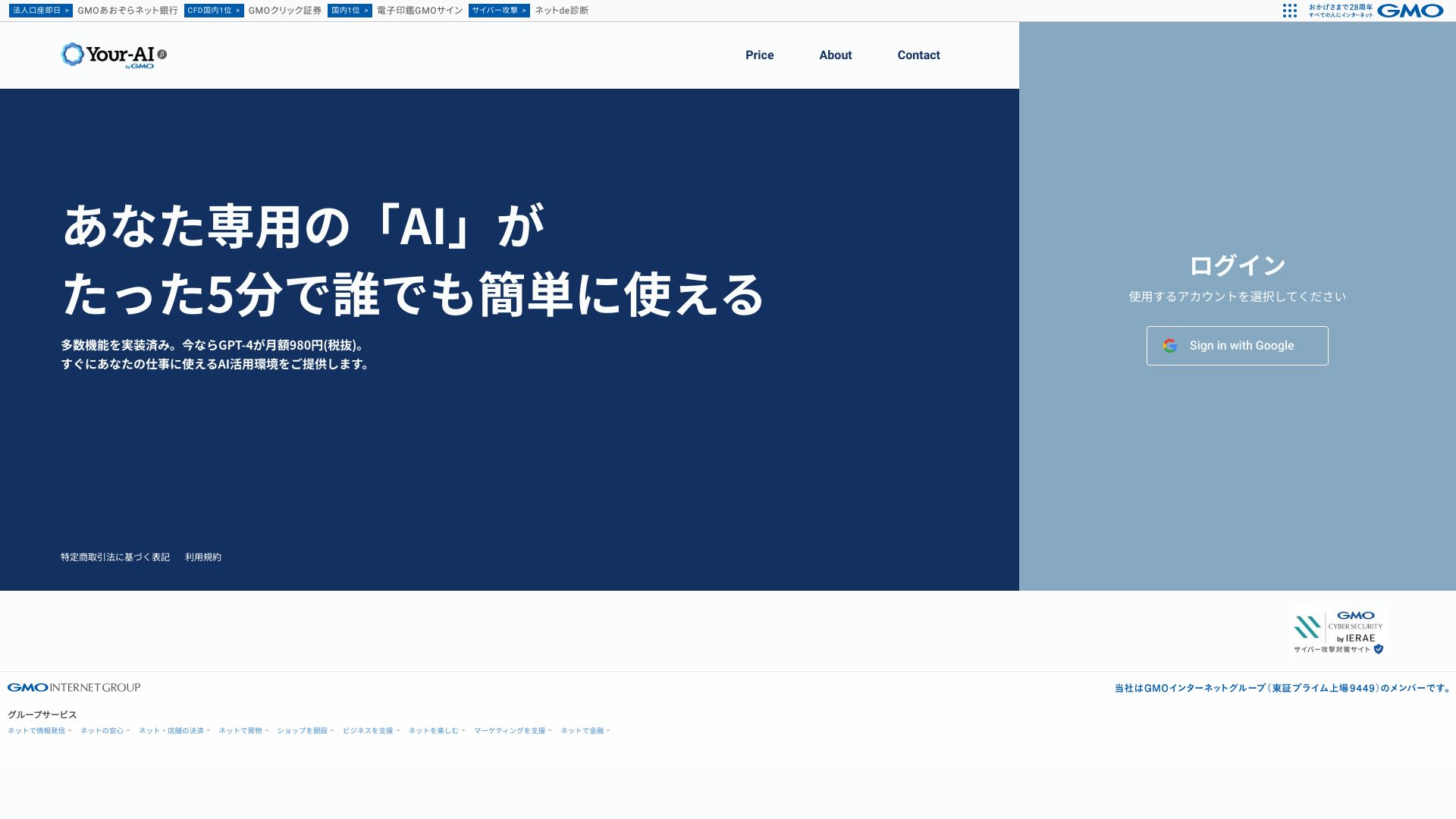
Your-AI
Work-focused AI agents and templates

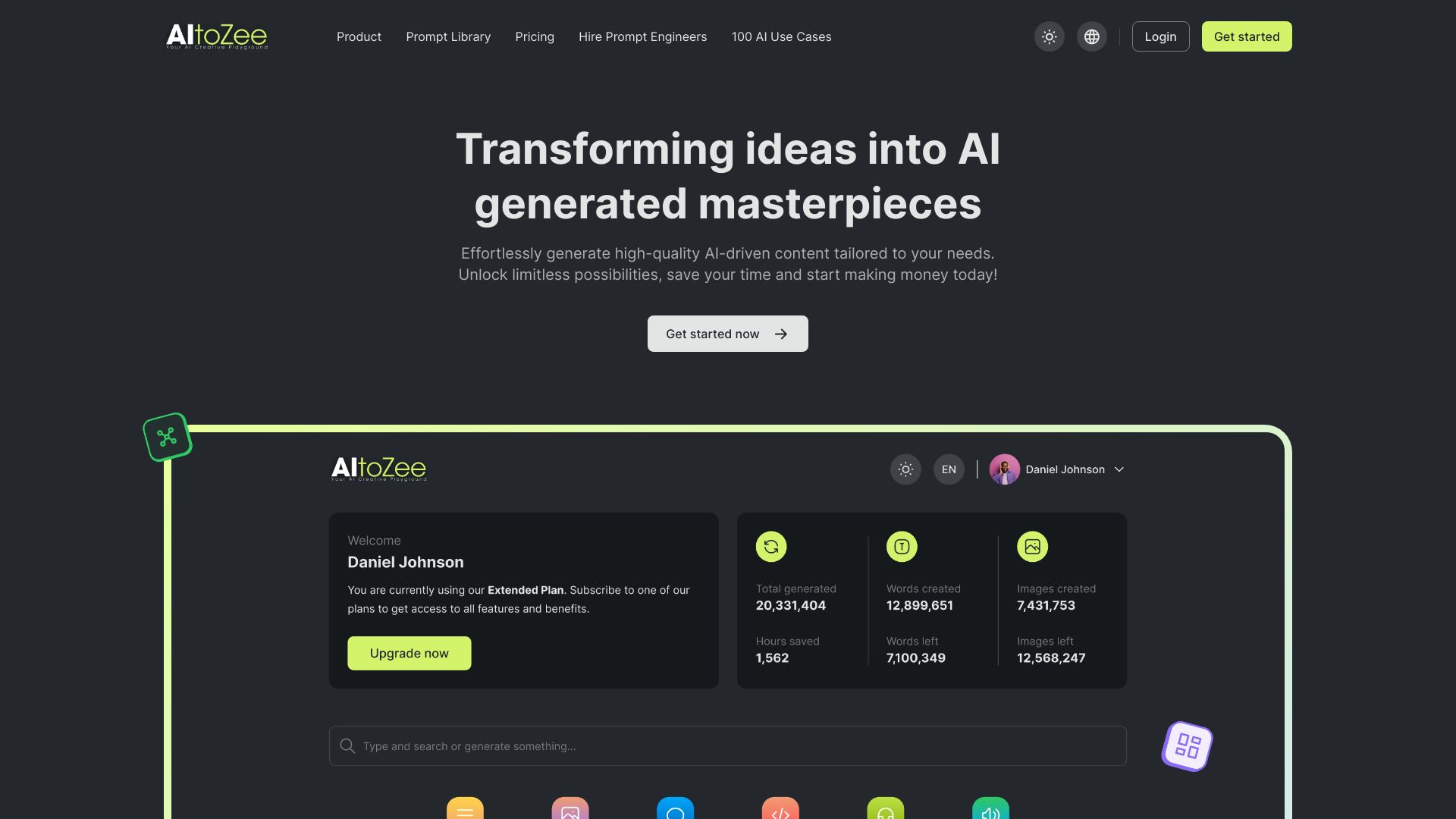
AItoZee
AI content creation for beginners

Athena AI
Students studying from uploaded documents


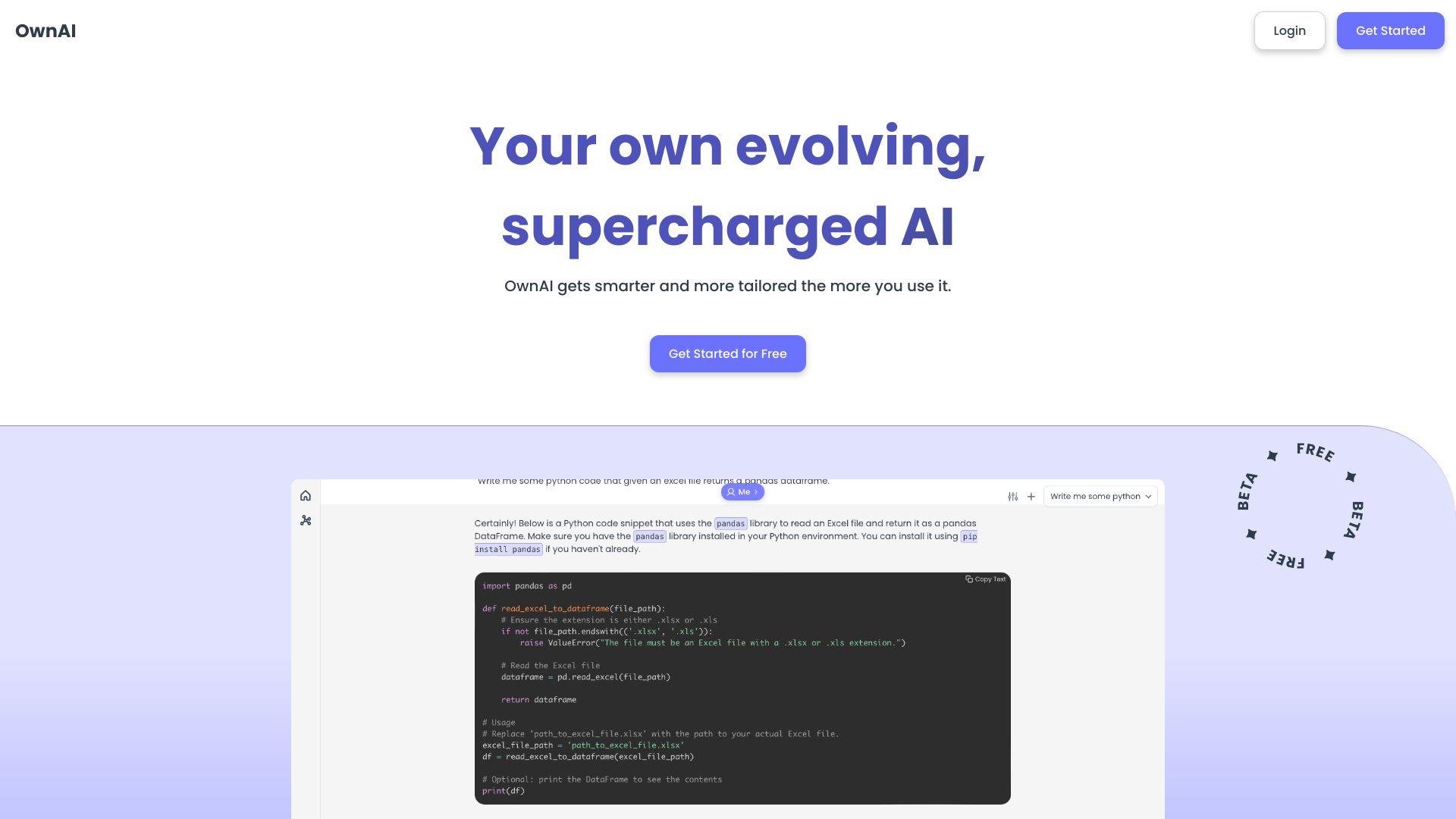
OwnAI
Personalized AI with memory
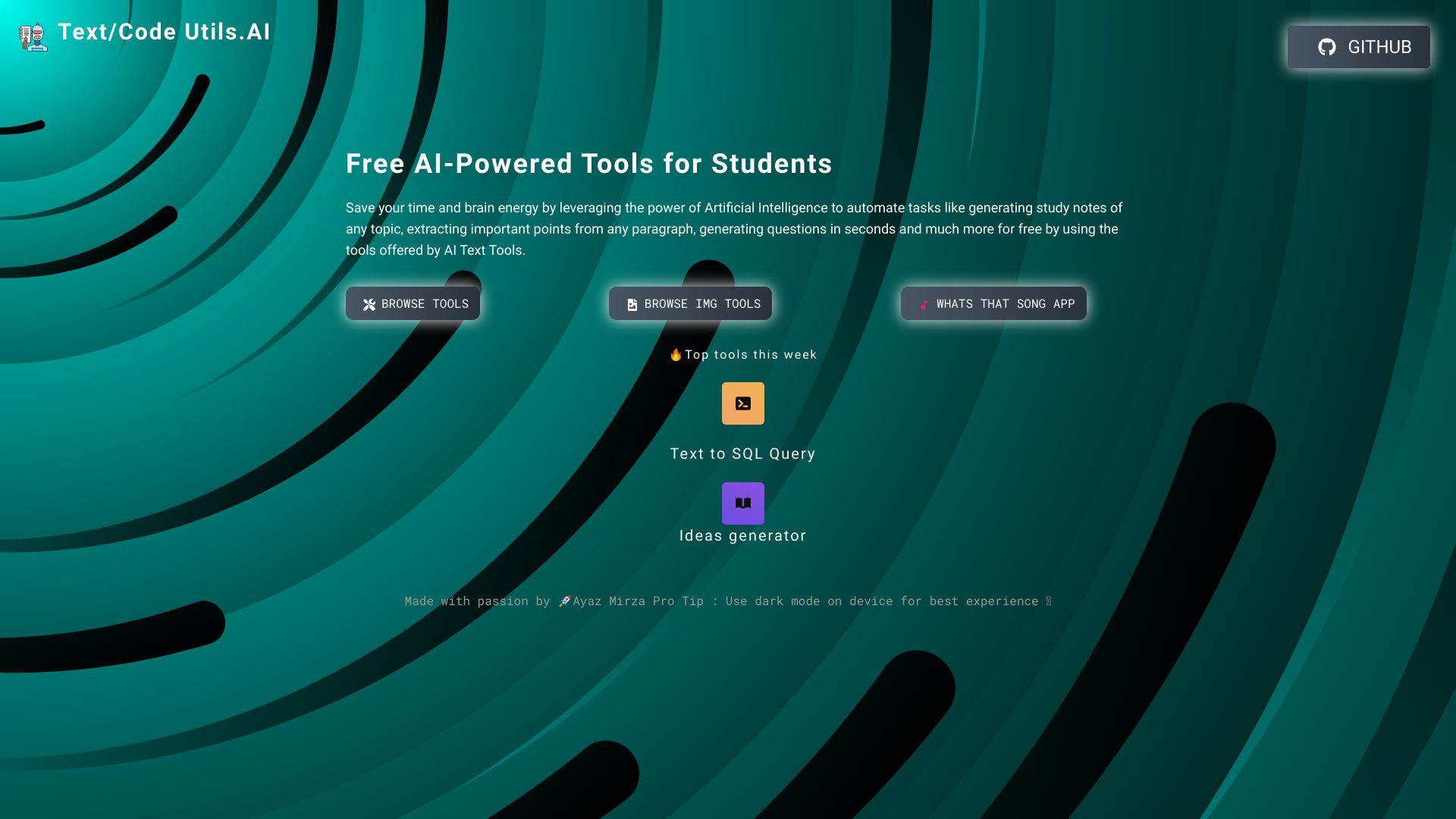
Text/Code Util.AI
Students needing text and code utilities
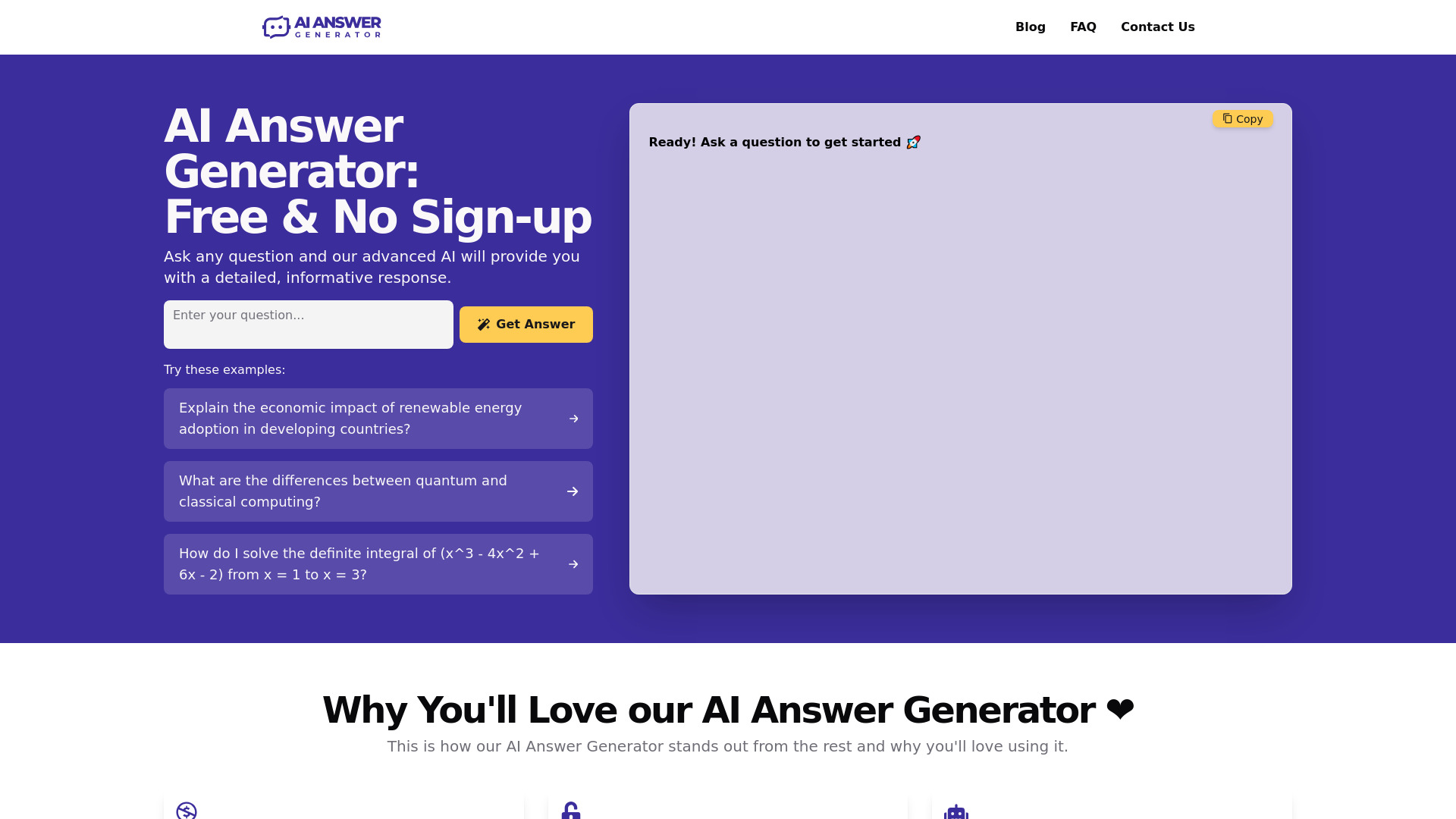
AI Answer Generator
Complex question answering

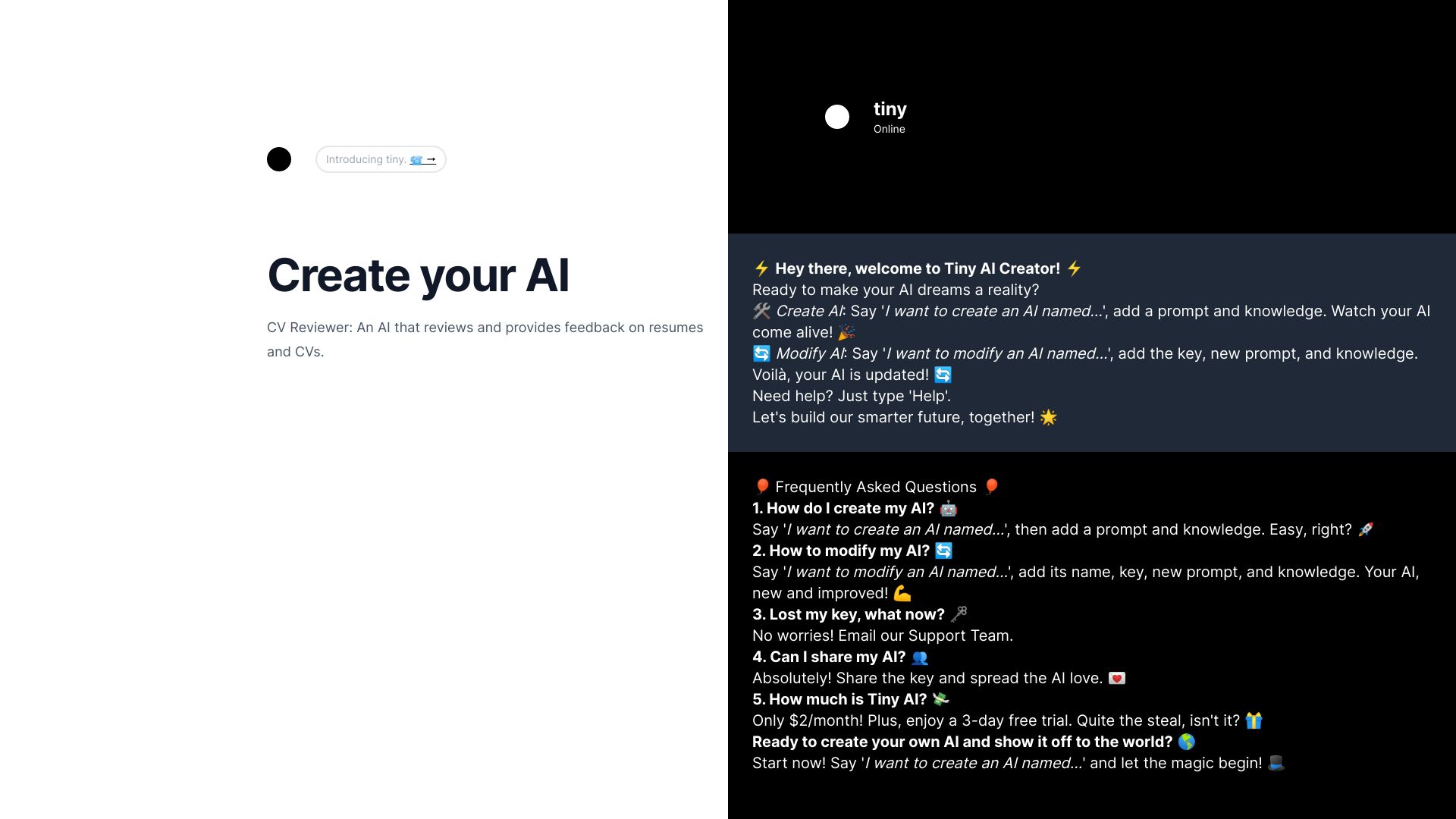
Tiny AI
Creating personal AI assistants by chatting

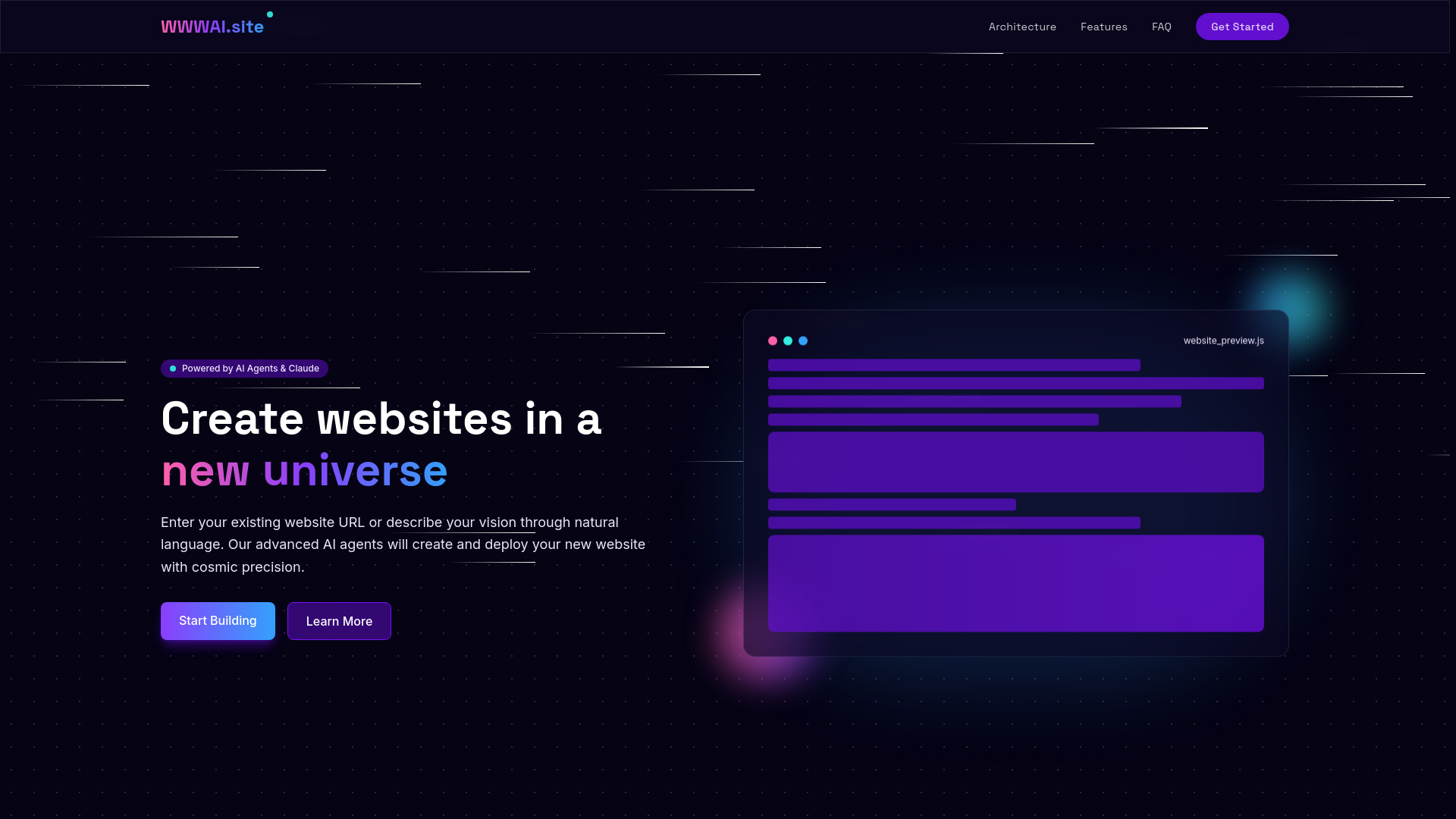
WWWAI.site
AI-powered website creation
Which AI writing tools should you choose?
Start with the kind of writing you actually do, not the most impressive feature list. NovelAI is the clearest choice for fiction and storytelling. Type.ai is better when your work lives inside documents. AI-Writer.com deserves priority when citations and article structure matter. For broad research and model selection, compare Ninja AI with Use AI.
| Your priority | Best starting point | Why |
|---|---|---|
| Fiction and creative storytelling | NovelAI | Writing and storytelling sit at the center of the product. |
| Document drafting and editing | Type.ai | The assistant and document editor are designed as one workflow. |
| Research with multiple models | Use AI | It provides access to 25+ models and task-based selection. |
| Sourced article drafts | AI-Writer.com | Citations and article-writing features are explicit strengths. |
| Free multimodal creation | 1min.AI | It combines writing with image, audio, and video tools. |
| Private local processing | AI Create | It avoids uploads and does not require an account. |
| Simple guided prompts | LowTech AI | Fill-in-the-blank inputs reduce prompt friction. |
| Casual business writing | AIChatting.net | Its chatbot and AI writer are approachable and inexpensive to try. |
My practical recommendation
For most buyers, I would begin with Type.ai if the job is professional document work, or NovelAI if the job is creative writing. Those two have the clearest writing identity. Choose 1min.AI when your content workflow includes visuals and other media, and choose AI-Writer.com when source-backed articles are more important than conversational flexibility.
There is also a strong case for starting free. AI Create is the best privacy-first experiment, LowTech AI is the easiest for nontechnical users, and Chat & Ask AI gives you a broad set of tools without an immediate paid commitment. Researchers should test Ninja AI before paying for Use AI; the latter is more compelling once multi-model access becomes a regular need rather than a curiosity.
No matter which best ai writing tool you choose, keep a human review step. Use AI to generate options, organize thinking, and accelerate revision. Do not treat fluent wording as proof that a claim, citation, or recommendation is correct.
Common mistakes when choosing AI writing tools
Choosing by model hype alone: A strong model does not compensate for an awkward editor or poor workflow fit.
Ignoring usage limits: Free credits, daily tasks, and premium-only features can change the real cost quickly.
Confusing writing with publishing: Generated text still needs editing, fact checking, and a clear point of view.
Skipping the pricing page: Type.ai, AI Create, and LowTech AI require extra checking before you can compare long-term costs confidently.
Overpaying for breadth: A 25-model subscription is useful for researchers, but unnecessary for occasional email rewrites.
Forgetting privacy: Sensitive drafts may be better suited to local processing, such as AI Create's no-upload approach.
Testing only one format: Try a real assignment, article, story, or document instead of judging a tool from a single clever prompt.
What changed in 2026
The strongest writing products increasingly sit inside broader workflows. Search, PDF analysis, images, coding, audio, and video now appear alongside text generation in tools such as Chat & Ask AI, 1min.AI, and Ninja AI. That shift matters because writers rarely work with words alone.
Model access is also becoming a buying criterion. Use AI and Ninja AI make it possible to choose among many models, while focused products such as NovelAI and Type.ai compete through workflow specialization. At the other end of the market, AI Create shows that privacy and local processing can be as important as raw capability. In 2026, the best AI tools for writing are defined less by a single impressive draft and more by how well they fit the entire writing loop.
FAQ
NovelAI is the strongest overall match here for creative writers, while Type.ai is better for professional document work. The right choice depends on whether you prioritize storytelling freedom, editing, research, citations, or multimodal production.