
The best ai tools for students are not all trying to do the same job. Some explain a difficult math problem step by step, some turn course material into quizzes and flashcards, and others help teachers build better learning environments. We compared 100 tools across those workflows, then narrowed the field to 10 standout options. The result is a practical shortlist for students, parents, teachers, and anyone searching for the best ai tools for college students without wasting time on vague chatbot promises.
Top picks
| Pick | Tool | Best for | Why it stands out |
|---|---|---|---|
| 1 | SchoolAI | Teacher-guided student learning | Student Spaces combine standards-aligned AI chatbots with teacher oversight. |
| 2 | Student AI | Broad academic and career support | Essay drafting, project ideation, image generation, and an AI teacher sit in one platform. |
| 3 | Asksia | Study notes and tutoring | Its study copilot accepts common document and image formats. |
| 4 | Astra AI | Step-by-step math help | Photo scanning and guided solutions make it especially useful for math practice. |
Quick comparison
| Tool | Best for | Score | Free access | Starting price |
|---|---|---|---|---|
| SchoolAI | Teachers | 95/100 | 75 student Space sessions/day | Free |
| Student AI | Students | 93/100 | 7-day free trial | Free plan: $0 |
| Asksia | Students | 93/100 | Tutor, transcription, summaries | Check vendor pricing |
| Hỏi đáp AI Hay | Students | 93/100 | 8 requests | Check vendor pricing |
| Caktus AI | Students | 93/100 | Essay writer, question solver | Check vendor pricing |
| Astra AI | High school students | 93/100 | Step-by-step guidance | Astra AI Plus: 40 € / month |
| MagicSchool | Teachers | 93/100 | Free forever plan | MagicSchool Free: $0 |
| Answer.AI | High school students | 93/100 | 3 daily requests | Limited Free Plan: $0 |
| Thea | Students | 92/100 | Unlimited questions during beta | Beta access: Free |
| Doctrina AI | Students and teachers | 92/100 | Quiz maker, exam generator | Free; lifetime access for $10 |
How we ranked these AI tools for students
We weighted practical student value over the size of a feature list. The ranking considers how directly each tool supports a real study task, whether its core workflow is understandable, how much can be tried for free, and whether its audience fit is clear. We also considered usage signals as a market check rather than treating popularity as proof of quality. A tool could rank highly as an educator platform while still being a less suitable choice for an individual student. Finally, we accounted for visible limitations such as desktop-only access, daily request caps, premium-only features, or pricing that needs to be confirmed on the vendor site. Scores reflect the balance of those factors in 2026.
The best AI tools for students
1. SchoolAI
SchoolAI
Best teacher-guided AI learning platform
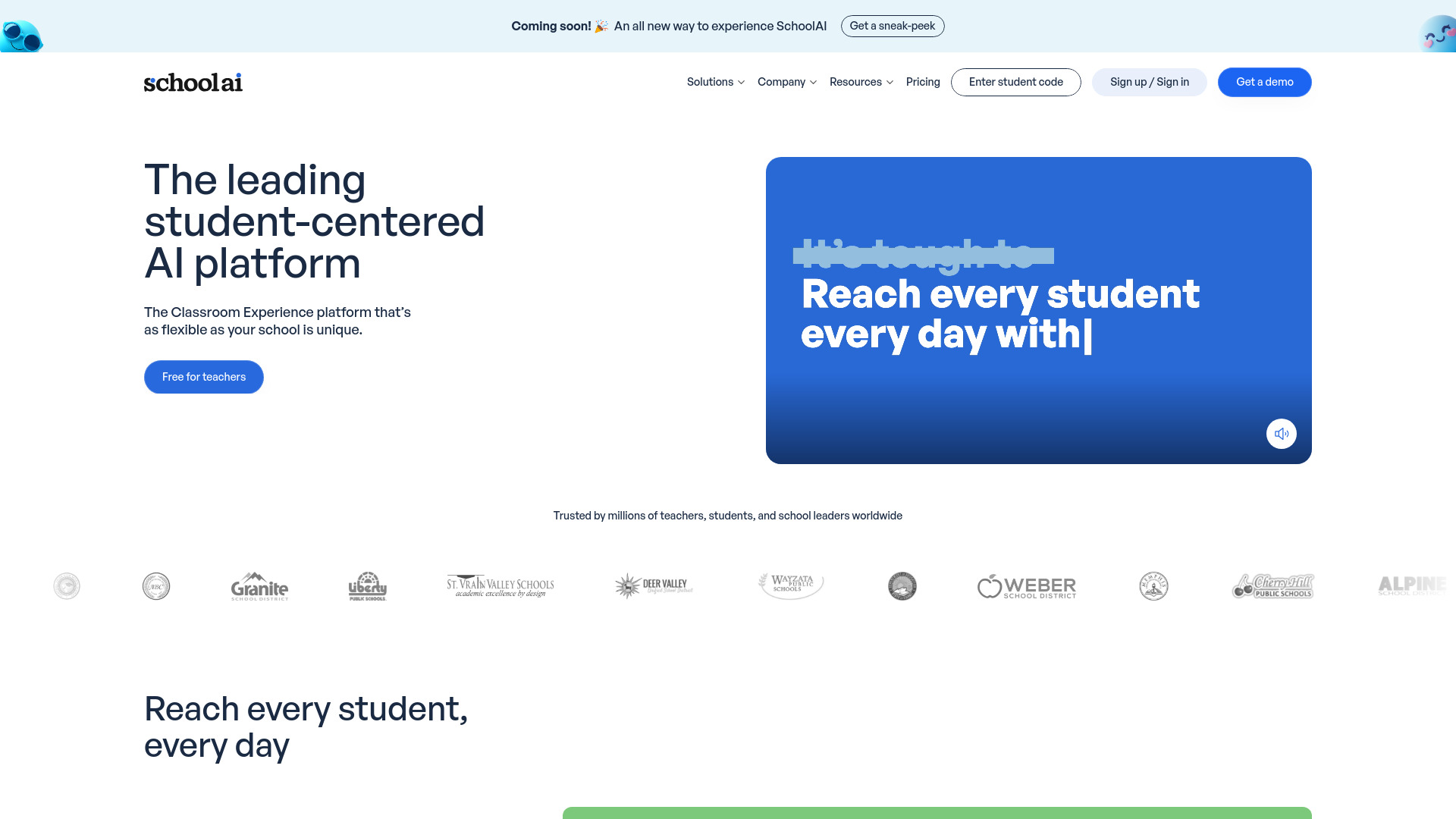
SchoolAI takes a deliberately supervised approach to student AI. Its Student Spaces provide unlimited standards-aligned AI chatbots with teacher oversight, while Mission Control gives administrators and teachers insight into how those spaces are being used. That combination is the clearest reason it leads this list: the tool is built around learning environments rather than an unstructured answer box.
For a teacher, the appeal is control and visibility. For a student, it can mean a more focused AI experience tailored to the assignment or learning objective. The free access allowance of 75 student Space sessions per day gives schools and educators a substantial way to explore the workflow before spending money.
My take: SchoolAI is the strongest overall match when student use needs to remain connected to teacher guidance. I would choose it over a generic assistant for classroom-wide adoption.
Where it falls short: The listed audience is teachers, so independent college students may find it less directly suited to solo study. No explicit disadvantages are identified, but the platform's strongest value depends on an educational setting with oversight.
Key features
Student Spaces with unlimited standards-aligned AI chatbots.
Teacher oversight within student learning spaces.
Mission Control Dashboard for administrators and teachers.
Real-time insights for teachers.
Pros
Personalizes AI experiences for students.
Connects student interaction with teacher visibility.
Available to try for free.
Cons
Best fit is a teacher- or school-led workflow.
No explicit disadvantages are listed in the product information.
Choose SchoolAI if: You are a teacher, administrator, or school looking for supervised AI experiences that keep student learning visible.
2. Student AI

Student AI
Best broad academic and career assistant
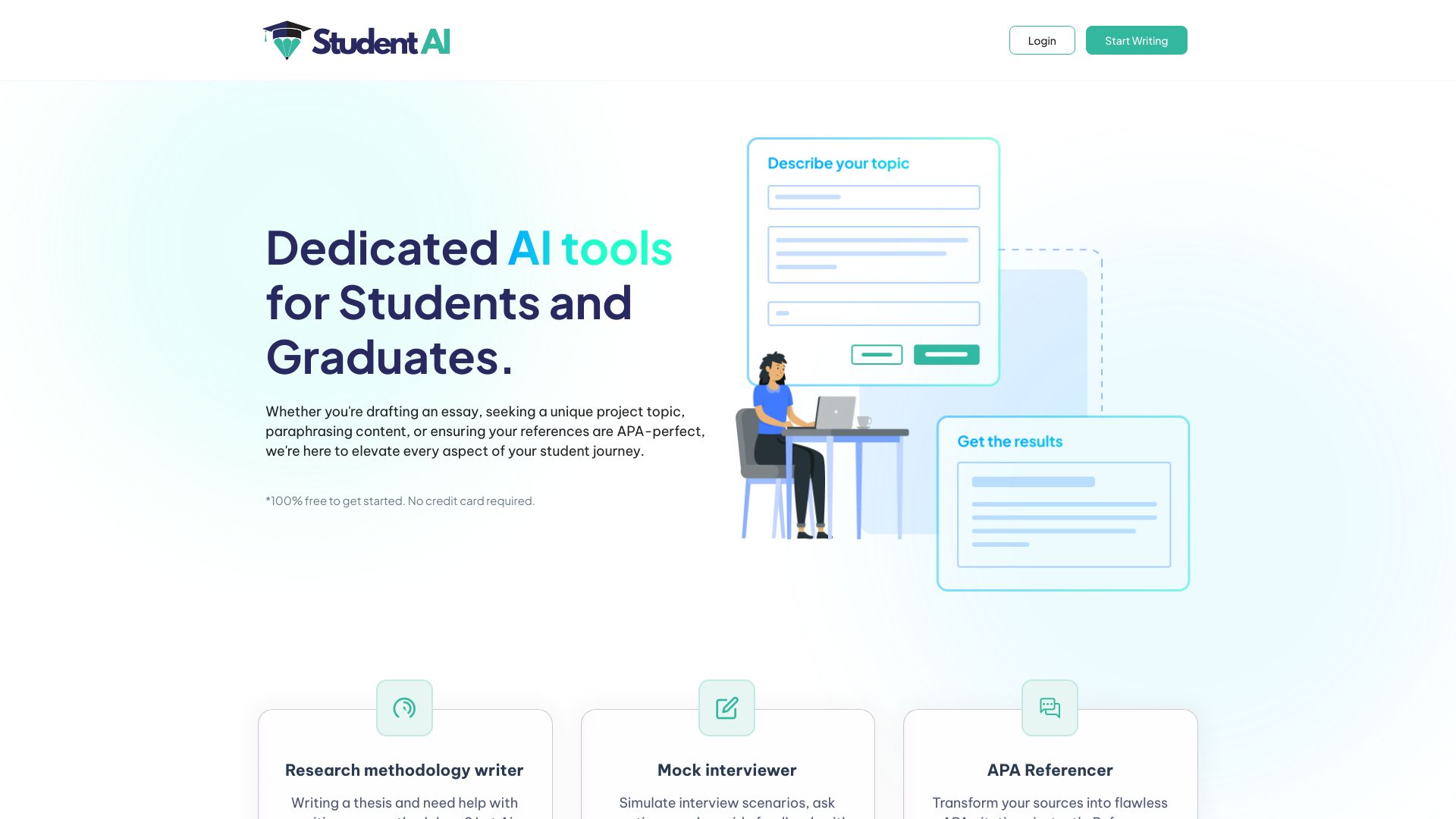
Student AI earns its place by covering more than one academic moment. Essay writing and project topic generation address common coursework needs, while the platform also lists an AI image generator and AI teacher. That breadth makes it a sensible starting point for students who want one account for several kinds of school or professional preparation rather than a narrowly focused math or flashcard app.
The essay workflow is the standout. Used well, an AI-assisted draft can help a student get from a blank page to an outline or first pass, while topic generation can unblock project planning. The platform is also positioned for graduates and professionals, so it may remain useful as academic work gives way to career tasks.
My take: This is the most flexible pick for students who want a general-purpose academic toolkit. I like the range, but I would still treat generated writing as a starting point that needs personal revision.
Where it falls short: Some features require a paid subscription, so the free plan or trial may not cover every workflow. Check which tools are included before relying on it for a large assignment.
Key features
AI-assisted essay drafting.
Project topic generation.
Essay Writing tool.
AI Image Generator.
AI Teacher.
Pros
Covers academic and professional tasks in one platform.
Useful at both the brainstorming and drafting stages.
Offers a 7-day free trial.
Cons
Some features require a paid subscription.
Broad coverage can be less focused than a dedicated tutor.
Choose Student AI if: You want one flexible platform for essay support, project ideas, image generation, and an AI teacher.
3. Asksia
Asksia
Best study copilot for uploaded course material
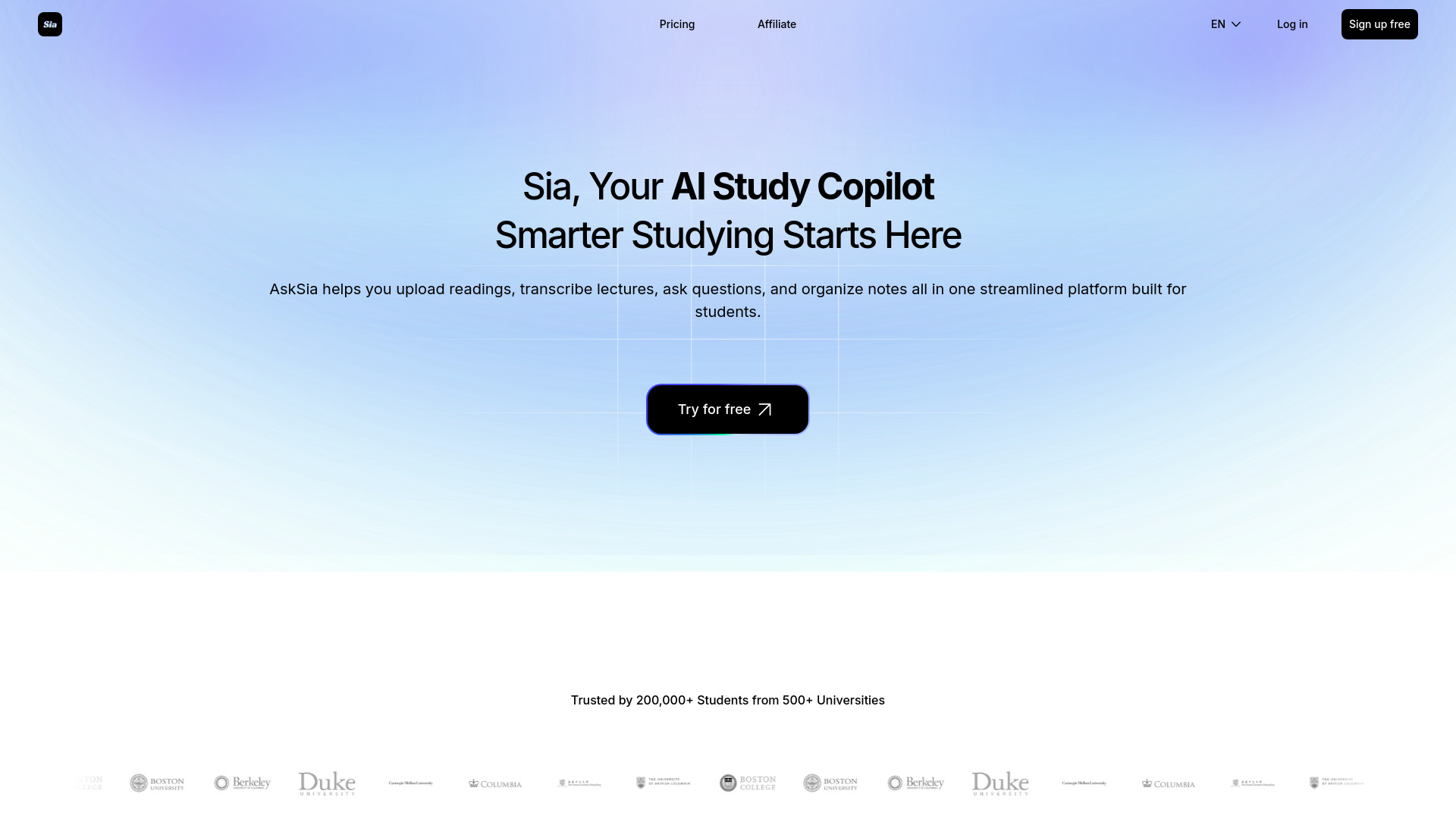
Asksia is built around the material students already have. Its AI Personal Tutor and Study Copilot provide the central help, while file upload supports PDF, Word, PPT, PNG, JPG, and SVG files. That makes the workflow feel more grounded in lecture decks, handouts, and notes than a blank conversation with a general chatbot.
The surrounding tools matter, too: lecture transcription, note organization, smart highlights, and summaries are all listed as free-access capabilities. A student can use it to turn scattered course content into something easier to review, then ask the tutor questions against that study context. The all-in-one design reduces the need to move between separate note and tutoring apps.
My take: Asksia is one of the better choices for students whose real problem is not finding an answer, but organizing a semester's worth of material. File support is a meaningful practical advantage.
Where it falls short: The mobile version is not supported, so the best experience requires a desktop device. Pricing details also need to be checked directly with the vendor.
Key features
AI Personal Tutor and Study Copilot.
File upload for PDF, Word, PPT, PNG, JPG, and SVG.
Lecture transcription.
Note organization.
Smart highlights and summaries.
Pros
Combines tutoring and study organization.
Accepts several common document and image formats.
Reduces the need for multiple apps.
Cons
No supported mobile version.
Requires a desktop device for the best experience.
Pricing is not presented as a clear starting plan.
Choose Asksia if: You study from lecture files and want one desktop-based copilot for tutoring, transcription, notes, and summaries.
4. Hỏi đáp AI Hay

Hỏi đáp AI Hay
Best broad question-and-answer study assistant
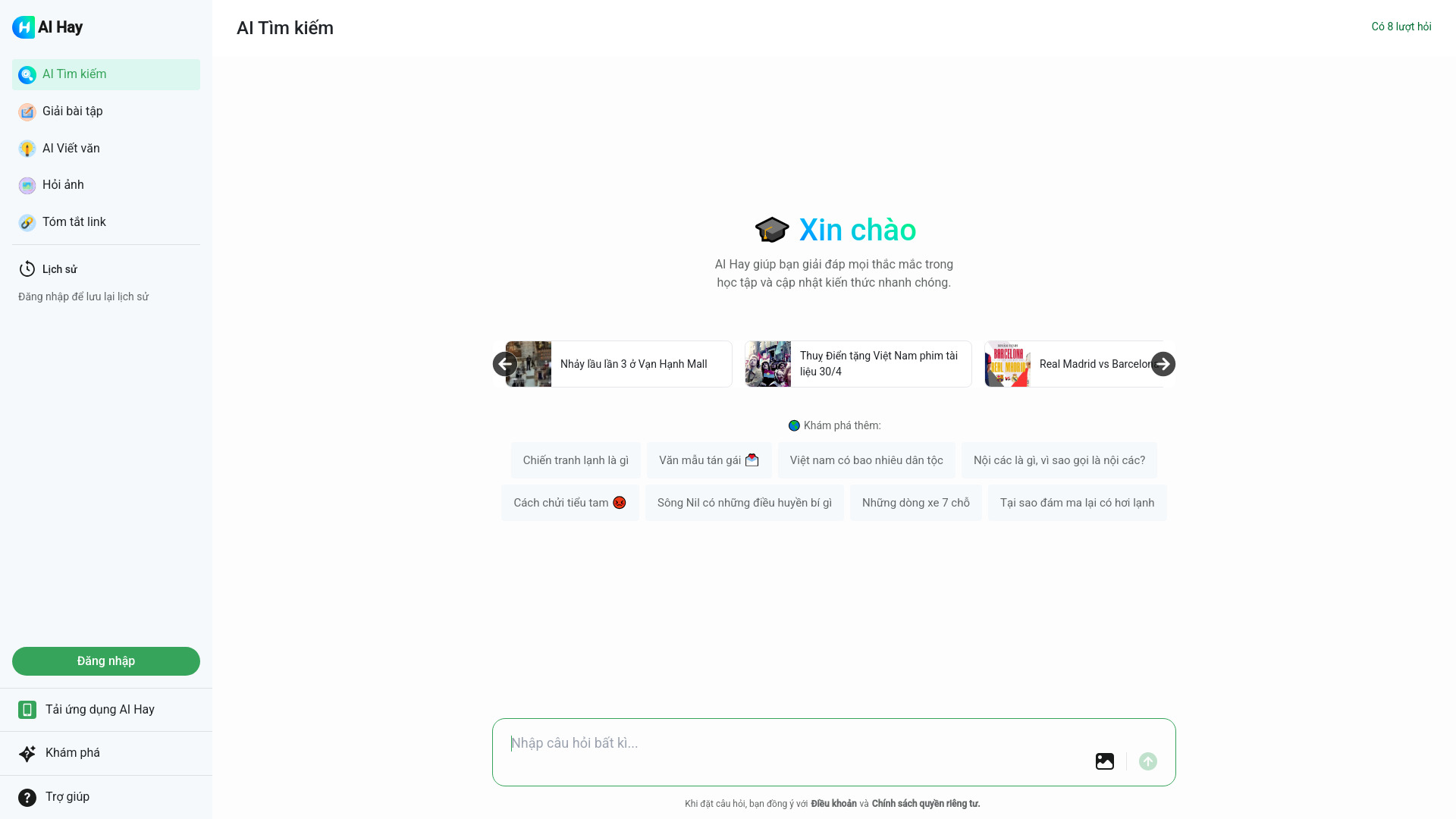
Hỏi đáp AI Hay stands out on reach and breadth. The platform combines AI-powered question answering with math and essay assistance, and it also supports image recognition and content explanation. That mix gives students a way to move between a written question, a calculation, and an image-based prompt without switching tools.
The free allowance is limited to eight requests, so the sensible way to test it is with representative questions rather than using those requests casually. Its 6.4 million monthly visits are a strong usage signal, but popularity should not replace checking whether the explanations fit your subjects and preferred language or workflow.
My take: This is an appealing pick for quick, varied academic help. It is especially interesting when image recognition and explanation matter alongside ordinary question answering.
Where it falls short: An internet connection is required. Pricing is not presented as a clean starting plan, and the eight-request free allowance is best treated as a trial rather than an unlimited study routine.
Key features
AI-powered question answering.
Math assistance.
Essay assistance.
Image recognition.
Content explanation.
Pros
Supports several types of academic questions.
Combines visual and text-based assistance.
Strong usage signal.
Cons
Requires an internet connection.
Free access is limited to eight requests.
Pricing needs to be confirmed with the vendor.
Choose Hỏi đáp AI Hay if: You want a high-traffic assistant for mixed question answering, math, essays, image recognition, and explanations.
5. Caktus AI

Caktus AI
Best focused writing and question-solving assistant
Caktus AI keeps its student appeal close to the writing desk. Its Essay Writer and Paragraph Generator address the most immediate friction in coursework: starting, structuring, and expanding an idea. The platform also lists an Undetectable AI tool and Question Solver, giving it a wider academic range than a simple paragraph generator.
Students and professionals are both part of the intended audience, and the shortlist description also points to coding and job application help. That makes Caktus more useful than a single-purpose essay tool when coursework overlaps with technical or career preparation. Still, the writing features are the clearest reason to try it first.
My take: Caktus AI is a practical choice for students who need help moving from a prompt to usable material. Use it to develop thinking and structure, not to submit untouched prose.
Where it falls short: Full access may require a subscription or payment. The product information does not provide a clean starting price, so check the current plan before committing to a longer workflow.
Key features
Essay Writer.
Paragraph Generator.
Question Solver.
Undetectable AI tool.
Writing, coding, and job application support in its broader positioning.
Pros
Strong coverage for academic writing tasks.
Offers more than essay generation alone.
Can also support professional and coding-related work.
Cons
Full access may require payment.
Pricing needs to be checked directly.
Writing assistance still needs student review and editing.
Choose Caktus AI if: Your main need is essay, paragraph, and question support with some room for coding or career-related tasks.
6. Astra AI

Astra AI
Best step-by-step math tutor
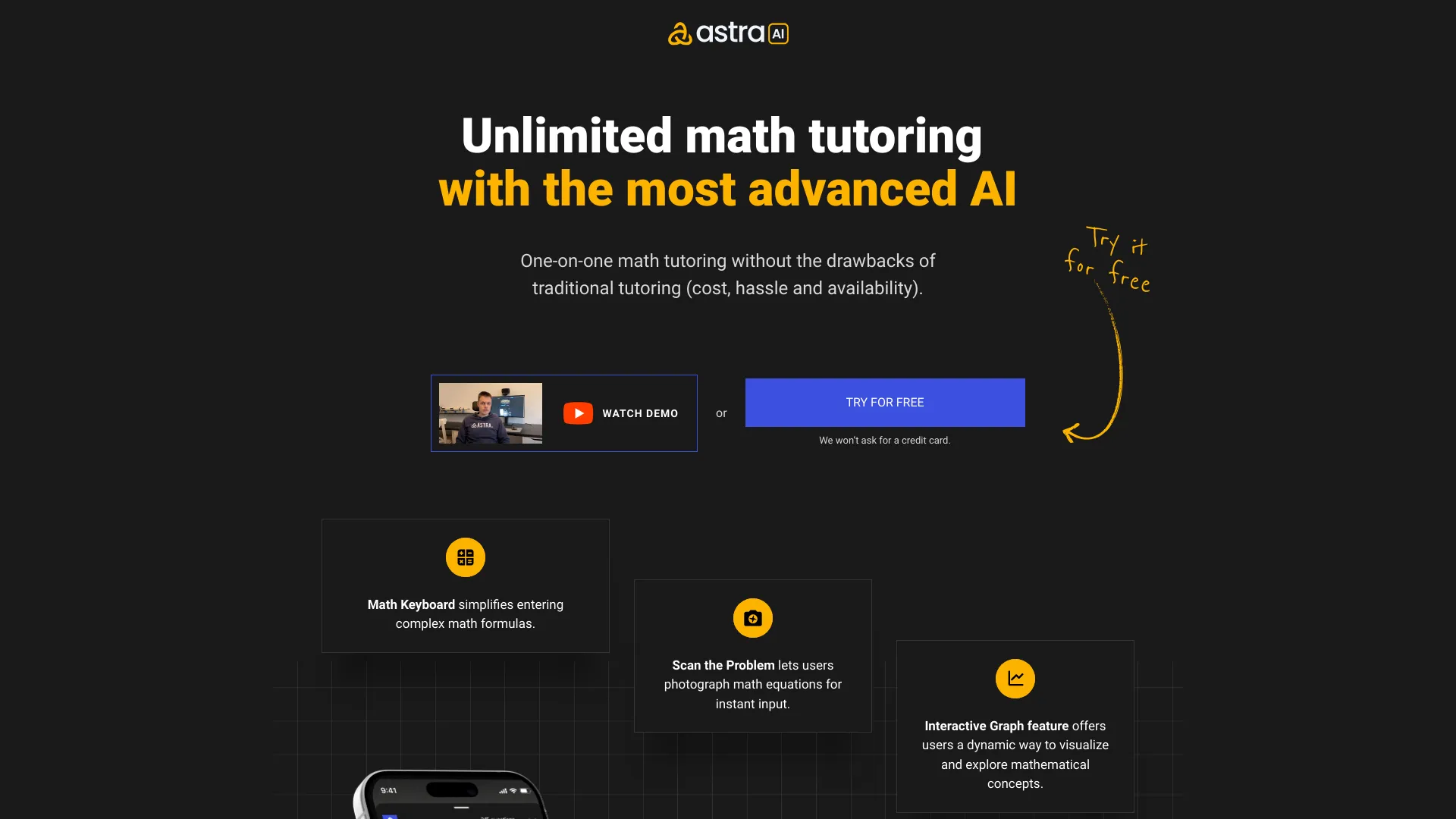
Astra AI has a clear academic job: help students work through math rather than merely display an answer. Step-by-step problem solving and photo scanning make it easy to bring a worksheet or handwritten problem into the tutoring workflow. It also offers AI tutoring across multiple subjects, so the tool is not limited to one narrow exercise type.
The positioning is particularly strong for high school students who want help available around the clock. The free access highlights step-by-step guidance and photo scanning, while Astra AI Plus is listed at 40 euros per month and covers four subjects. That price is worth comparing against how often a student actually needs tutoring support.
My take: Astra AI is the most obvious recommendation for students who regularly get stuck on math. The emphasis on working through a problem is much more useful for learning than an answer-only experience.
Where it falls short: It may not fully replace a human teacher or tutor, especially when a student needs nuanced explanation or broader academic support. The Plus price is also substantial compared with free study tools.
Key features
Step-by-step math problem solving.
Photo scan for math problems.
AI tutoring in multiple subjects.
Coverage of four subjects on the Plus plan.
24/7 availability in its positioning.
Pros
Turns photographed problems into a guided workflow.
Focuses on step-by-step support.
Offers an affordable alternative to some traditional tutoring use cases.
Cons
Does not fully replace a human teacher or tutor.
Plus costs 40 euros per month.
Best suited to students who need tutoring more than writing tools.
Choose Astra AI if: You want guided math help, photo-based problem input, and tutoring access outside normal school hours.
7. MagicSchool

MagicSchool
Best AI toolkit for teachers supporting students
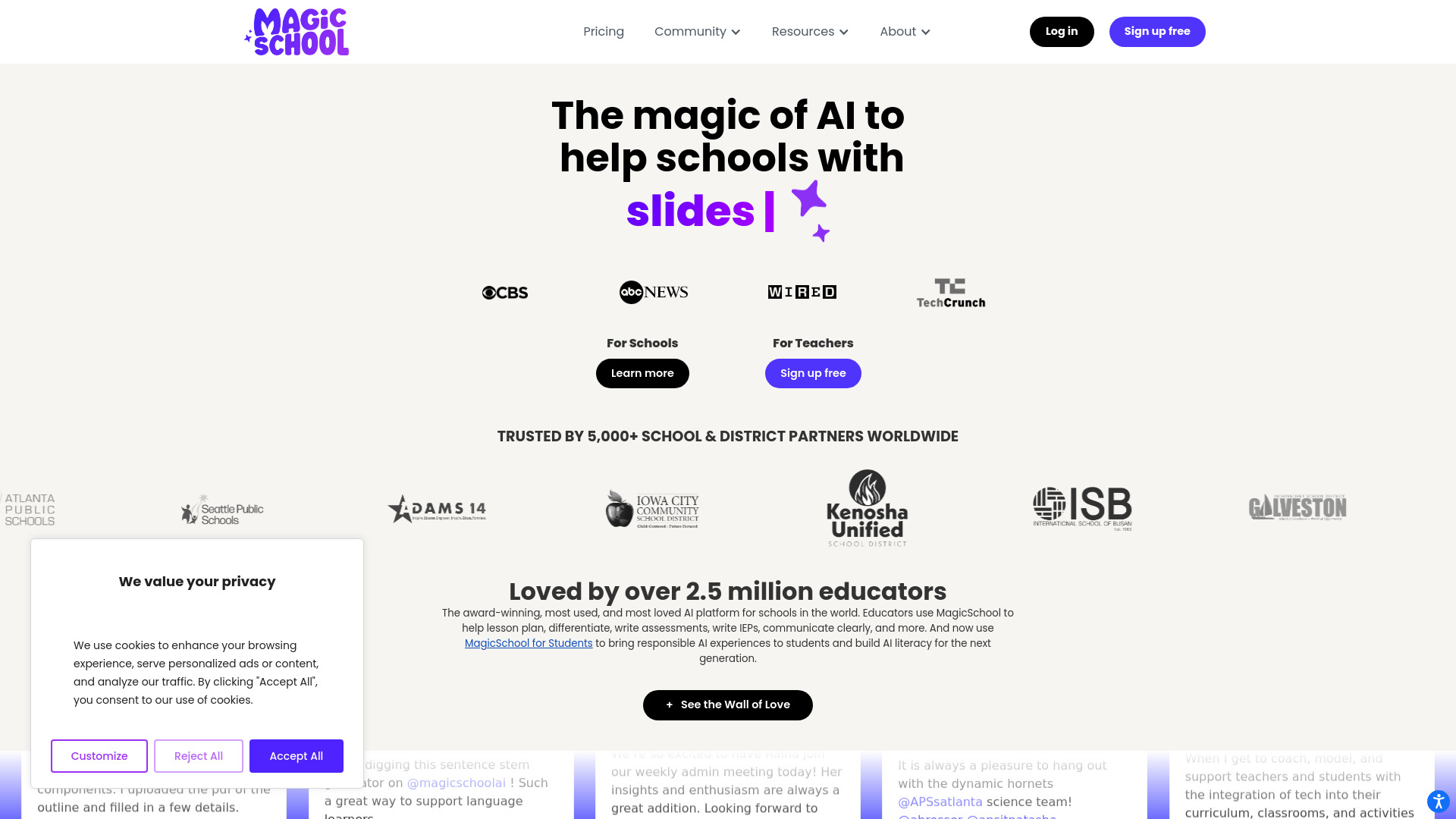
MagicSchool belongs on a student-focused list because teacher workflow has a direct effect on student support. Its 80-plus AI teacher tools and Raina AI chatbot are designed for educators, schools, and students, with the stated potential to save educators up to 10 hours per week. It is a broader visual and operational classroom studio rather than a personal homework tutor.
For teachers, the value is scale: many routine education tasks can live in one platform instead of being rebuilt from scratch across separate apps. The free forever plan makes it approachable, although the listed free plan has feature limits and the paid offering starts at $99.96 per year.
My take: MagicSchool is the right pick when the buyer is an educator, not an individual student. It can improve the surrounding classroom experience even though it is not the best tool for solving a student's isolated algebra question.
Where it falls short: Some features are limited in the free plan. Students looking for direct personal tutoring may find the teacher-first design less relevant.
Key features
More than 80 AI teacher tools.
Raina AI chatbot.
Support for educators, schools, and students.
Free forever plan.
Claimed potential to save up to 10 hours per week.
Pros
Saves educators time.
Offers unusually broad teacher-oriented coverage.
Has a $0 free plan for initial evaluation.
Cons
Some features are limited on the free plan.
Teacher-first workflow is not a direct substitute for a student tutor.
Paid access starts at $99.96 per year.
Choose MagicSchool if: You are an educator or school that wants a large set of AI tools to support classroom planning and student learning.
8. Answer.AI

Answer.AI
Best ongoing tutor and study companion
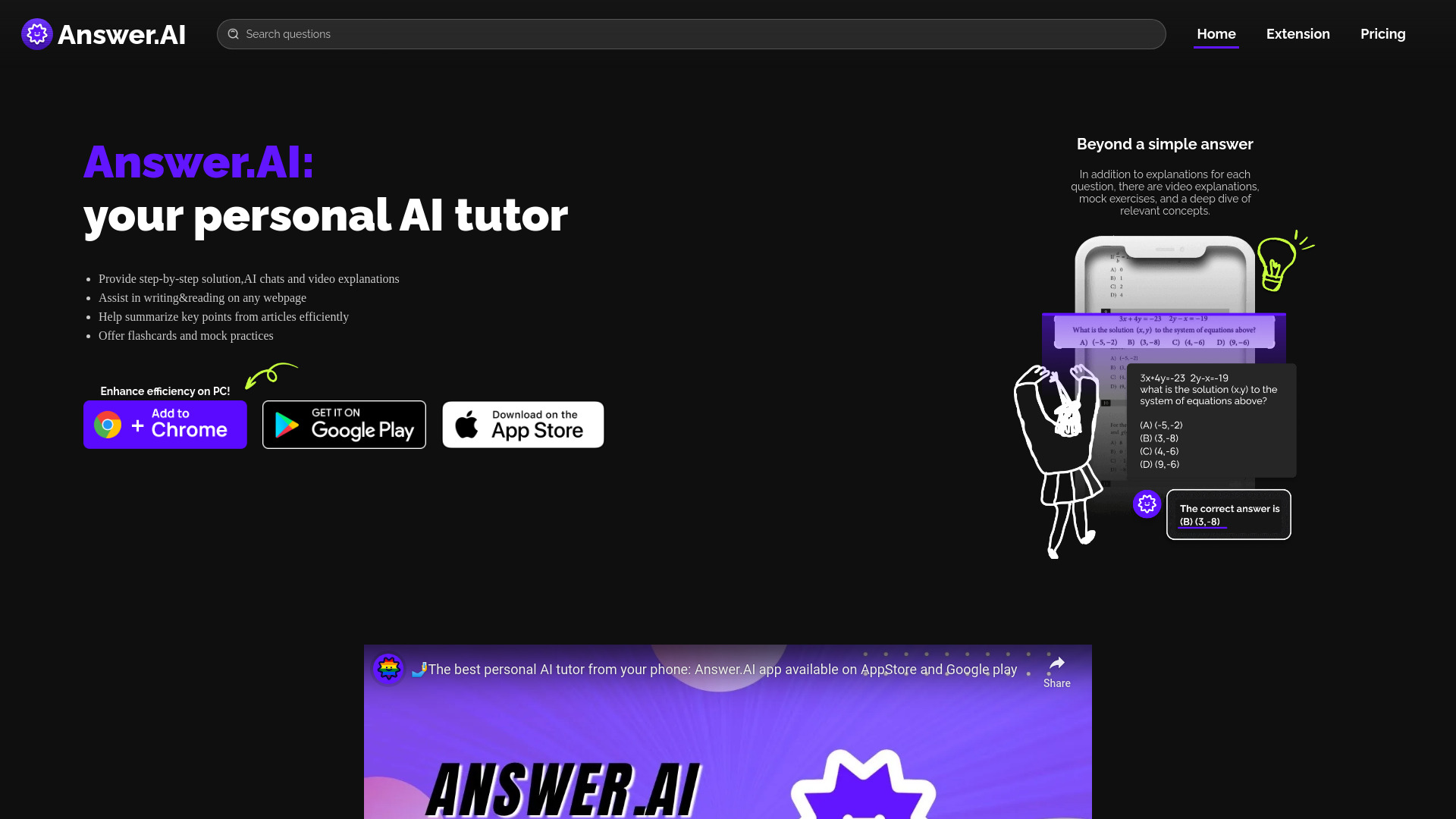
Answer.AI focuses on continuity. Its 24/7 AI Tutoring and Counseling feature is paired with flashcard generation and a question scanner, creating a workflow that can move from asking for help to turning the material into something worth reviewing later. That ongoing-support angle helps distinguish it from a one-off answer generator.
The free plan provides three daily requests, and the product information notes that free help is limited and requires a daily check-in for tickets. That is workable for occasional questions, but students with heavy exam preparation should assess the paid limits carefully. The listed starting point is $8.33 per month, making it one of the more accessible paid entries on this list if the current plan still applies.
My take: Answer.AI is a good fit for students who want a study companion they can return to repeatedly. Flashcard generation adds more learning value than a purely conversational tool.
Where it falls short: Free help is tightly limited, and the daily check-in requirement can add friction. It is also best viewed as support alongside teaching, not a complete replacement for a tutor.
Key features
24/7 AI Tutoring and Counseling.
Flashcard Generation.
Question Scanner.
Three free daily requests.
Pros
Provides personalized and ongoing support.
Combines tutoring with review materials.
Paid starting point is listed at $8.33 per month.
Cons
Limited free help.
Free tickets require a daily check-in.
Daily request limits may not suit intensive study.
Choose Answer.AI if: You want an always-available tutor that can also turn questions into flashcards for continued review.
9. Thea

Thea
Best beta study partner
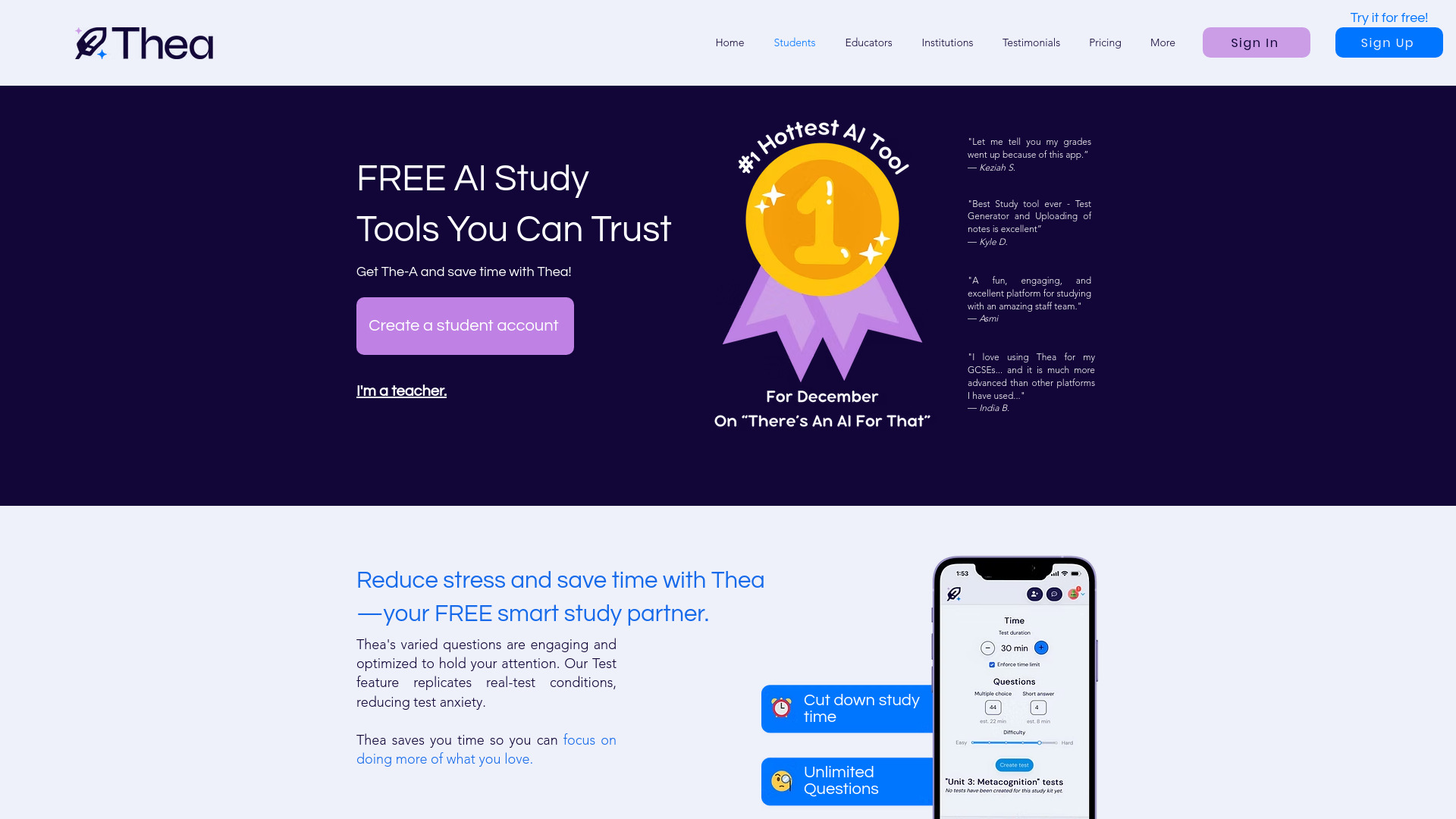
Thea is positioned as a study partner rather than a single-purpose writing or tutoring utility. Its AI-powered smart study tools, flashcards, and unlimited questions give students a straightforward way to experiment with AI-supported review. Mobile apps are also listed among the free-access features, which makes the product easier to fit into study sessions away from a desktop.
The important qualification is beta access. The listed free period runs until January 1, 2026, and pricing plans may be introduced after beta. Because the current date is 2026, readers should verify the live offer before treating the displayed beta terms as current. That uncertainty keeps Thea below the more established-feeling picks, despite its attractive study workflow.
My take: Thea is worth trying when you want a low-friction study companion and are comfortable with beta-stage pricing uncertainty. Unlimited questions are a compelling reason to inspect the current product first.
Where it falls short: Plans may be introduced after the beta period, so the free offer may no longer apply. The product information does not establish what current access costs in August 2026.
Key features
AI-powered smart study tools.
Flashcards.
Unlimited questions in the listed beta offer.
Mobile apps.
Pros
Free to use during beta.
Designed as a study partner.
Includes mobile apps and flashcards.
Cons
Pricing may change after beta.
The listed free-access date has passed relative to the current year.
Current plan details need direct verification.
Choose Thea if: You want to test a study-focused AI companion and are willing to confirm its post-beta pricing and access terms.
10. Doctrina AI

Doctrina AI
Best quiz and exam preparation toolkit
Doctrina AI is strongest when studying means testing yourself. Its AI Quiz Maker and AI Exam Generator give students a way to turn preparation into active recall, while the AI Essay Writer covers a separate but common academic need. The platform serves students and teachers, so it can work for individual revision as well as education-oriented use.
The listed offer is unusually easy to understand: the core tools are shown as free, with lifetime access priced at $10. Some features are available only in the premium version, so the attractive price should not be confused with unlimited access to every capability. Still, for students who want quiz and exam generation without a complicated subscription decision, it is a compelling final pick.
My take: Doctrina AI is the best value-oriented choice for self-testing. I would start with the quiz maker, then use the exam generator to expose gaps before an assessment.
Where it falls short: Premium-only features create a divide between the free tools and the complete platform. Its lower usage signal also means I would test the workflow personally before building an entire study system around it.
Key features
AI Quiz Maker.
AI Exam Generator.
AI Essay Writer.
Tools for students and teachers.
Listed lifetime access option.
Pros
Offers a wide range of educational tools.
Directly supports quiz and exam preparation.
Lifetime access is listed at $10.
Cons
Some features require the premium version.
Current plan inclusions should be verified.
More focused on assessment and writing than tutoring.
Choose Doctrina AI if: You want an inexpensive way to generate quizzes, practice exams, and essay drafts for independent study.
More tools to compare

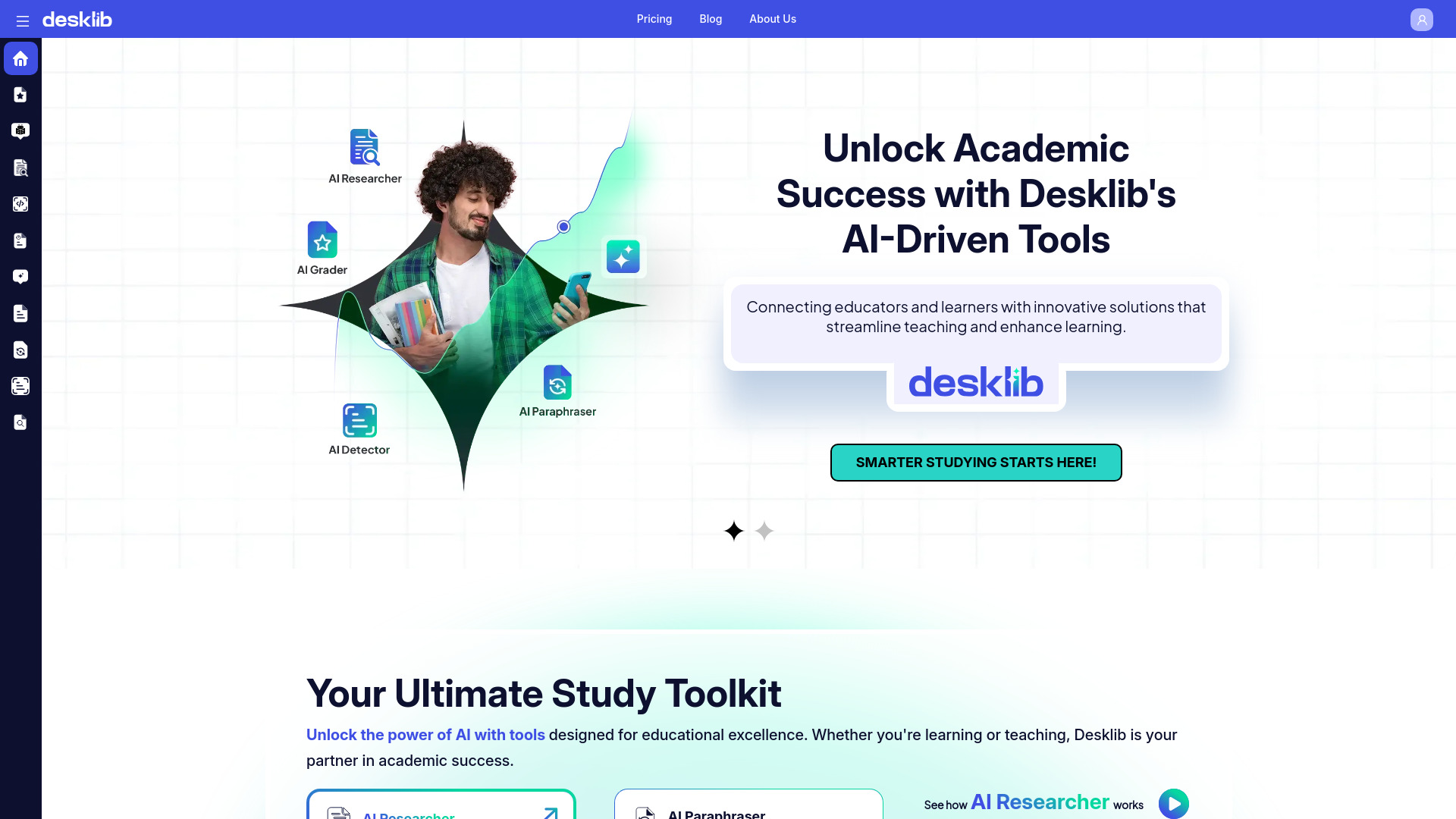
Desklib
All-in-one academic study support

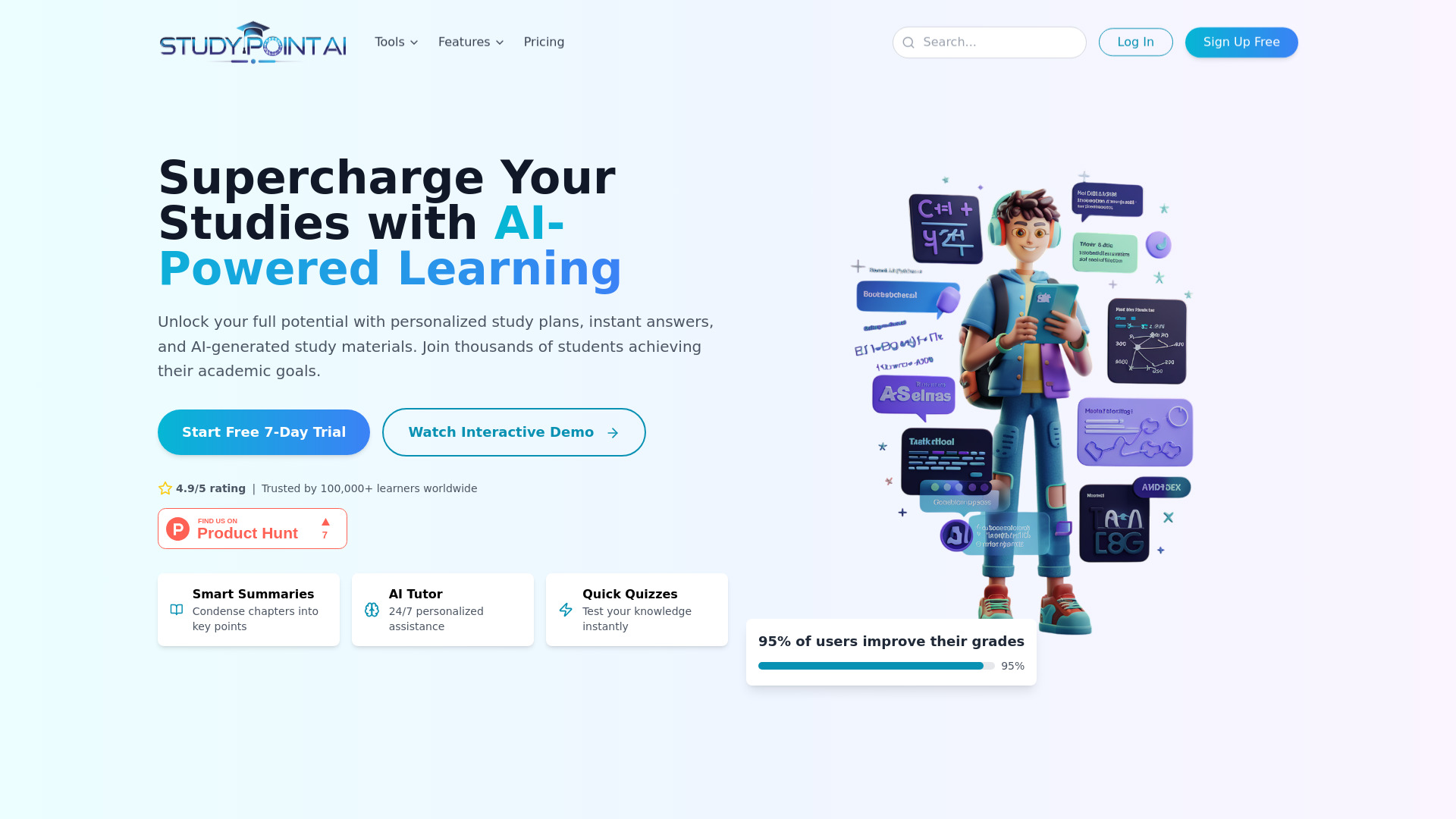
Study Point AI
AI homework and math help

ScholarAI
Academic research and study materials

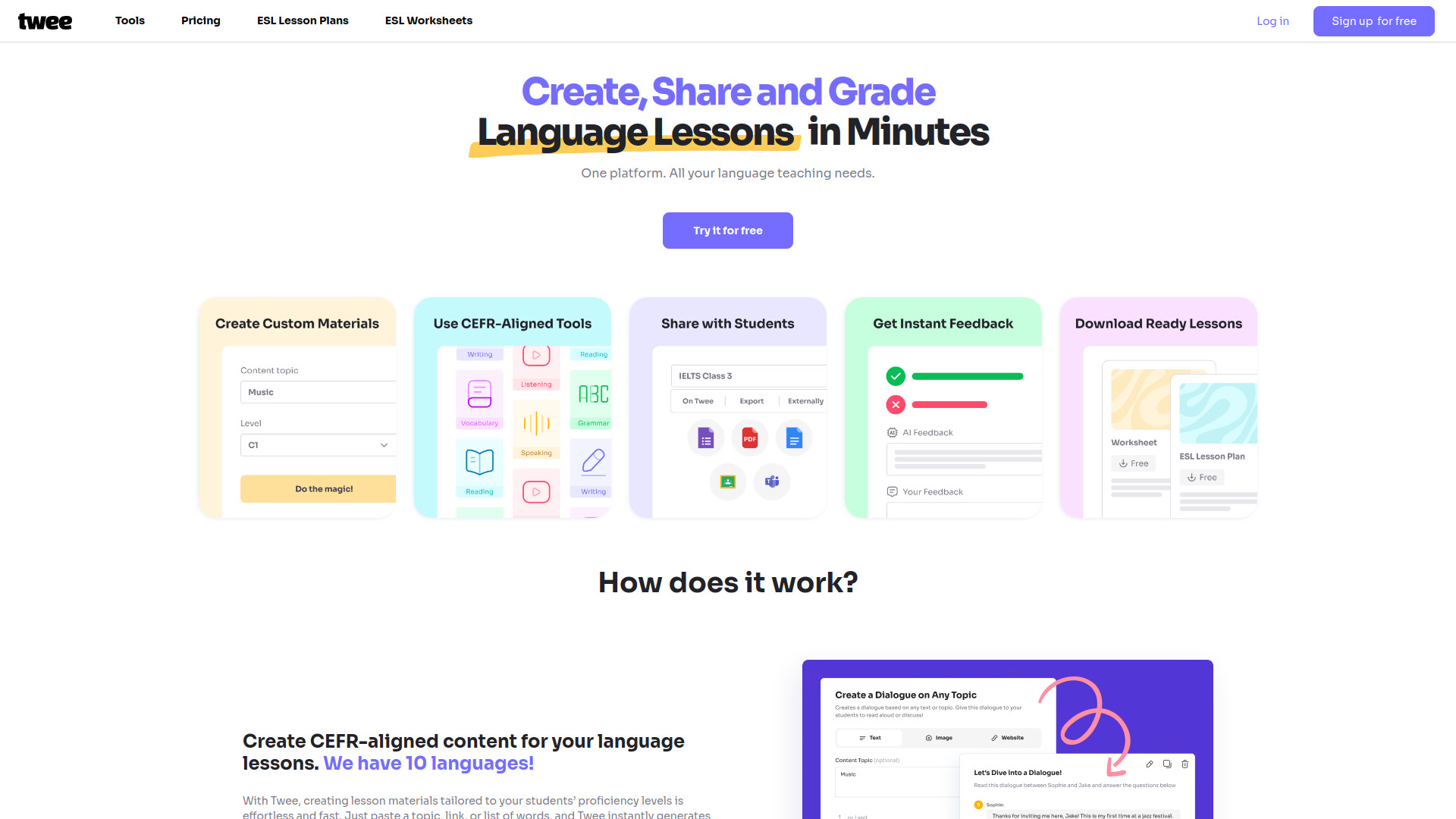
Twee
CEFR-aligned English lesson materials

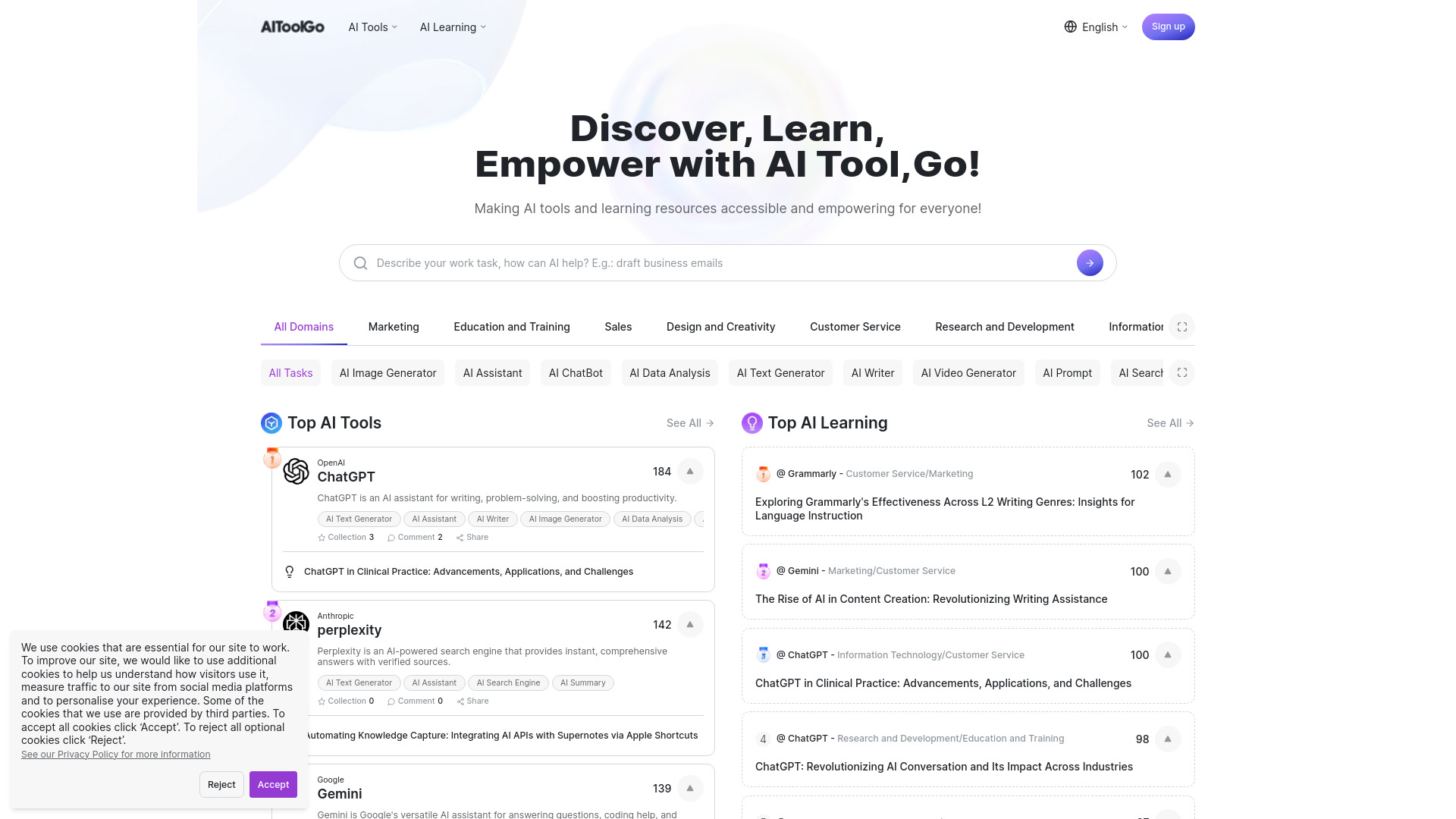
AiToolGo
Discovering AI tools and learning resources

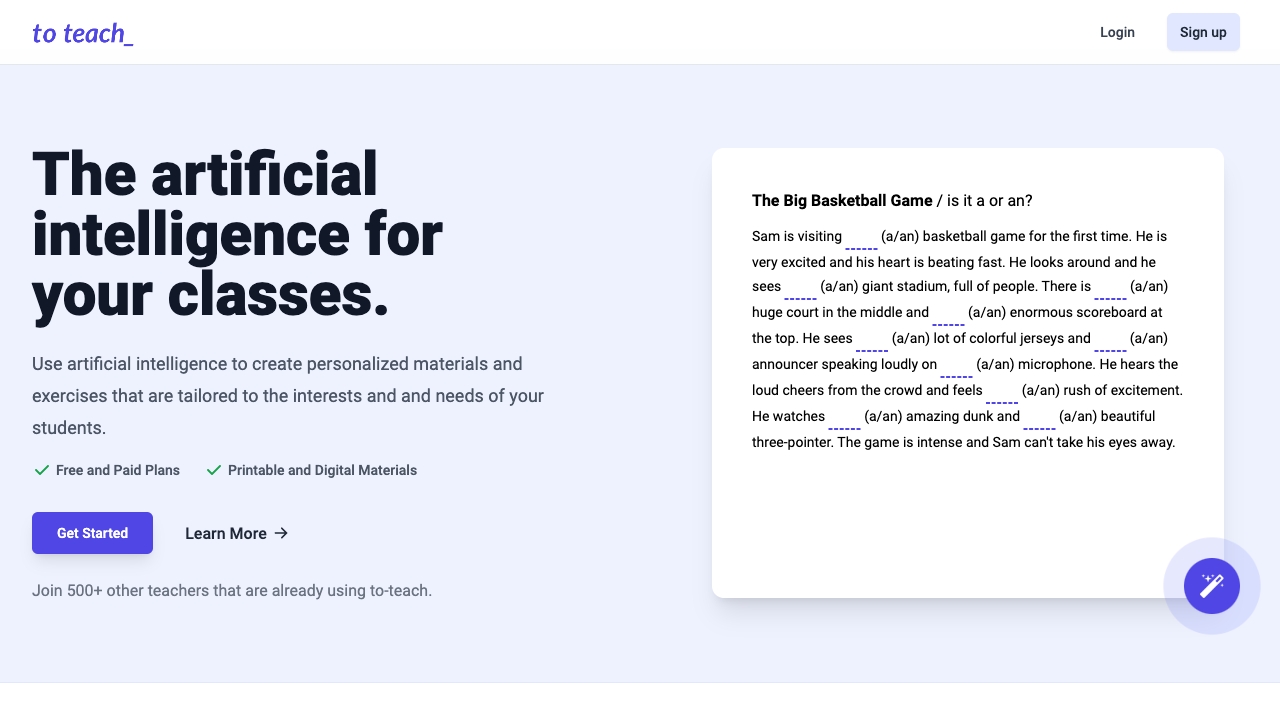
To Teach
Teachers creating AI-powered lesson materials

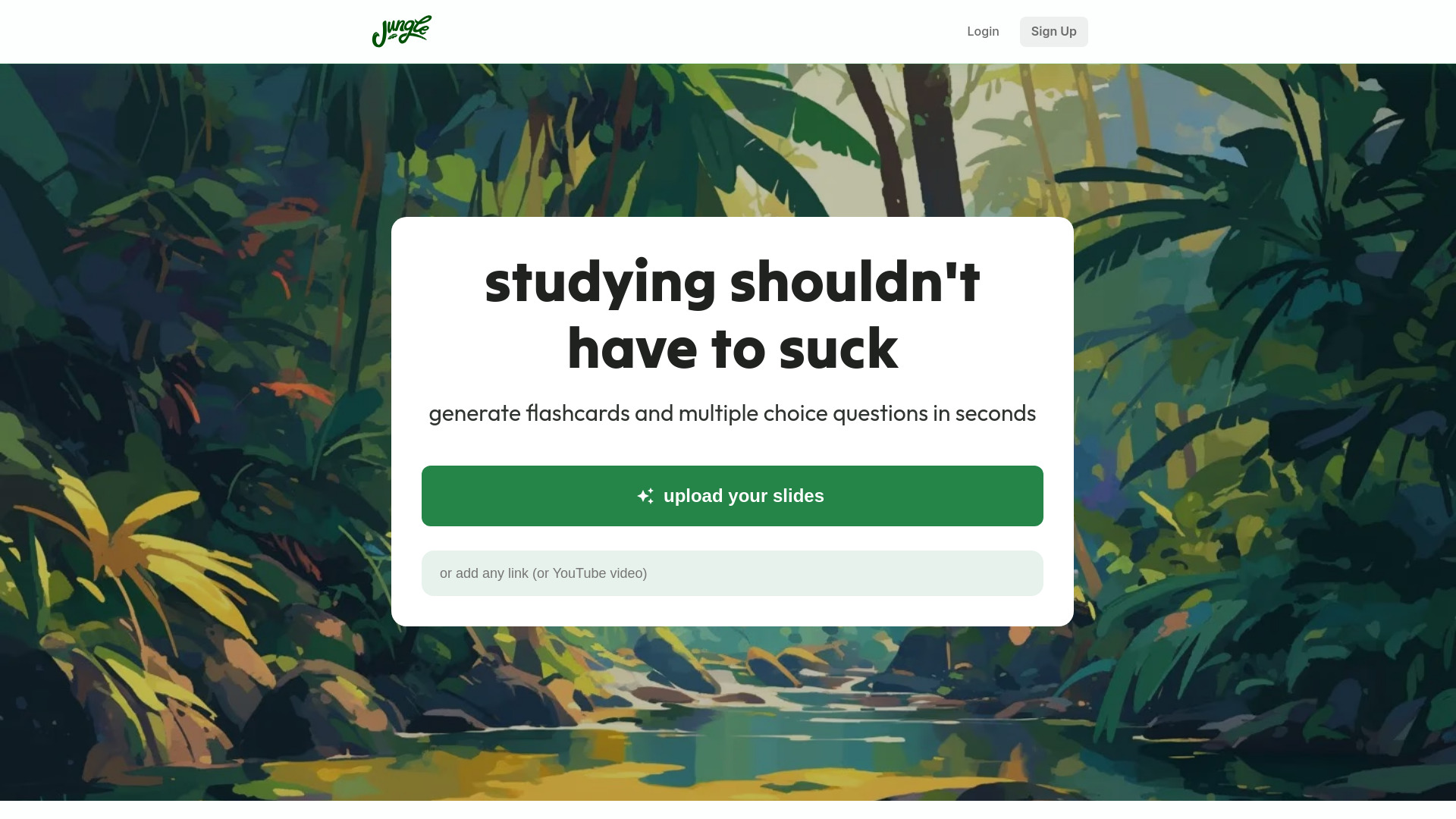
Jungle AI
Lecture-based exam study

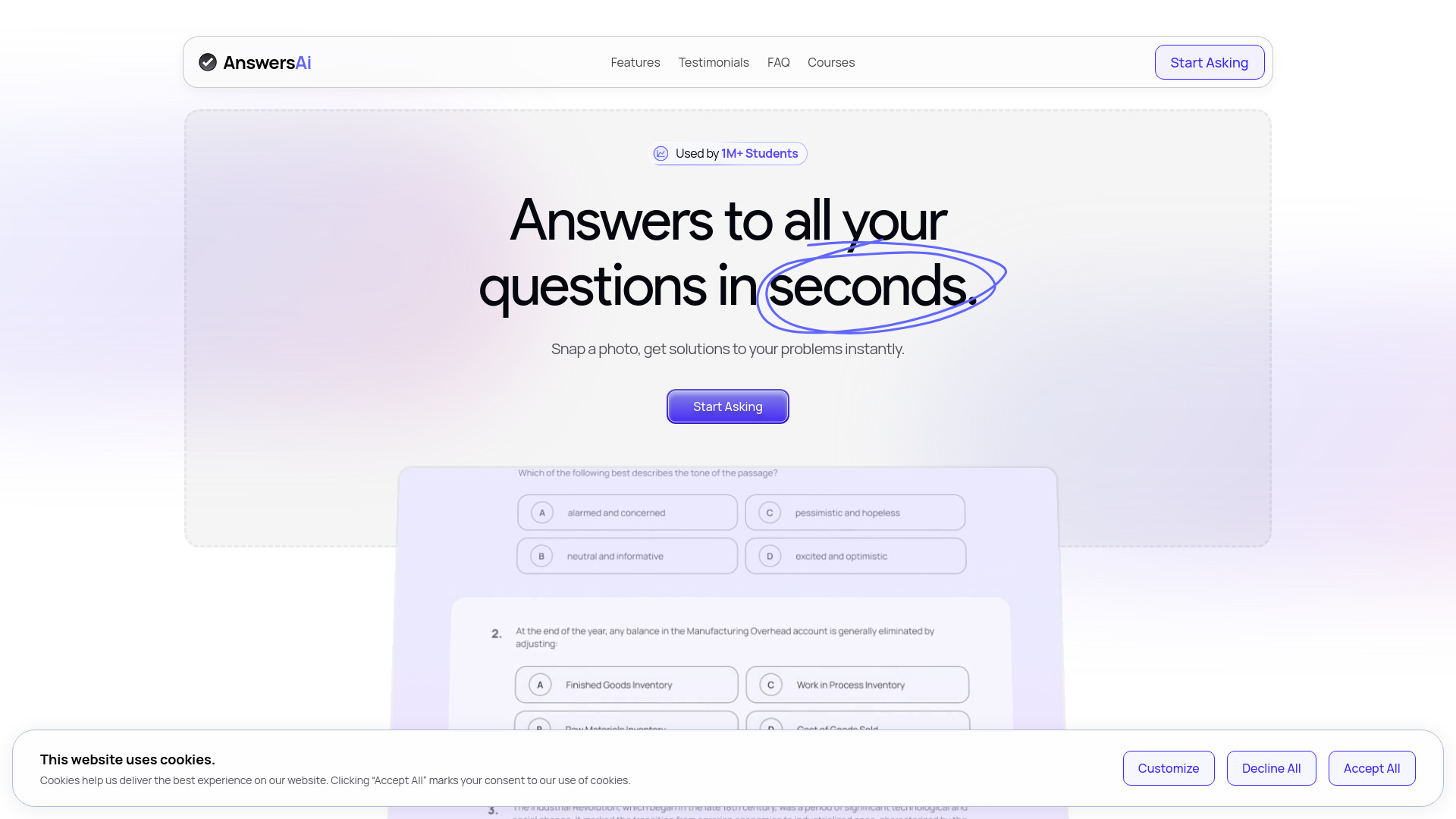
AnswersAi
Coursework answers and explanations

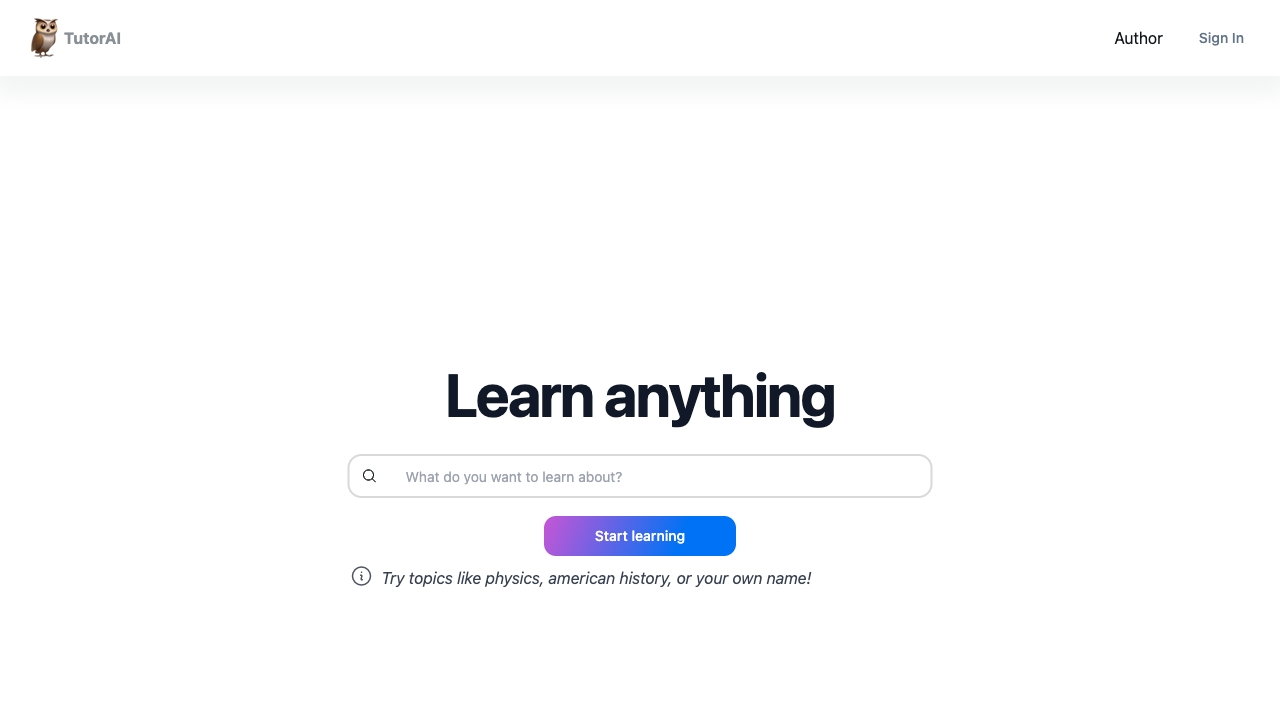
Tutor AI
Personalized AI learning pathways

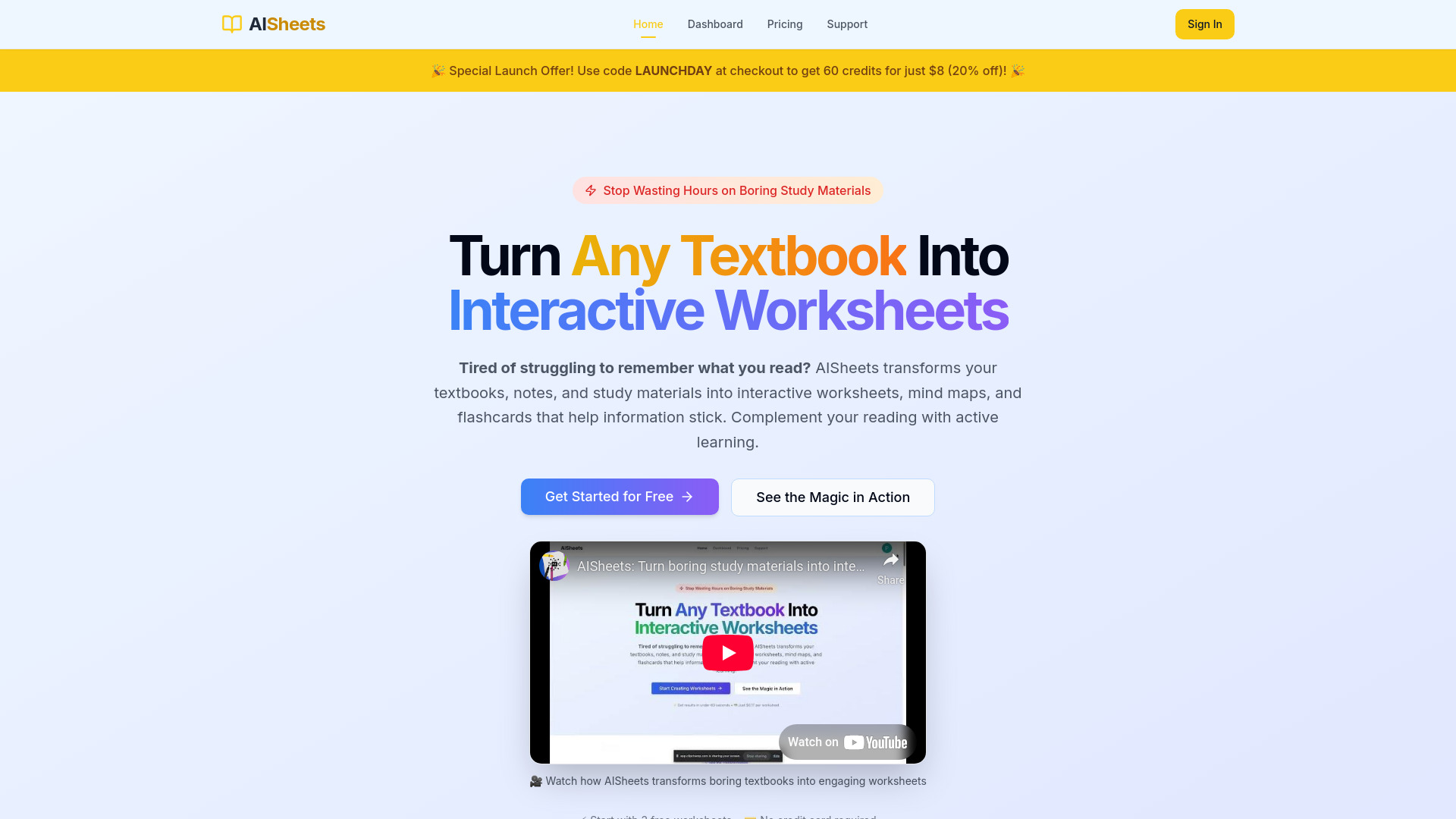
AISheets.study
Students and educators creating active-learning materials

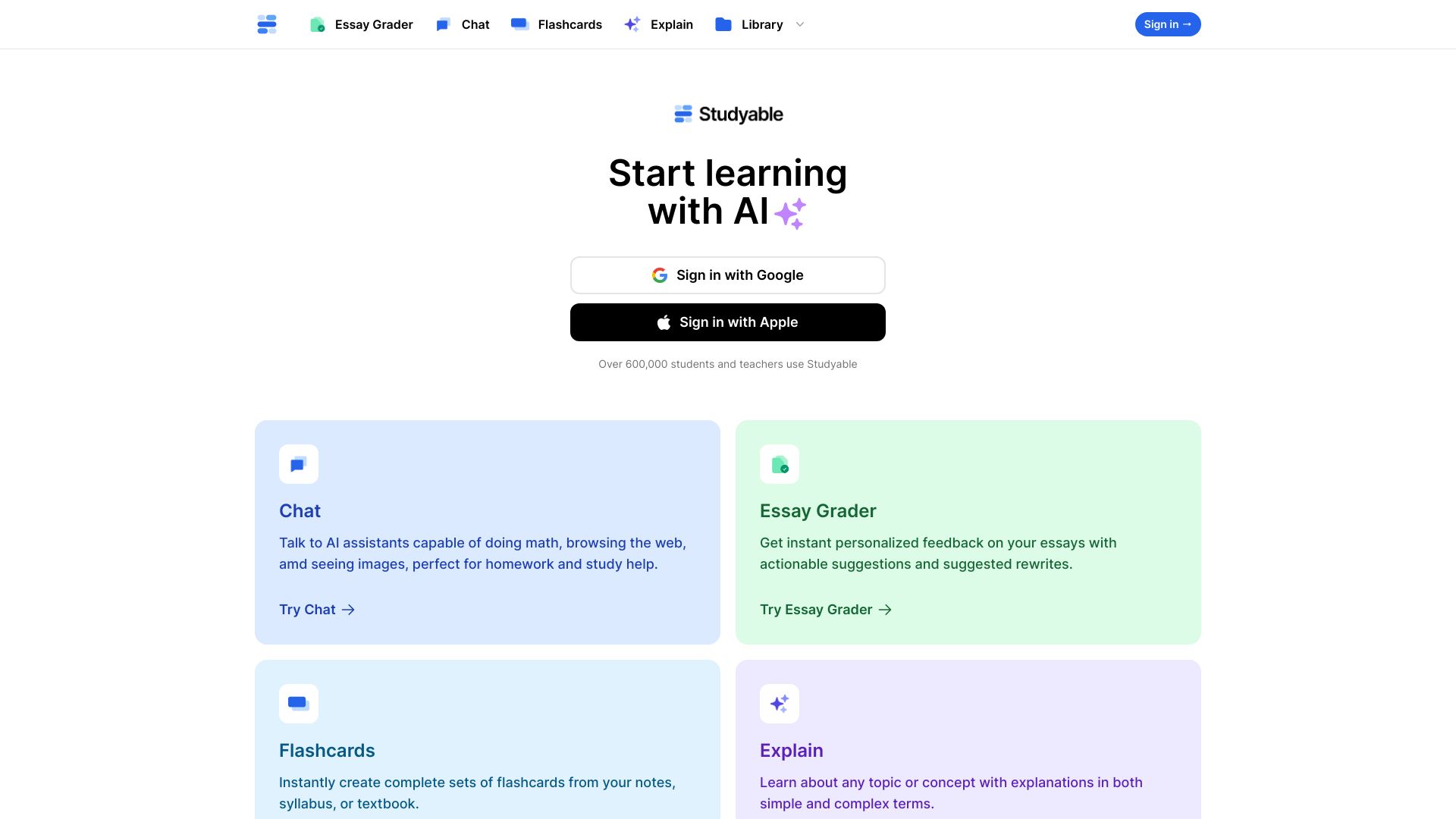
Studyable
Step-by-step homework help

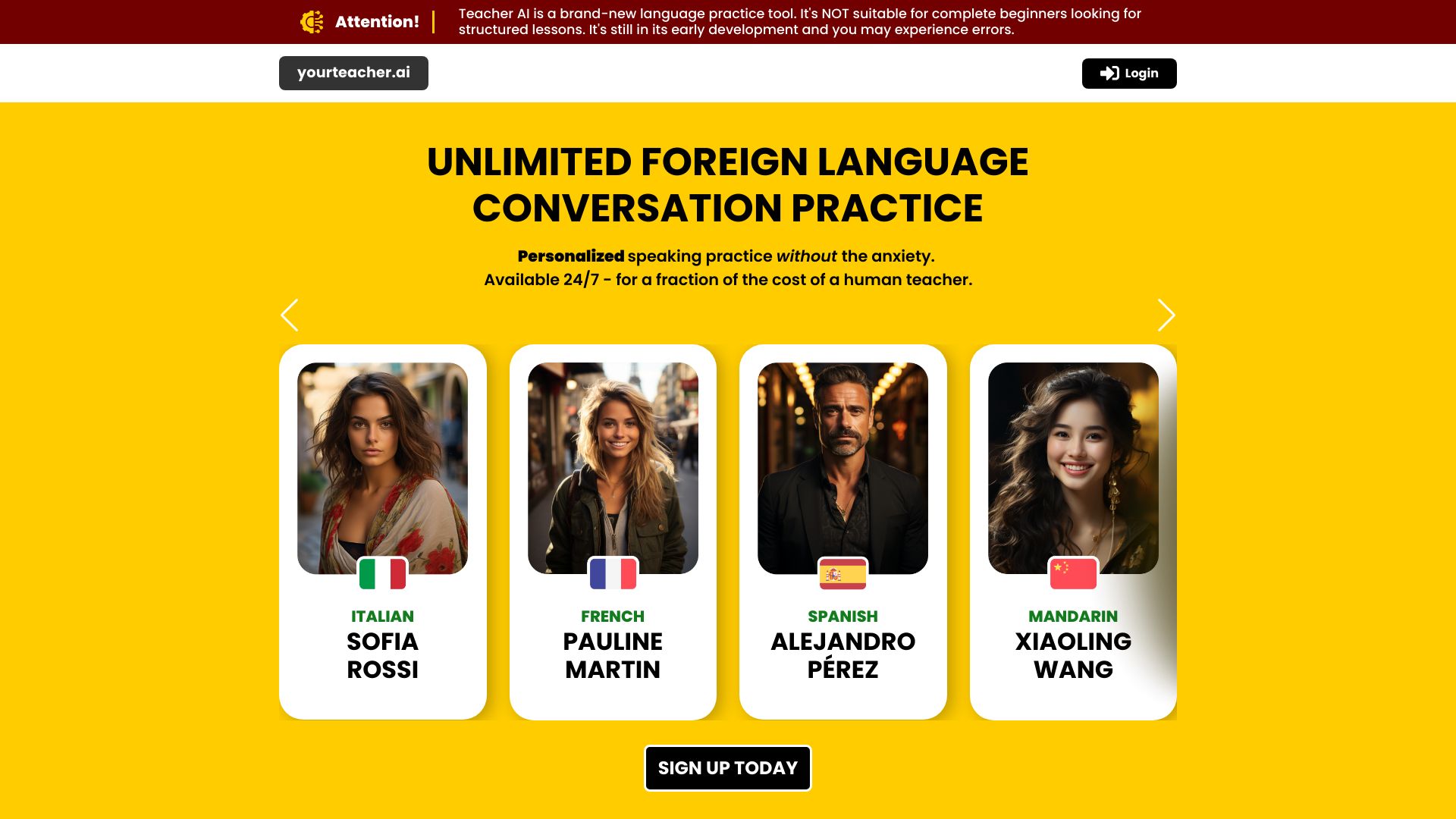
Teacher AI
Intermediate language learners

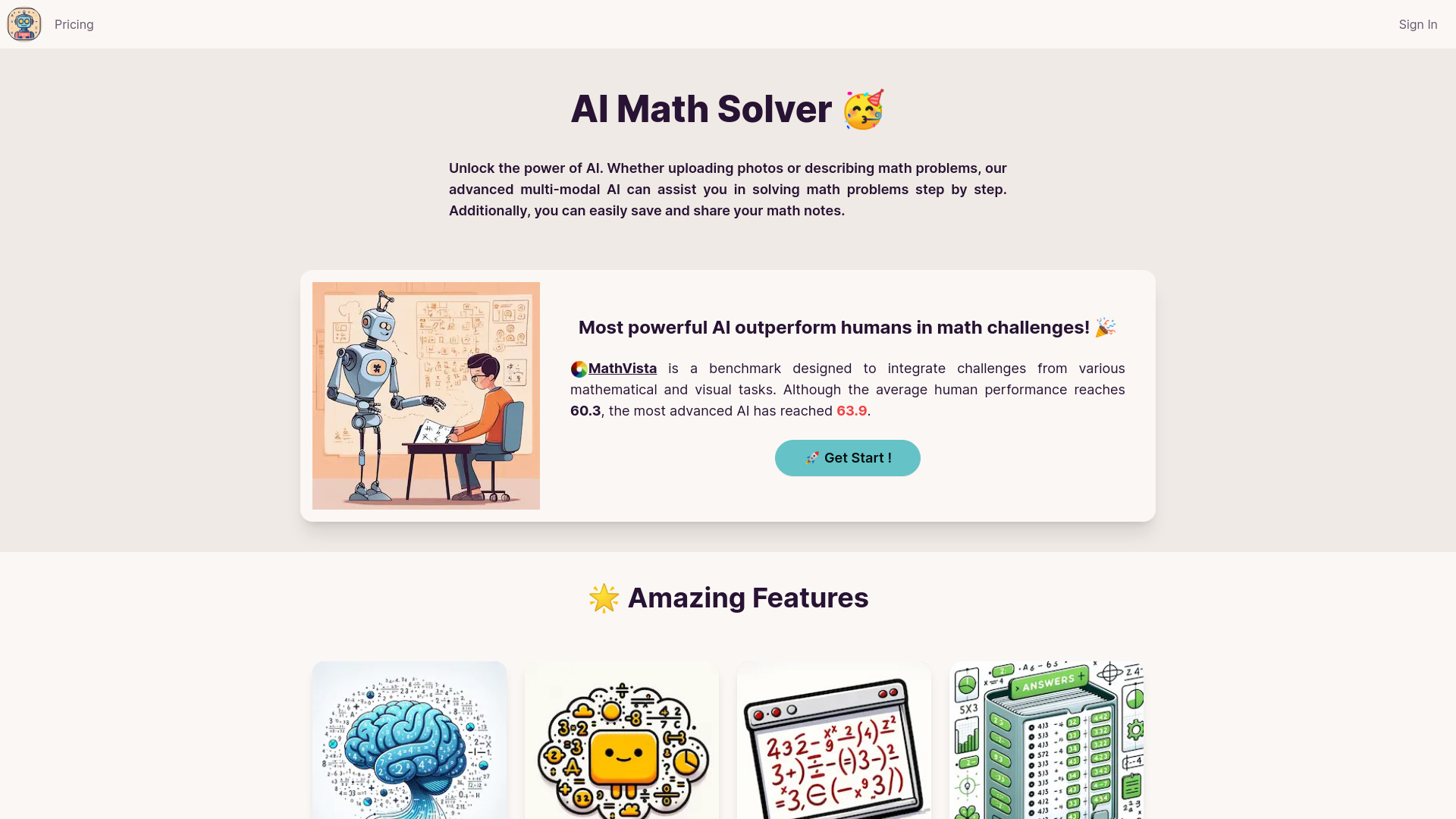
AI Math Solver
Step-by-step math help for students

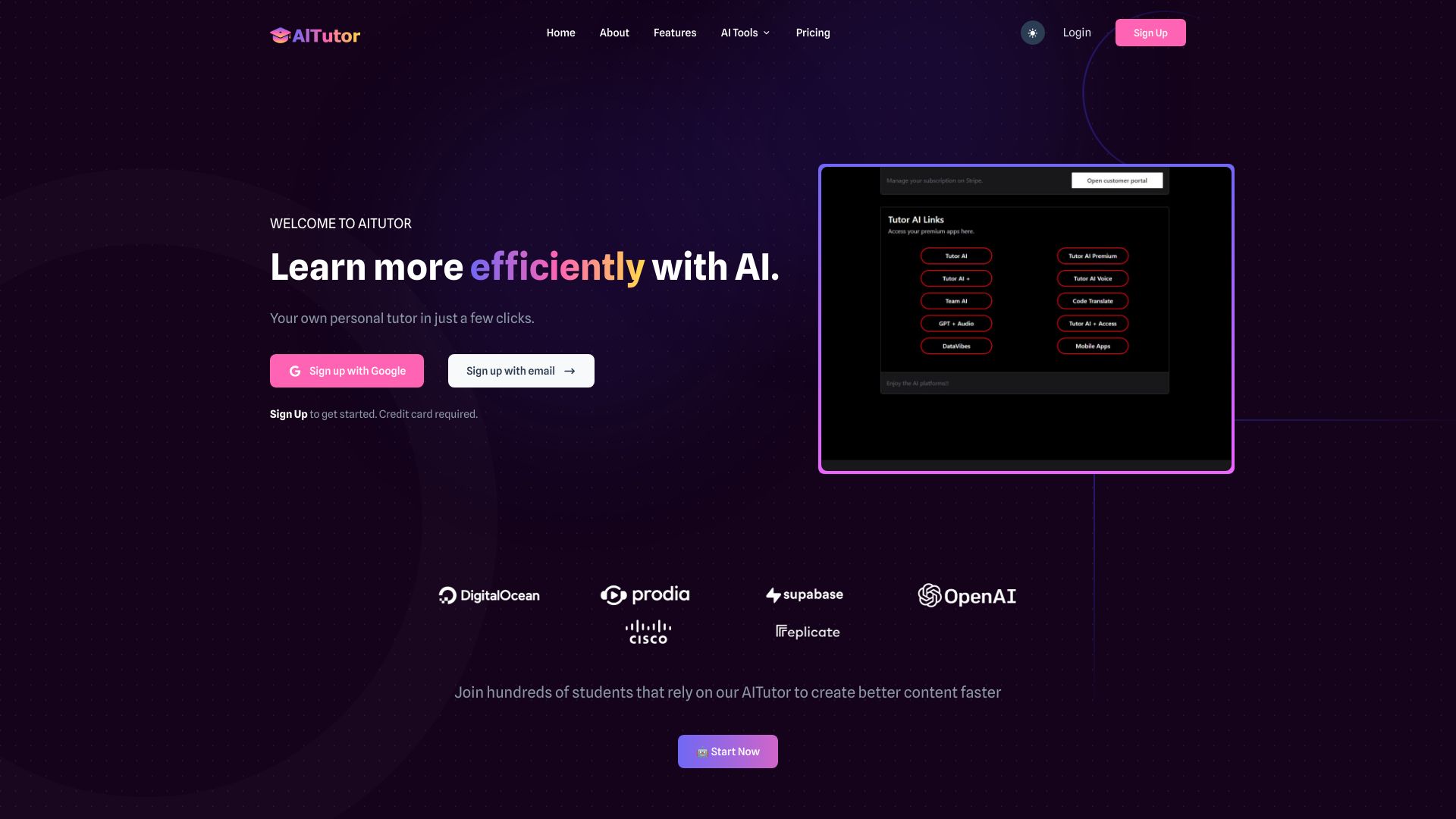
AI Tutor
Students needing multiple AI models

Ara AI
AI-assisted product development

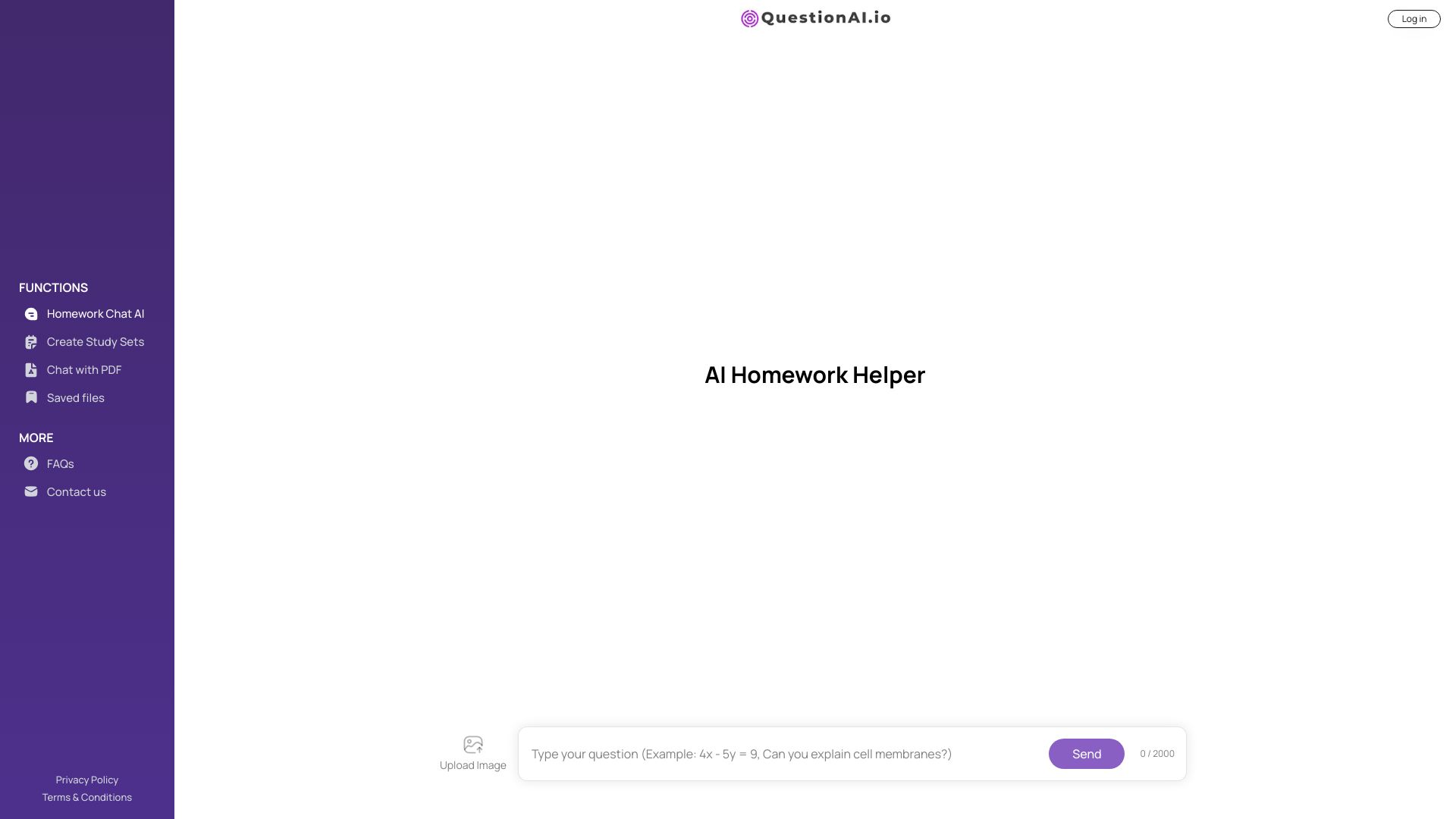
Question AI
AI homework help for students

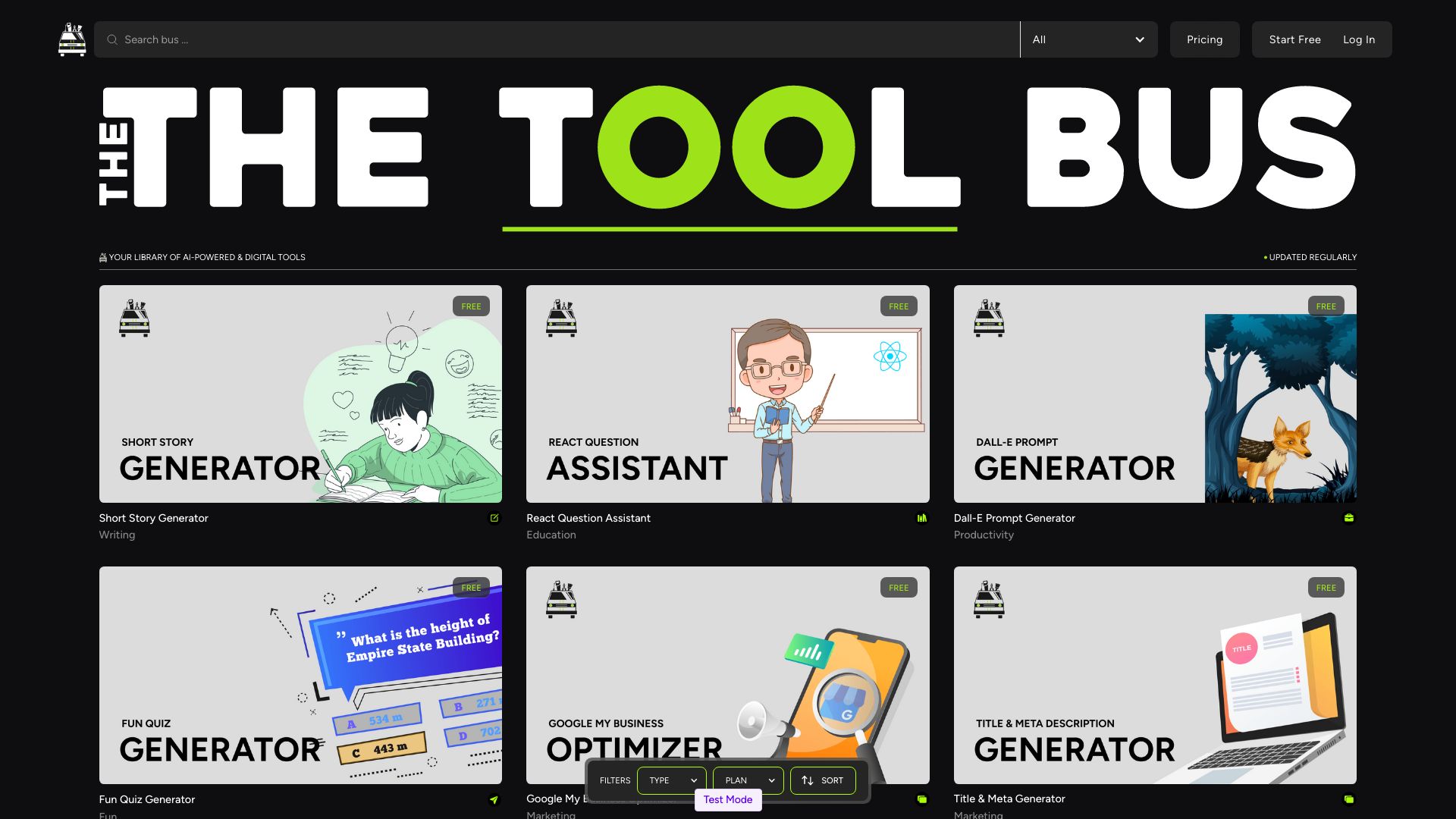
TheToolBus.ai
Students needing free converters and study utilities

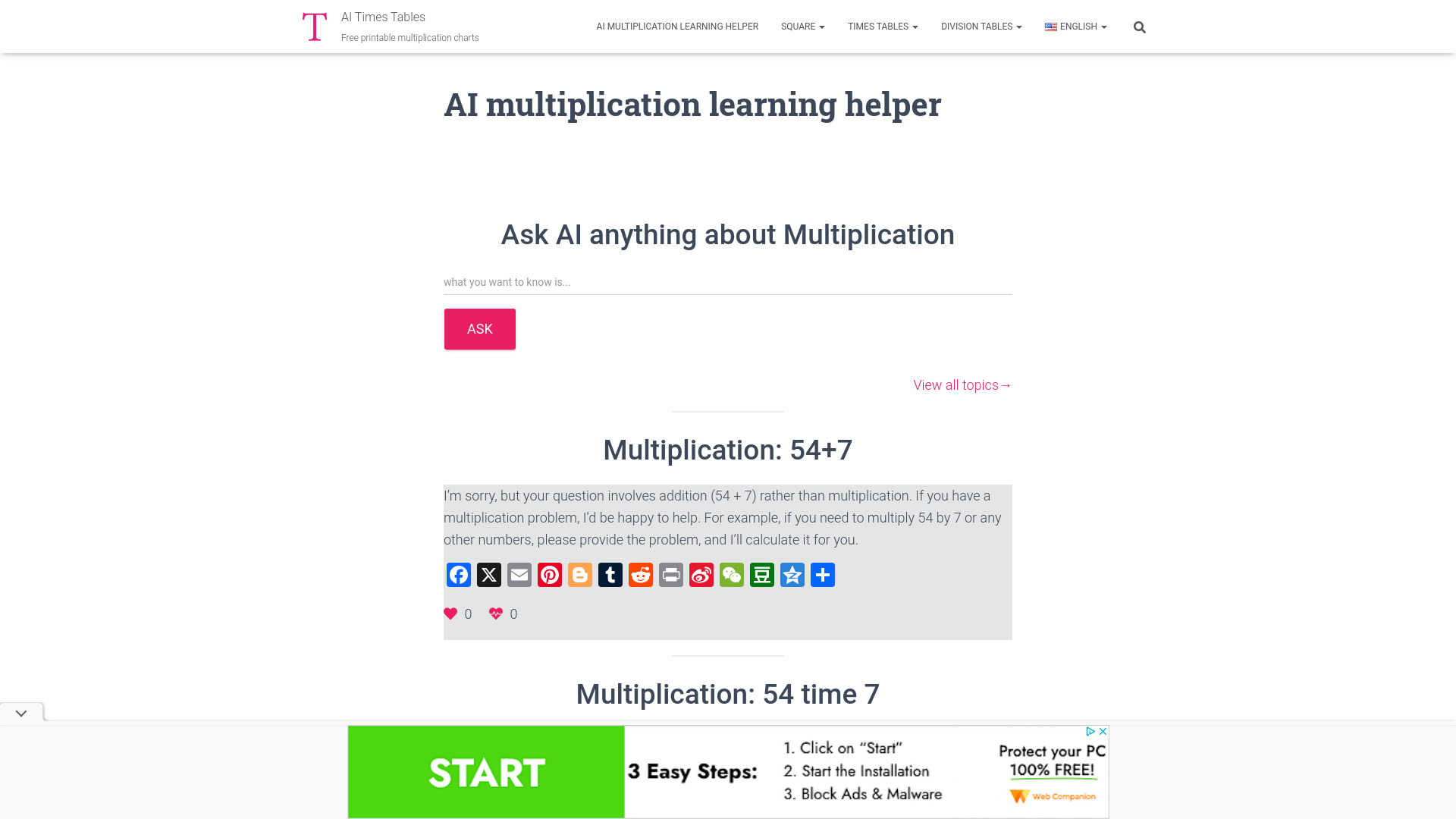
Times-Table.com
Students practicing multiplication facts

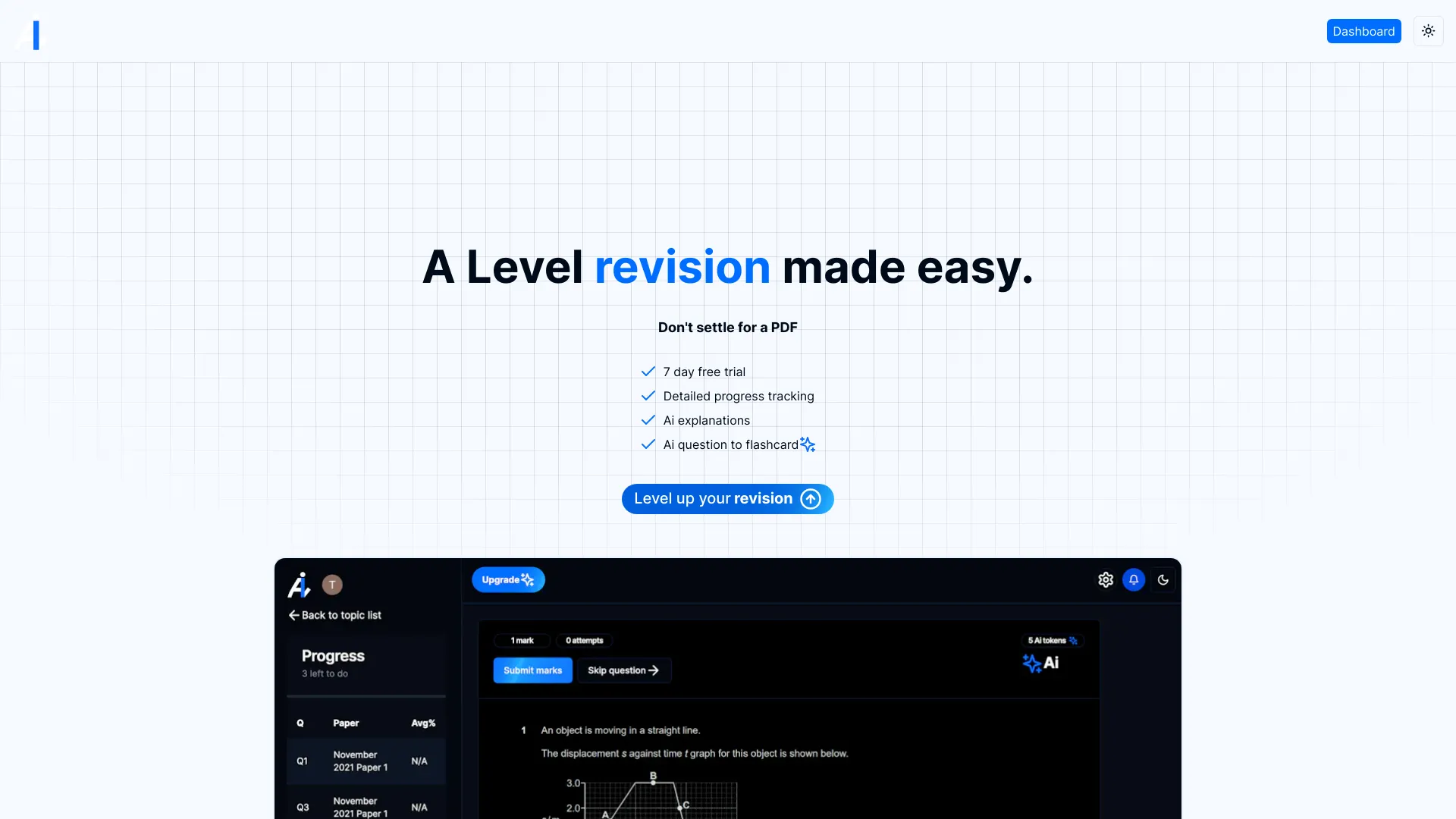
Alevels.ai
A-Level exam revision
Question AI
Students needing step-by-step homework help

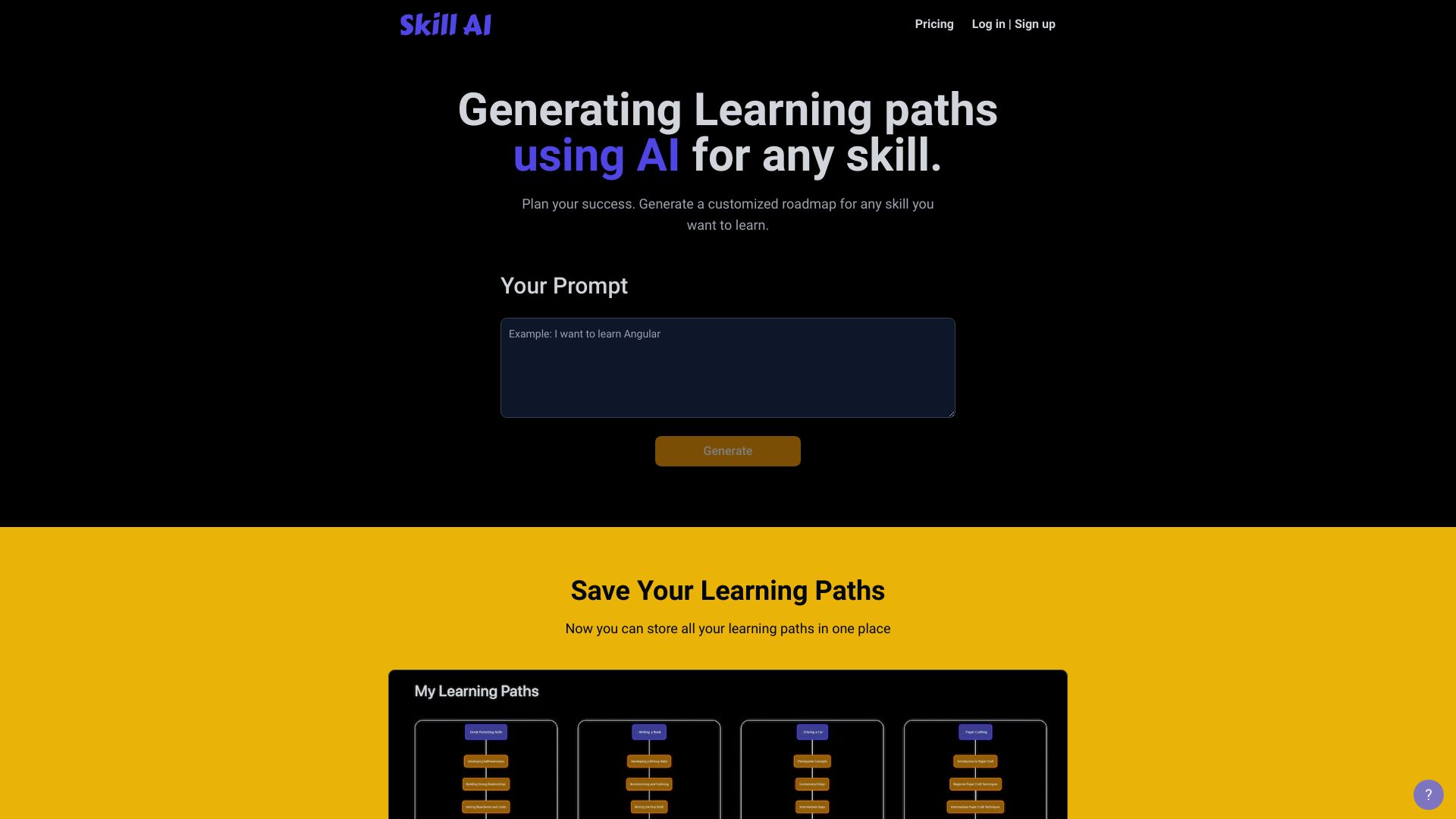
SkillAI
Personalized skill roadmaps

Learnt.ai
Lesson planning for educators
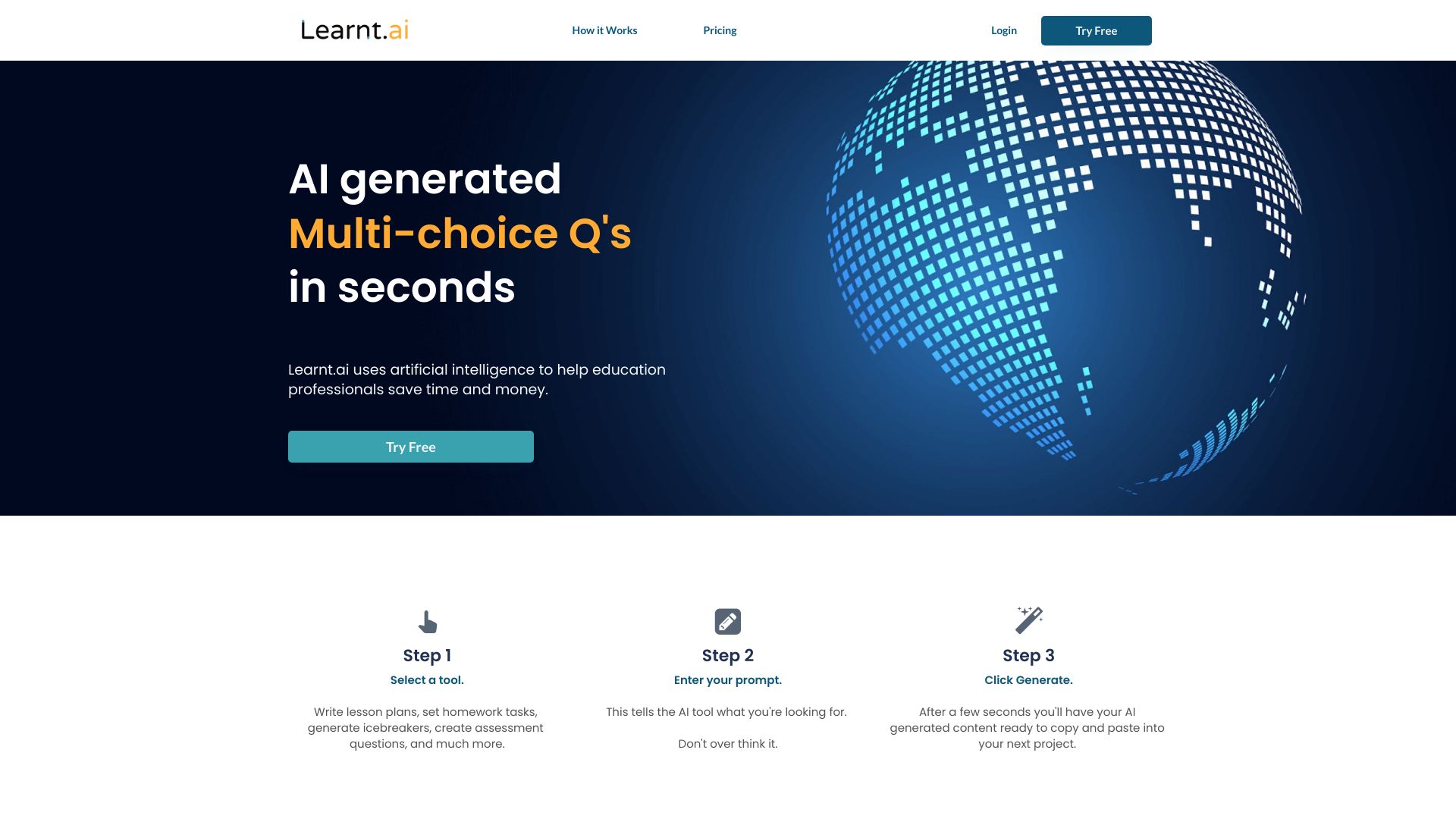

GradesAI
Predictive exam preparation for students

AI Teacha
Lesson planning and assessments


Hi-fi Ai
Discovering and comparing AI tools
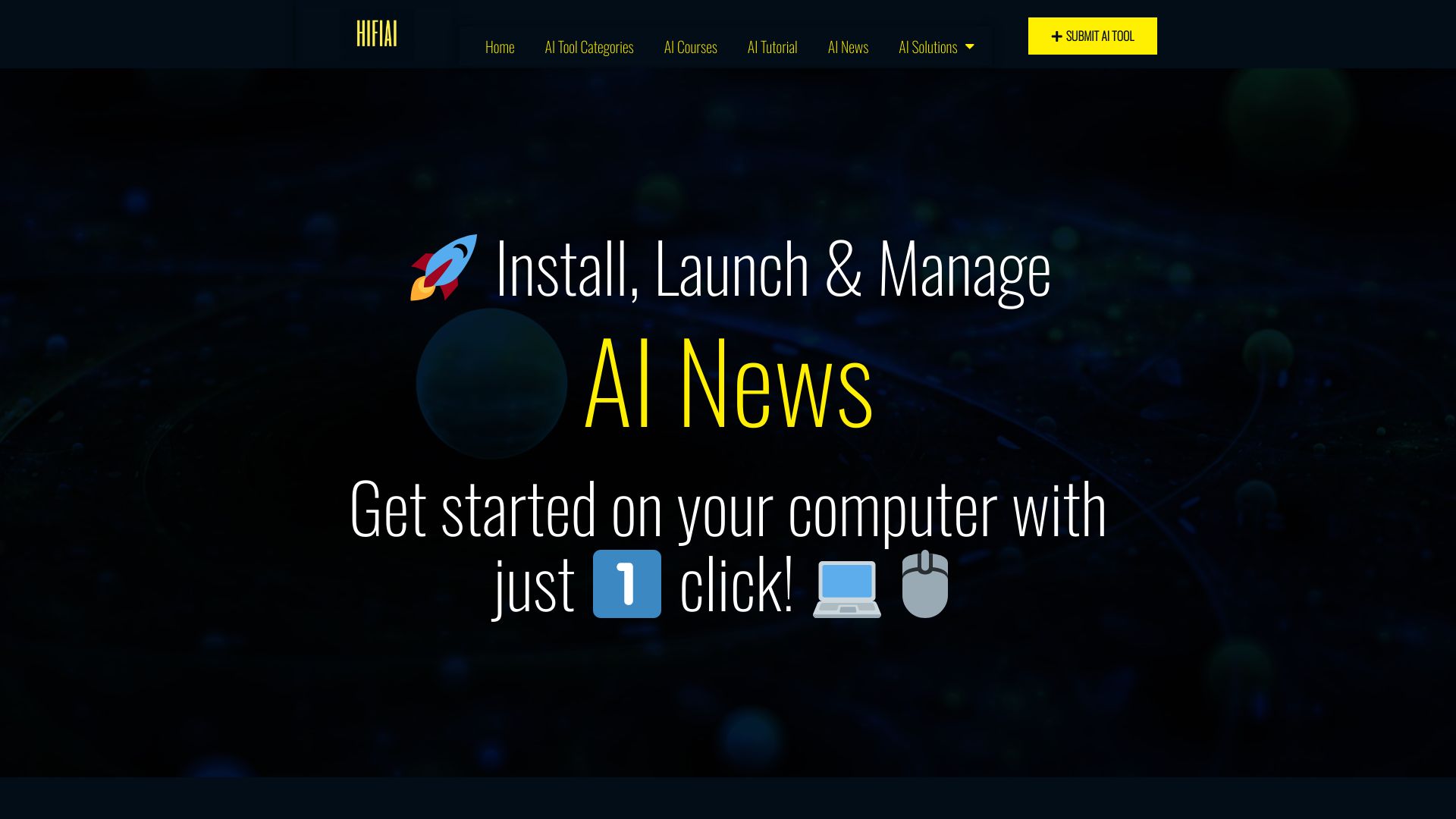

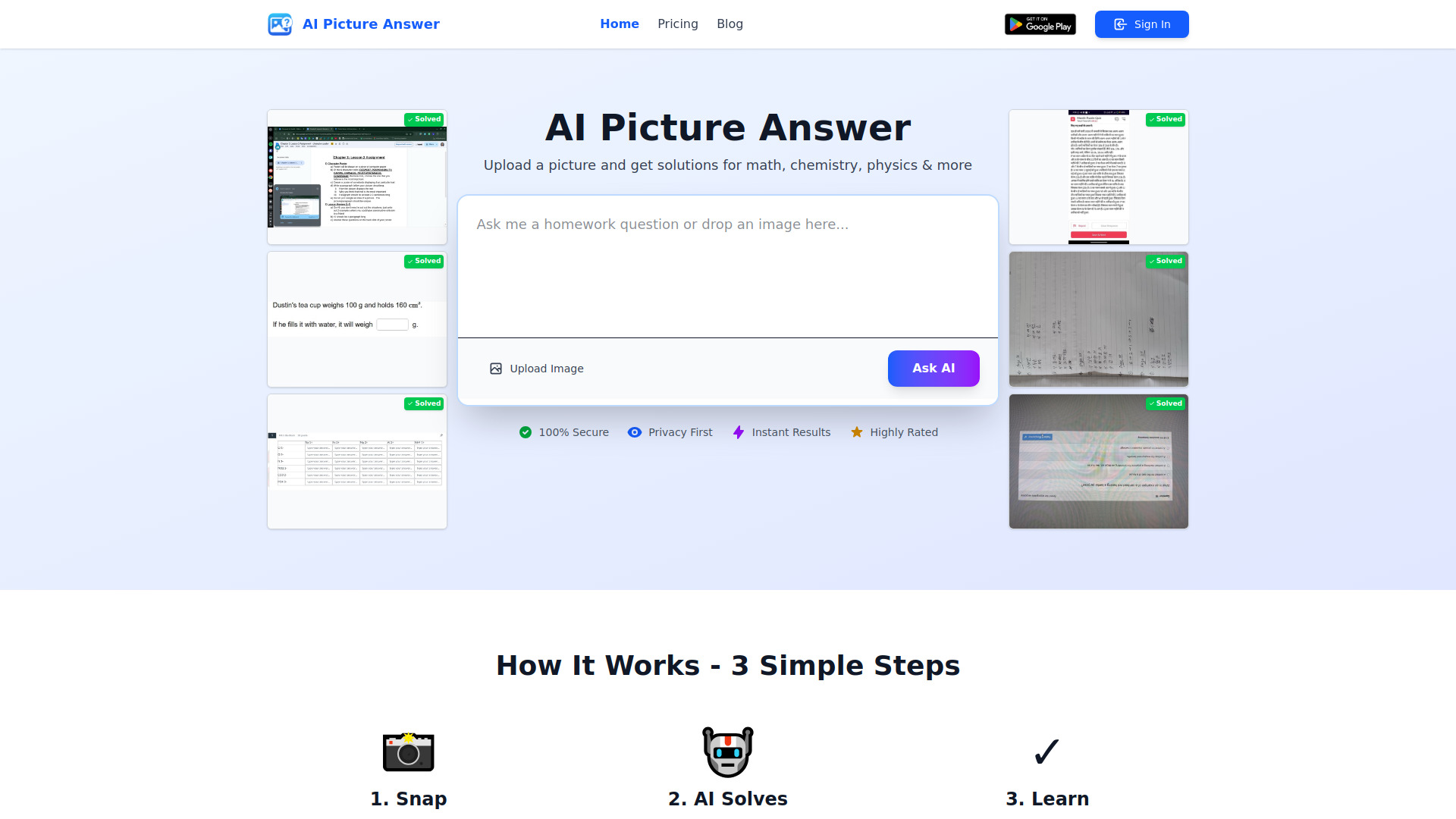
AI Homework Helper
Step-by-step homework solutions
SchoolAI
School writing for educators

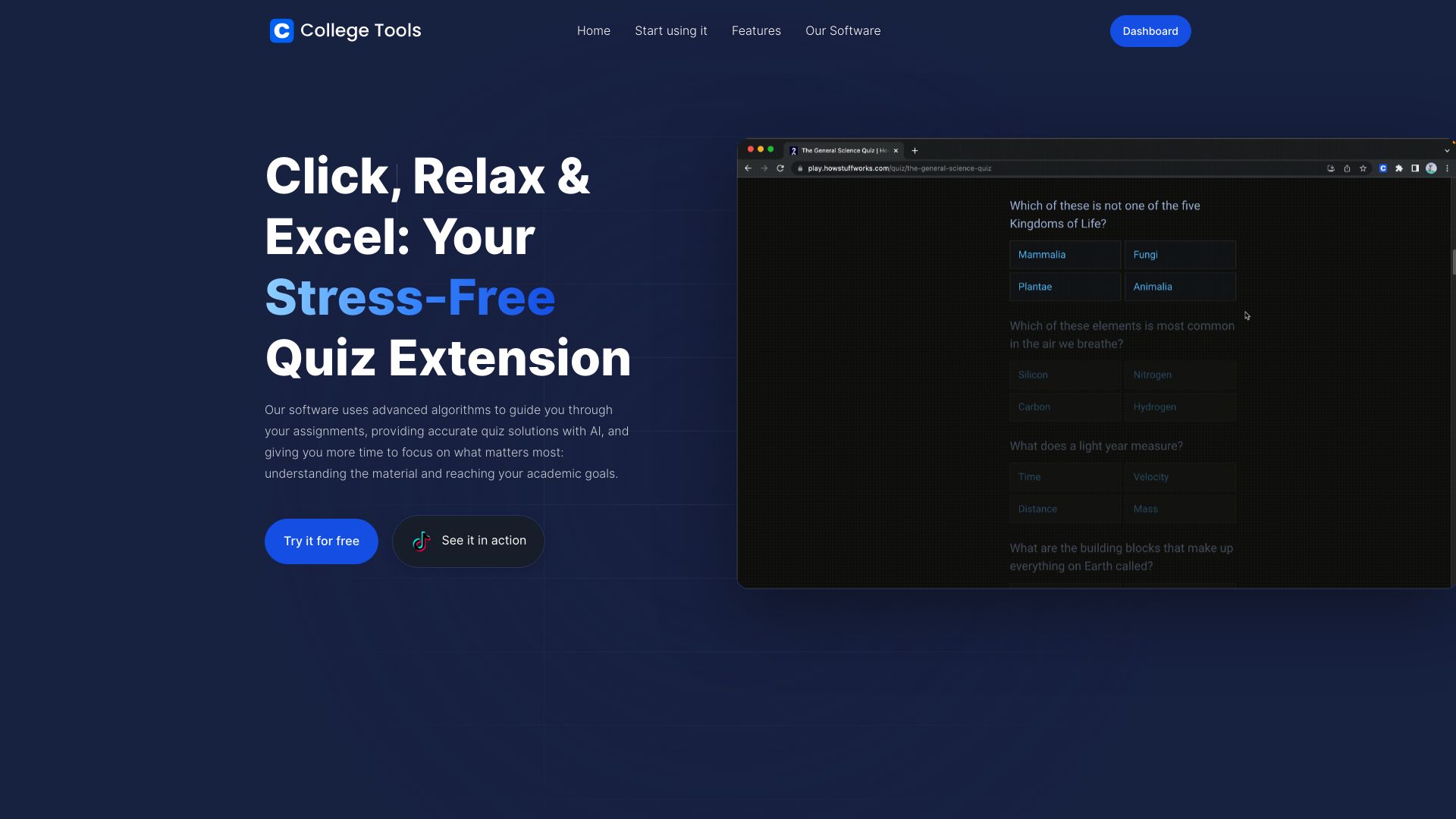
College Tools
AI homework help across subjects

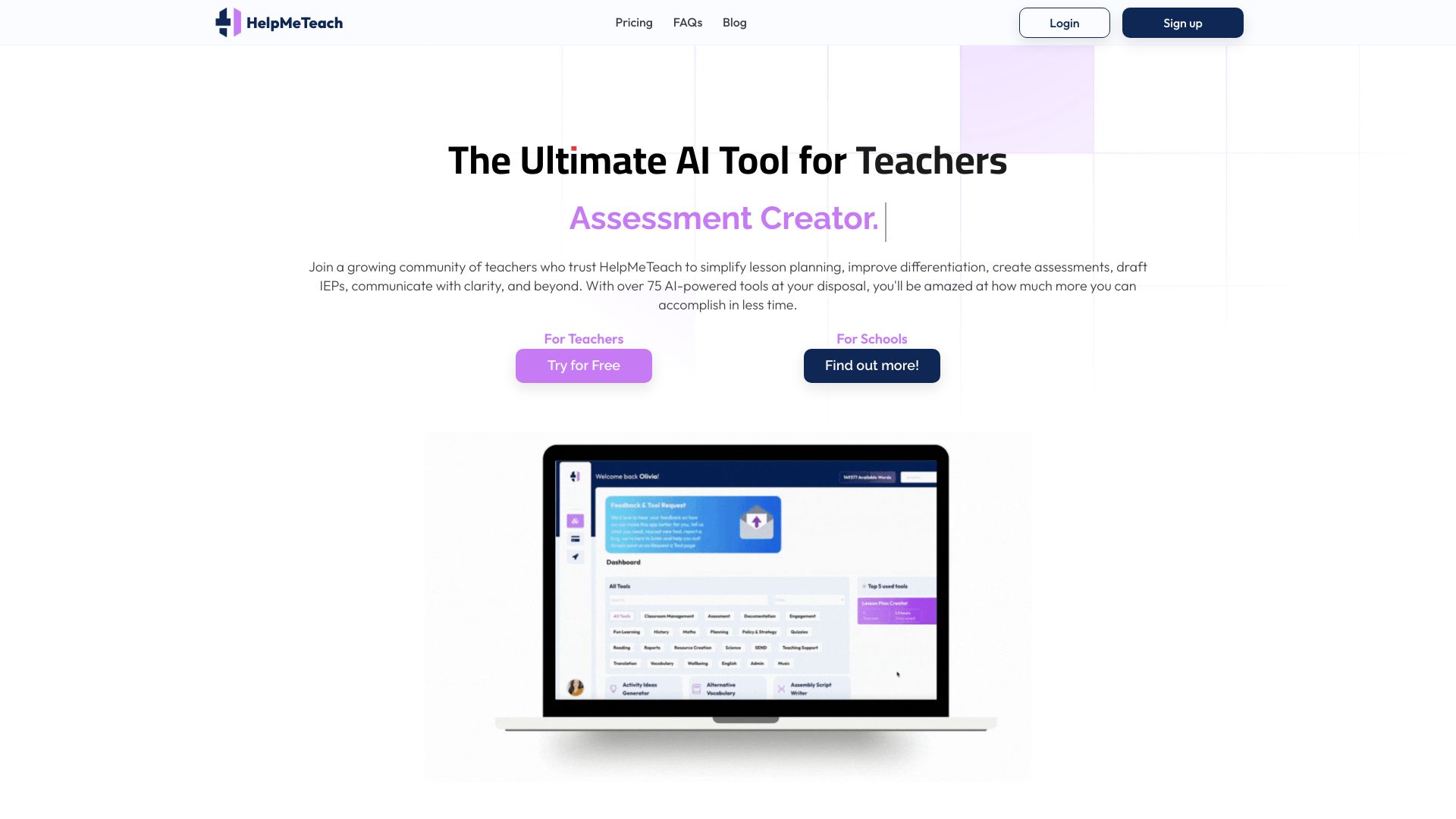
HelpMeTeach
Teachers creating lesson plans and assessments

HomeworkAI
Step-by-step homework help

AI Math
Step-by-step math homework help

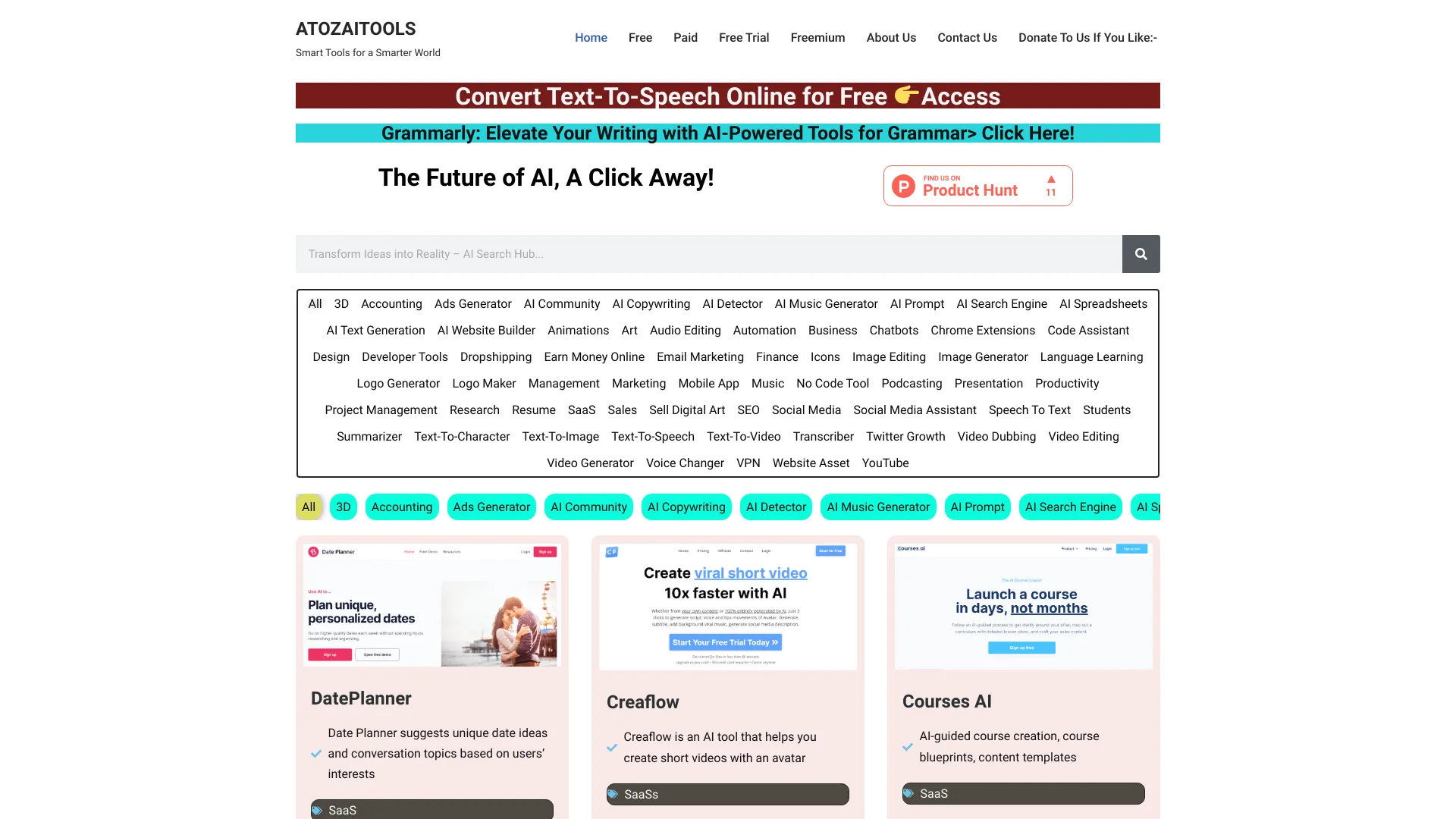
ATOZAITOOLS
Discovering AI tools by category

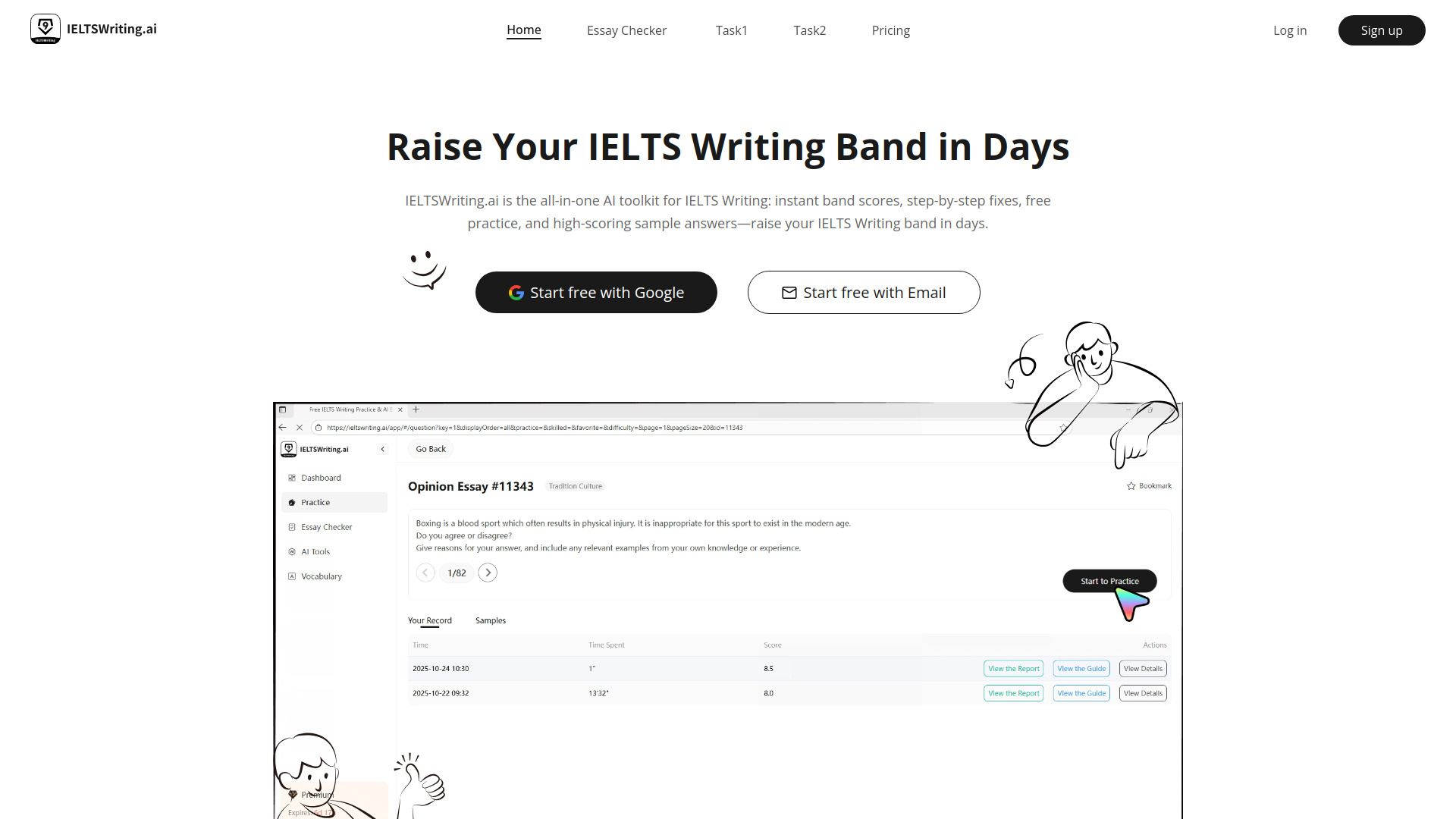
IELTS Writing AI
IELTS writing band improvement

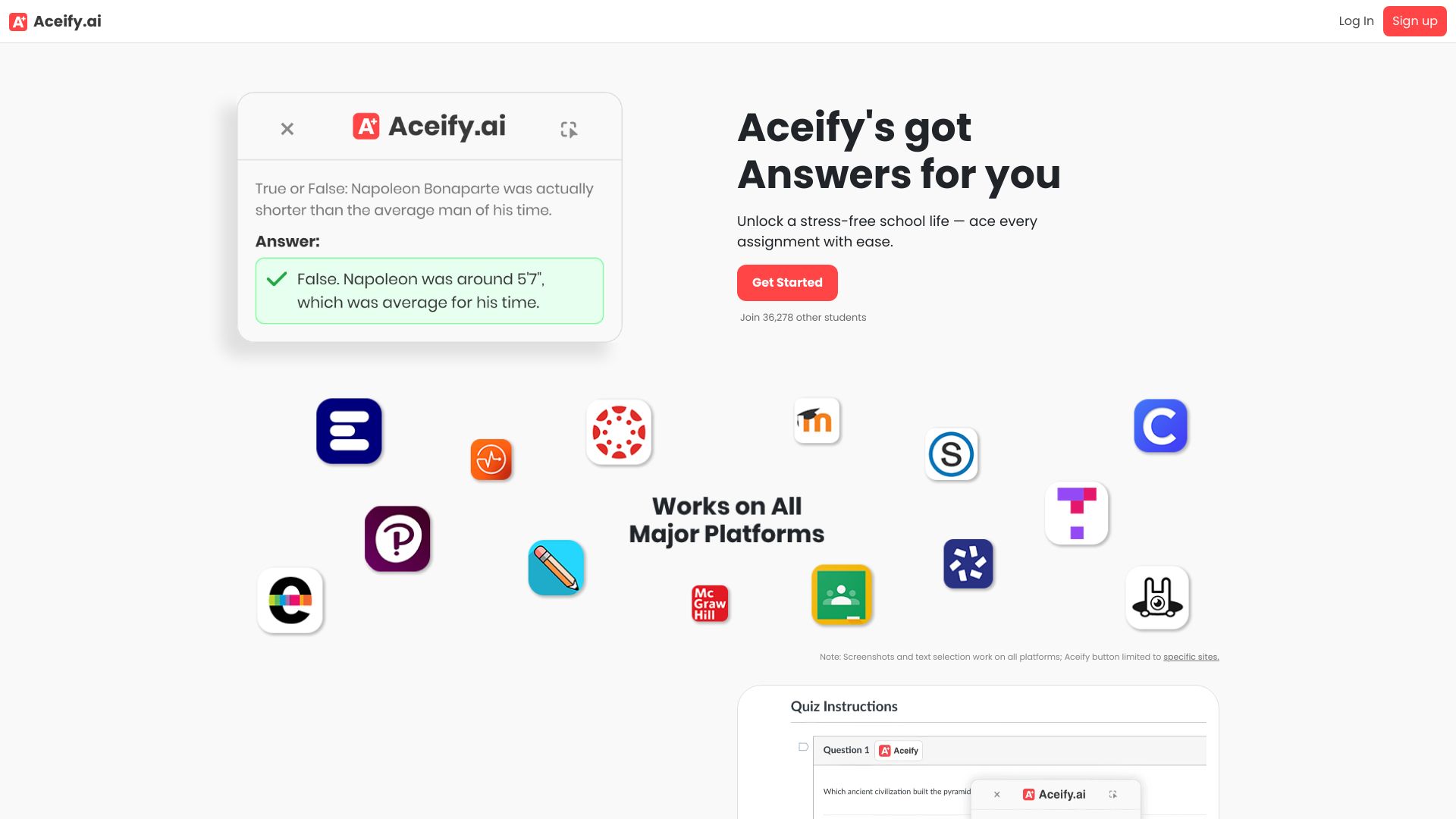
Aceify.ai
Visual homework help

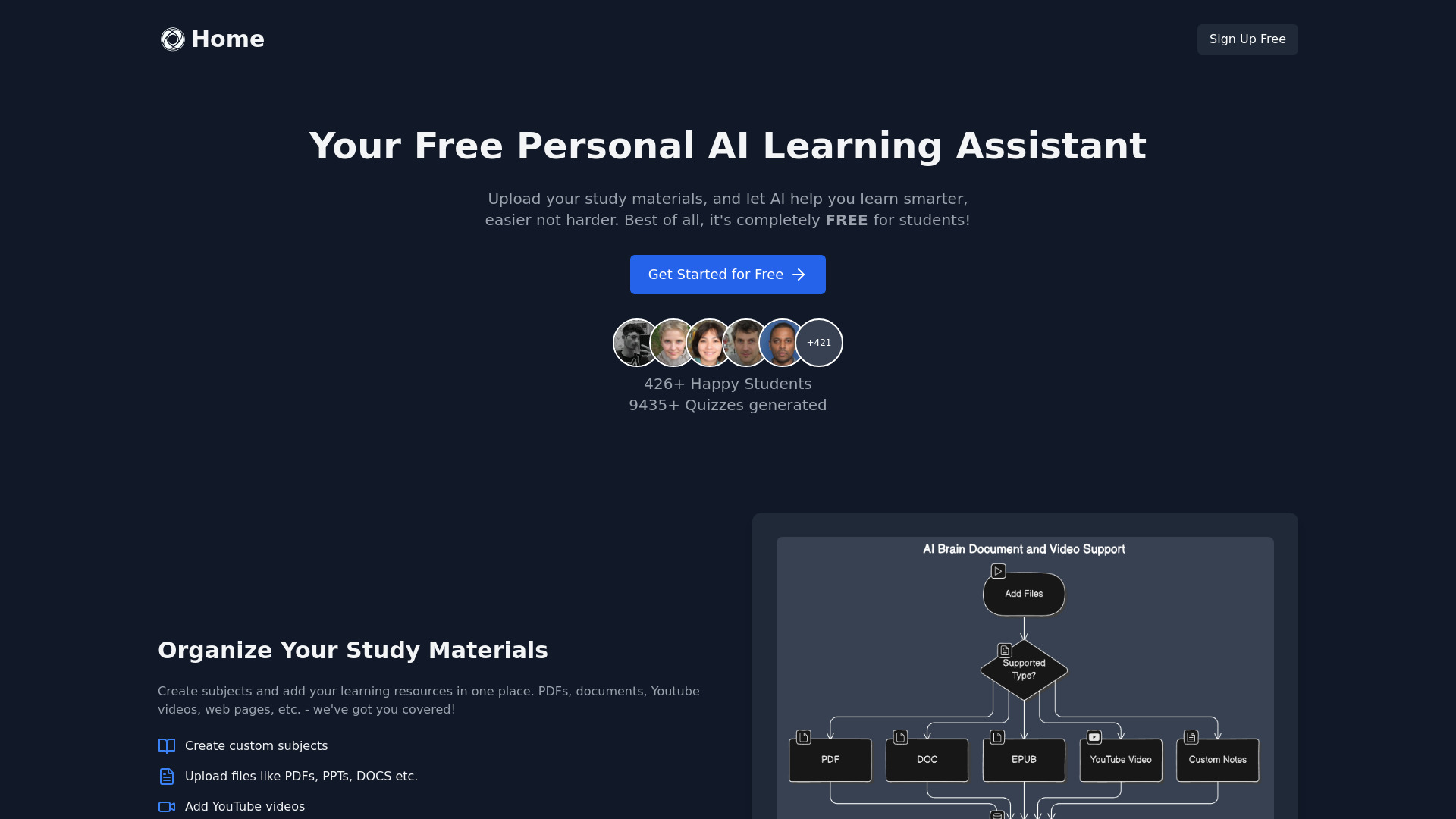
SuperStudentAI
Students learning from their own notes

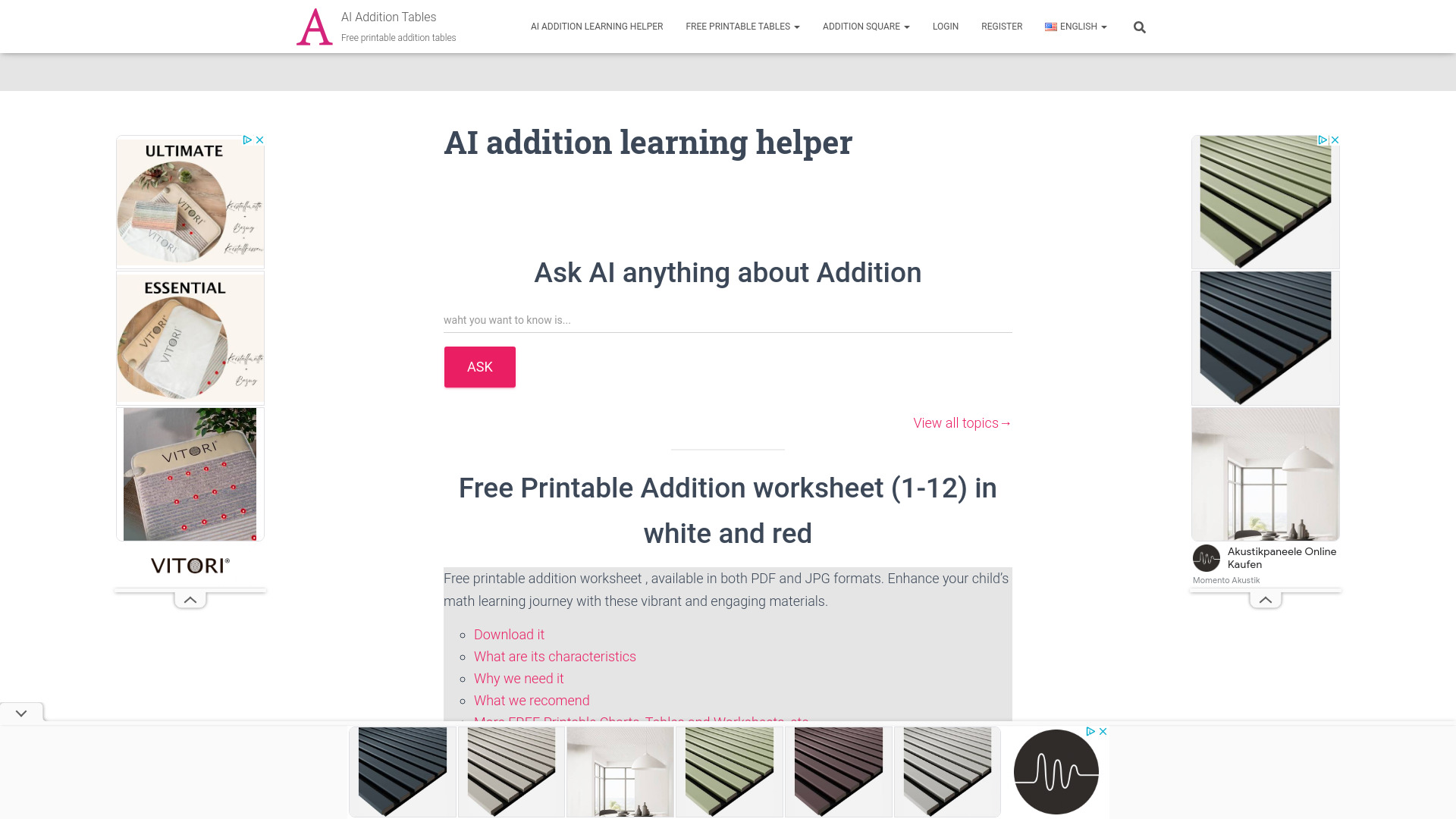
Addition Tables
Students practicing basic addition

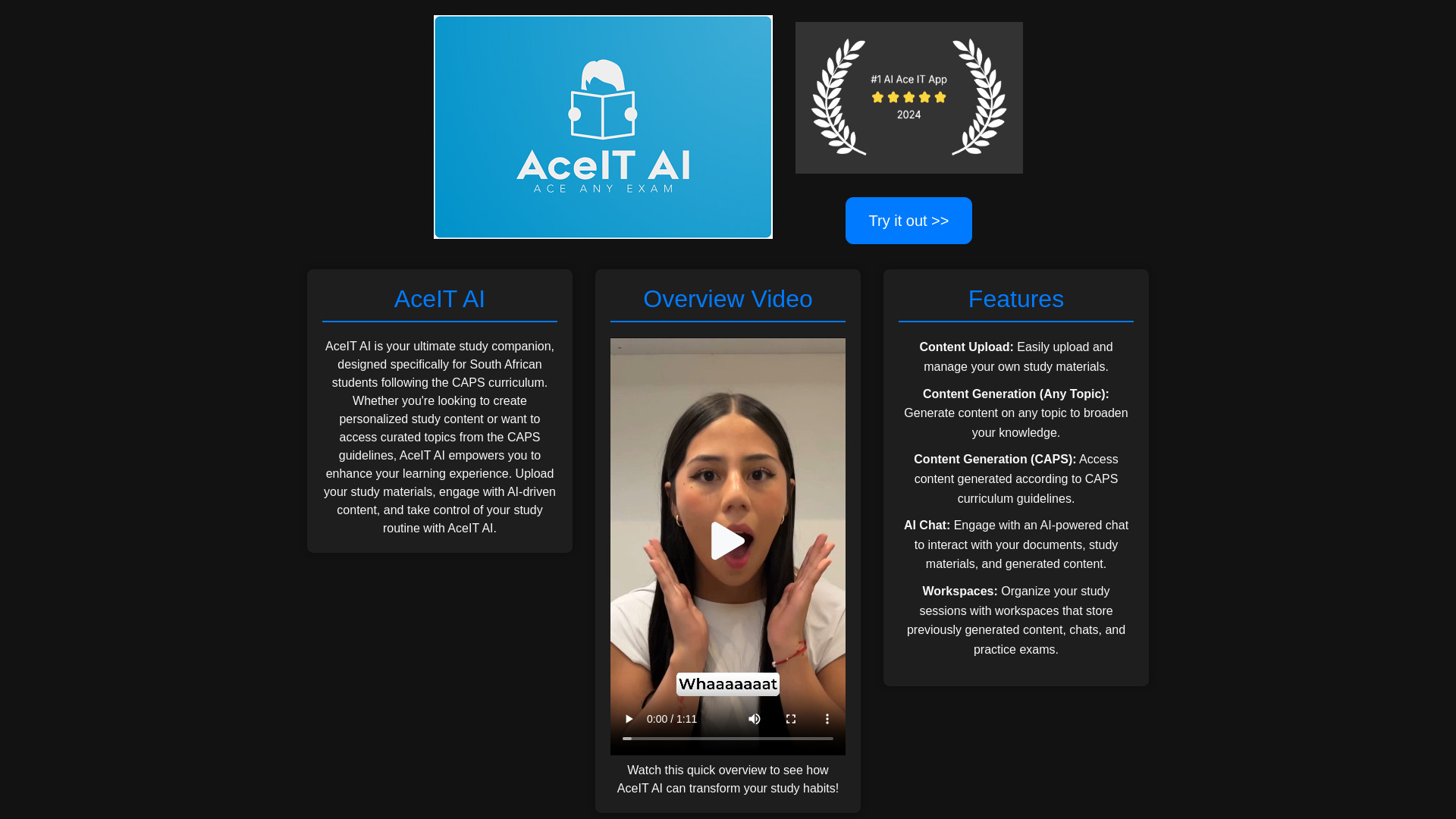
AceIT AI
CAPS curriculum study support
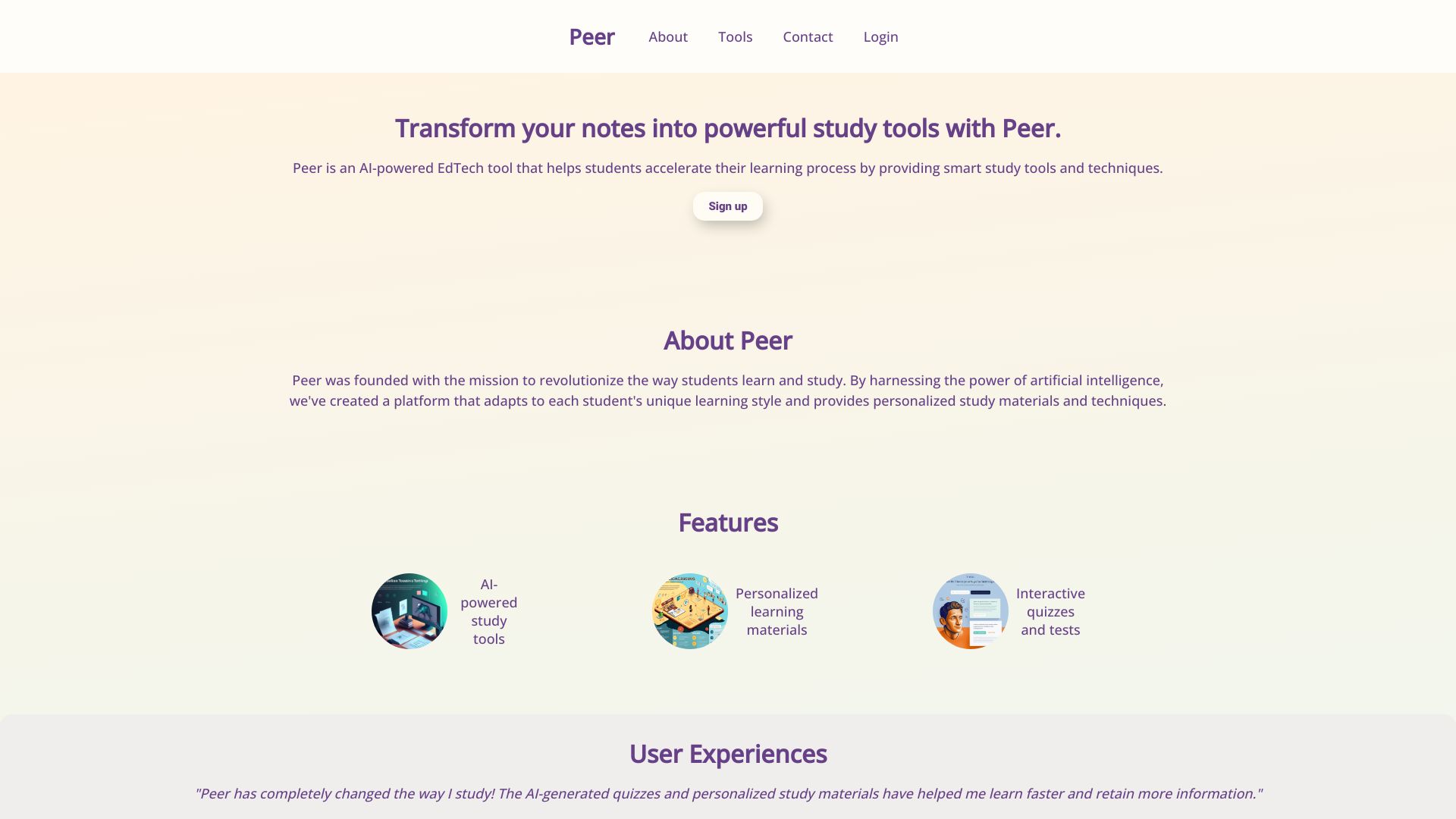
Peer
Personalized study materials

GeniusTutor
Step-by-step homework help

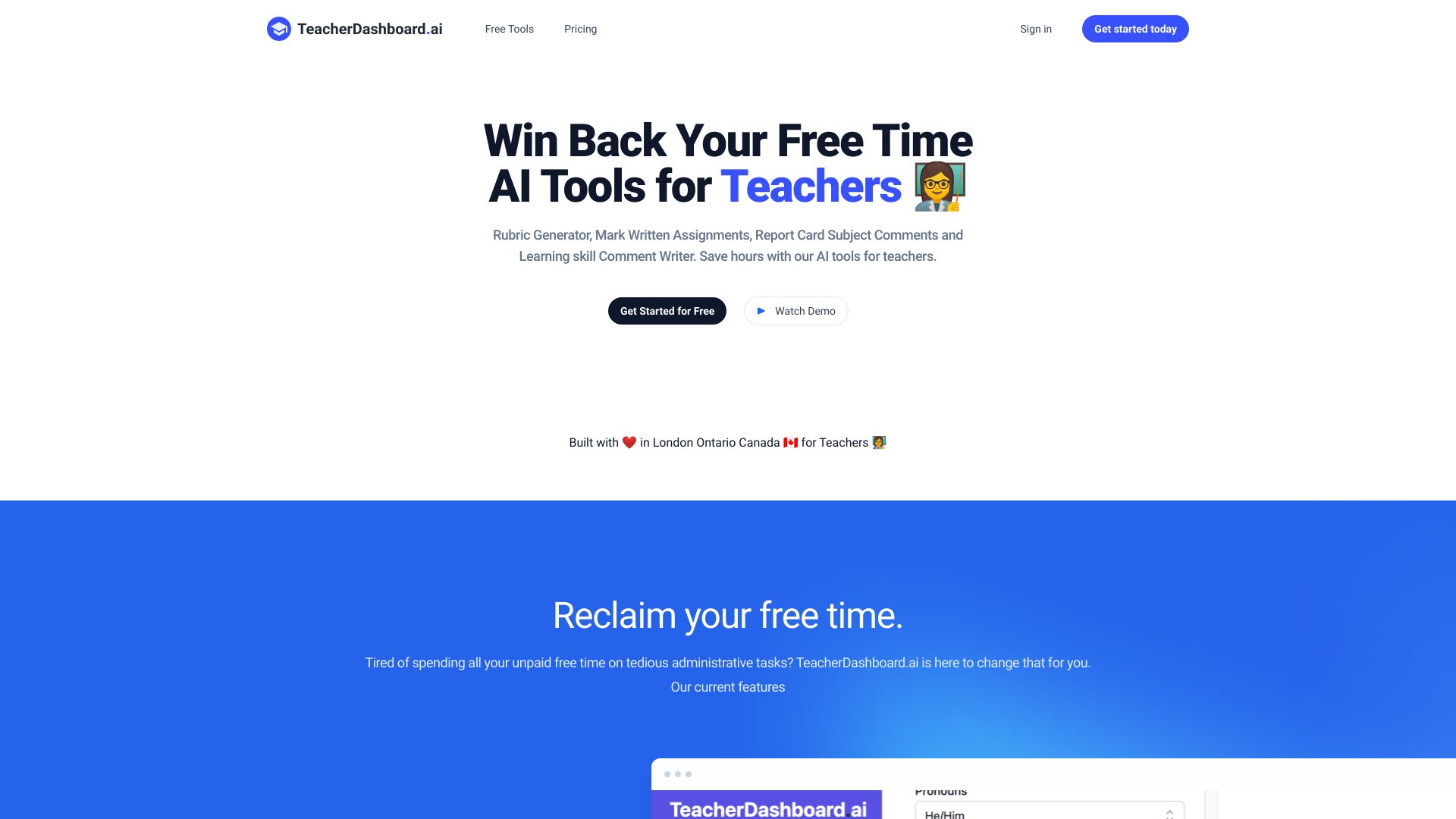
TeacherDashboard.ai
Teachers creating rubrics and report card comments

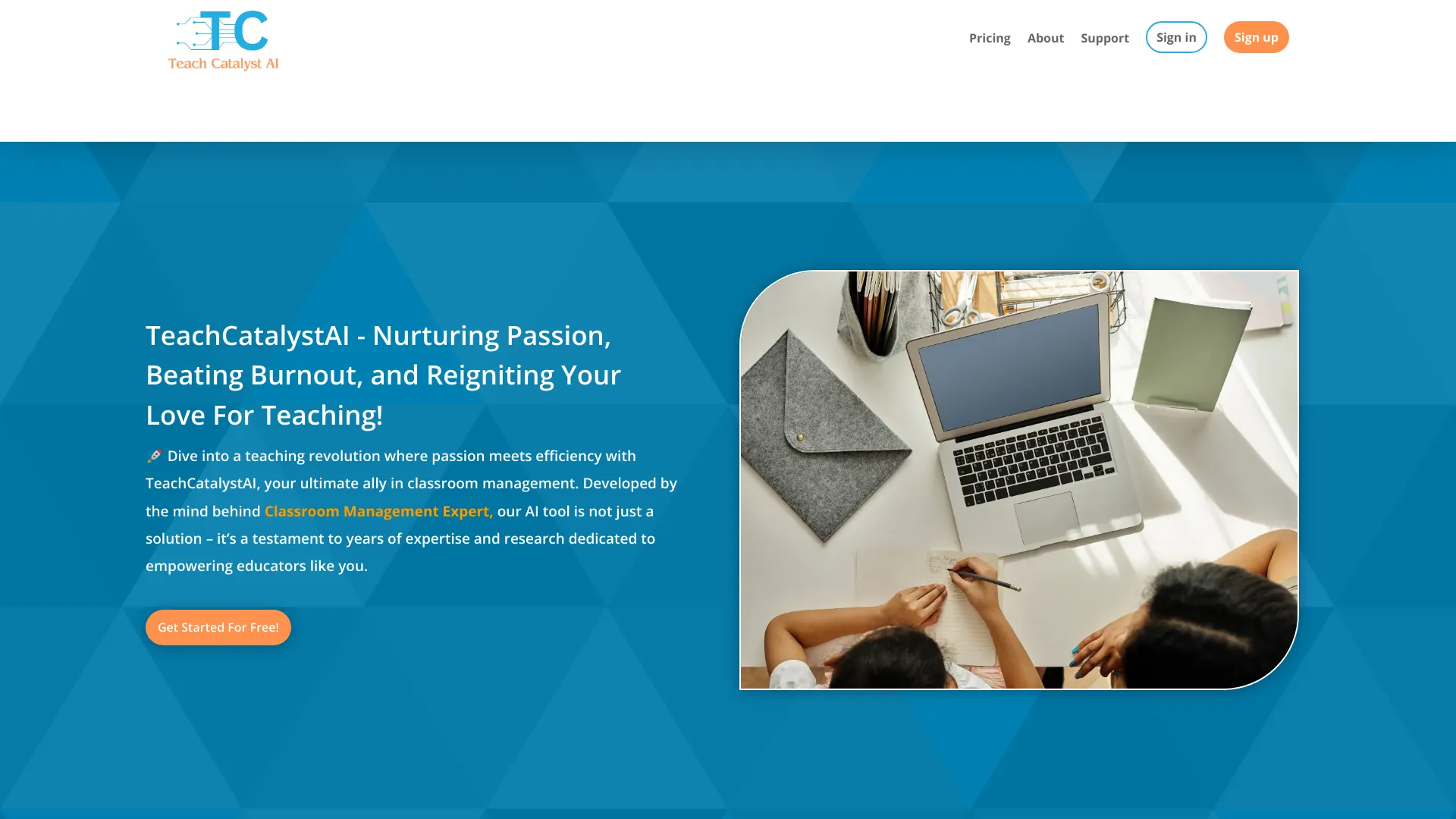
Teach Catalyst AI
Teachers creating classroom materials

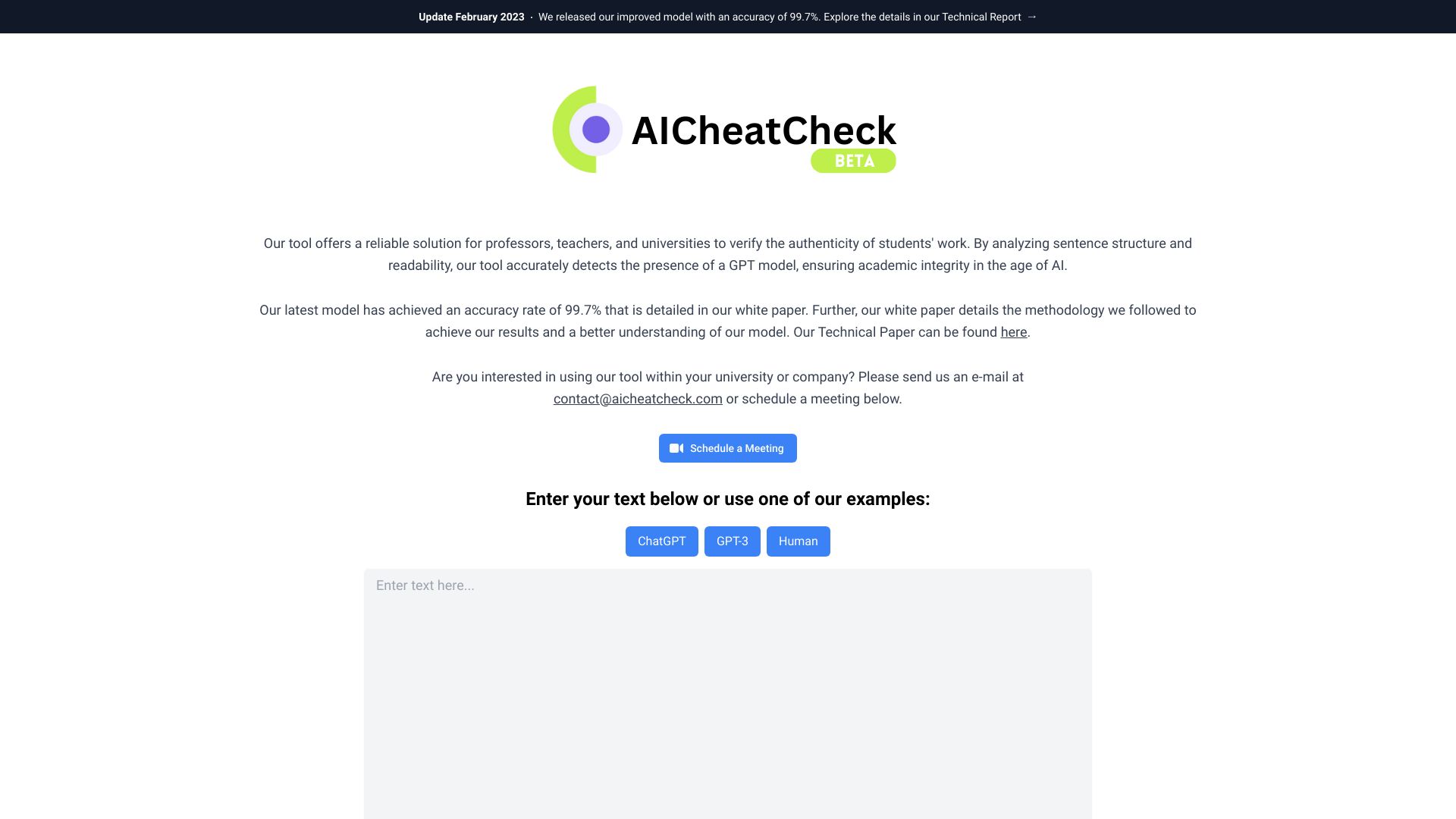
AICheatCheck
Educators checking AI-written work

StudyBoosterAI
Personalized exam preparation
Student AI
Academic productivity and exam preparation
Maths.ai
Personalized math help for students
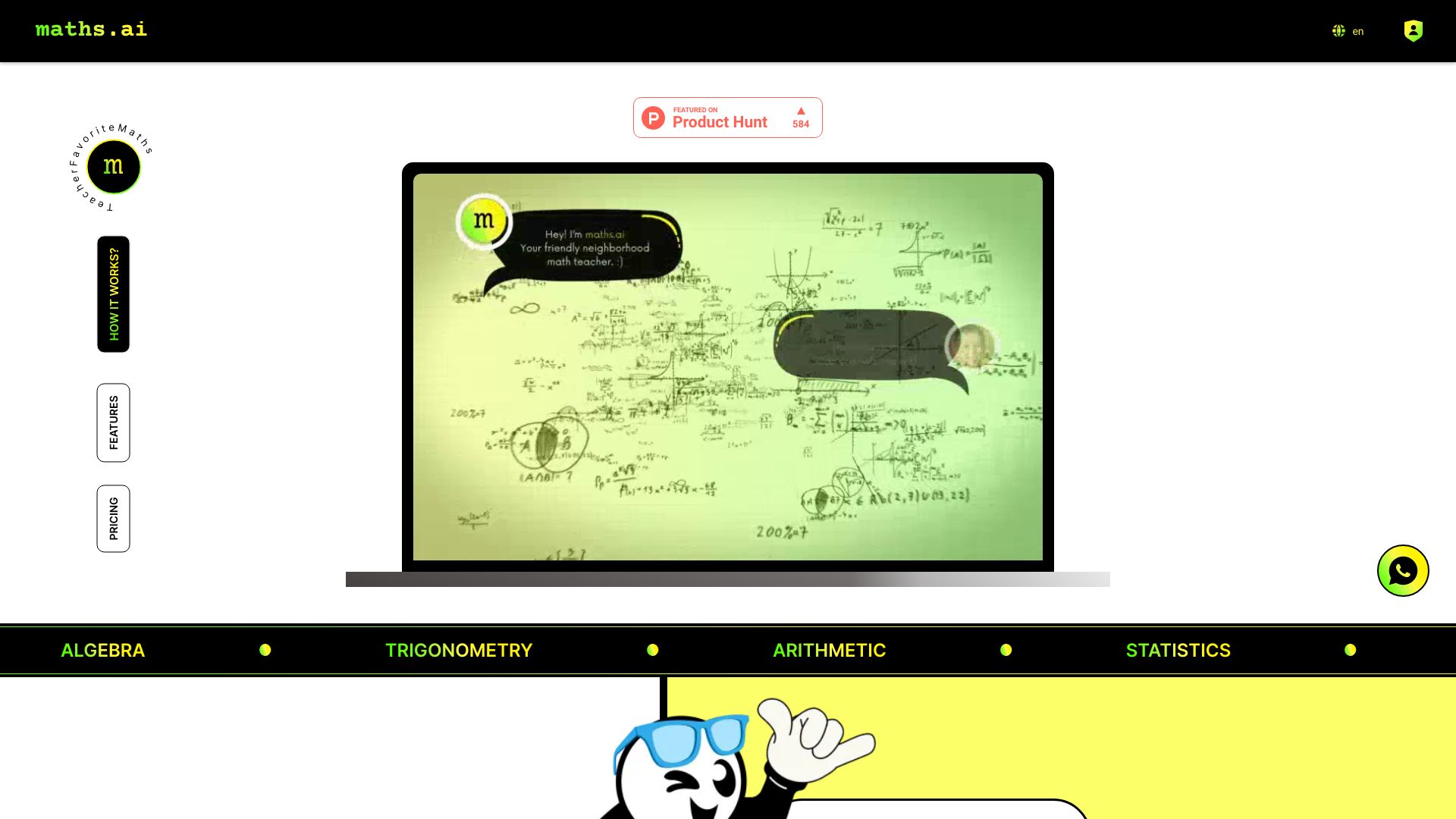

Subtraction Tables
Young learners practicing basic subtraction
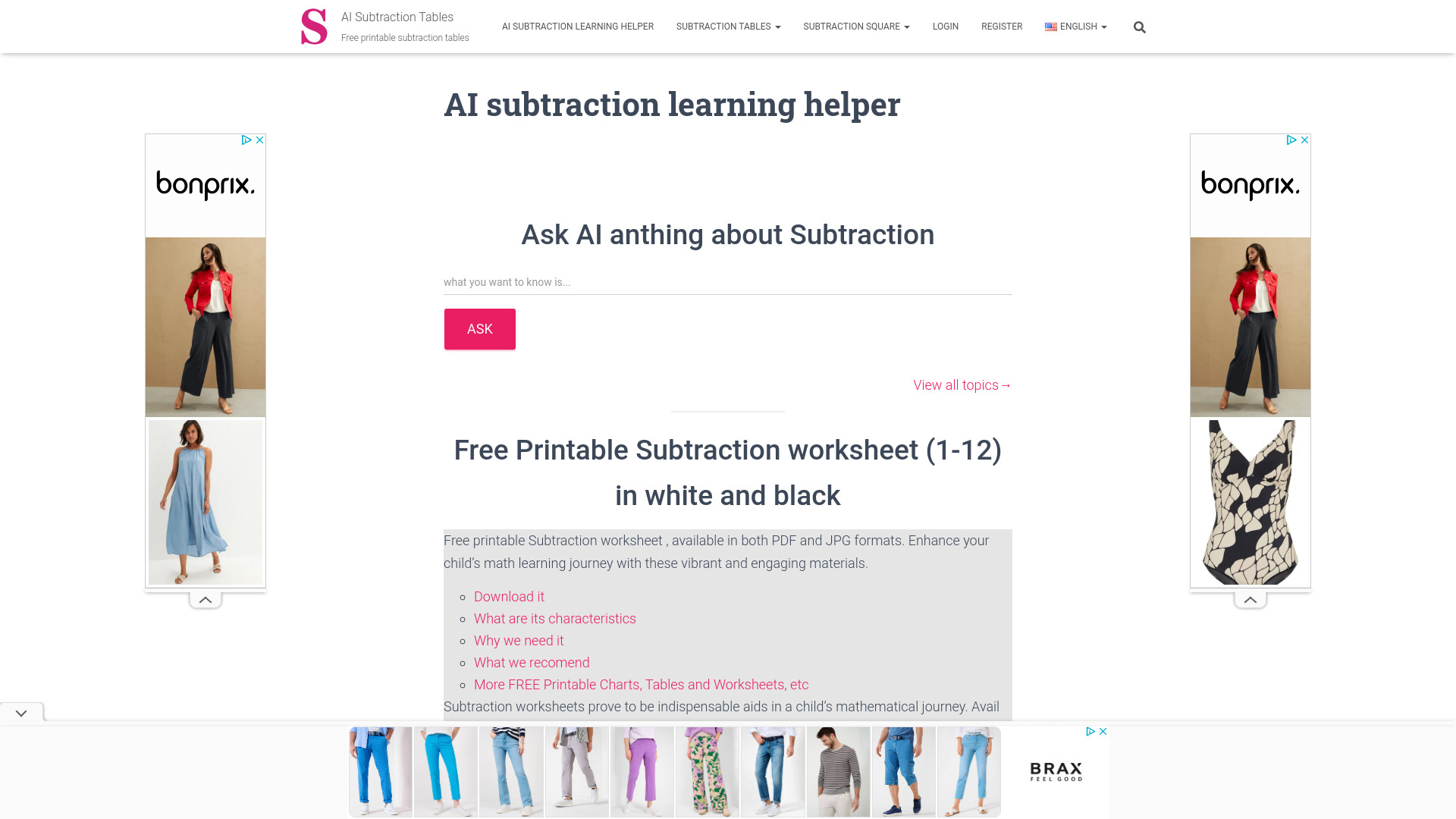

AIFlash.Cards
Students building flashcards from notes and PDFs

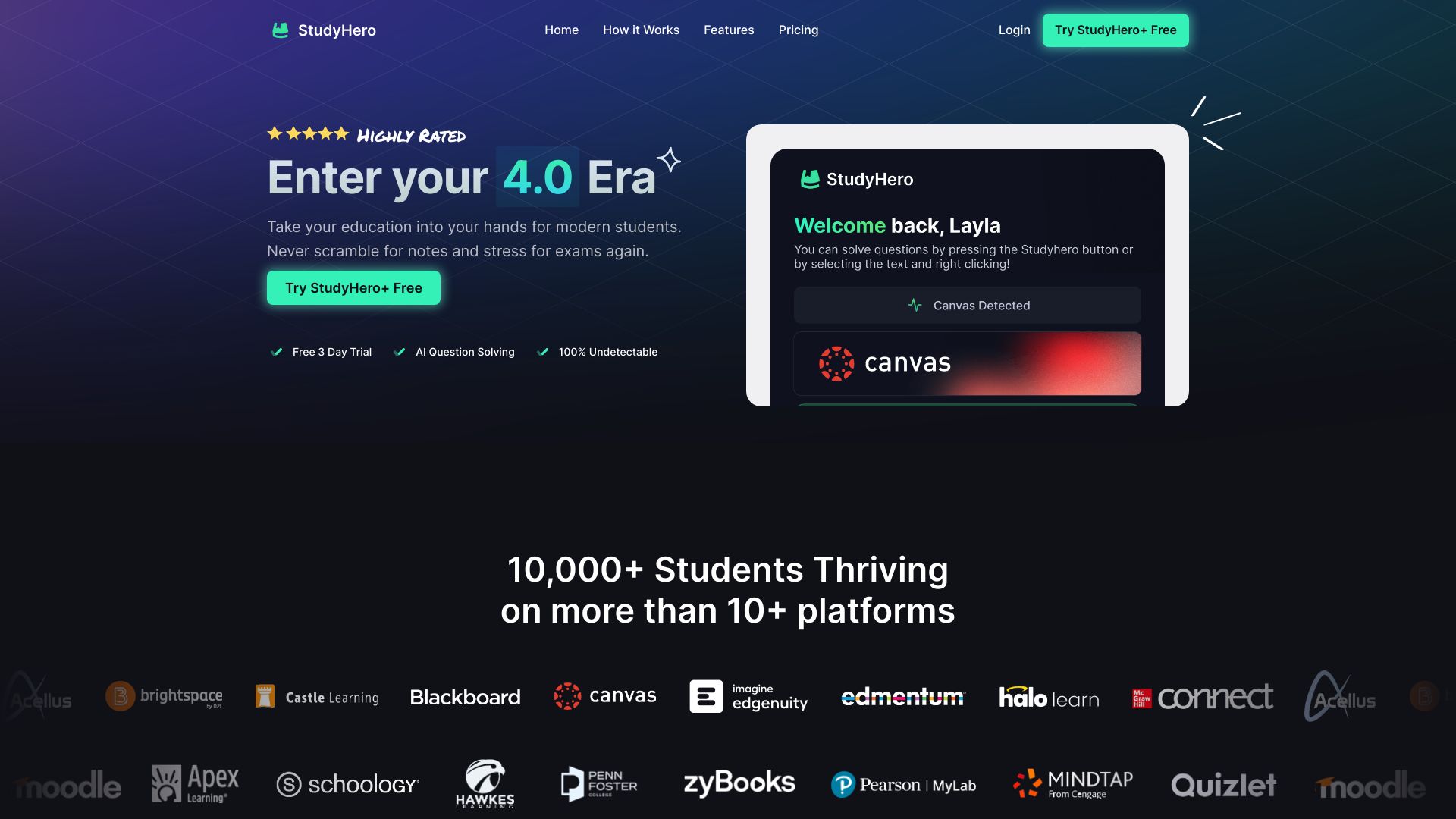
StudyHero
AI homework help for students

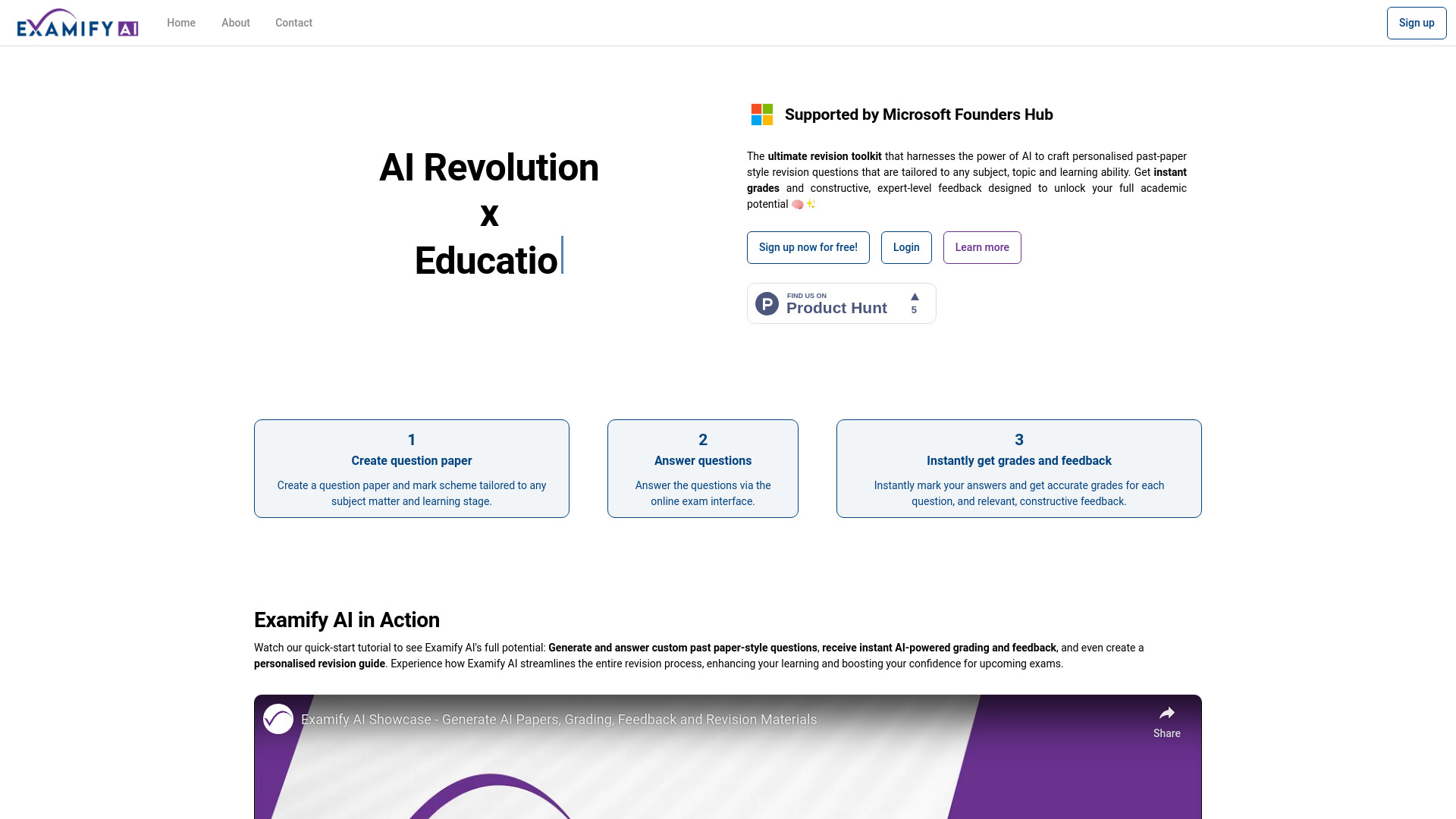
Examify AI
Personalised exam revision
AI Homework Helper
AI-powered homework assistance
ClassroomAI
Students needing AI assignment help
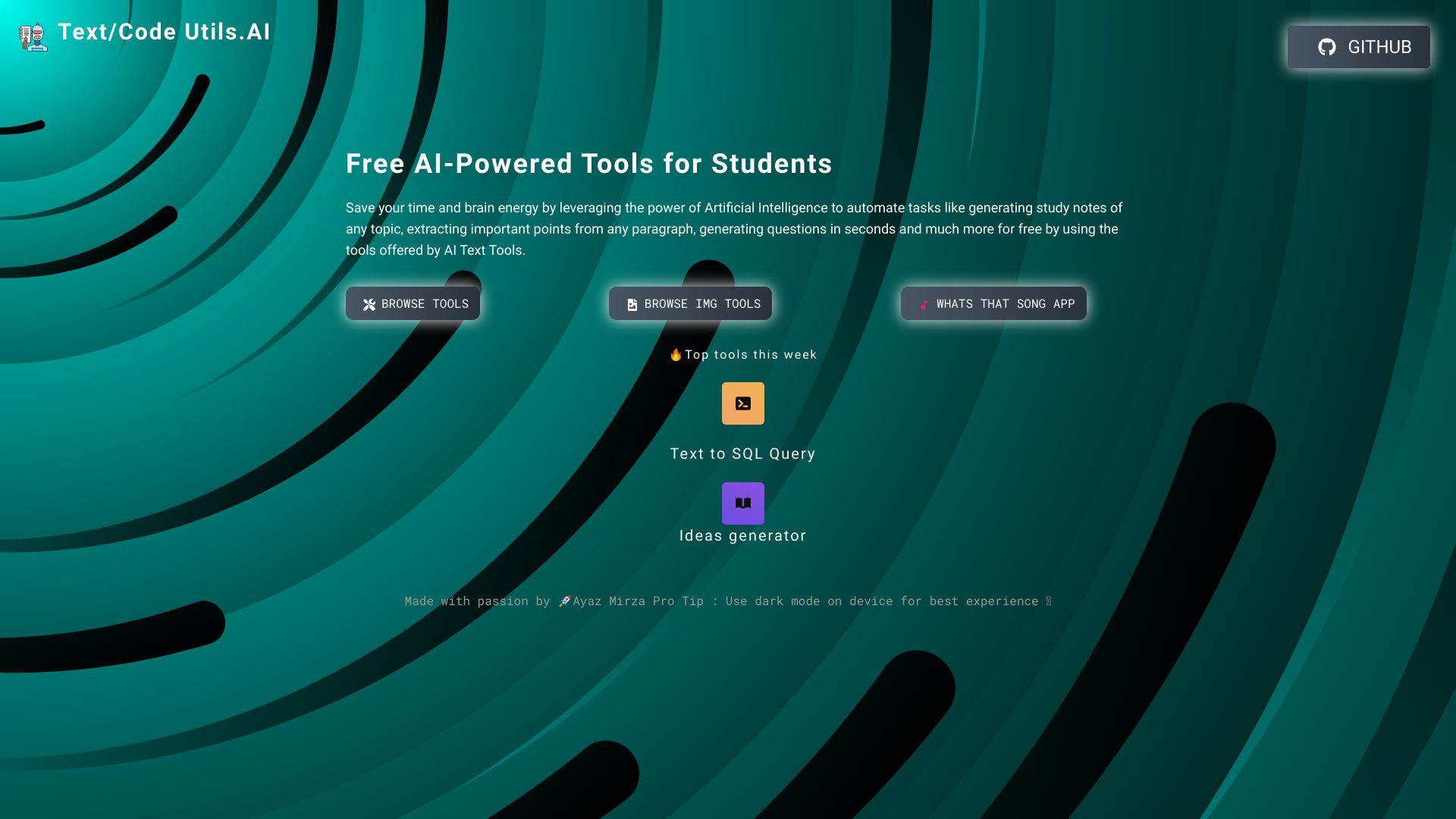
Text/Code Util.AI
AI study notes and text utilities
ScholarAI
AI-generated student notes
Asker-I
Exam and review question generation
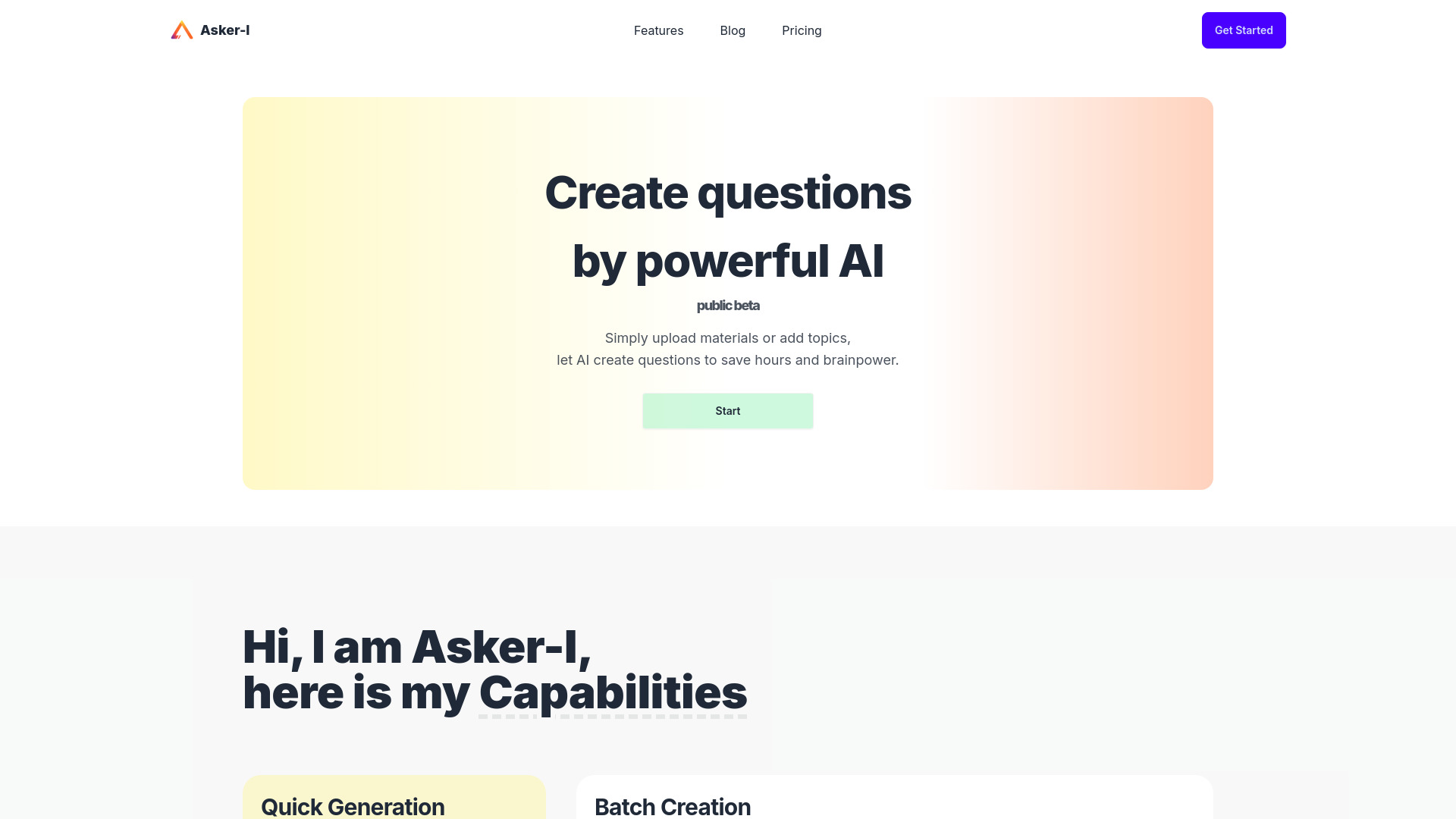
AI Math
Students needing step-by-step math help

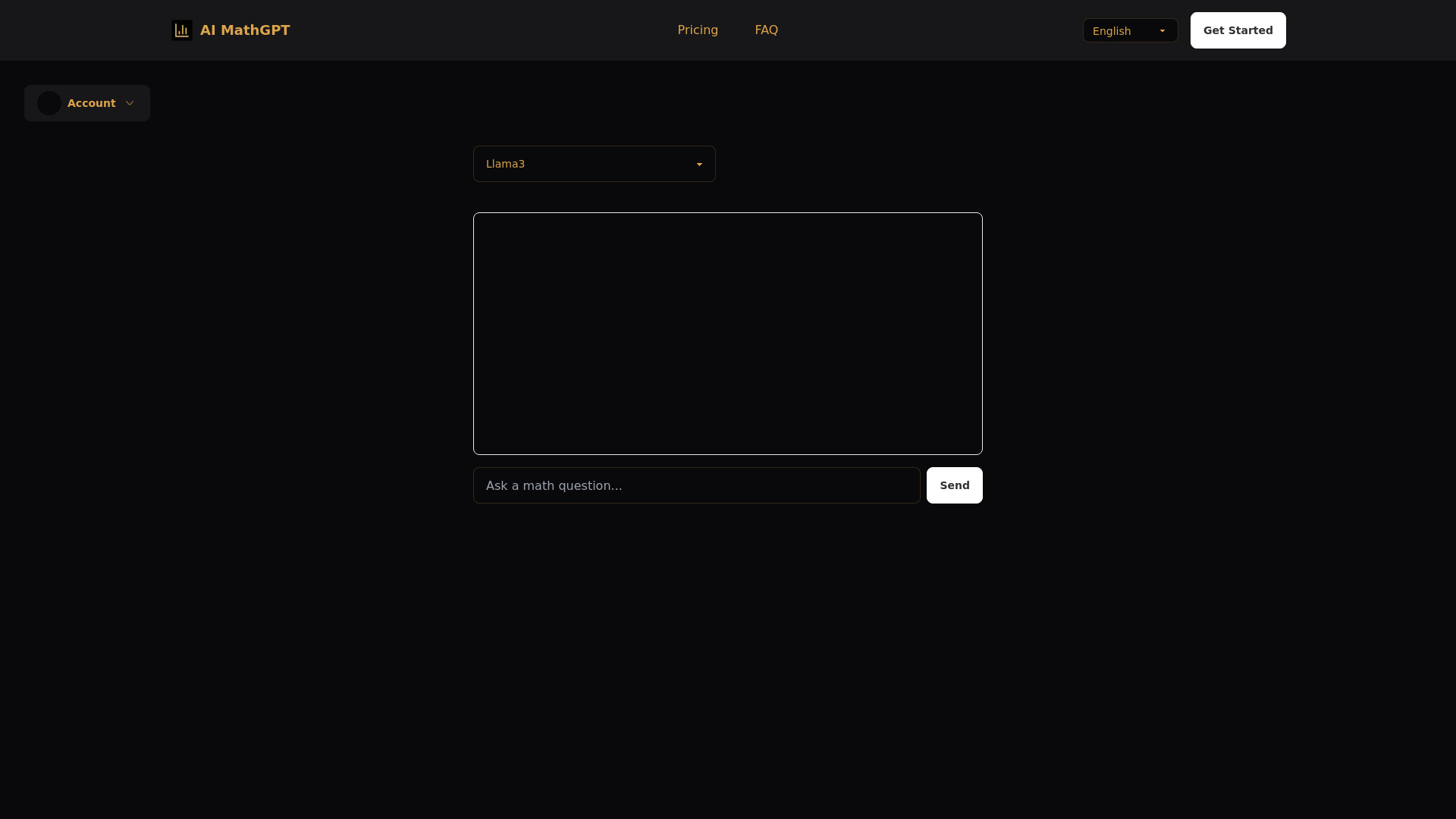
AI MathGPT
Students needing step-by-step math help

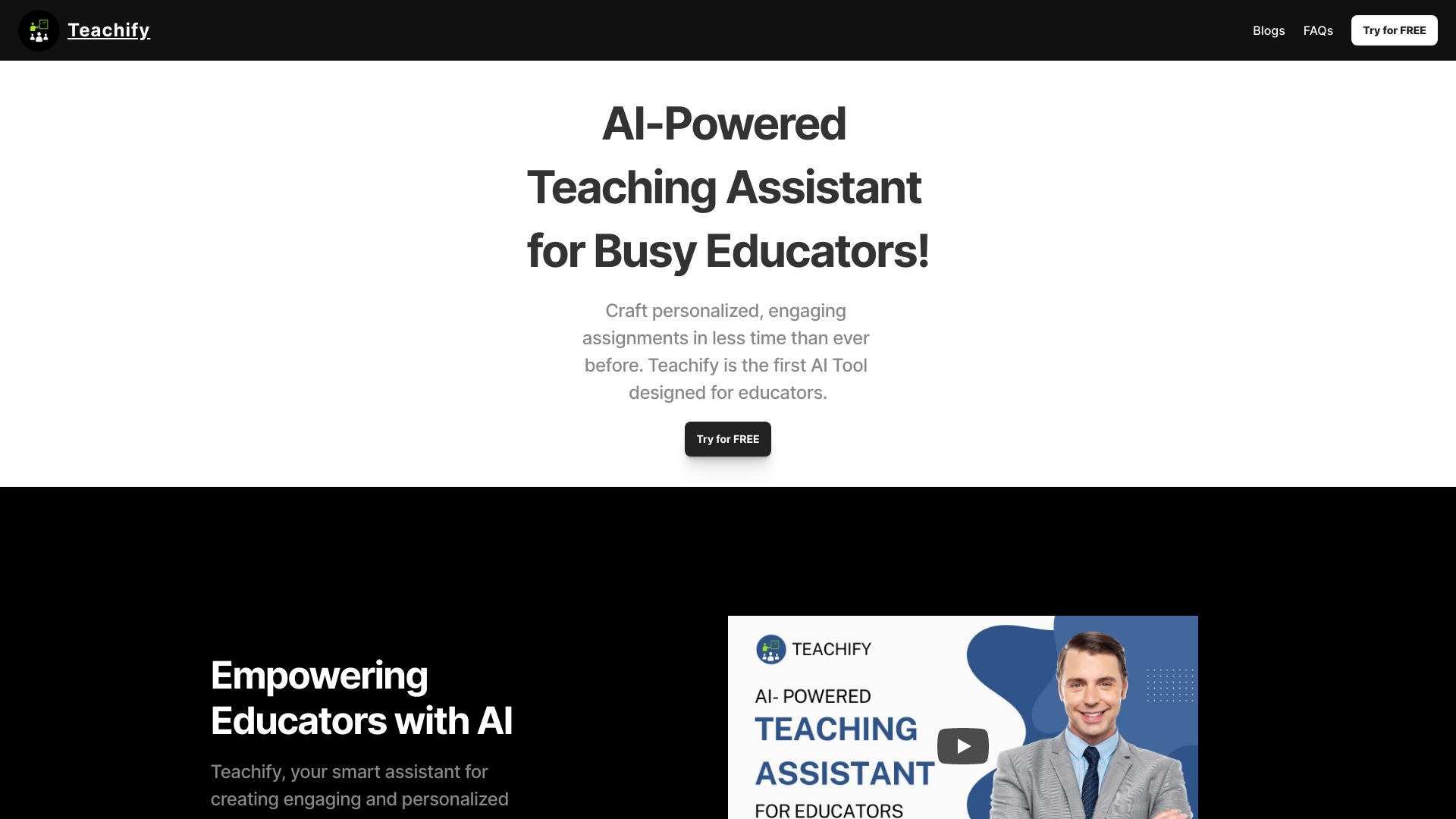
Teachify
AI lesson and assignment planning
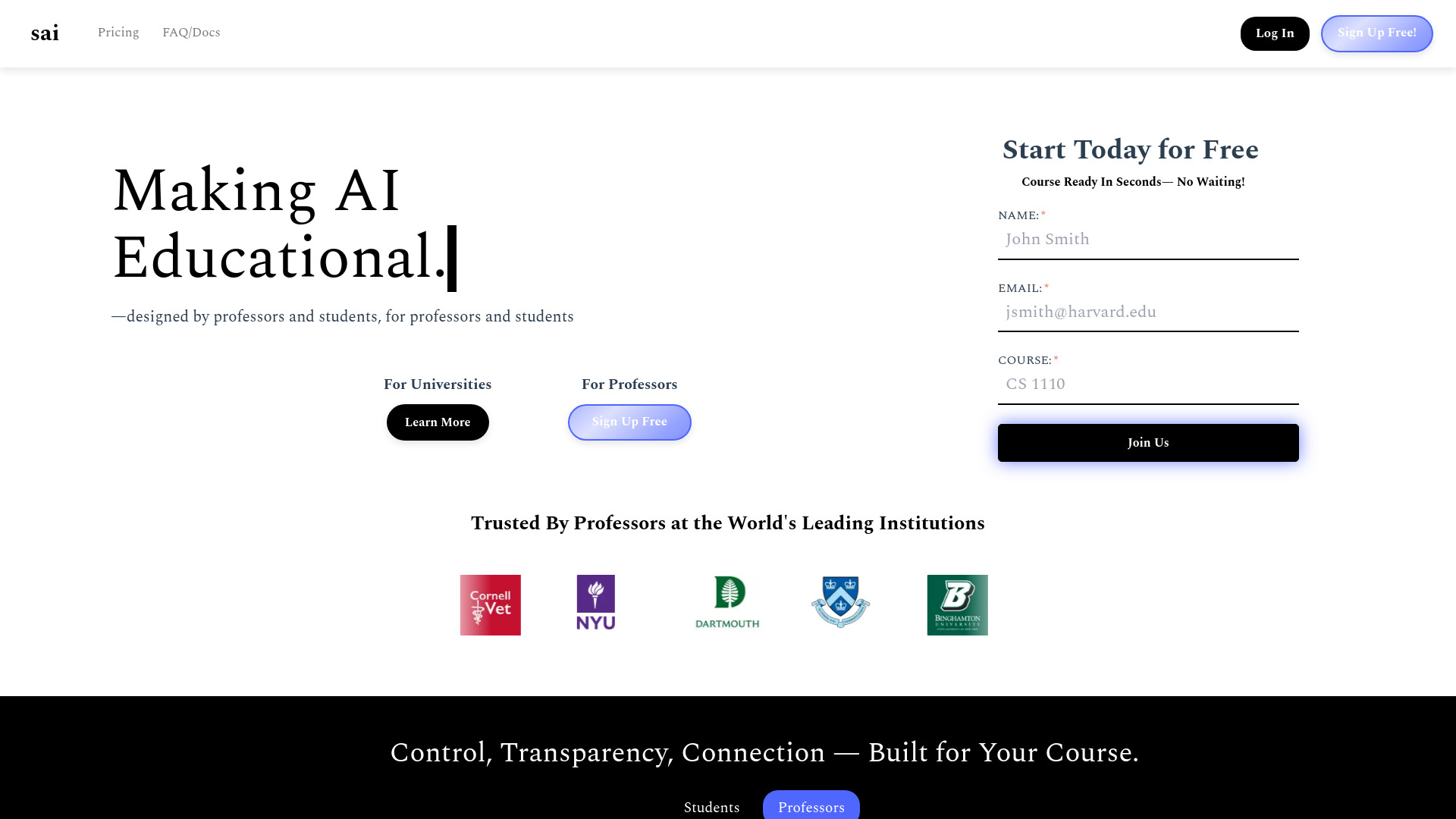
Sai
Course-based AI study support

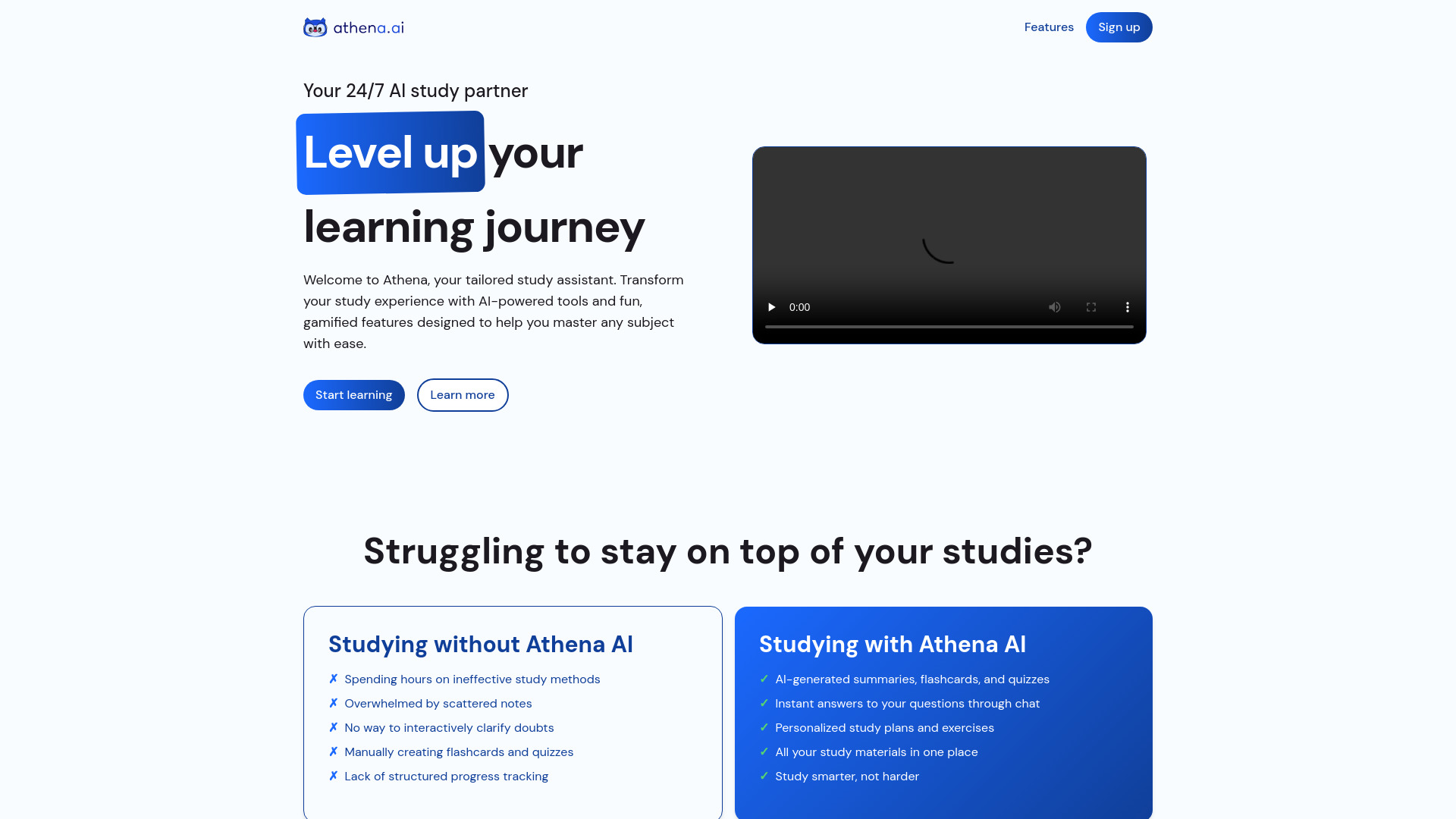
Athena AI
Students turning notes into study aids
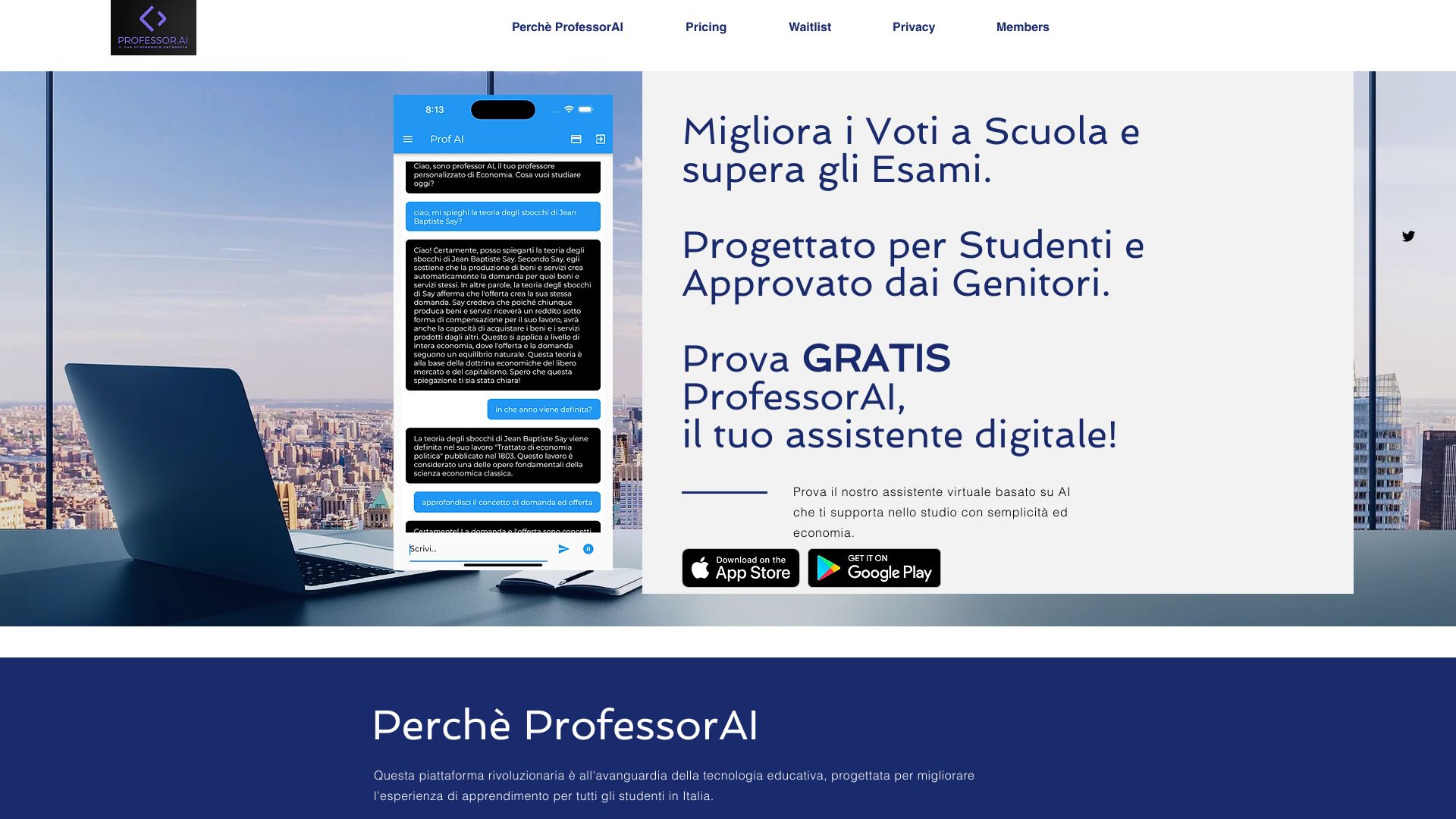
ProfessorAI
Students preparing for exams

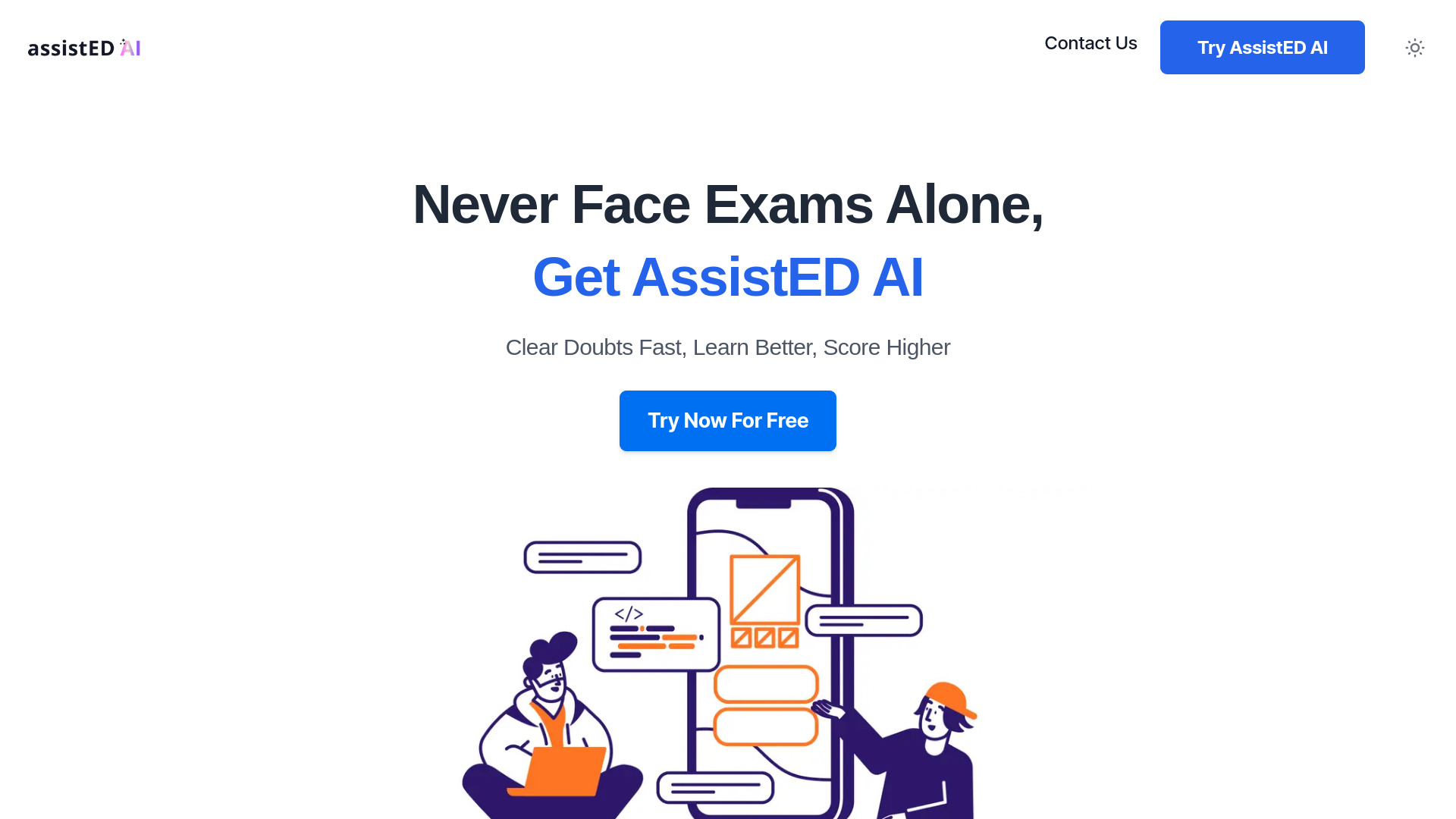
AssistED AI
Competitive exam preparation
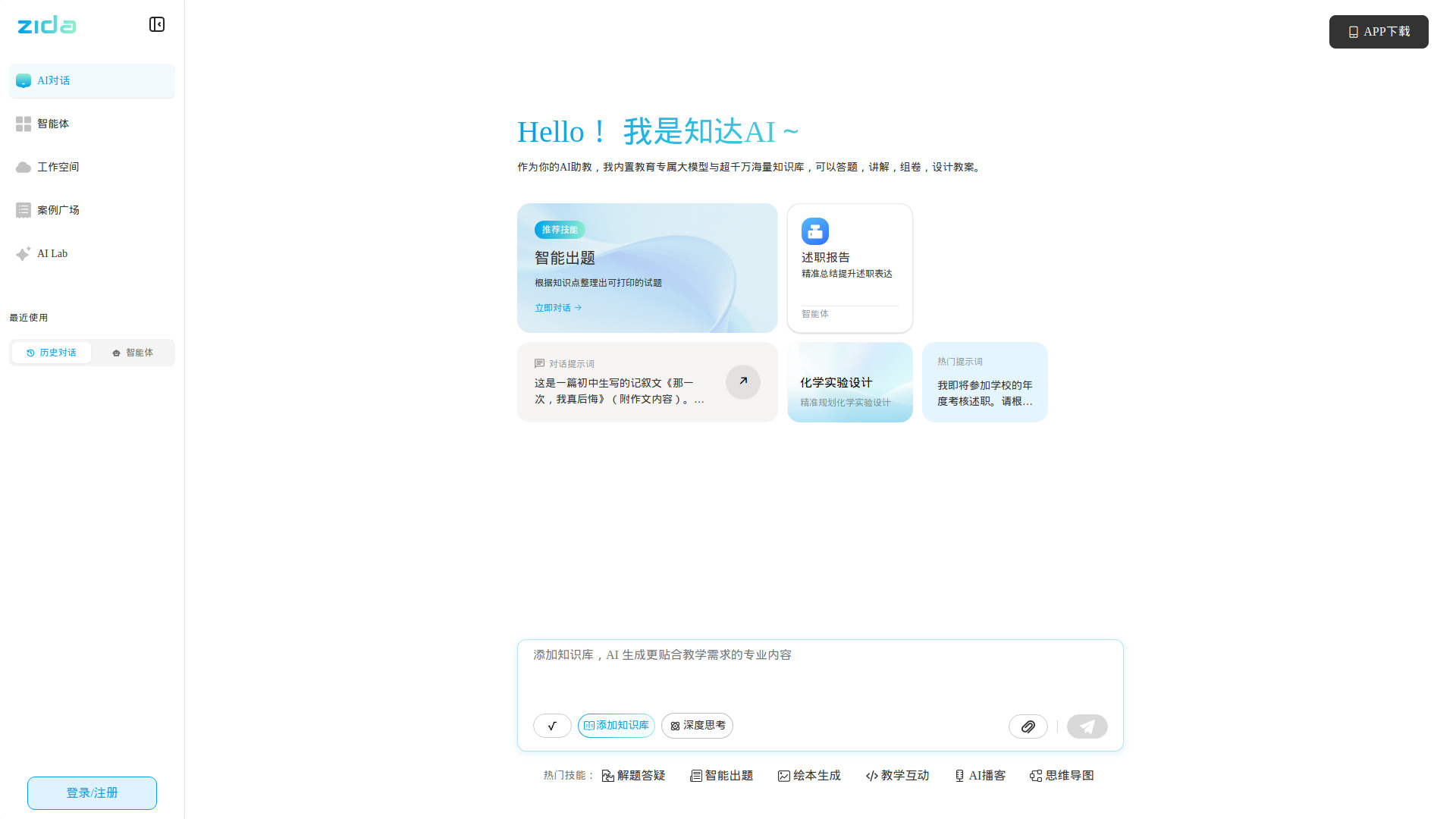
Zida AI
Chinese K–12 study support

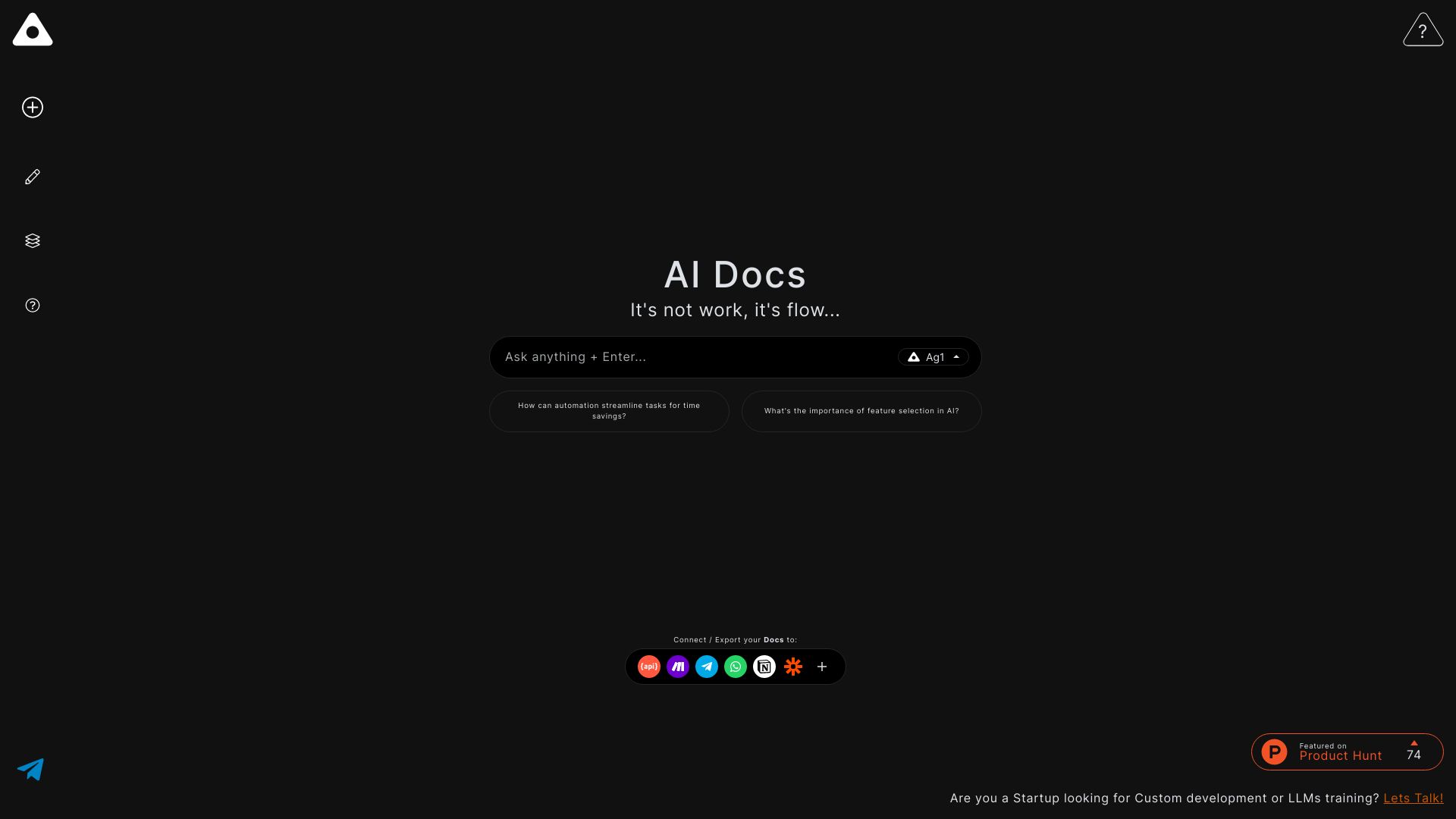
Ag1 Labs
AI-assisted essays and research

Ace It
Students turning notes into study materials

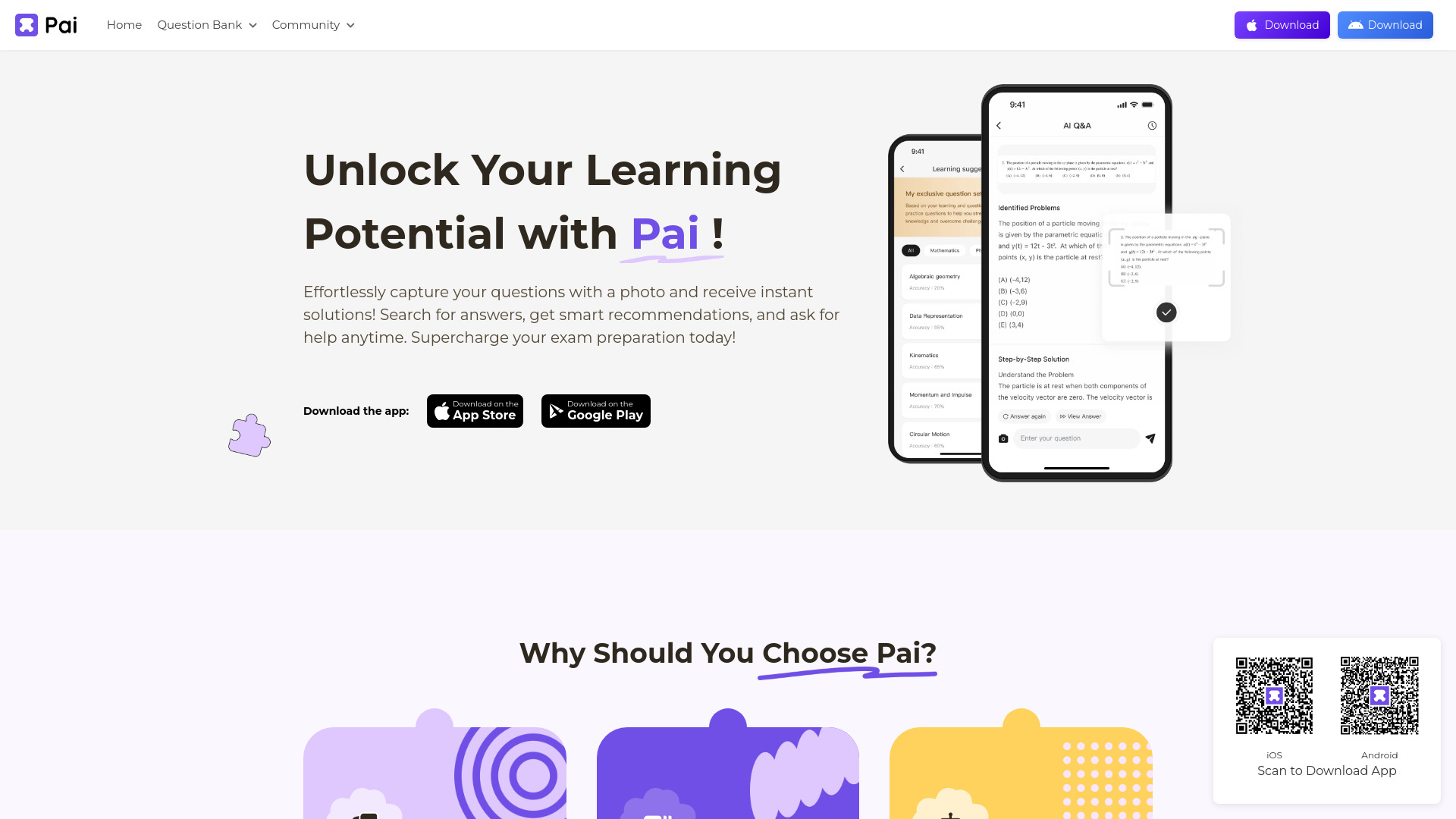
PAI
High school exam preparation

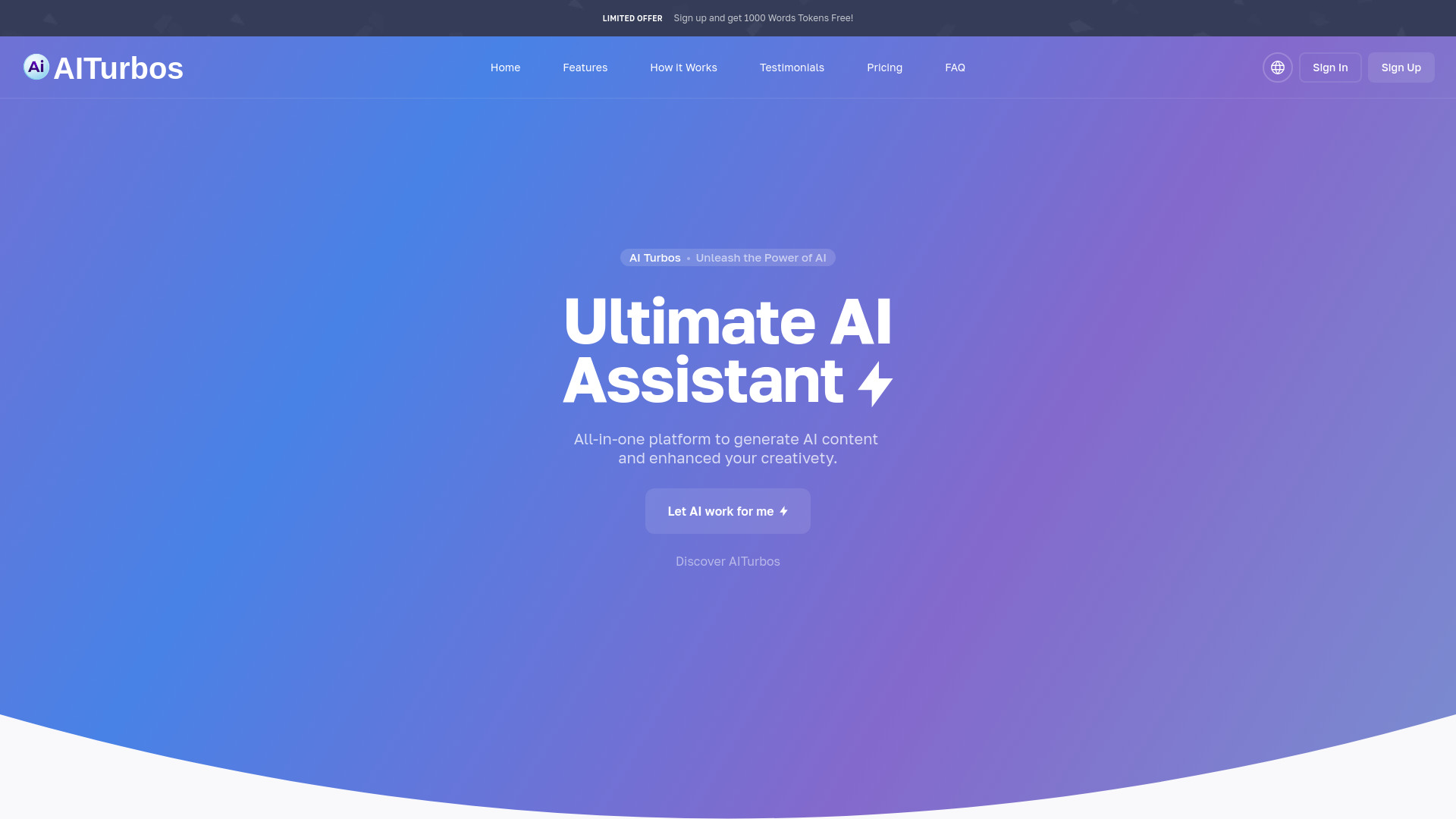
Lernen
Personalized online tutoring

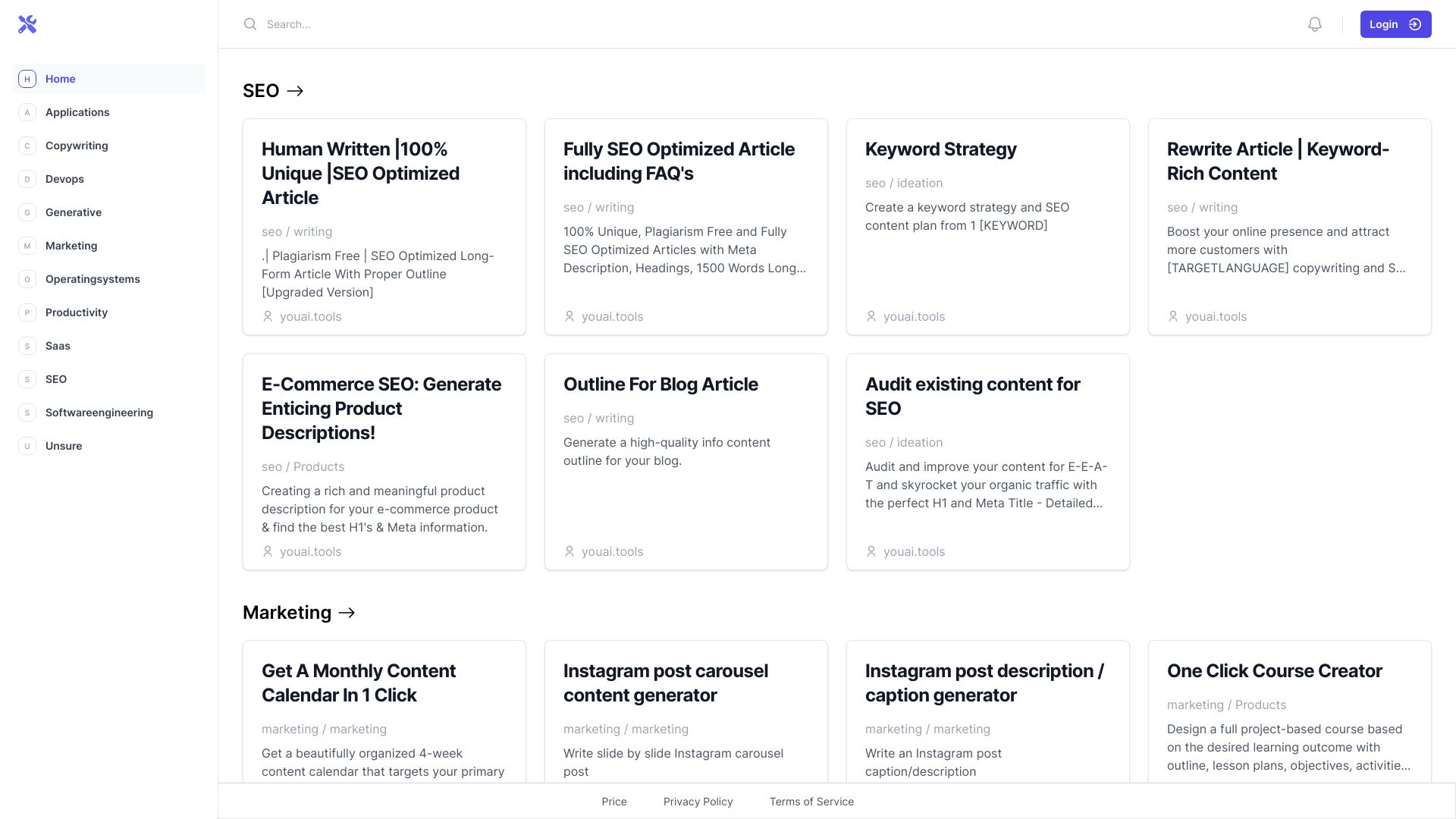
You AI Tools
Students exploring AI productivity tools
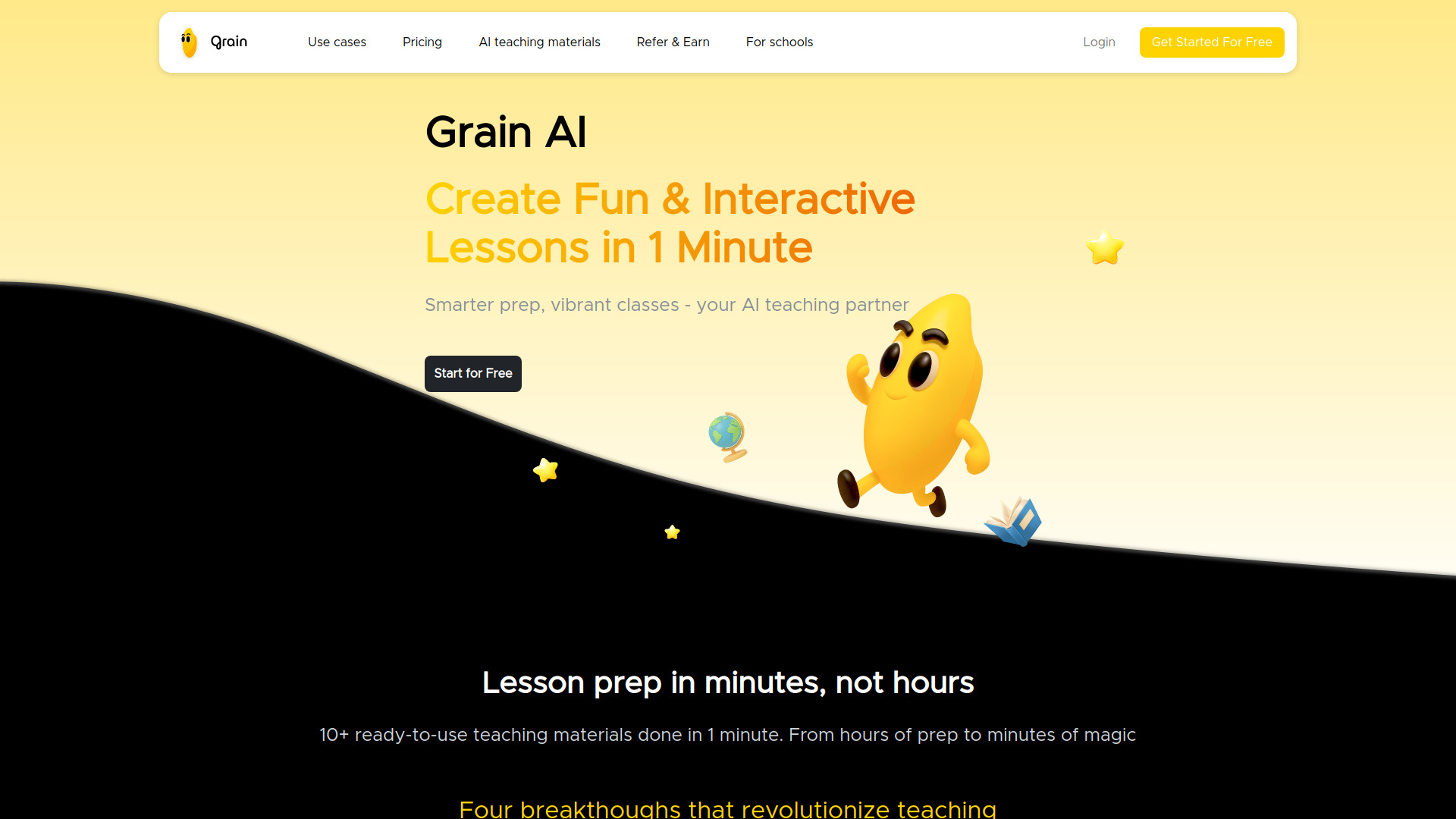
Grain AI
AI lesson creation for K-12 educators

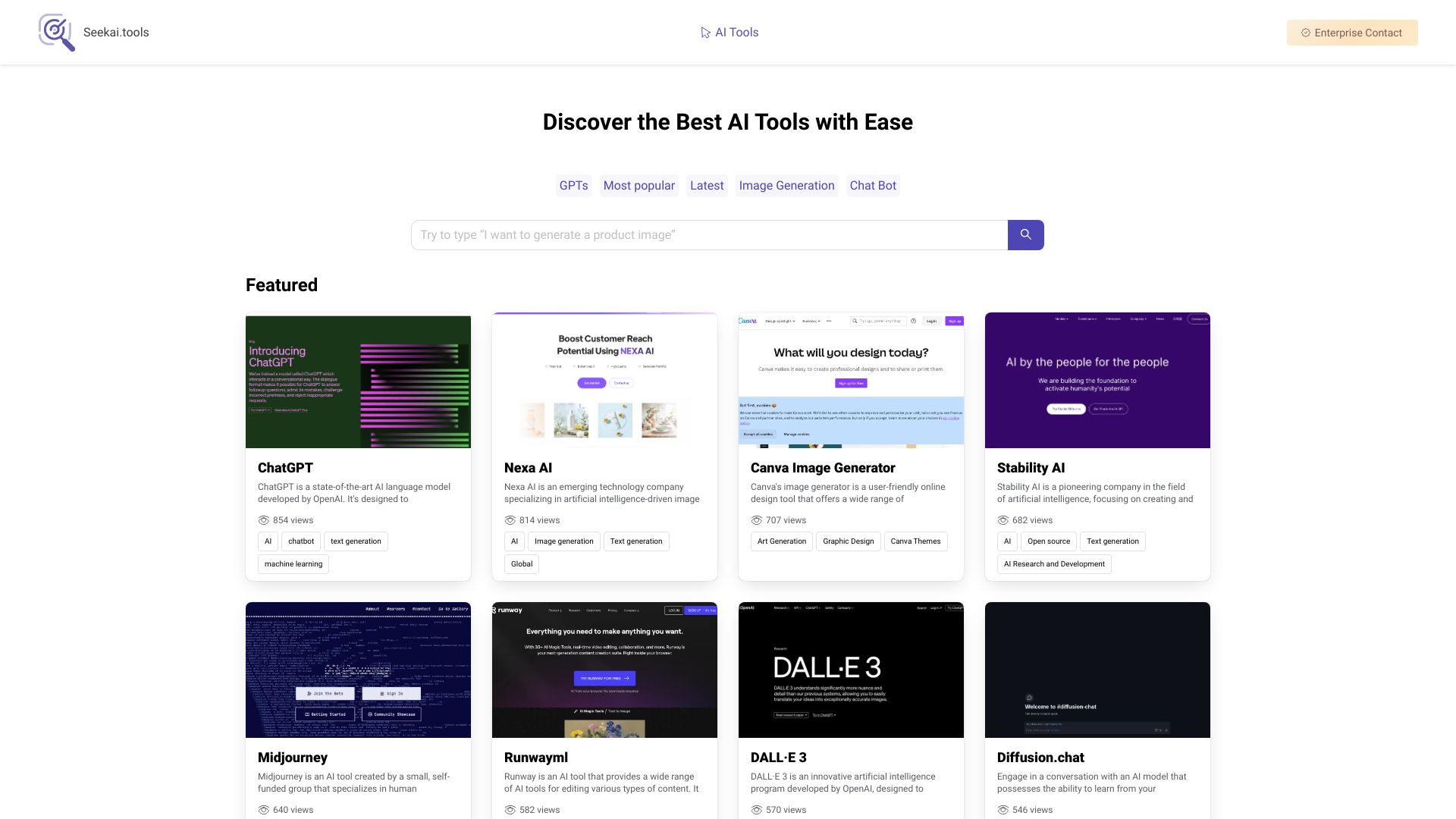
Seekai.tools
AI tool discovery

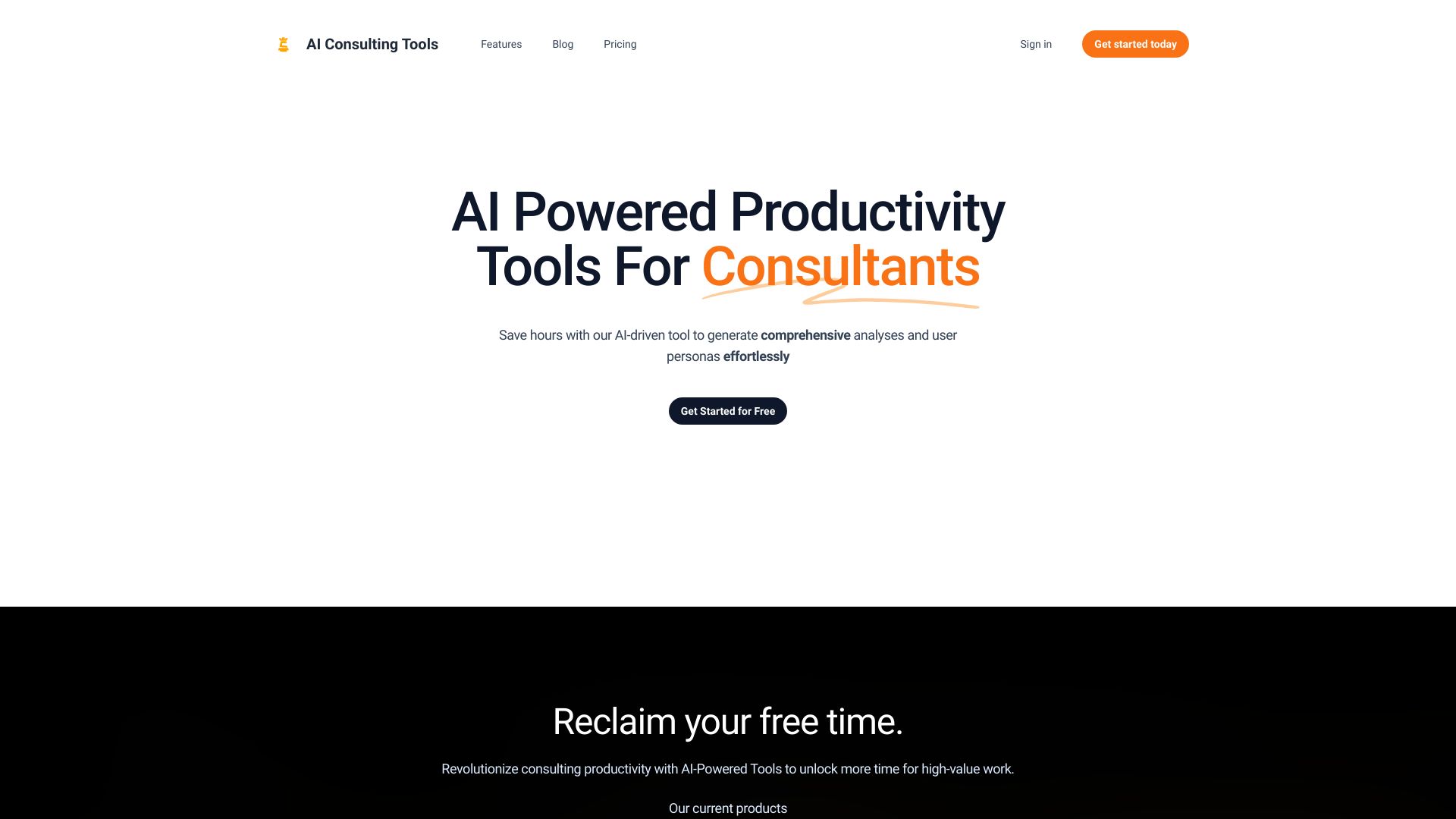
AI Consulting Tools
Business analysis templates

IELTS Champ
IELTS writing and speaking practice

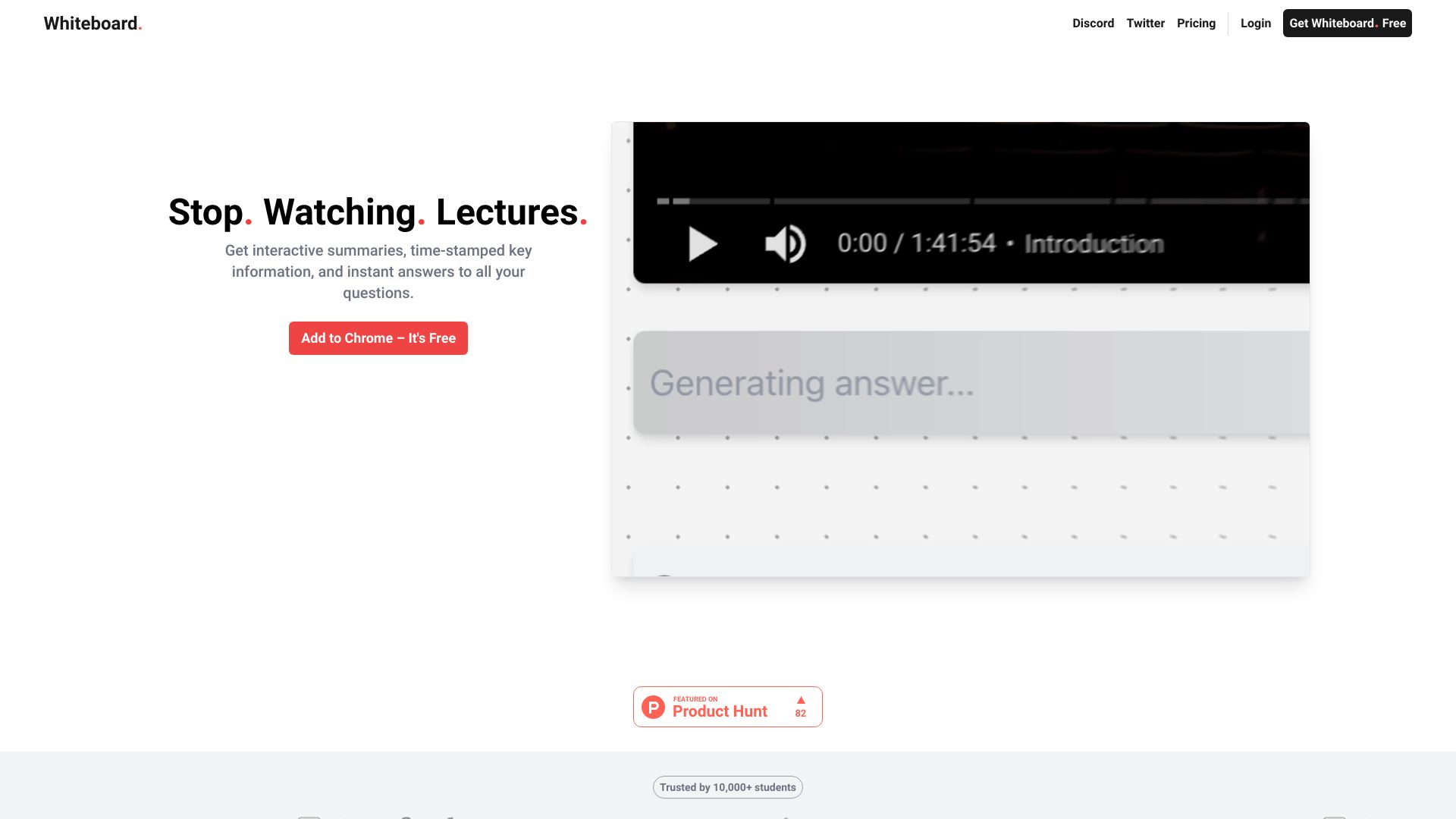
Whiteboard AI
Students studying from lectures and course documents

AI Homeworkify
Instant homework explanations

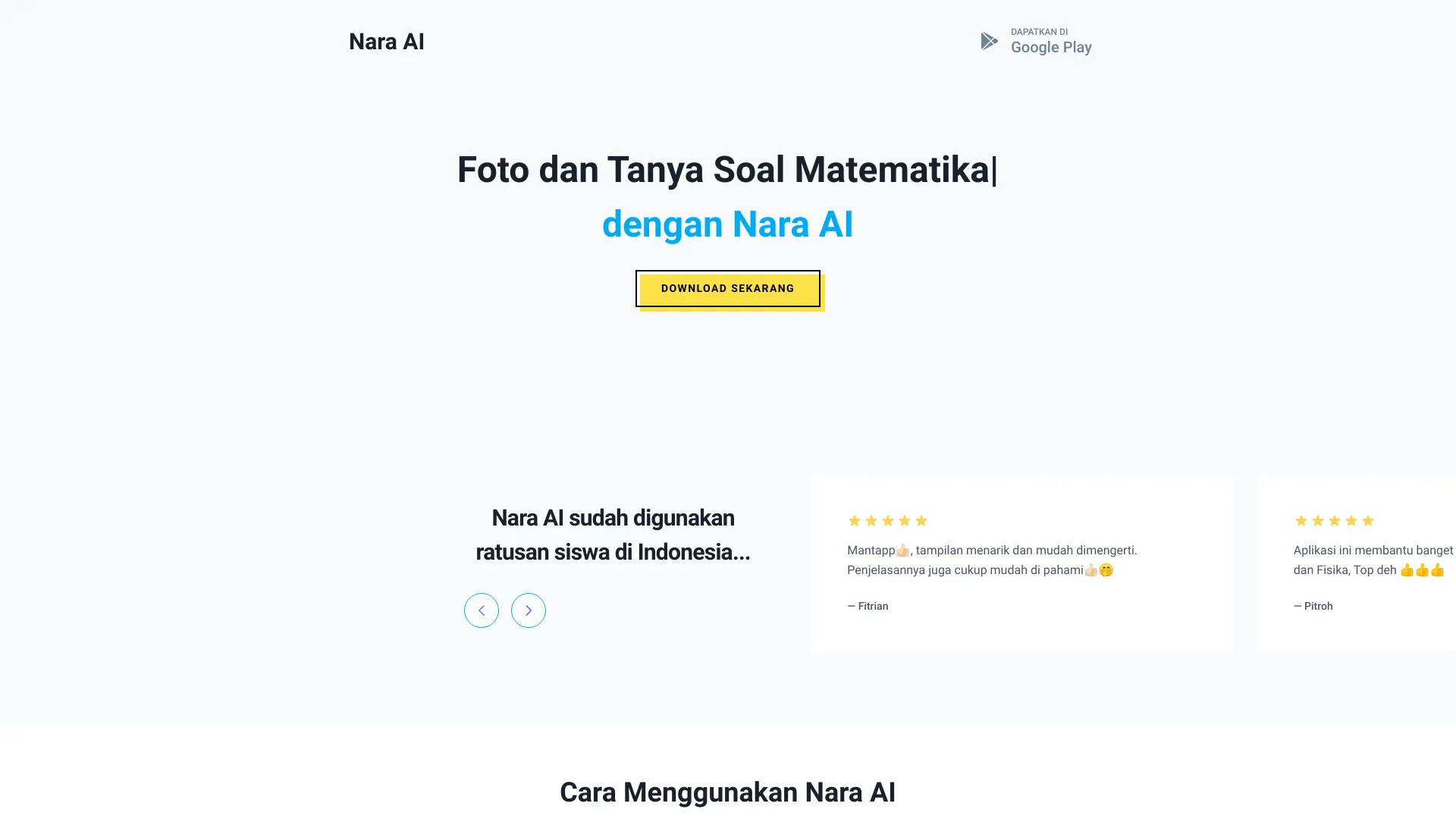
Nara AI
Photo-based math and physics homework help
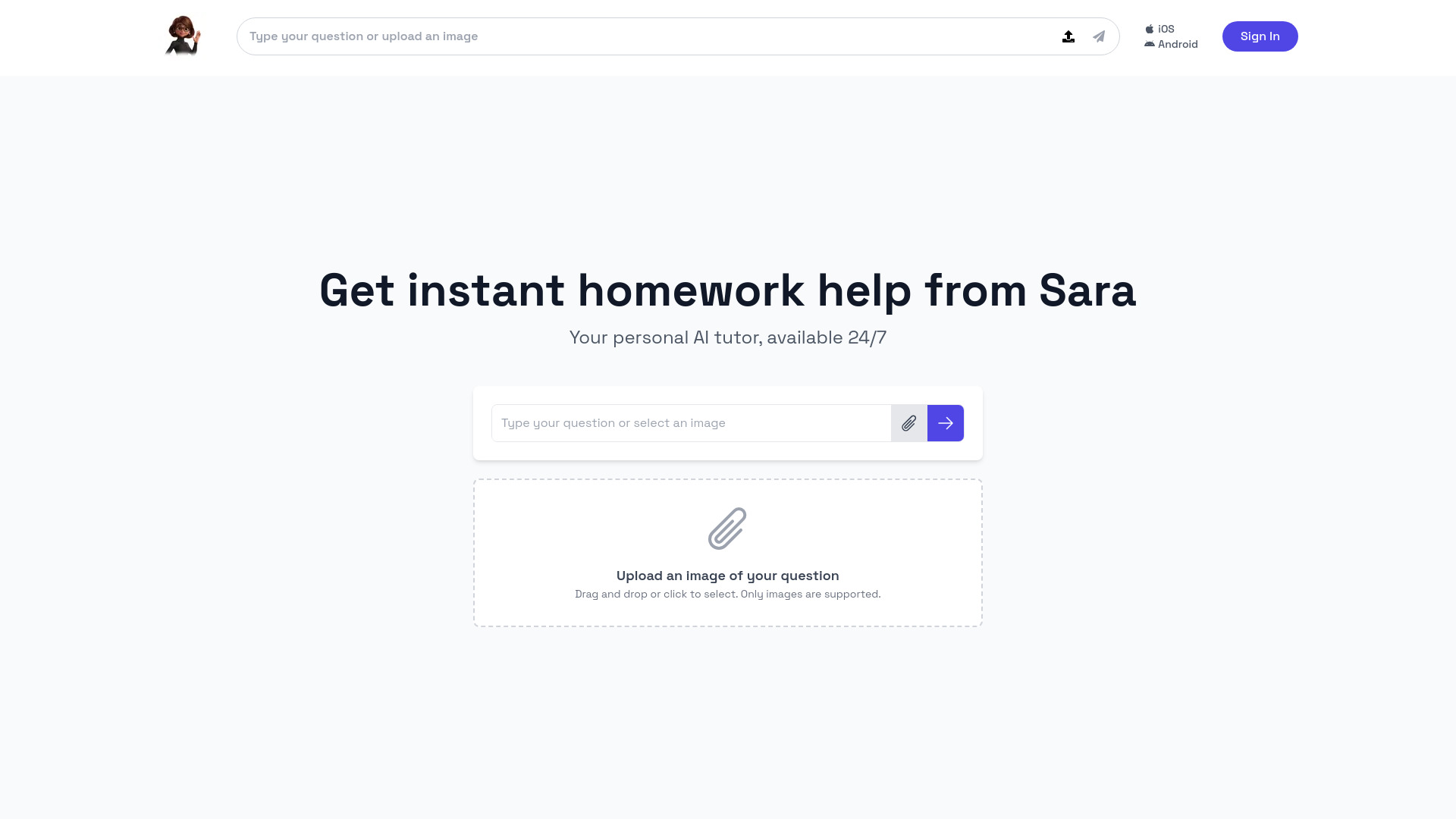
Sara - AI Tutor & Exam Planner
Personalized exam planning and AI tutoring

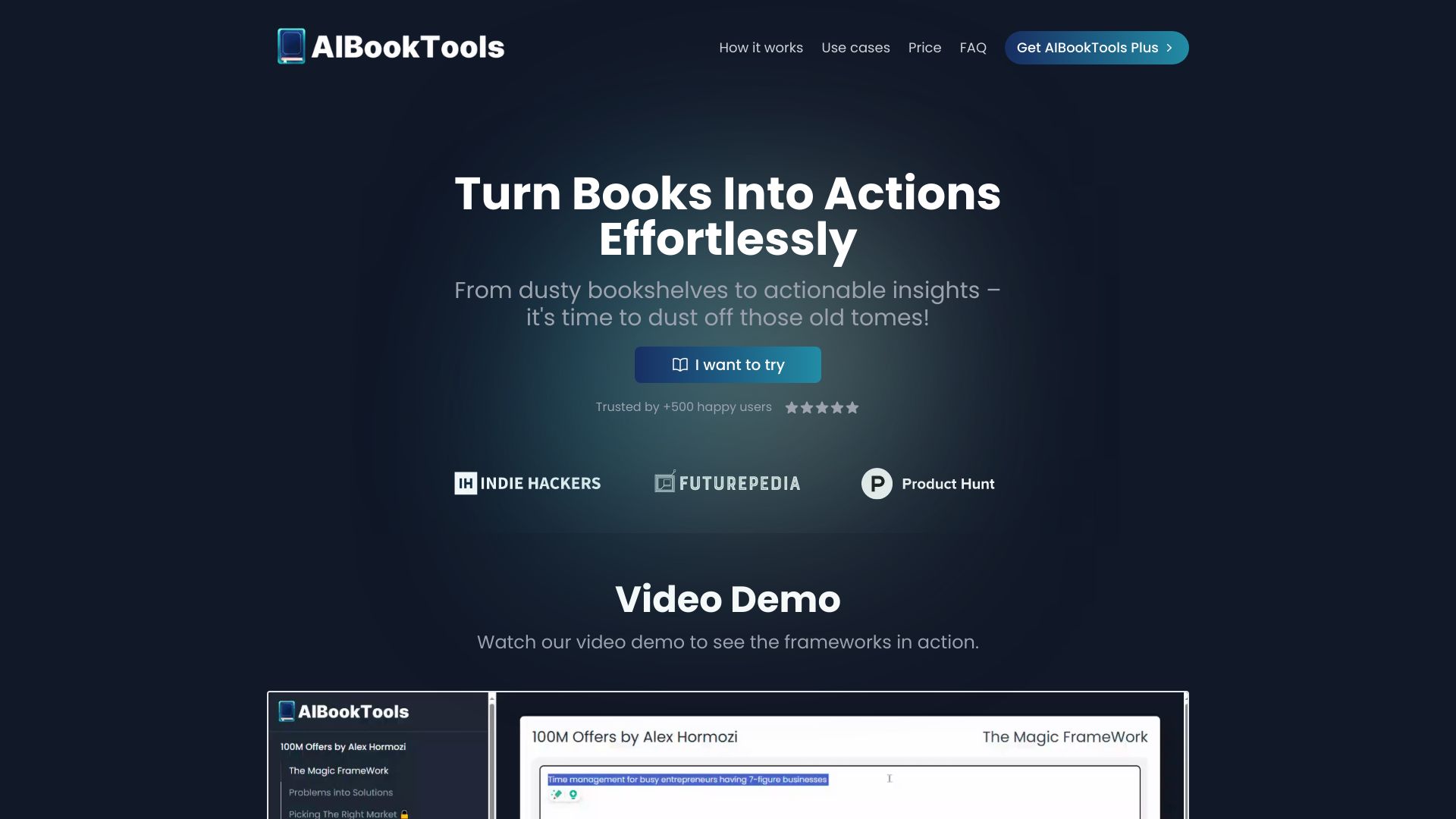
AIBookTools
Turning book frameworks into action plans
AI Investing Tools
AI investing research and tool discovery


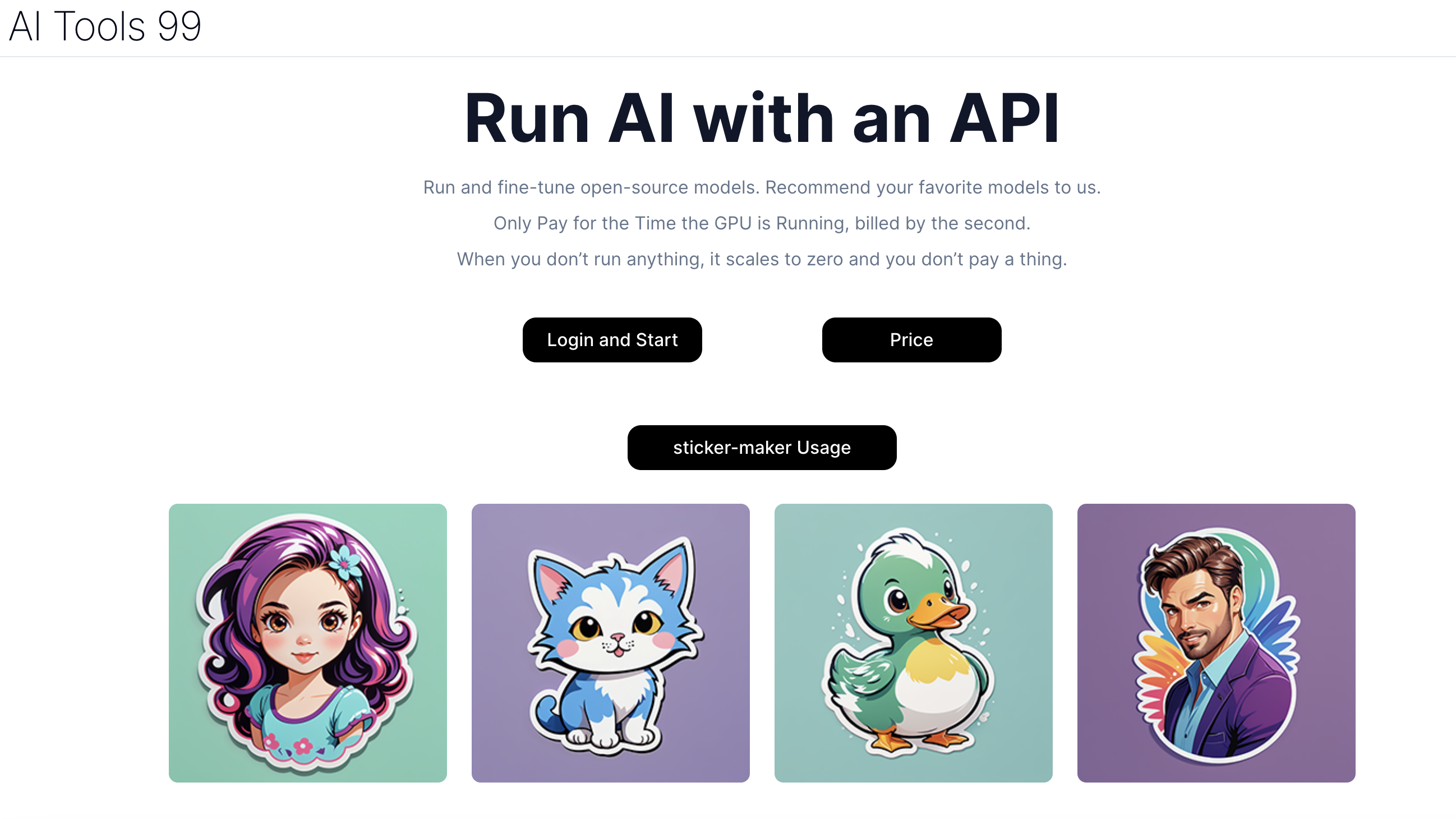
AI Tools 99
Low-cost AI model deployment

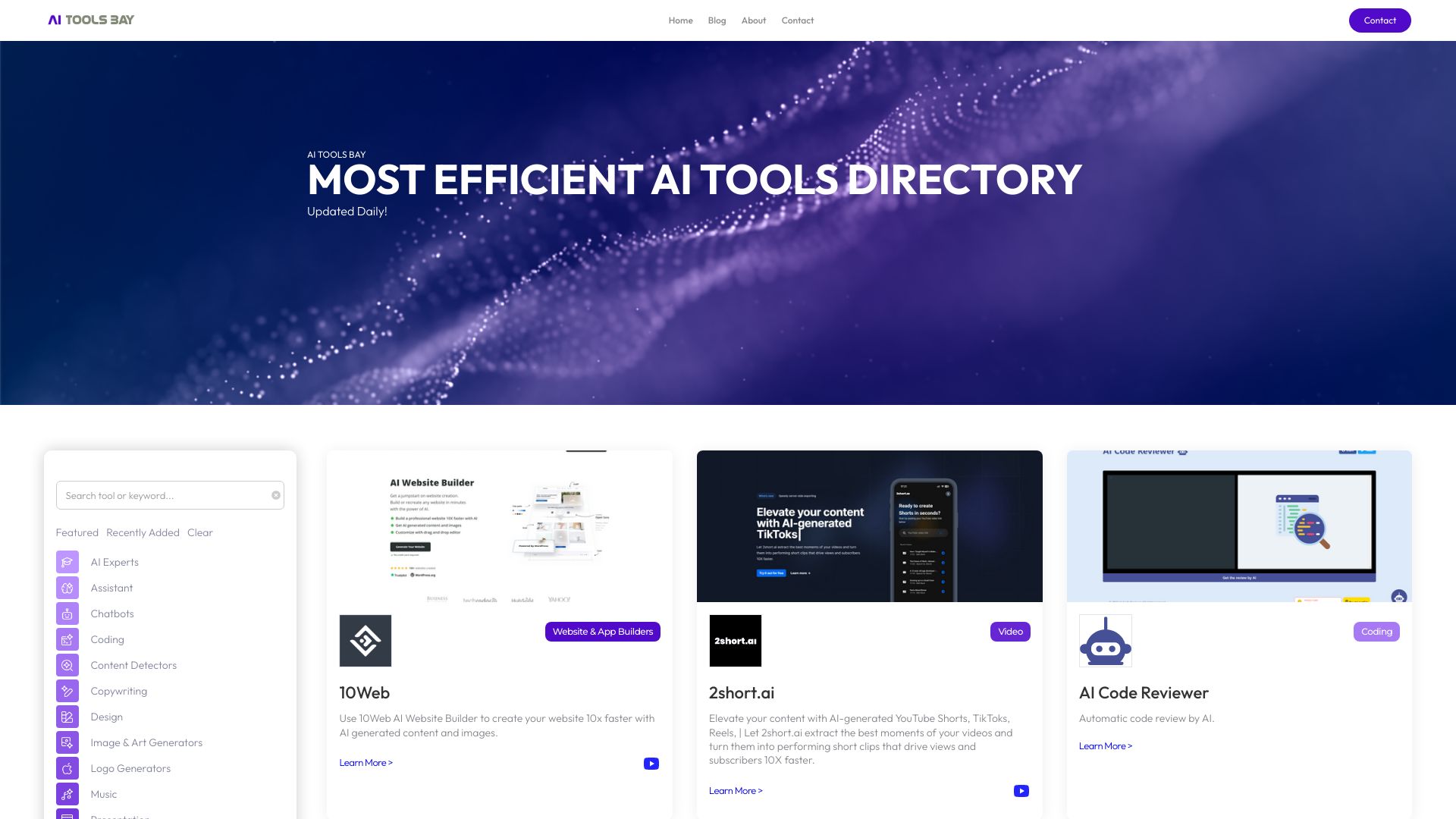
AI Tools Bay
Discovering curated AI tools

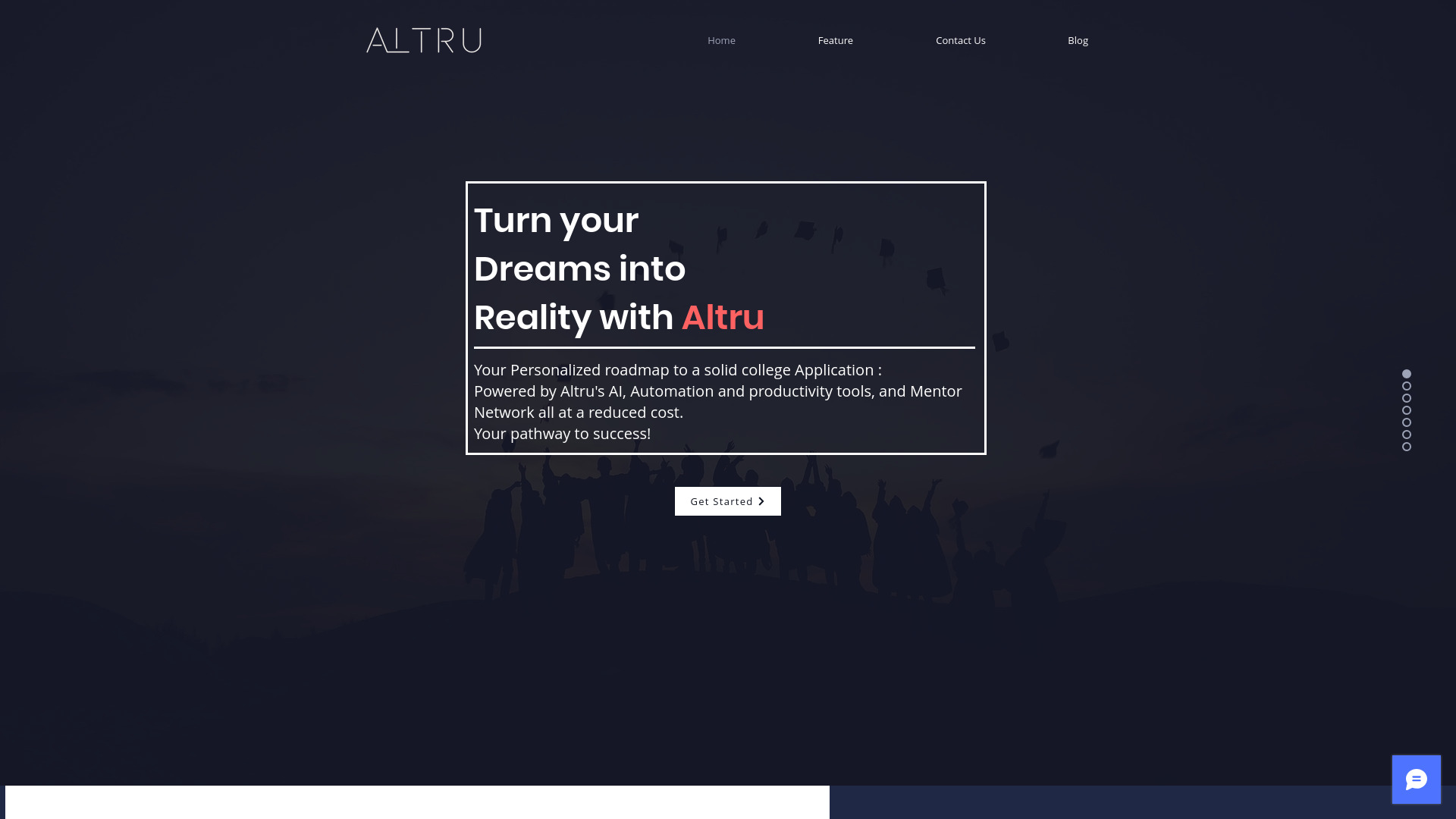
Altru AI
College admissions guidance

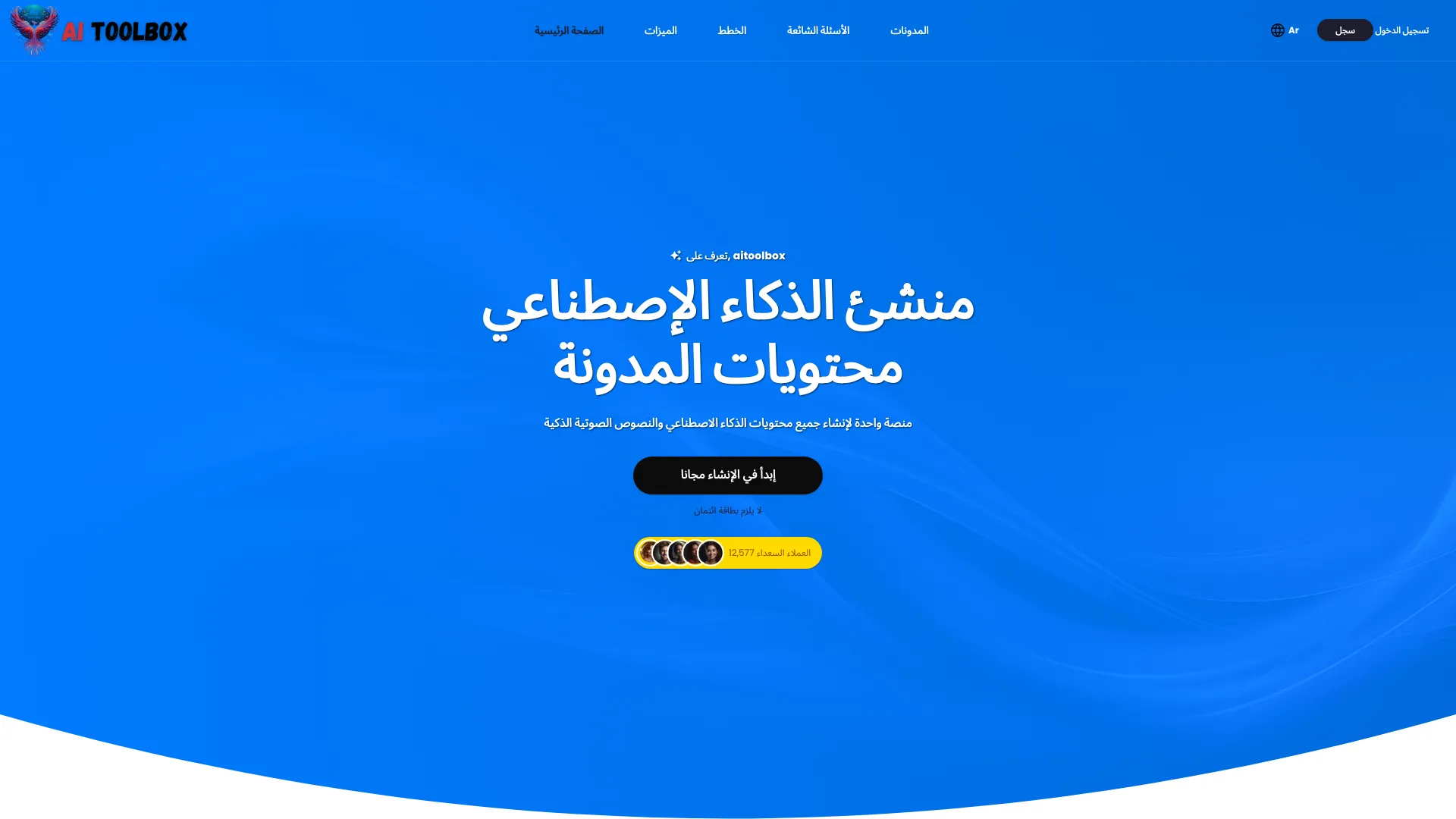
Ailtoolbox
AI writing and study content
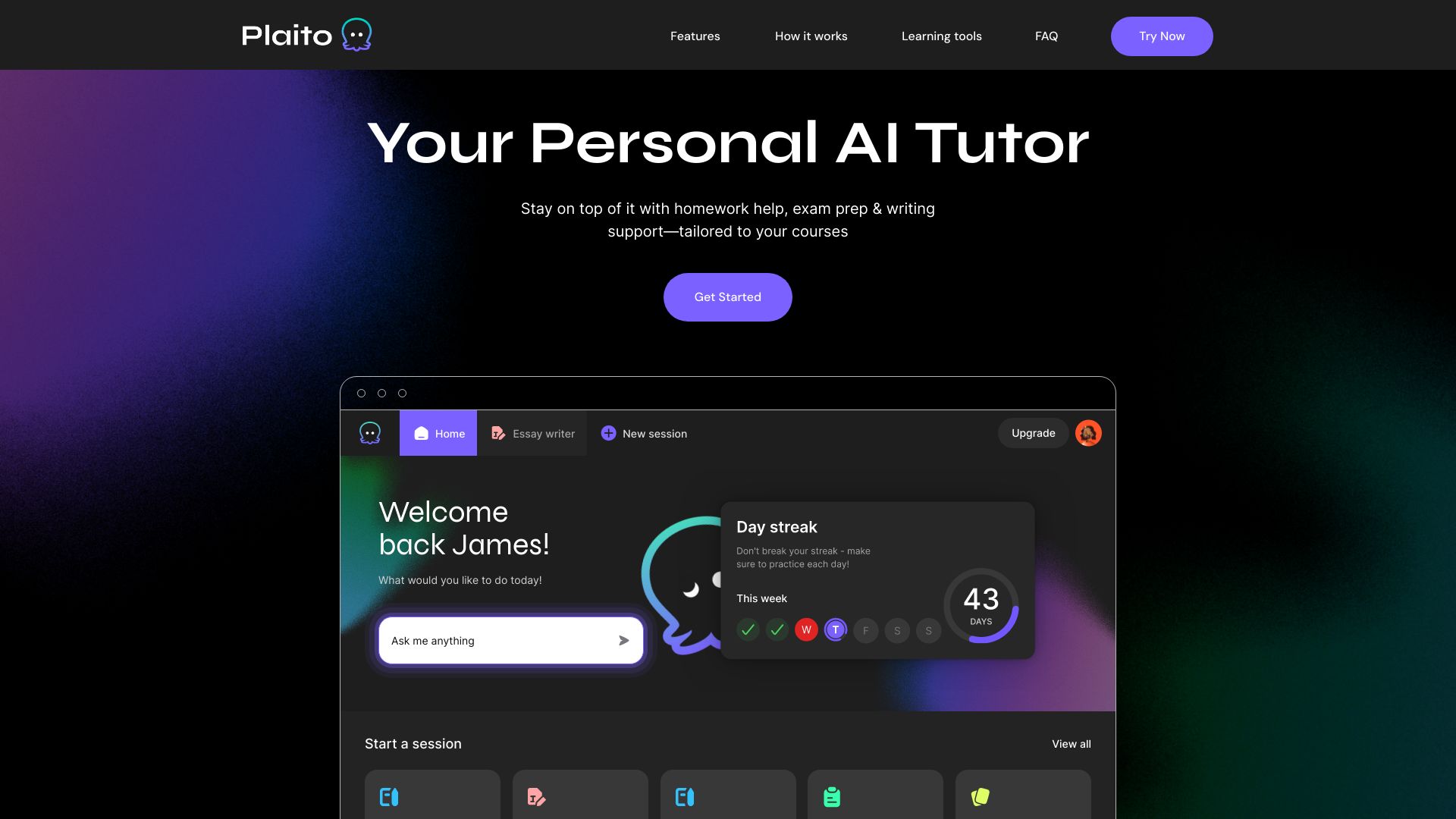
Plaito
AI homework and essay support

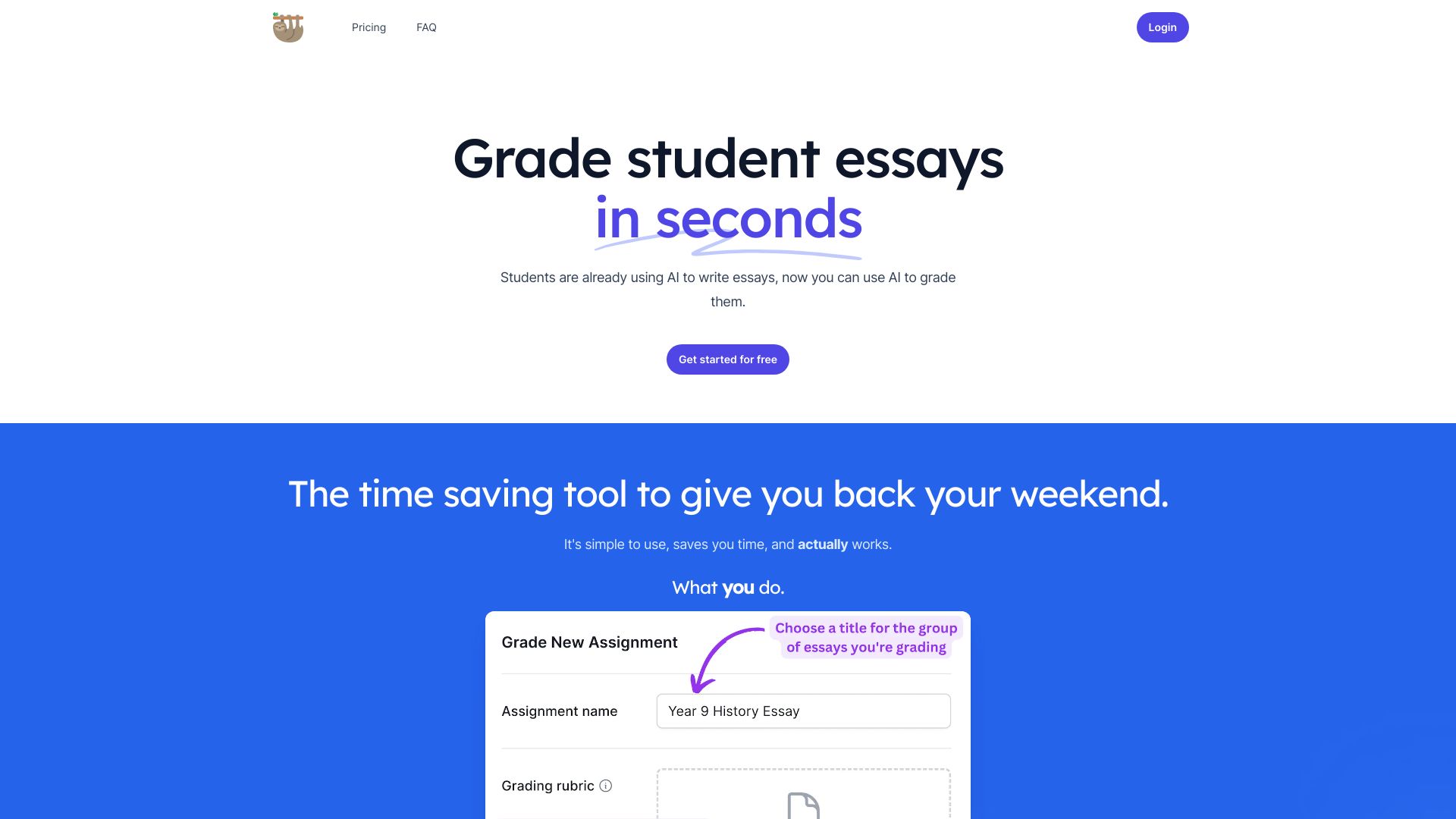
LazyTeacher - Grading Copilot
AI-assisted assignment grading

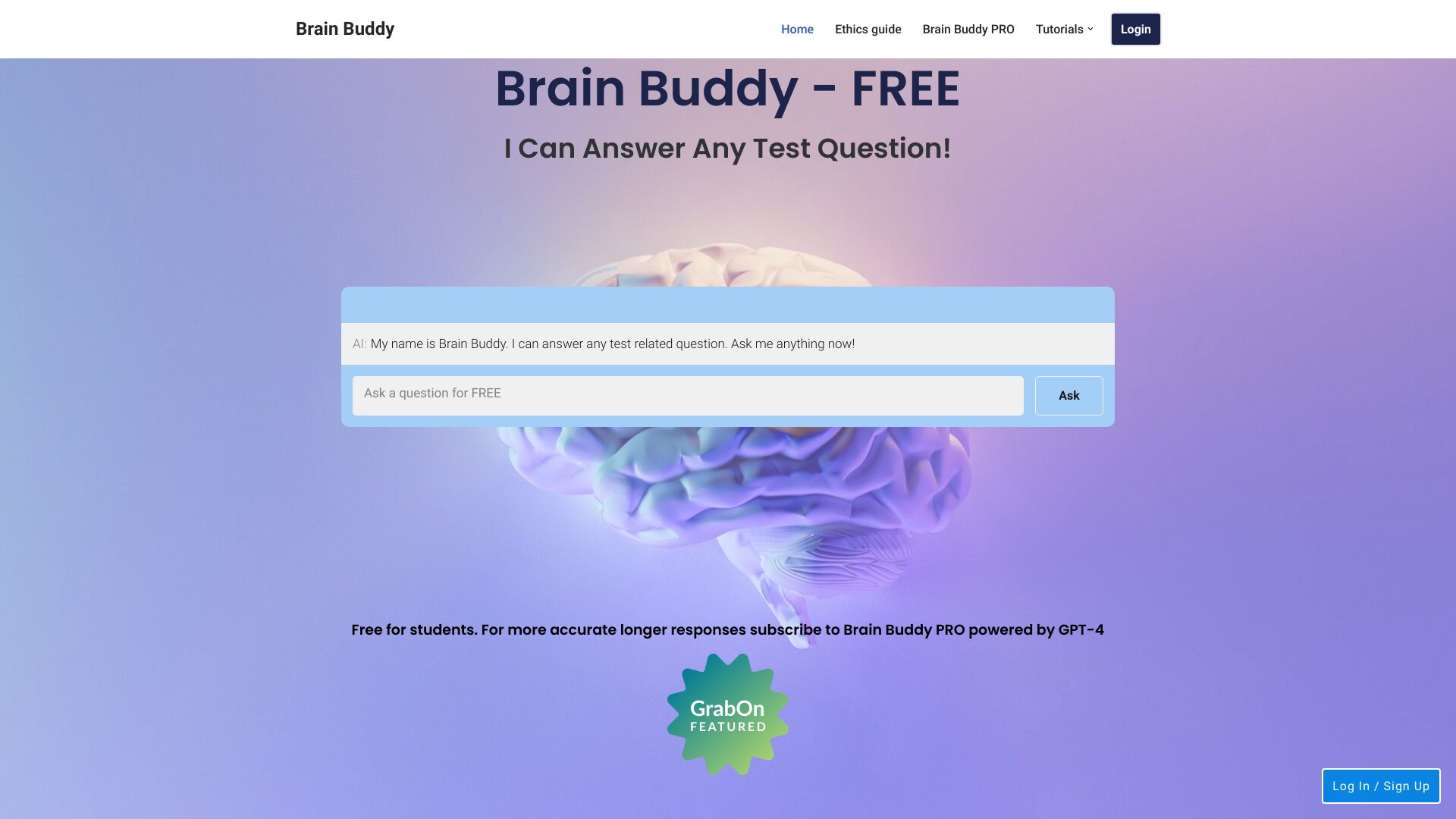
Brain Buddy
Students seeking personalized AI tutoring
Cheatwithai
Personalized study support
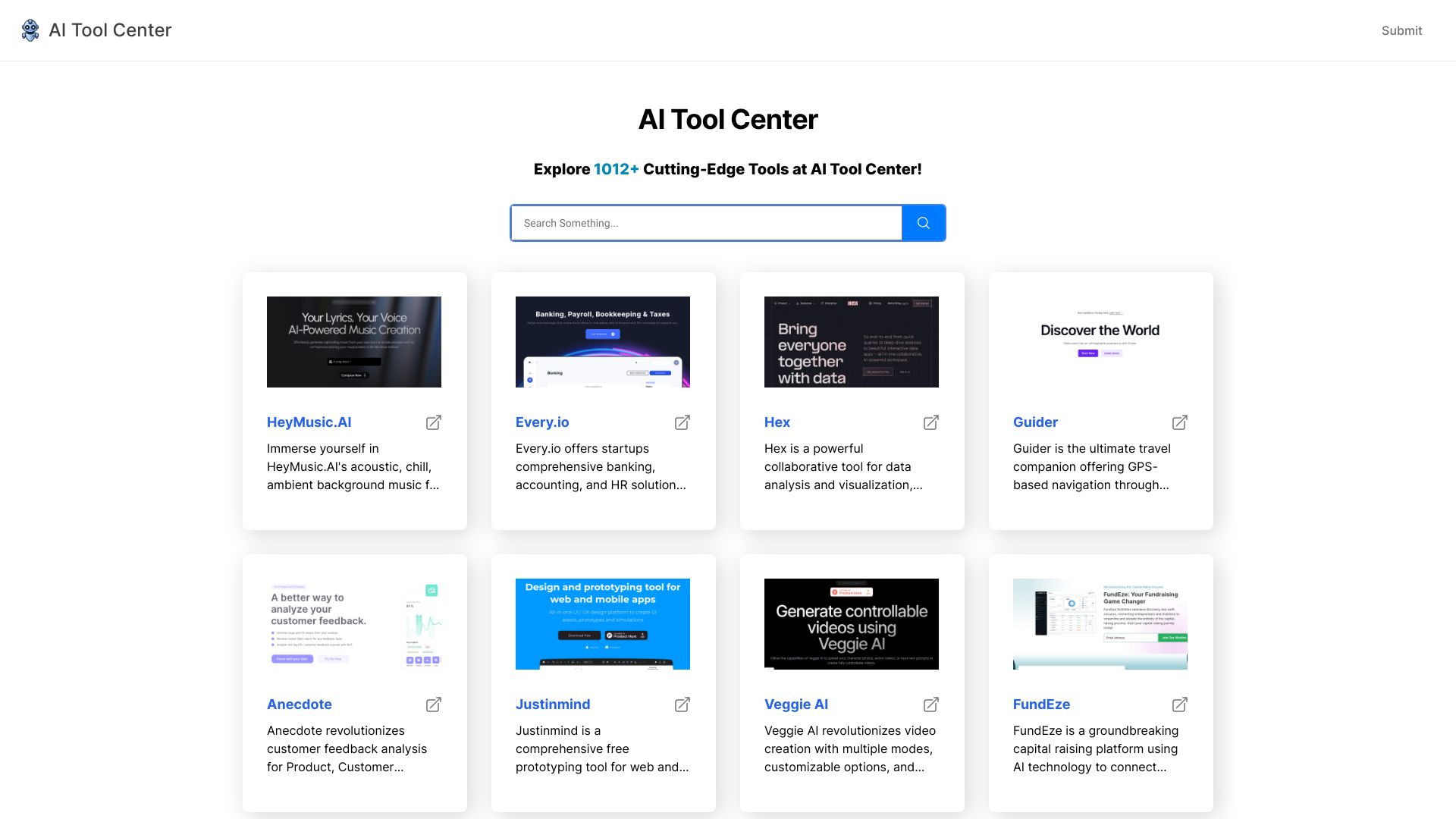
AI Tool Center
Browsing AI tool listings
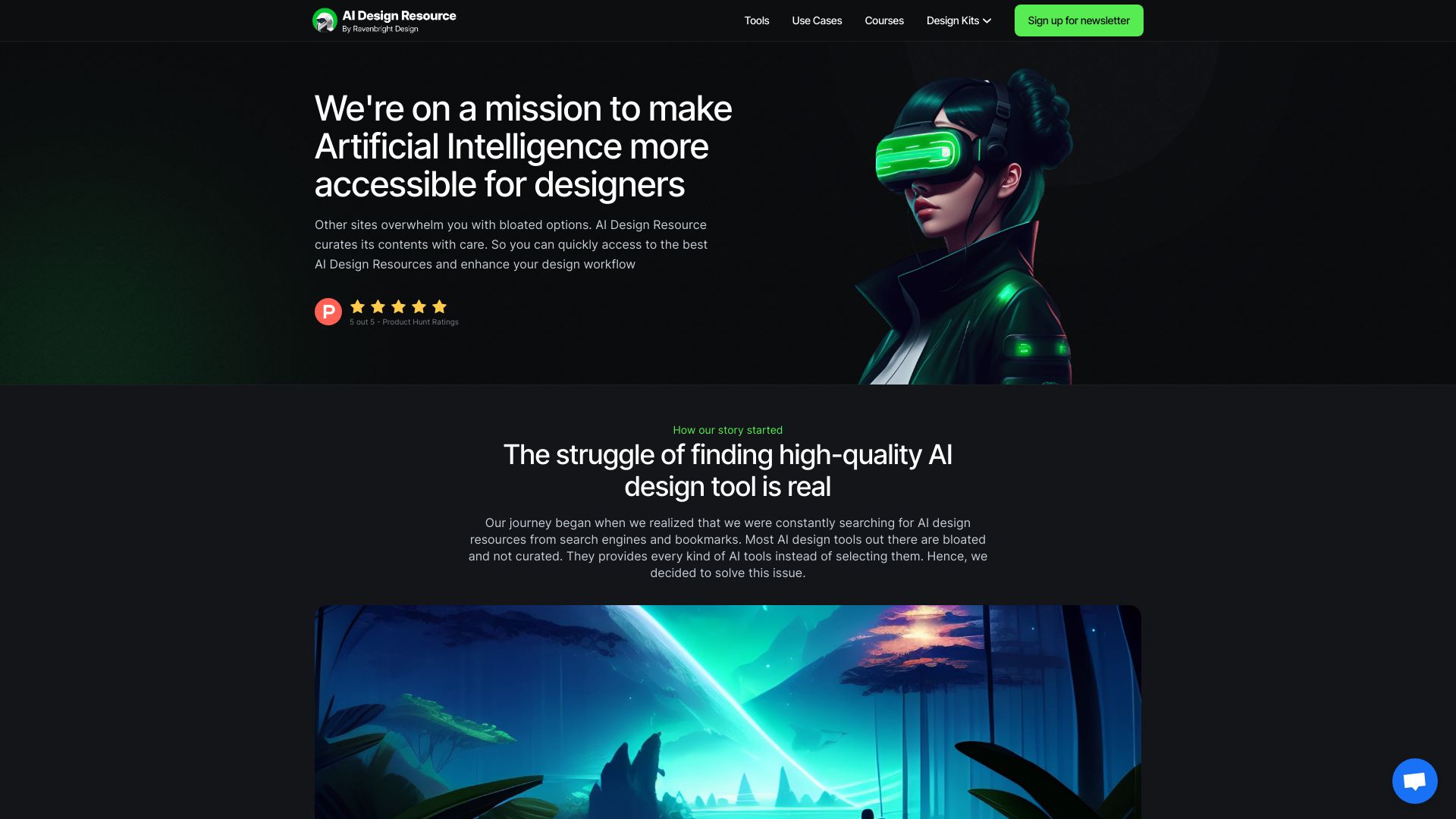
AI Design Resource
Product designers seeking curated AI resources

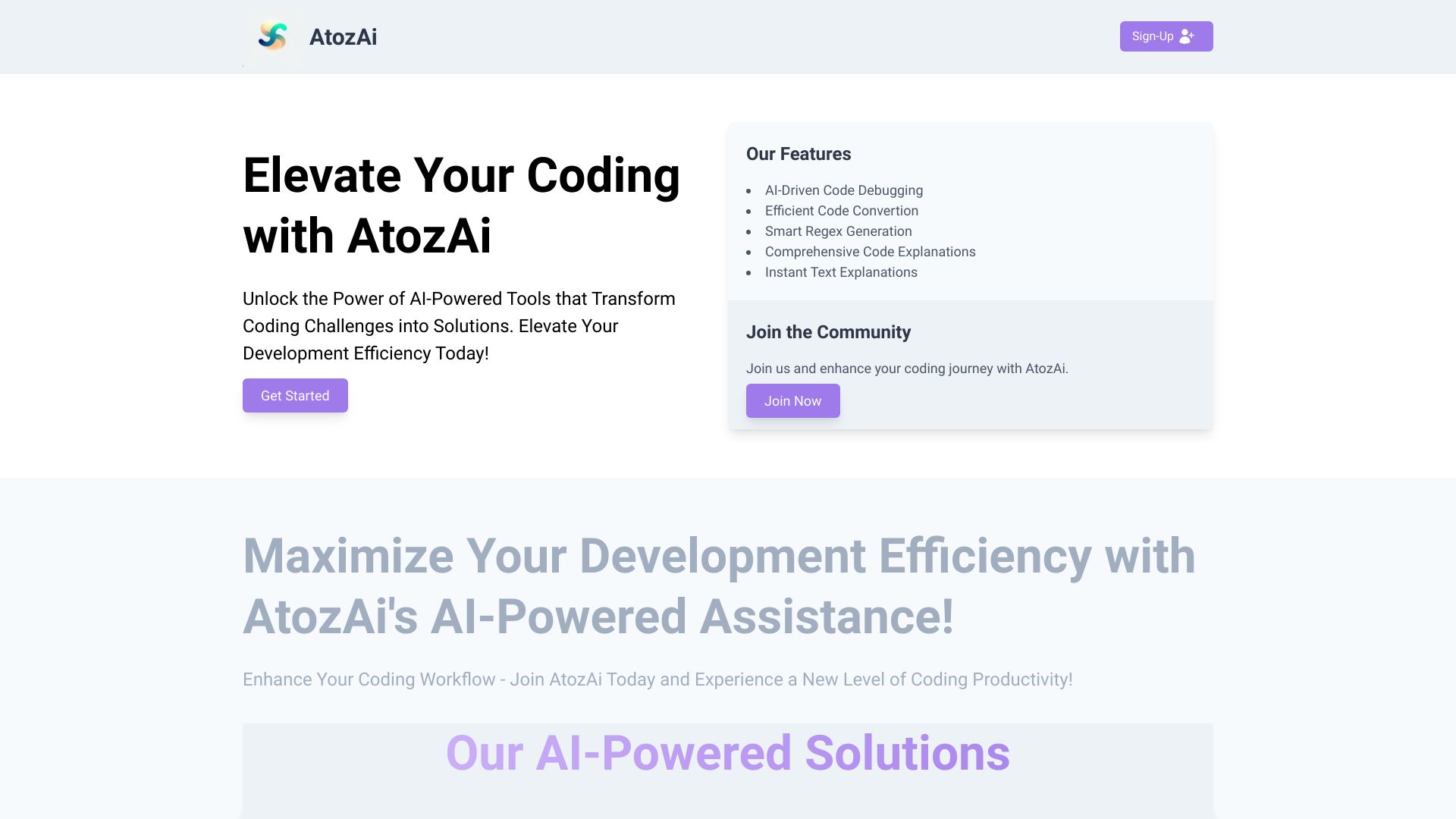
AtozAi
AI coding assistance

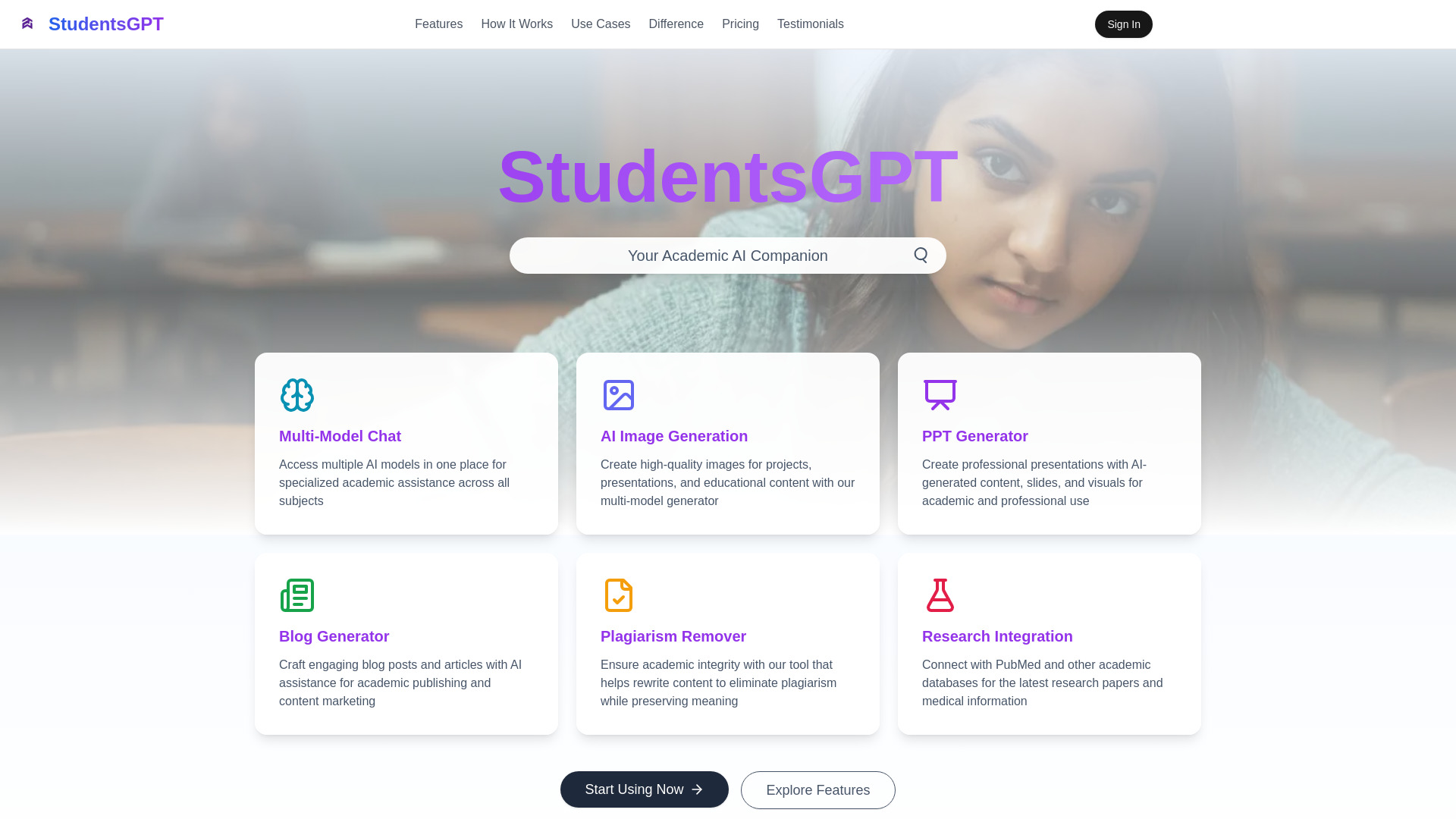
StudentsGPT
Students needing academic research and PPT tools
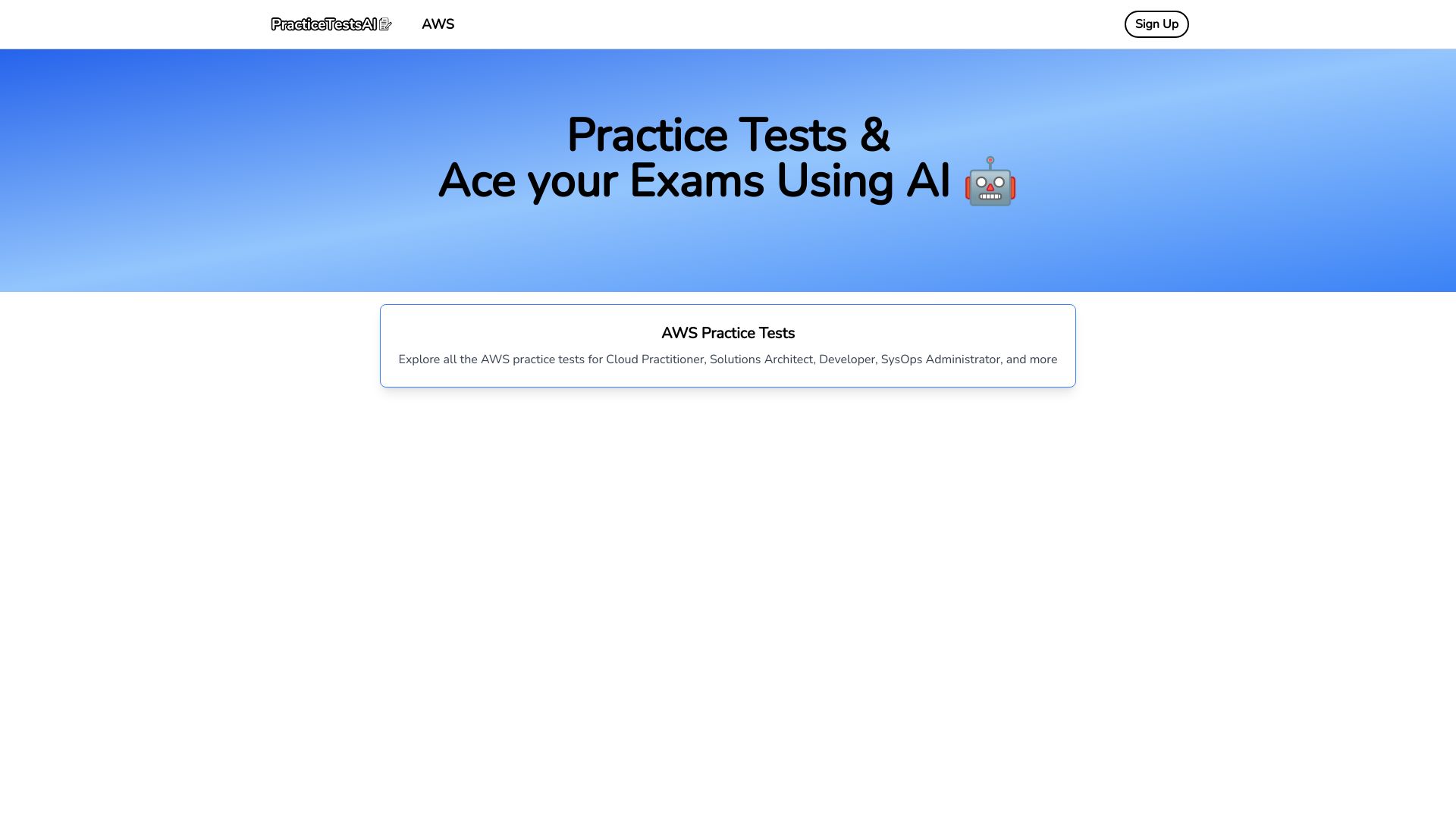
Practice Tests AI
AWS certification exam practice
Which AI tools for students should you choose?
Start with the learning task, not the most impressive-looking feature list. School-led programs should begin with SchoolAI or MagicSchool: both are designed around educator involvement, though SchoolAI is more directly centered on supervised student spaces. Individual students who need broad help can start with Student AI, while students working from lecture files should look at Asksia.
For specific academic bottlenecks, the choice is clearer. Astra AI is the specialist for step-by-step math support. Doctrina AI is better for quizzes and practice exams. Answer.AI fits students who want tutoring plus flashcards, and Thea is worth considering as a mobile-friendly study companion after confirming its current post-beta terms. Hỏi đáp AI Hay and Caktus AI are broader options for questions, explanations, essays, and project work.
| Your priority | Start with | Why |
|---|---|---|
| Supervised classroom AI | SchoolAI | Student Spaces include teacher oversight. |
| Teacher productivity | MagicSchool | More than 80 AI teacher tools and Raina. |
| General academic support | Student AI | Essay, project, image, and teacher tools. |
| Notes and uploaded files | Asksia | Tutor plus transcription, organization, and file upload. |
| Math tutoring | Astra AI | Step-by-step solving and photo scanning. |
| Flashcards with tutoring | Answer.AI | Combines 24/7 tutoring with flashcard generation. |
| Practice tests | Doctrina AI | Quiz maker and exam generator. |
| Mixed visual and text questions | Hỏi đáp AI Hay | Question answering, image recognition, and explanations. |
My practical recommendation
For most individual students, I would begin with Student AI if you need a broad toolkit, or Asksia if your work is built around lecture files and notes. Both cover more than a single assignment type. Keep Doctrina AI in reserve as a low-cost assessment companion, because quiz and exam generation can make revision more active than simply rereading notes.
If math is the recurring obstacle, skip the generalists and test Astra AI first. A focused tutor with photo scanning is easier to evaluate than a large platform with several unrelated tools. For teachers and schools, SchoolAI is my first recommendation because oversight is part of the core workflow; MagicSchool is the better alternative when educator productivity and a large tool catalog matter more.
Whatever you choose, use AI to explain, quiz, organize, and challenge your thinking. Ask for a worked explanation, compare it with your course material, and rewrite important answers in your own words. That approach gets the practical benefit without turning the tool into a substitute for learning.
Common mistakes when choosing AI tools for students
Choosing a general chatbot for a specialist problem: A broad assistant may be less useful than Astra AI for step-by-step math or Doctrina AI for practice exams.
Ignoring access limits: Eight requests, three daily requests, and a seven-day trial create very different study routines.
Treating free as permanent: Thea's beta terms may change, and several tools reserve features for paid plans.
Overlooking the intended audience: SchoolAI and MagicSchool are strongest for educators and institutions, not necessarily solo college study.
Submitting generated writing unchanged: Essay tools can help with drafting, but students still need to verify, revise, and personalize the result.
Skipping device requirements: Asksia does not support a mobile version, while Thea lists mobile apps.
Failing to check current pricing: Plan terms can change, especially for beta products and tools whose pricing is hidden behind vendor pages.
What changed in 2026
The strongest student tools now separate tutoring from simple answer generation. SchoolAI adds teacher oversight and real-time insight around student spaces, while Asksia combines tutoring with transcription, file uploads, and note organization. Other tools push toward active study: Answer.AI generates flashcards, Thea offers smart study tools, and Doctrina AI creates quizzes and exams.
The market is also splitting into clearer audiences. Student AI and Caktus AI cover broad academic work, Astra AI specializes in math, and MagicSchool serves educators with a large productivity suite. That specialization is useful for buyers: instead of asking which tool can technically do everything, choose the one whose workflow matches how you actually study. Pricing remains fluid, particularly for beta access and premium-gated features, so live vendor checks matter more than a static plan label.
FAQ
SchoolAI ranks first for supervised student learning, while Student AI is the strongest broad option for individual academic and career tasks. Asksia is the better choice for students who study from uploaded notes and lecture materials.