
The best text to speech ai tool depends on what you want to hear, make, or build. A student listening to articles needs a very different experience from a video creator producing voiceovers or a developer embedding speech in an app. We compared 100 tools, then focused this deep review on 10 standout options with distinct strengths in voice quality, language support, emotional control, accessibility, workflow fit, and API coverage. The shortlist includes the best ai text to speech options for everyday reading, the best text to voice ai for creators, and developer-oriented platforms that treat speech as an API rather than a simple web utility.
Top picks
| Pick | Tool | Best for | Why it stands out |
|---|---|---|---|
| 1 | ElevenLabs | Creators | Strong overall fit with text-to-speech, voice cloning, dubbing, and a 10K-credit monthly free allowance. |
| 2 | Speechify | Students | Makes digital content listenable across Chrome, iOS, Android, and Mac. |
| 3 | NaturalReader | Students | Combines natural AI voices with personal, educational, and commercial use cases. |
| 4 | SpeechGen.io | Video creators | Offers realistic voiceovers with a clear 2,000-character free starting point. |
Quick comparison
| Tool | Score | Best for | Free access | Starting price |
|---|---|---|---|---|
| ElevenLabs | 94/100 | Creators | 10K credits/month | Free: $0 per month |
| Speechify | 94/100 | Students | Text to speech and Voice Studio | Free |
| NaturalReader | 93/100 | Students | Free basic use | Check vendor pricing |
| SpeechGen.io | 93/100 | Video creators | 2,000 characters free | 25K limits pack: $4.99 |
| PopPop AI Text to Speech | 93/100 | Content creators | Free; 20+ languages | Check vendor pricing |
| Deepgram AI Voice Generator | 93/100 | Content creators | Natural-sounding TTS | Check vendor pricing |
| FineVoice | 93/100 | Content creators | 2,000 TTS characters/month | Free: $0.00 |
| Noiz AI | 93/100 | Podcast producers | Emotional TTS and voice clone | Starter: $3.9/month |
| Typecast | 93/100 | Content creators | 5 download minutes/month | Free |
| Deepgram | 93/100 | Developers | $200 free credit | Free trial: $200 credits |
How we ranked these text to speech AI tools
We weighted the capabilities that change the day-to-day experience: the quality and naturalness of generated speech, the range of text-to-speech workflows, voice variety, language or accent coverage, creative controls, free access, and the clarity of the starting price. We also considered audience fit. A reading app should not be judged like an API, and a voiceover studio should not be judged only by its mobile support. Scores and rank signals helped organize the shortlist, while the editorial notes explain the practical trade-offs. Where a vendor's pricing is not clear, we say so rather than turning an uncertain quote into a false monthly comparison.
The best AI text to speech tools
1. ElevenLabs

ElevenLabs
Best all-around AI text-to-speech tool for creators
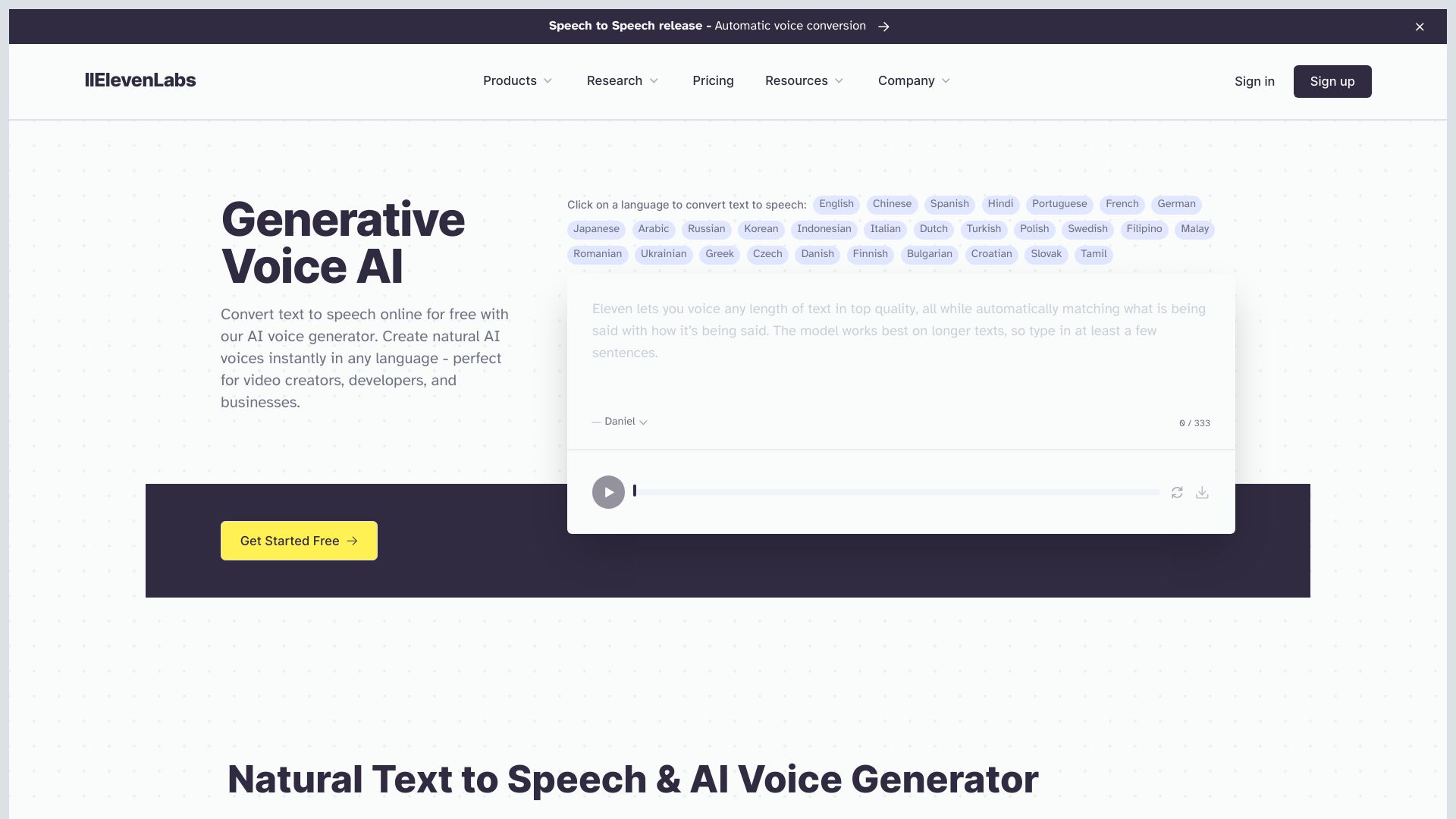
The strongest all-purpose entry on this list is built around audio creation rather than simple read-aloud playback. ElevenLabs brings together text to speech, speech to text, voice cloning, and dubbing services, giving creators room to move from a script to a broader audio workflow without immediately changing platforms. Its 10K-credit monthly free access makes it unusually approachable for testing short scripts and comparing voices before committing.
That breadth is why it leads the overall list. The experience makes the most sense for creators who need polished AI audio generation and may eventually want more than one voice workflow. It is less compelling for someone who only wants a lightweight way to listen to web pages, and the price can become a real consideration as usage grows.
My take: Start here if you want one serious creative platform to evaluate first. The free allowance is useful for a genuine trial, but budget carefully if your output volume is high.
Where it falls short: Pricing can be a barrier for some users, especially when a project requires sustained generation rather than occasional experiments.
Key features
Text to Speech for turning scripts into generated audio.
Speech to Text for working in the opposite direction as well.
Voice cloning and dubbing services within a broader AI audio platform.
Pros
High-quality AI audio generation.
10K credits per month provide a meaningful free starting point.
Covers more than a single text-to-speech task.
Cons
Pricing can be a barrier for some users.
The wider platform may be more than a casual listener needs.
Choose ElevenLabs if: You are a creator who wants realistic generated audio and room for voice, dubbing, and transcription workflows.
2. Speechify

Speechify
Best text-to-speech reader for students
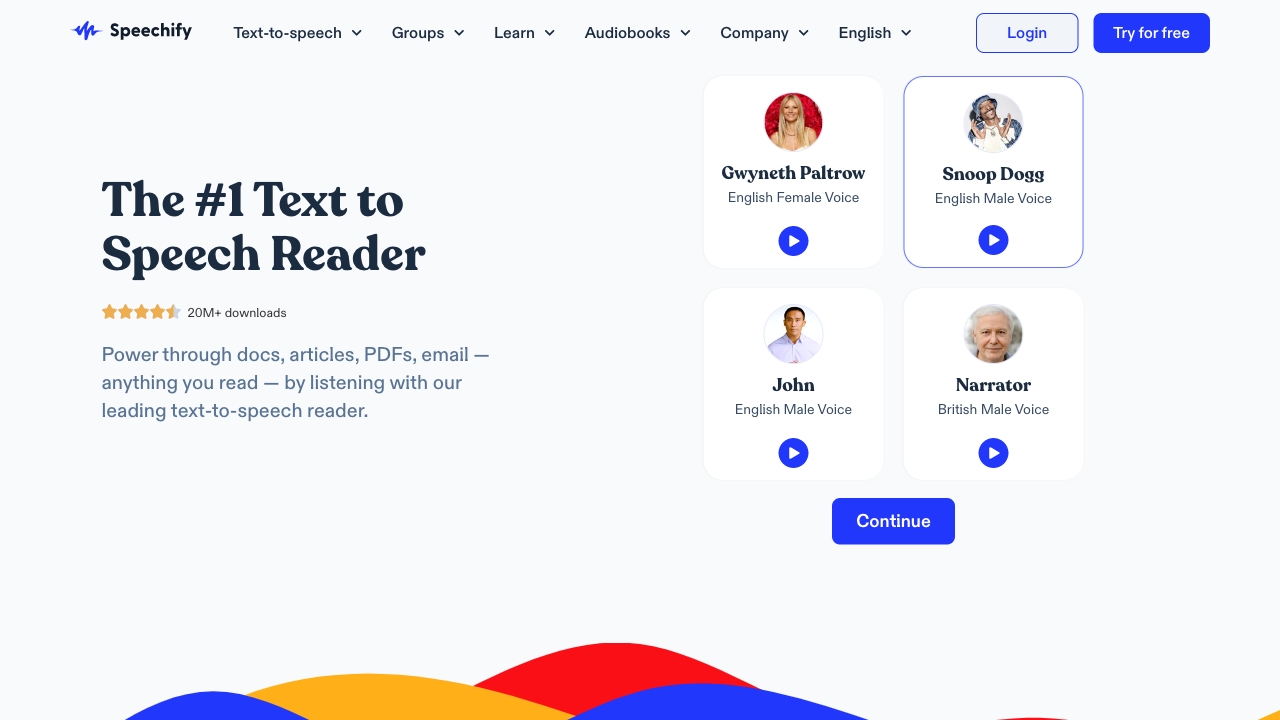
Speechify takes a different route from creator-first voice studios: its central promise is making digital content easier to consume by listening. That focus makes it a natural fit for students and readers who move between devices. Chrome, iOS, Android, and Mac support gives the tool a practical advantage when your reading happens across a laptop and phone rather than inside one production dashboard.
It also includes AI Voice Studio, voice cloning, and celebrity voices, so there is more creative range than the basic reader description suggests. Still, the platform's best use case remains accessible listening. Full access requires a subscription, which is the main point to check before treating the free option as a complete long-term solution.
My take: This is the most obvious first trial for students who want text-to-speech to follow them across devices. I would choose it for reading before choosing it for elaborate voiceover production.
Where it falls short: Subscription required for full access, so frequent users should confirm the paid feature boundary before building a daily workflow around it.
Key features
Text-to-speech conversion for digital content.
AI Voice Studio for voice-oriented creation.
AI voice cloning and celebrity voices.
Availability on Chrome, iOS, Android, and Mac.
Pros
Available on multiple platforms, including Chrome, iOS, Android, and Mac.
Strong fit for students and people who listen to digital content regularly.
Free access includes text to speech and AI Voice Studio features.
Cons
Subscription required for full access.
Its reading-first focus may not satisfy production-heavy creators.
Choose Speechify if: You are a student or reader who wants to listen to digital content on whichever device is nearby.
3. NaturalReader

NaturalReader
Best natural AI voices for personal and educational reading
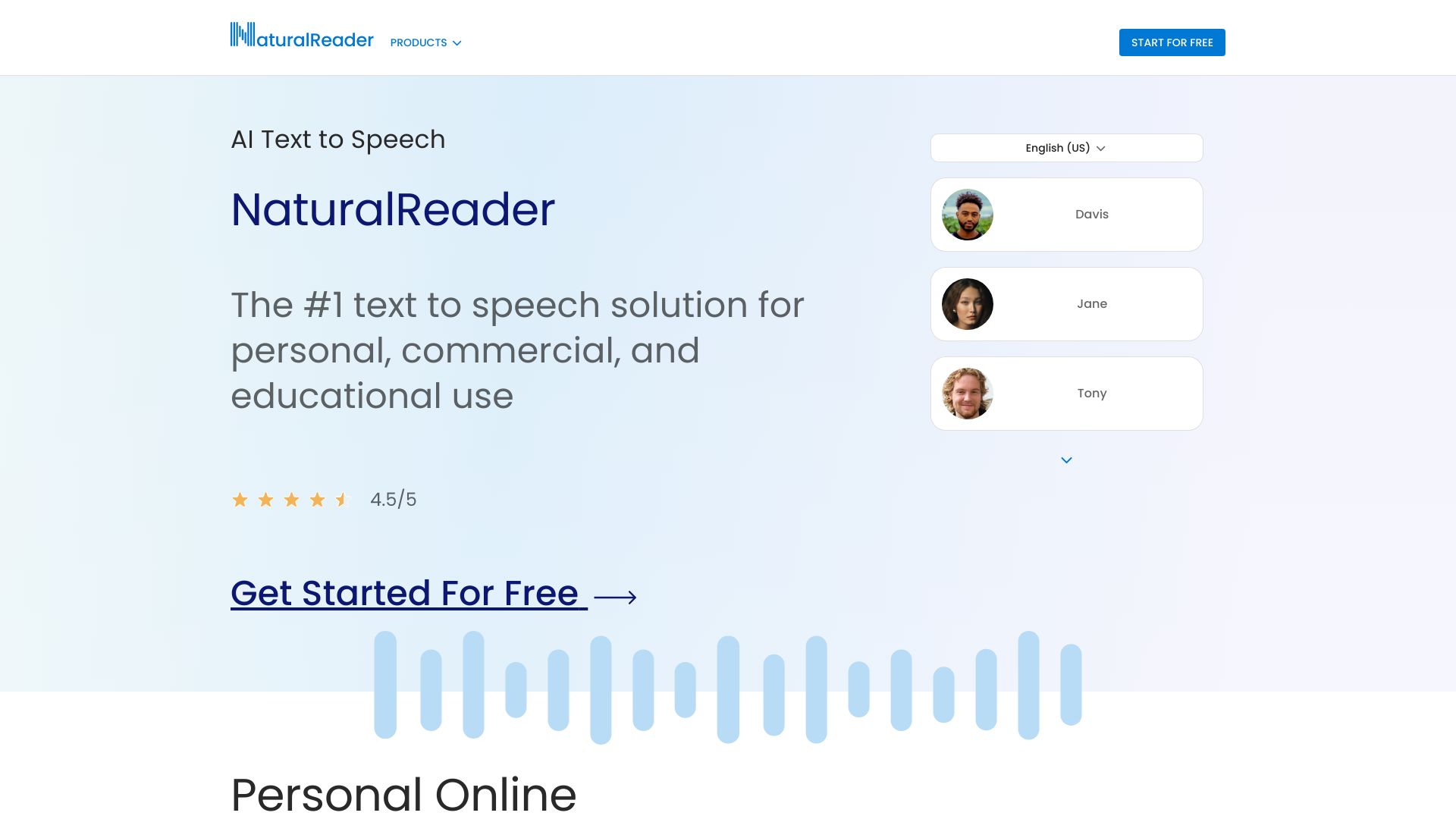
NaturalReader earns its place by covering the practical middle ground between a basic reader and a voice production tool. Its AI text to speech uses natural AI voices, while LLM multilingual voices broaden its appeal for readers and educators working across languages. The platform is positioned for personal, commercial, and educational purposes, which gives it a wider audience than a strictly personal accessibility utility.
The free version is useful for basic use, making this a sensible low-risk option when you want to hear how a workflow feels before paying. The important caveat is licensing: commercial features require a paid license. That distinction matters if you plan to publish generated audio, use it for client work, or otherwise move beyond personal and educational listening.
My take: NaturalReader is a practical pick when natural voices and flexible audience fit matter more than a creator-heavy studio. Its free starting point makes the first test easy.
Where it falls short: Commercial features require a paid license, and pricing details are best verified directly with the vendor before a business rollout.
Key features
AI text to speech with natural AI voices.
LLM multilingual voices.
Voice cloning.
Support for personal, commercial, and educational use cases.
Pros
Offers a free version for basic use.
Natural AI voices suit reading and educational workflows.
Multilingual voice support gives it broader utility.
Cons
Commercial features require a paid license.
Pricing is hidden behind a less straightforward comparison, so verify the current offer.
Choose NaturalReader if: You need a natural reading experience with a free starting point and may later use the tool for educational or commercial work.
4. SpeechGen.io

SpeechGen.io
Best text-to-speech voiceover tool for video creators
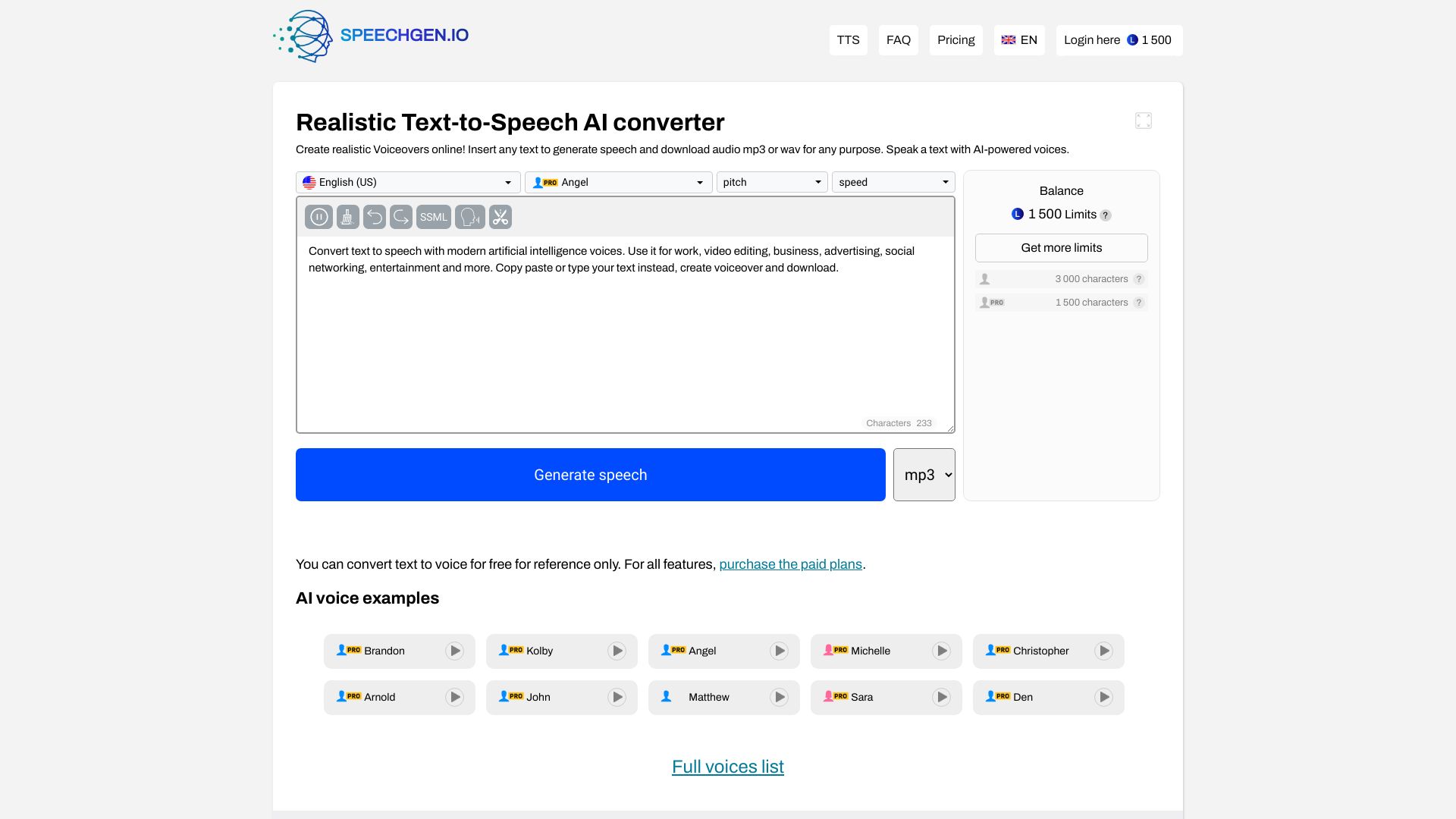
SpeechGen.io is designed around the moment when a script needs to become a usable voiceover. Its realistic text-to-speech conversion and AI voice generator are a straightforward match for video creators who want narration without recording it themselves. The tool also includes a multi-voice editor, which is a meaningful detail for scripts that alternate between speakers rather than relying on one uninterrupted narrator.
The free allowance is clear: 2,000 characters. That is enough to test voice quality and pacing, but not an unlimited production lane. The listed 25,000-limit pack costs $4.99, giving small projects a relatively concrete way to estimate an initial expense. For larger scripts, keep an eye on character consumption before choosing it as your main production system.
My take: SpeechGen.io is one of the easiest options here to evaluate for short videos. The character-based model is simple to understand, but it rewards creators who plan their scripts carefully.
Where it falls short: Character limits for free use can interrupt longer projects and make high-volume usage less comfortable.
Key features
Realistic text-to-speech conversion.
AI voice generator for voiceover production.
Multi-voice editor for scripts with several speakers.
Pros
Realistic and natural-sounding AI voices.
A clear free character allowance for initial testing.
The 25,000-limit pack provides a concrete low-cost entry point.
Cons
Character limits for free use.
High-volume creators need to monitor usage against the pack size.
Choose SpeechGen.io if: You create short videos and want realistic narration with a simple, character-based way to start.
5. PopPop AI Text to Speech

PopPop AI Text to Speech
Best no-signup text-to-speech option for content creators
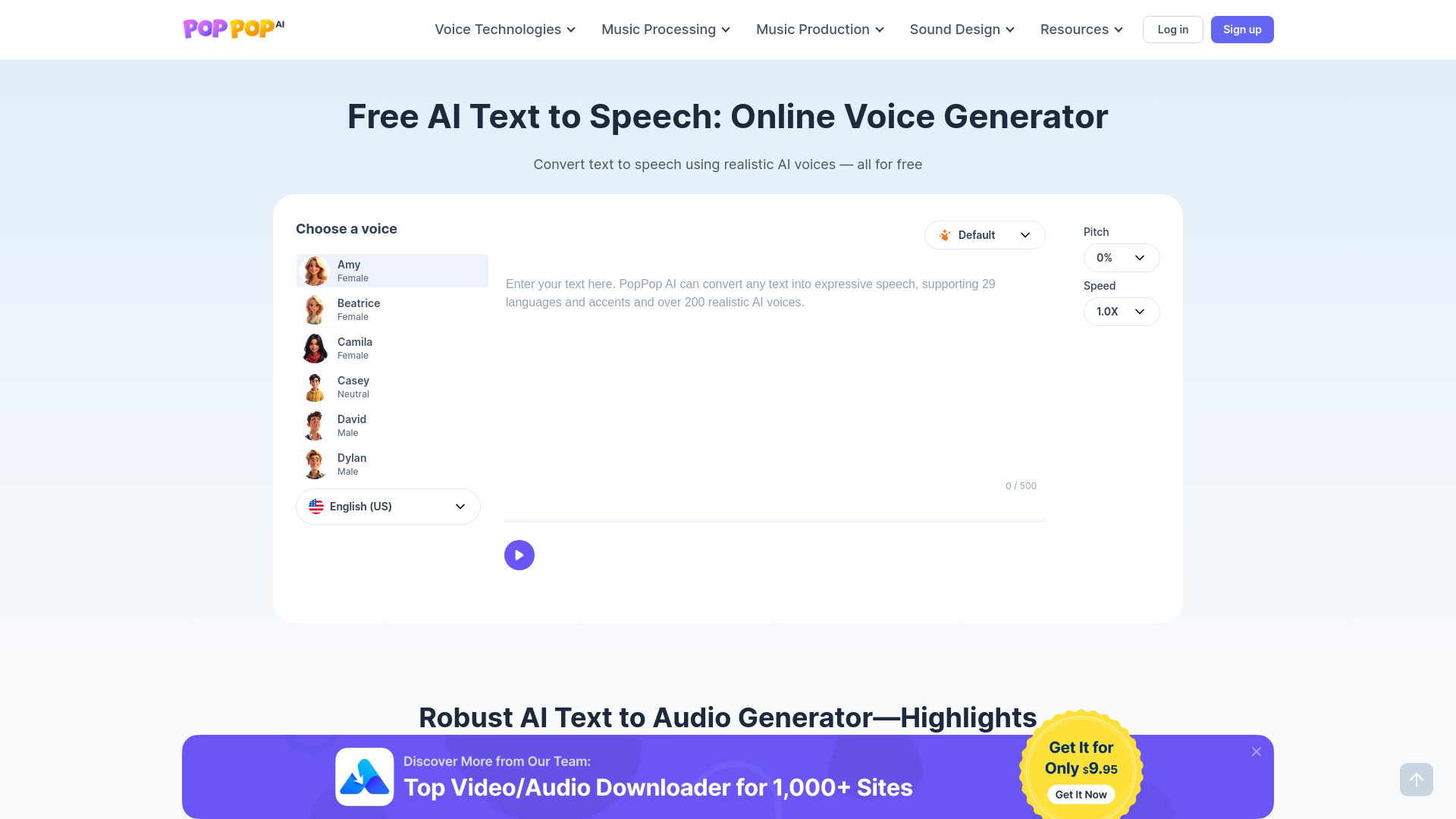
PopPop AI Text to Speech has an appealingly low-friction starting point: free use, realistic AI voices, more than 20 languages, and no signup required. That combination is valuable when you need to test a short passage immediately rather than create an account, choose a subscription, and configure a full workspace. It is a particularly convenient option for content creators comparing voices for a quick clip or draft.
The trade-off is input length. The tool's limited text input is listed at 500 characters, so it is better suited to samples and short pieces than long-form narration. The free experience is generous in accessibility but not in scale. If your scripts routinely exceed a few paragraphs, you will likely need a different workflow or a tool with a larger quota.
My take: PopPop is the best first click when speed matters more than project management. I like it as a quick voice audition tool, not as the default for lengthy productions.
Where it falls short: The 500-character input limit sharply narrows its usefulness for long scripts and full-length voiceovers.
Key features
AI text-to-speech conversion.
AI voice generation.
More than 20 languages.
Realistic AI voices and no-signup access.
Pros
Free to use.
No signup required for an immediate test.
Supports 20+ languages and realistic voices.
Cons
Limited text input of 500 characters.
Pricing is not presented as a clean starting comparison.
Choose PopPop AI Text to Speech if: You need a fast, free, short-form voice test without creating an account.
6. Deepgram AI Voice Generator

Deepgram AI Voice Generator
Best human-like voice generator for content creators
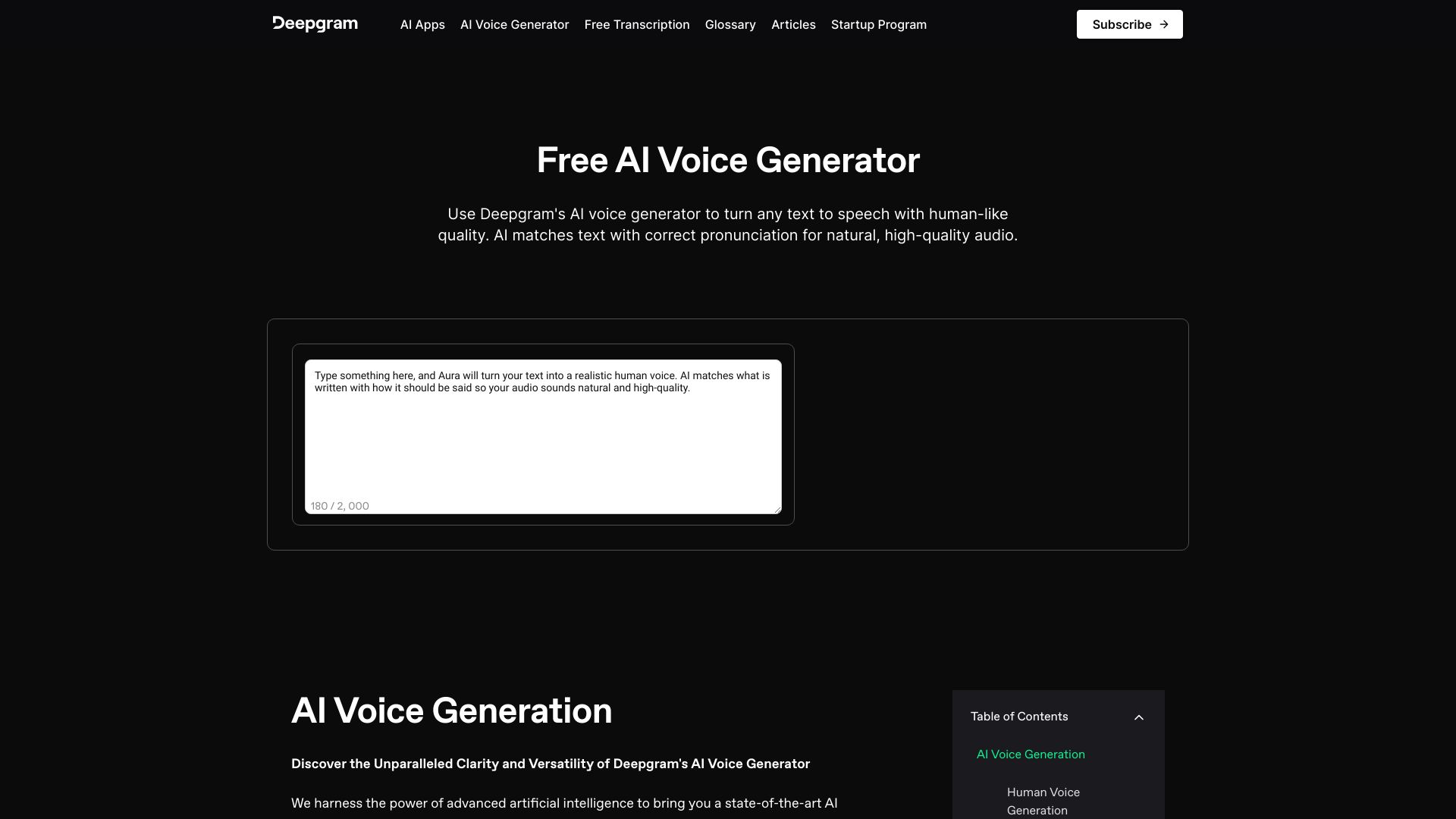
When the brief is simply "make this sound human," Deepgram AI Voice Generator deserves a close look. It focuses on text-to-speech conversion with human-like quality and offers a diverse voice library spanning genders, ages, and accents. That range is useful for content teams that need to match a voice to different formats rather than forcing every project into the same narrator profile.
Low-latency access is another notable part of the positioning. It points toward workflows where speed matters, although the exact cost structure should be checked before scaling. The tool's public description does not give a clean starting price here, so treat it as a quality and voice-variety candidate first, then confirm commercial terms and usage policies with Deepgram.
My take: This is a strong adjacent option for creators who prioritize natural delivery and voice choice. It is less of a transparent bargain comparison because the pricing path is not as clear.
Where it falls short: Terms and privacy policies apply, and pricing is hidden behind a less direct vendor conversation.
Key features
Text-to-speech conversion with human-like quality.
Diverse voice library with genders, ages, and accents.
Low-latency speech generation.
Pros
High-quality, natural-sounding AI voices.
Voice diversity supports different creative briefs.
Low-latency positioning suits fast-turnaround work.
Cons
Terms and privacy policies apply.
No clean starting price is available in the comparison, so verify before committing.
Choose Deepgram AI Voice Generator if: You are a content creator who wants natural delivery, voice variety, and a fast generation experience.
7. FineVoice

FineVoice
Best multilingual and emotion-controlled voice library
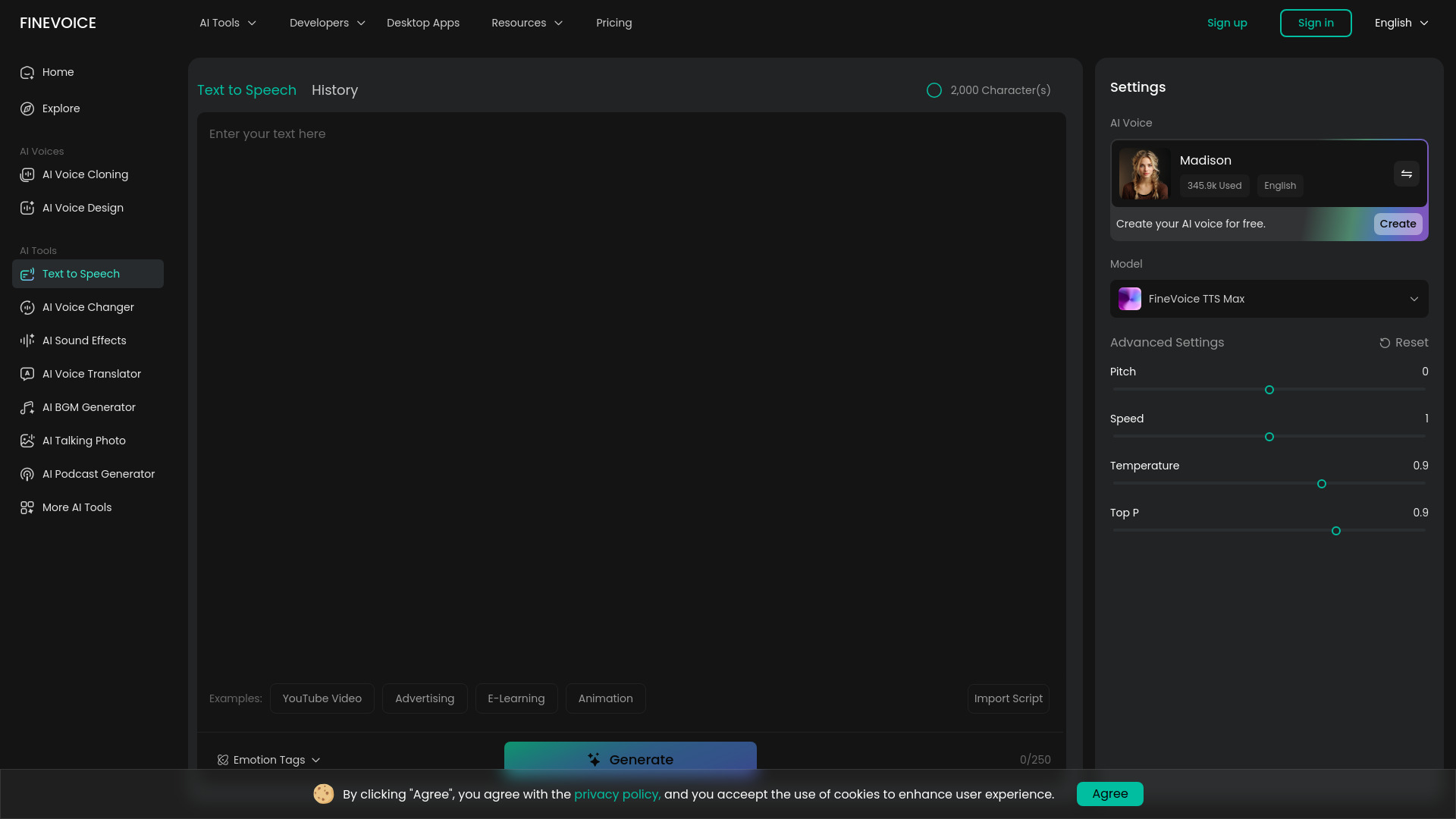
FineVoice stands out on breadth. Its library contains more than 1,500 realistic AI voices across 154 languages and accents, which is a much more specific advantage than simply claiming "many voices." It also offers emotion control through tags such as happy, sad, angry, and whispering. For narration, character work, or multilingual content, those controls can matter as much as raw voice quality.
There is a clear boundary to the free tier: 2,000 TTS characters per month. That is enough for structured testing, but it is a very limited quota for regular production. The listed starting price is free at $0.00, while the feature information also points to plans from $5.99 per month. Confirm the current plan details and how emotion controls consume usage before producing at scale.
My take: FineVoice is the pick I would test when language coverage and expressive direction are central to the brief. Its free quota is better treated as an audition allowance than a production budget.
Where it falls short: The free tier has a very limited monthly quota of 2,000 characters, which can disappear quickly in repeated script tests.
Key features
More than 1,500 realistic AI voices.
Support for 154 languages and accents.
Emotion control using tags such as happy, sad, angry, and whispering.
Pros
Extensive library of high-quality, natural-sounding voices.
Strong multilingual and accent coverage.
Emotion tags offer more direction than a basic voice selector.
Cons
Free tier has a very limited monthly quota of 2,000 characters.
High-volume use requires checking the paid plan and usage model.
Choose FineVoice if: Your project needs many voice choices, multilingual output, or explicit emotional direction.
8. Noiz AI

Noiz AI
Best emotional text to speech for podcast producers
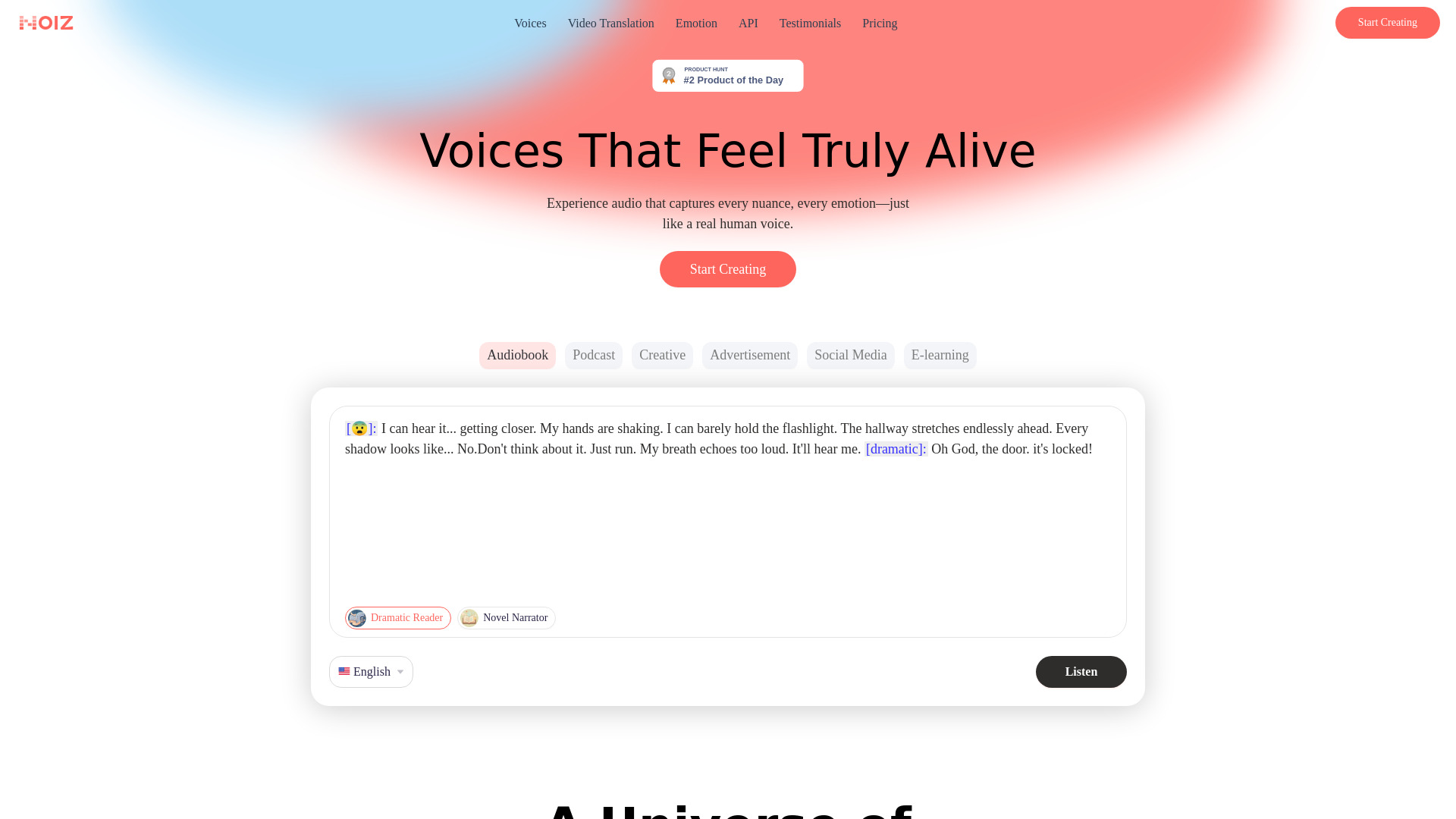
Noiz AI aims at the expressive side of voice generation. Its core features include emotional text to speech, unlimited voice clone and voice design, and multilingual dubbing. That makes it especially relevant to podcast producers and creators who need a voice to convey mood rather than merely pronounce words accurately. The combination also suggests a useful path from a recurring show voice to localized versions.
The starting price is listed as $3.9 per month for 150,000 credits, but the credit model deserves attention. Credits can make a low monthly price look attractive while still limiting high-volume production depending on the plan and the amount of text you generate. Work out your expected minutes or characters before selecting it for a large archive or frequent publishing schedule.
My take: Noiz AI is compelling when emotion is part of the creative direction. It is not the tool I would choose without first understanding how credits translate into your actual episode workflow.
Where it falls short: The service relies on a credit-based system, which may limit high-volume usage depending on the plan.
Key features
Emotional Text to Speech.
Unlimited voice clone and voice design.
Multilingual dubbing.
Pros
Ability to control emotion and create lifelike, human-sounding speech.
Low listed entry price of $3.9 per month.
Voice design and dubbing extend its use beyond one-language narration.
Cons
Credit-based usage can complicate high-volume budgeting.
The effective cost depends on how quickly your projects consume credits.
Choose Noiz AI if: You produce podcasts or other audio where emotional delivery and voice design are more important than a simple read-aloud conversion.
9. Typecast

Typecast
Best workflow-ready text-to-speech platform for creators
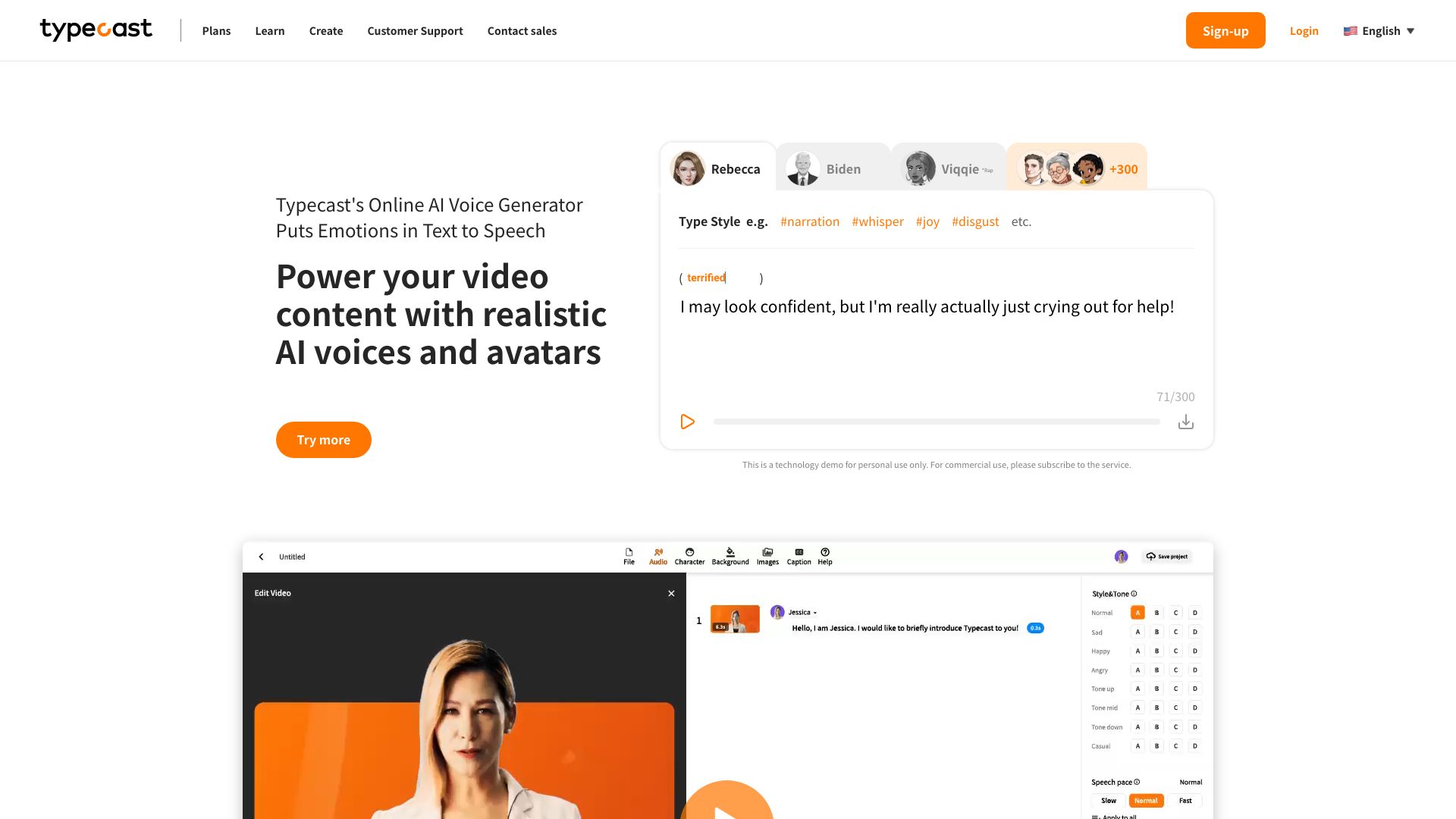
Typecast is more workflow-oriented than a bare text box. It combines emotion-driven AI voices, multilingual dubbing, voice cloning, a text-to-speech API with REST and SDK support, and workflow integration through n8n and Make. That mix gives content creators a route from manual voice production to repeatable automation, provided the output-minute allowance fits the project.
The free plan includes five minutes of download credits per month, which is a useful but finite test. Attribution is required on that free plan, an important detail for anyone publishing client-facing or public work. Typecast therefore makes the most sense for creators who want to explore a production system and may later connect it to automated workflows, not for users who only need an occasional short reading.
My take: Typecast has one of the clearest bridges between creative voice work and automation. The free plan is worth testing, but attribution and download-minute limits should be part of the decision from day one.
Where it falls short: Attribution is required for the free plan, and five download minutes per month may be restrictive for regular production.
Key features
Text-to-Speech API with REST and SDK support.
n8n and Make workflow integration.
Emotion-driven AI voices.
Multilingual dubbing and voice cloning.
Pros
Realistic human speech with emotion.
API and workflow features support repeatable production.
Free access includes five minutes of download credits each month.
Cons
Attribution required for the free plan.
Download-minute credits may not stretch far for frequent publishing.
Choose Typecast if: You are a creator who wants emotional voices today and API or workflow automation options tomorrow.
10. Deepgram

Deepgram
Best AI text-to-speech API for developers
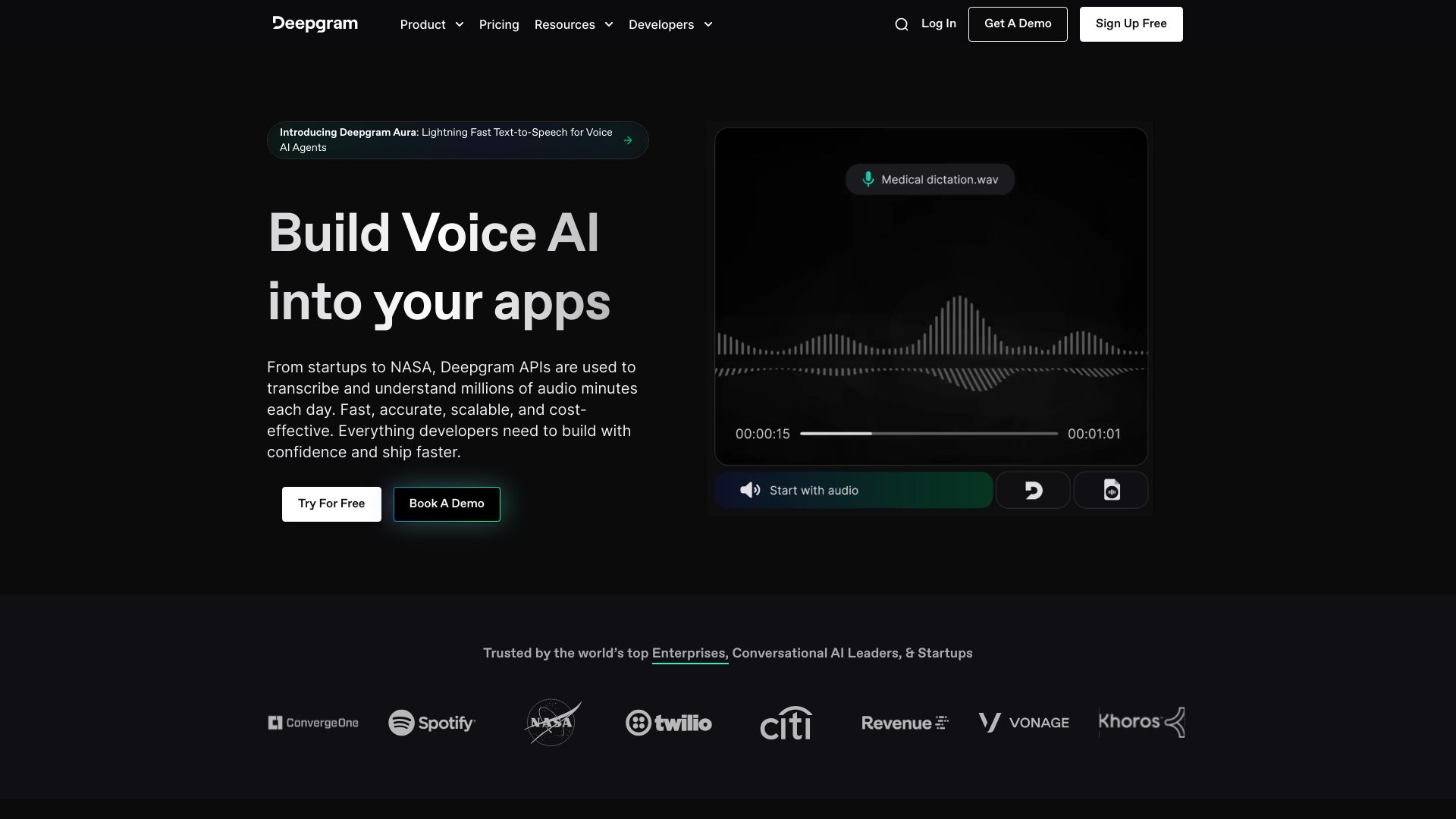
Deepgram is the developer-focused choice in this group. Rather than centering the experience on a consumer reading app, it offers Speech-to-Text, Text-to-Speech, and Voice Agent APIs. That makes it a natural candidate for teams building speech into a product, service, or internal application. The $200 free credit and no-credit-card-required trial create a practical way to prototype before discussing production volume.
Its speech-to-text accuracy is a major strength in the broader Voice AI platform, even though this guide centers on text to speech. That two-way coverage can be useful when an application needs to accept spoken input and return generated audio. The catch is commercial planning: pricing can become complex as usage volume changes, and the listed enterprise signal starts at $4,000 per year.
My take: Deepgram is the best fit here when you are building rather than merely generating a file. Developers should use the free credit to test latency, output, and cost against their own request patterns.
Where it falls short: Pricing can be complex depending on usage volume, so a small prototype price should not be mistaken for a production forecast.
Key features
Speech-to-Text API.
Text-to-Speech API.
Voice Agent APIs.
$200 free credit with no credit card required for the trial.
Pros
Developer-oriented API coverage across STT, TTS, and voice agents.
Unmatched accuracy in speech-to-text transcription is a useful adjacent strength.
$200 free credit lowers the cost of prototyping.
Cons
Pricing can be complex depending on usage volume.
The listed enterprise starting signal of $4K per year is a different budget category from a casual creator tool.
Choose Deepgram if: You are a developer building an application that needs programmable speech input, output, or voice-agent behavior.
More tools to compare

Voicemaker
Commercial voiceovers and multilingual TTS

ttsMP3.com
Free multilingual MP3 voiceovers

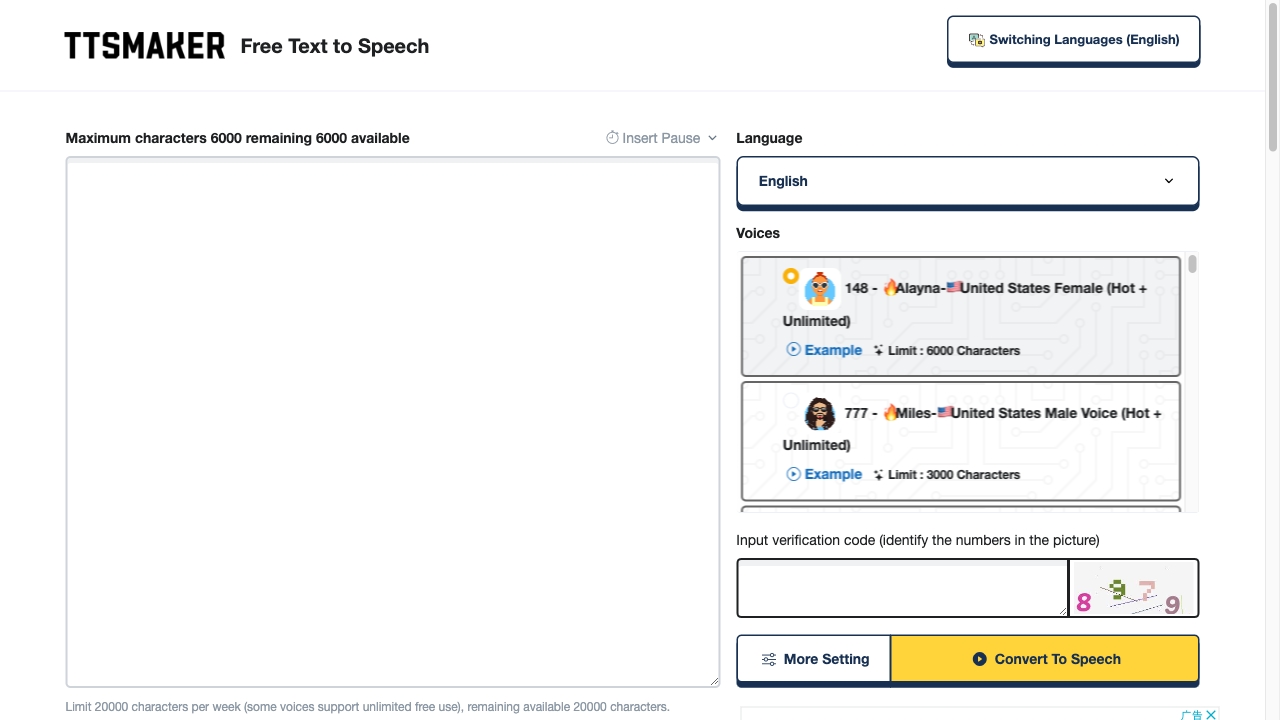
TTSMaker
Free multilingual voiceovers
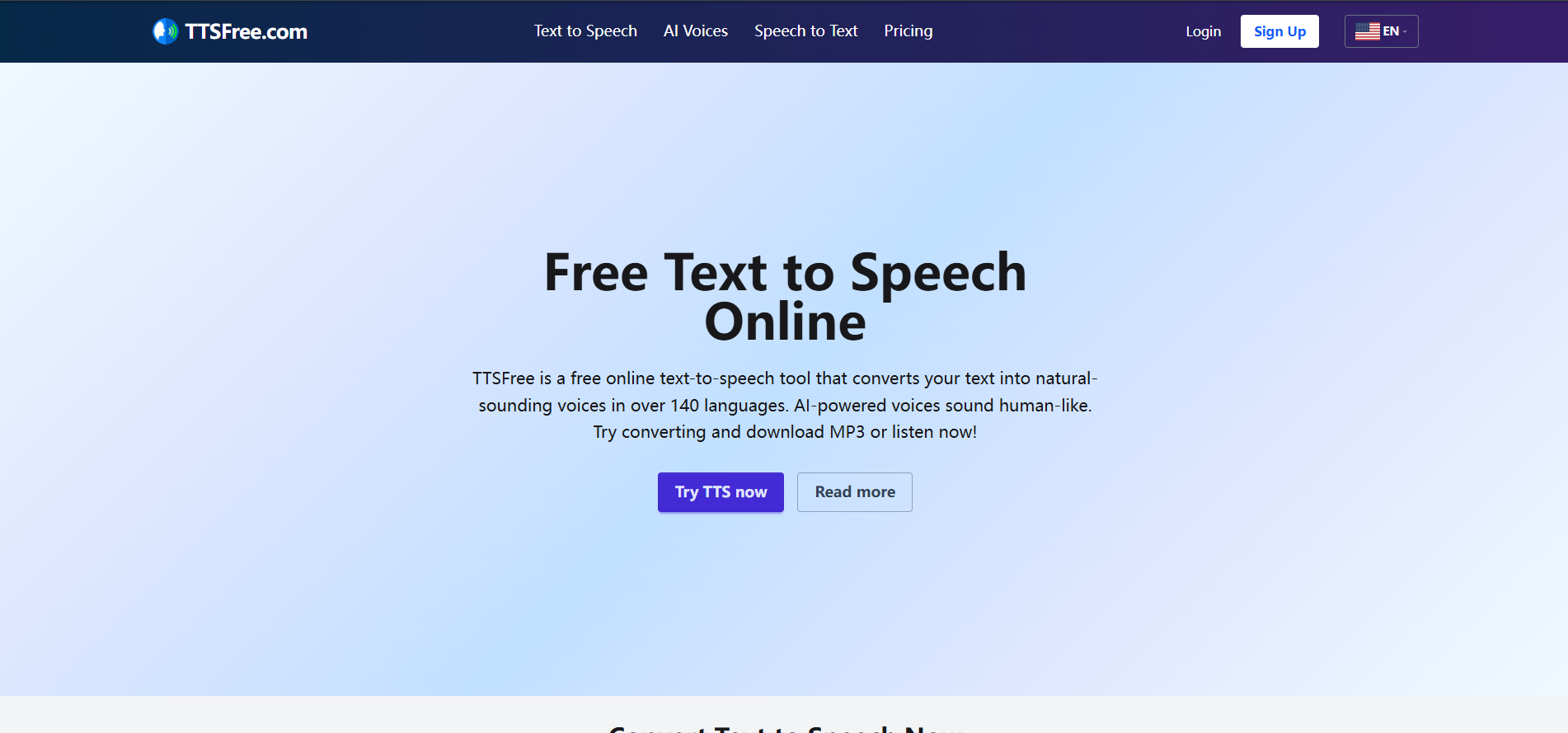
TTSFree
Multilingual AI voiceovers

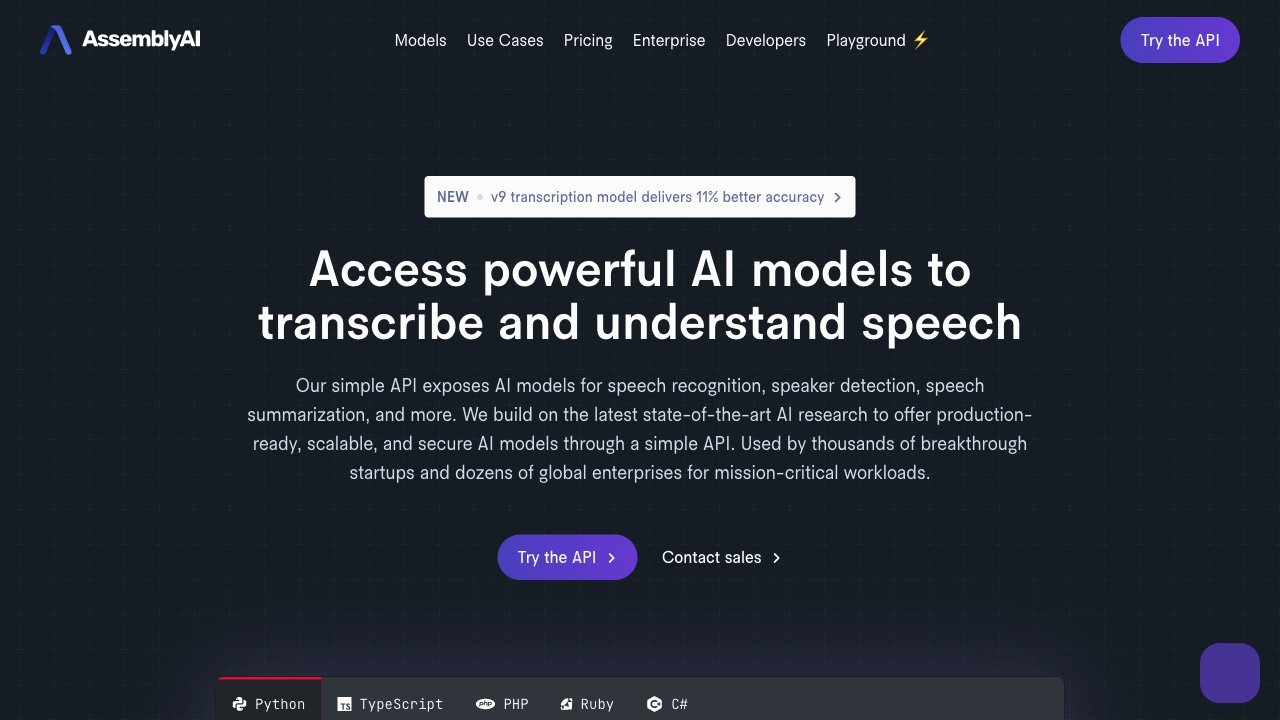
AssemblyAI
Developers building speech-to-text apps

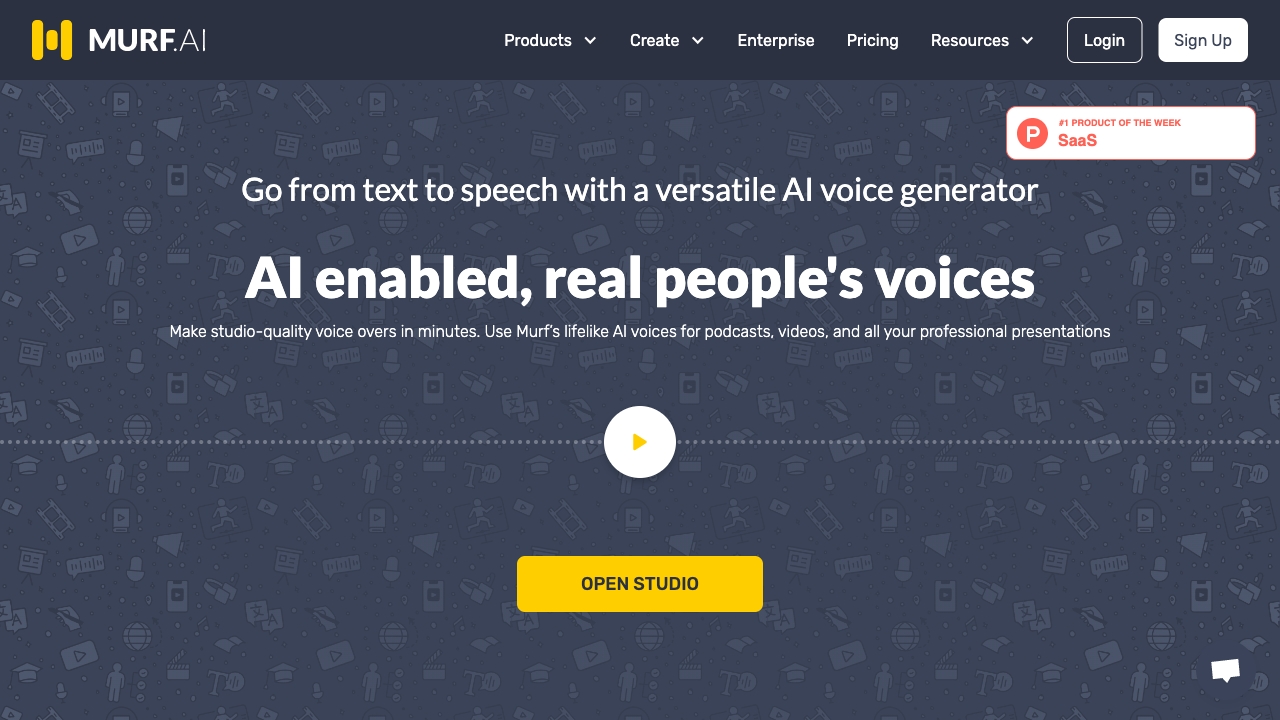
Murf AI
Professional voiceovers and multilingual content

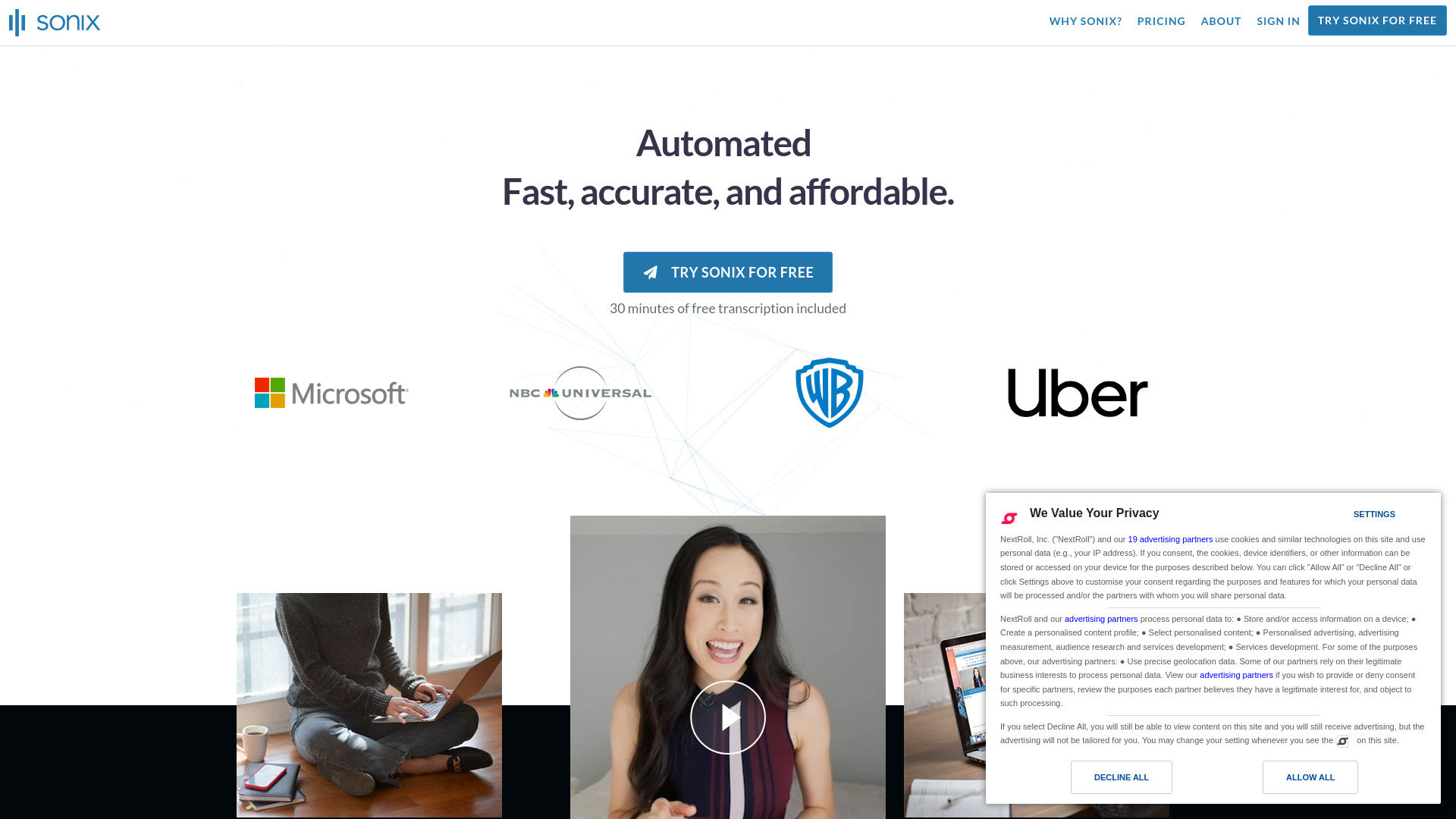
Sonix
Audio and video transcription

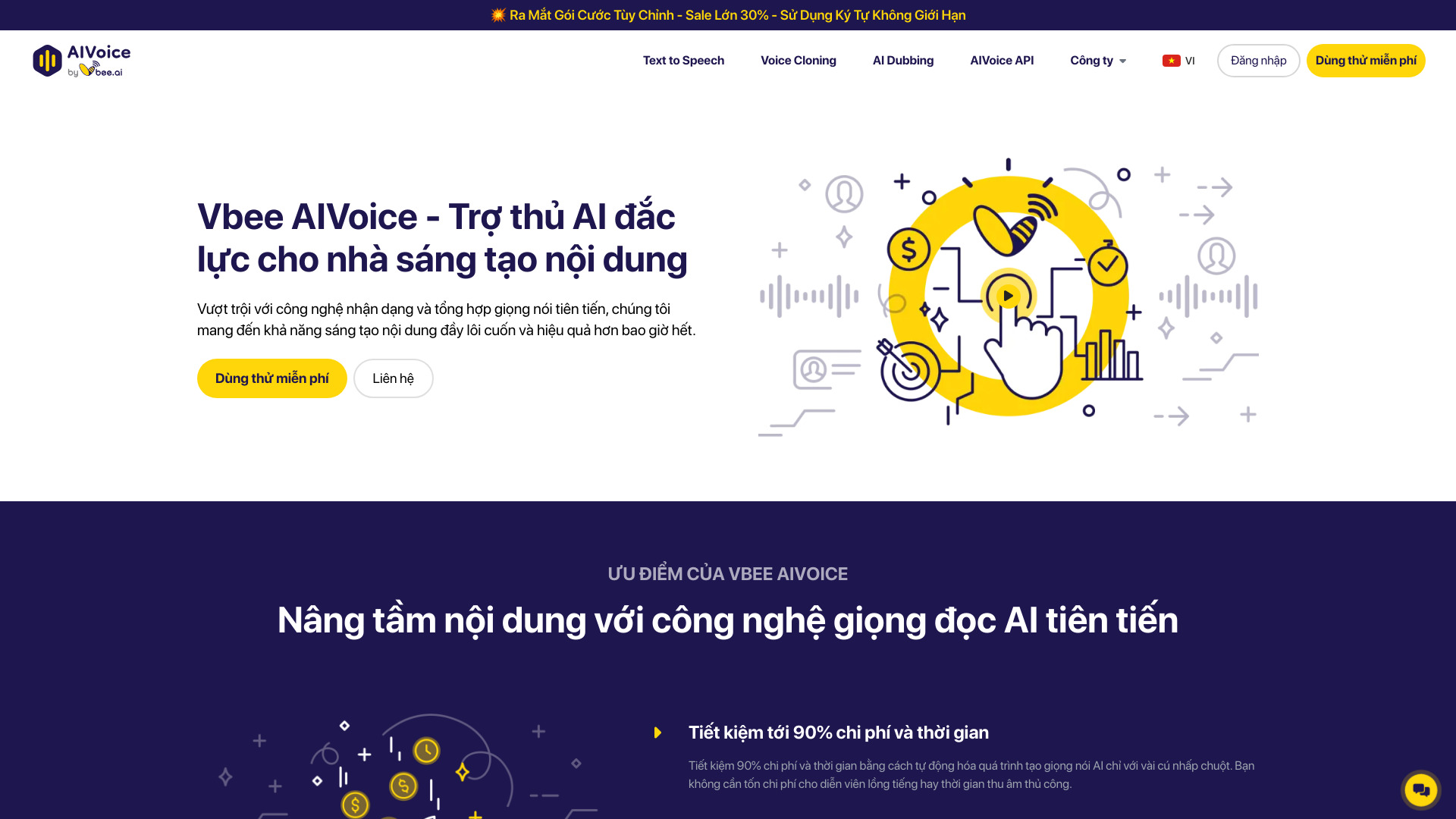
Vbee AIVoice
Vietnamese voice content creators

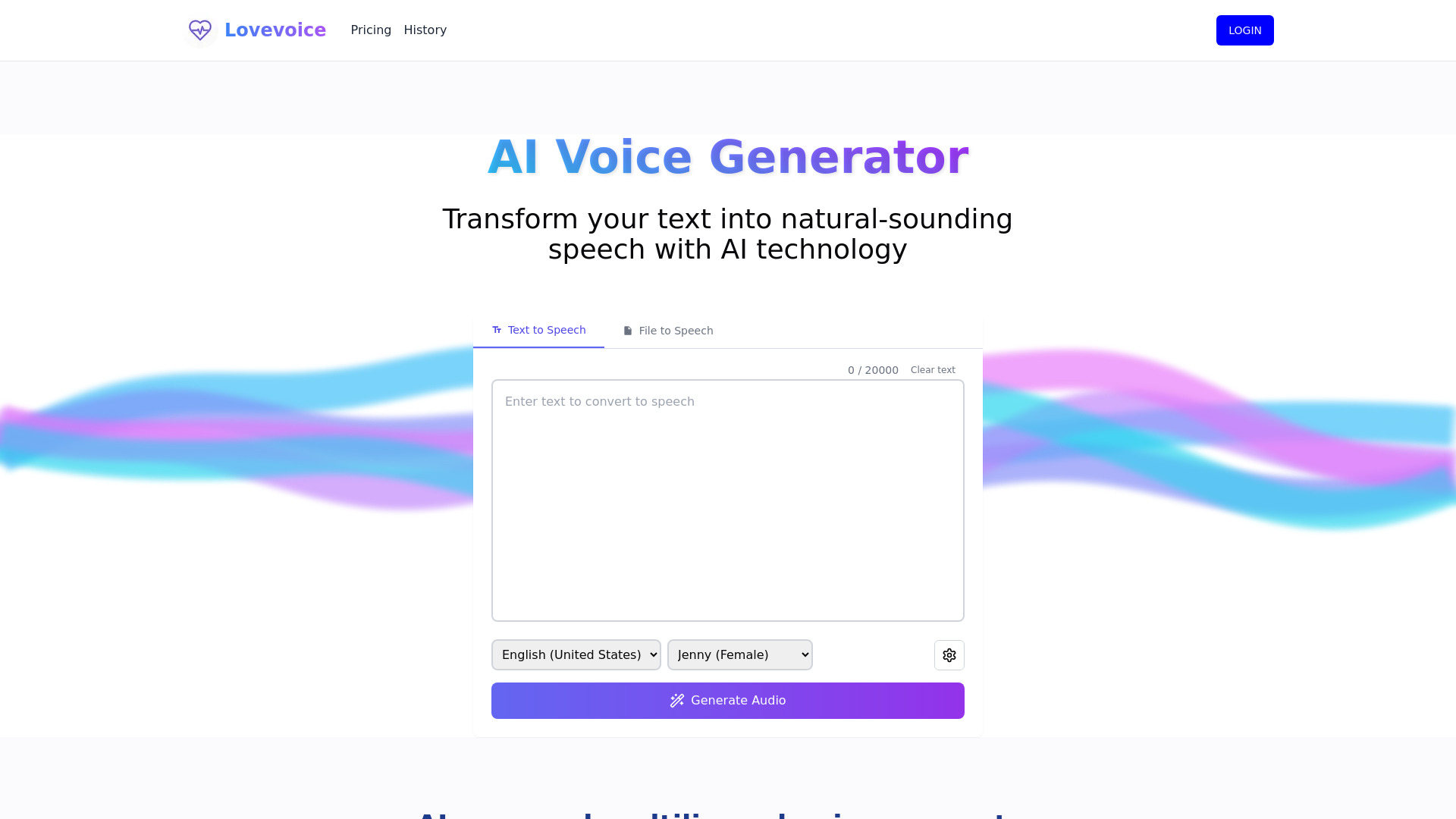
Lovevoice AI
Multilingual voiceovers and content narration

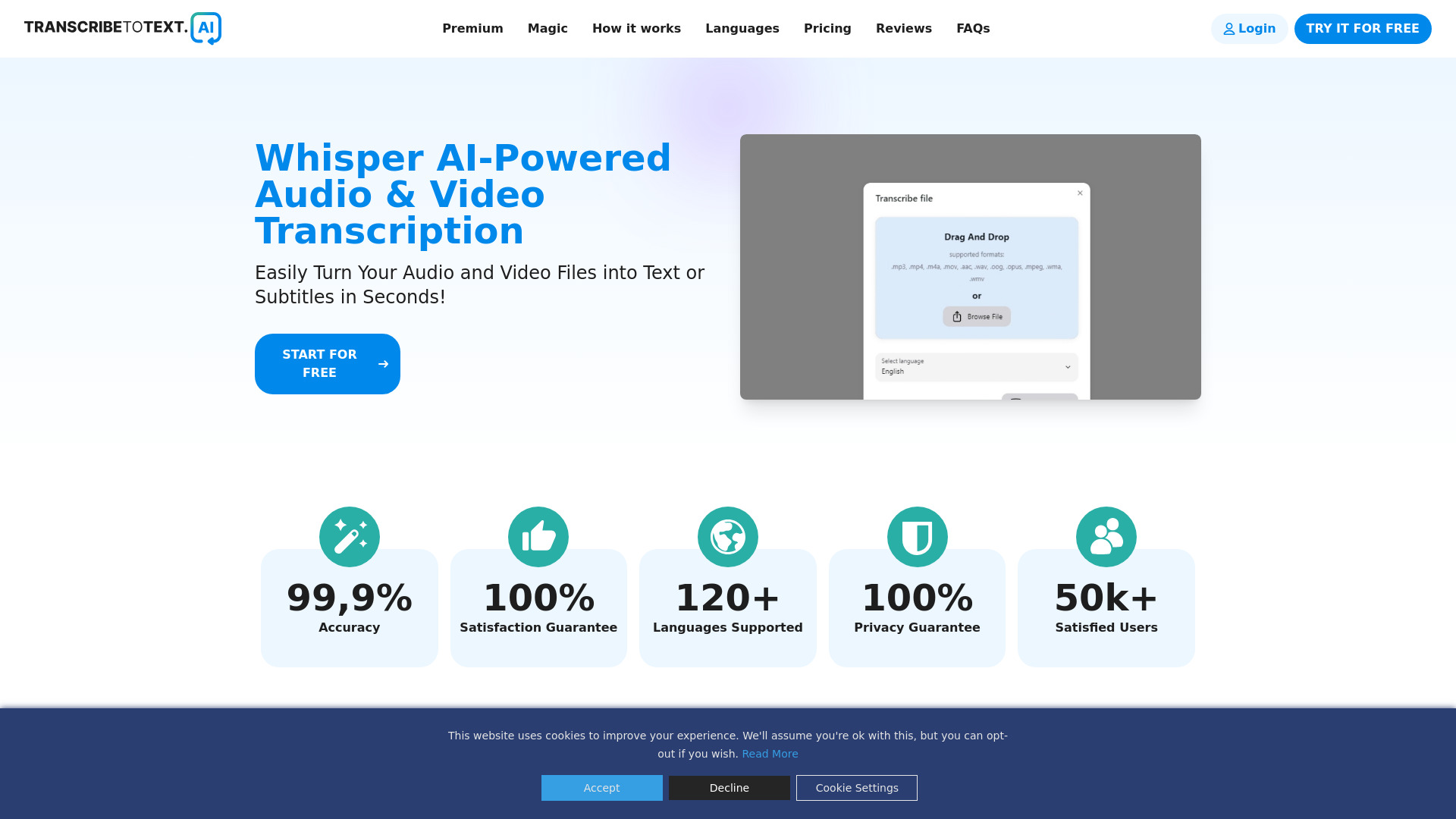
TranscribeToText.AI
Unlimited audio and video transcription

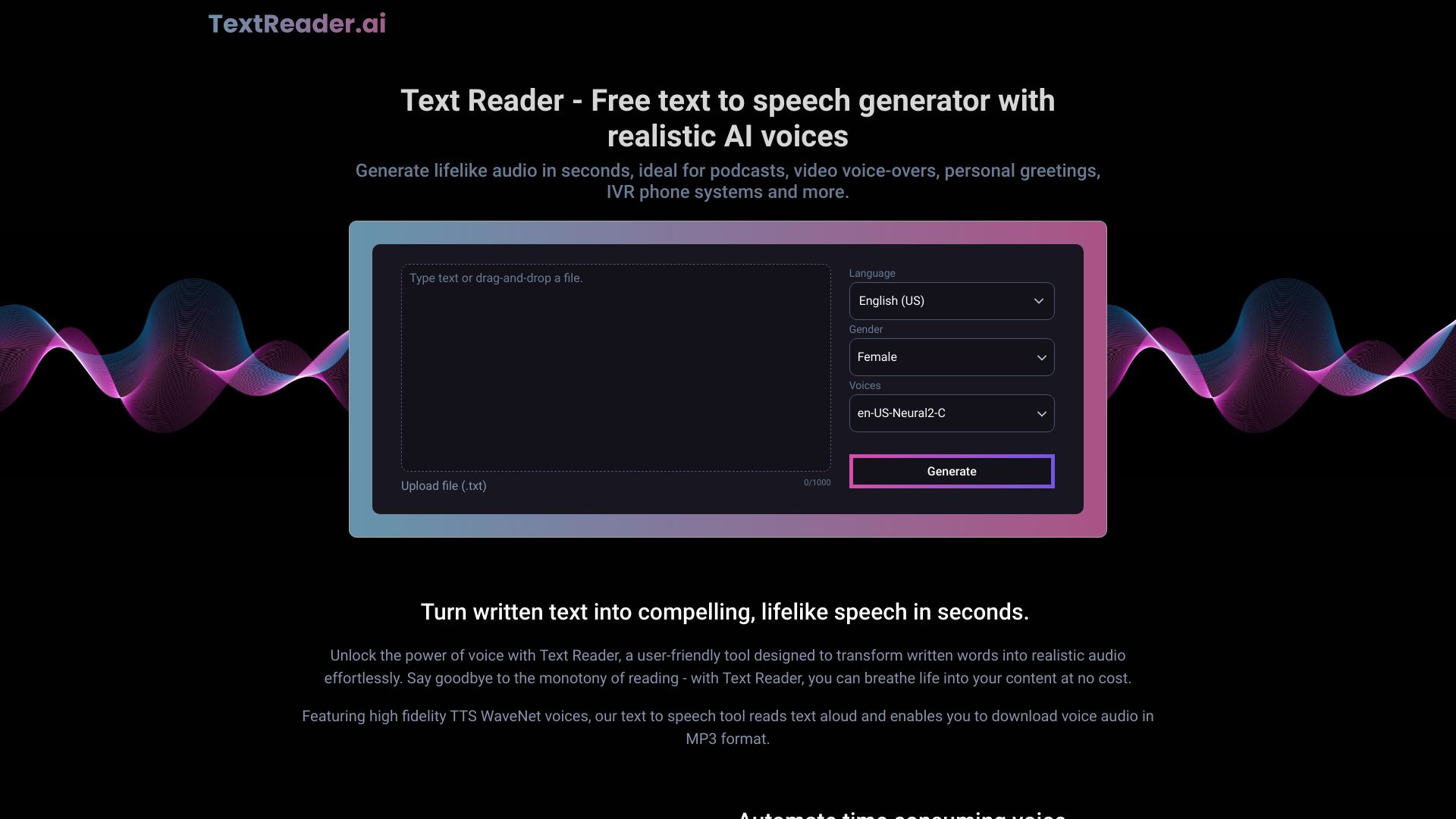
Text Reader
Multilingual voiceovers and accessibility

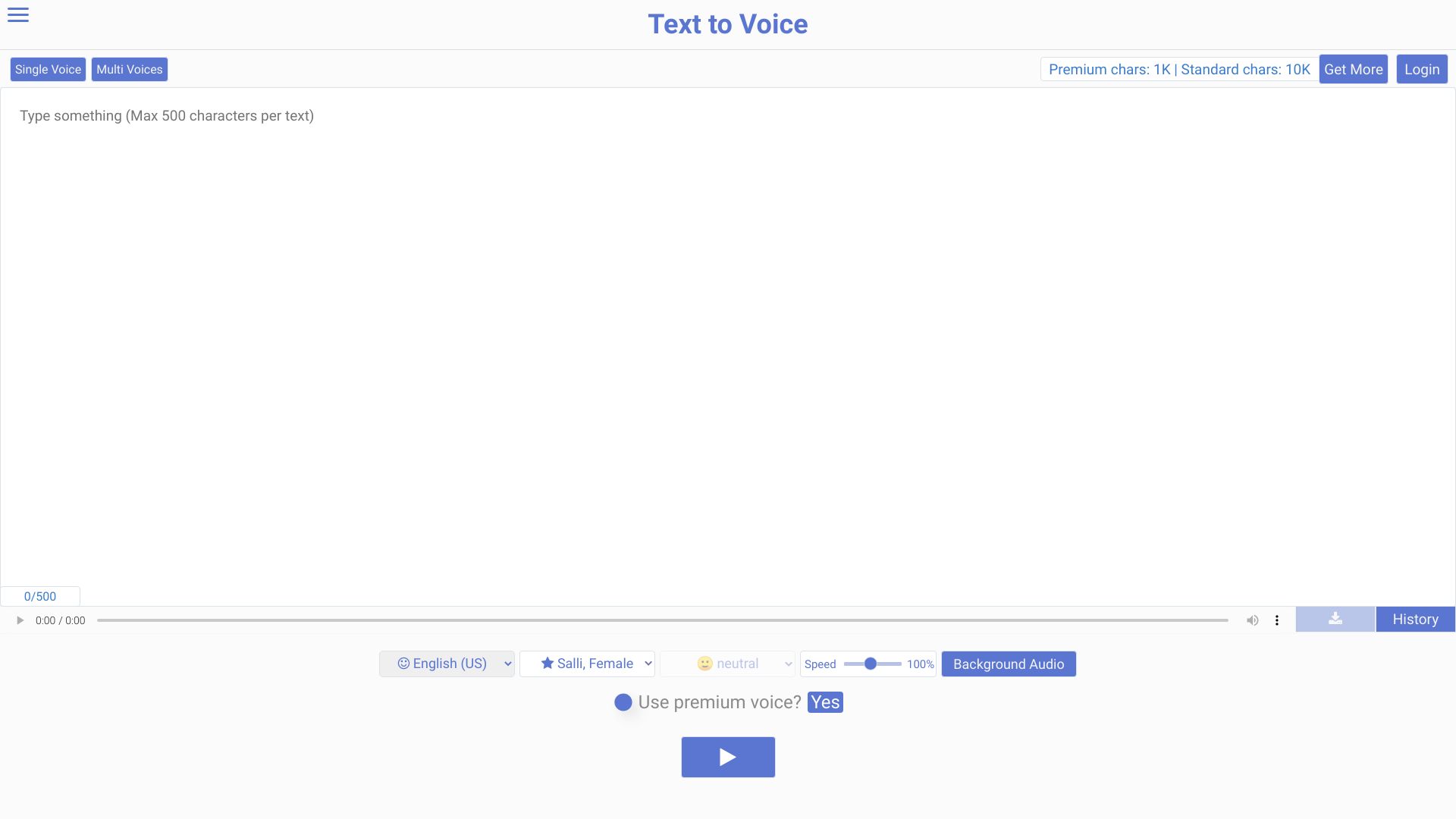
Texttovoice.online
Emotion-rich multilingual voiceovers

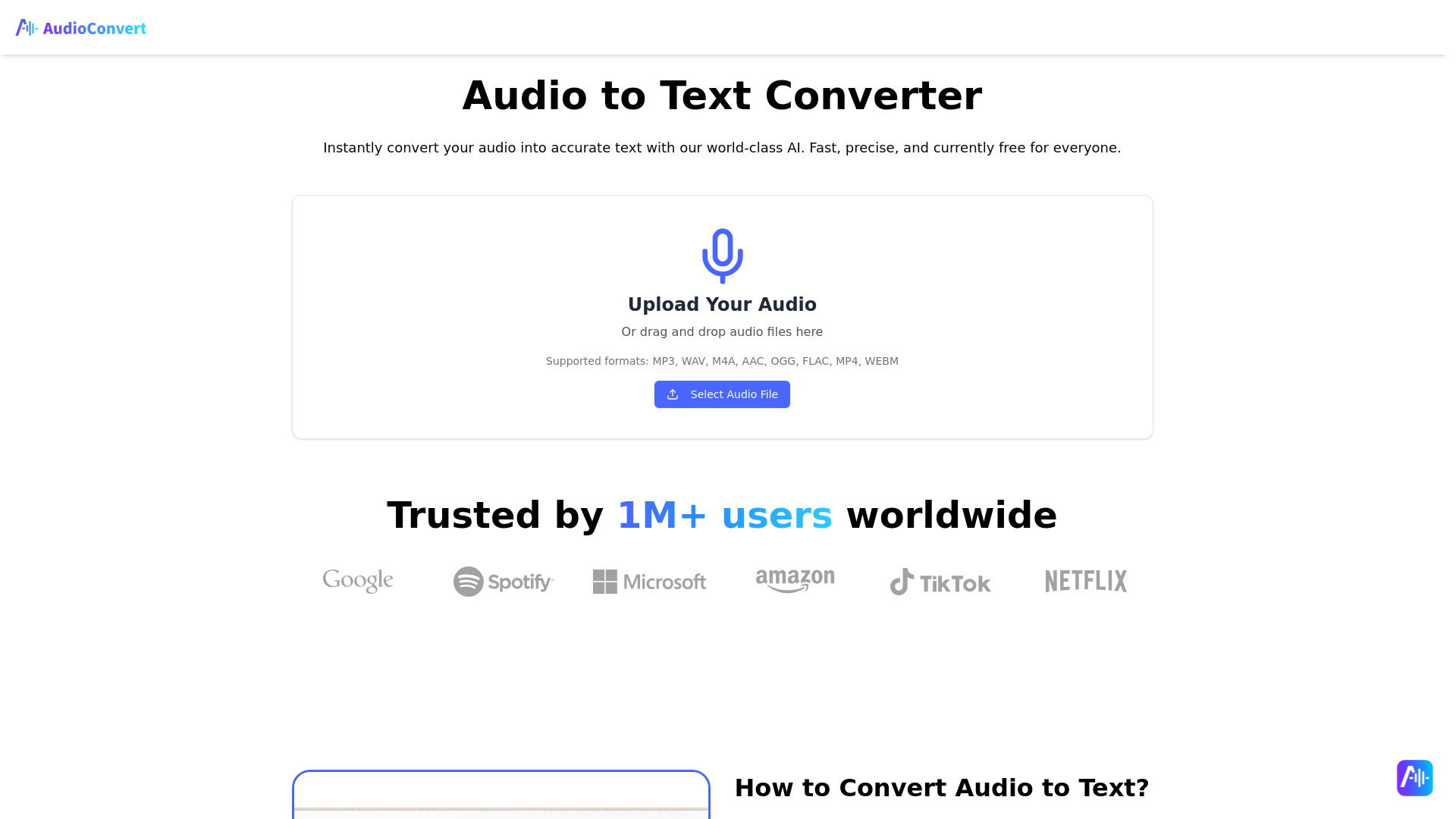
AudioConvert
Audio transcription and subtitle creation

SoundType AI
Audio and video transcription

VideoToTextAI
Video and audio transcription

Text to Song
Turning lyrics and ideas into full songs

AI Voice Generator by AIVocal
Multilingual voiceovers and audiobook narration

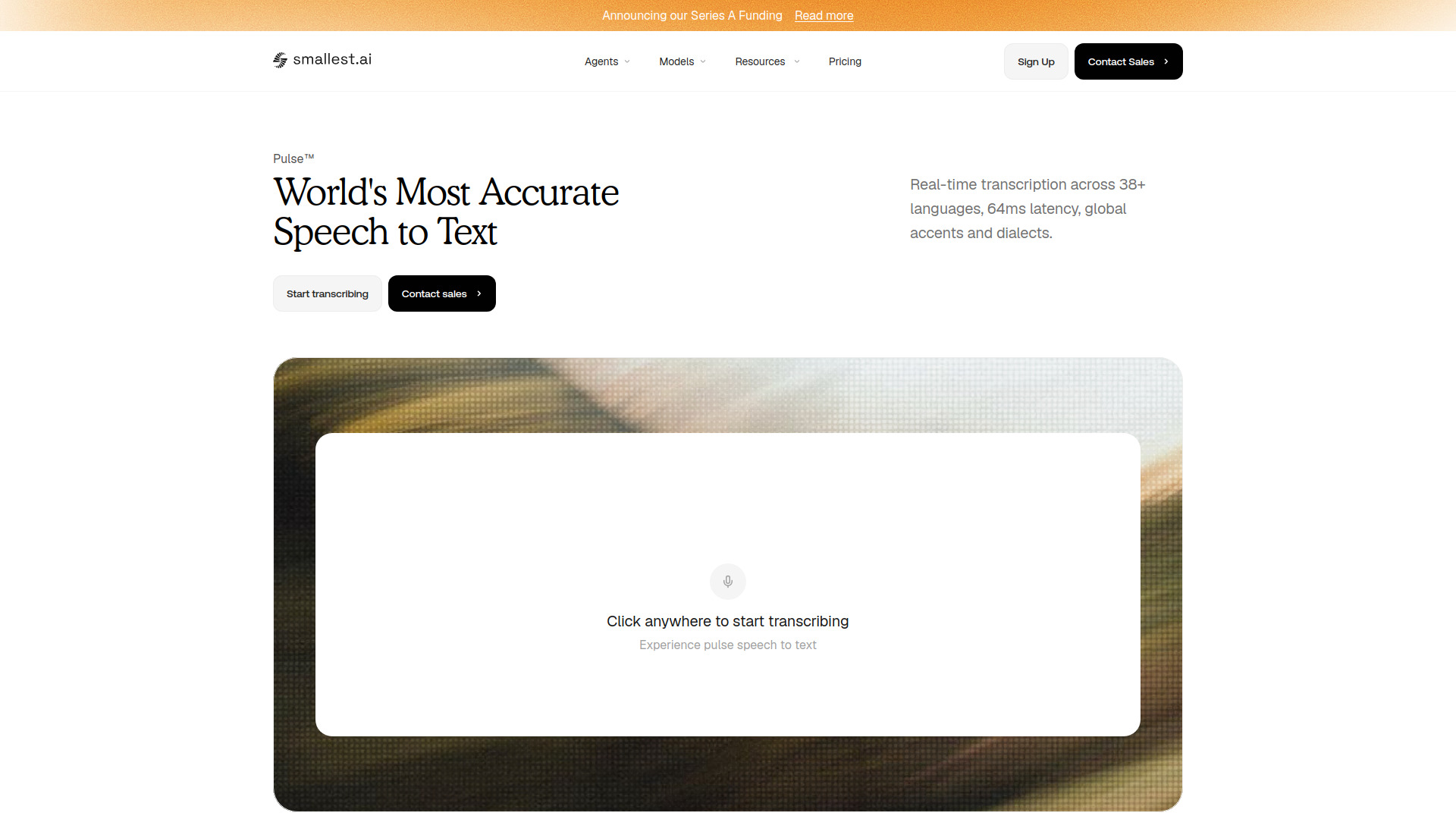
Pulse — Speech-to-Text by Smallest AI
Live audio and streaming transcription

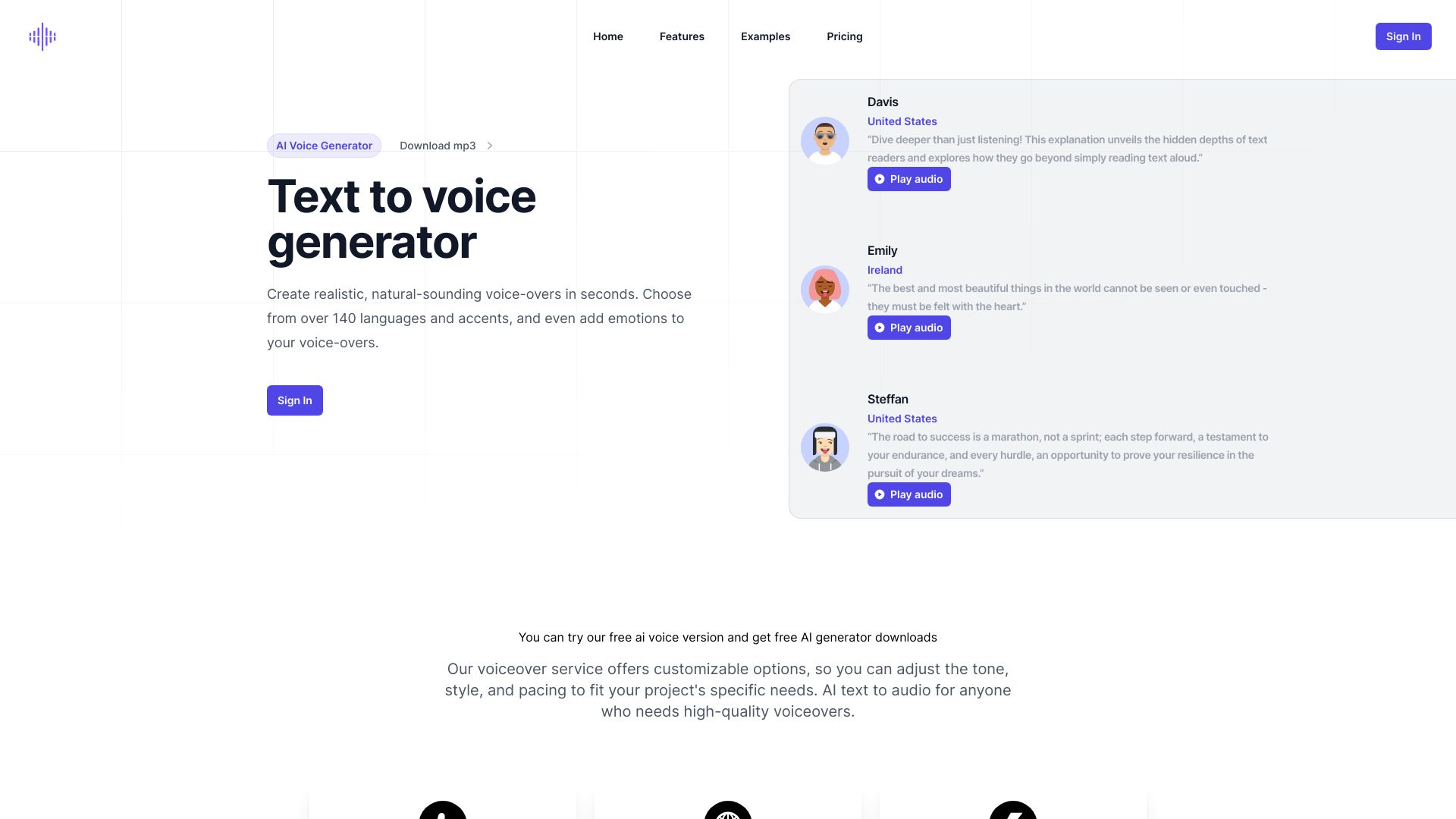
Voxify
Multilingual voiceover creation

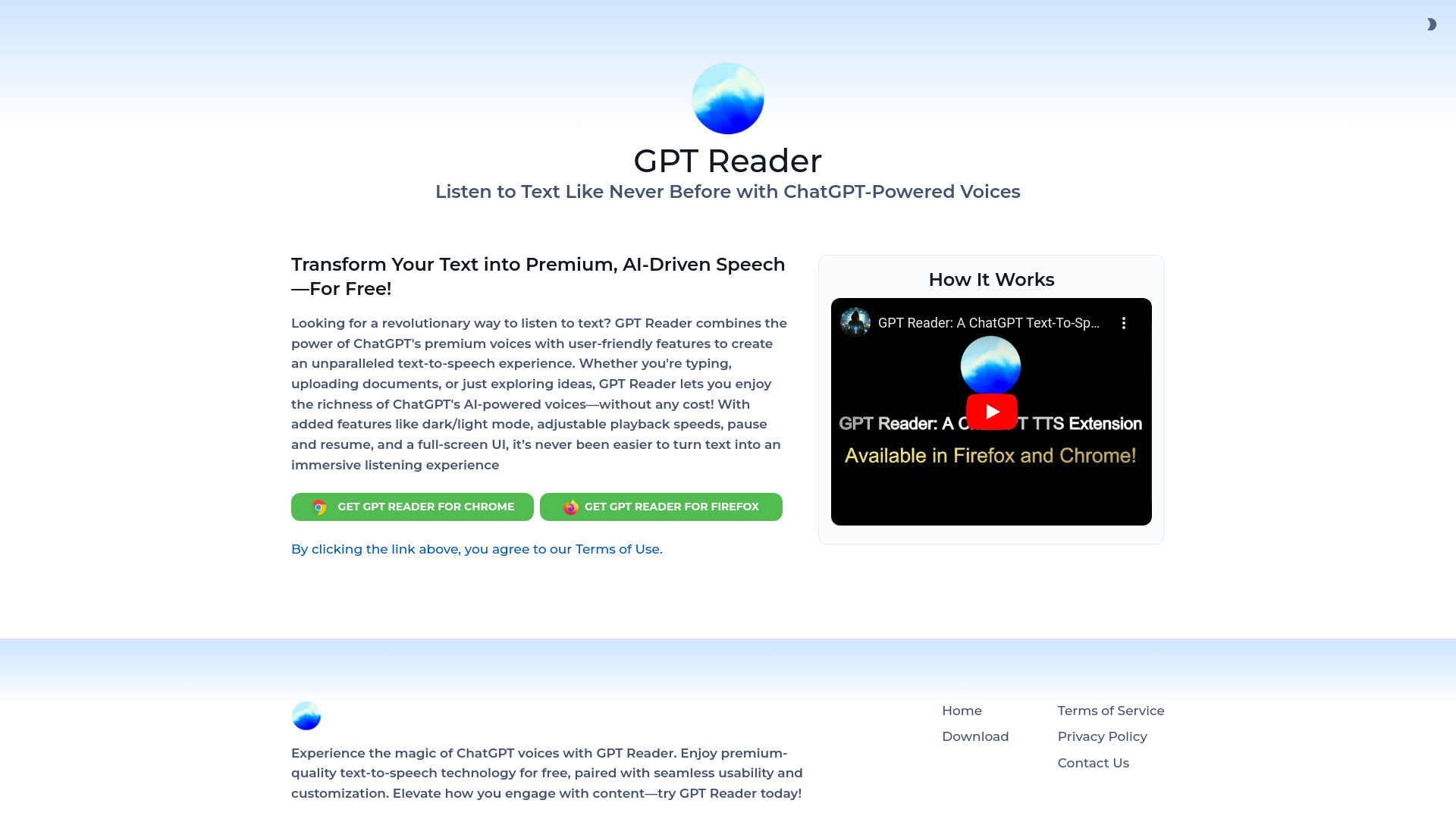
GPT Reader
Free text-to-speech for PDFs and articles

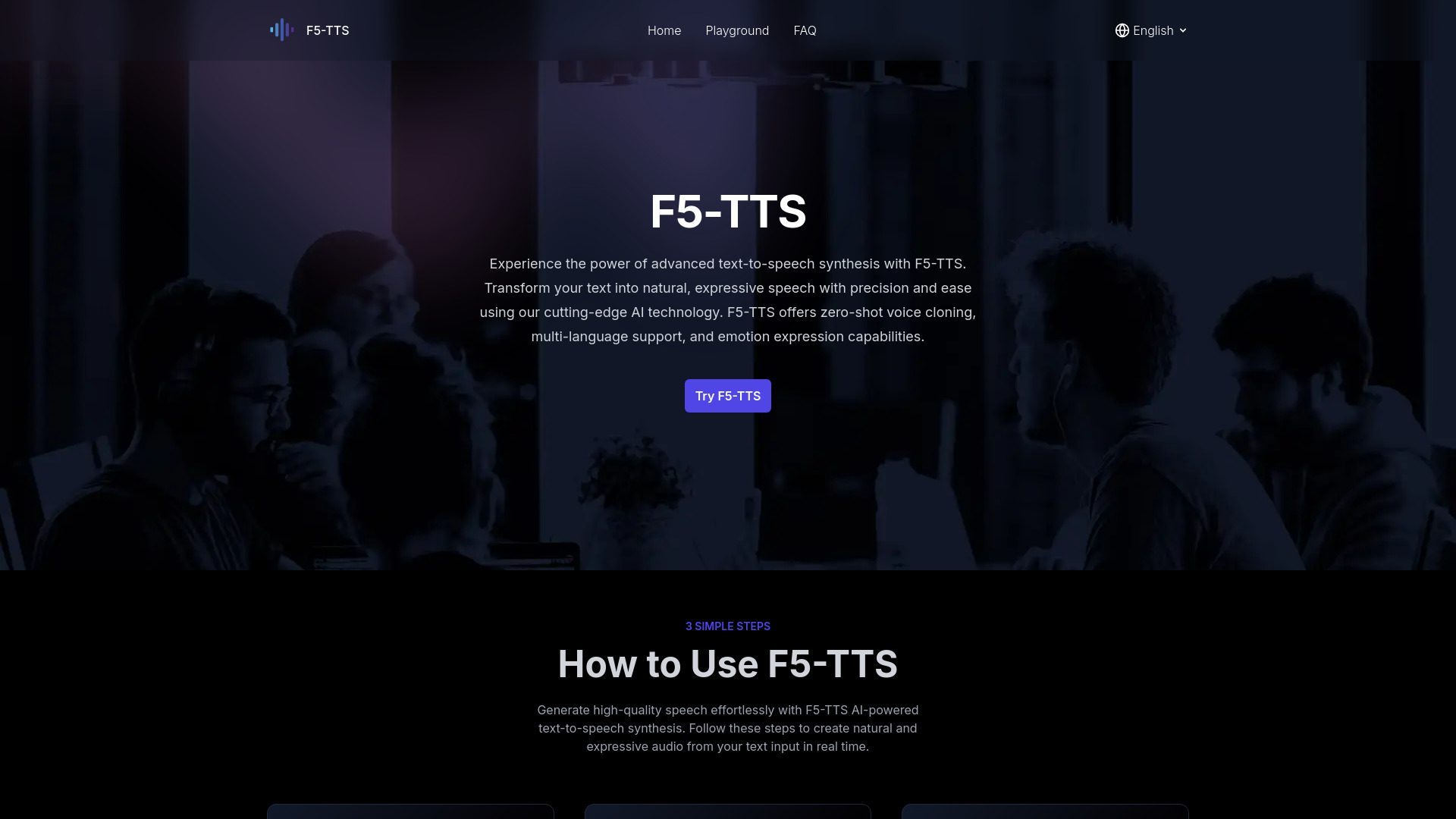
F5-TTS
Zero-shot voice cloning

Speak AI
Audio and video transcription

Voiser
Multilingual voiceovers and transcription

Textie.ai
Speech-to-text and voice conversion

FlowSpeech
Emotion-rich voiceovers

PlayAI
Realistic voiceovers and multilingual TTS
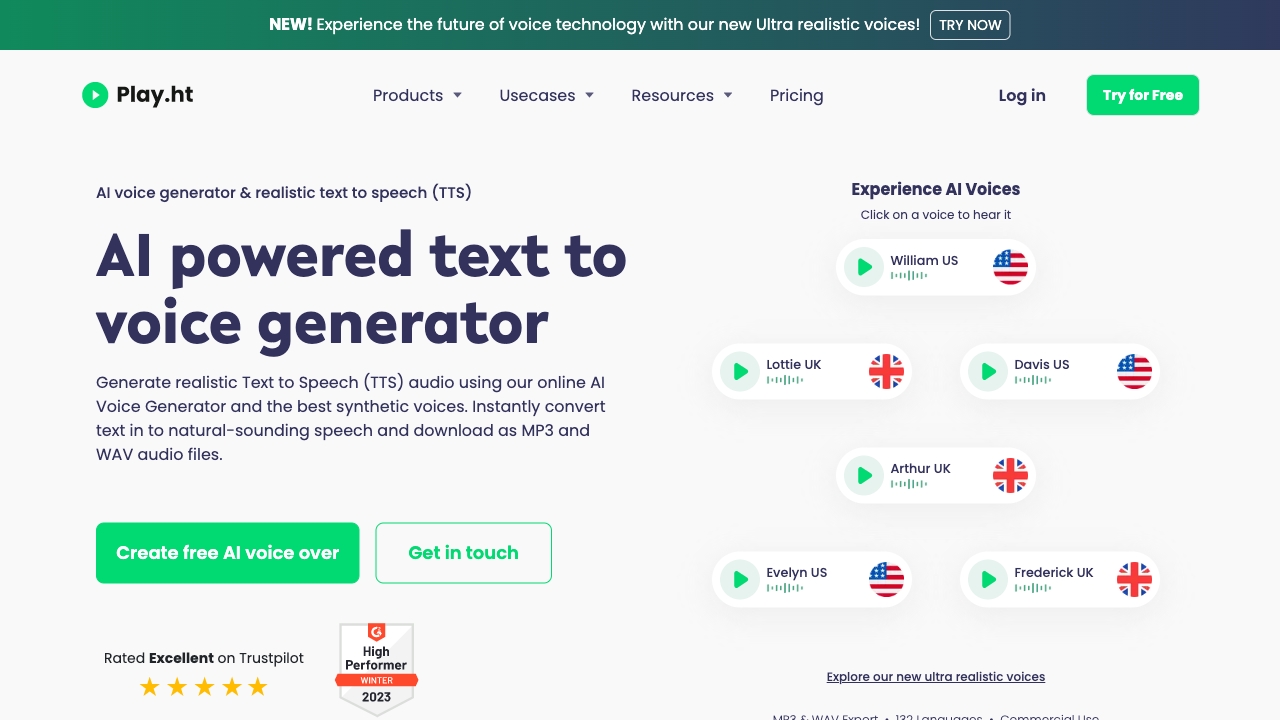

Free TTS
Free browser-based TTS and audio tools
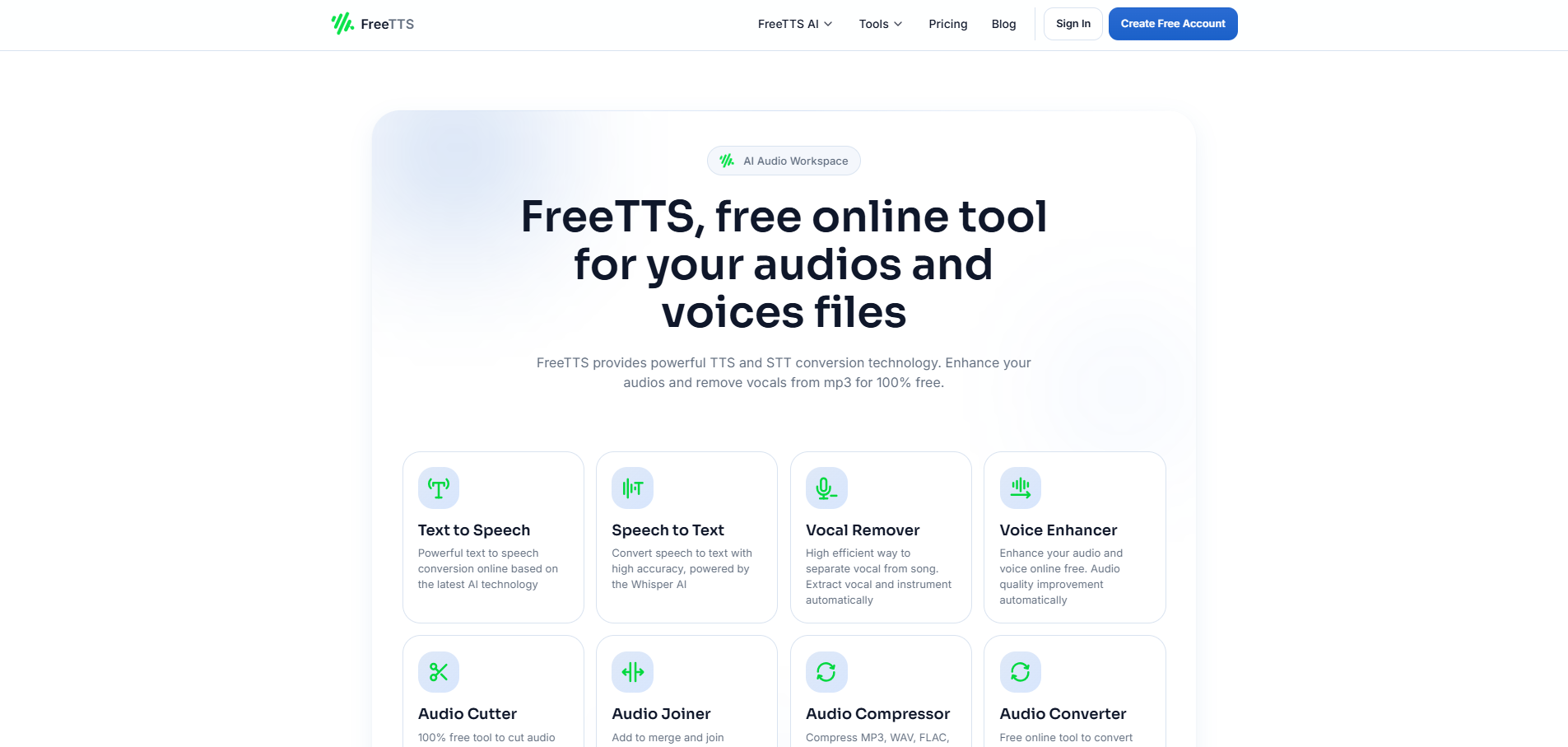

VideoToWords AI
Audio and video transcription
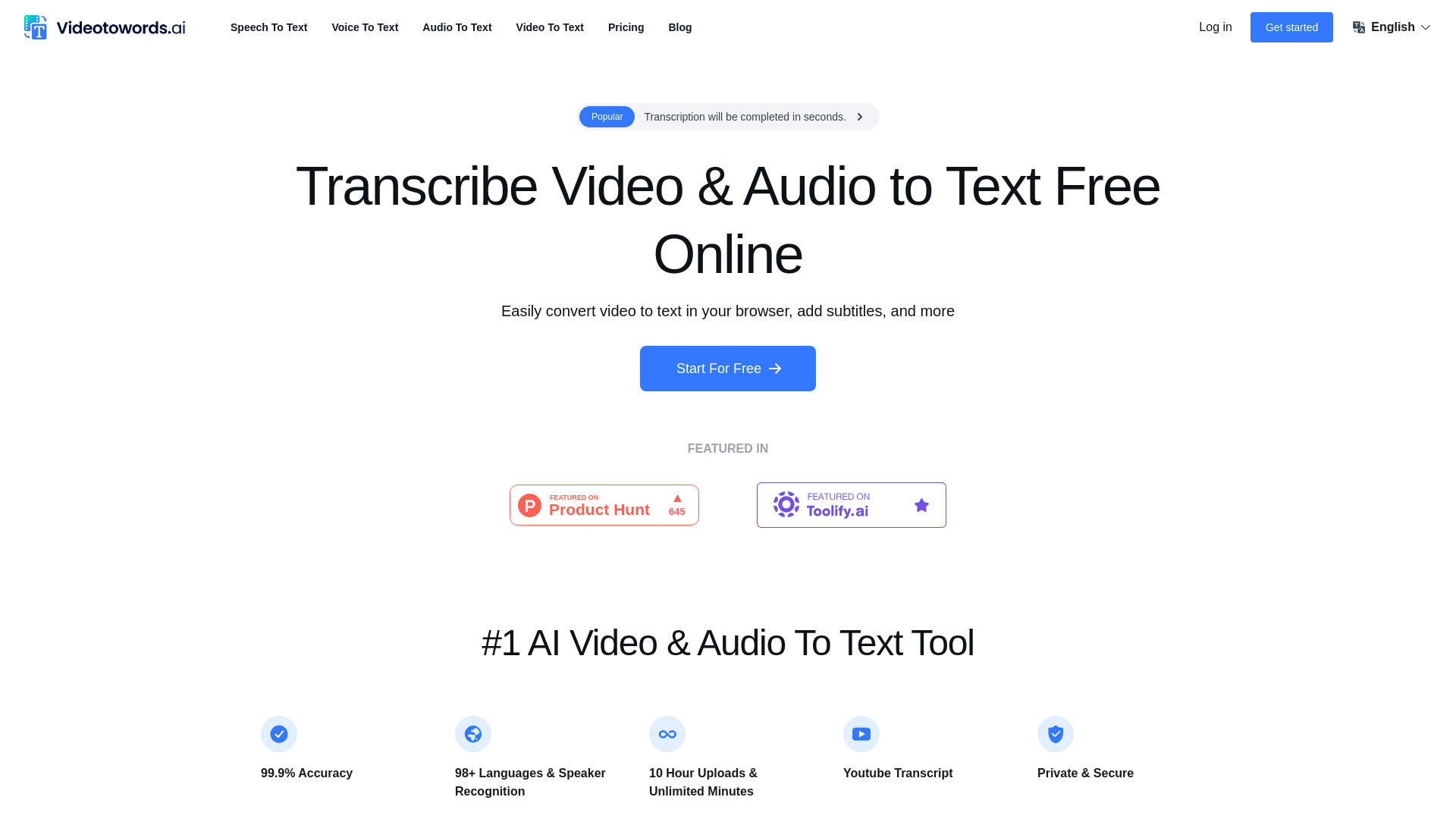

AudioBot
Multilingual voiceovers with regional accents
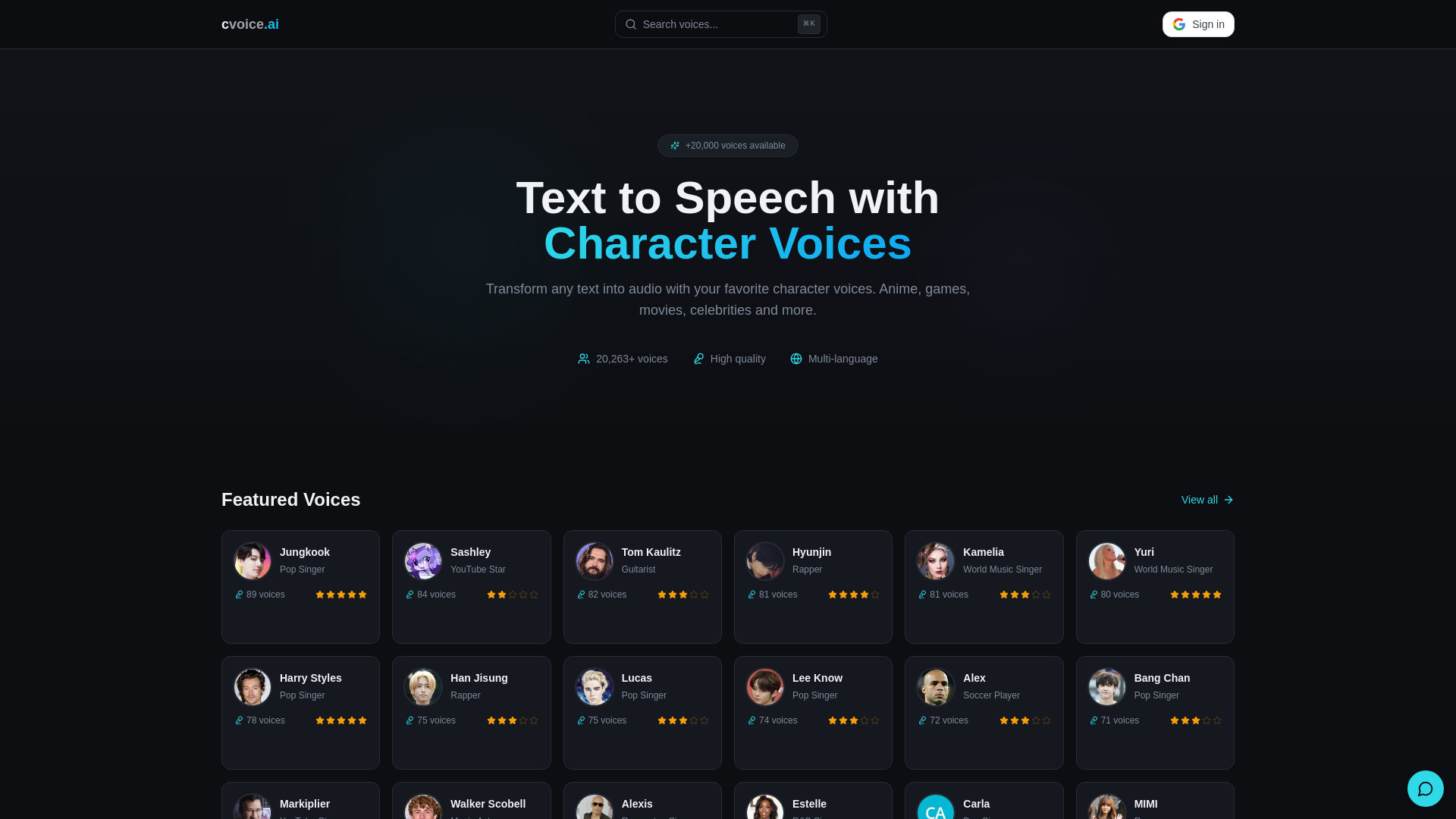
cvoice.ai
Character-voice text-to-speech

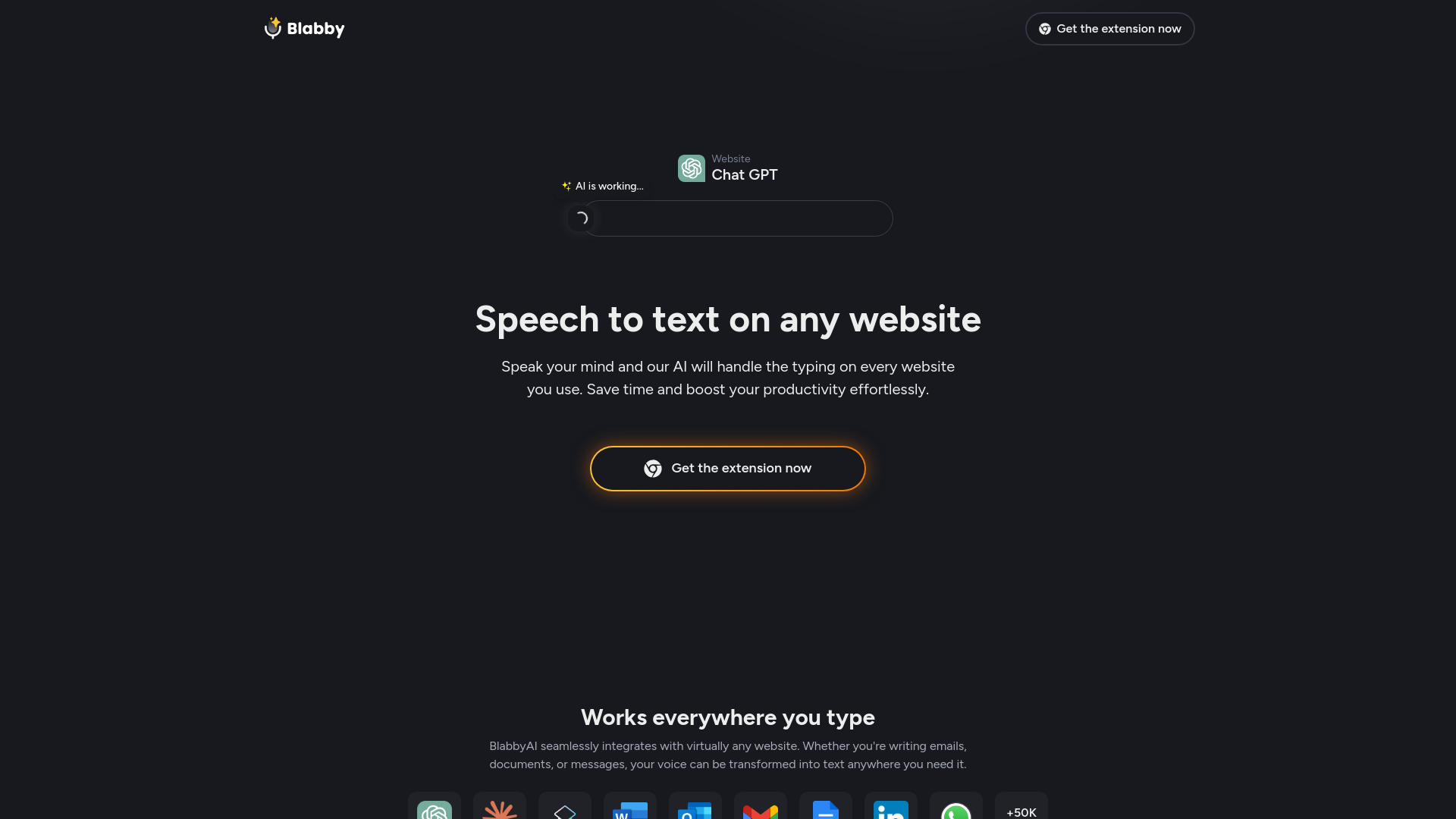
BlabbyAI Speech to text
Voice typing across websites

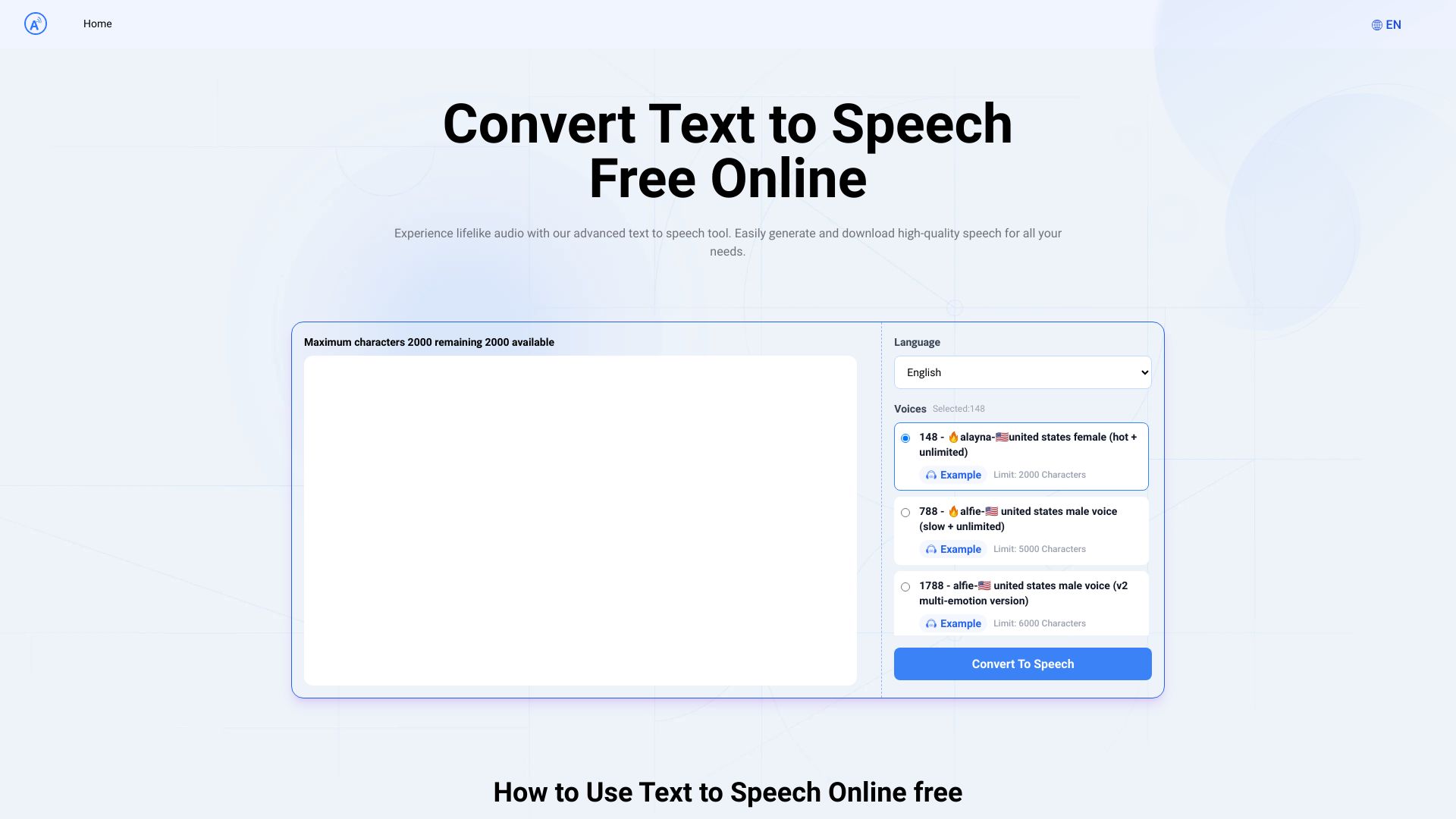
Text to Speech.im
Multilingual voiceovers

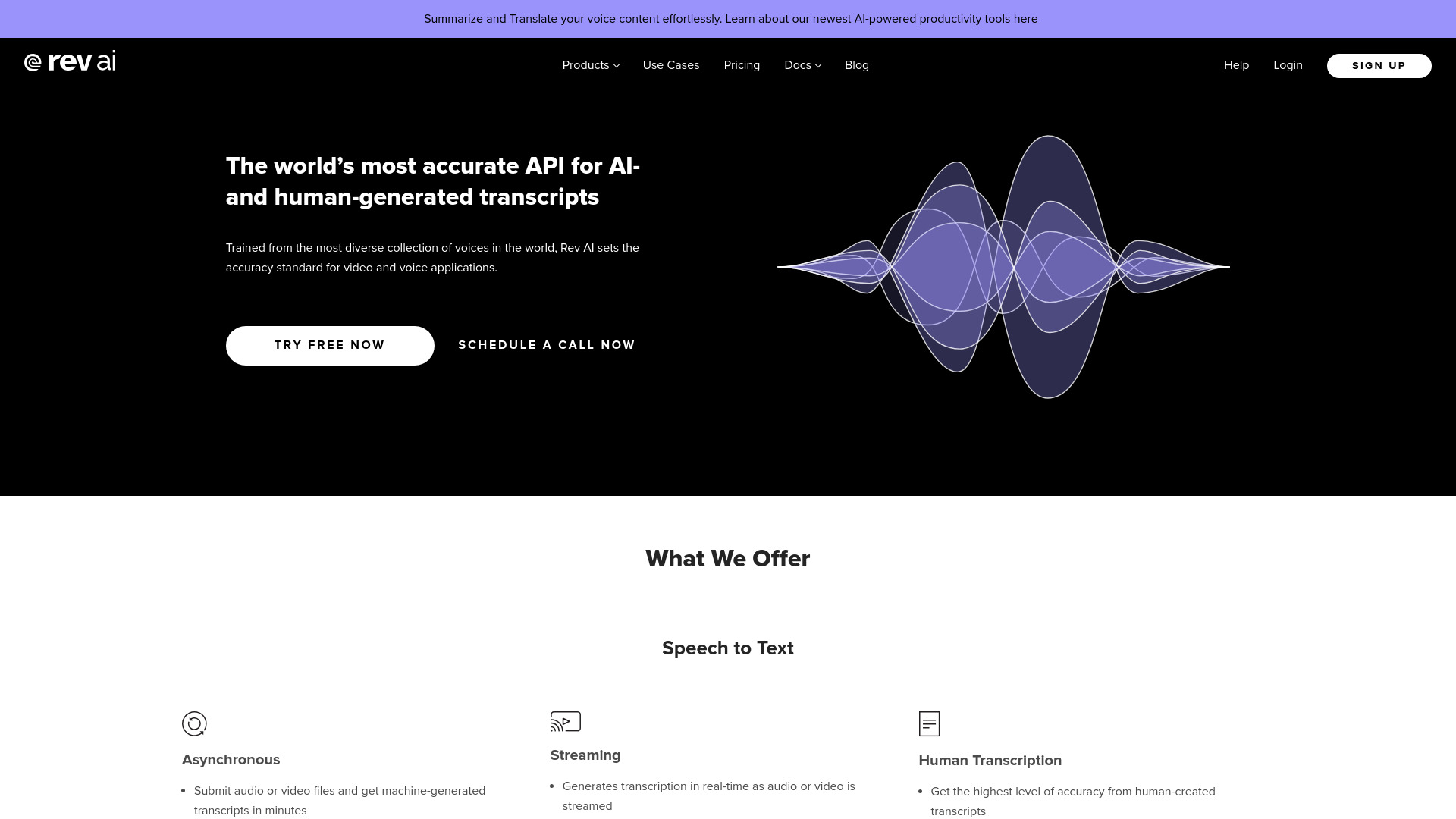
Rev AI
Developers building speech-to-text apps

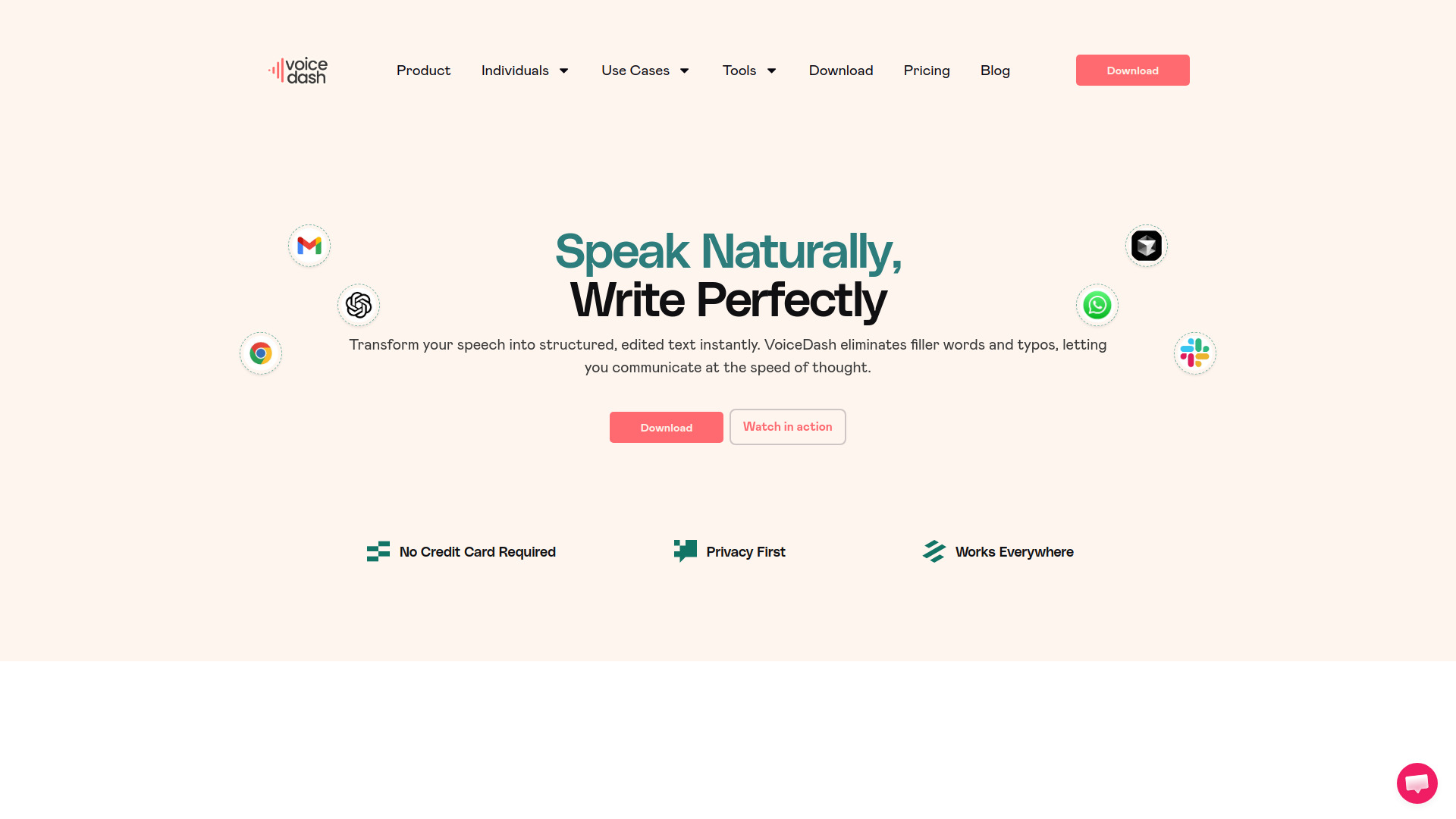
VoiceDash
Voice typing and real-time transcription

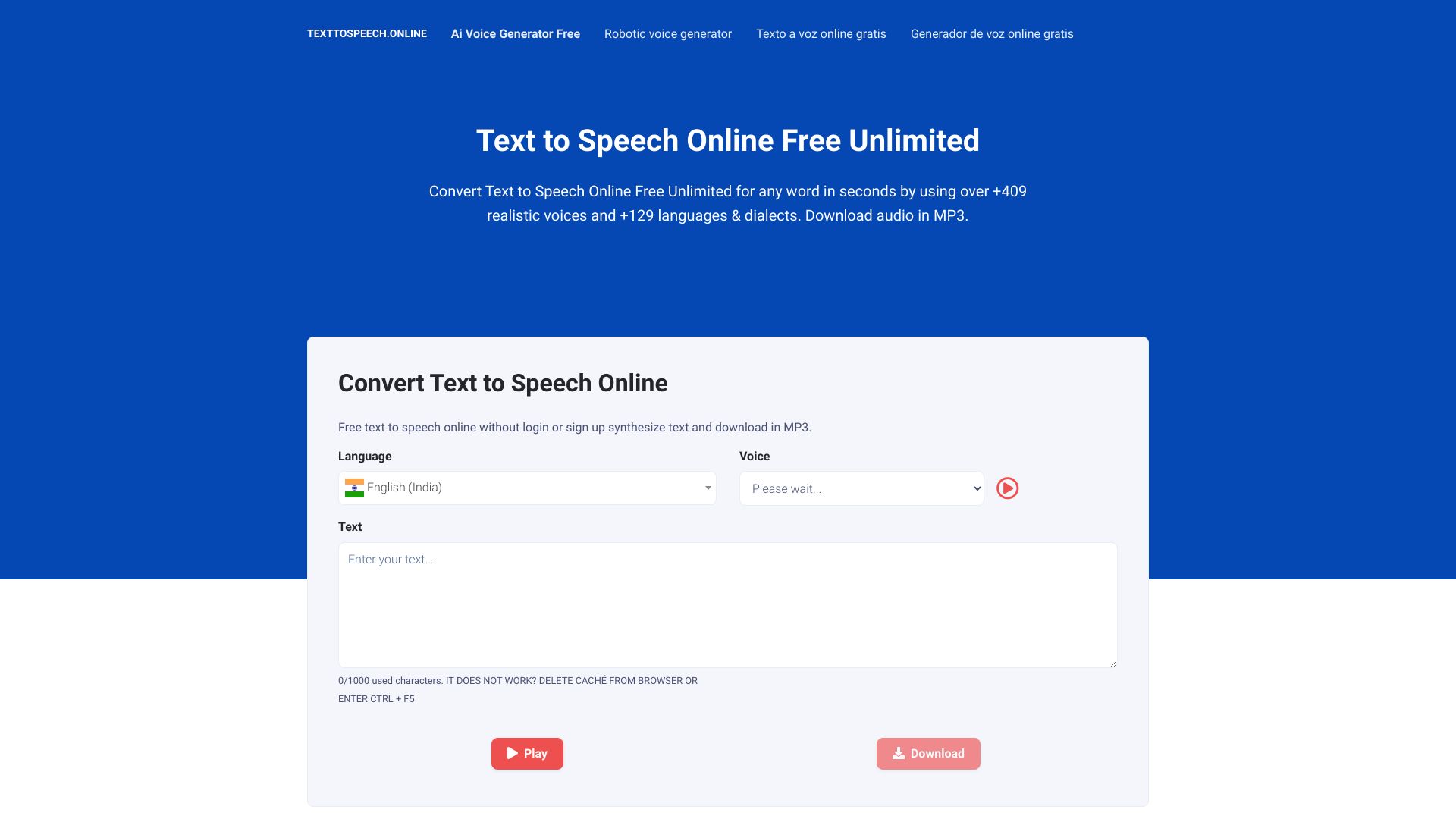
Text to Speech Online
Multilingual text-to-speech conversion

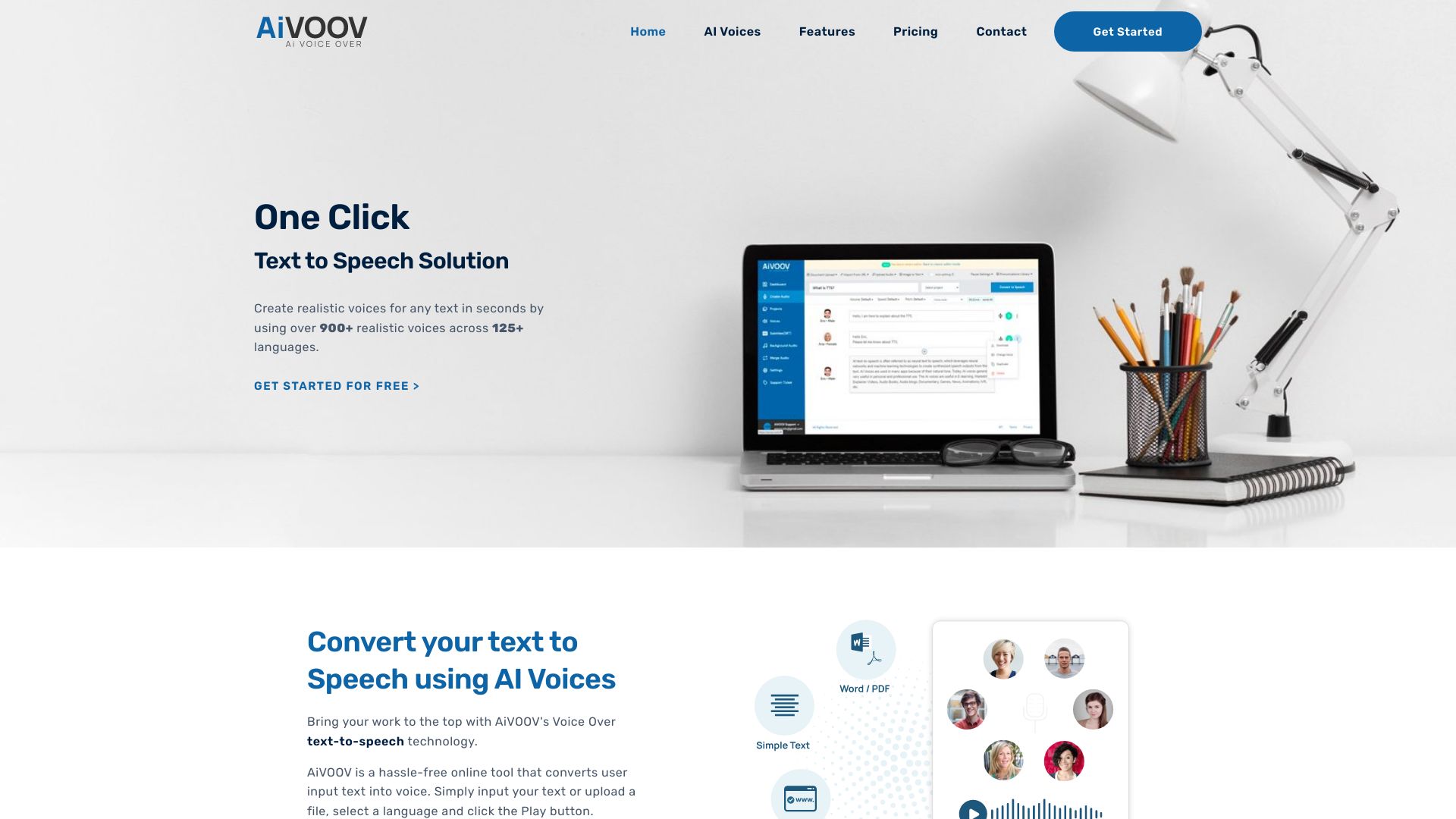
AiVOOV
Multilingual text-to-speech voiceovers

Respeecher Voice Marketplace
Film, TV, and game voice production
ElevenLabs
Realistic text-to-speech and voice generation
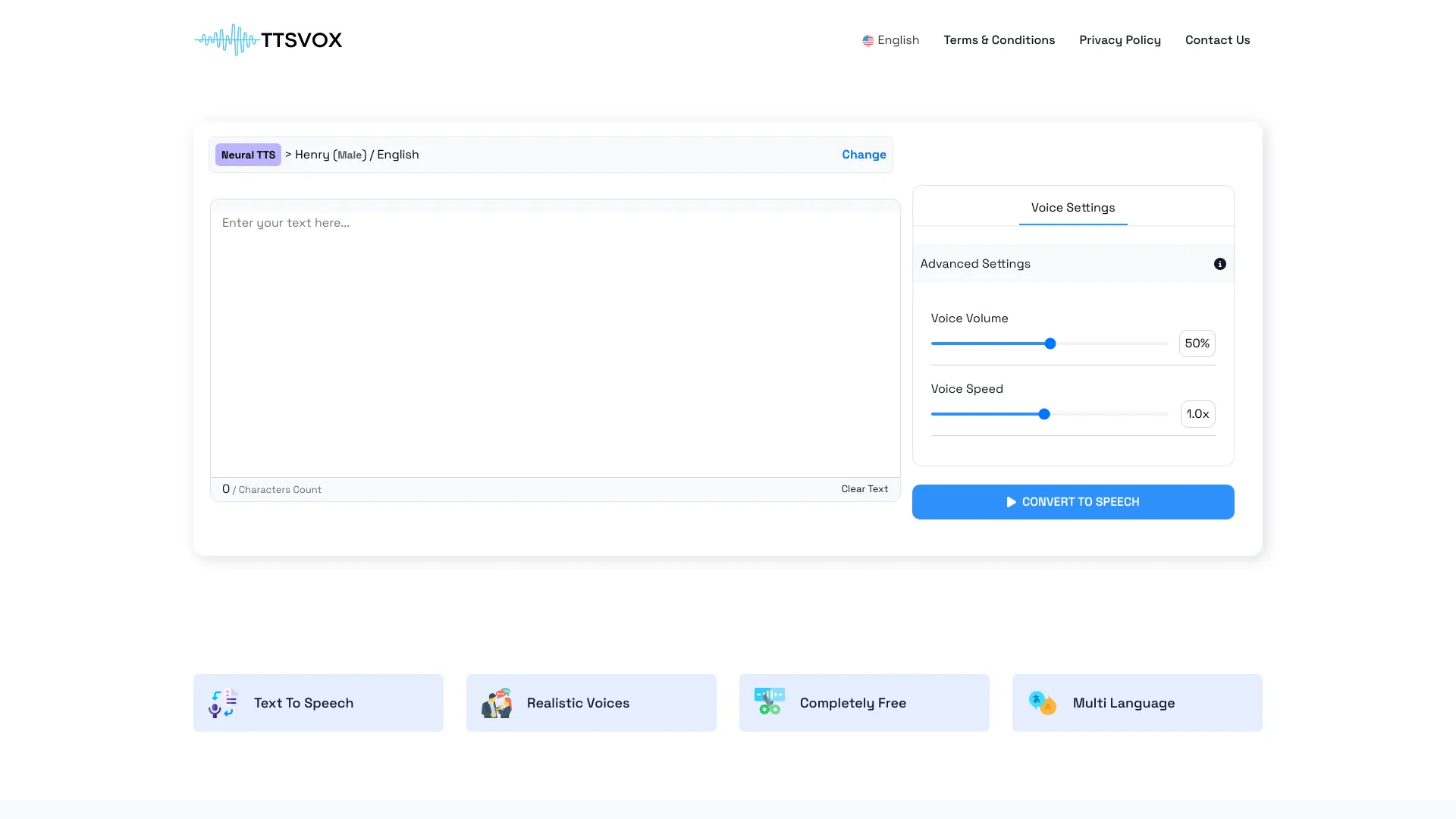
TTSVox
Multilingual voiceovers

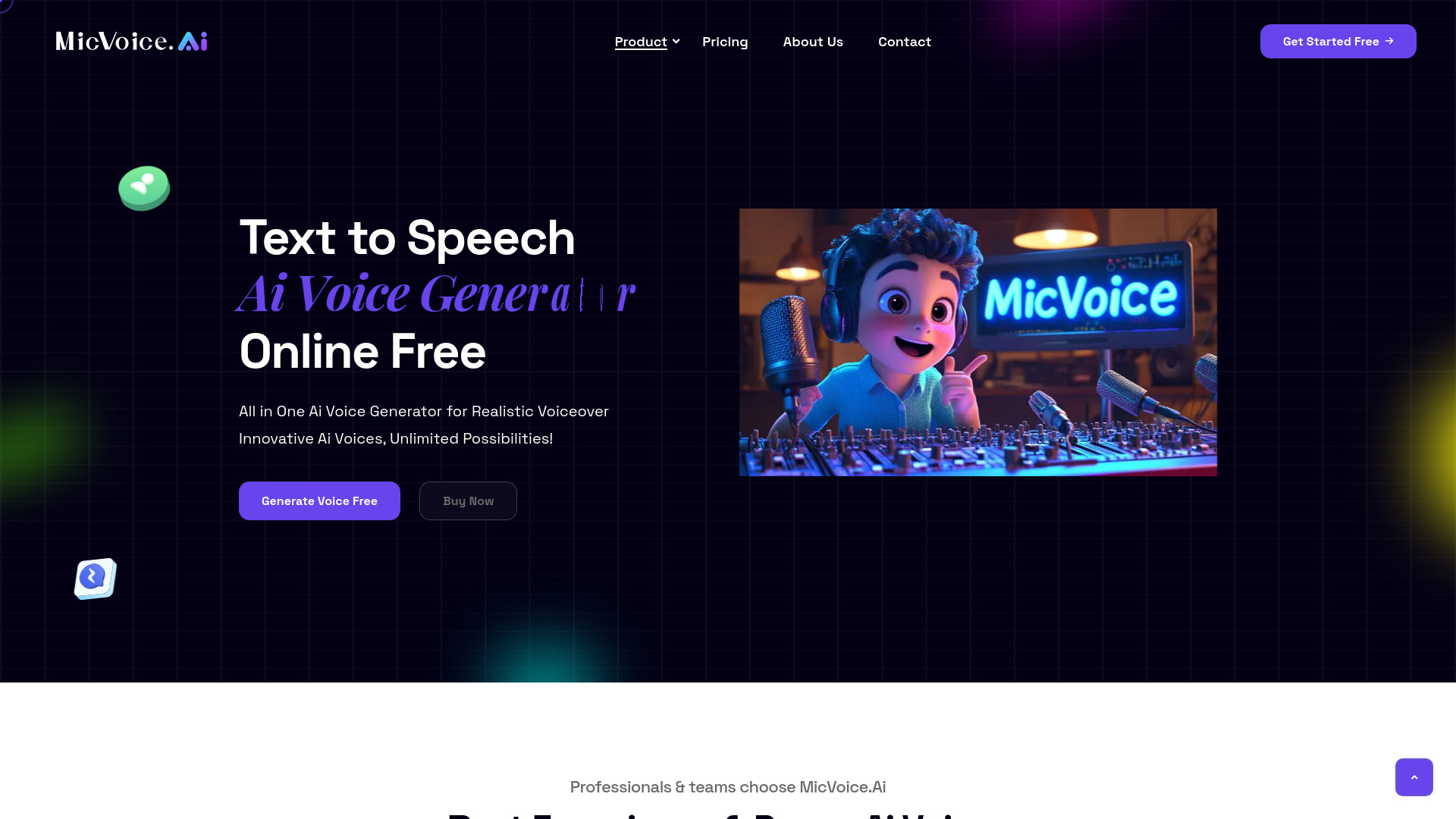
MicVoice.Ai
Realistic voiceovers and text-to-speech

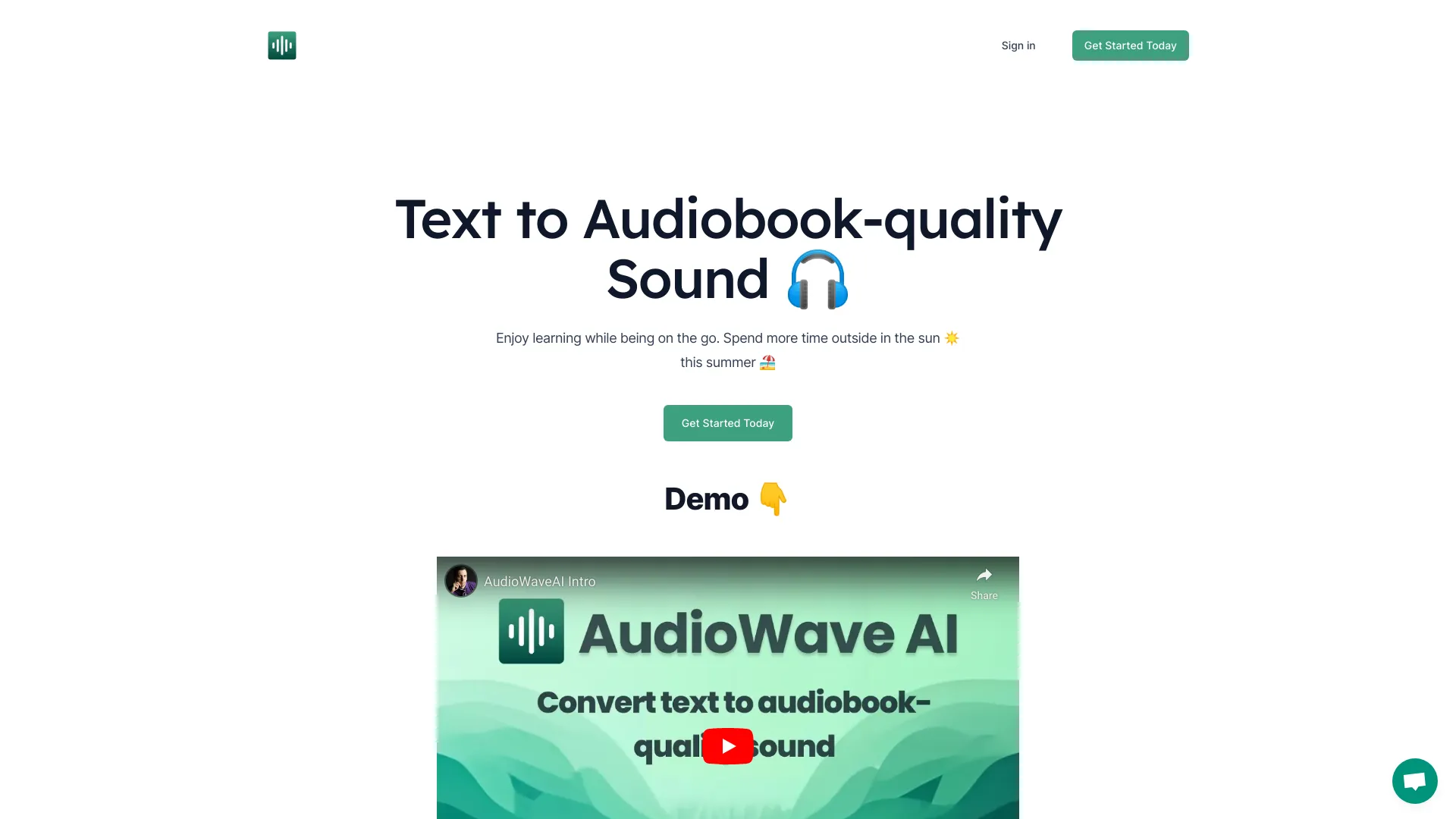
Text To Speech OpenAI
PDF and eBook audiobook creation
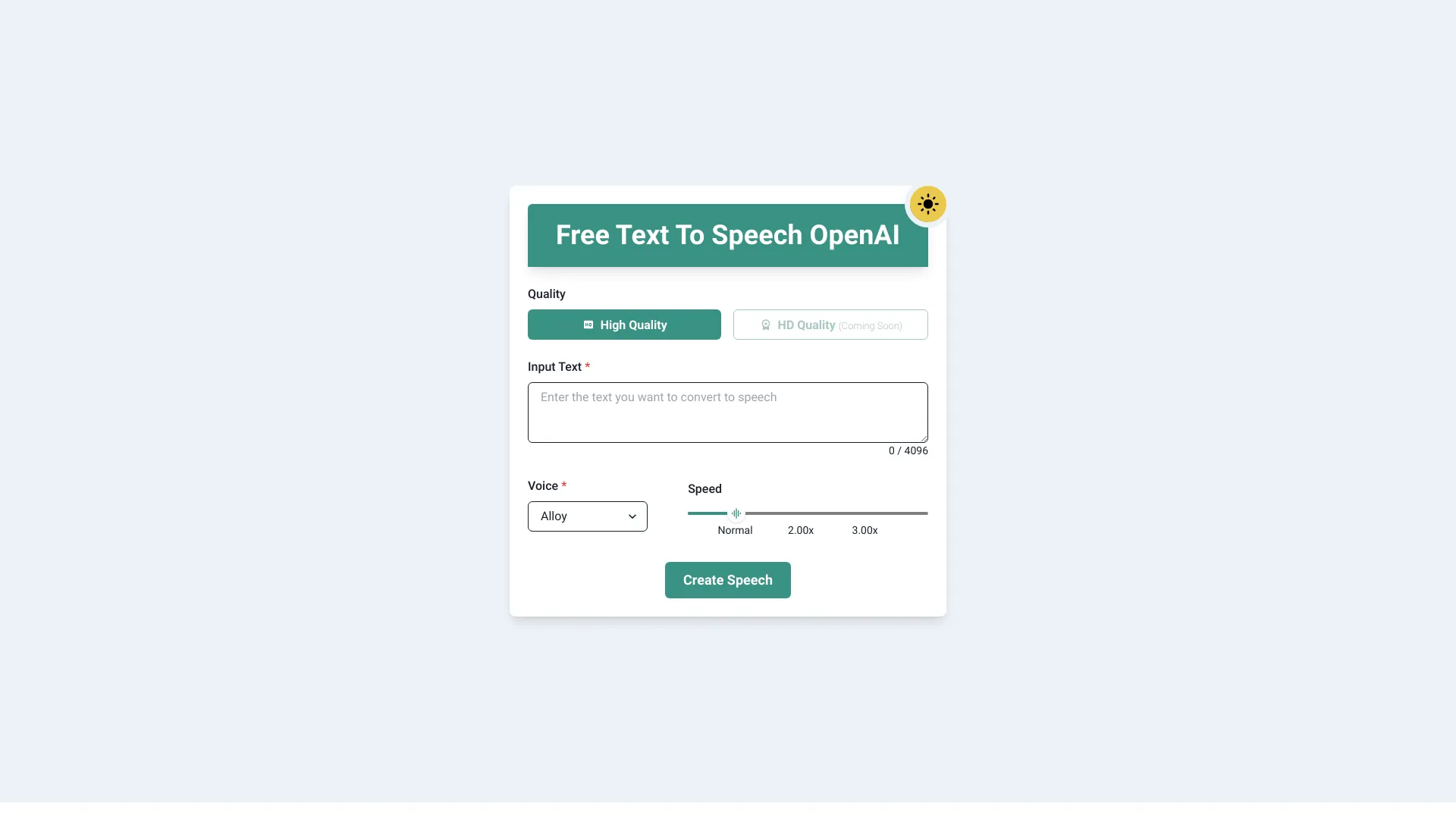

WhisperUI
Affordable Whisper-powered text-to-speech

The AI Voice Generator
Celebrity and multilingual voice generation
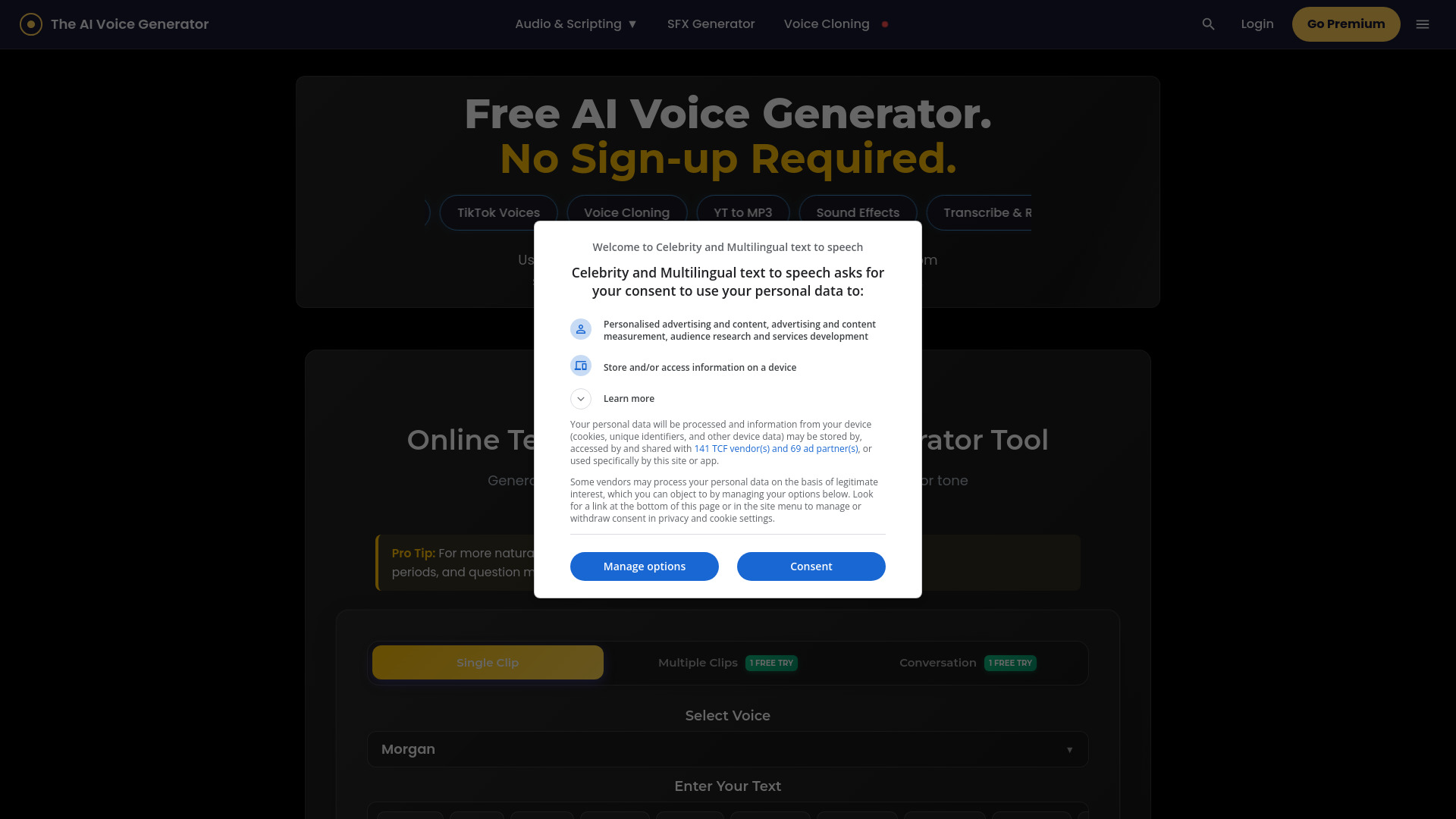

AudiowaveAI
Turning articles into audiobook-quality audio

F5 TTS
Free online voice synthesis

SpeechFlow
Multilingual speech-to-text API integrations

Speechki
Multilingual voiceovers

Readio
Long-form document listening

Voisi AI
Multilingual voice and audio workflows

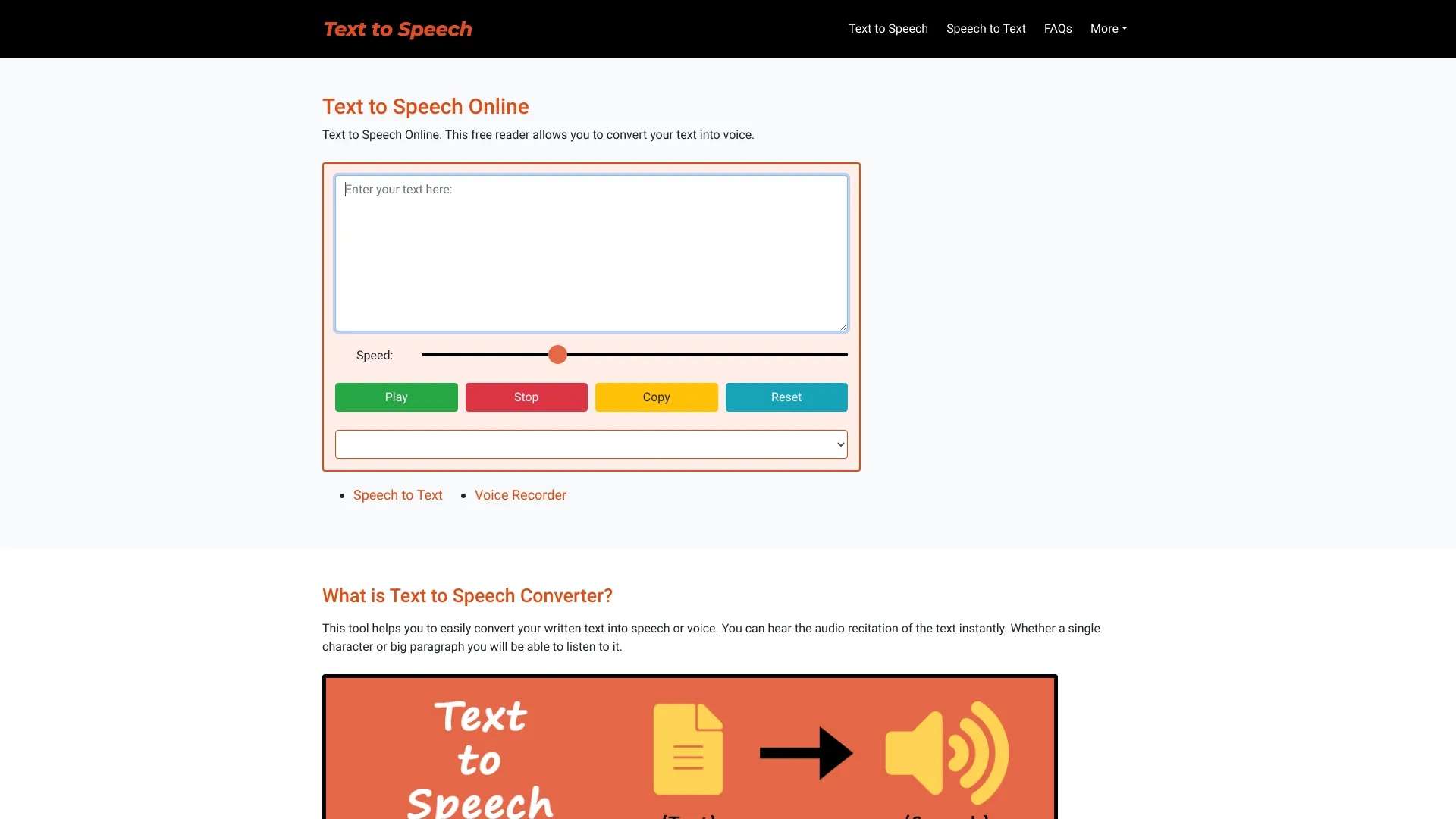
Free Text to Speech Online
Simple browser-based text-to-speech listening

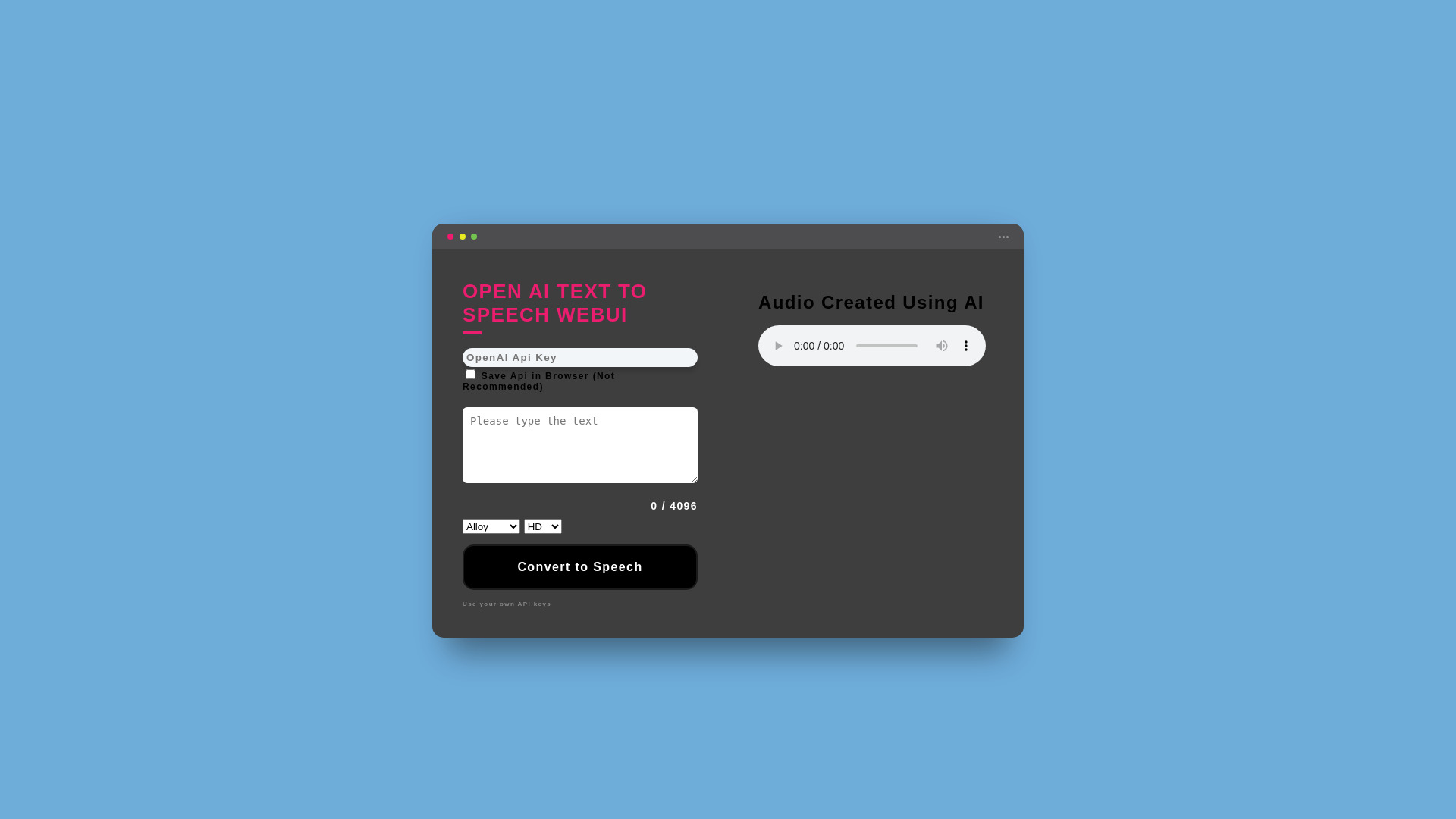
OpenAI Text To Speech WebUI
Personal OpenAI text-to-speech use

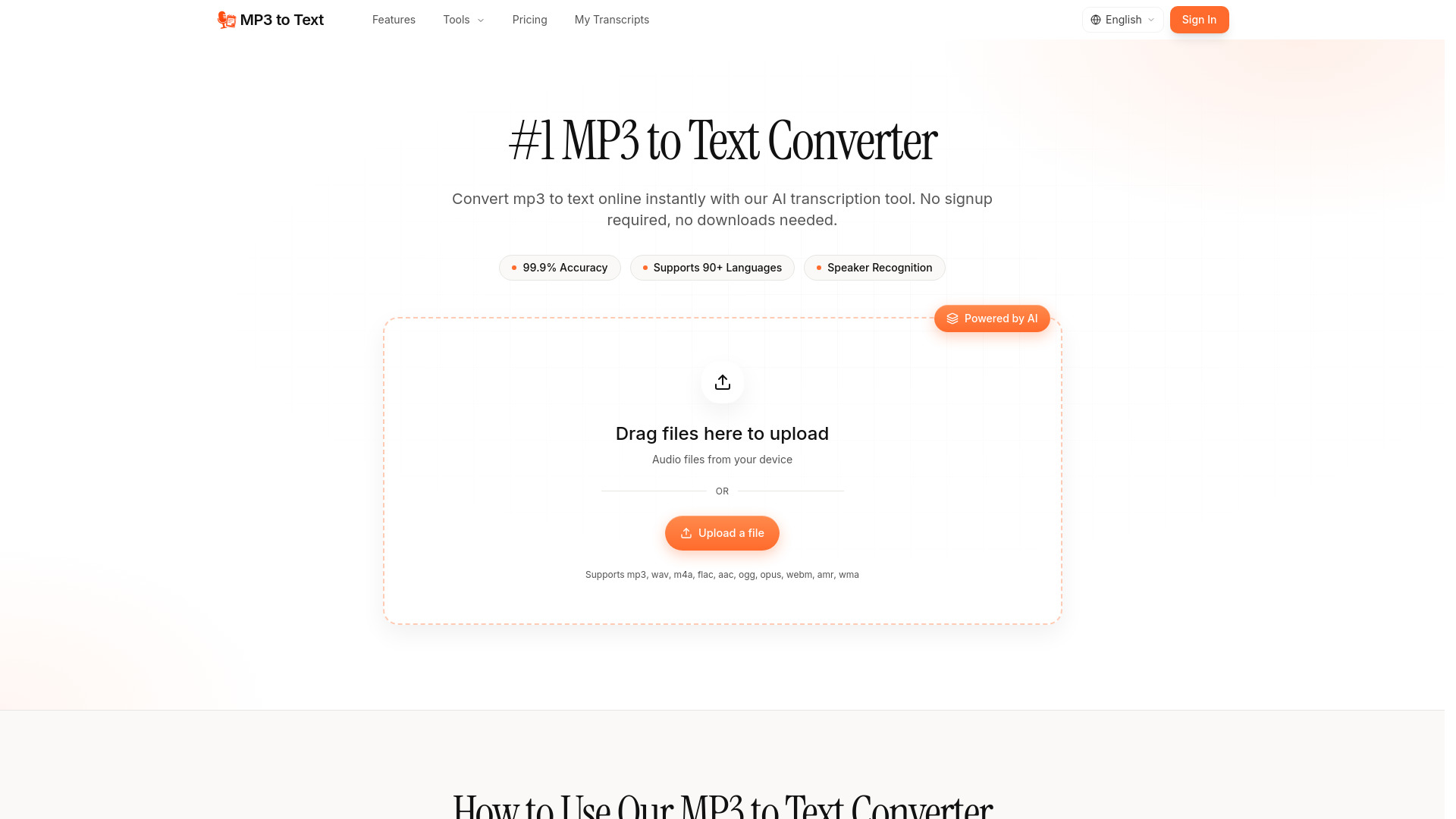
MP3 to Text
Podcasters, journalists, and researchers

AudiofyText
Free multilingual voiceovers
Spellar AI
Real-time English speaking feedback
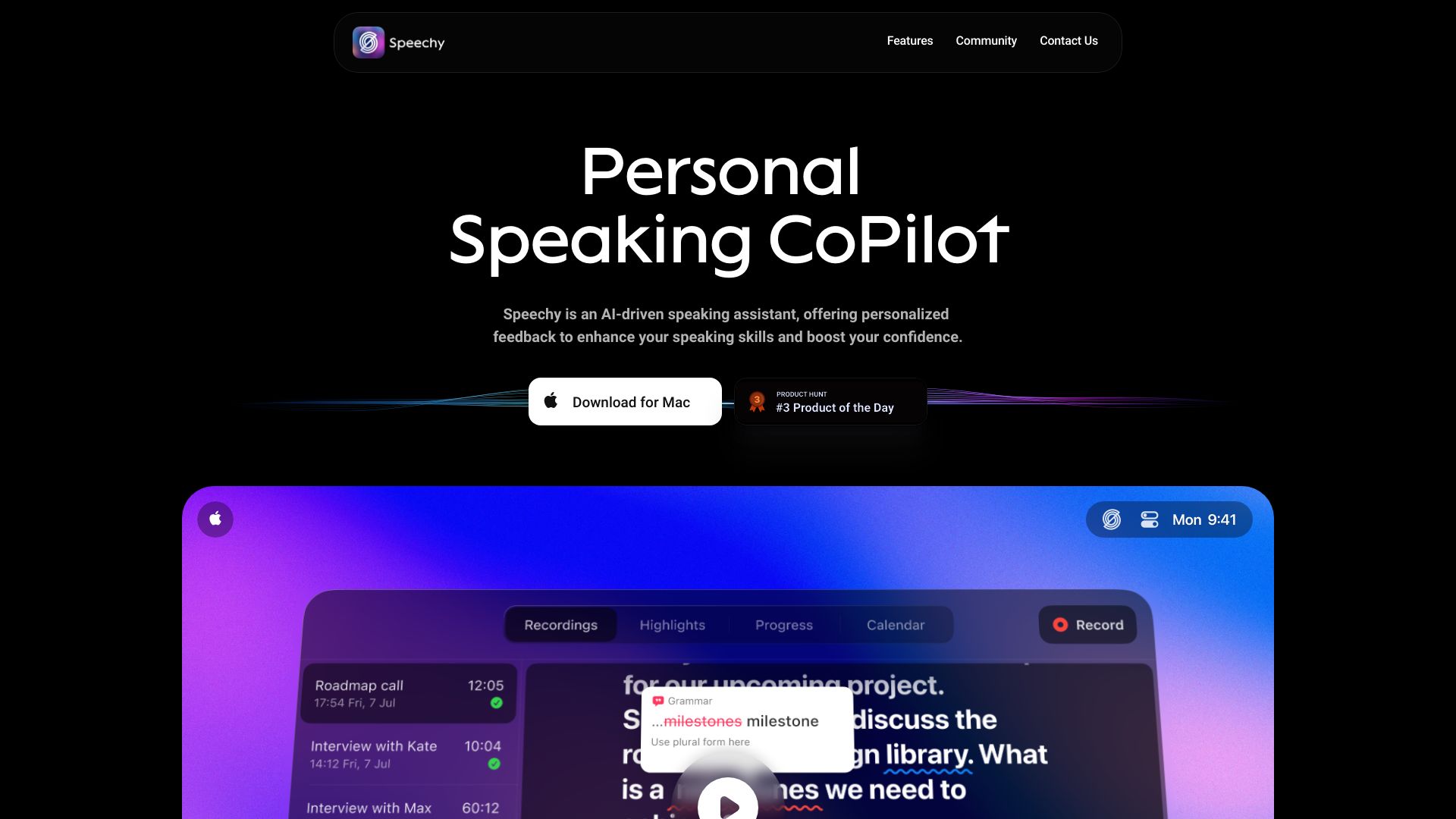

Xpeacho
Video creators needing multilingual voiceovers
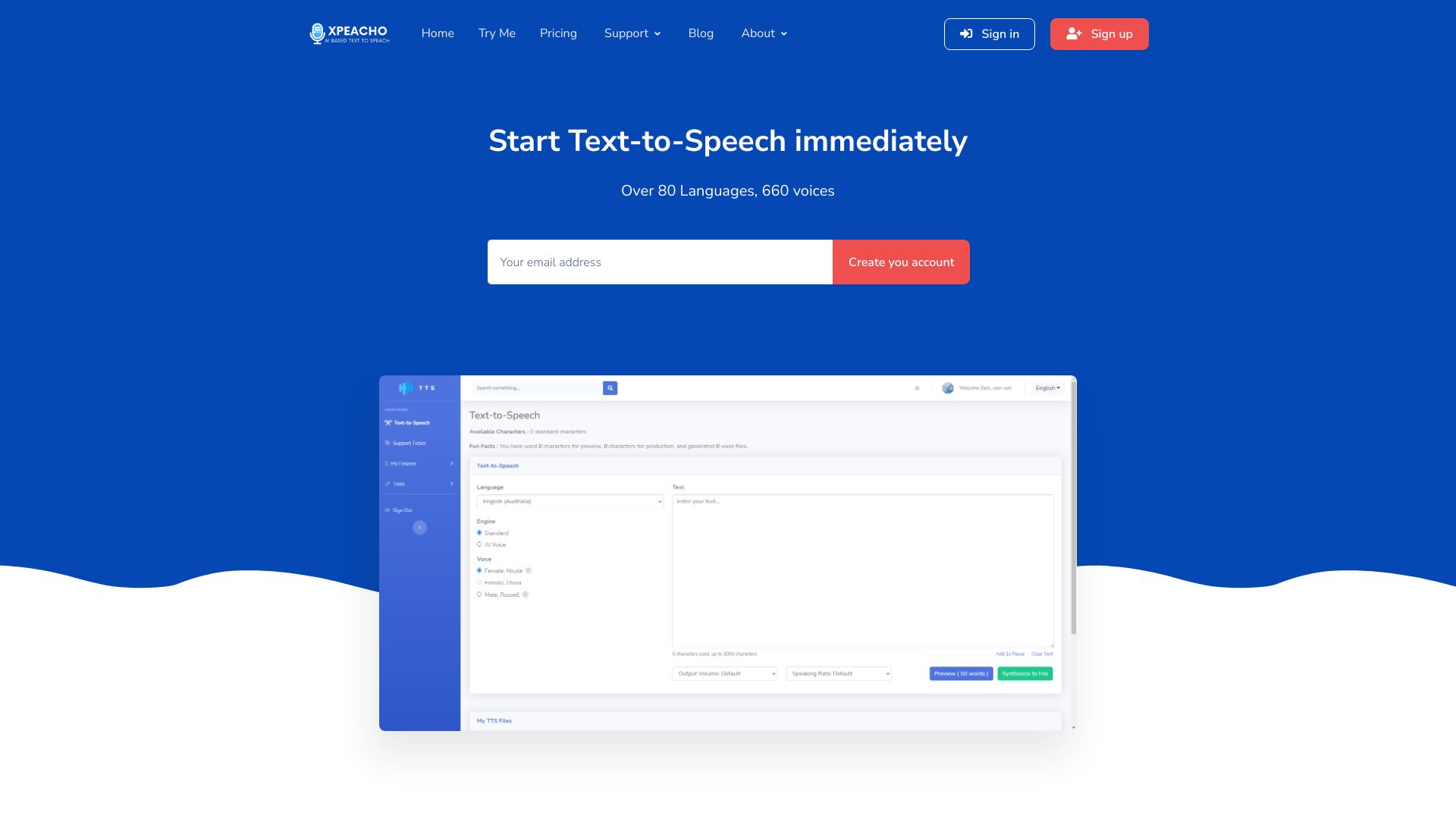

Speakoala
Reading web pages and local documents aloud

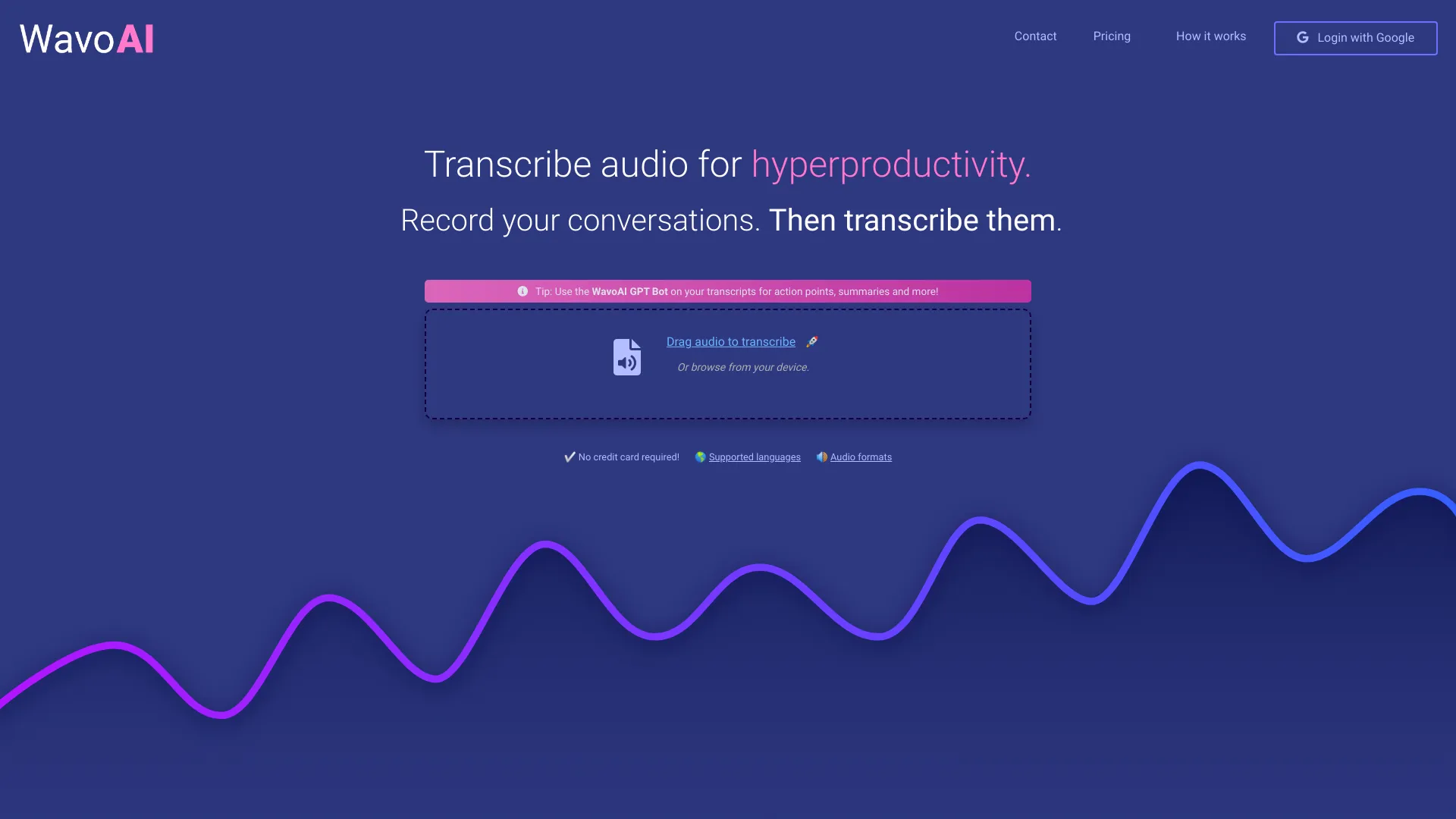
WavoAI
Audio transcription and interactive summaries

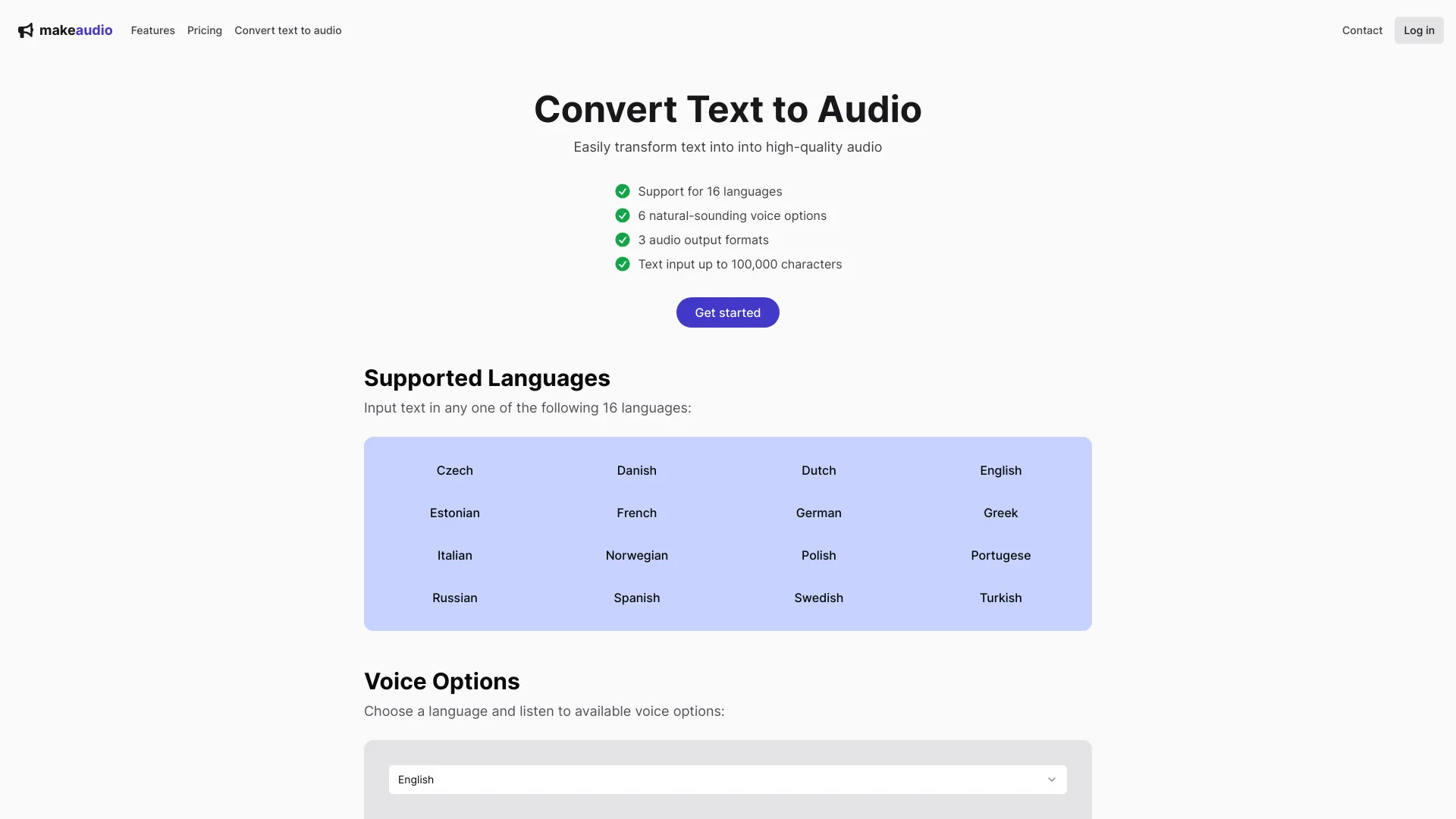
makeaudio.app
Multilingual text-to-speech conversion

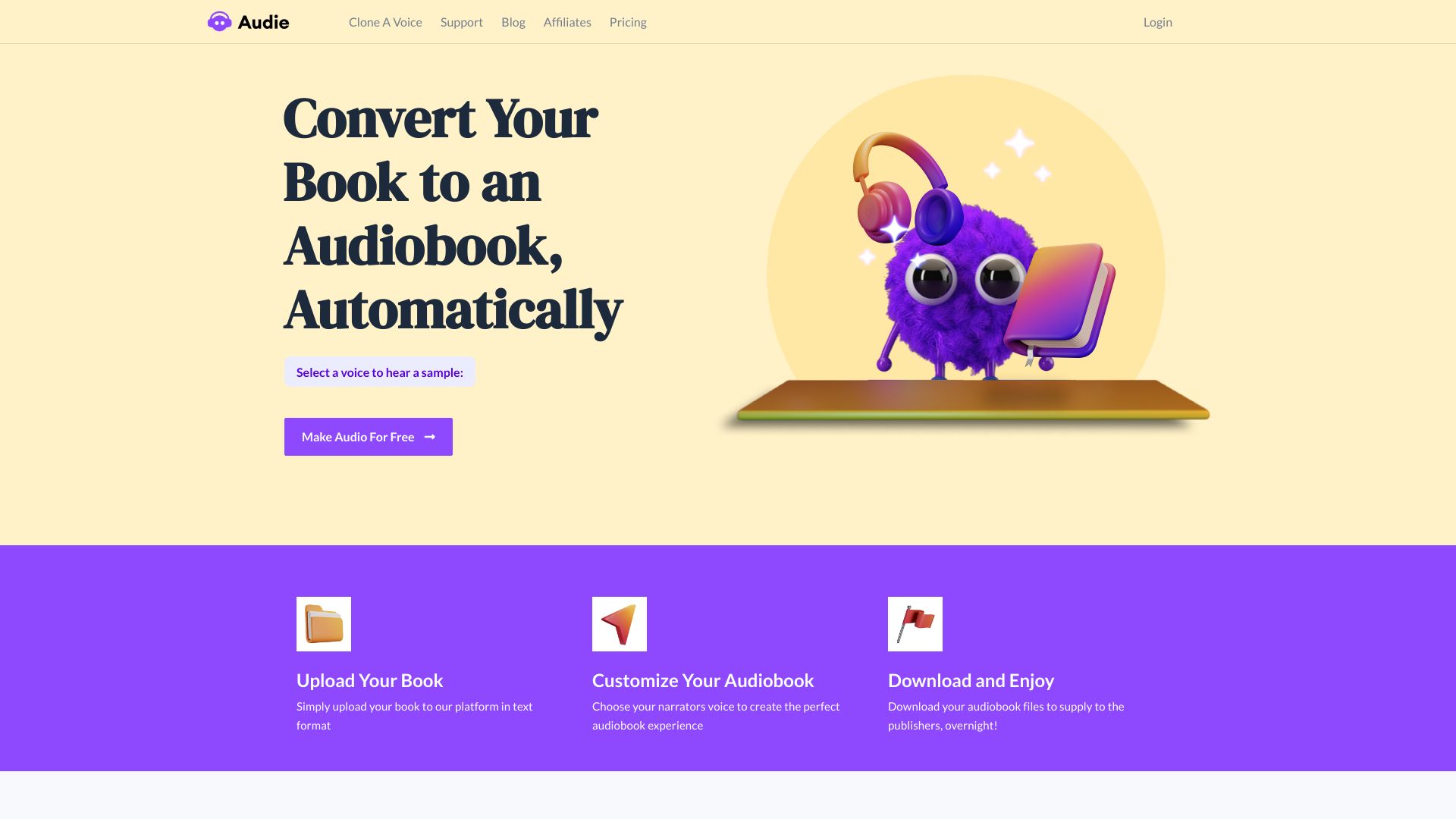
AuthorsVoice.AI
Authors converting books to audiobooks

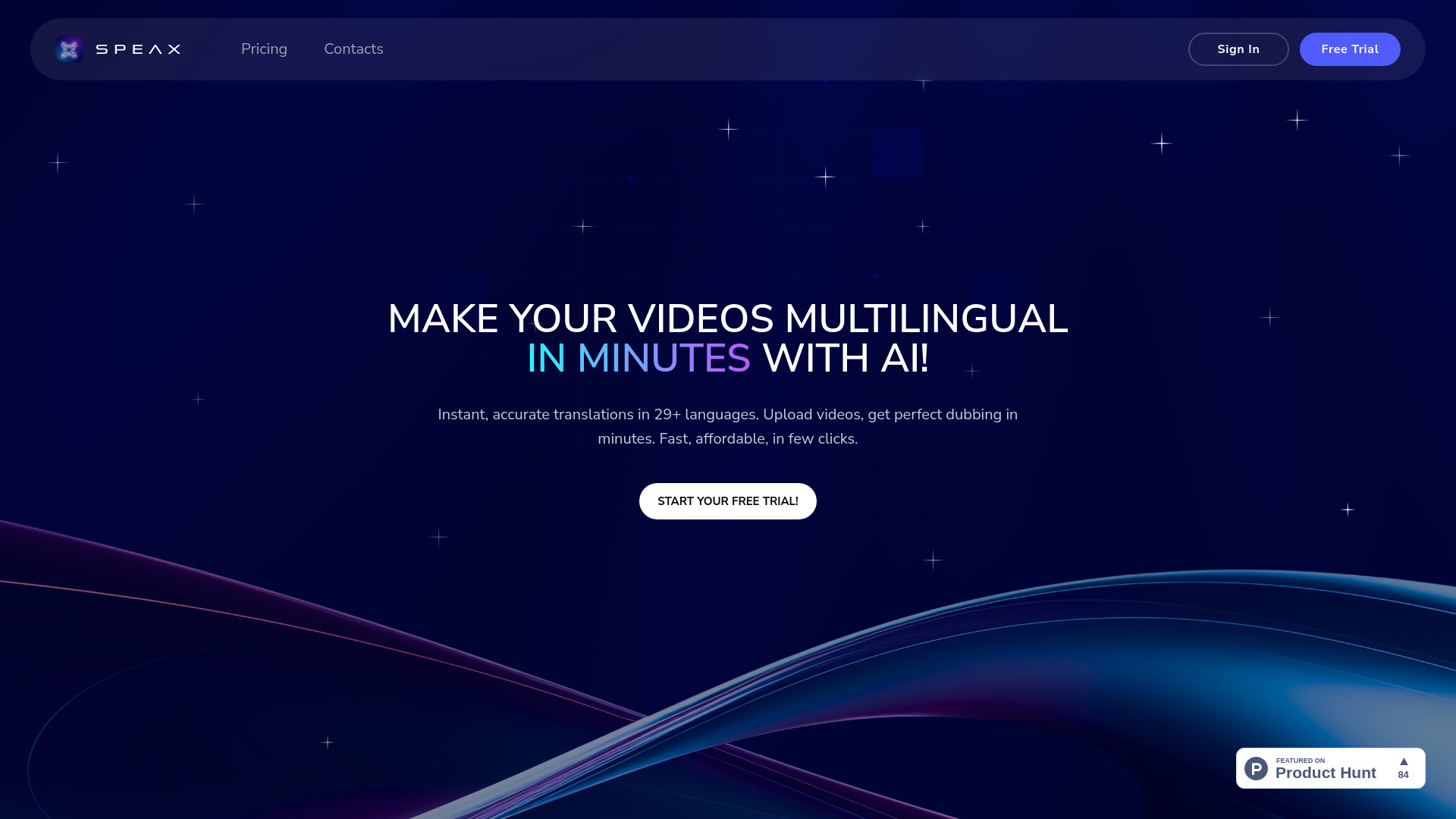
Speax
Multilingual video dubbing

Leelo AI
Multilingual voiceovers
tulz.AI
Multilingual audio transcription
Audio2Text
Multilingual audio transcription
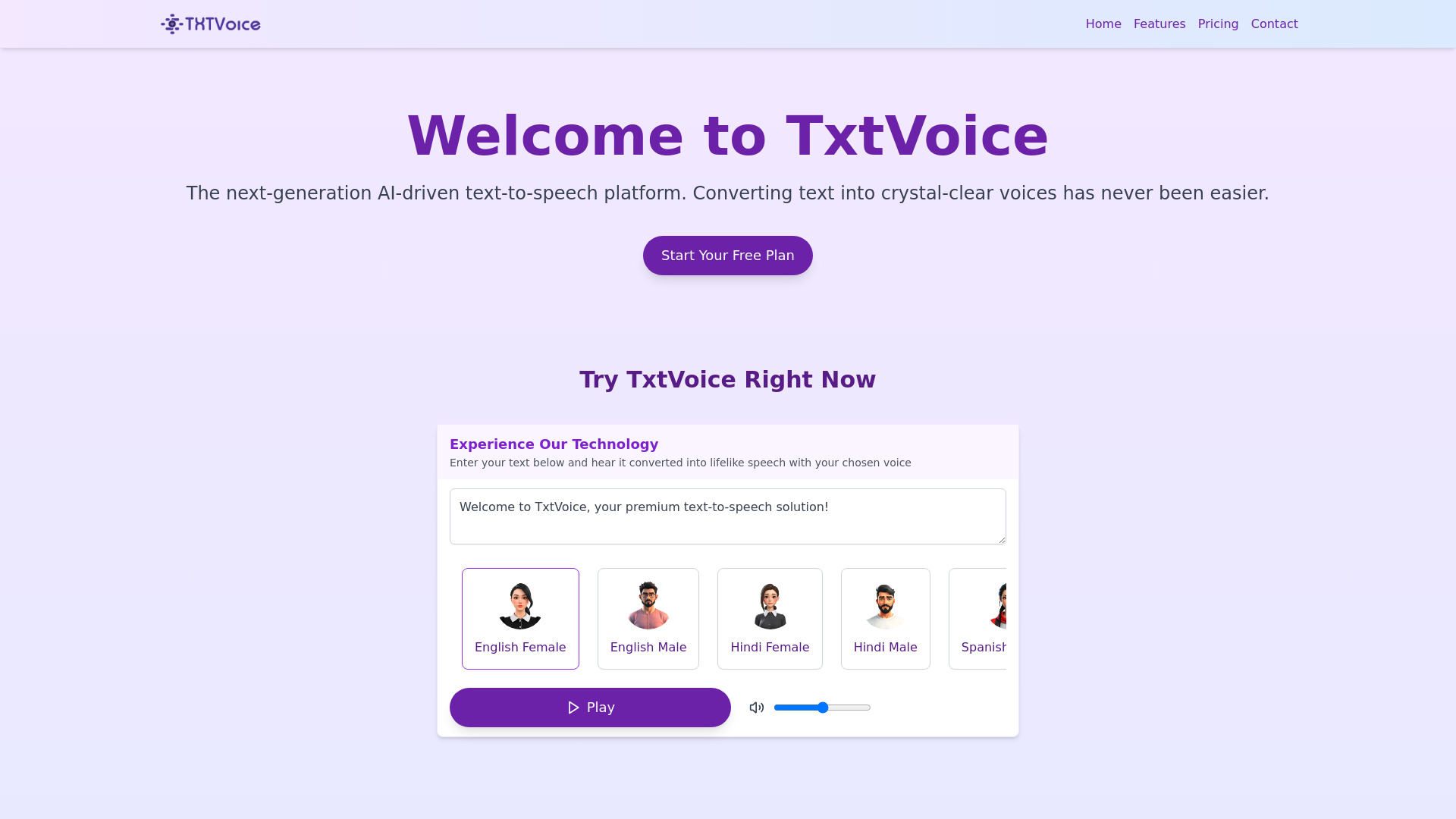
TxtVoice
Multilingual text-to-speech
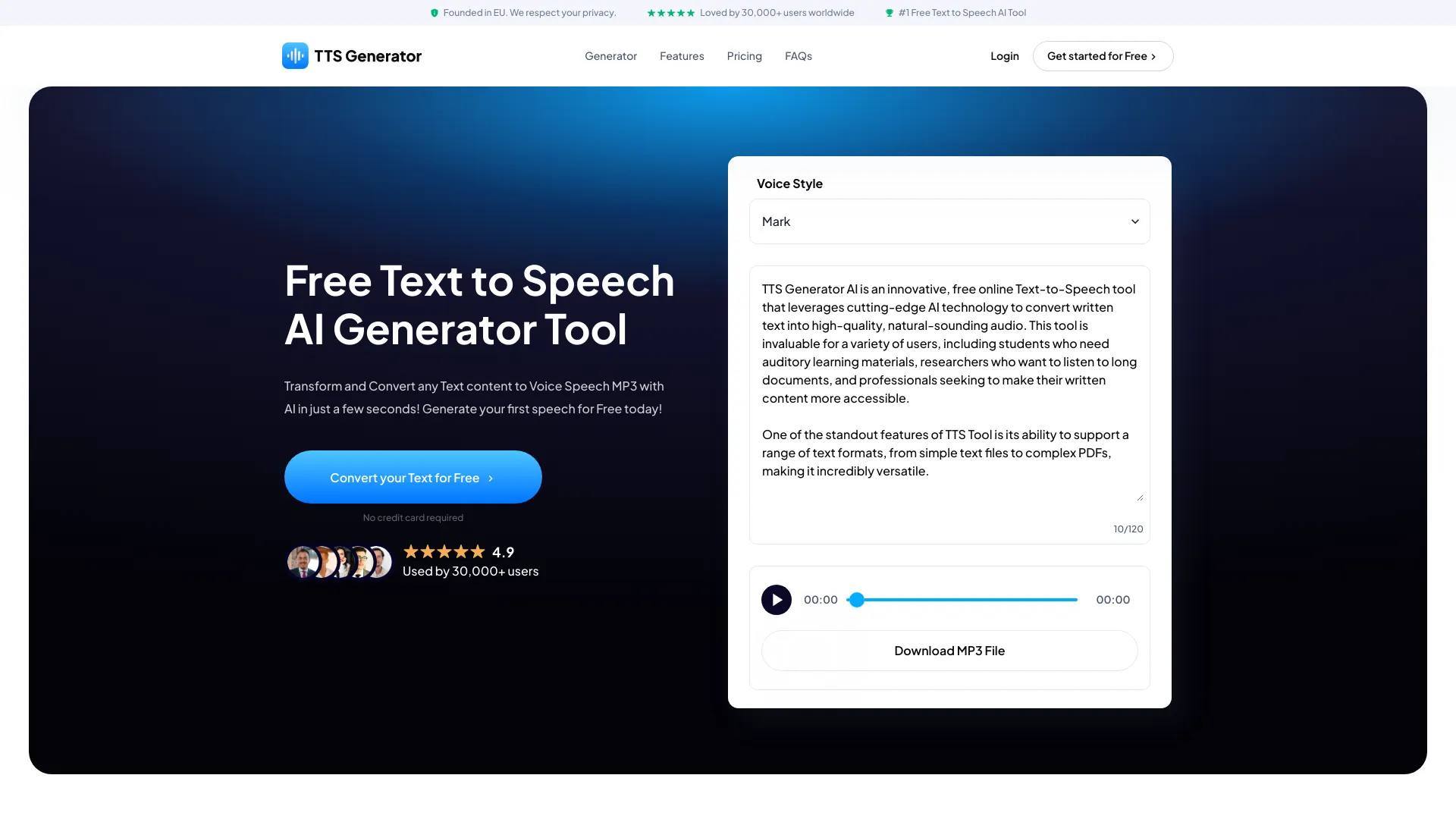
TTS-Generator.com
Free multilingual voiceovers

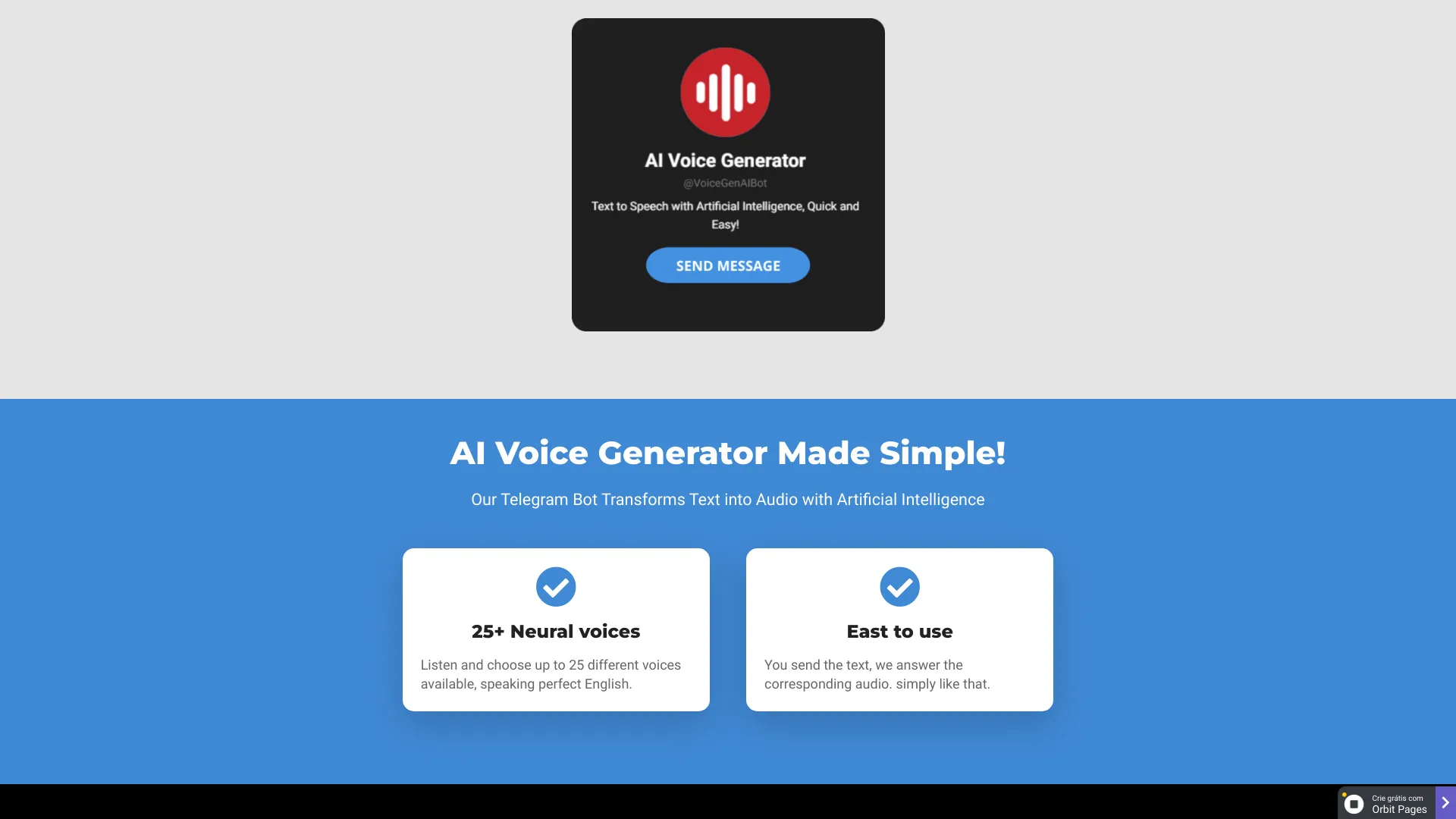
AI Voice Generator
English voiceovers in Telegram
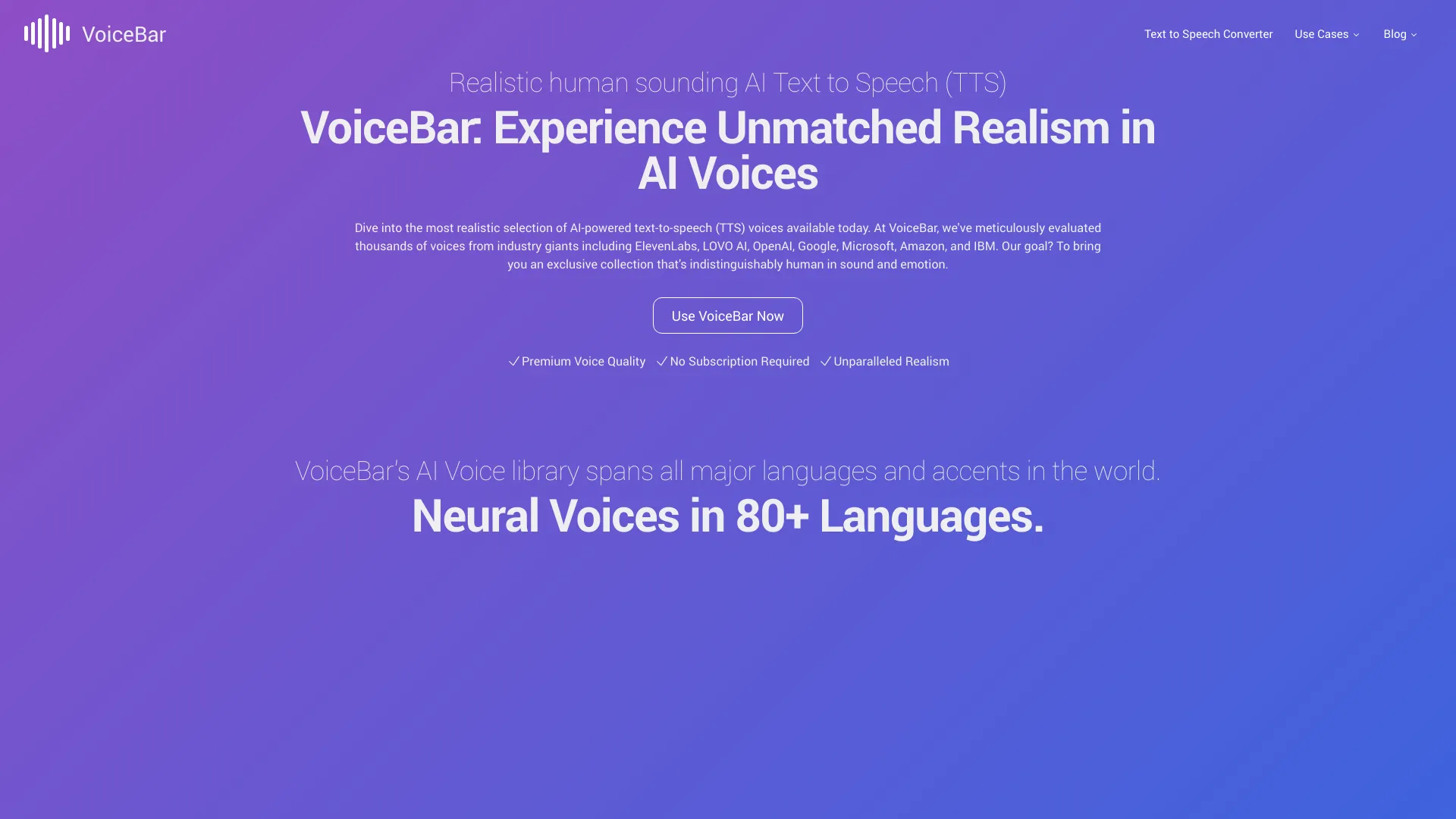
VoiceBar
Realistic multilingual voiceovers

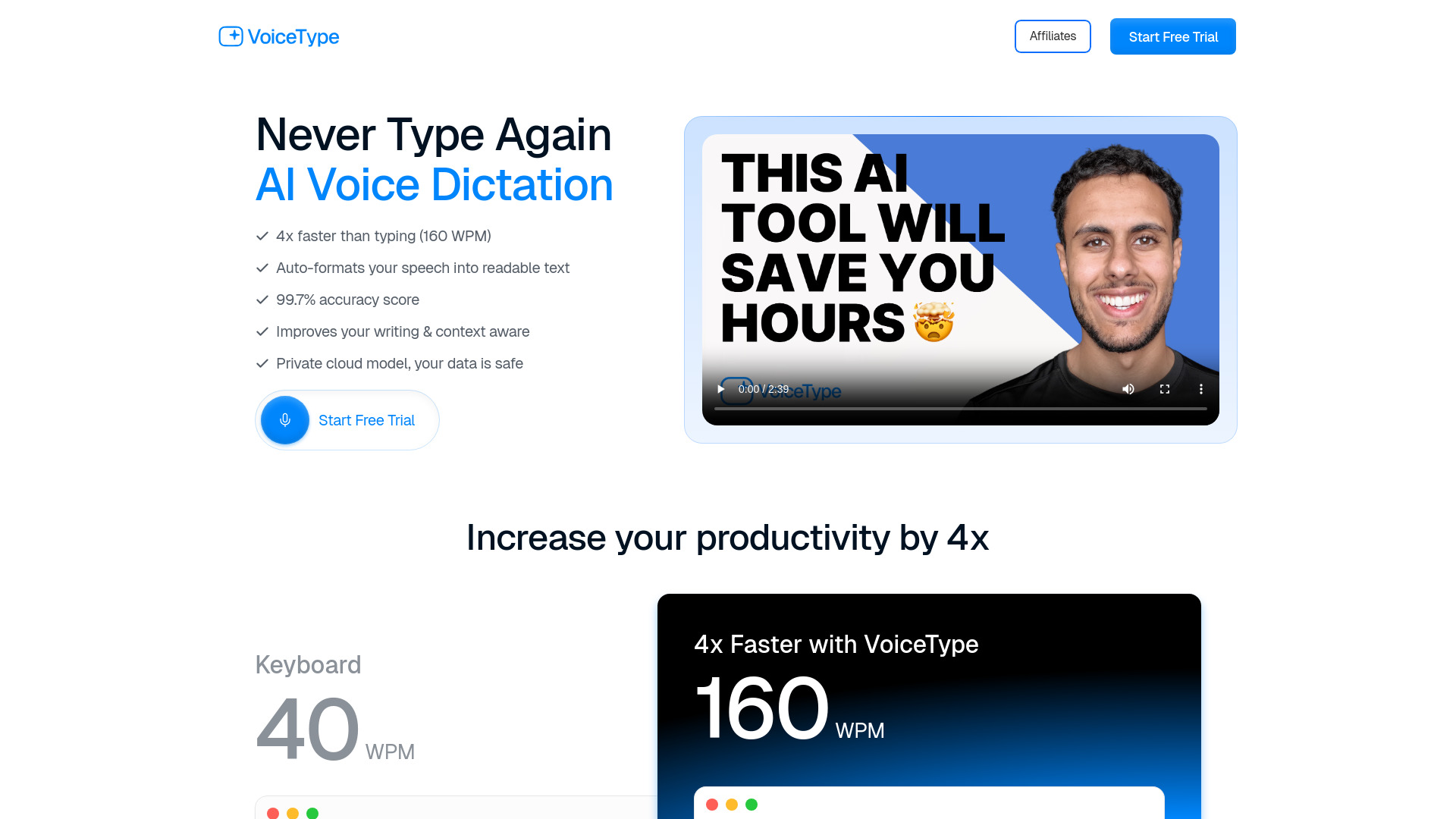
VoiceType AI
Context-aware voice dictation across apps
ChatTTS
Conversational text-to-speech

Speechson
Multilingual voice generation

Speakify
Free multilingual text-to-speech

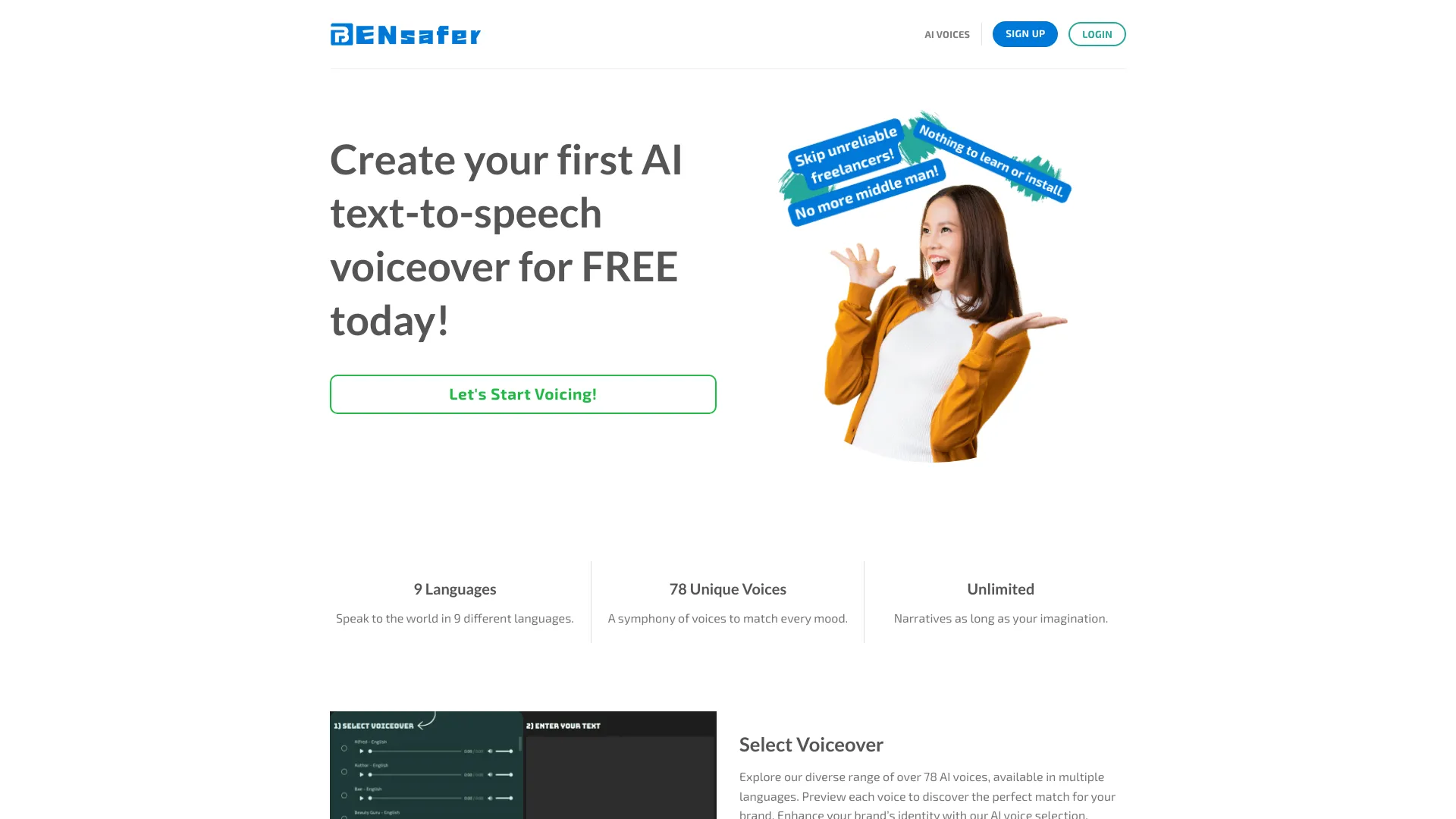
BenSafer
Realistic voiceovers and bulk text-to-speech

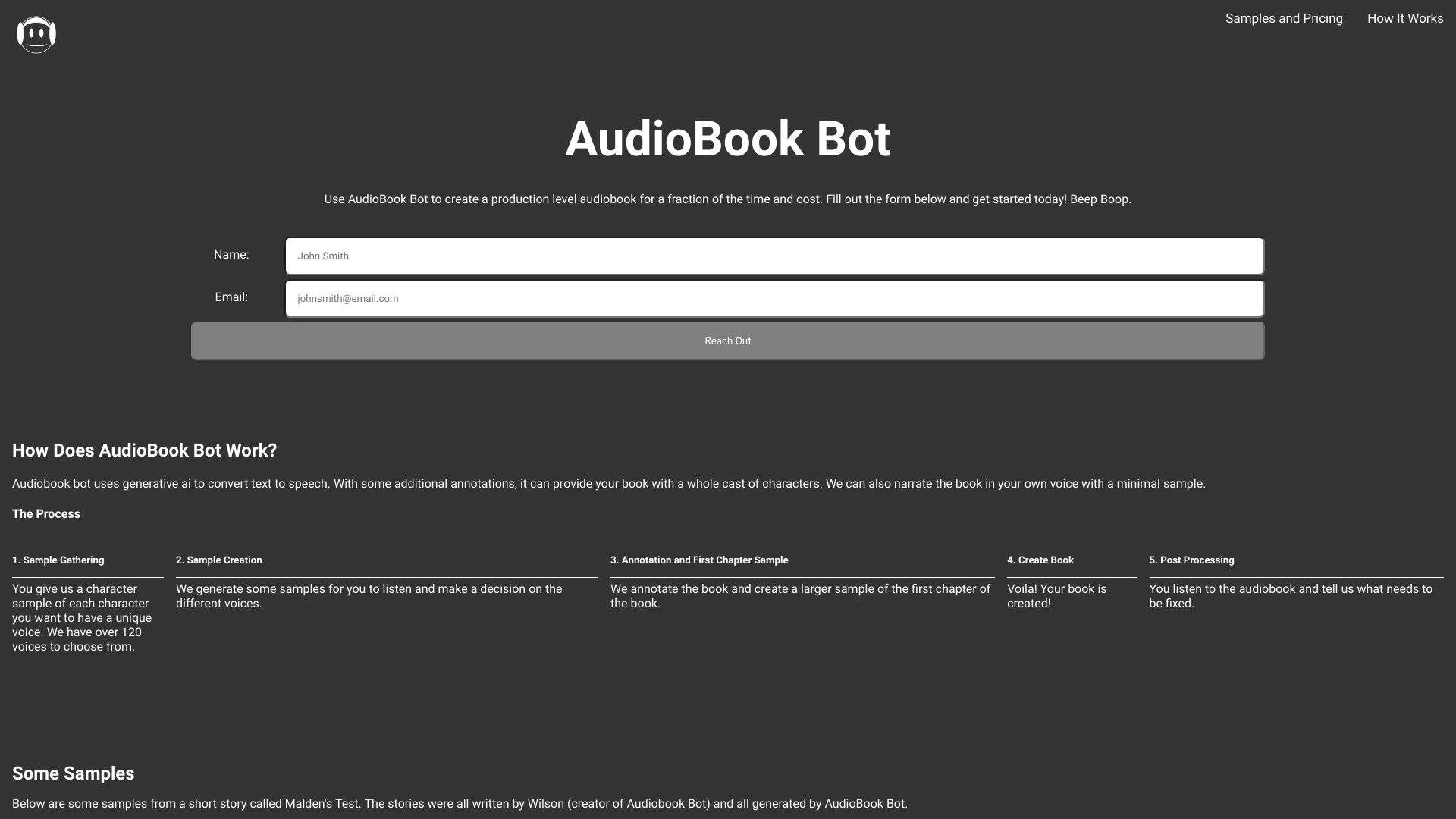
AudioBook Bot
Character-rich audiobook creation

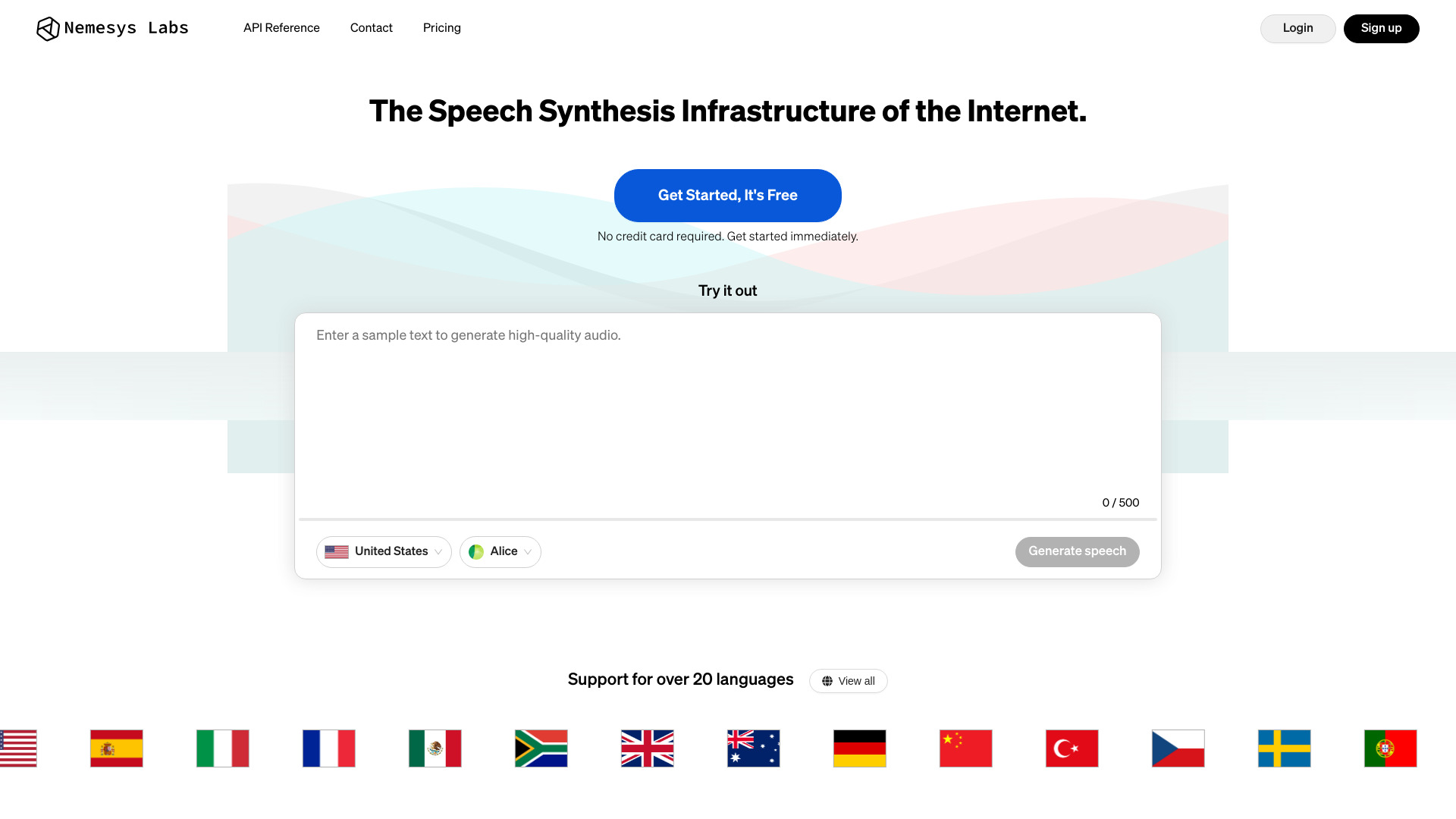
Vocaldo
Multilingual speech transcription
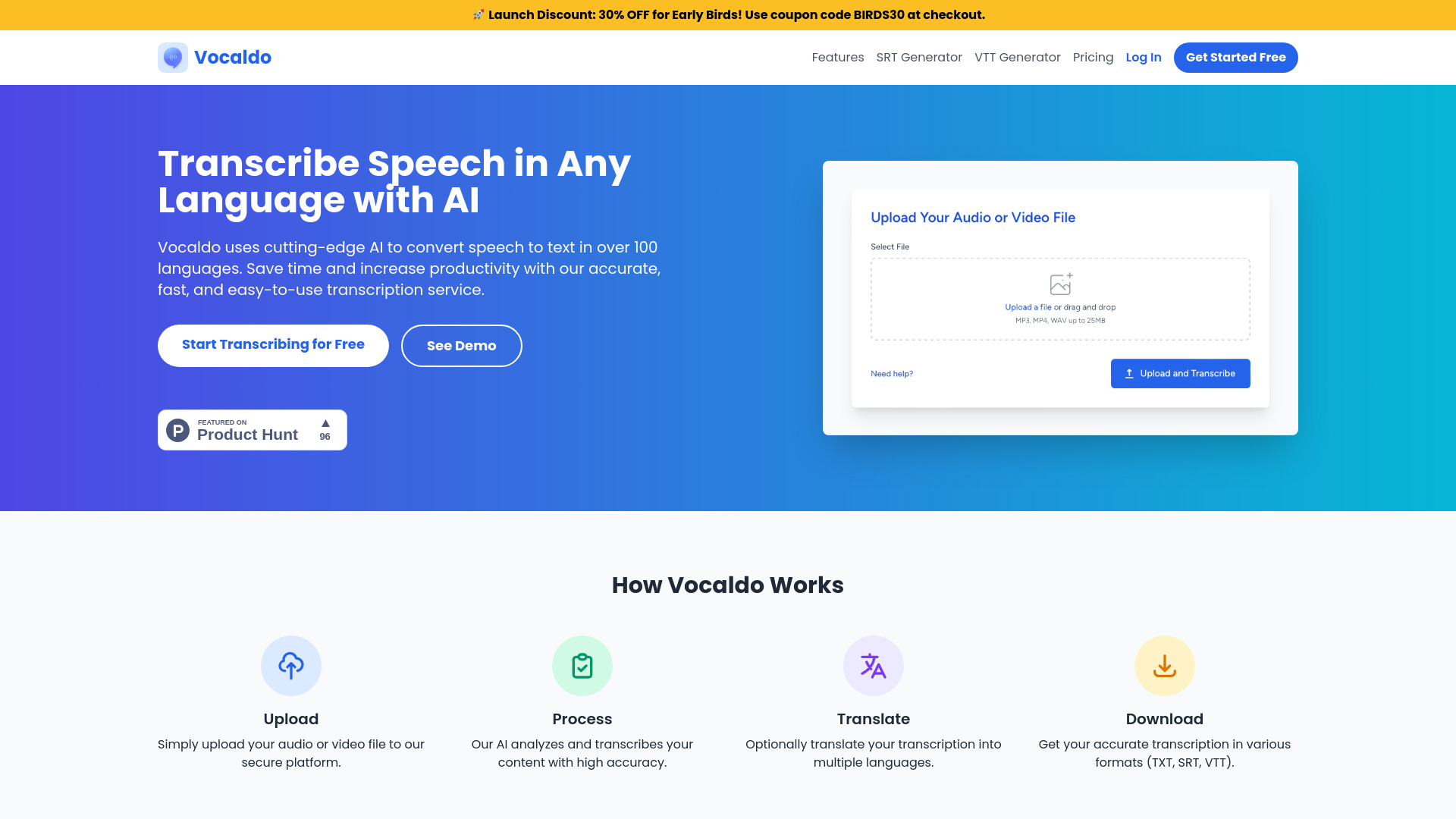

Nemesys Labs
API developers needing speech synthesis

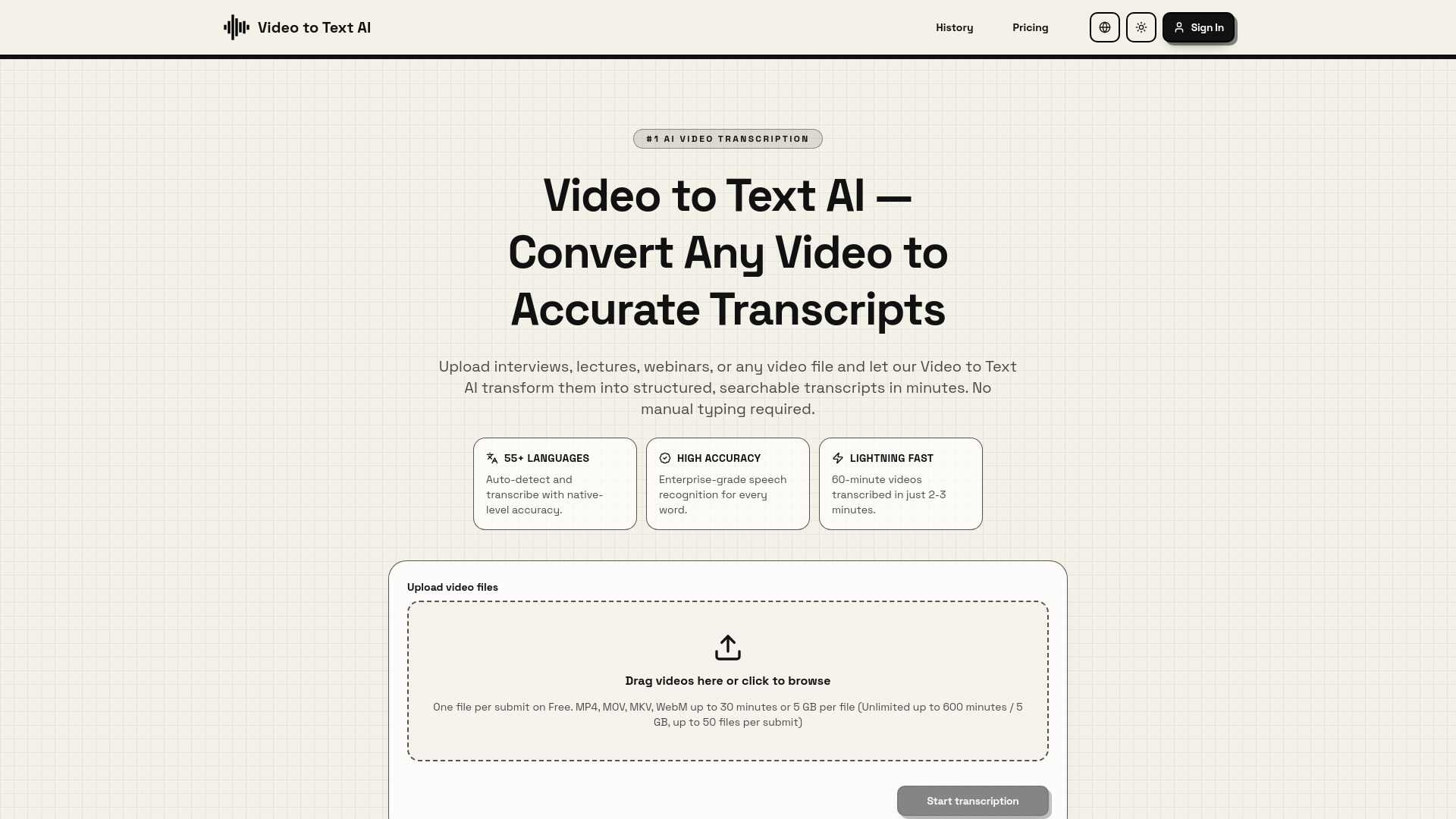
Video to Text AI
Fast video transcription and captioning

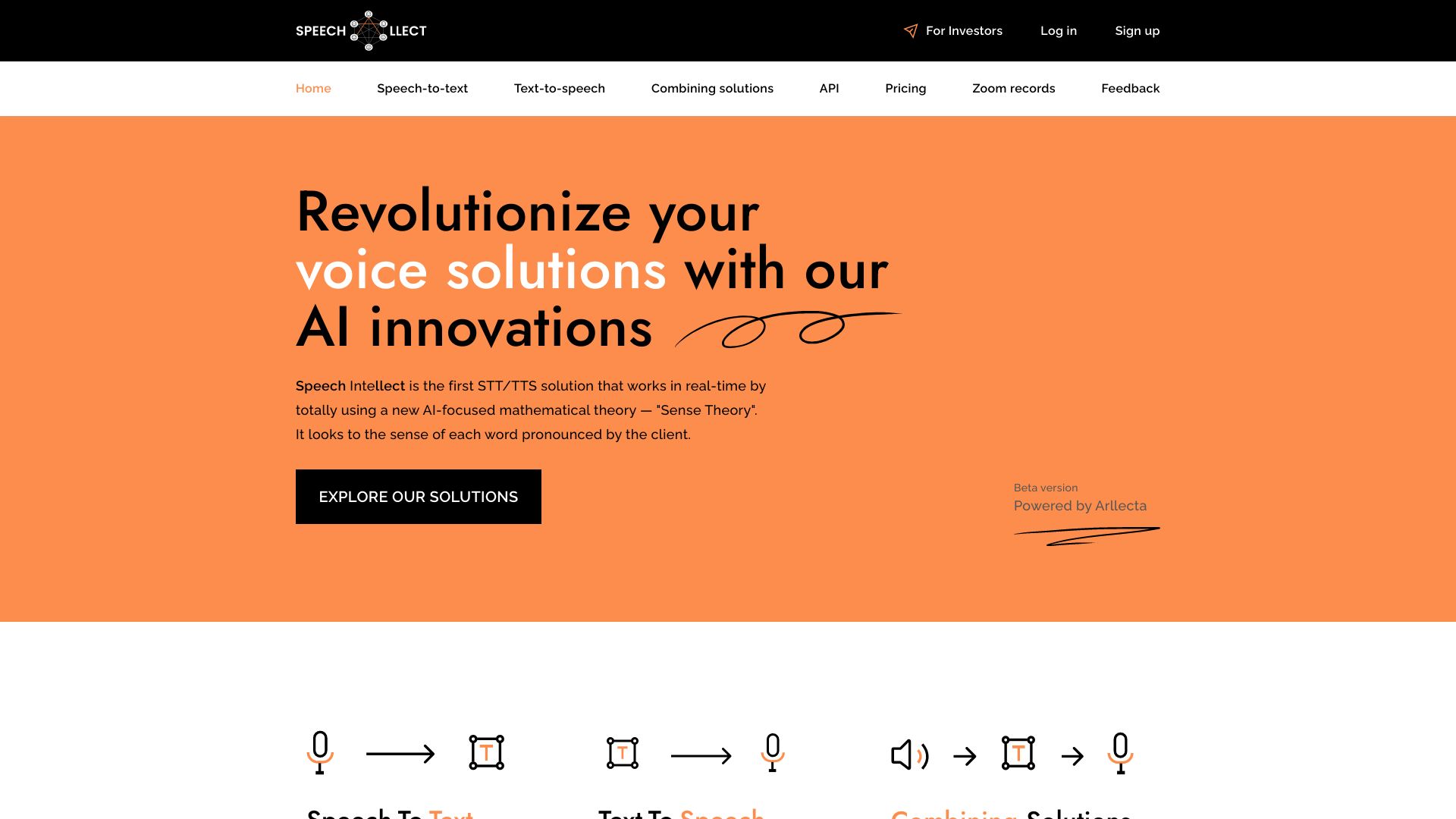
Speech Intellect
Real-time expressive speech synthesis
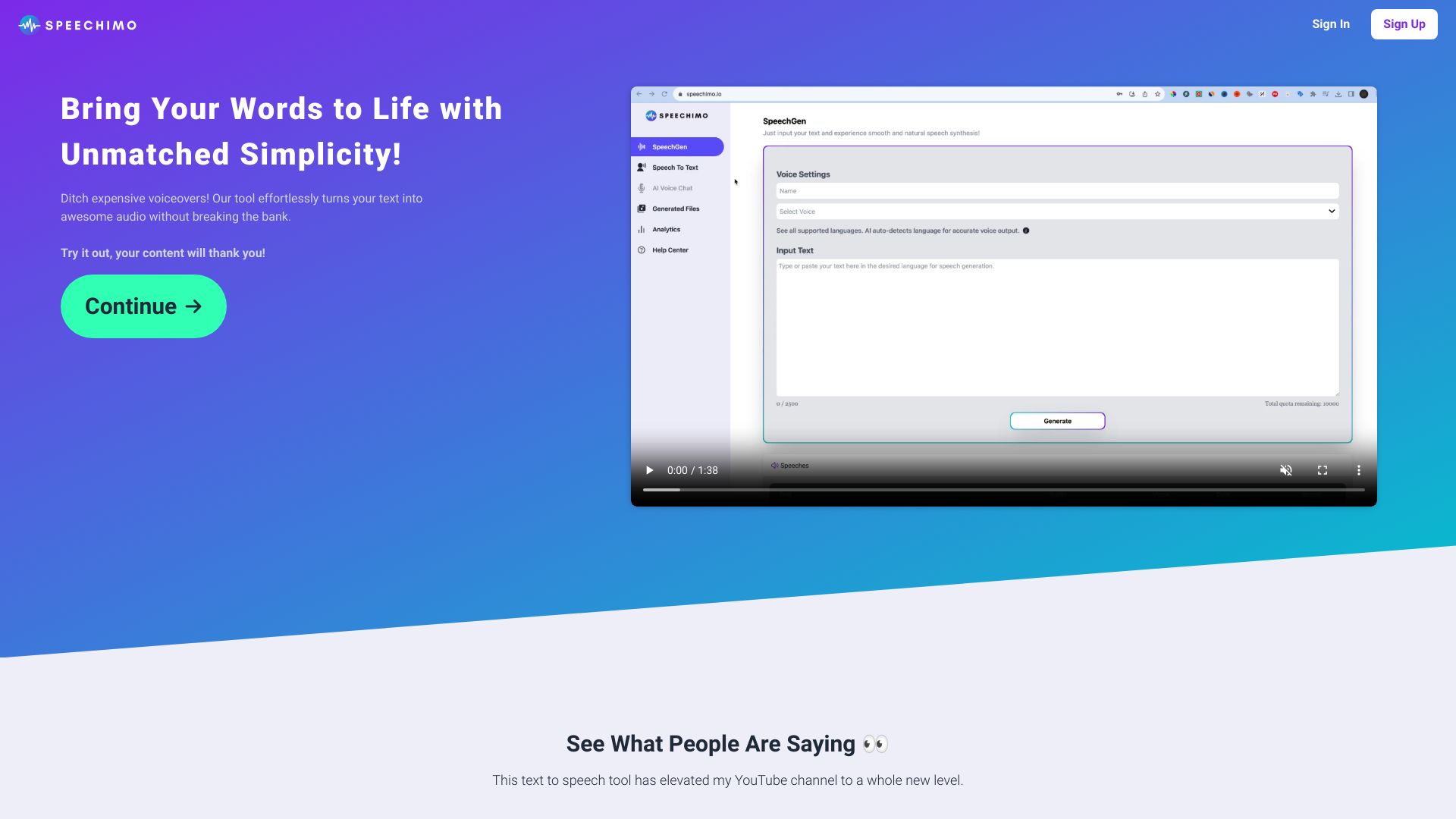
Speechimo
Human-sounding voiceovers

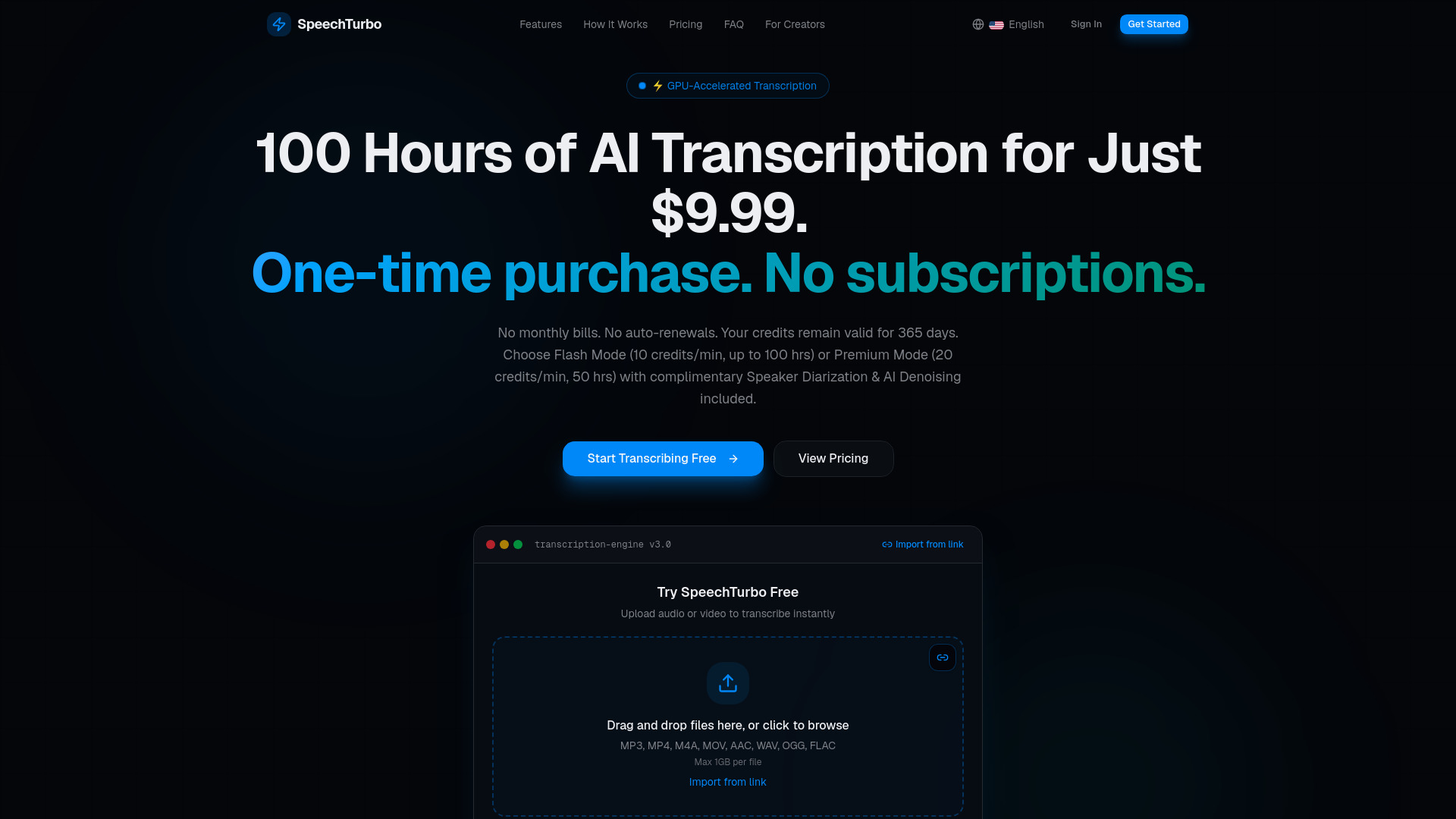
speechturbo
Fast AI audio and video transcription

Content AI Reader
Website audio integration
Whisper Scribe AI
Audio and video transcription

Advanced Voice
Real-time voice conversations

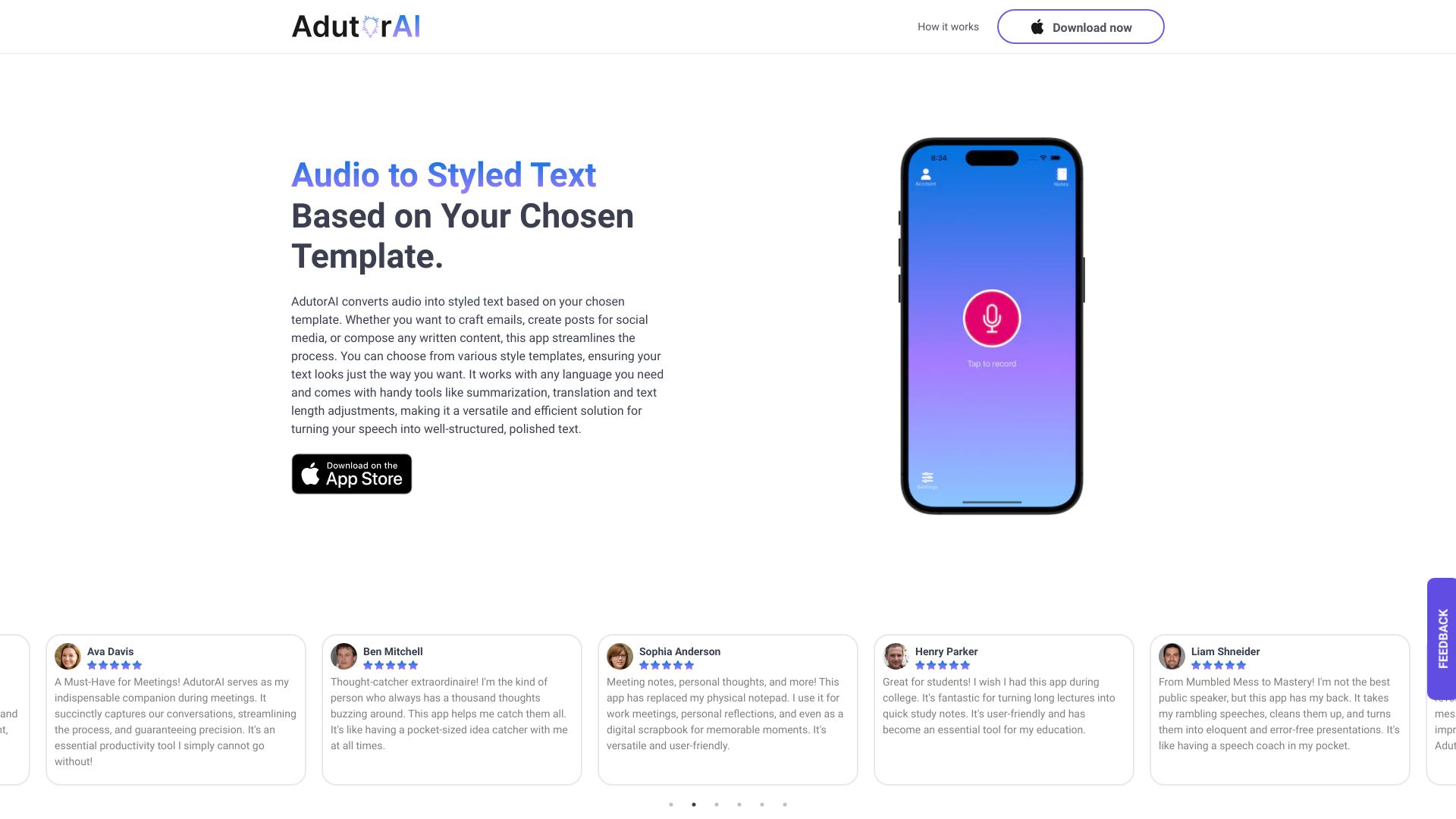
AdutorAI
Voice-to-text note creation

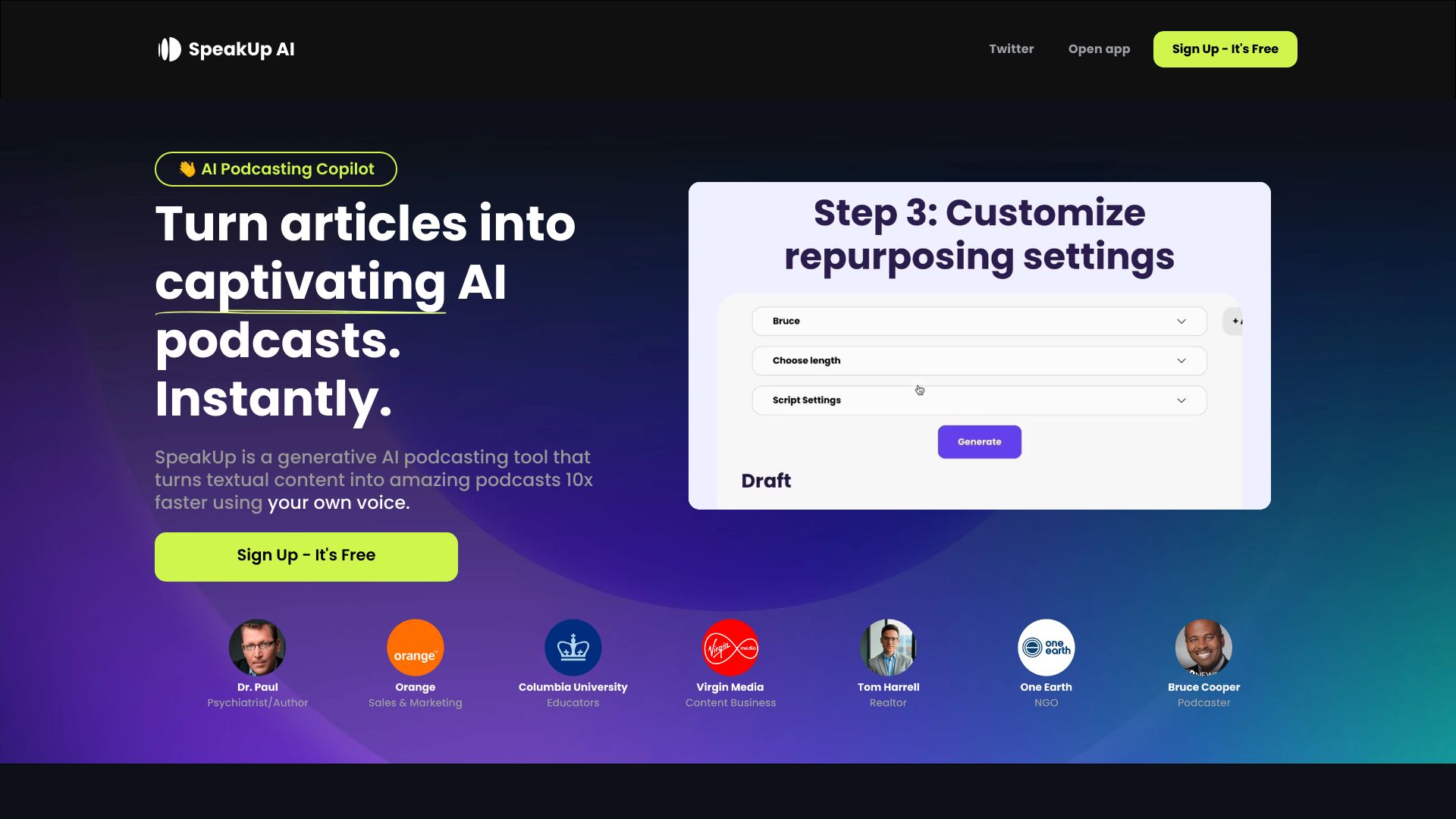
SpeakUp AI
Turning articles into podcasts

Mimemo AI
Multilingual audio transcription

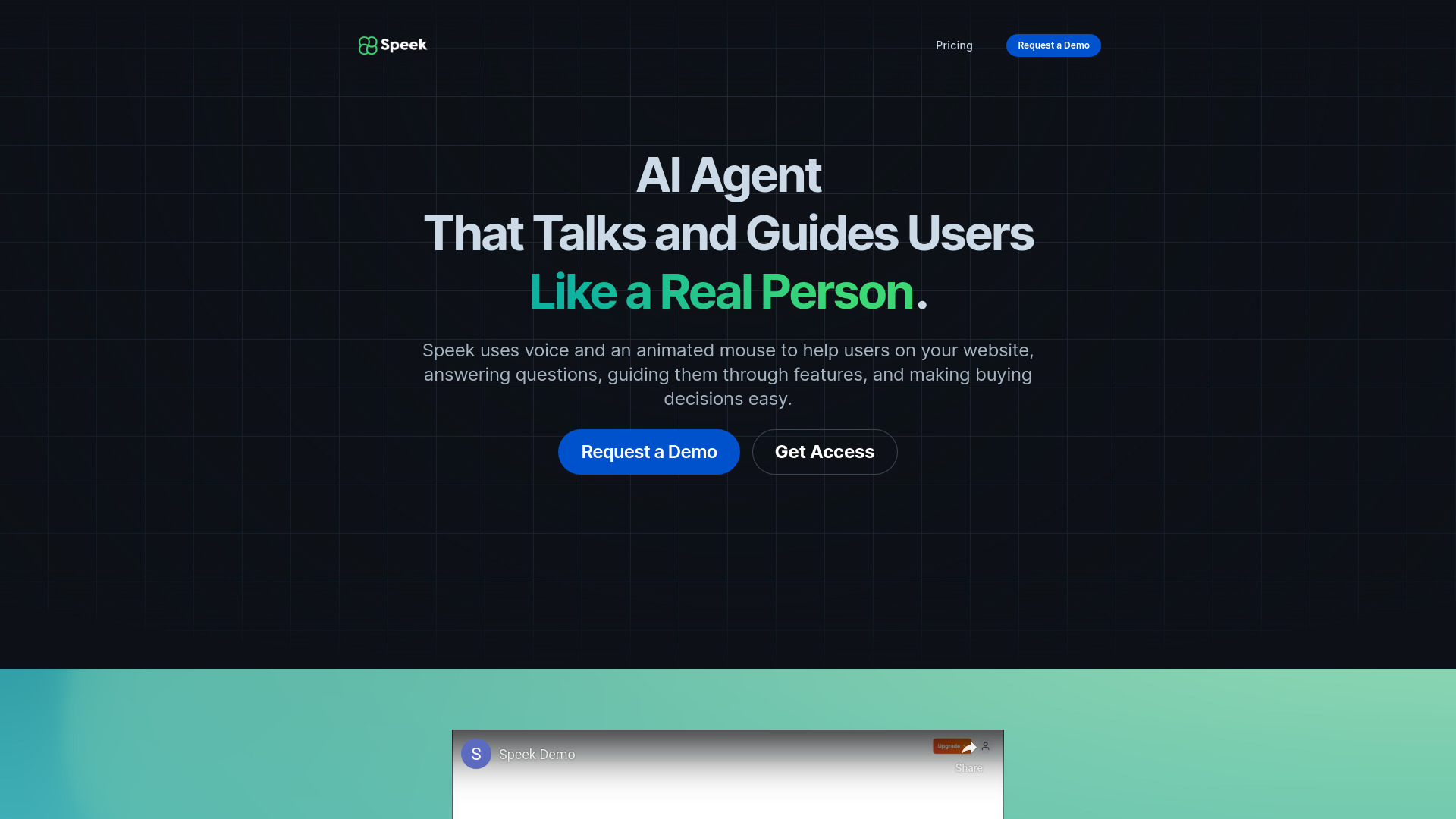
Speek
Website onboarding and visual user guidance

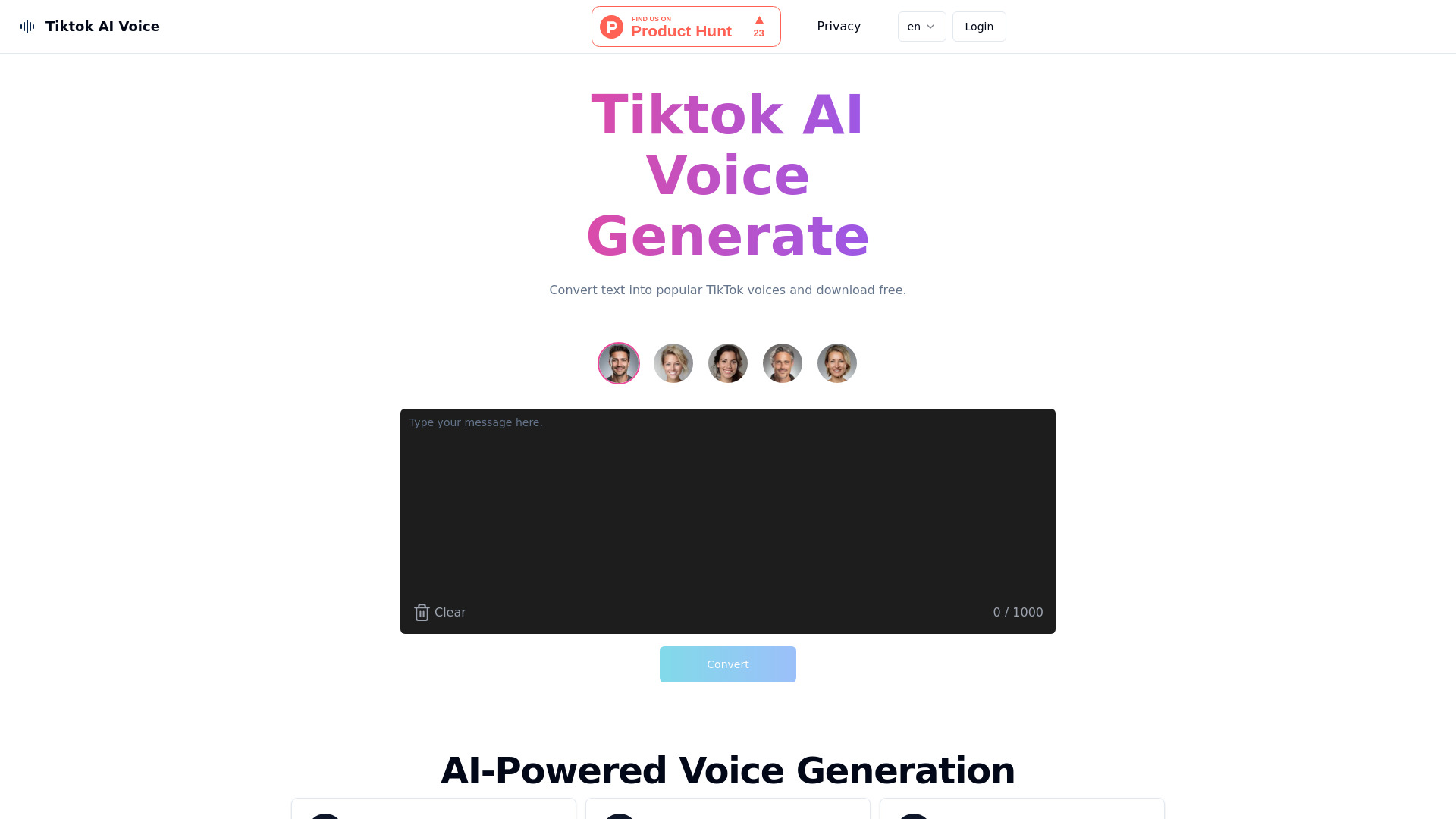
Tiktok AI Voice
TikTok voiceovers and short-form video creators

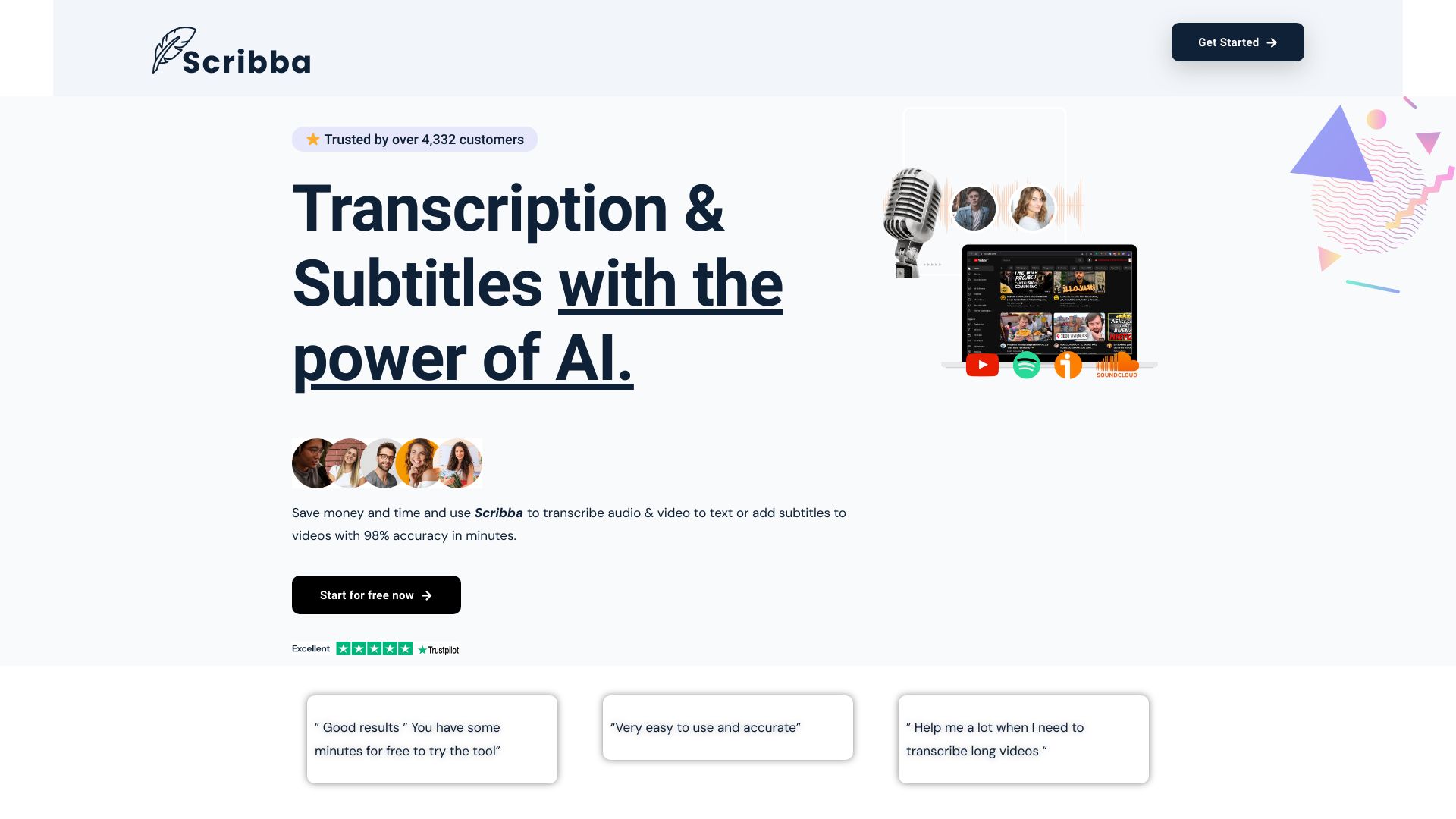
Scribba AI
Audio and video transcription

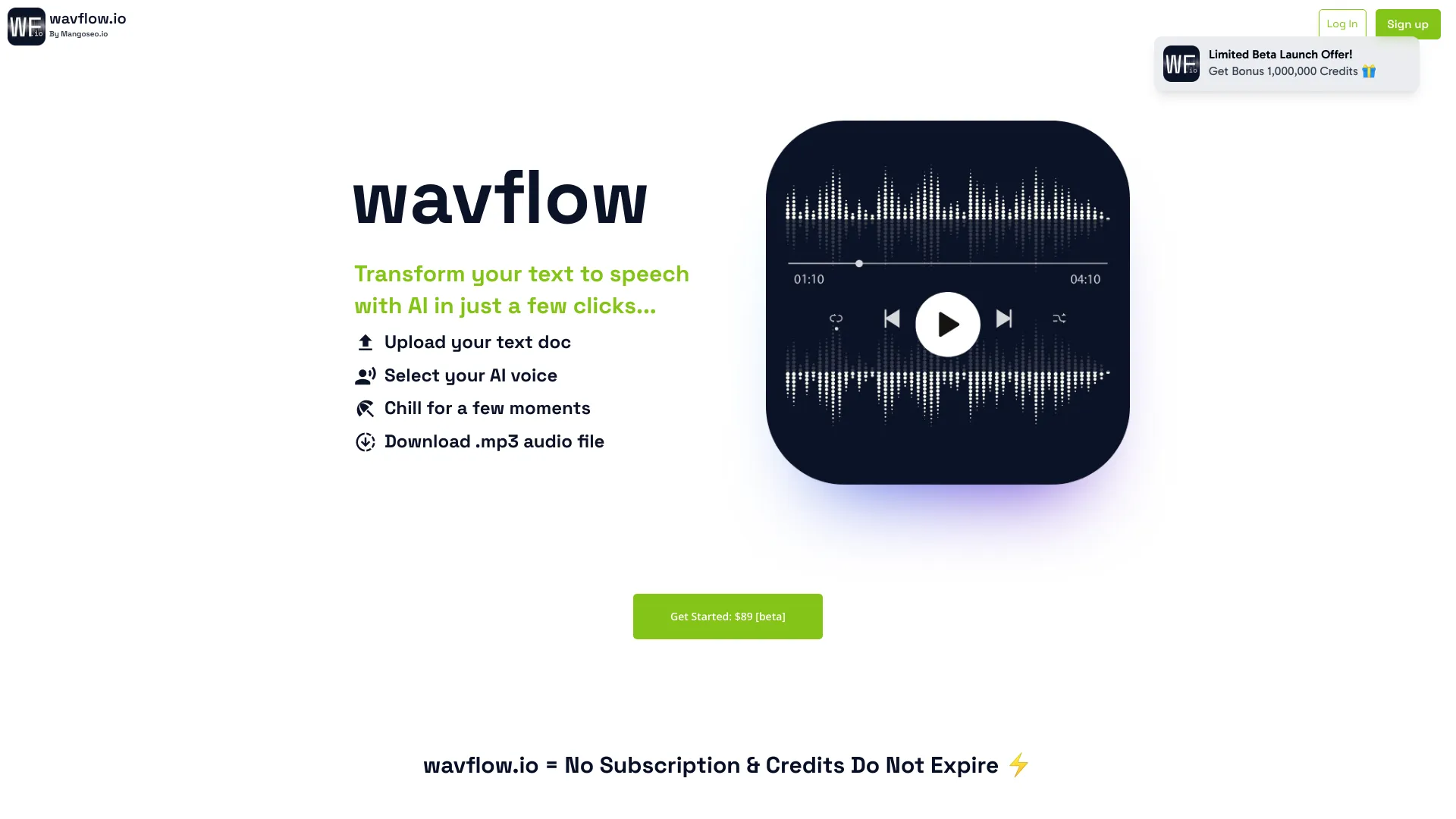
WavFlow
Converting books and documents to speech
Audibles
AI audiobook creation
Which best text to speech AI should you choose?
Use the shortlist by workflow, not by score alone:
For the best all-around creator platform: Start with ElevenLabs. It combines high-quality AI audio generation with text to speech, speech to text, voice cloning, and dubbing.
For students and everyday listening: Compare Speechify and NaturalReader. Speechify emphasizes cross-platform listening, while NaturalReader offers natural AI voices and a free basic version.
For short video voiceovers: Try SpeechGen.io first if a 2,000-character test and a $4.99 25,000-limit pack fit your scripts.
For a no-signup experiment: PopPop AI Text to Speech is the quickest option to test, but the 500-character input limit is decisive.
For languages and emotion: FineVoice offers 1,500+ voices across 154 languages and accents; Noiz AI focuses on emotional TTS, voice cloning, and dubbing.
For production automation: Typecast is the most workflow-oriented creator option, with REST and SDK API support plus n8n and Make integration.
For an app or voice agent: Choose Deepgram, where TTS sits alongside STT and Voice Agent APIs.
The best ai for text to speech is therefore contextual. A creator comparing voiceovers should inspect generation controls and usage limits; a student should inspect device access; and a developer should model API cost from expected volume.
My practical recommendation
For most creators, I would begin with ElevenLabs because it has the broadest match to the core brief and a meaningful 10K-credit free starting point. Test the same 30- to 60-second script in ElevenLabs, SpeechGen.io, FineVoice, and Typecast. Listen for pronunciation, pauses, emphasis, and whether the voice still sounds natural after you edit the wording.
Students should begin with Speechify, then compare NaturalReader if multilingual voices or a free basic version matter more than cross-device convenience. For developers, skip the consumer-first options and use Deepgram's free credit to measure actual API behavior. Finally, if you publish commercially, check voice licensing, attribution, privacy terms, and quota rules before you release anything. The best ai text to voice choice is the one whose rights and usage model remain understandable after the trial ends.
Common mistakes when choosing text-to-speech AI
Judging only the demo sentence: Test names, numbers, abbreviations, punctuation, and the actual tone of your scripts.
Ignoring quotas: Character, minute, and credit limits are not interchangeable. Compare them against your expected monthly output.
Confusing listening with production: A reader such as Speechify and a creator studio such as Typecast solve different problems.
Overlooking commercial terms: NaturalReader requires a paid license for commercial features, while Typecast requires attribution on its free plan.
Assuming every voice is equally expressive: FineVoice and Noiz AI expose emotion-oriented controls, but you should test whether those controls suit your format.
Comparing API tools with consumer apps on the wrong metric: Deepgram is built around APIs and voice agents, so developer effort and usage pricing matter as much as voice selection.
Treating free access as permanent production capacity: Free quotas are excellent for auditions and prototypes, but they can be too small for recurring work.
What changed in 2026
The most useful text-to-speech tools now divide into clearer lanes. Consumer readers emphasize device availability and frictionless listening. Creator platforms compete on voice quality, cloning, dubbing, and emotional delivery. Developer platforms increasingly pair text to speech with speech to text and voice-agent APIs. At the same time, pricing is becoming more usage-shaped: credits, characters, and download minutes can matter more than a simple monthly sticker price. That is why this guide treats quotas and workflow fit as first-class buying criteria rather than footnotes.
FAQ
ElevenLabs is the strongest overall match in this shortlist for creators because it combines high-quality AI audio generation with text to speech, speech to text, voice cloning, and dubbing. Its free plan offers 10K credits per month, while pricing can become a factor at higher usage.