
The best ai tool for summarizing pdfs depends on whether you need a quick overview, a way to ask questions against a document, or a broader PDF workspace. We compared 86 tools and shortlisted 10 worth a closer look. PDF Guru is our best overall match for a student-friendly PDF workflow; WPS AI Summarizer stands out for adjustable summaries and unlimited free use, while Noiz keeps PDF summarization simple and free. If you need citations or document chat, the right pick may be different.
Top picks
| Pick | Tool | Best for | Why it stands out |
|---|---|---|---|
| Best overall match | PDF Guru | Students who also need PDF utilities | Summarization sits alongside editing and signing. |
| Best free flexibility | AI Summarizer | Researchers adjusting summary depth | Choose short, medium, or long summaries and adapt for an audience. |
| Best focused free option | Noiz | Students who want a simple PDF-only tool | Unlimited summaries, format options, and no registration. |
| Best for cited document chat | Coral AI | Researchers checking source pages | Answers and summaries can include clickable page-number references. |
Quick comparison
| Tool | Score | Best for | Free access | Starting price |
|---|---|---|---|---|
| PDF Guru | 94/100 | Students | First summary free | Check vendor pricing |
| AI Summarizer | 93/100 | Researchers | Free and unlimited use | WPS Standard: Free |
| Noiz | 93/100 | Students | Unlimited summaries; no registration | Check vendor pricing |
| PDF.ai | 93/100 | Students | 1 PDF upload and 100 questions free | Hobby: $0 |
| pdf.net | 93/100 | Legal assistants | Core features without registration | Check vendor pricing |
| ChatPDF | 92/100 | Students | Chat with any PDF; cited sources | Check vendor pricing |
| Lilys AI | 92/100 | Students | Summarize PDFs and other media | Check vendor pricing |
| Smart PDFs | 92/100 | Students | PDF summaries and cover images | Check vendor pricing |
| aiPDF | 92/100 | Students | Free document chat and summaries | Playful: Free |
| Coral AI | 92/100 | Researchers | 2 free file uploads | Check vendor pricing |
How we ranked these AI PDF summarizers
We compared 86 candidate tools and shortlisted 10 for detailed review. The ranking favors a clear path from uploading a PDF to getting a useful summary, then considers the supporting workflow: adjustable length, document chat, source references, and whether the tool handles more than PDFs. We also considered the practical starting point for a new user, including stated free access and any listed limits. Scores and traffic signals help distinguish the shortlist, but neither guarantees answer quality for your particular files. PDF contents vary, and AI can miss context or return incorrect answers. Treat generated summaries as a reading aid, then verify important claims against the original document. Pricing can change, so confirm current plans with the vendor.
The best AI tools for summarizing PDFs
1. PDF Guru

PDF Guru
Students who want PDF summaries plus editing and signing
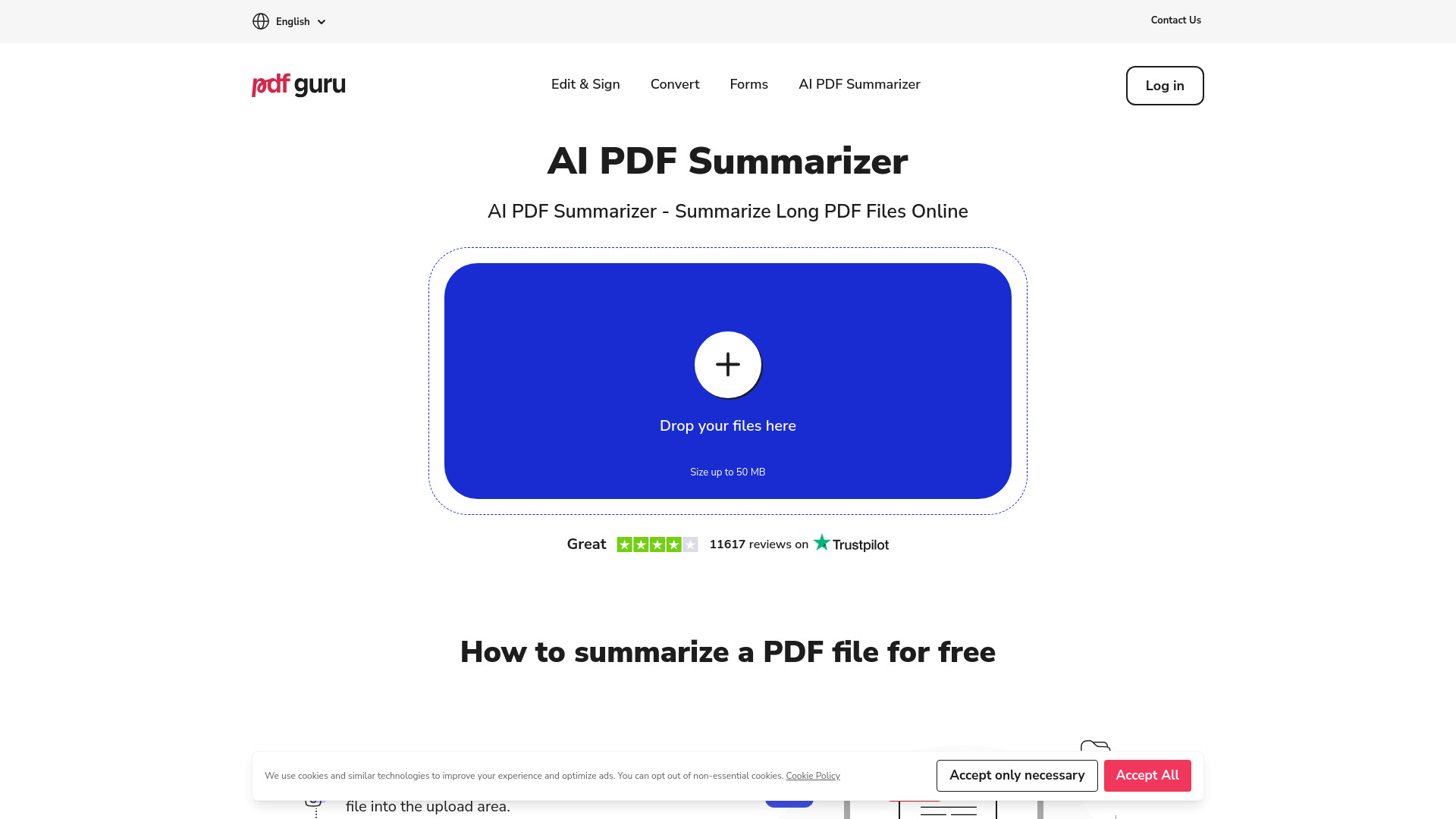
PDF Guru earns the lead by pairing AI-powered PDF summarization with practical document utilities. That broader toolkit matters when your task does not end at understanding a file: the same online product also supports editing and signing. For students moving between reading, marking up, and handling paperwork, keeping those jobs in one place is a persuasive advantage over a single-purpose summarizer.
The catch is that the first free summary is an introduction, not a promise of ongoing full access. Its stated free access includes basic summarization and initial questions, while full access requires a subscription. Pricing is not clear enough to compare here, so check the vendor's current terms before making it part of a regular study workflow.
My take: This is the strongest all-round fit in the shortlist when you want summarization inside a more capable PDF tool. I would try the free summary on a representative document, then decide whether the rest of the PDF workflow justifies paying.
Where it falls short: Full access requires a subscription, and the starting price is not clear. If all you need is an occasional summary, the free-focused options below may be a better fit.
Key features
AI-powered PDF summarization.
PDF editing and signing.
Basic summarization and initial questions are available as free access.
Pros
Combines summarization with useful PDF editing and signing tools.
Offers a first summary free, giving new users a way to try the core workflow.
Cons
Full access requires a subscription.
Pricing needs to be checked directly with the vendor.
Choose PDF Guru if: You are a student who wants PDF summaries and document utilities together rather than a stand-alone summarizer.
2. AI Summarizer

AI Summarizer
Researchers who want control over summary length and audience
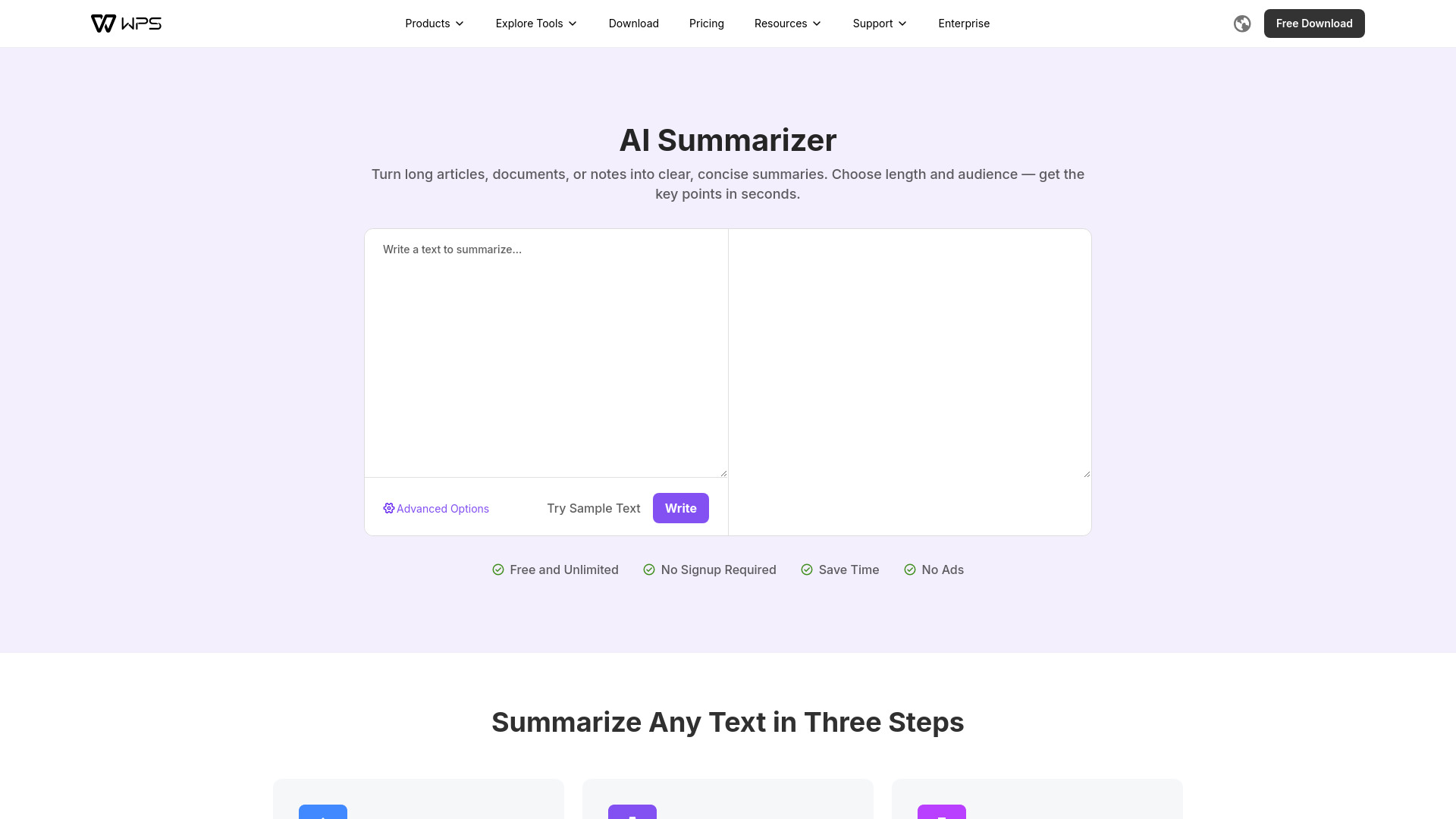
Summary length is not one-size-fits-all. WPS's AI Summarizer lets you choose short, medium, or long output, then adapt the result for an age group. That gives researchers and students a simple way to change the level of detail without rewriting the request from scratch. Its no-signup, free-use positioning also makes it a low-friction first stop when you want to check whether an AI summary can help with a reading task.
This is a web-based tool, so it needs an internet connection. The adjustable settings are useful, but they do not remove the need to check the source: a shorter recap necessarily leaves out detail, and audience adaptation is not a substitute for domain-specific review. Try a few lengths against a document you know before relying on a summary for a decision or citation.
My take: Among the options here, this is one of the easiest to recommend as a first experiment: it gives you meaningful control without putting a subscription decision in the way. The short/medium/long choices make it especially handy for testing how much detail your workflow actually needs.
Where it falls short: You cannot use it offline. The listed tool is web-based, so document access and summarization depend on an internet connection.
Key features
Customizable short, medium, and long summaries.
Audience-based adaptation using age-group settings.
No signup required and free, unlimited use is stated.
Pros
Lets you tune summary length to the task.
Free access lowers the barrier to trying it on different documents.
Cons
Requires an internet connection.
Summaries still need checking against the original PDF.
Choose AI Summarizer if: You want a free, web-based tool that lets you adjust how long and audience-specific a summary should be.
3. Noiz

Noiz
Students who want fast, focused PDF summaries
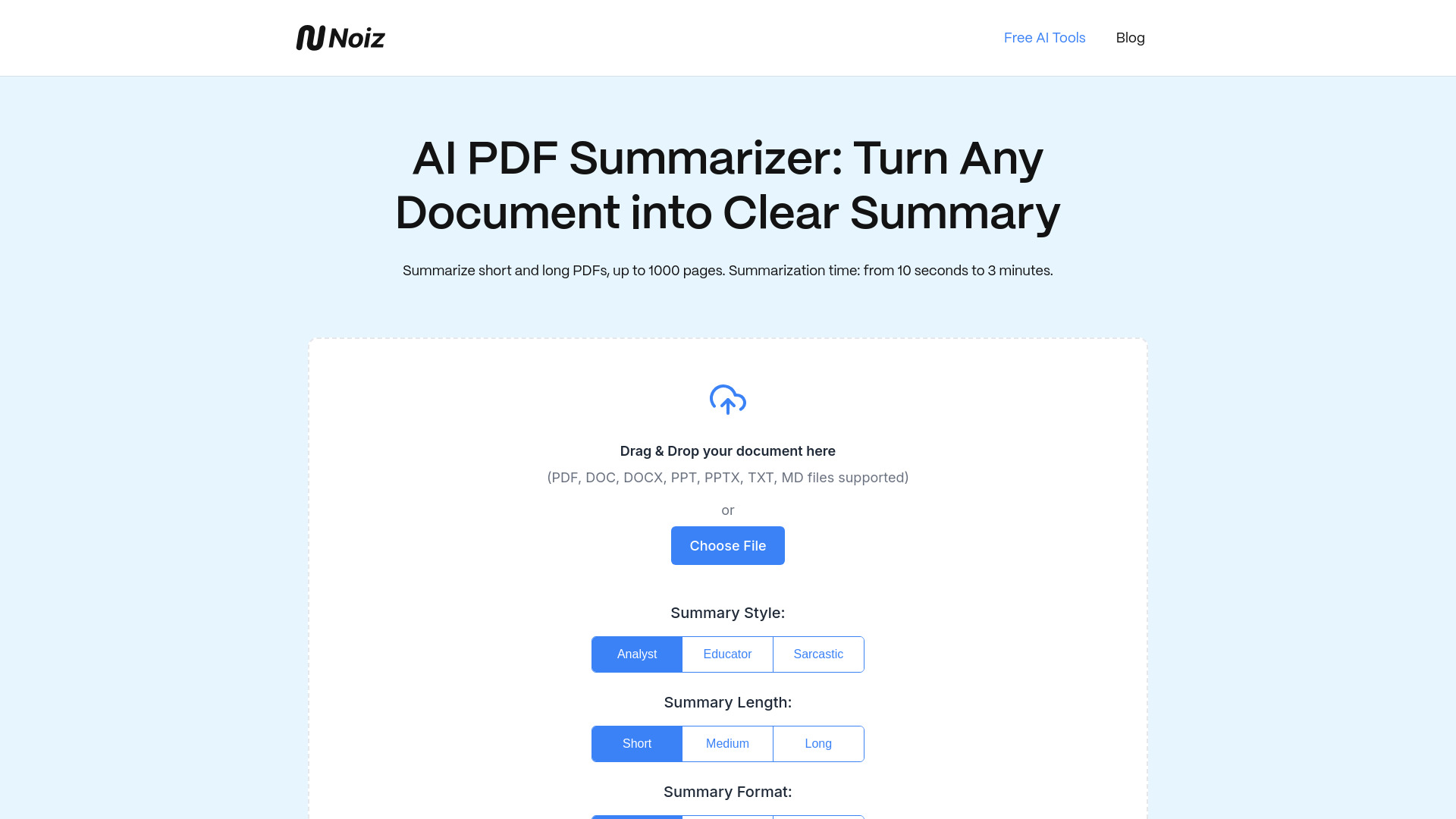
Noiz keeps its proposition refreshingly narrow: upload a PDF, choose the summary length and format, and get a condensed version without registration. Its stated access includes unlimited summaries and PDFs of any size, making it a compelling option for students who want to get through readings without first creating an account or sorting out a paid plan.
That focus is also the limitation. Noiz currently supports PDF files only, so it is not the flexible choice if your reading materials include web pages, video, or other file types. For a straightforward PDF task, though, a dedicated interface can be an advantage: there are fewer unrelated features to learn before you get to the summary.
My take: Noiz is a strong answer to "Can I summarize this PDF without signing up?" The configurable format and length help it feel more useful than a one-button synopsis, while its PDF-only scope keeps expectations clear.
Where it falls short: The tool's stated format support is limited to PDFs. If your research workflow crosses formats, choose a broader service instead.
Key features
Free AI summarization for PDFs.
Adjustable summary length and format.
Unlimited summaries and PDF-size support are stated, with no registration required.
Pros
Straightforward to try without creating an account.
Offers a choice of summary length and format.
Cons
Supports PDF files only.
Pricing is not clear; confirm any current terms with the vendor.
Choose Noiz if: You want a focused, no-registration PDF summarizer and do not need to work with other content formats.
4. PDF.ai

PDF.ai
Students who want to ask questions as well as summarize
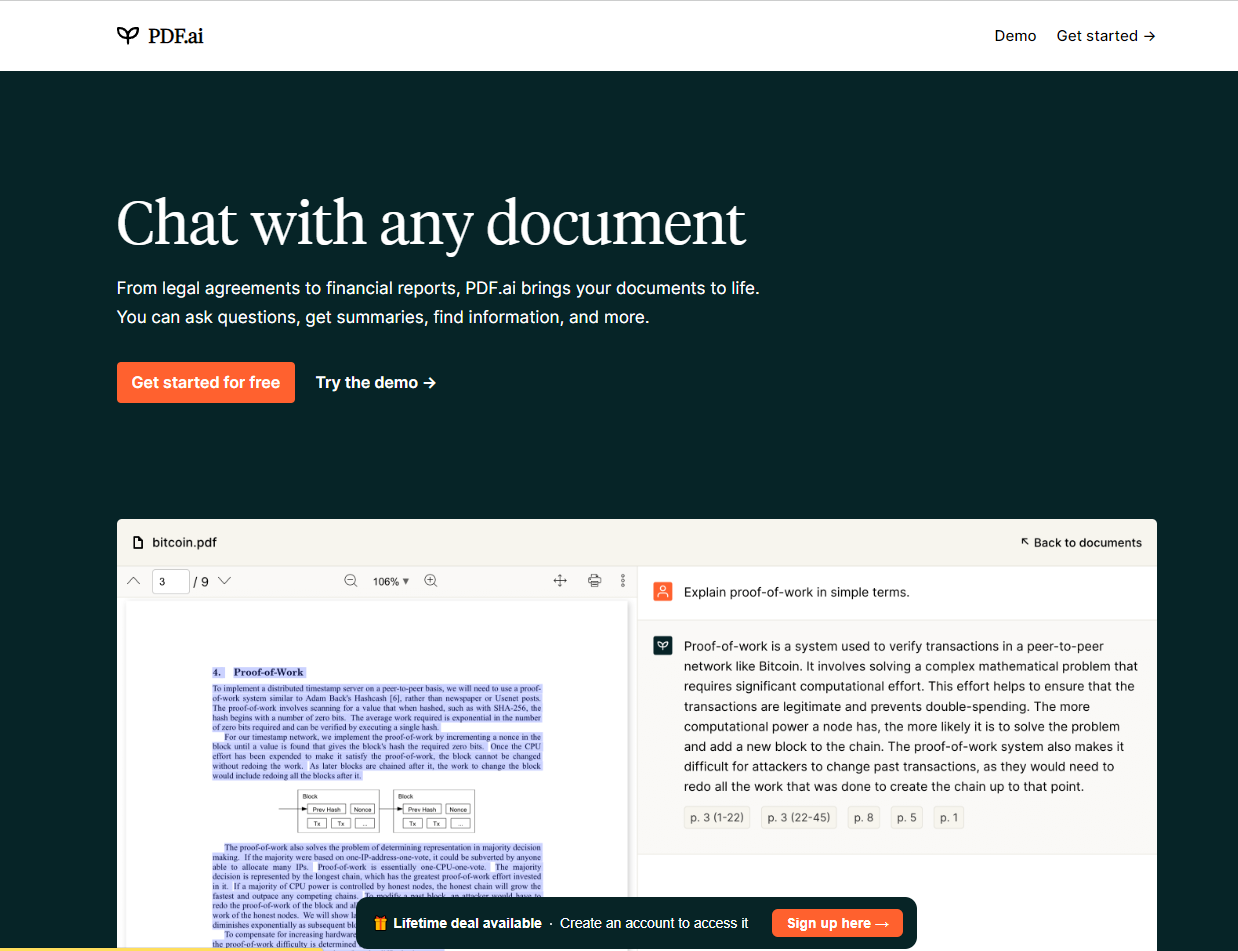
For many documents, the useful question is not "What is this about?" but "Where does it explain the exception?" PDF.ai combines summaries with chat, so you can ask questions about a PDF and extract information rather than relying on one general-purpose recap. Its easy-to-use interface makes that interactive approach approachable for students working through class readings or reference material.
The free plan is clearly bounded: one PDF upload and 100 questions. That is enough to explore the basic workflow, but not an unlimited library for a semester-long project. The listed starting plan is Hobby at $0, while the free-access details still describe upload and question limits. Check the current plan page to understand which limits apply to the version you intend to use.
My take: PDF.ai makes more sense when you expect follow-up questions than when you only need a paragraph-length overview. Treat the one-file allowance as a trial of the workflow, not as a complete free research system.
Where it falls short: Free access limits PDF uploads and monthly questions. Users with many documents should check the plan limits before building a routine around it.
Key features
Chat with PDF documents.
Summarize PDF content.
Ask questions and extract information from a document.
Pros
Combines summaries and document chat in an easy-to-use interface.
The free allowance includes one PDF upload and 100 questions.
Cons
The free plan has PDF upload and monthly question limits.
A chat answer should be checked against the PDF before you rely on it.
Choose PDF.ai if: You want to explore a PDF by asking follow-up questions instead of stopping at a single summary.
5. pdf.net

pdf.net
Legal assistants handling varied PDF tasks
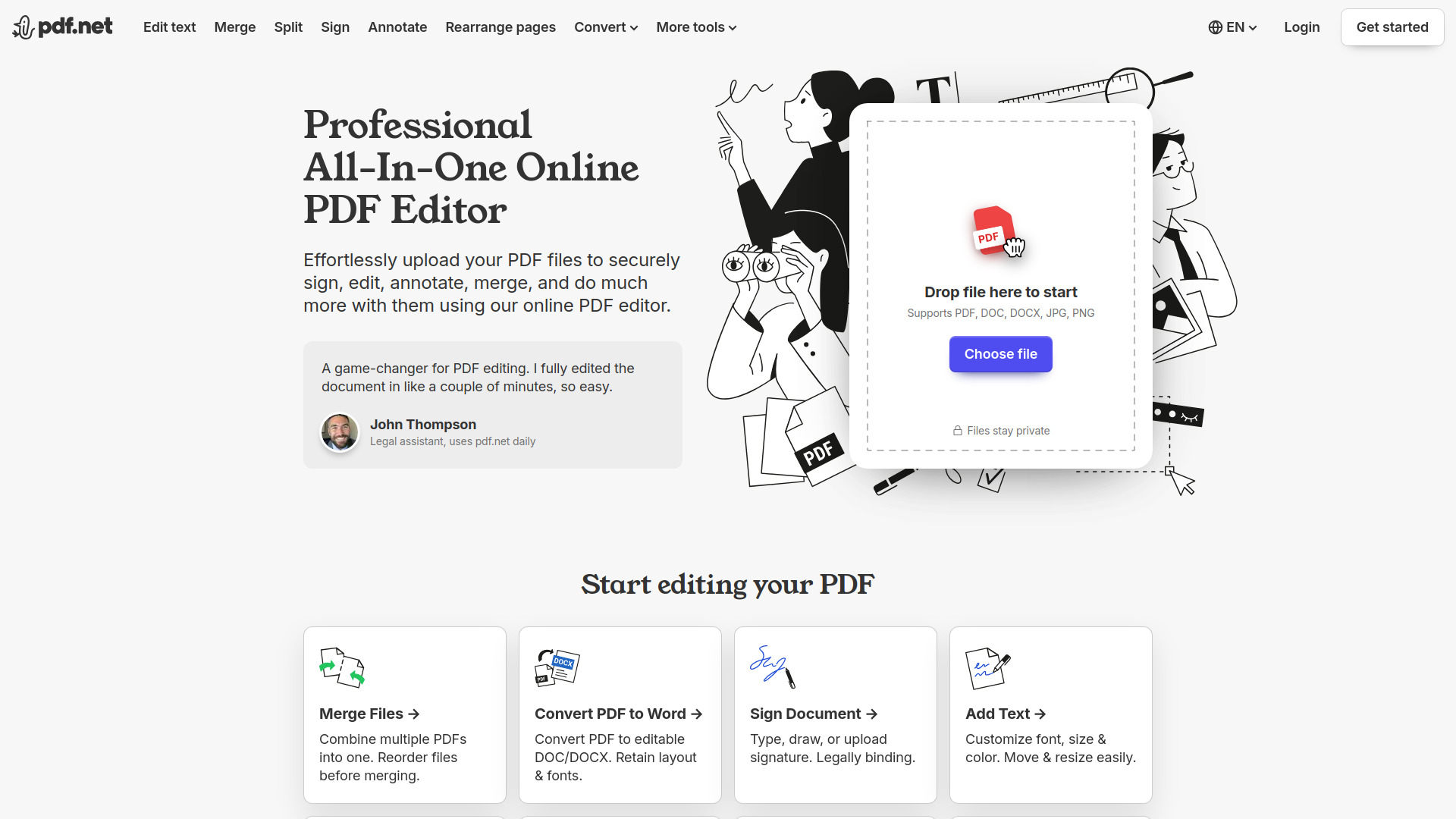
A legal assistant rarely needs only a summary. pdf.net is positioned as an AI-native, all-in-one PDF editor, with chat and translation alongside tools for editing PDF text and converting PDFs to Word, Excel, and Markdown. That mix gives it a wider role in document handling than a standalone summarizer, especially when a file needs to be examined and then moved into another format.
Core features are available without registration, which makes it easier to evaluate before committing to an account. The trade-off is that pdf.net is an online-only web application and requires an internet connection. Its feature list does not make summarization the only focus, so if you want the shortest possible route to a recap, a dedicated PDF summarizer may feel more direct.
My take: I would shortlist pdf.net for people whose PDF work includes translation, chat, editing, or conversion-not just students looking for a one-off abstract. Its no-registration access is a nice way to test whether that broader toolkit earns a place in your workflow.
Where it falls short: You need to be online, and pricing is not clear enough to quote. Confirm the current terms and the exact features available before making it a regular work tool.
Key features
Chat with and translate PDFs.
Edit PDF text directly.
Convert PDFs to Word, Excel, and Markdown.
Core features are available without account registration.
Pros
Covers several PDF tasks beyond summarization.
Lets you try core features without signing up.
Cons
Requires an internet connection.
The feature breadth may be unnecessary if you only want a quick summary.
Choose pdf.net if: Your PDF workflow includes chat, translation, text editing, or file conversion as well as summarization.
6. ChatPDF

ChatPDF
Students who want to explore PDFs with cited answers
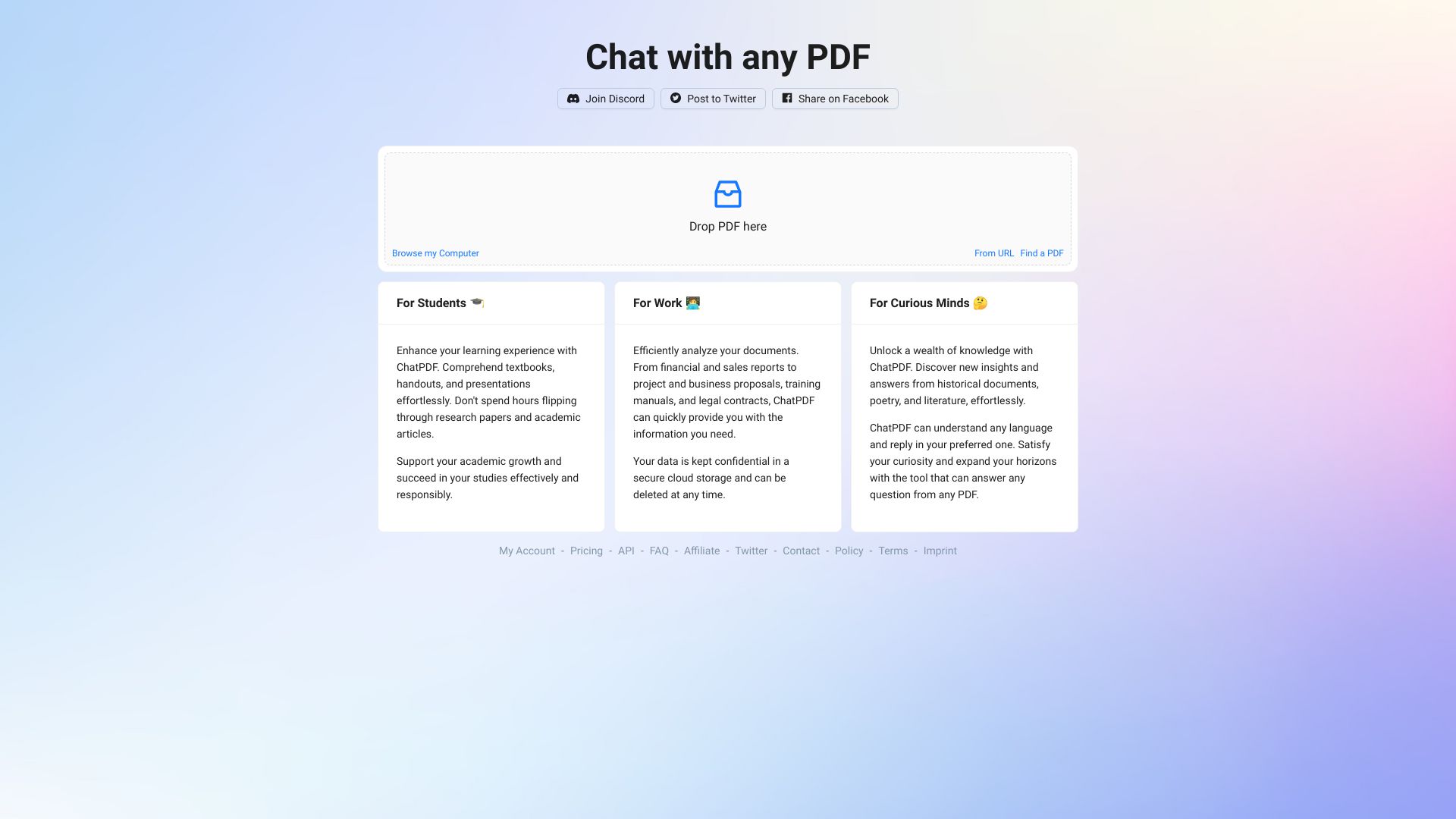
ChatPDF puts the interaction at the center: ask about a PDF, get answers, and use cited sources to trace the response back to document text. It also supports text extraction and AI-powered PDF interaction. That makes it a natural fit for students who want to interrogate a reading or locate relevant information, rather than treating the first summary as the whole job.
There is a privacy consideration worth weighing: files are stored in secure cloud storage. That is a stated part of the service, not a reason to avoid it automatically, but it matters for sensitive documents. Before uploading anything confidential, read the vendor's current data and retention terms. Pricing details are not clear here, so check the live offer if you expect to use it regularly.
My take: The cited-source angle is the reason to pick ChatPDF over a basic summary generator. It encourages a better habit-use the AI to find and interpret passages, then return to the source to verify them.
Where it falls short: Documents are stored in cloud storage, which may not fit sensitive-file requirements. The product is also less compelling if you only want a quick, standalone summary.
Key features
AI-powered interaction with PDFs.
Text extraction from PDFs.
Answers with cited sources.
Pros
Easy to use.
Cited sources make it easier to check an answer against the document.
Cons
Files are stored in secure cloud storage; consider your document requirements.
Pricing should be confirmed directly with the vendor.
Choose ChatPDF if: You want to ask questions about a PDF and have cited sources to help check the answers.
7. Lilys AI

Lilys AI
Students summarizing PDFs alongside other media
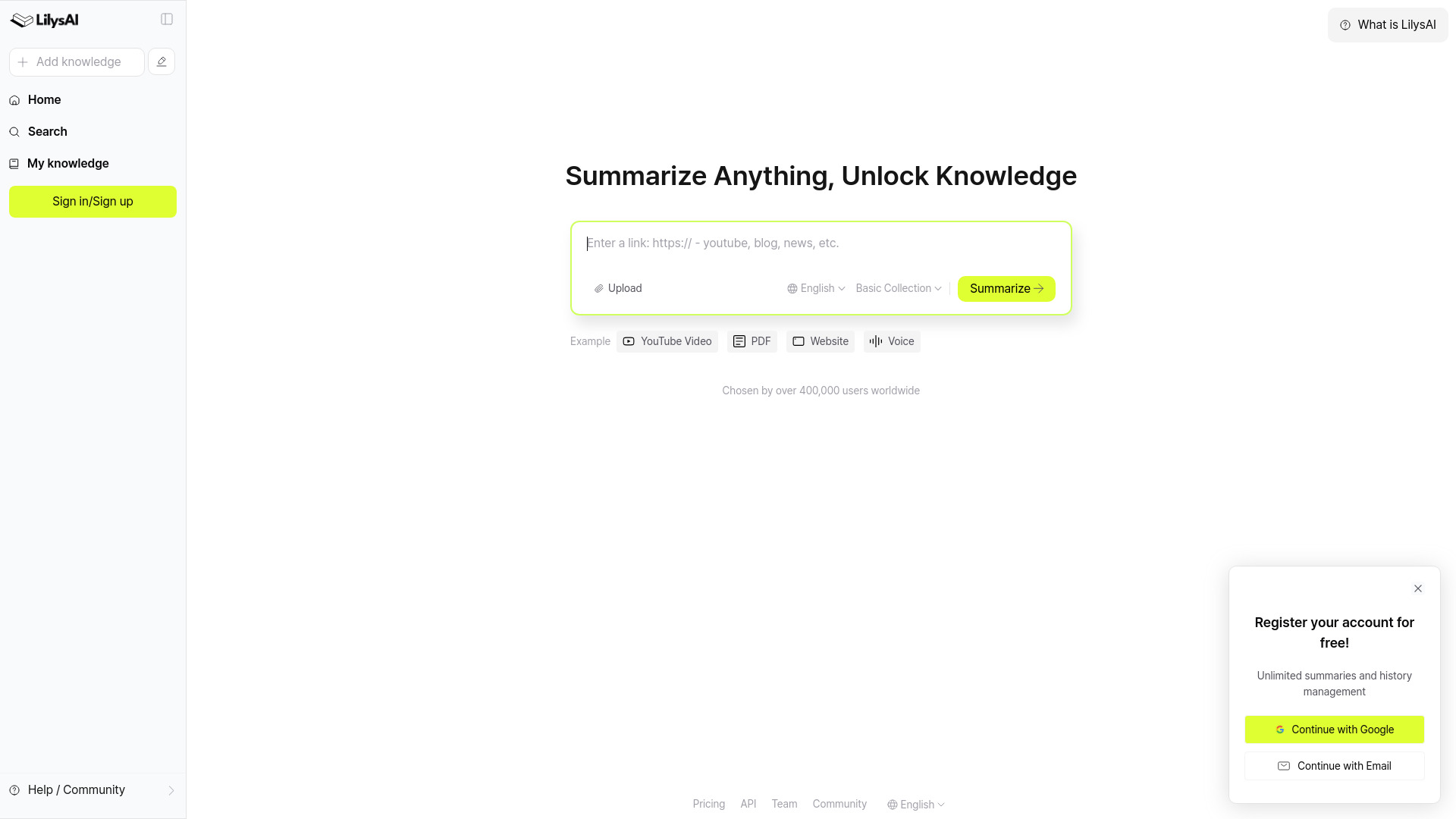
Lilys AI is the shortlist's cross-format option: it can summarize videos, audio, PDFs, websites, and text, and it supports multiple languages. That breadth is useful when class or research materials arrive in more than one format. Instead of keeping a separate summarizer for every source, you can use one tool for several kinds of input, including English papers and foreign-language videos.
This broader scope may be more than you need if your workflow is strictly PDF-based. The free-access description covers multiple source types, but unlimited summaries may require registration. Since pricing is not clearly stated here, check both the current access conditions and any account requirements before relying on it for a high-volume project.
My take: Lilys AI is a better match for mixed-media study than for someone who only wants a PDF recap. Its range is the distinguishing feature; the practical question is whether you will actually use that range often enough to justify another account or plan.
Where it falls short: Registration may be required for unlimited summaries. Users who need a PDF-only tool may not benefit from its broader format coverage.
Key features
Summarizes videos, audio, PDFs, websites, and text.
Supports multiple languages.
Covers English papers and foreign-language videos.
Pros
Handles a wide range of input formats.
Can support a mixed-media study workflow.
Cons
Unlimited summaries may require registration.
Pricing and ongoing access terms should be checked with the vendor.
Choose Lilys AI if: You regularly summarize PDFs as well as videos, audio, websites, or text, including material in multiple languages.
8. Smart PDFs

Smart PDFs
Students who want quick, shareable PDF summaries
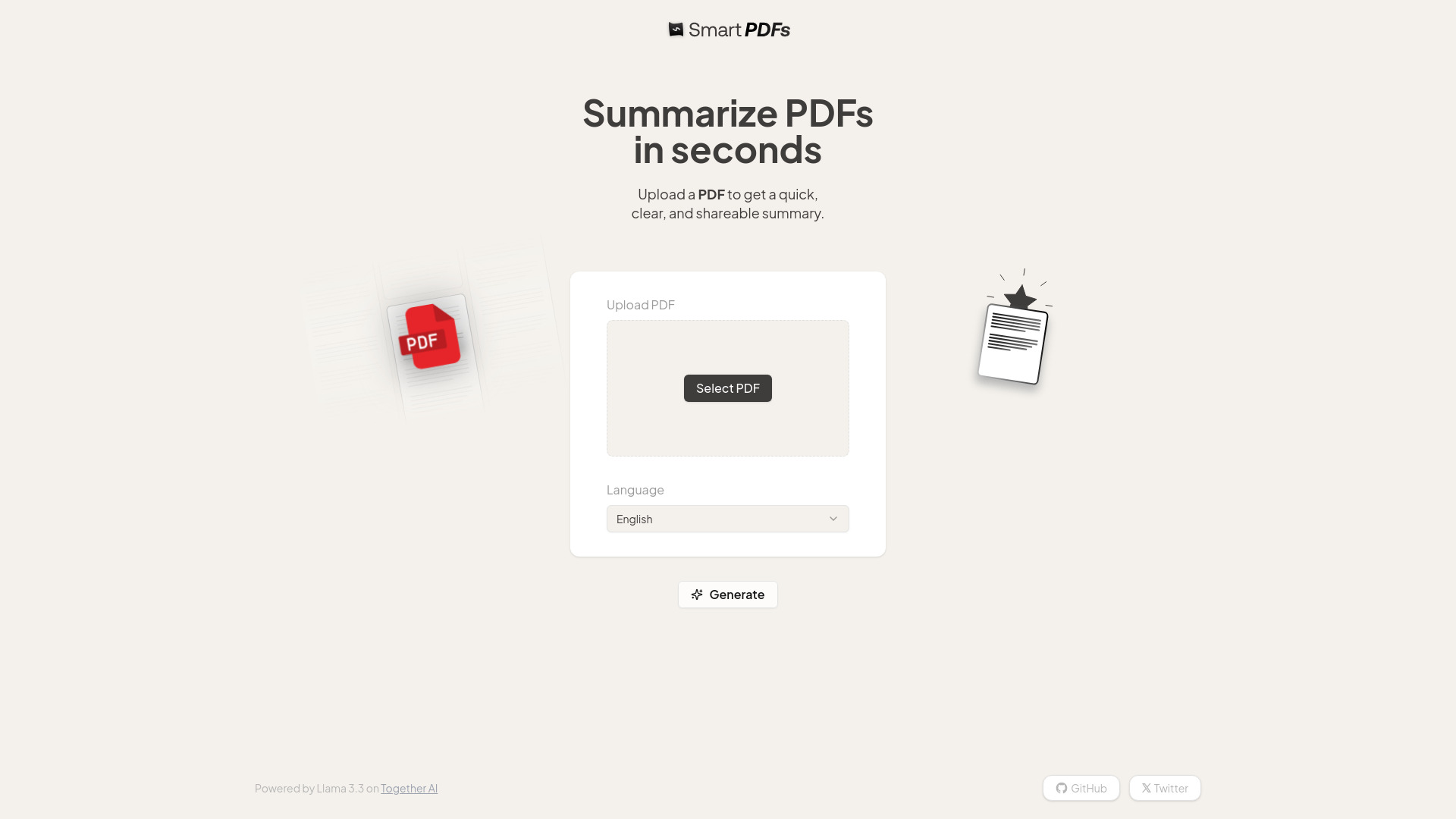
Smart PDFs keeps the main workflow focused on AI-powered PDF summarization and adds generated cover images to its output. The cover-image feature gives a summary a more shareable, finished presentation than plain extracted text. For students organizing notes or passing a digest along, that may be a welcome touch-though the summary itself remains the important part to assess.
The stated limitation is model dependence: summary quality depends on the AI model, identified as Llama 3.3. That is a useful caveat to keep in view when the source is technical, nuanced, or high stakes. The listed information does not establish a pricing plan, so check current access and upload terms before making it your default. Its monthly-visit signal is also much smaller than that of the larger services in this comparison; that alone is not a quality judgment, but it offers less of a broad market signal.
My take: Smart PDFs is worth a look if you value a quick summary with a more presentable, shareable wrapper. I would compare its output against a known document before using it for detailed study notes.
Where it falls short: Quality depends on the named AI model, and the available details do not establish a clear price. Verify the output and current terms for your use case.
Key features
AI-powered PDF summarization.
Generated cover images for summaries.
Pros
Focuses on fast, efficient PDF summaries.
Adds a visual cover to generated summaries.
Cons
Summary quality depends on the AI model (Llama 3.3).
Pricing details should be confirmed with the vendor.
Choose Smart PDFs if: You want a quick PDF summary with a generated cover image and are comfortable checking the result against the original.
9. aiPDF

aiPDF
Students working across documents, web articles, and videos
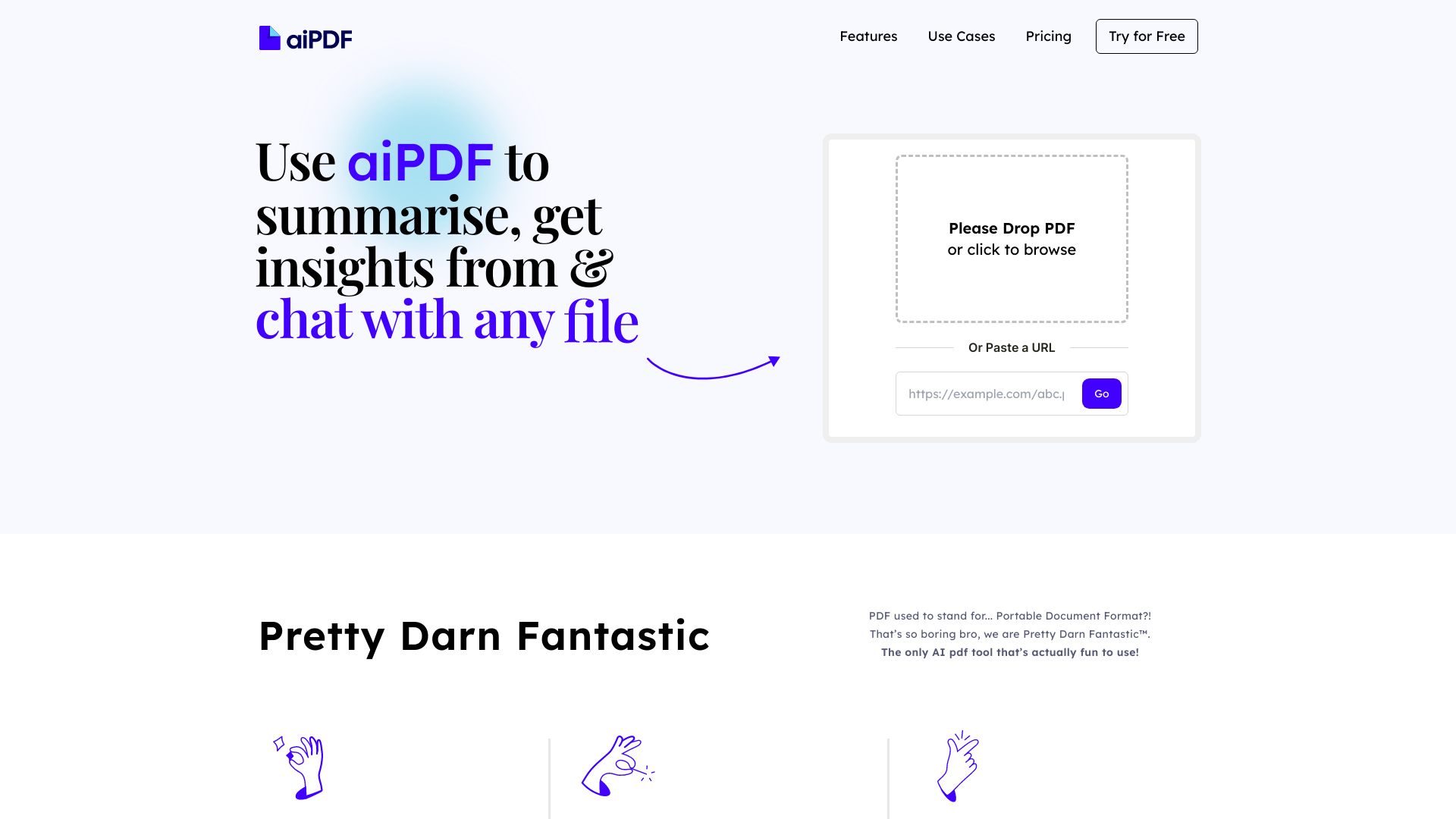
A PDF is often only one part of a research folder. aiPDF combines document summaries and insight extraction with chat, and it also works with web articles and YouTube videos. That range makes it a useful adjacent pick for students who want to bring several kinds of source material into a single AI-assisted reading workflow rather than choosing a tool that stops at PDFs.
The stated limitation is document-size restrictions on some plans, so check the limits against the files you actually use. Its access details mention a free plan and a starting price of $9 per month, while the listed starting-price field names Playful as free; plan names and pricing can change, so verify the current offer directly. The relatively small monthly-visit signal is another reason to assess the service on your own task rather than infer quality from popularity.
My take: aiPDF makes a good case when you want to summarize and extract insights across different source types. I would test it with your largest typical file early, before investing time in building a workflow around it.
Where it falls short: Some plans have document-size limits. The pricing details should be confirmed on the current vendor page, especially if you need larger files or regular use.
Key features
Summarizes documents and extracts insights.
Supports chat with documents.
Works with various file types, web articles, and YouTube videos.
Pros
Goes beyond PDFs to support other common research inputs.
Offers free access to document summaries and chat.
Cons
Document size limits apply on some plans.
Confirm plan names, pricing, and file limits before choosing.
Choose aiPDF if: Your reading workflow spans PDFs, other files, web articles, and YouTube videos, and you want summarization plus insight extraction.
10. Coral AI

Coral AI
Researchers who need page-linked citations
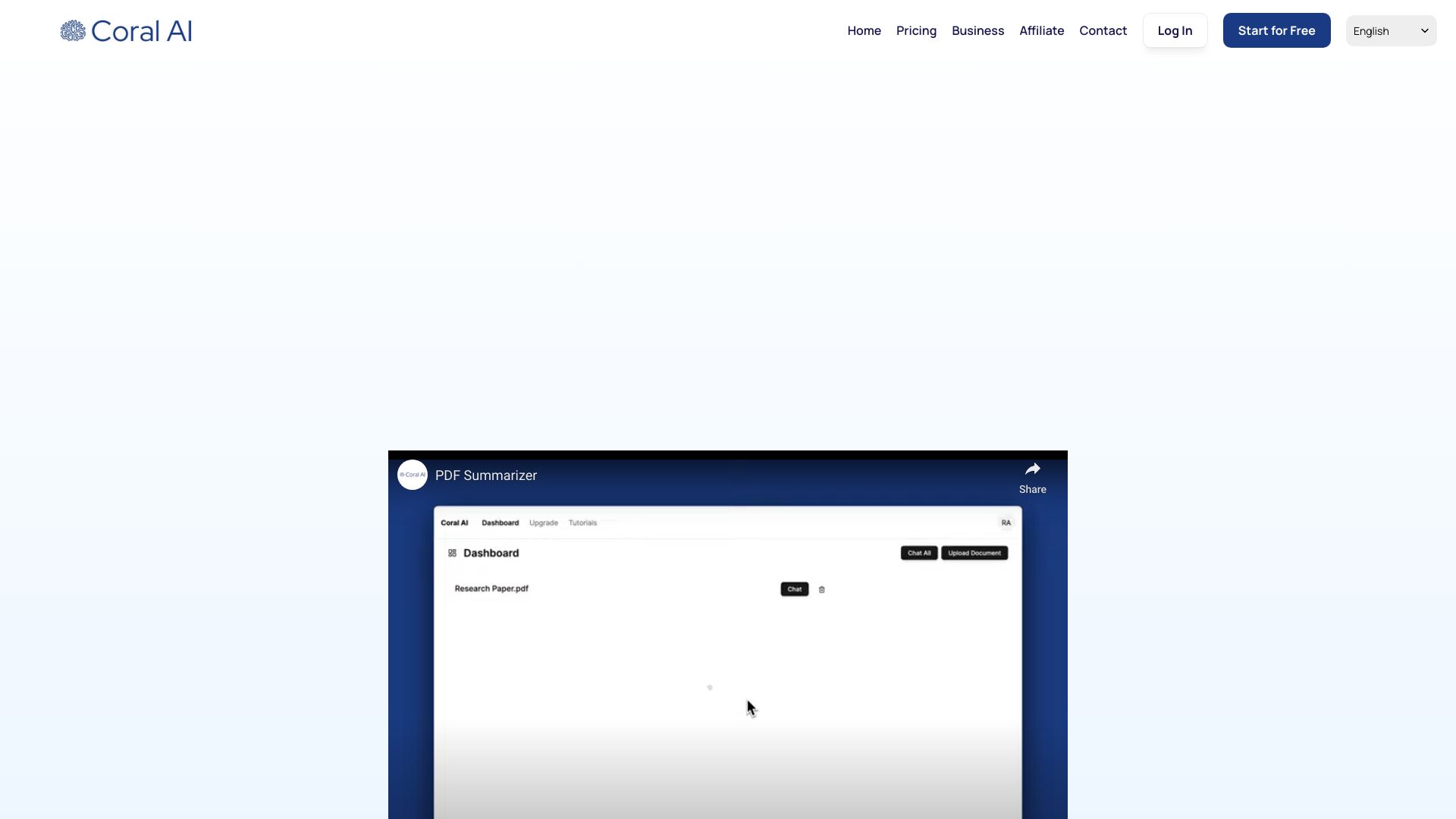
Coral AI's clearest advantage is source traceability: it can generate citations with clickable page-number references alongside PDF summaries and answers. That gives researchers a practical way to move from a high-level recap to the relevant part of the source. It also supports translating and extracting information from PDFs and other file types, so the workflow is not limited to one kind of question.
The free tier is described as two file uploads with chat, summaries, answers, and citations. That is a concrete way to try the cited-answer workflow, but it is not a large-scale research library. Coral AI also warns, in effect, through its stated limitation that answers may not always be correct. Page references make verification easier; they do not make the generated answer infallible. Its listed starting price is unclear, so check current pricing before uploading more files.
My take: Coral AI is the most compelling choice here when citations matter more than a bare summary. I like that clickable page numbers give you a clear route back to the source, but I would still open the cited passage before quoting or acting on an answer.
Where it falls short: AI answers may be incorrect, and the two-file free allowance is limited. Use citations as a verification aid, not as a guarantee of accuracy.
Key features
AI-powered PDF summarization.
Citation generation with clickable page-number references.
Chat, answers, translation, and information extraction for PDFs and other file types.
Pros
Page-linked citations make source checking more direct.
Free access includes two file uploads, summaries, answers, and citations.
Supports translation and information extraction as well as summaries.
Cons
Answers may not always be correct.
The free upload allowance is limited, and pricing should be confirmed.
Choose Coral AI if: You are a researcher who wants summaries and answers linked to specific PDF pages so you can verify the source quickly.
More tools to compare

PDF Summarizer
Students and researchers summarizing PDFs
AI Summarizer
Summarizing text, essays, and articles

Humata AI
Summarizing and querying PDFs with cited answers

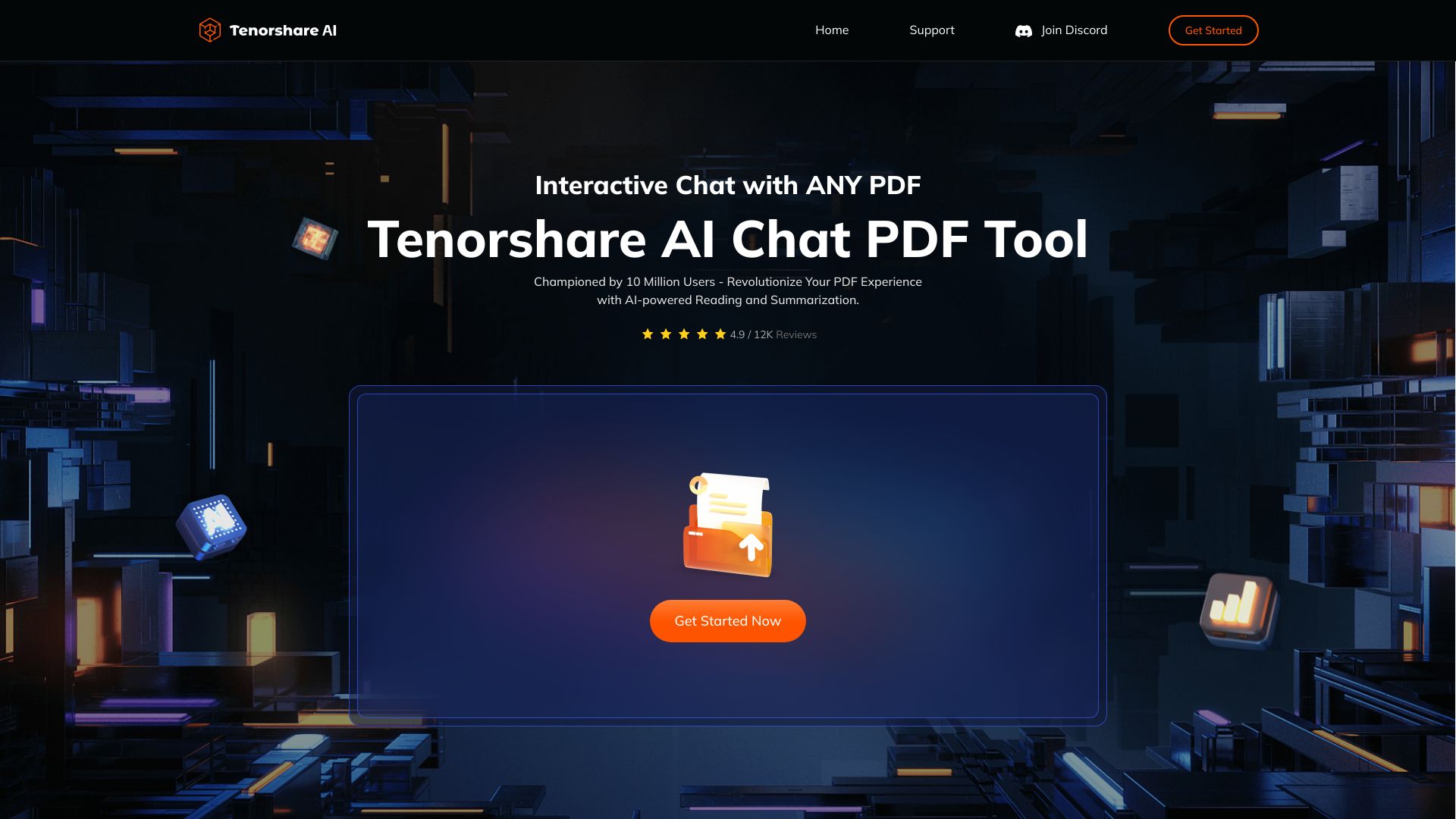
Tenorshare AI
Summarizing and chatting with PDFs

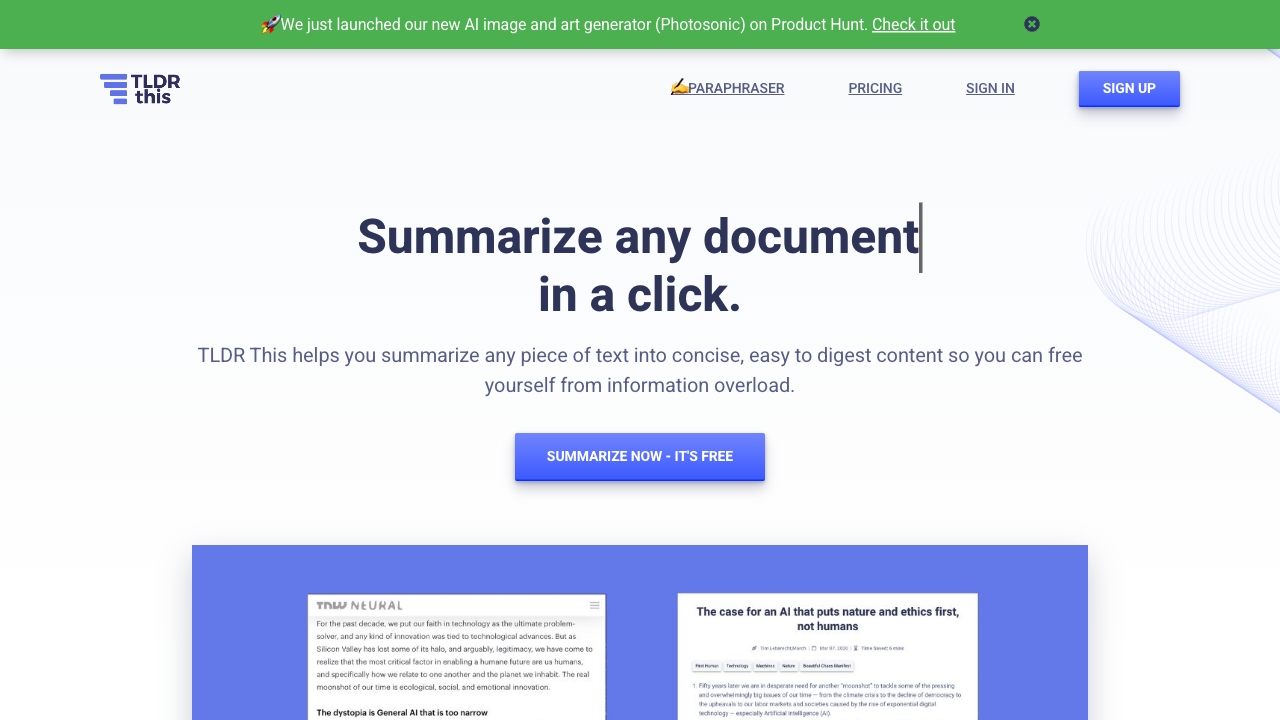
TLDR This
Quick summaries of articles and documents

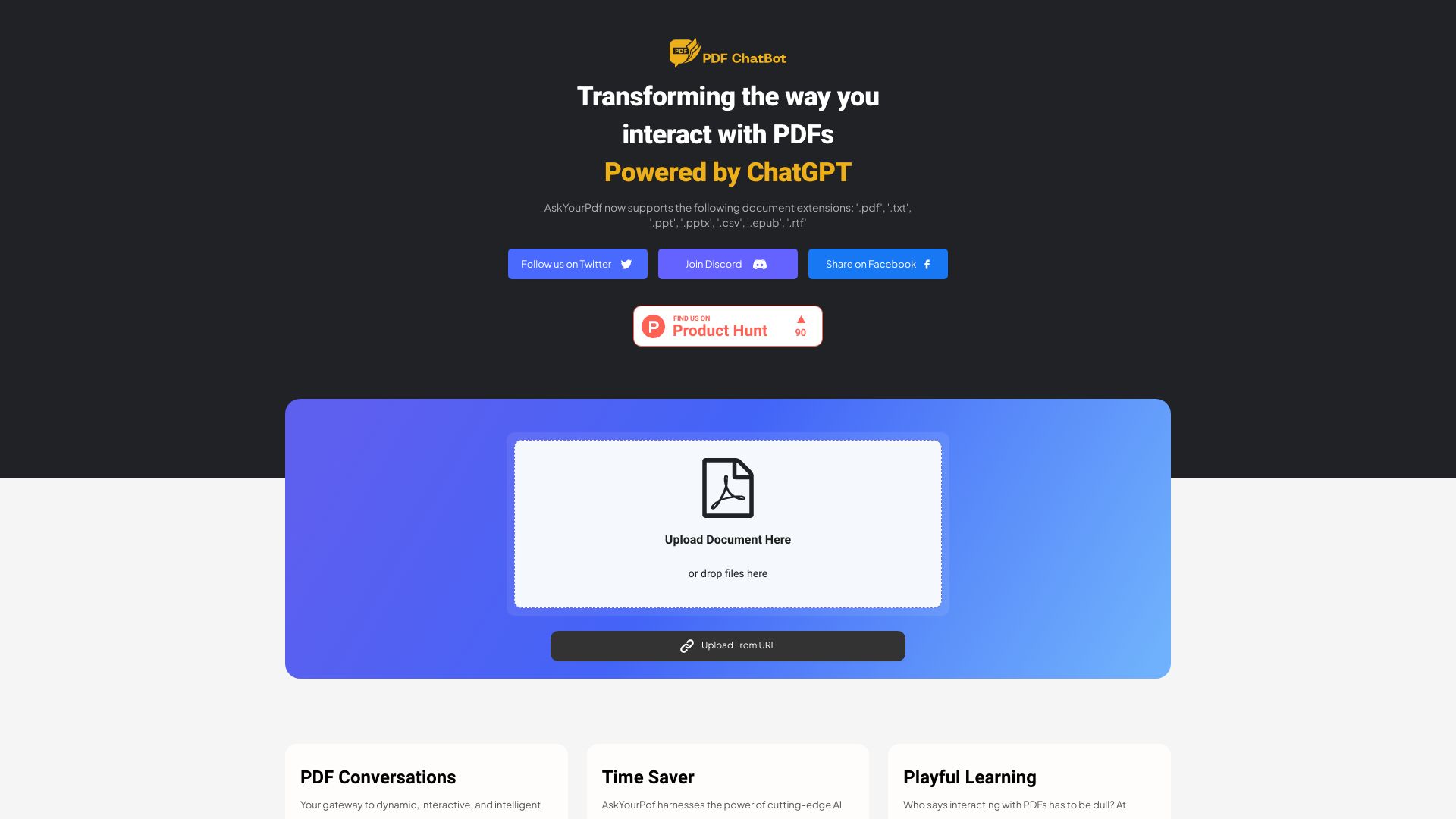
AskYourPDF
Summarizing PDFs and finding answers in documents

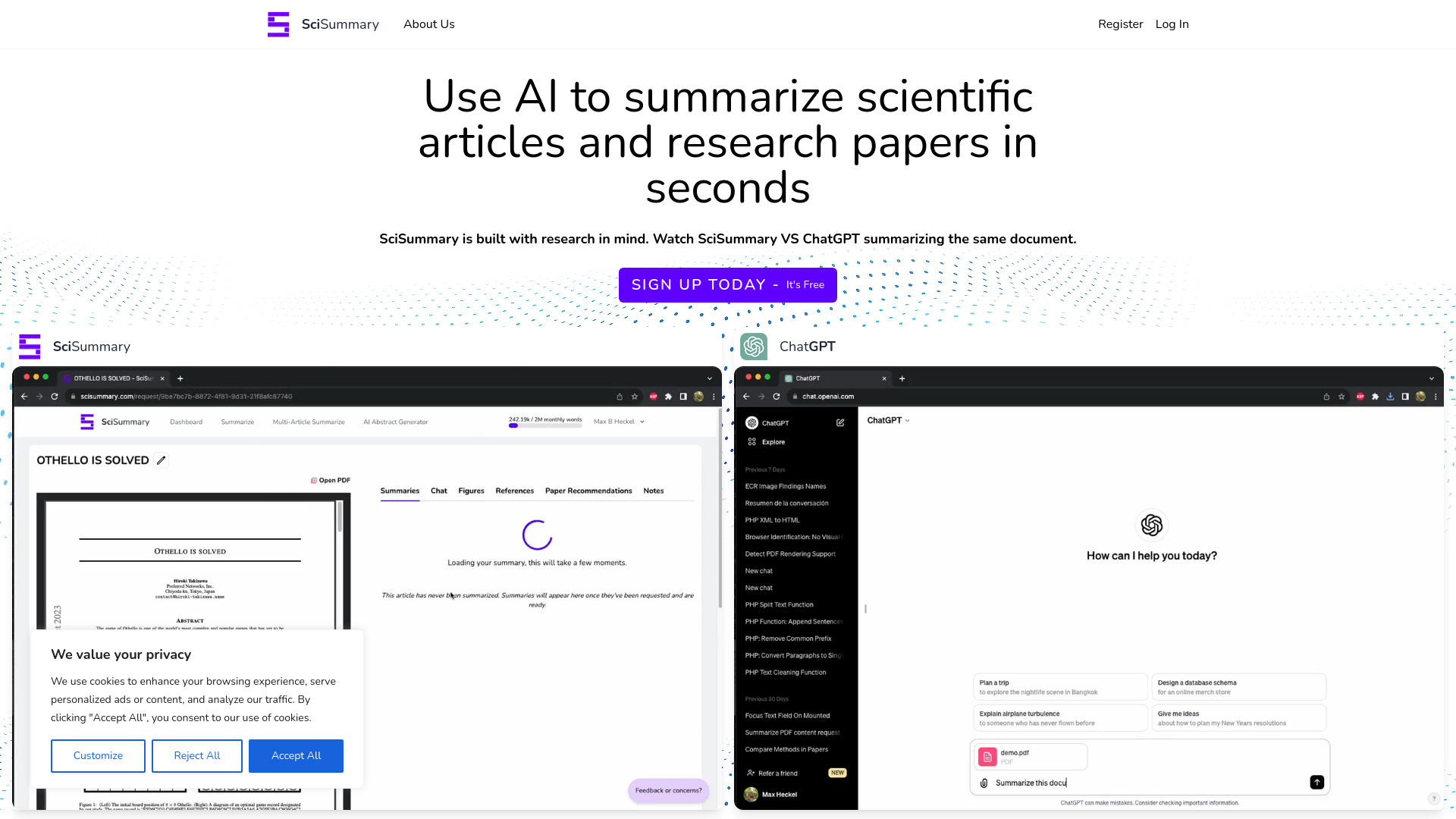
SciSummary
Summarizing scientific papers

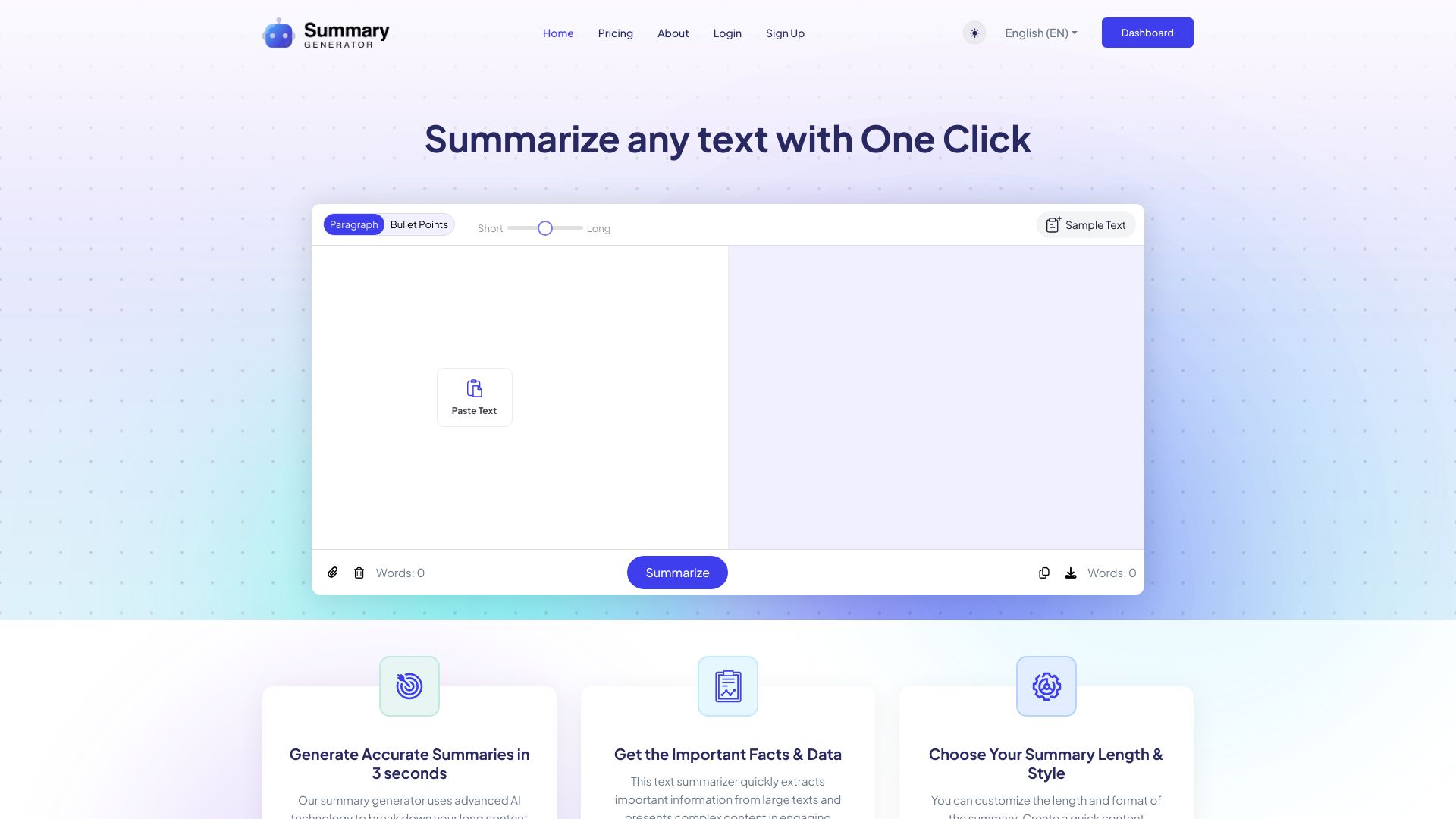
AI Summary Generator
Summarizing PDFs and documents
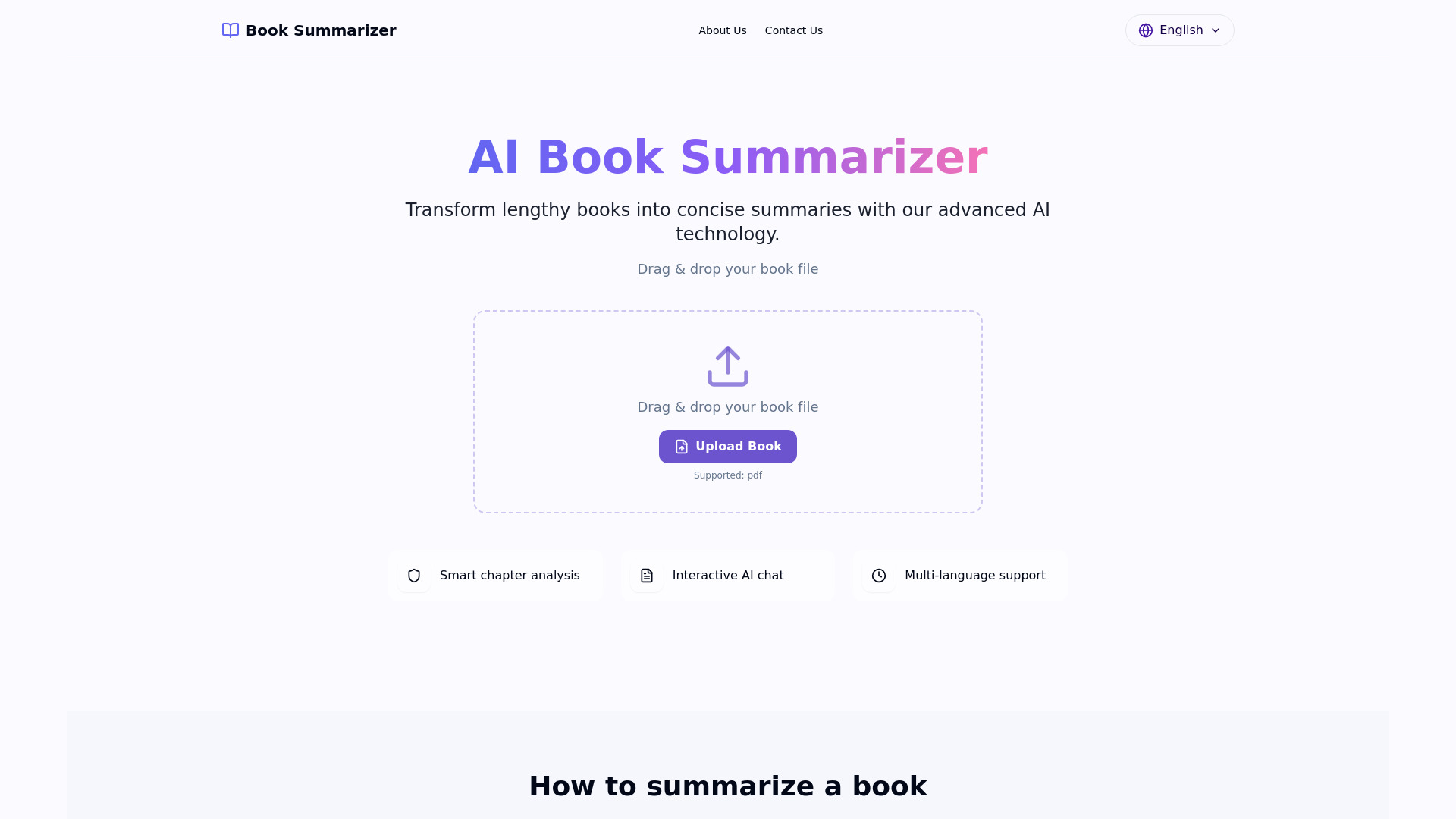
AI Book Summarizer
Summarizing books and PDFs

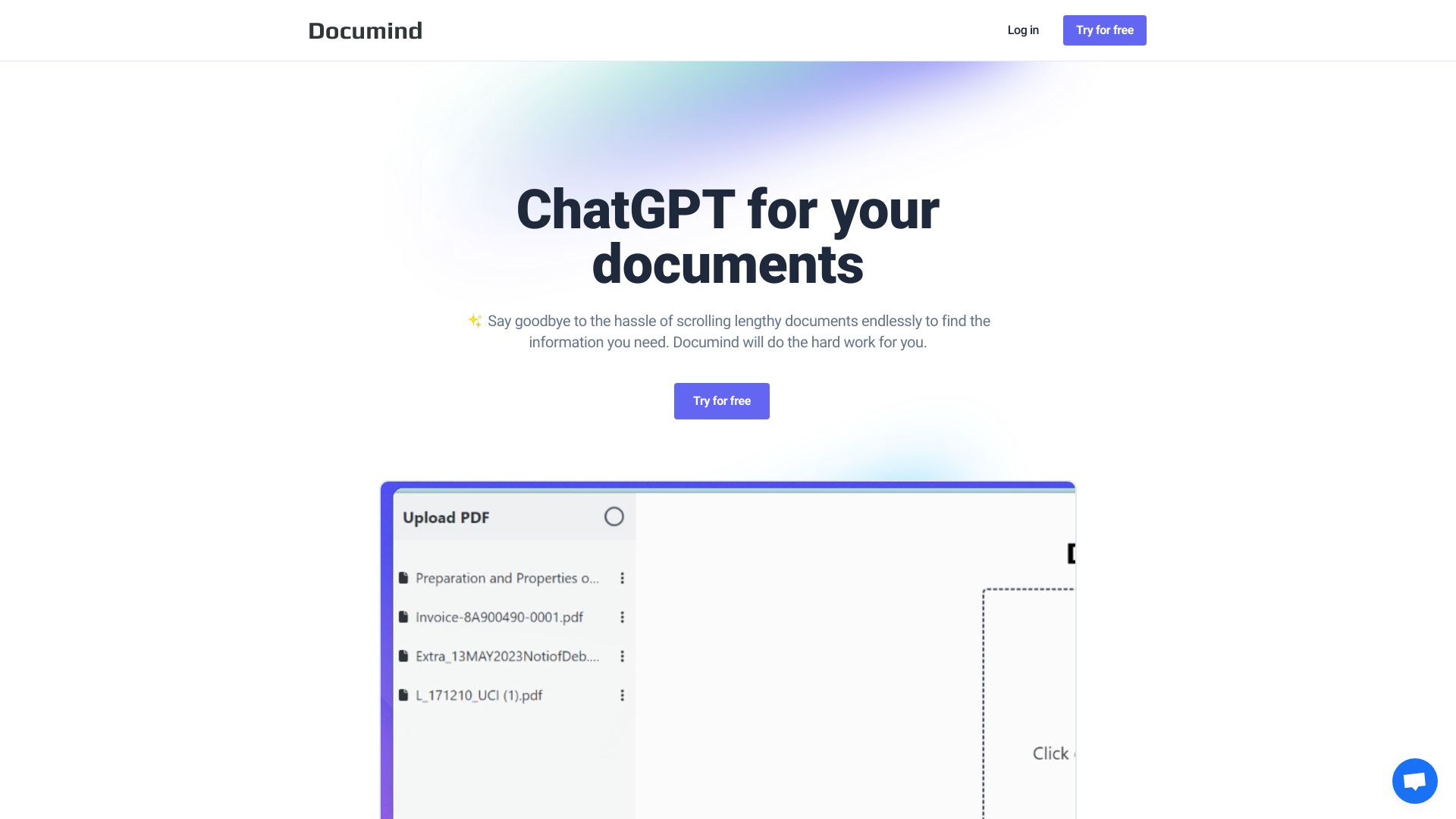
Documind
Summarizing and querying multiple PDFs

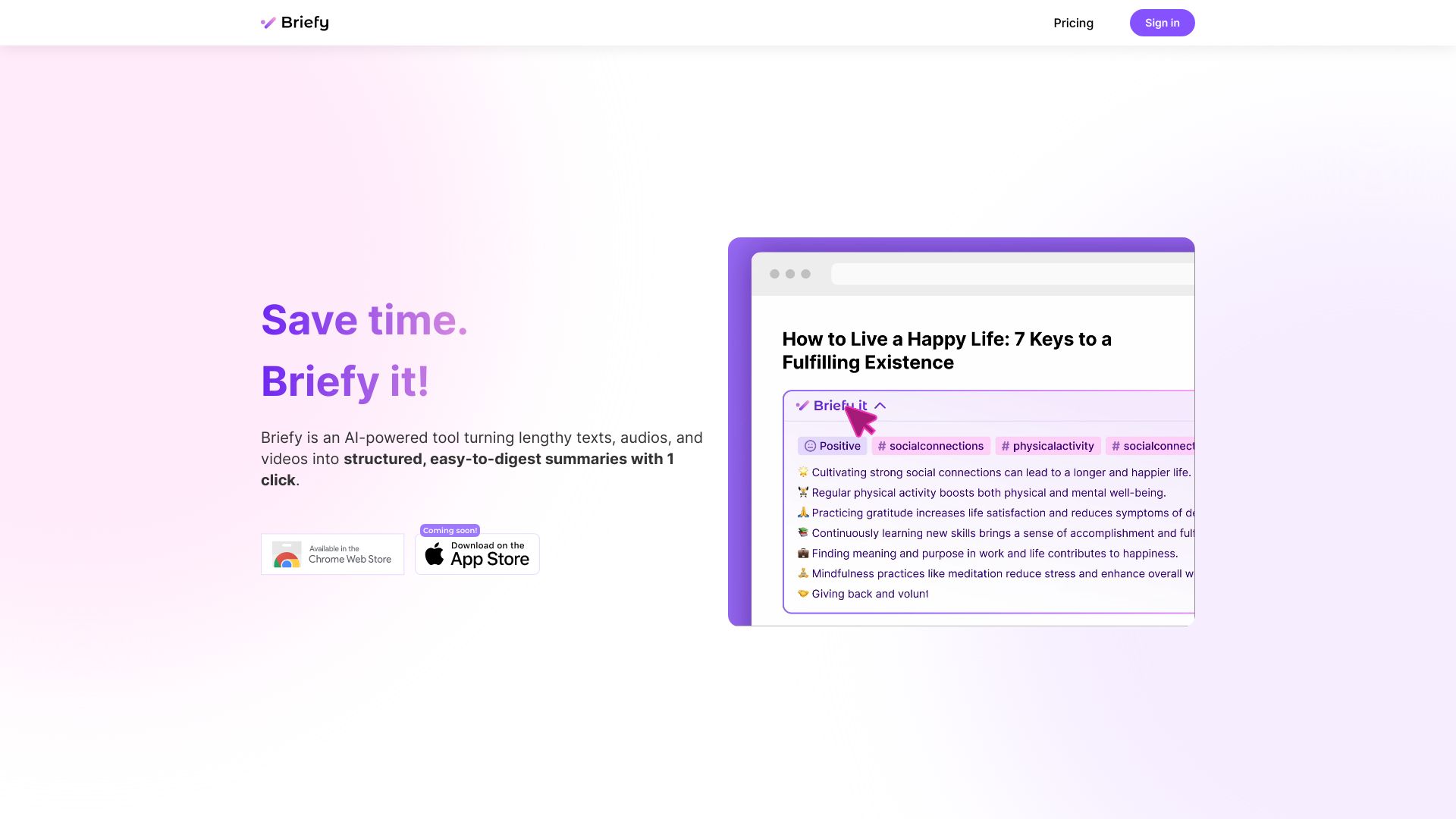
Briefy
Structured PDF summaries and study notes

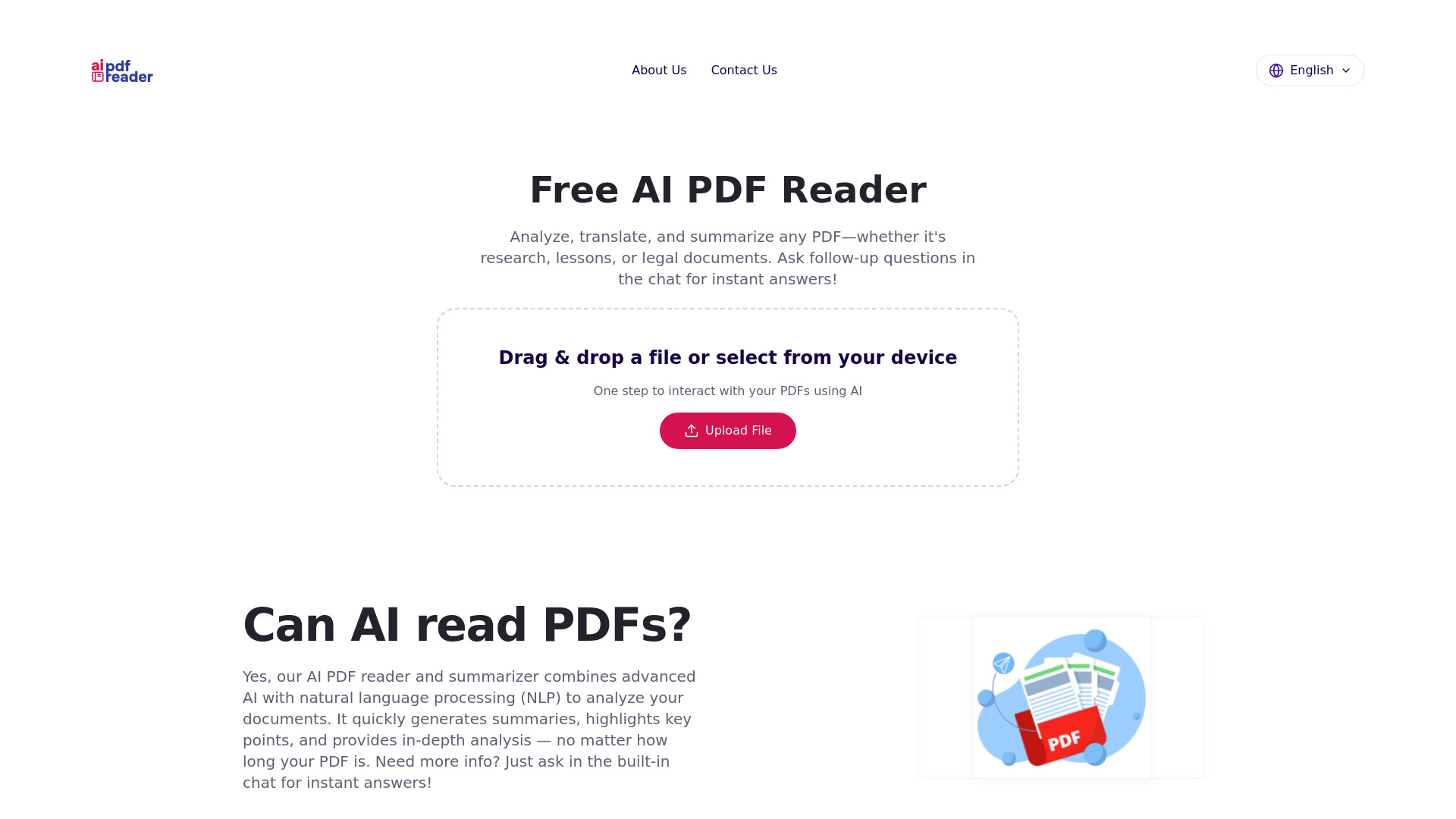
Free AI PDF Reader
Summarizing and querying PDFs

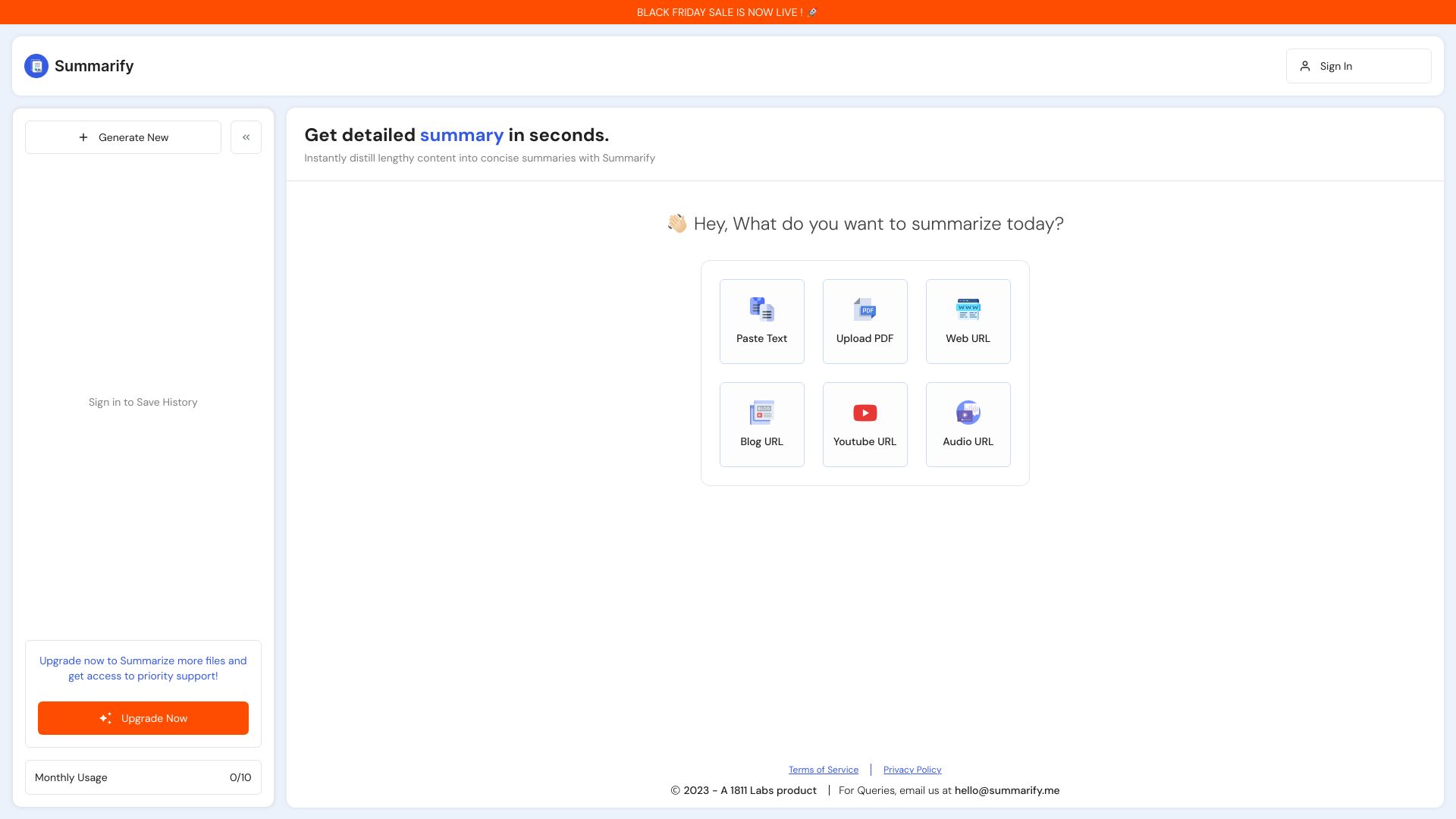
Summarify
Summarizing short PDFs

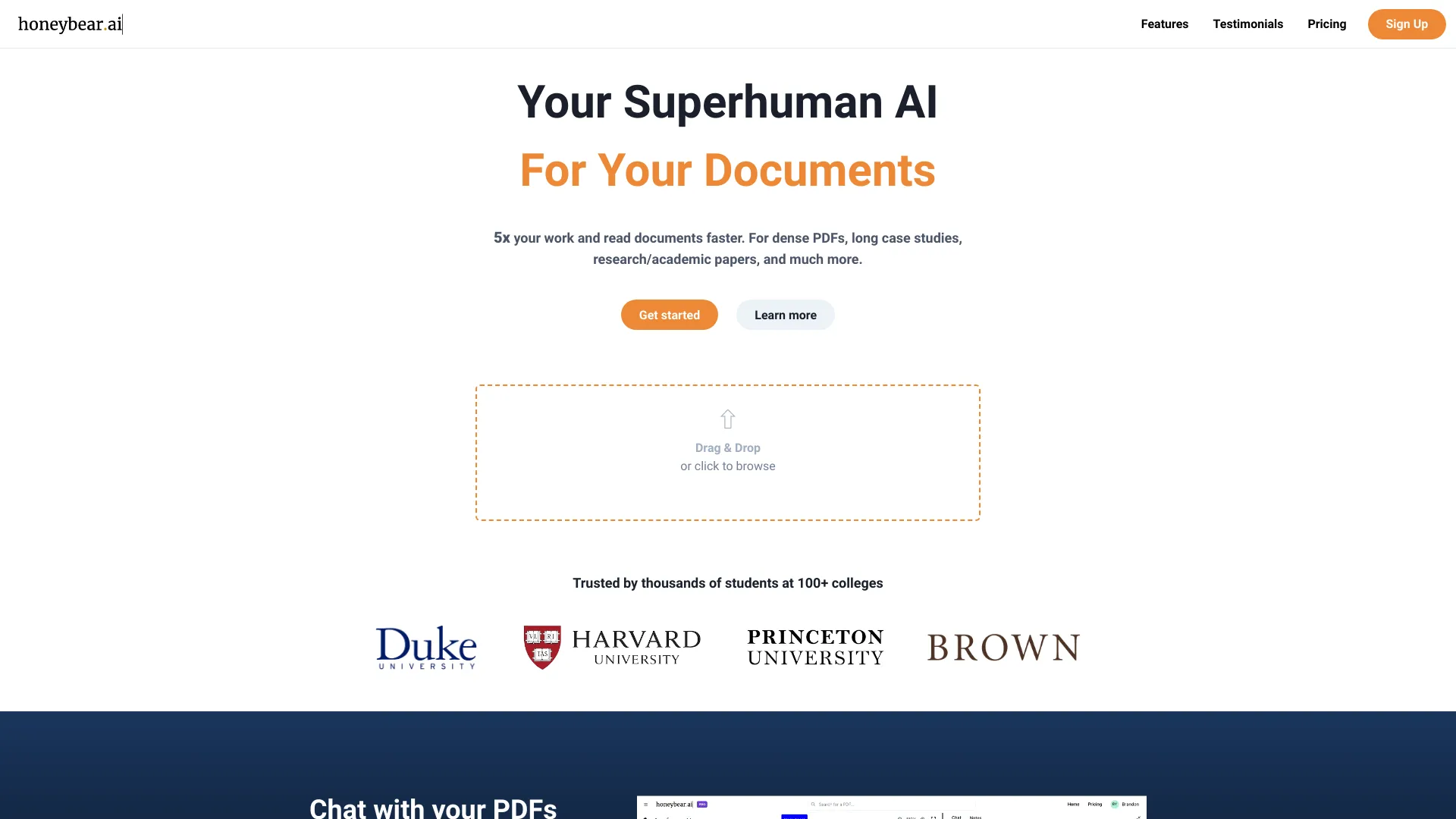
Honeybear.ai
Summarizing and querying research PDFs

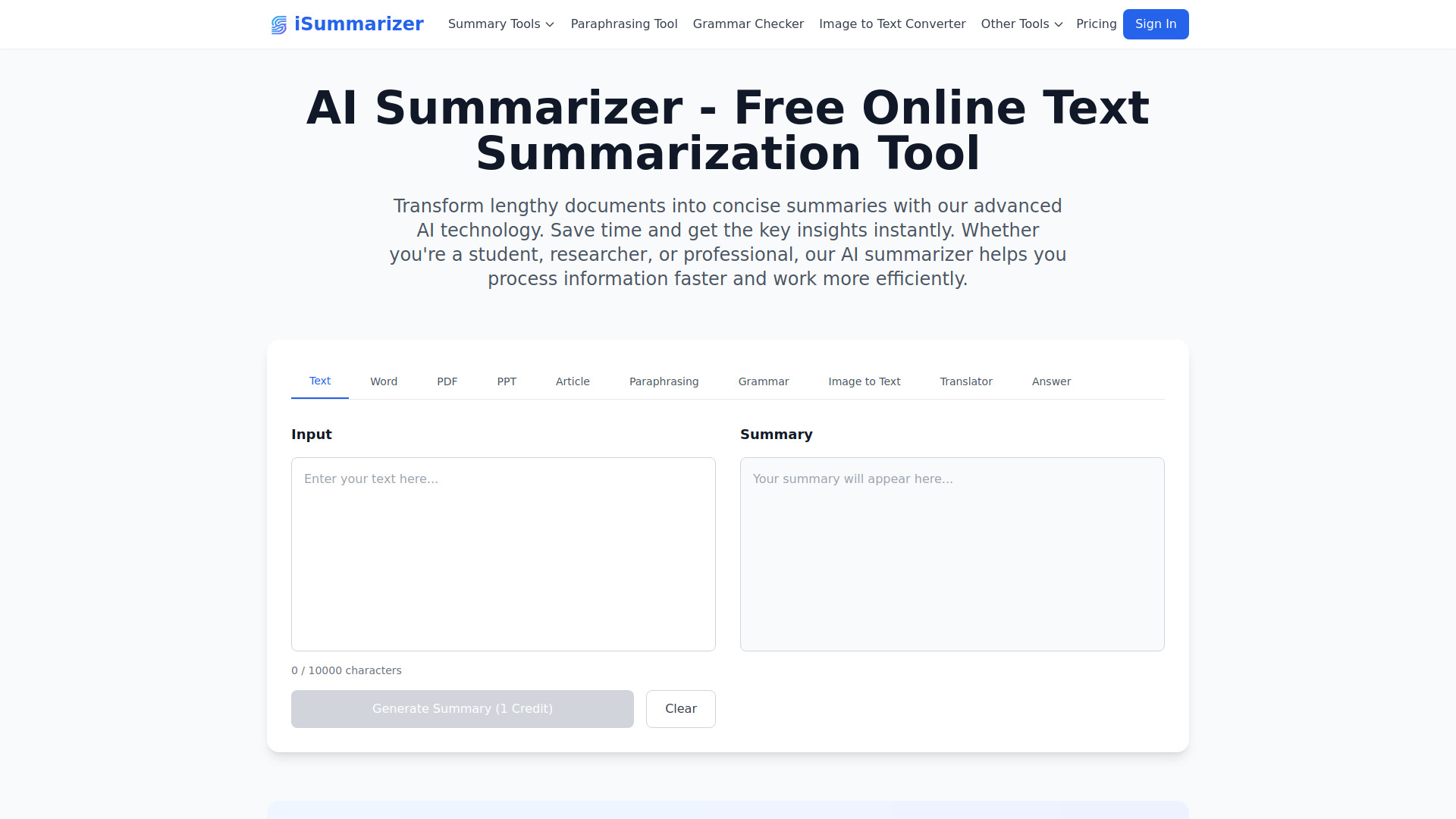
iSummarizer
Summarizing PDFs and other document formats

iTextMaster
Chatting with and summarizing PDFs

PDF GPT
Summarizing PDFs with page citations

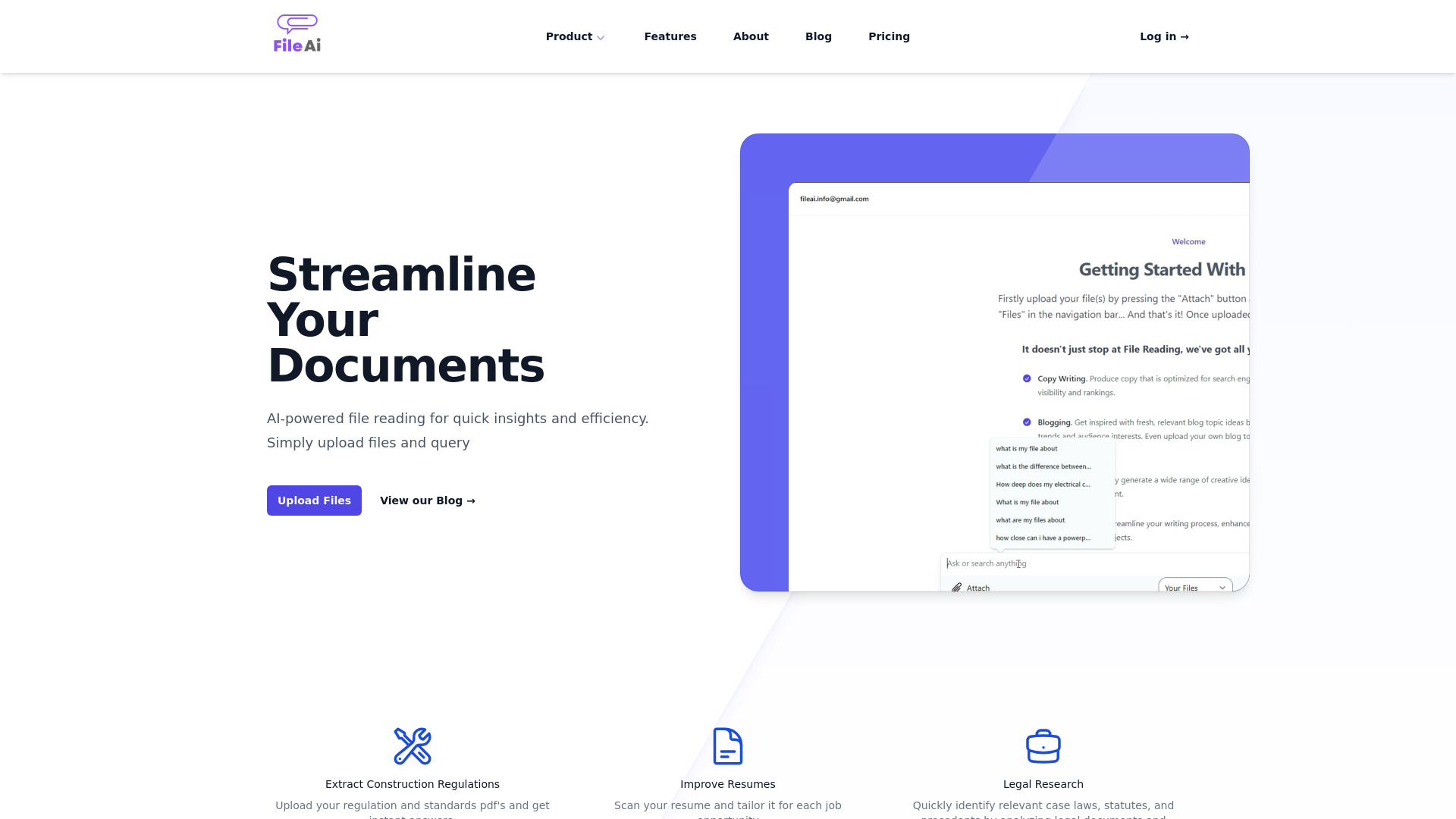
File AI
AI-powered PDF summarization

TopPDF
PDF conversion and document management
ChatPDF
Summarizing and querying PDFs

SummarizePaper .com
Summarizing and querying arXiv research papers

textsummarizer.net
Quick text, article, and PDF summaries

Gist AI
Summarizing PDFs, websites, and YouTube videos

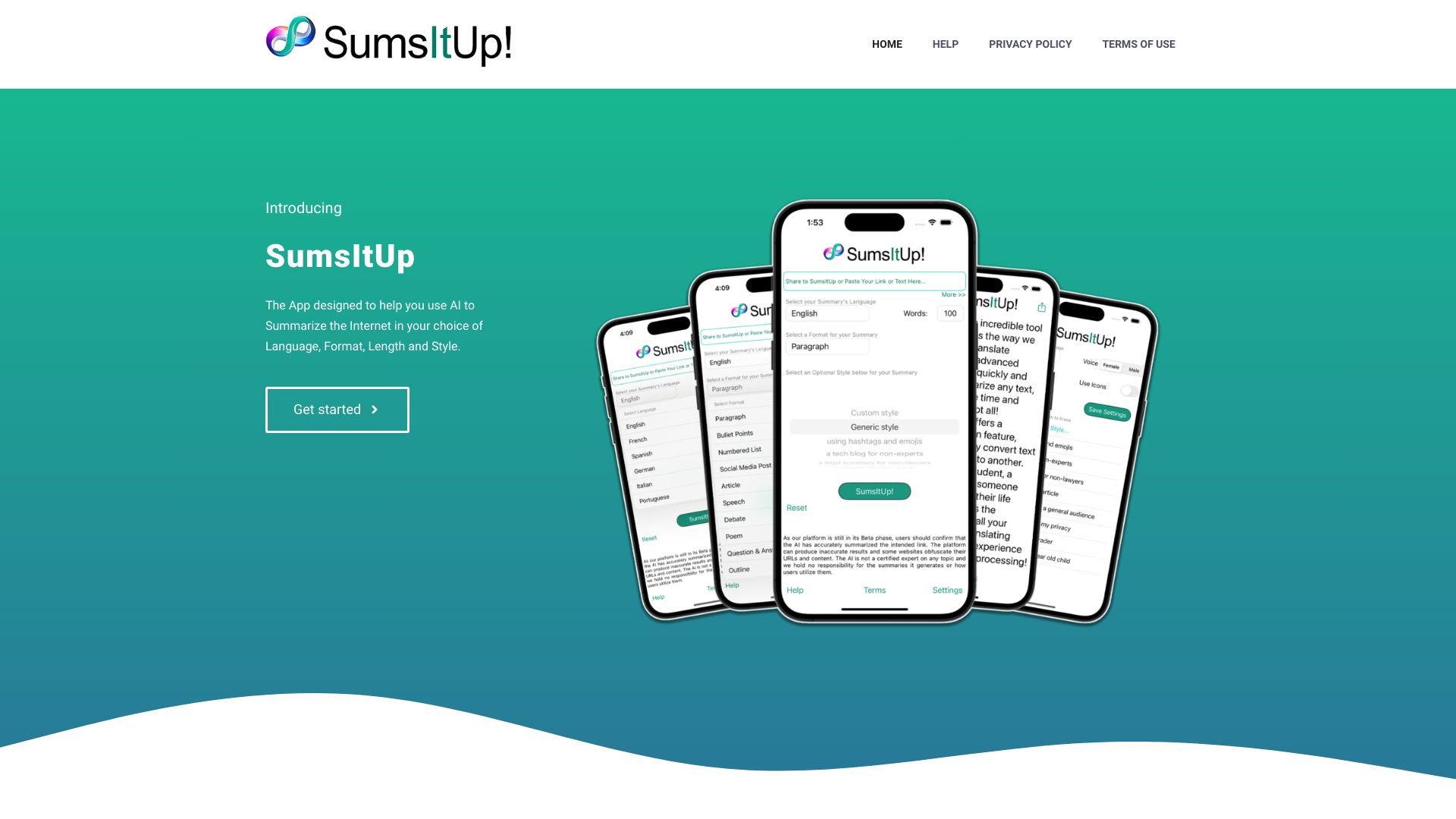
SumsItUp
Custom summaries of links and text
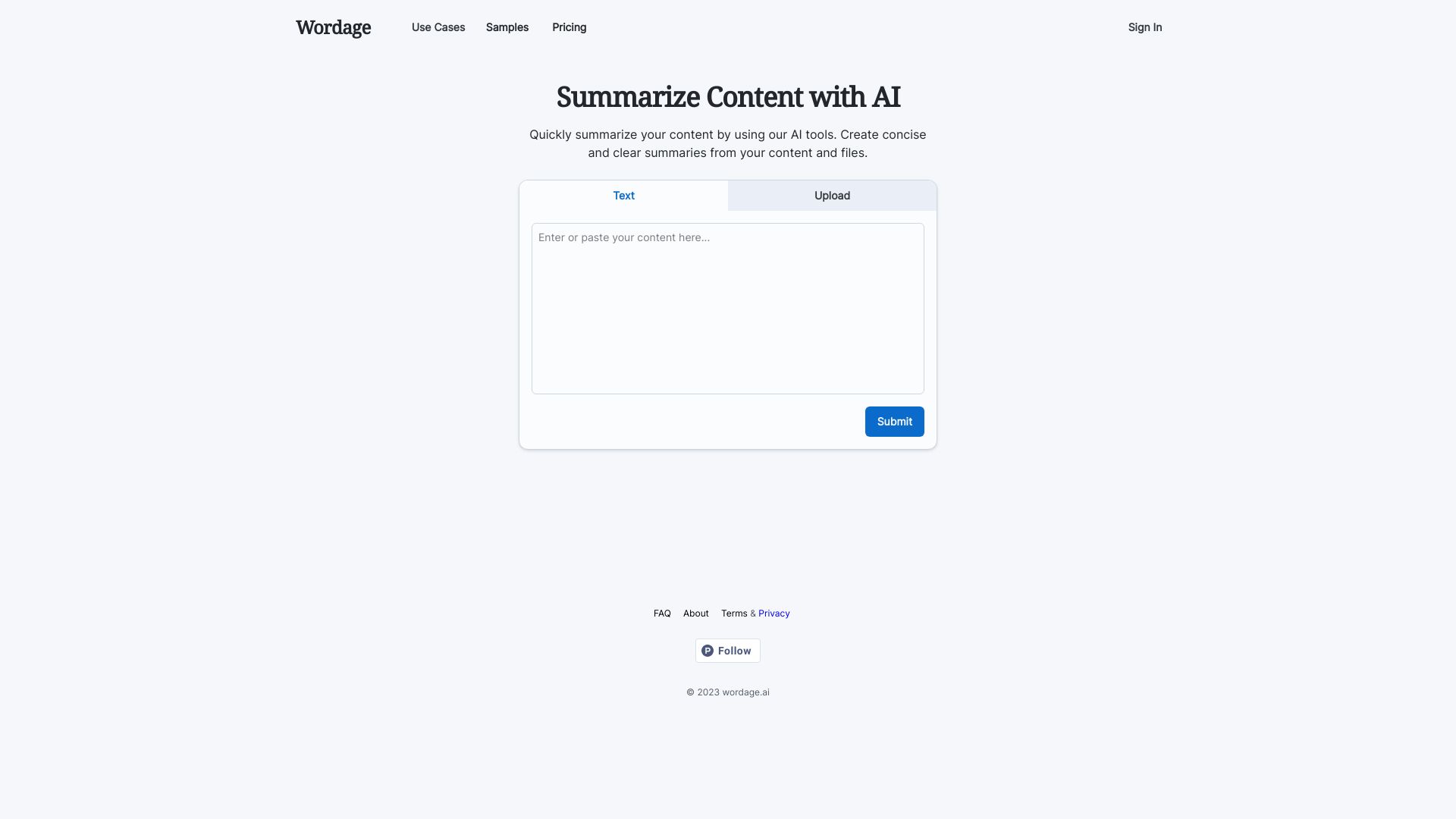
Wordage AI
Summarizing legal PDFs and transcripts

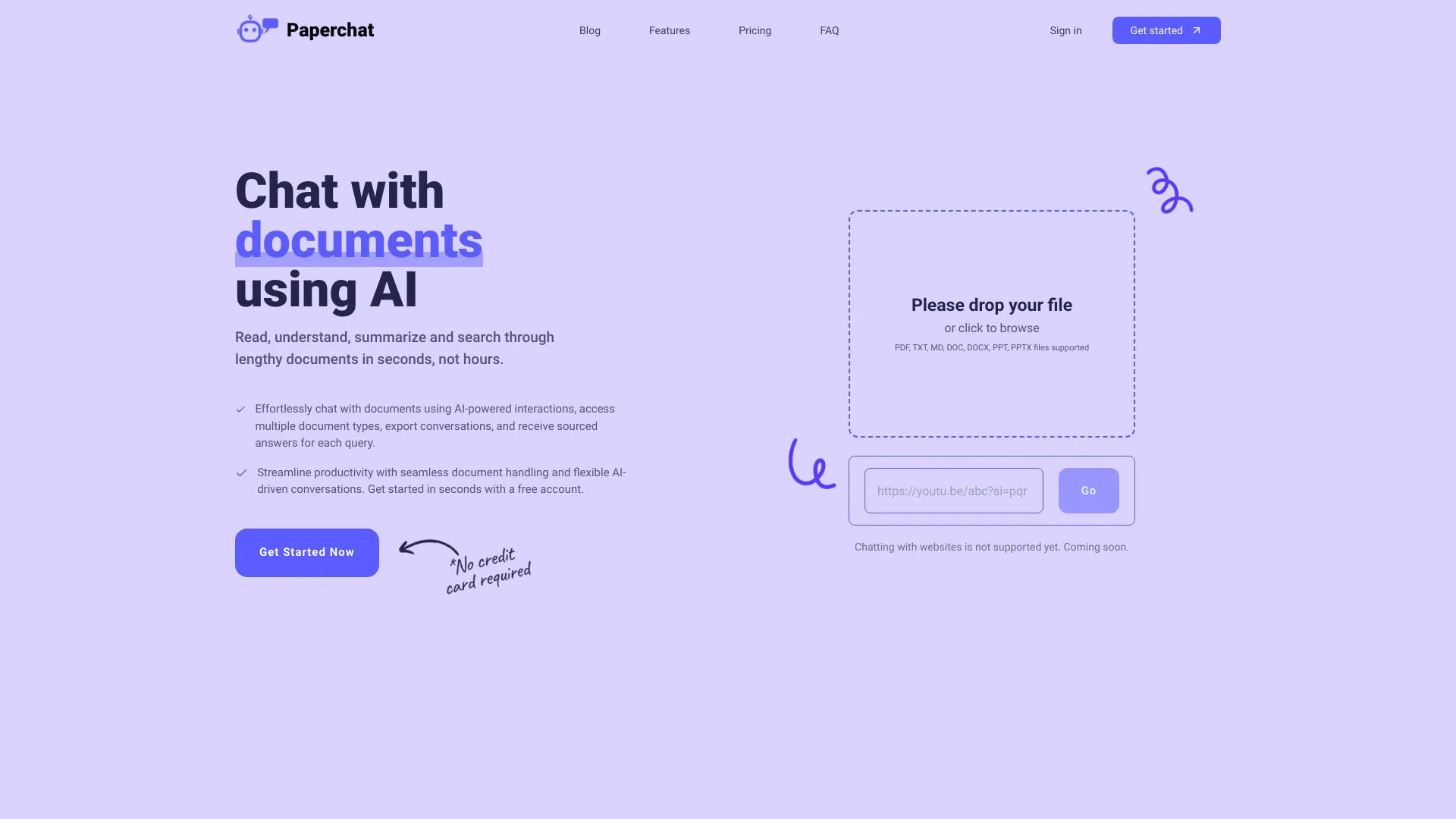
PaperChat
Chatting with and summarizing PDFs

TanyaPDF
Chatting with and summarizing PDF documents

AI PDF Summarizer
Summarizing and chatting with long PDFs
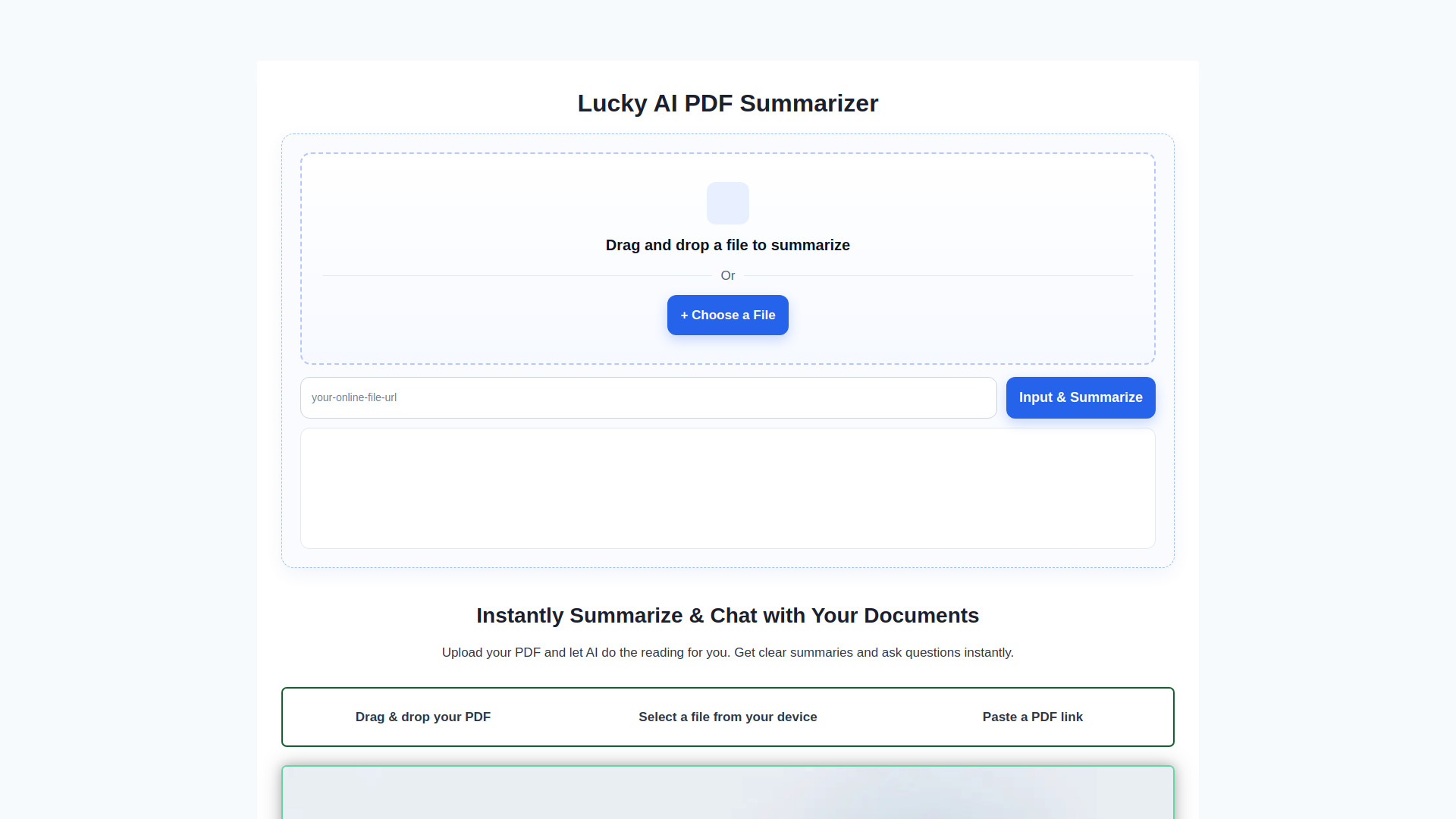

PDF AI
Chatting with PDFs and getting cited answers
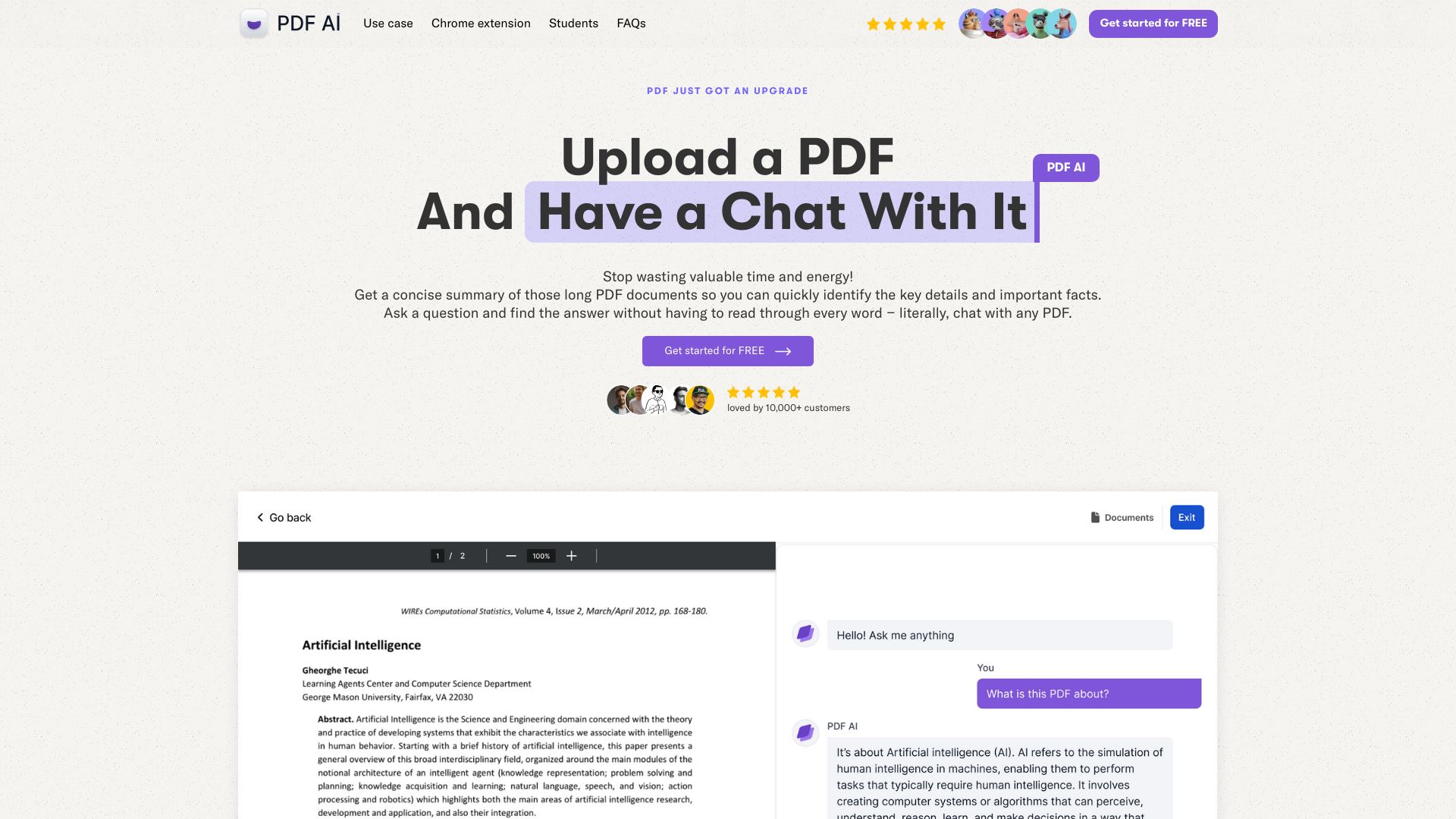

AI ChatDocs
Summarizing and querying PDFs

ToolLab.AI
Removing PDF watermarks
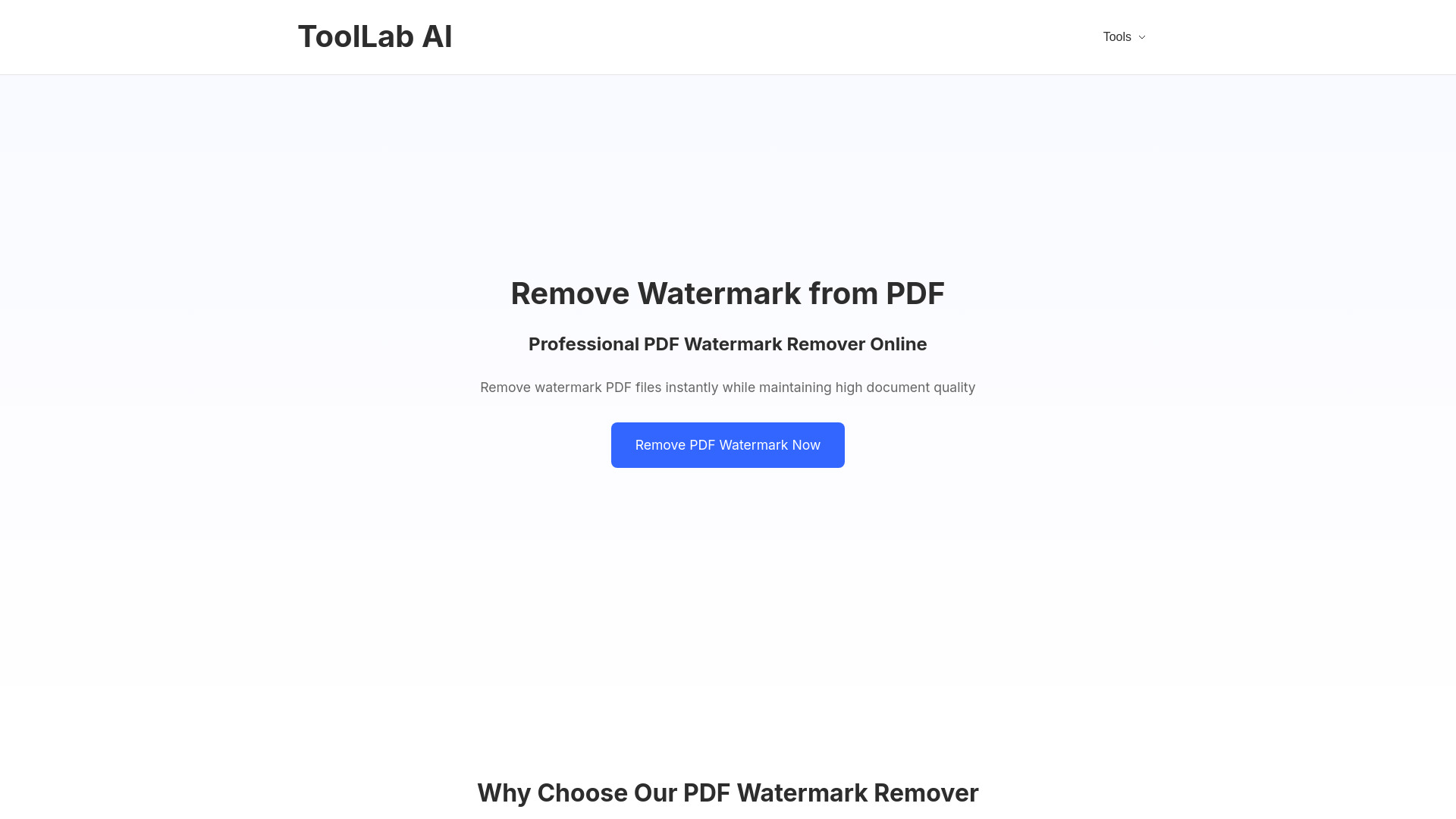

PDFGuru
Summarizing PDFs and asking document questions
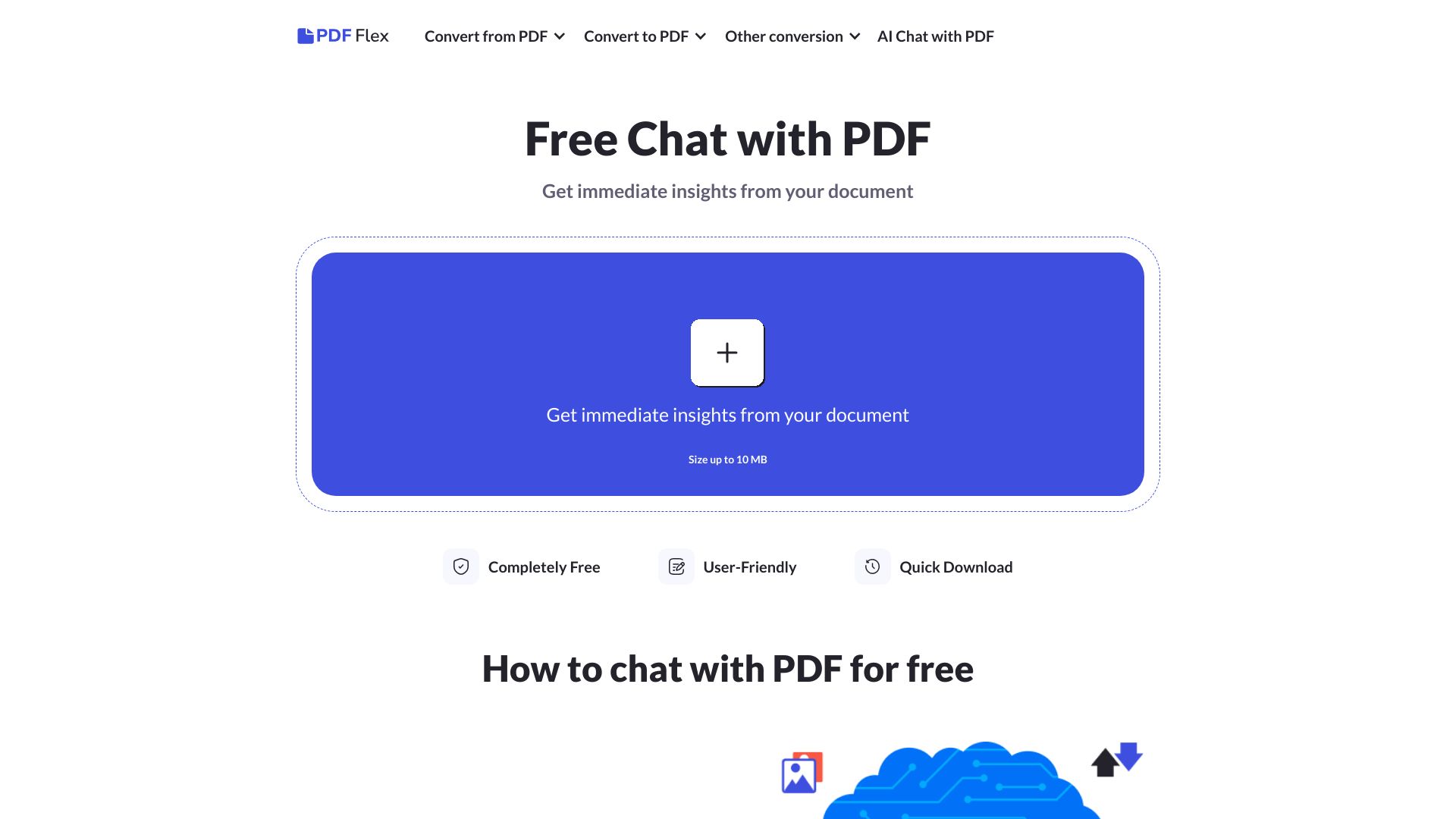
AIPDFs
Summarizing and querying PDFs
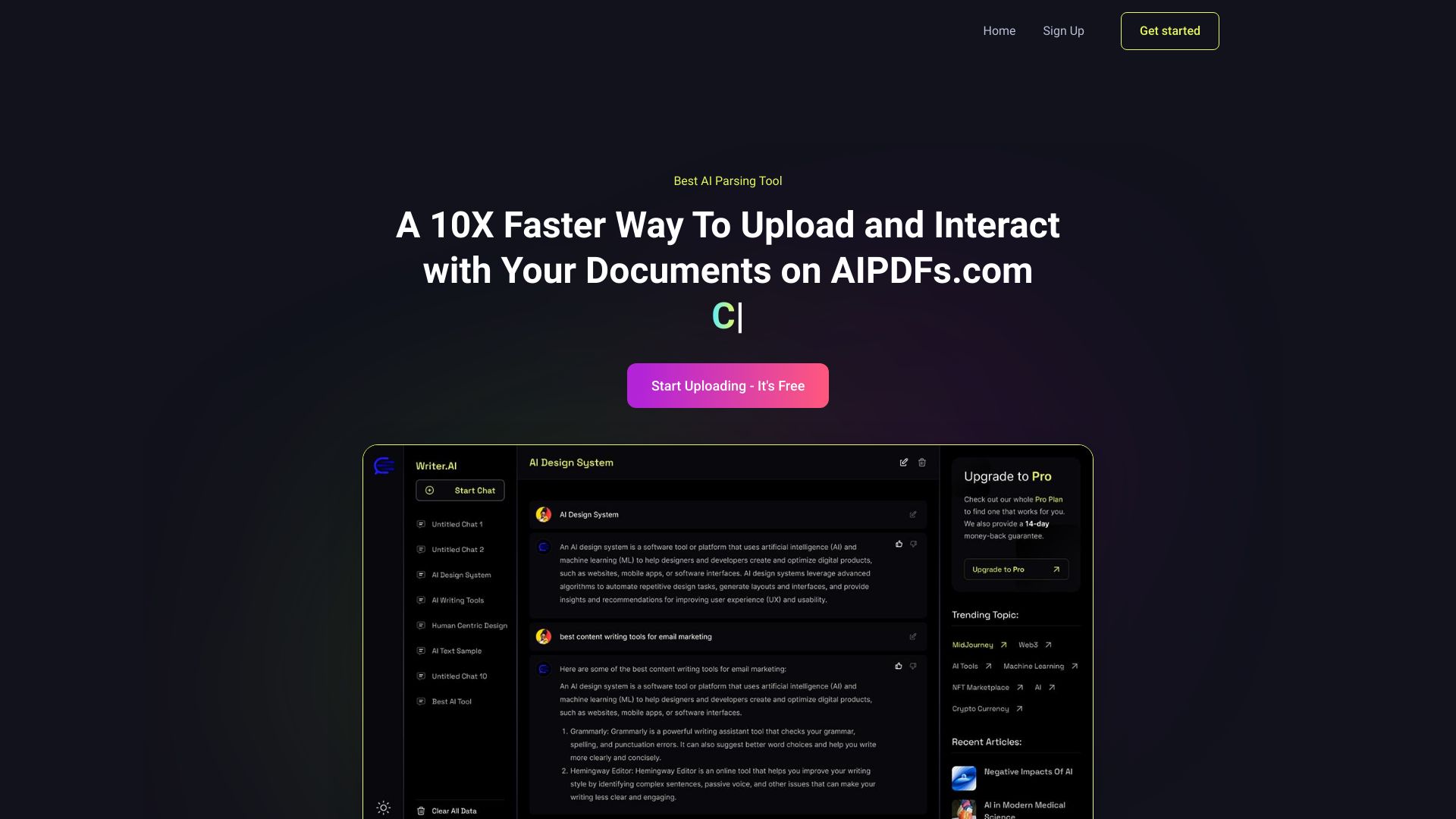

PDFChatto
Summarizing and querying PDFs

PDF BFF
Summarizing and chatting with PDFs

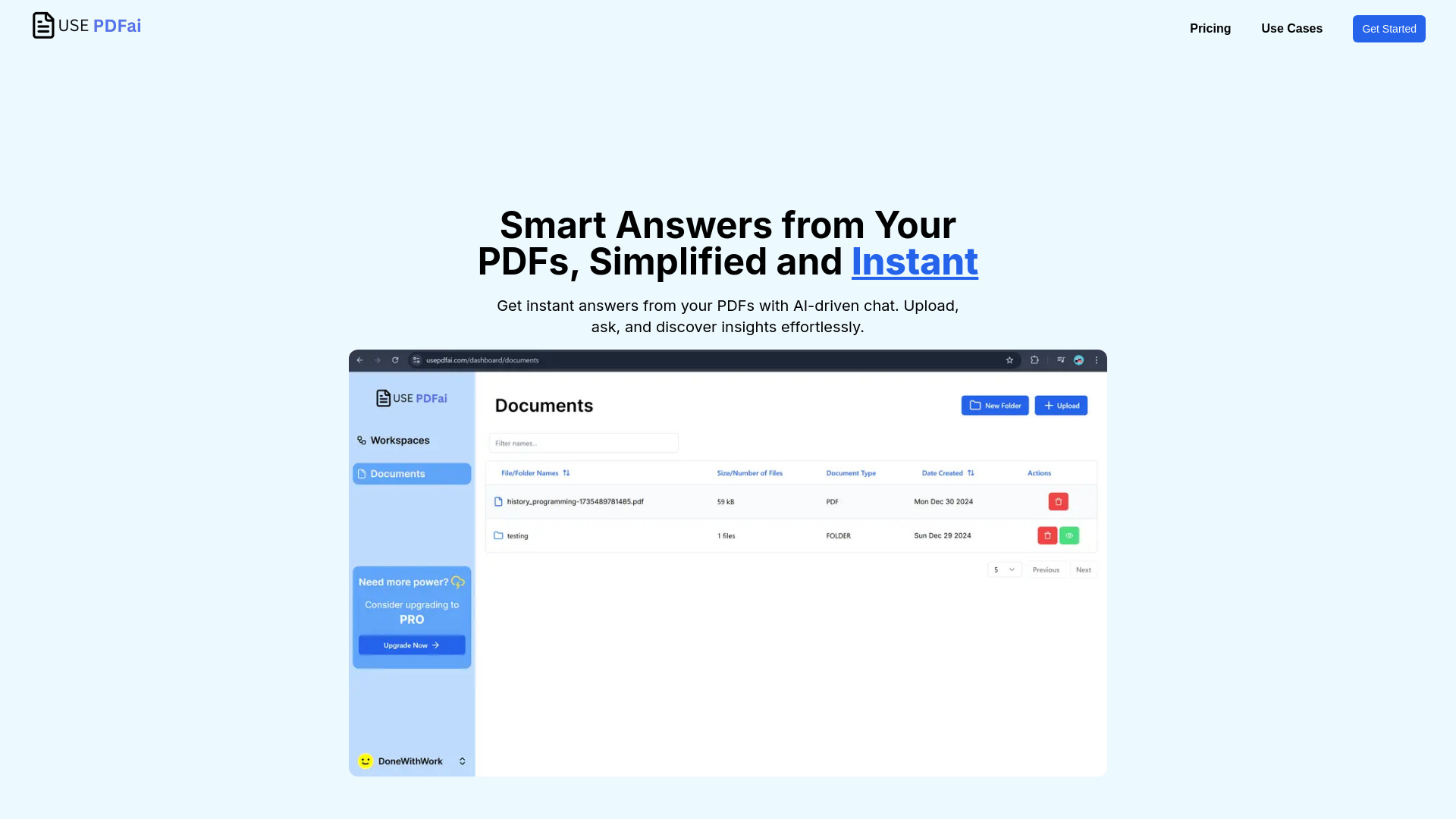
UsePdfAi
Chatting with and summarizing PDFs

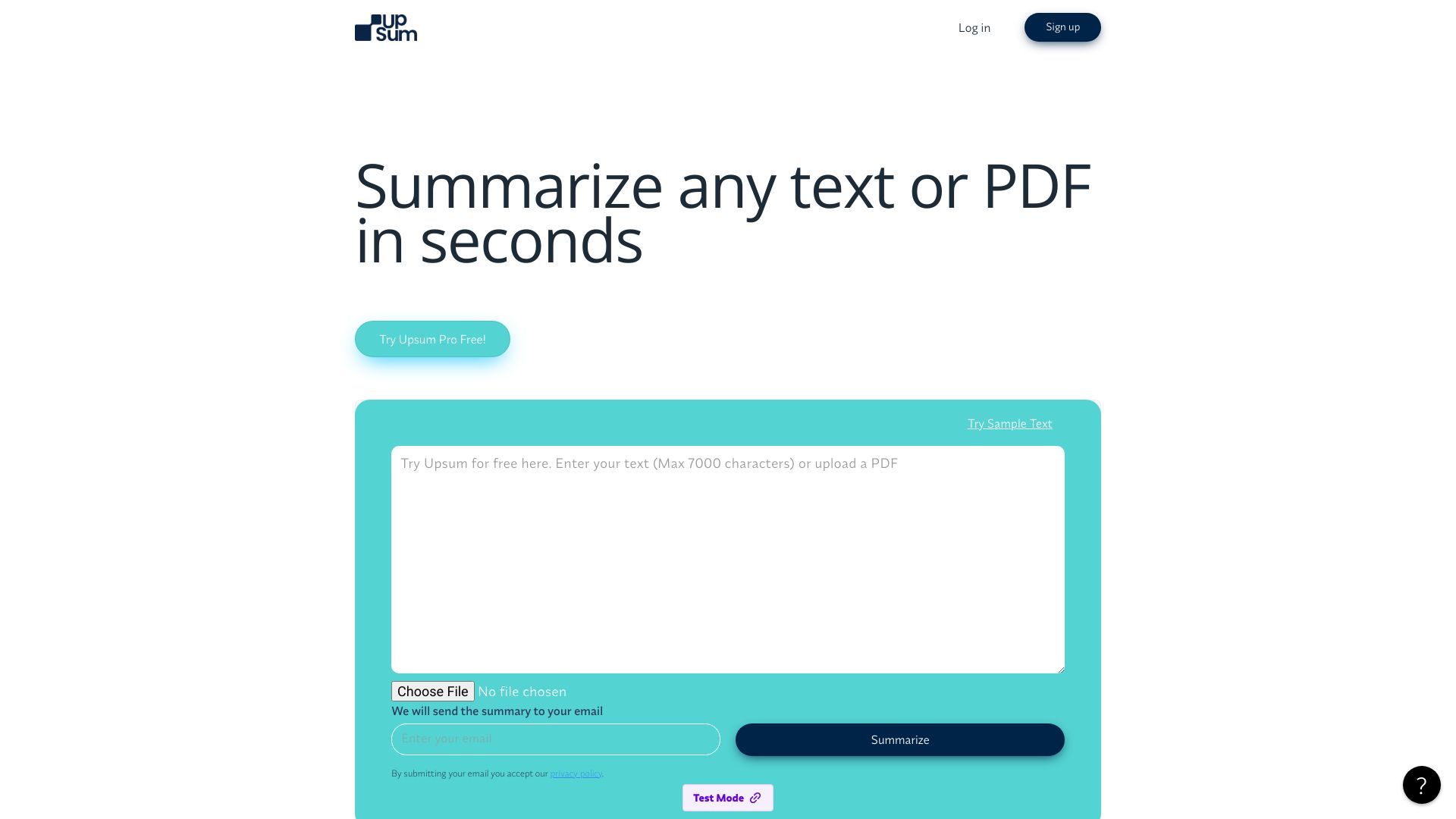
UpSum
Summarizing research papers and long PDFs

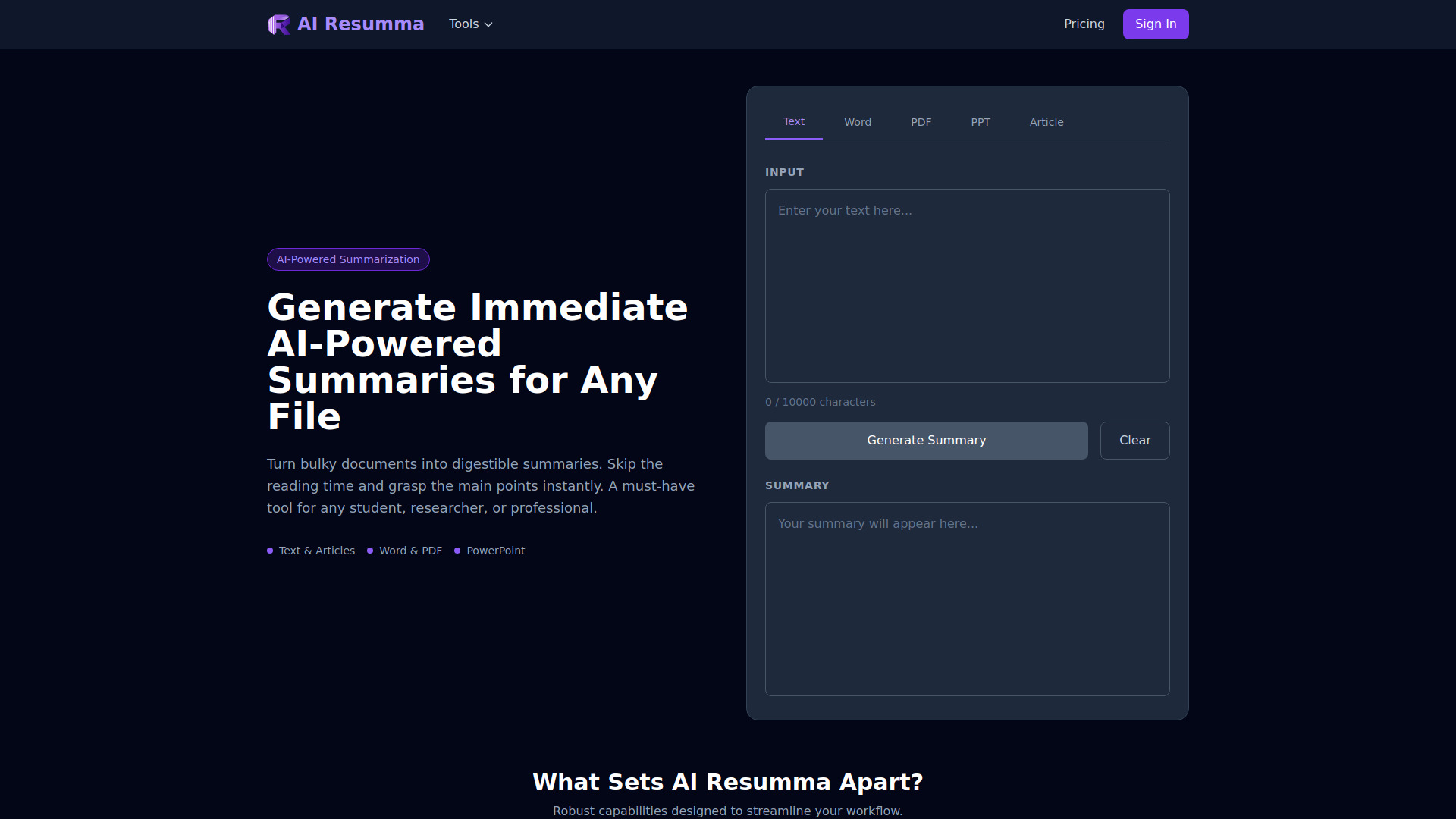
AI Resumma
Summarizing PDFs and mixed document formats

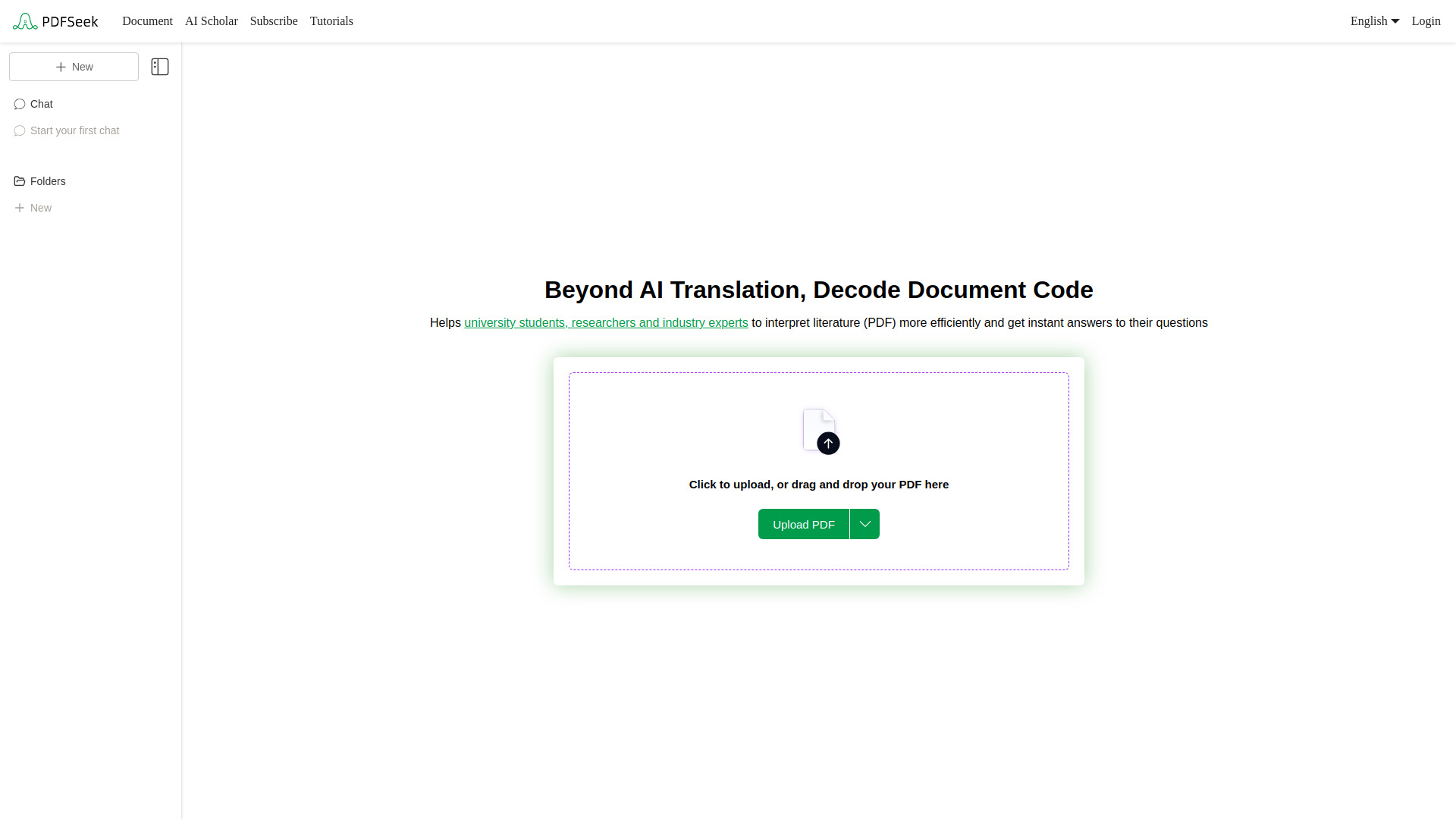
PDFSeek
Summarizing and querying research PDFs

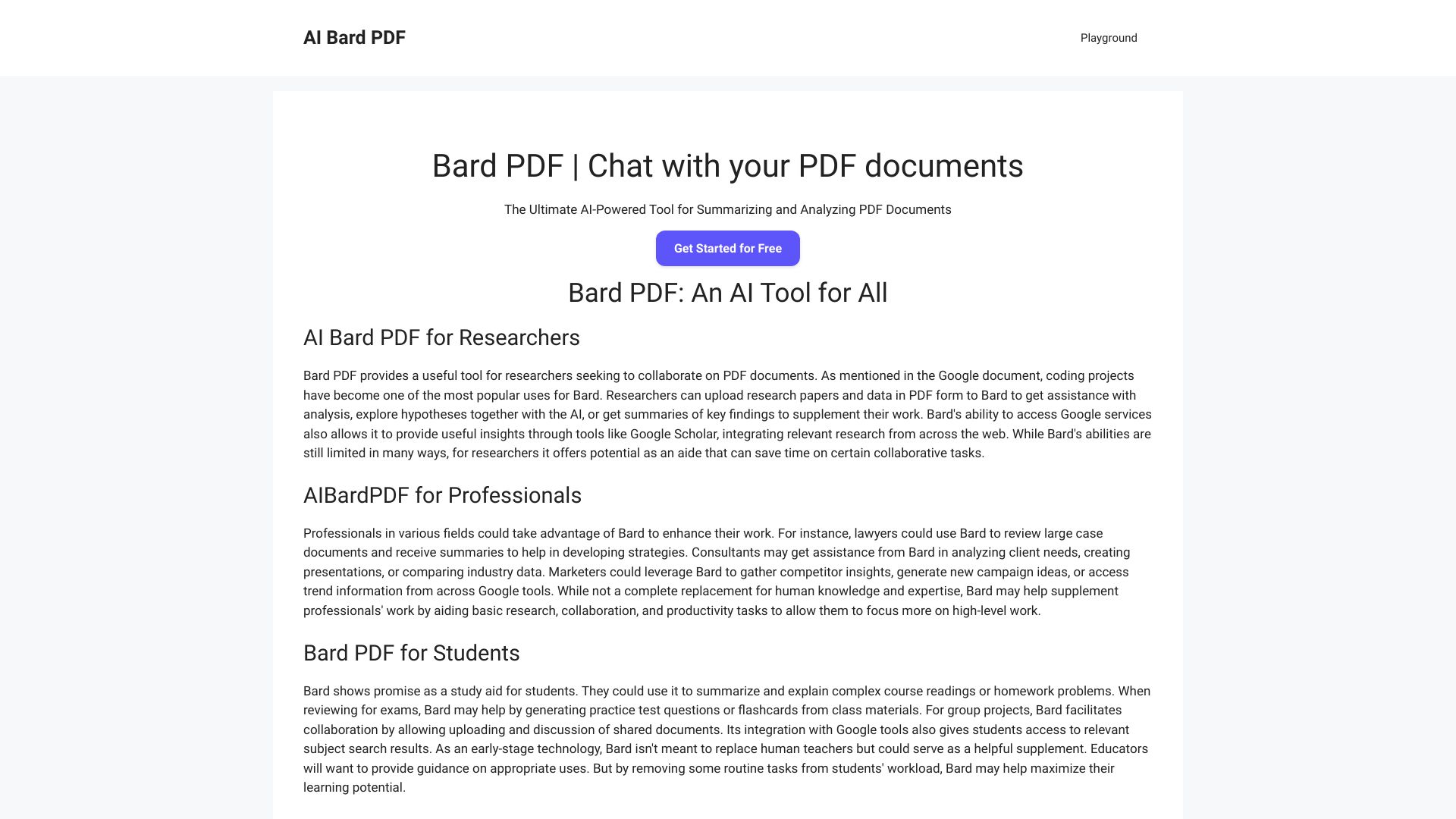
Bard PDF
Summarizing and querying PDF documents
PDF AI
Chat-based academic PDF research

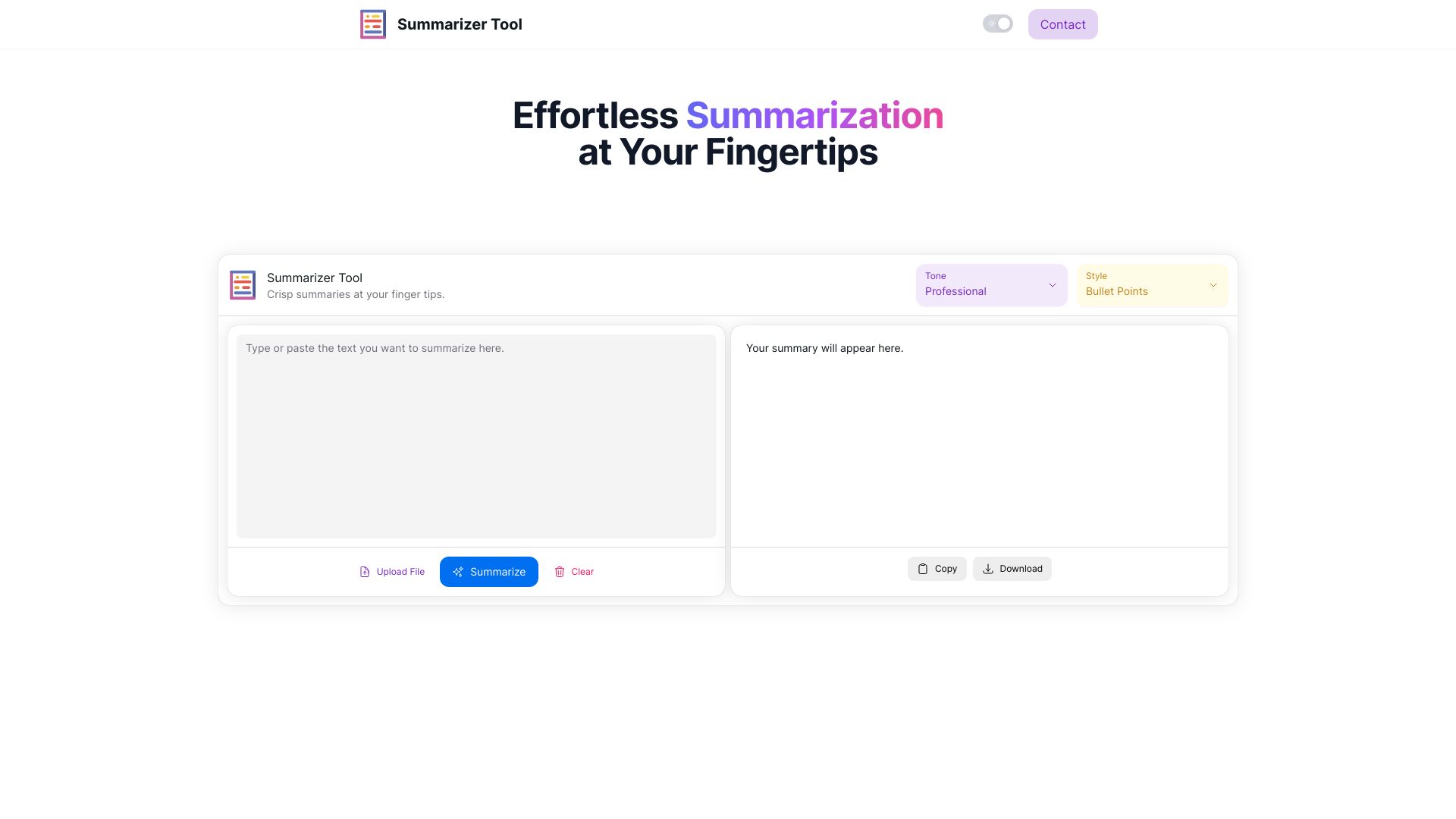
Summarizer Tool
Quick text and file summaries
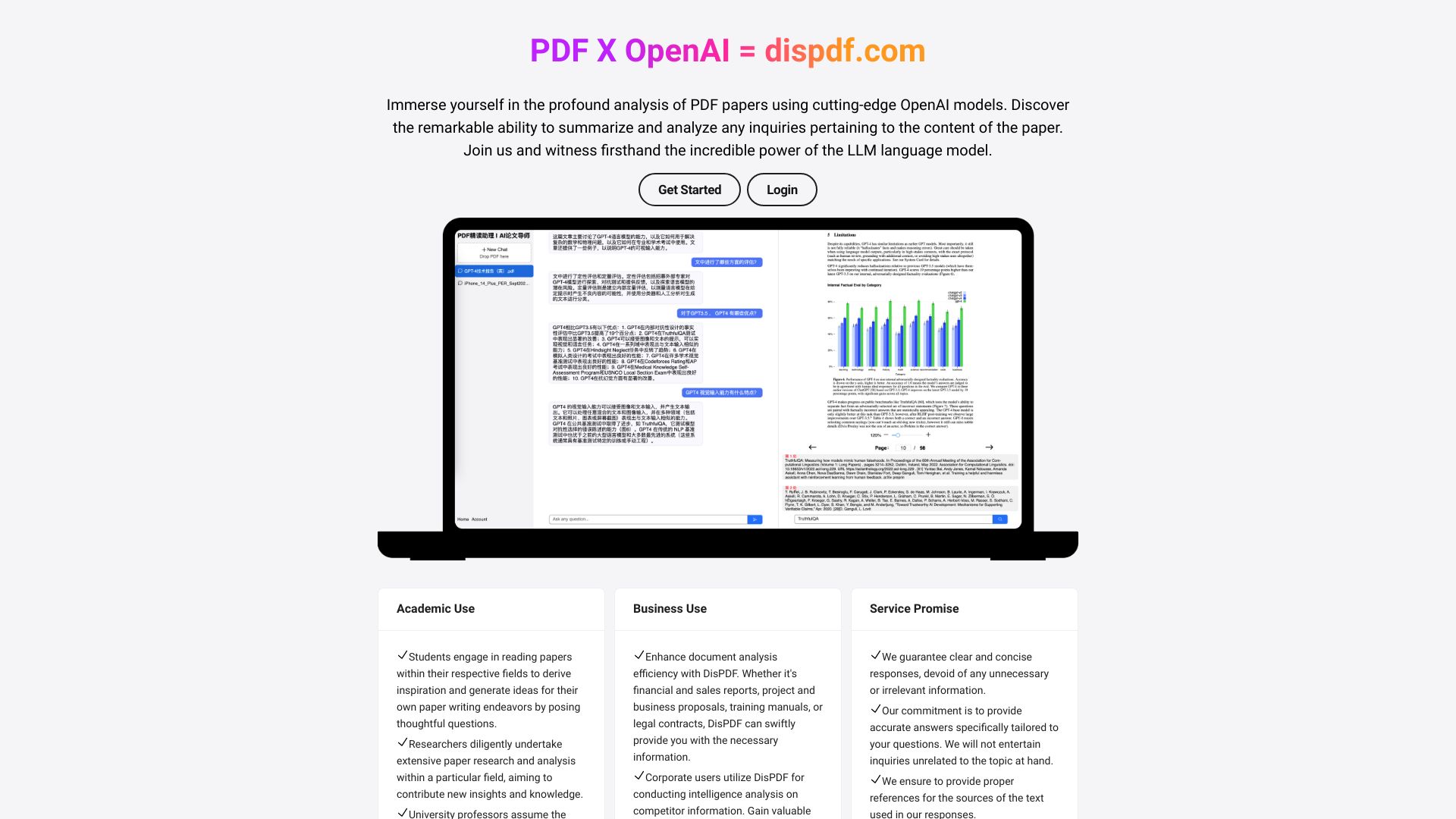
DisPDF
Analyzing and summarizing PDF papers

ChatWithPDF.AI | Paperguide
Asking questions about PDFs

AI Text Summarizer
Summarizing PDFs and long text

pdf → gpt
Summarizing large PDFs by section

BrainyPDF
Chatting with research PDFs

Summarizer AI
Students and researchers summarizing long texts
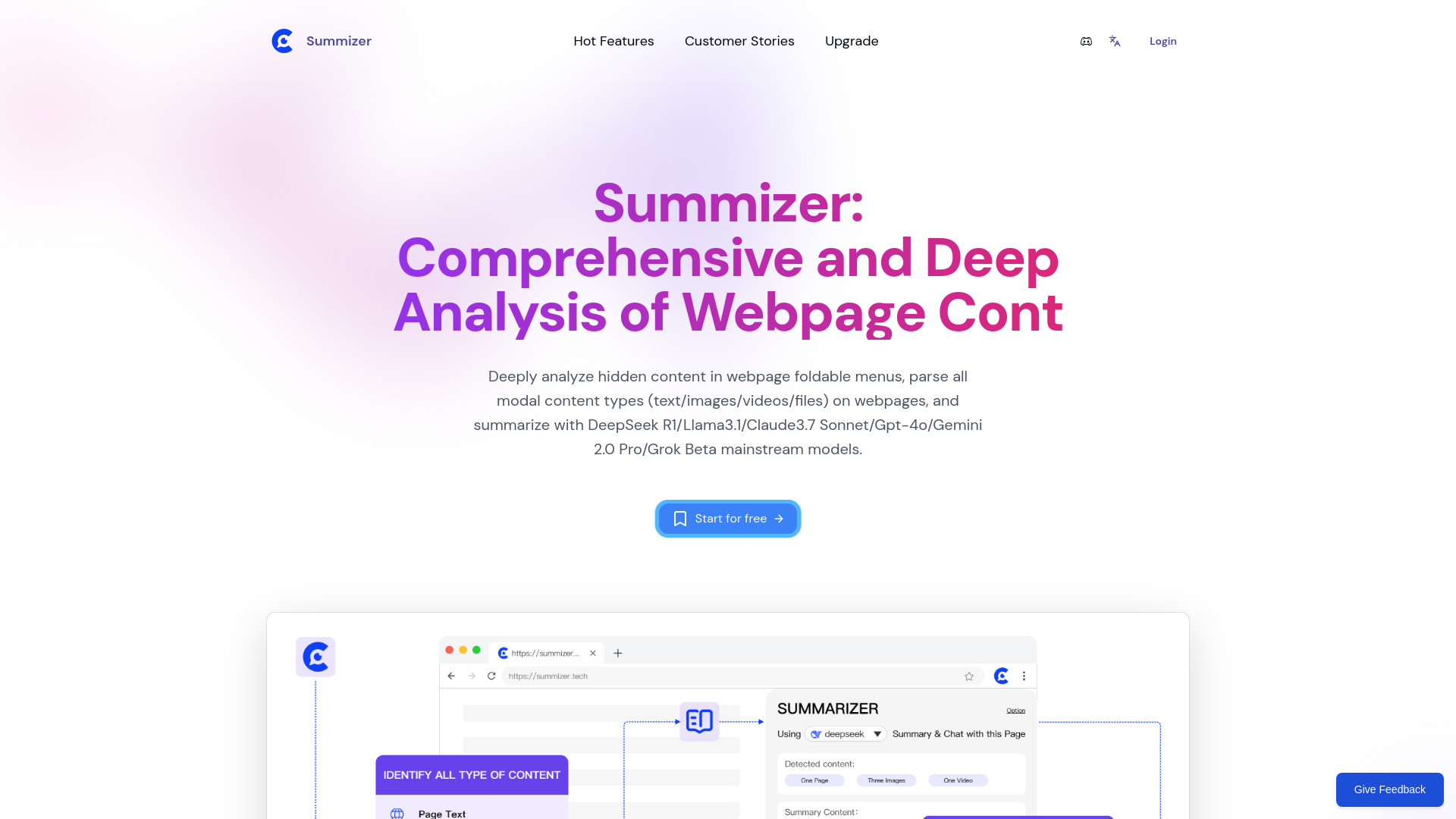
Summizer
Summarizing PDFs and other web content

pdfy.ai
Chatting with and summarizing PDFs
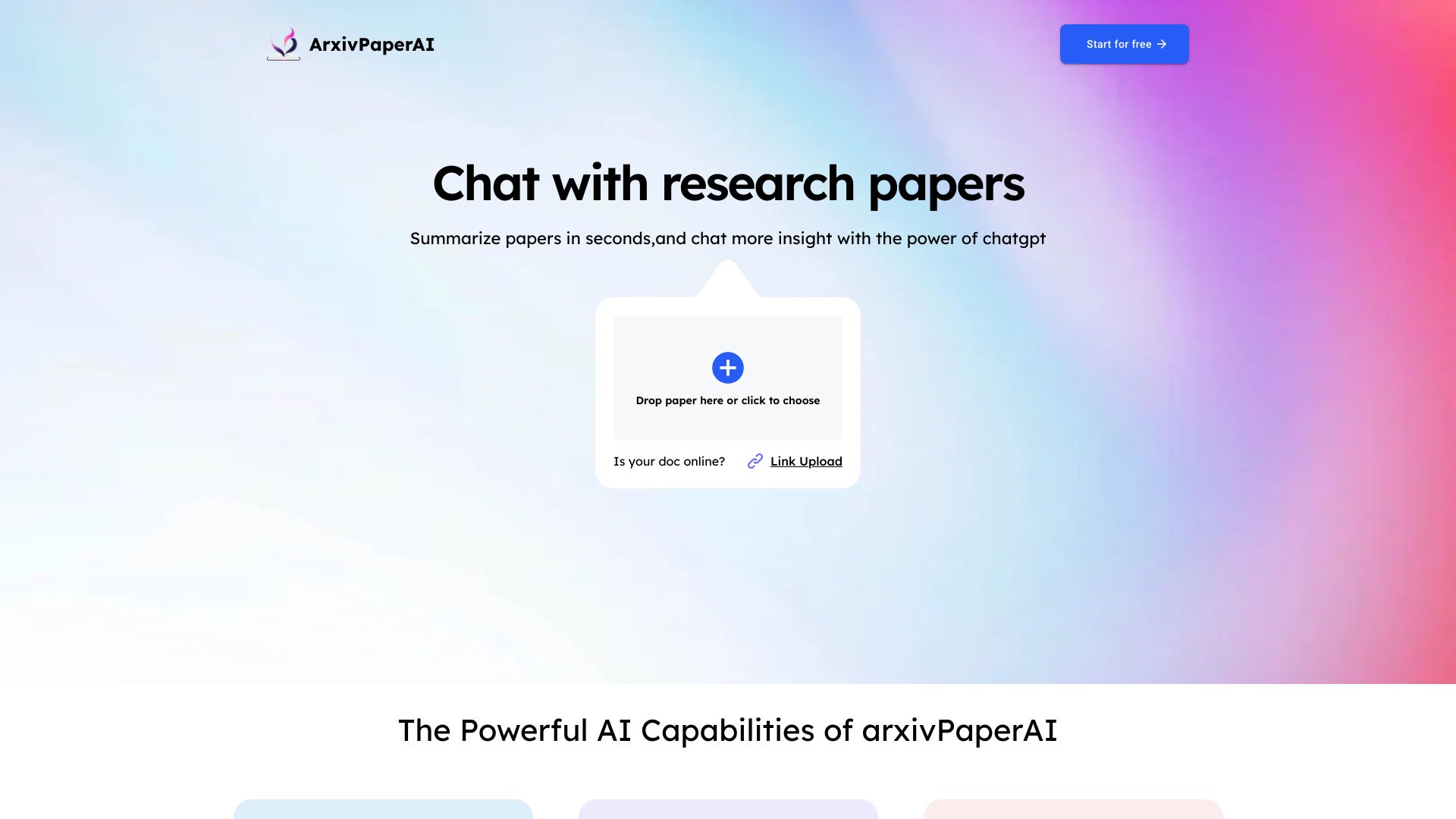
ArxivPaperAI
Summarizing and chatting with scientific papers
SummarizeThis.io
PDF summaries using your own OpenAI API key

Summary.sh
PDF summarization API integrations
AI Summarizer
Summarizing research papers and web articles

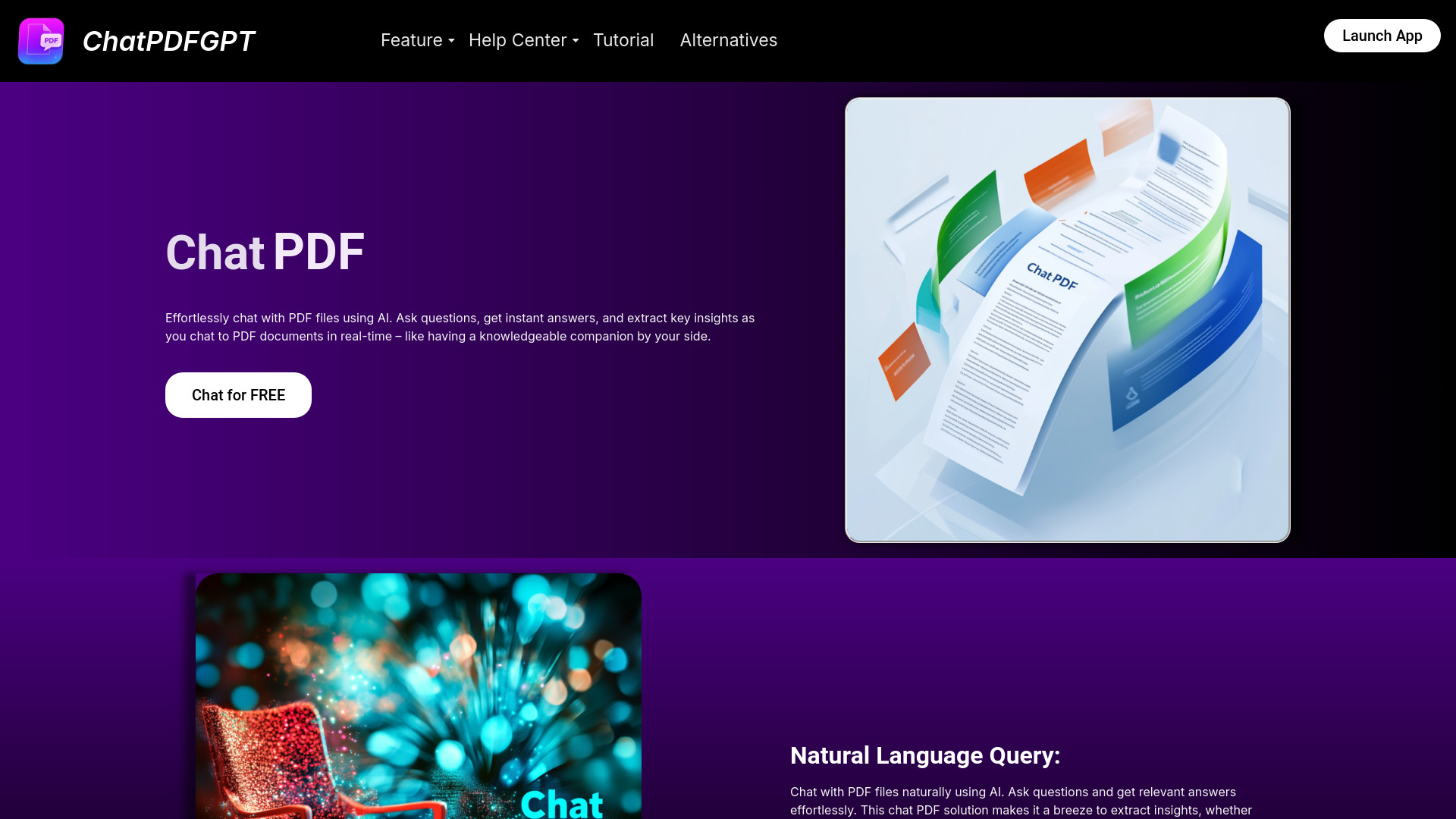
ChatPDFGPT
Summarizing and querying PDF documents

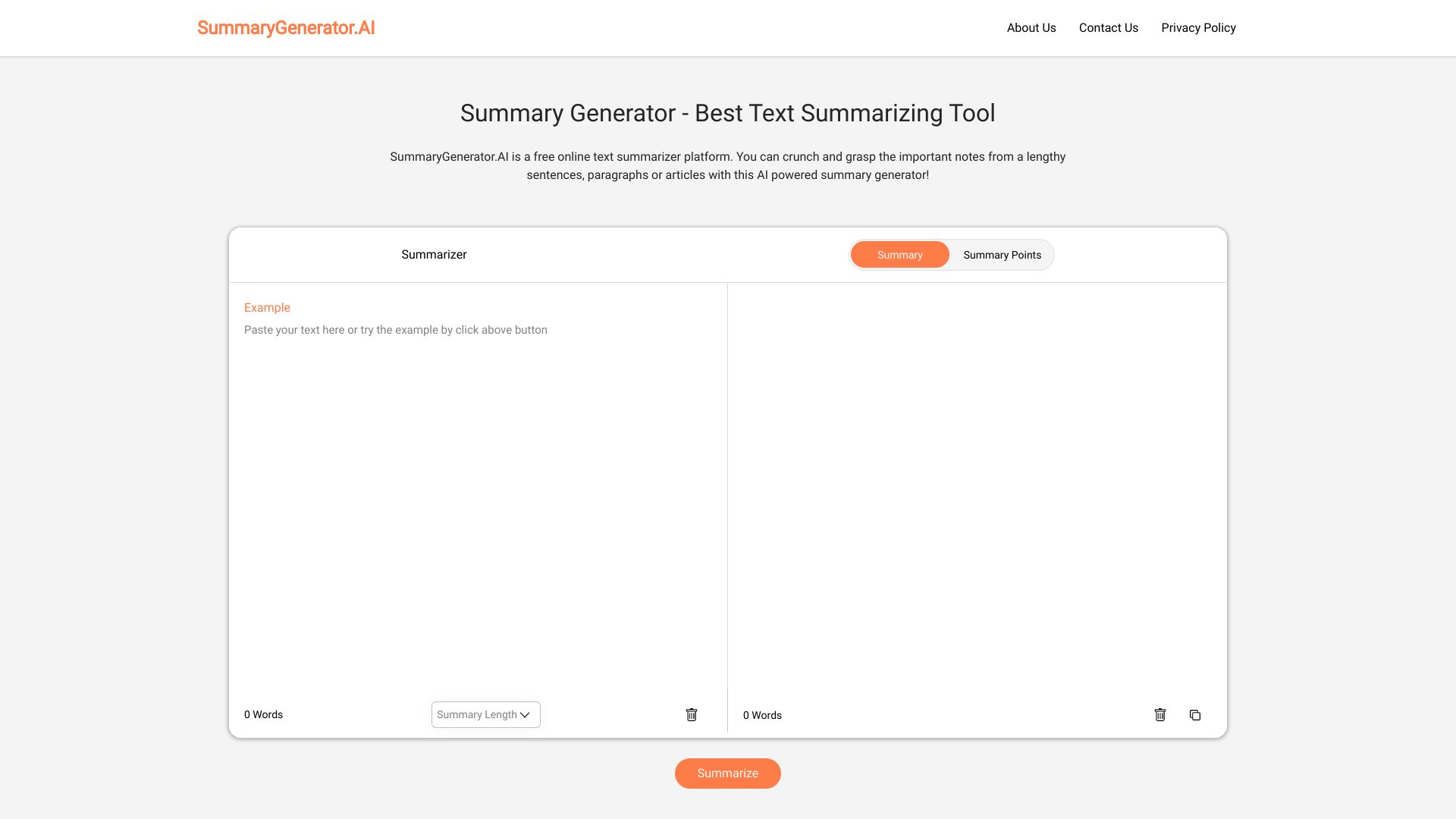
SummaryGenerator.AI
Summarizing pasted text into summaries or bullet points

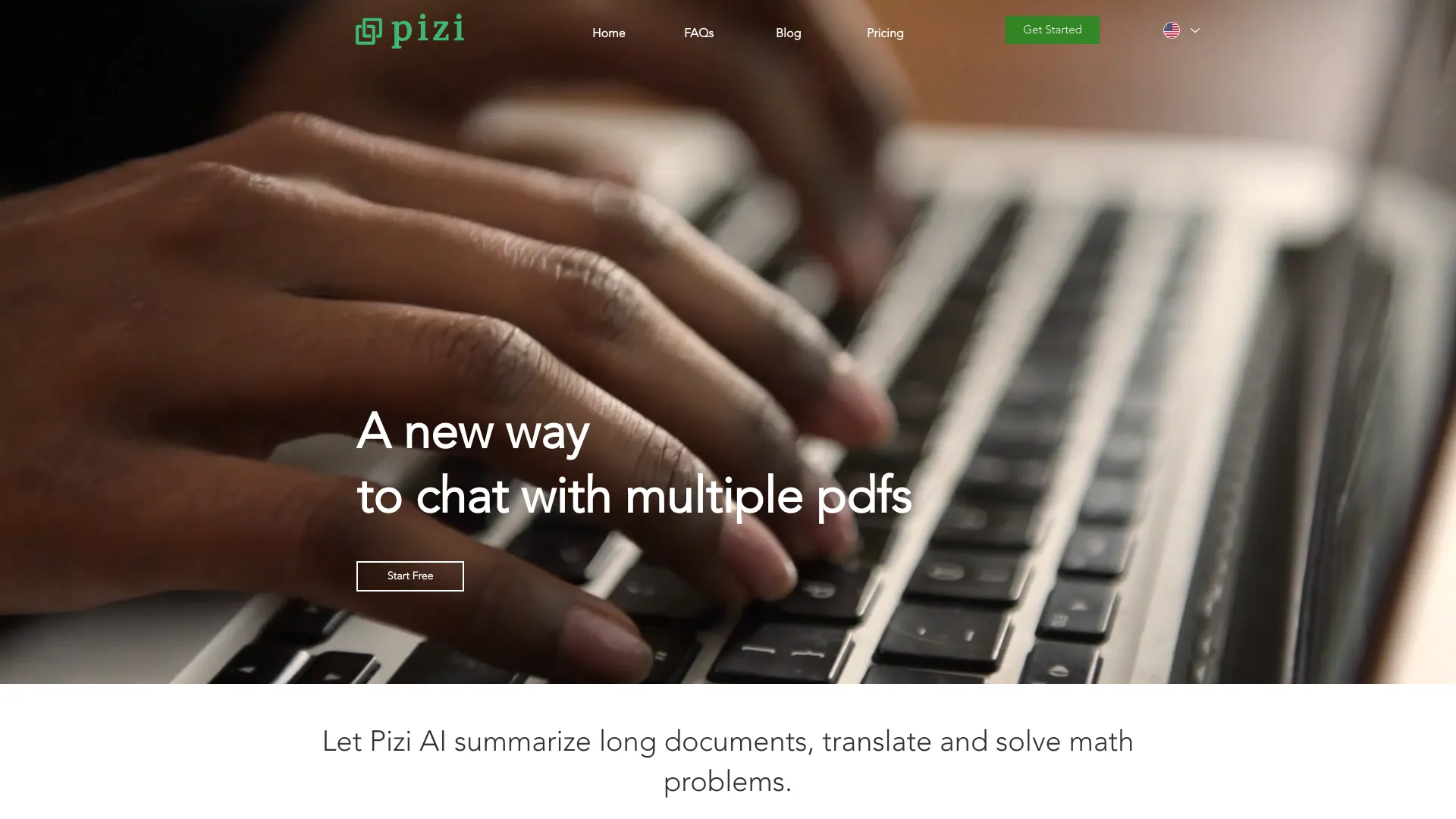
Pizi AI
Summarizing and analyzing multiple PDFs

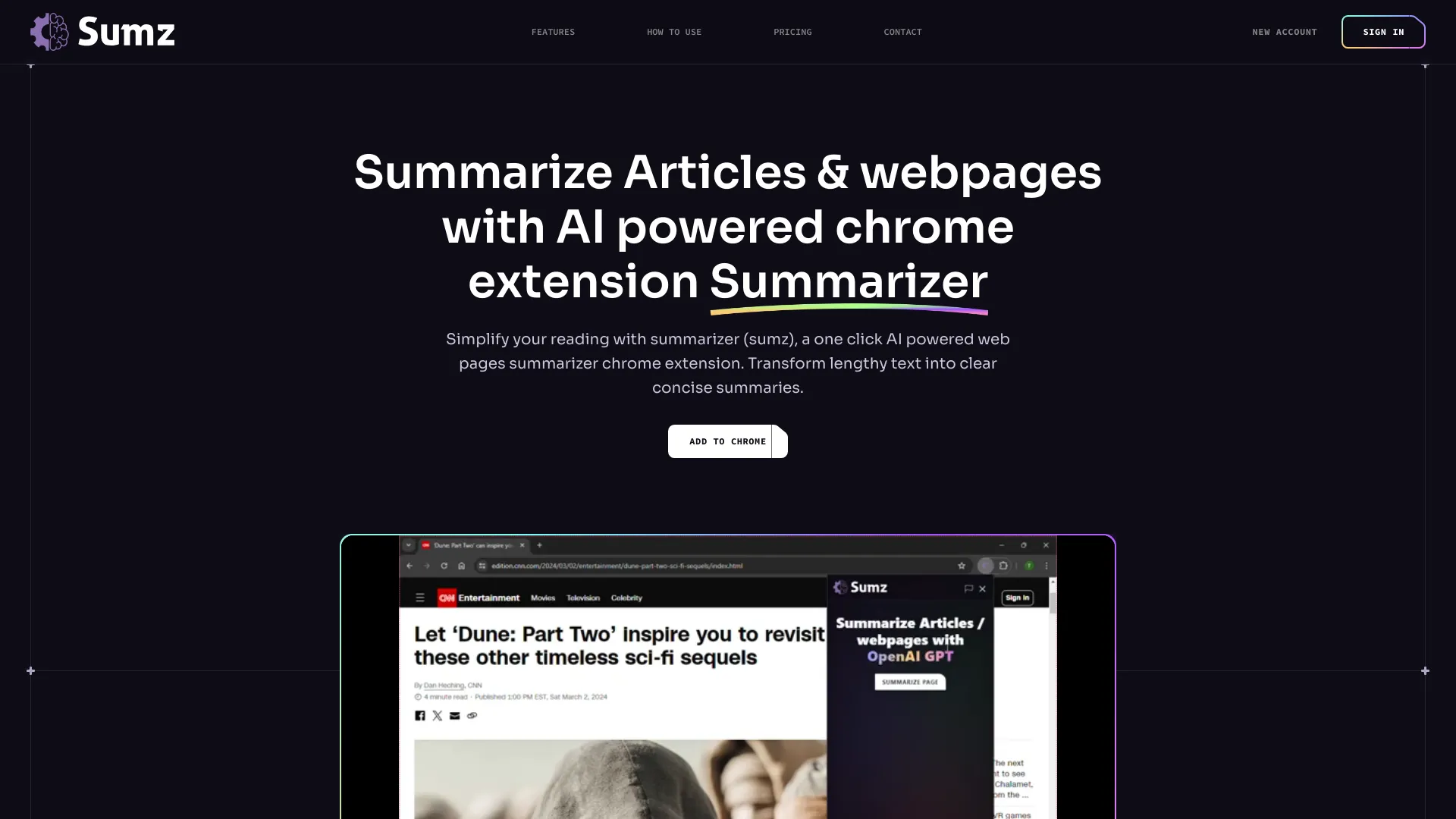
Sumz
Summarizing articles and webpages

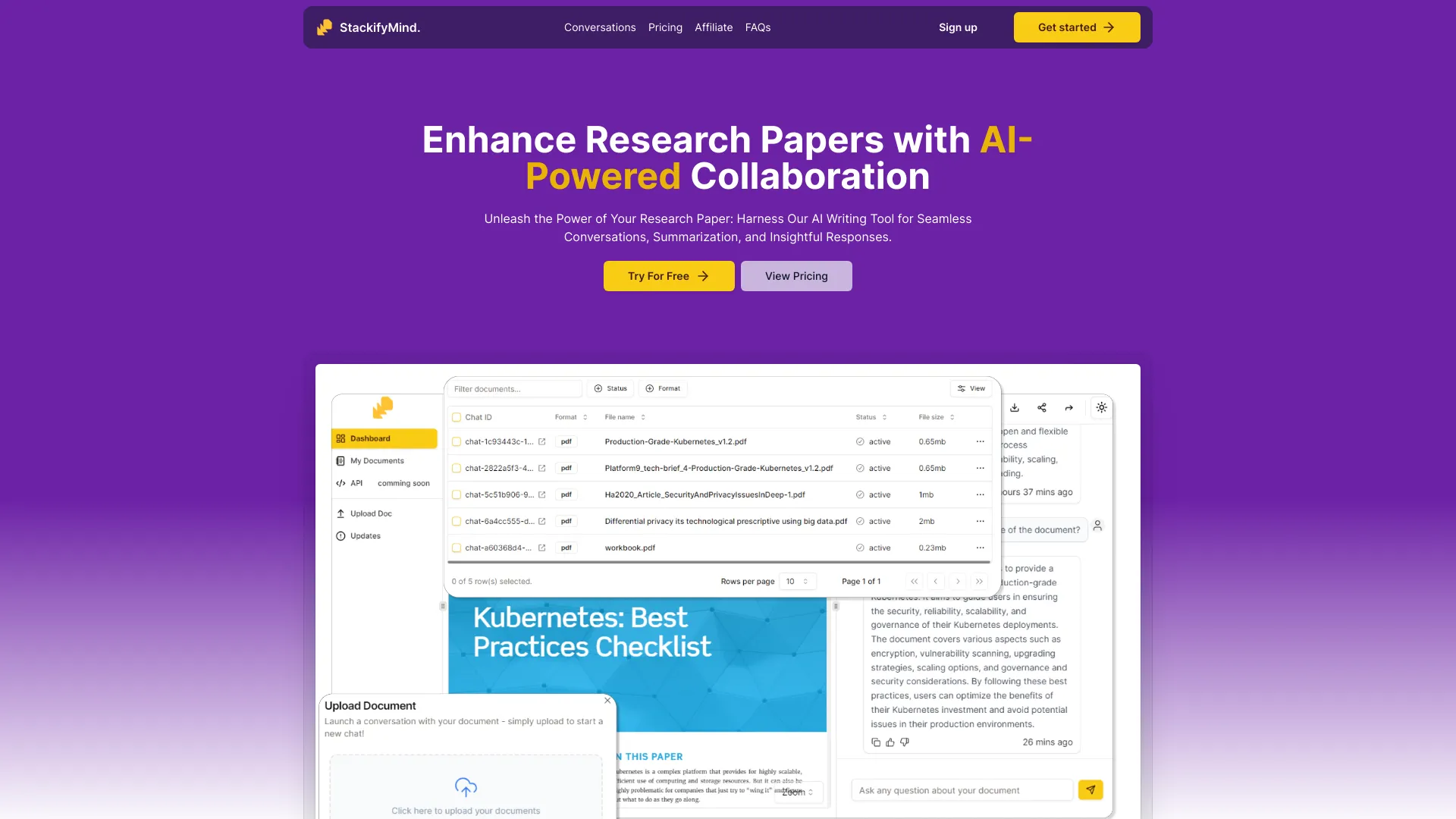
TicuDoc
Chatting with and summarizing PDFs

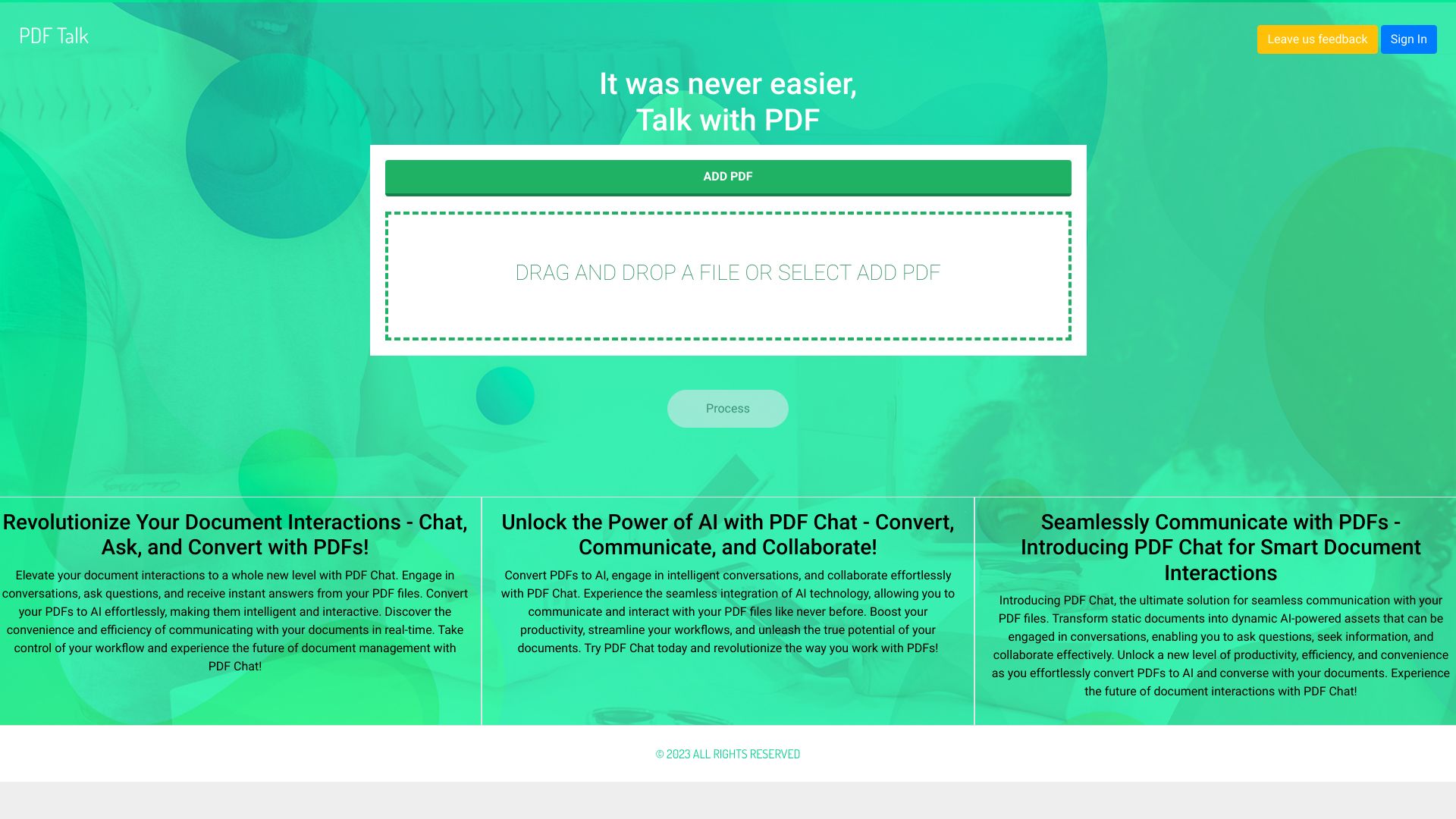
PDF Talk
Summarizing PDFs and querying multiple documents

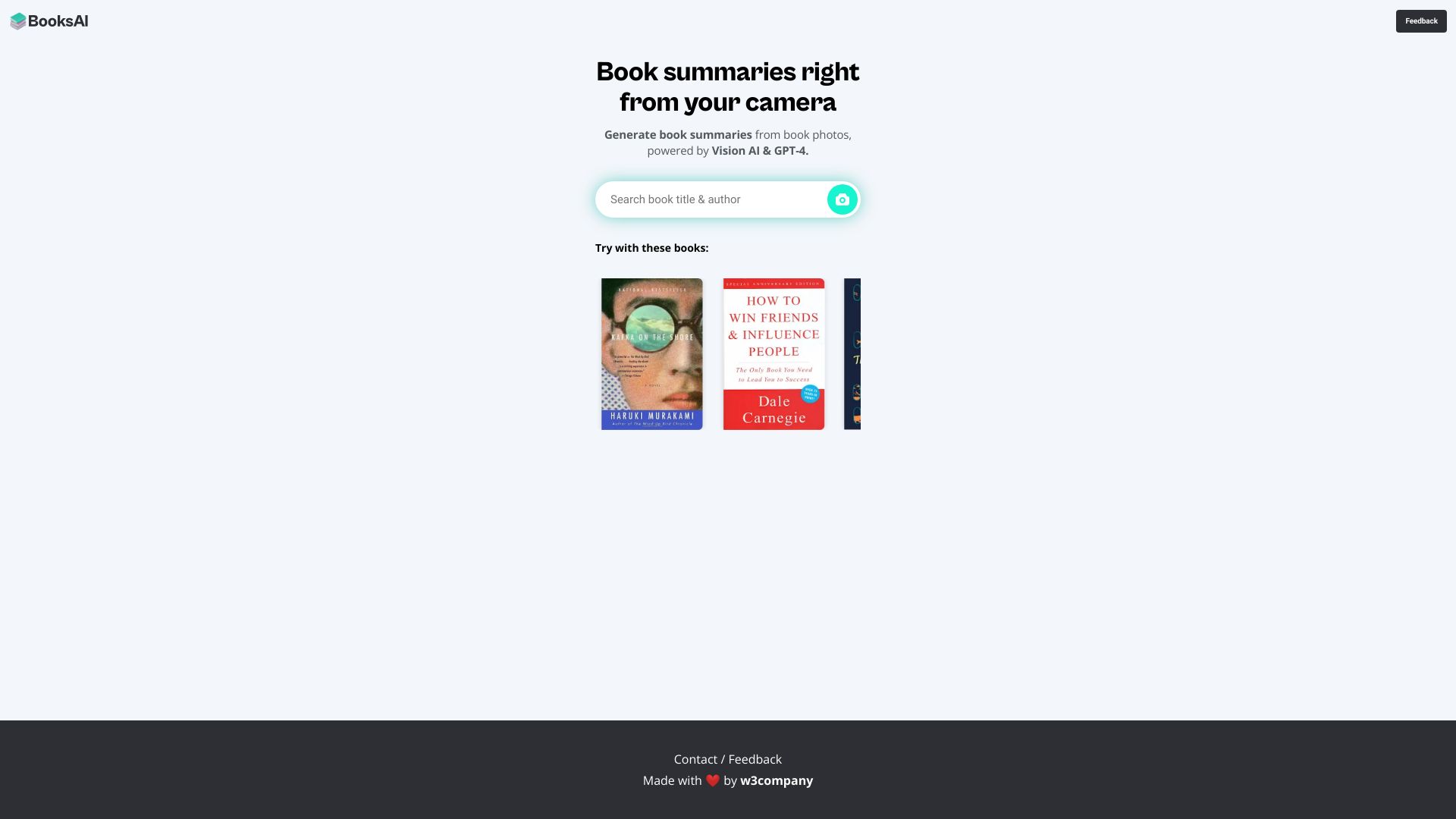
BooksAI
AI-generated book summaries

CapGo AI
Extracting information from multiple PDFs in Google Sheets
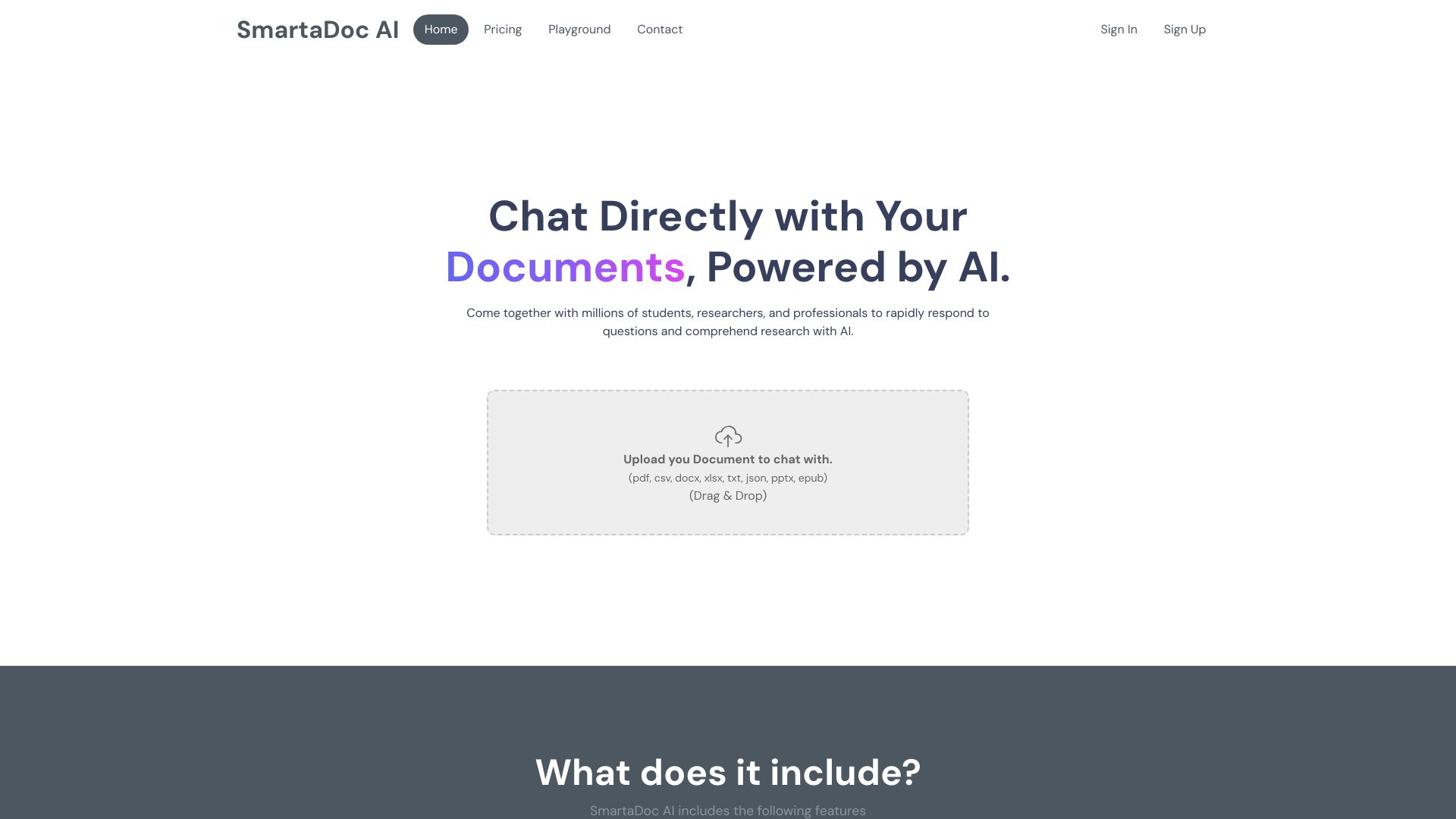
SmartaDoc AI
Summarizing and querying uploaded documents

Smart ChatPDF
Summarizing and querying lengthy PDFs
Summari
AI summaries for publisher link previews

DocuSpeed
Summarizing research papers and books

AI TransPDF
AI document summaries

Summio
Structured summaries of PDFs and other reading
NoteSummarizer
Concise summaries of lengthy text
ChatPDF
Summarizing and asking questions about PDFs
Summarizer AI
Quick summaries of long text
ioAudio
Audio summaries of documents and URLs

Free AI Article Summarizer
Summarizing research papers and PDFs

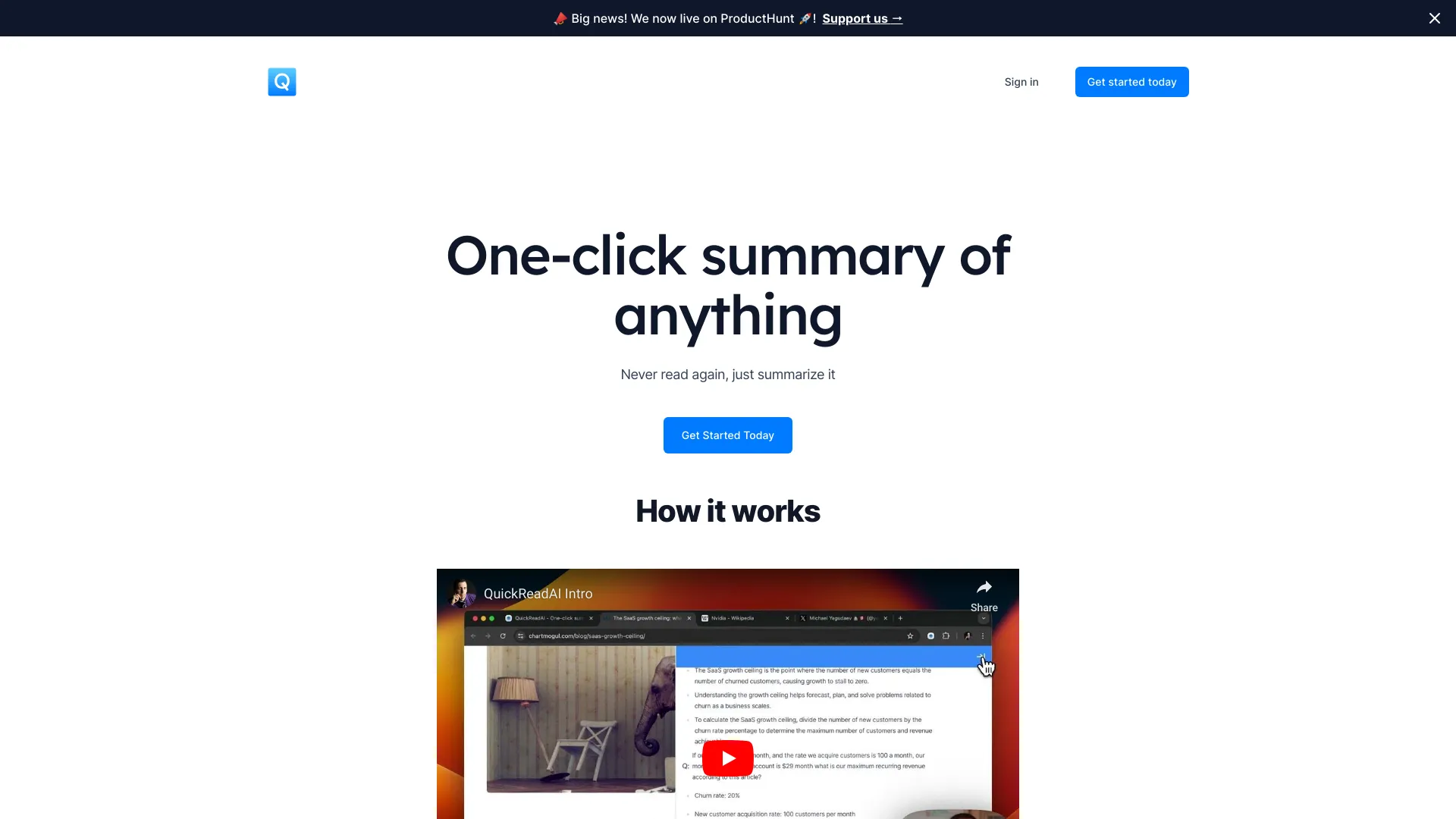
QuickReadAI
Quick web-page summaries
ChatPDF
Chatting with PDFs and websites

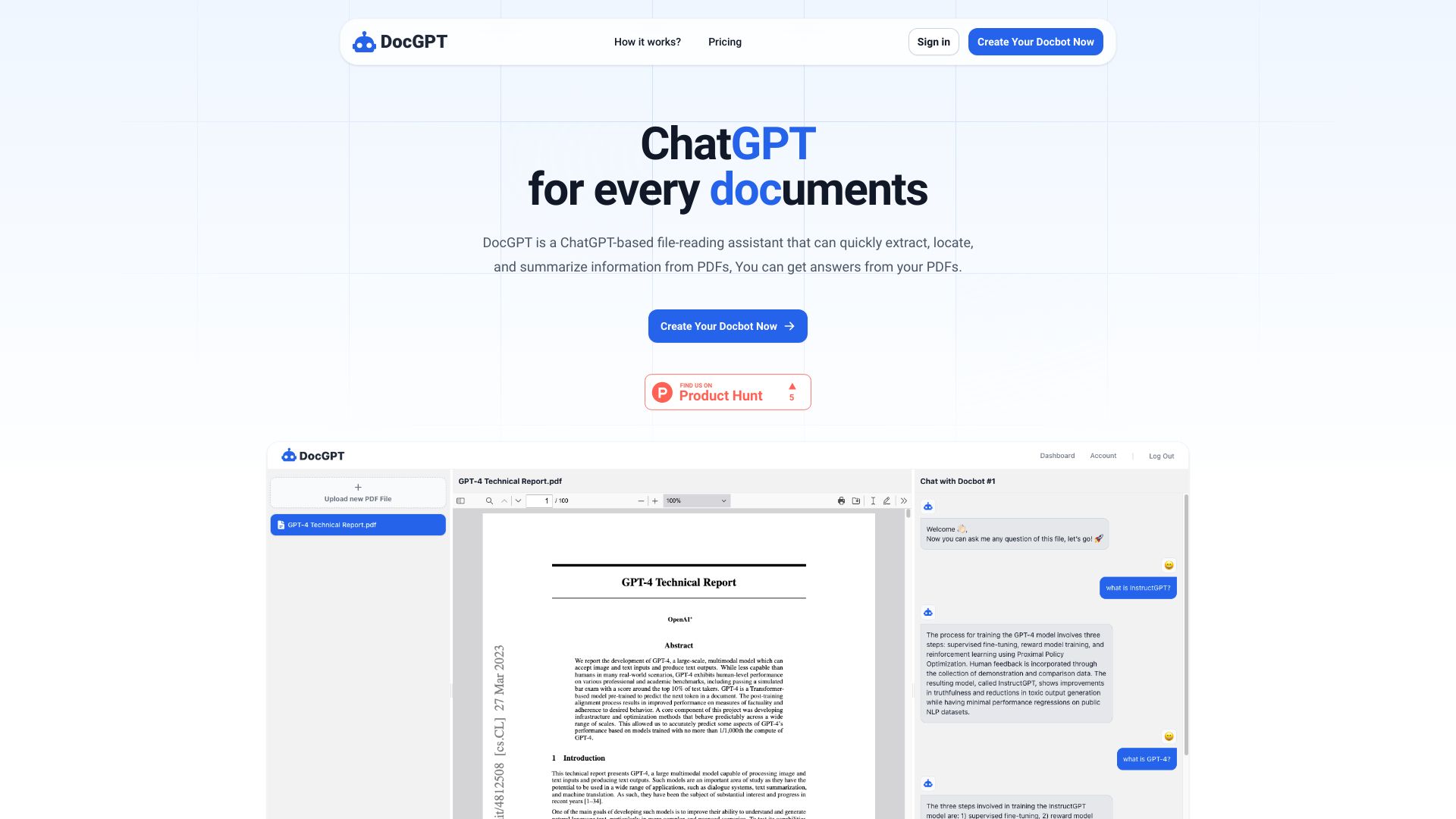
DocGPT
Summarizing and searching PDF documents
Which AI PDF summarizer should you choose?
Start with the job you need done, not the longest feature list. The best ai for summarizing pdf is different for a one-time reading assignment than for a research workflow that needs citations, follow-up questions, or support for several media types.
For an all-around PDF workflow: Start with PDF Guru if you want summarization alongside editing and signing. Its first summary is free, but full access requires a subscription.
For adjustable summaries at no cost: Try WPS AI Summarizer. Its short, medium, and long options make it easy to tune the amount of detail, with the internet connection requirement as the main trade-off.
For a free, focused PDF tool: Noiz is a strong starting point if PDF is your only required format and you value no-registration access.
For question-and-answer work: Compare PDF.ai and ChatPDF. PDF.ai makes the one-PDF/100-question free allowance explicit; ChatPDF emphasizes cited sources and stores files in cloud storage.
For page-linked references: Coral AI is the clearest fit when you want citations that lead back to page numbers. Verify those passages yourself.
For non-PDF sources: Lilys AI and aiPDF cover additional formats, while pdf.net adds editing, translation, and conversion tools.
The best app to summarize pdfs fast is not necessarily the one with the most capabilities. If your only goal is a quick recap, a focused service may be simpler. If you will ask follow-up questions, extract details, or verify claims, choose one that supports those steps too.
My practical recommendation
Try the tool that matches your next real document, not an imaginary all-purpose workflow. For a no-cost first pass, start with WPS AI Summarizer or Noiz: WPS offers adjustable summary lengths, while Noiz is purpose-built for PDFs and does not require registration. If you want a broader PDF workspace, test PDF Guru's free first summary and decide whether editing and signing are useful enough to justify a subscription. For research where you need to trace answers to a source, compare ChatPDF and Coral AI, then open the cited passages yourself.
Use the same PDF to compare two tools. Check whether each captures the main argument, preserves important qualifications, and makes it easy to locate supporting details. For sensitive files, review the vendor's data handling terms before upload; ChatPDF's stated cloud storage is a reminder to consider where documents go. Do not choose from a free-access label alone: upload counts, questions, file size, and registration requirements can shape the real cost of your workflow.
Common mistakes when choosing an AI PDF summarizer
Treating a summary as the source: AI can miss caveats or give incorrect answers. Check important details in the PDF.
Choosing for a single feature you will not use: Document chat, citations, editing, and translation are useful only if they fit your actual work.
Ignoring free-plan limits: Check uploads, questions, file size, and registration requirements before you rely on a tool.
Forgetting internet and privacy needs: Some services are web-based or store files in cloud storage. Confirm that those conditions work for your documents.
Assuming every tool handles every file: Noiz is PDF-only; other tools list support for additional formats. Match the product to your source material.
What changed in 2026
This comparison focuses on the current shortlist and its stated capabilities, rather than assuming every PDF summarizer works the same way. The options now span focused PDF tools, document chat with citations, and broader services that accept other media or add editing and conversion. Free access also varies considerably-from unlimited-use claims to a first summary or a two-file allowance-so a headline "free" label does not tell the whole story. Check current vendor pages for plan details, upload limits, and data terms before committing; those can change independently of a tool's core workflow.
FAQ
PDF Guru is our best overall match because it combines AI PDF summarization with editing and signing. For free, adjustable summaries, try WPS AI Summarizer; for a focused no-registration PDF option, consider Noiz.