
Choosing the best ai app builder depends less on flashy prompt demos and more on what you need to ship: a polished web app, a native mobile product, an internal tool, or an AI-powered workflow. We compared 100 tools, then shortlisted 10 that offer the clearest path from idea to working product. The list includes serious low-code platforms, visual website builders, prompt-driven app generators, and a few creative alternatives that are especially useful for prototypes.
Short answer: which AI app builder is best?
UI Bakery is the strongest all-around match for most software teams because it combines an AI App Generator with a drag-and-drop UI builder and a generous free entry point. Appy Pie is easier for small businesses that do not want to code, while MWM makes the most sense when the goal is a native mobile app. NxCode is the leanest low-cost option for founders who want AI to build, test, and deploy an app from plain-English instructions.
There is no single winner for every workflow. Builder.io is more compelling for frontend teams working from design files, Aura.build is better for responsive web pages, and Creao AI stands out when the app itself needs a built-in copilot or agentic behavior.
Top picks
| Pick | Tool | Best for | Why it stands out |
|---|---|---|---|
| 1 | UI Bakery | Software developers | AI generation plus visual editing in one low-code workflow |
| 2 | Appy Pie | Small business owners | No-code app and website creation without requiring programming |
| 3 | MWM | Entrepreneurs | Prompt-based native app creation with SwiftUI development |
| 4 | NxCode | Founders | Plain-English generation with automatic build, test, and deployment |
Quick comparison
| Tool | Score | Best for | Free access | Starting price |
|---|---|---|---|---|
| UI Bakery | 94/100 | Software developers | Up to 5 users; 1,000 monthly executions | Free: $0 |
| Appy Pie | 93/100 | Small business owners | Free plan available | Check vendor pricing |
| MWM | 93/100 | Entrepreneurs | Free plan available | Check vendor pricing |
| Mobirise AI Website Builder | 93/100 | Small business owners | Free plan available | KIT: $149 |
| Builder.io | 93/100 | Frontend developers | Free plan available | Check vendor pricing |
| OnSpace.AI | 93/100 | Entrepreneurs | Free plan available | Check vendor pricing |
| Aippy | 93/100 | Digital artists | Free plan available | Check vendor pricing |
| NxCode | 93/100 | Founders | Free tier available | From $5/month |
| Aura.build | 93/100 | Web designers | 3-day trial with 20 prompts | Free: $0 |
| Creao AI | 93/100 | SMB owners | 30 credits/month free | Free: $0 per month |
How we ranked these AI app builders
We ranked each candidate on practical usefulness rather than prompt novelty alone. First, we looked for a clear route from an idea or design to a usable app, website, or interactive experience. We then considered the depth of the core builder, the amount of coding required, the audience fit, the usefulness of the free access, and how clearly the product communicates its limitations. Market usage signals helped separate established options from promising niche tools, but did not replace product fit. The result is a buyer-focused shortlist: UI Bakery leads for balance, while the remaining tools earn their place by solving a more specific problem particularly well.
The best AI app builders
1. UI Bakery

UI Bakery
Best all-around AI app builder for software developers
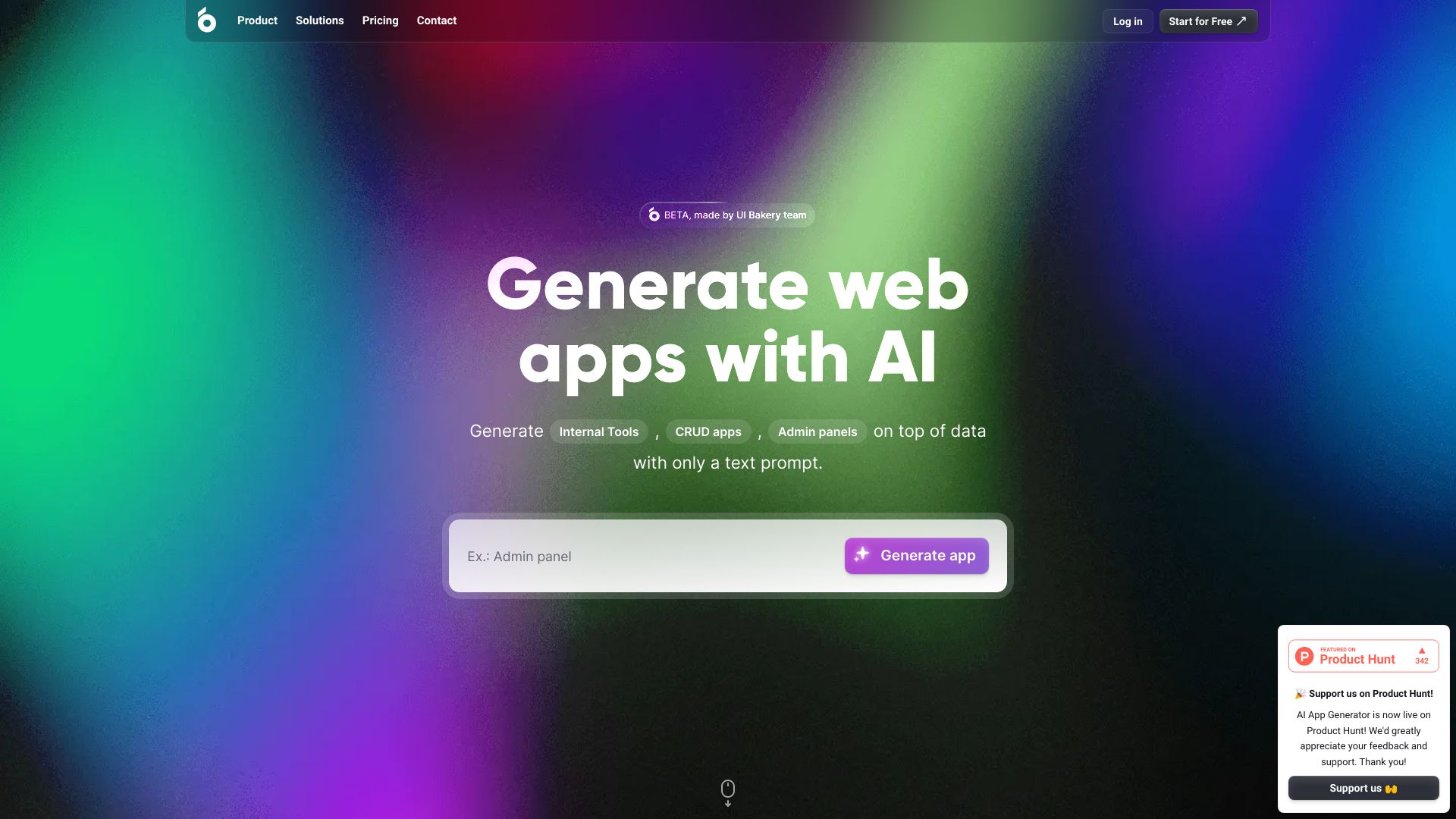
The appeal here is straightforward: UI Bakery puts AI generation and a visual interface in the same workflow. Its AI App Generator can help a developer move from a product idea to a web app, while the drag-and-drop UI Builder gives the result a more deliberate structure than a one-shot prompt usually produces. That combination makes it a practical choice for internal tools and early product interfaces where speed matters but visual control still matters too.
The free access is unusually concrete: up to five users and 1,000 scheduled job, webhook, or server-action executions per month. That gives a small team room to test a real workflow instead of merely previewing a mockup. The catch is equally practical: pricing can vary based on usage and features, so a growing app may require closer plan scrutiny.
My take: This is the safest first stop for a developer who wants AI acceleration without giving up a visual editing layer. It feels more useful for shipping a functional web app than for generating a pretty screen and stopping there.
Where it falls short: Usage-based pricing can make the long-term budget harder to predict, particularly when scheduled actions and server-side behavior become central to the app.
Key features
AI App Generator for creating web apps with AI assistance.
Drag-and-drop UI Builder for visual editing and layout control.
Free access for up to five users.
Up to 1,000 monthly scheduled job, webhook, or server-action executions on the free access described here.
Pros
Rapid app development with AI assistance.
Combines generation with hands-on visual editing.
A meaningful free starting point for a small team.
Cons
Pricing can vary based on usage and features.
Choose UI Bakery if: You are a developer or small software team that wants to generate a web app quickly, then refine its interface visually.
2. Appy Pie
Appy Pie
Best no-code starting point for small business owners
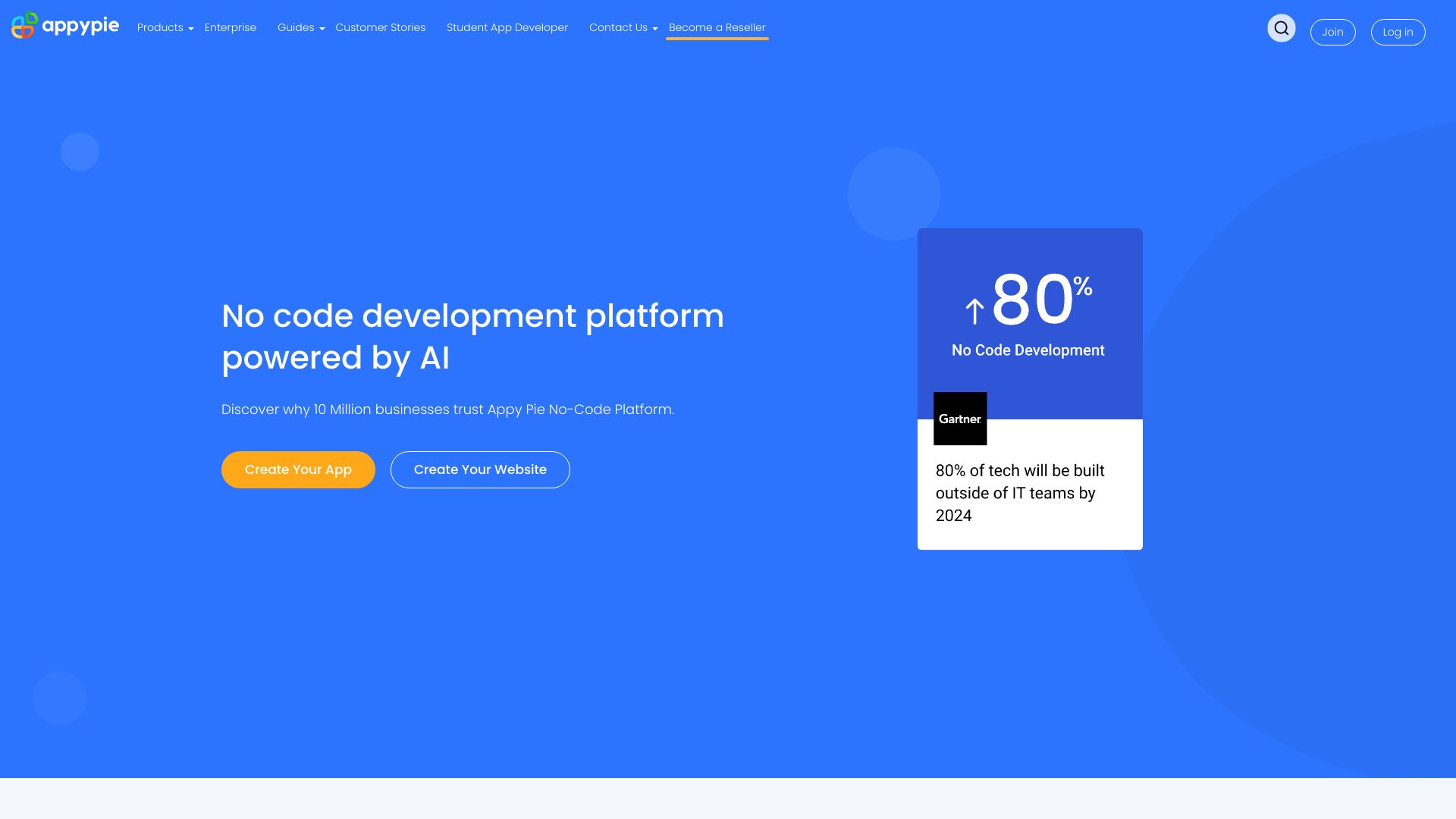
Appy Pie takes a broader, more approachable route than developer-first platforms. It is built around no-code app and website development, with AI-powered design and automation tools intended to remove the programming requirement. For a small business owner who needs a customer-facing presence or a straightforward app concept without hiring a development team, that simplicity is the main draw.
This is the kind of best ai app builder candidate that should be judged by time-to-first-result rather than technical control. The platform covers both apps and websites, which can reduce the number of tools a small team needs to learn. It may also be a better fit for business users who prefer guided creation over managing a more technical visual development environment.
My take: Appy Pie is a sensible first experiment when the builder needs to be understandable to a nontechnical team. I would choose it for a small business launch before choosing it for a deeply customized software product.
Where it falls short: The platform may have limitations compared with custom-coded solutions, and pricing is hidden behind a less transparent path than a clearly displayed starting plan. Verify the current plan structure before committing.
Key features
No-code app development.
No-code website development.
AI-powered design tools.
Automation tools intended for business workflows.
Pros
Easy to use with no coding required.
Covers apps and websites in one platform.
A natural fit for small business owners.
Cons
May have limitations compared with custom-coded solutions.
Pricing details require checking with the vendor.
Choose Appy Pie if: You want to build an app or website without programming and value an accessible workflow over deep custom engineering.
3. MWM

MWM
Best prompt-driven native app builder for entrepreneurs
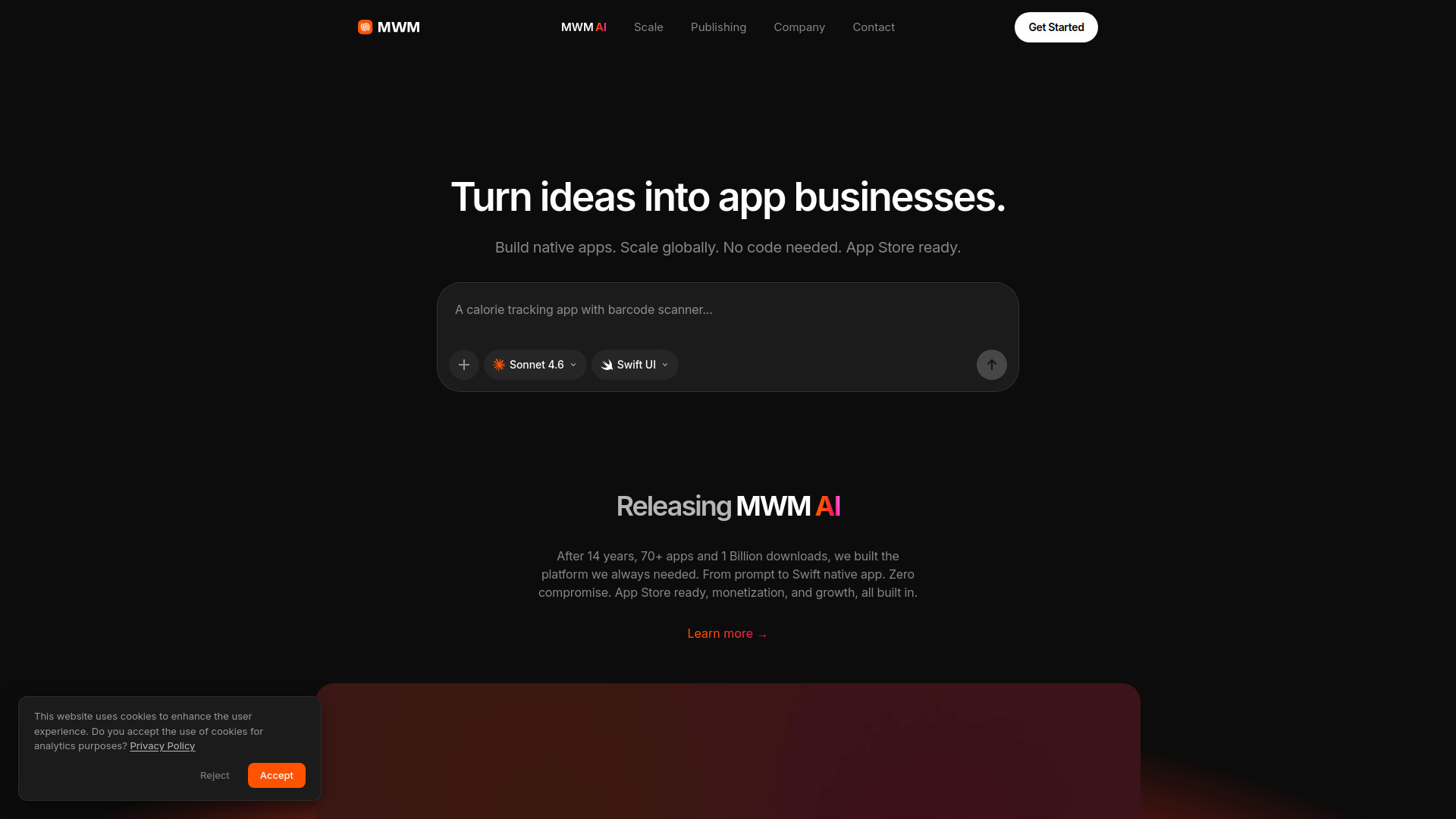
MWM shifts the conversation from web interfaces to native mobile products. It supports app generation from prompts and no-code native Swift UI development, so an entrepreneur can start with a description rather than a traditional development environment. The native focus is its clearest differentiator in this group; it is not simply another tool for assembling a landing page.
Integrated ASO and growth tools also make the product relevant after the initial build. That matters for entrepreneurs thinking about publishing and growing a mobile app, not just demonstrating a concept internally. The workflow is especially attractive when the product idea is mobile-first and the founder does not have coding knowledge.
My take: MWM is one of the more interesting answers to what is the best ai app builder for a native mobile concept. The product focus is clear, and the SwiftUI angle gives it a more specific job than a general-purpose website generator.
Where it falls short: Pricing is not transparently listed and requires a demo or direct vendor conversation. That makes it difficult to compare the cost of scaling a serious app before engaging with sales.
Key features
AI-driven app generation from prompts.
No-code native SwiftUI development.
Support for building and publishing native mobile apps.
Integrated ASO and growth tools.
Pros
No coding knowledge required.
Stronger fit for native mobile apps than general website builders.
Growth and ASO tools are included in the product positioning.
Cons
Pricing is not transparently listed and requires a demo.
Choose MWM if: You are an entrepreneur with a mobile-first idea and want to explore native app creation without writing Swift code yourself.
4. Mobirise AI Website Builder

Mobirise AI Website Builder
Best simple AI website builder for small business owners
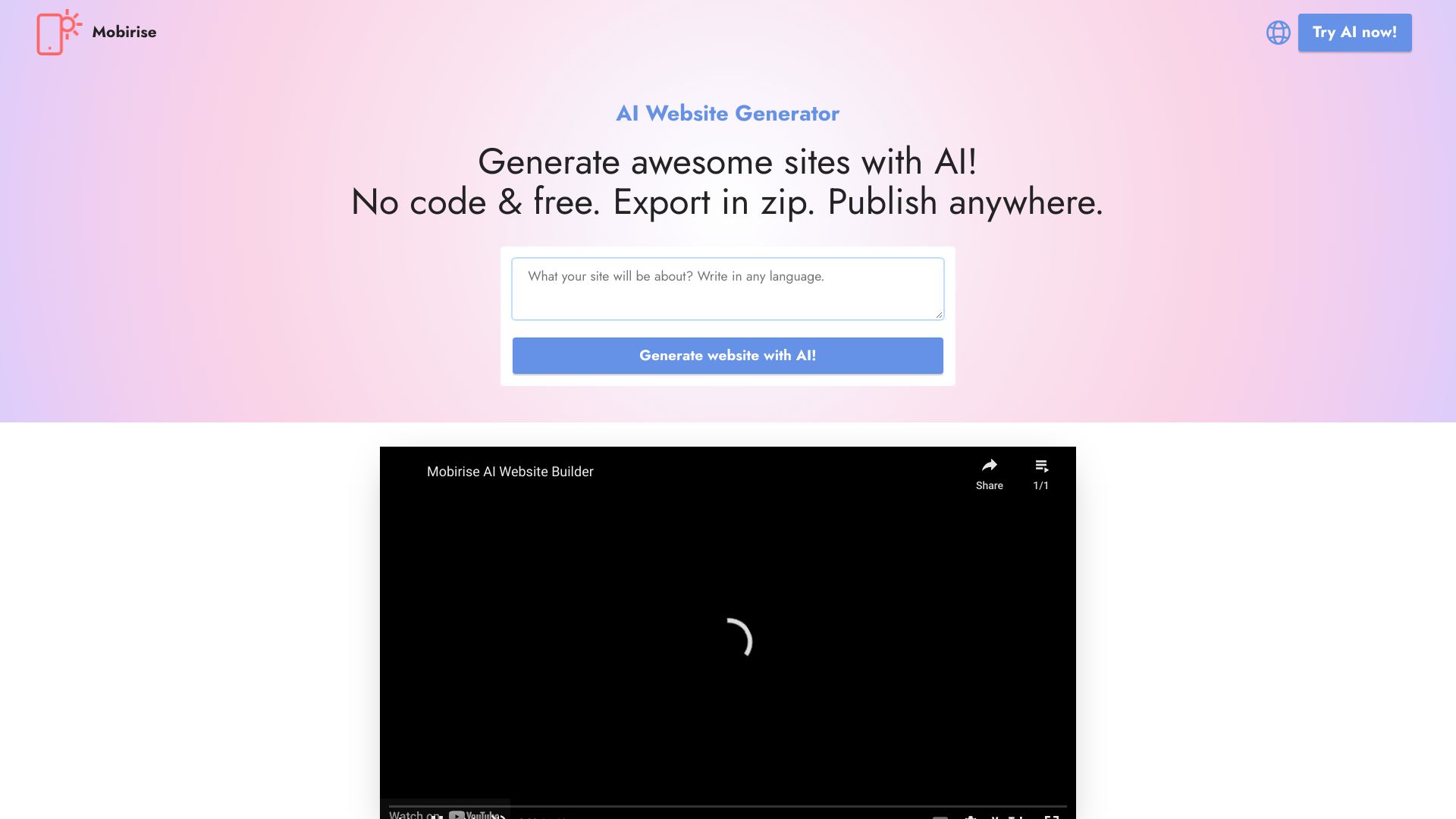
Mobirise AI Website Builder is the practical, low-friction pick for a business that needs a website rather than a complex software platform. AI generation gets the initial site moving, while the no-code, drag-and-drop approach leaves room to adjust the result without learning a programming language. That makes it useful for brochures, service businesses, and early web presences where a fast launch is more important than an elaborate backend.
The standout feature is Export and Publish Anywhere. That wording points to a more portable workflow than builders that keep the entire project inside one hosted environment. Mobirise also lists customizable templates, with a stated $199/year reference in its free-access description, while the starting-price field lists KIT at $149. Because those figures describe different items, check the vendor page carefully before budgeting.
My take: This is a good choice when the job is to make a respectable website quickly and keep the editing experience approachable. It is not the first tool I would reach for when the word app means complex product logic.
Where it falls short: The free version has limited advanced features, so teams may outgrow the initial experience when they need more control or more sophisticated functionality.
Key features
AI Generation for starting a website from a description.
No-code website building.
Drag-and-drop editing.
Export and Publish Anywhere.
Customizable templates.
Pros
Free to use with no coding required.
Straightforward visual editing.
Export and publishing flexibility is useful for small businesses.
Cons
Limited advanced features in the free version.
Pricing references should be checked carefully because the listed package figures differ.
Choose Mobirise AI Website Builder if: You need a simple business website with AI-assisted creation and do not want to be locked into a complicated development workflow.
5. Builder.io

Builder.io
Best AI design-to-code platform for frontend developers
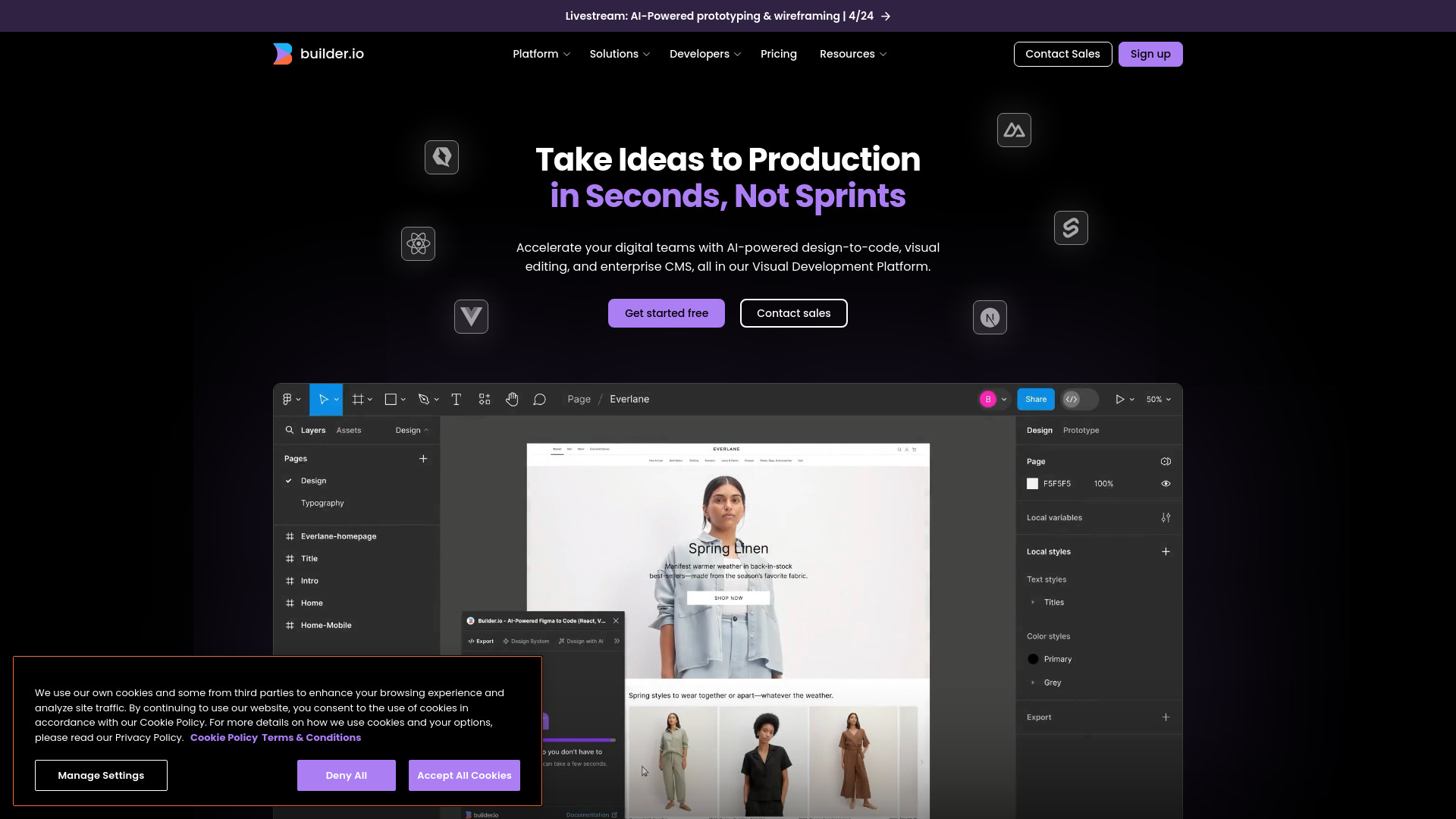
Builder.io is aimed at the handoff between design and development. Its AI-powered design-to-code conversion can increase development capacity, while the visual editor helps teams create and manage content without forcing every change through an engineering queue. An enterprise CMS rounds out the platform for organizations that need a content layer as well as a visual development workflow.
That combination gives Builder.io a different role from prompt-only app generators. It is most useful when frontend developers need to turn design intent into code and give content teams more autonomy afterward. The tradeoff is a potential learning curve for new users; this is a substantial platform, not a disposable prompt box.
My take: Builder.io is a strong pick for an established frontend team that wants to shorten design-to-code cycles. It is overkill for a one-page personal project, but compelling when the visual editor and CMS will be used repeatedly.
Where it falls short: New users may need time to understand the platform and its relationship to an existing frontend workflow. Pricing also requires checking with the vendor.
Key features
AI-powered design-to-code conversion.
Visual editor for creating and managing content.
Enterprise CMS capabilities.
A workflow focused on increasing development capacity.
Pros
Increased development capacity for frontend teams.
Connects visual editing with code-oriented development.
Better suited to repeatable team workflows than a one-off generator.
Cons
Potential learning curve for new users.
Pricing is not presented as a clean starting plan here.
Choose Builder.io if: You are a frontend developer or product team working from designs and need a visual development and content workflow that can scale beyond a prototype.
6. OnSpace.AI: App Builder AI No-code Platform

OnSpace.AI: App Builder AI No-code Platform
Best conversational app builder for entrepreneurs
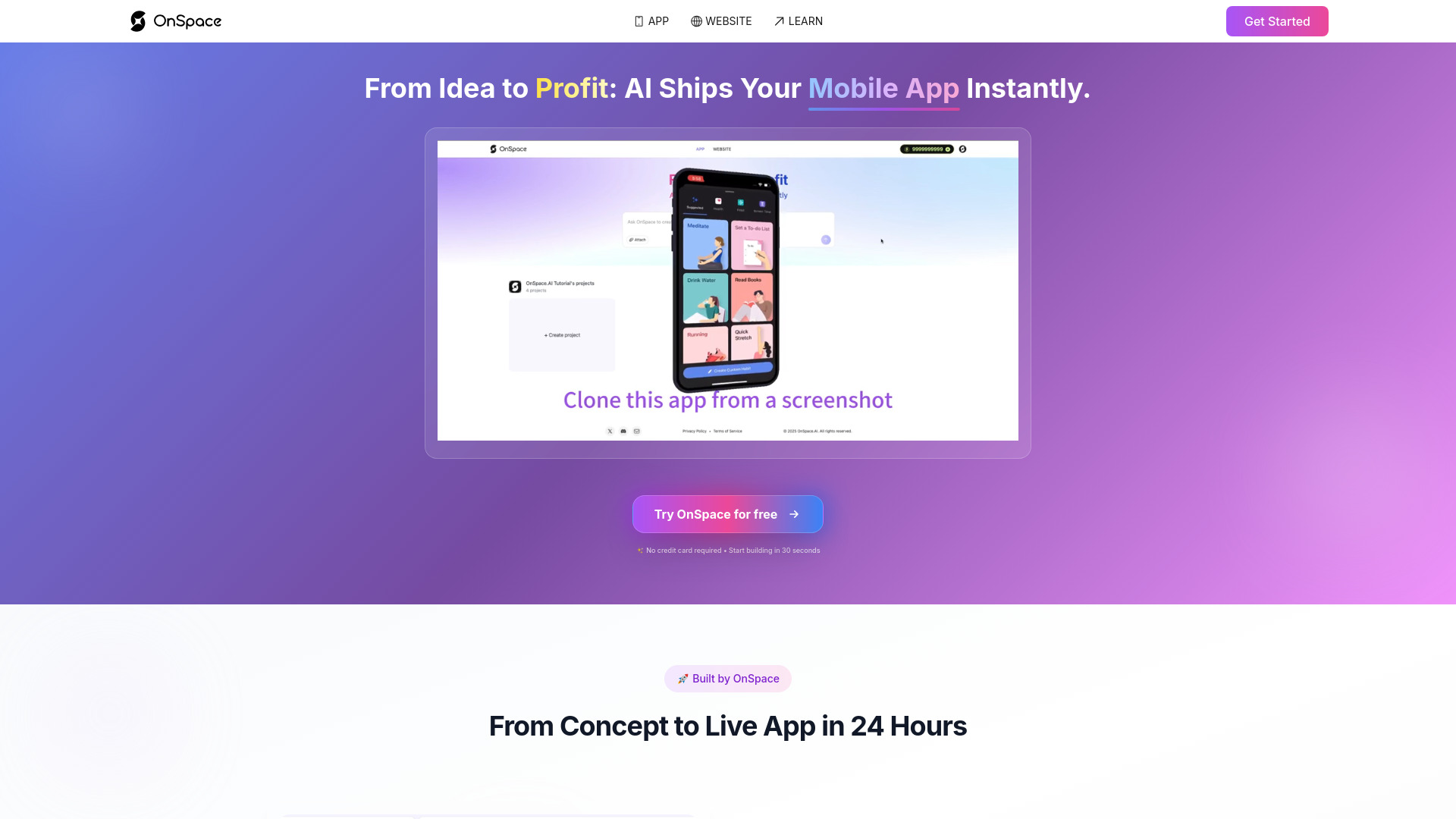
OnSpace.AI makes the prompt itself the central interface. Its chat-based app-building workflow lets an entrepreneur describe what they want, while screenshot-to-app capabilities offer another route for turning a visual reference into a product. The Figma prototype-to-live-app workflow is particularly notable because it includes interaction, not just a static visual imitation.
This makes OnSpace.AI a useful bridge between design exploration and functional experimentation. A founder can begin with a conversation, a screenshot, or a Figma prototype instead of starting from a blank component library. The product is positioned as a full-stack and monetized mobile app builder, which gives it broader ambitions than a simple page generator.
My take: I like the flexibility of having several starting points. If your idea already exists as a sketch or prototype, OnSpace.AI may reduce the distance between showing the concept and testing it as an app.
Where it falls short: The available product description does not call out a specific limitation beyond the need to confirm pricing, so I would validate the exact depth of the full-stack and monetization workflow before making it the foundation of a major product.
Key features
Chat with AI to build an app.
Figma prototype to live app, including interaction.
Screenshot-to-app workflow.
No-code full-stack app building.
Support for monetized mobile apps.
Pros
No coding skills required.
Multiple ways to begin: chat, screenshot, or Figma prototype.
Strong fit for entrepreneurs validating an idea quickly.
Cons
Pricing details require vendor confirmation.
The exact boundaries of advanced app workflows should be tested before scaling.
Choose OnSpace.AI if: You have an idea, screenshot, or Figma prototype and want to turn it into an interactive app without coding.
7. Aippy

Aippy
Best creative AI app builder for digital artists
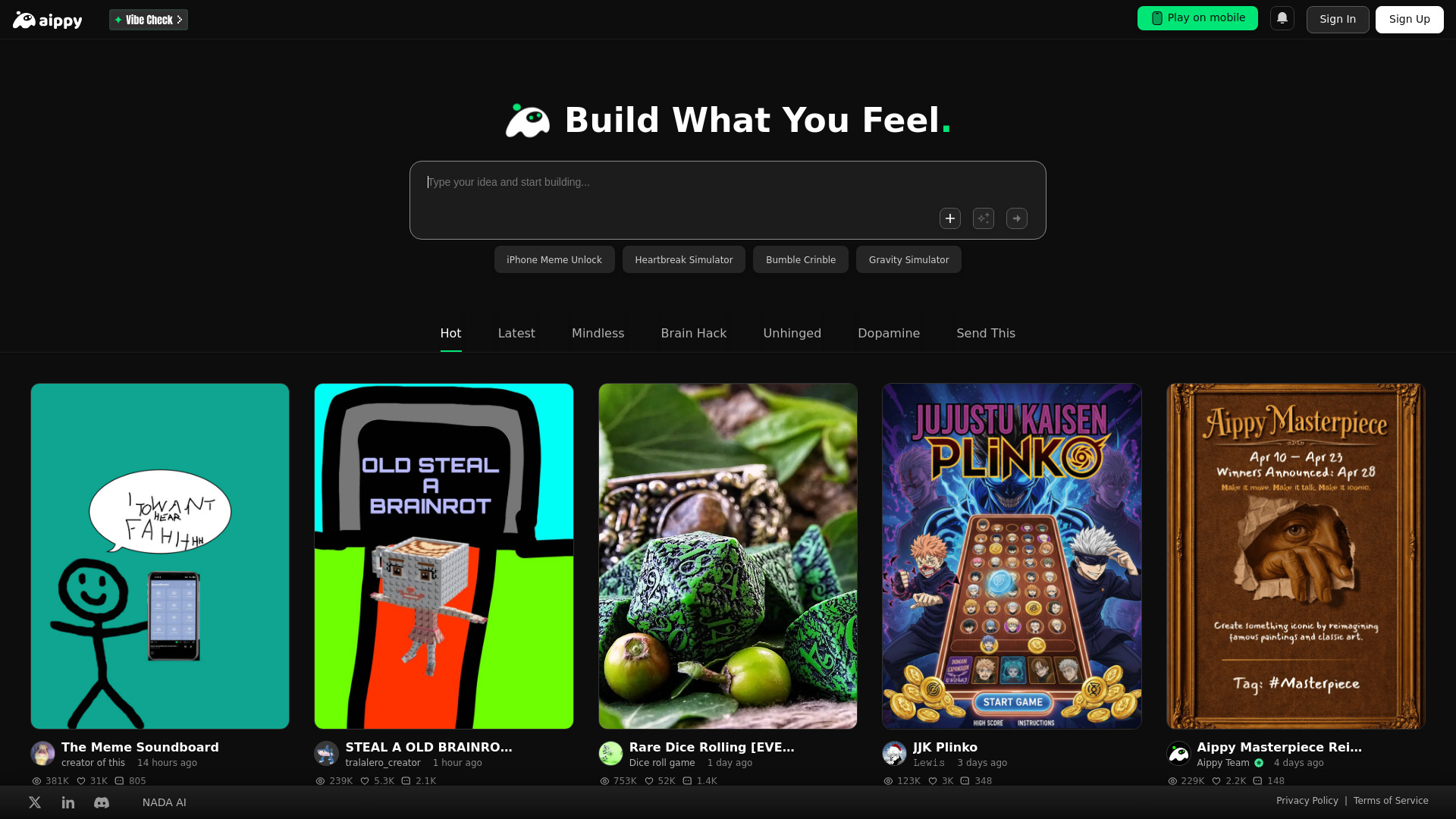
Aippy is an unexpected but valuable alternative for people who use app-building techniques to create interactive media. Natural-language-to-interactive-content generation and a no-code creative playground let digital artists describe an idea and turn it into an experience. Its natural-language game generation makes the platform especially relevant for prototypes, playful experiments, and small interactive projects.
This is not the conventional choice for a business dashboard or production SaaS product. Its advantage is creative accessibility: a person can explore game and digital-art concepts without programming knowledge. That focus gives Aippy a clear audience and keeps the experience closer to a creative sandbox than a traditional enterprise builder.
My take: Aippy belongs on this list because app builders are not only for business software. For artists and creators, the ability to move from a description to an interactive result may be more valuable than database depth or enterprise administration.
Where it falls short: Content quality depends on how clearly the idea is described. Vague prompts are likely to produce weaker or less coherent interactive results, so the tool rewards users who can specify the experience they want.
Key features
Natural language to interactive content generation.
Natural-language game generation.
No-code creative playground.
Digital-art and interactive creation workflows.
No-sign-up access is highlighted in the product description.
Pros
No programming knowledge required.
Makes interactive creation approachable for digital artists.
Useful for game and creative prototypes.
Cons
Content quality depends on description clarity.
It is a more specialized choice for interactive and artistic work.
Choose Aippy if: You are a digital artist or creator who wants to build interactive experiences and games from natural-language descriptions.
8. NxCode

NxCode
Best budget-friendly prompt builder for founders
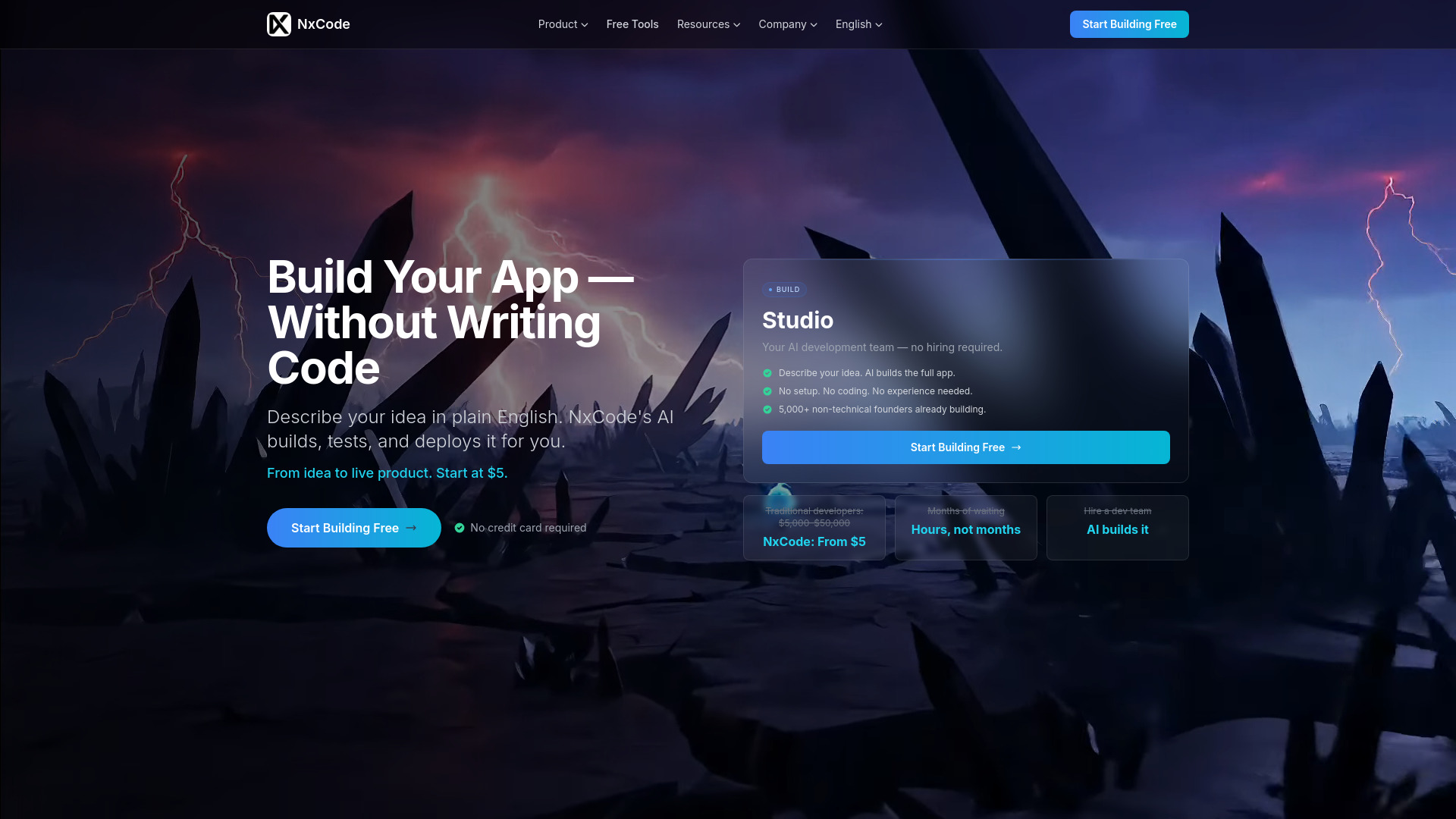
NxCode focuses on the full delivery loop rather than stopping at generated screens. Founders can use plain English to describe an app, then let the AI build, test, and deploy it automatically. That end-to-end promise is the reason it ranks highly: a generated interface is useful, but a workflow that addresses testing and deployment is closer to the real job of launching software.
The pricing is easy to understand at the entry level: a free tier is available, and the listed paid starting point is $5 per month for 200 credits. The credit model is the main thing to watch. Credit-based pricing can be harder to estimate than a simple unlimited plan, especially if the app requires repeated generation, testing, and revisions.
My take: NxCode is the strongest value-oriented option in this group for a founder who wants to test an idea without a large initial commitment. I would use the free tier to learn how quickly credits disappear on a real build before planning a larger launch.
Where it falls short: Credit-based pricing can make monthly costs harder to forecast. The platform is attractive for experimentation, but serious users should measure the credit cost of their own iteration cycle.
Key features
Plain-English app generation.
AI builds apps automatically.
AI tests apps automatically.
AI deploys apps automatically.
Free tier and a listed $5/month entry plan with 200 credits.
Pros
No coding required.
Addresses build, test, and deployment in one workflow.
Low listed starting price.
Cons
Credit-based pricing can be harder to estimate.
Iterative projects may consume credits quickly, depending on usage.
Choose NxCode if: You are a founder who wants a low-cost way to turn plain-English product ideas into tested and deployed apps.
9. Aura.build

Aura.build
Best AI landing-page builder for web designers
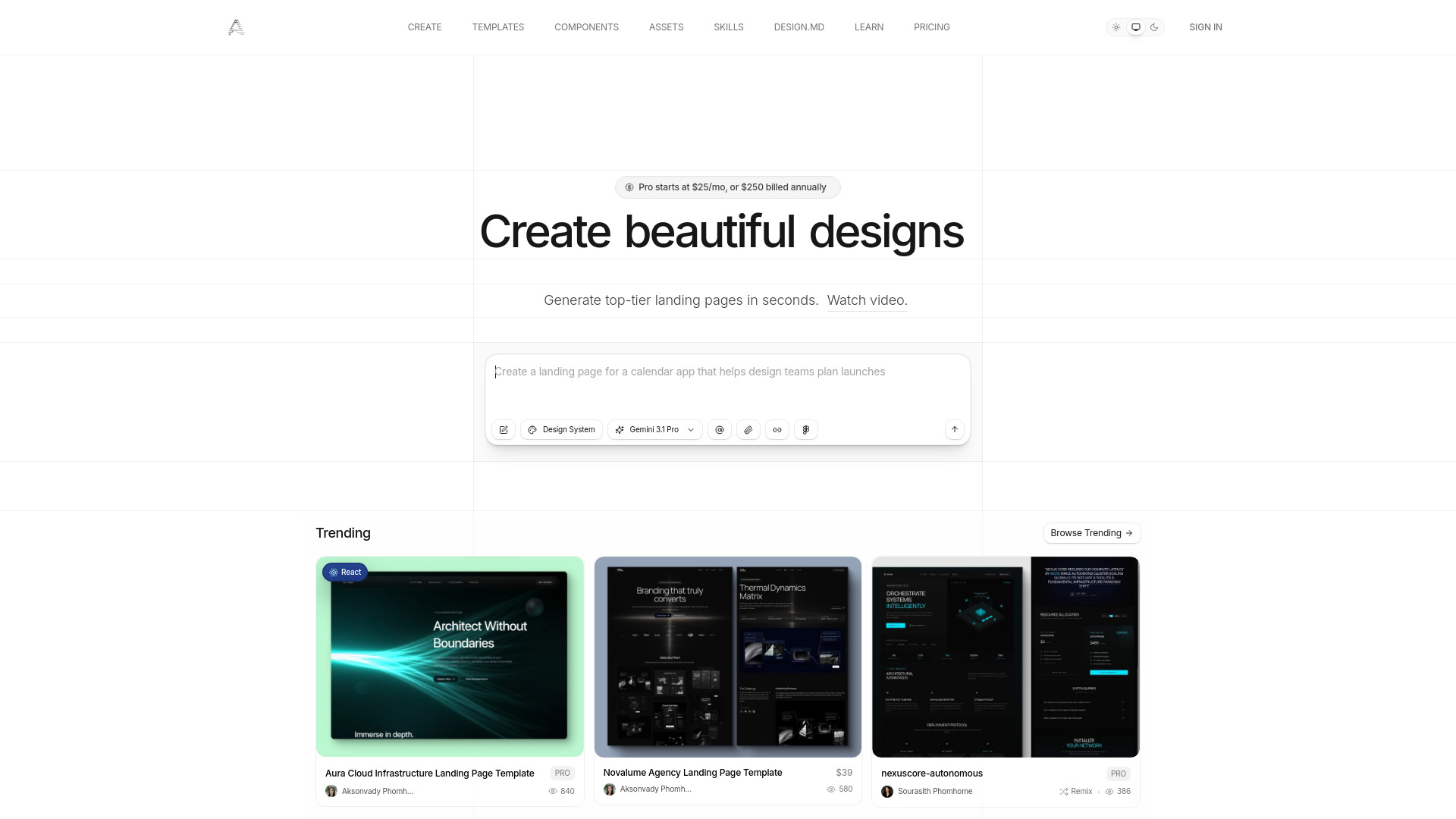
Aura.build is the specialist pick for responsive landing pages and websites. AI-powered generation gets a page started, while screenshot-to-responsive-HTML conversion helps designers work from an existing visual reference. HTML and Figma export add a valuable degree of portability, particularly for users who do not want the final result trapped inside a proprietary editor.
That export story is the product's clearest practical advantage. A designer can use AI for the first pass and still move the result into a more familiar workflow. The free access includes a three-day trial with 20 prompts, but the free tier does not include AI prompt usage as an ongoing benefit. That distinction is important: it is a trial, not a generous permanent generation allowance.
My take: Aura.build is the right tool when the deliverable is a polished responsive page and export matters. It is less convincing as a general-purpose app platform, but that narrower focus is exactly what makes it efficient for web designers.
Where it falls short: The free tier does not include AI prompt usage beyond the stated trial, and the listed paid starting point is $25 per month. Teams should decide whether the export workflow justifies that recurring cost.
Key features
AI-powered landing-page and website generation.
Screenshot-to-responsive-HTML conversion.
HTML export.
Figma export.
Responsive page creation for web designers.
Pros
No vendor lock-in for generated standard HTML and CSS.
Strong fit for landing pages and responsive web work.
Can start from a screenshot as well as a prompt.
Cons
Free tier does not include ongoing AI prompt usage.
The trial window is limited to three days and 20 prompts.
Choose Aura.build if: You are a web designer who wants AI-assisted responsive pages with HTML and Figma export rather than a closed publishing environment.
10. Creao AI

Creao AI
Best no-code AI copilot builder for SMB owners
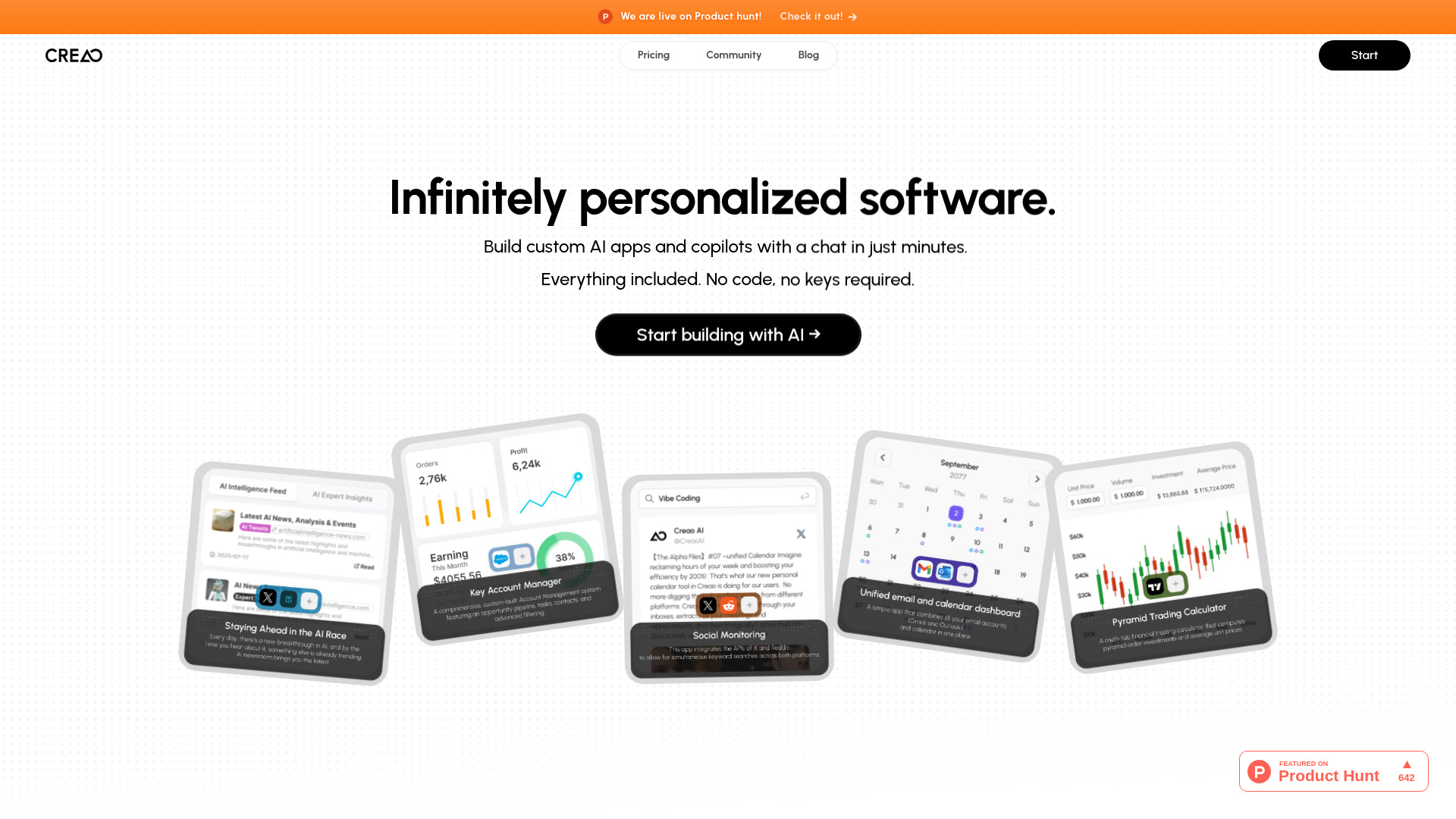
Creao AI is aimed at a newer class of app: the custom AI tool or copilot. Users can build AI apps with natural language and add an AI assistant or agentic capabilities to every app. That makes it more than a conventional interface generator. The value is in creating a workflow where the finished app can also help users perform tasks, interpret information, or interact conversationally.
The free offer is clear enough to make testing easy: 30 credits per month with no card required. For an SMB owner, that is a useful way to validate whether a custom copilot actually improves a workflow before paying. The tradeoff is that the credit allowance and the details of the Team plan need close attention as usage expands.
My take: Creao AI is the most focused choice here for someone who wants the app to contain AI behavior from the beginning. It is a strong fit for internal tools and specialized copilots, provided the credit model works for the intended workload.
Where it falls short: Specific details on the Team plan are not provided, so growing organizations will need to confirm collaboration, limits, and pricing directly with the vendor.
Key features
Build custom AI apps and copilots with natural language.
No-code app creation.
Built-in AI assistant in every app.
Agentic capabilities in every app.
30 free credits per month with no card required.
Pros
No-code platform for building custom AI apps and copilots.
AI behavior is part of the app rather than an afterthought.
Clear free allowance for initial testing.
Cons
Specific details on the Team plan are not provided.
Credit limits may require careful planning as usage grows.
Choose Creao AI if: You are an SMB owner who wants to create a custom AI app or copilot without writing code.
More tools to compare

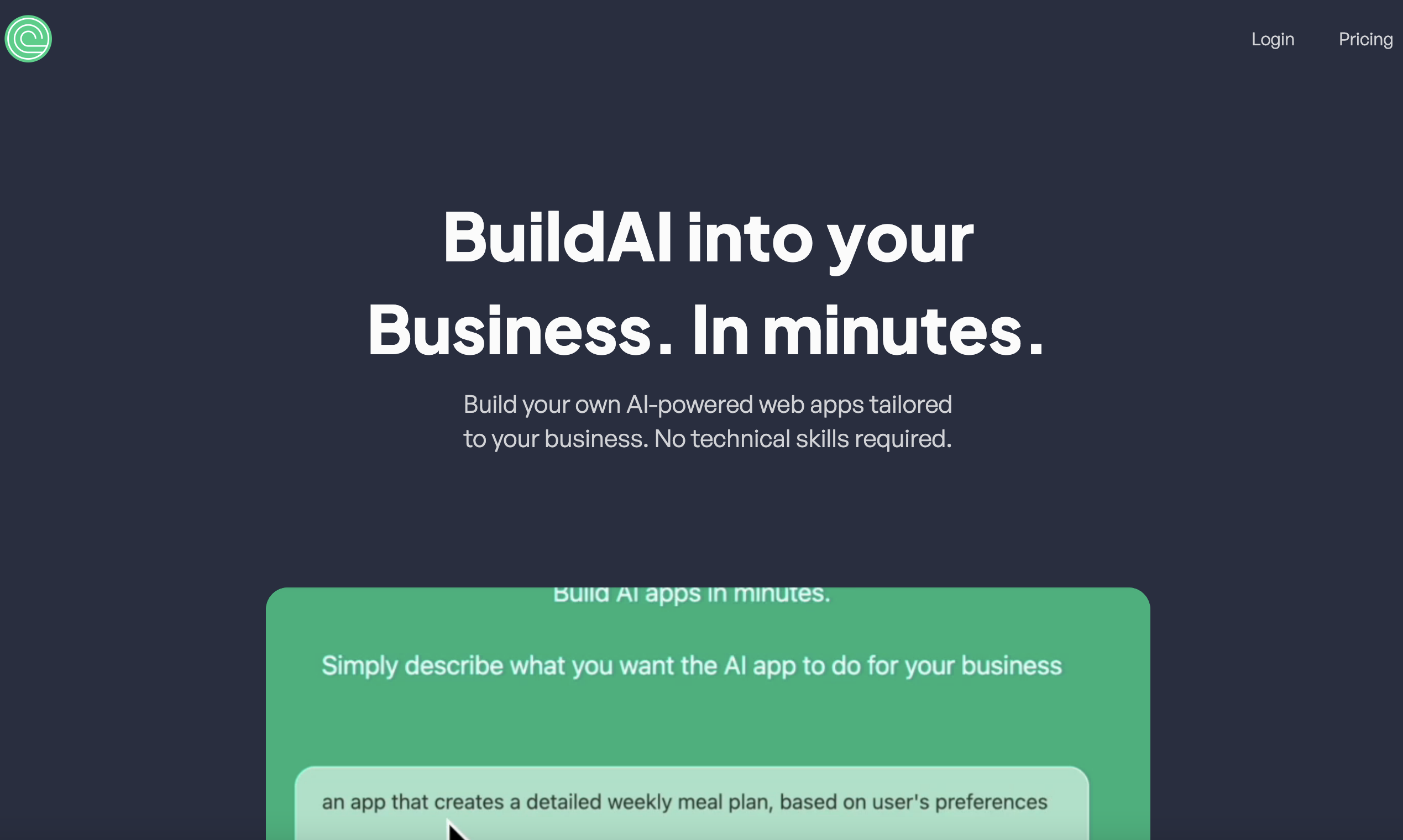
BuildAI
Entrepreneurs building AI web apps

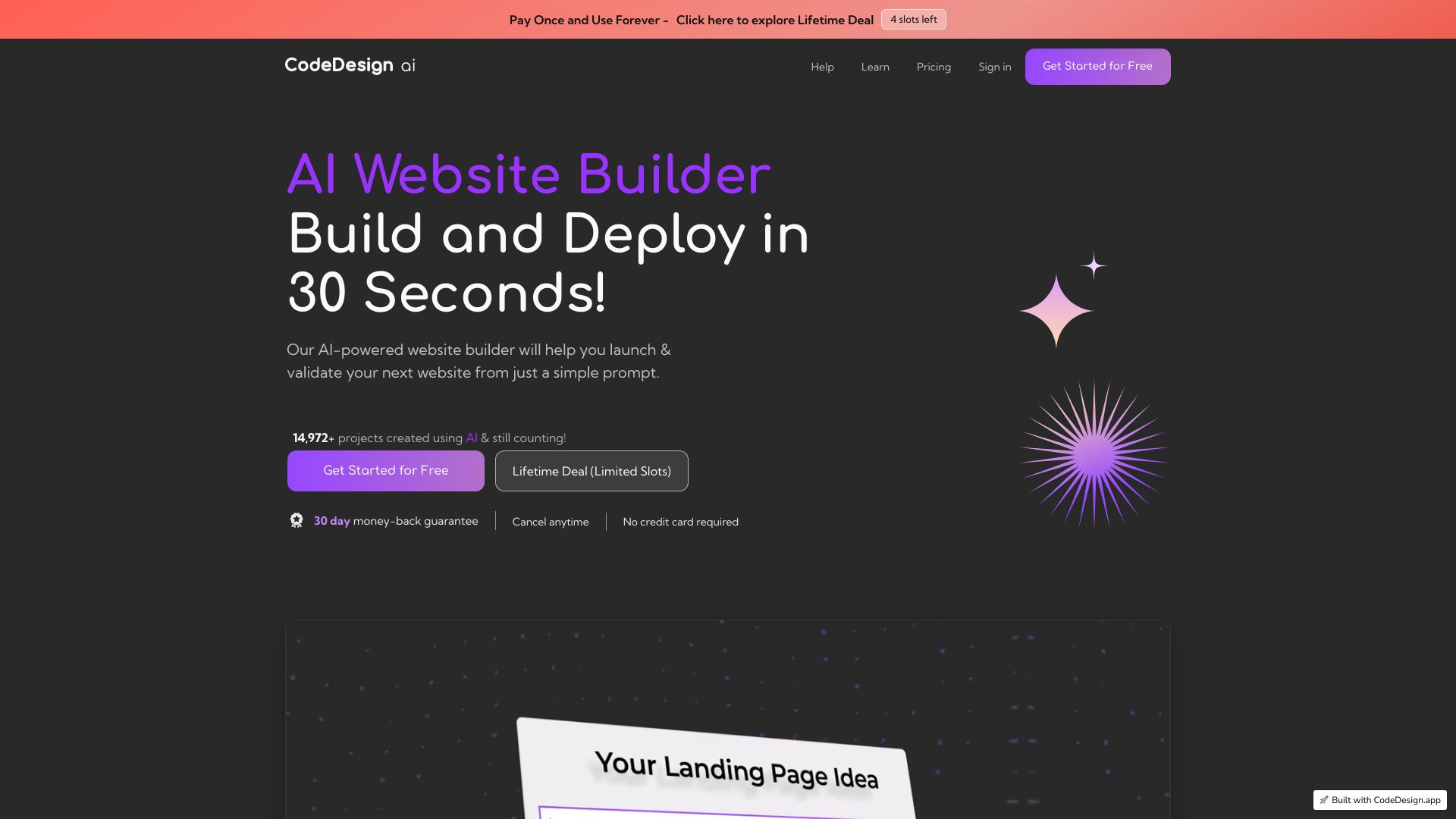
CodeDesign.ai
Prompt-based website and landing page building

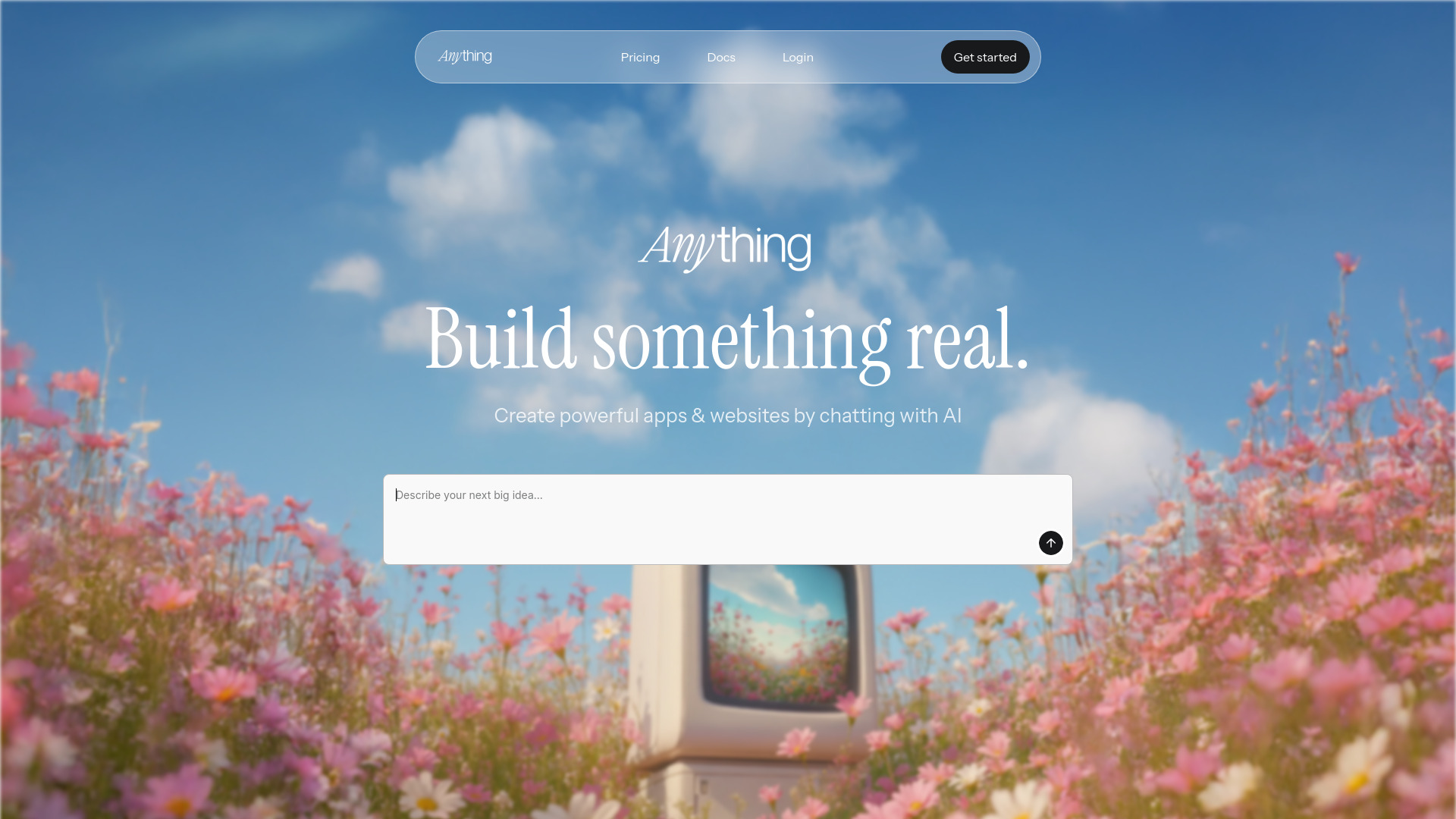
Anything - AI app builder
No-code founders building web and mobile apps

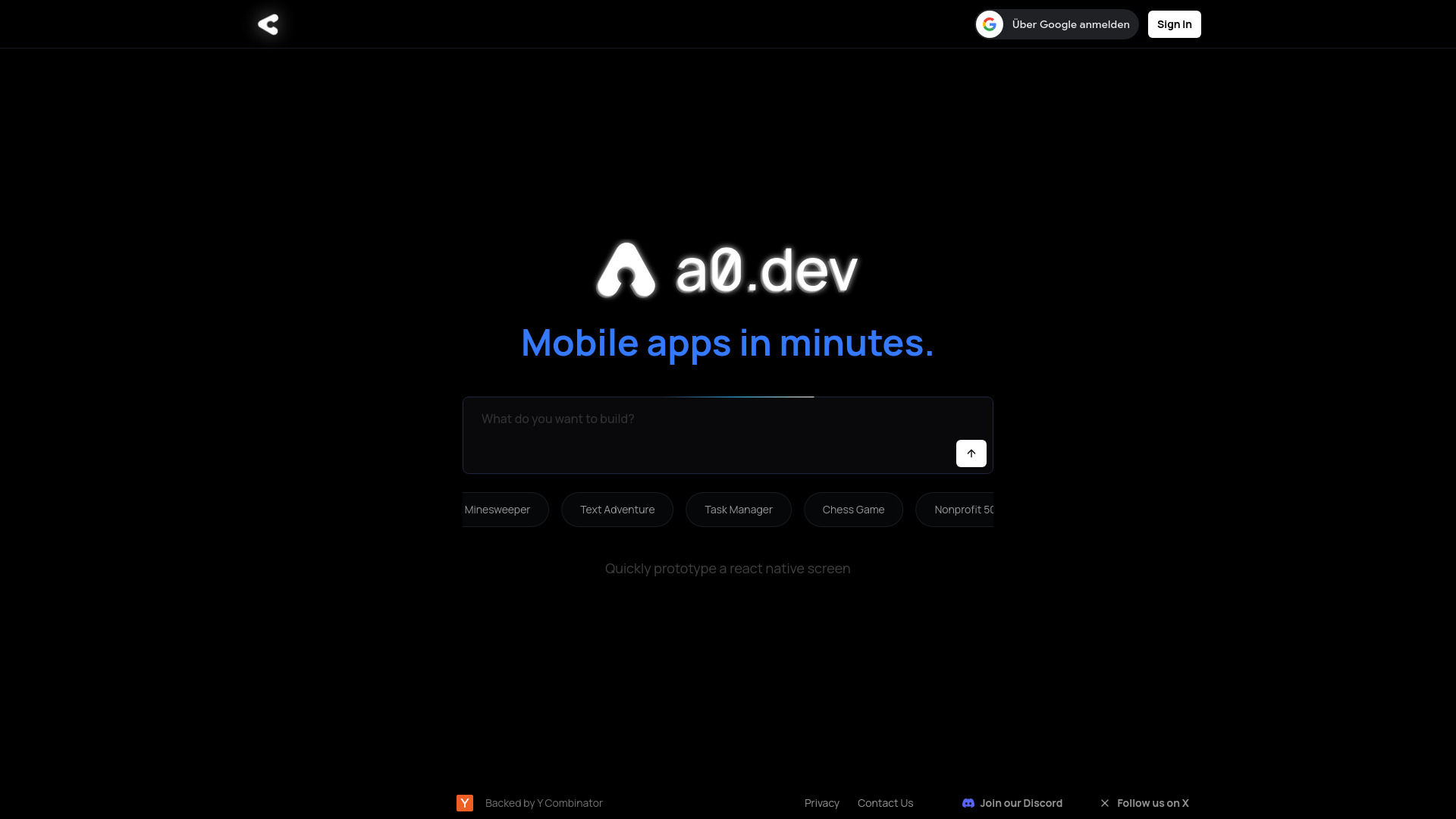
a0.dev
Text-to-native mobile app building

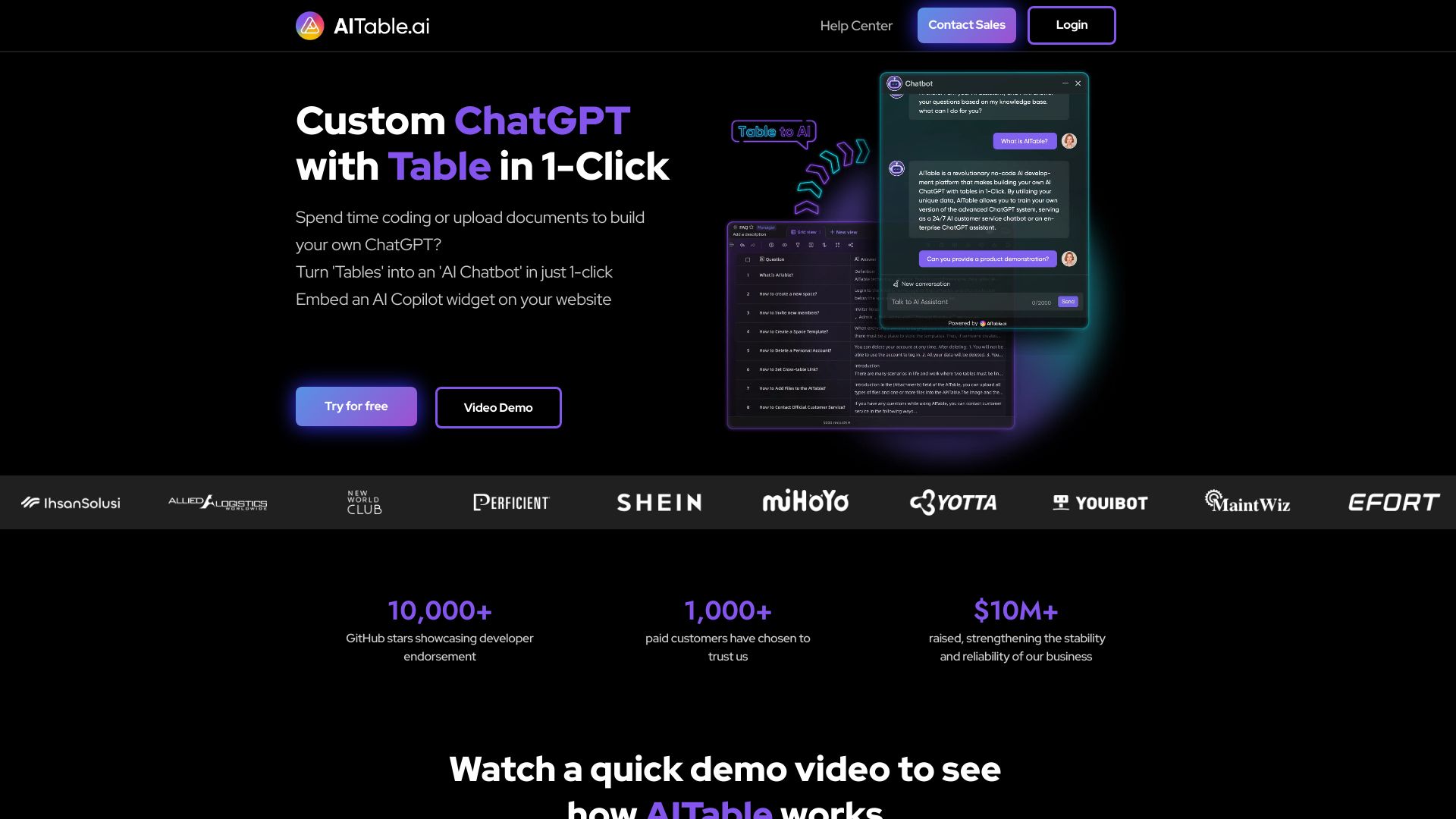
AITable.ai
Visual database and AI app builders

AIAI.com
AI video and image creation


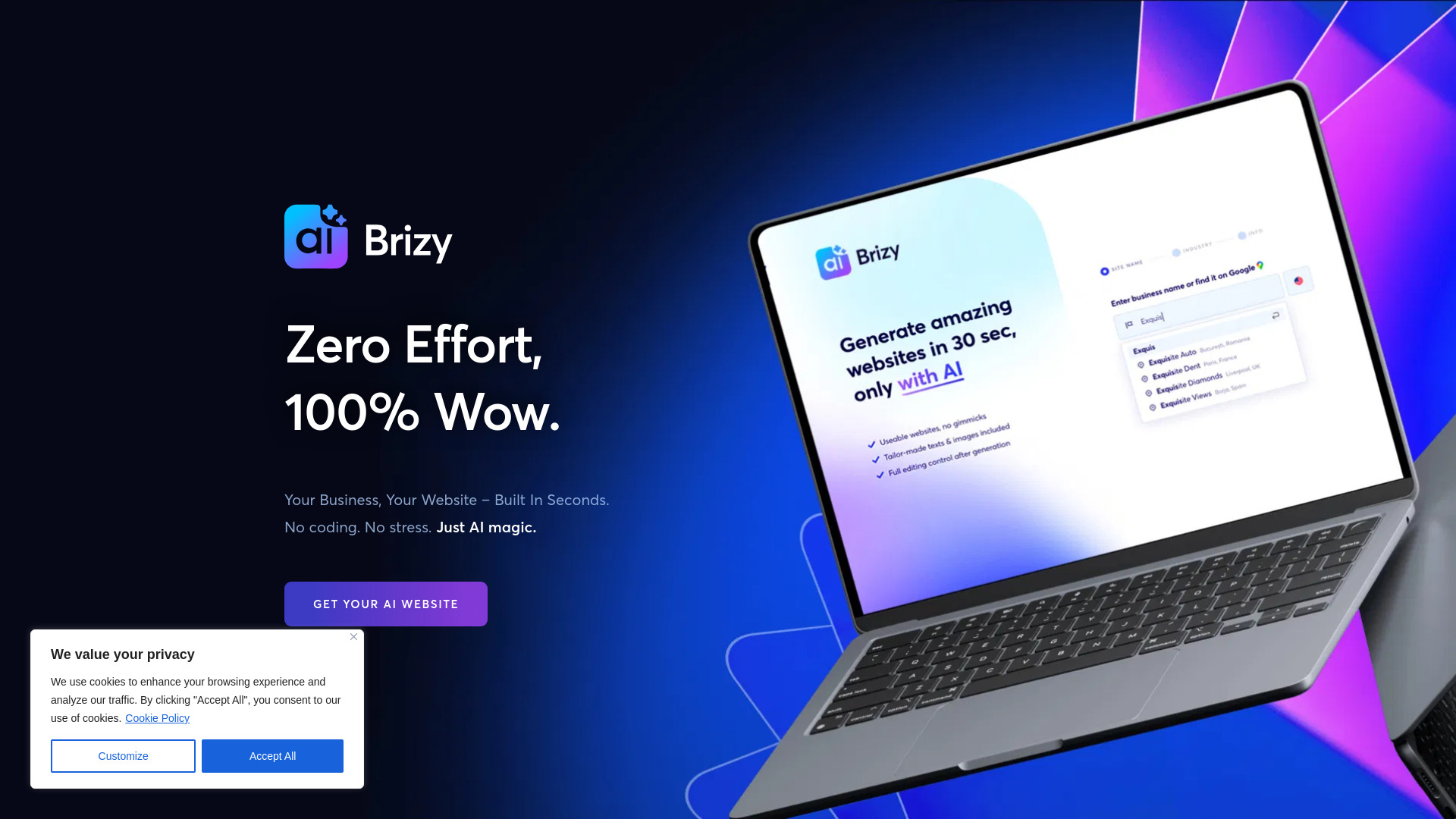
Brizy AI Website Builder
Nontechnical business owners

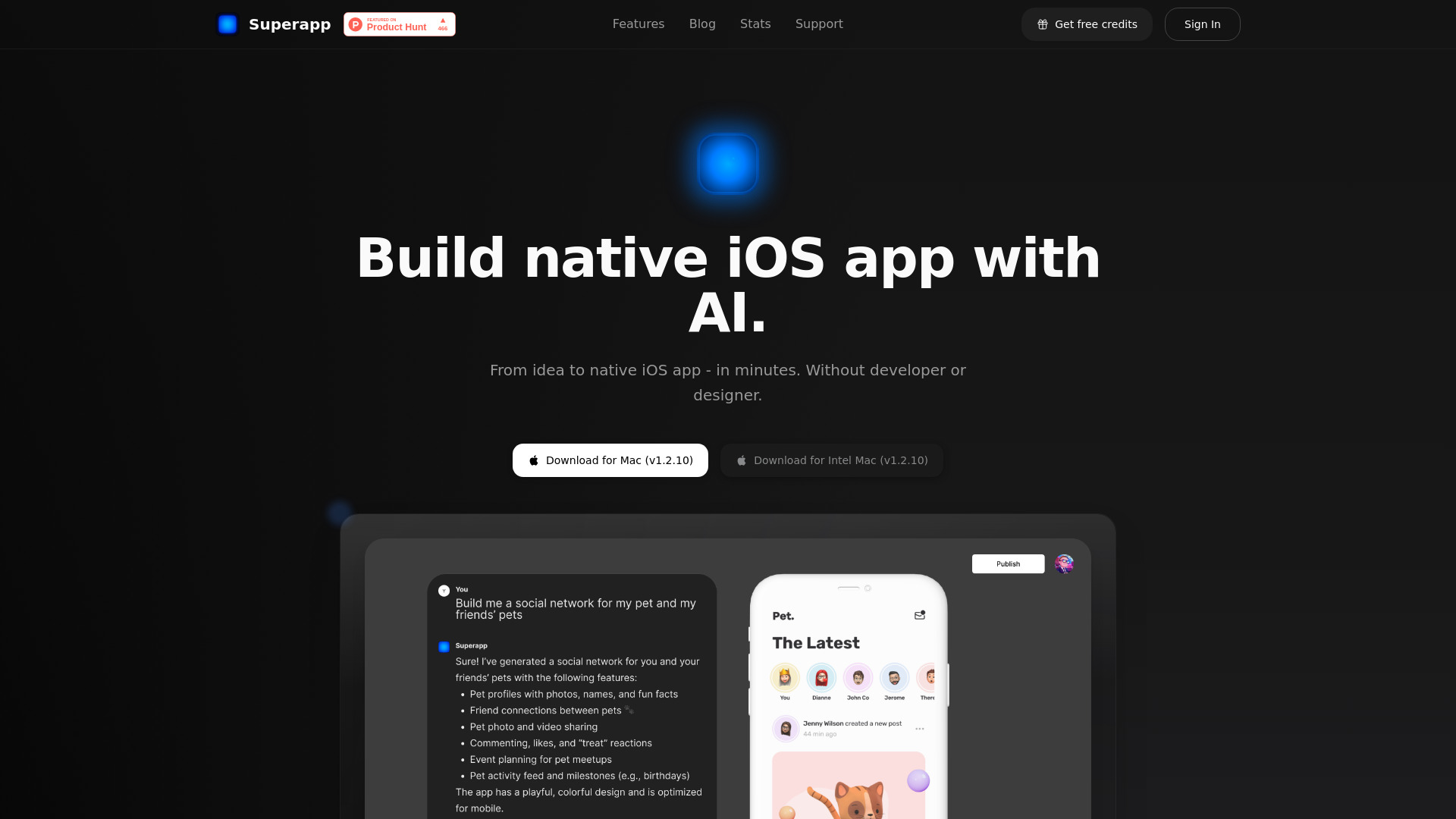
Superapp
Native iOS app building with AI

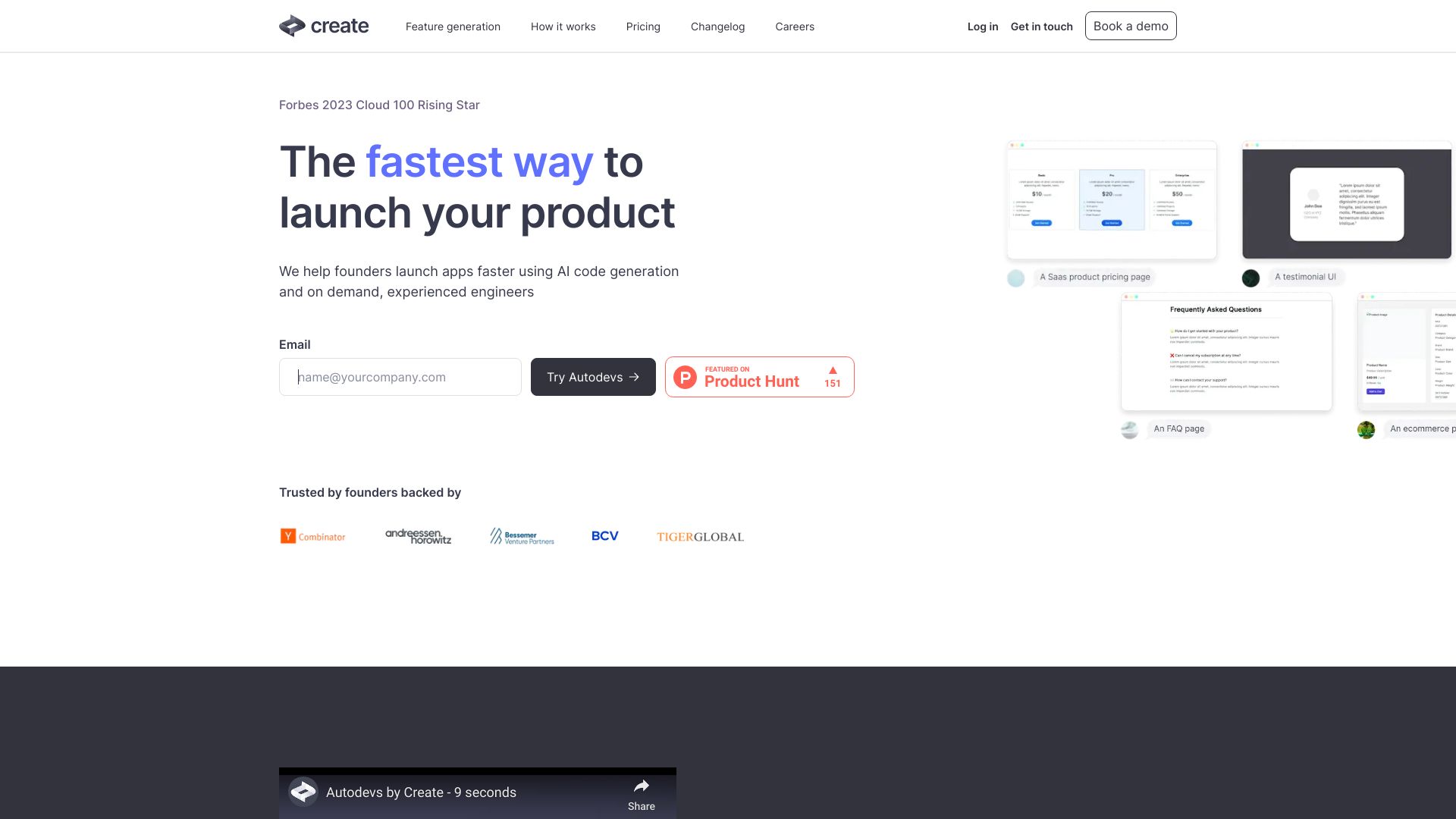
Create
No-code AI app prototyping

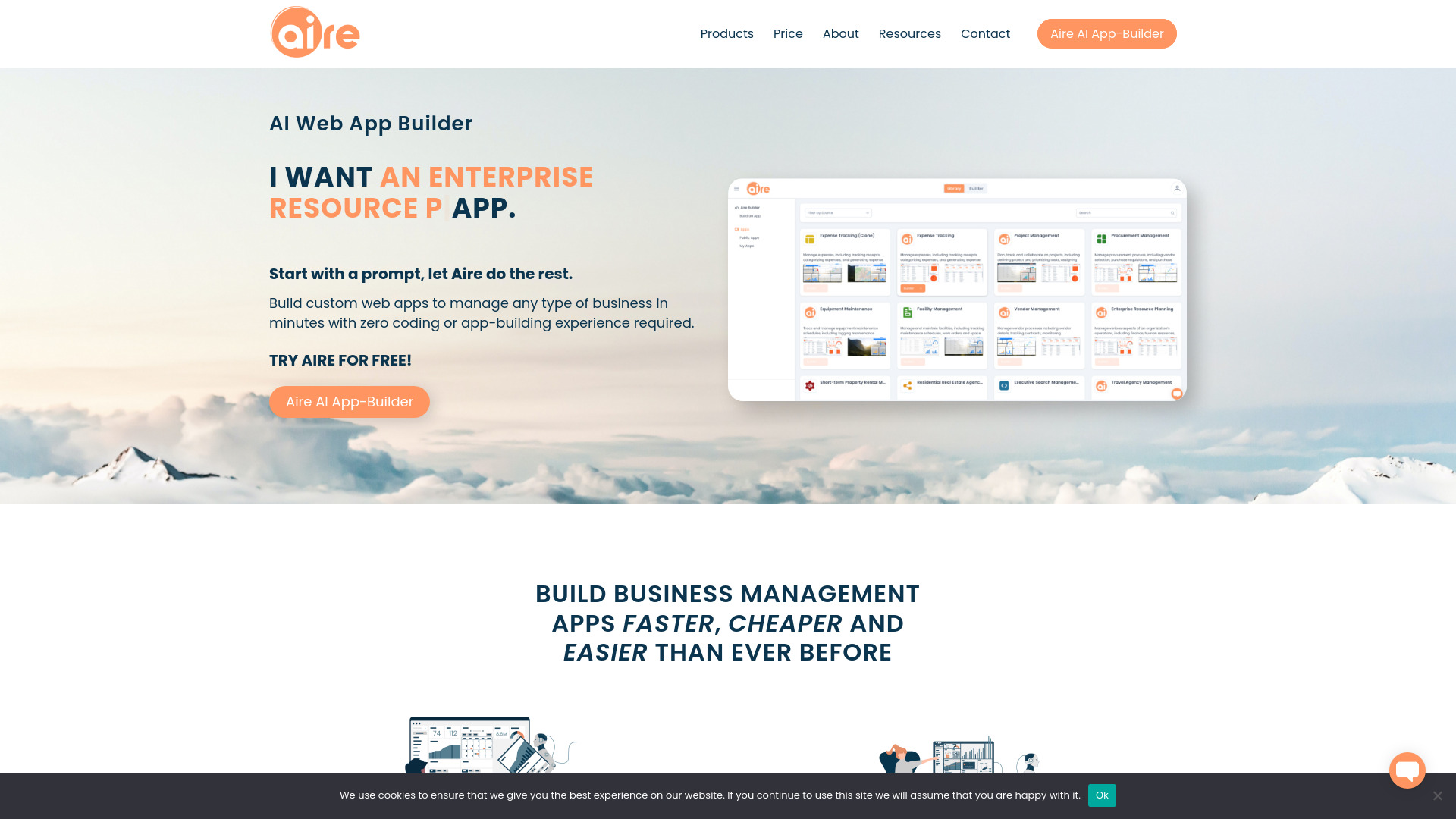
Aire
Prompt-based business app building

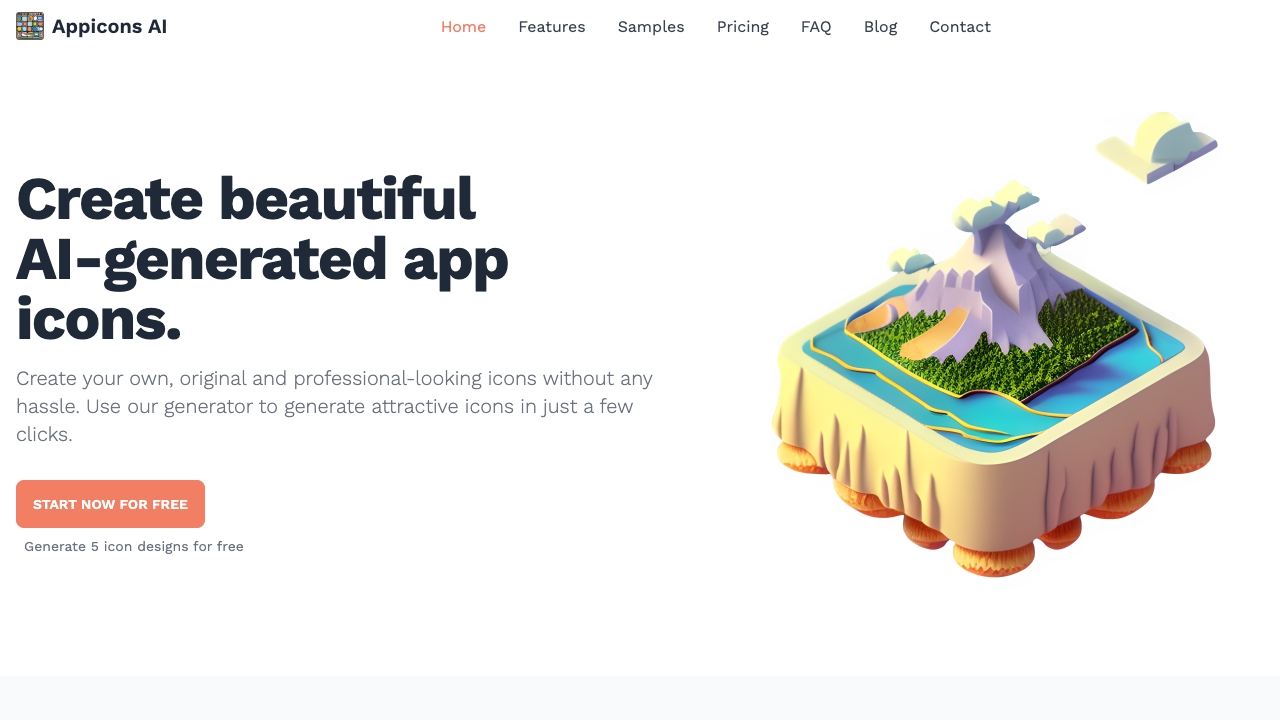
Appicons.ai
AI-generated mobile app icons

x1 AI App Studio
Guided iPhone app building


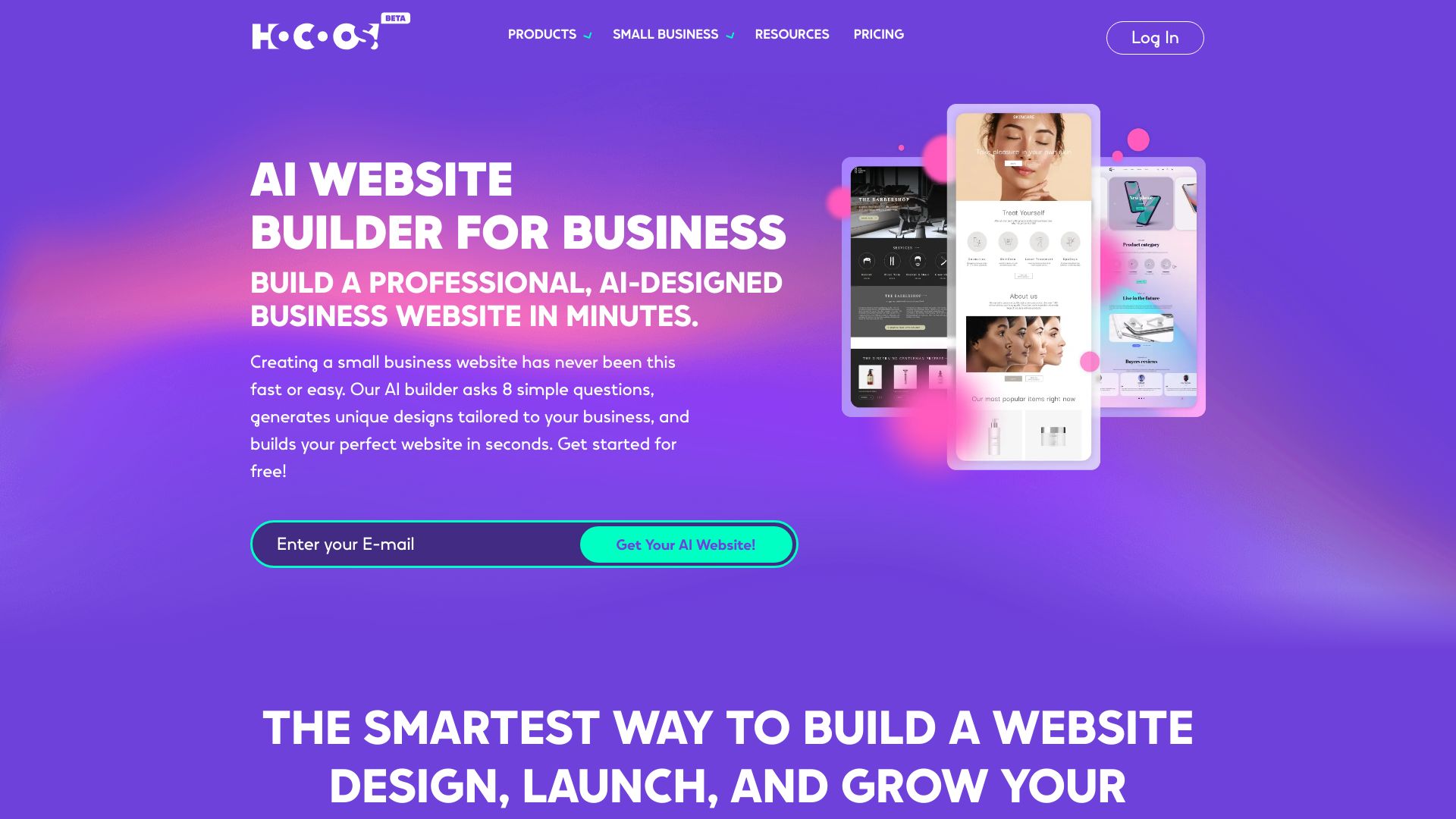
Hocoos AI Website Builder
Small businesses building sites without code

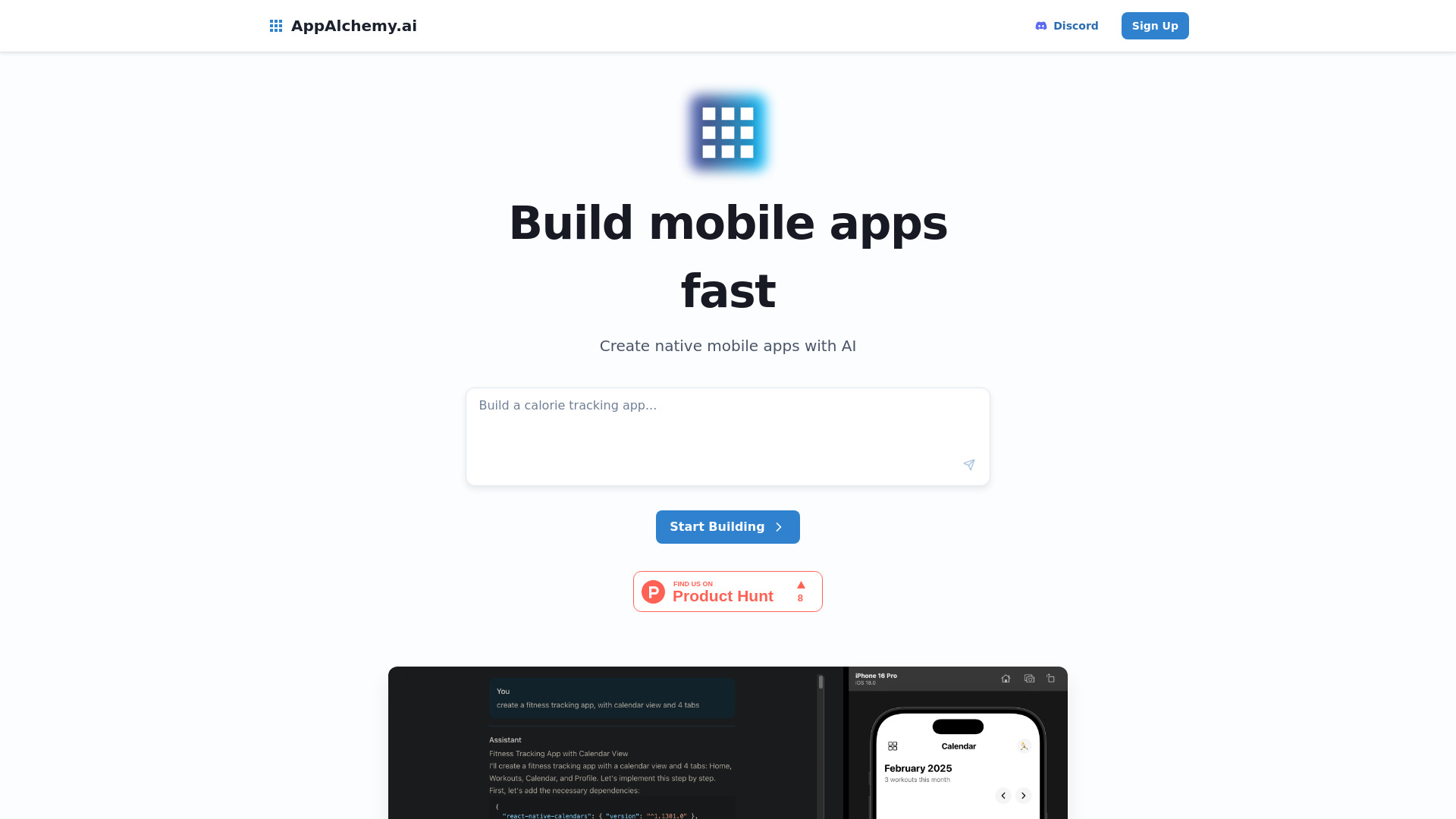
AppAlchemy.ai
AI-powered mobile app design

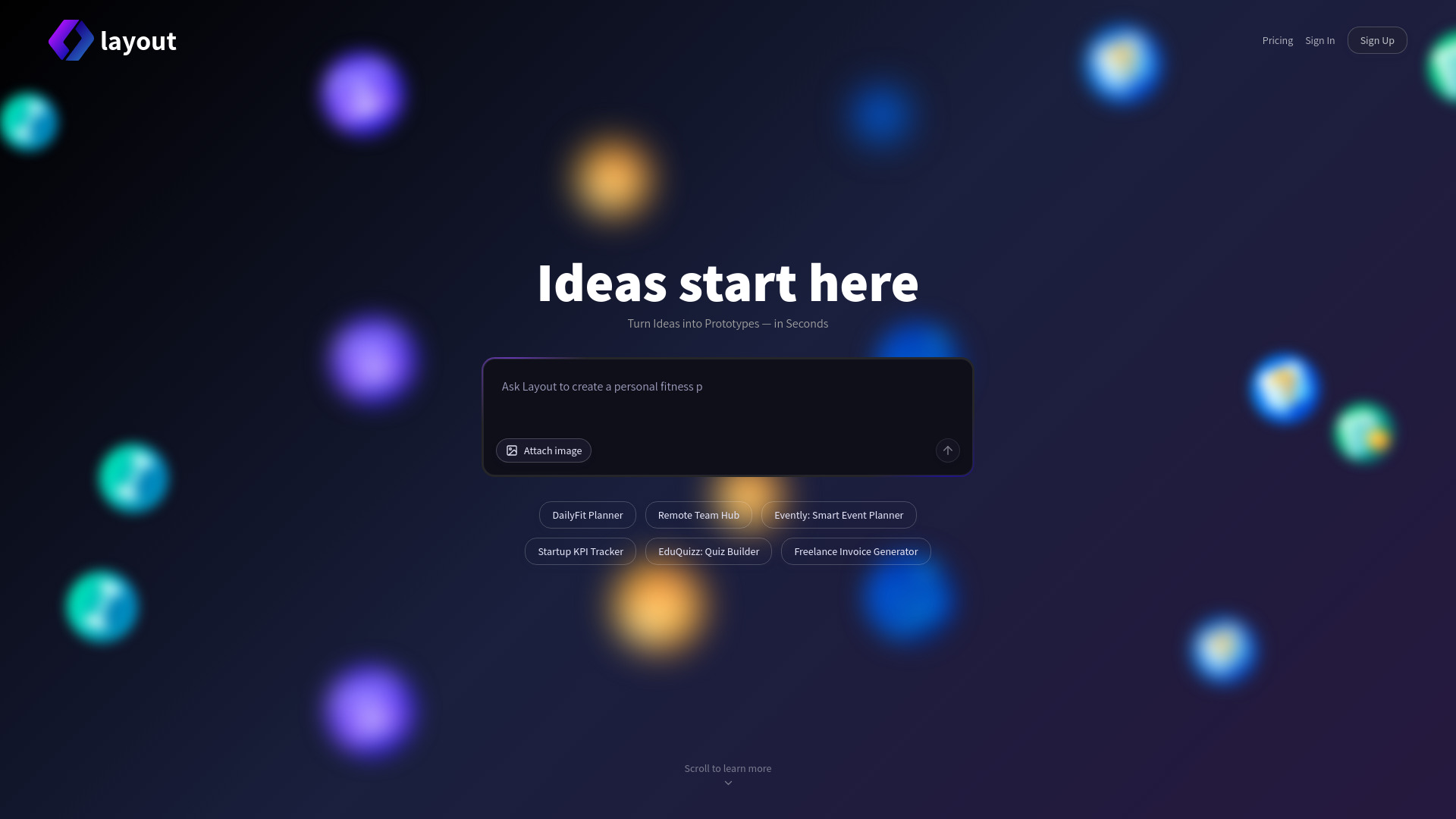
Layout
Rapid AI app prototyping

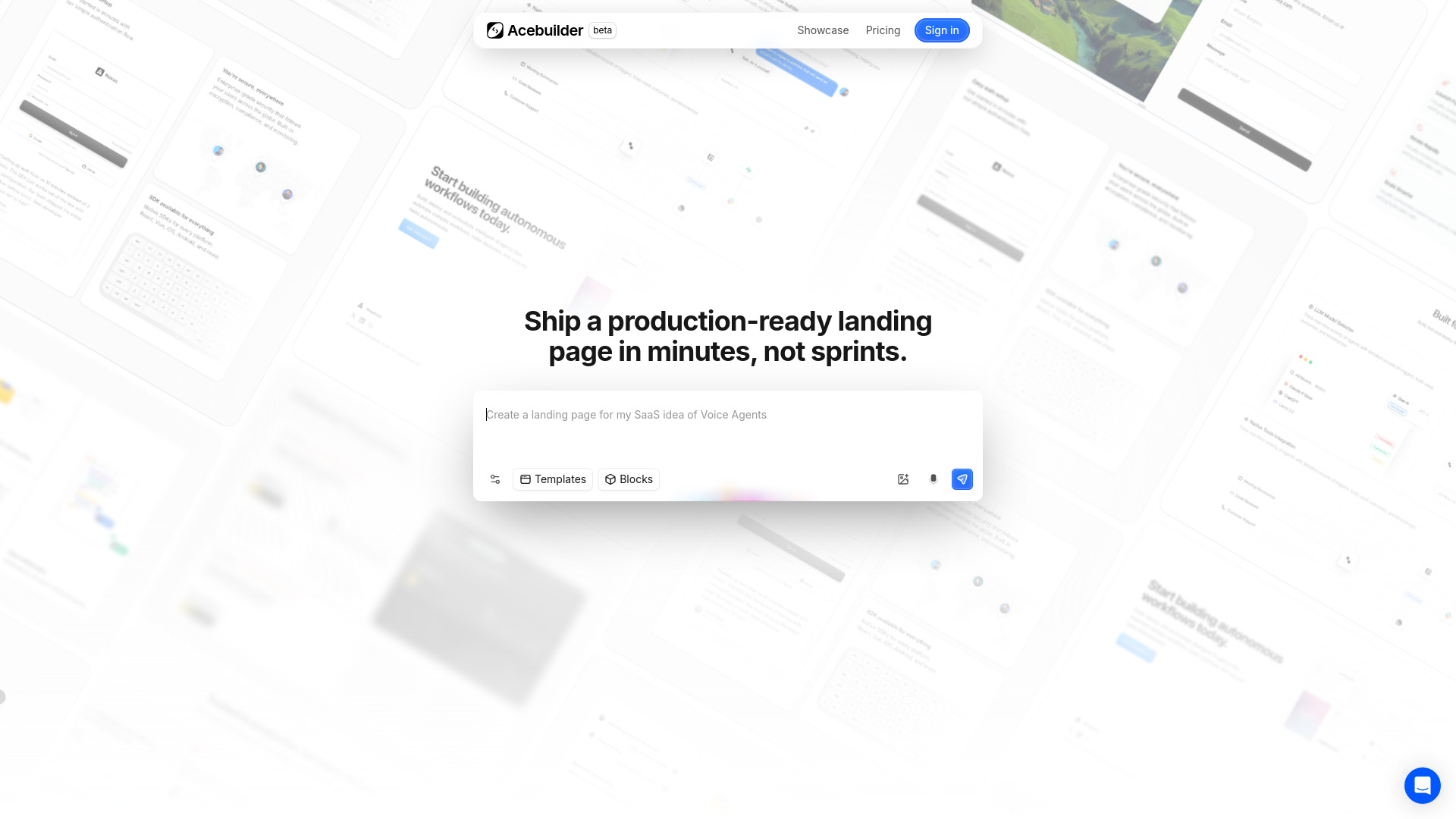
Acebuilder
Template-led AI landing pages

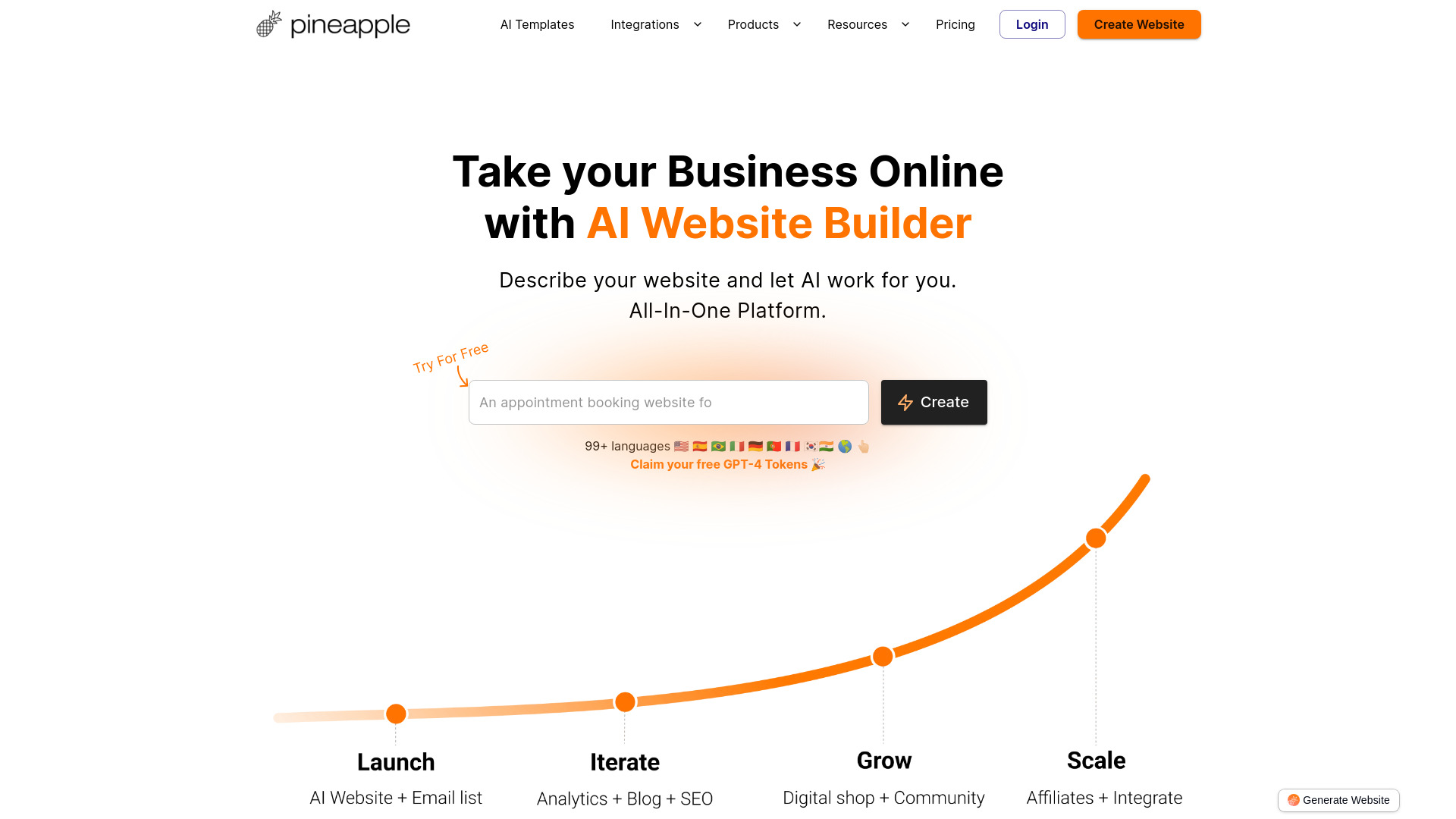
Pineapple Builder
Business websites without coding

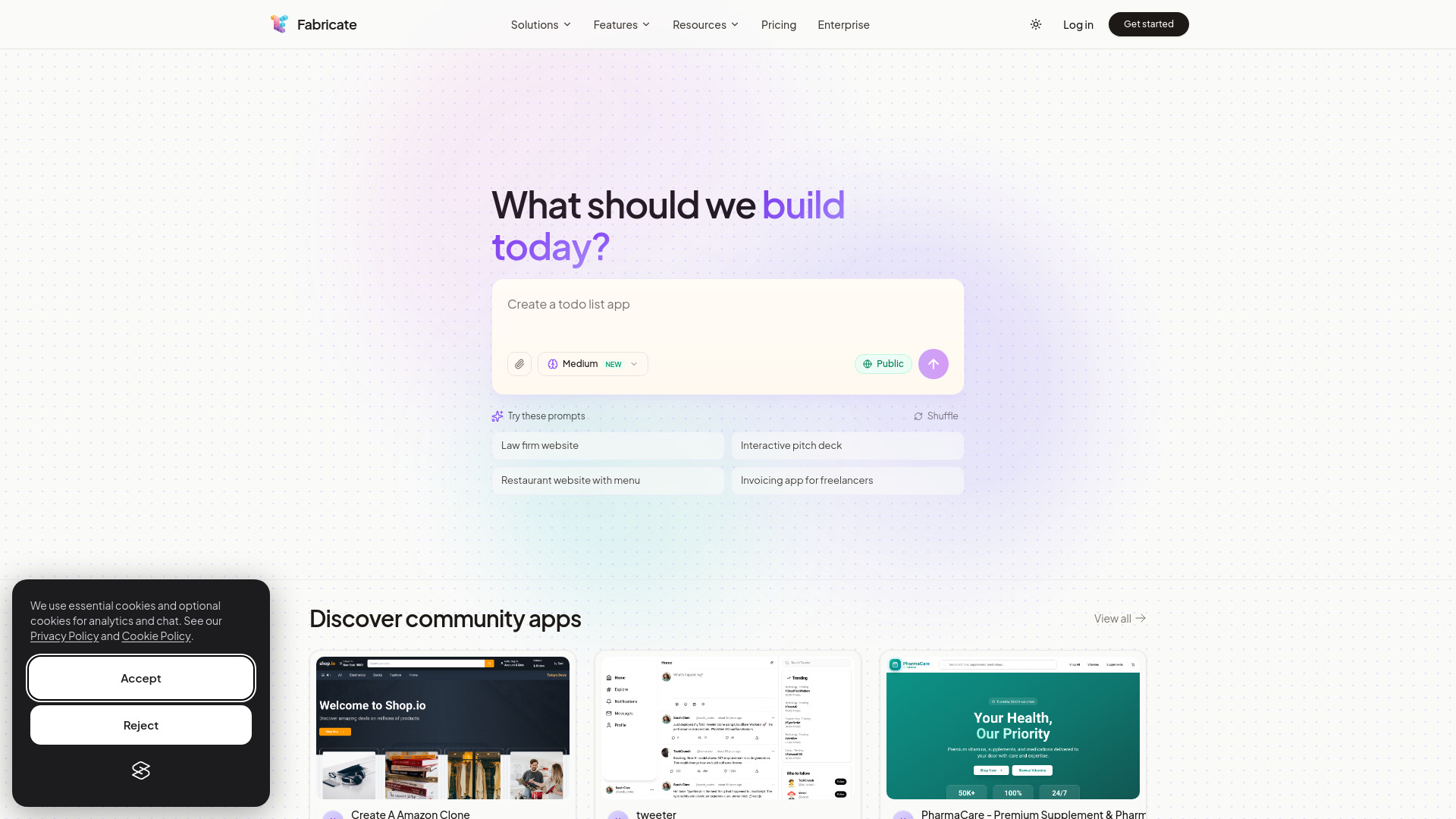
Fabricate
Production-ready full-stack web apps

Symph AI
No-code AI web app building

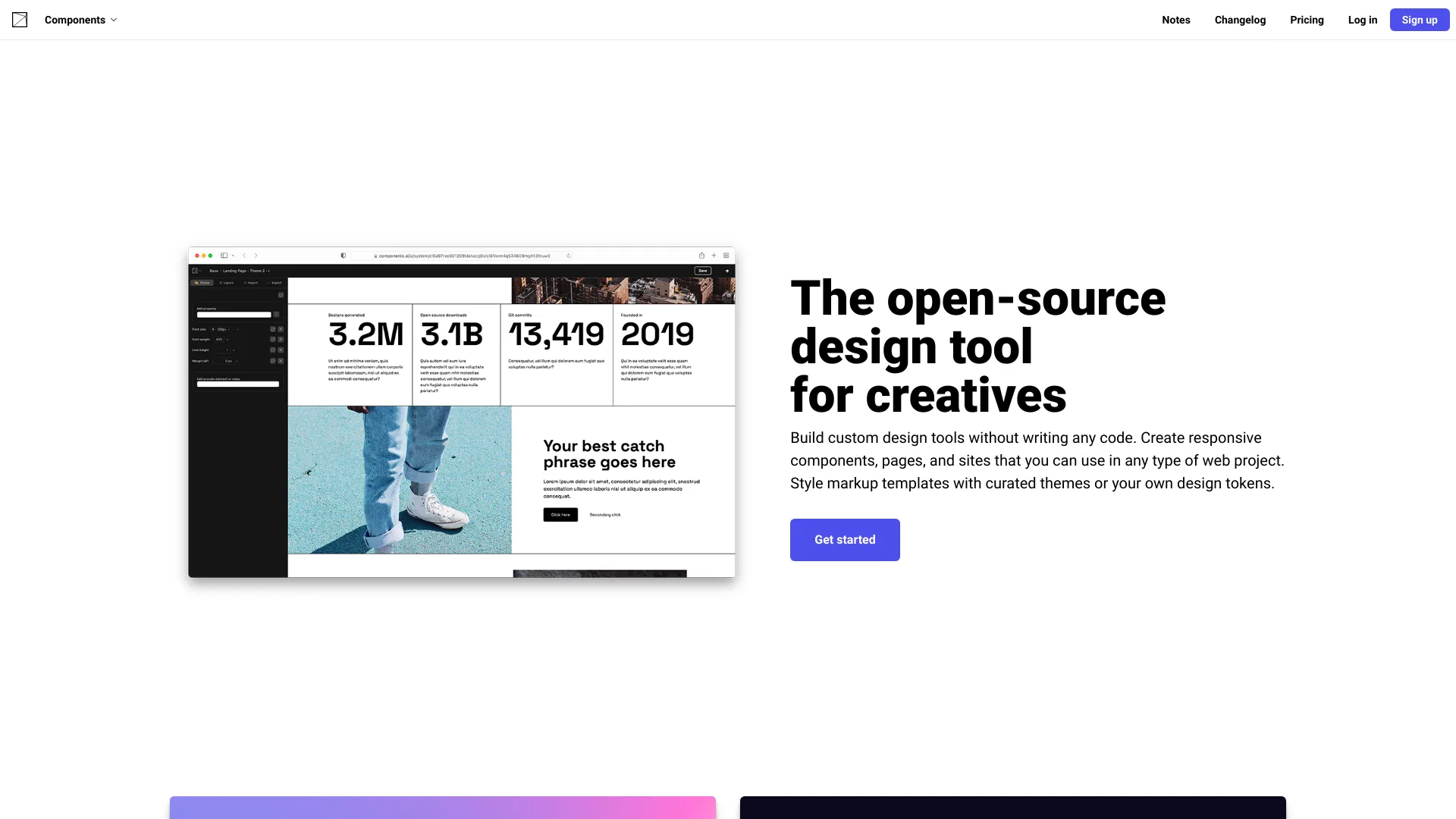
Components AI
Generative design systems

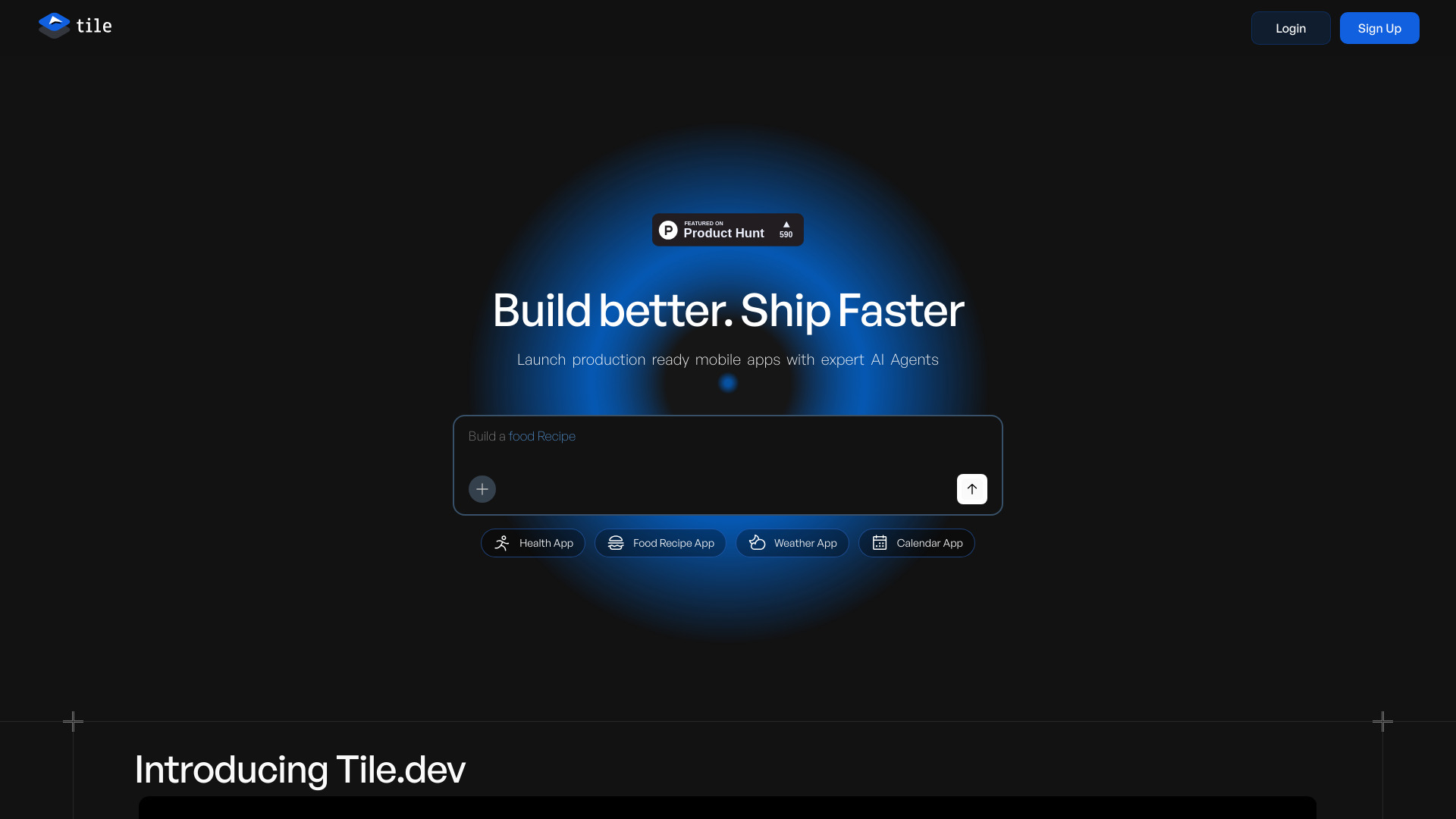
Tile
Production-ready mobile app building

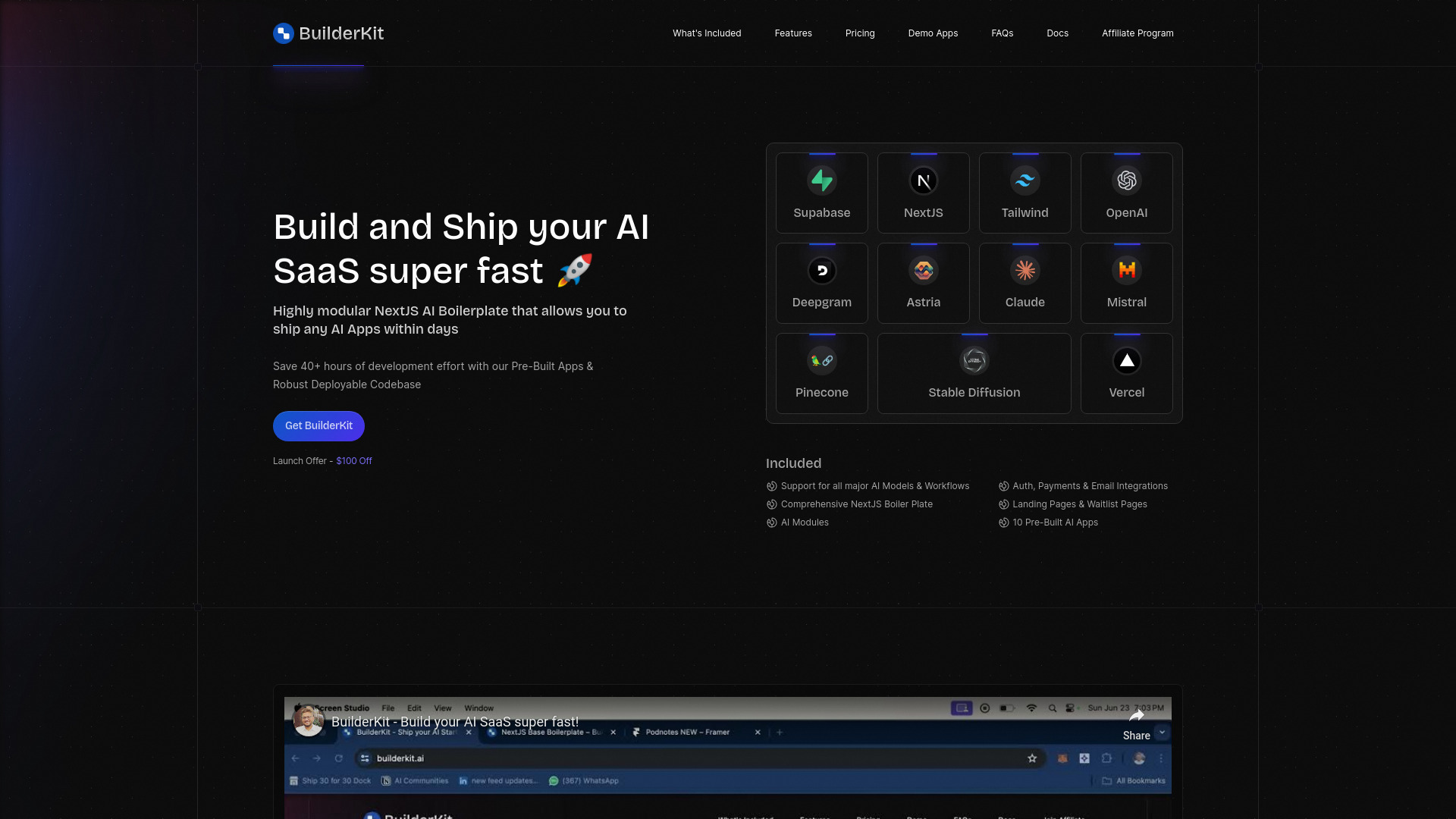
BuilderKit
Developers building AI SaaS products

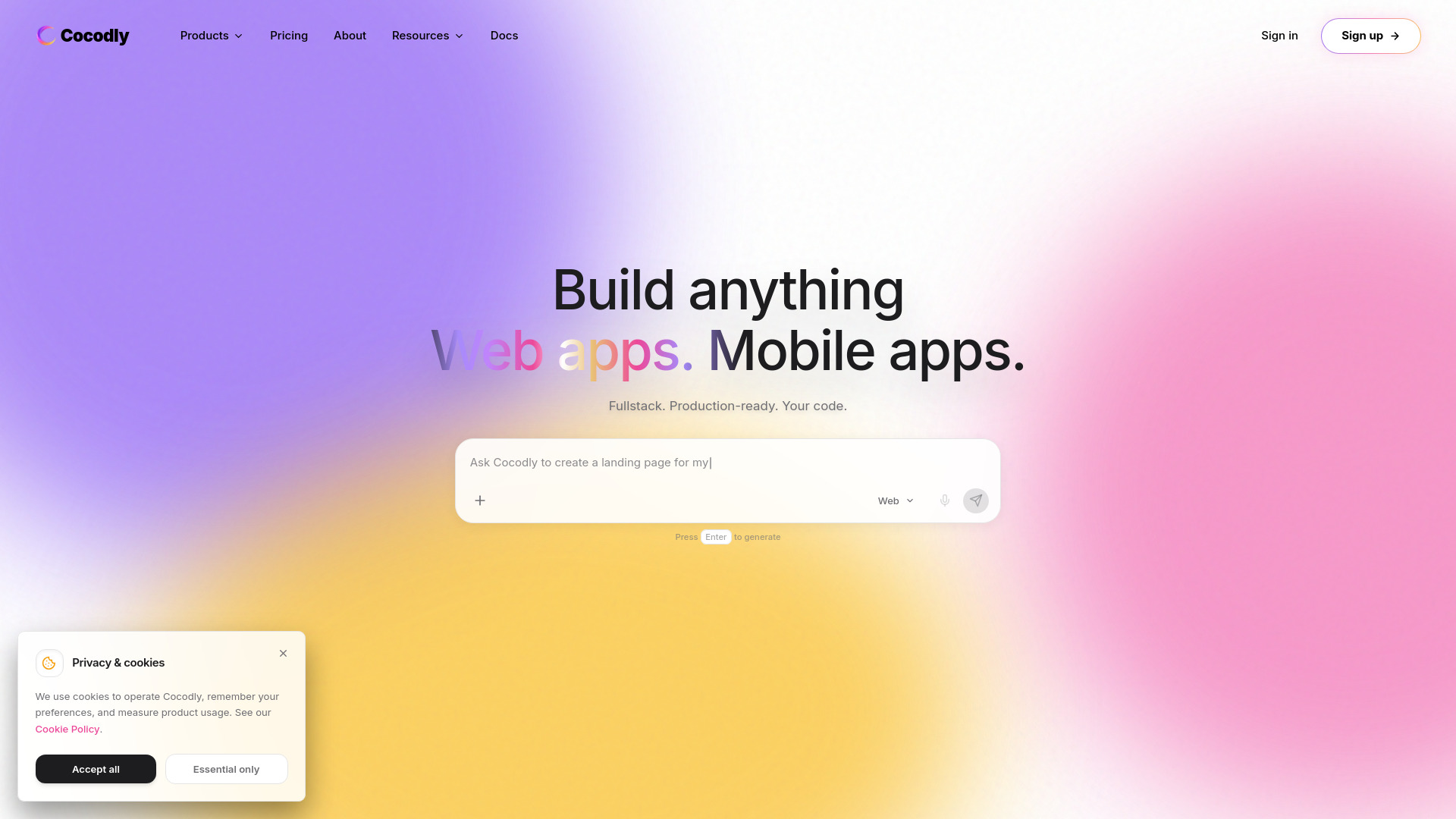
Cocodly
Production-ready AI app building

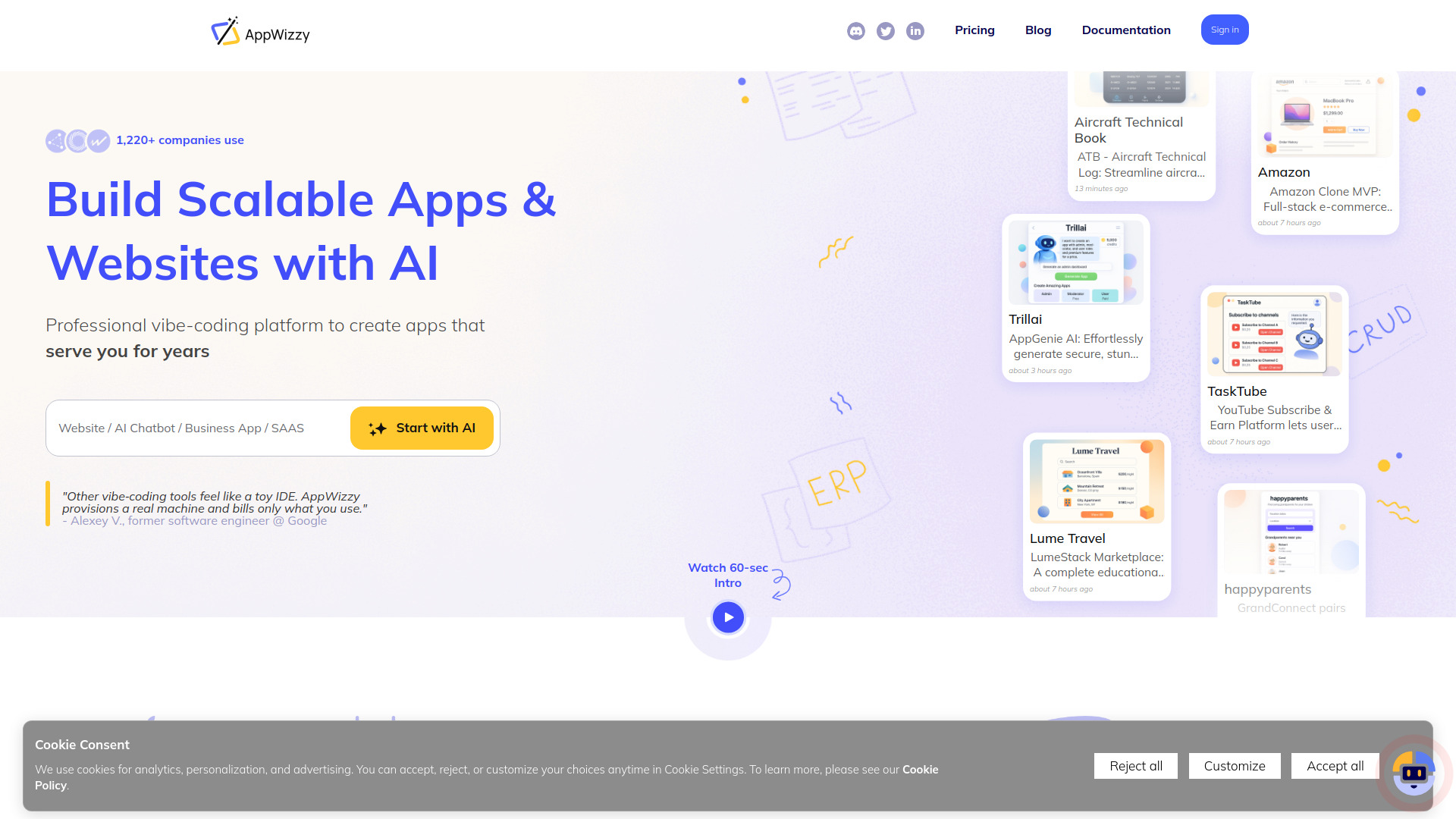
AppWizzy
Production-ready full-stack web apps

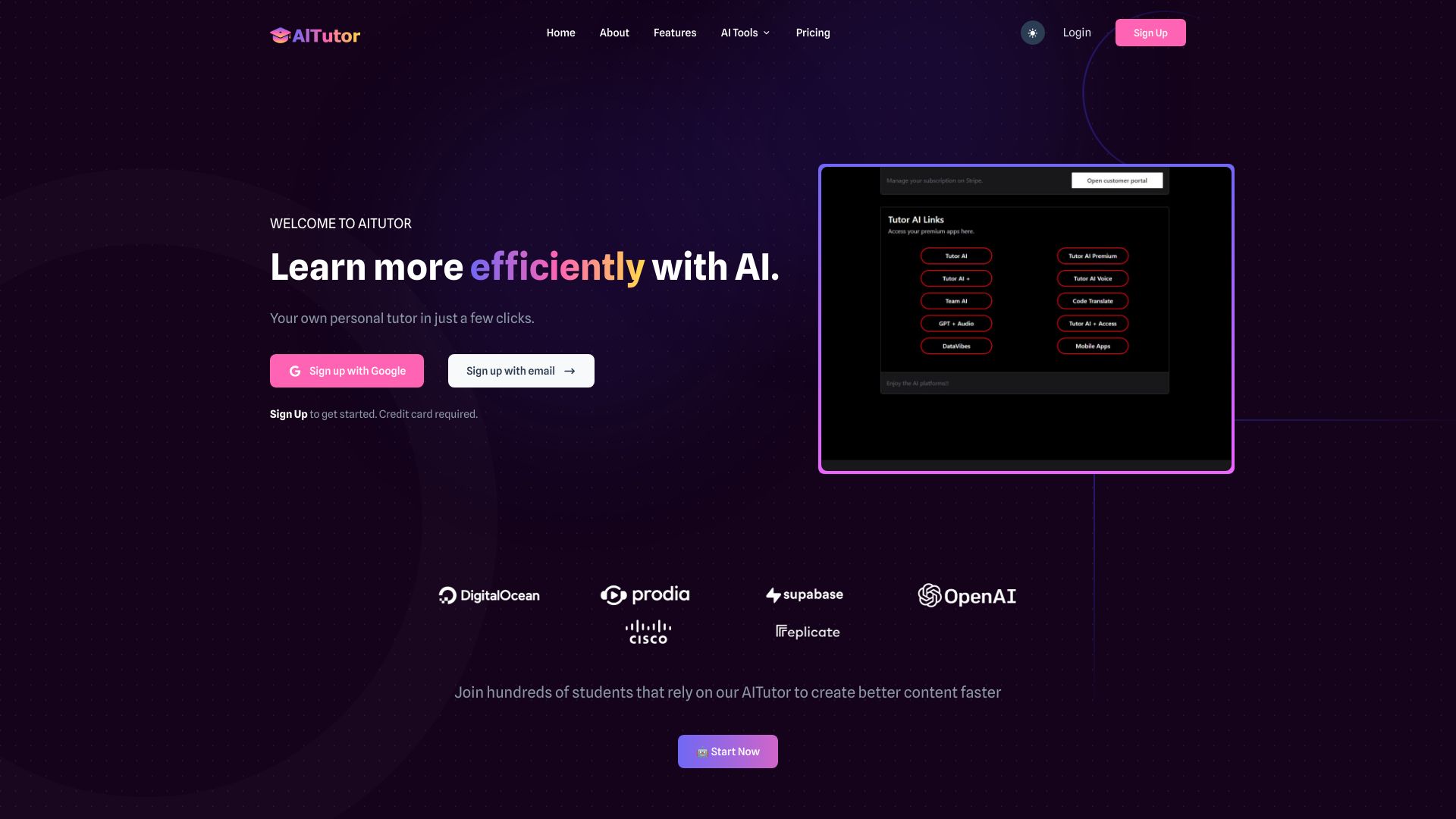
AI Tutor
AI app builders and power users

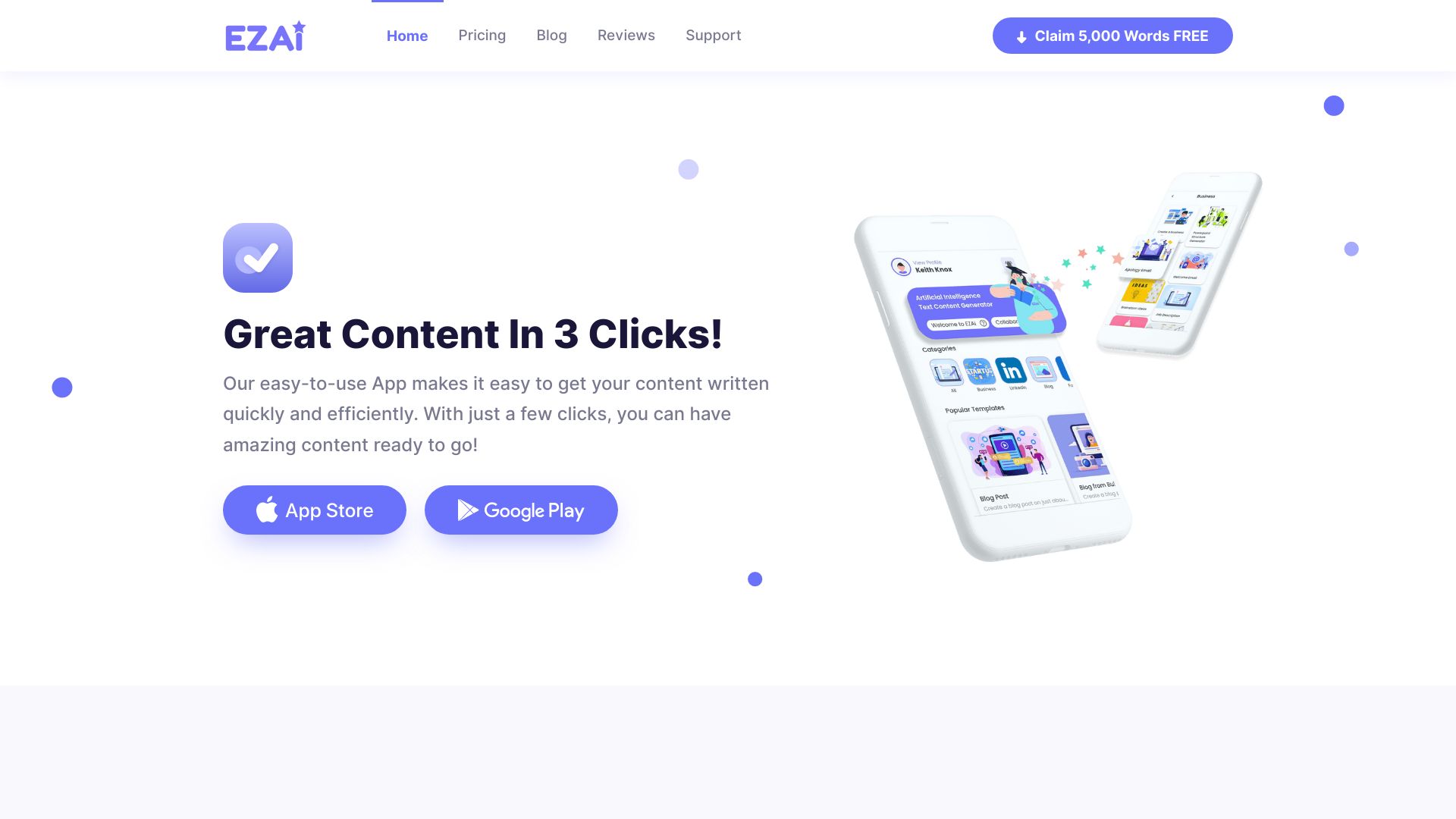
EZAI APP
Small-business content creation

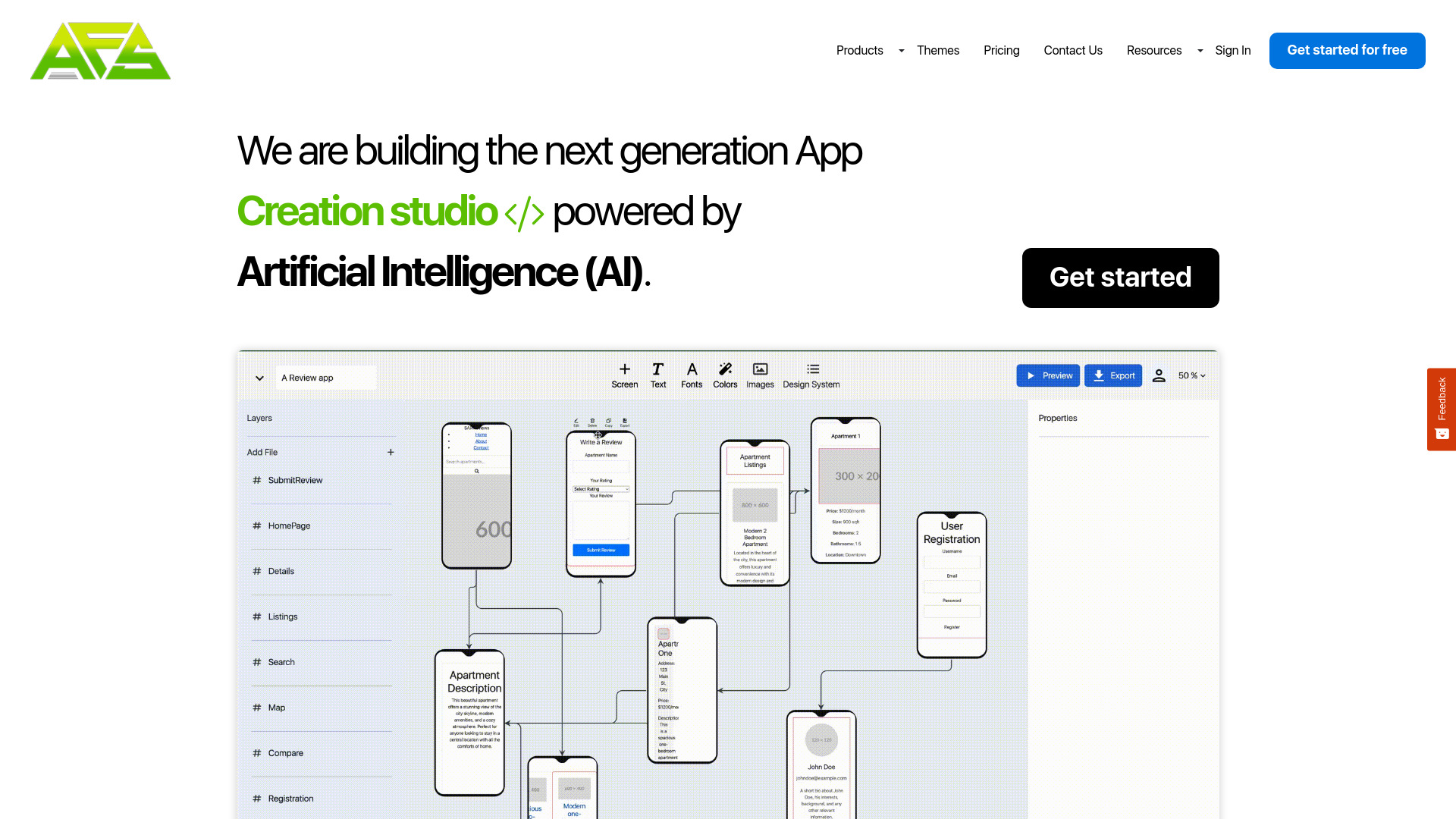
AppForceStudio
AI-powered app prototyping

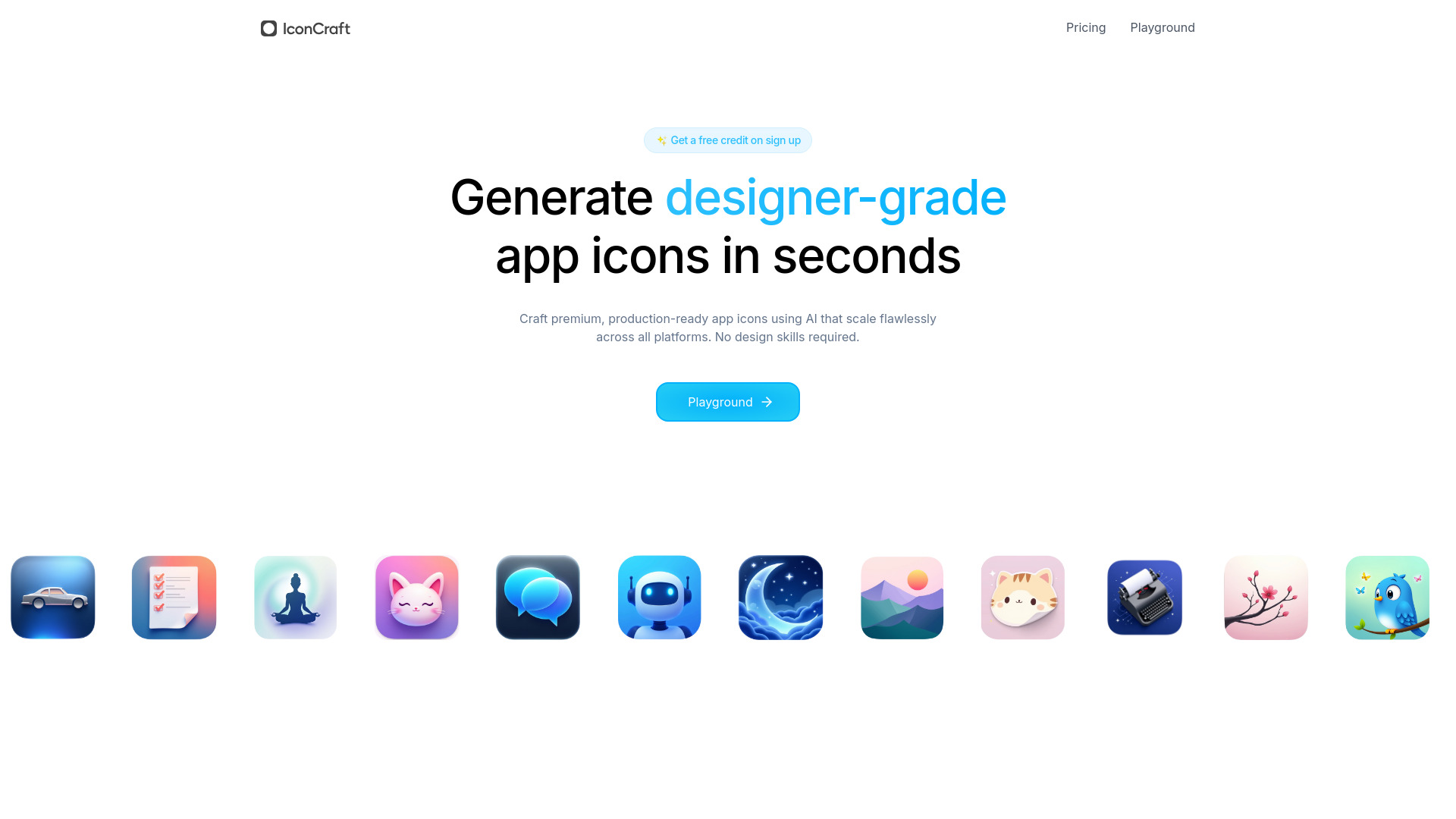
IconCraft
AI app icon generation

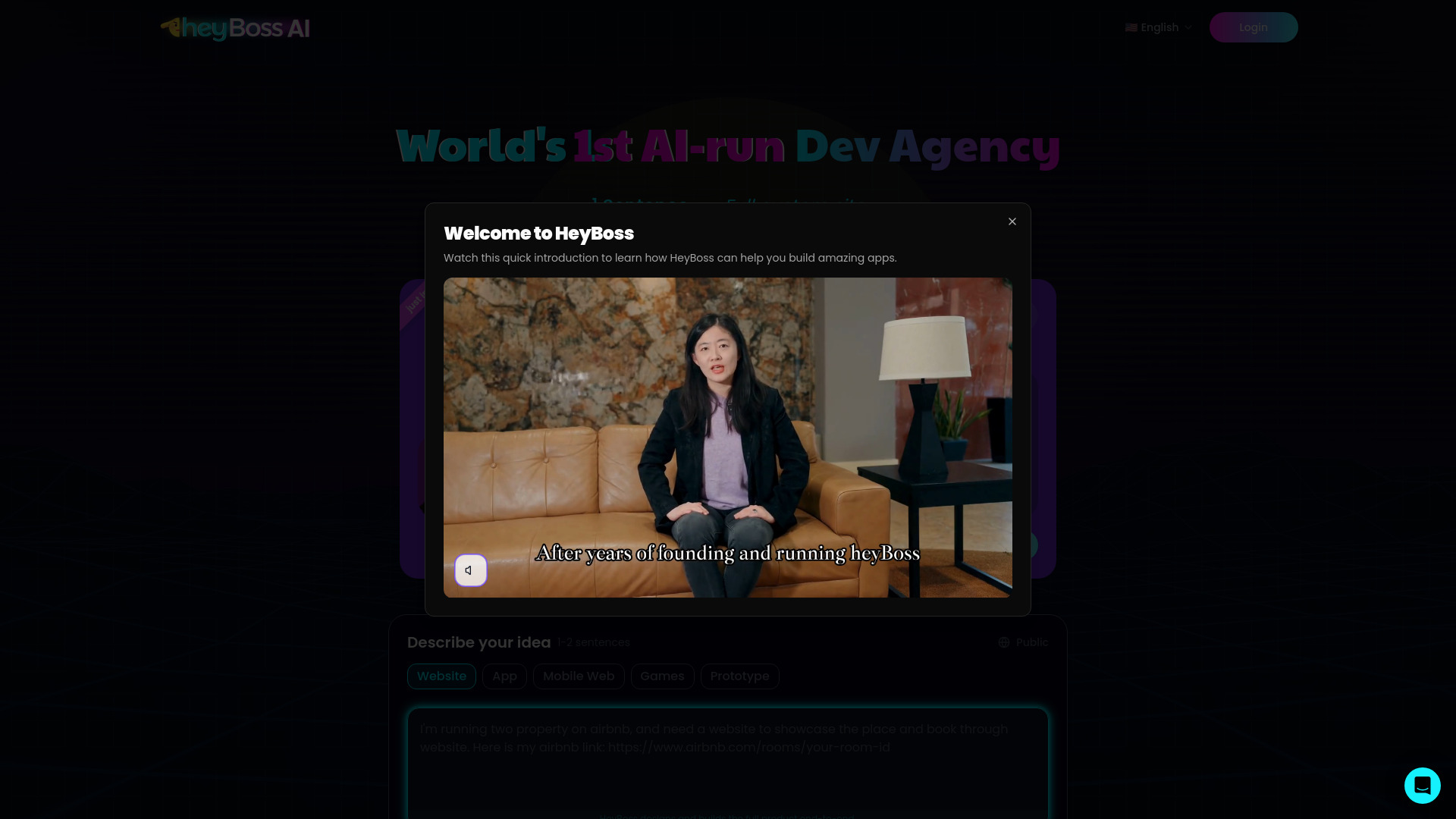
HeyBoss
No-code custom websites and apps
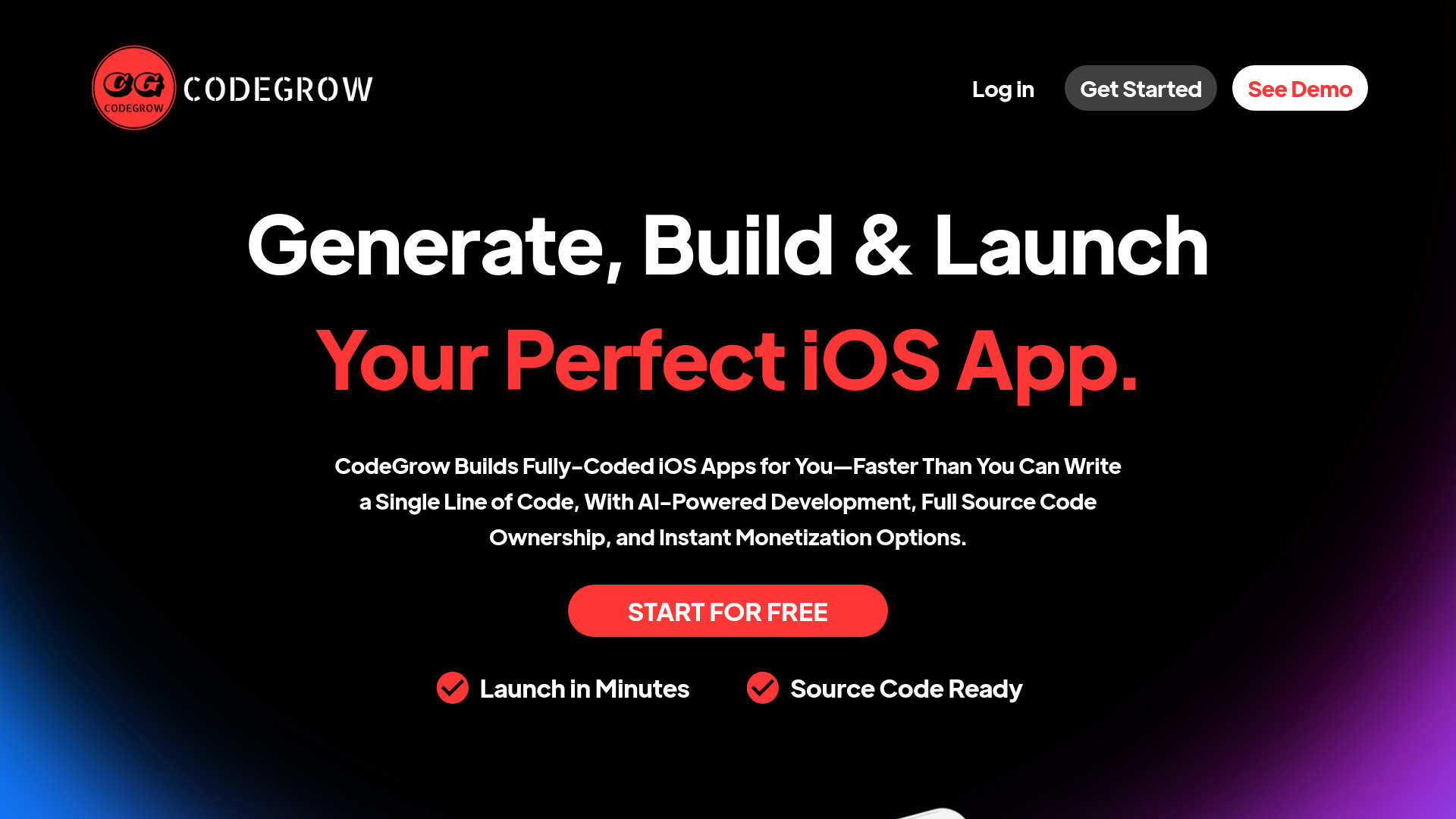
CodeGrow
AI-assisted iOS app development

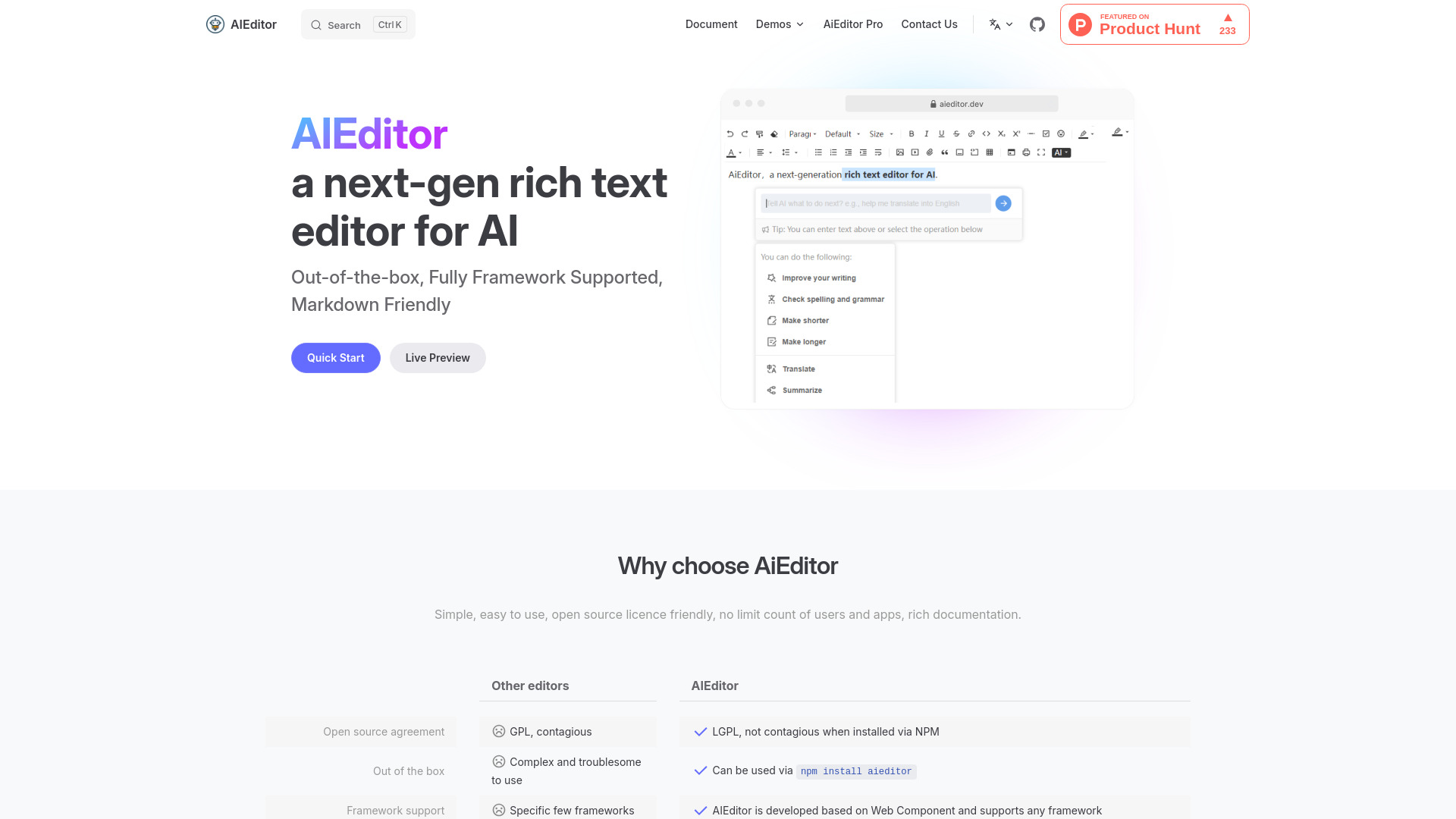
AiEditor
Open-source AI rich text editing

AI FIRST
No-code business automation

AI Runner
Personalized AI running coaching

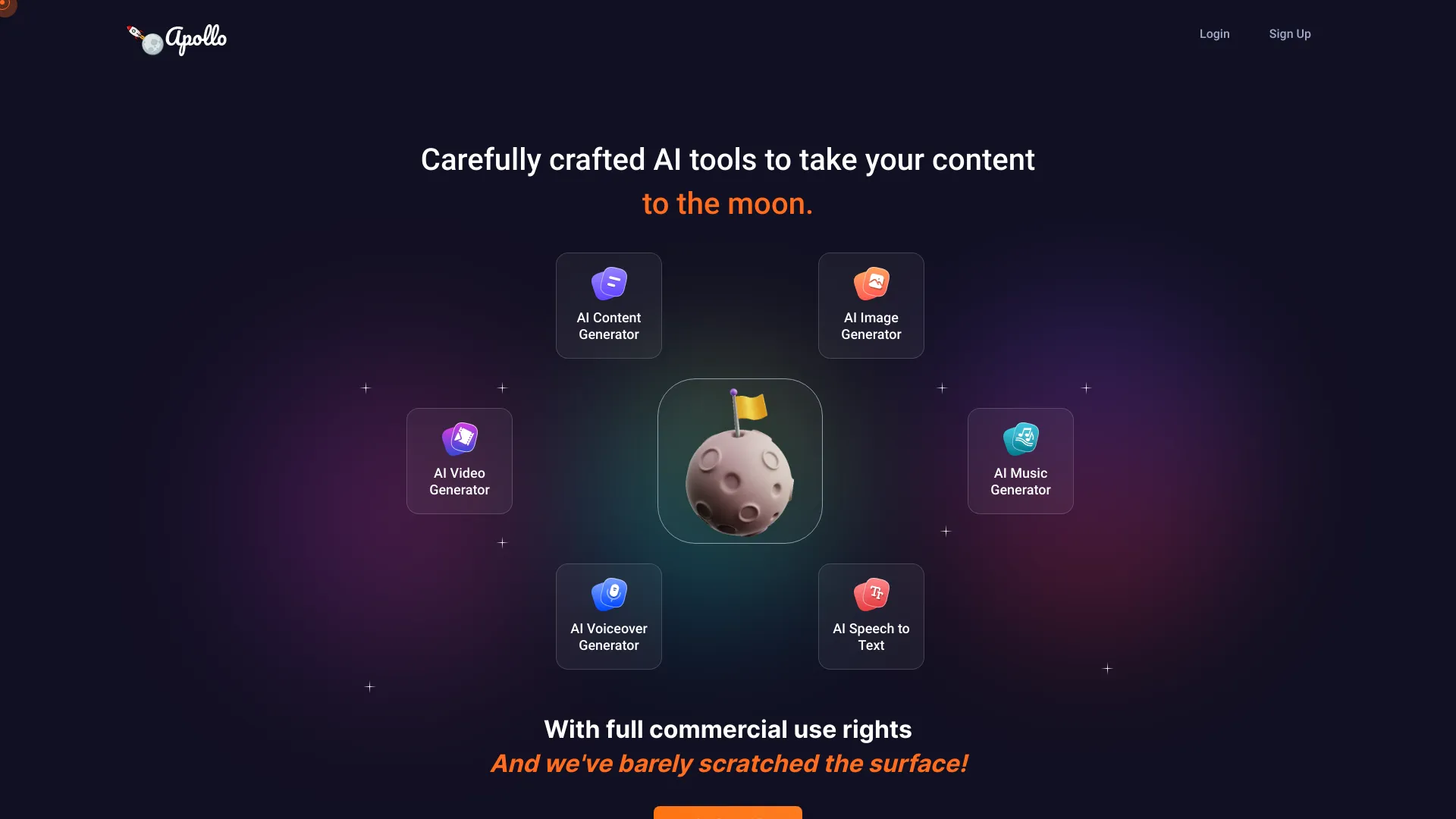
ApolloAI
All-in-one AI content creation

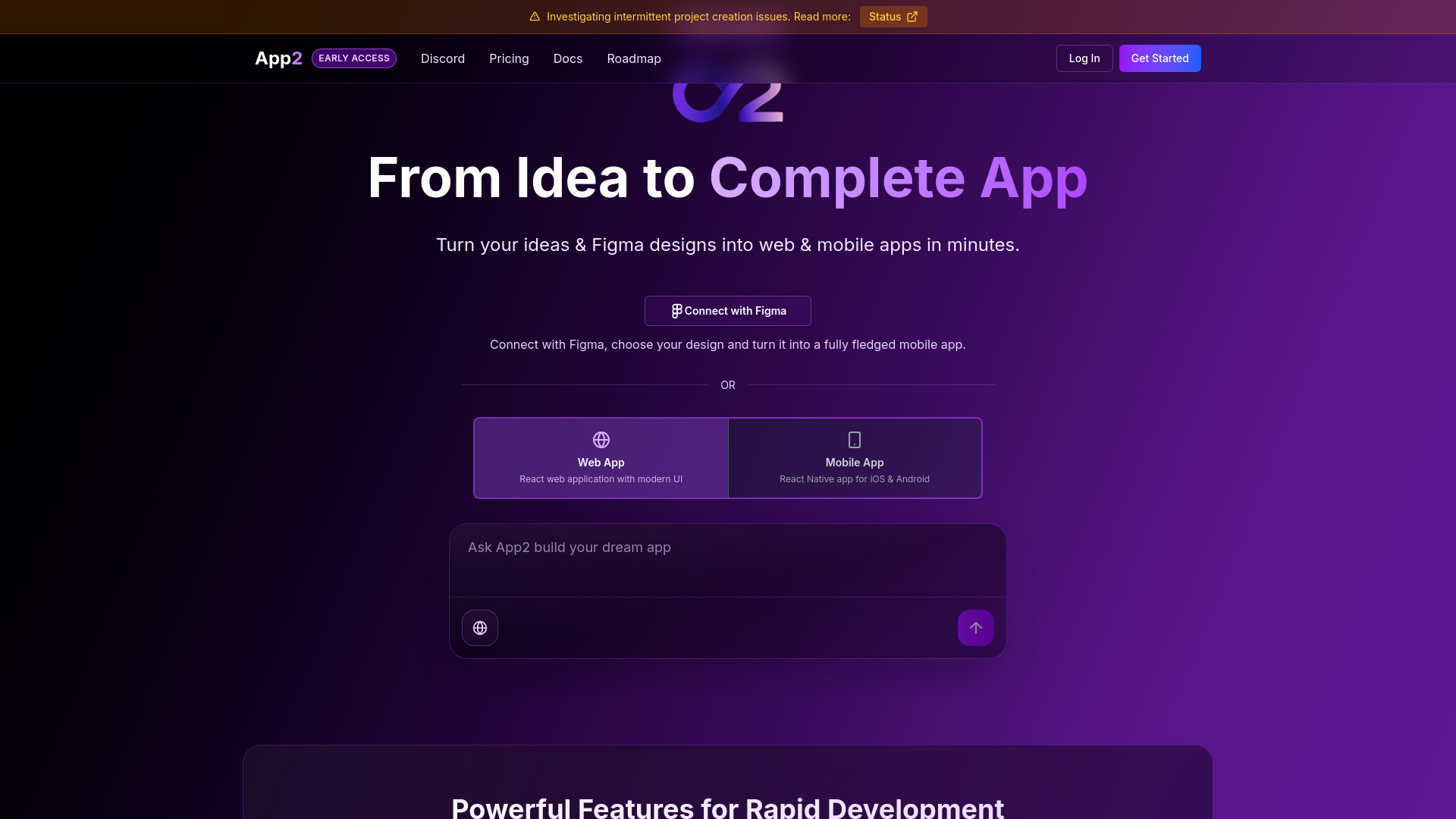
App2.dev
Figma-to-web and mobile app builders

Canvas Builders Program
Founders building production-ready AI agents

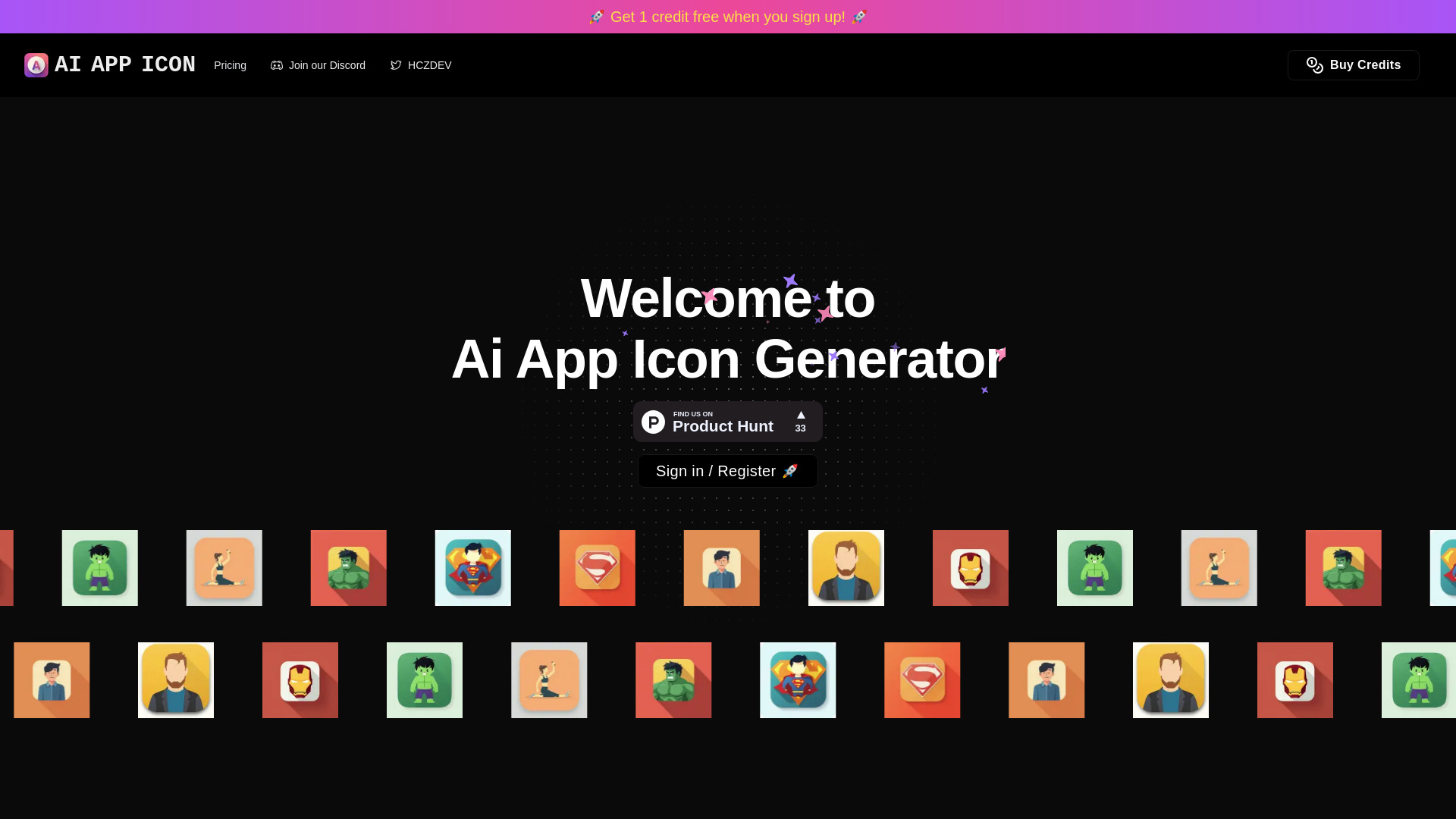
AI App Icon Generator
Custom app icon creation
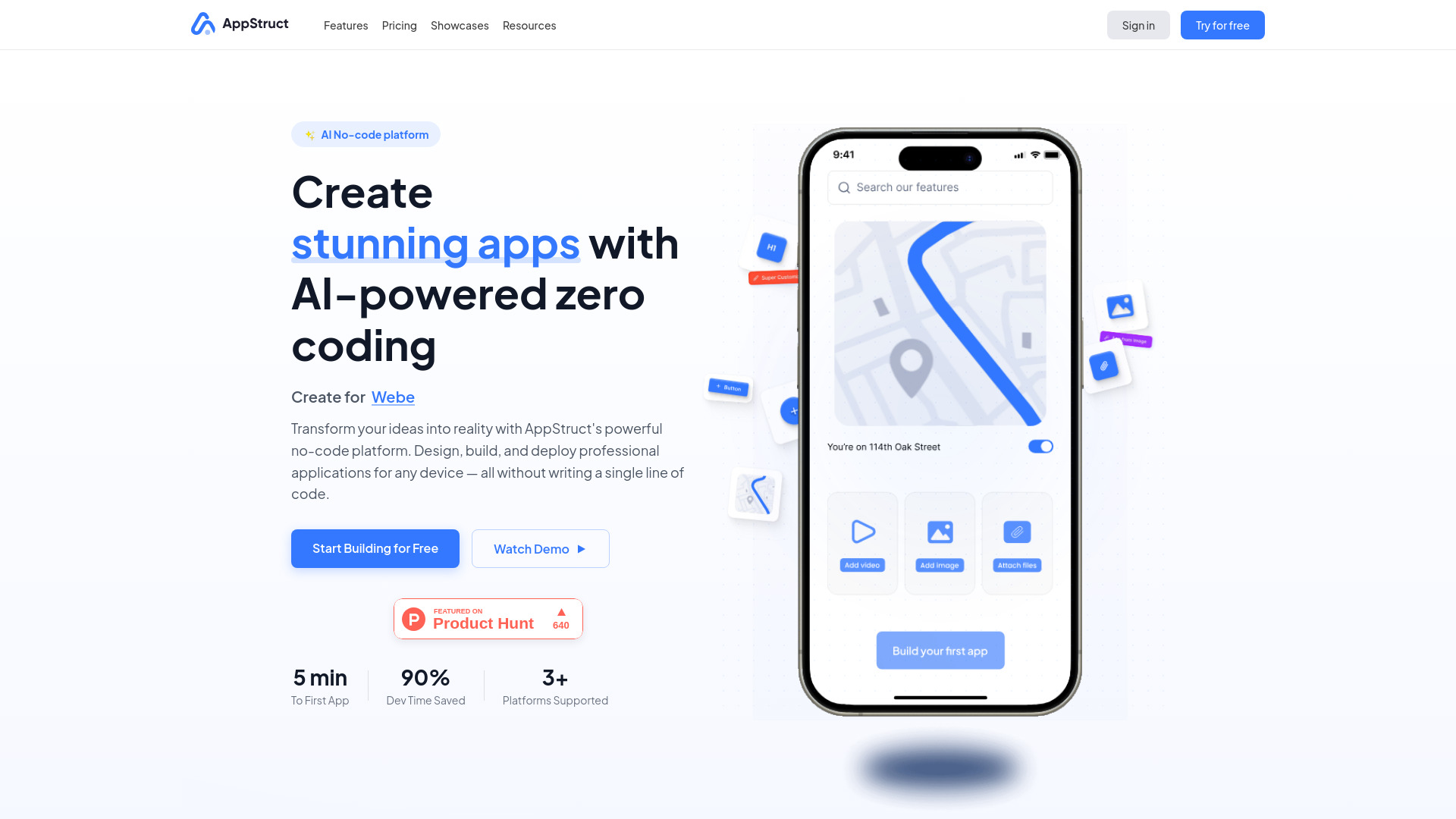
AppStruct
Cross-platform no-code app building

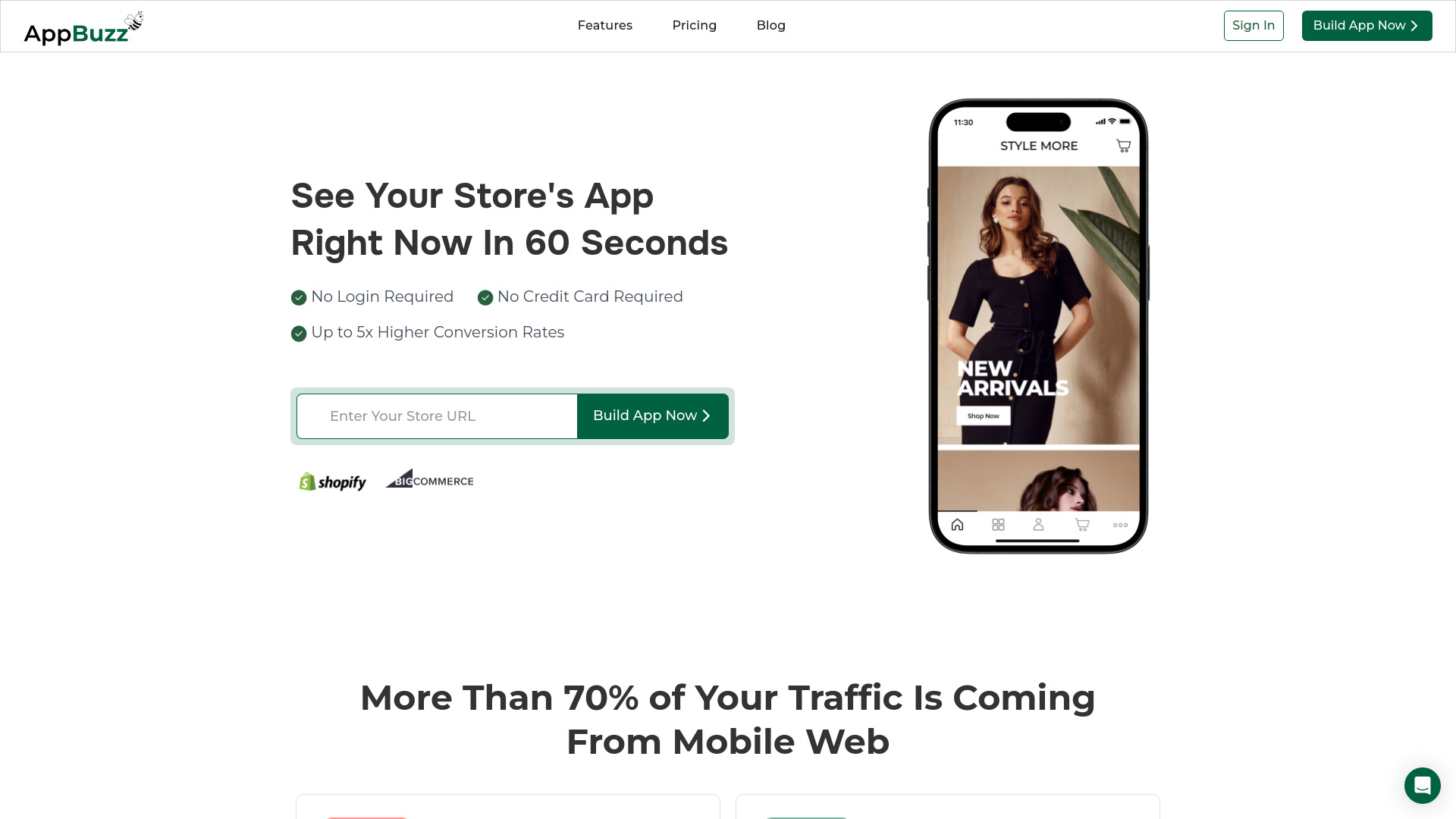
AppBuzz
Ecommerce stores launching mobile apps
Bricabrac AI
No-code web app generation

NeoApps.AI
No-code internal business apps
AI App Icon Generator
Prompt-based app icon creation

Build0
Internal apps and AI workflows
AI and No Code Platform
Launching digital products without developers

AppAsap
Chat-based no-code app building

Rowy
Low-code AI bot development

AppifyText
Plain-English internal apps

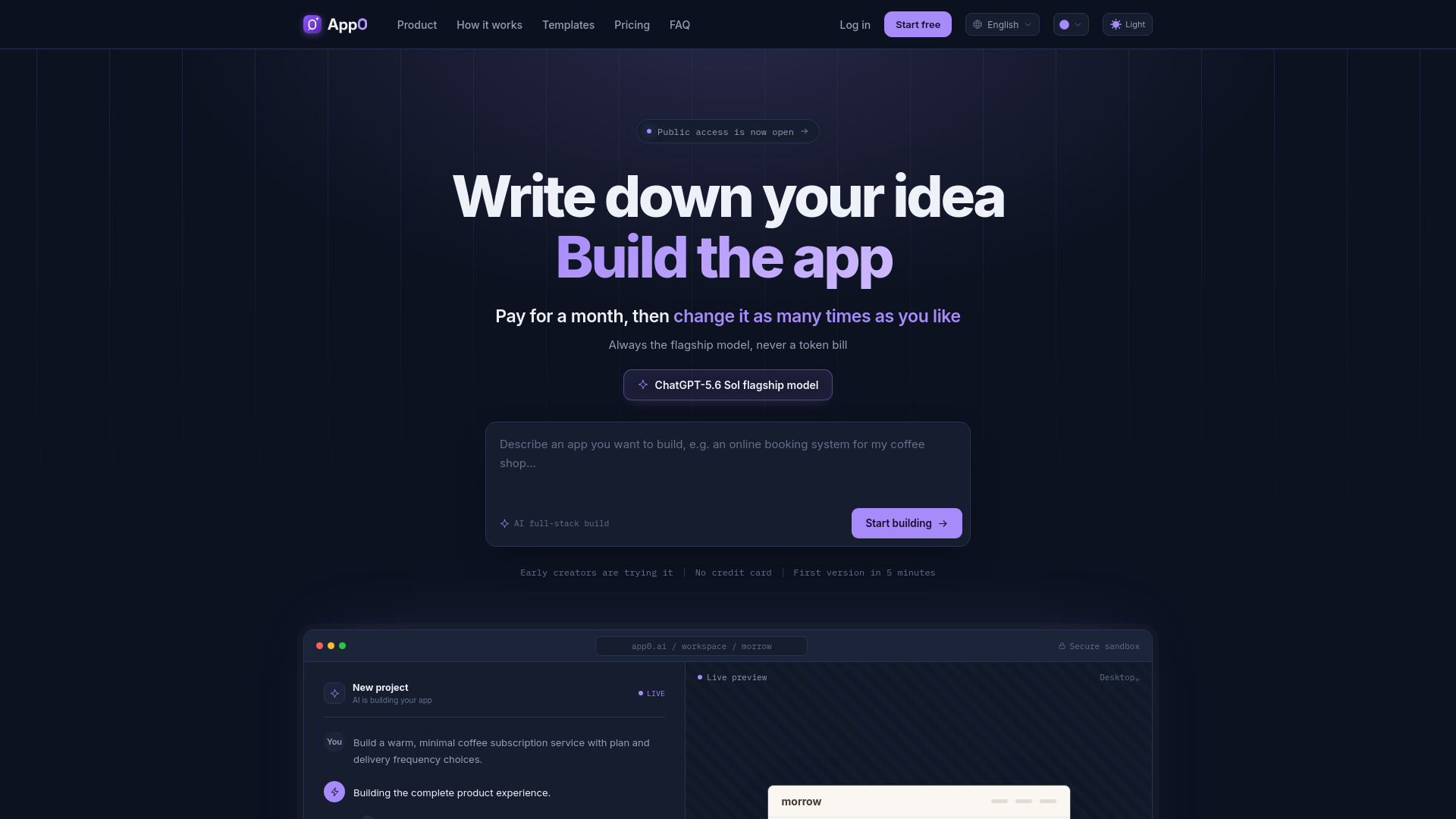
app0.ai
Natural-language full-stack app building

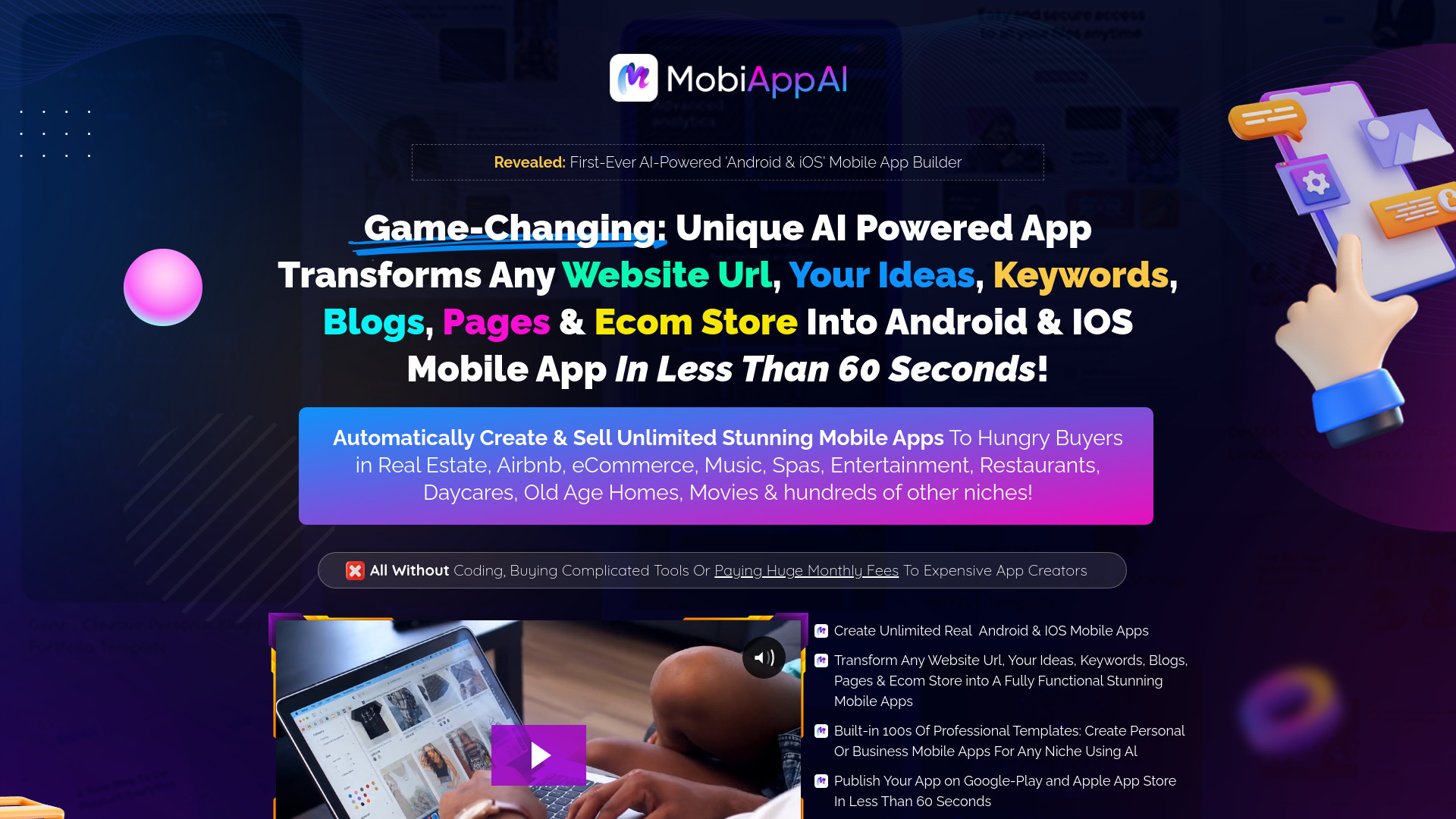
MobiApp AI
No-code Android and iOS app creation

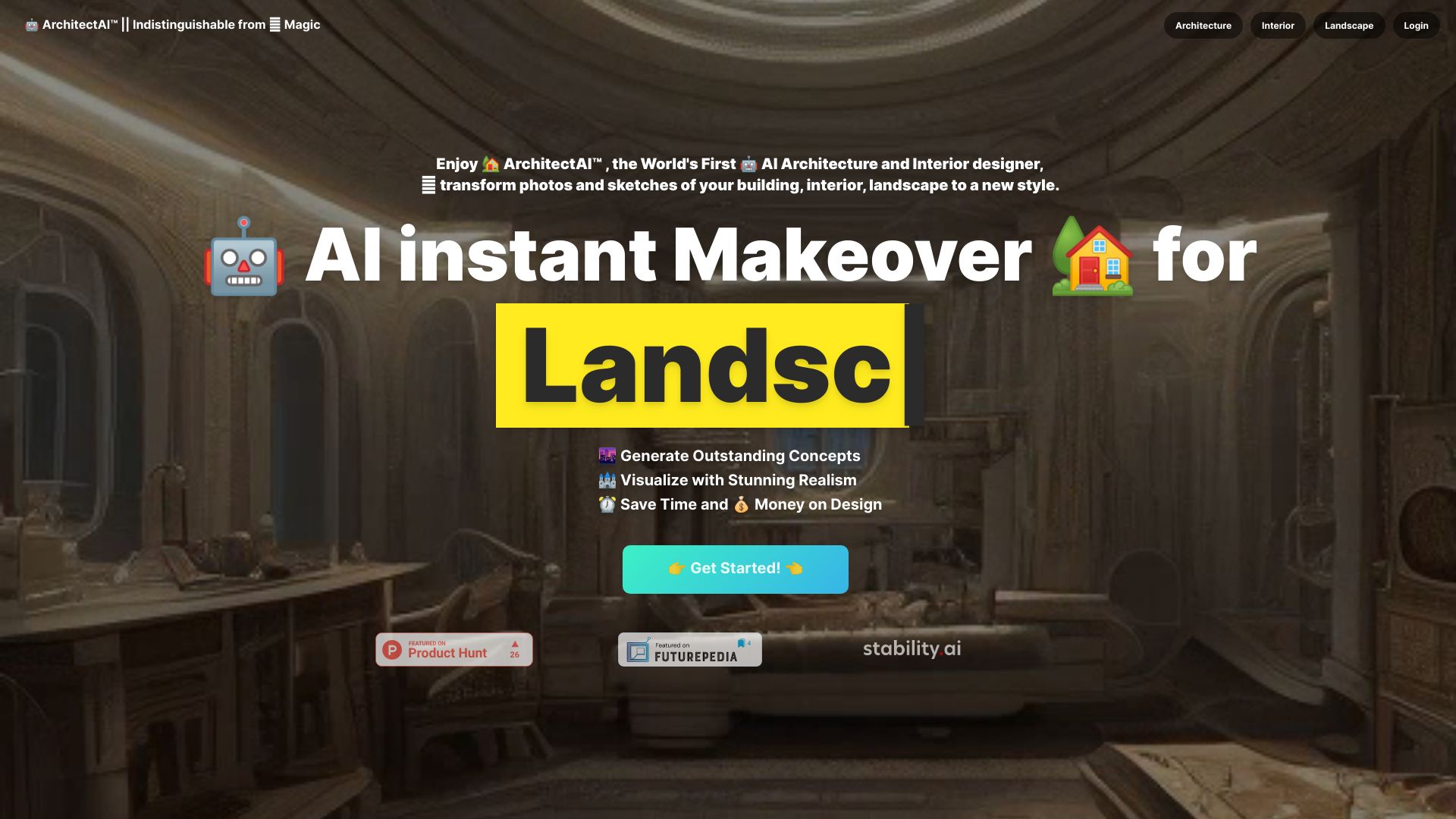
ArchitectAI
AI architecture, interior, and landscape concepts
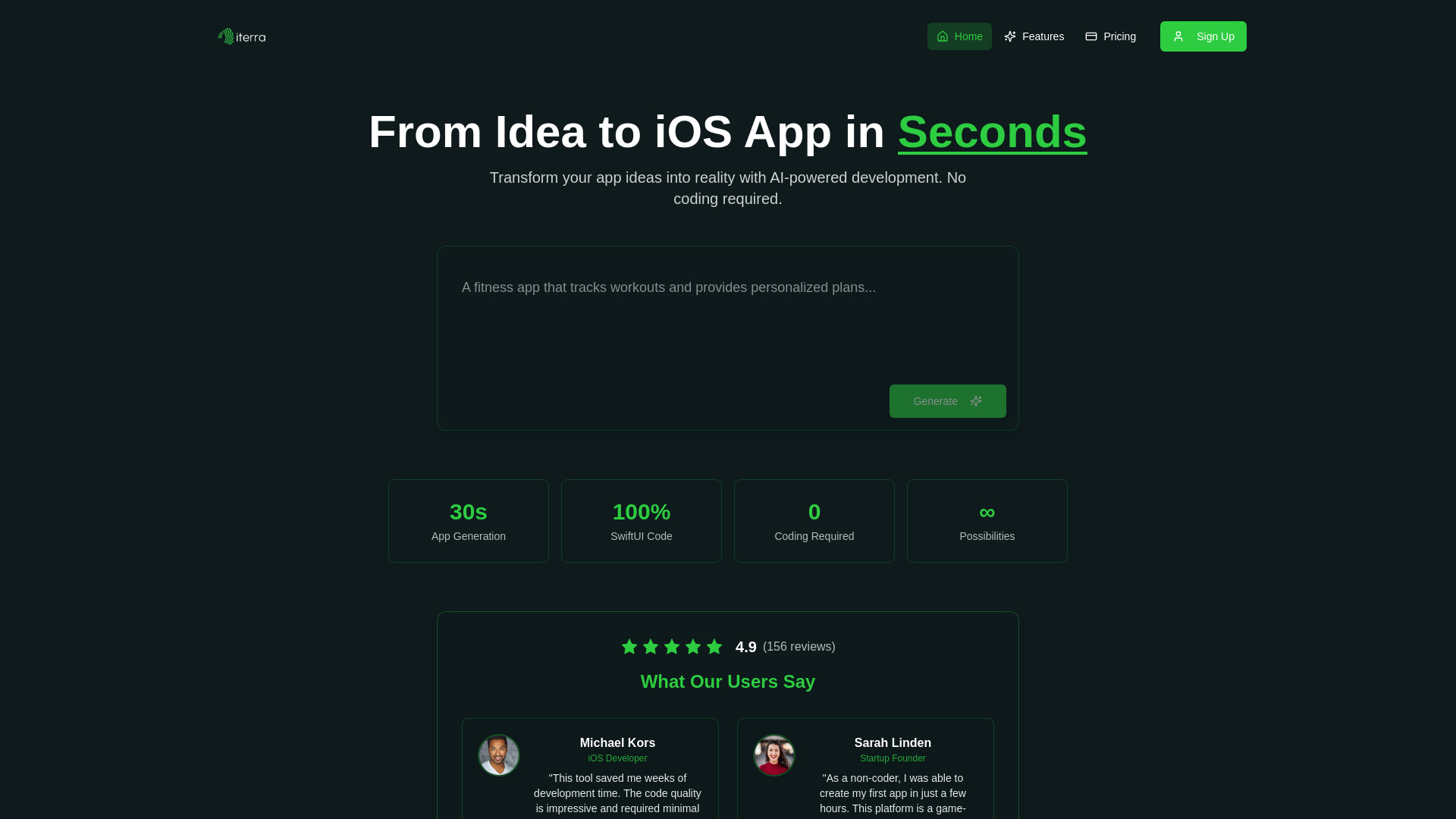
Iterra AI
No-code iOS app prototyping

AppAi
AI marketing copy and content generation
AppWeaver
Conversational web app building

Toolbuilder
No-code AI web app building

Instance
Plain-English app and website building

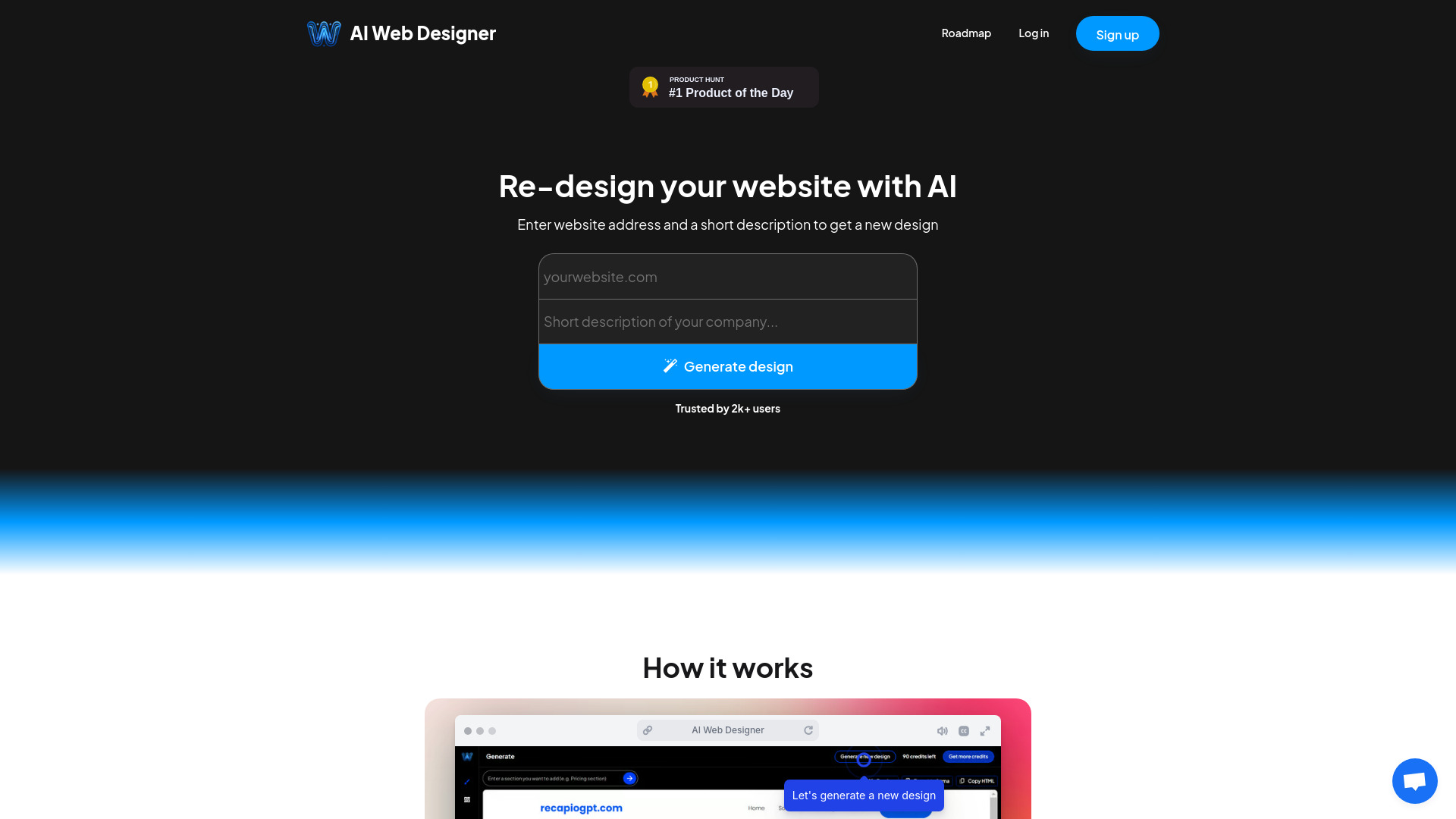
AI Web Designer
Rapid AI website creation

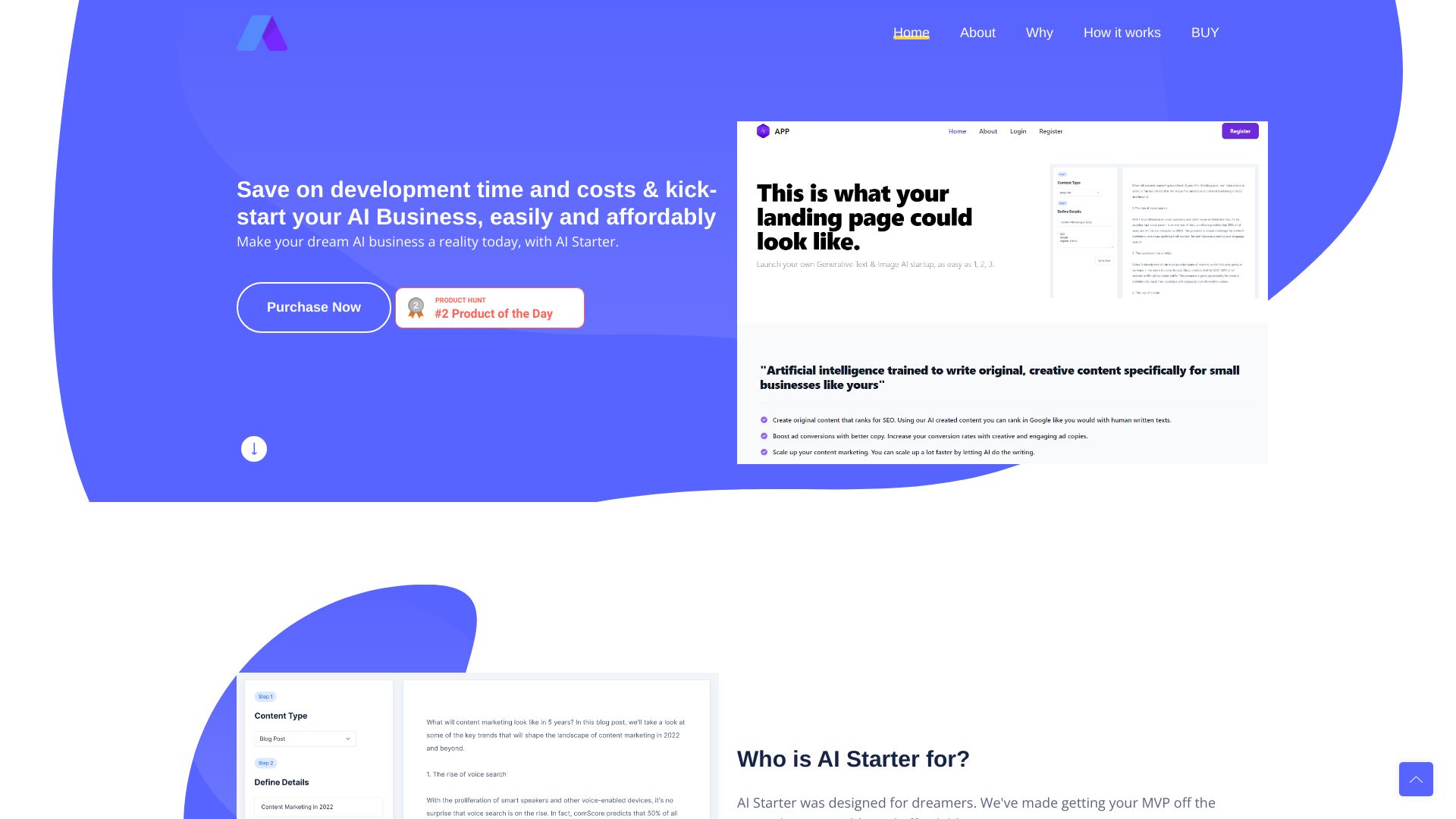
AI Business MVP Launcher
AI SaaS MVP launches
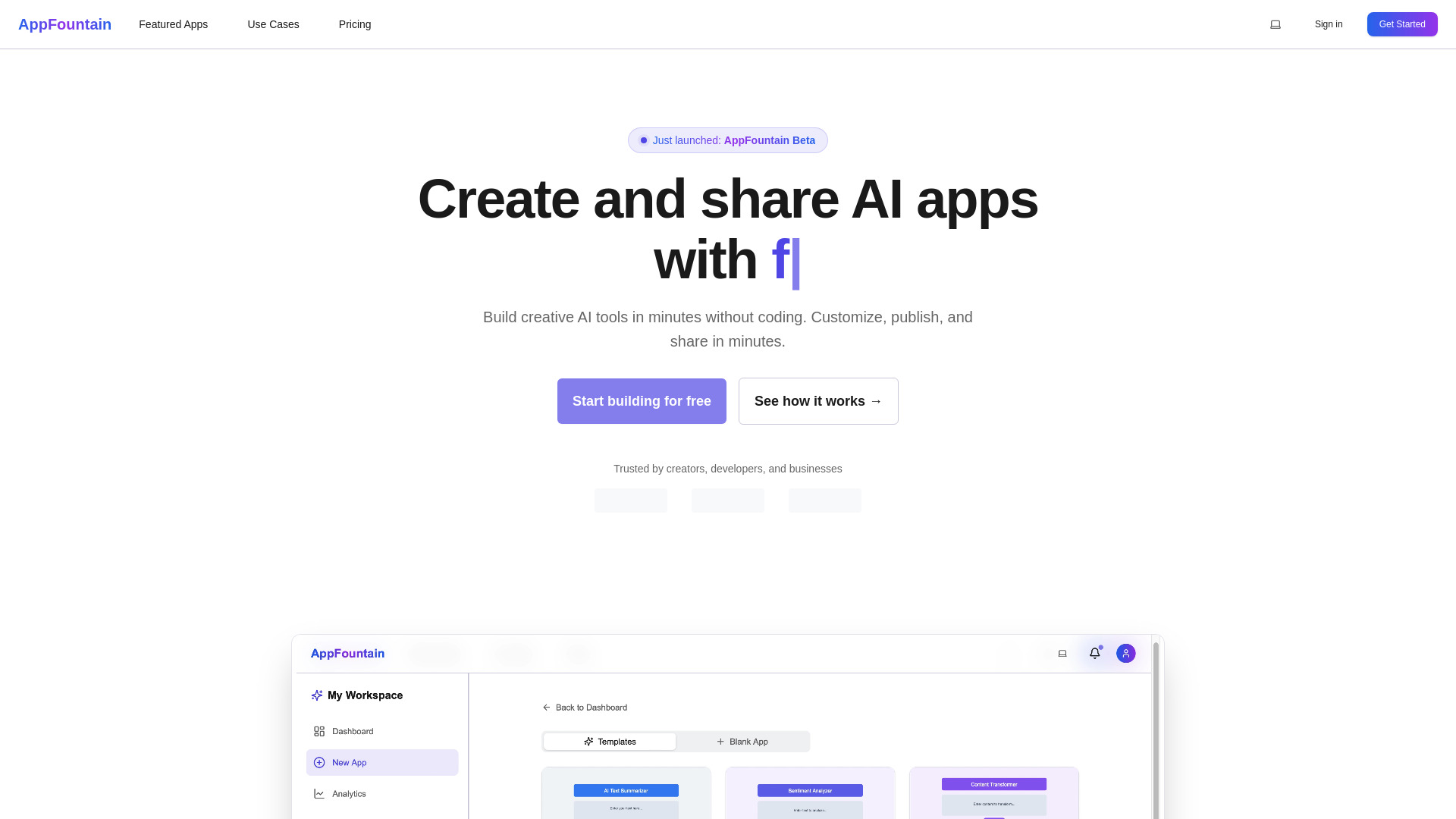
AppFountain
No-code AI app prototyping

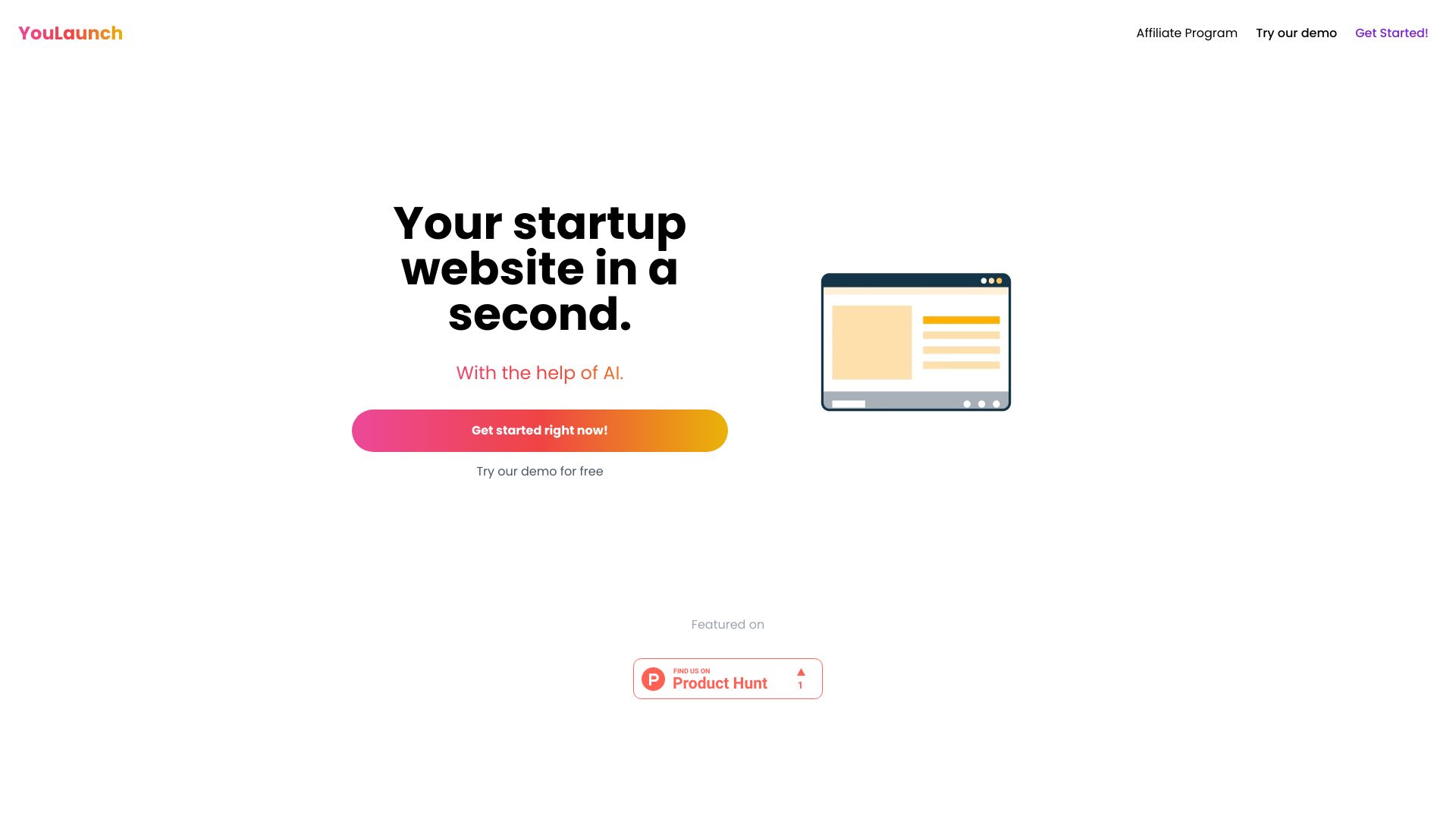
YouLaunch
AI landing page creation

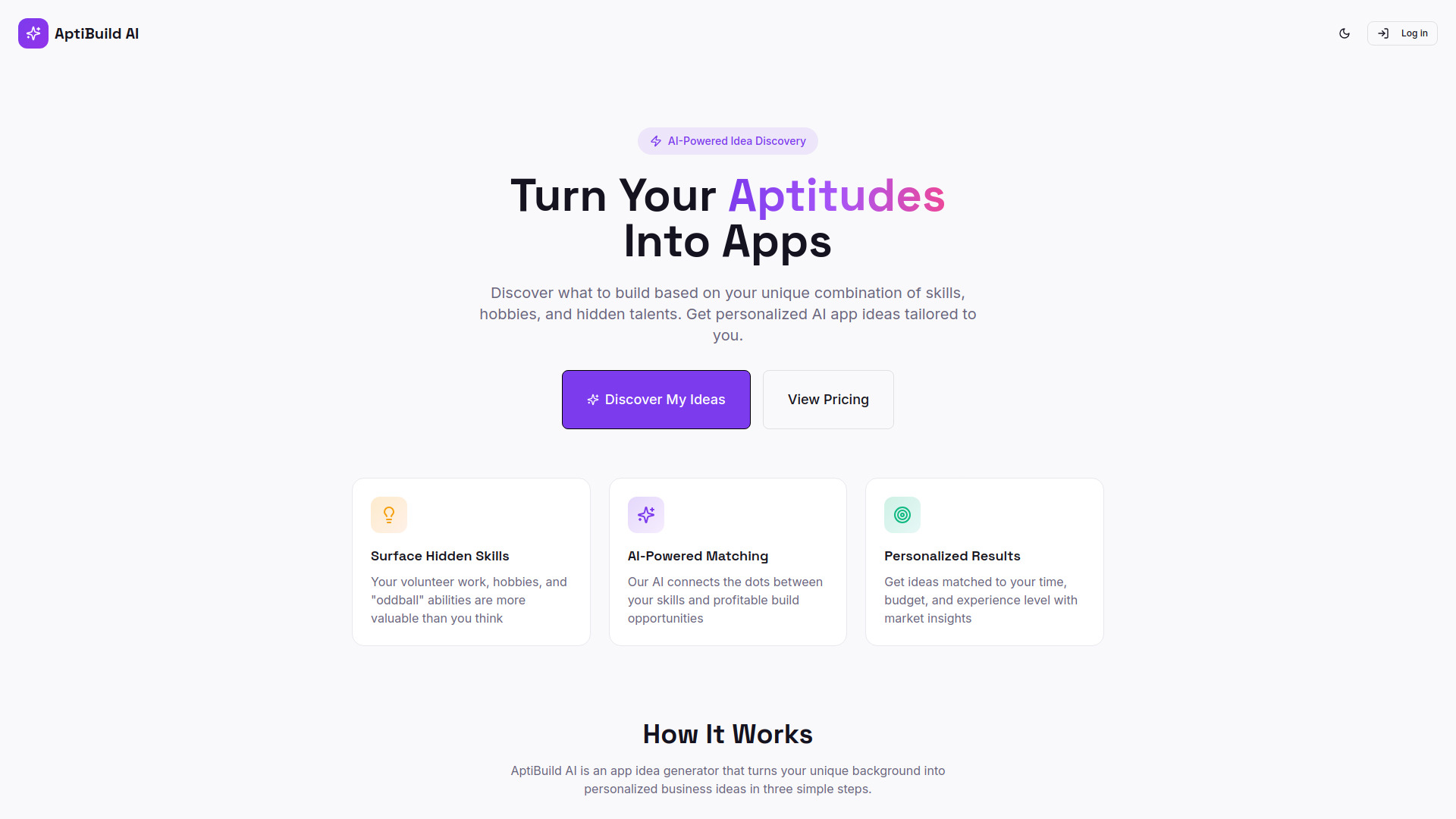
AptiBuild AI
Personalized app idea discovery

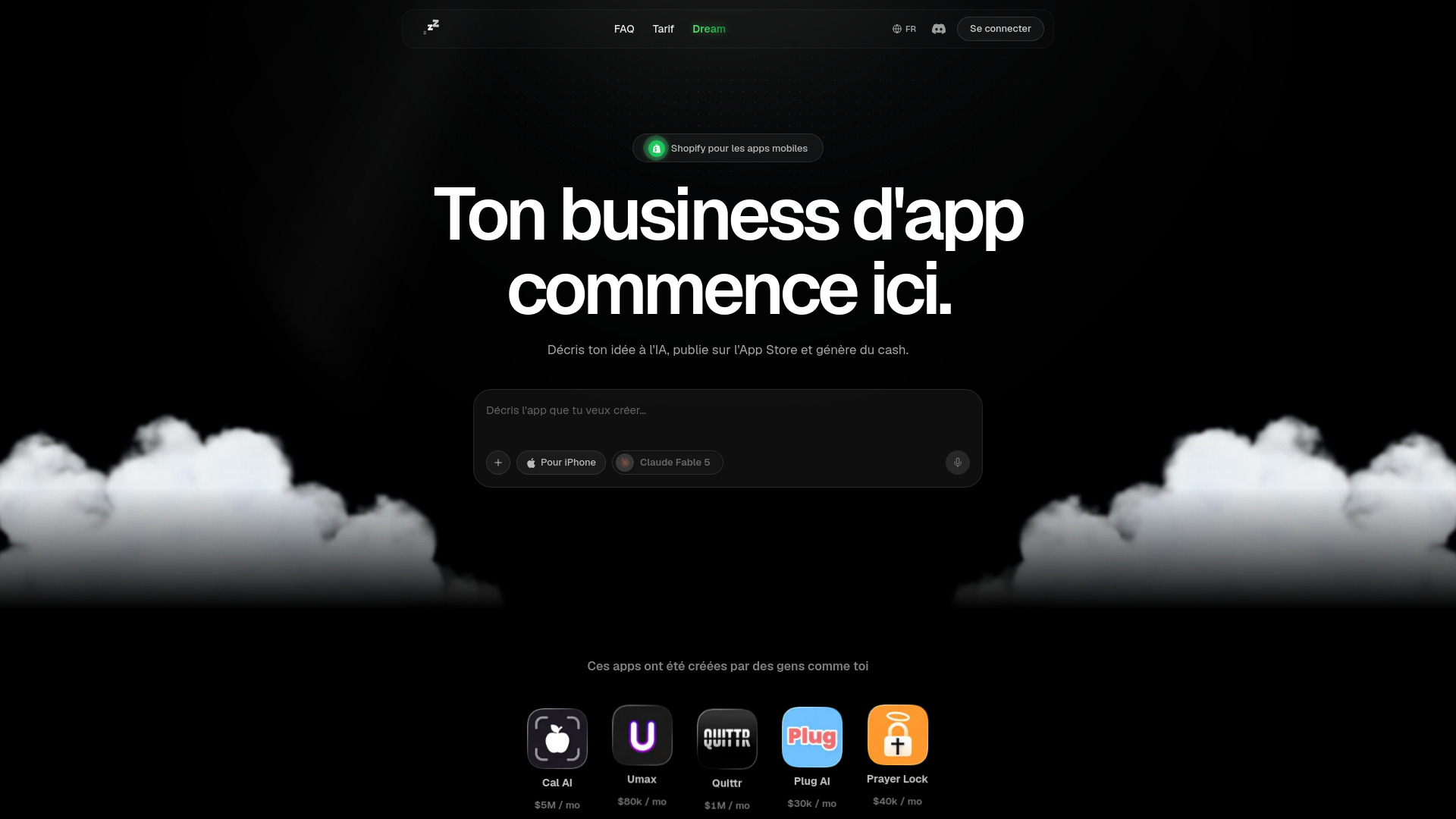
Zzz
Launching mobile apps without coding

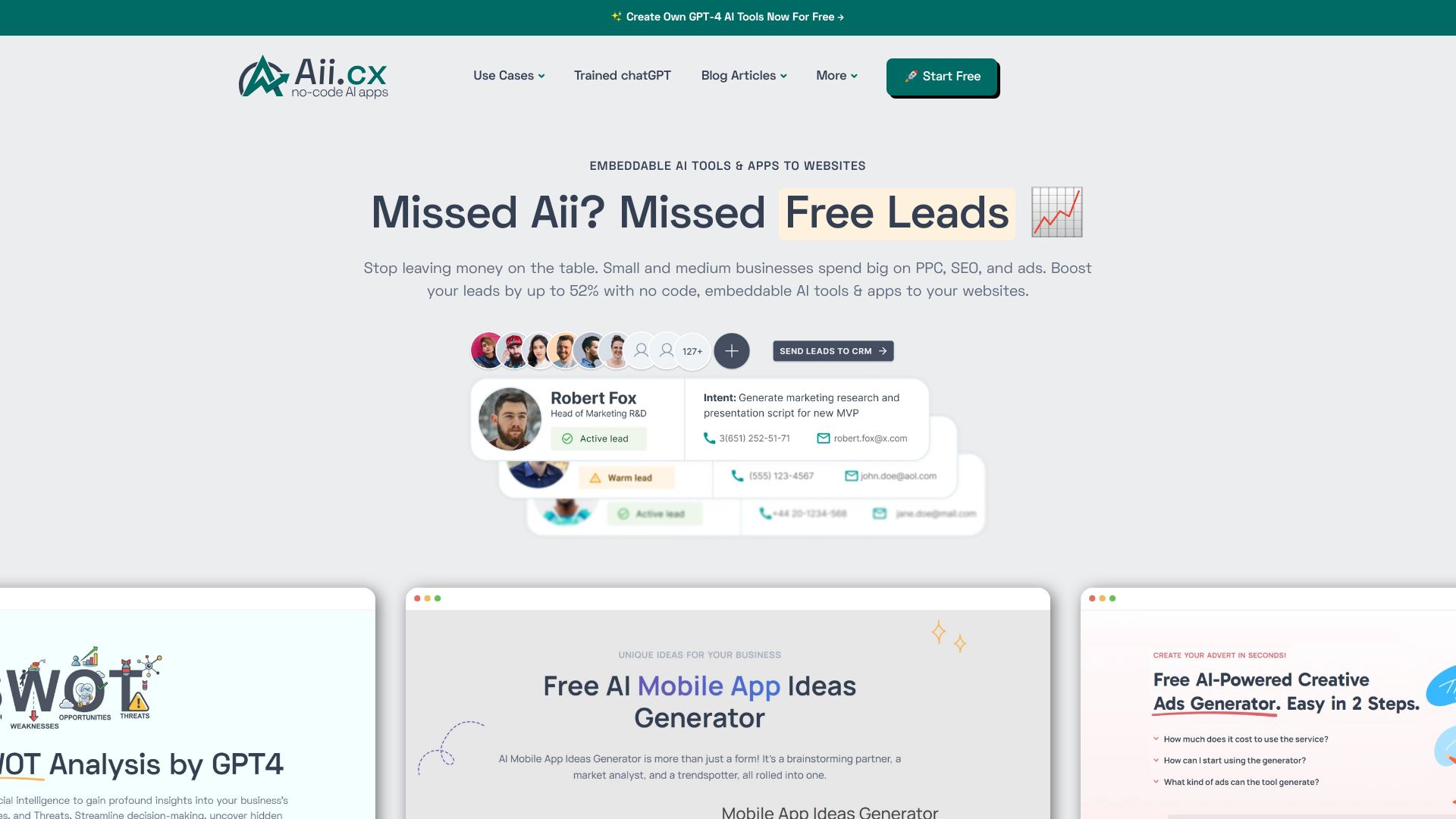
Aii.CX
No-code AI tools for websites

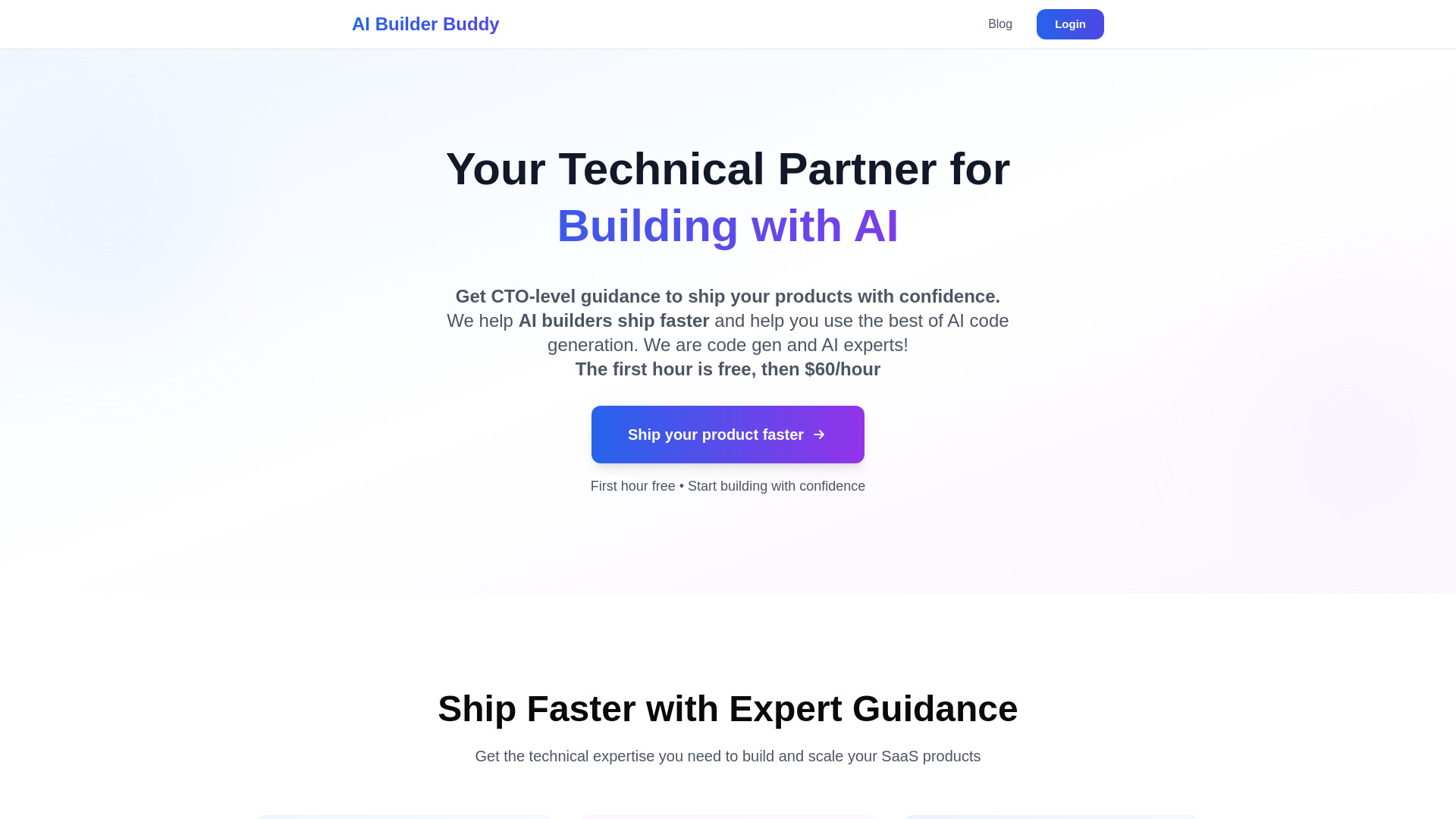
AI Builder Buddy
Vibe coders needing technical guidance

Deamoy
AI app and website building

Appy Pie Design
AI-assisted visual design
Props AI
Low-code AI API creation

AppSlap
Web3 dApp and minigame creation

Bubble
Visual no-code app building

InstaWebAI
AI-generated multipage business websites
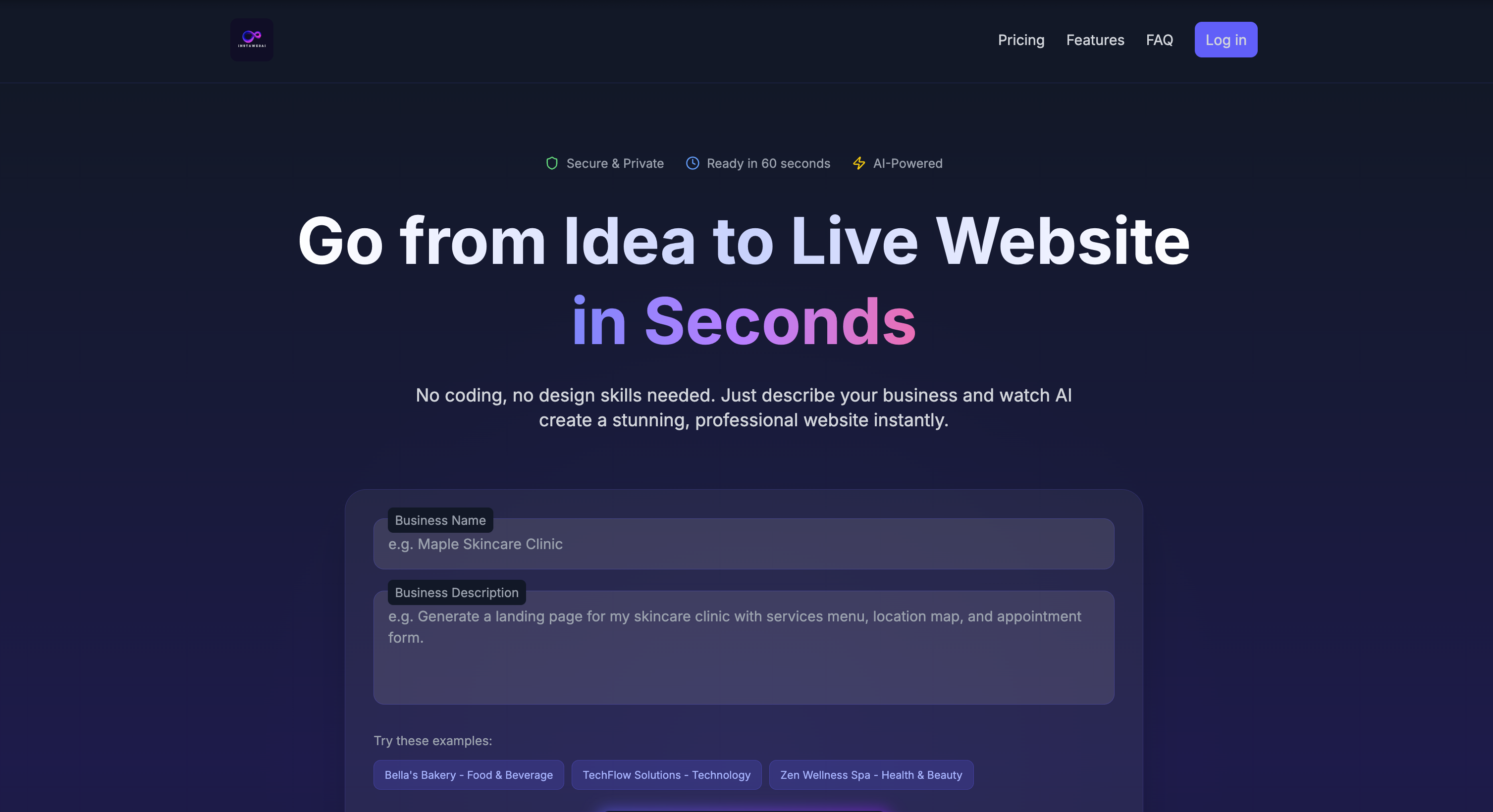
IconAI.Shop
AI-generated app icons
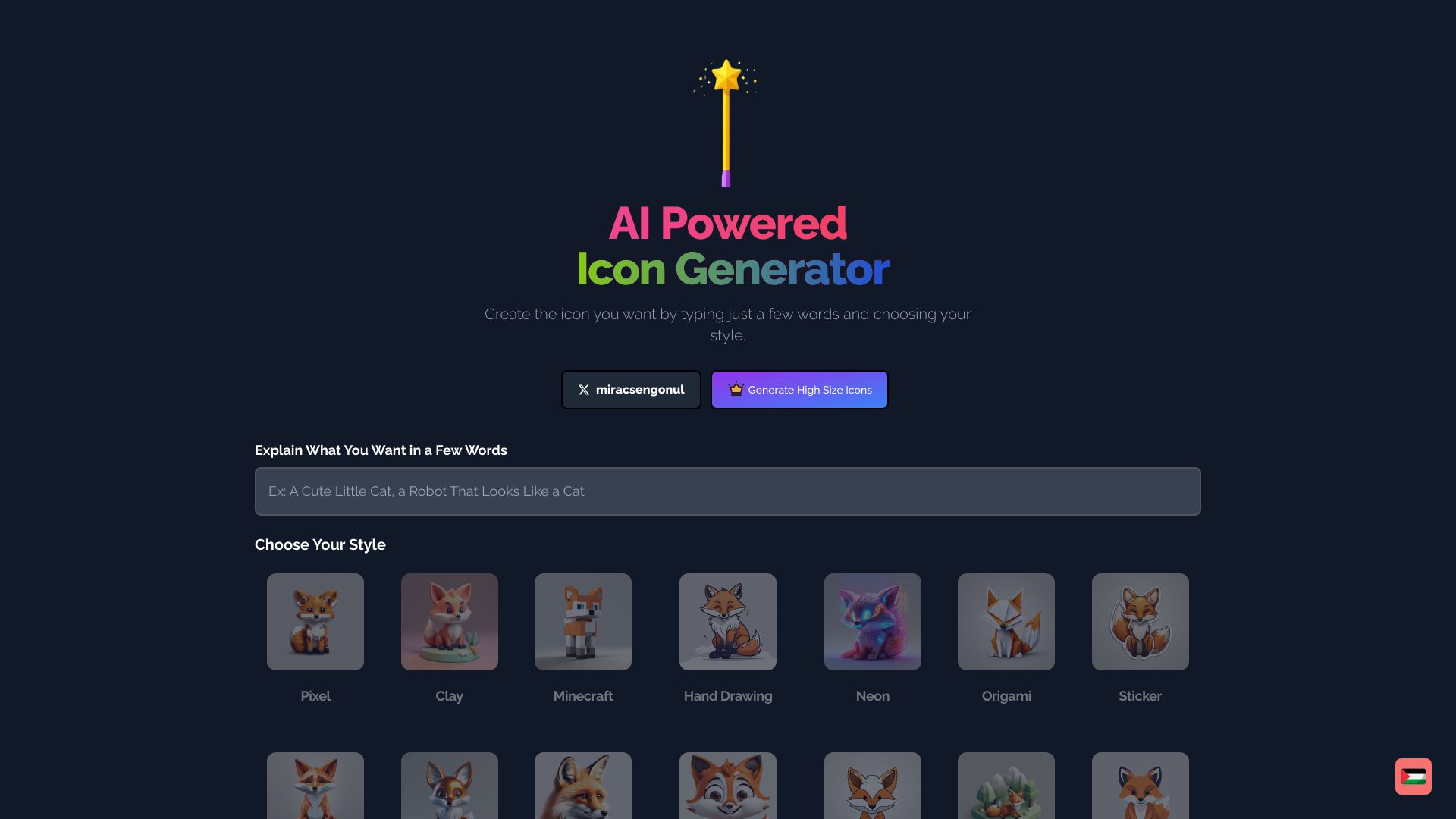

AI Wizard
All-in-one website and marketing asset creation

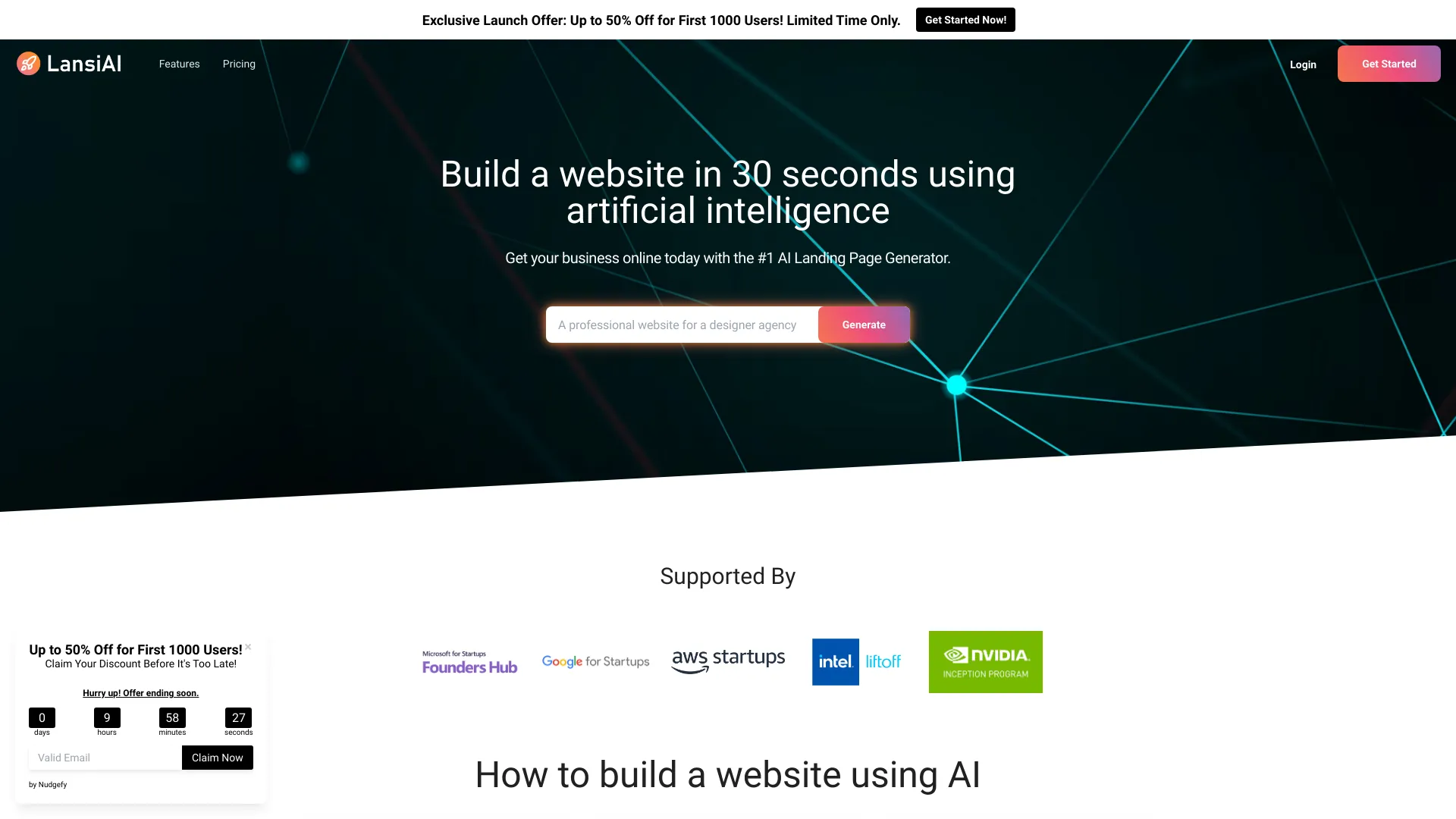
LansiAI
AI landing pages for small businesses

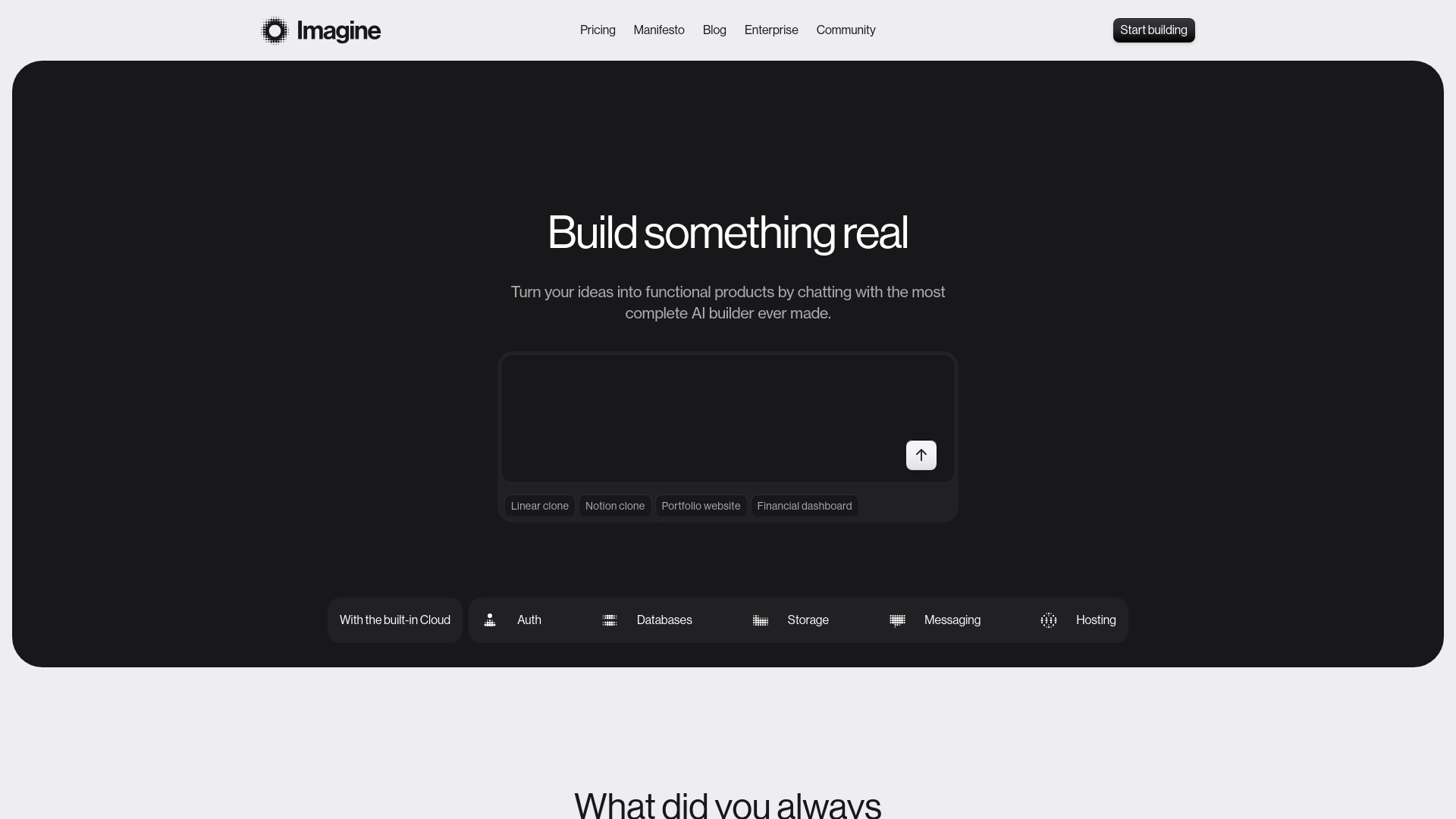
Imagine
Production-ready AI app building

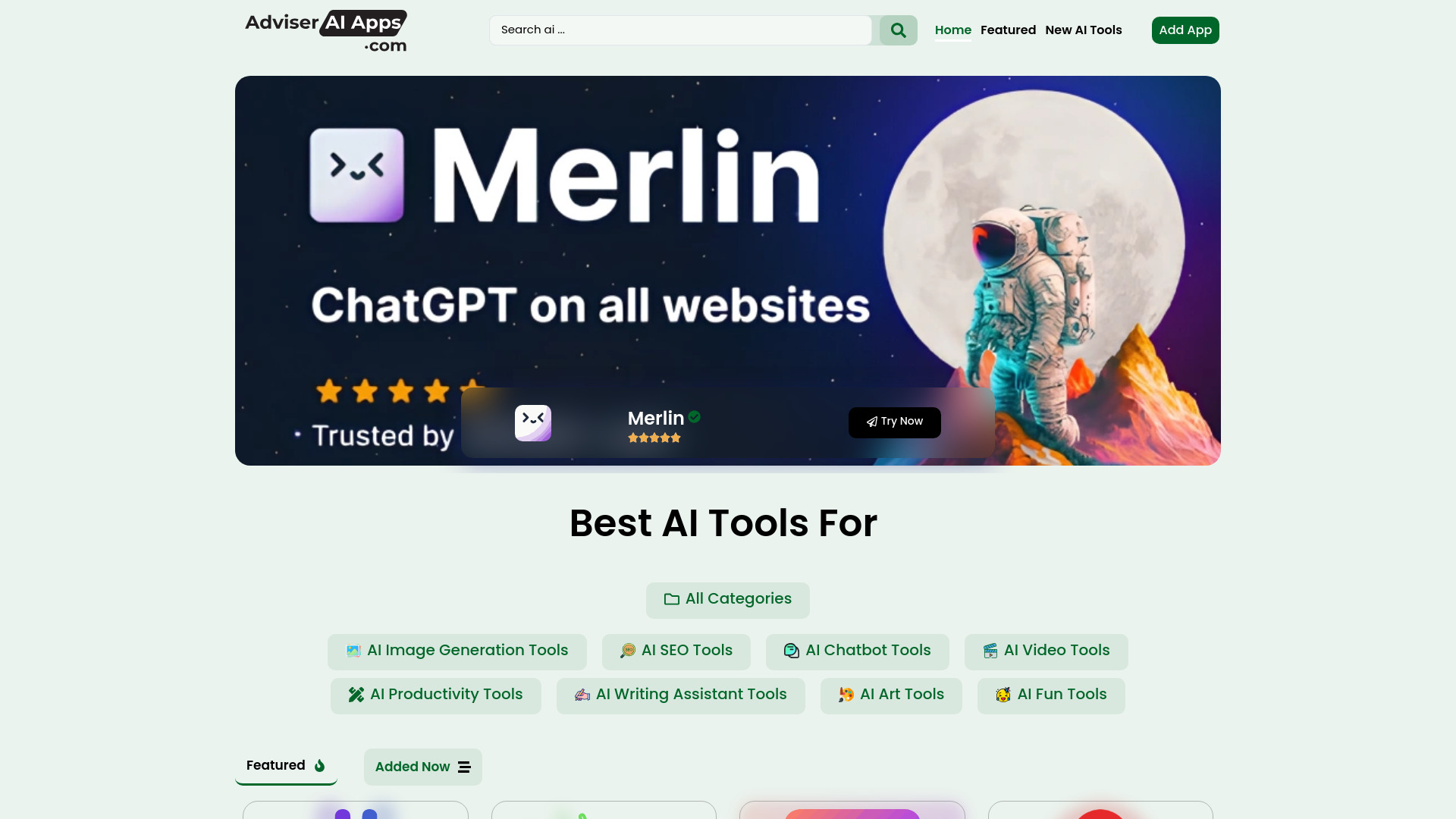
Adviser AI Apps
Discovering AI tools across categories
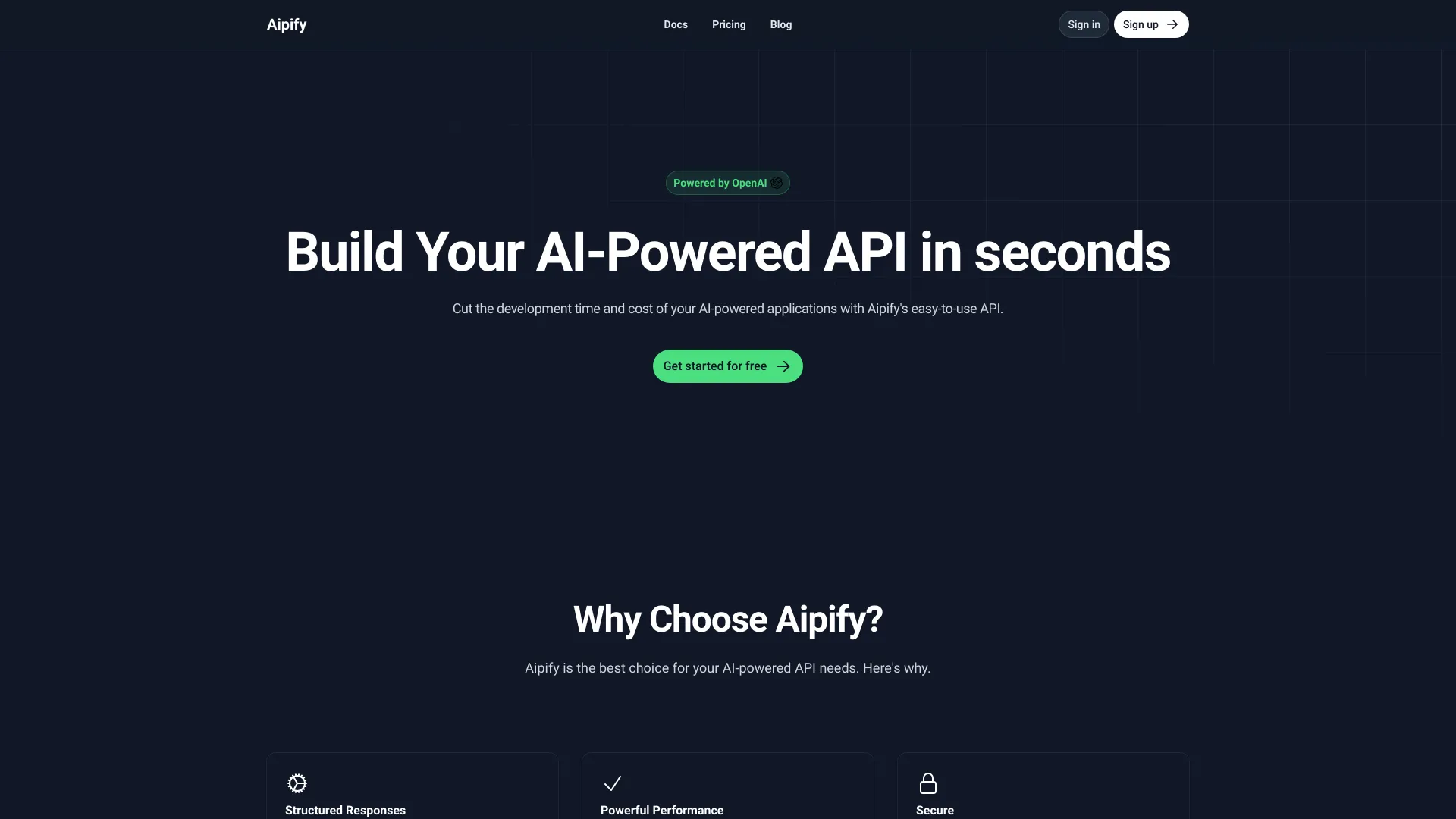
Aipify
Visual AI API creation

AI Website Builder
Rapid no-code website creation
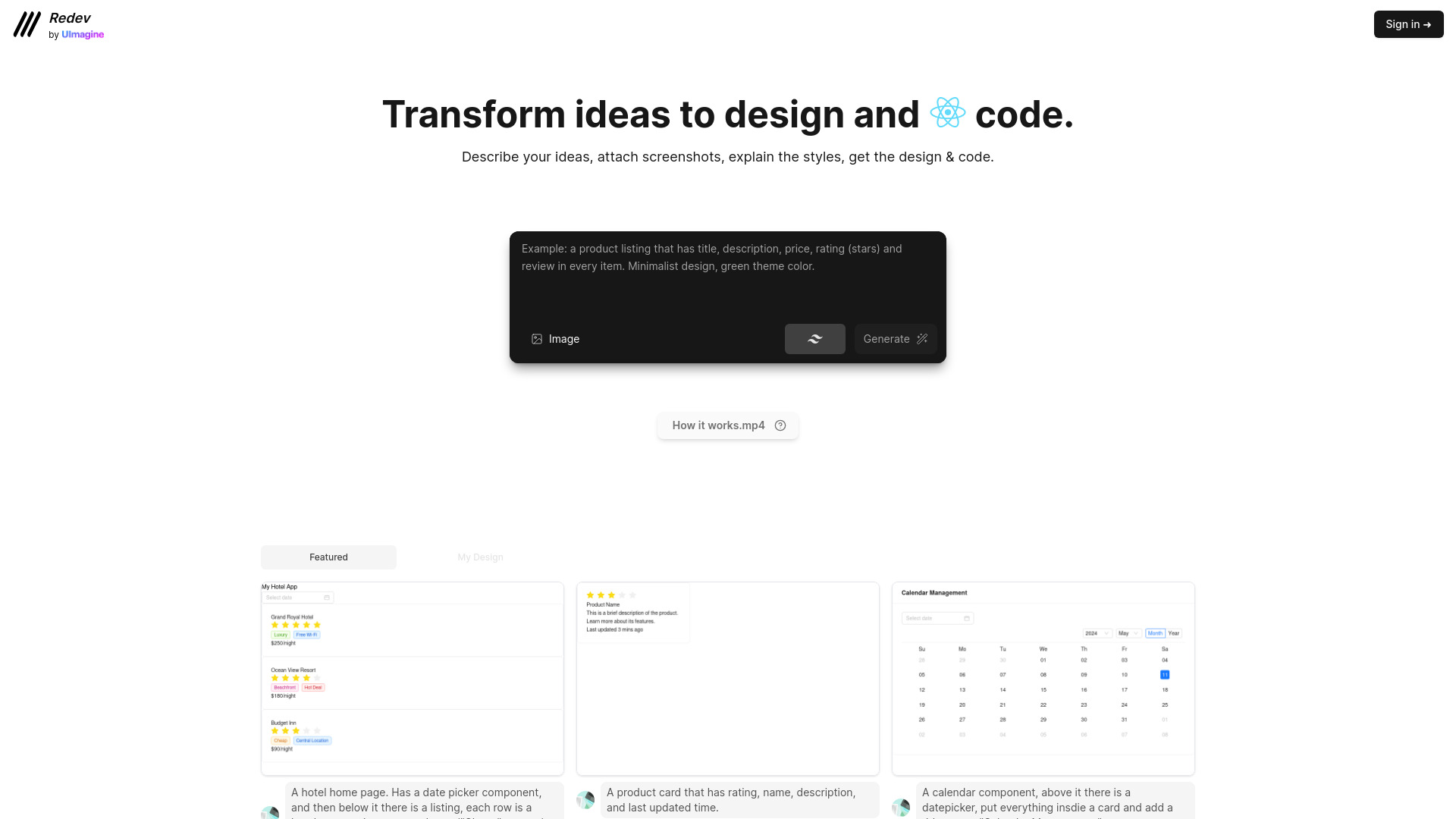

xBuilder.ai
AI-powered e-commerce store creation
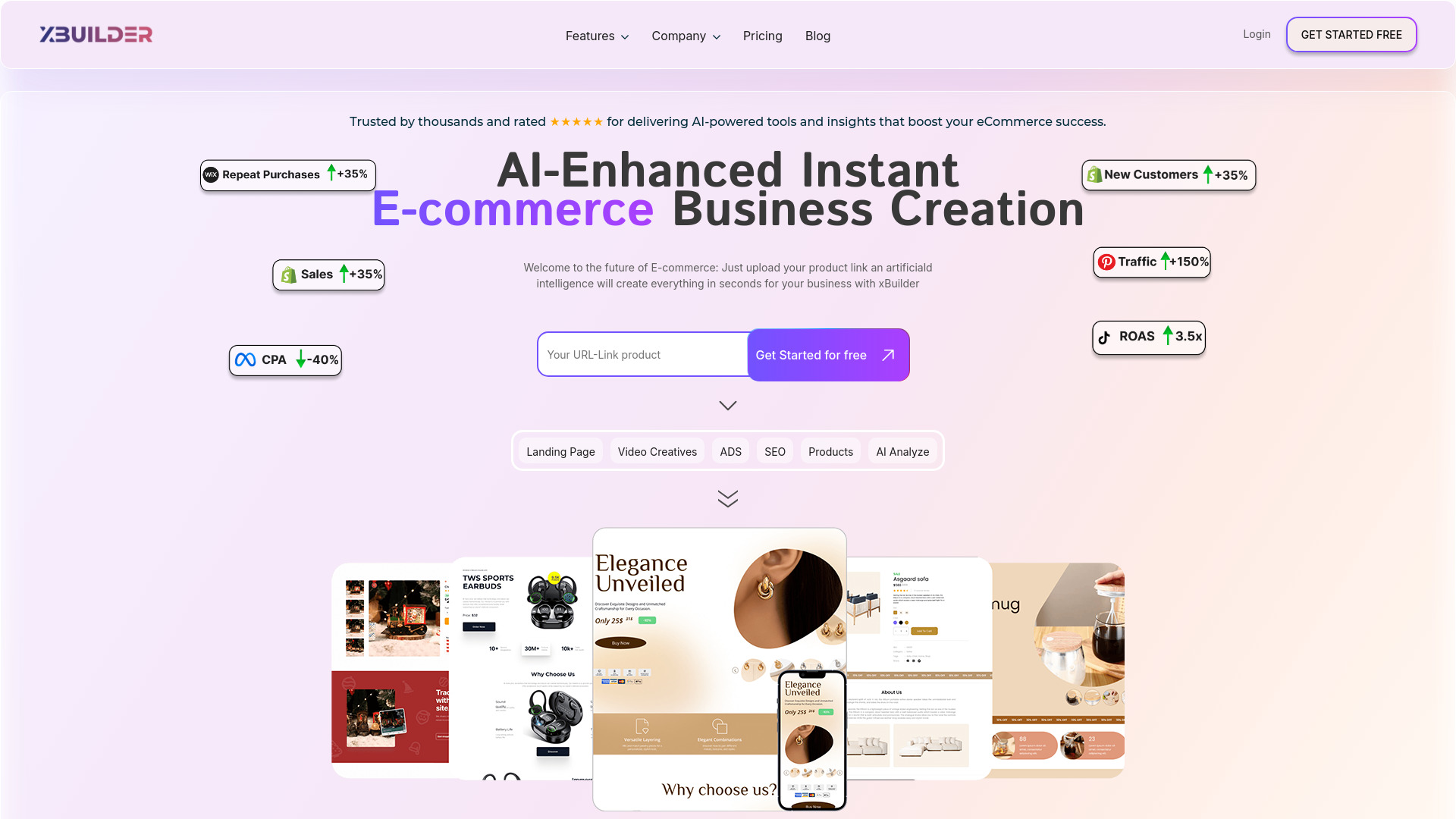

Asekio
Small business websites
Universe & Bubble
No-code app and website building
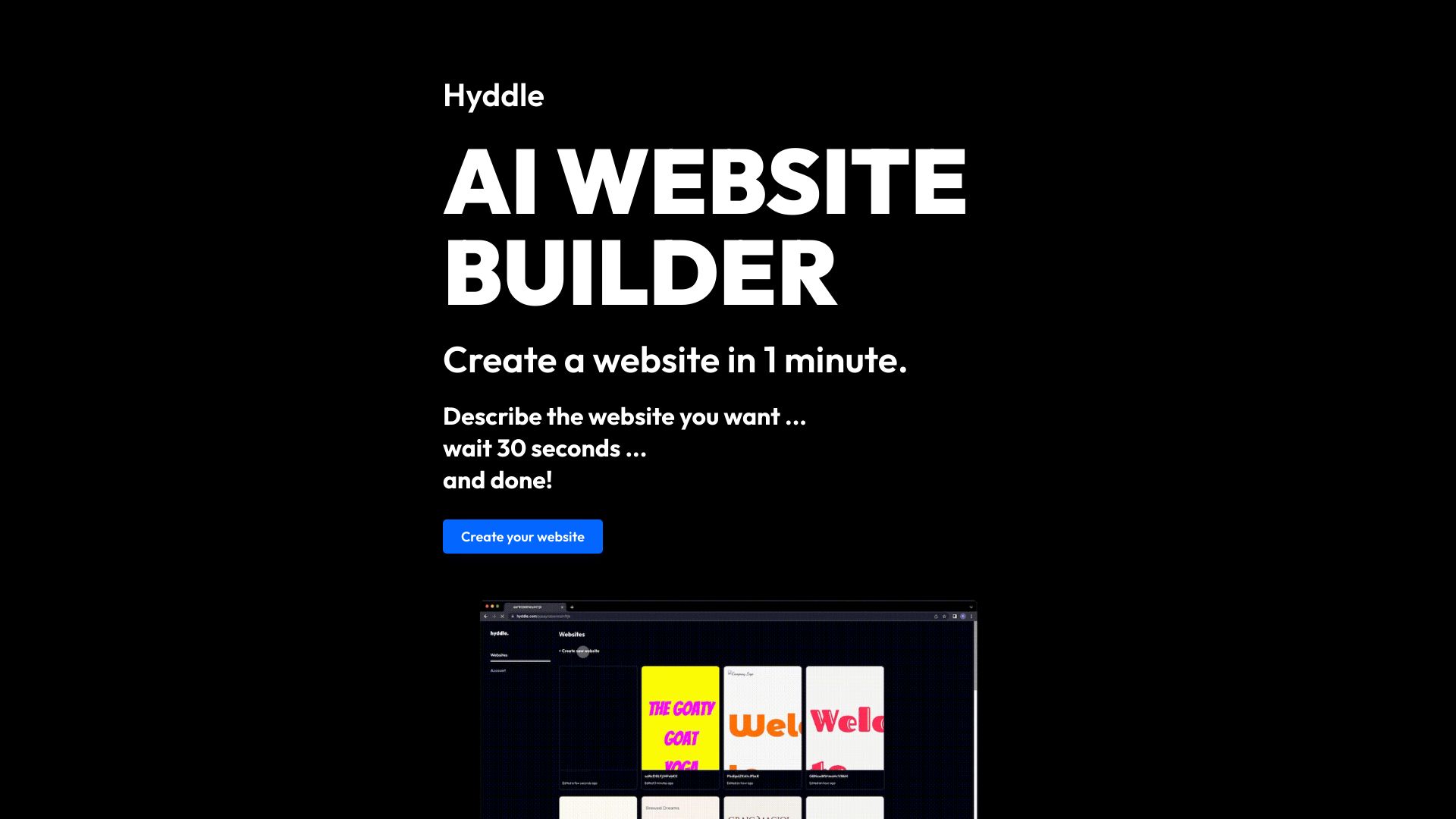

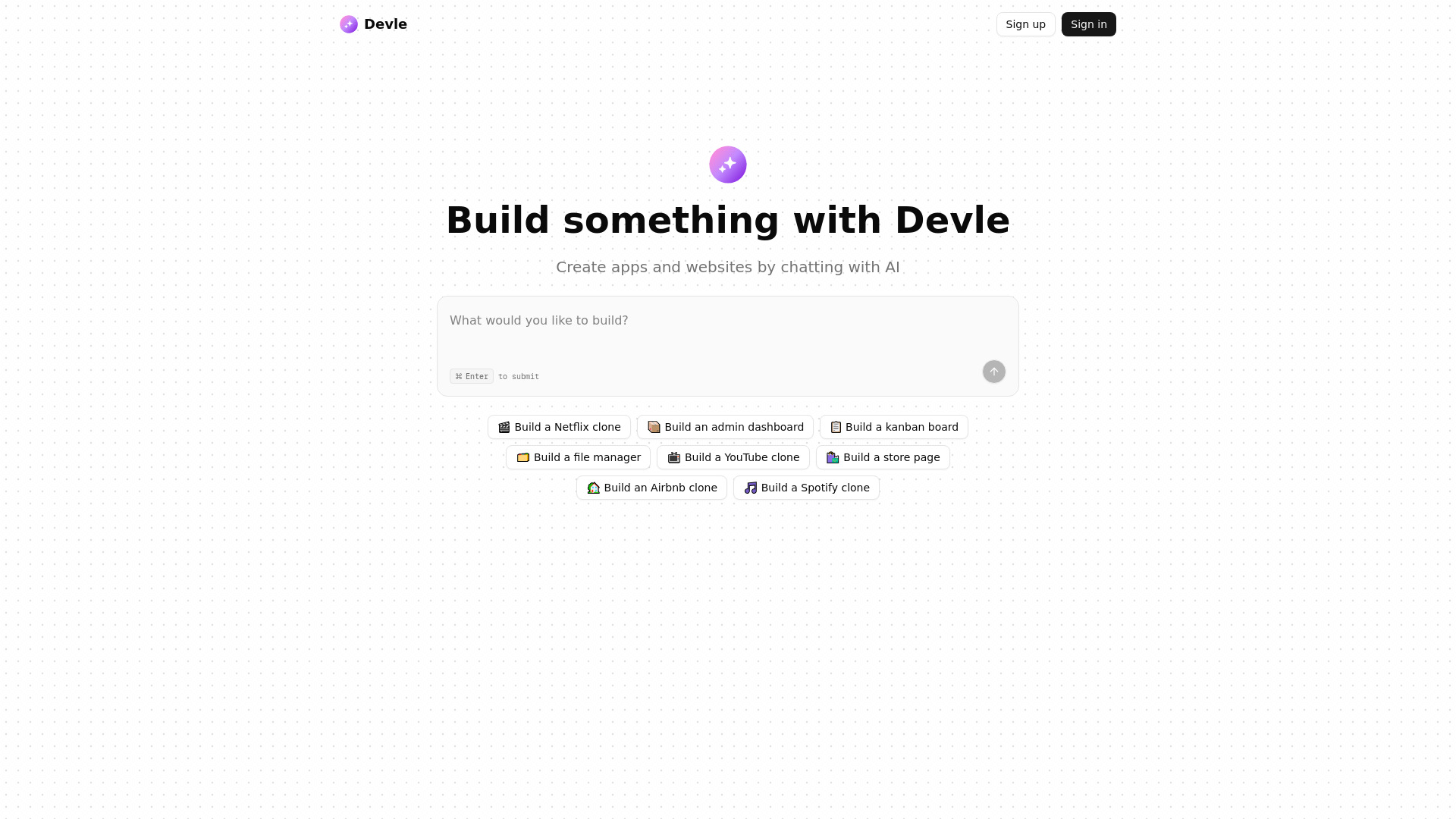
Devle
Chat-based app and website creation

Assistante.app
AI content creation and chatbot tools


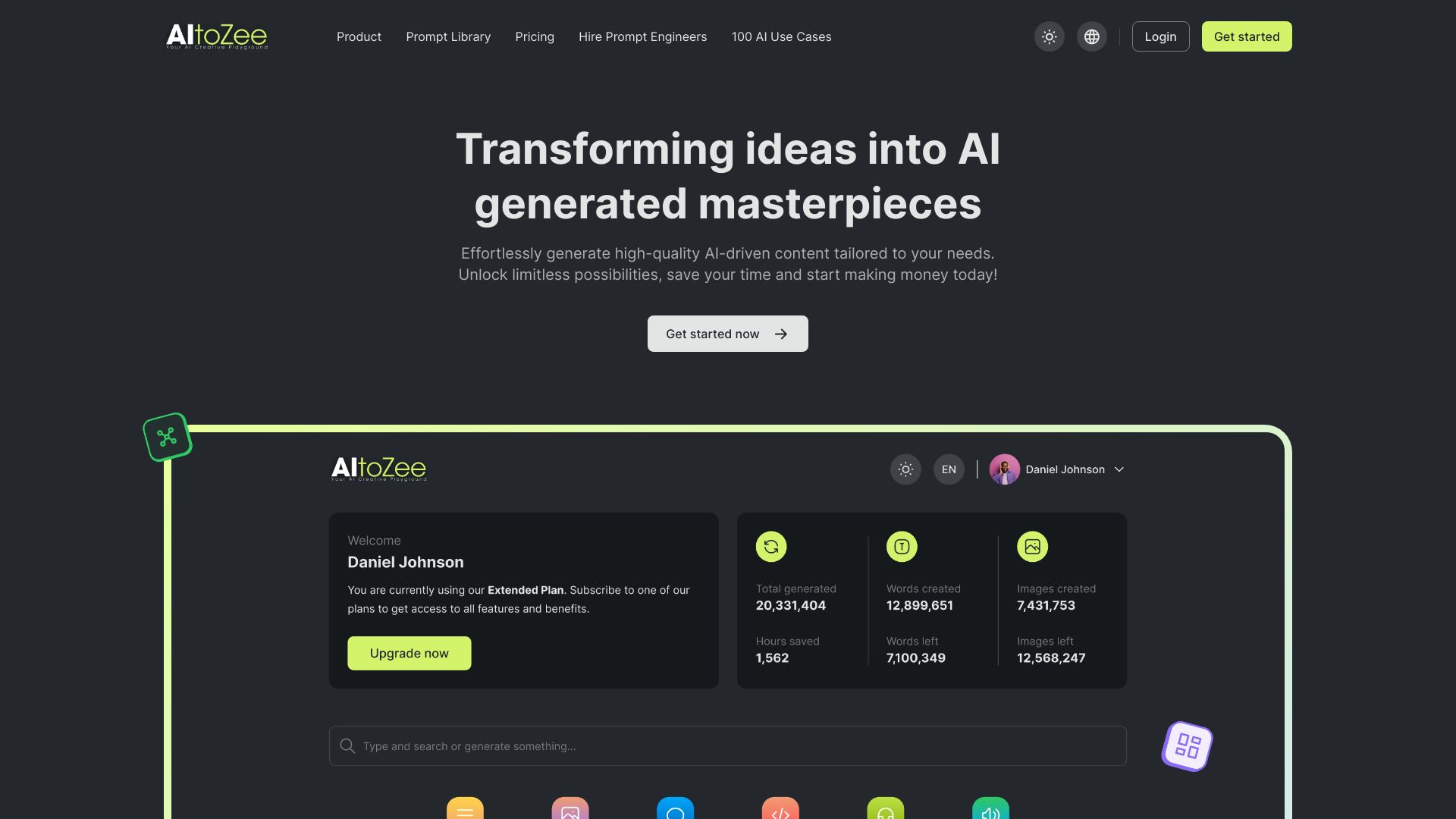
AItoZee
Beginners creating content with AI tools
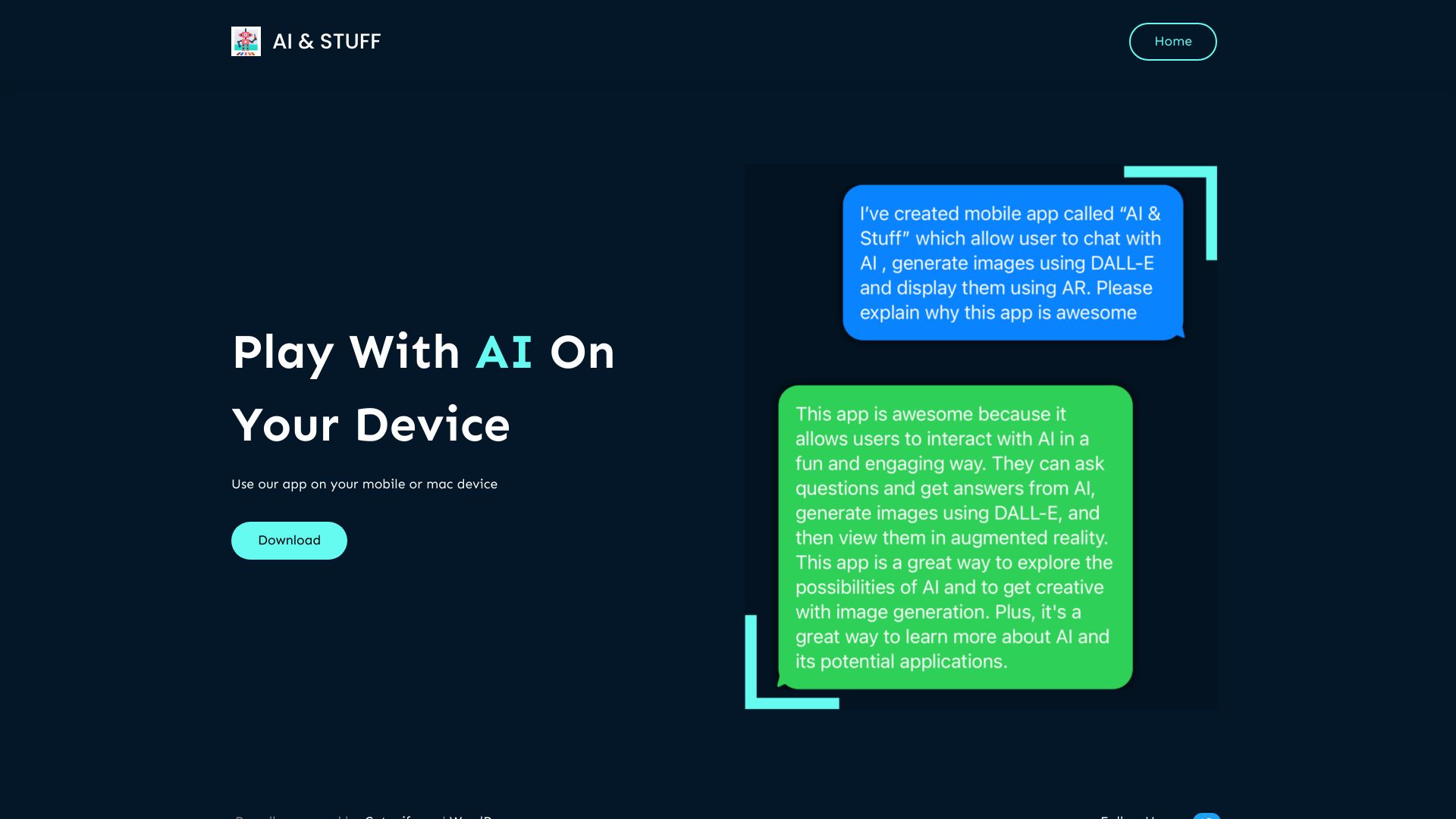
AI & Stuff
Mobile AI chat and augmented reality image experiences

Cosine AI
Autonomous software engineering

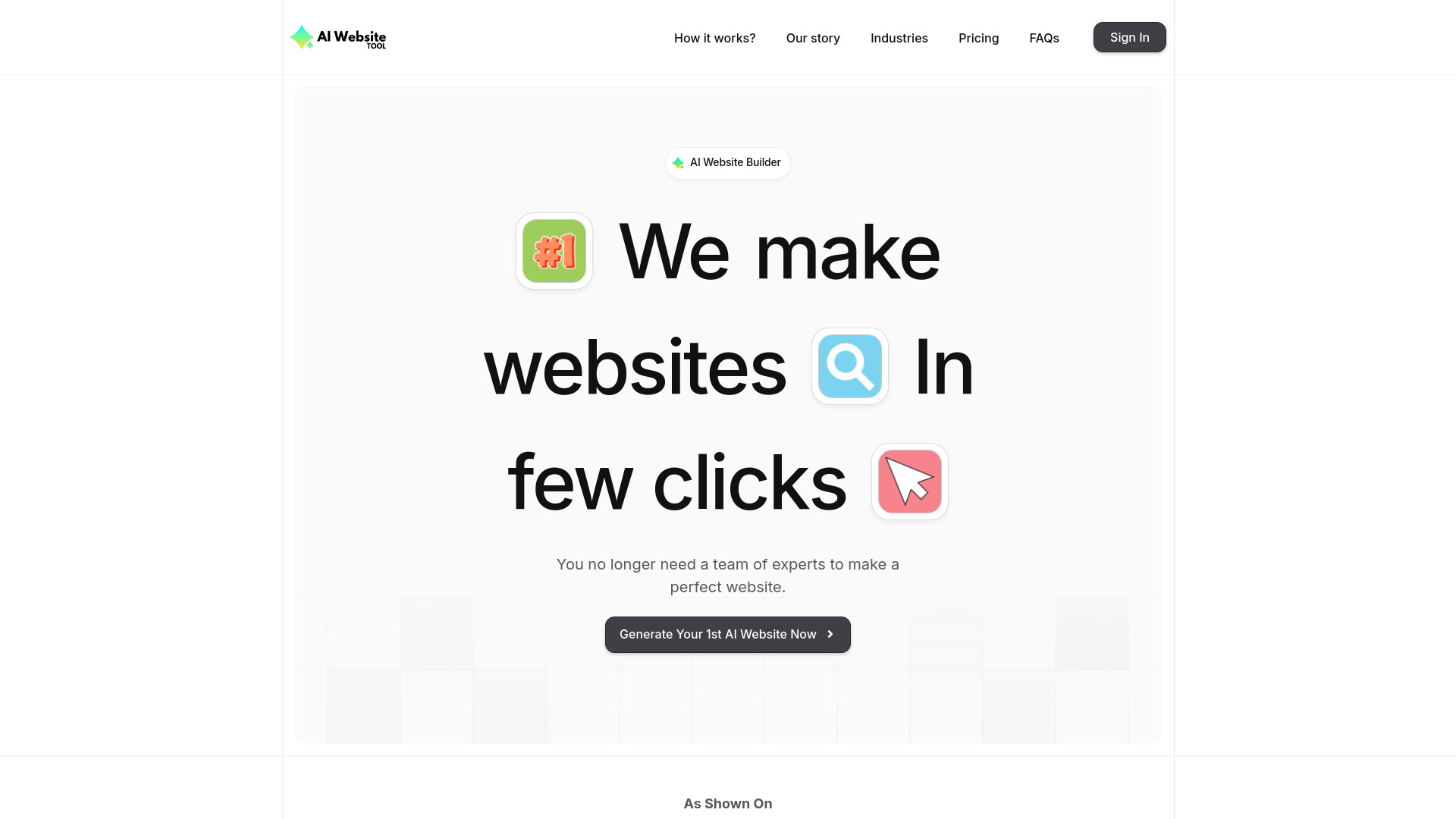
AI Website Tool
Small businesses needing fast AI websites

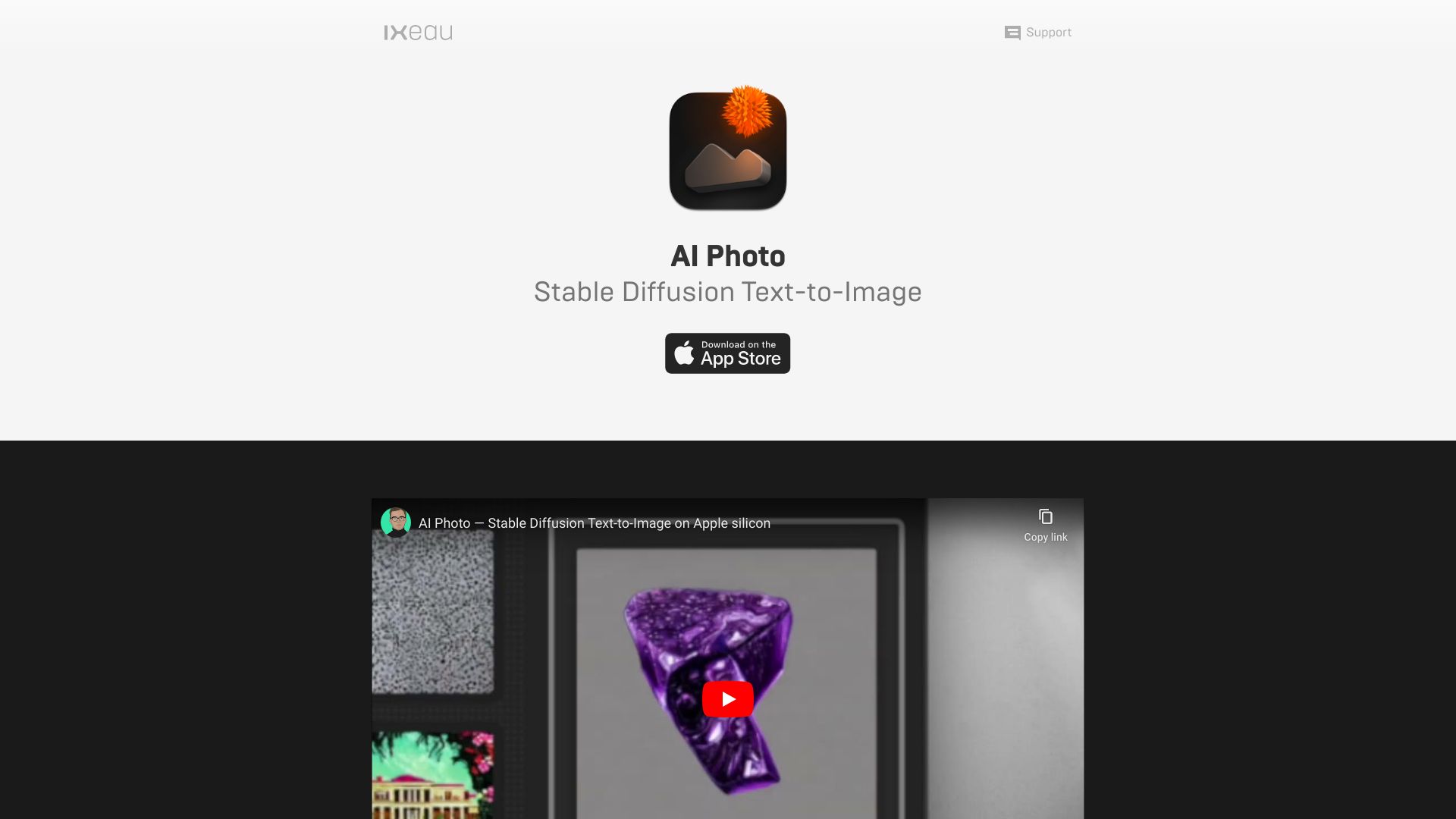
App ahead
Offline text-to-image creation

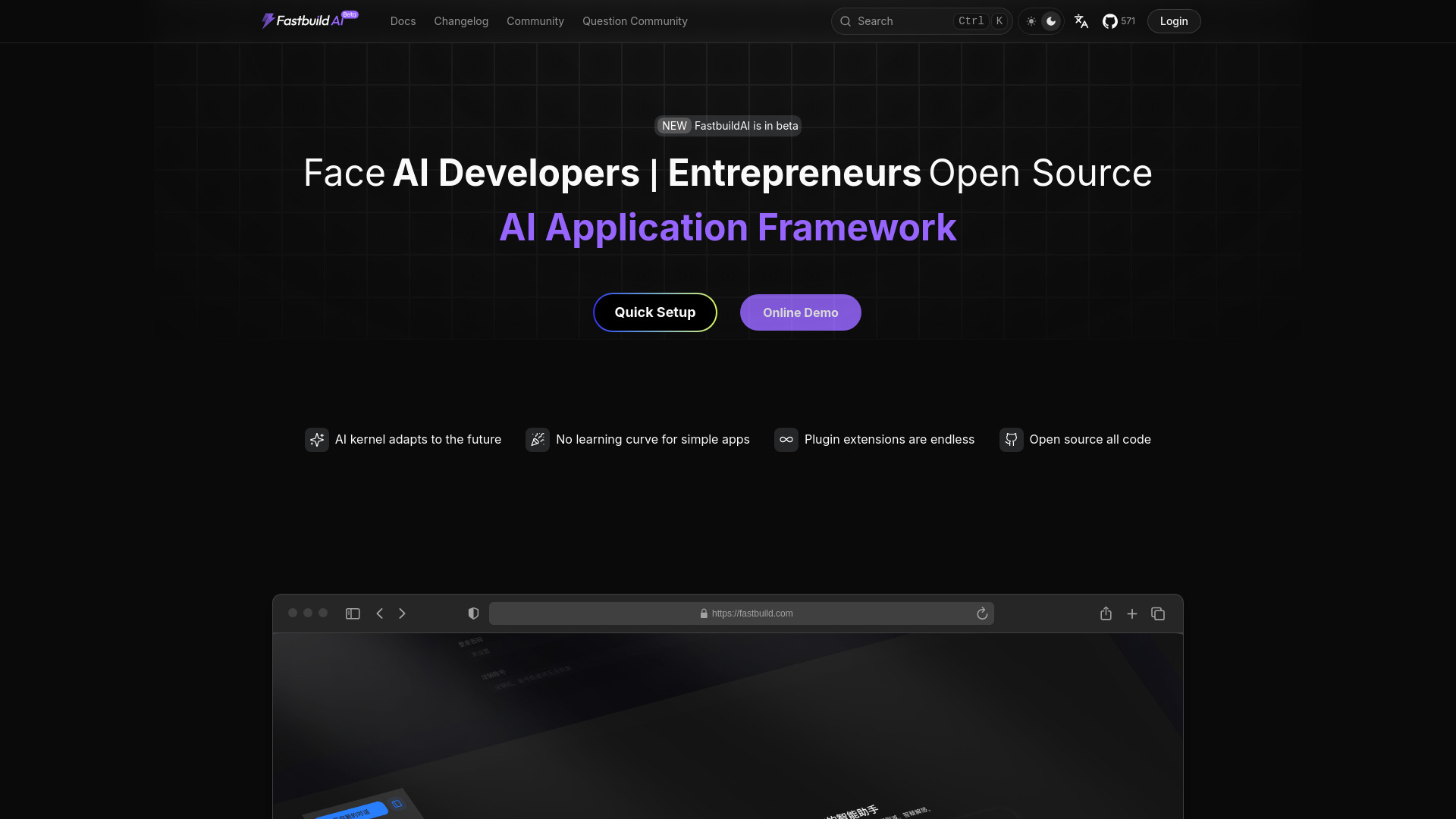
FastbuildAI
Open-source AI app builders

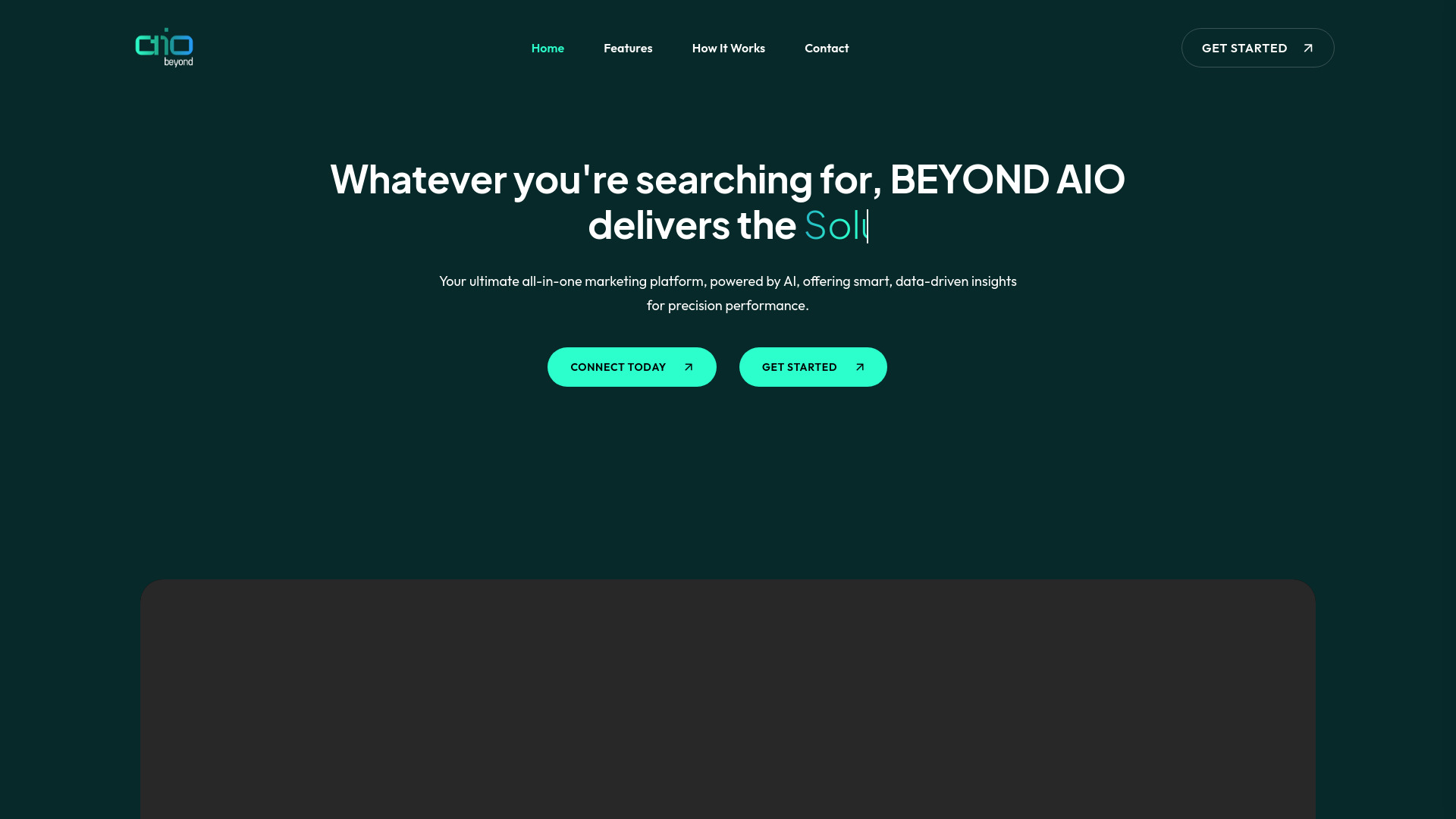
Beyond AIO Tool
AI-powered marketing analytics

BuildUpAI
No-code AI tool builders


AI Spaceship
Website AI chatbots from web pages
Which AI app builder should you choose?
The right choice comes down to the product you are actually trying to make. Start with the output, not the tool's prompt demo.
| Your priority | Best fit | Why |
|---|---|---|
| A balanced web app workflow | UI Bakery | Combines AI App Generator capabilities with drag-and-drop UI editing. |
| A no-code business app or website | Appy Pie | Built for users who do not want to program. |
| A native mobile app | MWM | Focuses on prompt-driven native SwiftUI development. |
| A simple business website | Mobirise AI Website Builder | Offers AI generation, templates, and no-code editing. |
| Design-to-code work | Builder.io | Connects AI conversion with a visual editor and CMS. |
| A screenshot or Figma prototype | OnSpace.AI | Turns visual starting points into interactive app concepts. |
| An interactive game or artwork | Aippy | Specializes in natural-language interactive content. |
| Low-cost build, test, and deployment | NxCode | Covers the delivery loop and starts from $5/month. |
| Exportable landing pages | Aura.build | Generates responsive pages and exports HTML and Figma files. |
| A custom AI copilot | Creao AI | Adds built-in assistant and agentic capabilities to apps. |
For most software developers, UI Bakery is the best first tool to try because it balances speed and control. Small business owners should look at Appy Pie or Mobirise depending on whether they need a broader app platform or mainly a website. Founders with a mobile idea should test MWM, while a founder focused on a low-cost general build should start with NxCode.
The best ai app builders are increasingly specialized. A tool that excels at turning a Figma prototype into an interactive mobile experience may be a poor fit for a content-heavy website. Likewise, a design-to-code platform may deliver more value to a frontend team than a prompt-first builder that looks easier in a demo.
My practical recommendation
I would begin with a deliberately small test rather than trying to build the entire product on day one. Write one concise brief that includes the audience, the main screen, the desired action, and the most important piece of data. Run that brief through two or three candidates that match your output: UI Bakery for a functional web workflow, MWM for native mobile, Aura.build for a landing page, or Creao AI for an AI-enabled internal tool.
Then measure four things:
How much of the first result is usable without rewriting it.
Whether you can make a meaningful change without starting over.
How clearly the tool exposes usage, credits, or plan limits.
Whether you can export, publish, or hand off the result in the format your team needs.
My default recommendation is UI Bakery for a general software team. It has the clearest balance of AI generation, visual control, and a concrete free starting point. NxCode is my budget test pick, and MWM is the specialist pick for native mobile. I would choose Builder.io when an existing frontend team and design system are central to the project rather than treating it as a beginner's builder.
Common mistakes when choosing an AI app builder
Judging the demo instead of the revision loop
A tool can generate an attractive first screen and still become frustrating when you need to change navigation, layout, or behavior. Test the second and third revisions. That is where the real workflow appears.
Treating a website builder as a full app platform
Mobirise AI Website Builder and Aura.build are useful for web pages, but a marketing site is not the same thing as a product with complex app behavior. Match the platform to the output you need.
Ignoring pricing mechanics
A free plan is not automatically a cheap production plan. UI Bakery can vary by usage and features, NxCode uses credits, and some vendors require a demo or sales conversation. Estimate your real generation and execution volume before choosing.
Forgetting portability
If you may move the project later, look closely at export and publishing options. Aura.build explicitly highlights HTML and Figma export, while Mobirise highlights exporting and publishing anywhere. Portability can matter more than a slightly faster first draft.
Asking for too much in the first prompt
A giant prompt makes it harder to tell whether the builder misunderstood the product or simply received too many competing instructions. Start with one workflow, validate it, and add scope in stages.
What changed in 2026
AI app building has become less about generating a single interface and more about supporting different starting points and delivery paths. Prompt-based creation remains important, but screenshot-to-app and Figma-to-live-app workflows now give designers and founders more practical ways to begin. Tools such as Builder.io emphasize the design-to-code handoff, while Aura.build makes export a central part of the workflow.
The category has also split into clearer segments. Some products target native mobile apps, others focus on responsive websites, and newer platforms such as Creao AI put copilots and agentic behavior inside the finished app. At the same time, pricing deserves more attention: free tiers, trials, execution allowances, and credit systems are not interchangeable. In 2026, the best tool is the one whose build model, output format, and usage economics match the project.
FAQ
Appy Pie is the most approachable choice for beginners who want no-code app and website development. Mobirise AI Website Builder is another good starting point when the project is primarily a simple business website.