
Finding the best ai note taking app depends less on the word "AI" and more on what you need captured: a lecture, a meeting, a handwritten page, a voice memo, or a research-heavy workspace. We compared 100 tools across those workflows, then selected 10 featured options that make a meaningful difference to how notes are recorded, organized, summarized, and reused. NoteX is the best overall match for students, while Notion is the more capable choice for teams building a broader knowledge system. The best free ai note taking app for you may instead be Goodnotes, Dictanote, or NoteGPT, depending on whether you prefer handwriting, dictation, or learning content.
Top picks
| Pick | Tool | Best for | Why it stands out |
|---|---|---|---|
| 1 | NoteX | Students | Combines transcription, summaries, AI chat, and smart study material generation. |
| 2 | Voicenotes | Multilingual voice notes | Transcribes voice notes and meetings in 100+ languages. |
| 3 | Goodnotes | Handwritten notes | Adds handwriting recognition and AI spellcheck to a cross-platform notebook. |
| 4 | Notion | Product teams | Connects AI assistance with docs, wikis, projects, and an all-in-one workspace. |
Quick comparison
| Tool | Score | Best for | Free access | Starting price |
|---|---|---|---|---|
| NoteX | 95/100 | Students | 1 AI transcription per day | Basic: $0 |
| Voicenotes | 94/100 | Students | Voice notes and meetings | $12.99/month |
| Goodnotes | 94/100 | Students | 3 notebooks | Free: $0 |
| Notion | 93/100 | Product teams | Unlimited for individuals | Free: $0/member/month |
| NoteGPT | 93/100 | Students | 15 quotas/month | Free plan |
| Talknotes | 93/100 | Professionals | 7-day free trial | $19.97/month |
| Lynote | 93/100 | Students | Free scan and download | Check vendor pricing |
| ScreenApp | 93/100 | Educators | 3 AI credits | Free plan: $0/month |
| Audionotes.app | 93/100 | Professionals | Voice notes to structured text | $69.99/year |
| Dictanote | 93/100 | Writers | 10 three-minute voice notes | Free |
How we ranked these AI note-taking apps
We ranked these AI note-taking apps on four practical questions: how well each tool turns raw input into usable notes, how broad its capture options are, how clearly its free and paid access is presented, and whether its feature set fits a real audience. Transcription accuracy and summarization carried particular weight for voice-first products. We also considered handwriting support, multilingual coverage, AI chat, content formats, workspace depth, and usage signals. Scores are editorial signals rather than guarantees of output quality for every accent, subject, or workflow. A tool with a narrower focus could outrank a larger platform when it solved one important note-taking job with less friction.
The best AI note taking apps
1. NoteX

NoteX
Best AI note-taking app for students
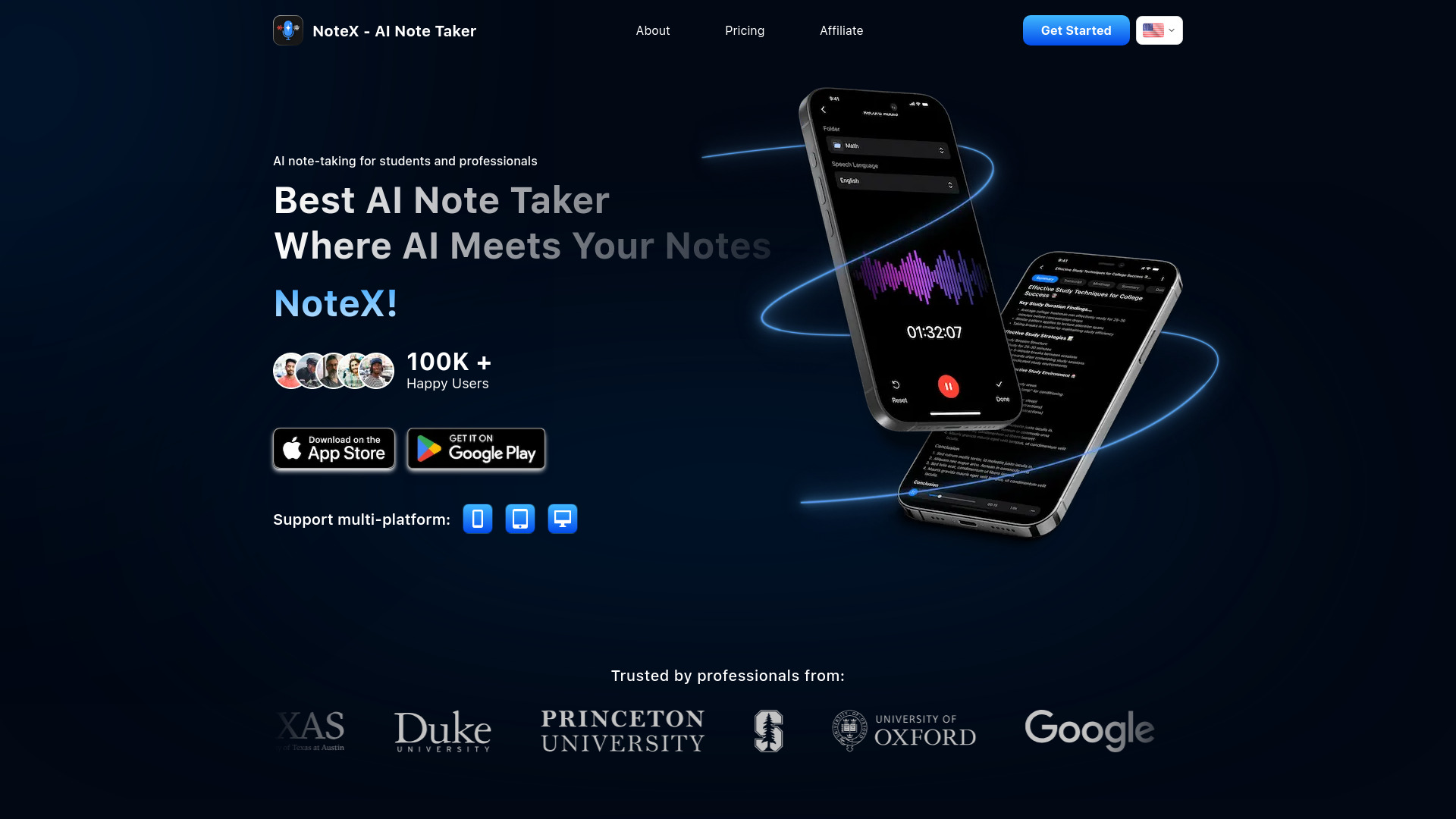
Students get the clearest story from NoteX: capture content, turn it into a summary, then ask questions of the resulting notes. Its AI-powered summarization and AI chat with notes make it more than a place to store lecture material. The standout workflow is the conversion of source content into smart study material, which is exactly the kind of follow-up work that normally takes a second pass through a transcript.
The free access is useful for trying the core experience, with one AI transcription per day, but the limits matter if you record several classes or study sessions daily. NoteX is focused enough to feel approachable, unlike broad workspaces that ask you to design your own system before you can benefit from it.
My take: NoteX is the strongest first choice when the end goal is learning, not simply archiving. I like the combination of transcription, note chat, and study-material generation because the features reinforce one another.
Where it falls short: The free plan has limited features, so regular students should check the paid upgrade and daily usage limits before making it their permanent notebook.
Key features
AI-powered summarization for turning source material into shorter notes.
AI chat with notes for follow-up questions and review.
Smart study material generation built around learning workflows.
AI transcription with one free transcription per day.
Pros
Accurate transcription.
Strong fit for students who need notes transformed into study material.
Combines capture, summarization, and review in one workflow.
Cons
Limited features in the free plan.
The student-focused feature set may be less useful for project documentation.
Choose NoteX if: You want a focused student tool that converts lectures or source content into summaries and study-ready material.
2. Voicenotes
Voicenotes
Best multilingual voice note app for students
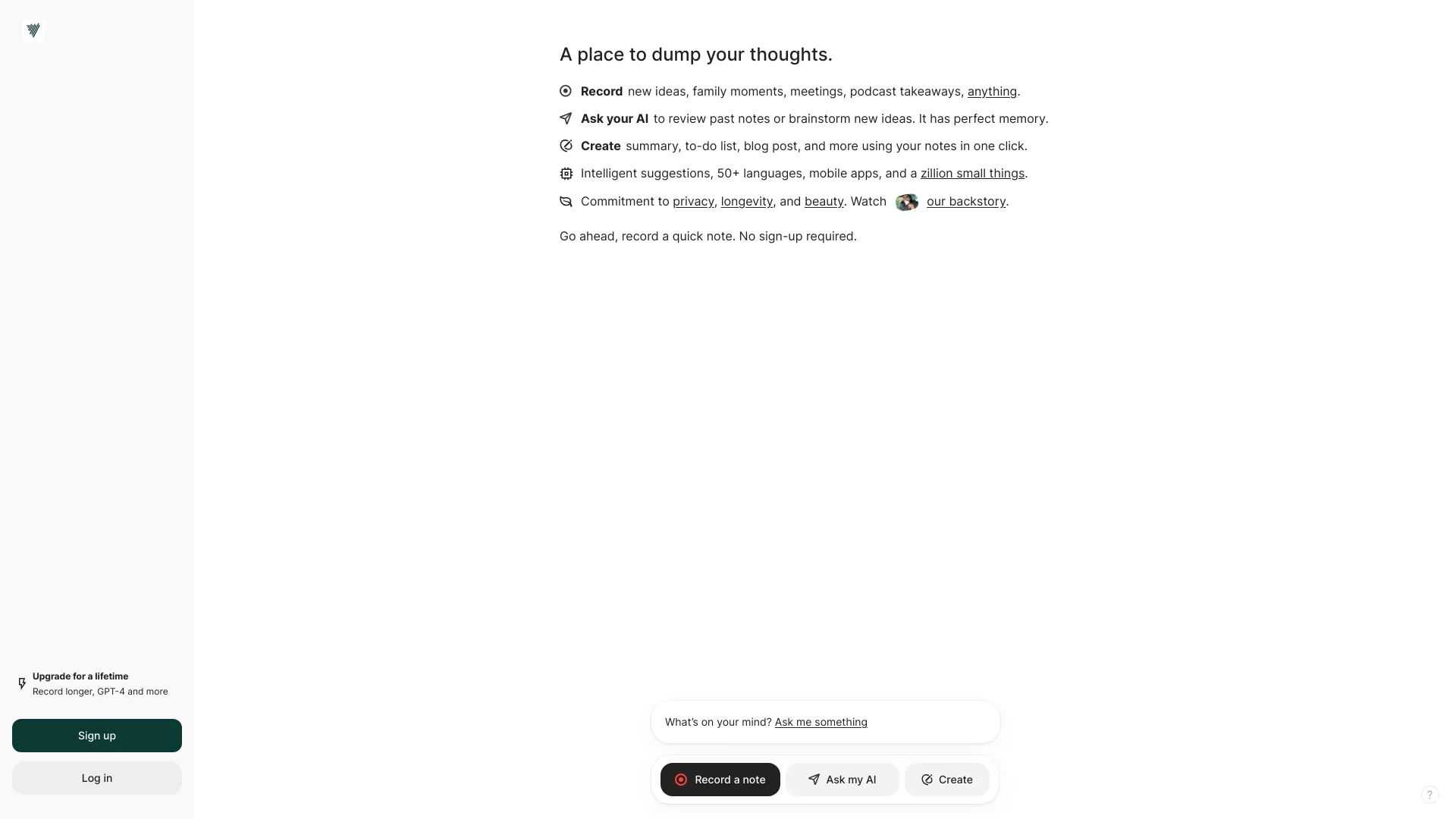
Voicenotes earns its place through breadth of language support rather than a sprawling workspace. It transcribes voice notes in 100+ languages and also handles meeting recording and summarization. That makes it a natural choice for multilingual students, language learners, and anyone whose spoken notes move between languages or contexts.
The product also extends beyond transcription with AI-powered insights and content creation. In practice, that means a voice memo can become something more useful than a raw transcript. The tradeoff is straightforward: the Individual plan costs $12.99 per month or $79.99 per year, and that can be a meaningful commitment if you only record occasionally.
My take: Voicenotes is one of the easiest recommendations for voice-first users who need language coverage. It is more compelling than a generic notes app when speaking is faster than typing and multilingual capture is non-negotiable.
Where it falls short: Pricing may be a barrier for light users, particularly when a simple text notebook would cover most of their needs.
Key features
Voice note transcription in 100+ languages.
Meeting recording and summarization.
AI-powered insights from recorded material.
Content creation from voice notes.
Pros
Accurate transcription.
Exceptional language coverage for a note-taking product.
Supports both personal voice notes and meetings.
Cons
Pricing may be a barrier for some users.
Users who need handwritten notes or a project database may need a different tool.
Choose Voicenotes if: You want to speak your notes in many languages and turn recordings or meetings into summaries and reusable content.
3. Goodnotes

Goodnotes
Best AI note-taking app for handwritten notes
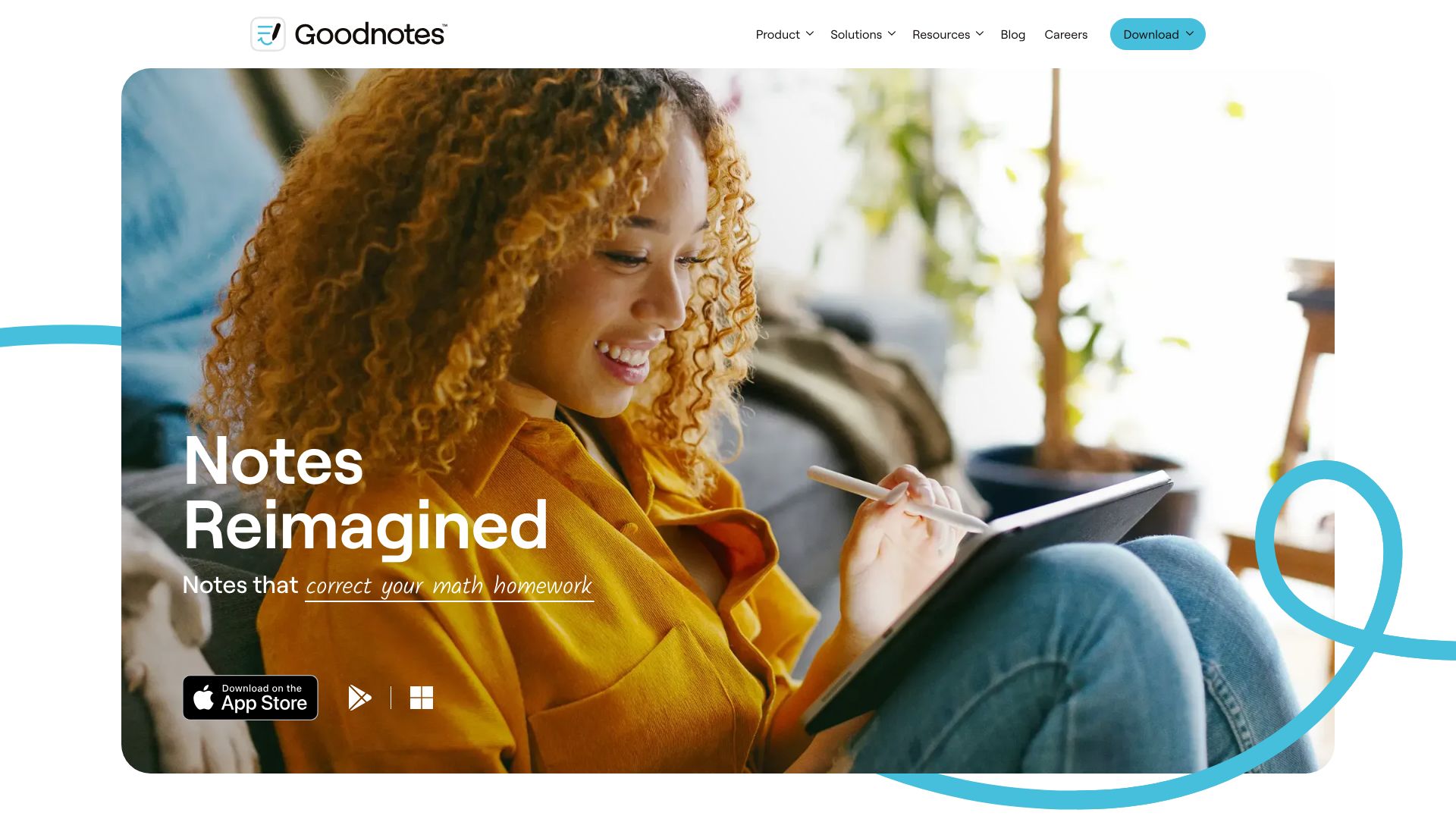
Goodnotes takes a different route to intelligent notes. Instead of centering the experience on meeting transcripts, it starts with the notebook: handwriting recognition and AI-powered spellcheck for handwriting make handwritten pages more searchable and easier to clean up. That distinction matters for students who annotate slides, sketch diagrams, or retain information better with a stylus.
It is also cross-platform, which reduces the friction of moving between devices. The free tier includes three notebooks, enough to test whether digital handwriting fits your study routine. Goodnotes is not the obvious pick for someone who wants automatic meeting minutes, but it is a strong answer to the question of what is the best AI for note taking when your notes begin as handwriting.
My take: I love Goodnotes for users who think on the page. Its AI features support the notebook instead of forcing a voice-first workflow, and the cross-platform availability broadens its appeal.
Where it falls short: Some capabilities are platform-specific, including audio recording on Apple devices. Check the feature experience on your own hardware before committing.
Key features
Handwriting recognition.
AI-powered spellcheck for handwriting.
Cross-platform availability.
Free access to three notebooks.
Pros
Cross-platform availability.
Excellent fit for handwritten study and annotation workflows.
AI features improve handwritten material without replacing it.
Cons
Some features are platform-specific.
The workflow is less suited to users whose notes begin with meetings or voice memos.
Choose Goodnotes if: You take handwritten notes with a stylus and want recognition and spellcheck layered into a familiar notebook experience.
4. Notion

Notion
Best AI note-taking workspace for product teams
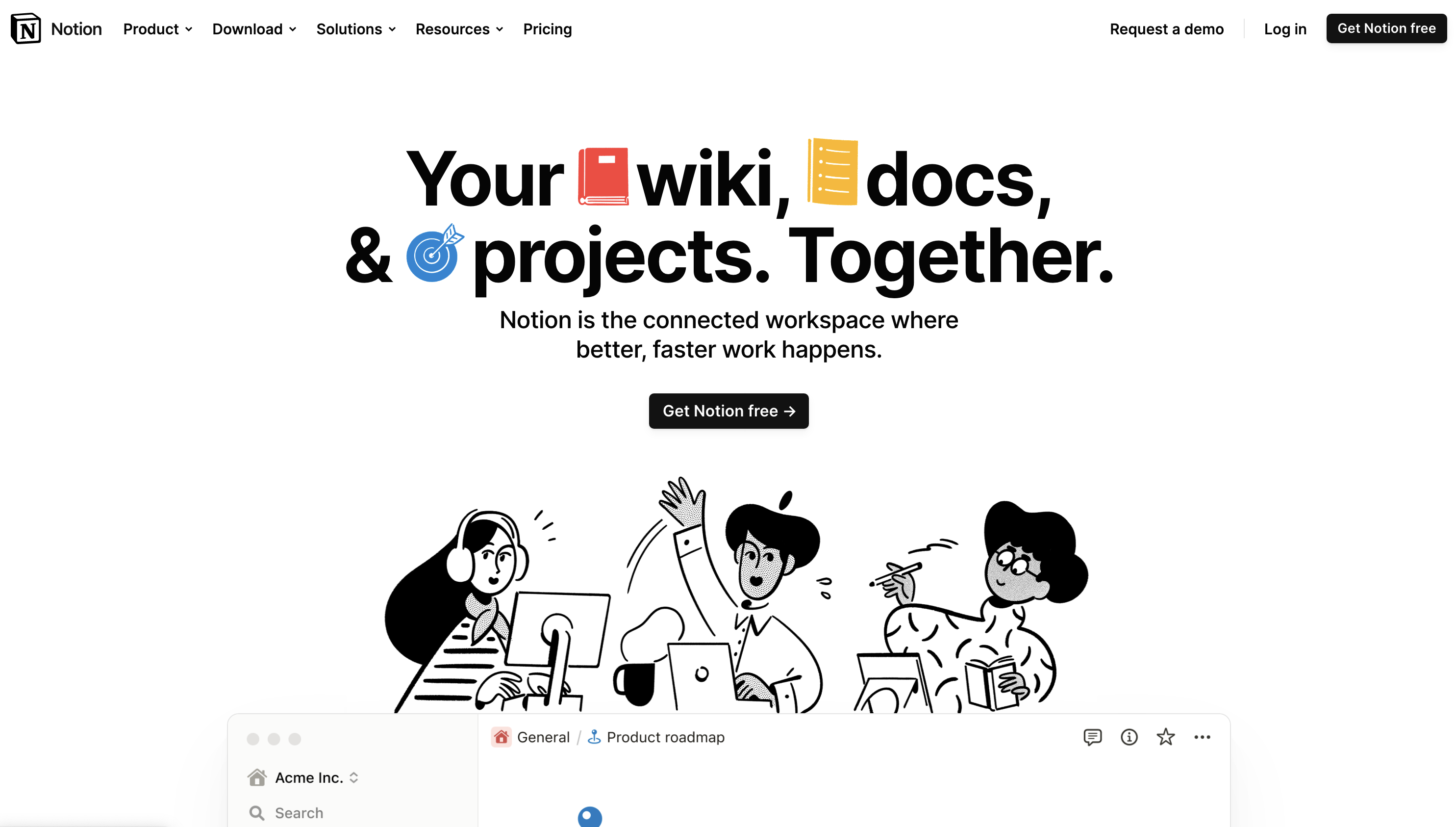
Notion is the broadest option in this lineup. Notes sit alongside documents, wikis, and projects, while the AI Assistant helps users work with information inside that larger workspace. For product teams, that context is the main advantage: a meeting note can live near project plans and documentation rather than disappearing into a personal notebook.
The free plan is generous for individuals, and the starting price shown here is $0 per member per month. But breadth introduces setup decisions. Notion can be overwhelming for new users, especially if they are only trying to capture quick notes and do not need a database-like workspace around them.
My take: Notion is the right choice when notes are part of a team operating system. I would not choose it solely for fast dictation, but I would choose it when documentation, projects, and shared knowledge need to stay connected.
Where it falls short: New users can spend too much time designing pages, databases, and structures instead of taking notes. Its flexibility is valuable only when your team is willing to establish conventions.
Key features
AI Assistant for working with workspace content.
Document creation.
All-in-one workspace for wikis, docs, and projects.
Unlimited access for individuals on the free plan.
Pros
All-in-one workspace.
Strong fit for team documentation and product work.
Free individual access makes experimentation easy.
Cons
Can be overwhelming for new users.
Its broad workspace model may be excessive for simple personal notes.
Choose Notion if: Your notes need to connect to team documents, wikis, projects, and an ongoing knowledge base.
5. NoteGPT

NoteGPT
Best AI note-taking app for learning content
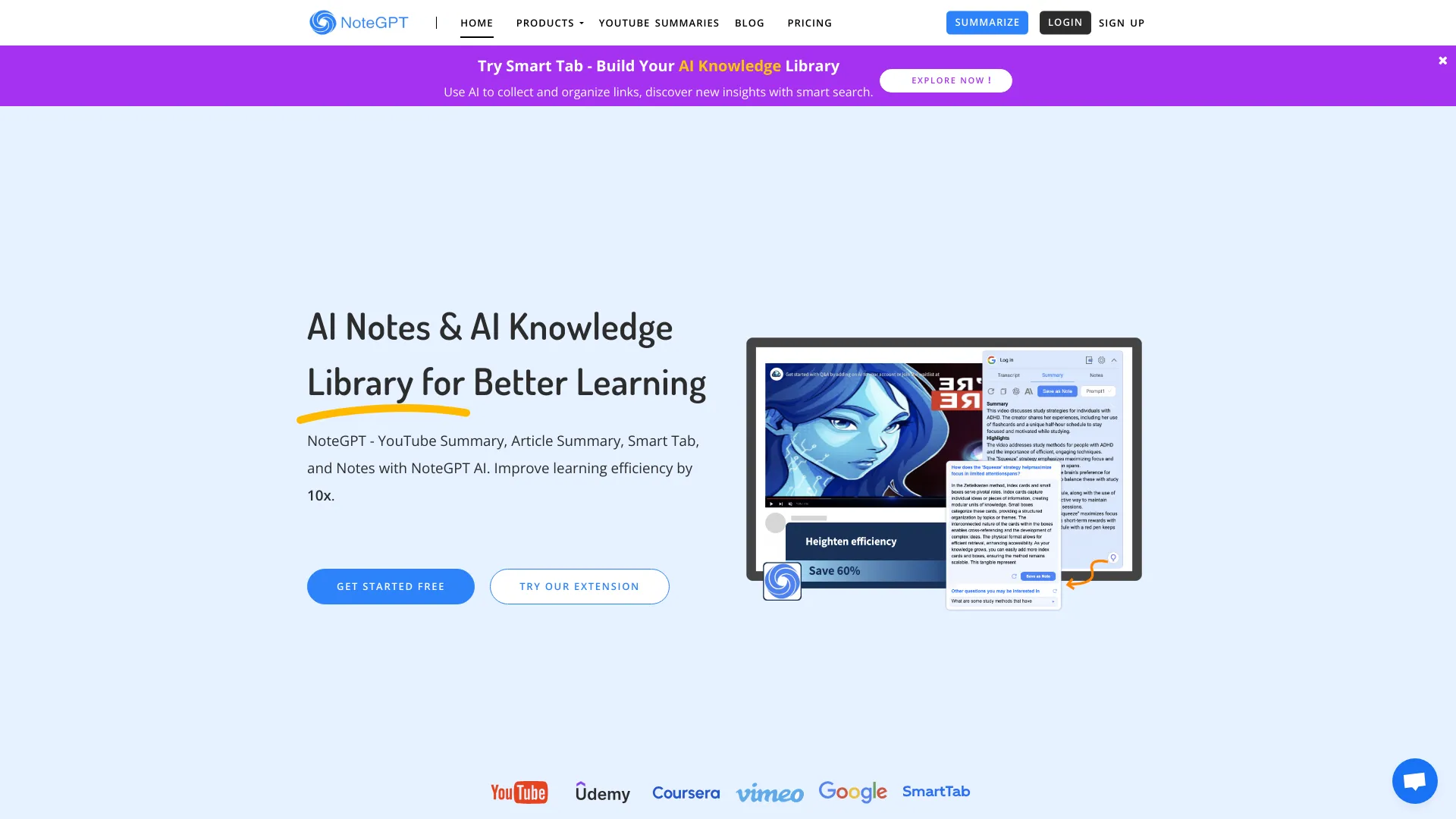
NoteGPT is built around the learning problem of turning long content into something manageable. It supports AI summarization for videos, articles, and text, then adds Q&A and chatting with an AI assistant. Automated snapping for note-taking gives the tool a more active role than a blank editor, particularly when the source material is a long video or article.
The free plan provides 15 quotas per month, which is enough to test the workflow but not necessarily enough for intensive daily study across multiple courses. NoteGPT's large usage signal reflects broad interest, but the practical question is whether your content volume fits the quota model.
My take: NoteGPT is a useful choice for students who spend more time consuming content than attending live meetings. It is one of the best free ai note taking app candidates for trying learning-focused summaries before paying.
Where it falls short: The free plan has limited usage quotas. Heavy users should calculate how often they summarize videos, articles, and text rather than assuming the free tier will cover a full semester.
Key features
AI summarization of videos, articles, and text.
Automated snapping for note-taking.
Q&A and chatting with an AI assistant.
Content-generation support for learning workflows.
Pros
Strong fit for video- and article-heavy study.
Boosts learning efficiency by reducing manual summarization work.
Free tier gives users 15 quotas per month to evaluate the product.
Cons
Free plan has limited usage quotas.
Its content-consumption focus may be less useful for handwritten or team notes.
Choose NoteGPT if: You want an AI learning assistant that summarizes long videos, articles, and text and lets you ask questions about them.
6. Talknotes

Talknotes
Best AI voice note app for professionals
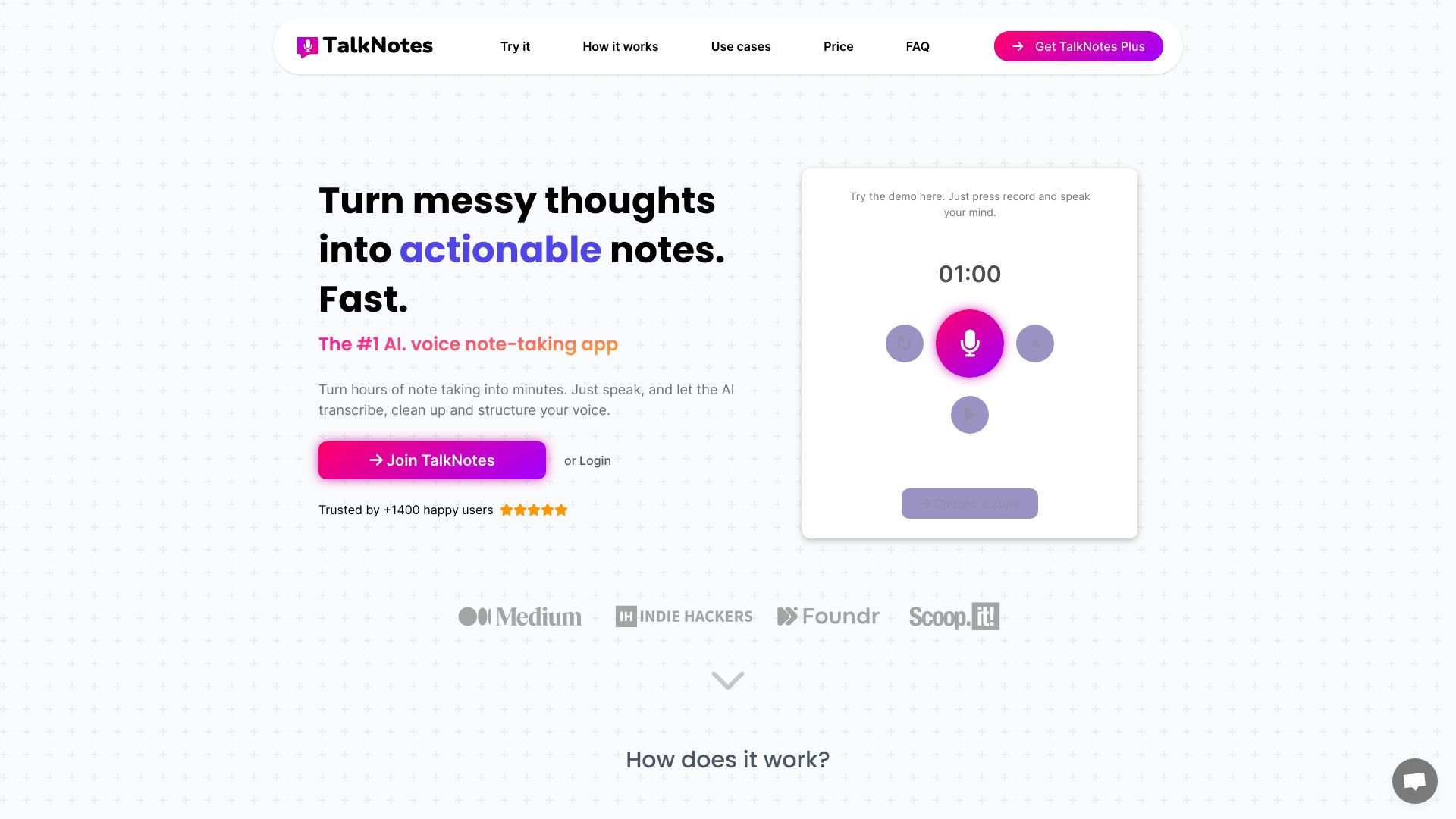
Talknotes focuses on the gap between speaking an idea and getting a usable document. Its AI voice transcription is listed at 99% accuracy, and automatic structuring can format notes into different styles. That makes it well suited to professionals who dictate rough thoughts and want something closer to a transcript, summary, or other finished format.
The seven-day free trial is a sensible way to test recognition and structure on your own voice. After that, the monthly price is $19.97, which places Talknotes above lighter voice-typing options. It also requires an internet connection, an important limitation for travel, poor connectivity, or sensitive offline work.
My take: Talknotes is the best note taking ai option here for turning messy spoken thoughts into organized output. The value is not merely transcription; it is the reduction of cleanup afterward.
Where it falls short: The internet requirement and relatively high monthly starting price make it less attractive for occasional note takers.
Key features
AI-powered voice transcription with 99% claimed accuracy.
Automatic structuring of notes into various styles.
Generation of transcripts, summaries, and other content formats.
Seven-day free trial.
Pros
Saves time by automating note-taking and organization.
Strong fit for professionals who dictate frequently.
Structures raw voice input instead of leaving users with a wall of text.
Cons
Requires an internet connection to use.
$19.97 per month is a substantial starting price for light users.
Choose Talknotes if: You regularly dictate ideas, updates, or source material and want AI to organize the result into a more useful format.
7. Lynote

Lynote
Best AI learning companion for originality checks
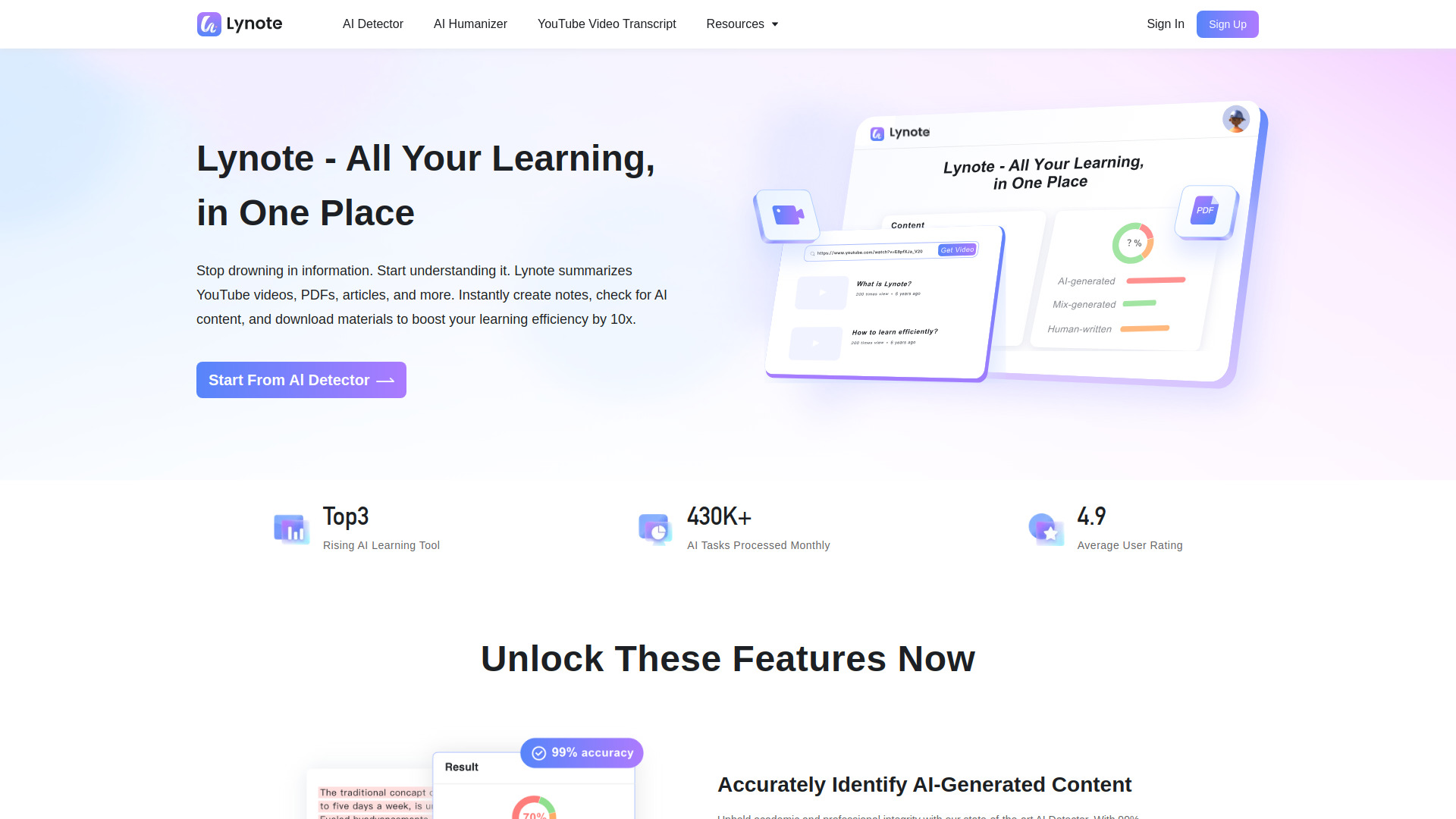
Lynote sits at the more specialized edge of this comparison. It combines an AI detector with originality checking, YouTube transcripts, and learning-oriented capabilities. Its headline strength is a claimed 99% accurate AI detector, while free scan and download access gives users a way to inspect the workflow before making a purchasing decision.
The catch is important: some of the most powerful learning features, including summarization and a study partner, are marked as coming soon. That makes Lynote more of an adjacent learning and originality tool today than a complete replacement for a mature meeting notebook or voice recorder.
My take: Lynote is worth watching for students and educators who care about originality signals alongside source material. I would use it with a clear understanding that its most ambitious study features are not yet fully available.
Where it falls short: Summarization and study-partner features are currently marked as coming soon, and pricing is hidden behind a less specific vendor-pricing path.
Key features
AI detection with a claimed 99% accuracy.
Originality checking and free scan/download access.
YouTube transcript support.
Learning-focused features in development.
Pros
High claimed accuracy for AI detection.
Useful combination of originality checking and source-content handling.
Free scan and download makes initial testing accessible.
Cons
Key learning features are marked as coming soon.
Pricing requires checking directly with the vendor.
Choose Lynote if: You need an originality-focused learning tool and are comfortable with some study features still being developed.
8. ScreenApp

ScreenApp
Best AI notetaking software for educators
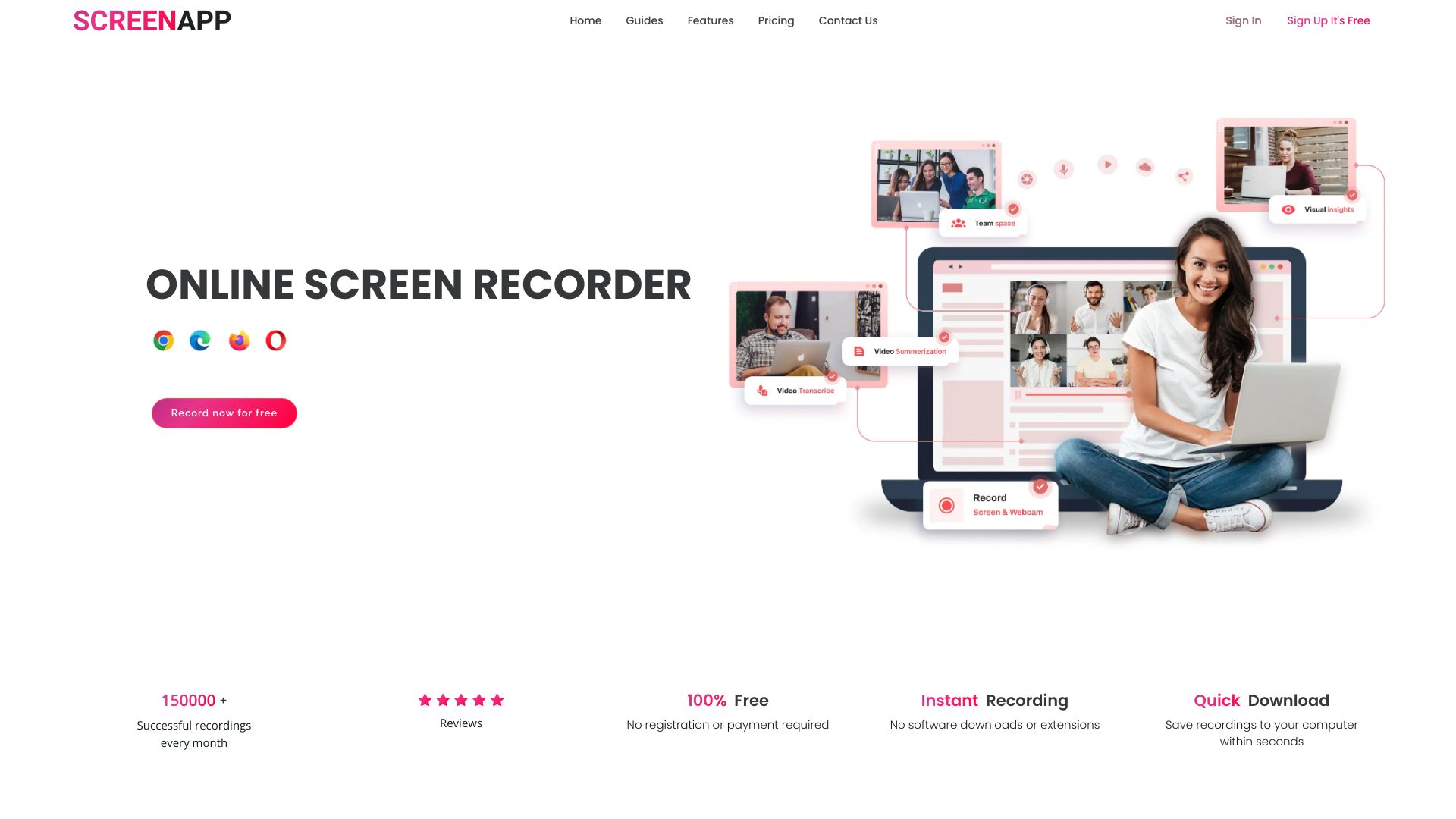
ScreenApp combines a one-click recording experience with AI notetaking, transcription, and summarization. That makes it particularly practical for educators who need to capture audio or video and quickly produce a usable record of the session. The recording-first approach also suits tutorials, demonstrations, and other screen-led material better than a conventional text notebook.
Three free AI credits are enough to test the core path from recording to transcript and summary. Advanced features require paid plans, so the free tier is better viewed as a trial than as a complete long-term workflow for frequent recording.
My take: ScreenApp has a clear advantage when the thing you need to remember is happening on screen. The one-click recording feature lowers setup friction, which matters more than an overloaded menu when a class or demonstration is already underway.
Where it falls short: Advanced features require paid plans, and users seeking only quick text notes may find the recording layer unnecessary.
Key features
AI Notetaker.
Transcription for recorded content.
Summarizer for audio or video material.
One-click recording.
Pros
Easy to use with one-click recording.
Strong fit for educator-led audio and video workflows.
Combines recording, transcription, and summarization.
Cons
Advanced features require paid plans.
The free tier includes only three AI credits.
Choose ScreenApp if: You teach, present, or explain from a screen and want recordings converted into transcripts and summaries with minimal setup.
9. Audionotes.app
Audionotes.app
Best multi-input AI note-taking app for professionals
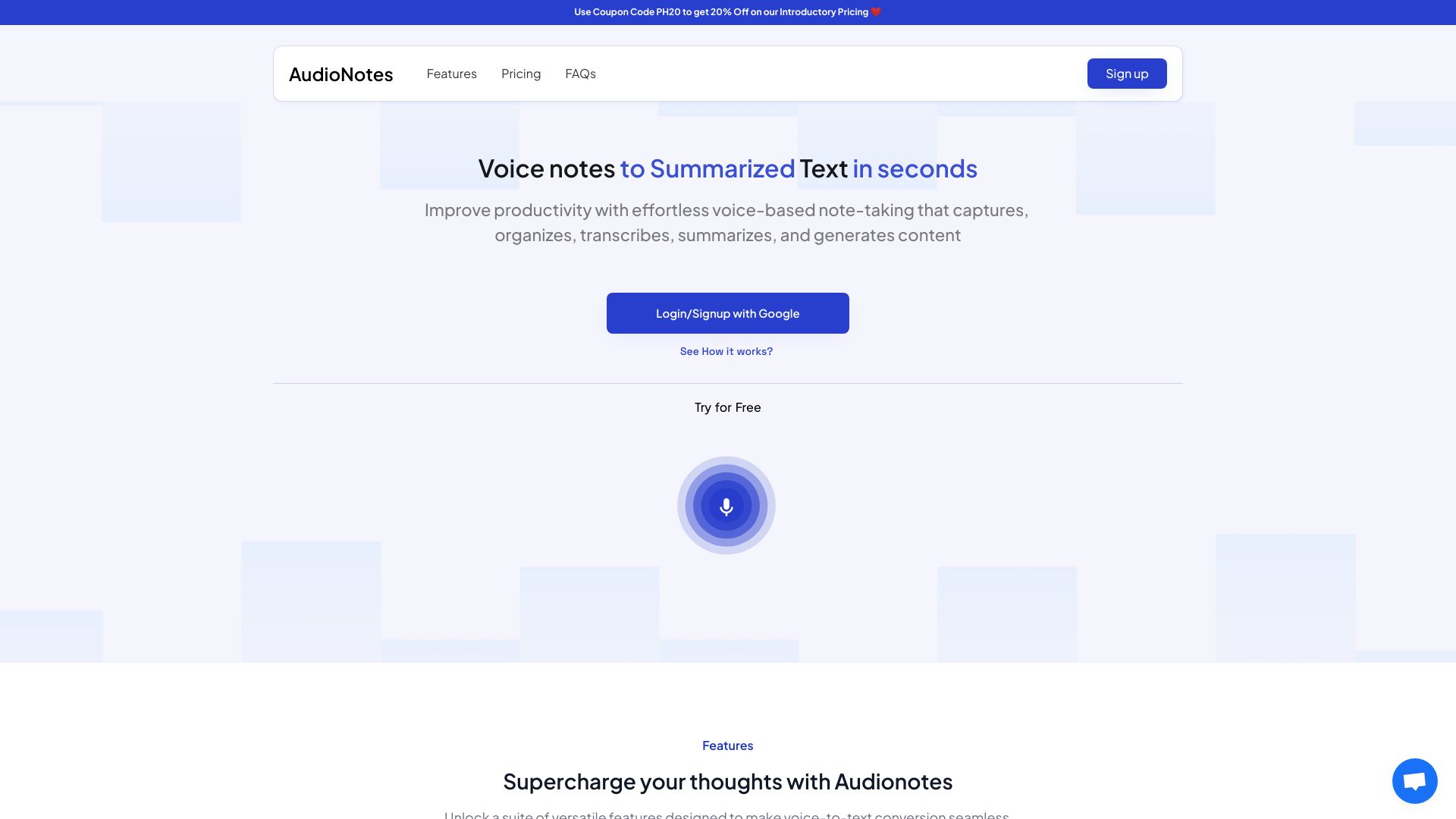
Audionotes.app is designed for people whose information arrives in several formats. Alongside voice and text, it supports images, audio, video, and YouTube as inputs, then applies AI transcription and summarization to turn that material into structured notes. That broad input support is the reason to choose it over a voice-only tool.
For professionals, the appeal is consistency: different kinds of source material can enter one note-taking workflow instead of living in separate apps. The Personal plan is listed at $69.99 per year, while unlimited access requires a subscription. Occasional users should therefore test how often they will use the multi-format capture before paying for the full experience.
My take: Audionotes.app is a strong fit for information-heavy work where a voice memo, screenshot, video, and article all belong to the same project. It is less compelling if you only need a fast dictation pad.
Where it falls short: Unlimited access requires a subscription, and the wide feature set may be more than a simple personal note workflow needs.
Key features
AI-powered transcription and summarization.
Input from voice, text, images, audio, video, and YouTube.
Structured notes from varied source material.
Capture and chat-oriented note workflows.
Pros
Saves time by automating note-taking.
Handles more input formats than most voice-first tools.
Strong fit for professionals working across mixed media.
Cons
Subscription required for unlimited access.
Multi-format breadth may be unnecessary for basic notes.
Choose Audionotes.app if: Your research and work notes come from voice, text, images, audio, video, and YouTube rather than one consistent source.
10. Dictanote

Dictanote
Best AI note-taking app for writers
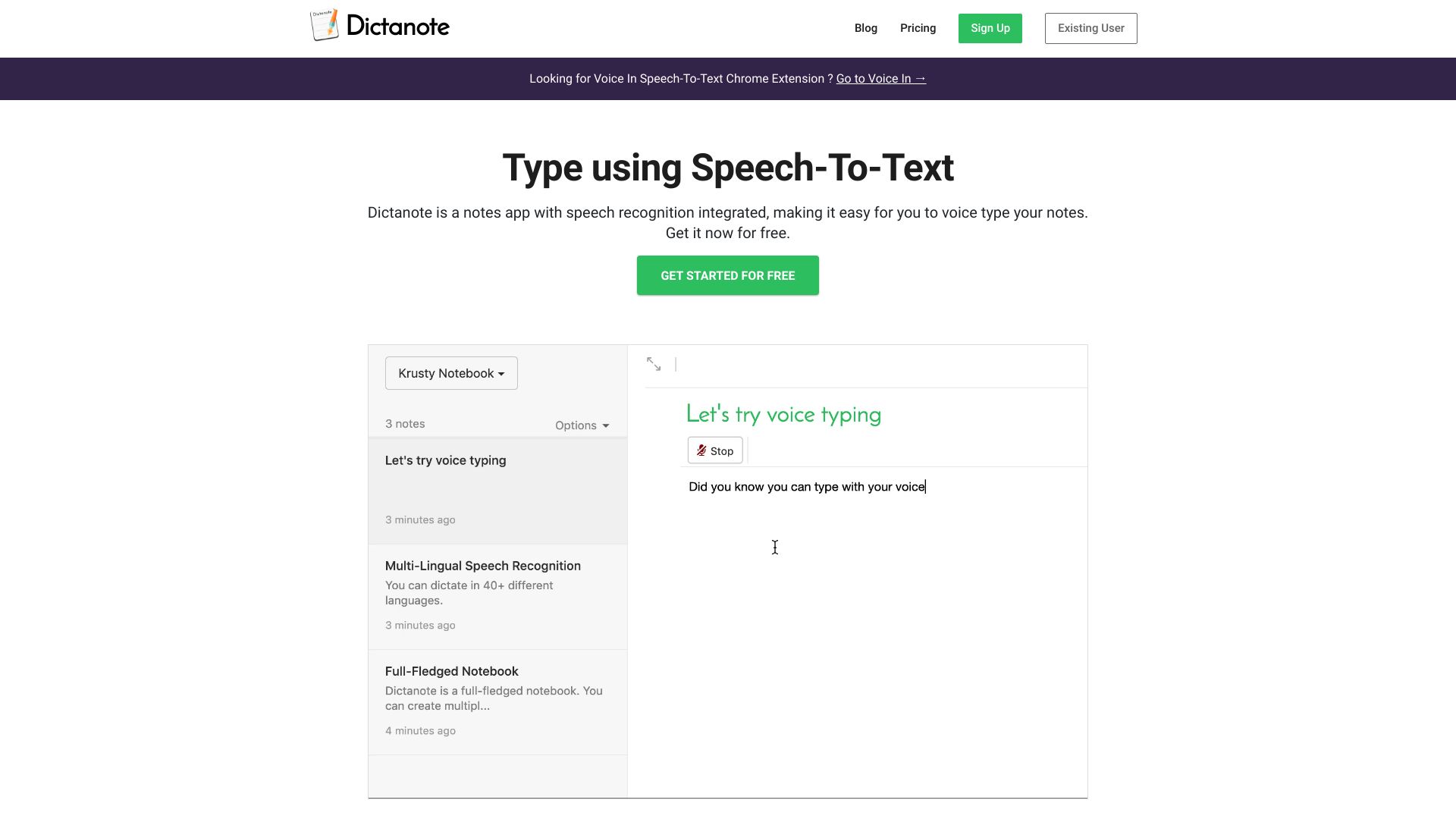
Dictanote keeps the central workflow simple: speak, transcribe, and continue writing. It supports speech-to-text in 50+ languages and real-time transcription, making it a practical fit for writers who think aloud, capture interviews, or need to get ideas out before the wording disappears. AI summarization adds a second layer for condensing longer material.
The free access includes ten three-minute AudioScribe voice notes, which is a clearly defined way to test the product. Dictation requires an internet connection, however, so it is not a reliable choice for offline capture. Its free starting price and language support give it a particularly approachable position among the best ai note taking apps.
My take: Dictanote is the sensible low-commitment choice for writers who mainly need accurate speech recognition. It does not try to become a full project workspace, and that restraint is part of its appeal.
Where it falls short: Internet-dependent dictation can interrupt the workflow when connectivity is poor, and users wanting advanced meeting intelligence may prefer a more specialized recorder.
Key features
Speech-to-text in 50+ languages.
Real-time transcription.
Voice typing notes.
AI summarization.
Pros
Accurate speech recognition.
Free starting option with ten three-minute voice notes.
Strong multilingual support for writers and frequent dictation users.
Cons
Dictation requires an internet connection.
The focused dictation workflow may not replace a shared workspace or handwritten notebook.
Choose Dictanote if: You want an accessible, multilingual speech-to-text tool for writing ideas and real-time voice capture.
More tools to compare

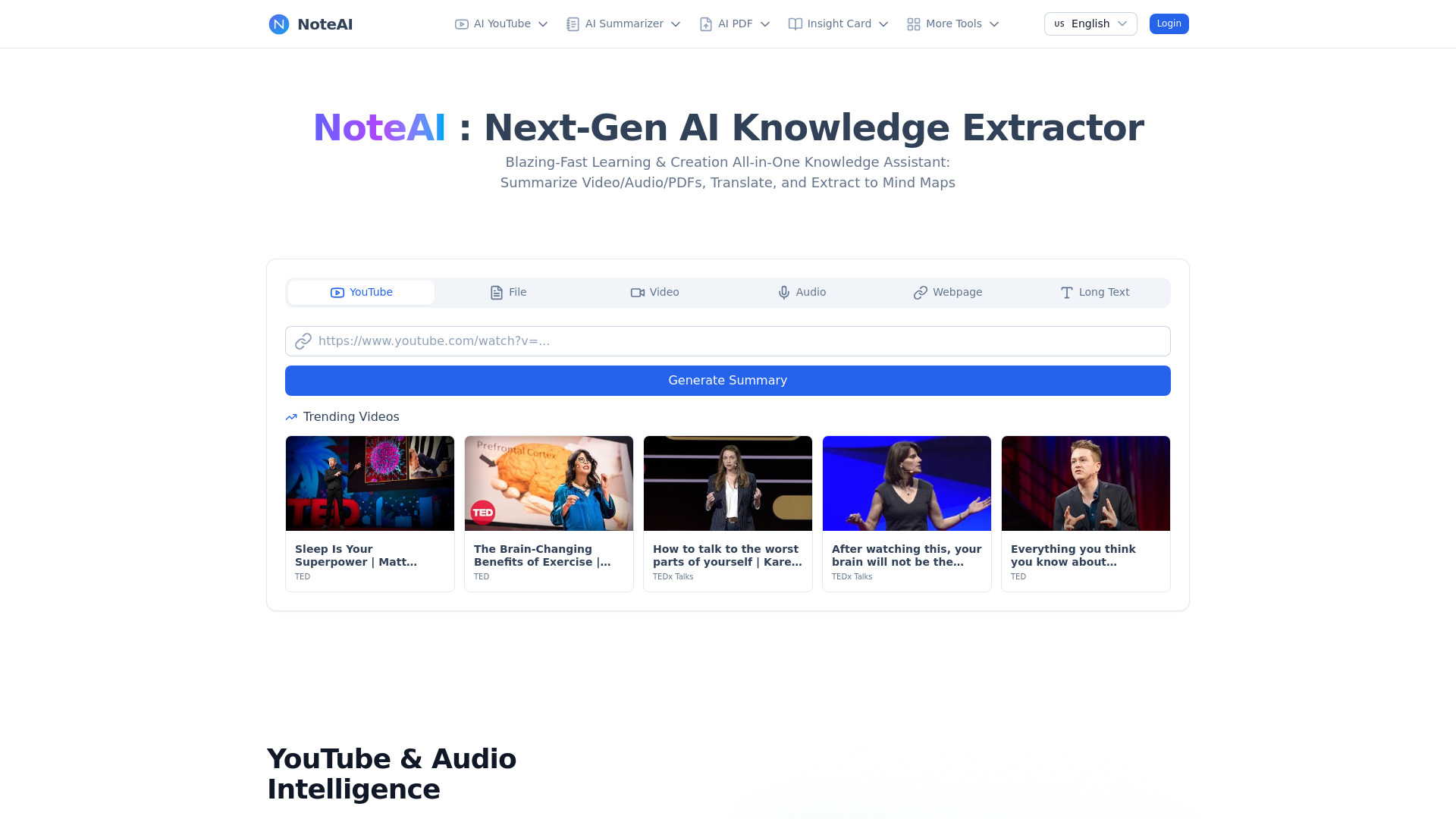
NoteAI
YouTube, PDF, and document summaries

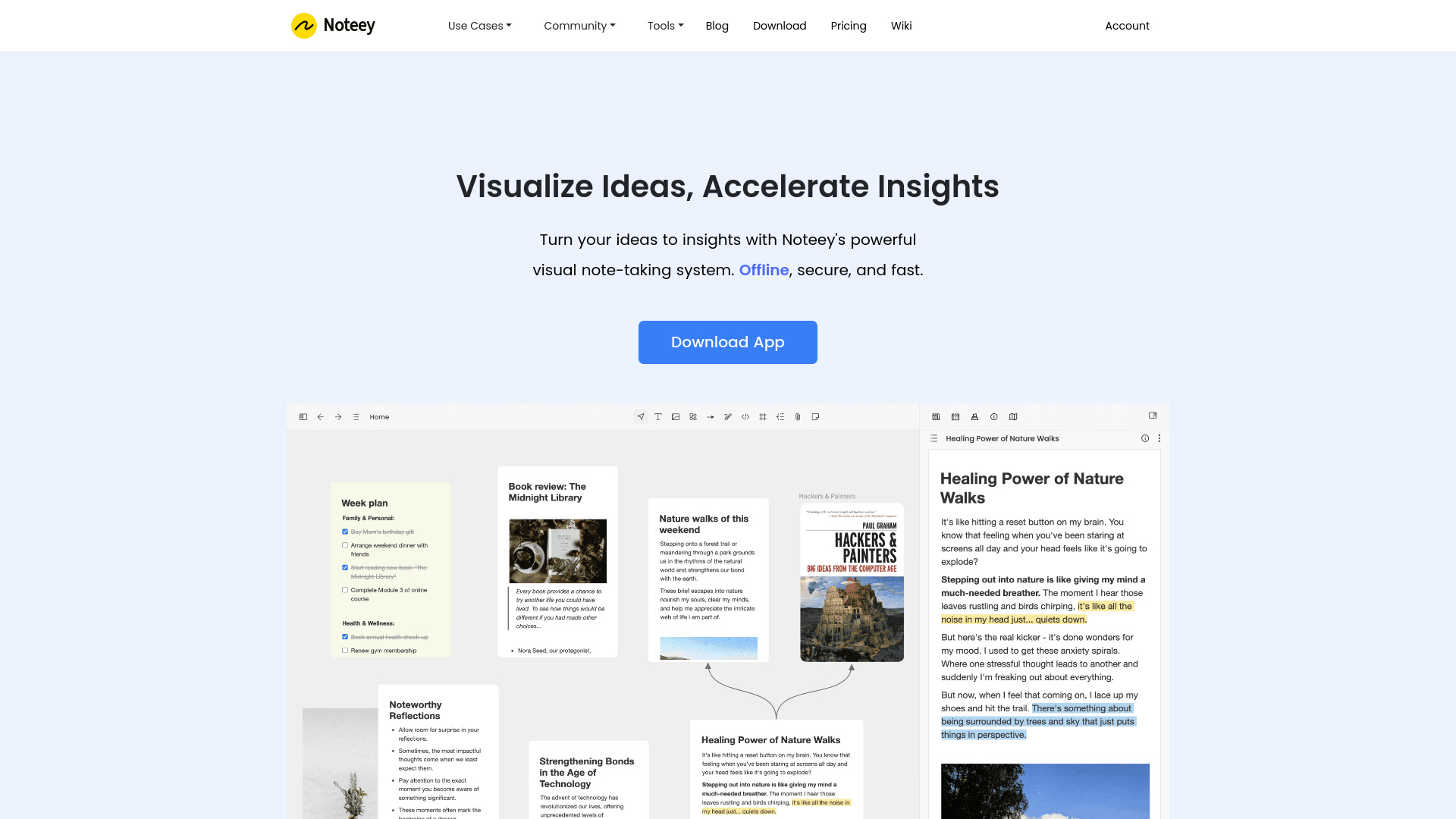
Noteey
Visual research and knowledge mapping

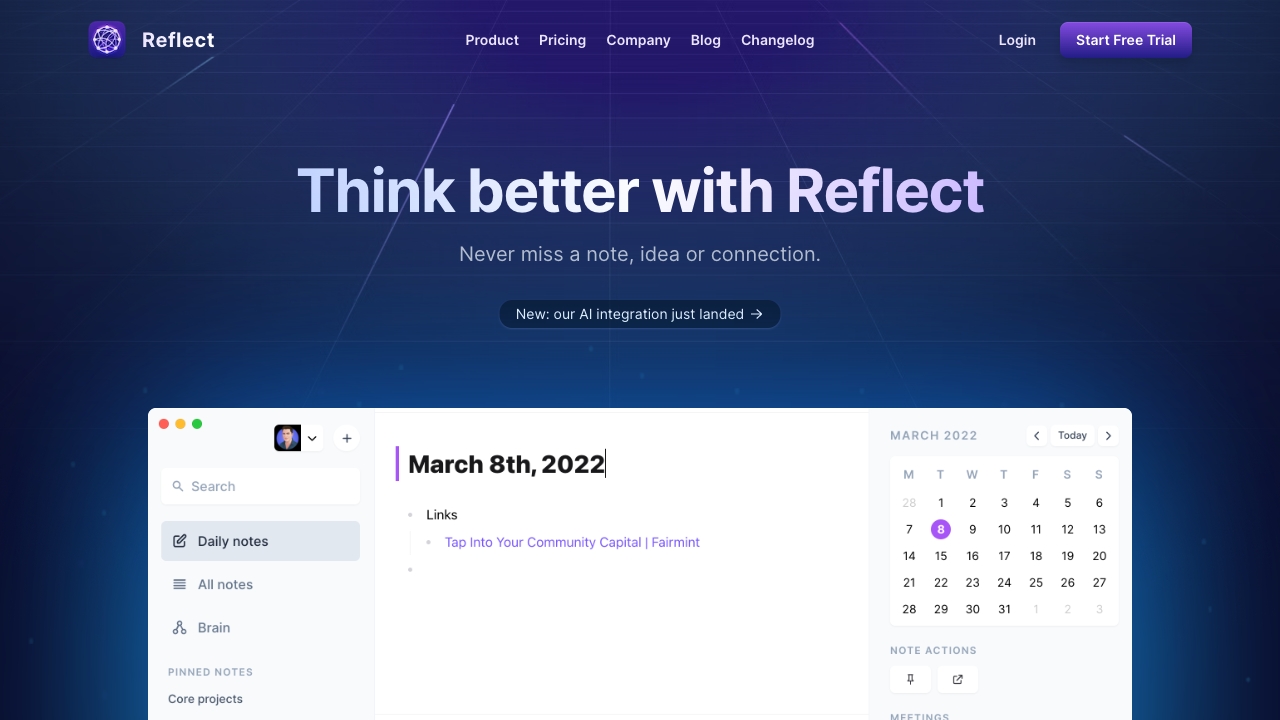
Reflect Notes
AI-assisted connected note-taking

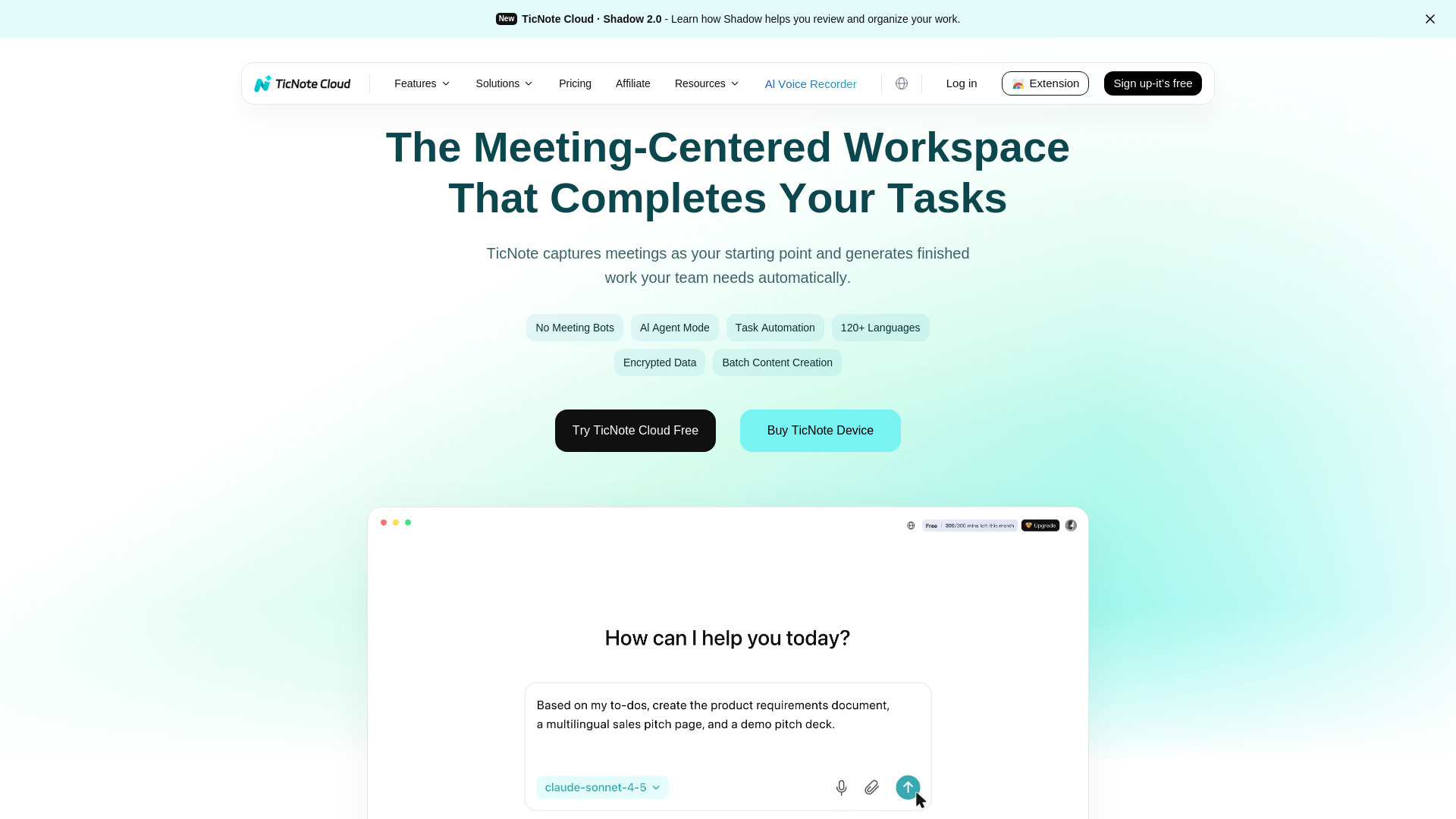
TicNote Cloud
Meeting transcription and project workspaces

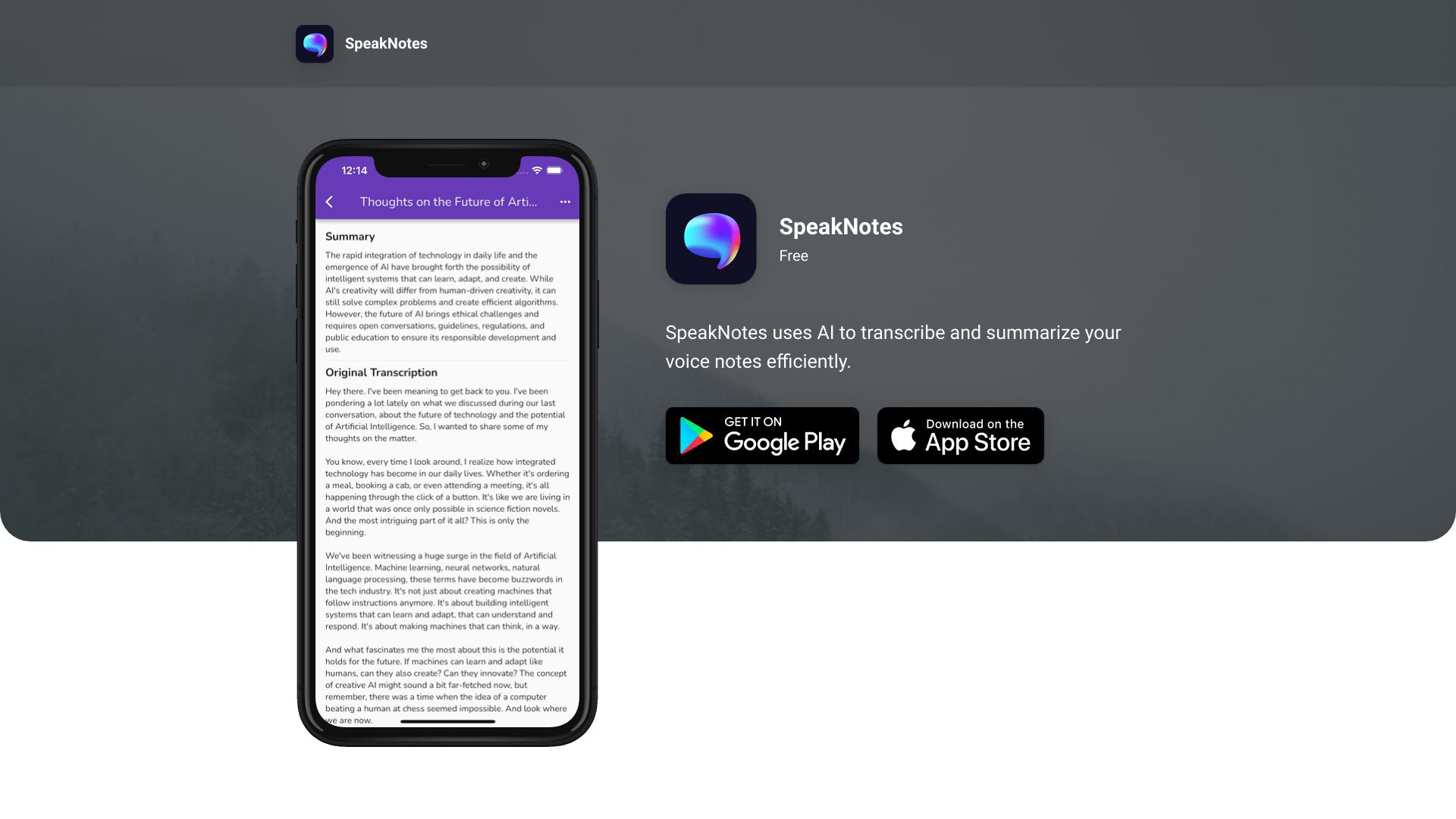
EasyNoteAI
Audio, video, and PDF note organization
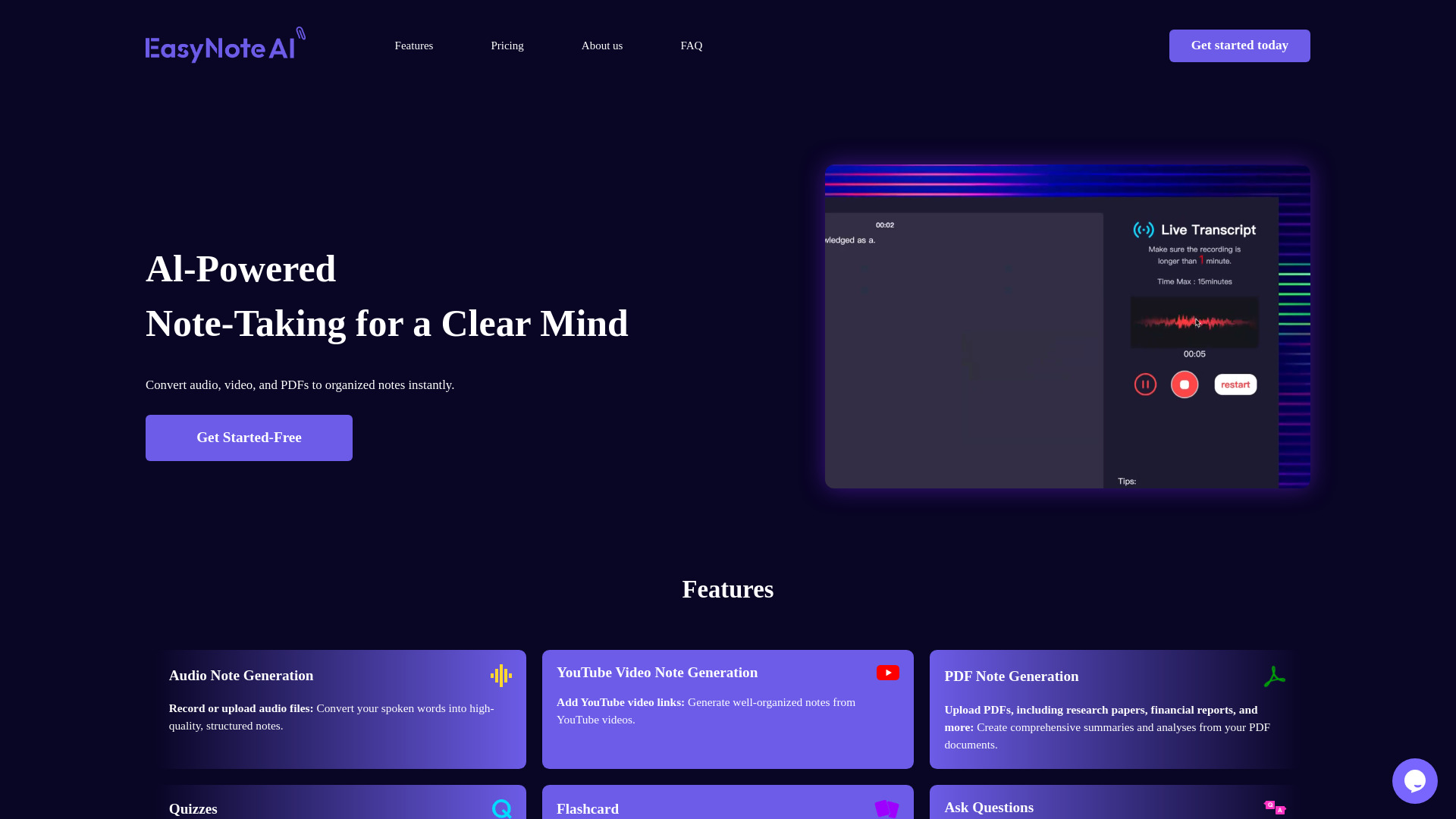

Lecha
Students turning lectures into study materials

remio
Local-first personal knowledge management
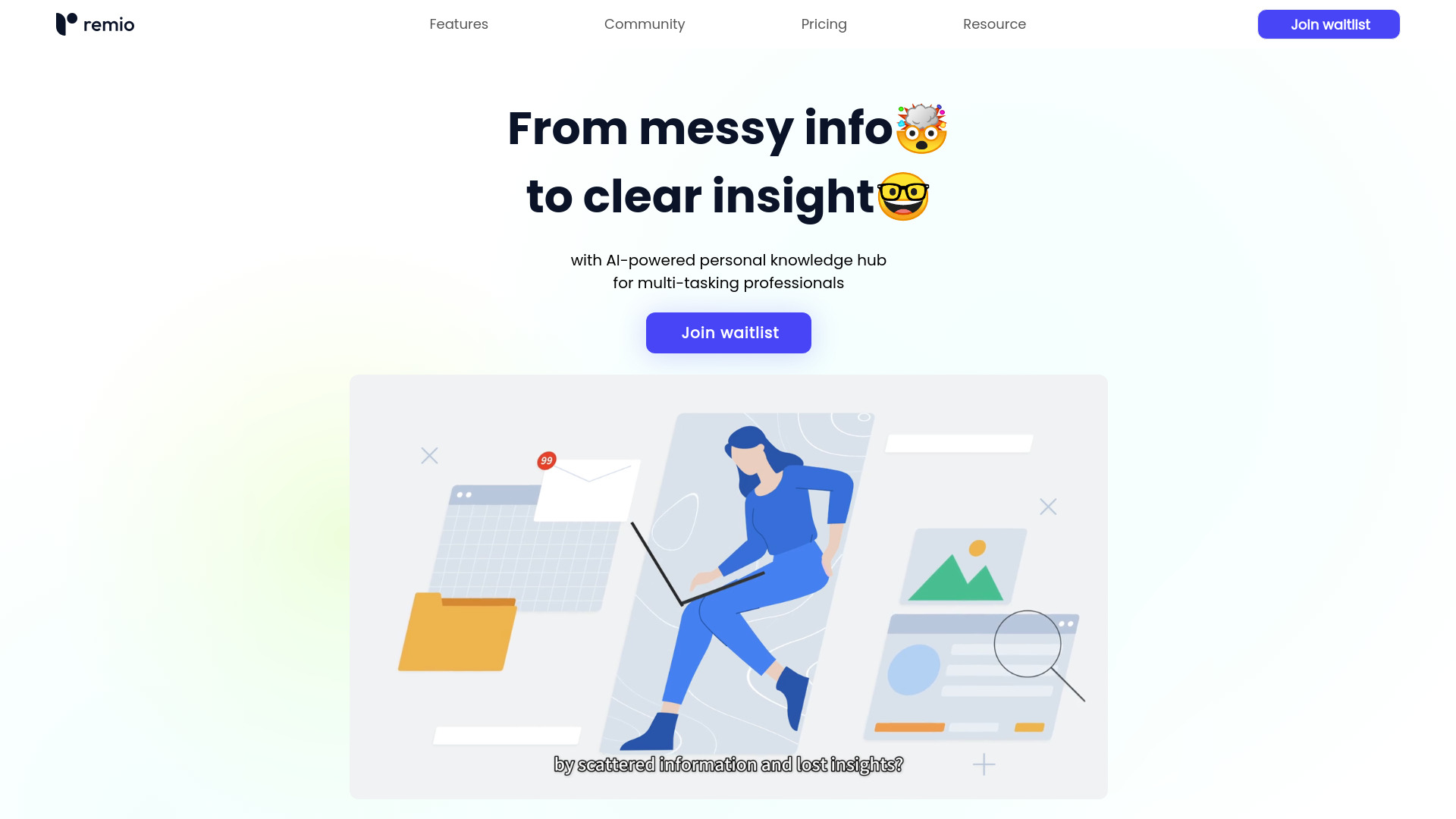

SpeakNotes
Audio and video note summarization

Text2Note
Students and researchers

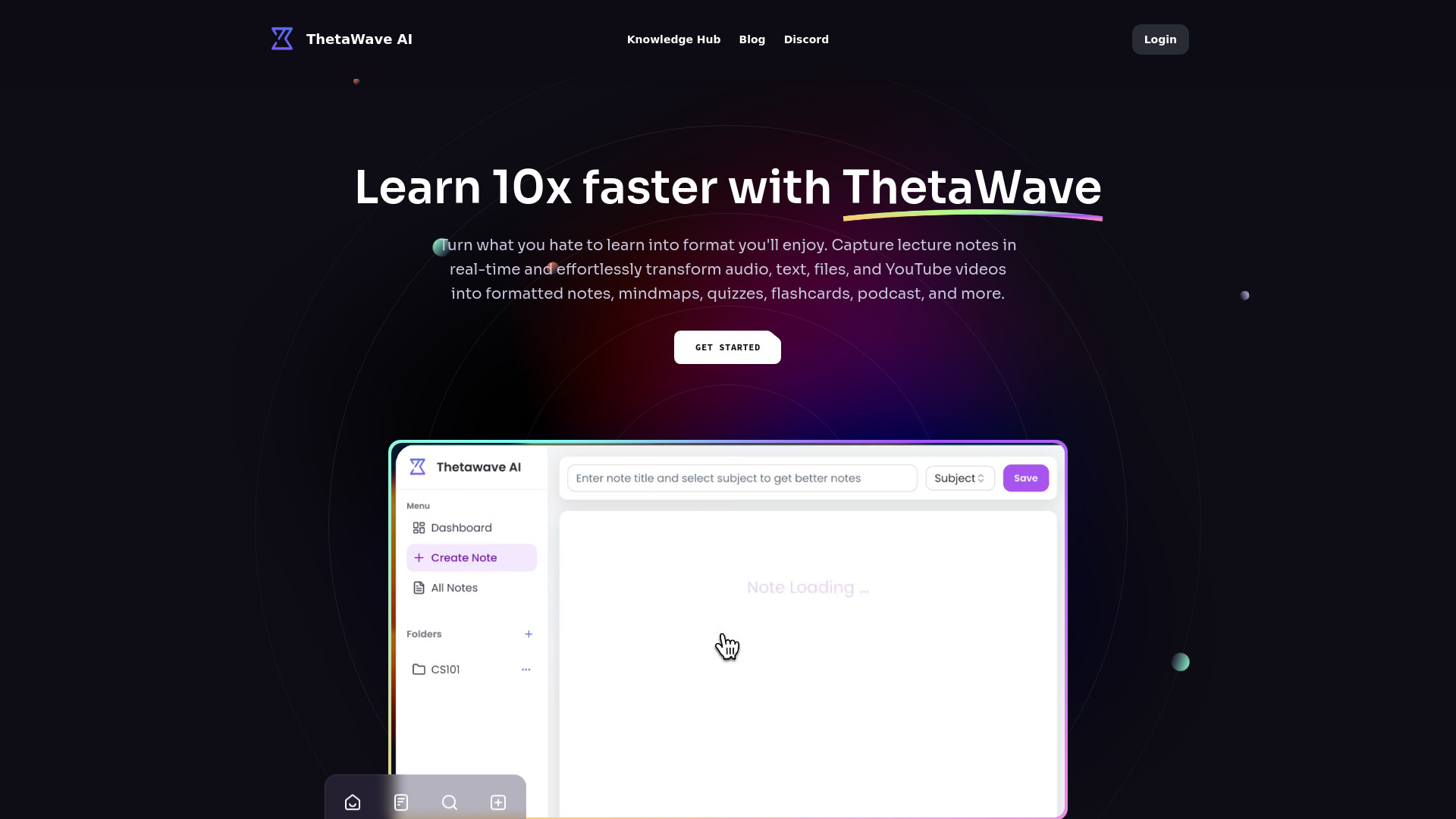
Thetawave AI
College lecture notes
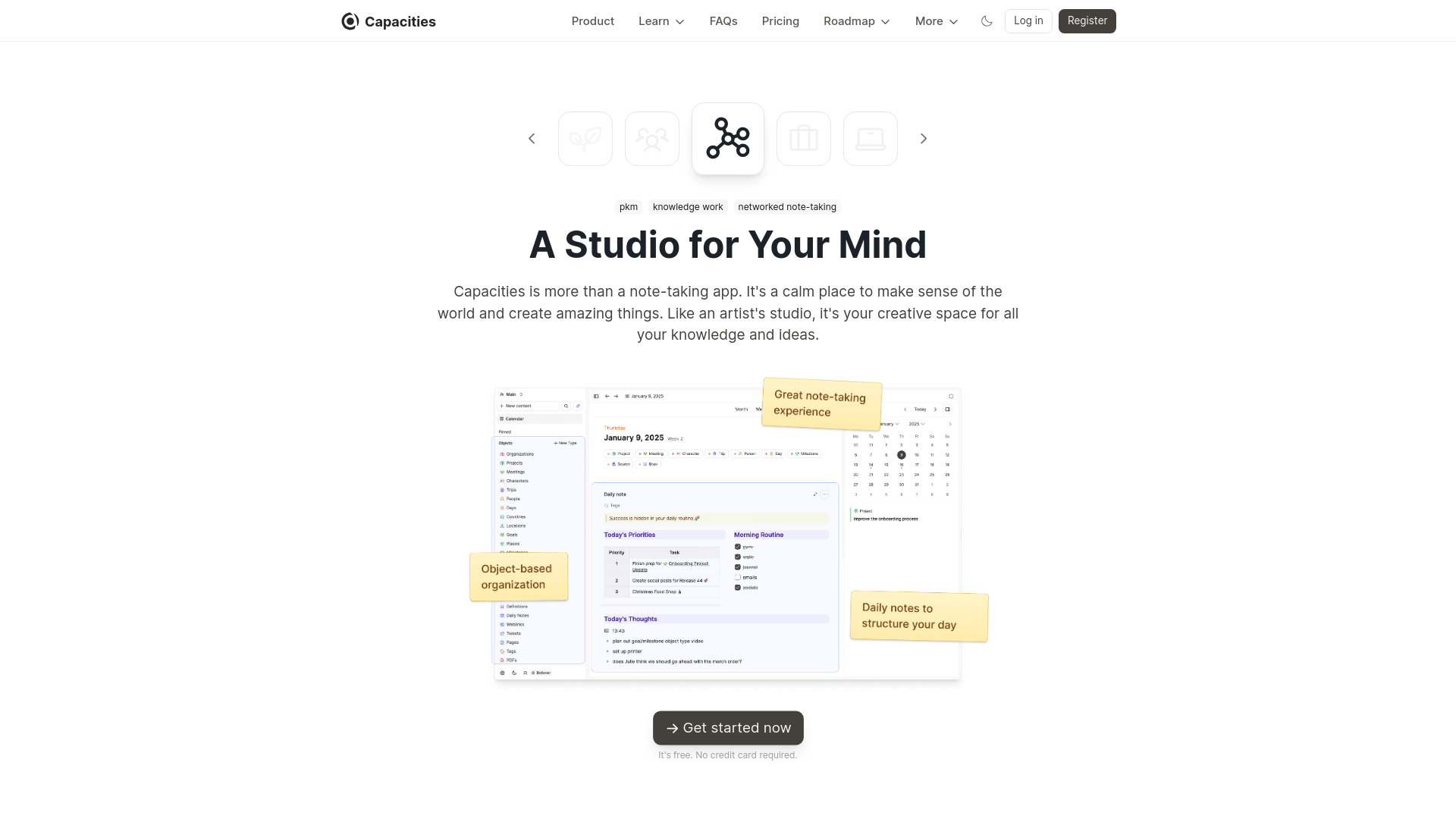
Capacities
Networked note-taking

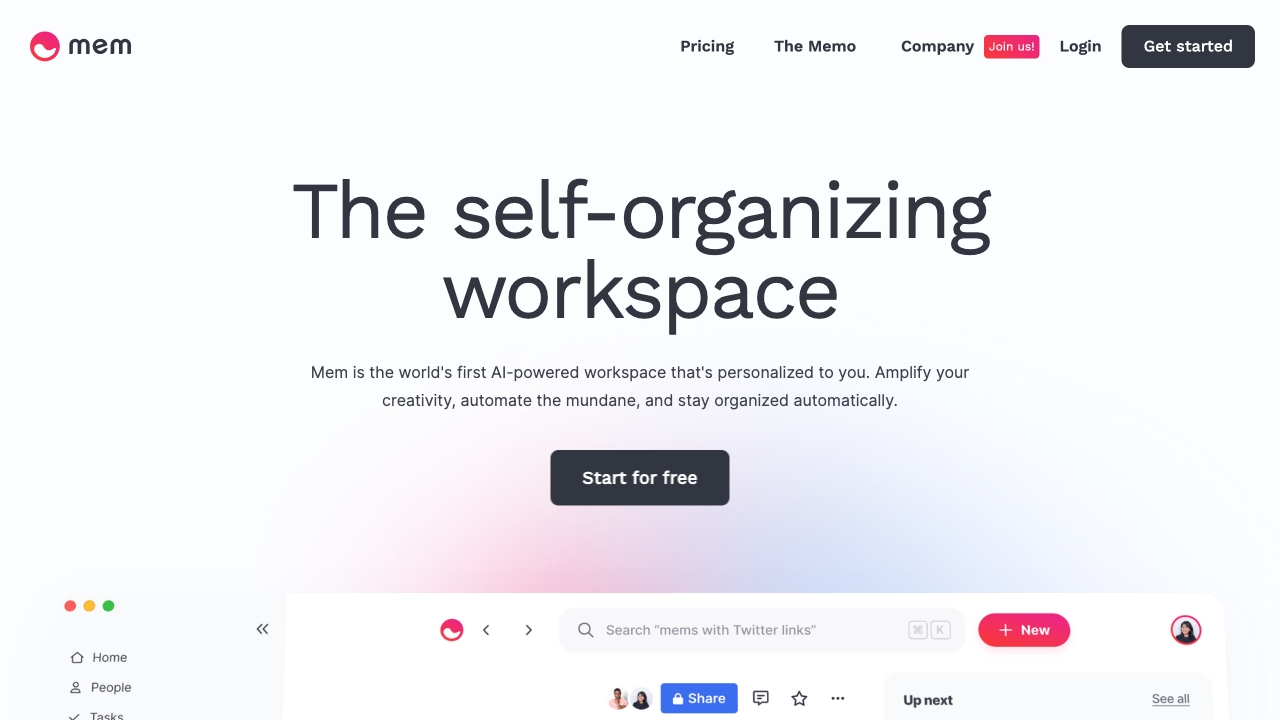
Mem
Busy professionals building a searchable second brain

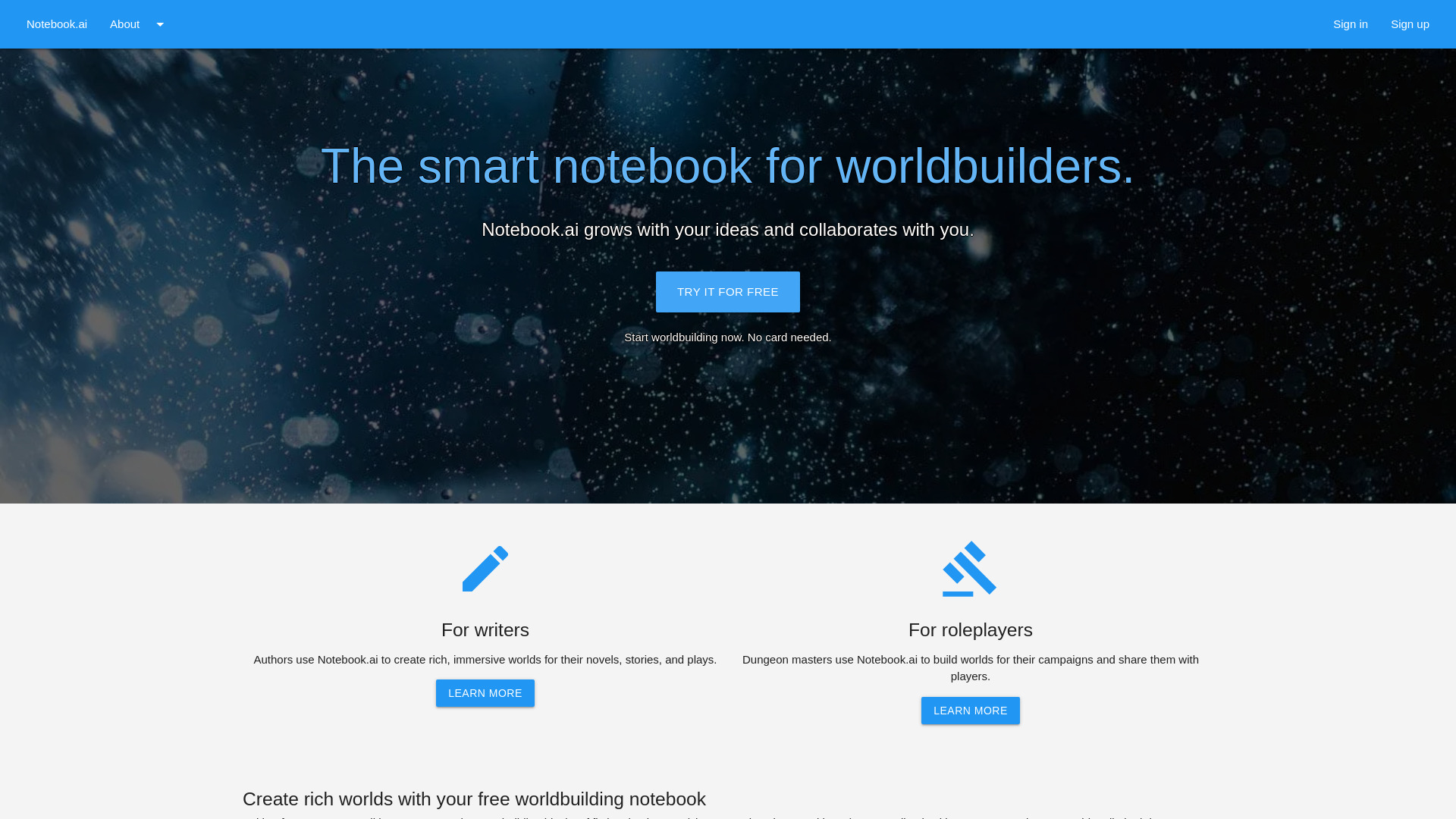
Notebook.ai
Writers and roleplayers building fictional worlds

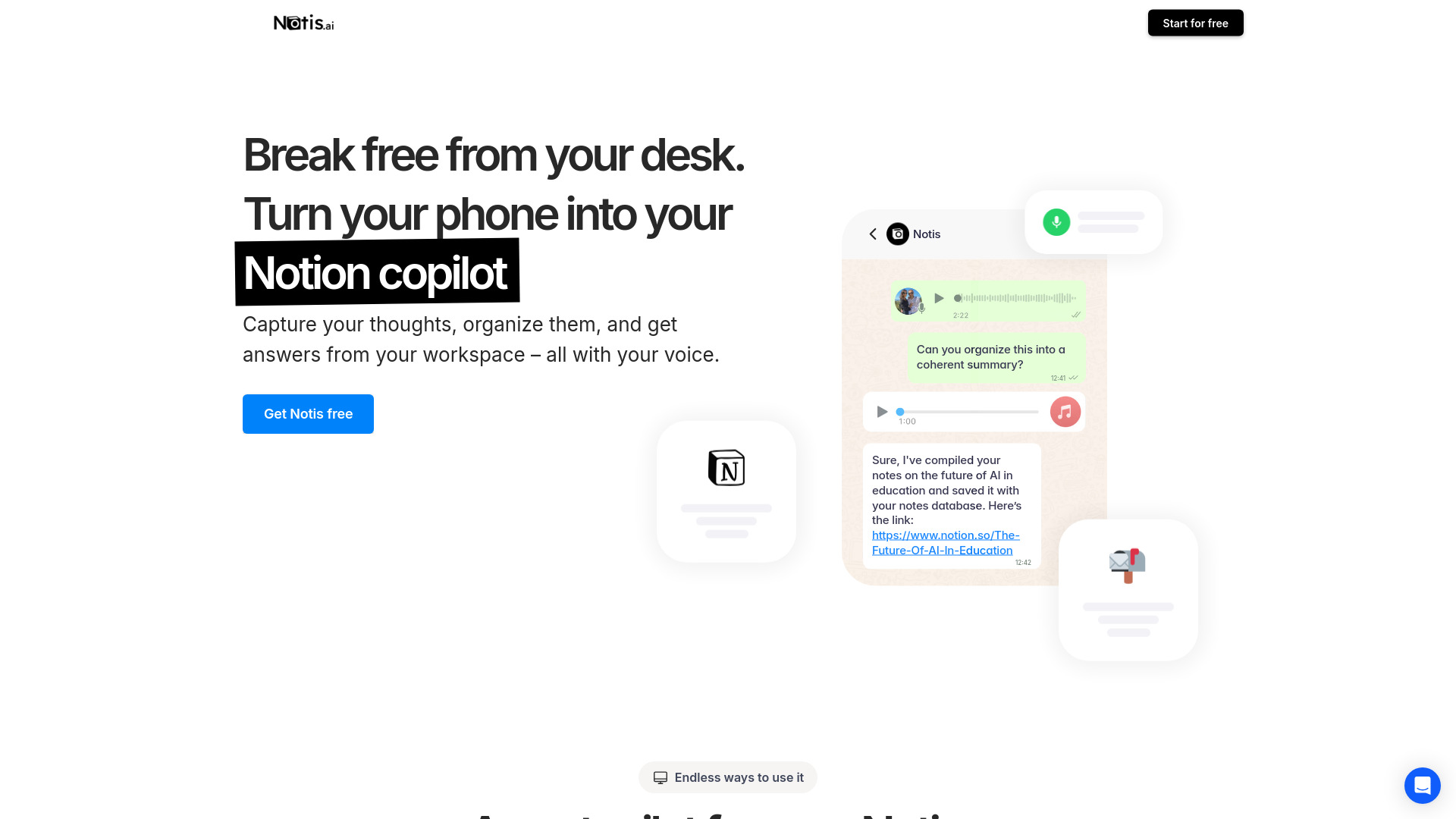
Notis
Voice-first Notion productivity workflows

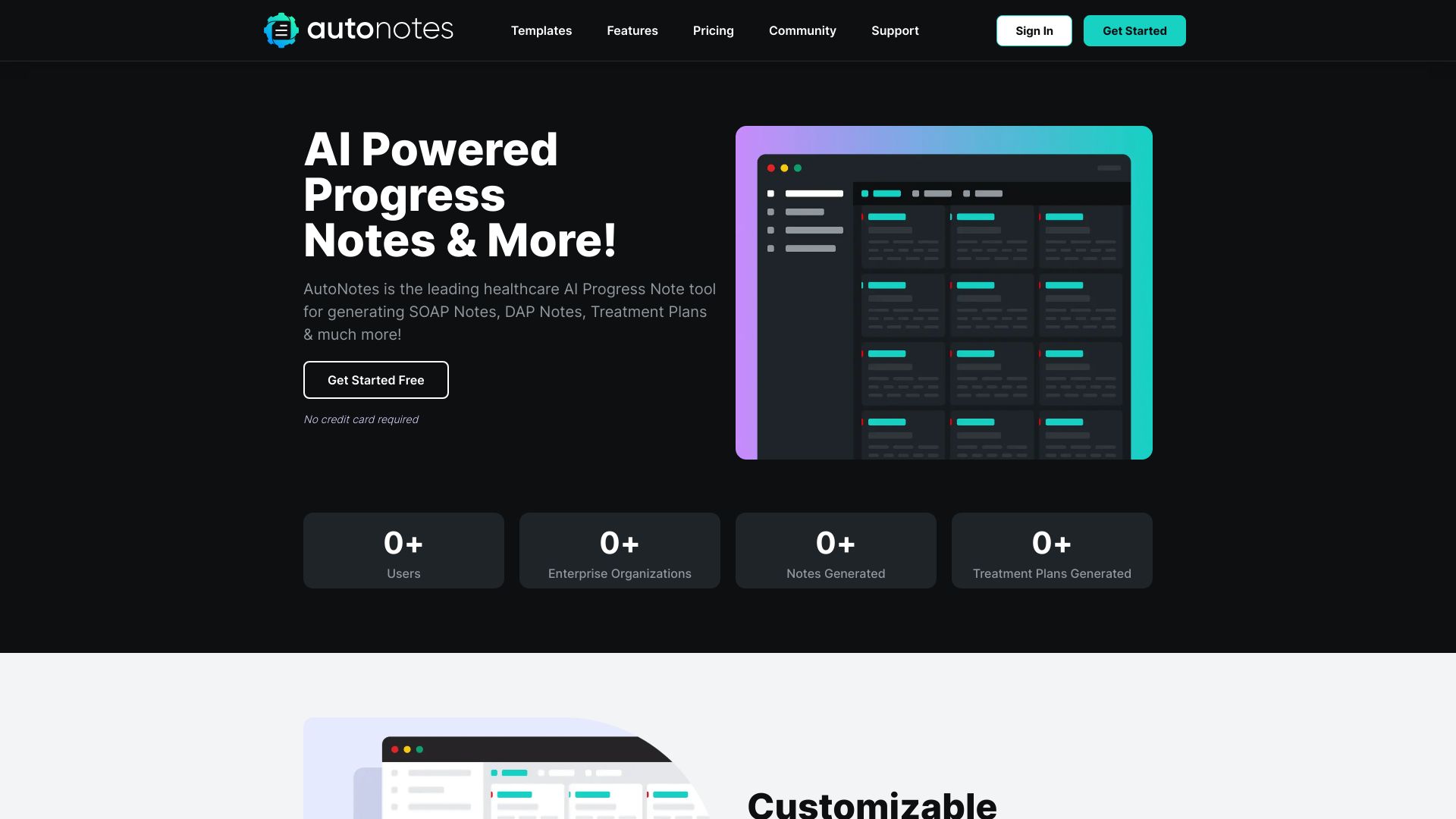
AutoNotes
Therapists needing AI progress notes

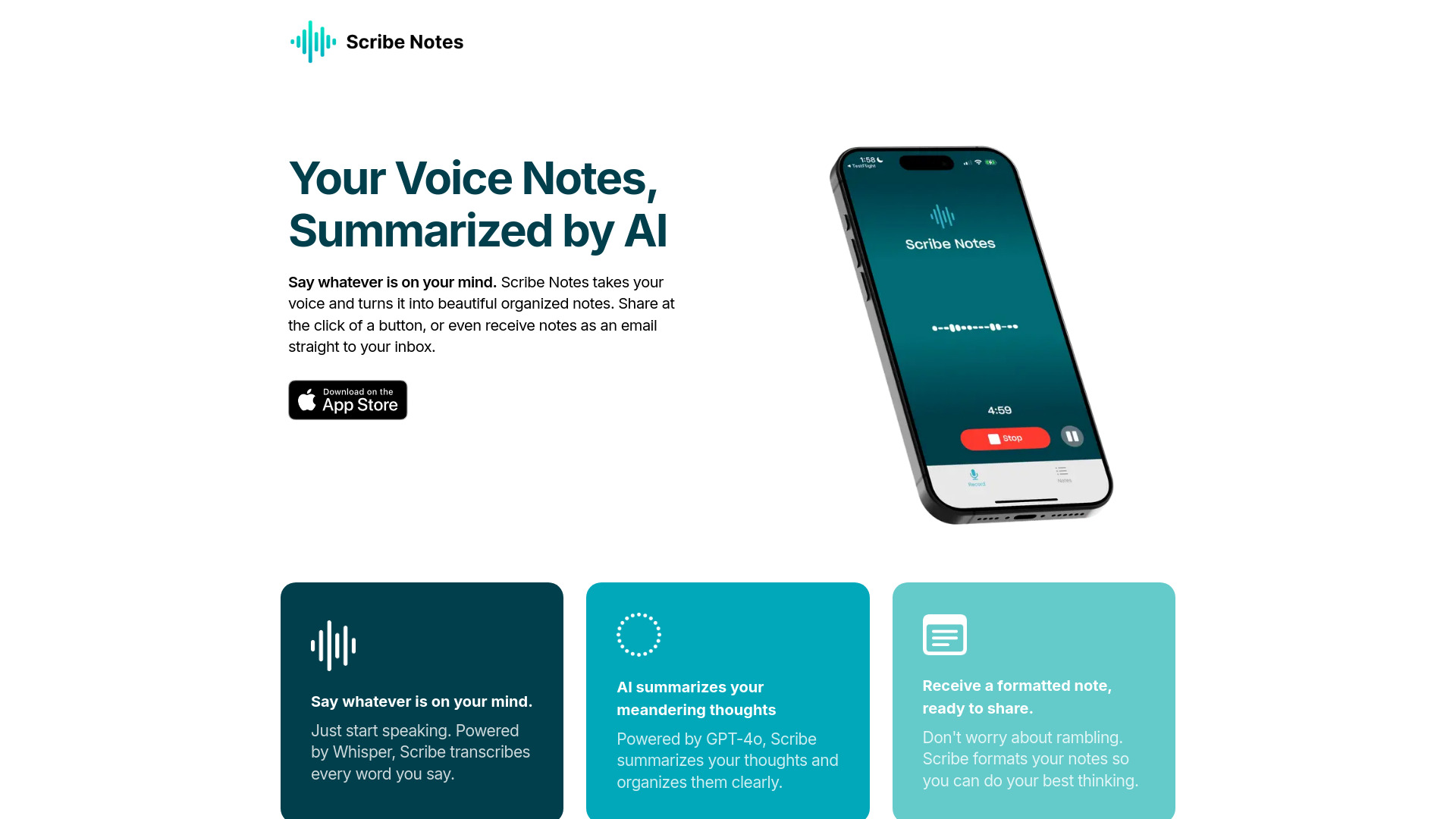
Scribe AI Notes
Voice-first note takers

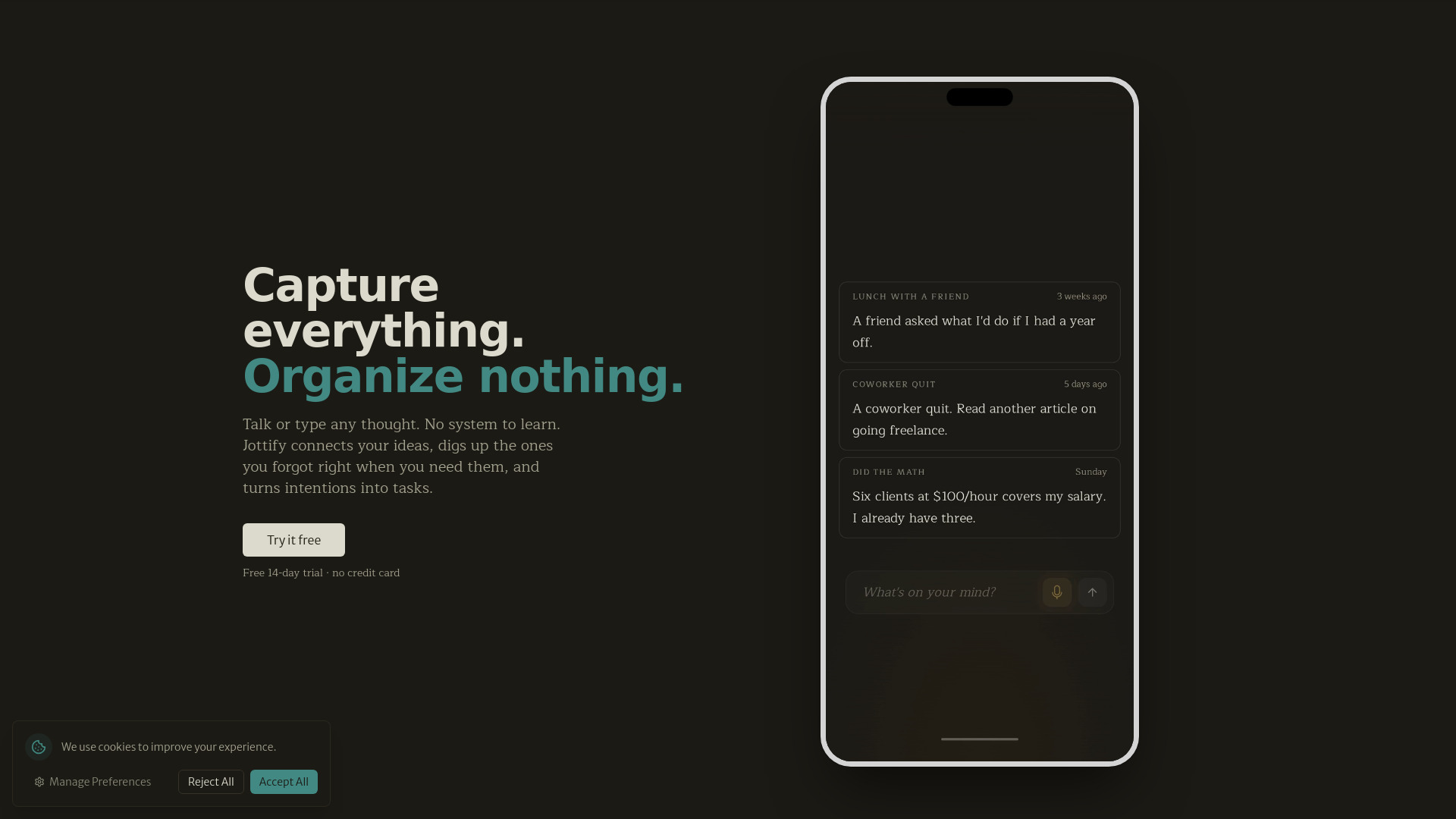
Jottify
Voice-first idea capture

Noted.fm
Visual thinkers and interconnected note maps
SpeakPen
Voice-note capture and summaries

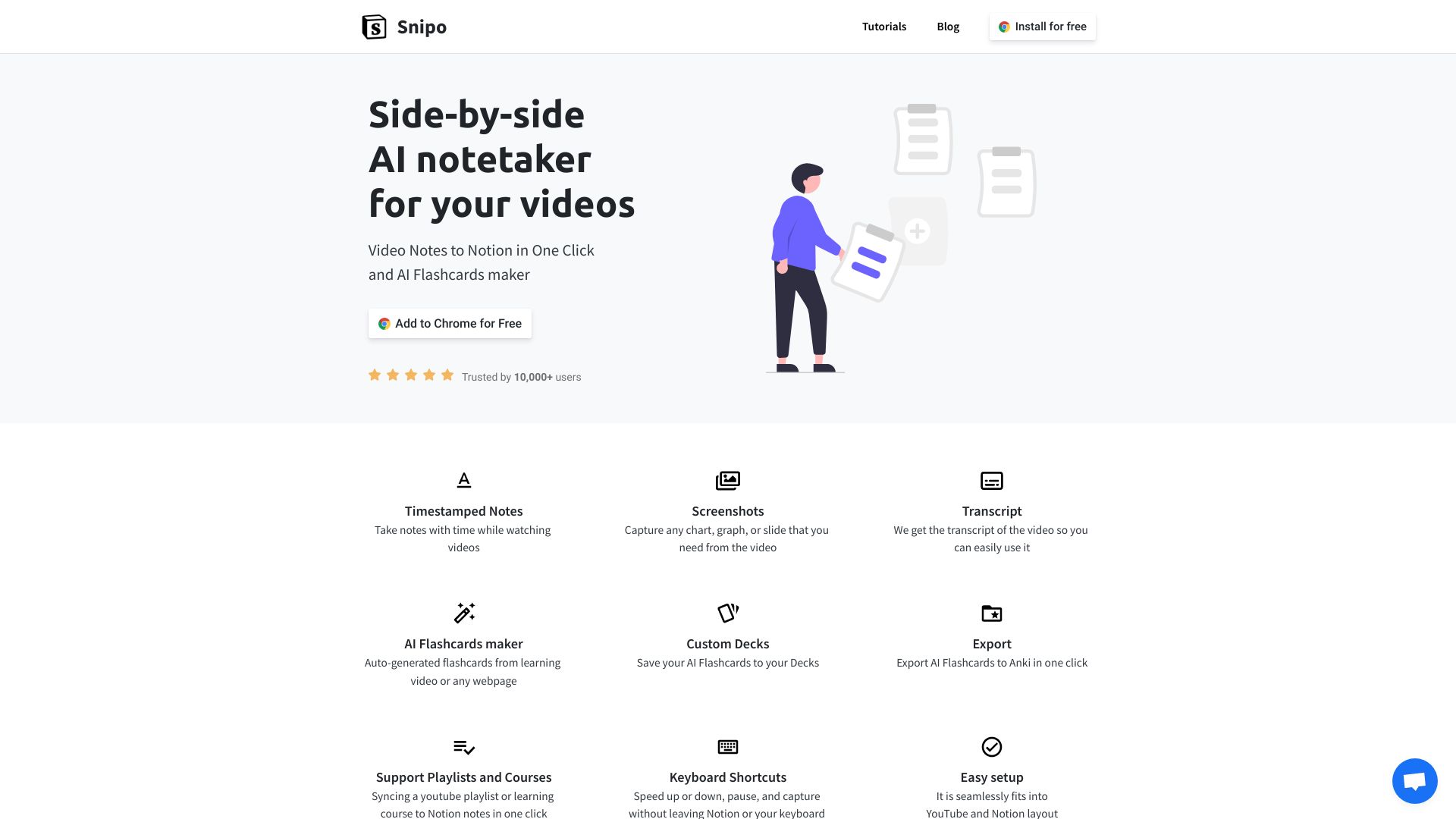
Snipo
Video learners taking notes in Notion

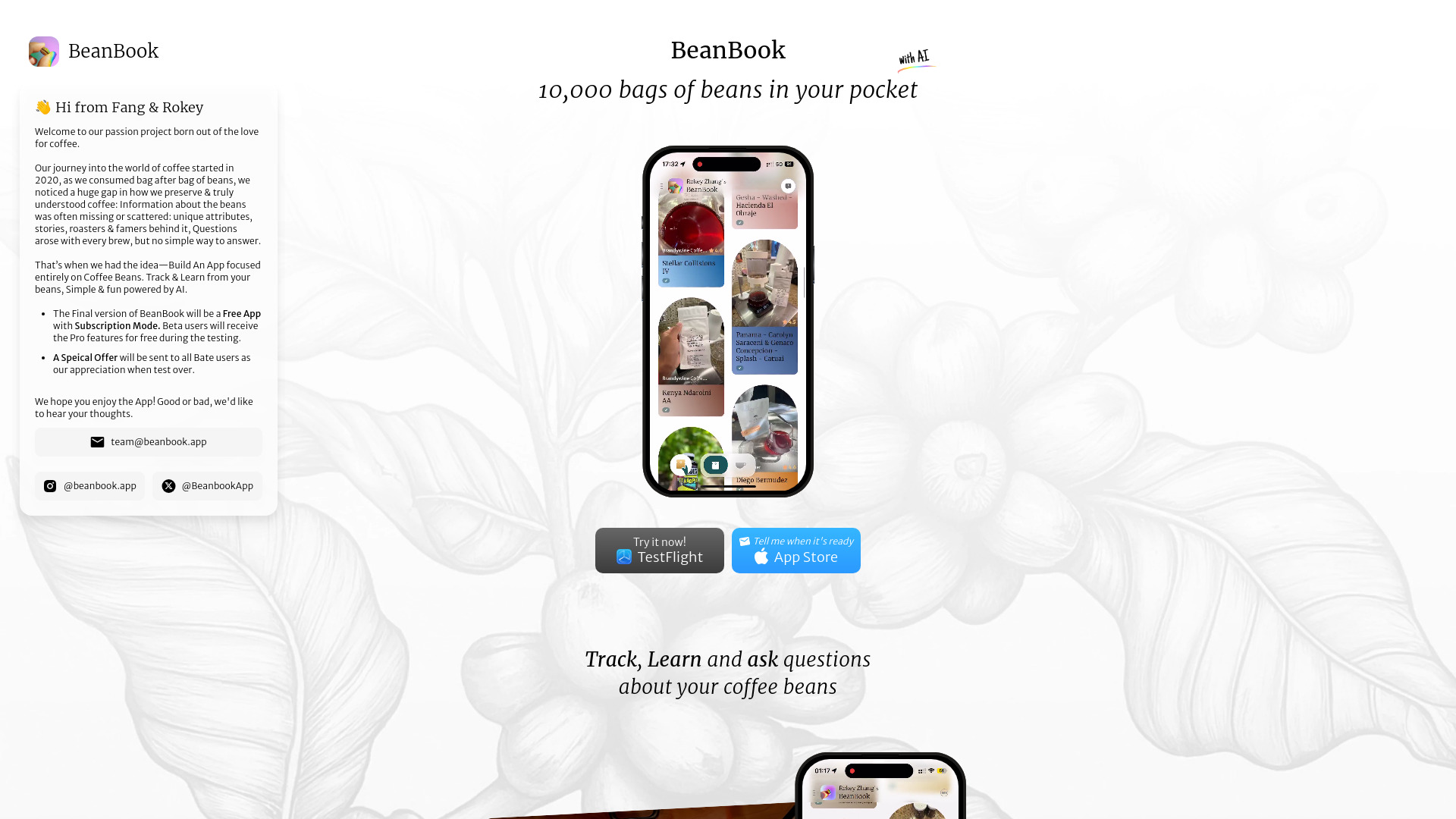
BeanBook
AI coffee bean tracking and tasting notes
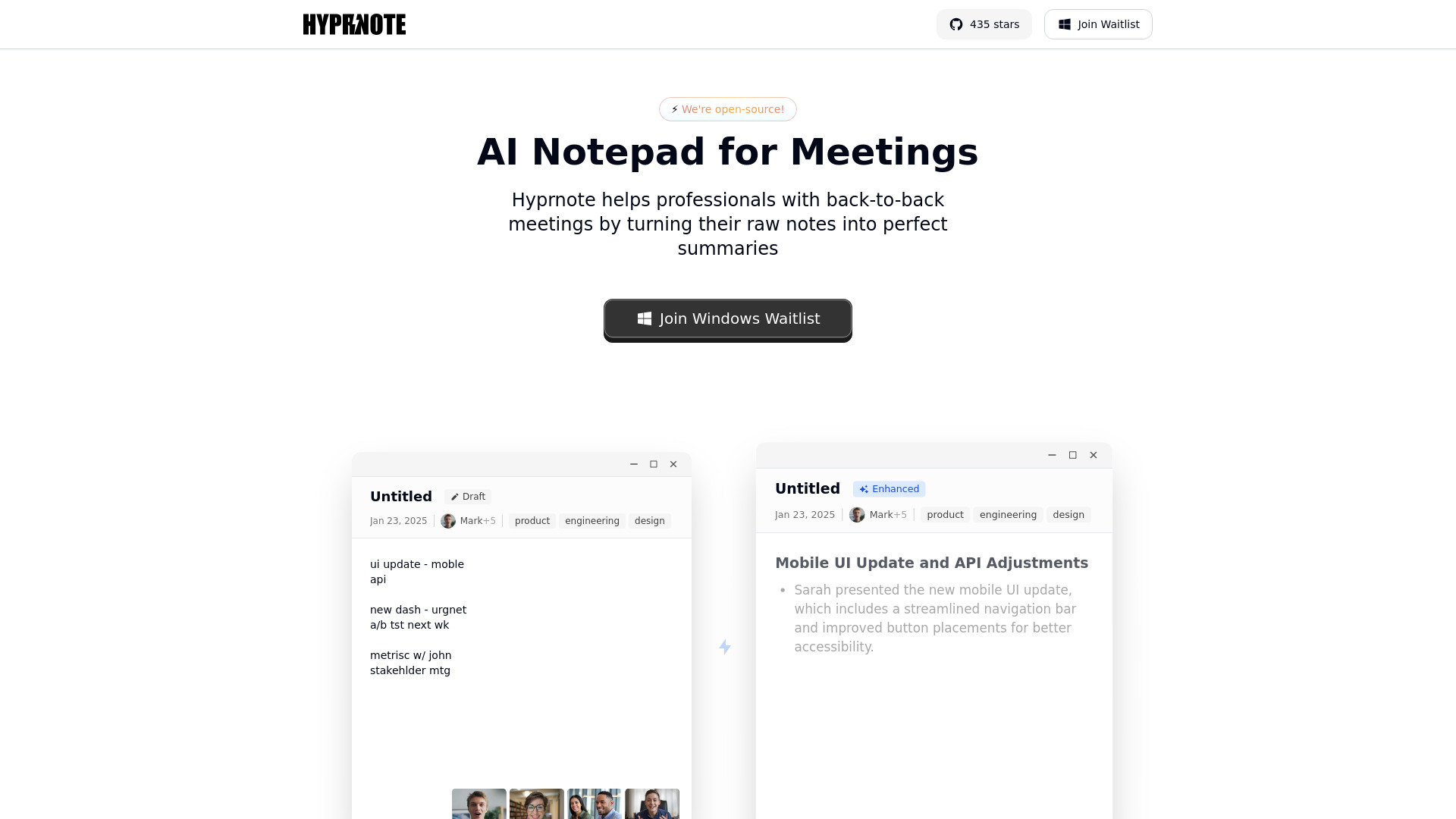
Hyprnote
Private offline meeting notes
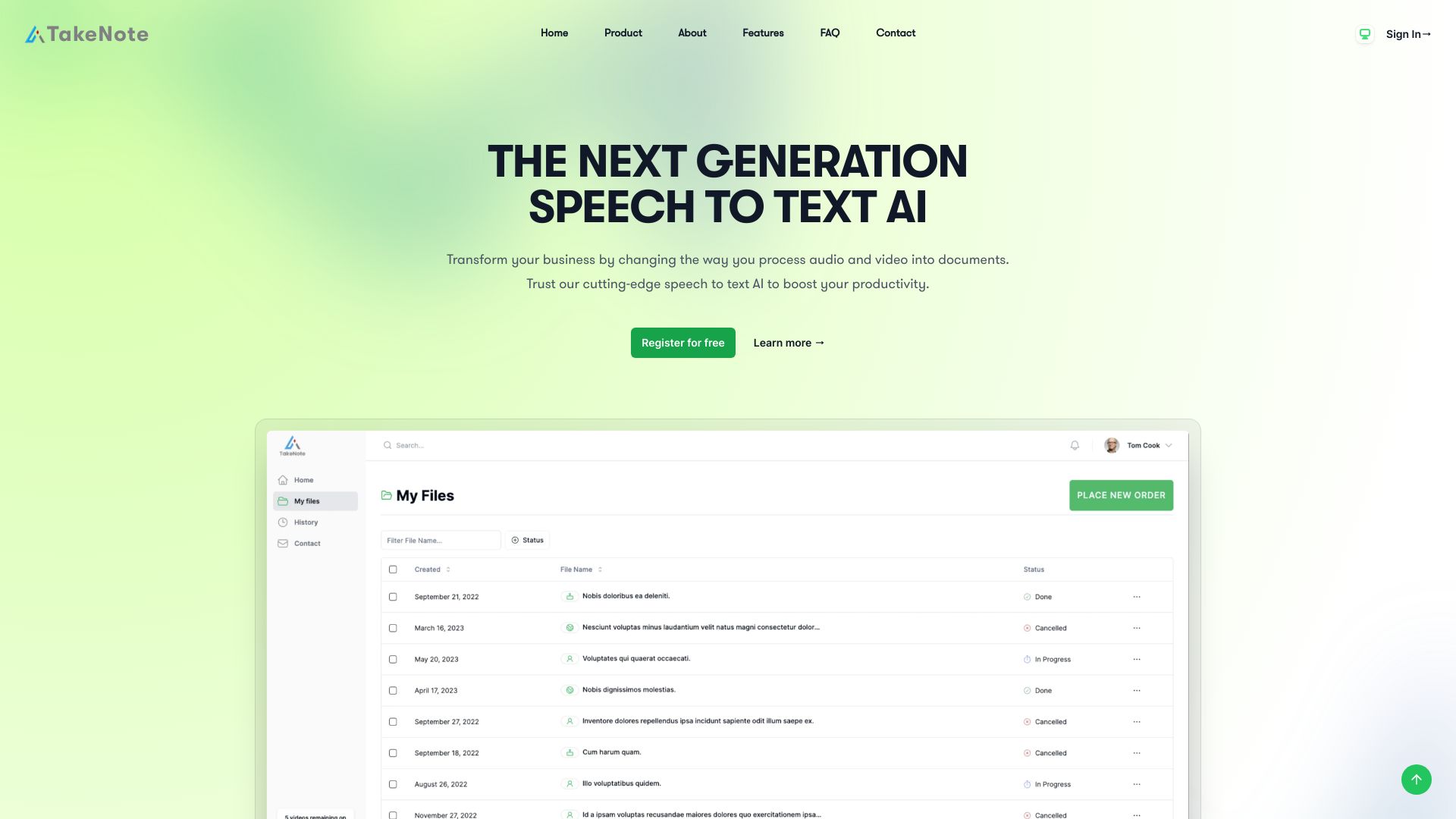
TakeNote
AI meeting transcription and summaries

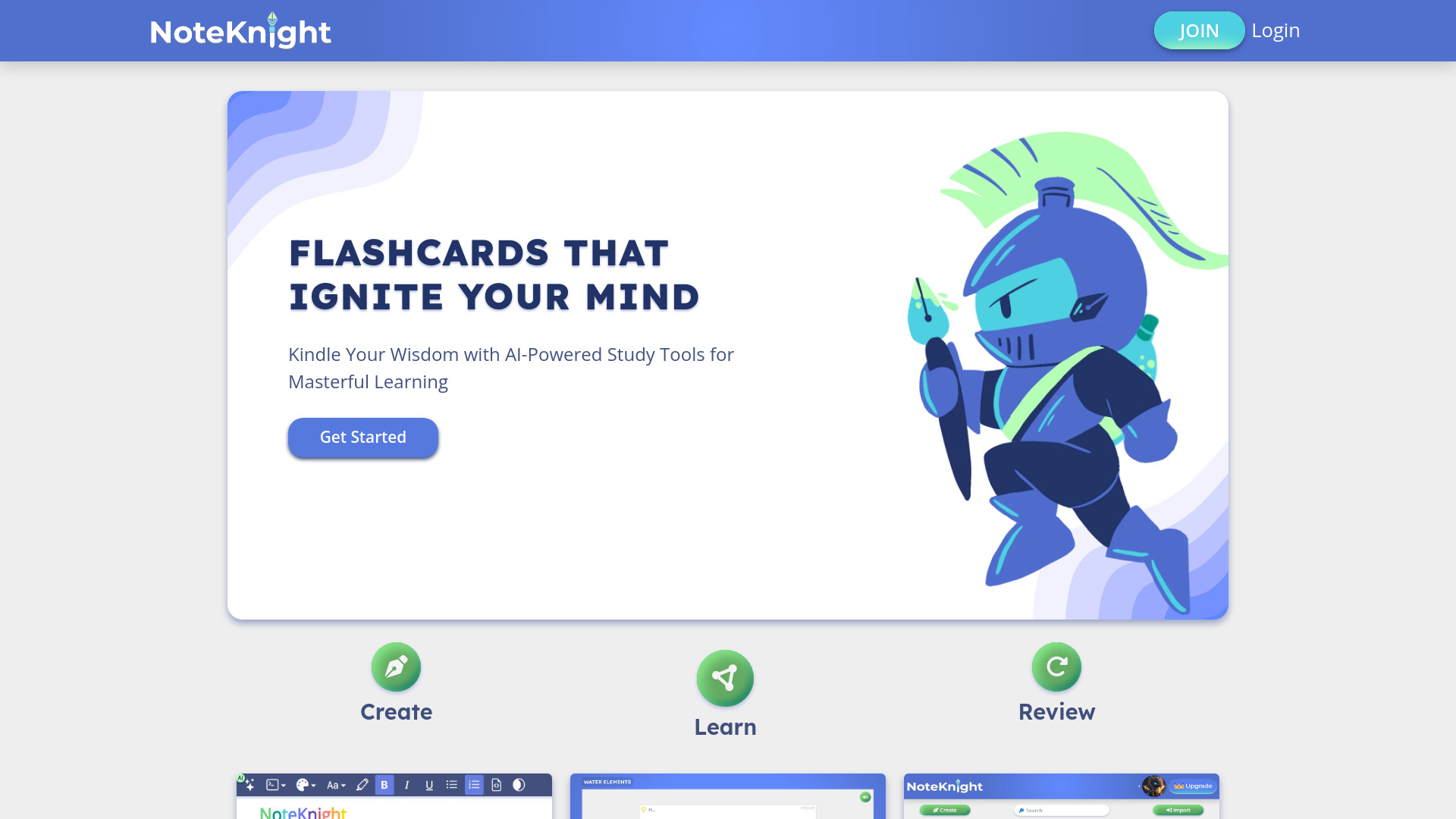
NoteKnight
AI-powered flashcards for active recall

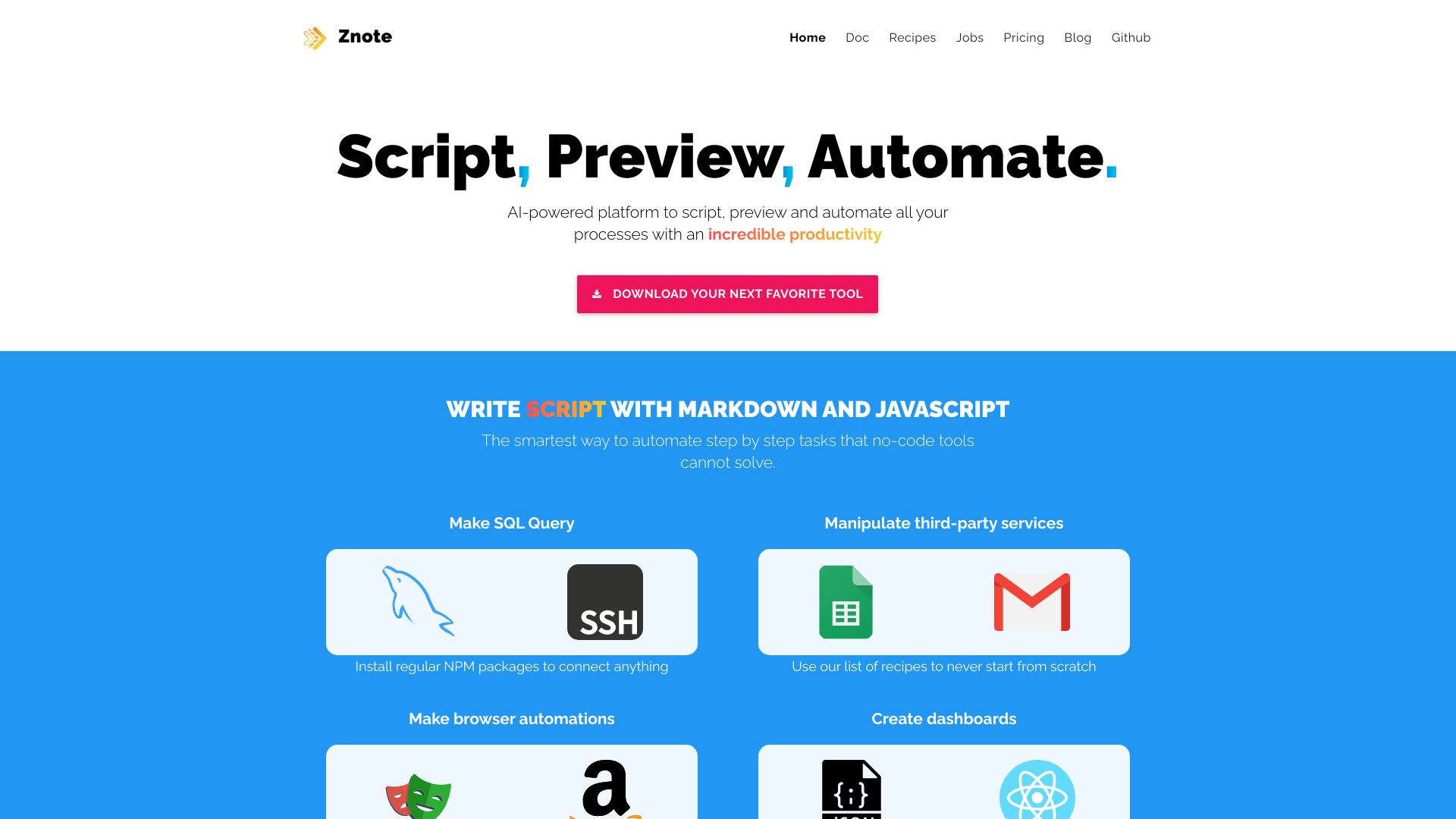
Znote
Private AI-powered notes and code notebooks
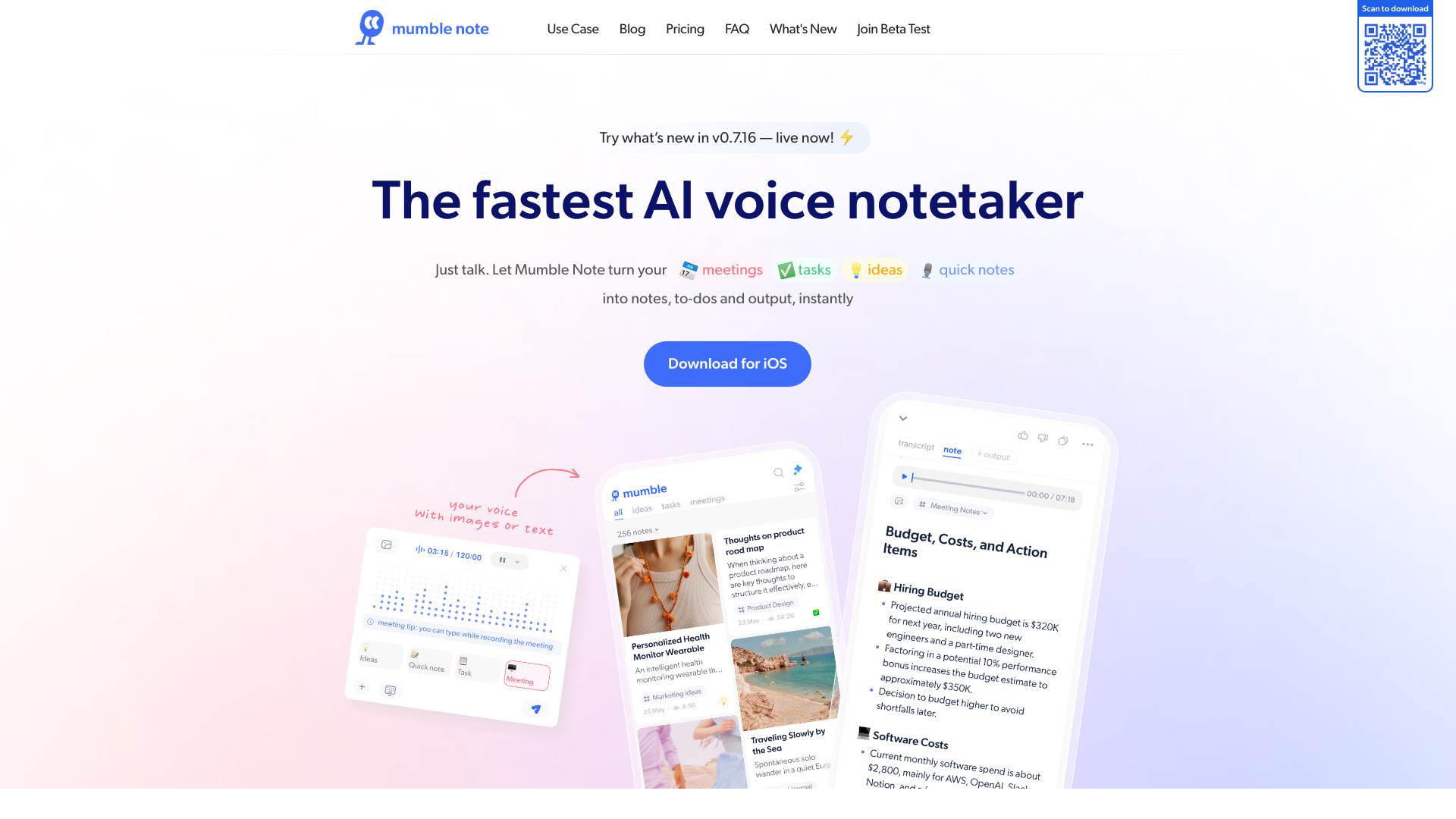
Mumble Note
Voice-first meeting and idea notes

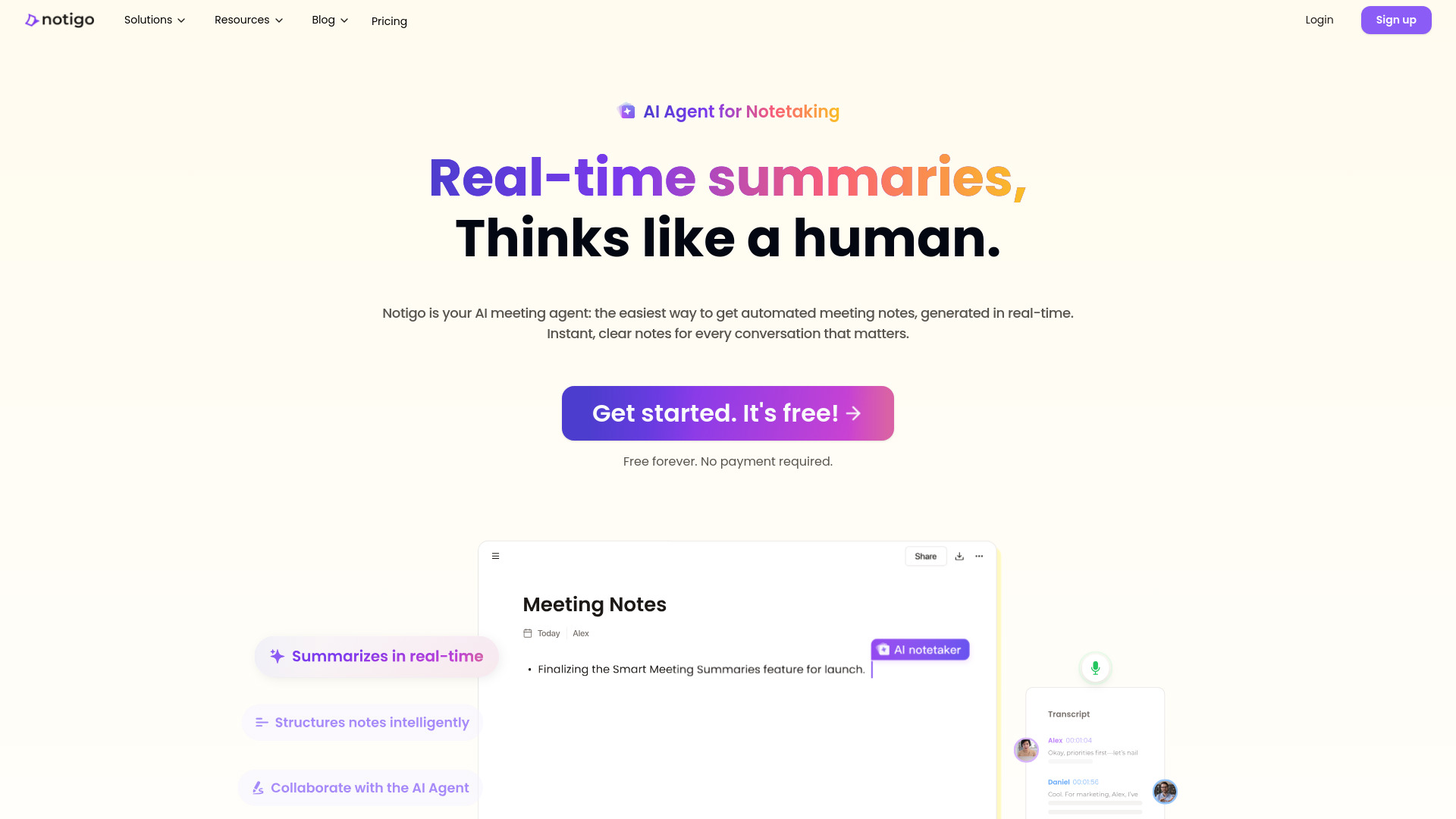
Notigo
Real-time AI meeting notes

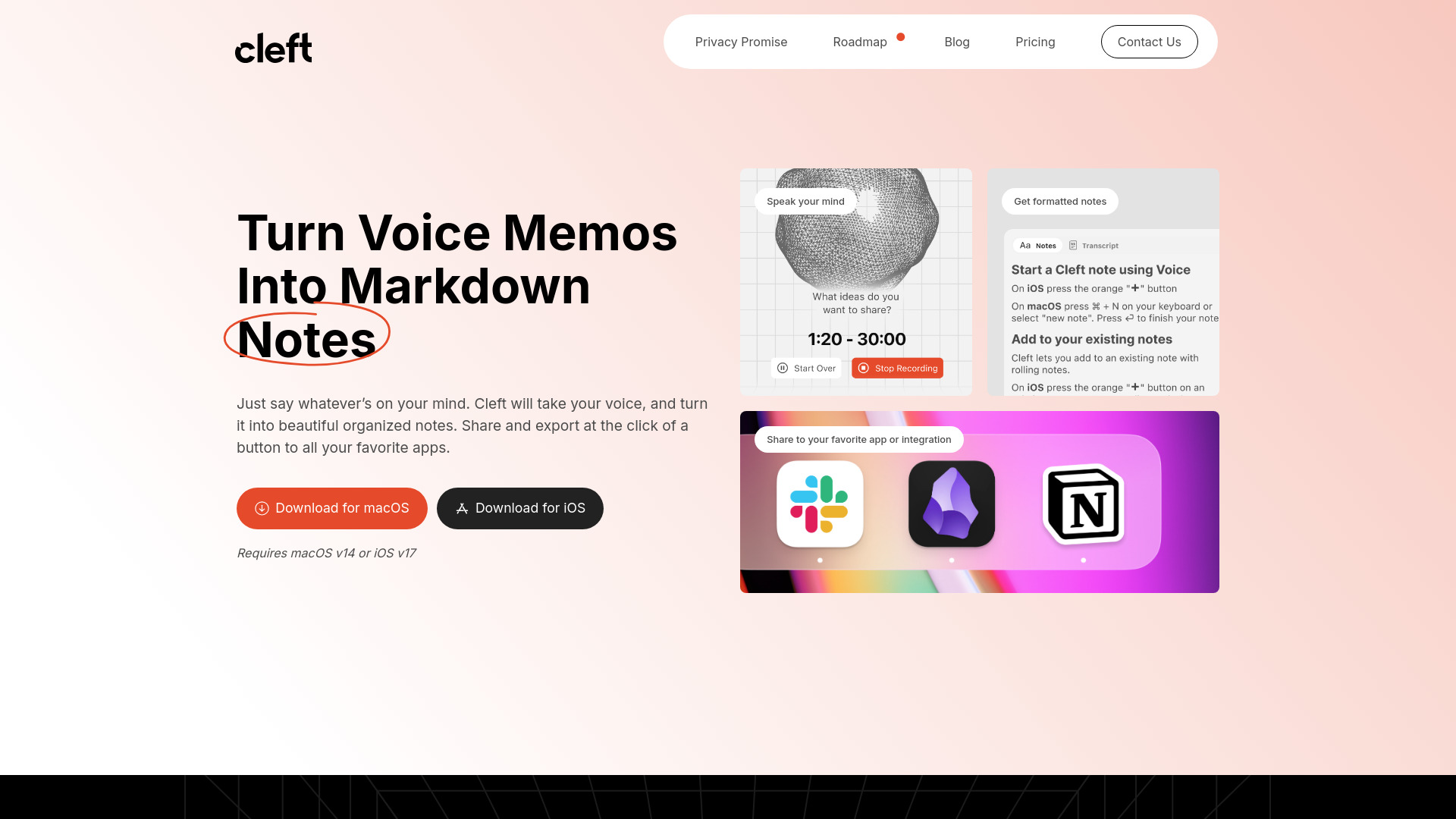
Cleft Notes
Voice-first thought capture

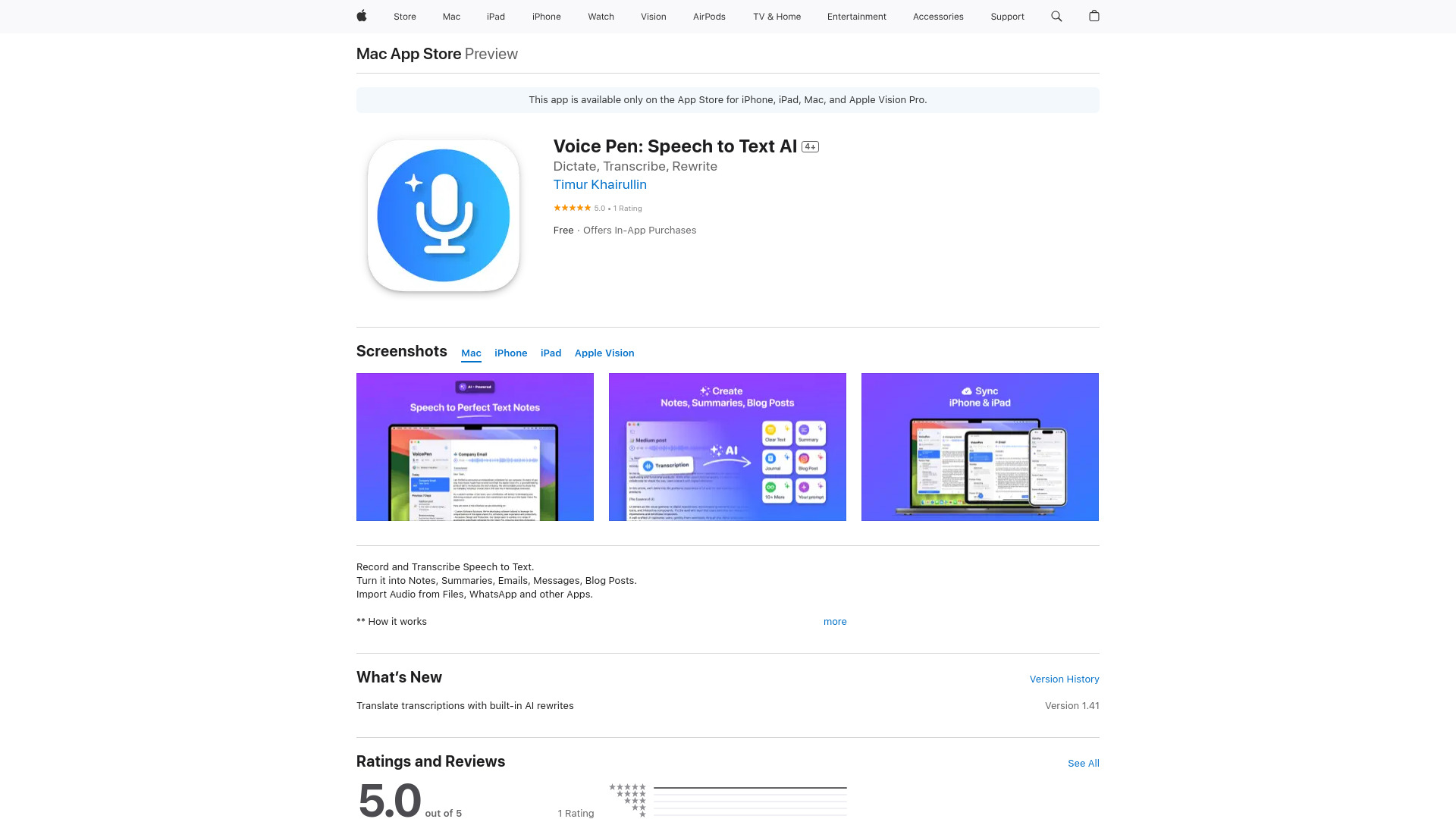
VoicePen
Voice-to-text notes and summaries

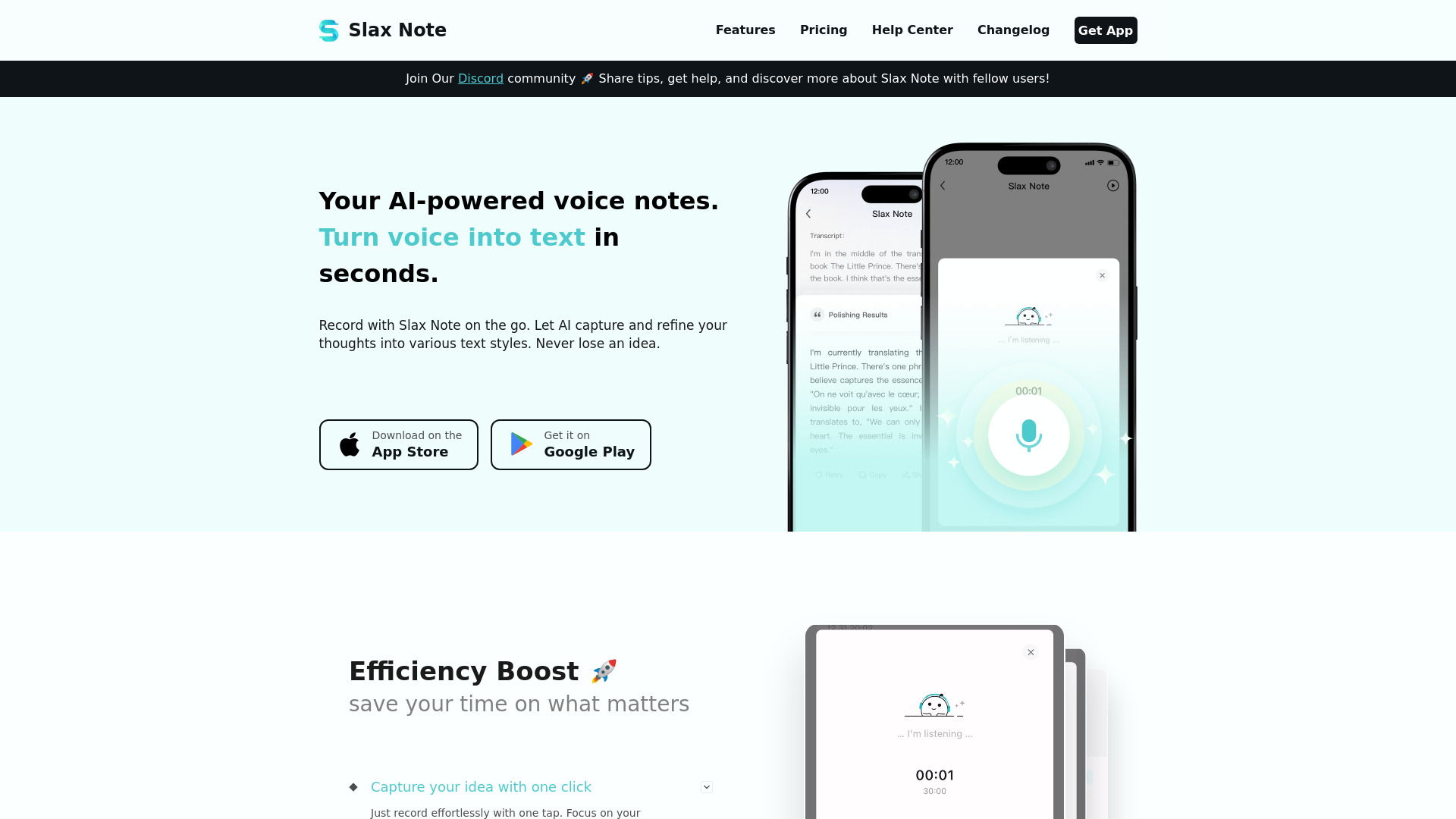
Slax Note
Voice notes and polished transcriptions

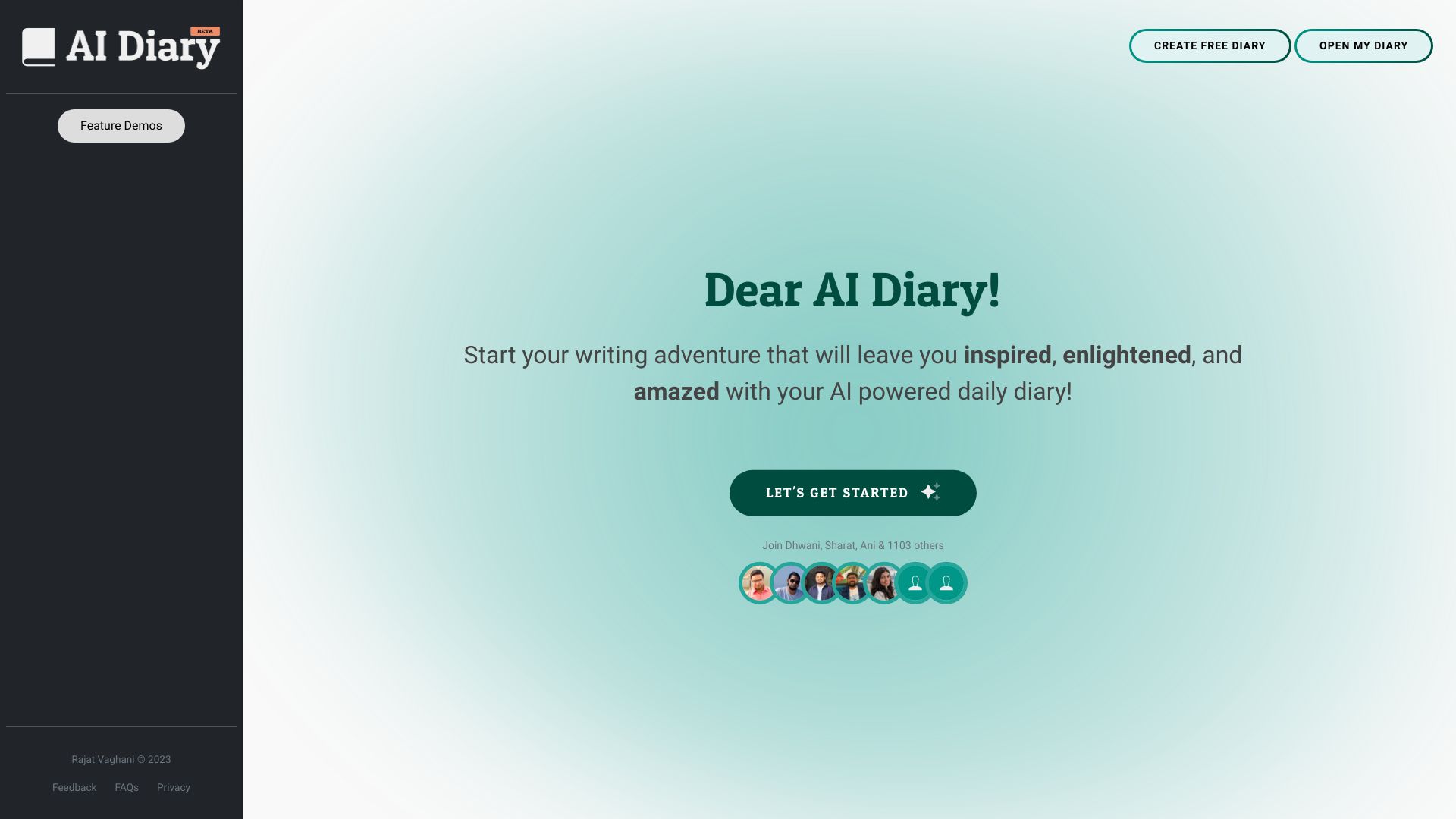
AI Diary
AI-powered reflective journaling

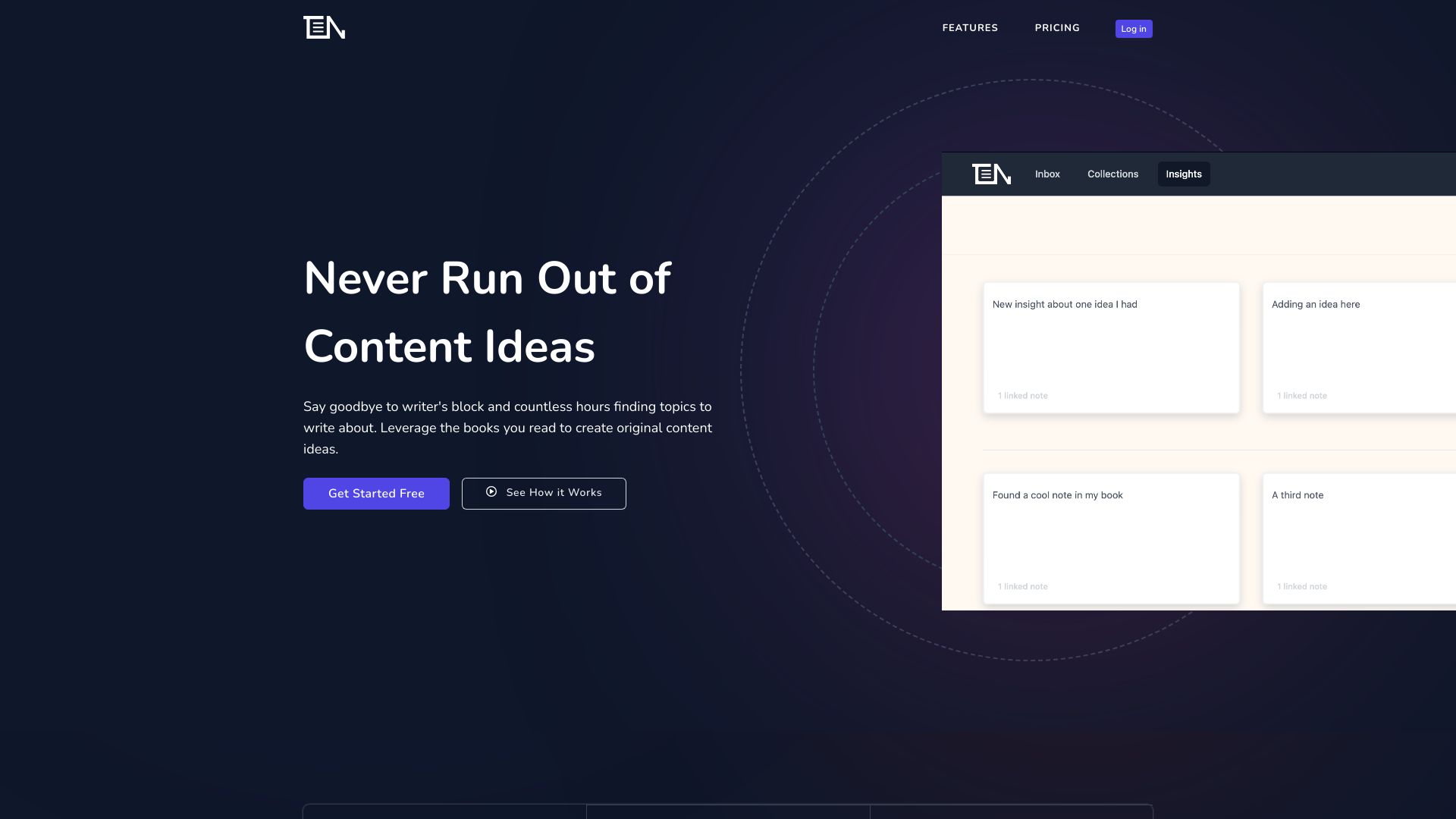
ThinkerNotes
Content creators organizing reading notes

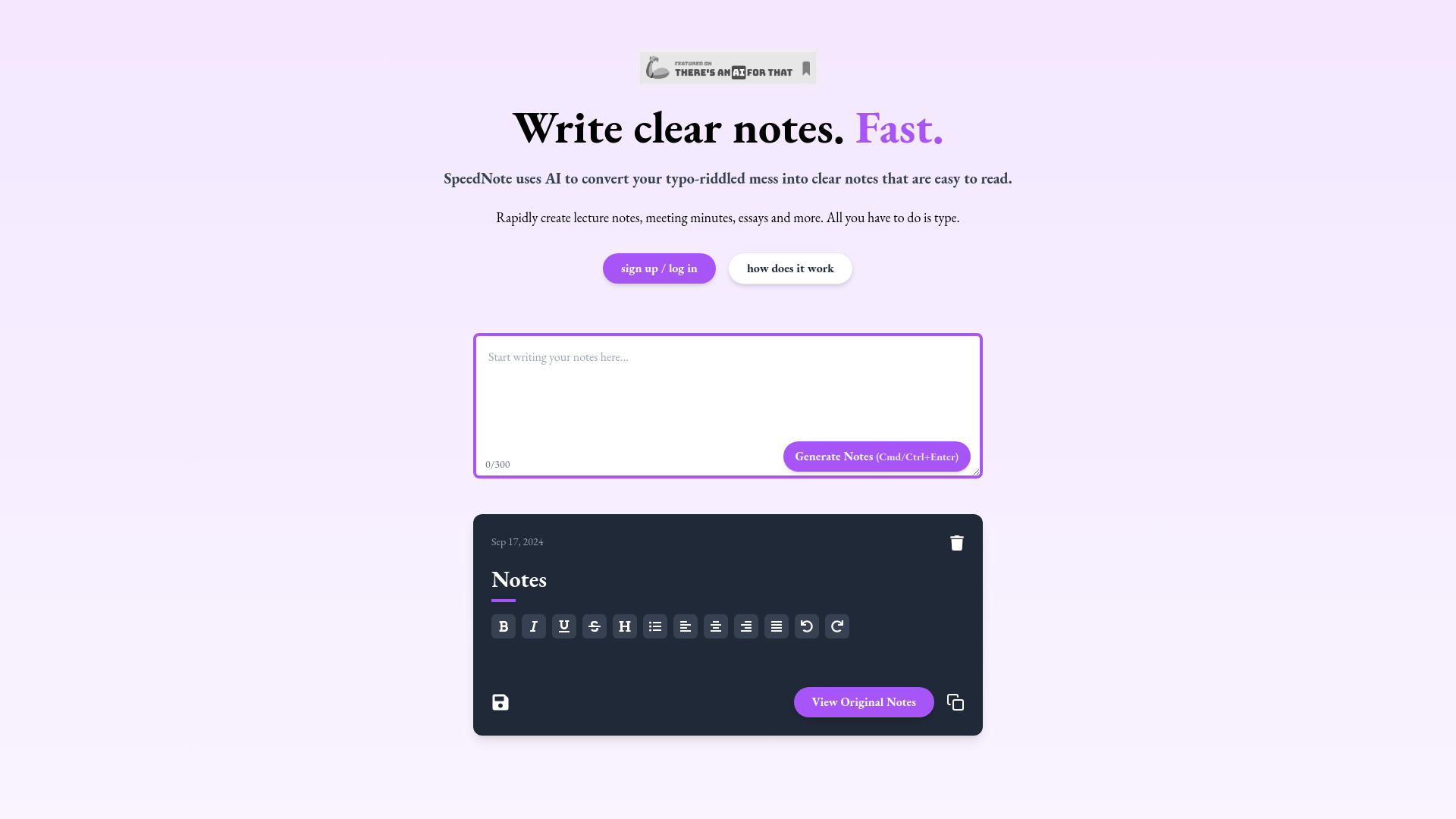
SpeedNote AI
Fast lecture and meeting notes
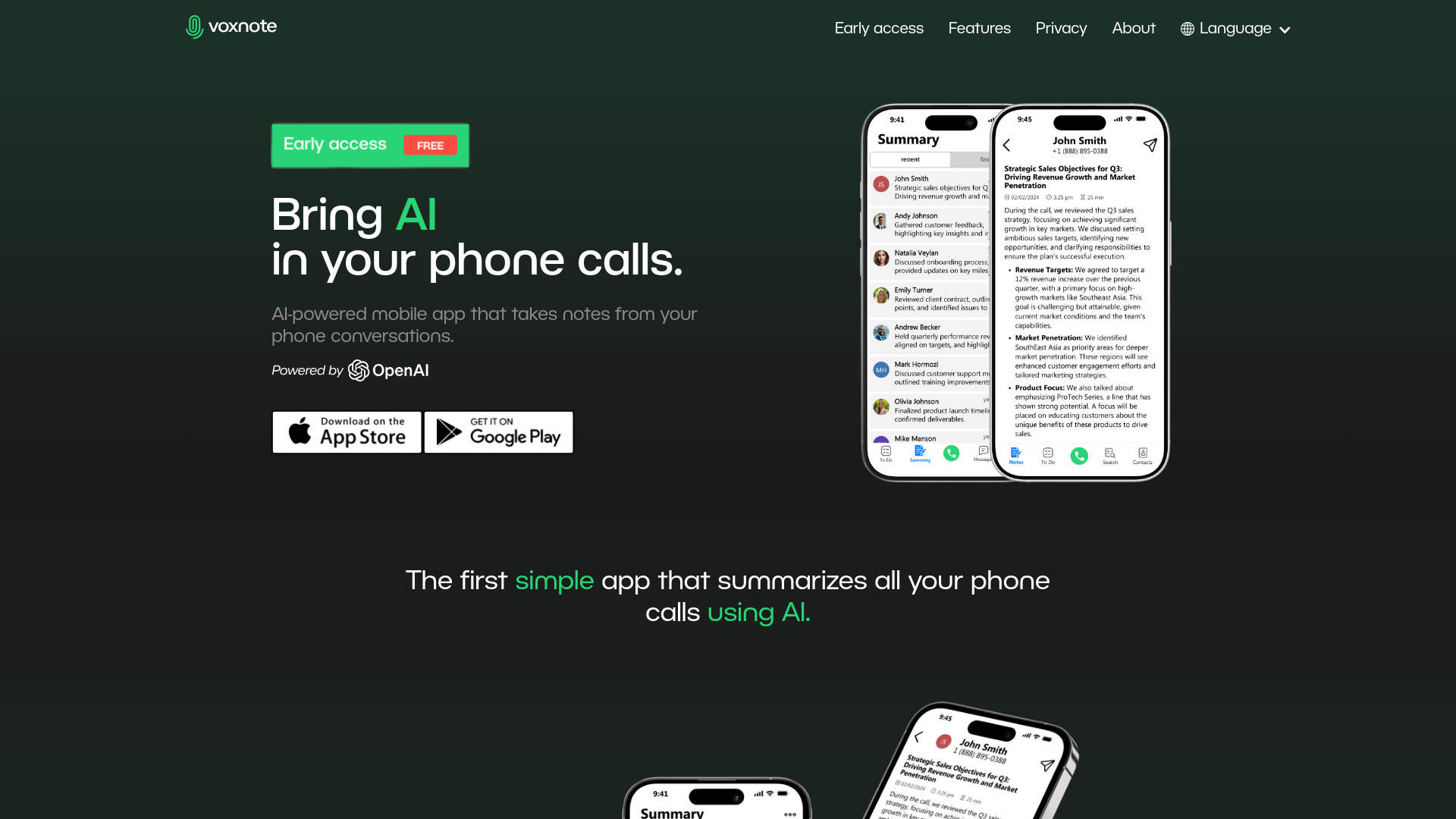
VoxNote
Phone call summaries and action items
SynapticAI
AI-assisted learning and note recall
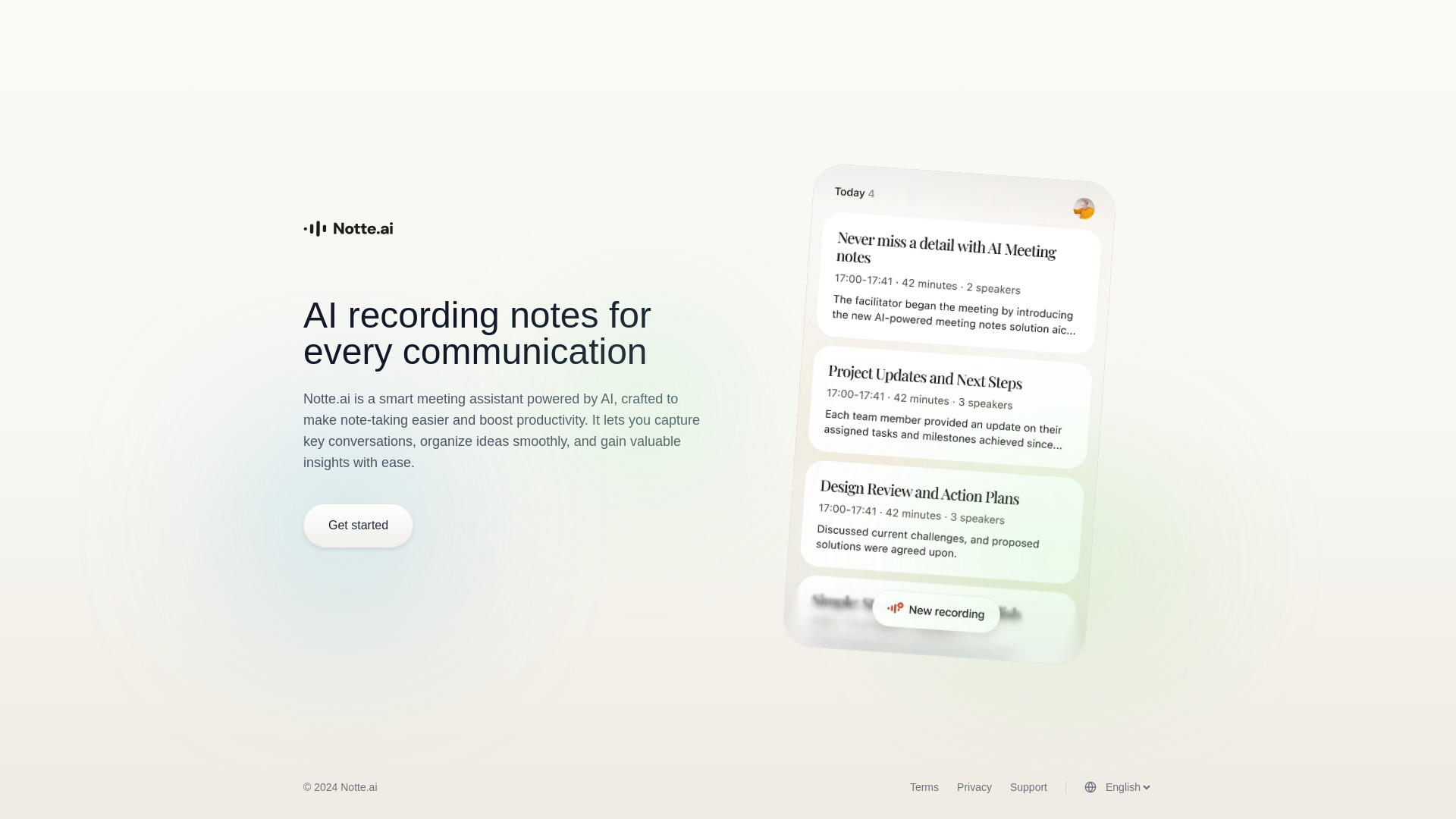
Notte.ai
AI meeting note-taking

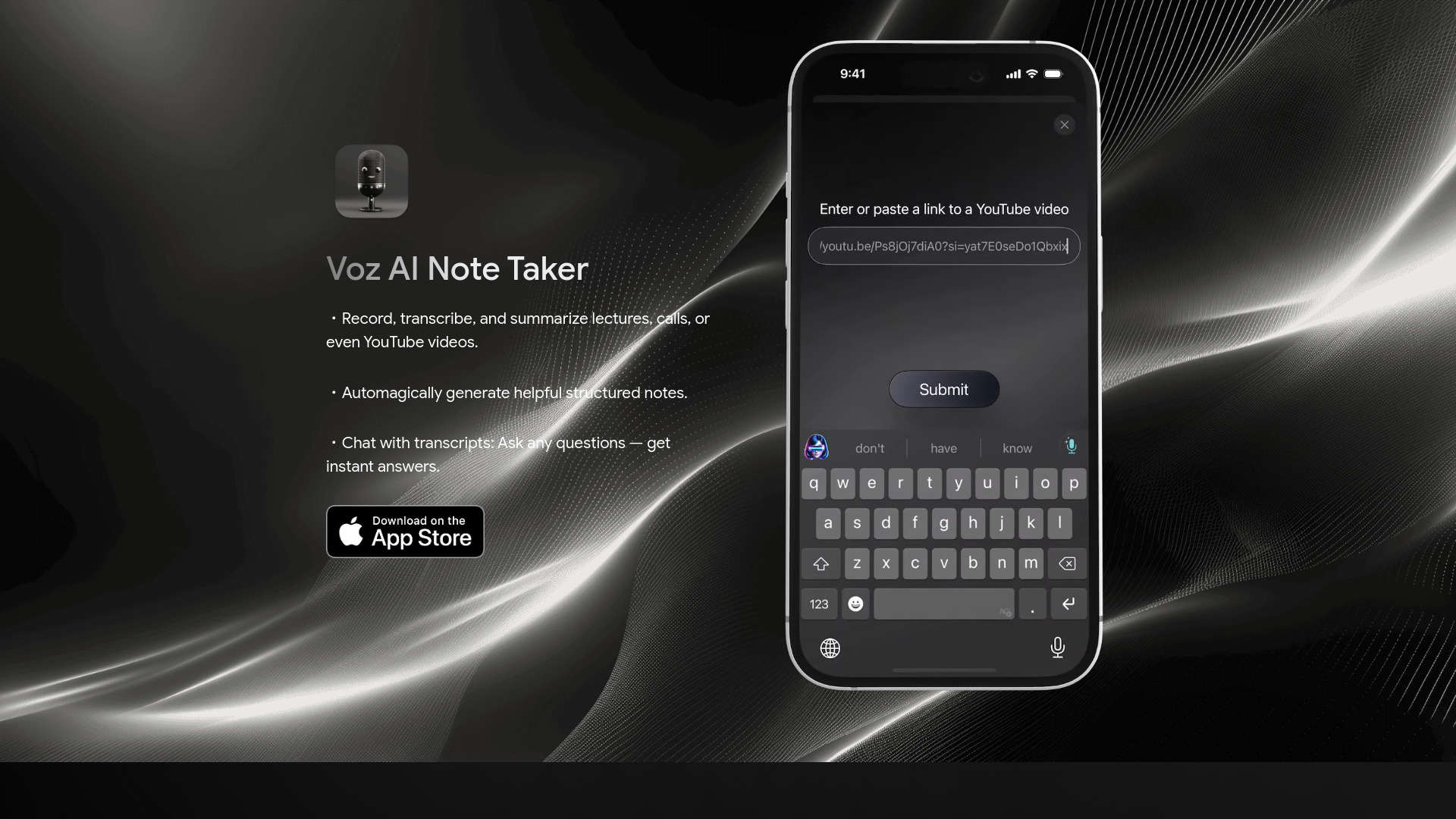
Voz AI Note Taker
Lecture, call, and YouTube video notes

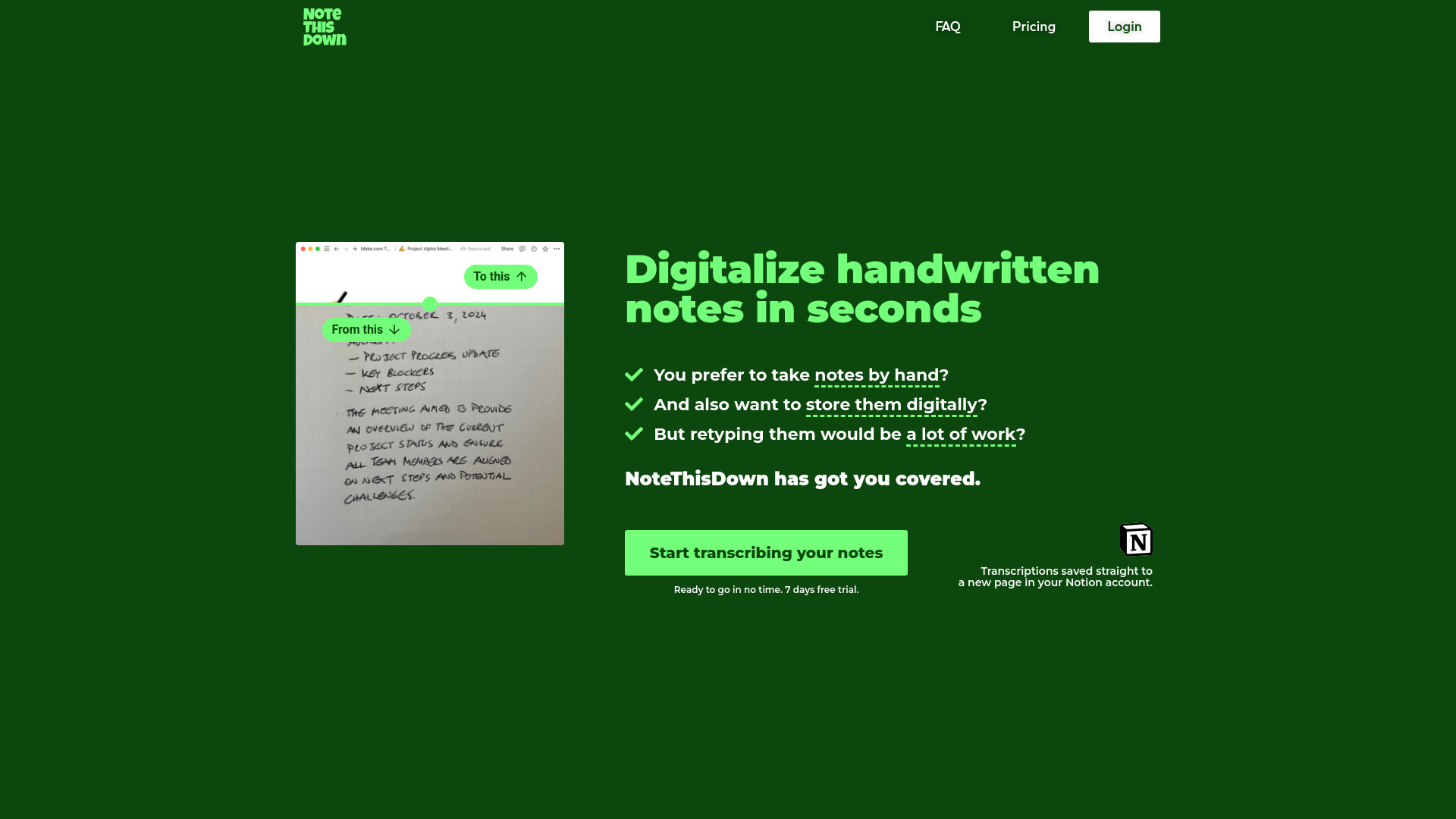
Note This Down
Digitizing handwritten notes in Notion

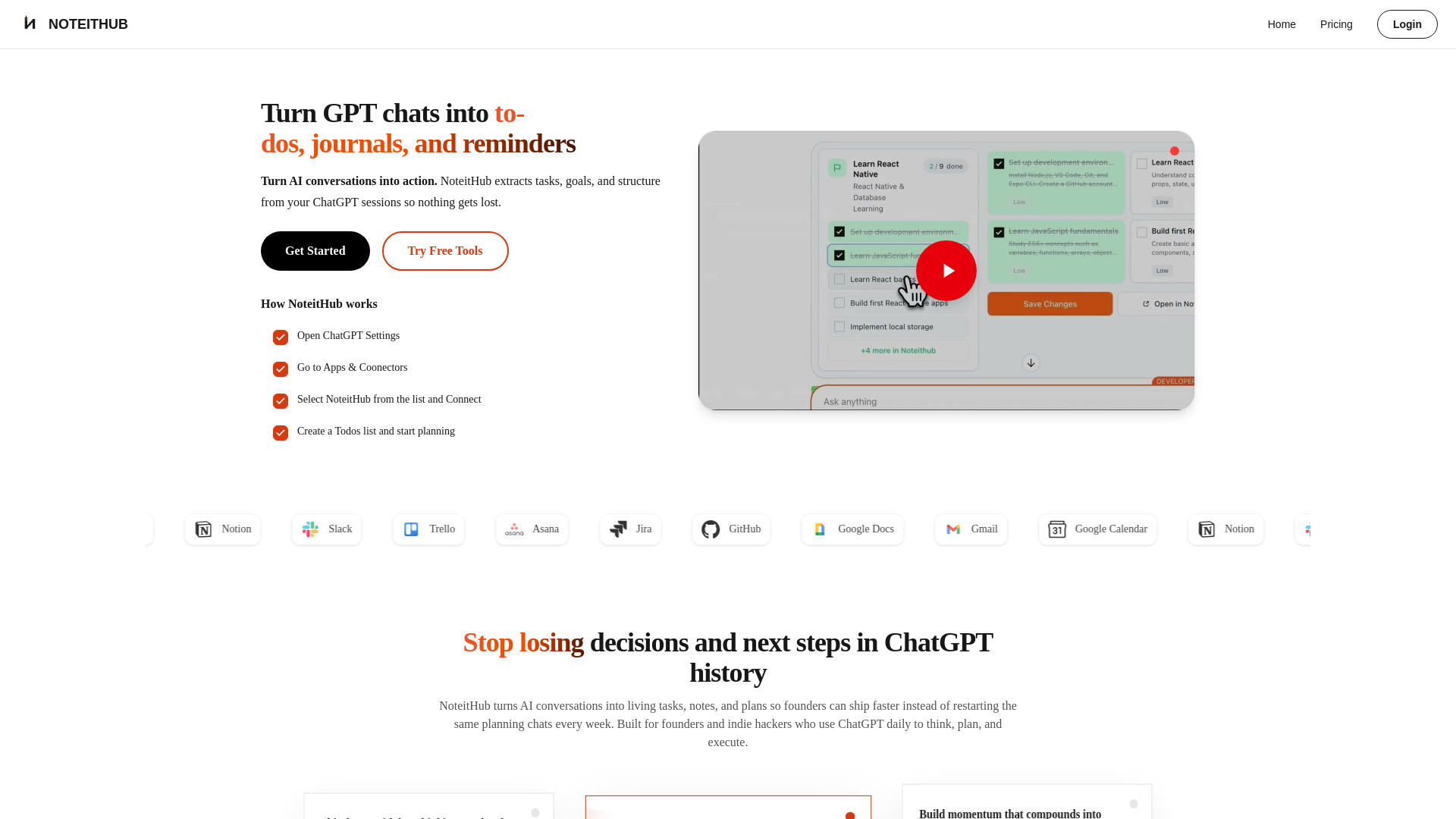
NoteitHub
ChatGPT task and journal tracking

Ideaflow
Fast, searchable thought capture


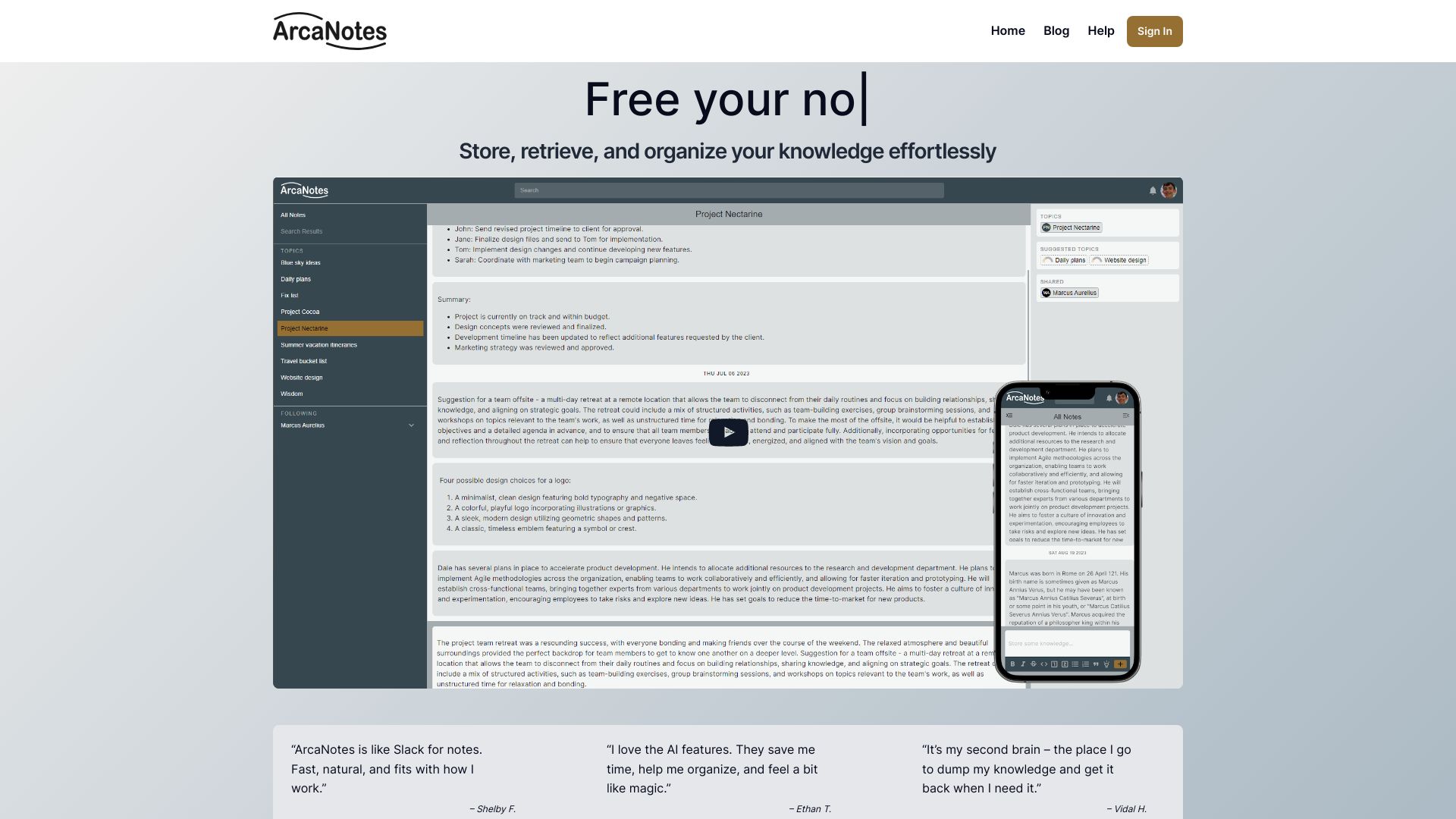
ArcaNotes
AI-enhanced micro-note knowledge management

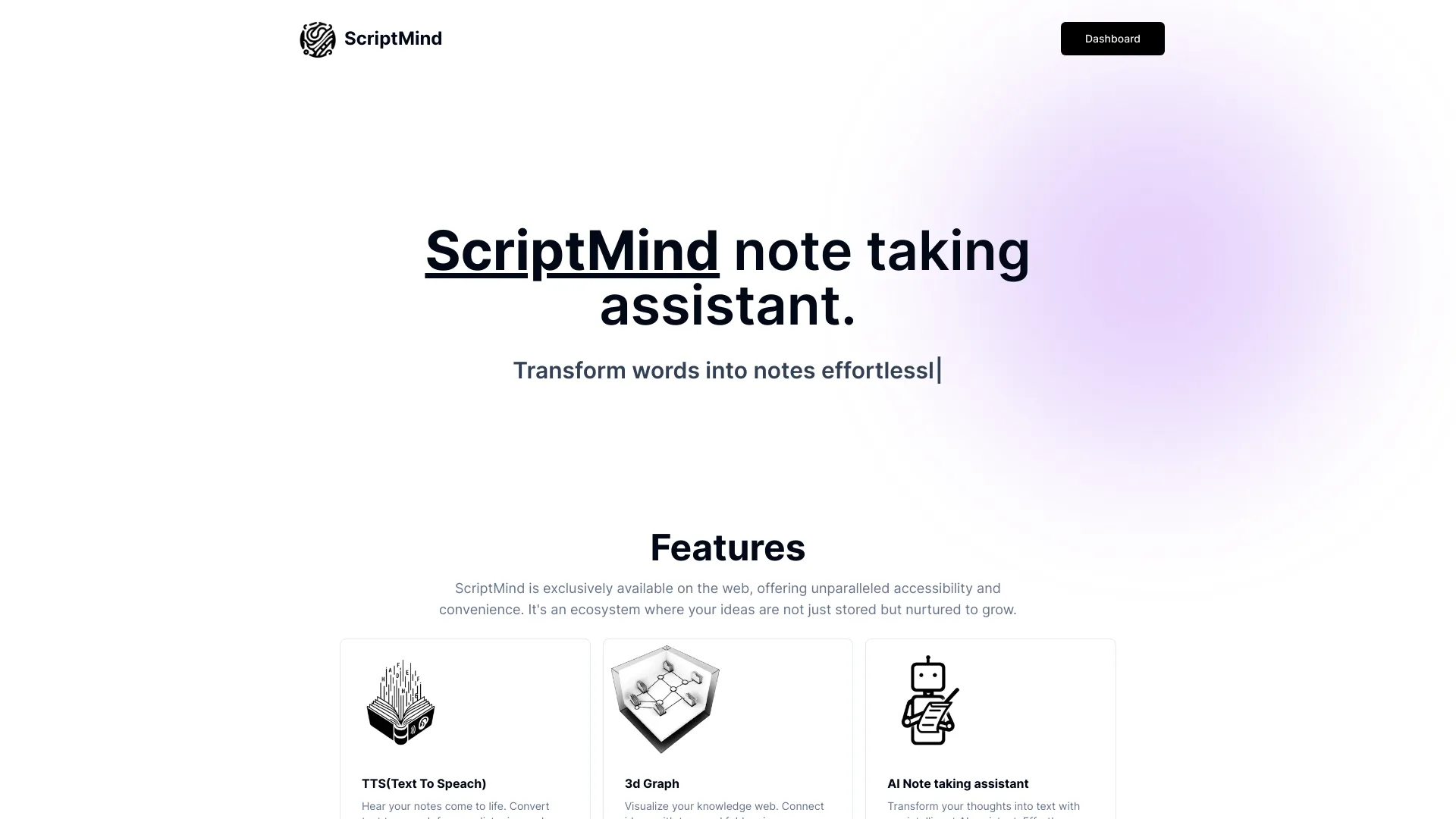
ScriptMind
Visual second-brain note taking

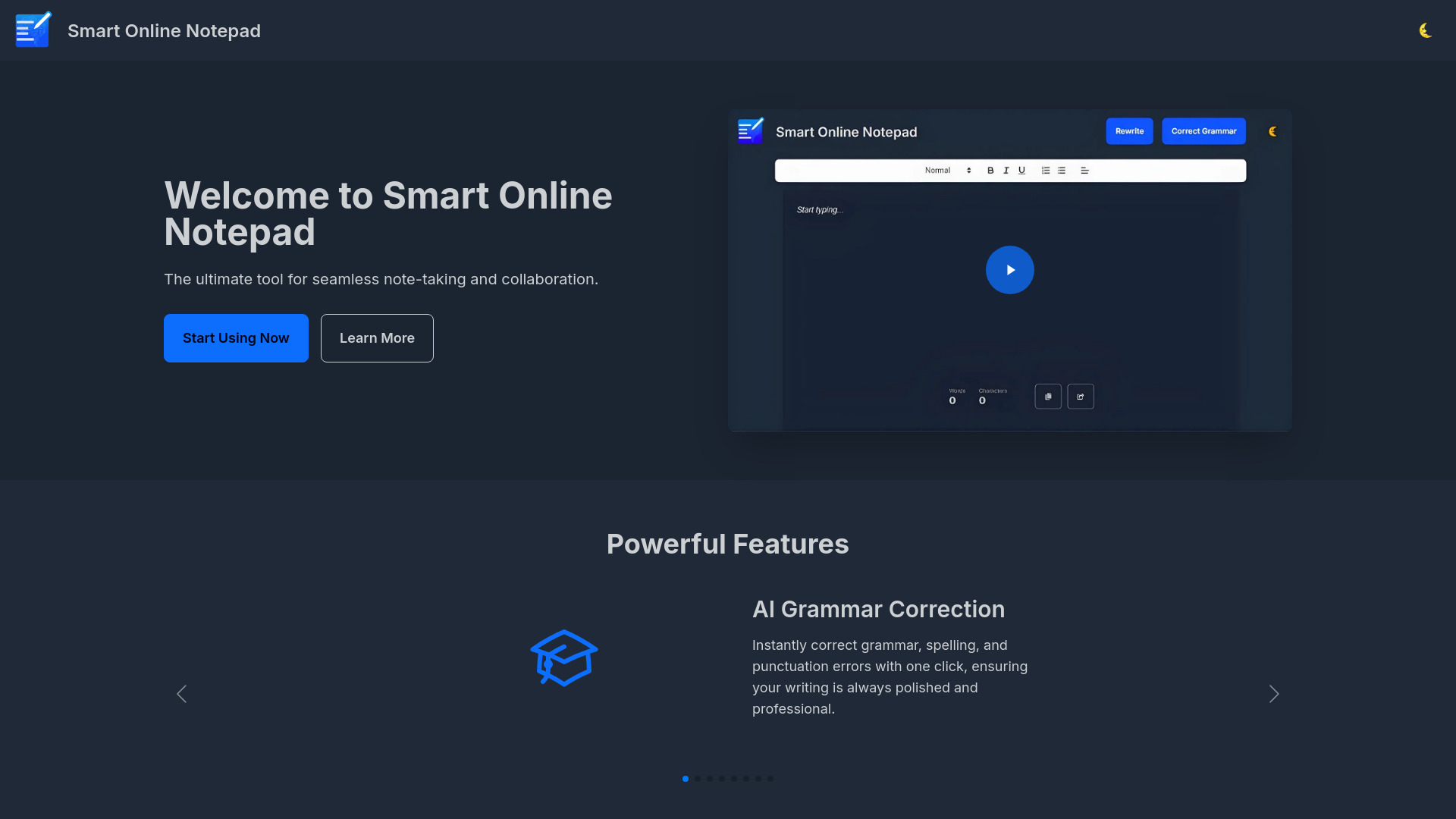
Smart Online Notepad
Quick multilingual note writing

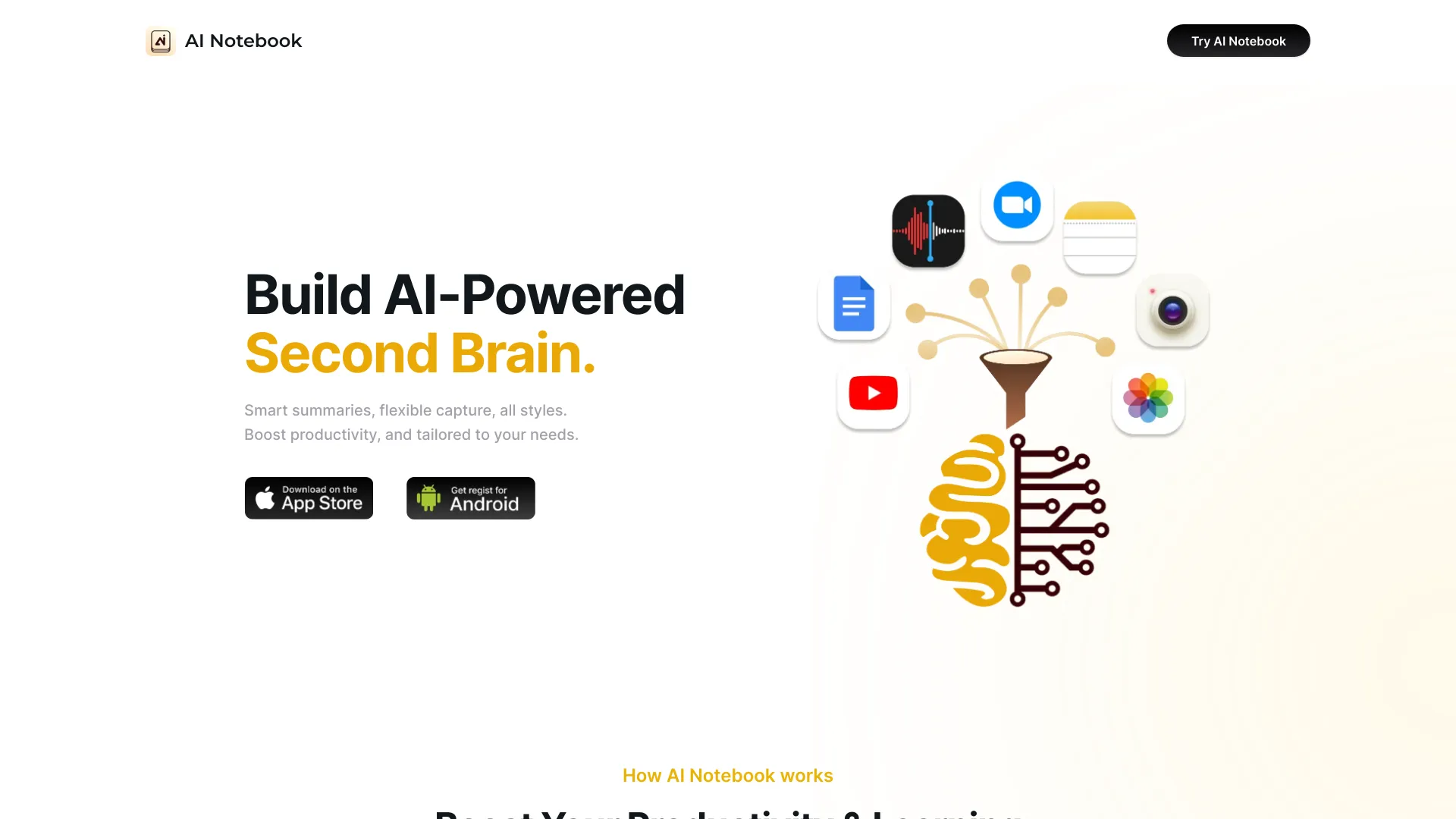
AI Notebook
Students and lecture-heavy note takers

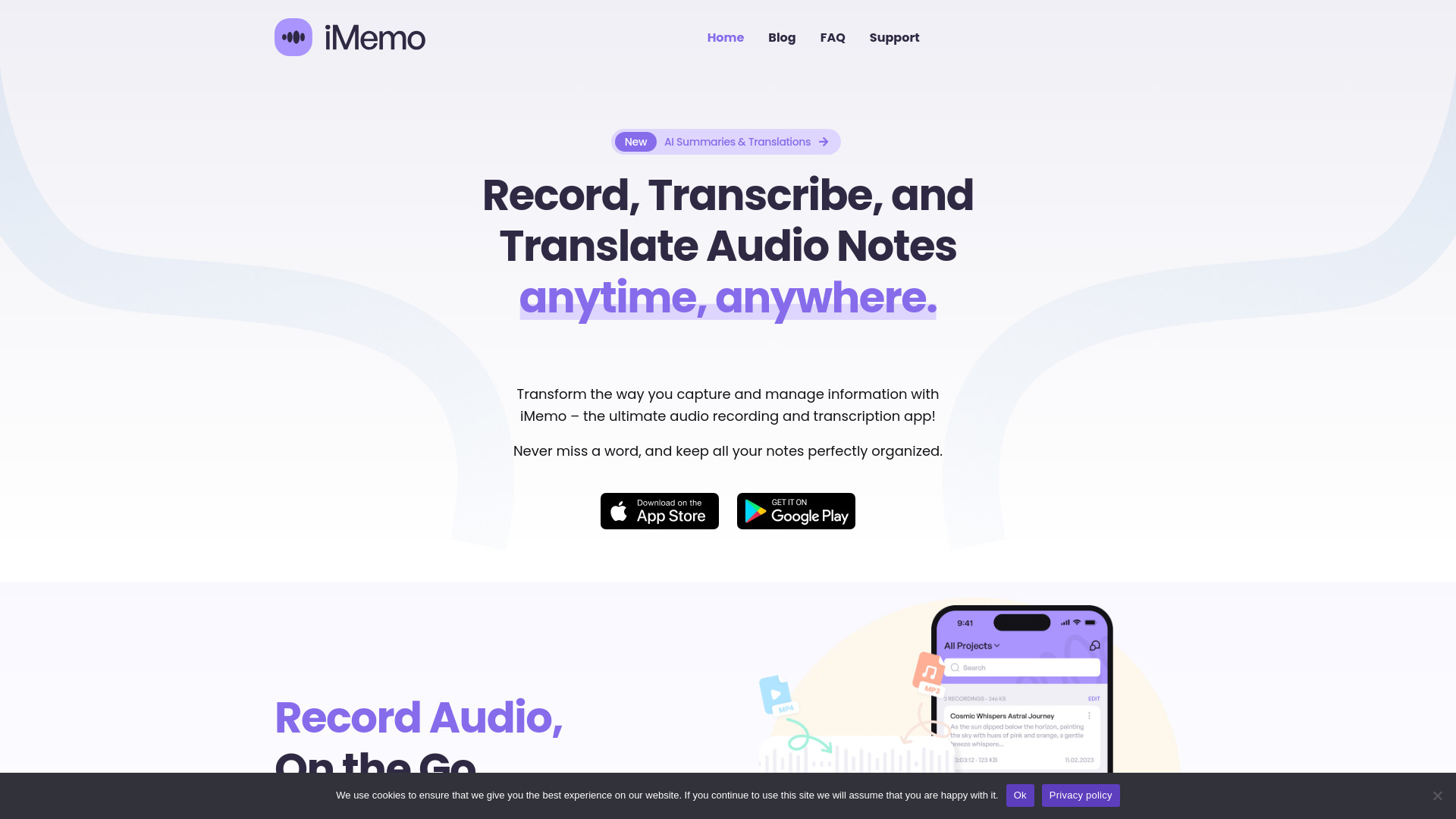
iMemo
Multilingual meeting and lecture notes
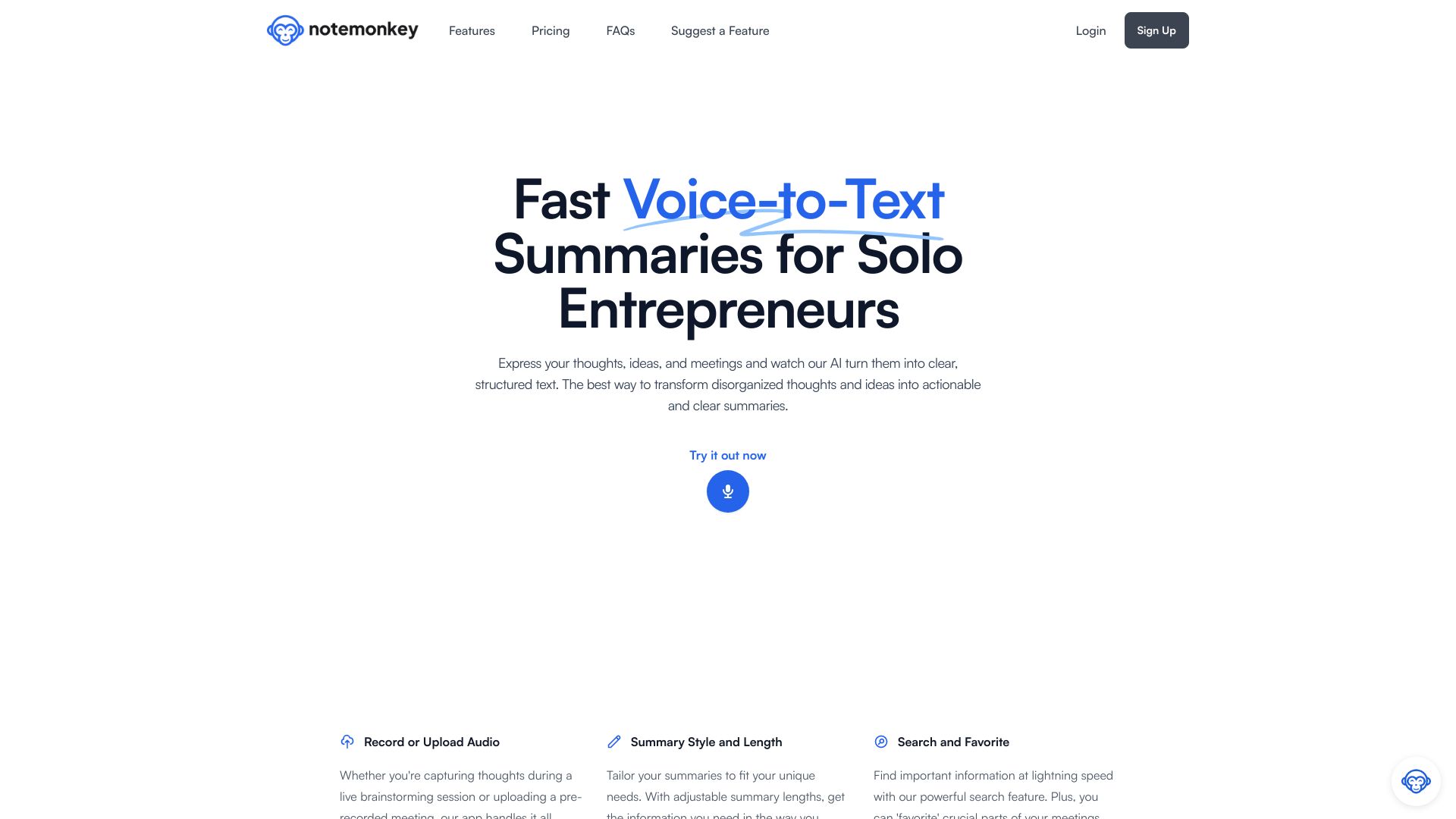
AI Text Transformer
Meeting summaries and structured notes

Opennote
Students building interactive study notes
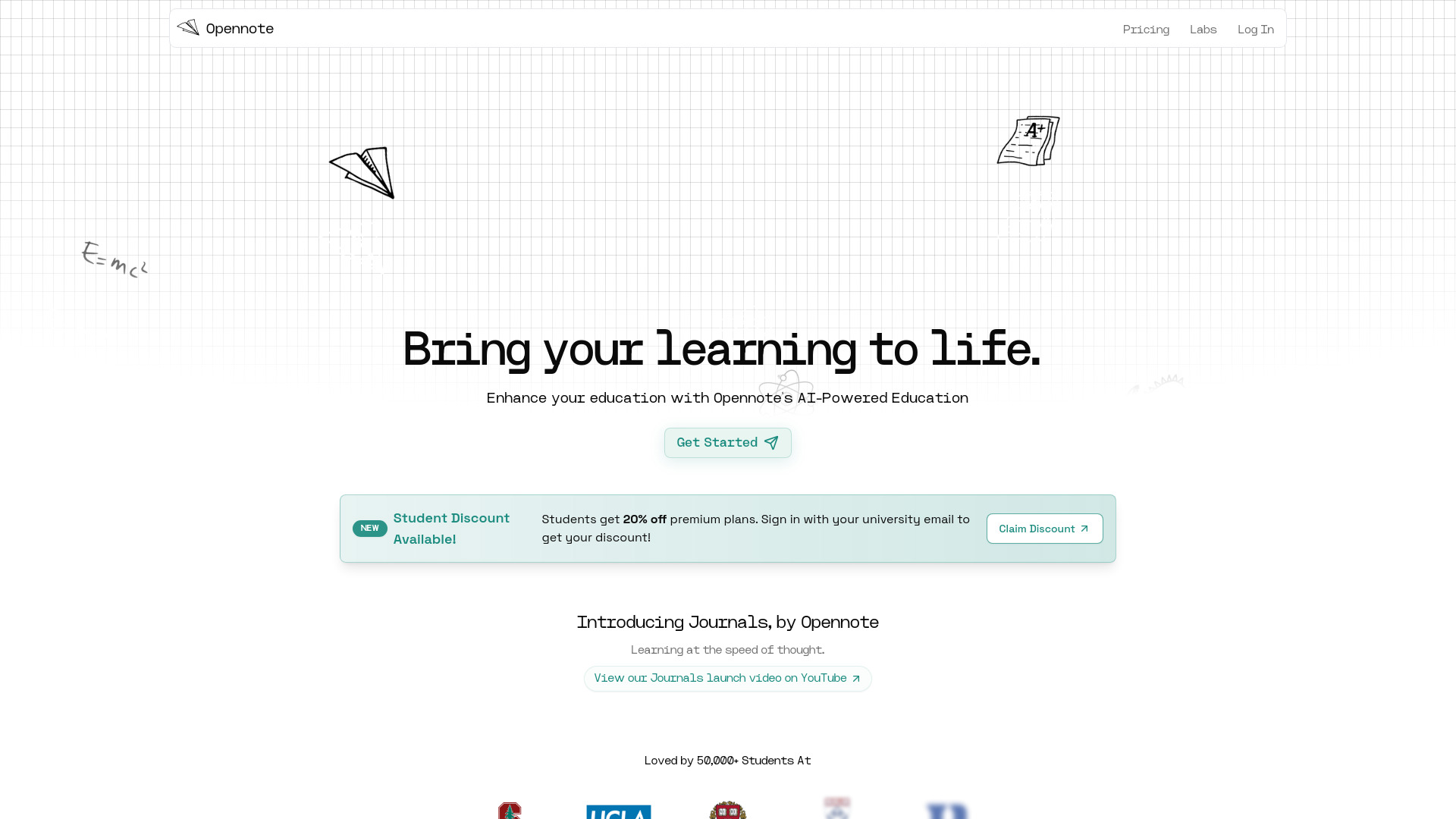

AI Notes
AI-assisted note organization
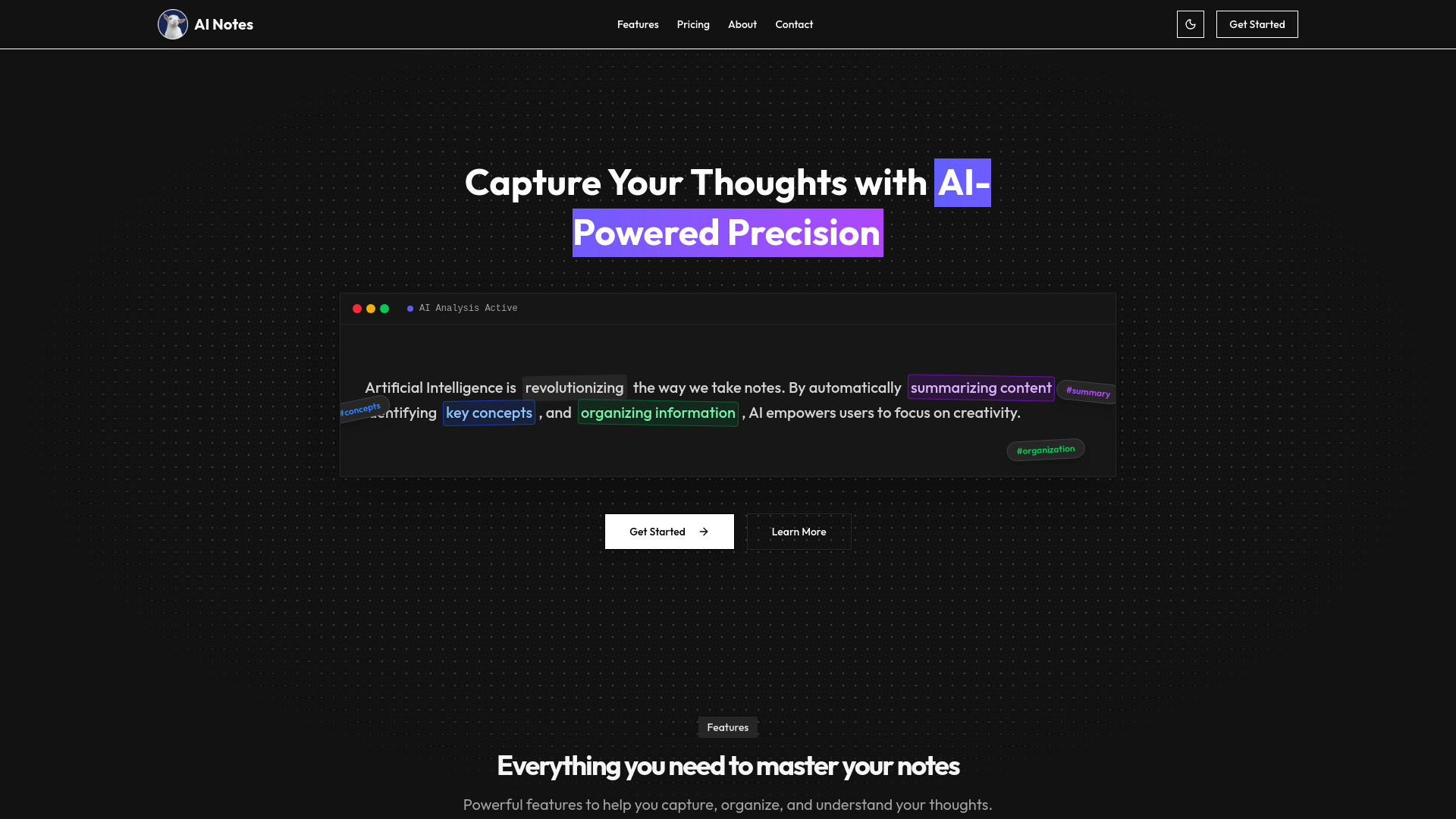
AI Note
Summarizing and organizing notes
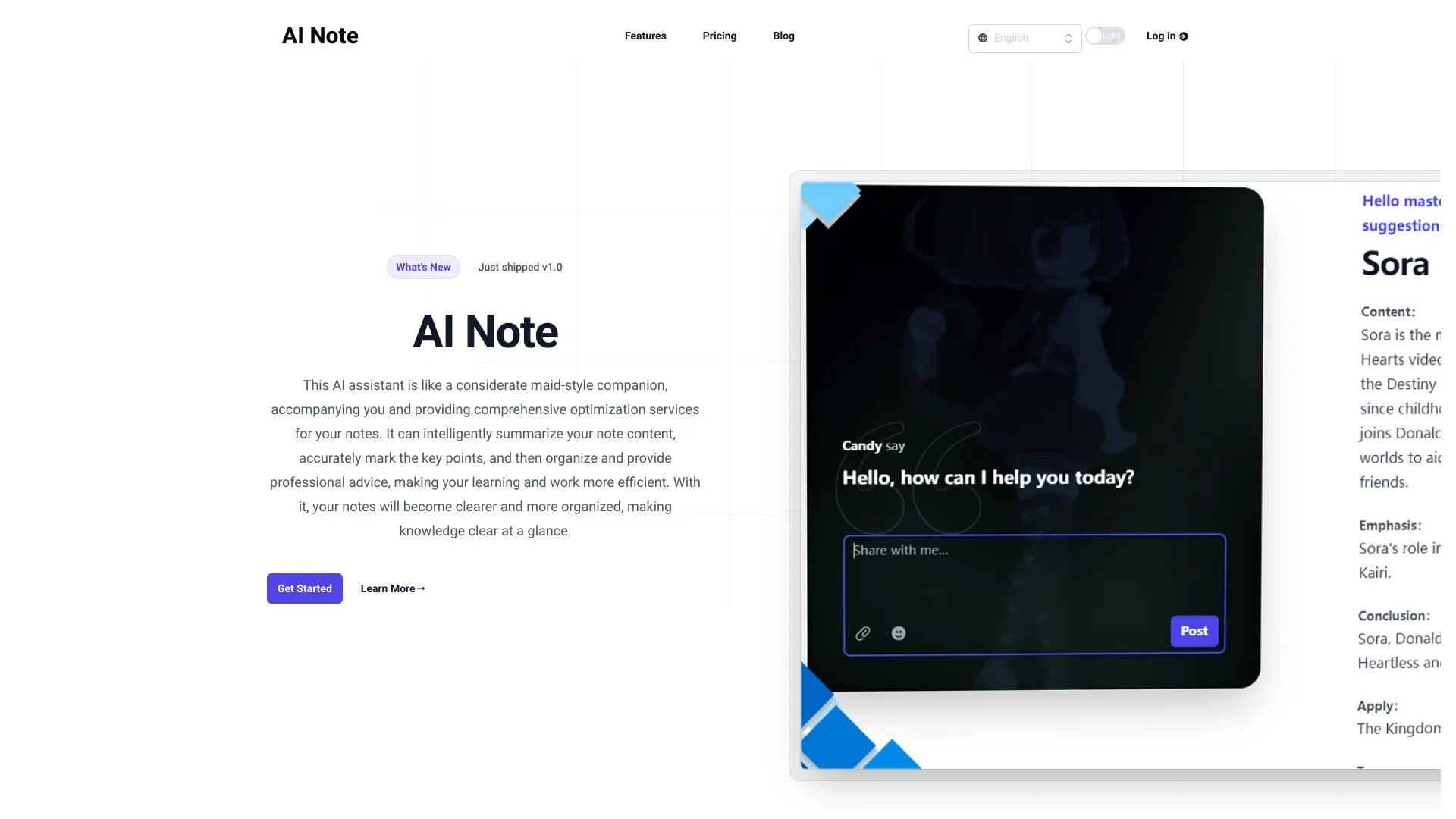

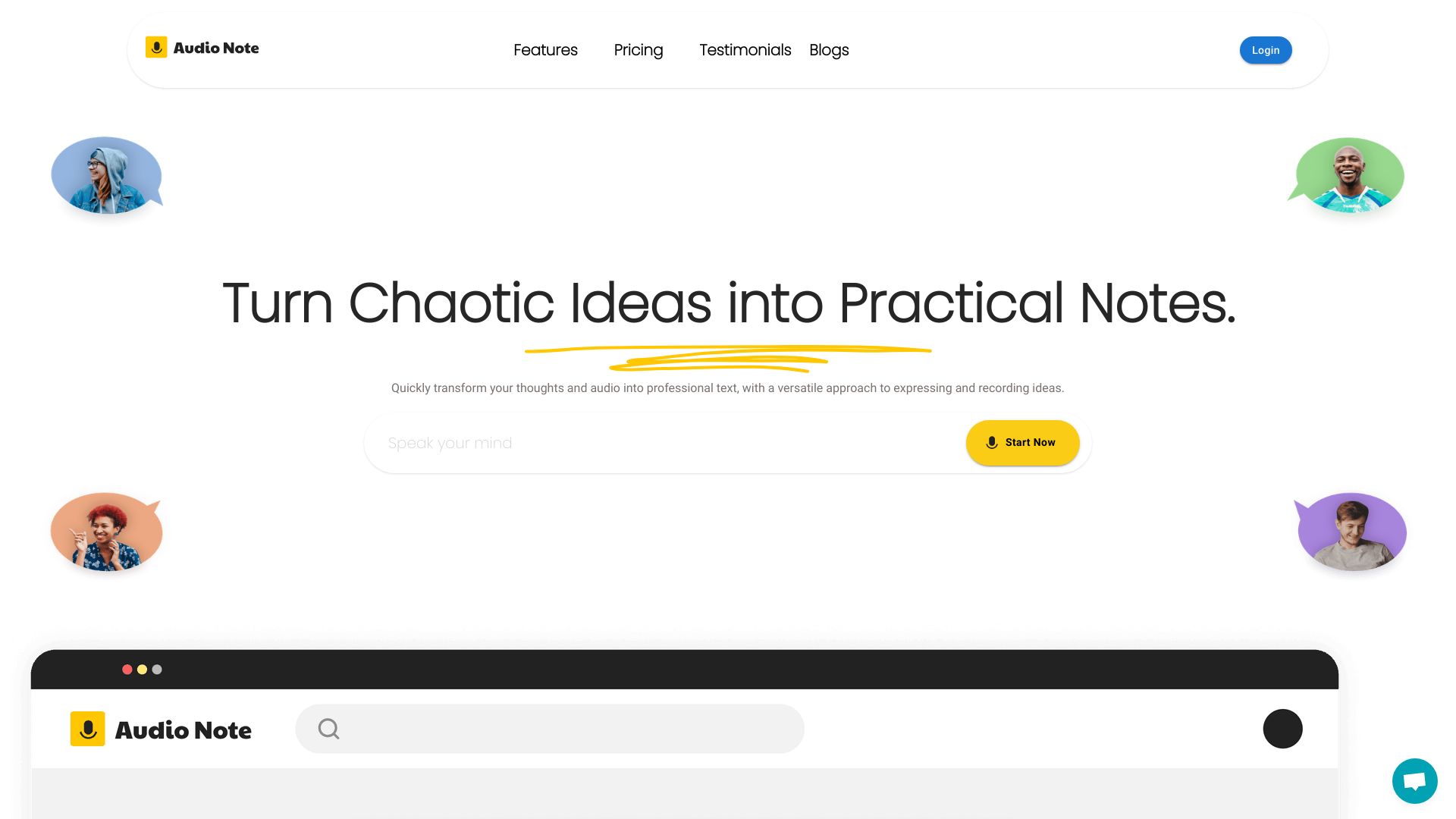
Audio Note
Voice-to-text note taking

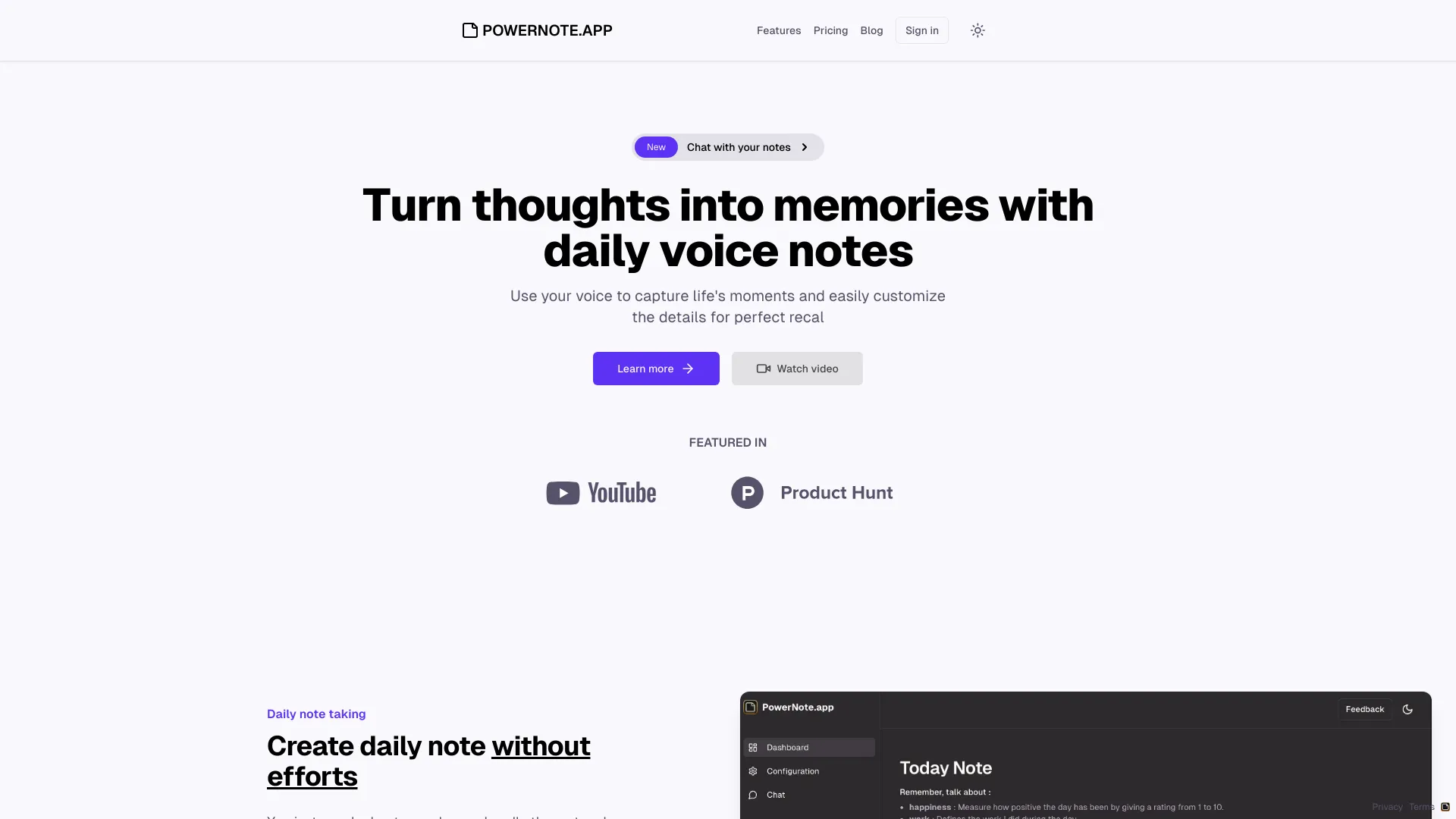
PowerNote.app
Voice-based daily life journaling
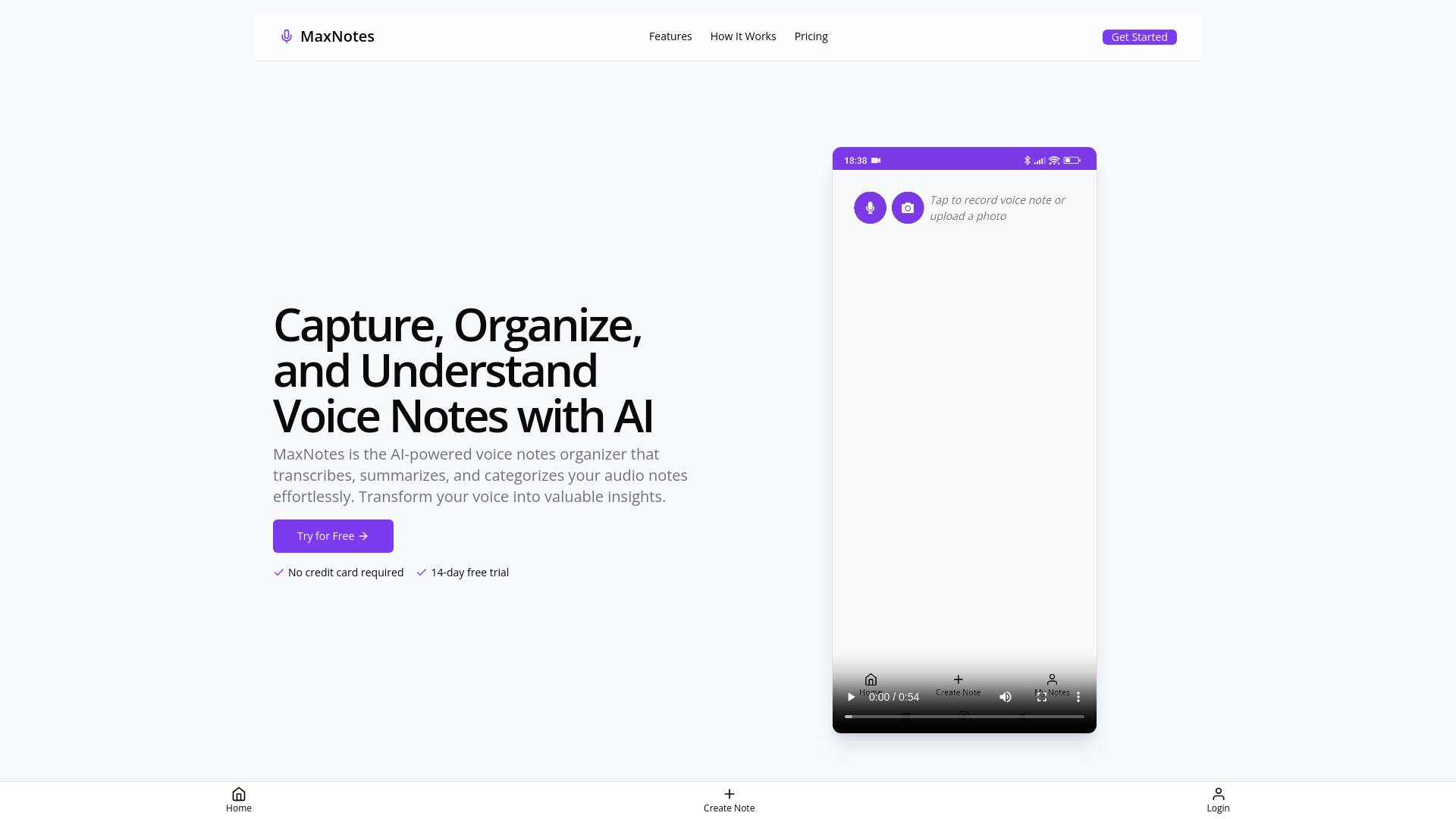
MaxNotes
AI voice note organization

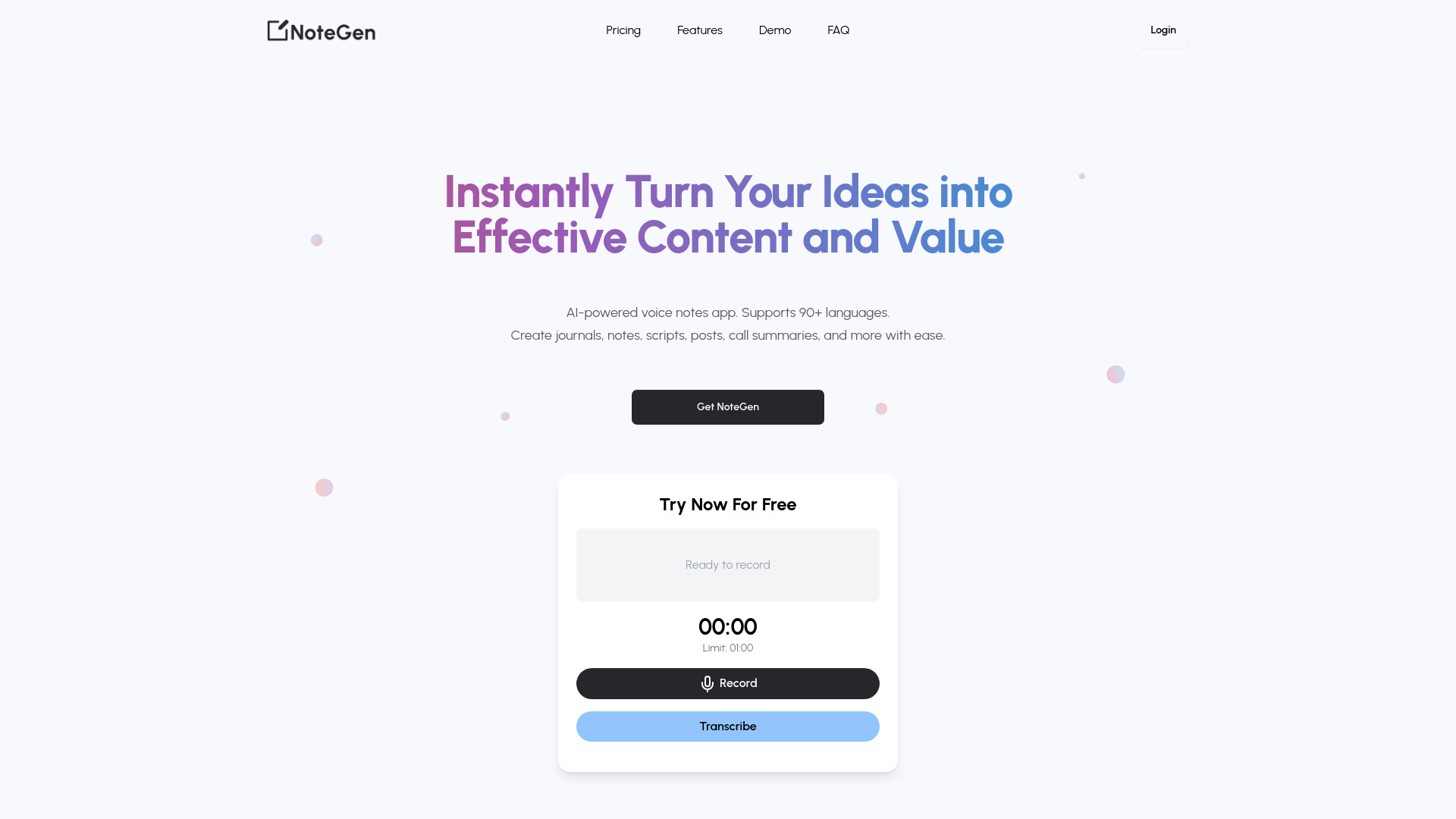
NoteGen
Voice notes and journaling

RecorderGo.app
Cross-device personal note organization
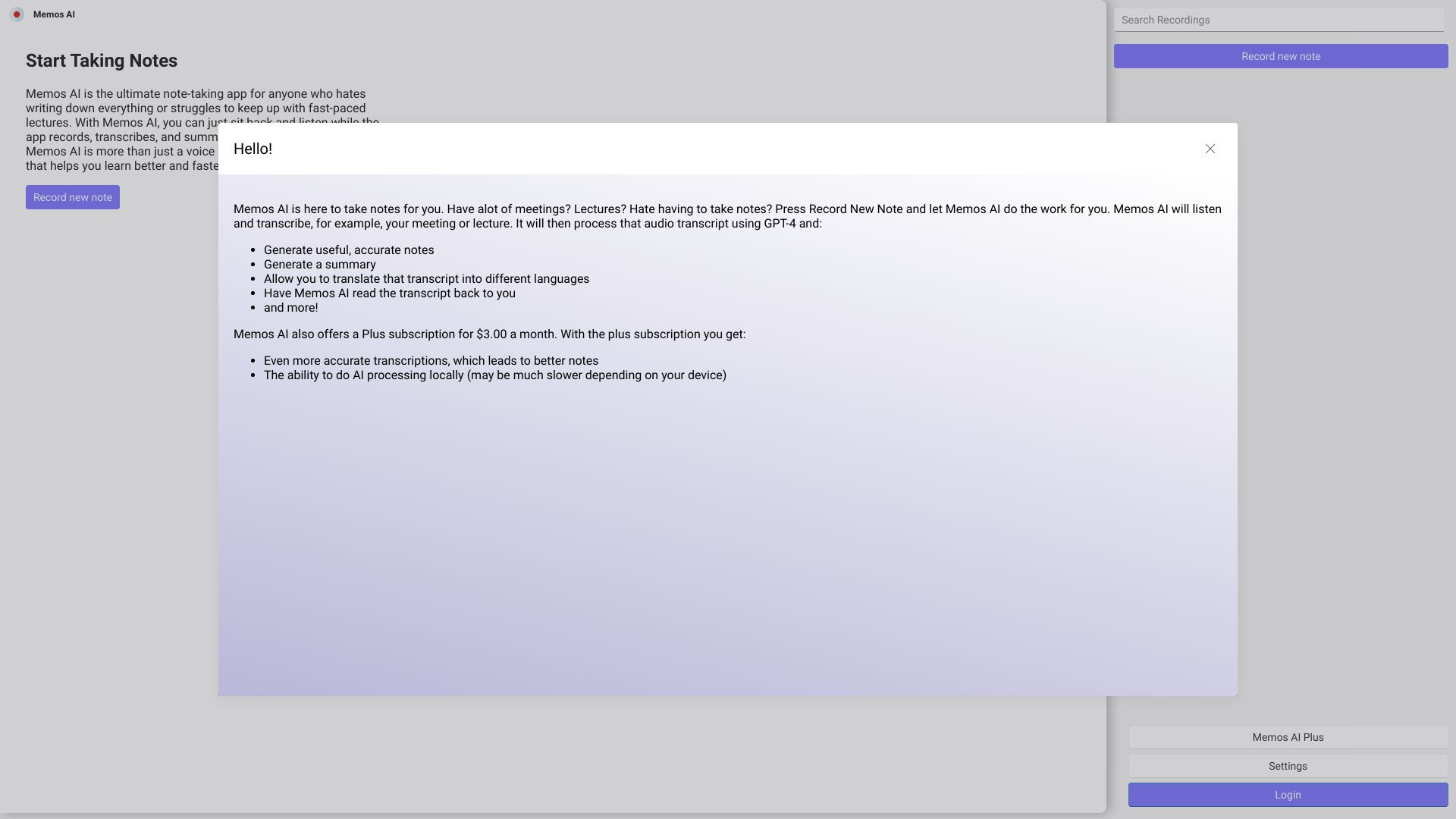

Wave - AI Note Taker
Recording and summarizing meetings and calls
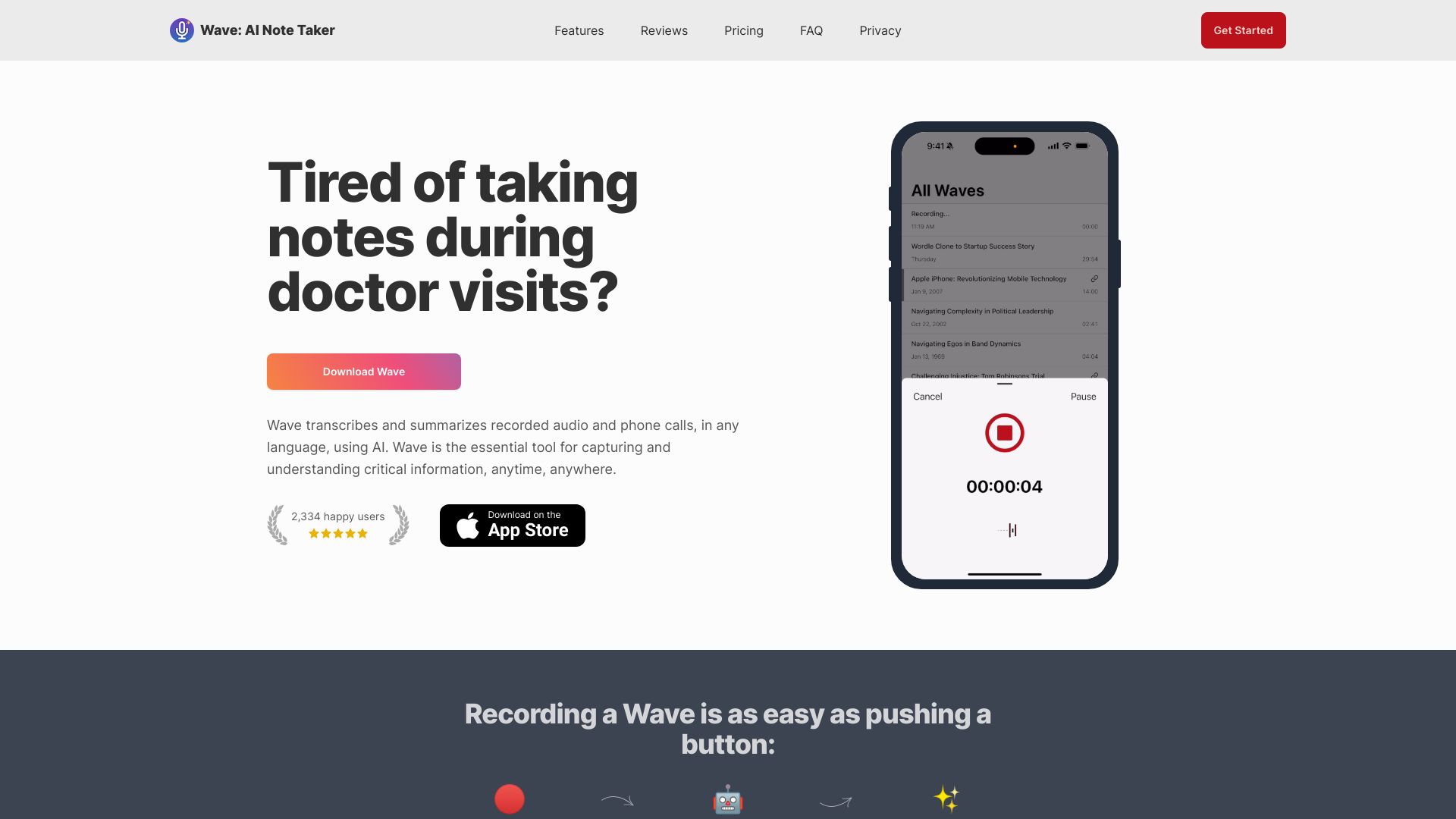
Smart Note
Meeting transcription and AI summaries
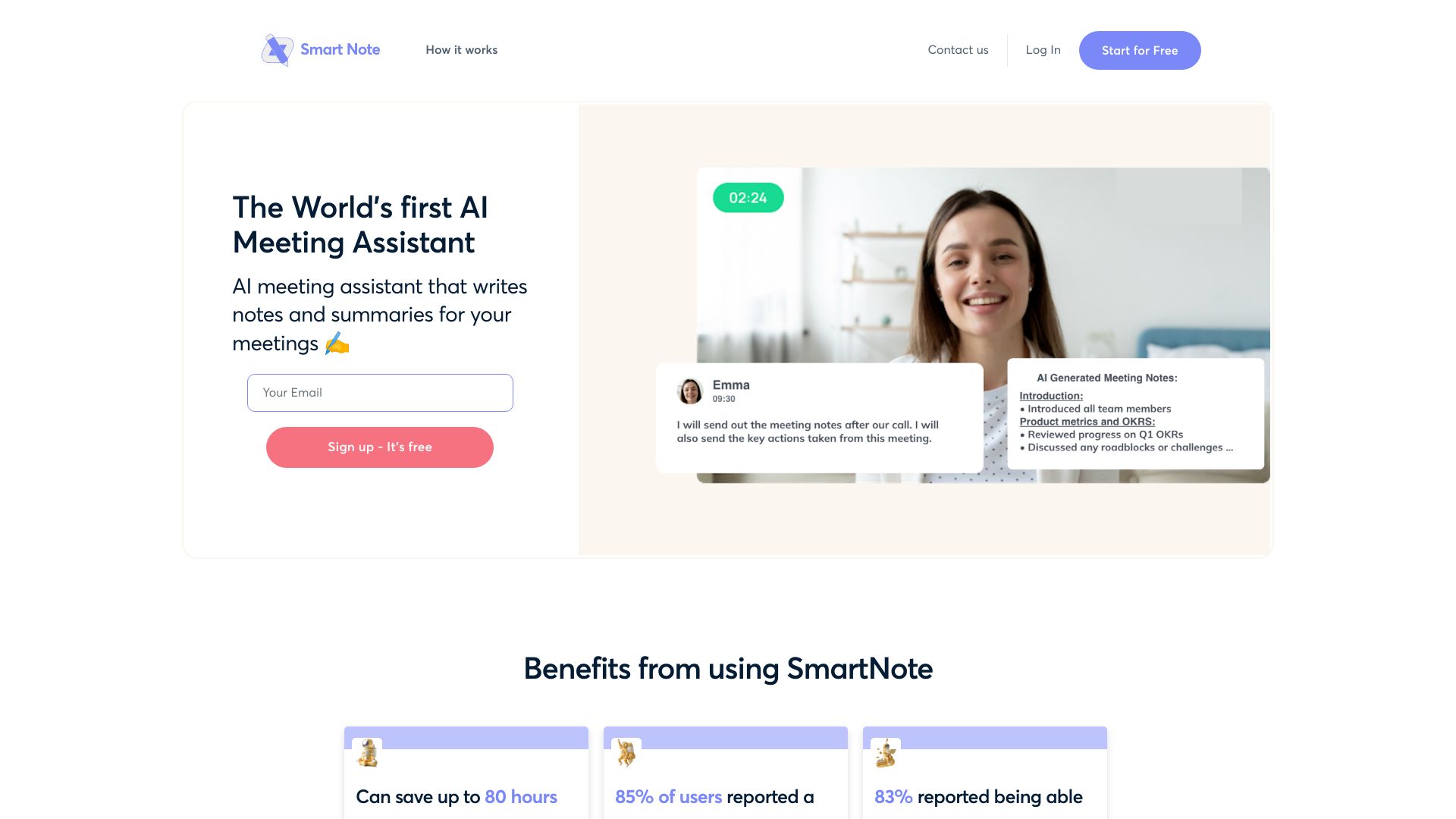
InspNote
Voice-to-content idea capture
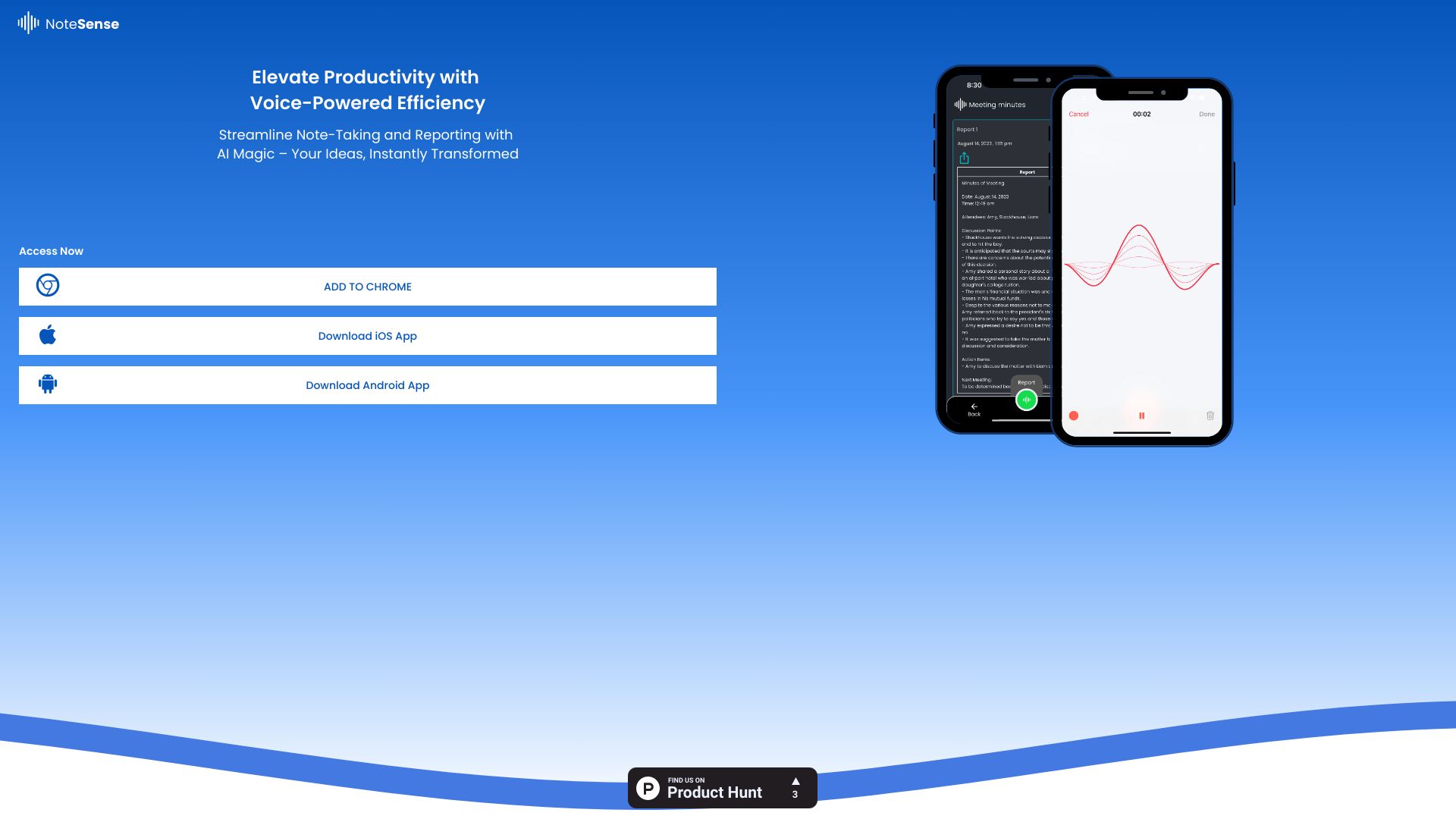
NoteSense
Voice-powered notes and AI reports

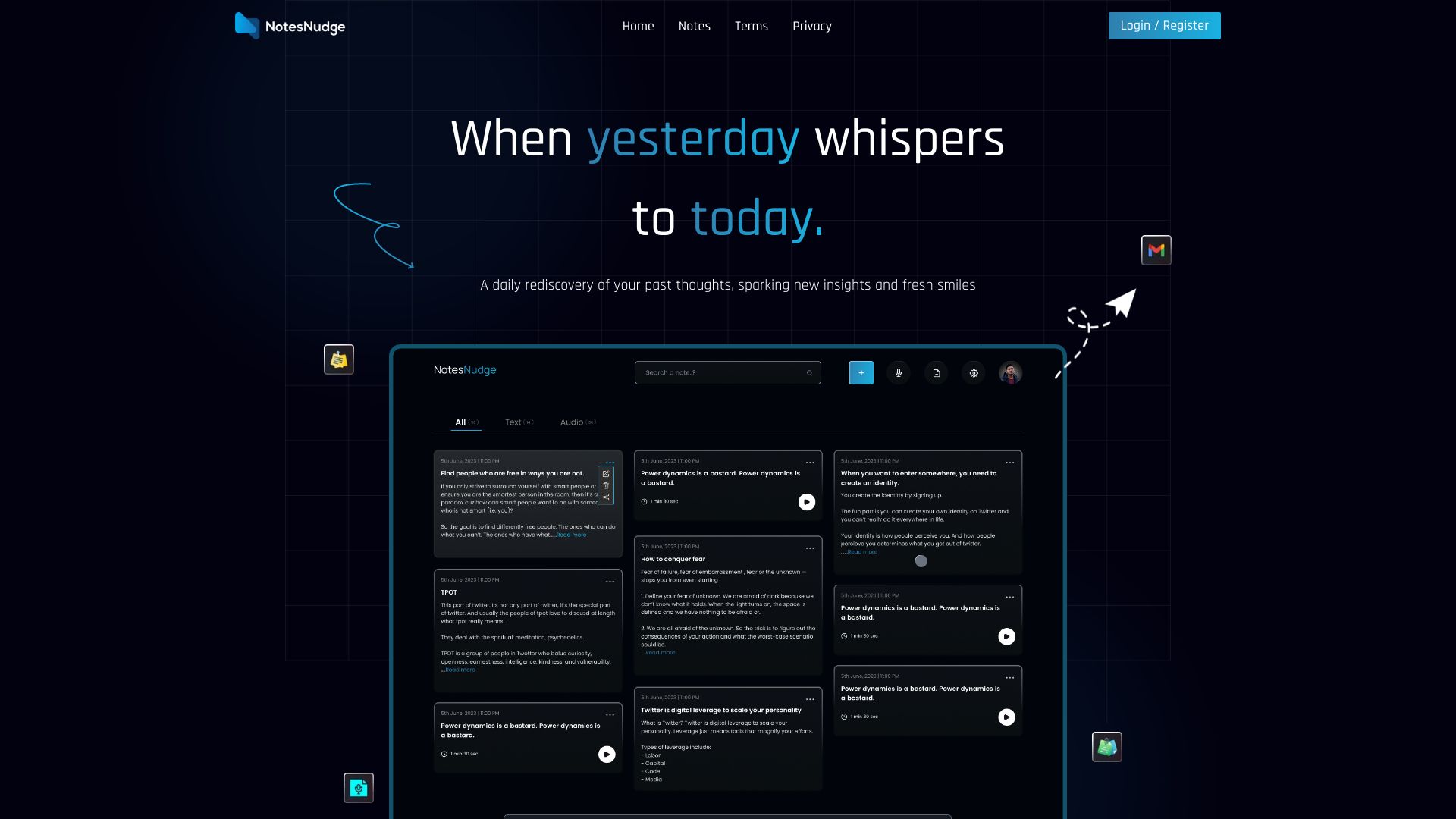
NotesNudge
Voice-first note capture
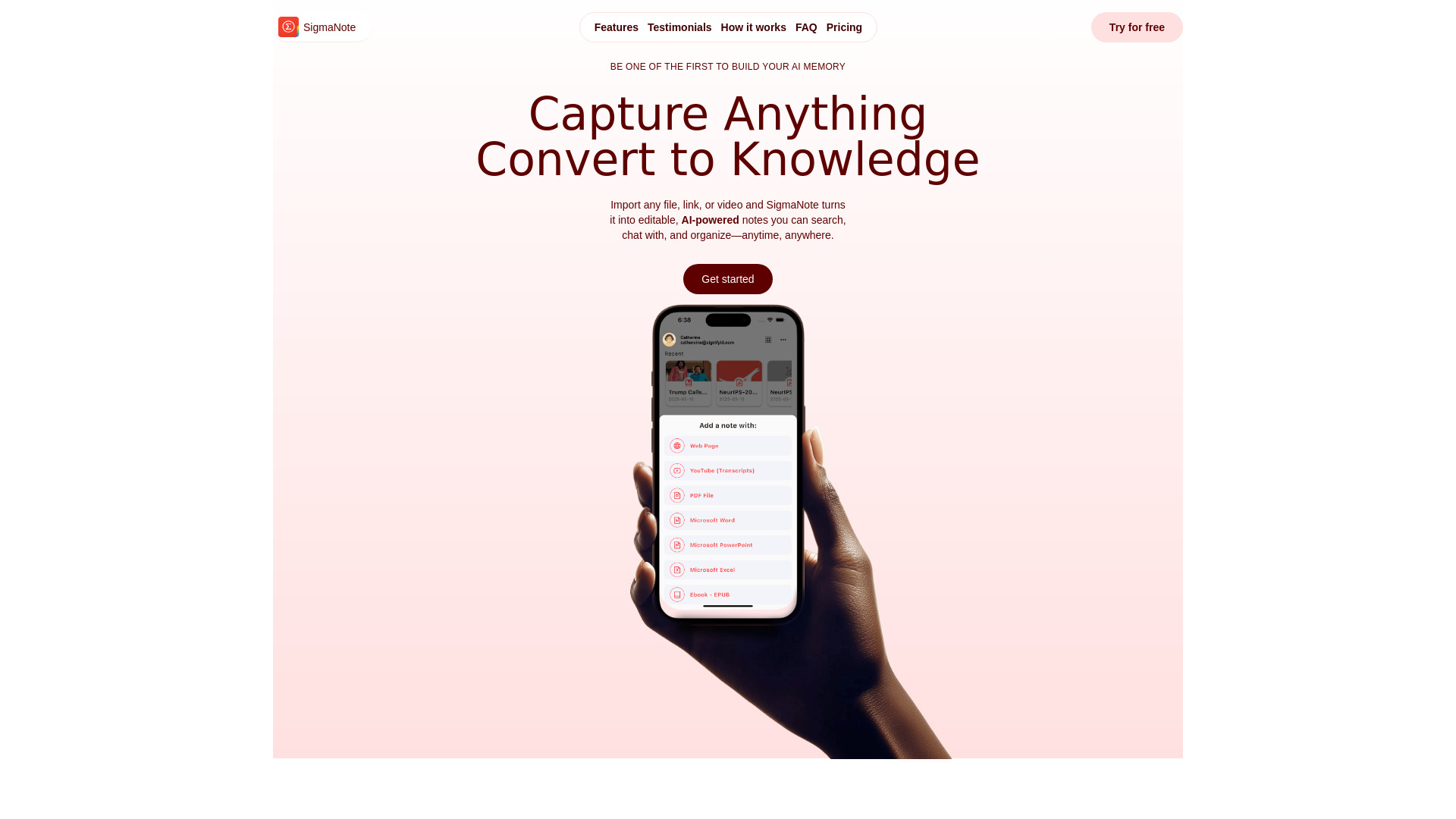
SigmaNote
AI-powered note capture and document chat

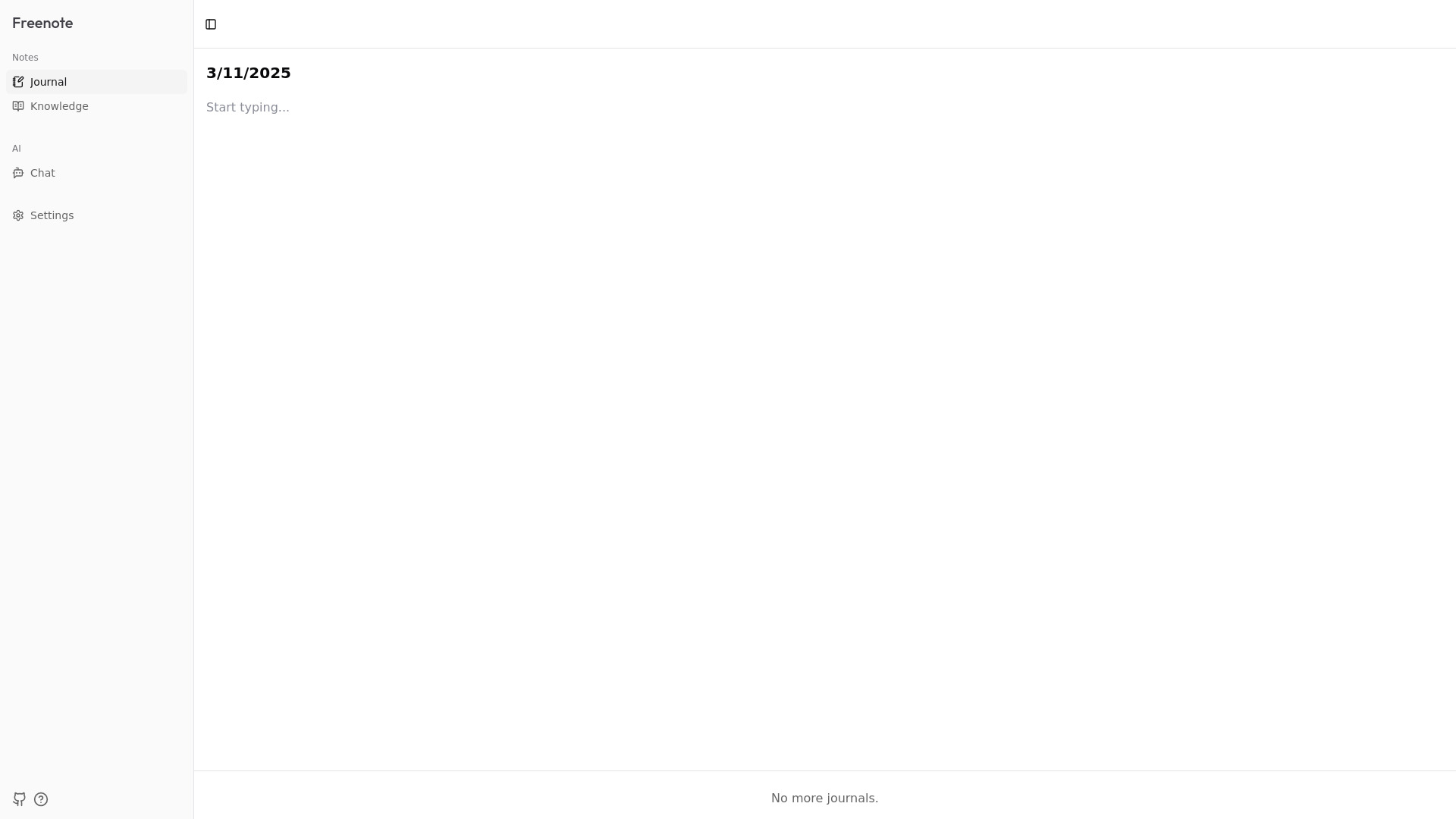
Freenote
Private AI journaling and local note search
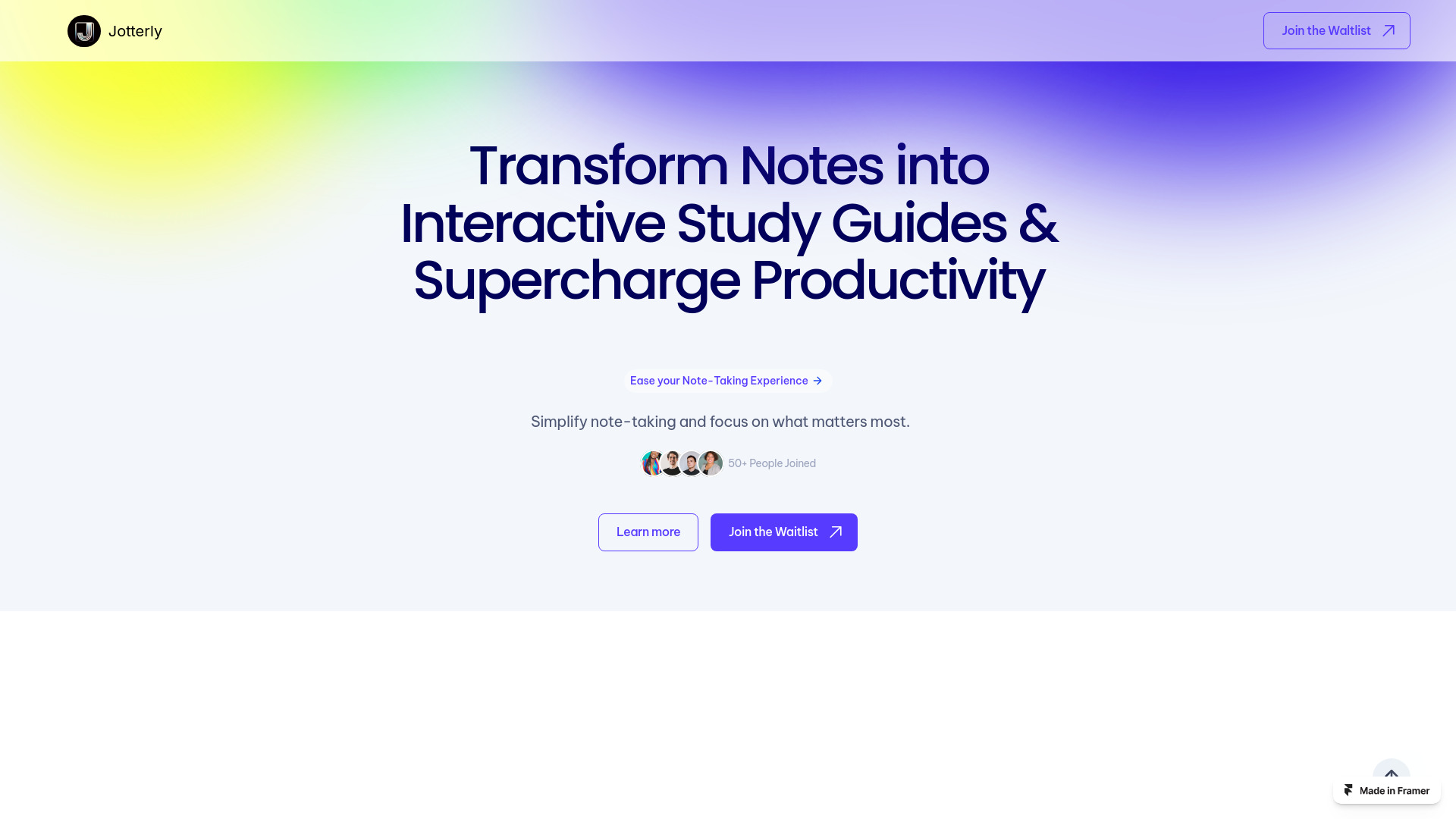
Jotterly
AI-powered note organization
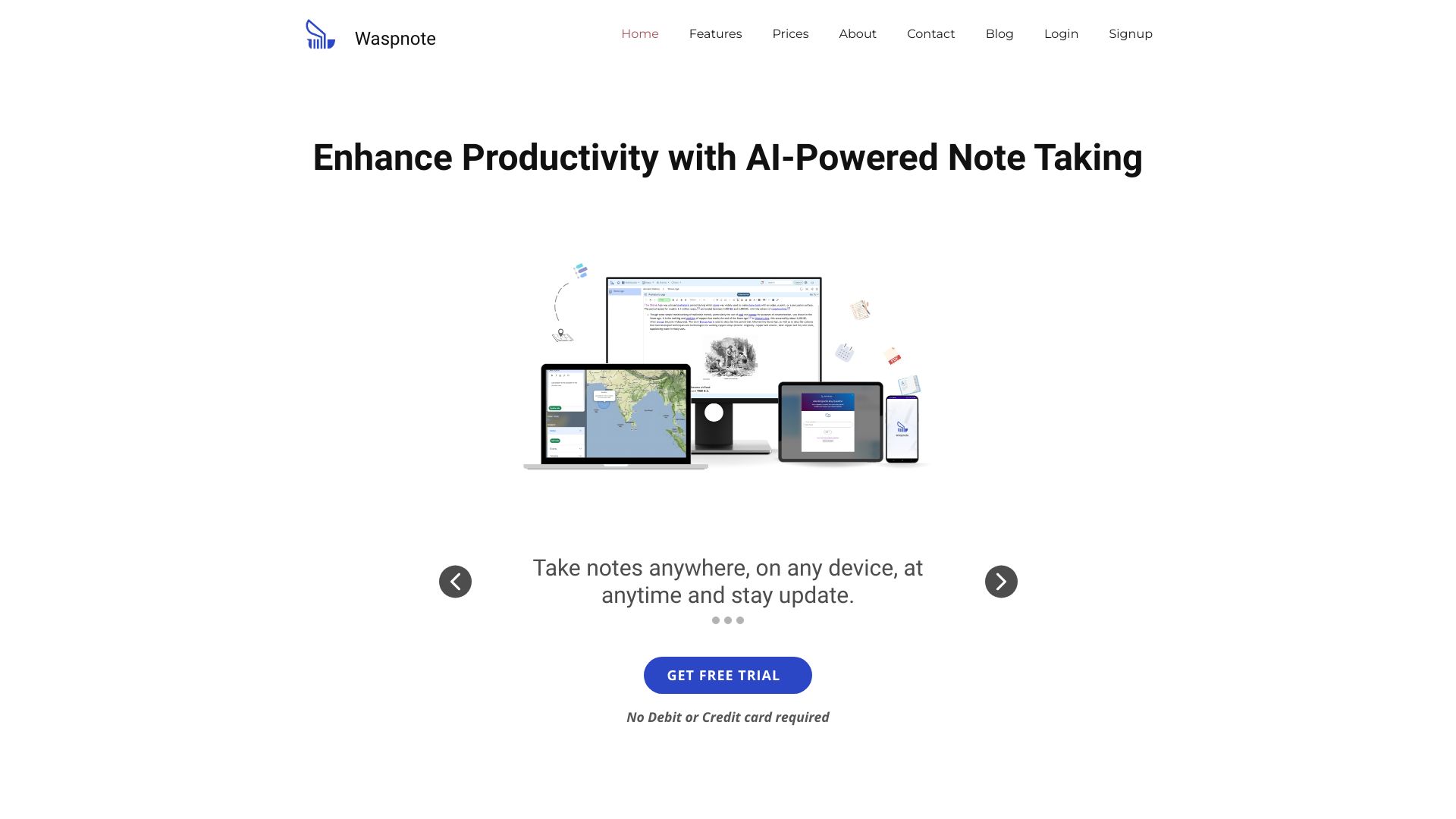
Waspnote
Students and professionals
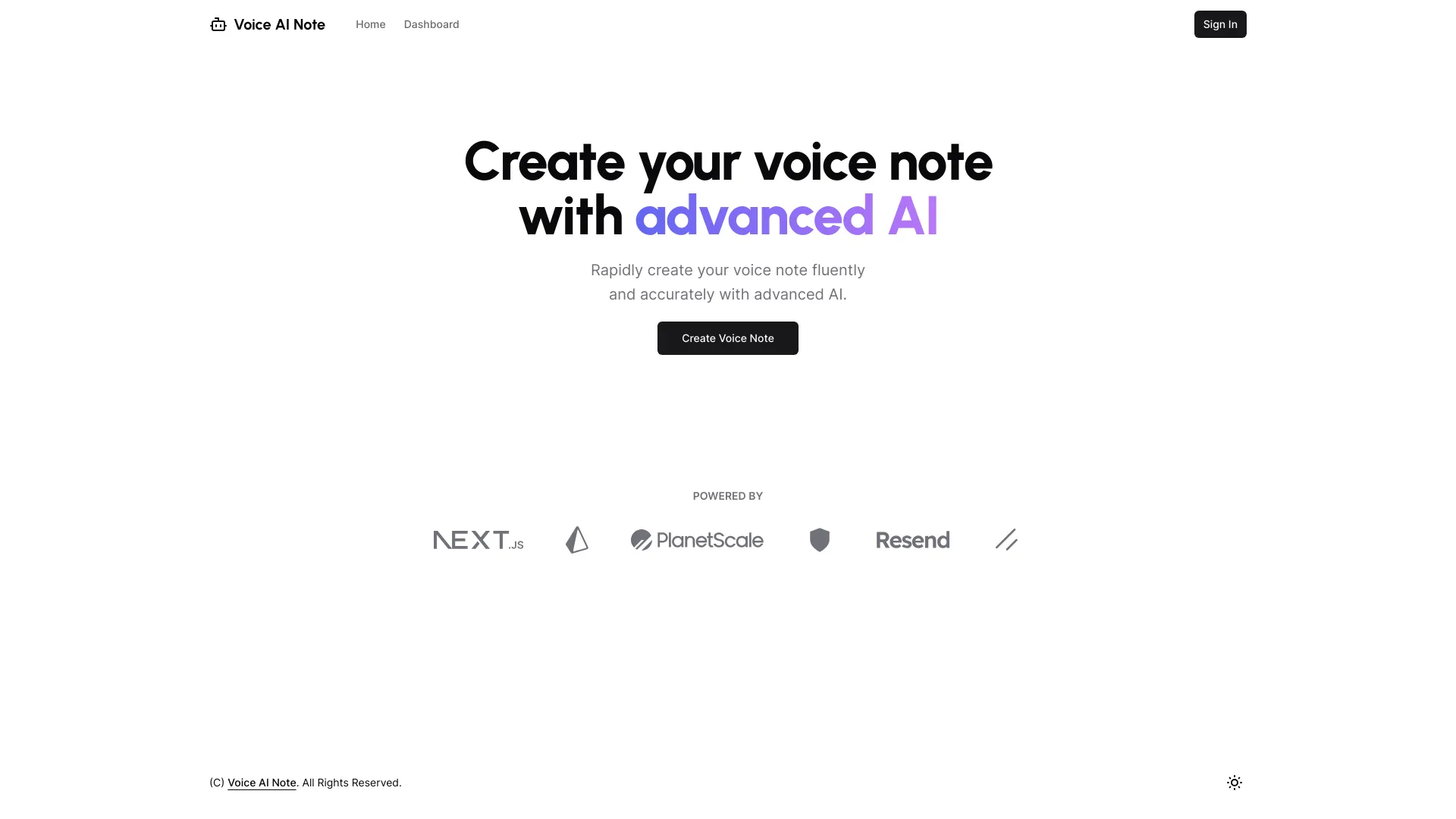
VoiceAINote
Privacy-focused voice note transcription

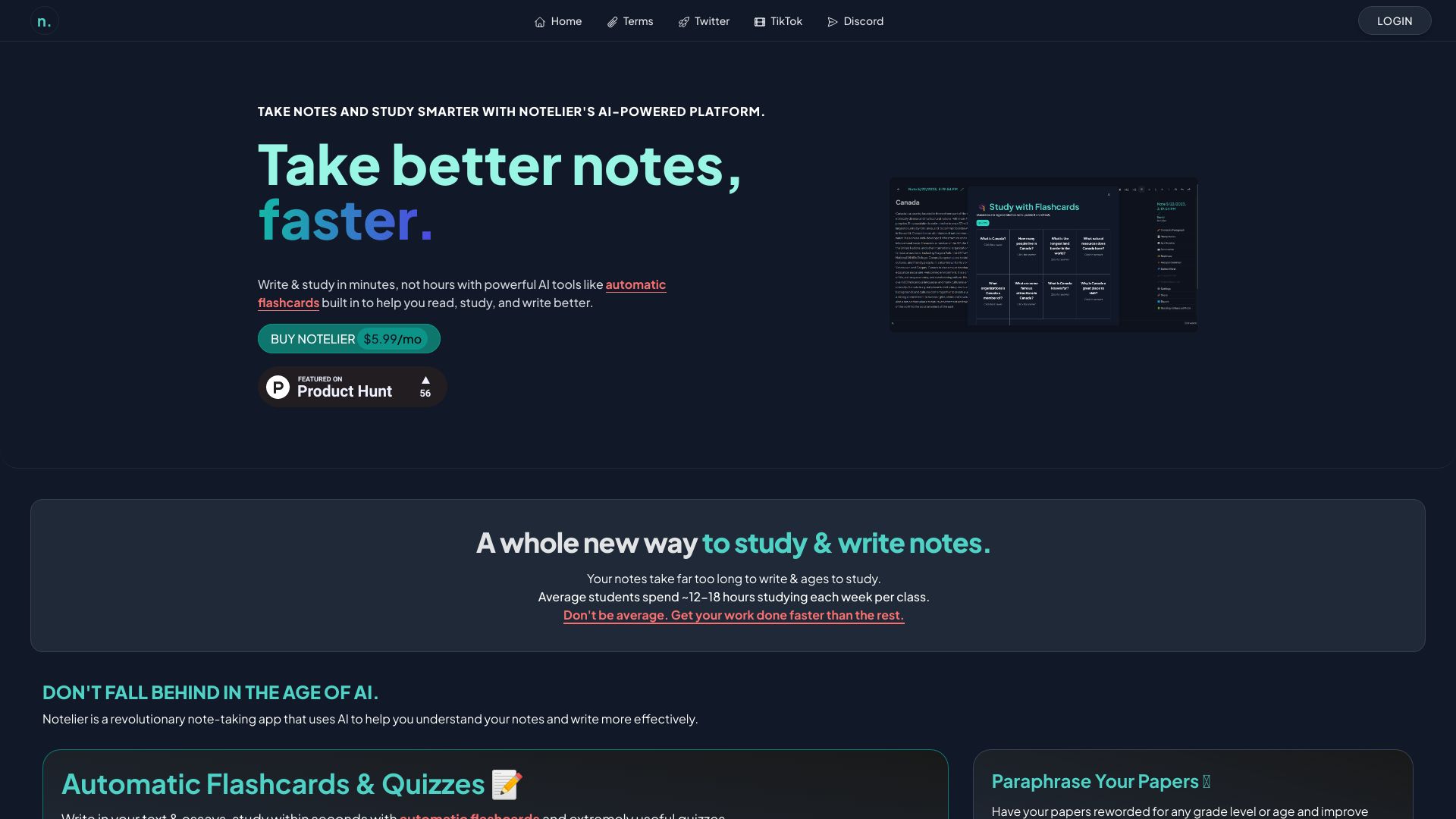
Notelier
AI-assisted notes and study materials

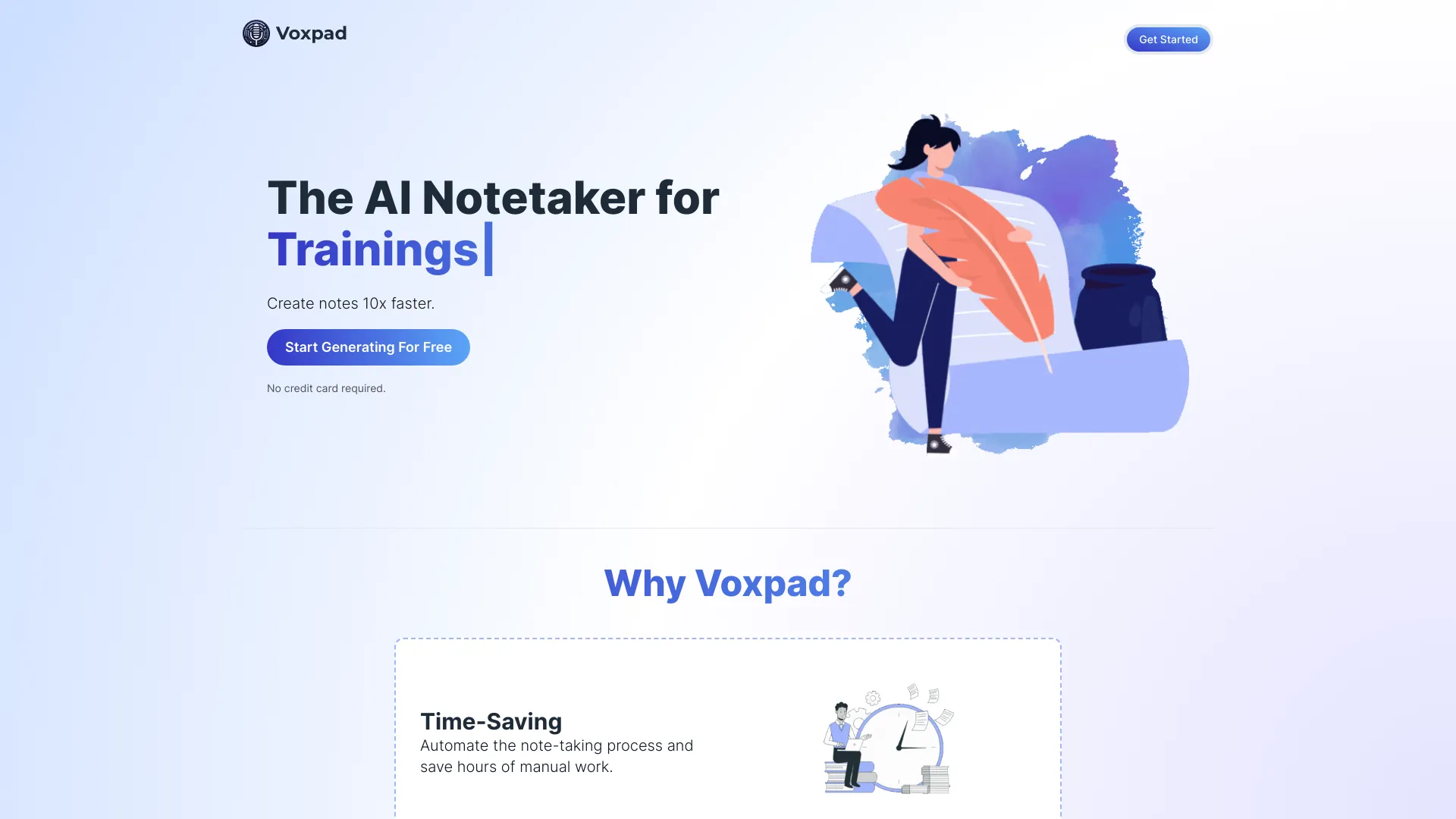
Voxpad
Customizable video and audio notes

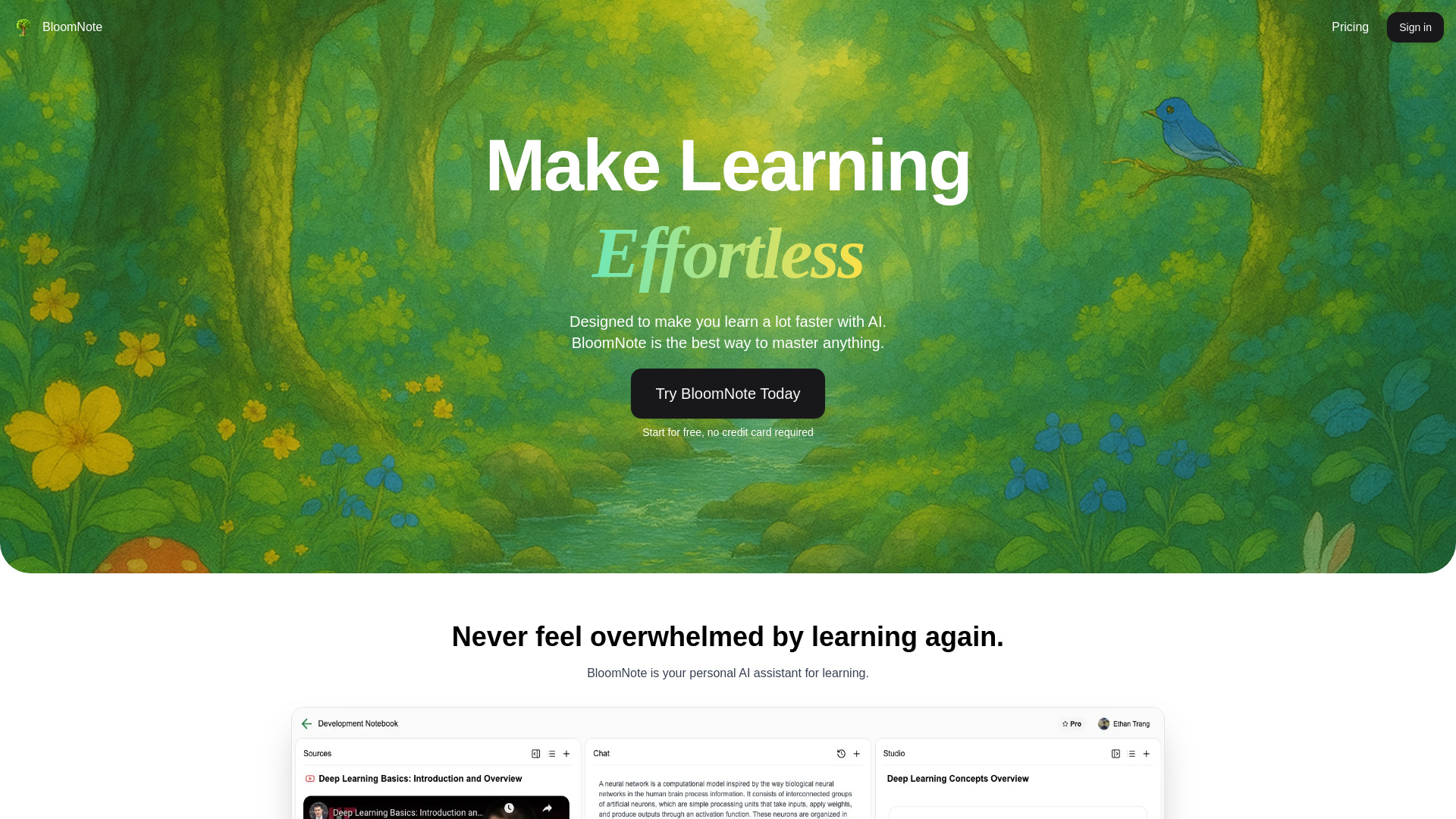
BloomNote
Students creating notes from study materials
NoteTakers IO
Turning YouTube lectures into study notes


Devnote
Codebase documentation and notes
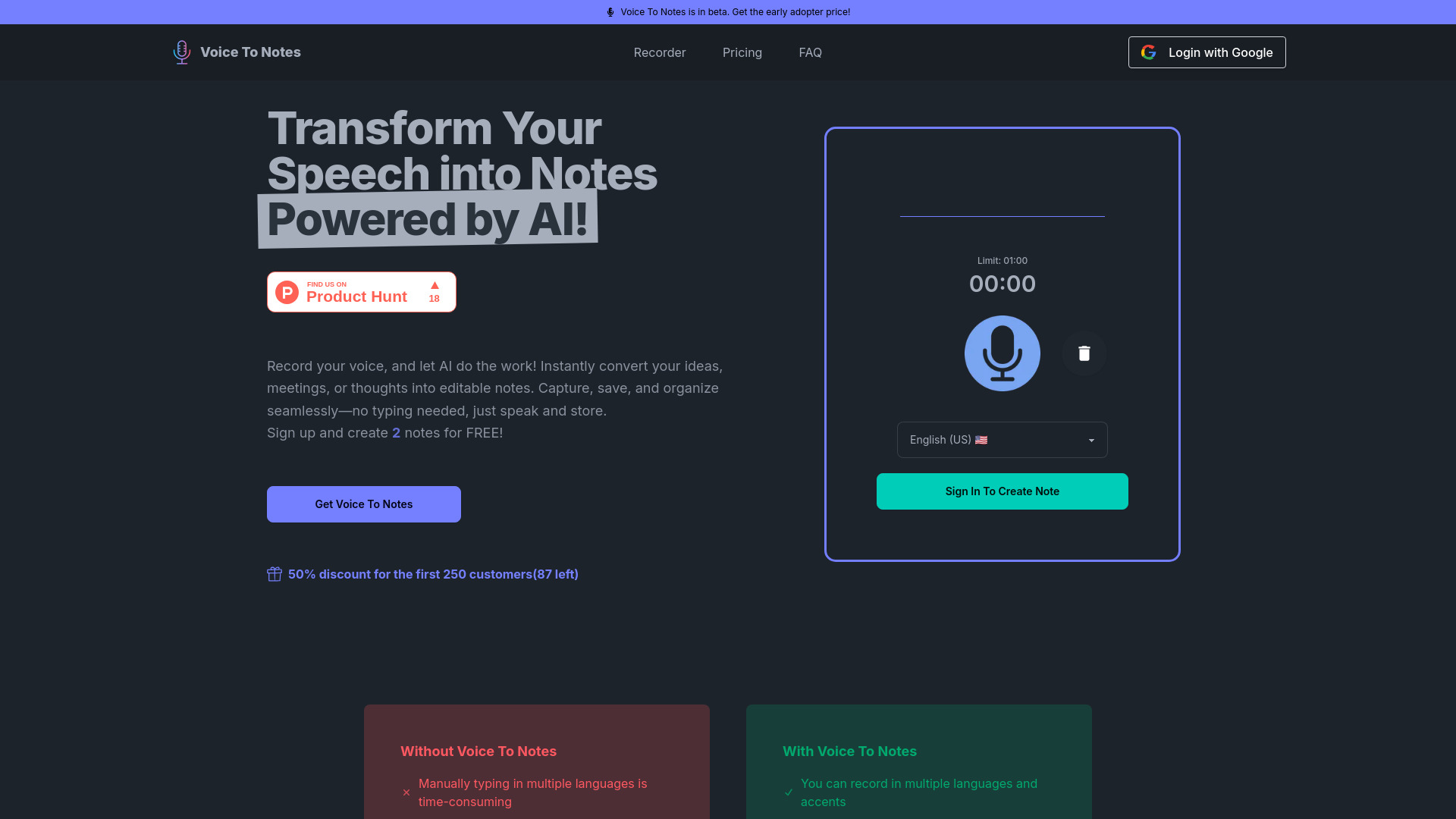
Voice To Notes
Multilingual voice-to-note capture

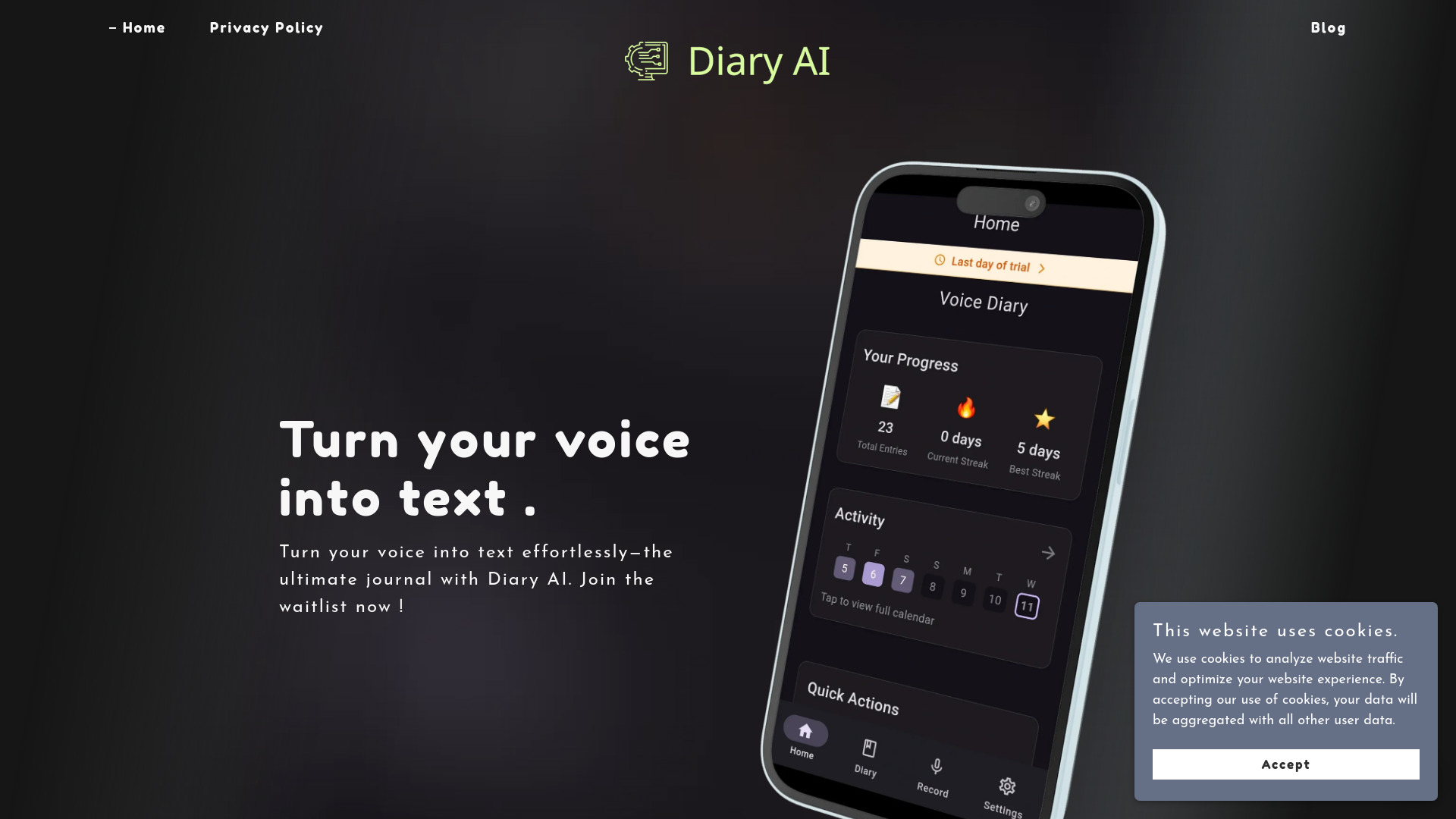
Diary AI
Voice-to-text journaling

PicNotes
Converting images into text and summaries

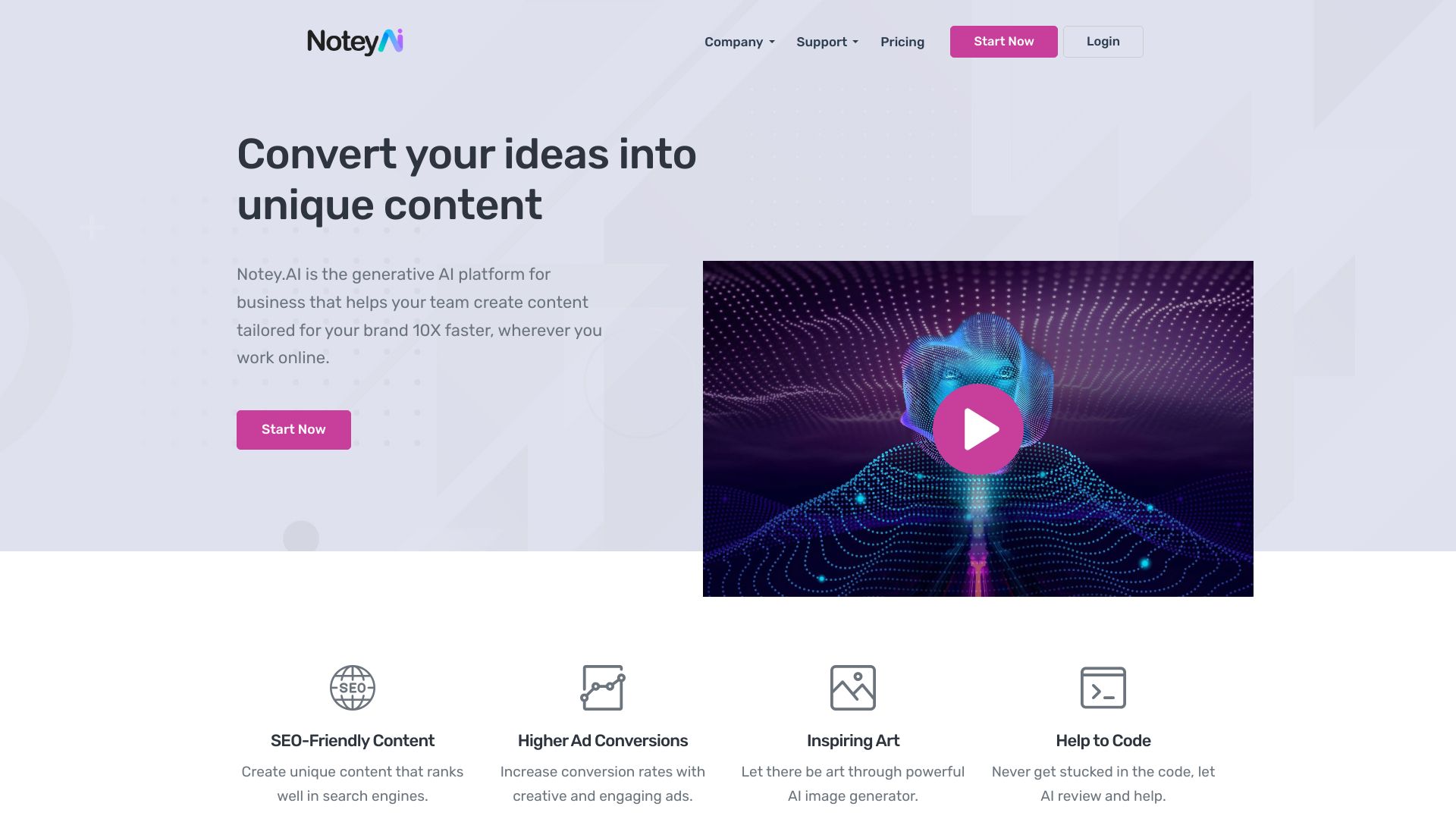
Notey.AI
AI content creation for marketing teams
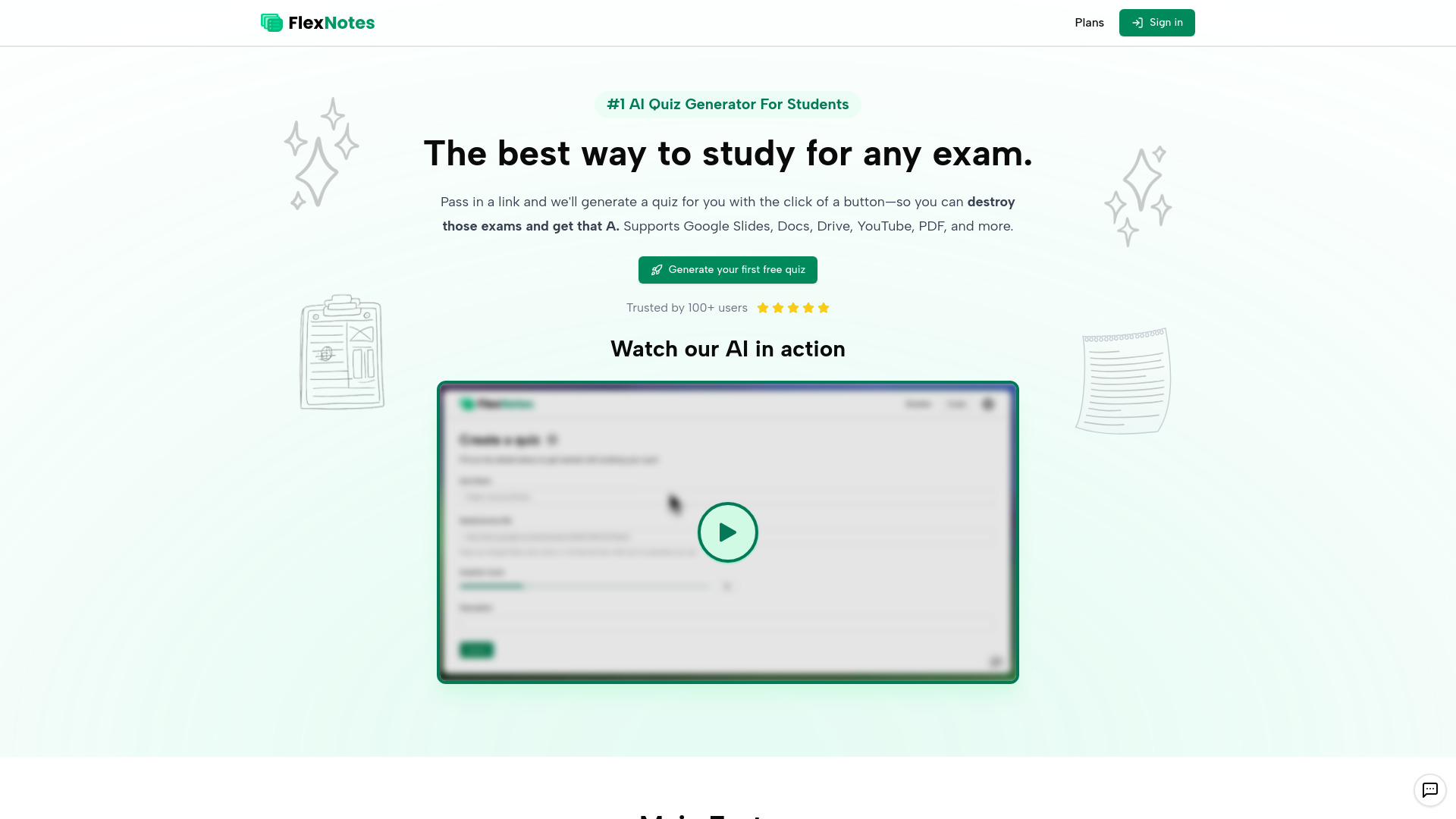
FlexNotes - AI Quiz Generator
Students reviewing lectures

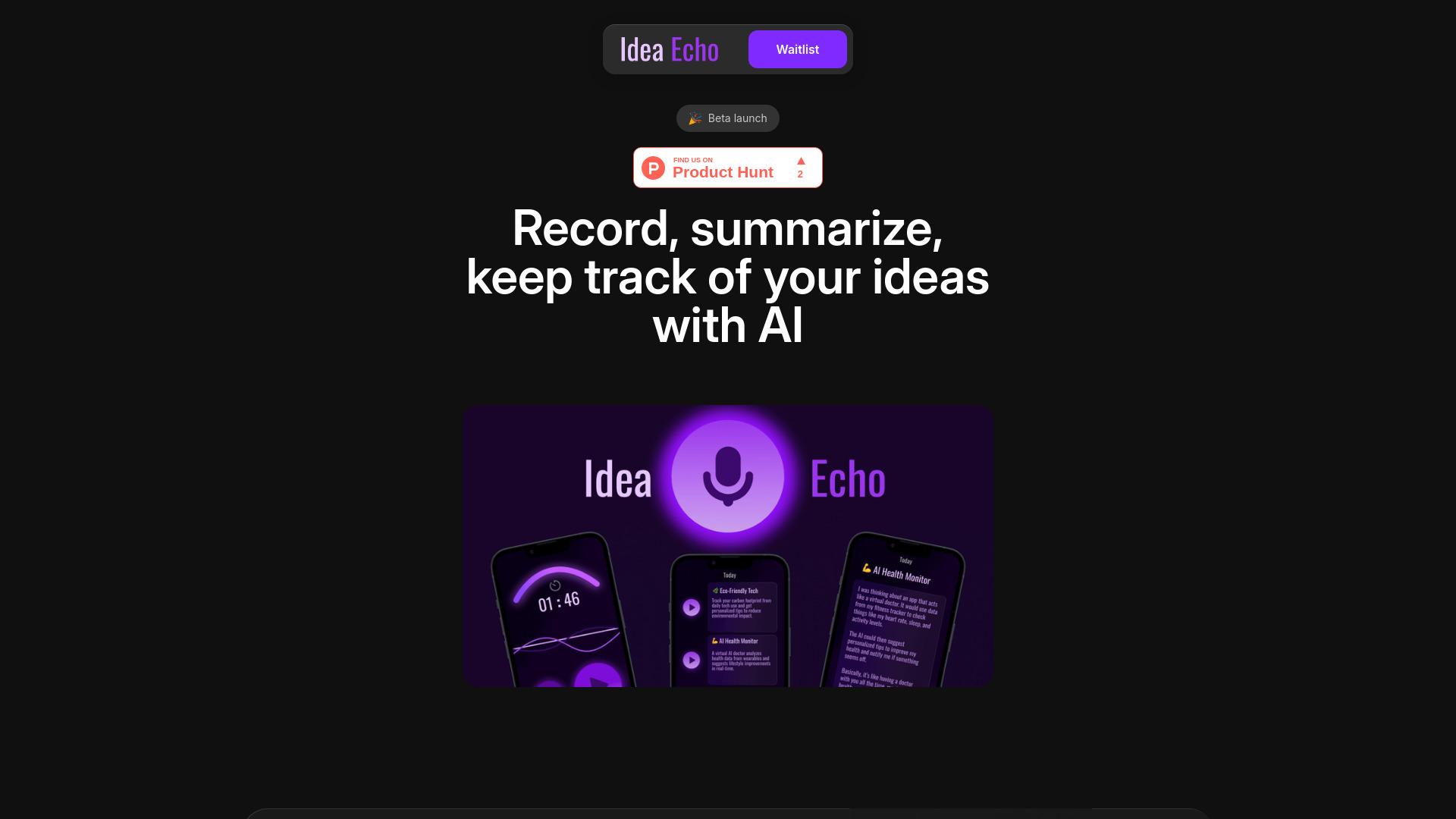
Idea Echo
Voice-powered idea capture

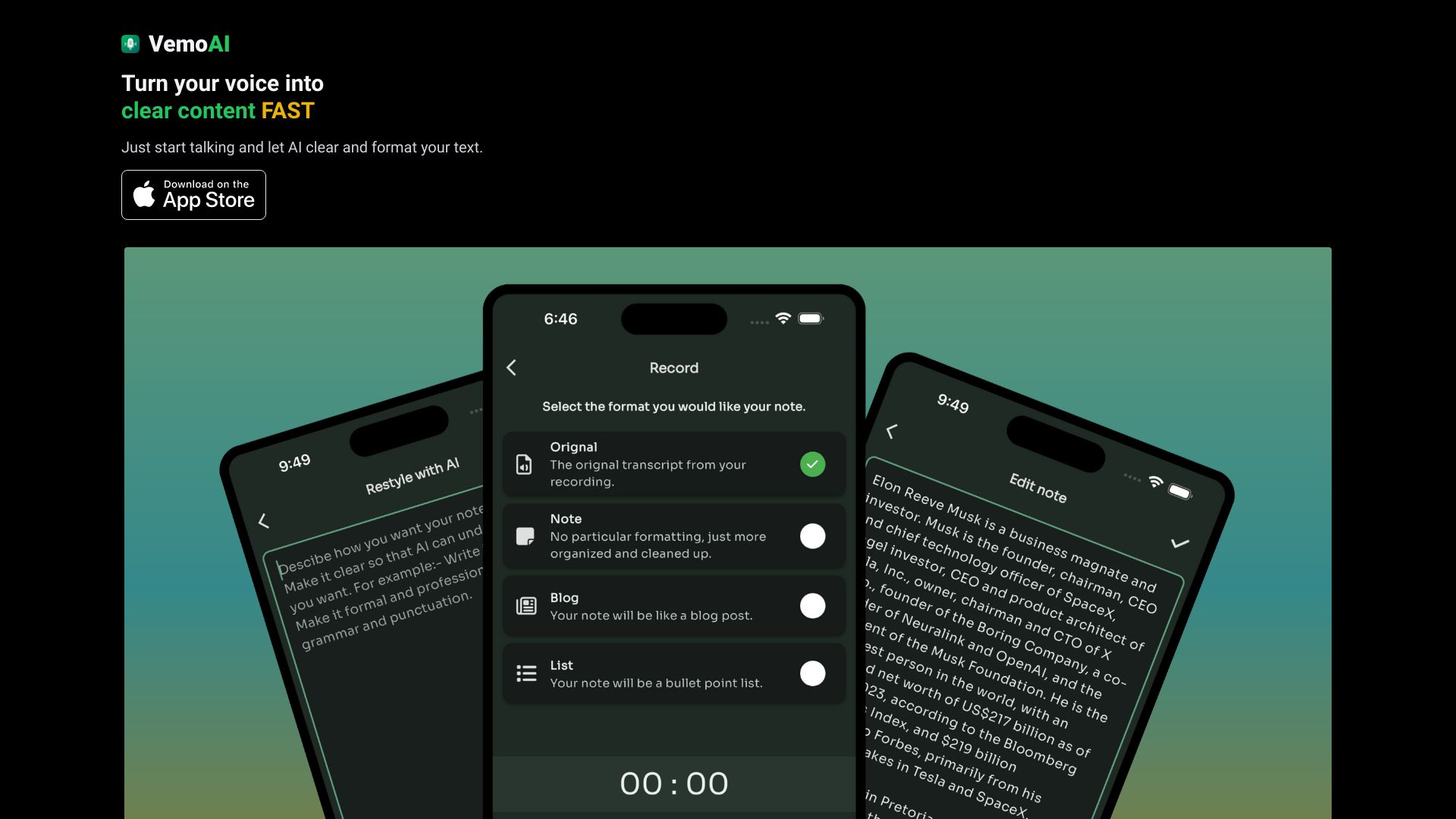
Vemo - AI Meeting Note Taker
AI-generated meeting notes
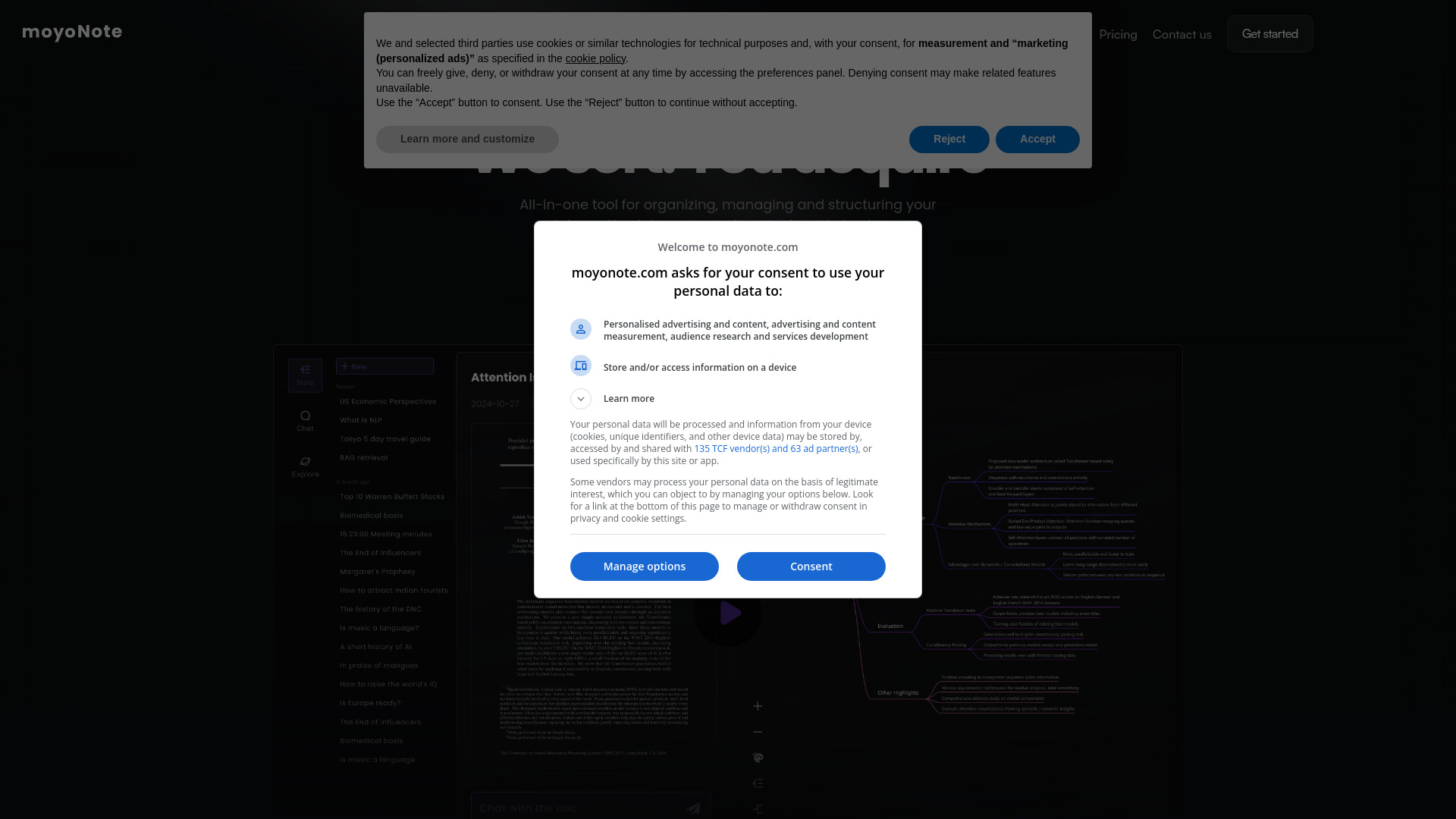
moyoNote
AI mind maps for knowledge organization

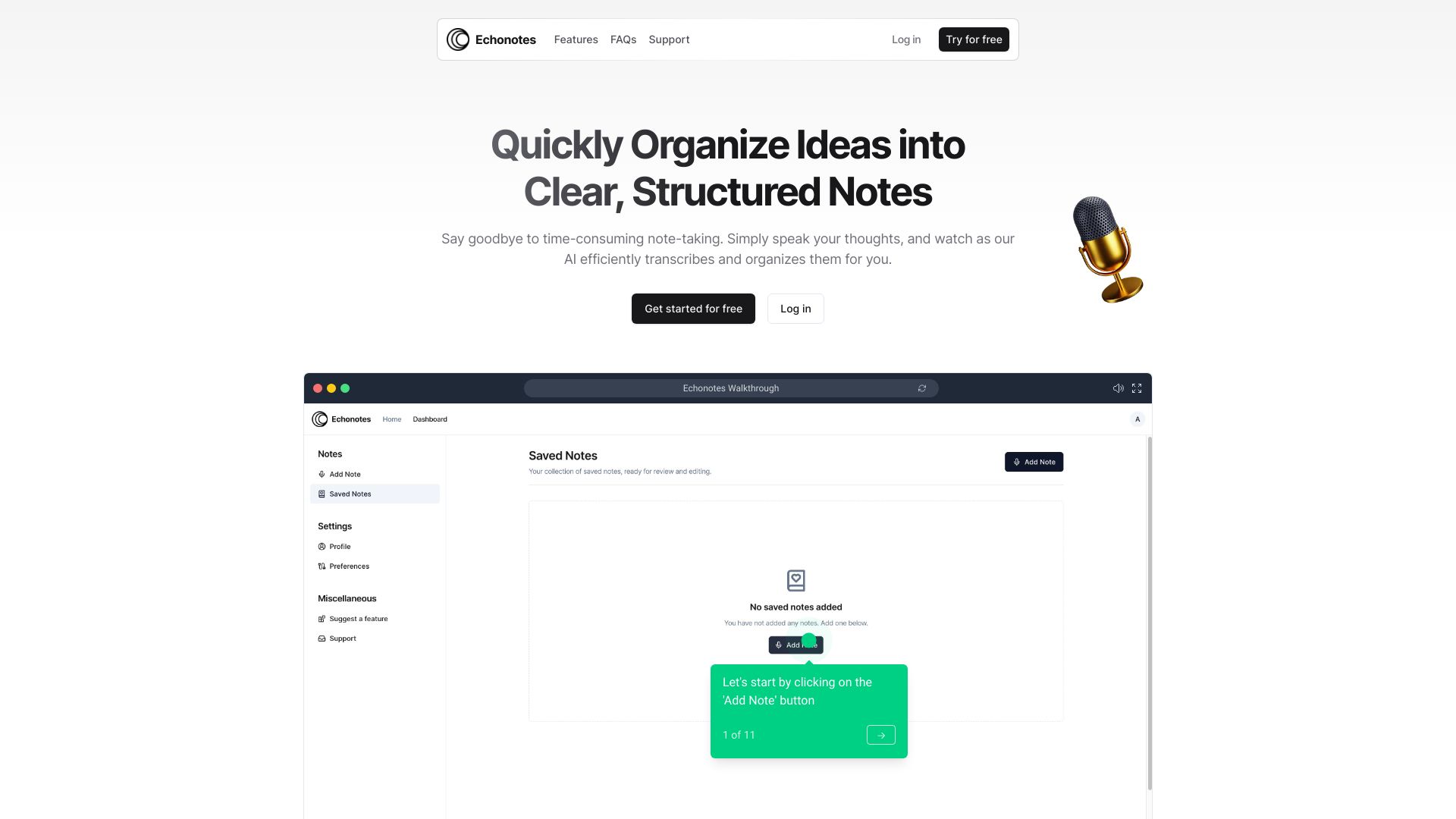
Echonotes
Voice-to-text note taking

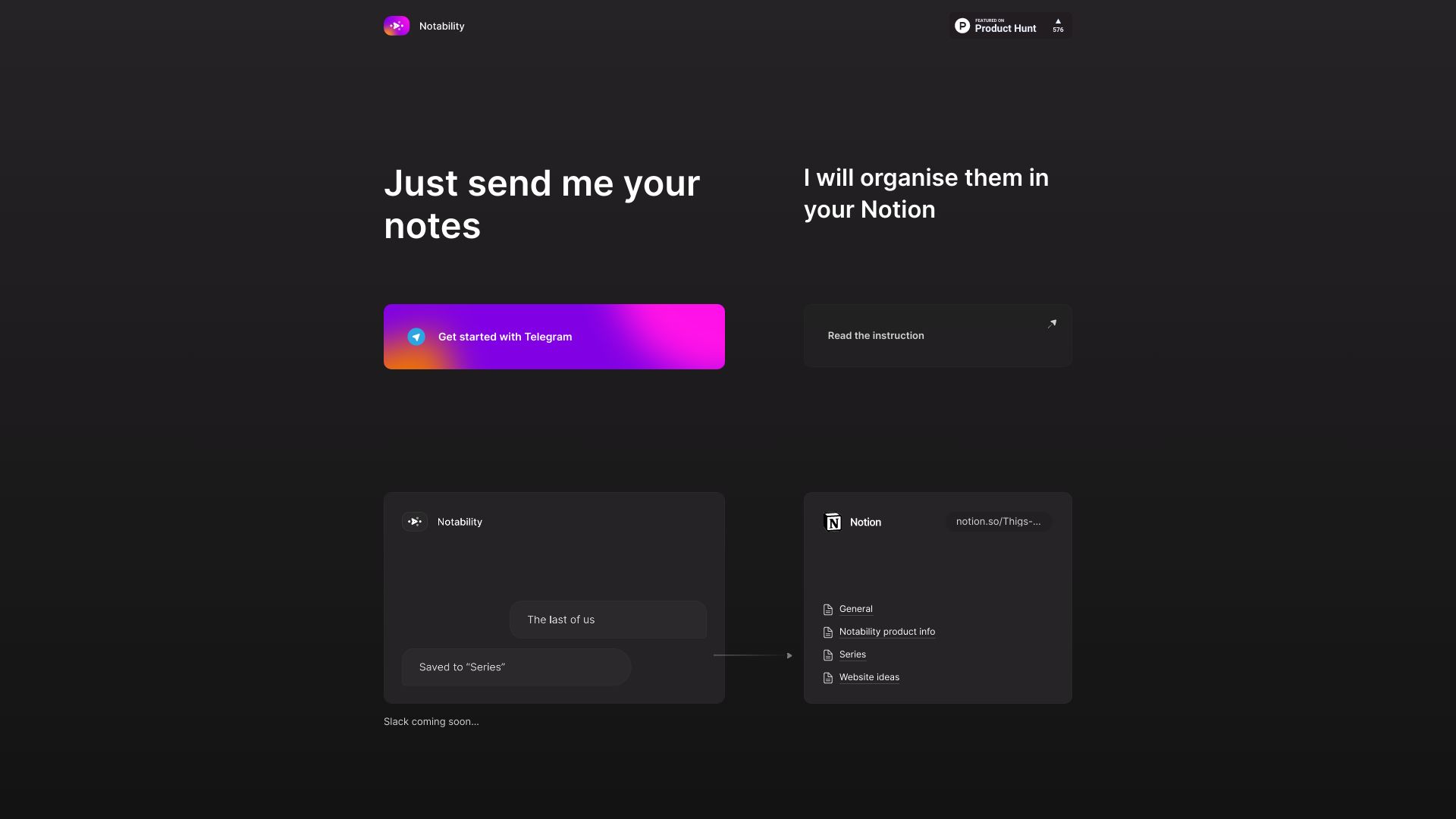
Notability
Telegram-to-Notion note organisation
VokalNotes
Voice notes with real-time transcription

JotSense
Multi-source knowledge capture

AFAnotes
Engineering teams managing Slack distractions
Narafy
Tag-first personal knowledge management

Notova
Students needing AI notes and study materials

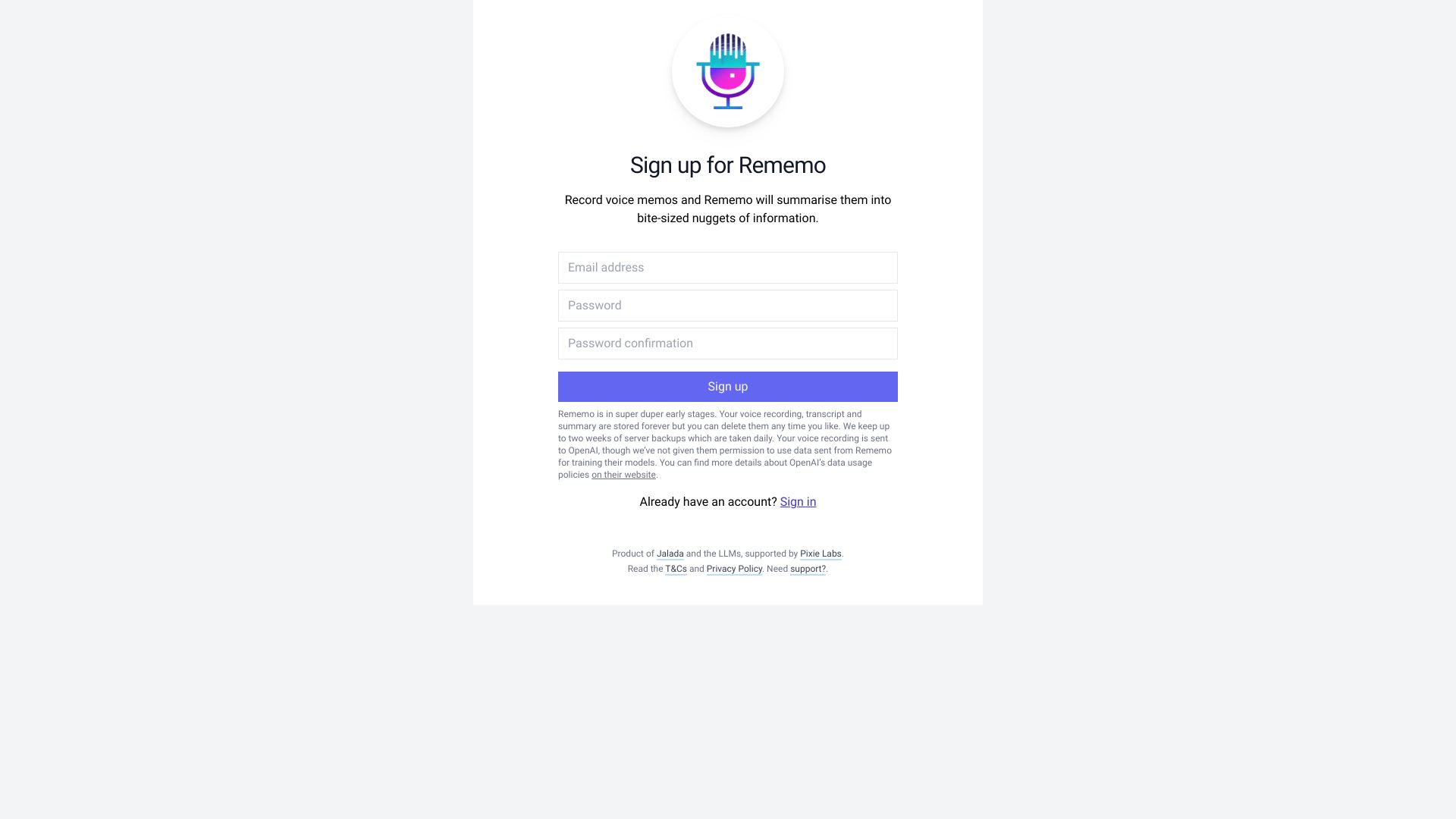
Rememo
Voice memo summaries
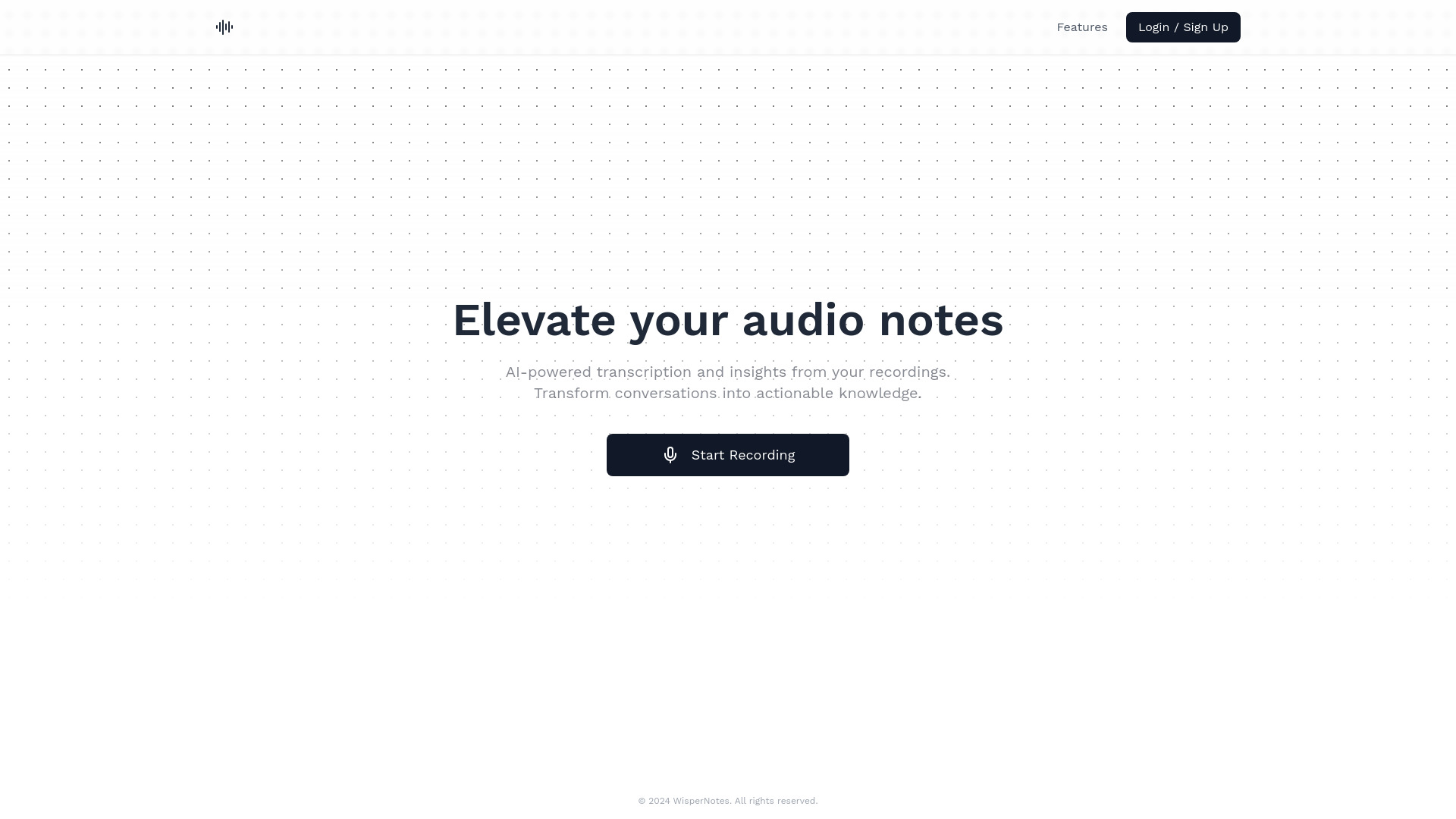
Wispernotes
Audio note transcription

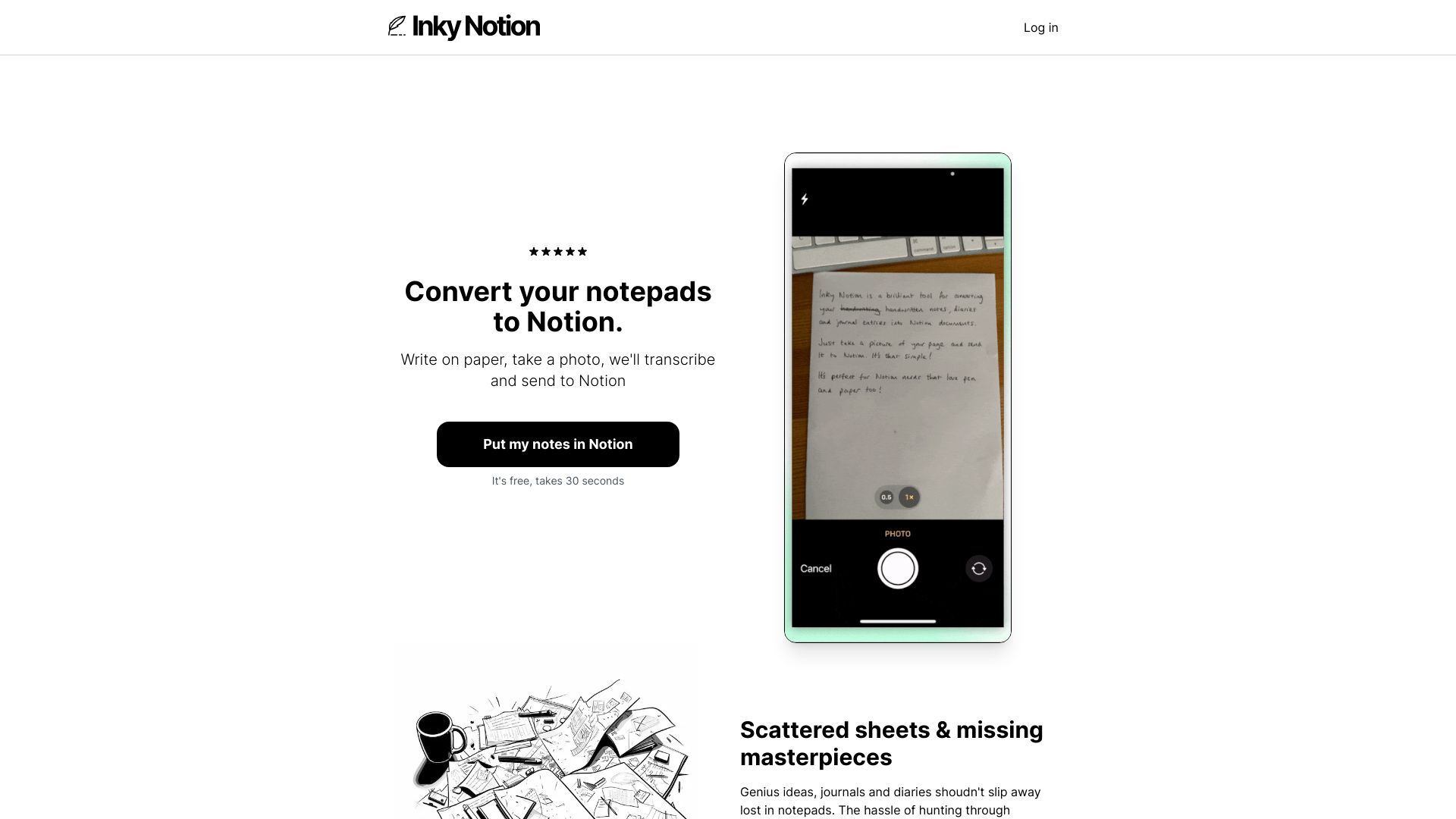
Inky Notion
Handwritten notes for Notion users
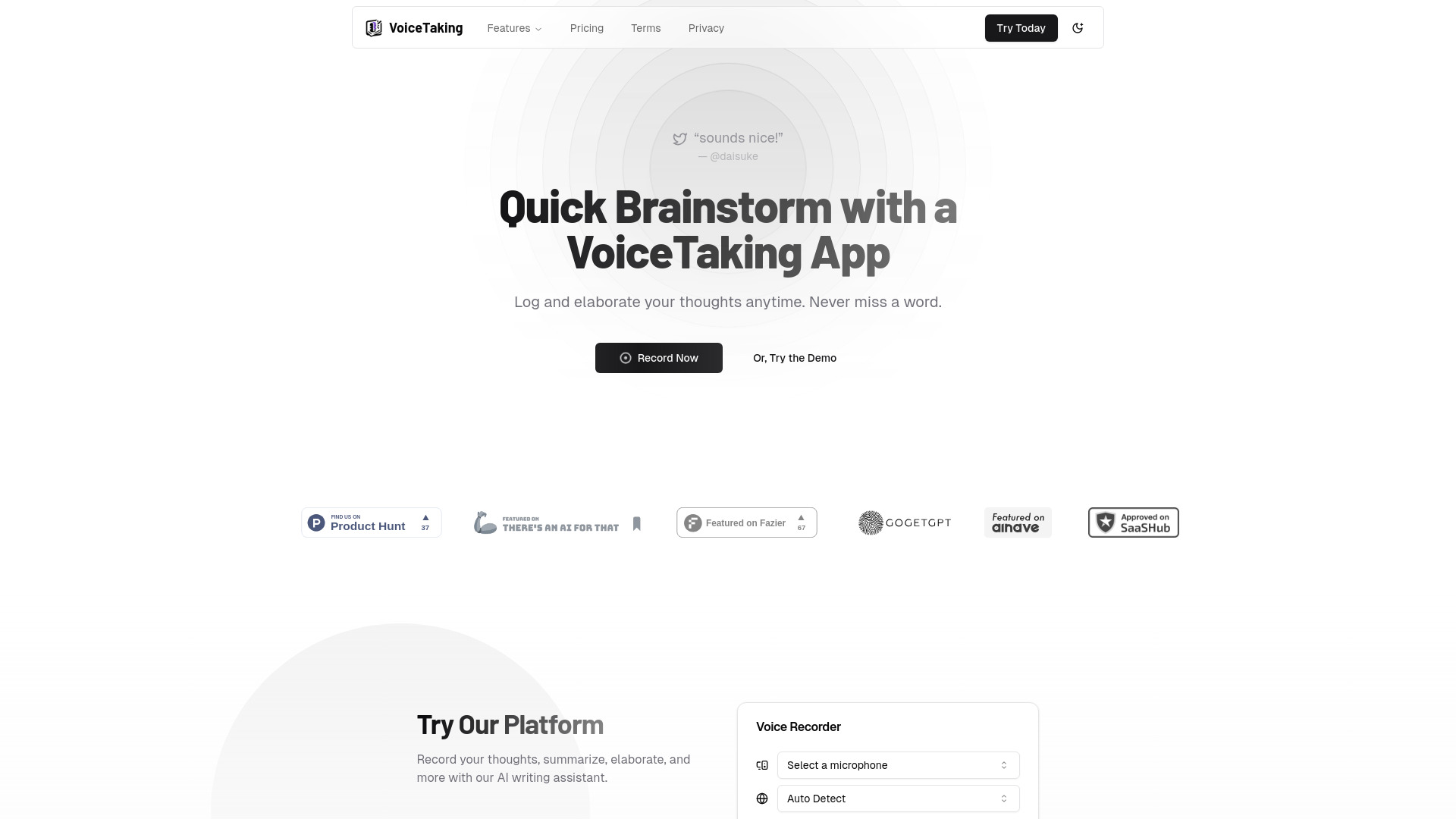
VoiceTaking
Voice-first brainstorming

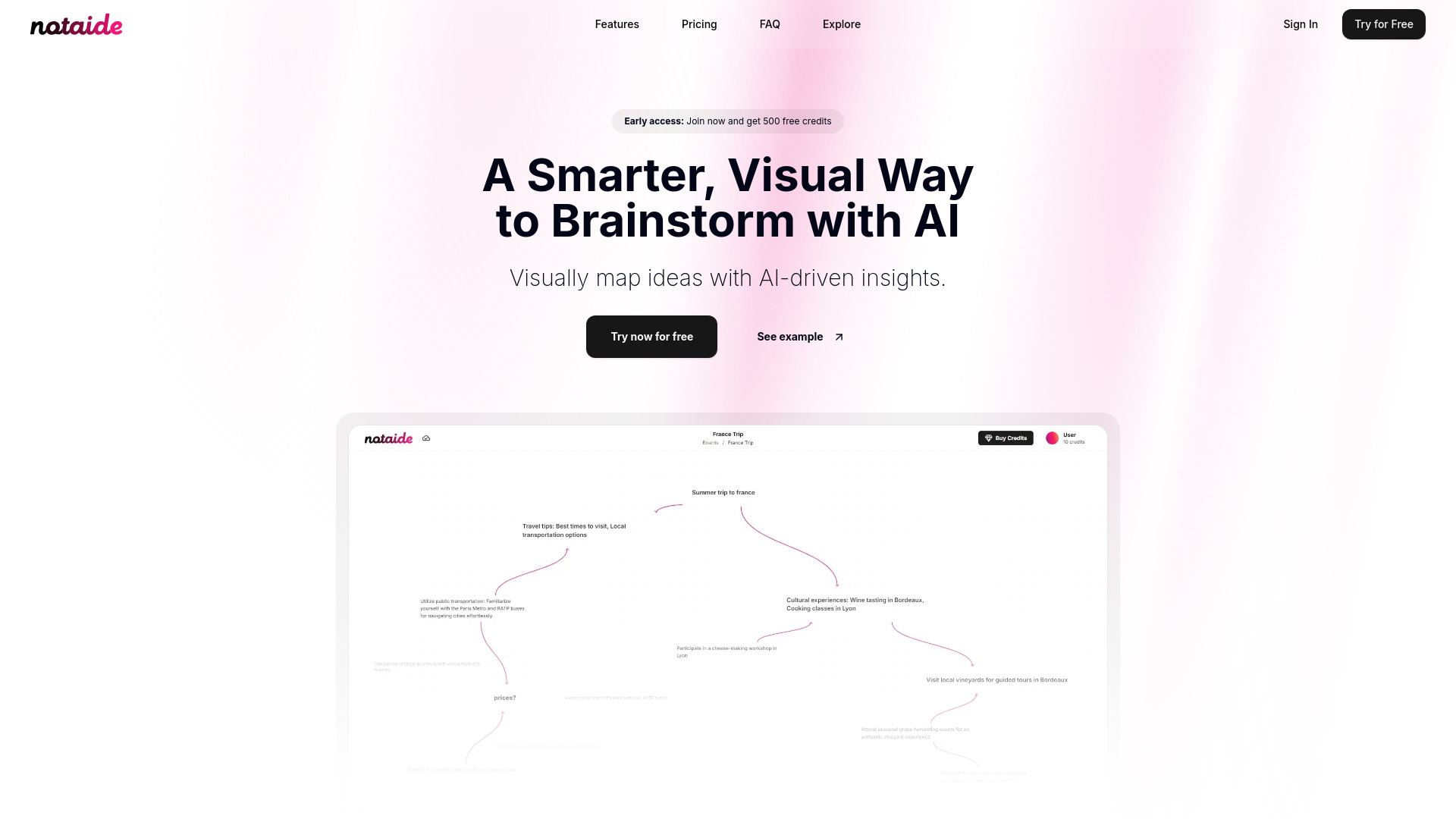
Notaide
Visual AI brainstorming

Buenote
AI task template automation
Which AI note-taking app should you choose?
The right choice depends on the input you create most often and what you need to do next.
For students: Start with NoteX if study material and AI chat matter most. Choose NoteGPT for long videos, articles, and text, or Goodnotes if handwriting is central to your learning routine.
For multilingual voice notes: Voicenotes has the broadest stated language coverage, with transcription in 100+ languages.
For product teams: Notion is the obvious workspace choice when notes need to connect to documents, wikis, and projects.
For professionals who dictate: Talknotes is built around transcription and automatic structuring, while Audionotes.app is better when your sources include images, videos, and YouTube.
For educators: ScreenApp makes sense when recording audio or video is part of the lesson workflow.
For writers: Dictanote keeps speech-to-text direct and supports 50+ languages.
For originality-focused study work: Lynote is the specialist option, but remember that some learning features are still marked as coming soon.
This is also where the best free ai note taking app question needs a little nuance. "Free" can mean a permanent plan, a usage quota, a notebook limit, or a time-limited trial. Dictanote, Goodnotes, NoteGPT, NoteX, and ScreenApp each make the first test possible, but their allowances are not interchangeable.
My practical recommendation
For most buyers, I would begin with NoteX if the workflow is student-centered, Notion if notes belong inside a team workspace, or Dictanote if the priority is low-friction dictation. Those three cover the most common starting points without asking every user to adopt the same note-taking method.
Before paying, run the same small test in your top two candidates: record or write one representative note, check the resulting summary, ask a follow-up question, and inspect how much cleanup is needed. For handwriting, test recognition on your actual writing. For multilingual transcription, use the language and accent you really speak. The best tool is the one that reduces the next step, not merely the one with the longest feature list.
Common mistakes when choosing AI note-taking software
Choosing by transcription alone: A clean transcript is not the same as a useful summary or organized note.
Ignoring the input format: A voice-first tool will not replace a handwriting notebook for stylus users, and a workspace tool may be excessive for quick dictation.
Treating free access as unlimited: NoteGPT has 15 monthly quotas, ScreenApp has three AI credits, and Goodnotes allows three notebooks on its free access.
Overlooking connectivity: Talknotes and Dictanote both list internet requirements that can affect travel and offline work.
Paying before testing your own material: Accuracy and usefulness vary with accents, handwriting, subject matter, and recording quality.
Confusing a broad workspace with a focused notetaker: Notion is powerful, but new users can find its flexibility overwhelming.
What changed in 2026
The strongest tools now compete on what happens after capture. Transcription remains important, but summarization, AI chat, study-material generation, automatic structuring, handwriting recognition, and multi-format input increasingly determine whether notes become useful information. The category is also splitting into clearer lanes: learning assistants such as NoteX and NoteGPT, voice-first tools such as Voicenotes and Talknotes, workspace platforms such as Notion, and capture specialists such as Goodnotes and ScreenApp.
That split is good news for buyers. Instead of searching for one universal notebook, you can choose the workflow that matches how information reaches you. It also makes plan limits more consequential: a quota that feels generous for occasional summaries may be restrictive for daily classes or meetings.
FAQ
NoteX ranks first here because it combines transcription, summarization, AI chat with notes, and smart study material generation. It is especially strong for students, while Notion is a better fit when notes must support team projects and documentation.