
The best ai image generators are no longer interchangeable text boxes that produce four vaguely similar pictures. They now split into useful categories: illustration engines, anime specialists, free experimentation tools, image editors, and broader creative suites. We compared 100 tools and shortlisted the 10 that offer the clearest value for real workflows. The featured picks below favor accessible generation, distinctive styles, useful editing options, and a sensible first experience-not just polished demo images.
Top picks
| Pick | Tool | Best for | Why it stands out |
|---|---|---|---|
| 1 | AI Illustration Generator | Designers | Strong consistency across distinctive illustration styles |
| 2 | Imagine.art | Artists | Text-to-image generation plus image remixing |
| 3 | a1.art | Digital artists | Free generation with millions of photo filters |
| 4 | FluxAI.art | Storyboard artists | A broad menu of recognizable artistic styles |
The first four are the easiest starting points for general visual creation, but they solve different problems. AI Illustration Generator is the most focused choice for repeatable design work. Imagine.art and a1.art are friendlier for open-ended exploration, while FluxAI.art makes style experimentation the main attraction. The rest of the shortlist becomes more compelling once your needs narrow to anime, quick no-sign-up generation, editing, or mixed-media creation.
Quick comparison
| Tool | Score | Best for | Free access | Starting price | Monthly visits |
|---|---|---|---|---|---|
| AI Illustration Generator | 96/100 | Designers | Free access available | Check vendor pricing | 2.5M |
| Imagine.art | 96/100 | Artists | Free access available | Check vendor pricing | 2.4M |
| a1.art | 95/100 | Digital artists | Free access available | Check vendor pricing | 1.4M |
| FluxAI.art | 95/100 | Storyboard artists | 10 daily generations for 7 days free | Free plan: Free | 275K |
| AI Gallery | 95/100 | Artists | Free plan available | Check vendor pricing | 63.8K |
| AI Anime Generator | 95/100 | Freelance illustrators | 30 free generations per day | Check vendor pricing | 90.3K |
| ImageGeneratorAI.io | 95/100 | Bloggers | Free plan available | Check vendor pricing | 142K |
| PixAI | 95/100 | Anime artists | Free access available | From $5 for 100,000 credits | 10.5M |
| AI Imagine | 95/100 | Content creators | Free access available | Starter: $4.99 per month | 58.2K |
| AIAI.com | 95/100 | Content creators | 40 basic accesses/day, 20 credits | Check vendor pricing | 106K |
Usage signals add useful context, but they are not a substitute for fit. PixAI has the largest monthly audience in this group, yet its anime focus makes it a poor general-purpose choice for many businesses. Conversely, AI Gallery has a smaller audience but a clear artist-support angle. Treat the table as a filter, then read the tool cards before committing.
How we ranked these AI image generators
We ranked the 100 candidates against practical buying criteria: core image-generation capability, clarity of the target audience, breadth or usefulness of listed features, free access, stated limitations, and visible usage signals. We gave extra weight to tools that make a specific workflow obvious instead of bundling vague claims around image creation. A focused anime generator can therefore compete with a broad creative suite when it serves its audience well. Scores are editorial signals for this shortlist, not guarantees of output quality for every prompt. Before paying, test your own prompts, inspect commercial-use terms, and confirm whether credits, storage, or advanced models are restricted on the current plan.
The best AI image generators
1. AI Illustration Generator

AI Illustration Generator
Best AI illustration generator for designers
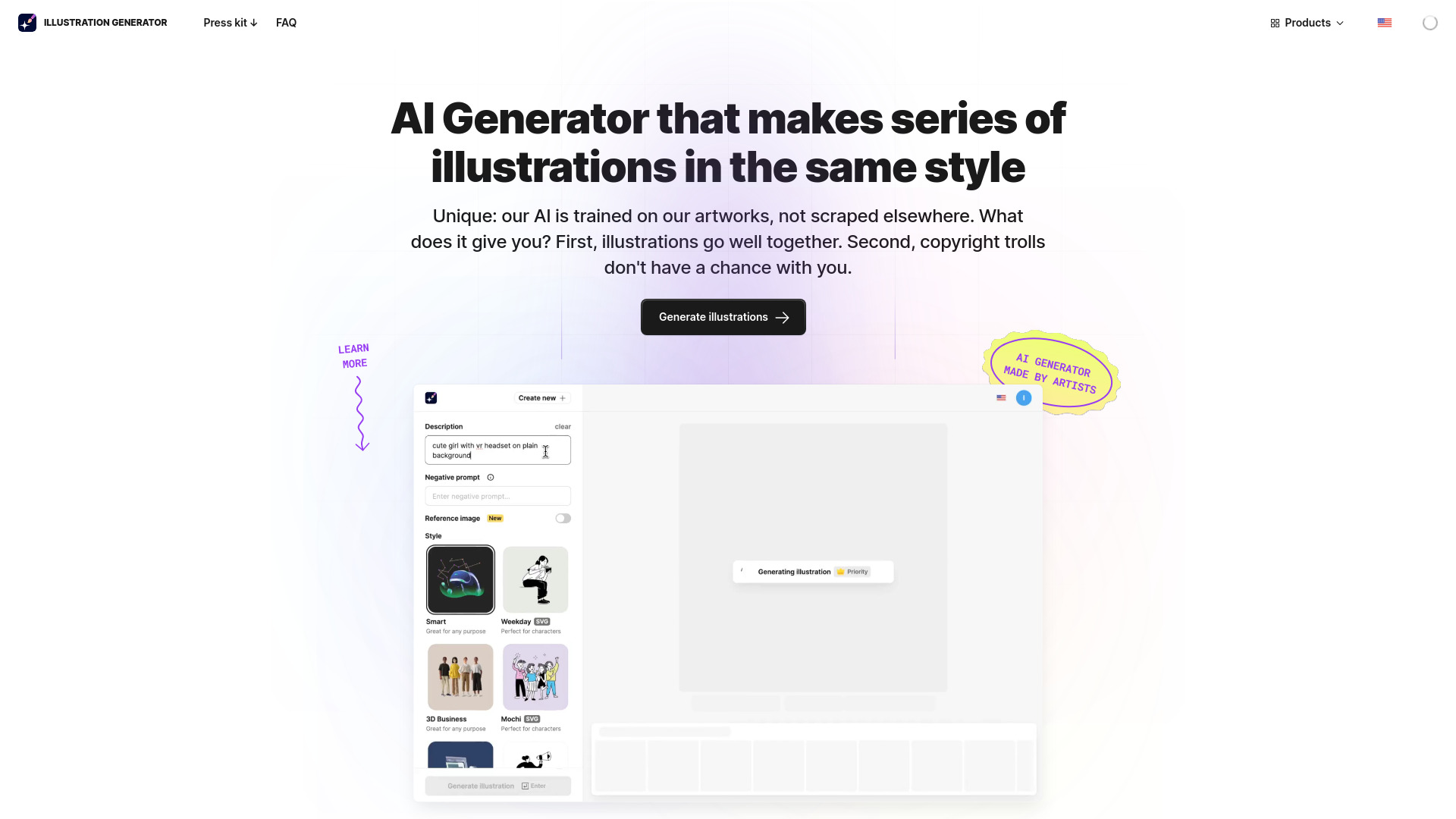
Design teams rarely need a random one-off image. They need a visual language they can reuse across a landing page, product tour, social post, or editorial series. AI Illustration Generator earns the top spot because its stated strengths point directly at that problem: AI-powered illustration generation with consistent art styles. That combination matters more than raw novelty when a project needs a coherent set of assets.
The tool is also positioned around text- or image-driven creation and copyright-safe illustrations, making it a more natural fit for commercial design exploration than a purely social art feed. Its 2.5M monthly visits suggest broad interest, but the real distinction is workflow clarity: choose a style direction, generate variations, and keep the look aligned across assets. Pricing is hidden behind a less transparent presentation, so budget-sensitive teams should verify the current offer before building a production process around it.
My take: This is the most convincing first choice when consistency matters more than having every imaginable generation mode. I like the fact that the feature set is narrow enough to support a recognizable design system.
Where it falls short: Free images carry watermarks, and the pricing page should be checked carefully before commercial rollout. It is a focused illustration tool, not the obvious choice for users who mainly want anime, photo filters, or video generation.
Key features
AI-powered illustration generation.
Consistent art styles for related visual assets.
Text- or image-led illustration workflows.
Pros
Generates consistent illustrations in unique art styles.
Strong fit for designers producing a series rather than a single image.
Large usage signal relative to the rest of this shortlist.
Cons
Watermarks appear on free images.
Pricing details require vendor verification.
Choose AI Illustration Generator if: You are a designer who needs a repeatable illustration style for commercial or editorial assets.
2. Imagine.art

Imagine.art
Best AI art generator for artists
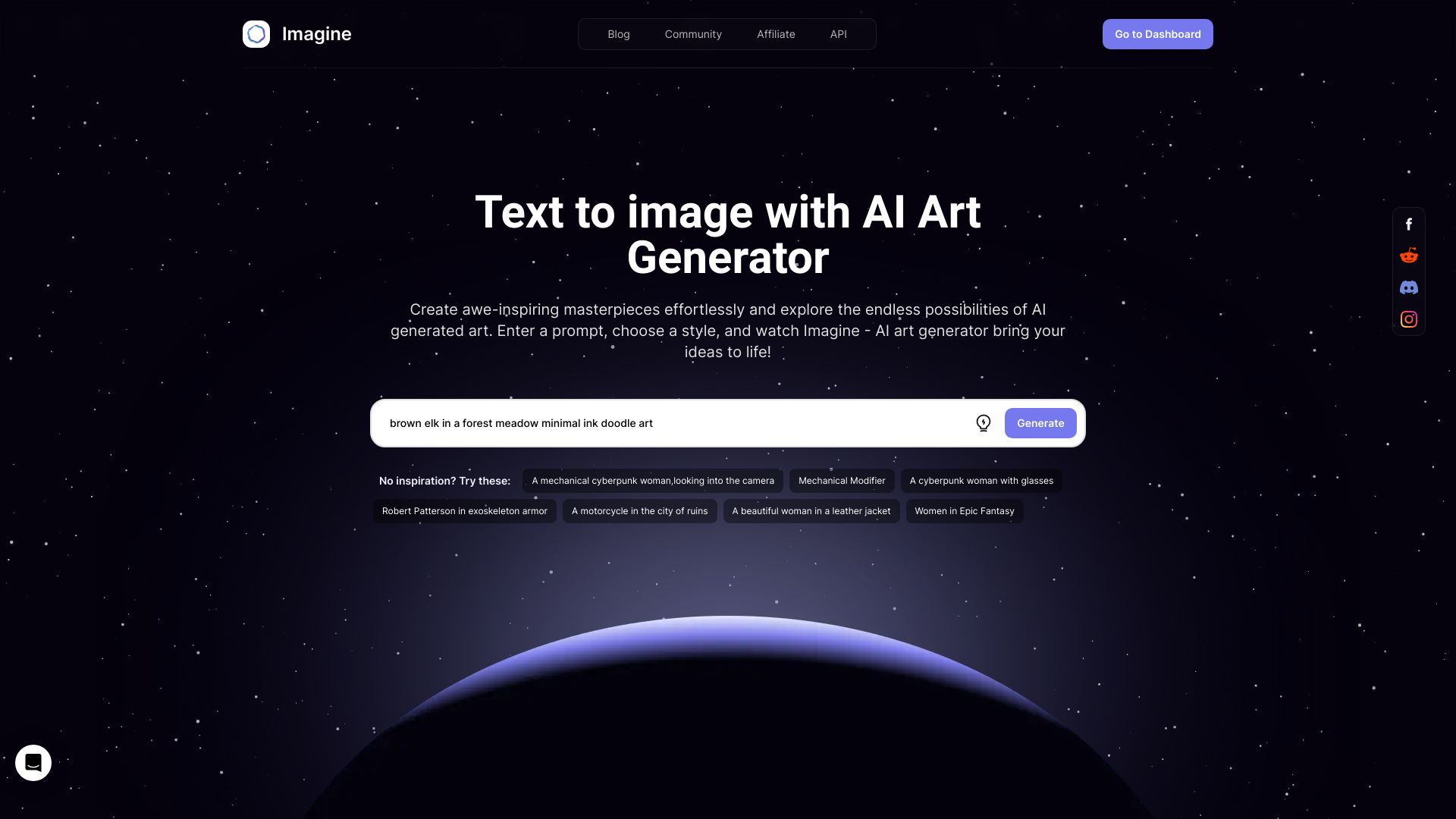
Imagine.art takes the more exploratory route. Its core workflow combines Text to Image with Image Remix, so you can begin with a description and then continue working from an existing visual direction. That is a useful distinction for artists who do not want every prompt to start from a blank canvas. The product is framed as a free AI art generator, which lowers the barrier to trying different concepts.
The tool's 2.4M monthly visits also make it one of the more established-feeling options in this comparison. The trade-off is that the free version has limited features. In practice, that means it is excellent for deciding whether the interface and visual approach suit you, but serious repeat use may require a closer look at paid limits. The listed "from $11/month" messaging is not clean enough to treat as a definitive starting price, so check the live pricing page rather than relying on the promotional copy.
My take: Imagine.art is a strong general starting point for artists who want both prompt-based creation and a way to remix images. The two-mode workflow gives it more creative range than a basic text box.
Where it falls short: Free access is not the whole product. Users who need the full feature set should expect to evaluate the upgrade terms and generation allowance before choosing it as a daily workspace.
Key features
Text to Image generation.
Image Remix for continuing from an existing visual.
Free AI art generation for initial experimentation.
Pros
Supports both text-led creation and image remixing.
Free entry point for artists testing AI workflows.
Substantial monthly usage signal.
Cons
Limited features in the free version.
Starting-price messaging needs confirmation on the vendor site.
Choose Imagine.art if: You are an artist who wants a flexible place to turn prompts into images and iterate from references.
3. a1.art

a1.art
Best free AI image generator for digital artists
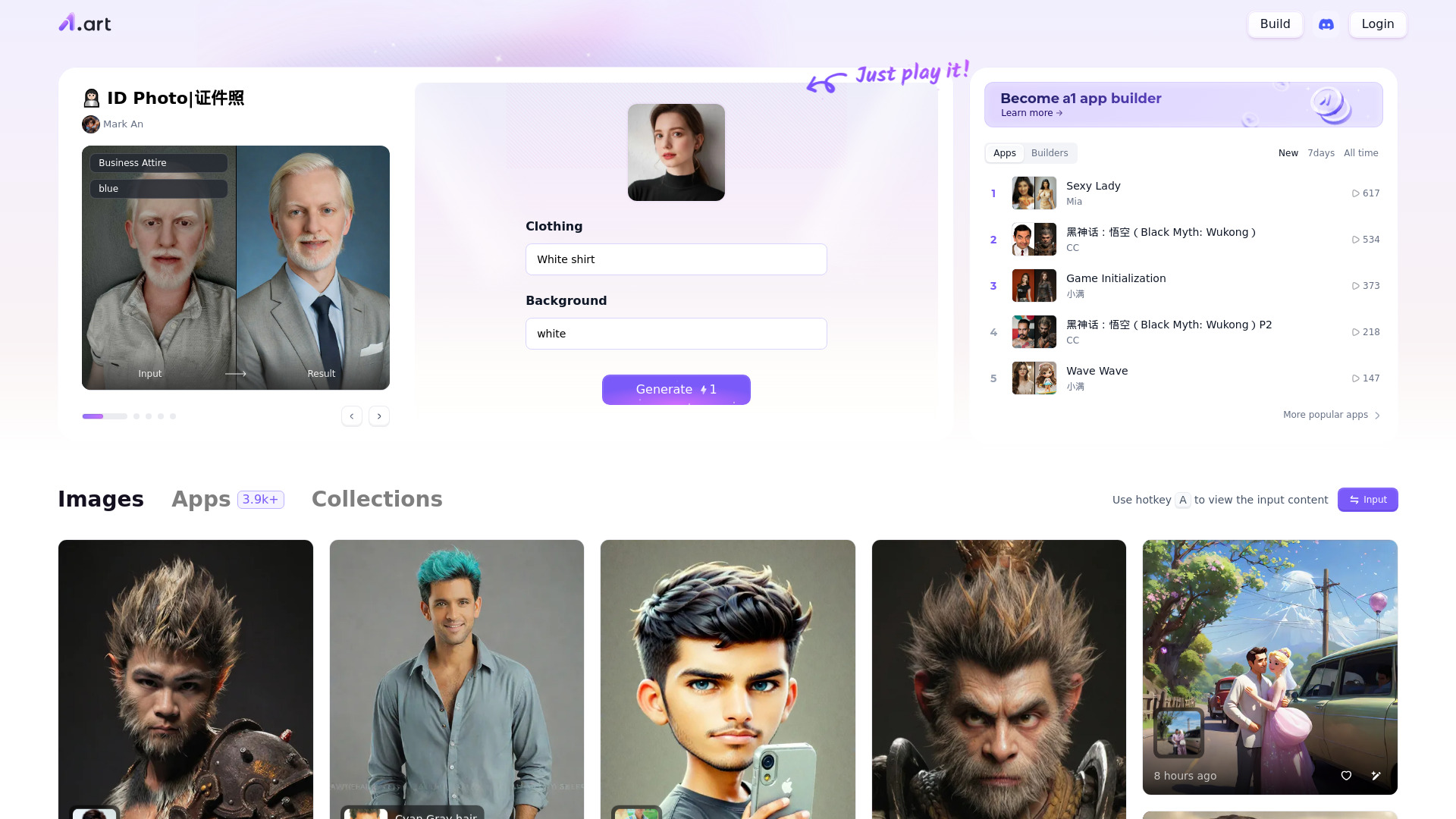
A1.art is built for people who want a large playground rather than a tightly prescribed design workflow. Alongside AI image generation, it offers millions of photo filters. That is the hook: you can generate a new image, then explore a wide range of transformations and looks instead of stopping after the first output. For digital artists, that breadth can make the tool useful during visual discovery and style hunting.
The service is free to use, which makes it one of the more approachable options for trying the best AI tools for image generation without immediately entering a subscription decision. Its 1.4M monthly visits provide a meaningful usage signal, although popularity cannot tell you whether a specific filter or generation style matches your work. The main limitation is practical rather than dramatic: a huge catalog encourages experimentation, and experimentation takes time. You may need several passes to reach the desired result.
My take: I would send curious digital artists here when they want to browse possibilities and mutate ideas quickly. The filter volume is more important than a long list of narrowly defined modes.
Where it falls short: The same openness that makes a1.art fun can make it less predictable. Users seeking a controlled, repeatable production pipeline may prefer a more focused illustration or editing tool.
Key features
AI image generation.
Millions of photo filters.
Free online access for visual experimentation.
Pros
Free to use.
Very broad filter selection.
Good fit for artists exploring multiple visual directions.
Cons
May require experimentation to find desired results.
Pricing information should be confirmed if you need paid capacity or additional features.
Choose a1.art if: You are a digital artist who values a large filter library and does not mind iterating to find the right look.
4. FluxAI.art

FluxAI.art
Best AI image generator for storyboard artists
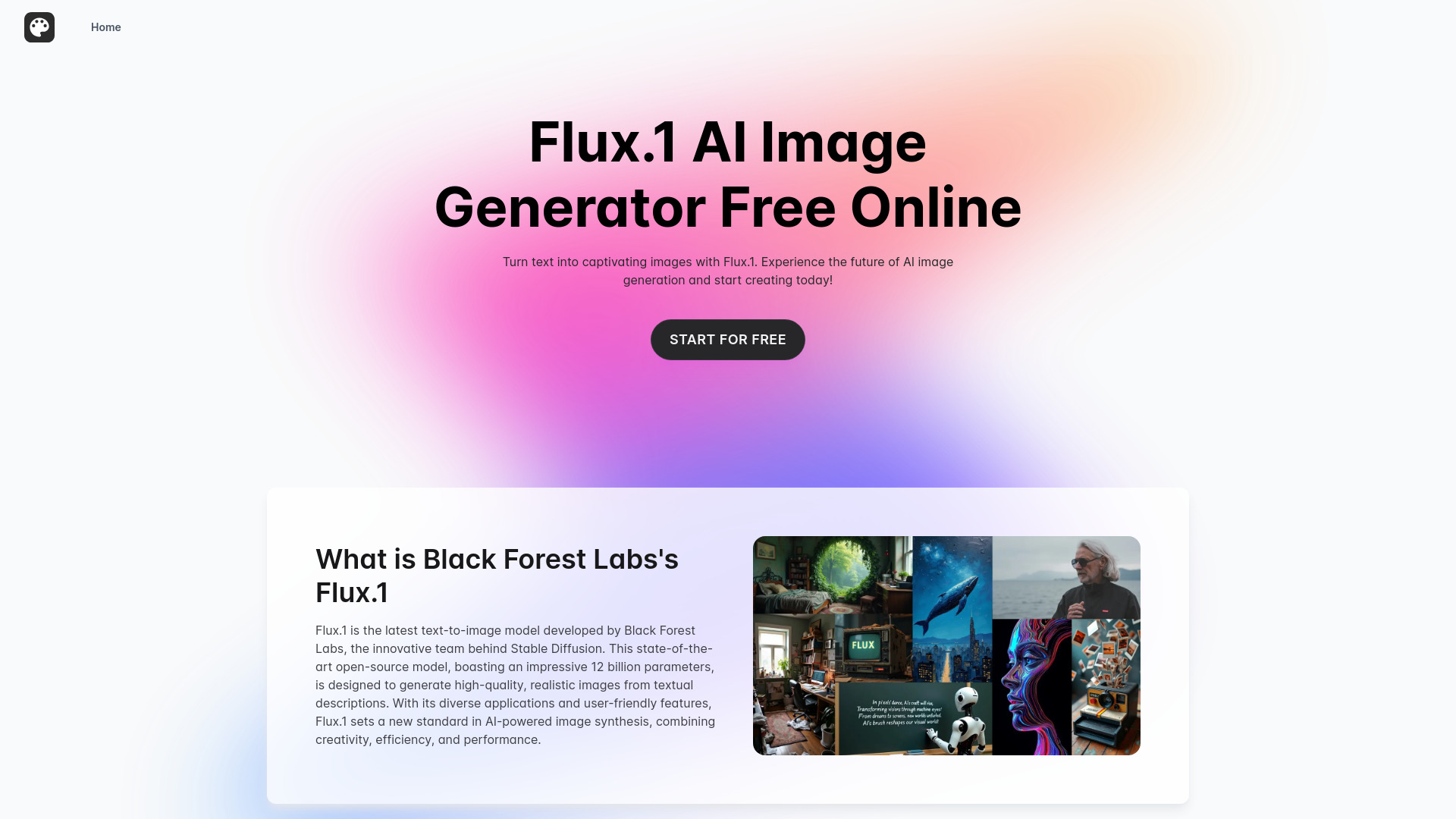
FluxAI.art makes style selection unusually central to the pitch. Its listed range includes Ghibli, Chibi, Pixar, and 3D styles, alongside text-to-image generation. That gives storyboard artists and concept creators a fast way to test how the same idea might read in different visual treatments. It is less about one universal aesthetic and more about comparing directions before investing time in a final composition.
The free plan provides 10 daily generations for seven days, which is enough for a focused trial but not an unlimited production workflow. The important operational catch is storage: images made on the free plan are kept for only seven days. Save anything you need outside the service promptly. A stated paid offer begins at $6/month, although the displayed billing text is truncated, so confirm the current plan details and storage terms directly.
My take: FluxAI.art is a smart pick when the early question is "which style works?" rather than "how do I reproduce one brand style perfectly?" The range of recognizable treatments gives brainstorming a useful visual structure.
Where it falls short: The short free-storage window can create avoidable housekeeping, and the trial generation allowance is finite. It is better for active sessions than for casually accumulating a permanent archive.
Key features
Broad artistic styles, including Ghibli, Chibi, Pixar, and 3D.
Text-to-image generation.
Free trial allowance of 10 daily generations for seven days.
Pros
Rich variety of artistic styles.
Useful for comparing storyboard or concept directions.
Clear free plan for an initial hands-on test.
Cons
Free-plan images are stored for only seven days.
Free daily generations are limited.
Choose FluxAI.art if: You are a storyboard artist or concept creator comparing several visual styles before settling on a direction.
5. AI Gallery
AI Gallery
Best free AI art generator for artists
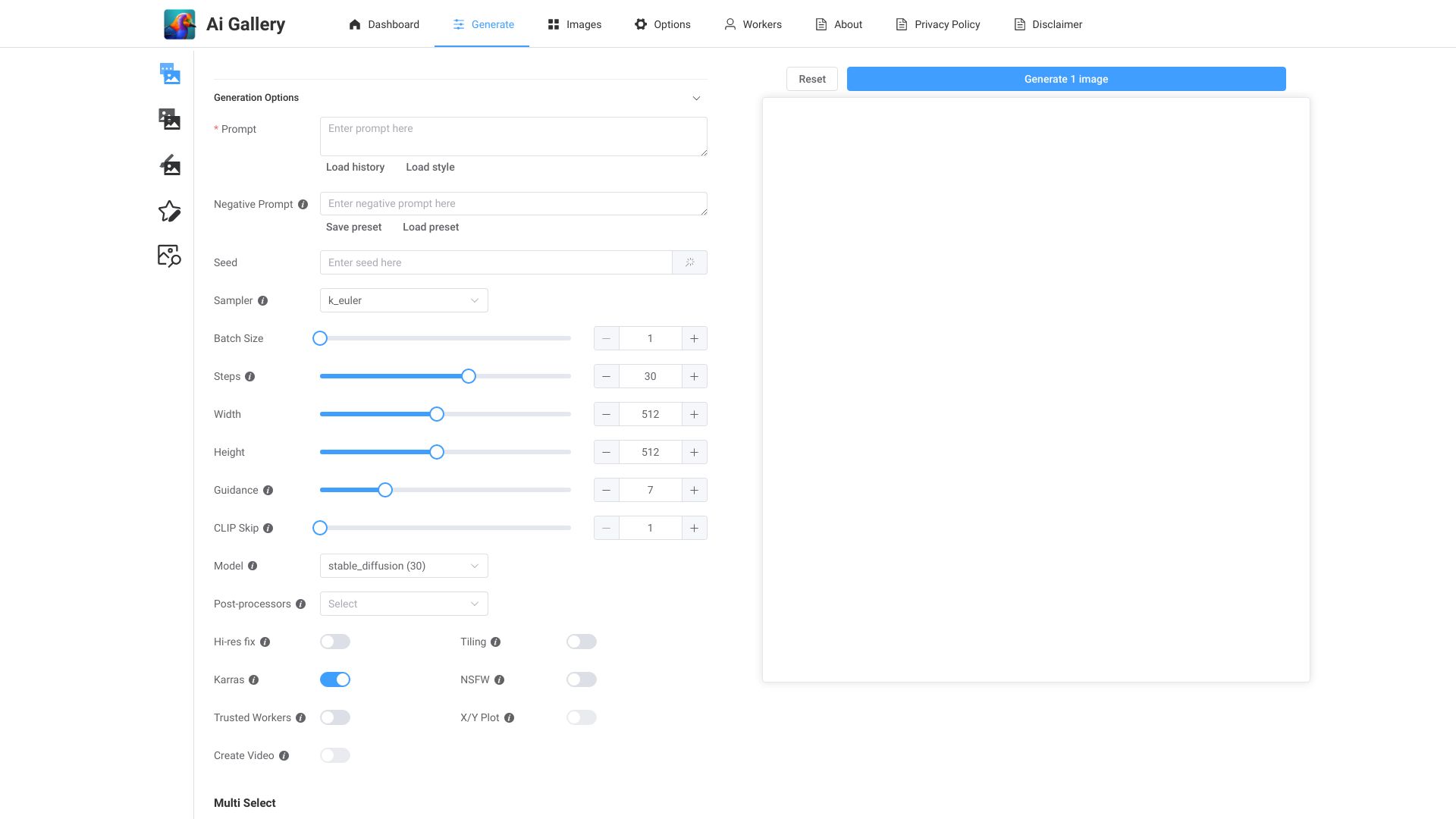
AI Gallery pairs straightforward AI art generation with a less common community proposition: a donation platform for artists. The generation side is deliberately simple-create unique artwork quickly, with no sign-up required according to its access messaging. That makes it useful for a quick visual idea, an experiment, or a creator who wants to try an image tool before handing over account details.
The artist-support layer is what separates AI Gallery from a standard free generator. It suggests a platform where artwork and creator support sit alongside image creation, though the sustainability model depends on users choosing to support artists. Its 63.8K monthly visits are smaller than the traffic of the leading general-purpose tools, but that is not necessarily a drawback for someone who values the platform's community angle. Pricing is not clearly presented, so regard it primarily as a free starting point until you verify the current commercial offering.
My take: The no-sign-up entry is genuinely convenient, and the artist-support concept gives the product a point of view. I would use it for low-friction exploration rather than assume it replaces a full production suite.
Where it falls short: Its sustainability relies on user support, and the narrower usage signal gives less evidence of large-team adoption. Users needing predictable paid capacity should investigate the vendor's current terms.
Key features
AI art generation.
Donation platform for artists.
No-sign-up access messaging.
Pros
Easy to create unique AI artwork.
Free access with a low-friction starting experience.
Connects image generation with artist support.
Cons
Sustainability relies on user support.
Pricing and paid capacity require vendor verification.
Choose AI Gallery if: You want quick free art generation and appreciate a platform that gives artists a way to receive support.
6. AI Anime Generator
AI Anime Generator
Best AI anime generator for freelance illustrators
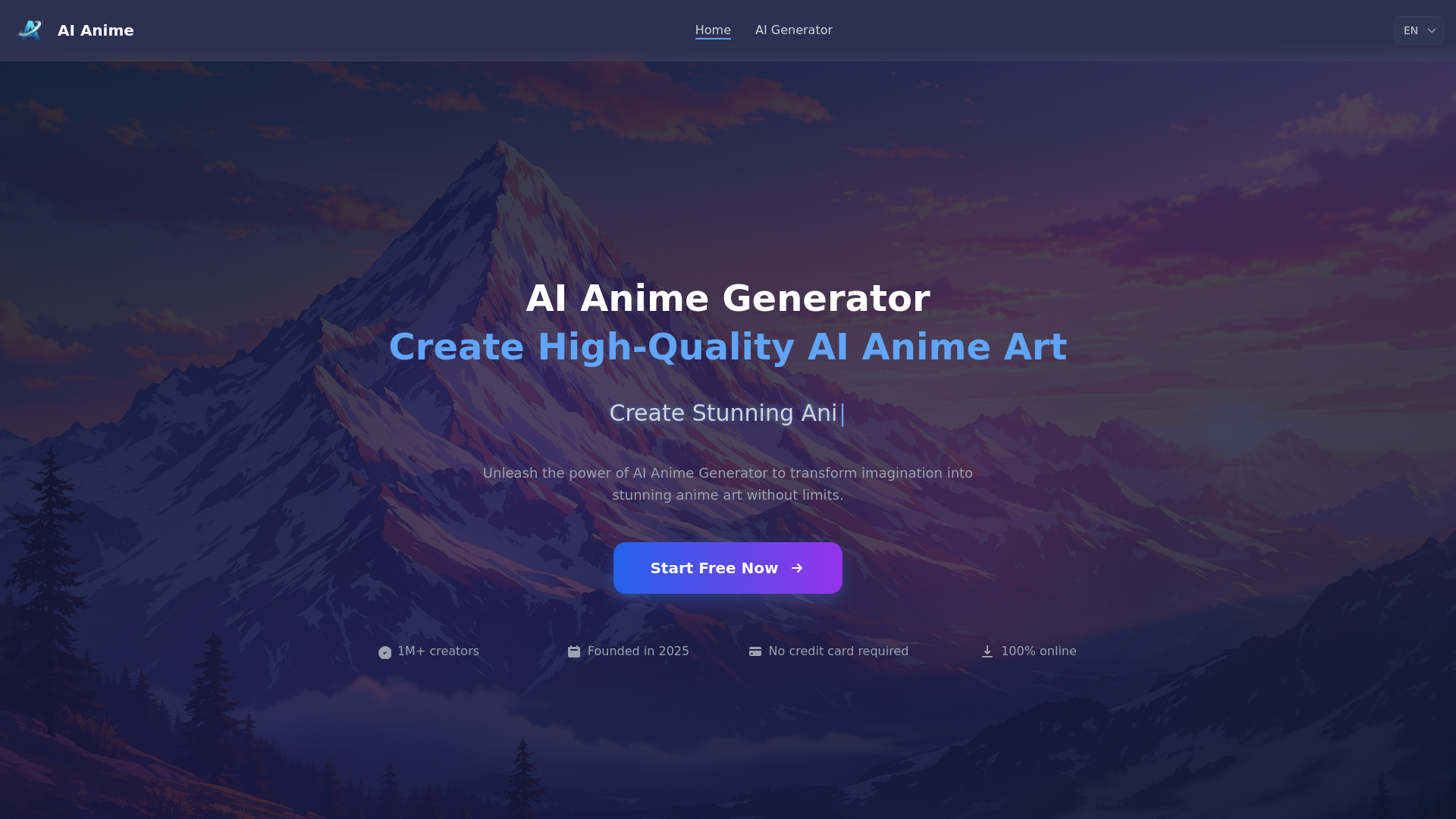
When the brief calls for an anime character, a general image generator can be an unnecessarily broad instrument. AI Anime Generator keeps the workflow focused with Text to Anime and Photo to Anime modes. That makes it useful for starting from either a written character idea or an existing photo, and the "no registration required" message removes a common first-use obstacle.
The daily quota is unusually clear: 30 free generations per day. That is generous enough for sketches, variations, and casual character exploration, but it is still a ceiling for a busy illustrator. The product is specifically aimed at anime-style output, so it should not be the default for realistic product photography, corporate illustrations, or mixed visual systems. Its 90.3K monthly visits indicate a focused audience rather than the scale of the larger art platforms.
My take: This is one of the clearest examples of choosing specialization over breadth. For anime character work, the focused input options are more useful than a sprawling menu of unrelated image modes.
Where it falls short: The 30-image daily free limit can interrupt heavier workflows. Its specialization also means you should not choose it expecting a general-purpose studio.
Key features
Text to Anime generation.
Photo to Anime transformation.
High-quality output messaging with no registration required.
Pros
Completely free to use with a daily quota.
Easy fit for anime characters and stylized portraits.
Supports both text and photo inputs.
Cons
Free tier is limited to 30 images per day.
Narrower stylistic scope than general AI image generators.
Choose AI Anime Generator if: You are a freelance illustrator who needs quick anime-style concepts from text or photos without creating an account first.
7. ImageGeneratorAI.io
ImageGeneratorAI.io
Best free AI image generator for bloggers
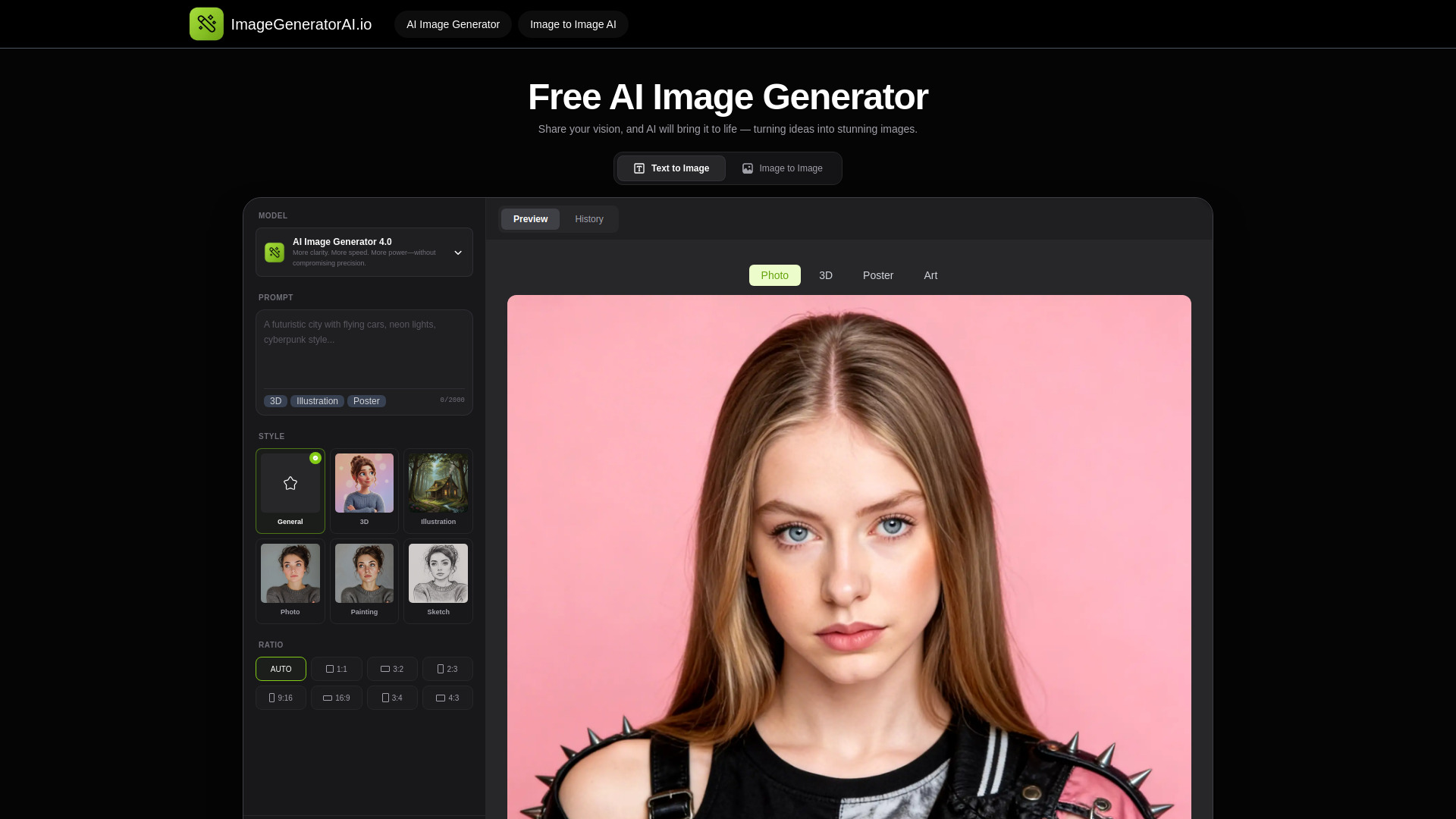
ImageGeneratorAI.io is designed around speed and accessibility. Its core options are an AI image generator and text-to-image creation, with access messaging that highlights free use, no sign-up, and high-quality Flux and SDXL models. For bloggers, that combination can remove the friction between having an article idea and producing a visual draft for it.
The platform also describes image-to-image capabilities for restyling existing photos, which broadens its usefulness beyond prompt-only creation. The catch is memory: history is preserved for only 24 hours. That is manageable if you download finished work immediately, but inconvenient if you treat the service as a long-term asset library or expect to revisit old experiments. No clear paid starting price is available here, so confirm quotas and retention before using it for an ongoing content operation.
My take: This is one of the best AI tools to generate images when the priority is "make a usable draft now." No sign-up access and familiar text-to-image workflows are compelling for occasional creators.
Where it falls short: The 24-hour history limit changes how you must work. Download, label, and back up outputs as you go; otherwise promising variations can disappear from the workspace.
Key features
AI image generation.
Text-to-image creation.
Image-to-image restyling.
Access to Flux and SDXL models is highlighted in the free-access messaging.
Pros
Completely free to use with no hidden costs messaging.
No sign-up required for the starting workflow.
Useful for quick blog visuals and image restyling.
Cons
History is preserved for only 24 hours.
Pricing and longer-term quotas need confirmation.
Choose ImageGeneratorAI.io if: You are a blogger who wants fast, no-sign-up text-to-image generation and can save outputs immediately.
8. PixAI

PixAI
Best AI art generator for anime artists
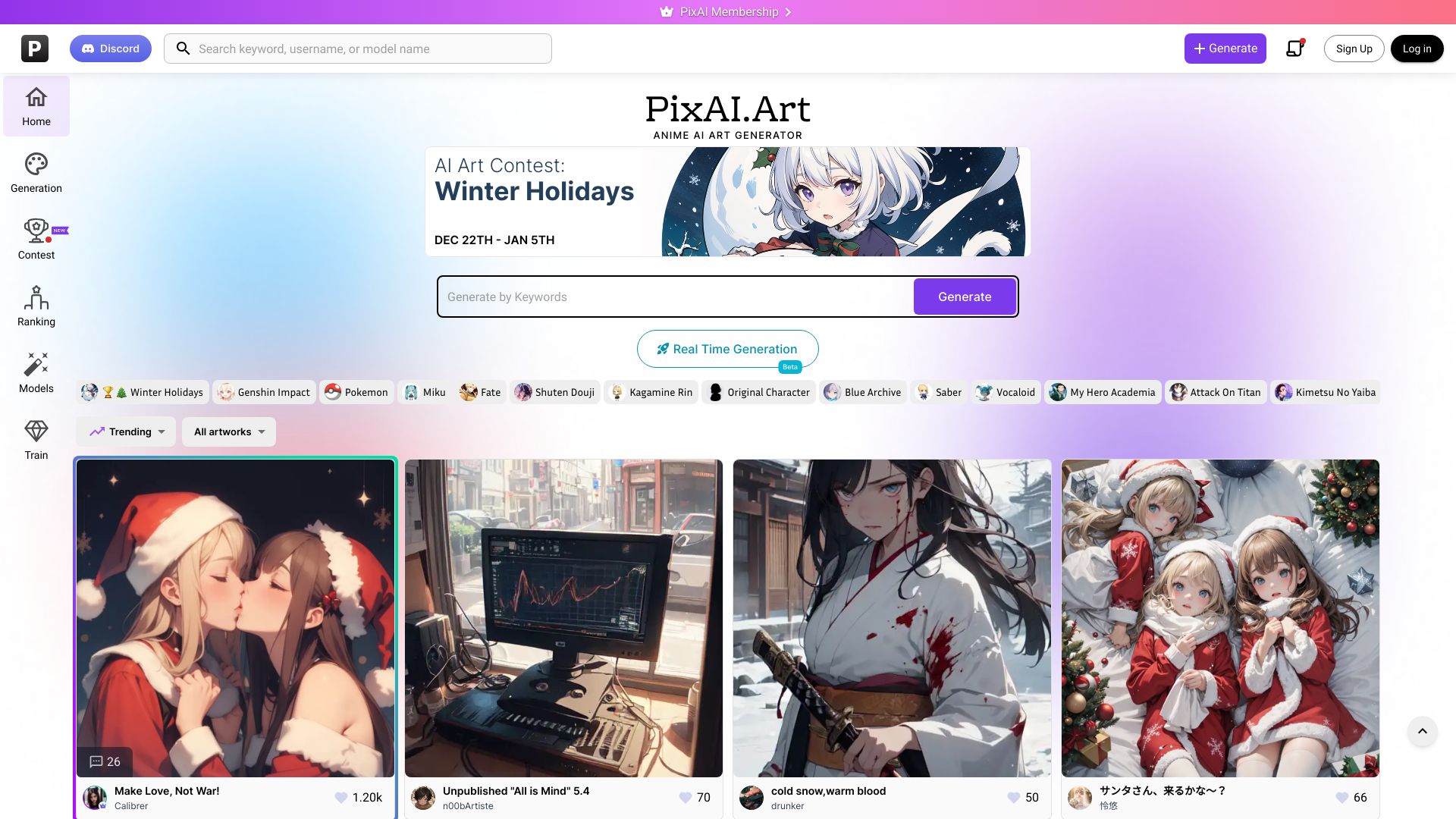
PixAI is the most audience-specific community-oriented choice in the shortlist. Its focus is AI art generation and anime-style art creation, with a workflow built around producing and sharing artworks. That makes it more appealing to anime artists who want inspiration and a place to publish work, not merely a private prompt-to-image utility.
The traffic signal is notable at 10.5M monthly visits, by far the largest figure in this group. That does not automatically make PixAI the best tool for every image task, but it does reinforce the strength of its niche. The listed paid entry point is $5 for 100,000 credits, giving prospective users a concrete reference point even though actual usage value depends on generation settings. Account creation is required for generation, which is the main source of friction compared with the no-sign-up tools above.
My take: Anime artists should put PixAI near the top of their trial list. Its combination of focused style creation, sharing, and a large audience is difficult for a generic generator to match.
Where it falls short: You must sign up or log in before using generation features. Users who only need one quick image may find that extra step unnecessary.
Key features
AI art generation.
Anime-style art creation.
Artwork sharing and community-oriented discovery.
Pros
Easy to generate high-quality anime AI art.
Strongest monthly usage signal in the shortlist.
Clearly stated entry price of $5 for 100,000 credits.
Cons
Requires sign-up or login to use generation features.
Anime focus makes it less suitable for general visual production.
Choose PixAI if: You are an anime artist who wants focused generation plus a large place to share and discover artworks.
9. AI Imagine

AI Imagine
Best AI image tool for content creators
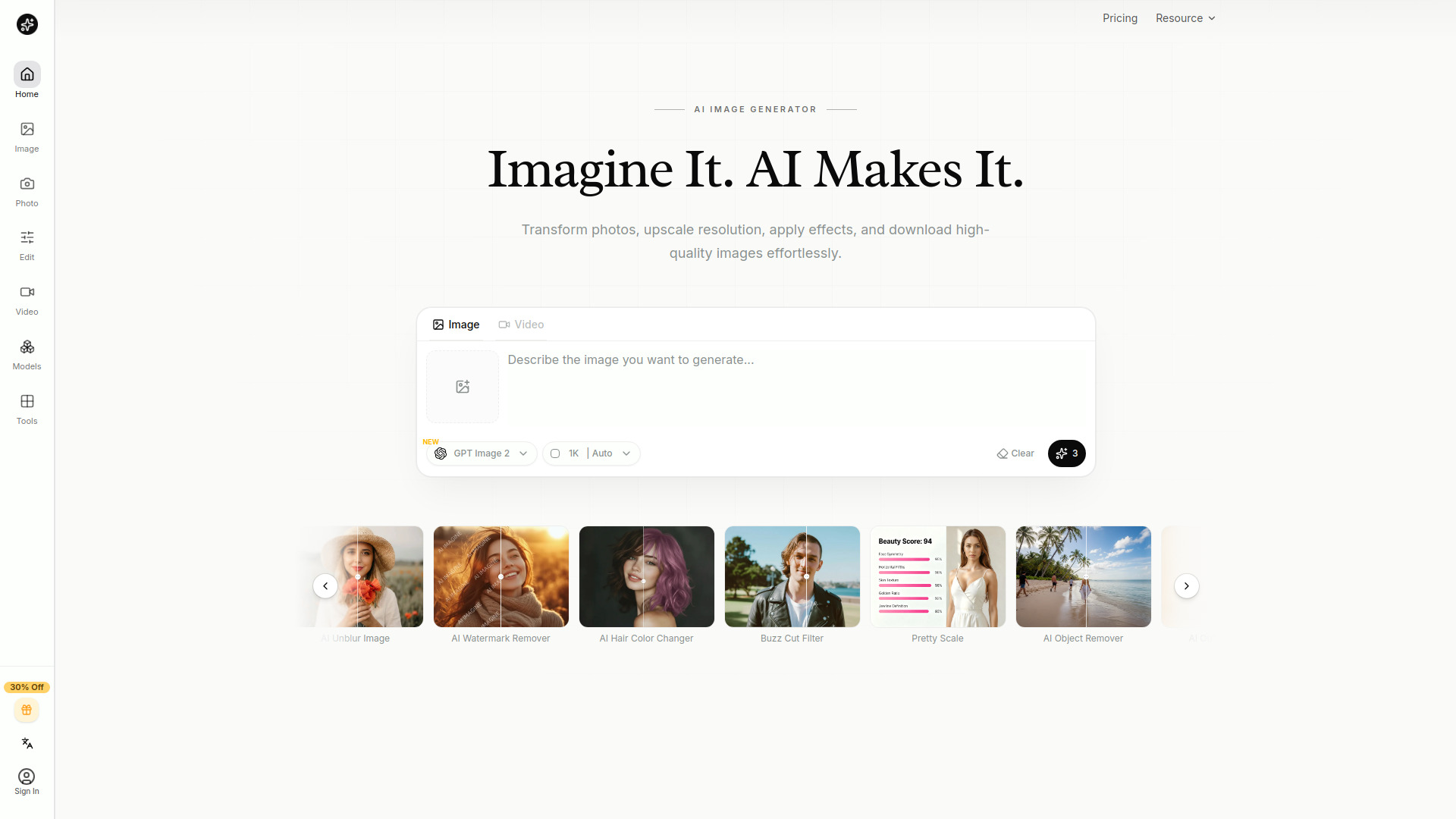
AI Imagine is the practical pick for creators who need to repair and refine images as often as they generate them. Its feature list combines text-to-image generation with an AI image editor for unblurring, upscaling, and object removal. That all-in-one setup can cut down on tool switching for social content, thumbnails, blog graphics, and other assets that rarely come out perfect on the first generation.
The Starter plan is listed at $4.99 per month, which makes the entry price easier to understand than the pricing signals for several other tools in this comparison. The catch is credit behavior: credits do not roll over for monthly and yearly subscribers. That matters if your workload arrives in bursts. A creator who generates heavily one week and barely uses the tool the next may not get full value from a recurring allowance, so monitor consumption before settling on a plan.
My take: This is the best AI tool for creating images when "creating" includes fixing the image afterward. The editor features give it a more complete workflow than generation alone.
Where it falls short: Non-rollover credits punish irregular usage. Budget carefully if your publishing calendar is seasonal or unpredictable.
Key features
AI image generation from text.
AI image editing.
Unblurring and upscaling.
Object removal.
Pros
Combines generation and editing in one platform.
Low stated Starter price of $4.99 per month.
Useful for content workflows that need cleanup after generation.
Cons
Monthly and yearly credits do not roll over.
Smaller monthly usage signal than the leading generators.
Choose AI Imagine if: You are a content creator who wants one inexpensive workspace for generating, upscaling, unblurring, and removing objects.
10. AIAI.com

AIAI.com
Best broader AI image generator for content creators

AIAI.com is the outlier in this list because images are only one part of a broader generation suite. Its listed capabilities include text-to-video and image-to-video, alongside AI video and image generation, AI content generation, and writing tools. For a content creator producing a campaign across formats, that breadth can be more convenient than maintaining separate image, video, and writing accounts.
The free allowance is specific but divided: 40 basic model accesses per day and 20 credits. The free plan also has limited access and does not include advanced AI models. That makes the tool easy to sample, but it also means the first free experience may not represent the full model lineup. With 105.6K monthly visits, AIAI.com has a meaningful audience signal, though its broader remit means image specialists may find the workflow less focused.
My take: Choose this when your deliverable is a content package rather than a single still image. The image-to-video path is the reason to consider it, not a claim that it beats every specialist at still-image generation.
Where it falls short: The free plan limits accesses and credits and excludes advanced models. Buyers should confirm exactly which models and quotas apply before moving a recurring content workflow onto the platform.
Key features
Text-to-video generation.
Image-to-video generation.
AI video and image generation.
AI content generation and writing tools.
Pros
All-in-one platform for video, image, audio, and text generation.
Useful when a campaign needs multiple content formats.
Free allowance provides a concrete way to test the platform.
Cons
Free plan has limited accesses and credits.
Advanced AI models are unavailable on the free plan.
Broader feature set may feel less focused than a dedicated image generator.
Choose AIAI.com if: You are a content creator who needs images alongside video, audio, text, or image-to-video production.
More tools to compare

IMAGE CREATOR AI
Fast AI image generation and editing
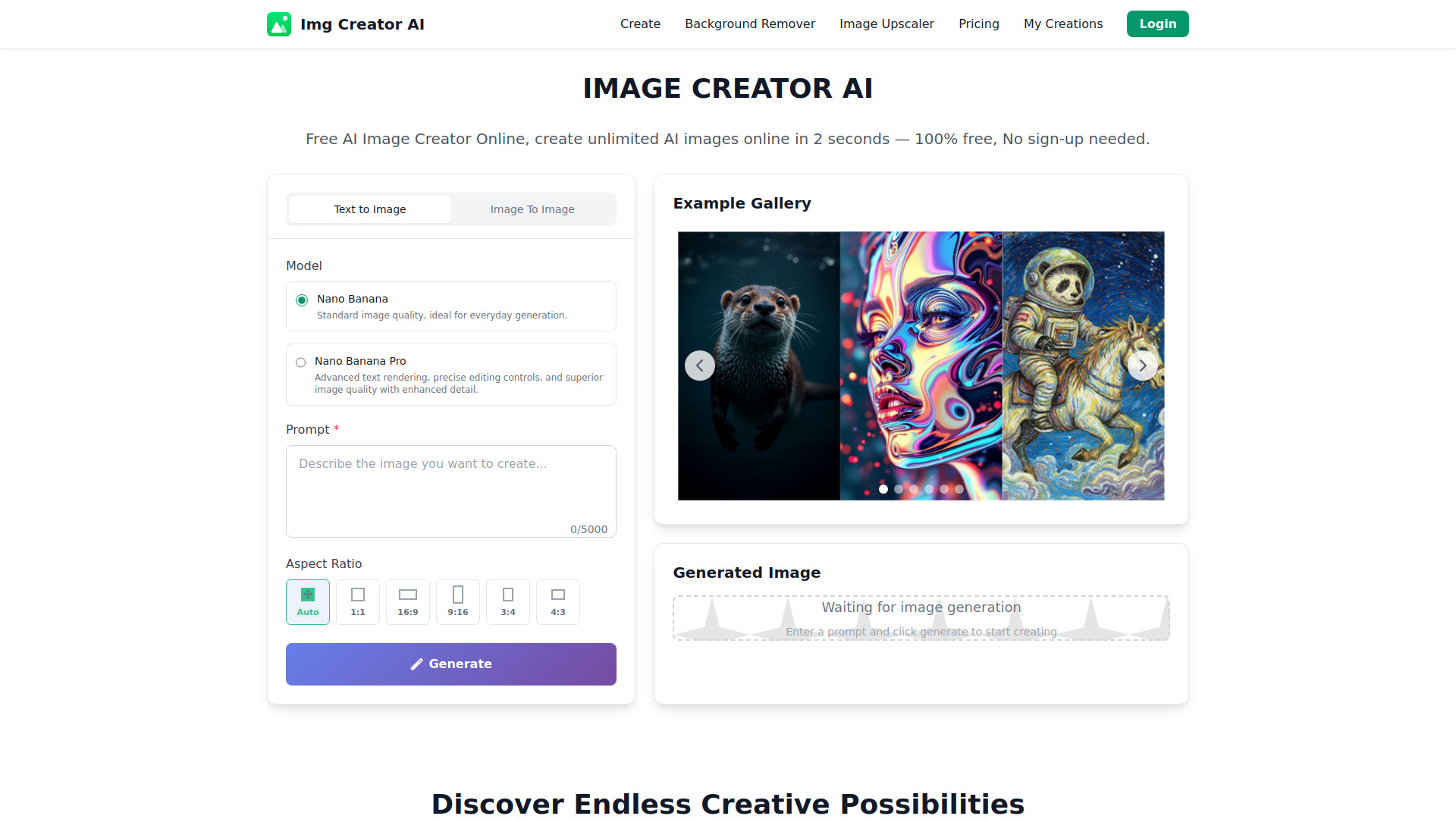

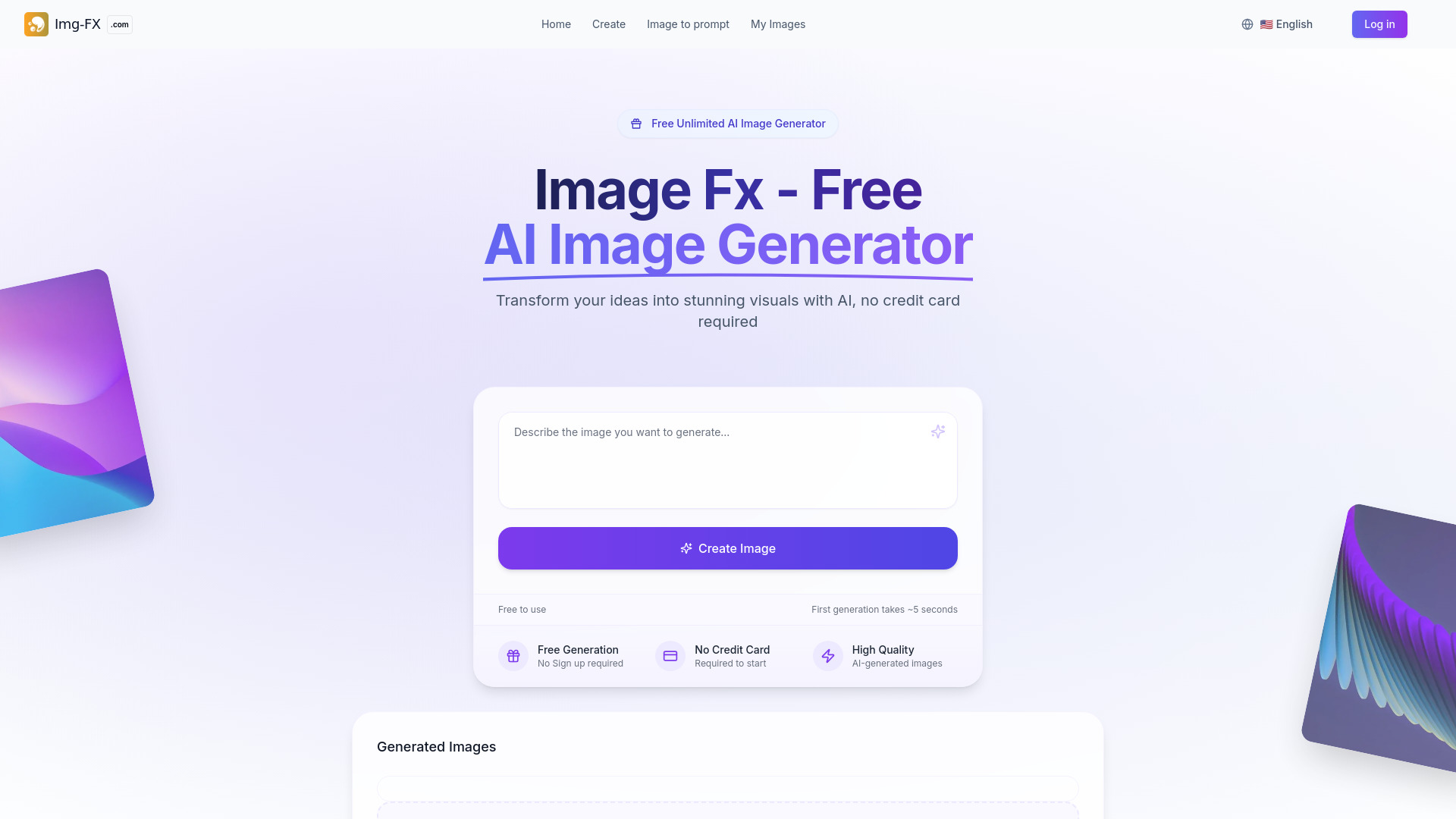
Image Fx
No-sign-up AI image creation

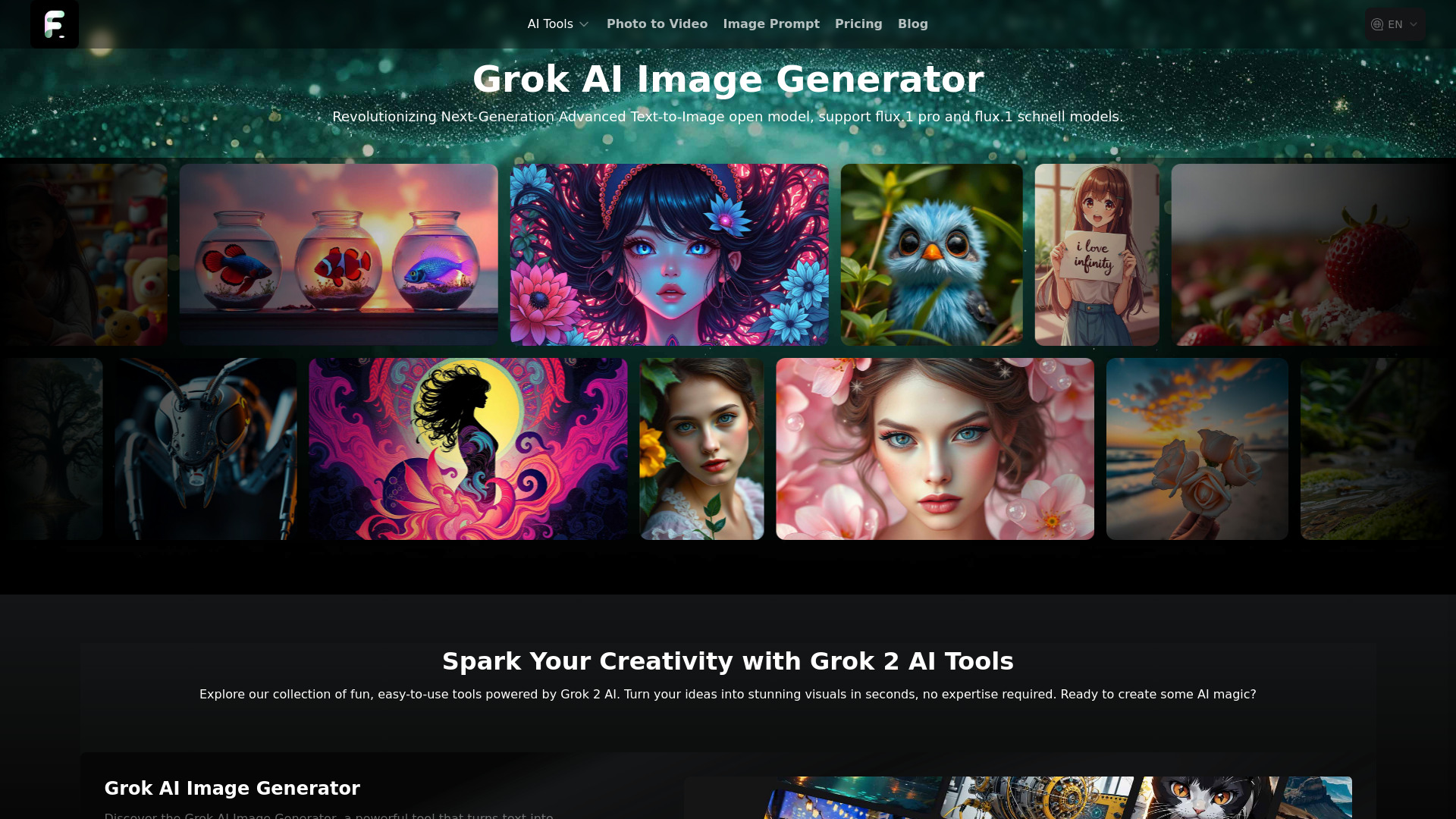
Flux AI
Fast Flux-powered image generation
Z-Image AI Generator
Fast photorealistic image generation
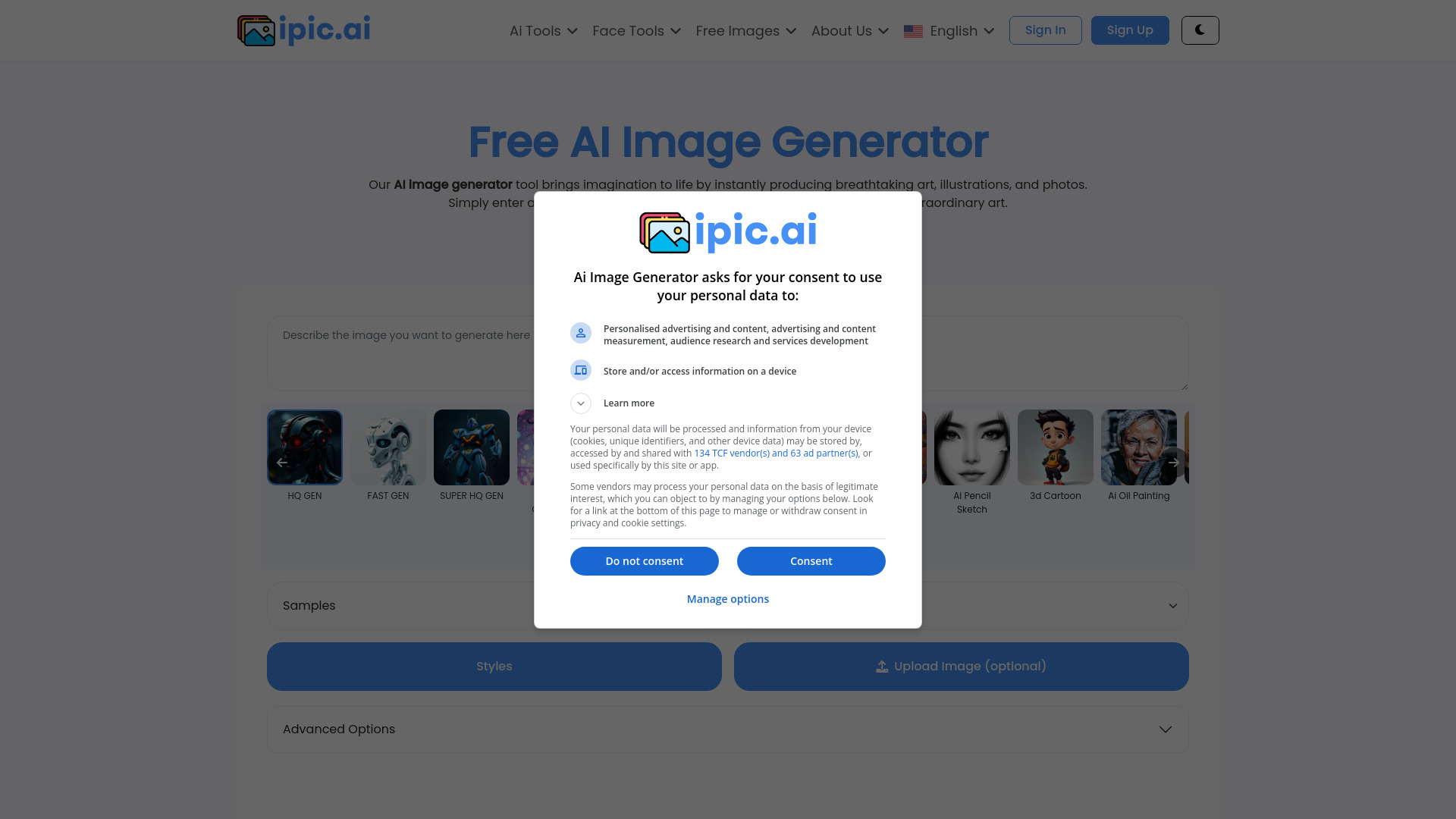
iPic.Ai
Free AI image generation

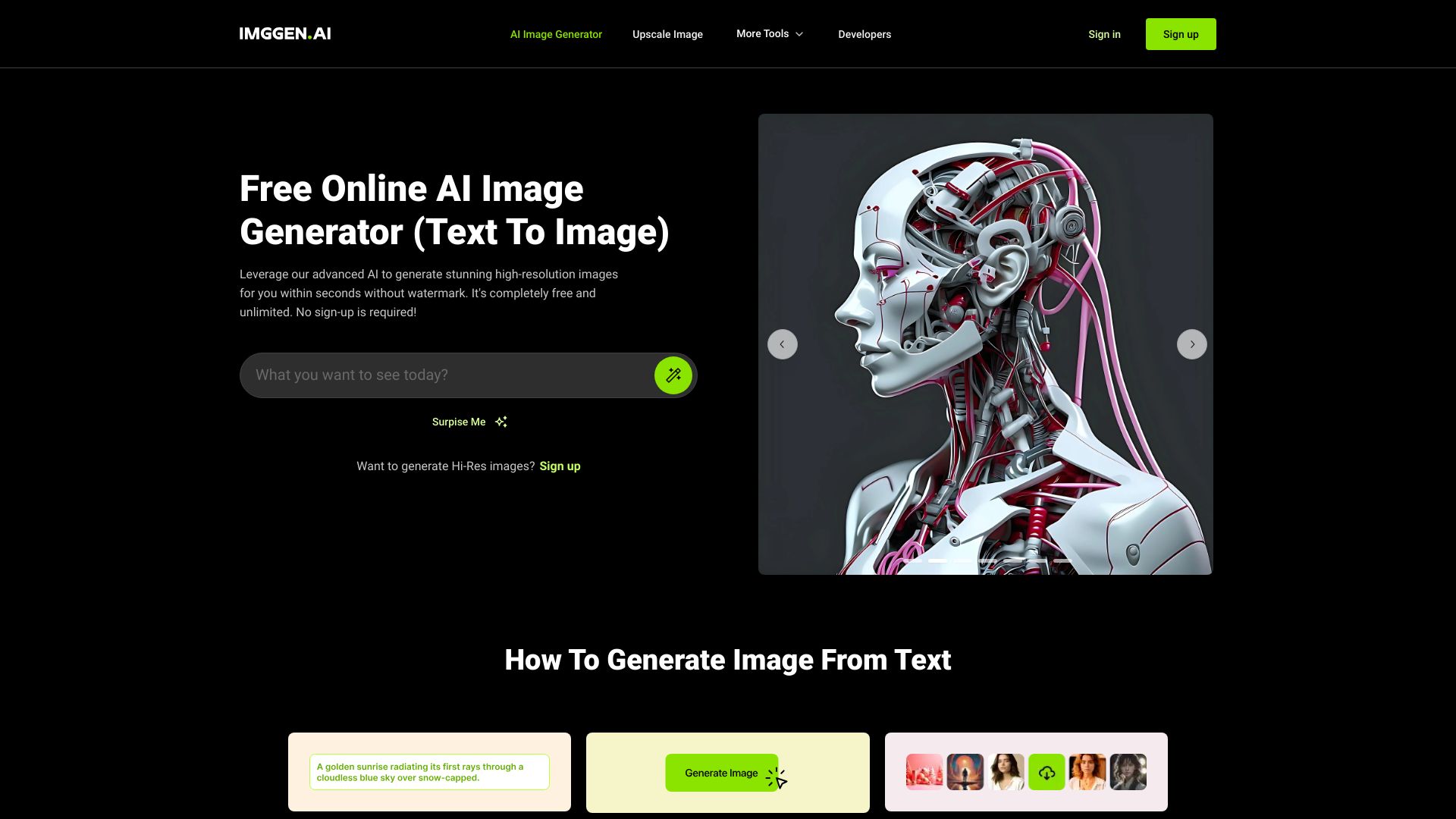
ImgGen AI
Watermark-free AI image generation

Ilus AI
Stylistically consistent illustrations
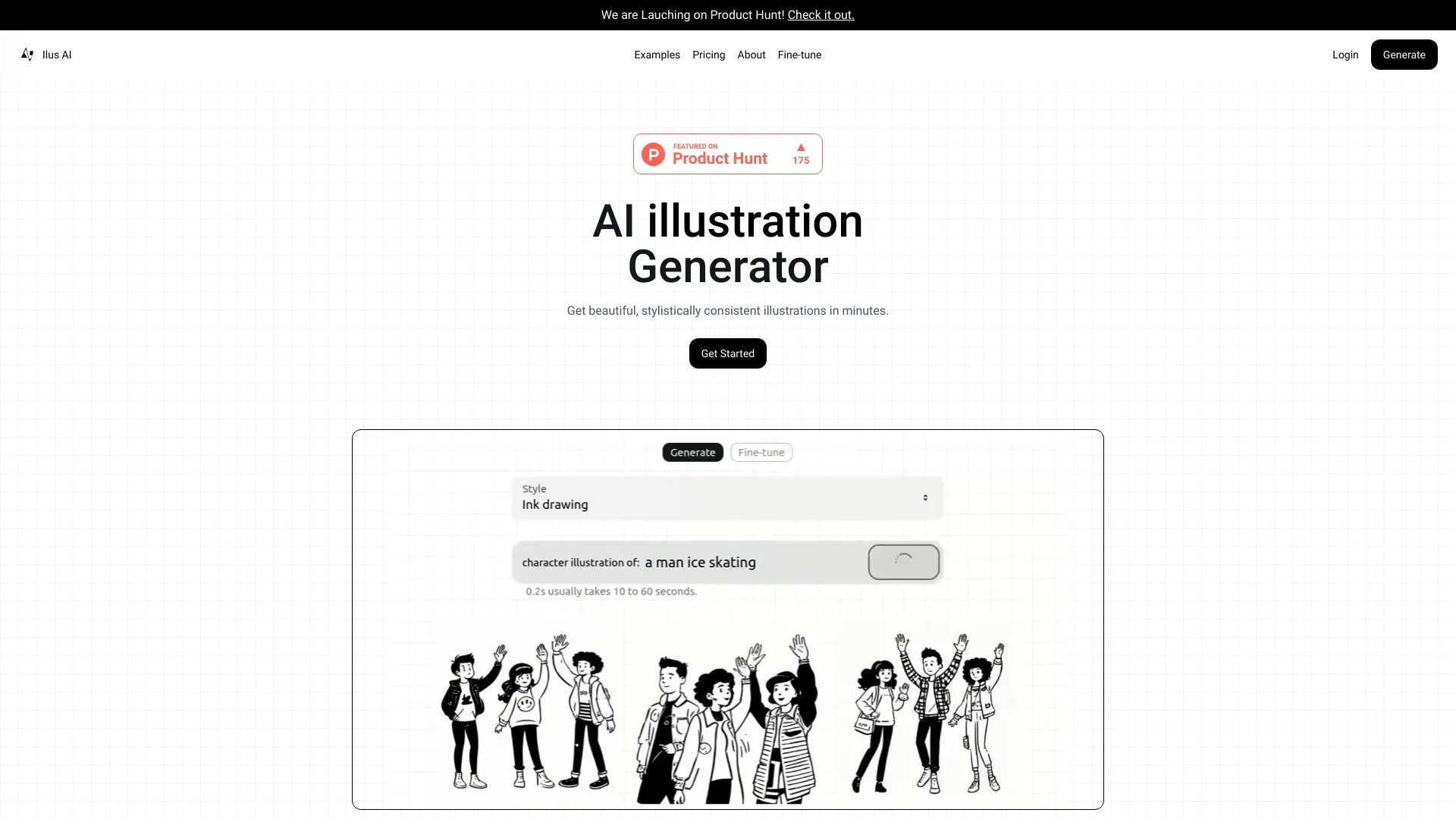

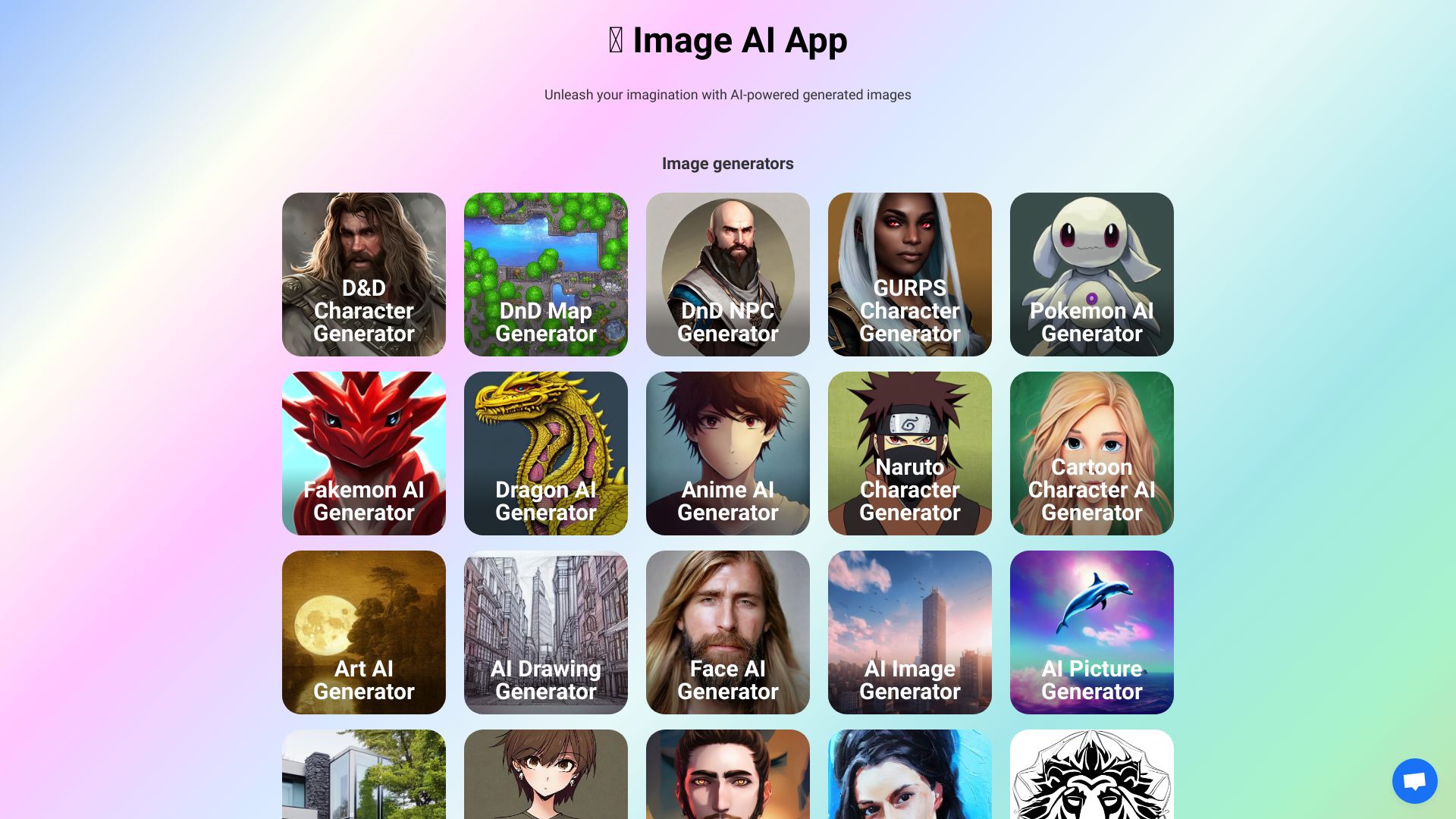
Image AI Generator
Custom AI image generation

Imaiger
Website creators needing AI visuals

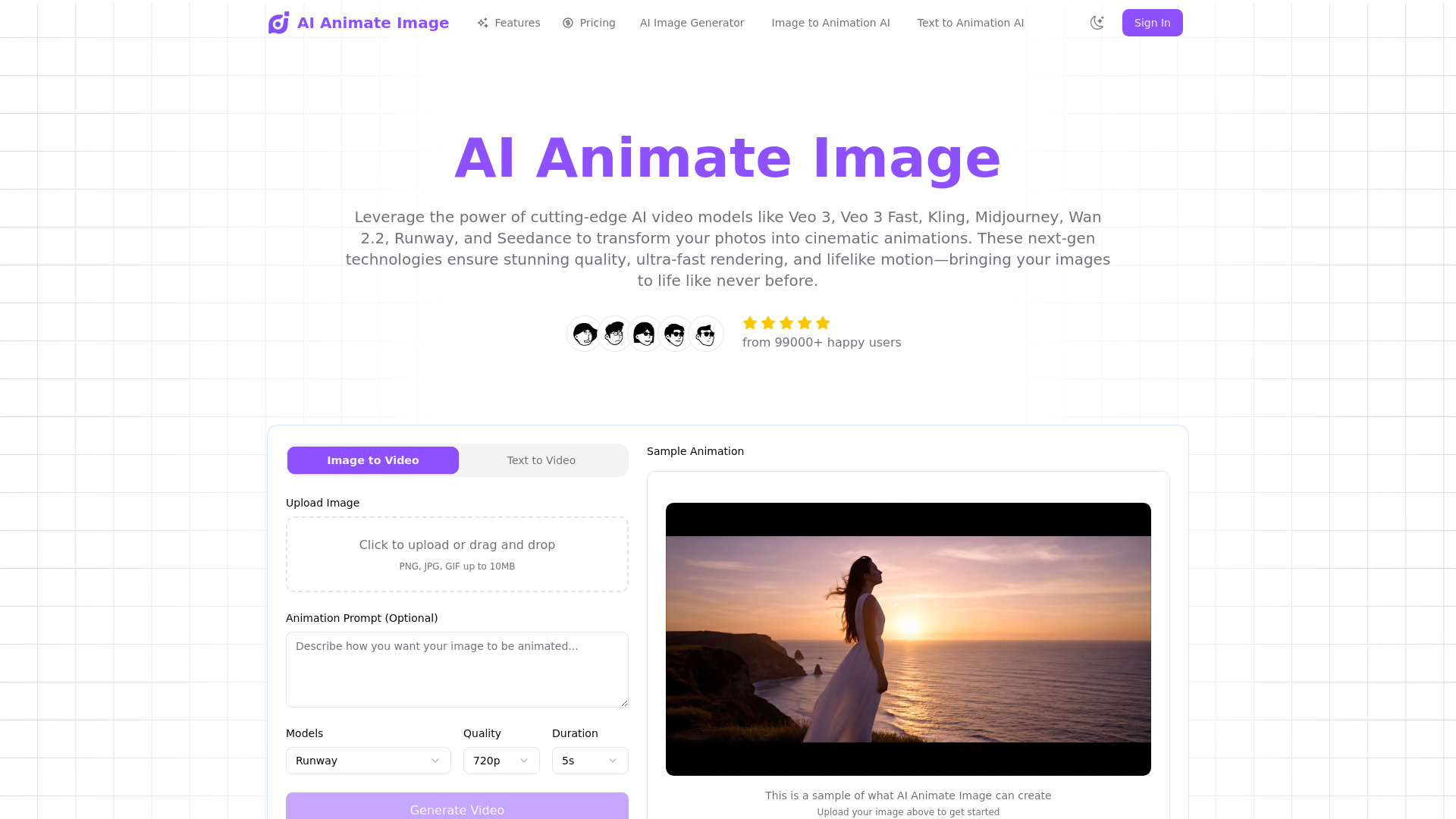
AI Animate Image
Animating photos into short videos

Free AI Generator
Continuous AI image editing

Enhance AI
AI image generation and enhancement

AI2image
Prompt-based website and social image creation

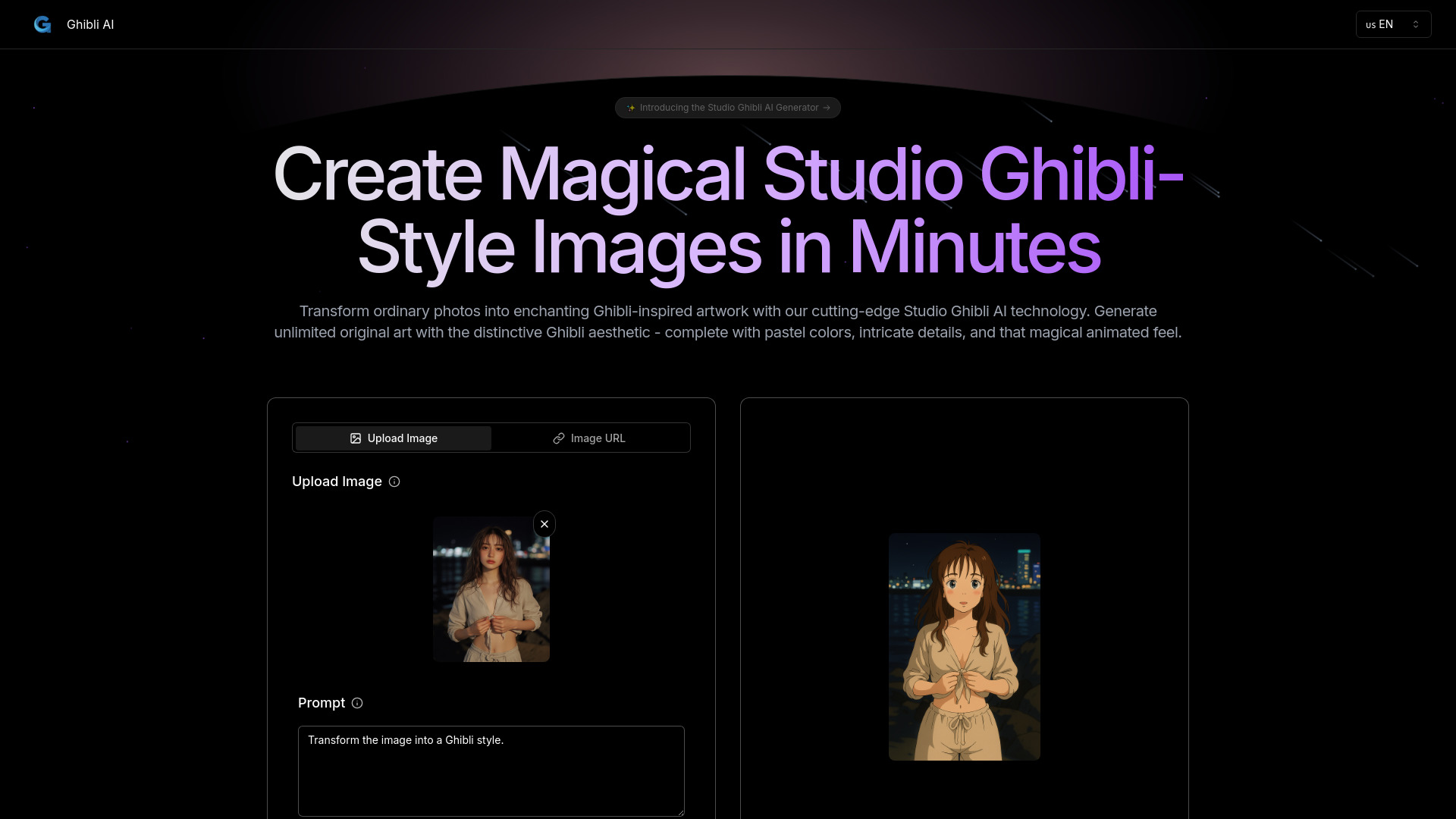
Ghibli AI
Studio Ghibli-style photo transformations

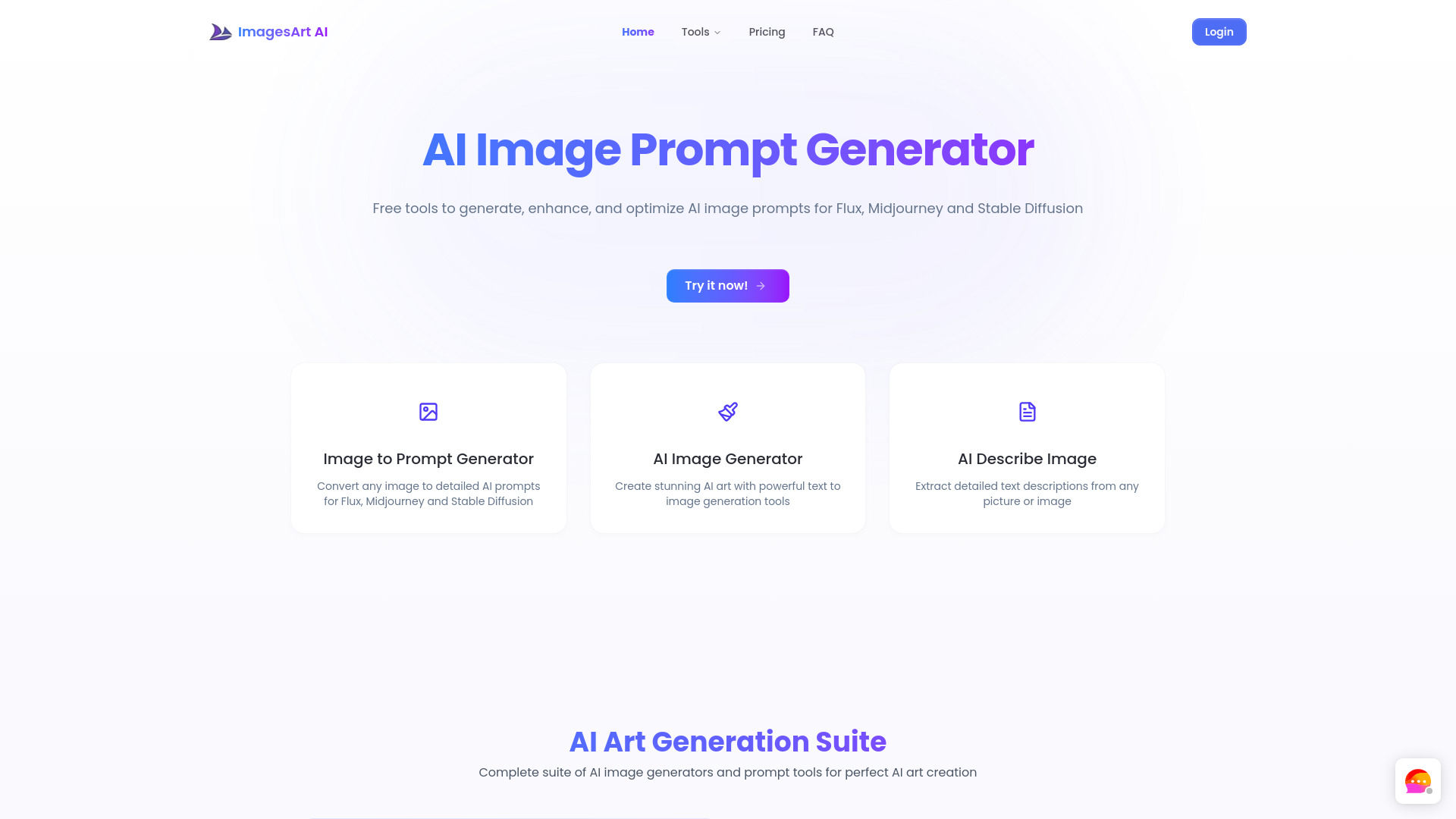
ImagesArt.ai
Prompt-assisted AI art
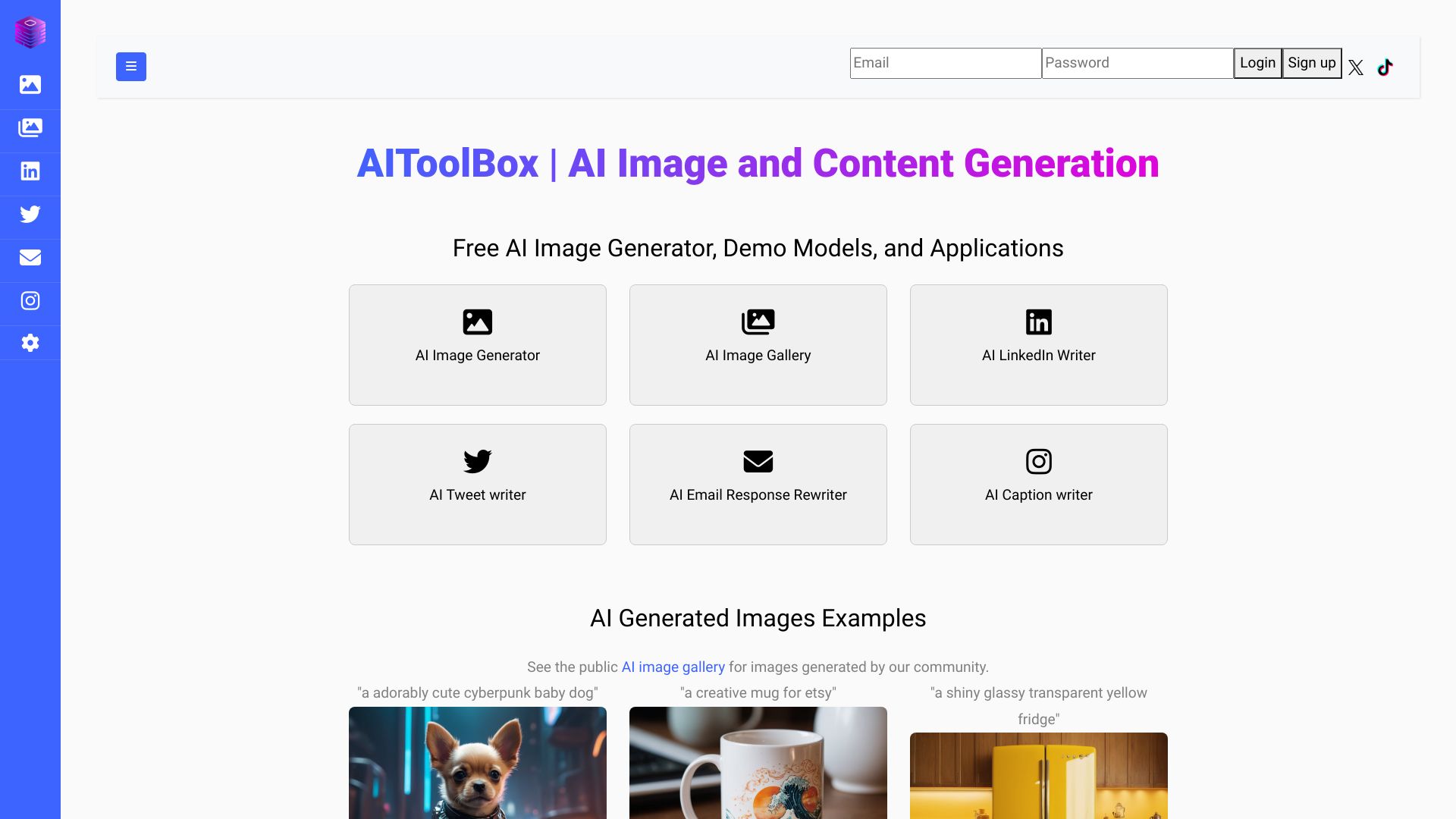
AIToolBox
Swiss-hosted AI image generation

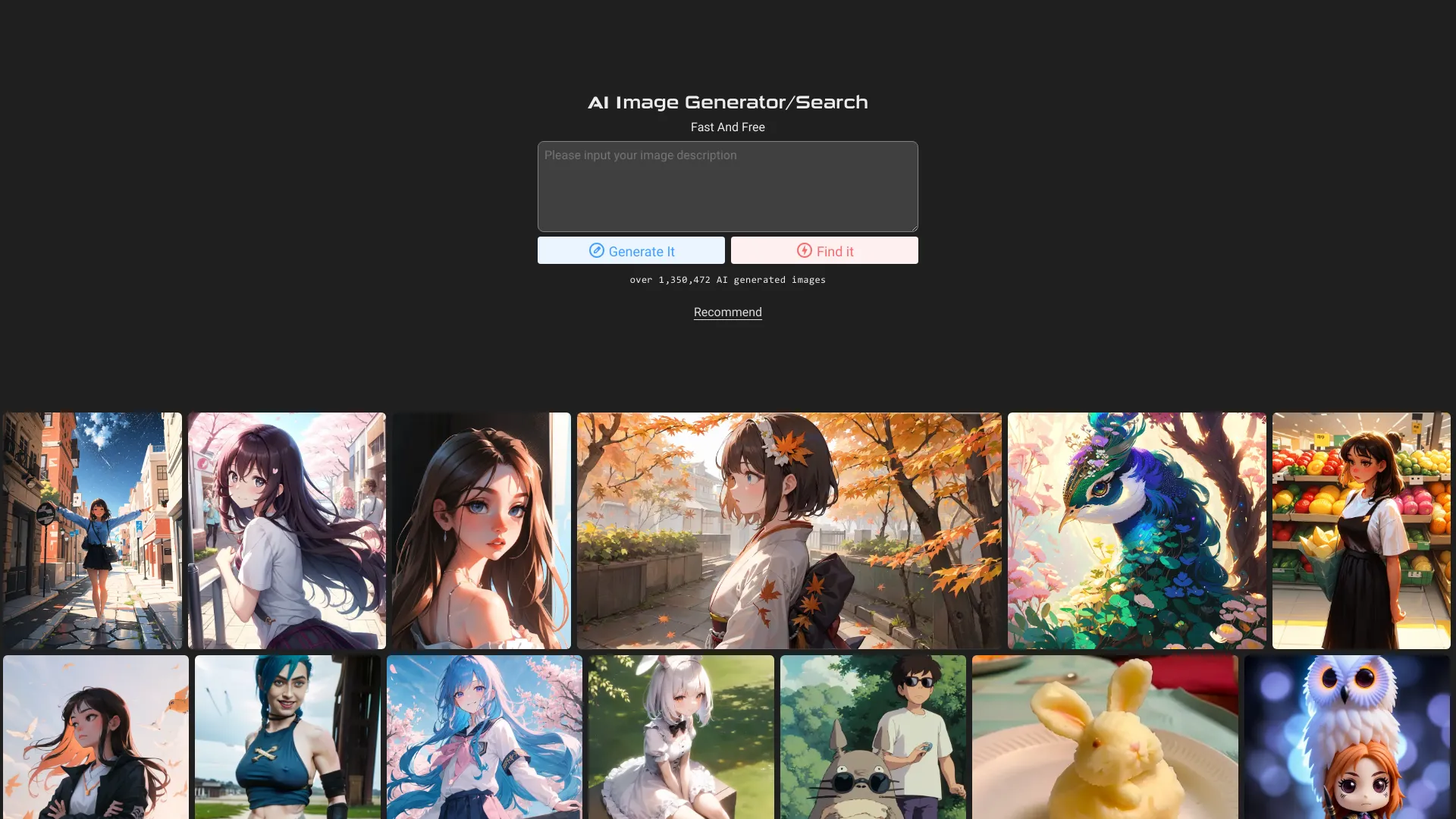
AI Image Generator and Search
AI image search and generation

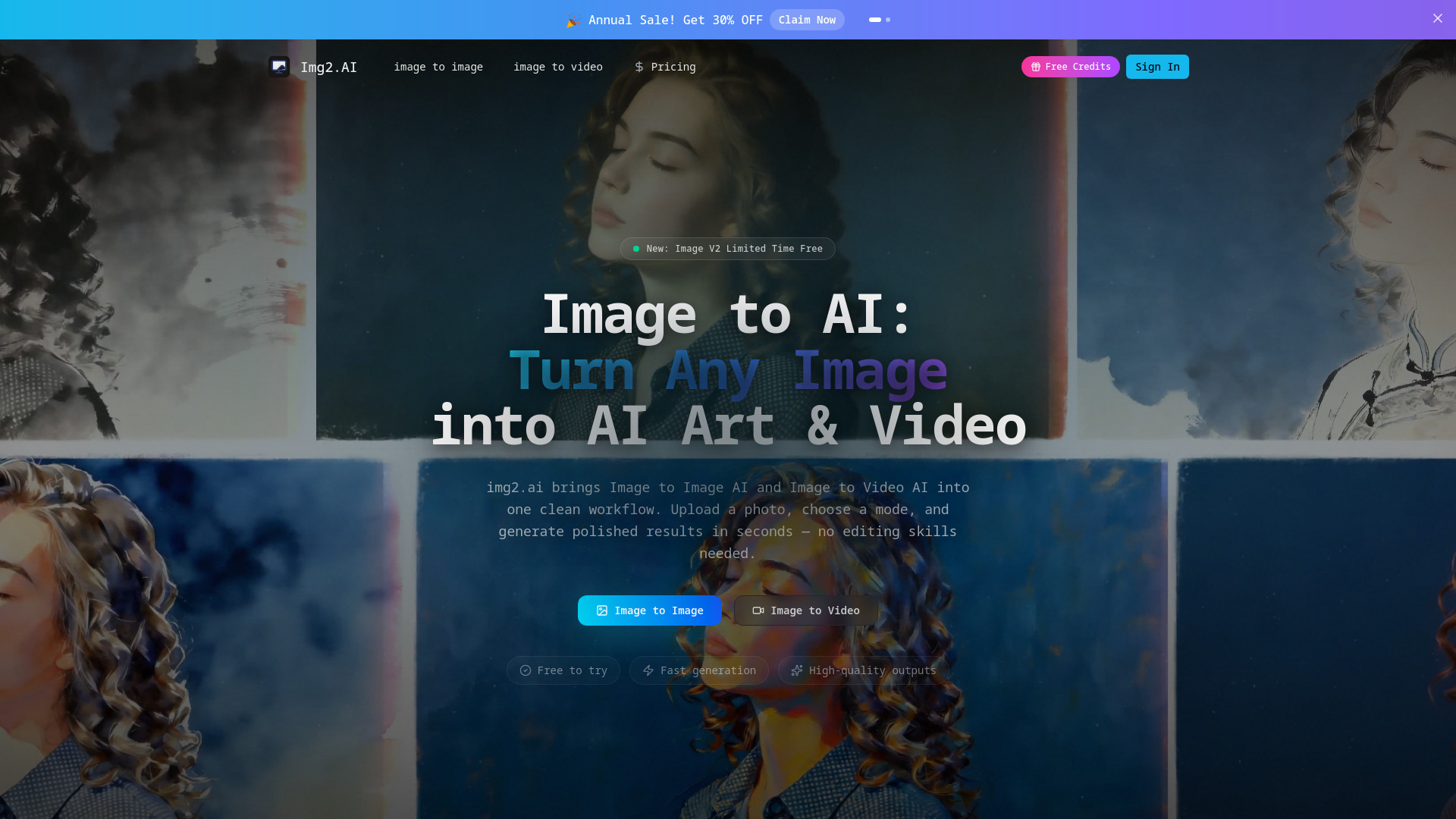
img2.ai
Image-to-image and image-to-video creation

AI Picasso
AI avatars and stylized artwork

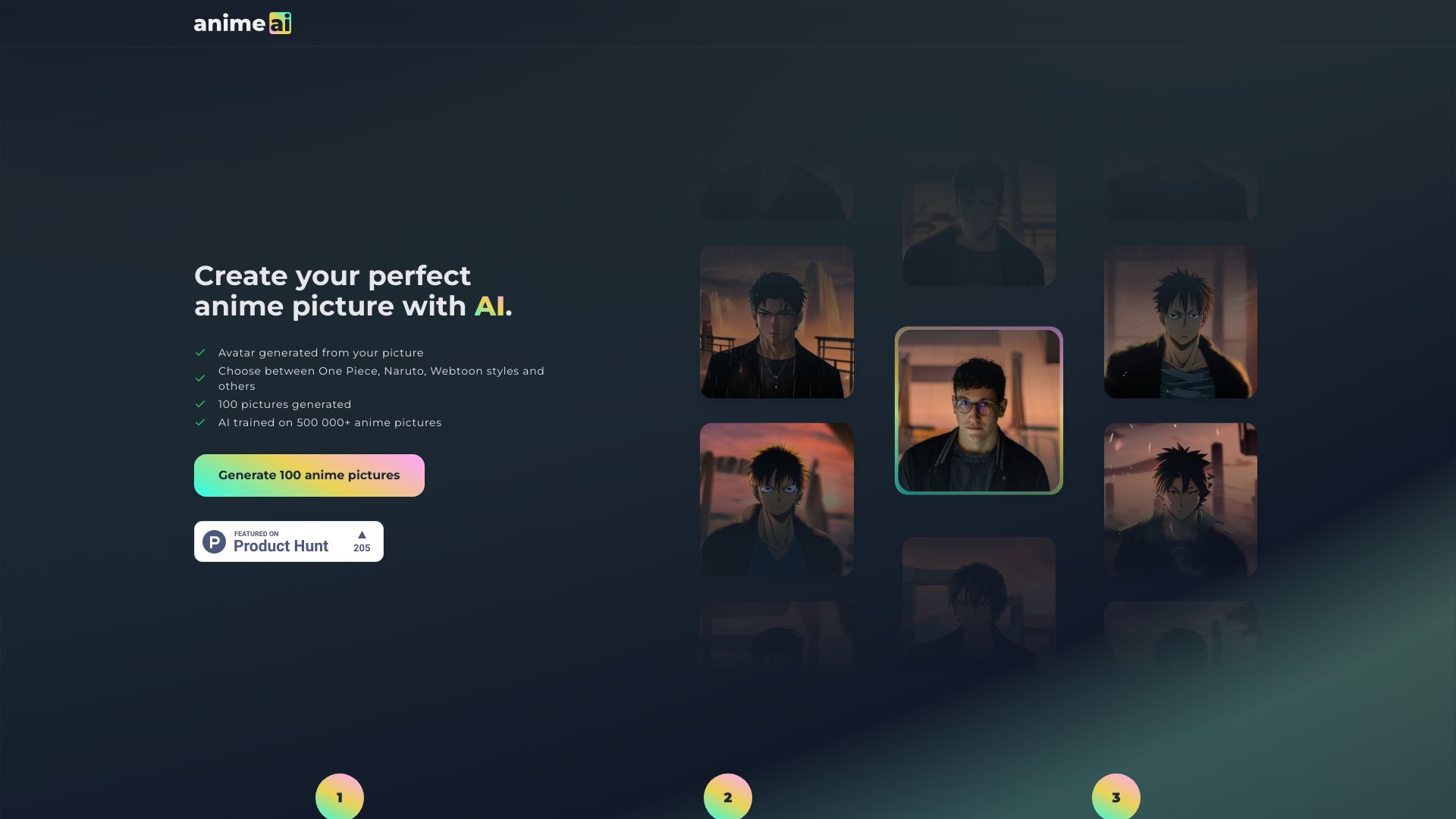
Anime AI
Anime-style photo transformations

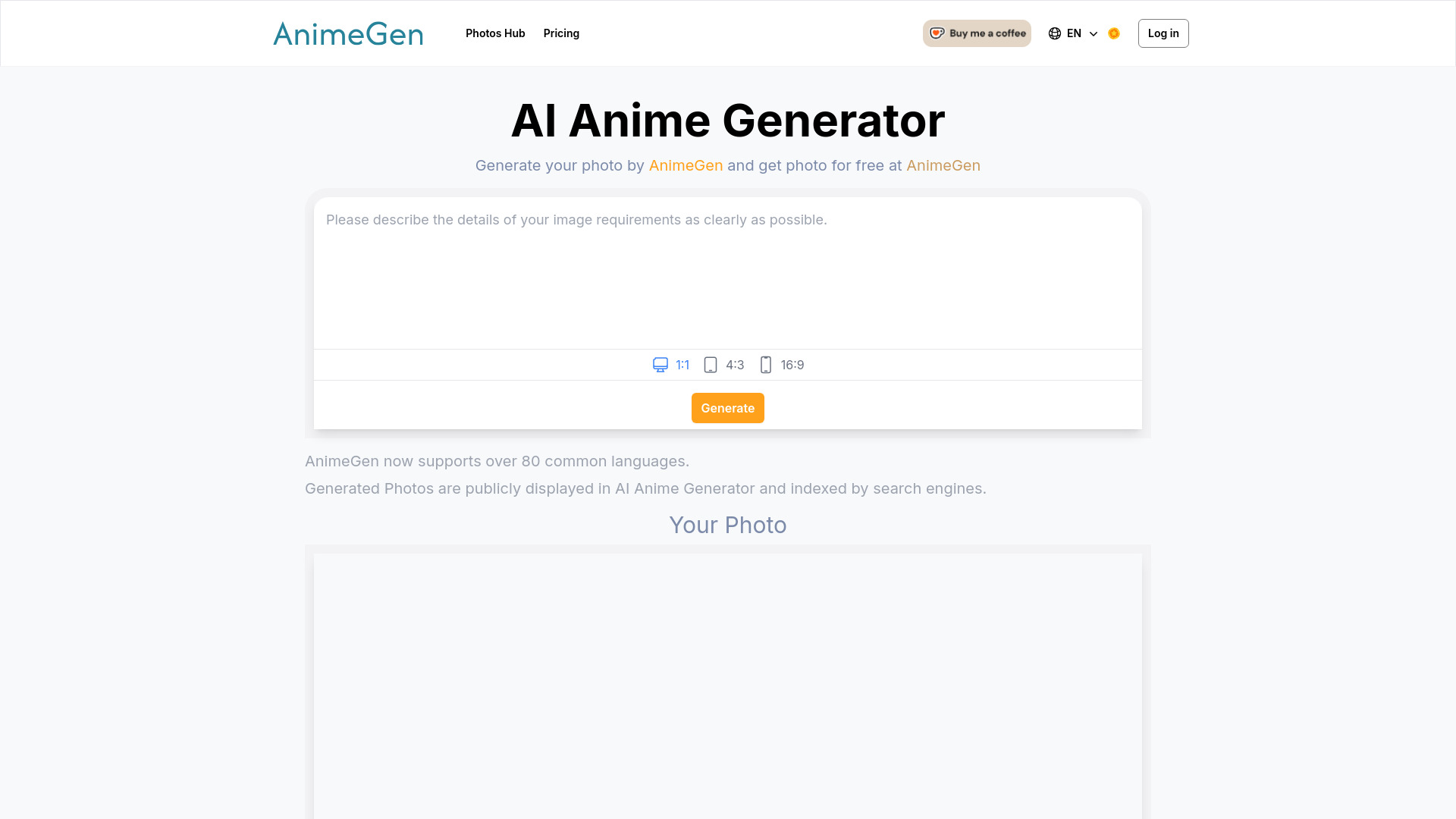
AnimeGen
Anime-style character portraits

AnimeAI
Anime characters, waifus, and illustrations

AI Girl Generator
Anime and character image generation

Image to Image AI
Photo restyling and visual variations
Ghibli AI
Ghibli-style image transformations

AI Artwork Generator
Multi-style AI artwork

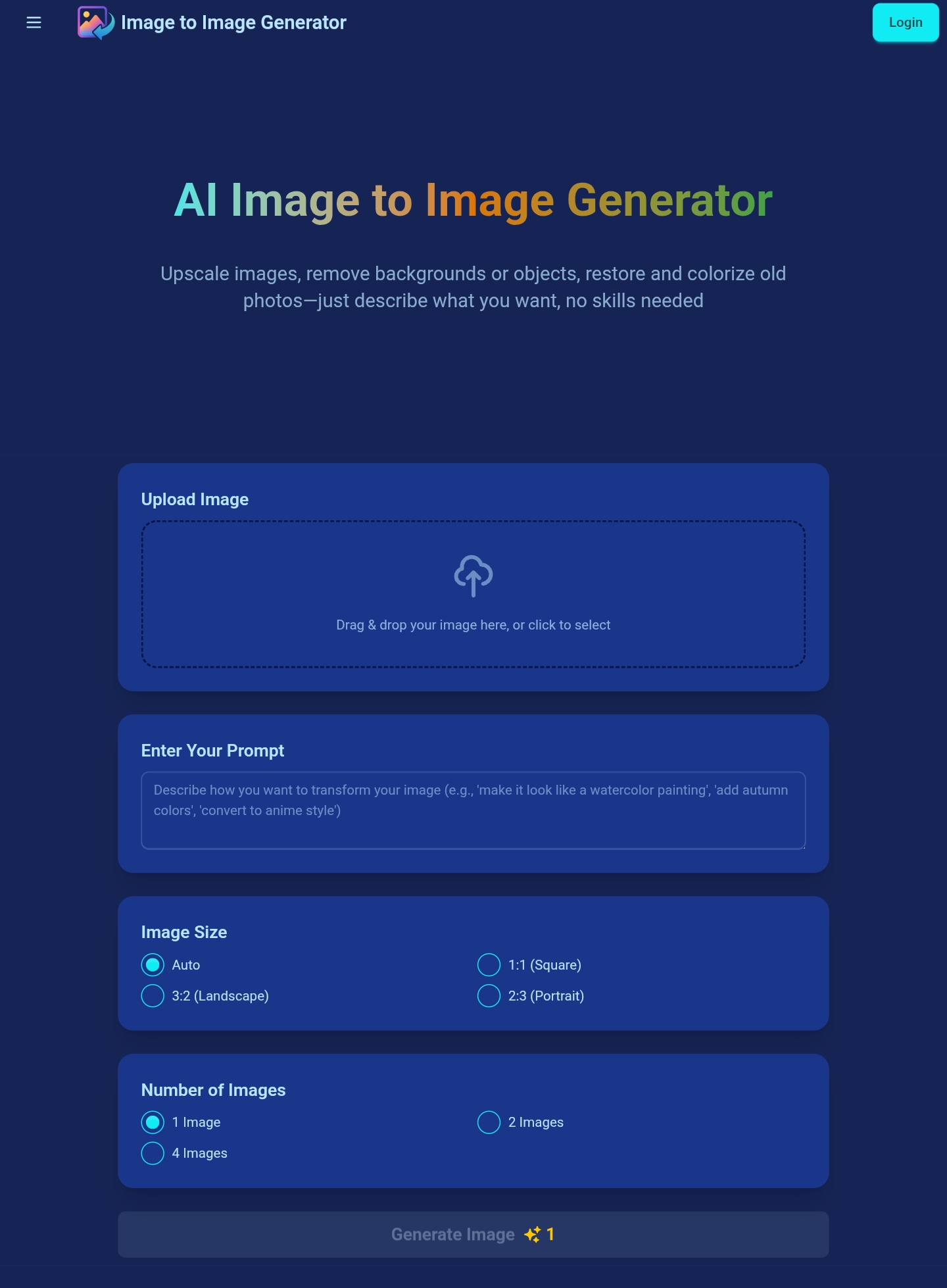
AI Image to Image Generator
Prompt-based photo transformations

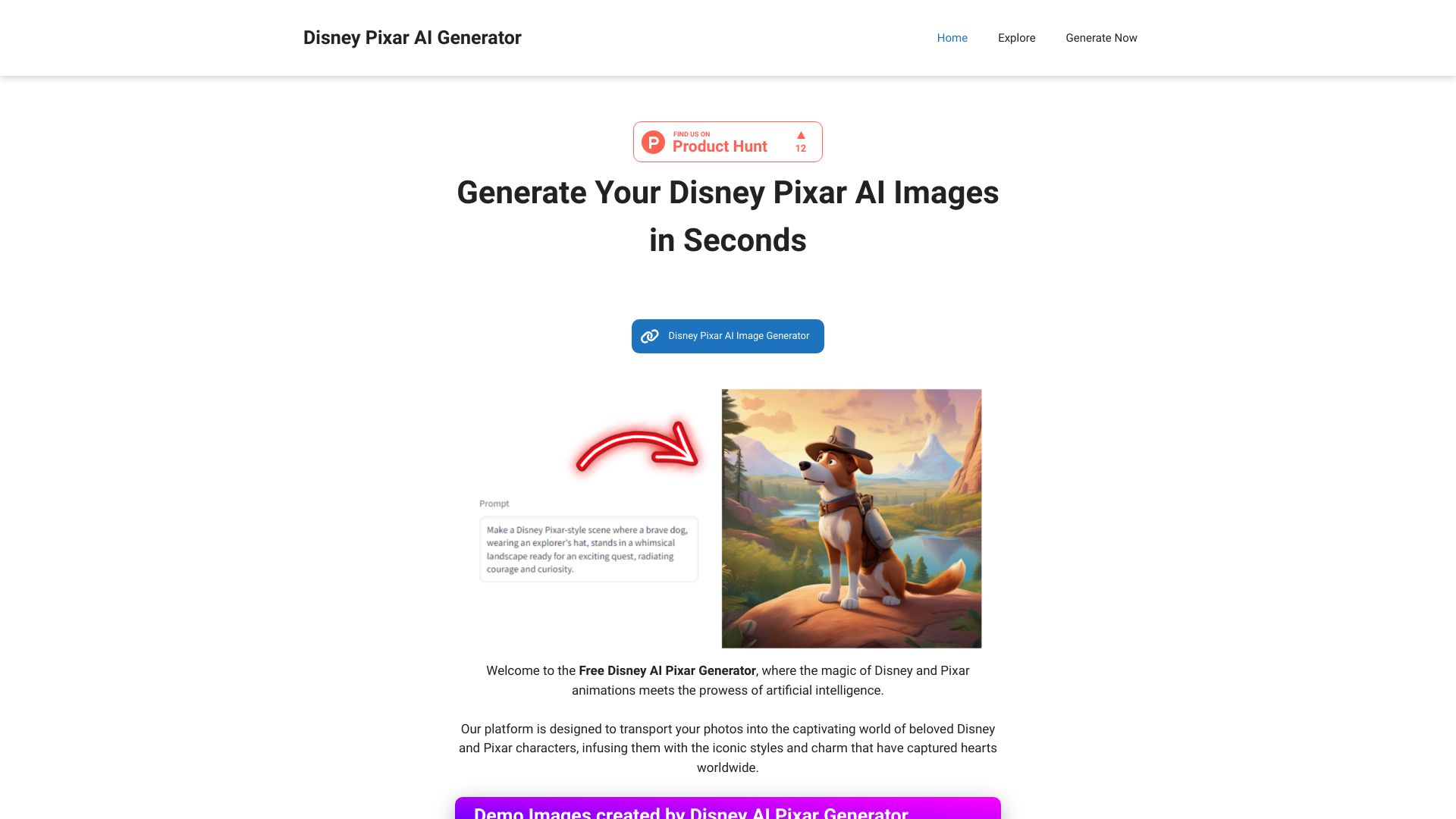
Disney AI Pixar Generator
Disney Pixar-style photo transformations
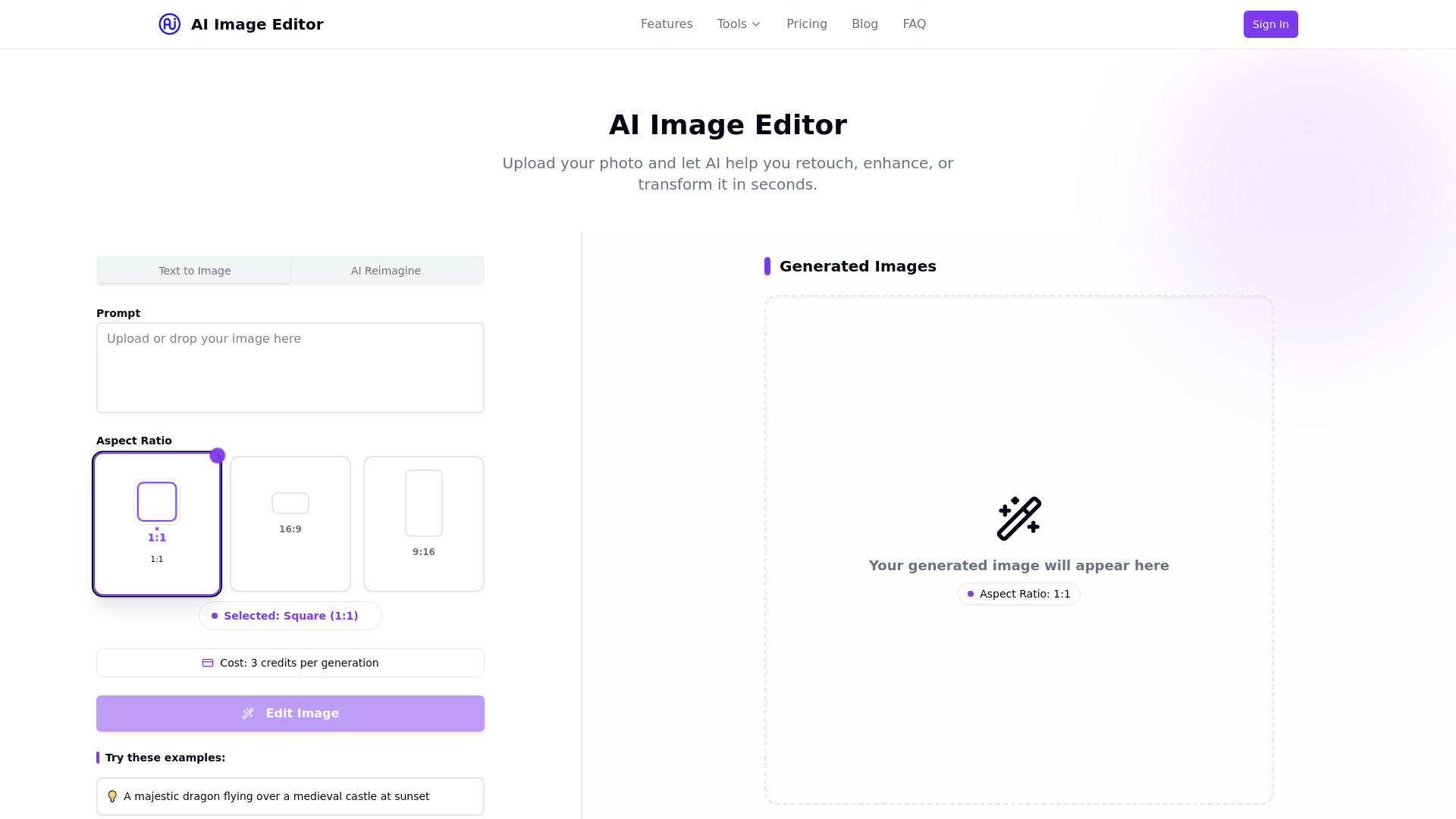
ai image editor
Photo retouching and background edits

MagicAI
Free AI image and anime art creation

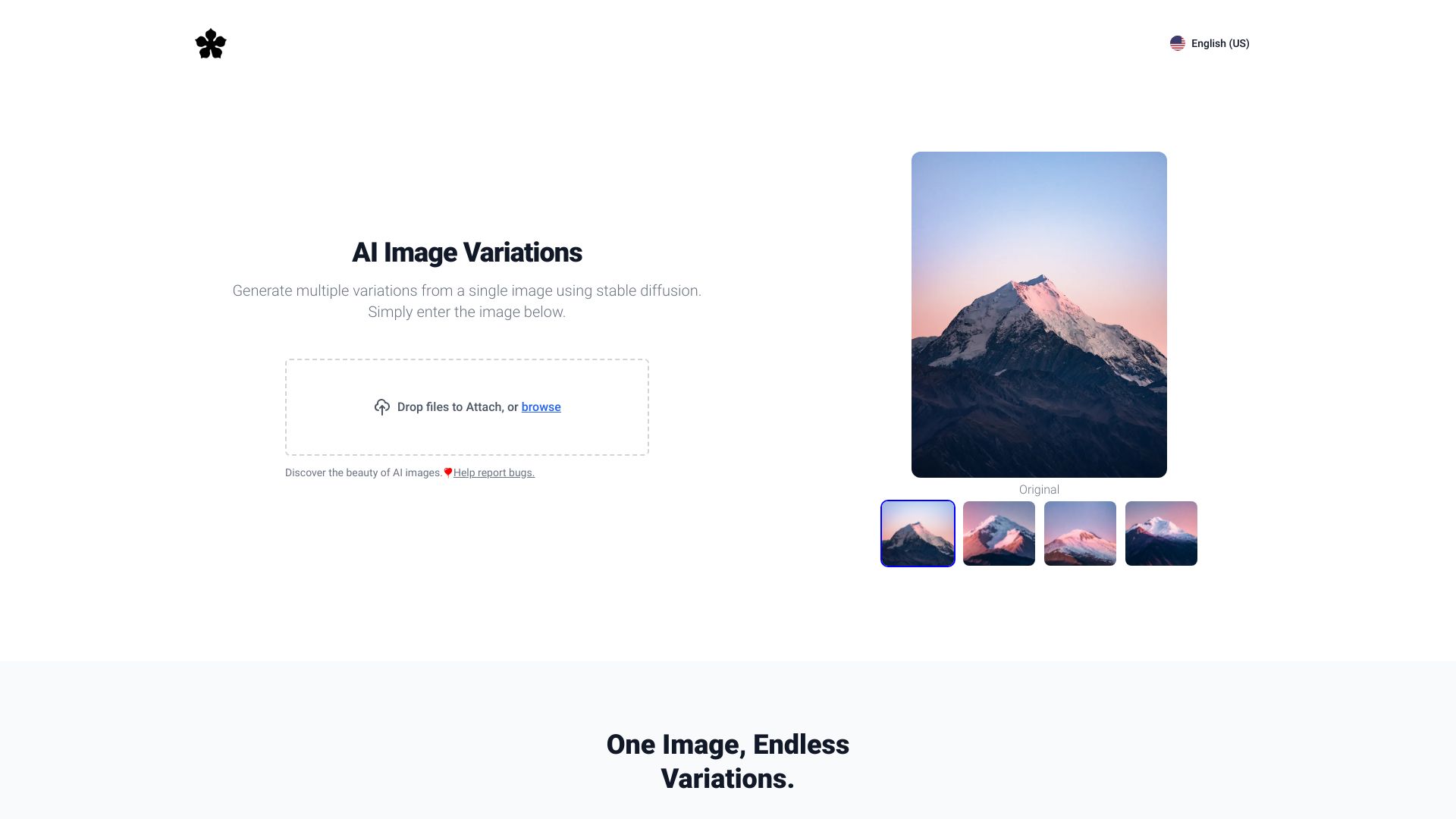
Image Variations
Creating variations from an existing image
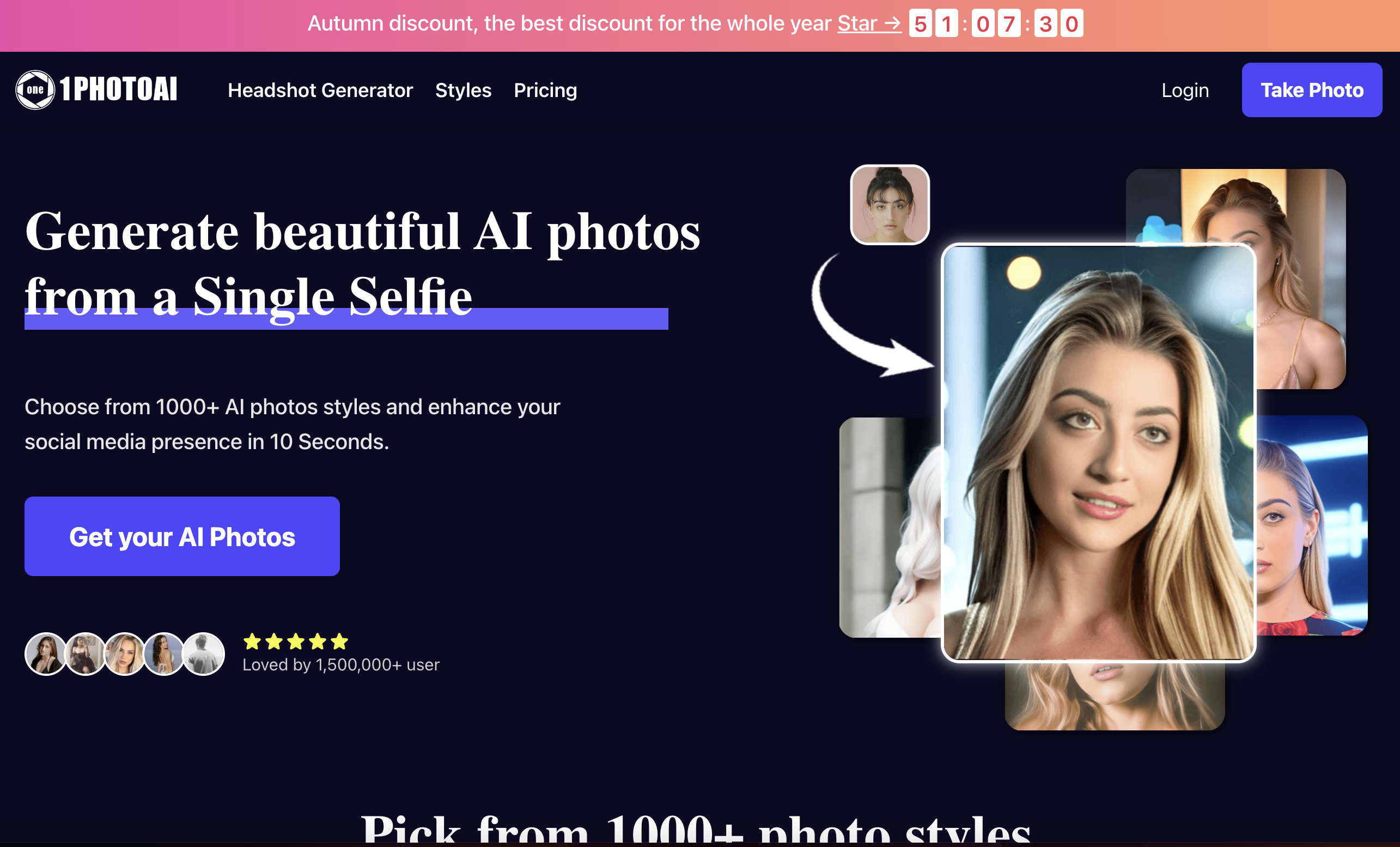
1PhotoAI
AI headshots, avatars, and photo styles

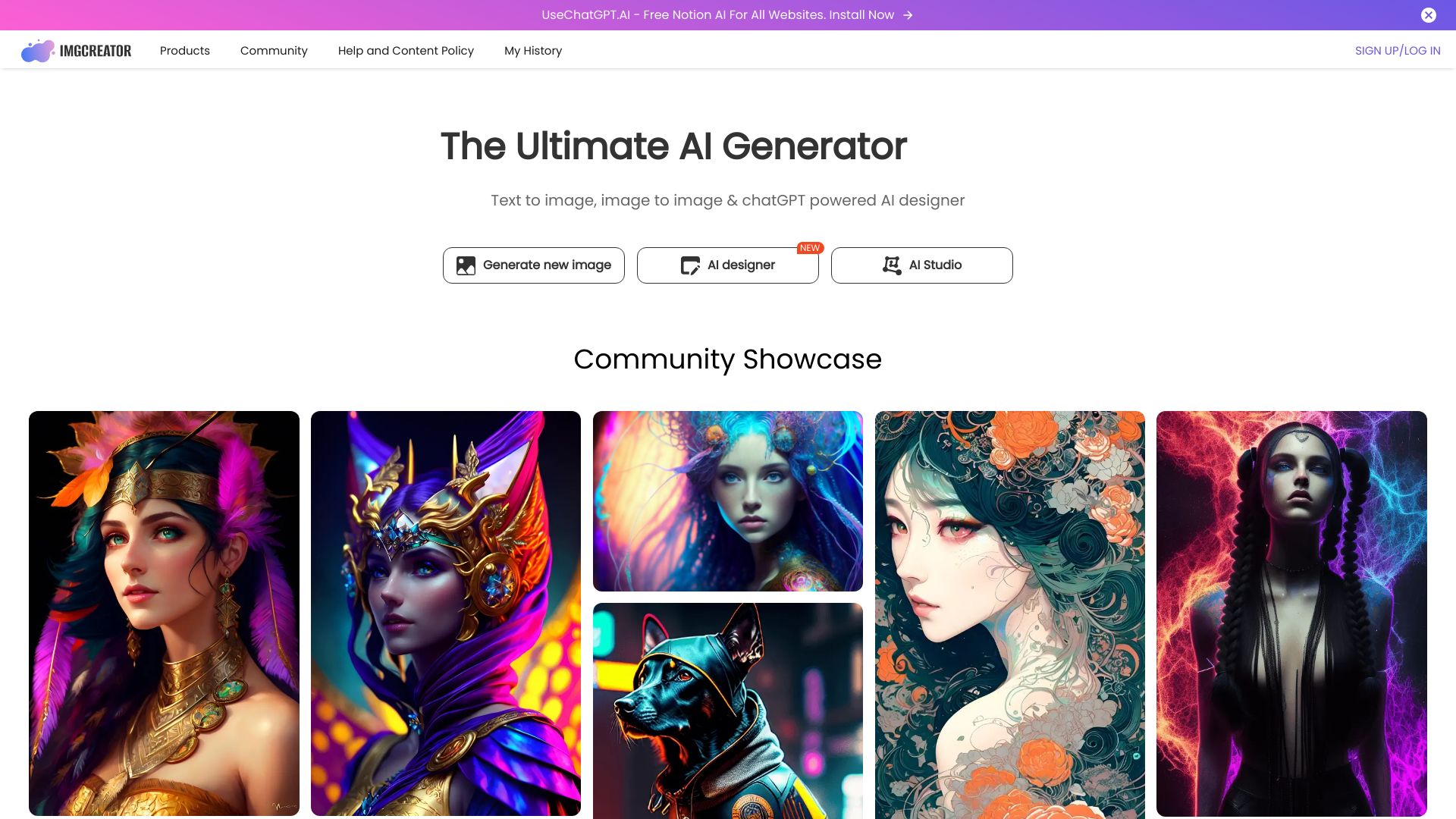
ImgCreator.AI
Illustrations, anime, and concept art

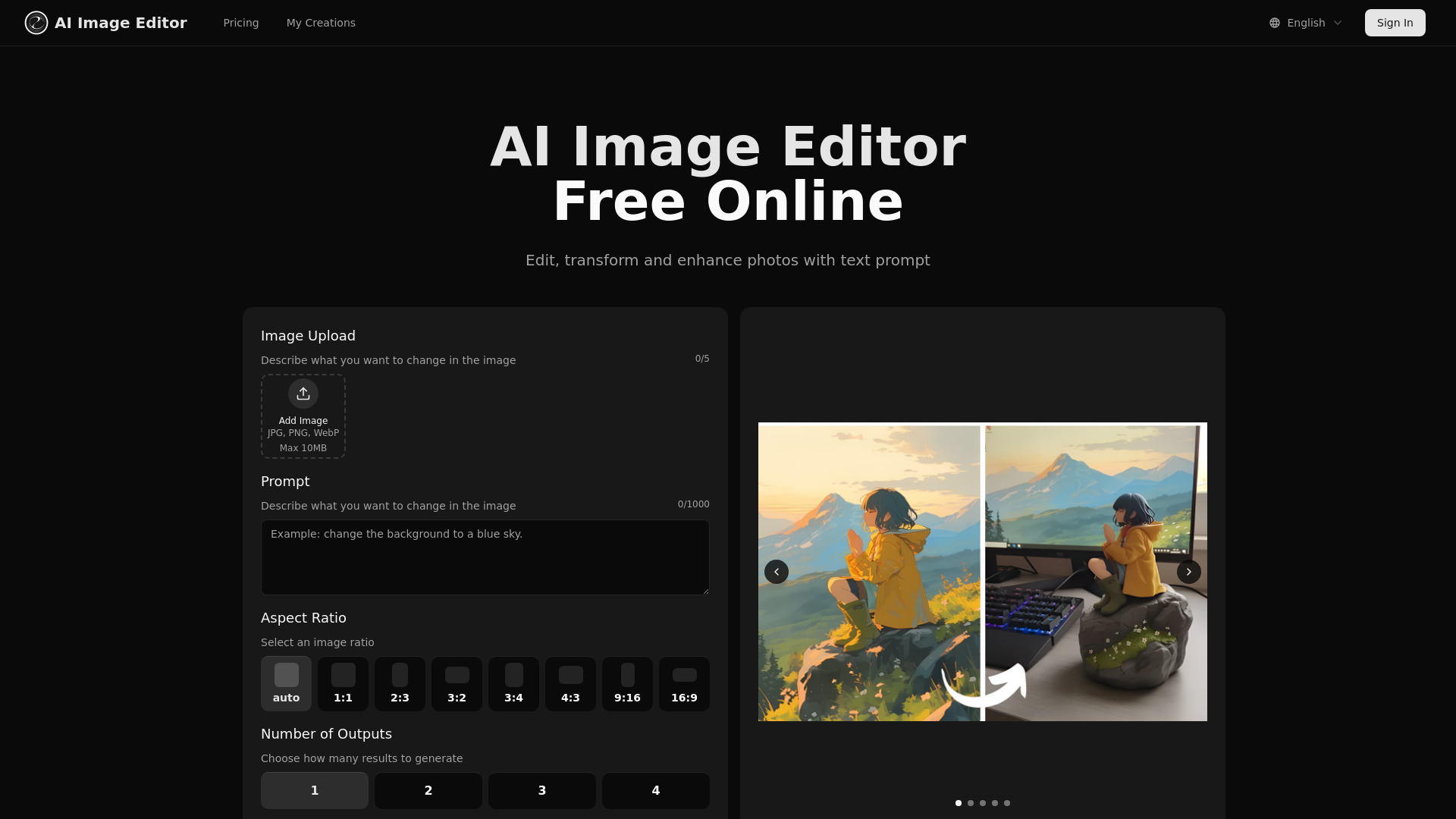
aiimageedit.ai
Structure-aware photo editing
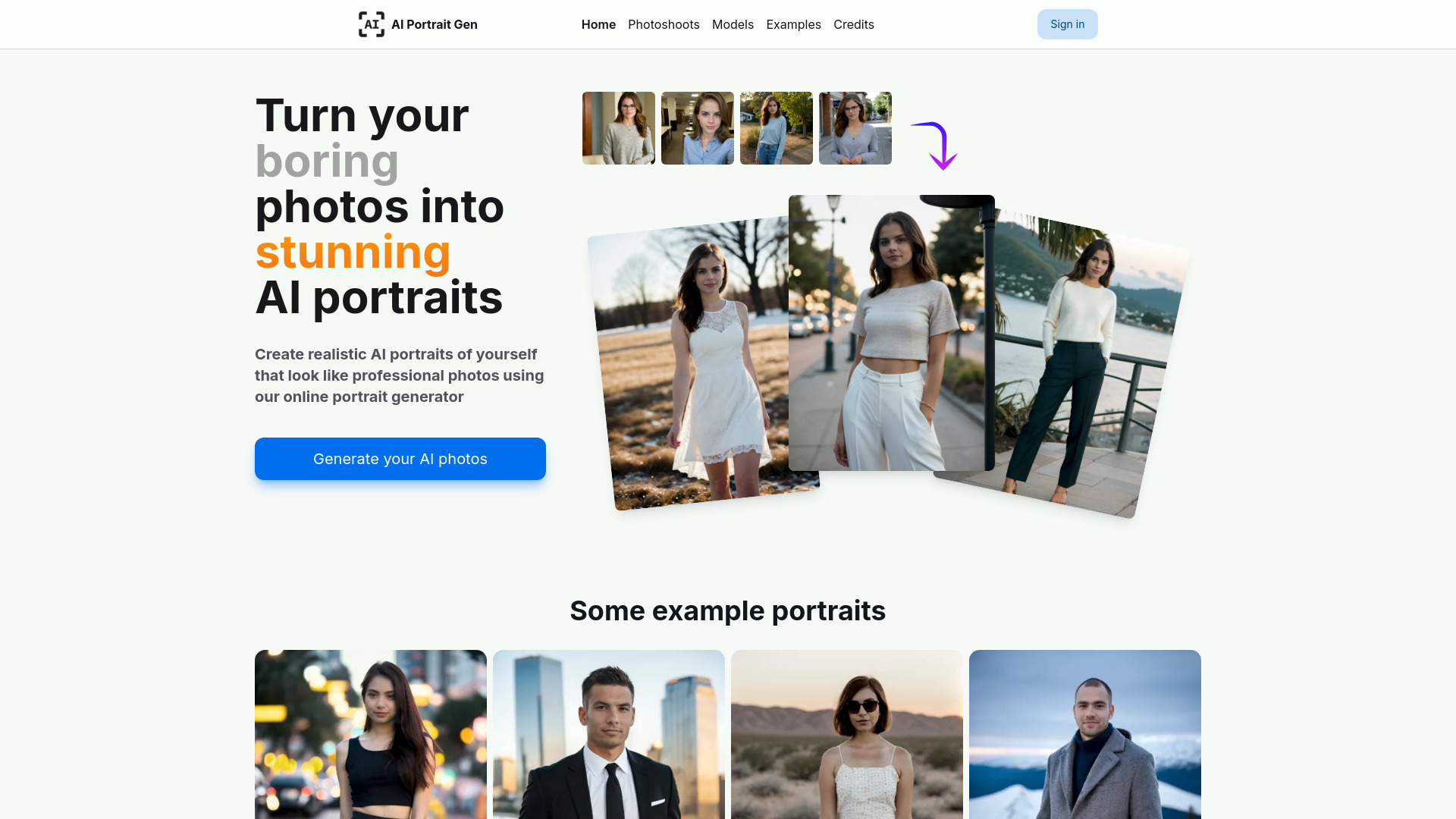
AI Portrait Gen
Realistic AI portraits and headshots

AI Image and Video Generators | AI Directory
Discovering AI image and video tools

AI Hentai Generator
Customizable anime-style adult image generation

ImgifyAI
All-in-one image generation and editing

IMAGINE Studios AI
Multi-format AI content creation

Netwrck.com
AI art and stock image discovery
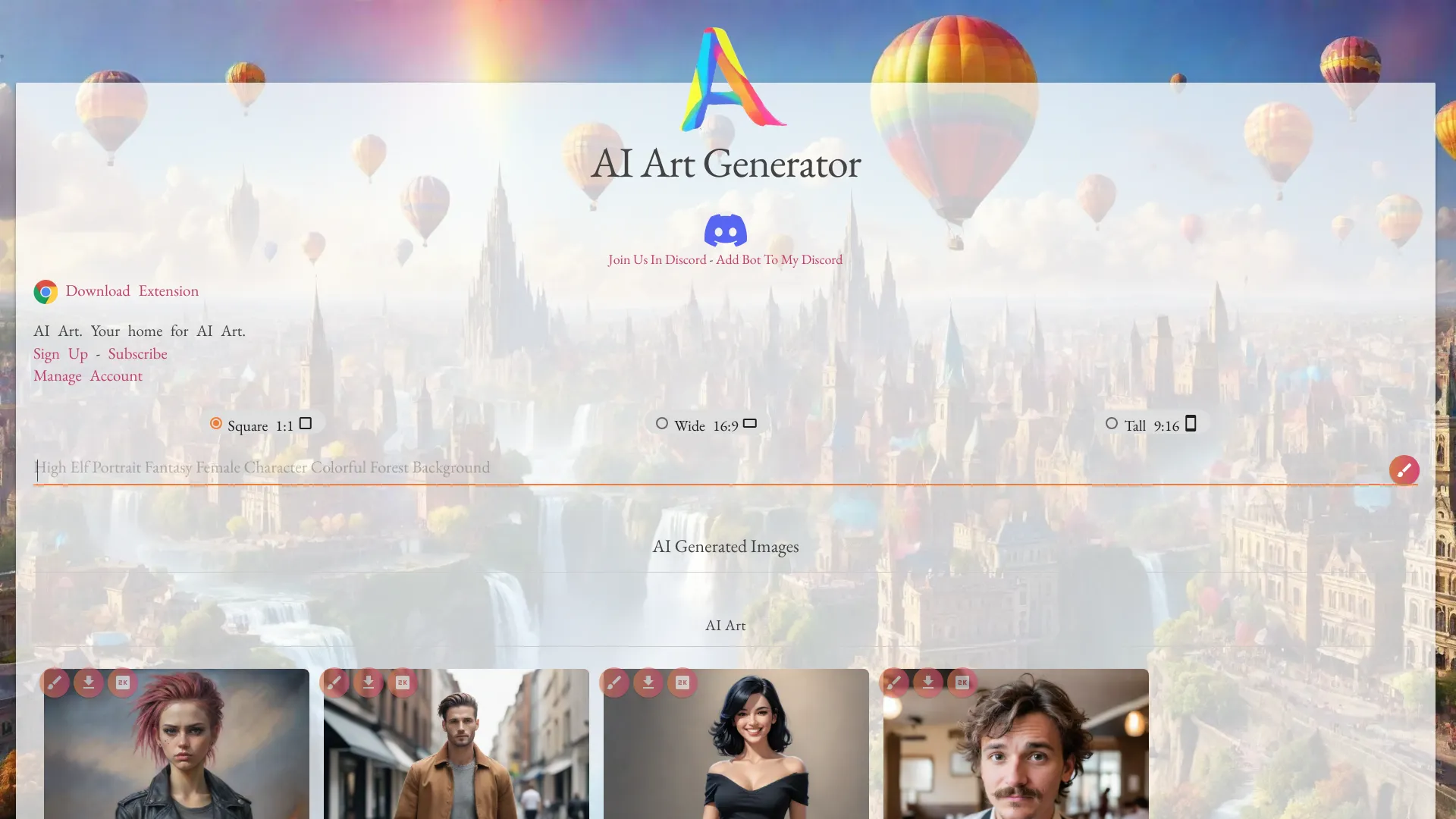

1PX.AI
AI portraits and avatar creation
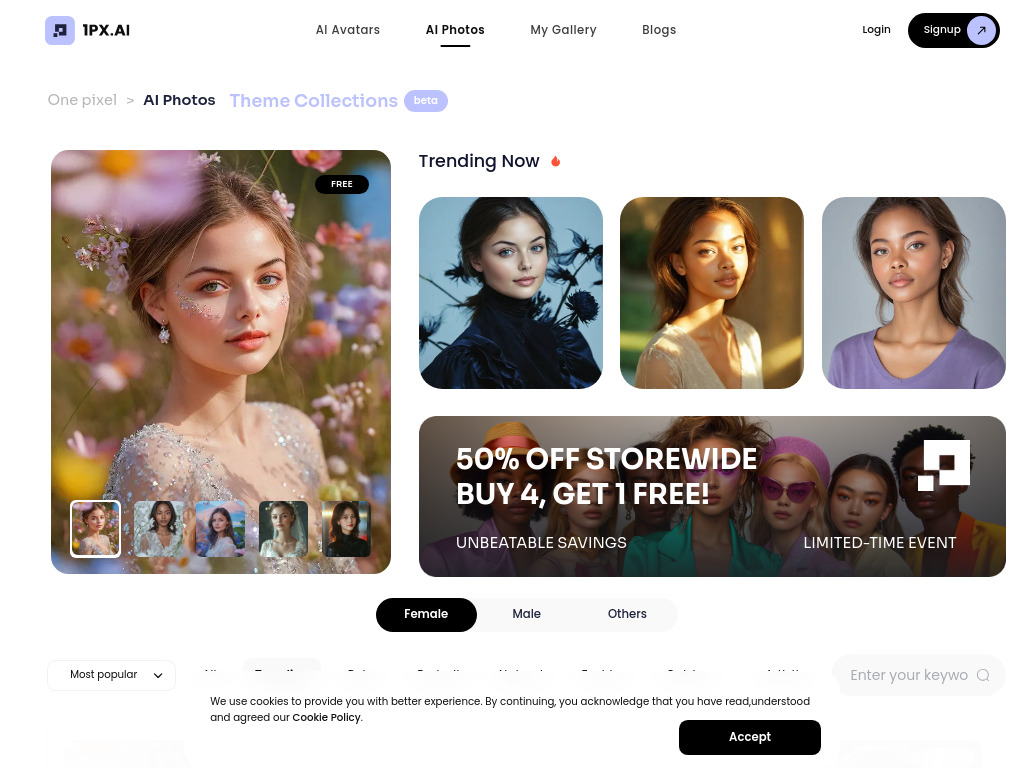

AnyImg AI
Multi-model AI image creation
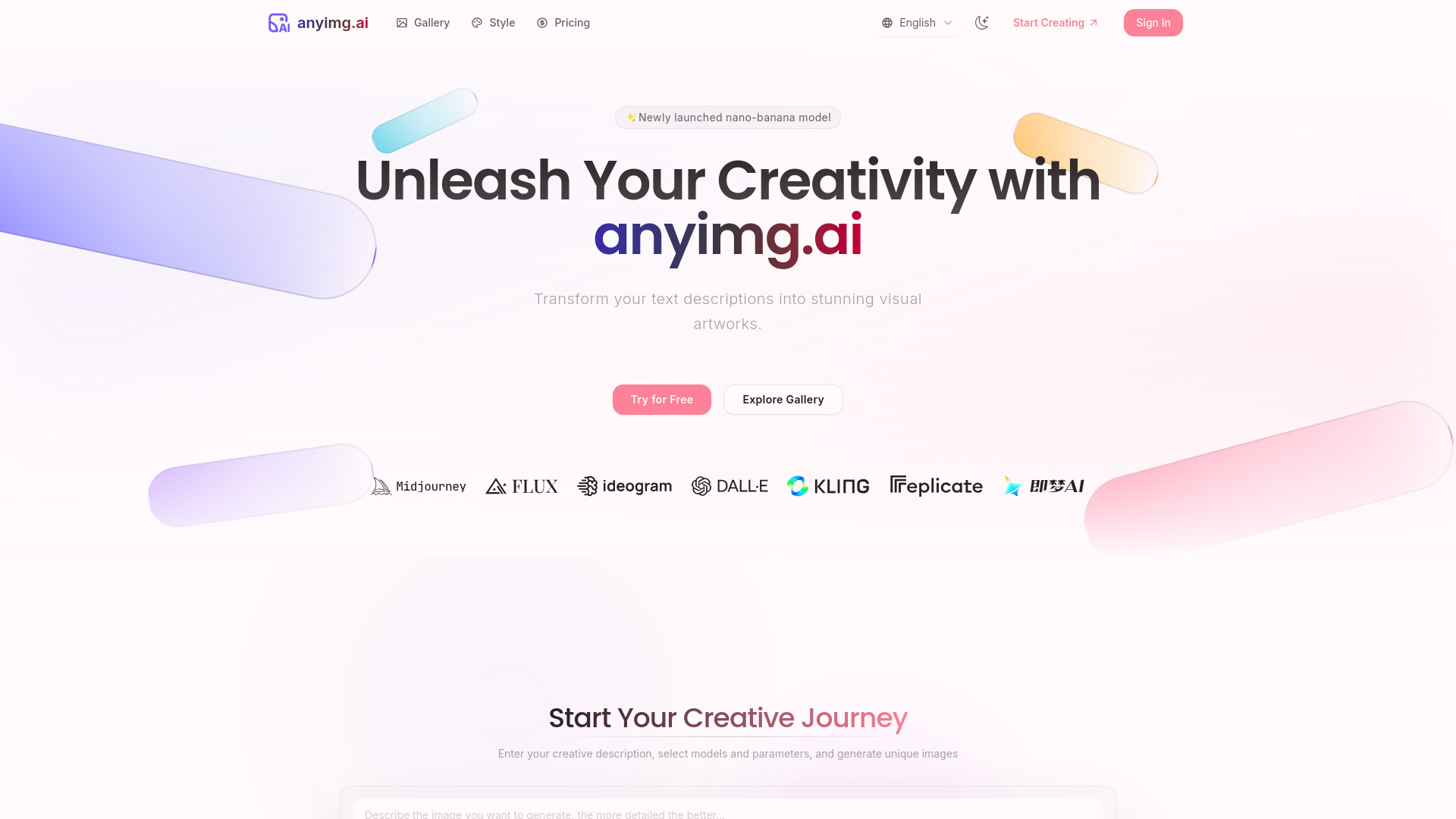

AI Art image Generator
AI photo creation and transformation
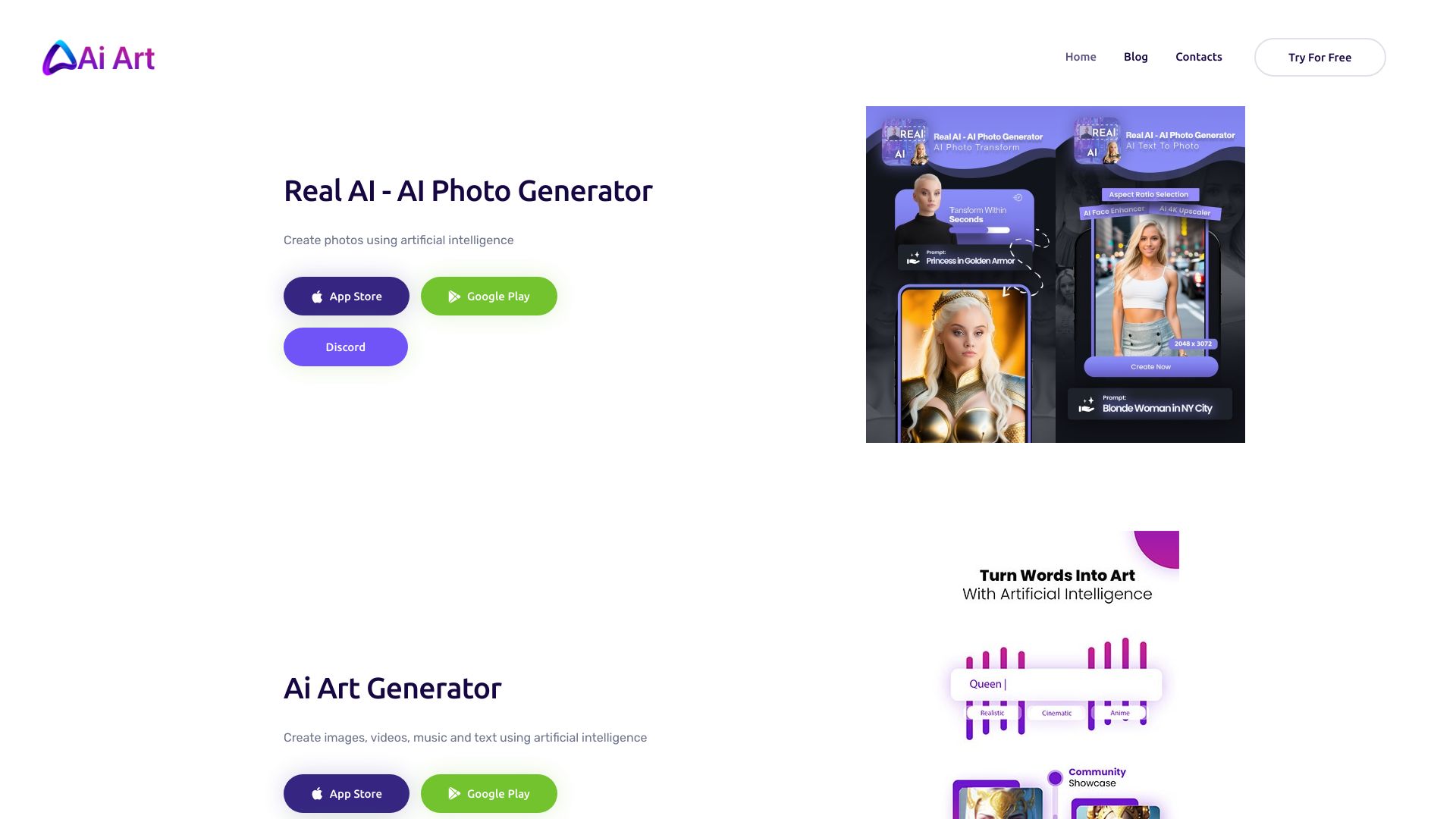

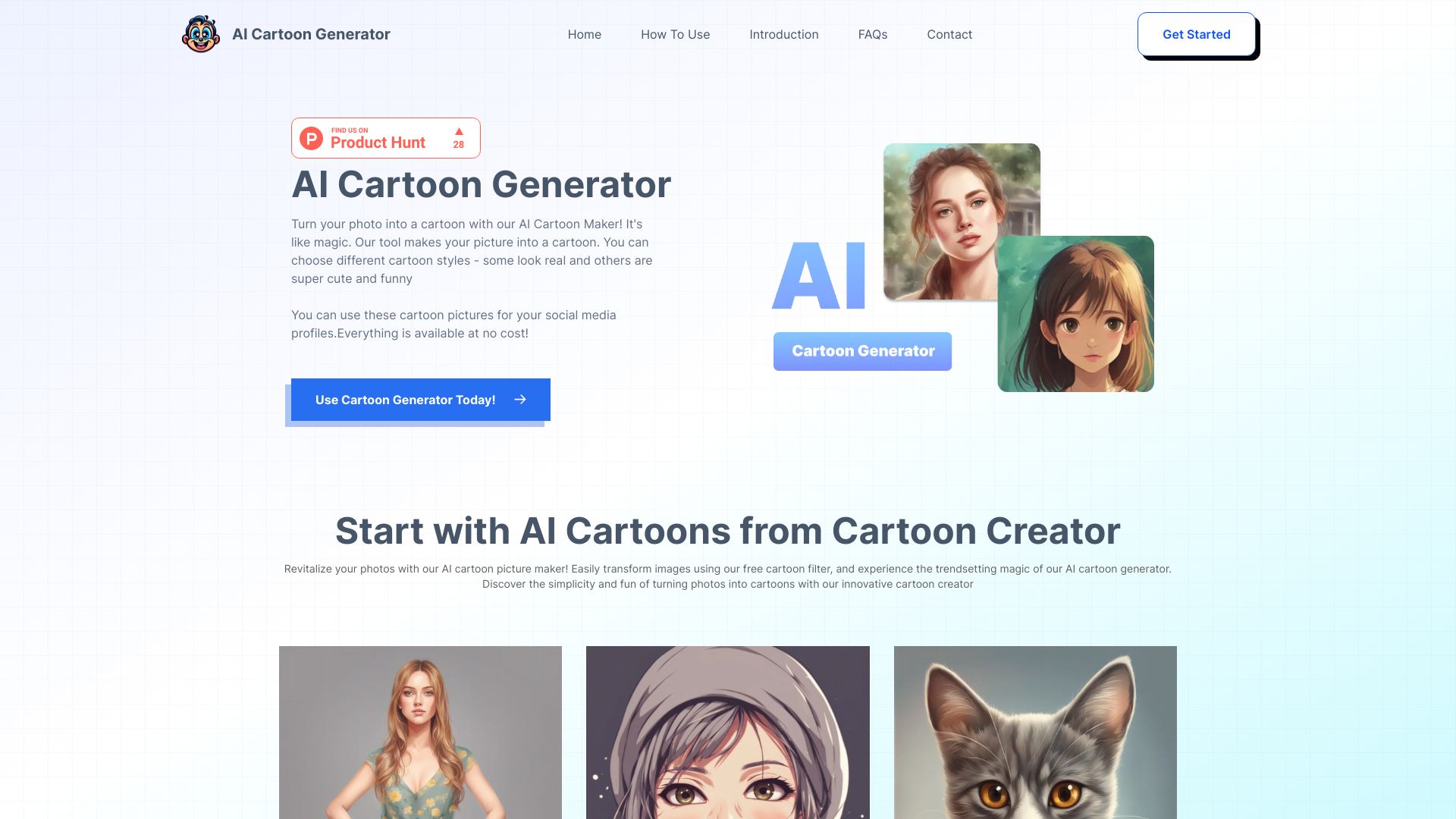
AI Cartoon Generator
AI cartoon images from text or photos
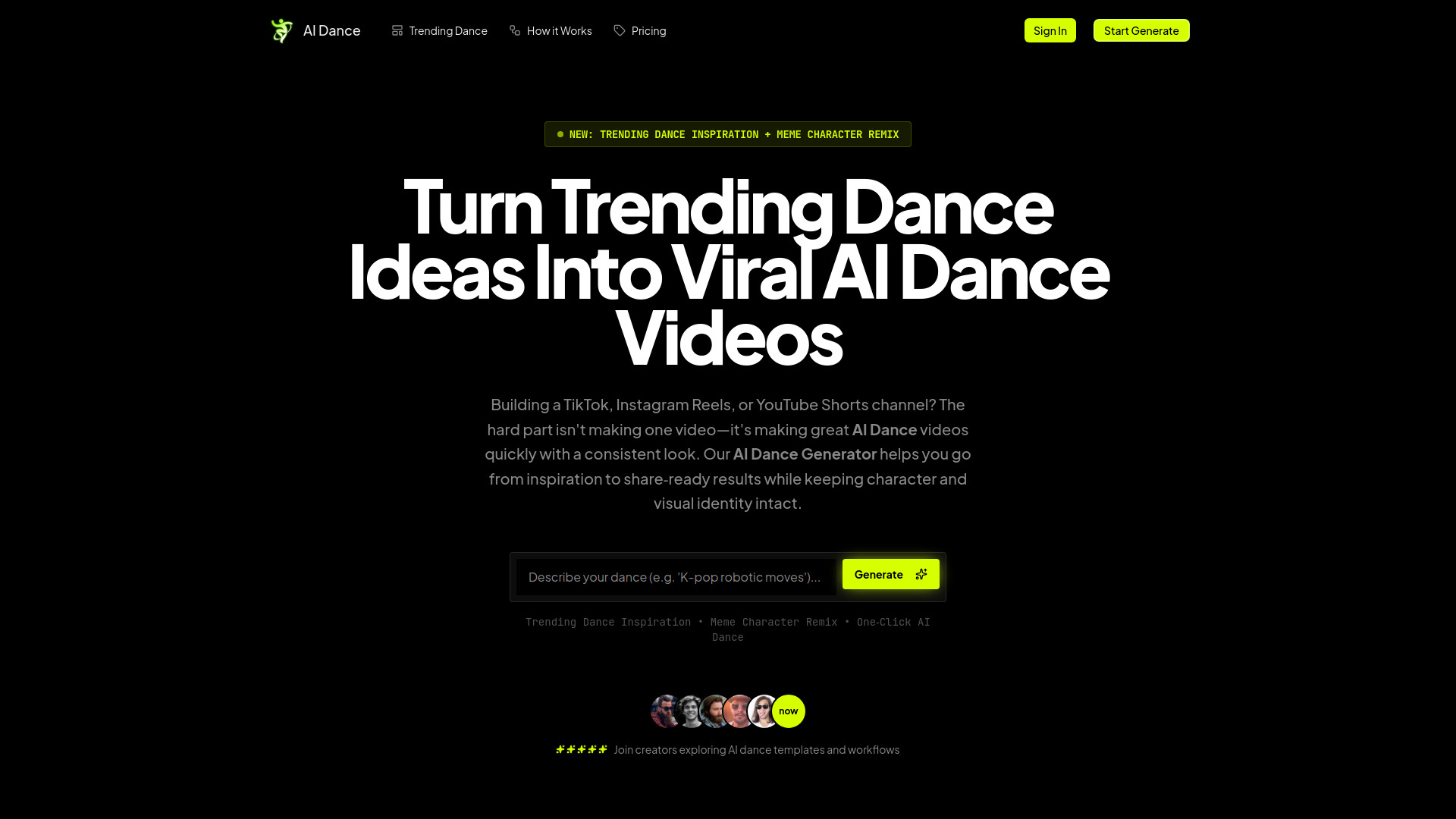
AI Dance Generator
Trend-focused short-form video creators

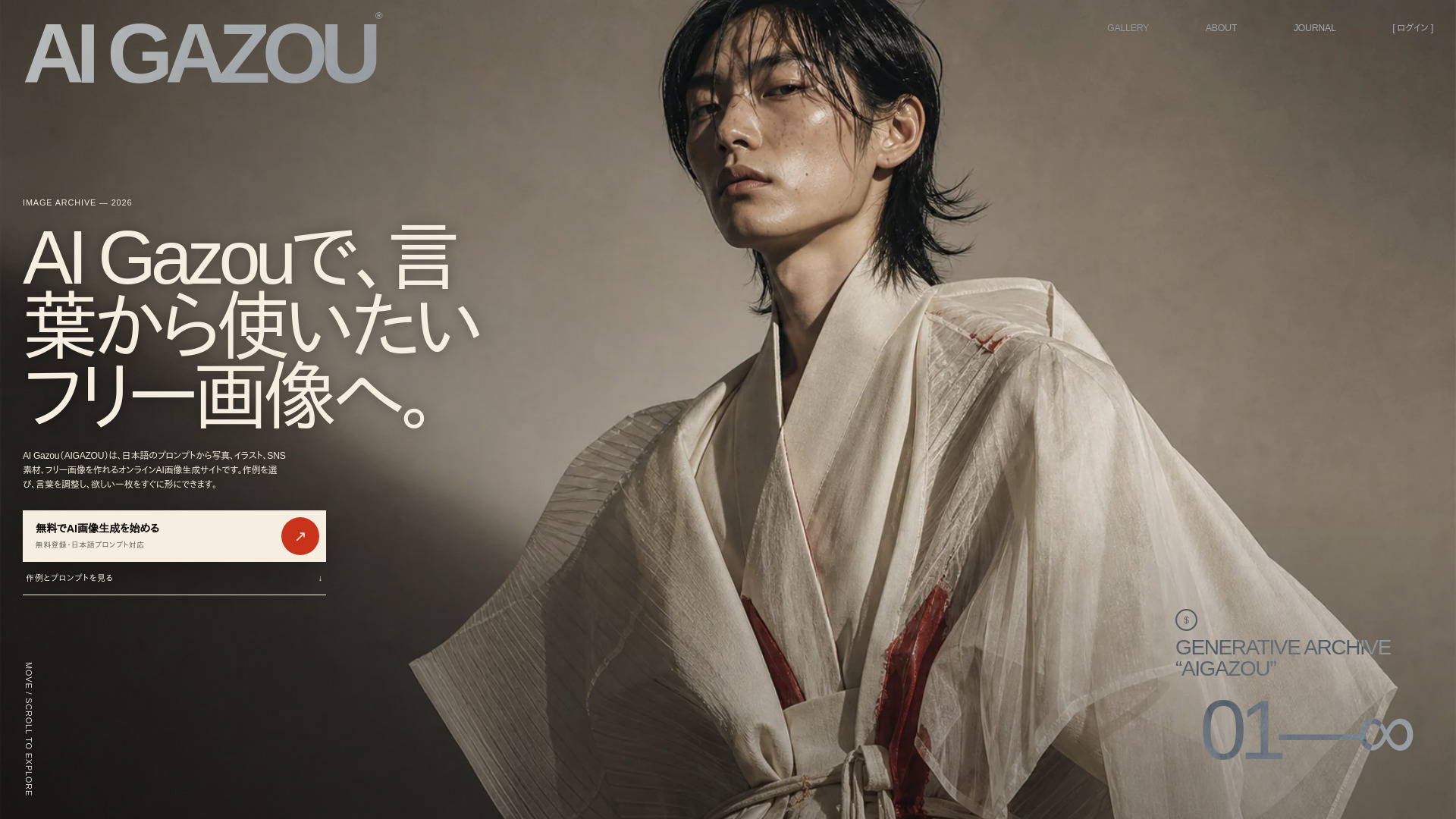
AI GAZOU
Japanese-prompt image generation

AI Picture Generator
E-commerce visuals and social creatives
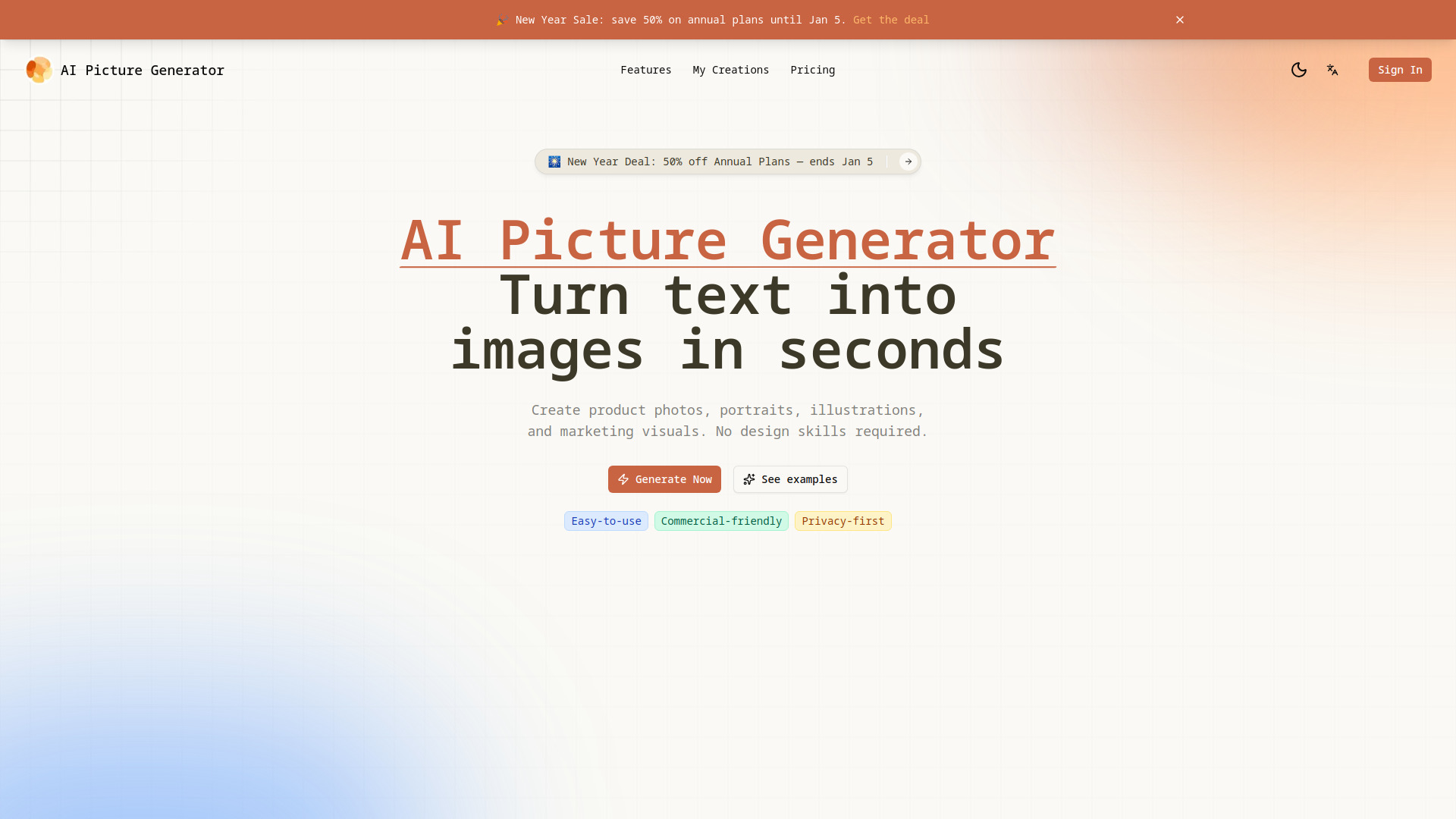

Imagine Anything
Free AI image generation
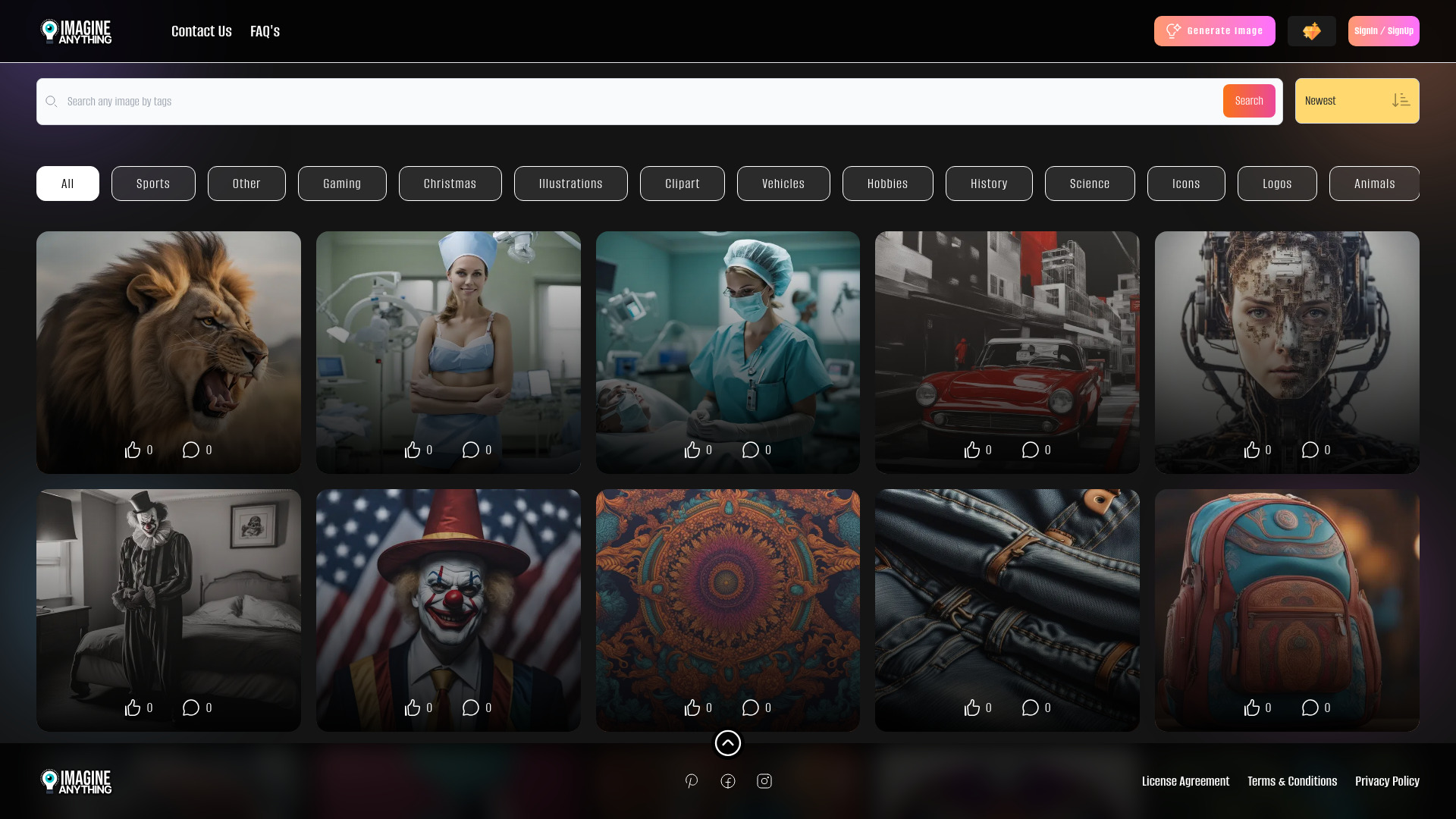

Photo AI
Photorealistic personal portraits
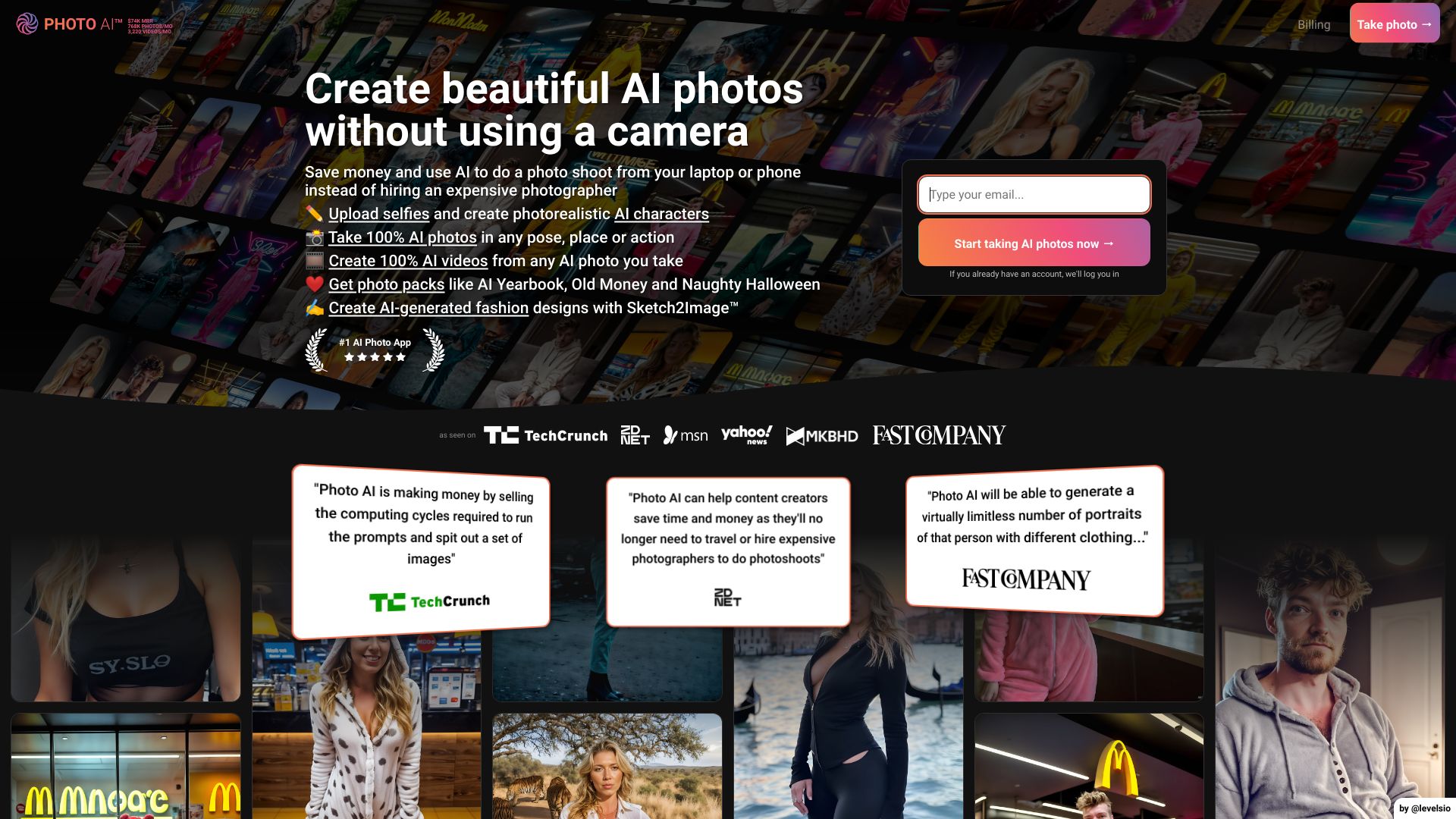

ChatGPT Image Generator
Fast, accessible AI image creation

Ai Image Creator
AI image generation for creative visuals

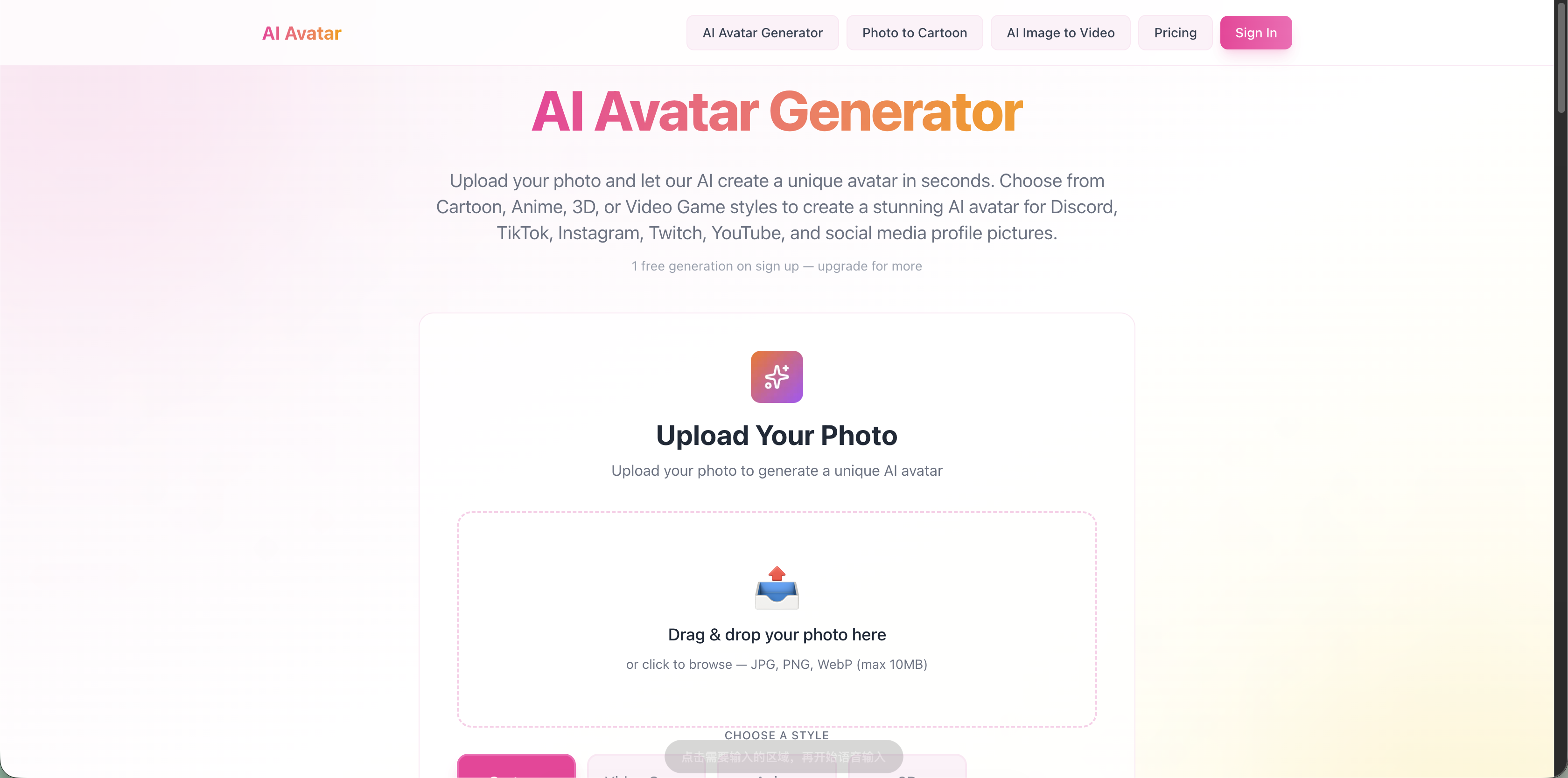
AI Avatar Generator
Photo-to-avatar creators

Ai Background Generator
Product photos and profile images
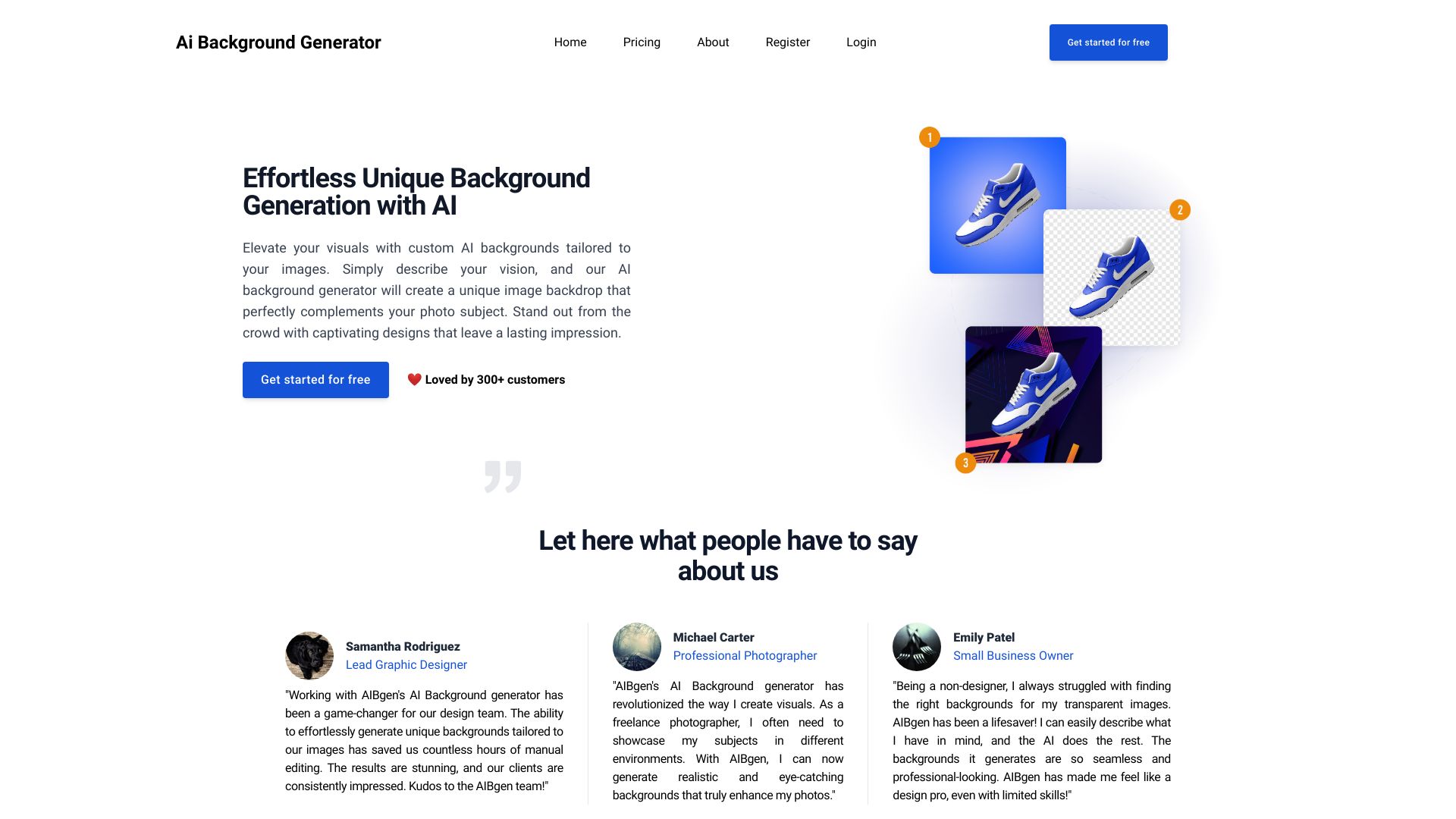

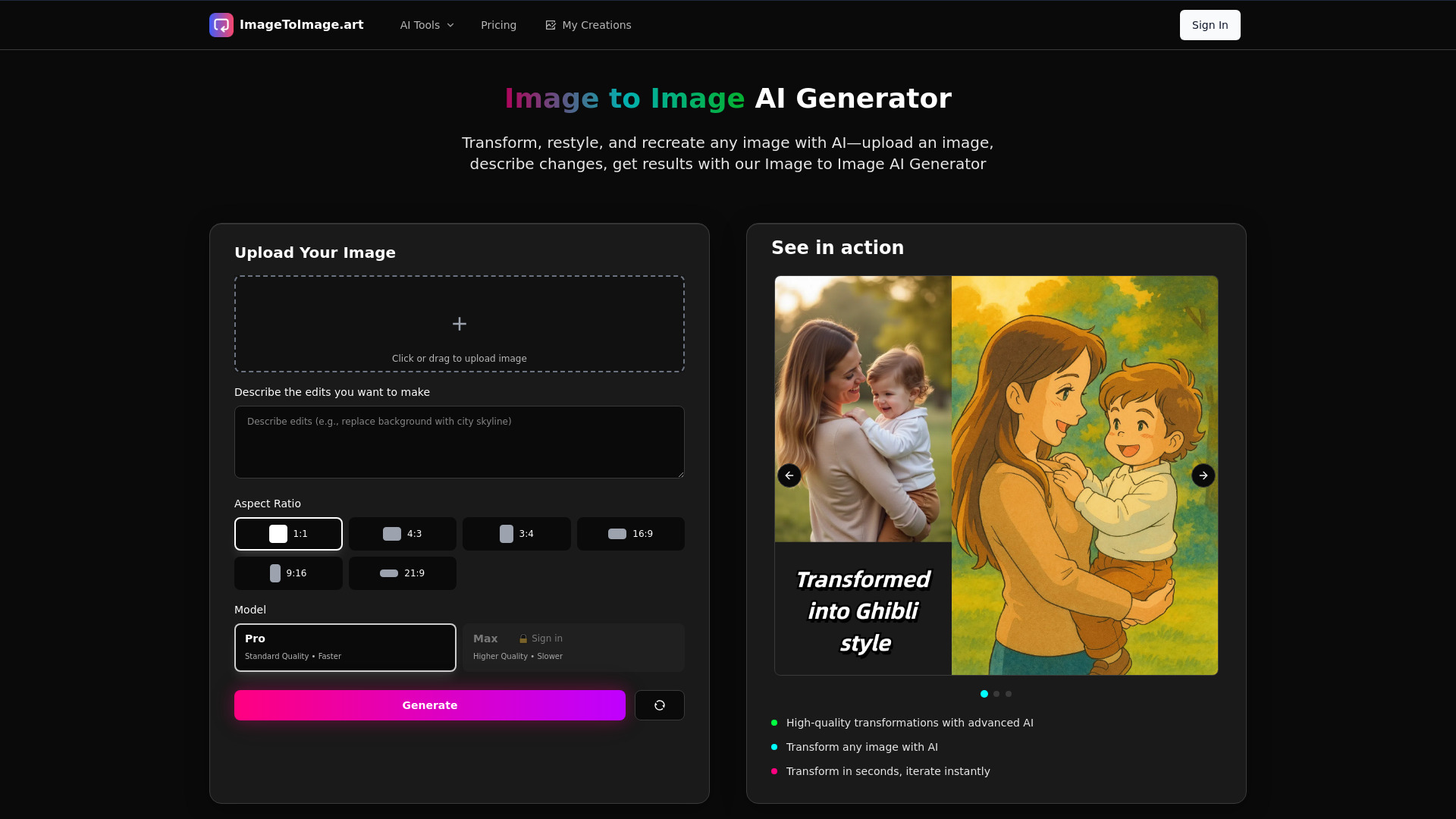
Image to Image AI Generator
Image-to-image transformations
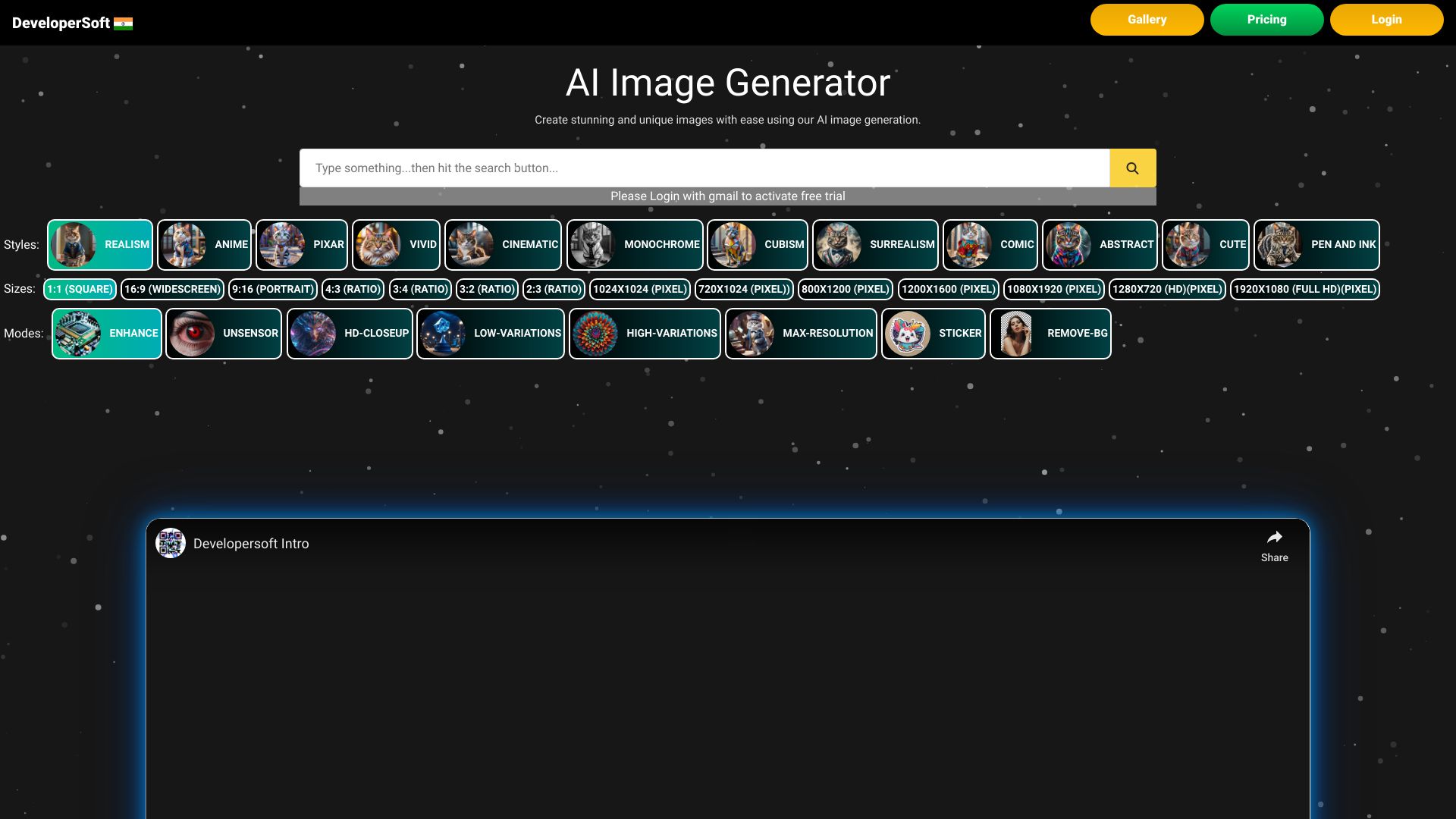
AI Anime Generator
Anime character and scene ideation
AI GENIUS
Custom text-to-image creation

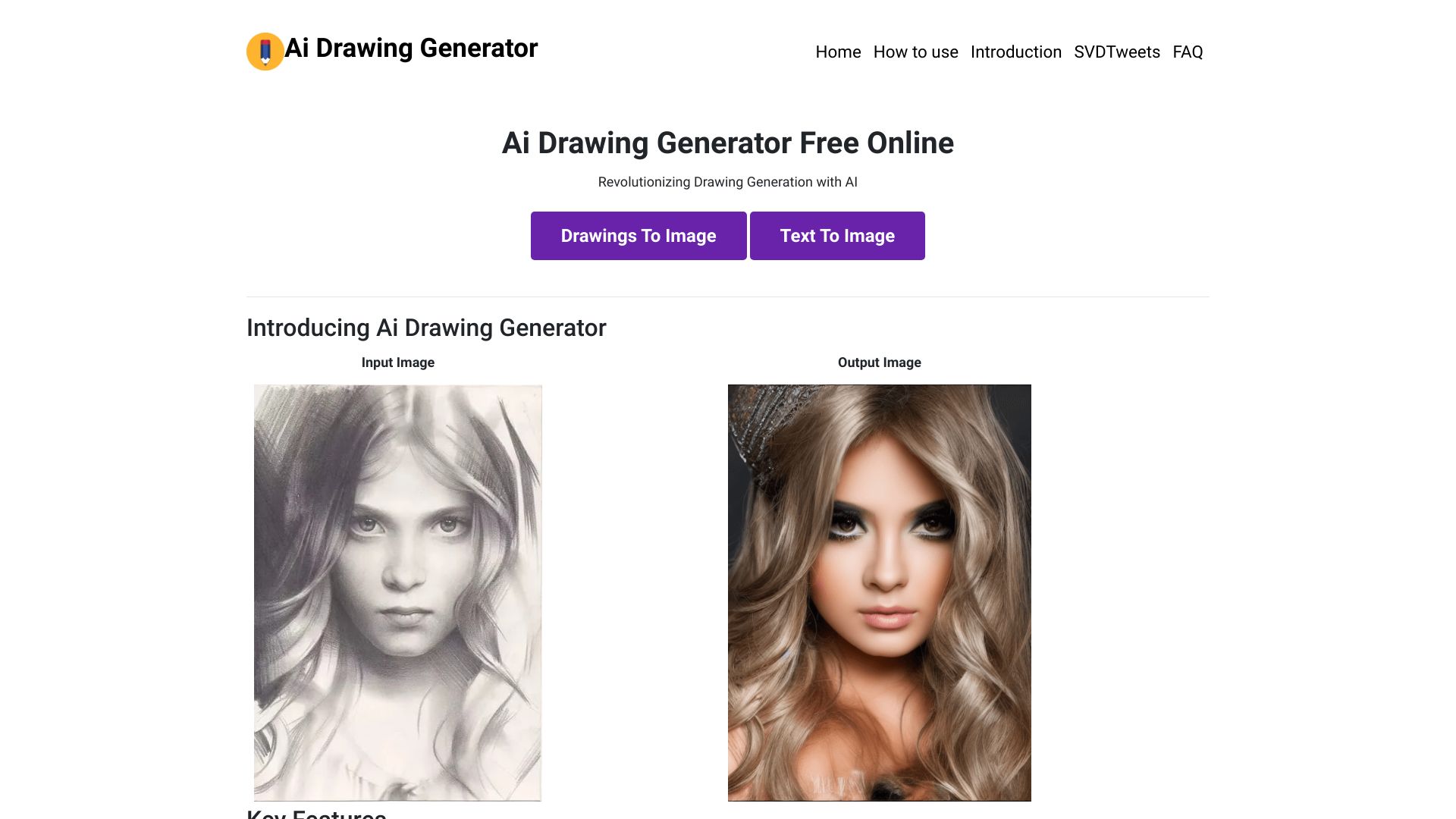
Drawing AI
Free unlimited AI image generation

ImageGeneratorAI
Free AI image creation
Imgartfis Creator
Budget-friendly AI image generation

Ghibli AI Generator
Photo-to-Ghibli style transformations
GazouGen
Beginner-friendly prompt-based image creation

Studio Ghibli AI
Ghibli-style image creation
Free AI Art Platforms
Free AI image generation

Anime AI Generator
Anime-style image generation
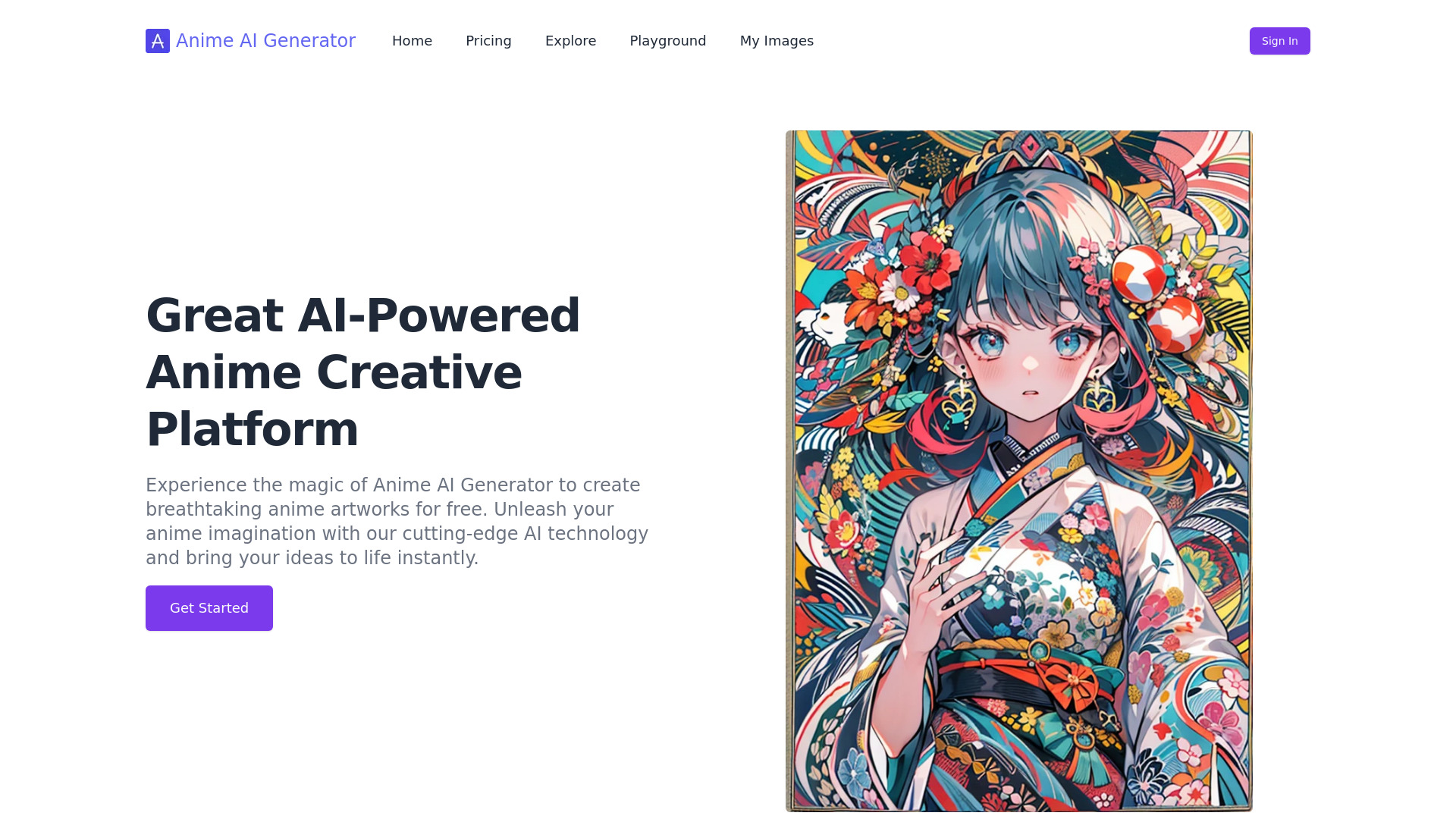

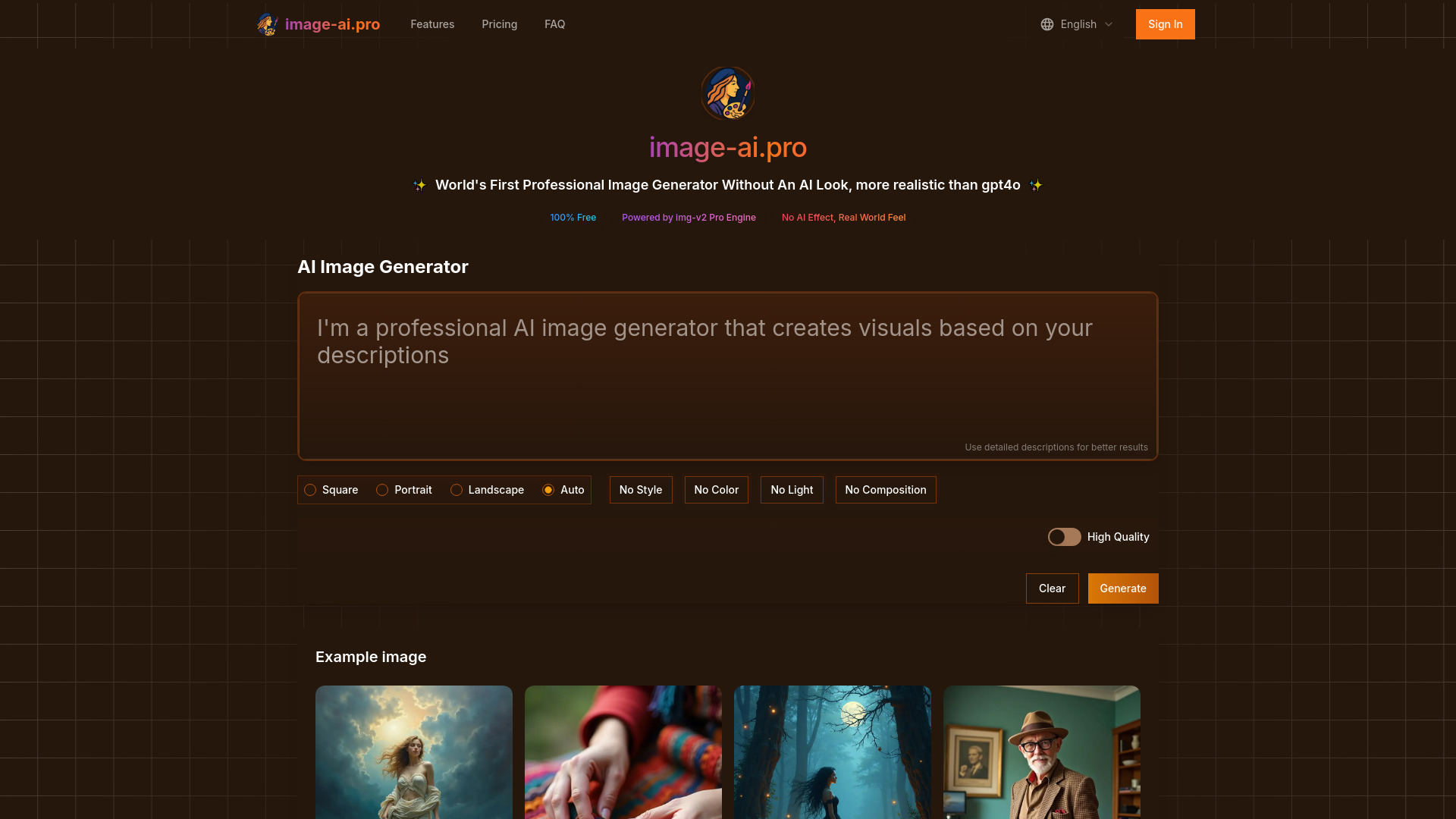
Image-AI.pro
Realistic AI image generation

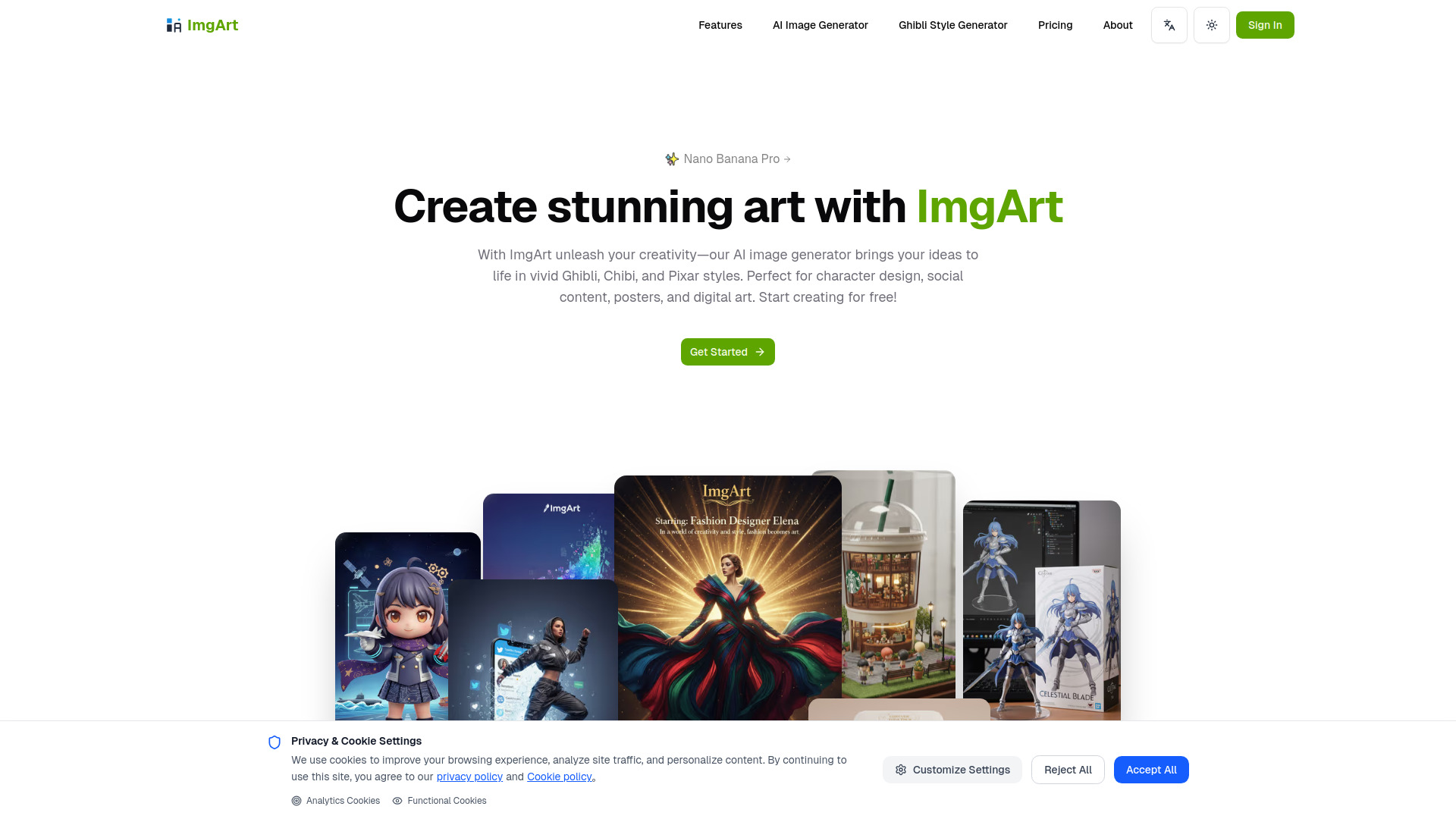
ImgArt Ai
Ghibli, Chibi, and Pixar-style AI art

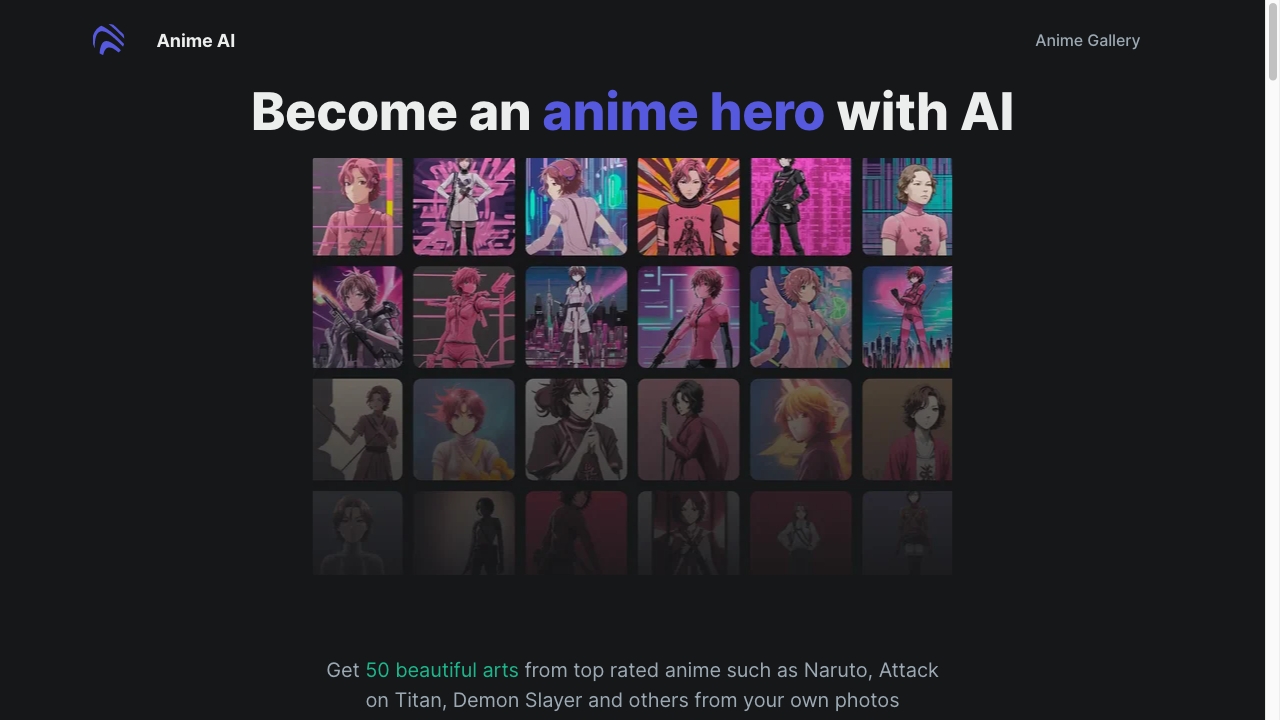
Anime Art Studio
Anime character and style generation

Dzine Ghibli AI
Ghibli-style image transformations

AI Generating
All-in-one AI content creation
Flux AI
Realistic, complex image compositions
AI Pet Photos Generator
Custom 4K pet portraits

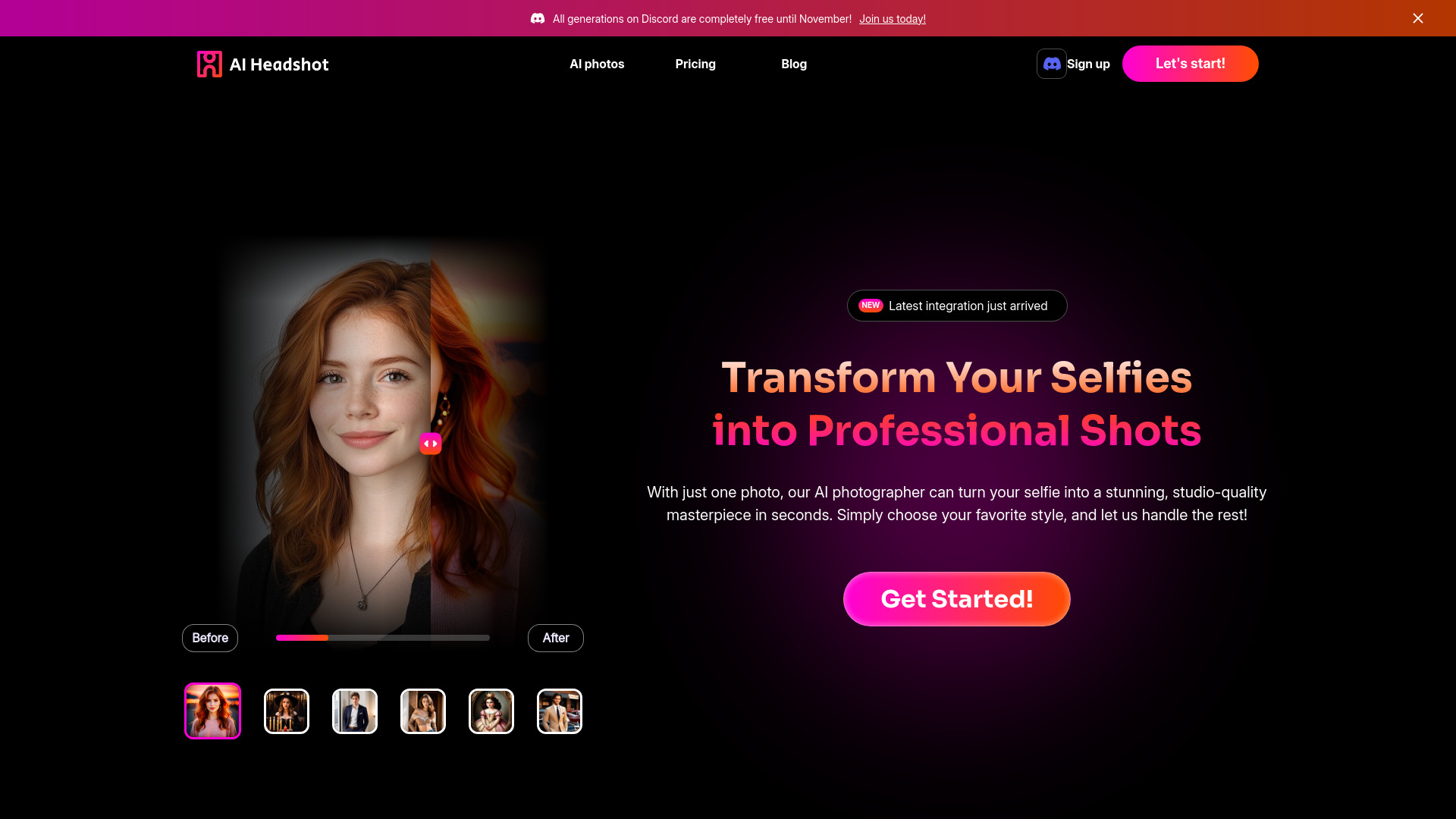
AI Headshot Generator
Professional headshots from selfies

AiSource
Comparing multiple AI image engines

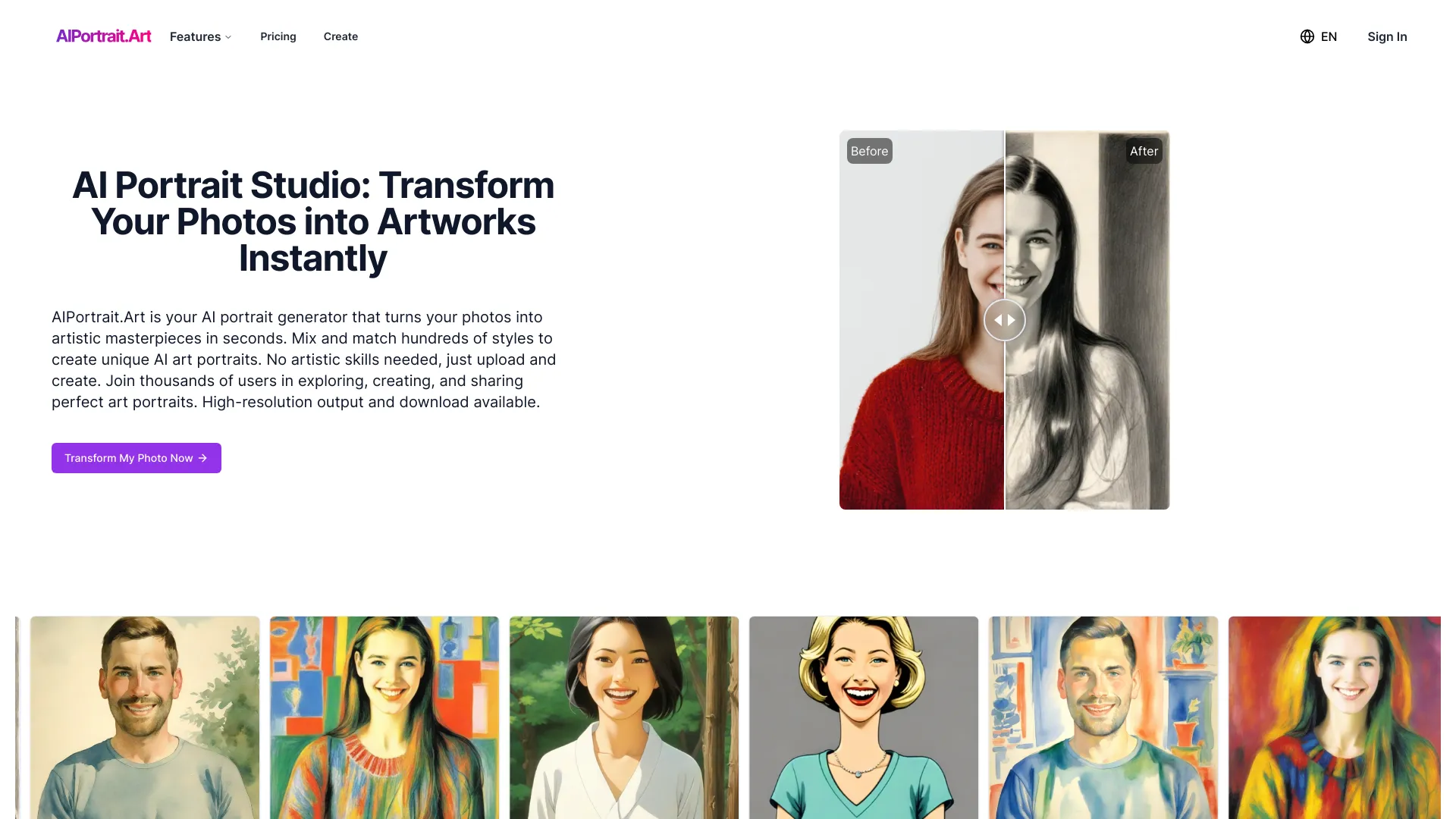
AIPortrait.Art
AI portrait transformations
Ariwave
AI character creation

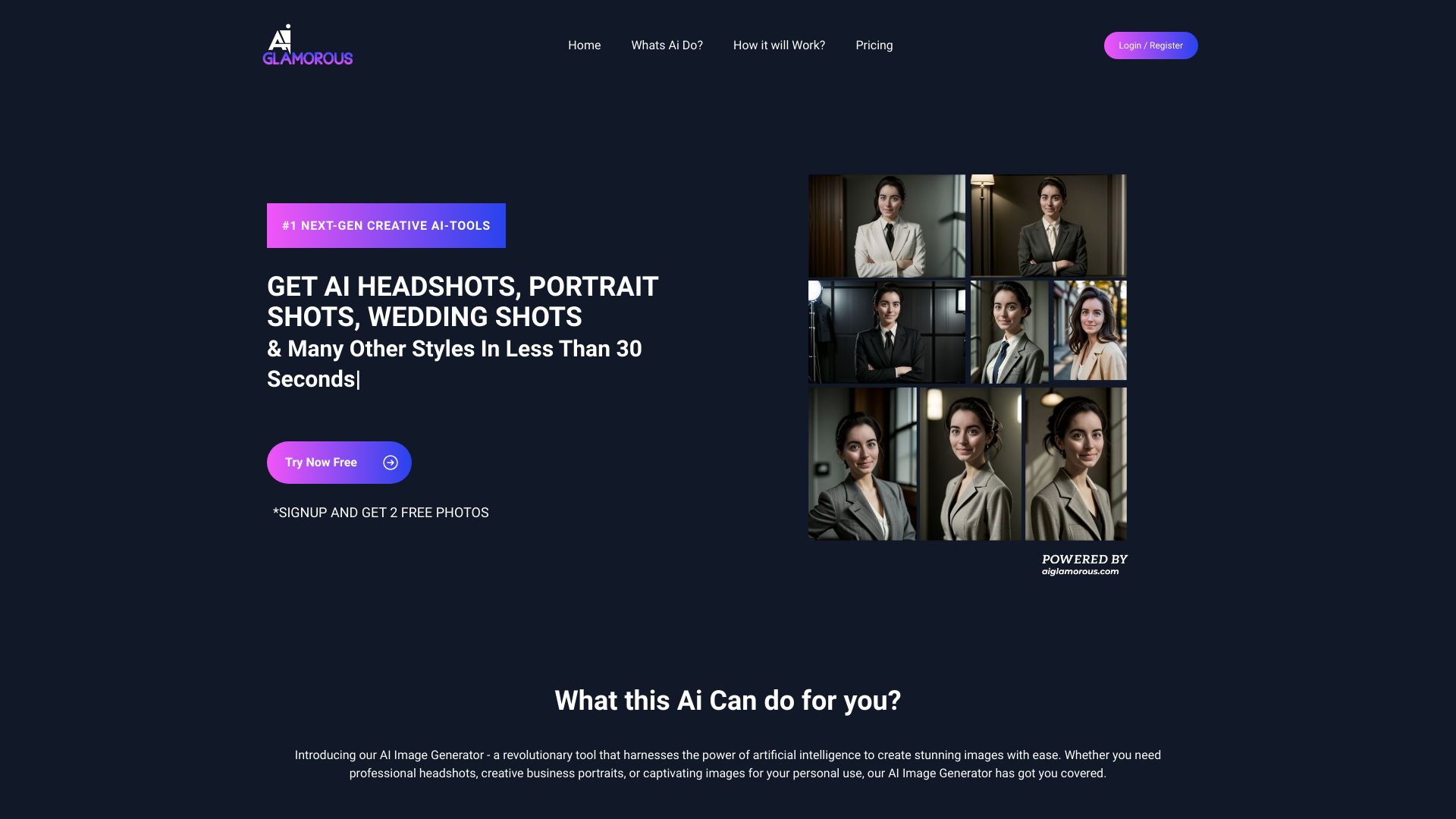
AI Image Generator
Professional headshots and portraits
Ghibli AI
Ghibli-style image generation
AI Concept Generator
Icon and concept art ideas

Free AI Art Generator
Free text-to-image art creation

GPT Image 1.5 AI
Fast text-to-image and image-to-image creation

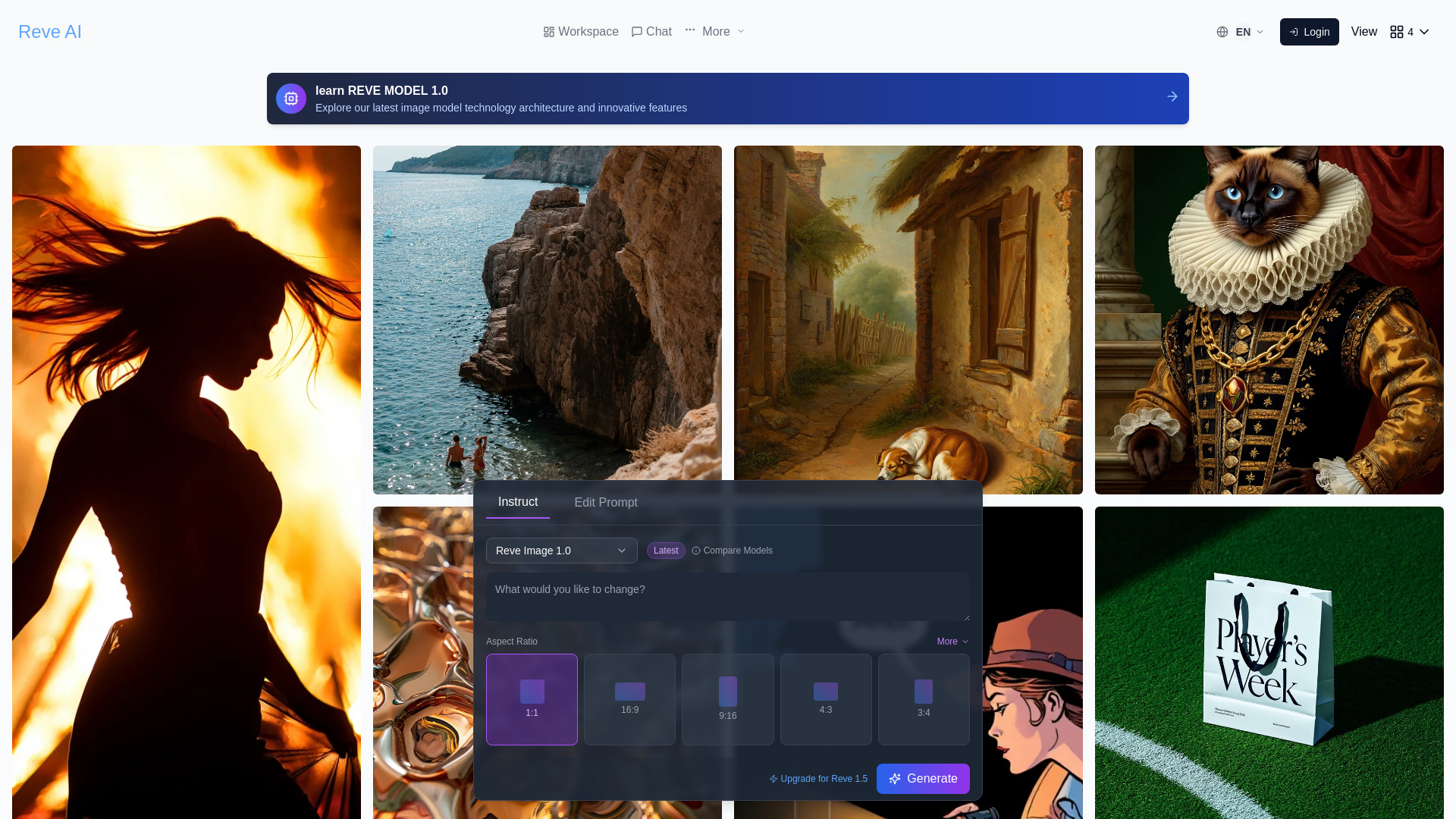
Reve AI
Prompt-accurate image creation
Free AI Art Generator
Unlimited Stable Diffusion art
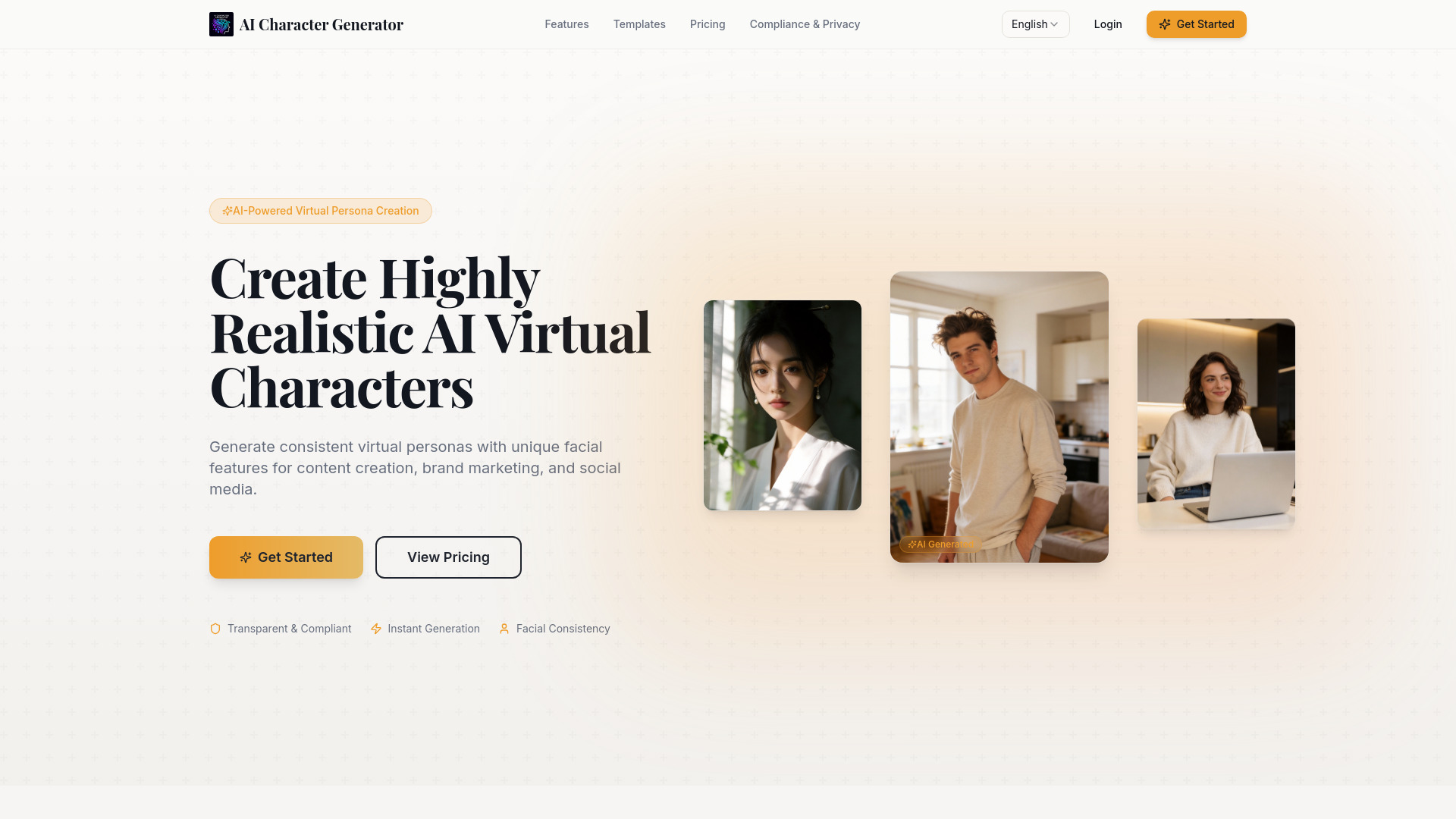
AI Character Generator
Realistic virtual personas for branded content
AI Headshot Generator
Professional business headshots
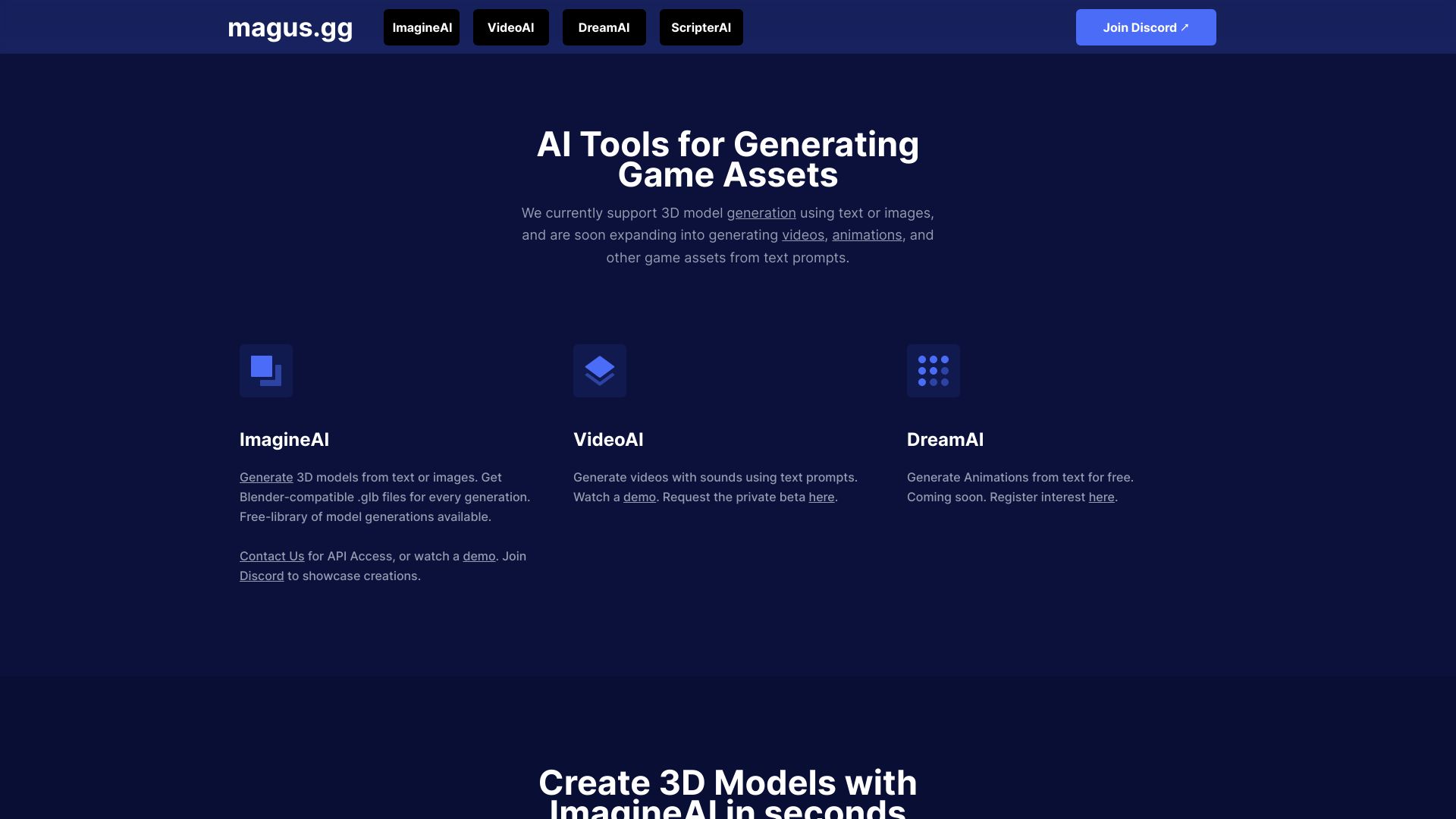
magus.gg
AI-generated 3D game assets
AI Anime Generator
Custom anime character art

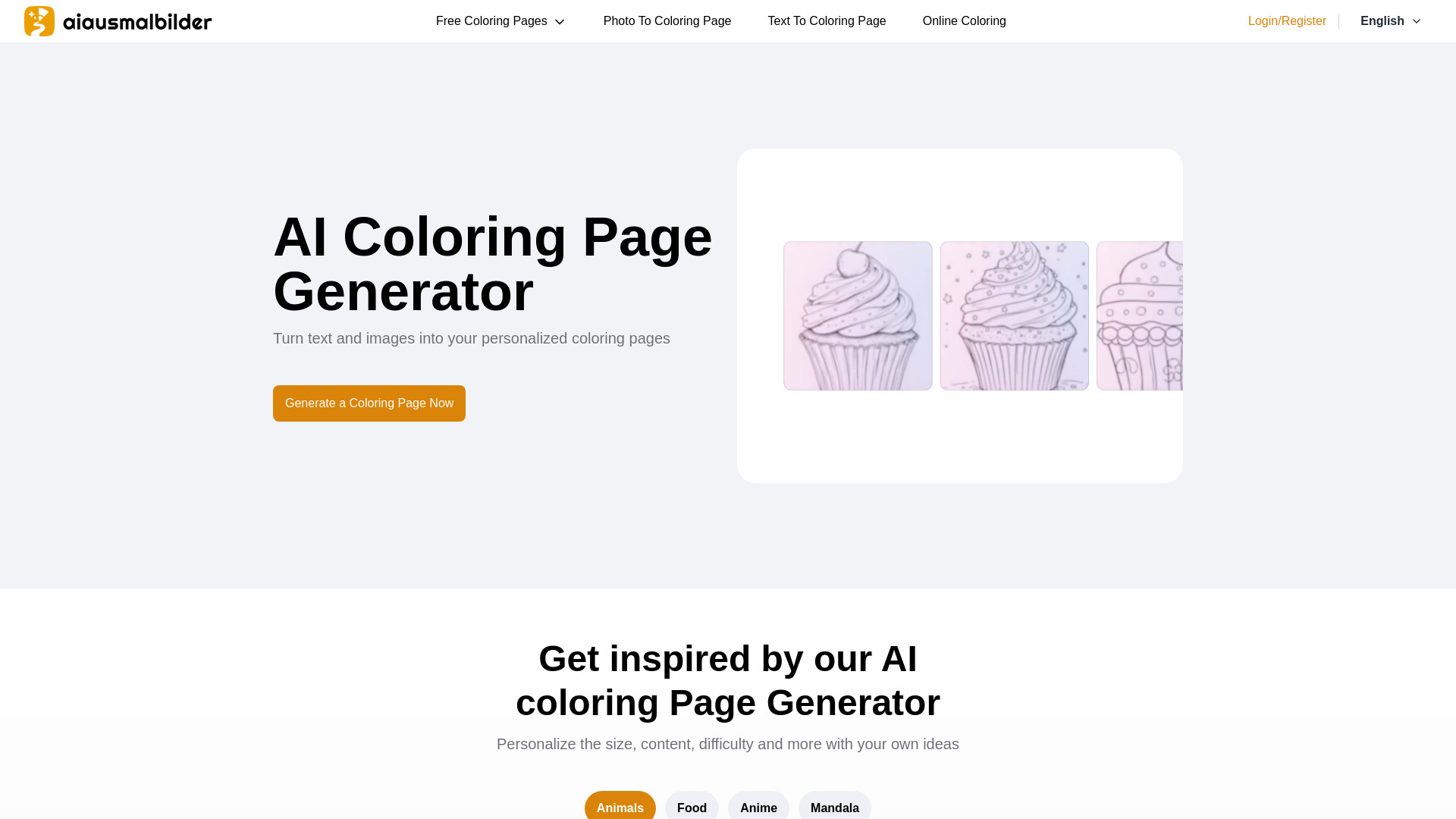
aiausmalbilder
AI-generated printable coloring pages

AI Headshot Generators
Comparing AI headshot tools

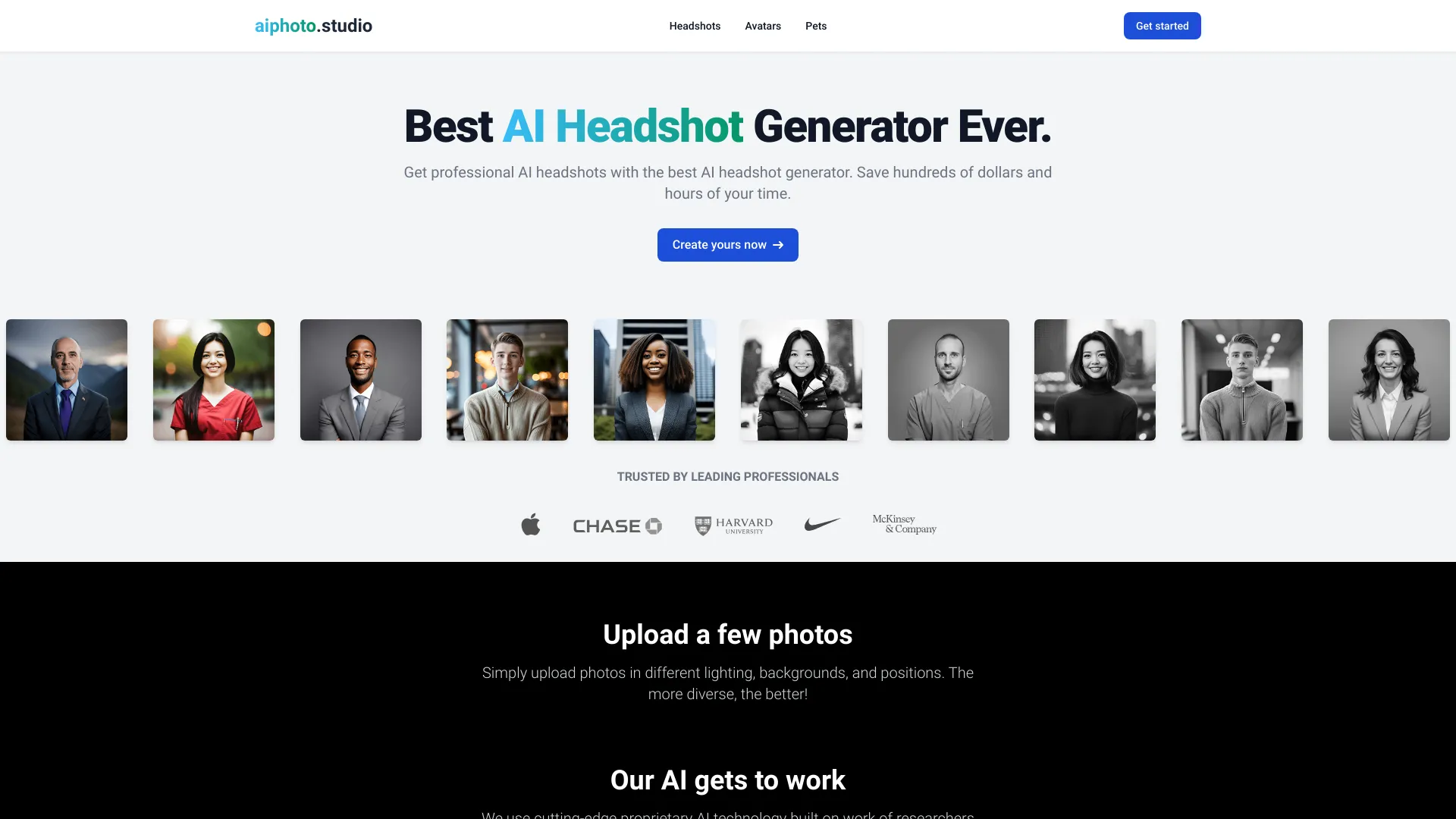
aiphoto.studio
Professional AI headshots
AI Character Generator
Character ideas for writers and RPGs
Which AI image generator should you choose?
The right choice depends less on the headline score than on the kind of work you want to finish. Use this shortlist as a workflow map:
For consistent branded illustrations: Start with AI Illustration Generator. Its emphasis on consistent art styles is the strongest match for a series of related assets.
For broad artistic exploration: Try Imagine.art or a1.art. Imagine.art adds Image Remix, while a1.art leans into its millions of photo filters.
For comparing visual treatments: FluxAI.art is the clearest fit, particularly for storyboard and concept work across Ghibli, Chibi, Pixar, and 3D-inspired styles.
For anime characters: Choose between AI Anime Generator and PixAI. The former removes registration friction and offers 30 daily free generations; the latter adds sharing and a much larger audience signal.
For quick blog graphics: ImageGeneratorAI.io is built around fast, free, no-sign-up access, provided you save work before the 24-hour history window closes.
For generation plus cleanup: AI Imagine is the practical option because unblurring, upscaling, and object removal sit beside text-to-image creation.
For multi-format campaigns: AIAI.com makes more sense when video, image, audio, and writing tools belong in the same workflow.
For a low-friction artist platform: AI Gallery combines free art generation with a donation platform for artists and does not require sign-up to get started.
If you are unsure, test the same three prompts in two or three tools: a product-style prompt, a character prompt, and a scene with several relationships. Then compare not only the prettiest result, but also how quickly you can make a usable revision.
My practical recommendation
For most first-time buyers, begin with AI Illustration Generator if you create repeatable design assets, or Imagine.art if you want a more open-ended art workflow. Those two offer the clearest general-purpose starting points in this shortlist. Choose a1.art when free exploration and filter variety matter more than predictable production.
Specialists should skip the generic route. Anime creators will learn more from PixAI or AI Anime Generator than from a broad tool that treats anime as one style among many. Bloggers should test ImageGeneratorAI.io, but make downloading part of the workflow. Content teams that also need video should look at AIAI.com, while creators who routinely repair images should favor AI Imagine.
Before paying, run a small acceptance test: create the same asset three times, check whether the free plan leaves a watermark, record how many credits each attempt consumes, and verify commercial-use terms. A tool that produces a beautiful first image but makes revisions expensive is not necessarily the best value.
Common mistakes when choosing AI image generators
Choosing by visual demo alone: A single showcase image says little about revision quality, consistency, or prompt reliability.
Ignoring storage rules: FluxAI.art keeps free-plan images for seven days, while ImageGeneratorAI.io preserves history for 24 hours. Download important work immediately.
Confusing free access with unlimited access: AI Anime Generator has a 30-image daily limit, and AIAI.com separates daily accesses from credits.
Overlooking account friction: AI Gallery and ImageGeneratorAI.io emphasize no-sign-up access; PixAI requires sign-up or login for generation.
Paying for unused credits: AI Imagine credits do not roll over, so estimate your real monthly volume first.
Assuming a specialist is a general studio: Anime-focused tools and illustration-focused tools can be excellent within their lane but unsuitable for unrelated production work.
Skipping rights and watermark checks: Confirm the vendor's current commercial-use terms and inspect free outputs before using them in client work.
What changed in 2026
The most useful shift in this category is specialization. Instead of treating every generator as a generic text-to-image service, the shortlist now separates consistent illustration, anime creation, photo filtering, image remixing, and image-to-video workflows. Free access is also more varied: some tools offer no-sign-up entry, some use daily quotas, and others restrict storage or advanced models.
The practical implication is simple: buyers should evaluate the whole workflow, not just the model label. A tool with fewer modes may be the better choice if it supports the audience, style, and revision loop you actually use. Broader platforms such as AIAI.com are increasingly relevant for teams producing several media types, while focused tools remain easier to understand and test.
FAQ
AI Illustration Generator is the strongest overall match in this comparison for designers who need consistent illustrations and distinctive art styles. Imagine.art is the better starting point for open-ended artists who want text-to-image generation and image remixing.