
Finding the best ai avatar generator for video creation takes more than searching for a tool that can make a talking face. The 92 tools compared here span dedicated character platforms, broader AI video studios, image-to-video engines, 3D avatar workspaces, and useful adjacent tools. The 10 featured picks below are the clearest starting points, especially if you want to turn a character, image, or script into publishable video without assembling a complicated stack.
Top picks
| Pick | Tool | Best for | Why it stands out |
|---|---|---|---|
| 1 | Loova | Content creators | Strongest all-around image-to-video starting point with text-to-video support |
| 2 | MagicShot.ai | Photographers | Broad creative studio with image, video, audio, and photoshoot tools |
| 3 | ai influencer generator | Solo creators | Reusable character identity for consistent influencer photos and short videos |
| 4 | Xelta AI | Content creators | Combines video, image, audio, advertising, storytelling, and microdrama workflows |
Quick comparison
| Rank | Tool | Score | Best for | Free access | Starting price |
|---|---|---|---|---|---|
| #1 | Loova | 94/100 | Content creators | 10 credits | Lite: $15 |
| #2 | MagicShot.ai | 94/100 | Photographers | 10 monthly credits | Essential: $9/mo |
| #3 | ai influencer generator | 94/100 | Solo creators | 1 free 5-second video + 30 credits | $15.83/mo annually |
| #4 | Xelta AI | 94/100 | Content creators | Not clearly specified | Check vendor pricing |
| #5 | Pruna AI | 93/100 | AI developers | Not specified | $0.015/second |
| #6 | Photogenerator AI | 93/100 | Photographers | 10 credits/month | Free: $0/month |
| #7 | Free GPT Image 2.5 Generator Online | 93/100 | Graphic designers | 5 credits | Starter: $12.90 |
| #8 | virmii | 92/100 | VTubers | Free access listed | Free: $0 |
| #9 | MuseVideo | 92/100 | Solo creators | No free tier specified | $3.50/100 credits |
| #10 | Video Transcriber AI | 92/100 | Students | Free unlimited minutes | Free: $0 |
How we ranked these AI avatar video tools
We weighted the features that matter when a buyer needs a usable video rather than a novelty clip: image-to-video or video-generation capability, character consistency, workflow breadth, starting access, and clarity about credits or free usage. We also considered audience fit and usage signals, since a tool built for developers should not outrank a simple creator workspace merely because its inference is fast. The shortlist includes direct avatar options and adjacent visual studios where the avatar angle is less explicit. Scores are editorial comparisons, not claims that every tool offers talking-head avatars. Before committing, test one representative scene, check export restrictions, and confirm current credit costs on the vendor site.
The best AI avatar generators and adjacent video tools
1. Loova

Loova
Best all-around AI video creation for content creators
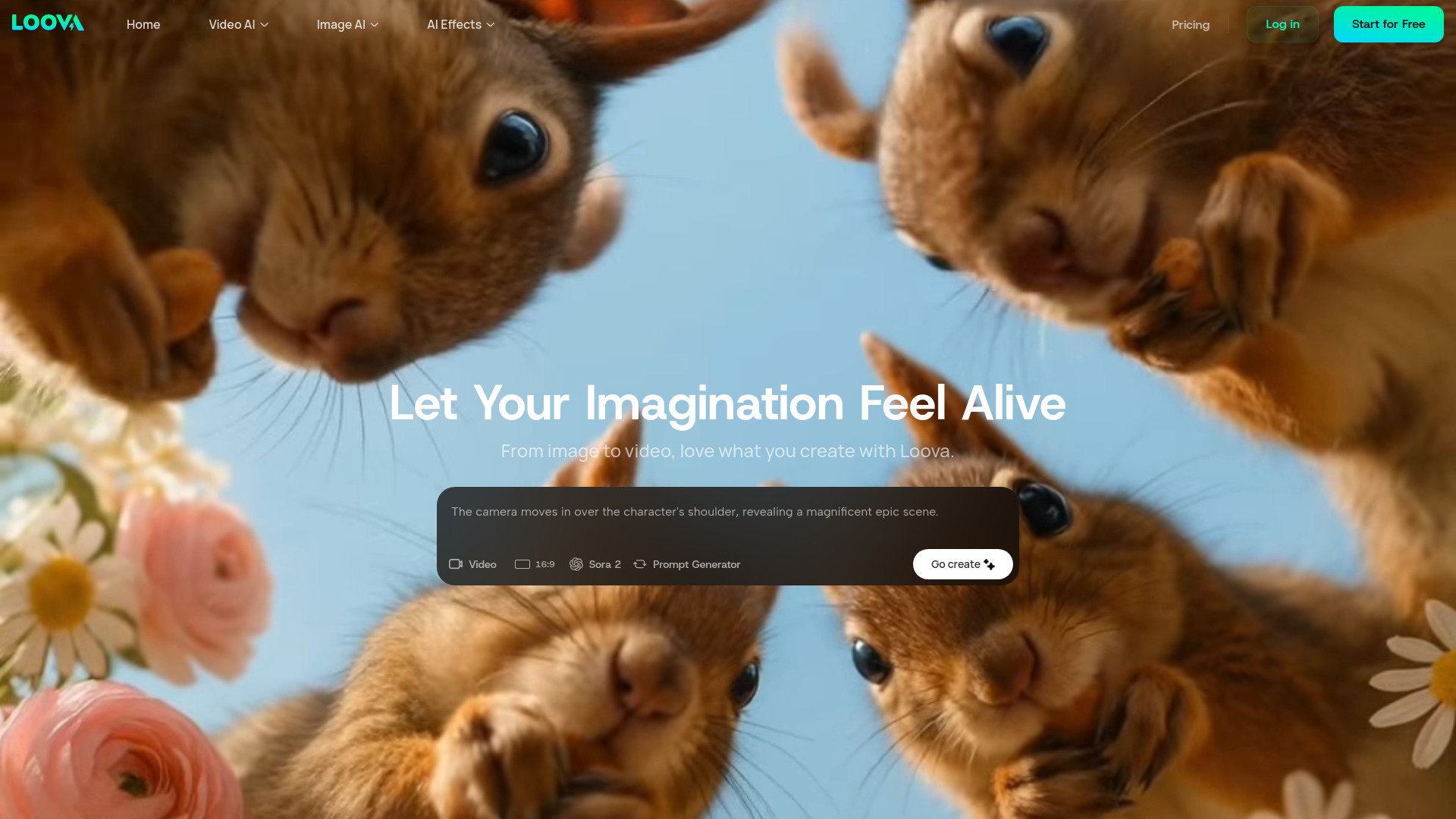
Loova earns the top spot because it gives creators the most direct path from a still image or prompt to motion. Its core features are Image to Video and Text to Video, wrapped inside an all-in-one platform that also covers AI image generation and trend-driven content creation. That makes it a sensible first test for social clips, character experiments, and visual concepts that need movement rather than a polished studio production pipeline.
For avatar work, the important distinction is that Loova is a broad visual creation platform, not a dedicated talking-presenter service. It is better suited to animating a character or image than to promising a complete spokesperson workflow. The Lite plan starts at $15, while the free access includes 10 credits; exports from the free plan are limited and watermarked.
My take: I would start here when the brief is "make this character or portrait move" and I want room to explore both images and video in one workspace. The combination of text-to-video and image-to-video is more useful than a narrow avatar feature list for many creator projects.
Where it falls short: The free plan has limited credits and watermarked exports, so it is primarily an evaluation route rather than a long-term free production plan.
Key features
Image-to-video generation for animating supplied visuals.
Text-to-video generation for prompt-led concepts.
All-in-one access to AI image and video generation.
Trend-driven content creation workflows.
Pros
Strongest overall match for creators comparing visual video tools.
Supports both prompt-led and image-led starting points.
Lite pricing is easy to identify.
Cons
Limited free credits can disappear quickly during iteration.
Free exports carry a watermark.
It is broader than a dedicated talking-avatar studio.
Choose Loova if: You want the most balanced starting point for turning prompts or reference images into short AI videos.
2. MagicShot.ai

MagicShot.ai
Best broad AI creative studio for photographers
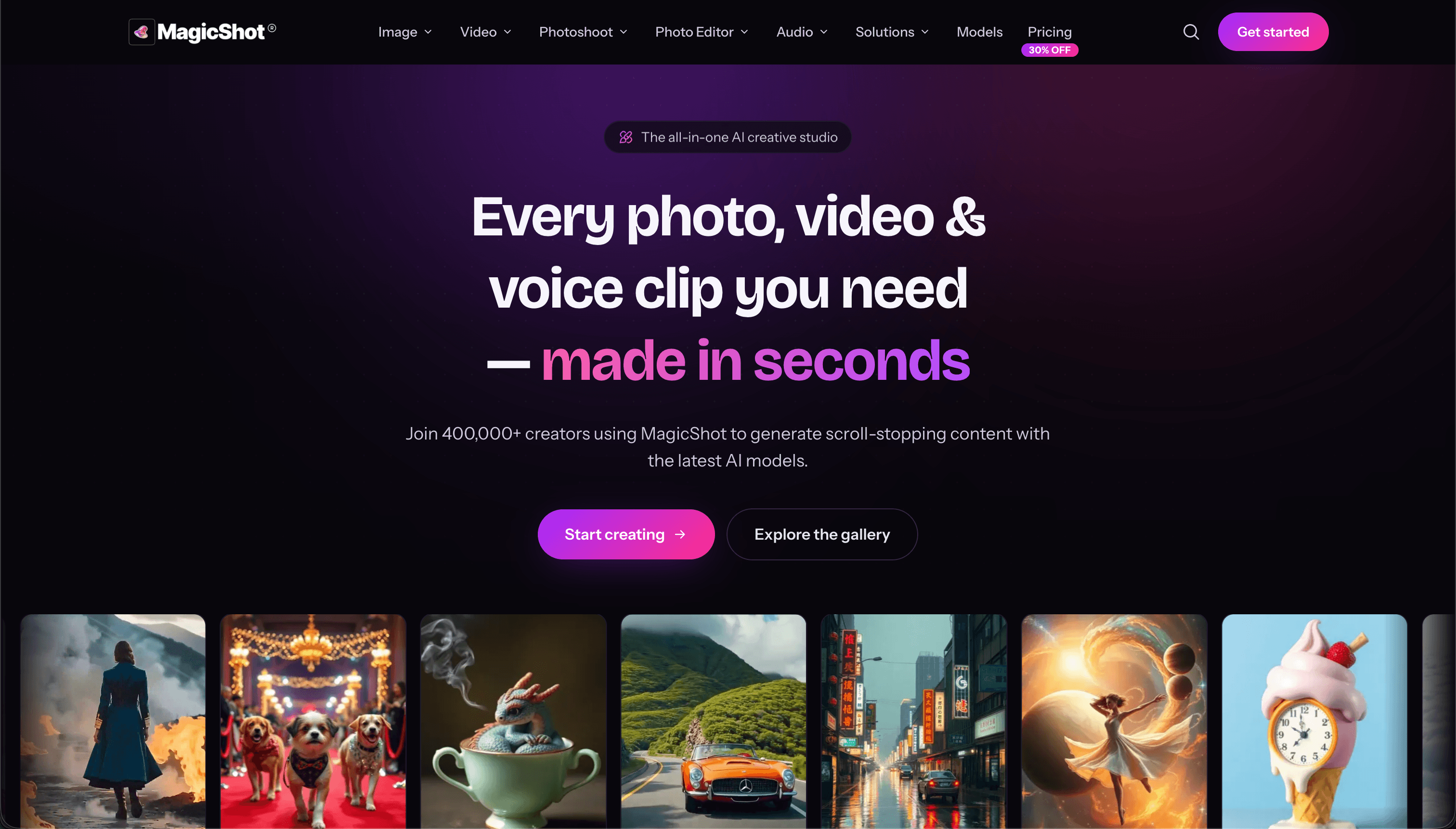
MagicShot.ai takes a studio approach instead of focusing on one avatar format. It brings together an AI image generator, an AI video generator supporting text-to-video and image-to-video, audio generation, and AI photoshoots. The broader toolset is particularly useful for photographers or visual creators who need to build the source image, animate it, and develop supporting assets without switching between several products.
The platform reportedly offers 500-plus AI models and more than 85 tools, so breadth is its defining advantage. That breadth also creates the main buying question: credit consumption. Video, image, and audio generations draw from a credit-based system, and the free allowance is 10 monthly credits. Essential pricing starts at $9 per month, while the listed access information also references a $29/month starting point for broader generation access; check the current plan page before buying.
My take: This is one of the best ai tool for creating video avatars when the avatar is part of a larger campaign rather than the whole deliverable. Photographers can create a visual identity, generate motion, and build companion assets in one place.
Where it falls short: The credit model may require frequent top-ups if you iterate heavily across image, video, and audio tools.
Key features
Text-to-image generation.
Text-to-video and image-to-video generation.
AI voice and audio generation.
AI photoshoot workflows.
Access to a broad catalog of models and tools.
Pros
Much wider creative coverage than a single-purpose avatar app.
Useful for building both source imagery and video output.
Low listed Essential starting price.
Cons
Credit-based usage complicates high-volume budgeting.
The extensive catalog may take time to learn.
It is not positioned solely as a talking-avatar generator.
Choose MagicShot.ai if: You need avatar-style video alongside image, audio, and photoshoot creation in one creative workspace.
3. ai influencer generator

ai influencer generator
Best for consistent virtual influencer characters
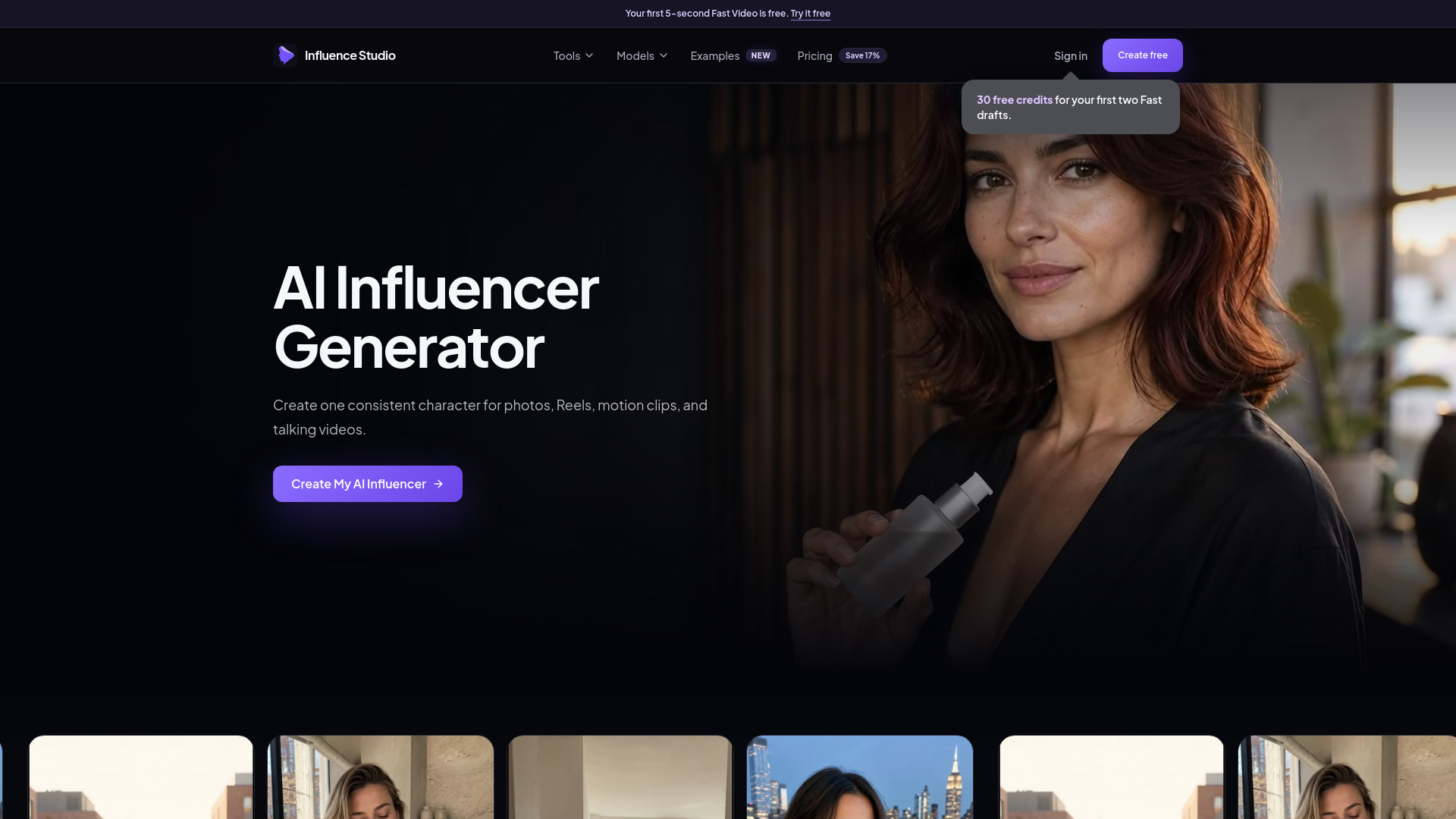
Consistency is the reason to pay attention to ai influencer generator. Rather than treating every generation as a new face, the platform focuses on reusable AI influencer characters and consistent character photo generation. That makes it a more focused option for solo creators building a recurring virtual personality, product mascot, or social identity.
The free allowance is unusually concrete for testing: one free five-second Fast Video plus 30 free credits. The tradeoff is that both image and video generation consume credits. Starter pricing is listed at $15.83 per month when billed annually. The platform is a stronger fit for short-form character content than for conventional presenter videos, so buyers should set expectations accordingly.
My take: Among the best ai avatars for video creation, this is the clearest pick for creators who care about the same character appearing repeatedly. A short free video is enough to judge whether the identity holds together before committing.
Where it falls short: Every image and video generation draws down credits, which can make frequent experimentation expensive for a solo creator.
Key features
Reusable AI influencer character creation.
Consistent character photo generation.
AI photos and short video creation.
Free five-second Fast Video for initial testing.
Pros
Character identity is the central workflow, not an afterthought.
Includes 30 free credits and one short free video.
Clear fit for recurring social characters.
Cons
Credit use applies to both video and image generation.
The free video is only five seconds.
Smaller usage signal than broader creative platforms.
Choose ai influencer generator if: You are building a repeatable virtual influencer and need the character to remain recognizable across posts and short videos.
4. Xelta AI

Xelta AI
Best all-in-one content studio for creators
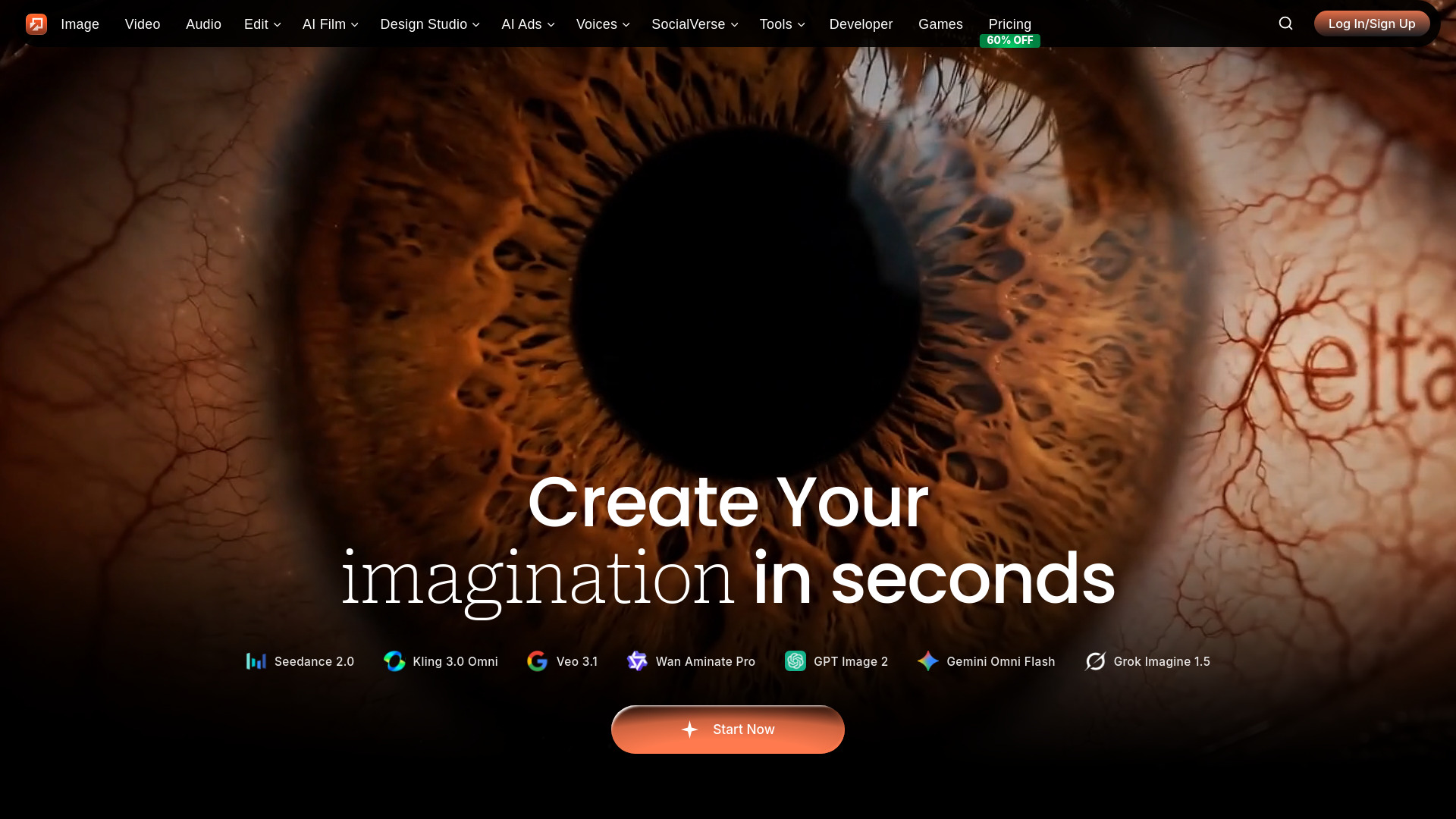
Xelta AI is an unexpected but useful alternative for anyone who sees avatars as part of a bigger content package. Its feature set covers AI image generation and AI video generation, plus audio, editing, advertising, storytelling, microdramas, trailers, and comics. That range makes it relevant to branded character campaigns where a video avatar is only one asset among many.
The platform's positioning is simple, but its credit-based structure deserves attention. The listed access information references all-in-one content creation and pricing from $2 for a credit-based offer, while the starting-price field is not clear enough to treat as a standard subscription. High-volume generation may require a more expensive plan, so this is a tool to test against a specific production brief rather than buy on headline price alone.
My take: Xelta is appealing when you want to turn one concept into a trailer, microdrama, ad, or comic as well as a video. It is less compelling if all you need is a polished presenter reading a script.
Where it falls short: Credit economics are difficult to predict for heavy production, and the platform does not present a narrowly defined avatar workflow.
Key features
AI image generation.
AI video generation.
Audio and editing tools.
Advertising and storytelling workflows.
Microdrama, trailer, and comic creation.
Pros
Covers more campaign formats than most avatar-focused tools.
Useful for narrative and advertising concepts.
Moderate usage signal among the shortlisted tools.
Cons
Credit-based pricing can become expensive at scale.
Standard starting price is not clearly established.
Avatar-specific capabilities are less explicit.
Choose Xelta AI if: Your avatar project needs supporting ads, stories, trailers, or other visual campaign assets in the same environment.
5. Pruna AI

Pruna AI
Best for developers needing fast AI video infrastructure
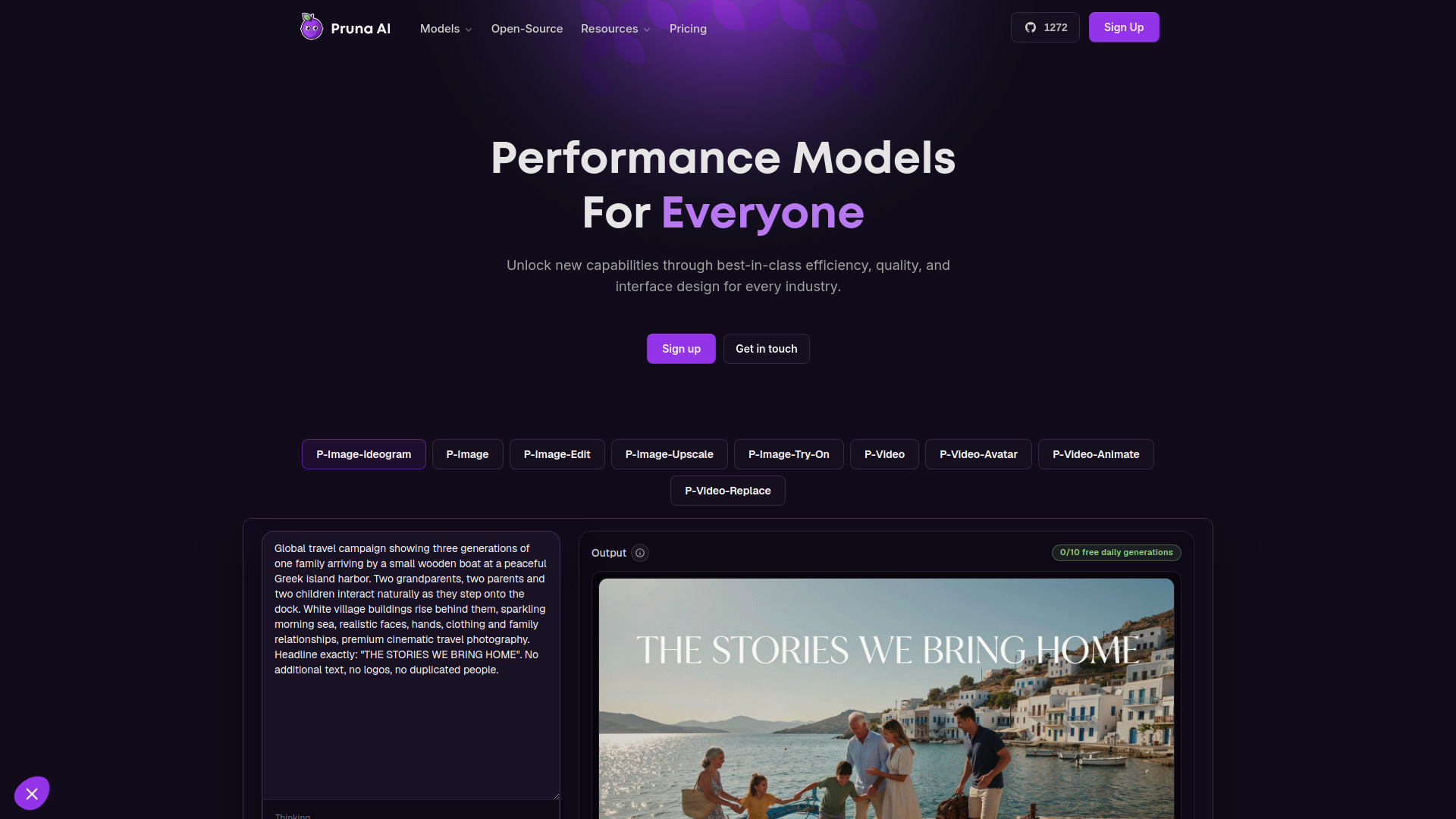
Pruna AI belongs on this list because not every team wants a browser-first avatar editor. It focuses on fast image and video generation, editing, upscaling, and transformation, with production-ready performance models accessible through simple APIs. For a developer building an avatar feature into an application or automated content pipeline, that orientation may matter more than a guided presenter interface.
The pricing signal is usage-based rather than a familiar creator subscription: the listed offer starts at $0.005 per image output, while P-Image-Ideogram is shown at $0.015 per second. There is no specified free tier or trial quota. Pruna's main advantage is speed and inference efficiency, but buyers need to understand their expected volume before comparing it with consumer-facing plans.
My take: This is one of the best rated ai avatar generators for videos only if your definition includes the infrastructure behind an avatar workflow. It is a strong adjacent choice for teams that already have an interface, prompts, and asset logic of their own.
Where it falls short: People looking for a ready-made talking avatar editor may find the API-first orientation less approachable, and there is no stated free quota for casual testing.
Key features
Fast image and video generation.
Image and video editing, upscaling, and transformation.
Performance-oriented AI models.
Simple APIs for production workflows.
Lower inference-cost positioning.
Pros
Strong fit for developers and automated pipelines.
Fast inference is central to the product value.
Supports more than simple generation, including transformation and upscaling.
Cons
No free tier or trial quota is specified.
Usage pricing requires careful volume planning.
Less suitable for nontechnical users seeking a finished avatar studio.
Choose Pruna AI if: You are integrating AI video or avatar generation into a product and care about speed, API access, and usage economics.
6. Photogenerator AI

Photogenerator AI
Best cinematic workflow for photographers
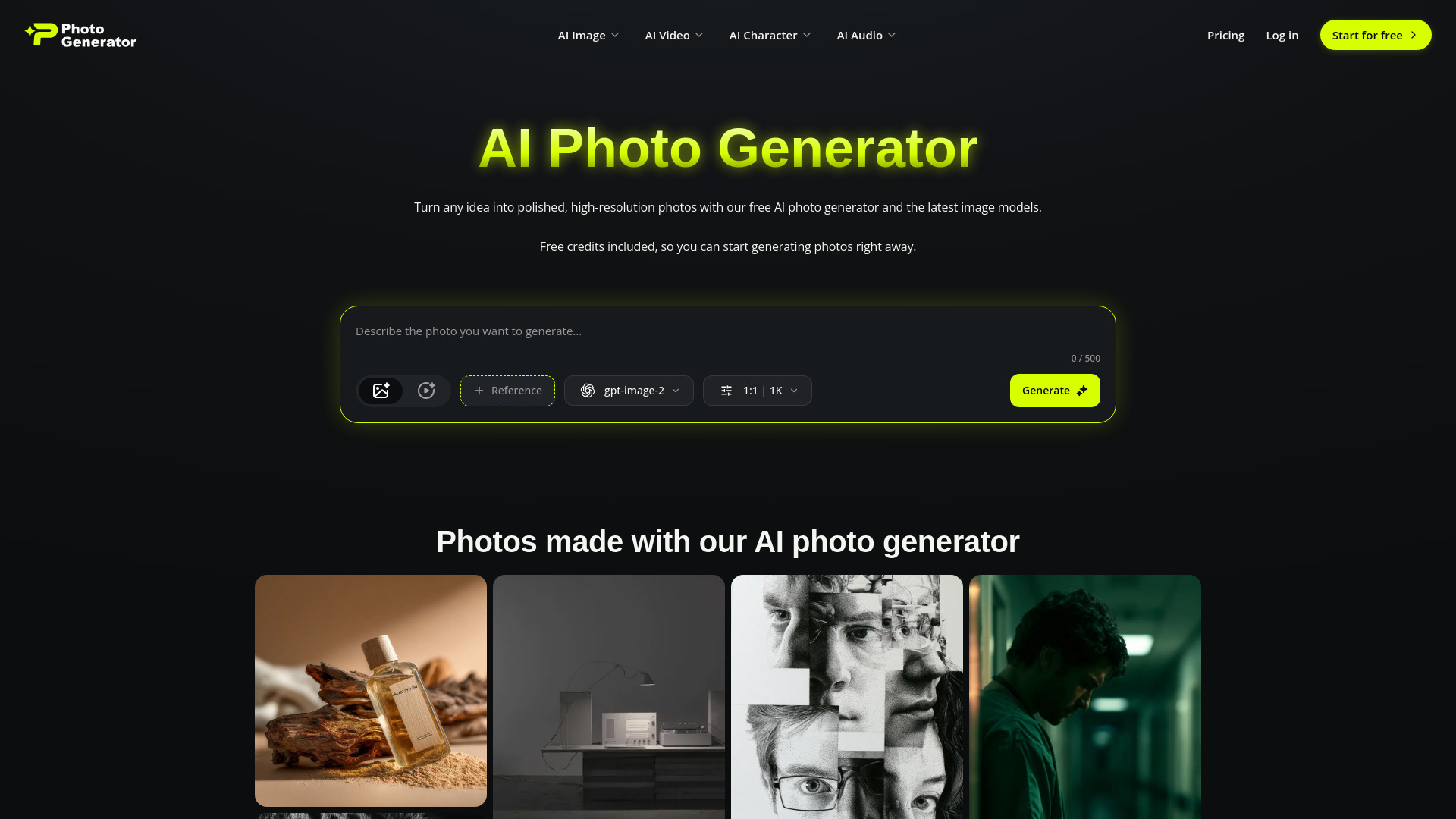
Photogenerator AI has one of the more relevant video feature sets for turning a visual concept into a directed sequence. Its Cinematic Video AI Suite includes Text/Frame to Video, Smart Shot for cinematic planning, Motion Sync, and video upscaling. It also offers high-resolution text-to-image generation, image-to-image editing, face swap, and 4K upscaling, giving photographers multiple ways to prepare an avatar or character image before animating it.
The free plan includes 10 credits per month, which is enough for a small test but not a serious production cadence. Its broader positioning covers video, images, audio, and virtual characters, so it can function as an all-in-one creator suite. The main workflow is more cinematic and image-led than presenter-led; that is a strength for visual storytelling, but a limitation for buyers expecting a script-driven talking head.
My take: Photogenerator AI is a smart choice when the avatar is part of a cinematic scene. Smart Shot and Motion Sync suggest a more directed approach than simply asking for a face to move.
Where it falls short: The free plan's 10-credit monthly limit makes extended experimentation difficult, especially when testing multiple visual variations.
Key features
Text-to-video and frame-to-video generation.
Smart Shot cinematic planning.
Motion Sync and video upscaling.
High-resolution text-to-image creation.
Image editing, face swap, and 4K upscaling.
Pros
Strong set of tools for cinematic visual planning.
Free access is available with a specific monthly quota.
Combines image preparation and video generation.
Cons
Free usage is limited to 10 credits per month.
Feature breadth may feel heavy for a simple avatar clip.
A talking-presenter workflow is not the central emphasis.
Choose Photogenerator AI if: You want a character or avatar to live inside a more cinematic, planned video sequence.
7. Free GPT Image 2.5 Generator Online

Free GPT Image 2.5 Generator Online
Best for designers preparing avatar source images
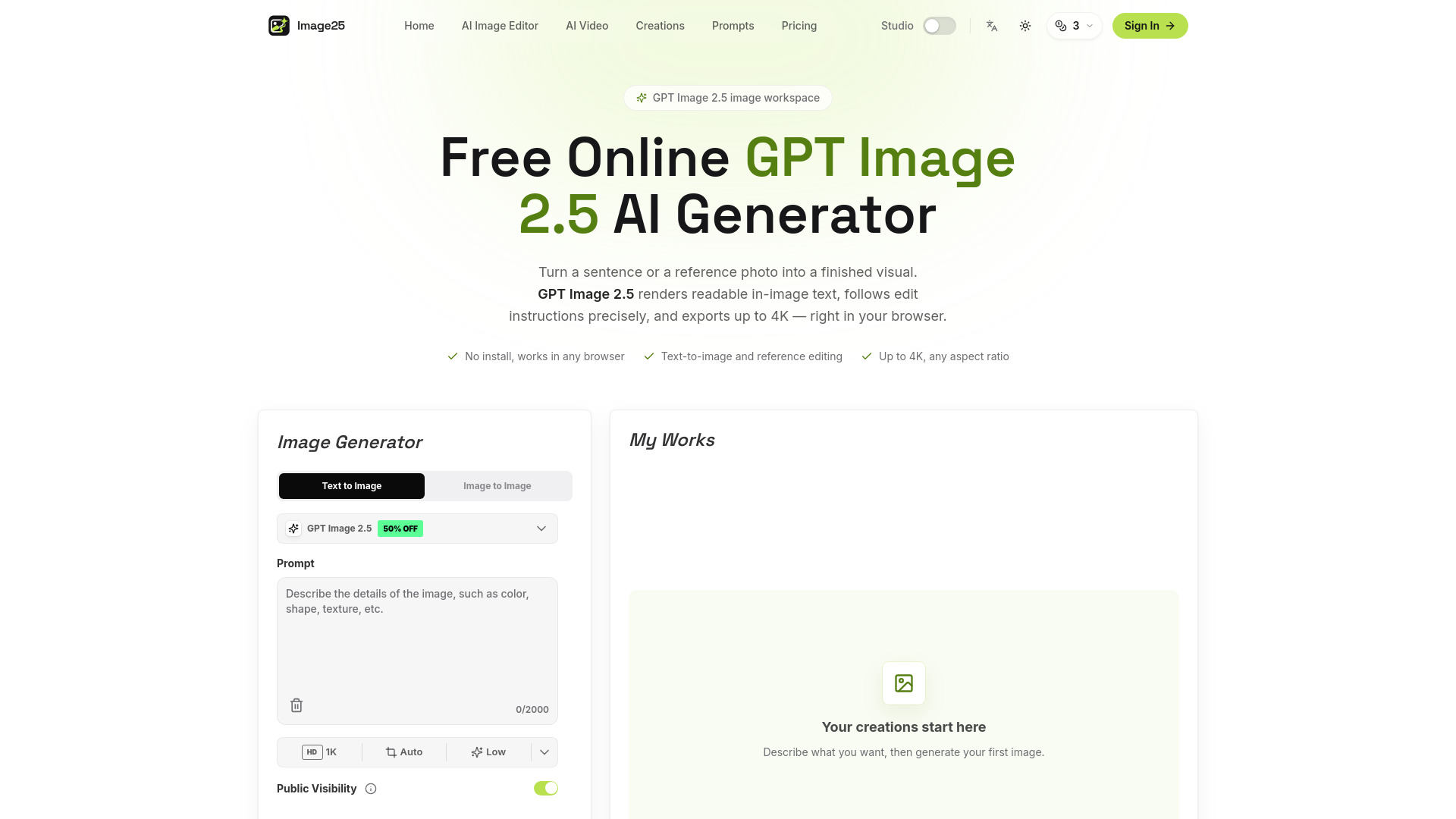
This tool is a more indirect pick, but it solves a common avatar-video bottleneck: creating and refining the reference image first. Free GPT Image 2.5 Generator Online supports text-to-image generation with GPT Image 2.5 and reference-image editing through natural-language instructions. It also advertises 4K output and no sign-up access, which makes it convenient for quick concept work.
It does not present itself as a dedicated video-avatar generator. Instead, it can help a designer create a consistent-looking portrait, character, or scene that another video tool can animate. Five free credits give new users a small test window, and the Starter plan is listed at $12.90 for 100 credits. The free quota is limited, so it is best treated as a source-asset tool rather than a complete production suite.
My take: I would pair this with an image-to-video platform when the quality of the initial character reference matters more than having every step under one roof. Natural-language editing is especially useful for correcting wardrobe, pose, or visual details before animation.
Where it falls short: The tool's role is image creation and editing, not end-to-end avatar video generation, and five free credits will not support many rounds of iteration.
Key features
GPT Image 2.5 text-to-image generation.
Reference-image editing with natural-language instructions.
4K image output.
No-sign-up access for initial use.
Pros
Useful for building a strong avatar reference image.
Supports both generation and editing.
Low-friction initial access.
Cons
Not a dedicated video generator.
Free quota is limited to five credits for new users.
Requires another tool for the animation stage.
Choose Free GPT Image 2.5 Generator Online if: You need a polished reference character or portrait before sending it to an image-to-video workflow.
8. virmii

virmii
Best 3D avatar workflow for VTubers
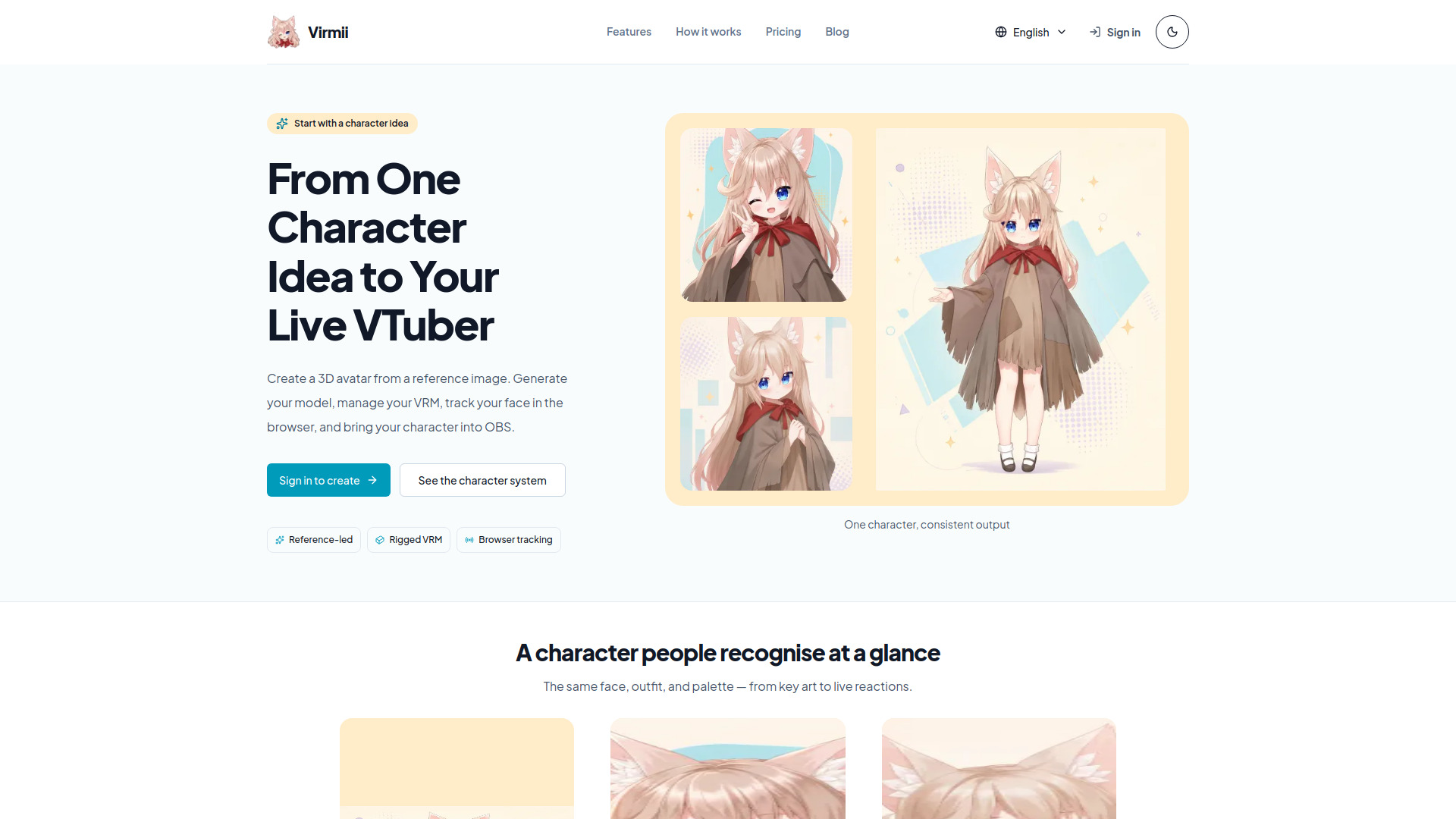
virmii is the specialist pick for creators who want a 3D avatar rather than a generated talking portrait. It creates AI-powered 3D avatars from character reference images, prepares rigged VRM avatars, and supports browser face tracking and OBS live output. That combination makes it much more relevant to VTubers, streamers, and live creators than to someone producing conventional marketing explainers.
The product's workflow is unusually complete for this niche: generate the character, manage the VRM asset, track movement in the browser, and send the result to OBS. The listed starting price is free, with a $6 one-time access reference and 50 credits associated with the offer. Each avatar generation requires 50 credits, so the credit requirement is the key constraint to understand before generating multiple designs.
My take: virmii is the best ai talking avatar generator alternative here for live 3D presence, not prerecorded speech. If your audience expects a VTuber identity and OBS output, its specialist workflow is more valuable than a general video generator.
Where it falls short: Each avatar generation costs 50 credits, and the very small monthly usage signal suggests a narrower ecosystem than the larger creator platforms.
Key features
AI 3D avatar generation from reference images.
Rigged VRM avatar preparation.
VRM management and downloads.
Browser face tracking.
OBS live output.
Pros
Complete path from character image to live avatar output.
Strong fit for VTubers and streamers.
Free starting price is listed.
Cons
Each avatar generation requires 50 credits.
Much narrower audience than general video tools.
Not designed primarily for conventional talking-head video production.
Choose virmii if: You want a rigged 3D character for face-tracked streaming, VTubing, or OBS-based live content.
9. MuseVideo

MuseVideo
Best cinematic text-to-video option for solo creators
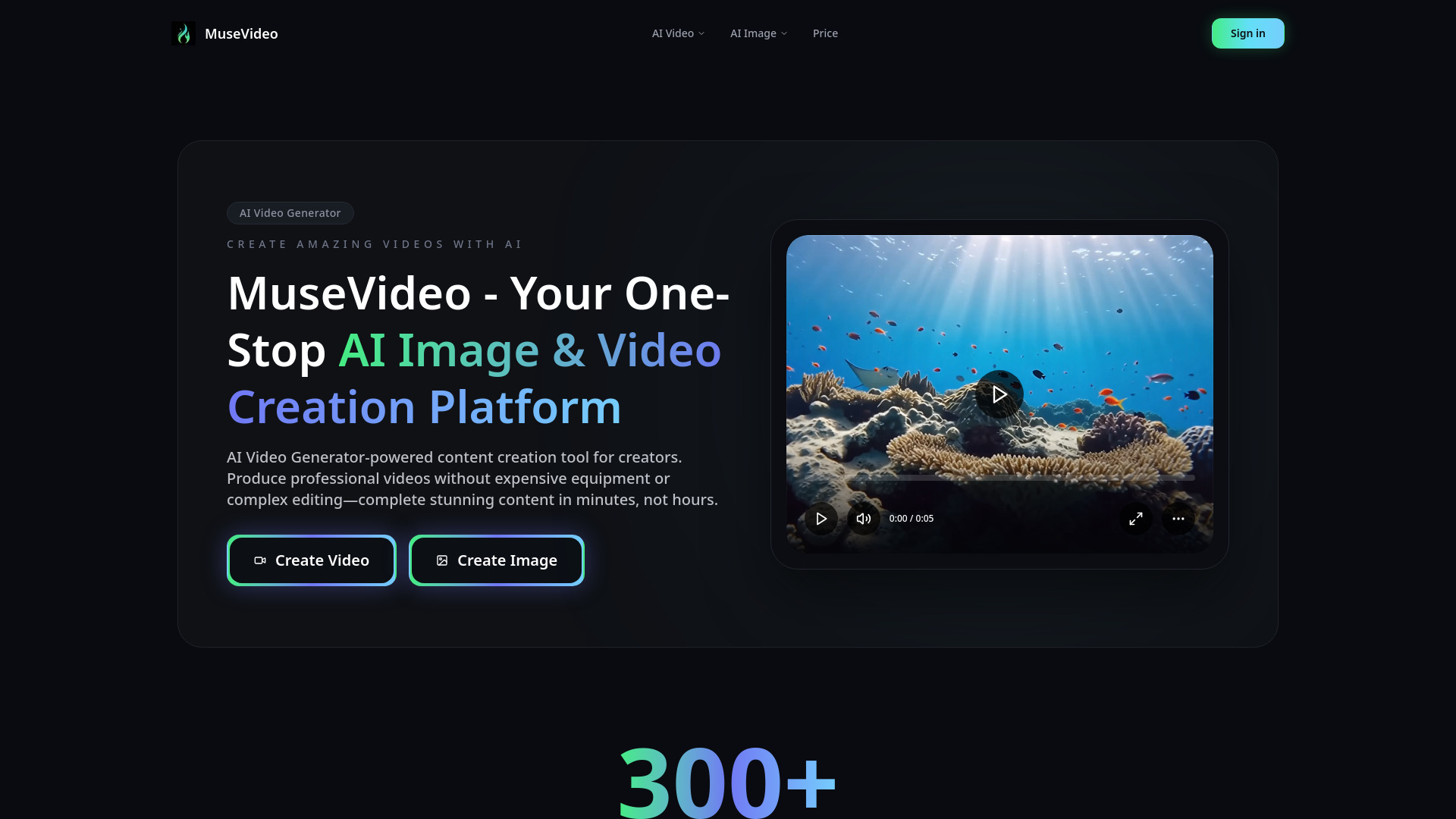
MuseVideo focuses on the two inputs most creators already have: a prompt and an image. Its AI Text to Video Generator and AI Image to Video Generator are supported by multiple AI models, making it a practical adjacent choice for animating character art, portraits, and visual concepts. The emphasis is cinematic content rather than a dedicated digital presenter.
The pricing options are relatively flexible on paper. Pay-as-you-go starts at $3.50 per 100 credits, while the broader listed offer starts at $10.49 per month for 300 credits. There is no explicit free trial or free tier mentioned for new users, so buyers should plan to test within a paid allowance. Credit-based pricing also means the cost of repeated prompt refinement deserves attention.
My take: MuseVideo belongs in the shortlist for creators who want expressive motion and multiple model options, especially when the source is an illustration or still image. It is less suitable when the job description says "make a presenter read this exact script."
Where it falls short: There is no stated free trial, and its cinematic orientation does not guarantee the stable facial identity or lip-sync behavior associated with dedicated avatar products.
Key features
AI text-to-video generation.
AI image-to-video generation.
Multiple AI models.
Pay-as-you-go credit option.
Pros
Supports both prompt-led and image-led video creation.
Pay-as-you-go entry point is clearly listed.
Good fit for solo creators exploring cinematic motion.
Cons
No explicit free tier or trial is mentioned.
Credit usage can rise during iteration.
Dedicated talking-avatar controls are not highlighted.
Choose MuseVideo if: You want cinematic movement from text or images and do not need a traditional scripted presenter workflow.
10. Video Transcriber AI

Video Transcriber AI
Best free companion tool for video workflows
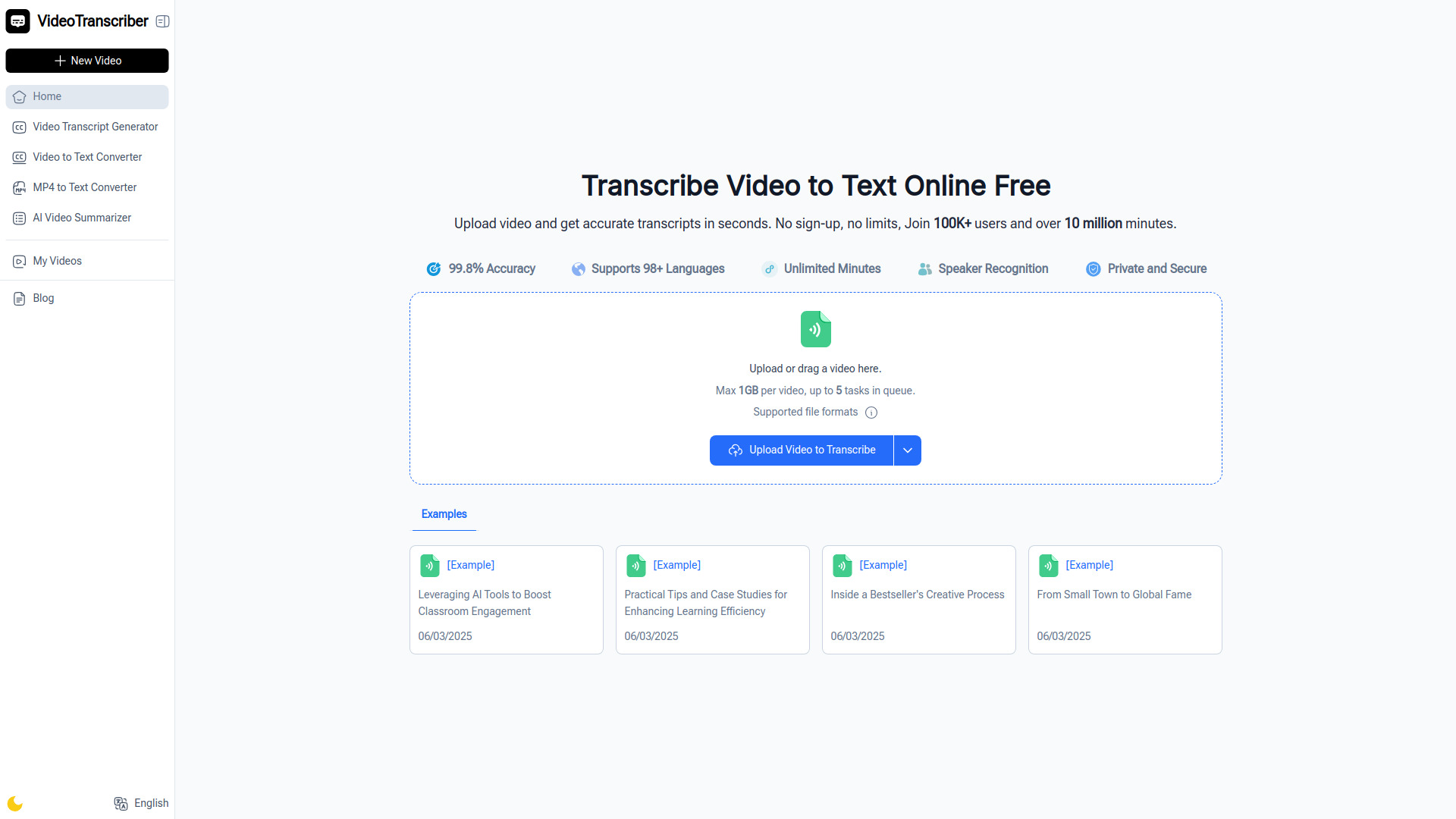
Video Transcriber AI is the most obviously adjacent tool in this ranking, but it solves a real production problem around avatar videos: turning finished footage into usable text. It processes uploads into readable transcripts, supports MP4, MOV, and AVI files, and is available free without sign-up. The listed access also includes unlimited minutes and a stated 99.8% accuracy figure.
That makes it useful for repurposing an avatar video into captions, scripts, summaries, or searchable notes, even though it does not generate an avatar. Accuracy depends on audio quality and background noise, so clean voice tracks will produce the best results. With a free starting price and a 1.2M monthly usage signal, it is an easy companion to keep in the workflow.
My take: This is not the answer to "which tool should create my avatar?" It is the answer to "what do I do with the video after I create it?" The unlimited free minutes and no-sign-up flow make it the most practical supporting tool in the shortlist.
Where it falls short: It transcribes existing video rather than generating avatars, and background noise or poor audio can reduce accuracy.
Key features
Rapid video-to-text conversion.
Support for MP4, MOV, and AVI files.
Free unlimited minutes.
No-sign-up access.
Stated 99.8% accuracy.
Pros
Free to use with no sign-up required.
High usage signal among the shortlisted tools.
Useful for repurposing avatar and creator videos.
Cons
Does not generate video avatars.
Accuracy depends on audio quality and background noise.
It is a post-production companion, not a creation platform.
Choose Video Transcriber AI if: You already have avatar videos and need a free way to turn their speech into text.
More tools to compare

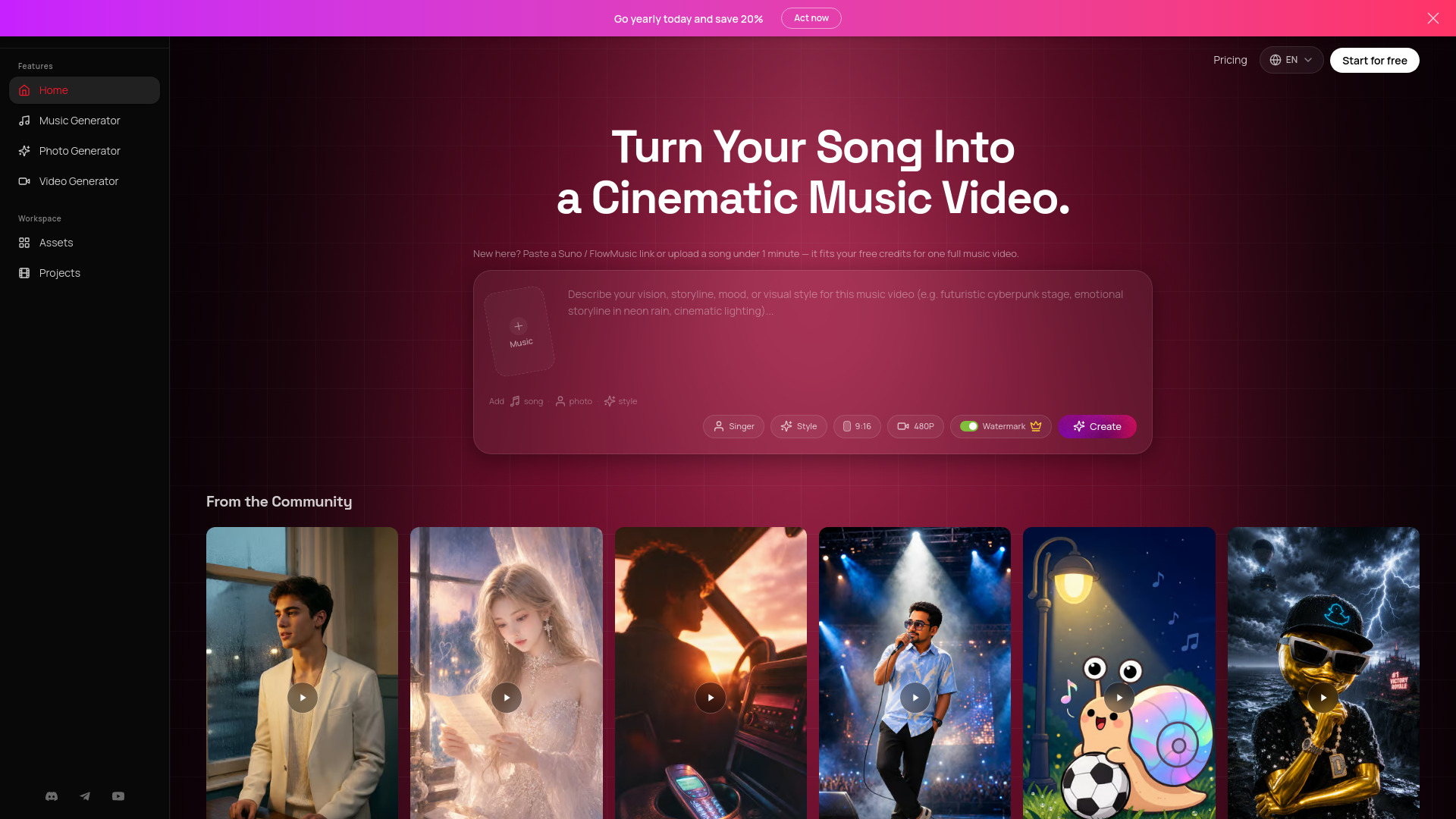
AI Music Video Generator
Cinematic AI music videos
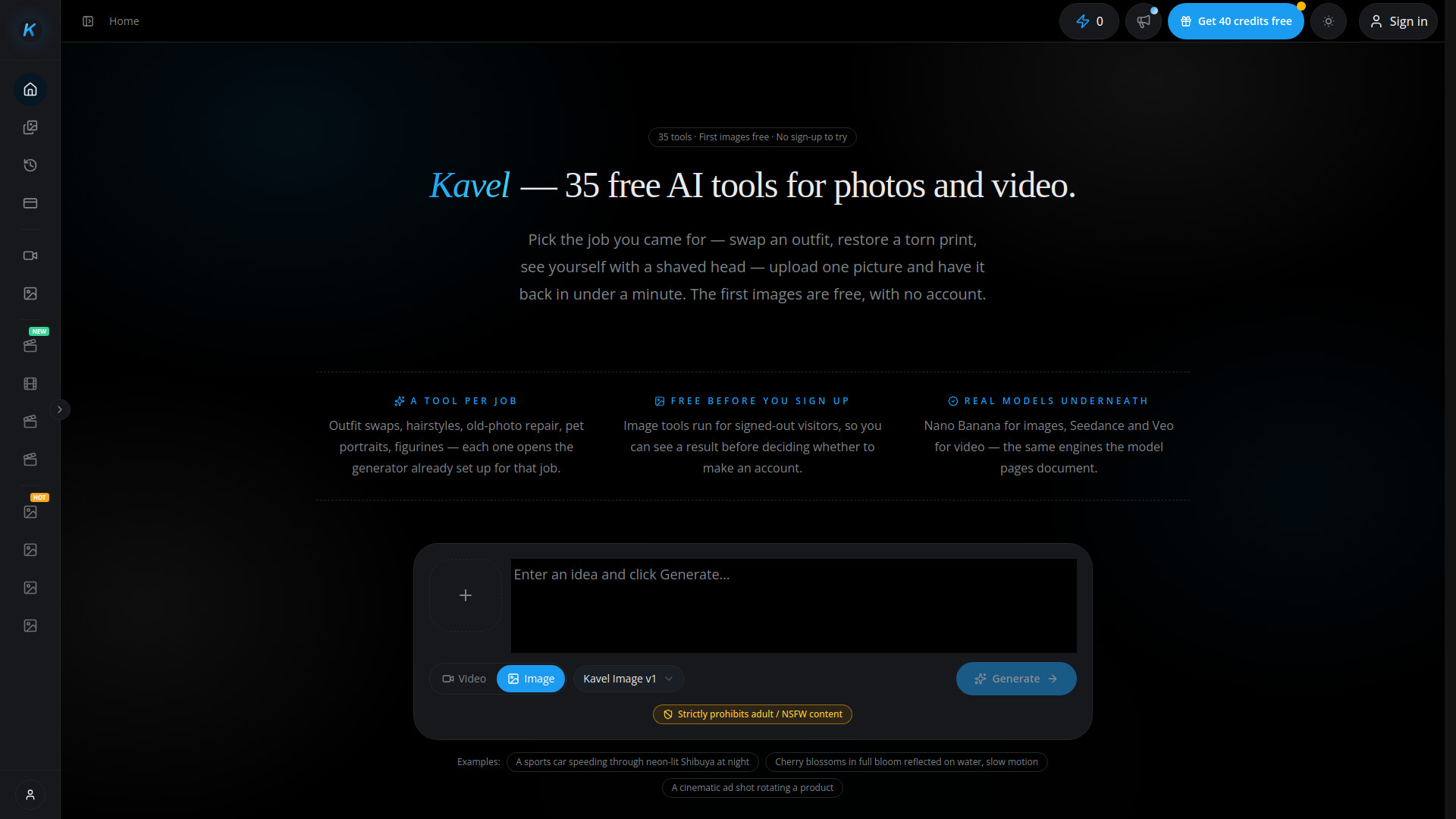
kavel ai
AI image and video generation

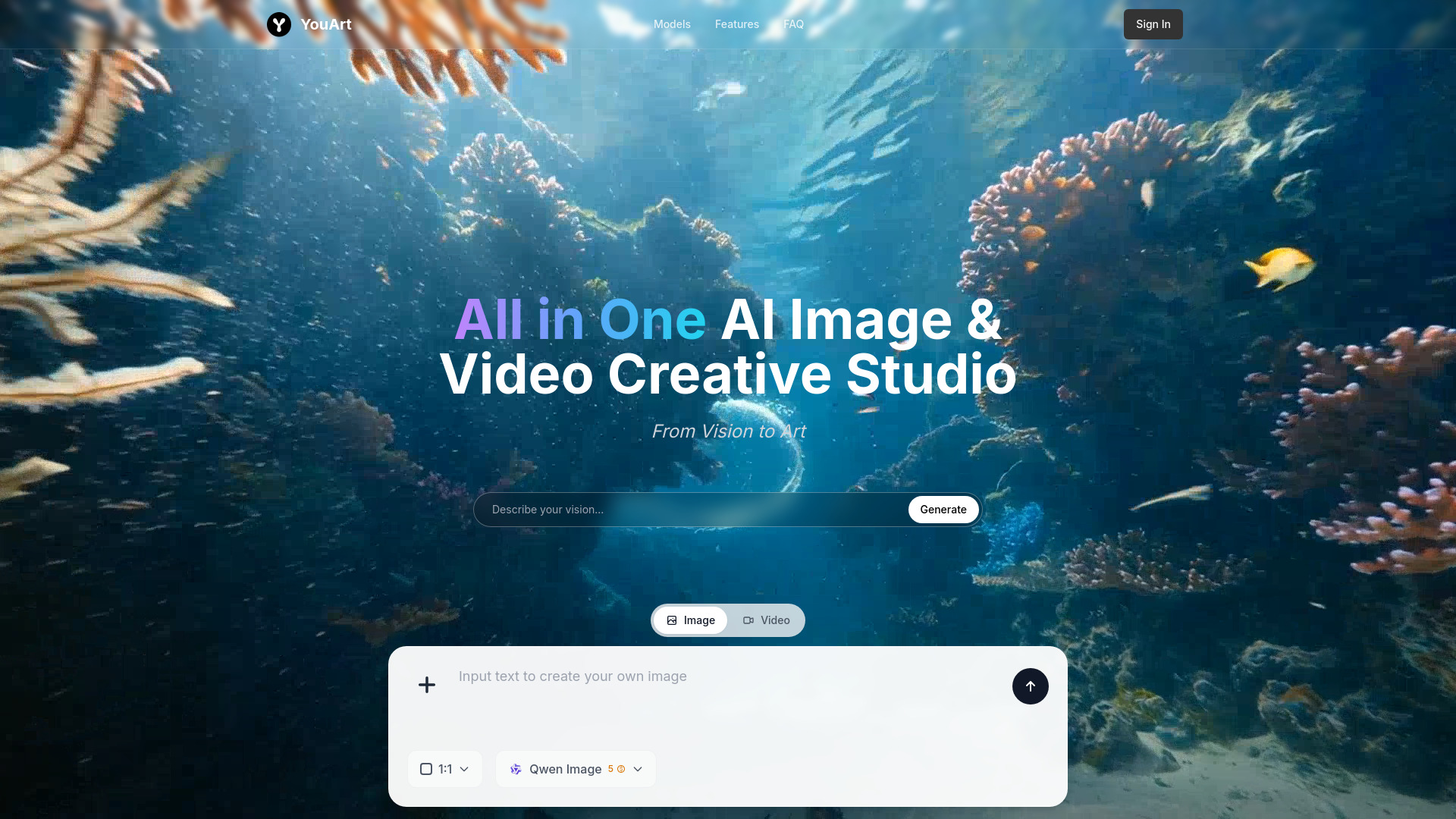
YouArt
AI image-to-video creation

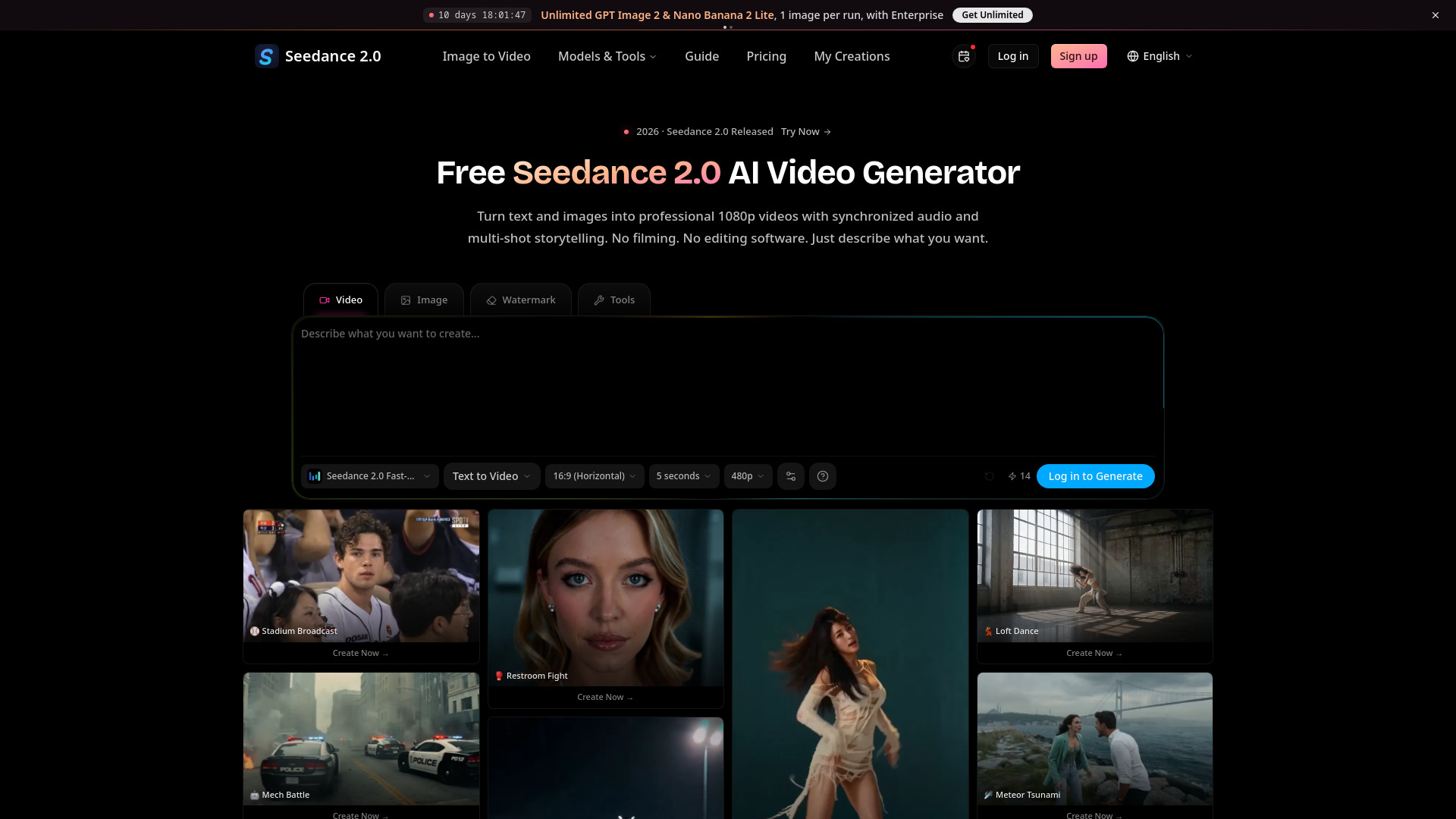
Seedance 2.0
Creators making cinematic AI videos

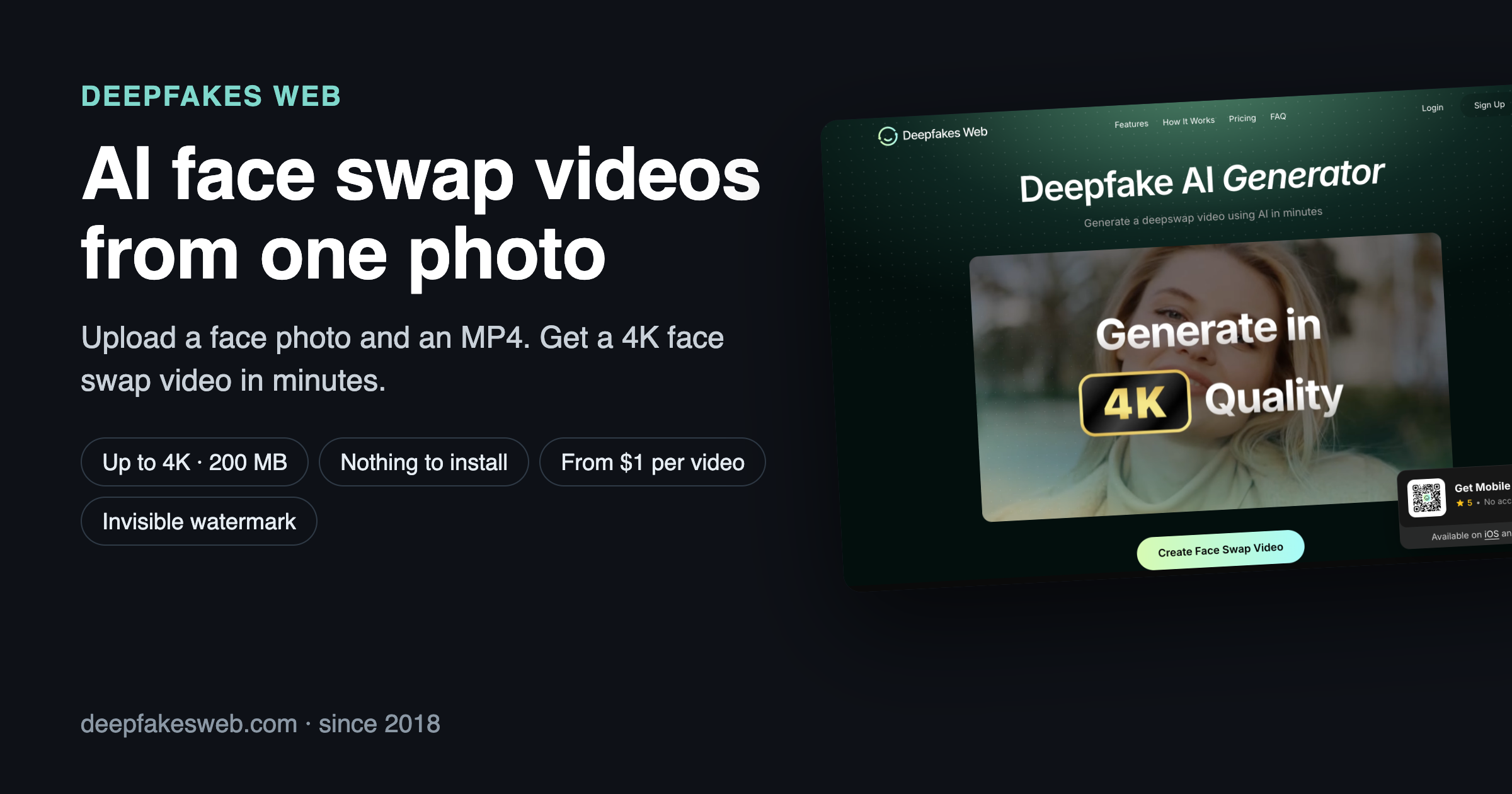
Deepfakes Web
Cloud-based face-swap video creation

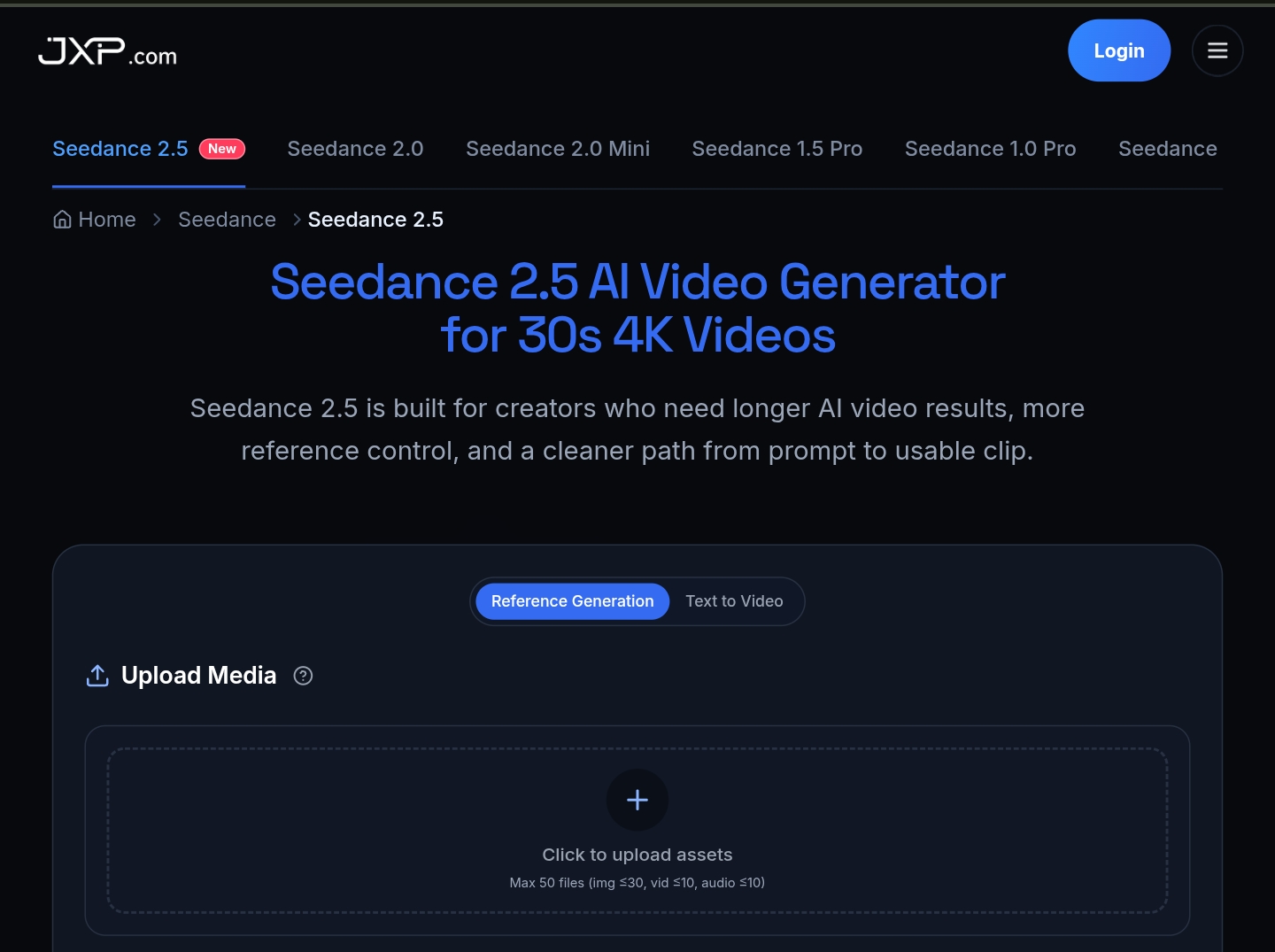
Seedance 2.5
Long-form, reference-rich AI video creation

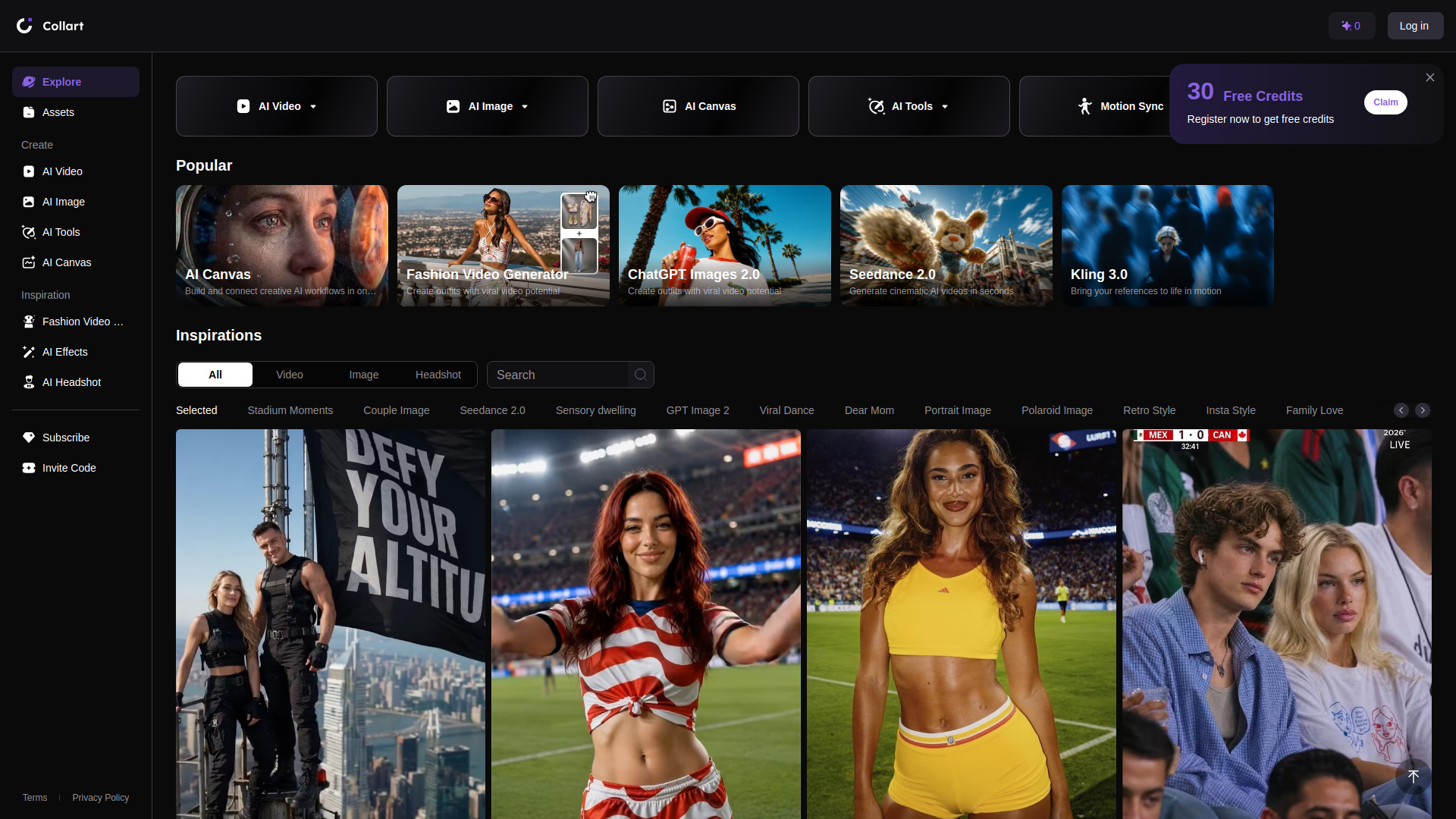
Collart AI
AI video and image creators

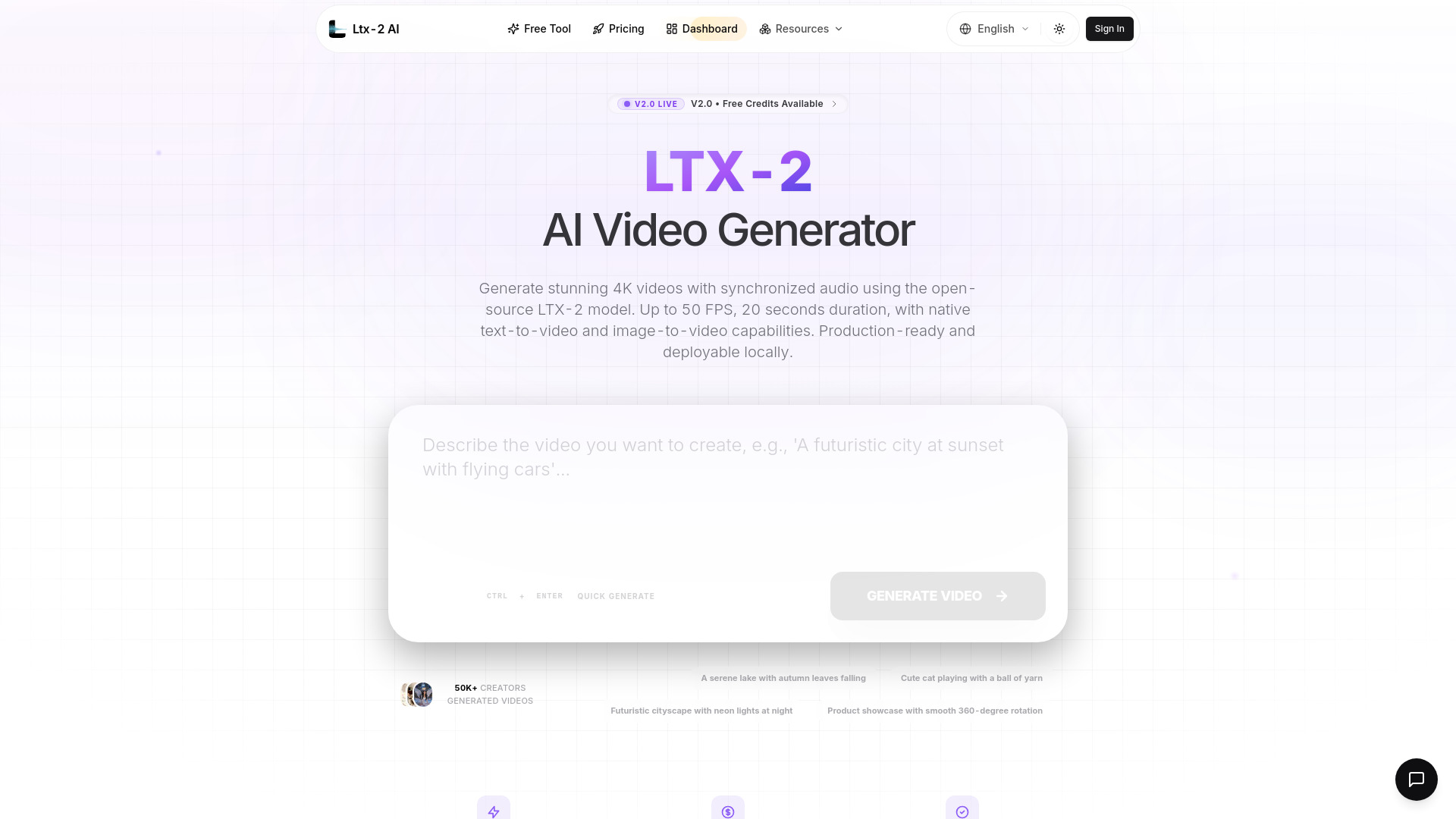
LTX-2 AI
Open-source AI video generation

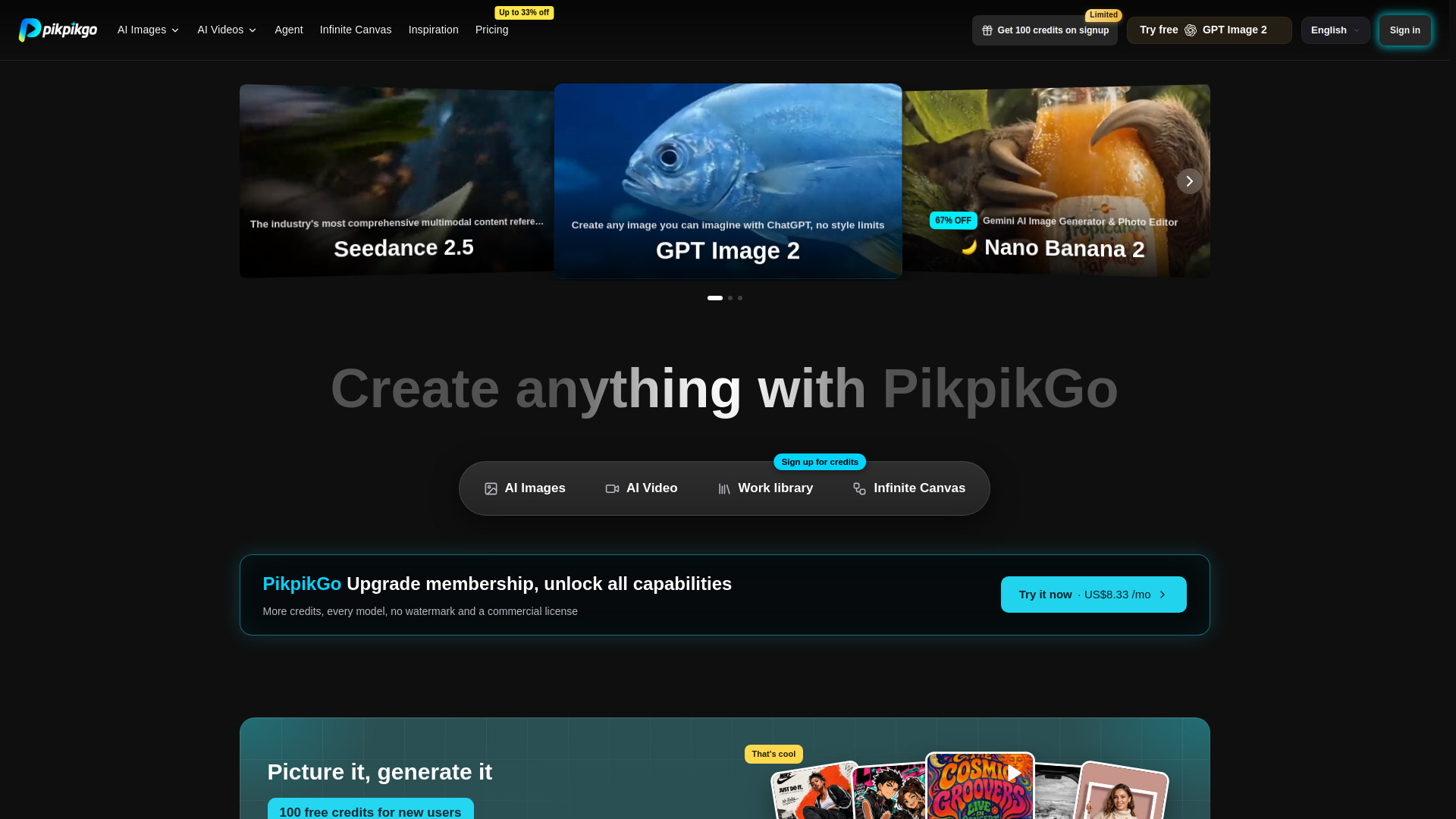
PikpikGo
Multi-model AI image and video creation

Flux 3 AI - Image and Video Generator
Multimodal image and video creation
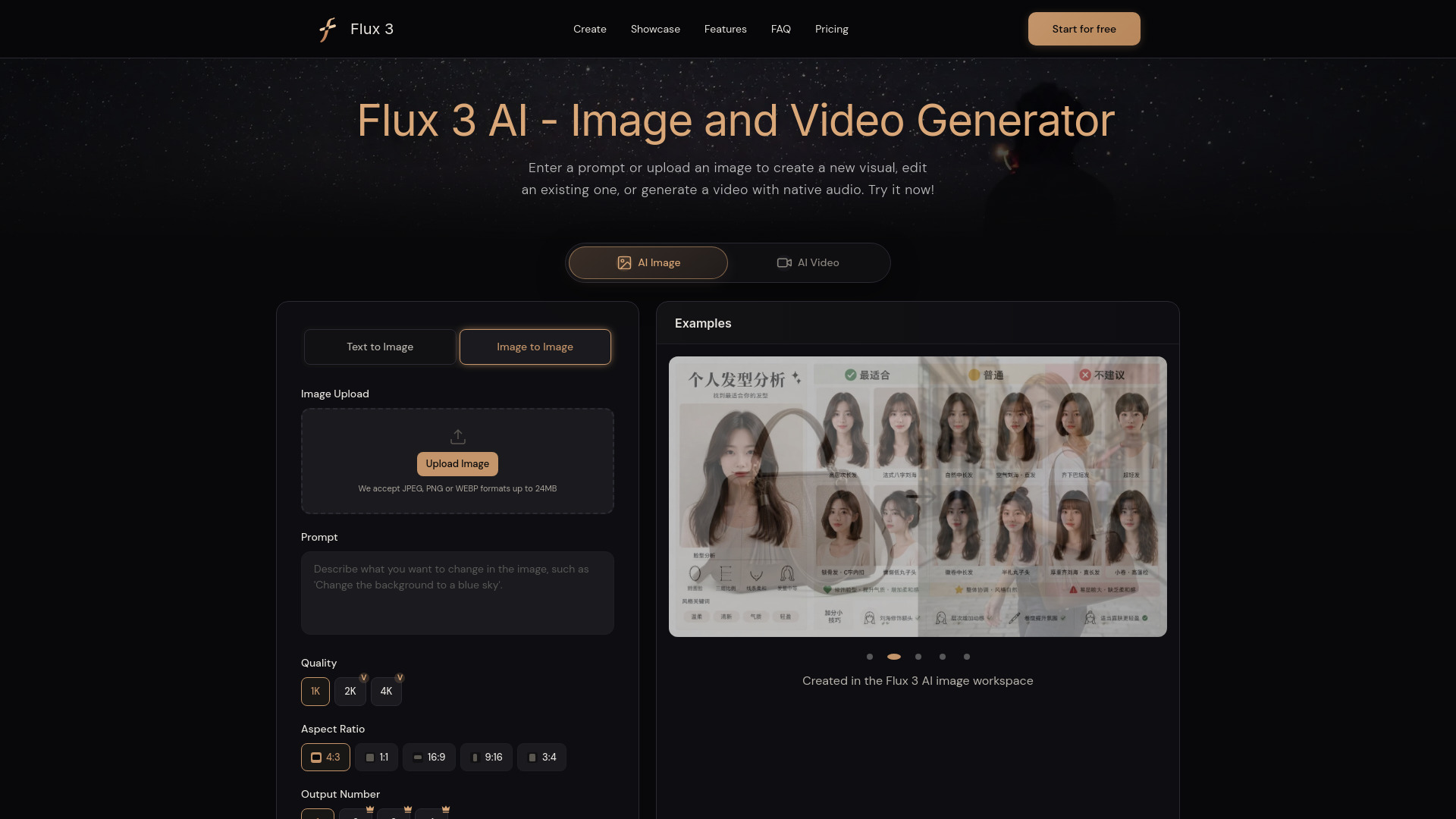

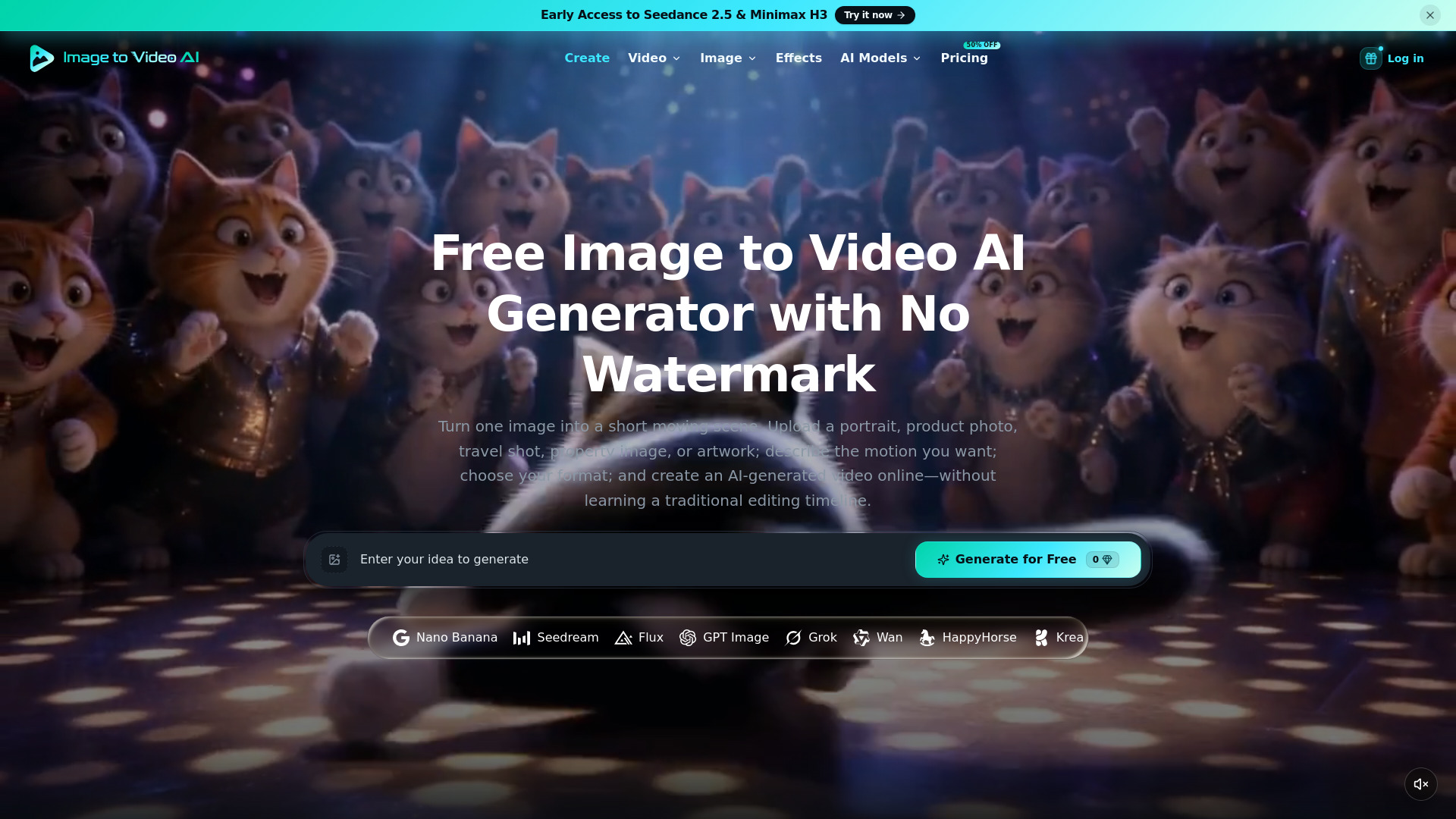
Image to Video AI
Animating still images into short videos

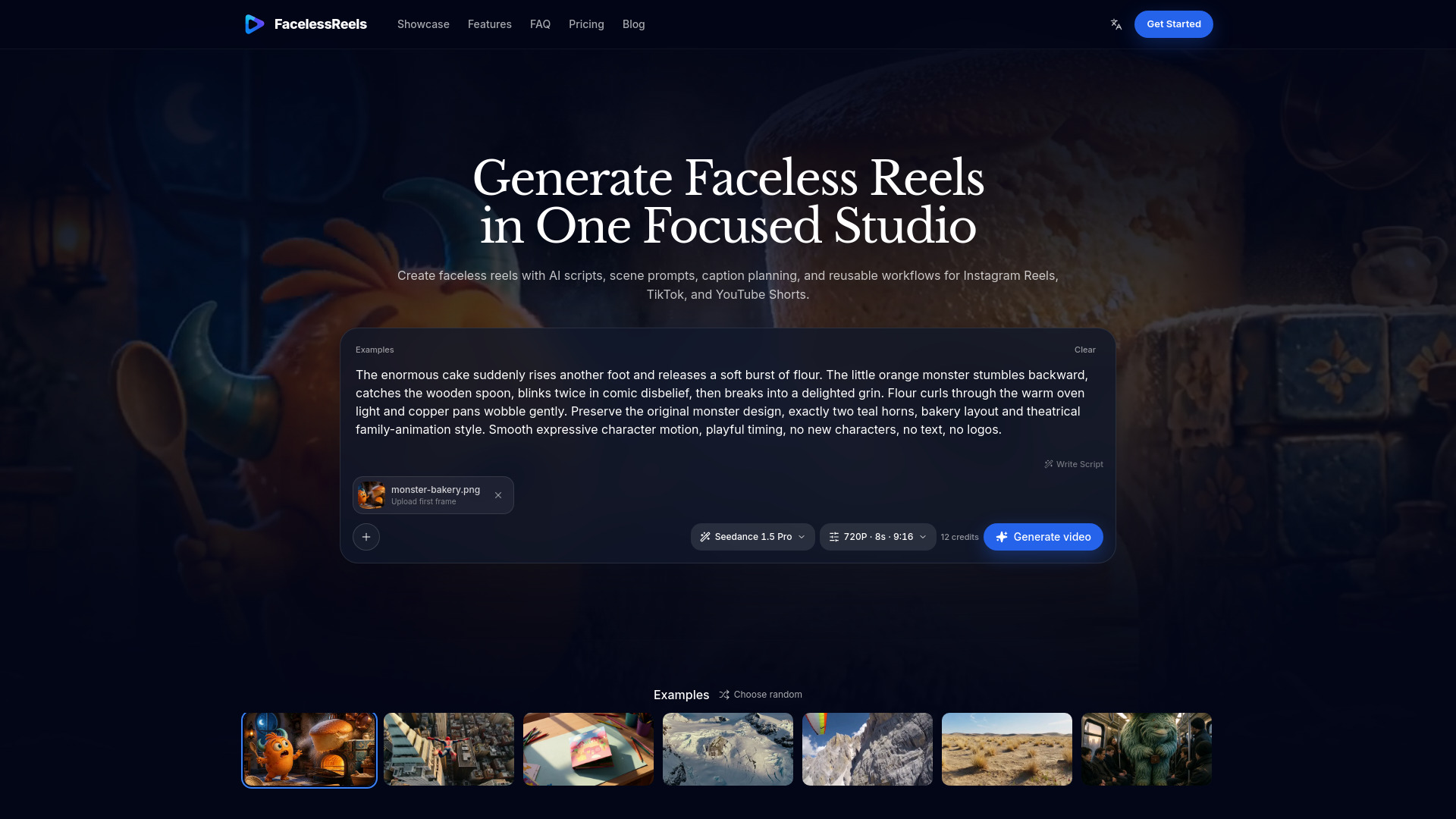
FacelessReels
Faceless short-form video creation
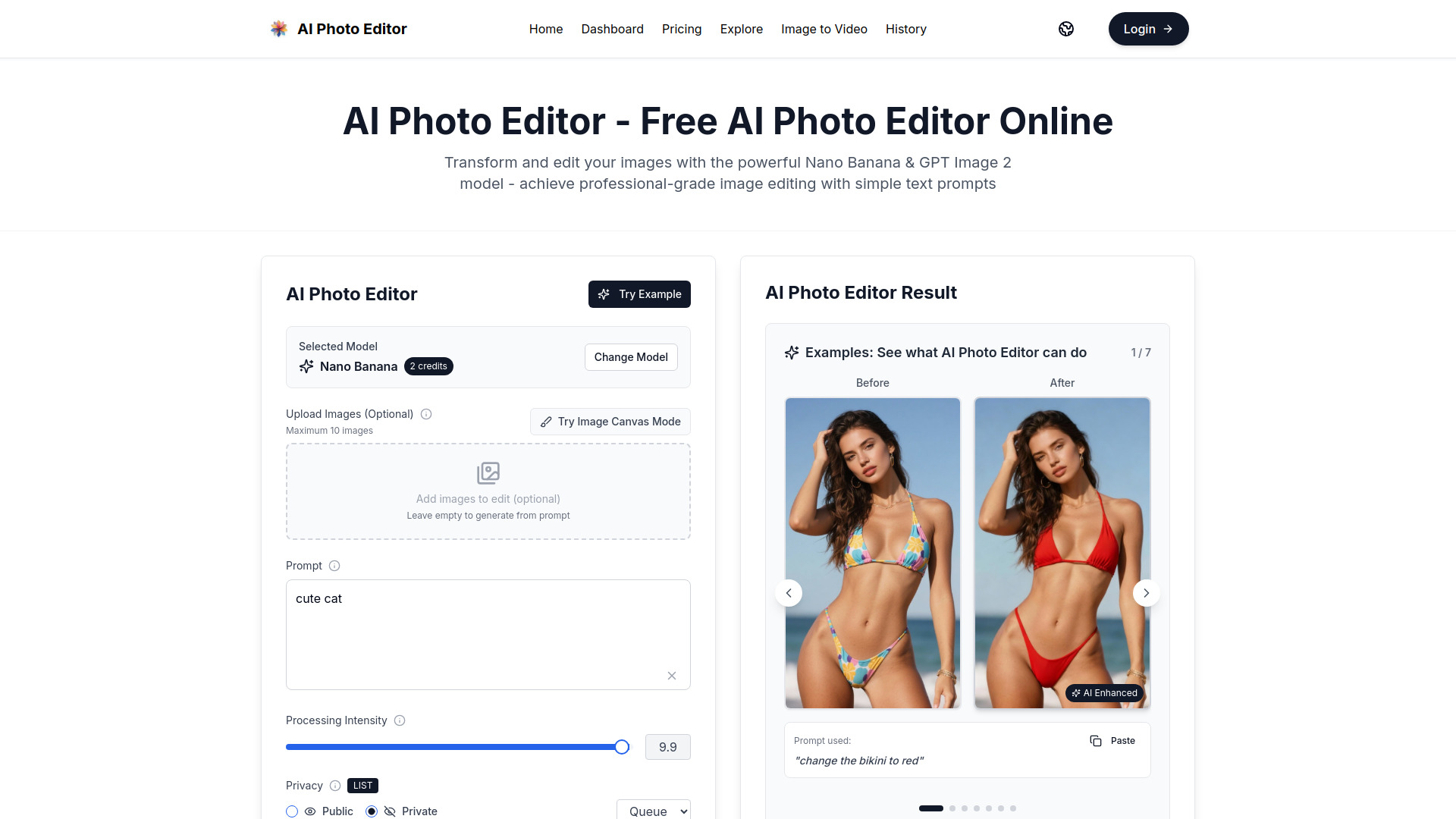
AI Photo Editor
Prompt-based image and video editing

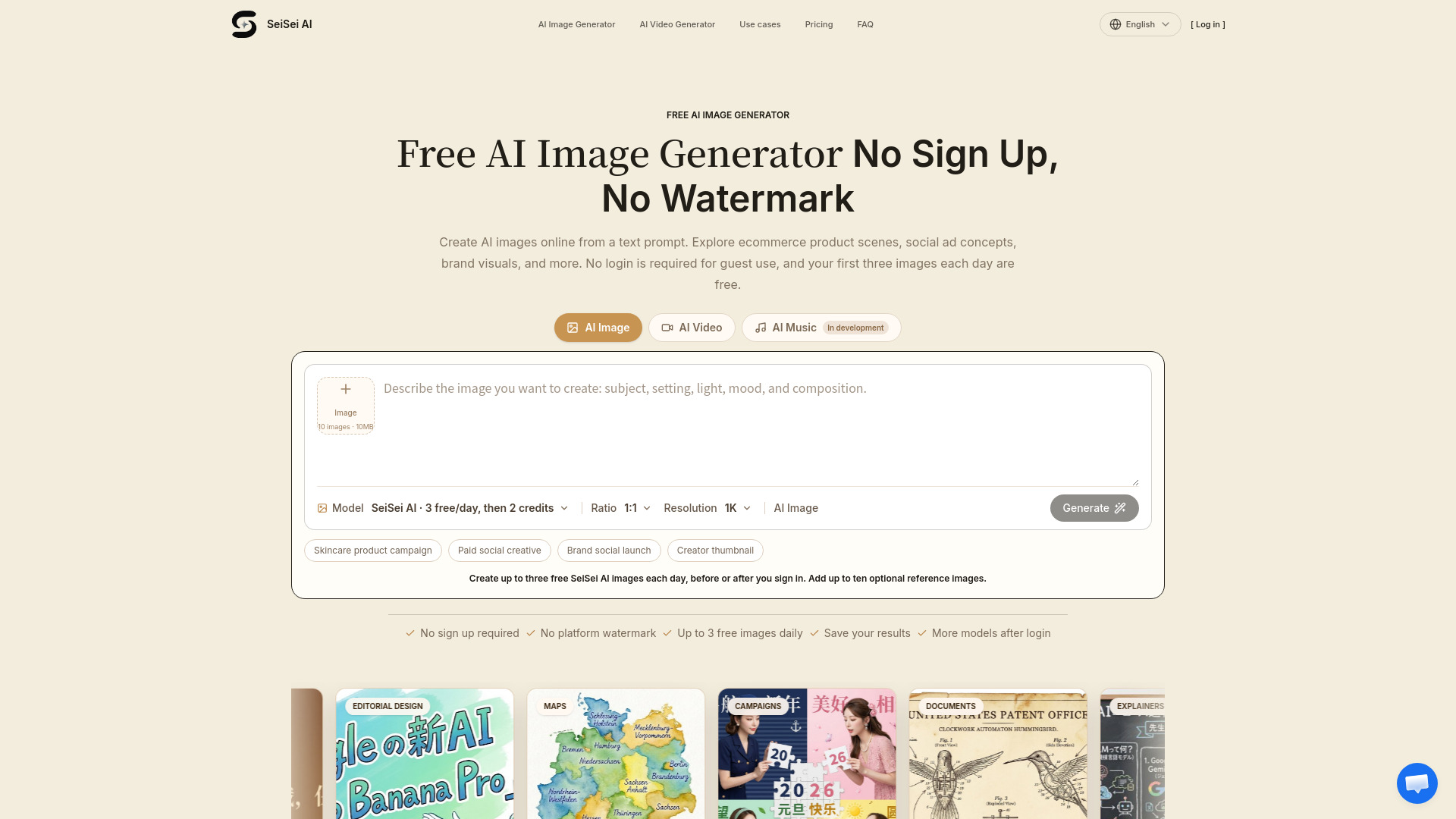
Free AI Image & Video Generator
Quick AI image and video concepts

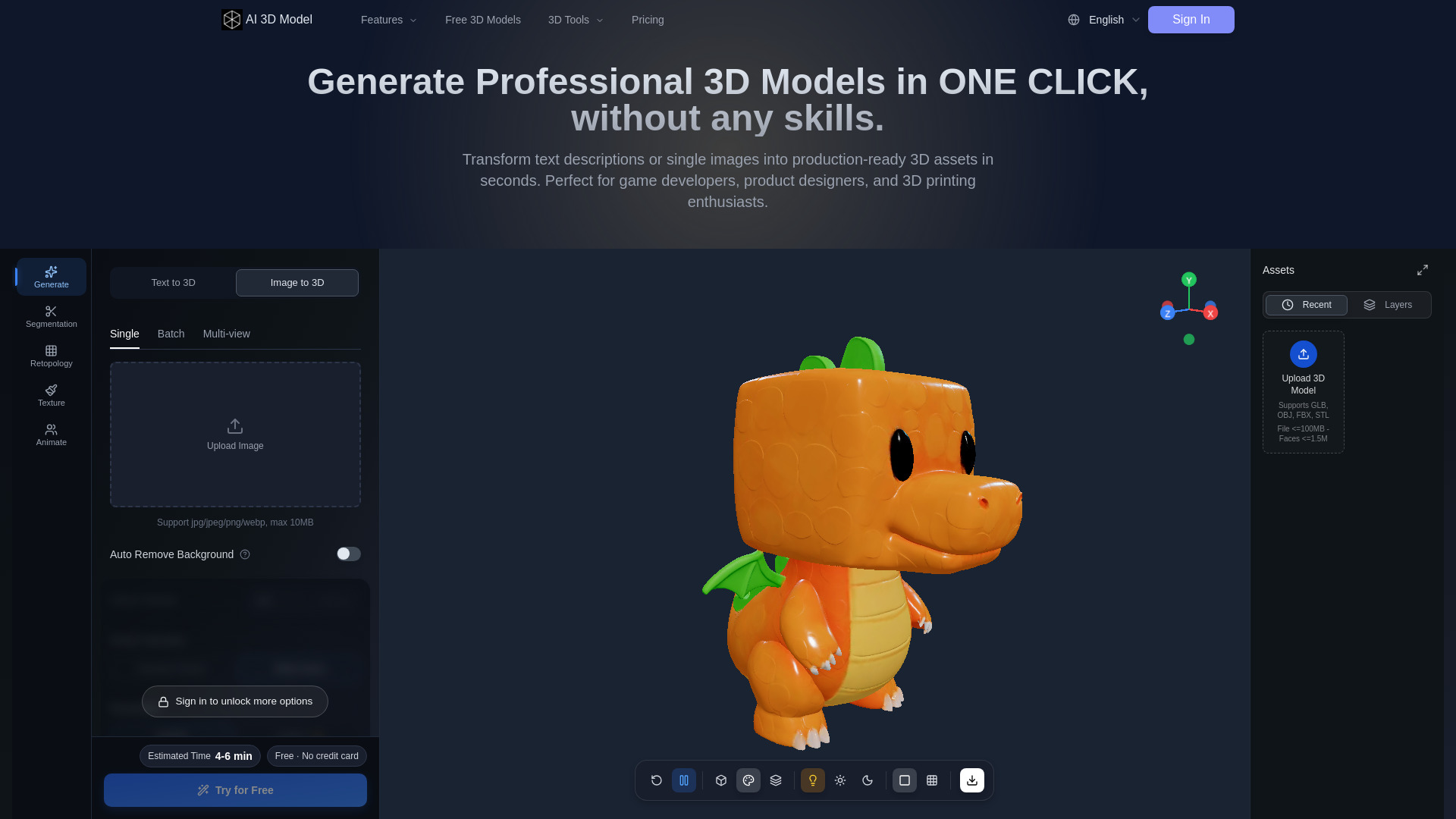
AI 3D Model
3D asset creation for games and product design
ReelforgeAI
Faceless short-form video creators

VideoAny Brazil
NSFW AI video creation

AI Inspo
All-in-one AI video creation

Animate Image AI
Animating photos into short videos

Nano Banana 2.1 AI Image Generator
Prompt-based image creation

Panorama AI
AI 360° panorama creation

iMideo
Image-to-video creation

MixVio AI
Multi-model video creators

quso.ai
AI avatar video creation
MnogoReels - AI system for creating high-quality viral videos with animated graphics from your videos.
Long-form video clipping for Shorts and Reels

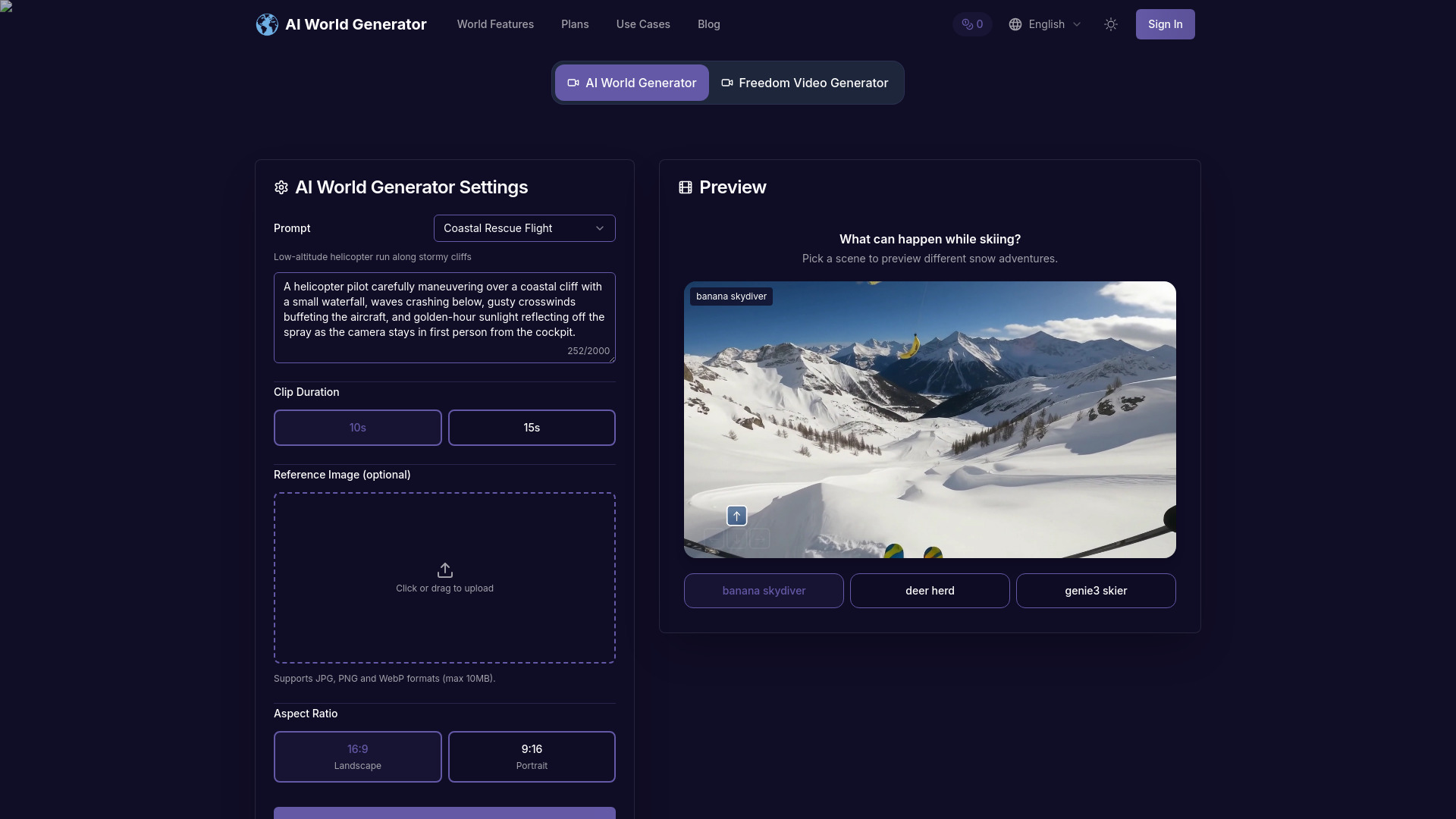
AI World Generator
Interactive 3D world prototyping

Flowlio AI
Viral AI video effects and multi-model video creation
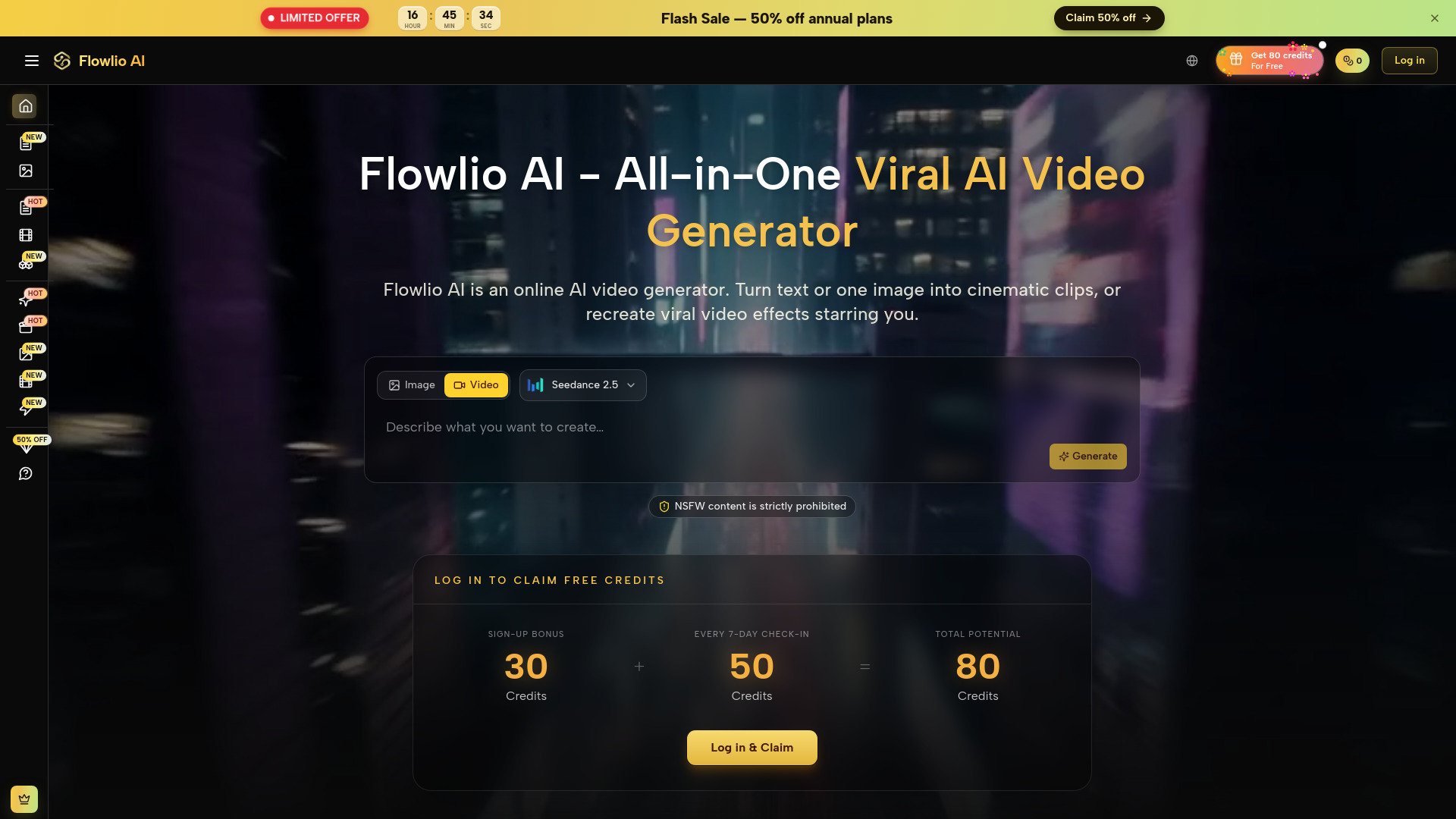

SeedanceGen AI
Multi-modal AI video creation
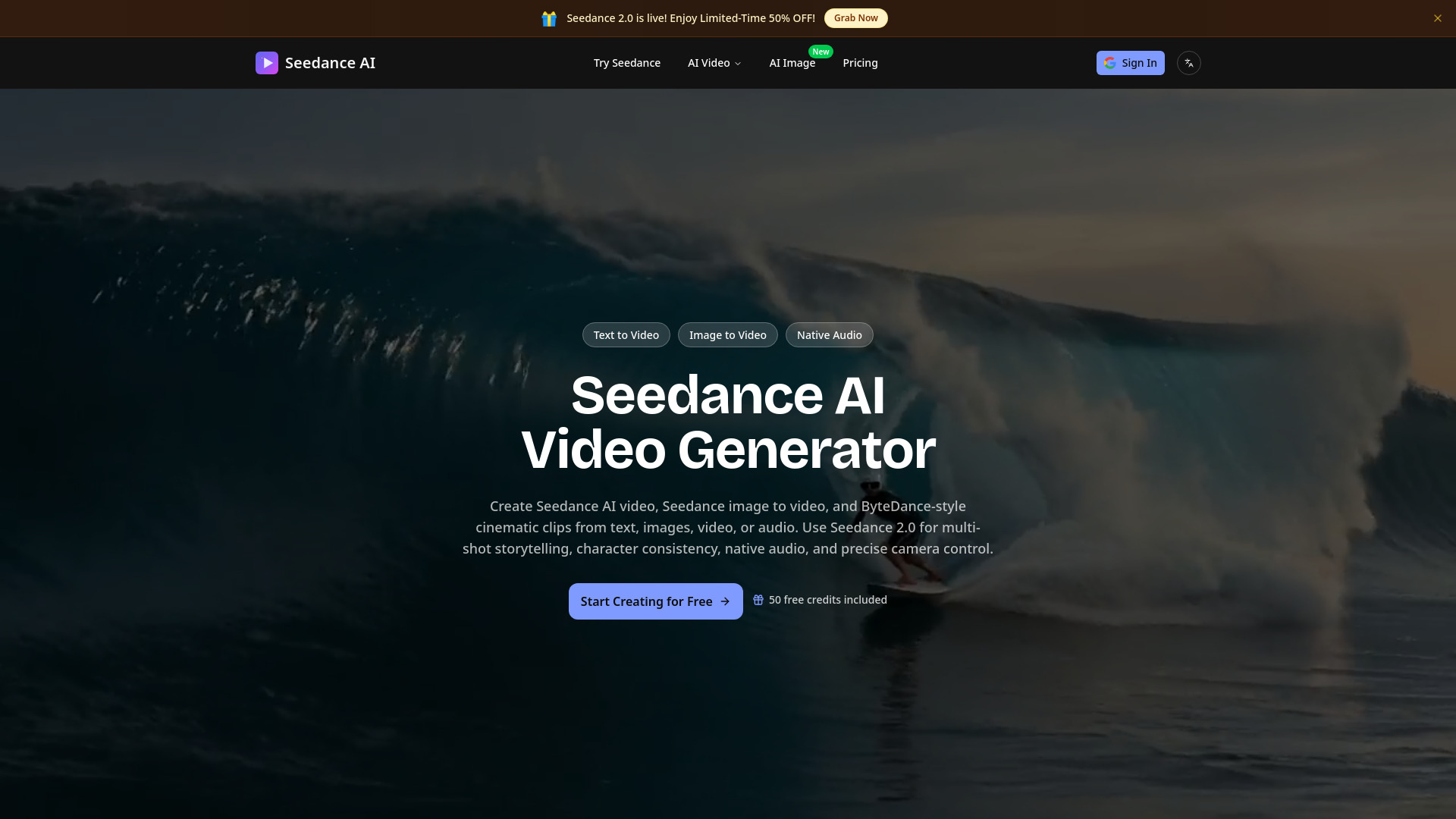

Comik AI
Anime storyboarding and video creation
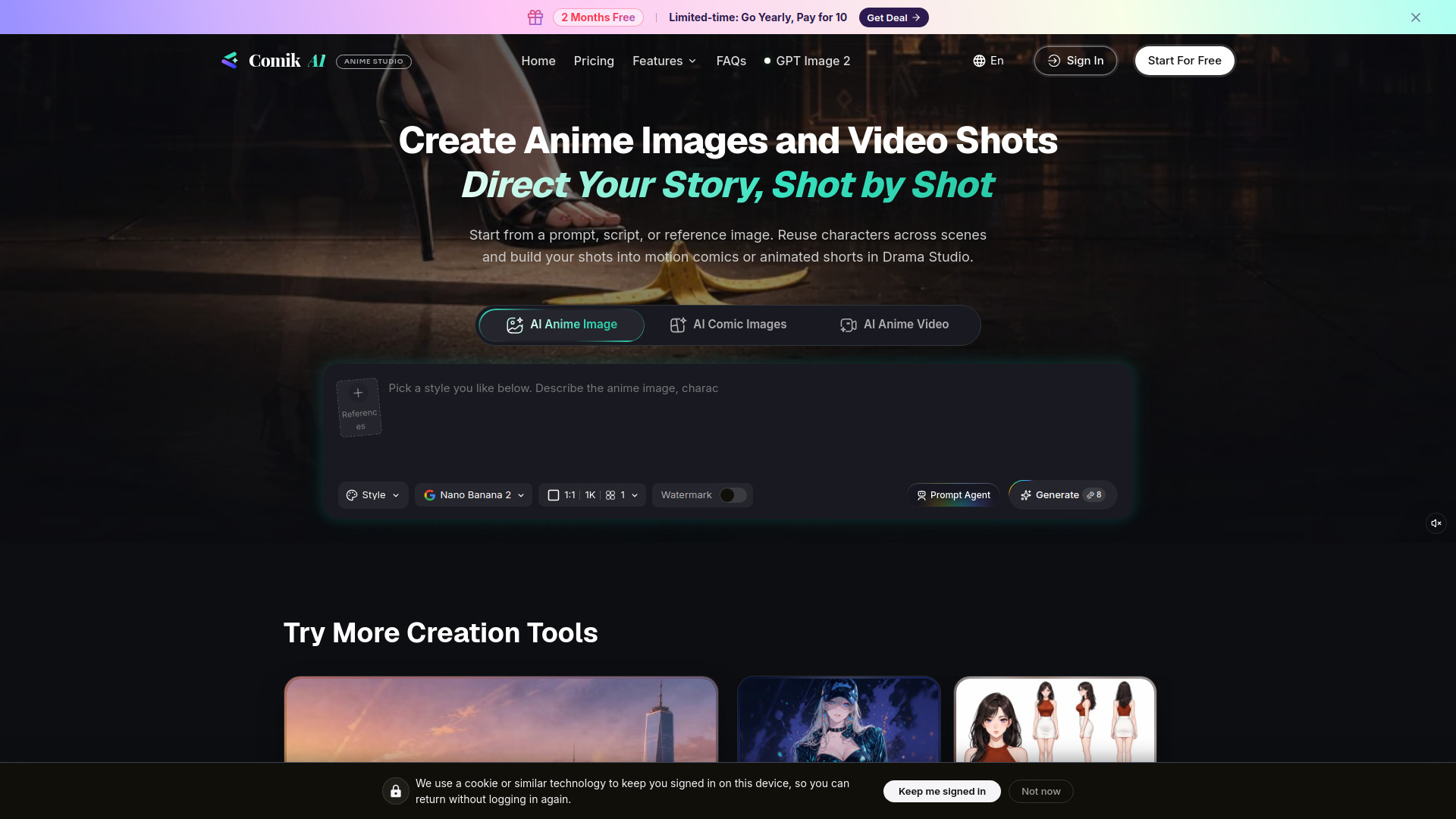

Seadanse
Cinematic AI video creation
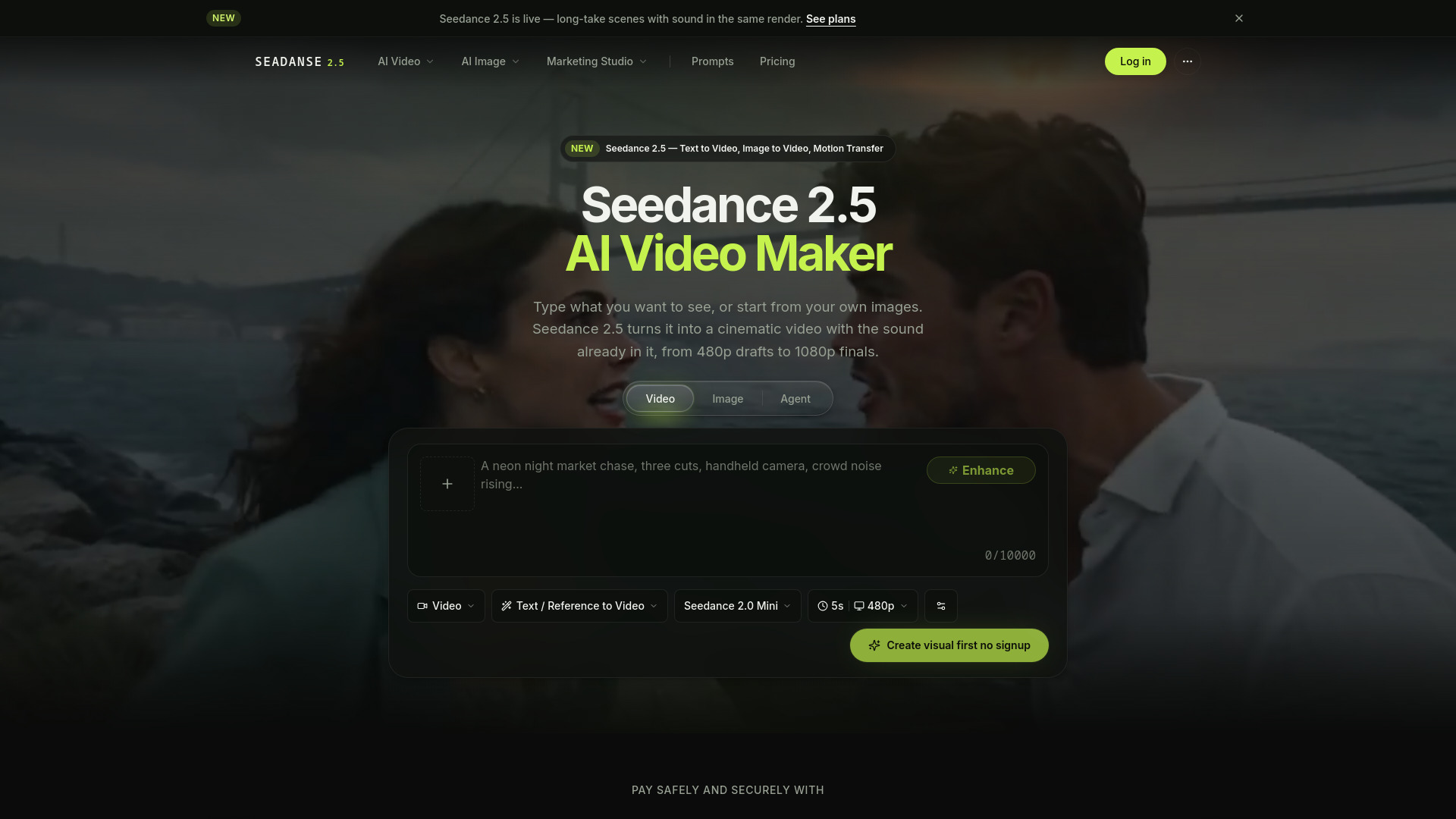
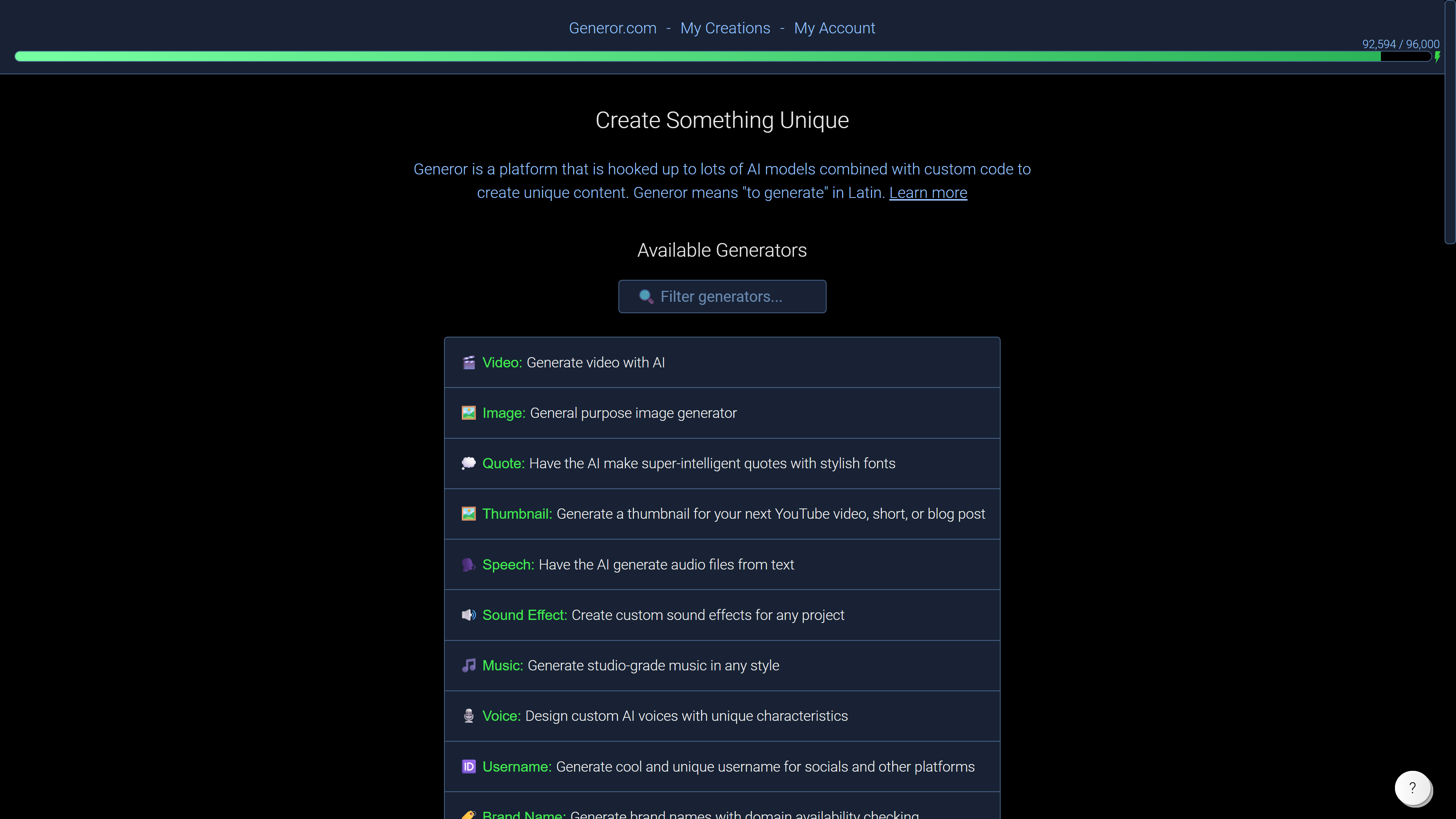
Generor
A broad mix of AI generators

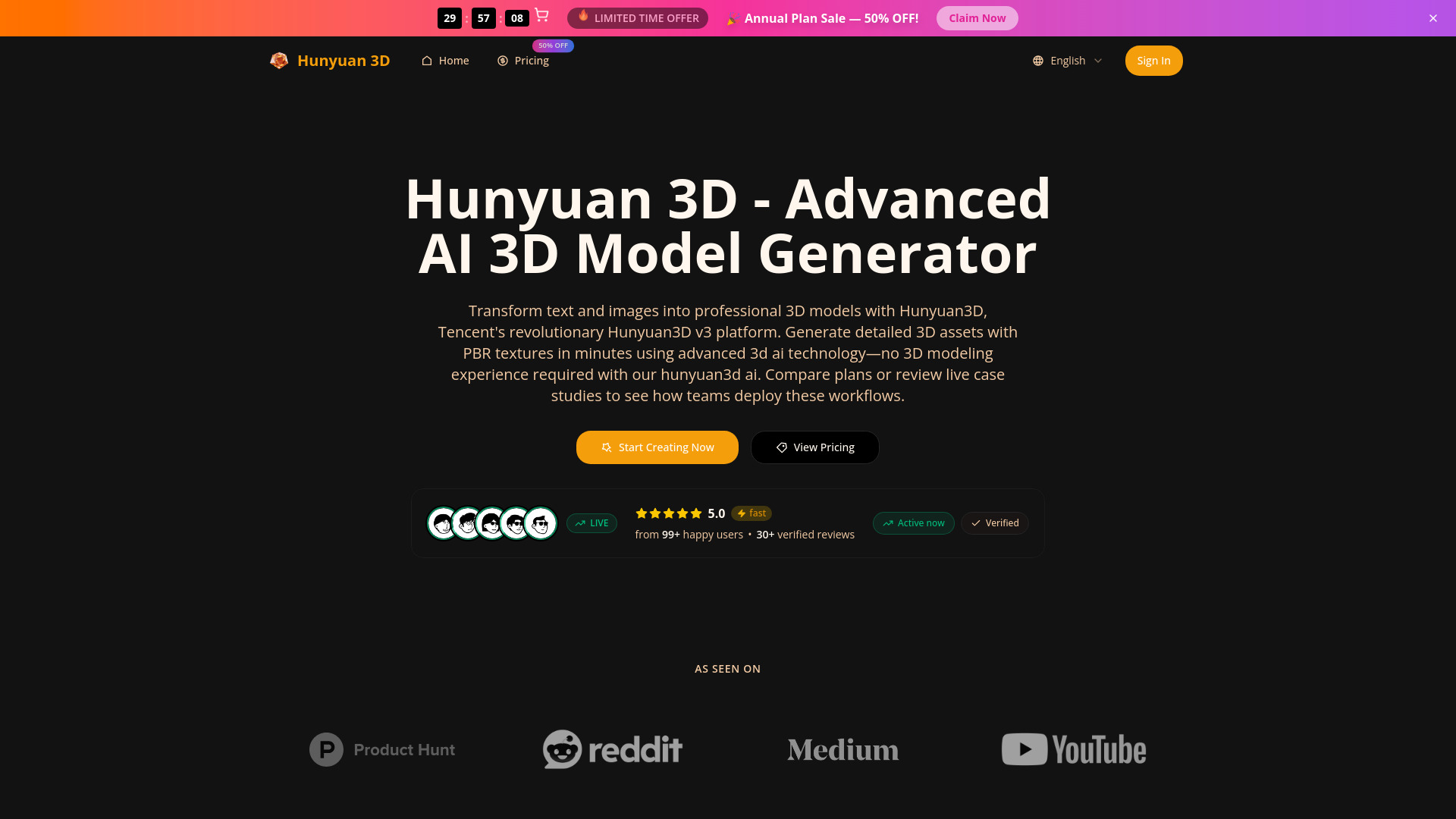
Hunyuan 3D
Image-to-3D model generation

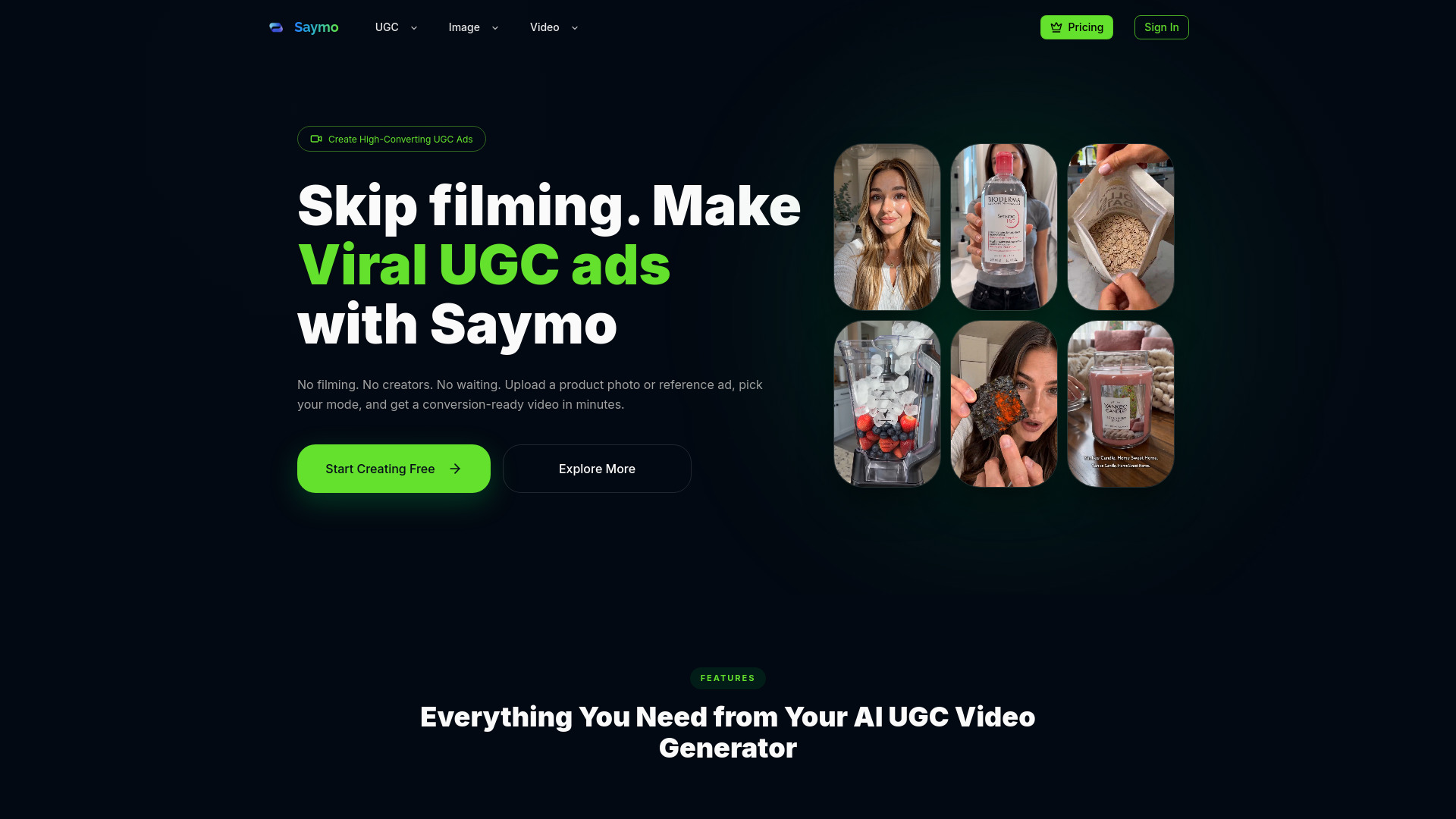
Saymo AI
AI UGC ads for product brands

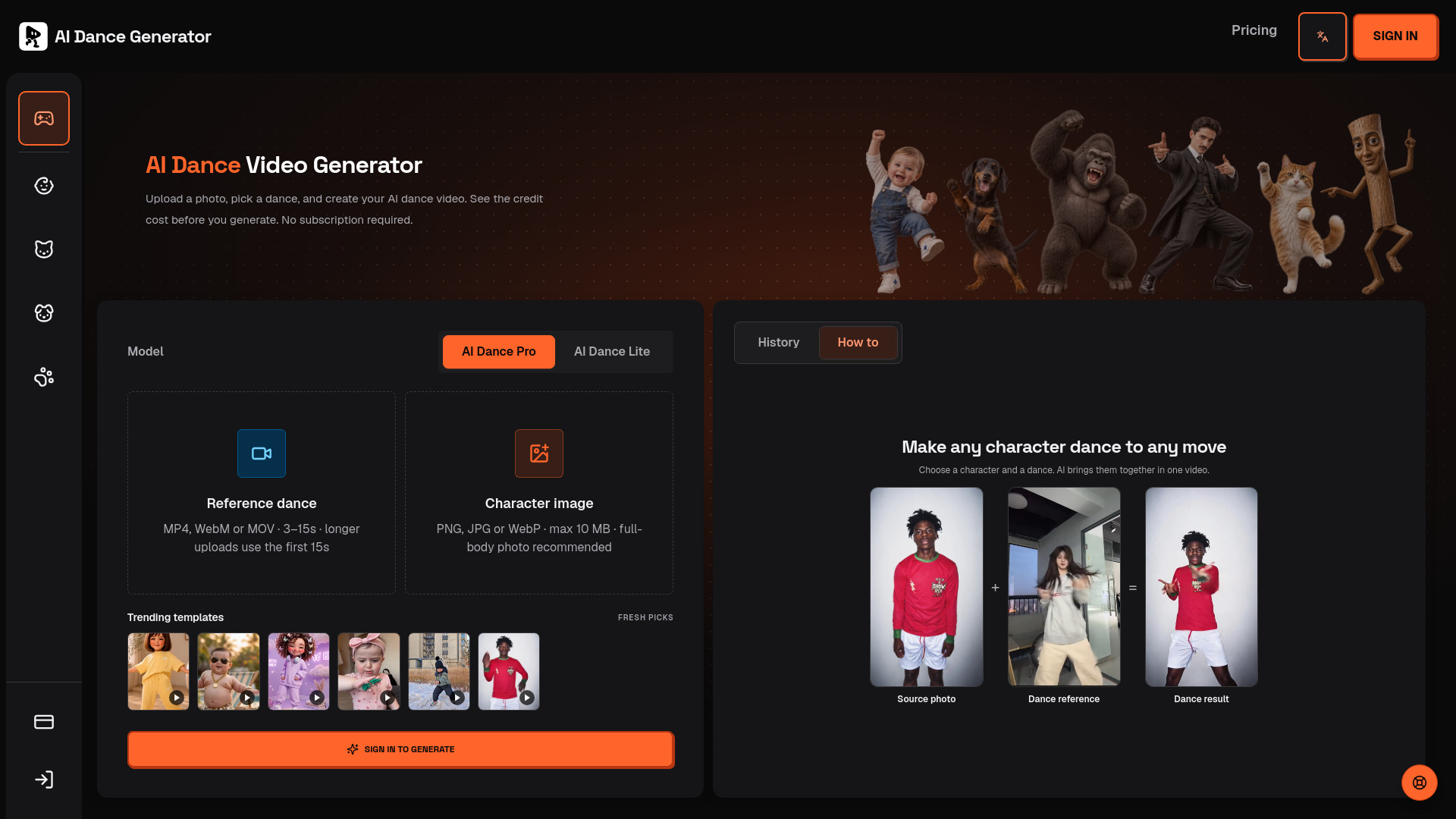
AI Dance Generator
Photo-to-dance video creation

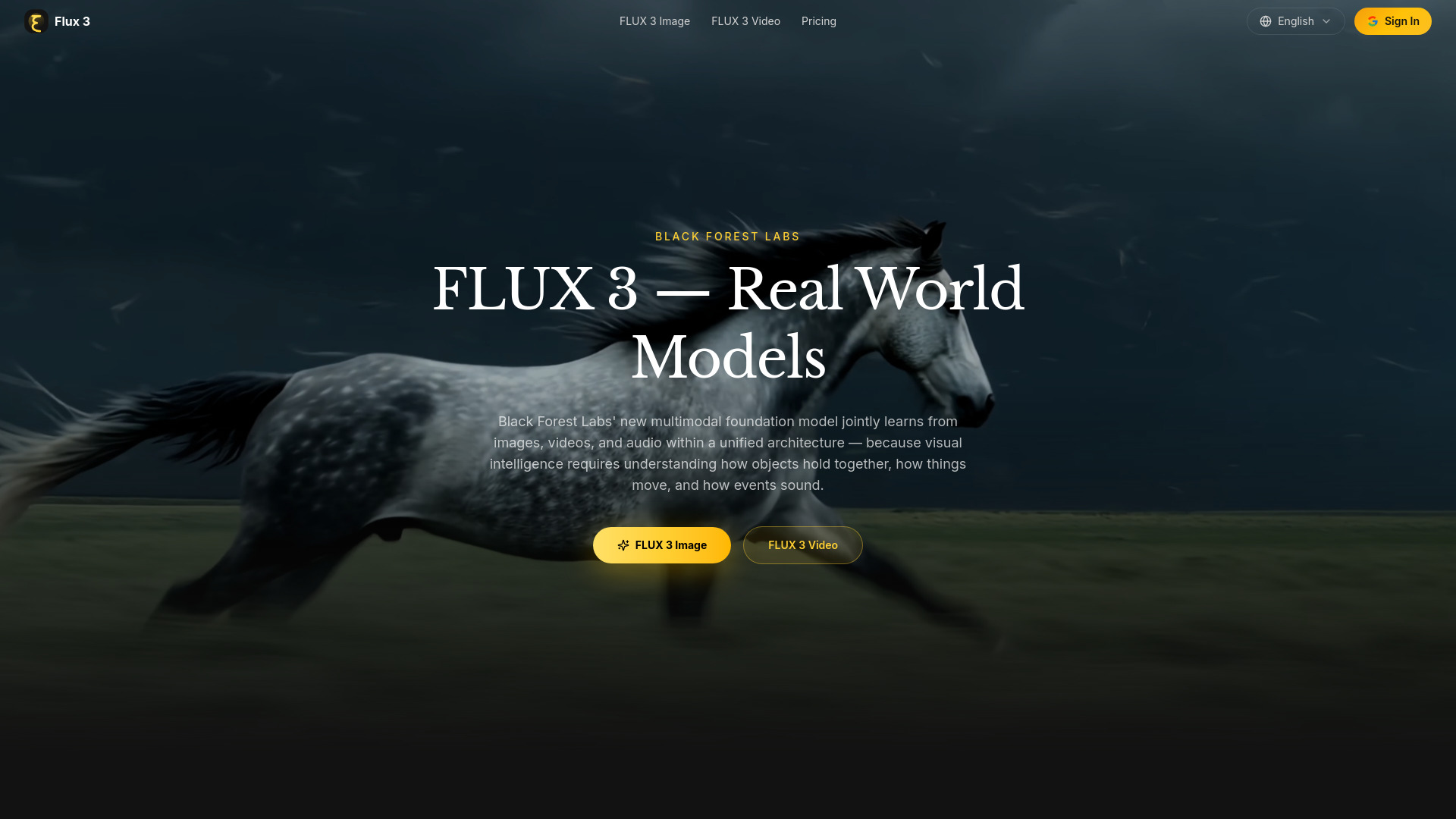
FLUX 3
Creators and filmmakers

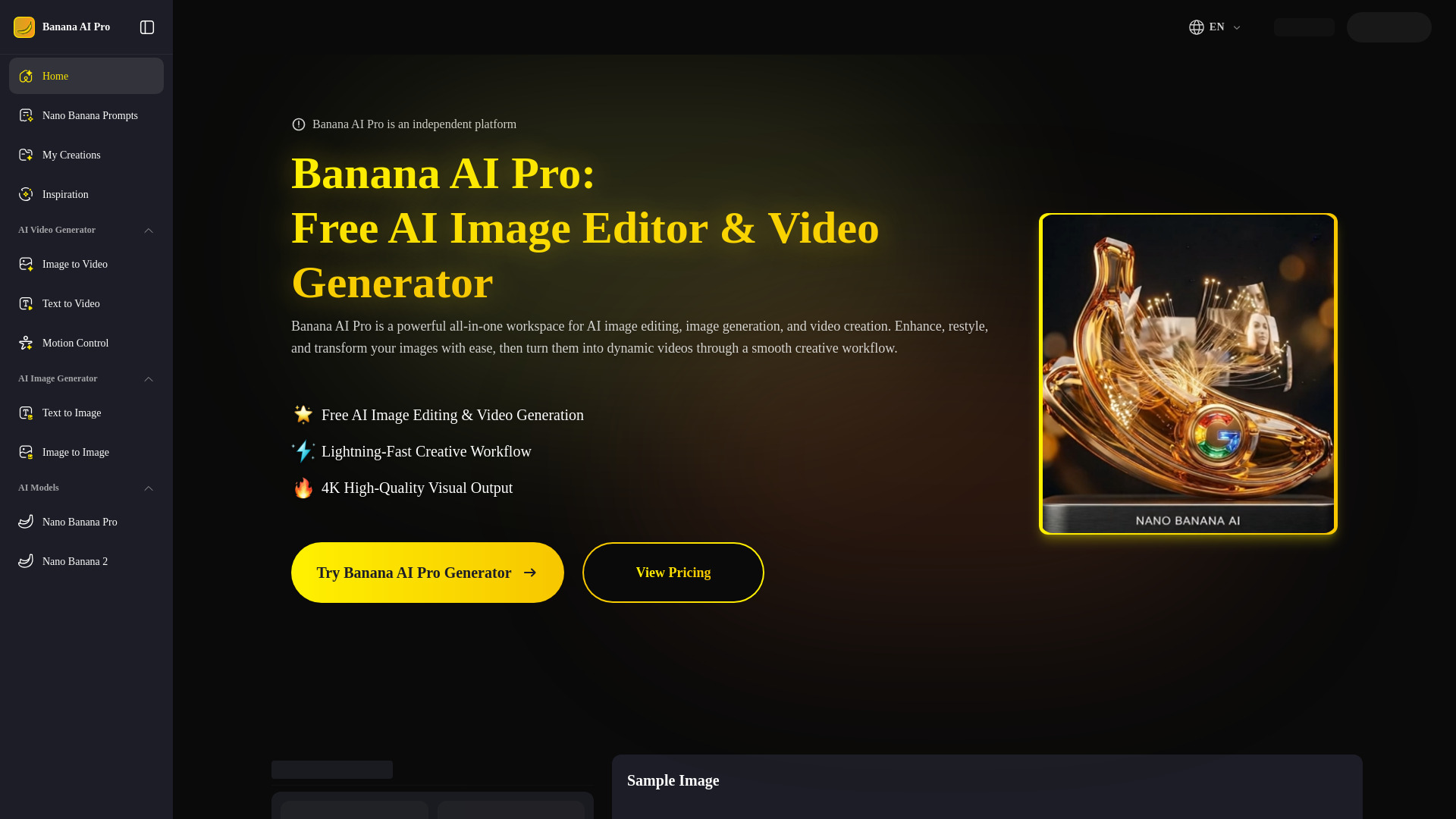
Nano Banana Pro AI Image Editor
AI image and video creation

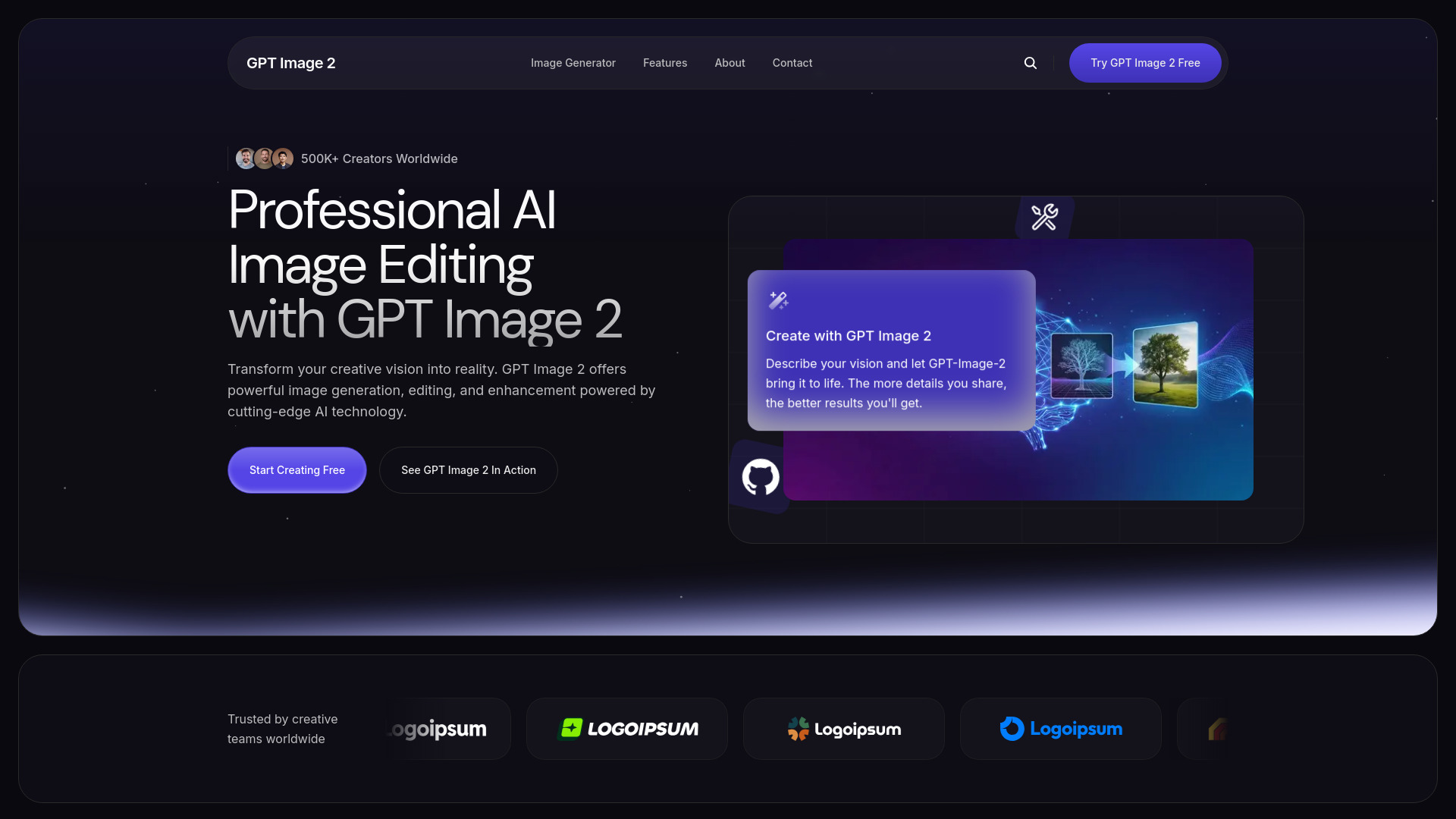
GPT Image 2
AI image editing and generation

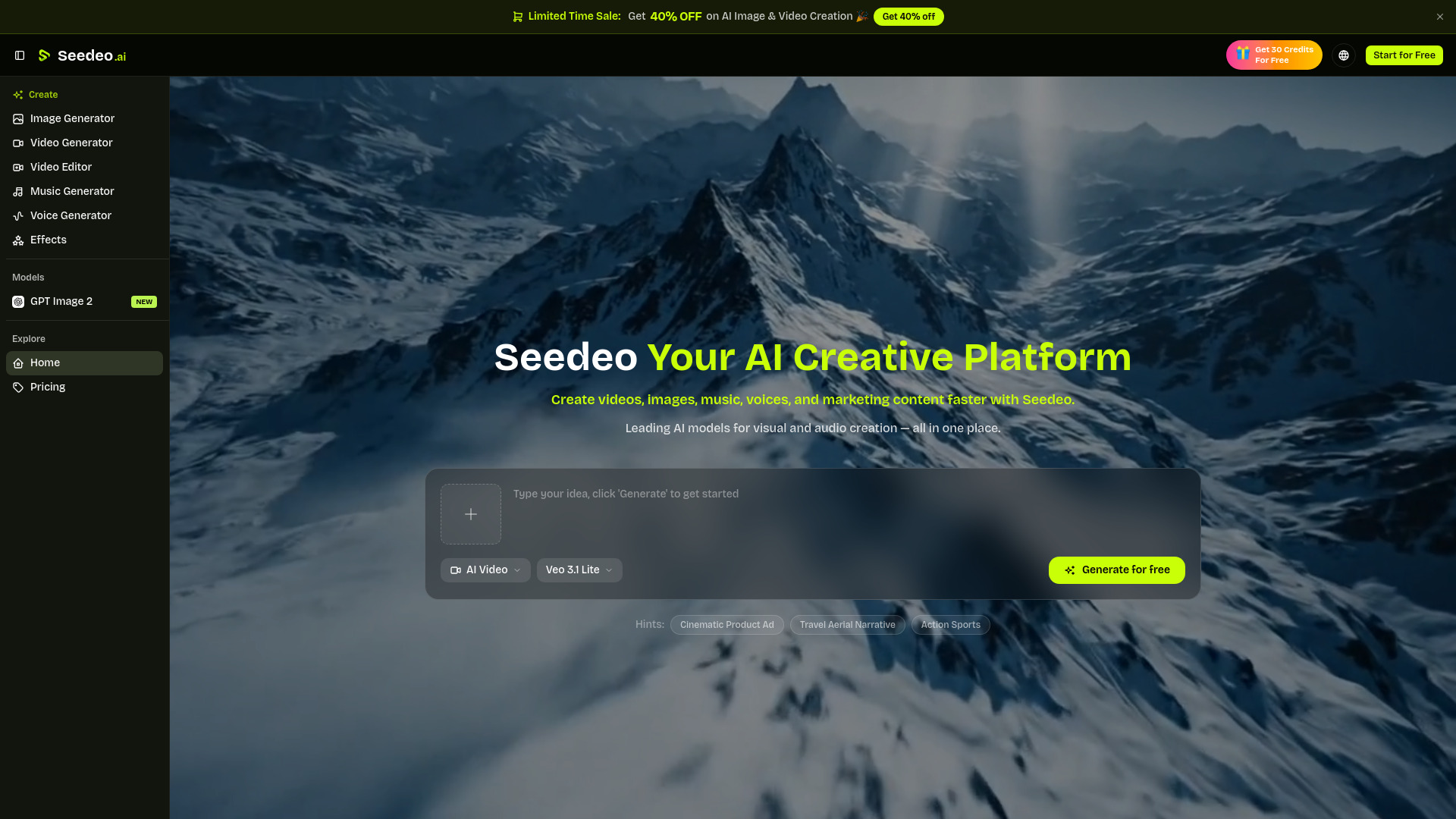
seedeo
Creators making AI videos, images, music, and voice content

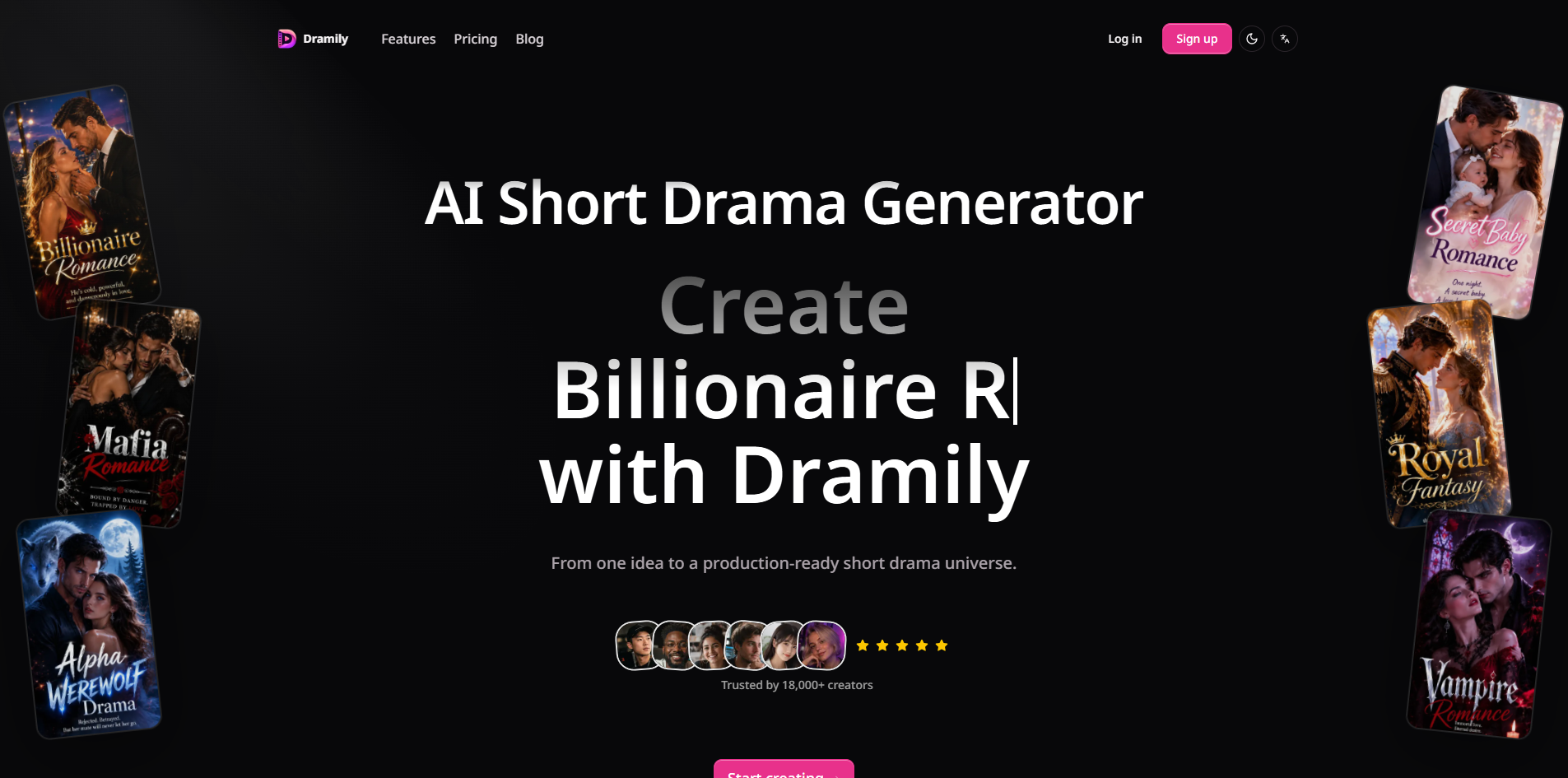
Dramily
AI short-drama video production

Kling 4.0
AI video scene concepts

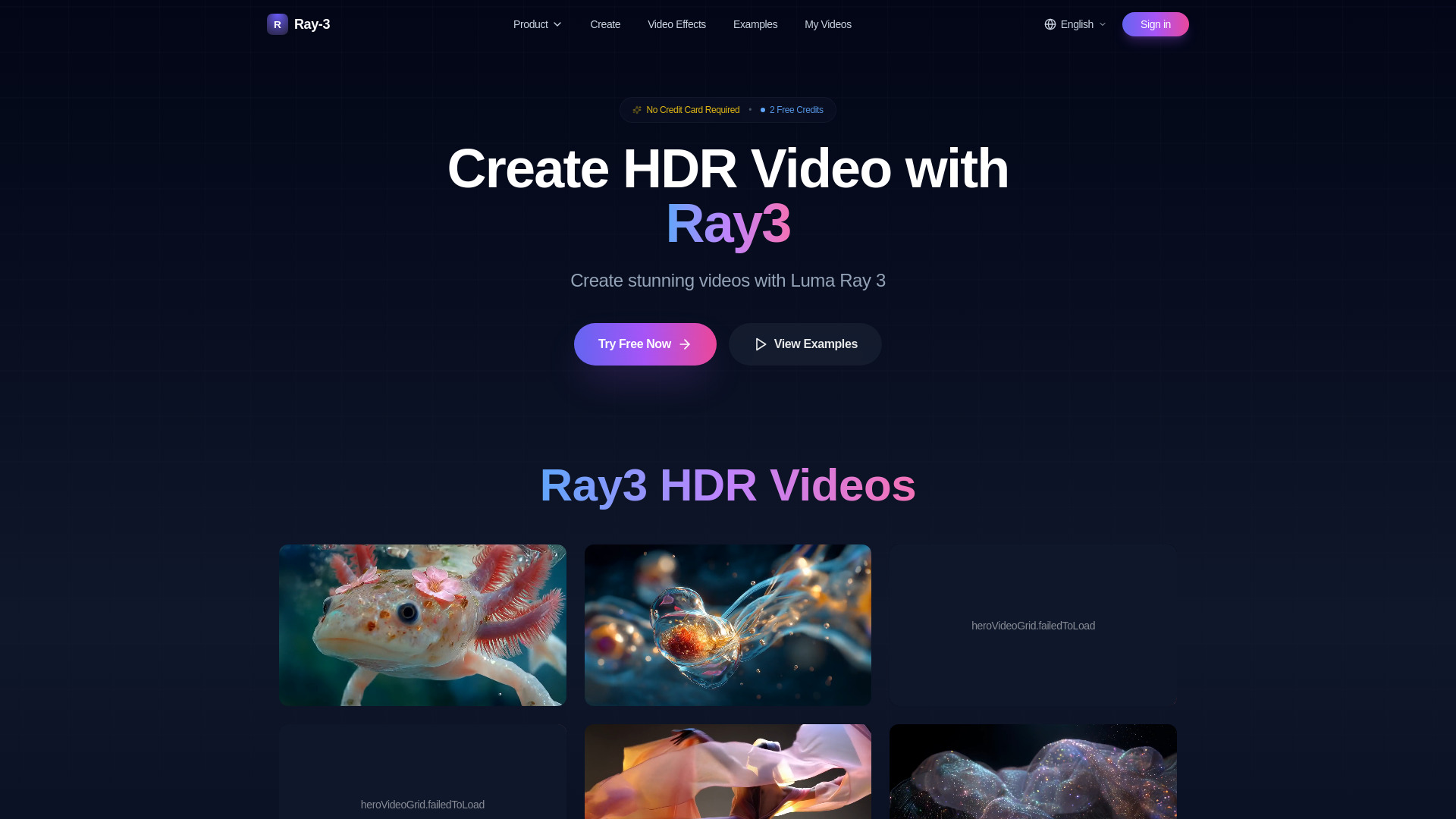
Ray 3 AI
Professional HDR video creation

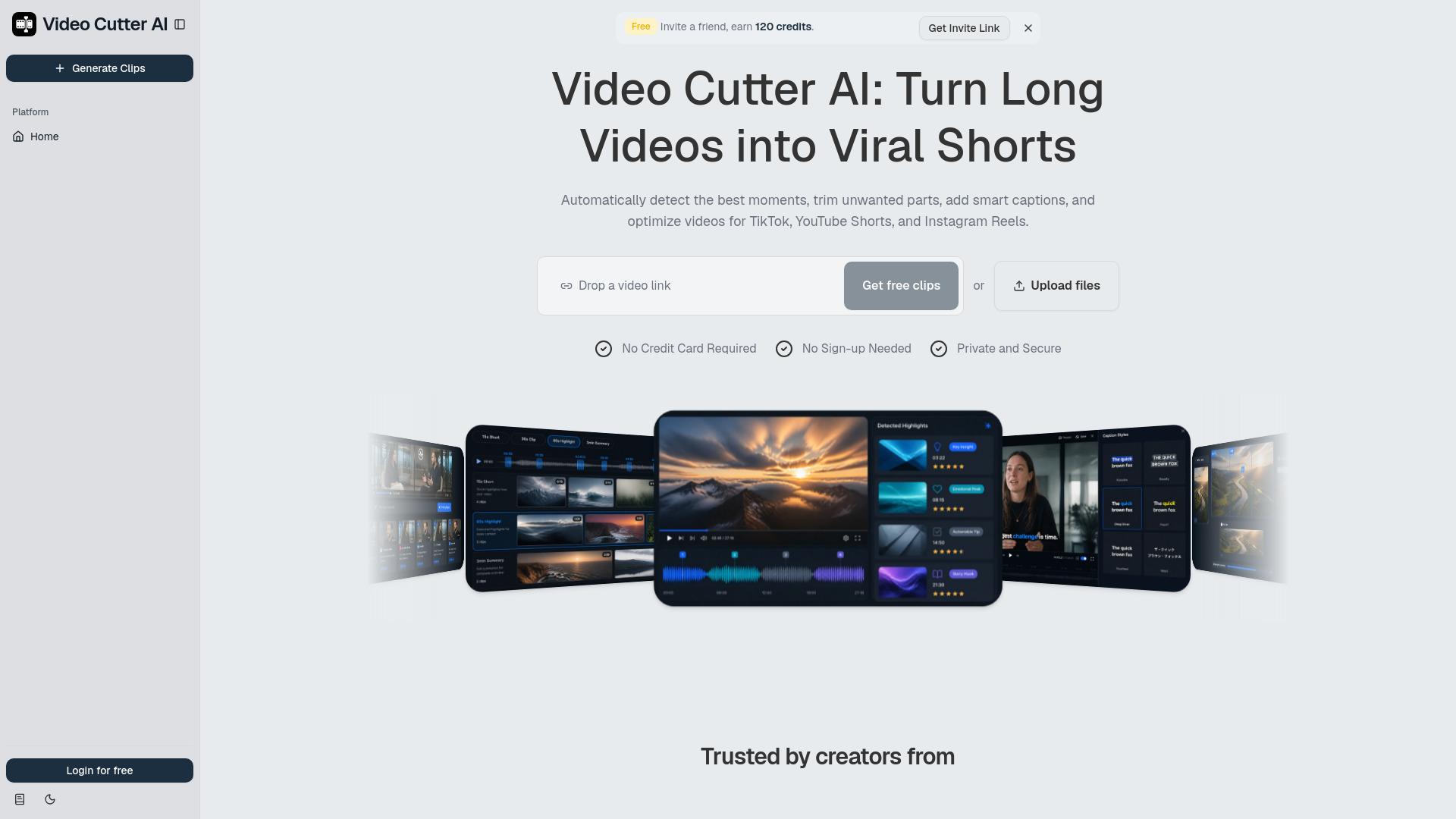
Video Cutter AI
Creators repurposing long videos into Shorts

vocalove
Voice-cloned keepsake videos

Free AI Video Web
Creators making AI videos with multiple models

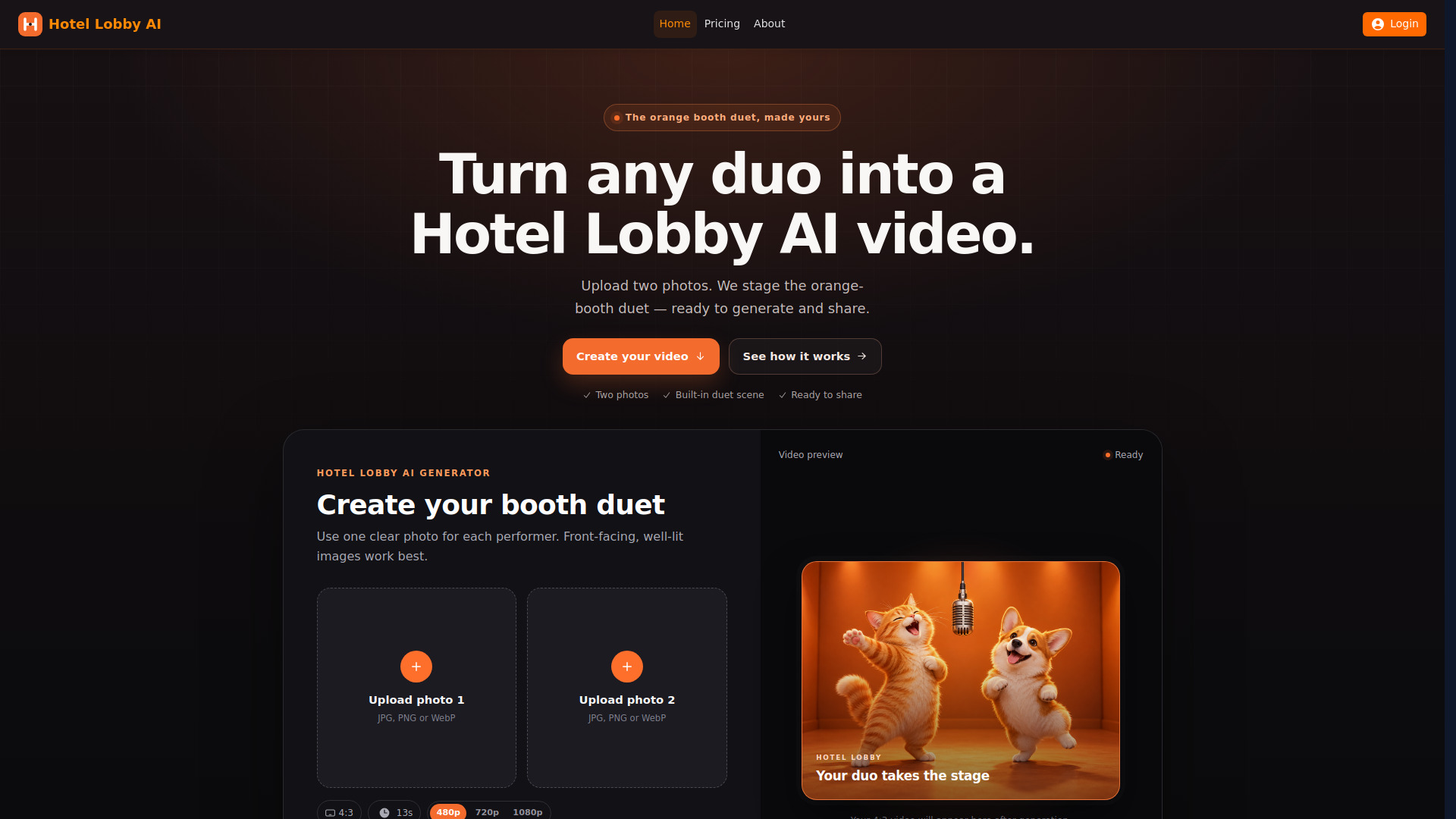
Hotel Lobby AI
Two-photo duet videos

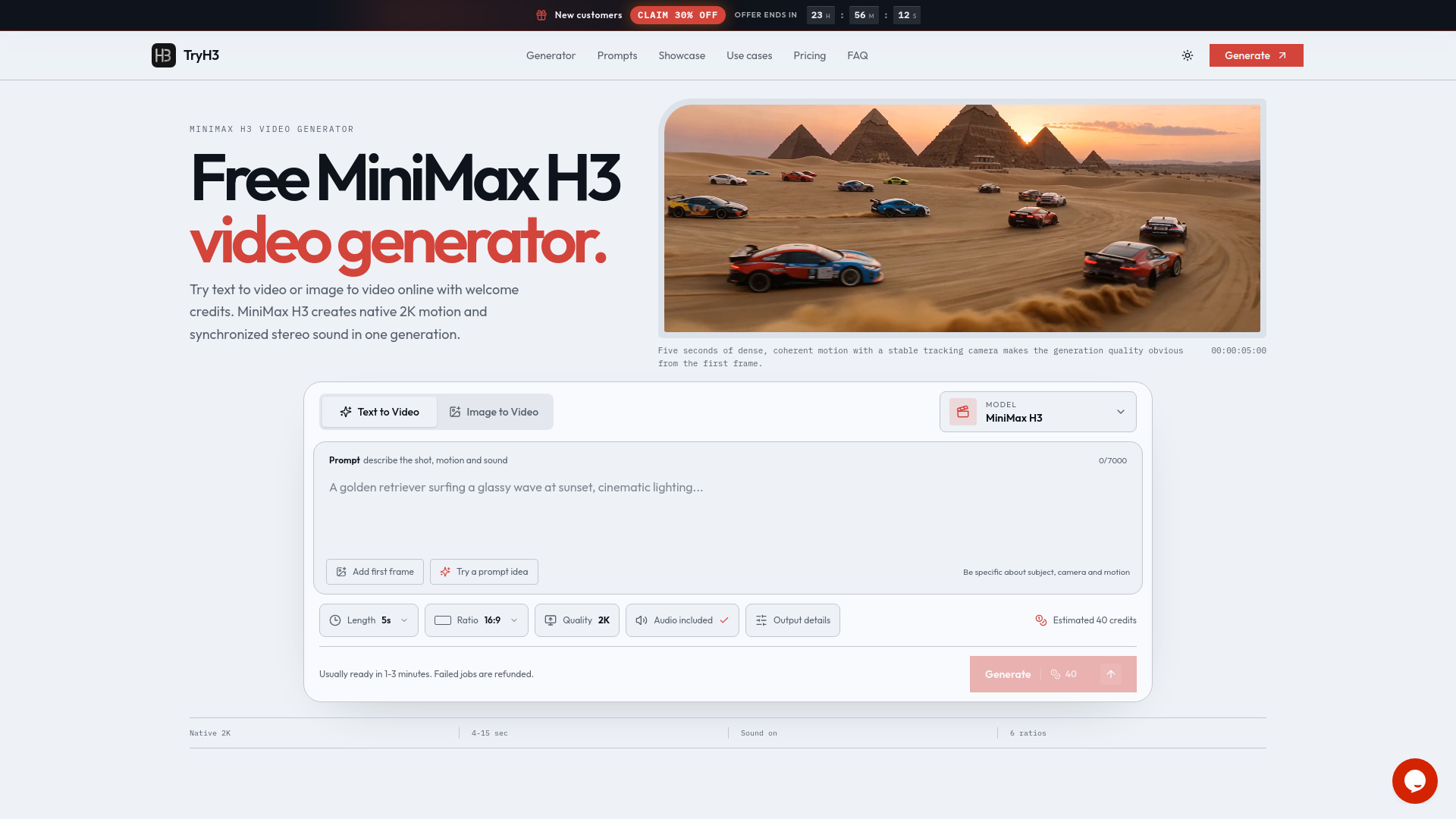
Try Minimax H3
Text-to-video and image animation

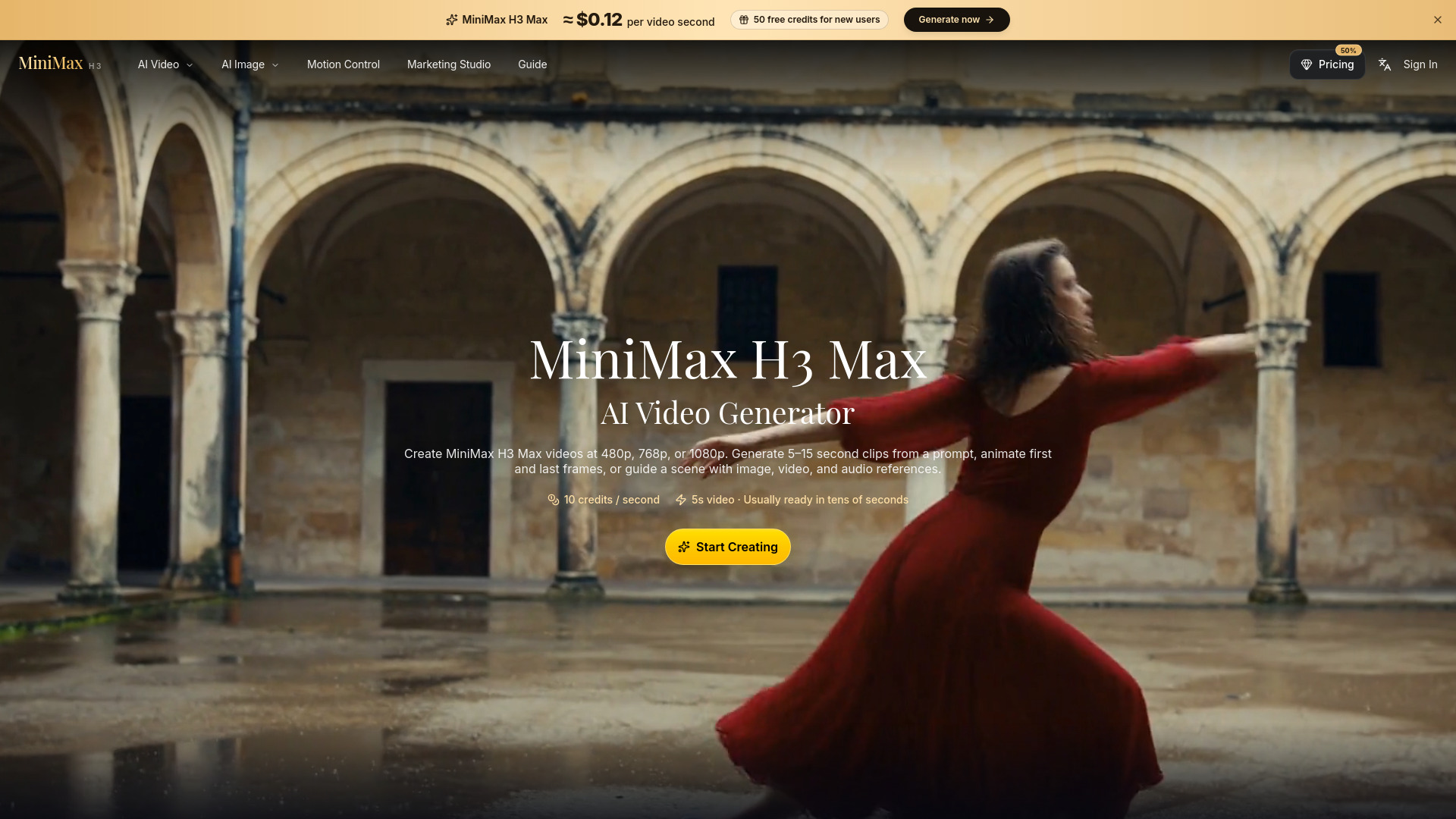
Minimax H3 MAX
Multimodal video creators

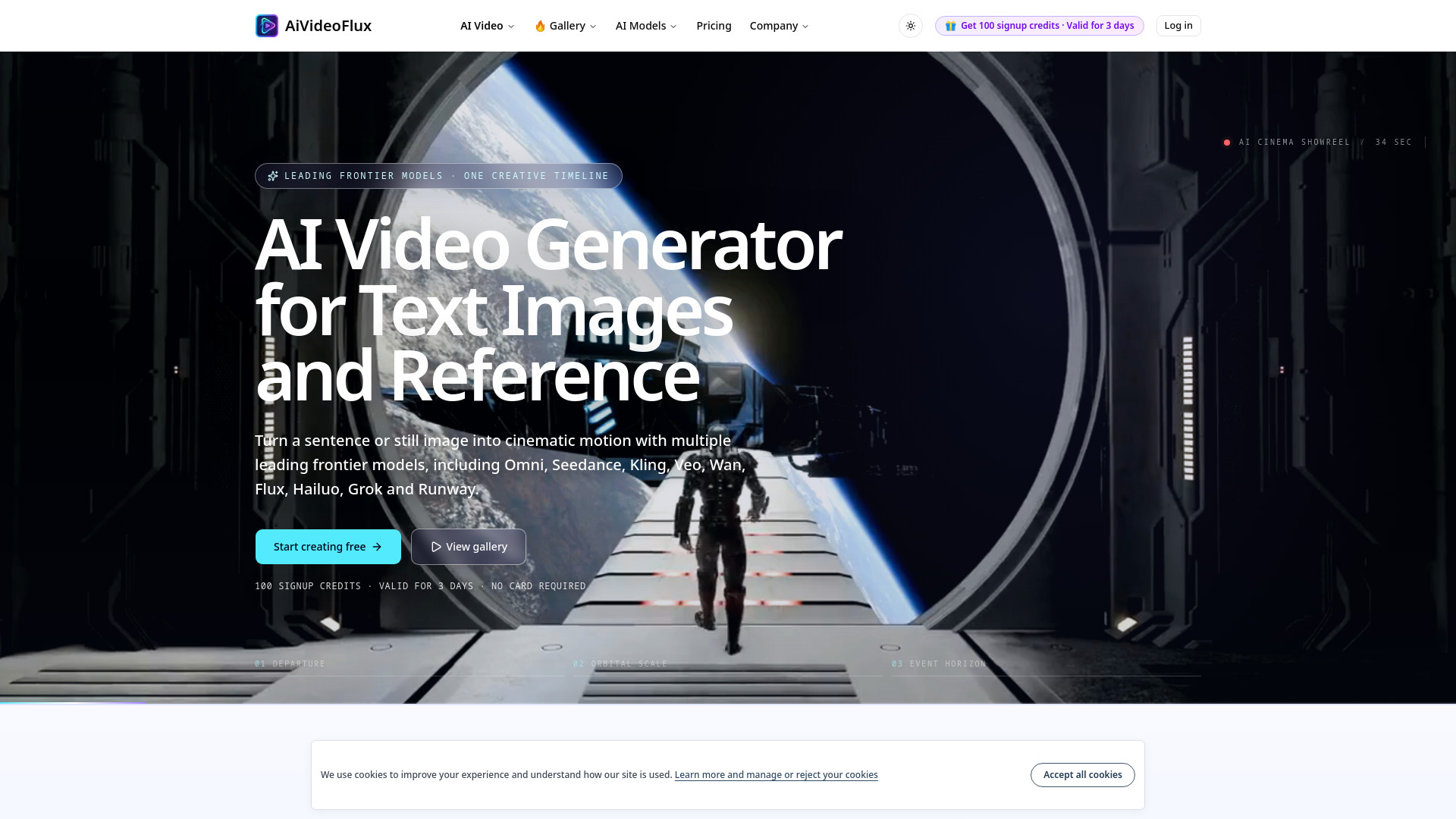
aivideoflux
Cinematic AI video creation
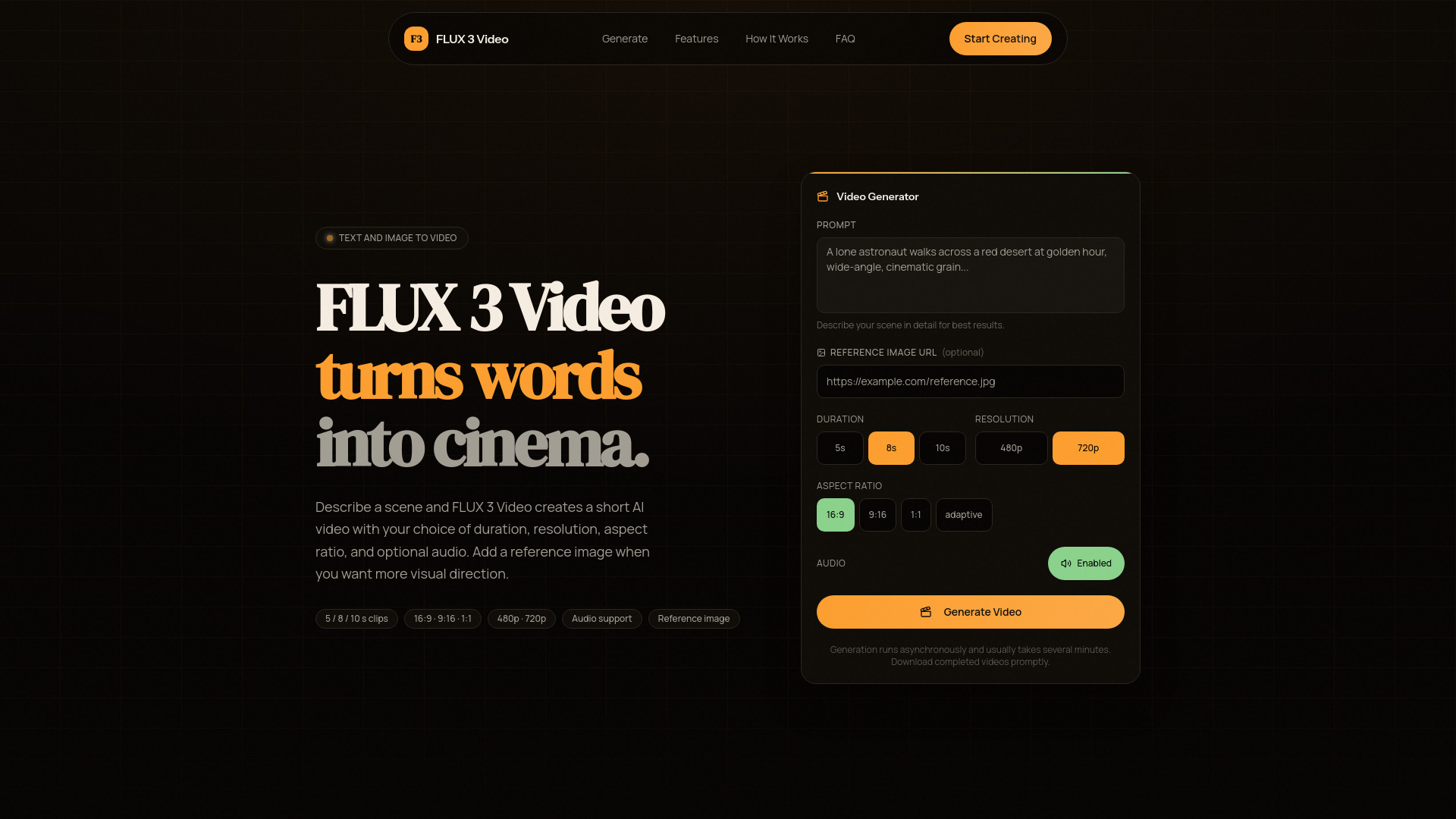
FLUX 3 Video
Short text-to-video clips

Director AI
Turning ideas into short films

Happy Horse
Cinematic text-to-video creation
ZipReel
Text-to-video and first-frame animation

HeyVigo AI
AI video production teams
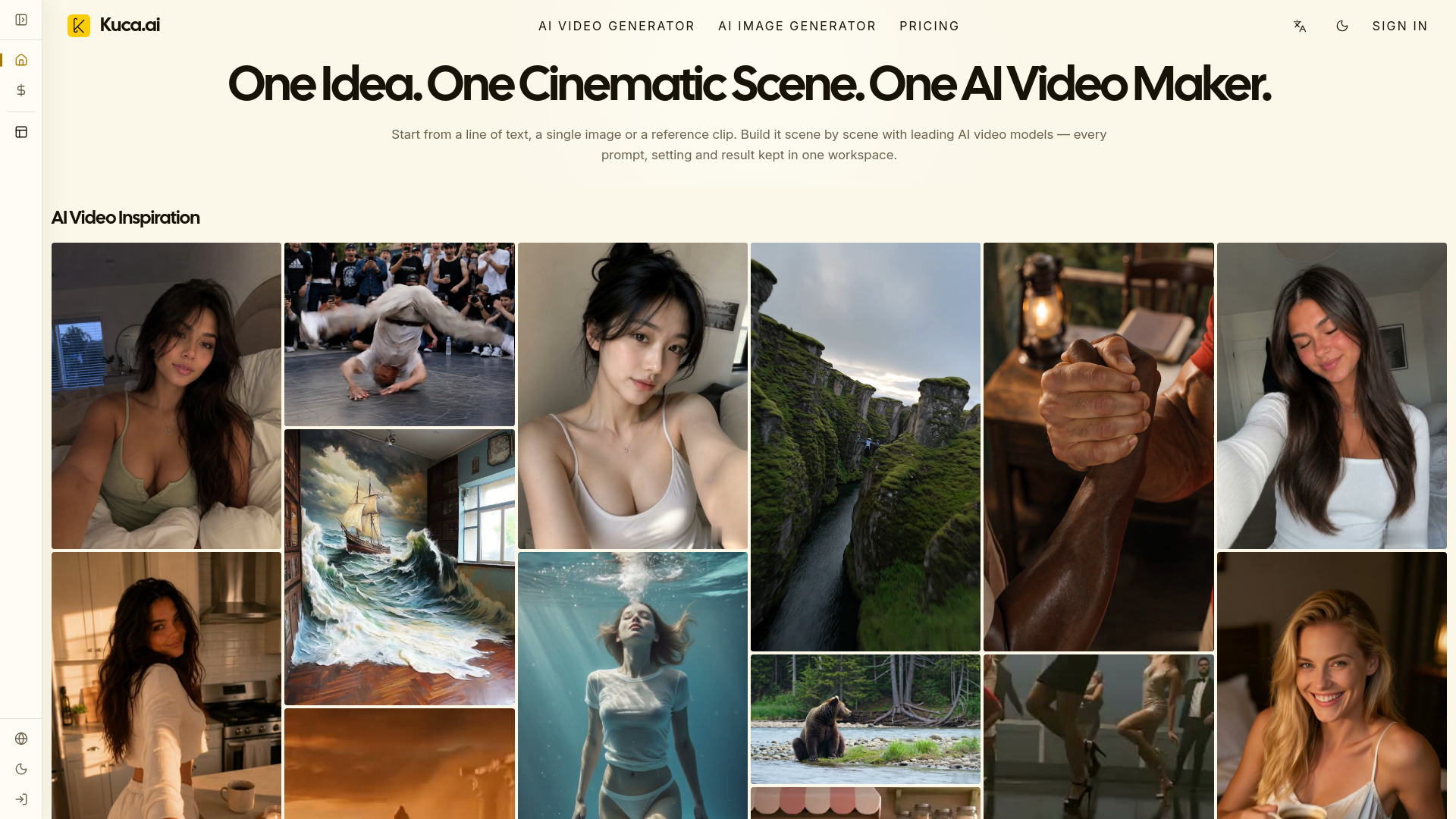
Kuca AI
Multi-model cinematic video creation

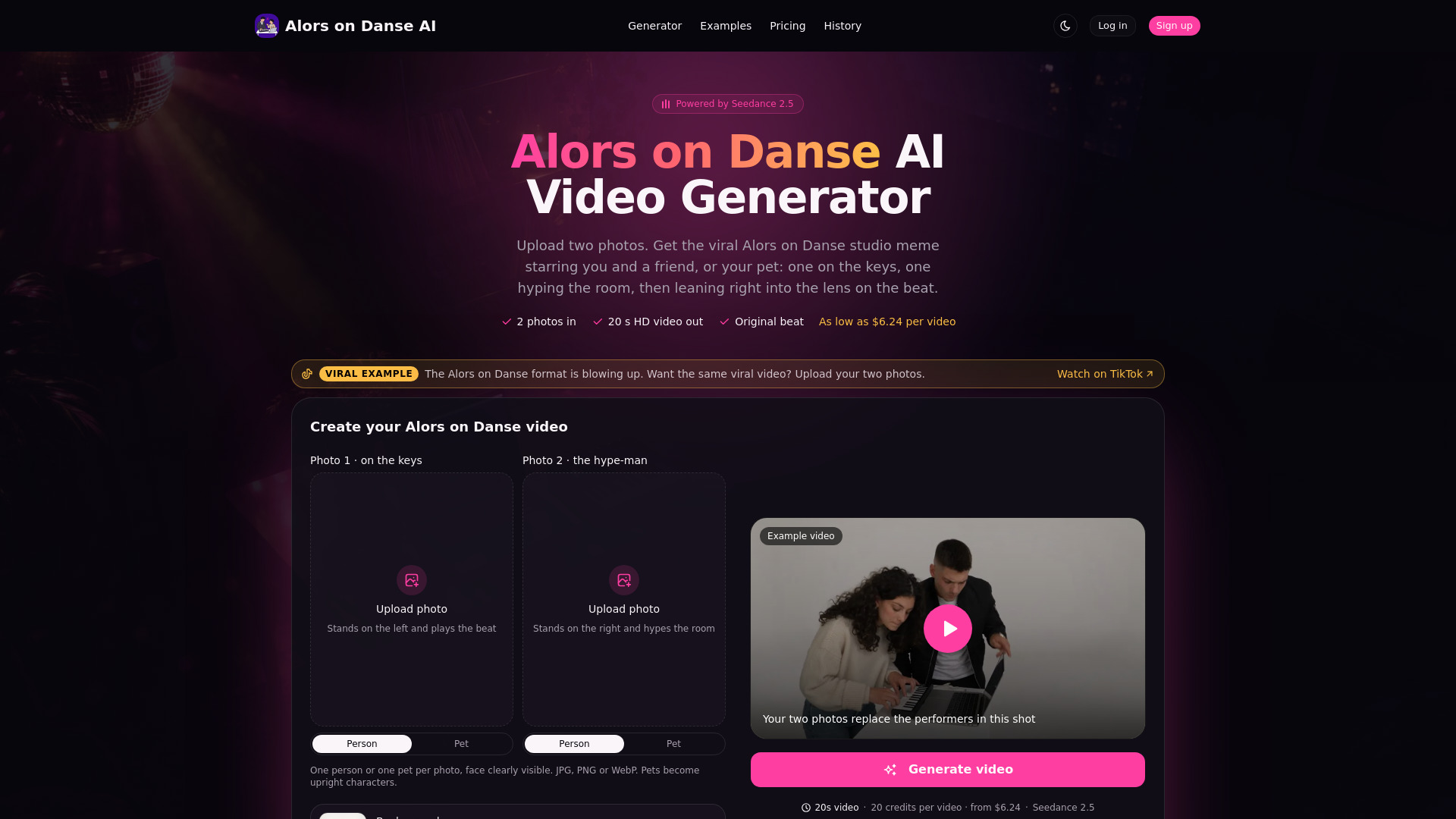
Alors on Danse AI
Creating viral meme videos from two photos

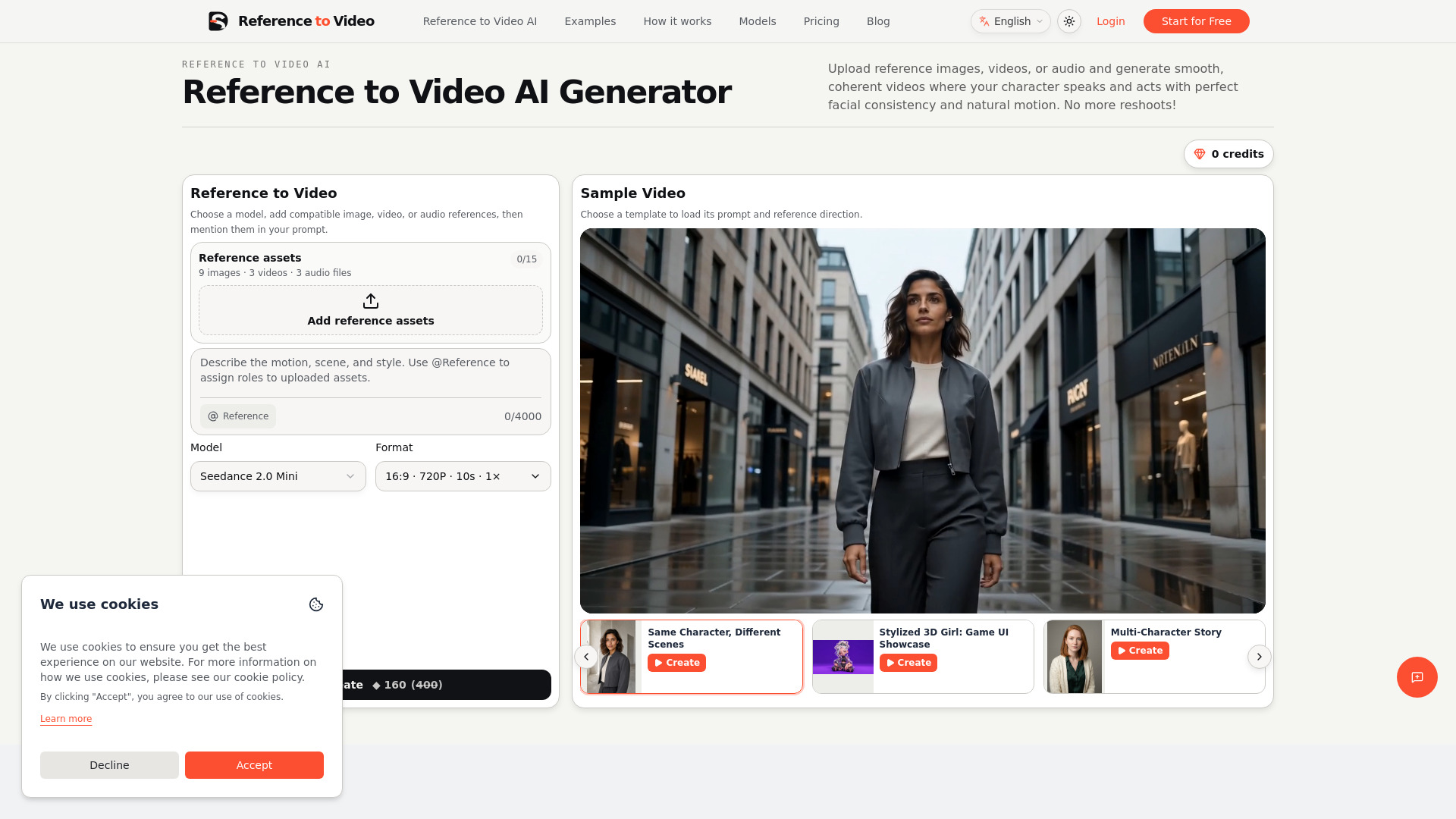
reference to video
Reference-led AI video creation
Flux 3
Prompt-based AI video creation

Seedance 3.0
Creators making AI video with native audio and multimodal tools
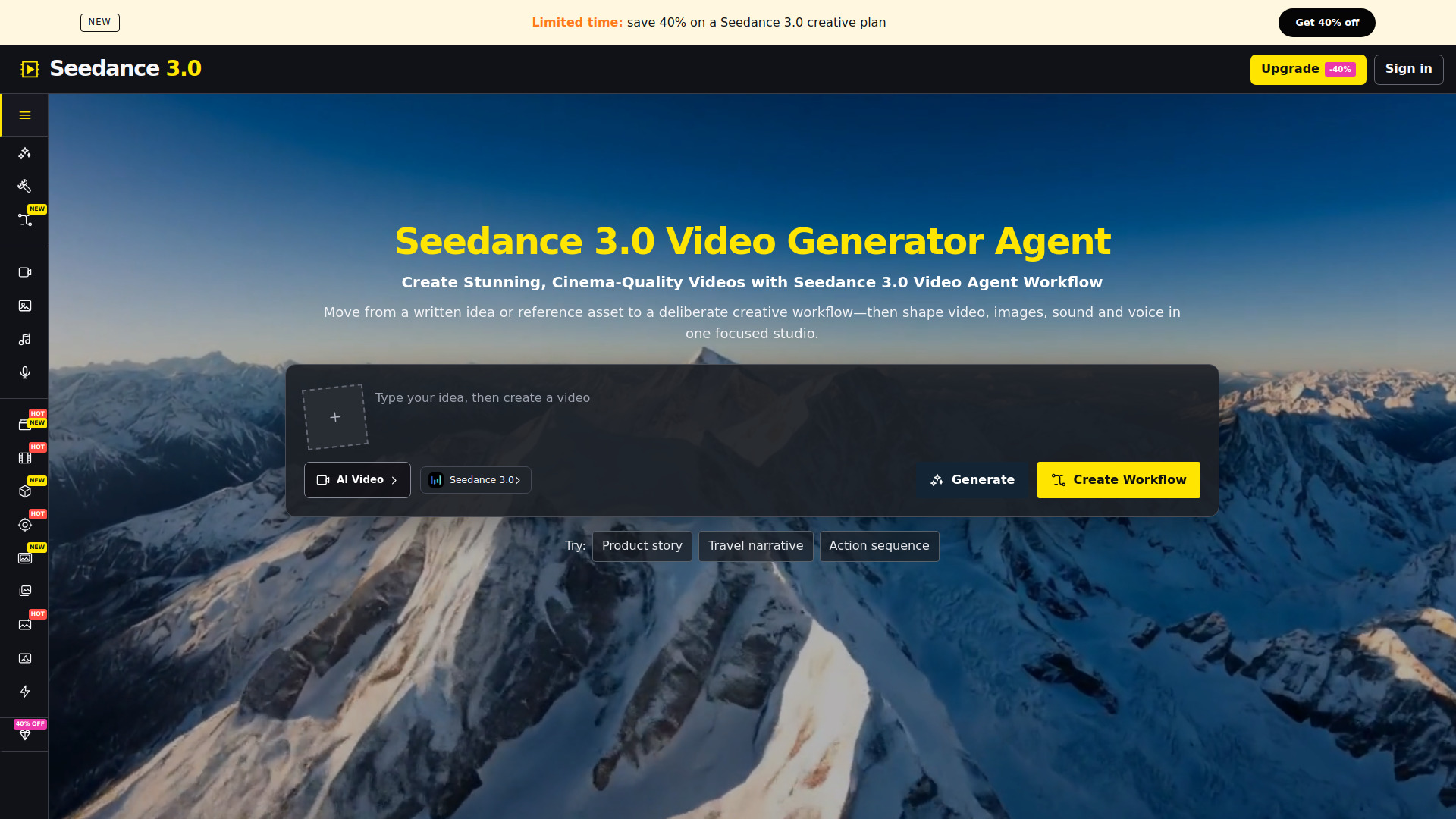

Inspix AI
Cinematic AI video creation
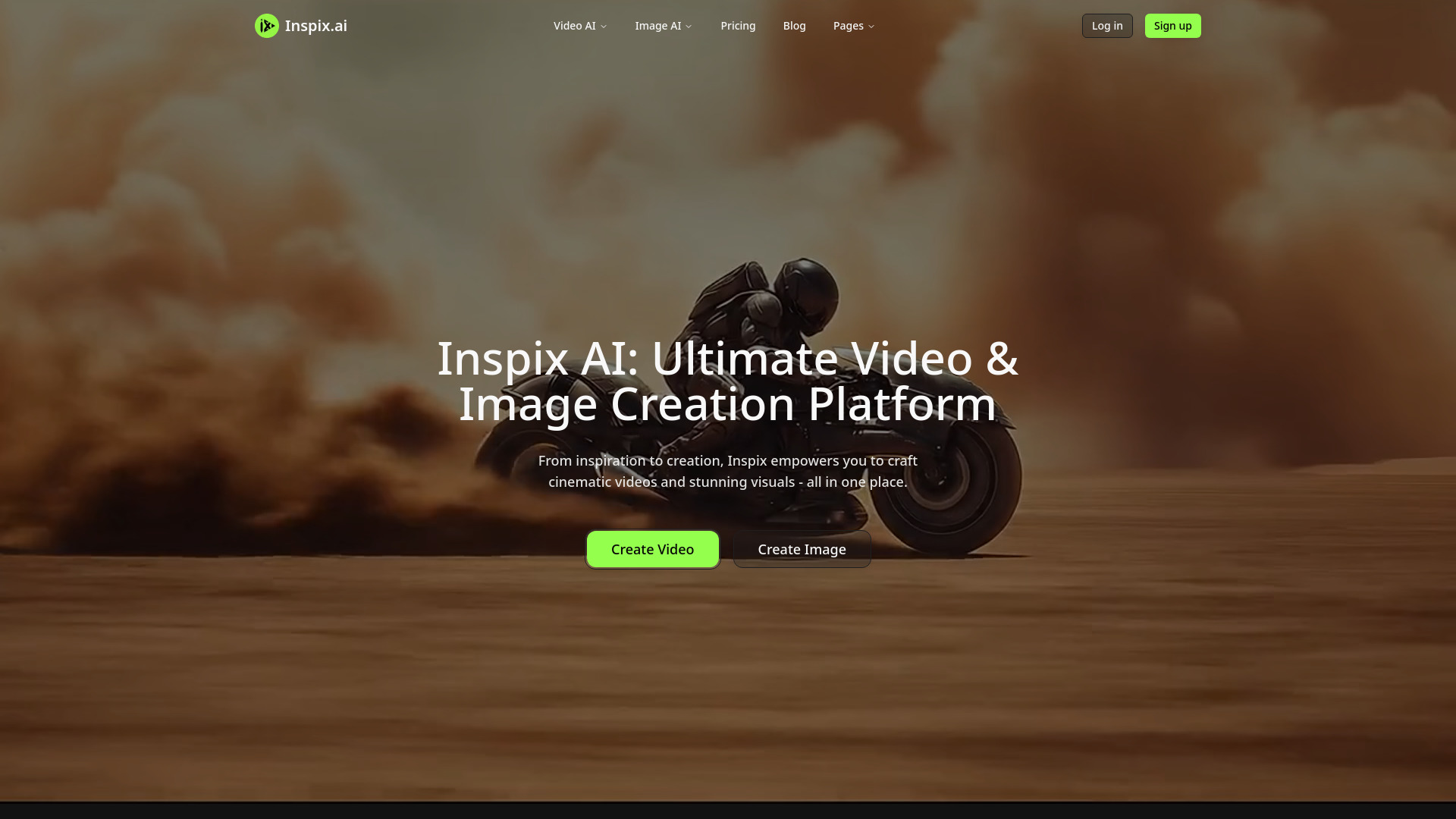

Tyndall AI
AI image and video creation
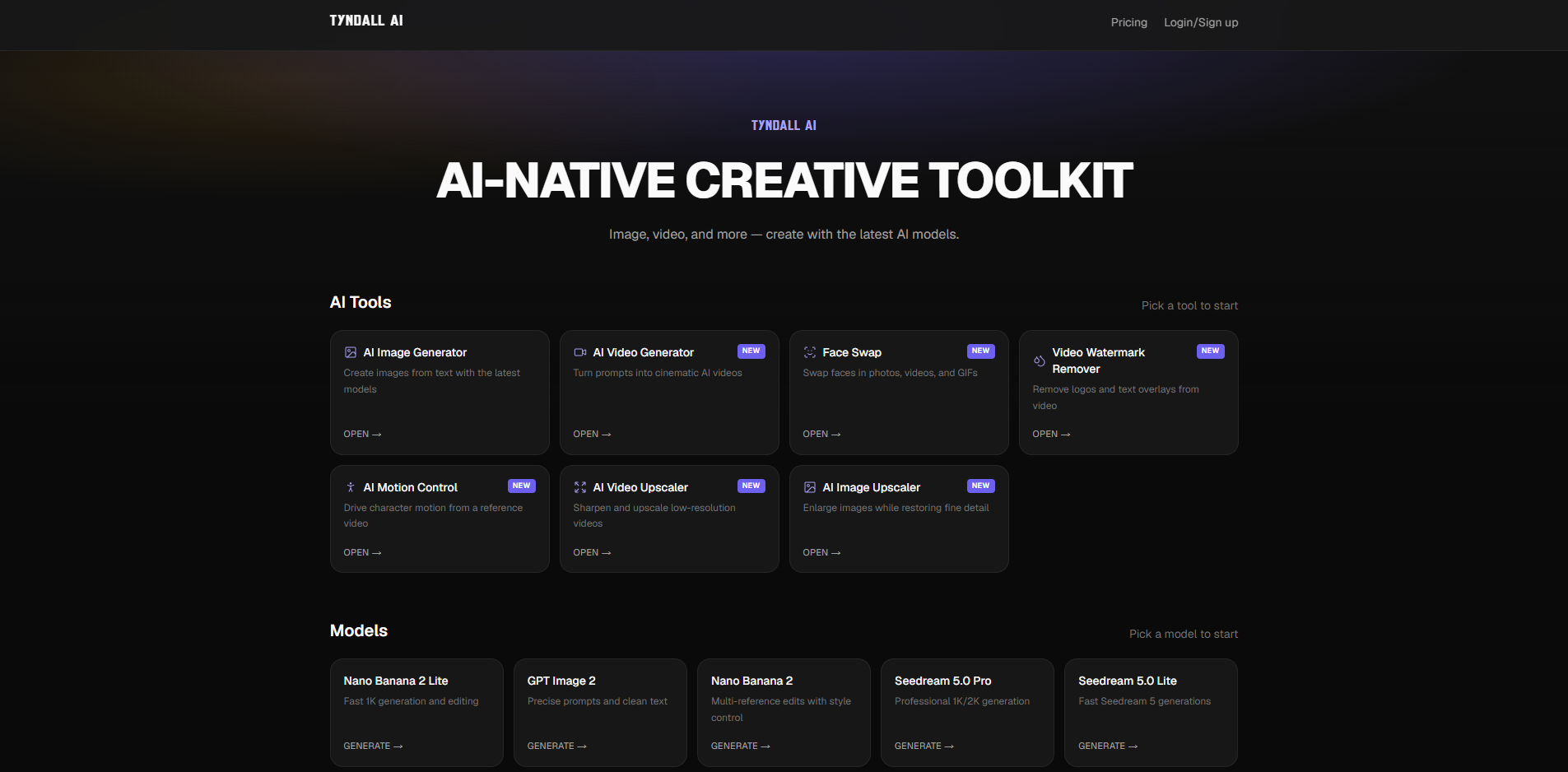

Free GPT Image 2.5 – AI Image Generator & Photo Editor
Text-to-image creation and photo editing
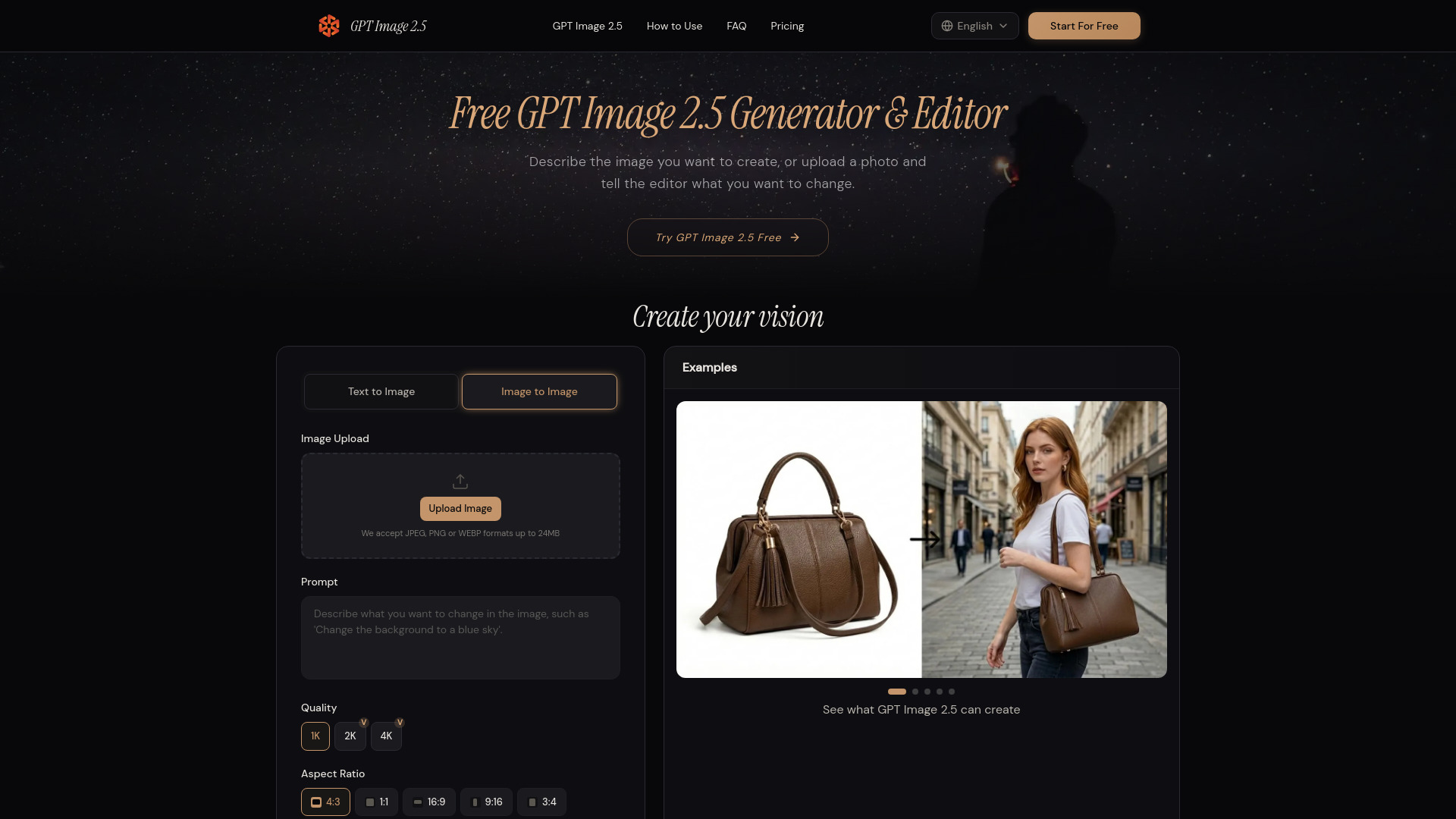

ModelGenerator
Text and image to 3D asset creation
Seedance 2.5
Long-form AI video storytelling

Nano Banana 2.1 AI
Reference-led image editing and visual design

NovaFlick AI
AI portrait and photo editing


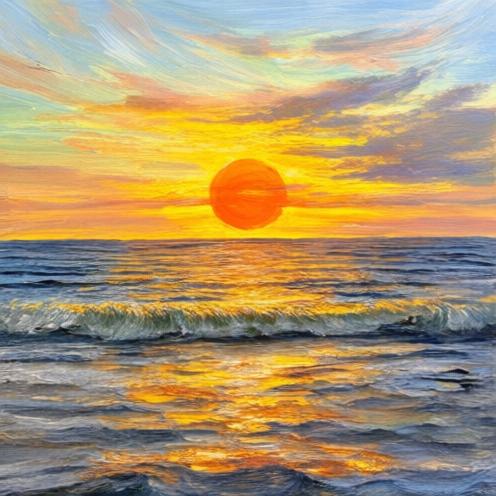
Image 2.5
Product visuals and precise image editing
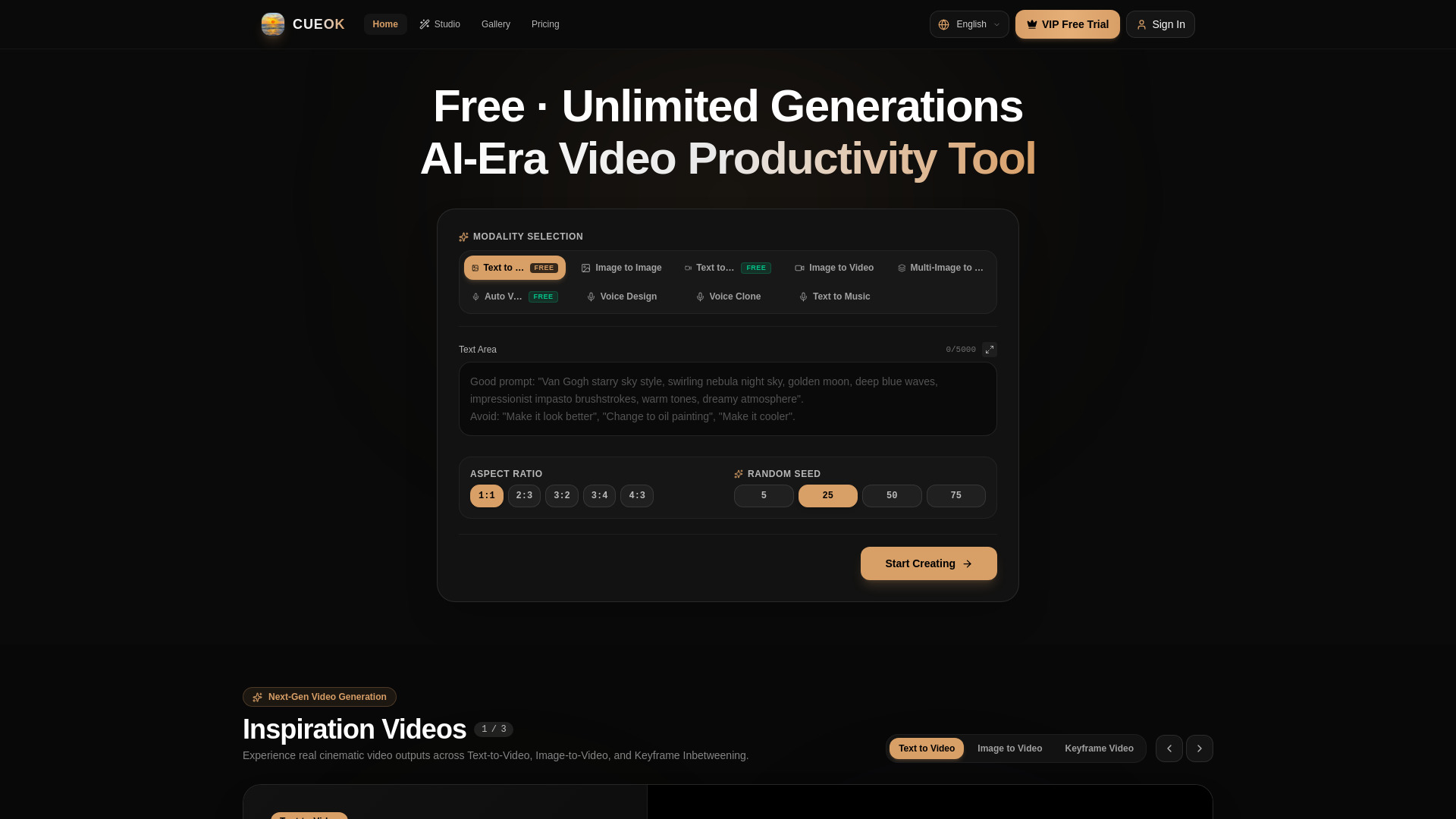
cueok
Cinematic AI video creators

Nuzza AI
All-in-one image and video creation


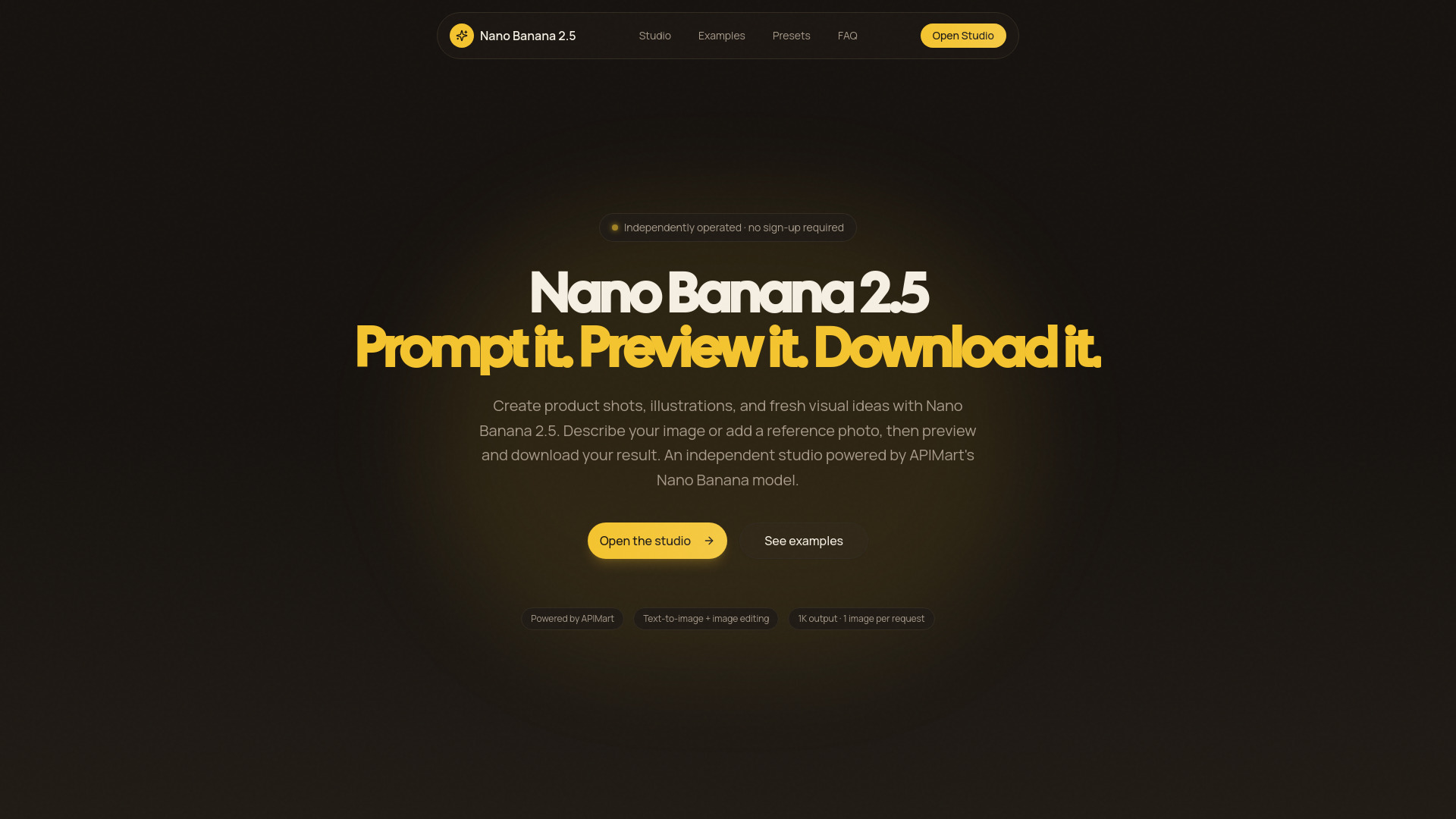
Nano Banana 2.5
Prompt-based image creation and editing

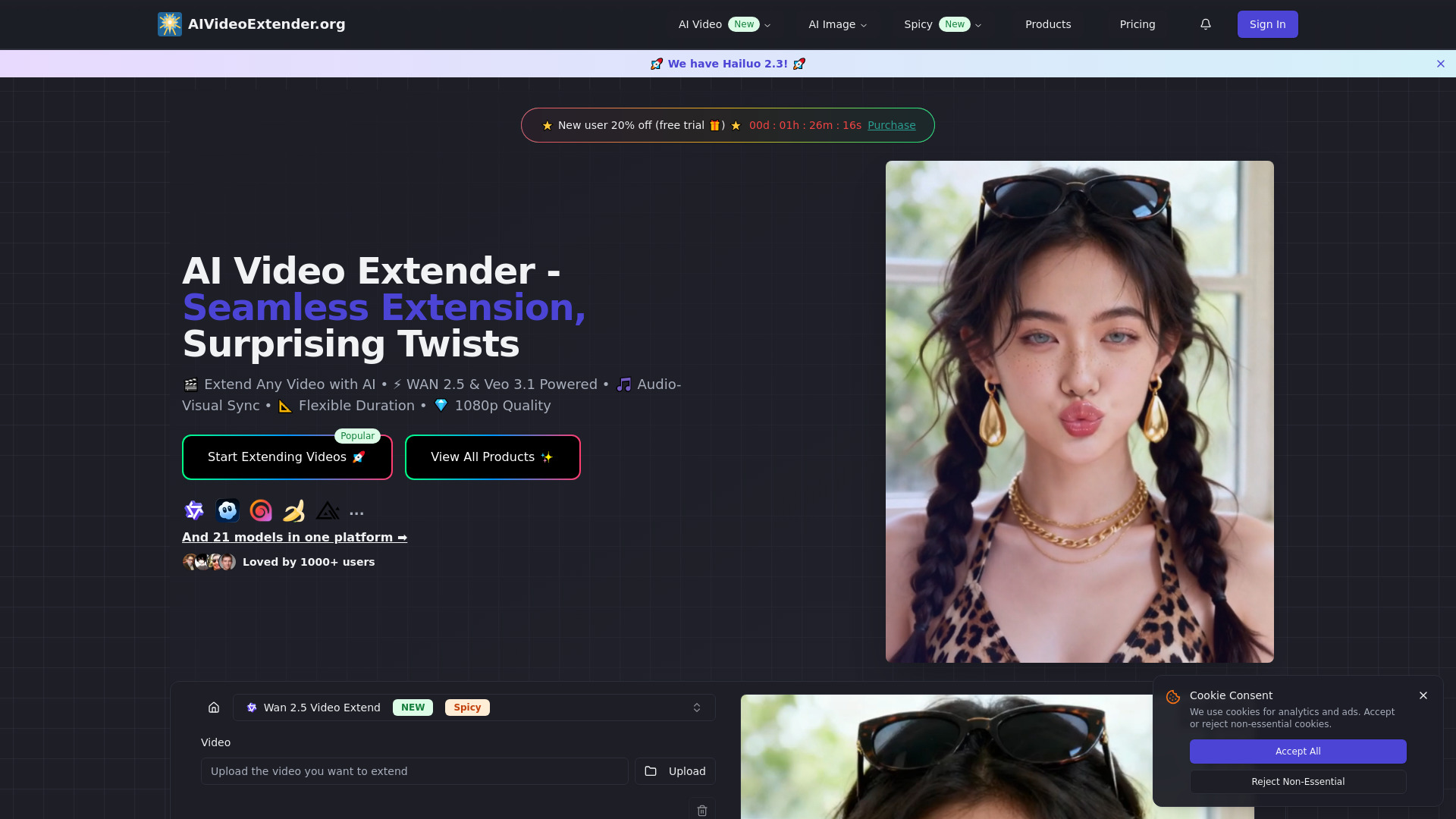
AI Video Extender
Creators extending video clips for social and commercial content

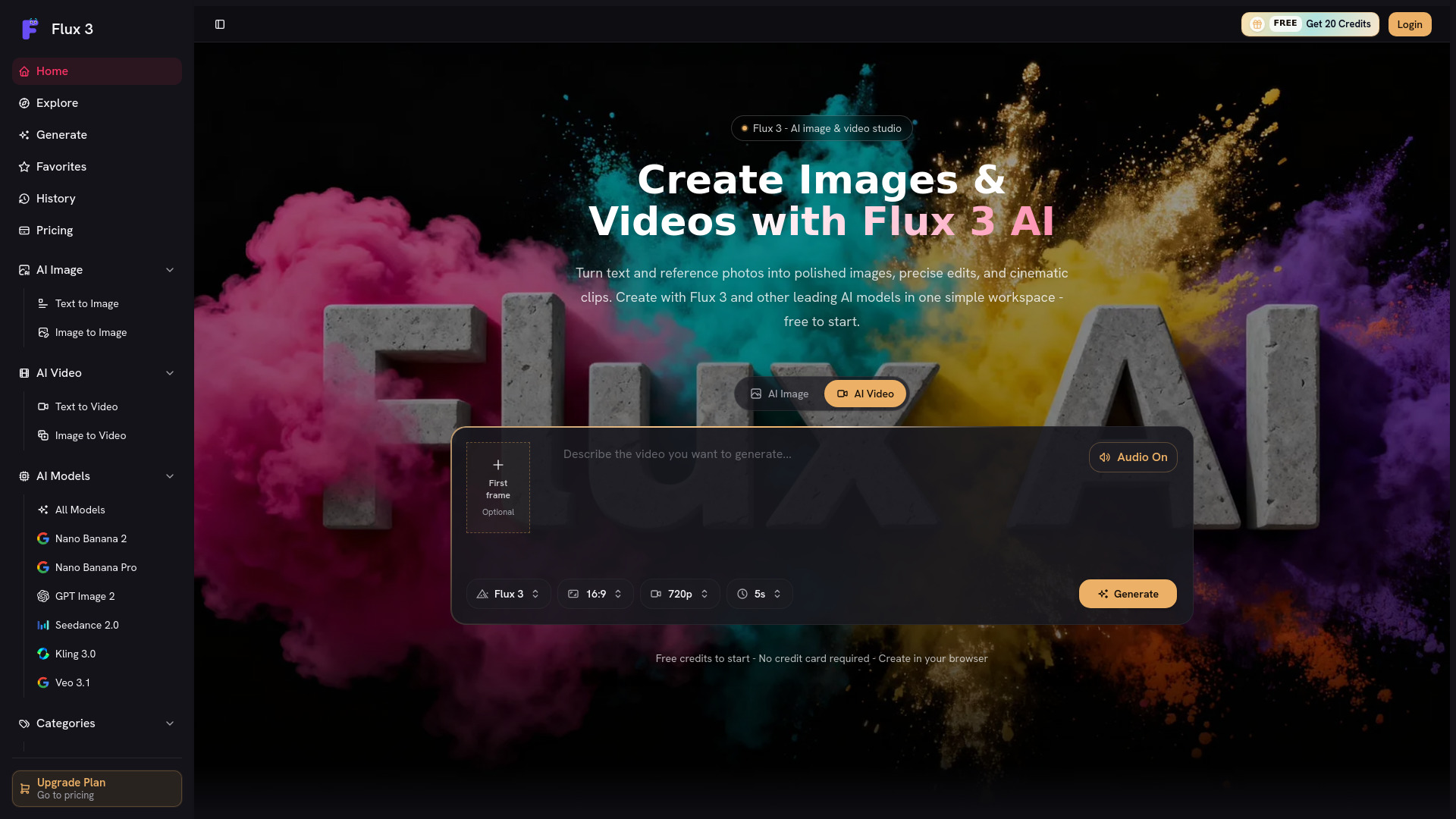
Flux 3 AI
Creators making AI images and videos

Gpt Image 2.5
AI image creation and editing
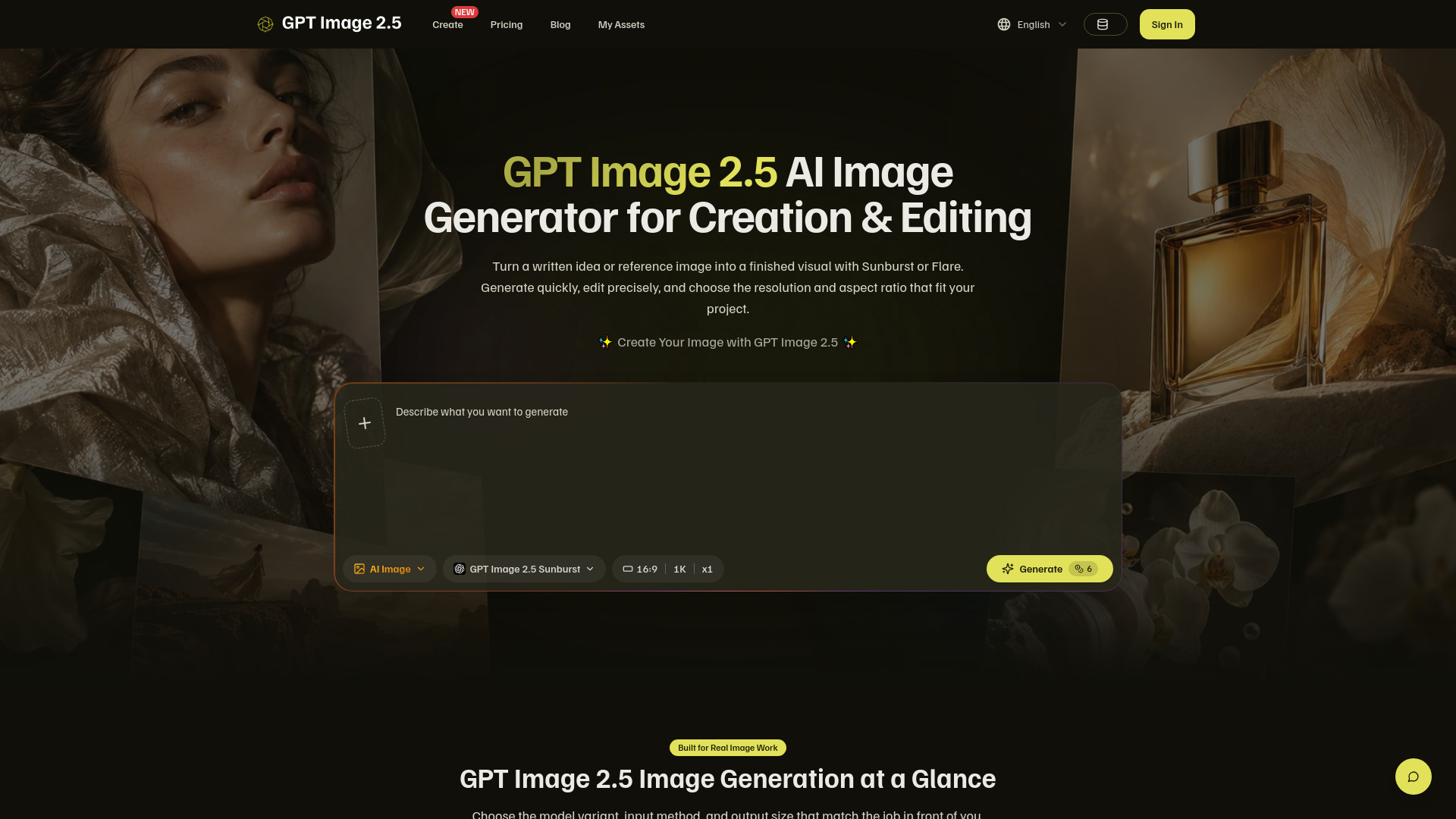

Orelon AI
Cinematic AI video creation with multiple models
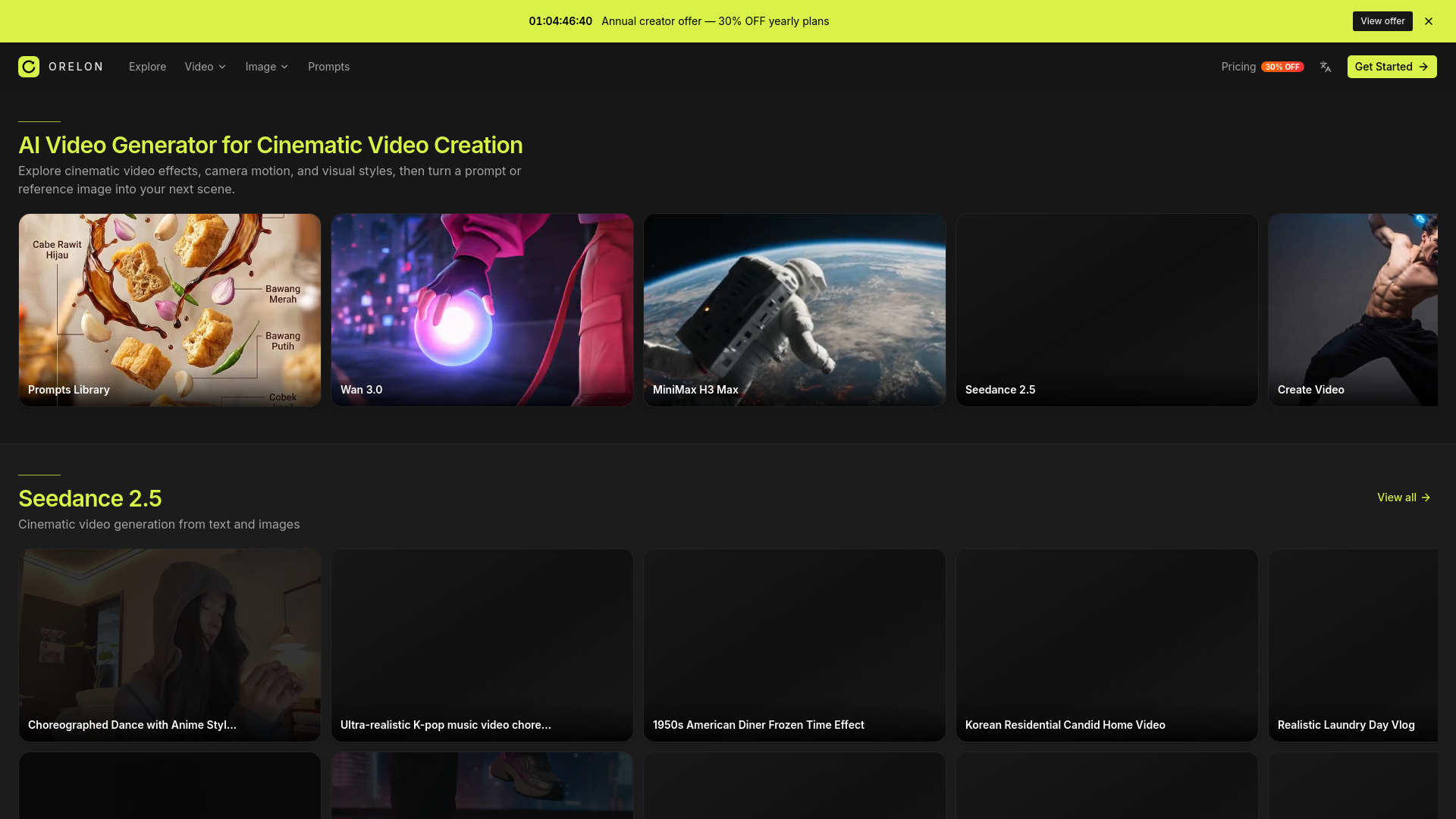

Nano Banana AI
AI image generation and editing
Kling 4.0
Cinematic video creation with synchronized audio

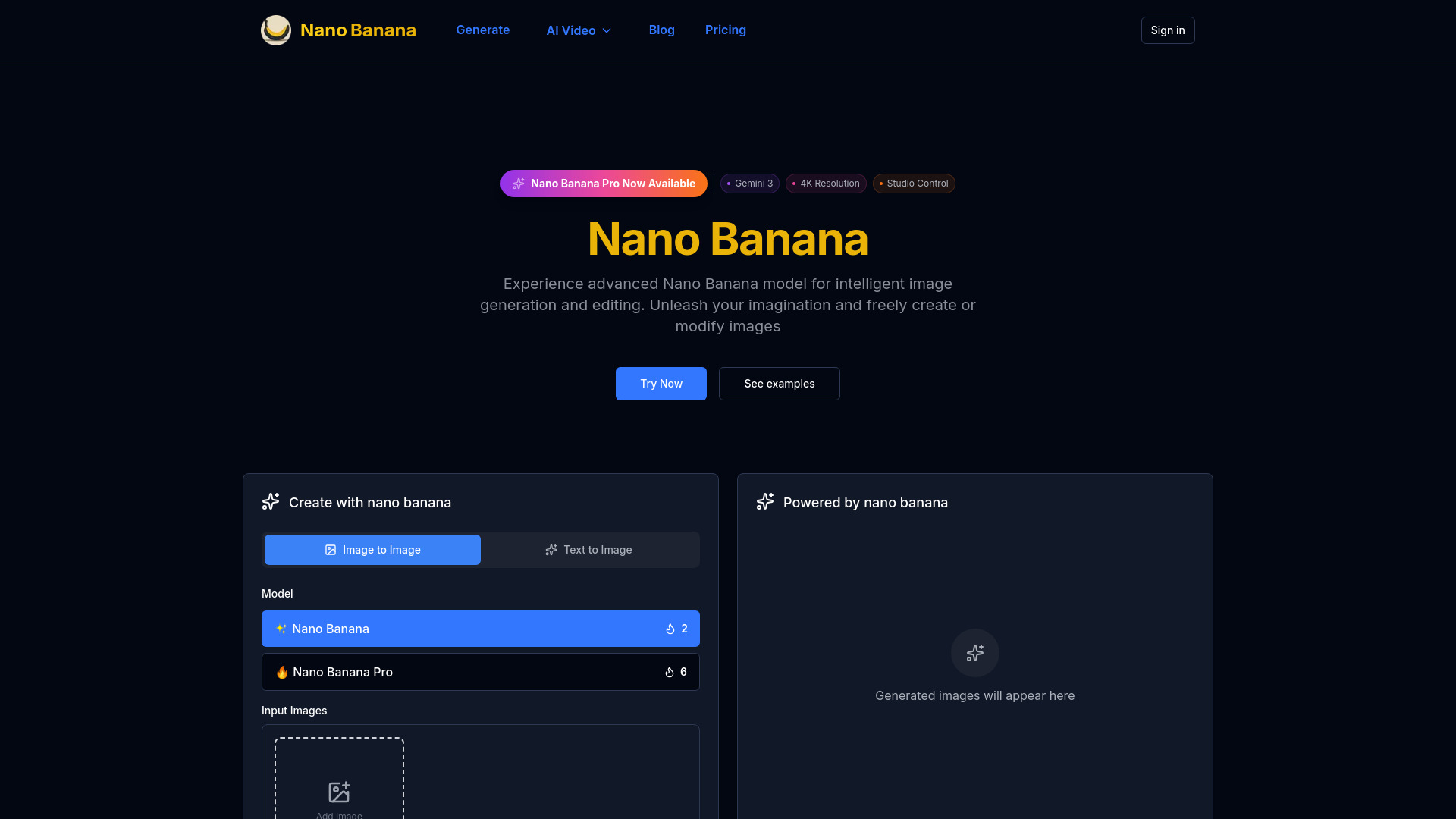
Omni Video Editor
Prompt-first AI video creation
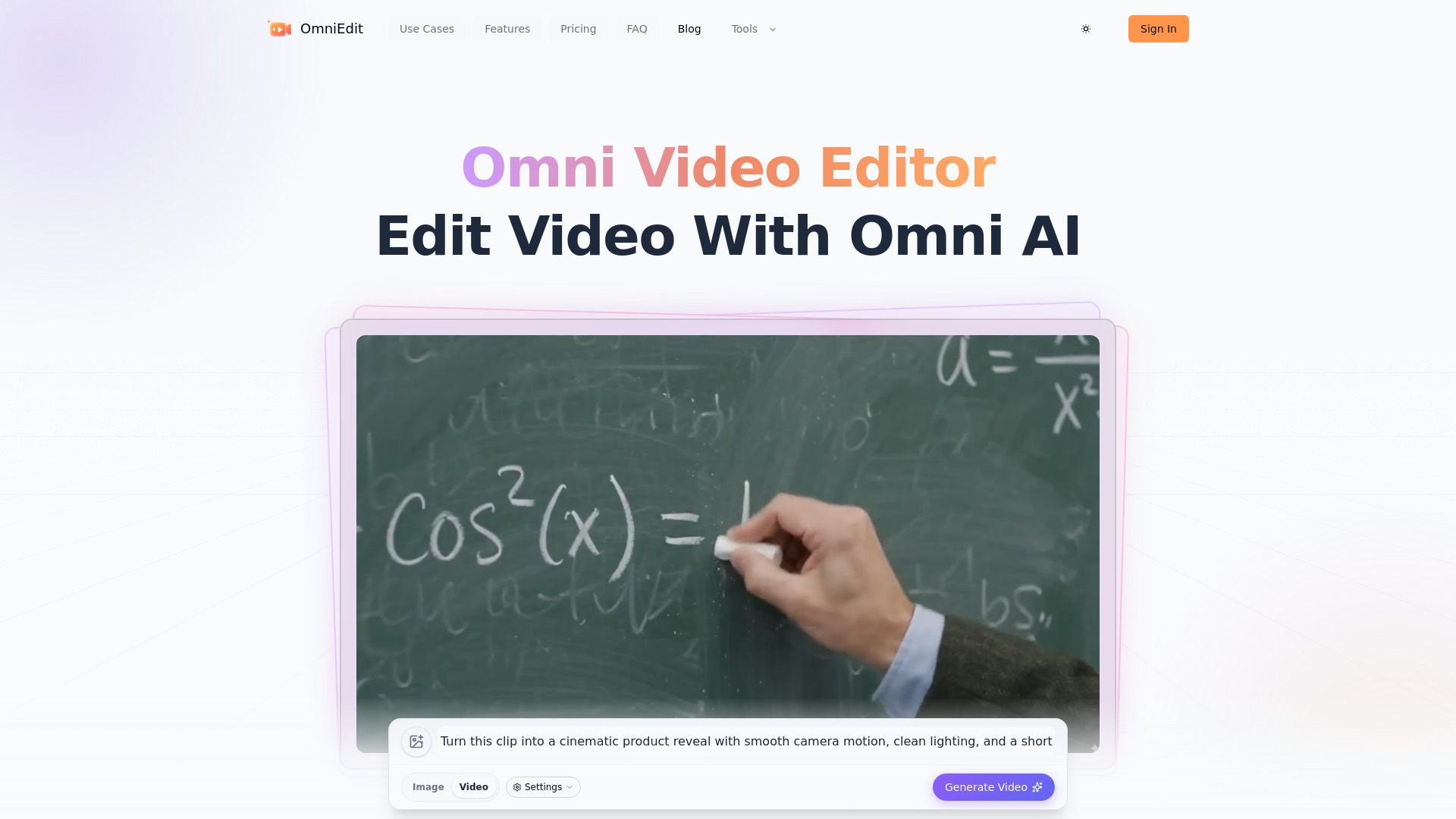
GPT Image 2.5
Rapid AI image generation

Nano Banana 2.1
Text-to-image and reference editing
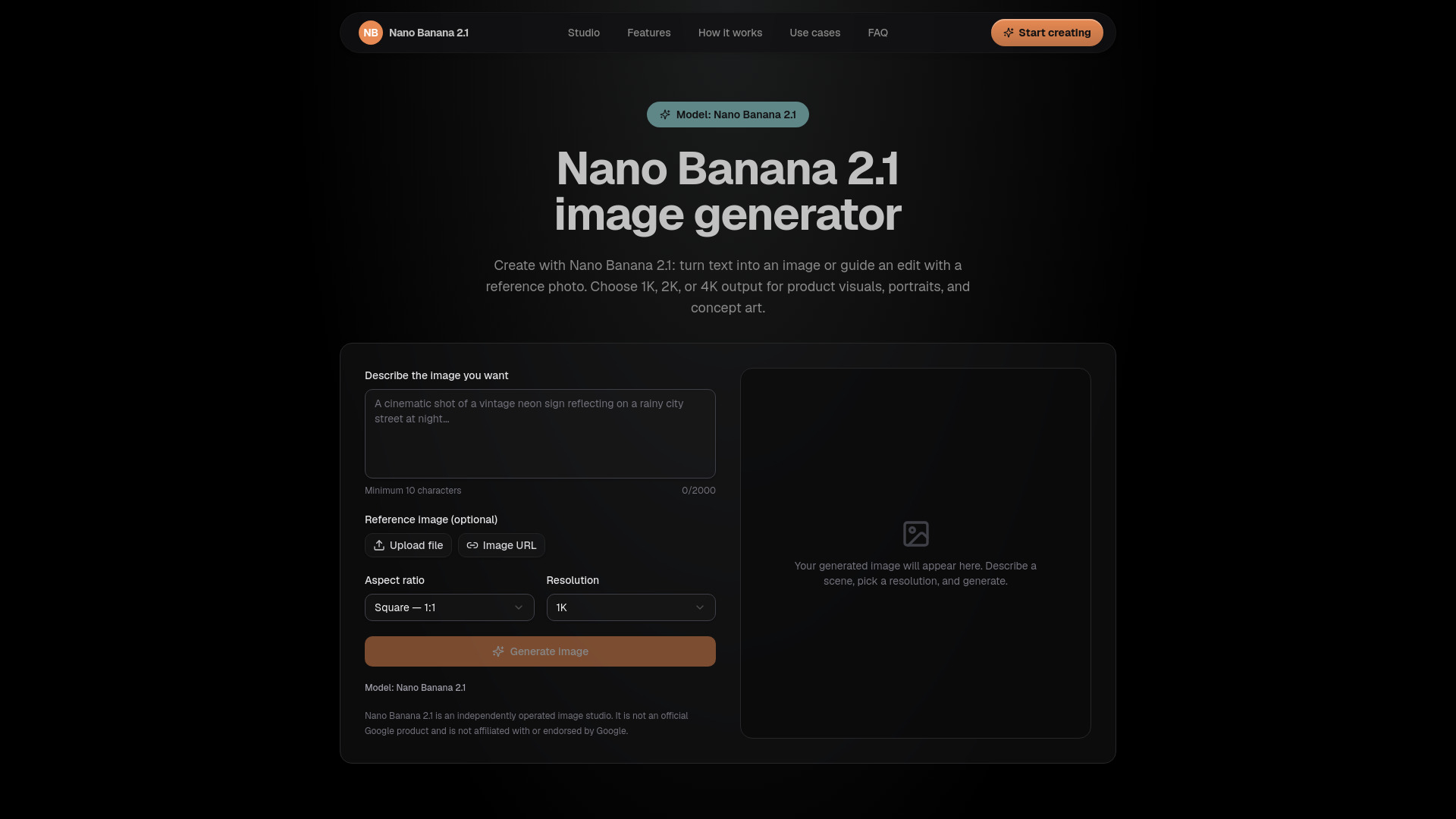

LTX 2
Professional AI video creators
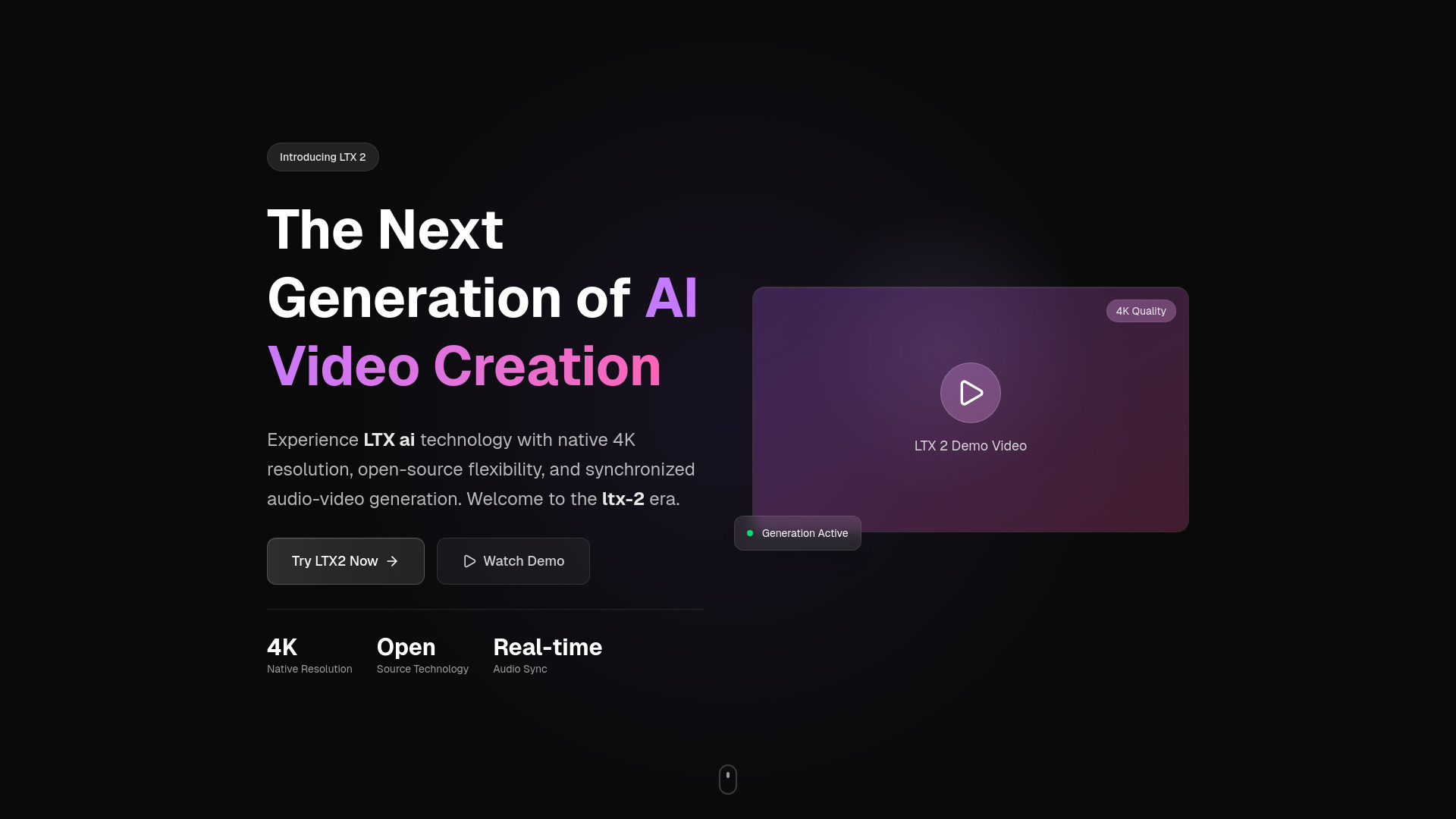

Rain Dance AI
Two-photo trend videos
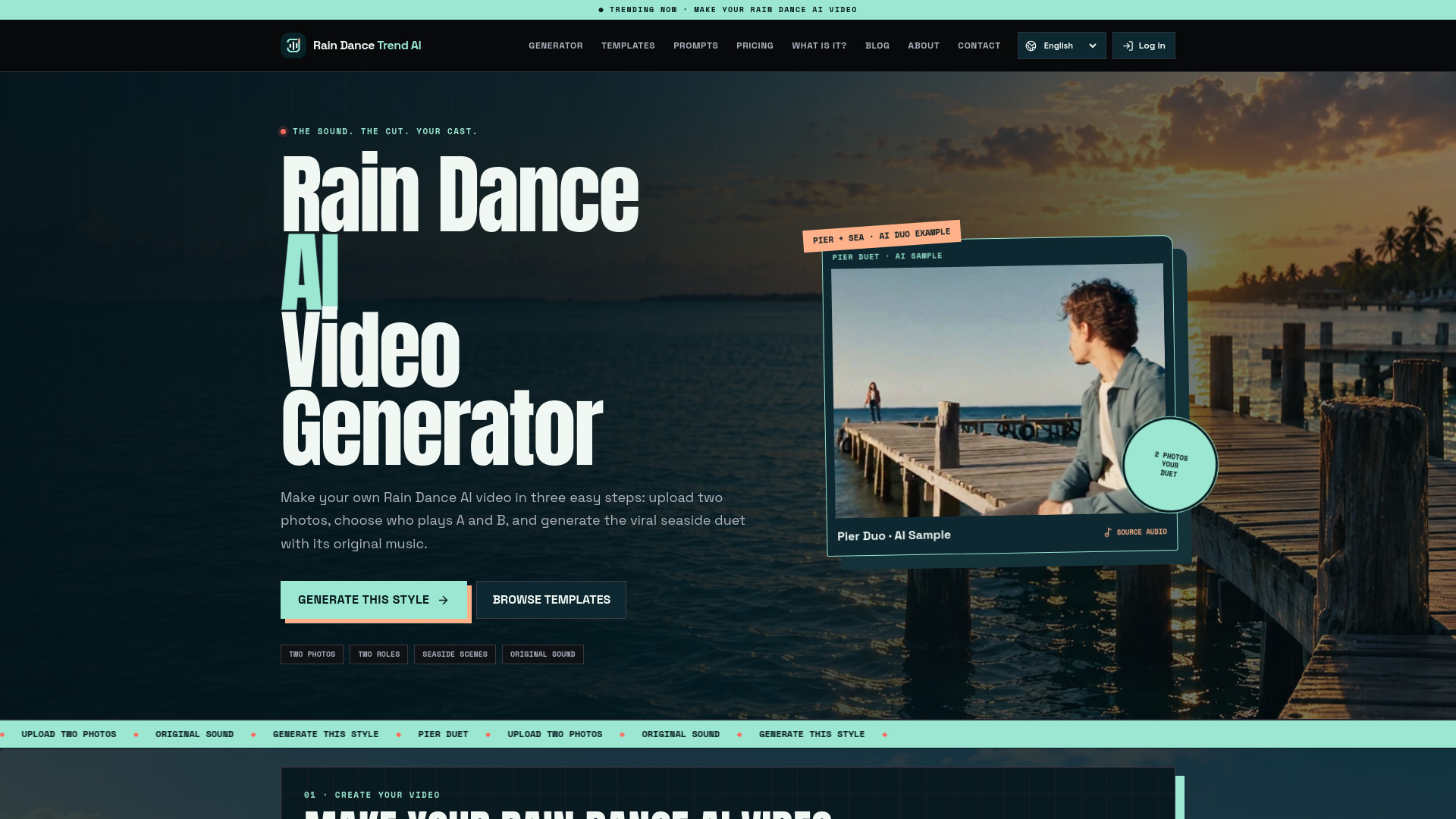
GPT Image 2.5
Product campaign image creation

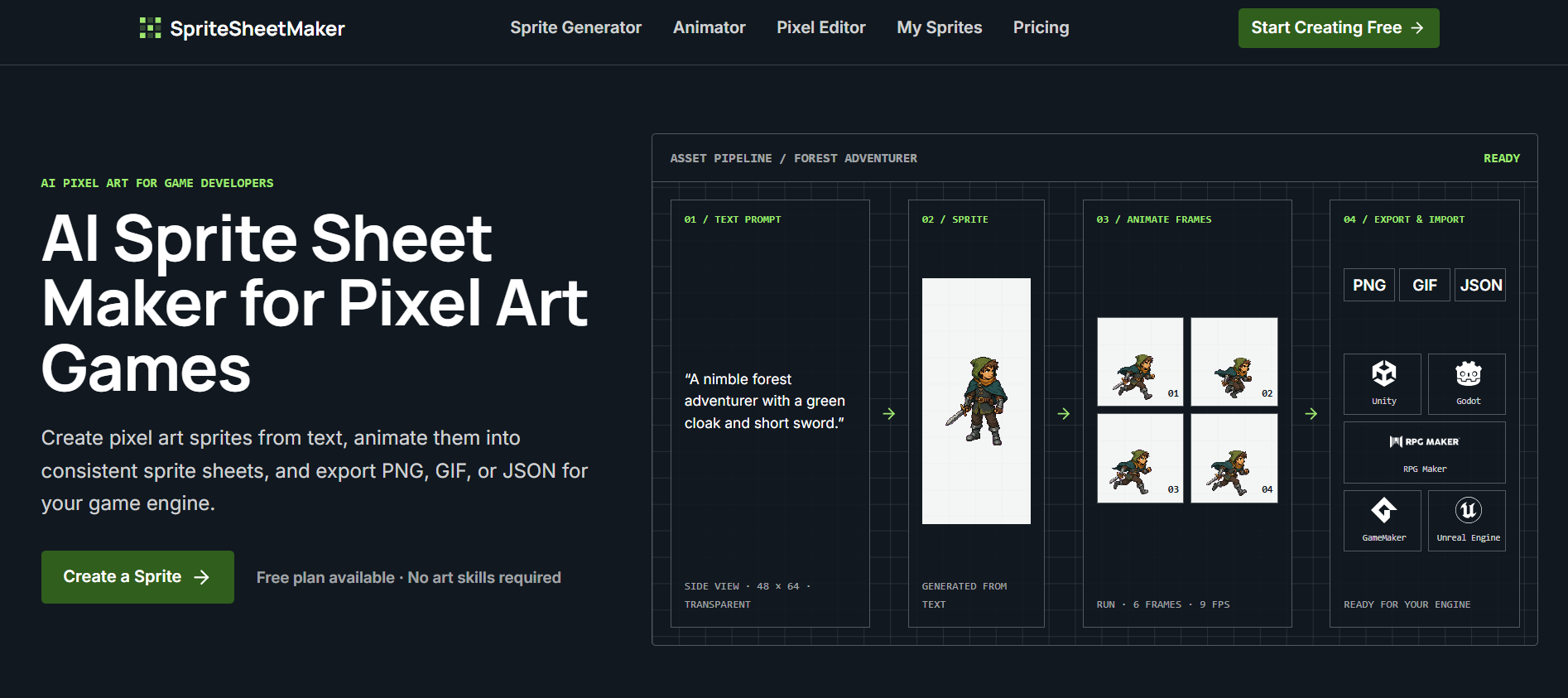
SpriteSheetMaker
AI pixel-art sprites and animation sheets for game developers
Which AI avatar video tool should you choose?
The right choice depends on what "avatar" means in your project. Use the table below as a faster decision rule than comparing feature lists in isolation.
| Your priority | Best starting point | Why |
|---|---|---|
| Animate a portrait or image quickly | Loova | Image-to-video and text-to-video are both easy starting points. |
| Build a recurring virtual influencer | ai influencer generator | Character consistency is the product's central use case. |
| Create cinematic character scenes | Photogenerator AI | Smart Shot, Motion Sync, and video upscaling support a directed workflow. |
| Make a campaign with ads and stories | Xelta AI | It extends beyond video into audio, advertising, microdramas, and comics. |
| Generate assets through an API | Pruna AI | Its production-ready models and simple APIs suit developers. |
| Create a 3D streaming persona | virmii | VRM, browser tracking, and OBS output target VTuber workflows. |
| Prepare a high-quality reference image | Free GPT Image 2.5 Generator Online | Natural-language reference-image editing helps before animation. |
| Add text and repurpose finished video | Video Transcriber AI | Free unlimited transcription makes it a useful companion. |
Buyers specifically searching for a best free ai avatar video generator should begin with the tools that provide concrete free credits or free access: Loova, MagicShot.ai, ai influencer generator, Photogenerator AI, virmii, and Video Transcriber AI. Free access does not mean unlimited avatar generation, though. Credits, watermarks, output length, and generation type can matter more than the word "free."
My practical recommendation
Start with Loova for the broadest first experiment. Upload or generate a character image, try image-to-video, and judge whether the motion is useful for your actual channel or campaign. If character identity across multiple posts is the priority, move directly to ai influencer generator. If you are making a 3D live persona, skip the general-purpose tools and test virmii instead.
For a professional workflow, I would not force one platform to do everything. Use a dedicated image tool to prepare a reliable reference, a video generator to animate it, and Video Transcriber AI to turn the finished clip into text and repurposing material. That modular approach also makes it easier to replace a weak step without rebuilding the entire project.
Before paying, run the same short brief through two or three tools. Track how many credits the test consumes, whether the face or character stays recognizable, how much manual cleanup the result needs, and whether the export fits your intended channel. Those checks reveal more than a feature count.
Common mistakes when choosing AI avatar generators
Confusing image animation with a talking presenter. Image-to-video can create motion without offering speech, lip sync, or scripted delivery.
Ignoring character consistency. A compelling first frame is not enough if every new generation changes the face, clothing, or identity.
Comparing subscription prices without credit costs. A low monthly price can still become expensive when each video variation consumes credits.
Treating free access as production-ready. Watermarks, small quotas, short clips, or limited exports may make a free plan useful only for testing.
Overlooking the delivery format. A 3D VTuber avatar, cinematic character clip, and marketing presenter solve different problems.
Skipping an audio test. For talking content, background noise and voice quality can affect the result as much as the visual model.
What changed in 2026
AI video selection is becoming less about one magic generator and more about connected workflows. The strongest options now cover multiple inputs: text, reference images, frames, audio, or 3D character assets. Credit-based pricing is also increasingly common, which makes generation volume and iteration discipline important parts of the buying decision.
Another shift is the rise of adjacent creator studios. Tools such as MagicShot.ai, Xelta AI, and Photogenerator AI combine image, video, audio, editing, and campaign work instead of isolating avatar creation. At the same time, specialist products such as ai influencer generator and virmii are going deeper on identity consistency and live 3D output. In 2026, the best choice is usually the tool that matches the entire content workflow, not the one with the most impressive demo frame.
FAQ
Loova is the strongest overall starting point in this ranking because it supports both image-to-video and text-to-video. For recurring character identity, ai influencer generator is a more focused alternative.