
The best ai video tool depends less on flashy demos than on the kind of work you actually need to finish. A text-to-video model, an AI avatar studio, and a tool that turns long recordings into shorts solve very different problems. We compared 98 tools and ranked the 10 most useful options for creators, marketers, educators, animators, and entrepreneurs. Vidu AI leads the list for broad text- and image-to-video work, while AI STUDIOS and Vidnoz AI make more sense when a presenter or repeatable business workflow matters.
Top picks
| Pick | Tool | Best for | Why it stands out |
|---|---|---|---|
| 1 | Vidu AI | Animators | Fast text-to-video and image-to-video generation |
| 2 | AI STUDIOS | Educators | 150+ avatars and voices in 80+ languages |
| 3 | Vidnoz AI | Marketers | Large avatar and template library with free access |
| 4 | Veo3 AI | Content creators | Text/image generation with a stated 4K output option |
The remaining picks cover more specialized jobs: short-form repurposing, fast social clips, audio-enabled generation, video-to-video transformations, and selfie-based AI actors. That breadth is useful, but it also means a lower-ranked tool can be the better choice for a particular production pipeline.
Quick comparison
| Rank | Tool | Best for | Score | Free access | Starting price |
|---|---|---|---|---|---|
| #1 | Vidu AI | Animators | 96/100 | 3 free 720p HD videos trial | Free: $0 |
| #2 | AI STUDIOS | Educators | 95/100 | 3 video exports per month | Free: $0/mo |
| #3 | Vidnoz AI | Marketers | 95/100 | 1 free minute for everyday use | Check vendor pricing |
| #4 | Veo3 AI | Content creators | 95/100 | Free to start | Mini Plan: $15/month |
| #5 | Vid.AI | Social media marketers | 95/100 | Free access available | Check vendor pricing |
| #6 | Novi AI | Content creators | 95/100 | Free access available | Check vendor pricing |
| #7 | AI Video Cut | Content creators | 95/100 | 50 minutes one-time | Free: $0 |
| #8 | V03AI | Individual creators | 95/100 | 50 credits one-time | Trial: $2.9 USD |
| #9 | Lanta AI | Content creators | 95/100 | 40 credits | Standard: $6.00/mo |
| #10 | VIDEOAI.ME | Entrepreneurs | 95/100 | Free tier available | Free tier: Free |
How we ranked these AI video tools
We ranked each candidate on practical feature coverage, audience fit, ease of starting, free access, visible usage signals, and the clarity of its core workflow. Generation tools earned attention for text, image, or video inputs; avatar products were judged on presenter and language breadth; repurposing tools were assessed by how directly they address short-form production. Scores are not a promise of identical output quality for every prompt. They are a buying aid that balances capability with the likely user experience. Where claims conflict, such as Veo3 AI's 4K homepage language and 1080p paid-plan detail, we call out the discrepancy rather than smoothing it over.
The best AI video tools
1. Vidu AI

Vidu AI
Best overall AI video tool for animators
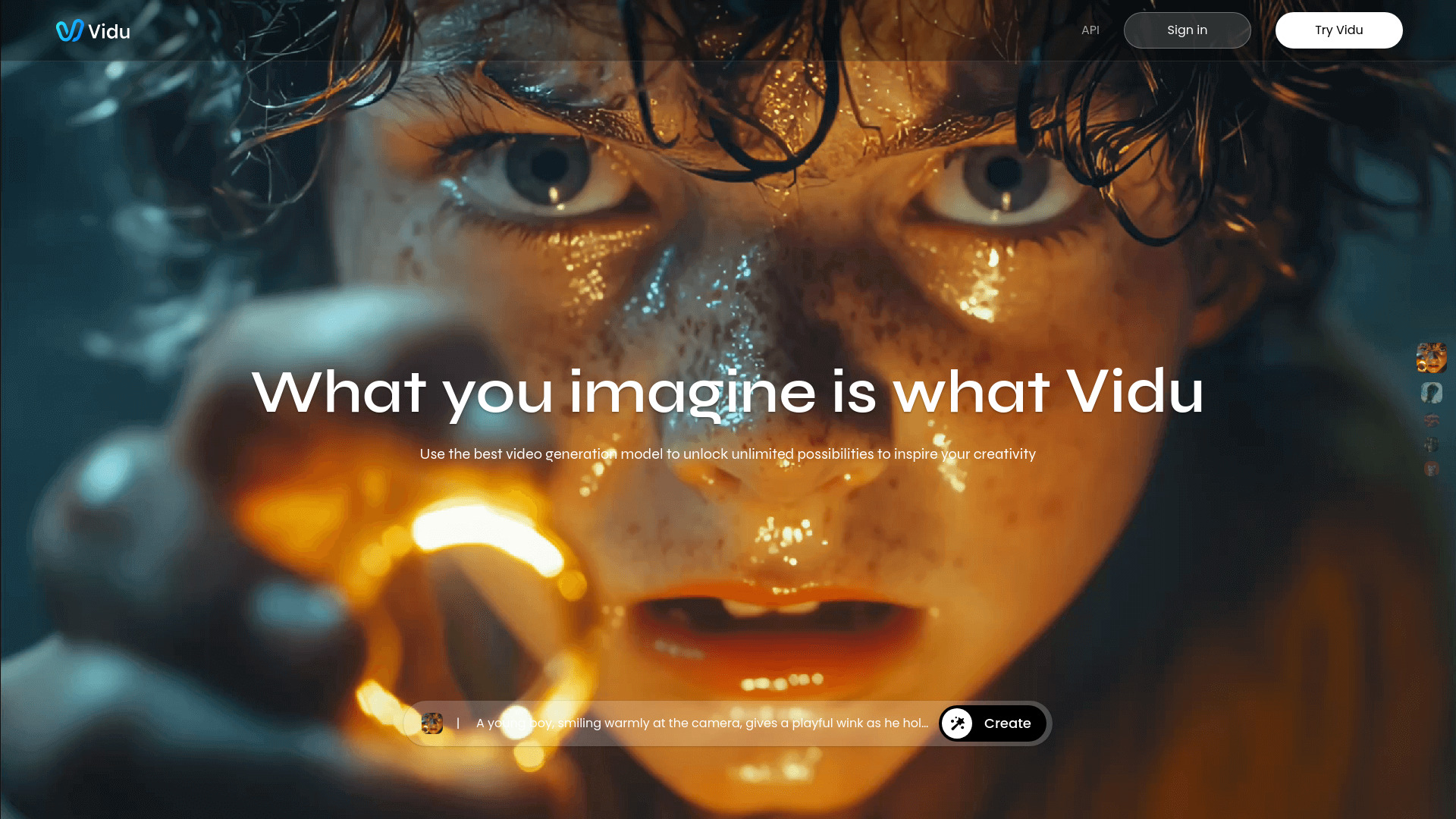
Vidu AI takes the most direct route to visual generation in this group. Its core workflow supports both text-to-video and image-to-video generation, which gives animators and visual creators two useful starting points: describe a scene from scratch, or use an existing image as the visual anchor. That flexibility matters when a prompt alone cannot preserve a character, composition, or mood.
The free trial includes three 720p HD videos, so you can test the basic generation loop without immediately committing. Vidu also presents multi-reference consistency alongside its trial offer, a particularly relevant detail for anyone trying to maintain continuity across visual work. The platform's 3.4M monthly visits reinforce its position as the broadest first stop in this ranking, although traffic should be treated as a usage signal rather than a guarantee of output quality.
My take: This is the easiest recommendation for someone who wants one general-purpose starting point for prompt-led visual work. I would begin here before moving to a narrower avatar or editing platform.
Where it falls short: Clarity may not reach professional standards for film-level animation. Creators producing finished film assets should judge several representative generations before building a production pipeline around it.
Key features
Text-to-video generation.
Image-to-video generation.
Multi-reference consistency highlighted with the trial offer.
720p HD video trial access.
Pros
Fast video generation.
Handles both text and image inputs.
Strongest overall match for animator-led experimentation in this ranking.
Cons
Clarity may fall short of film-level animation standards.
A free trial is not the same as unlimited production access.
Choose Vidu AI if: You are an animator or visual creator who wants fast text- and image-to-video generation from one broadly useful workspace.
2. AI STUDIOS

AI STUDIOS
Best AI presenter studio for educators
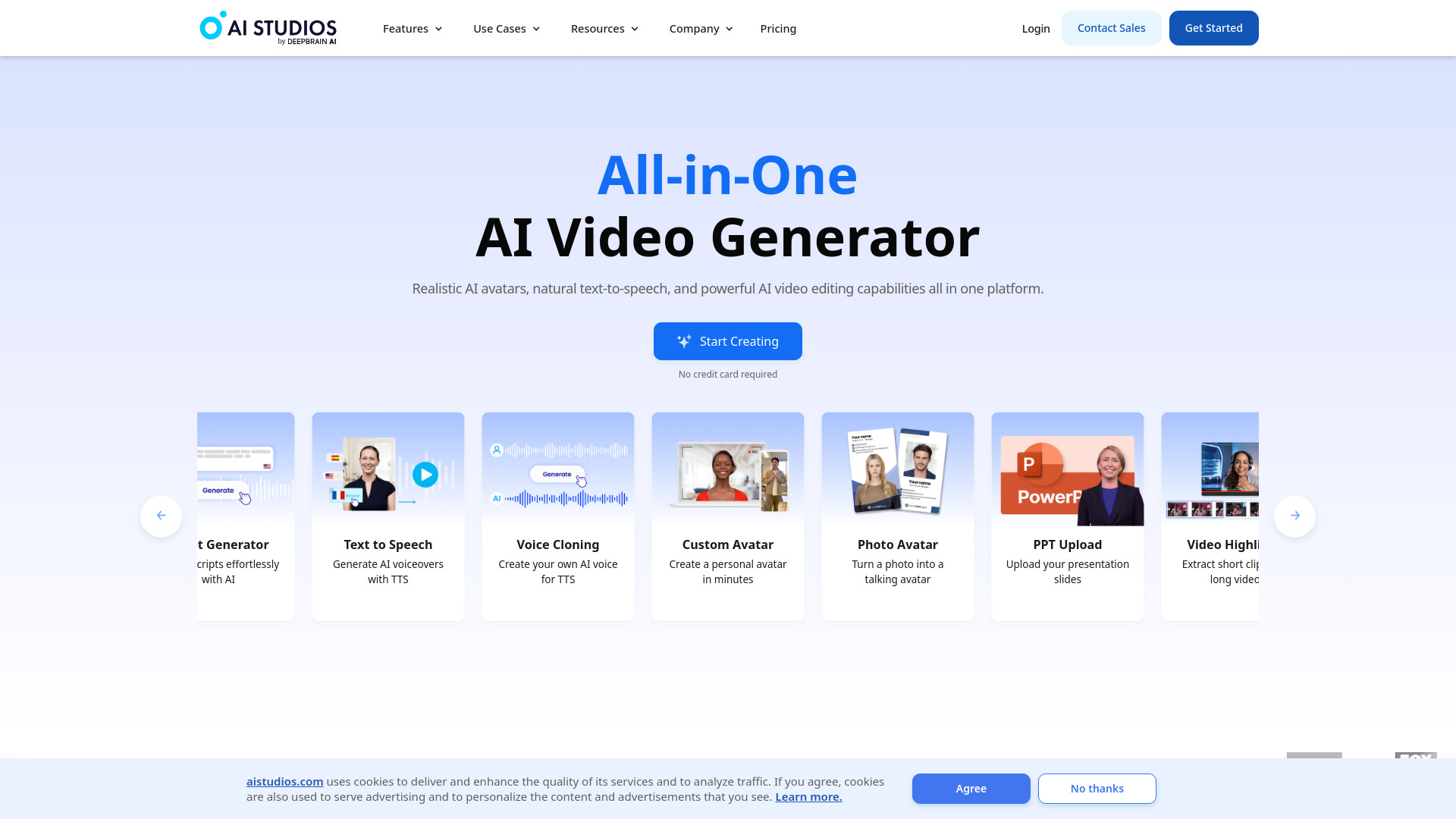
A different kind of production problem sits at the center of AI STUDIOS: making presenter-led videos without recording a presenter for every lesson or update. The platform combines AI video creation with 150+ realistic digital avatars and AI voices in 80+ languages. For educators, that makes it easier to think in terms of repeatable lessons, translated explainers, and consistent on-screen delivery rather than isolated visual experiments.
The all-in-one positioning is the main attraction. You can create and edit inside the same platform instead of stitching together an avatar service, voice tool, and separate editor. Three video exports per month provide a concrete way to sample the workflow, but the free plan's limited exports and features will matter quickly if you publish regularly. This is better suited to testing a format than running a high-volume channel for free.
My take: I love the clear fit for course creators and internal training teams. If your content needs a human-looking presenter and multilingual voice options, this is more relevant than a pure generative video model.
Where it falls short: The free plan limits video exports and features. Budget for a paid tier if your workflow depends on frequent publishing or broad template access.
Key features
150+ realistic digital avatars.
AI voices in 80+ languages.
All-in-one video creation and editing.
AI video generation from text.
Pros
Strong avatar selection for presenter-led content.
Broad language coverage.
Combines creation and editing in one platform.
Cons
Free exports are limited to three videos per month.
Free-plan feature limits may constrain regular publishing.
Choose AI STUDIOS if: You are an educator who needs repeatable presenter-led lessons, explainers, or training videos in multiple languages.
3. Vidnoz AI

Vidnoz AI
Best free-starting AI video platform for marketers
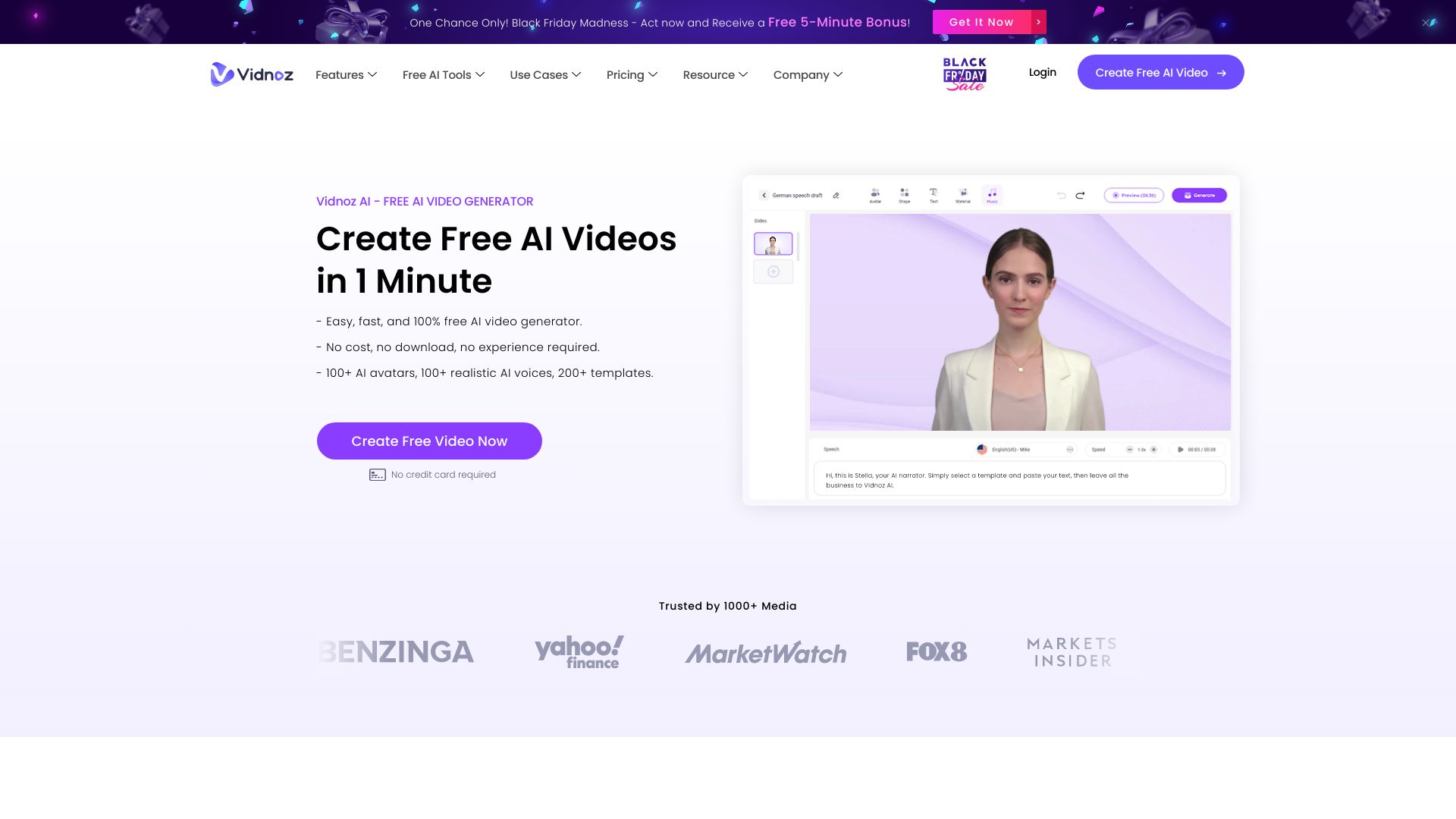
Vidnoz AI is built around breadth. Its catalog includes 1,500+ AI avatars and more than 2,800 video templates, giving marketers a large set of starting points for campaigns, announcements, and social variations. That template-first approach is materially different from asking a generative model to invent every scene. It can be a better fit when speed and repeatability matter more than cinematic originality.
The platform also offers AI video generation, avatars, and voices, with one free minute for everyday use. That is enough to test whether the interface and presenter style suit your brand. The trade-off is predictability around paid costs: pricing is hidden behind a sales wall or otherwise needs to be checked directly with the vendor. The free version may also impose additional limits, so marketers should confirm export and usage rules before planning a campaign around it.
My take: This is the practical choice for marketers who value a large menu of ready-made formats. The massive avatar and template counts are more useful for variation than for one-off artistic filmmaking.
Where it falls short: The free version may have limitations, and pricing is not presented as a clean starting plan here. Confirm the current commercial terms before scaling production.
Key features
1,500+ AI avatars.
2,800+ video templates.
AI video generation.
AI avatars and voices.
Pros
Free AI video generation access.
Very large avatar library.
Extensive template selection for repeatable marketing work.
Cons
Free access may be constrained beyond the initial minute.
Pricing requires a direct vendor check.
Choose Vidnoz AI if: You are a marketer who needs many avatar-led templates and variations rather than a blank-canvas animation workflow.
4. Veo3 AI

Veo3 AI
Best AI video generator for content creators exploring high resolution
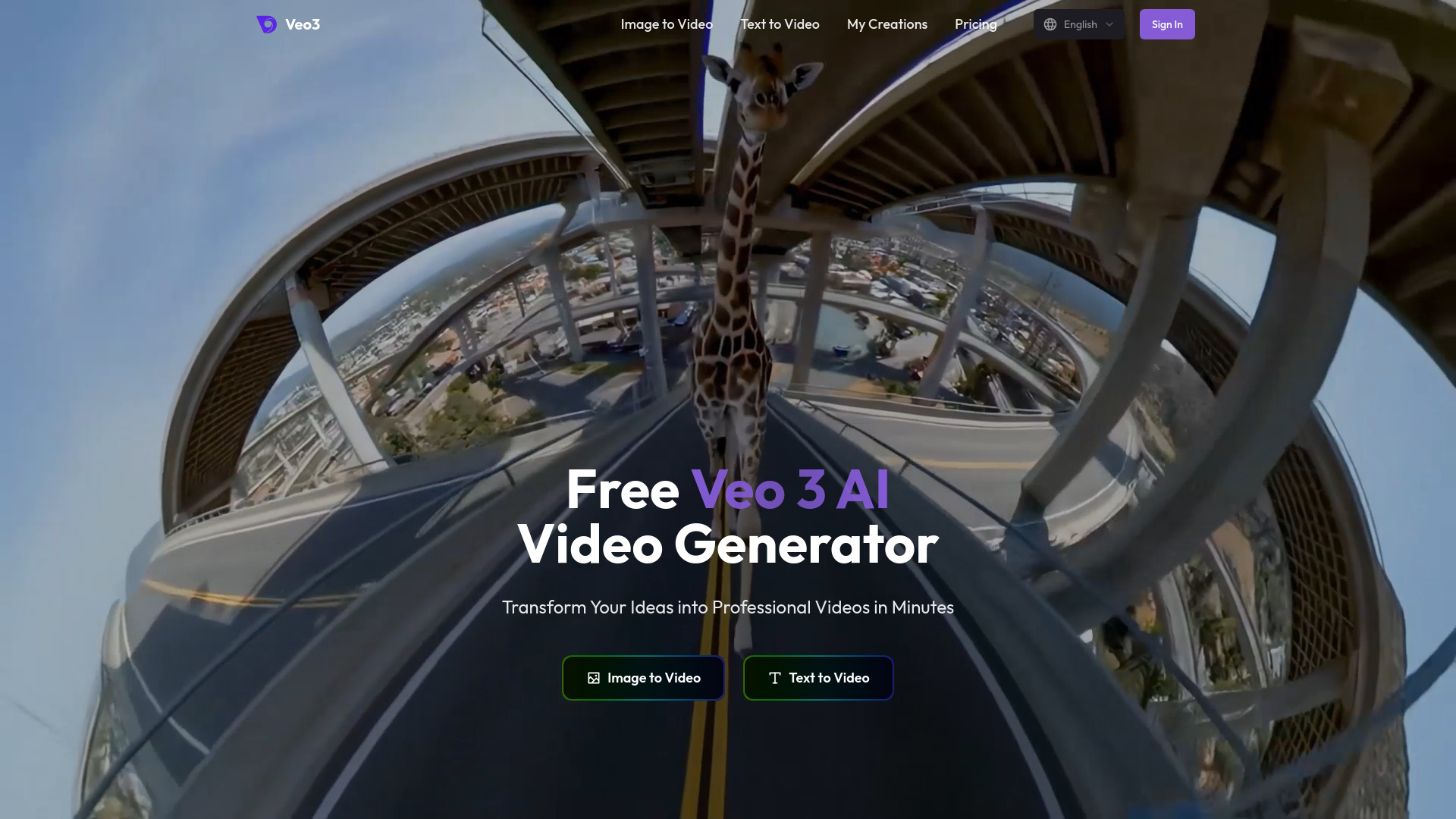
Veo3 AI appeals to creators who want a straightforward prompt-to-video workflow with both text and image inputs. Its product positioning highlights 4K video output, while paid-plan information specifies 1080p resolution. That contradiction is not a minor detail: resolution affects whether generated clips can move directly into a creator's intended publishing or editing workflow.
The tool starts free, and the listed Mini Plan costs $15 per month. Text-to-video and image-to-video support provide a familiar workflow for social clips, concept work, and visual experiments. The most important buying step is to test the actual output on the plan you would use, rather than relying on the broadest resolution claim on the homepage.
My take: There is enough here to merit a trial, particularly if resolution is central to your brief. I would not pay specifically for 4K until the vendor confirms how that output is delivered on the relevant plan.
Where it falls short: The homepage's general 4K claim conflicts with paid-plan information specifying 1080p output. Treat the resolution promise as something to verify before purchase.
Key features
AI video generation from text and images.
Text-to-video workflow.
Image-to-video workflow.
4K video output claim on the homepage.
Pros
Generates videos from both text and images.
Offers a free starting point.
High-resolution positioning may appeal to visual creators.
Cons
4K and 1080p claims do not align cleanly.
The Mini Plan is listed at $15 per month, so output limits need checking.
Choose Veo3 AI if: You are a content creator willing to test output resolution carefully and want text- or image-driven generation in a simple workflow.
5. Vid.AI

Vid.AI
Best AI short-form generator for social media marketers
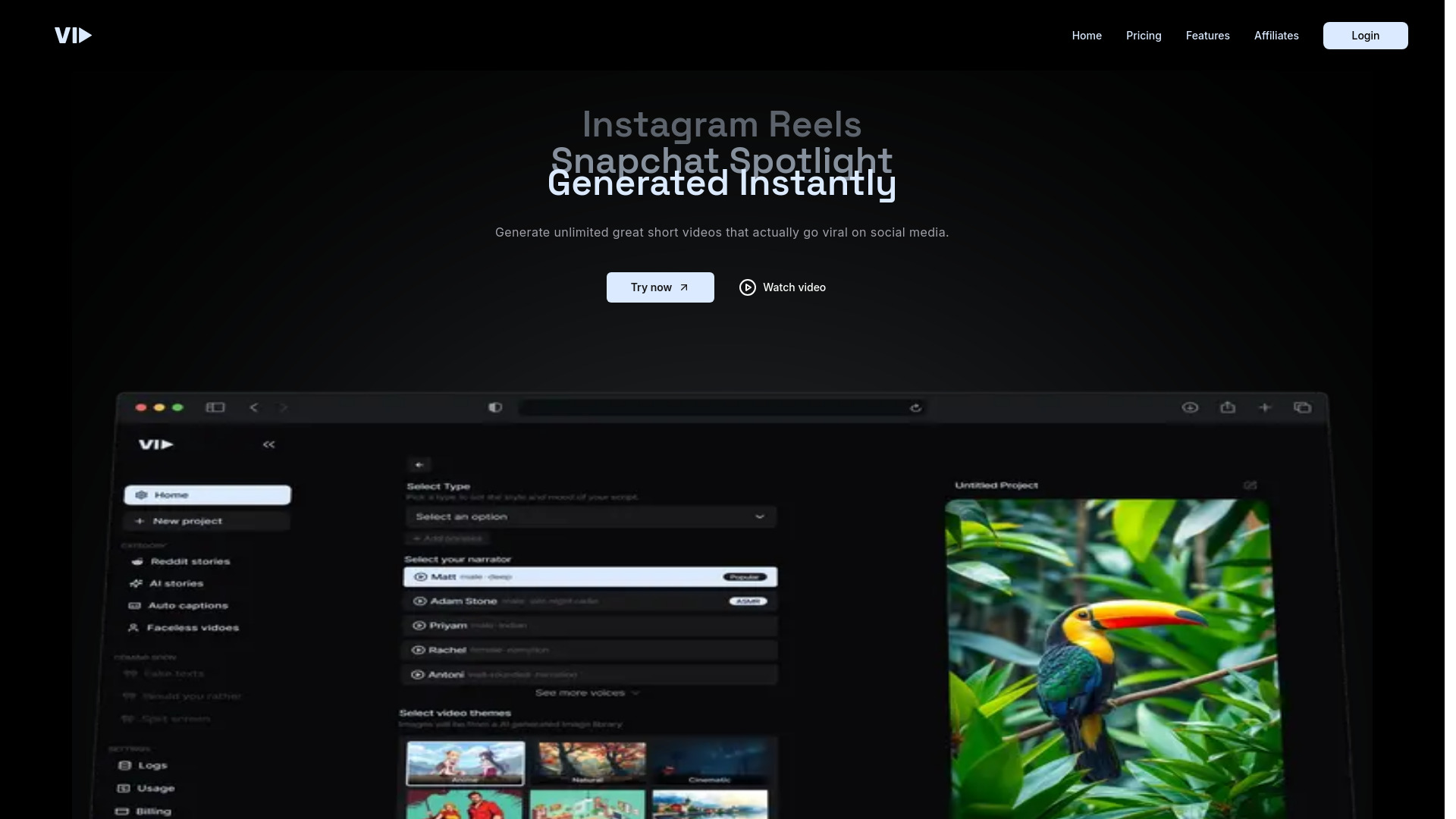
Vid.AI narrows the problem to short-form content. Its AI Shorts Generator and Video to Shorts features suggest a workflow focused on creating or reshaping clips for social channels, rather than producing long-form films or avatar-led lessons. That focus is useful for marketers who measure success by how quickly they can turn ideas or source material into publishable short videos.
The platform describes itself as a fast short-form video generator and offers free access, but the available feature detail is more limited than for the larger avatar studios in this list. Pricing is also something you will need to check with the vendor. For a social team, the right test is straightforward: bring in a representative source video, generate several shorts, and see whether the results reduce editing time without creating another review bottleneck.
My take: Vid.AI earns its place by staying focused. I would shortlist it for social volume, not for sophisticated narrative production.
Where it falls short: There is limited information on specific features and capabilities. That makes hands-on testing especially important before adopting it for a larger content operation.
Key features
AI Shorts Generator.
Video to Shorts conversion.
Fast short-form video generation positioning.
Free access available.
Pros
Fast short-form video generation.
Directly targets social media workflows.
Video-to-shorts capability can reduce manual repurposing work.
Cons
Specific feature depth is not clearly documented.
Pricing needs to be checked with the vendor.
Choose Vid.AI if: You are a social media marketer who needs a focused way to produce or repurpose short videos quickly.
6. Novi AI

Novi AI
Best one-click AI video workflow for content creators

Novi AI's distinctive angle is automation. It combines AI video generation from text with one-click automation for video creation, then adds multiple video styles and sizes. That makes it appealing when the bottleneck is not merely generating a scene, but turning an idea into a formatted asset without making every production decision manually.
The platform also describes an AI story and novel-to-video workflow, which broadens its appeal beyond short prompt experiments. It supports videos from text and images and is positioned around multiple styles, languages, and advanced models. Those are promising workflow signals, but pricing details are not presented as a clean field. I would use the free access to test how much control survives the automation step, especially if your brand requires consistent formatting.
My take: Novi AI is worth considering when you want less manual assembly. It is a stronger candidate for creators who prefer a guided pipeline over a collection of isolated generation controls.
Where it falls short: You should check current product fit, pricing, and workflow limits before committing. The one-click promise is useful only if the resulting output still gives you enough control.
Key features
AI video generation from text.
One-click automation for video creation.
Multiple video styles and sizes.
AI story and novel-to-video workflow.
Support for text- and image-led video creation.
Pros
Generates high-quality videos from text quickly and with little setup.
Automation can reduce repetitive production steps.
Multiple formats and styles support different publishing needs.
Cons
Pricing is not presented as a clear starting plan.
Workflow limits and final control should be tested before a serious commitment.
Choose Novi AI if: You are a content creator who wants automated, multi-format video creation from text, images, or longer story concepts.
7. AI Video Cut

AI Video Cut
Best AI video repurposing tool for content creators
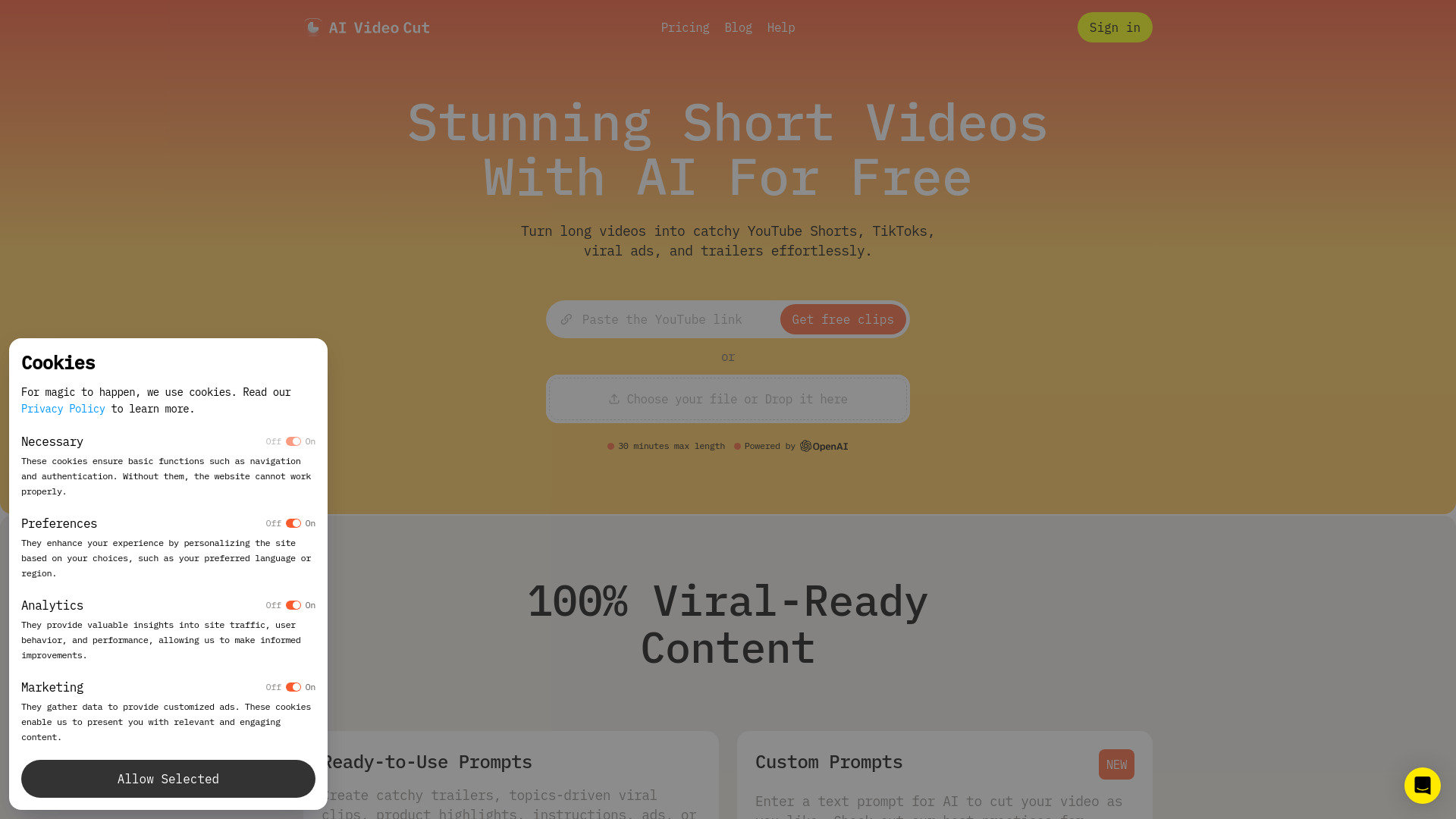
AI Video Cut addresses one of the most expensive routine tasks in content marketing: turning a long recording into usable short clips. Its AI Video Cut feature, ready-to-use prompts, high-accuracy video cutting, and speech recognition are aimed at finding and shaping moments rather than generating an entire film from a blank prompt.
The one-time 50-minute allowance gives creators a concrete way to test the repurposing workflow. The product specifically targets viral shorts, which makes it a natural fit for podcasts, interviews, webinars, and other long recordings that need a social distribution layer. Branded videos and Telegram bot features are still coming soon, so teams that need those capabilities today should not treat them as current features.
My take: This is one of the clearest workflow matches on the list. If you already have long-form footage, a focused cutter can save more time than another text-to-video generator.
Where it falls short: Branded videos and Telegram bot features are coming soon. The current product should be judged on its existing cutting and speech-recognition workflow, not on those future additions.
Key features
AI video cutting.
Long-video-to-viral-shorts workflow.
High-accuracy video cutting and speech recognition.
Ready-to-use prompts.
One-time 50-minute access.
Pros
Effortlessly creates engaging short-form content from longer videos.
Directly addresses repurposing rather than adding another generation step.
Free access makes initial testing easy.
Cons
Branded videos are not yet available.
Telegram bot features are still coming soon.
Choose AI Video Cut if: You are a content creator with long recordings and want a focused way to extract short social clips.
8. V03AI

V03AI
Best Veo 3-powered option for individual creators
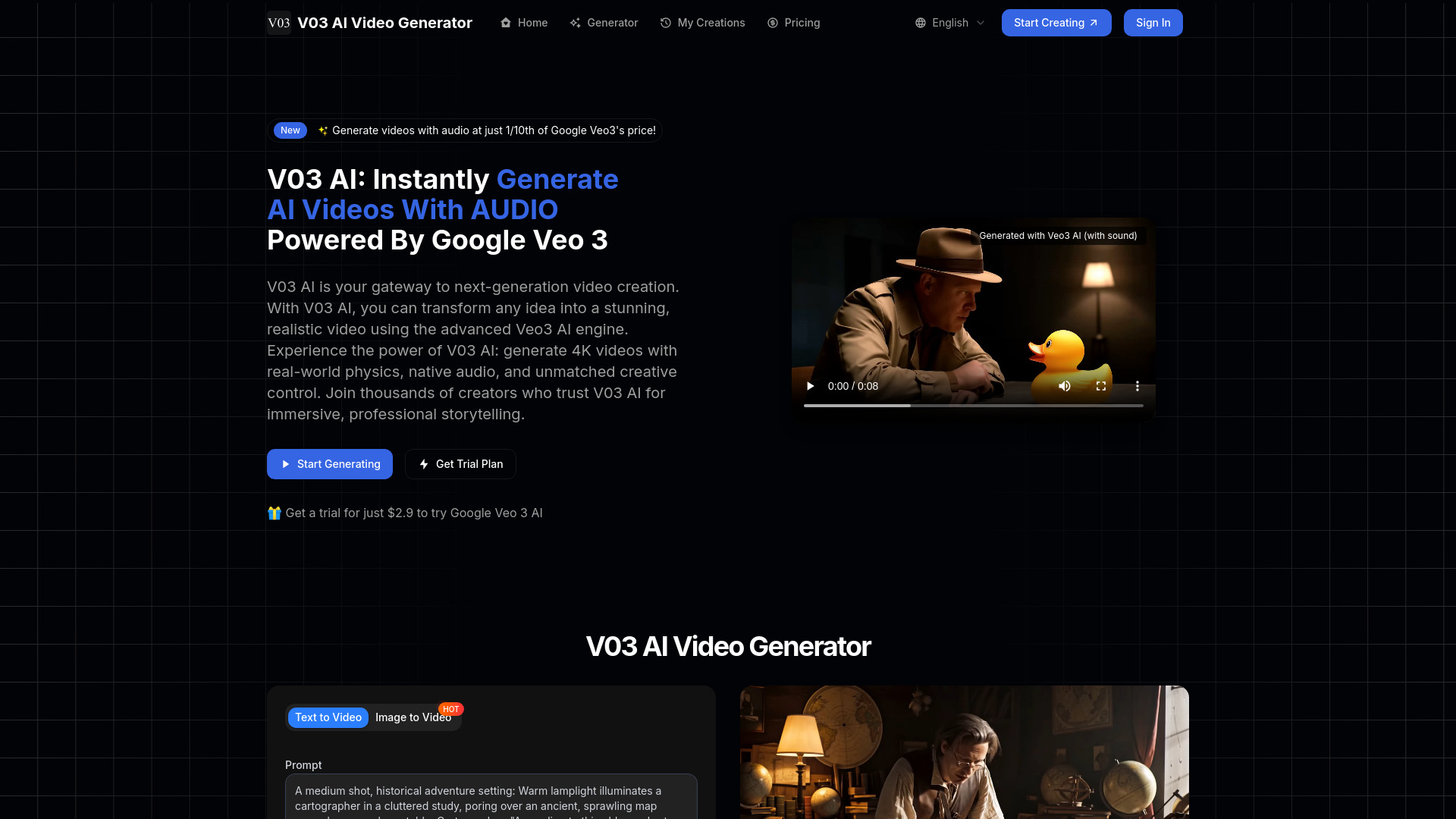
V03AI is built around Google Veo 3-powered video generation and supports both text-to-video and image-to-video creation. Its differentiator is audio generation: the product presents AI video generation with audio, giving individual creators a reason to test it alongside silent visual generators.
The entry offer includes 50 credits one time, and the listed trial price is $2.9 USD. That is a relatively concrete way to explore the workflow, but audio is still experimental. Sound may not always be included, particularly in fast mode, so creators should review actual outputs rather than assume every clip will arrive with a complete soundtrack or synchronized audio.
My take: V03AI is interesting for creators who specifically want to explore audiovisual generation, not just animated images. The audio caveat is significant enough that I would keep a fallback workflow ready.
Where it falls short: Audio generation remains experimental, and sound may be absent in fast mode. That makes it less dependable for projects where audio is a non-negotiable deliverable.
Key features
Text-to-video generation.
Image-to-video generation.
AI video generation with audio.
Powered by Google Veo 3 AI.
50 one-time credits.
Pros
Uses Google Veo 3 AI for its generation workflow.
Supports both text and image inputs.
Audio generation expands the creative brief beyond silent clips.
Cons
Audio may not be included, especially in fast mode.
Audio generation is still experimental.
One-time credits may be limiting for sustained production.
Choose V03AI if: You are an individual creator who wants to experiment with Veo 3-powered clips and audio while accepting that sound output is not fully dependable.
9. Lanta AI

Lanta AI
Best multi-input AI video toolkit for content creators
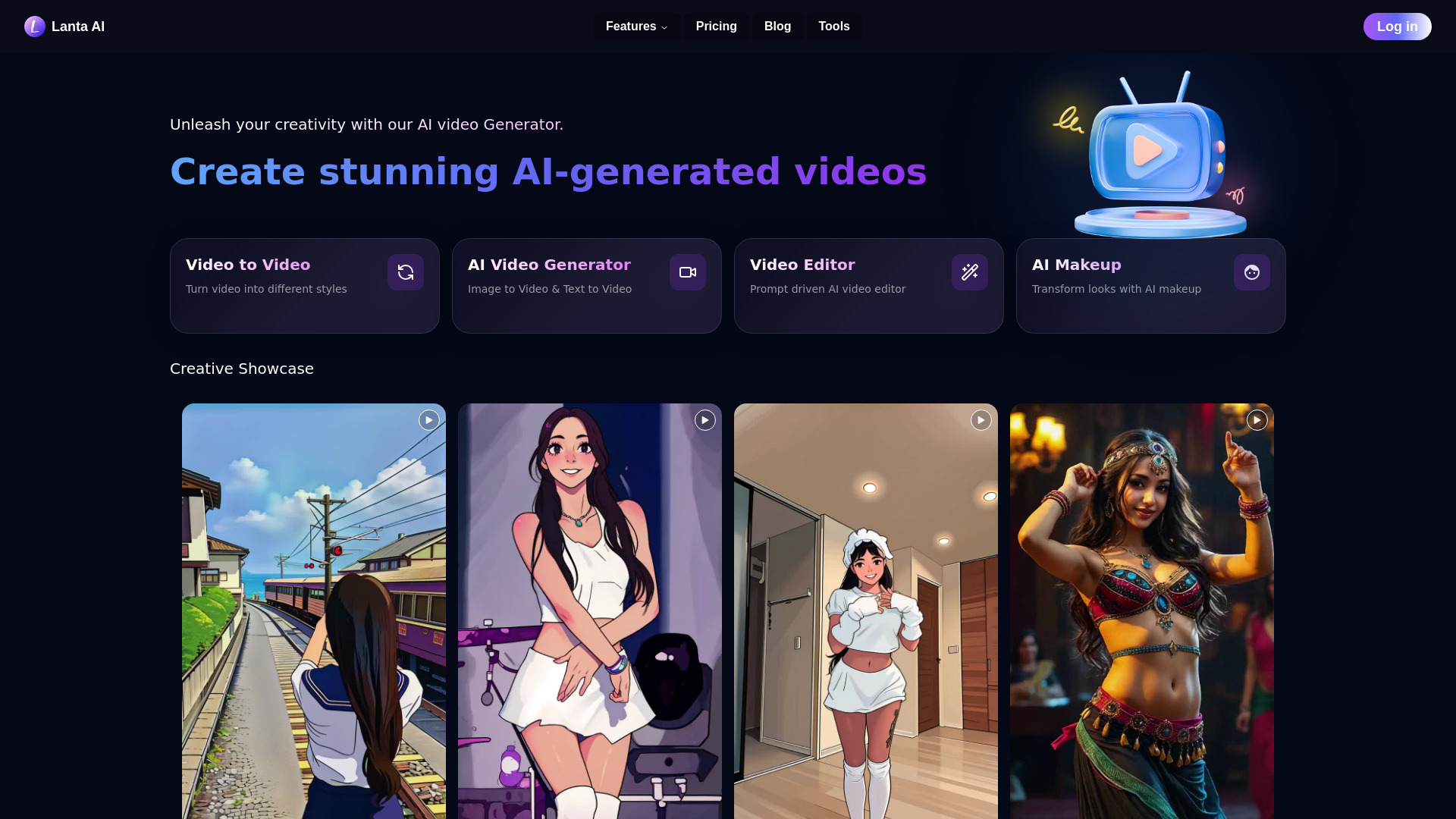
Lanta AI earns attention by supporting several directions of transformation in one online toolkit. You can use video-to-video conversion, image-to-video generation, and text-to-video generation, which gives creators more ways to begin a project. That is useful when your source material changes from one brief to the next: a finished clip one day, a still image the next, and a written concept after that.
The free offer includes 40 credits, while the listed Standard plan costs $6 per month. The low starting price makes Lanta AI easy to evaluate, but credits are limited in the free tier. That limitation is worth considering because generation-heavy workflows can consume access faster than a first test suggests. Run the same kind of workload you expect to produce regularly before deciding that the entry price is the whole cost.
My take: Lanta AI is a flexible utility player. It is not defined by one standout avatar library or one narrow editing job; its appeal is having several input paths available in one place.
Where it falls short: The free tier has limited credits. That can make sustained experimentation difficult if you need many iterations to reach a usable result.
Key features
Video-to-video conversion.
Image-to-video generation.
Text-to-video generation.
40 free credits.
Pros
Offers a variety of AI video generation tools.
Supports three useful input types.
The Standard plan is listed at $6 per month.
Cons
Free-tier credits are limited.
Credit consumption should be tested against your real production volume.
Choose Lanta AI if: You are a content creator who wants text-, image-, and video-based generation options without switching between several tools.
10. VIDEOAI.ME

VIDEOAI.ME
Best selfie-based AI actor tool for entrepreneurs
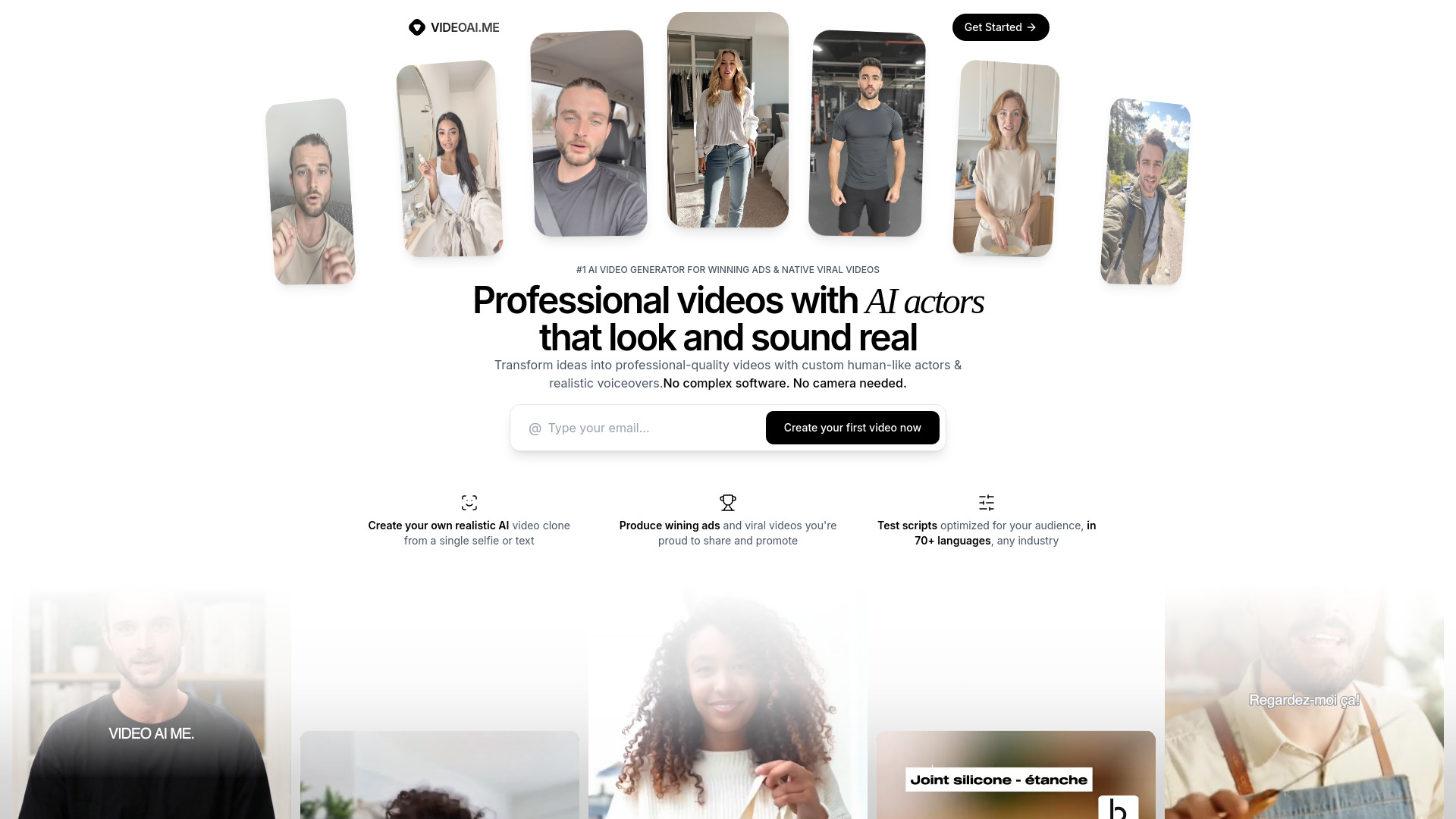
VIDEOAI.ME takes a highly specific route into AI video: generate a hyper-realistic AI actor from a single selfie. For entrepreneurs, that can remove the need for professional filming equipment or repeated recording sessions when producing ads and promotional content. Support for more than 70 languages also makes the concept relevant to businesses that need to reach audiences beyond one language market.
The free tier gives you a way to test the selfie-to-actor workflow before paying. The product is aimed at realistic ads and viral content, so the key evaluation question is not whether it can generate a clip, but whether the resulting actor feels suitable for your brand and remains useful across multiple messages. The strict refund policy deserves attention because GPU processing costs begin immediately; make sure the workflow fits before submitting paid generations.
My take: This is the most specialized pick here, and that is its strength. Entrepreneurs who want a consistent digital spokesperson should look here before choosing a general-purpose generator.
Where it falls short: The refund policy is strict because processing costs are incurred immediately. Treat the first paid generation as a considered purchase, not a casual test.
Key features
Hyper-realistic AI actor generation from a single selfie.
Support for 70+ languages.
AI-generated ads and viral content workflows.
Free tier available.
Pros
Does not require professional video equipment or filming.
A single selfie can anchor an AI actor workflow.
Multilingual support can broaden global content reach.
Cons
Strict refund policy due to immediate GPU processing costs.
The highly specific actor workflow may be less useful for creators who need abstract or animated visuals.
Choose VIDEOAI.ME if: You are an entrepreneur who wants a selfie-based digital actor for multilingual ads and promotional content.
More tools to compare

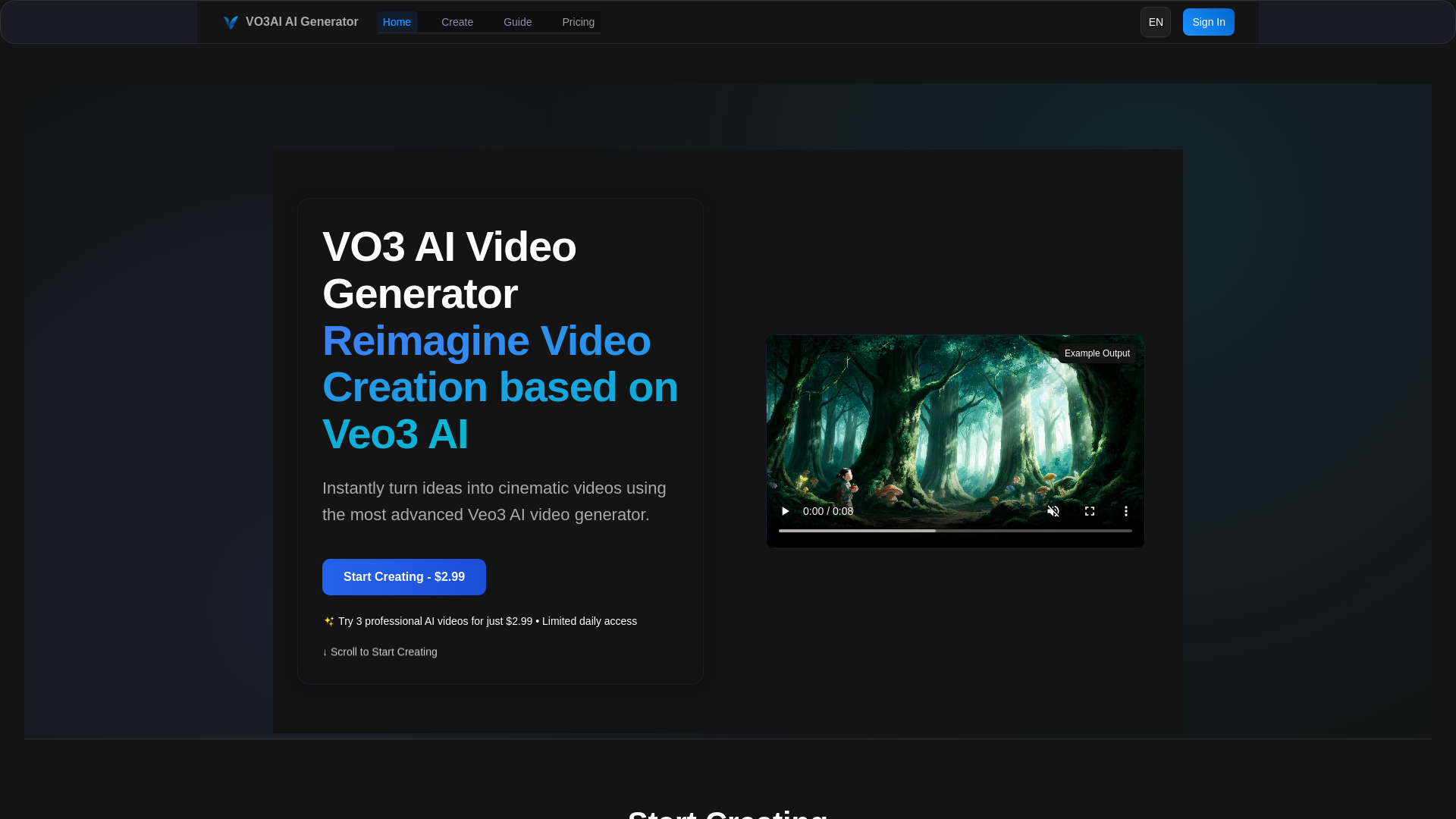
VO3 AI
Cinematic Veo-powered video generation

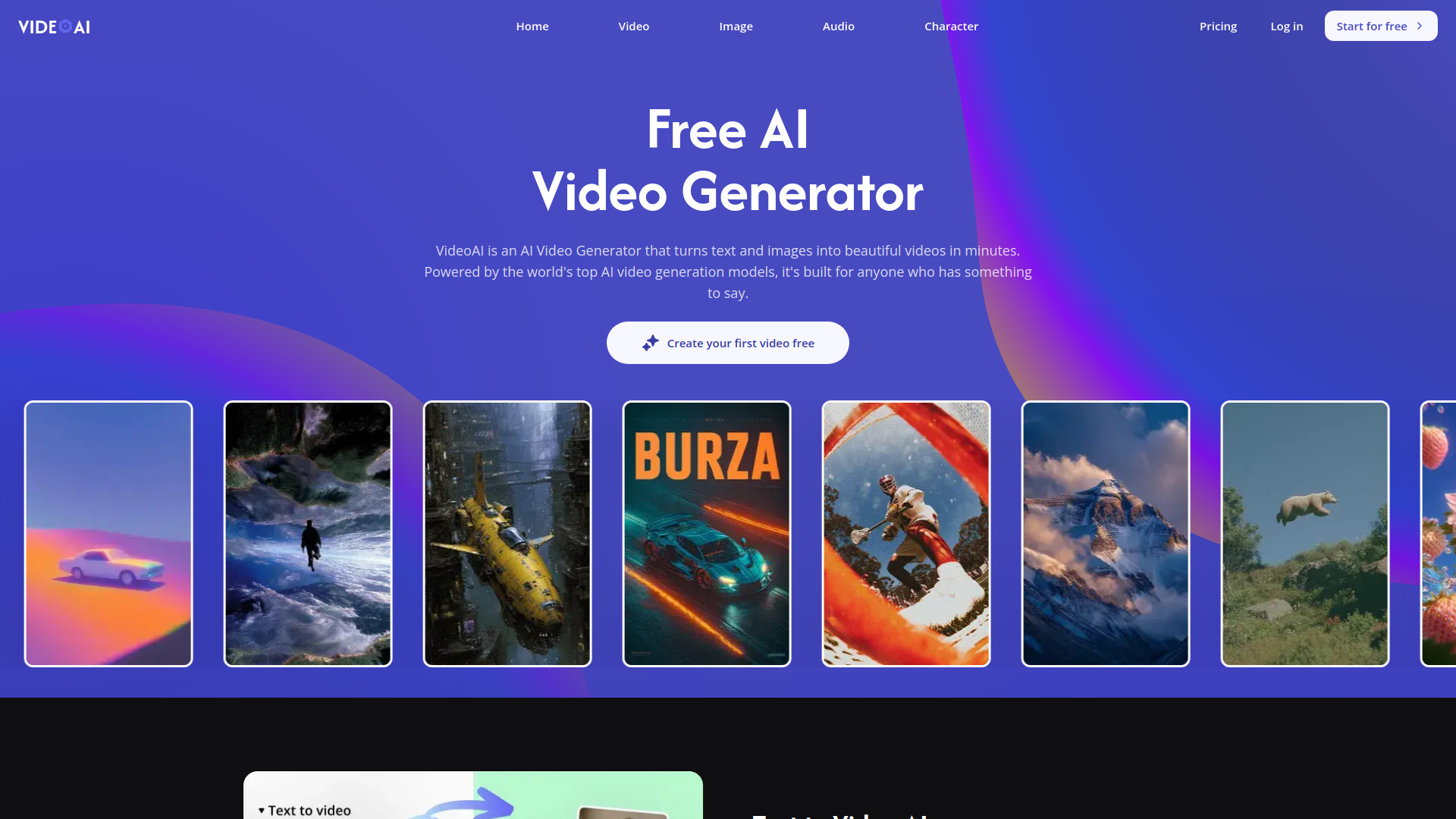
VideoAI
Multi-model AI video creation

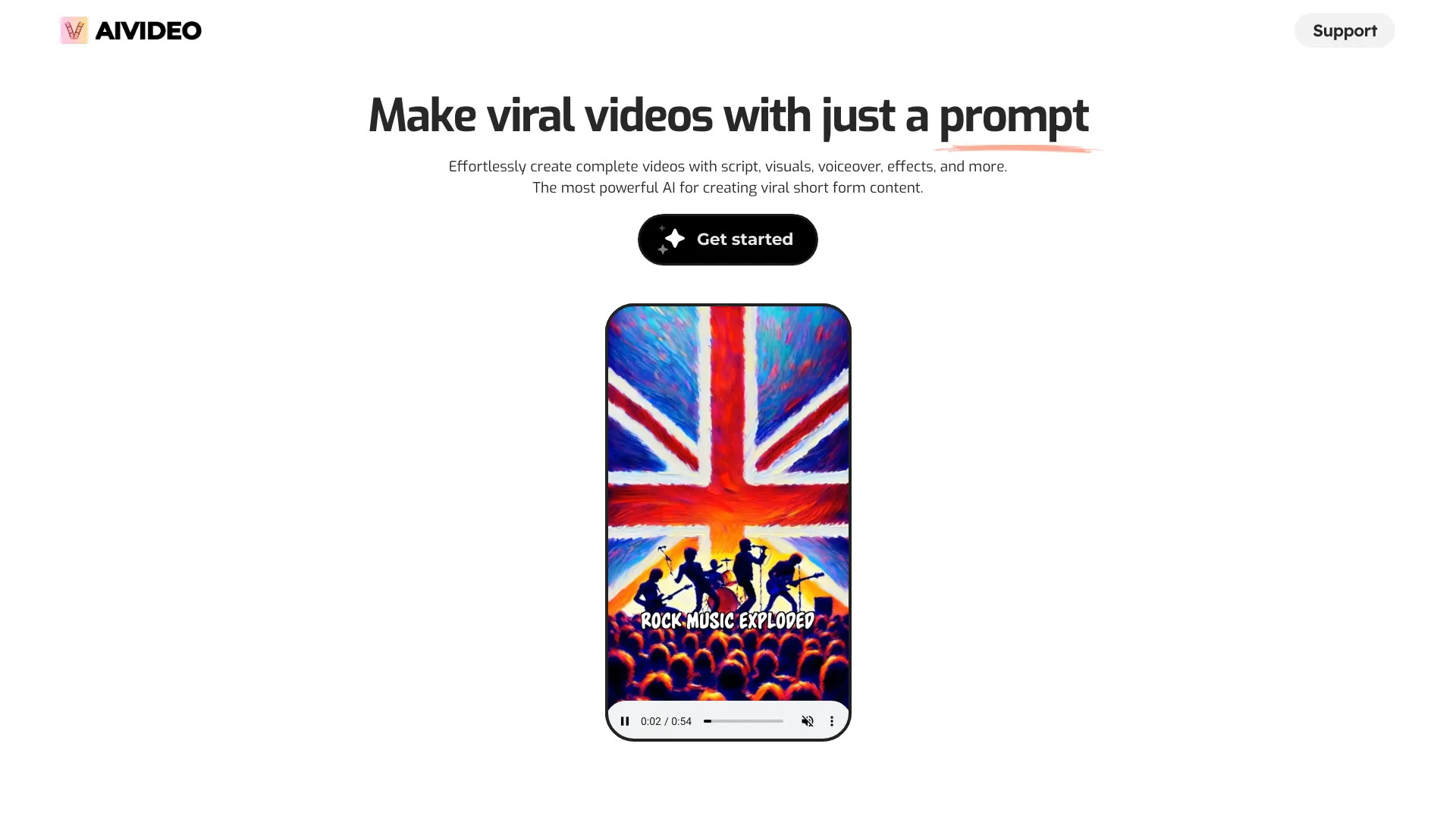
AIVideo.com
All-in-one AI video production

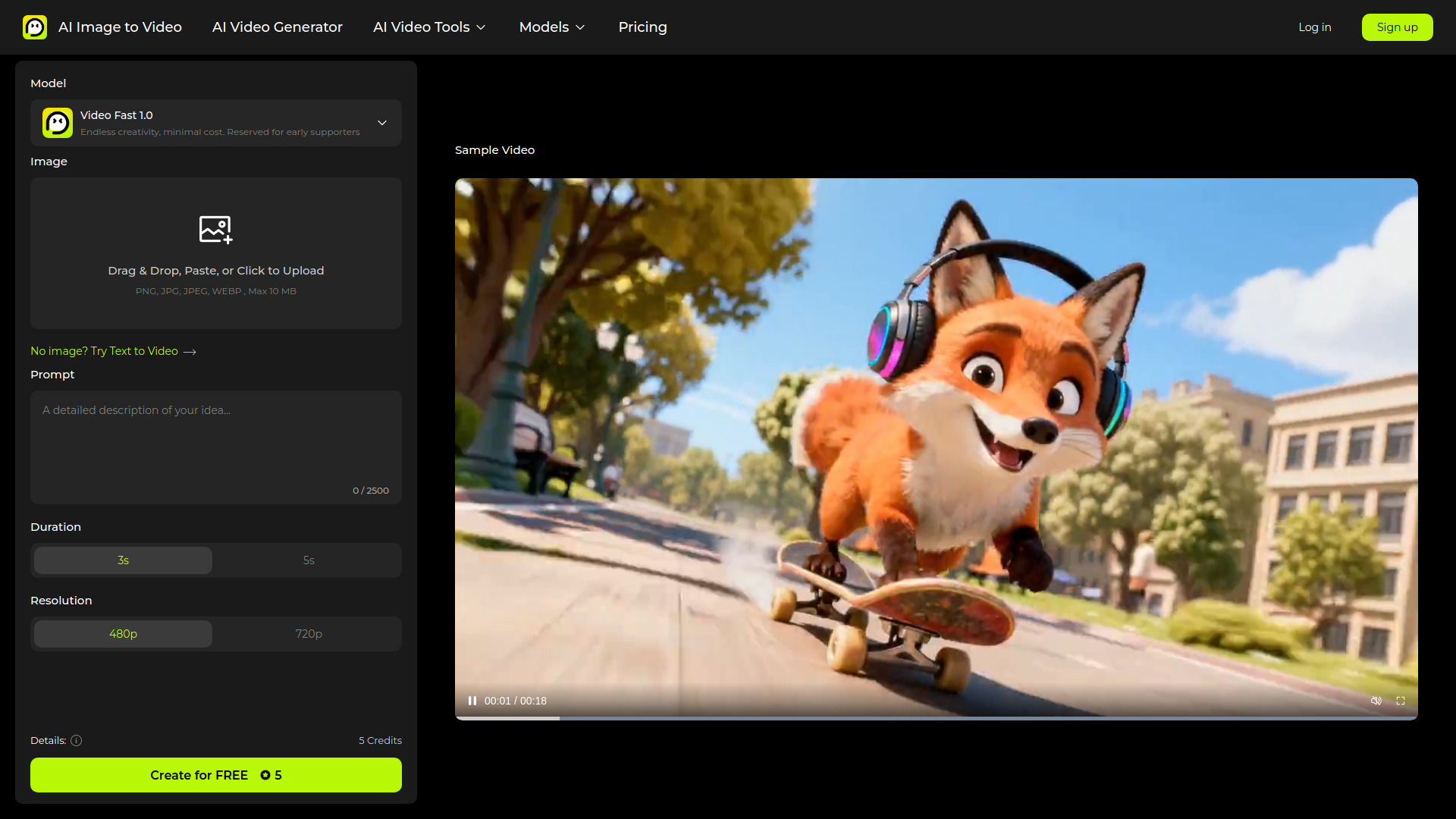
AI Image to Video
Image-to-video generation
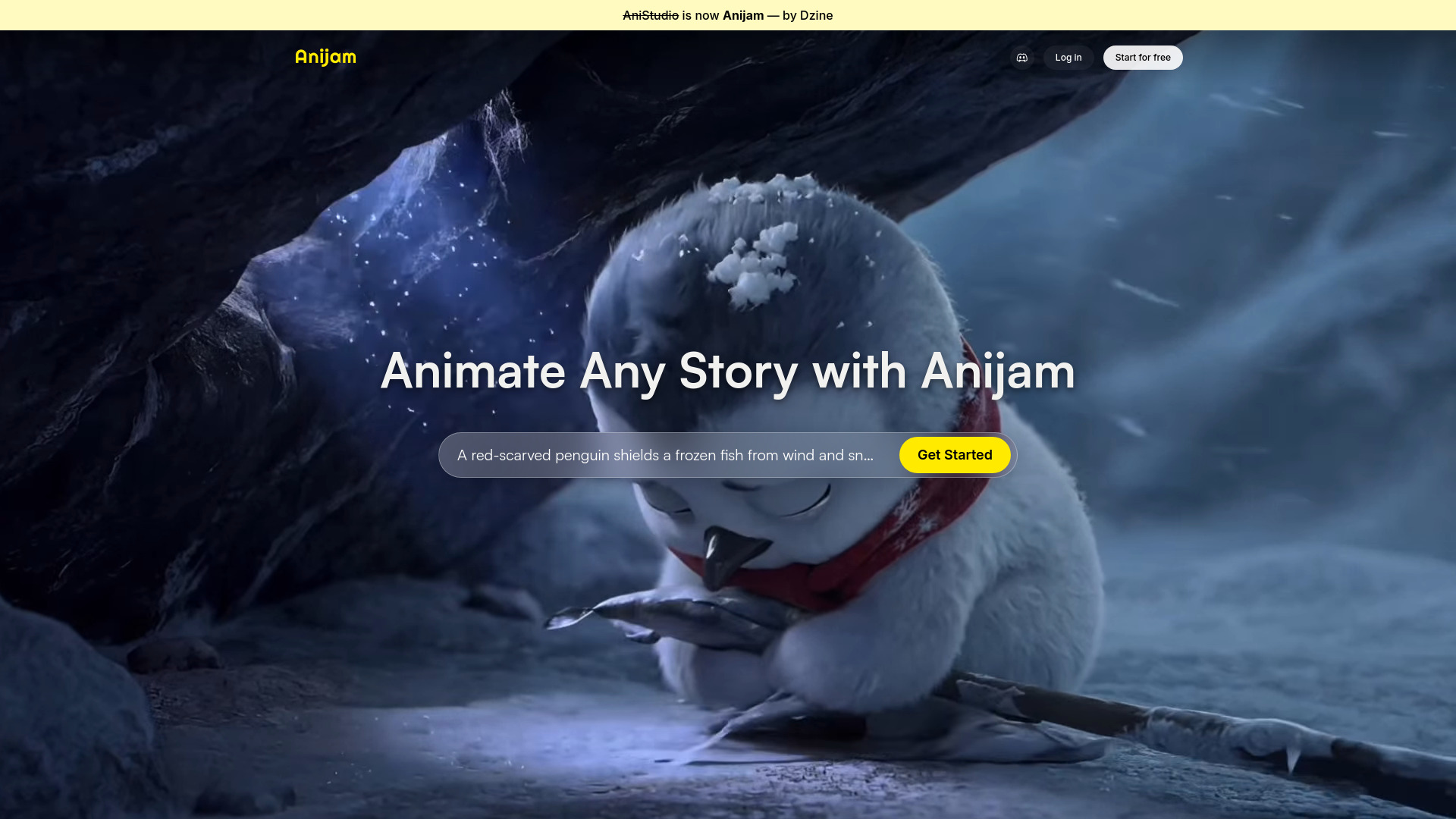
Anijam AI
AI animation and story video creation

AIAI.com
All-in-one AI video and image creation

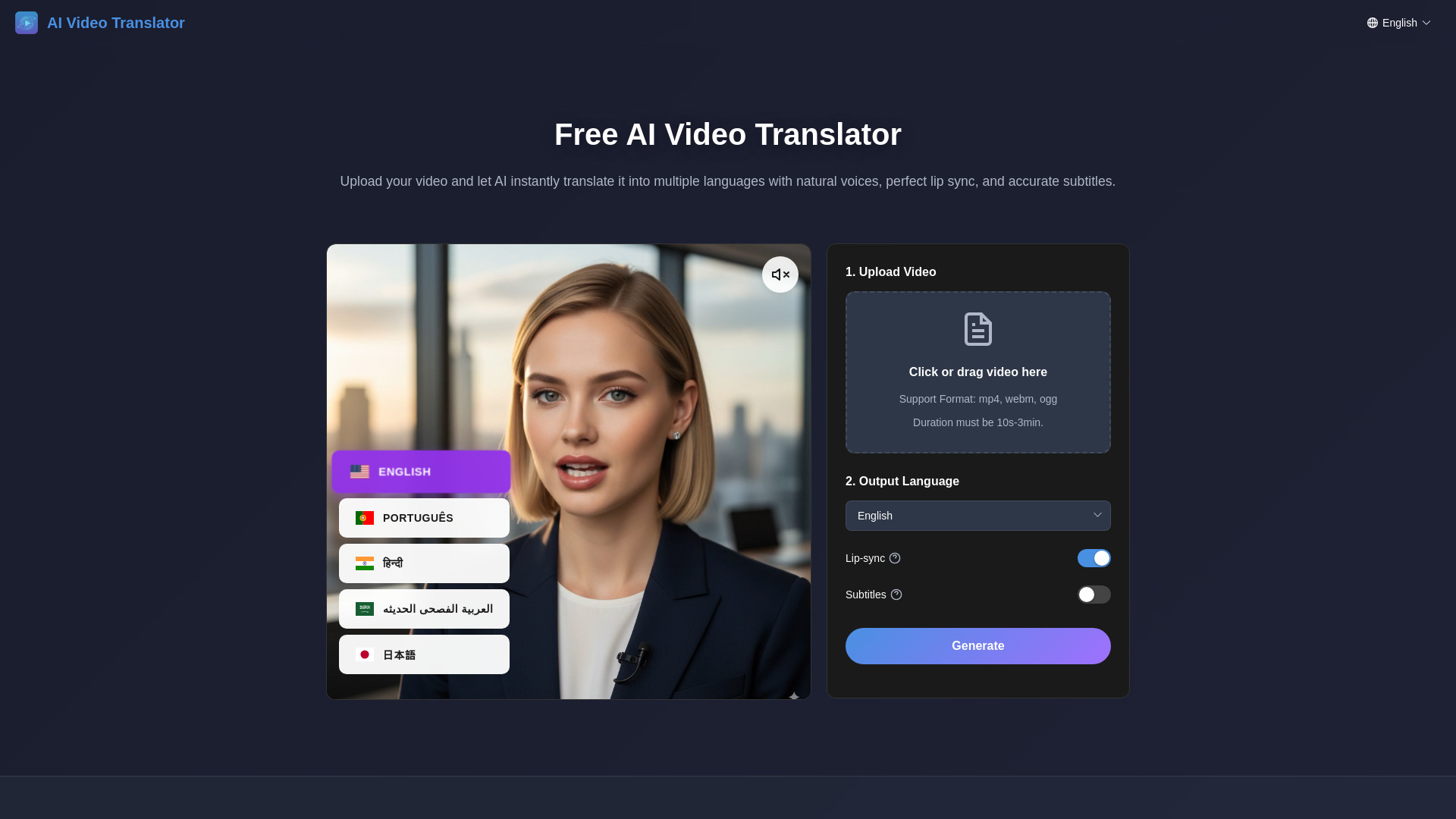
AI Video Translator
Multilingual video dubbing

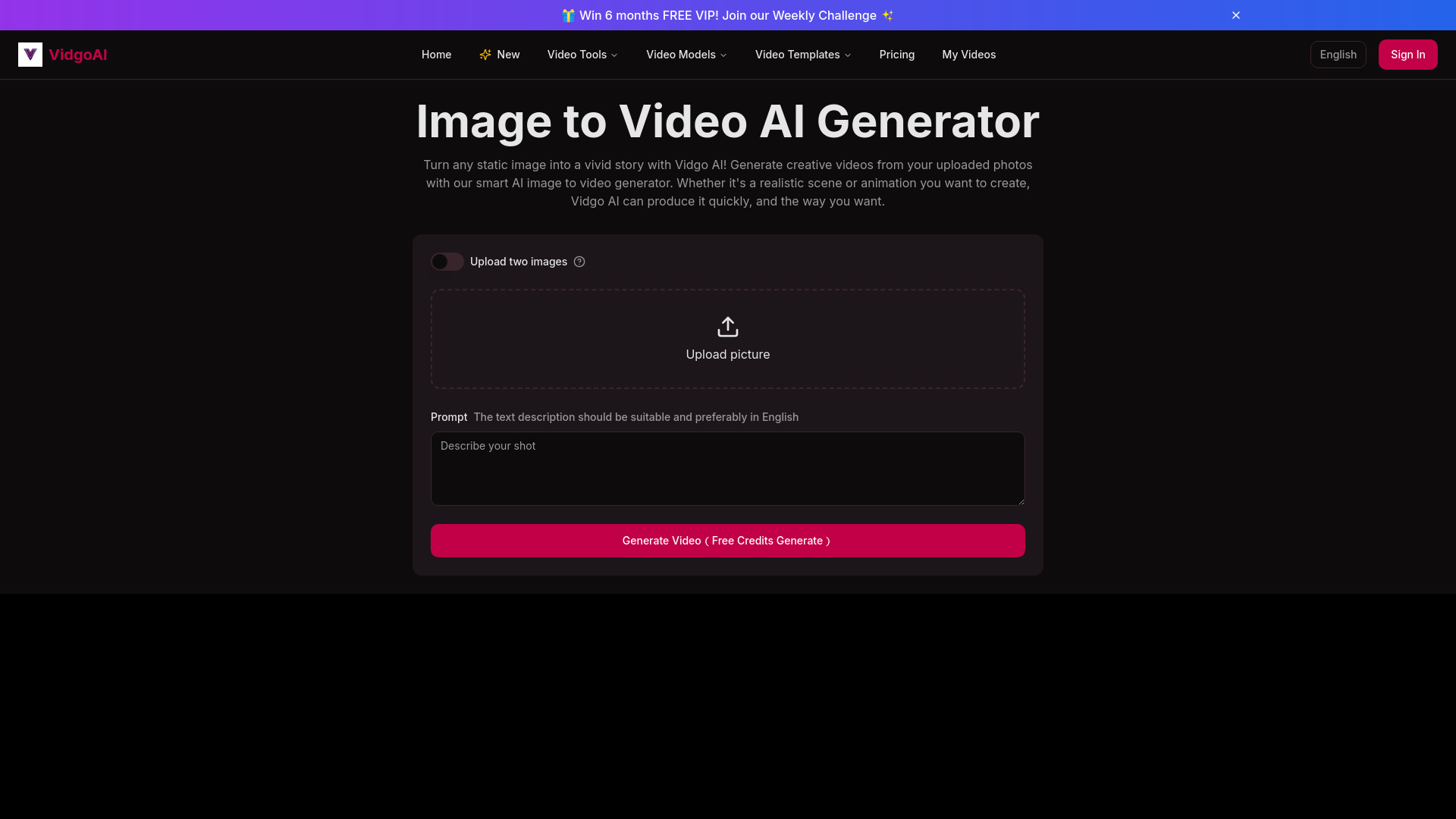
Vidgo AI
Image-to-video creators

Eddie AI
Prompt-based video editing from interviews

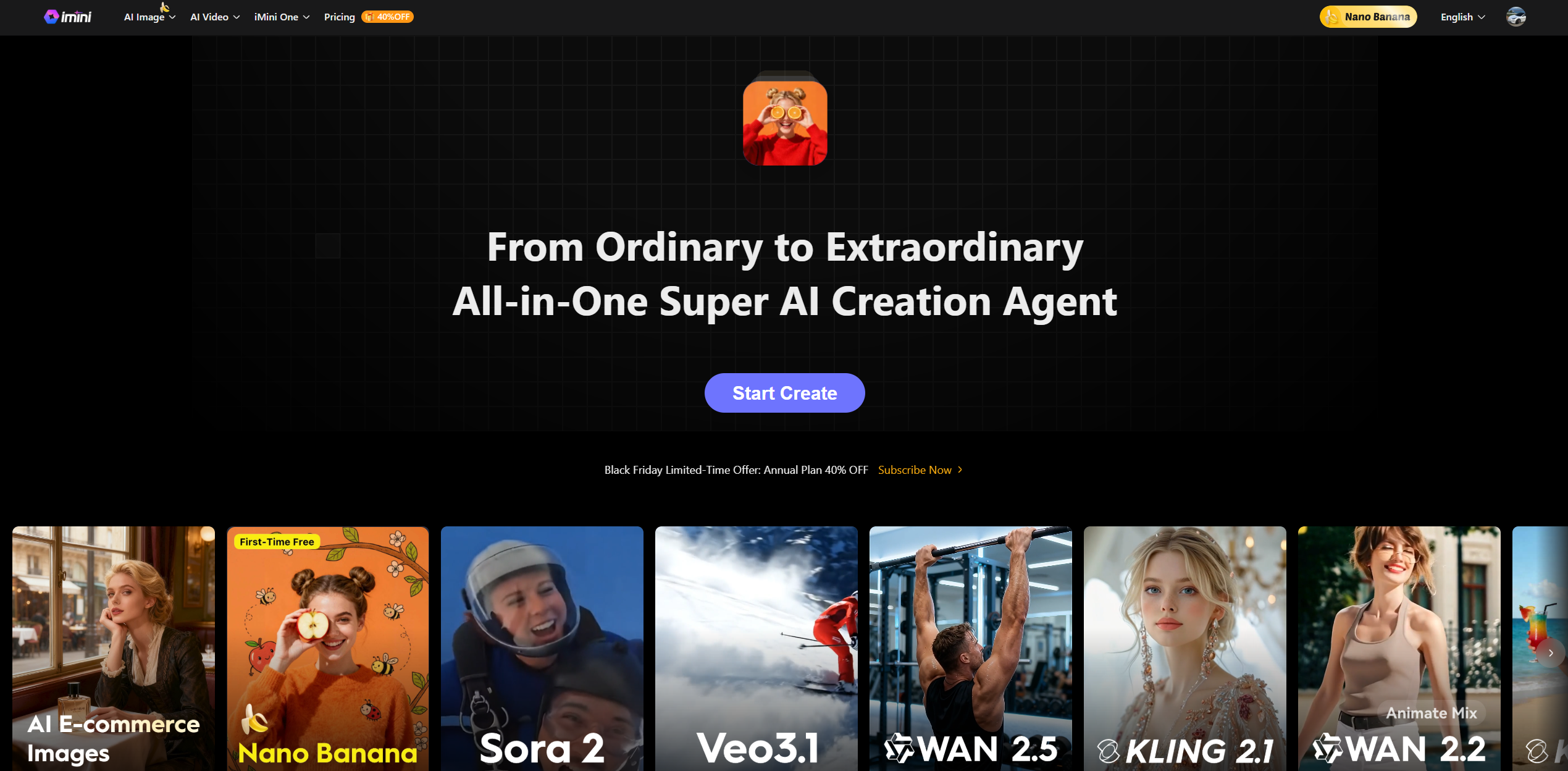
imini AI
All-in-one AI content creation

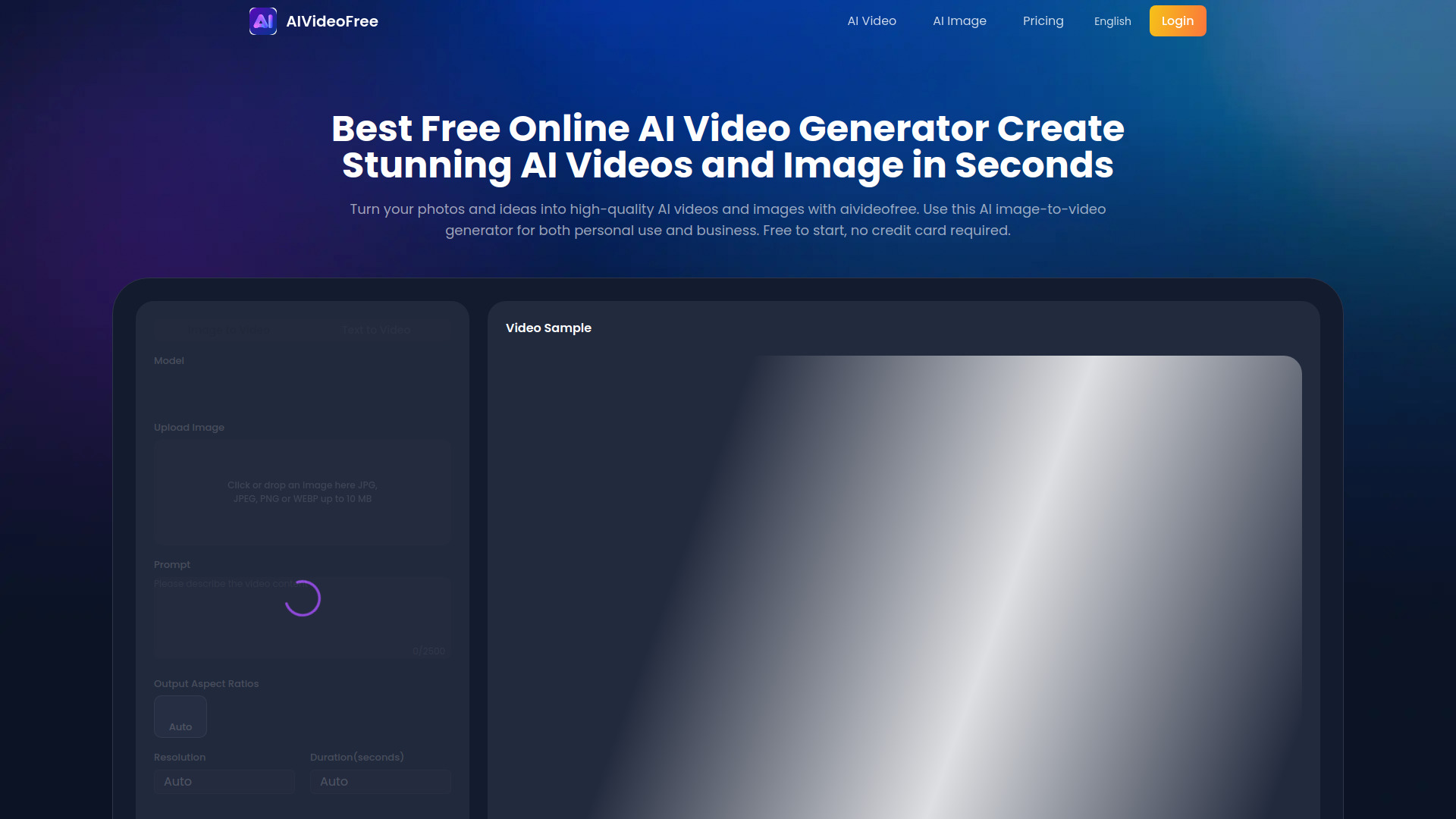
AIVideoFree
Image-to-video creators
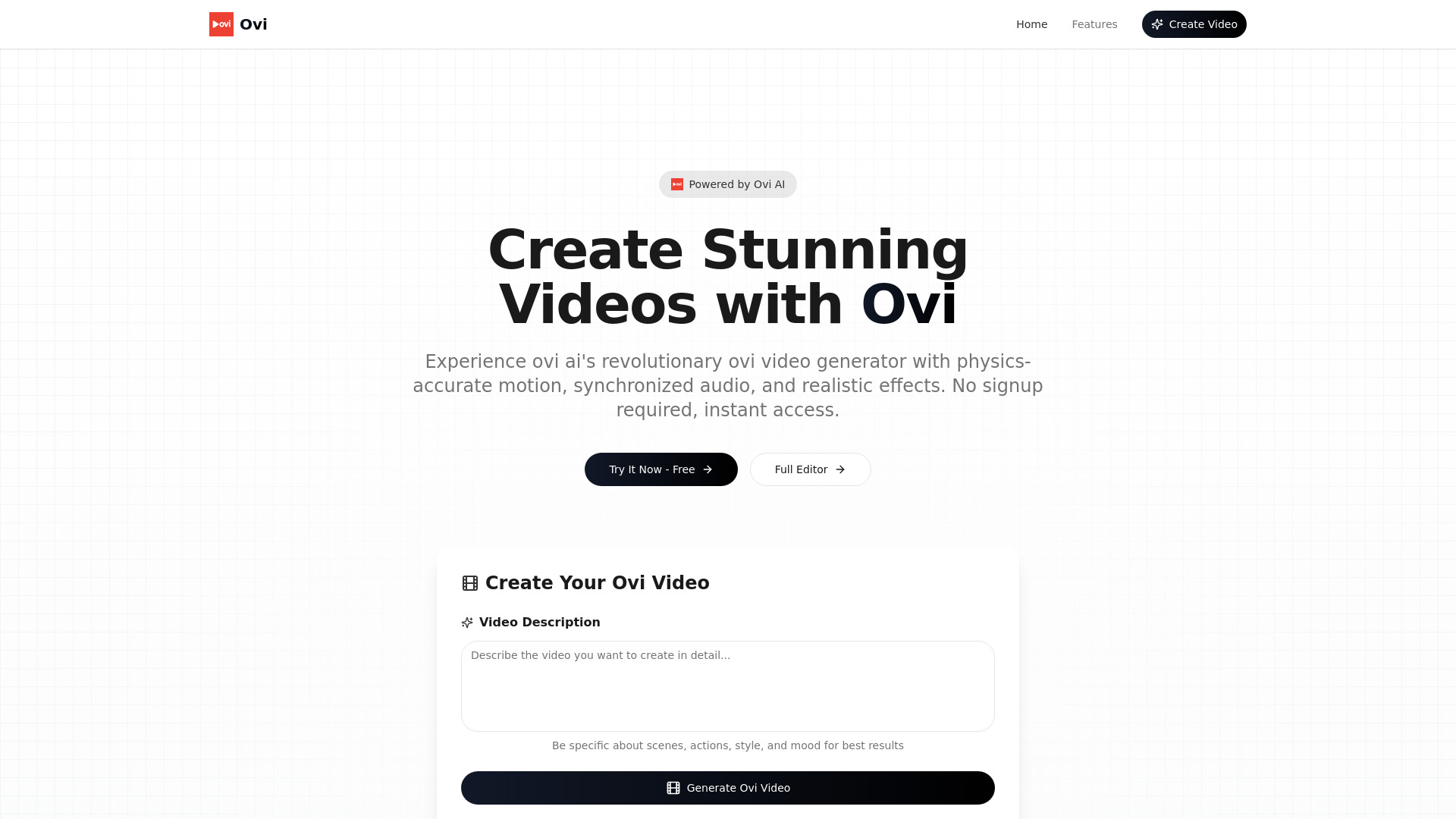
Ovi AI
Physics-accurate text-to-video creation

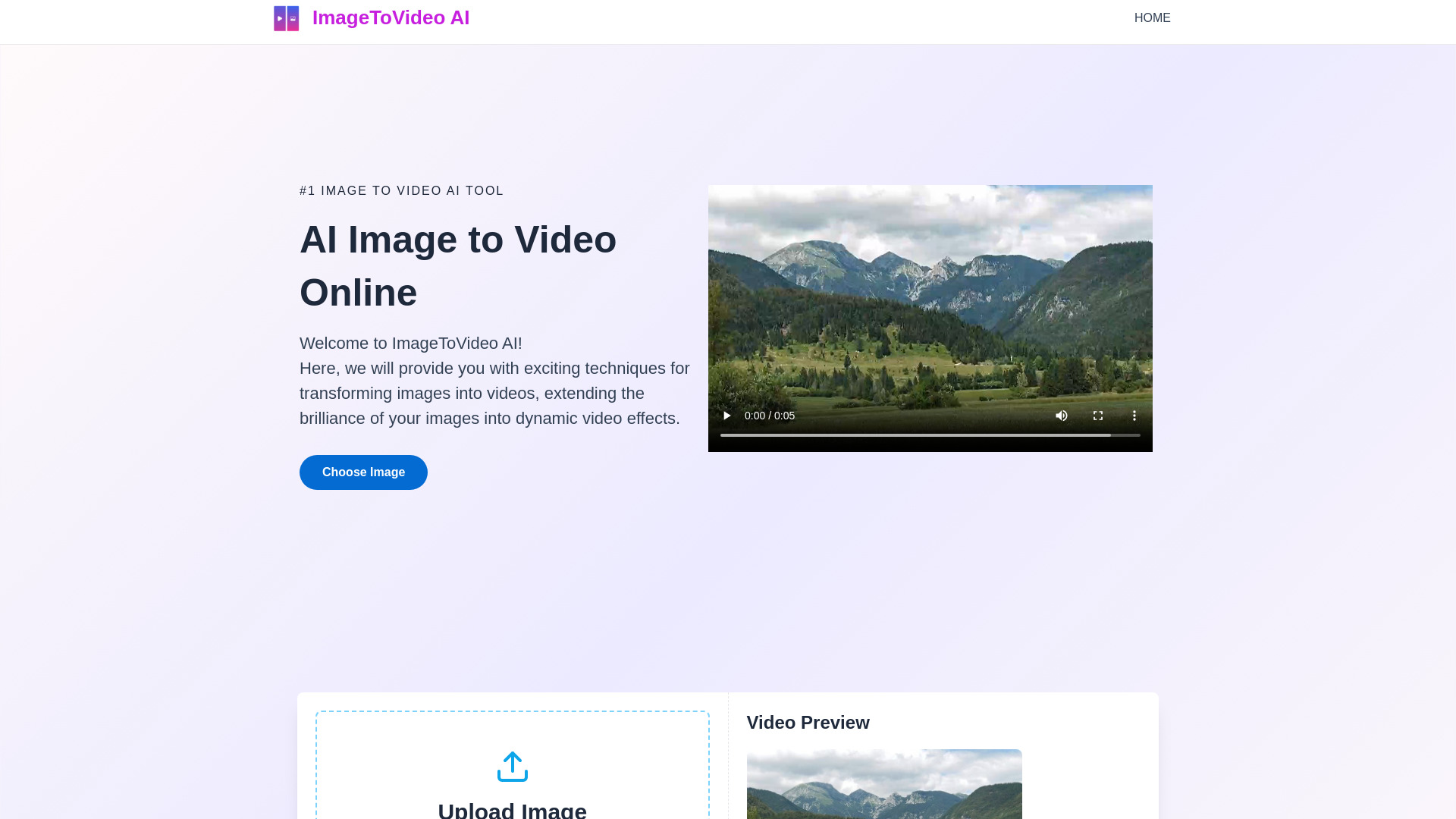
ImageToVideo AI
Image-to-video content creators

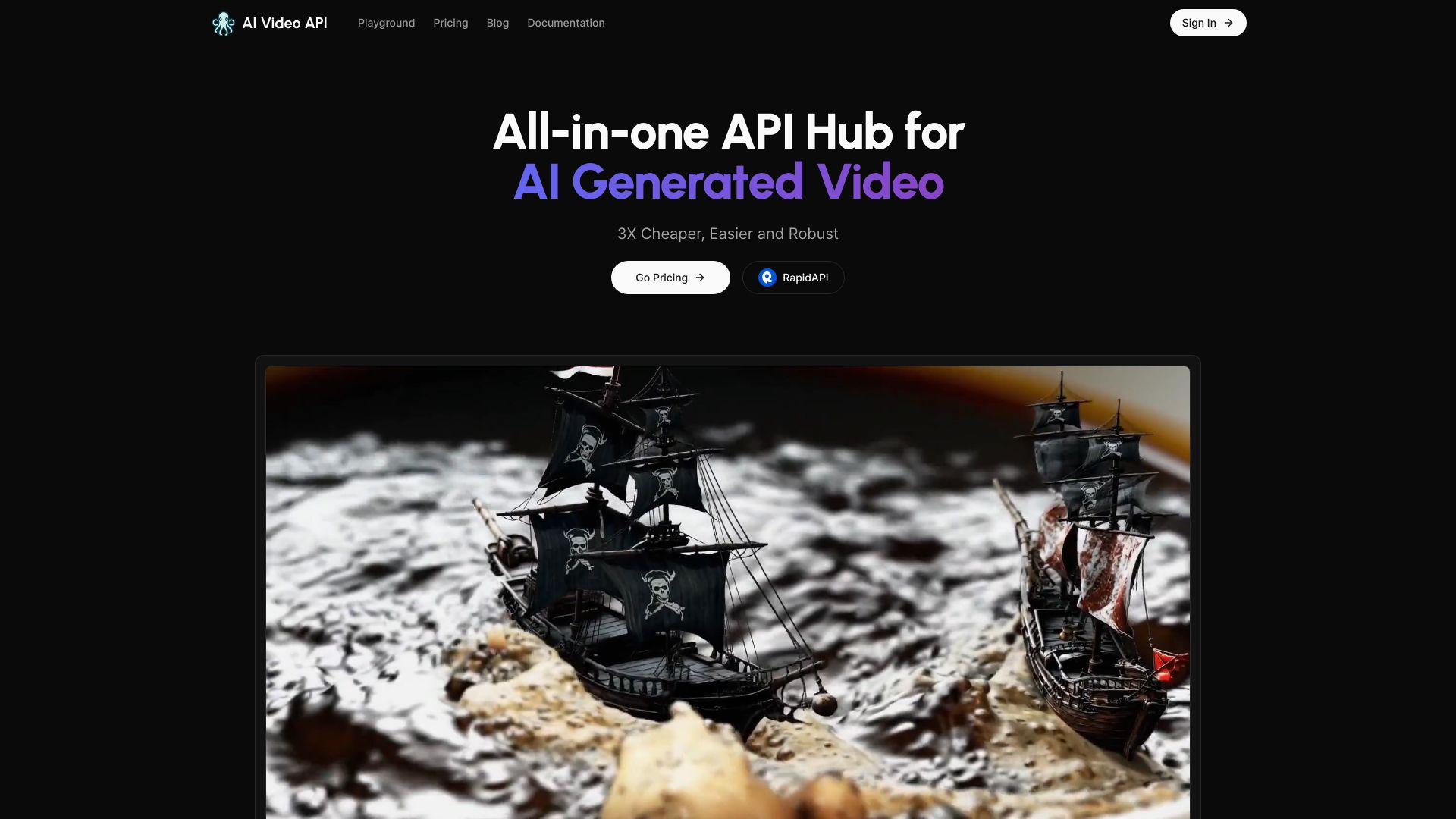
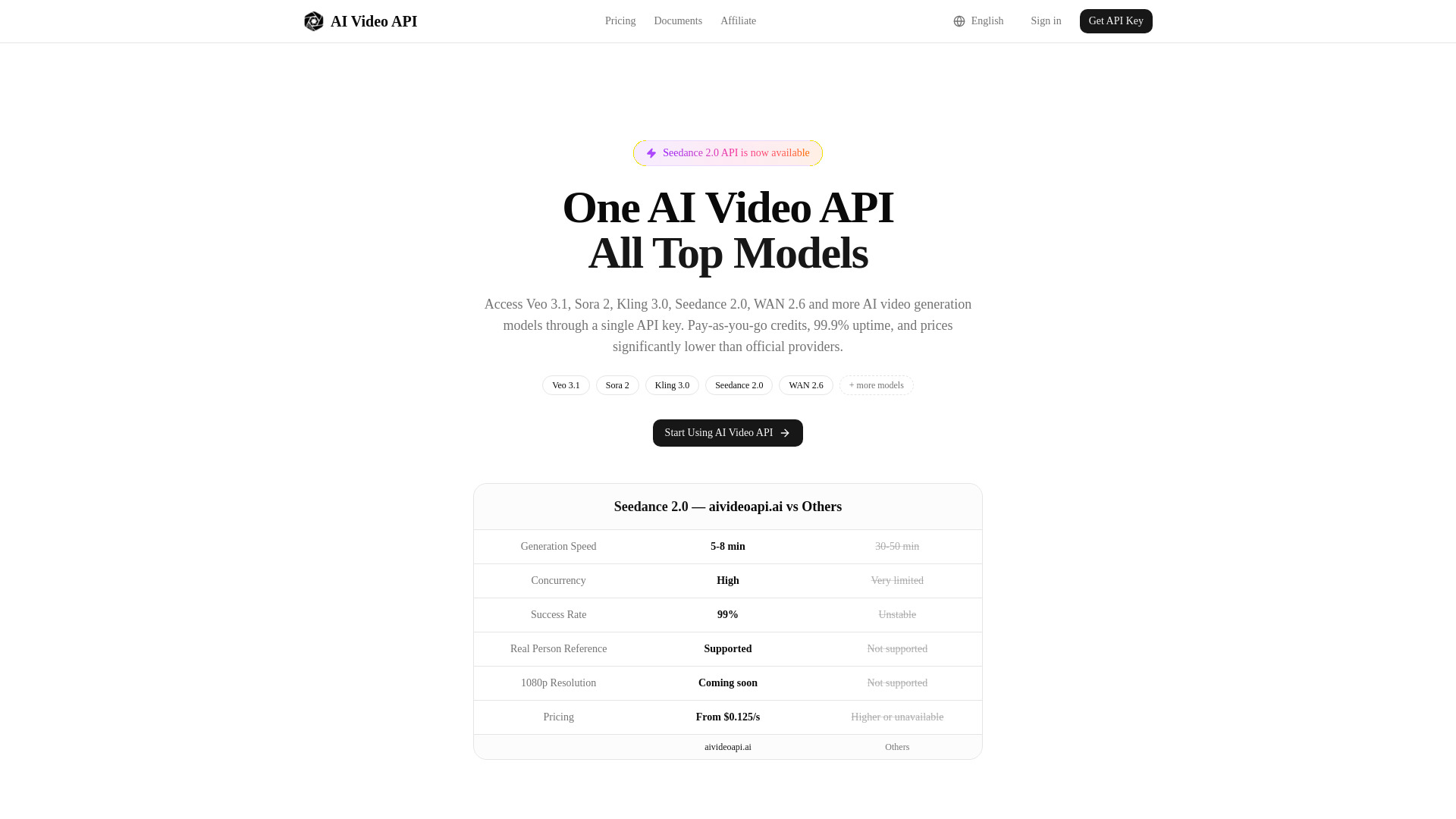
AI Video API
Developers building AI video apps

AI Studio for Video
Multi-model video and image workflows

AI Animate Image
AI photo animation

VividHubs.ai
Two-photo romantic video creation

Omni AI Video
Text-to-video and image-to-video creators


InfiniteTalk AI
Long-form talking video dubbing


aivideoapi
Developers building AI video products

Imagvio AI
Consistent AI image and video edits

Voor AI
Text-to-video and image generation

VideoIdeas.ai
YouTube script and idea generation

AI Pet Video Generator
Pet photo-to-video creation

Image to Video AI
Cinematic image-to-video clips

Dream Machine AI
Realistic text-to-video creators
AI Image to Video
Turning images into short AI videos

AI Baby Video
AI baby videos and predictions

ImageToVideoAI
Multi-model image-to-video creation

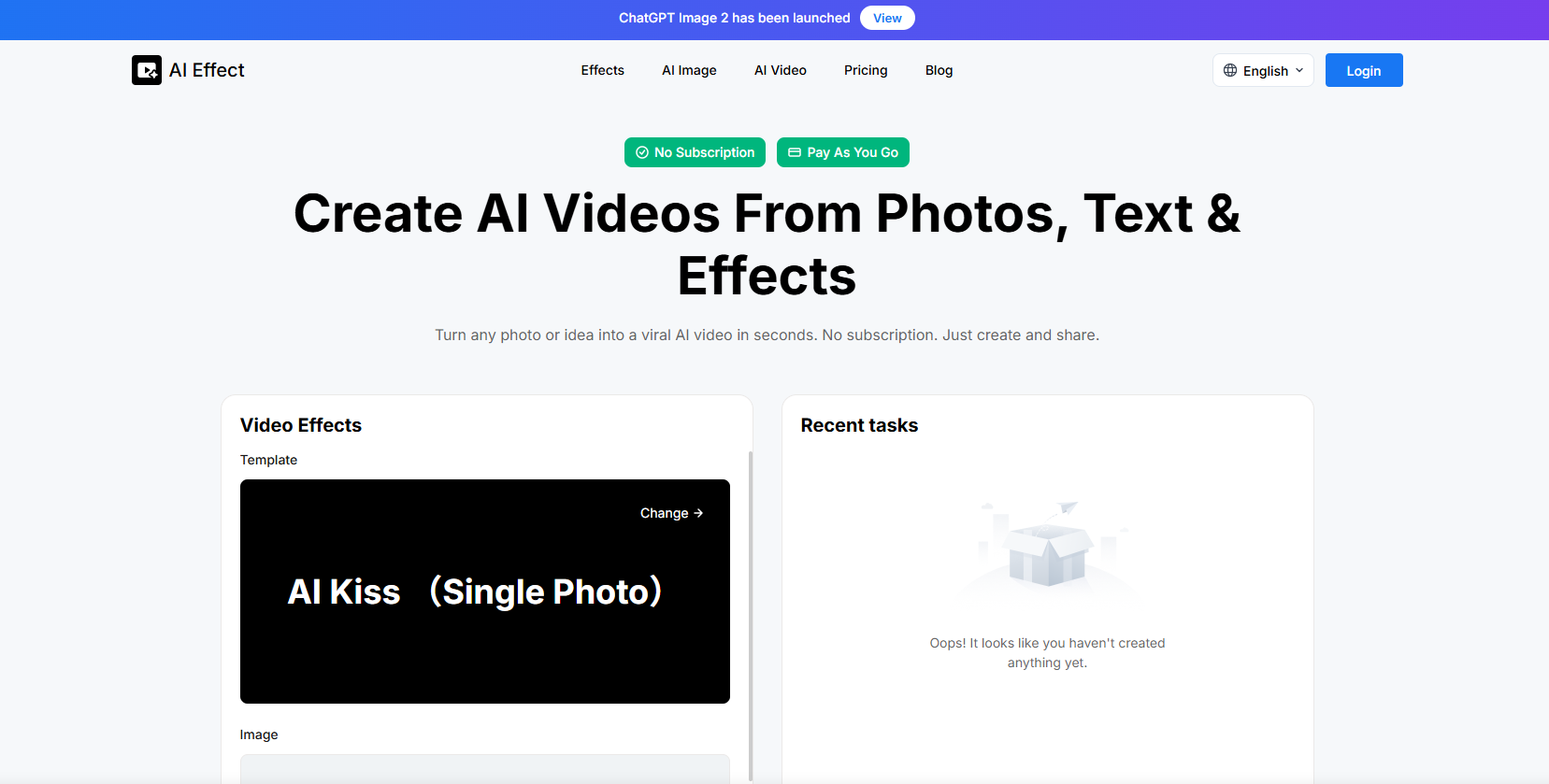
AI Effect
Photo-to-video effects

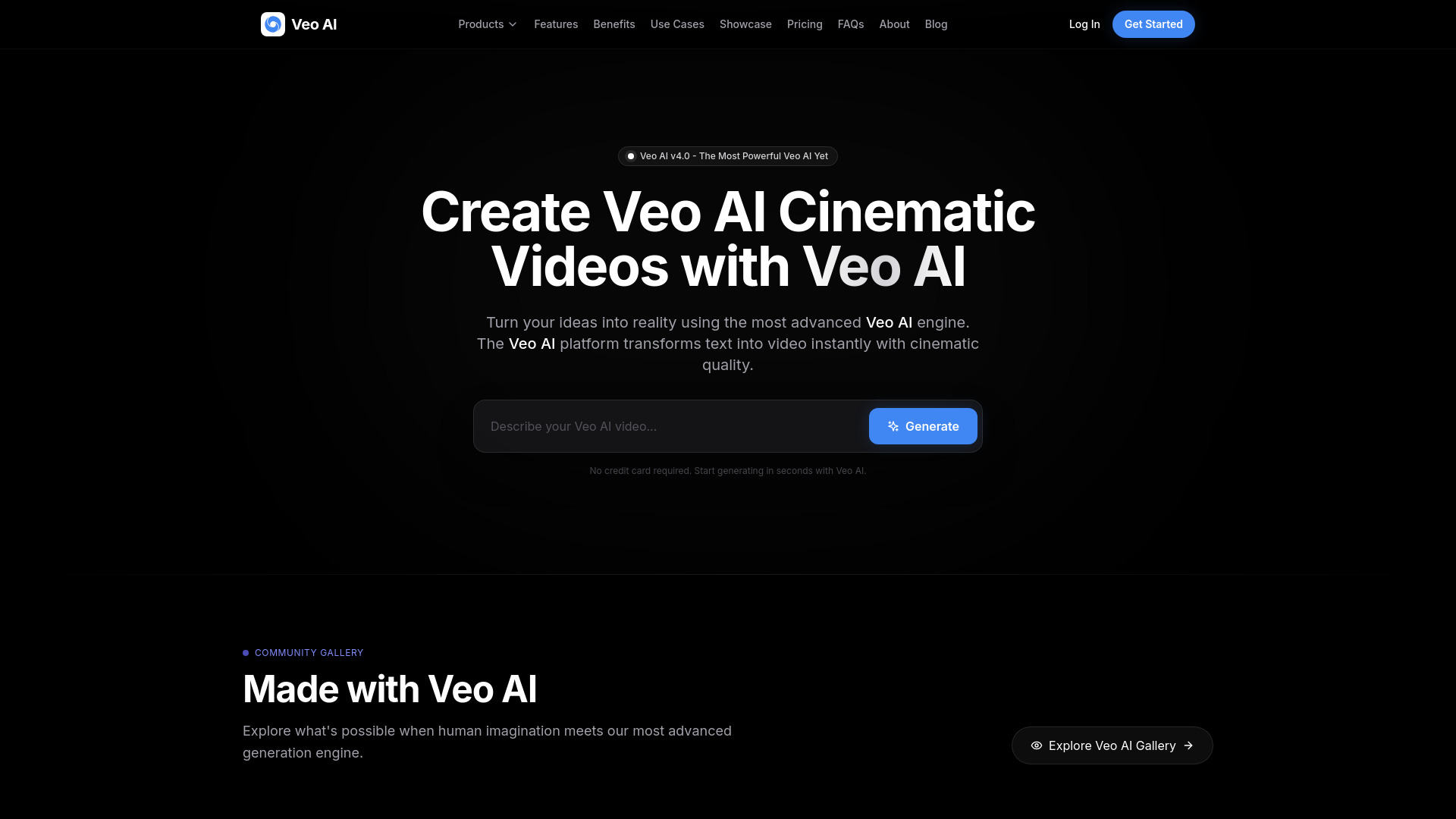
Veo Ai
Cinematic AI video creation
ImageToVideoAI
Image-to-video creators

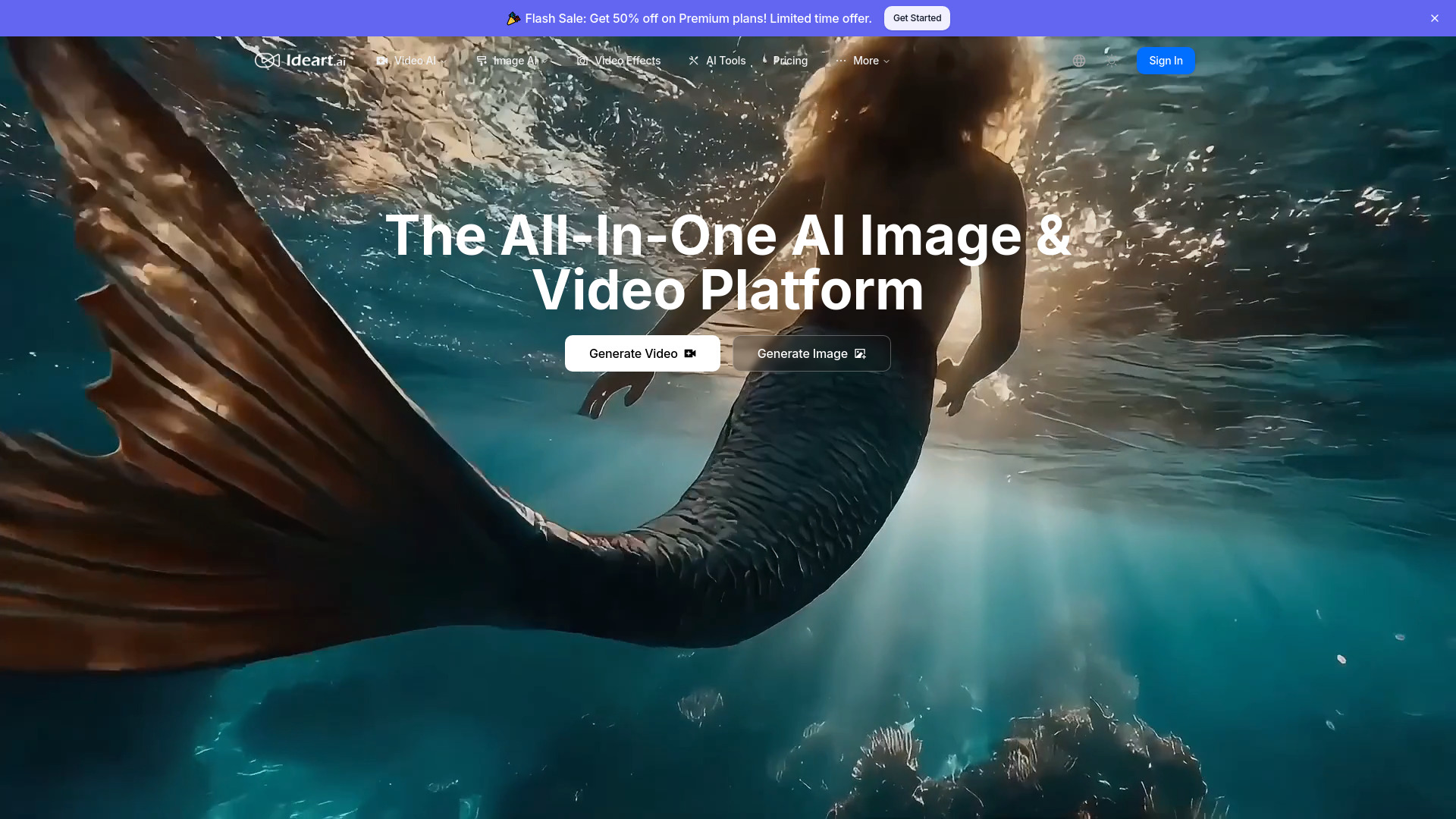
IDEART AI
Multi-model AI video creators

Infinite Talk AI
Audio-driven talking avatars and video dubbing


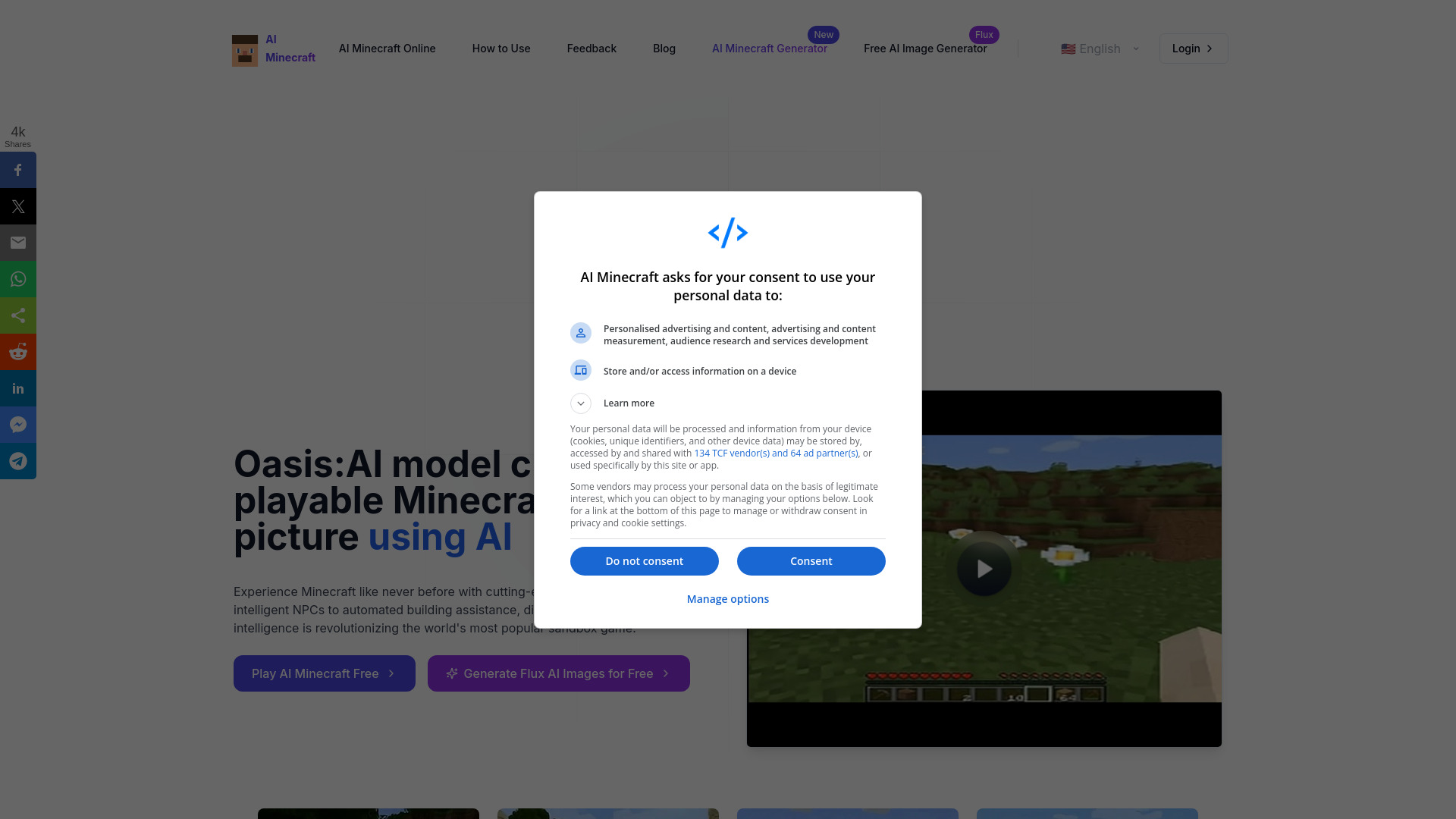
AI Minecraft
AI-generated Minecraft gameplay

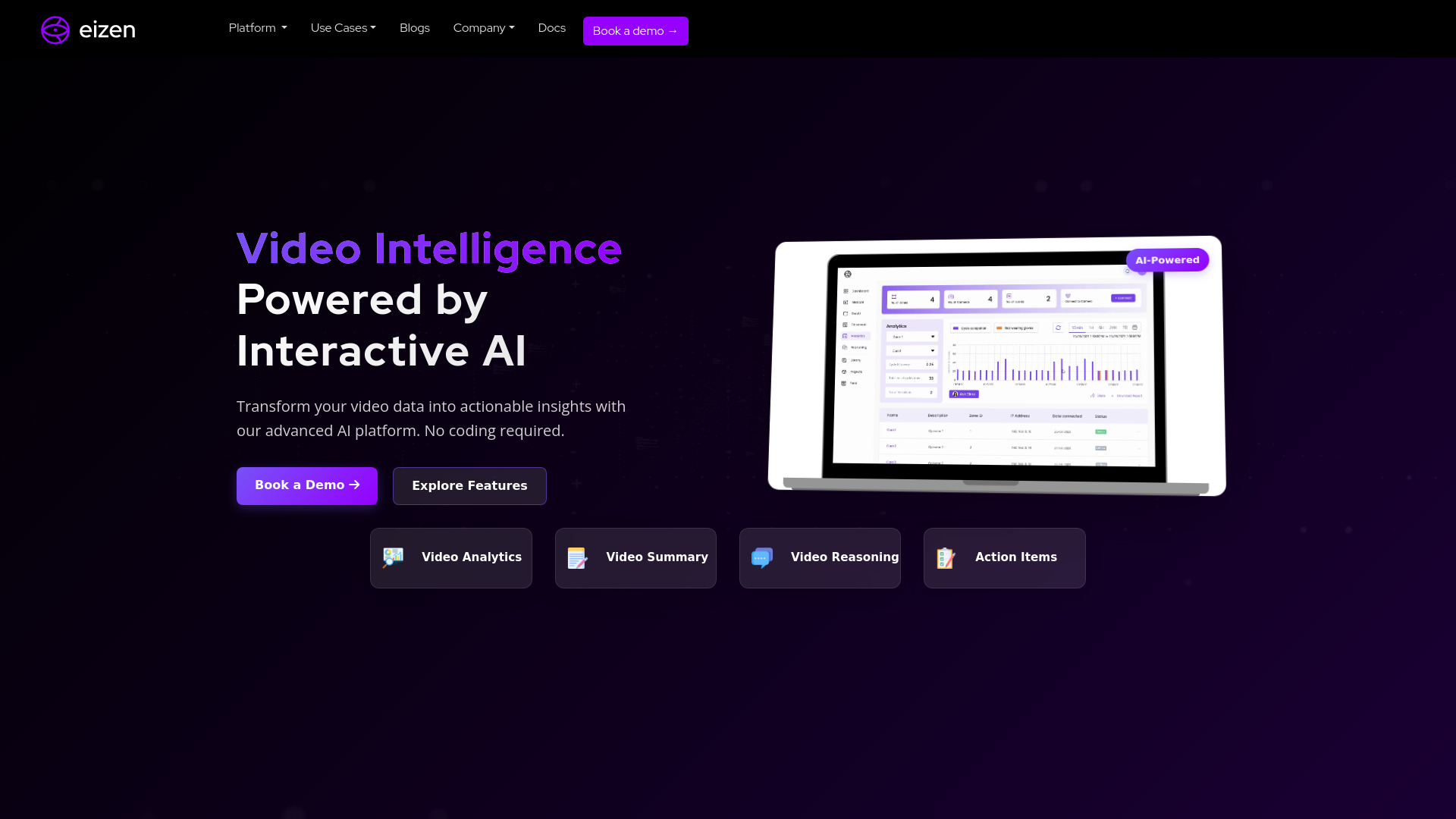
Eizen Video Intelligence
Video analytics for operations teams

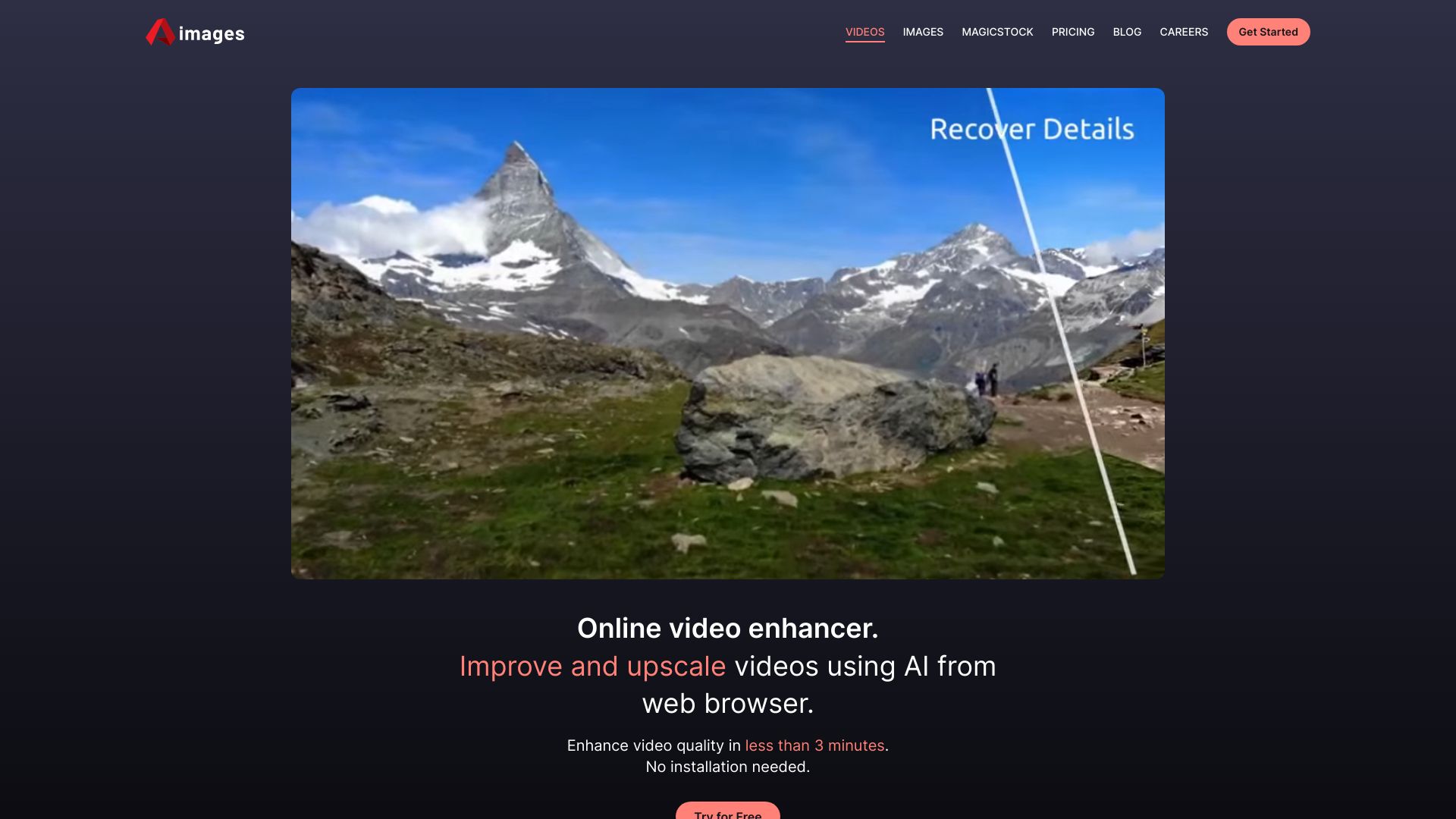
Aimages
Online video enhancement and upscaling

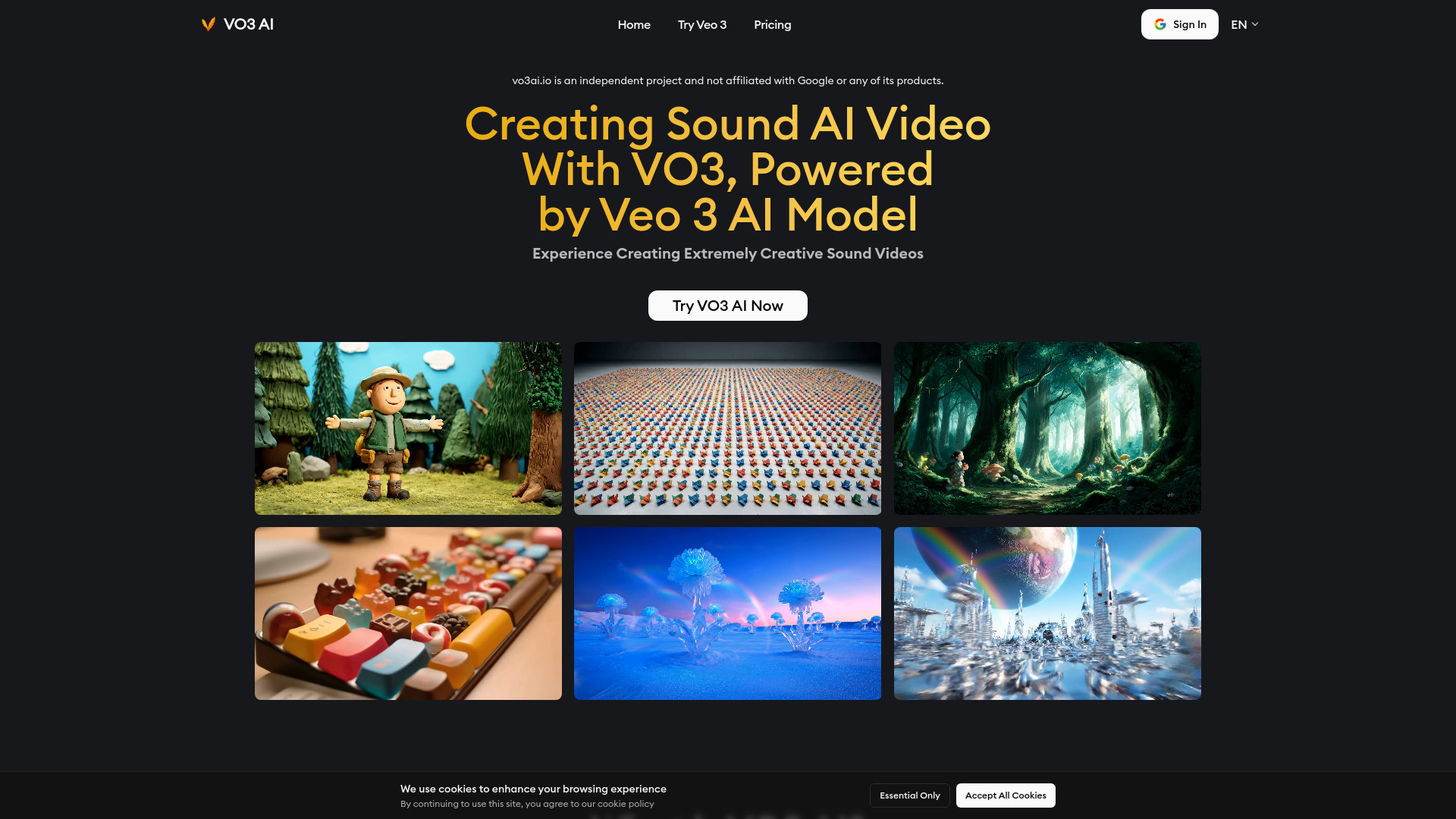
Veo 3 AI Video Generator
Short-form videos with synced audio

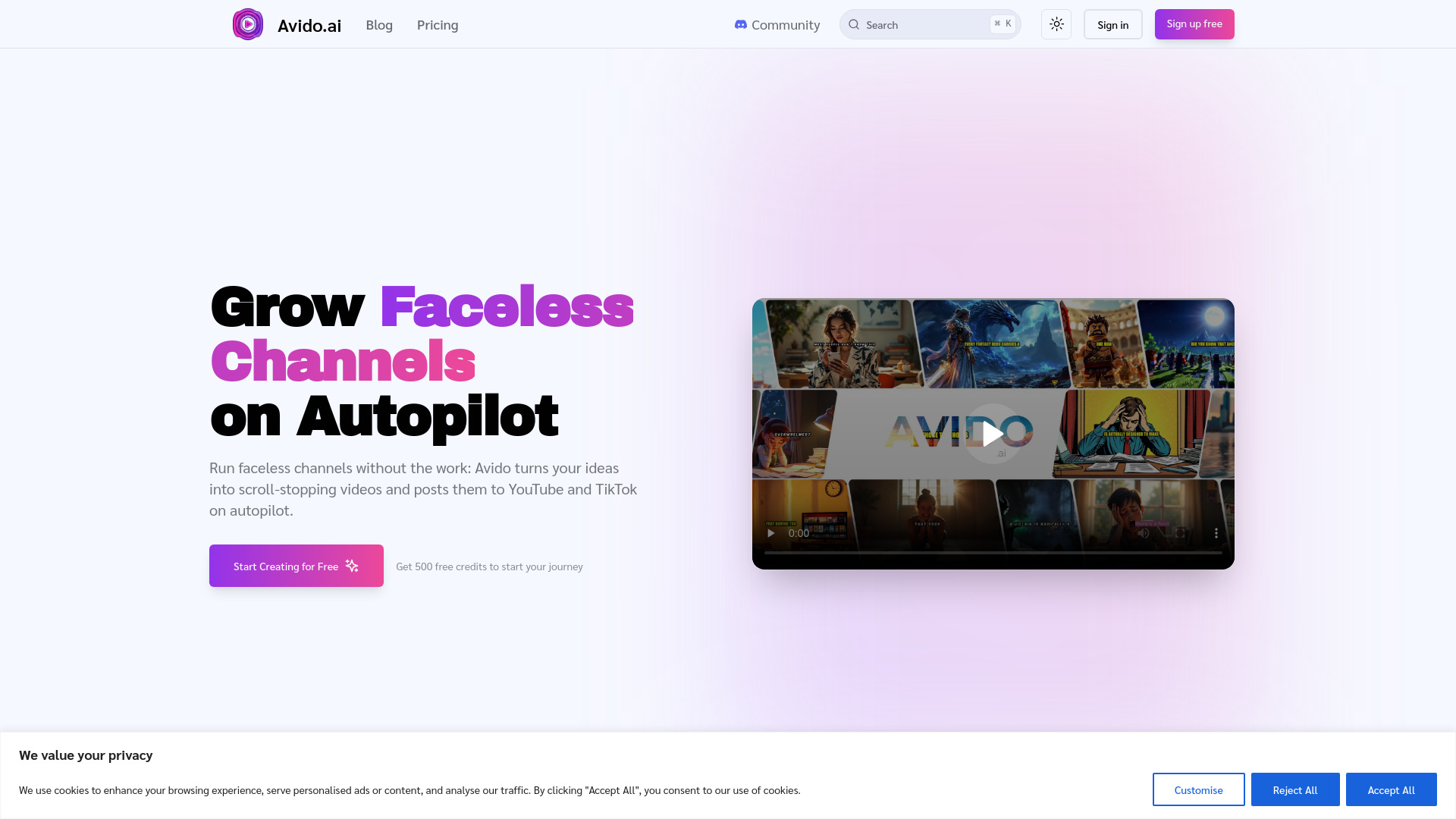
Avido.ai
Faceless YouTube and TikTok channels

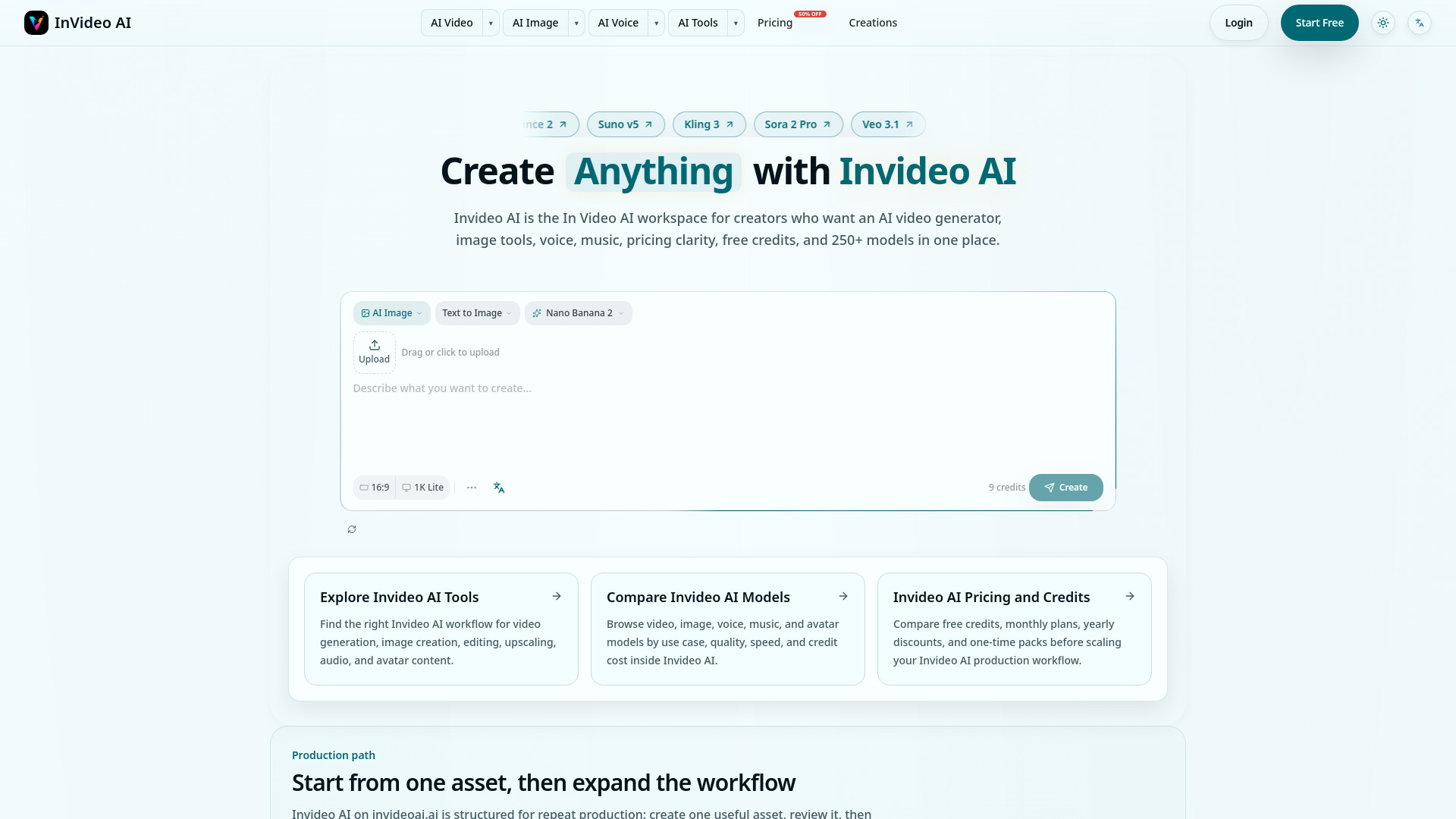
Invideo AI
Creators comparing video and multimodal AI models

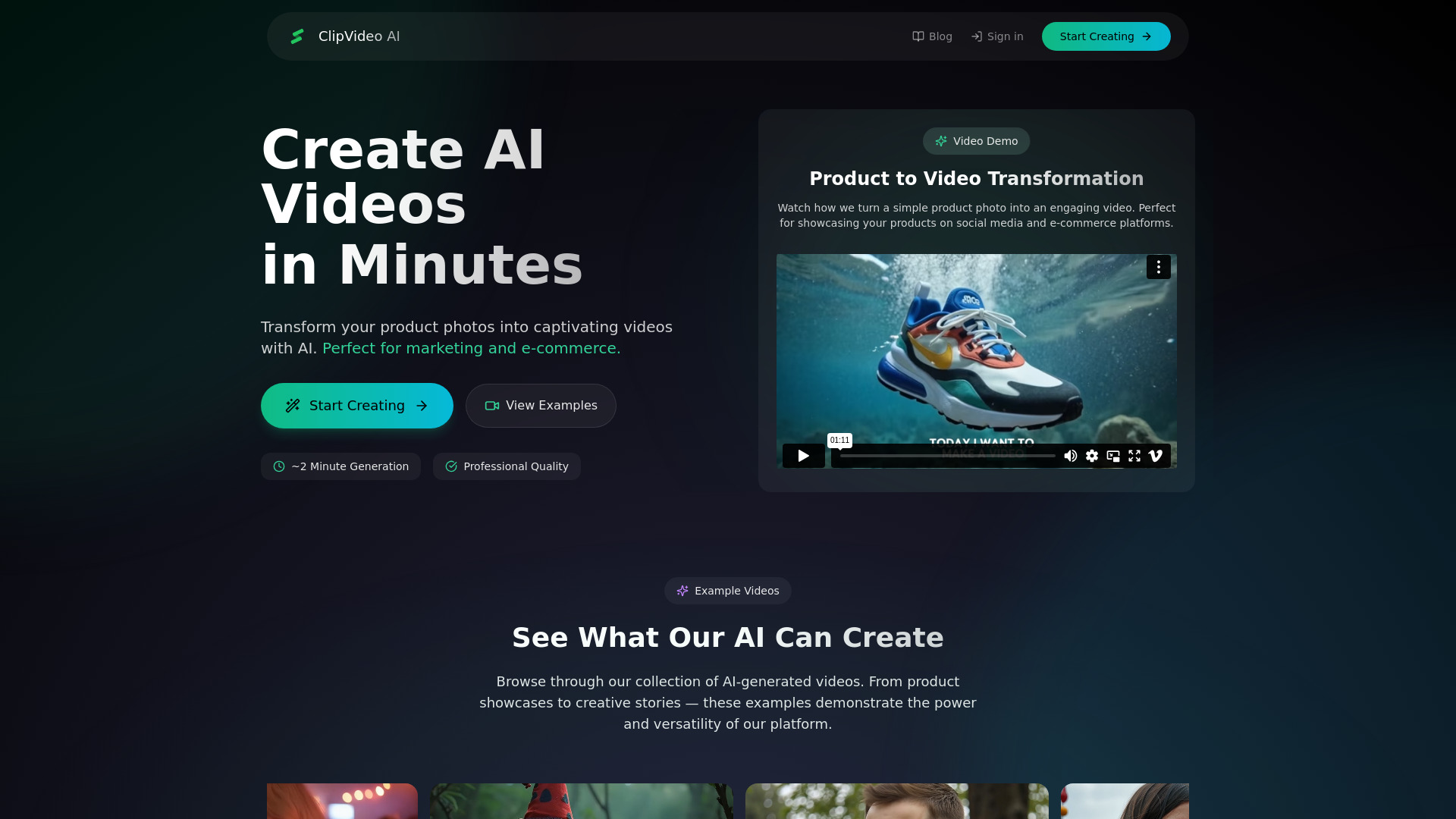
ClipVideo AI
Product marketers and content creators

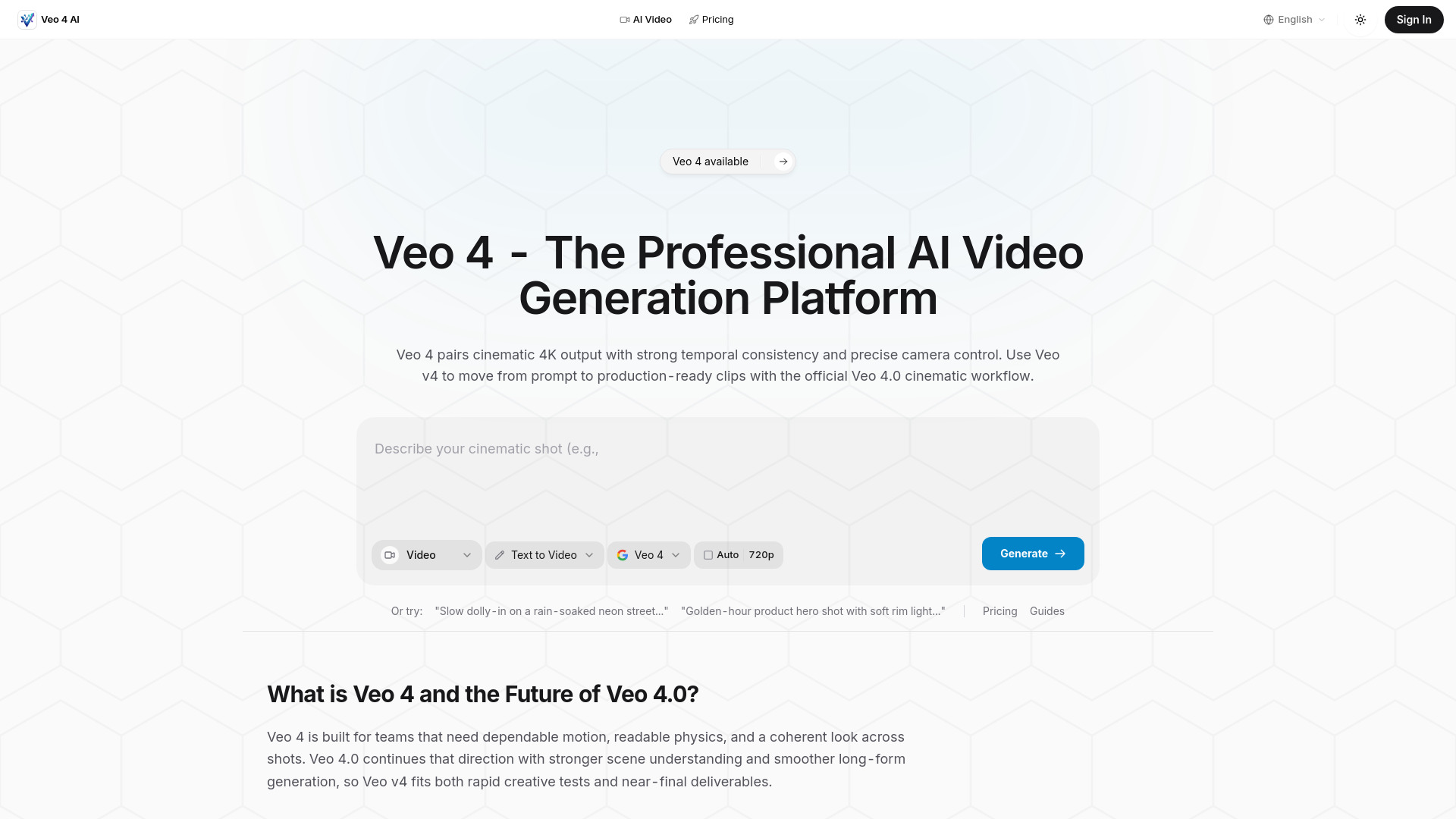
Veo 4 AI
Cinematic marketing videos

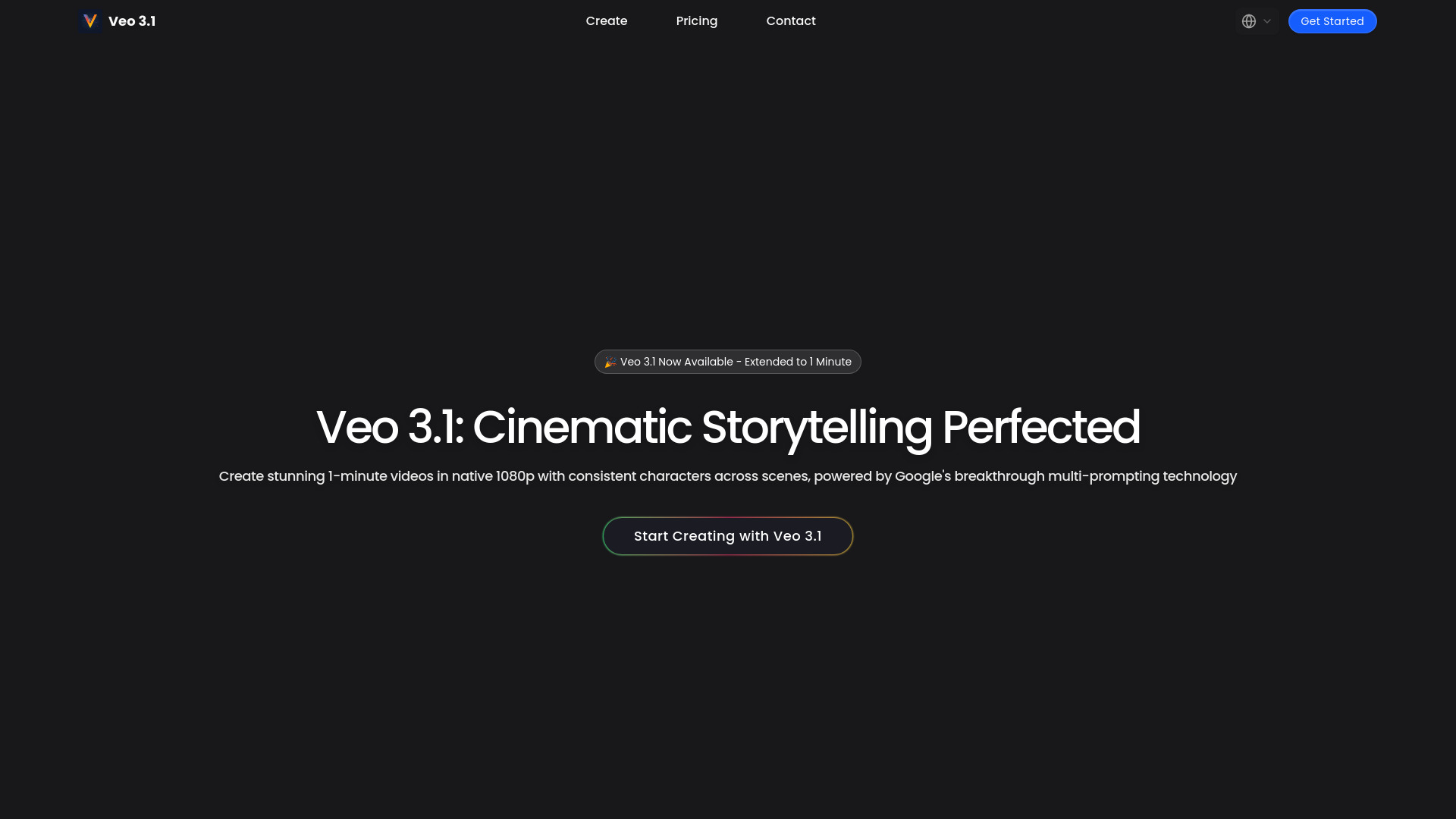
Veo 3.1
Cinematic AI video storytelling

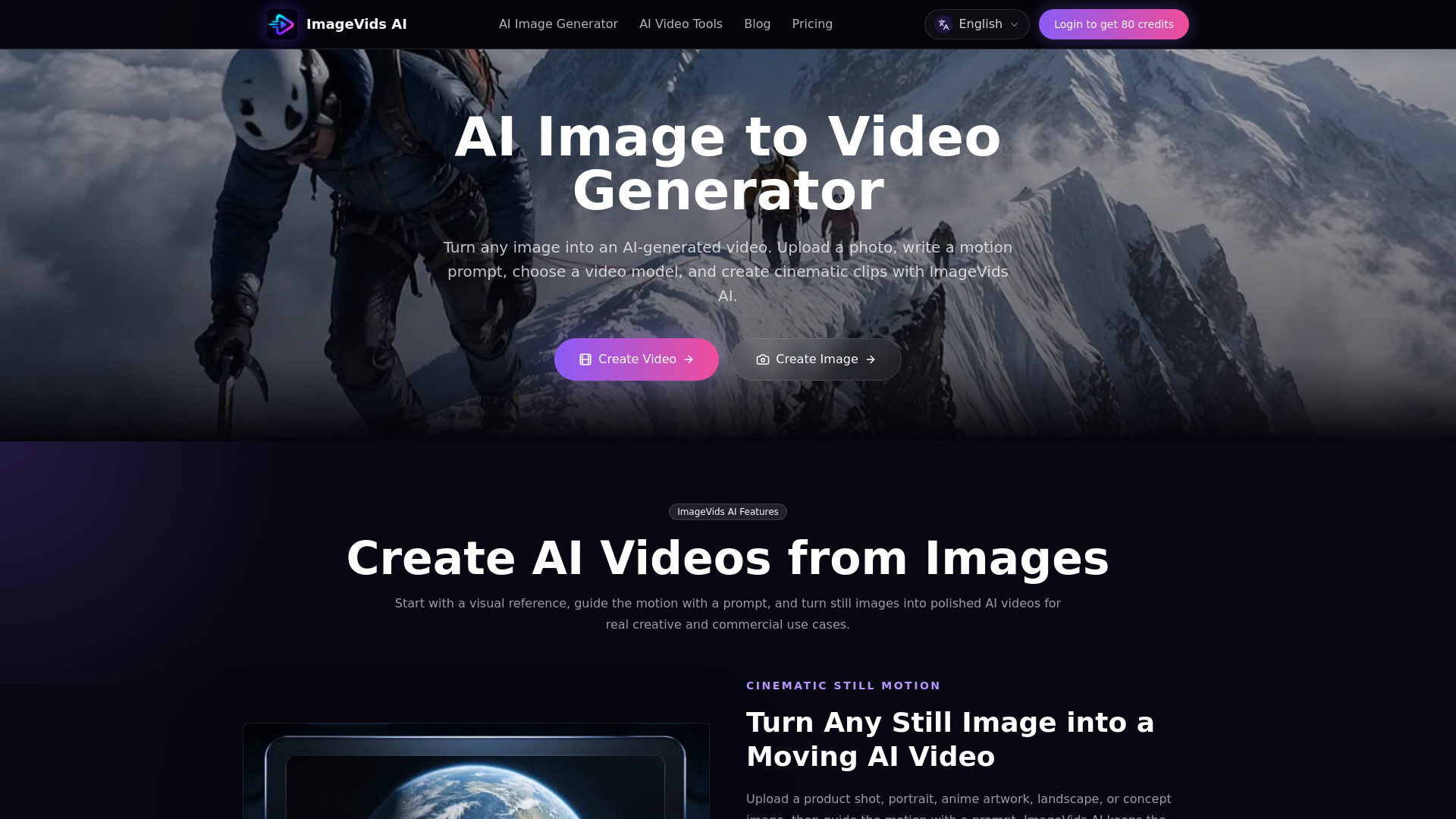
ImageVids AI
Image-to-video creators

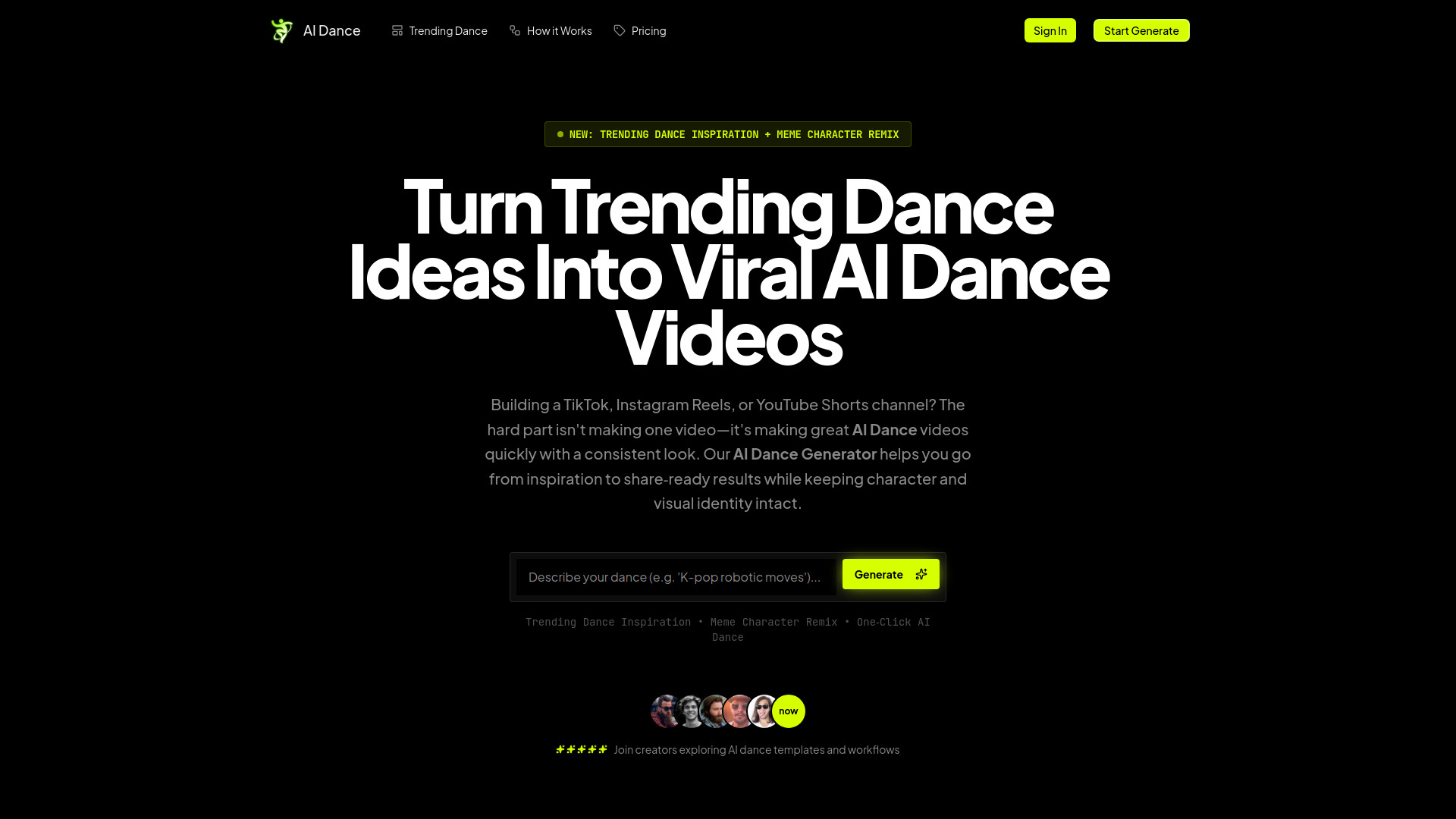
AI Dance Generator
TikTok and Shorts dance creators

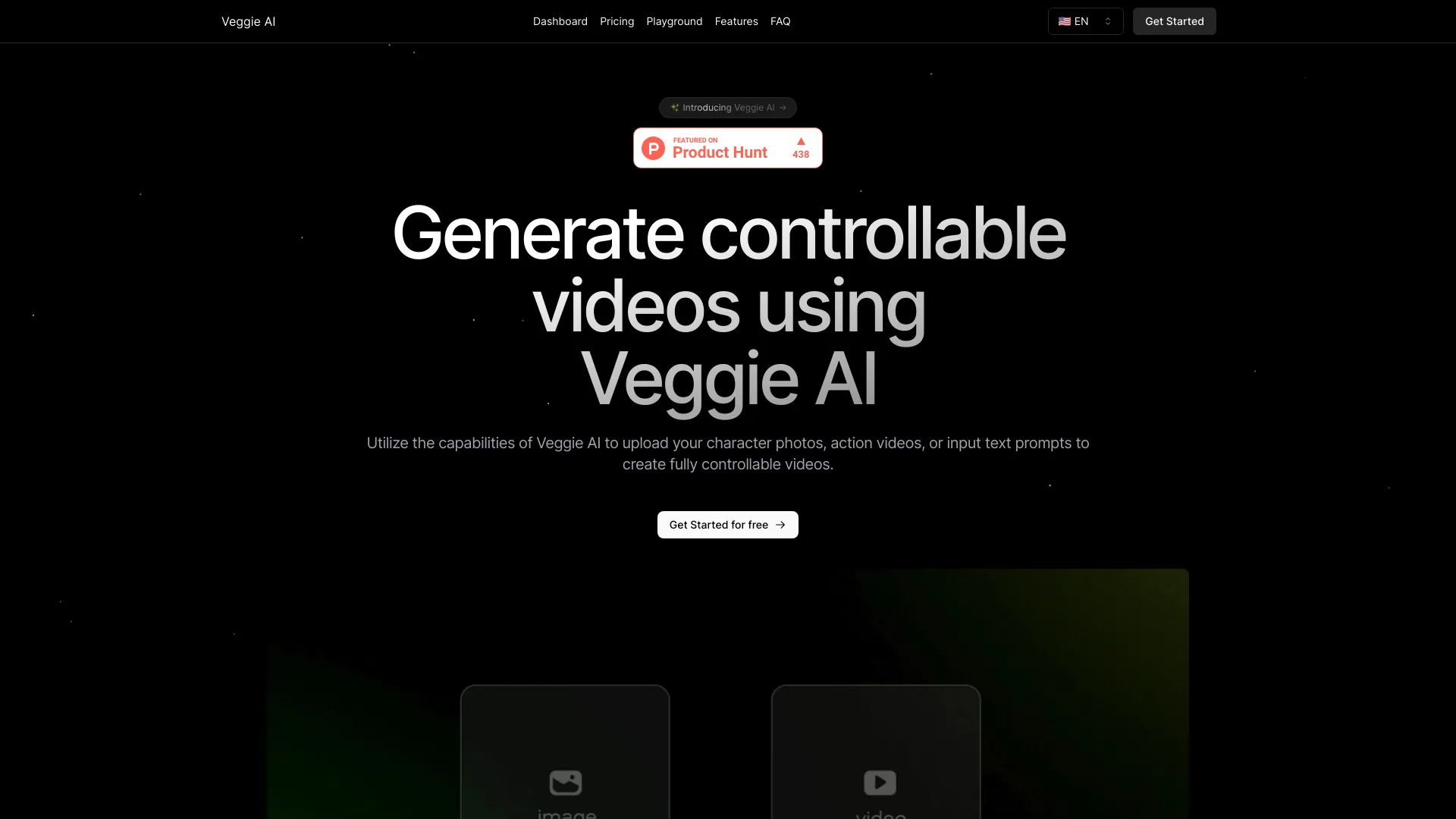
Veggie AI
Controllable character video creation
Beni AI
Real-time AI video companionship

AI Video Editor
Video resizing and format conversion
Veo 5 AI
Fast, no-login AI video creation
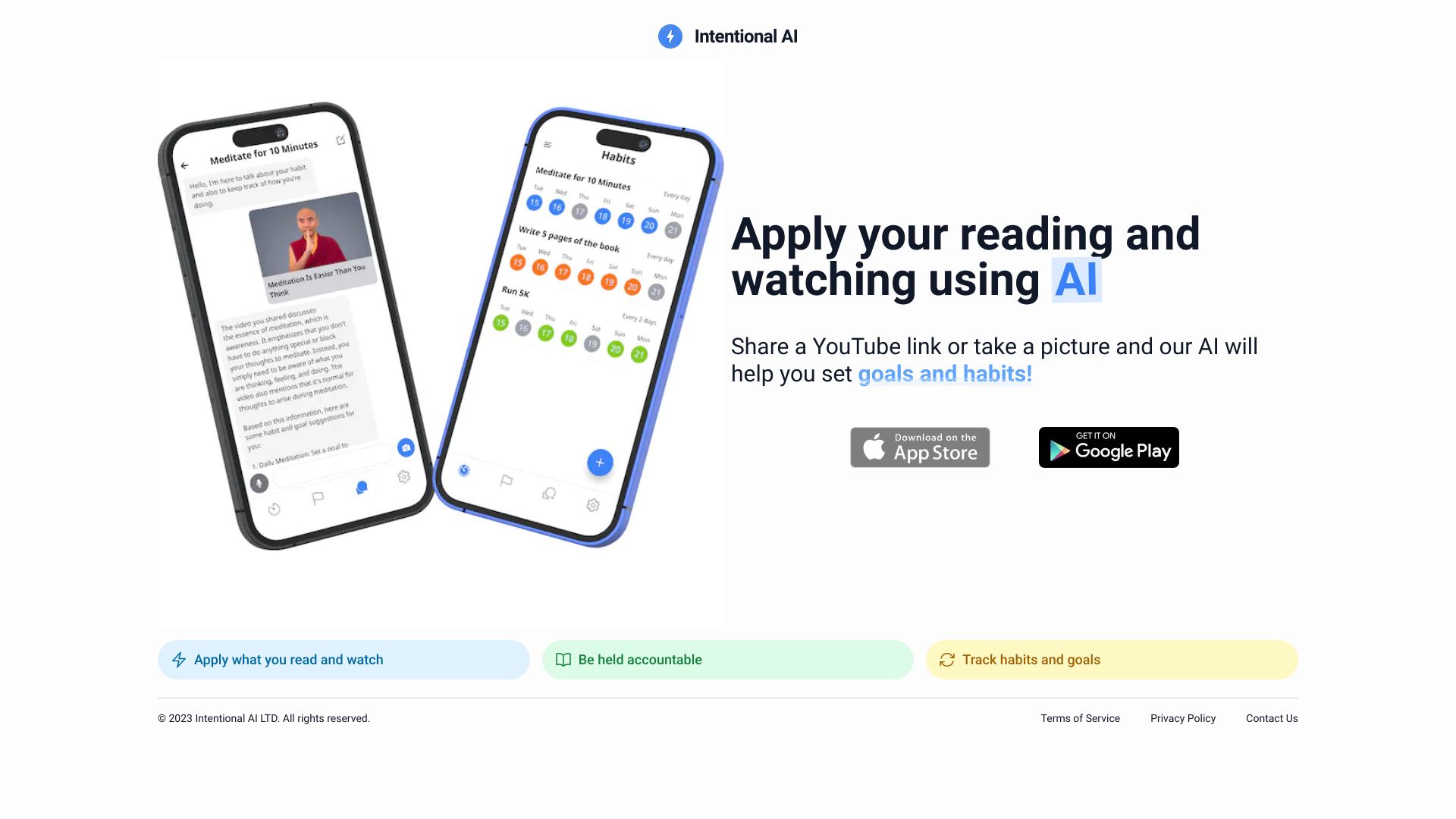
Intentional AI
YouTube advice and habit building

AI Bot Eye
AI-powered CCTV security
Veo3 AI
Short-form video creators

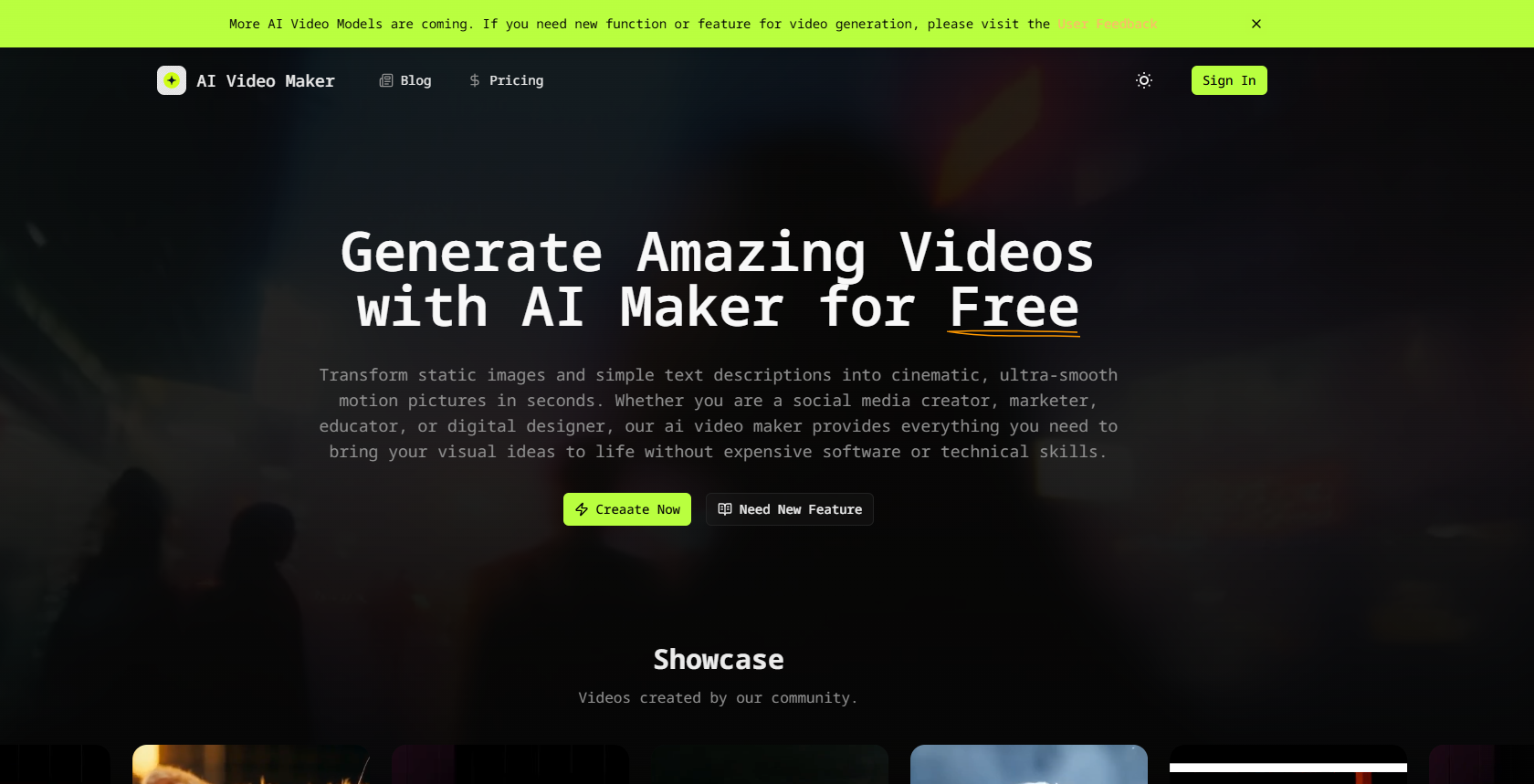
AI Video Maker
Image-to-video creators
VideoAI
AI video generation and style transfer

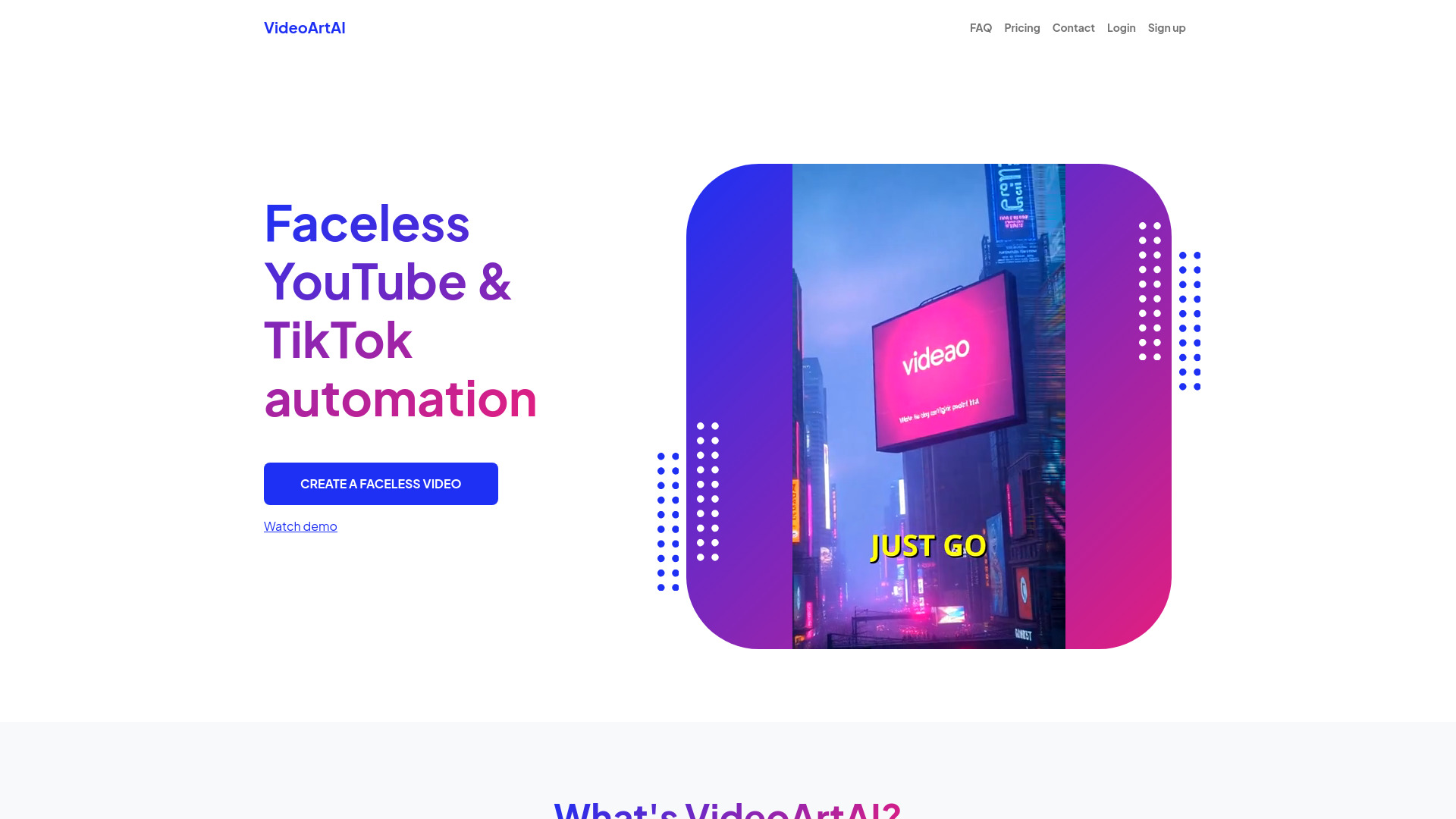
VideoArtAI
Faceless YouTube and TikTok videos

Veo 4 AI Video
Cinematic AI video generation
Kling AI
Cinematic text-to-video creation


Aivvid AI
Multi-model AI content creation
AI Viggle
Controllable character animation videos

NarrateVideoAI
AI narration for video creators
Vidu AI
Text-to-video creators

ImgToVid AI
Image-to-video creators
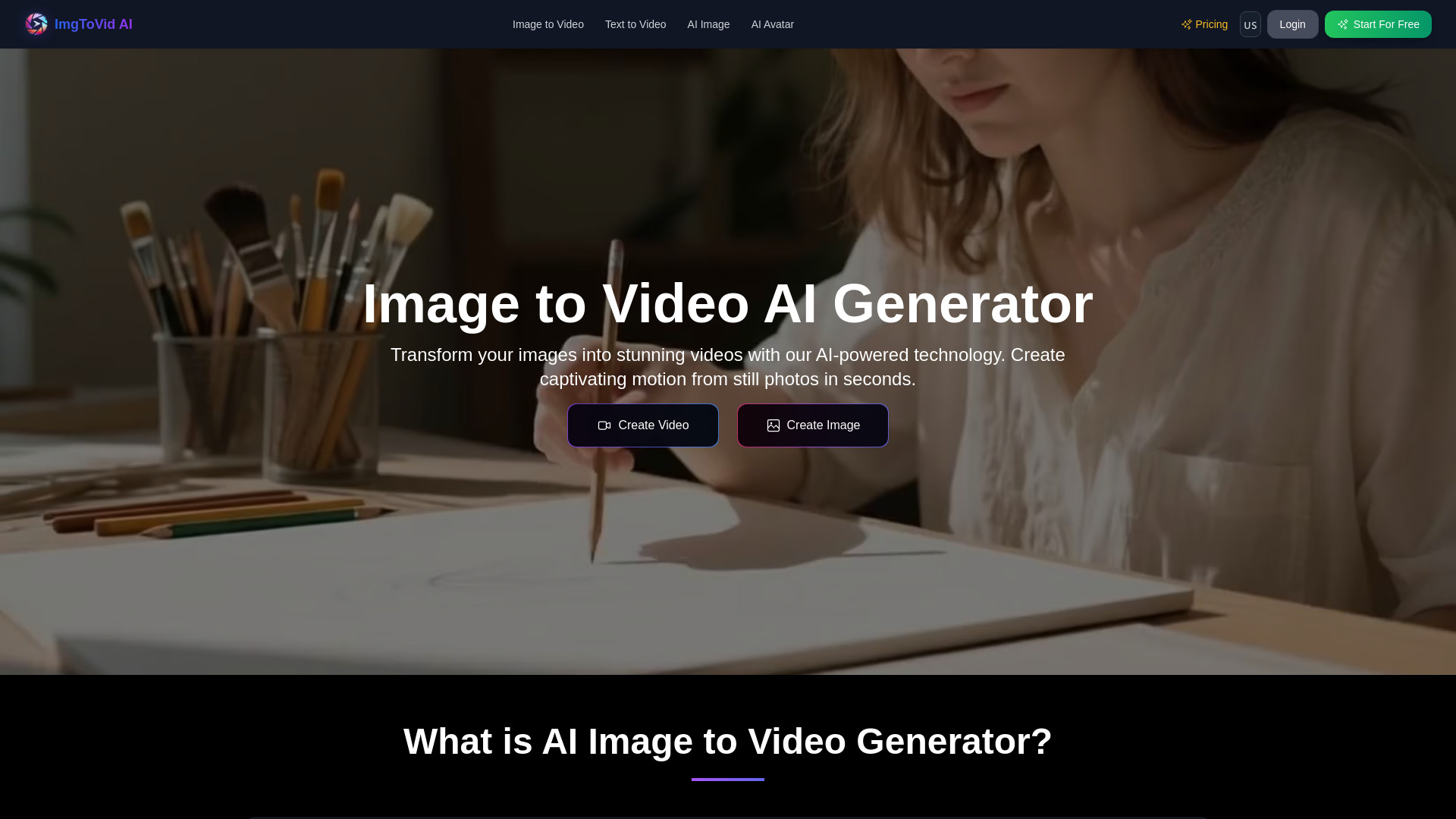
ImagetoVideoAI
Multi-model image-to-video creation
Veo 3 AI
Creators needing synced audio and lip-sync
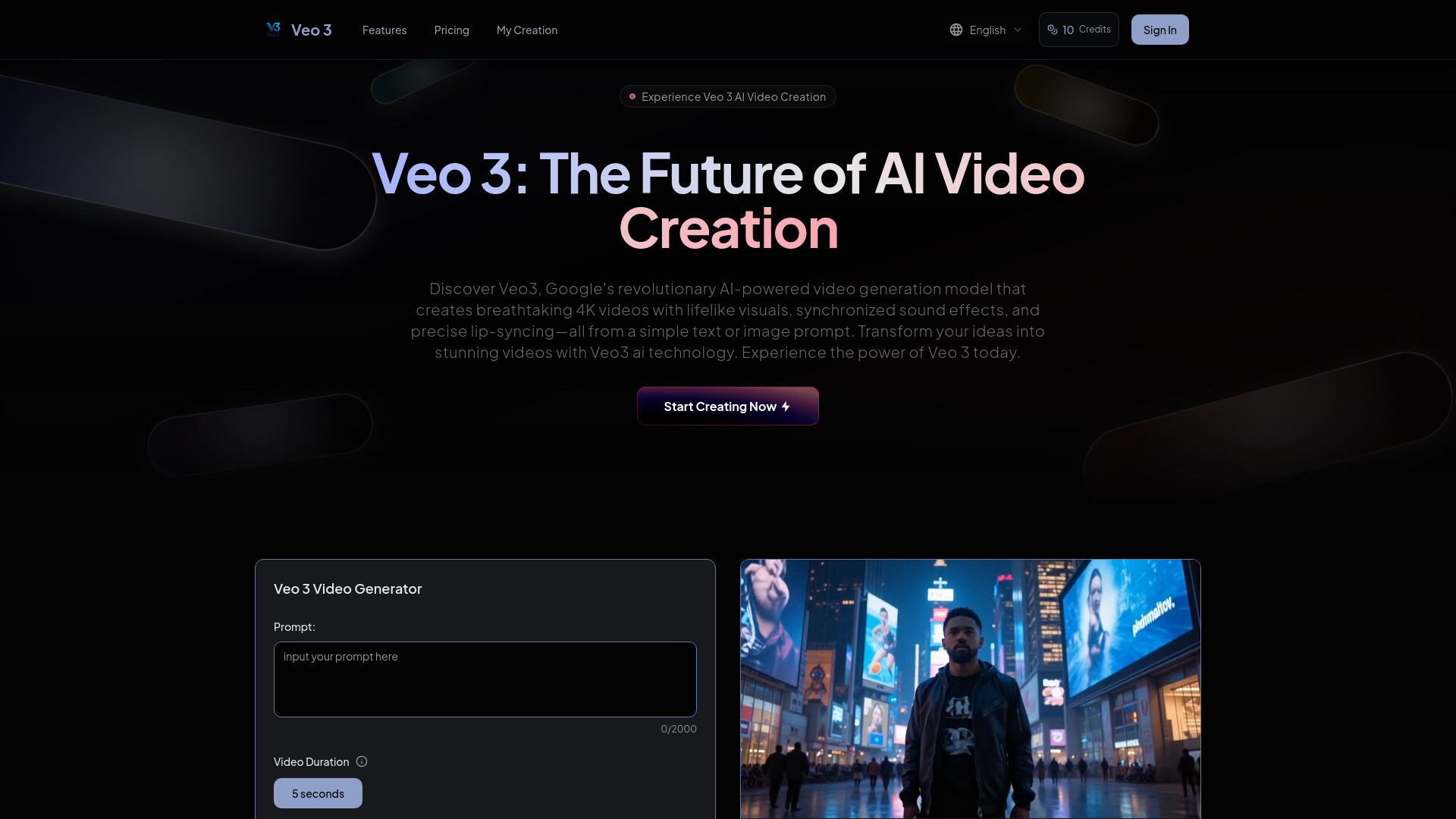
image to video ai
Creators turning images into videos

Omni AI
Fast text-to-video creation


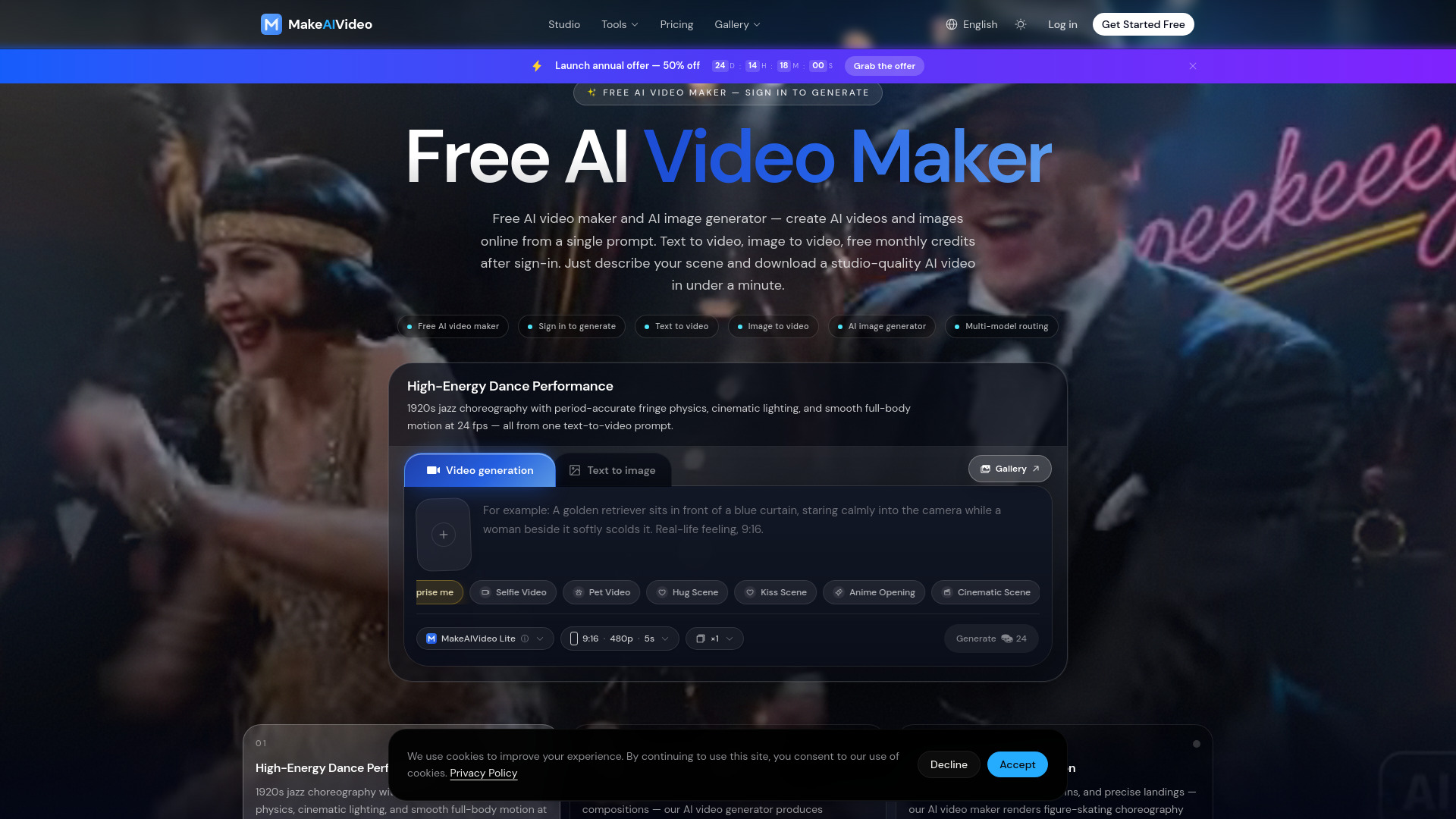
MakeAIVideo
Creators making short AI videos

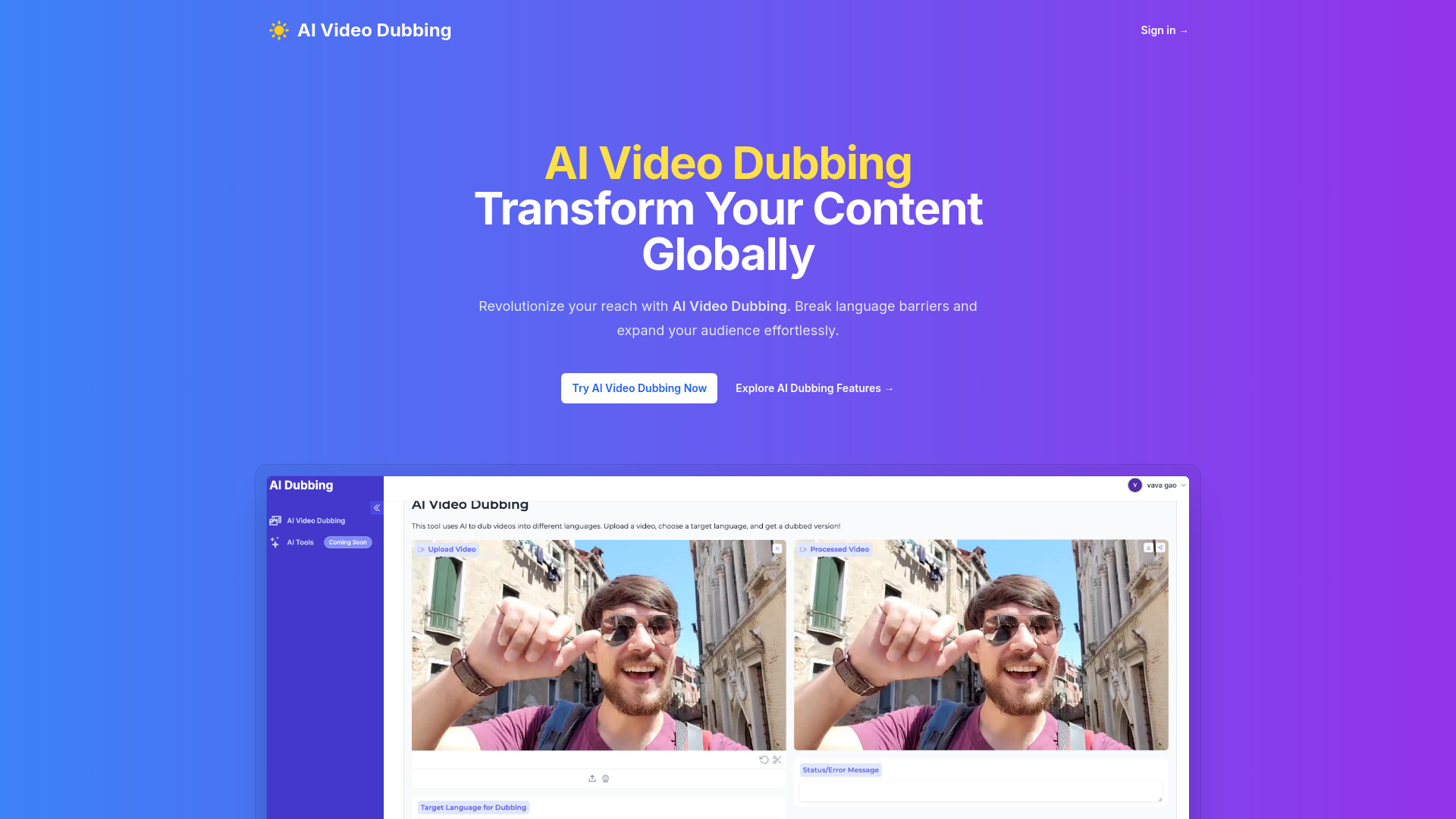
AI Video Dubbing
Multilingual video dubbing
VEO 3.1
Cinematic 1080p video creators

VeoE AI Video Agent
Creators making AI videos with synchronized audio
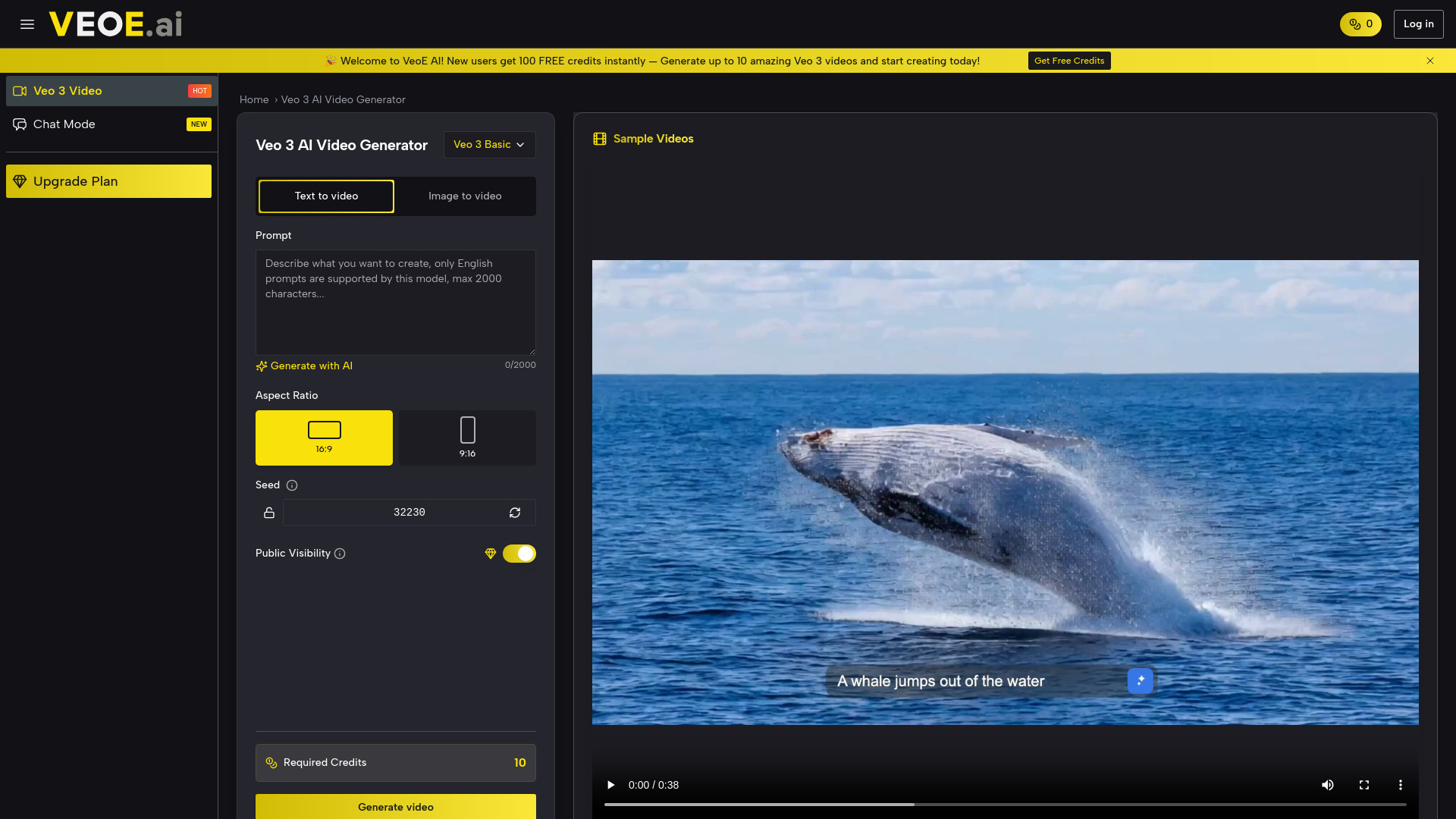
Veo 3 AI
AI video creation for marketers and content creators

Vidthis: All In One AI Video Generator
Multi-model video creators
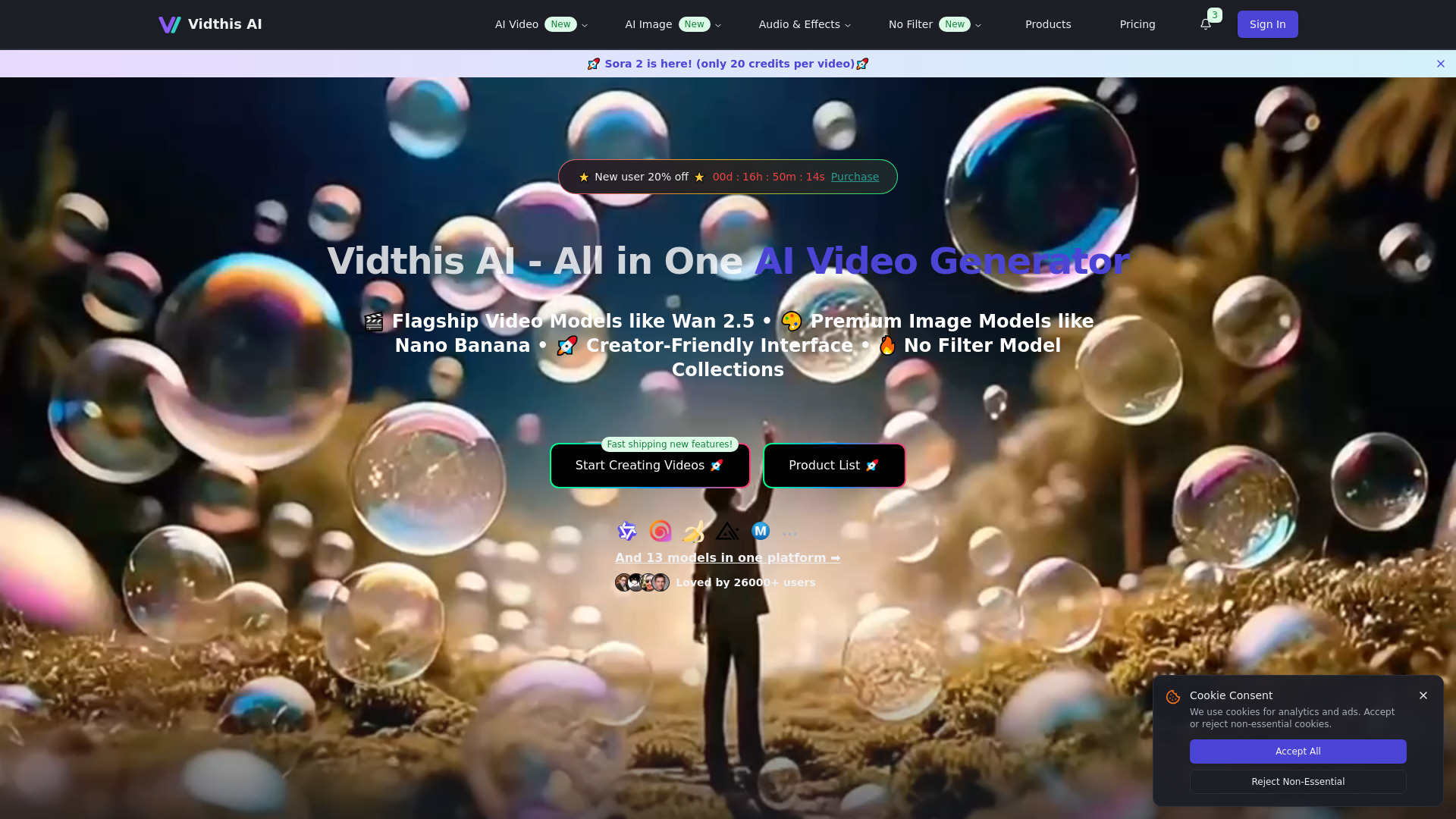

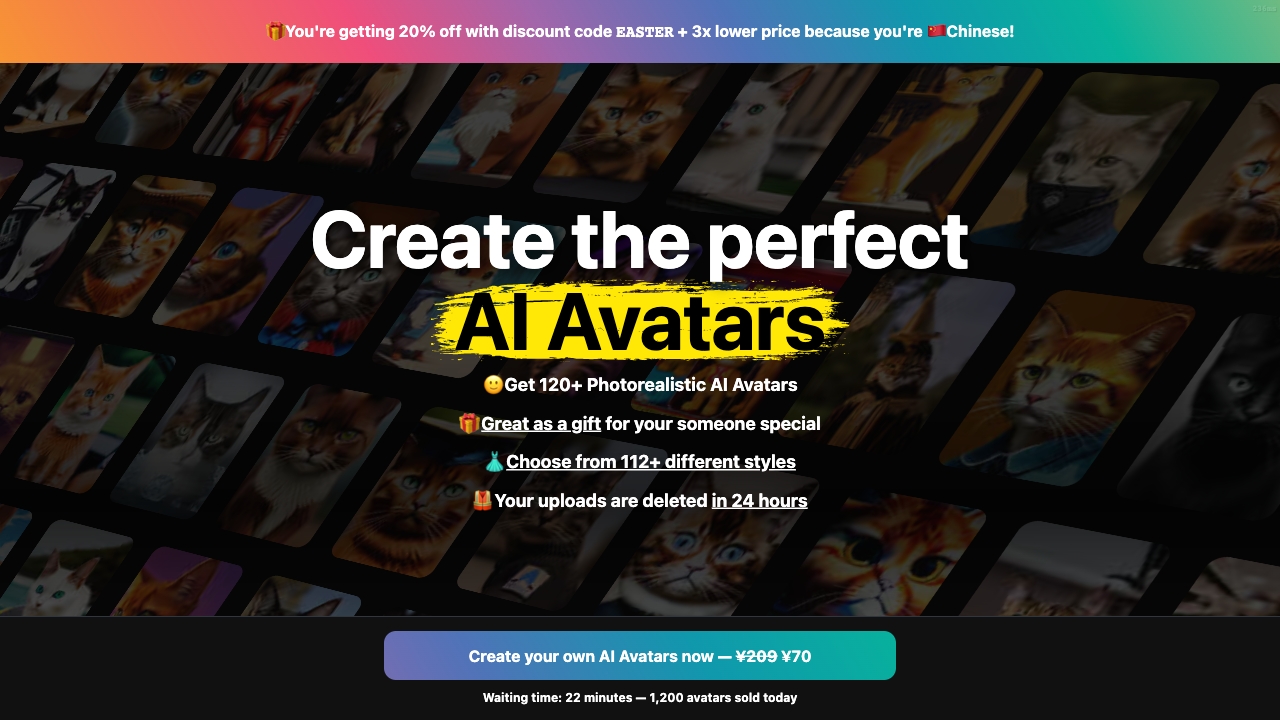
Photo AI
Personalized AI photos and avatar videos

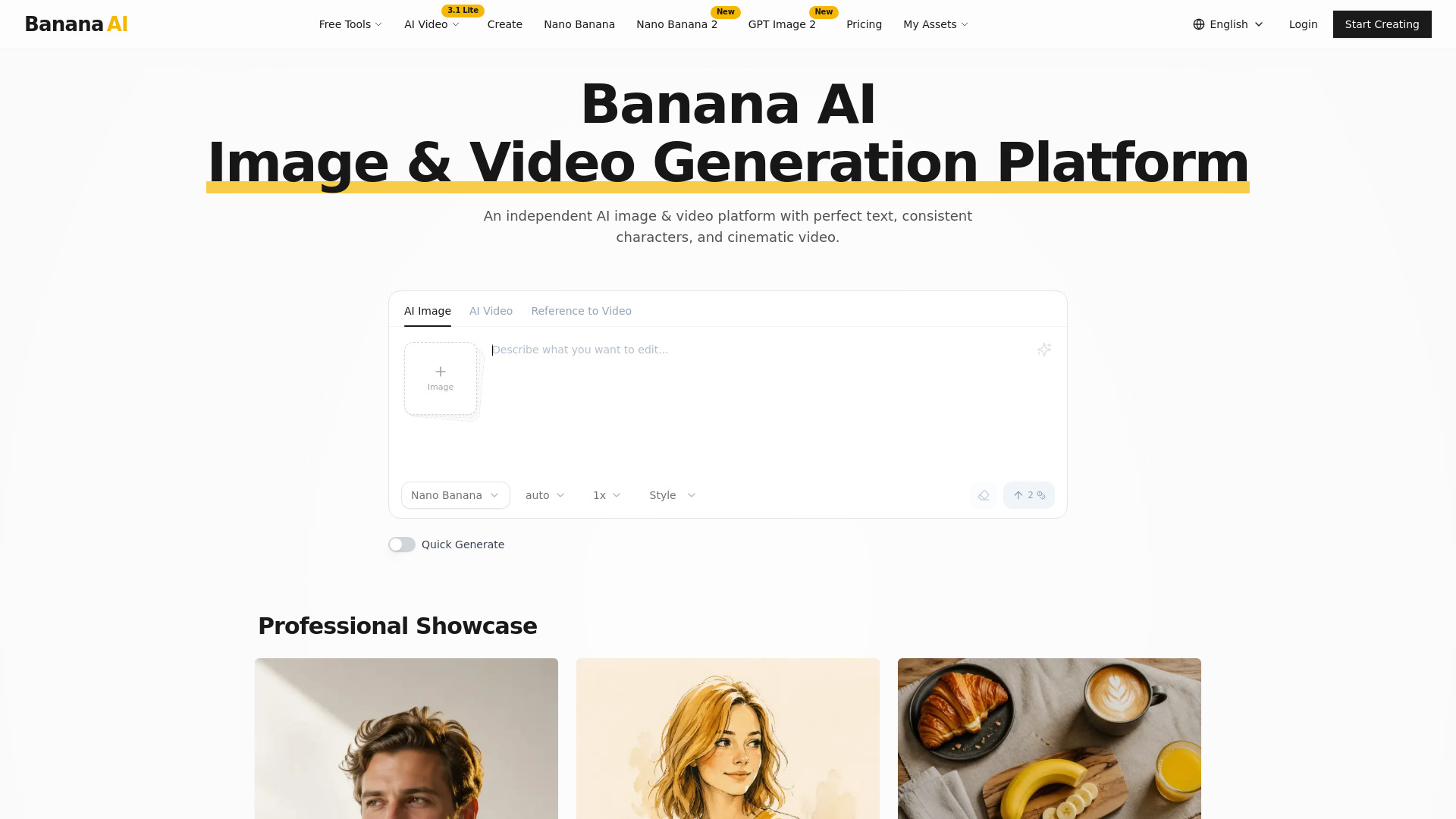
Banana AI
Creators making AI images and video

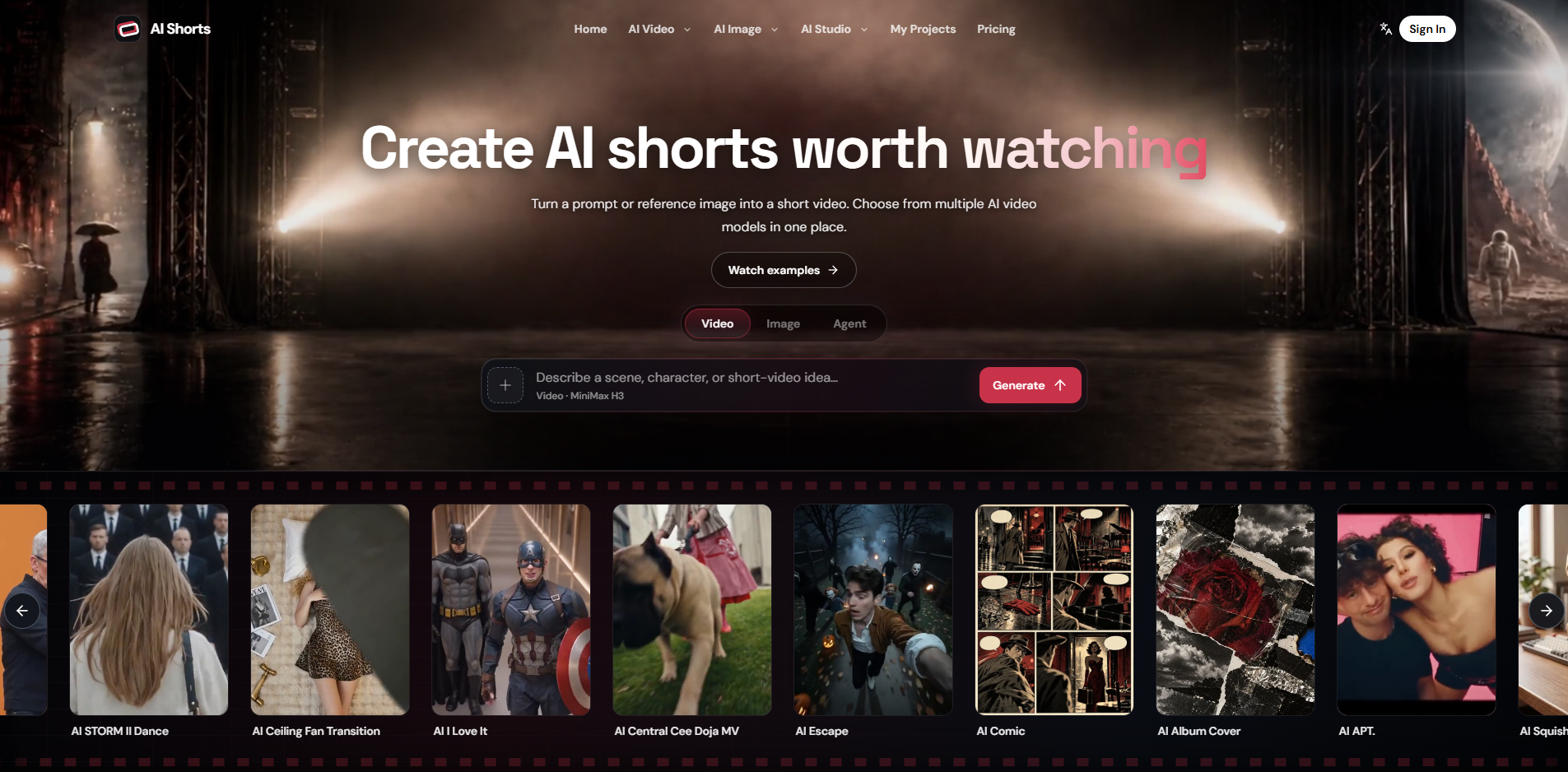
AI Shorts
Script-to-storyboard video projects
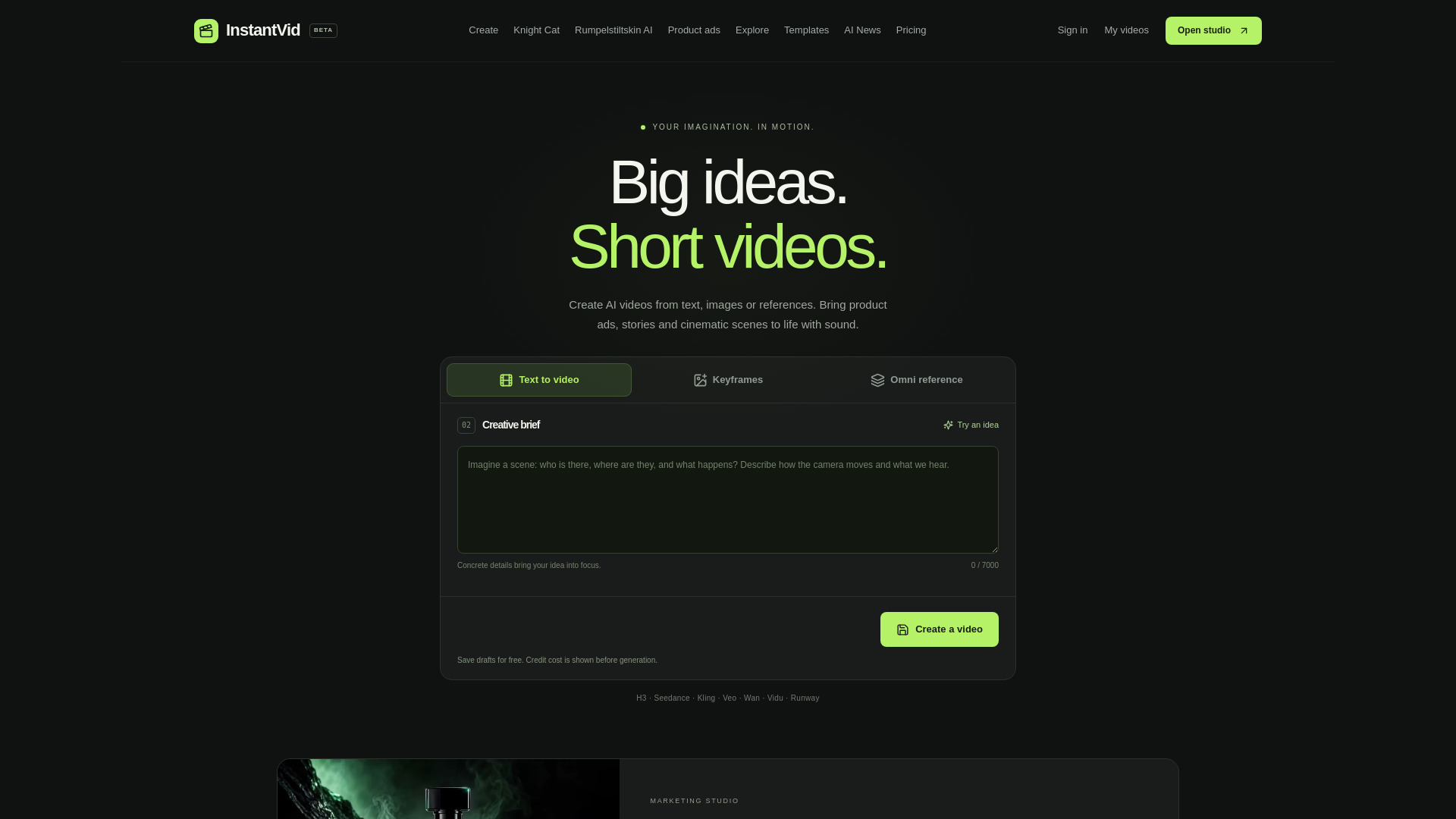
instantvid.ai
Comparing AI video models

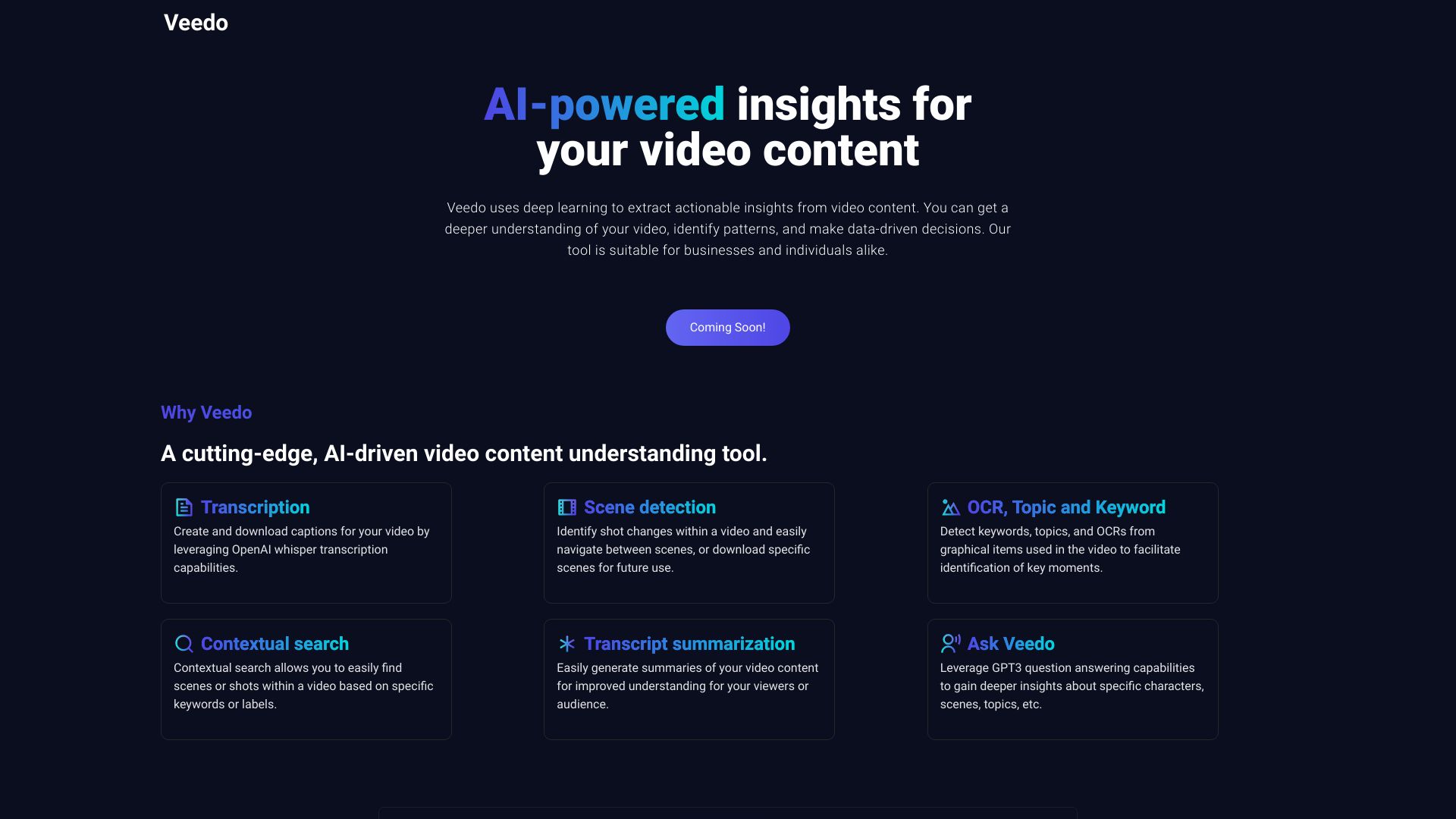
VeedoAI
Video content insights and repurposing

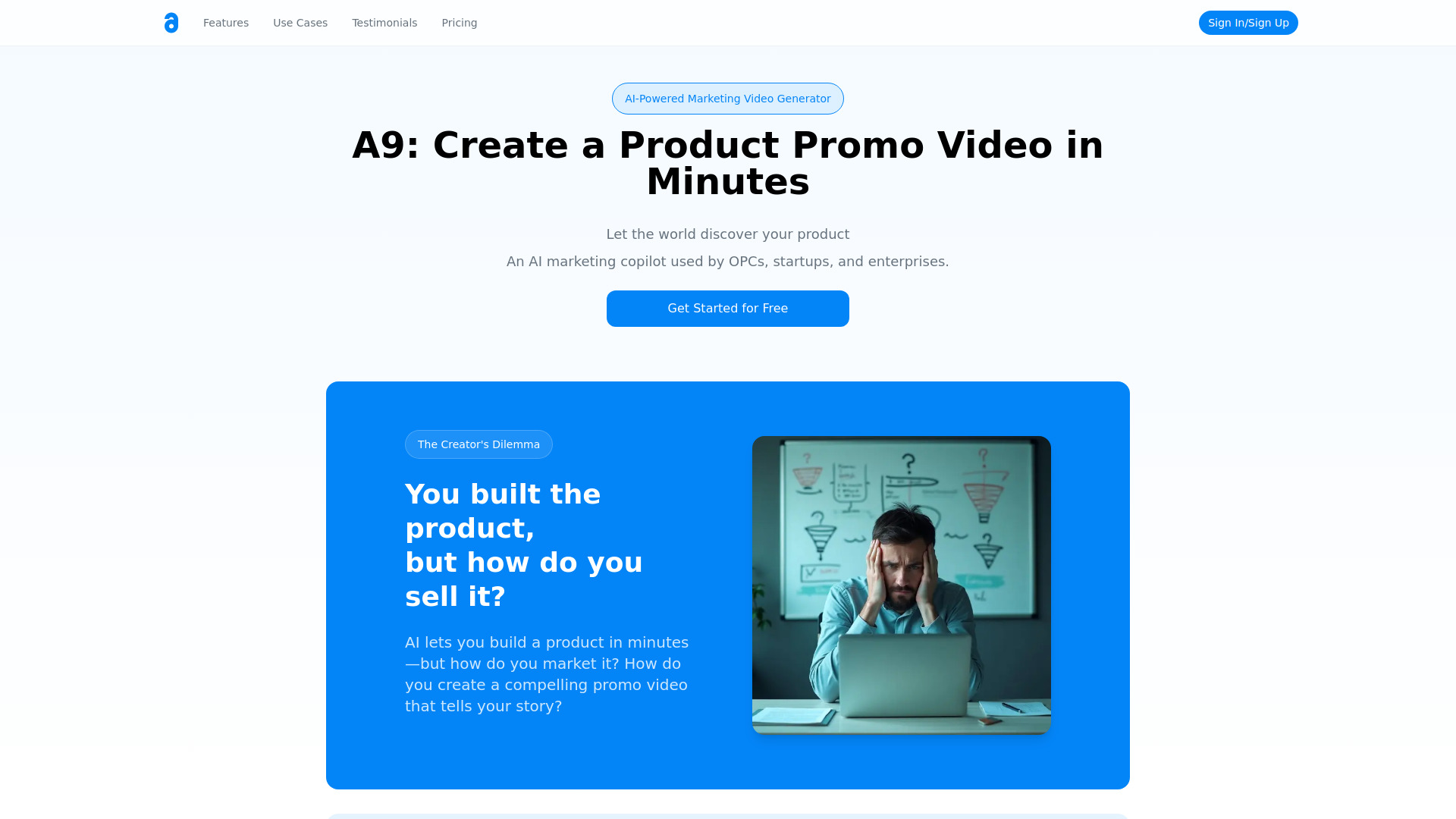
A9 AI
AI product promo videos

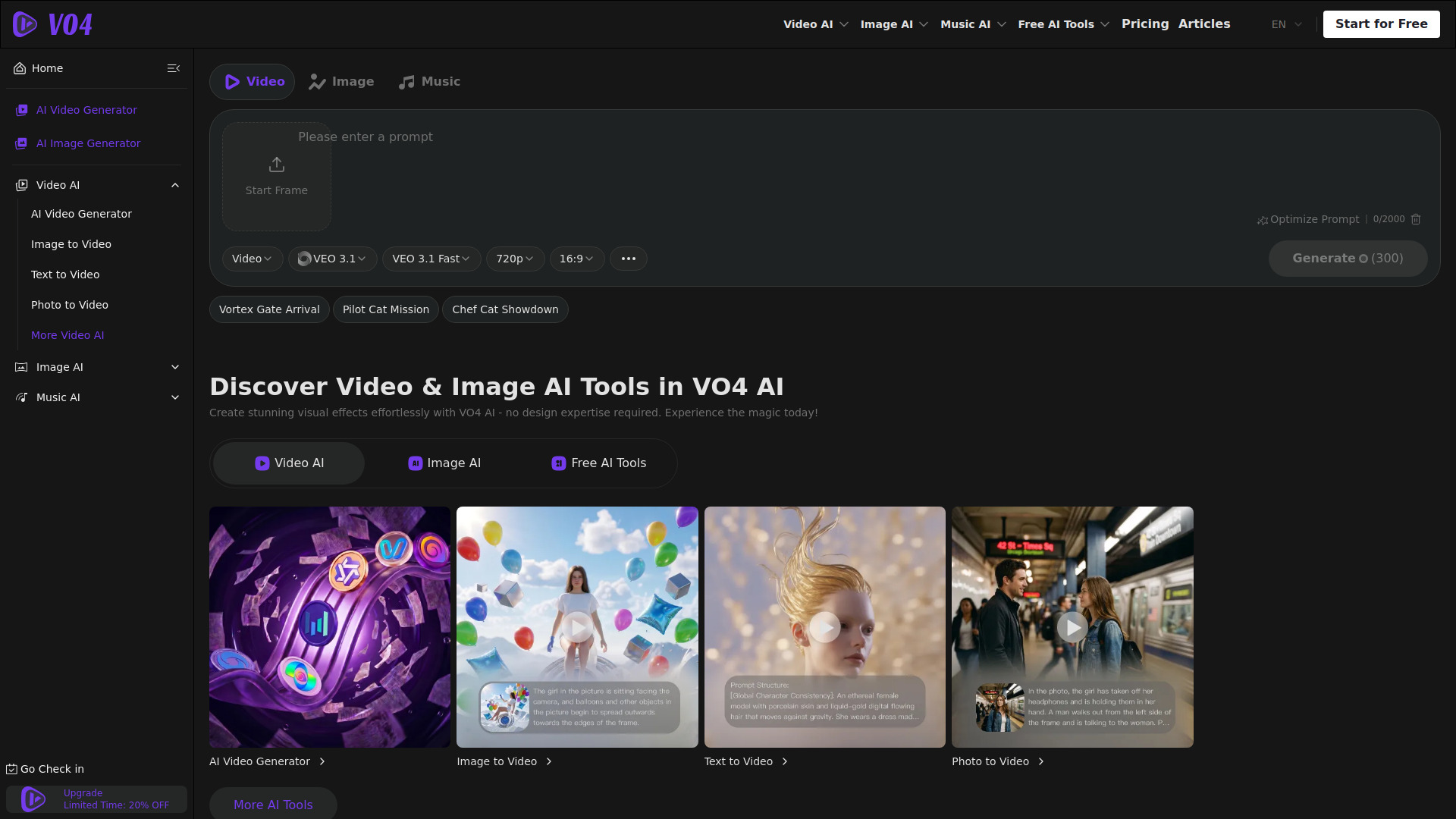
VO4 AI Video Generator
Multi-model video creators

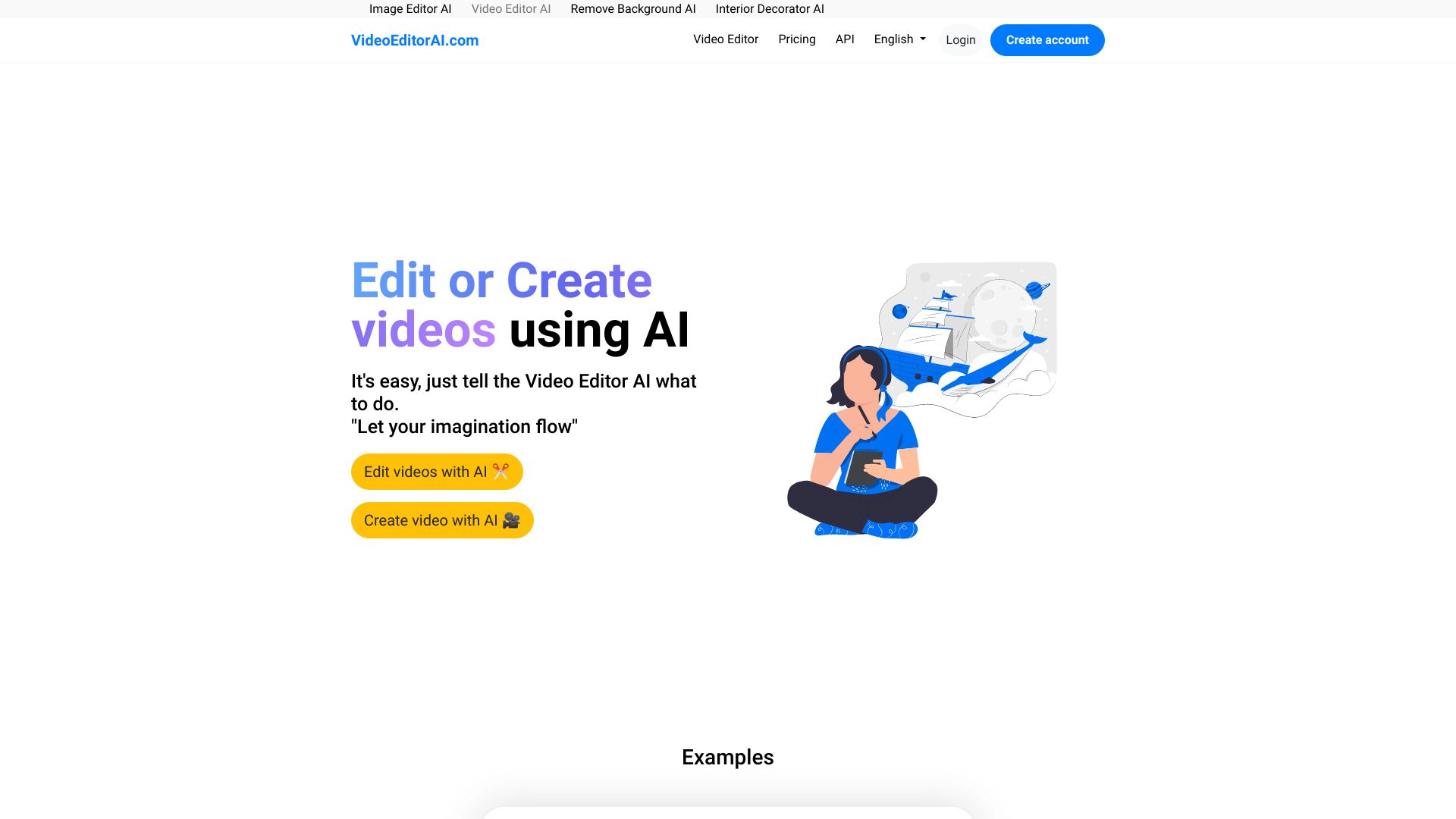
VideoEditorAI.com
AI video creation and editing

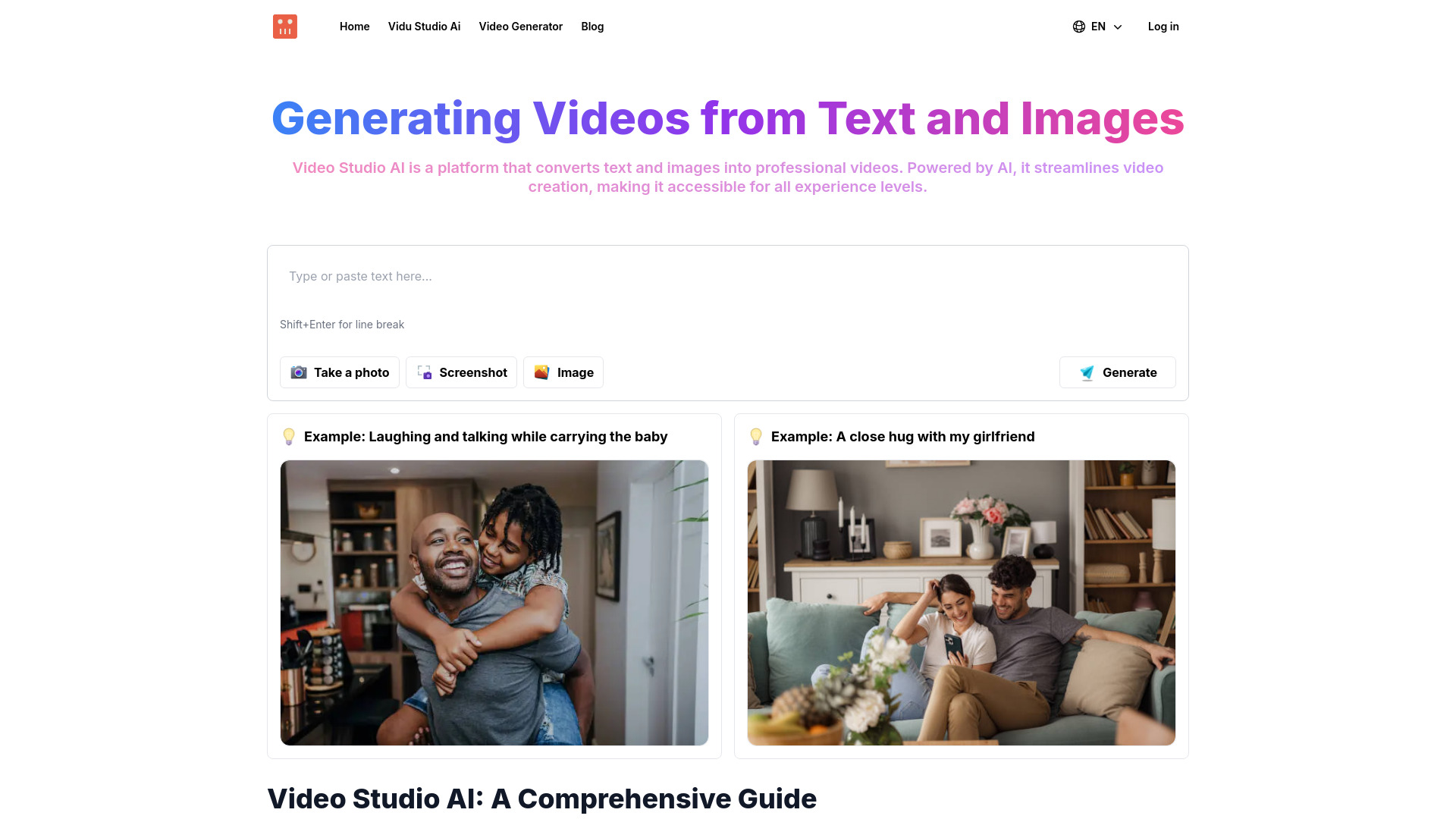
Video Studio AI
Text-to-video creators

AI Music Video Generator
Independent artists making music videos

AI Video Summary
Summarizing long YouTube videos

Vidthis AI
Open-source video generation with synchronized audio

Veo2.ai
Text-to-video and image-to-video creation
Photo AI
Photorealistic people and influencer content

Artificial Inner Voice
Exploring AI inner dialogue

Tarotline Ai
Quick AI tarot readings
Which AI video tool should you choose?
Choose Vidu AI if you want the strongest all-around starting point for text- and image-to-video generation. It is the most natural first test for animators and visual creators.
Choose AI STUDIOS if your videos need a presenter. Its avatar and language coverage make it better suited to lessons, training, and repeatable explainers than a pure visual generator.
Choose Vidnoz AI if marketing variation matters most. The 1,500+ avatars and 2,800+ templates favor teams that need many versions of a campaign.
Choose Veo3 AI or V03AI if you are specifically investigating high-resolution or audio-enabled generation. Verify the output claims and test the audio behavior before paying for a larger workflow.
Choose Vid.AI or AI Video Cut when the goal is short-form volume. Vid.AI focuses on short-form generation, while AI Video Cut is the more direct choice for turning existing long videos into clips.
Choose Novi AI if you want more automation, Lanta AI if you need multiple input types, and VIDEOAI.ME if a selfie-based AI actor is central to your content plan.
My practical recommendation
Start with the workflow, not the tool name. Write down what you already have: a written prompt, a still image, a long recording, or a selfie. Then choose the tool that accepts that source directly. This avoids paying for a powerful text-to-video platform when your real need is clipping interviews, or choosing an avatar studio when you want animated scenes.
For most first-time buyers, I would test Vidu AI, AI STUDIOS, and AI Video Cut in that order if the brief is still unclear. Together, they cover general visual generation, presenter-led production, and long-form repurposing. Keep the first test small and representative: use the type of content you will publish, not an unusually easy demo prompt.
Before upgrading, confirm five things: how many credits or exports a typical video consumes, the actual output resolution, whether audio is included, how much editing happens inside the platform, and what happens when a generation fails. These details often matter more than an impressive landing-page example. Pricing can change, and several tools in this guide require a direct vendor check, so verify current terms immediately before purchase.
Common mistakes when choosing AI video tools
Confusing generation with editing. A text-to-video model will not automatically replace a short-form repurposing tool.
Buying for a headline resolution claim. Veo3 AI shows why you should confirm the resolution available on your actual plan.
Ignoring credit economics. Free credits and one-time trials are useful for evaluation, but they do not show the cost of a regular publishing schedule.
Assuming audio is guaranteed. V03AI explicitly treats audio as experimental, especially in fast mode.
Choosing the biggest library instead of the right workflow. Thousands of templates help marketers, but they may add little value to an animator who needs image-to-video control.
Overlooking refund terms. VIDEOAI.ME has a strict refund policy because GPU processing starts immediately.
Testing with the wrong material. Evaluate a long-video cutter with a real recording and an avatar platform with the script and languages you actually plan to use.
What changed in 2026
AI video buying has become more segmented. The strongest options are no longer competing only on the promise of text-to-video generation. They are differentiating through image and video inputs, avatar libraries, multilingual voices, automatic short-form repurposing, story-to-video workflows, audio generation, and selfie-based actors.
That specialization is helpful, but it makes comparison harder. A tool can rank highly for a creator and still be a poor fit for an educator or marketer. Resolution and audio claims also need closer scrutiny: broad homepage language may not match the limits of a paid plan or a fast generation mode. In 2026, the sensible buyer tests the complete workflow, checks the commercial details, and treats traffic and headline feature counts as signals rather than substitutes for a real trial.
FAQ
Vidu AI is the strongest overall match in this ranking because it supports both text-to-video and image-to-video generation, offers a free trial, and is well suited to broad visual experimentation.