
Short answer: what is the best AI video generator?
What is the best AI video generator? If you want the broadest starting point, Media AI Generator is the strongest overall match in this review. It combines AI video and image generation, has a free-to-use entry point, and attracts a substantial audience. That does not make it the right pick for every workflow: educators may prefer AI STUDIOS, marketers may get more mileage from Vidnoz AI, and musicians should look first at neural frames or the dedicated AI music video generator. We compared 100 tools to separate flexible general-purpose platforms from useful specialists.
The answer to what is the best free AI video generator depends on what you mean by free. Some tools offer daily credits, while others limit exports, video length, or advanced features. The tables below make those trade-offs visible instead of treating every free tier as equivalent.
Top picks
| Pick | Tool | Best for | Why it stands out |
|---|---|---|---|
| 1 | Media AI Generator | Content creators | Free online video, image, and audio generation with varied effects and styles |
| 2 | AI STUDIOS | Educators | 150+ realistic avatars and voices across 80+ languages in one video workspace |
| 3 | Vidnoz AI | Marketers | 1,500+ avatars and 2,800+ templates for repeatable promotional videos |
| 4 | Veo3 AI | Visual creators | Text-to-video and image-to-video generation with a stated 4K output capability |
Quick comparison
| Rank | Tool | Score | Best for | Free access | Starting price |
|---|---|---|---|---|---|
| #1 | Media AI Generator | 96/100 | Content creators | Video, image, and audio generation | Check vendor pricing |
| #2 | AI STUDIOS | 96/100 | Educators | 3 video exports per month | Free: $0/month |
| #3 | Vidnoz AI | 96/100 | Marketers | 1 minute free time for everyday | Check vendor pricing |
| #4 | Veo3 AI | 96/100 | Content creators | Free to start | Mini Plan: $15/month |
| #5 | AI Image to Video | 96/100 | Beginners | Daily credits | Standard: $5.99/month |
| #6 | AIReel | 95/100 | Content creators | One-time free trial credits | Free: $0 |
| #7 | neural frames | 95/100 | Musicians | Free access available | Neural Navigator: $13/month |
| #8 | AI music video generator | 95/100 | Musicians | AI music videos and audio-reactive visuals | Neural Navigator: $13/month |
| #9 | VidAU AI | 95/100 | E-commerce businesses | Free access mentioned | Free: $0/month |
| #10 | VideoGen | 95/100 | Professionals | Free video generation and voiceovers | Pro: $12/month |
How we ranked these AI video generators
We ranked each tool against the practical questions a buyer faces before signing up: what can it generate, who is it designed for, how useful is the free entry point, and how clearly does the product fit a repeatable workflow? Feature breadth mattered, but it was not enough on its own. We also considered the stated audience, usage signals, pricing clarity, and limitations such as export caps, expiring credits, rate limits, or plan-dependent features. The result is a best-intent shortlist rather than a claim that one model produces the best-looking clip in every prompt. A creator making music visuals needs different controls from an educator producing multilingual lessons, so the ranking combines overall usefulness with audience fit.
The best AI video generators
1. Media AI Generator

Media AI Generator
Best all-around AI video generator for content creators
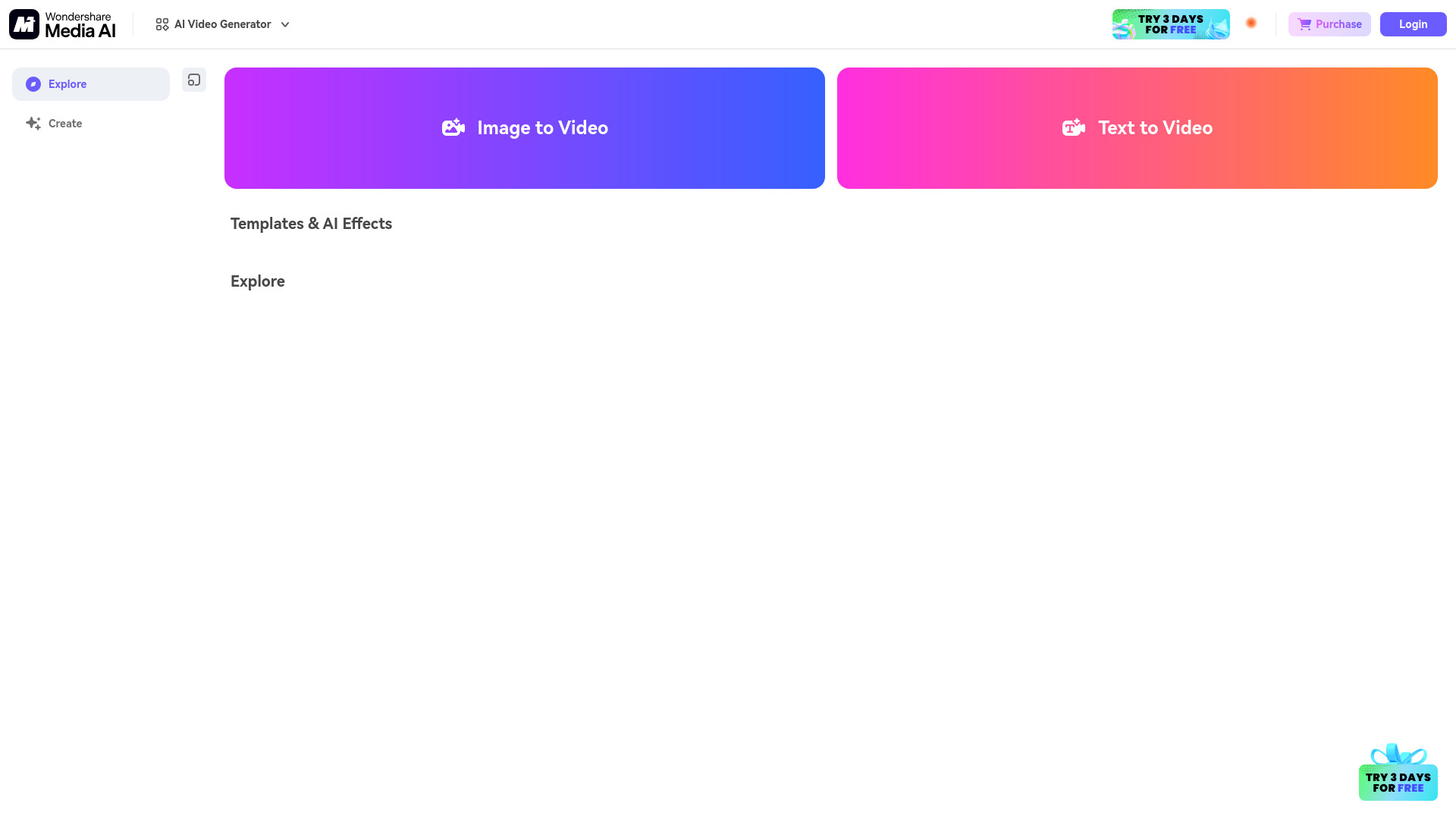
The broadest appeal here comes from not forcing creators into a single format. Media AI Generator brings together an AI video generator and an AI image generator, with free online tools covering video, image, and music generation. That makes it a sensible first stop when you are still figuring out whether your workflow starts with a prompt, a still image, or a soundtrack.
Its strongest advantage is range. The product also highlights diverse AI effects and styles, so it can serve quick social experiments as well as basic visual development. The free entry point lowers the cost of testing several ideas before committing to a paid workflow. With 4.3 million monthly visits, it also has a meaningful usage signal compared with the other tools in this list.
My take: I would start here for general-purpose exploration because it gives creators more than one route into video. It is the least awkward recommendation when the buyer has not yet settled on avatars, ads, music videos, or image animation.
Where it falls short: The VIP features require payment, and pricing is not presented as a clean starting figure here. Buyers who need a tightly specialized production pipeline may find the broader toolset less focused than a dedicated avatar, ad, or music-video platform.
Key features
AI video generation
AI image generation
Video, image, and music generation tools
Diverse AI effects and styles
Pros
Free to use
Covers multiple creative formats in one place
Strong audience usage signal
Cons
VIP features require payment
Pricing requires checking the vendor directly
Choose Media AI Generator if: You want a flexible first tool for experimenting with AI-generated videos, images, and audio without paying before you understand your workflow.
2. AI STUDIOS

AI STUDIOS
Best AI avatar video platform for educators
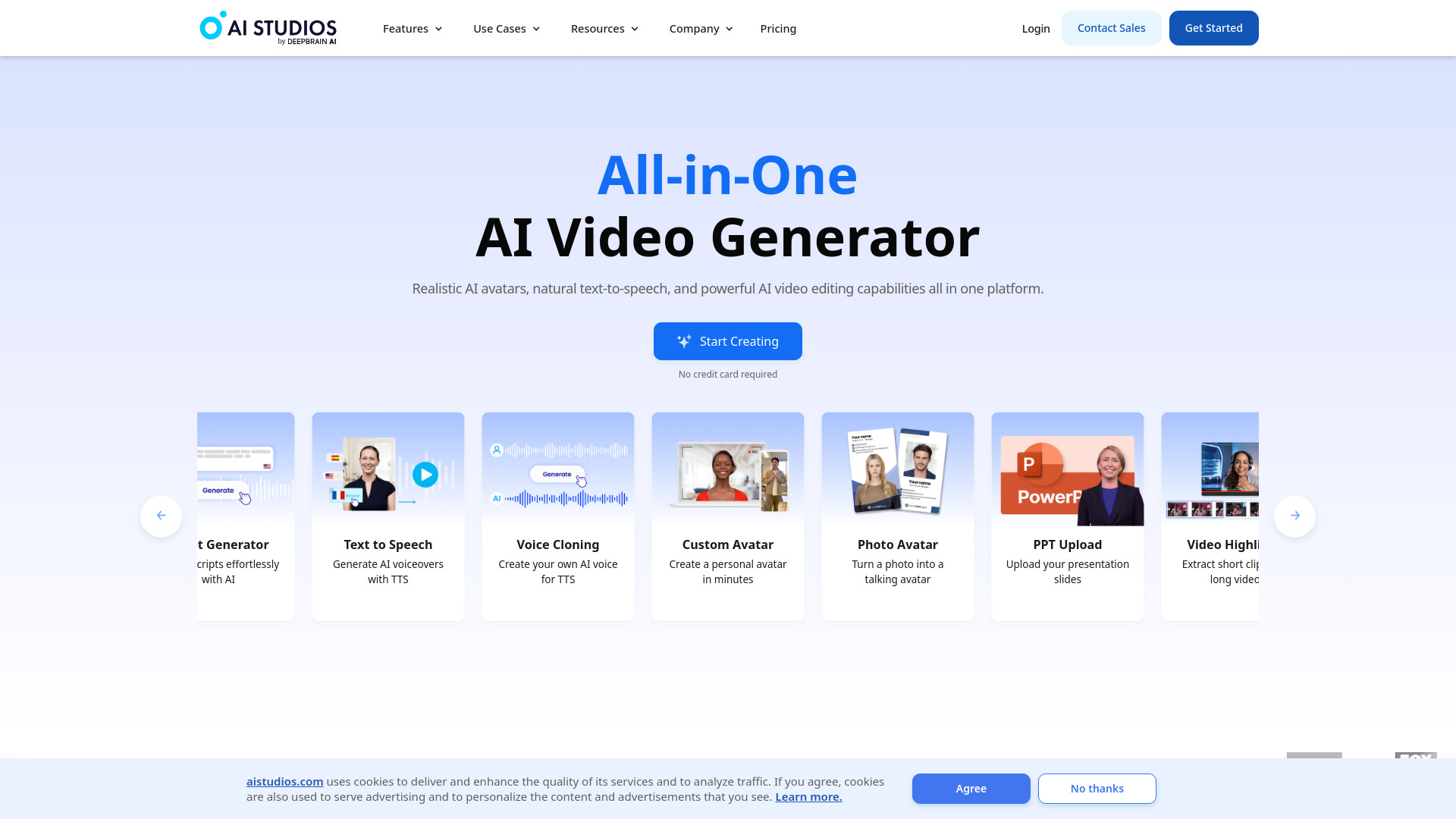
For training, lessons, announcements, and internal explainers, AI STUDIOS takes a more presenter-led approach than a purely visual text-to-video tool. Its headline strengths are 150+ realistic digital avatars and AI voices in more than 80 languages. That combination gives educators a practical way to build narrated content without recording every version themselves.
The all-in-one positioning matters. Video creation and editing sit alongside avatar and voice capabilities, which reduces the need to stitch together separate generation and post-production tools. The free tier includes three video exports per month, enough to test the workflow and judge whether the avatar style fits your audience. It is a particularly clear answer to which AI video generator is best when the desired output is a consistent digital presenter rather than an abstract cinematic sequence.
My take: I like the clarity of the use case. If your videos need a person speaking in multiple languages, AI STUDIOS is easier to evaluate than a general creative generator because its core strengths map directly to that job.
Where it falls short: The free plan has limited video exports and features. That matters quickly for a teacher, course team, or training department producing content on a regular schedule.
Key features
150+ realistic AI avatars
AI voices in 80+ languages
Text-based AI video generation
Video creation and editing in one platform
Pros
All-in-one platform for video creation and editing
Large avatar selection
Broad language support
Cons
Free plan limits exports and features
Avatar-led output will not suit every visual style
Choose AI STUDIOS if: You are an educator or training professional who needs narrated videos with realistic presenters and multilingual voice options.
3. Vidnoz AI

Vidnoz AI
Best template-heavy AI video generator for marketers
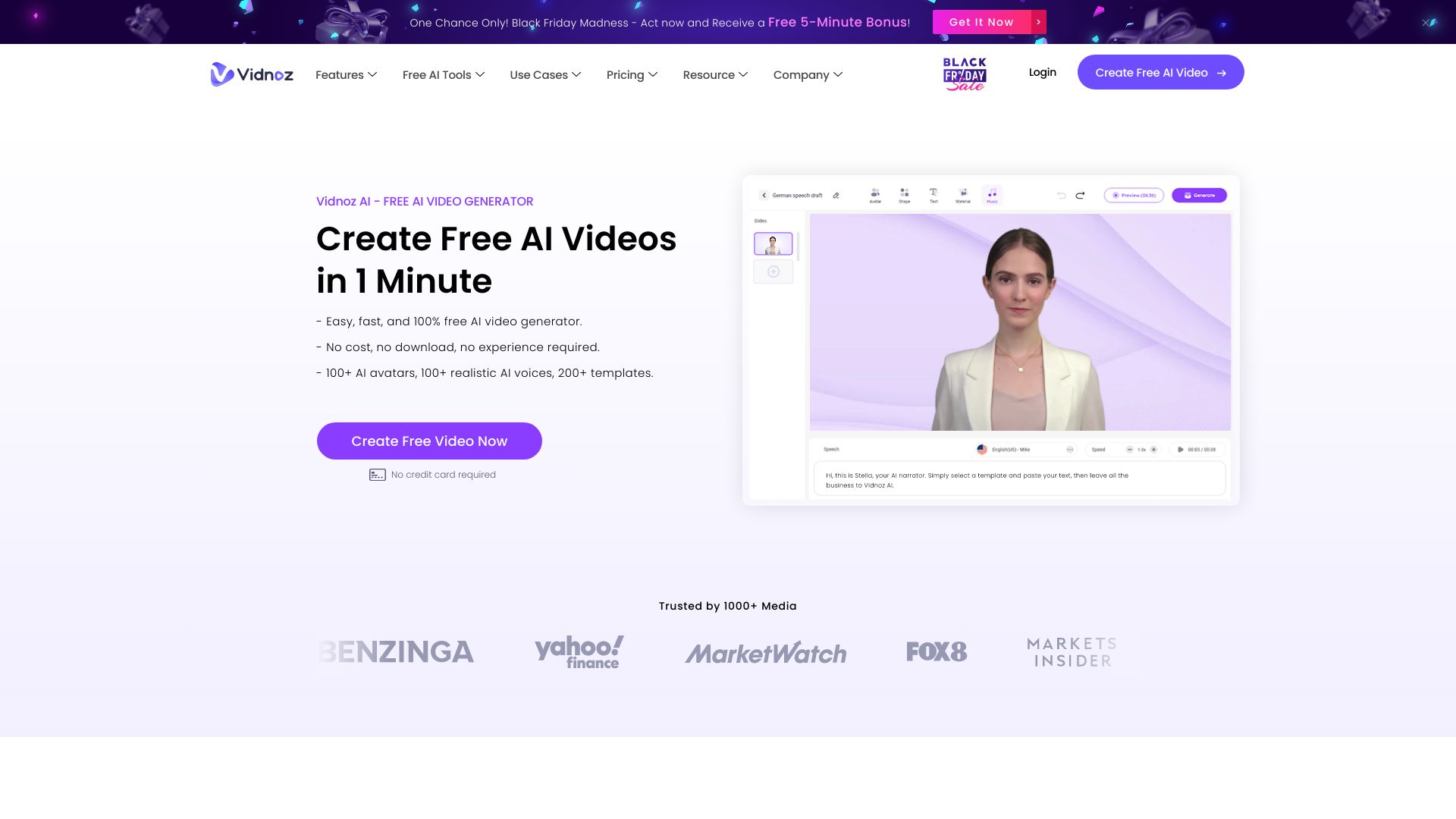
Vidnoz AI is built around volume and variety. More than 1,500 AI avatars and 2,800+ video templates give marketers a large menu of starting points, whether they are producing a product announcement, a social clip, or a presenter-led message. The template count is not just decoration: it can reduce the blank-page problem that slows down first drafts.
The free offer includes one minute of free time for everyday use, along with AI video generation, avatars, and voices. That is useful for testing a short concept, but it is not the same as unlimited free production. The platform's appeal is strongest for teams that value repeatable formats and want to compare many presenter or template options before standardizing.
My take: Vidnoz is one of the easier recommendations for marketers who need a library, not merely a prompt box. The large avatar and template collections make it practical for producing variations across campaigns.
Where it falls short: The free version may have limitations, and the exact paid pricing needs to be checked with the vendor. Buyers should test export quality and quota behavior against their planned publishing cadence.
Key features
1,500+ AI avatars
2,800+ video templates
AI video generation
AI avatars and voices
Pros
Free AI video generation
Extensive avatar library
Large template collection for repeatable content
Cons
Free version may have limitations
Pricing is not presented as a clean starting figure
Choose Vidnoz AI if: You are a marketer who wants many avatar and template choices for producing short promotional videos at scale.
4. Veo3 AI

Veo3 AI
Best for creators prioritizing prompt-driven visual generation
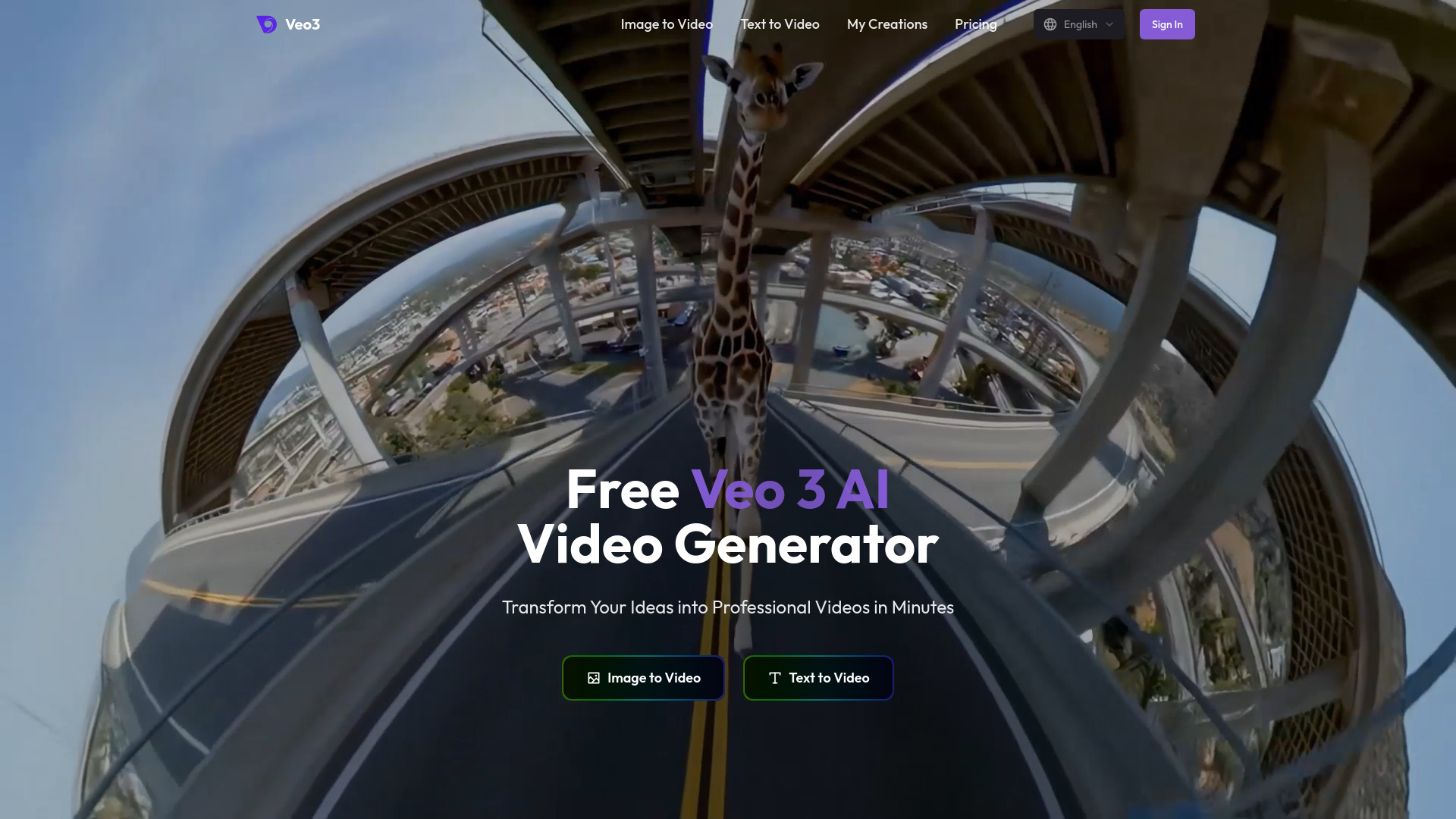
Veo3 AI focuses on the visual generation path: give it text or an image and use AI to turn that input into video. That makes it a natural fit for creators who already have a concept image, storyboard frame, or written scene and want to animate or expand it rather than build a talking-head presentation.
The homepage states 4K video output, which is an attractive proposition for visual work. However, there is an important qualification: paid plans specify 1080p output, creating a contradiction that buyers should resolve before paying. Veo3 AI is free to start, while the listed entry point is a Mini Plan at $15 per month; the free experience is best treated as a hands-on quality check.
My take: This is a compelling option for prompt-led experimentation and image-to-video work, provided you confirm the actual resolution available on the plan you intend to buy. The output claim deserves verification, not blind acceptance.
Where it falls short: The stated 4K homepage claim conflicts with the 1080p resolution specified for paid plans. That uncertainty makes the tool harder to recommend for delivery-critical production until the vendor clarifies it.
Key features
AI video generation from text and images
Text-to-video generation
Image-to-video generation
4K video output stated on the homepage
Pros
Generates video from both text and images
Free to start
High-resolution output is stated as a capability
Cons
Paid-plan resolution information conflicts with the homepage claim
Output specifications should be confirmed before purchase
Choose Veo3 AI if: You want to turn prompts or still images into visual video concepts and are willing to verify resolution details before using it for final delivery.
5. AI Image to Video

AI Image to Video
Best beginner-friendly image-to-video generator
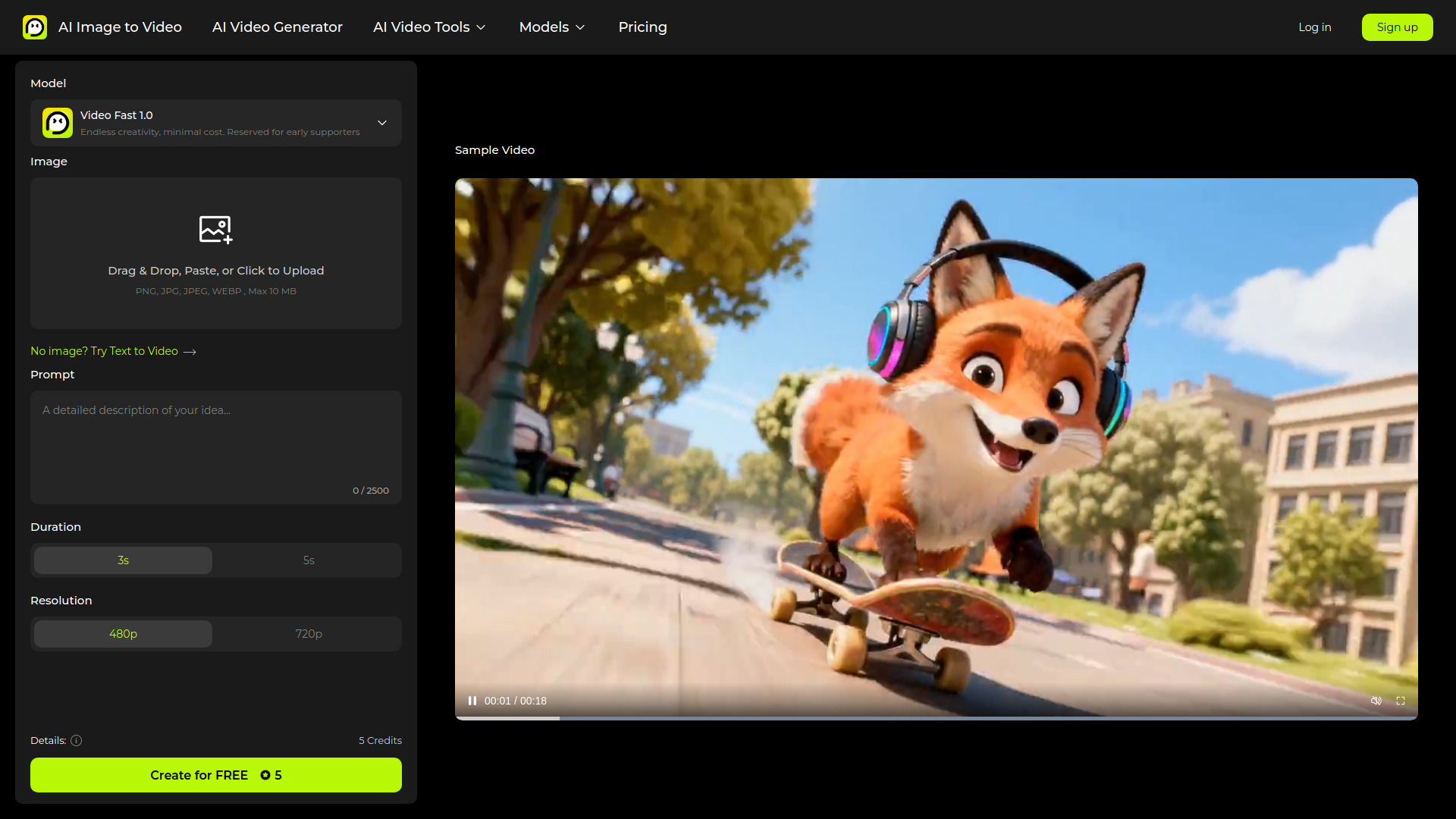
AI Image to Video keeps the workflow understandable: start with an image, then create a moving video from it. For beginners, that is often easier than learning how to describe every visual detail in a text prompt. The free plan includes daily credits, giving you a recurring opportunity to test image animation rather than a single one-time trial.
The platform also lists HD video output, multi-model access, and watermark-free HD output on paid plans. The $5.99 monthly Standard plan is the lowest listed starting price among the featured tools, making it a relatively accessible upgrade for someone who has already found a repeatable image-to-video use case.
My take: This is the clearest beginner pick when the buyer already has photos, illustrations, or generated stills to animate. The daily-credit model is easier to understand than a vague free trial, although registration adds friction.
Where it falls short: You must register an account to use the free features. The best export experience, including HD output without watermarks, is tied to paid plans.
Key features
Free image-to-video generation with daily credits
HD video output
Multi-model access
Watermark-free HD output on paid plans
Pros
Daily free credits support repeated testing
Straightforward image-to-video workflow
Low listed starting price
Cons
Account registration is required for free features
Watermark-free HD output is available on paid plans
Choose AI Image to Video if: You are new to AI video and want the simplest path from an existing image to a short animated clip.
6. AIReel

AIReel
Best multi-model AI video workspace for content creators
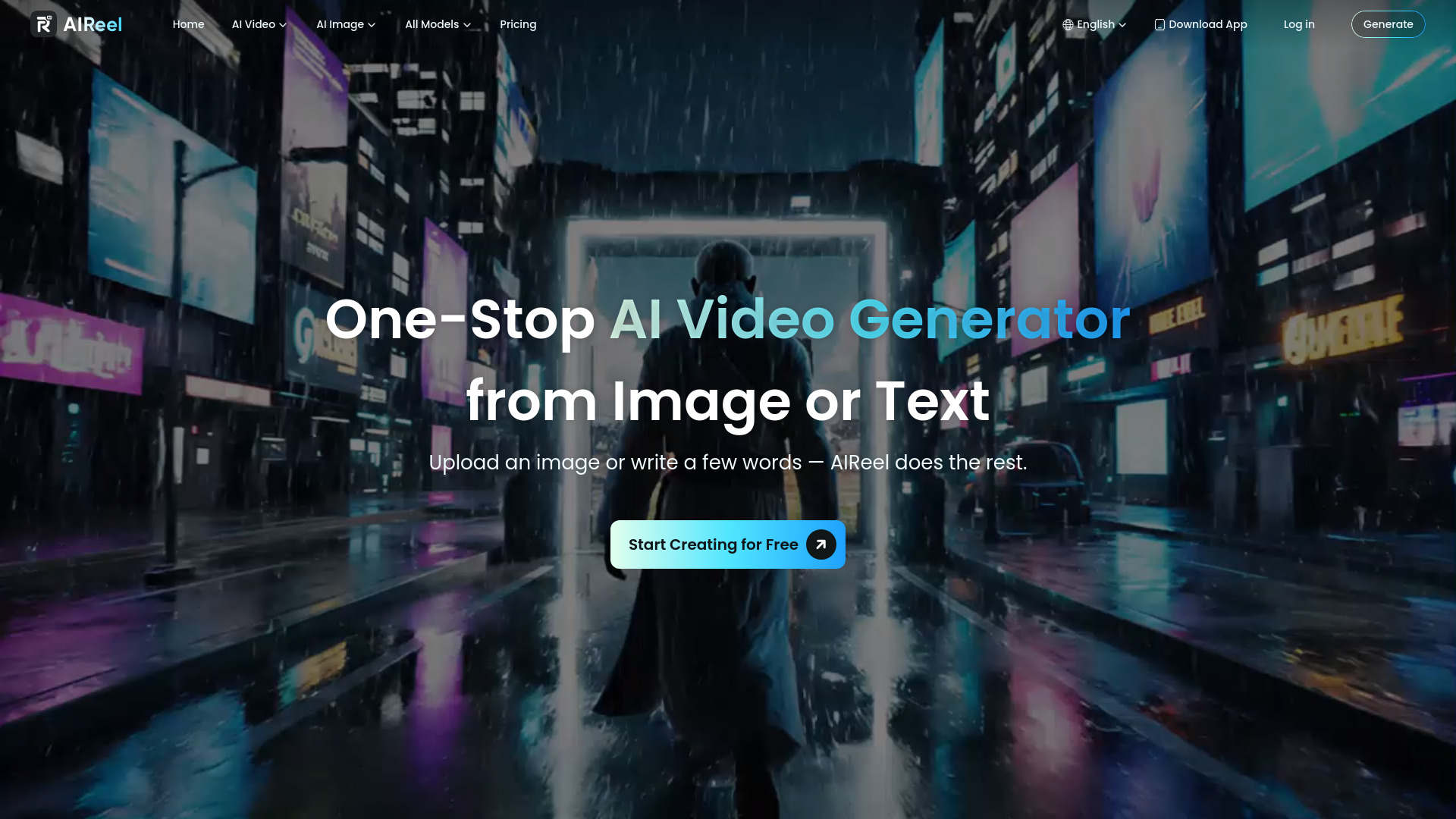
AIReel's distinguishing idea is consolidation. Rather than committing to one video model, the platform offers multiple AI video and image models in one place, alongside more than 1,000 ready-to-use AI effects for social media. That is useful for creators who want to compare visual treatments or move quickly from generation to a social-ready style.
The free tier provides one-time trial credits, and paid access starts from a listed $7.99 per month while the card pricing shows a free plan. This makes AIReel attractive for testing, but subscription economics deserve attention: monthly credits do not roll over and expire at the end of the billing period. Occasional users may therefore get less value than their monthly allowance suggests.
My take: I would choose AIReel when variety is more important than loyalty to one model. The effect library gives the product a practical social-media angle beyond raw generation.
Where it falls short: Unused subscription credits expire instead of rolling over. That is a meaningful limitation for buyers whose video production comes in bursts rather than on a steady monthly schedule.
Key features
Multiple AI video and image models
Image-to-video animation
1,000+ ready-to-use AI effects
Social media-oriented creative templates and effects
Pros
Wide variety of top-tier AI video models in one place
Useful effects library for social content
Free trial credits allow initial testing
Cons
Monthly subscription credits expire at the end of the billing period
Best value depends on consistent monthly usage
Choose AIReel if: You create social content regularly and want access to several AI models and a large effects library without managing multiple tools.
7. neural frames

neural frames
Best AI music video suite for musicians
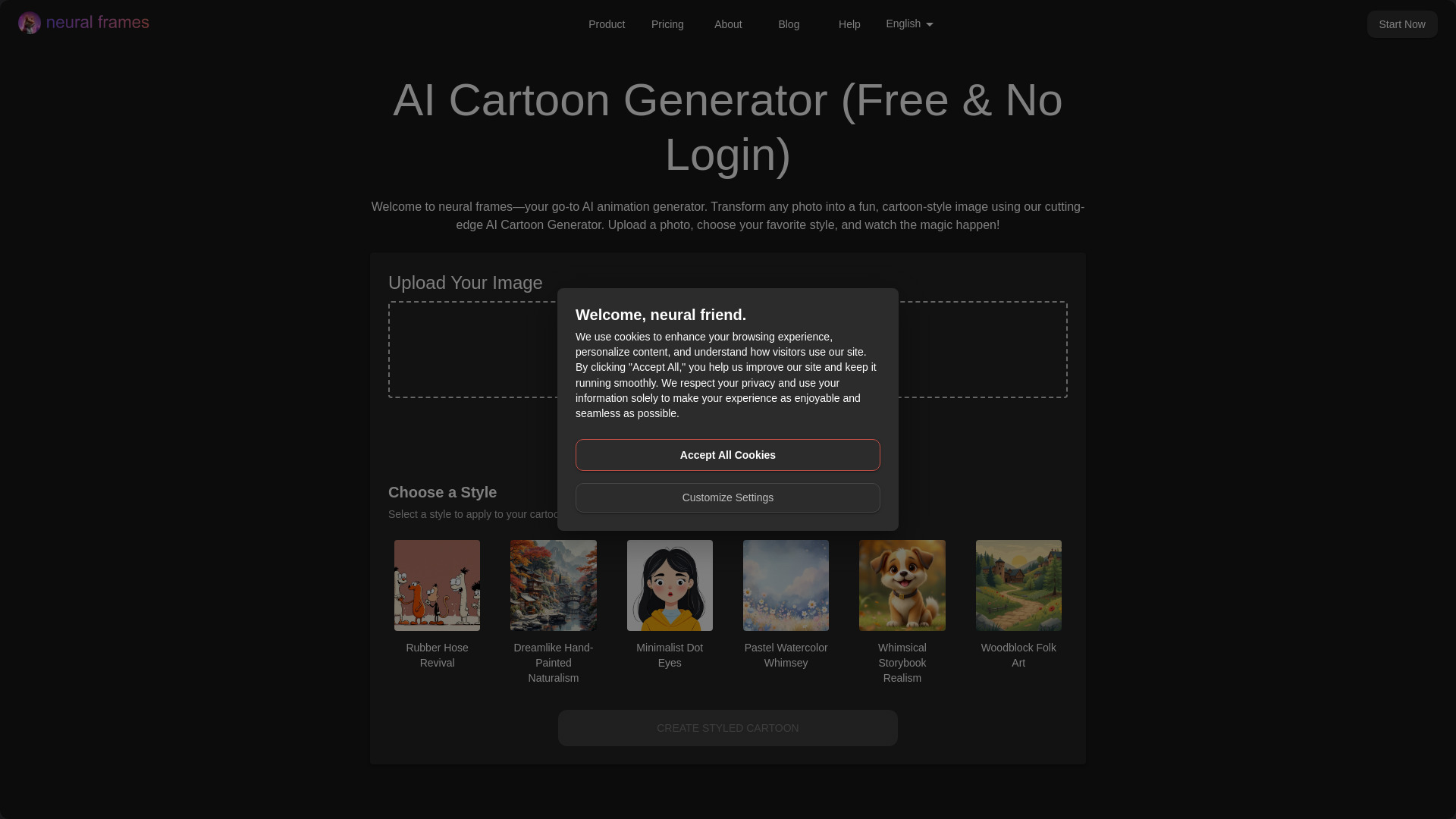
Musicians need a different kind of AI video tool. neural frames leans into music video generation and lyric video creation instead of trying to be a generic business-video editor. Its freemium model also gives visual artists a way to try the product before moving to a paid plan, and its free tool experience includes transforming photos into vibrant cartoons with instant results and no login or sign-up required.
That combination is useful for artists building a visual identity around a track. A lyric video maker addresses a specific release workflow, while cartoon transformations can provide quick artwork or visual experiments. The listed Neural Navigator plan starts at $13 per month, but some features vary by subscription level, so frequent creators should map the features they need before choosing a tier.
My take: neural frames feels more purpose-built for artist-led experimentation than the general video platforms above. It is a strong option when the song, lyrics, and visual style matter more than presenter realism.
Where it falls short: Some features are limited by subscription plan. Buyers should also distinguish this broader suite from the dedicated AI music video generator below, which emphasizes audio-reactive and lyric-aware output.
Key features
AI music video generation
Lyric video maker
Photo-to-cartoon transformation
Freemium access with instant results on the free tool
Pros
Strong fit for musicians and visual artists
Freemium model supports initial experimentation
No login or sign-up required for the highlighted free cartoon tool
Cons
Features vary by subscription plan
The free experience is not the same as unrestricted music-video production
Choose neural frames if: You are a musician who wants lyric videos, stylized artwork, and music-led visuals from one creative suite.
8. AI music video generator

AI music video generator
Best audio-reactive AI video generator for musicians
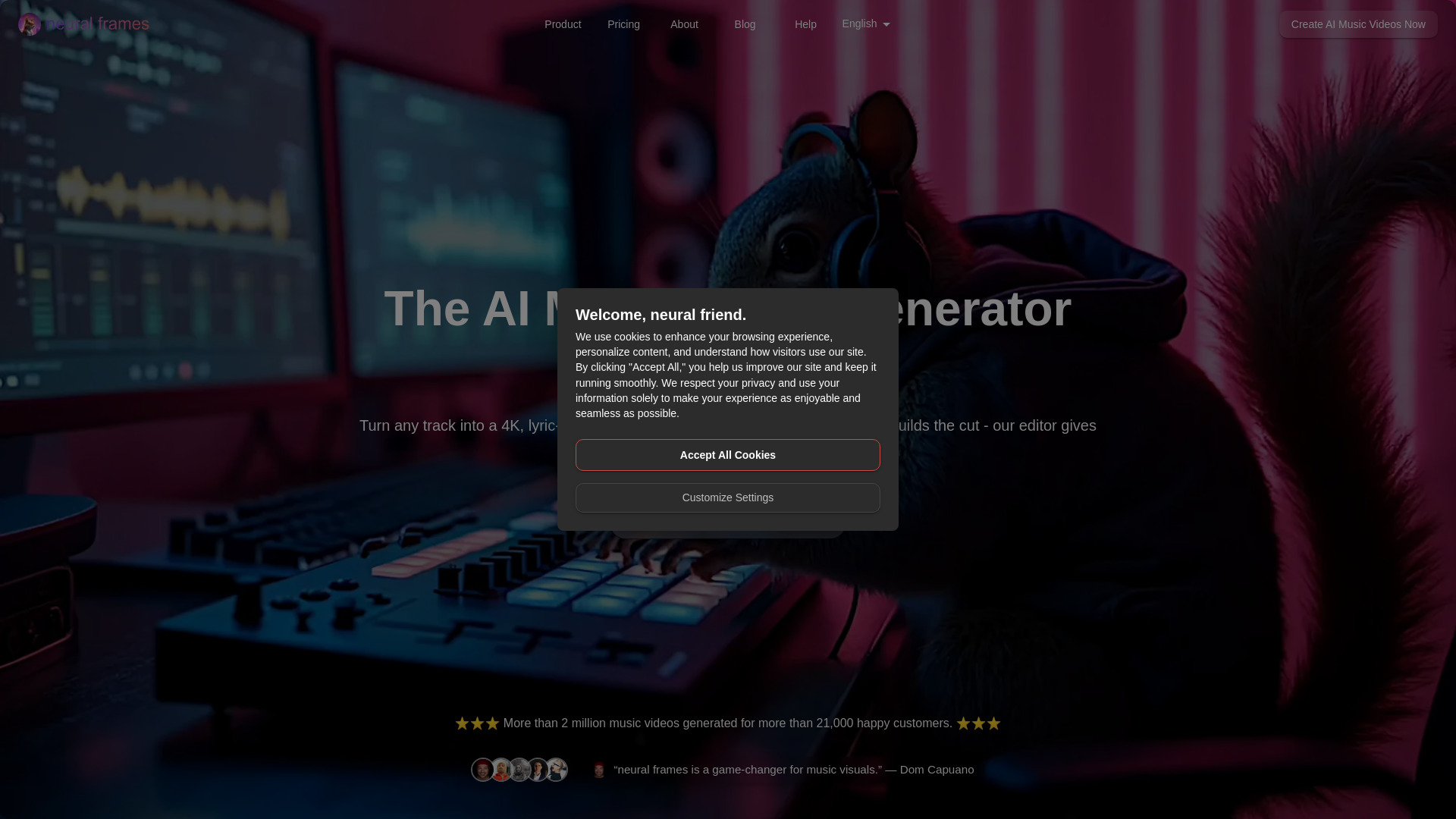
When the soundtrack is the source of truth, this dedicated AI music video generator is more relevant than a conventional text-to-video platform. It creates professional 4K, lyric-aware, audio-reactive music videos and includes Autopilot for instant video creation from songs. Those features speak directly to musicians who need visuals that respond to the structure and energy of a track.
The listed starting point is $13 per month with 1,000 credits. That makes credit planning important, particularly for artists testing several versions of a song. The main caveat is that Autopilot is not recommended for the lower-tier Neural Navigator and Neural Knight plans, so the headline automation feature may not perform as expected at every subscription level.
My take: This is the most purpose-built recommendation for a release campaign centered on audio-reactive visuals. I would test a full song and inspect the credit usage before budgeting for a regular production schedule.
Where it falls short: Autopilot has a plan-specific limitation, and the product's credit model may require more attention than a simple export-based editor. Confirm which plan supports the workflow you actually want.
Key features
AI-generated 4K music videos
Lyric-aware visuals
Audio-reactive video generation
Autopilot creation from songs
Pros
Generates professional music videos quickly
Visuals respond to audio
Built specifically for musician workflows
Cons
Autopilot is not recommended for lower-tier plans
Credit usage can affect how many versions you produce
Choose AI music video generator if: You want lyric-aware, audio-reactive visuals that are built around a finished song rather than a general text prompt.
9. VidAU AI

VidAU AI
Best AI video admaker for e-commerce businesses
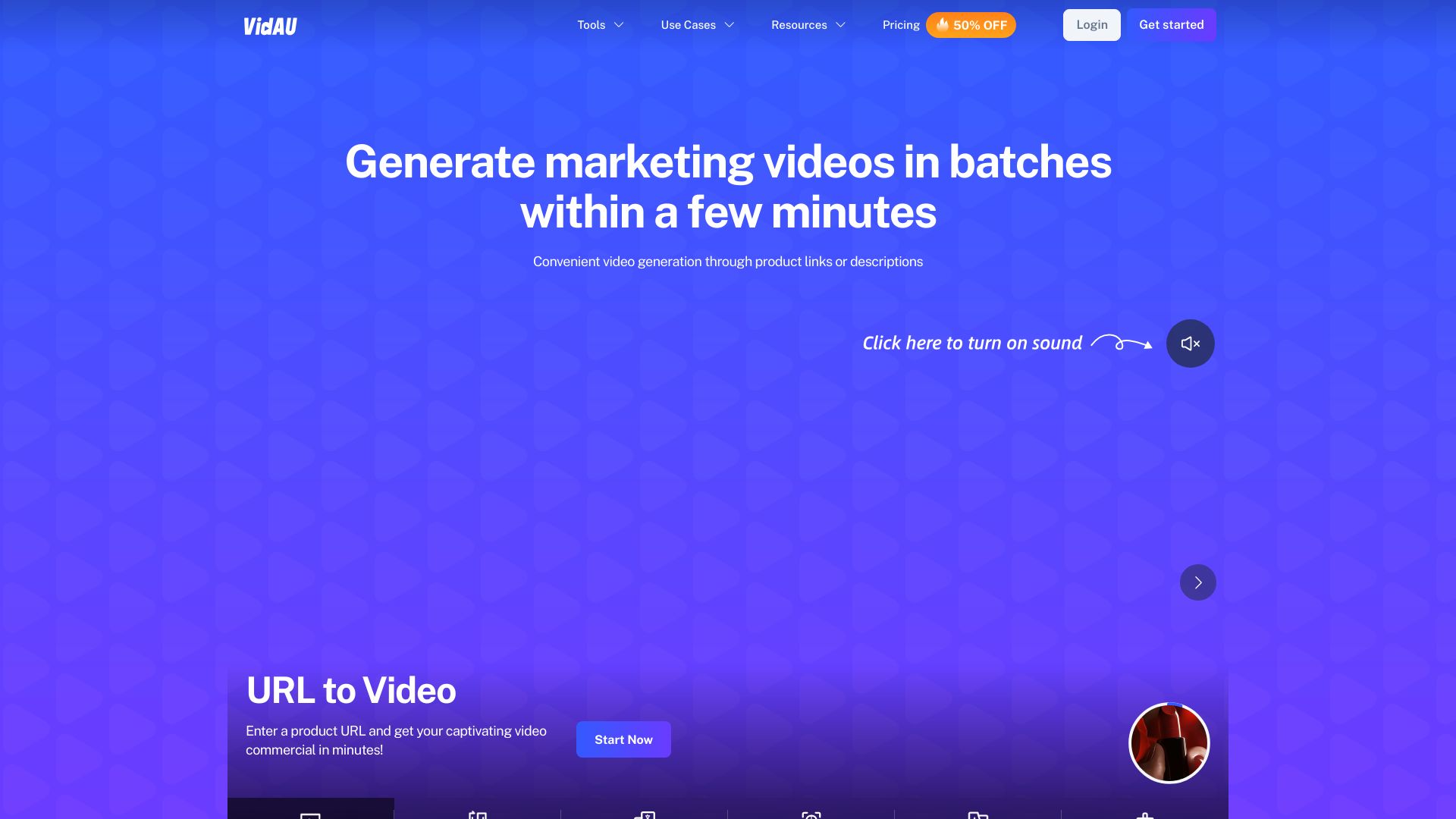
VidAU AI targets a commercial outcome rather than open-ended filmmaking. Its AI Video Admaker and AI UGC Creator features are designed for businesses that need product-led promotional videos, creator-style content, or ad variations. That narrower focus is an advantage if your goal is selling something and you want the tool's workflow organized around marketing output.
The stated benefit is cost efficiency: reducing video production costs significantly. The free tier is listed at $0 per month, but it has limited credits and video length. That means the free version is best for validating the format and producing small tests, not assuming that a full campaign can run without paid capacity.
My take: VidAU AI earns its place because e-commerce video has different requirements from cinematic experimentation. The admaker and UGC angle make the buying decision straightforward for product teams.
Where it falls short: The free plan limits credits and video length. Teams planning multiple ad variants should calculate how quickly those constraints will affect testing volume.
Key features
AI Video Admaker
AI UGC Creator
Templates for promotional video workflows
AI tools focused on commercial content
Pros
Clear e-commerce use case
Free plan available
Can reduce production costs for ad content
Cons
Free plan has limited credits and video length
Smaller usage signal than several general-purpose platforms
Choose VidAU AI if: You run an e-commerce business and need product ads or UGC-style videos more than abstract visual clips.
10. VideoGen

VideoGen
Best fast AI video workflow for professionals
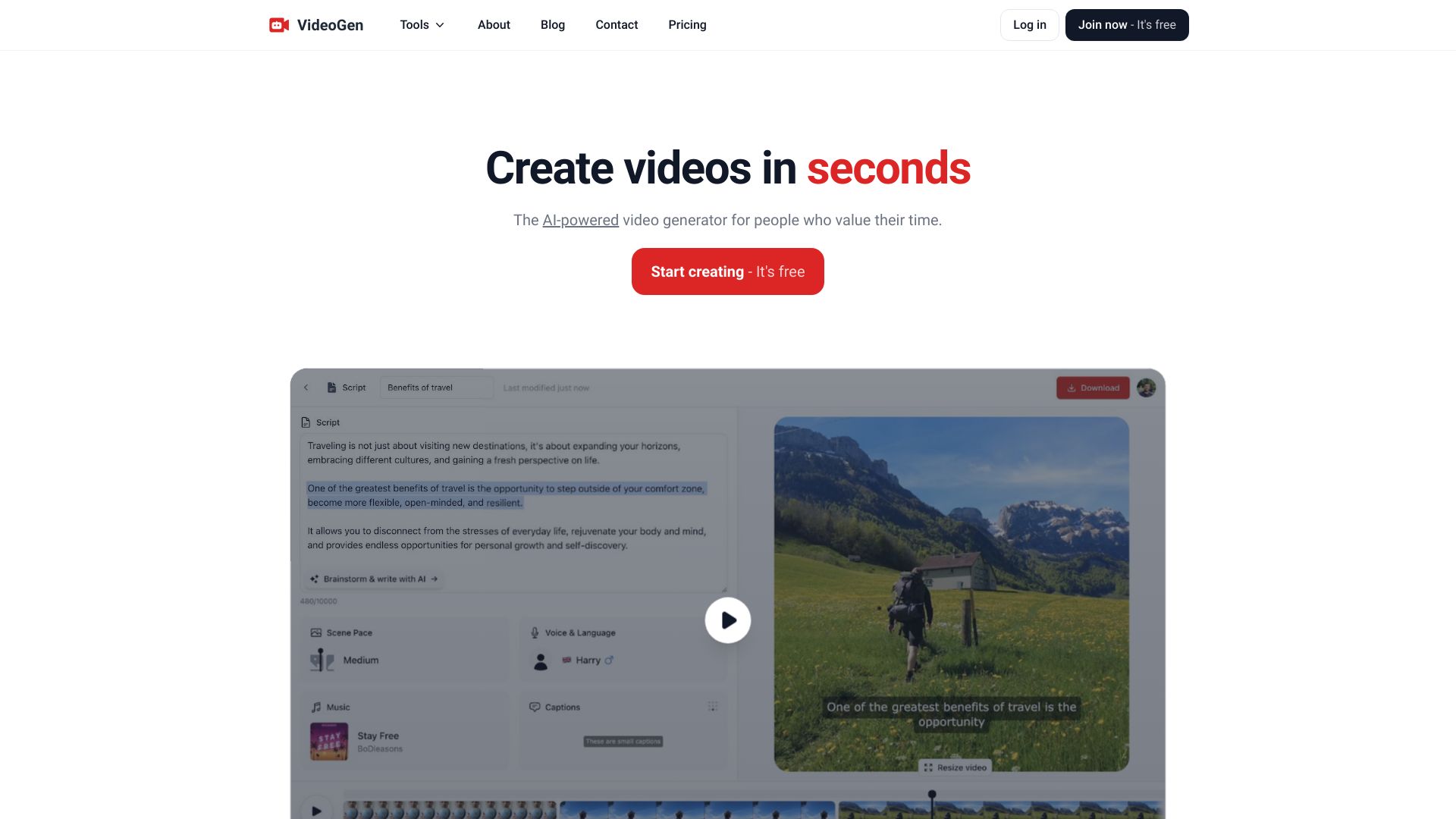
VideoGen takes the practical route: generate a script, turn it into a video, and automate much of the editing. Its AI video script writing and automatic AI video editing features make it a natural fit for professionals who need a finished draft quickly and do not want to assemble every scene manually.
The free option includes instant video generation and realistic AI voiceovers, while the listed Pro plan starts at $12 per month. That is a relatively clear upgrade path for someone who has tested the basic workflow. The catch is that certain AI features have rate limits, so high-volume users should test their intended production pace rather than assume that the free experience reflects paid throughput.
My take: VideoGen is the sensible productivity pick. It is less specialized than the music tools and less avatar-library-driven than Vidnoz, but script-to-video automation is exactly what many working professionals need.
Where it falls short: Rate limits apply to certain AI features. That can become a bottleneck when you are generating many drafts or adapting one idea into a large batch of videos.
Key features
AI video script writing
Automatic AI video editing
Instant video generation
Realistic AI voiceovers
Pros
Fast route from script to video
Free access for initial testing
Listed Pro price is easy to understand
Can reduce video production costs
Cons
Rate limits apply to certain AI features
Less specialized for avatar, image-animation, or music-video workflows
Choose VideoGen if: You are a professional who wants to turn scripts into edited videos quickly, with voiceover support and minimal manual production work.
More tools to compare

V03AI
Veo 3 videos with native audio
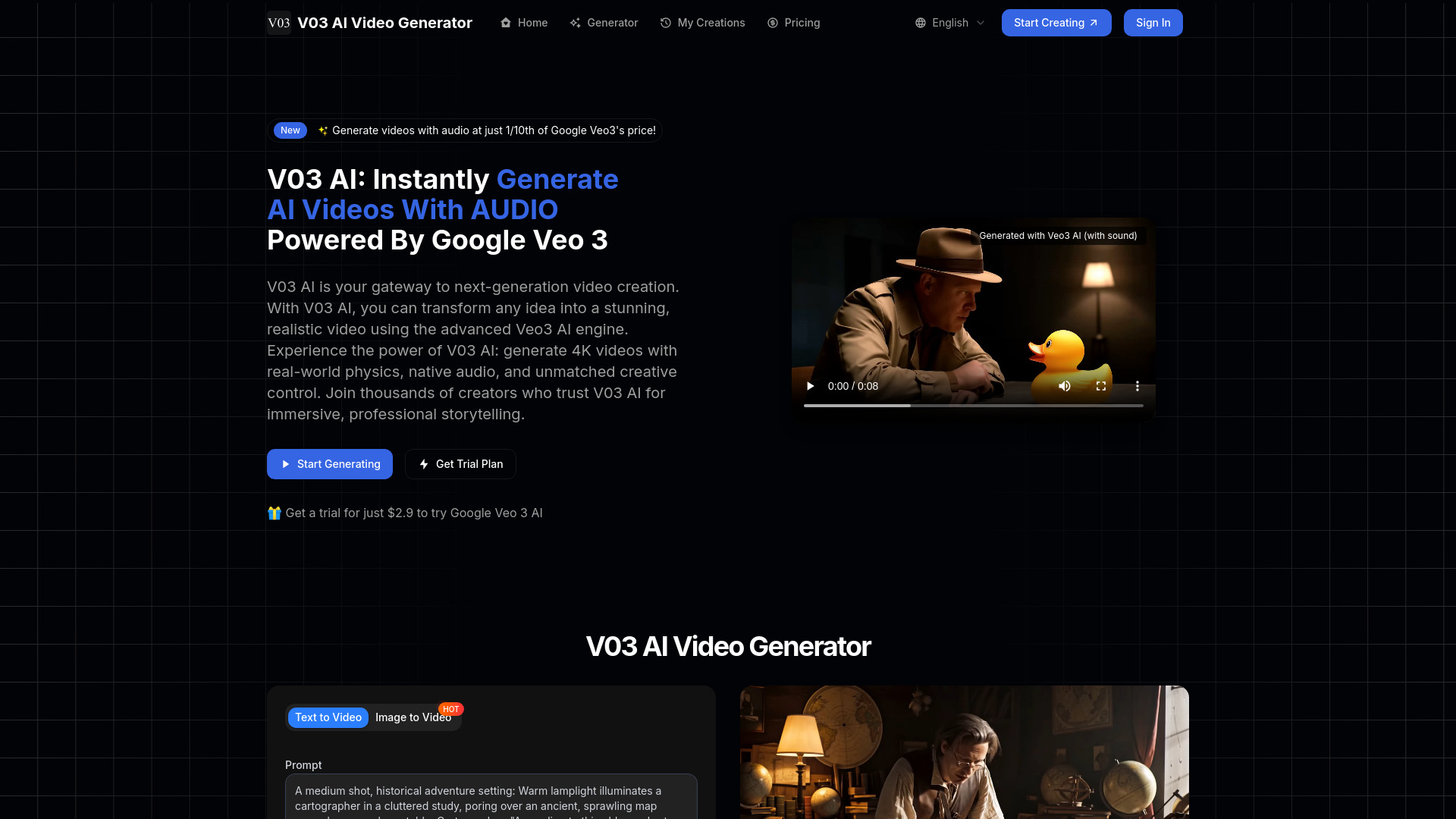

Free AI Video Maker & Generator
Unlimited short-form video creation
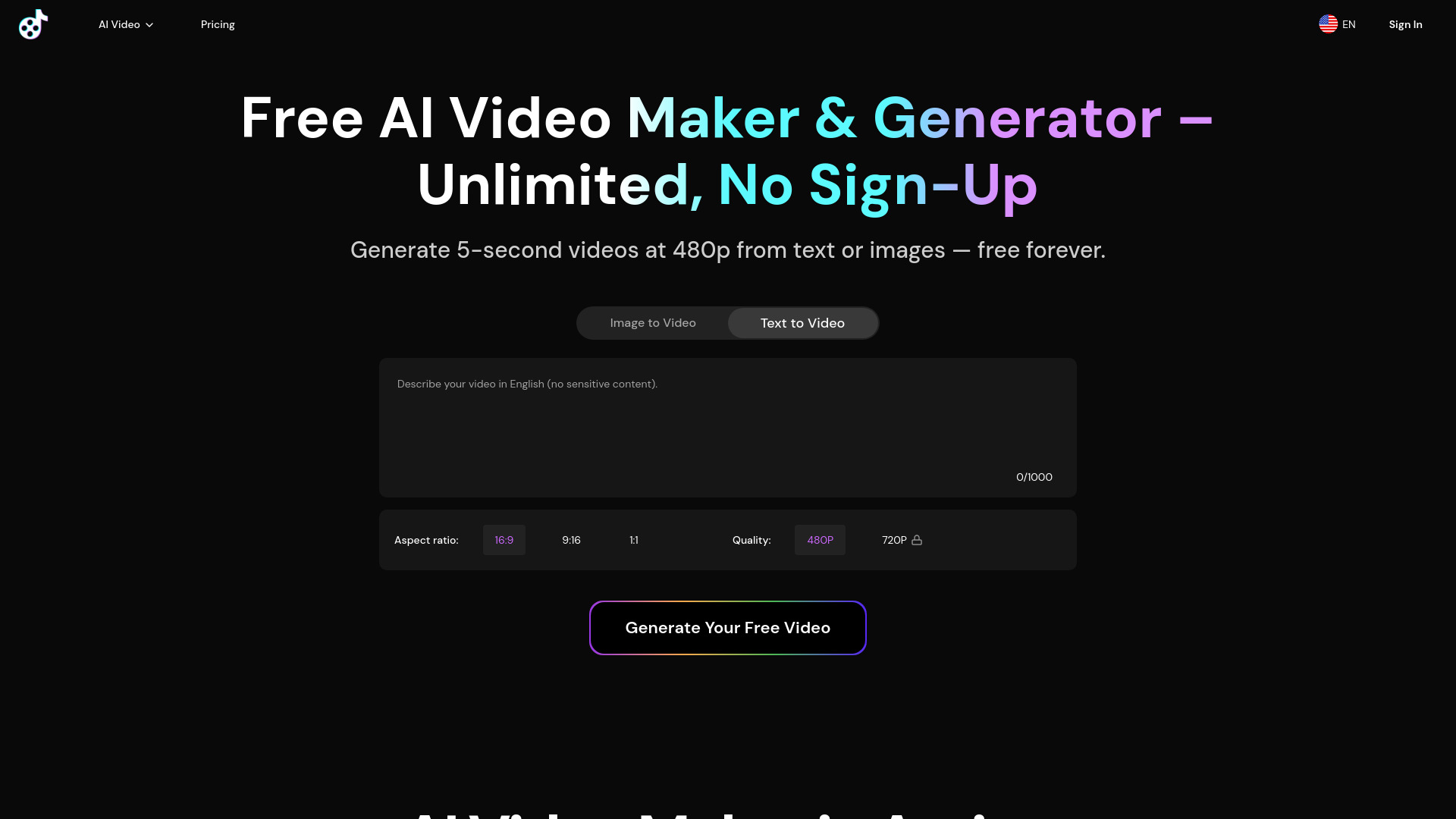

VO3 AI
Cinematic Veo 3 video generation

VideoWeb AI
All-in-one AI video creation

JXP AI Video Generator
Fast text-to-video creation

Pixwith AI
Multi-model AI video creation

LunaAI.video
Fast text-and-image video generation

Flow AI
Cinematic multi-shot video creation

Animate AI
Animated video series

aivideogenerator.me
Accessible text-to-video creation

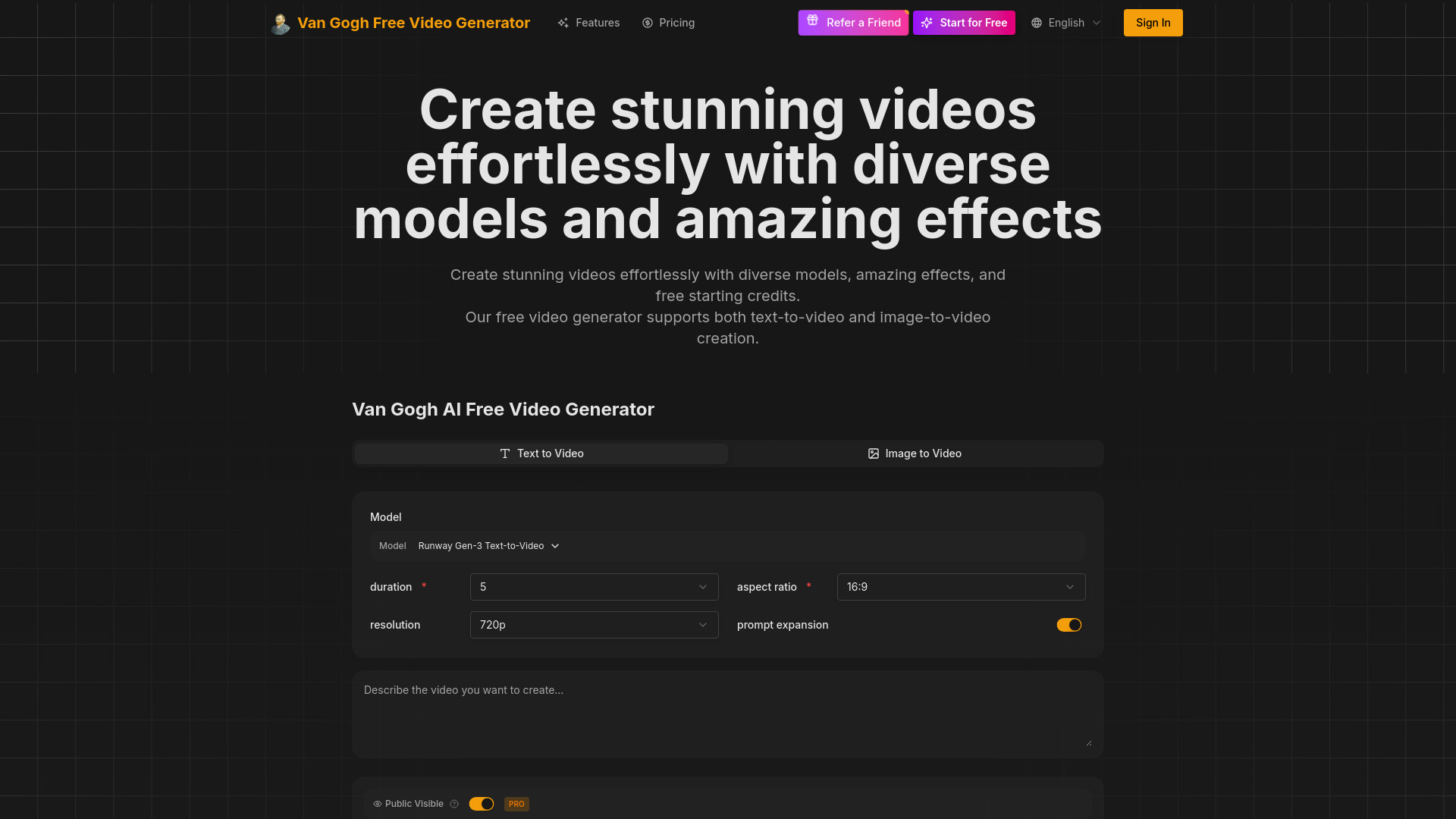
Van Gogh Free Video Generator
Artistic text-to-video and image-to-video creation

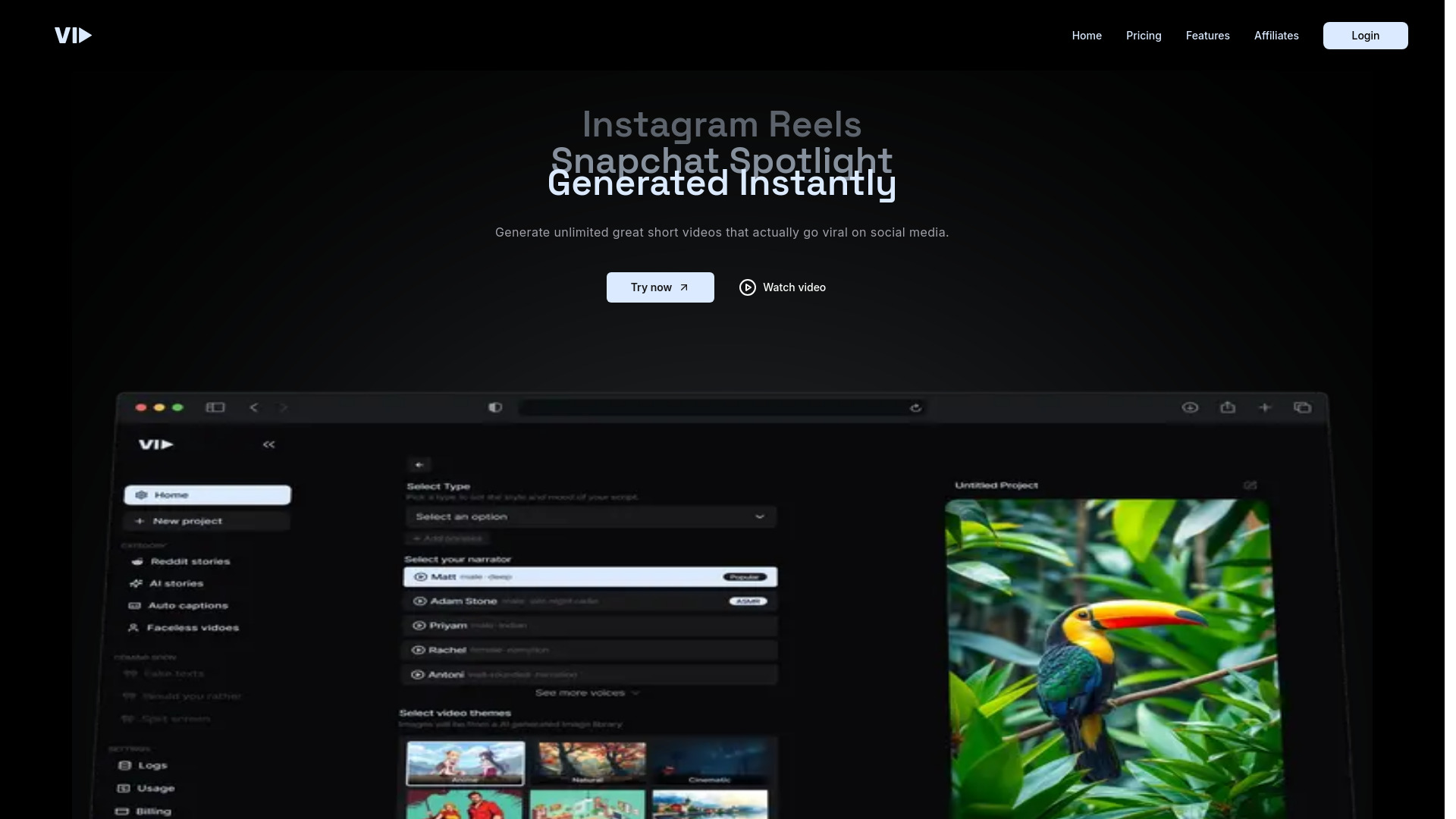
Vid.AI
Short-form social video creation

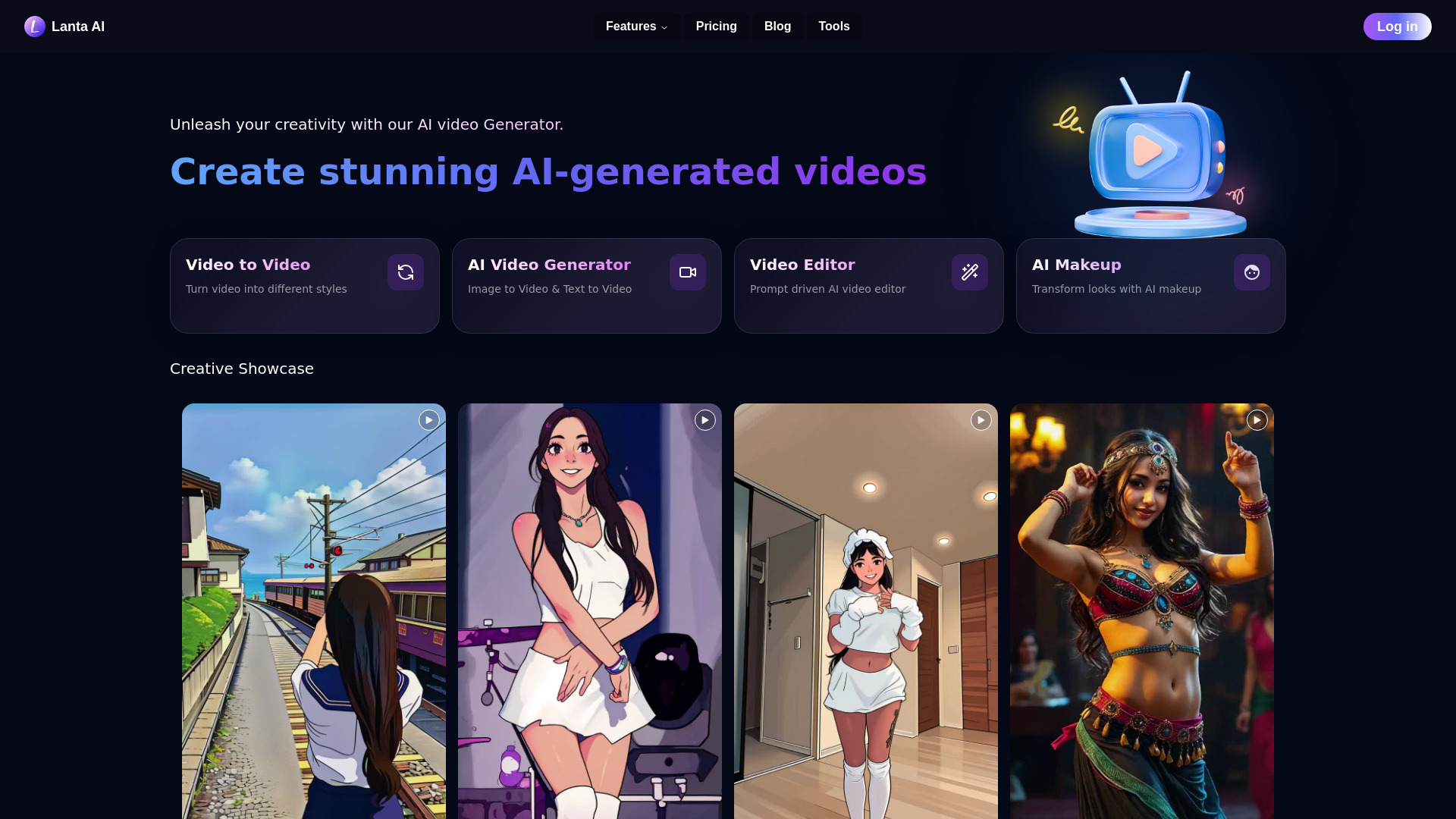
Lanta AI
Text, image, and video creators

AIAI.com
All-in-one AI video and image creation


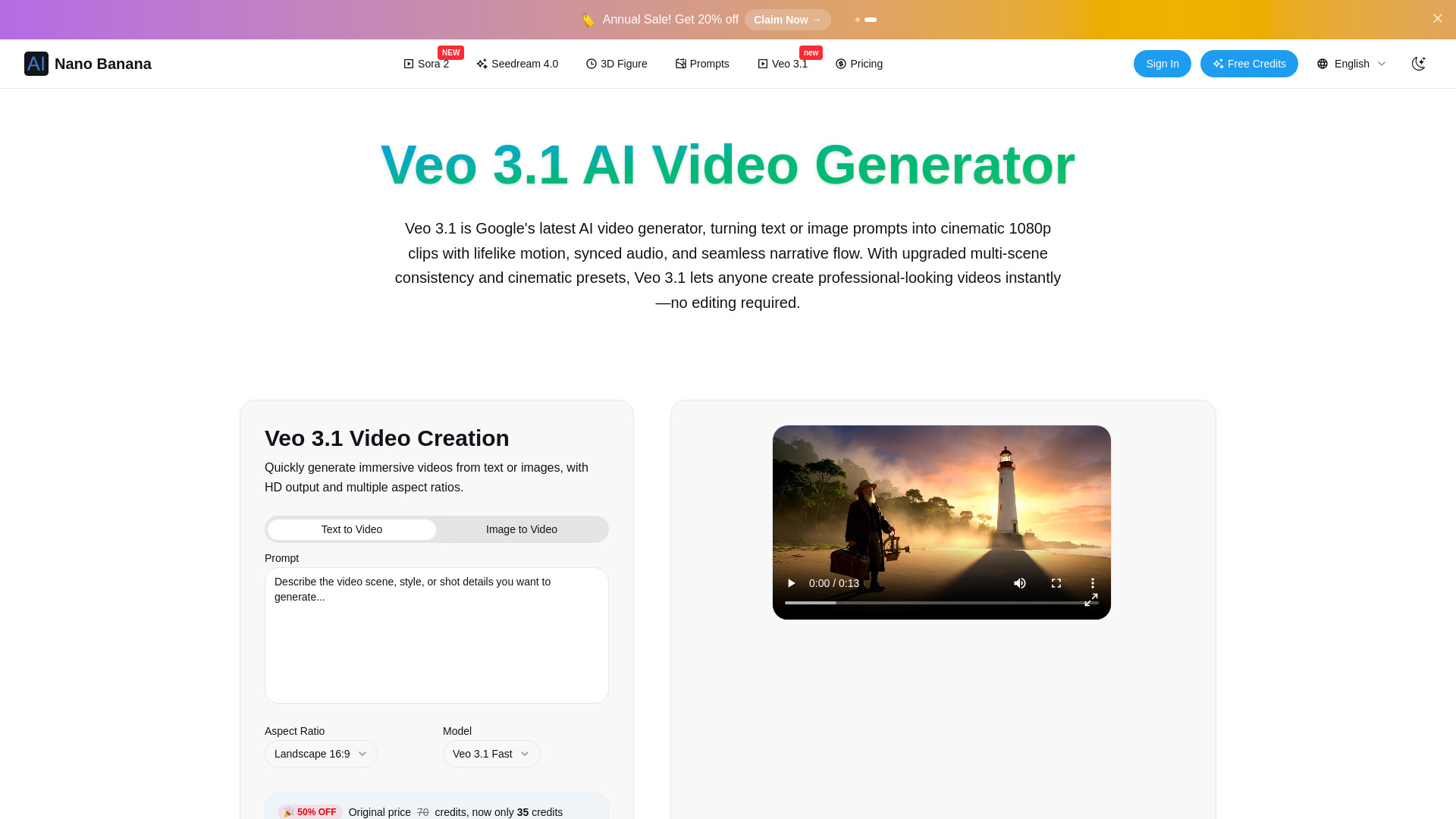
Veo 3.1 AI Video Generator
Cinematic short-form video

VIDEOAI.ME
Realistic AI actor videos and viral ads

Wan 2.7 AI Video Generator
Photo-to-video creators

VividHubs.ai
Two-photo romantic video creation

AIVideo.com
All-in-one video production

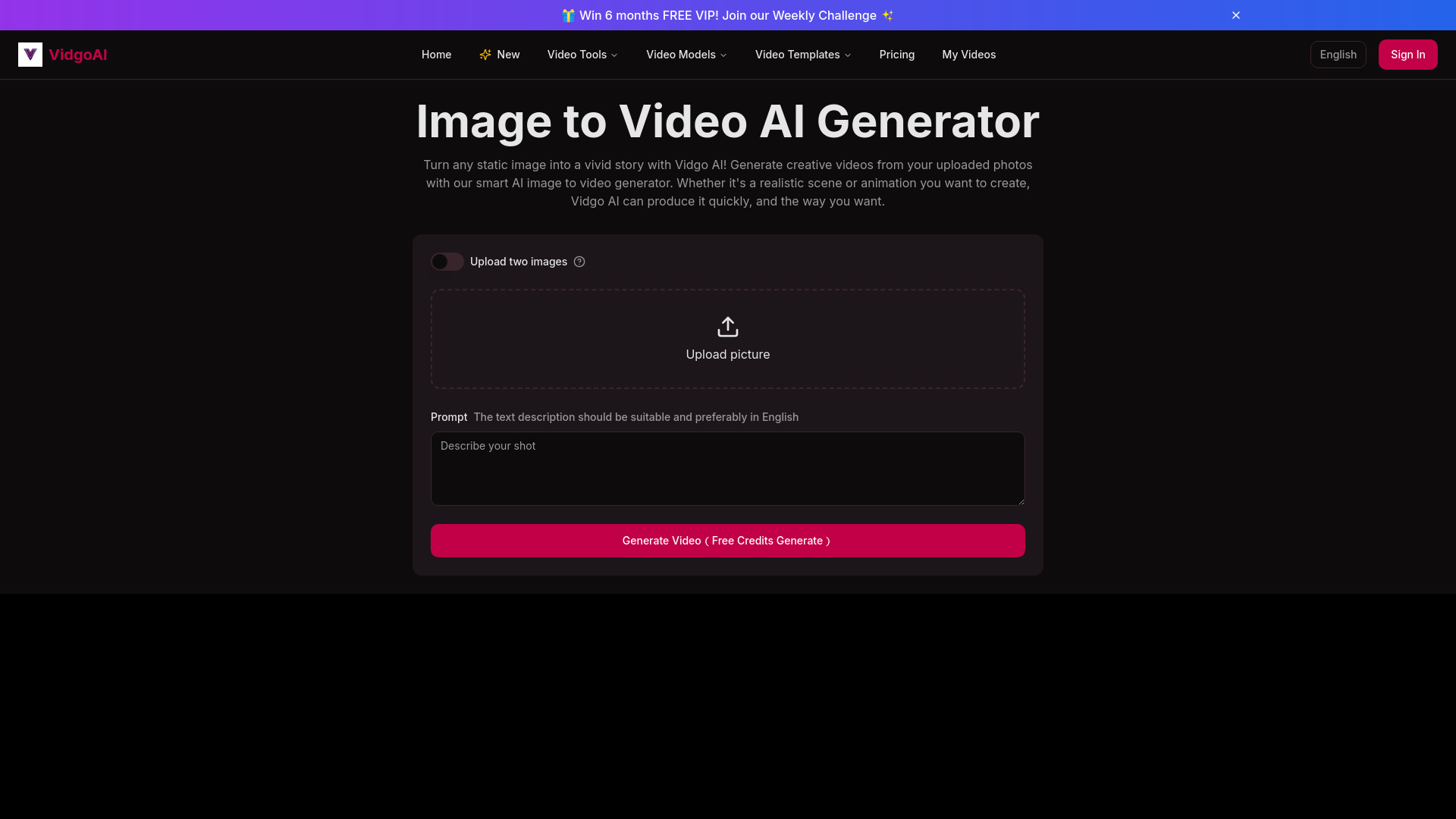
Vidgo AI
Image-to-video creators

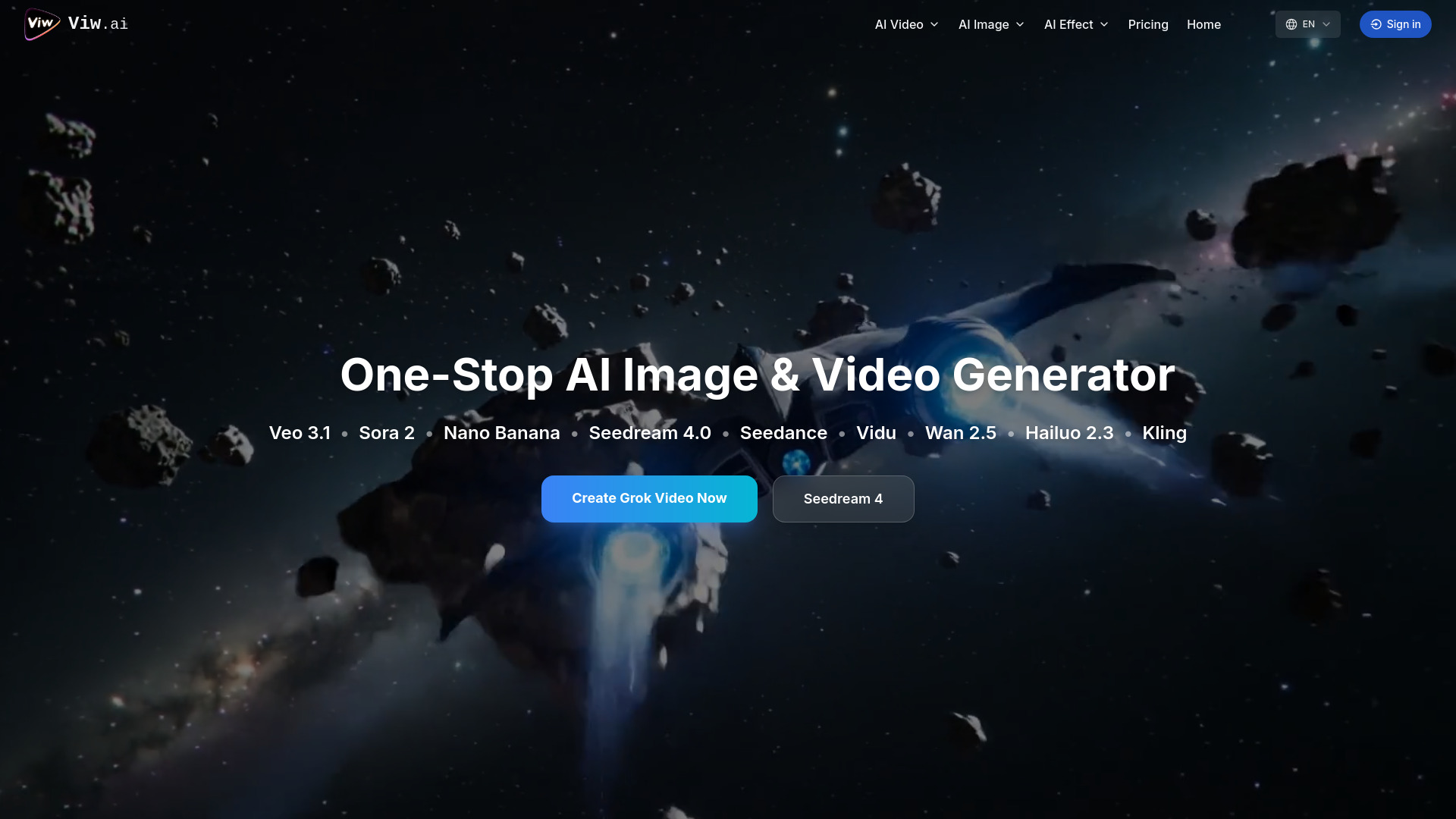
Viw AI
Creators needing multiple AI video models

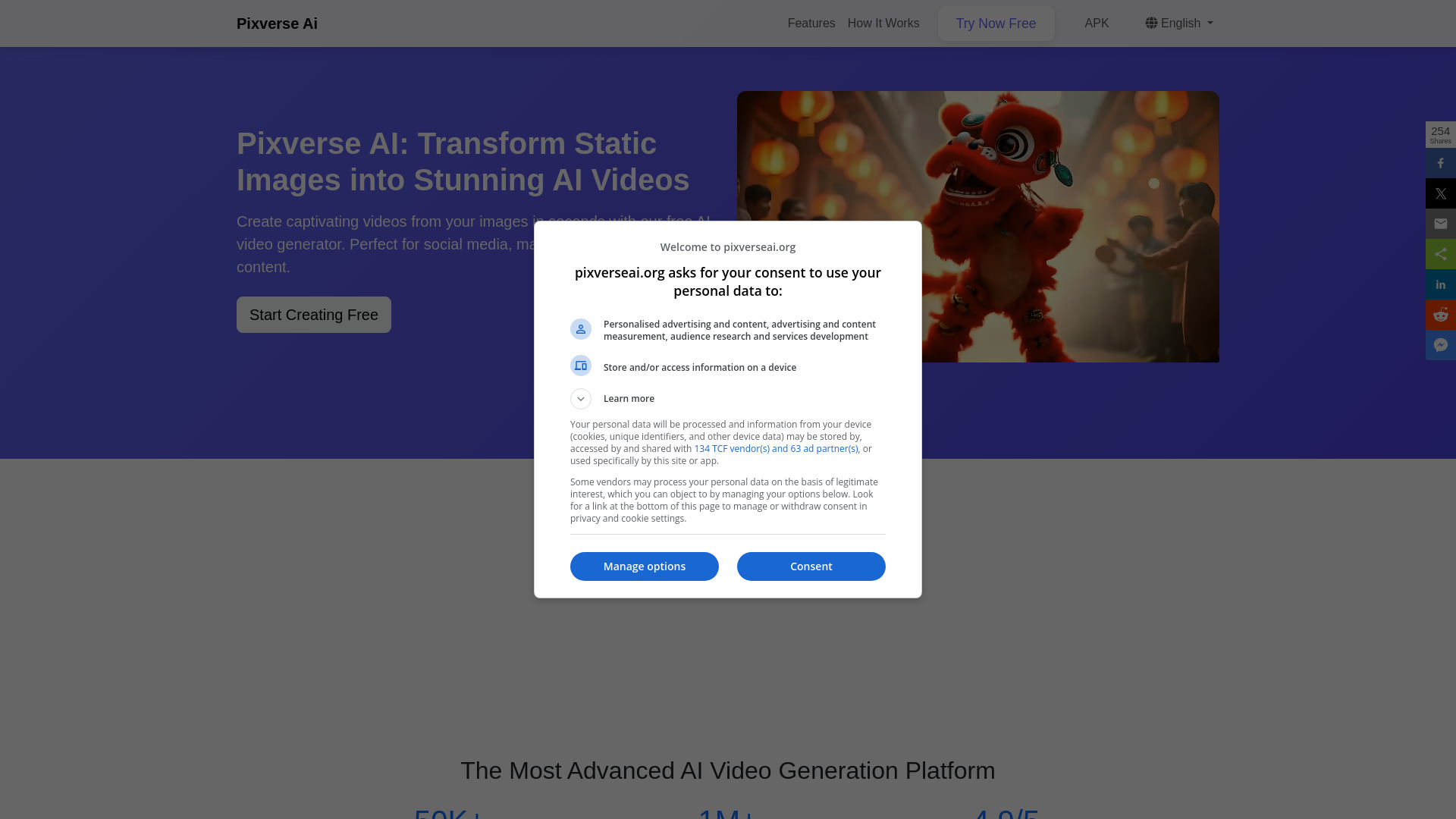
Pixverse AI
Image-to-video animation

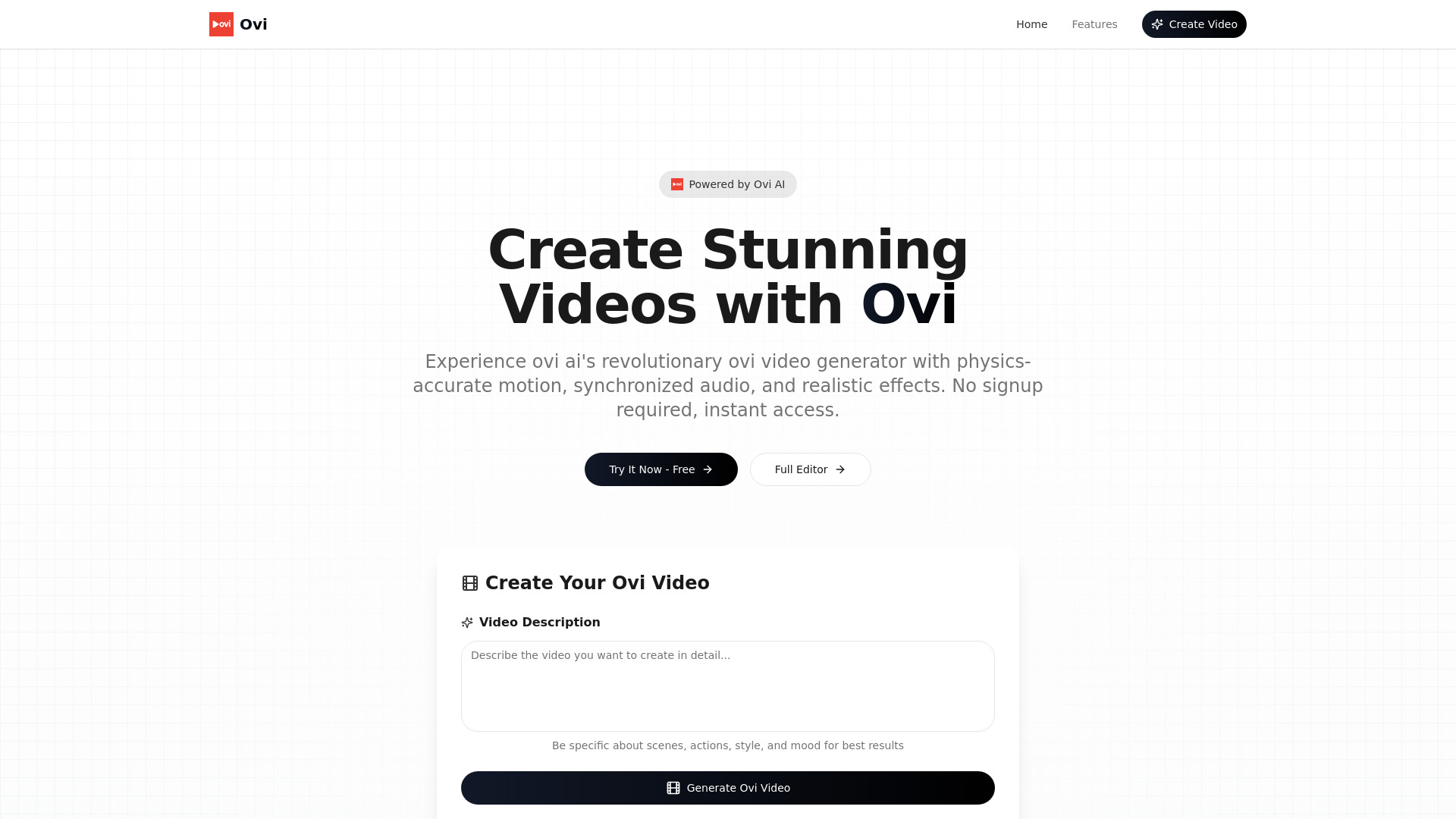
Ovi AI
Physics-accurate text-to-video generation

Dream Machine AI
Realistic text-to-video scenes

ImageToVideo AI
Image-to-video social content

Viddyoze
AI-assisted marketing video creation

Voor AI
Multi-model video and image creation

AI Pet Video Generator
Pet photo-to-video creation
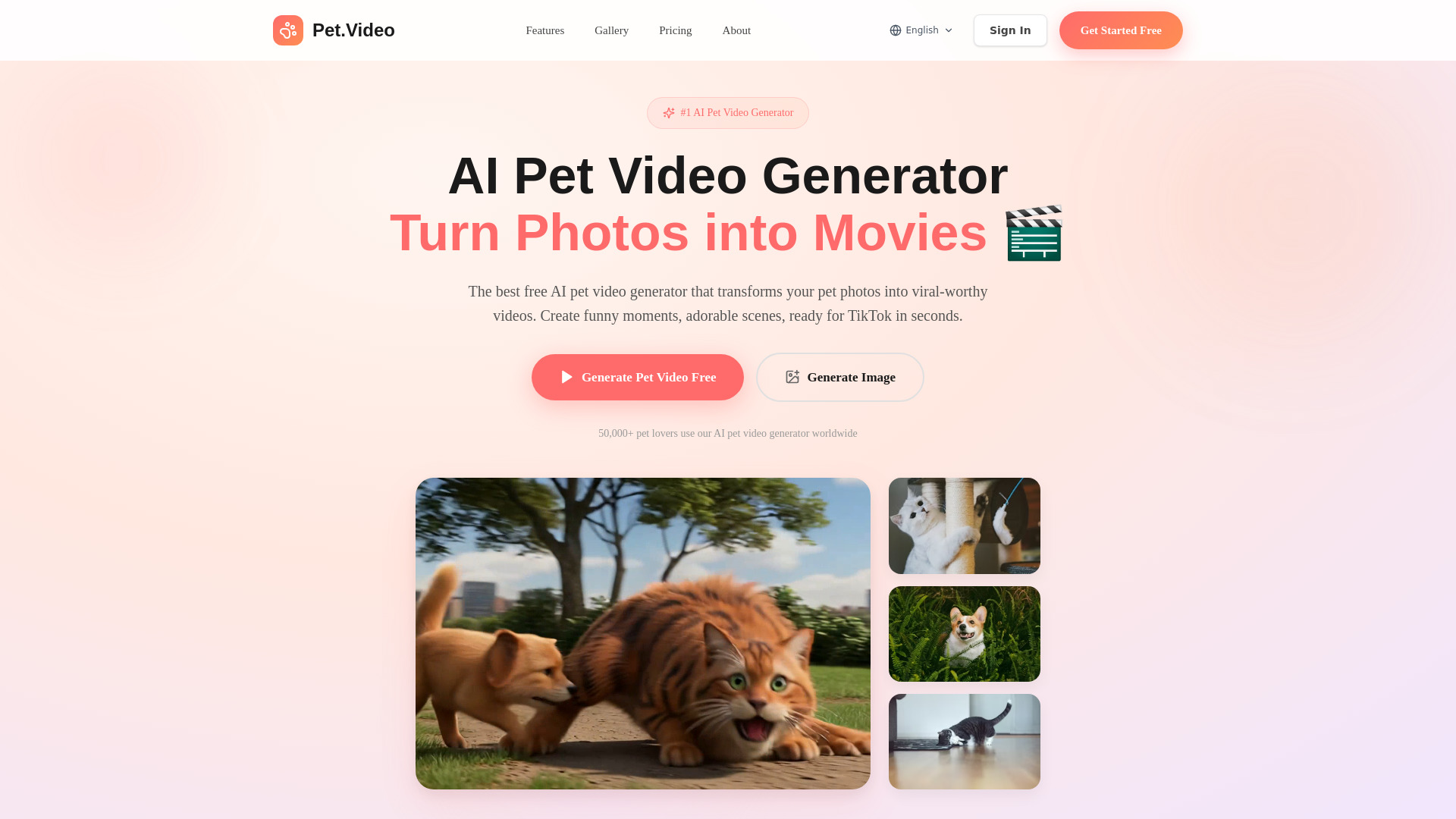

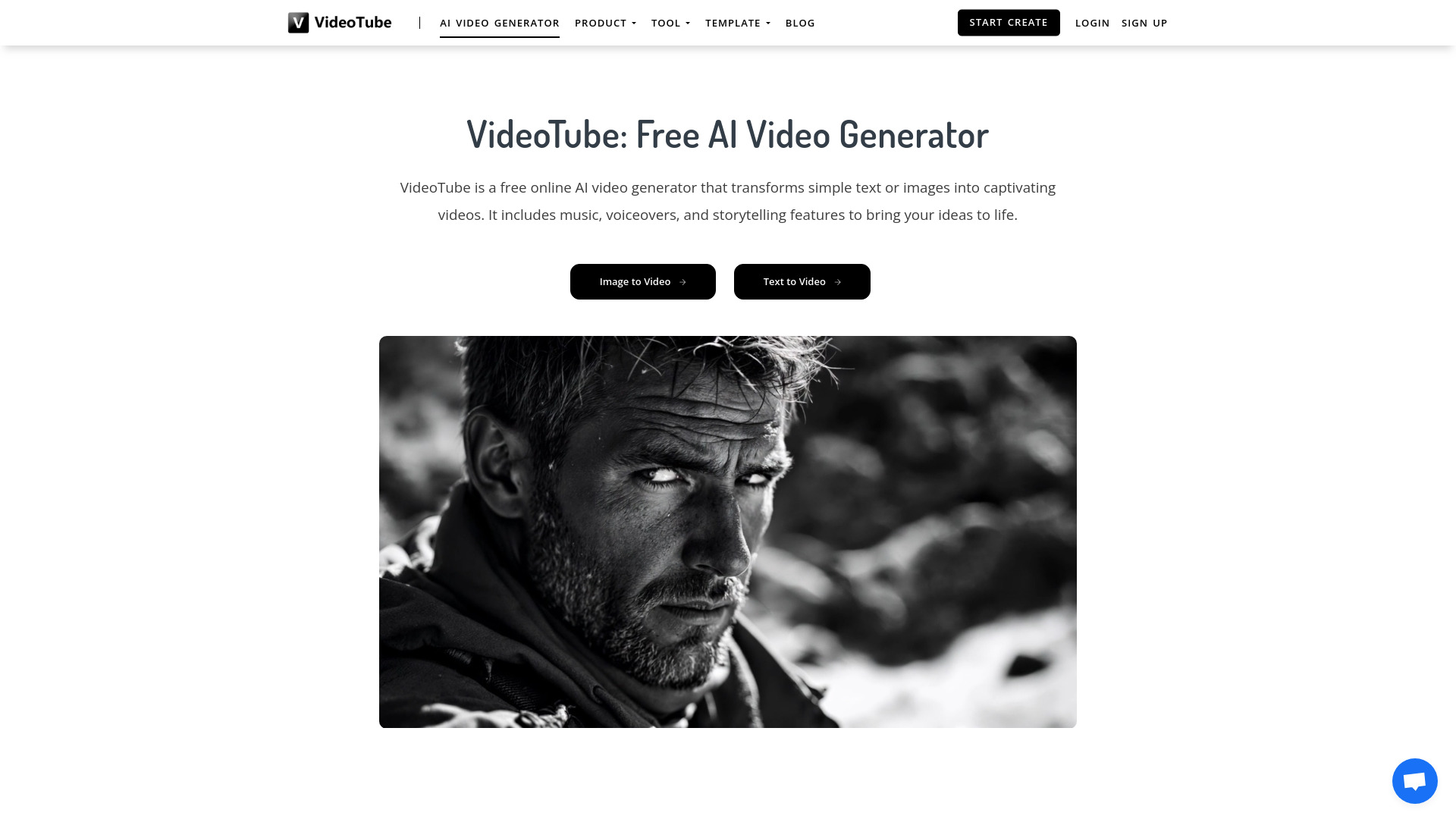
VideoTube
Template-led social videos

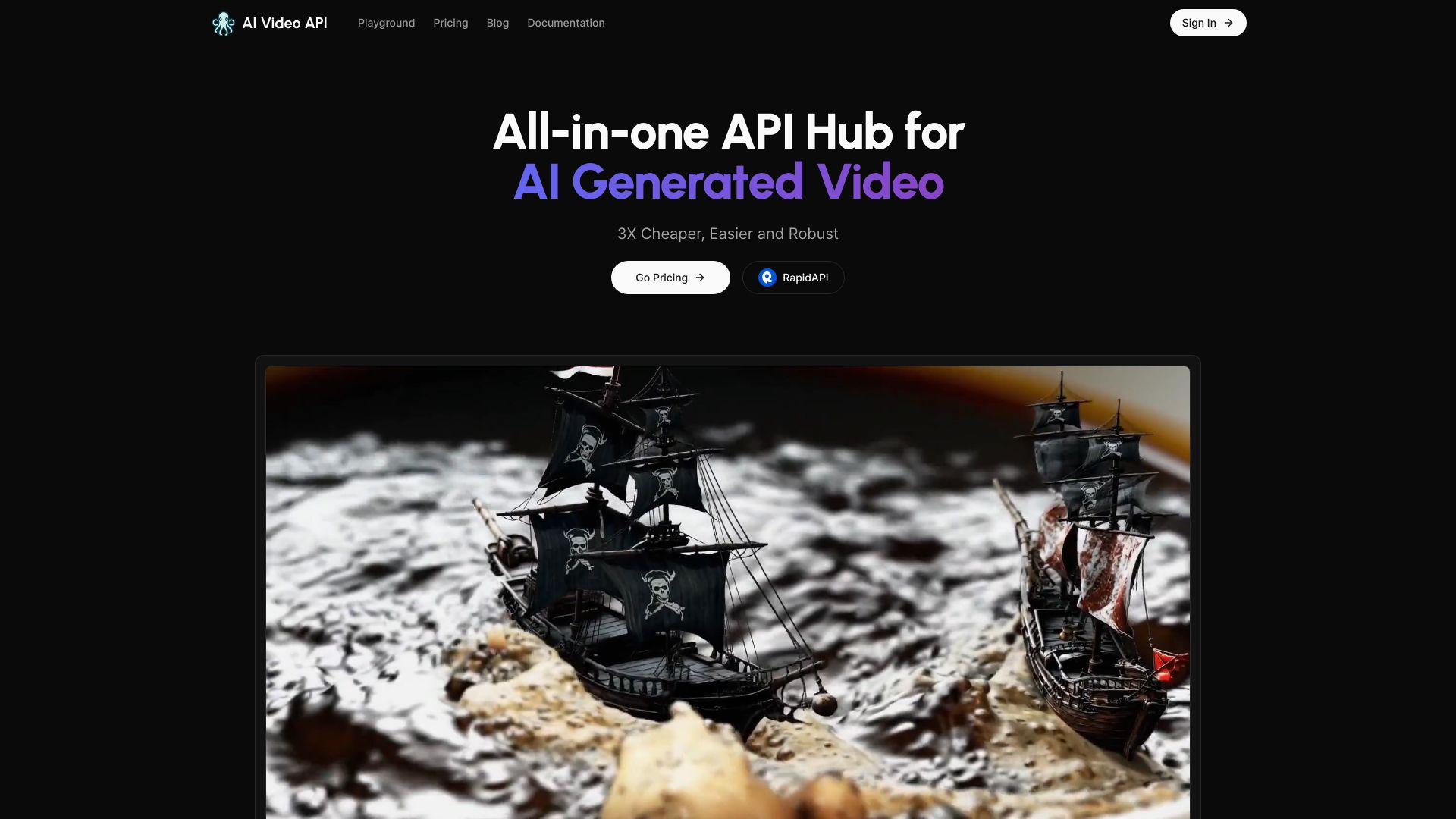
AI Video API
Developers building video apps

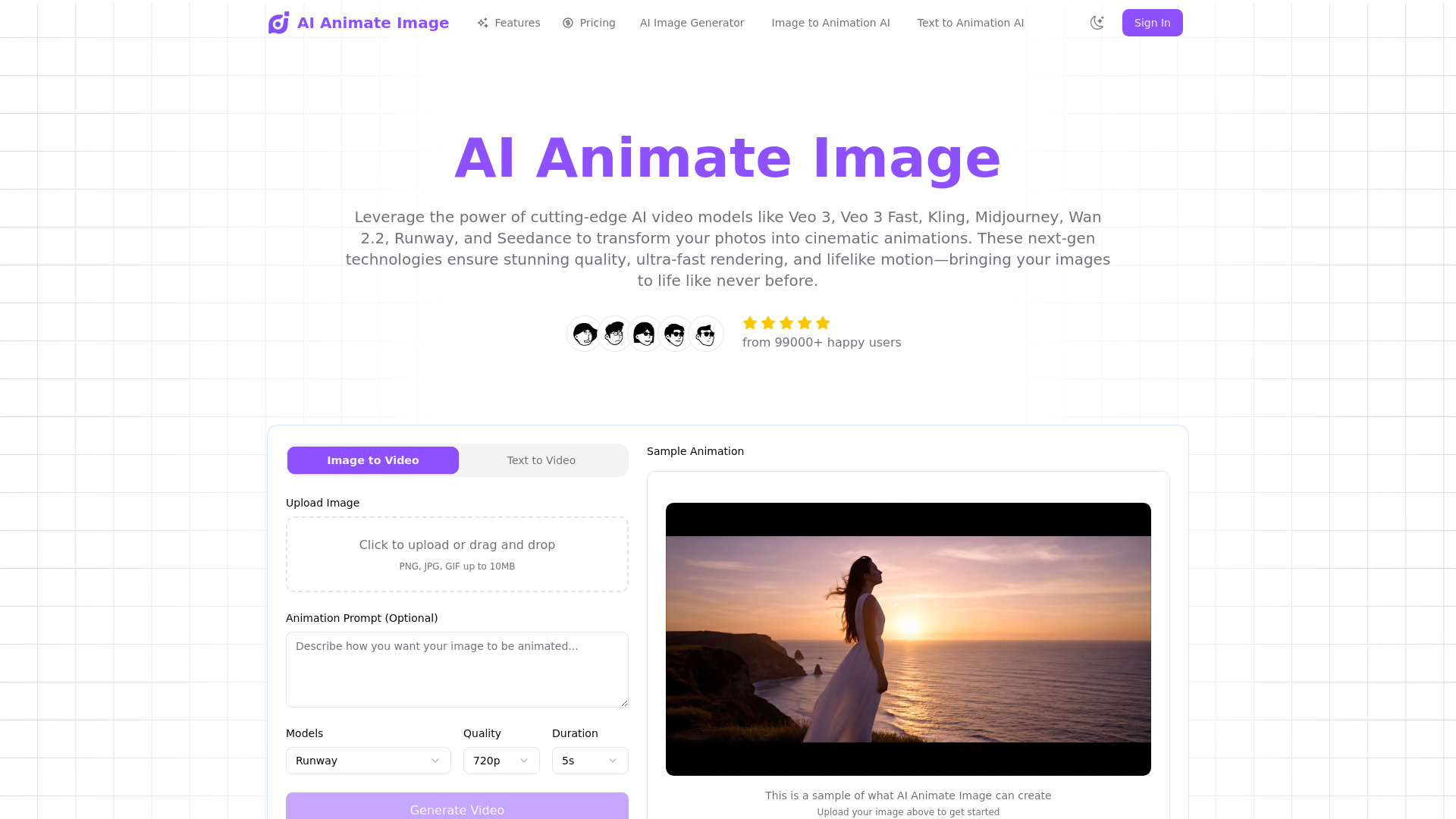
AI Animate Image
AI photo animation and image-to-video creation

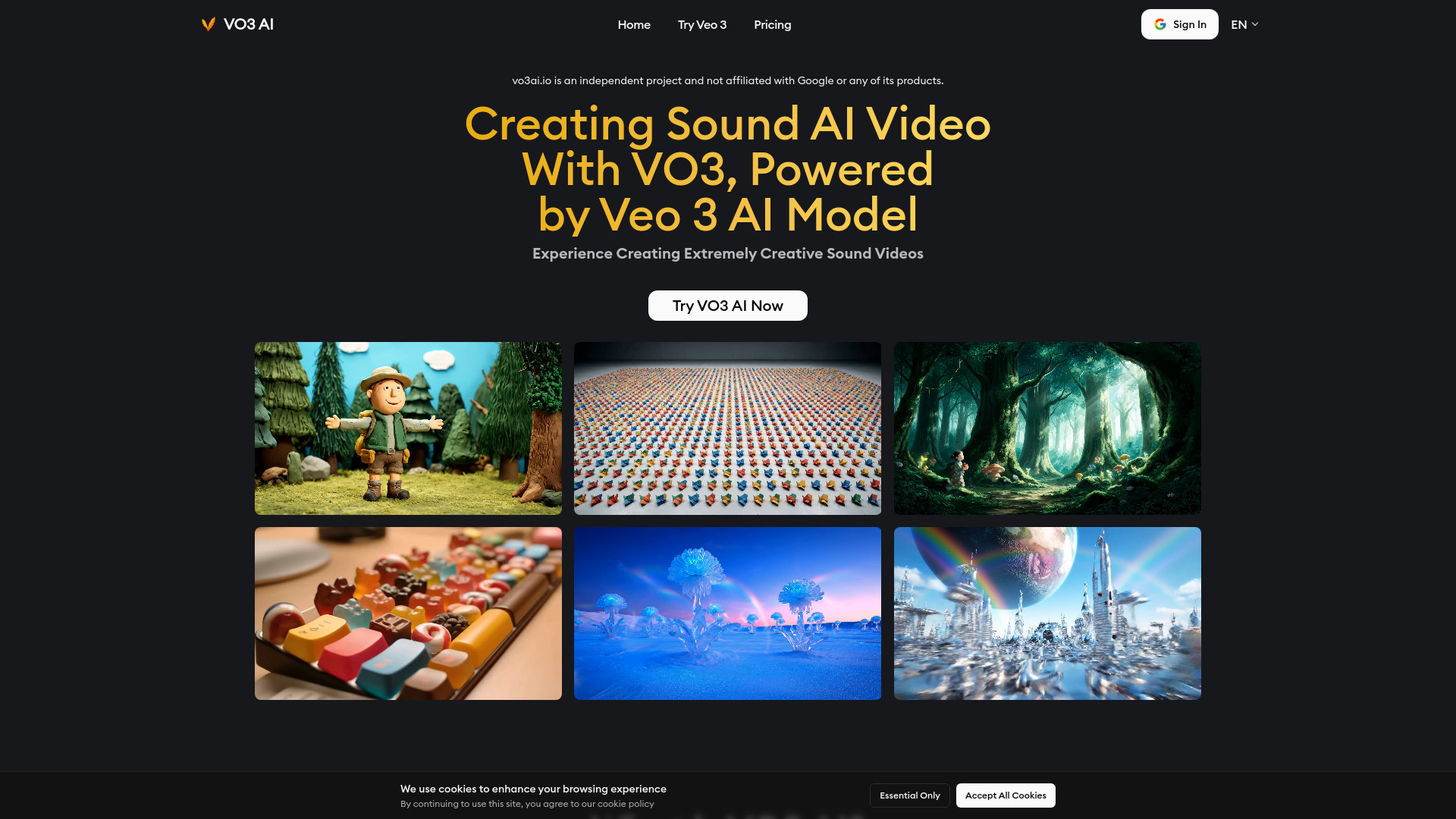
Veo 3 AI Video Generator
Creators making sound-synced short videos

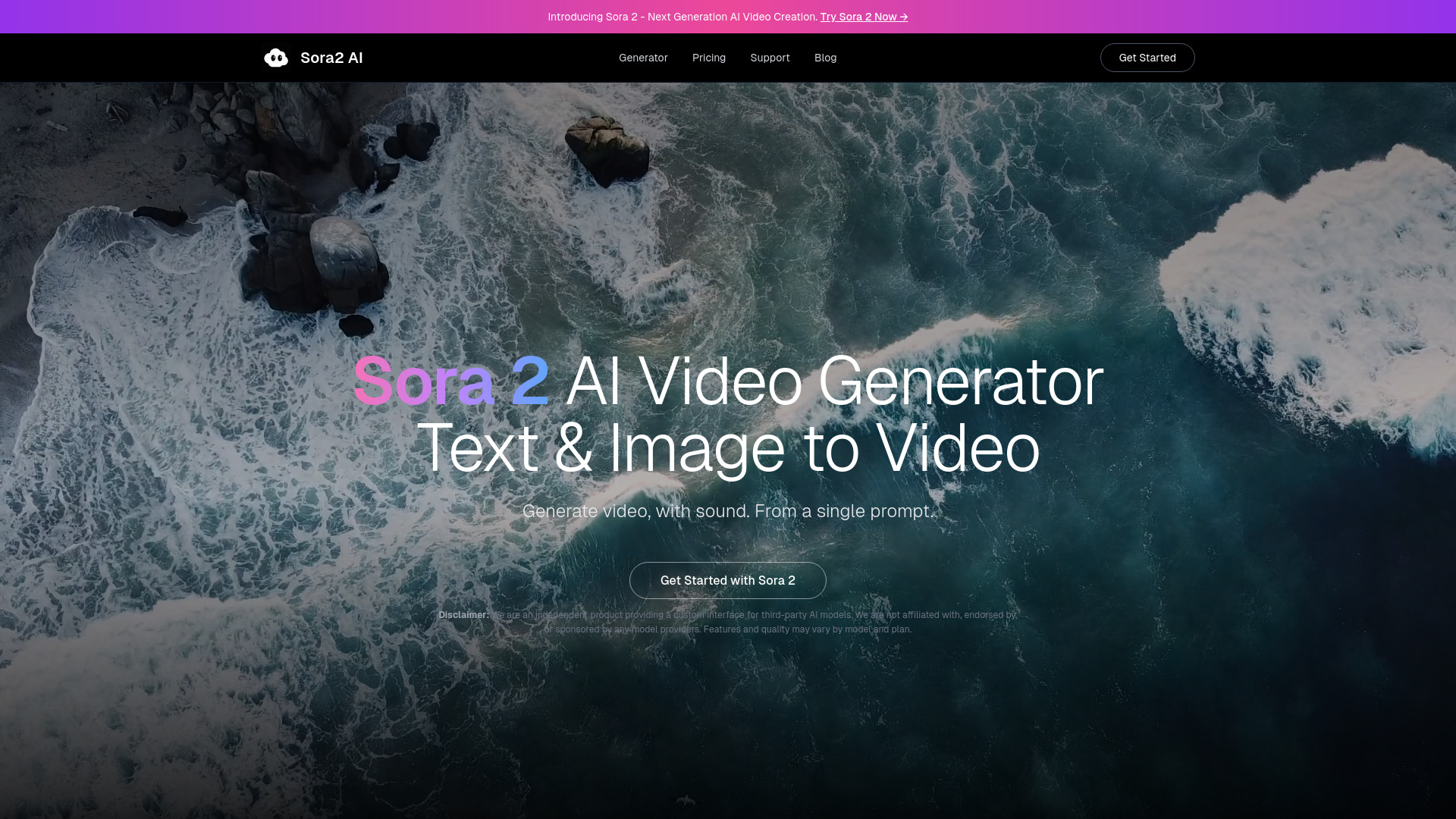
Sora2 AI
Text- and image-to-video creators

AI Story Video Generator
Faceless short story videos for TikTok and YouTube
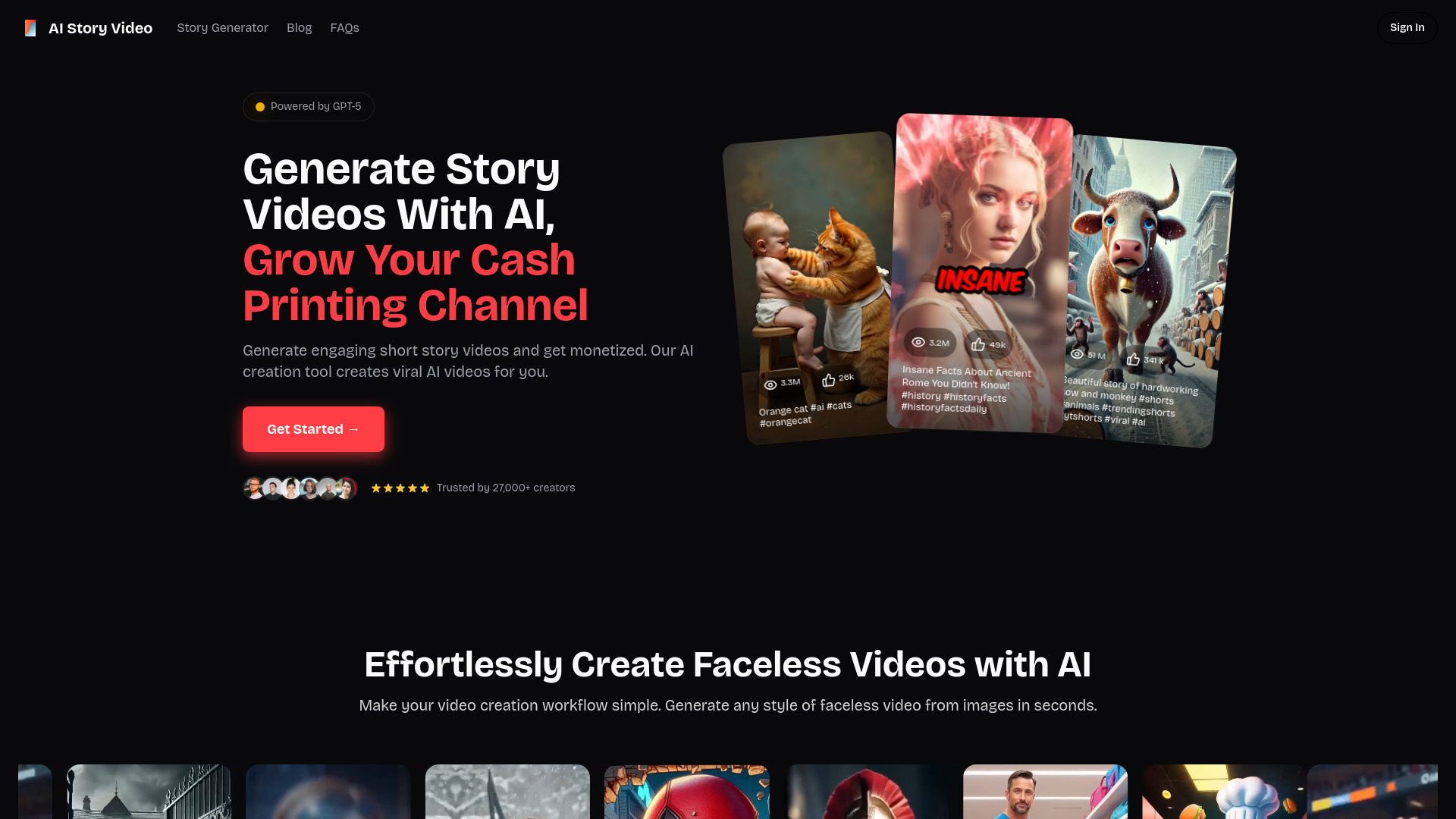

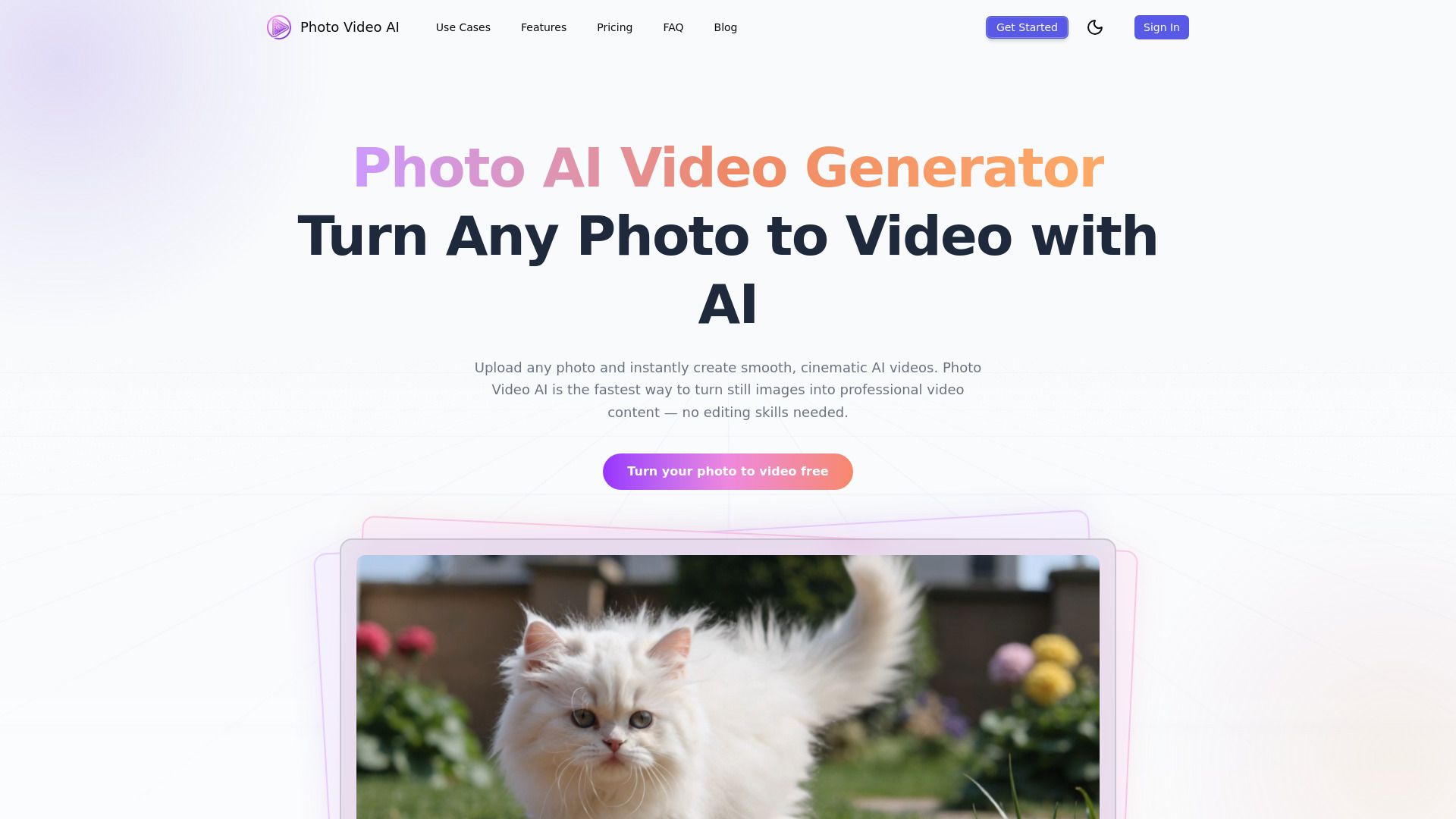
Photo Video AI
Creators turning photos into videos

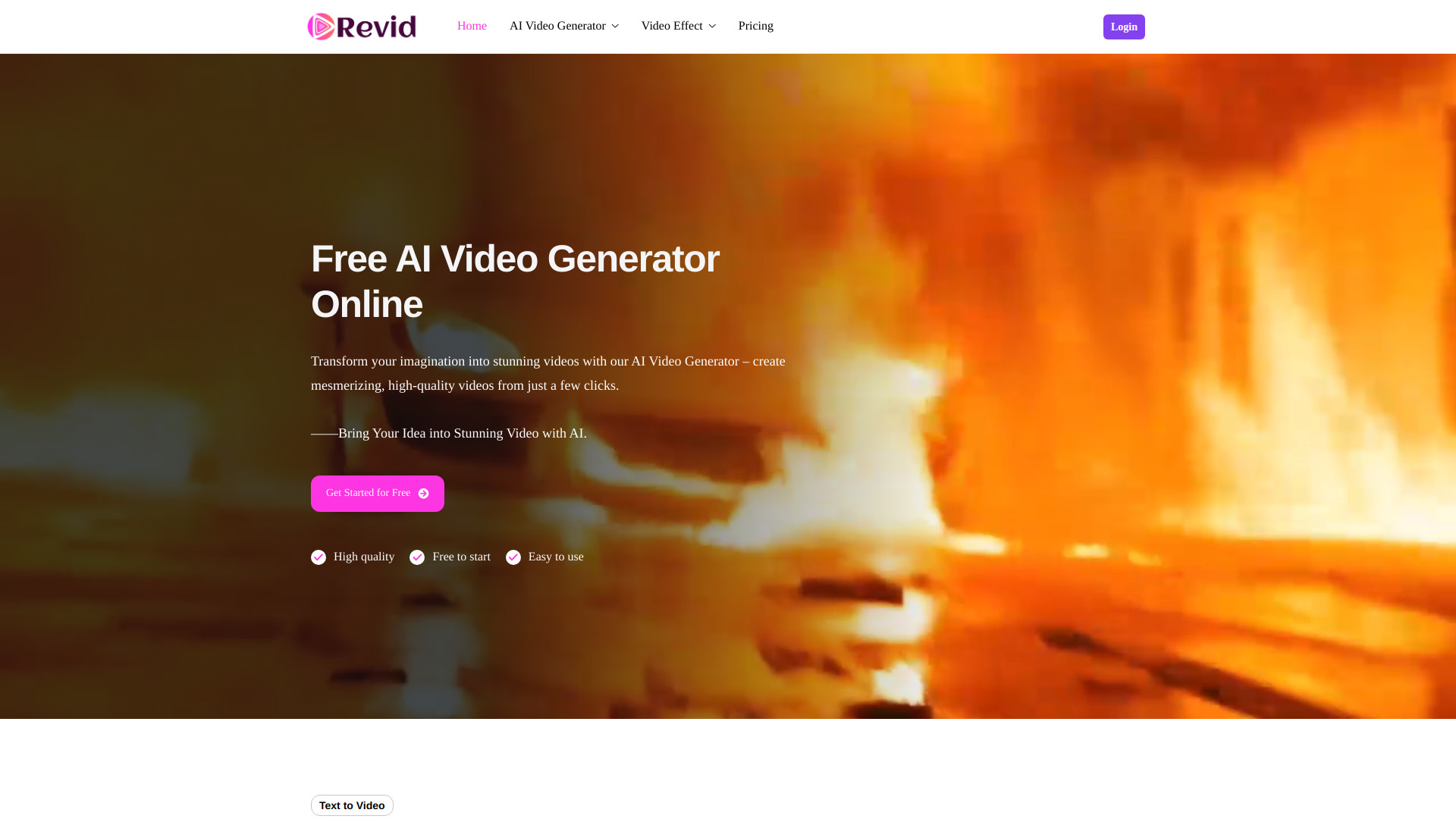
Revid: Free AI Video Generator Online
Text-to-video and image-to-video creators

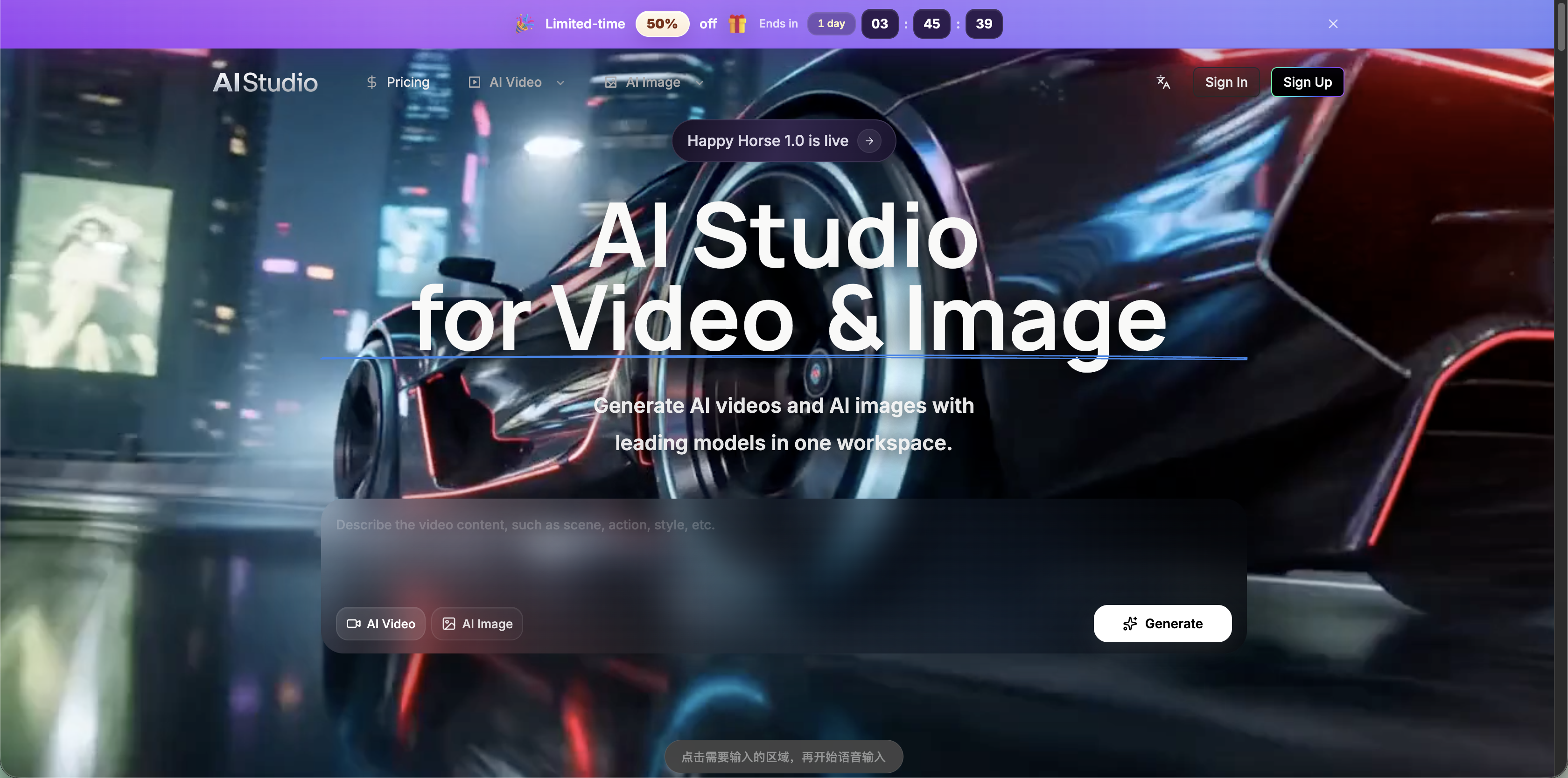
AI Studio for Video
Multi-model video and image workflows

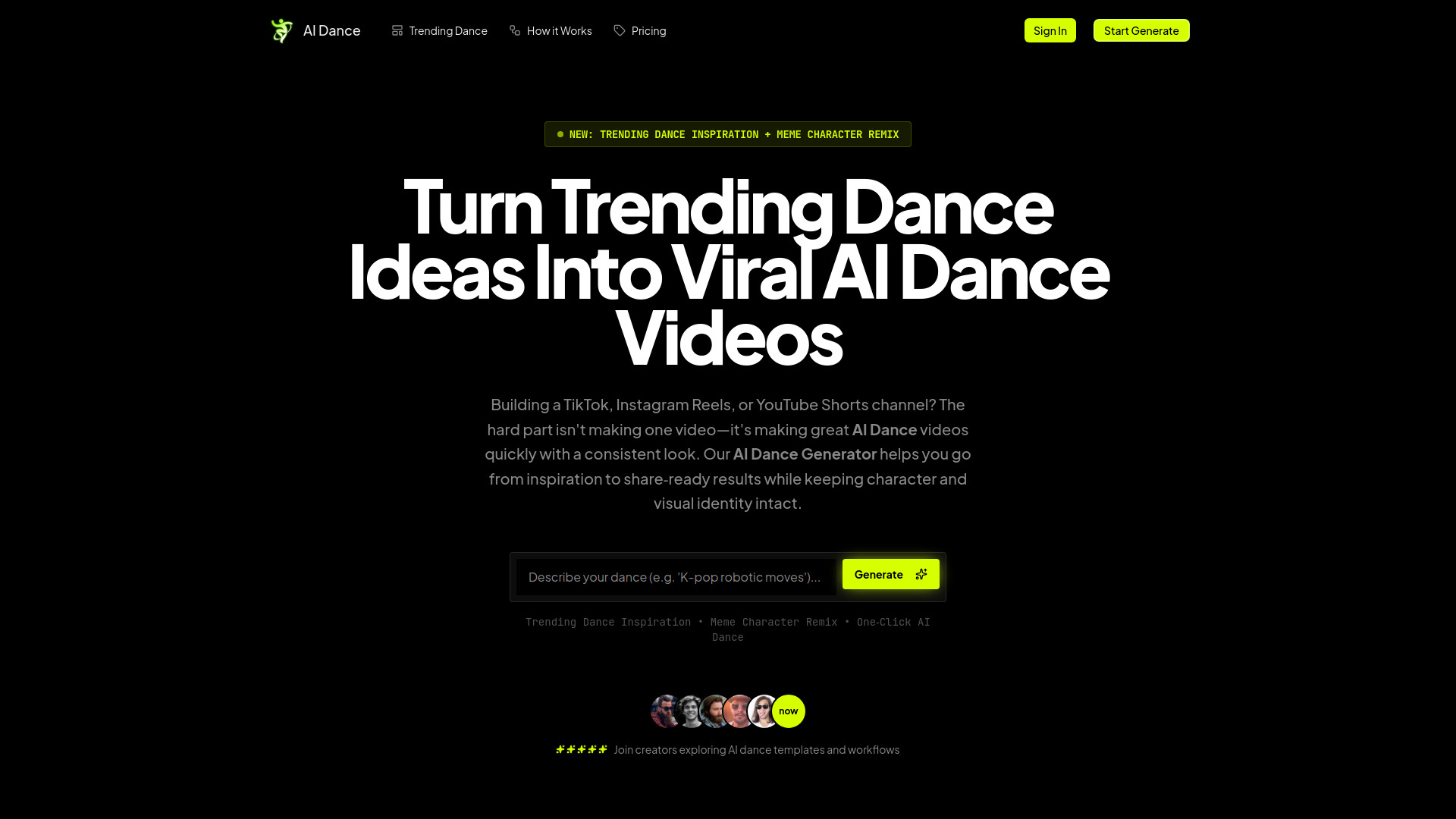
AI Dance Generator
AI dance videos for TikTok, Reels, and Shorts

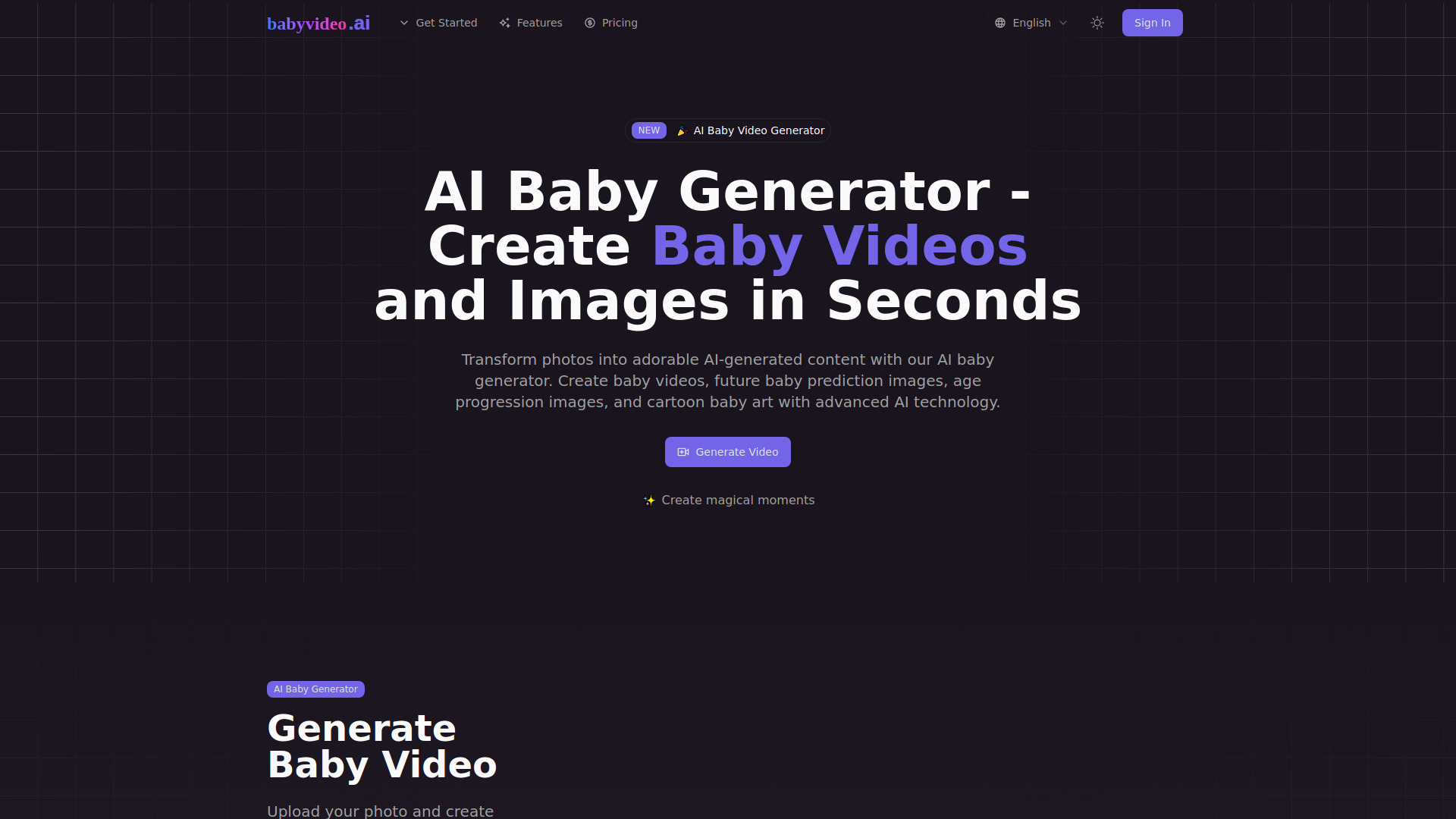
AI Baby Video
AI baby videos from photos

Veo Ai
Cinematic video creators
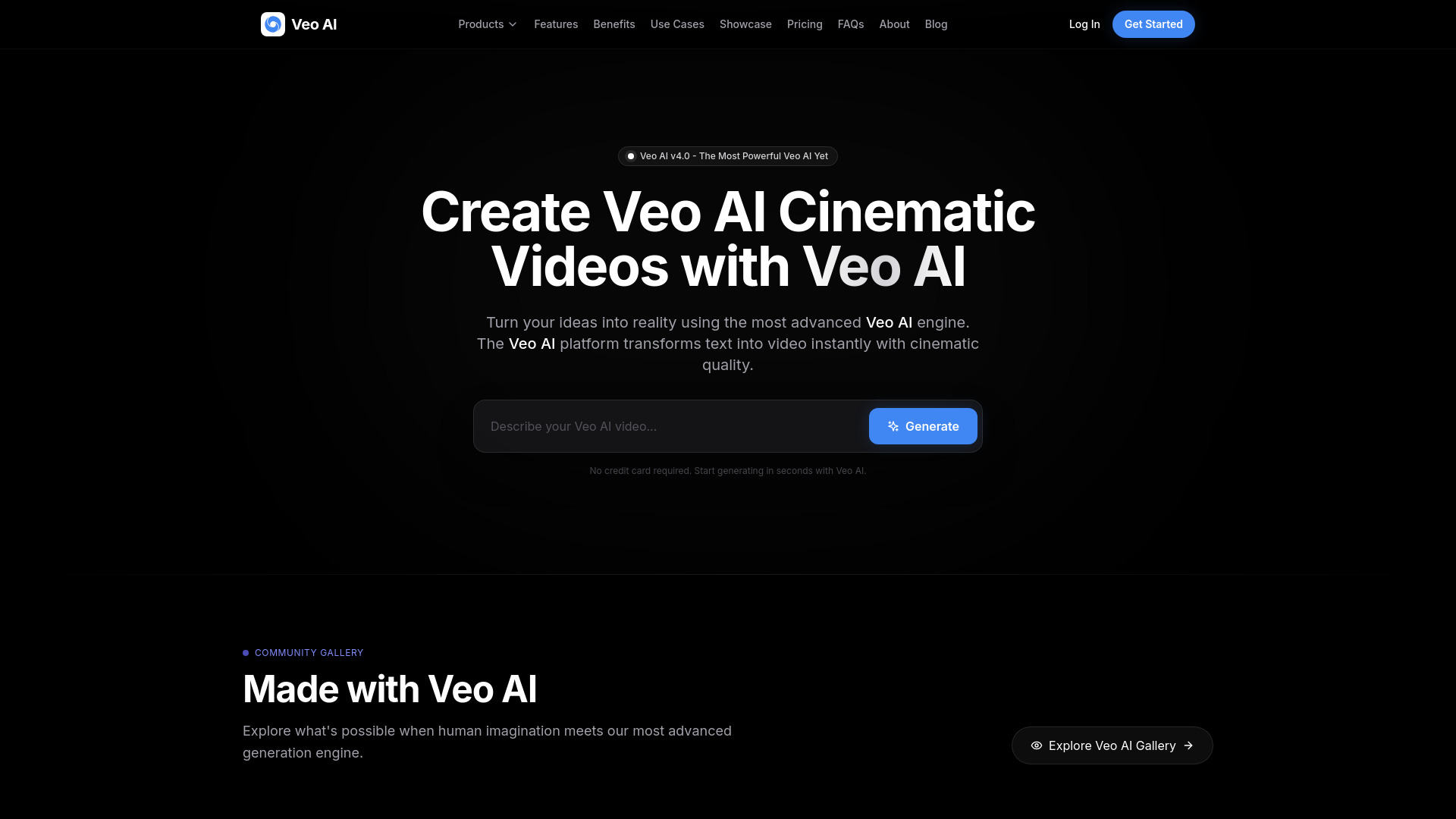

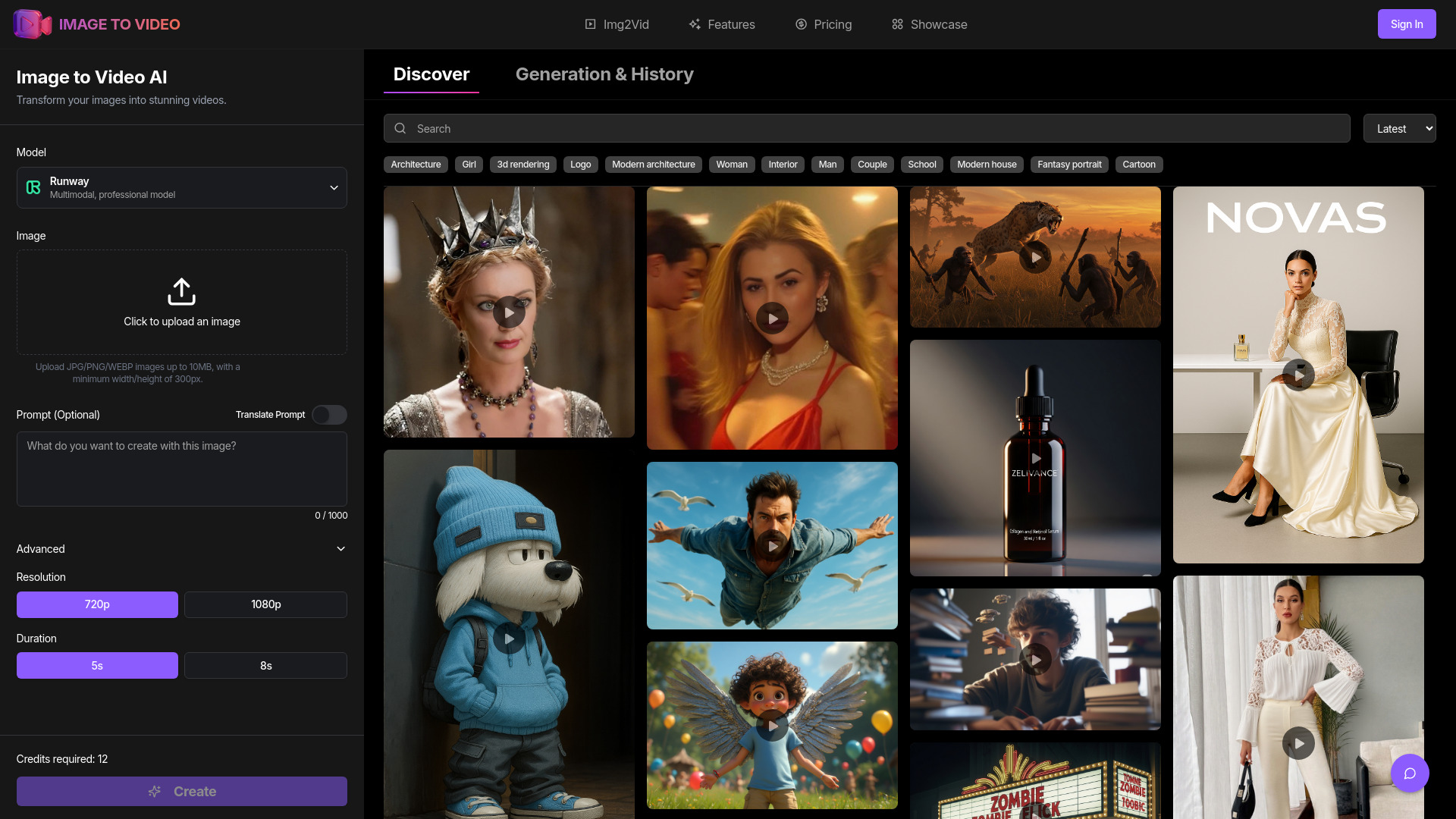
image to video ai
Image-to-video creators

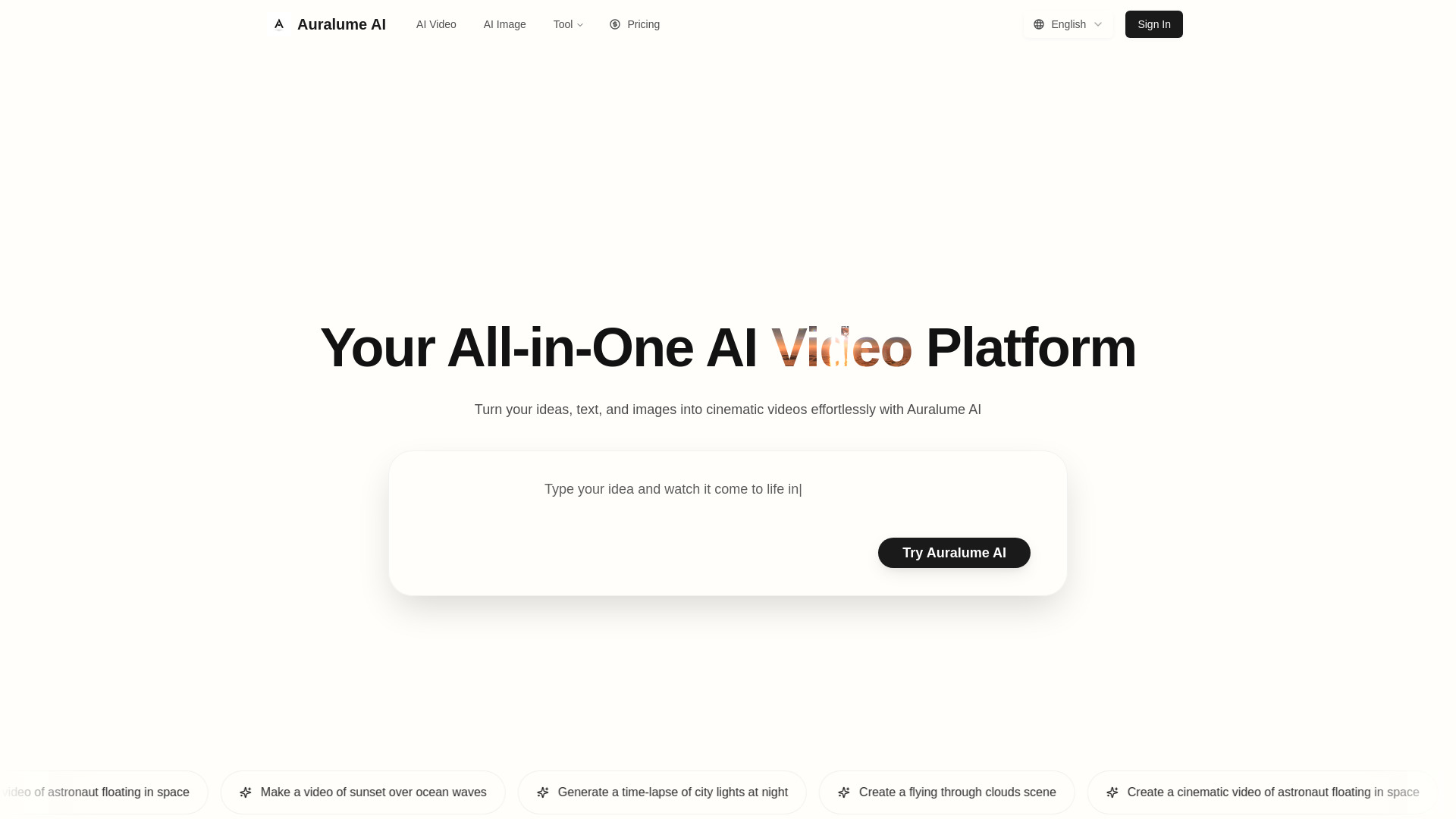
Auralume AI
Cinematic text-to-video creation

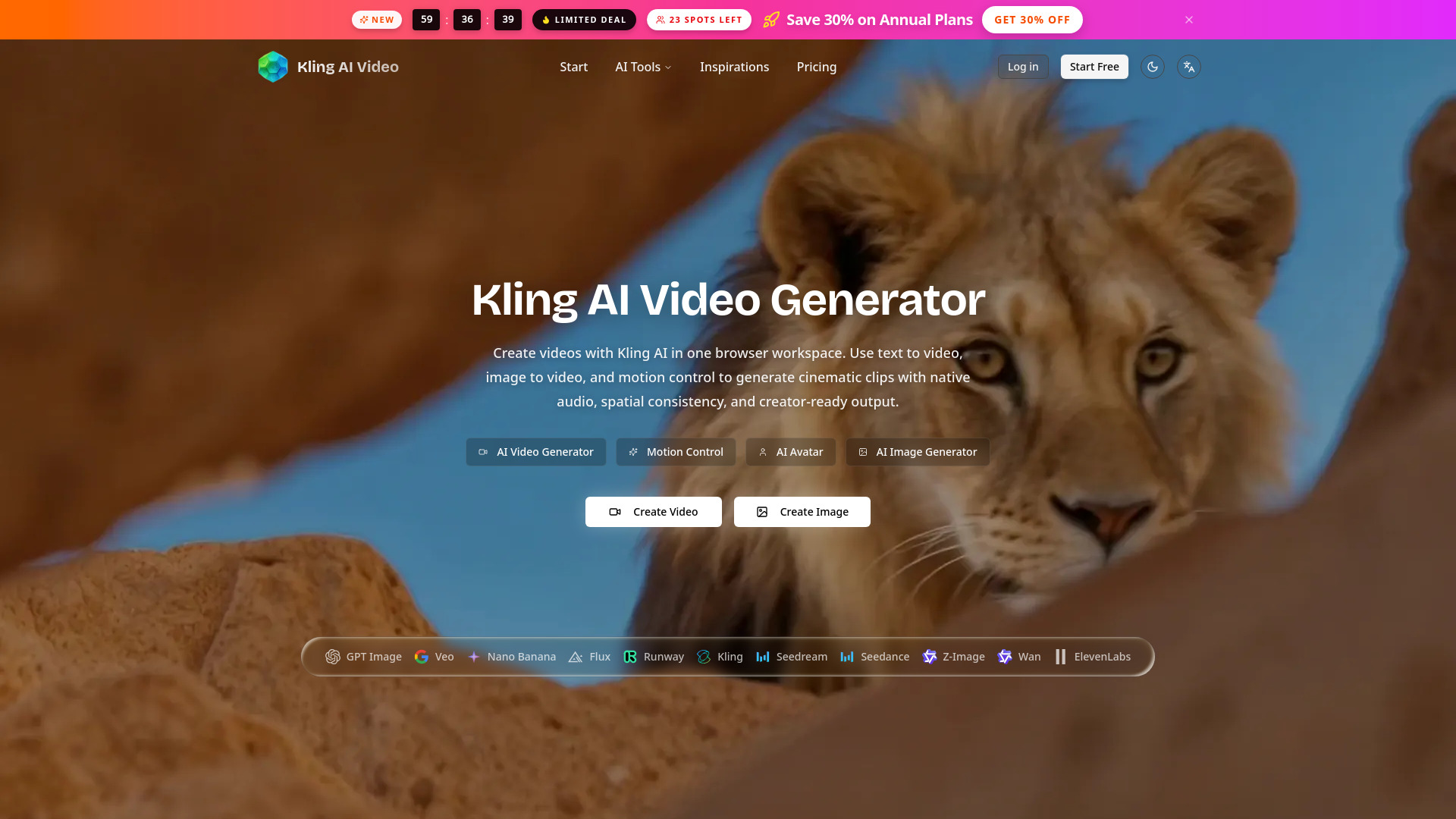
Kling AI Video Generator
Motion-controlled video creation

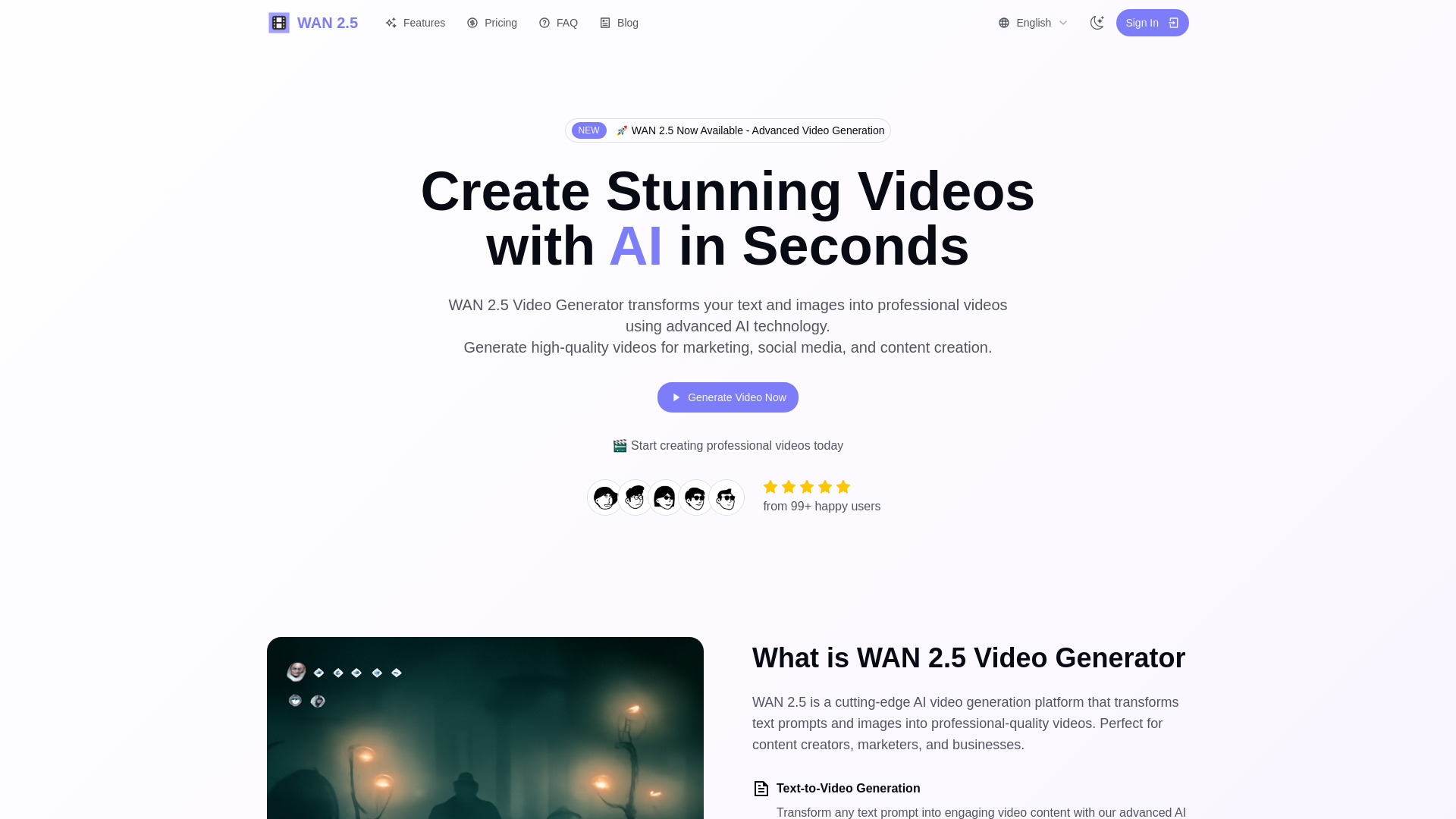
WAN 2.5 AI Video Generator
Professional video creators

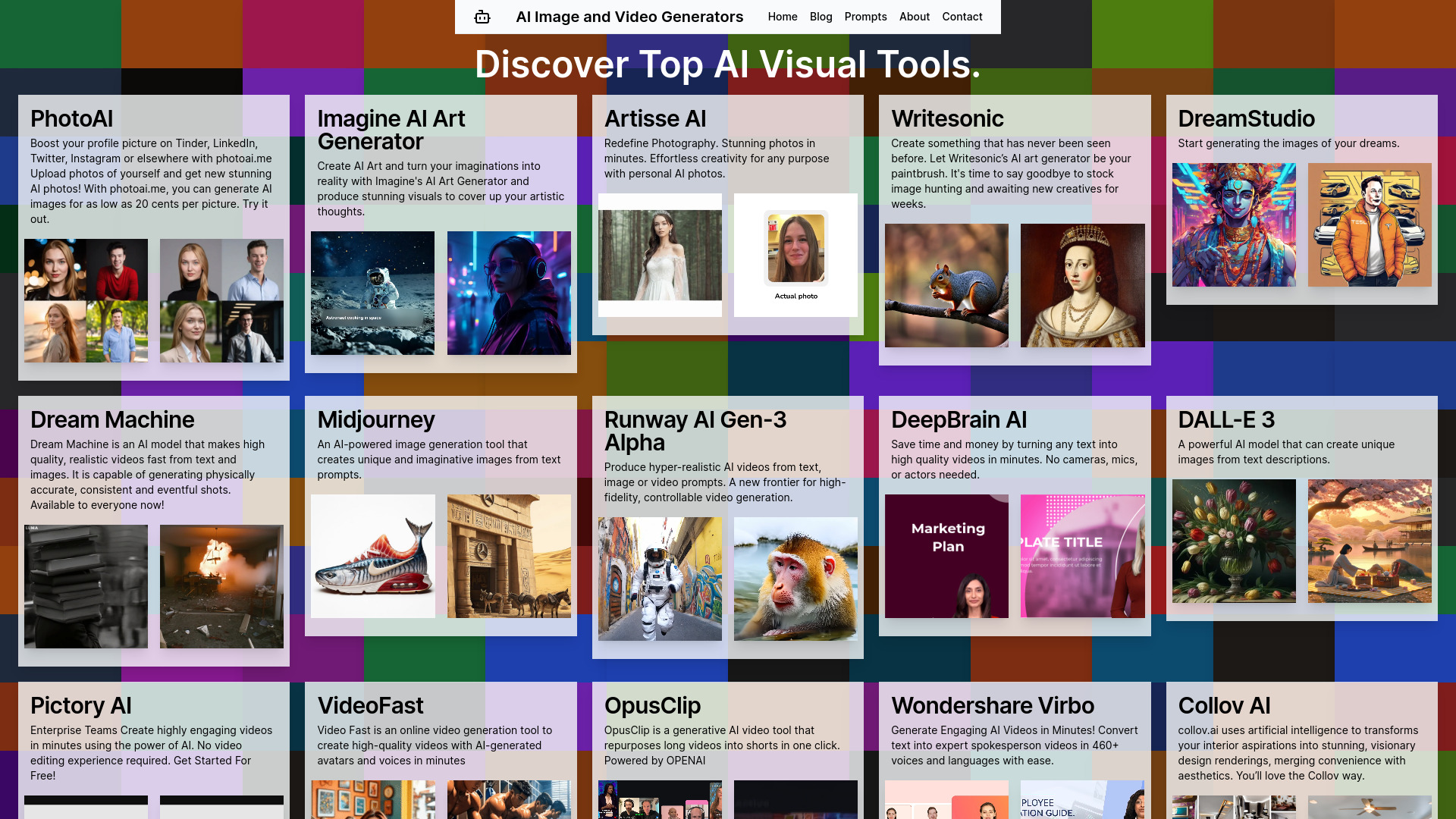
AI Image and Video Generators | AI Directory
Discovering AI image and video tools

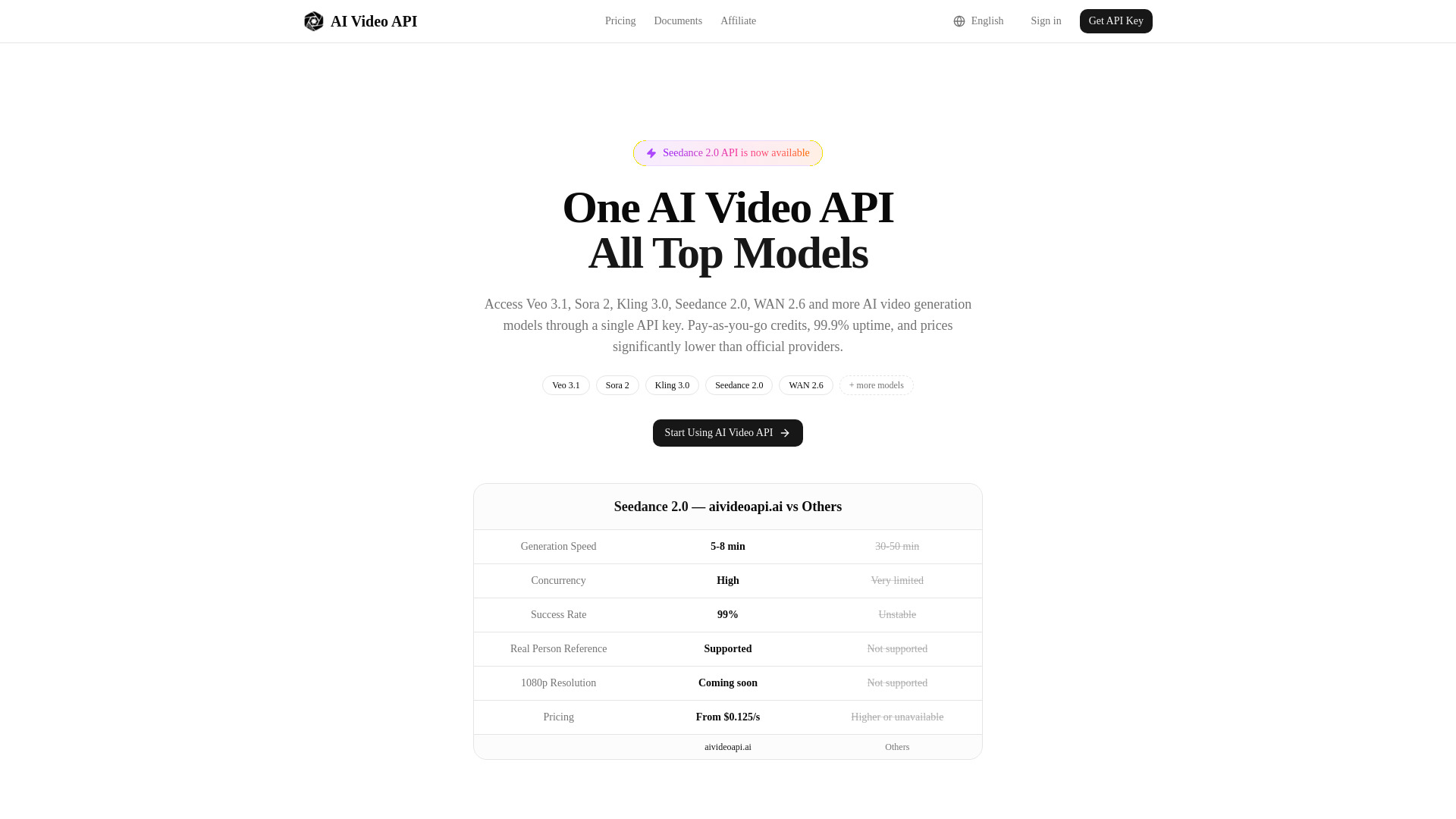
aivideoapi
Developers needing multiple video models via one API
Seedance2
Cinematic short-form video creation
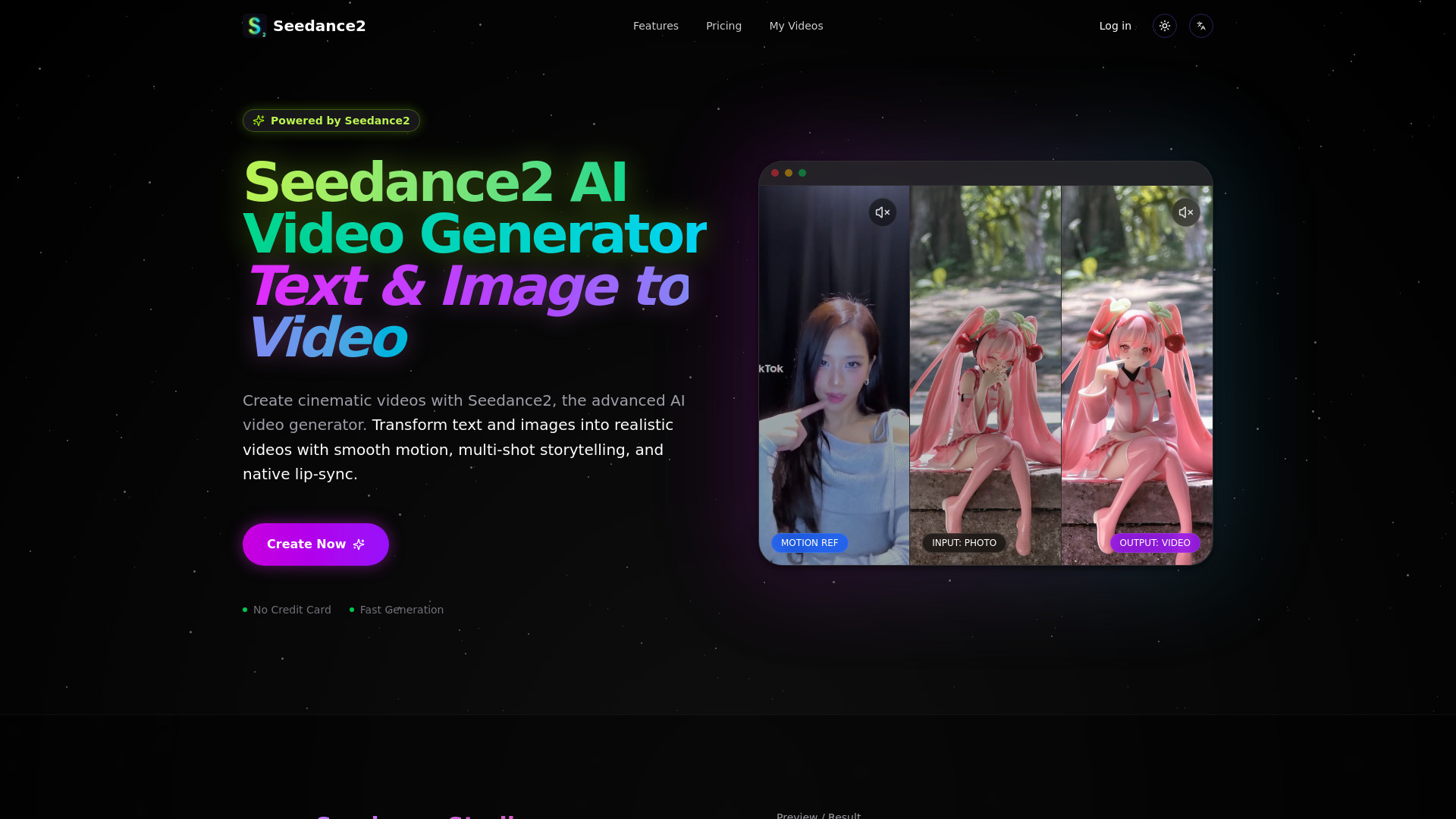

Seedance 2.0 AI Video Generator
Creators testing text-to-video and image-to-video
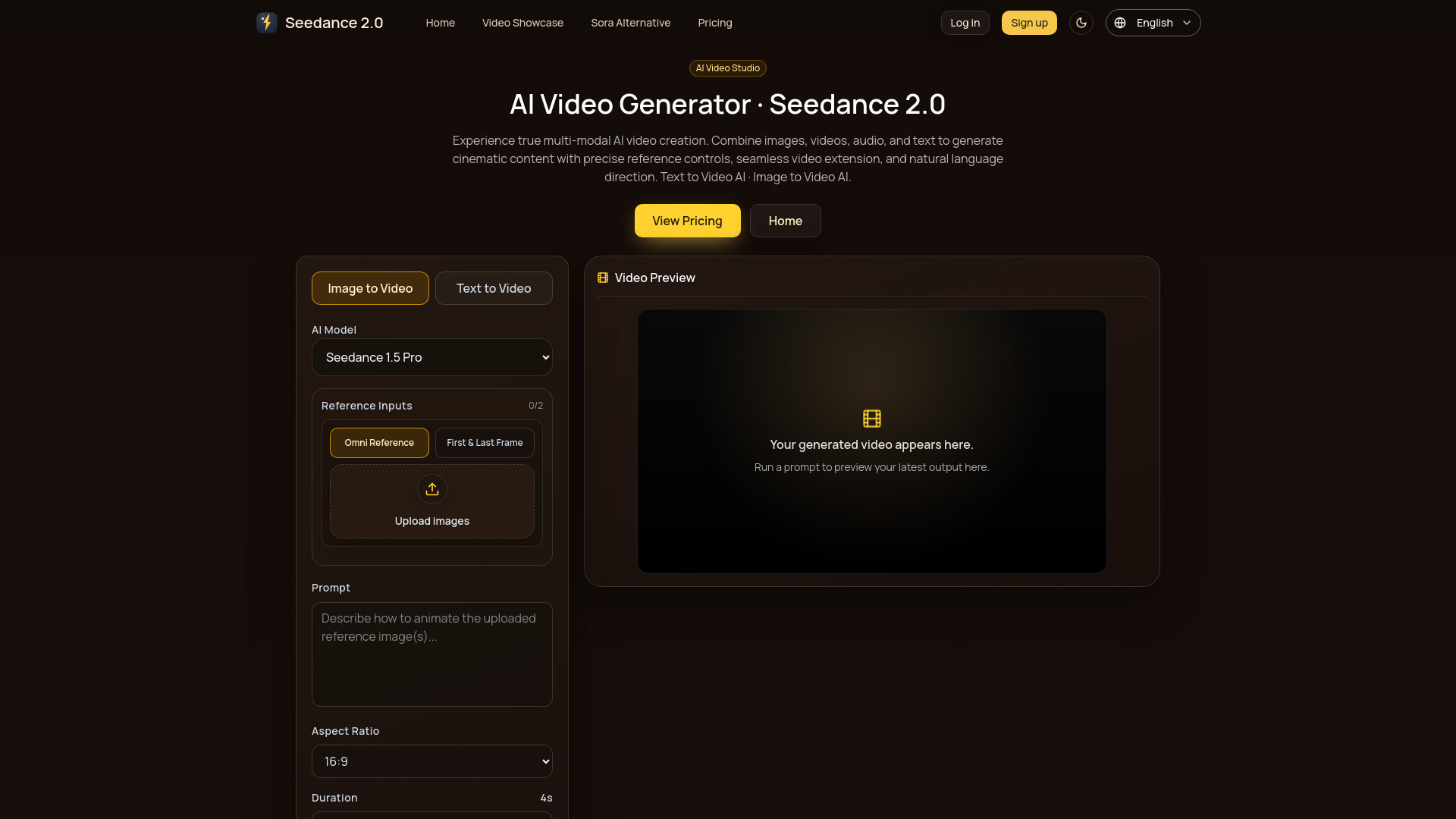

VideoAI
AI video generation and style transfer
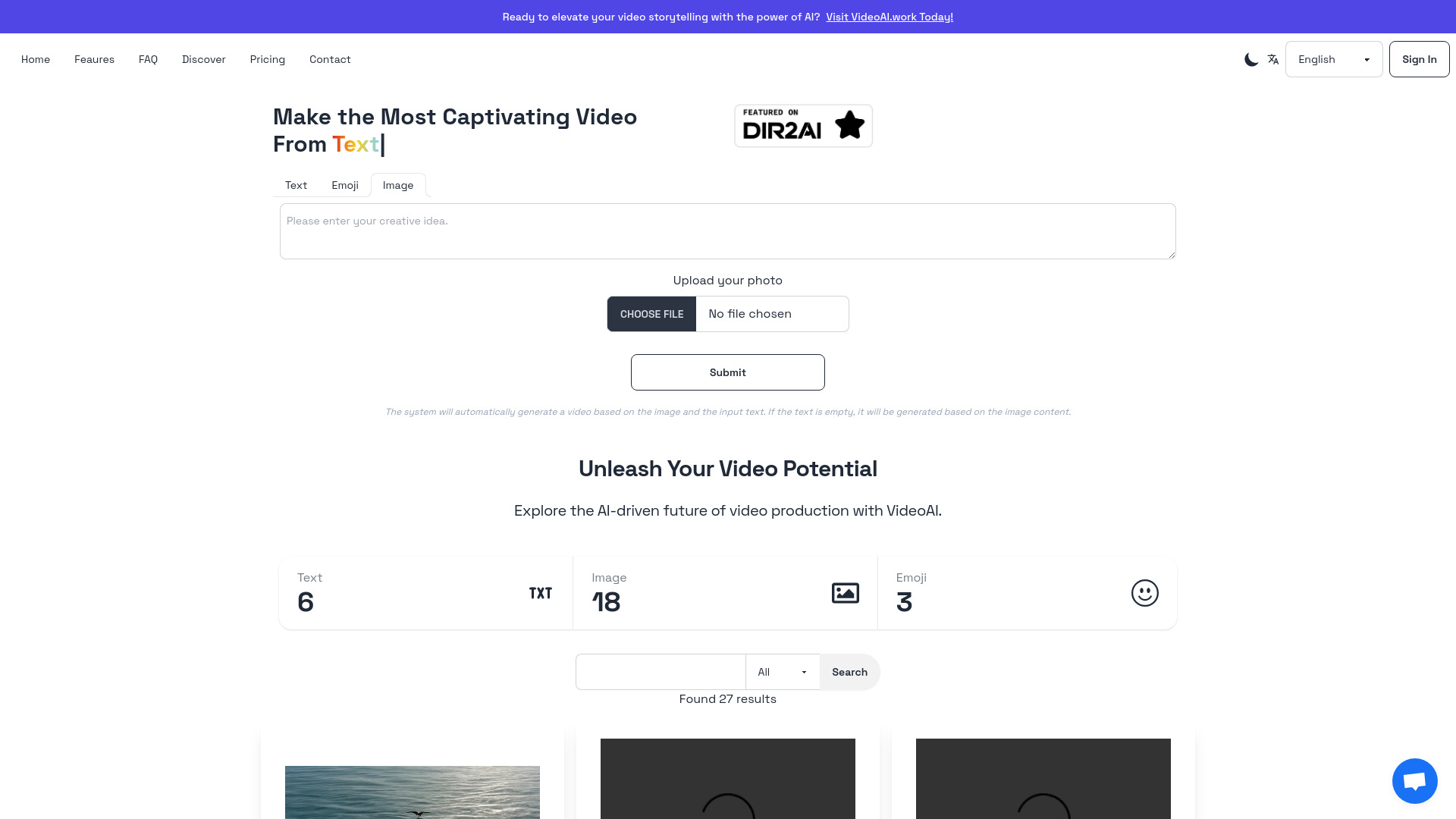

Ray 3 AI Video
HDR video generation
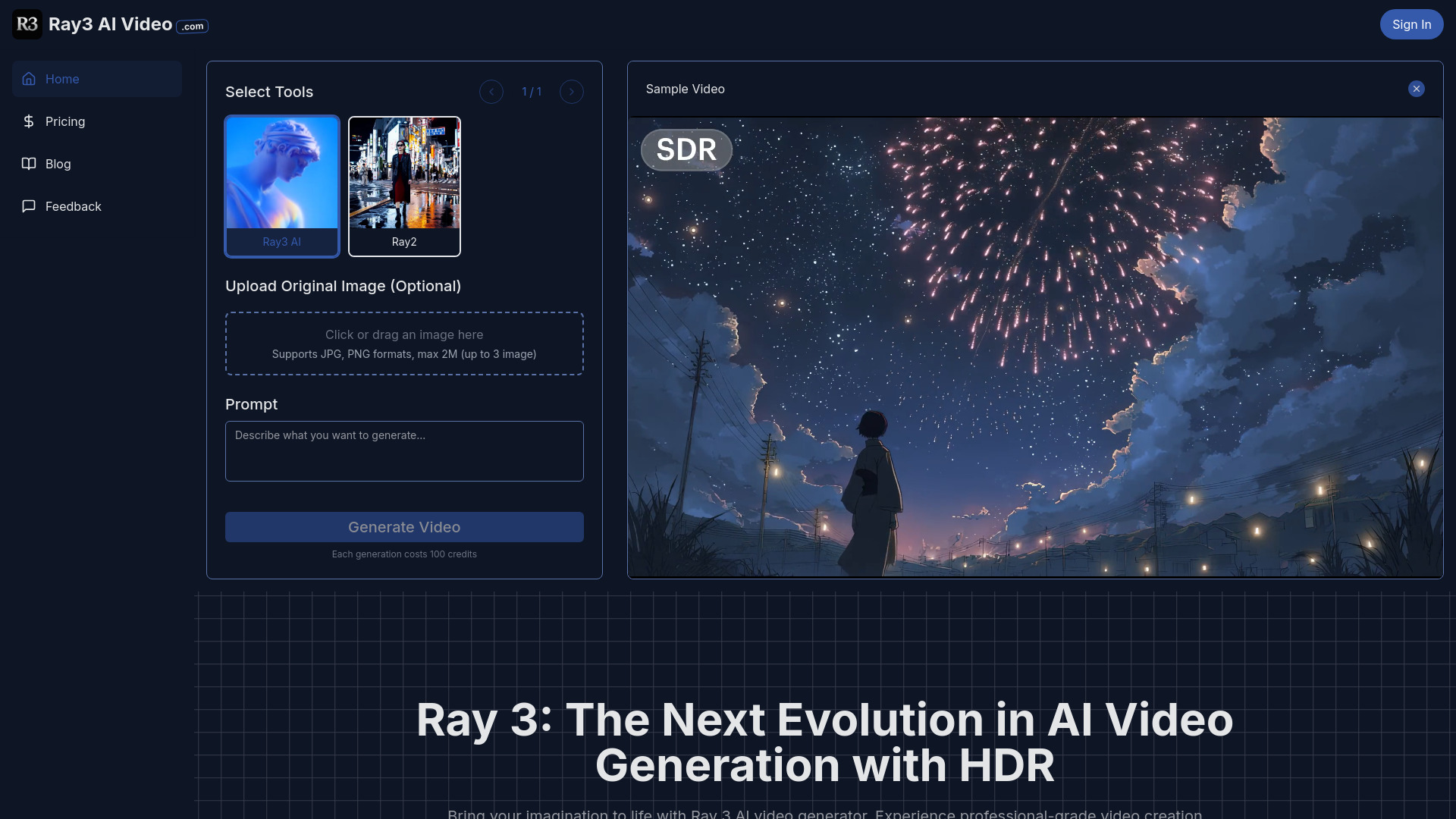

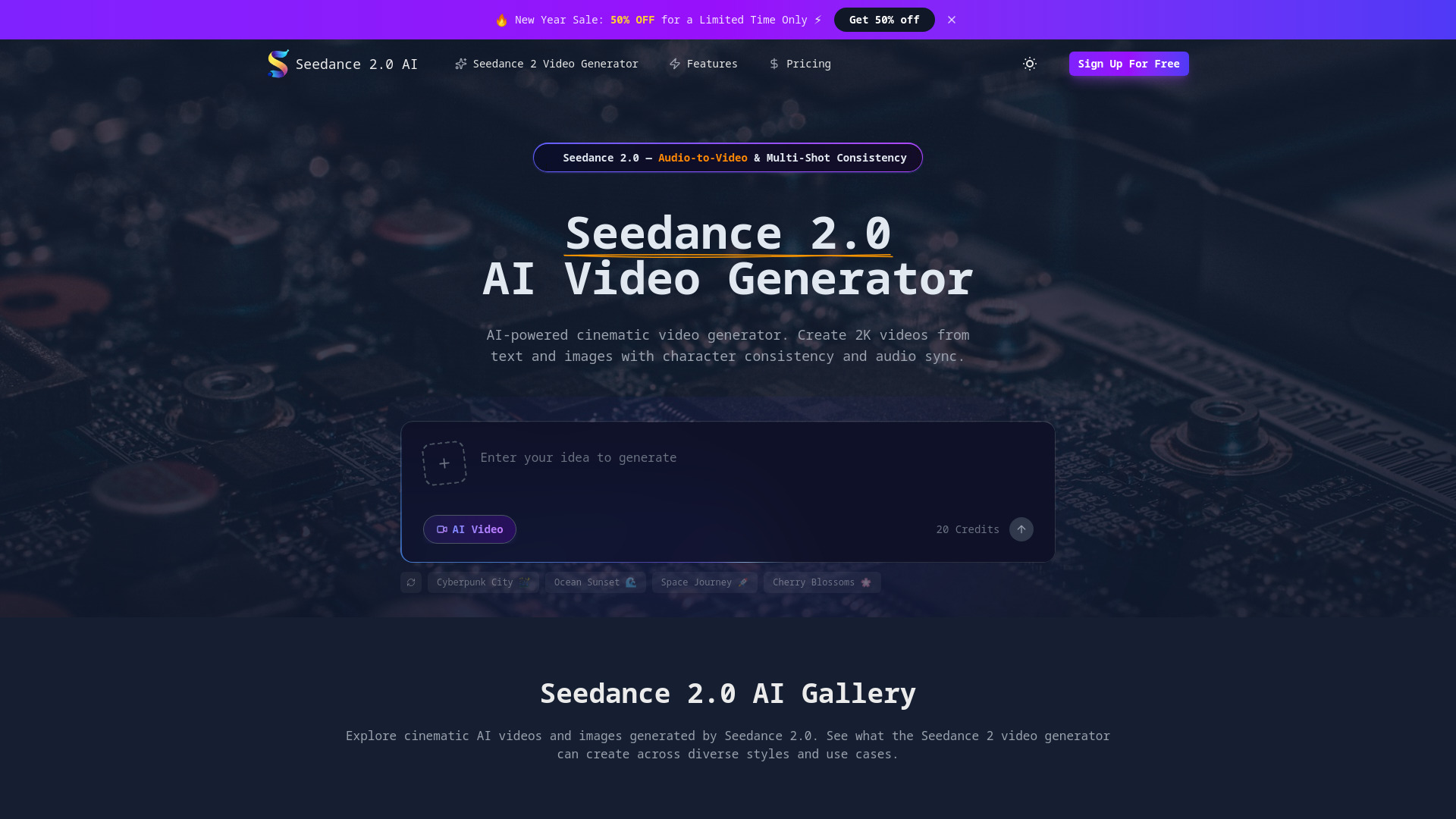
Seedance 2.0 AI
Cinematic AI video creators

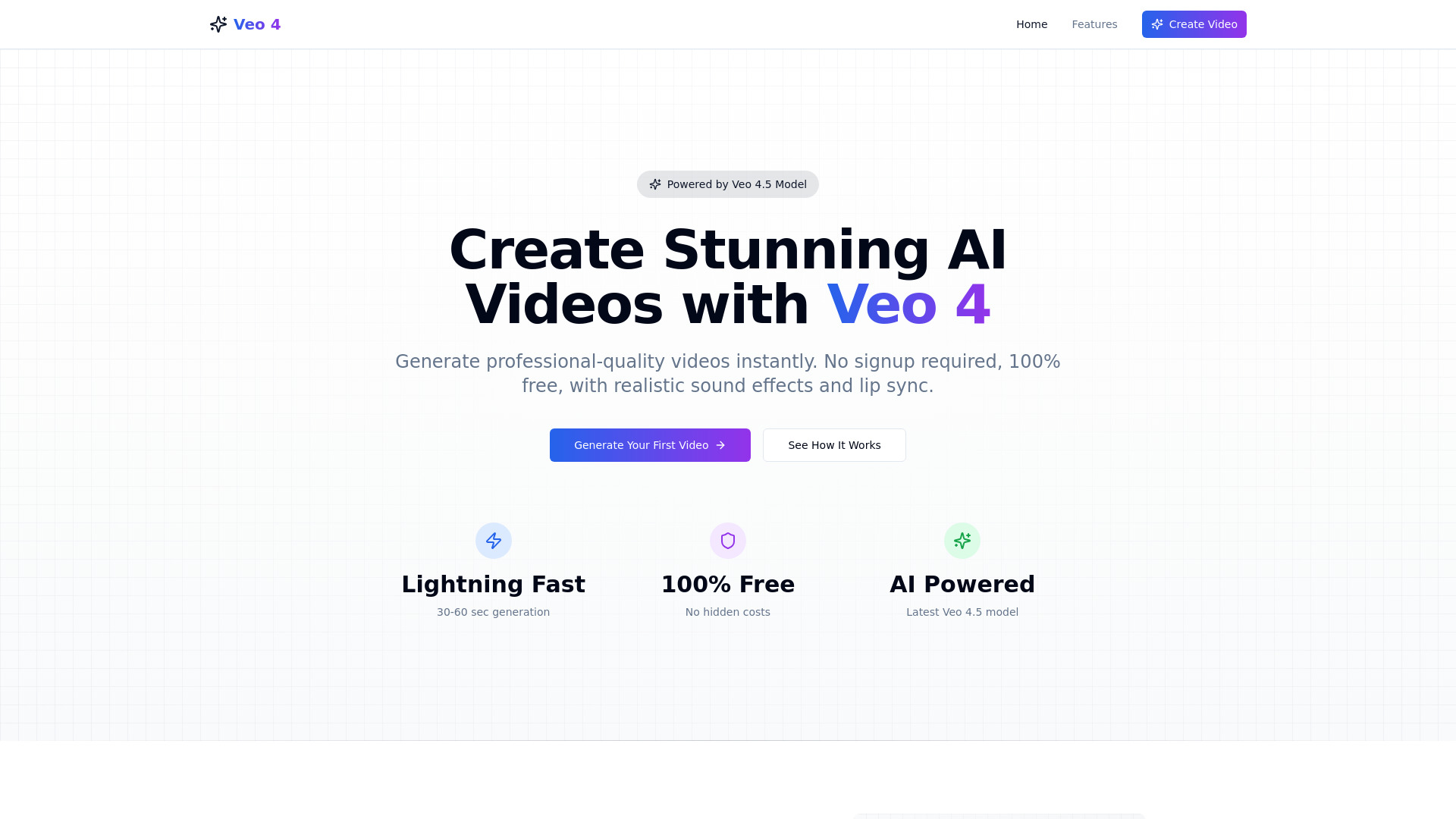
Veo 4 ai
Fast, no-login AI video creation

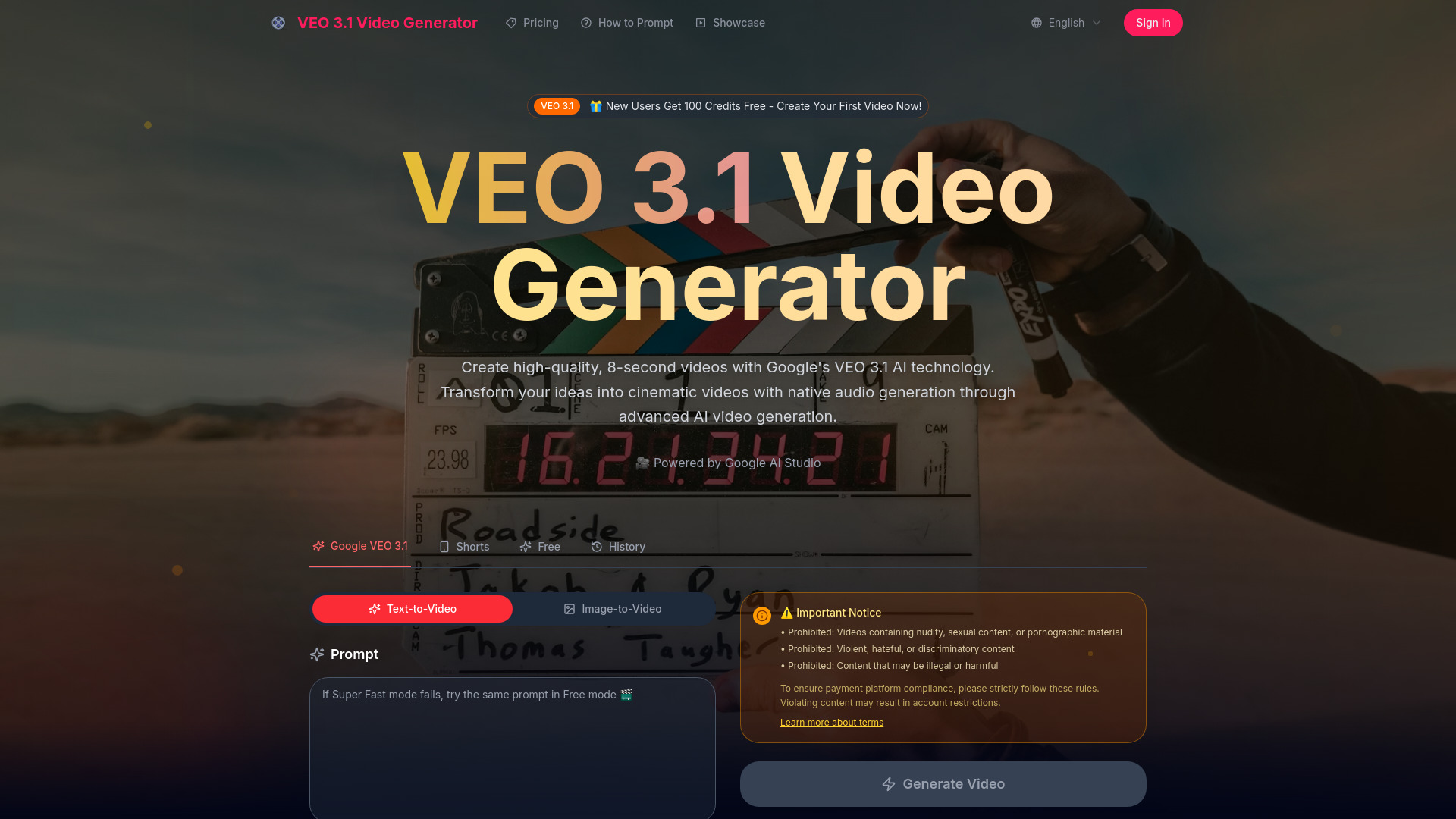
veo 3.1
Cinematic videos with native audio

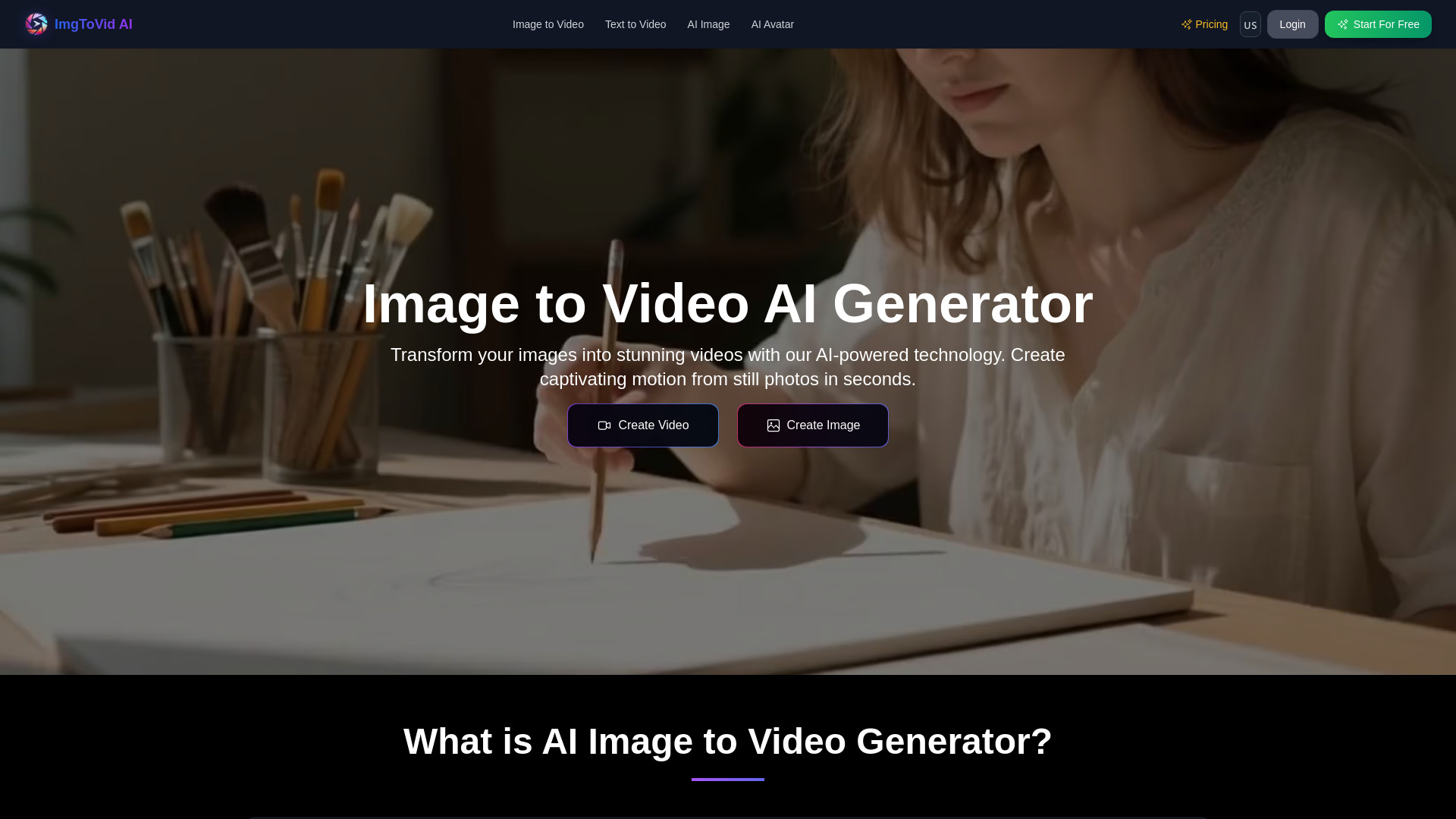
ImgToVid AI
Animating still images

AIVO3.com
Cinematic text-to-video creation

AI KISS VIDEO GENERATOR
Romantic AI kissing videos

VideoEditorAI.com
AI video editing and creation

AI Cartoon Generator
Quick photo-to-cartoon creation

VO4 AI Video Generator
Multi-model video, image, and music generation
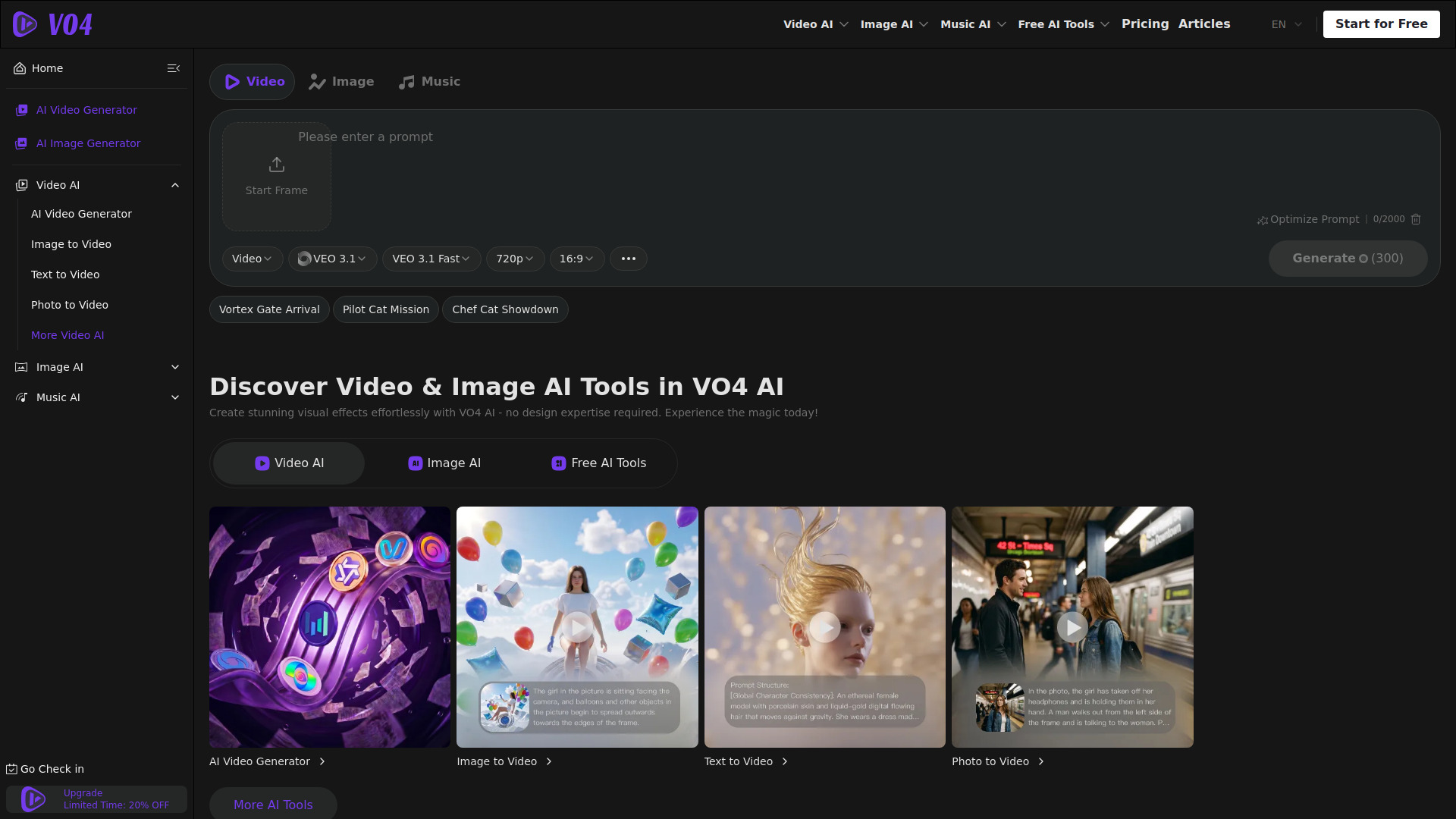

Vidthis: All In One AI Video Generator
Multi-model video creators
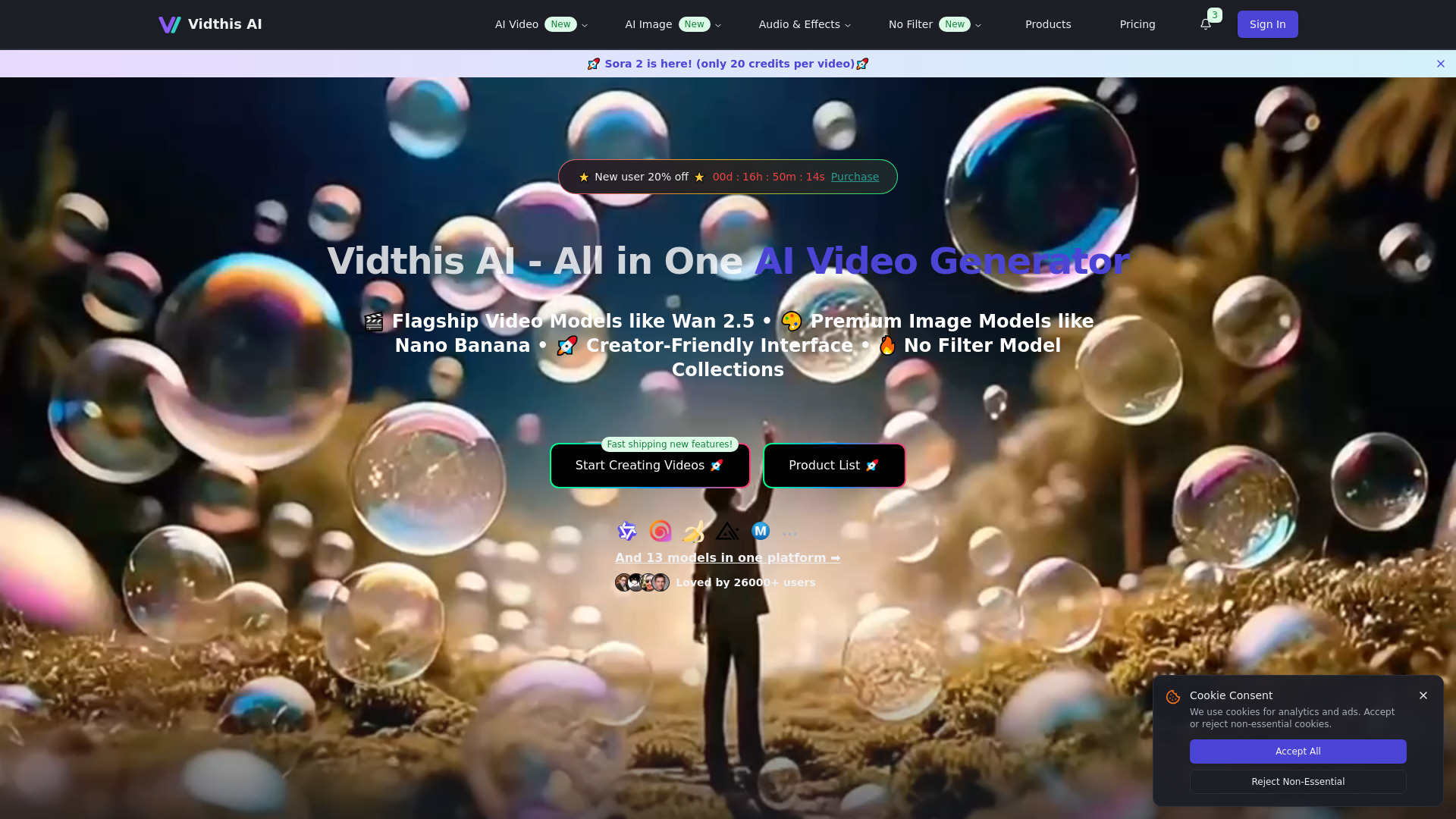

MakeAIVideo
Fast AI video and image generation
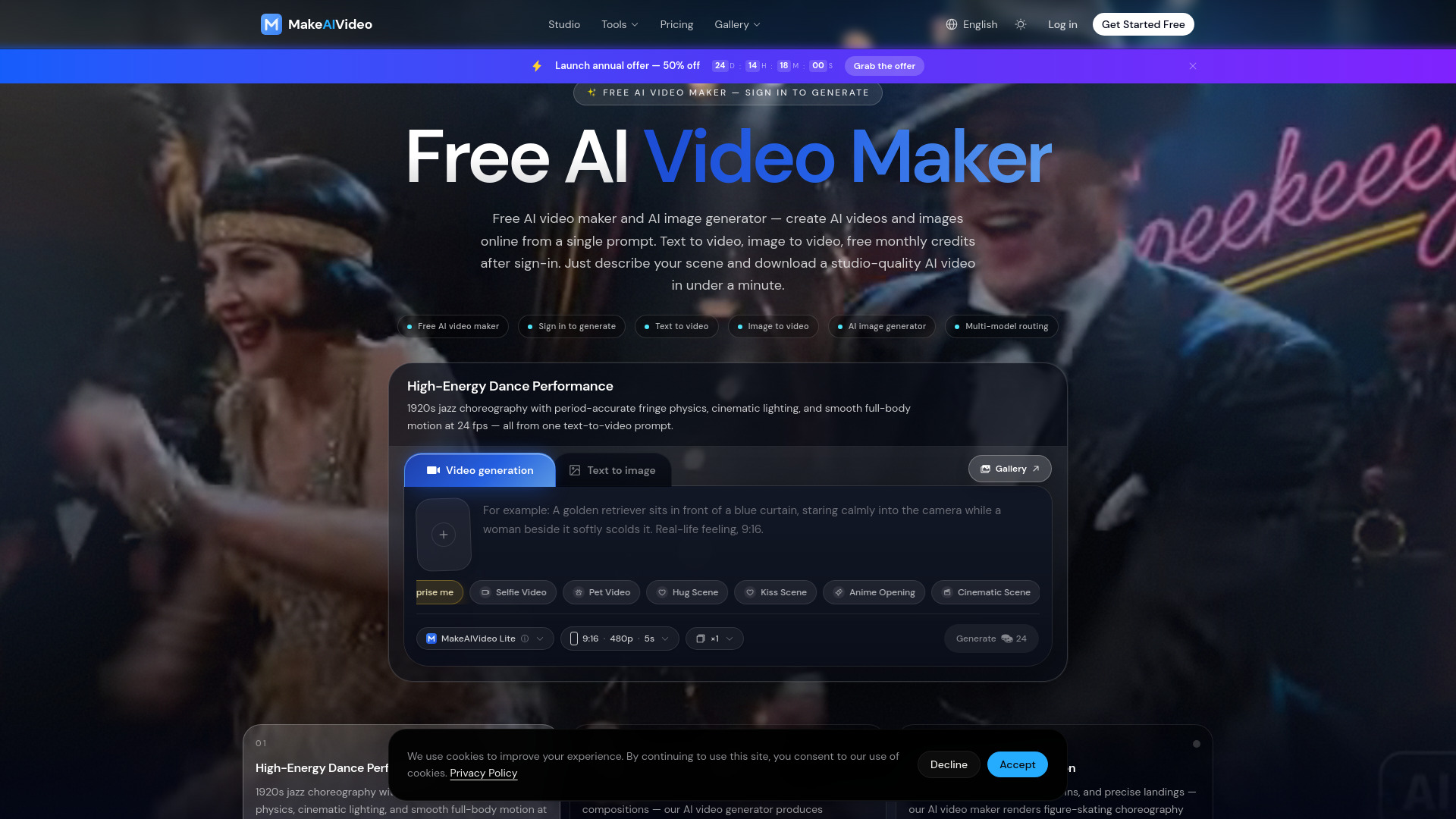

Video Maker AI - Video generation
Text-to-video creators
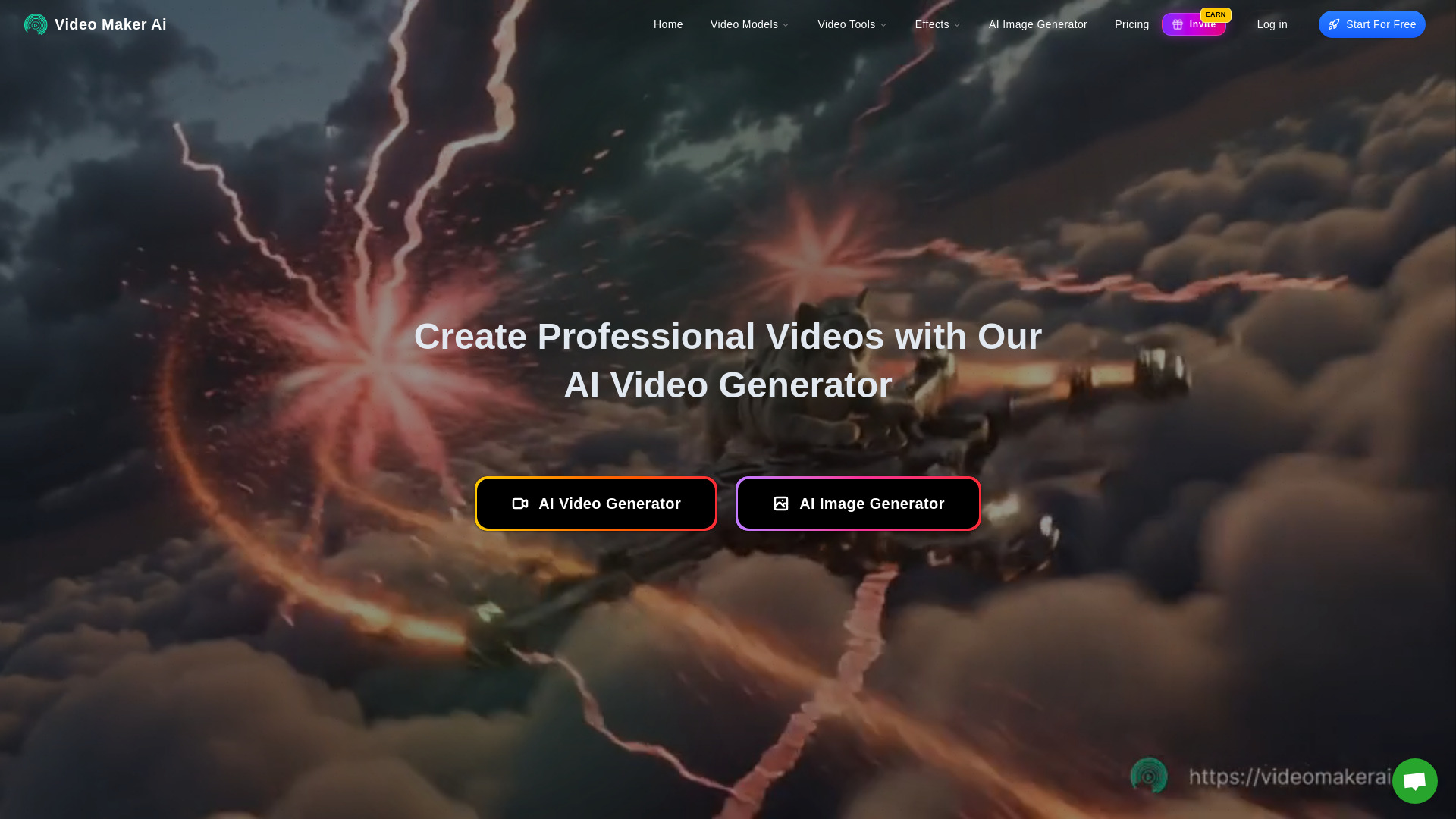

Photo to video ai
Image-to-video social content

AI Video Maker
Image-to-video creators

Viral Ai Video Maker
Quick TikTok and Reels videos

AIVideoFree
Free text-to-video creators

Veo2.ai
Quick AI video creation

Luma AI Video Generator
Fast text-to-video ideation

AiReelGenerator
Automated faceless short videos

AI UGC Video Generator
High-converting video ad creation

Veo 4 AI Video
Cinematic AI video generation

MiniMax AI Video Generator
Fast text-to-video creation

Aivvid AI
Multi-model AI content creation

ImagetoVideoAI
Multi-model video creation

Wan2.5 AI Video Studio
1080p videos with native audio
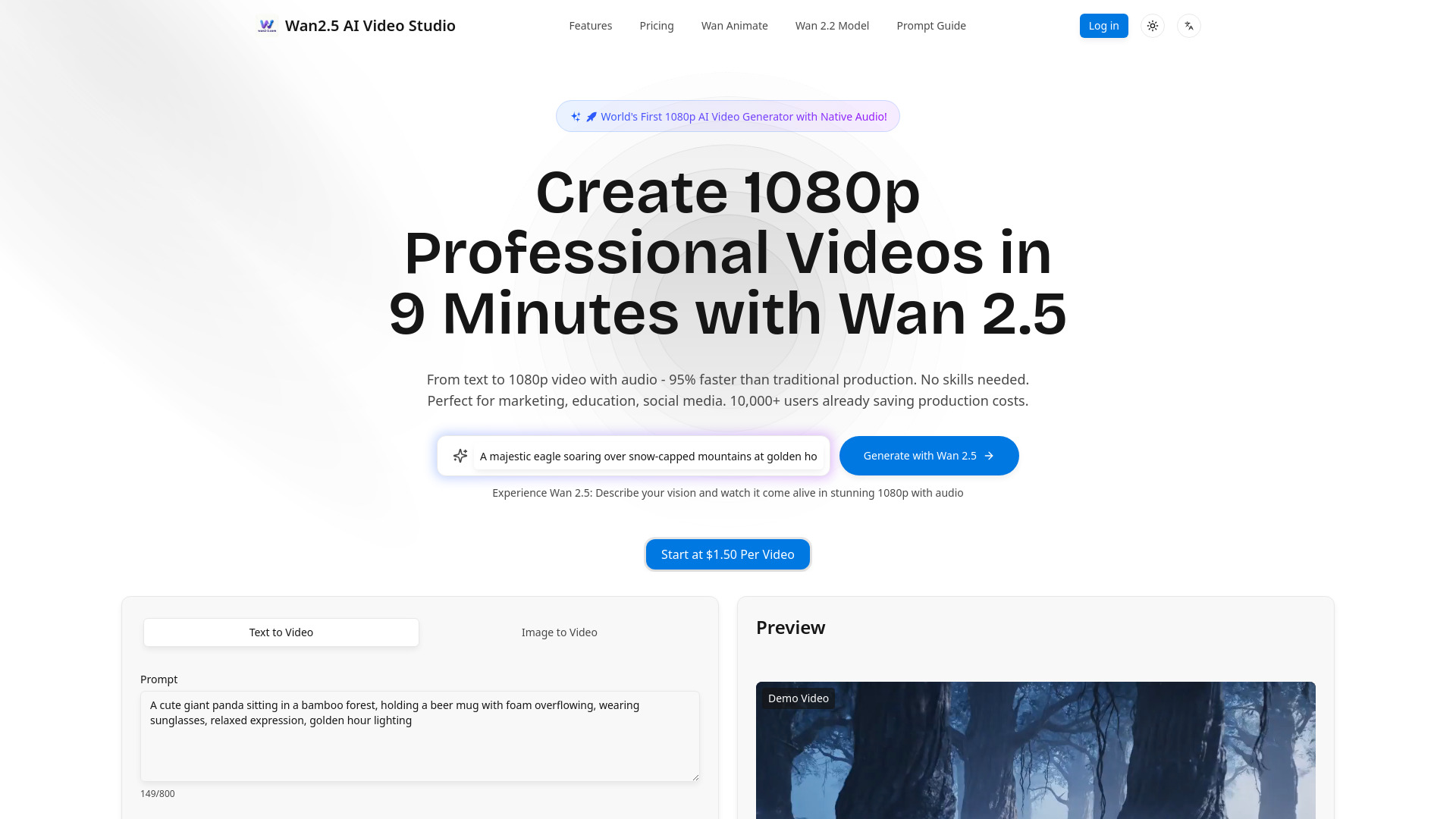

Photo AI
Photorealistic AI people videos

VideoArtAI
Faceless YouTube and TikTok channels

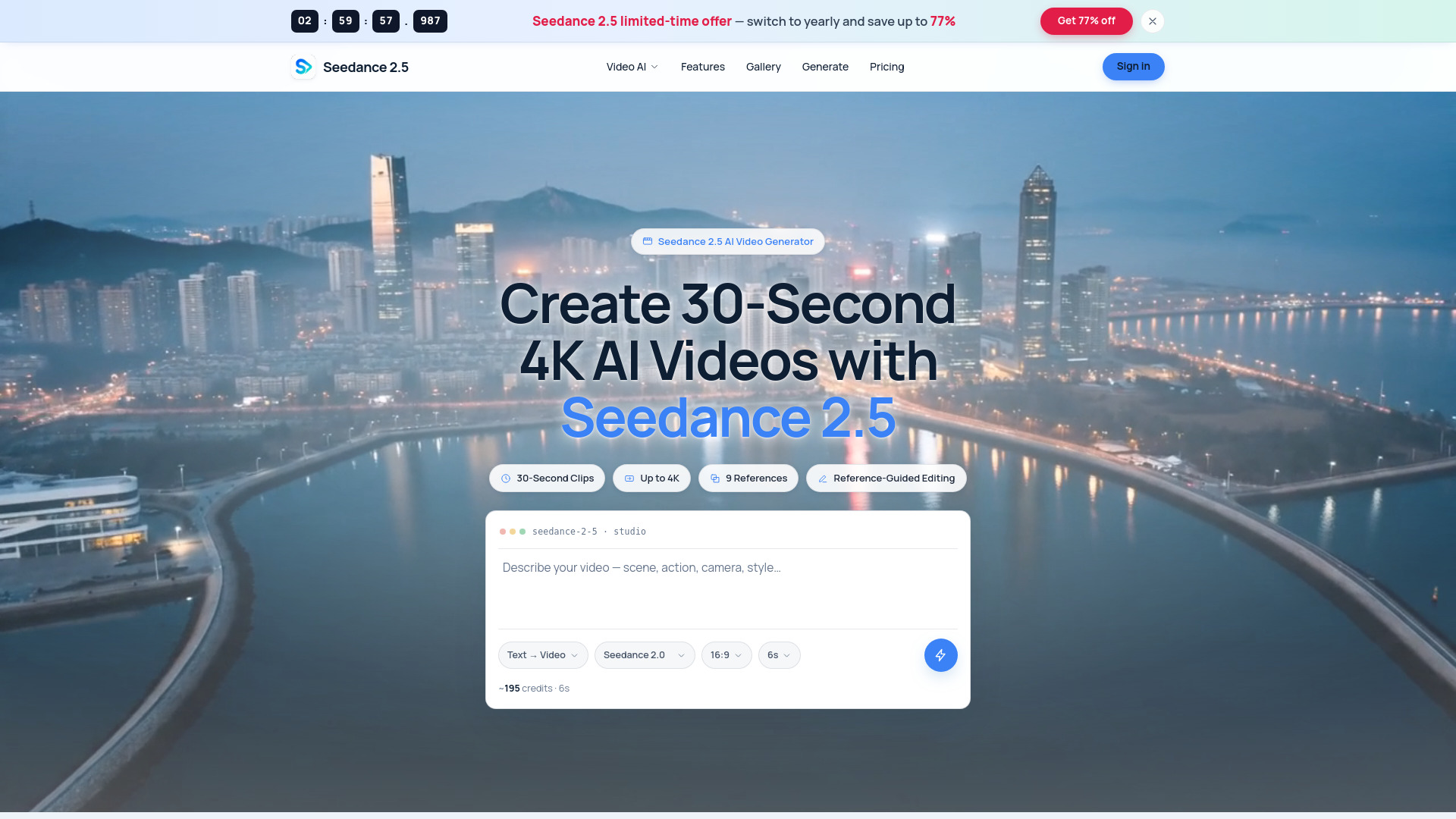
Seedance 2.5 AI Video Generator
30-second 4K video creation
VEO 3.1
Cinematic 1080p video creation

Seedance 2.5 AI
Reference-guided AI video creation
Veo 3.1
Cinematic AI video storytelling

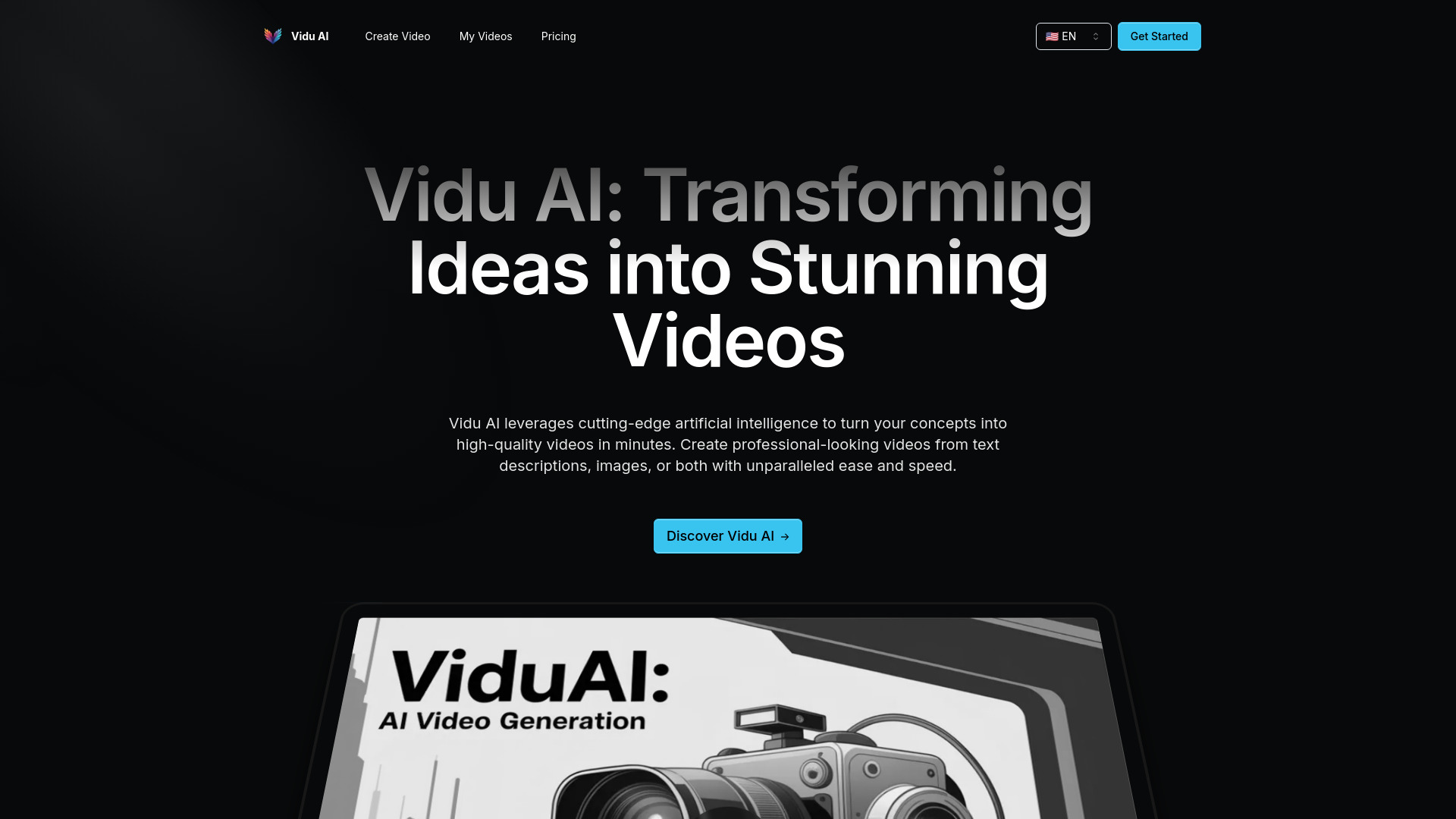
Vidu AI
Rapid multimodal video creation

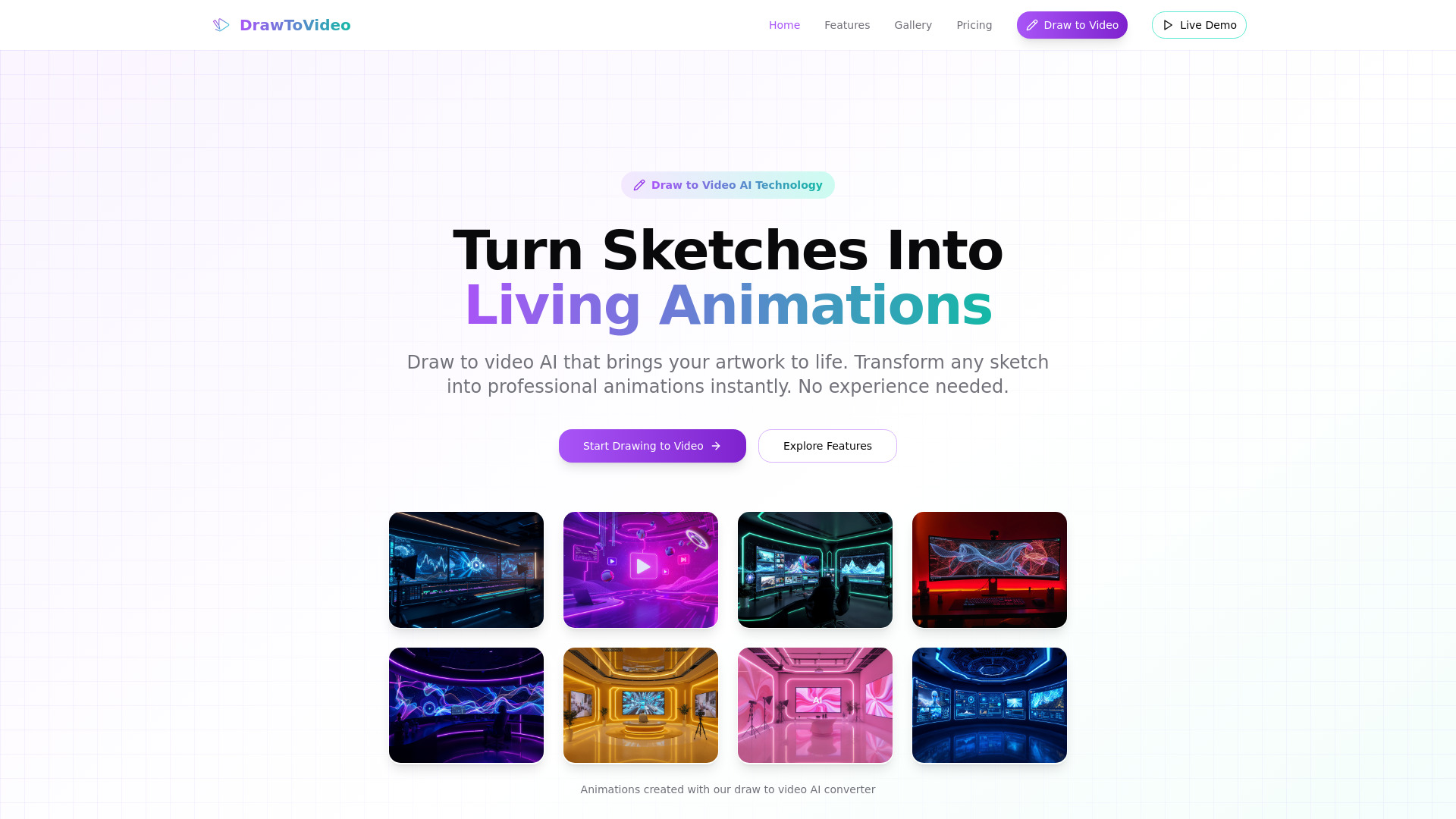
Draw to Video
Sketch animation and short videos
VO4
Viral social video creation

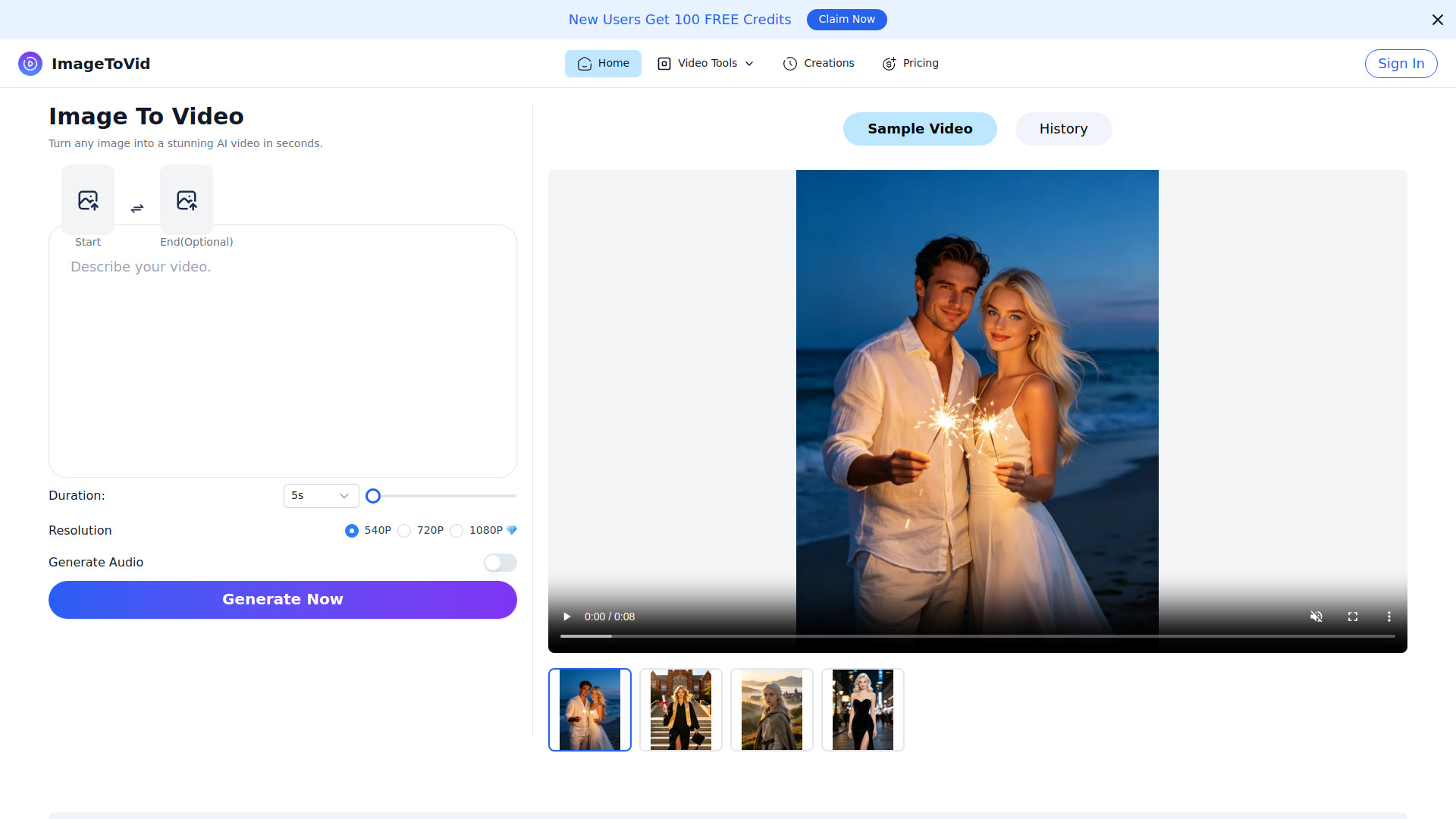
Free Image to Video AI Generator | ImageToVid AI
Creators turning images into short videos
Seedance 2.5 AI
Creators making cinematic text-to-video clips

ImageVids AI
Image-to-video creators

AI Shorts Generator
Automated faceless short-form videos
Veo3 AI
Short-form video creators

AI Kiss Generator
Photo-to-kissing video creation
Which AI video generator should you choose?
The best choice changes with the output you need. Use this shortcut rather than choosing solely by score:
| Your priority | Best starting point | Why |
|---|---|---|
| Broad experimentation | Media AI Generator | Covers video, image, and audio generation with free access |
| Digital presenters | AI STUDIOS | Offers 150+ avatars and voices in 80+ languages |
| Marketing templates | Vidnoz AI | Combines 1,500+ avatars with 2,800+ templates |
| Text or image animation | Veo3 AI | Supports text-to-video and image-to-video generation |
| Beginner image animation | AI Image to Video | Uses daily credits and a simple image-first workflow |
| Multiple models | AIReel | Puts several AI video and image models together |
| Lyric videos | neural frames | Includes AI music video generation and a lyric video maker |
| Audio-reactive music visuals | AI music video generator | Builds lyric-aware, audio-reactive videos from songs |
| E-commerce ads | VidAU AI | Focuses on video ads and AI UGC content |
| Script-to-video speed | VideoGen | Combines script writing, editing, generation, and voiceovers |
For buyers asking what is the best AI video generator free, start by matching the free mechanism to your usage. Media AI Generator is the broadest free starting point. AI Image to Video is better when daily credits fit your image-animation habit. AI STUDIOS is more useful for a few presenter-led exports, while VidAU AI makes sense for small ad tests.
Do not compare a one-minute daily allowance with three monthly exports as if they were interchangeable. Check whether the free plan includes the resolution, watermark policy, video length, and features your audience will actually see.
My practical recommendation
Start with Media AI Generator unless you already know your format. It has the widest creative surface area in this shortlist and lets you test video, image, and audio workflows without paying immediately. Once your needs become specific, switch deliberately:
Choose AI STUDIOS for lessons, training, and multilingual presenter videos.
Choose Vidnoz AI for template-heavy marketing production.
Choose AI Image to Video for a low-cost, image-first workflow.
Choose VideoGen when speed from script to edited draft matters most.
Choose VidAU AI for e-commerce ads and UGC-style promotion.
Choose neural frames or AI music video generator for music-led visuals.
Before upgrading, make one representative video rather than a generic test. Use the real script, product image, song, or lesson topic. Then measure the actual credit use, export limit, resolution, and amount of cleanup required. A tool that looks inexpensive in a comparison table can become poor value if your normal project consumes the free quota in one attempt.
Common mistakes when choosing an AI video generator
Treating every free plan as unlimited. The featured tools use daily credits, monthly exports, trial credits, or restricted video length. Read the quota in the context of your workflow.
Ignoring the output format. A talking avatar, an animated product image, an audio-reactive music video, and a script-led explainer are different jobs.
Buying on headline resolution alone. Veo3 AI illustrates why: a homepage 4K claim should be checked against the resolution specified for the paid plan.
Overlooking credit expiration. AIReel credits do not roll over and expire at the end of the billing period.
Skipping a realistic test. Use your own assets and script. Generic demos rarely reveal export limits, registration friction, rate limits, or plan restrictions.
Assuming automation removes review. Script, avatar, voice, and generated visuals still need factual, visual, and brand checks before publishing.
Choosing the broadest tool for a specialist job. Musicians and e-commerce teams may save time with a purpose-built platform instead of adapting a general generator.
What changed in 2026
The useful distinction in 2026 is not simply text-to-video versus image-to-video. Buyers now need to compare complete workflows: avatars and multilingual voices, social effects, ad creation, music synchronization, automatic editing, and access to multiple models. That is why this review includes both broad studios and specialist tools.
Free access also needs more precise scrutiny. A free plan may mean daily credits, a small number of exports, one-time trial credits, or a limited video length. We have called out those differences directly so that the best free AI video generator is judged by usable output rather than the word "free" alone.
Finally, plan details matter more as tools add higher-resolution claims and model choices. Confirm resolution, credits, rate limits, export rules, and feature availability on the vendor's current pricing page before committing to a production workflow.
FAQ
Media AI Generator is the strongest general starting point because it combines AI video and image generation with free access and additional audio and effects workflows.