
The best mcp servers are not all servers in the narrow, deploy-it-yourself sense. This comparison covers 100 tools, including directories for discovering MCP projects, gateways that connect agents to apps, and platforms that help teams build or host agent infrastructure. The right first pick depends on whether you need to find a server, connect tools securely, or get an agent running without taking on more operations work.
Top picks
| Pick | Tool | Best for | Why it stands out |
|---|---|---|---|
| Best overall directory | MCP Servers | Finding MCP servers | A focused directory for searching and sharing MCP servers and clients. |
| Best managed integrations | Composio | Connecting apps to AI | Managed MCP infrastructure with integrations for more than 250 apps. |
| Best secure connector gateway | Scalekit AgentKit | Agent developers | One MCP gateway covers 600+ connectors and 30,000+ tools, with per-user authorization. |
| Best open-source build path | mcp-use | Teams building agents | An open-source SDK paired with cloud infrastructure for deploying and managing MCP servers. |
Quick comparison
| Tool | Best for | Standout capability | Free access | Starting price |
|---|---|---|---|---|
| MCP Servers | AI developers | Searchable collection of MCP servers and clients | Free discovery | Check vendor pricing |
| Composio | AI developers | Managed MCP server and app integrations | 10,000 API calls/month free | Hobby: Free Forever |
| mcp-use | Dev teams | Open-source agent SDK plus deployment infrastructure | Build and deploy custom agents | Check vendor pricing |
| Agent Skills Hub | Platform engineers | Catalog of 120,000+ skills, MCP servers, and agent tools | Free discovery and basic scans | Free: $0 |
| KiloClaw | Developers | One-click managed OpenClaw deployment | 1-week free trial | Check vendor pricing |
| EasySBC | EA FC 25 players | SBC solver and AI squad builder | Free access to listed tools | Pro: $2/month |
| MyClaw.ai | Software developers | Managed, one-click OpenClaw hosting | No free tier | Lite: $19/month |
| Scalekit AgentKit | AI agent developers | 600+ connectors and 30,000+ tools through one gateway | 10,000 tool calls and trigger events/month | Free: $0/month |
| MiniMax Agent | Students | Multimodal AI with MCP multi-agent collaboration | MCP and multimodal access | Check vendor pricing |
| Agent Skills Marketplace (SkillsMP) | Developers | Search across 61,016 open-source agent skills | Free discovery and search | Check vendor pricing |
How we ranked these MCP tools
We ranked these 100 candidates by how directly they help someone work with MCP: discovering servers, connecting an agent to services, building integrations, or deploying an MCP-based workflow. We also considered audience fit, the specificity of the stated capabilities, access and pricing signals, and reported adoption. A high score does not mean every product is a drop-in MCP server: some are directories, agent frameworks, or adjacent hosting tools, and we label those differences rather than treating them as interchangeable. For infrastructure that handles credentials or code, evaluate security, permissions, and operational requirements independently. Tool features and pricing can change, so confirm current terms with the vendor before rollout.
The best MCP servers and adjacent tools
The useful distinction here is between finding a server and running one. The first four picks are strongest for MCP discovery, integration, building, or cataloging; the following entries serve more specialized agent and hosting workflows. That distinction matters: a directory can help you choose a server, but it does not itself provide the same function as an authenticated connector gateway.
1. MCP Servers

MCP Servers
Discovering MCP servers and clients
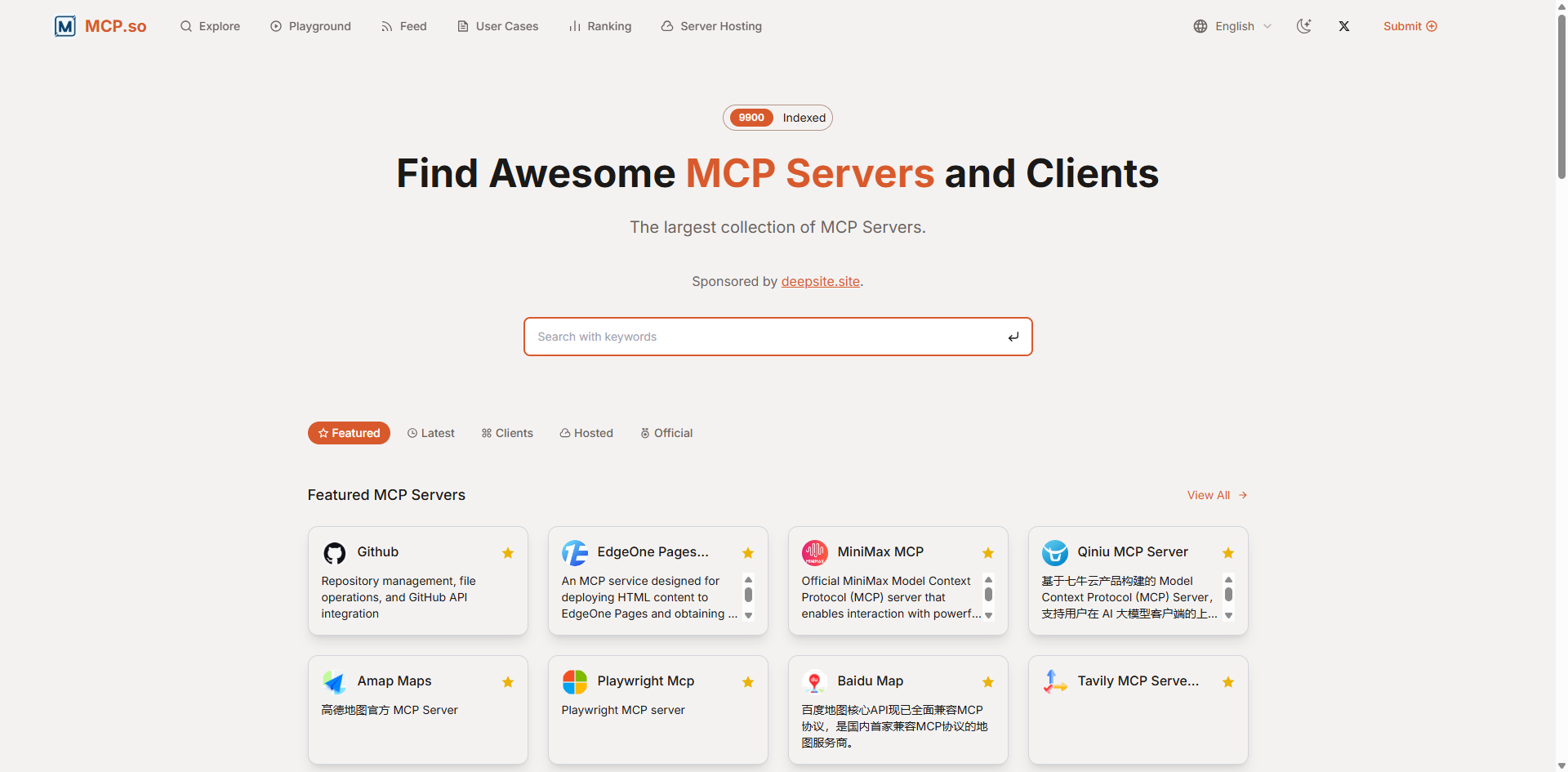
MCP Servers takes the directory-first approach: its job is to make the growing collection of Model Context Protocol servers and clients easier to search and explore. That makes it a practical starting point when you know the capability you want but have not yet chosen a server or implementation. Instead of beginning with a blank repository search, you can use one focused destination for discovery and sharing.
Its value is breadth and navigation, not managed execution. The listing collection depends on community contributions, so you should treat discovery as the beginning of technical evaluation, not proof that a server is maintained, secure, or right for production. Check the source project and review its current documentation before connecting it to an agent.
My take: For a first pass through the MCP ecosystem, a dedicated index saves time and gives the team a shared place to compare candidates. I would still verify a promising listing at its source before installing it.
Where it falls short: Community-submitted listings can vary in completeness and freshness. This is a discovery directory, not a substitute for hosting, authentication, or security review.
Key features
Collection of MCP servers and clients.
Search and discovery features for locating MCP projects.
Pros
Centralizes MCP server discovery in one directory.
Useful for developers surveying options before choosing an implementation.
Cons
Listing coverage relies on community contributions.
Discovery alone does not validate a project's maintenance or suitability.
Choose MCP Servers if: you want a focused directory to find and compare MCP servers before integrating one into your workflow.
2. Composio

Composio
Connecting apps to AI agents
Composio is the pick for teams that want an integration layer rather than another collection of server links. Its managed MCP server and integrations are intended to connect apps with LLMs, IDEs, and Claude. The product highlights connections to more than 250 apps, which gives developers a direct route from an agent prototype to a workflow that can work across services.
The managed model is the main trade-off: it can reduce the amount of integration plumbing your team must handle, but it also places part of the connection workflow in a vendor platform. Composio lists a free forever Hobby option and 10,000 free API calls per month. Custom MCP server creation is still under development, so teams that need to add their own server should check whether the current product meets that requirement before building around it.
My take: Composio is compelling when the problem is connecting an agent to existing apps, not inventing a new MCP server. The free call allowance makes it easier to test a real integration before deciding whether the managed approach fits.
Where it falls short: Custom MCP server adding is still under development. Confirm the precise app coverage, auth flow, and plan limits for your intended deployment.
Key features
Managed MCP server for connecting AI applications and services.
MCP integrations covering more than 250 apps.
Free Hobby plan and a listed allowance of 10,000 API calls per month.
Pros
Designed to simplify integrations for AI and LLM workflows.
Managed infrastructure can reduce the work of wiring up app connections.
Cons
Custom MCP server adding is still under development.
A managed integration layer may not suit teams that require full control of every component.
Choose Composio if: you want a managed way to connect an AI agent to a broad range of existing apps and can work within its current integration model.
3. mcp-use

mcp-use
Development teams building custom agents
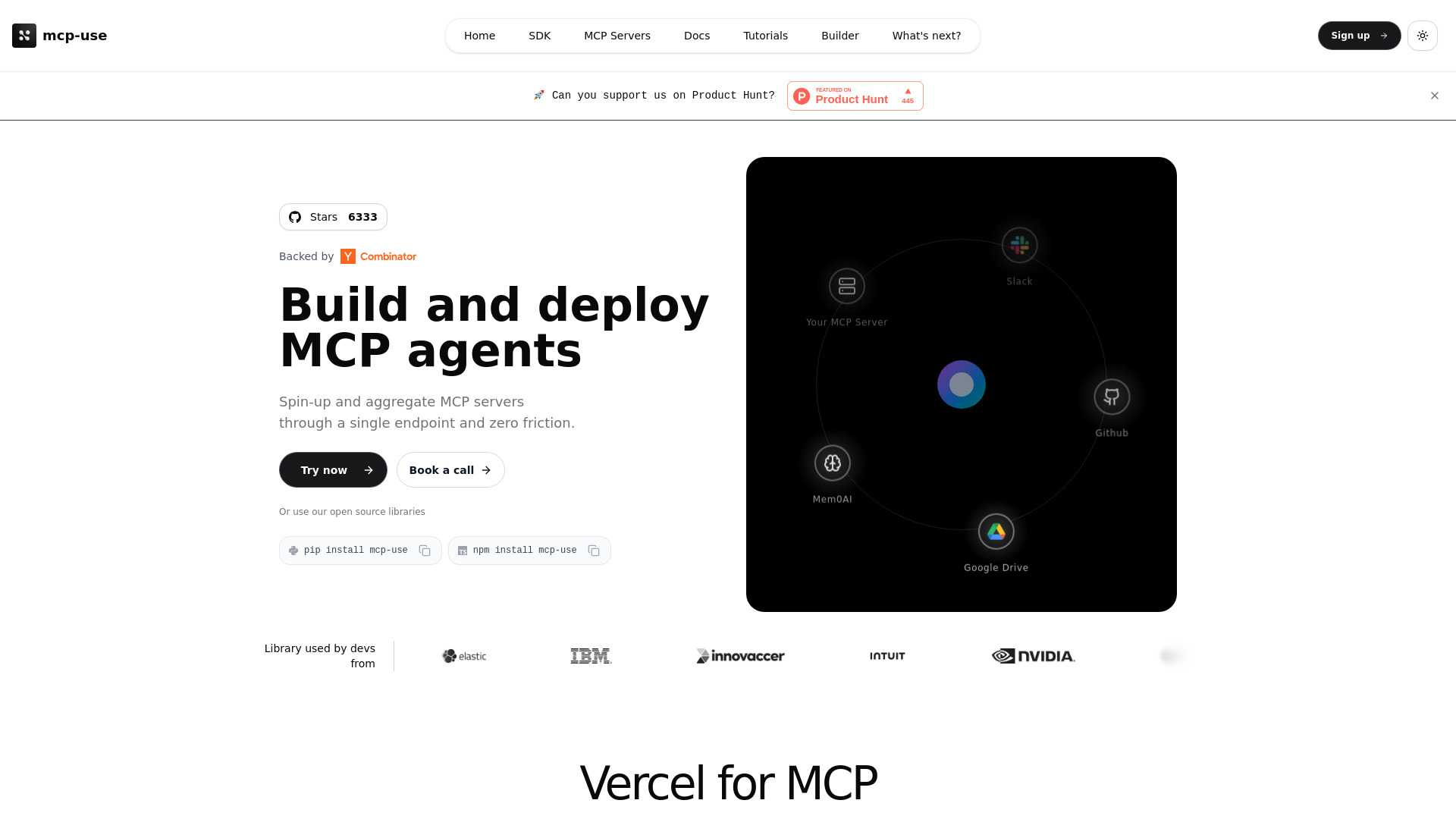
When a team needs to build rather than browse, mcp-use offers a more hands-on route. It combines an open-source SDK for building custom AI agents with cloud infrastructure for deploying and managing MCP servers. That pairing makes it relevant to developers who want to move from agent code to a managed deployment path without treating those as entirely separate projects.
The project reports more than 5,000 GitHub stars and 100,000 downloads, useful adoption signals for an open-source SDK. Those numbers do not replace a code review or confirm that the platform meets a particular reliability requirement, but they give evaluators a starting point for checking activity and community interest. Pricing details are not clearly stated here, so review the current terms if you expect to use the cloud infrastructure beyond initial experimentation.
My take: The combination of an open-source SDK and deployment tooling is the standout. It gives technical teams room to shape their agent while still offering a route to server management.
Where it falls short: There is no specific limitation called out, but teams should verify deployment, support, and pricing details against their own production needs. Open source still requires engineering ownership.
Key features
Open-source SDK for building custom AI agents.
Cloud infrastructure for deploying and managing MCP servers.
Reported adoption of 5,000+ GitHub stars and 100,000 downloads.
Pros
Supports a custom-build workflow instead of limiting users to preset integrations.
Pairs development tooling with an option for cloud deployment and management.
Cons
Pricing and operational terms should be checked directly before adoption.
An SDK-based approach requires technical capacity to build and maintain agents.
Choose mcp-use if: your team wants an open-source foundation for custom agents and values a connected path to deploying MCP servers.
4. Agent Skills Hub

Agent Skills Hub
Platform engineers evaluating agent tools
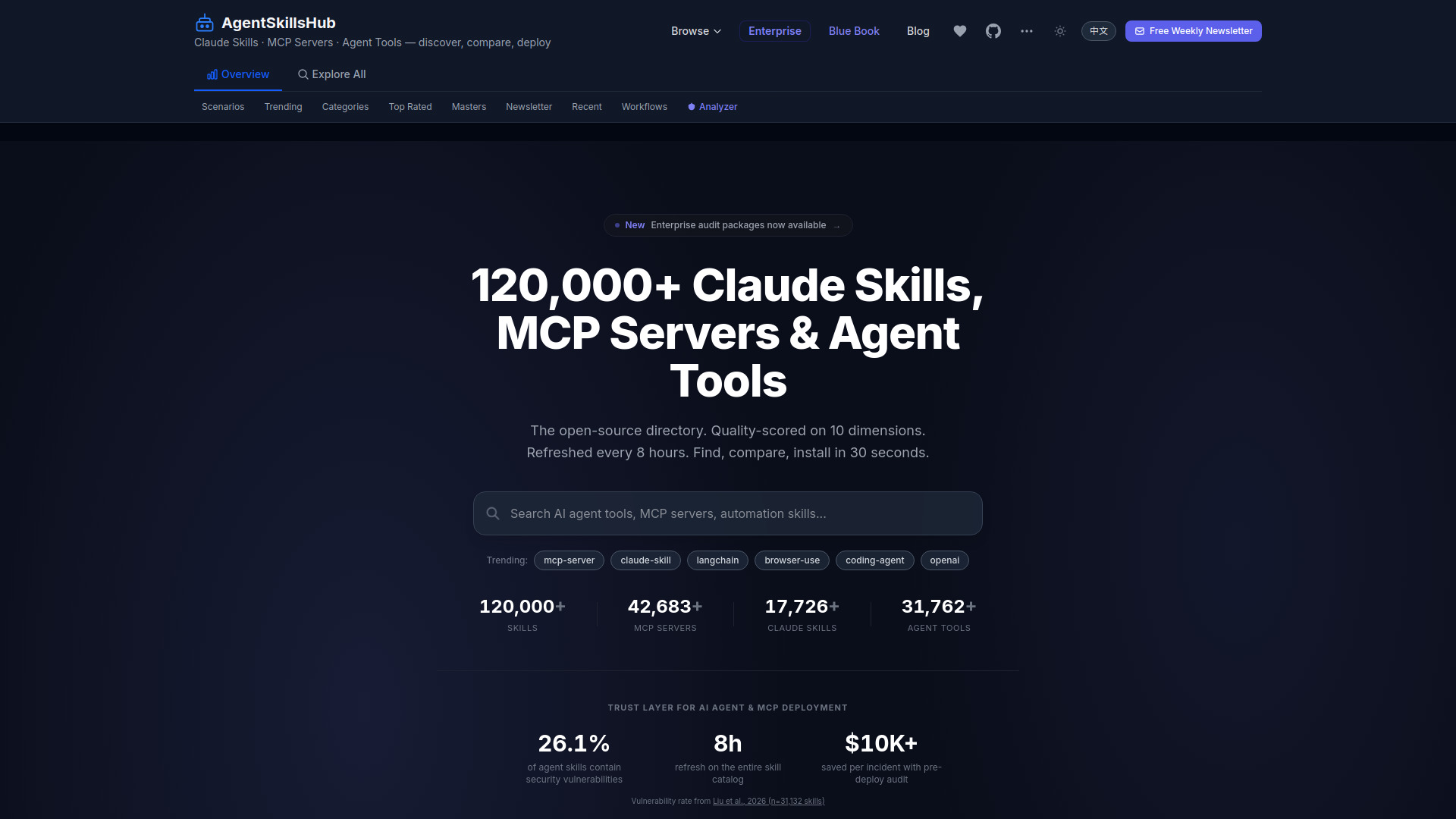
Agent Skills Hub broadens MCP discovery into a catalog of skills and agent tools. Its stated index covers more than 120,000 entries, with an automated pipeline that applies 10 weighted signals to generate a 0-100 quality score. That can help platform engineers sort a large set of candidates and put a repeatable evaluation step between finding a tool and allowing teams to use it.
The product describes its catalog as security-graded and offers free discovery and basic scans. A score or scan is a useful screening aid, not a guarantee that a tool is safe in your specific environment. One material caveat is that the platform's own SOC 2 Type II audit is still in progress, with Q3 2026 given as its target. Organizations with compliance requirements should verify the current audit status and evidence directly.
My take: The breadth and scoring pipeline make this more than a simple link list. I would use it to prioritize review, then apply your own approval controls before enabling a tool.
Where it falls short: Its own SOC 2 Type II audit is still in progress according to the stated timeline. Security-conscious buyers should validate the latest status rather than rely only on catalog-level grading.
Key features
Catalog indexing more than 120,000 skills, MCP servers, and agent tools.
Quality scoring generated from 10 weighted signals on a 0-100 scale.
Free discovery and basic scans.
Pros
Large index offers a wide starting point for platform teams.
Automated scoring can help prioritize which entries to investigate first.
Cons
Catalog scores do not replace internal security assessment.
The platform's SOC 2 Type II audit was listed as in progress, targeting Q3 2026.
Choose Agent Skills Hub if: you need a broad catalog and a first-pass scoring system to help triage agent tools for further review.
5. KiloClaw

KiloClaw
Developers deploying OpenClaw
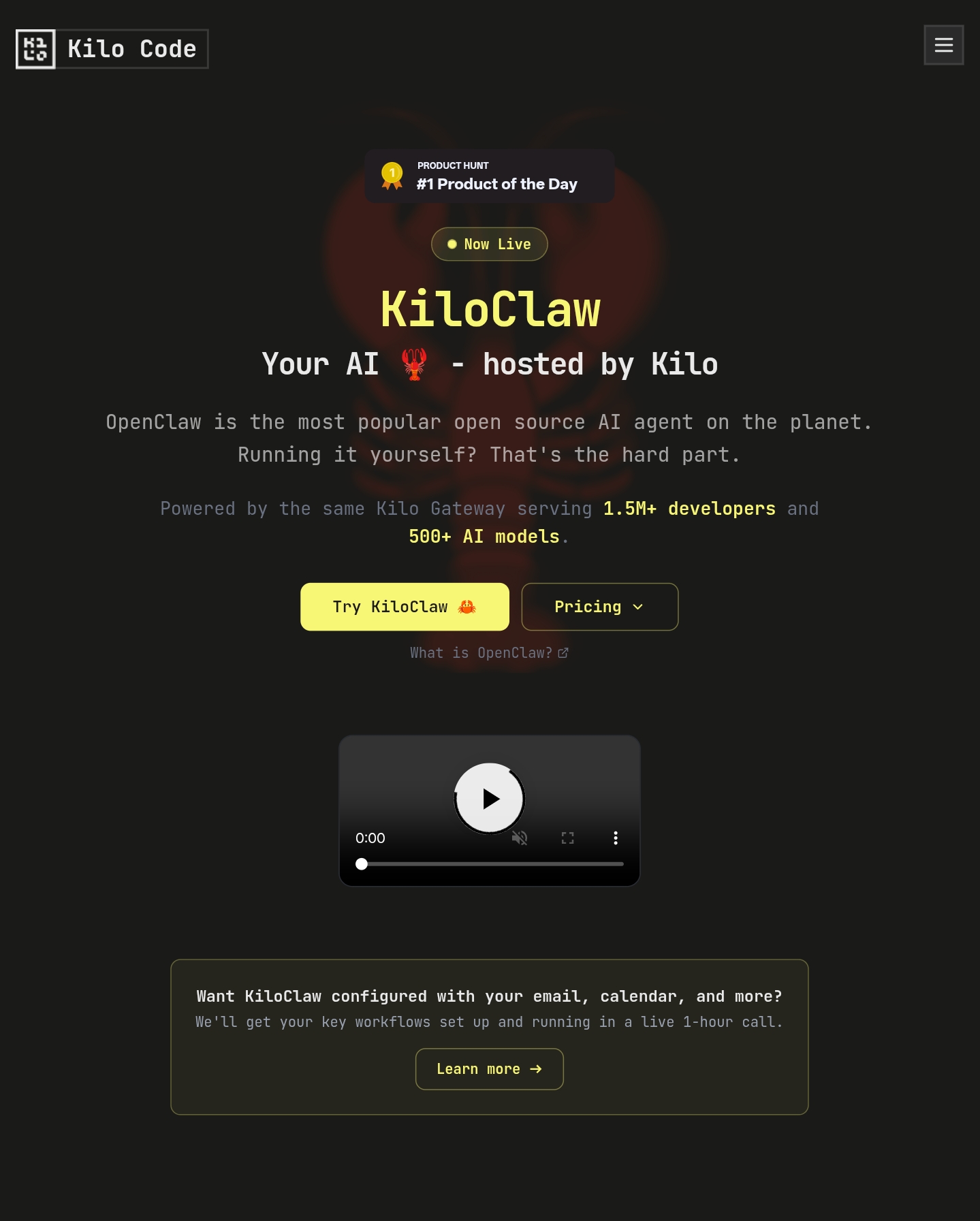
KiloClaw is an adjacent pick for people who want to run an OpenClaw setup without taking on the usual server chores. Its central promise is one-click deployment, with no SSH, Docker, or manual updates required. The product also lists access to more than 500 AI models, making it worth considering if your goal is a hosted agent environment rather than simply finding an MCP server.
That convenience comes with a recurring hosting commitment. KiloClaw offers a one-week free trial, but its stated limitation is that hosting requires a monthly subscription. This may be a good exchange for developers who want to avoid DevOps work; it is less attractive if you already have infrastructure or need more control over deployment details. Check the live plan terms before treating a listed model count as guaranteed availability on your chosen tier.
My take: The zero-DevOps setup is its clearest selling point. It is aimed at getting an OpenClaw deployment running quickly, not at replacing a hands-on MCP development environment.
Where it falls short: Ongoing hosting requires a subscription, so the convenience has a continuing cost. Teams that want to manage their own infrastructure should compare that expense with self-hosting.
Key features
One-click OpenClaw deployment.
Managed hosting without SSH, Docker, or manual updates.
Access to 500+ AI models is listed.
Pros
Reduces deployment and maintenance work for developers.
A one-week trial gives users a chance to assess the hosted setup.
Cons
Hosting requires a monthly subscription.
This is a managed OpenClaw deployment option, not a general MCP server directory.
Choose KiloClaw if: you want a fast, managed OpenClaw deployment and would rather pay for hosting than handle the setup yourself.
6. EasySBC

EasySBC
EA FC 25 players building squads
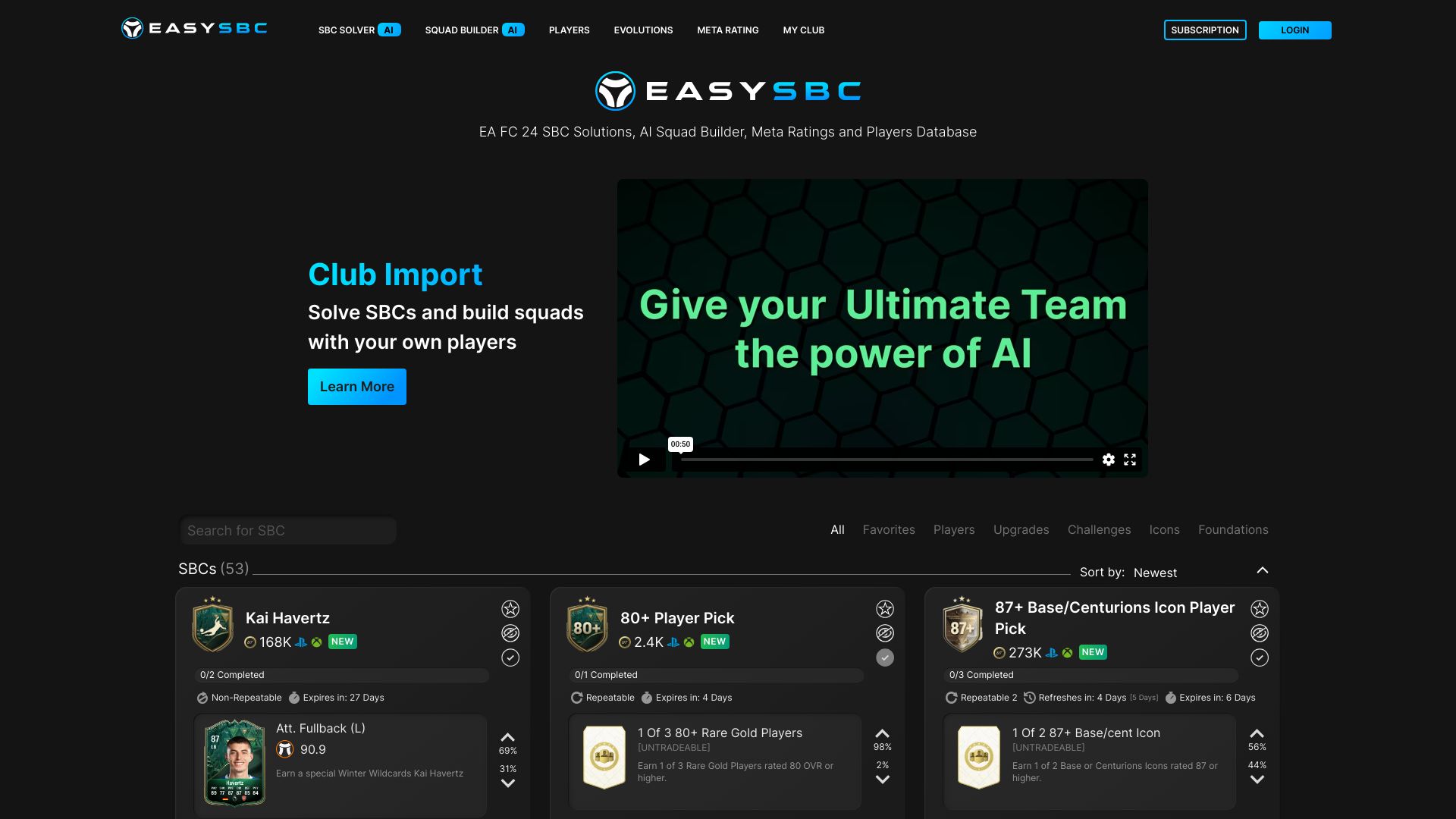
EasySBC is the most specialized pick on this list: it applies AI to EA FC 25 squad building rather than general-purpose MCP development. Its listed tools include an SBC solver, an AI squad builder, and meta ratings. For players whose priority is making game-specific squad decisions, that focused functionality is more relevant than a broad server catalog or developer platform.
This is an adjacent tool, not a conventional MCP server. The subscription unlocks full access to its features, while the Pro price is listed at $2 per month. The free access details name the SBC solver and AI squad builder, but buyers should check which capabilities remain available without subscribing and confirm current plan terms before paying.
My take: EasySBC belongs in a broad comparison because it demonstrates how AI-agent and tool listings can include highly focused end-user workflows. It is a sensible option for its gaming audience, but not a replacement for MCP infrastructure.
Where it falls short: Full access requires a subscription, and its scope is EA FC 25 squad building rather than general MCP server creation or management.
Key features
SBC solver for EA FC 25 workflows.
AI squad builder.
Meta ratings.
Pros
Purpose-built AI features for squad decisions.
Low listed entry price for the Pro plan.
Cons
Full feature access requires a subscription.
Its specialized gaming use case is outside general MCP development.
Choose EasySBC if: you play EA FC 25 and want AI-assisted SBC solving and squad building rather than an MCP development platform.
7. MyClaw.ai

MyClaw.ai
Developers seeking managed OpenClaw hosting
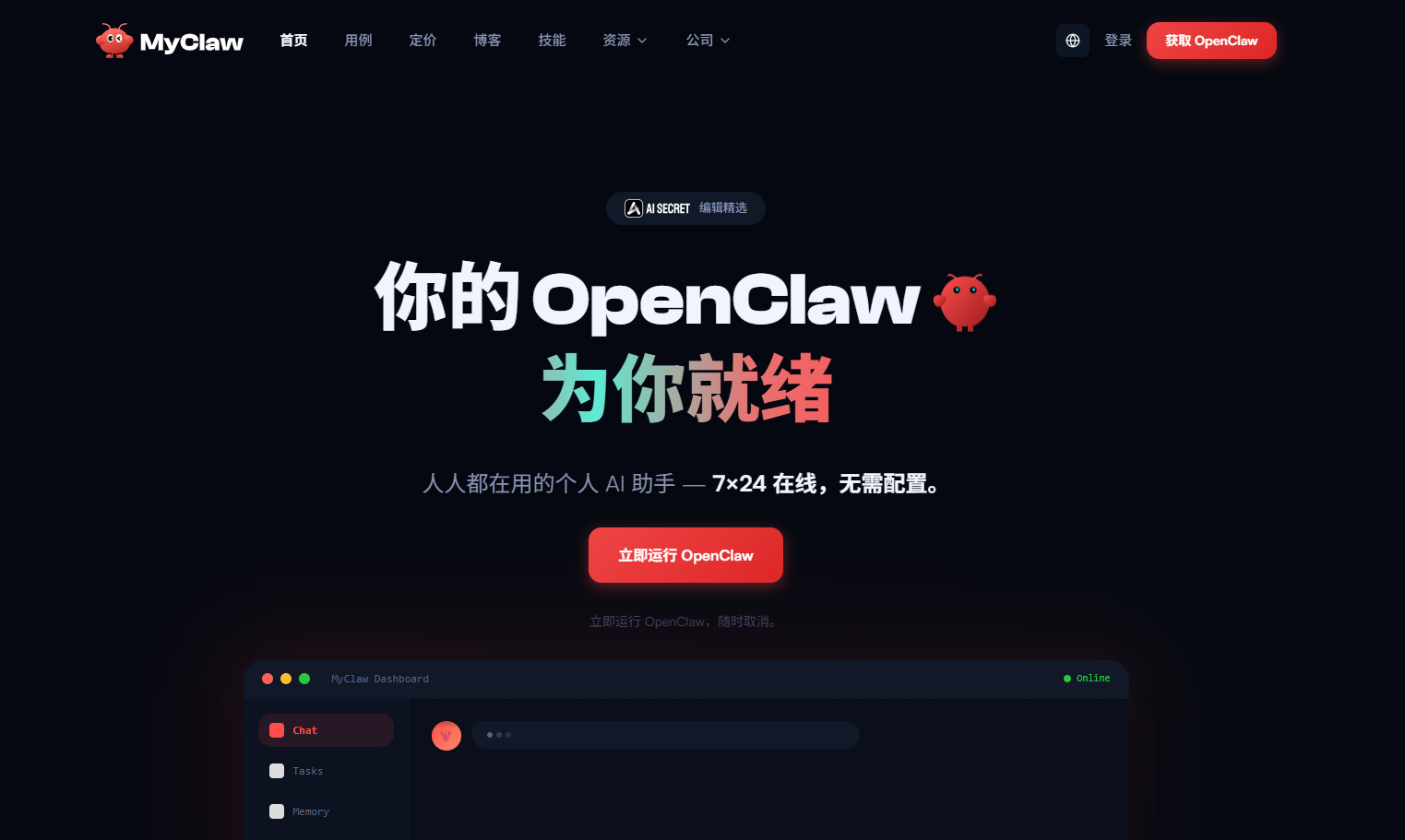
MyClaw.ai is another adjacent option for developers who want an always-on OpenClaw or Clawdbot assistant without building the hosting setup themselves. It emphasizes one-click deployment and fully managed cloud hosting, with the stated aim of avoiding manual dependency setup and related errors. That makes it a better fit for someone who values getting a private assistant online over controlling each infrastructure layer.
The ease of setup is paired with a clear cost barrier: there is no free tier, and the Lite plan is listed at $19 per month. Before subscribing, confirm what the plan includes for your intended workload and how the hosted assistant handles the data and credentials it needs. This is hosting for a particular agent workflow, not a directory of MCP servers or a general connector gateway.
My take: The appeal is straightforward: fewer setup steps and a managed environment for a continuously available assistant. The $19 monthly entry point makes it important to be sure you will use the always-on hosting.
Where it falls short: There is no free tier, so you cannot evaluate the service indefinitely at no cost. The product's focus on OpenClaw hosting also makes it a narrower choice than a flexible MCP development toolkit.
Key features
One-click OpenClaw/Clawdbot deployment.
Fully managed cloud hosting with no DevOps required.
Always-on AI assistant positioning.
Pros
Helps avoid complex manual setup and dependency errors.
Managed hosting can reduce the operational work of keeping an assistant available.
Cons
No free tier is available.
The Lite plan is listed at $19 per month.
Choose MyClaw.ai if: you want a managed, always-on OpenClaw assistant and are comfortable paying for hosting from the start.
8. Scalekit AgentKit

Scalekit AgentKit
Developers connecting agents to apps
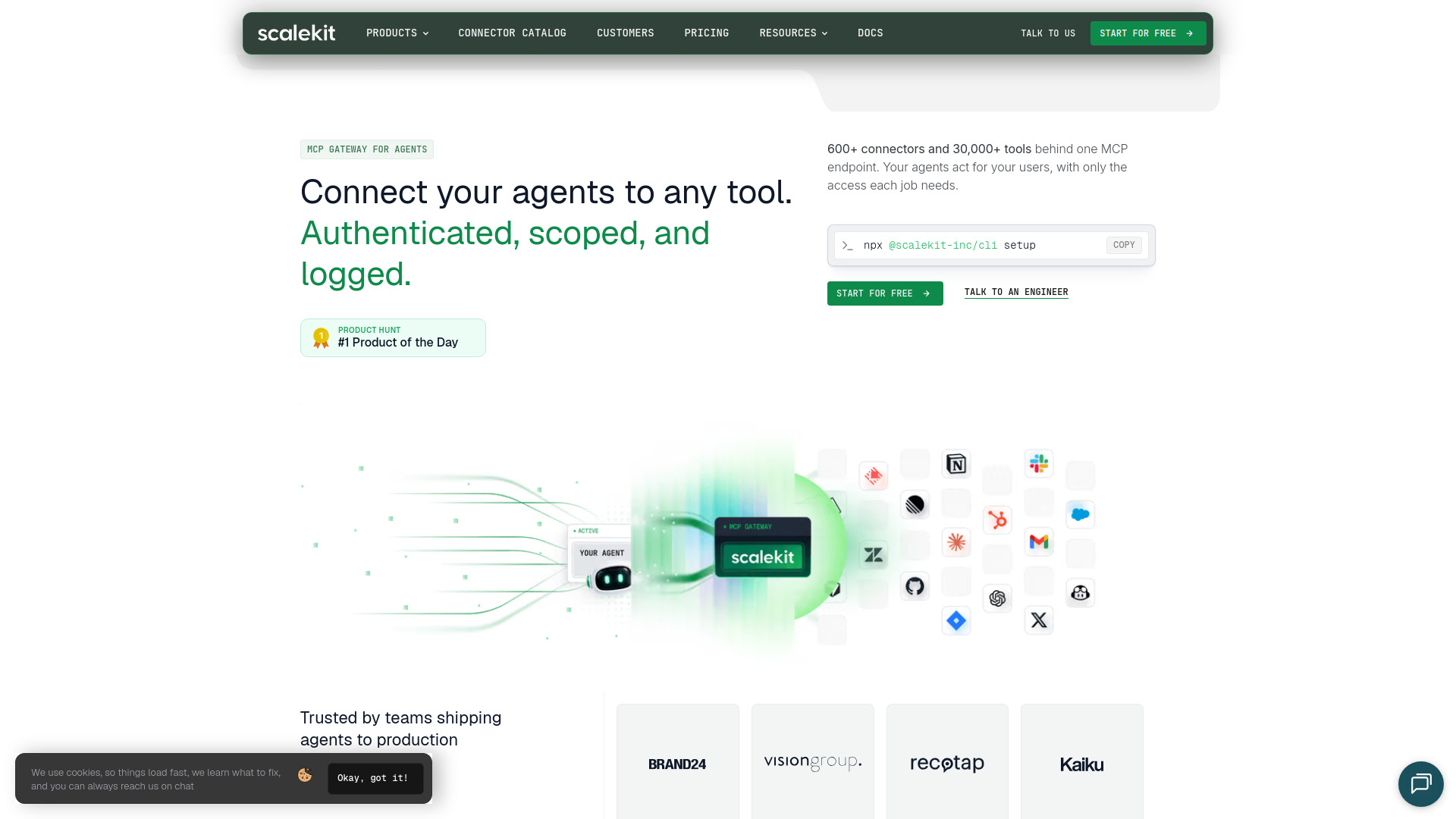
Scalekit AgentKit is one of the most directly useful infrastructure picks for agent developers. Rather than configuring each app connection separately, it offers a single MCP gateway to more than 600 connectors and 30,000+ tools. Its authentication capabilities are especially relevant to teams building user-facing agents: per-user OAuth, credential storage, token refresh, and scoped tool calls are all listed as part of the platform.
The free plan includes 10,000 tool calls and 10,000 trigger events per month, with no overages included. That gives developers room to test a workflow, but hitting the cap can affect the next step in a growing application, so estimate usage and check the current plan options. Teams should also verify that the connectors and permission model cover their particular applications and security requirements.
My take: The combination of a broad connector catalog and per-user auth makes AgentKit a strong option when an agent needs to act across multiple services. The free allowance is useful for a prototype, but the no-overage limit calls for monitoring.
Where it falls short: Free usage is capped monthly and does not include overages. Treat the allowance as a hard planning constraint, not an unlimited free tier.
Key features
One MCP gateway for 600+ app connectors and 30,000+ tools.
Per-user OAuth, credential storage, and token refresh.
Scoped tool calls for controlling access.
Free plan with 10,000 tool calls and 10,000 trigger events per month.
Pros
Broad connector coverage is available through one gateway.
Per-user authentication and scoped calls address important agent access needs.
A free plan lets teams test before committing to paid usage.
Cons
The free plan has monthly usage limits.
Overages are not included in the free plan.
Choose Scalekit AgentKit if: you are building an agent that needs to access many apps with per-user authentication and controlled tool permissions.
9. MiniMax Agent

MiniMax Agent
Students exploring agent workflows
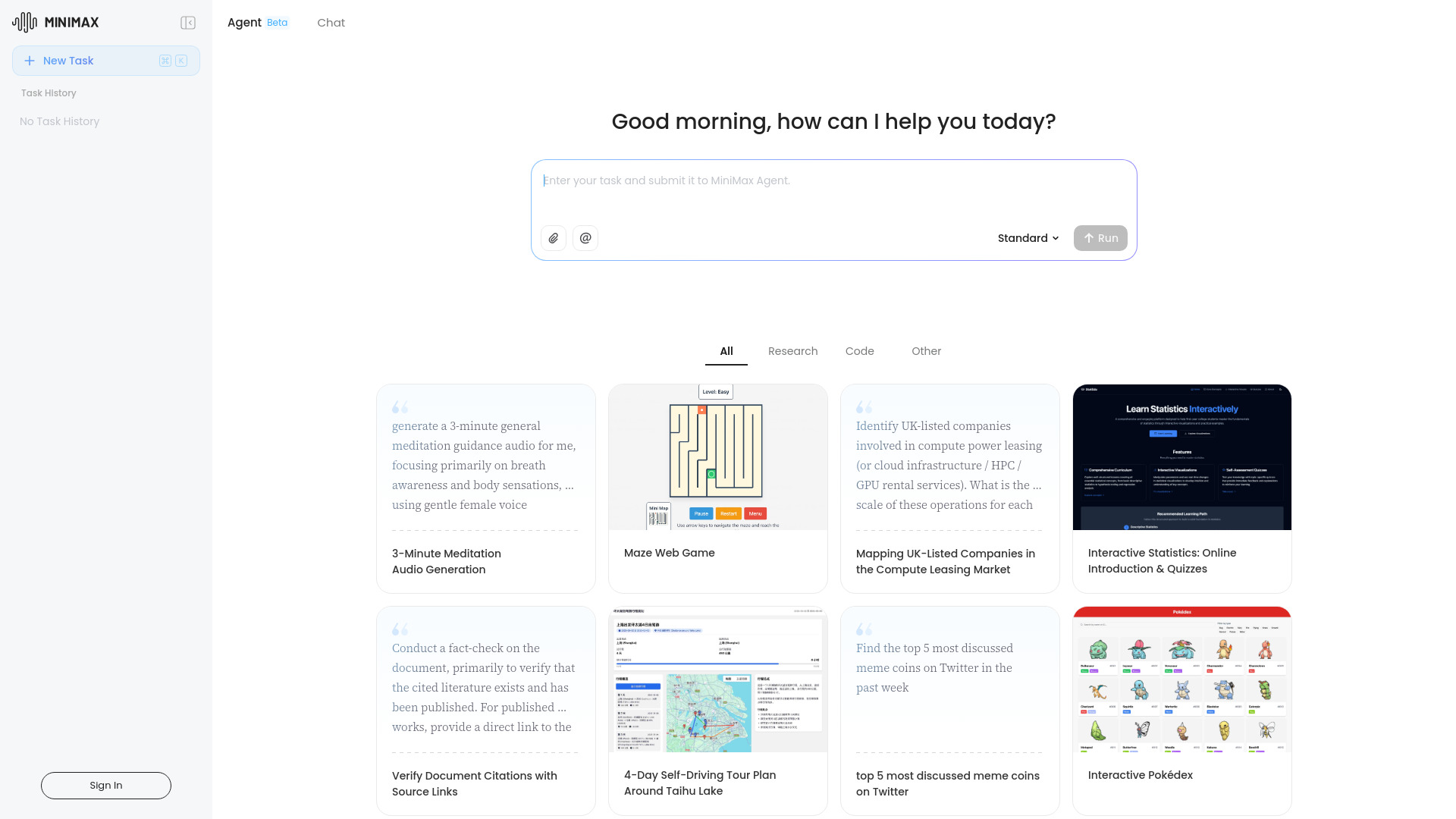
MiniMax Agent brings MCP into a broader assistant experience, with multimodal AI and multi-agent collaboration as its defining features. That may appeal to students and other users who want to explore productivity workflows involving more than one agent, rather than build a dedicated server or write an integration from scratch. Its framing as an AI supercompanion makes it a broader end-user tool than the developer-focused gateways elsewhere in this comparison.
The available feature descriptions do not spell out a particular drawback, but buyers should still verify what MCP connections and collaboration workflows are supported in practice. Pricing details also need to be checked with the vendor. Those gaps matter most if you are evaluating it for a defined technical use case: a general multimodal assistant is not automatically a substitute for the governance or connector controls of an MCP gateway.
My take: The multimodal and multi-agent combination gives MiniMax Agent a distinctive angle for experimentation. I would test it against a real task before assuming it can take the place of a purpose-built integration platform.
Where it falls short: Specific limitations and clear pricing are not established here. Technical teams should validate MCP compatibility, controls, and current plan details before adopting it for production work.
Key features
MCP multi-agent collaboration.
Multimodal AI technology.
Productivity-oriented assistant positioning.
Pros
Combines MCP collaboration with multimodal AI capabilities.
Offers a broader assistant experience for users who are not building infrastructure themselves.
Cons
Specific product limitations are not clearly stated.
Pricing and the precise scope of MCP support should be confirmed directly.
Choose MiniMax Agent if: you want to explore multimodal and multi-agent productivity workflows that include MCP, rather than deploy a dedicated MCP server.
10. Agent Skills Marketplace (SkillsMP)

Agent Skills Marketplace (SkillsMP)
Developers searching for agent skills
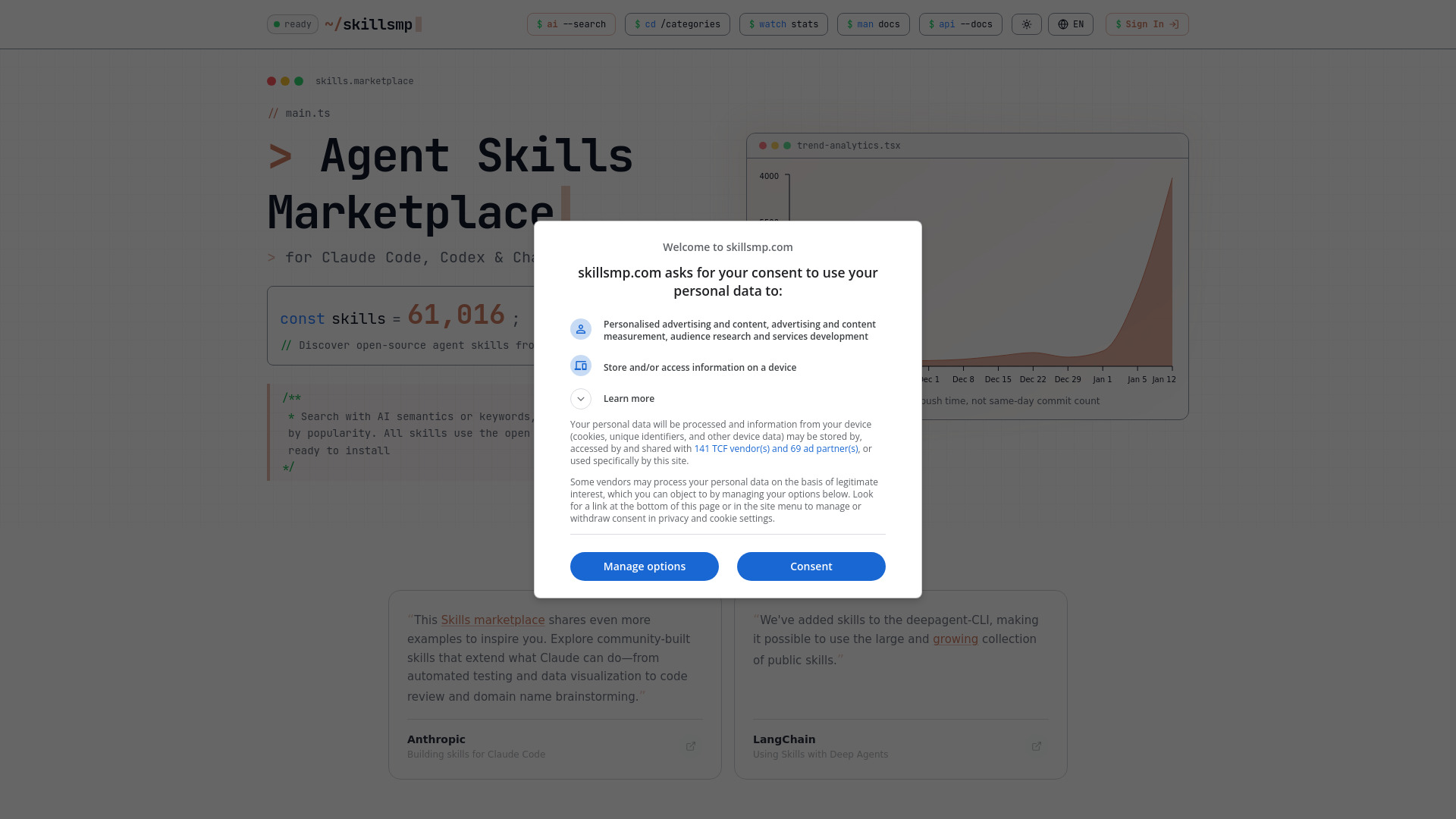
SkillsMP is a discovery marketplace for open-source agent skills, not a conventional MCP server host. It aggregates 61,016 skills and offers semantic and keyword search, giving developers a way to find reusable capabilities rather than start every agent workflow from scratch. Its use of the open SKILL.md standard is another useful signpost for people evaluating how skills fit into their agent projects.
The marketplace sources skills from public GitHub, which makes inspection essential. The product itself explicitly advises users to inspect code before use; that is sound advice for any executable or permission-bearing component pulled from a public repository. Search helps you find a candidate, but it does not establish that the skill is safe, maintained, or appropriate for your application. Pricing details should also be checked directly if you expect anything beyond discovery.
My take: SkillsMP is useful when the bottleneck is finding reusable agent skills. Its large collection and smart search can speed up exploration, provided the team treats each result as code to review rather than a trusted plug-in.
Where it falls short: Public GitHub sourcing shifts the security review to the user. Inspect each skill before installation and confirm its permissions and behavior.
Key features
Aggregates 61,016 open-source agent skills.
Smart search using AI semantics and keywords.
Supports the open SKILL.md standard.
Pros
Large collection gives developers many skills to investigate.
Semantic and keyword search can make discovery more targeted.
Cons
Skills come from public GitHub and require review before installation.
A marketplace listing is not a security or maintenance guarantee.
Choose Agent Skills Marketplace (SkillsMP) if: you want to discover open-source agent skills and have the technical process to inspect them before use.
More tools to compare

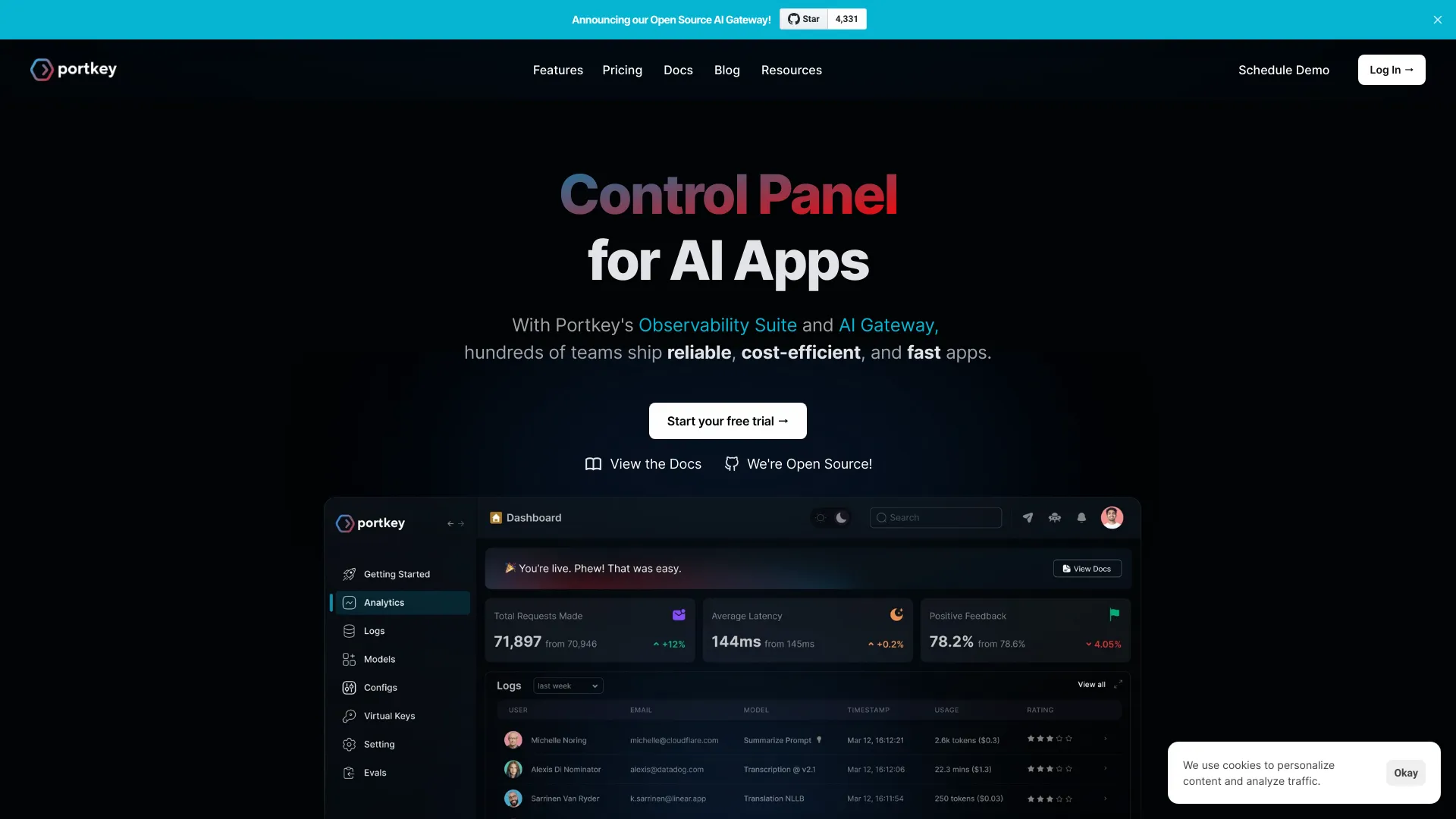
Portkey
Production AI agents using MCP tools

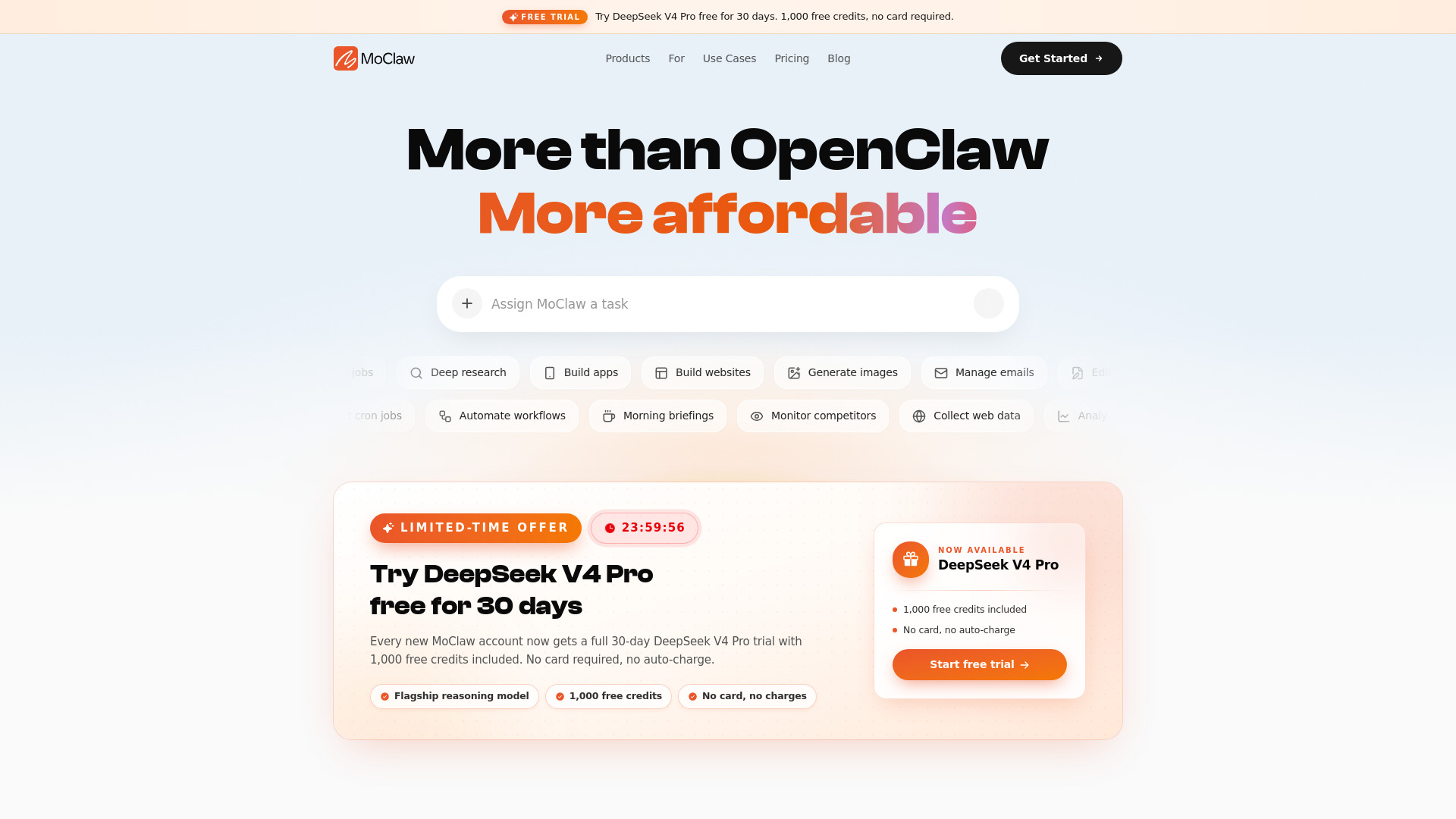
MoClaw AI
Cloud AI computers for automation

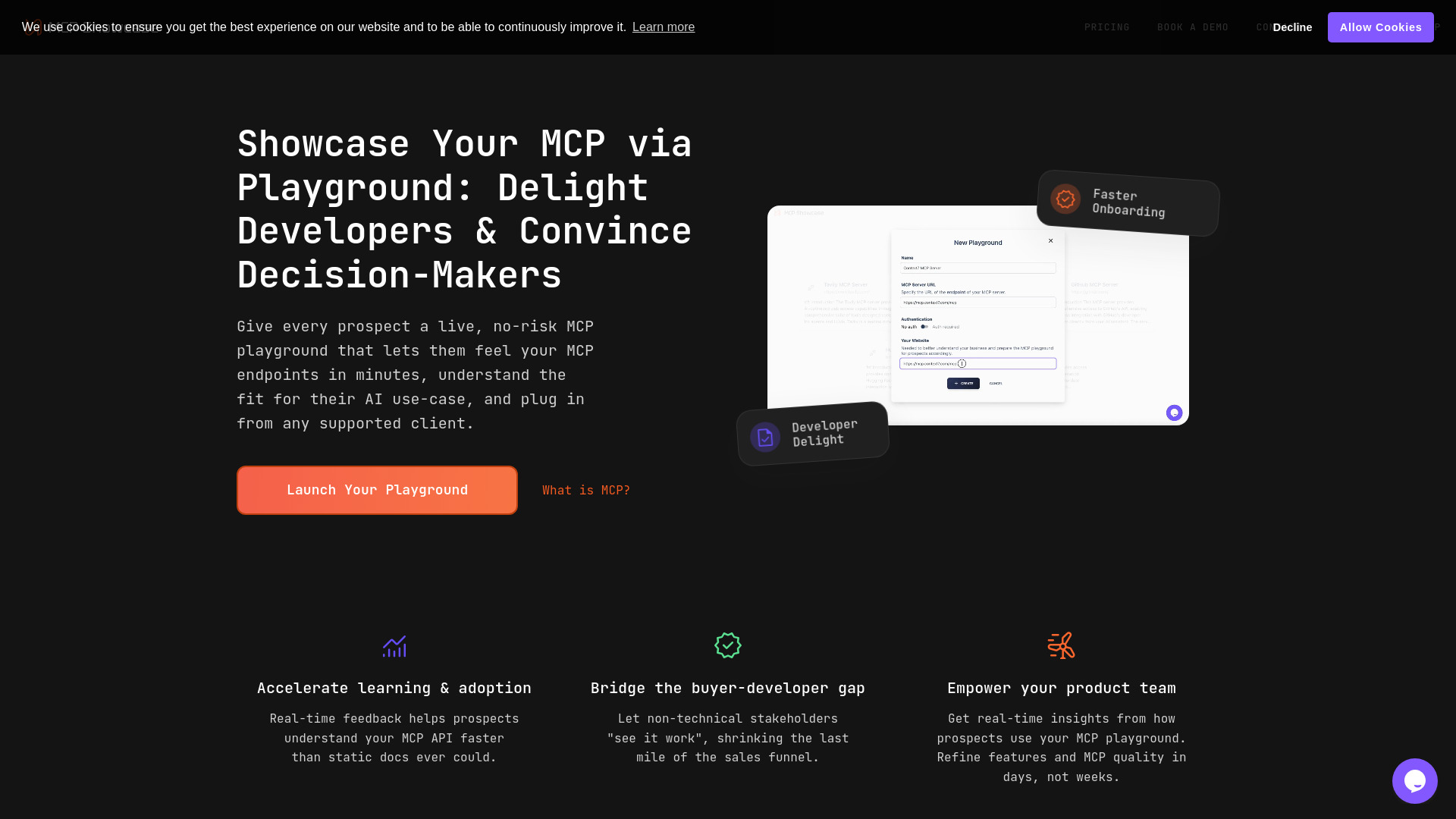
MCP Showcase
MCP server demos and developer onboarding

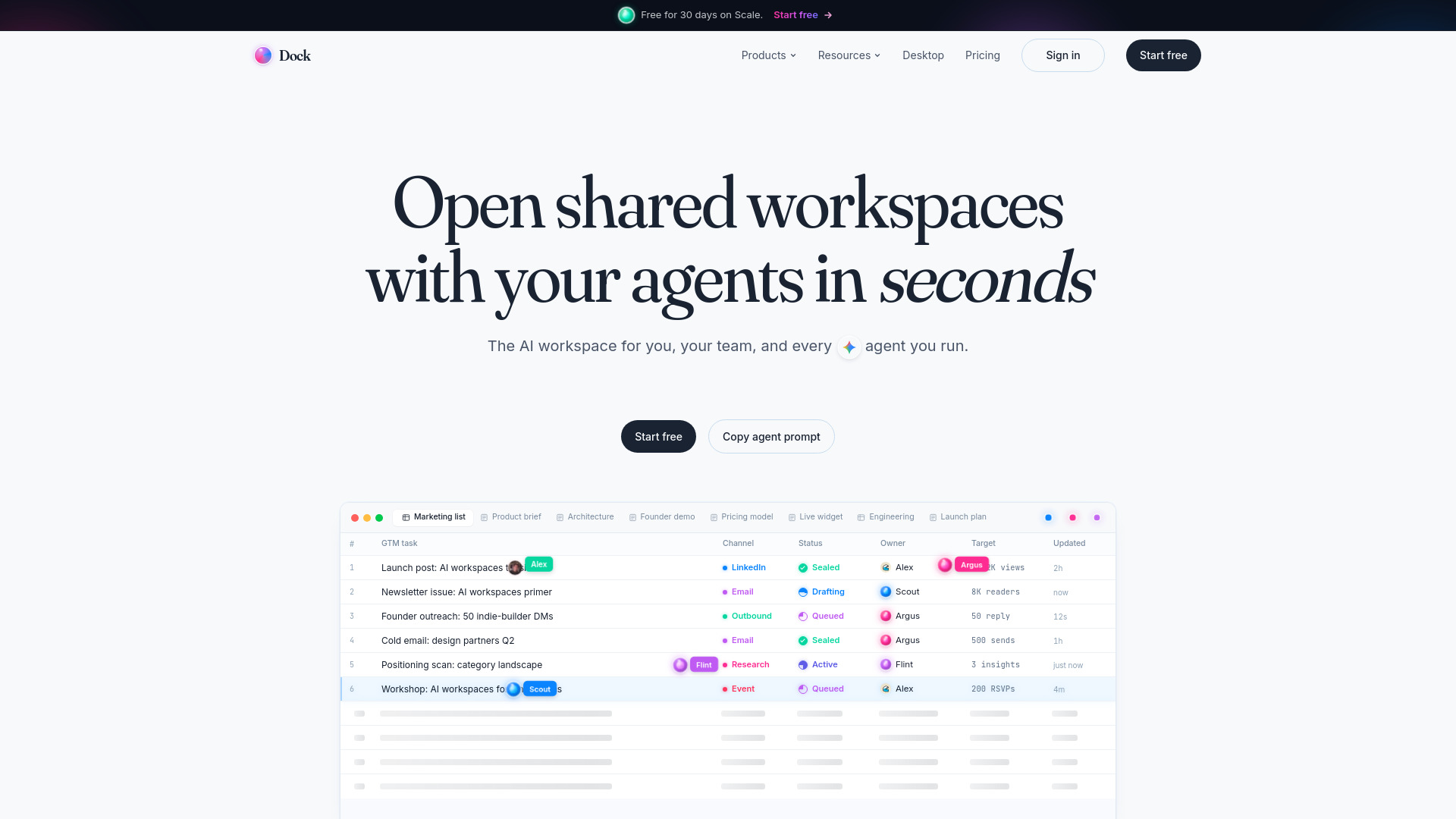
Dock
Shared workspaces for AI agents and teams

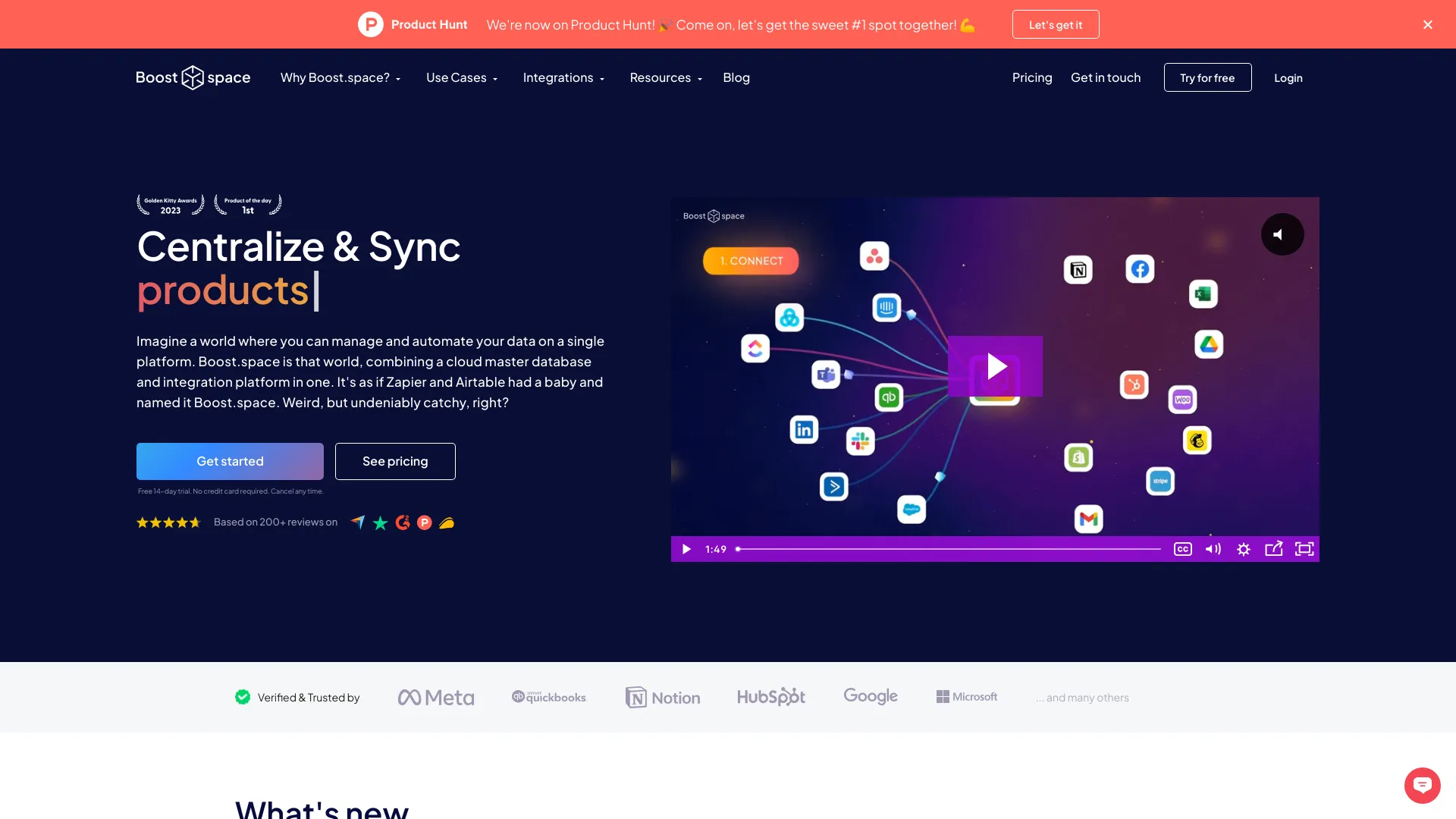
Boost.space
AI-ready data synchronization

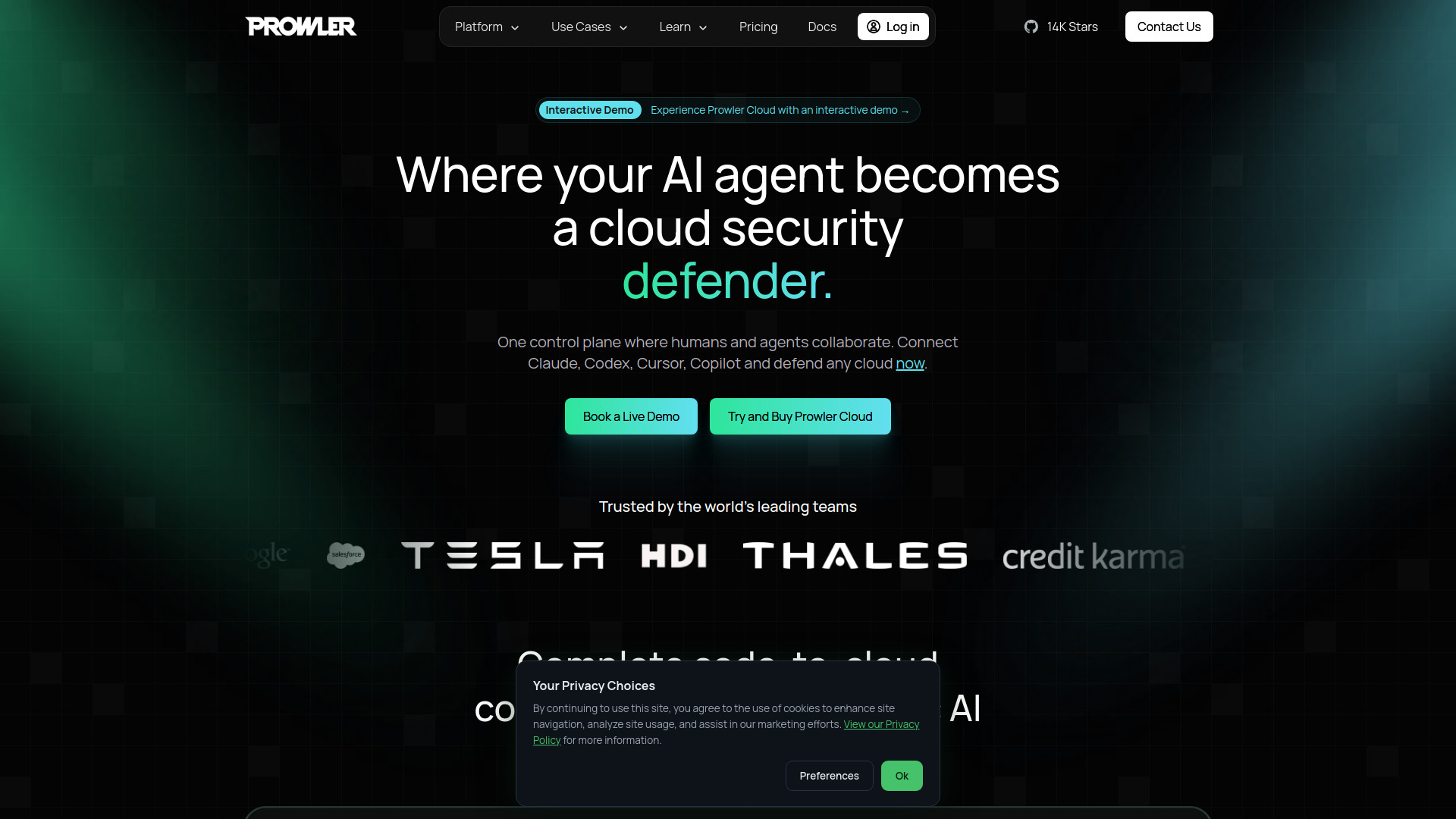
Prowler
Cloud security checks and MCP workflows

Dawson Restaurant
Restaurant website design

CtrlOps
AI-assisted Linux server management

NeuralTrust
Secure enterprise MCP and agent gateways

Openship
Self-hosted app deployments

Unabyss
Sharing up-to-date context with MCP-connected AI tools

Dedalus Labs
Persistent AI agent sandboxes

crystl
Multitasking terminal for AI coding agents

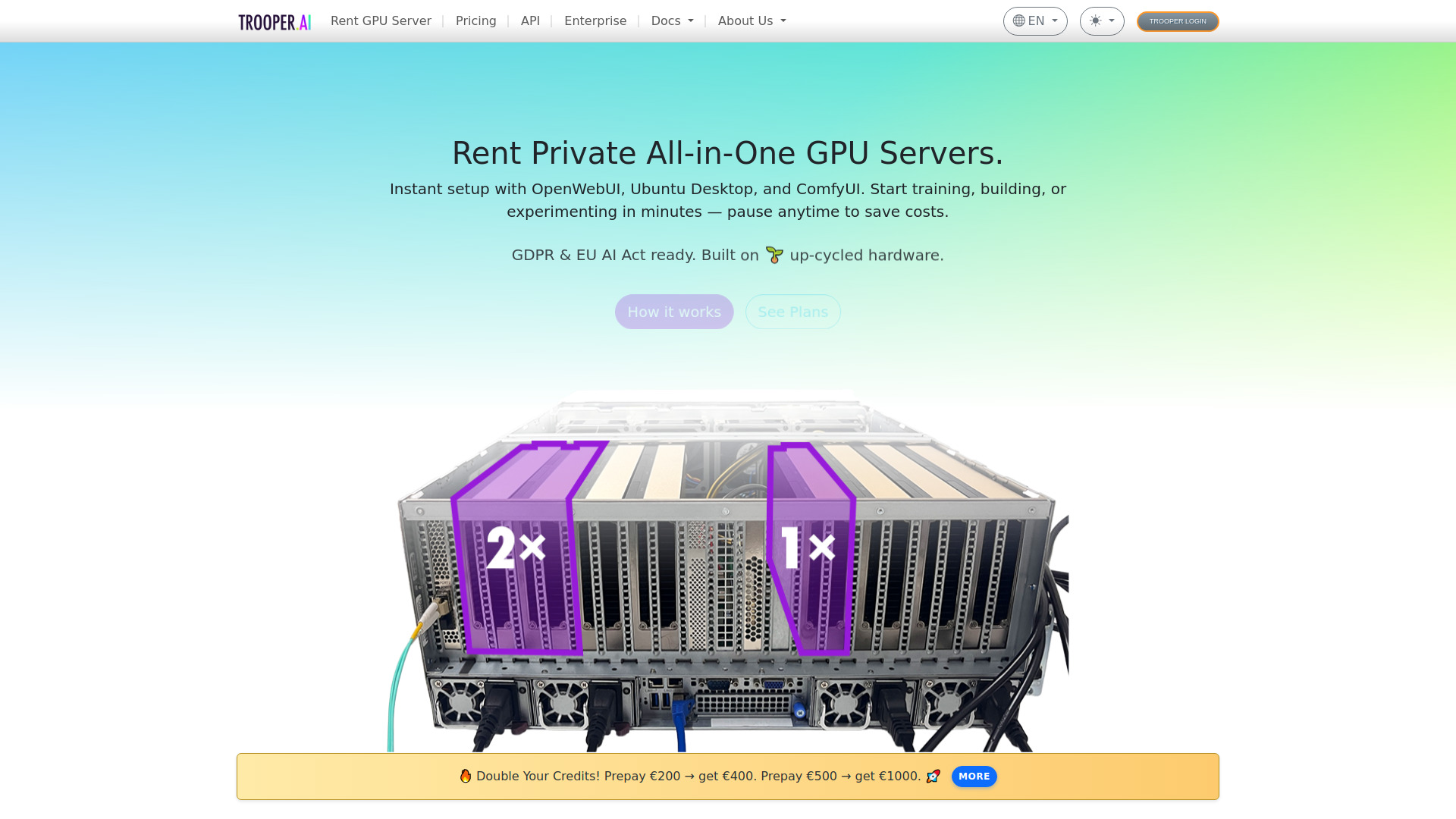
Trooper.AI
EU-hosted GPU servers for AI development

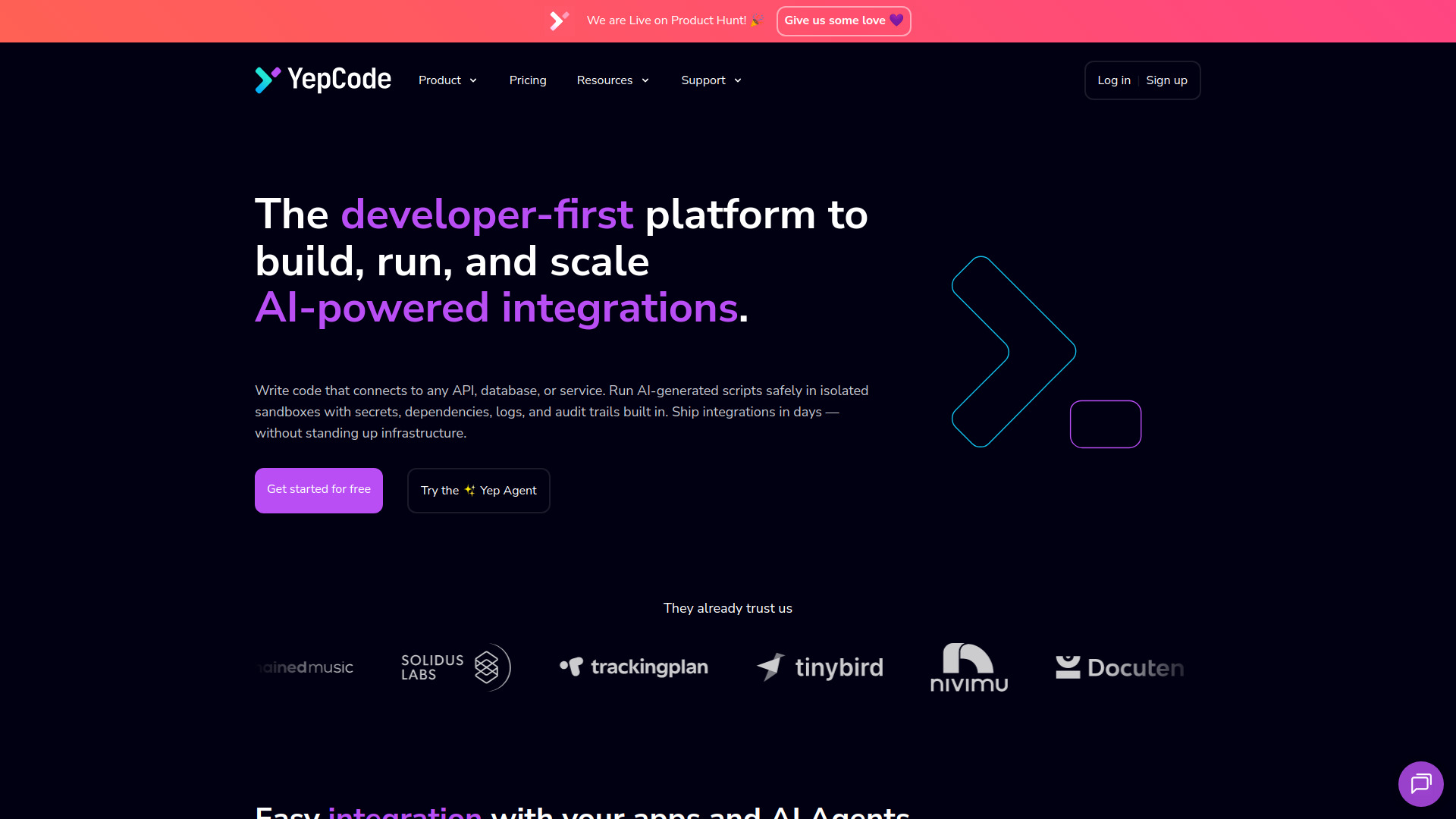
YepCode
Developer-built MCP integrations

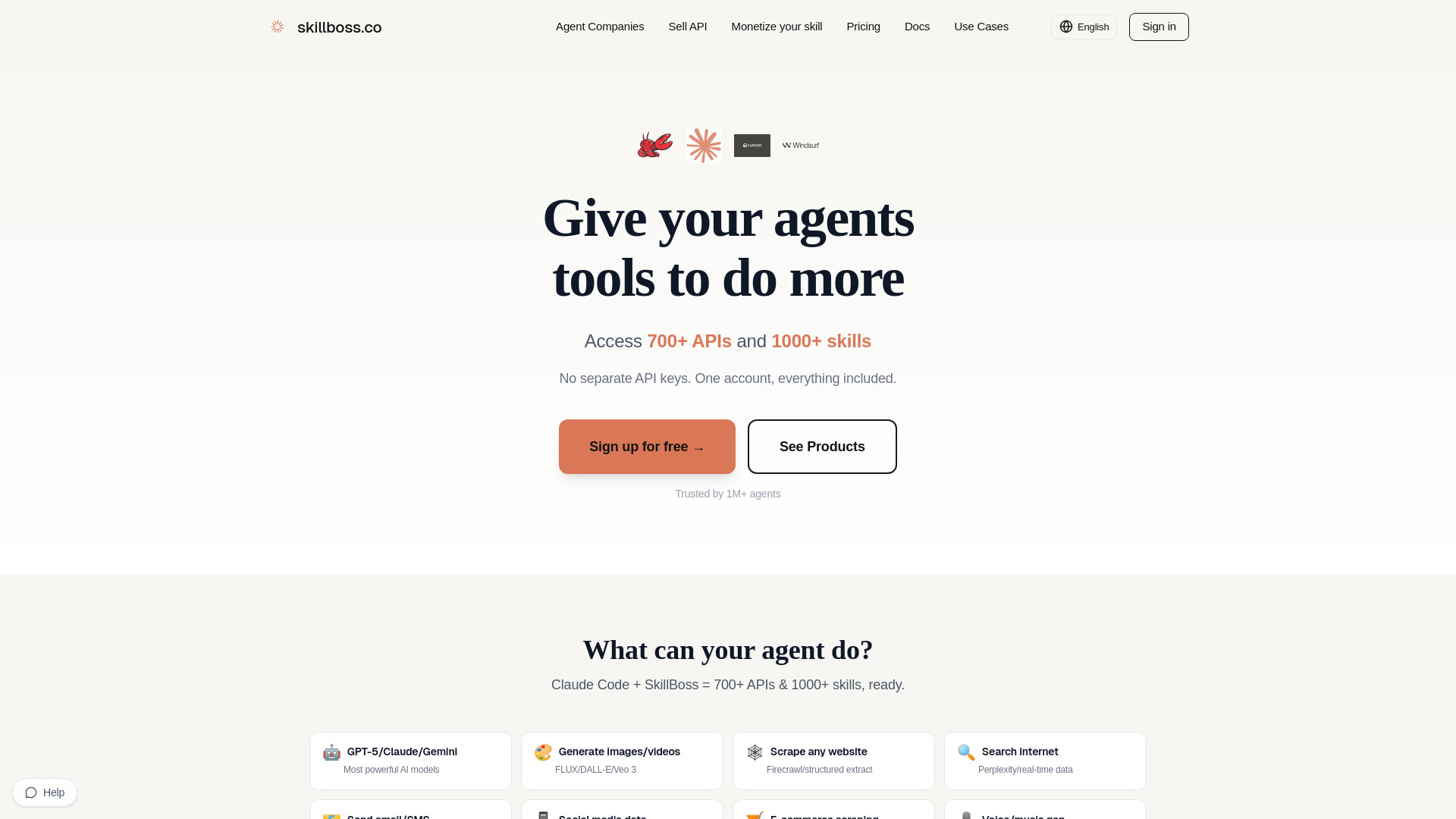
SkillBoss
AI agents needing one API for multiple tools

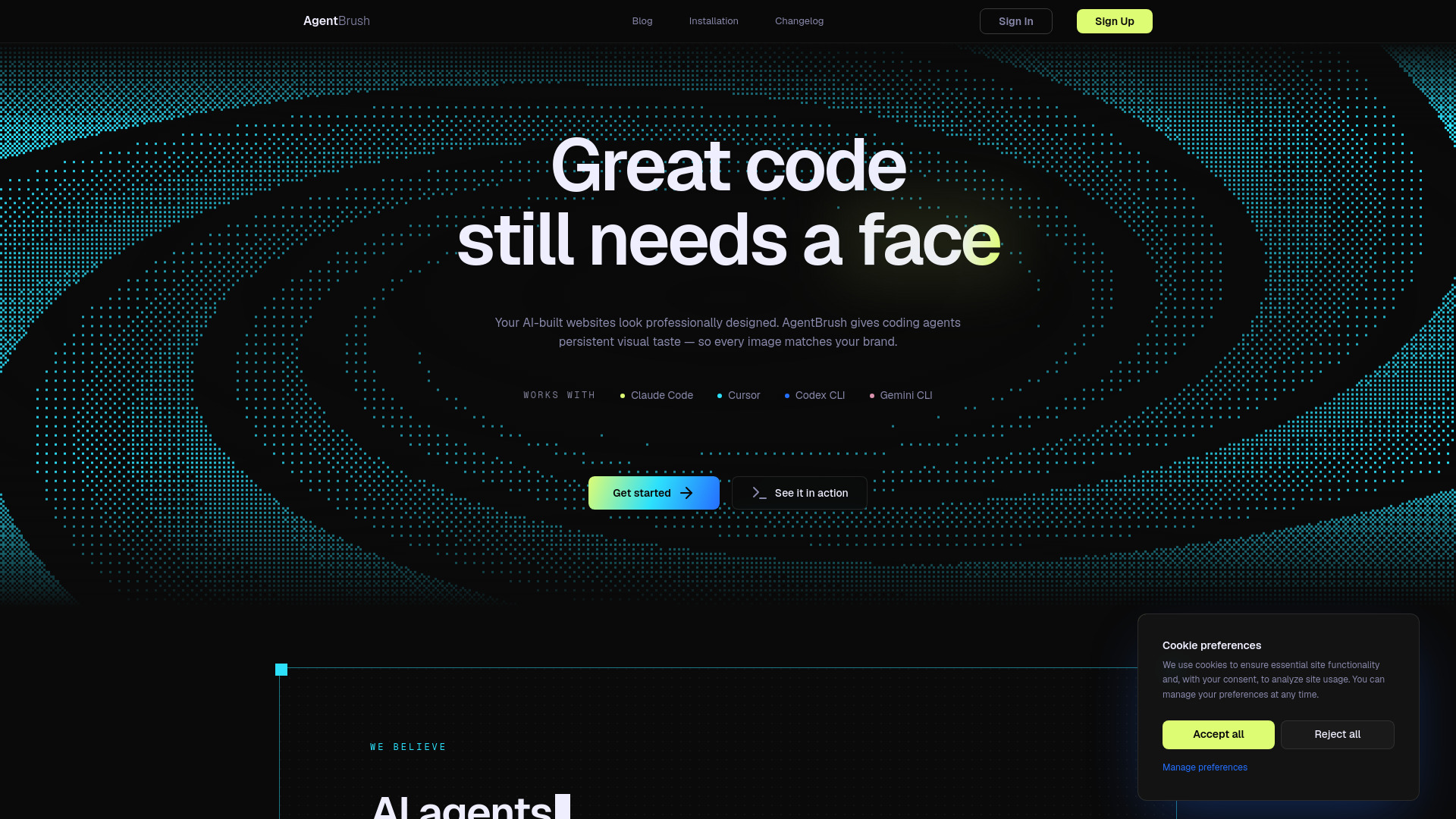
AgentBrush
On-brand visuals for coding agents

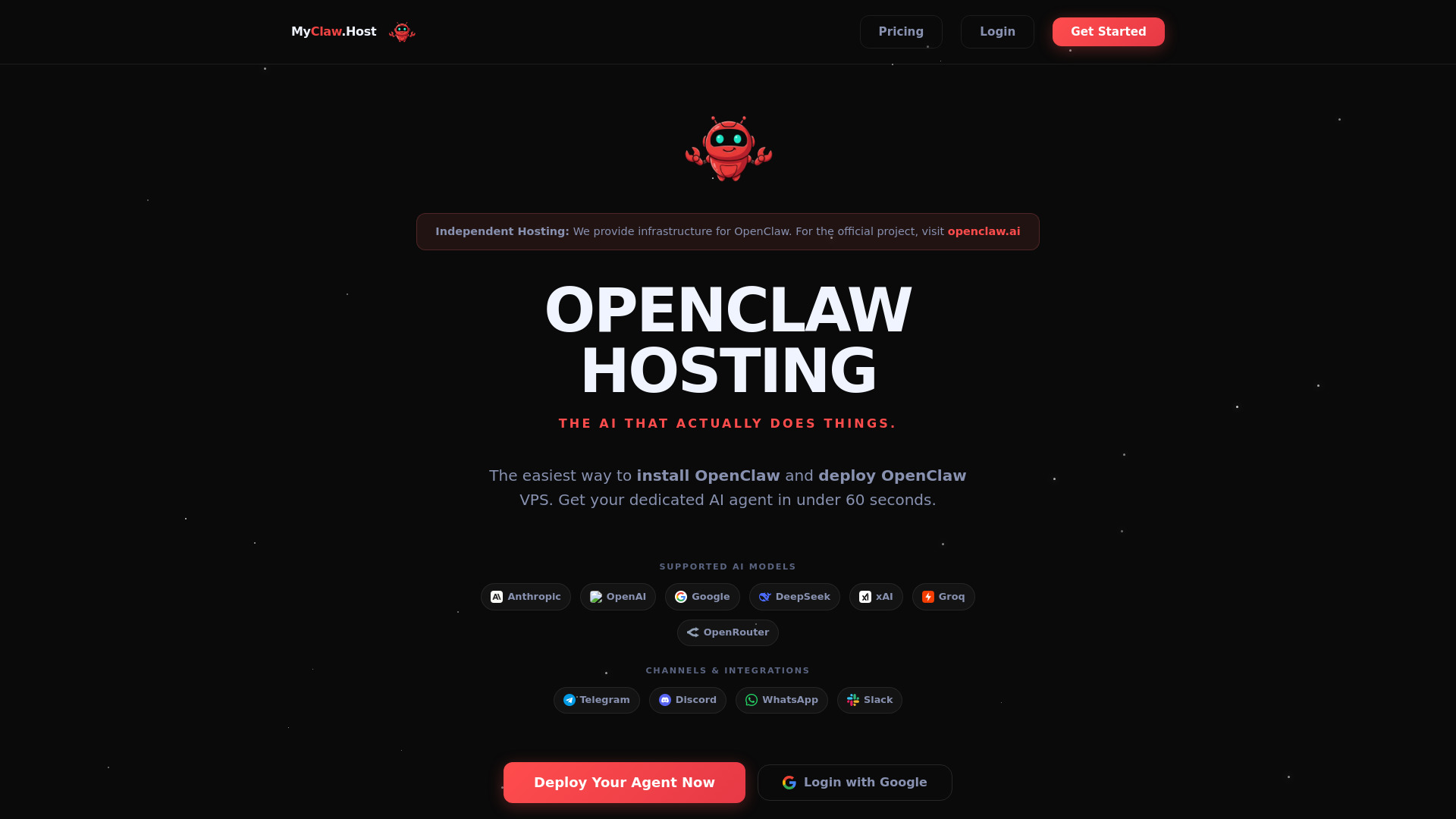
MyClaw.Host
One-click OpenClaw VPS hosting

Corsair
AI product integration infrastructure


Mireye
Cited geospatial data for AI agents


Rube by Composio
AI-powered app automation

OpenCrab
Building ontology packs for AI agents

ClearML
Enterprise AI infrastructure

TensorDock
On-demand cloud GPU workloads

MCP Playground
Testing and exploring MCP servers


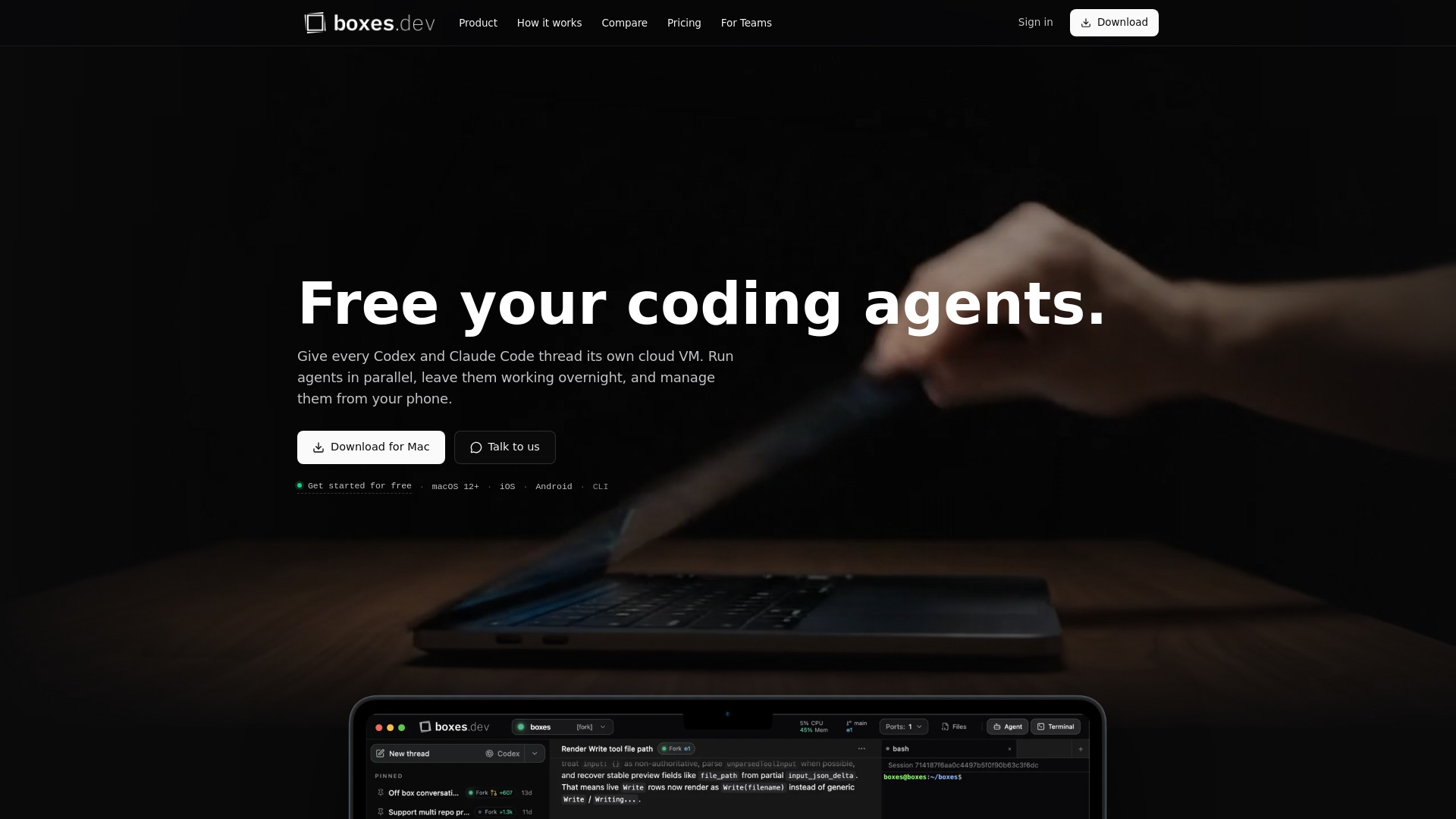
Boxes.dev
Running coding agents in isolated cloud devboxes

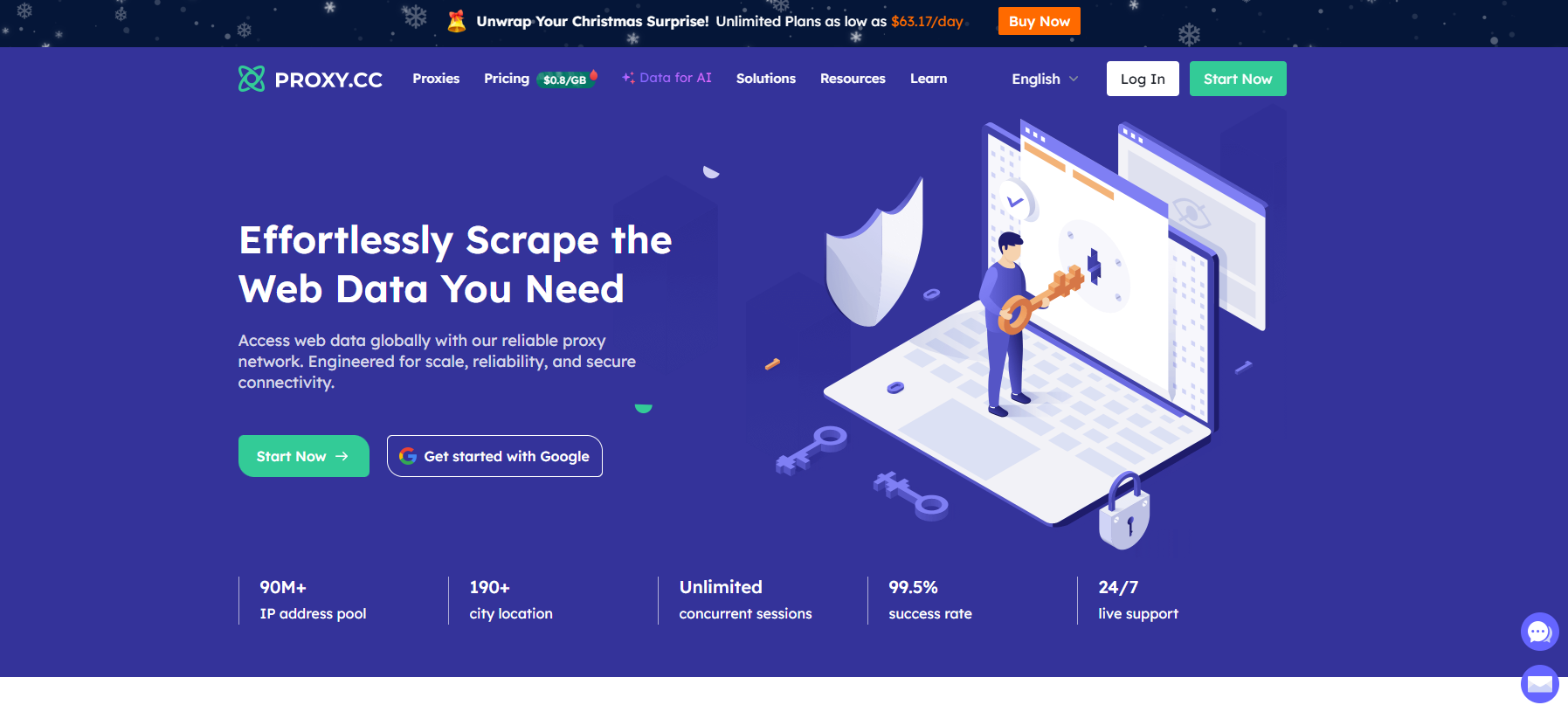
ProxyCC
AI data collection and web scraping

Massed Compute
On-demand GPU compute for AI workloads

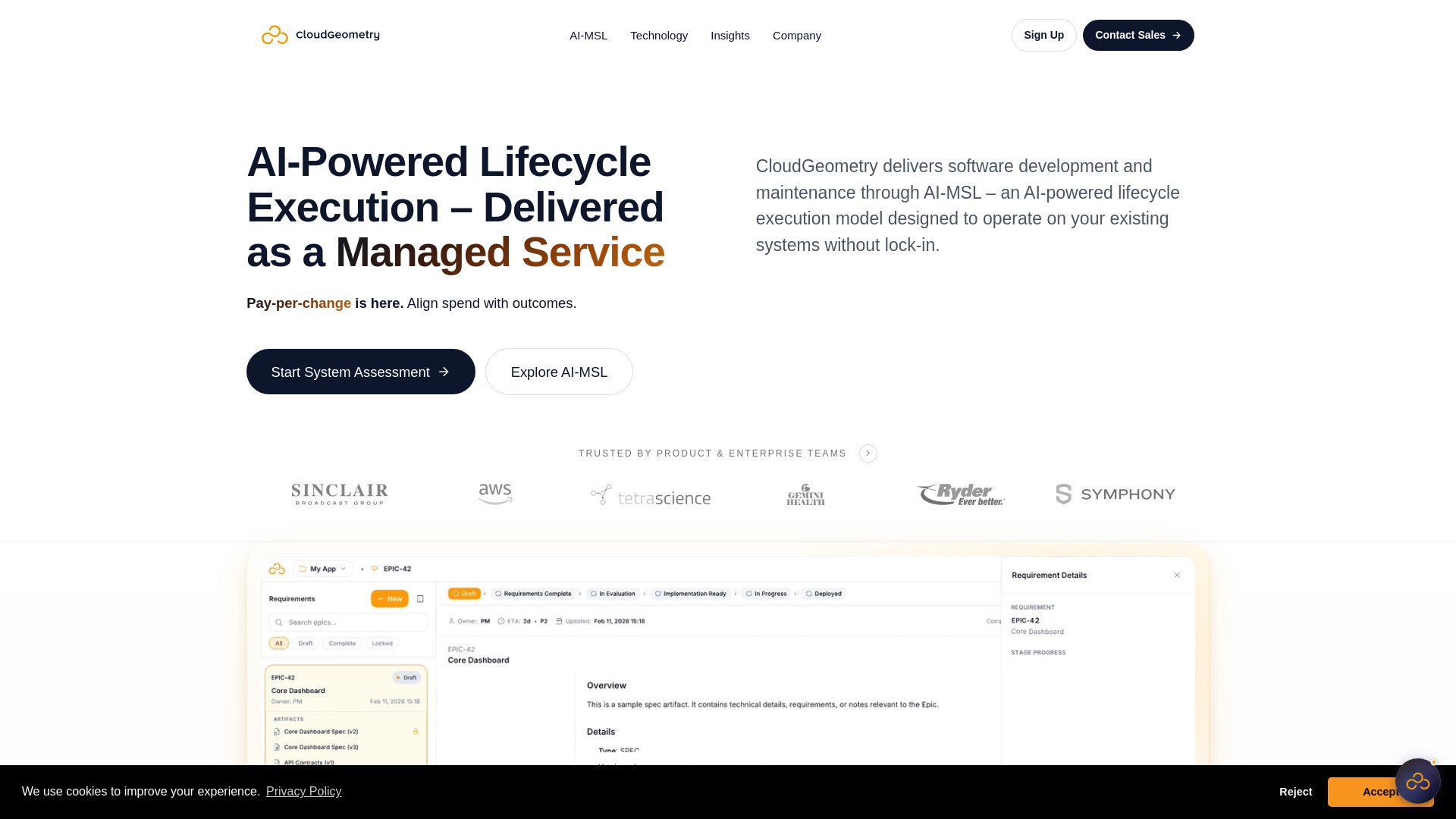
AI MSL
Enterprise software maintenance and modernization

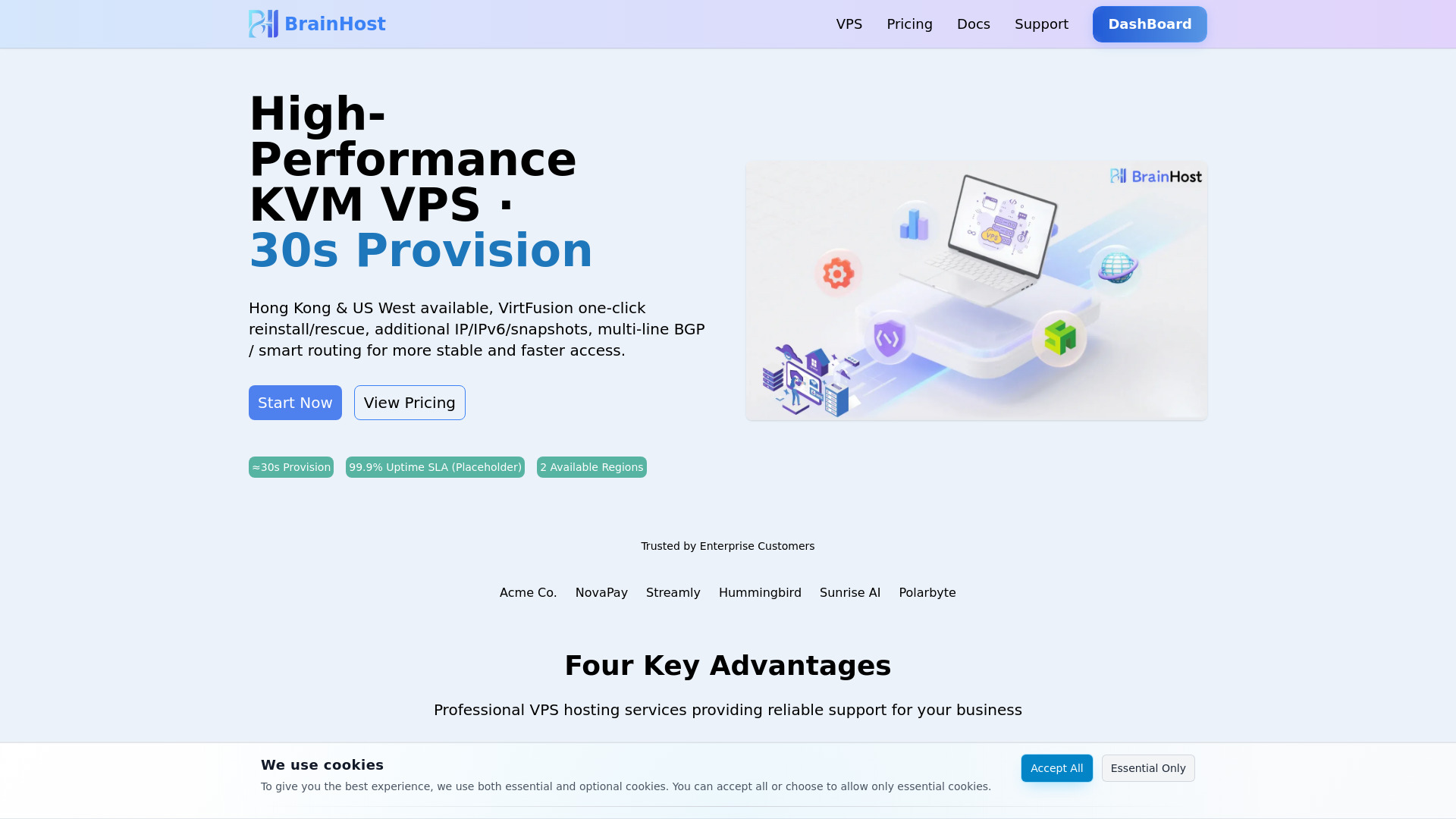
BrainHost
KVM VPS hosting

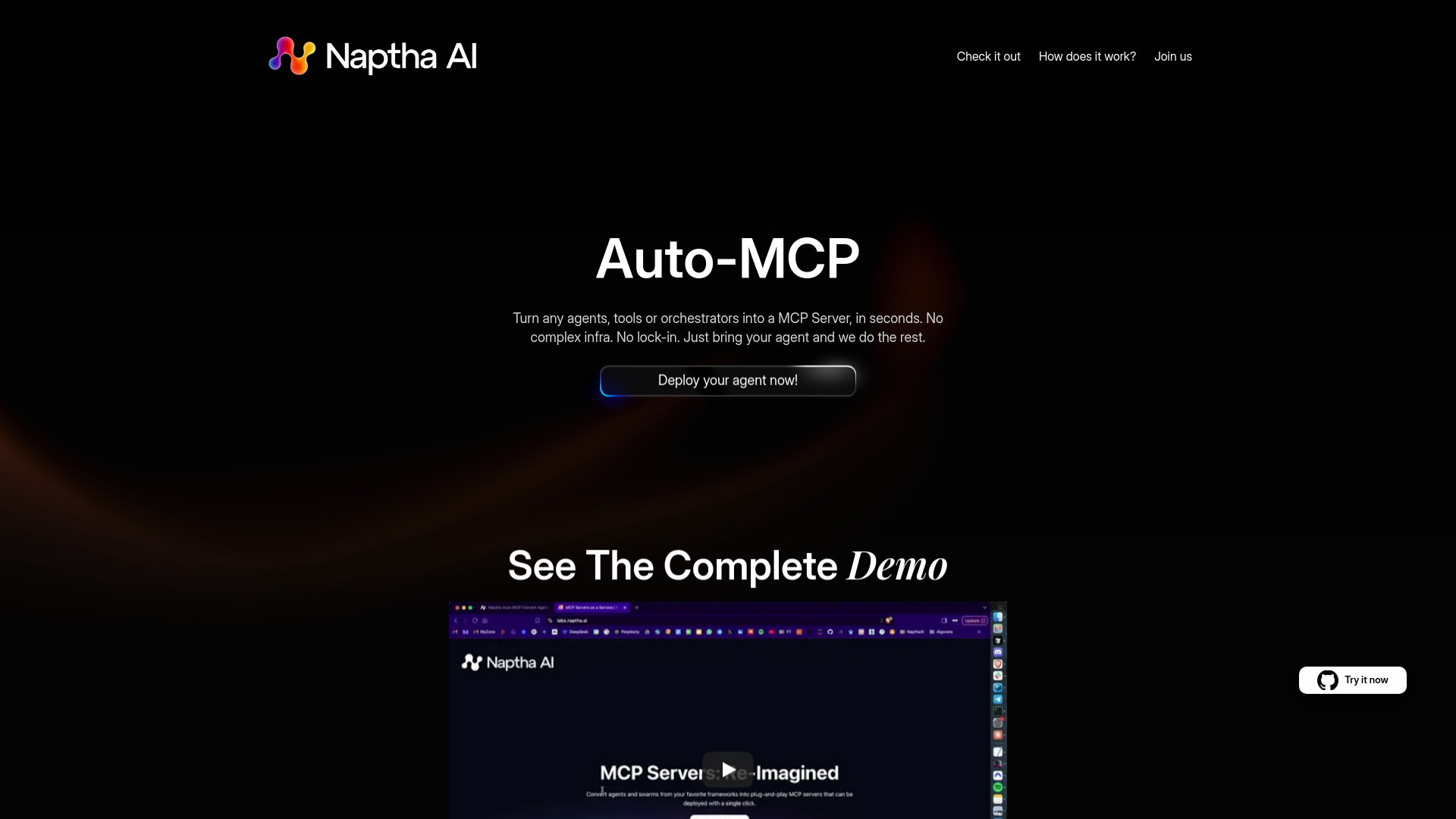
Naptha AI
Converting AI agents into MCP servers

StartPlaying
Finding online tabletop RPG games


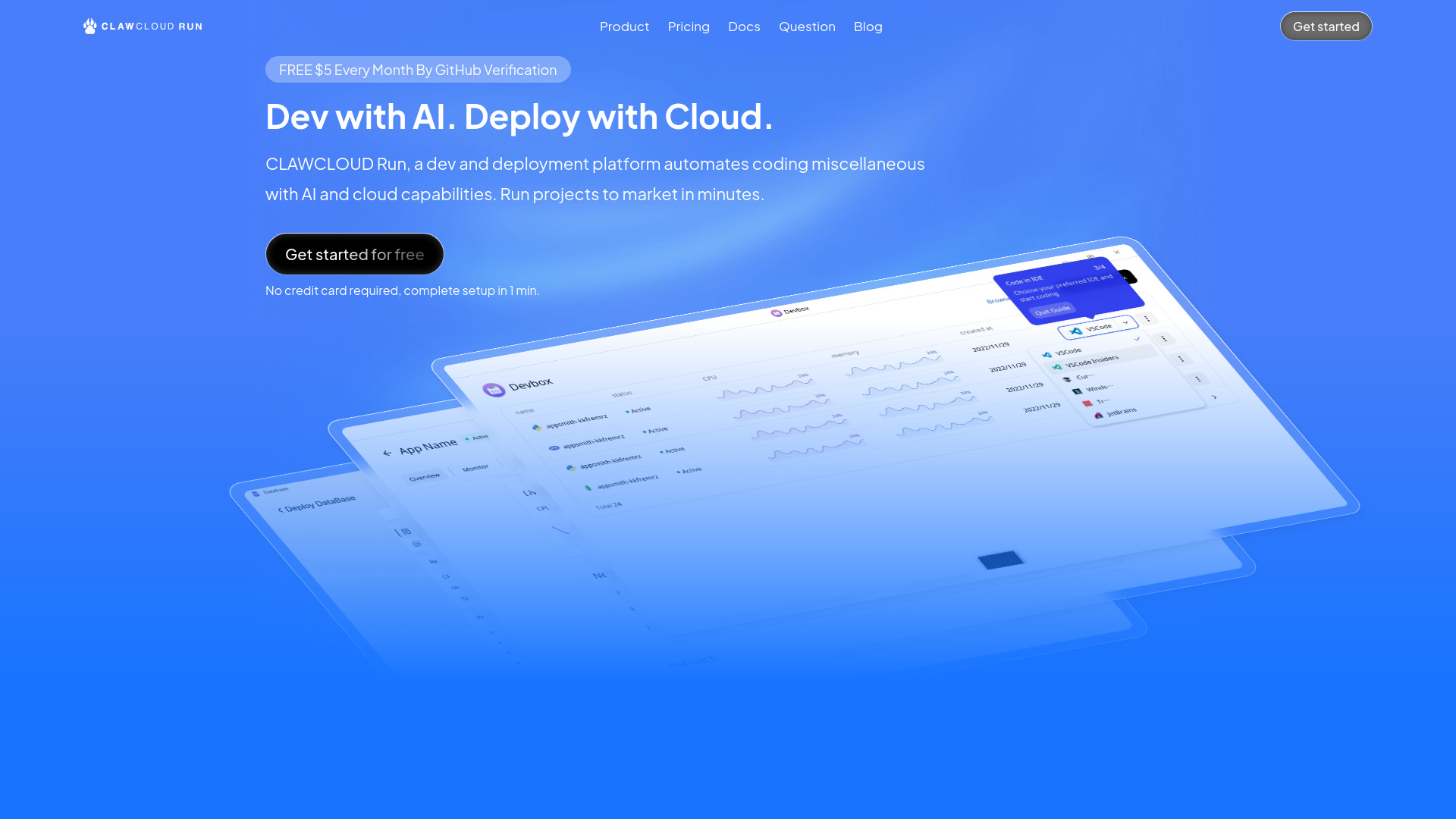
ClawCloud Run
Visual Docker and Kubernetes deployment

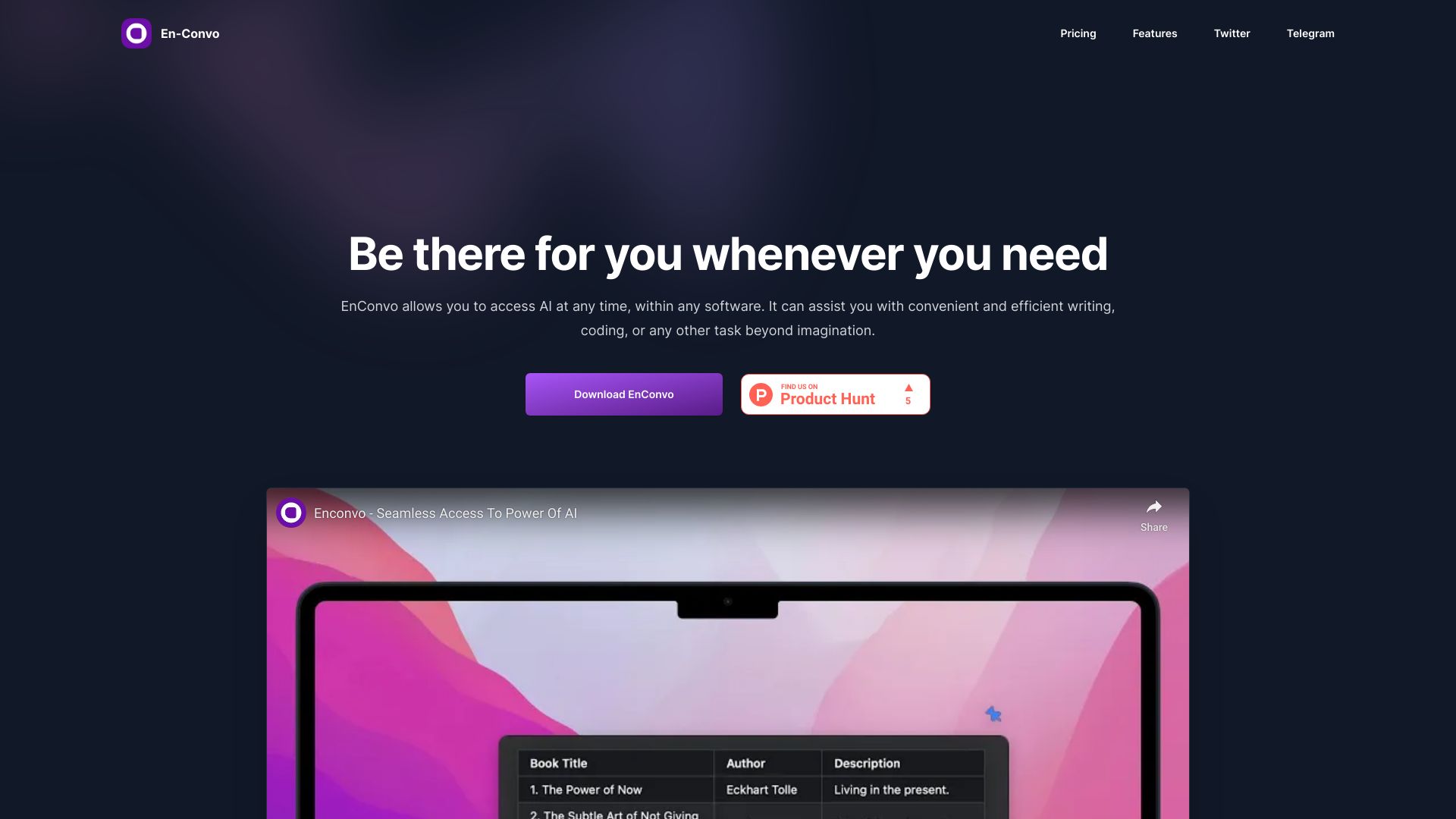
EnConvo
macOS AI launching with MCP server support

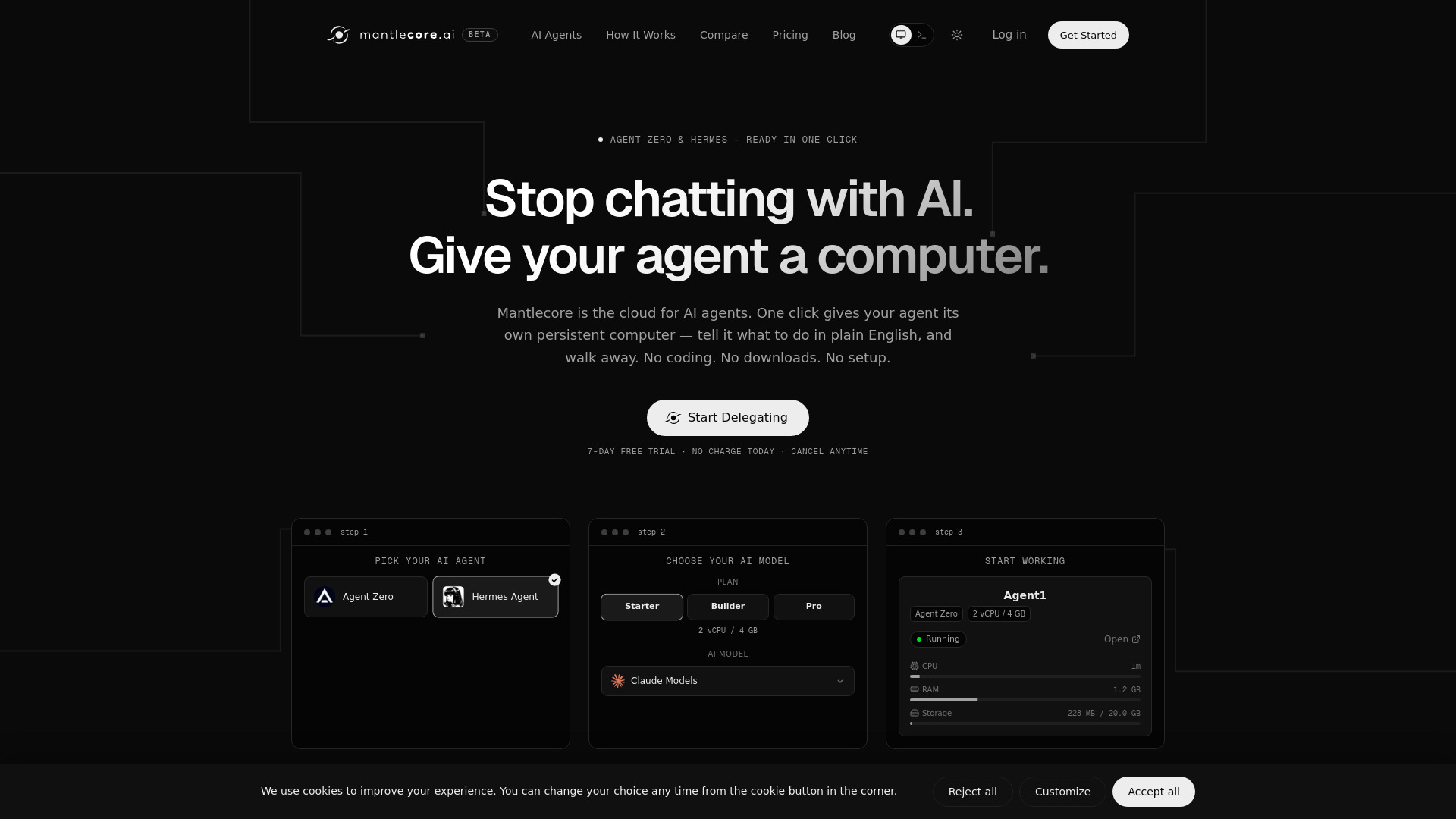
Mantlecore AI
Persistent AI agent workspaces
MCP Playground
Testing and debugging MCP servers

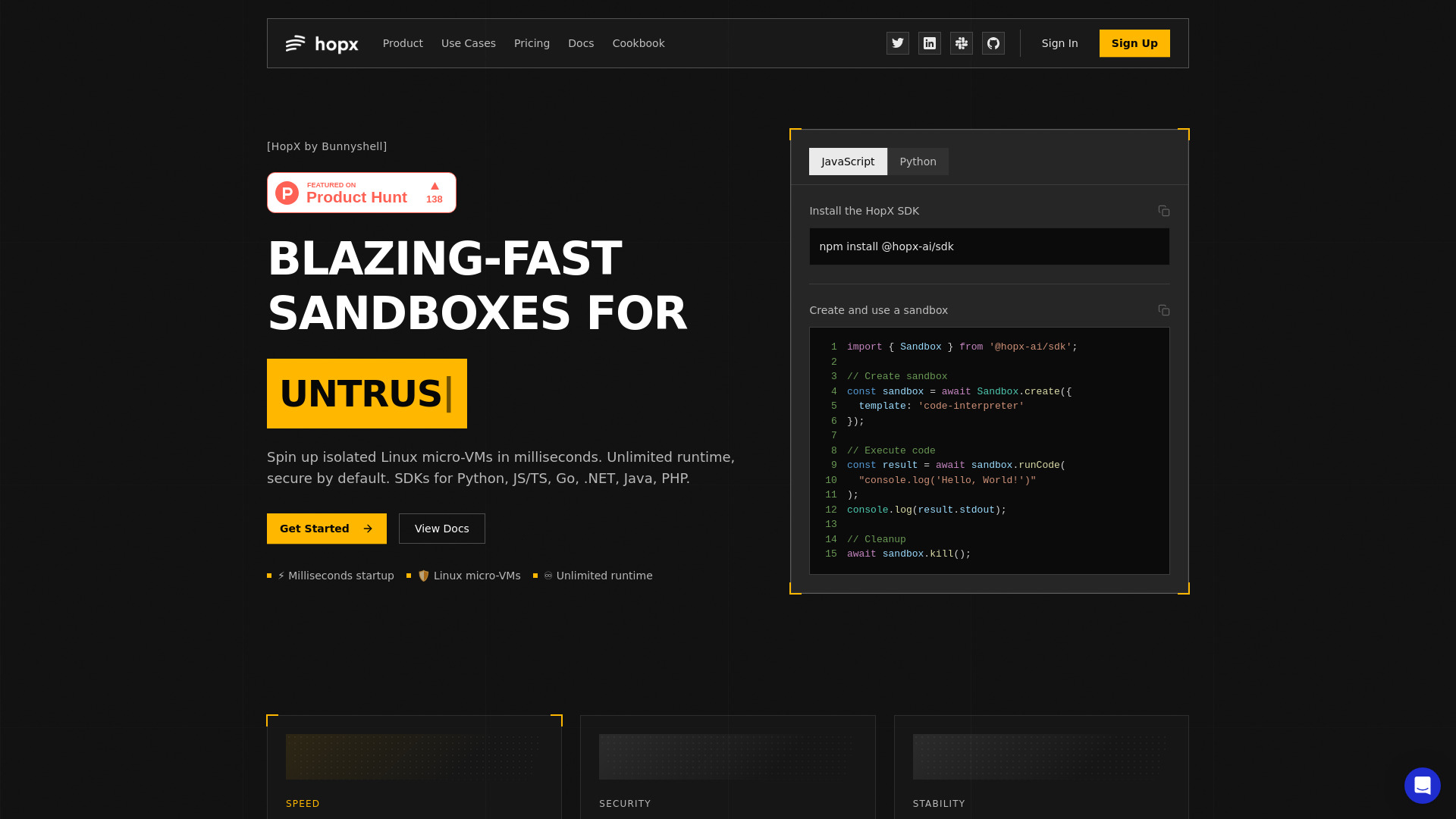
Hopx
Secure MCP server sandboxes

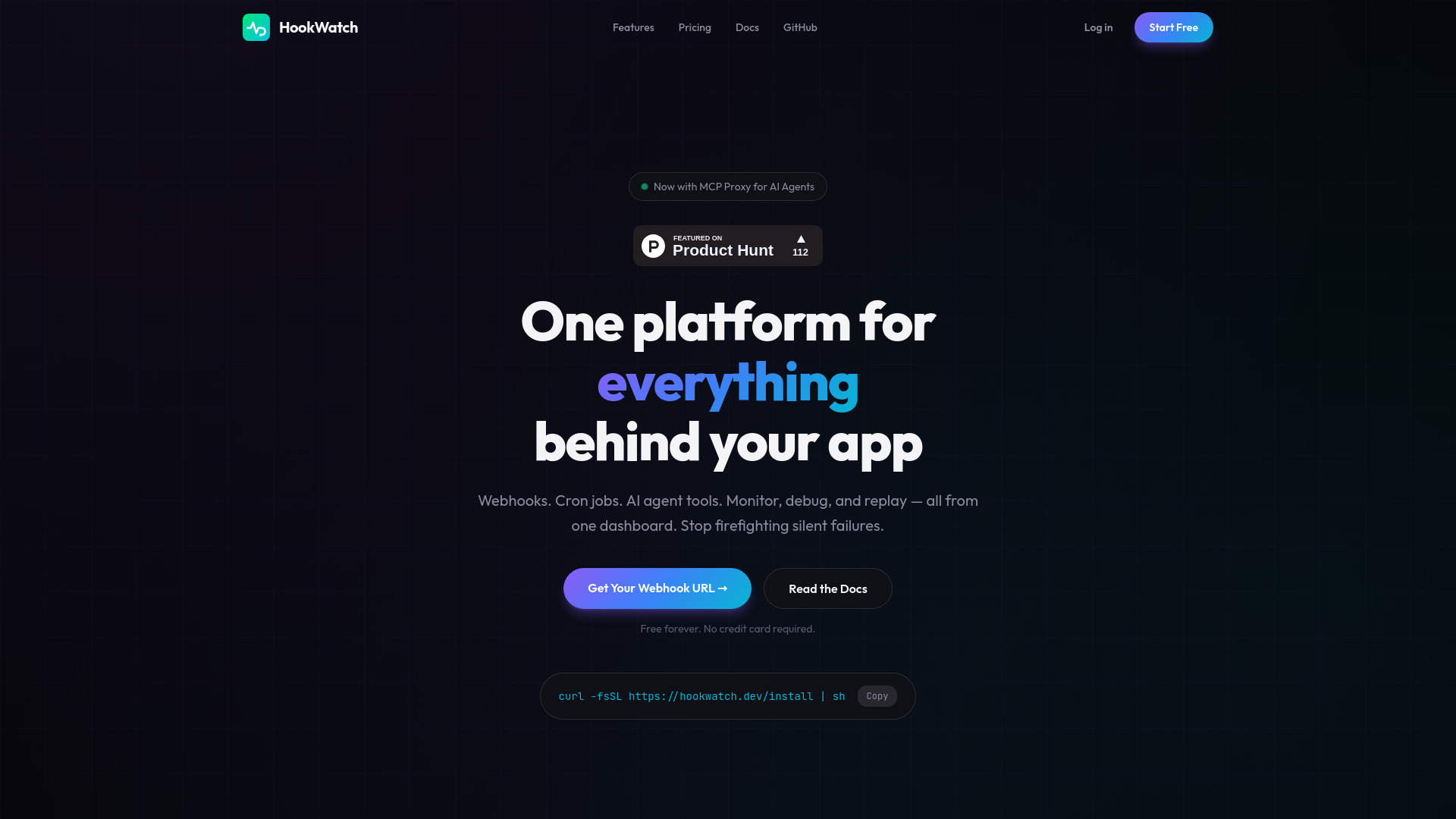
HookWatch
Monitoring MCP tool calls and webhook reliability

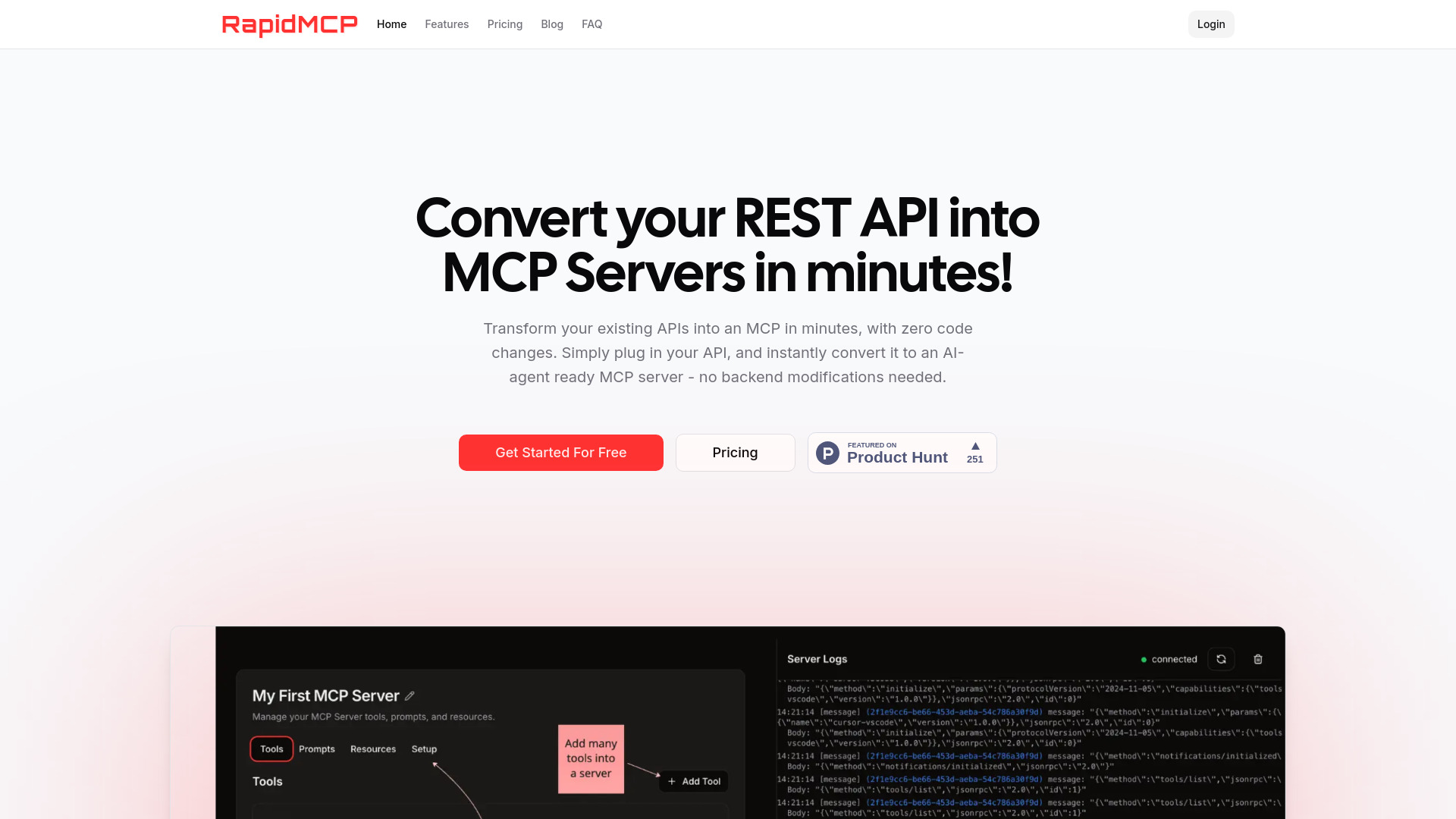
RapidMCP
No-code REST-to-MCP conversion

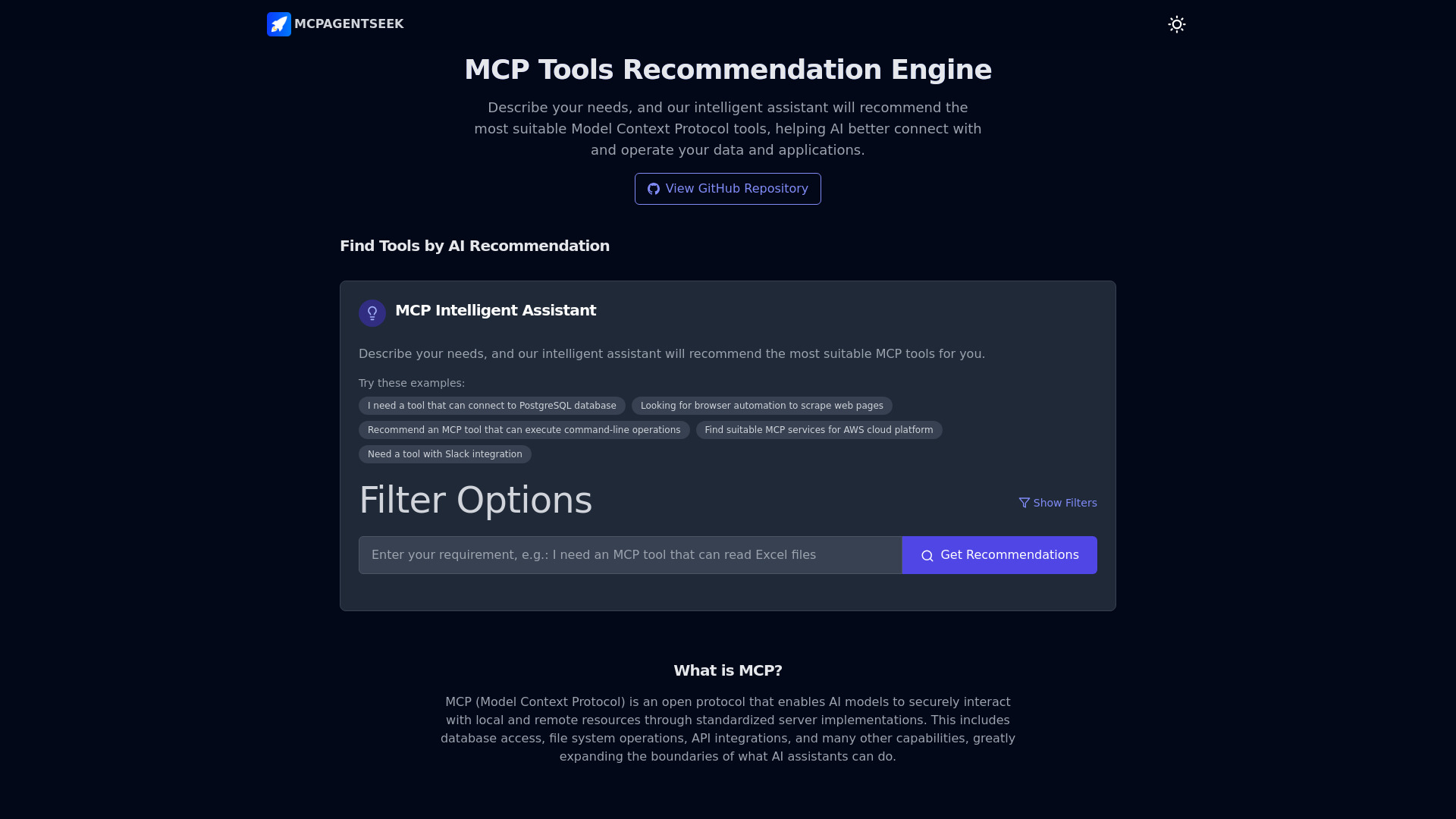
MCPAgentSeek
MCP tool discovery and recommendations

MCP Stack
Enterprise MCP integrations

IronClaw
Security-focused AI agent deployments

Basin MCP
Testing AI-generated code

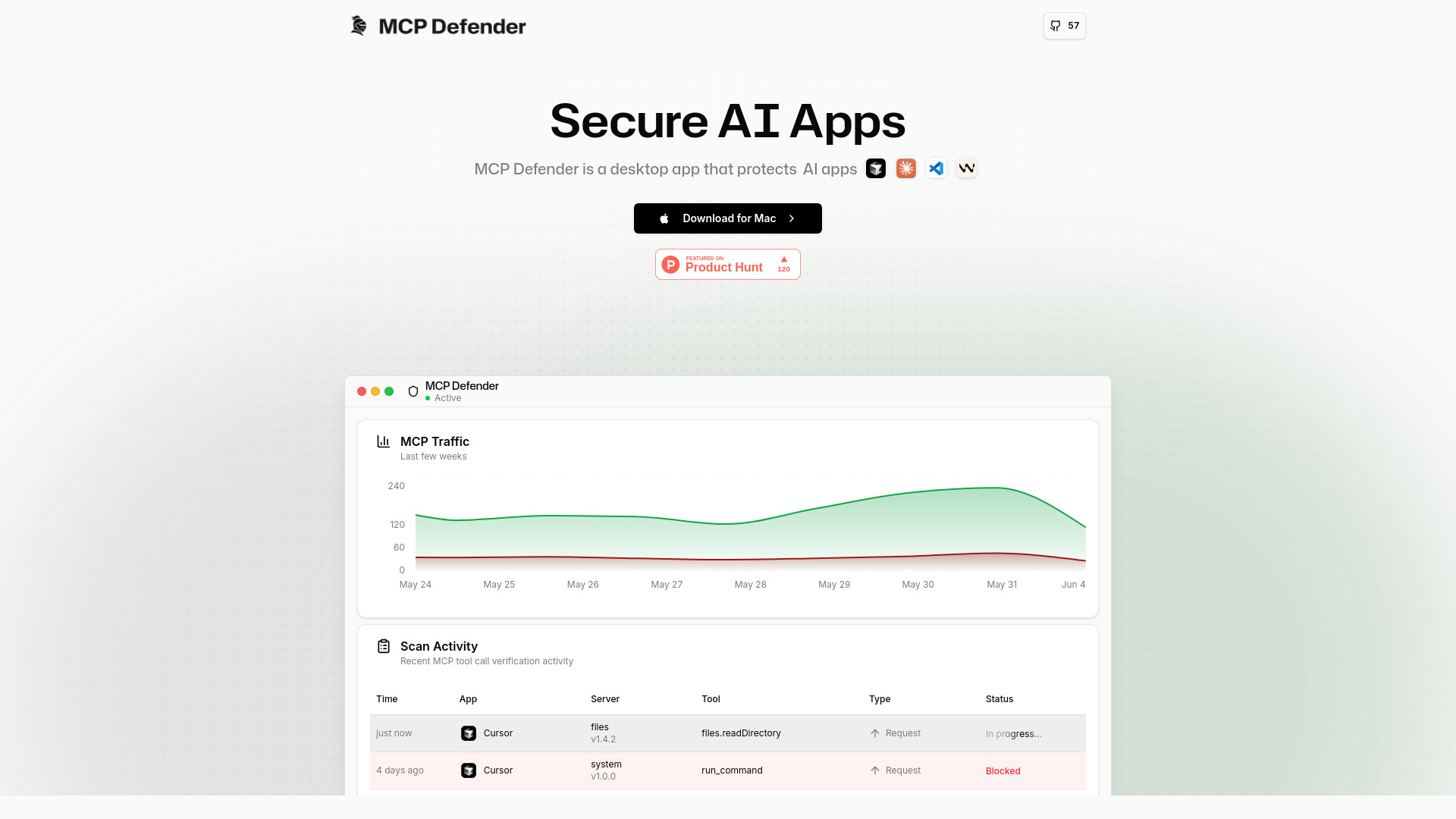
MCP Defender
Real-time MCP security for desktop AI apps

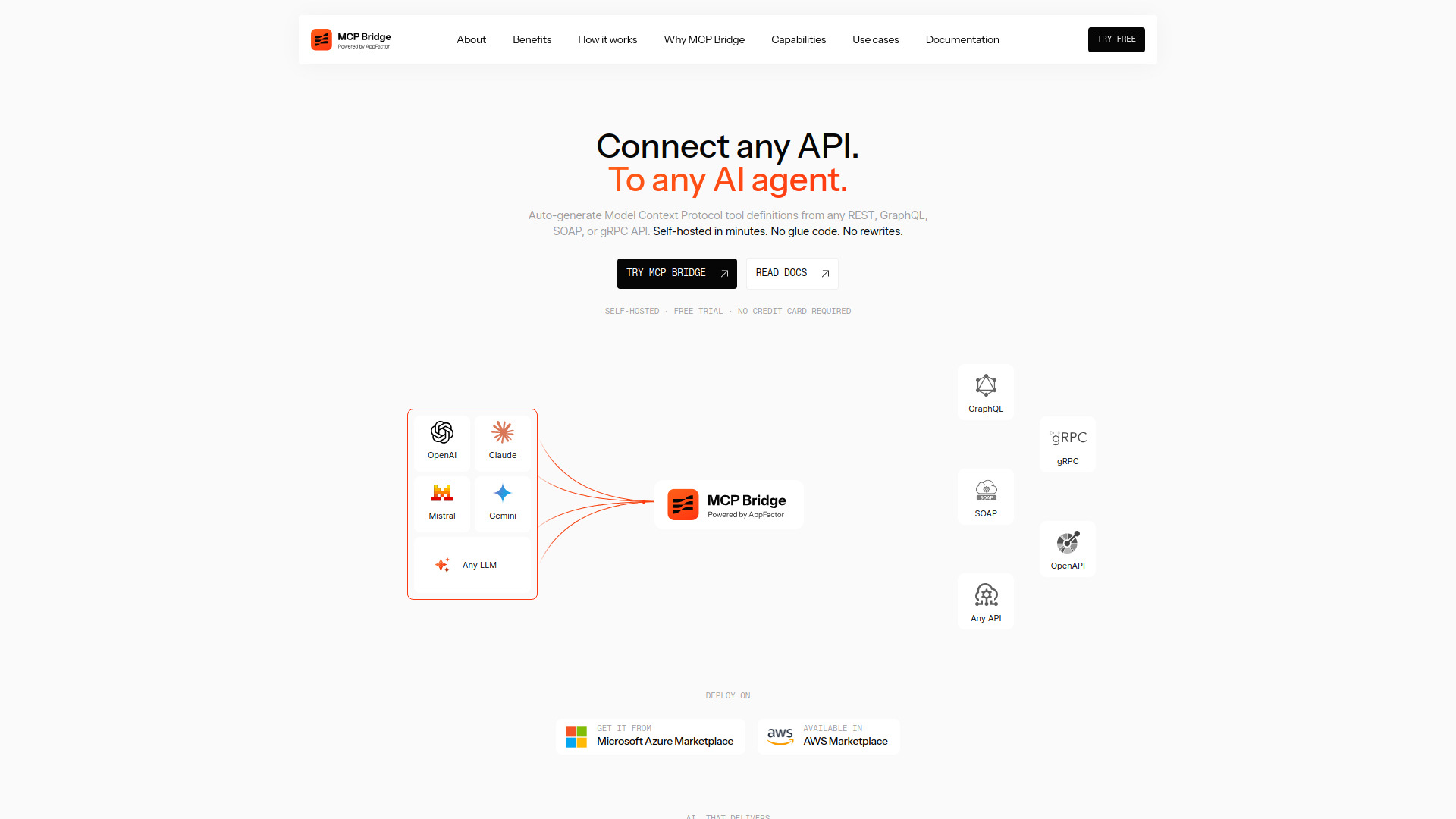
AppFactor MCP Bridge
Self-hosted MCP access to enterprise APIs

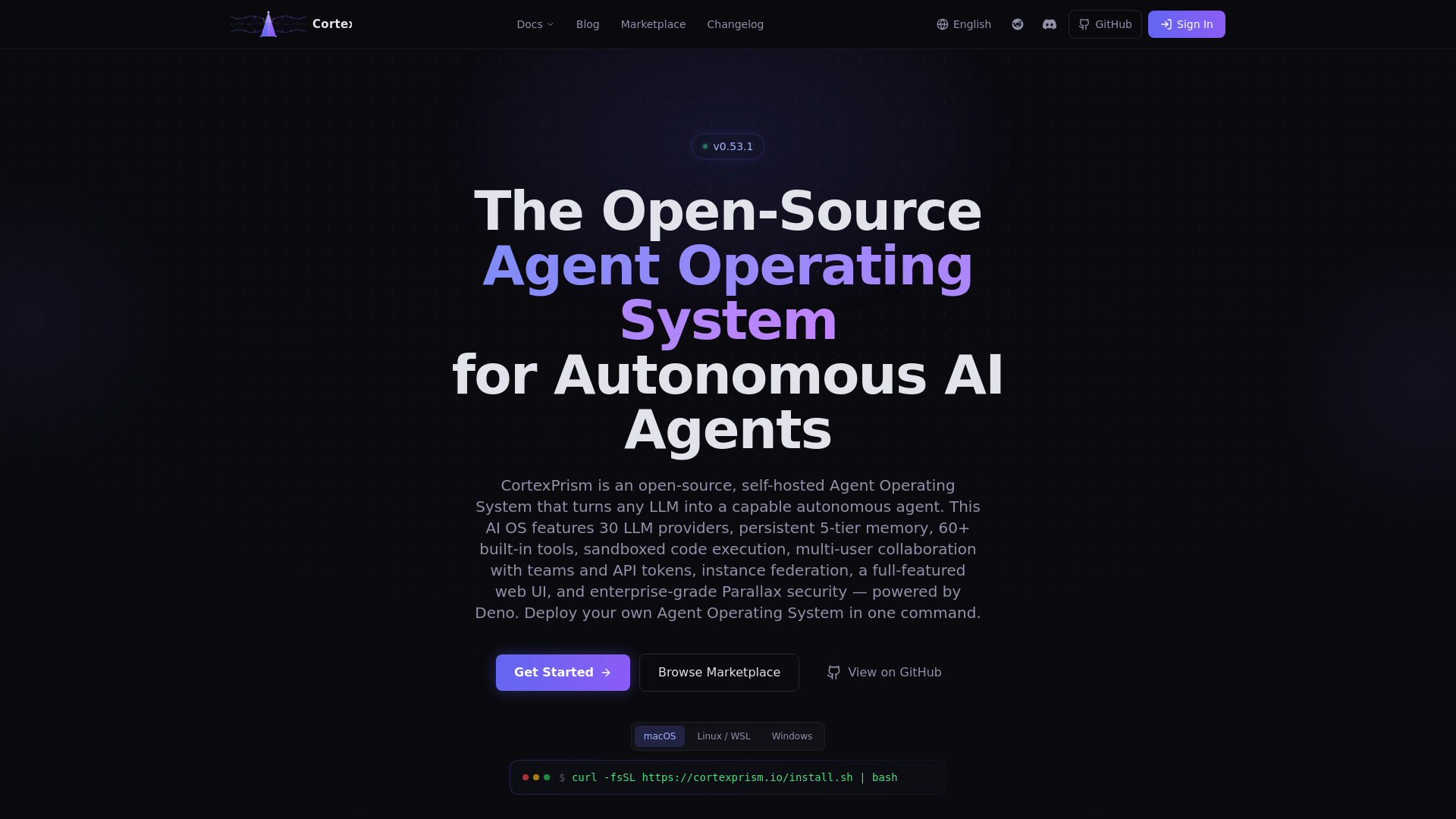
CortexPrism
Self-hosted AI agent development

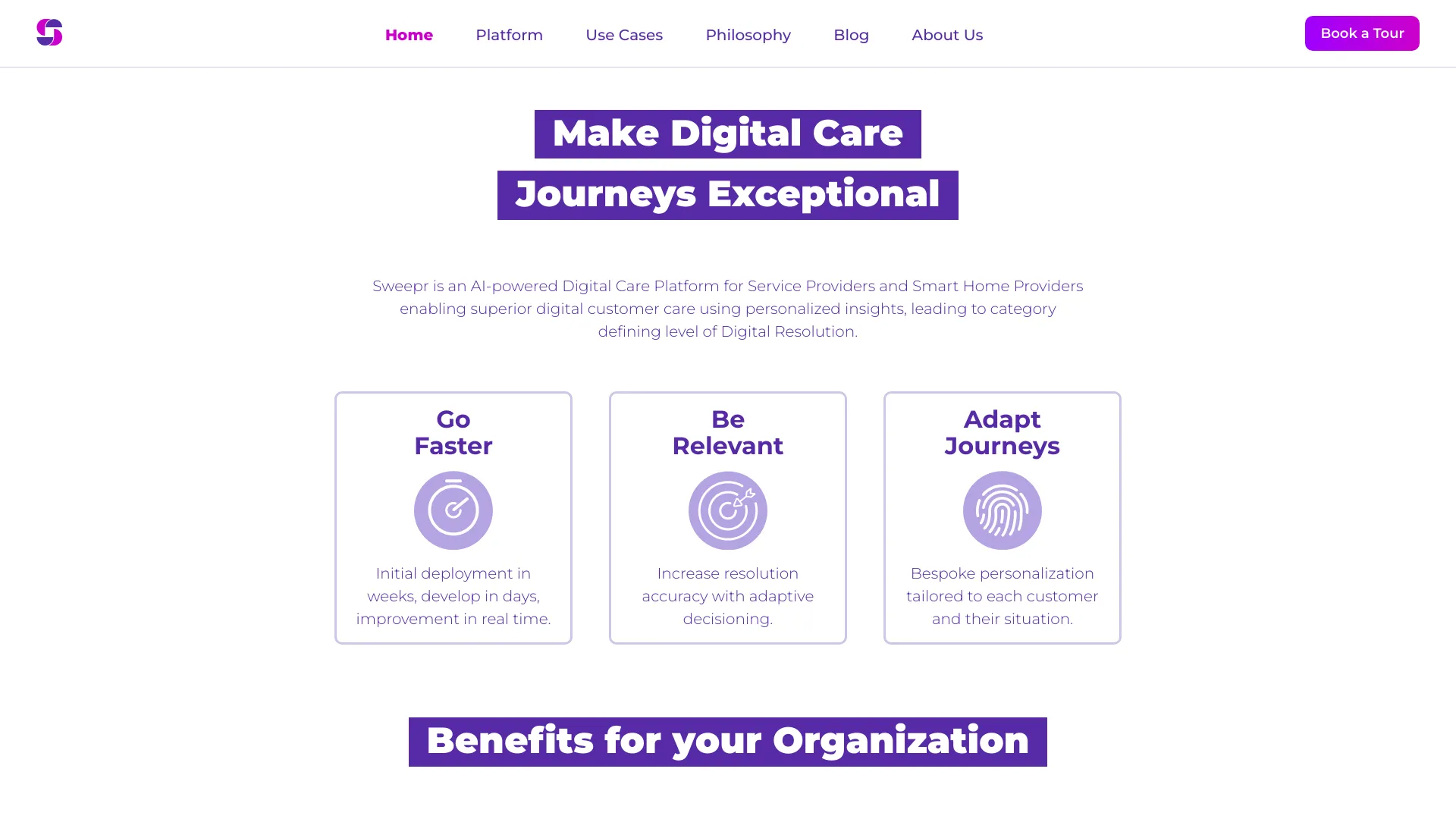
Sweepr
Telecom customer care teams

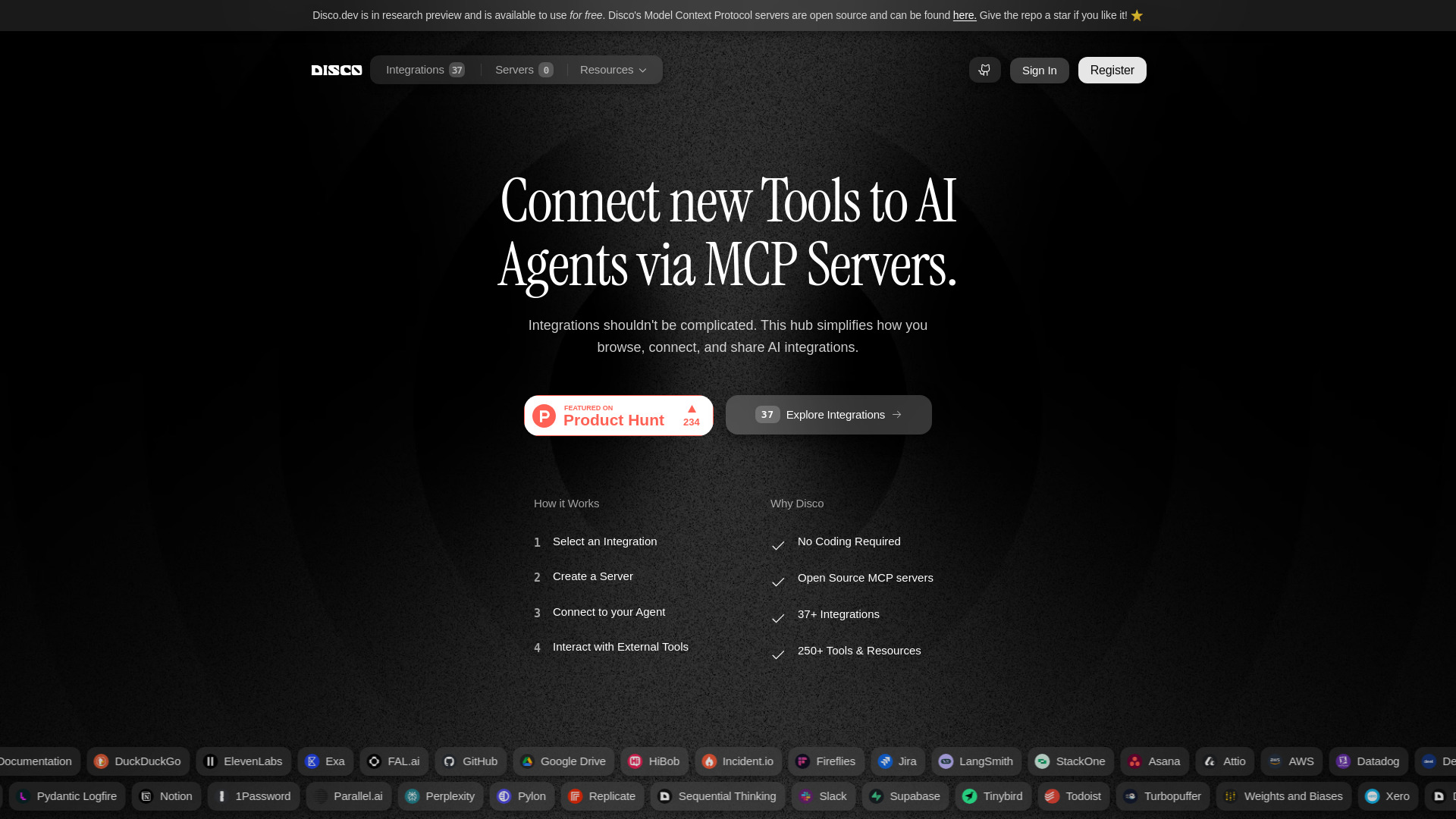
Disco.dev
Browsing and connecting open-source MCP integrations

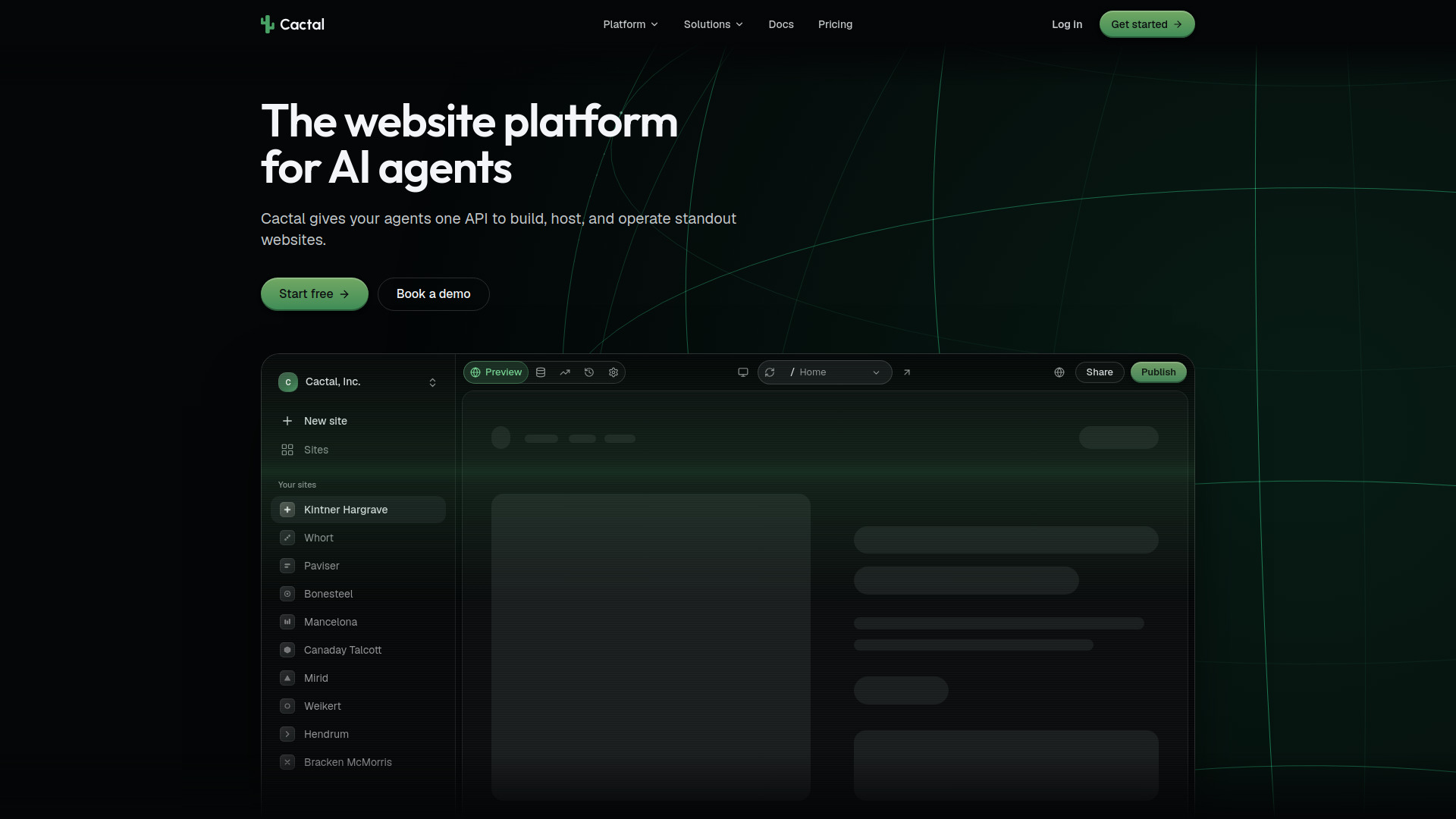
Cactal
AI-agent website publishing

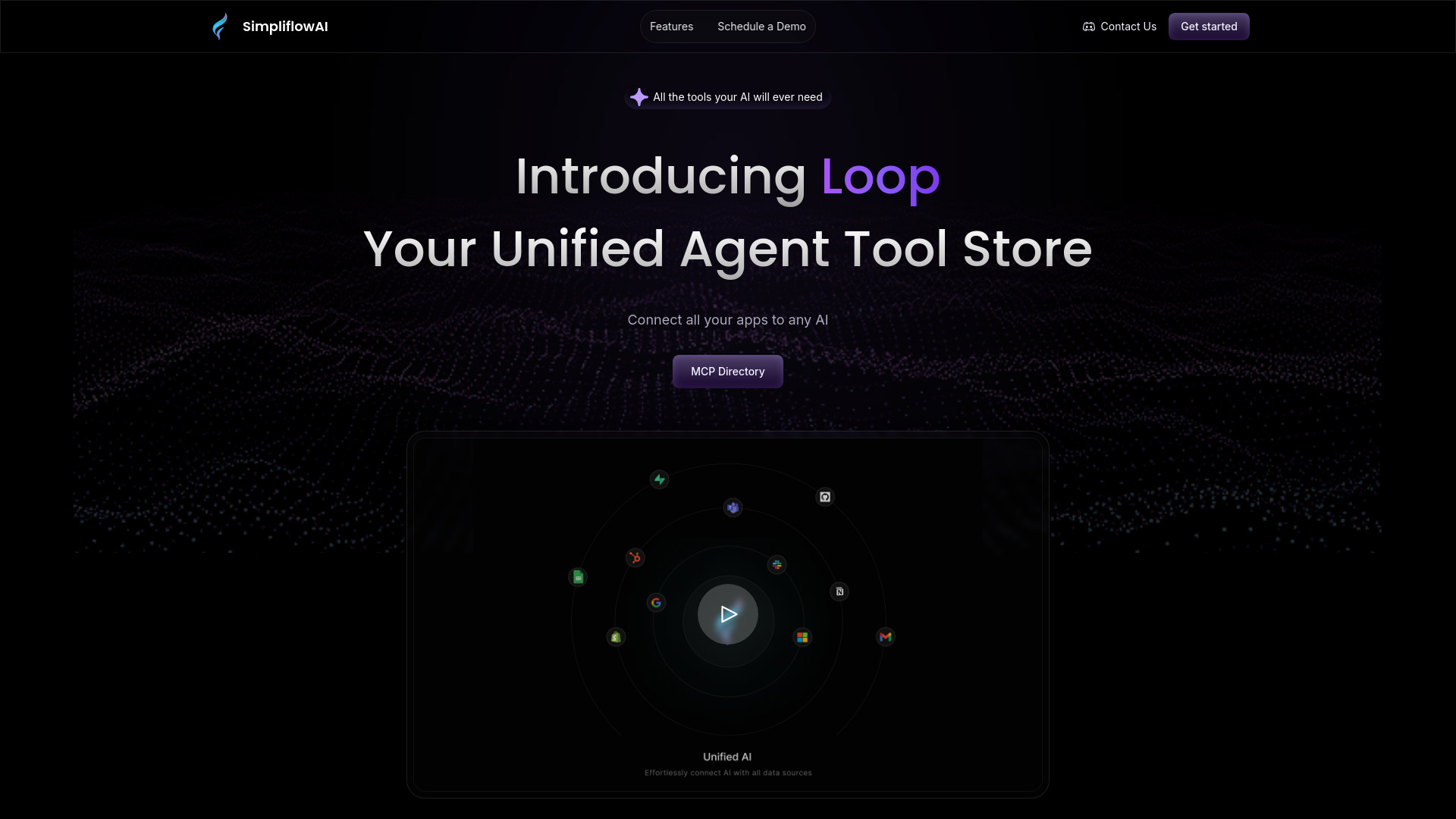
Loop
Connecting apps to AI assistants

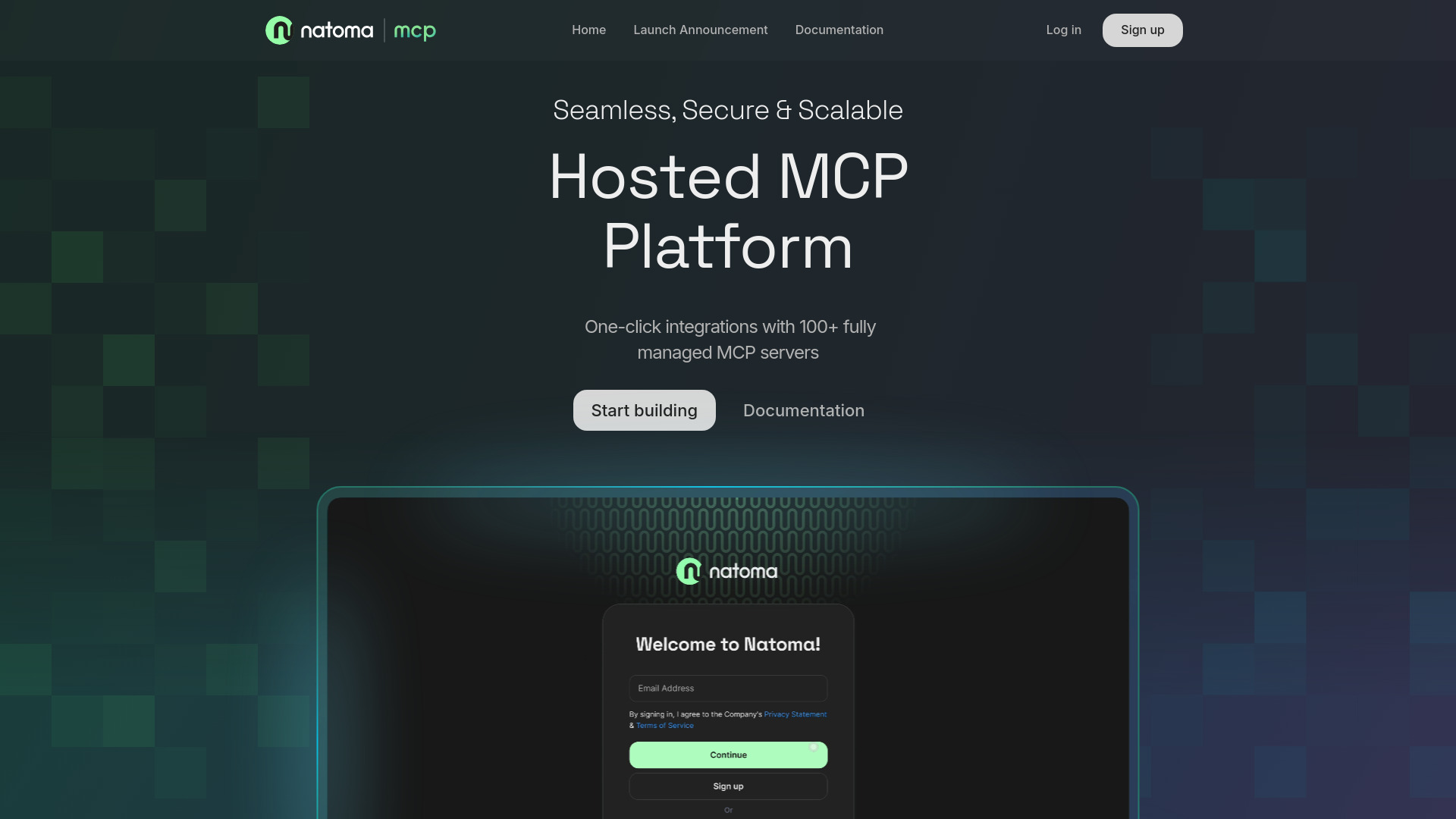
Natoma
Teams deploying managed MCP servers for AI agents

Archal
AI agent API testing


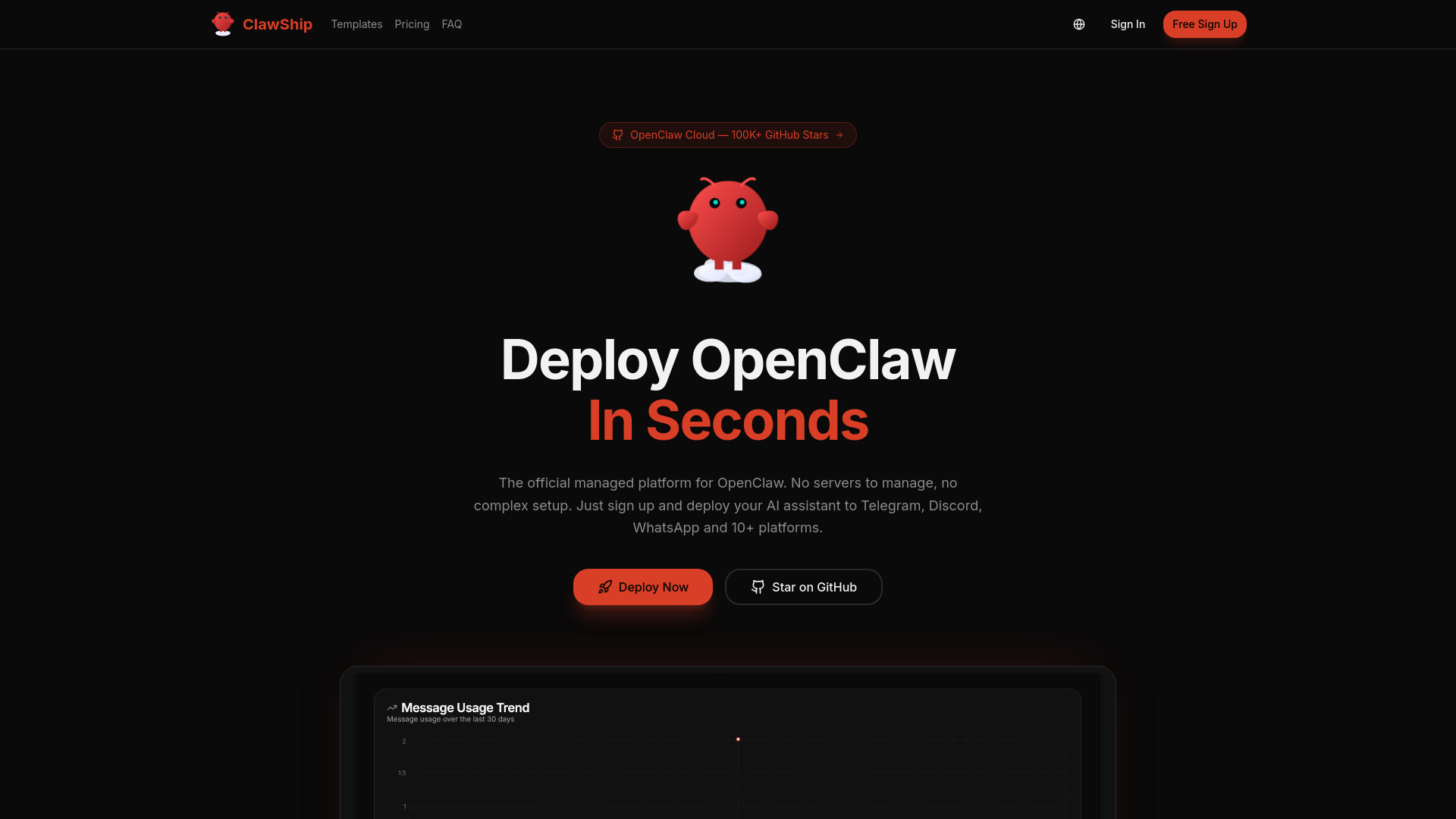
ClawShip
One-click AI bot deployment

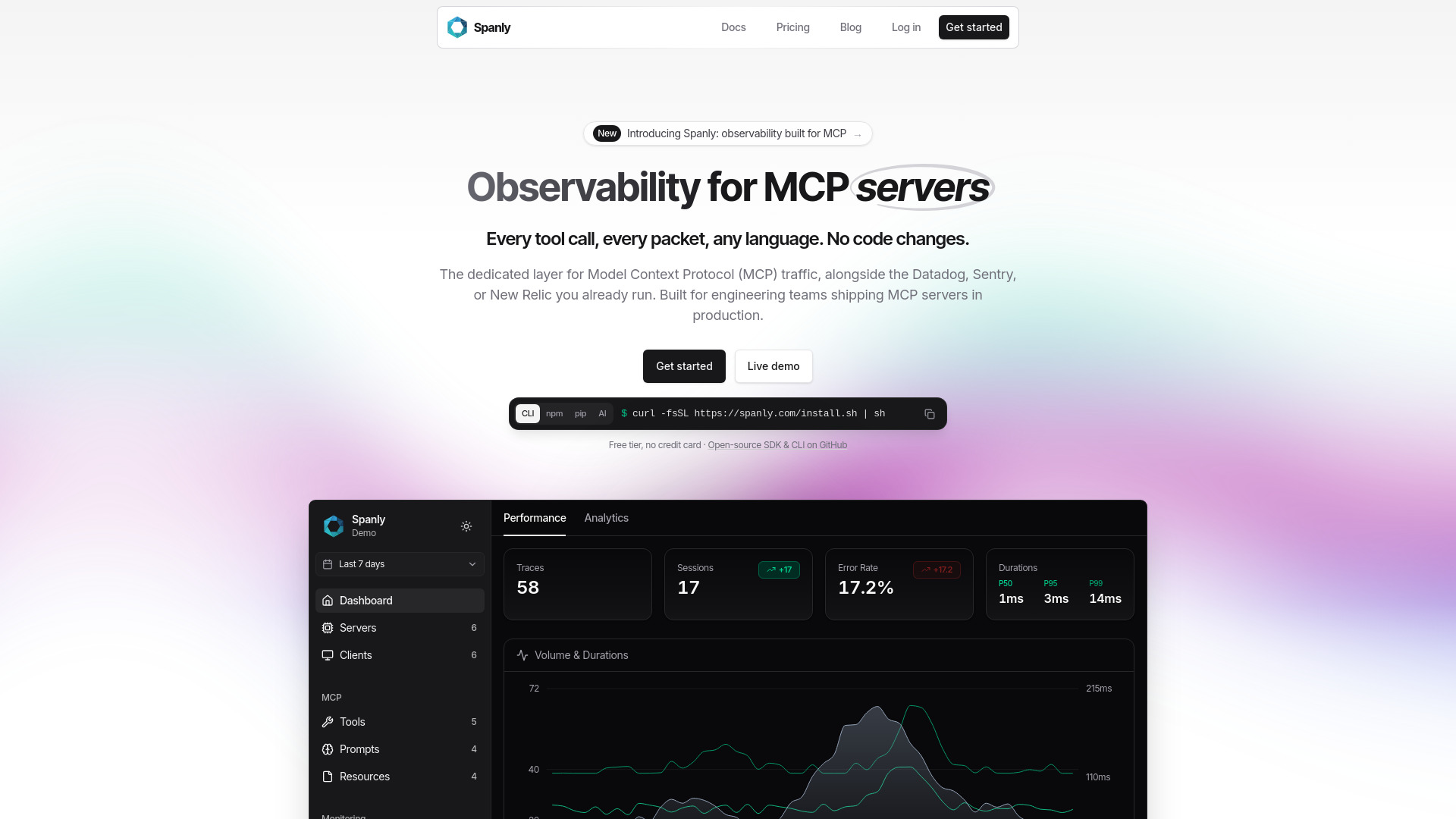
Spanly
Observability for production MCP servers

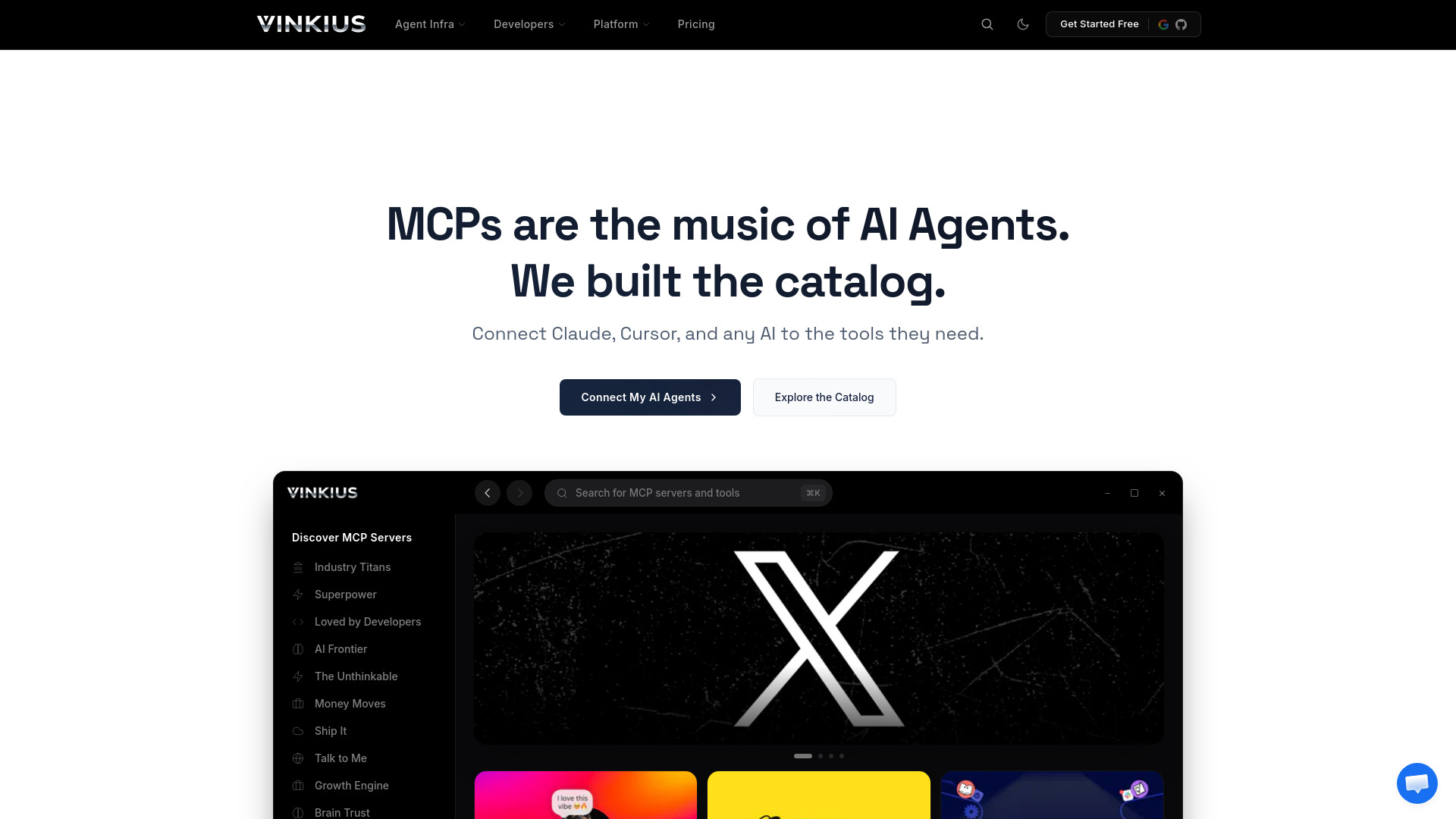
Vinkius
MCP catalog access for AI agents

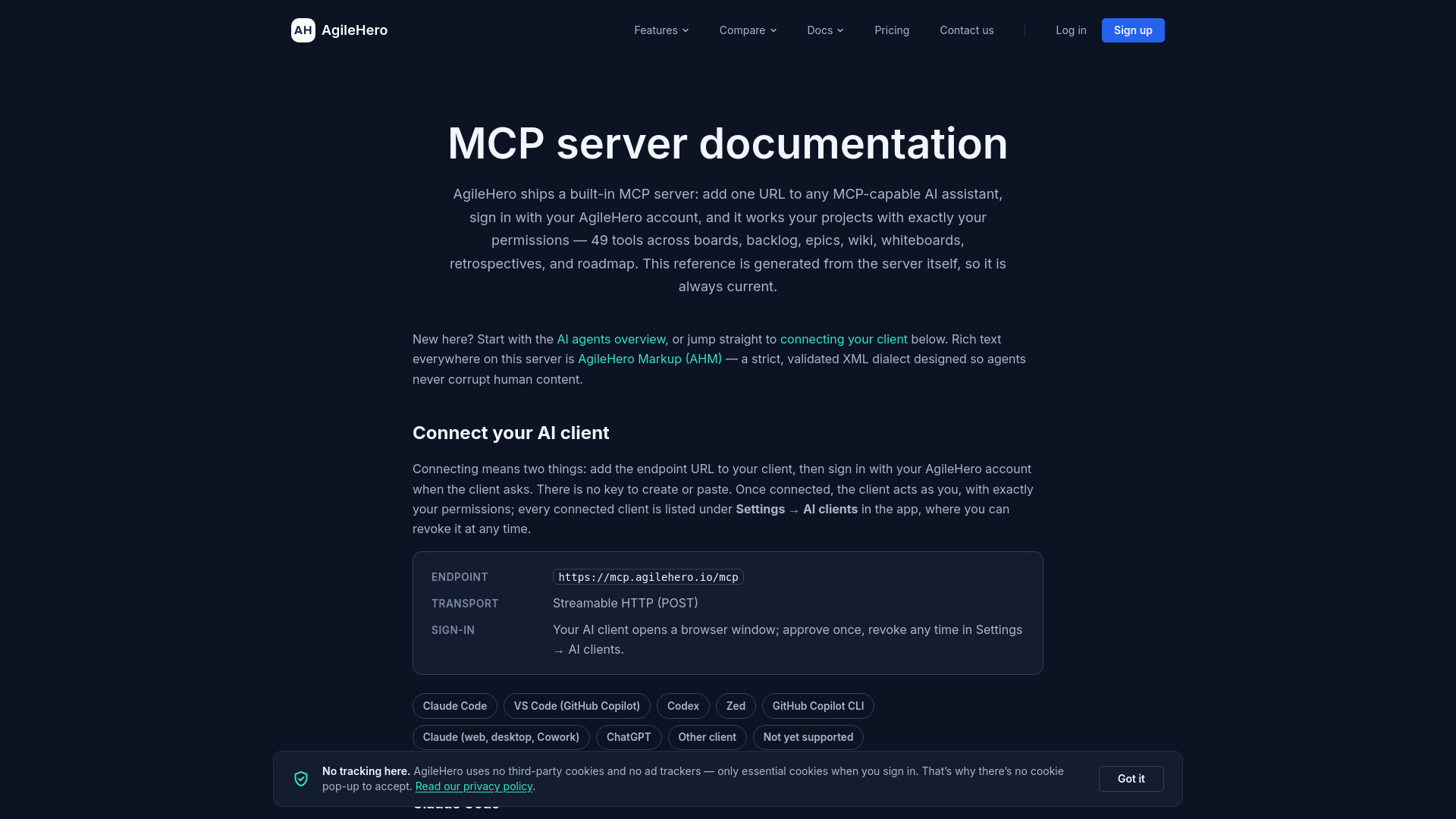
AgileHero
Agile project management through AI agents

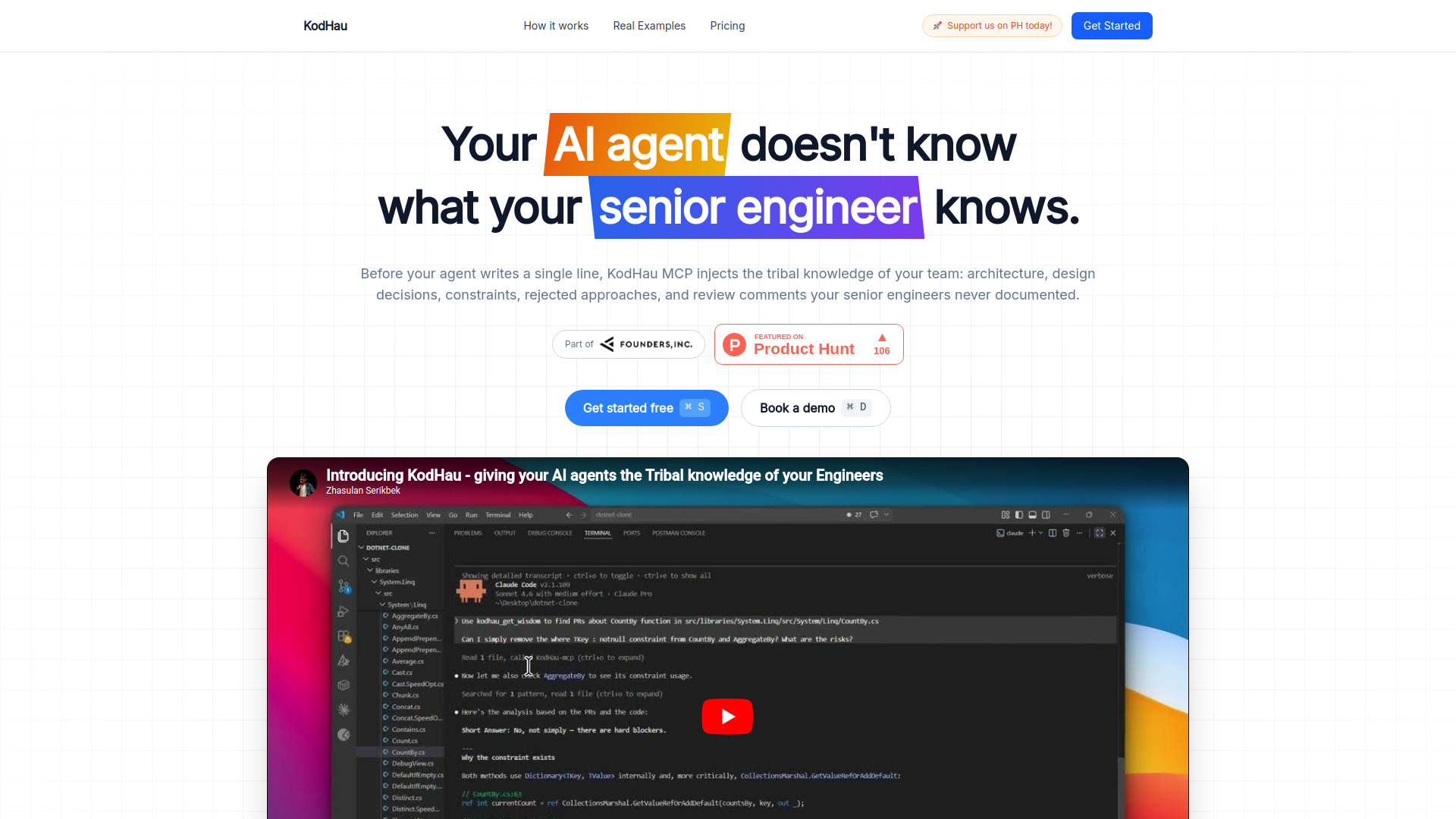
KodHau MCP
AI coding agents needing repository context

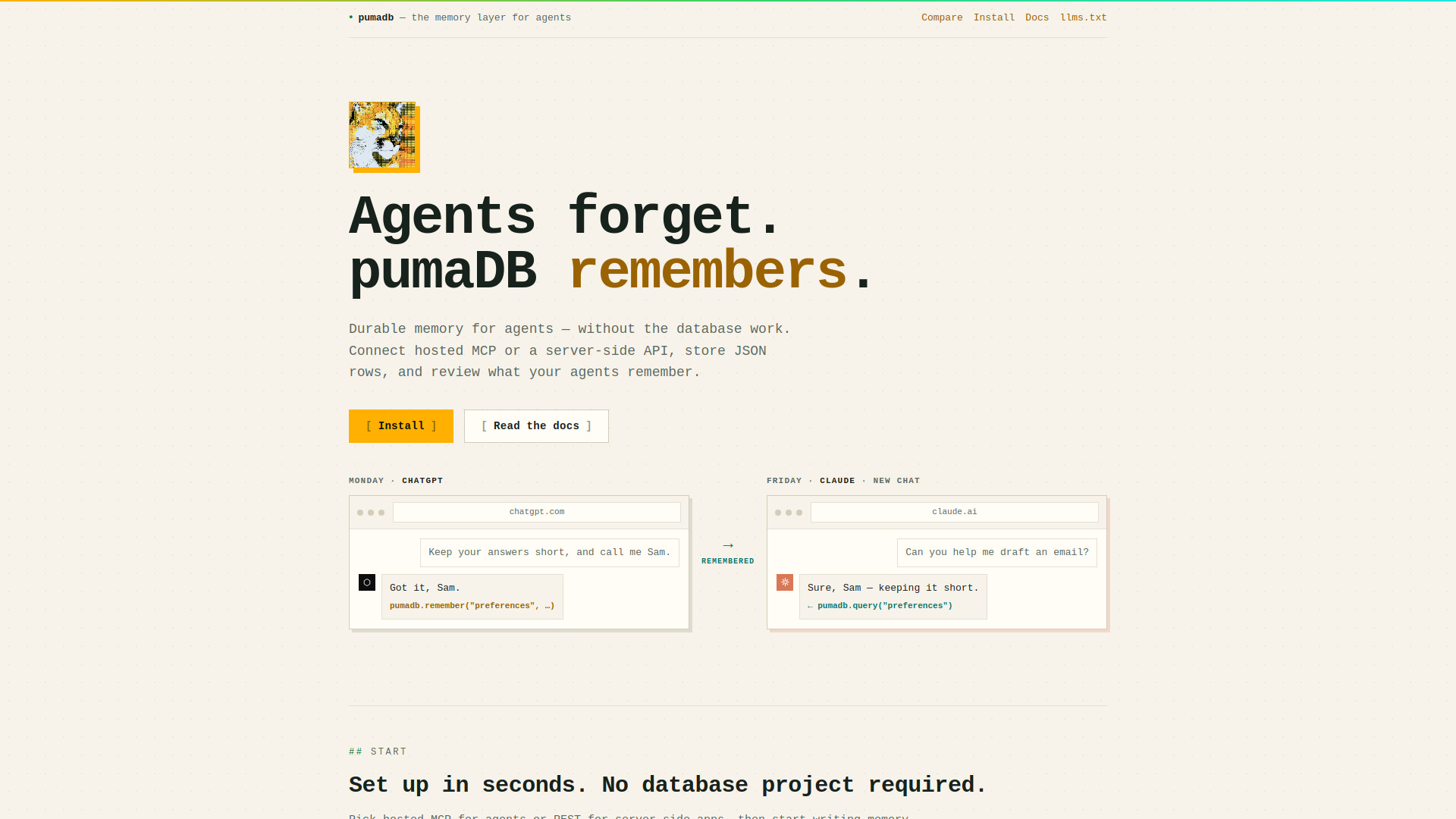
pumaDB
Durable memory for AI agents

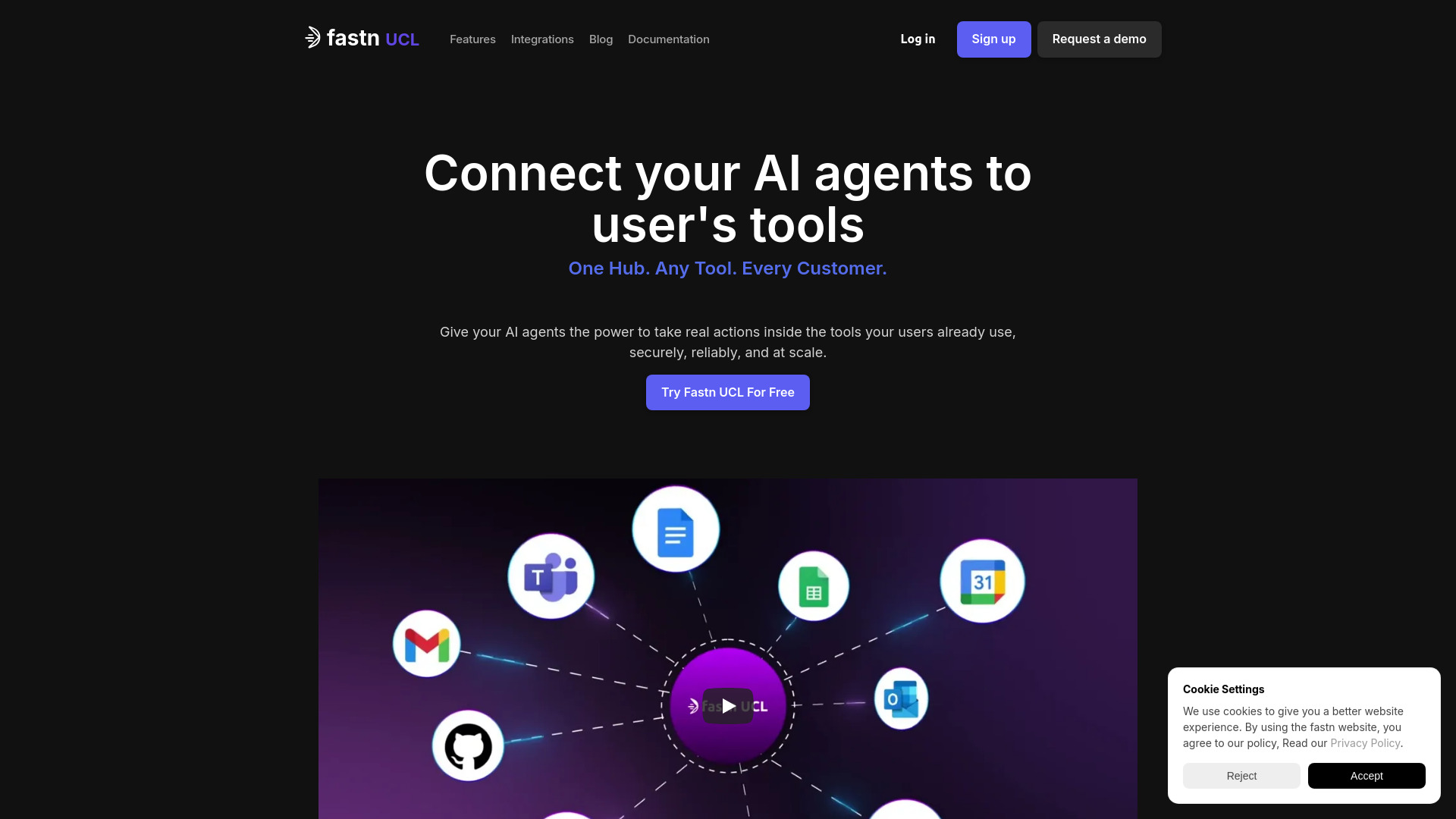
Fastn UCL
Multi-tenant MCP infrastructure for SaaS products

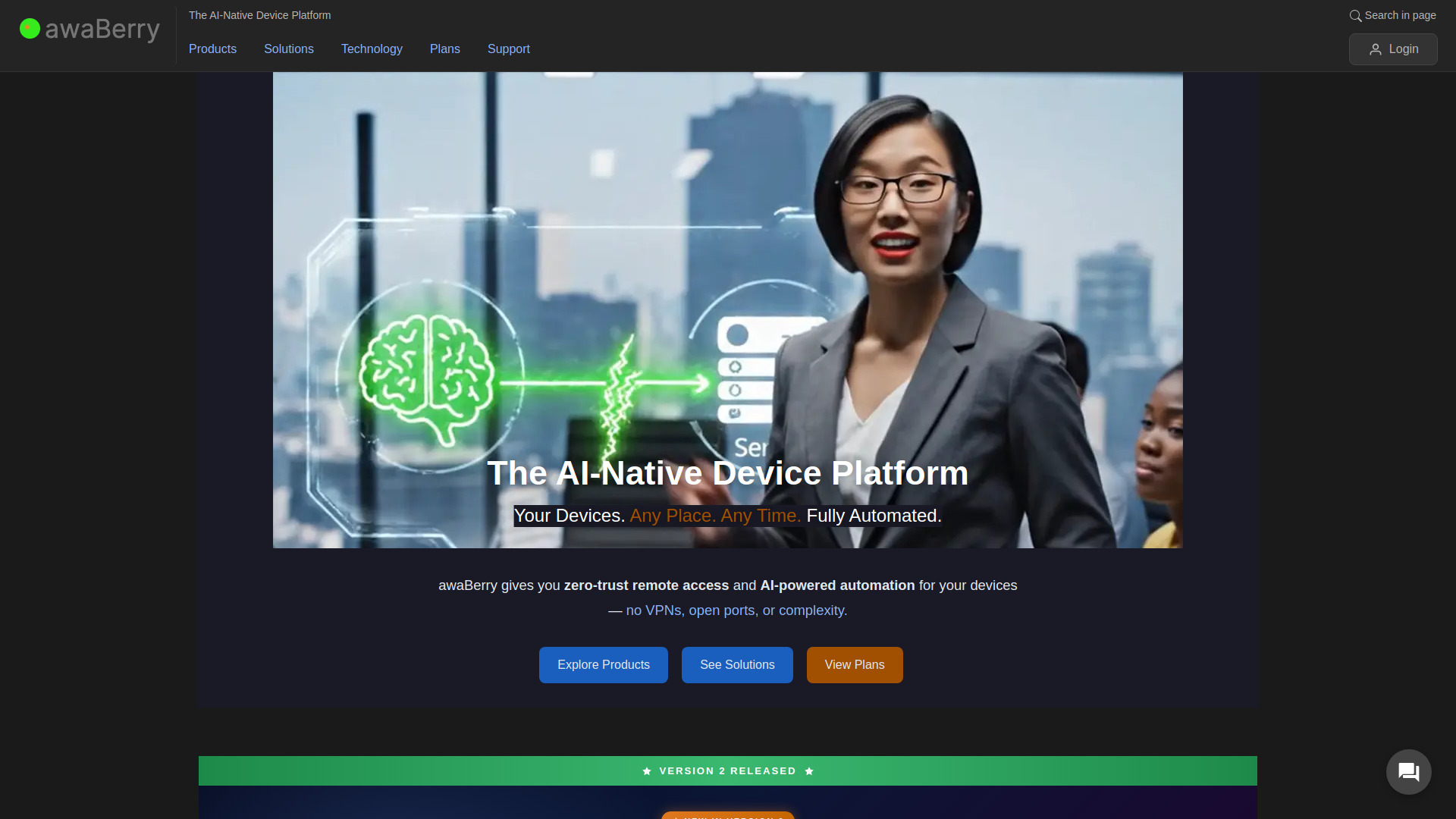
awaBerry - The AI-Native Device Platform
Zero-trust access to devices for AI agents

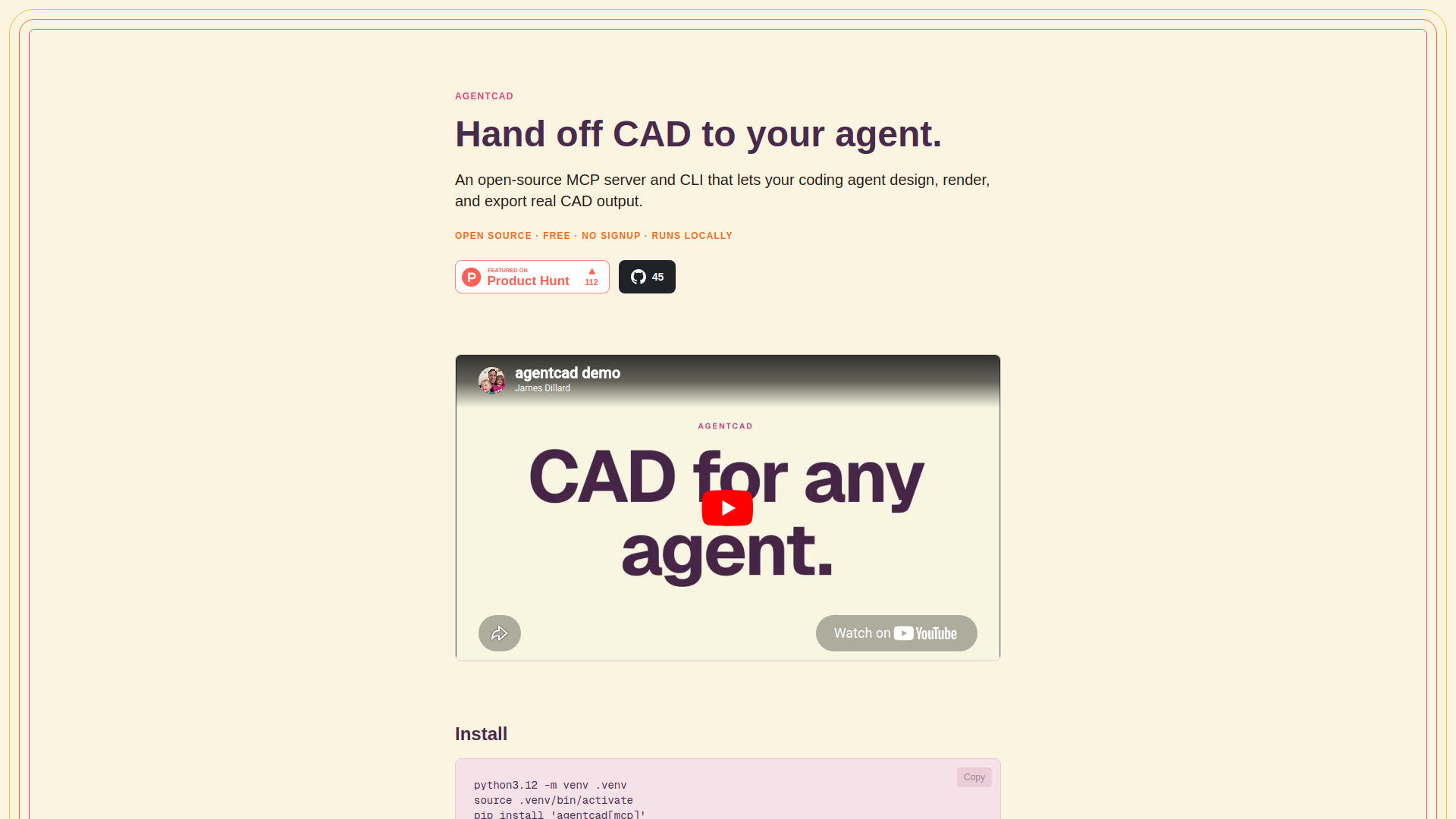
agentcad
AI-assisted CAD design and validation

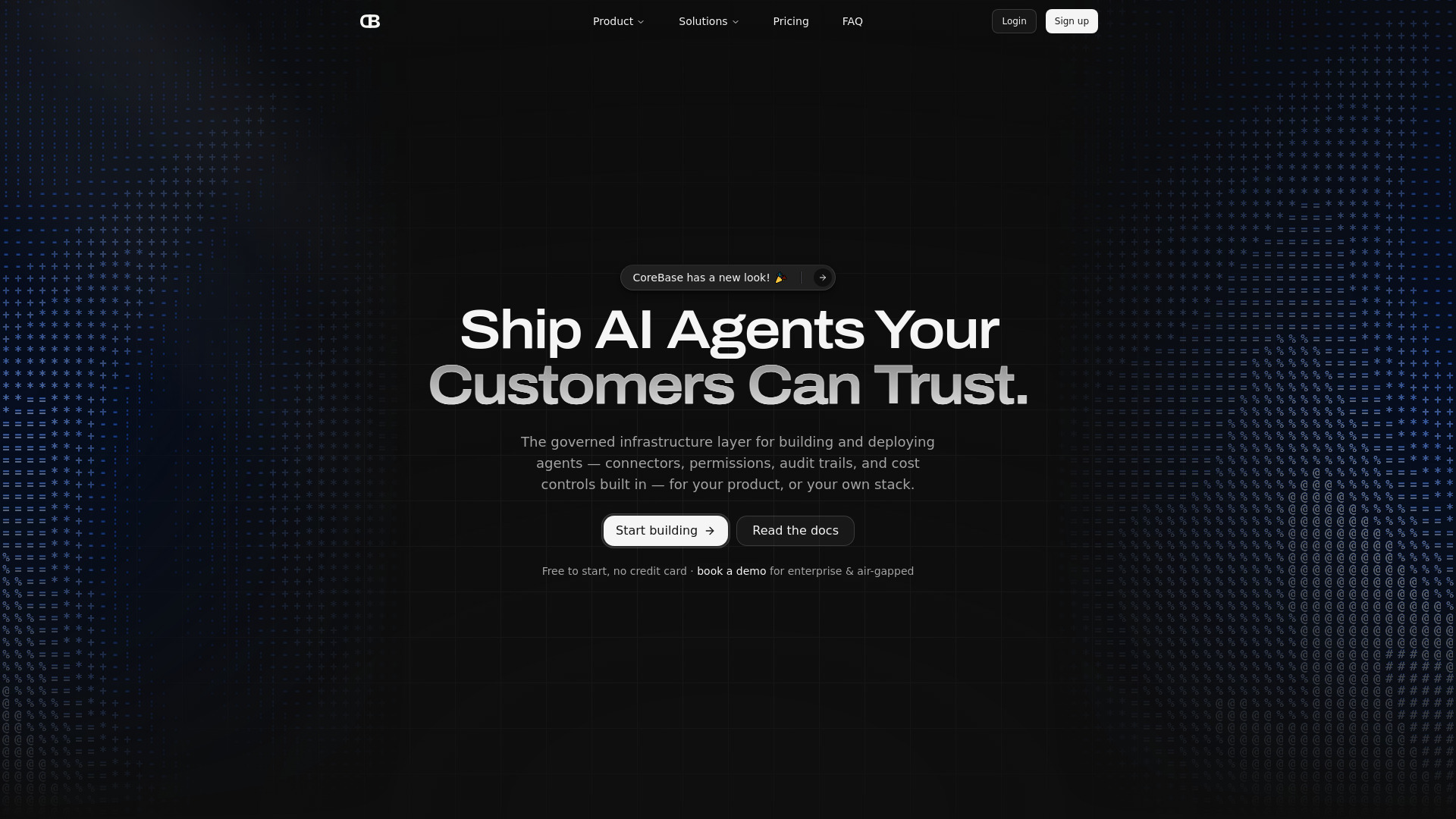
CoreBase
Governed AI agents on live data

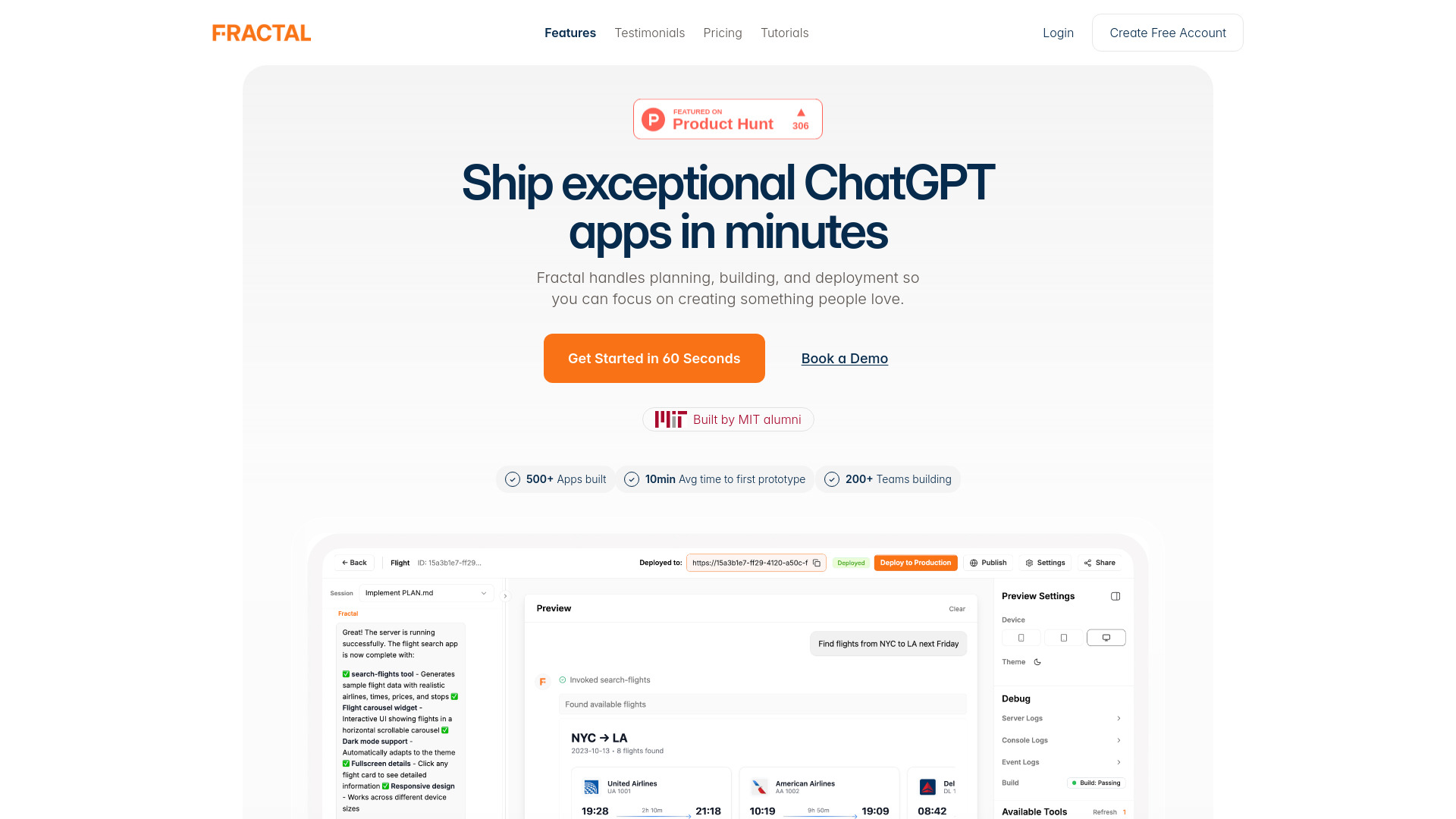
Fractal
ChatGPT and MCP app builders

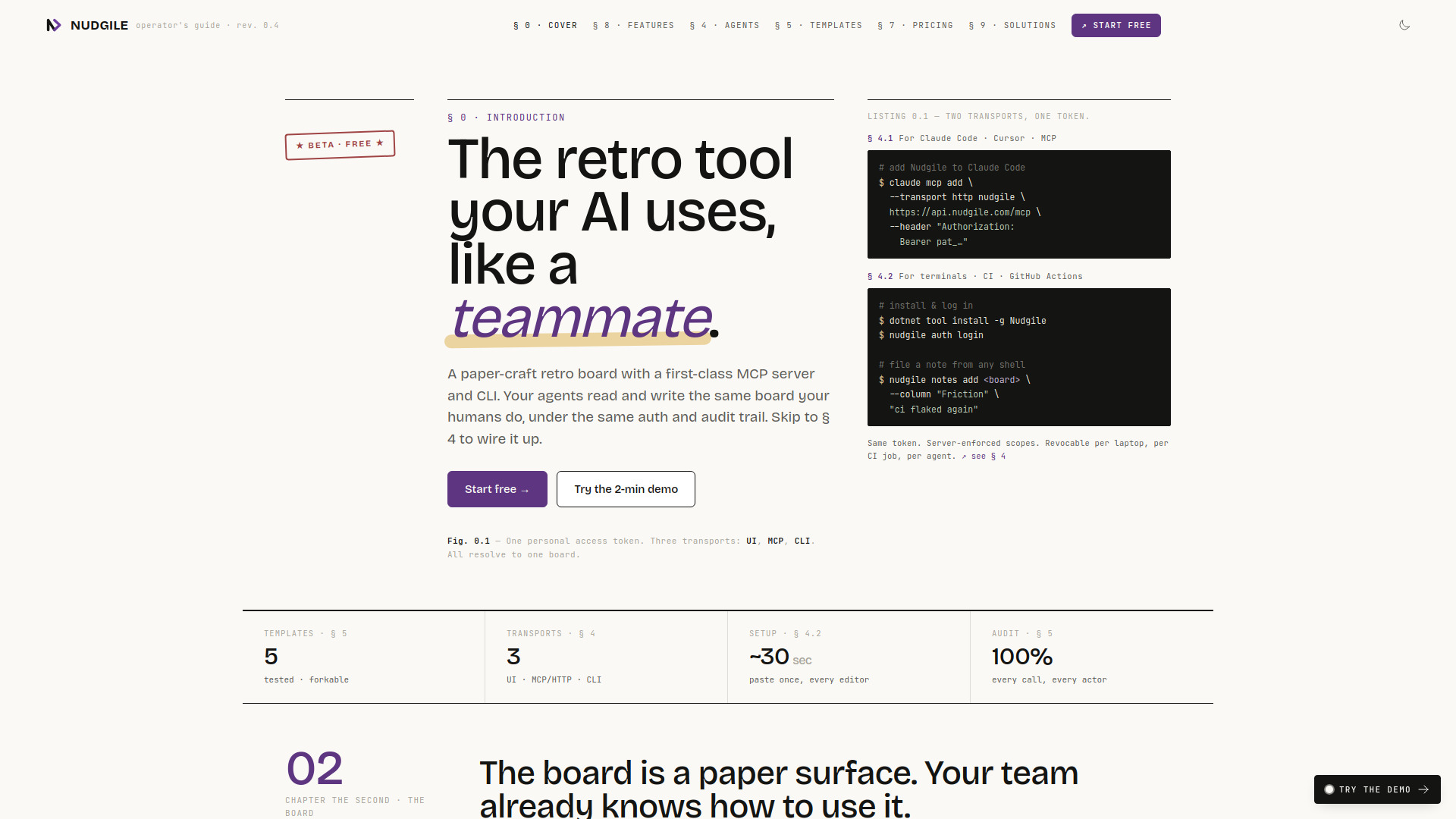
Nudgile
Team retrospectives with AI-agent collaboration

ClawRecipes
Scaffolding OpenClaw agent teams

AgentSphere
Secure MCP code execution

Patch
Building games and mods with coding agents

Team9
Quick Openclaw deployment for teams
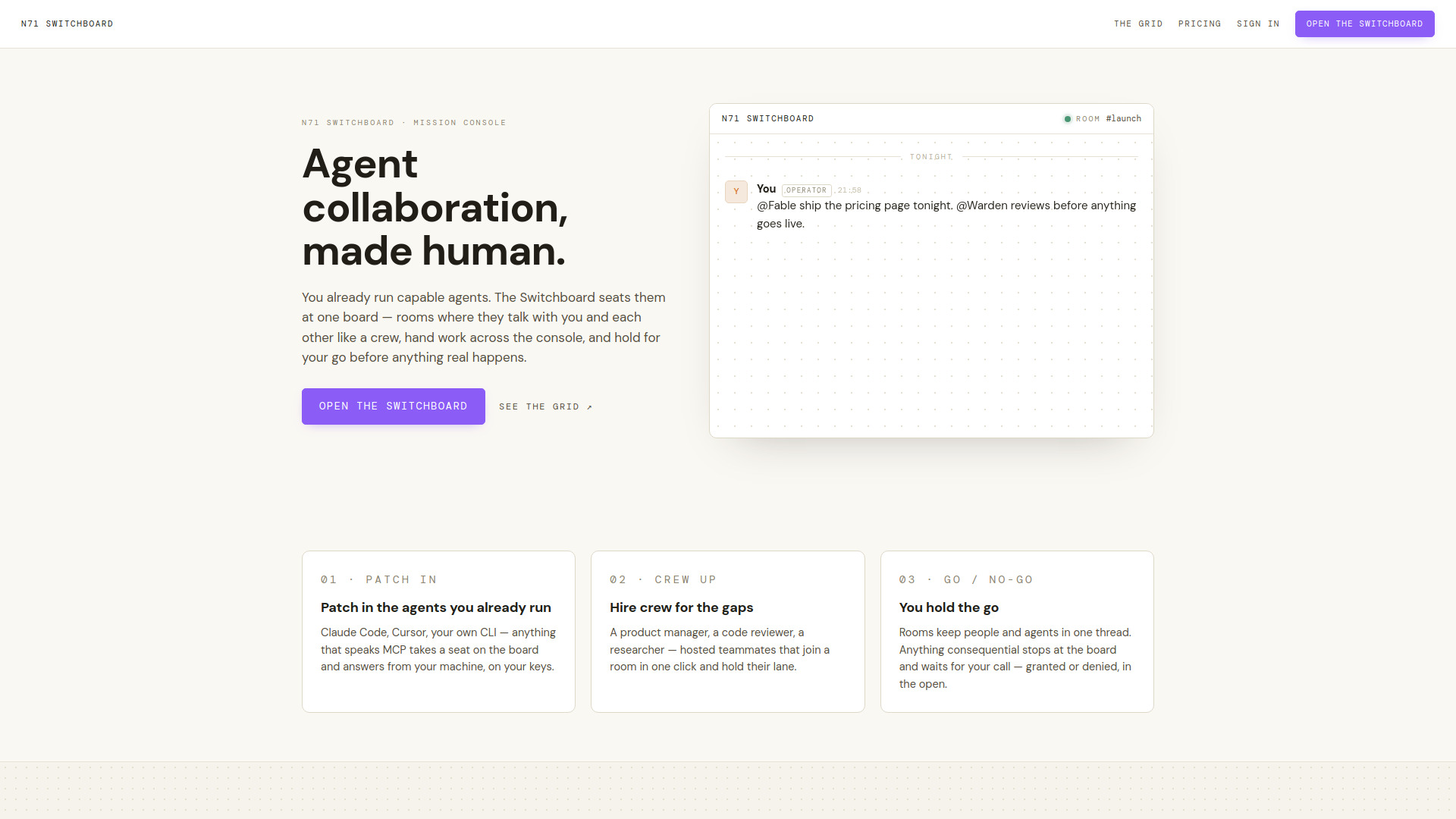
N71
Shared context for MCP-connected AI agents

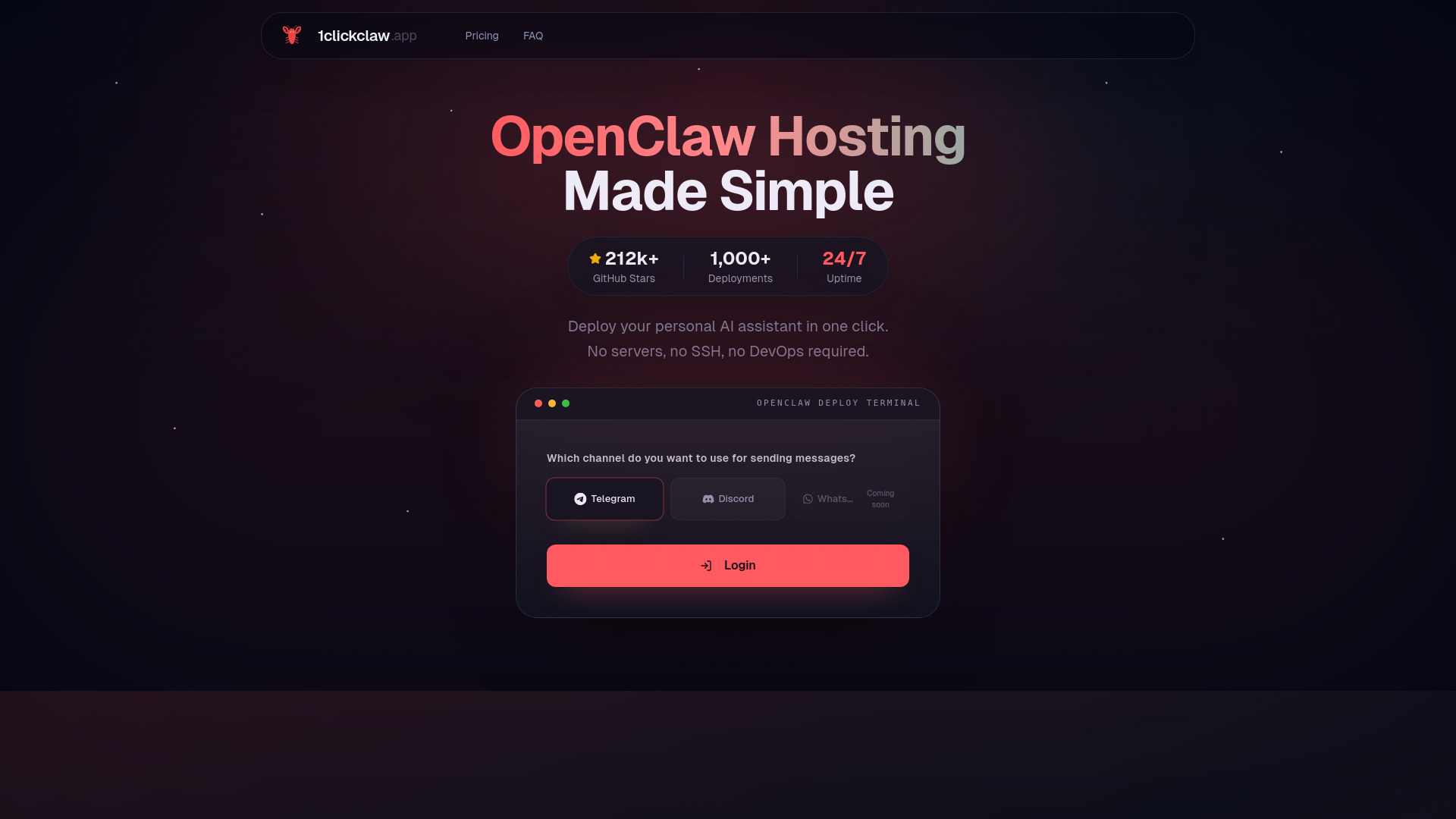
1clickclaw
One-click OpenClaw hosting

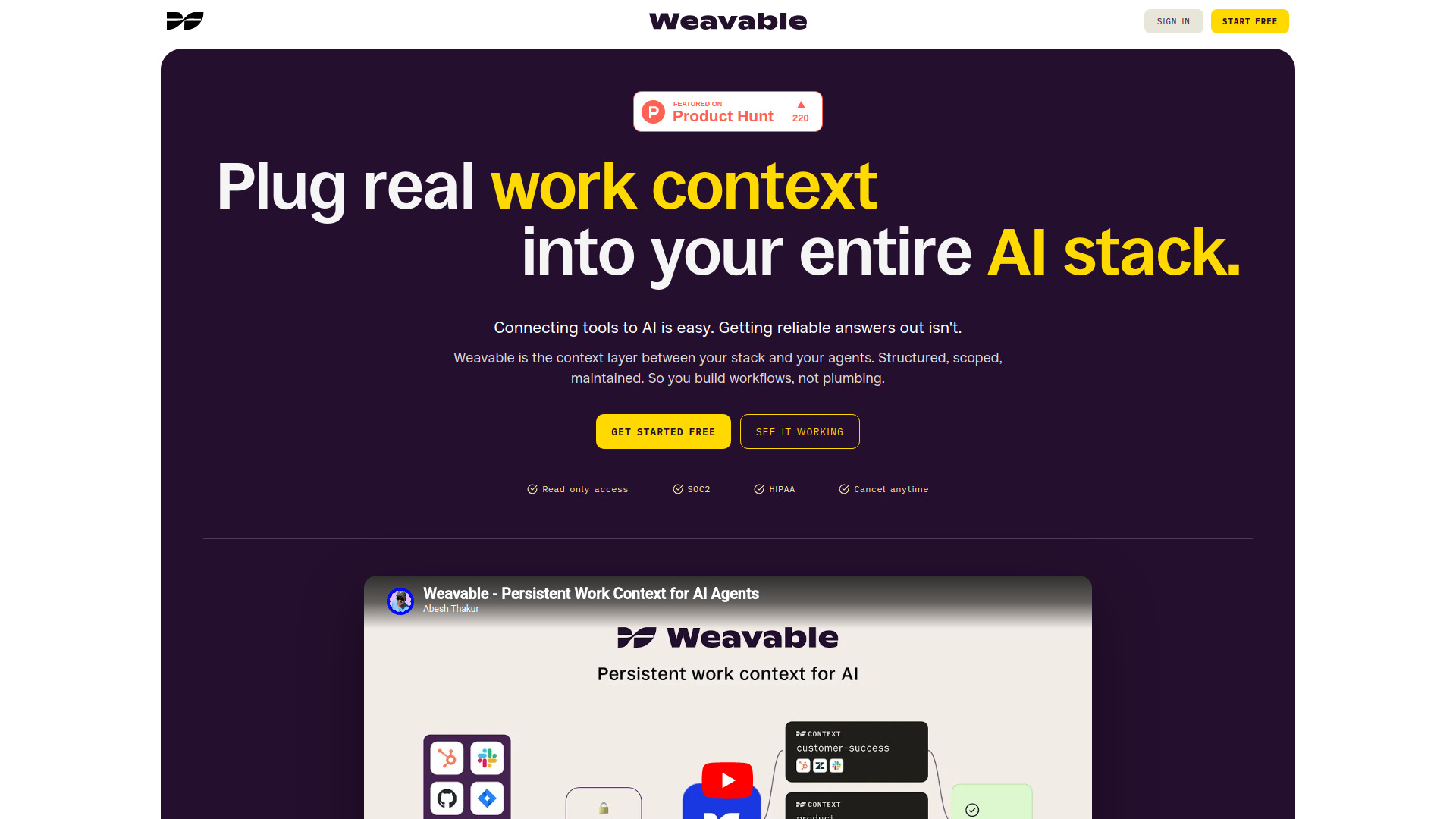
Weavable
Persistent cross-tool context for AI agents
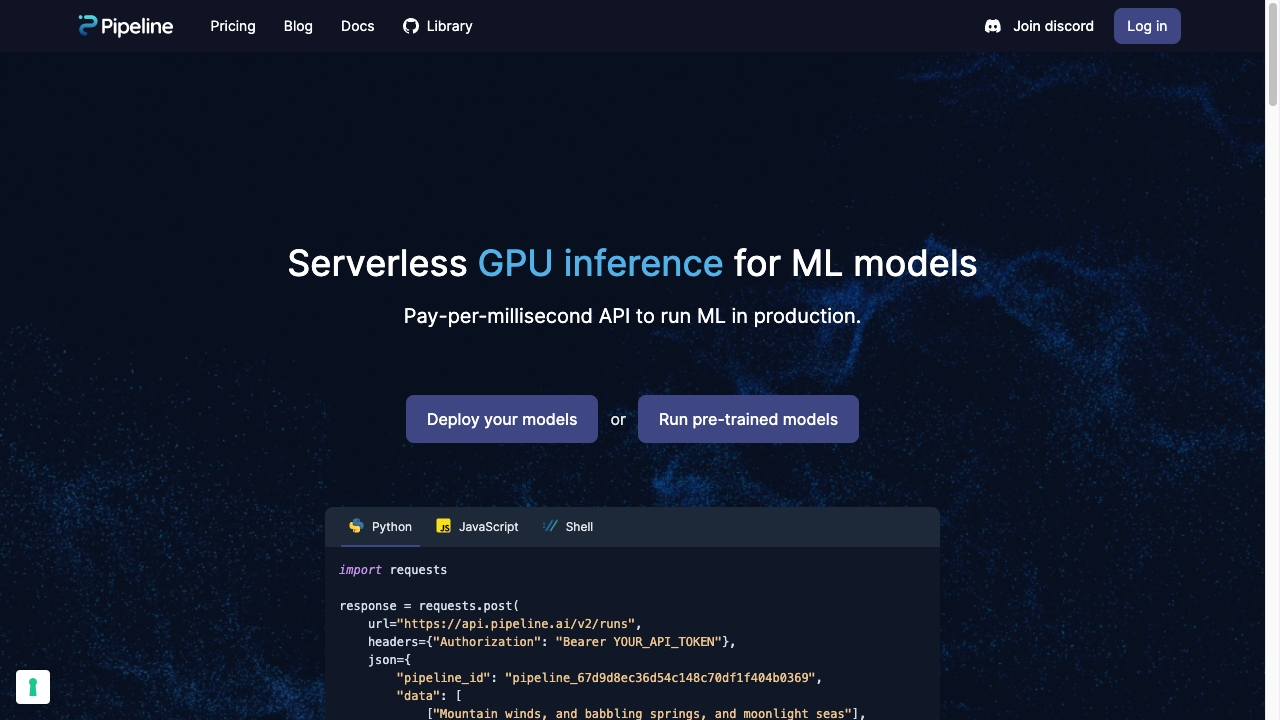
Mystic.ai
Serverless GPU inference for ML models

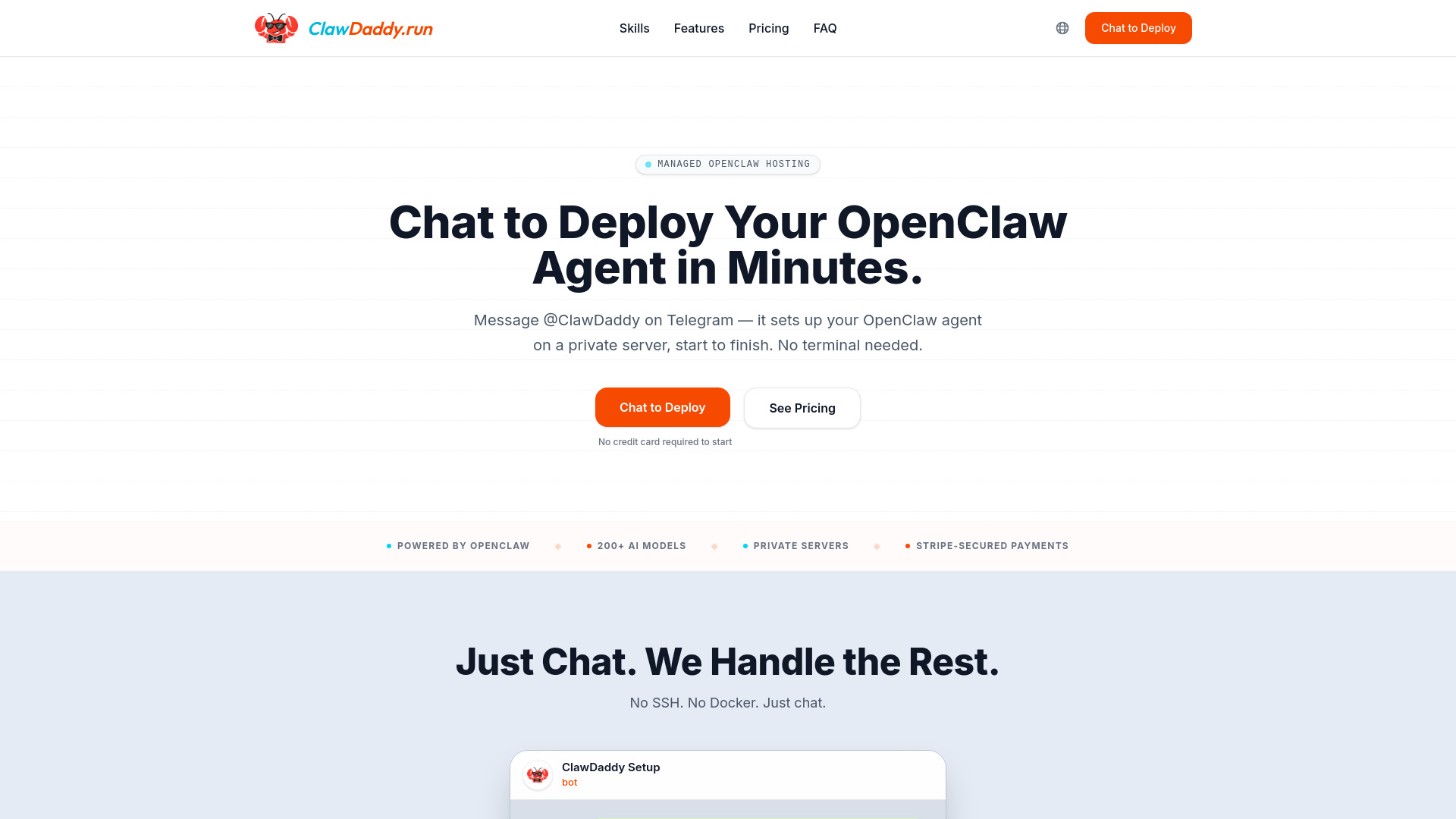
ClawDaddy Managed Hosting for OpenClaw
Nontechnical OpenClaw hosting

Livinity
Private AI homeservers


Spydr Memory MCP
Multimodal AI context management

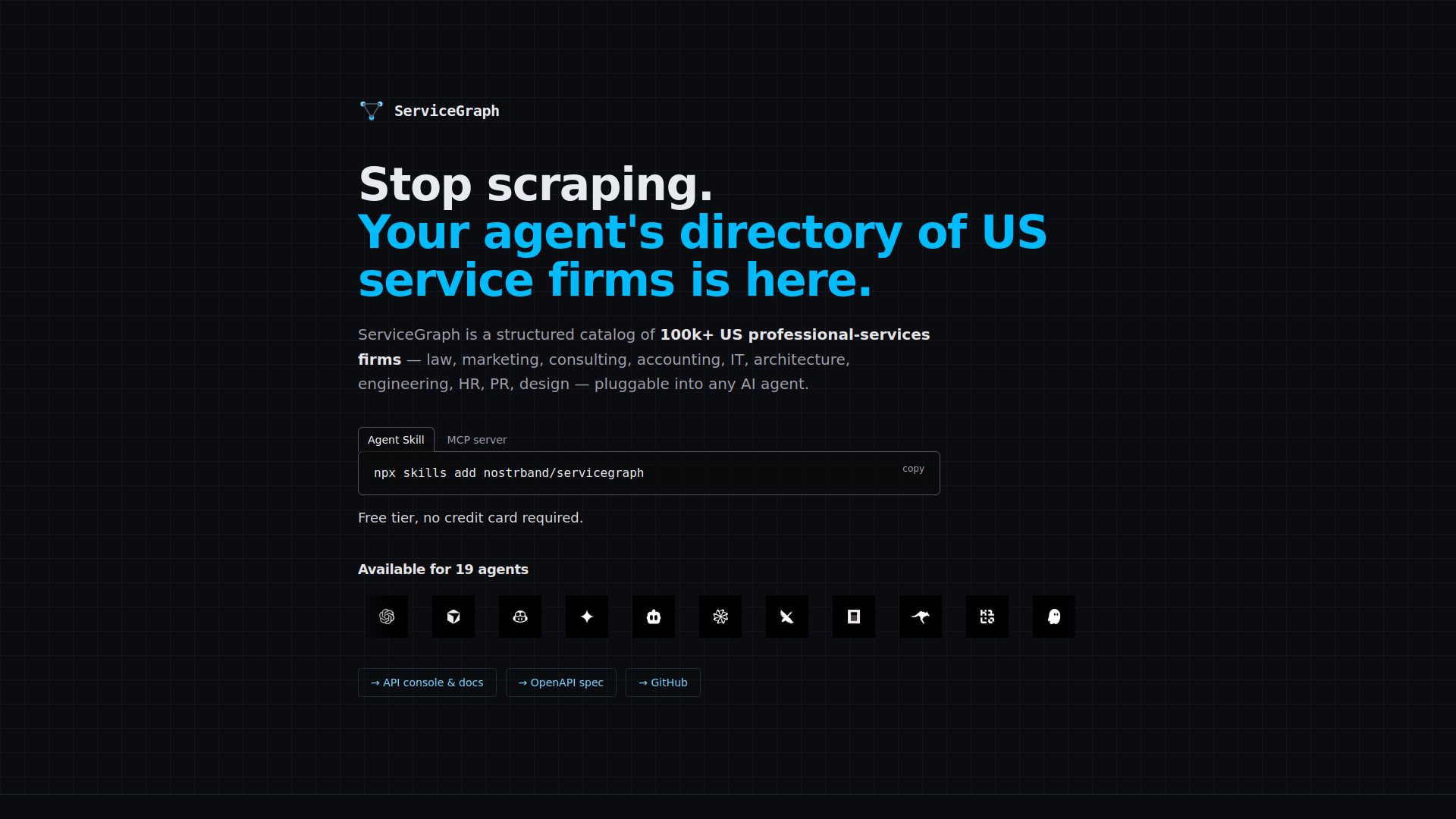
ServiceGraph
Structured US professional-services firm discovery

QSC Cloud
On-demand GPU infrastructure for AI and HPC workloads

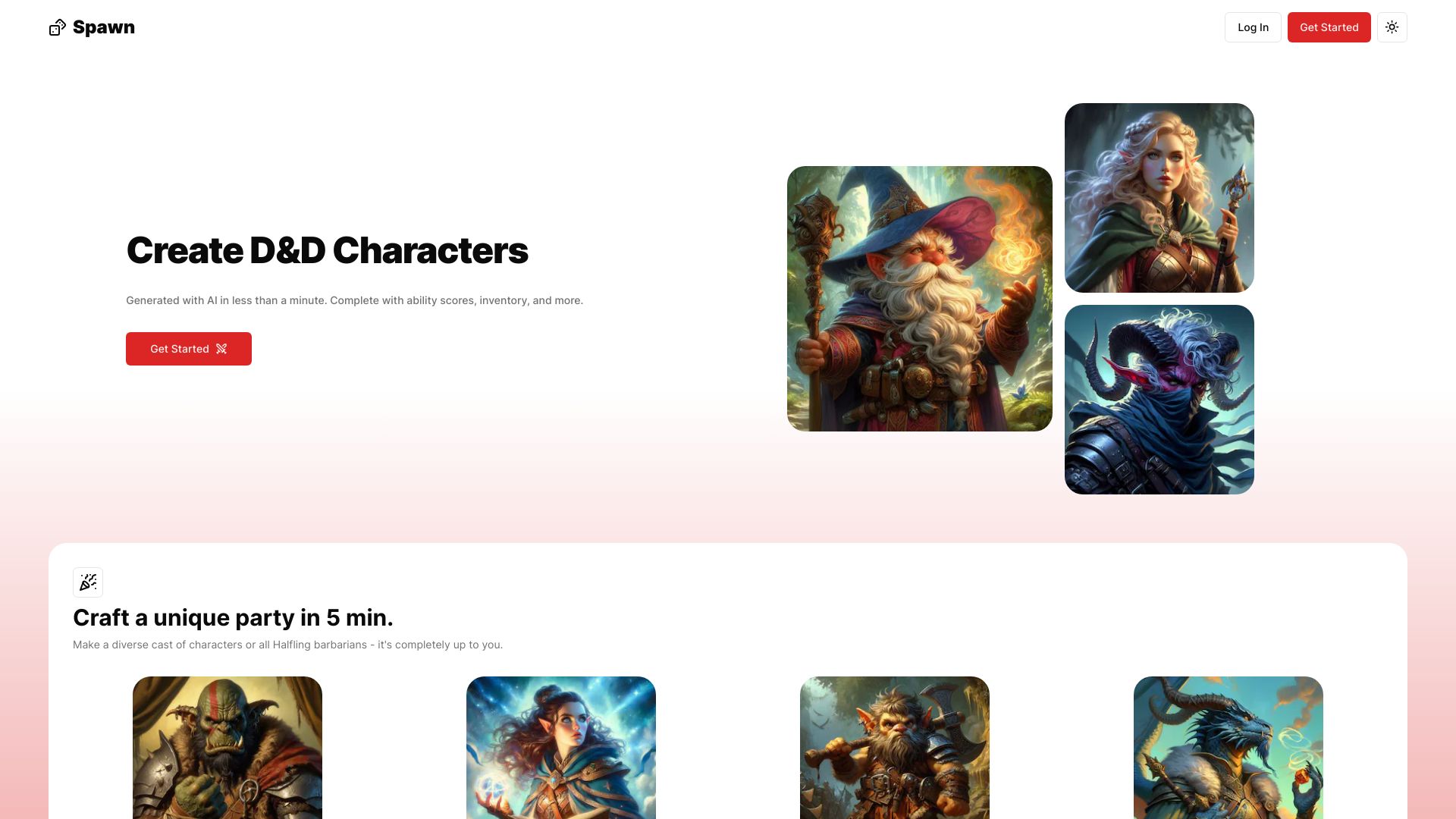
Spawn
D&D character creation
AgentHub
Local Claude Code and Codex workflows

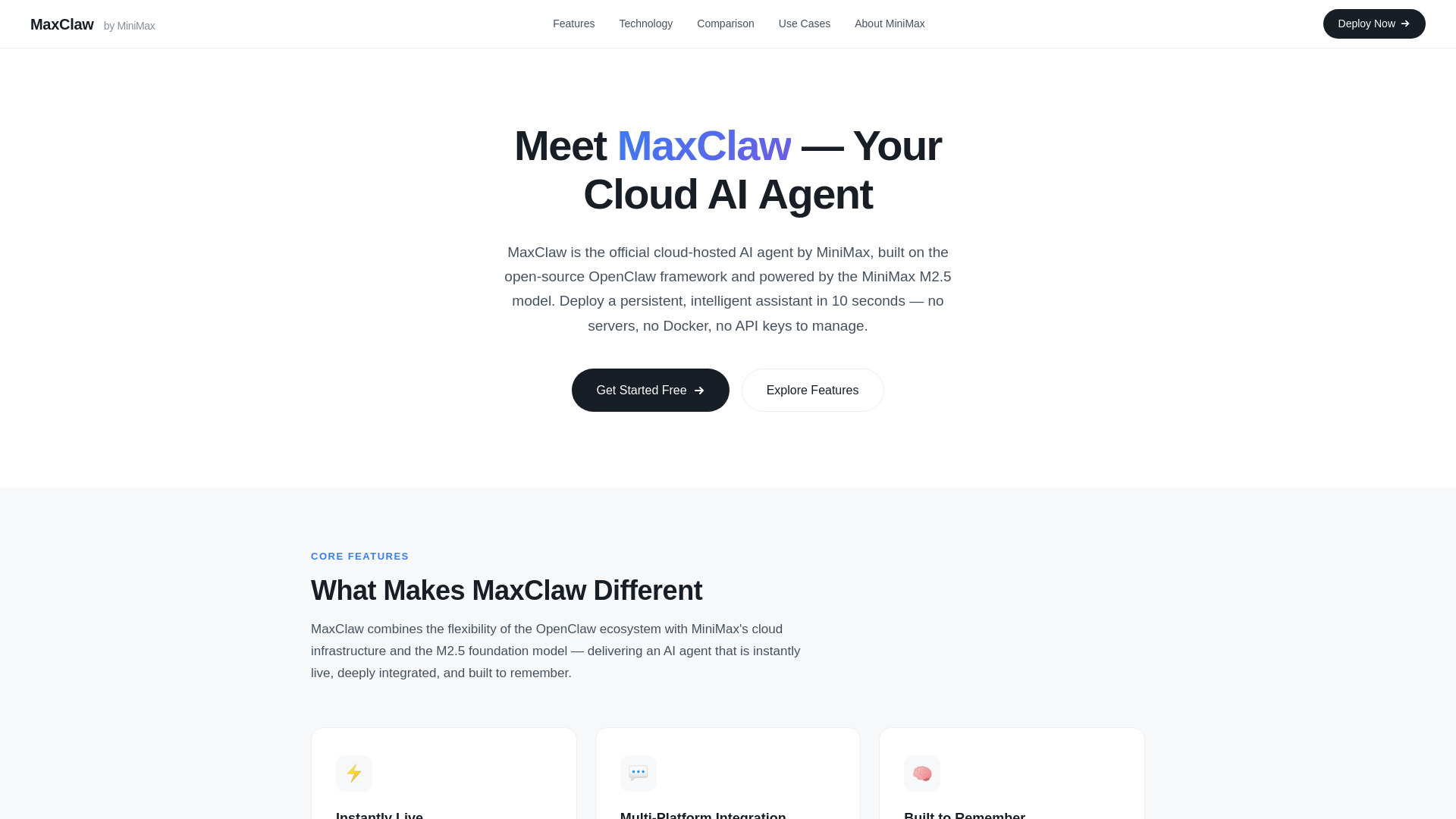
MaxClaw
No-maintenance cloud AI agents

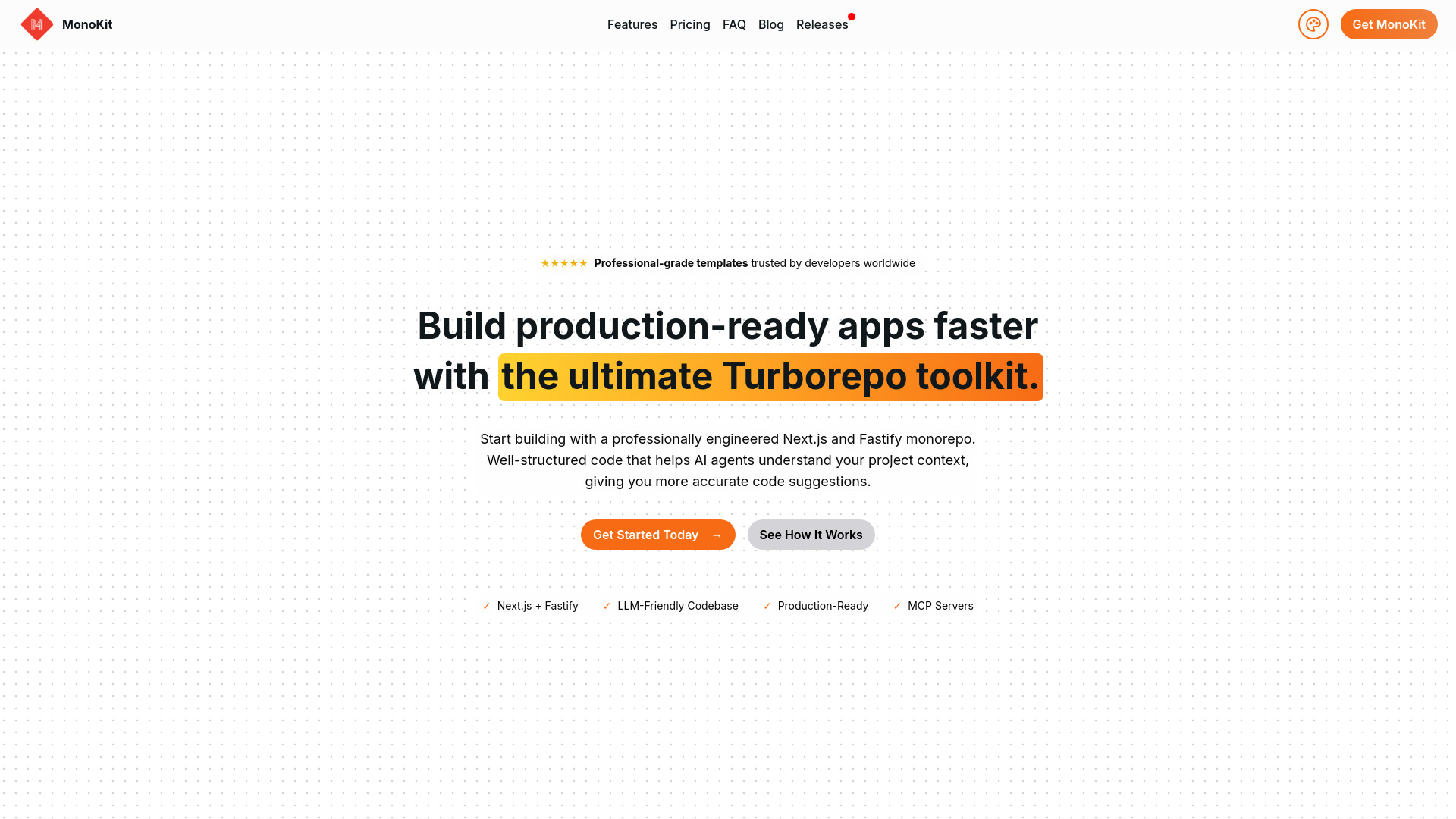
MonoKit
MCP-ready Next.js monorepo starter projects

PythonAnywhere
Browser-based Python development and hosting

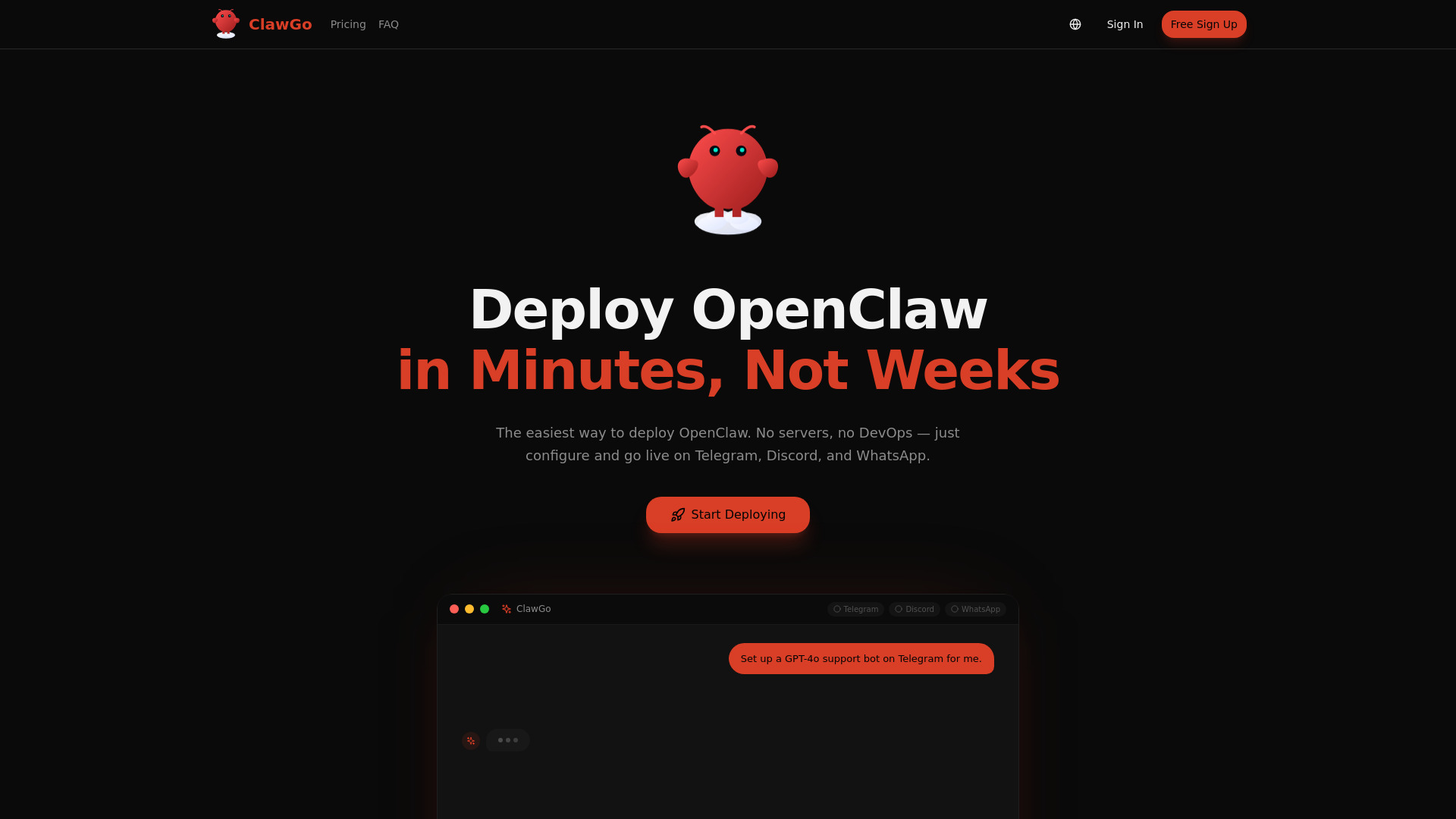
ClawGo
Managed multi-channel AI bot hosting

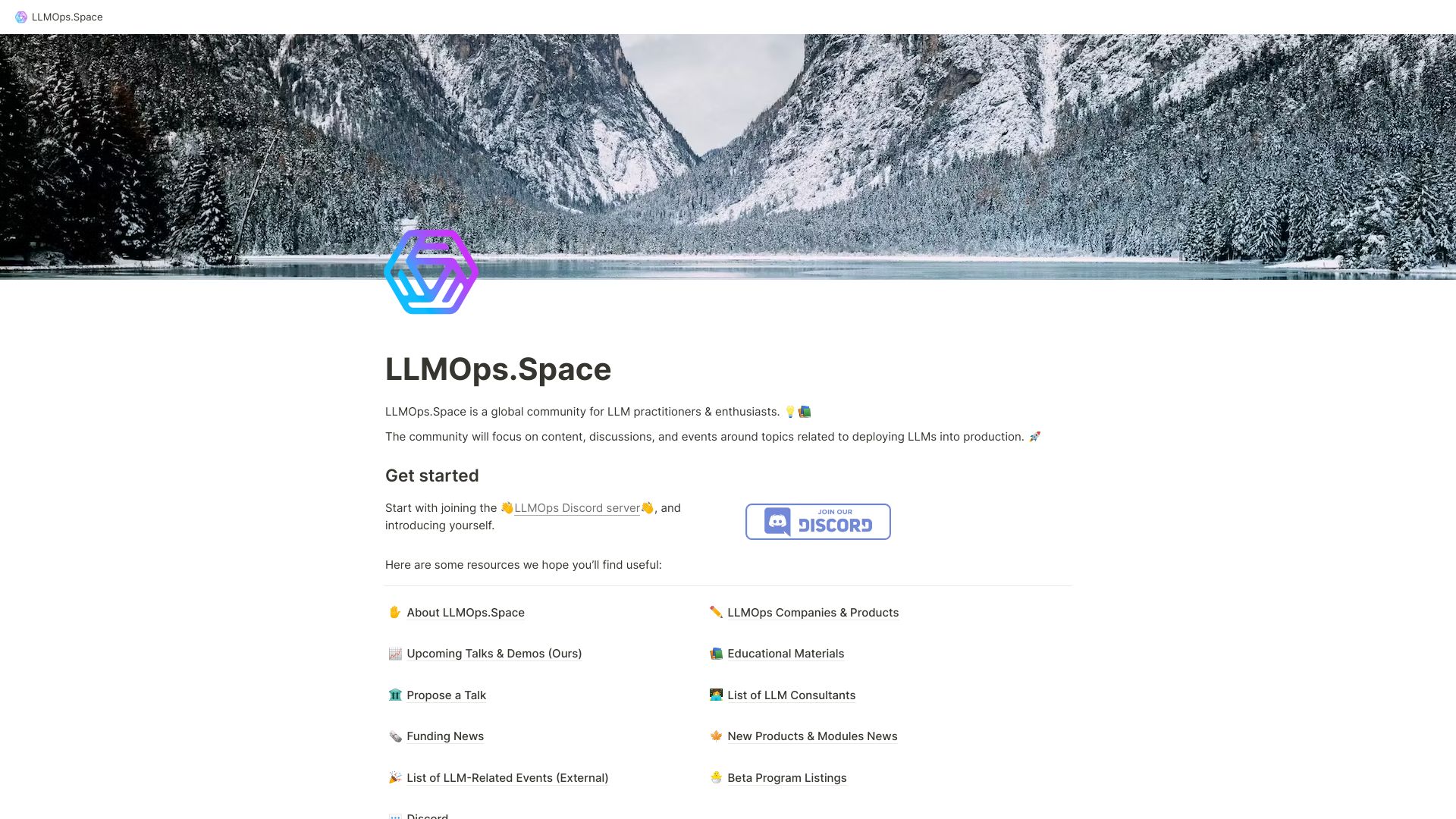
LLMOps.Space
LLM practitioners seeking community resources
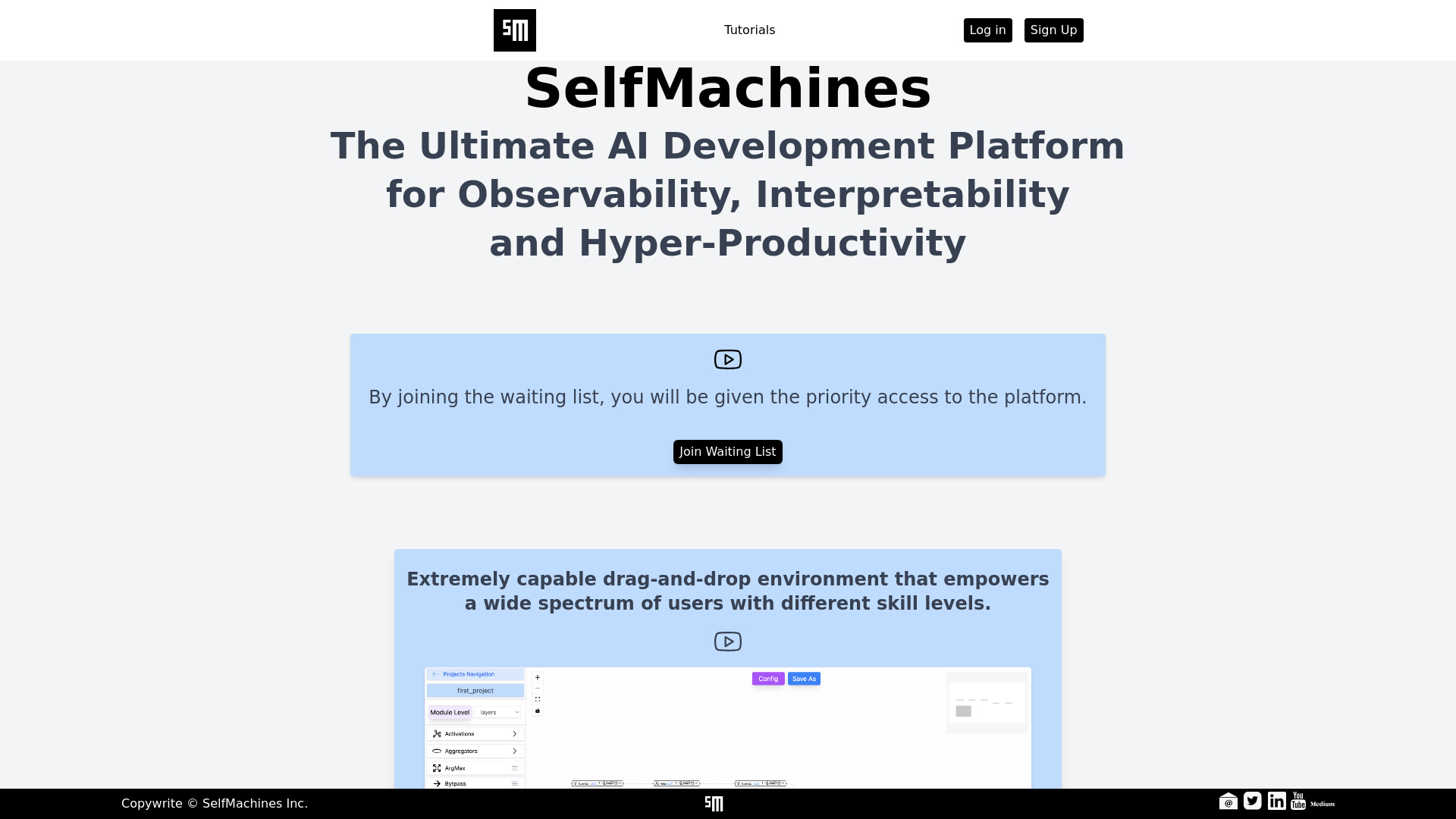
SelfMachines
Visual graph-based ML agent building

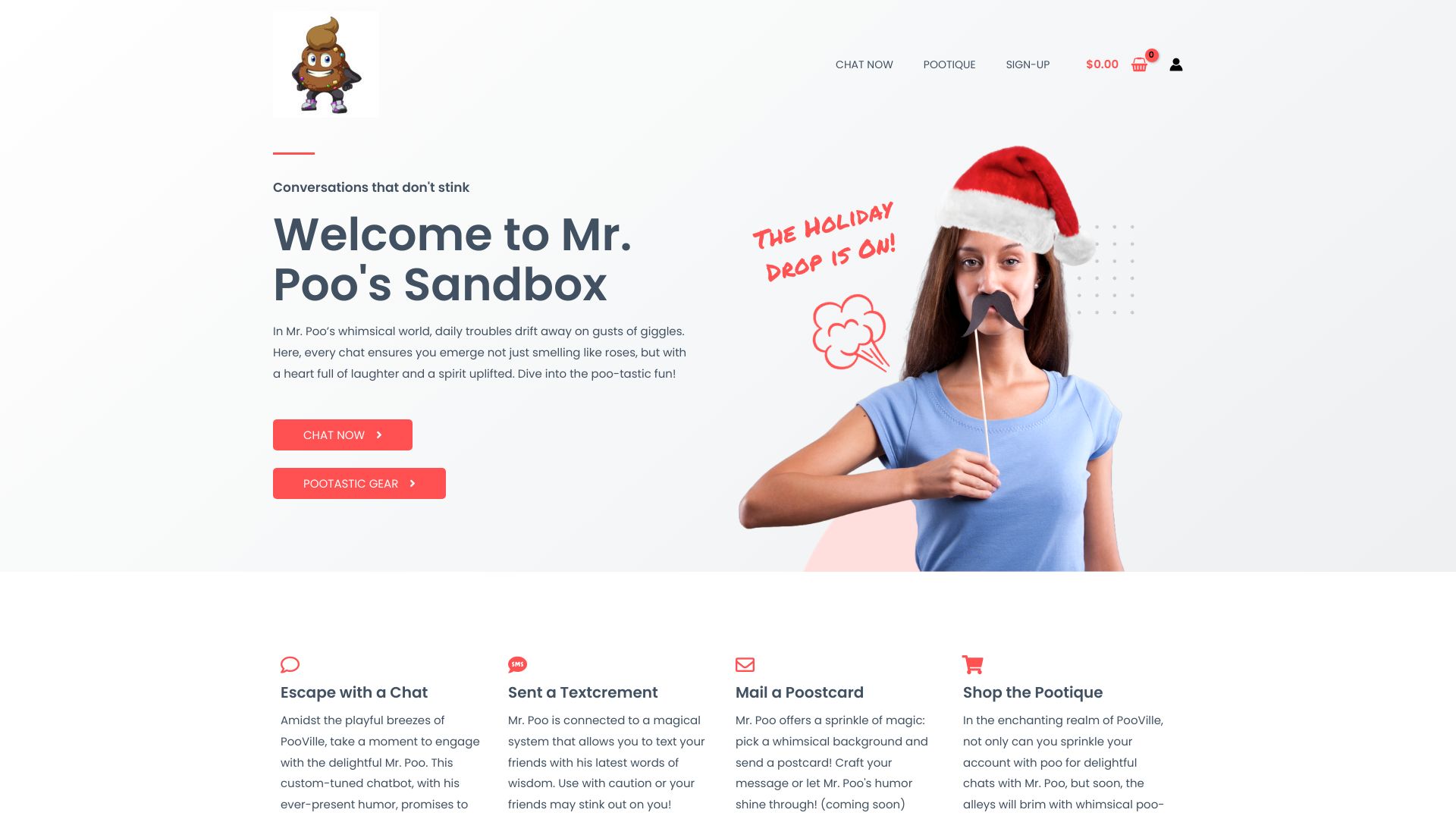
Mr. Poo's Sandbox
Lighthearted humor chatbot conversations

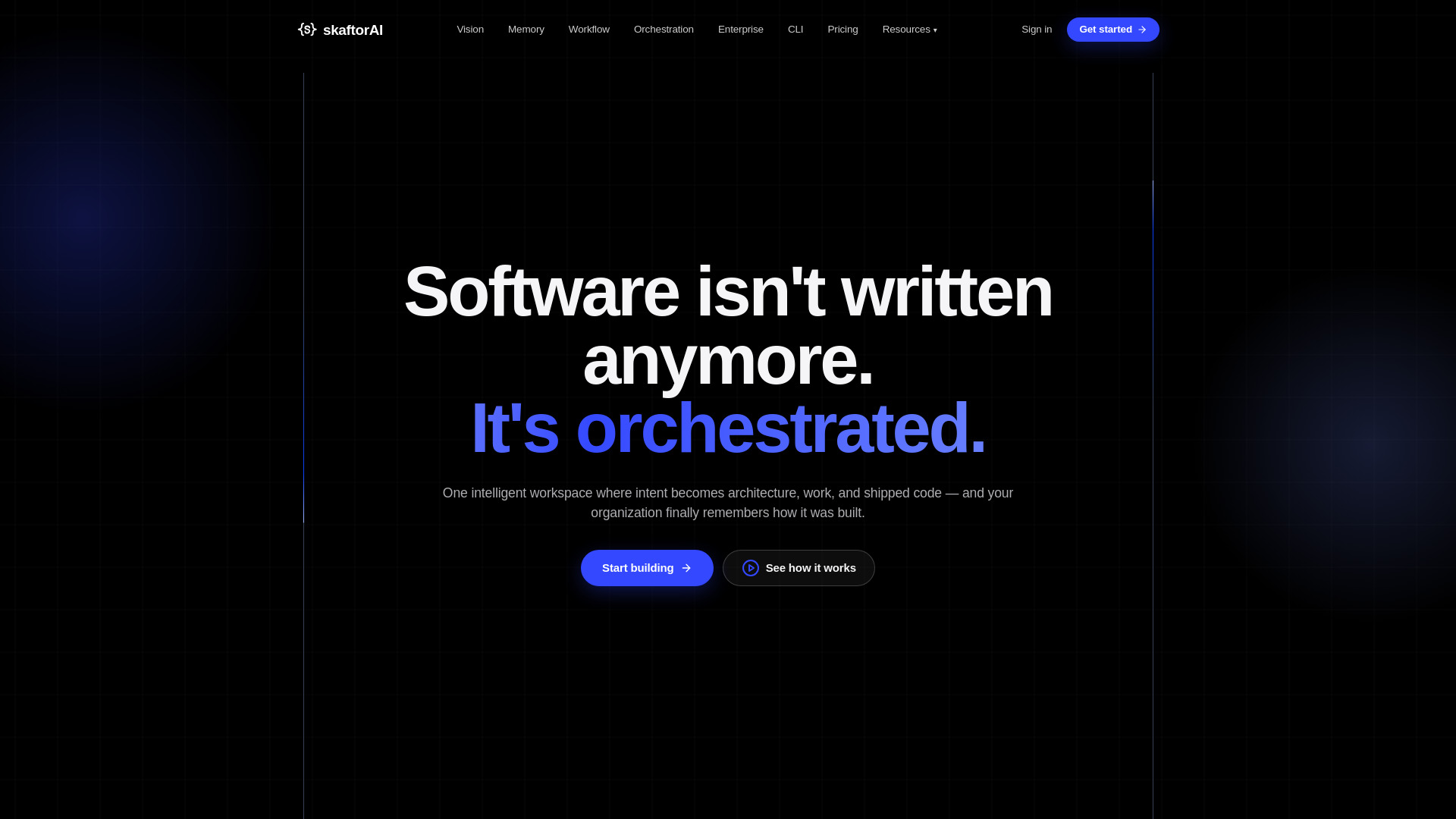
Skaftor
AI-native software delivery orchestration
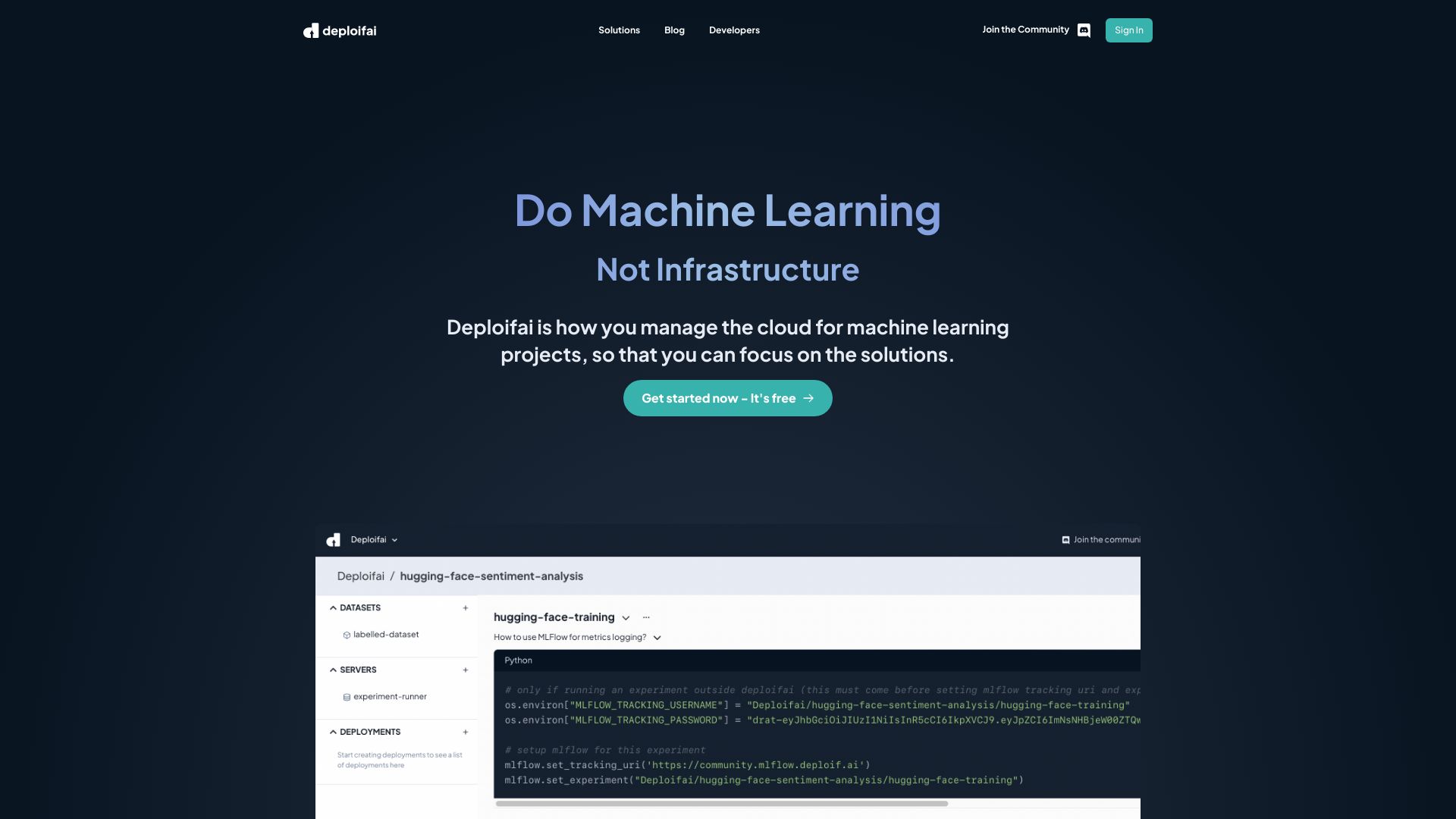
Deploifai
Cloud infrastructure for machine learning projects

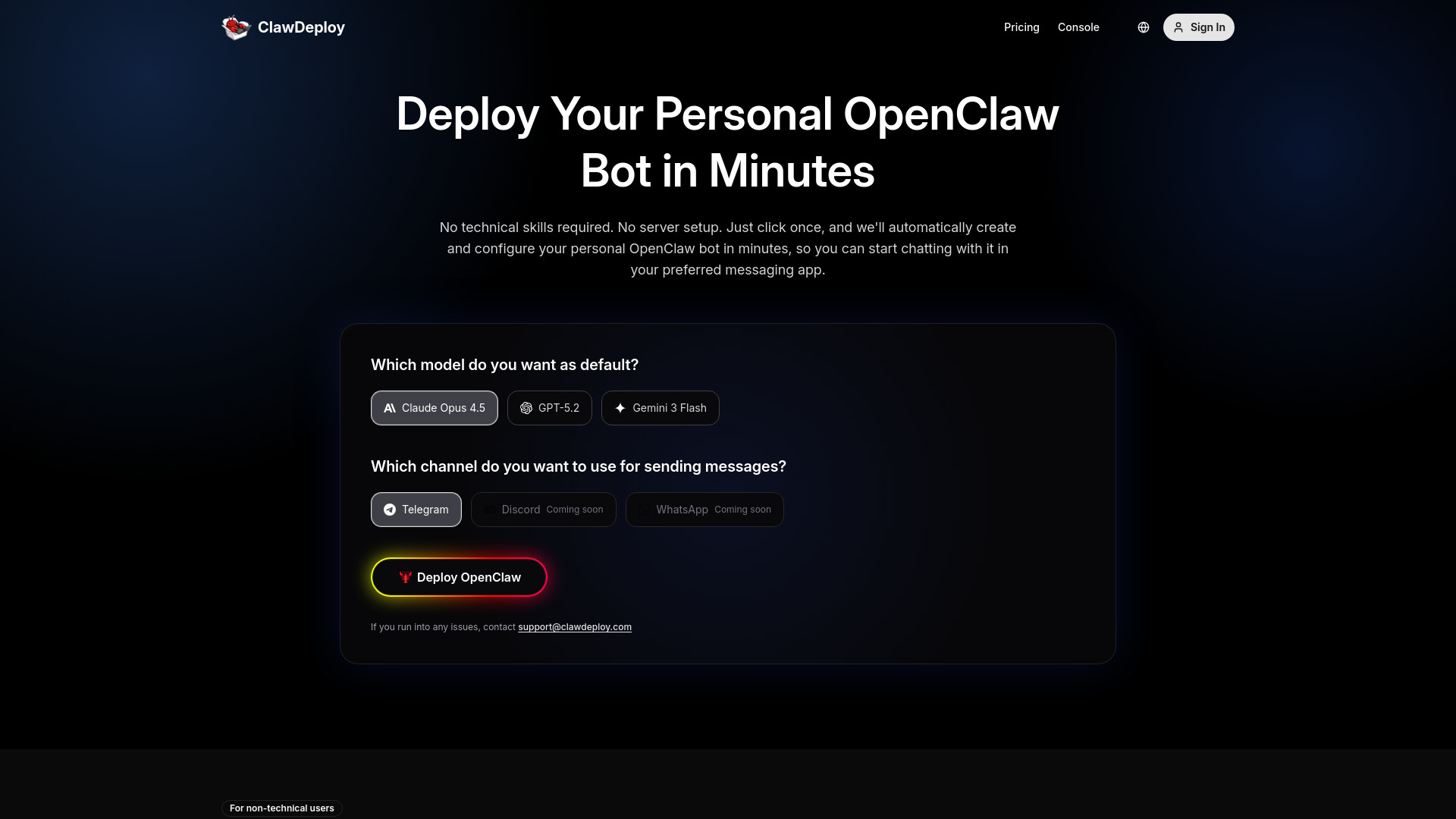
ClawDeploy
One-click managed OpenClaw bot deployment
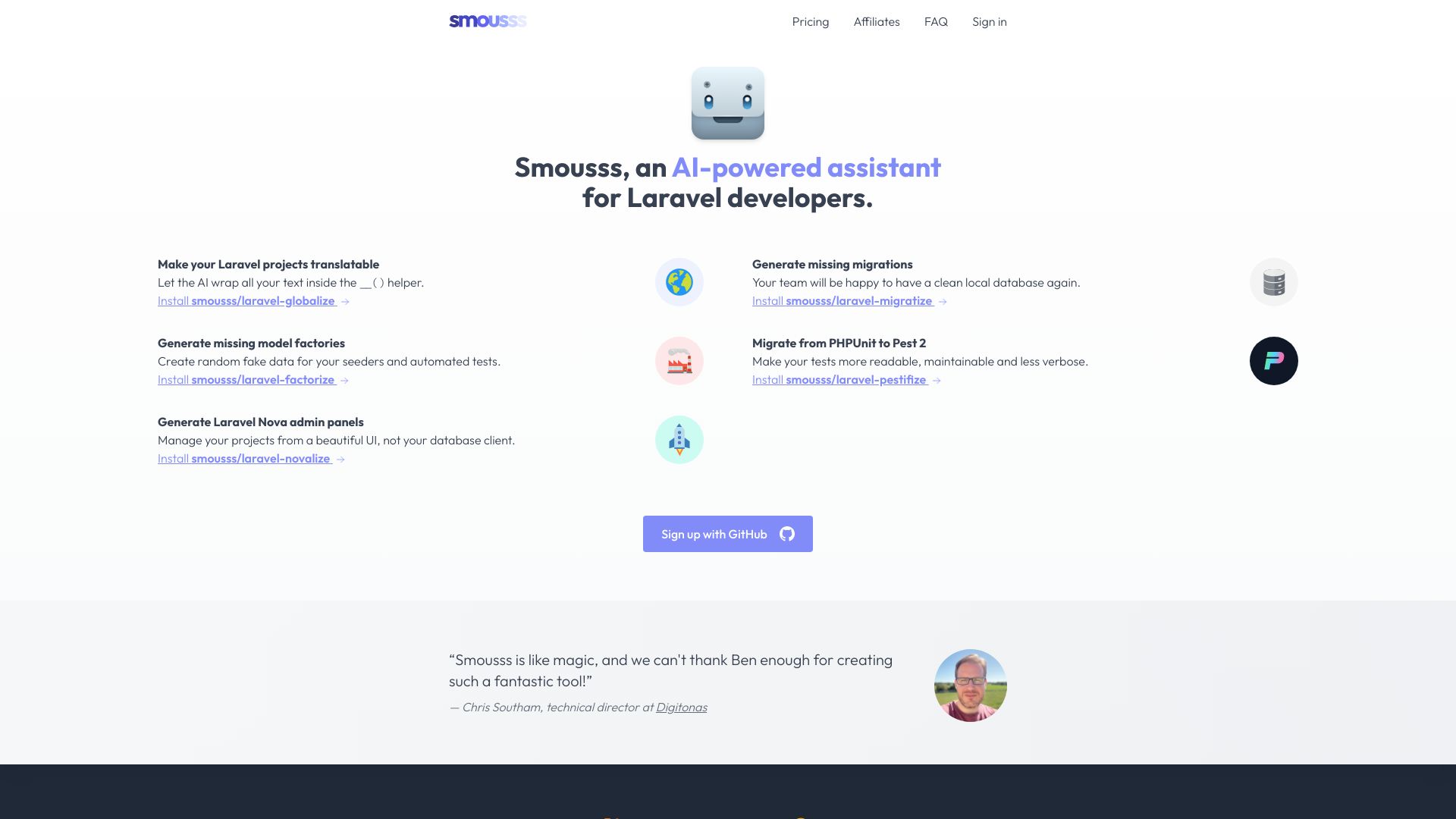
Smousss
Automating repetitive Laravel development tasks
Which MCP tools should you choose?
Start with the job you actually need done; the tools in this comparison solve different problems.
You need to find a server: Start with MCP Servers for MCP-specific discovery. Agent Skills Hub offers a wider catalog with scoring, while SkillsMP focuses on open-source agent skills.
You need apps connected to an agent: Compare Composio's managed integrations with Scalekit AgentKit's broad gateway and per-user authorization. Your auth requirements and expected call volume should decide between them.
You are building a custom agent: Look at mcp-use for its open-source SDK and deployment path. Check the engineering work involved and verify current cloud pricing.
You want hosting with less operations work: KiloClaw and MyClaw.ai are OpenClaw-focused hosting options. Compare the trial, ongoing price, and the level of infrastructure control you need.
You are a student or end user: MiniMax Agent is a broader multimodal assistant option. EasySBC is relevant specifically to EA FC 25 players, not general MCP development.
My practical recommendation
For most developers taking a first step, begin with the clearest match to your immediate task: MCP Servers to discover projects, Composio to connect apps through managed integrations, or Scalekit AgentKit when a gateway and per-user auth are central requirements. If you intend to build a custom agent, evaluate mcp-use alongside your own deployment needs rather than choosing a directory as though it were infrastructure.
Before connecting any server, skill, or integration, check who maintains it, what permissions it requests, how credentials are handled, and whether you can limit tool access. Then test with non-sensitive data and a representative workflow. A free tier or trial makes experimentation easier, but it does not replace a security review or a check of current usage limits and billing terms.
Common mistakes when choosing MCP servers
Treating directories, gateways, and hosts as interchangeable: A listing helps you discover a project; it does not run or secure the project for you.
Trusting a quality score as a security guarantee: Use scores and scans to prioritize review, not to skip it.
Ignoring credentials and permissions: Check OAuth behavior, stored credentials, scoped access, and the tools an agent can invoke.
Choosing on headline connector counts alone: Confirm that the specific services and actions your workflow needs are supported.
Forgetting plan limits: Free monthly calls, events, or trials can shape a prototype's real cost as it grows.
Installing public code without inspection: Review repositories and skill behavior before allowing them to run in an environment with access to data.
What changed in 2026
The MCP landscape is broader than server repositories alone. These 100 candidates span discovery catalogs, managed app connectors, agent-building SDKs, and hosted agent deployments. That makes category labels worth checking carefully: the best choice may be a gateway or a directory, but those products do different jobs. Security signals, authentication controls, and usage limits also deserve more attention as teams move from experiments to workflows connected to real services. Verify current audits, pricing, and feature availability with each vendor before deployment.
FAQ
An MCP server makes tools or context available to an AI application through the Model Context Protocol. The exact capabilities depend on the server, so review its documentation, permissions, and supported clients before connecting it.