
Finding the best ai voice generator depends on what you actually need to make: a live voice changer for streaming, a polished narration track, a multilingual avatar video, a podcast voice, or a complete song. I compared 100 tools and shortlisted the 10 worth a closer look, weighing voice quality, cloning, languages, creative controls, free access, pricing signals, and practical fit. The result is a useful starting point for anyone comparing the best ai voice generators rather than chasing a long list of near-identical demos.
Top picks
| Pick | Tool | Best for | Why it stands out |
|---|---|---|---|
| 1 | Voice.ai | Streamers | Real-time voice changing plus voice cloning and a user-generated voice library. |
| 2 | Vidnoz AI | Marketers | Combines AI avatars, voices, and a large video-template library. |
| 3 | AI STUDIOS | Educators | Pairs 150+ digital avatars with AI voices in 80+ languages. |
| 4 | AIVocal | Content creators | Adds text-to-speech, speech-to-text, voice cloning, and audio exports in one browser workflow. |
The short version: Voice.ai is the clearest all-around match for live voice work. Deepgram is the more focused choice for natural text-to-speech, while LOVO AI and Lovevoice AI suit creators who want straightforward narration. Noiz AI is especially interesting when emotional delivery matters, and AI Music Generator belongs on the shortlist only when the goal is a complete song rather than spoken audio.
Quick comparison
| Rank | Tool | Score | Best for | Free access | Starting price |
|---|---|---|---|---|---|
| #1 | Voice.ai | 96/100 | Streamers | Free basic version | Check vendor pricing |
| #2 | Vidnoz AI | 96/100 | Marketers | 1 free minute; avatars and voices | Check vendor pricing |
| #3 | AI STUDIOS | 96/100 | Educators | 3 video exports/month | Free: $0/month |
| #4 | AI Voice Generator by AIVocal | 96/100 | Content creators | Free trial; 1,000+ free voices | Free: $0/month |
| #5 | Deepgram AI Voice Generator | 96/100 | Content creators | Natural TTS and low latency | Check vendor pricing |
| #6 | LOVO AI | 95/100 | Marketers | 14-day free trial | From $24/month; lifetime $477 |
| #7 | AI Music Generator | 95/100 | Musicians | 2 generations/day | From $12.49/month |
| #8 | Lovevoice AI | 95/100 | Content creators | 1,000 free characters | From $6.99 one-time |
| #9 | Noiz AI | 95/100 | Podcast producers | Emotional TTS and voice cloning | From $3.90/month |
| #10 | FineVoice | 95/100 | Content creators | 2,000 TTS characters/month | From $5.99/month |
How we ranked these AI voice generators
We ranked the 100 candidates on the usefulness of their core voice workflow, not on feature count alone. Voice generation, text-to-speech, voice cloning, voice changing, expressive controls, language coverage, and related audio or video functions formed the practical feature lens. We then considered who each tool serves best, how usable its free access appears, whether pricing is clear, and the strength of its usage signal. Scores are comparative: a 96 reflects an especially strong fit for this shortlist, while a 95 still indicates a capable option with a narrower audience or more visible trade-off. Where pricing or limits were unclear, we treated that uncertainty as something buyers should check before committing.
The best AI voice generators
1. Voice.ai

Voice.ai
Best real-time AI voice generator for streamers
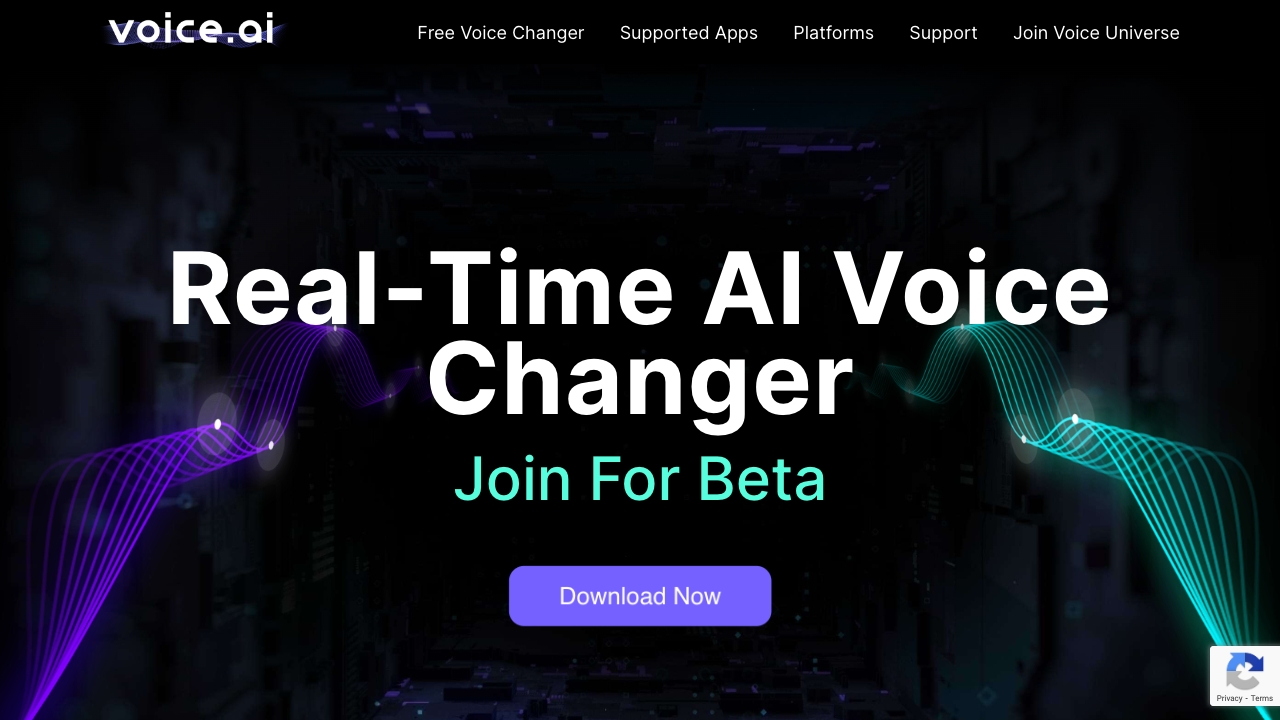
Live voice transformation is the reason to start here. Voice.ai focuses on real-time AI voice changing rather than making you render a finished narration file, and it also includes voice cloning. The Voice Universe user-generated voice library gives the experience a discovery layer: you can explore voices instead of starting with a blank synthesis box.
That combination makes Voice.ai unusually well aligned with streamers and interactive creators. The basic version is free to download and use, which lowers the barrier to trying the live workflow. The catch is important: advanced features and higher-quality audio require premium plans, and the current pricing page should be checked before you build a recurring workflow around it.
My take: This is the strongest first pick when immediacy matters more than studio-style narration controls. I like the clear distinction between changing your voice live and generating audio from text.
Where it falls short: The free version is not the whole product, and quality-focused users may quickly run into the premium boundary. It is also a more specialized fit for live voice work than for every narration task.
Key features
Real-time AI voice changing.
Voice cloning.
User-generated voice library through Voice Universe.
Pros
Free basic version makes the core experience easy to try.
Live voice changing is a direct fit for streaming and interactive use.
Voice cloning adds a more personal option than preset voices alone.
Cons
Premium plans are required for advanced features and higher-quality audio.
Vendor pricing needs to be verified before purchase.
Choose Voice.ai if: You stream, game, or perform live and want a voice changer that works in real time.
2. Vidnoz AI

Vidnoz AI
Best AI voice and avatar studio for marketers
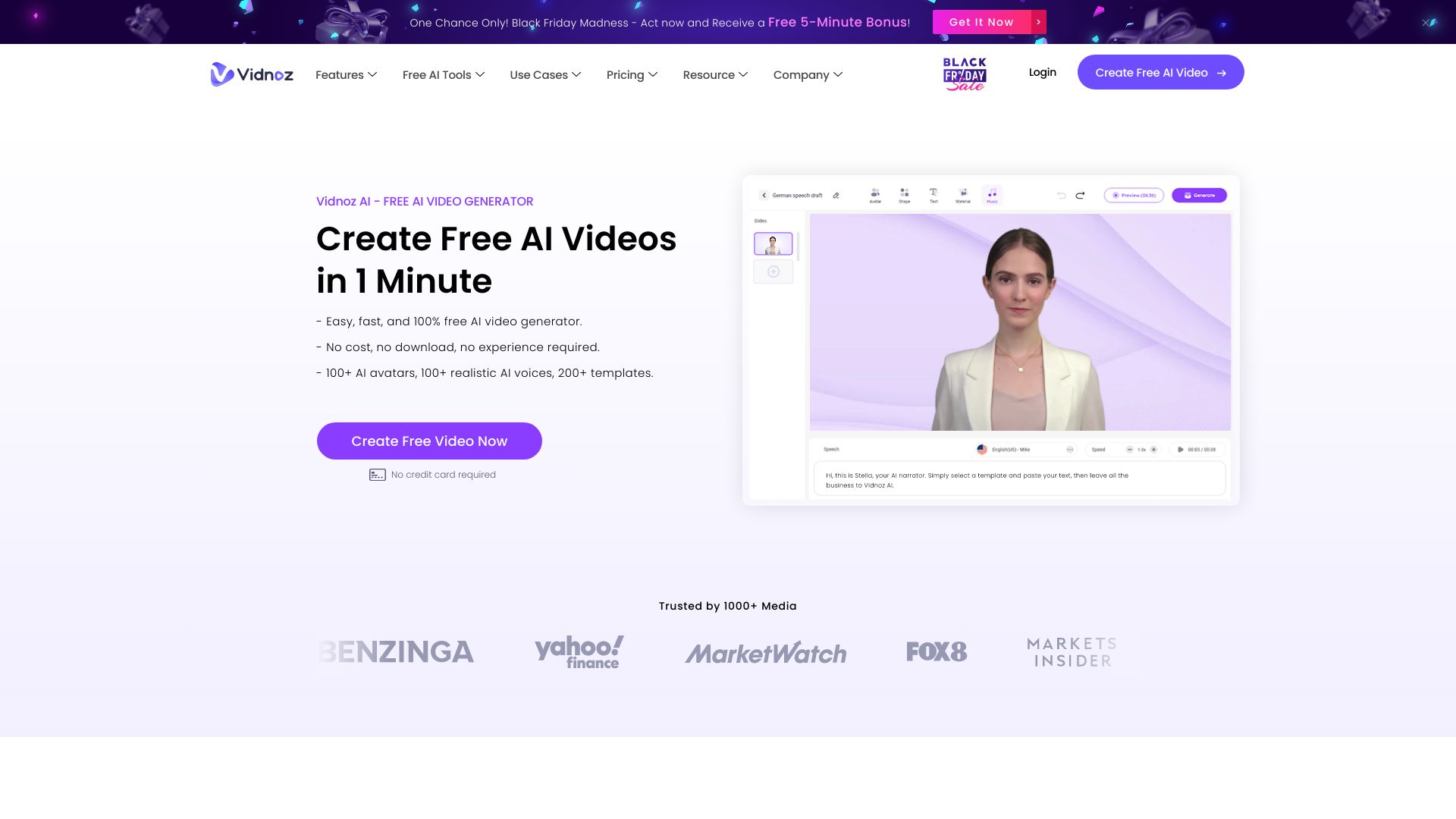
Vidnoz AI takes a broader route than a voice-only generator. Its value comes from combining AI video generation with more than 1,500 AI avatars and more than 2,800 video templates. Voices are part of that production system, so a marketer can think in terms of a finished presenter-led video rather than an isolated audio file.
The free allowance includes one minute for everyday use, along with AI video generation, avatars, and voices. That is enough to test whether the editor and presentation style fit your workflow, but the free version may have limitations as your output needs grow. The large template and avatar counts are compelling; just do not mistake a large catalog for a guarantee that every voice or format will suit your brand.
My take: Vidnoz is one of the best AI voice generator online alternatives when the voice needs a visual presenter attached to it. It is a practical choice for marketing teams that would otherwise stitch together several tools.
Where it falls short: Its strongest story is video creation, not fine-grained standalone voice production. Free users should check export and usage restrictions before planning a campaign around the platform.
Key features
More than 1,500 AI avatars.
More than 2,800 video templates.
AI video generation with AI avatars and voices.
Pros
Free AI video generation provides a low-risk starting point.
Broad template coverage can speed up repeat marketing content.
Avatars and voices live in the same production workflow.
Cons
The free version may have limitations.
Buyers looking only for audio may find the broader video focus unnecessary.
Choose Vidnoz AI if: You need voice-led marketing videos with an AI presenter and want templates close at hand.
3. AI STUDIOS

AI STUDIOS
Best multilingual AI voice studio for educators
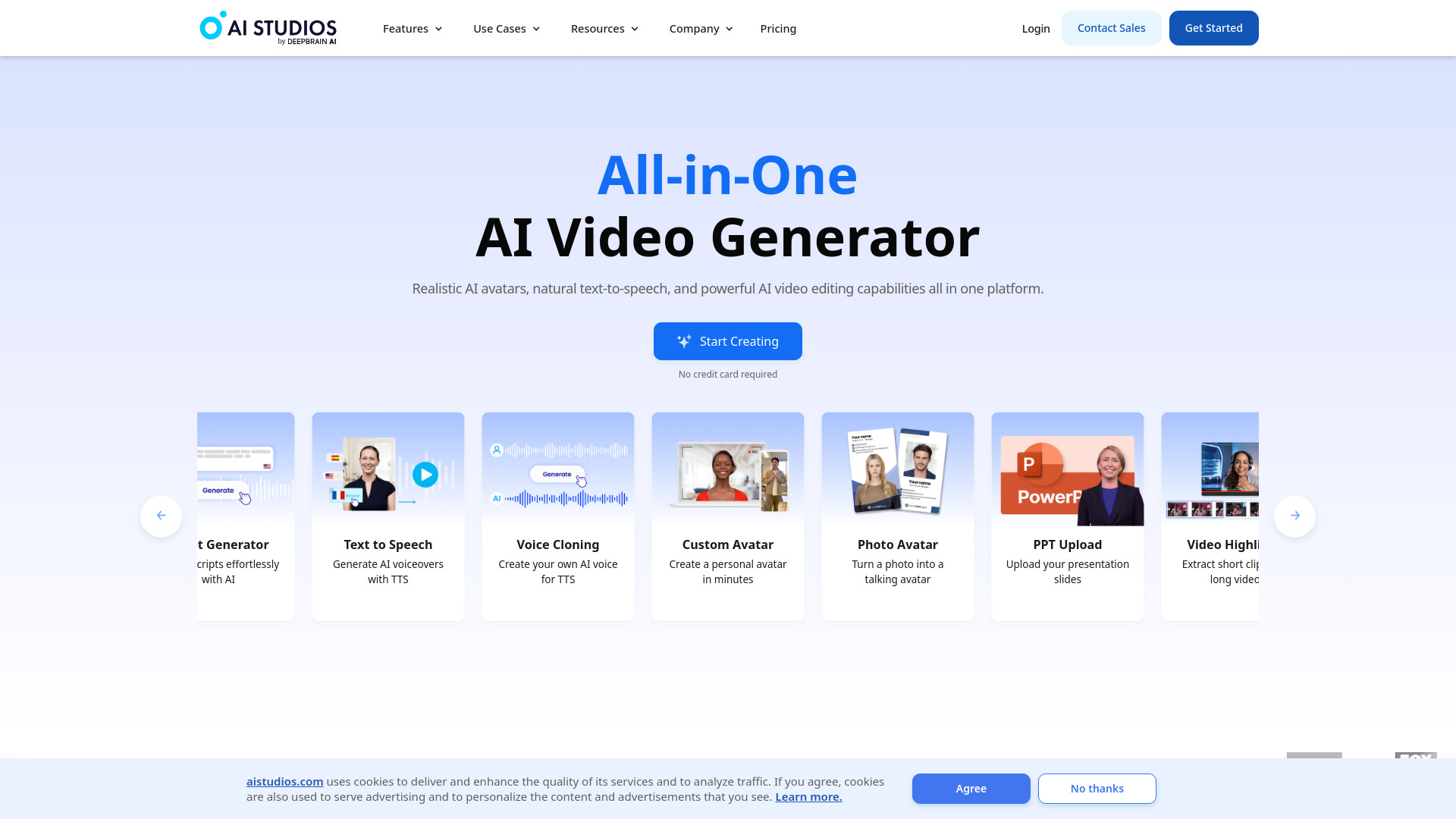
For training, lessons, and explainers, the handoff from script to presenter matters as much as the voice itself. AI STUDIOS packages 150+ realistic digital avatars with AI voices in more than 80 languages, giving educators a way to create narrated, presenter-led material from text.
The free plan includes three video exports per month, plus AI video generation from text, realistic avatars, and multilingual voices. That is a useful test allowance rather than an unlimited production plan. The platform positions itself as an all-in-one video creation and editing environment, which may be more helpful for a course team than a narrowly focused TTS tool.
My take: This is a strong pick when language coverage and a visible presenter are central to the brief. The 80+ language voice range gives it a clear reason to beat a simpler voice generator for international education content.
Where it falls short: Three monthly exports will feel restrictive for active production, and the free plan has limited features. If you only need clean audio narration, the avatar and editing layer may be more platform than you need.
Key features
More than 150 realistic digital avatars.
AI voices in more than 80 languages.
Text-to-video generation and editing workflow.
Pros
All-in-one platform for video creation and editing.
Strong language coverage for multilingual lessons.
Free plan provides three video exports each month.
Cons
Free plan has limited video exports and features.
Audio-only creators may not use the full platform.
Choose AI STUDIOS if: You create educational or training videos that need an avatar and voice in multiple languages.
4. AI Voice Generator by AIVocal

AI Voice Generator by AIVocal
Best browser-based voice and transcription toolkit for creators
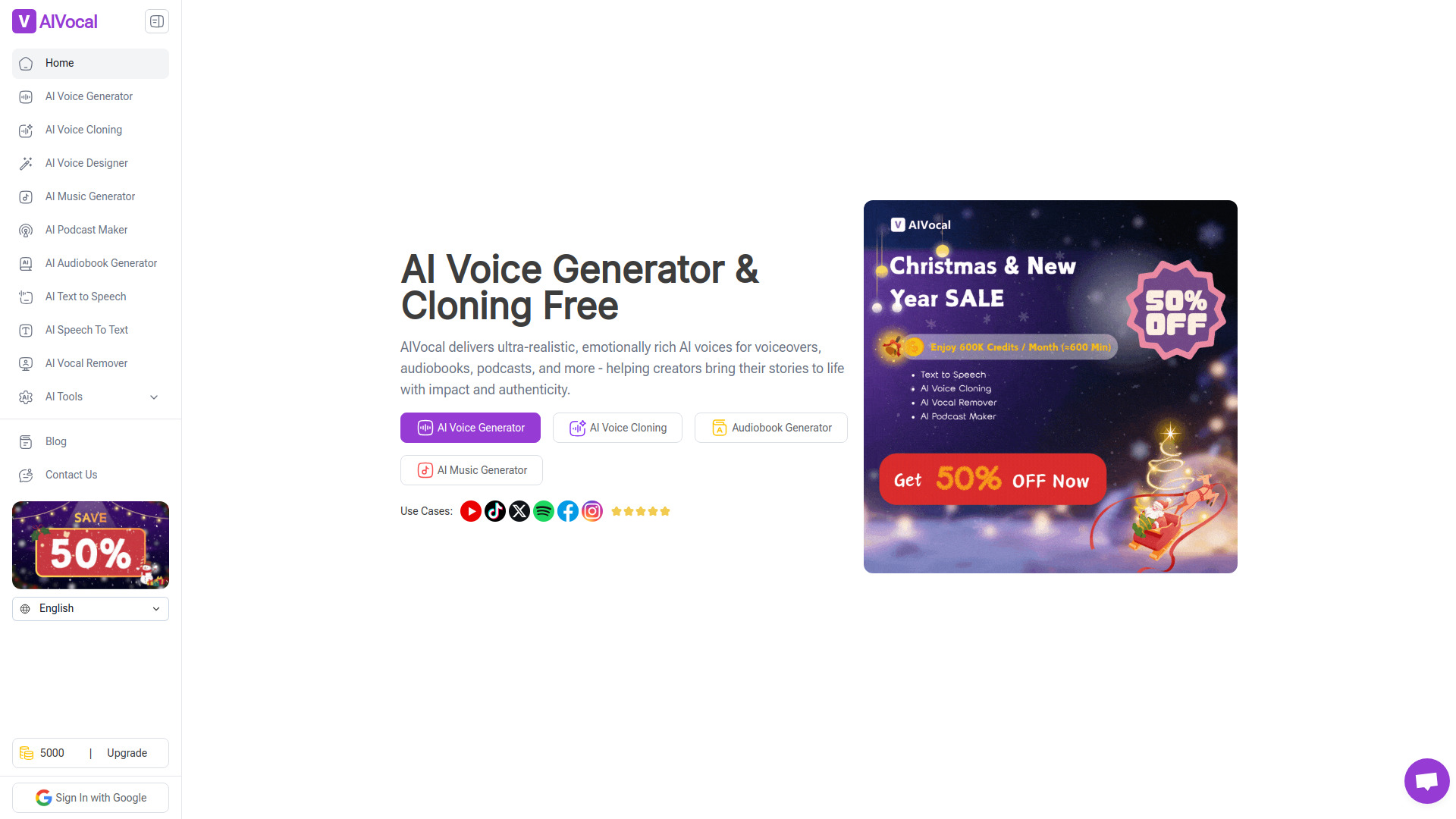
AIVocal is less about one headline voice effect and more about keeping common audio jobs together. Its text-to-speech feature generates expressive voices in multiple languages and styles, while speech-to-text turns audio or MP3 files into text with one-click SRT and TXT exports. Voice cloning rounds out the toolkit.
That mix is particularly useful for content creators who move between drafting narration, transcribing an existing recording, and preparing captions. A free trial, more than 1,000 free voices, and no-sign-up access make it easy to assess the workflow without a lengthy onboarding process. The listed free access is attractive, but the product fit, pricing, and workflow limits deserve a check before serious volume use.
My take: AIVocal is the ai voice generator best suited to creators who want a compact browser toolbox rather than a single-purpose synthesizer. The export formats make the transcription side more practical than a basic voice demo.
Where it falls short: Its breadth means buyers should test the exact voice style and editing flow they need. The product's current limits are not fully clear from the headline offer, so a real sample project matters.
Key features
Expressive text-to-speech in multiple languages and styles.
Speech-to-text for audio and MP3 files.
One-click SRT and TXT exports.
Voice cloning.
Pros
Handles voice generation and transcription in one place.
Free trial and 1,000+ free voices make evaluation straightforward.
No sign-up is required for the listed free access.
Cons
Check current product fit, pricing, and workflow limits before committing.
The broad feature set may require more testing than a focused TTS tool.
Choose AI Voice Generator by AIVocal if: You make content and want TTS, transcription, captions, and voice cloning in one browser workflow.
5. Deepgram AI Voice Generator

Deepgram AI Voice Generator
Best natural-sounding AI voice generator for creators
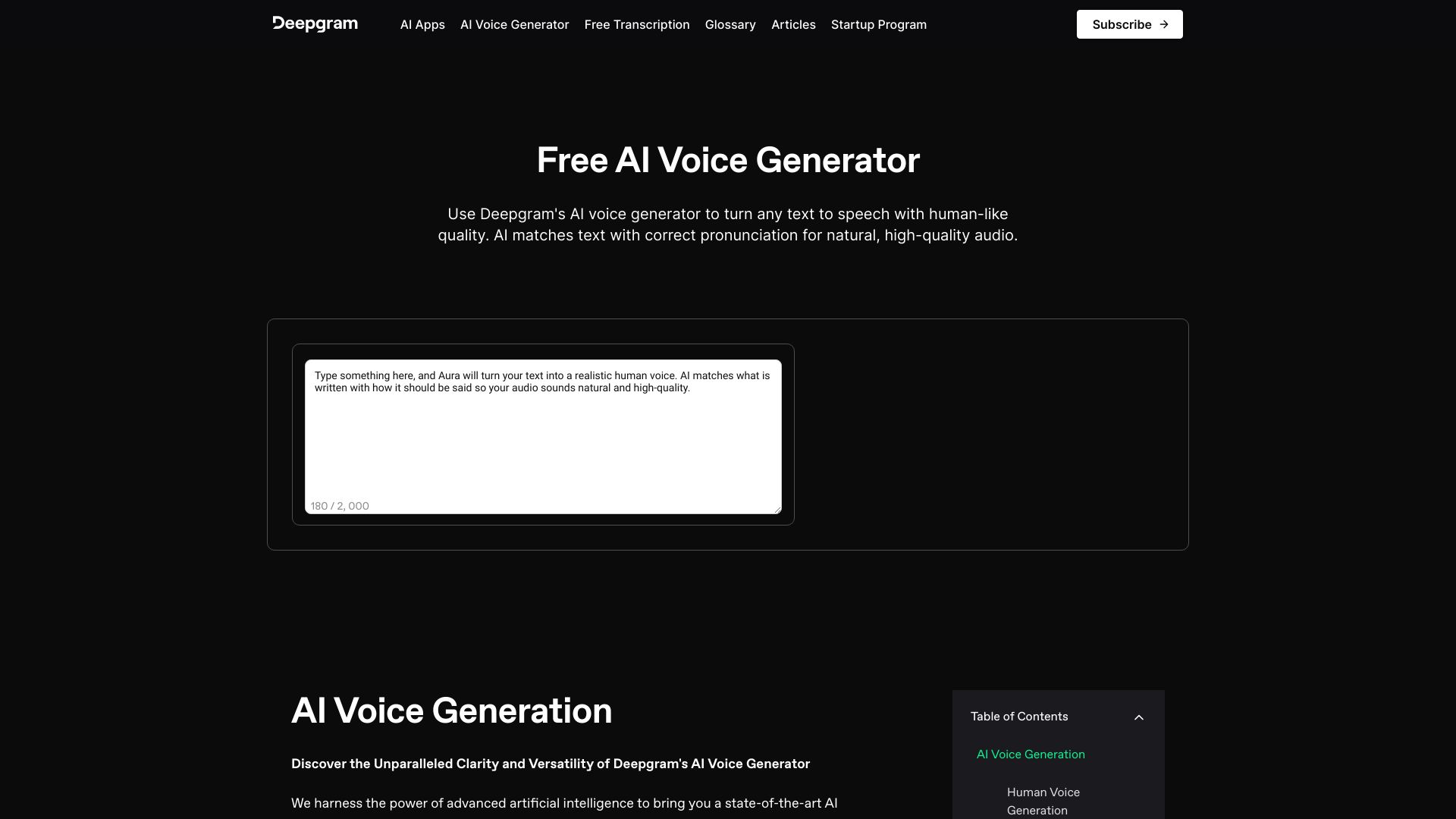
Deepgram keeps the proposition focused: text-to-speech conversion with human-like quality, a diverse voice library, and low-latency output. Its voice selection covers genders, ages, and accents, which gives creators more room to match a narrator to the subject instead of settling for one generic sound.
The listed free access emphasizes natural-sounding text to speech, human-like voices, and low latency rather than a numeric quota. That makes it sensible to test with the actual scripts you publish, especially if timing and responsiveness matter. Pricing is hidden behind a less tidy presentation here, and terms and privacy policies apply, so professional buyers should review the vendor details before using it for sensitive recordings.
My take: Deepgram is the cleanest recommendation for someone who wants to start with voice quality and delivery speed, not avatars or music generation. It feels like a focused tool to benchmark against broader platforms.
Where it falls short: The surrounding workflow is less expansive than an avatar-video studio or all-in-one audio editor. Buyers also need to verify live pricing, terms, and privacy details themselves.
Key features
Text-to-speech conversion with human-like quality.
Voice library spanning genders, ages, and accents.
Low-latency voice generation.
Pros
High-quality, natural-sounding AI voices.
Focused TTS workflow is easy to evaluate with real scripts.
Low latency is useful when responsiveness matters.
Cons
Terms and privacy policies apply.
Pricing is not presented as a clean starting figure here.
Choose Deepgram AI Voice Generator if: You want natural text-to-speech and low latency without committing to a larger avatar or music suite.
6. LOVO AI

LOVO AI
Best AI voice and video workflow for marketers
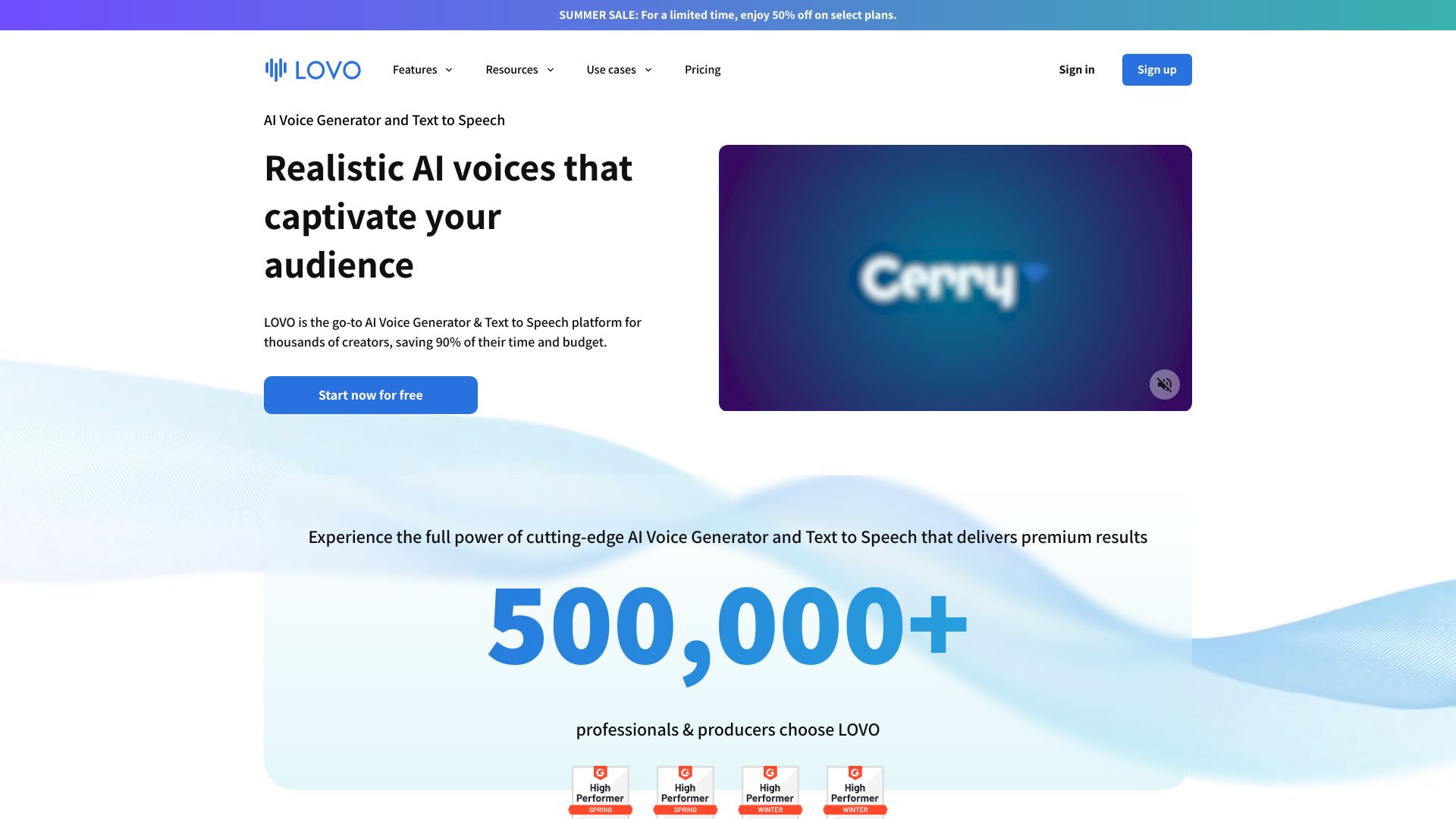
LOVO AI sits in the productive middle ground between a voice generator and a video production tool. Its core capabilities are AI voice generation and text to speech, with realistic voices and voice cloning available in the trial-led offering. The included video editor also gives marketers a path from script to finished visual content.
A 14-day free trial is enough to test a representative campaign, while the listed voice-generation offer starts from $24 per month. The pricing card also shows a $477 lifetime plan, so this is a tool where the payment model deserves careful comparison with your expected usage. The main constraint is straightforward: voice generation hours are limited based on the subscription.
My take: LOVO is attractive for marketers who need repeatable voiceovers and want an editor nearby. It is more production-oriented than a bare TTS page, but the hours limit means heavy users should calculate usage before choosing it.
Where it falls short: Subscription-based hours can become the deciding factor for frequent narration. The lifetime price is substantial, so occasional creators may prefer a smaller commitment elsewhere.
Key features
AI voice generation.
Text-to-speech conversion.
Realistic AI voices.
Voice cloning and video editor workflow.
Pros
Realistic AI voices support polished narration.
Video editor keeps voiceover production in one platform.
14-day free trial gives marketers time to test a real project.
Cons
Voice generation hours are limited by subscription.
The $477 lifetime plan requires a meaningful long-term commitment.
Choose LOVO AI if: You produce marketing videos regularly and want realistic narration plus a built-in video editing workflow.
7. AI Music Generator

AI Music Generator
Best AI voice-adjacent music generator for musicians
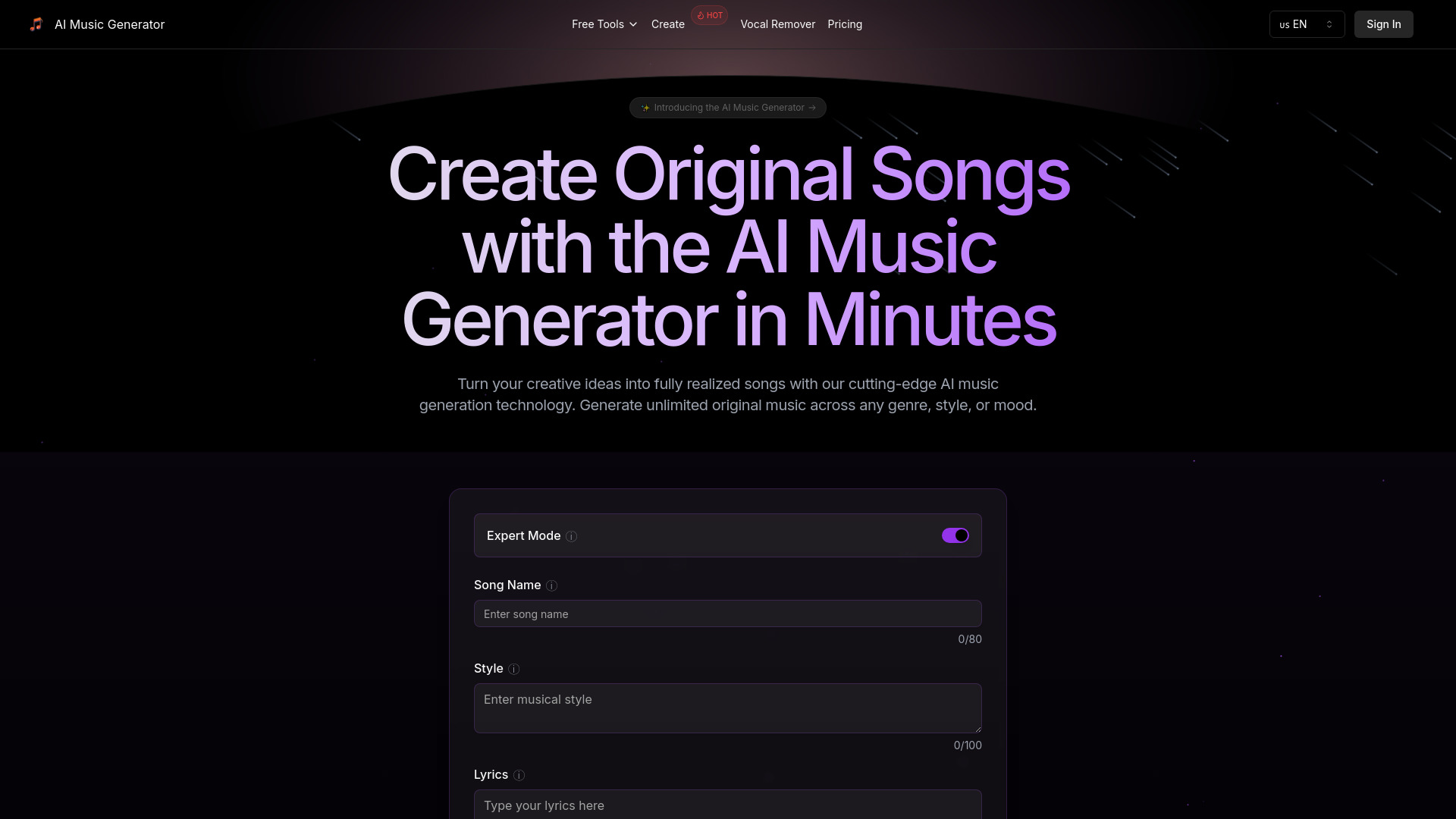
This is the most obvious adjacent alternative in the list. AI Music Generator is not a conventional spoken-voice tool; it is built for original music, with multi-genre generation and complete song creation. Its text-to-song and lyrics-to-song workflows make it relevant when your project needs sung vocals or a finished musical track rather than narration.
The free access allows two generations per day, and the basic plan starts at $12.49 per month. That free limit is useful for exploring ideas, but the free plan also limits song length and features. Musicians should judge it by how quickly it turns a concept or lyrics into a usable song, not by the standards of a podcast TTS platform.
My take: Keep this on the shortlist only if your definition of voice includes vocals inside a complete song. For spoken scripts, it is the wrong tool category; for fast musical ideation, it has a clear purpose.
Where it falls short: Song length and feature restrictions make the free plan more of a sampler than a production solution. It also does not replace a focused text-to-speech generator for narration.
Key features
Multi-genre music generation.
Complete song creation.
Text-to-song generation.
Lyrics-to-song workflow.
Pros
Simplifies the music creation process.
Two daily generations provide a practical way to explore the concept.
Basic pricing is clear at $12.49 per month.
Cons
Free plan limits song length and features.
It is an adjacent music tool, not a general-purpose spoken TTS platform.
Choose AI Music Generator if: You are creating original songs or vocal music rather than spoken voiceovers.
8. Lovevoice AI

Lovevoice AI
Best affordable text-to-speech option for content creators
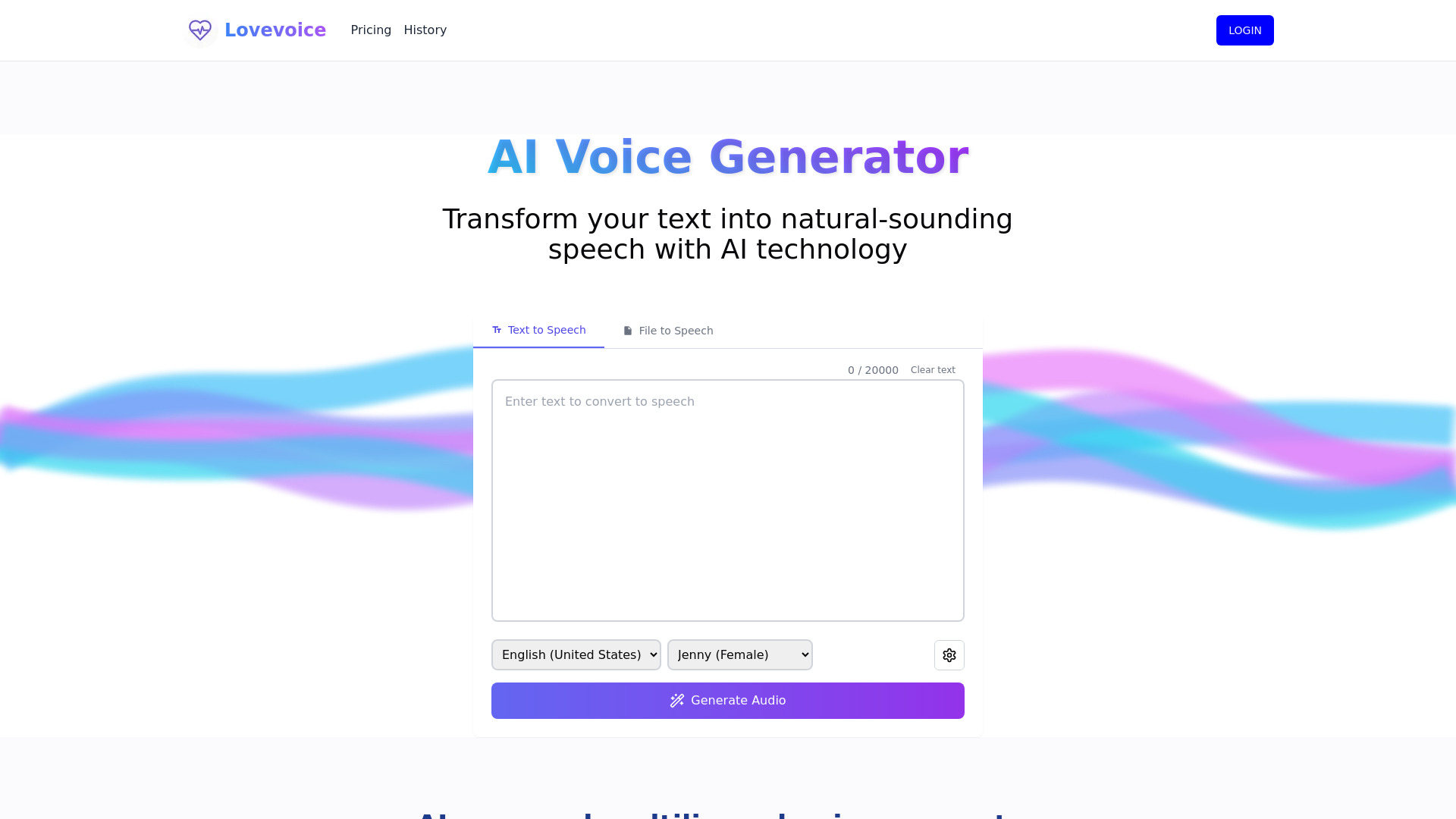
Lovevoice AI makes its pitch through breadth and a low entry point. It offers nearly 300 AI voices in 70+ languages, with text-to-speech conversion and AI-powered voice synthesis aimed at producing lifelike speech. The 1,000 free characters are enough to audition voices against a short script before paying.
The listed Basic Pack starts at $6.99 one-time for 800,000 characters, which is notably different from the monthly plans used by several competitors. That can suit occasional creators who dislike recurring subscriptions. The trade-off is that character limits may apply depending on the plan, so high-volume users should inspect how the purchased allowance maps to their actual publishing schedule.
My take: Lovevoice is a sensible first stop when you want lots of language and voice choices without immediately signing up for a large monthly platform. The one-time entry price is its most distinctive buying angle.
Where it falls short: Character-based limits can be less predictable than an unlimited-feeling editor, especially for long scripts. Test pronunciation, pacing, and the exact language variant you need before buying a larger pack.
Key features
Text-to-speech conversion.
AI-powered voice synthesis.
Nearly 300 AI voices.
Support for 70+ languages.
Pros
Realistic and natural-sounding AI voices.
1,000 free characters make short trials easy.
Low-cost one-time Basic Pack offers an alternative to subscriptions.
Cons
Character limits may apply depending on the plan.
Large voice and language catalogs still require careful auditioning.
Choose Lovevoice AI if: You need multilingual narration and prefer a low-cost character pack over a recurring subscription.
9. Noiz AI

Noiz AI
Best emotional AI voice generator for podcast producers
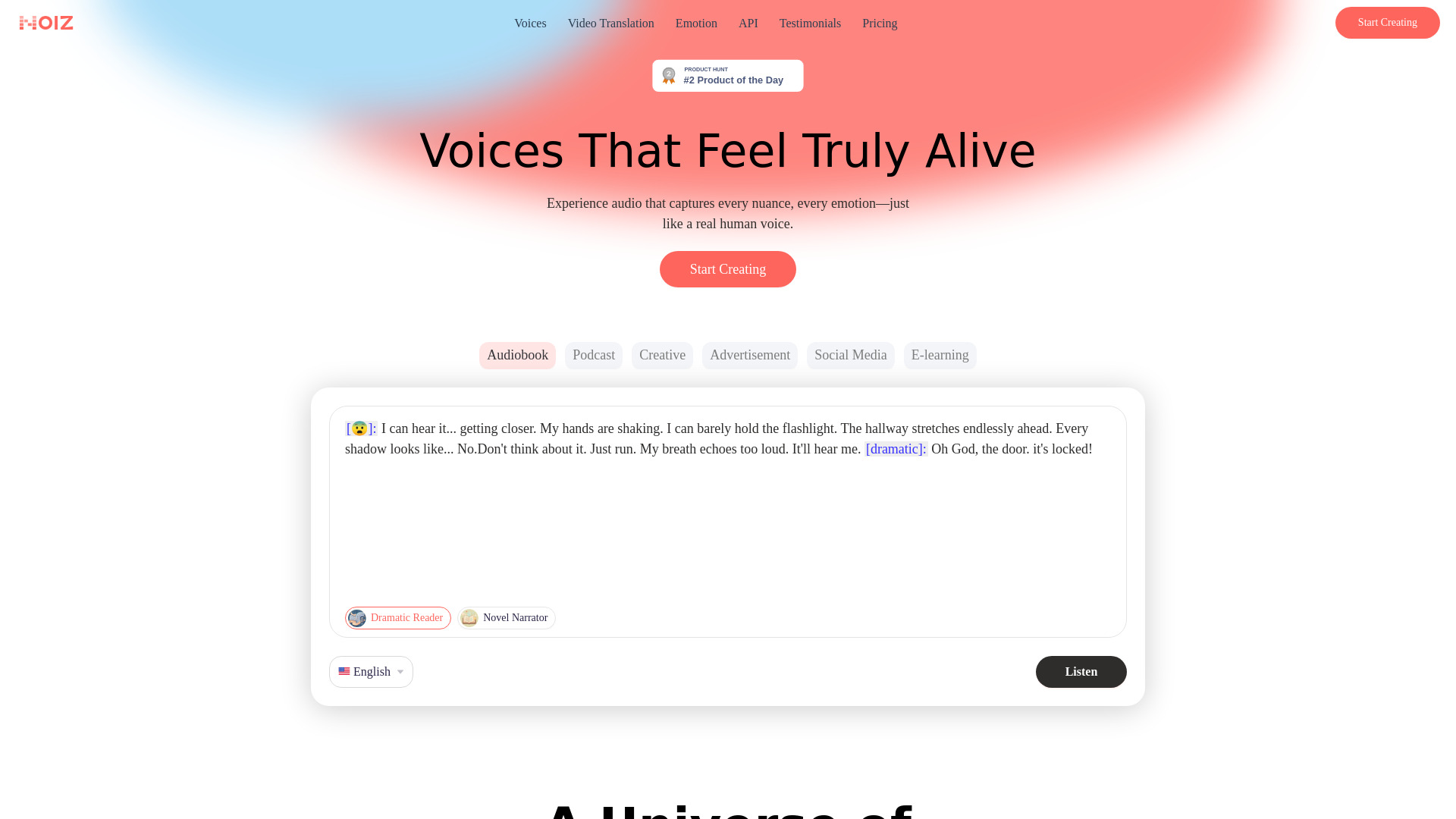
Noiz AI earns its place through control over delivery. Its emotional text-to-speech workflow is designed for lifelike, human-sounding speech, while unlimited voice clone and voice design are listed among its core capabilities. Multilingual dubbing adds a practical route for adapting spoken content beyond its original language.
The Starter plan is listed from $3.90 per month with 150,000 credits per month. That is an appealing price signal, but the credit-based system is also the key limitation: high-volume usage may be constrained depending on the plan. Podcast producers should run a full episode or representative excerpt through the tool, then estimate credit consumption before treating the entry price as the final cost.
My take: Noiz is the most interesting pick here when emotional delivery matters more than simply sounding clean. It is a strong option for podcasts, character work, and expressive narration where a flat read would undermine the material.
Where it falls short: Credits add a layer of usage math that simple monthly pricing does not. Buyers also need to confirm how voice cloning and dubbing usage are counted at their intended volume.
Key features
Emotional text to speech.
Unlimited voice clone and voice design.
Multilingual dubbing.
Controls for emotion and lifelike delivery.
Pros
Allows control over emotion in generated speech.
Voice cloning and design support more distinctive audio identities.
Starter pricing begins at $3.90/month with 150,000 credits/month.
Cons
Credit-based usage may limit high-volume work.
Actual cost depends on how quickly the workflow consumes credits.
Choose Noiz AI if: You produce podcasts or narration where emotional, human-sounding delivery is more important than the lowest-friction workflow.
10. FineVoice

FineVoice
Best flexible AI voice toolkit for content creators
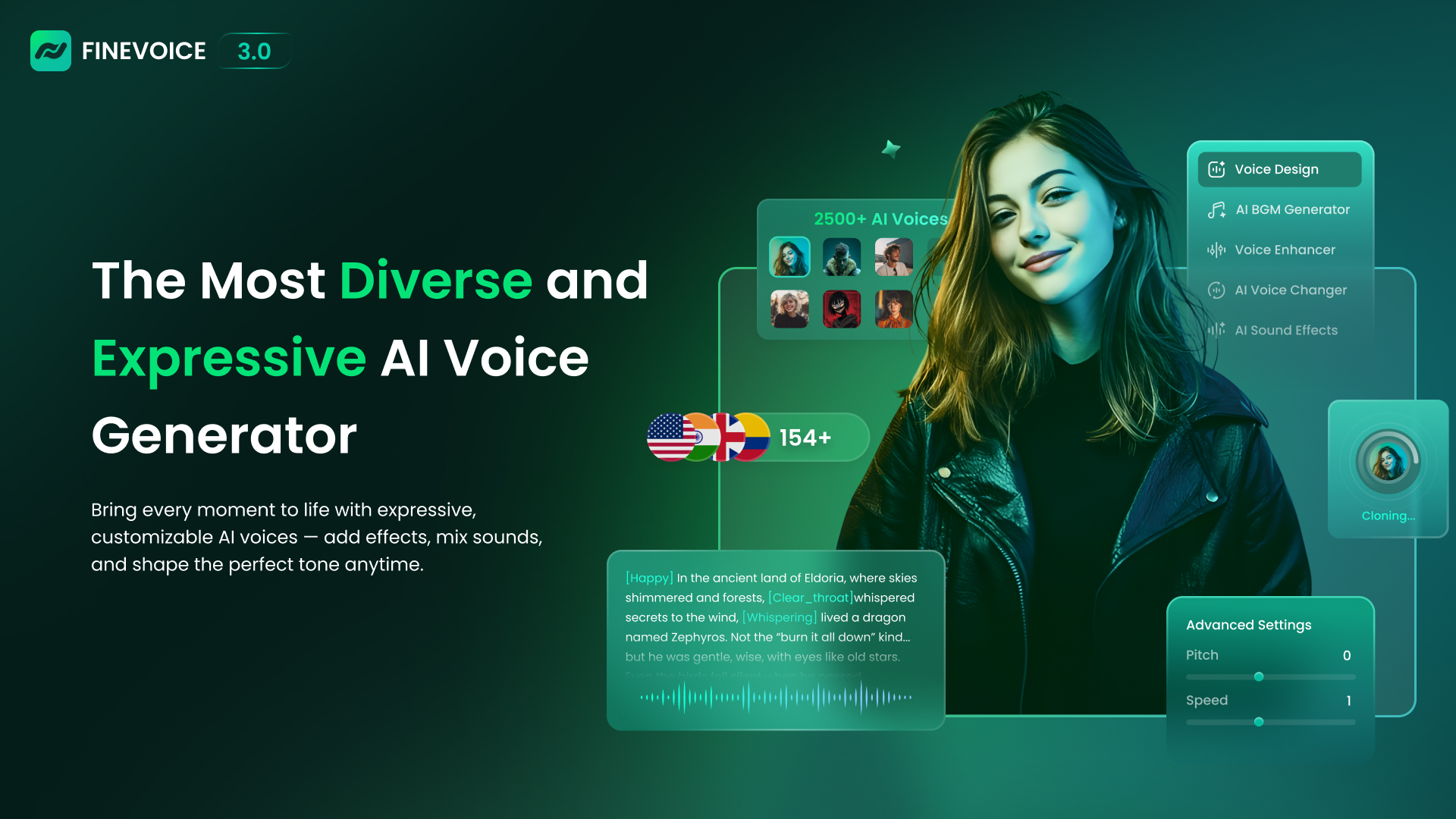
FineVoice is built for creators who want more than one voice workflow. It combines an AI voice generator with voice cloning and an AI voice changer, while its broader positioning includes royalty-free voices, sound effects, and music. That makes it a flexible creative toolbox for experimenting with different types of audio output.
The free allowance is 2,000 TTS characters per month, and the Basic Plan starts at $5.99 per month. Those numbers make the tool easy to trial, particularly for short scripts and prototypes. The limitation is not just quota: advanced features have a learning curve, so users should expect to spend time understanding which mode fits a particular recording rather than treating every function as interchangeable.
My take: FineVoice is a good value-oriented choice for creators who regularly switch between cloning, changing, and generating voices. It is less compelling if you only need a single polished narration workflow and want the simplest possible interface.
Where it falls short: The free character allowance is modest for long-form work, and advanced features take time to learn. A short test will tell you more than the broad feature list, especially for a recurring production job.
Key features
AI voice cloning.
AI voice changer.
Text-to-speech and AI voice generation.
Royalty-free voices, sound effects, and music.
Pros
Diverse range of AI voices and languages.
Combines generation, cloning, and voice changing.
Basic pricing starts at $5.99/month.
Cons
Advanced features have a learning curve.
Free access is limited to 2,000 TTS characters per month.
Choose FineVoice if: You want one affordable toolkit for experimenting with generated, cloned, and changed voices.
More tools to compare

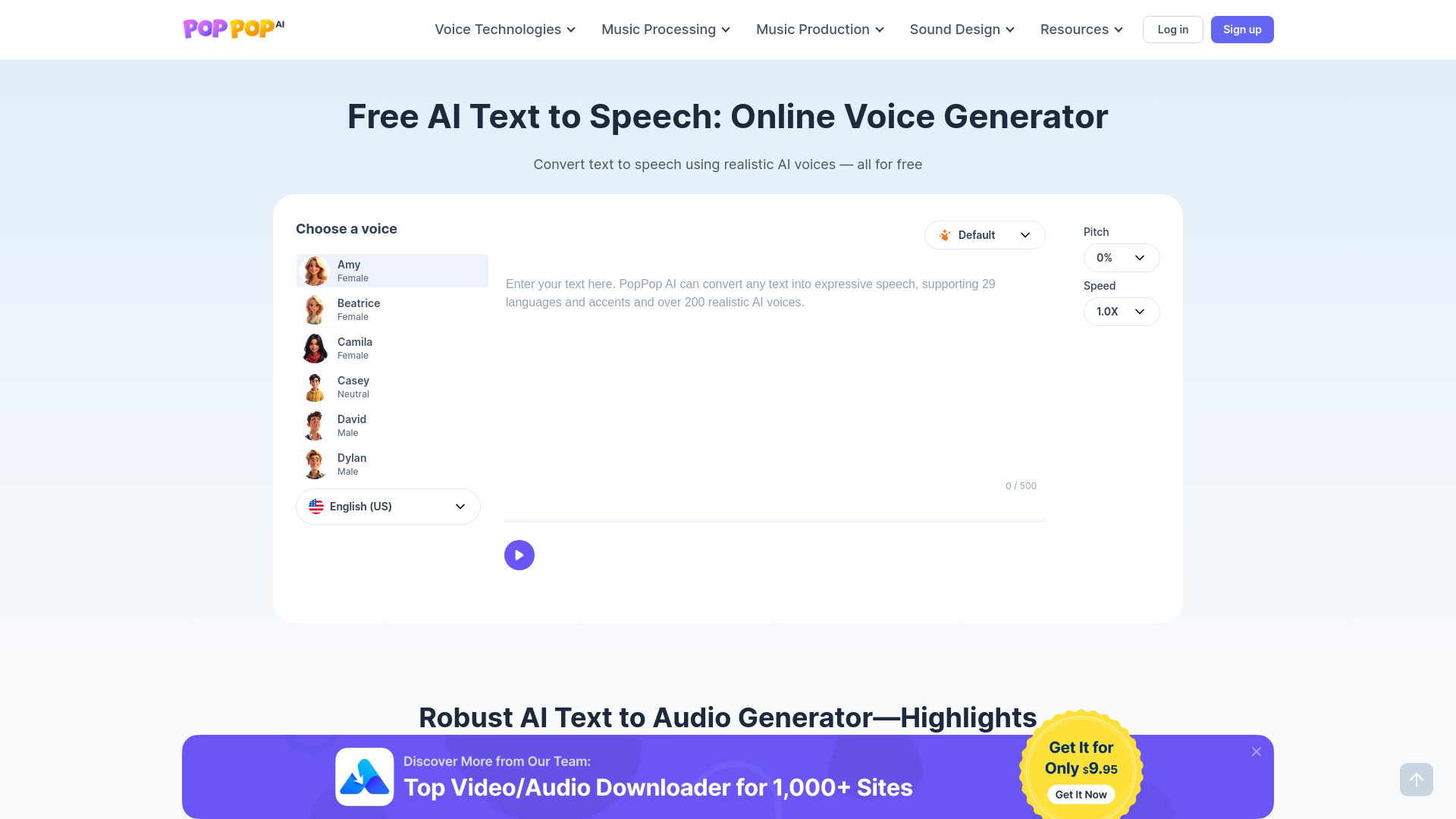
FakeYou
Celebrity and character voice generation
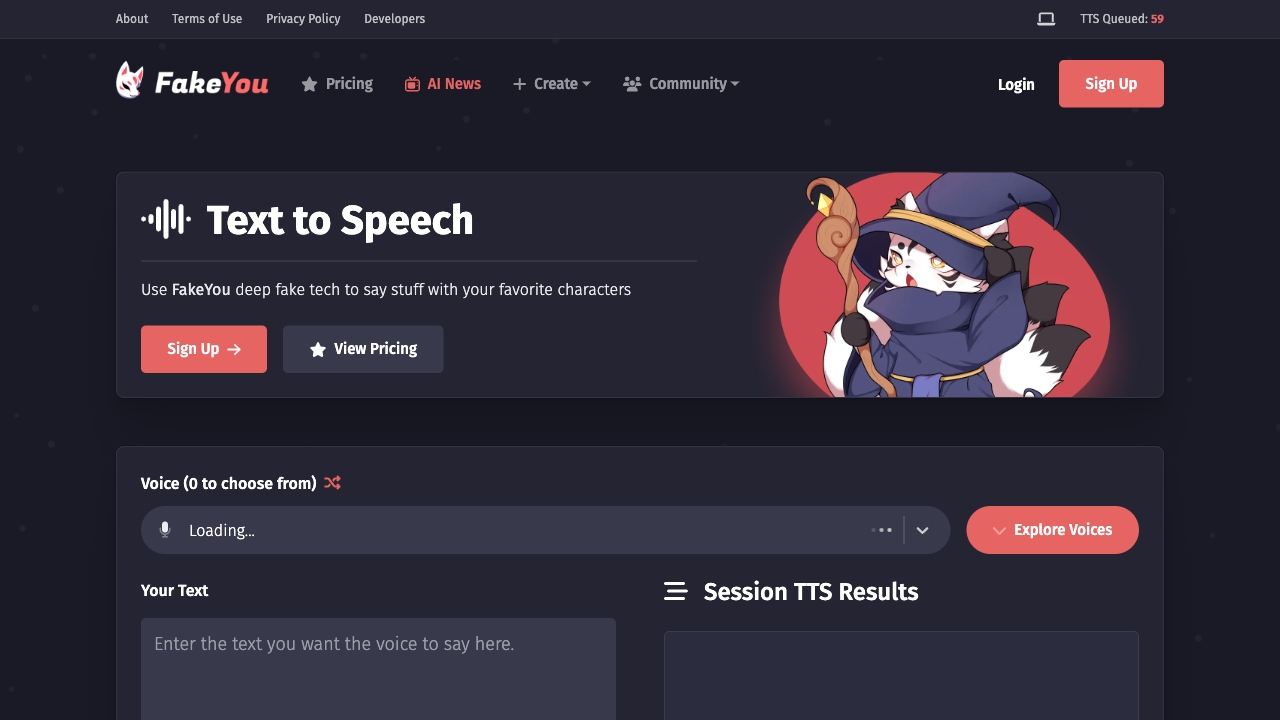

PopPop AI Text to Speech
Multilingual voiceovers and narration

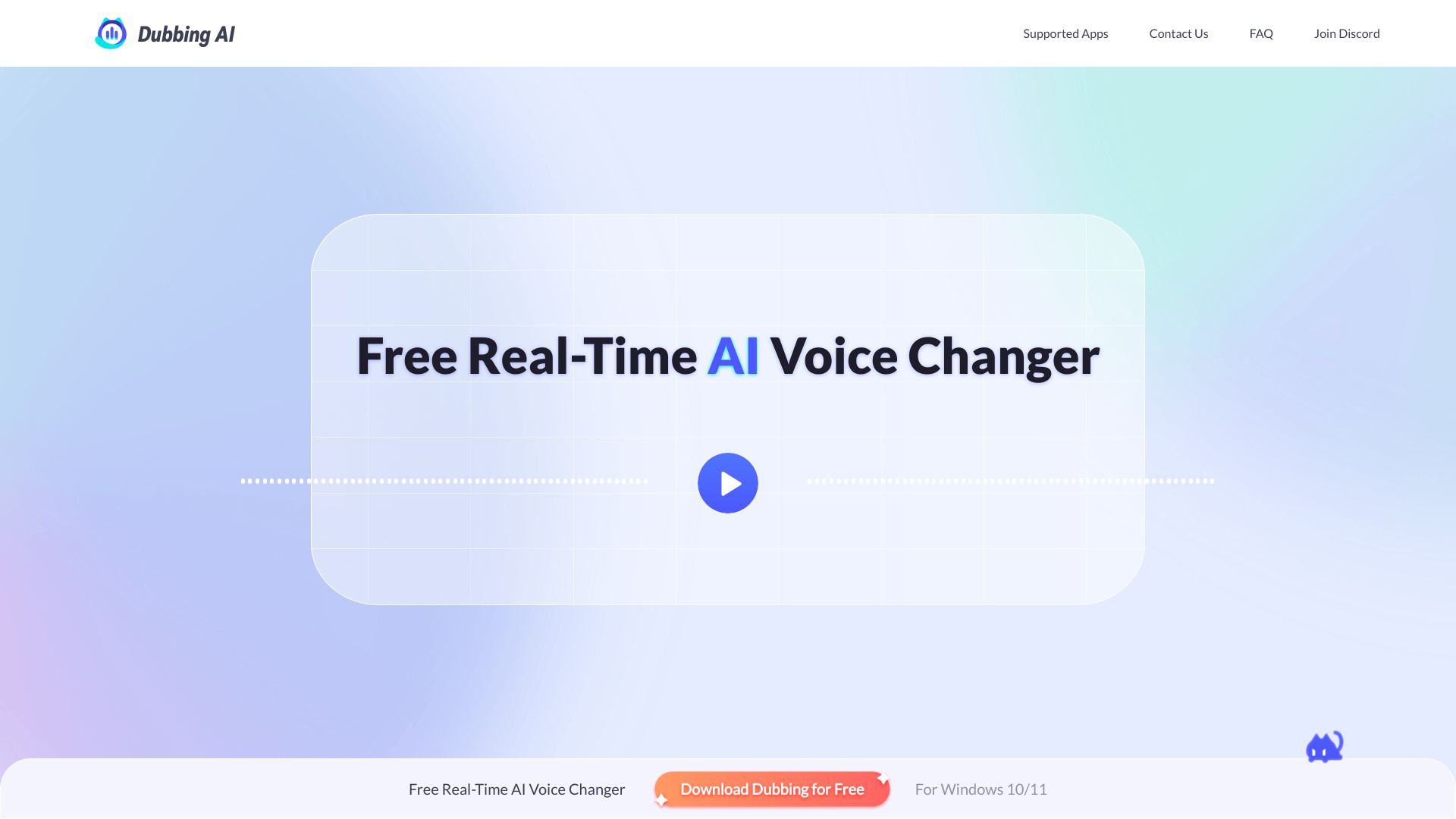
Dubbing AI
Real-time voice changing for gamers and streamers

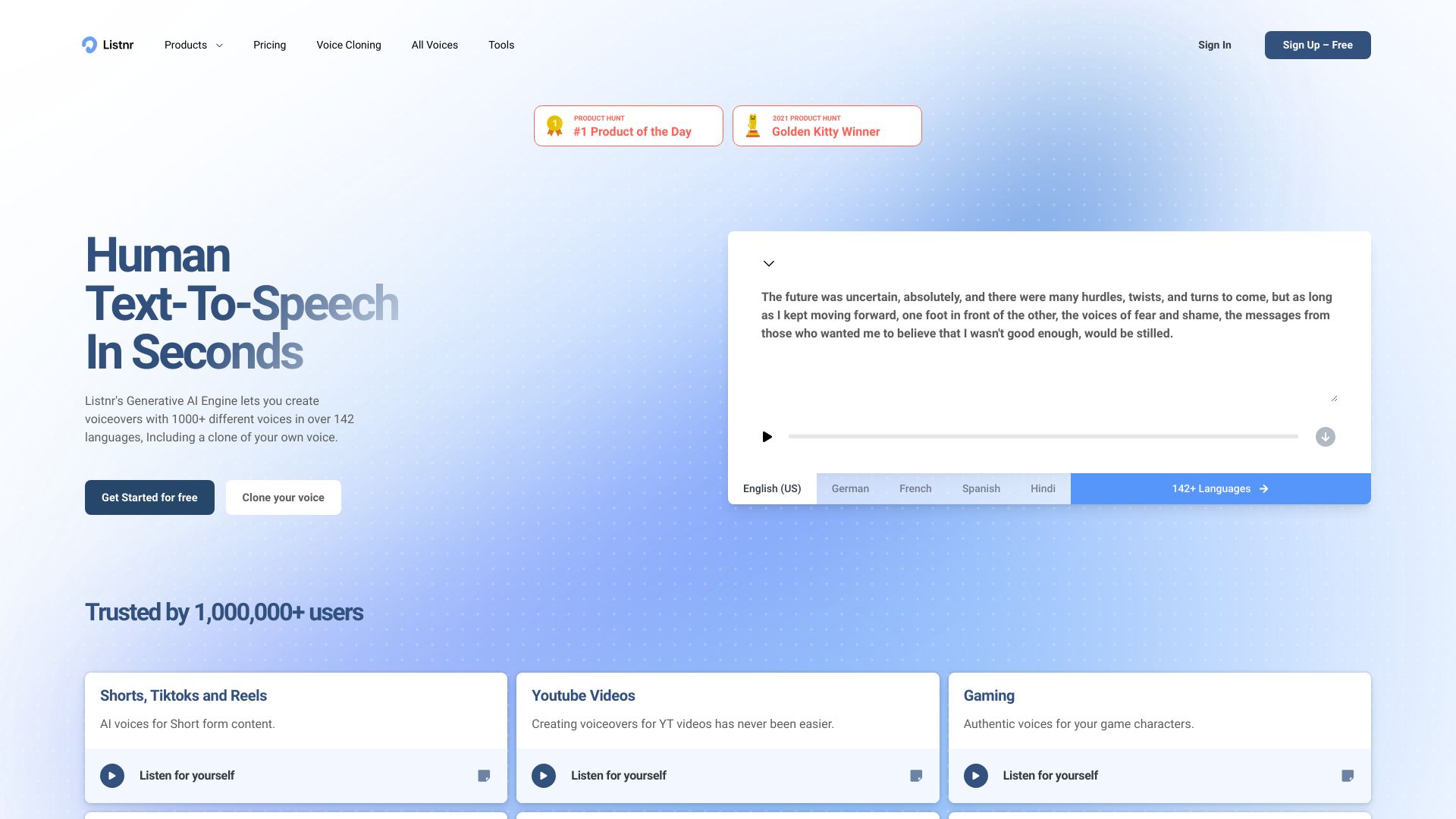
Listnr AI
Multilingual voiceovers and podcast production

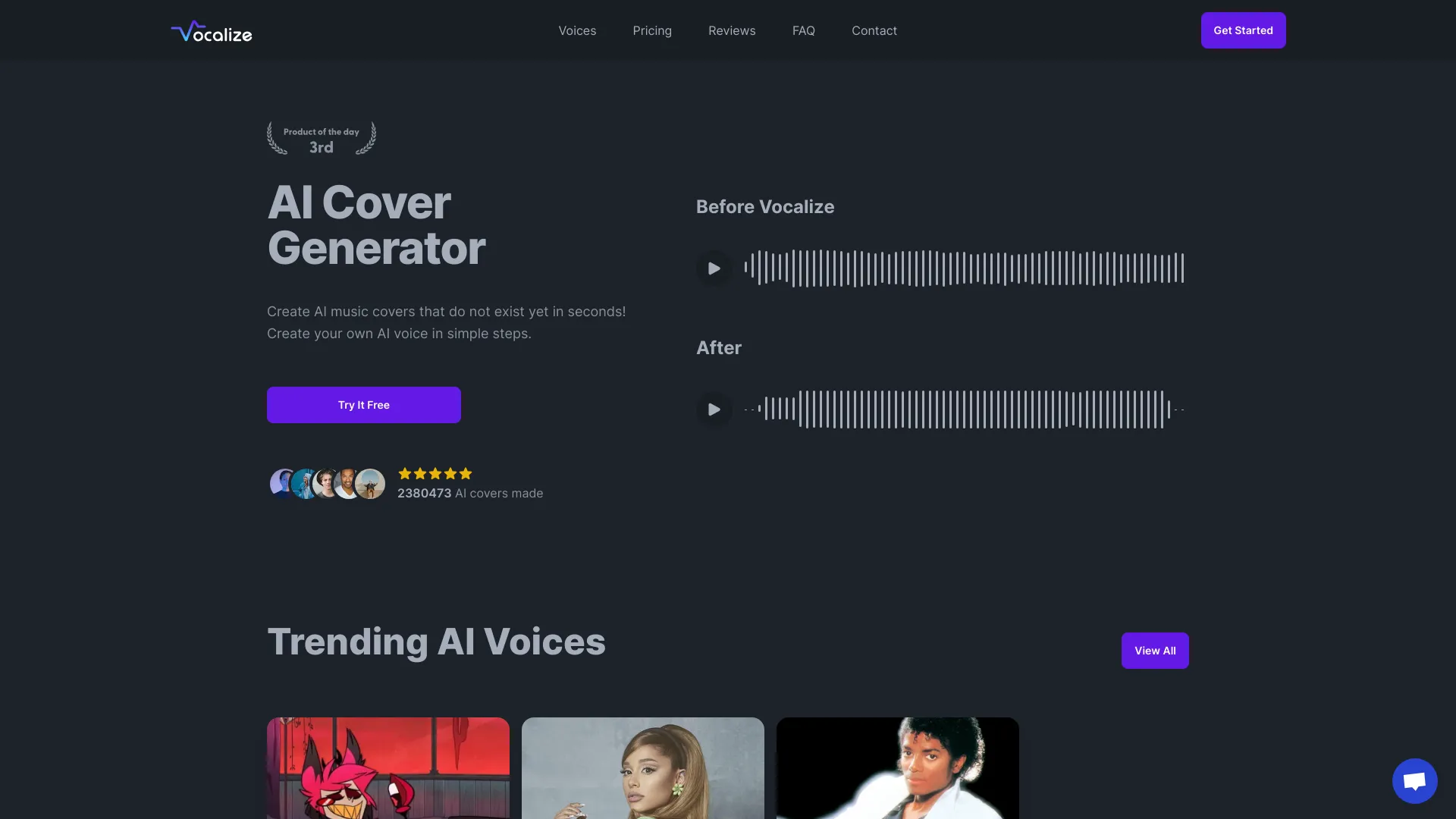
Vocalize
AI music covers with community voices

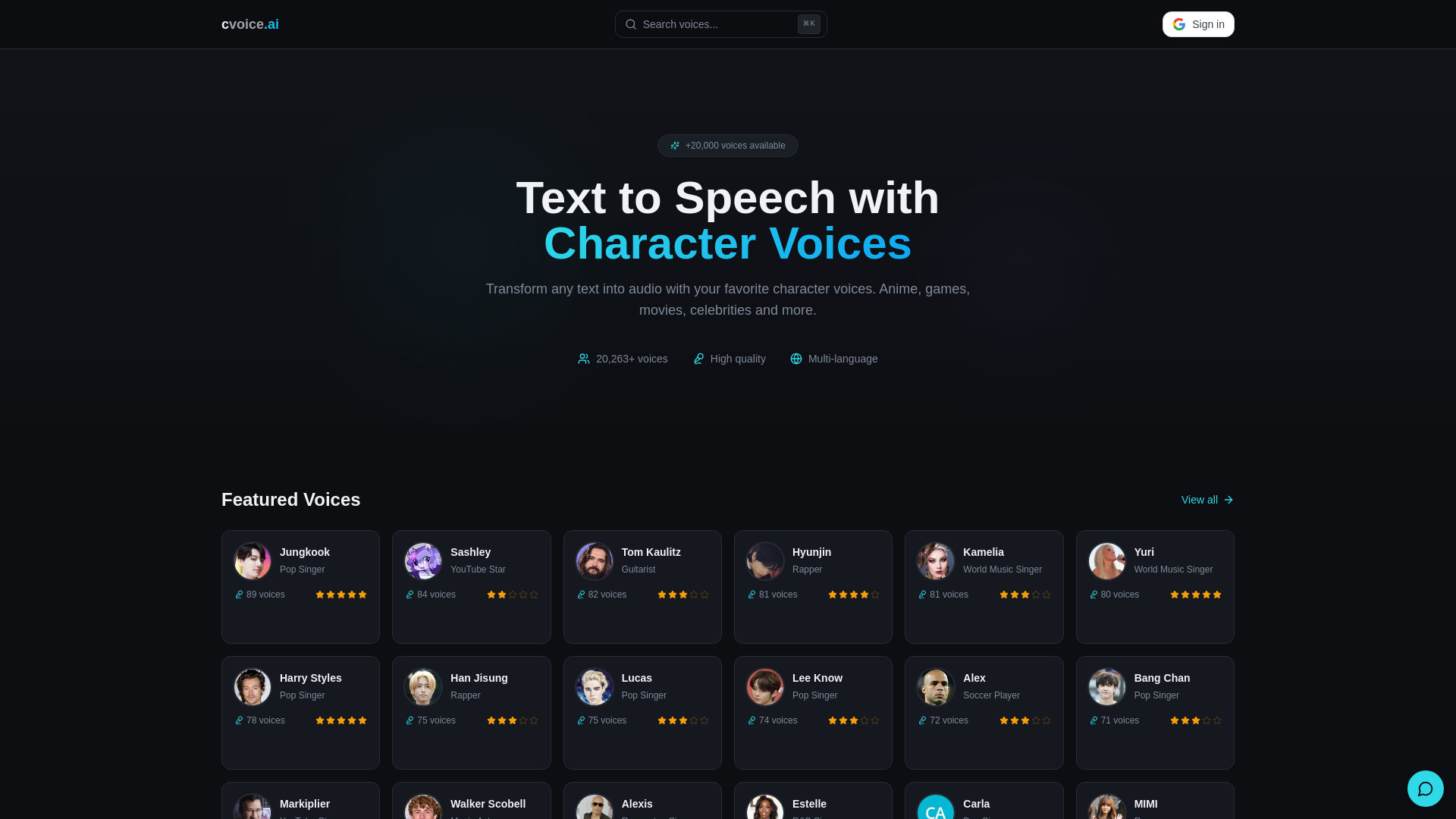
cvoice.ai
Character-voice text-to-speech

V03AI
Creators making AI videos with native audio

AI Singing
AI-generated songs and singing voices

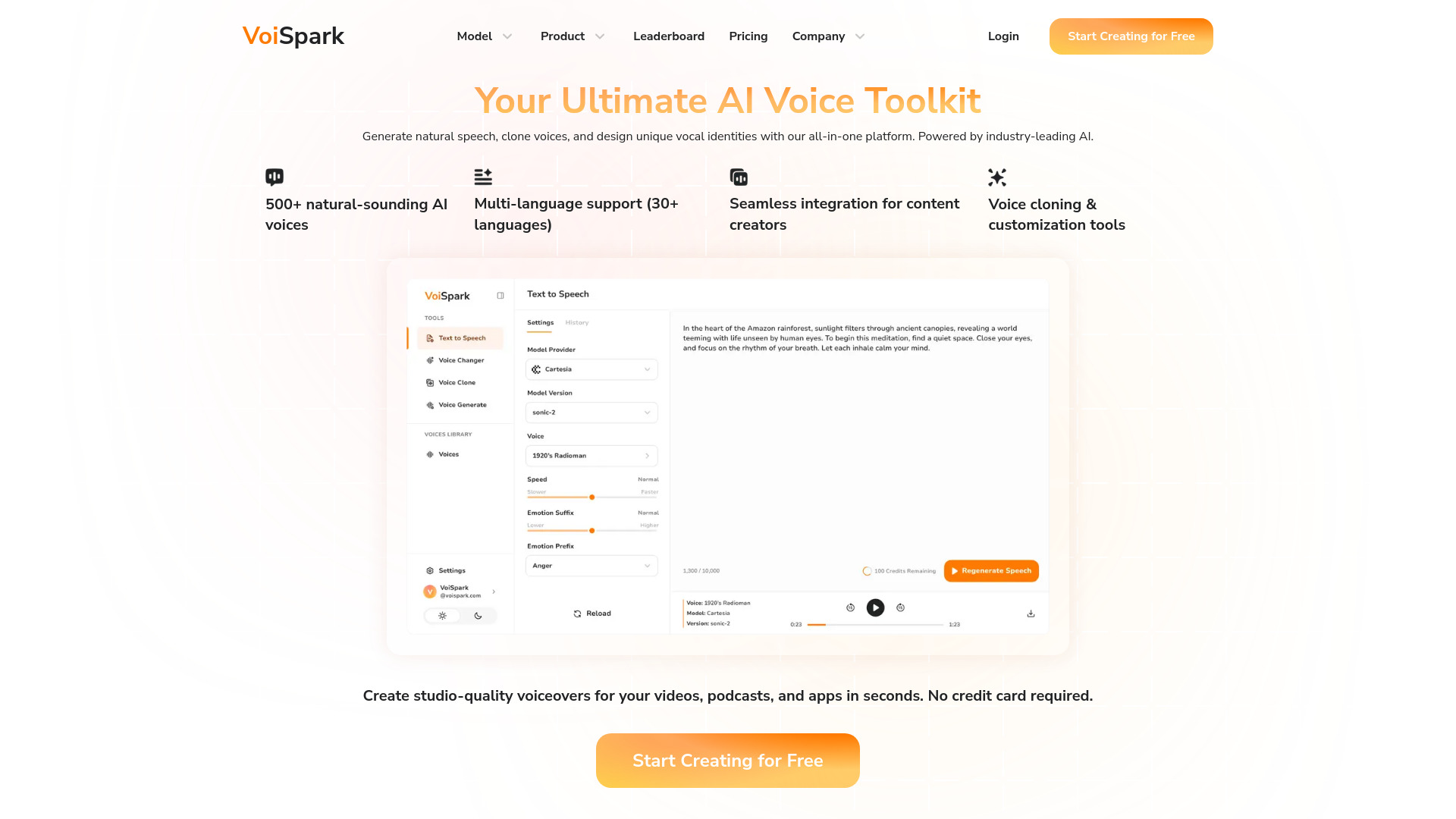
VoiSpark
Voice cloning and natural-sounding TTS

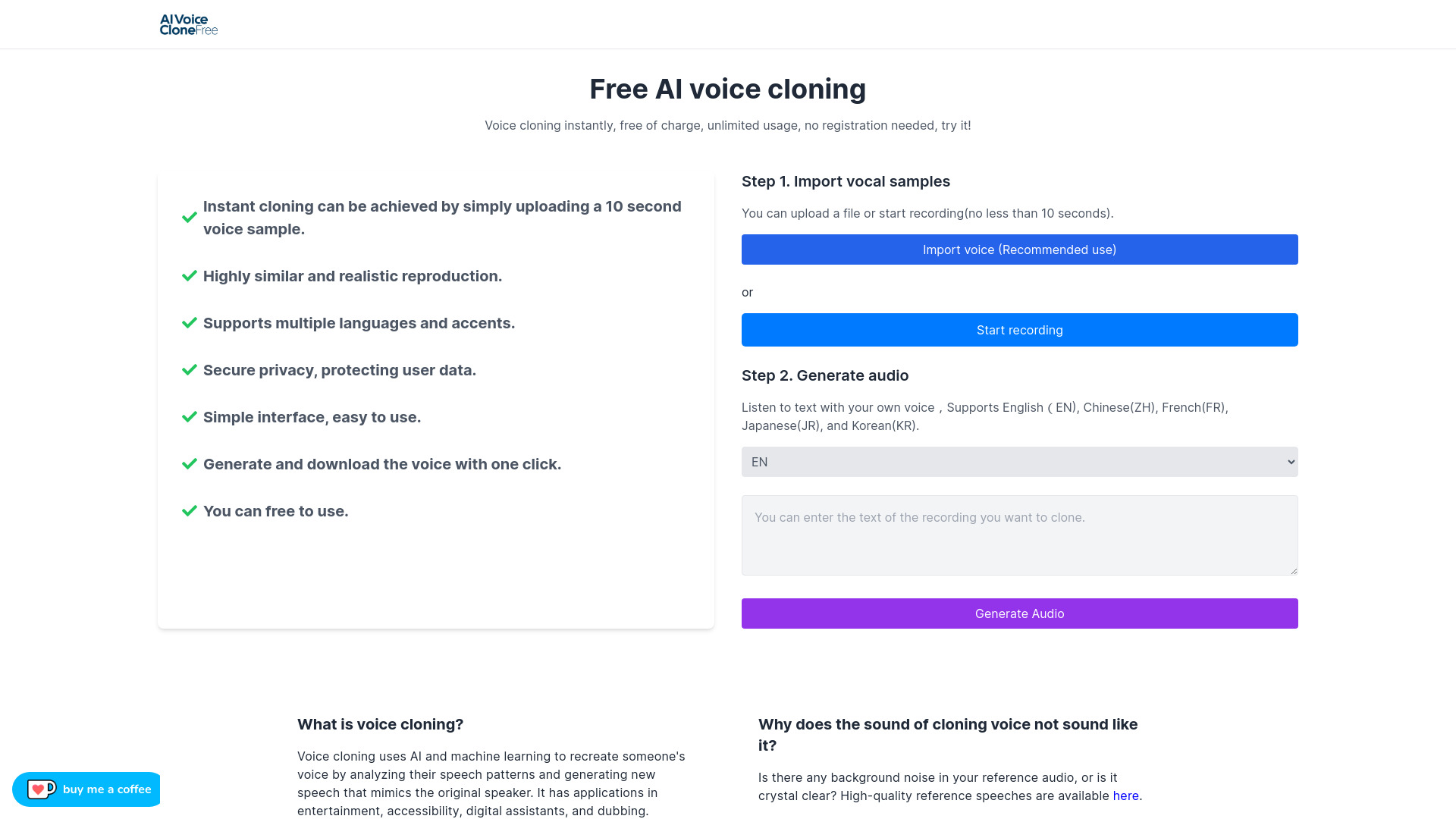
Free Voice Cloning
Free voice cloning for personal projects

MyVocal.ai
Voice cloning and AI singing


Voxify
Multilingual voiceovers
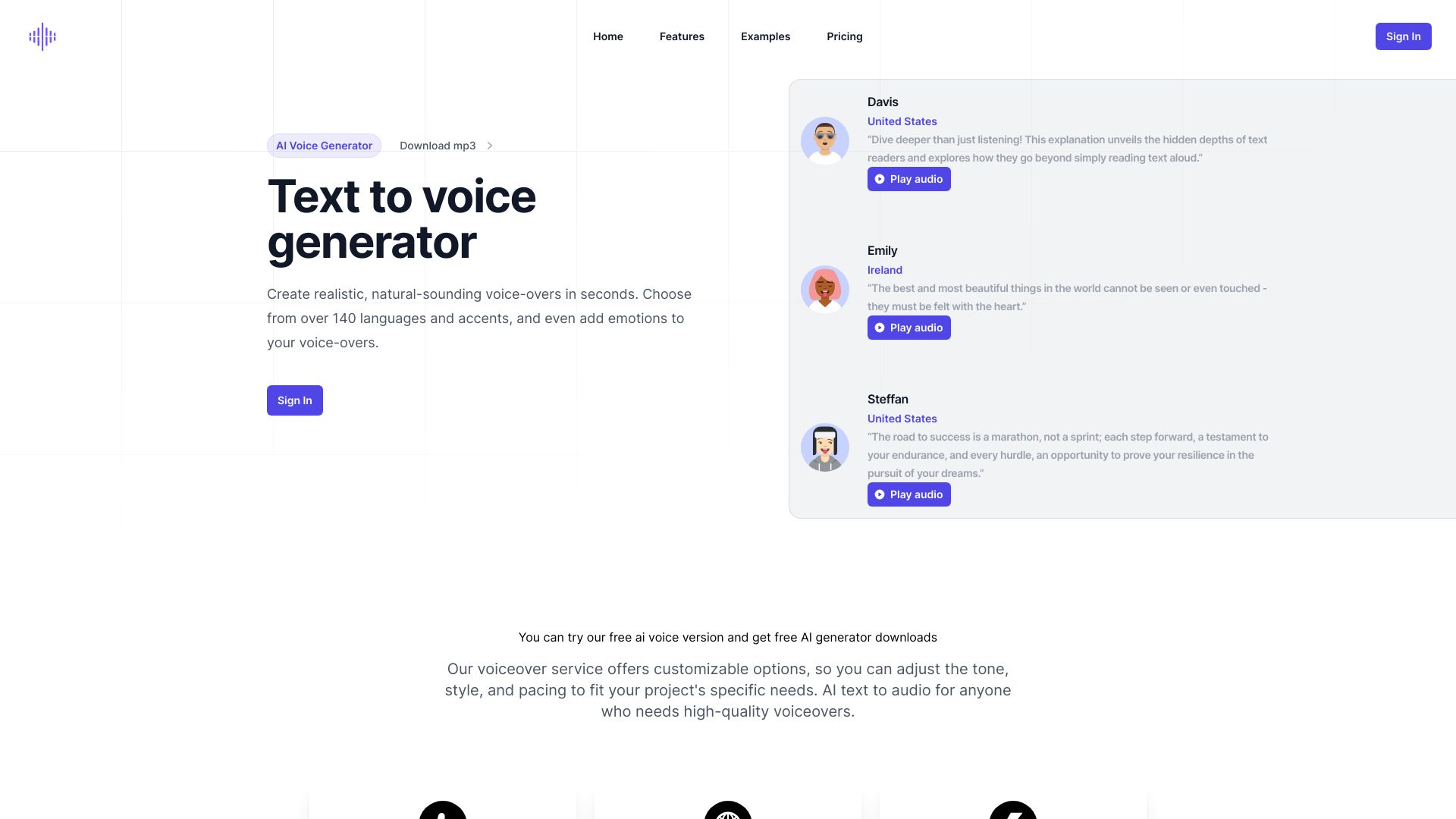

The AI Voice Generator
Free celebrity and multilingual voice clips
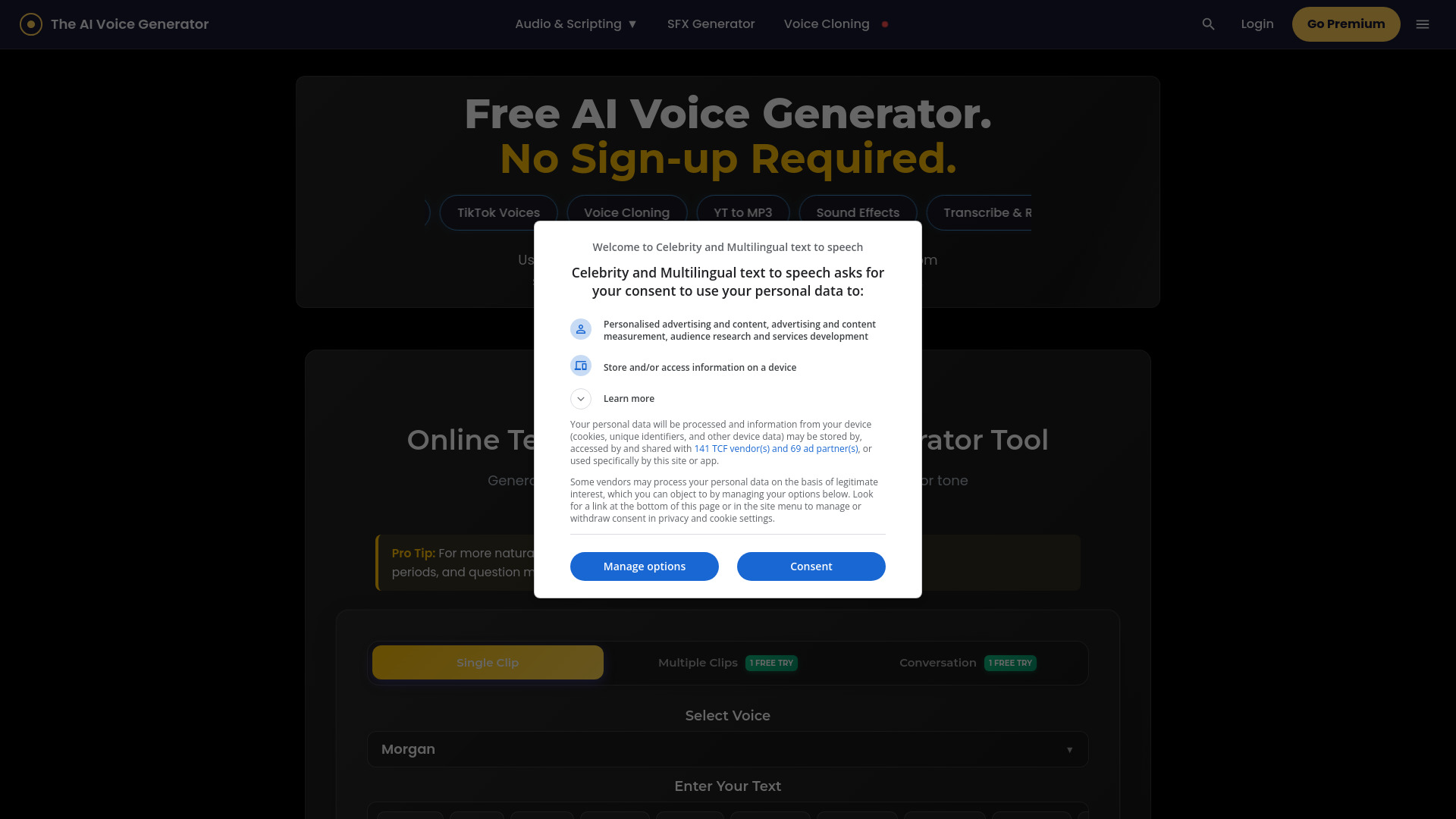

Voice-Swap
AI vocal demos for music producers
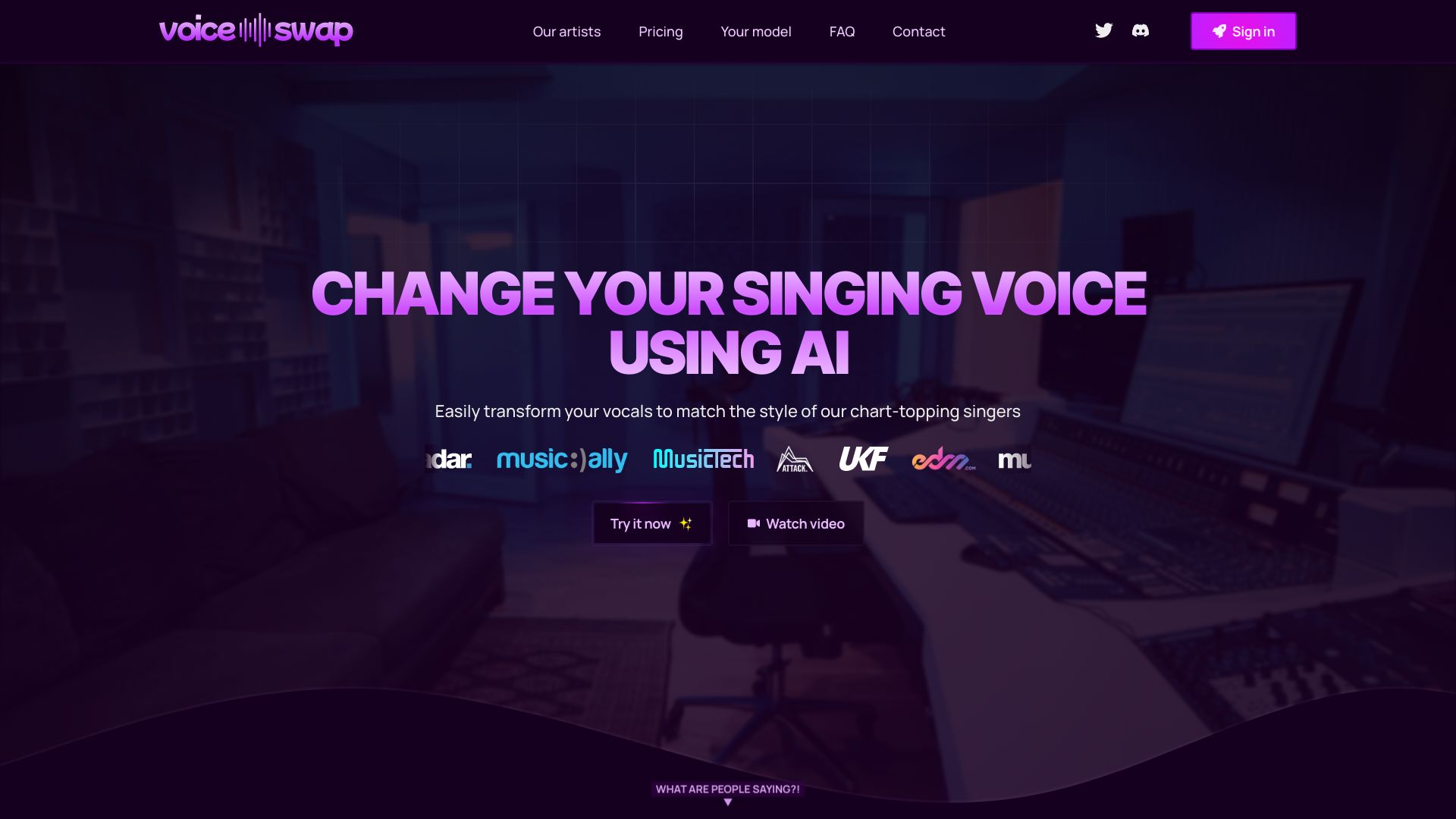

voicechanger.im
AI voice transformations and effects

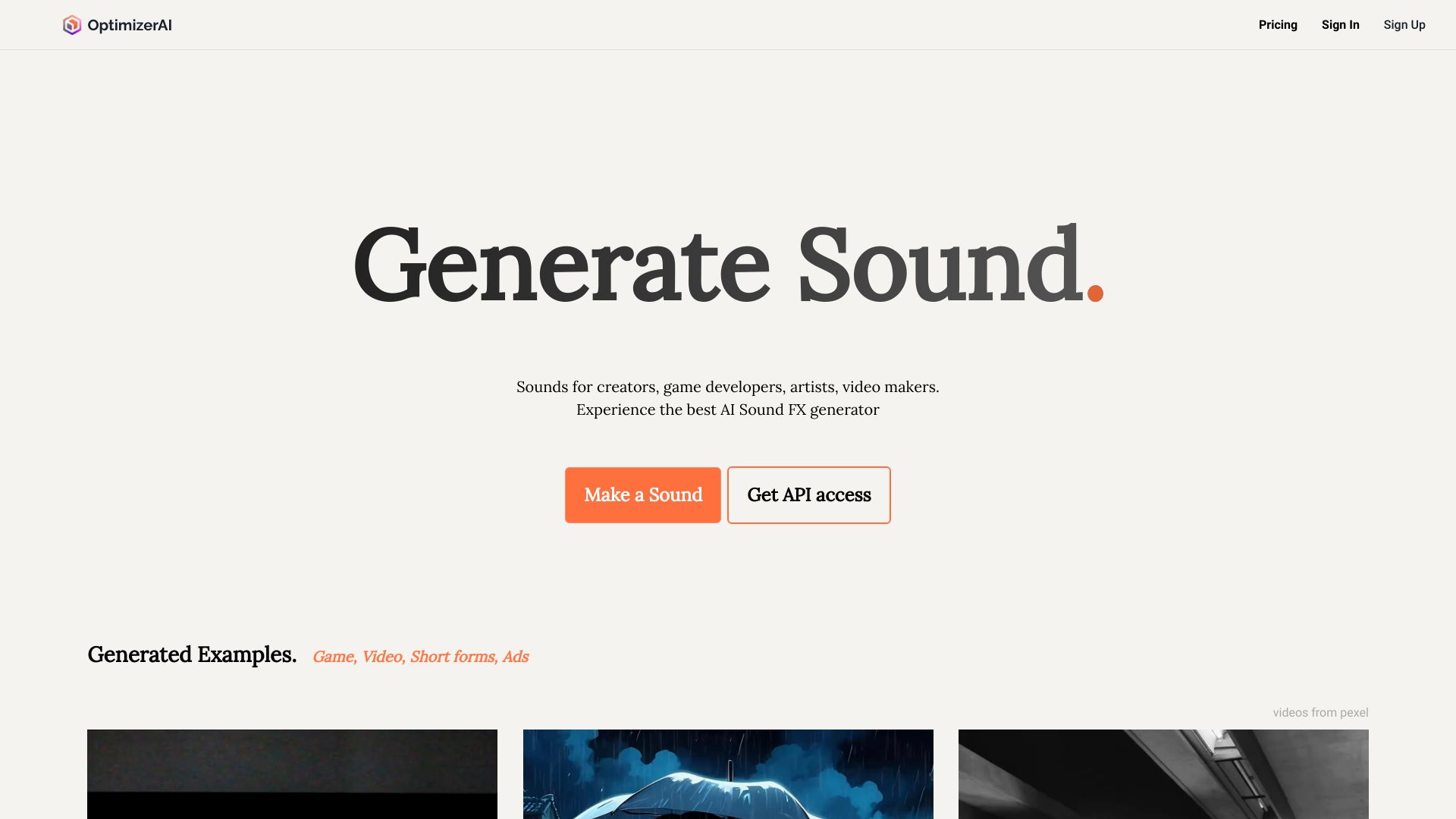
OptimizerAI
AI sound effects for creators

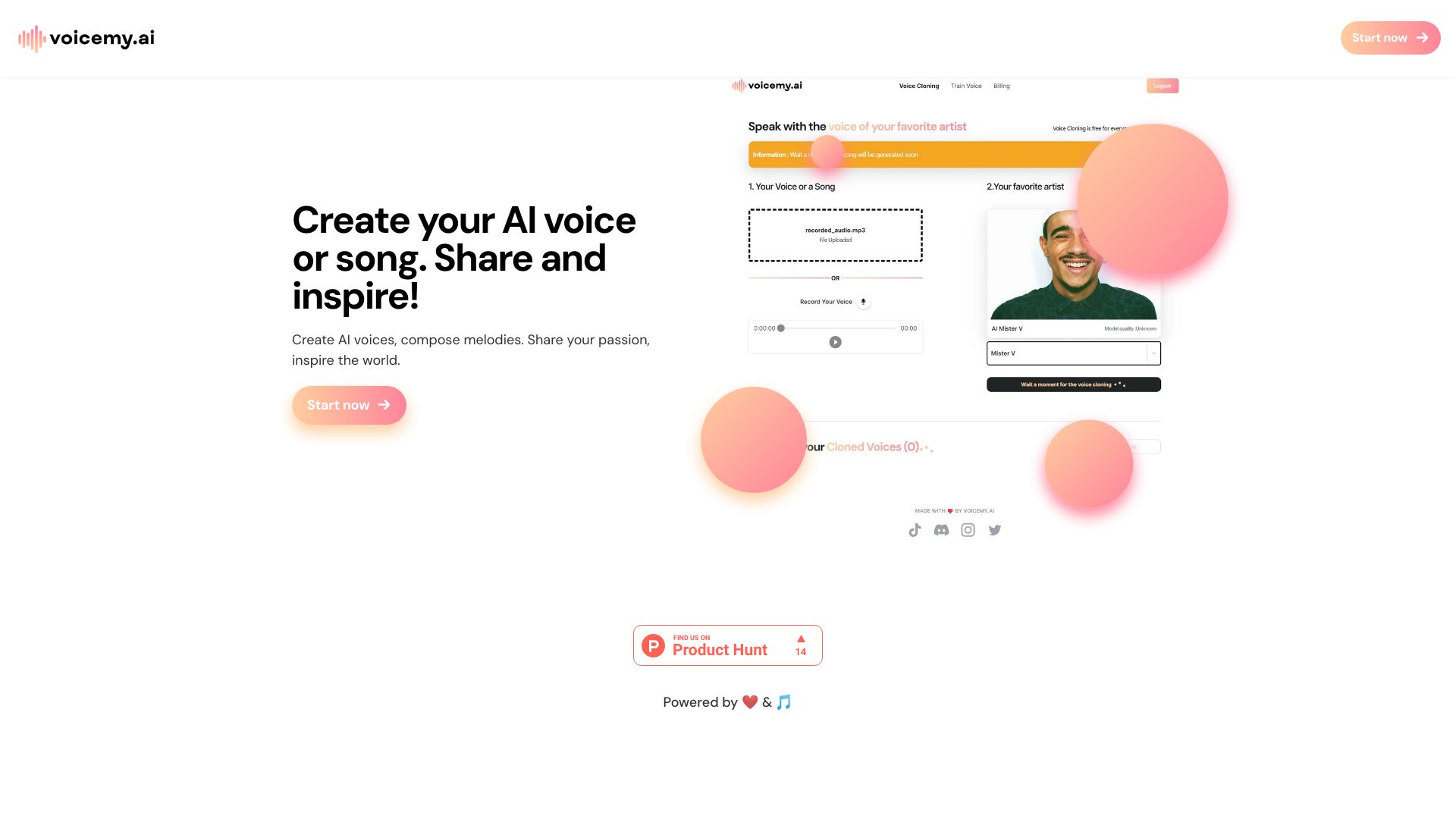
Voicemy.ai
Voice cloning and AI voice training

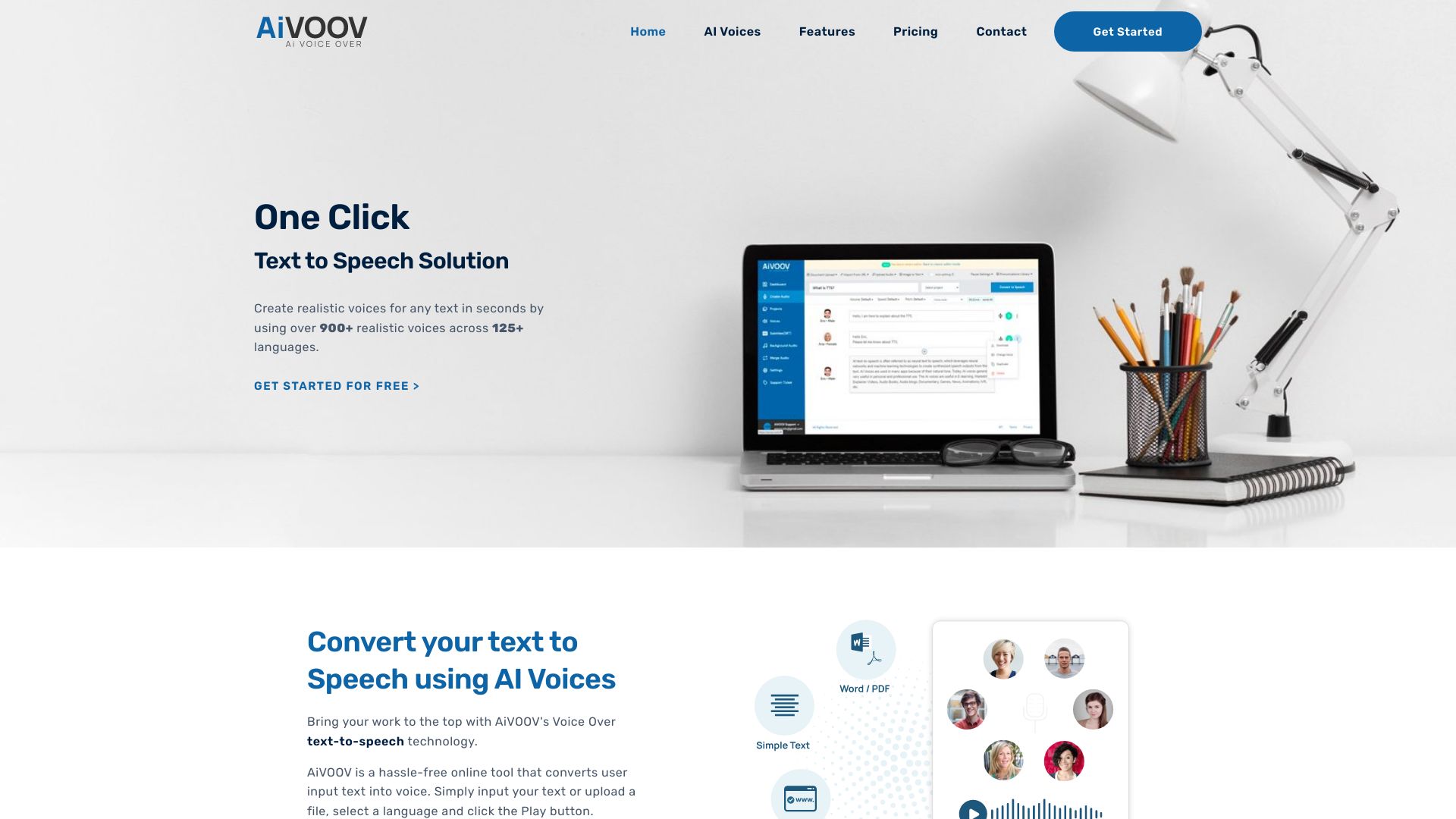
AiVOOV
Multilingual voiceovers and audio content

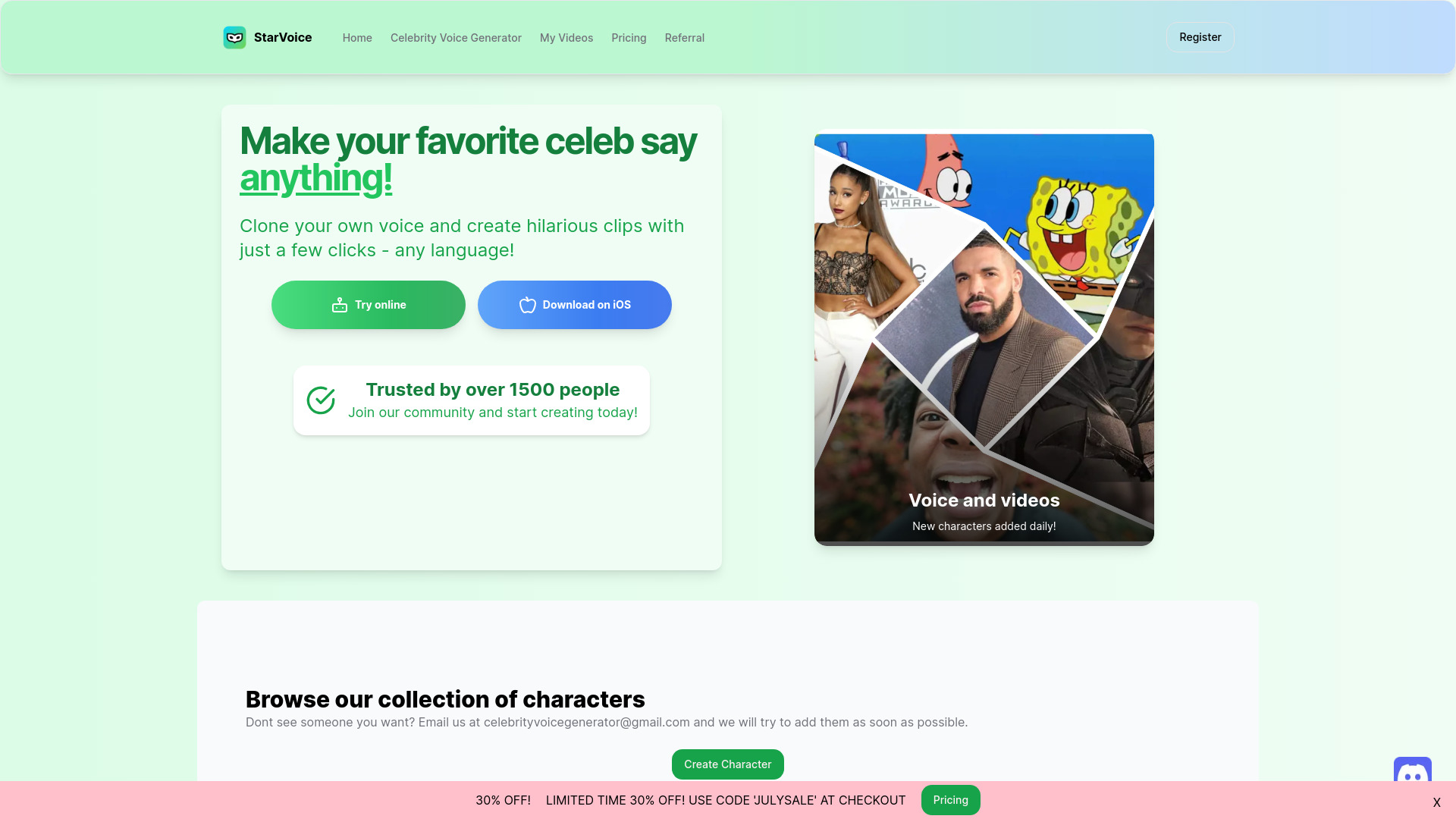
StarVoiceAi
Celebrity voice prank clips

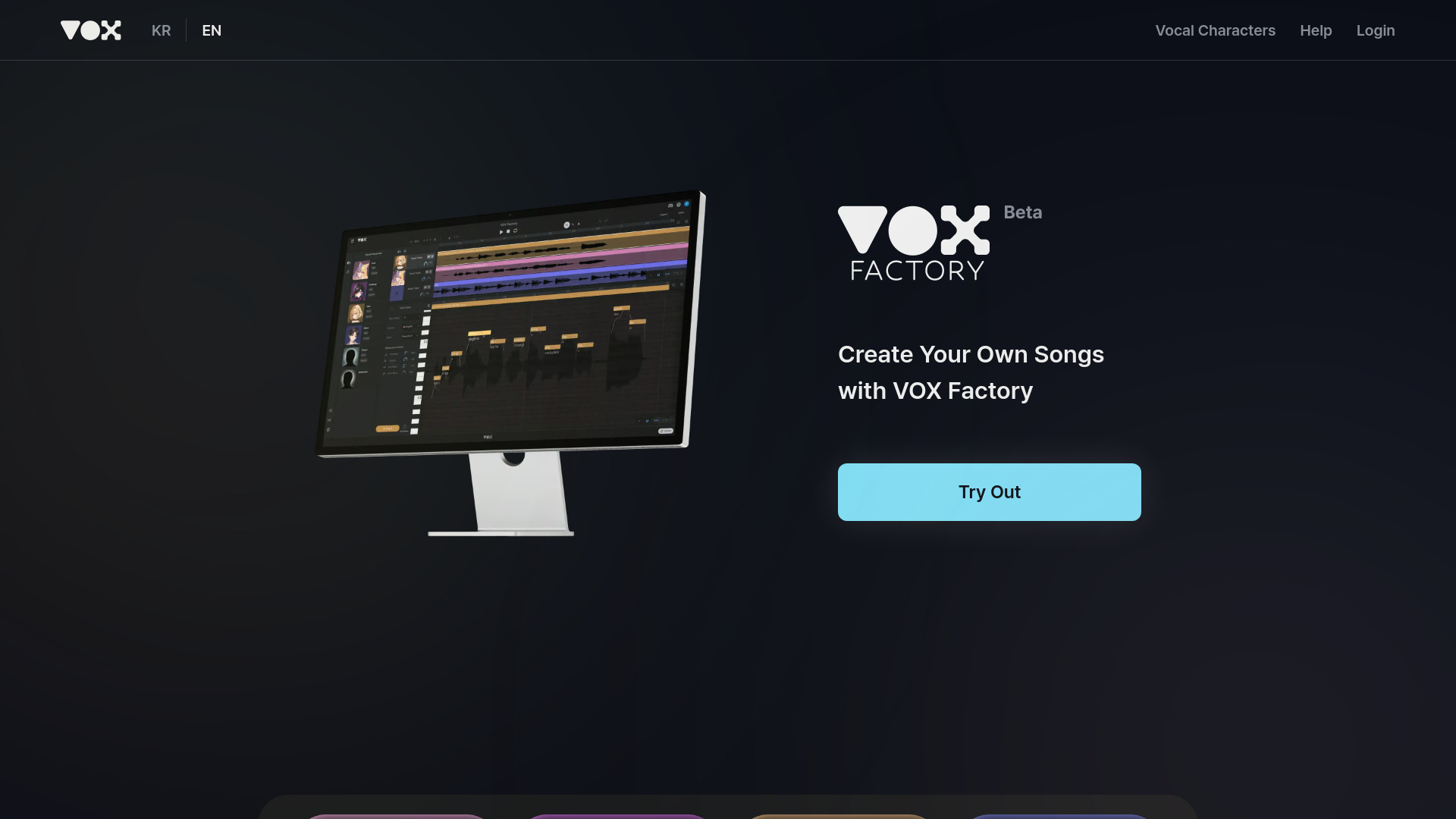
VOX Factory
Multilingual AI singing voices

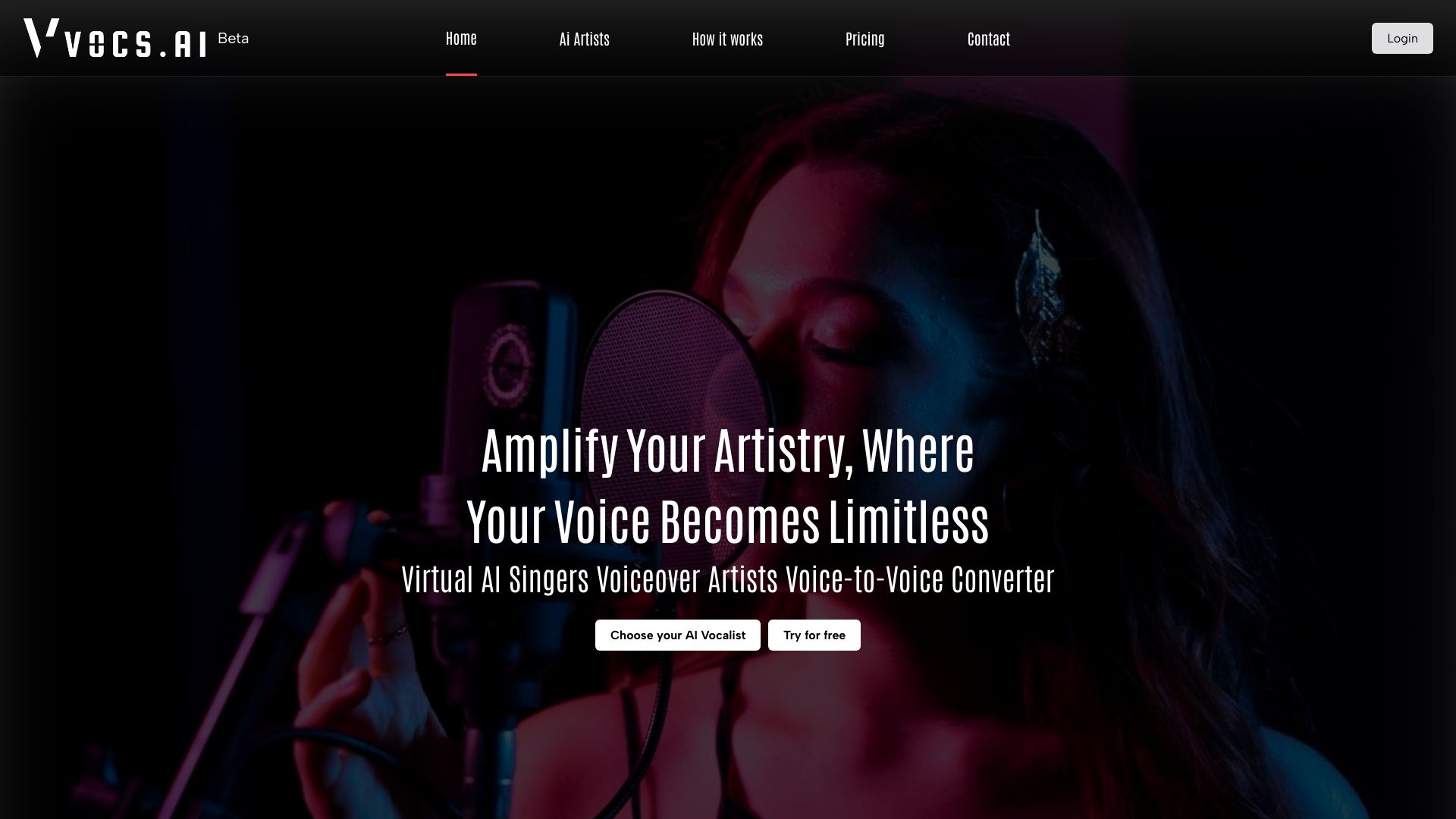
Vocs AI
Voice-to-voice AI singers and rappers

ElevenLabs
Natural-sounding AI voice generation

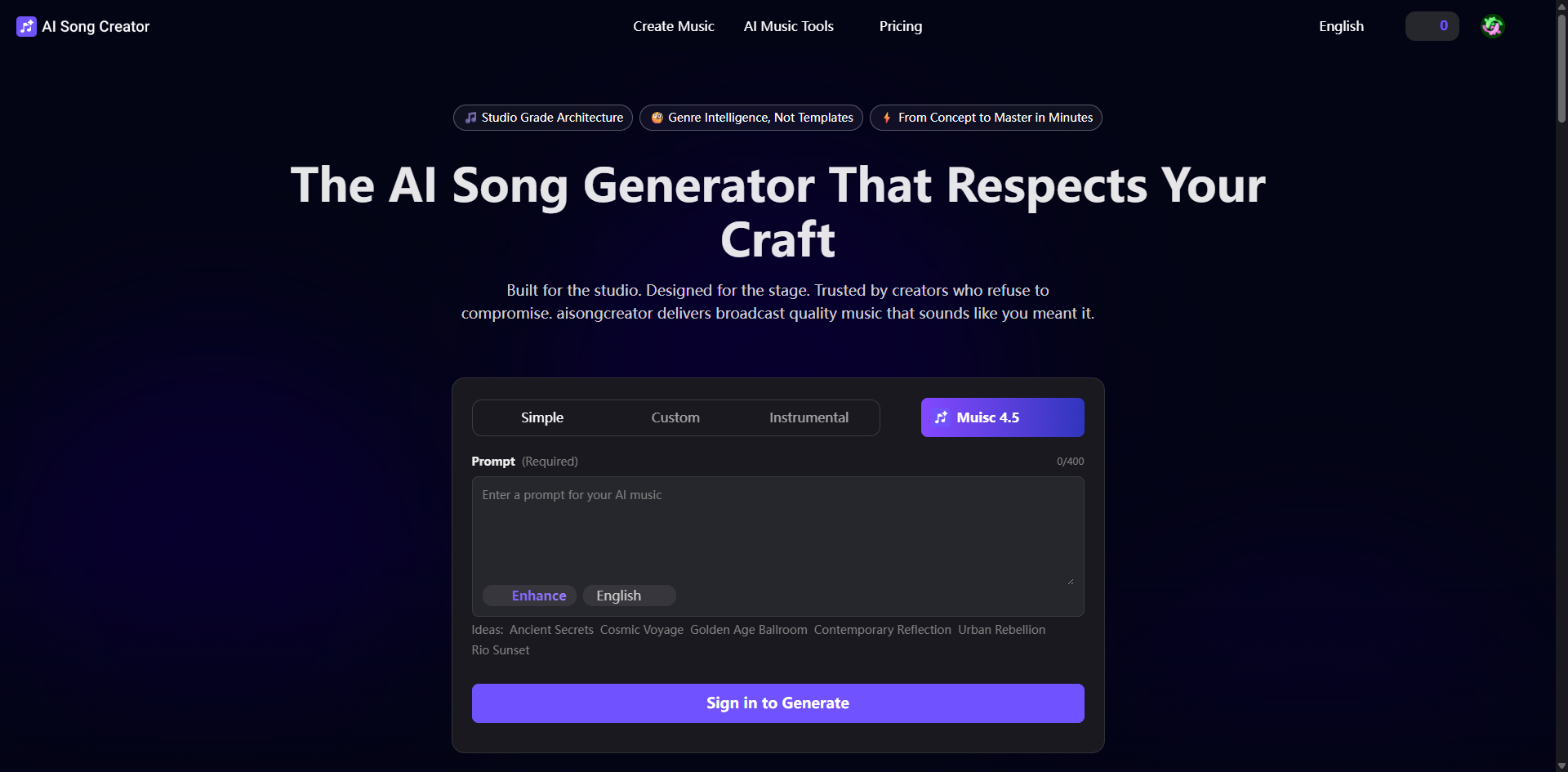
AI Song Creator
Fast AI song creation for independent music makers

PlayAI
Real-time conversational voice agents

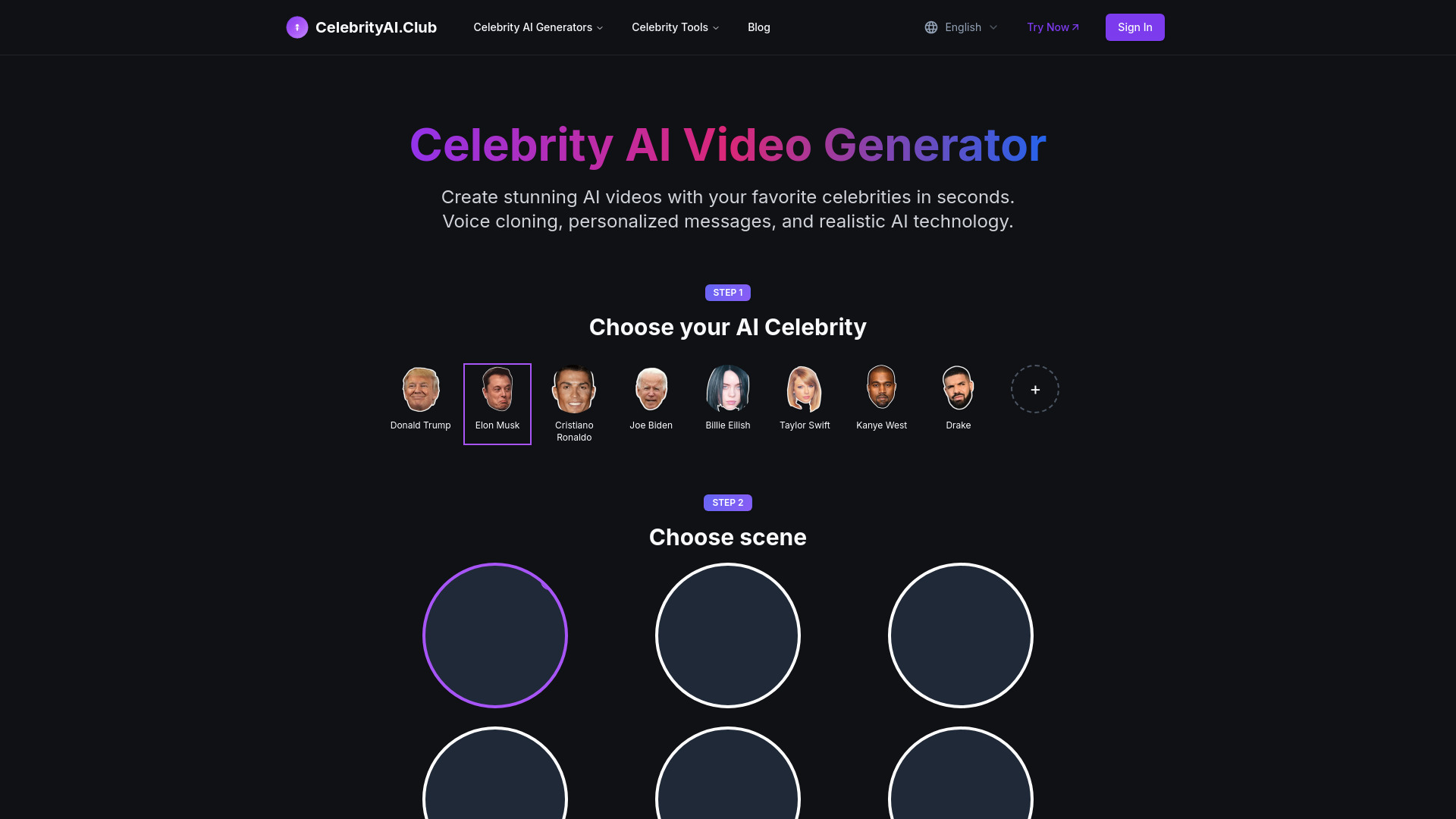
Celebrity AI
Celebrity-style videos and voice cloning

Voisi AI
Multilingual voice and audio workflows

MicVoice.Ai
Realistic multilingual voiceovers

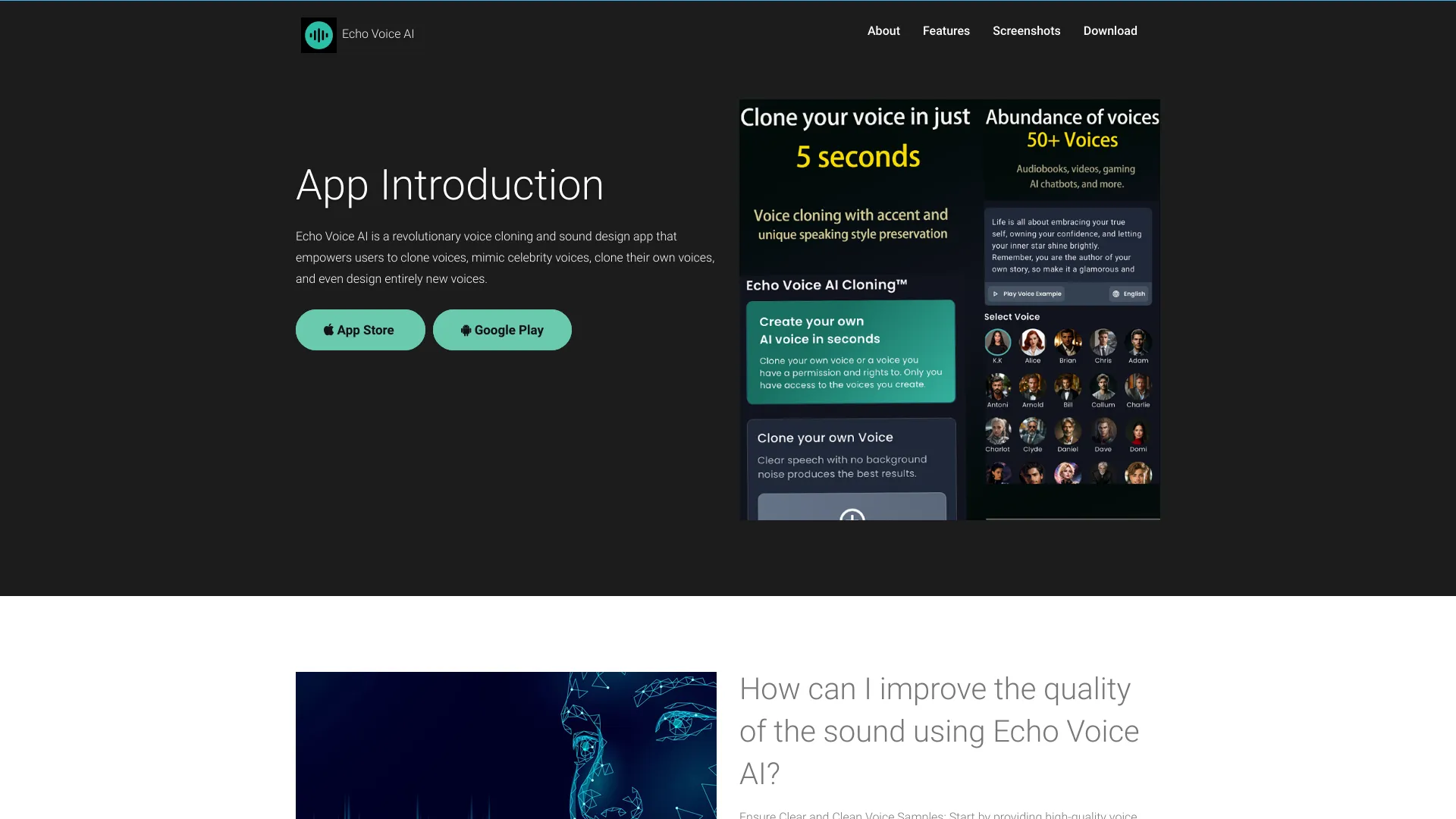
Echo Voice AI
Voice cloning and celebrity voice effects

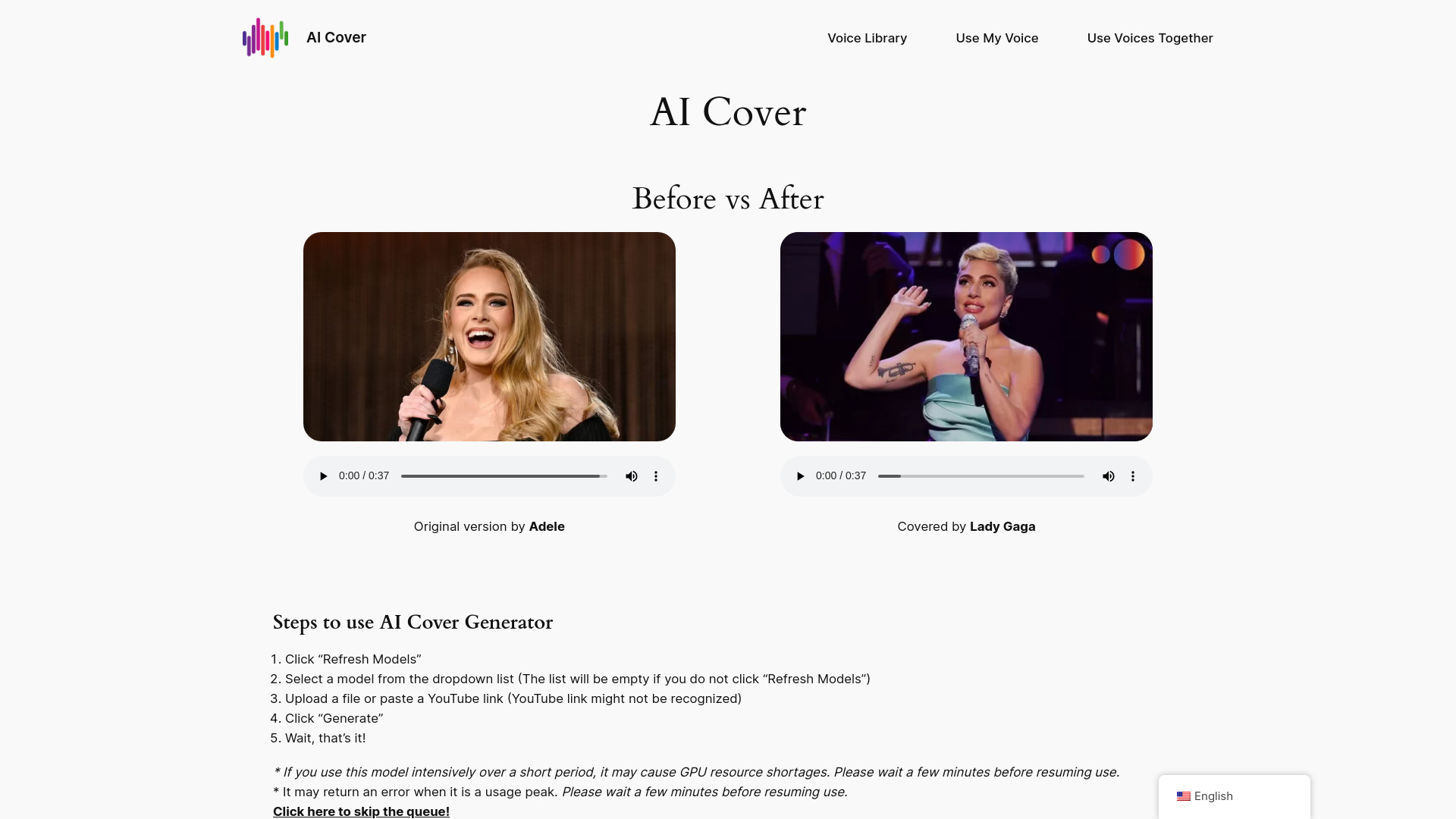
AI Cover Generator
AI song covers for creators

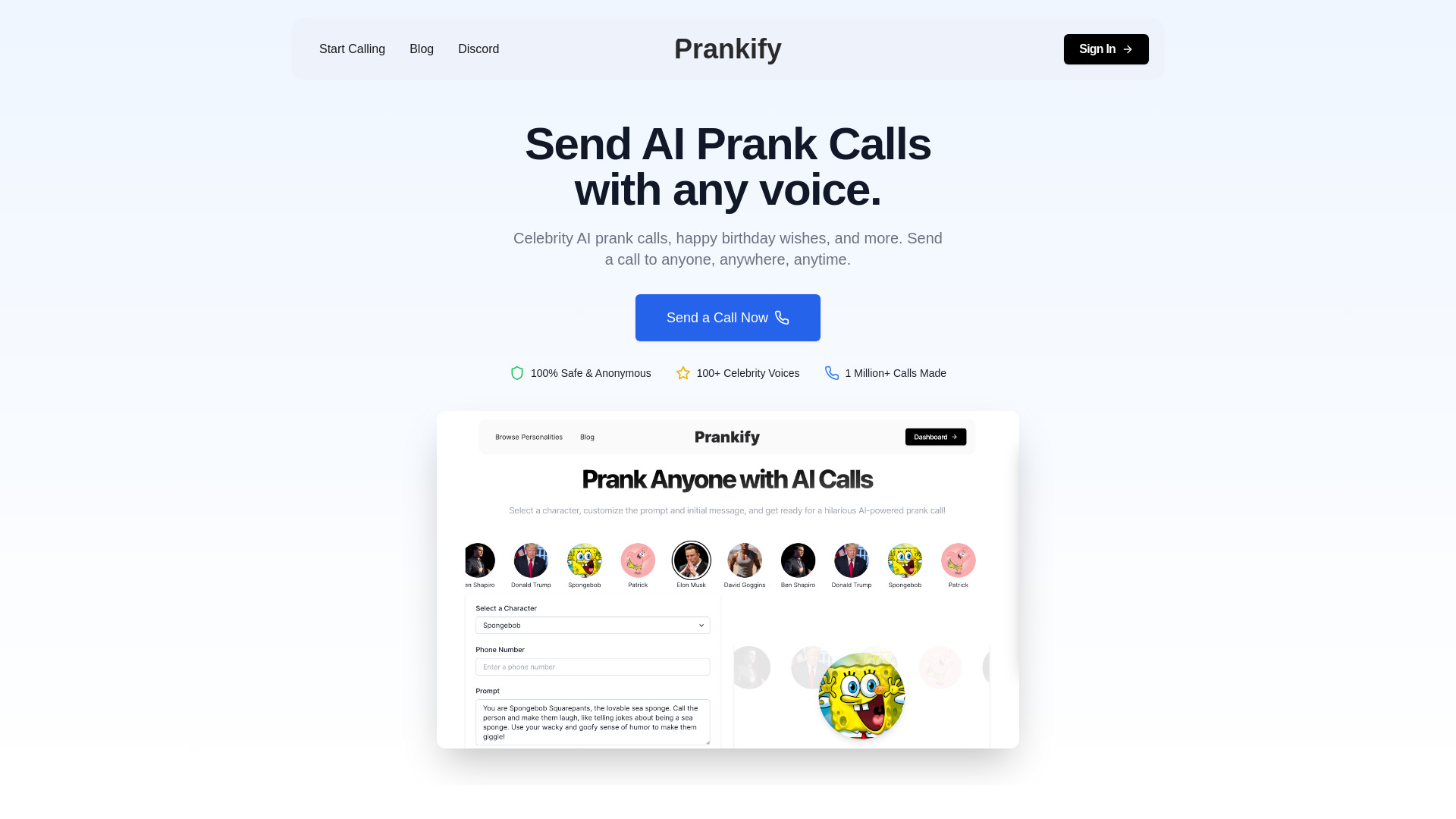
Prankify AI
Celebrity-style prank voice messages

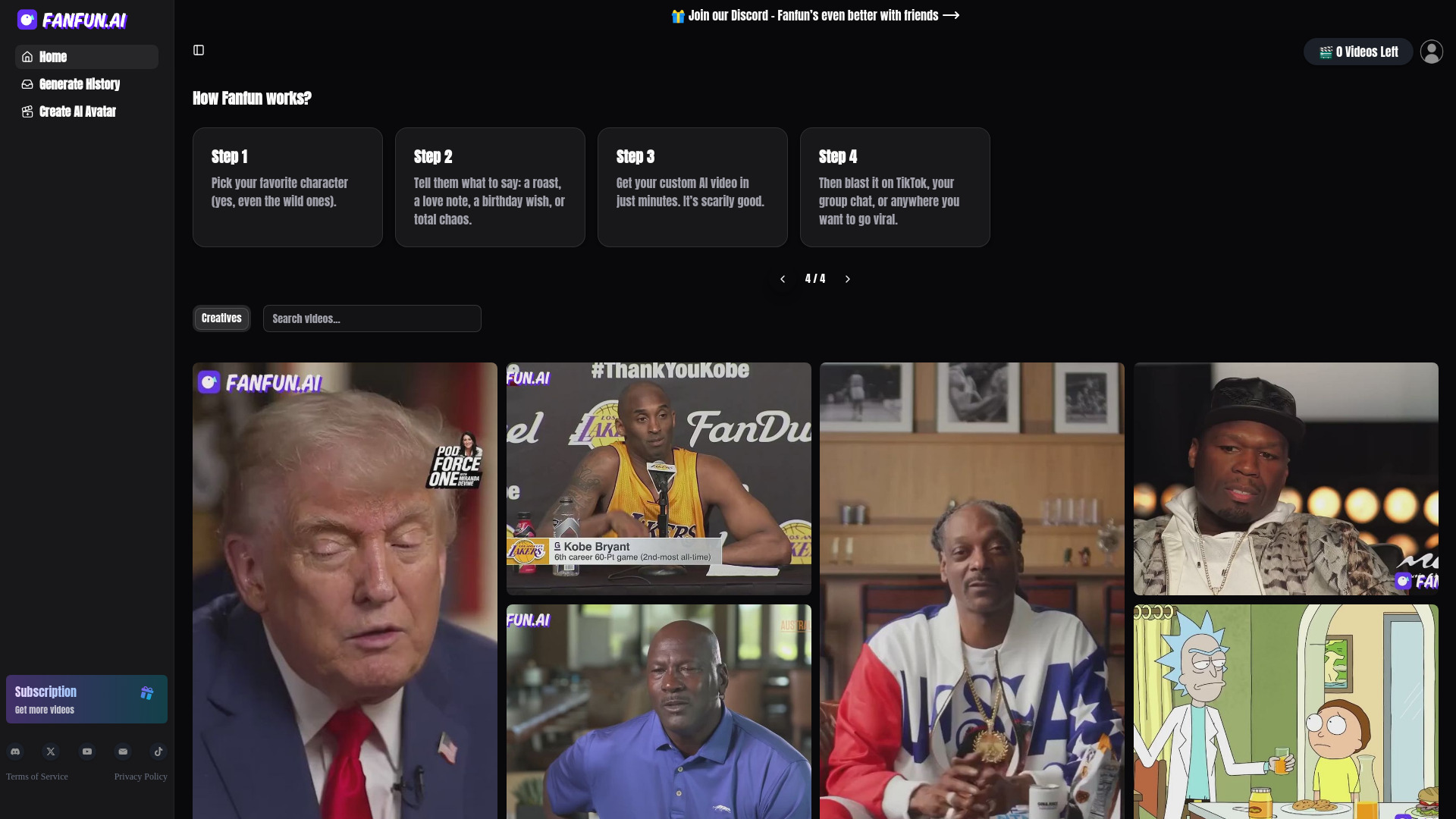
Fanfun AI
Celebrity voice clone videos

Voice Changer
Multilingual voice content
Vaanee AI
Multilingual voice cloning and realistic voiceovers

clonemyvoice.io
Voice cloning for voiceovers

Song AI
Fast AI song creation

Avocado AI
AI voiceovers for ad creators


AudioGenius.ai
Voice cloning and speech translation

AI Song Generator
Accessible AI song creation

neural frames
Quick AI cartoon photo transformations

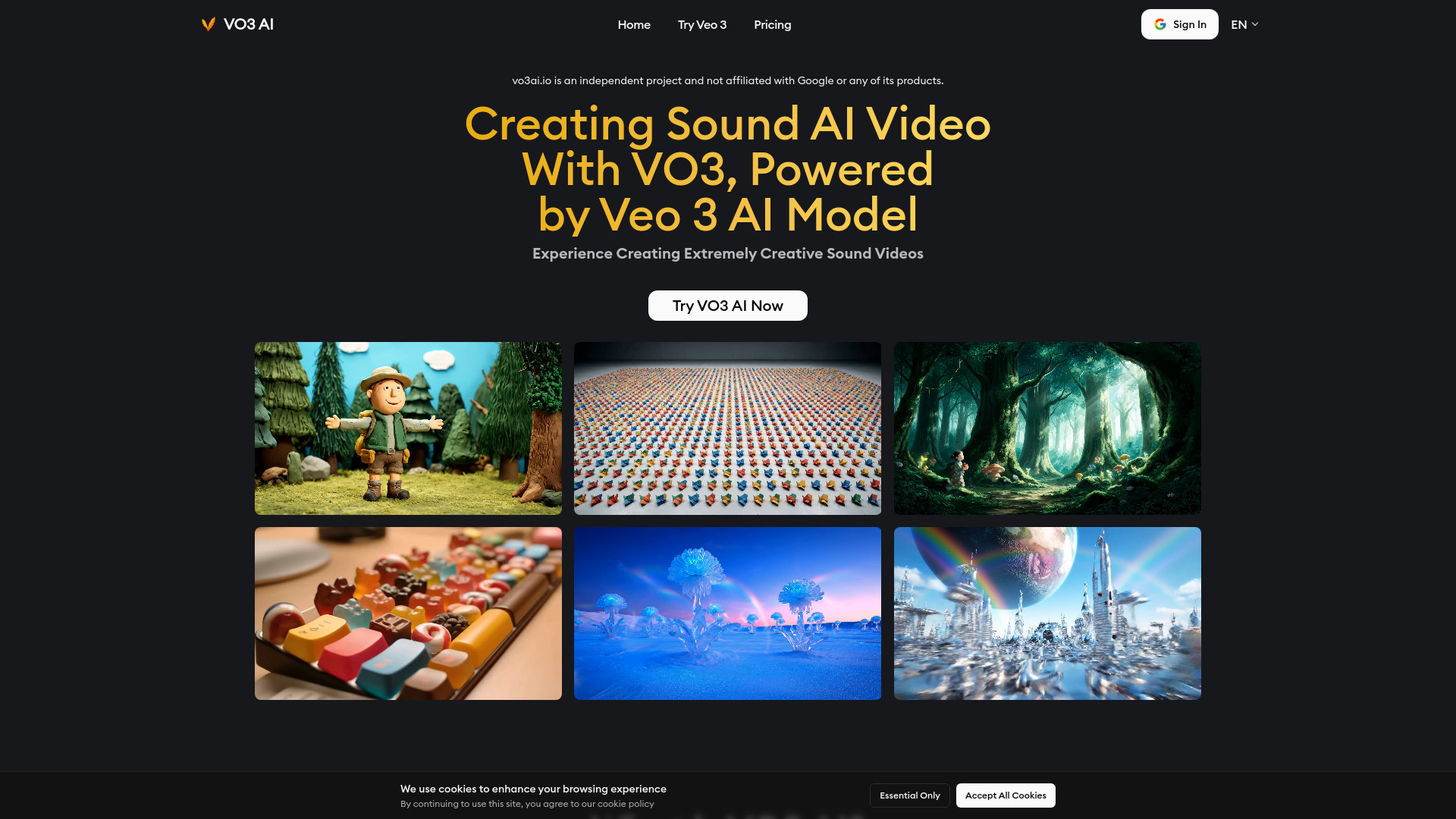
VO3 AI
Veo 3-powered AI video generation

Veo3 AI
Text-to-video creation

AI music video generator
Musicians creating audio-reactive music videos

AIVA
AI-generated music for creators and composers
ApolloAI
Multilingual AI voiceover generation

AI Sound Effect Generator
Custom sound effects

VividHubs.ai
Two-photo romantic video creation

AvatarCraft AI
AI-generated profile avatars
AI Music Generator
AI-generated song creation

AI Voice Generator
English voiceovers in Telegram

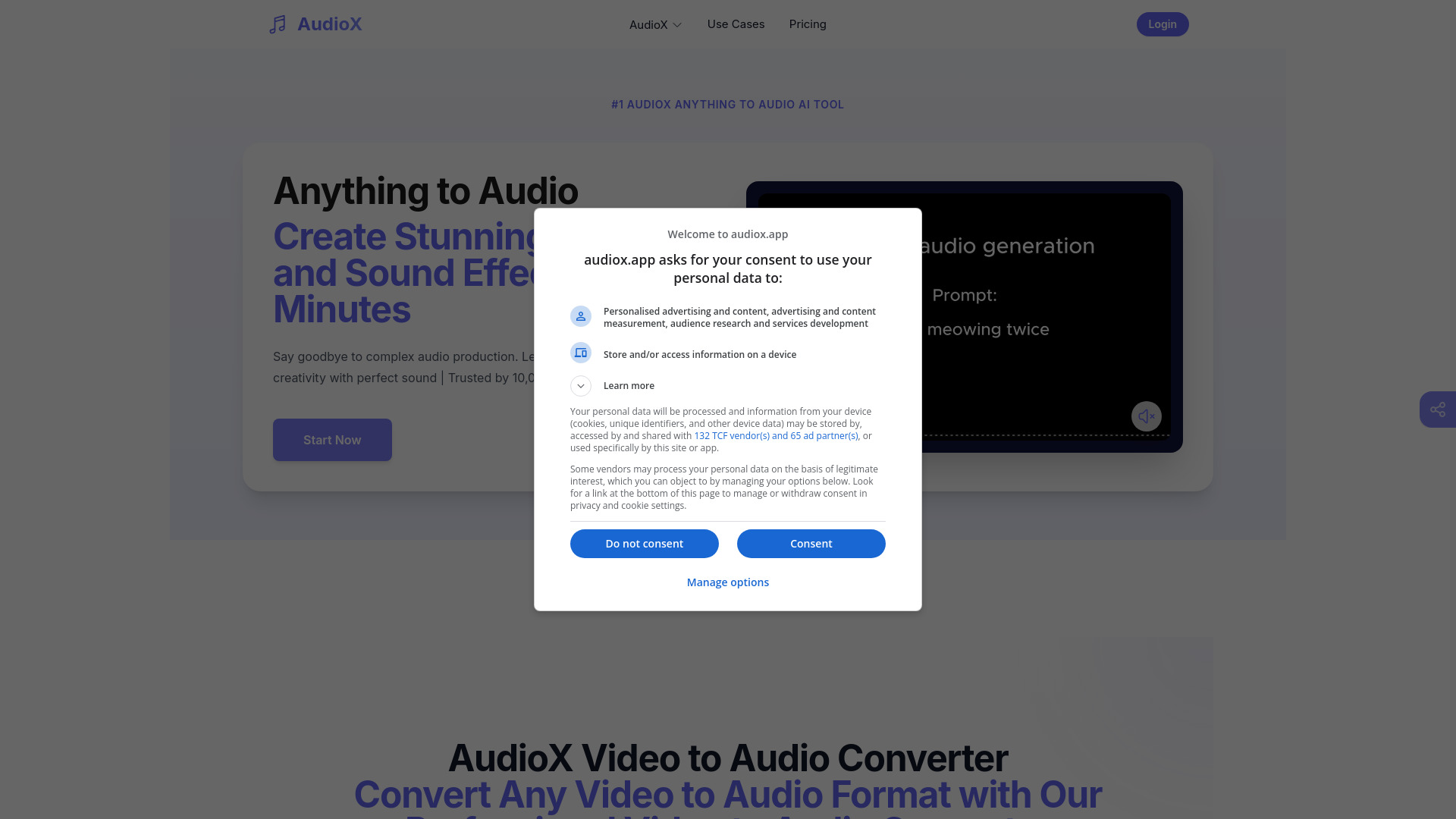
AudioX
AI music and sound effects

Veo 3 AI Video Generator
Sound-synced cinematic video creation

Voxdazz
Celebrity voice messages and entertaining audio

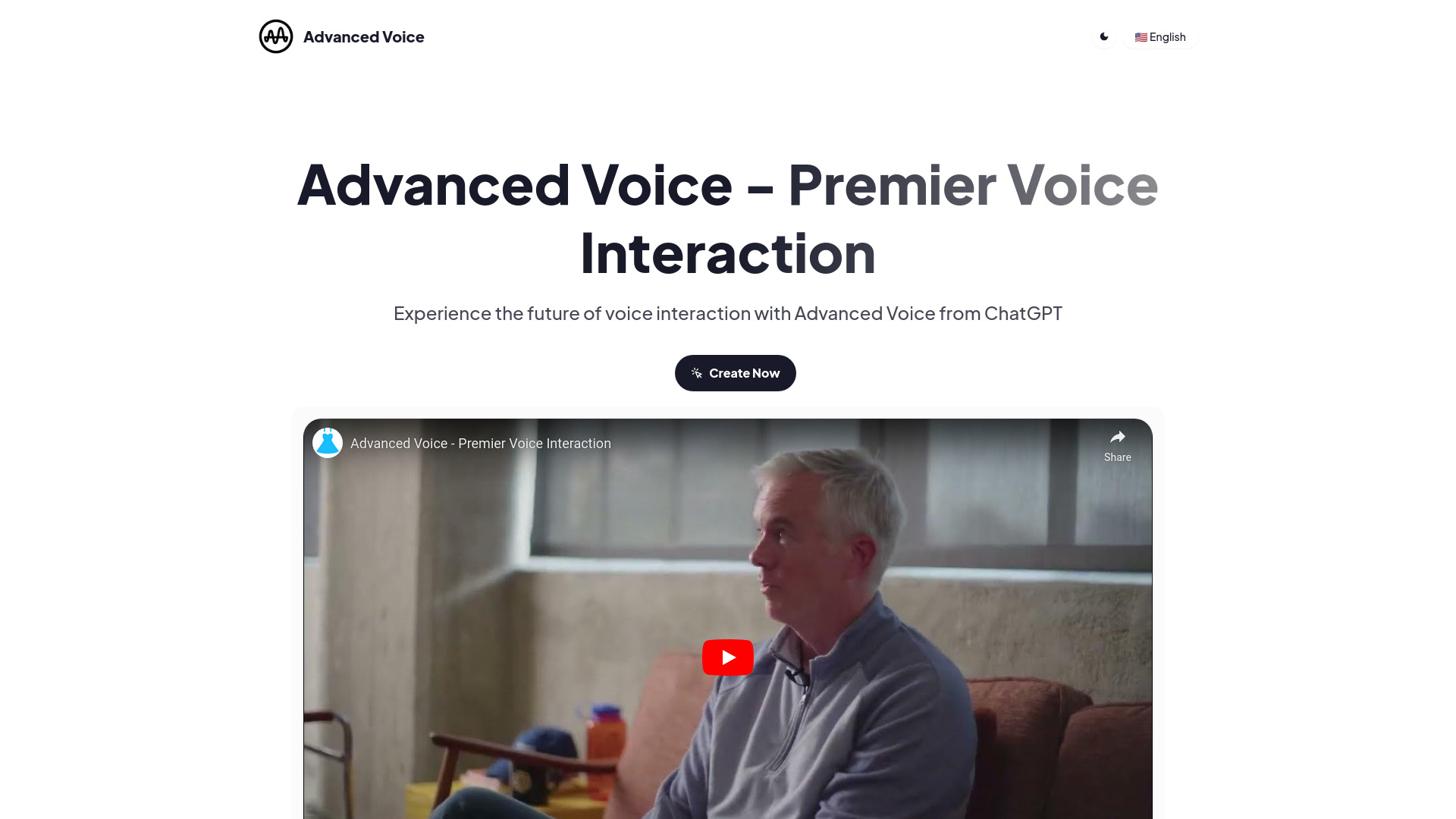
Advanced Voice
Real-time voice conversations
TTS-Generator.com
Multilingual text-to-speech voiceovers

VoiceGen
Pay-as-you-go voice generation

Aivvid AI
Multi-model video, image, music, and voice creation

Veo Ai
Cinematic AI video creators

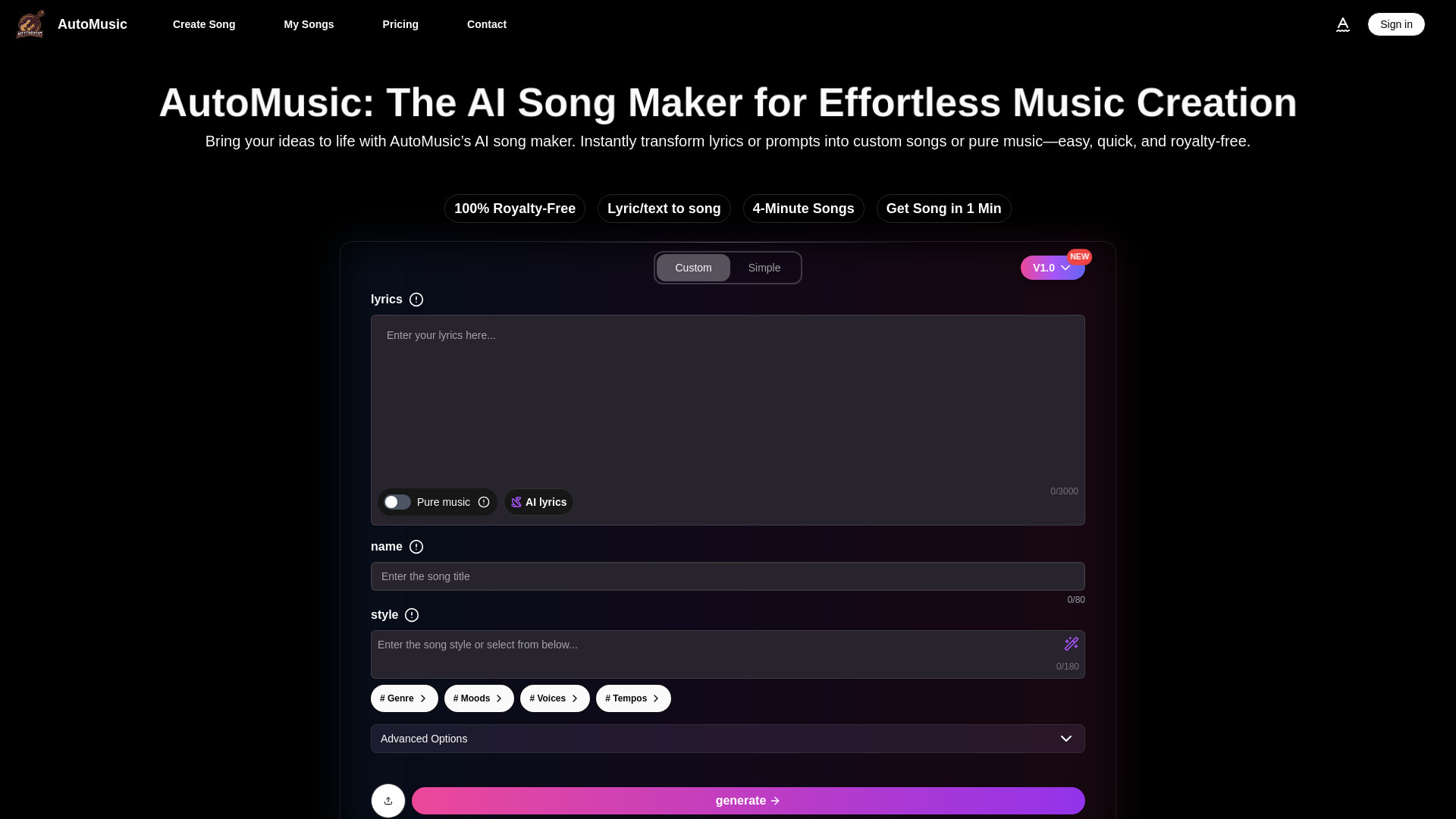
AI Song Maker
Creators making songs from lyrics or prompts

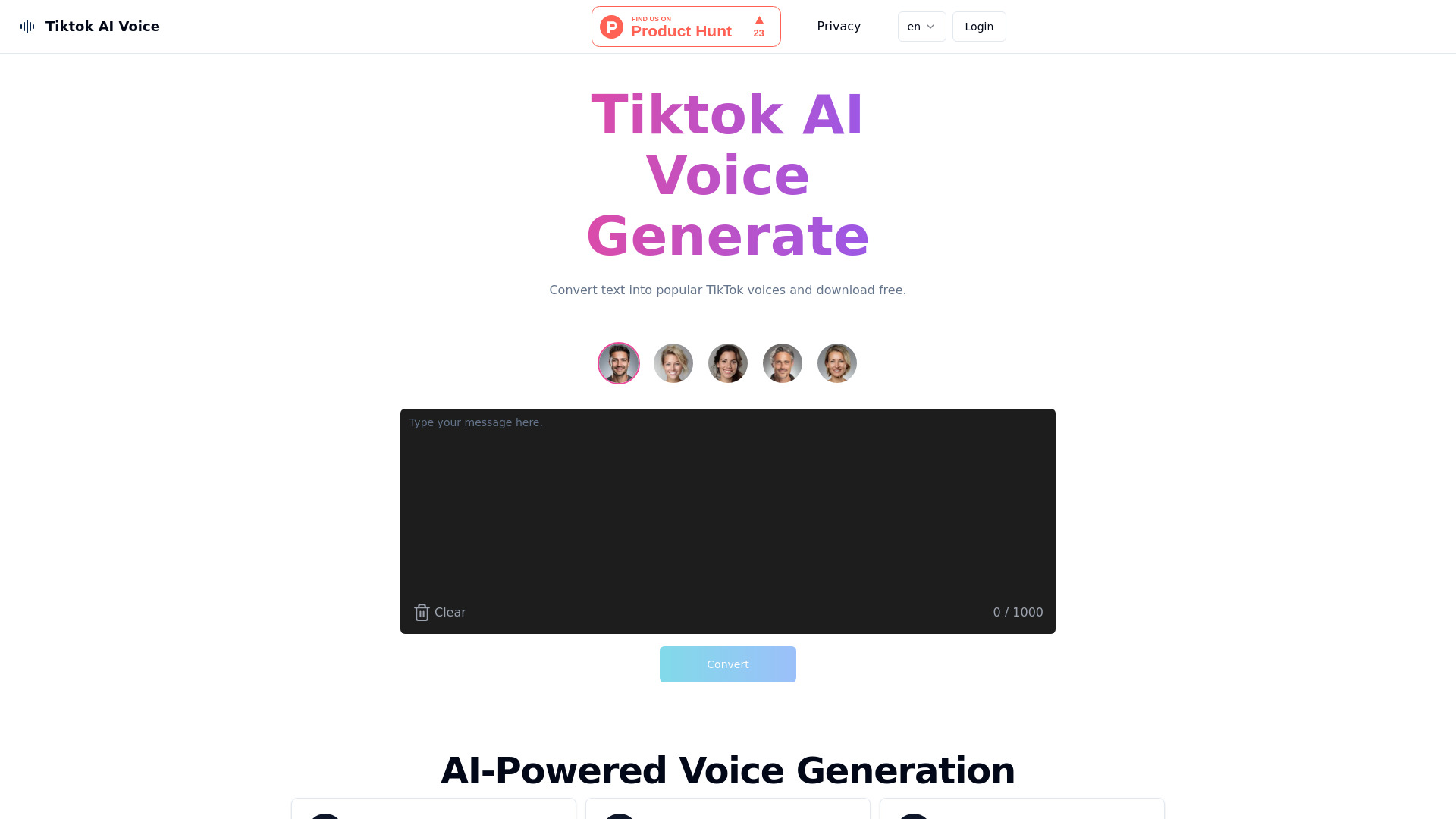
Tiktok AI Voice
TikTok voiceovers and short-form videos

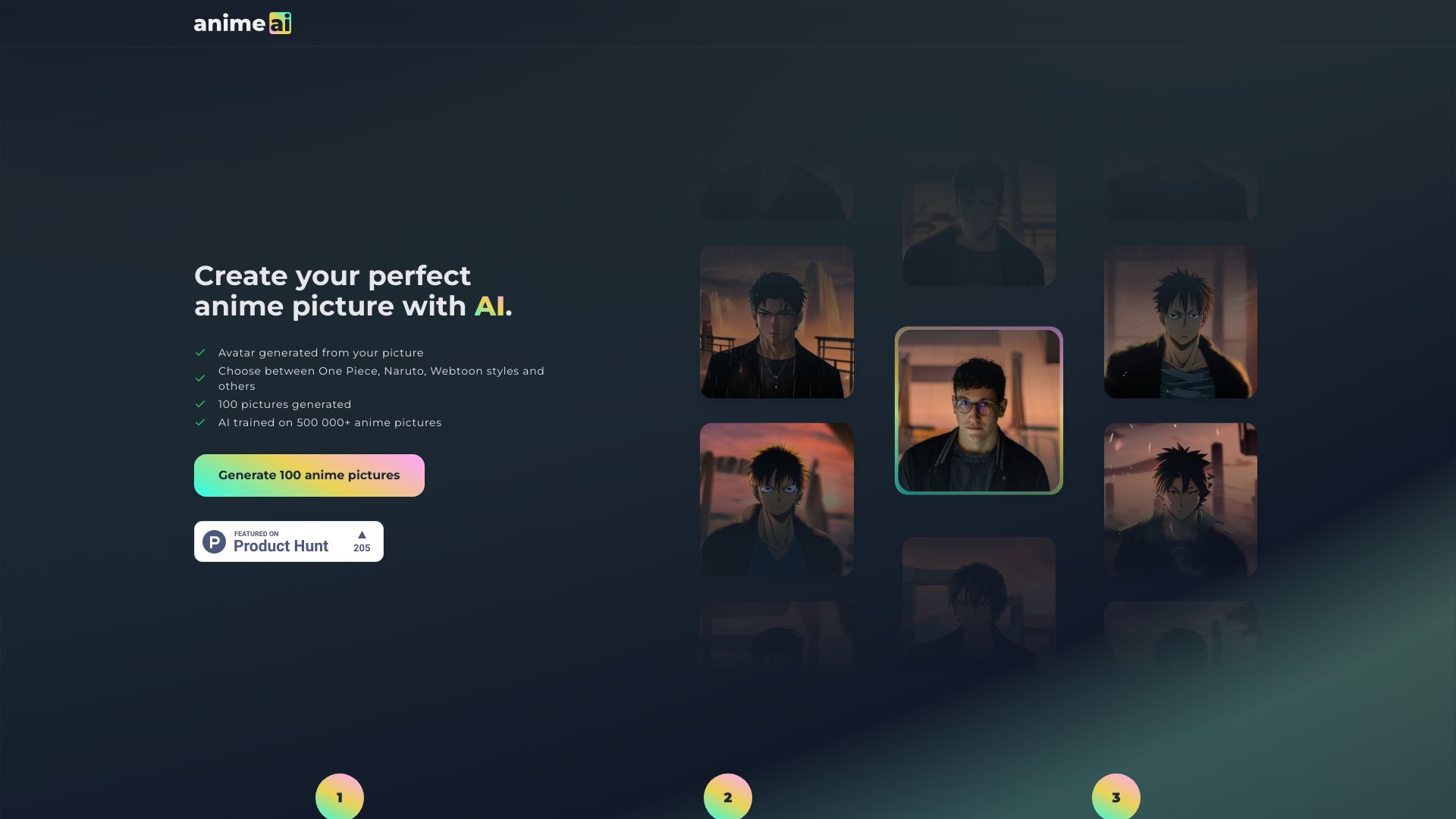
Anime AI
Anime-style photo avatars

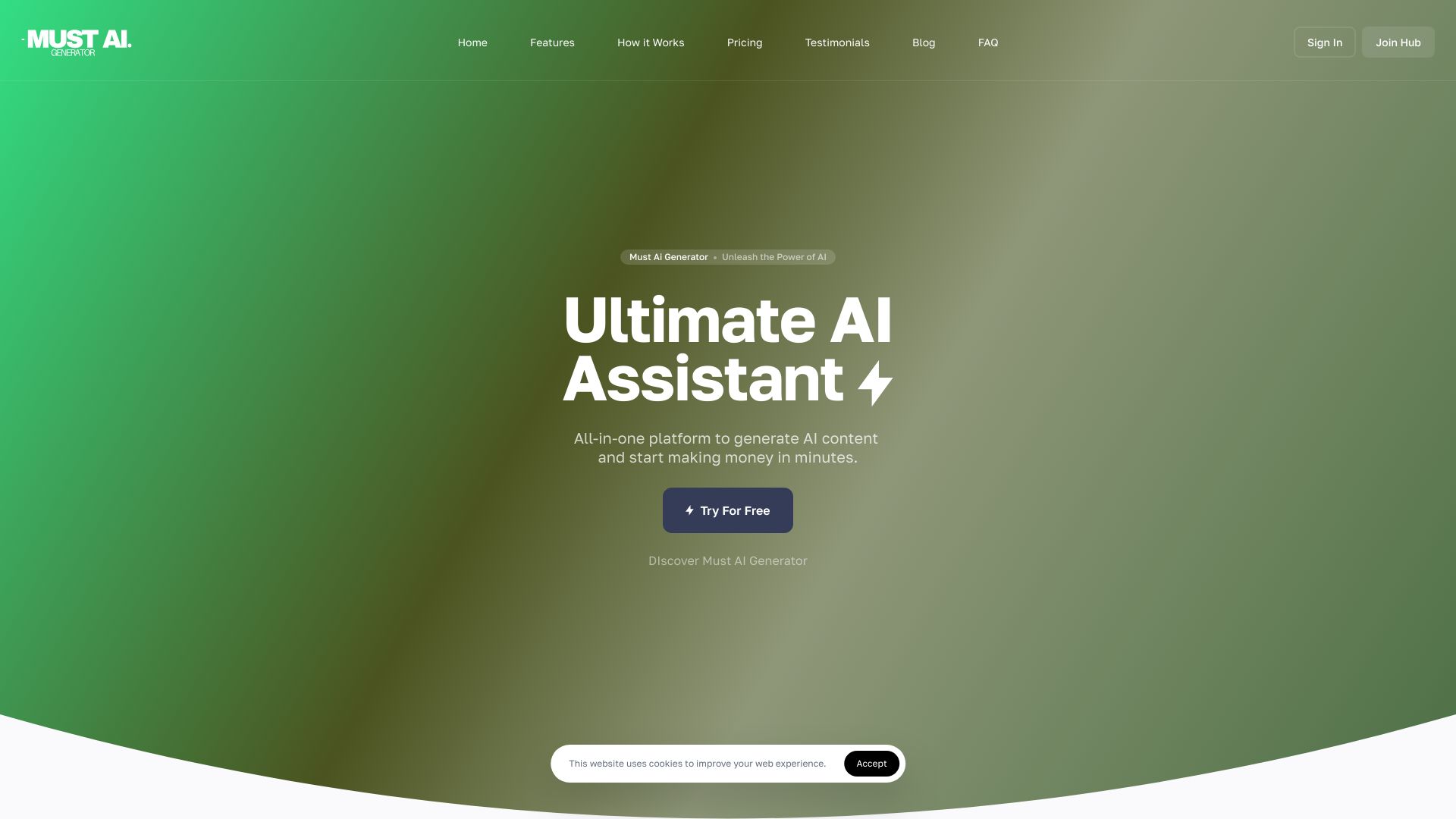
Must AI Generator
Multimodal content creators

VO4 AI Video Generator
Multi-model video, image, and music creation

2V
Interactive AI tour guides

Veo3
Cinematic video with synchronized audio

GenSong
Fast AI song creation

VoiceType AI
Cross-app voice dictation
ai song creator
Creators making royalty-free songs

Eleven Music AI
Musicians and creators making complete songs

AI ASMR Generator
AI ASMR videos for TikTok and YouTube creators

VO4
Social video creators

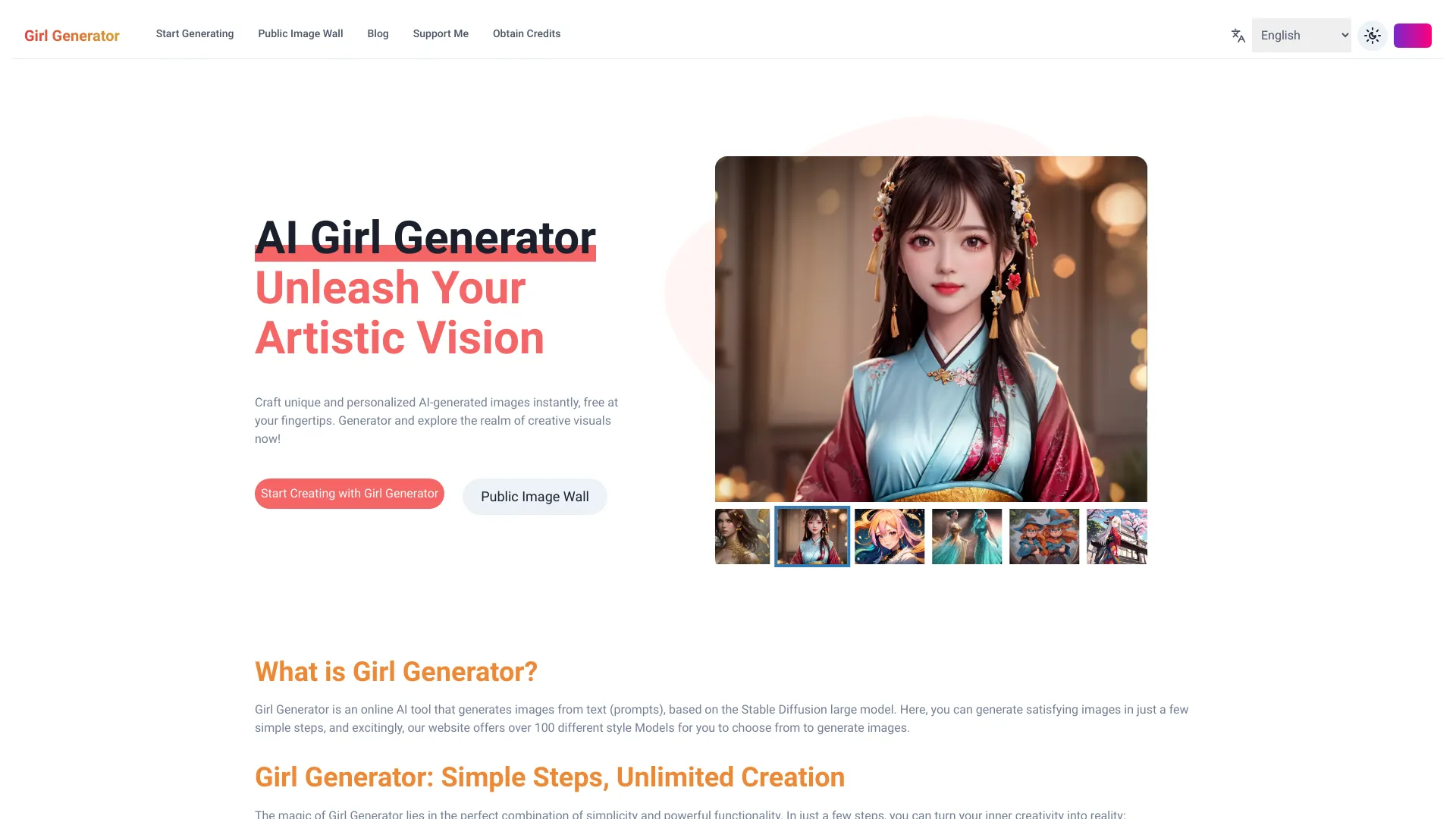
AI Girl Generator
Anime and character image generation

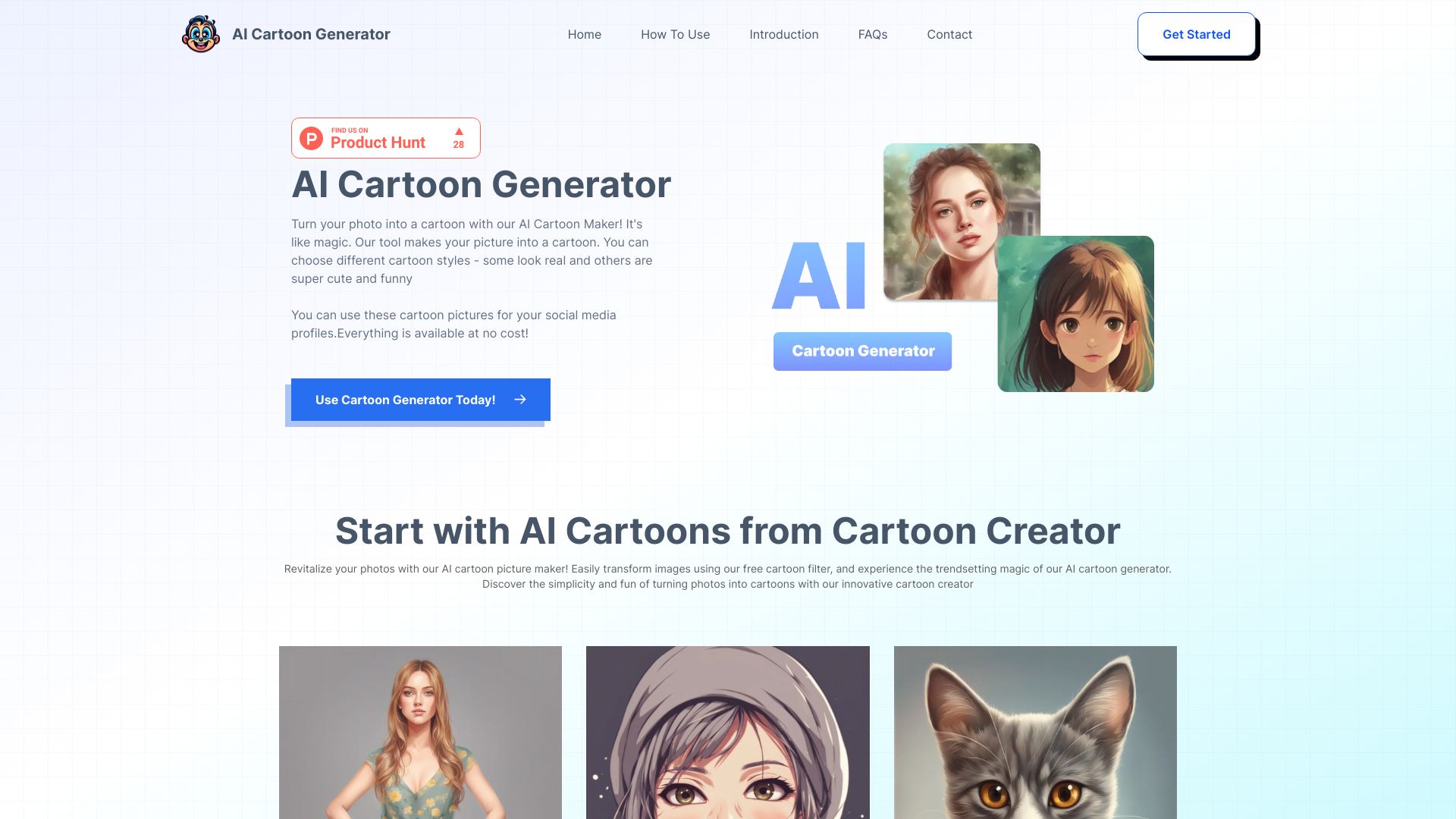
AI Cartoon Generator
Quick cartoon art from photos or prompts

Vozart AI Music & Lyrics Generator
AI songwriting and rapid music creation

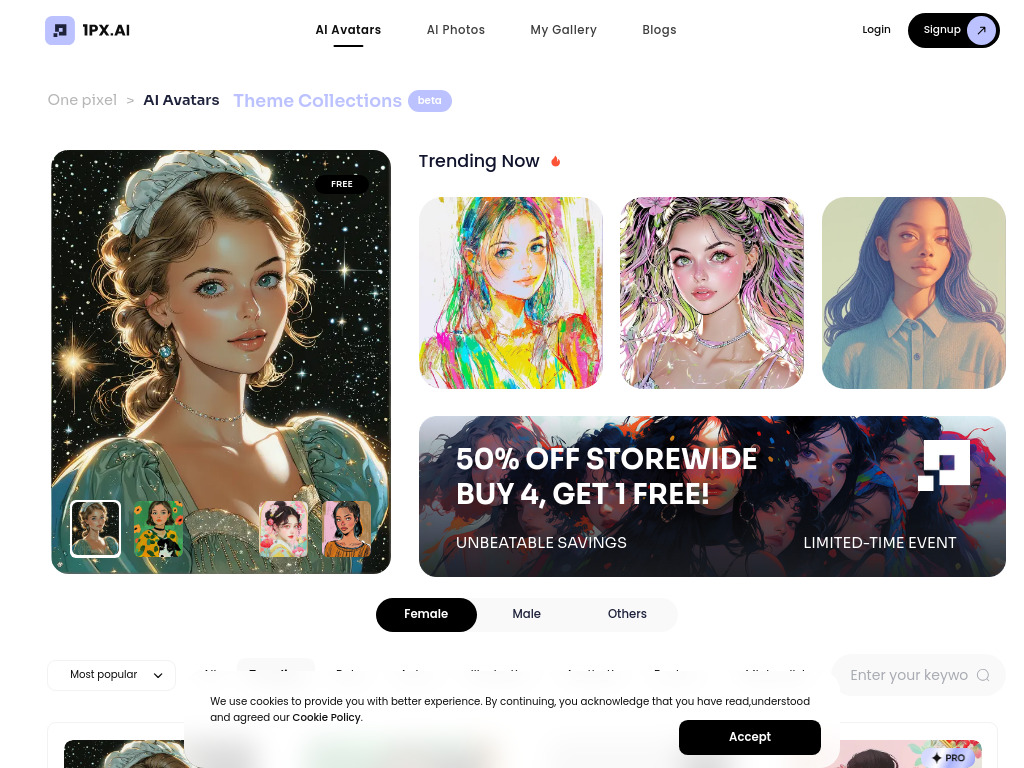
1PX.AI
AI avatar and portrait creation
AI Music Generator
Text-to-music creators

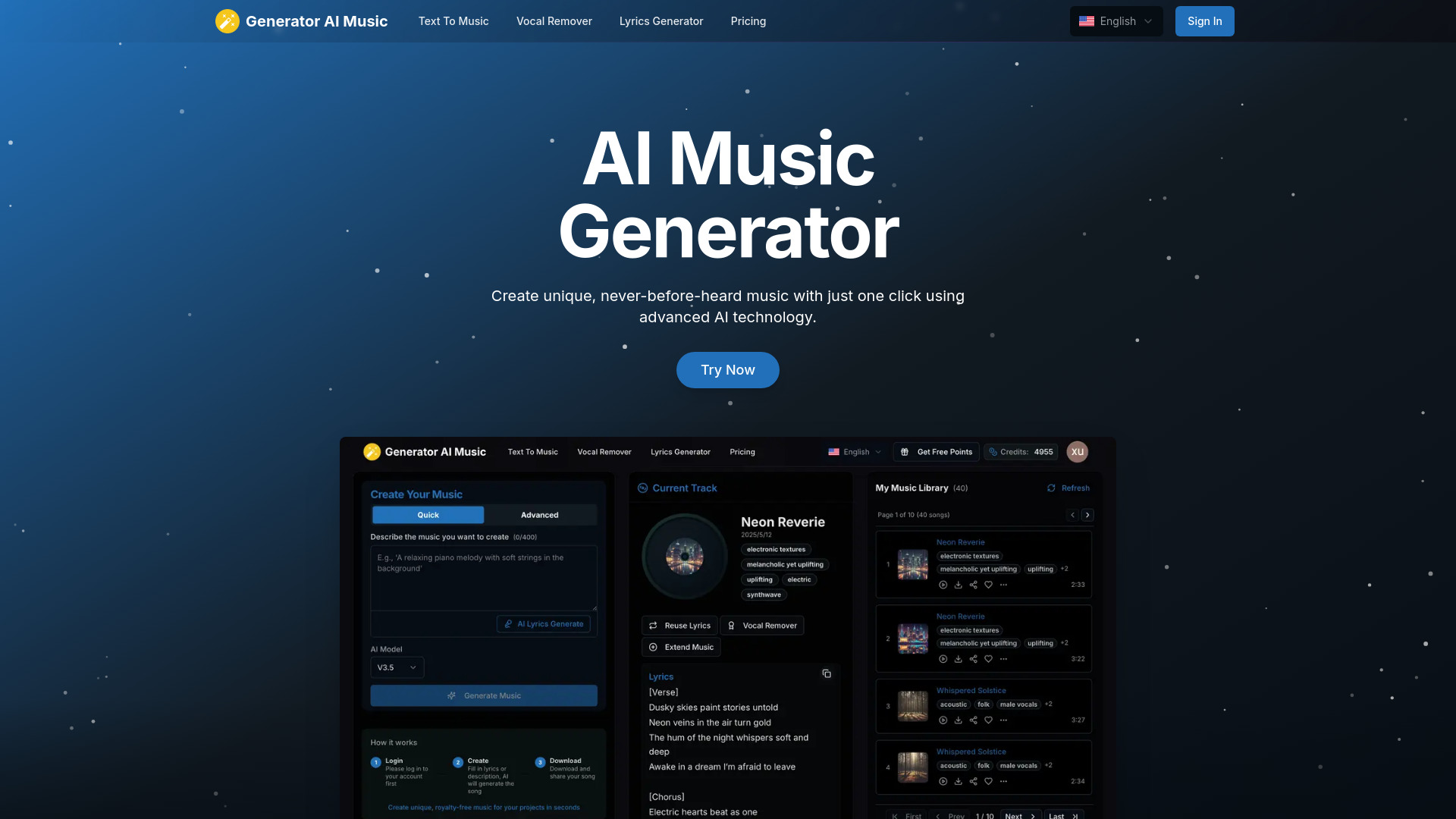
Generator AI Music
AI song and music creation
VoiceAI.Pro
Voice-to-content creation


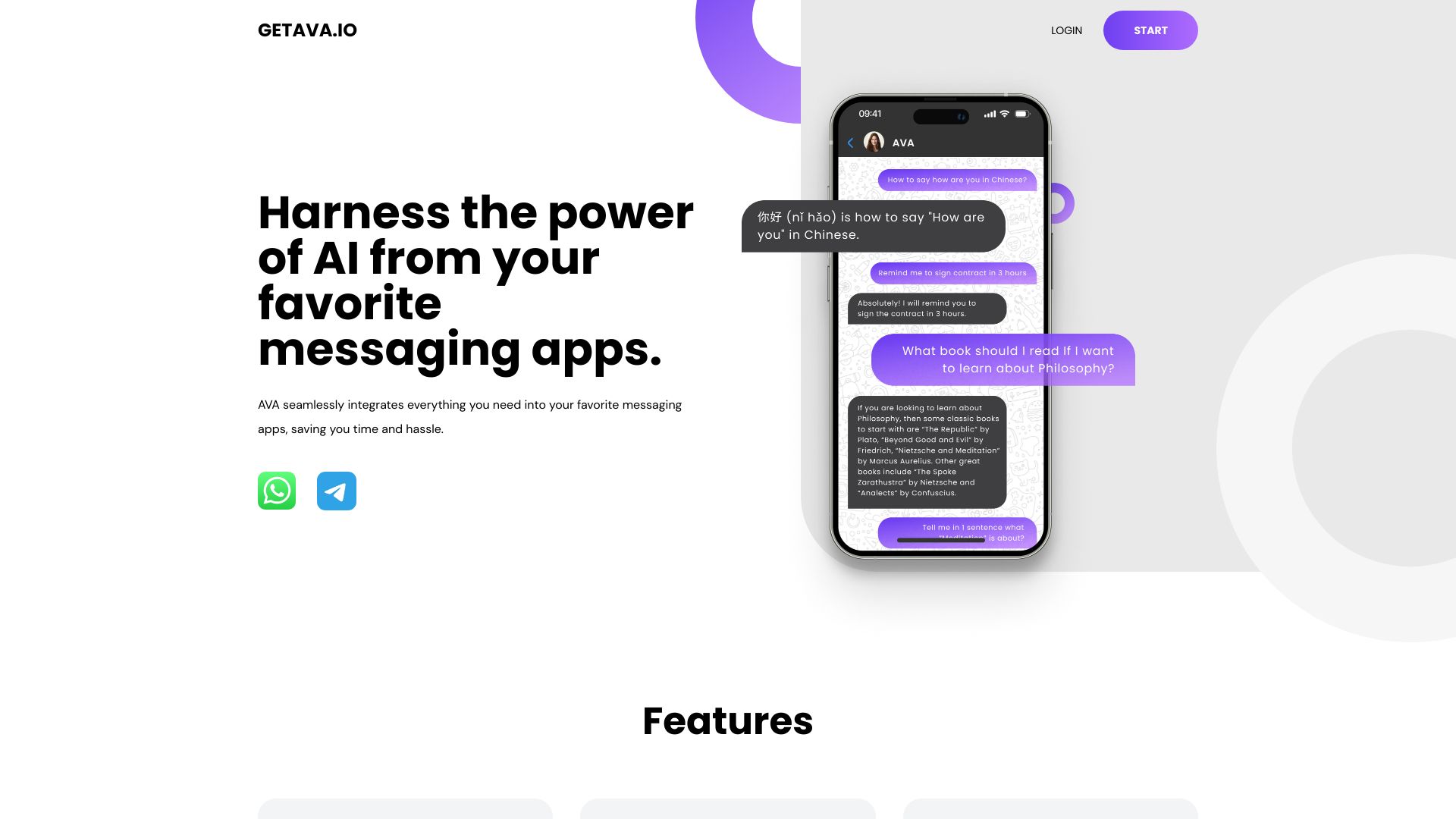
AVA | AI
AI assistance in messaging apps

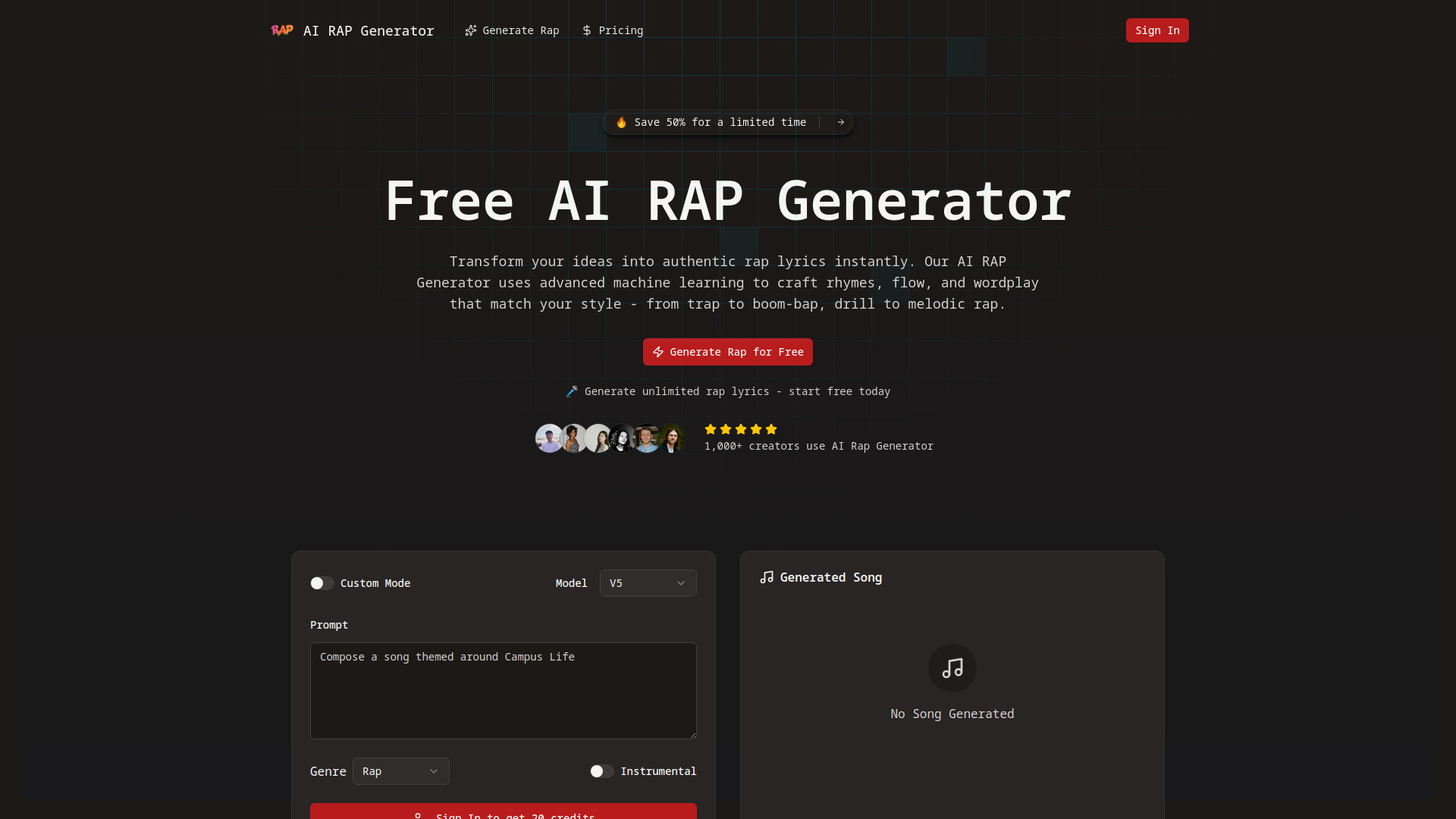
AI Rap Generator
Rap lyric and song creation

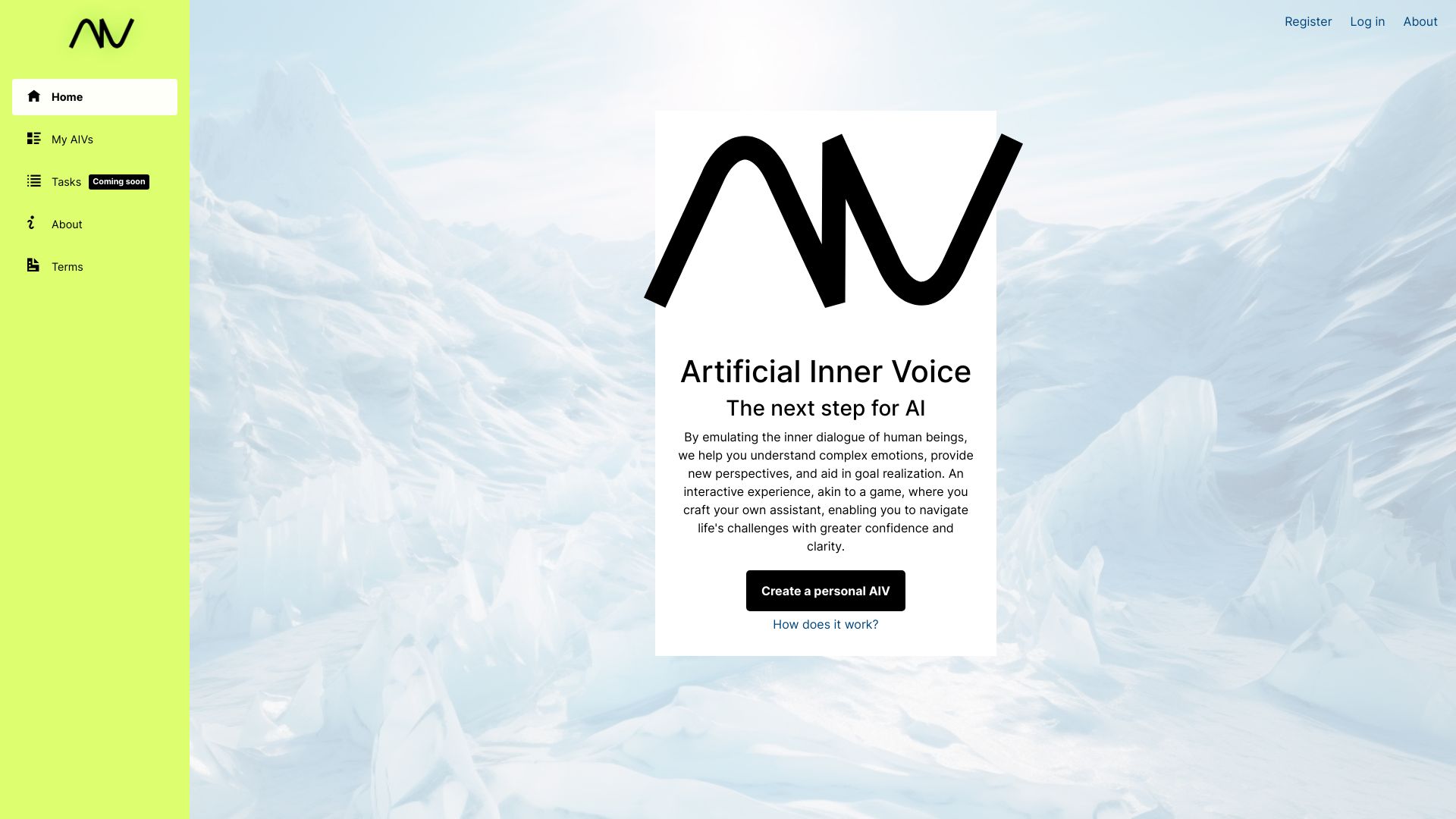
Artificial Inner Voice
AI-guided emotional reflection

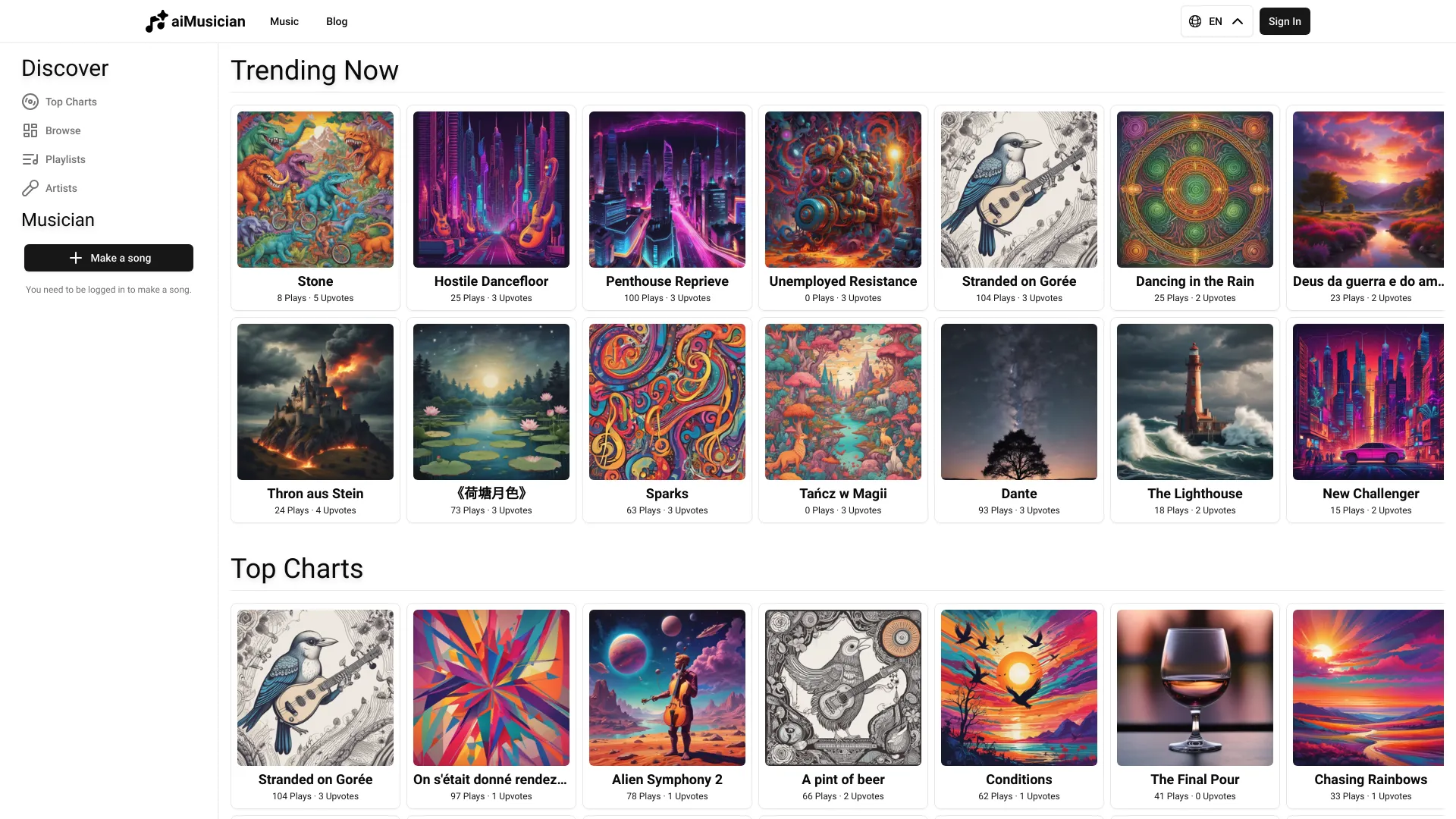
aiMusician.ai
AI music, lyrics, and cover creation

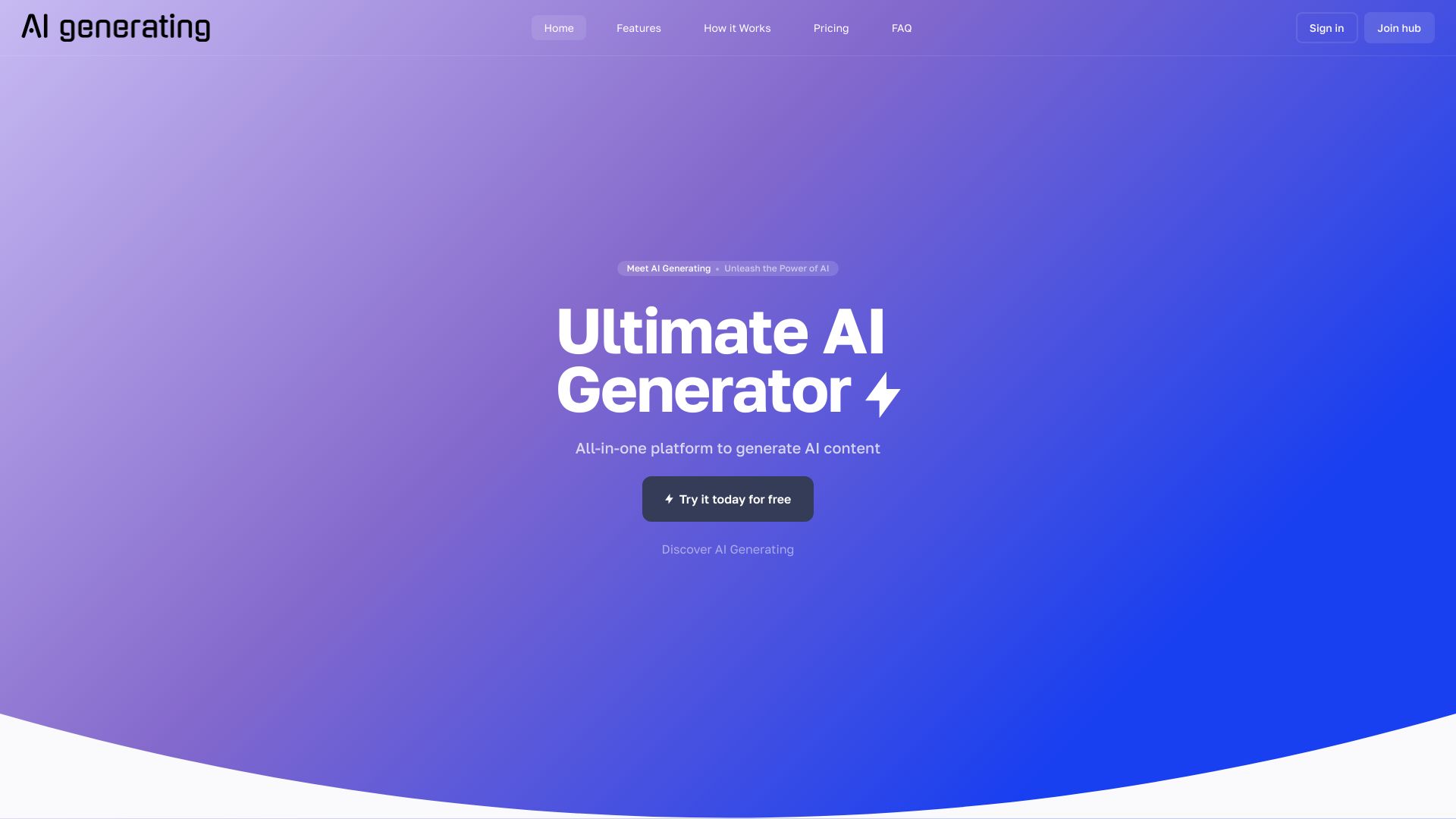
AI Generating
All-in-one AI content creation

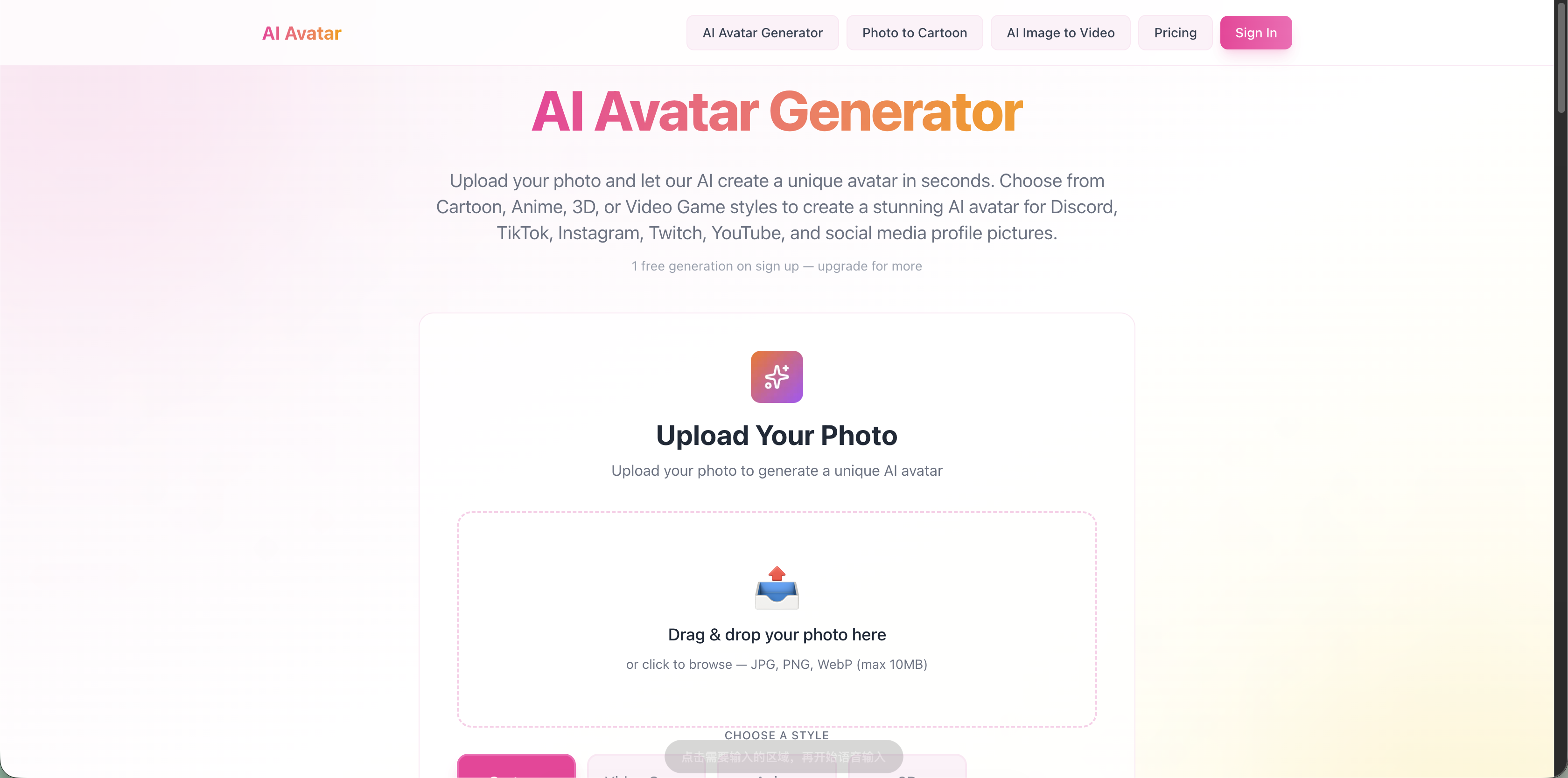
AI Avatar Generator
Photo-to-avatar creation

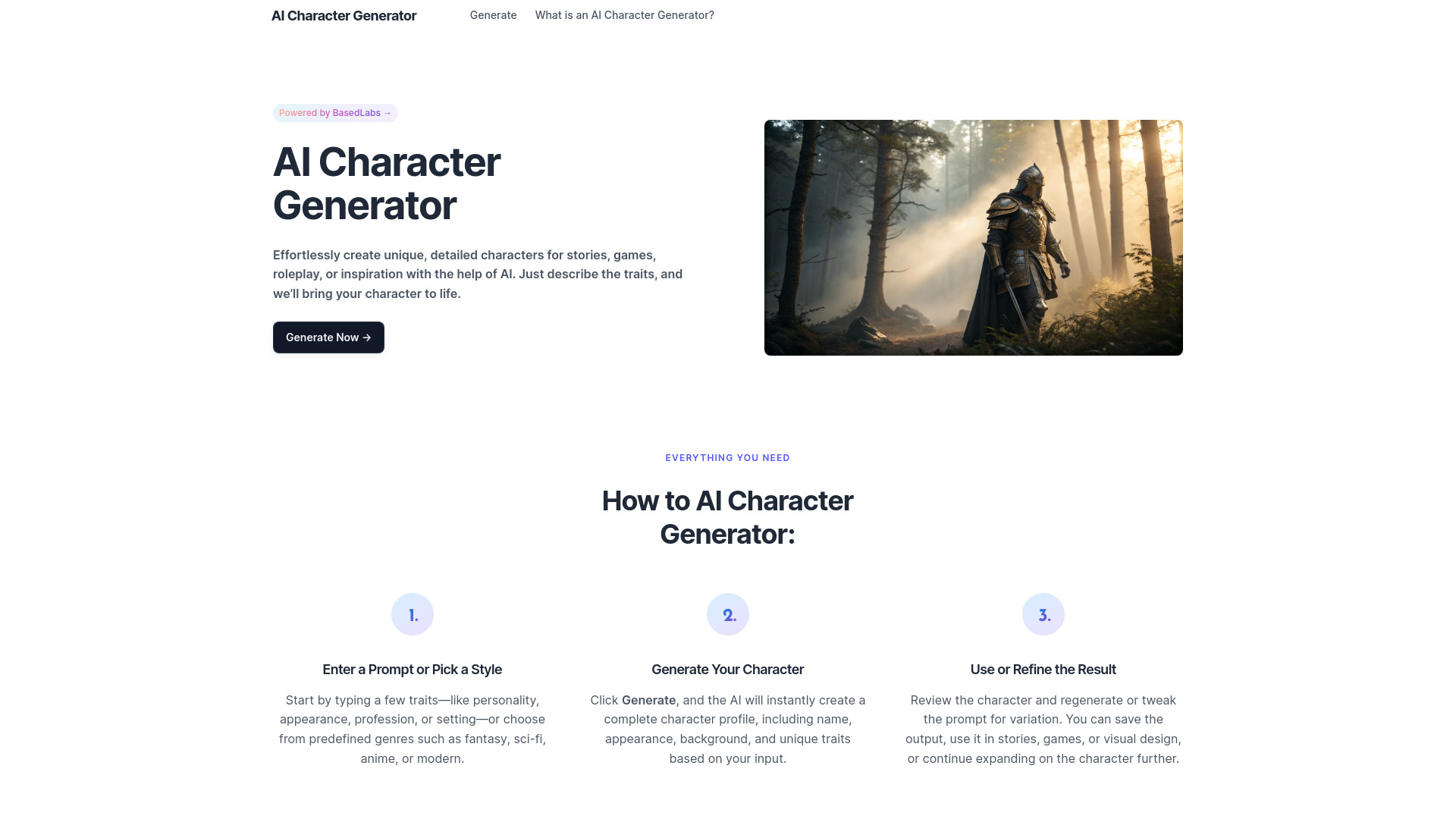
AI Character Generator
Writers and RPG worldbuilders
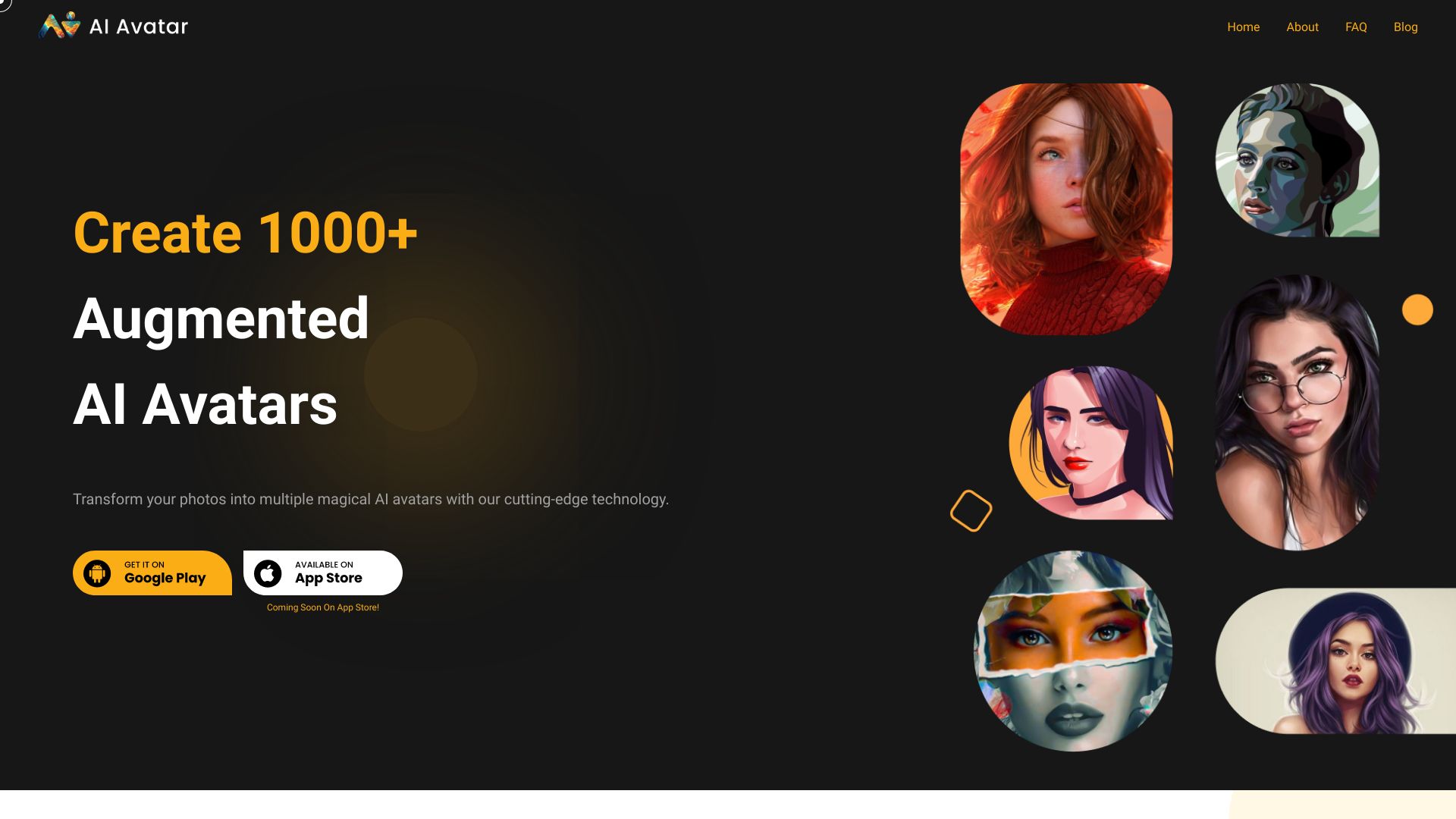
AI Avatar
AI avatar creation from selfies

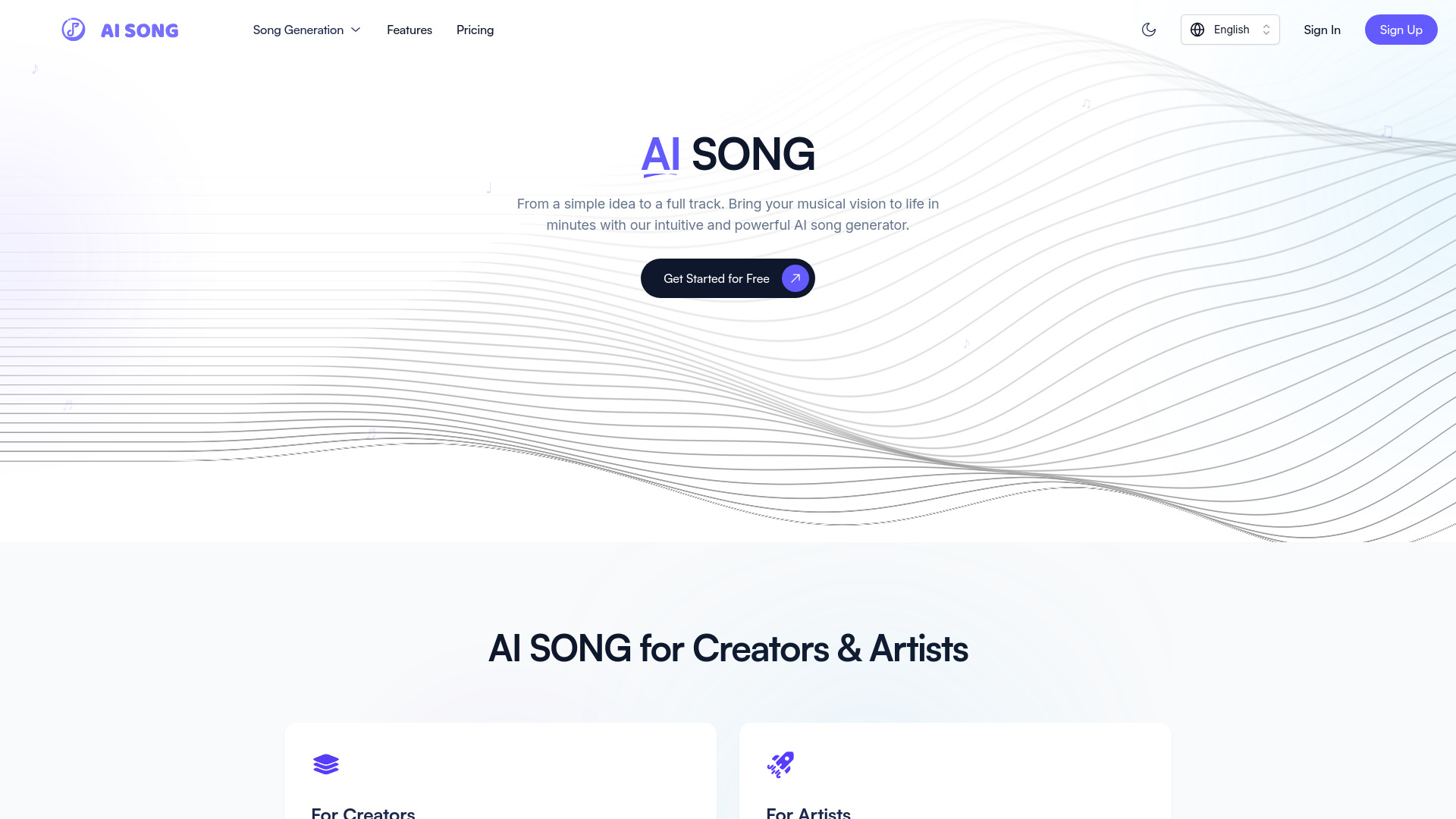
AI Song
Creators making AI songs fast
AI Avatar Generator
Custom AI avatar creation from selfies
AI Music Generator (AMG)
Short AI music and audio clips
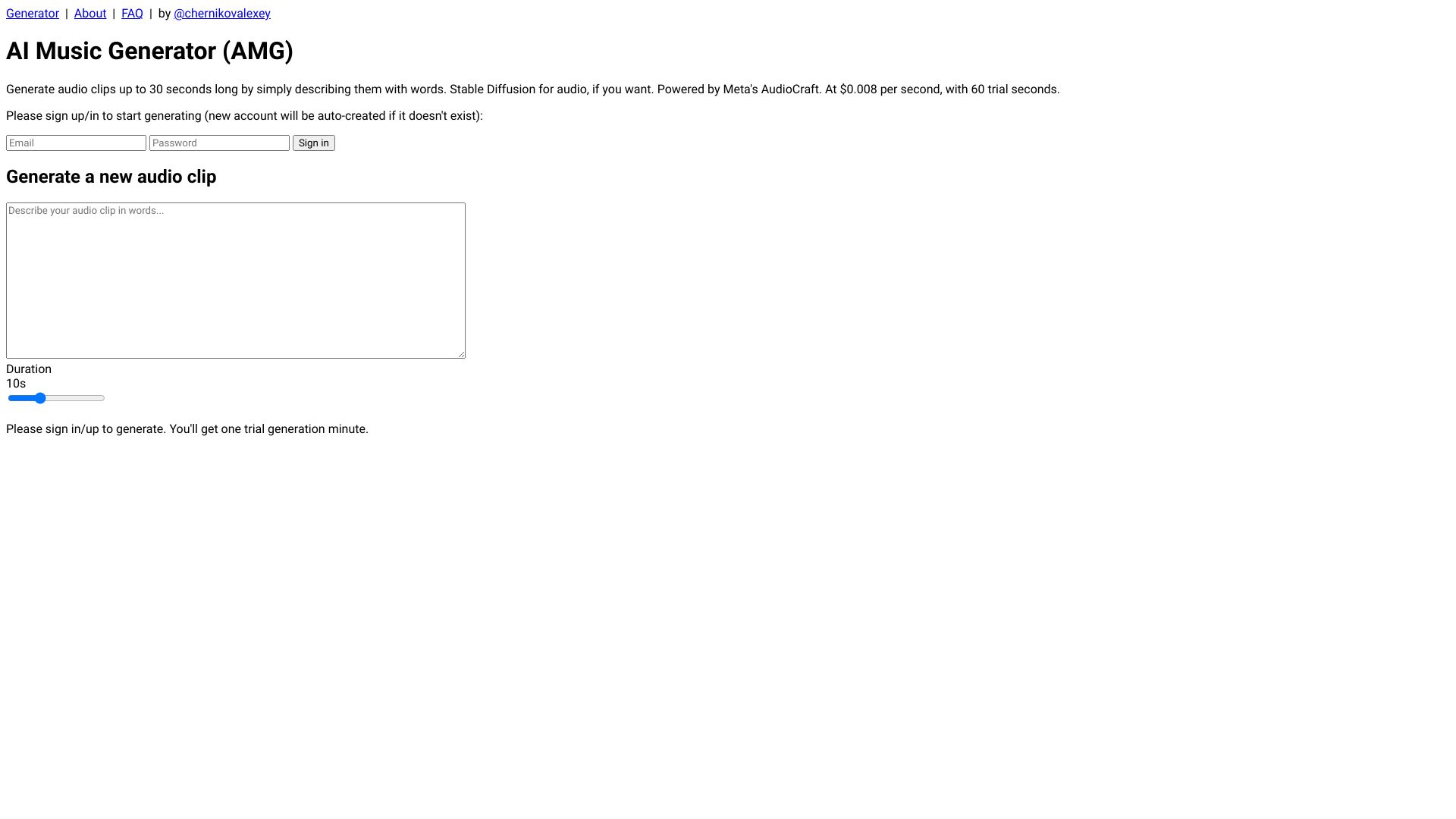

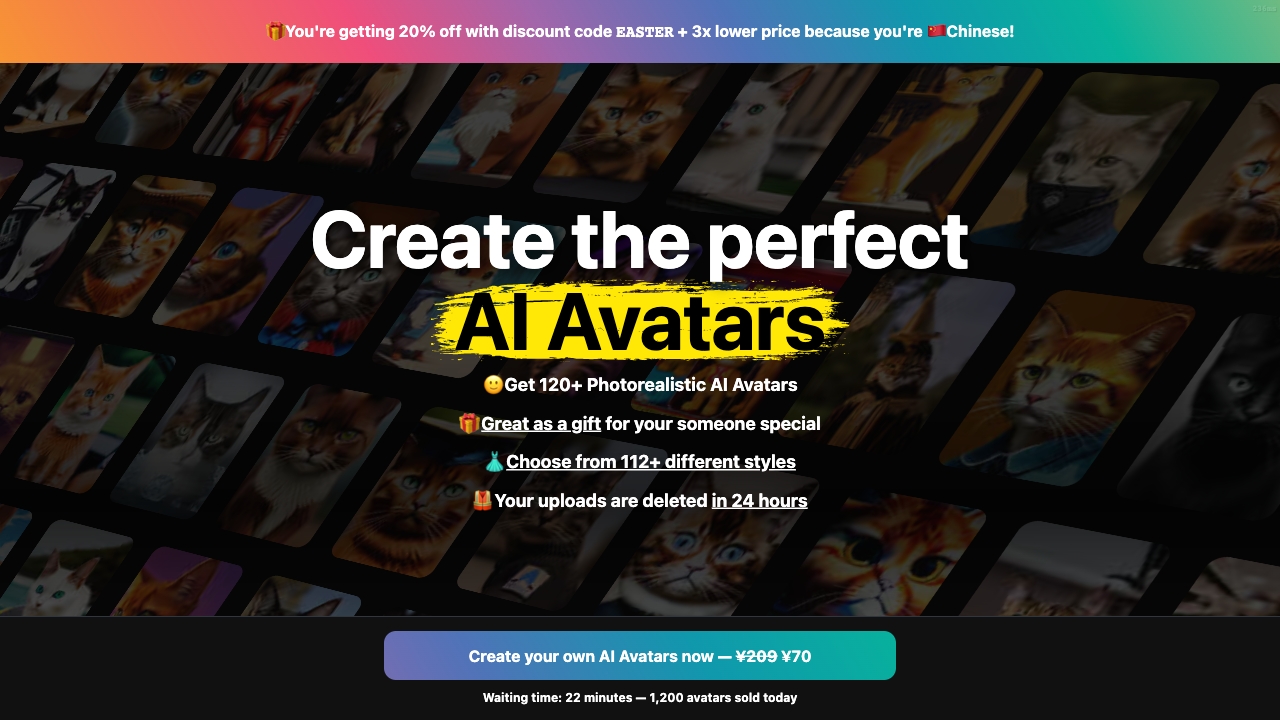
Photo AI
Personal AI photo shoots and avatars

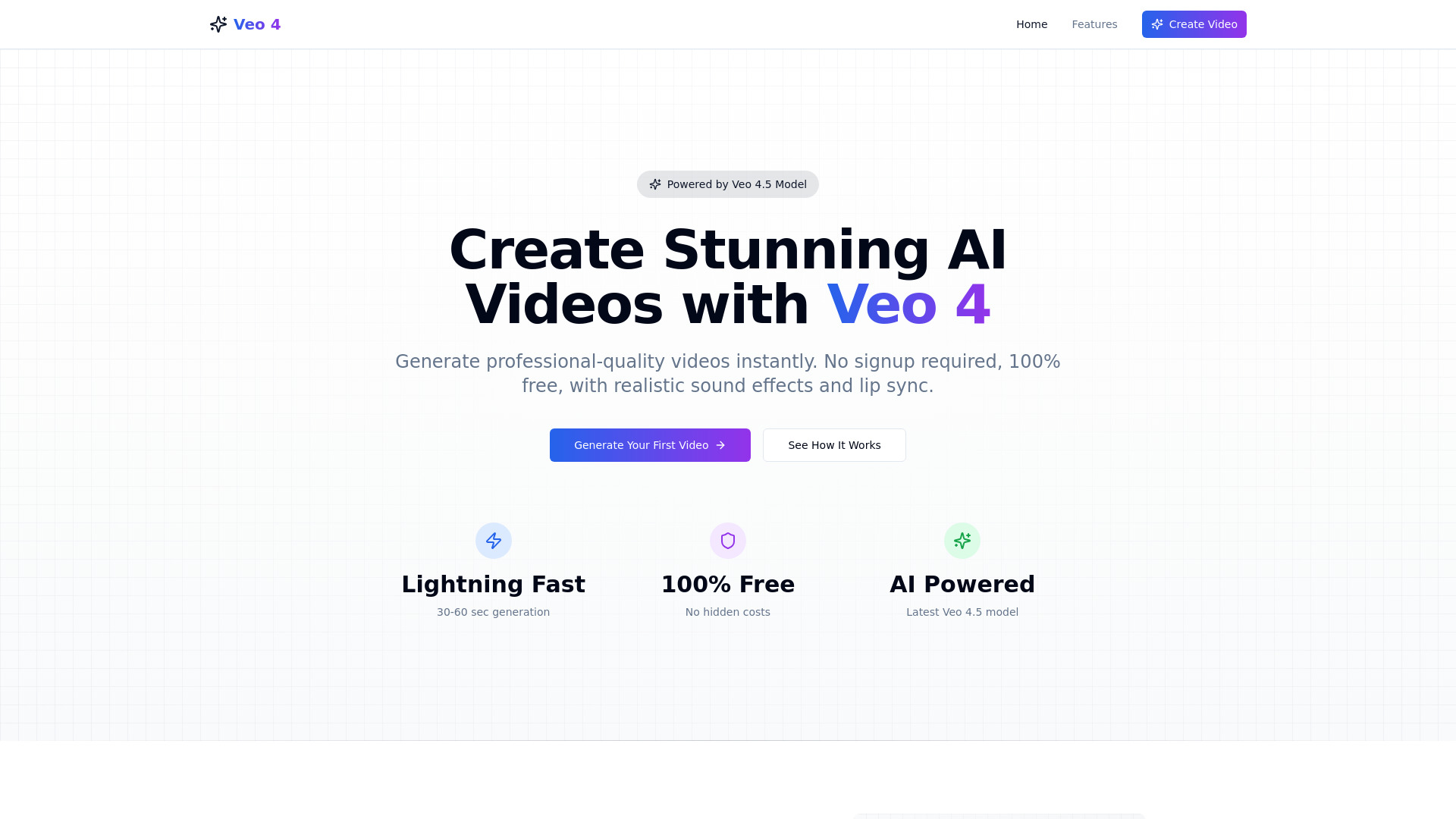
Veo 4 ai
Fast, no-signup AI video generation
Which AI voice generator should you choose?
For live streaming: Start with Voice.ai. Real-time voice changing is the defining feature, and the free basic version makes the first test easy.
For avatar-led marketing videos: Choose Vidnoz AI or AI STUDIOS. Vidnoz emphasizes a very large avatar and template catalog; AI STUDIOS is the stronger multilingual education fit.
For clean, natural narration: Test Deepgram AI Voice Generator first, then compare it with LOVO AI if you also want video editing and cloning.
For podcasts and expressive reads: Noiz AI is the most targeted choice because emotional TTS is central to its workflow.
For a low-cost trial: Lovevoice AI offers 1,000 free characters and a one-time entry pack, while FineVoice offers 2,000 free TTS characters per month.
For transcription alongside TTS: AI Voice Generator by AIVocal is the practical option because it includes speech-to-text and SRT/TXT exports.
For songs rather than narration: Use AI Music Generator. It is purpose-built for text-to-song, lyrics-to-song, and complete music creation.
My practical recommendation
For most first-time buyers, I would begin with Voice.ai if the use case is live voice changing, or Deepgram if the job is straightforward text-to-speech. Those two tools make the decision easy because their primary workflows are clear. If the project needs an on-screen presenter, skip the audio-only comparison and test Vidnoz AI or AI STUDIOS with a real script.
Creators with more specific requirements should resist choosing on score alone. Use AIVocal for a combined TTS and transcription workflow, Noiz for emotional delivery, and Lovevoice or FineVoice when a low-cost entry point matters. If you need a complete song, AI Music Generator is the appropriate specialist even though it is an adjacent alternative to a conventional voice generator.
The best ai voice generator online is the one that survives your own sample. Use the same 100- to 200-word script in two or three tools, listen for pronunciation and pacing, then check the quota or credit model. A good demo is not enough if your publishing schedule makes the plan expensive.
Common mistakes when choosing an AI voice generator
- 1
Confusing voice changing with text-to-speech. Voice.ai is designed around real-time changing, while Deepgram, Lovevoice, and LOVO focus on generated speech. Start with the input you actually have.
- 2
Ignoring the output format. A creator who needs captions should value AIVocal's SRT and TXT exports; someone making avatar lessons needs a video platform, not just an audio file.
- 3
Treating free access as production capacity. Three exports, 1,000 characters, 2,000 characters, daily generations, credits, and trial periods are very different limits.
- 4
Skipping a pronunciation test. Run names, acronyms, numbers, and your most difficult language through every finalist before paying.
- 5
Overlooking usage economics. Subscription hours, character packs, and credits can make a low starting price misleading for frequent production.
- 6
Choosing a broad suite for a narrow job. Avatar video and music tools are useful, but they add complexity when all you need is a short voiceover.
What changed in 2026
The strongest options now split into clearer workflow categories instead of competing only on a generic voice count. Real-time changing, expressive TTS, voice cloning, multilingual dubbing, avatar video, transcription, and song generation each have distinct leaders in this comparison. Free entry is also taking several forms: trials, characters, daily generations, monthly exports, and credits.
That makes the buying decision more practical but less comparable at a glance. A 14-day trial is not directly equivalent to 2,000 monthly characters, and a low monthly credit price is not automatically cheaper for long episodes. In 2026, I would compare the tool's primary workflow and its consumption model together, then verify current vendor pricing and policies before committing.
FAQ
Voice.ai ranks first for this shortlist because it combines real-time AI voice changing, voice cloning, and a free basic version. It is the strongest all-around match for streamers and interactive creators, not necessarily the best fit for every narration project.