
Finding the best ai powerpoint generator is less about producing a dozen slides in one click and more about getting a usable deck without spending an hour fixing structure, formatting, and exports. We compared 83 tools, from focused PowerPoint makers to broader document and presentation workspaces, and ranked the 10 strongest matches for business presentations, coursework, consulting, and fast visual communication. The shortlist includes genuinely useful free starting points, but each handles limits, editing, and source material differently.
Top picks
| Pick | Tool | Best for | Why it stands out |
|---|---|---|---|
| 1 | AiPPT | Business professionals | Strongest all-around match for AI-generated PowerPoint and Google Slides decks |
| 2 | PPT AI | Fast business decks | Converts different file types and claims a substantial time saving |
| 3 | Autoppt | Document-to-slide workflows | Turns source documents into PowerPoint presentations quickly |
| 4 | AI PPT Maker | Free experimentation | Supports text, PDF, YouTube, and voice inputs with 100 monthly credits |
AiPPT takes the overall win because its purpose is clear: turn several kinds of input into PowerPoint or Google Slides presentations, with a template library to help the result look finished. PPT AI is the better alternative when file conversion and speed matter most. Autoppt follows closely for document-heavy workflows, while AI PPT Maker is the most appealing first stop for people specifically seeking a best free ai powerpoint generator with a meaningful free allowance.
Quick comparison
| Tool | Score | Best for | Free access | Starting price |
|---|---|---|---|---|
| AiPPT | 96/100 | Business professionals | 6 total generations | Free: US$ 0.0 |
| PPT AI | 96/100 | Business professionals | 3 presentations/month | Free Version: $0 |
| Autoppt | 95/100 | Business professionals | 1 AI PPT generation | Check vendor pricing |
| AI PPT Maker | 95/100 | Business professionals | 100 credits/month | Free: $0 |
| SlidesGPT | 95/100 | Students | 10 downloads/month | Free Plan: $0 |
| GenPPT | 95/100 | Students | Free access available | Check vendor pricing |
| MagicSlides.app | 95/100 | Students | 3 presentations/month | Check vendor pricing |
| SketchBubble AI Presentation Maker | 95/100 | Consultants | Free access available | Check vendor pricing |
| PopAi | 95/100 | Students | 30 GPT-3.5 and 2 GPT-4 questions daily | Check vendor pricing |
| Aidocmaker.com | 95/100 | Businesses | 10 documents, presentations, spreadsheets/month | AIDOCMAKER - Starter: Free |
The scores are close, so the free allowance and workflow fit matter more than a one-point difference. A student who needs downloadable PowerPoint files may prefer SlidesGPT over a higher-ranked business-oriented product. A consultant working from a brief may get more value from SketchBubble or Autoppt than from a general AI workspace.
How we ranked these AI PowerPoint generators
We ranked the 83 candidates against the practical job buyers are trying to complete: create a coherent slide deck, start from useful source material, customize the result, and get it into a familiar presentation format. Feature depth came first, especially native AI presentation generation, document or file conversion, editing, templates, and export compatibility. We then weighed audience fit, free access, stated limitations, and usage signals. Tools with a clear PowerPoint workflow received an advantage over broad AI products unless the broader product added a meaningful presentation or document advantage. Scores are editorial signals, not guarantees of slide quality; always review factual claims, layout, and licensing before presenting the deck publicly.
The best AI PowerPoint generators
1. AiPPT
AiPPT
Best overall AI PowerPoint generator for business professionals
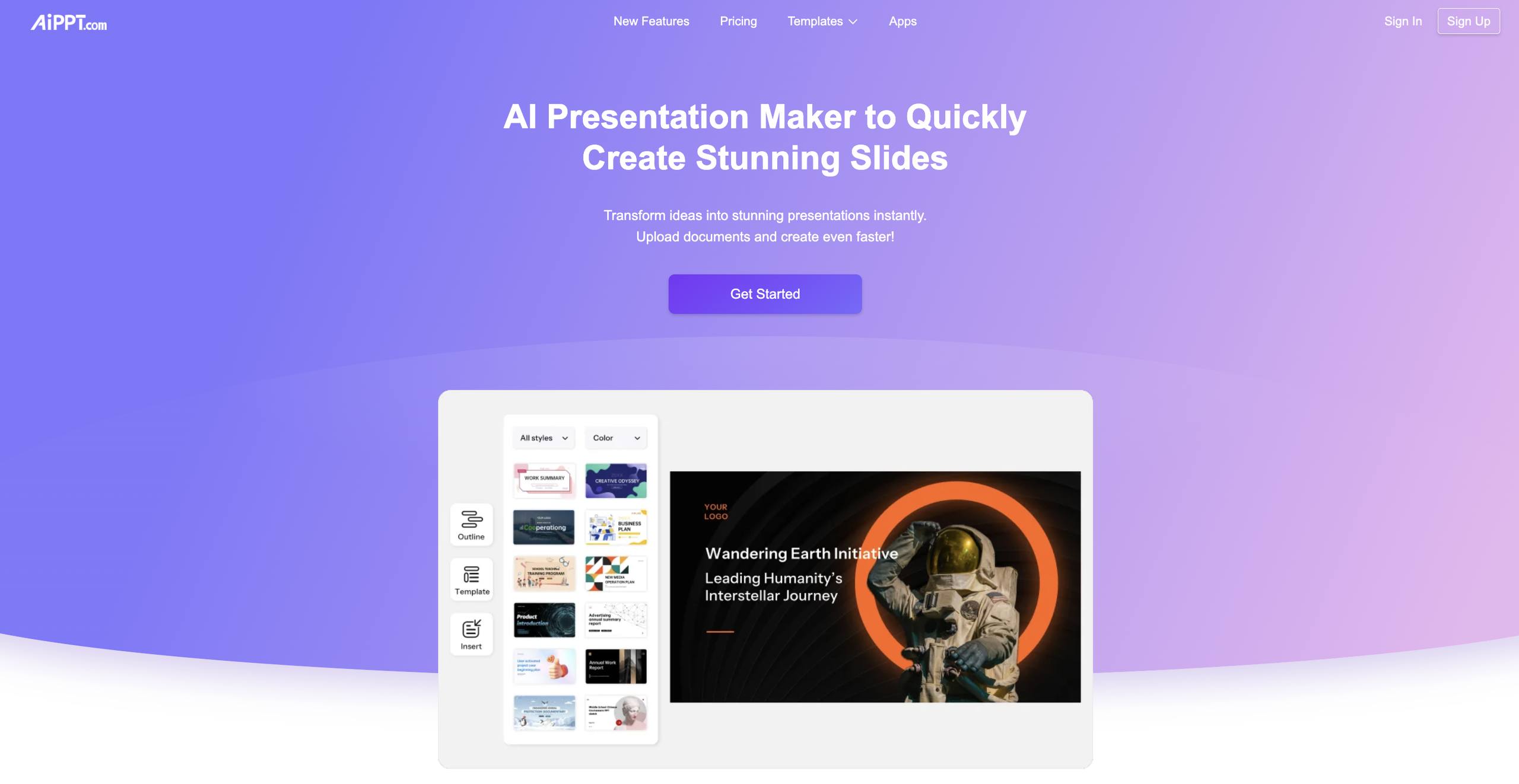
The strongest case for AiPPT is its directness. It is built around AI-powered presentation generation rather than treating slides as a side feature, and it can generate PowerPoint and Google Slides presentations from various inputs. That makes it a sensible fit for a sales deck, internal update, proposal, or meeting presentation where the first draft matters more than elaborate manual design.
Its diverse template library is important because generated content is only half the job. A usable starting style gives business users a faster route from outline to presentable deck. The free access is also concrete: six total generations is enough to test whether the structure and visual direction suit your workflow before paying.
My take: AiPPT is the easiest recommendation for buyers who want a focused, conventional presentation workflow and do not want to assemble a deck from a blank canvas.
Where it falls short: The free plan limits the number of AI generations, so frequent iteration can use up the allowance quickly. You will still need to fact-check the copy and tune the deck for your audience.
Key features
AI-powered presentation generation.
Generation from various inputs, including text, documents, or URLs.
Template library with diverse presentation styles.
Support for PowerPoint and Google Slides workflows.
Pros
Clear focus on presentation creation.
Saves time on the first draft.
Strong fit for business professionals who need repeatable decks.
Cons
Free users get limited AI generation times.
A generated deck still needs editorial and visual review.
Choose AiPPT if: You want the best overall starting point for turning business ideas and source material into editable presentation decks.
2. PPT AI

PPT AI
Fast AI presentation creation for business professionals
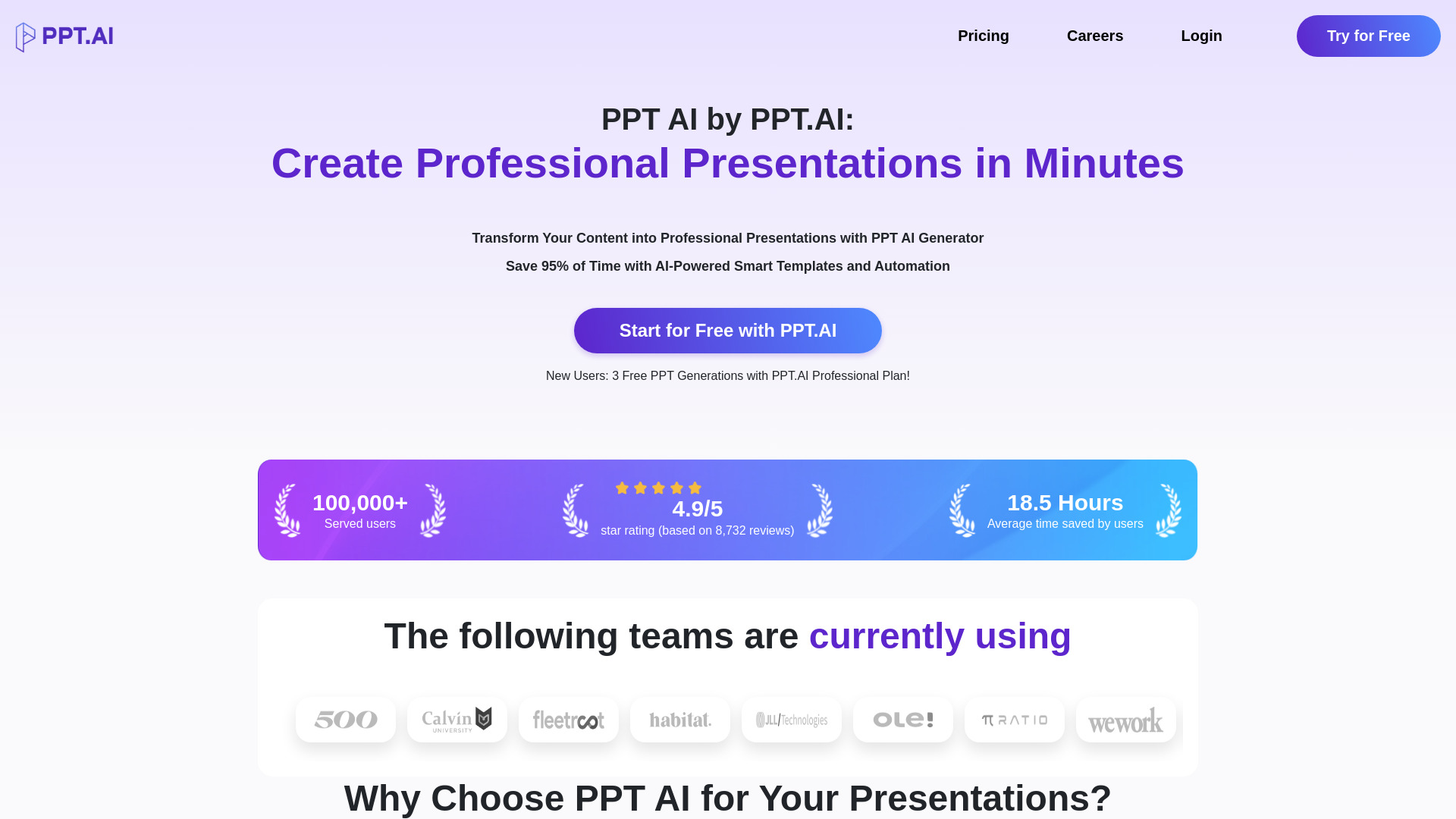
PPT AI earns its place near the top by concentrating on speed and input flexibility. The tool creates presentations with AI and can instantly convert various file types, which is useful when the raw material already exists in a document instead of a carefully written prompt. That source-first approach can save more time than starting with a vague instruction and rewriting every slide.
The free version offers three presentations per month, while the product also highlights professional templates. The stated promise of saving 95% of presentation creation time should be treated as an upper-bound claim rather than a guarantee, but the workflow makes sense for routine business decks where a quick draft is valuable.
My take: PPT AI is a strong candidate for the best ai ppt generator when speed and file conversion are higher priorities than granular creative control.
Where it falls short: The free plan limits both the number of presentations and slides. That makes it useful for testing or occasional work, but less comfortable for repeated experimentation.
Key features
AI-powered presentation creation.
Instant conversion of various file types.
Professional presentation templates.
Workflow designed to reduce manual deck-building time.
Pros
Good fit for existing files and source material.
Clear, fast route from input to presentation.
Free plan provides a practical trial point.
Cons
Free usage is limited by presentations and slides.
Speed does not remove the need to check the generated narrative.
Choose PPT AI if: You routinely turn documents or other files into business presentations and want the fastest possible first draft.
3. Autoppt

Autoppt
Document-to-slide conversion for business professionals
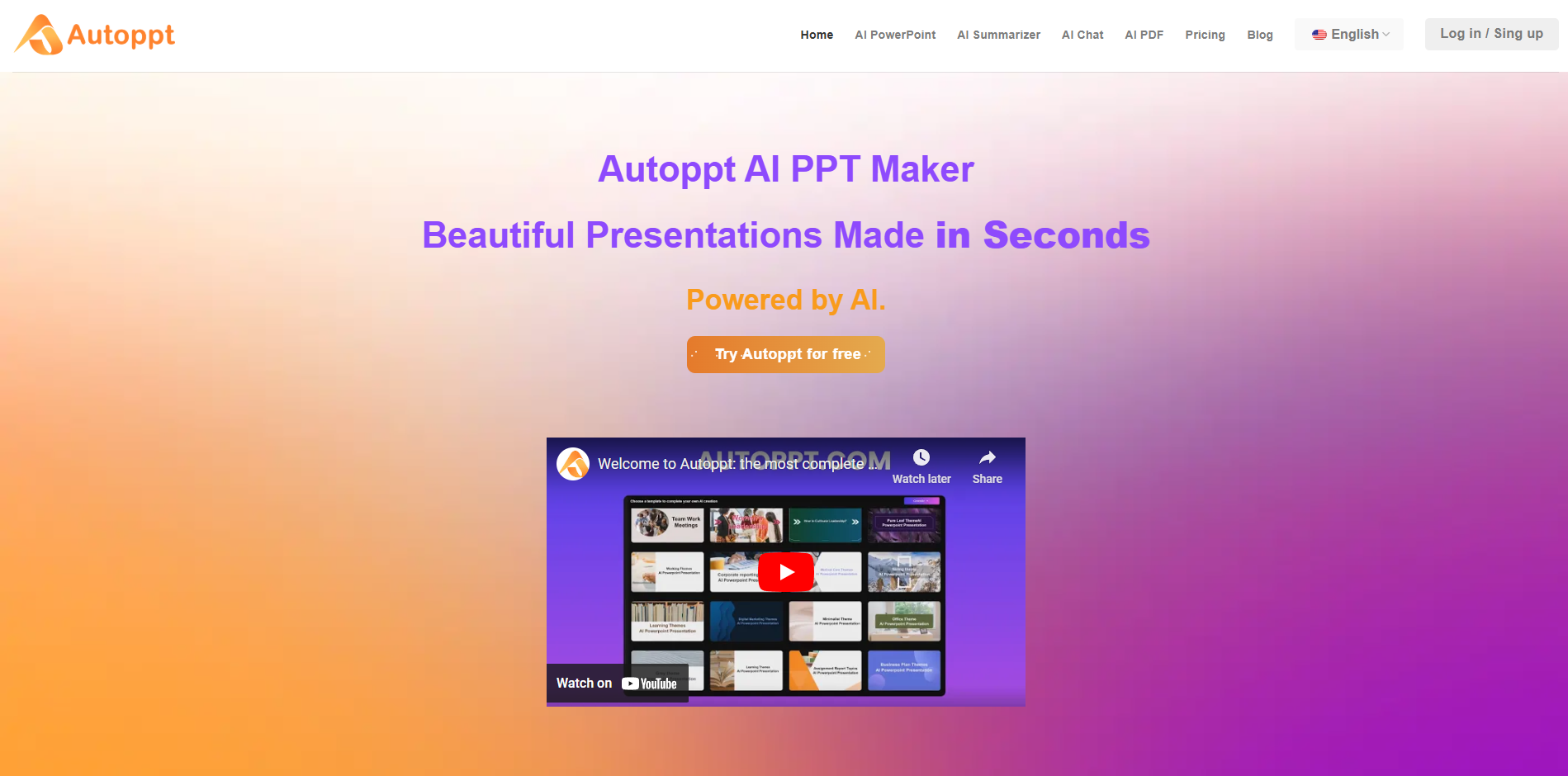
Autoppt is at its best when the presentation already exists in rough form as a document. Its document-to-AI-slides conversion workflow gives business users a practical bridge from briefing notes, reports, or written plans to a PowerPoint deck. The dedicated AI PowerPoint generation feature keeps the product close to the core task instead of forcing users through a general-purpose design studio.
The free access is enough to explore the workflow, with one AI PPT generation and five GPT-3.5 uses per day. That is a narrower allowance than some rivals, but it lets you test the quality of document conversion before committing. Templates and rapid generation also make it useful for repeatable internal presentations.
My take: Autoppt is one of the best ai to create powerpoint presentation options when your source material is a report, brief, or other structured document.
Where it falls short: Some design elements may be locked within master slides, which can frustrate users who want to fine-tune every visual detail. Pricing should be checked directly with the vendor before planning regular use.
Key features
AI-powered PowerPoint generation.
Document-to-AI-slides conversion.
Presentation templates for faster formatting.
AI assistance for drafting slide content.
Pros
Particularly useful for document-heavy workflows.
Generates presentations quickly.
Keeps the workflow focused on PowerPoint output.
Cons
Some design elements may be locked in master slides.
Free generation access is limited.
Vendor pricing needs confirmation.
Choose Autoppt if: You have reports or written briefs to convert into PowerPoint slides and can accept less control over some master-slide elements.
4. AI PPT Maker
AI PPT Maker
Free AI PowerPoint experiments for business professionals
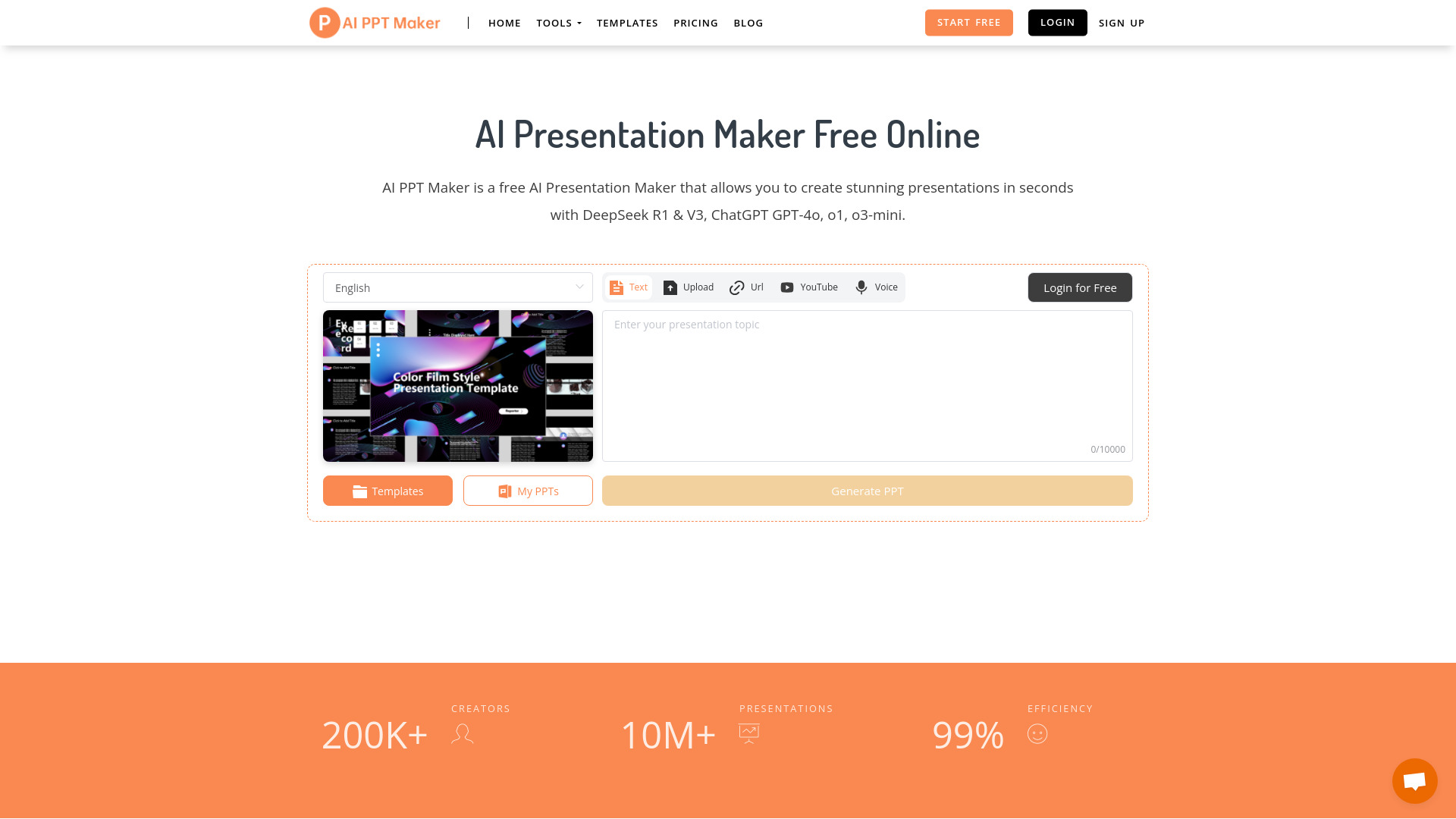
AI PPT Maker stands out for the breadth of material it can accept. Along with text and PDFs, it supports YouTube and voice inputs, giving users more ways to turn rough ideas into a presentation. That is a meaningful advantage for people who think aloud, work from video research, or have source material scattered across formats.
The tool claims it can generate 20 or more slides in about 20 seconds, so it is clearly aimed at rapid first drafts. Its free tier includes 100 credits per month and no-sign-up access is highlighted, making it an appealing answer for someone searching for the best ai powerpoint generator free without wanting to begin with a subscription.
My take: This is the most approachable option for testing different inputs and seeing how far a free workflow can go.
Where it falls short: Credits are finite, and a large deck or several rounds of regeneration can consume them quickly. Fast output also increases the need to inspect slide sequencing, claims, and source interpretation.
Key features
AI-powered presentation generation.
Conversion from text, PDF, YouTube, and voice.
Generation of professional PowerPoint presentations.
100 free credits per month.
Pros
Broad range of input formats.
Very fast stated generation time.
Free access is easy to test.
Cons
Free plan has credit limits.
Generated content may need substantial polishing for important presentations.
Choose AI PPT Maker if: You want to experiment with text, documents, video, or voice inputs before paying for an AI presentation tool.
5. SlidesGPT

SlidesGPT
Student presentations across common export formats
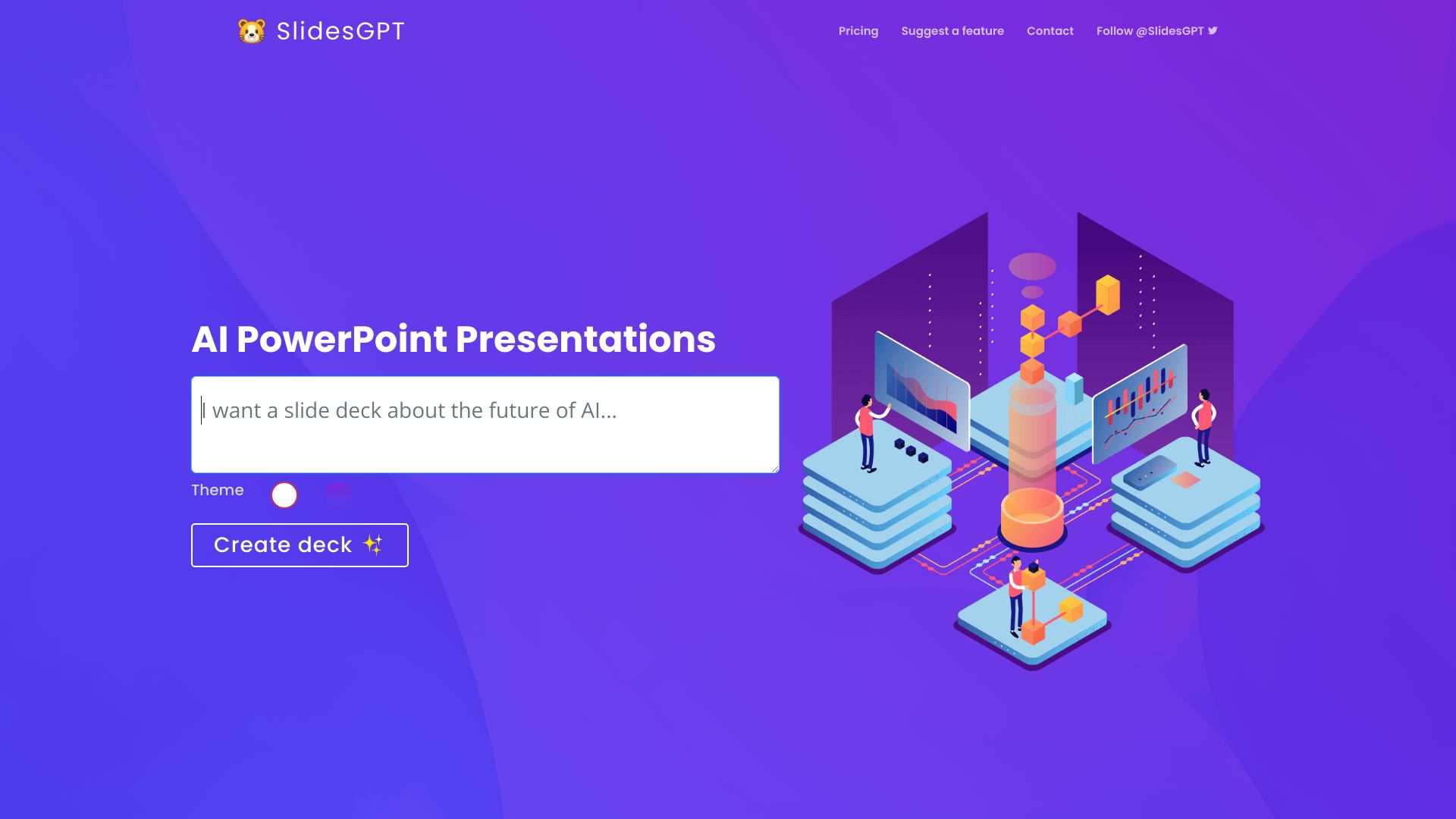
Students often need a deck that can move between platforms, and SlidesGPT addresses that practical requirement directly. It generates presentations from a prompt and supports exports to PowerPoint, Google Slides, and PDF. That compatibility makes it more useful than a tool that produces an attractive preview but leaves the user stuck in a proprietary editor.
The free plan includes 10 downloads per month, and the tool can be used without registration according to its free-access description. For class presentations, study summaries, or early project outlines, that is a generous way to explore the workflow. It is also a good choice for users who want the best ai powerpoint generator free while keeping multiple output formats available.
My take: SlidesGPT is the most practical student pick when downloading and sharing the finished deck matters as much as generation.
Where it falls short: Download limits apply on free and pro plans, so heavy users should inspect the current allowance. Prompt-generated slides can also oversimplify academic material unless you supply a clear structure and review every claim.
Key features
AI-powered presentation generation from prompts.
Export to PowerPoint.
Compatibility with Google Slides and PDF.
No-registration access for the free workflow.
Pros
Useful range of export formats.
Straightforward for students and occasional presenters.
Ten free downloads provide room for testing.
Cons
Download limits remain a constraint.
The output still requires academic fact-checking and editing.
Choose SlidesGPT if: You need a student-friendly presentation maker that can export to PowerPoint, Google Slides, and PDF.
6. GenPPT

GenPPT
Quick editable decks for students
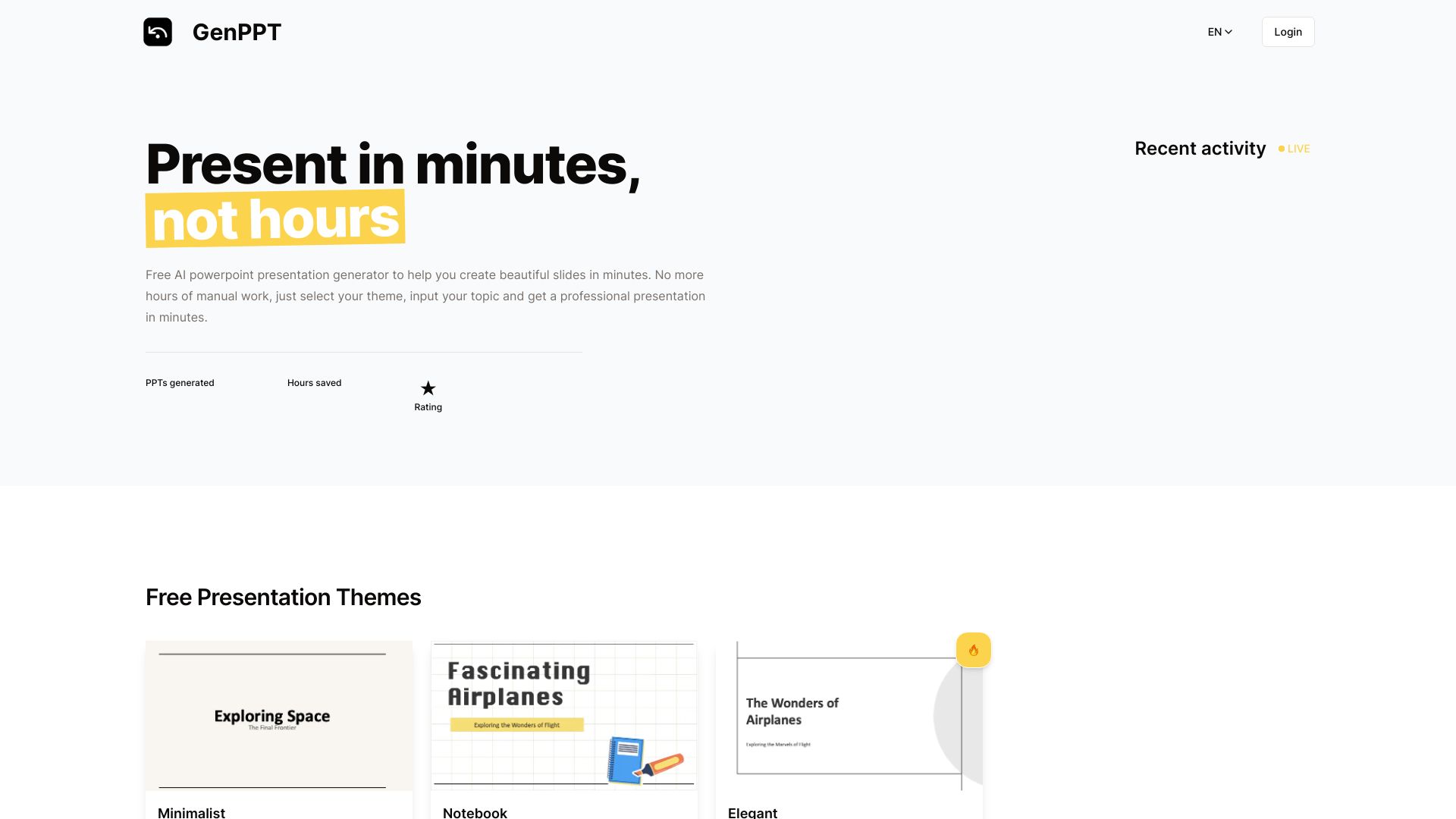
GenPPT keeps the pitch simple: generate a PowerPoint presentation quickly, then customize the slides. That combination matters because many AI deck tools are good at producing a first pass but less clear about what happens next. Customizable slide editing gives students a way to adjust the emphasis, fix awkward wording, and make the presentation feel more personal.
The free-access description focuses on generating professional presentations in seconds and creating decks effortlessly. Pricing is not presented as a clean starting figure, so frequent users should check the vendor's current terms. For occasional coursework, the ability to get from an idea to an editable deck quickly is the main attraction.
My take: GenPPT is a sensible lightweight choice when you want a fast draft but still expect to do your own slide editing.
Where it falls short: Reliance on AI may limit creative control, particularly if you want a highly distinctive visual narrative. The free offer should be verified before using it for a deadline-sensitive project.
Key features
AI-powered slide generation.
PowerPoint presentation creation.
Customizable slide editing.
Rapid deck production.
Pros
Clear workflow for quick first drafts.
Editing is part of the product's stated use case.
Appropriate for student presentations and simple projects.
Cons
AI-first generation can reduce creative control.
Pricing and exact free limits need confirmation.
Choose GenPPT if: You want a fast student presentation draft and plan to make meaningful edits before presenting it.
7. MagicSlides.app

MagicSlides.app
Student decks from mixed content sources
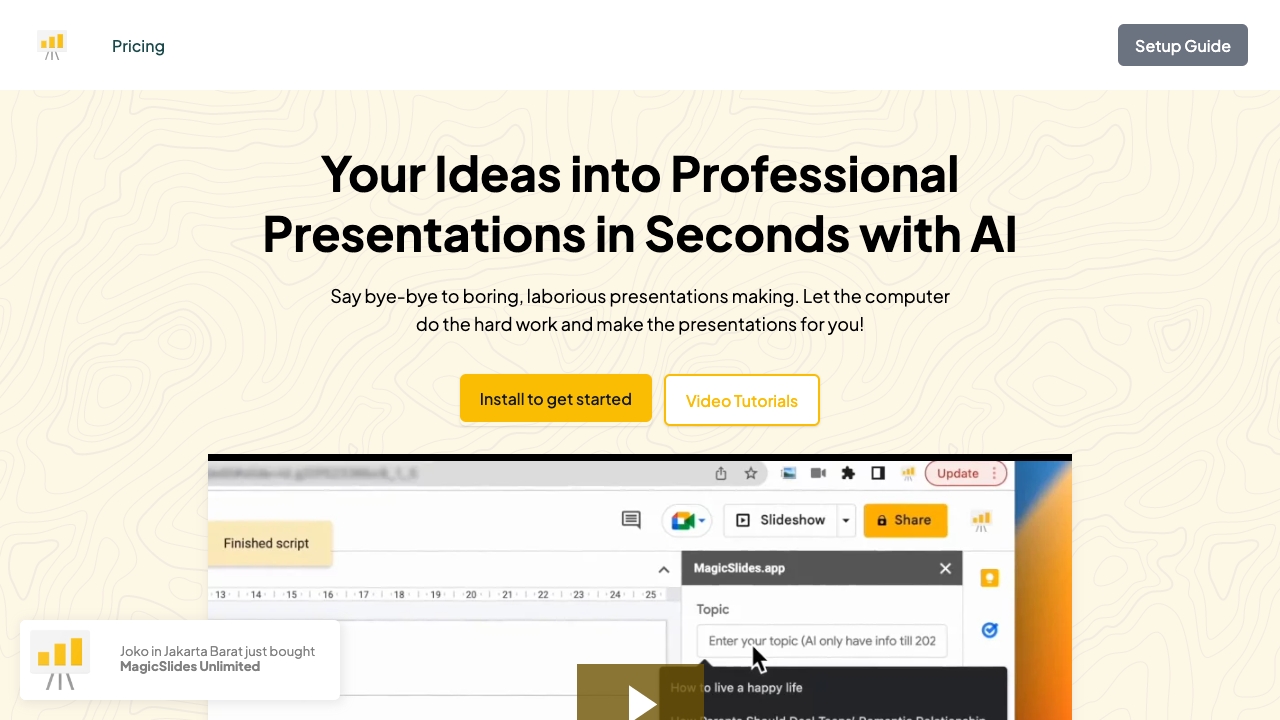
MagicSlides.app is appealing when the source of the presentation is not a polished prompt. Its AI can create presentations from various content sources, and customizable templates help turn that material into a more coherent visual format. The product also highlights integrations with Google Slides and Figma, which makes it a natural fit for students and teams already working in collaborative design or presentation environments.
Three presentations per month gives free users a clear way to test the core workflow. The tool's value is less about producing a deck with no intervention and more about shortening the awkward middle stage between research material and a slide outline you can refine.
My take: MagicSlides.app is worth trying if your work already lives in Google Slides or Figma and you want AI help without abandoning those tools.
Where it falls short: The stated support scope covers installation, licensing, and usage issues, not customization or custom work. That matters if you expect hands-on design assistance rather than a self-serve product.
Key features
AI presentation generation from varied content sources.
Customizable presentation templates.
Google Slides integration.
Figma integration.
Pros
Good fit for existing Google Slides workflows.
Useful when source material comes in several forms.
Fast route from content to a draft deck.
Cons
Free plan allows three presentations per month.
Support does not include customization or custom work.
Vendor pricing should be checked before upgrading.
Choose MagicSlides.app if: You are a student or collaborative creator who wants to generate slides while staying close to Google Slides or Figma.
8. SketchBubble AI Presentation Maker

SketchBubble AI Presentation Maker
AI-assisted client decks for consultants
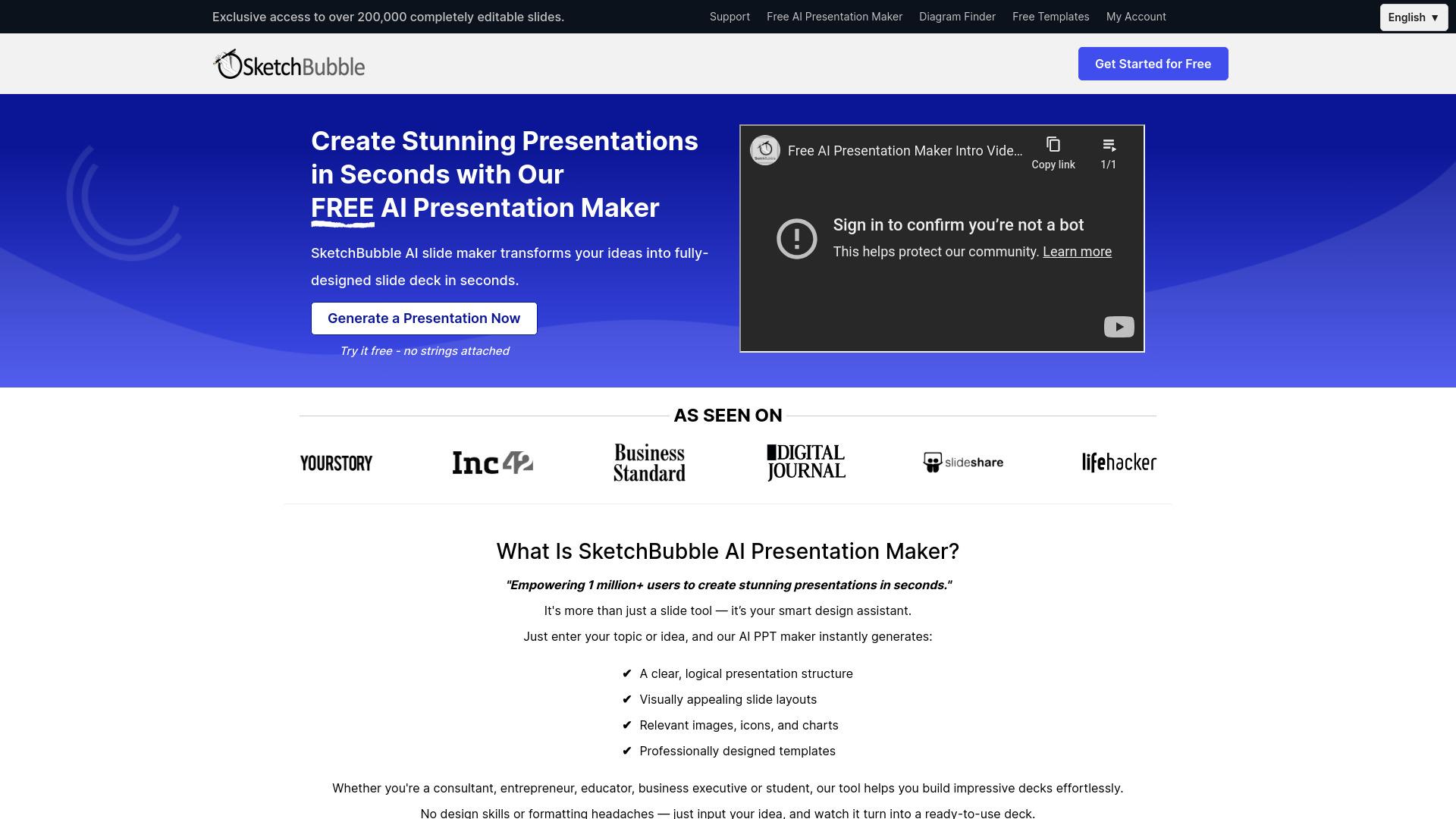
Consultants rarely need slides for their own sake; they need a deck that communicates a recommendation clearly to a client. SketchBubble's AI Presentation Maker focuses on transforming ideas into fully designed slide decks and highlights AI-enhanced designs and instant content creation. That positioning makes it a useful adjacent option for people who care about visual polish as a starting point.
Free access includes AI slide-deck generation and export to PowerPoint and Google Slides. That export path is important for consultants who must adapt a deck to an existing client template or collaboration process. There is no explicit disadvantage called out beyond the need to verify the current pricing and assess how much manual adjustment the generated design requires.
My take: SketchBubble is a strong pick for consultants who want a designed starting point instead of a bare outline.
Where it falls short: A visually complete deck is not automatically a strategically sound one. You should expect to rewrite claims, sharpen the storyline, and align every slide with the client's branding.
Key features
AI-enhanced presentation designs.
Instant content creation.
Generation of fully designed slide decks.
Export to PowerPoint and Google Slides.
Pros
Strong fit for client-facing visual work.
Free access makes the workflow easy to test.
Export options support common presentation environments.
Cons
Exact pricing is not clear from the starting offer.
Design quality does not replace consulting judgment or content review.
Choose SketchBubble AI Presentation Maker if: You are a consultant who wants a visually structured client-deck draft that can be exported and refined in familiar tools.
9. PopAi

PopAi
Student presentations built from documents and PDFs
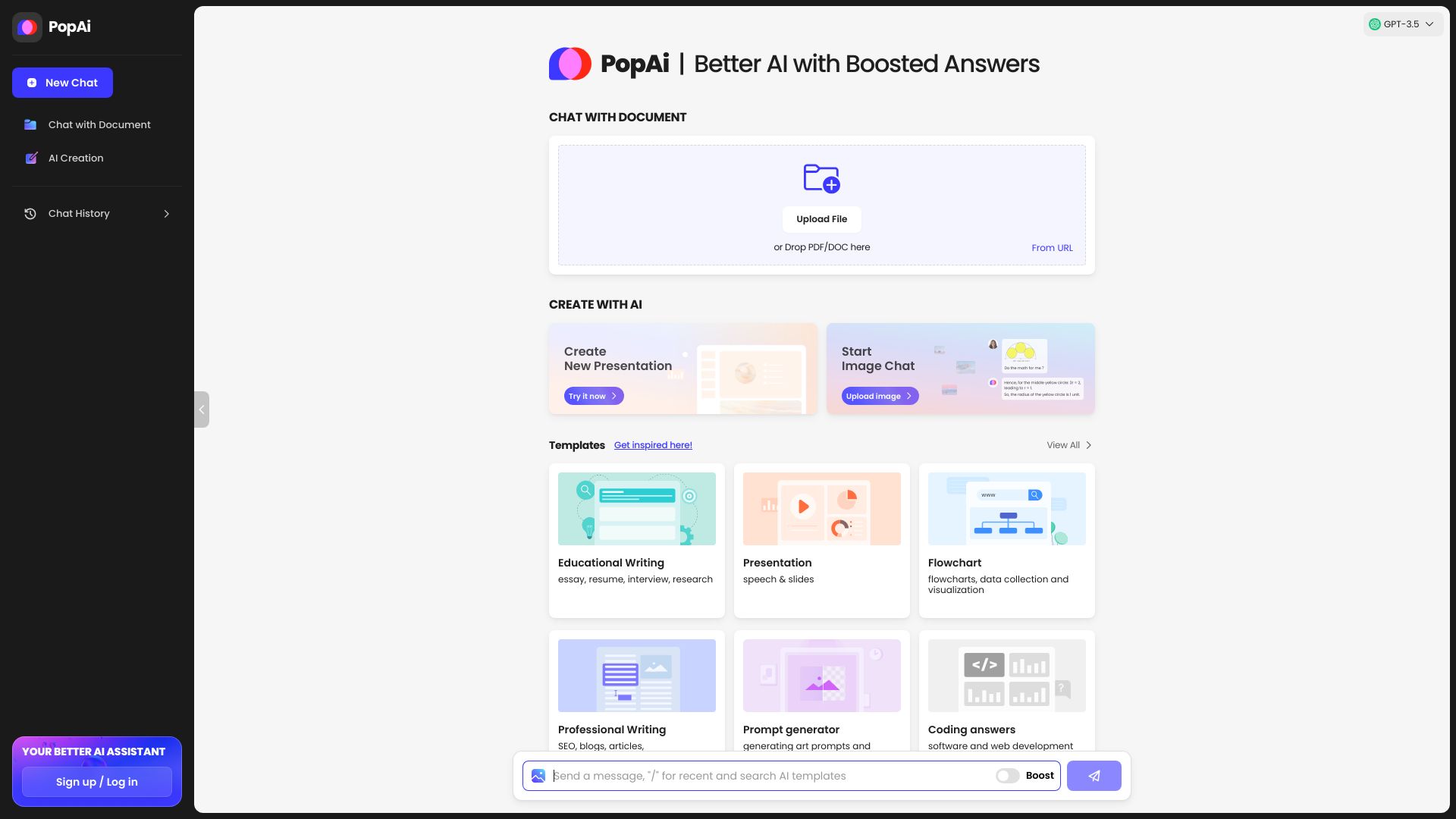
PopAi takes a broader route to presentation creation. Alongside AI PowerPoint generation and free templates, it lets users chat with documents and PDFs using GPT-4 and GPT-4o, generate images, and ask questions. That combination is useful for a student who needs to understand source material before turning it into slides rather than simply asking for a deck from a one-line prompt.
The free allowance includes 30 GPT-3.5 questions and two GPT-4 questions daily, plus document and presentation workflows. It is therefore better understood as a broader visual and research workspace with a presentation feature, not a narrowly focused PowerPoint generator. Regional access may also vary.
My take: PopAi is the most interesting choice when research, document questions, images, and presentation generation need to happen in one place.
Where it falls short: Access may be restricted in certain regions, and its broader feature set can introduce more workflow choices than a student needs. Check availability before building a deadline-driven process around it.
Key features
Chat with documents and PDFs.
GPT-4 and GPT-4o document interaction.
AI PowerPoint generation with free templates.
AI image generation.
Pros
Connects source research with presentation creation.
Daily free question allowance supports experimentation.
Useful beyond slide generation alone.
Cons
Access may be restricted in some regions.
It is broader than a dedicated PowerPoint generator.
Current pricing should be confirmed with the vendor.
Choose PopAi if: You want to research documents, generate supporting images, and create a presentation inside one broader AI workspace.
10. Aidocmaker.com
Aidocmaker.com
Businesses creating presentations alongside documents
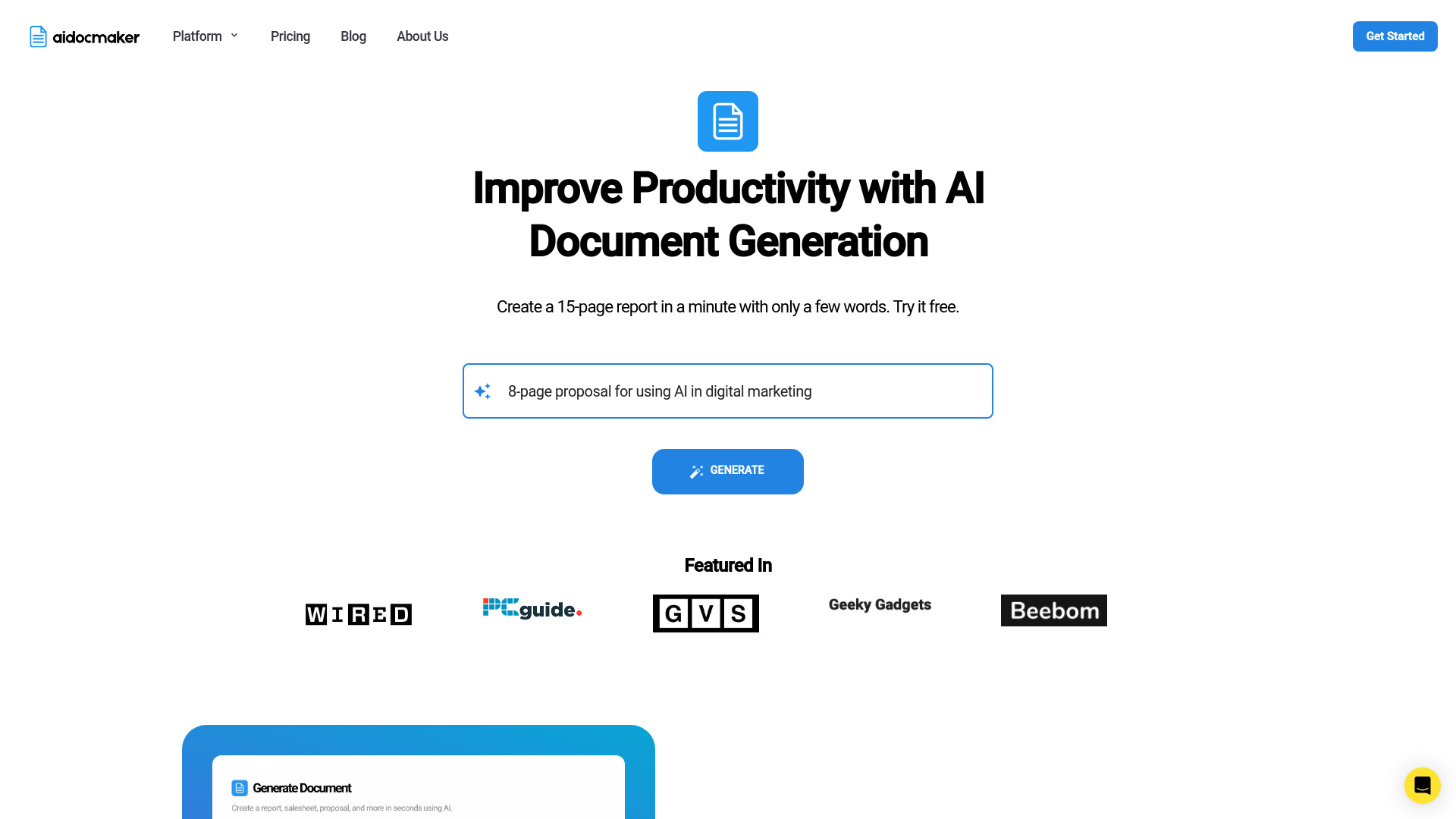
Aidocmaker.com is the outlier on this list, and that is precisely why it deserves a place. It combines AI document writing, AI presentations, spreadsheets, voiceover, and image creation in one platform. For a business team that is preparing a report, presentation, and supporting material together, that wider scope can be more useful than a tool dedicated only to slide layouts.
A live document preview helps users inspect the output as it is created, while the free tier covers 10 documents, presentations, and spreadsheets per month. That bundled allowance is easy to understand for occasional business use. The trade-off is that the platform's presentation workflow may not offer the same depth as a specialist, so presentation-focused buyers should test the editing and export experience carefully.
My take: Aidocmaker.com makes sense for businesses that need presentations as one part of a larger AI document workflow.
Where it falls short: AI-generated content can contain mistakes, so the broader automation increases rather than removes the need for review. If slide design is your only priority, a dedicated presentation tool will likely feel more focused.
Key features
AI-powered document writing.
AI presentation creation.
Live document preview.
Spreadsheet, voiceover, and image creation capabilities.
Pros
Useful for teams producing multiple content types.
Ten combined free documents, presentations, and spreadsheets per month.
Live preview supports quick inspection.
Cons
AI-generated content can contain mistakes.
Broader scope may mean less presentation-specific depth.
Content still requires business and factual review.
Choose Aidocmaker.com if: Your team creates presentations alongside documents and spreadsheets and prefers one broader workspace over a specialist slide generator.
More tools to compare

Neo AI Presentation Maker
Editable PowerPoint decks from guided workflows
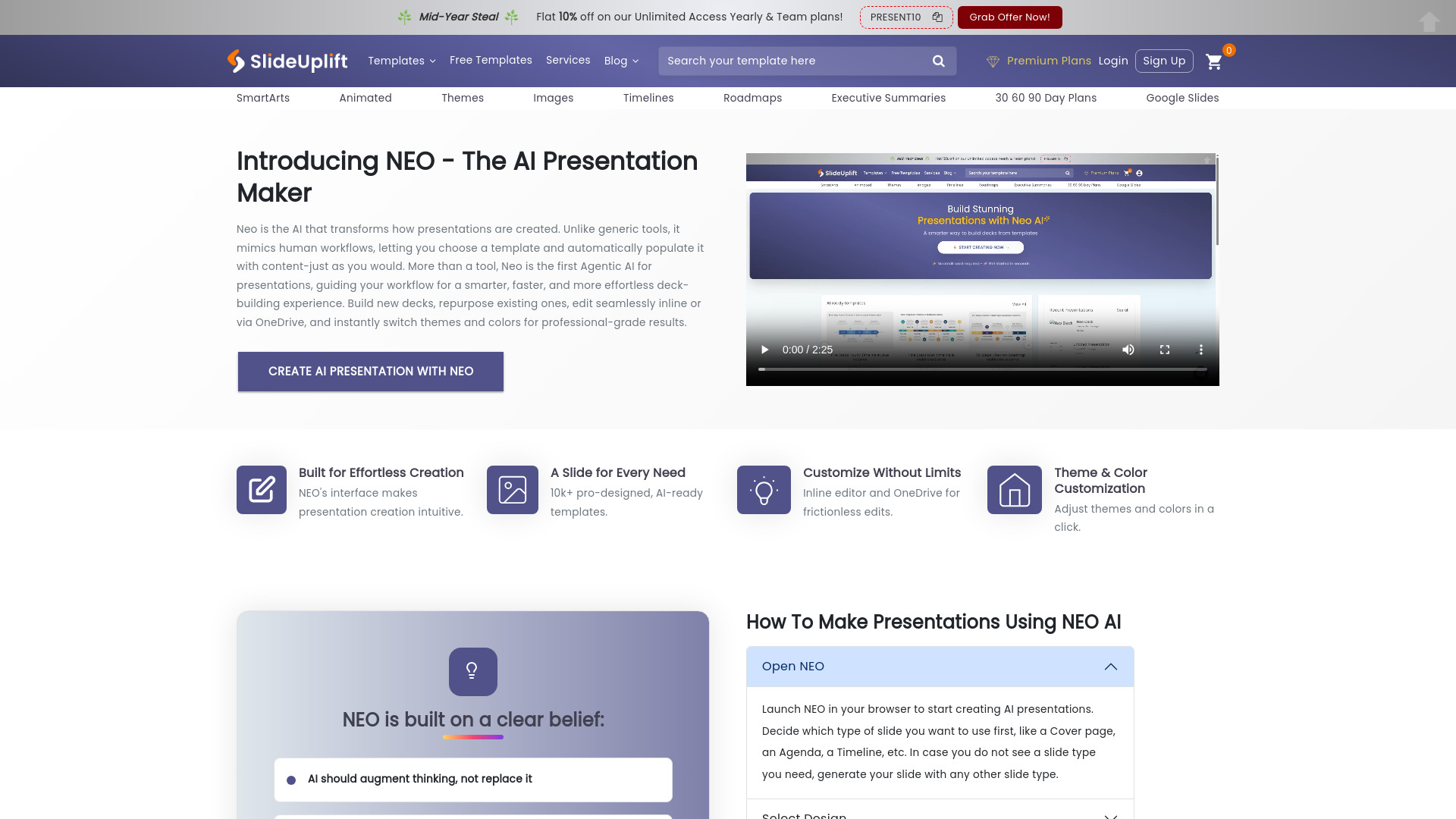

GenPPT AI
AI-generated PowerPoint decks
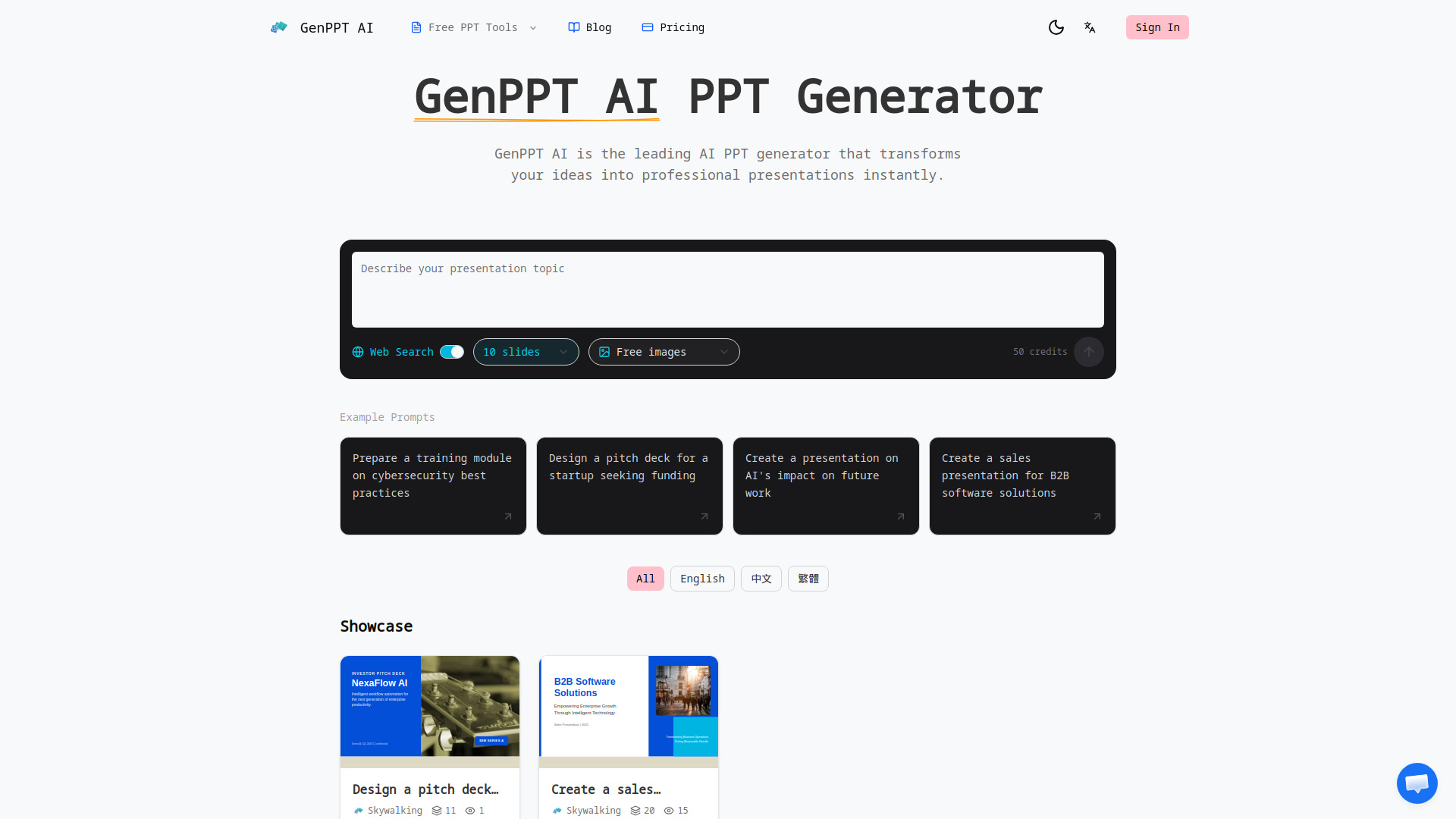

Bosi AIPPT (PPTGO)
Document-to-PPT creation

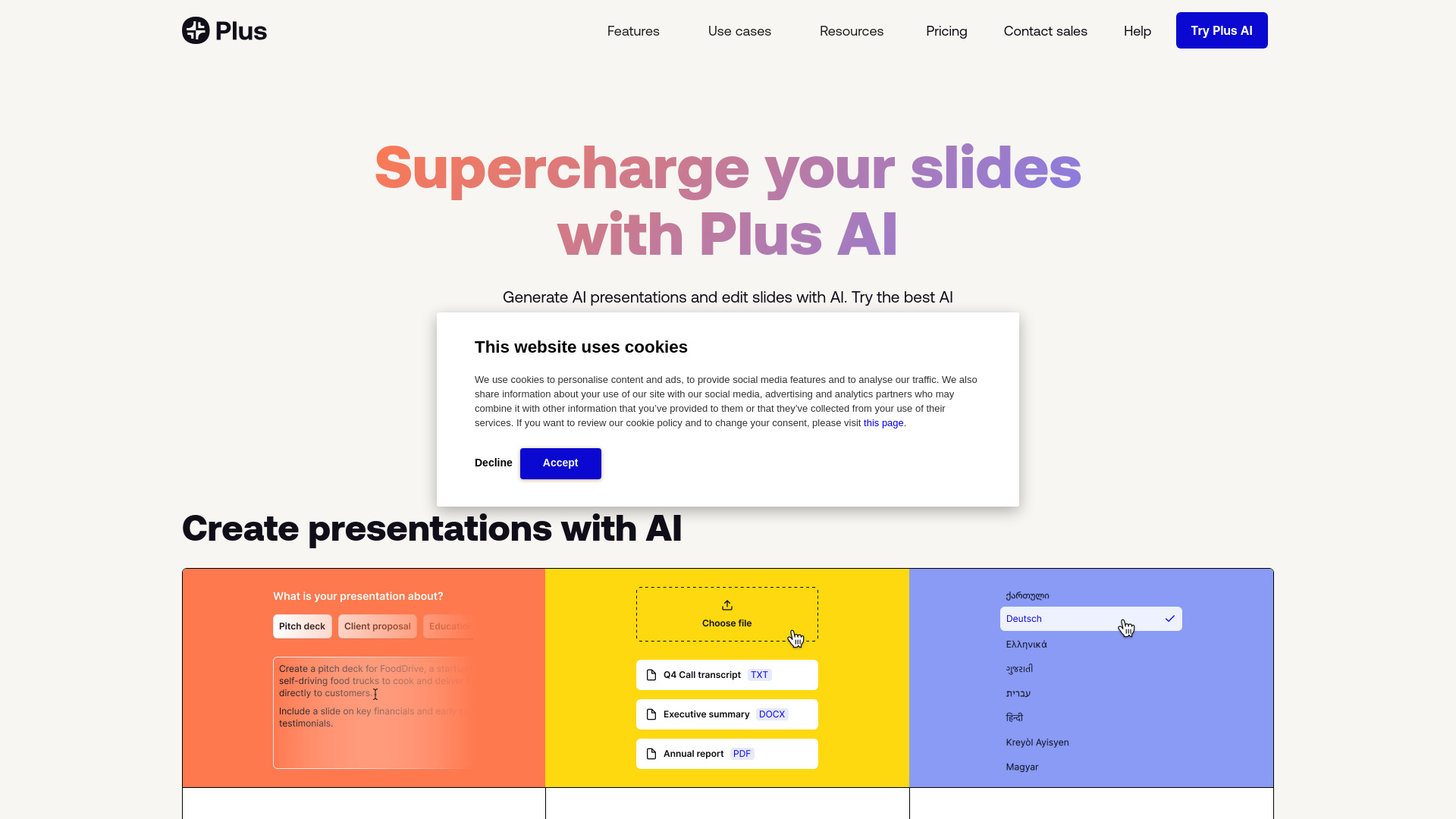
Plus AI
Professional PowerPoint and Google Slides creators

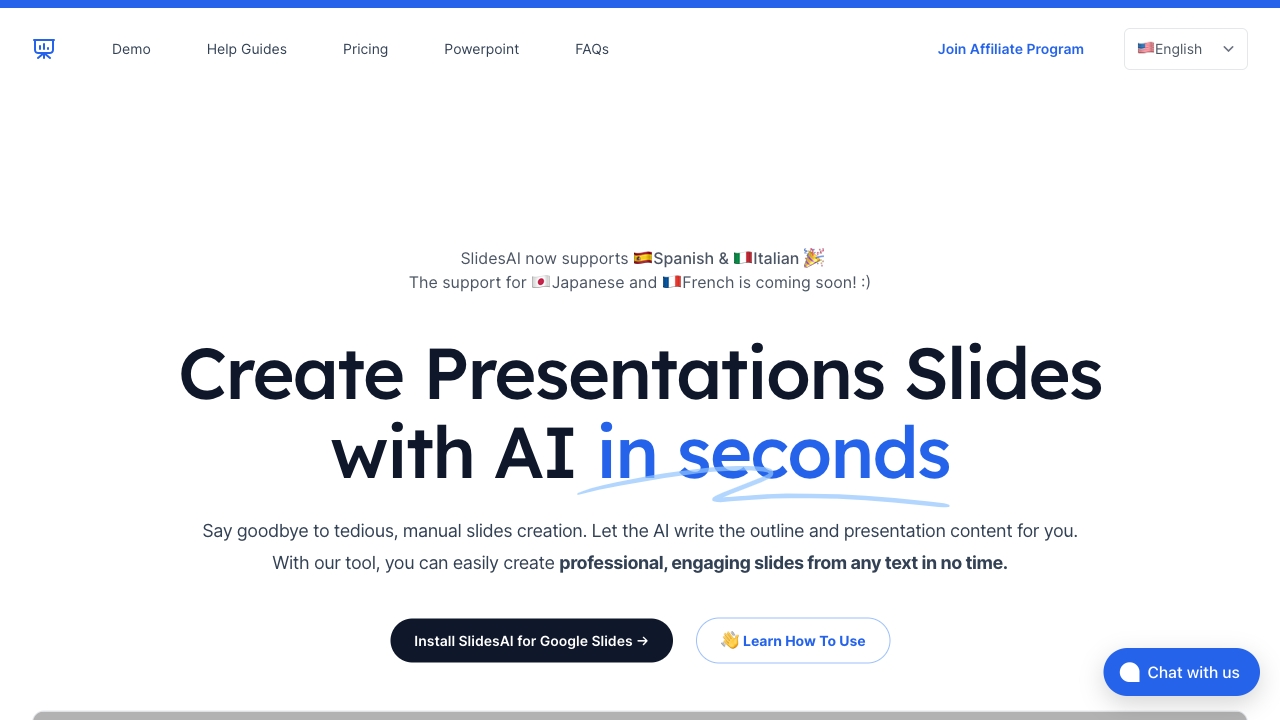
SlidesAI
AI presentations in Google Slides

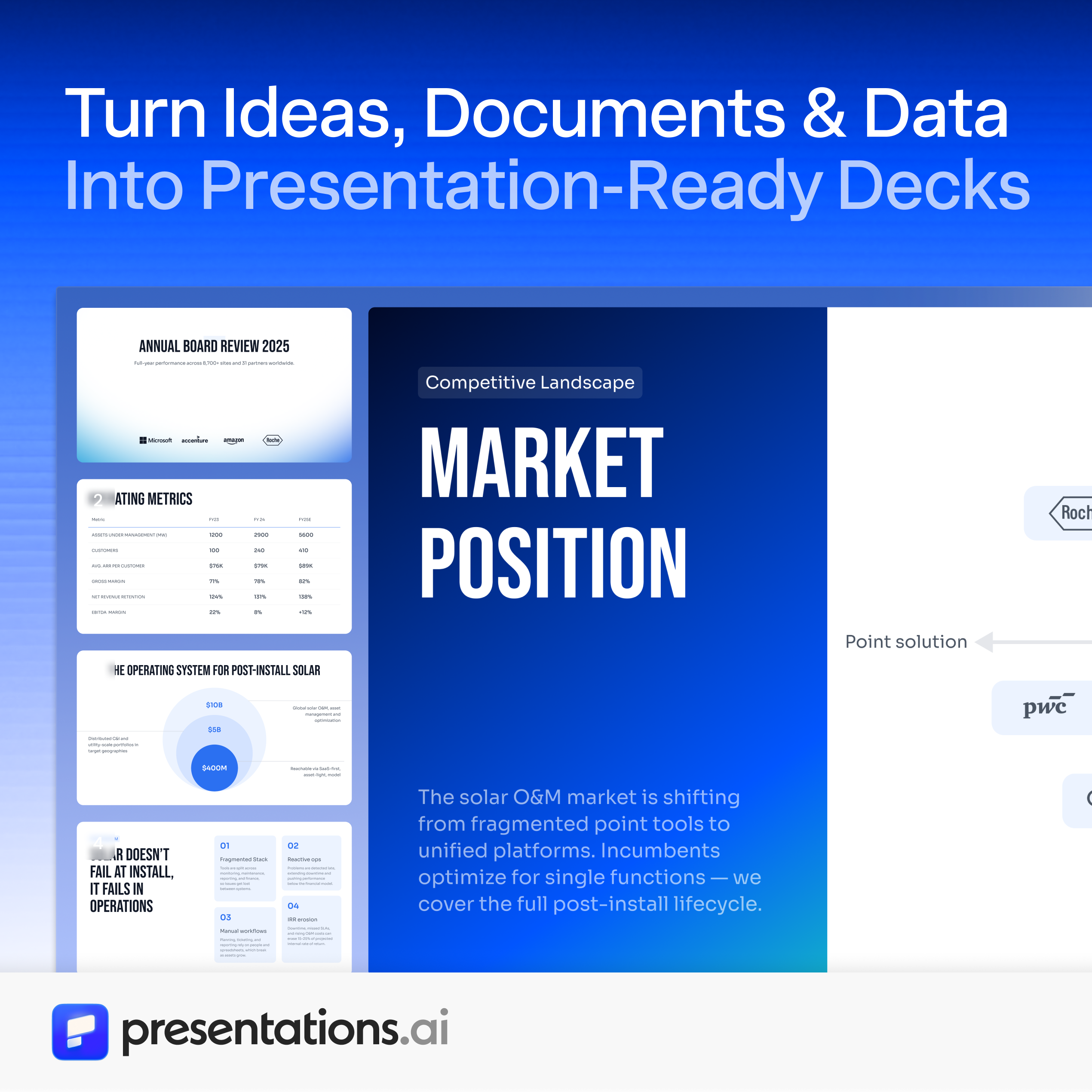
Presentations.AI
AI-generated presentation decks

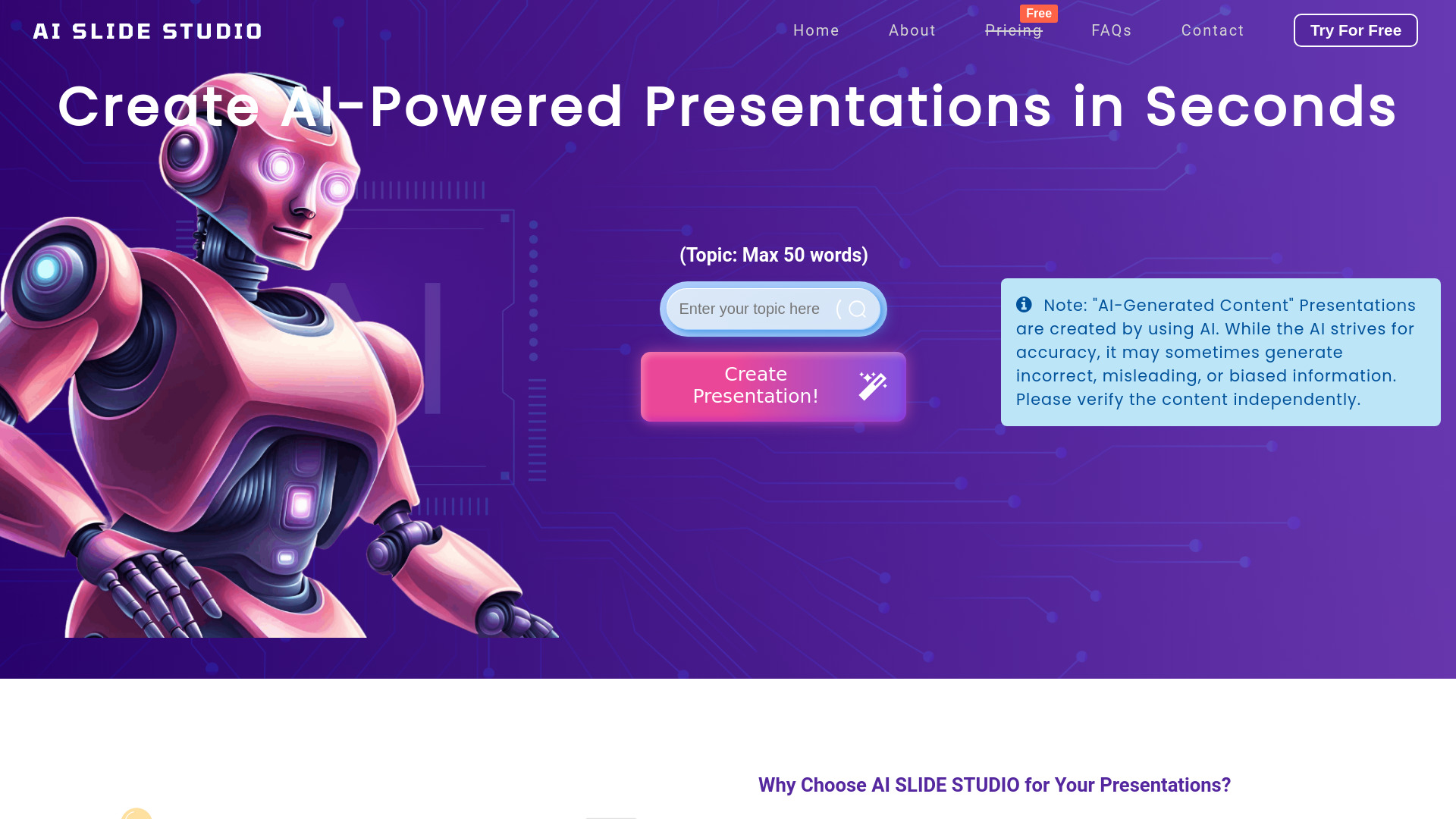
AI Slide Studio
Fast editable PowerPoint drafts
ChatPPT
Fast workplace presentation creation


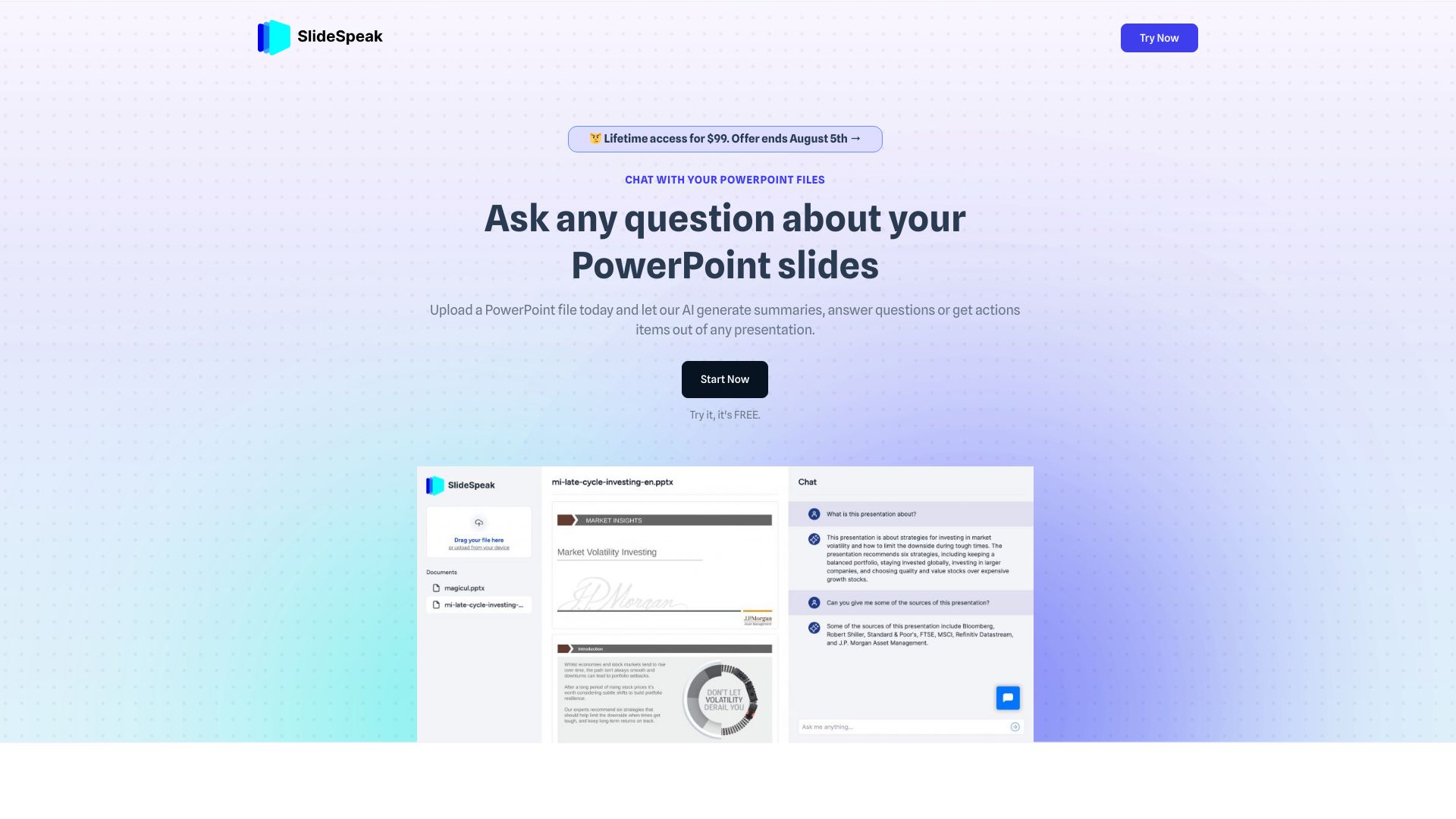
SlideSpeak
PowerPoint file Q&A and summaries

Beautiful.ai
Branded team presentations

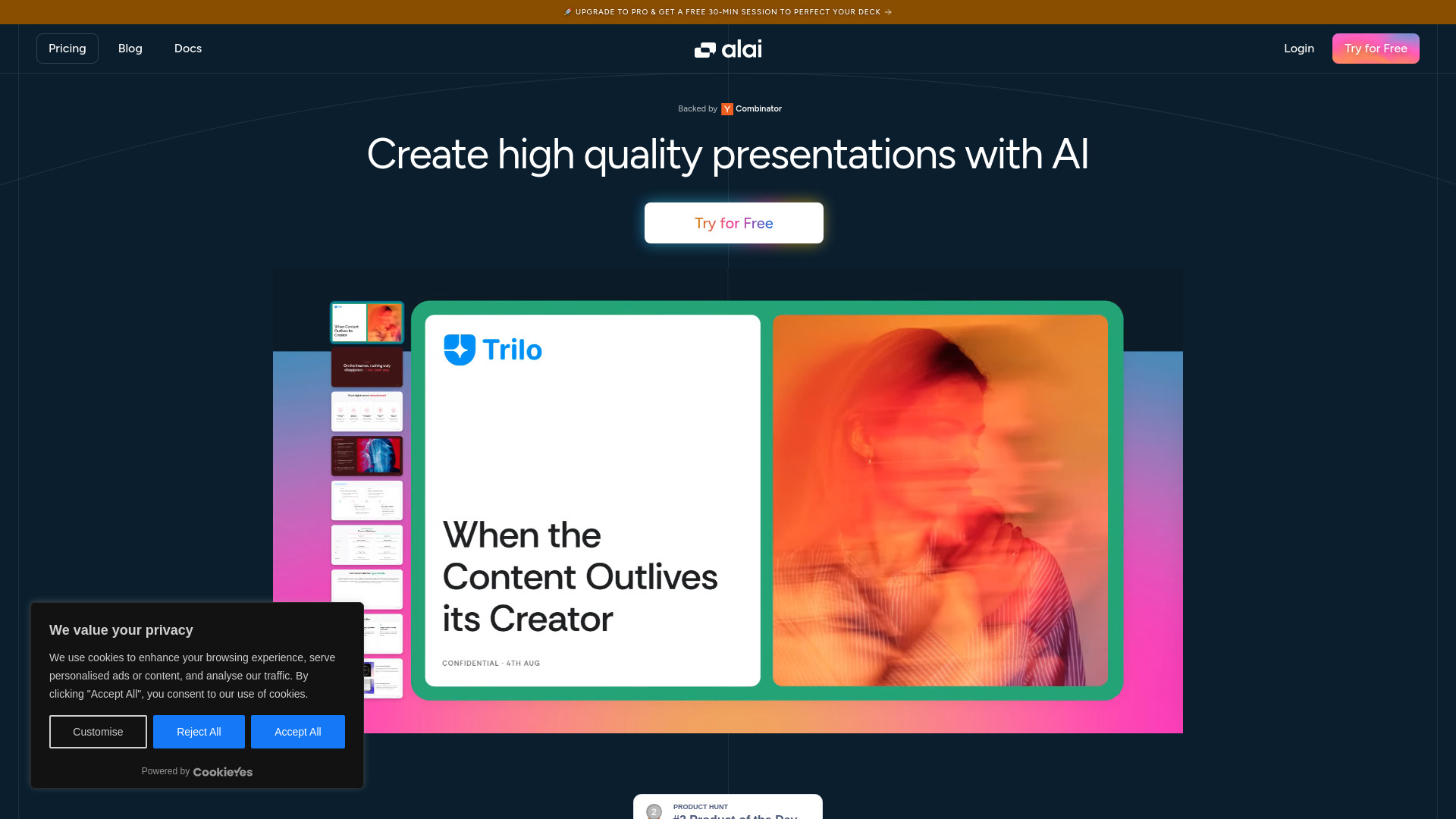
Alai
AI presentation deck creation

SlidesPilot
AI PowerPoint and document conversion

Dokie AI
Brand-aligned business presentations

Xpptx
One-click document-to-PowerPoint creation
Plus AI
Professional PowerPoint and Google Slides creators

Video2PPT
Video-to-PowerPoint conversion

AI Perfect Assistant
Microsoft 365 users creating PowerPoint slides

AI Detector for PPT
AI-generated PowerPoint detection

Tome App AI
AI-powered PowerPoint creation

SlideAI
AI-generated PowerPoint presentations

AI Illustration Generator
Consistent AI illustrations

Powerpresent AI
AI-powered PowerPoint creation

PoweredTemplate
Fast AI presentation drafts

Kapi PPT
Fast AI-generated business presentations

Playground AI
Presentation visuals and graphics

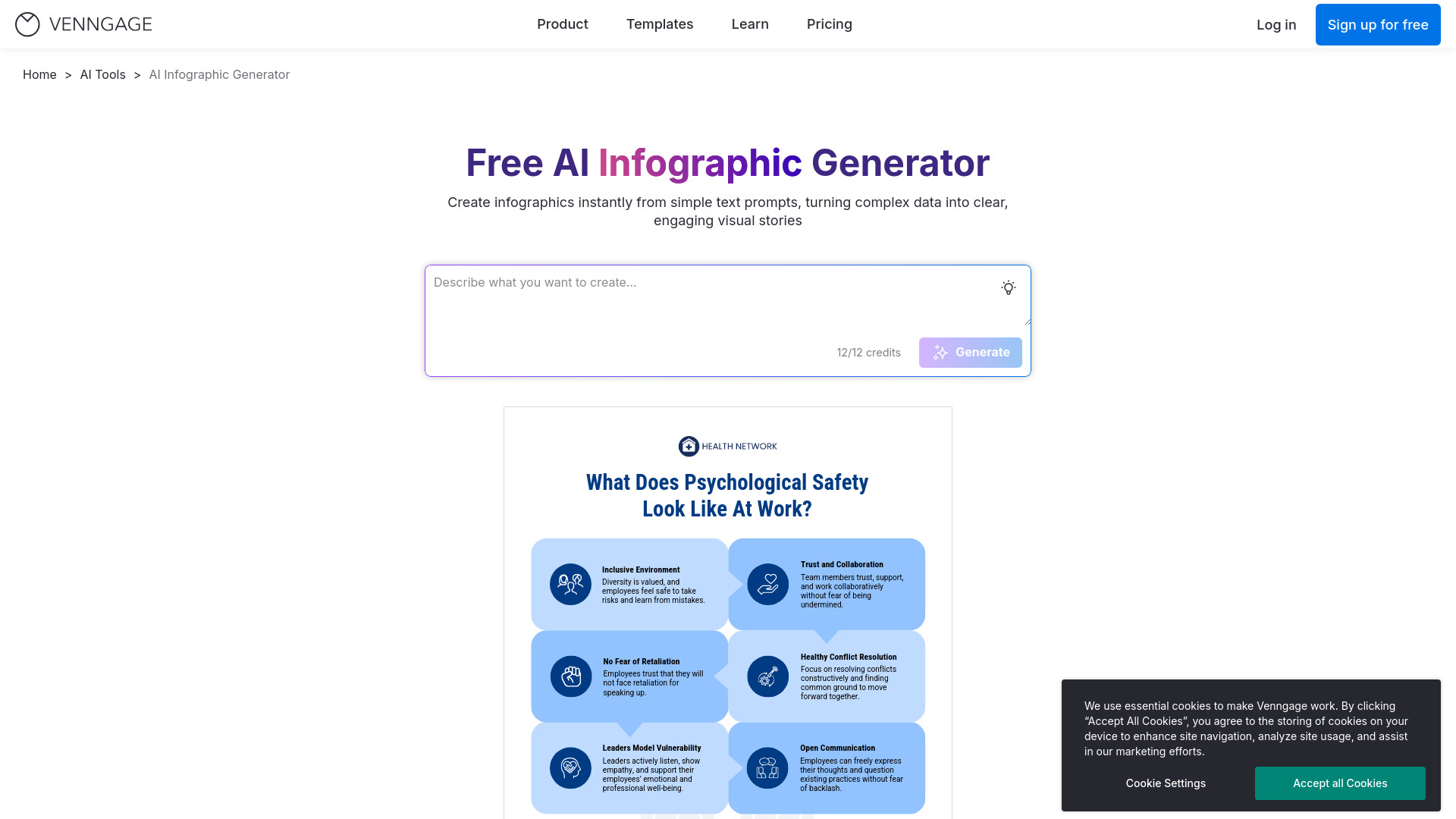
Venngage
Data-rich infographic design

Smallppt
Rapid AI-generated presentation starting points

Slider AI
Prompt-based presentation creation

WorkPPT
Rapid AI presentation creation

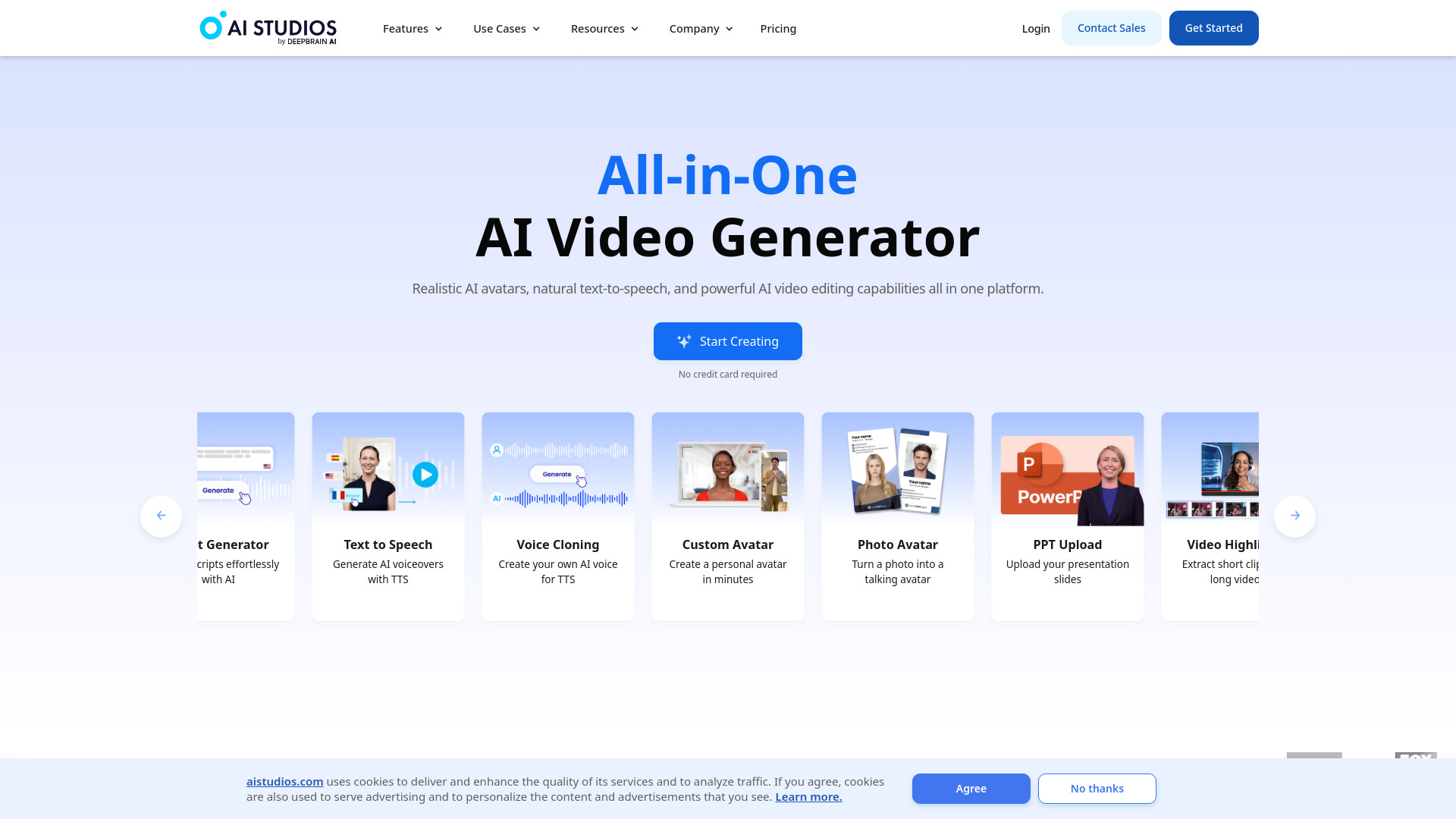
AI STUDIOS
AI video presentations from PPTs

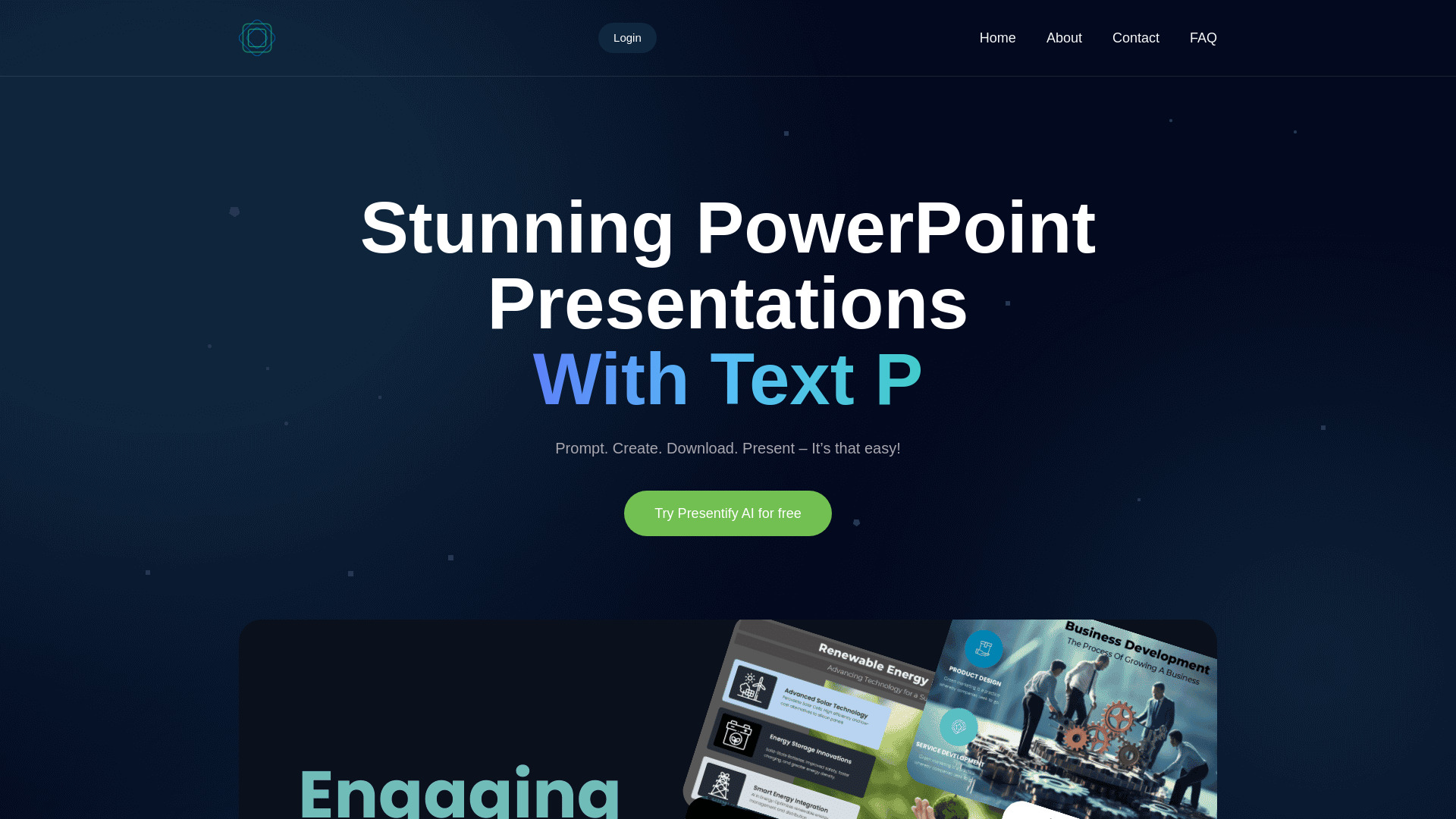
Presentify.ai
Fast PowerPoint drafts with contextual icons

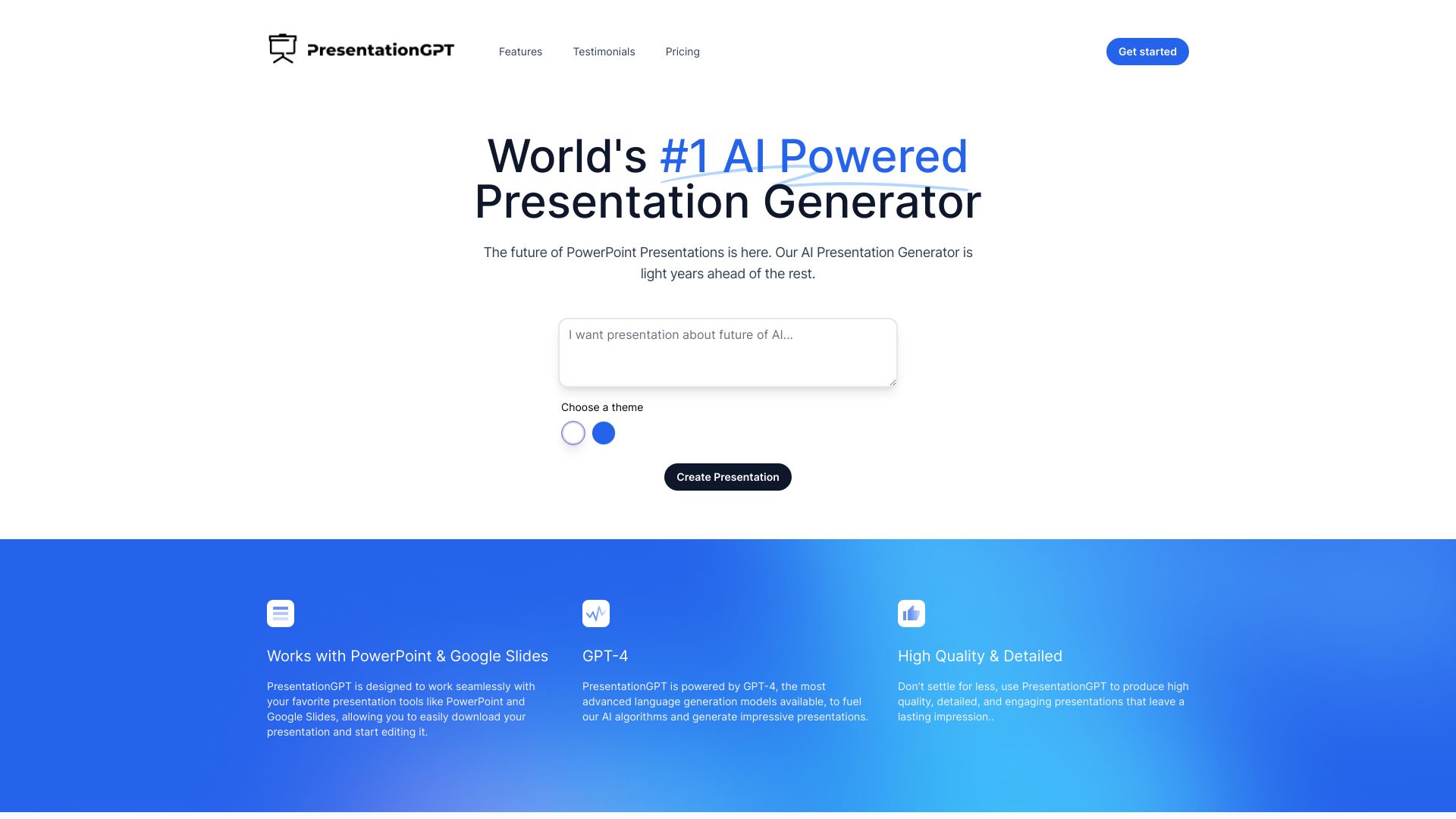
PresentationGPT
PowerPoint and Google Slides presentations

PPTX.ai
PDF-to-presentation conversion

neural frames
Fast photo-to-cartoon image creation

SlideFlow AI
Fast AI PowerPoint drafts

iSlide
AI-assisted PowerPoint design

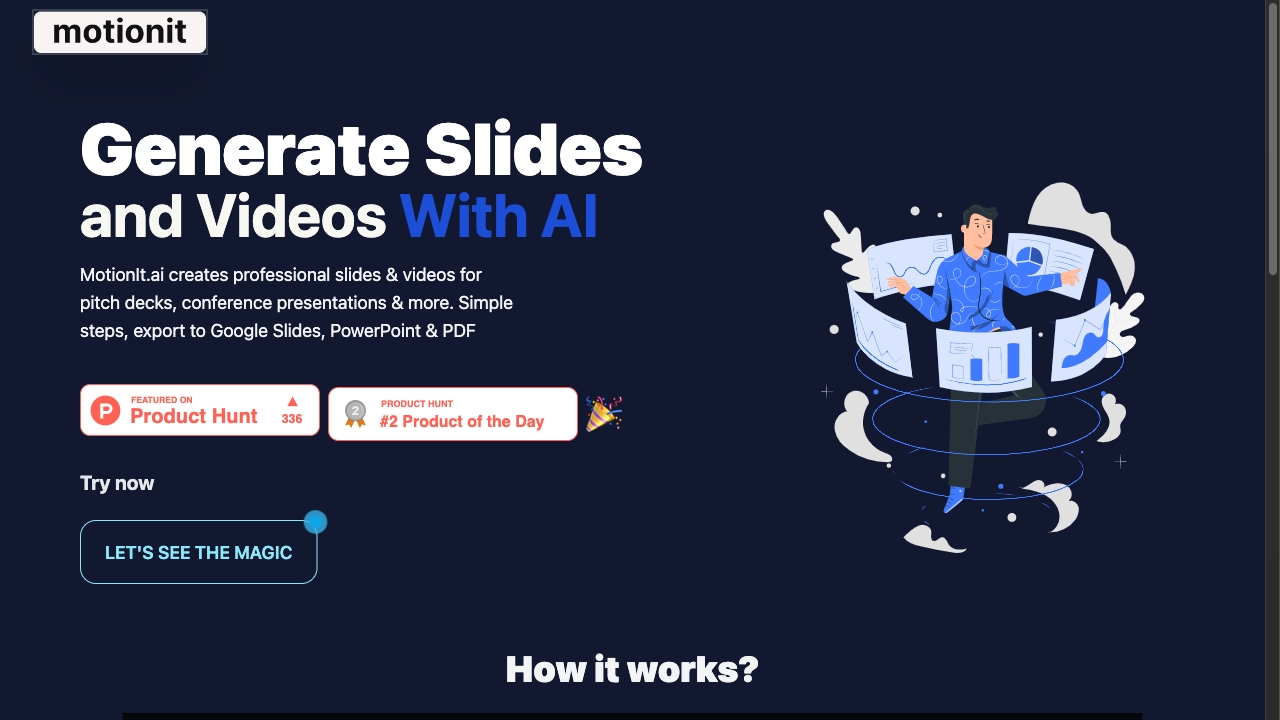
MotionIt AI
AI-generated pitch decks and presentations

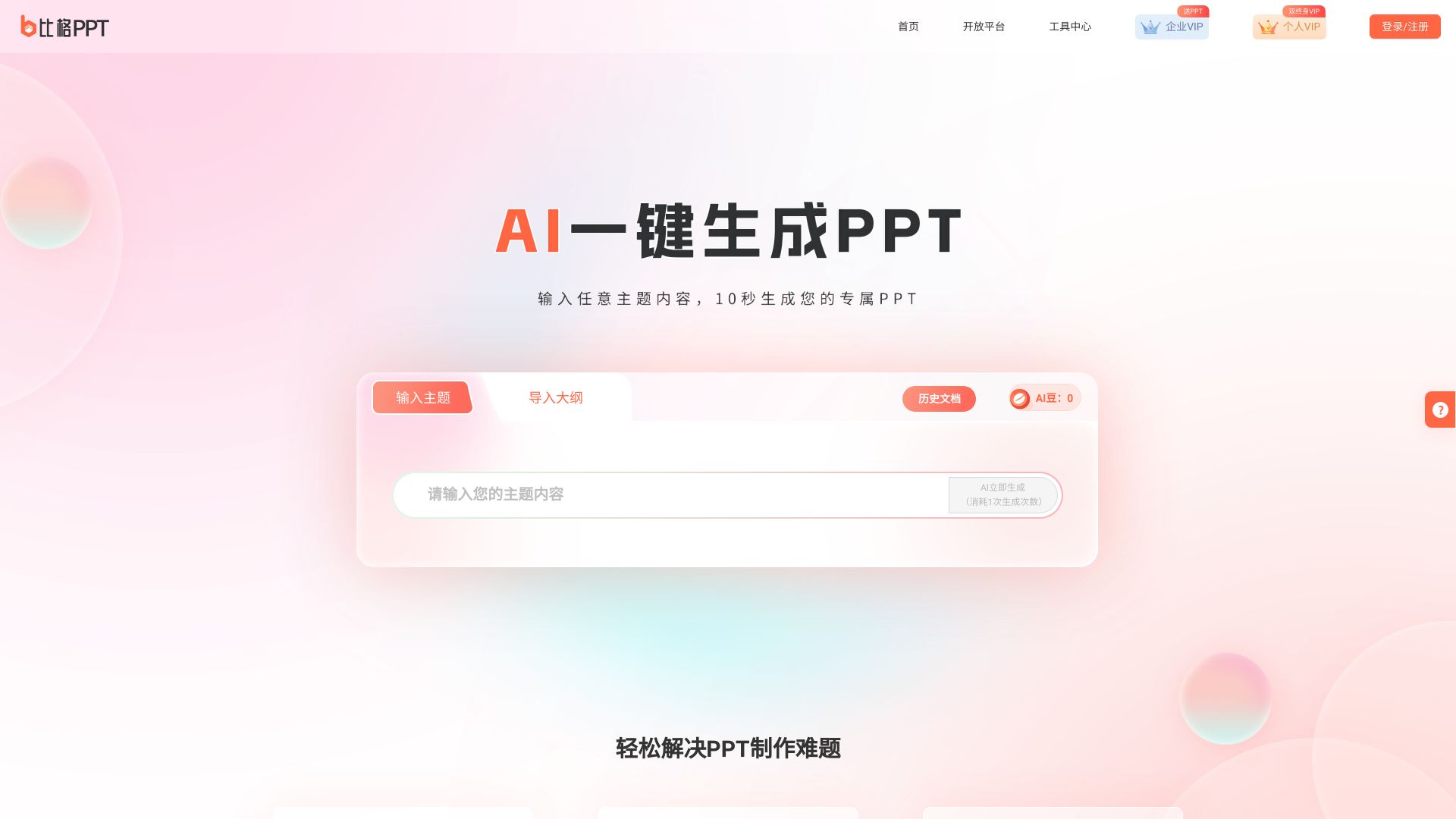
笔格AIPPT
Chinese-language PPT creation

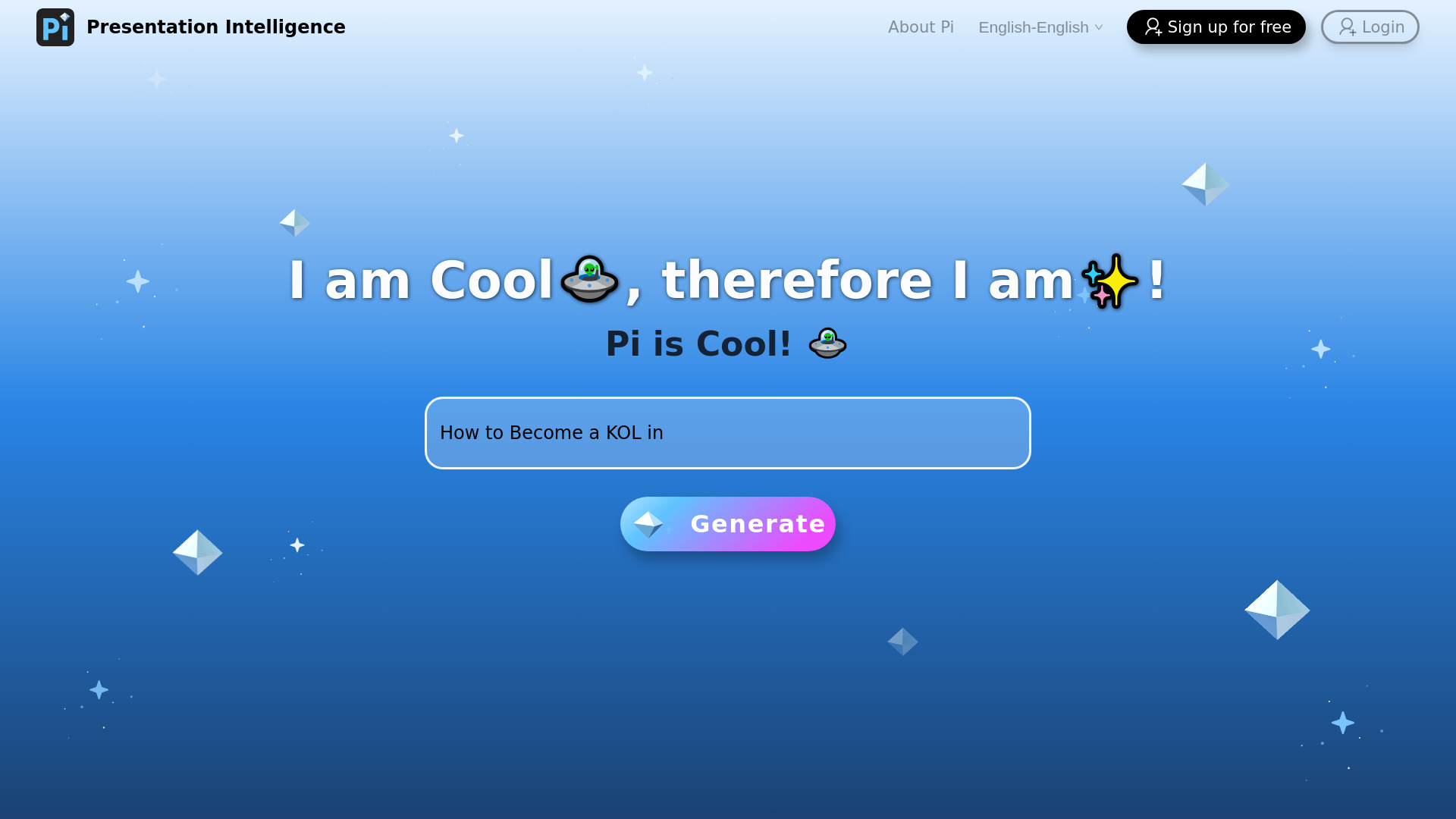
Pi(Presentation Intelligence)
AI-powered presentation generation

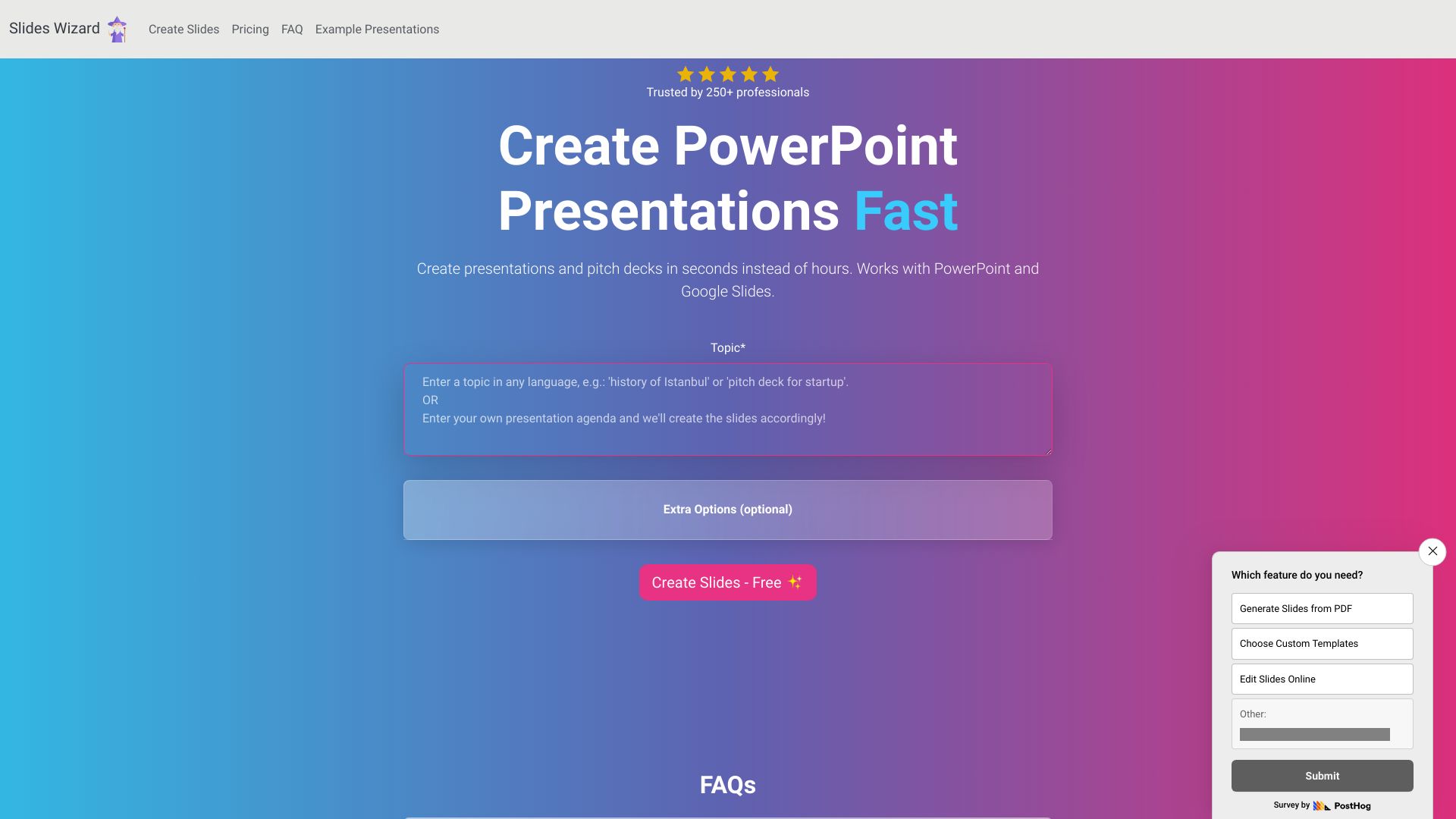
SlidesWizard
Fast presentations with images and speaker notes

VO3 AI
AI video creation with Veo 3

AI Speech Generator
Quick speeches for any occasion

Presentia AI
AI-generated PowerPoint presentations

AI Power
WordPress AI content and chatbot tools

Better Powerpoints
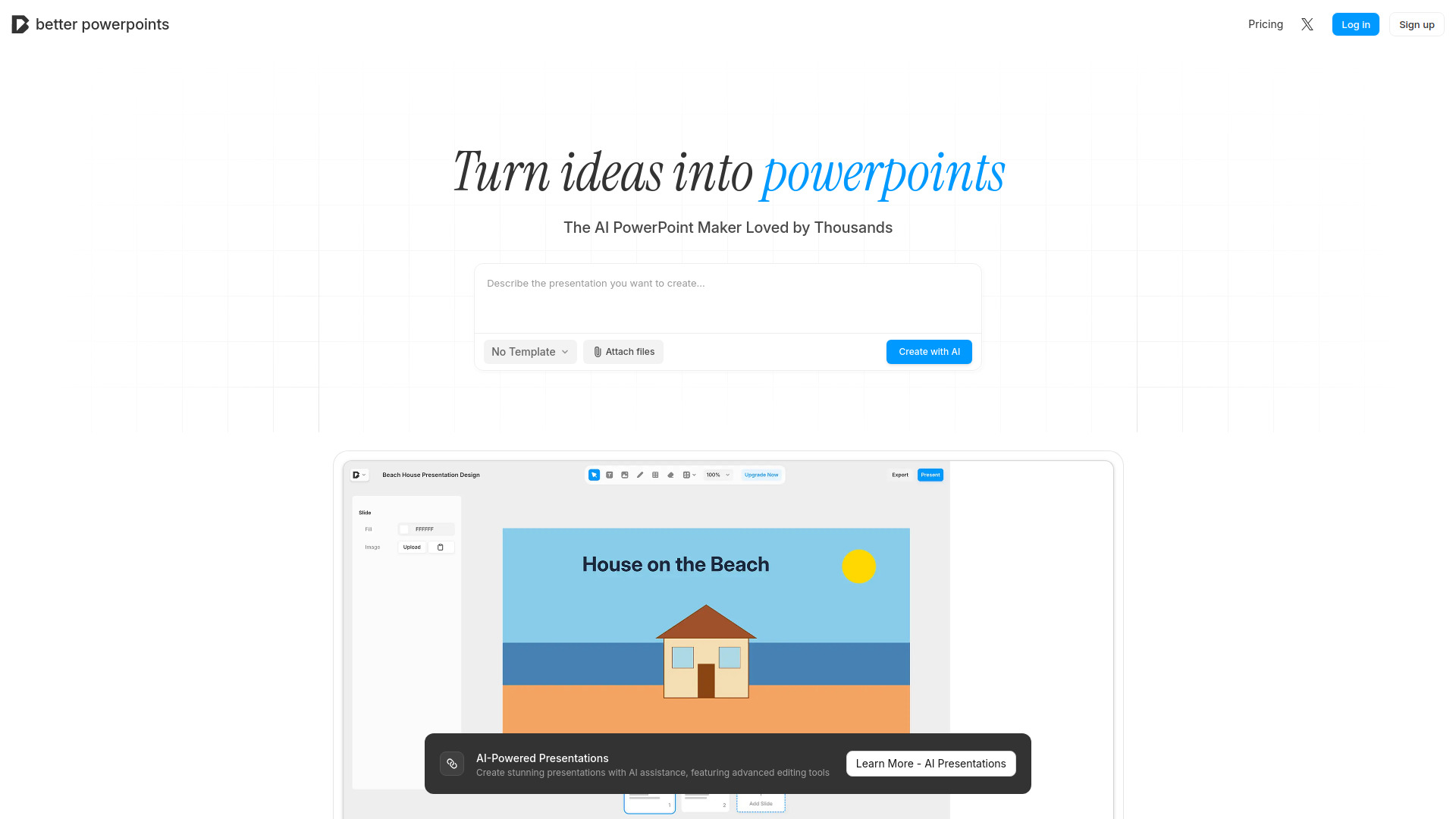
Browser-based AI PowerPoint presentations

SlidesGo
AI-powered PowerPoint creation

Photo Video AI
Photo-to-video creators

PoemGenerator.io
Multi-style poetry creation

GlimmerAI
Text- and voice-driven presentation drafts

AI Poster Generator
AI poster and typography design

AI Dance Generator
TikTok and Shorts dance creators

Gamma AI
Outline-first AI presentations

PPTAI
Free AI PowerPoint creation

AI Cartoon Generator
Turning photos and prompts into cartoons

AutoSlide
Fast AI-generated presentations

KindlePPT
AI presentations and educational content
PPTalker
Turning PowerPoint slides into narrated videos
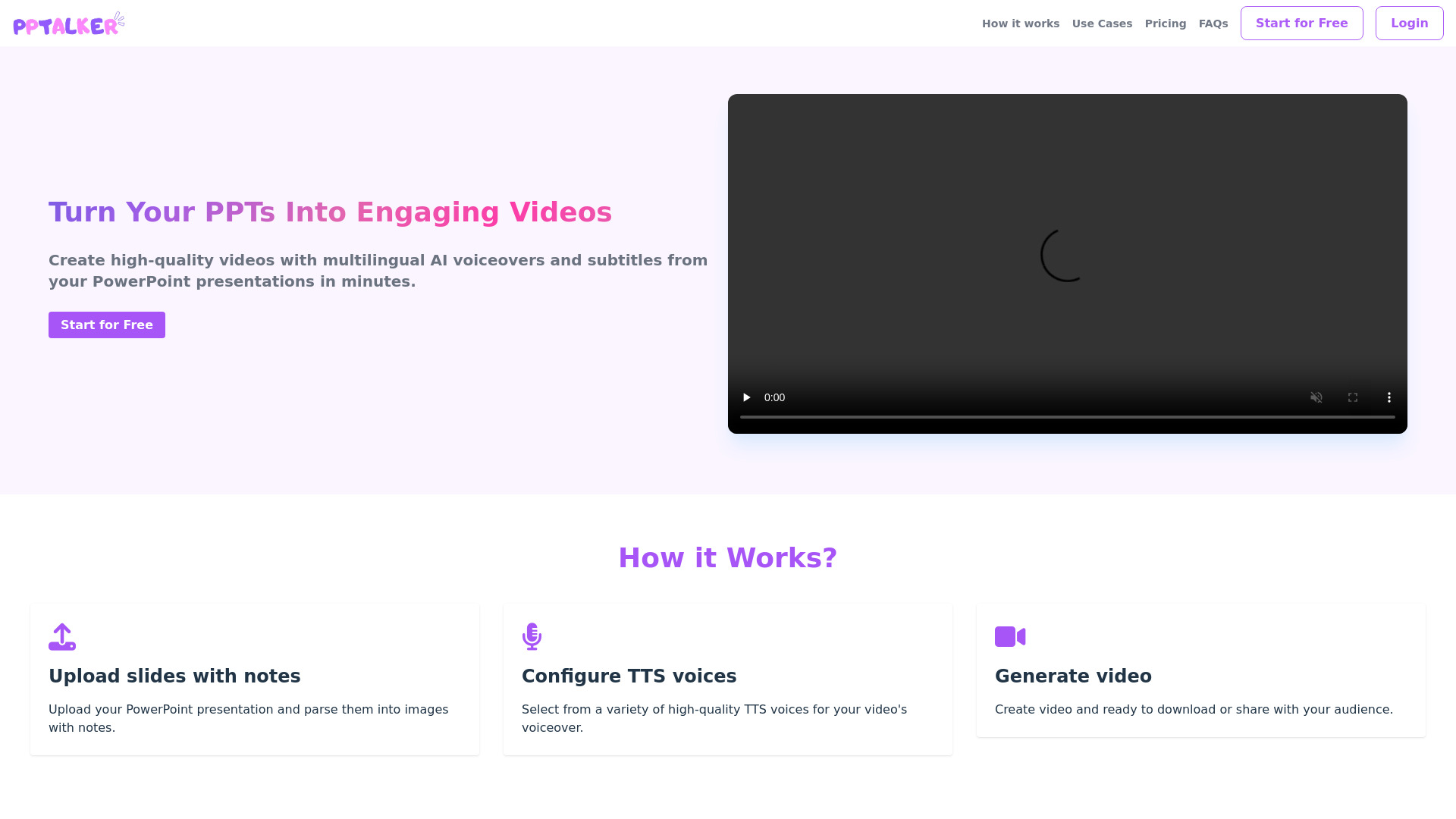

ArtifySlide
Magazine-style presentation decks
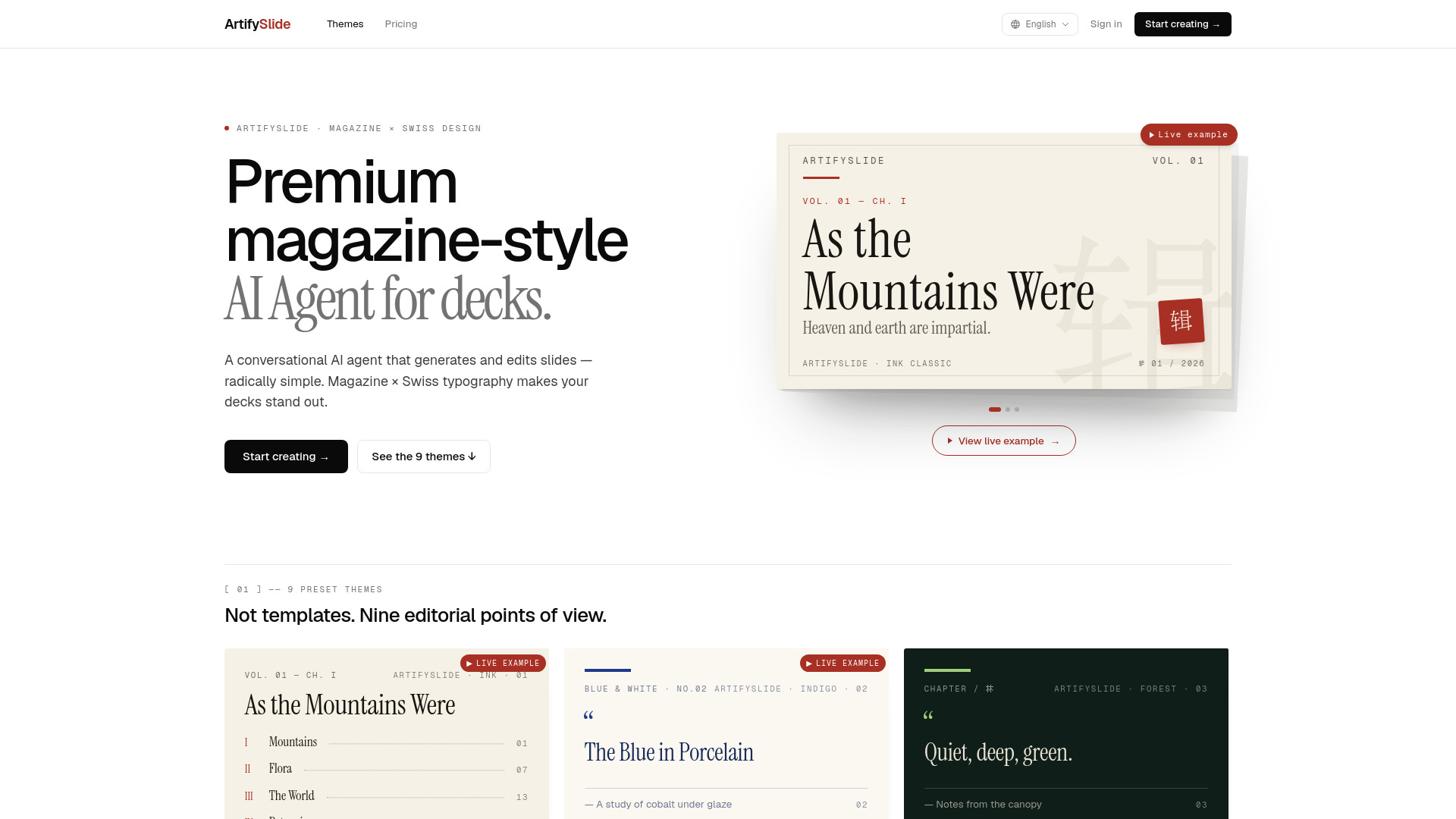
AI Poster Generator
Prompt-based poster creation

SLIDES.BOT
Text-to-slide creation
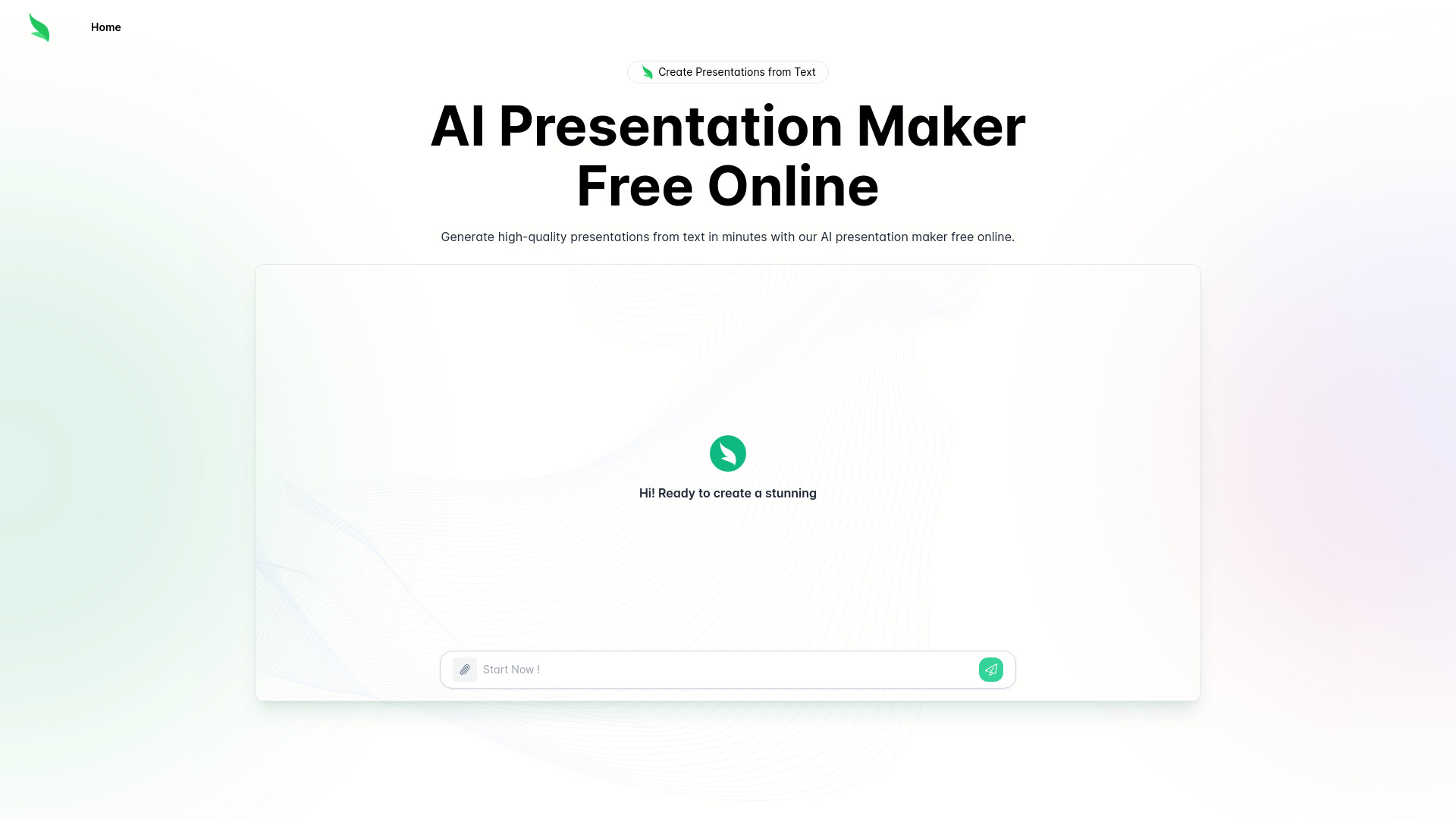

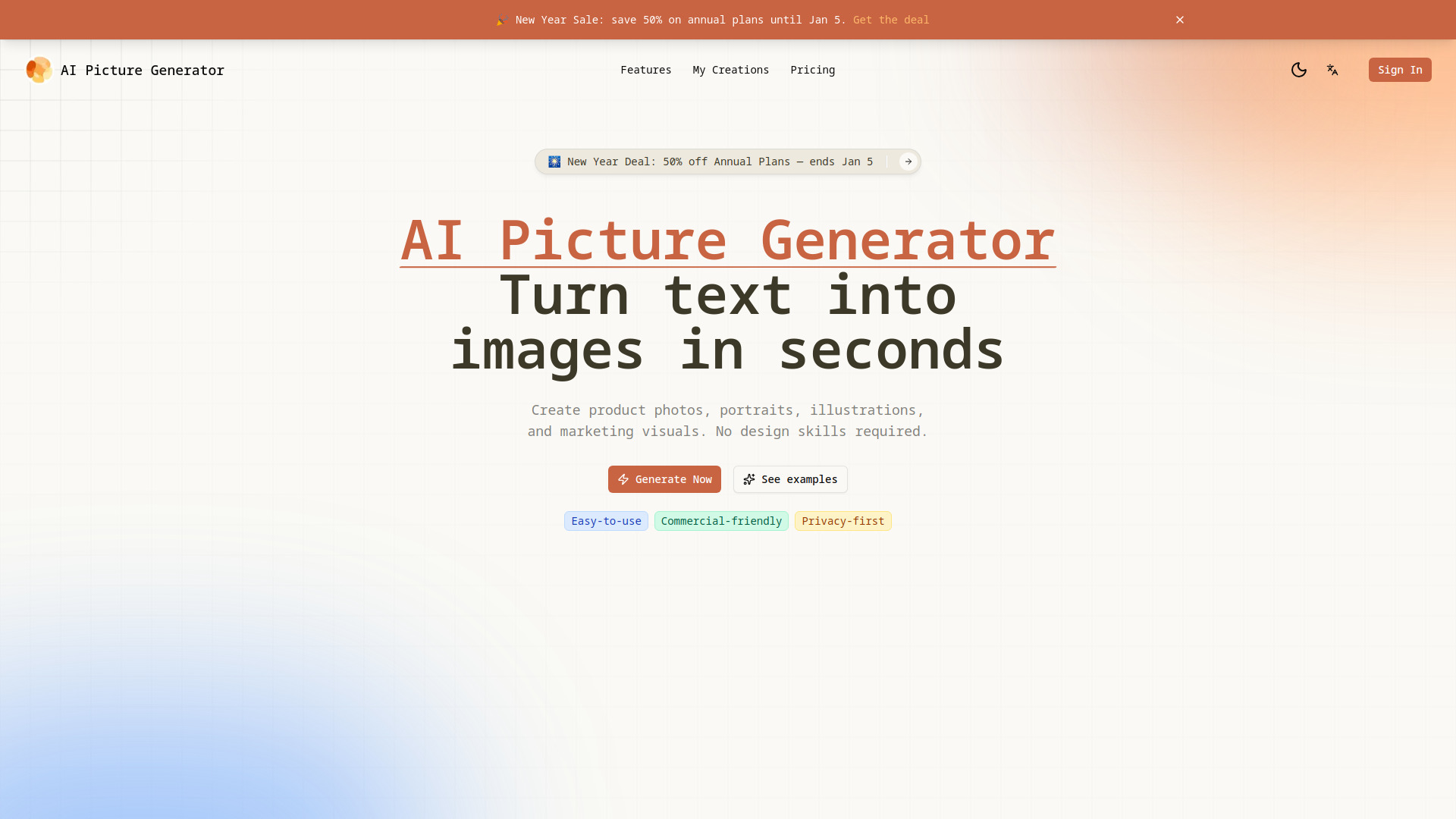
AI Picture Generator
Product visuals and marketing creatives

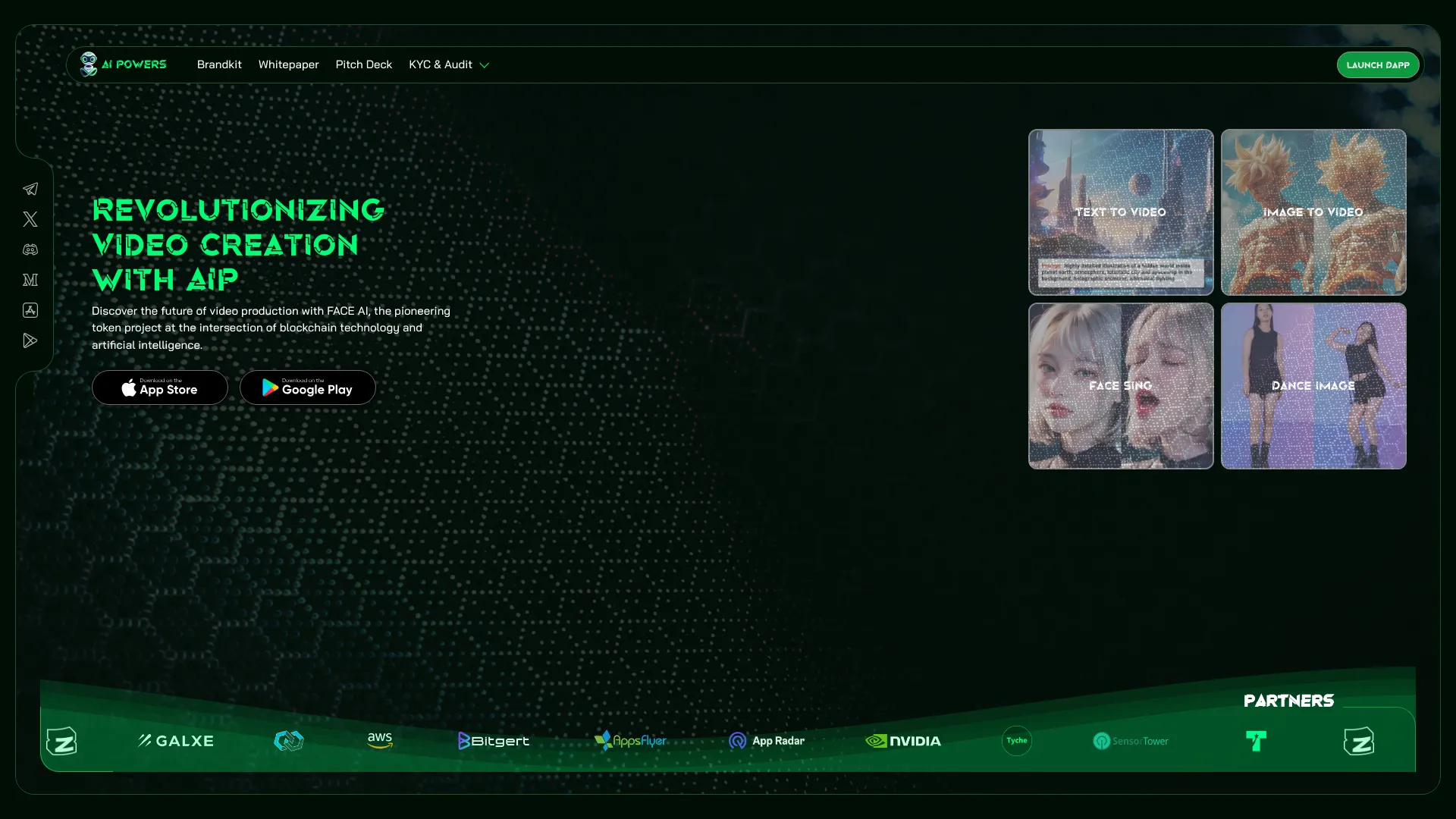
AI Powers
AI video experiments

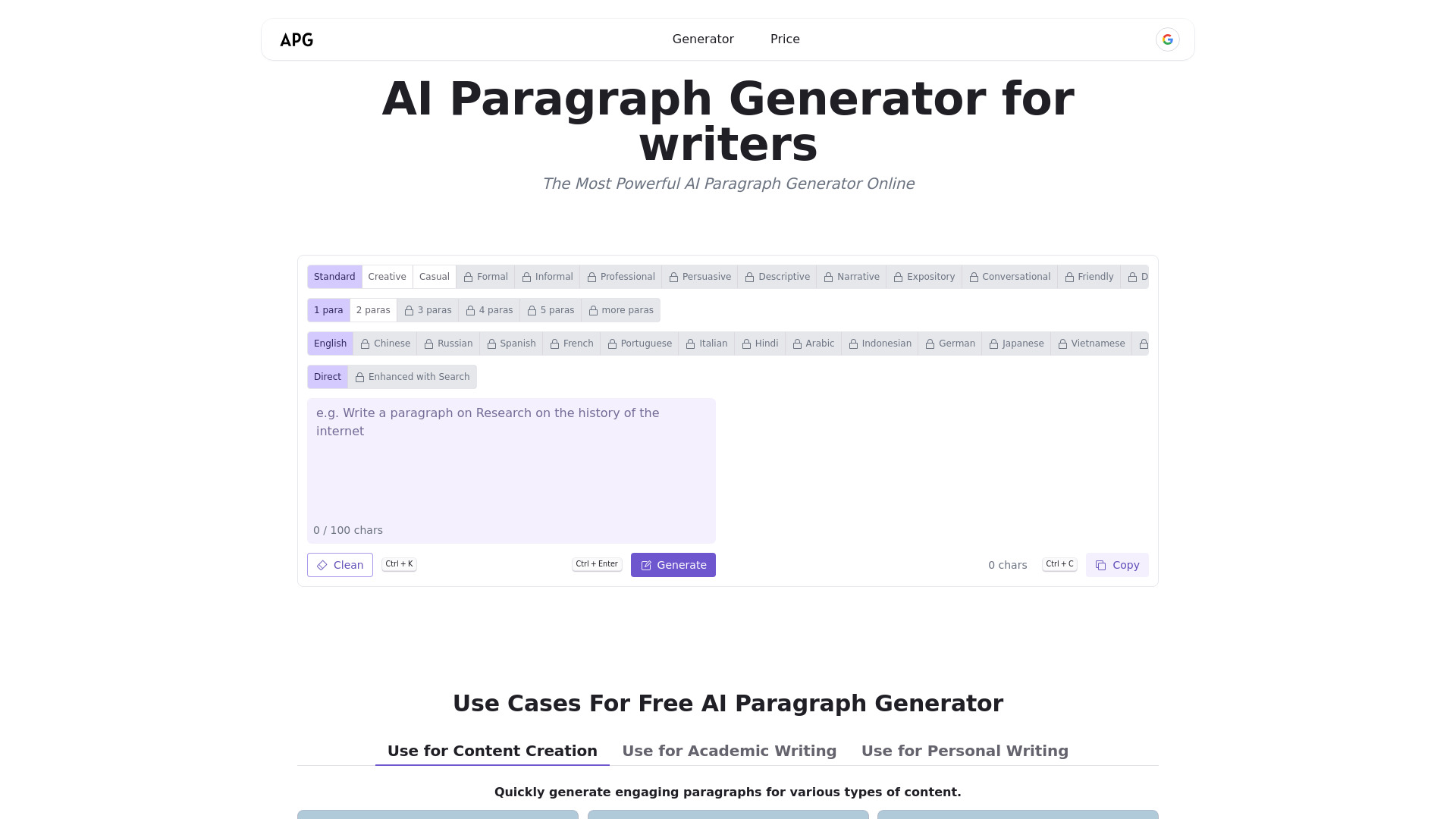
AI Paragraph Generator
Quick paragraph drafting

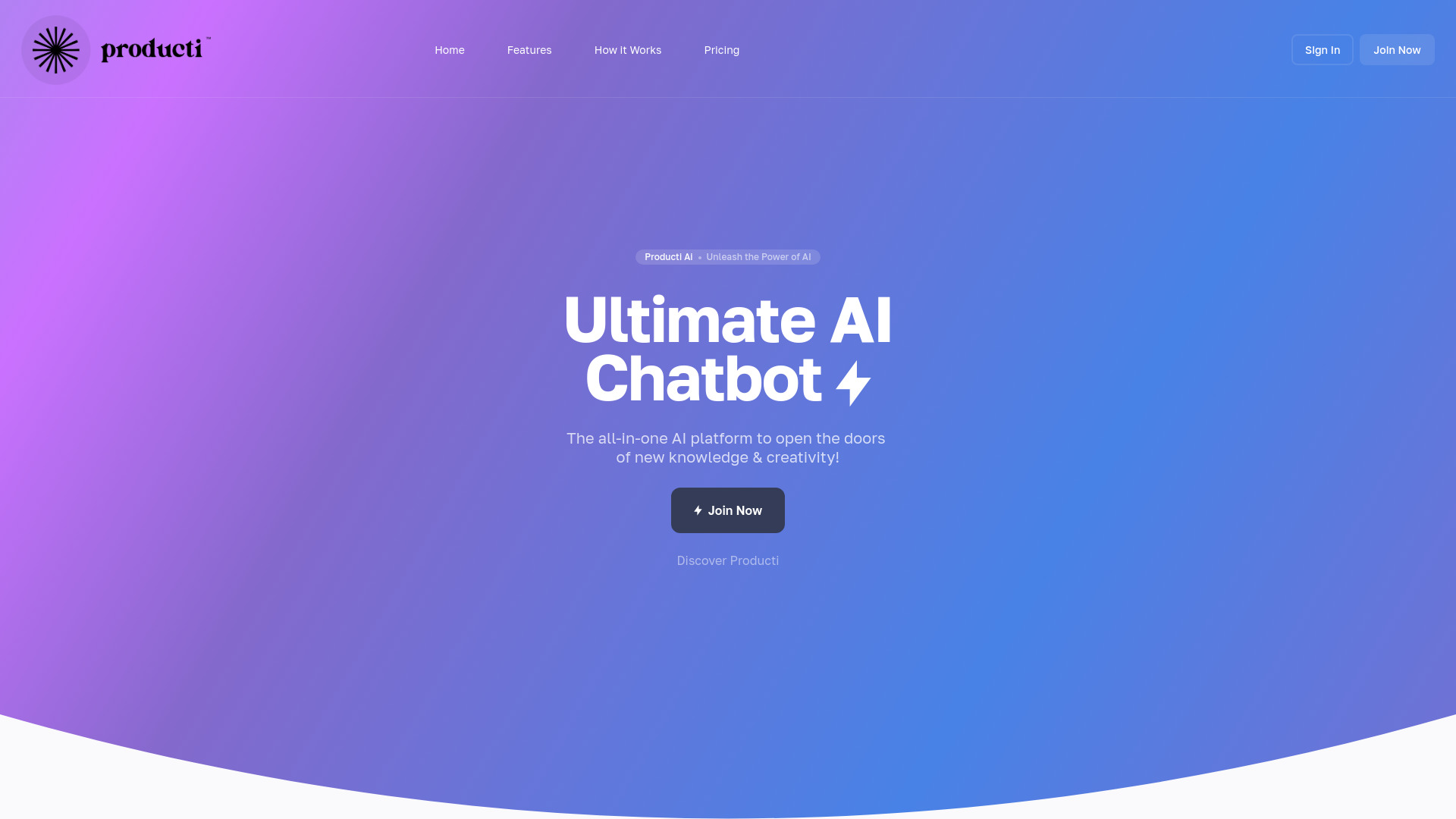
Producti Ai
All-in-one AI content creation

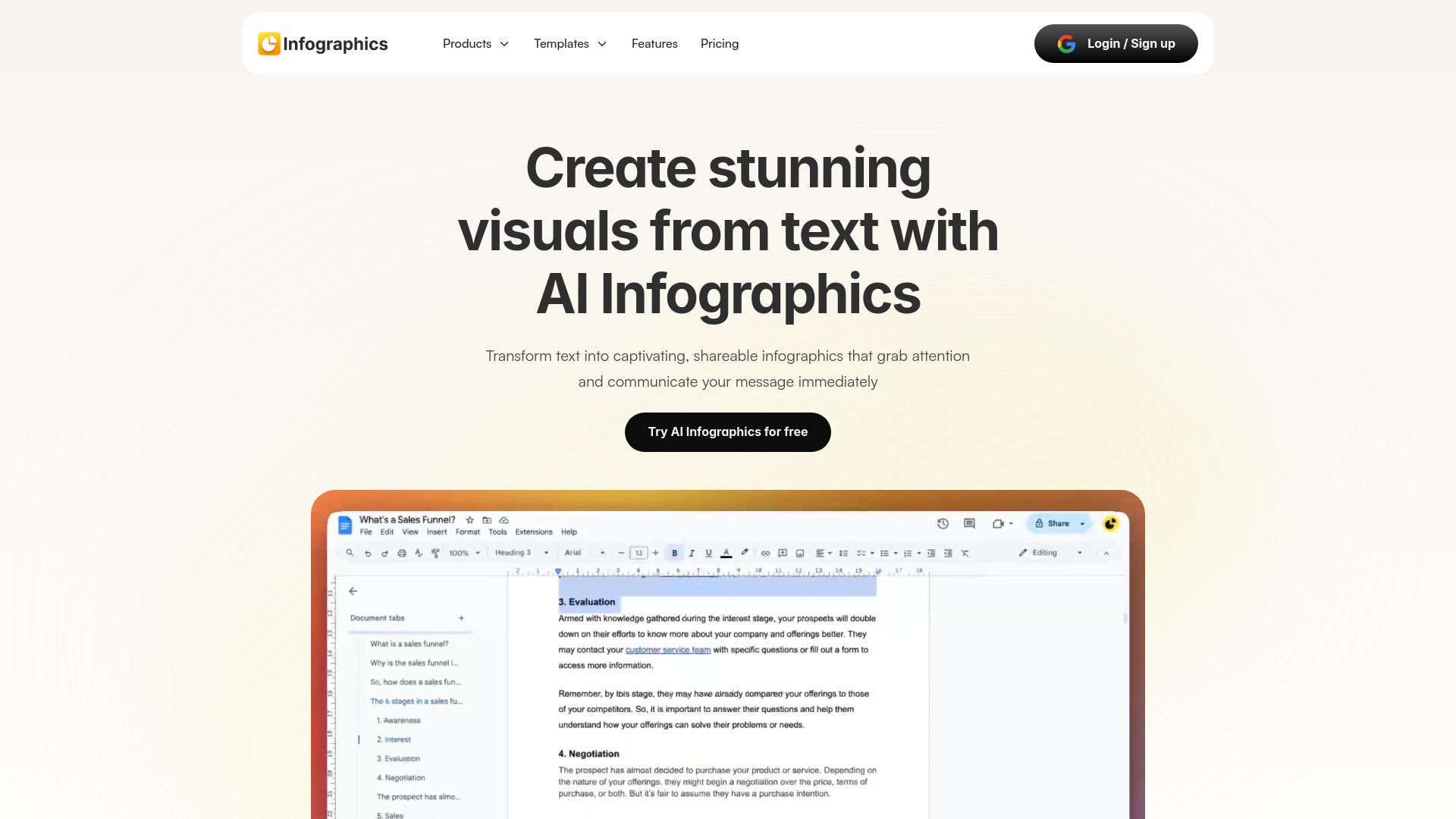
Infographics AI
Creating infographics from text

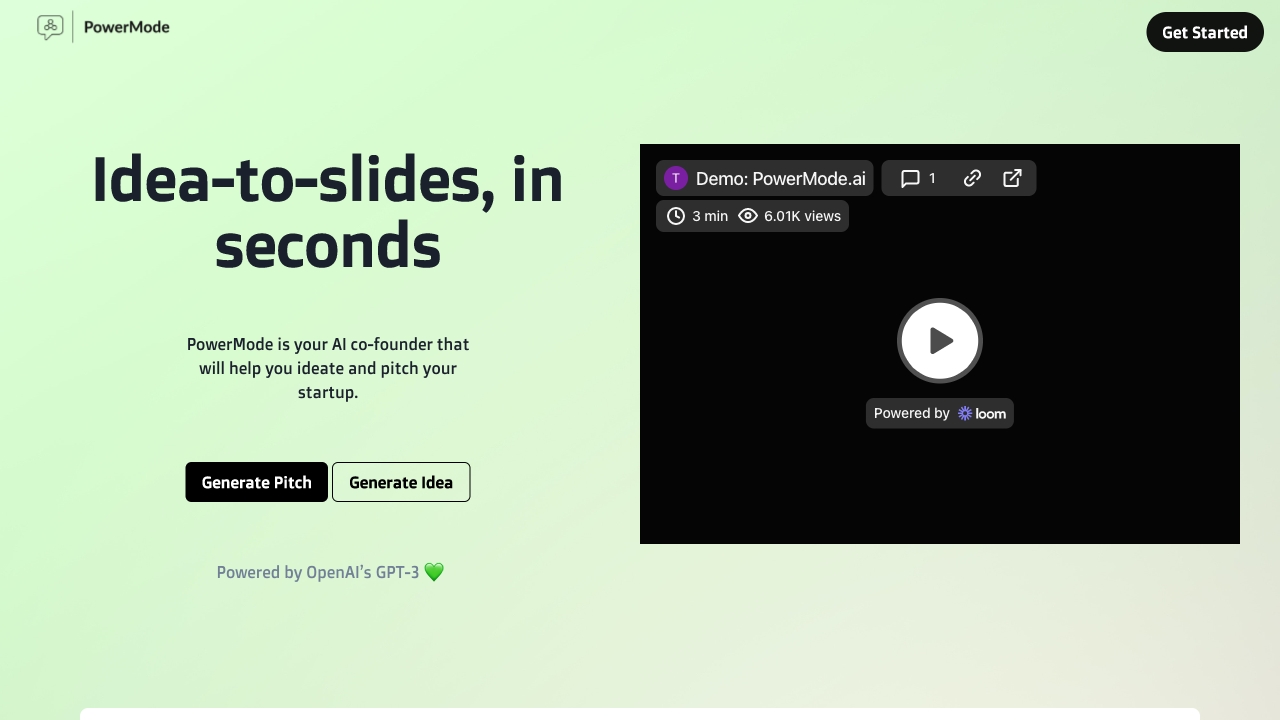
PowerMode
Startup founders creating pitch decks

AI Generating
All-in-one AI content creation

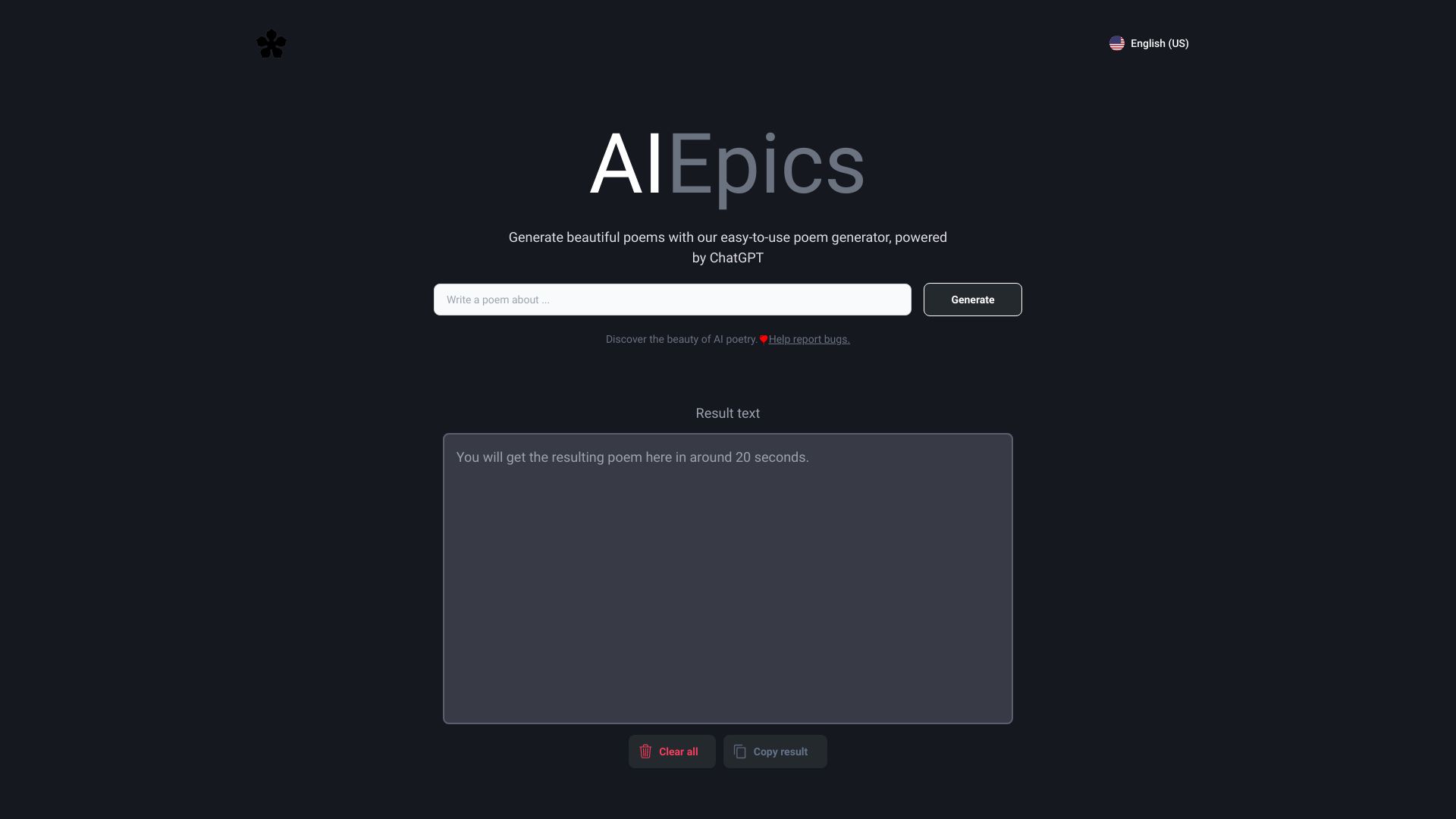
AIEpics
Personalized poem generation

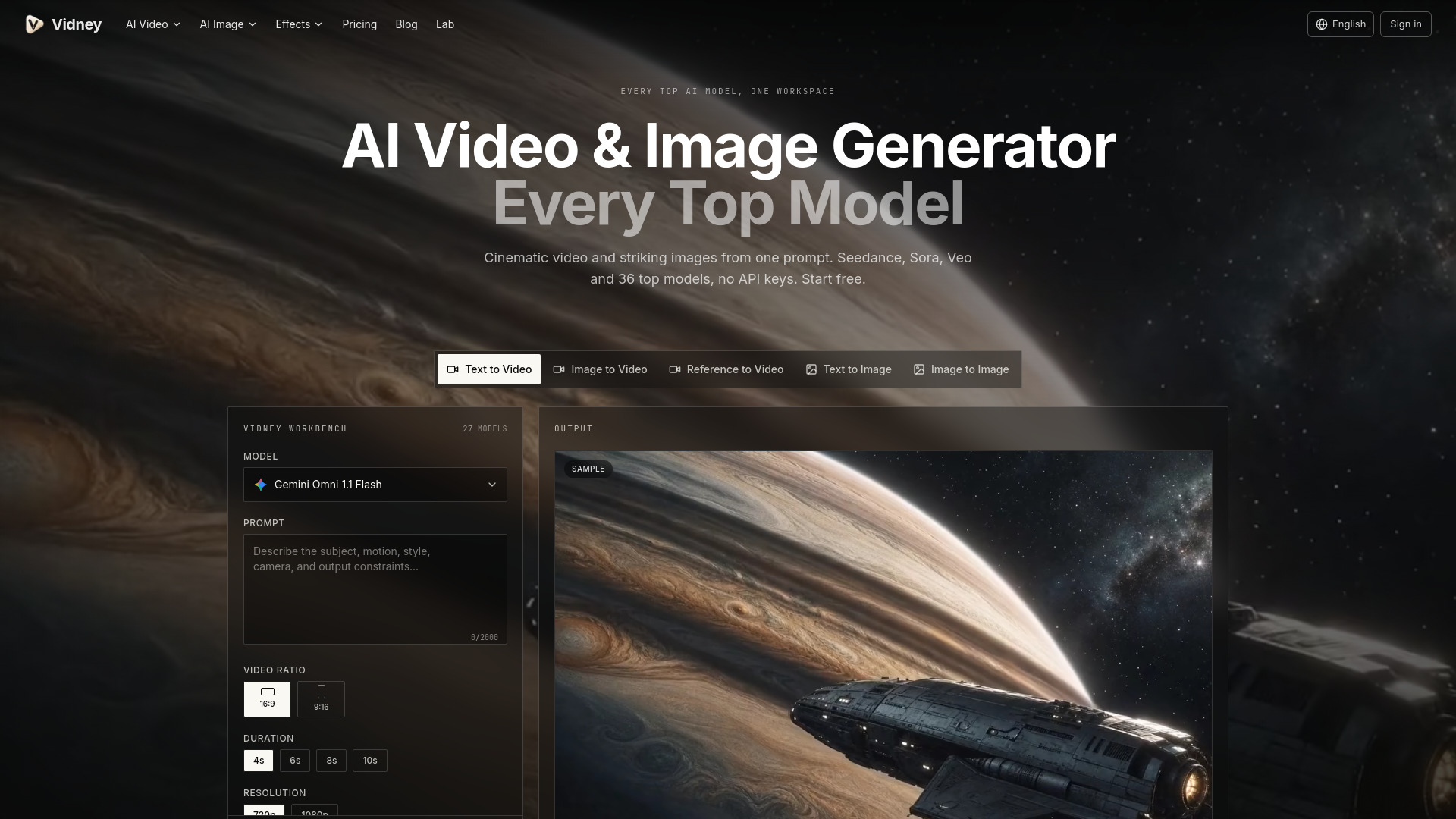
Vidney
Creators needing multiple AI video and image models

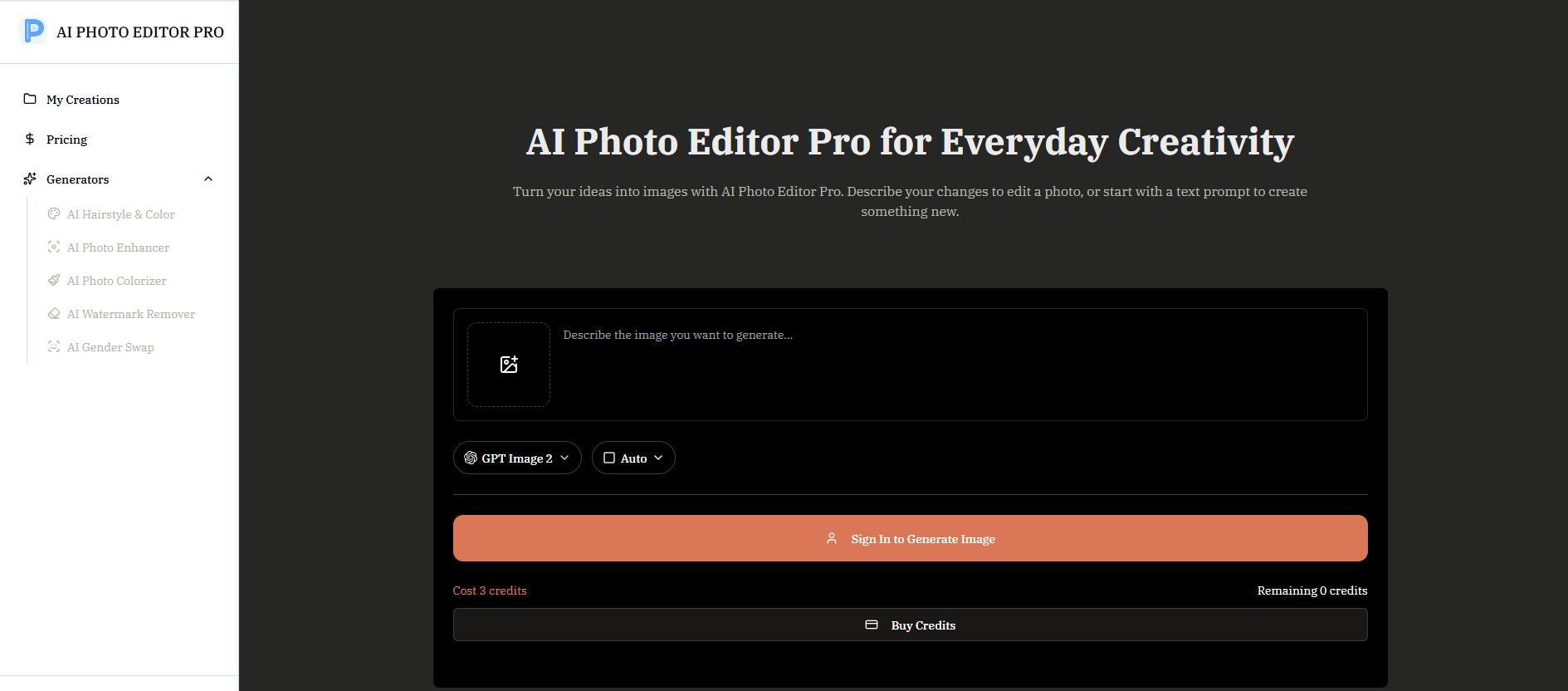
AI Photo Editor Pro
Prompt-based photo editing and image creation

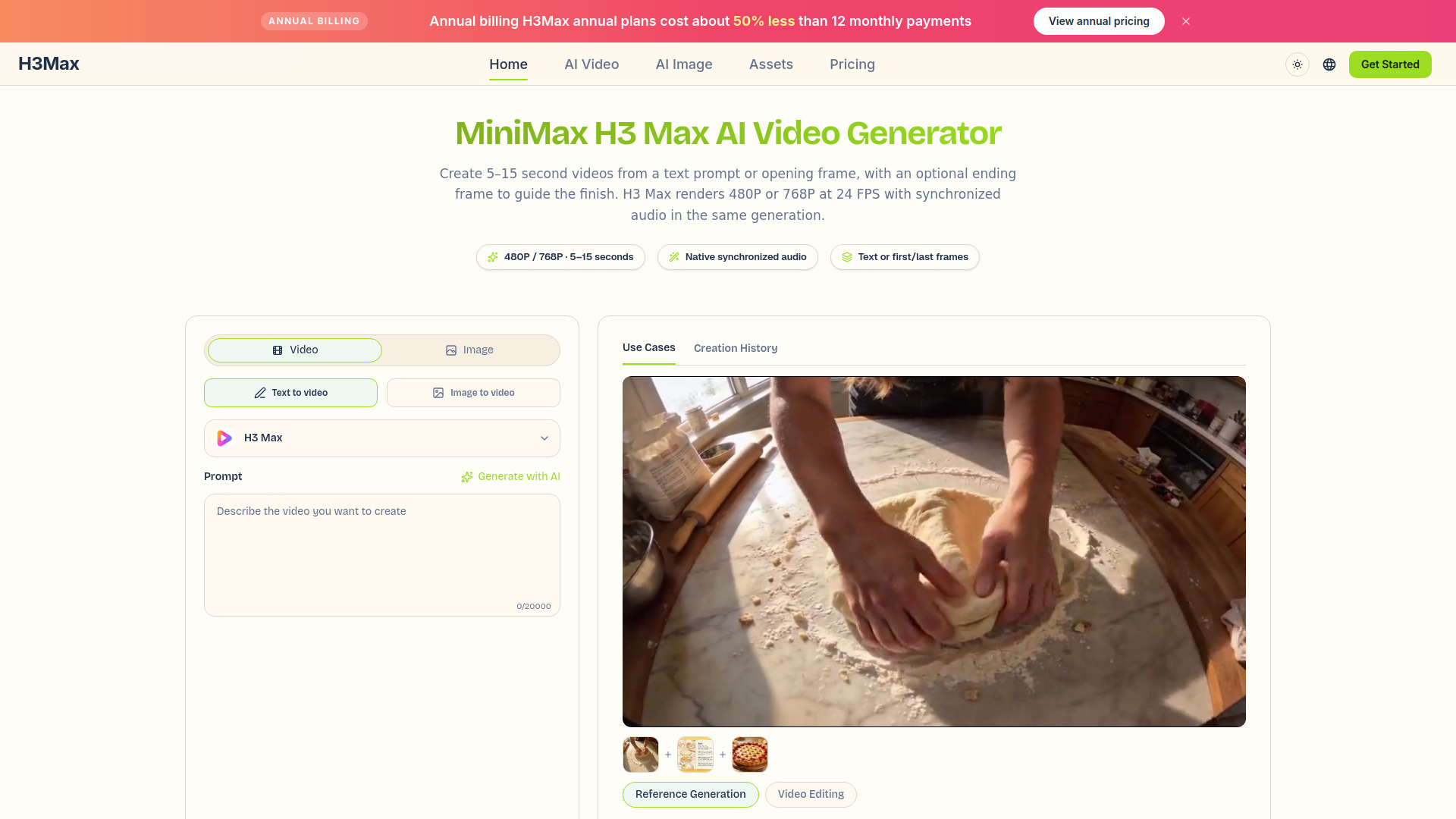
h3max.io
Short AI videos with synchronized audio

Video Sweden
AI video and multimedia creation


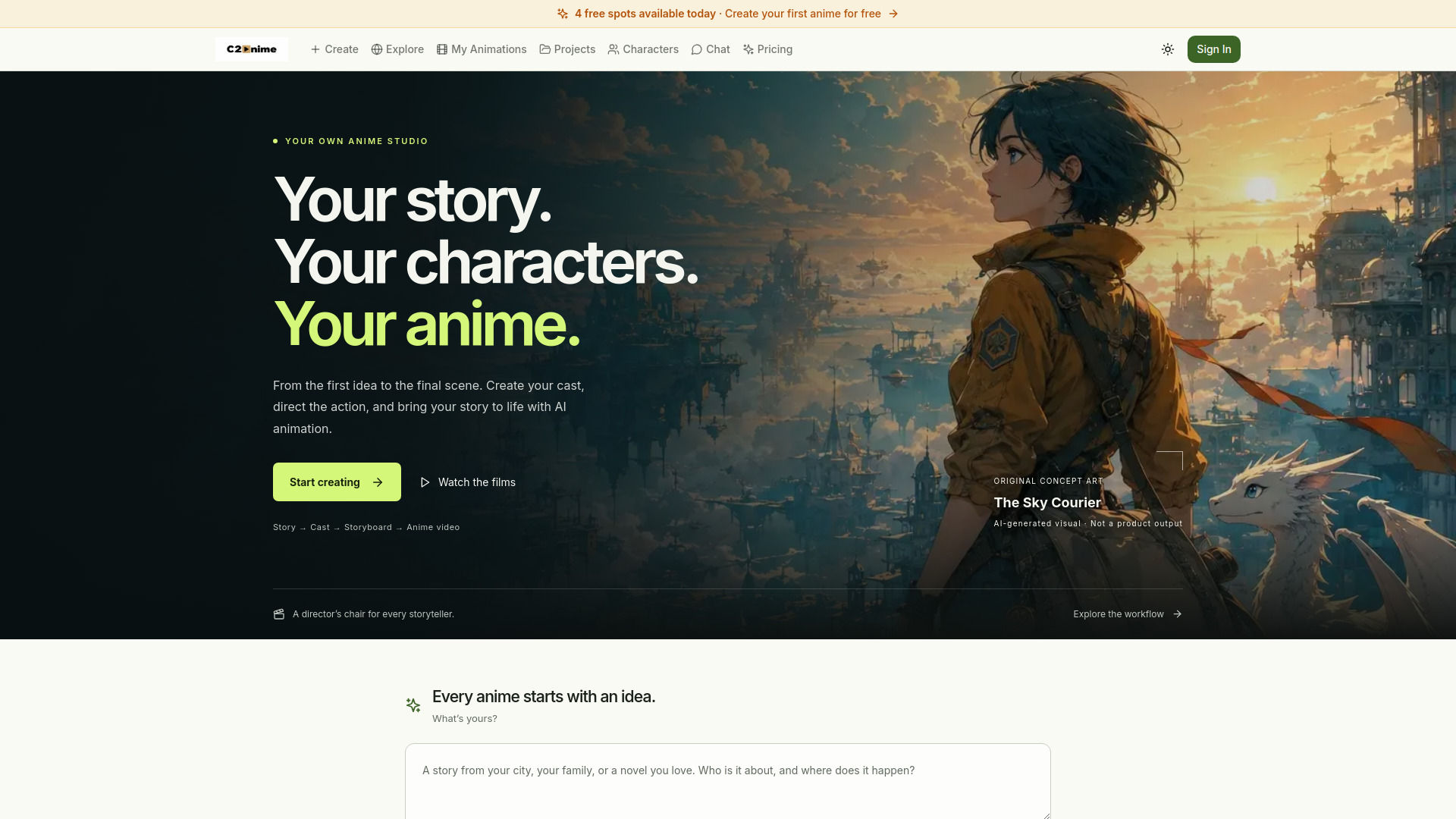
C2Anime
Story-driven anime video creation
Which AI PowerPoint generator should you choose?
The right choice depends on where your presentation starts and how much control you want after generation.
For the strongest all-around business workflow: Start with AiPPT. It has the clearest presentation focus, useful input flexibility, and a template library.
For rapid file conversion: Choose PPT AI if your raw material is already stored in documents or other supported file types.
For reports and written briefs: Autoppt is the more natural fit because document-to-slide conversion is central to its workflow.
For the best free AI PowerPoint generator experience: Try AI PPT Maker for its 100 monthly credits and support for text, PDF, YouTube, and voice.
For students who need export flexibility: SlidesGPT supports PowerPoint, Google Slides, and PDF, with 10 free downloads each month.
For customizable student drafts: GenPPT keeps the workflow simple: generate quickly, then edit the slides yourself.
For Google Slides or Figma users: MagicSlides.app fits better than a tool that expects you to stay inside a separate editor.
For consultants: SketchBubble AI Presentation Maker is the strongest choice when a designed client-deck starting point matters.
For document research plus slides: PopAi connects PDF conversations, images, and presentations in one workspace.
For mixed business content: Aidocmaker.com is the practical option when documents and spreadsheets matter alongside presentations.
A useful rule of thumb: pick the narrowest tool that matches your workflow. Dedicated products generally reduce setup friction, while broader platforms can save time when the deck is only one output among several.
My practical recommendation
Most buyers should begin with AiPPT. It scored highest, has a direct presentation focus, supports multiple inputs, and offers templates rather than leaving every design decision to the user. Use its free allowance to test three things: whether it understands your source material, whether the slide sequence tells a sensible story, and whether the exported deck is easy to edit.
If you want a best ai to make powerpoint presentation from an existing file, move to PPT AI or Autoppt. If you are mainly testing the category without a budget, AI PPT Maker is the most compelling first experiment because its free credit allowance and input options are unusually practical. Students should look closely at SlidesGPT, especially when PDF or Google Slides export is part of the assignment.
Regardless of the tool, do not present the first generated version. Rewrite the title of every slide, remove repeated points, check numbers and citations, replace generic imagery, and run through the deck in presenter view. AI can compress the production work; it cannot take responsibility for the argument.
Common mistakes when choosing an AI PowerPoint generator
Choosing by slide count alone: Twenty slides of repetition are less useful than eight slides with a clear narrative.
Ignoring the export path: Confirm that the tool supports the PowerPoint, Google Slides, or PDF format your audience expects.
Treating free credits as unlimited: Generation, presentation, slide, download, and question limits are different constraints. Read the current plan terms.
Starting with a vague prompt: Include audience, goal, tone, slide count, source material, and the decision you want the presentation to support.
Assuming templates equal brand control: Locked master-slide elements can limit customization, as with Autoppt.
Skipping source review: Document conversion can preserve the wrong emphasis, and AI-generated content can contain mistakes.
Paying before testing an export: A polished preview is not enough. Download a sample and inspect fonts, spacing, images, and editability.
What changed in 2026
The most useful AI presentation tools now compete on the workflow around the slides, not just on one-click generation. Source conversion is increasingly important: tools on this list work from documents, PDFs, URLs, YouTube content, voice, and other files. Export flexibility also matters more because buyers want to continue editing in PowerPoint or Google Slides rather than remain in a closed editor.
Free access has become more varied, too. Some products meter presentations, others meter downloads, questions, generations, or credits. That makes the best ai powerpoint generator free a use-case decision rather than a single universal winner. In 2026, the practical differentiators are input flexibility, the quality of the editable draft, transparent limits, and how quickly a human can improve the final story.
FAQ
AiPPT is the best overall pick in this comparison. It focuses on AI presentation generation, supports multiple inputs and PowerPoint or Google Slides workflows, and includes a diverse template library.