
The short answer to what's the best ai photo editing app? is insMind for the broadest mix of AI enhancement, generation, and e-commerce usefulness. But the right choice depends heavily on your workflow. Fotor is more flexible for everyday editing, Photoroom is particularly practical for product sellers, and Picsart makes more sense when photo editing overlaps with social content and graphic design. We compared 100 tools in total and ranked the 10 strongest matches here.
Top picks
| Pick | Tool | Best for | Why it stands out |
|---|---|---|---|
| 1 | insMind | E-commerce businesses | Combines AI image generation and enhancement with more than 30 AI-powered features. |
| 2 | Fotor | Social media managers | Puts AI editing, background removal, photo generation, and image unblurring in one place. |
| 3 | AI Ease | E-commerce businesses | Offers automated editing, retouching, headshots, and background removal with commercial and personal use. |
| 4 | PhotoGrid | Social media marketers | Pairs AI editing with 20,000+ collage templates and an easy-to-use interface. |
Quick comparison
| Rank | Tool | Score | Best for | Free access | Starting price |
|---|---|---|---|---|---|
| #1 | insMind | 96/100 | E-commerce businesses | 3-day trial and 10 credits | Free: $0 |
| #2 | Fotor | 96/100 | Social media managers | Free editing, generation, and unblurring | Check vendor pricing |
| #3 | AI Ease | 96/100 | E-commerce businesses | Limited daily usage | Check vendor pricing |
| #4 | PhotoGrid | 95/100 | Social media marketers | 10 AI uses and 5 product photos daily | Free: $0/year |
| #5 | Phot.AI | 95/100 | E-commerce businesses | 25 free photos | Pro: $16/month |
| #6 | Photoleap | 95/100 | Social media managers | 7-day free trial | Check vendor pricing |
| #7 | Photoeraser | 95/100 | Photographers | Free object removal and enhancement | Check vendor pricing |
| #8 | Nano Photo AI | 95/100 | Photographers | AI editing and generation access | Basic: $15/month |
| #9 | Picsart | 95/100 | Social media managers | 5 credits per week | Free: $0/month |
| #10 | Photoroom | 95/100 | Small business owners | 250 exports per month | Free |
How we ranked these AI photo editing apps
We ranked each tool against the needs of someone choosing a first AI photo editor: the breadth of editing capabilities, the usefulness of the free access, clarity of the starting price, ease of use, and fit for a specific audience. We gave extra weight to concrete workflows such as background removal, object removal, enhancement, generation, retouching, and product presentation. Scores also reflect usage signals and the tool's stated strengths, rather than treating every general-purpose design platform as interchangeable. That is why a focused product editor can outrank a larger creative suite for e-commerce, while a broader platform may be the better pick for social content. The final order is editorial, not a substitute for checking current vendor terms.
The best AI photo editing apps
1. insMind

insMind
Best overall AI photo editor for e-commerce businesses
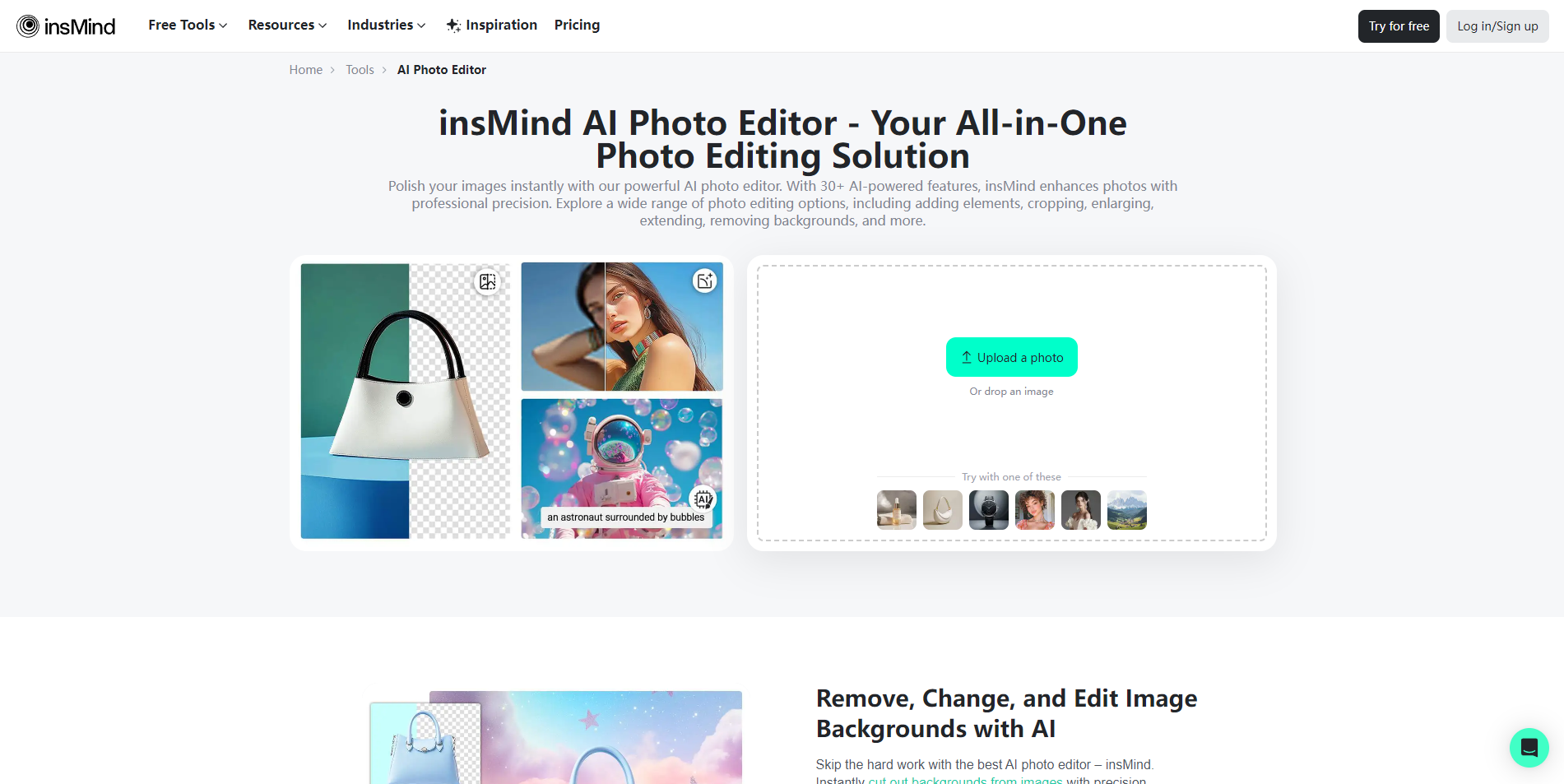
insMind earns the top spot because it covers both sides of a modern product-image workflow: improving an existing photo and creating a new visual. Its listed AI image generation and AI image enhancement tools give sellers more range than a simple background remover, while the platform's 30+ AI-powered features suggest a substantial toolbox for repeated editing tasks.
The free entry point is unusually concrete: a three-day trial with 10 credits, alongside access to an AI background remover, AI image enhancer, and AI image generator. That makes it straightforward to test whether the workflow fits before committing. The starting price is listed as free, although some AI features may require Pro access.
My take: This is the strongest first trial for an online seller who wants one place for product cleanup and visual creation. I like that its main strengths map directly to common catalog-image tasks rather than stopping at decorative effects.
Where it falls short: The trial is time-limited, and some features may require a Pro subscription. Anyone processing images at scale should confirm how credits and premium access work before building a production routine around it.
Key features
AI image generation for creating new visual content.
AI image enhancement for improving existing images.
AI-powered online editing aimed at image enhancement and creation.
More than 30 AI-powered features.
Pros
Strong combination of generation and enhancement.
Clear e-commerce fit.
Free trial includes 10 credits and several named tools.
Cons
Some features may require a Pro subscription.
Trial access is limited to three days.
Choose insMind if: You run an e-commerce workflow and want a broad AI editor that can both improve product photos and generate new image variations.
2. Fotor

Fotor
Best comprehensive editor for social media managers
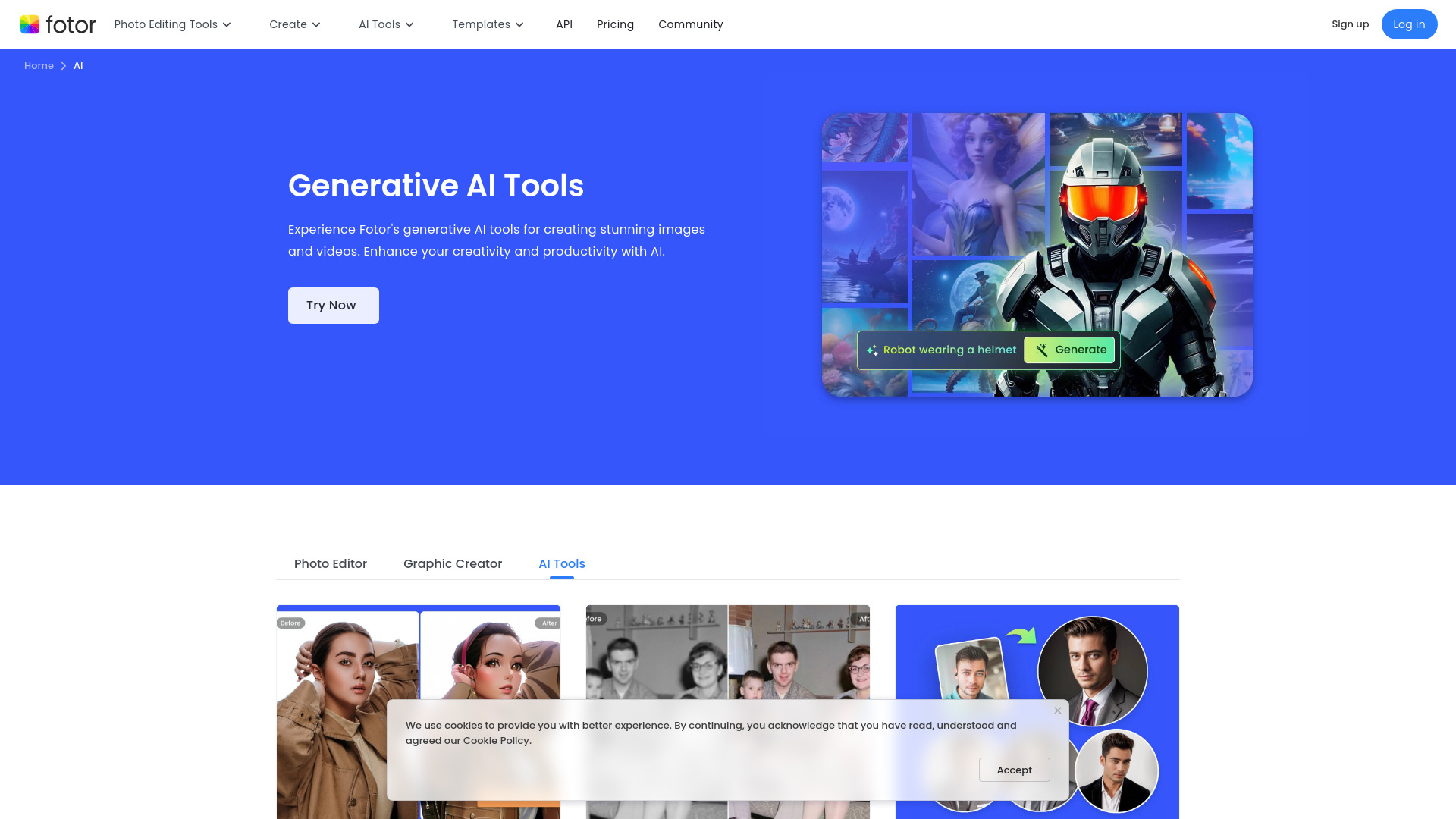
Fotor is the sensible answer for users who do not want to assemble a workflow from several narrowly focused apps. Its pitch is a single AI photo editing toolbox, with AI-powered editing, background removal, photo generation, and image unblurring all represented in the free-access description. That range makes it especially useful for social media managers moving between cleanup, cutouts, and new creative assets.
The interface is positioned around easy and free photo design and editing, which lowers the barrier for occasional users. Fotor's 6.8M monthly visits also make it the most-used tool near the top of this list by a wide margin, though popularity alone does not replace checking whether its free features cover your export needs. Pricing is hidden behind a less clear presentation, so verify the current plan details before upgrading.
My take: Fotor is my pick when versatility matters more than a highly specialized product workflow. It is the closest fit for someone asking, "what is the best ai image editor?" and meaning a general-purpose editor rather than a single magic button.
Where it falls short: Free features may be limited, and the starting price is not presented clearly enough to make a confident cost comparison. Test the specific tools you need before assuming the free tier is sufficient.
Key features
AI-powered photo editing tools.
Background removal.
Photo generation.
Image unblurring.
Pros
Comprehensive AI editing tools in one place.
Strong fit for mixed social-media workflows.
Free access includes several practical editing functions.
Cons
Free features may have limitations.
Vendor pricing needs to be checked directly.
Choose Fotor if: You manage varied social content and want one accessible editor for generation, cleanup, background removal, and image repair.
3. AI Ease

AI Ease
Best free-friendly editor for e-commerce businesses
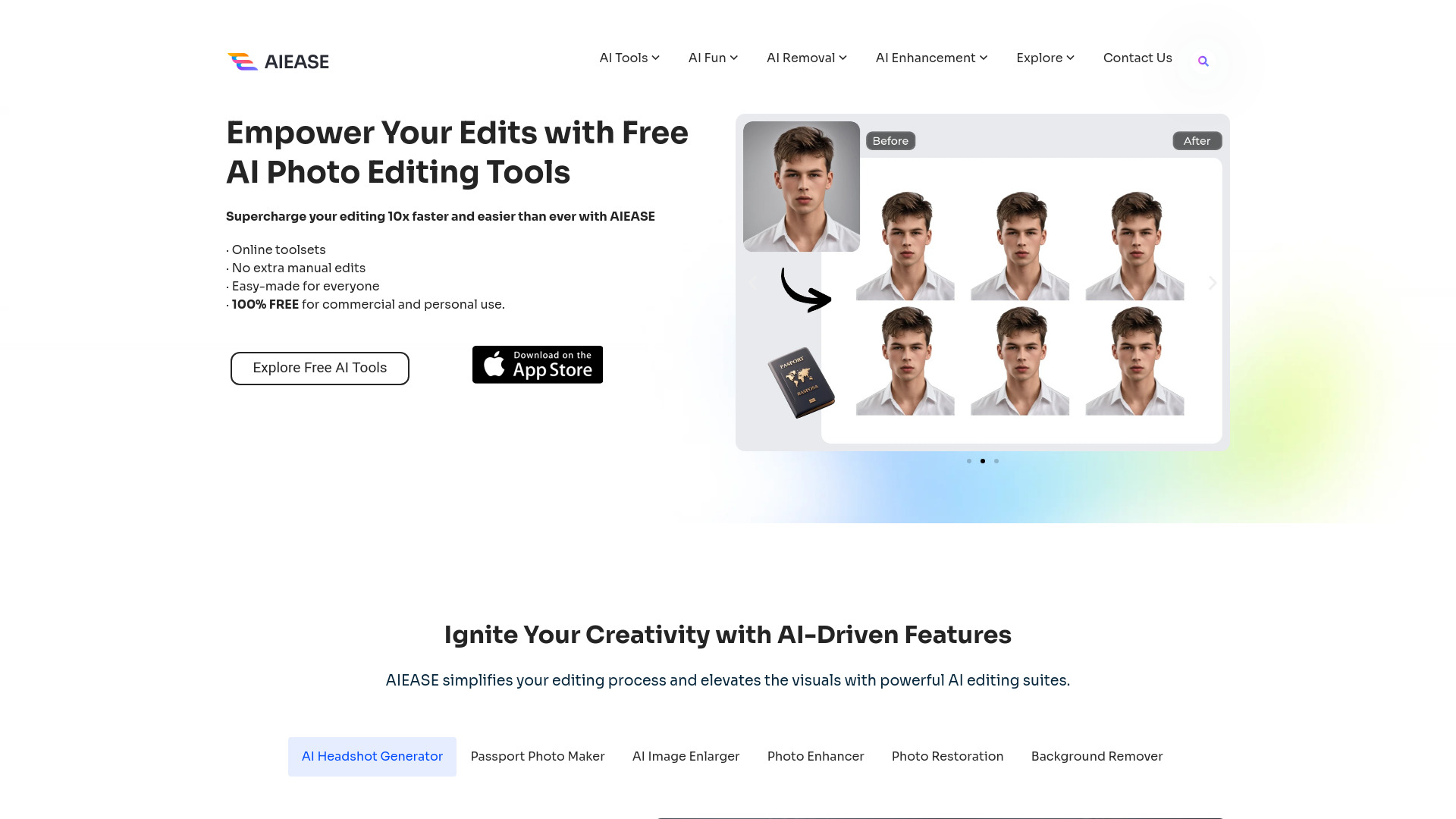
AI Ease focuses on reducing the manual work around online photo editing. Its feature set includes AI-powered editing and photo retouching, while the available access description also names automated photo editing, an AI headshot generator, and a background remover. That combination gives it a broader practical range than the name might suggest, particularly for businesses preparing product or promotional images.
A notable advantage is its stated availability for both commercial and personal use. The free access is based on limited daily usage, so it is easy to try but not necessarily suited to unlimited high-volume production. Advanced features may require a Pro subscription, and the starting price is not clear enough to use as a direct cost benchmark.
My take: AI Ease is a strong alternative when automation and commercial-use flexibility matter. It feels better suited to repeatable business edits than to painstaking, highly controlled retouching.
Where it falls short: Daily usage limits can become a constraint for active teams, and premium access may be needed for advanced features. Confirm the exact limits for your image volume before selecting it as your main editor.
Key features
AI-powered photo editing tools.
Photo retouching.
Automated photo editing.
AI headshot generation.
Background removal.
Pros
Free for commercial and personal purposes.
Combines editing, retouching, and removal tools.
Useful e-commerce orientation.
Cons
Advanced features may require Pro.
Free usage is limited daily.
Starting price requires vendor verification.
Choose AI Ease if: You want an accessible editor for business images and prefer automated retouching and background work over detailed manual controls.
4. PhotoGrid

PhotoGrid
Best template-led editor for social media marketers
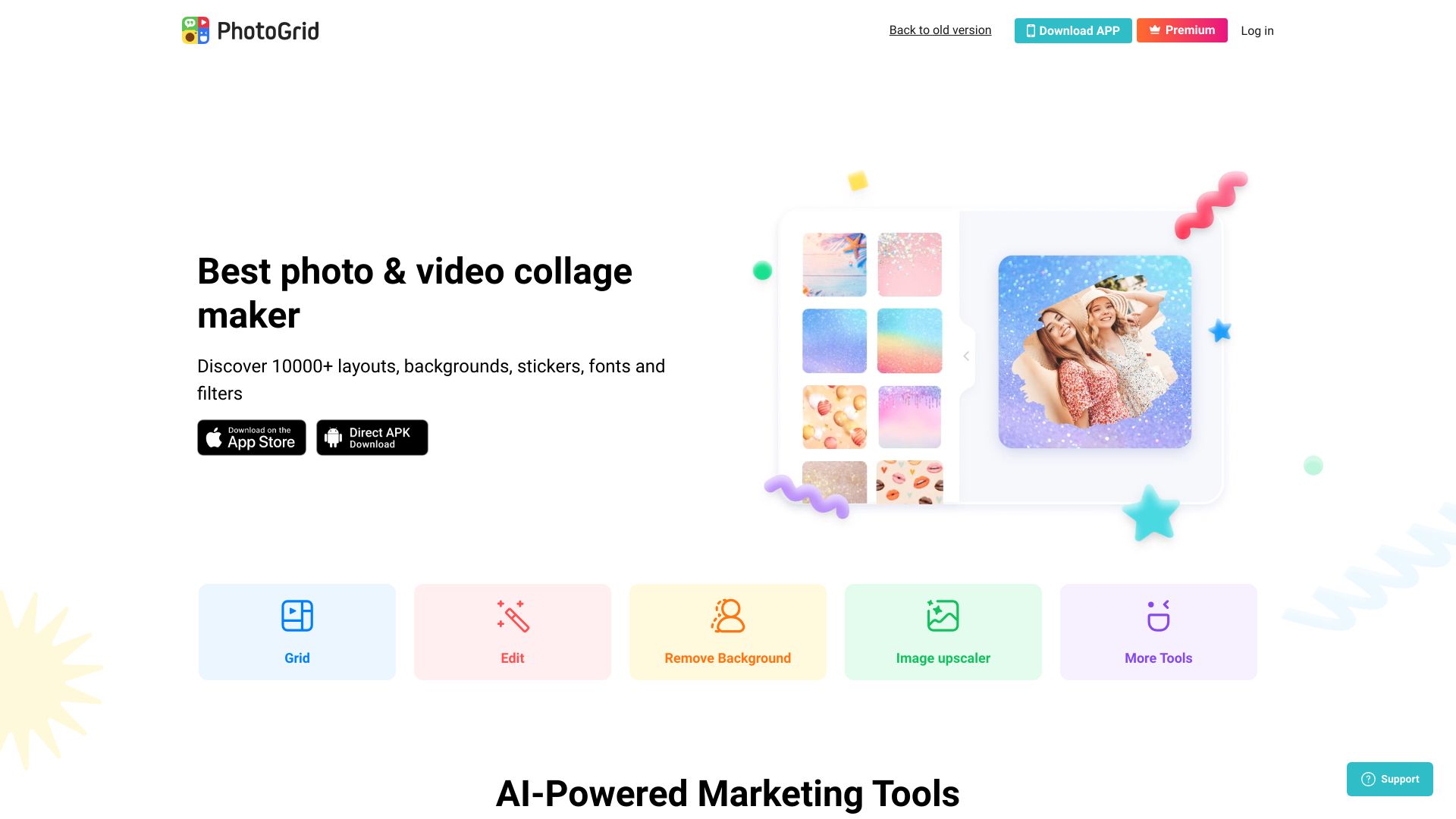
PhotoGrid takes a different route from the more utility-first editors. Its standout feature is a collage maker with more than 20,000 templates, supported by AI-powered photo editing tools. That makes it a natural fit for marketers who need finished social layouts quickly, not just a cleaned-up image on a transparent background.
The free allowance is specific: 10 AI tool uses and five daily product photos, with photo collages, the AI photo editor, and the template library also highlighted. The easy-to-use interface should appeal to less technical users, but premium-only features are a clear boundary. Its listed starting price is free, while the paid reference is shown in Singapore dollars, so check the current regional price before comparing subscriptions.
My take: PhotoGrid is the pick for speed and presentation. I would choose it over a more sophisticated editor when the deliverable is a collage, post, or campaign graphic that needs to look finished immediately.
Where it falls short: Premium access is required for some features, and the daily free allowances may not suit a busy marketing calendar. It is less compelling if you only need precise single-image correction.
Key features
Photo collage maker with 20,000+ templates.
AI-powered photo editing tools.
AI tools for product-photo workflows.
Pros
Easy-to-use interface.
Large template library.
Clear free allowance for AI uses and product photos.
Cons
Some features are only available in the premium version.
Free daily limits may restrict higher-volume work.
Choose PhotoGrid if: You create social posts, collages, and promotional layouts and want templates to do as much of the design work as the AI editing.
5. Phot.AI

Phot.AI
Best visual-content editor for e-commerce businesses
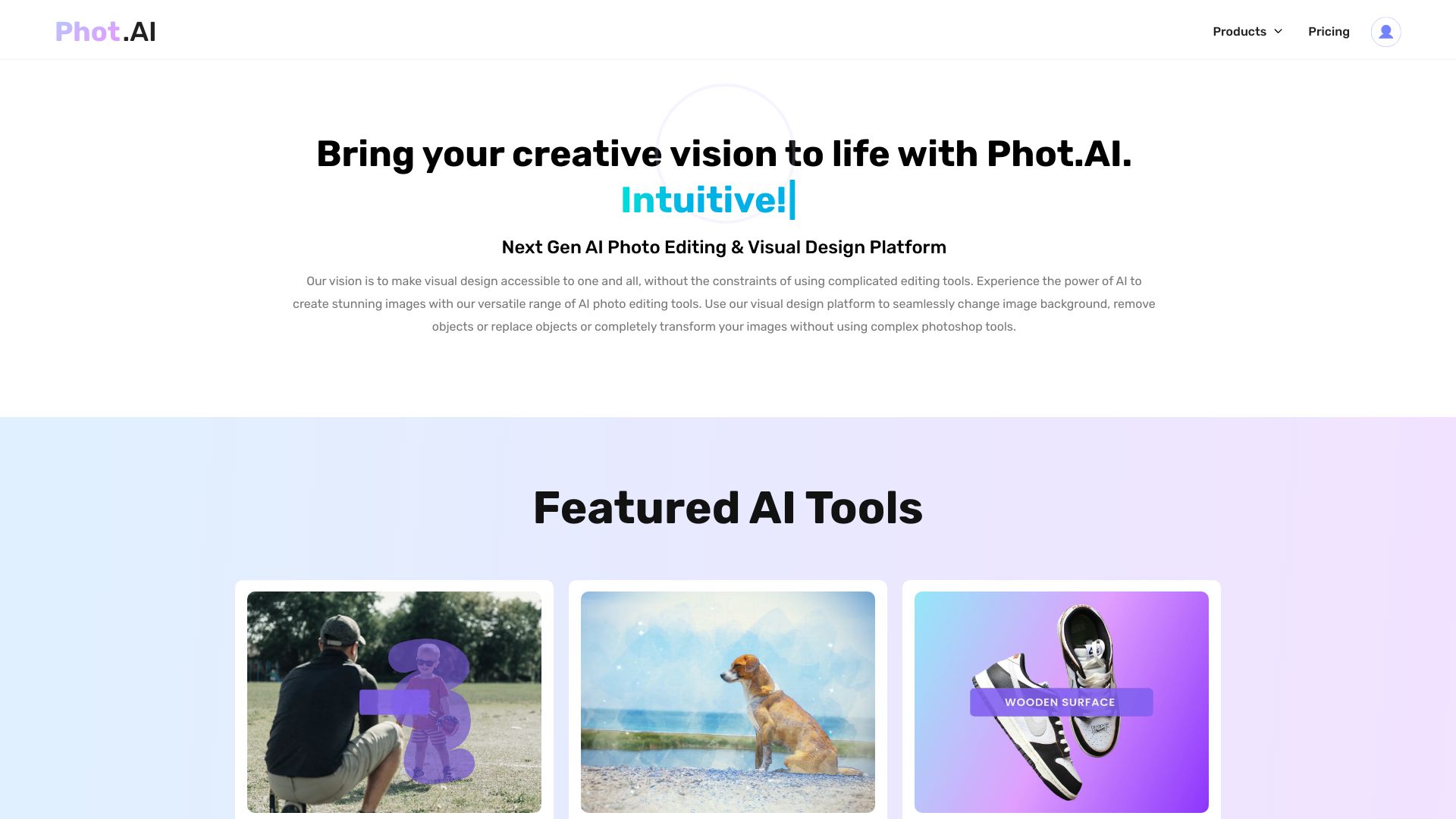
Phot.AI blends AI photo editing with AI image generation, positioning itself as a broader visual design platform rather than a tool for one isolated correction. The named capabilities cover photo editing, visual content creation, and background removal, which gives e-commerce teams a path from source image to finished marketing asset.
The 25 free photos make the first test easy to scope. After that, the listed Pro price is $16 per month, providing a clearer cost signal than several tools in this comparison. Its user-friendly interface is a practical advantage, although reliance on AI can reduce creative control in some situations. That tradeoff matters when brand consistency or exact composition is more important than speed.
My take: Phot.AI is attractive for small teams that need both editing and content creation without jumping between products. It is a good middle ground between a focused product-image editor and a full design suite.
Where it falls short: The workflow may feel less controllable when the AI makes decisions you would rather specify yourself. The Pro plan also becomes relevant quickly if 25 free photos is not enough for your content schedule.
Key features
AI photo editing.
AI image generation.
Visual content creation.
Background removal.
Pros
User-friendly interface.
Combines editing and generation.
Provides 25 free photos for evaluation.
Cons
AI reliance may limit creative control.
The free allowance is finite.
Choose Phot.AI if: You need an approachable e-commerce visual studio for creating and editing assets, and you value speed over granular manual control.
6. Photoleap

Photoleap
Best creative editor for social media managers
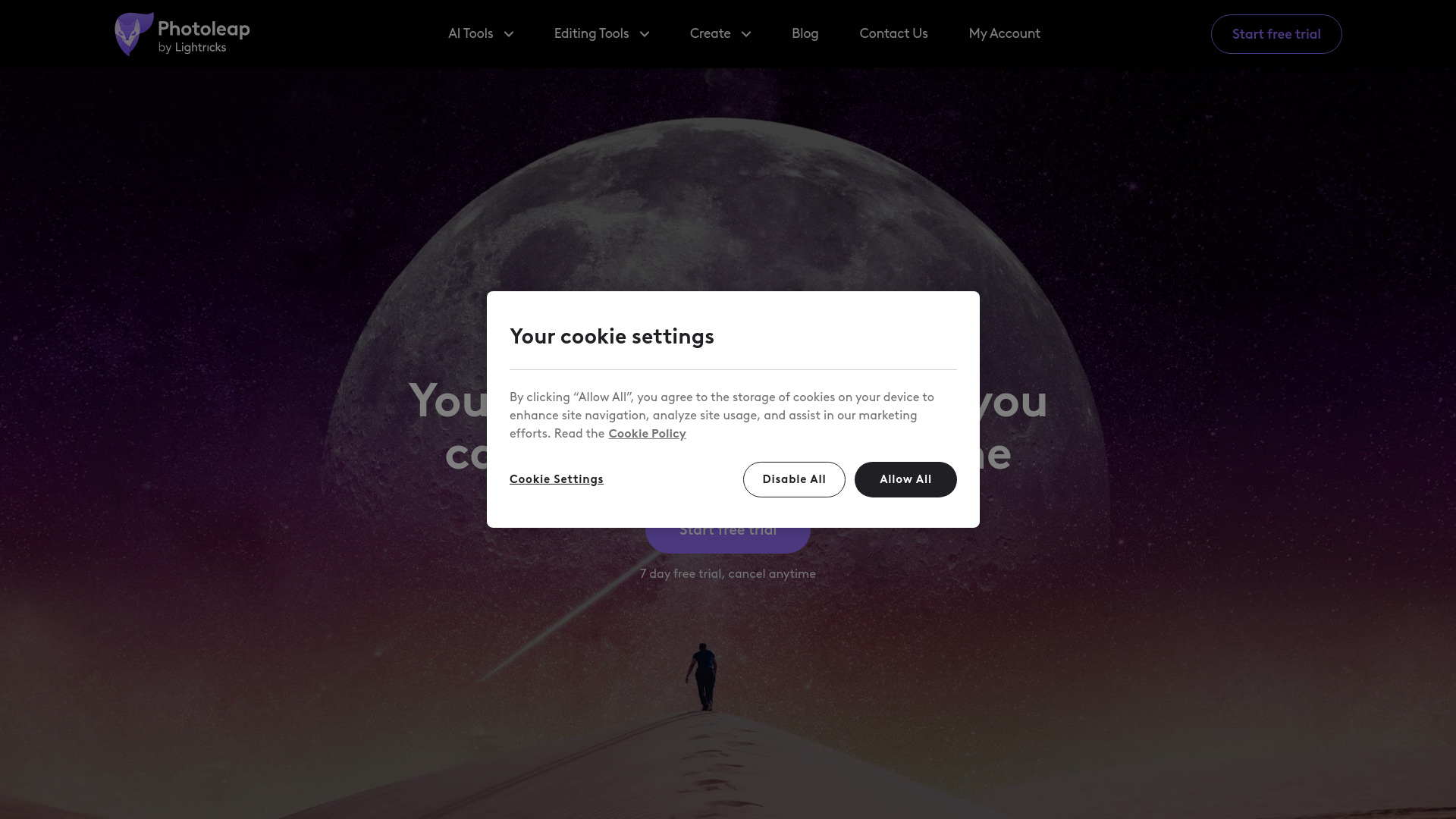
Photoleap is built around quick creative intervention: enhance the photo, remove an unwanted object, or change the background. Those capabilities make it more expressive than a basic correction tool while keeping the workflow focused enough for social media production and pro-looking designs.
The seven-day free trial gives users a reasonable window to test the workflow, but full access requires a subscription. The tool's wide range of AI-powered editing tools is its main advantage; the tradeoff is that you need to evaluate whether the subscription makes sense for the specific edits you perform regularly. Vendor pricing should be checked directly before purchase.
My take: Photoleap is a good choice when "editing" includes creative transformation, not just cleanup. I would put it on a social manager's shortlist for campaigns that need object removal and background changes in addition to standard enhancement.
Where it falls short: The subscription requirement for full access makes it harder to recommend as a permanently free option. Its value depends on using enough of the broader toolset to justify paid access.
Key features
AI photo enhancer.
Object removal.
Background changes.
AI photo editing for creative designs.
Pros
Wide range of AI-powered editing tools.
Useful mix of enhancement and transformation.
Seven-day trial makes hands-on testing possible.
Cons
Full access requires a subscription.
Current pricing needs to be confirmed with the vendor.
Choose Photoleap if: You manage social content and want an AI editor that can turn ordinary images into more visibly creative campaign assets.
7. Photoeraser

Photoeraser
Best focused cleanup tool for photographers
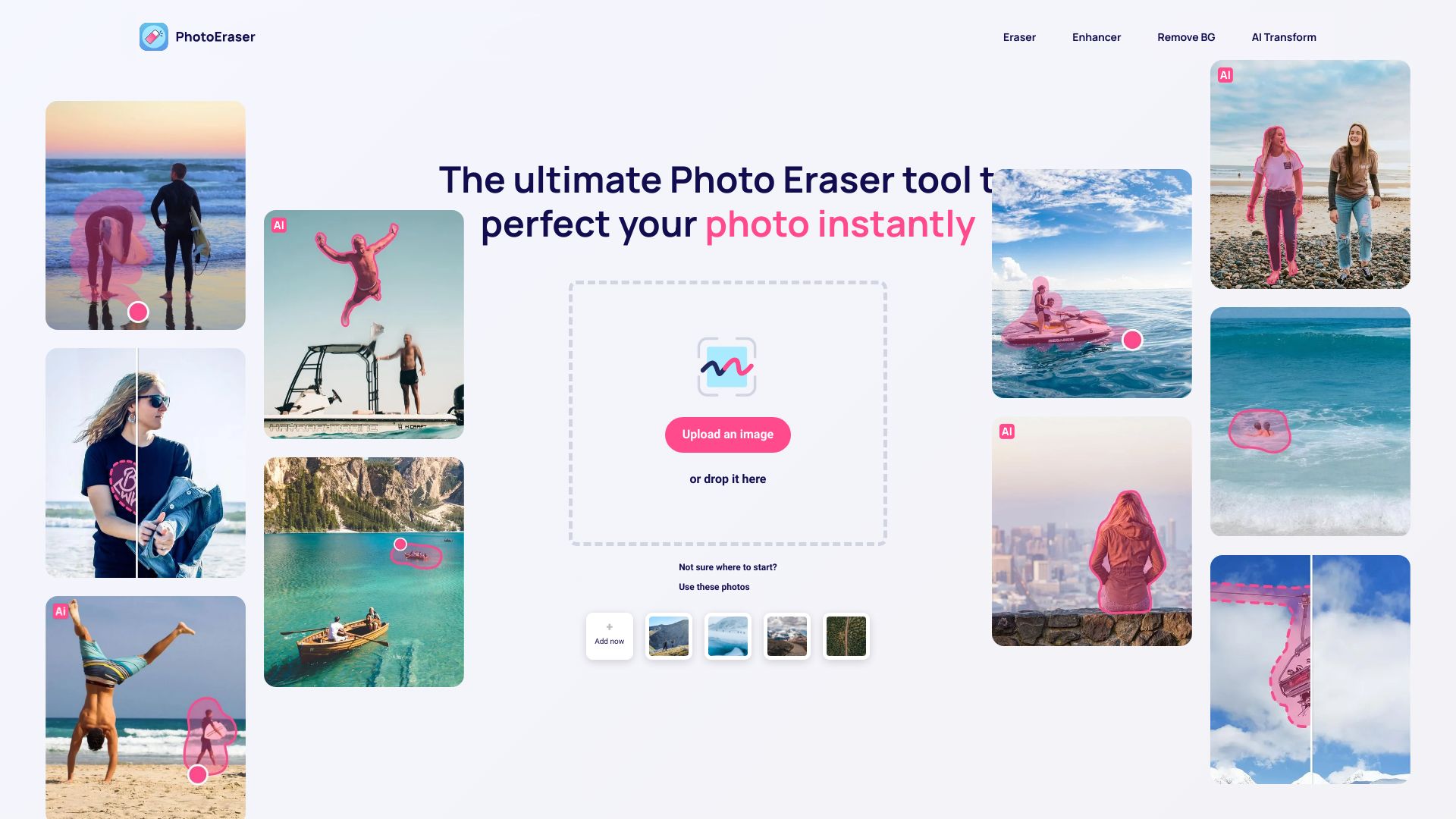
Photoeraser keeps its value proposition refreshingly narrow: remove unwanted objects, enhance picture quality, and add elements when needed. For photographers, that focus can be preferable to navigating a large design platform full of templates and unrelated creative tools.
Free access includes unwanted-object removal and picture enhancement, so the basic workflow is easy to test. Full access requires a subscription, and the available starting-price field is not clear enough to compare directly with paid competitors. The tool's easy-to-use positioning is its strongest usability signal, but users with complex compositing needs may want a broader editor.
My take: This is the specialist pick in the group. If your recurring problem is a distracting object or an image that needs a quick quality lift, Photoeraser is easier to justify than a sprawling creative suite.
Where it falls short: It is less of an all-purpose AI photo editor than the tools ranked above it. Subscription access is required for the full feature set, so occasional users should test the free workflow first.
Key features
AI-powered object removal.
Photo enhancement.
Ability to add elements to images.
Pros
Easy to use.
Focused on a common photography cleanup task.
Free access includes object removal and enhancement.
Cons
Full access requires a subscription.
Narrower scope than broader photo-editing platforms.
Choose Photoeraser if: You are a photographer who primarily needs fast object removal and image enhancement rather than a full social design workspace.
8. Nano Photo AI

Nano Photo AI
Best style range for photographers
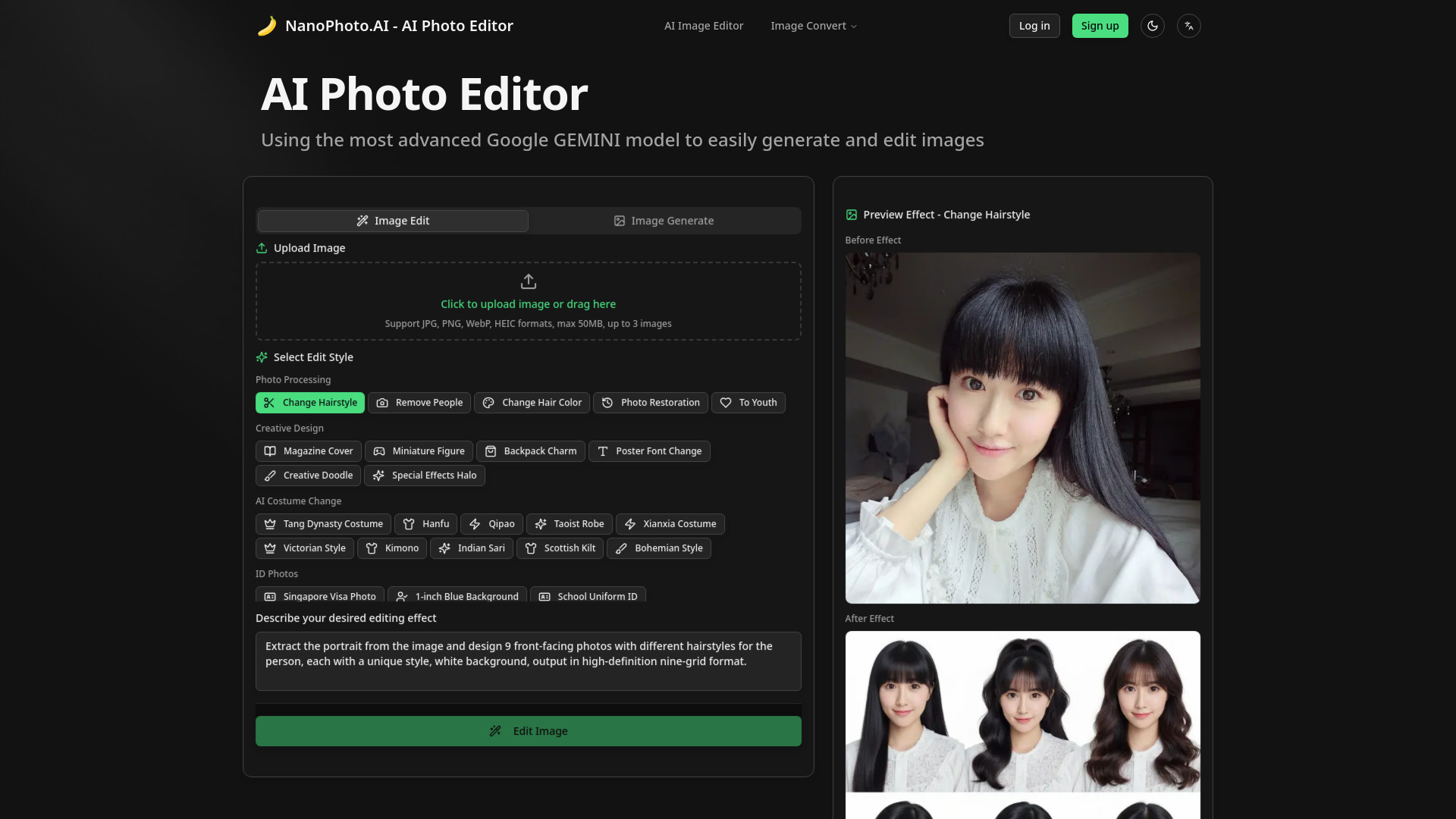
Nano Photo AI stands out for the breadth of its professional editing styles. The tool lists 11+ styles, including removing people, changing hairstyles, restoring photos, and changing costumes. That makes it a more transformative option for photographers who want to explore several kinds of edits rather than repeatedly making the same correction.
It also supports AI image generation, editing, conversion, and compression. The Basic plan is listed at $15 per month for 150 credits, giving prospective users a concrete starting point. There is a practical constraint, however: uploads are limited to 50MB, with up to three images at once. That will matter when working with large source files or batch-oriented workflows.
My take: Nano Photo AI is the most interesting choice for photographers who want variety. The styles create room for experimentation, while the credit-based plan makes usage something to monitor rather than an unlimited blank check.
Where it falls short: The upload cap and three-image limit reduce its fit for larger batch jobs. Users with high-resolution files should confirm that their normal assets fit within the 50MB limit.
Key features
AI photo editing with 11+ professional styles.
Styles for removing people, changing hairstyles, restoration, and costume changes.
AI image generation.
Image conversion and compression.
Pros
Wide range of professional AI editing styles.
Clear Basic plan with 150 credits per month.
Combines editing, generation, conversion, and compression.
Cons
Uploads are limited to 50MB.
Only up to three images can be uploaded at once.
Choose Nano Photo AI if: You are a photographer who wants multiple AI transformation styles and can work comfortably within the upload and credit limits.
9. Picsart

Picsart
Best broad creative platform for social media managers
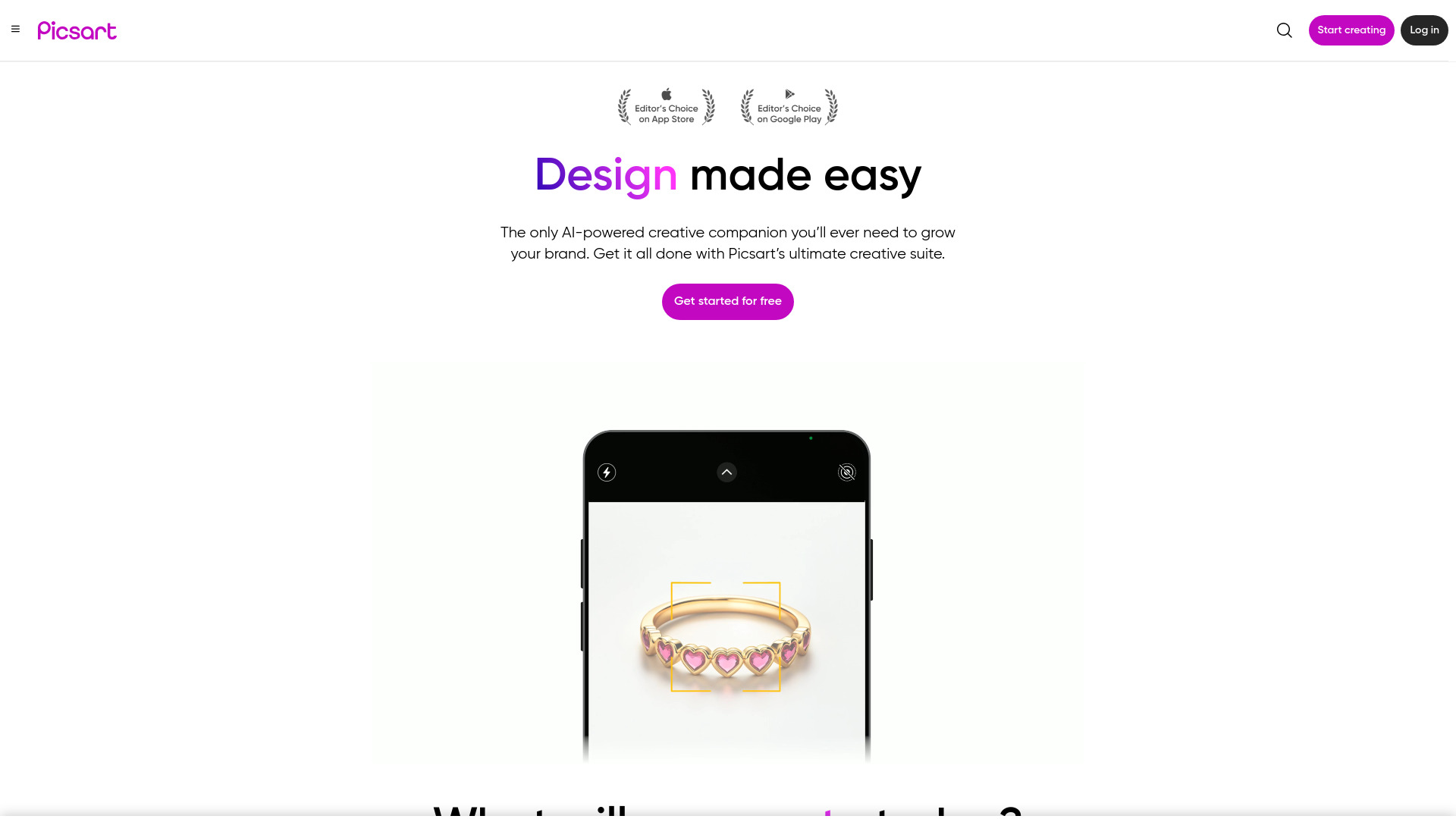
Picsart is the broadest social-content option in this ranking. Alongside its photo editor, it includes a creative companion, photo and video editing, AI image generation, and an AI logo generator. That breadth makes it useful when a social team needs to move from an edited photo to a wider set of branded visual assets.
The free plan provides five credits per week, and the listed starting price is $0 per month. Some features are only available in paid plans, so the free experience is best treated as a way to validate the editor and the creative workflow rather than a guarantee of unrestricted use. Its 18M monthly visits are also the strongest usage signal in this group.
My take: Picsart is the easiest recommendation for a social media manager who edits photos, short-form visual content, and branding assets in the same place. It is less focused than Photoeraser or Photoroom, but that is exactly why it works for mixed creative work.
Where it falls short: The five-credit weekly allowance can be limiting, and paid plans gate some features. Users who only need background removal may find the wider platform unnecessary.
Key features
Photo editor.
Photo and video editing.
AI image generation.
AI logo generator.
AI-powered creative companion.
Pros
User-friendly interface.
Very broad creative feature set.
Strong fit for social media workflows.
Free plan starts at $0 per month.
Cons
Some features require paid plans.
Free access is limited to five credits per week.
Choose Picsart if: You manage social content and want photo, video, image-generation, and basic branding tools in one creative platform.
10. Photoroom

Photoroom
Best product-photo workflow for small business owners
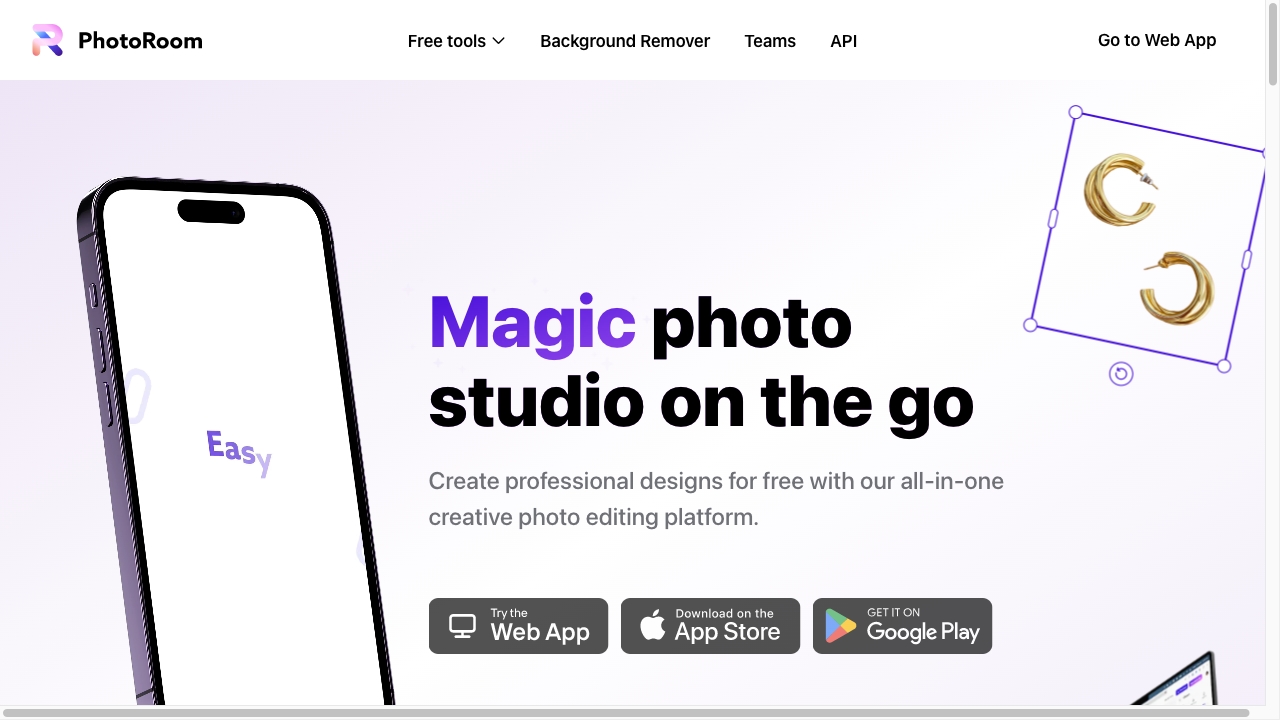
Photoroom is the most direct recommendation for small businesses that need product images to look consistent and ready for listing or promotion. Its core workflow centers on background removal and background replacement, with additional support for showcasing products and professional designs. That narrow clarity is a strength: you can quickly understand what it is for.
The free allowance is generous enough to make a meaningful test at 250 exports per month, and no sign-up is required for the listed access. The catch is equally clear: the free plan has limited exports and watermarks. With 20.1M monthly visits, Photoroom also has the largest usage signal in this comparison, but high adoption should not distract from checking whether watermark and export rules fit your storefront.
My take: For a seller who wants clean product cutouts and replacement backgrounds with minimal friction, Photoroom is one of the easiest tools to start with. It is less appealing if your priority is imaginative generation or advanced photo transformation.
Where it falls short: Free exports are limited and watermarked. The workflow is purpose-built around product presentation, so users seeking a broad image-generation and creative-editing suite should look at Picsart, Fotor, or insMind instead.
Key features
Background removal.
Background replacement.
Product showcasing.
Professional photo designs.
No-sign-up access for the listed free workflow.
Pros
User-friendly interface.
Strong product-photo focus.
250 free exports per month.
Free starting option.
Cons
Free plan has limited exports.
Free outputs include watermarks.
Choose Photoroom if: You are a small business owner who needs fast, polished product photos more than a general-purpose creative editor.
More tools to compare

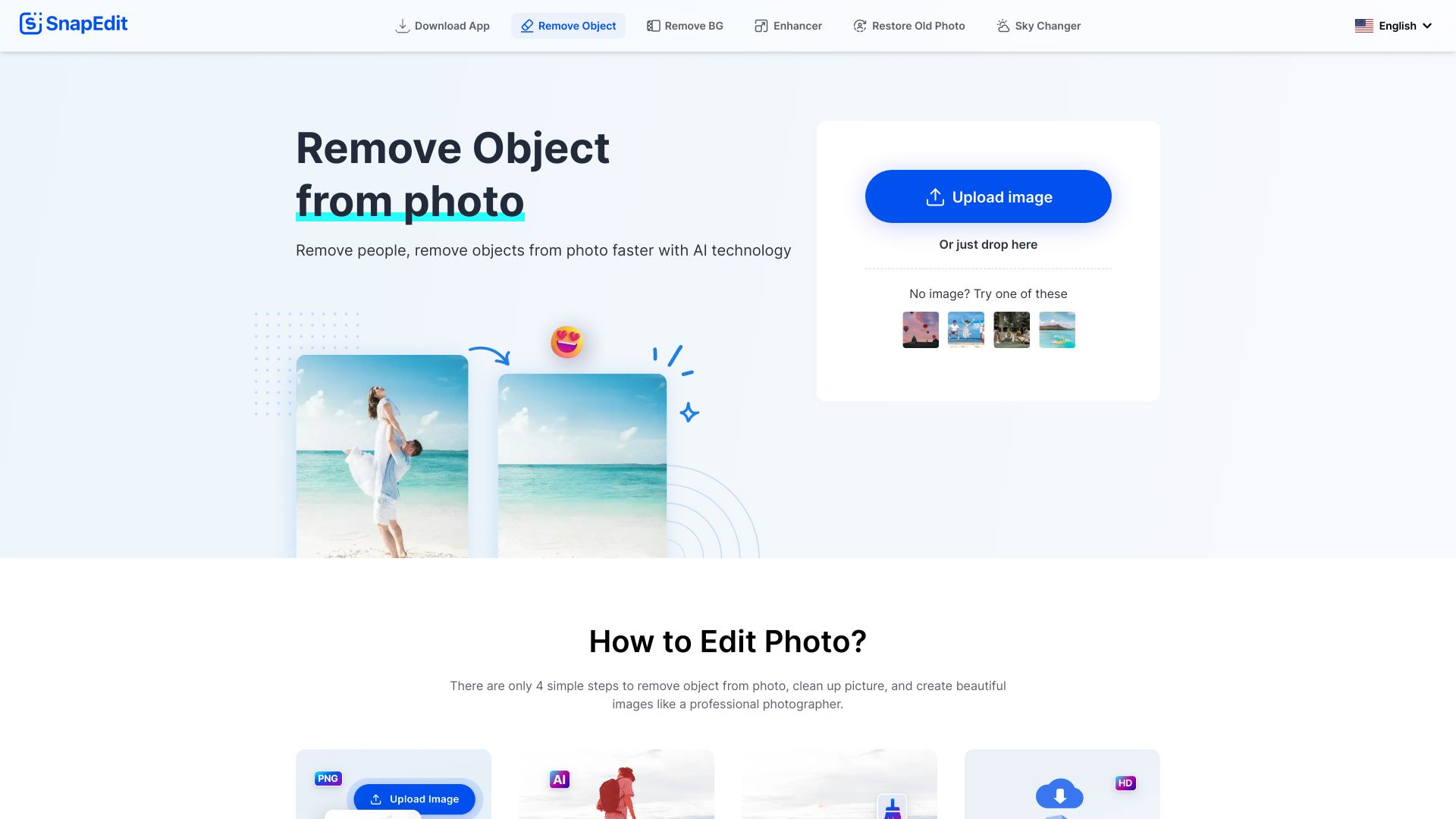
SnapEdit
Removing objects and people from photos

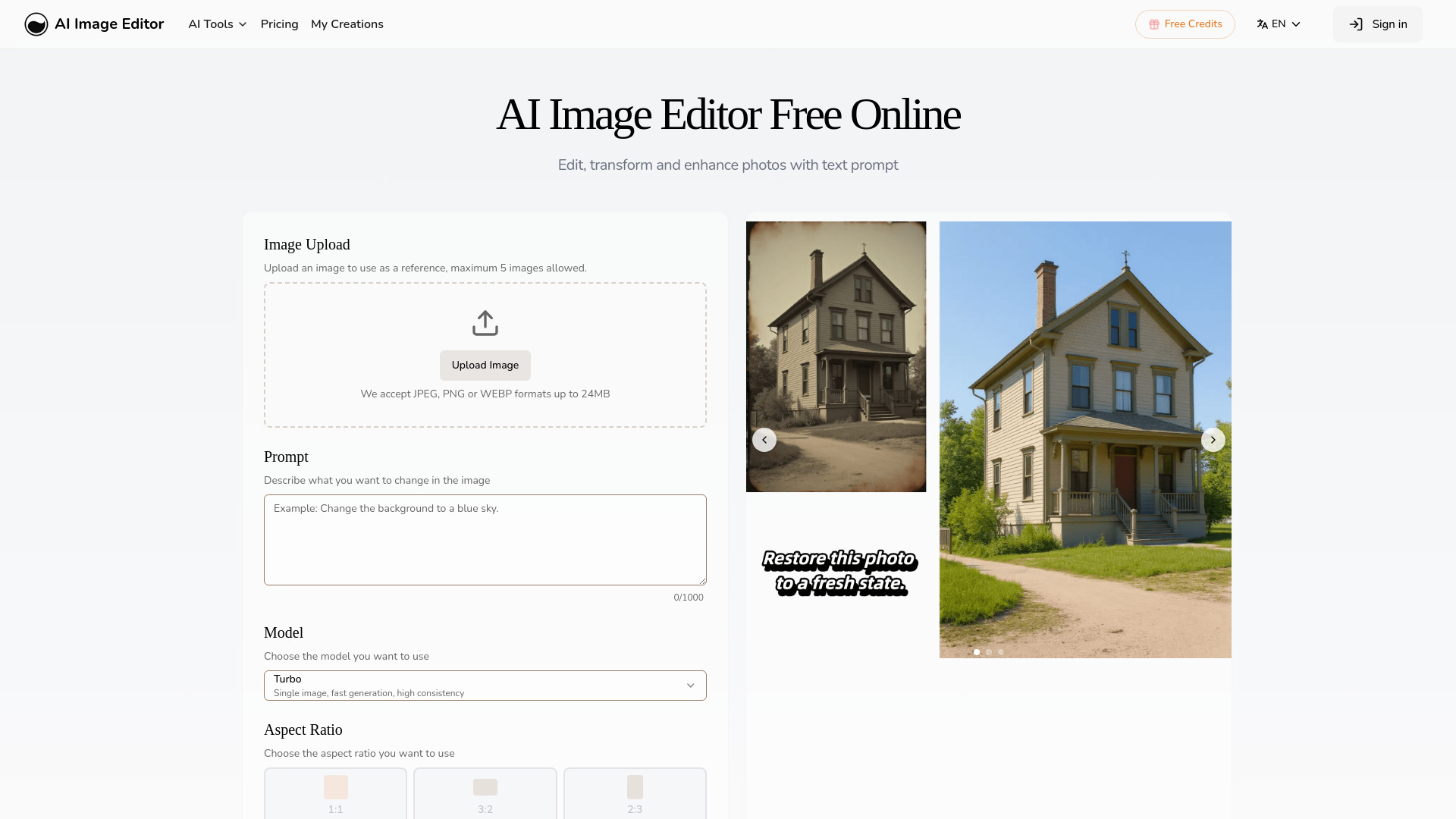
AI Image Editor
Prompt-based photo transformations

BeautyPlus
AI selfie retouching and beauty edits

cre8tiveAI
AI-powered photo and video retouching

Aperty
Portrait photographers

MimicPhoto
AI facial expression editing
ai image editor
Quick online photo enhancement

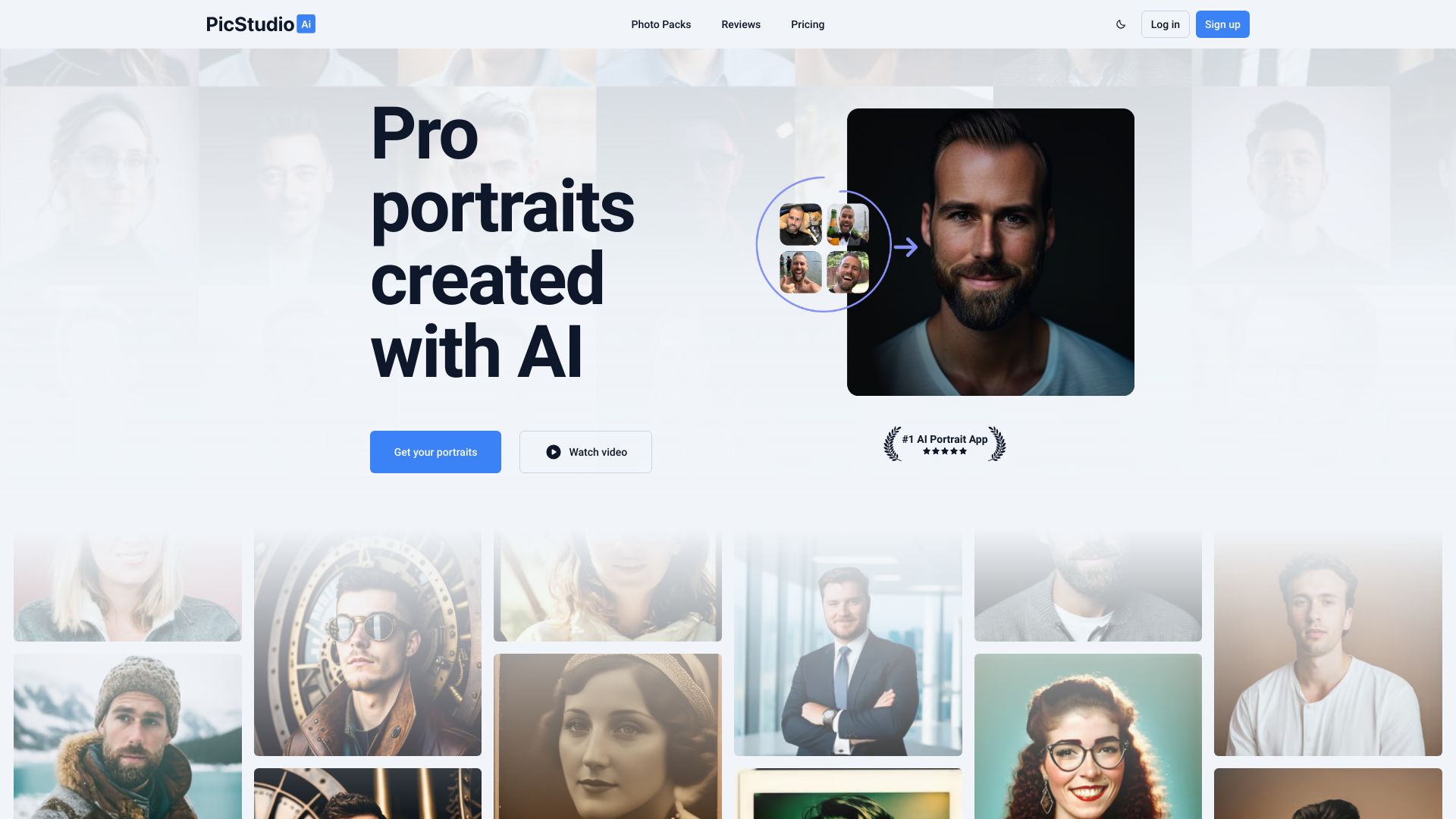
PicStudio.AI
AI-generated professional headshots
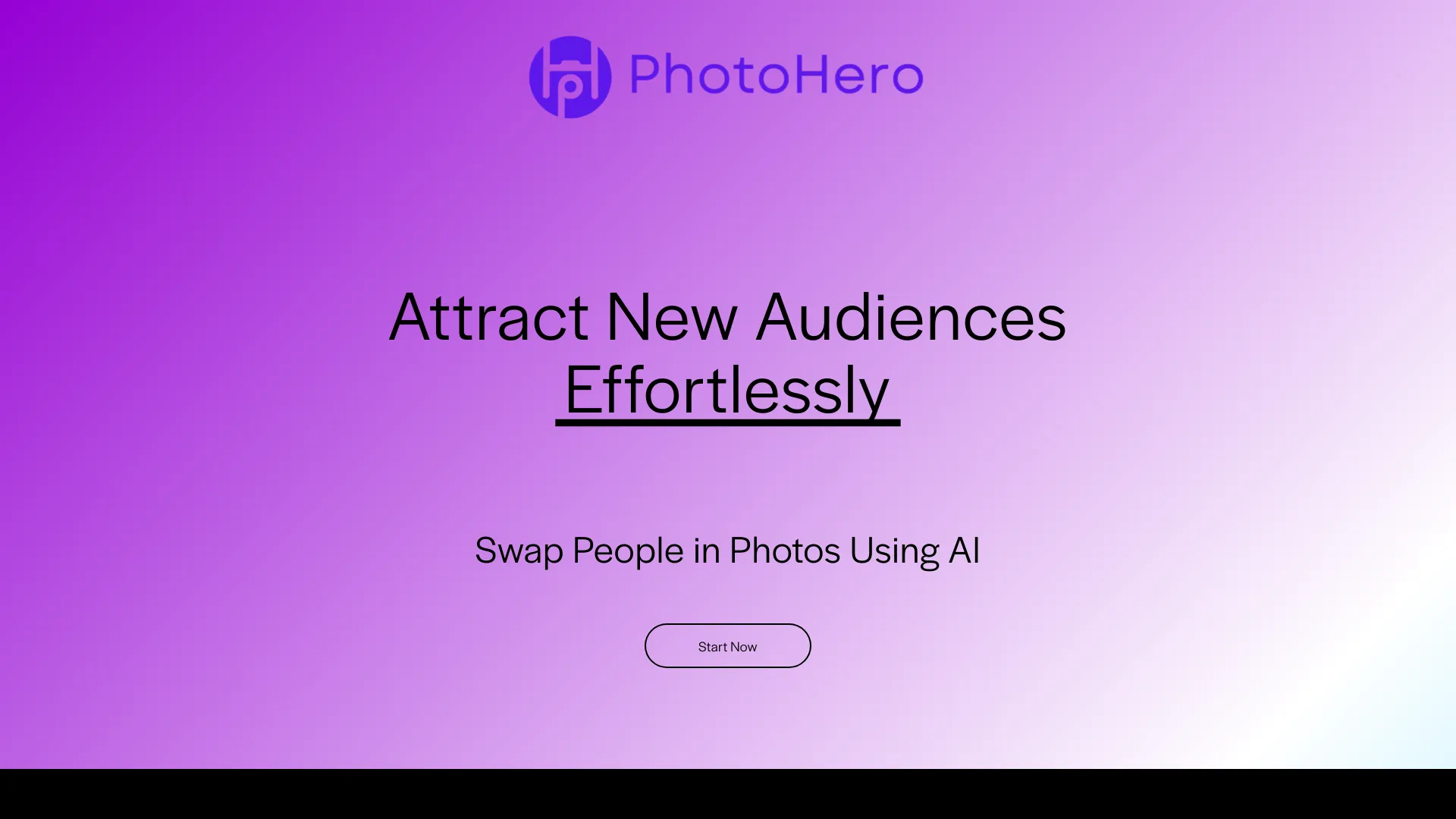
PhotoHero.AI
AI photo and video face swapping

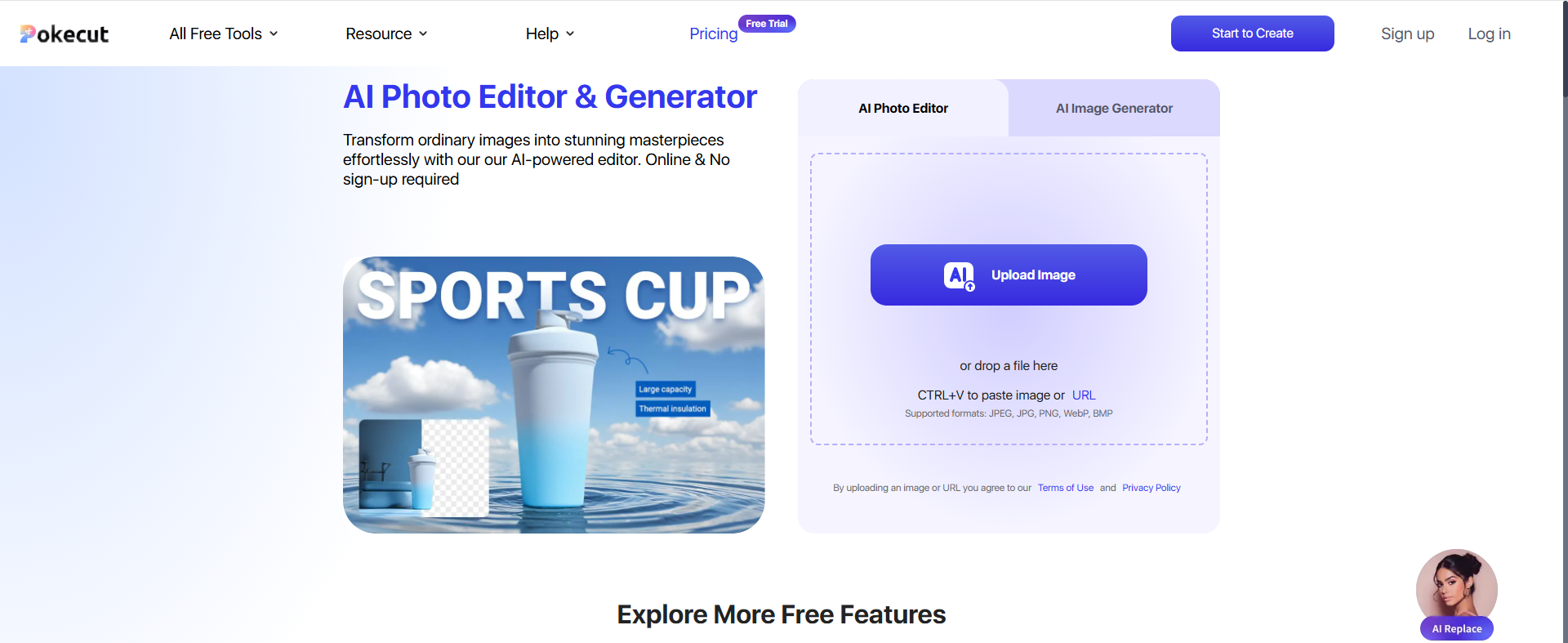
Pokecut
Fast background removal and photo enhancement

HitPaw FotorPea
Photo upscaling and restoration

Picsman
E-commerce product photo editing

Photiu.ai
Quick background removal and object cleanup

PhotoEditor.ai
AI photo editing and object removal

LightX
All-in-one photo and video editing

iFoto
E-commerce photo editing

PhotoAI.me
AI Tinder and LinkedIn photos

Photo AI
Photorealistic AI portraits and virtual photoshoots

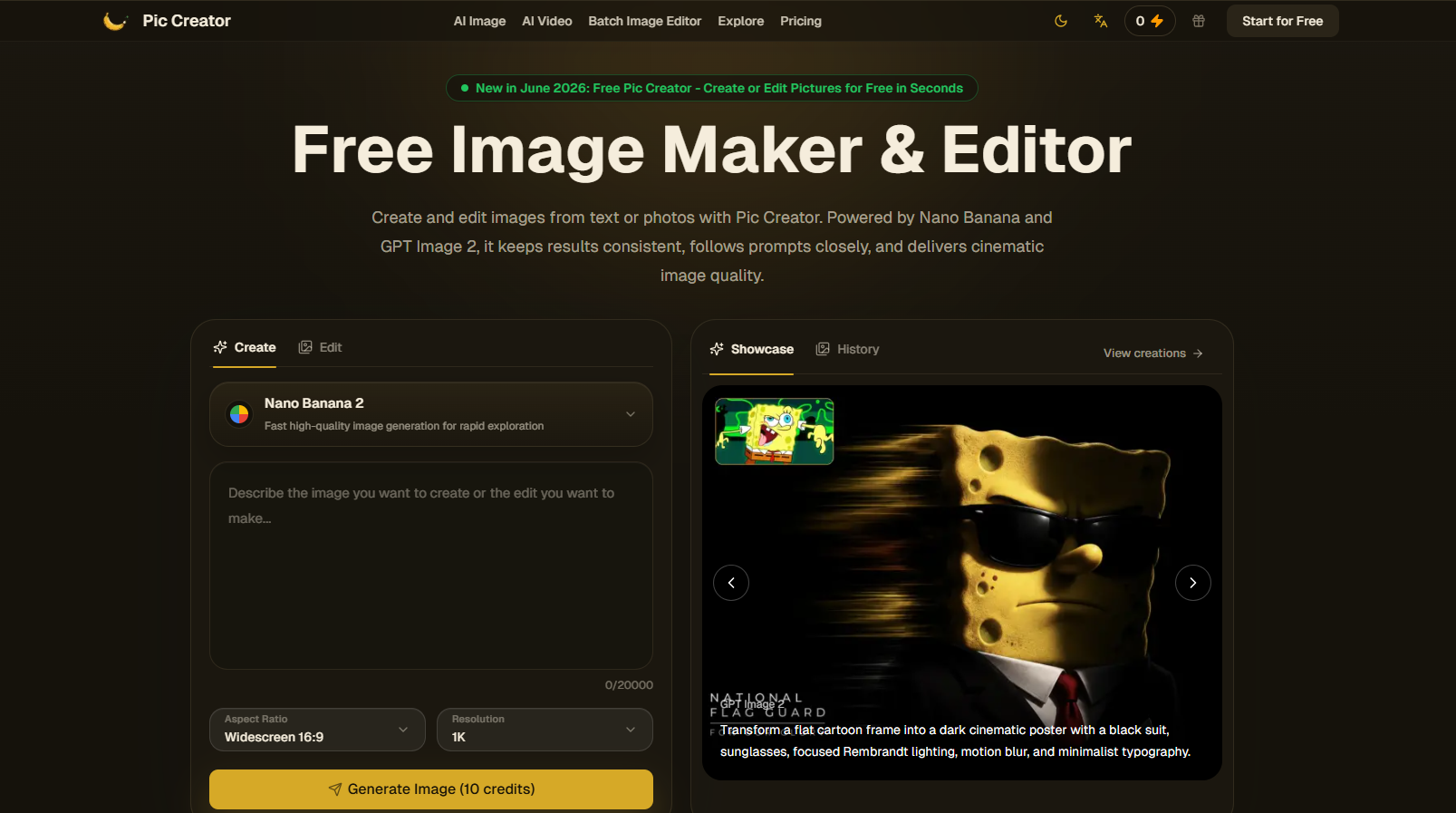
Pic Creator AI
Prompt-based photo editing

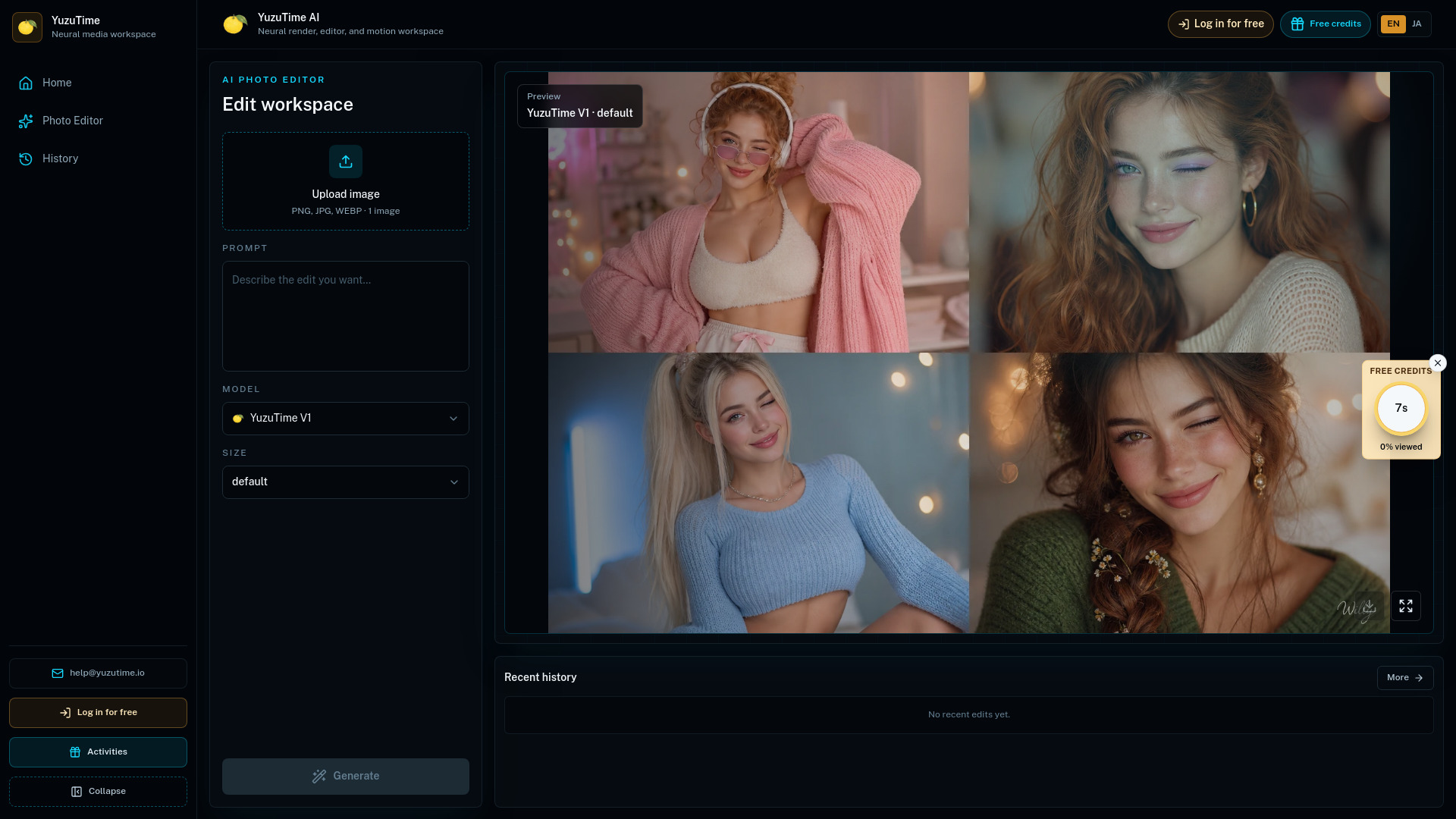
Free Al Photo Editor | YuzuTime Al
Prompt-based photo editing

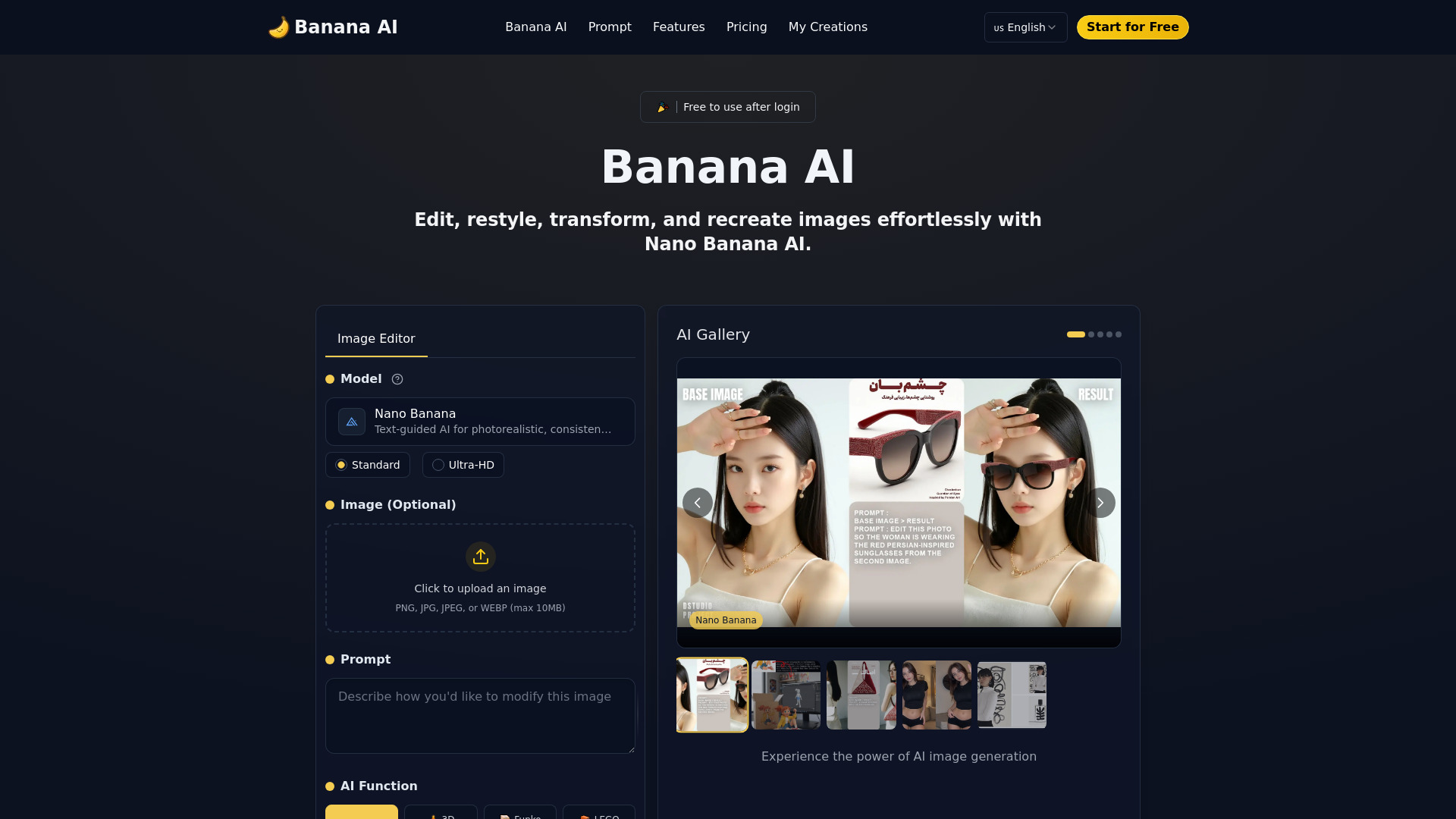
Nano Banana AI
Prompt-based photo edits

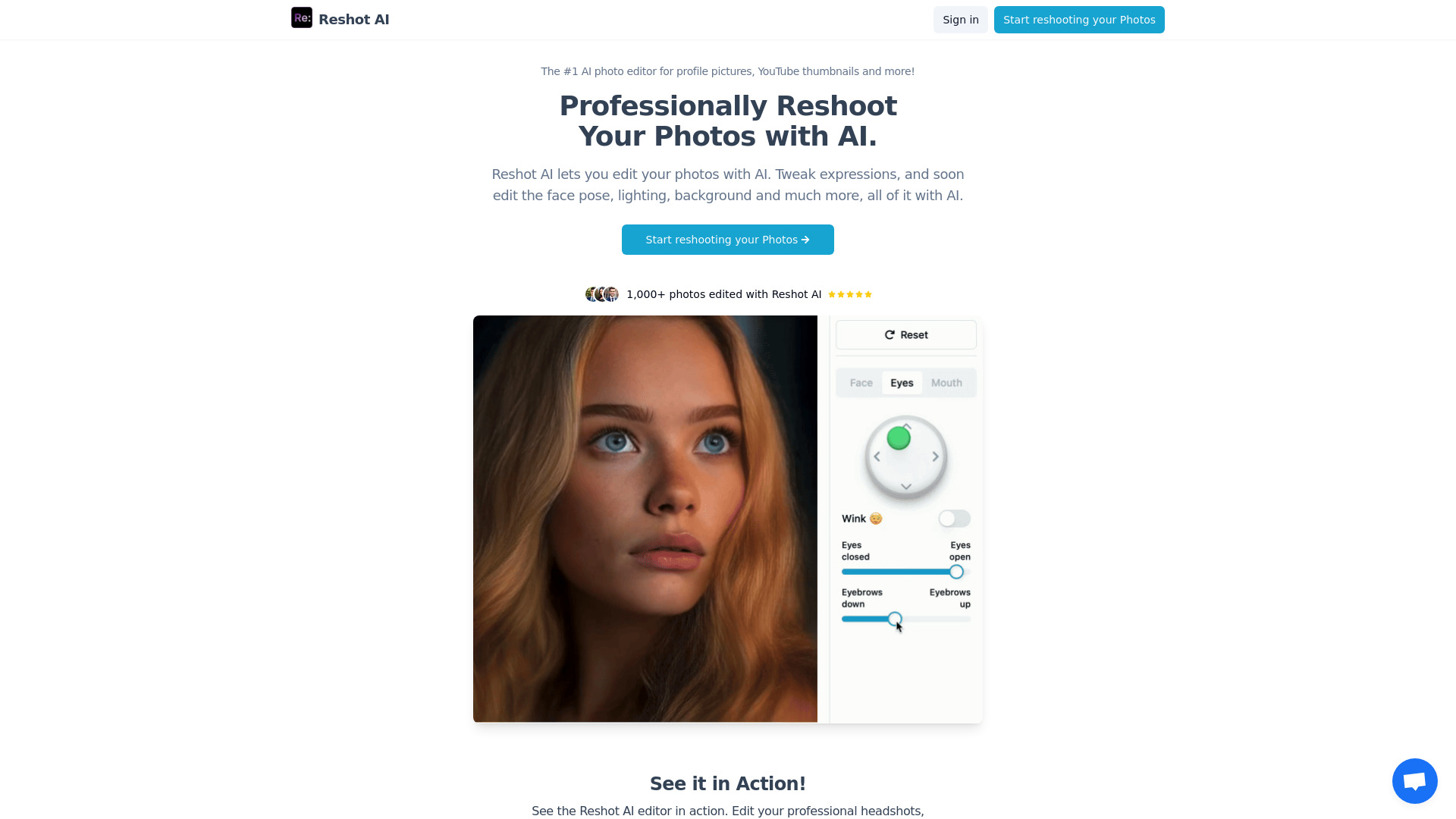
Reshot AI
AI facial expression and pose editing

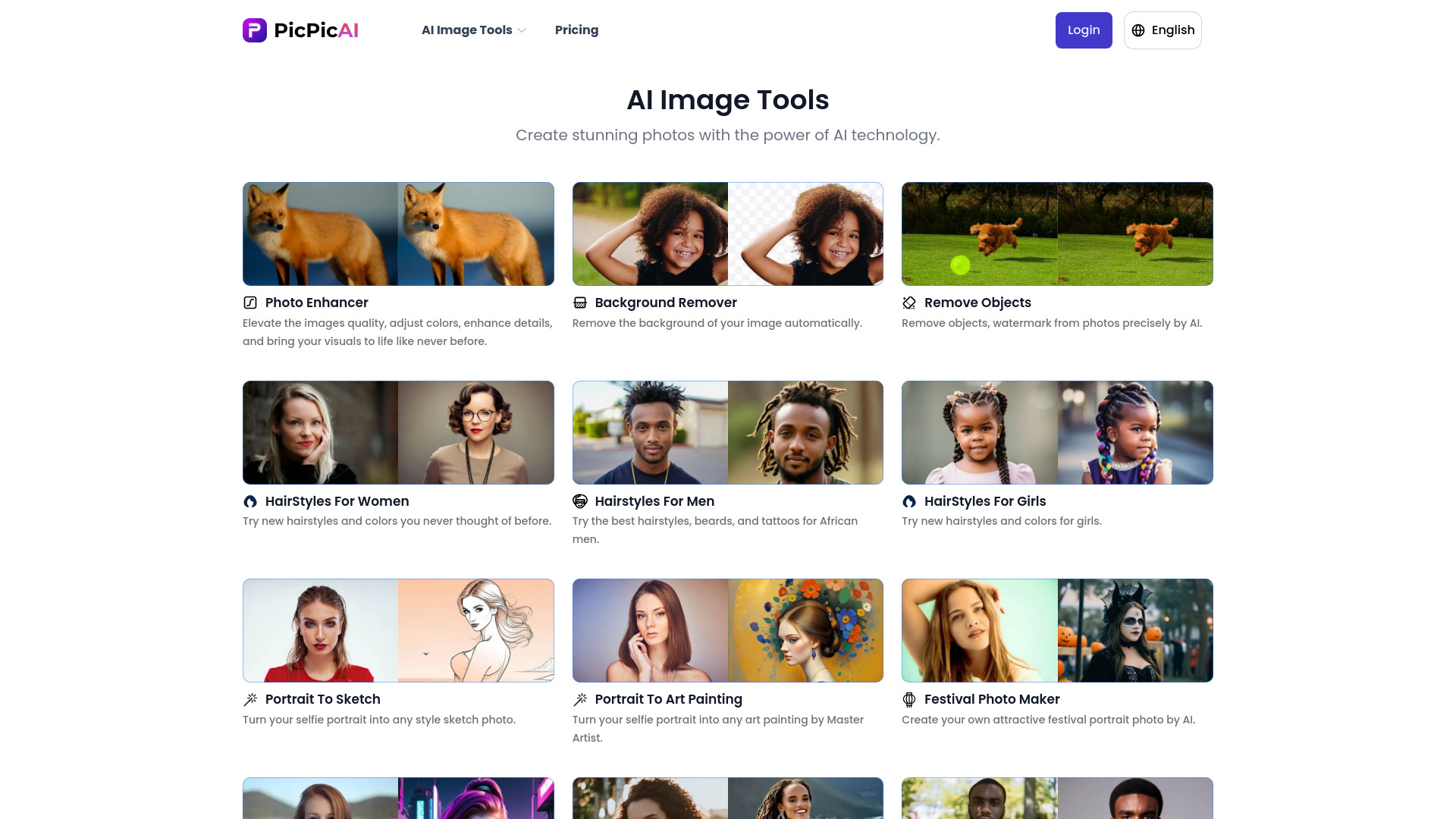
PicPicAI
All-in-one AI photo editing for creators

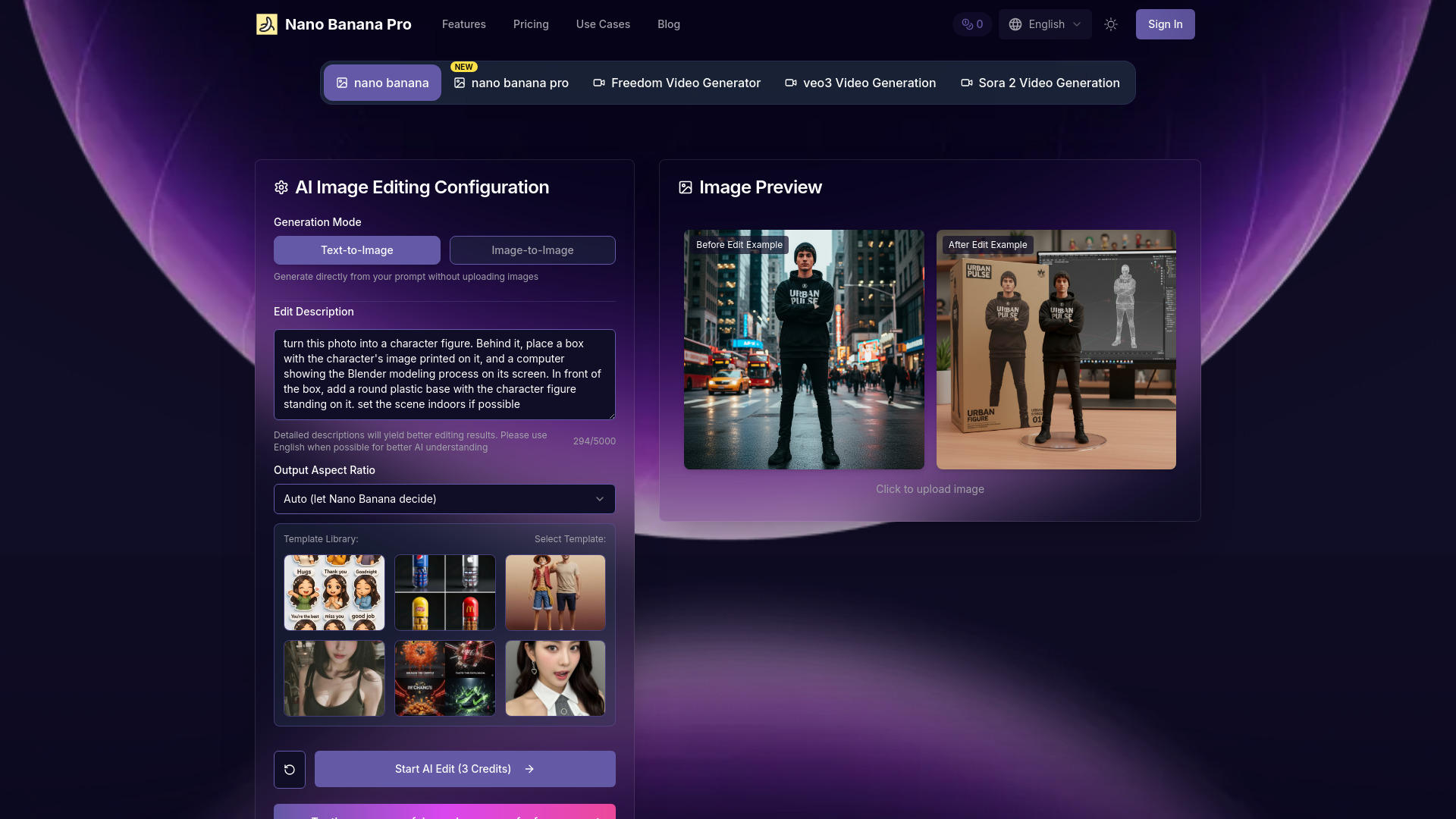
nano banana pro
Prompt-based photo editing

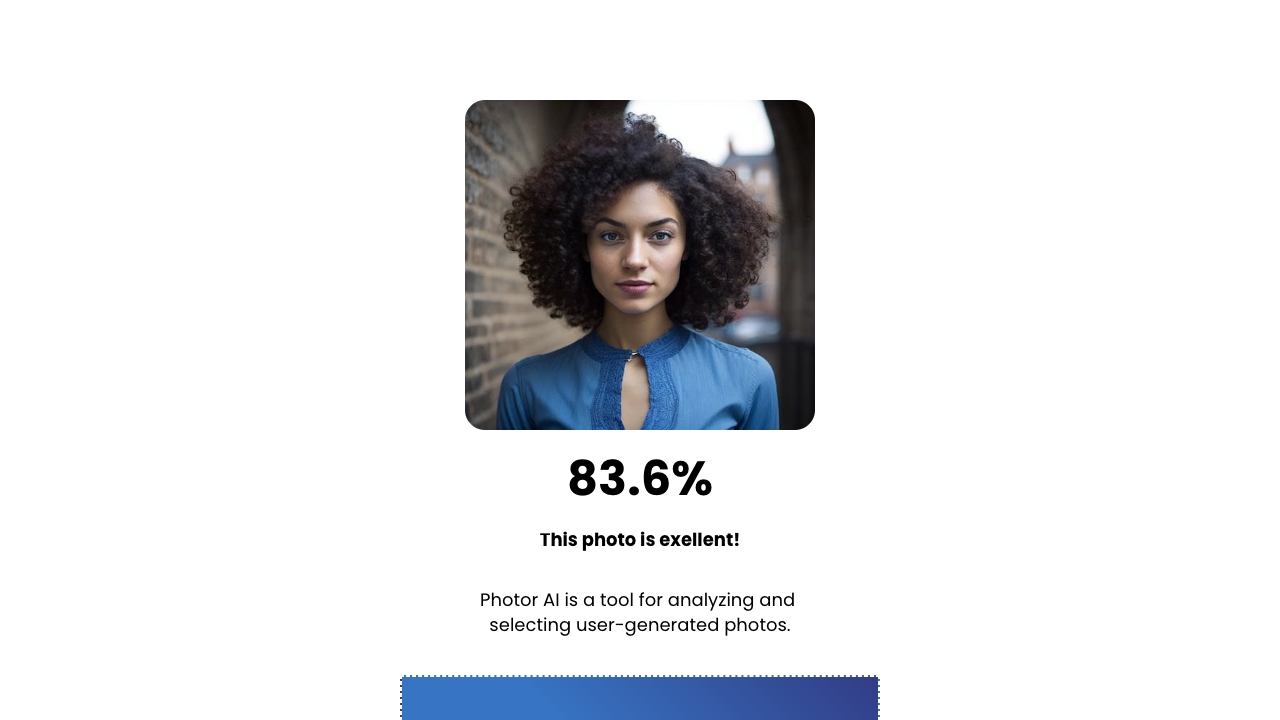
Photor AI
AI photo analysis and enhancement

AirBrush
AI portrait retouching

Evoto AI
Professional portrait retouching and batch editing

EzMaker AI - AI Photo Editor Free Online
Quick online AI photo editing

MagicEdit
AI photo object removal and image expansion

Pincel
Quick AI photo retouching


Photo AI Studio
AI-generated professional headshots and profile photos

EnhancePhoto AI
Free AI photo upscaling

HeyPhoto
AI facial feature editing
ONEIMG
Free AI photo enhancement and restoration

Beauty AI
AI face swaps for photos and videos

Pixelfox AI
Free online AI photo editing

Lensa
AI portrait and selfie edits


BestPhotoAI
AI portraits and professional headshots

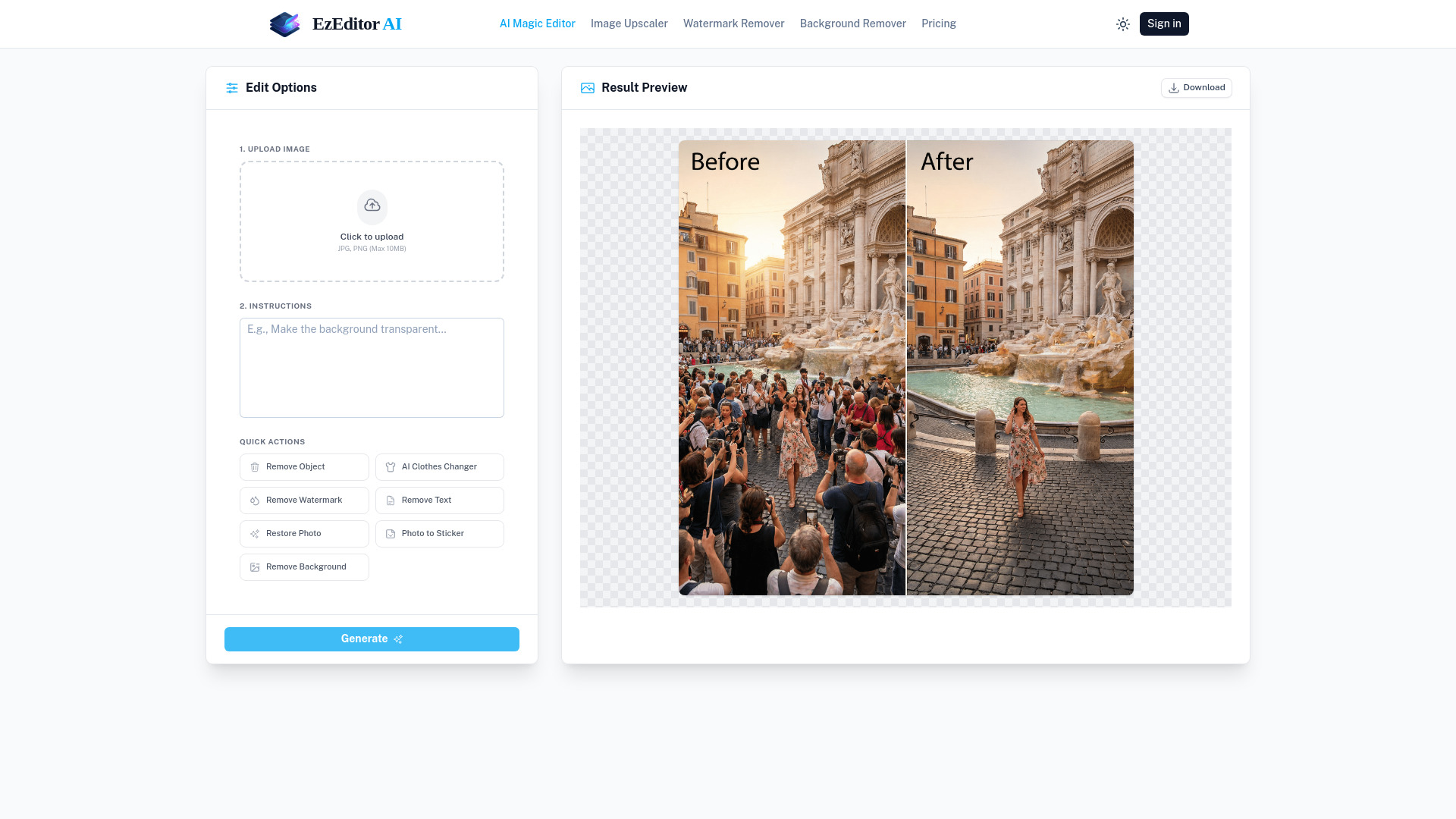
EzEditor AI - Free Photo Edit
Text-prompt photo editing
Pixelart
AI background removal and product photos

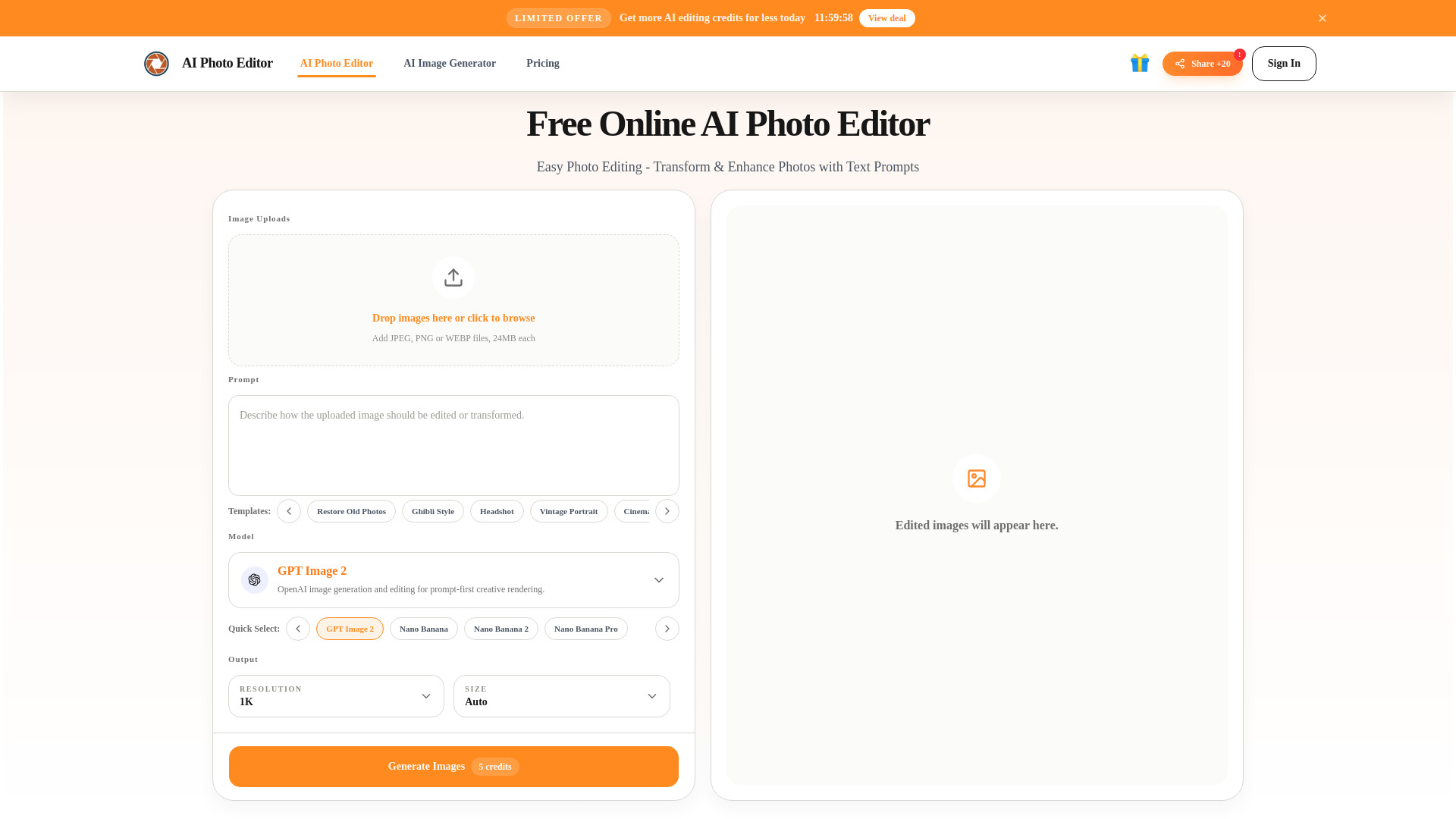
AI Photo Editor
Prompt-based photo editing

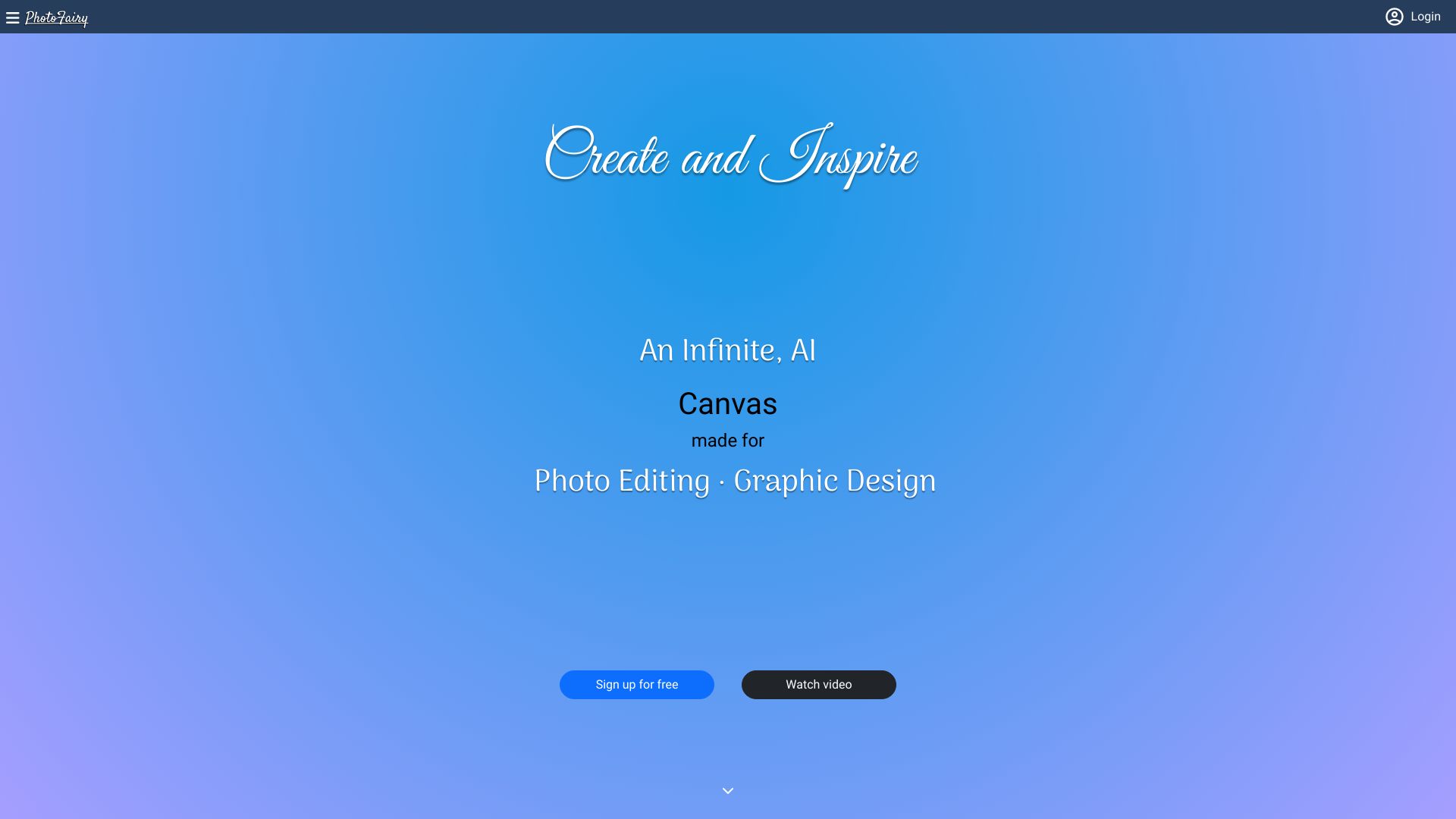
PhotoFairy
AI photo editing and graphic design

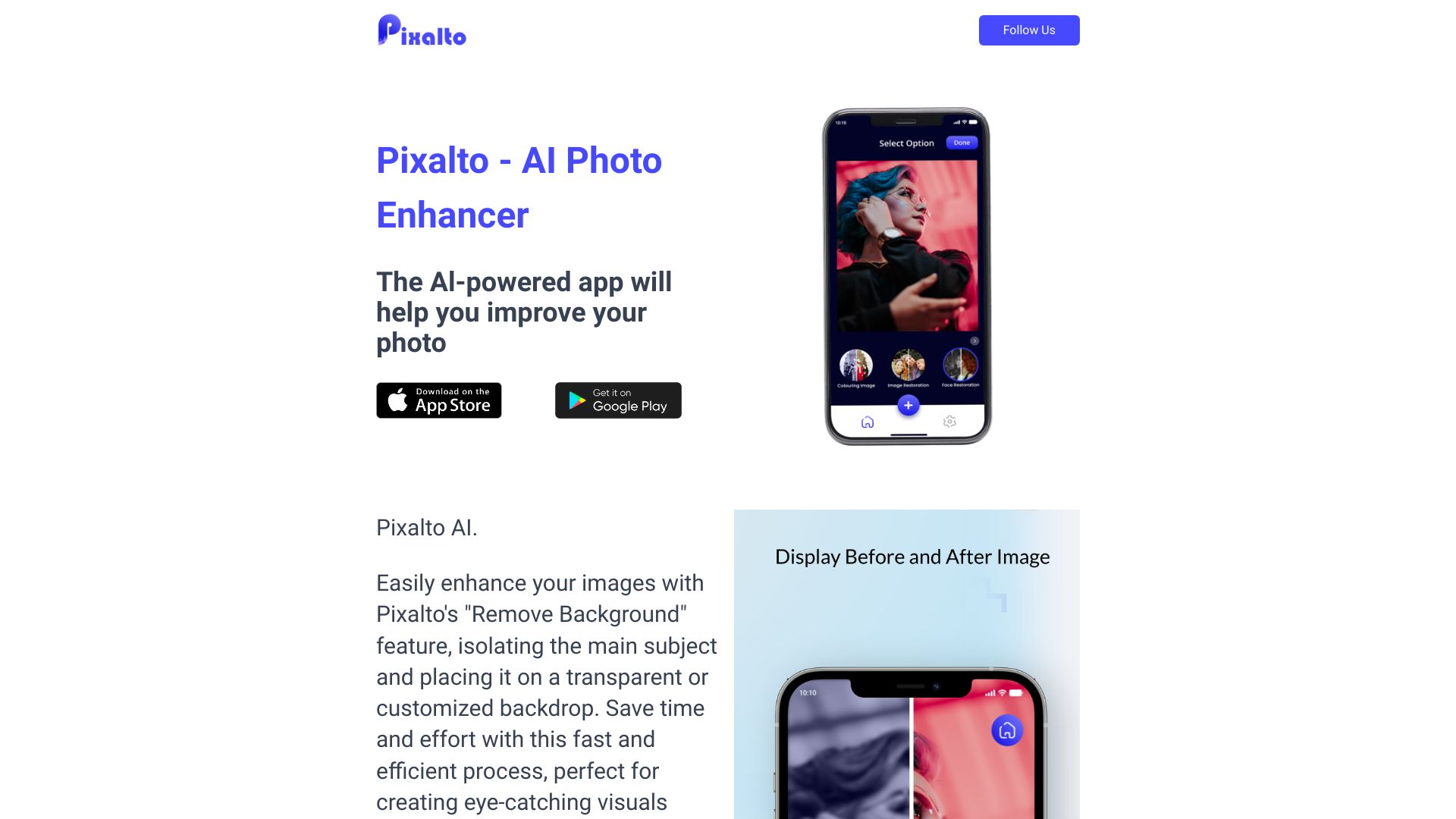
Pixalto AI Photo Enhancer
AI photo enhancement and cleanup

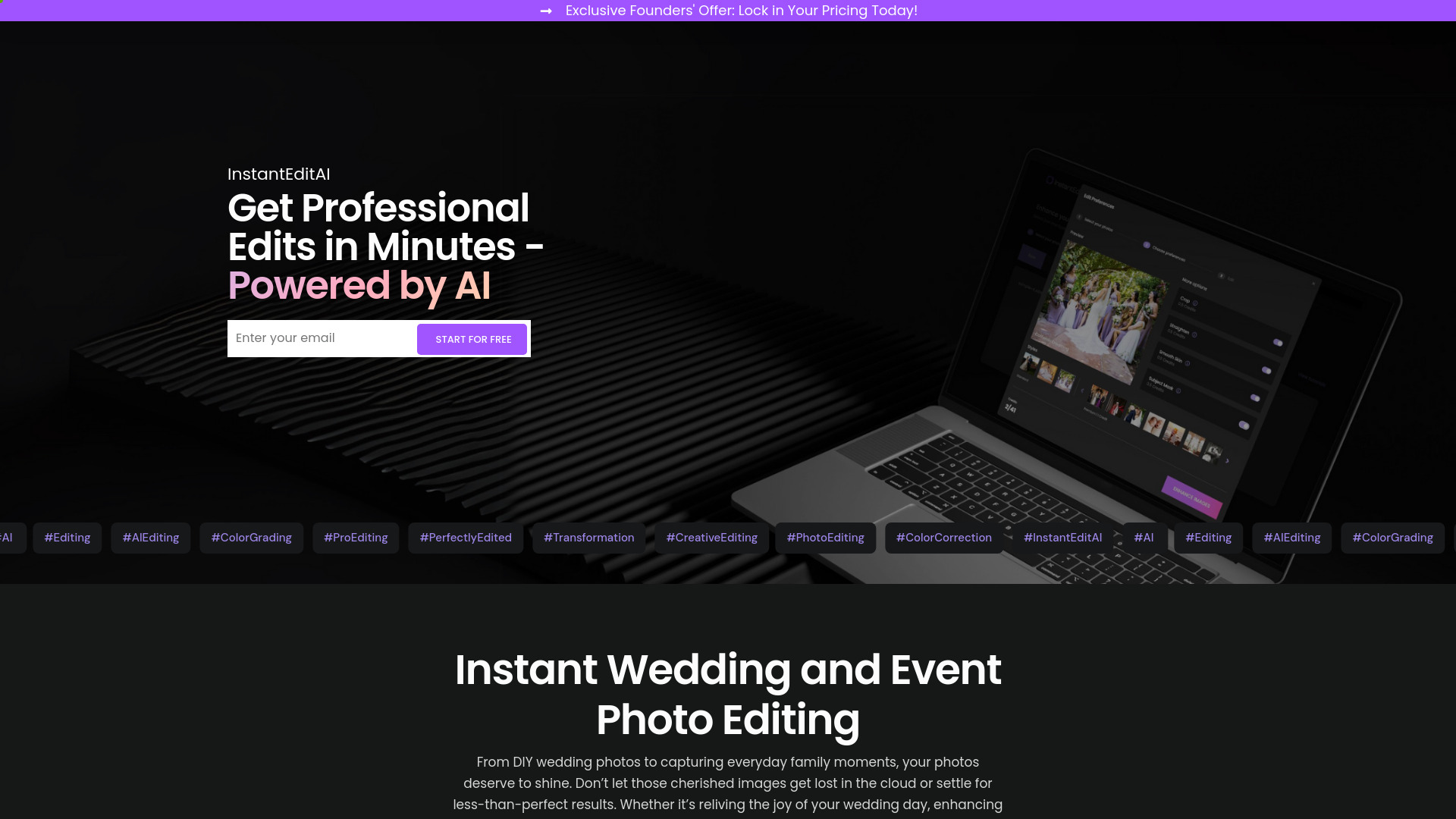
InstantEditAI
Wedding and event photo editing

Fotol AI
All-in-one AI image enhancement

Editaimg
Prompt-based photo editing

Photobooth AI
AI portraits for events and parties

ImageEditor.AI
AI image editing and creation

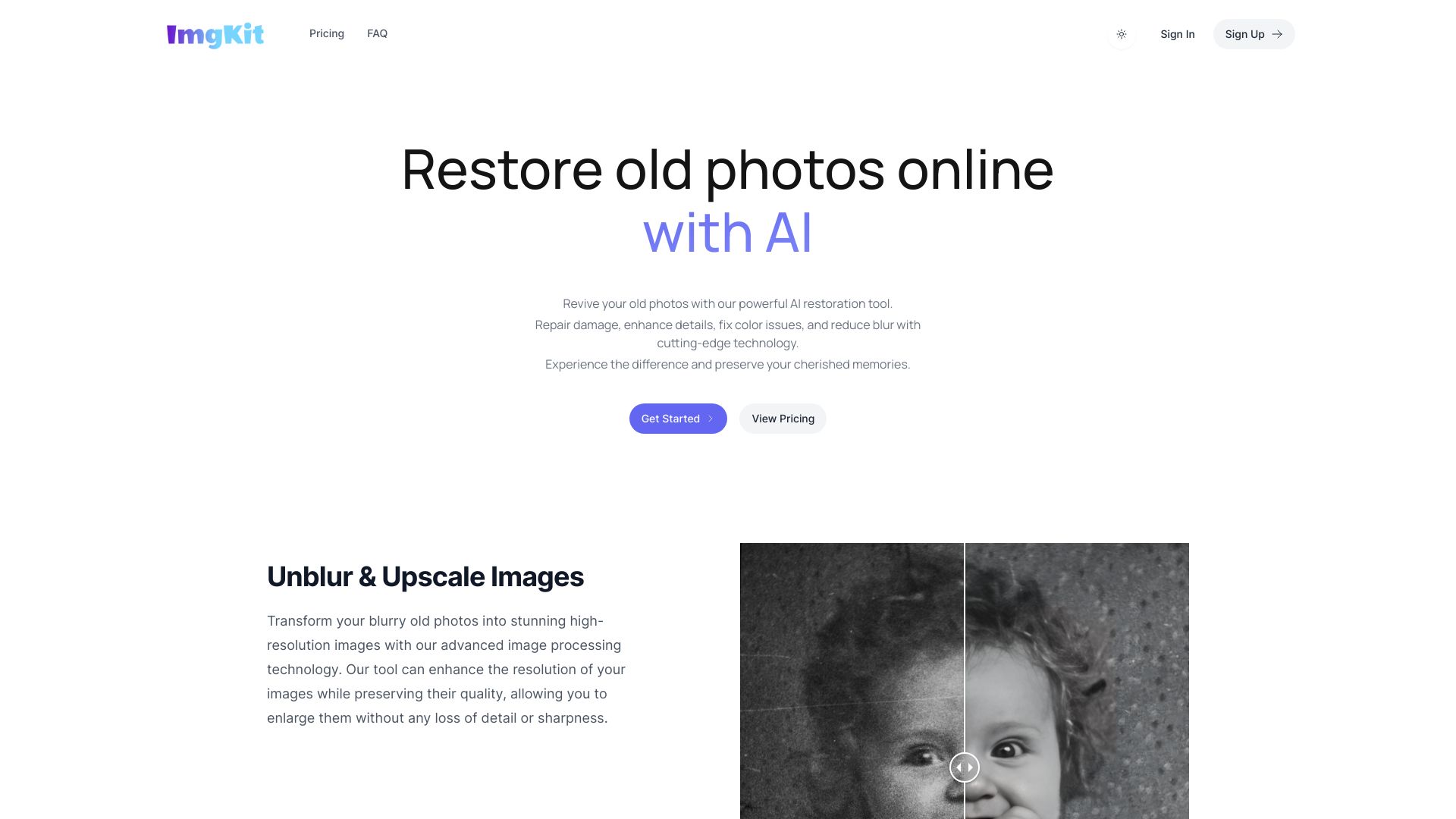
ImgKit
Business image downloading and editing

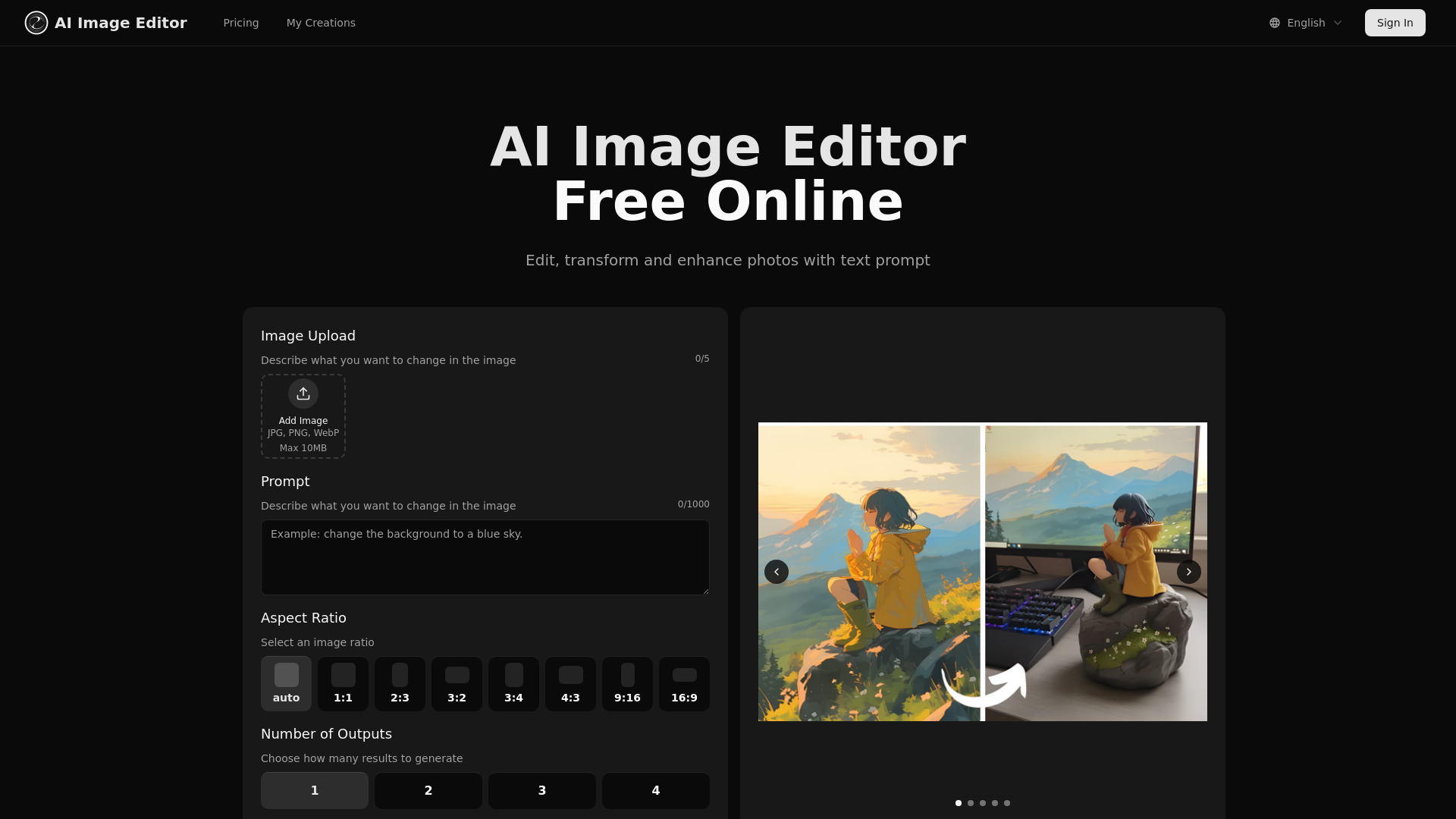
aiimageedit.ai
Prompt-based photo transformations

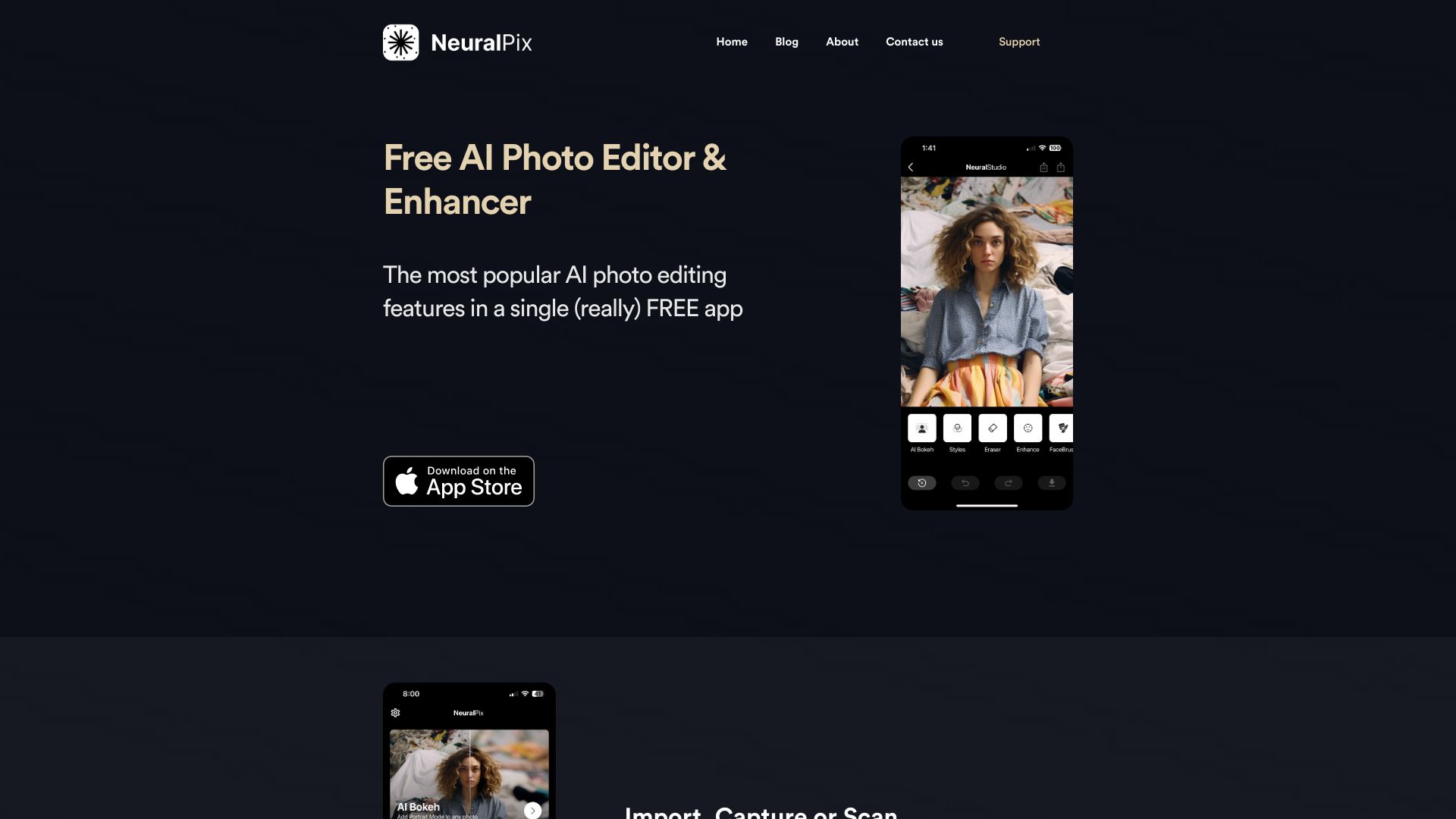
NeuralPix by NeuralCam
All-in-one mobile photo enhancement
PhotoGenius.ai
AI visual creation for creators
WonderPic - AI Photo Editor
AI photo stylization

Image AI Generator
AI-generated fantasy and character art

Anime AI
Anime-style photo avatars

AI Mirror
Anime-style photo and video effects

Photo Editor AI
AI portraits, restoration, and 4K upscaling

Editimg AI
AI-powered photo editing and creative image effects
MetaPix
AI photo and video editing

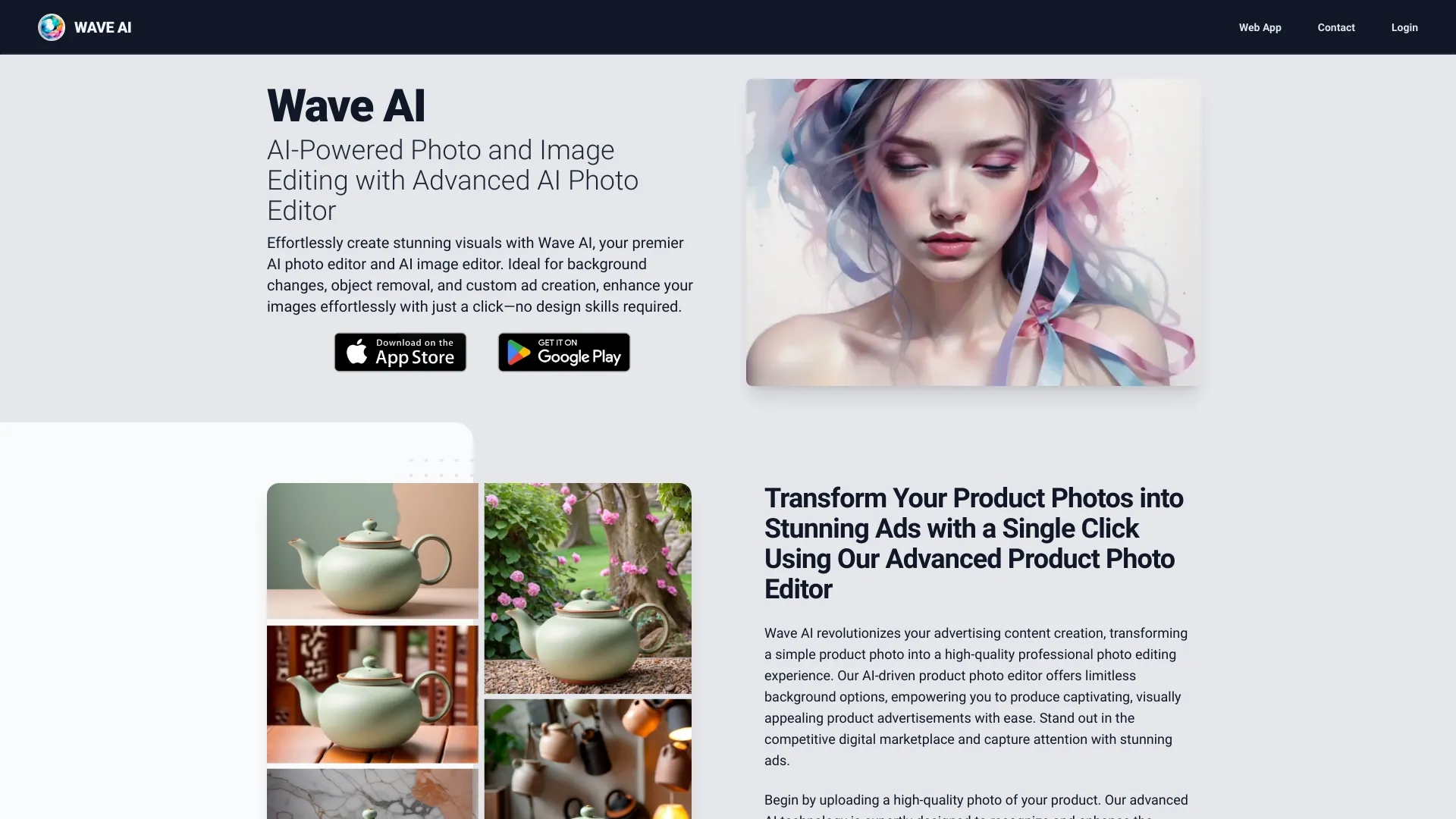
Wave AI
Product photo ads and creative image edits

Sih.Ai
AI outfit and hairstyle changes

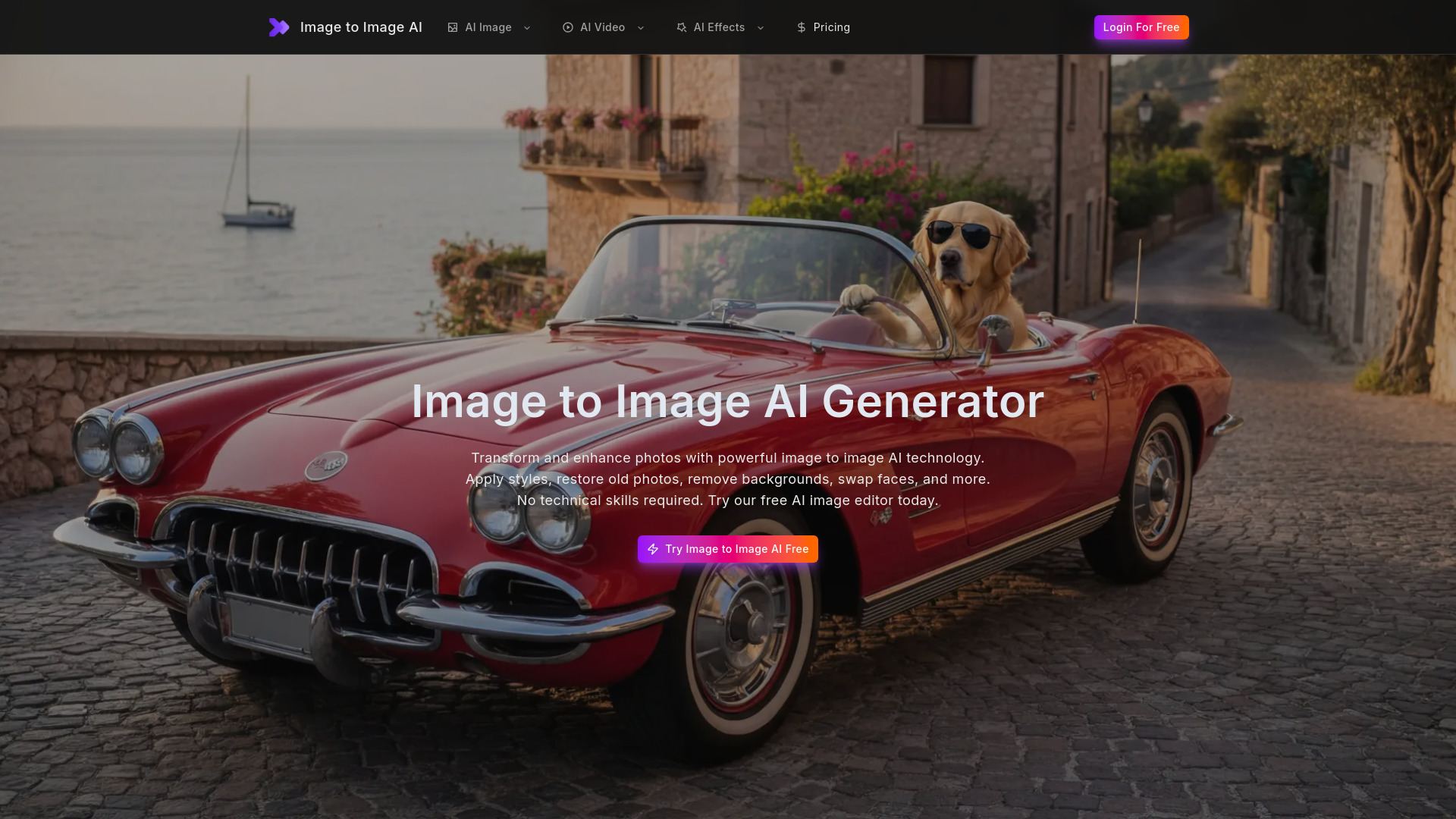
Image to Image AI
All-in-one AI photo editing

PhotoGuruAI
Instant professional headshots

Picsart Mod APK
Free photo and video editing

AI Photo Enhancer
AI photo upscaling and enhancement
FotoFix
Restoring old and blurry photos
PictureEditorAI
Simple AI photo edits

PhotoShed
AI virtual twins and photoshoots

Mems
Natural-looking photo enhancement

AI Filter
Stylized photo transformations

InstaPhotoAI
AI portrait and product photo creation

Pixae AI
AI image creators needing quick built-in edits

FotoAI
AI background removal
Nano Banana Pro
High-resolution AI photo editing

1PhotoAI
AI headshots and avatars

New Profile Pic App
AI-enhanced social profile pictures

RetouchAI
AI photo generation and targeted image editing

AI-Powered Photography Platform
AI selfie-to-portrait creation

FreePhotoAI
AI photo filters and style transformations

PhotoAI
Personalized AI portraits
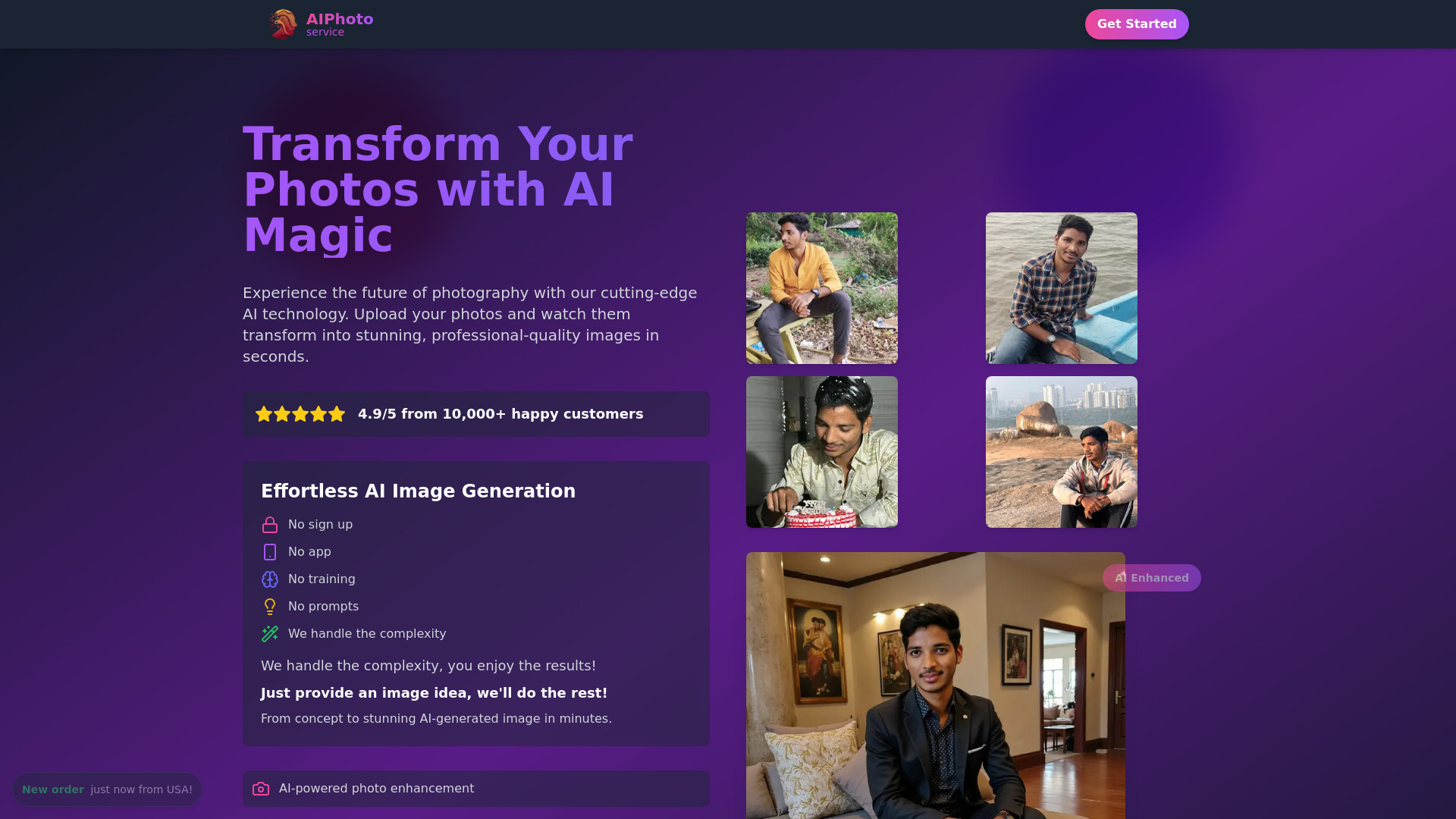

TheZAI
Text-command photo editing
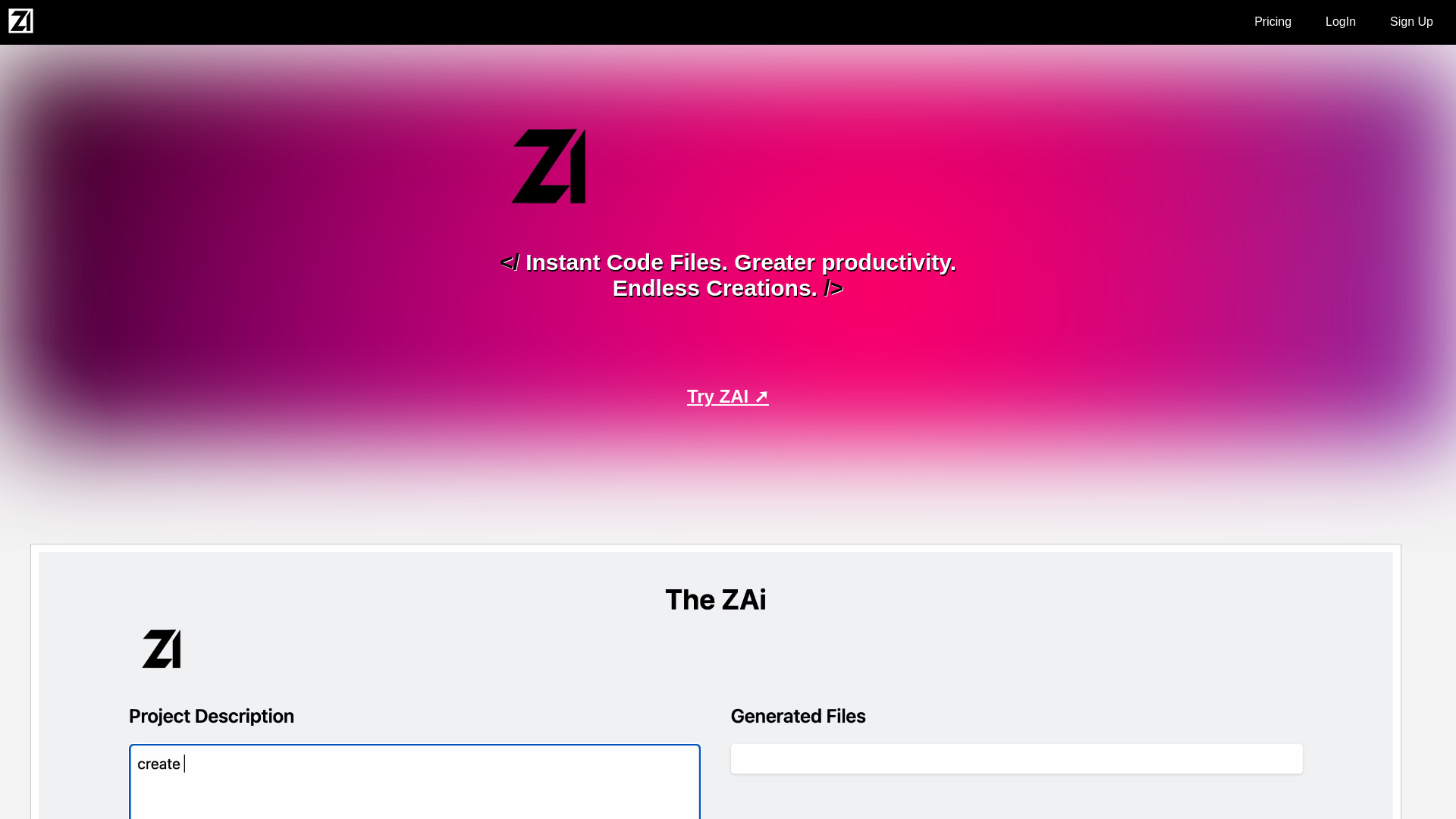

Restore Photo
Restoring damaged and faded photos

App ahead
Offline text-to-image creation
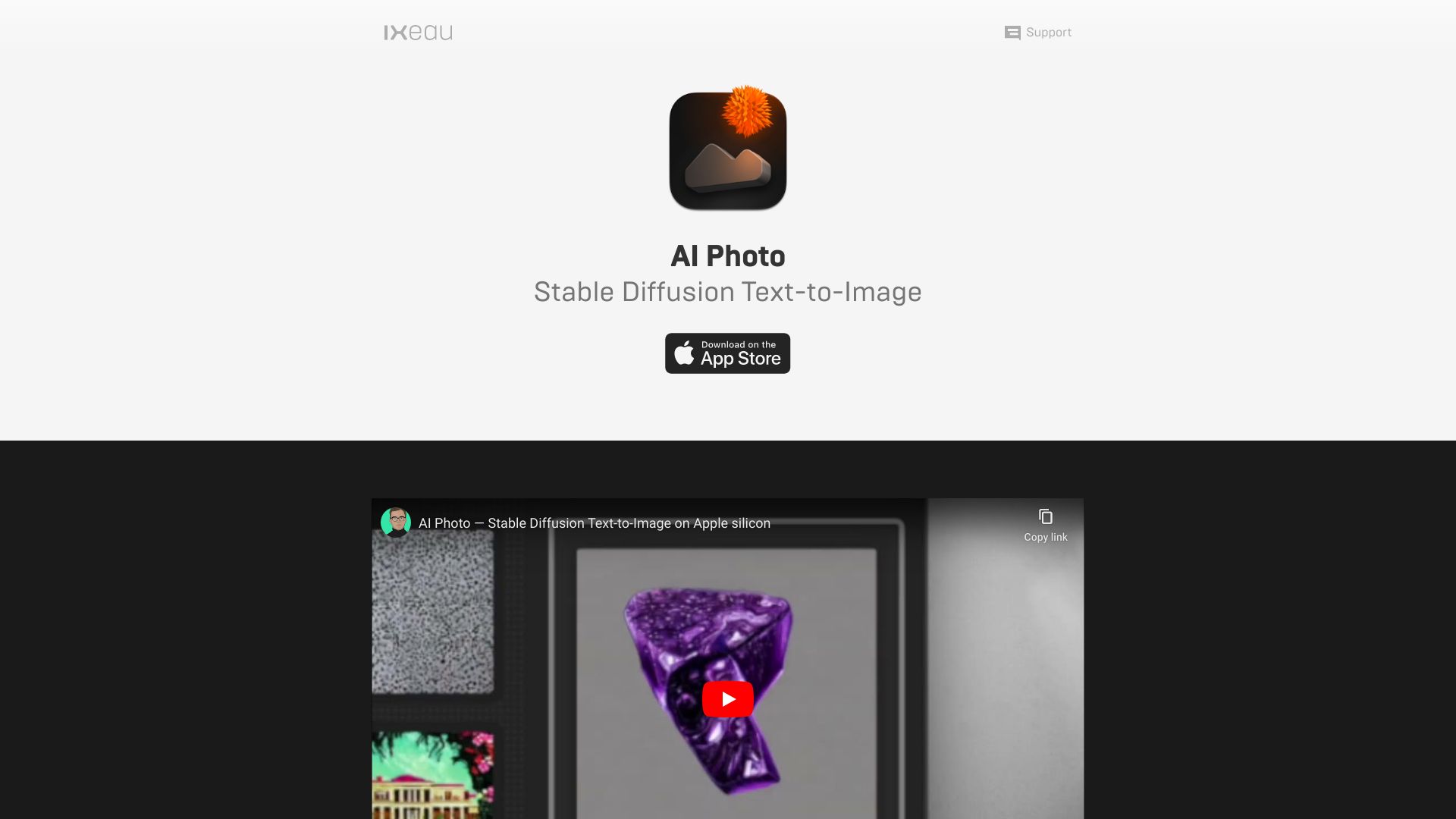

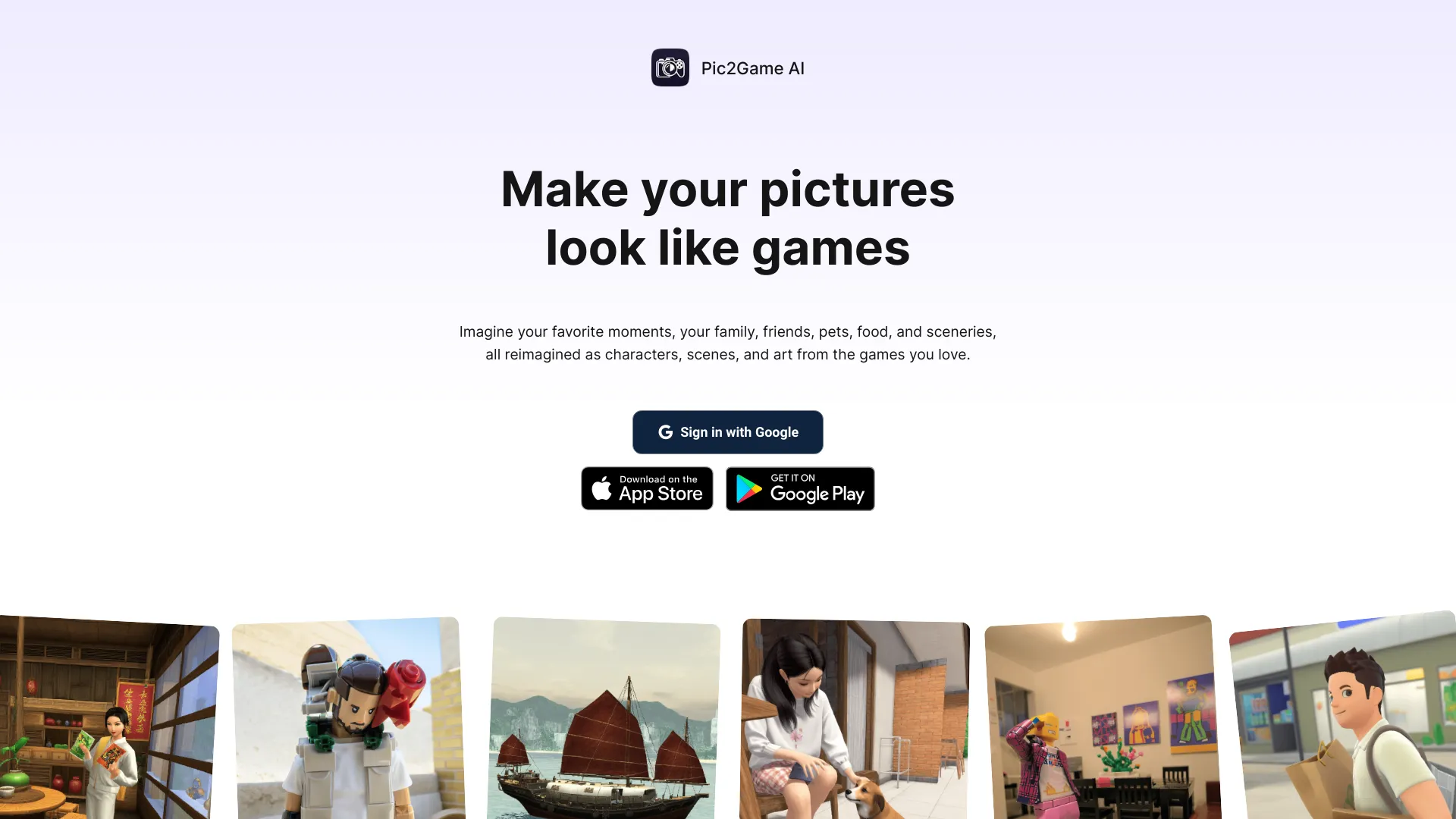
Pic2Game AI
Video game-style photo transformations
AI Photo Enhancer
Upscaling and restoring blurry photos

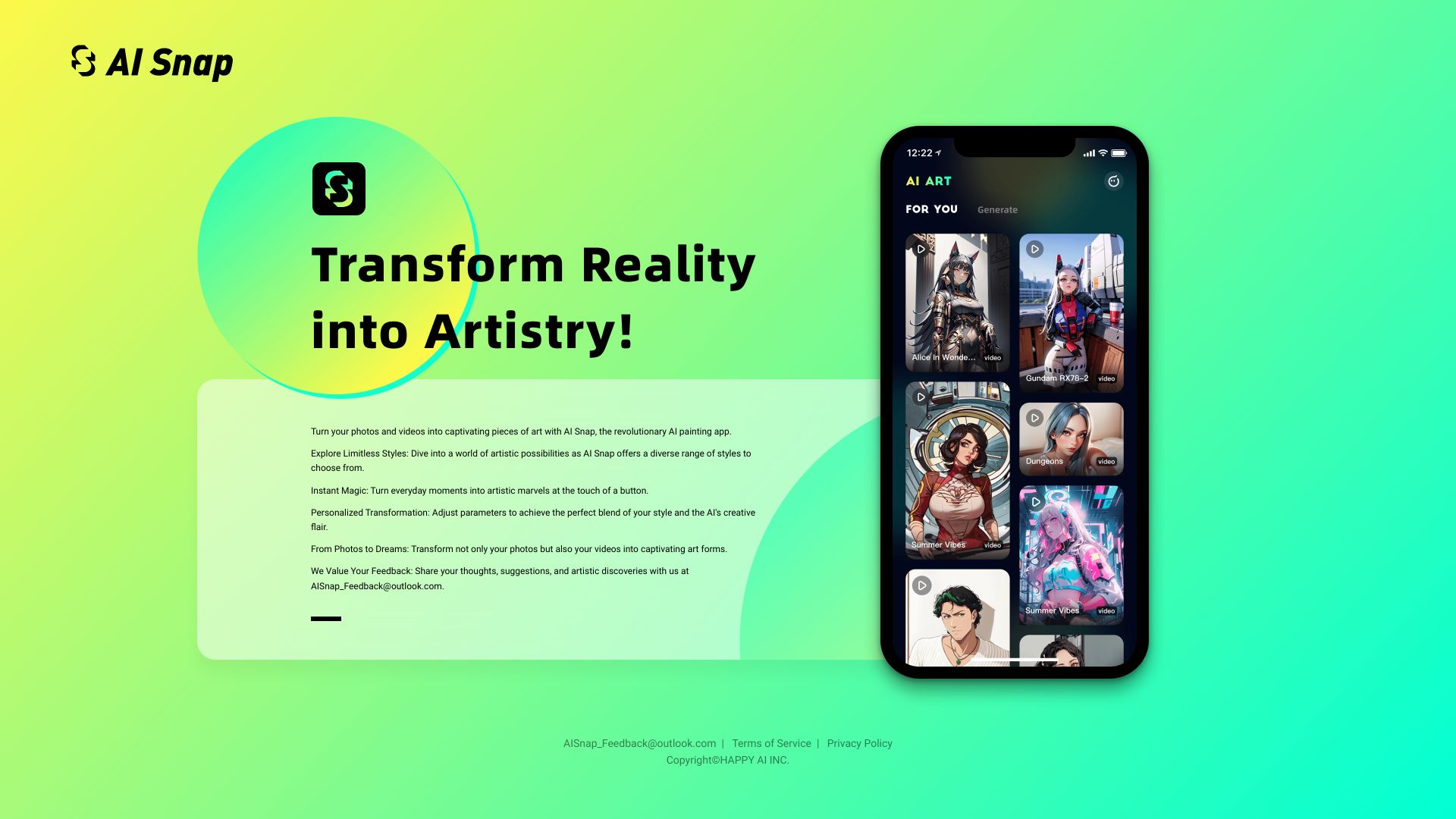
AiSnap
AI cartoon and anime photo transformations

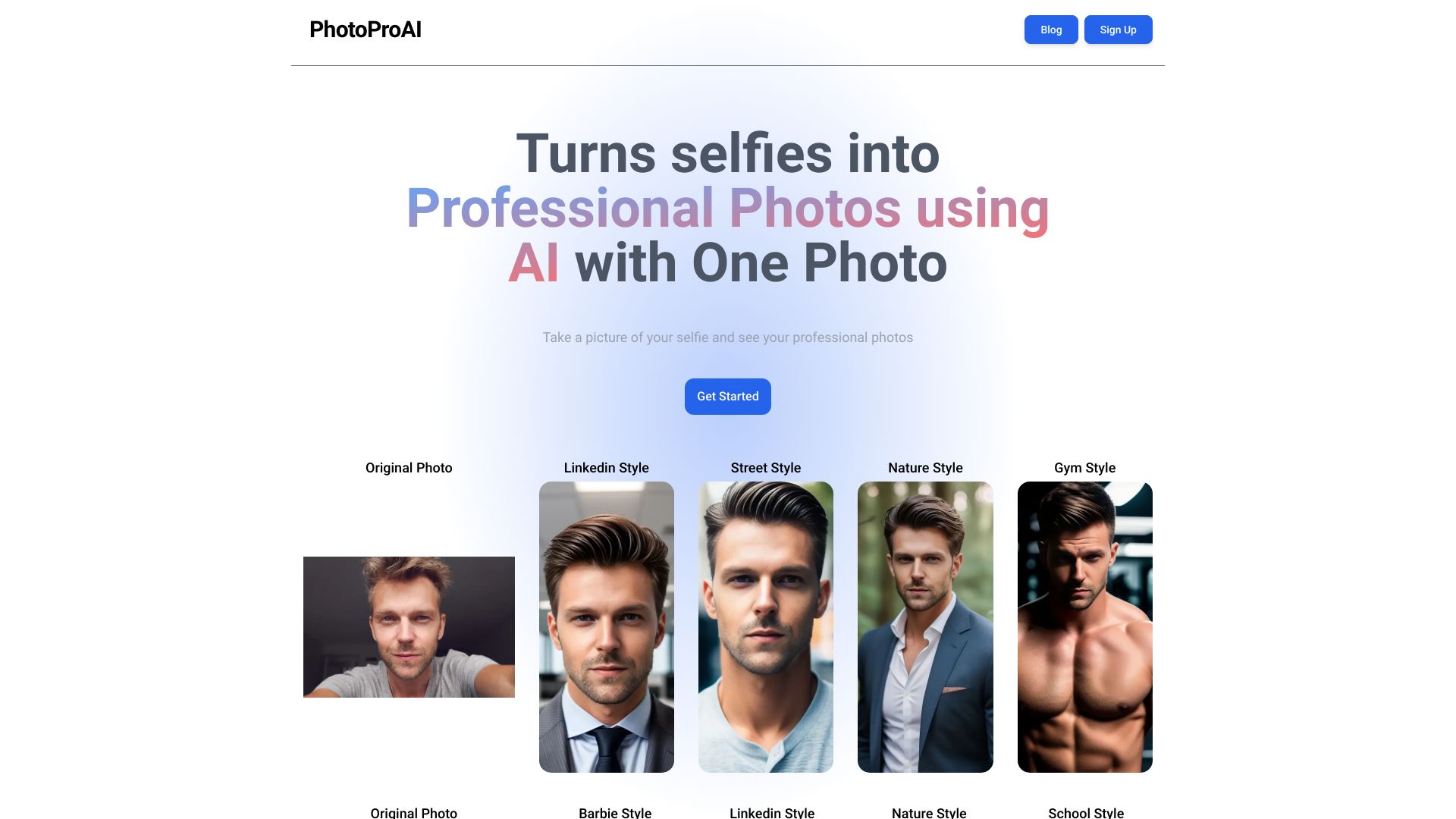
PhotoProAI
AI portrait generation from selfies

AI Face Swap
Photo and video face swaps
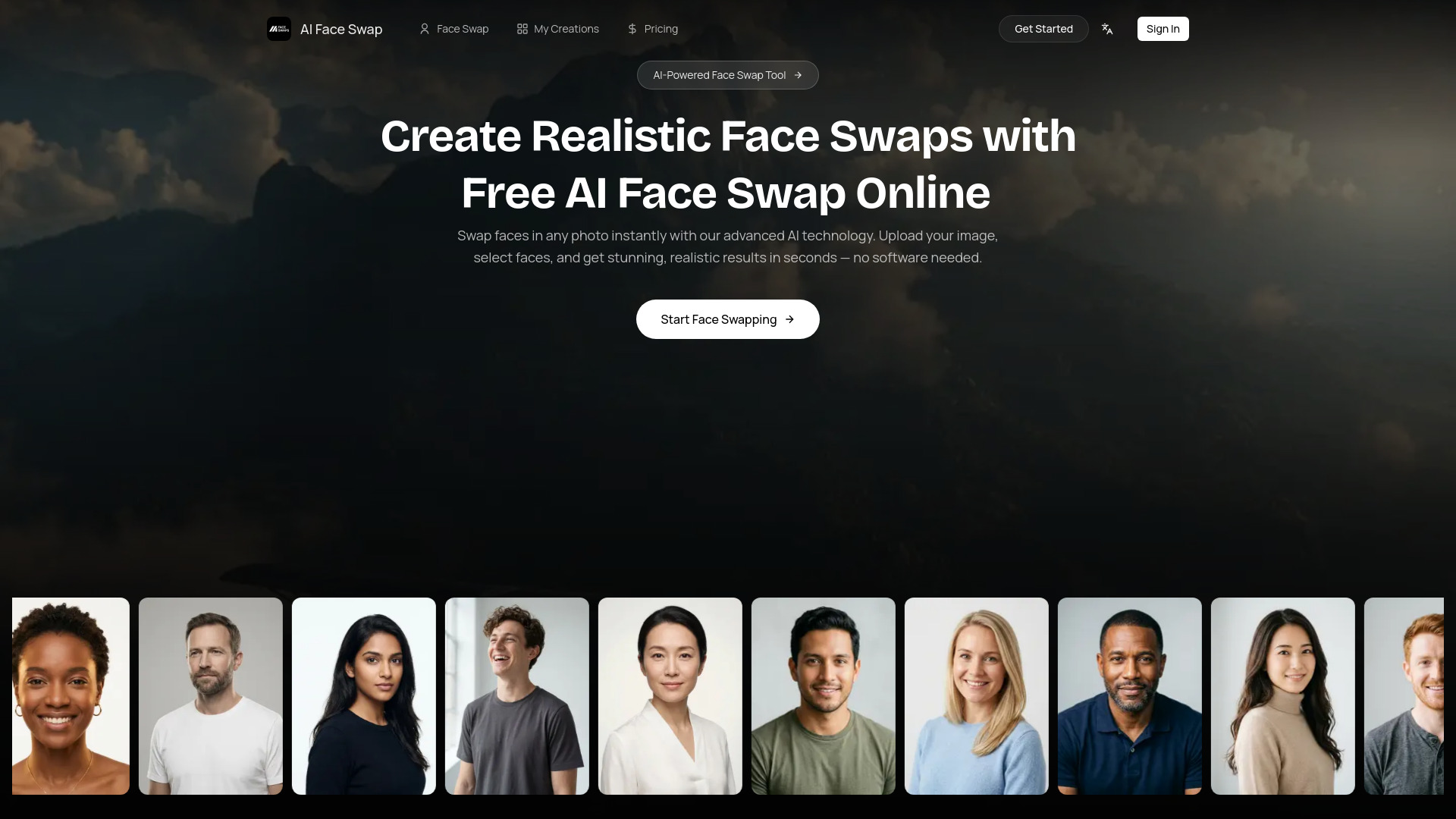
Photo AI
Photorealistic personal AI photos

CleanerPro Image Editor
Shopify product photo cleanup
Which AI photo editing app should you choose?
The best choice becomes much clearer when you start with the job rather than the brand name. These tools overlap, but they do not optimize for the same kind of work.
For the best overall starting point: Choose insMind. It combines AI enhancement and generation, has a clear e-commerce fit, and lists more than 30 AI-powered features.
For a general-purpose editor: Choose Fotor. It brings editing, background removal, generation, and unblurring together in one toolbox.
For product photos: Choose Photoroom or AI Ease. Photoroom is more focused on background workflows, while AI Ease adds retouching and automated editing.
For social media design: Choose Picsart, PhotoGrid, or Photoleap. Picsart is the broadest, PhotoGrid is template-led, and Photoleap leans into creative edits.
For object removal: Choose Photoeraser. Its focused feature set is a benefit when you do not need a full design suite.
For stylistic experimentation: Choose Nano Photo AI. Its 11+ professional styles cover transformations such as restoration, hairstyle changes, and removing people.
For a combined editing and content-creation workflow: Choose Phot.AI. It pairs AI photo editing with generation and background removal.
When asking which ai photo editing software is the best?, the answer should include access limits. A tool may score highly but still be a poor fit if your normal workflow exceeds its credits, daily uses, exports, or upload limits.
My practical recommendation
Start with insMind if you want one strong all-around trial, especially for e-commerce. Its combination of enhancement, generation, background removal, and a 10-credit trial is enough to test several meaningful workflows rather than one isolated effect.
For a free-first decision, test Fotor, AI Ease, and Photoroom side by side using the same images. Fotor offers broad editing access, AI Ease emphasizes limited daily usage and automation, and Photoroom provides 250 exports per month but adds watermarks to the free plan. That comparison will reveal more than a generic feature checklist.
Social teams should begin with Picsart or PhotoGrid. Pick Picsart when you need photo and video editing, image generation, and logo work; pick PhotoGrid when templates and collages are central to the job. Photoleap is the better test when creative object removal and background changes matter most.
If the question is what's the best ai tool for photo editing?, my answer is conditional: insMind for breadth, Photoroom for products, Photoeraser for cleanup, and Picsart for mixed social creativity.
Common mistakes when choosing an AI photo editing app
- 1
Choosing by feature count alone. Thirty tools do not help if the one workflow you need is restricted. Test your real images and exports.
- 2
Ignoring free-plan limits. Credits, daily uses, trial periods, watermarks, and export caps affect whether a tool is genuinely usable.
- 3
Treating generation and editing as the same job. A generator may create new visuals, while a focused editor may be better at preserving the original image.
- 4
Overlooking upload constraints. Nano Photo AI's 50MB and three-image limits show why file size and batch capacity deserve attention.
- 5
Skipping commercial-use checks. AI Ease explicitly states free use for commercial and personal purposes; verify terms elsewhere before publishing business assets.
- 6
Assuming popularity guarantees fit. Picsart and Photoroom have very large usage signals, but a specialist tool can still be more efficient for a narrow workflow.
What changed in 2026
The strongest AI photo editors now divide into clearer workflow categories. Some emphasize product presentation through background removal and replacement, while others combine enhancement with image generation. Social-focused platforms increasingly cover adjacent needs such as video editing, collages, templates, and logo creation.
Free access is also more varied than a simple free-versus-paid split. The tools in this comparison use trials, credits, daily quotas, monthly export allowances, and watermarks in different combinations. That makes the practical question less about whether an app is free and more about how much useful work its free access supports.
For buyers, the most important 2026 habit is to test the exact workflow before subscribing: upload a representative image, try the key edit, inspect the output, and check the export conditions. That process is more reliable than choosing solely from a long AI feature list.
FAQ
insMind is the best overall match in this ranking because it combines AI image enhancement, generation, and more than 30 AI-powered features. Fotor is the stronger alternative for broad everyday editing.