
The best ai tools for teachers are not necessarily the platforms with the longest feature lists. The useful ones reduce a specific block of work-planning a standards-aligned lesson, creating an assessment, adapting material, or handling repetitive feedback-without taking professional judgment out of the classroom. We compared 100 tools and ranked the 10 most compelling options for teachers, educators, and school teams in 2026.
The shortlist is intentionally broad. SchoolAI and MagicSchool are the most complete teacher-facing platforms, while TeachQuill and HelpMeTeach focus on everyday preparation. Twee is unusually strong for language teaching, and TeacherDashboard.ai targets the administrative work that quietly consumes a teacher's week. A few picks are student-facing alternatives, so the comparison also shows where a teacher may want learning support rather than another planning dashboard.
Top picks
| Pick | Tool | Best for | Why it stands out |
|---|---|---|---|
| 1 | SchoolAI | Teachers and school teams | Student Spaces combine standards-aligned AI chats with teacher oversight and a Mission Control Dashboard. |
| 2 | TeachQuill | K-12 teachers | More than 40 tools cover planning, grading, communication, and CCSS/NGSS alignment. |
| 3 | To Teach | Fast lesson and worksheet creation | Its lesson planner and exercise generator are practical for building classroom materials quickly. |
| 4 | Twee | Language teachers | CEFR-aligned materials and automated assessment make it a focused language-teaching specialist. |
Quick comparison
| Tool | Score | Best for | Free access | Starting price |
|---|---|---|---|---|
| SchoolAI | 95/100 | Teachers | 75 student Space sessions/day | Free |
| TeachQuill | 94/100 | K-12 Teachers | 30 daily refreshed credits | Free: $0 |
| To Teach | 93/100 | Teachers | 5 exercises, 3 worksheets, 2 lesson plans/month | Free: $0/month |
| Twee | 93/100 | Language Teachers | 5 trial runs | Twee Trial: Free |
| MagicSchool | 93/100 | Teachers and educators | Free forever plan | MagicSchool Free: $0 |
| AI Teacha | 93/100 | Teachers | Free access is limited | AI Teacha Free: $0 |
| Hỏi đáp AI Hay | 93/100 | Students needing support | 8 requests | Check vendor pricing |
| Astra AI | 93/100 | High school students | Step-by-step guidance | Astra AI Plus: 40 € / month |
| HelpMeTeach | 93/100 | Teachers | 5 free generations | Free: $0.00/month |
| TeacherDashboard.ai | 92/100 | Elementary teachers | 3-day free trial | Yearly: $4.99/month |
How we ranked these AI tools for teachers
We ranked each tool on practical classroom fit rather than raw feature count. First, we looked for a clear teaching workflow: planning, assessment, curriculum creation, language instruction, student support, or administration. We then considered the specificity of its features, the usefulness of its free access, the audience it serves, stated limitations, and the strength of its usage signal. Standards alignment and teacher oversight received extra weight because generated material still needs professional review. Scores also reflect how much work a tool can replace without forcing a teacher into an unnecessarily complicated workflow. The result is a buyer's shortlist, not a claim that one platform fits every grade, subject, or school policy.
The best AI tools for teachers
1. SchoolAI

SchoolAI
Best overall AI platform for teachers
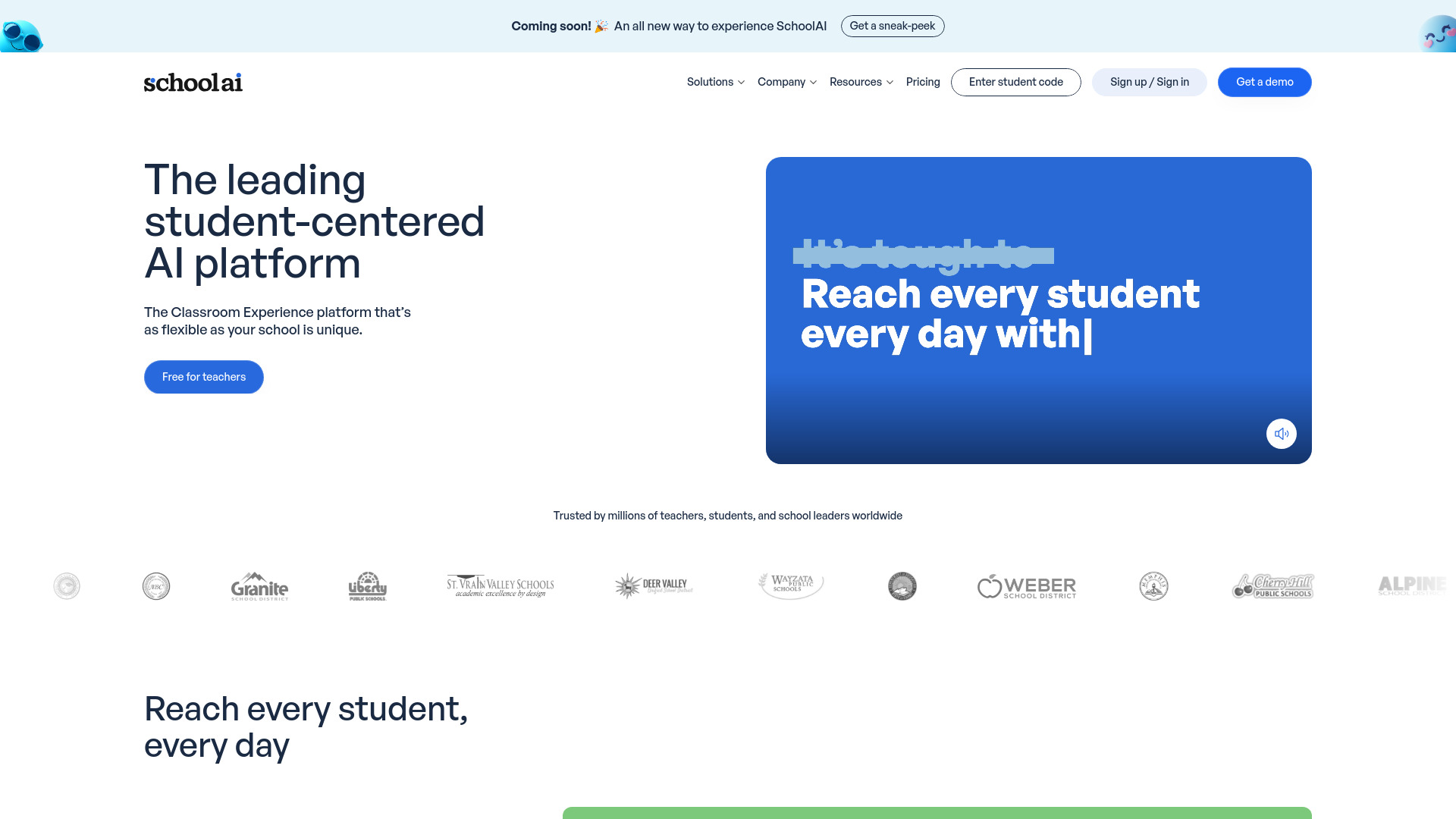
SchoolAI earns the top spot because it connects the student experience to teacher visibility. Its Student Spaces provide unlimited standards-aligned AI chatbots with teacher oversight, while Mission Control gives administrators and teachers comprehensive insights. That combination matters: a chatbot on its own can create more work, but a monitored space gives educators a way to see how students are using the support.
The free access allowance is unusually concrete-75 student Space sessions per day-so teachers can test the model with a real class rather than merely sample a demo. The platform's strongest use case is guided student practice, especially when personalization and visibility matter as much as content generation.
My take: SchoolAI is the best first stop for teachers who want AI to sit inside a supervised learning workflow, not just produce another worksheet. I especially like the pairing of student-facing spaces and a teacher-facing dashboard.
Where it falls short: The positioning is broader than a simple lesson-plan generator, so teachers who only want quick materials may find the platform more than they need. The stated limitation is simply that no explicit disadvantages are mentioned, which means you should still validate fit with your school's policies and workflow.
Key features
Student Spaces with unlimited standards-aligned AI chatbots.
Teacher oversight for student AI interactions.
Mission Control Dashboard for teacher and administrator insights.
Personalized AI experiences for students.
Pros
Strong balance of student support and teacher visibility.
Clear classroom-oriented use case rather than generic text generation.
75 student Space sessions per day for free access.
Cons
May be broader than needed for teachers seeking only planning tools.
No explicit disadvantages are listed; school-level fit still needs checking.
Choose SchoolAI if: You want supervised, personalized student AI with a dashboard that helps teachers and administrators stay informed.
2. TeachQuill

TeachQuill
Best all-in-one AI toolkit for K-12 teachers
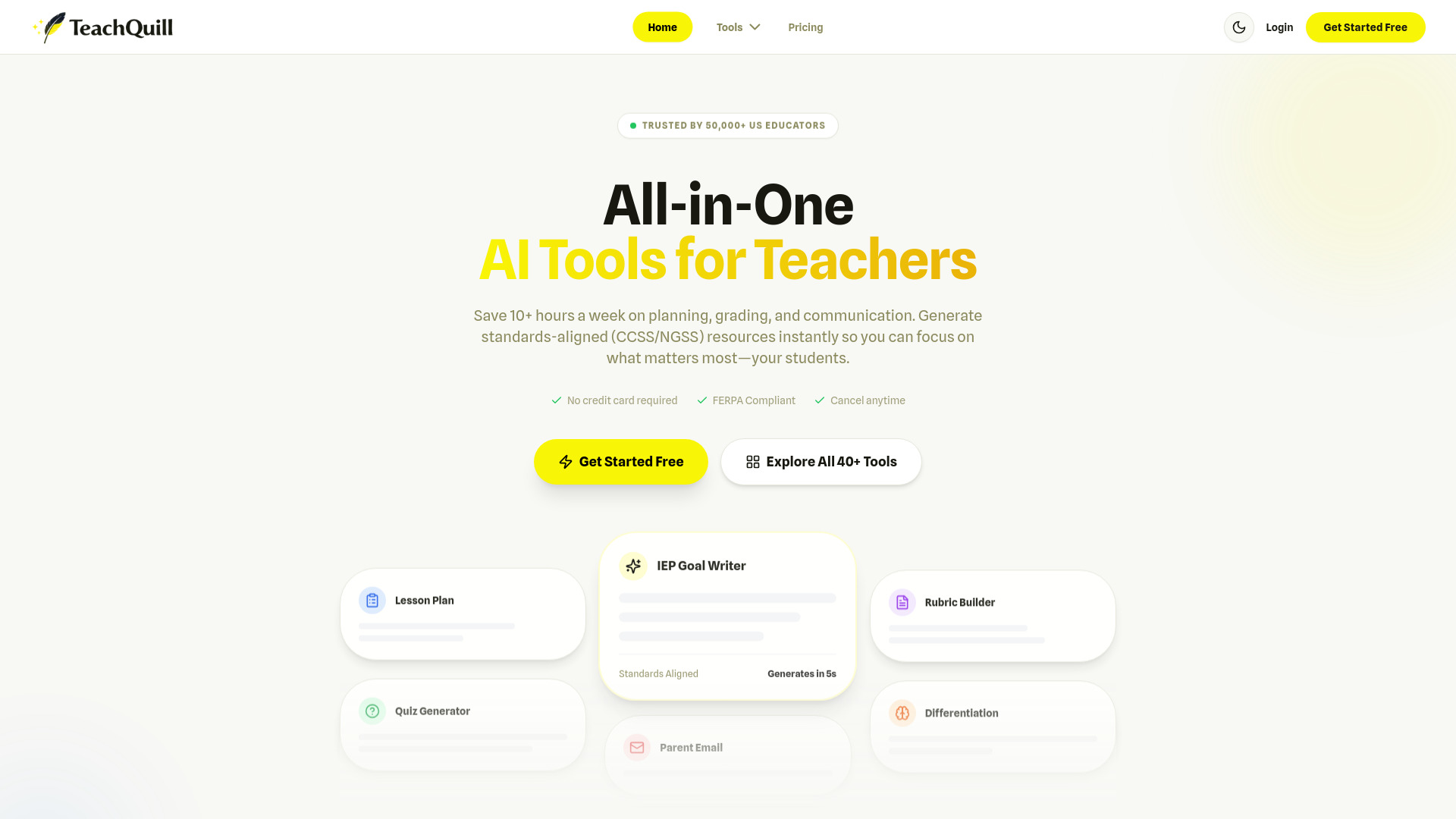
TeachQuill takes the all-in-one route, with more than 40 AI-powered tools for lesson planning, grading, and communication. That breadth makes it a strong fit for teachers who would rather use one workspace across the school day than stitch together several narrow generators. Standards alignment is a meaningful differentiator: the platform supports Common Core and NGSS, which gives planning prompts a more useful starting point than a blank chat window.
The platform also claims to save teachers an average of 10 or more hours per week. Treat that as a time-saving signal rather than a guarantee, but the workflow coverage makes the claim understandable. The free plan gives 30 credits per day, enough for a genuine trial while still creating a clear limit for heavy daily use.
My take: TeachQuill is the most balanced choice for a K-12 teacher who wants lesson planning, assessment, and communication in one place. It is less specialized than Twee, but much more expansive.
Where it falls short: Thirty daily credits can feel restrictive when you are generating several versions of a lesson or grading materials in batches. Teachers with very high usage should test their actual weekly volume before committing to the workflow.
Key features
More than 40 AI tools for planning, grading, and communication.
Common Core and NGSS standards alignment.
Lesson-plan, quiz, and IEP-goal generation.
Daily refreshed free credits for initial testing.
Pros
Broad coverage of common K-12 teacher tasks.
Standards alignment makes outputs easier to adapt.
Designed to reduce repetitive preparation work.
Cons
Free plan is limited to 30 credits per day.
The large toolset may take time to explore effectively.
Choose TeachQuill if: You are a K-12 teacher who wants one broad platform for planning, assessment, communication, and standards-aware content creation.
3. To Teach

To Teach
Best for fast lesson and worksheet creation
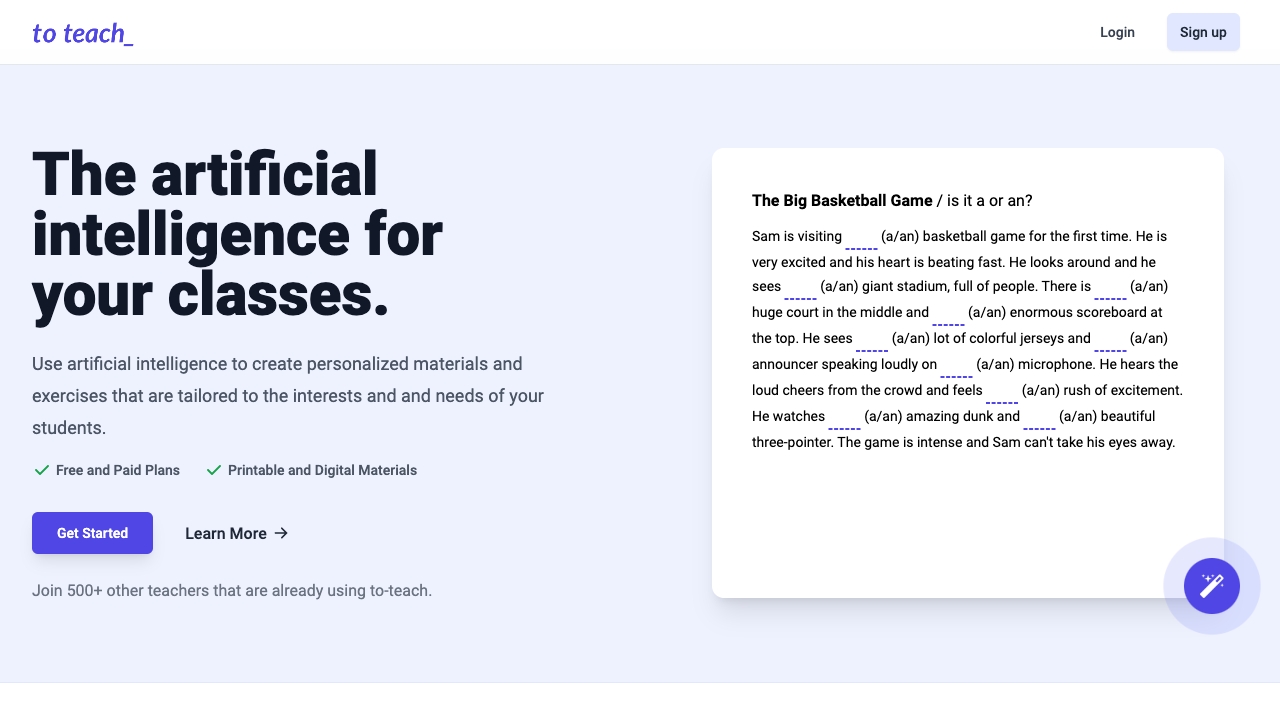
A useful lesson-planning tool should get you from a topic to something teachable without turning setup into a project. To Teach focuses on that exact transition with an AI-powered lesson planner plus exercise and worksheet generators. Teachers can use it to create personalized learning materials, making it a better fit for preparation than for broad school administration.
Its free allowance is specific: five exercises, three worksheets, and two lesson plans per month. That is enough to judge the quality and editing effort, but not enough for unlimited classroom production. The large monthly usage signal suggests the workflow resonates with teachers who want a straightforward content-creation assistant.
My take: To Teach is appealing when your bottleneck is the blank page. The product's narrower scope is a strength for teachers who want to create a lesson or printable activity quickly without navigating dozens of unrelated tools.
Where it falls short: Limited content creation on the free plan will become noticeable quickly. It also does not offer the broader oversight or administrative surface found in SchoolAI or TeachQuill.
Key features
AI-powered lesson planner.
Exercise generator.
Worksheet generator.
Personalized learning material creation.
Pros
Clear, focused workflow for lesson preparation.
Helps teachers create exercises and worksheets faster.
Free quota lets you test several content types.
Cons
Free plan has limited content creation.
Narrower than a full teaching operations platform.
Choose To Teach if: Your priority is producing lesson plans, exercises, and worksheets with less preparation time.
4. Twee

Twee
Best AI teaching tool for language teachers
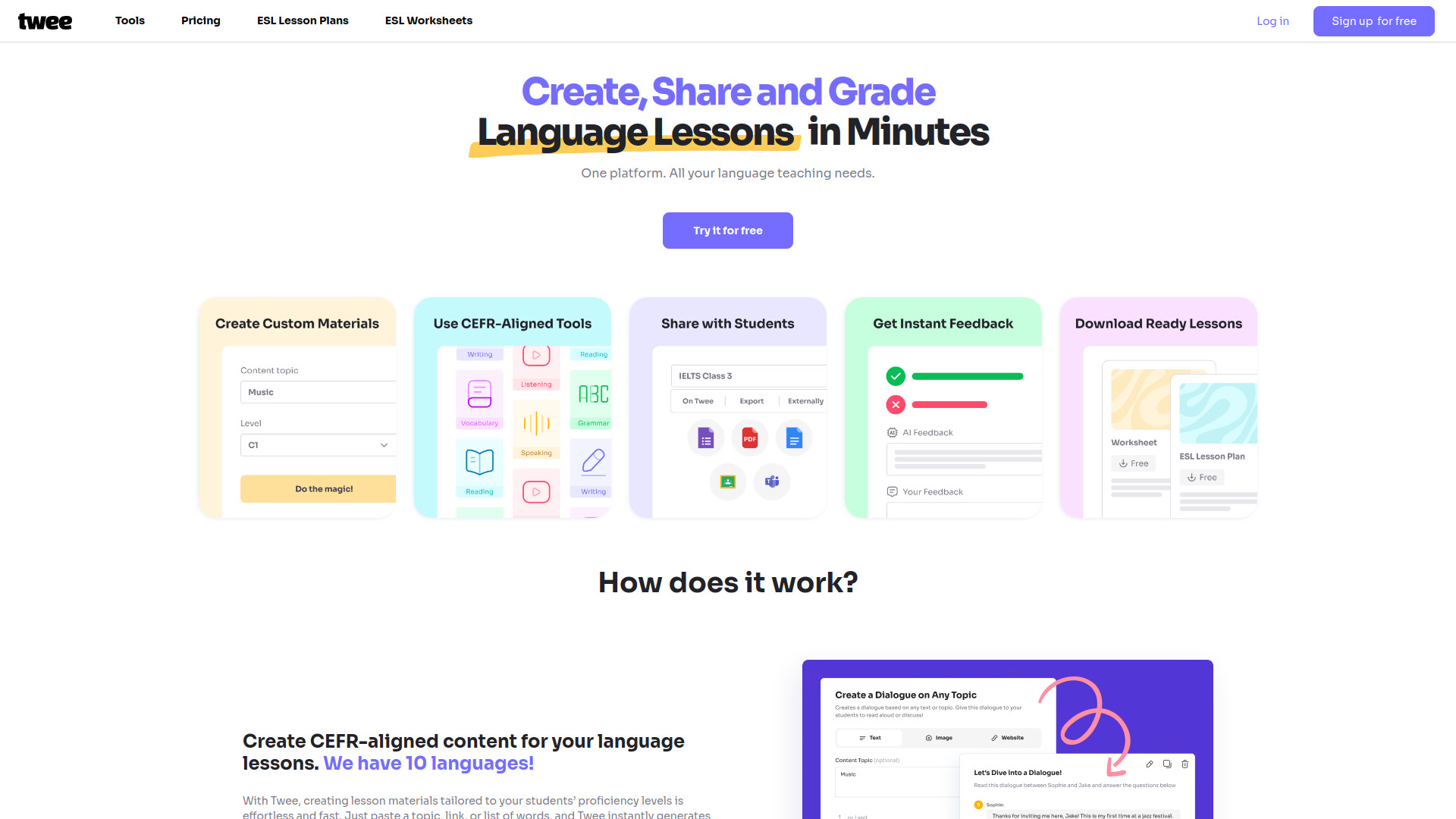
Twee is the specialist pick in this guide. It generates CEFR-aligned language lesson materials, including worksheets, quizzes, and activities, then adds automatic AI assessment of student responses. That combination is more relevant to language teachers than a generic lesson generator because it connects content difficulty with a recognizable language-learning framework.
The tool's narrow focus is exactly why it ranks well. Instead of asking teachers to adapt a general-purpose output into a language lesson, Twee starts from the kinds of materials language classrooms regularly need. Five trial runs are available for testing, and the listed starting point is a free trial, with advanced access potentially moving behind paid plans or usage limits.
My take: Twee is the clearest answer for language teachers asking which AI tools are best for teachers in a subject-specific context. It should be on the shortlist before a broader platform if CEFR alignment and language activities are central to your day.
Where it falls short: Some advanced features are restricted to paid plans or usage limits. Teachers outside language education may not get enough value from its specialization.
Key features
CEFR-aligned worksheets, quizzes, and activities.
AI-generated language lesson materials.
Automatic AI assessment of student responses.
Five trial runs for initial evaluation.
Pros
Strong subject fit for language instruction.
CEFR alignment adds useful structure.
Combines material generation with assessment.
Cons
Some advanced features are restricted or usage-limited.
Less relevant for teachers who do not teach languages.
Choose Twee if: You teach languages and want CEFR-aware materials plus automated assessment in one focused workspace.
5. MagicSchool

MagicSchool
Best broad AI toolkit for educators
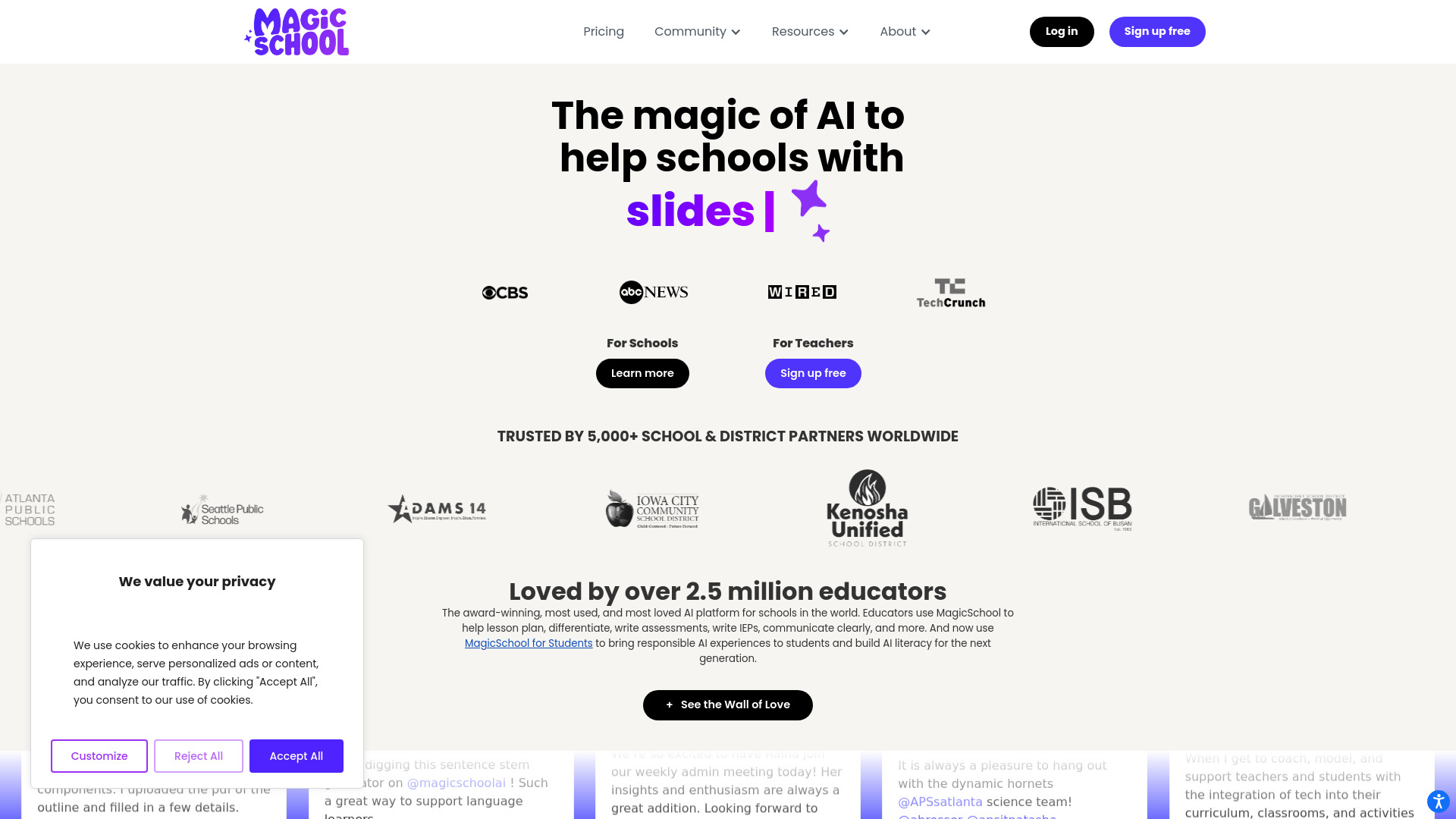
MagicSchool stands out on breadth, offering more than 80 AI teacher tools alongside its Raina AI chatbot. That scale makes it a natural choice for educators who want to experiment across lesson planning, classroom support, and other teaching tasks rather than buy into one narrow workflow. Its large usage signal also makes it one of the most established-looking options in this shortlist.
A free forever plan removes the pressure to make an immediate purchase, although some features remain limited on free access. The listed paid starting point is $99.96 per year, so the practical question is whether you will use enough of the 80-plus tools to justify moving beyond the free tier.
My take: MagicSchool is the best ai for teachers who want a large menu of ready-made workflows. The tradeoff is familiar: more options can mean more time deciding which tool to use.
Where it falls short: Some features are limited in the free plan, and the platform's breadth may feel excessive if your only need is lesson planning or grading. A focused tool can be easier to adopt for a single classroom routine.
Key features
More than 80 AI teacher tools.
Raina AI chatbot.
Free forever plan.
Paid access listed from $99.96 per year.
Pros
Very broad coverage for educators.
Easy to explore without an immediate subscription.
Strong usage signal among the featured tools.
Cons
Some features are limited on the free plan.
Large selection can add decision friction.
Choose MagicSchool if: You want the broadest collection of ready-to-use AI teacher workflows and prefer to explore before paying.
6. AI Teacha

AI Teacha
Best for structured lesson and assessment planning

AI Teacha keeps its proposition practical: a Lesson Plan Generator, an Assessment Generator, and curriculum design support. That focus will appeal to teachers who do not need a giant catalog of classroom tools and instead want help with the core planning cycle. It is a particularly sensible comparison point for To Teach and HelpMeTeach.
The free plan has limited access, while the listed starting point is $5 per month. That low entry price makes it worth considering for individual teachers who want a dedicated planning assistant, though the relatively small usage signal means I would test output quality carefully against your subject and grade-level needs.
My take: AI Teacha is a tidy option for teachers who want to move from curriculum design to lesson and assessment drafts in a compact workflow. It is less distracting than a broad platform.
Where it falls short: Free access is limited, and the product has fewer explicitly listed capabilities than the larger platforms in this comparison. That may be fine for focused users, but less suitable for teachers seeking communication or student-facing tools.
Key features
Lesson Plan Generator.
Assessment Generator.
Curriculum Design support.
Paid access listed from $5 per month.
Pros
Clear focus on core planning tasks.
Supports lesson, assessment, and curriculum workflows.
Low listed starting price for paid access.
Cons
Free plan has limited access.
Smaller feature surface than broad educator platforms.
Choose AI Teacha if: You want a focused, low-cost assistant for lesson planning, assessment creation, and curriculum design.
7. Hỏi đáp AI Hay

Hỏi đáp AI Hay
Best student-facing academic support alternative
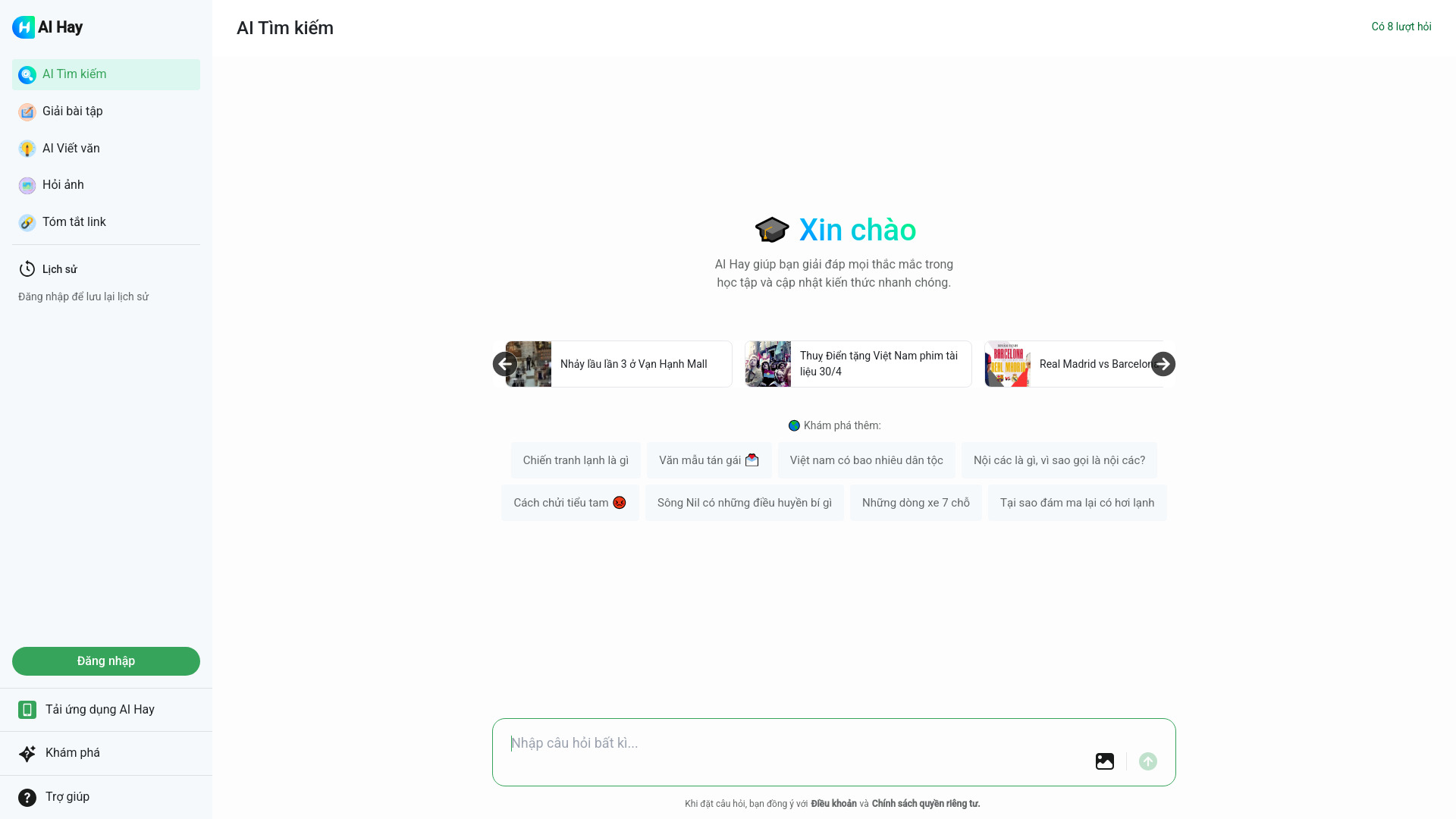
Hỏi đáp AI Hay is the unexpected alternative in this list. It is aimed at students rather than teachers, offering AI-powered question answering, math and essay assistance, image recognition, and content explanation. For a teacher, that makes it relevant as a possible student-support resource or as a way to understand the kind of help learners may seek outside class.
The free allowance is eight requests, and pricing needs to be checked with the vendor. Its 8.6M monthly visits create a strong usage signal, but that popularity should not be confused with classroom suitability. Teachers should evaluate how the tool fits their academic-integrity expectations before recommending it to students.
My take: This is not the first tool I would buy for lesson preparation, but it is a useful adjacent option when the goal is accessible academic help. It belongs in the comparison because teacher workflows increasingly include guiding students toward responsible AI use.
Where it falls short: The tool requires an internet connection, and its student-first positioning means it does not replace planning, assessment, or reporting software for teachers.
Key features
AI-powered question answering.
Math and essay assistance.
Image recognition.
Content explanation and academic support.
Pros
Broad academic assistance across multiple task types.
Strong usage signal.
Could support supervised student help workflows.
Cons
Requires an internet connection.
Student-facing rather than teacher-facing.
Pricing details require vendor confirmation.
Choose Hỏi đáp AI Hay if: You need an adjacent student-support tool and can establish clear expectations for responsible use and teacher oversight.
8. Astra AI

Astra AI
Best for high school math and subject tutoring
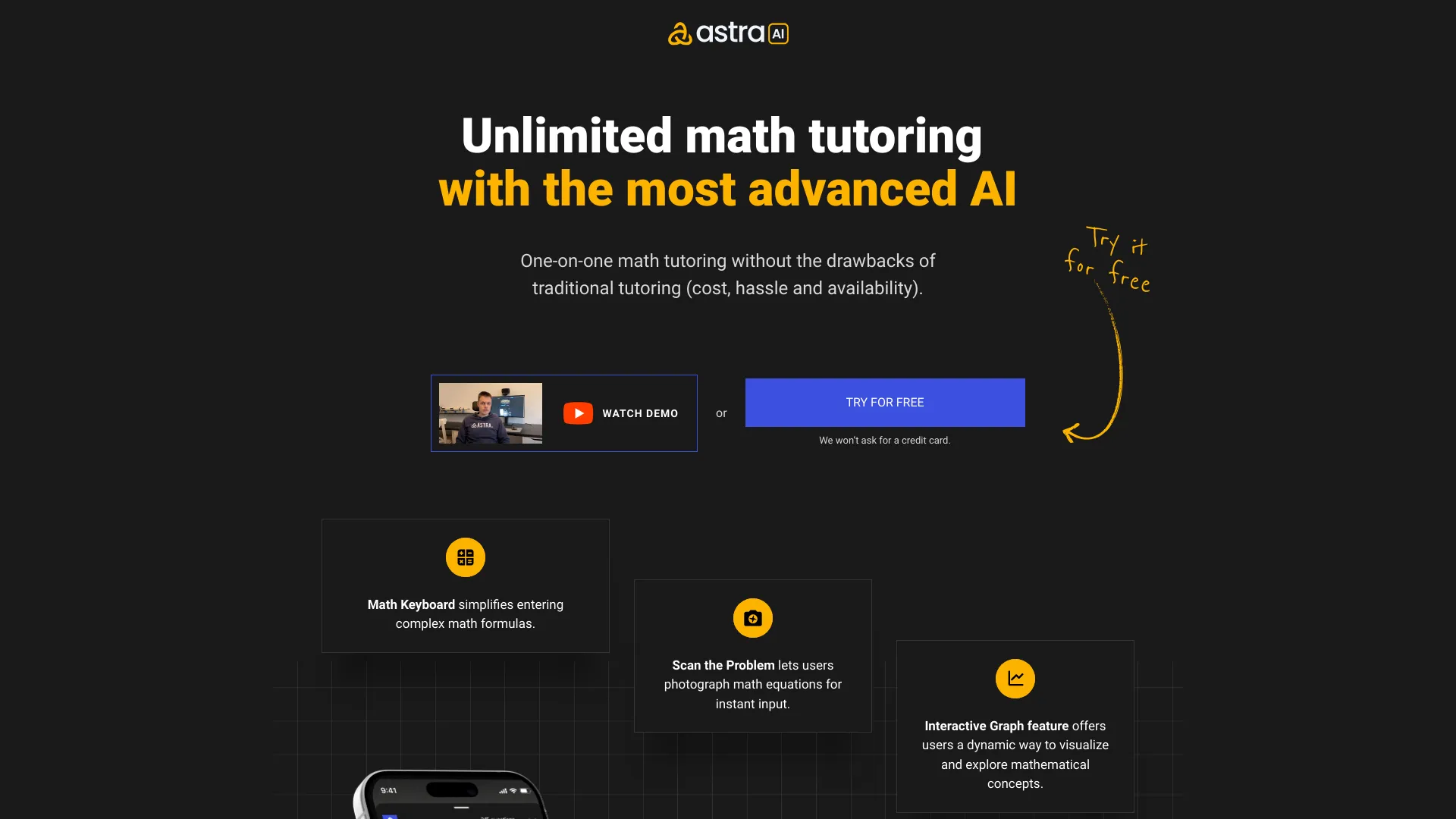
Astra AI takes another student-facing approach, with step-by-step math problem solving, photo scanning for math problems, and AI tutoring across four subjects. For teachers, its value is less about generating tomorrow's lesson and more about understanding or supplementing the support students may use when they are stuck.
The listed paid plan starts at 40 euros per month, while the free-access description includes step-by-step guidance and photo scanning. That price is significant compared with teacher-focused planning tools, so it makes more sense as a tutoring alternative than as a general classroom subscription.
My take: Astra AI is compelling when step-by-step explanation is the priority. It is a better fit for supervised tutoring support than for replacing teacher-led instruction, and it should be treated accordingly.
Where it falls short: Astra AI may not fully replace a human teacher or tutor. Its student orientation and higher listed price also make it a poor fit for teachers who simply need lesson plans or rubrics.
Key features
Step-by-step math problem solving.
Photo scan for math problems.
AI tutoring in multiple subjects.
Coverage of four subjects.
Pros
Focuses on explaining the path, not only the answer.
Affordable alternative to traditional tutoring in its intended context.
Strong student usage signal.
Cons
May not fully replace a human teacher or tutor.
Listed Plus price is 40 euros per month.
Not a teacher-planning platform.
Choose Astra AI if: You need a student tutoring supplement for step-by-step math and multi-subject support, with teacher guidance still in the loop.
9. HelpMeTeach

HelpMeTeach
Best for straightforward teacher planning and reports
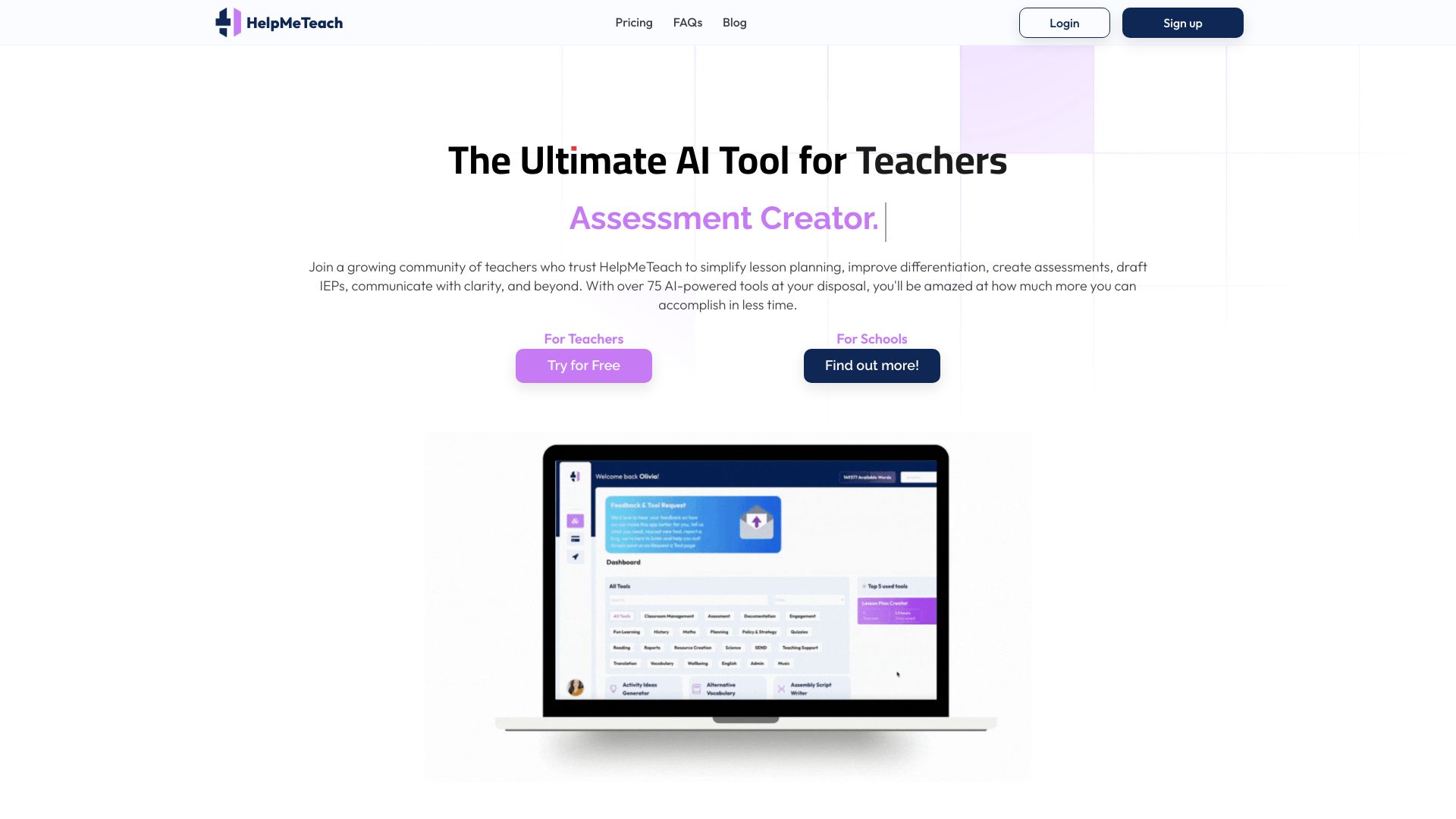
HelpMeTeach concentrates on the repetitive work around teaching: lesson planning, assessment creation, and report writing. That is a sensible scope for teachers who want a practical assistant rather than an expansive platform. The five free generations let you test whether the output reduces editing time in your own subject and reporting style.
The listed paid starting point is $11.95 per month. That is higher than AI Teacha's listed starting price, but the comparison should come down to workflow fit: HelpMeTeach explicitly includes reports, which can matter more than curriculum design when administrative writing is the real bottleneck.
My take: HelpMeTeach is the under-the-radar pick for a teacher who wants a short path from prompt to usable draft. It is easy to understand, and that simplicity can be more valuable than a huge feature menu.
Where it falls short: Reliance on AI may reduce a teacher's creative input if drafts are accepted without thoughtful revision. The small usage signal also means I would run a careful trial before using it across a department.
Key features
AI-powered lesson planning.
Automated assessment creation.
Report generation.
Five free generations.
Pros
Covers planning, assessment, and reports.
Straightforward workflow for everyday teacher tasks.
Free generations provide a low-risk test.
Cons
Reliance on AI may reduce teacher creativity.
Smaller usage signal than the major platforms.
Listed paid access starts at $11.95 per month.
Choose HelpMeTeach if: You want one simple assistant for lesson plans, assessments, and report writing, and you are comfortable editing every draft.
10. TeacherDashboard.ai

TeacherDashboard.ai
Best for elementary teacher administration
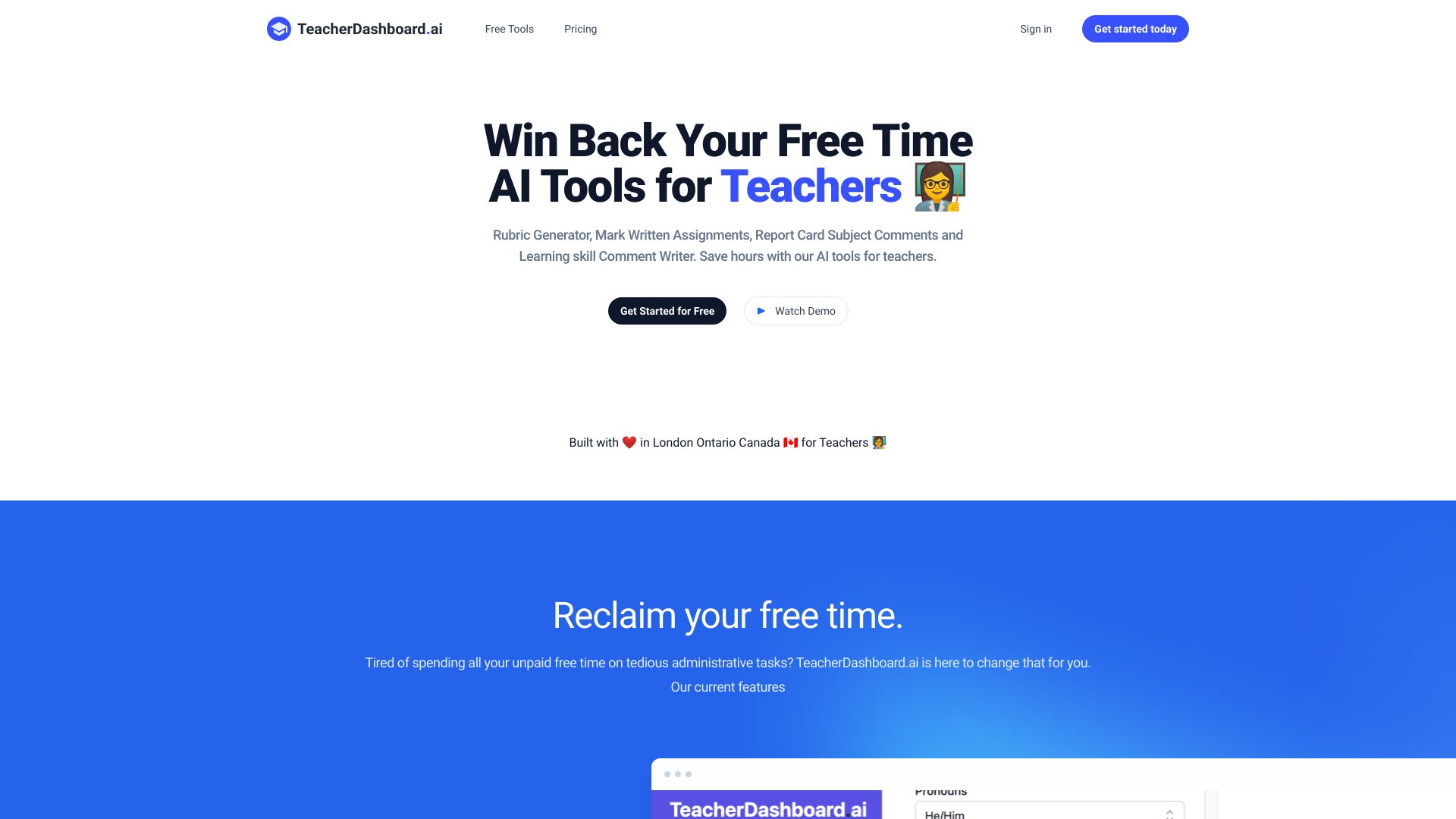
TeacherDashboard.ai targets a part of teaching that often gets overlooked in AI comparisons: administrative follow-through. Its AI-powered rubric generator and AI-assisted marking tool for written assignments can help elementary teachers structure evaluation and reduce repetitive comments. The product also lists report card comments, giving it a concrete place in the end-of-term workflow.
A three-day free trial is short, but the listed yearly price of $4.99 per month keeps the paid entry point comparatively clear. The tool's value depends on how much time you spend marking and writing comments, not on how many lesson ideas you need.
My take: TeacherDashboard.ai is the specialist choice for teachers who already have lesson planning handled but need help with rubrics, marking, and report-card language. It is a useful complement to, rather than a replacement for, a broader AI teaching platform.
Where it falls short: Reliance on AI may reduce personalized teacher input if comments are accepted without adjustment. Its smaller feature set and short trial also make it less suitable as a general-purpose classroom platform.
Key features
AI-powered rubric generator.
AI-assisted marking for written assignments.
Report card comments.
Three-day free trial.
Pros
Directly addresses repetitive administrative work.
Strong fit for elementary school teachers.
Listed yearly price is $4.99 per month.
Cons
Reliance on AI may reduce personalized teacher input.
Three-day trial gives limited evaluation time.
Narrower than an all-in-one teaching platform.
Choose TeacherDashboard.ai if: You teach elementary students and want targeted help with rubrics, written marking, and report-card comments.
More tools to compare

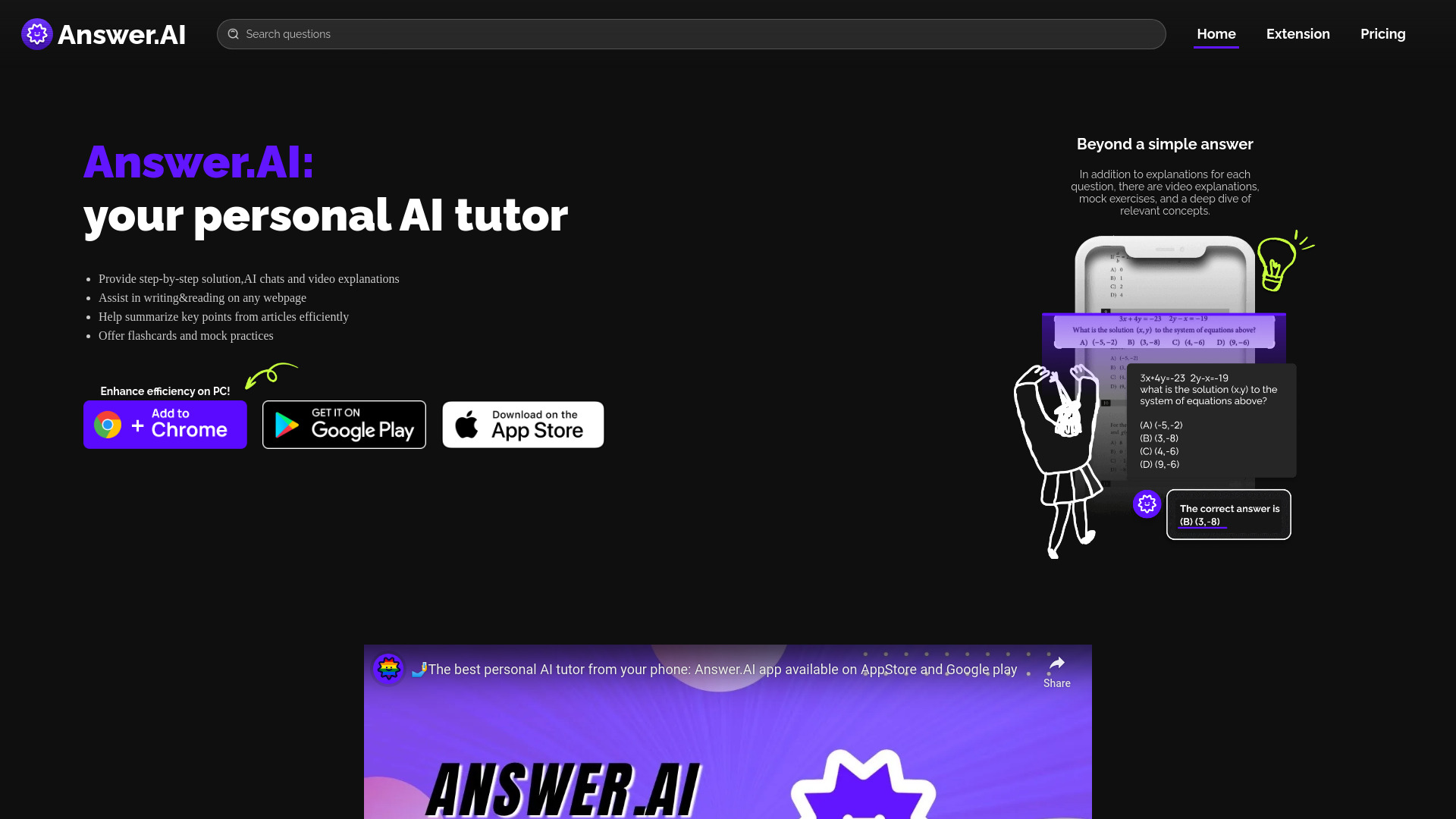
Answer.AI
Student homework help and on-demand tutoring
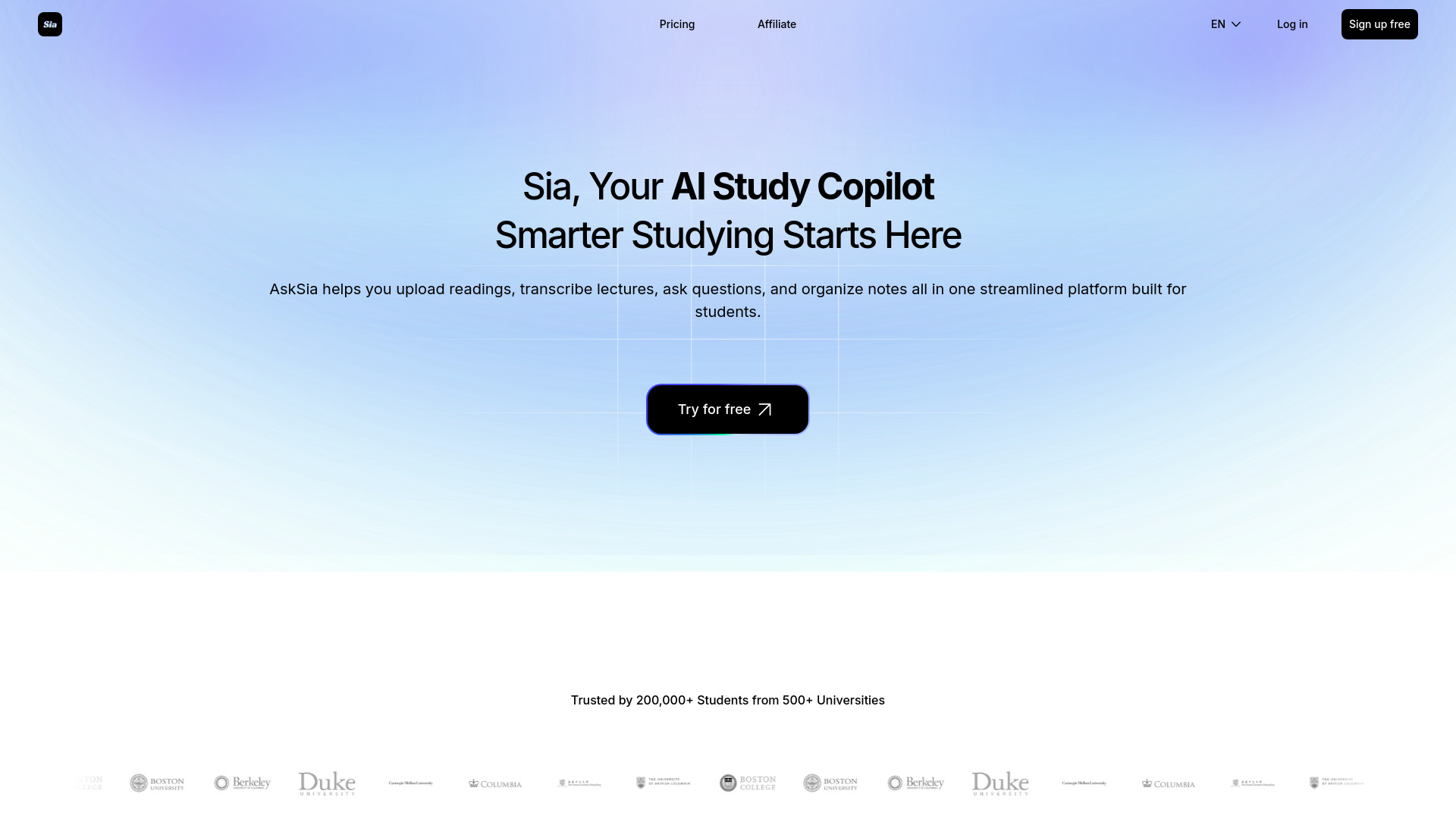
Asksia
Lecture transcription and study notes

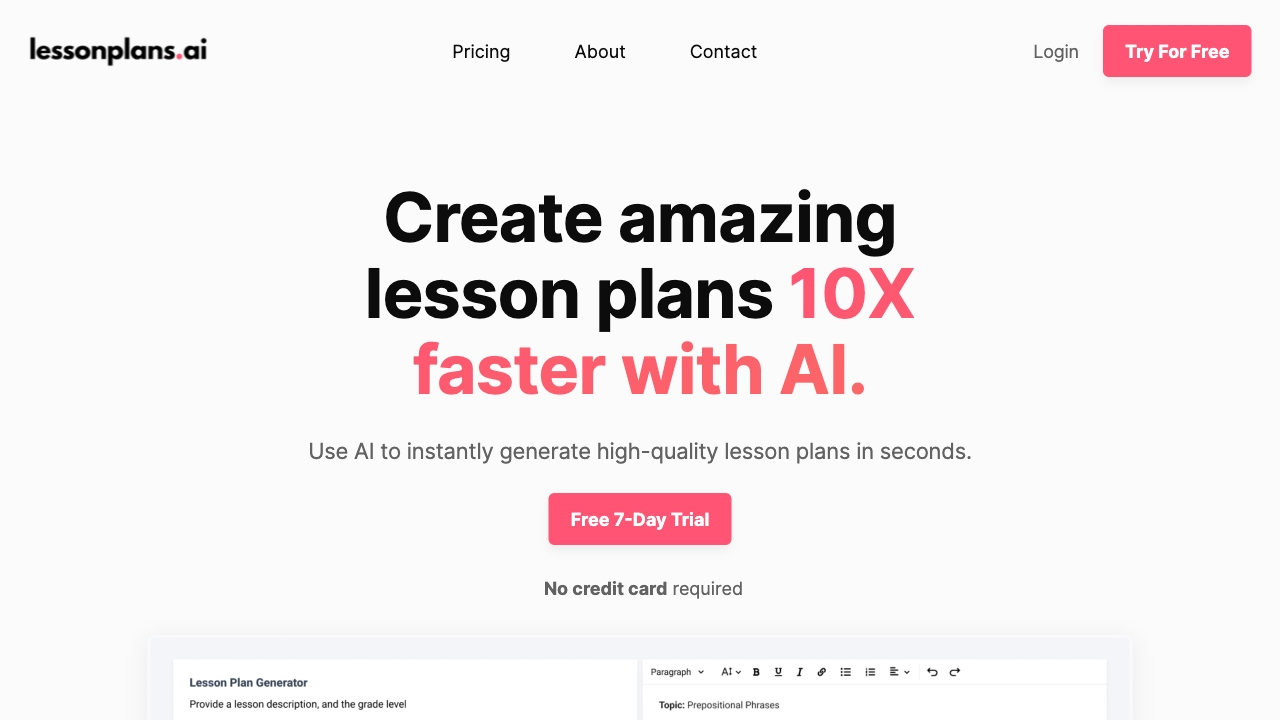
LessonPlans.ai
Personalized K–12 lesson plans

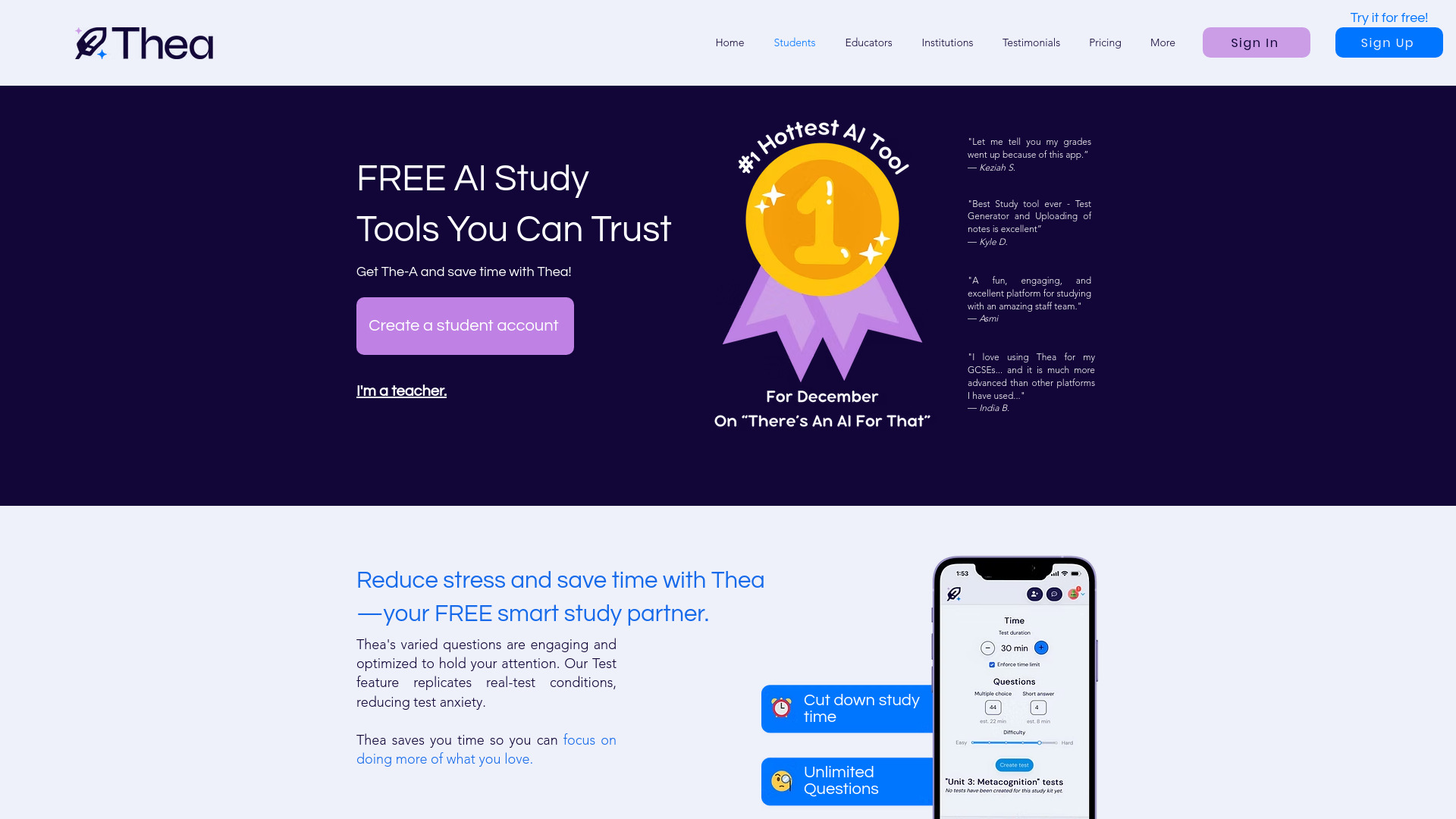
Thea
AI-generated study practice for students

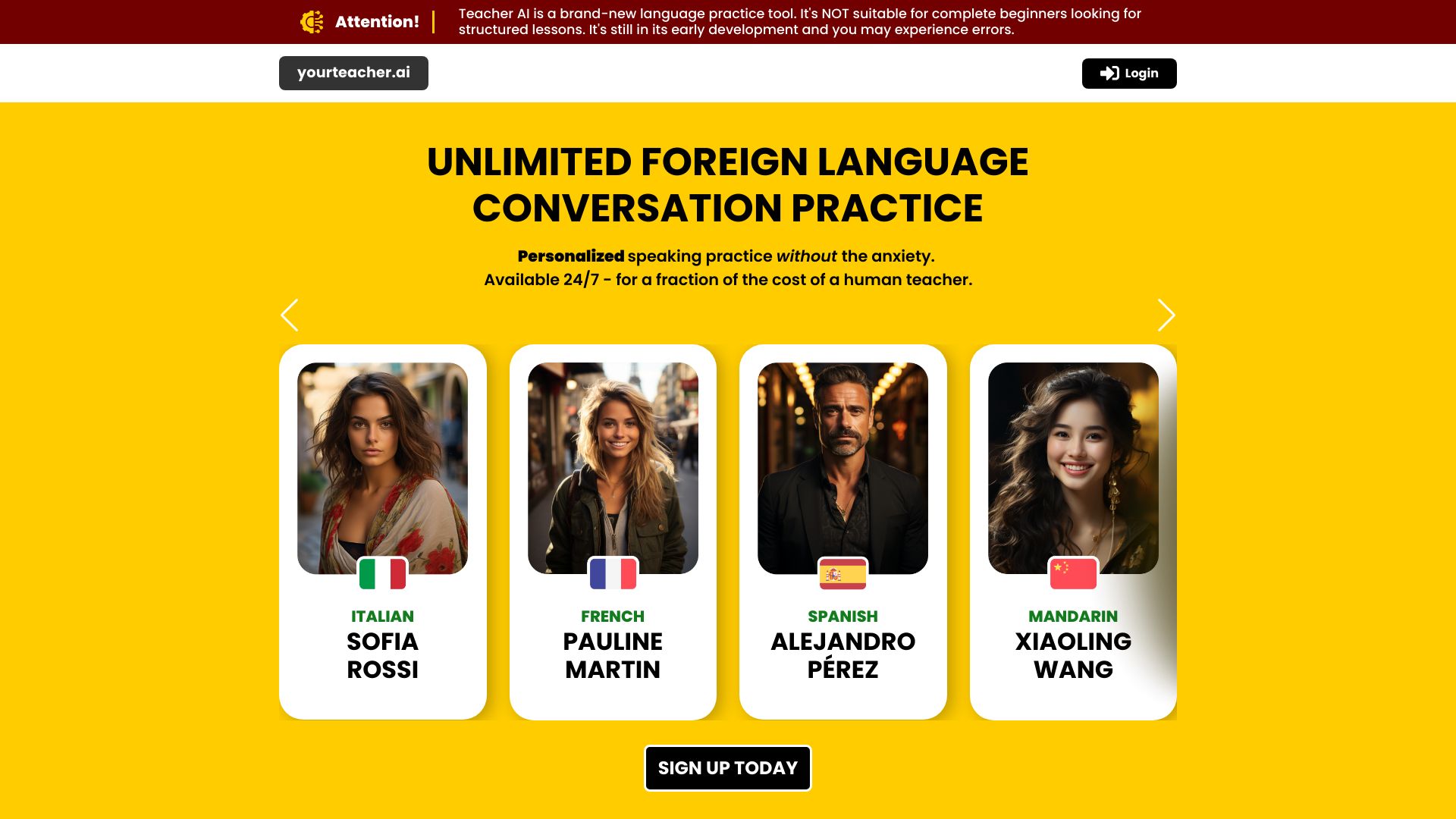
Teacher AI
Intermediate language conversation practice

Teach Catalyst AI
Teachers creating classroom materials

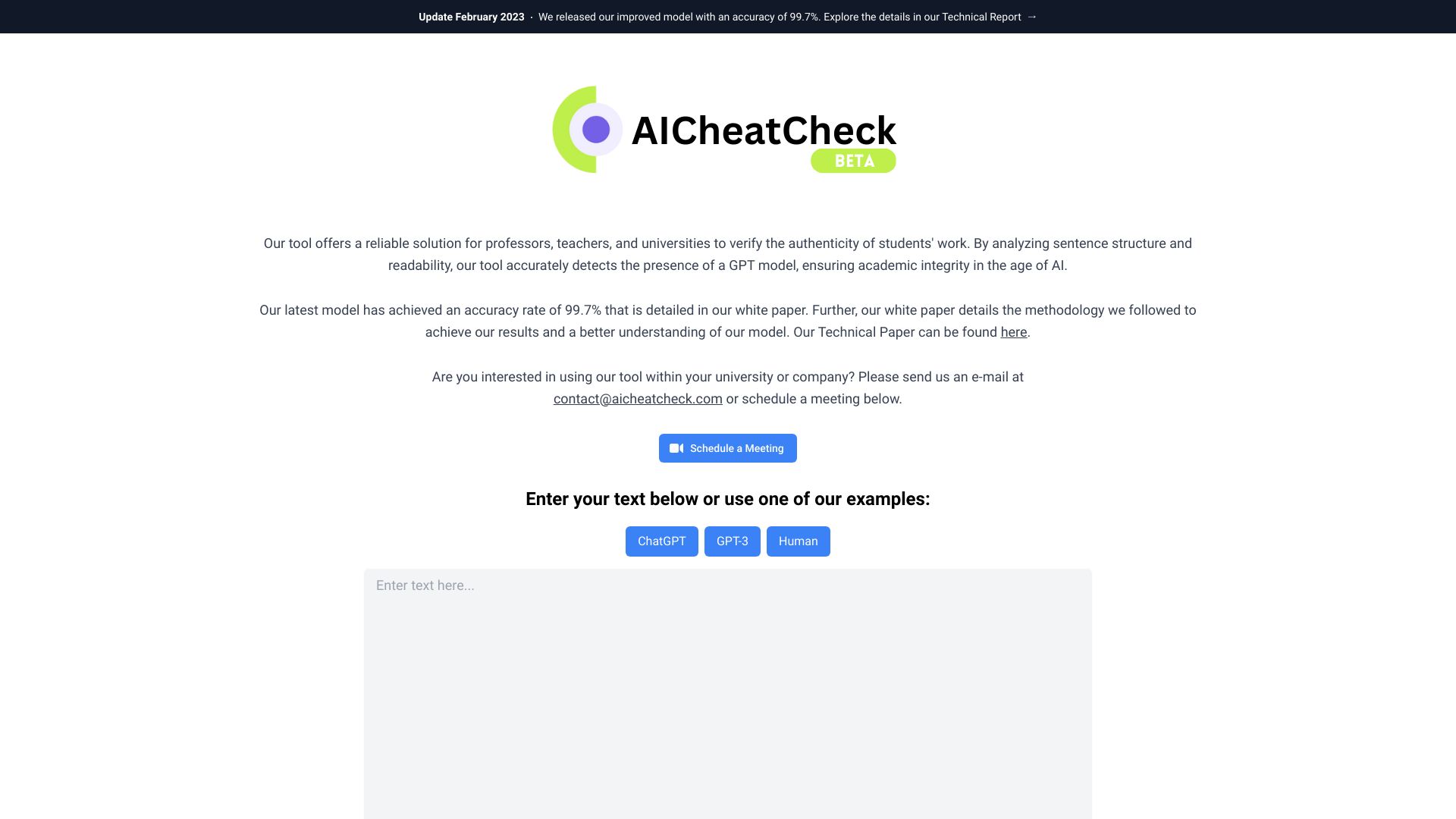
AICheatCheck
Teachers checking student writing for AI-generated text

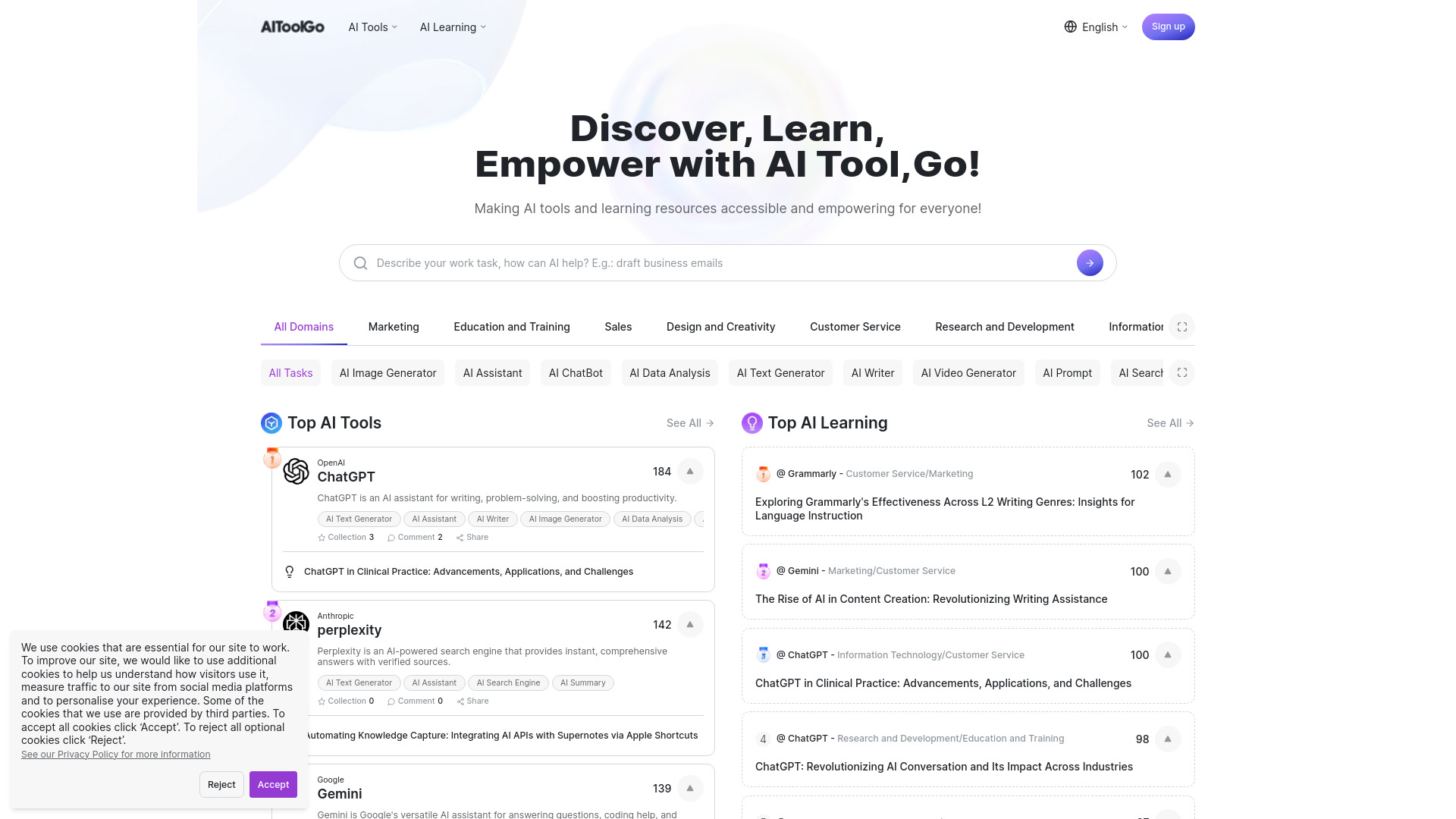
AiToolGo
Discovering AI tools and learning resources

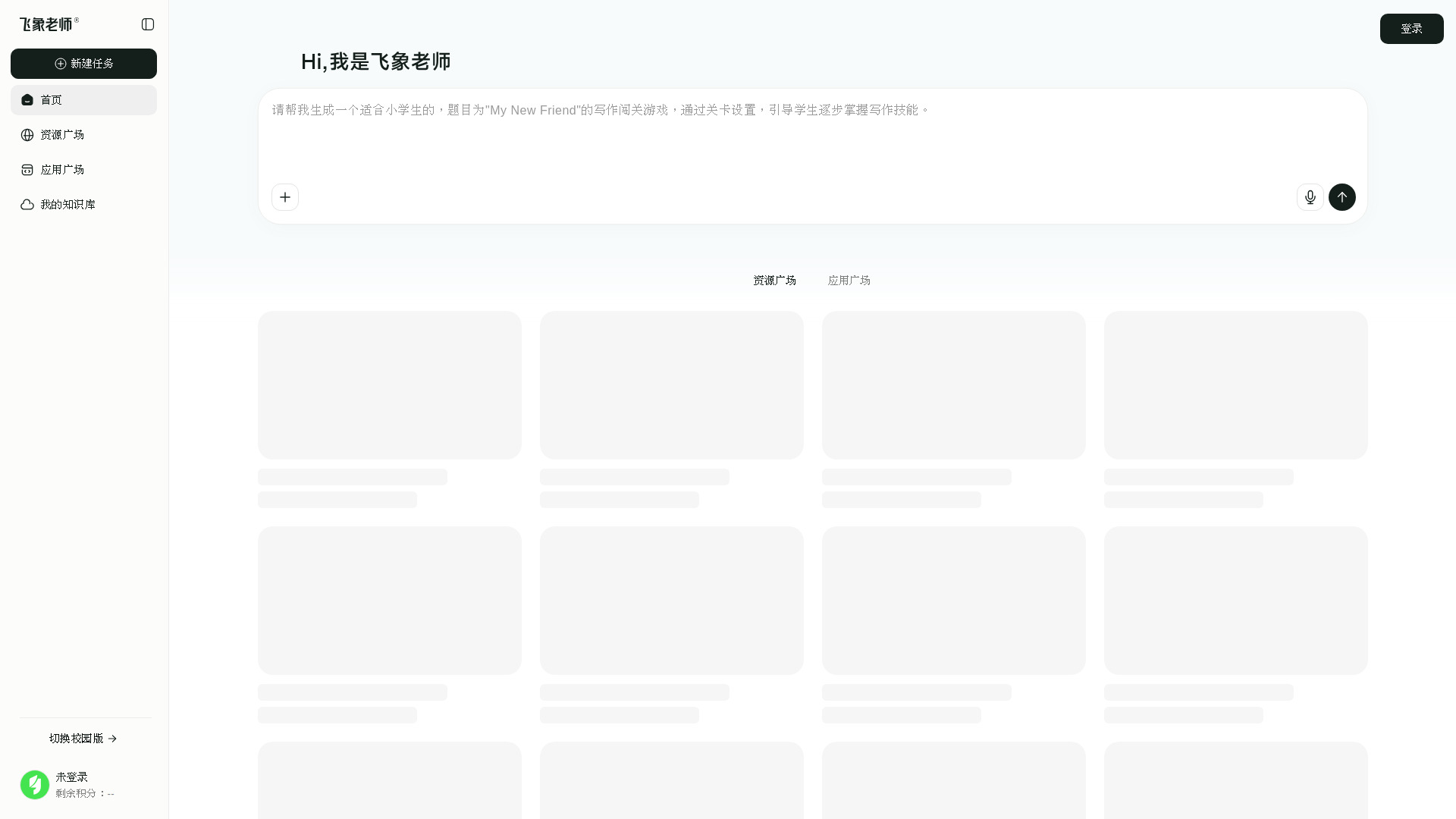
Feixiang Teacher
AI teaching animations and lesson planning

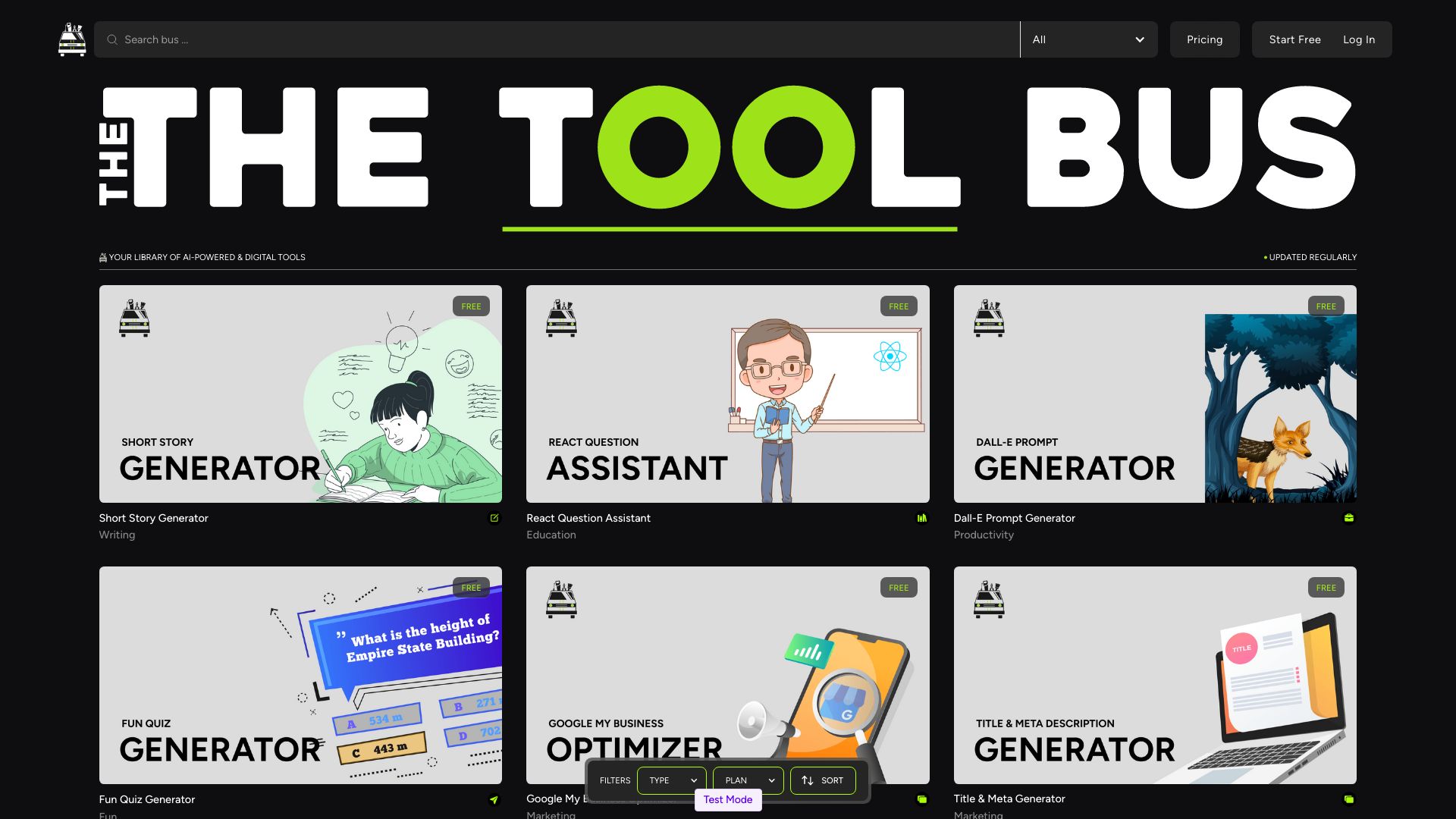
TheToolBus.ai
Teachers needing free converters and calculators

Student AI
Student-focused AI study tools

Tutor AI
Self-paced learning pathways

ScholarAI
Research-backed study materials for students

Ajelix
AI-powered spreadsheet tasks

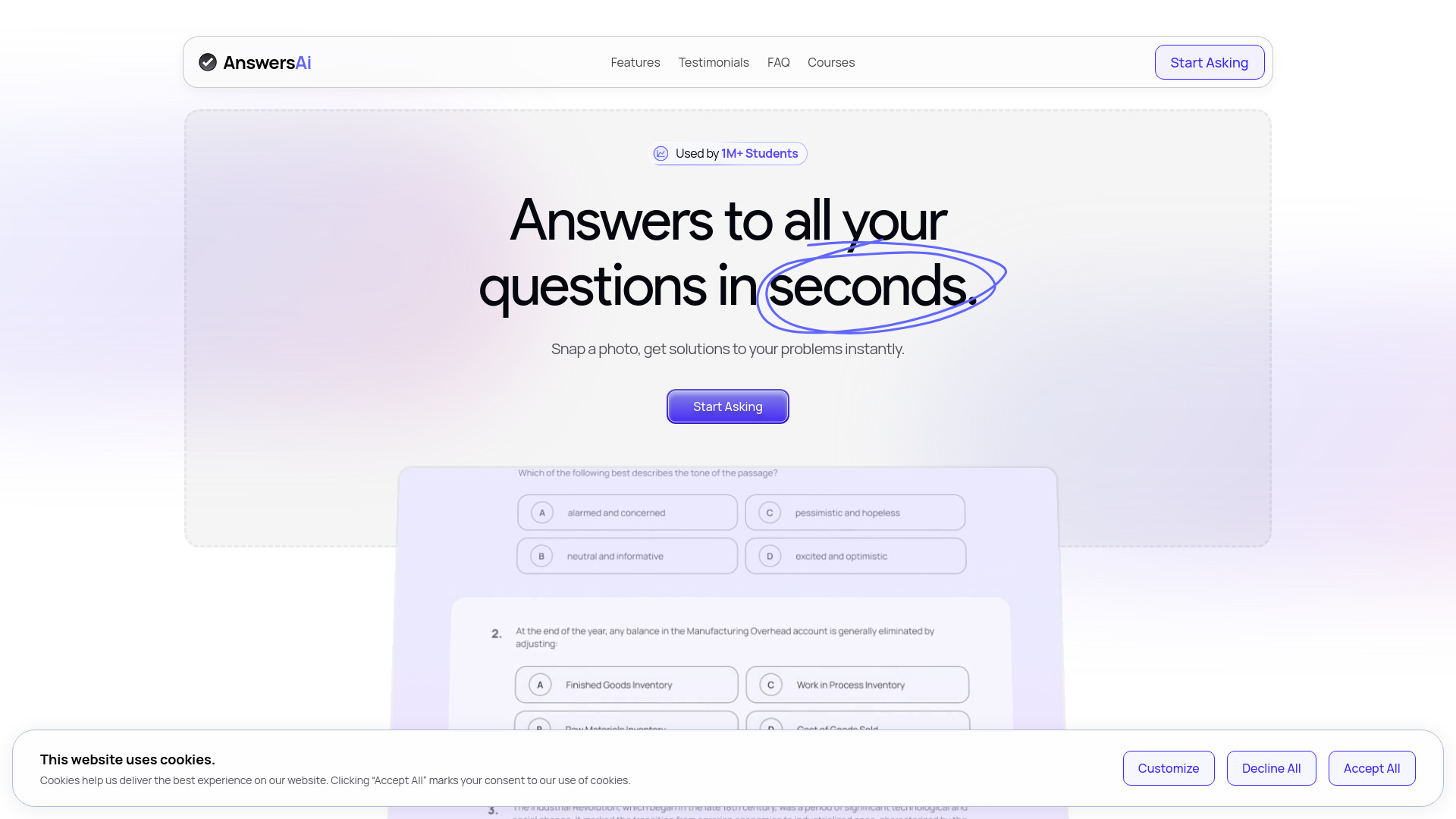
AnswersAi
Quick coursework explanations

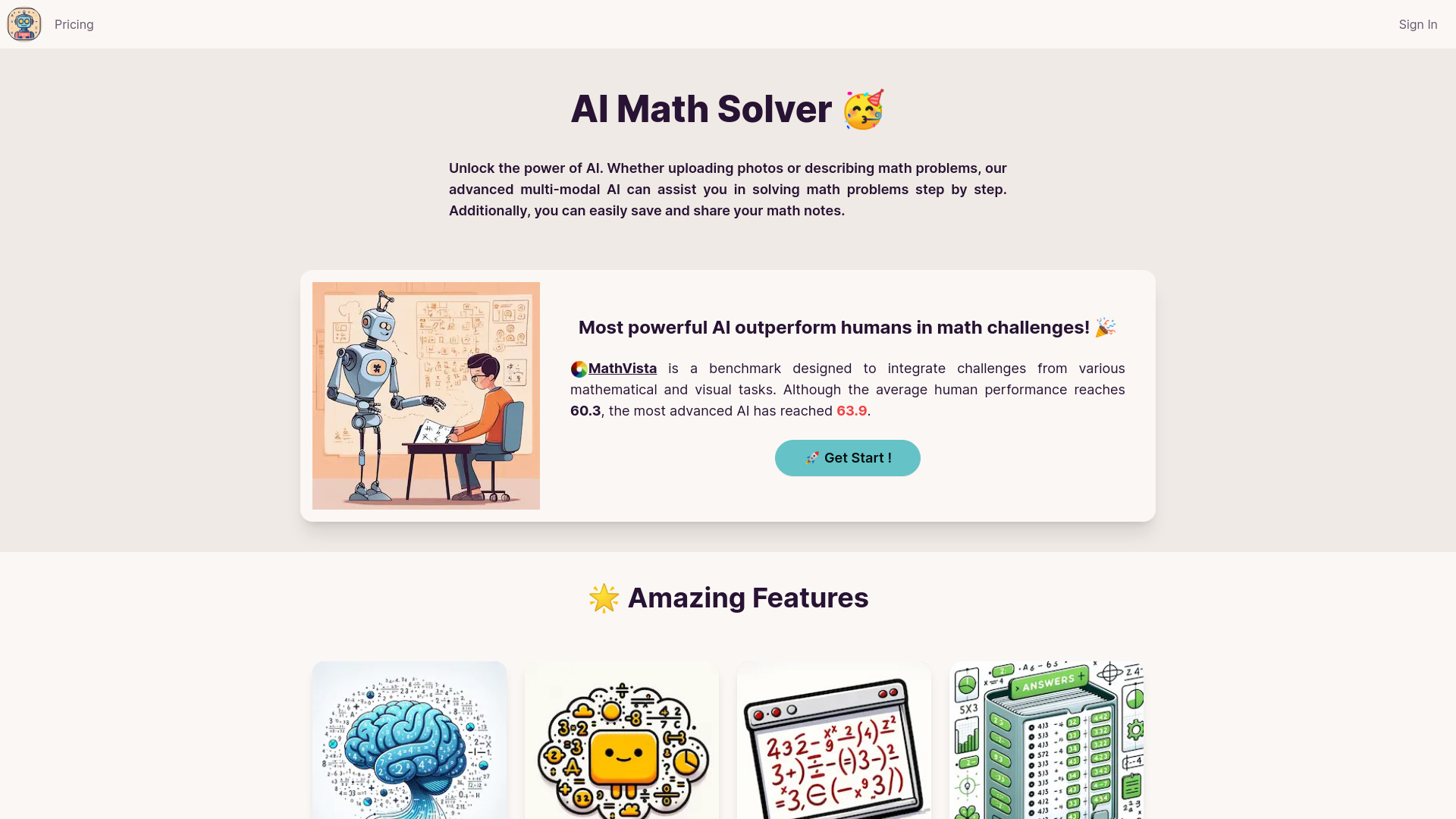
AI Math Solver
Step-by-step math explanations for teachers
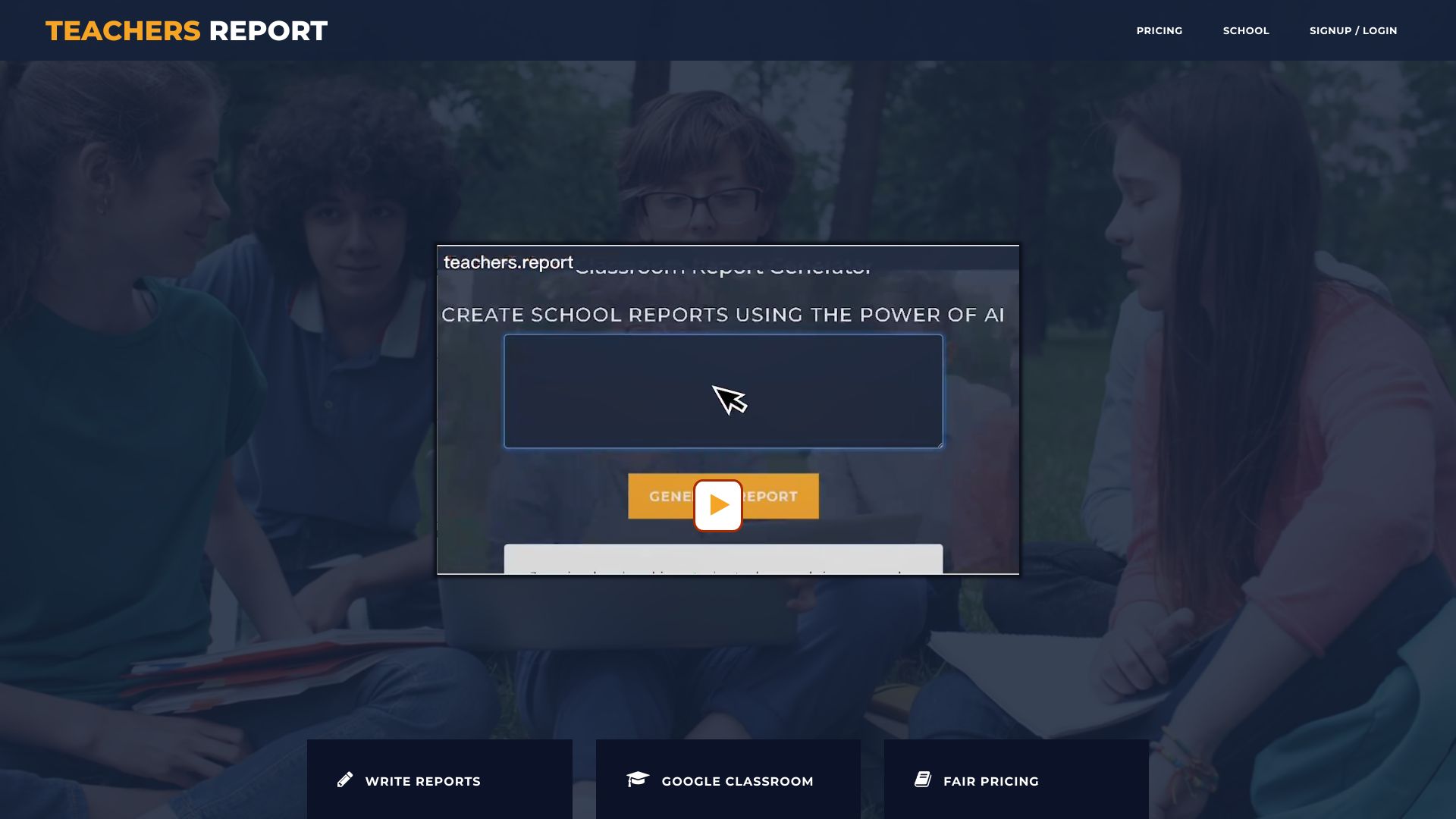
Teachers Report Writer
Writing student school reports
Grain AI
Interactive lesson materials for teachers

AI Tutor
Teachers comparing AI models

AStudio
Academic research and AI-assisted document workflows

Learnt.ai
Teachers creating lesson plans and assessments
SchoolAI
Writing and planning documents for schools

AI Quiz Generator
Teachers creating quizzes from notes and PDFs

VEGA AI
AI-powered course creation and grading

PlanitTeachers
AI lesson plans and teacher resources
Student AI
Student exam prep and presentations

Times-Table.com
Multiplication practice and printable worksheets

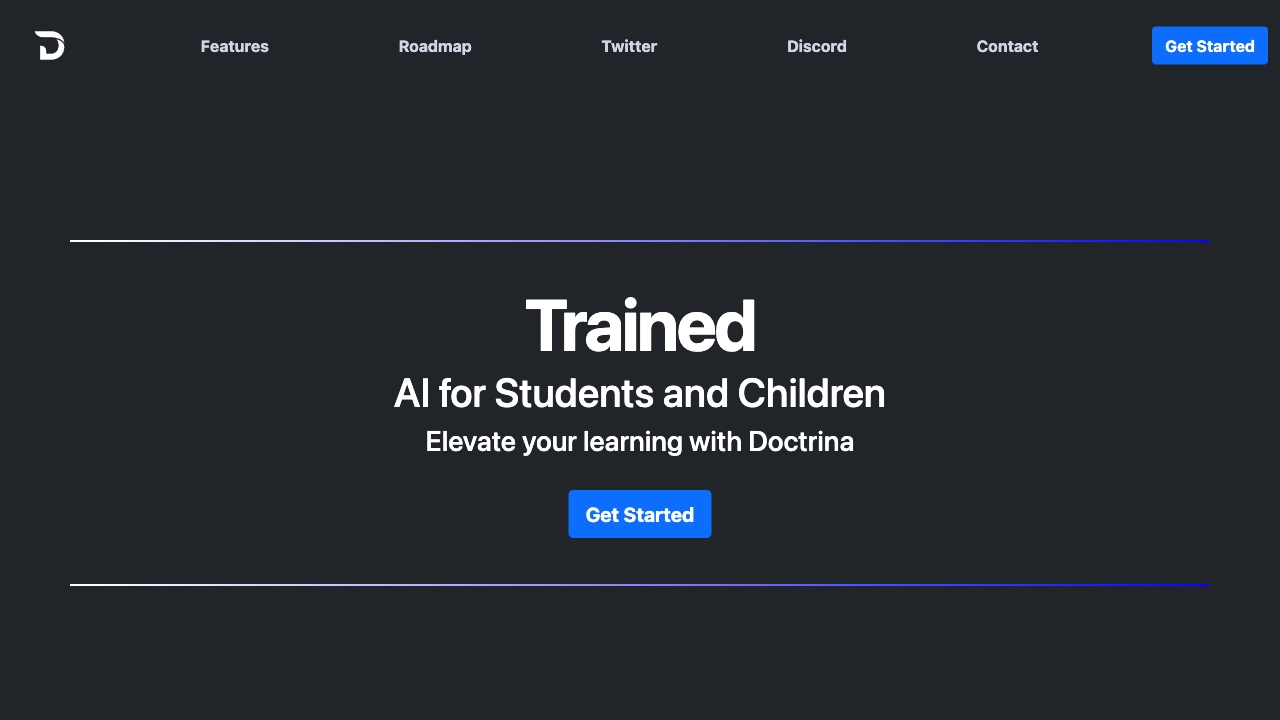
Doctrina AI
Teachers creating quizzes and exams

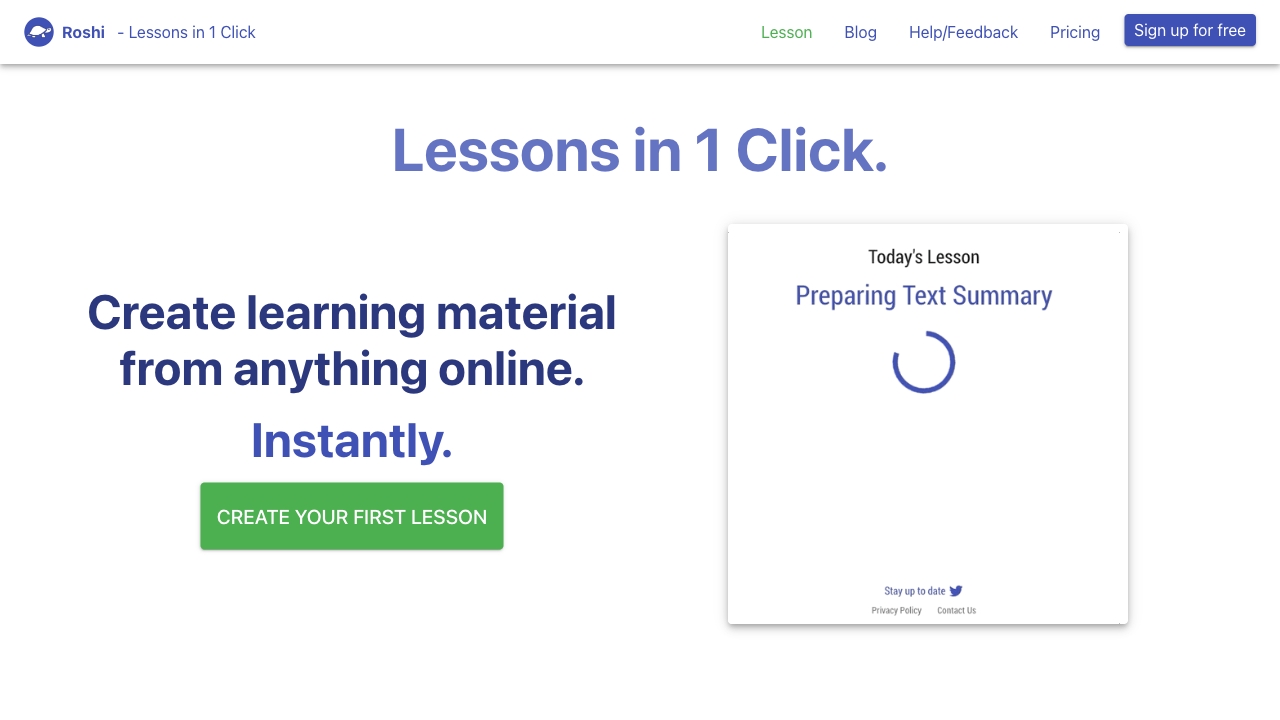
Roshi
Creating interactive lessons from online content

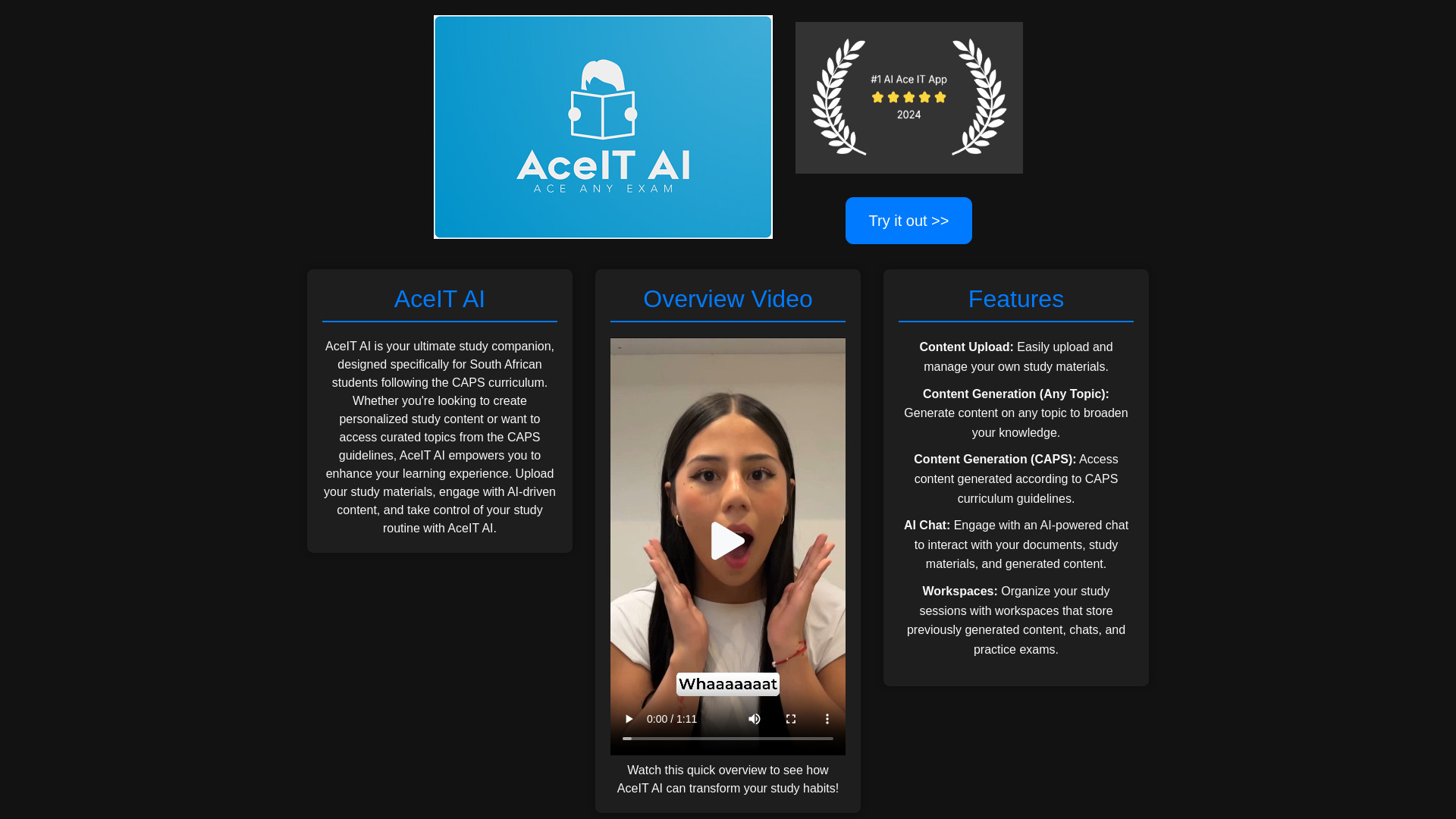
AceIT AI
CAPS-aligned study materials

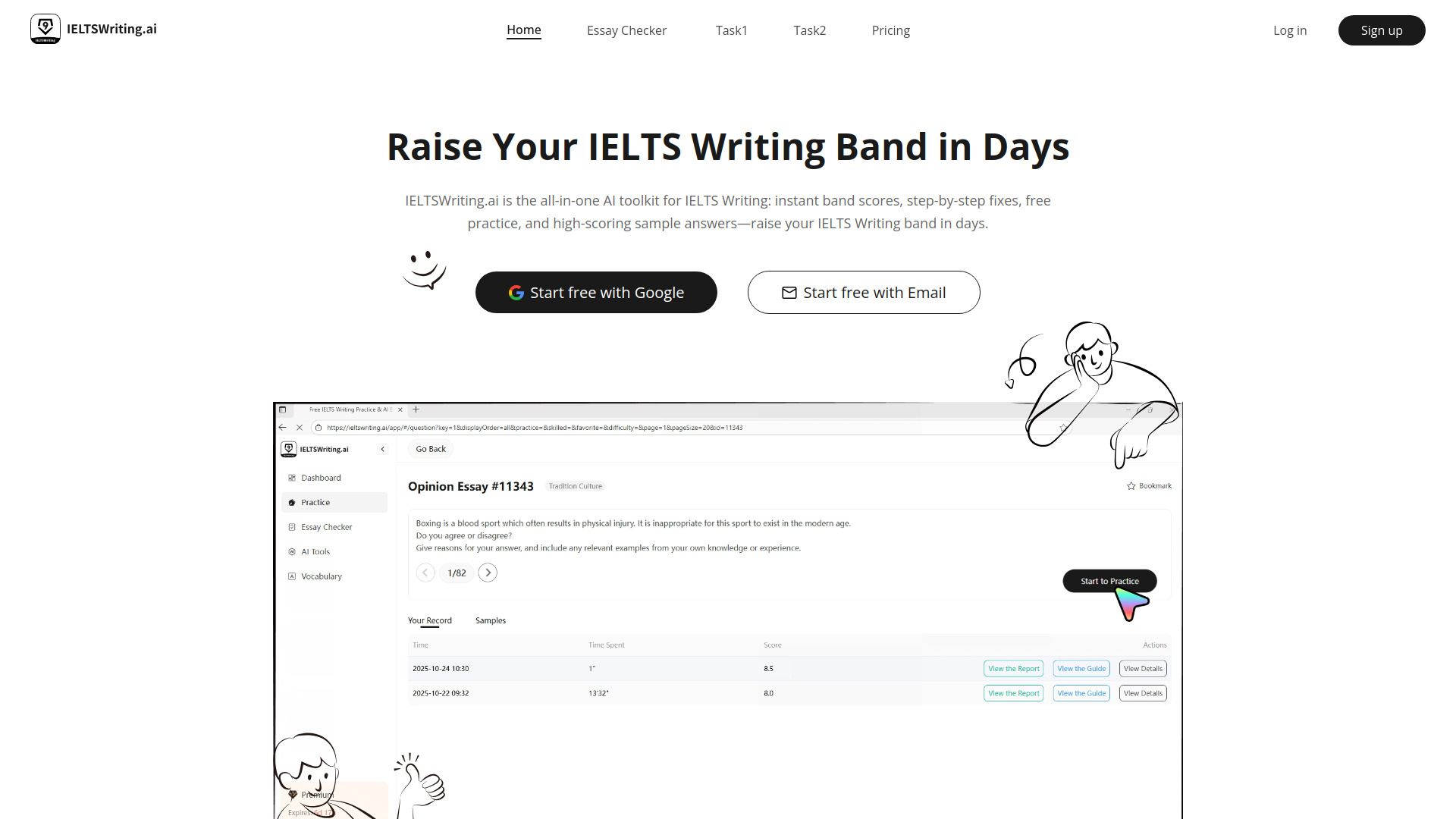
IELTS Writing AI
IELTS writing practice and essay feedback

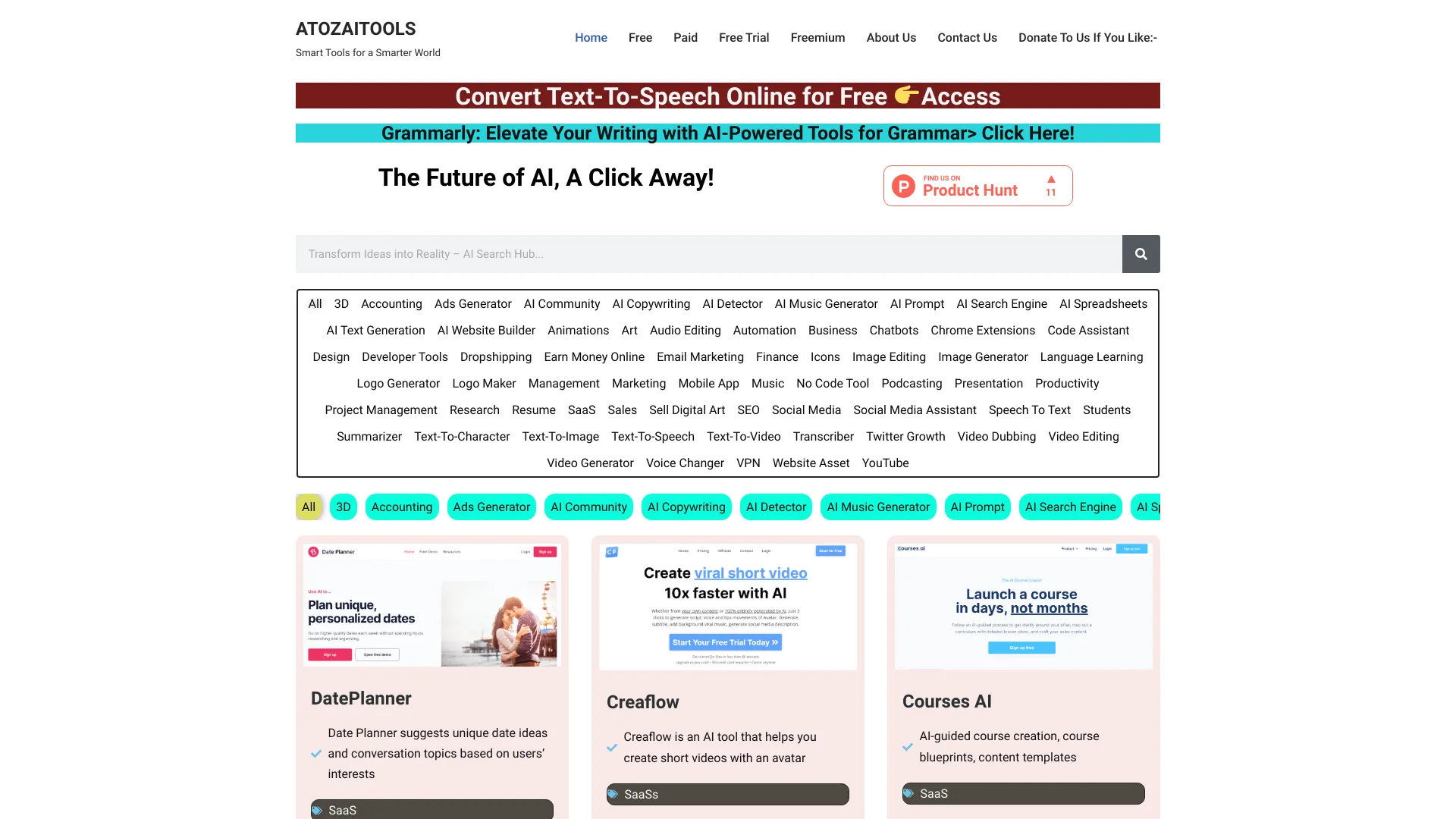
ATOZAITOOLS
Browsing a broad AI tools directory

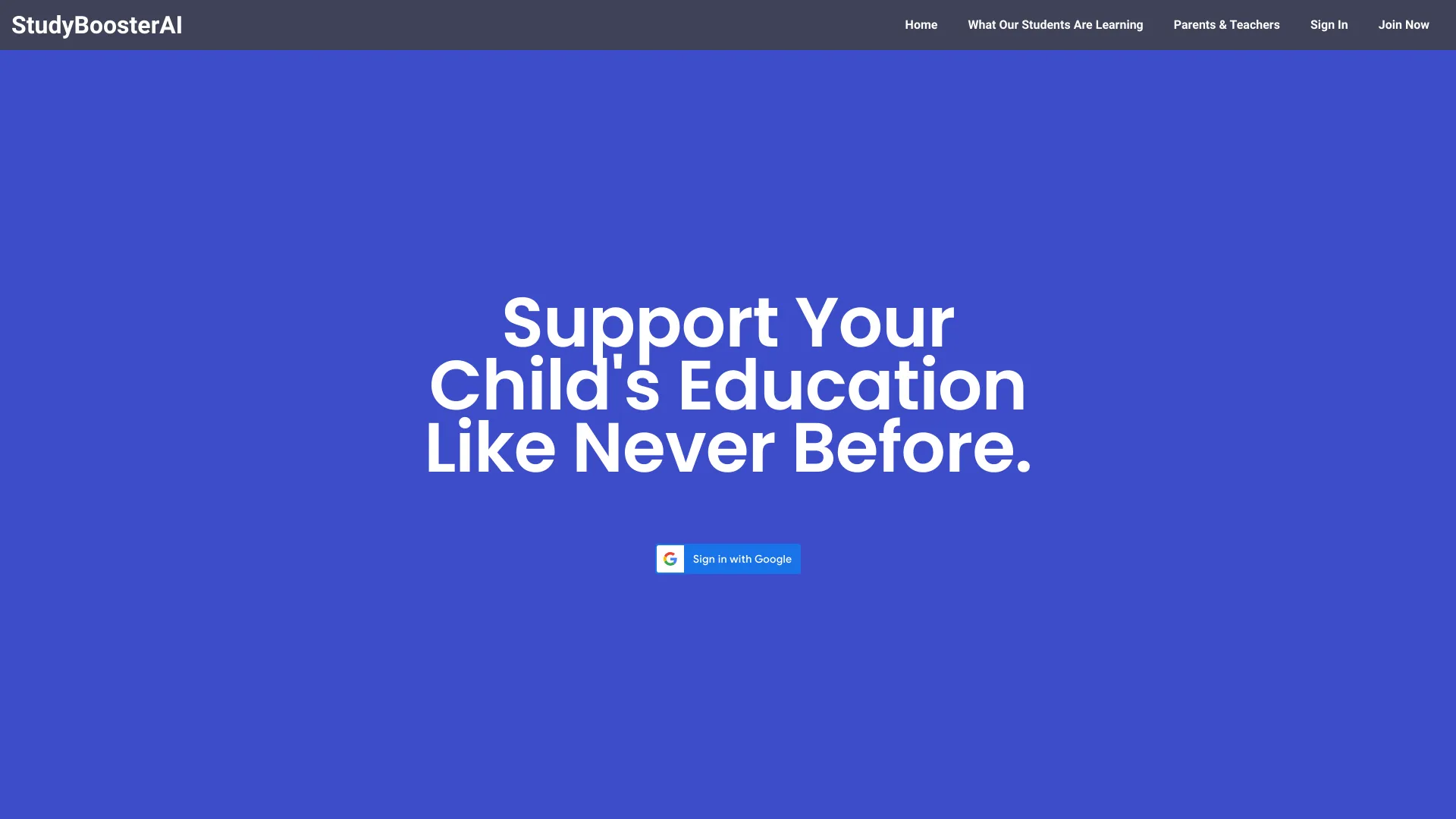
StudyBoosterAI
Personalized student study support

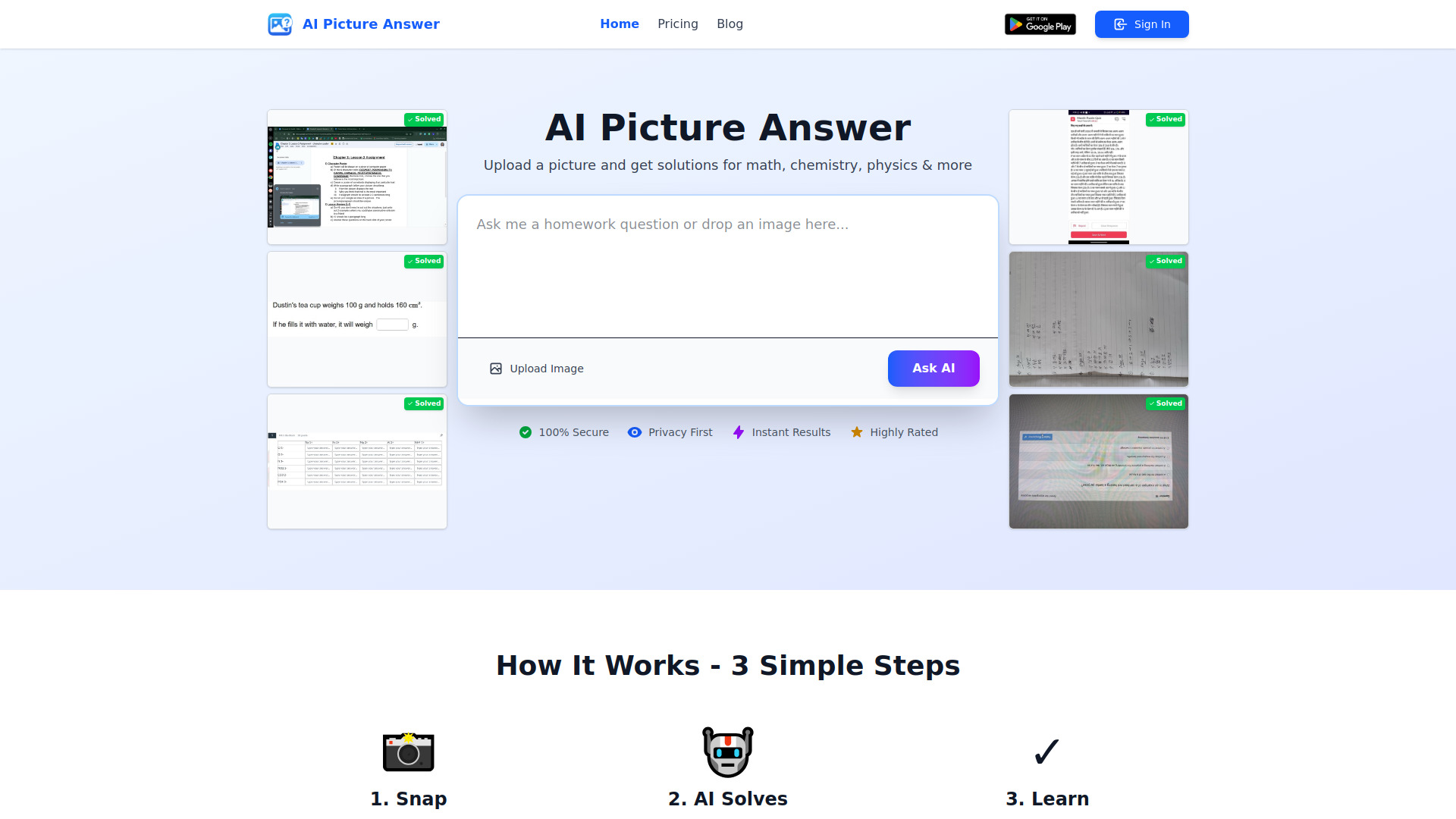
AI Homework Helper
Photo-based, step-by-step homework help

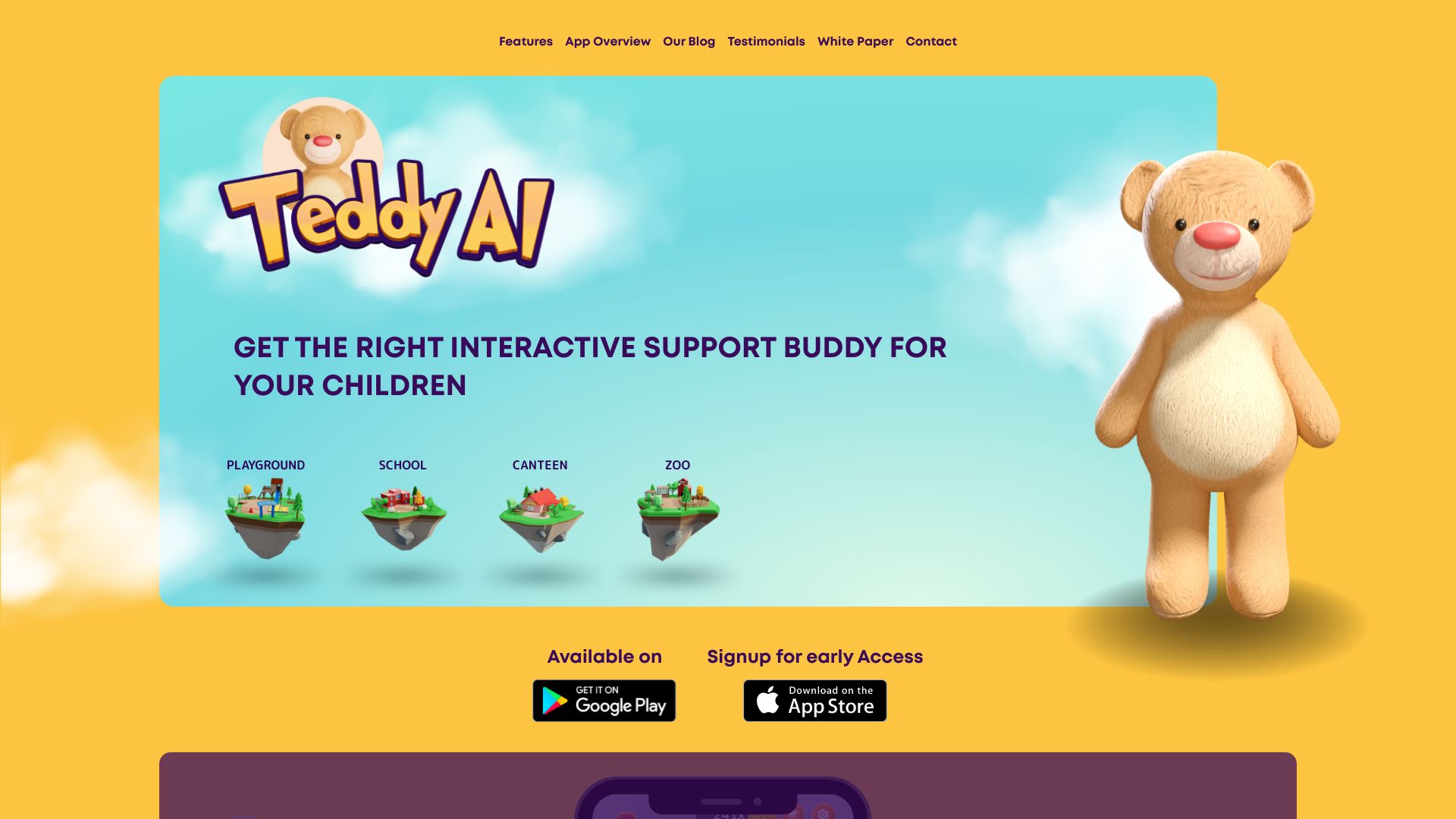
Teddy AI
Playful revision support for children

Hi-fi Ai
Discovering AI tools and learning resources

GeniusTutor
Step-by-step homework explanations
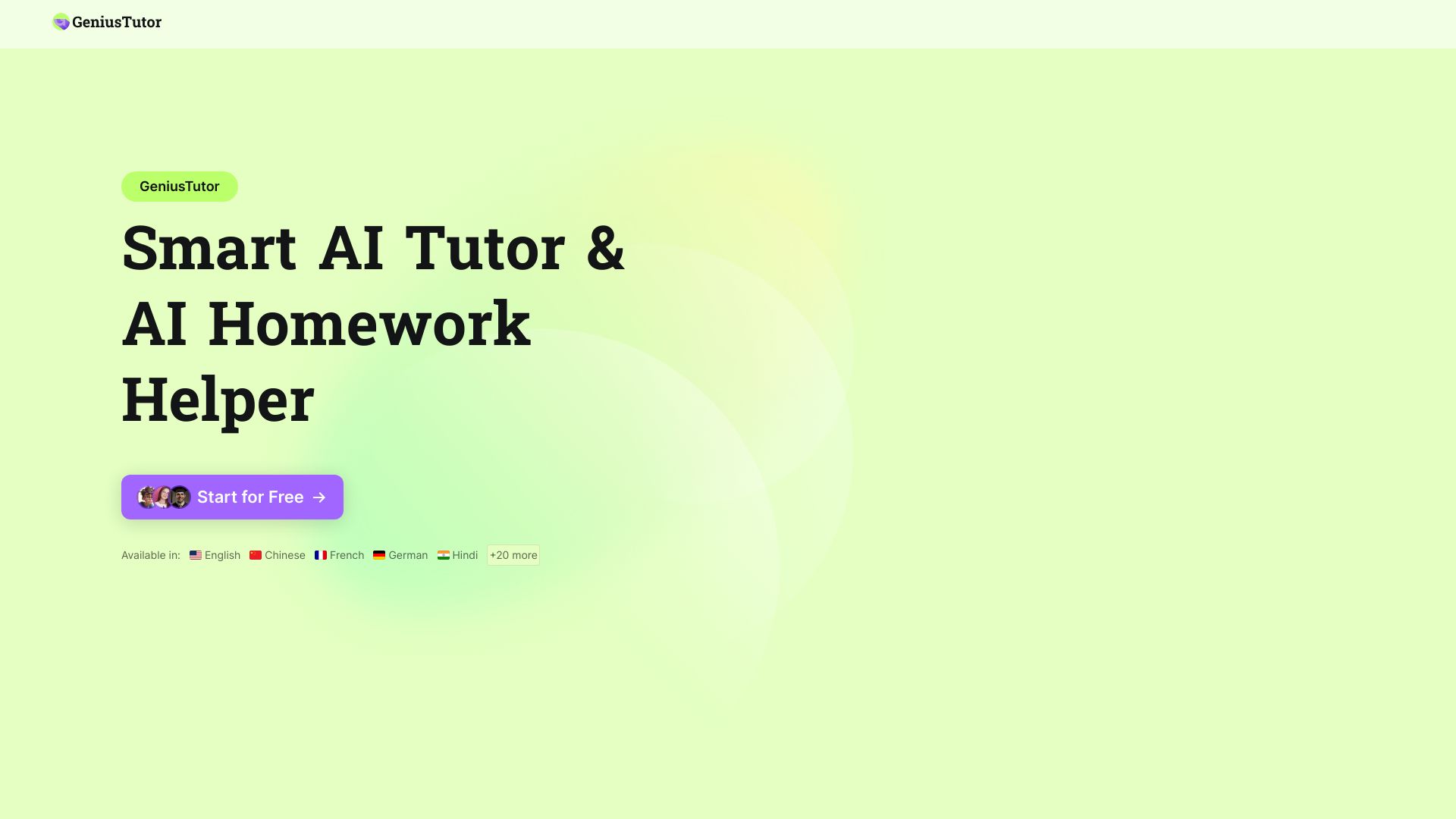

GradesAI
AI-powered exam prep and study tools
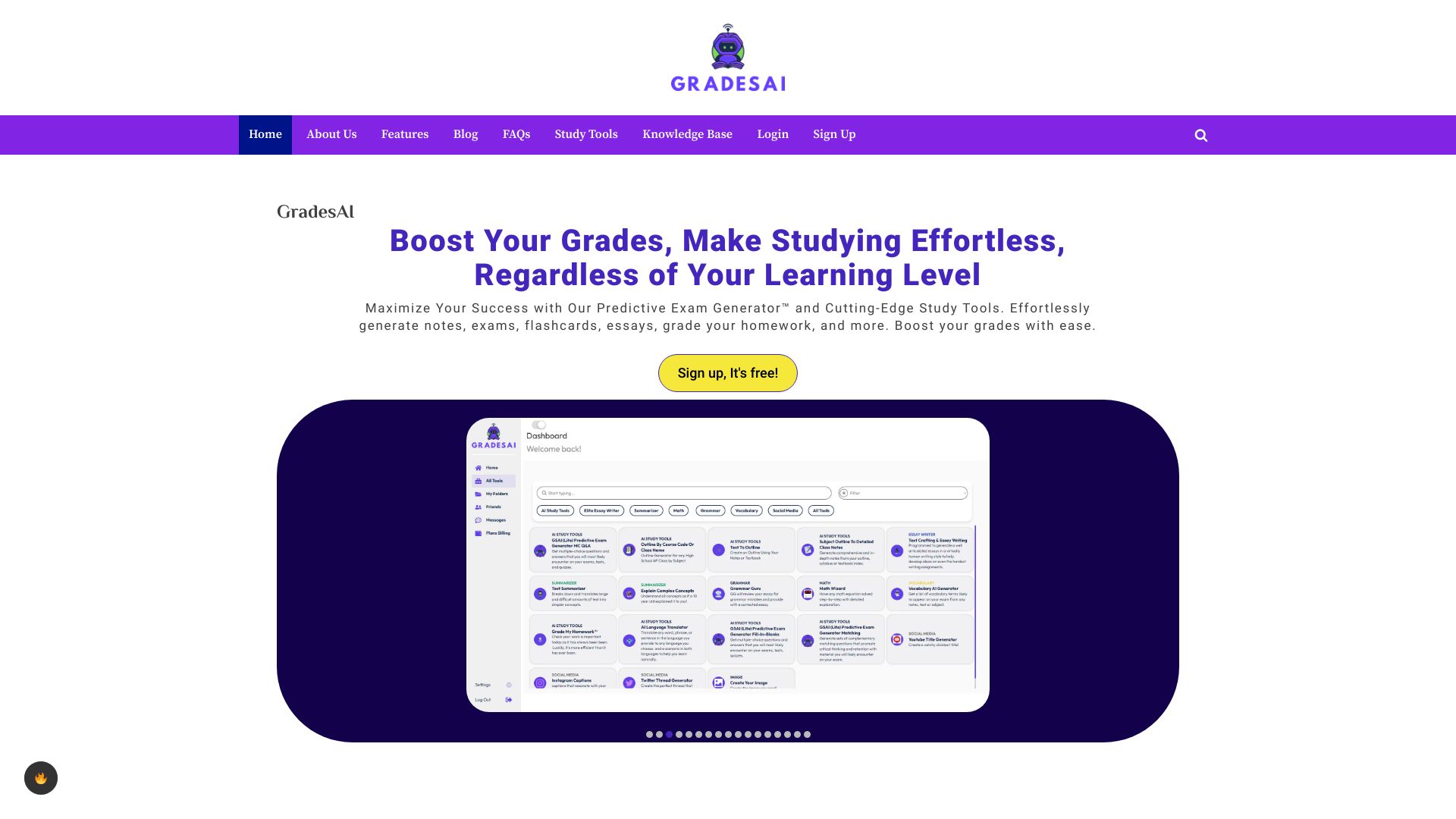

Study Point AI
AI homework help and step-by-step math practice

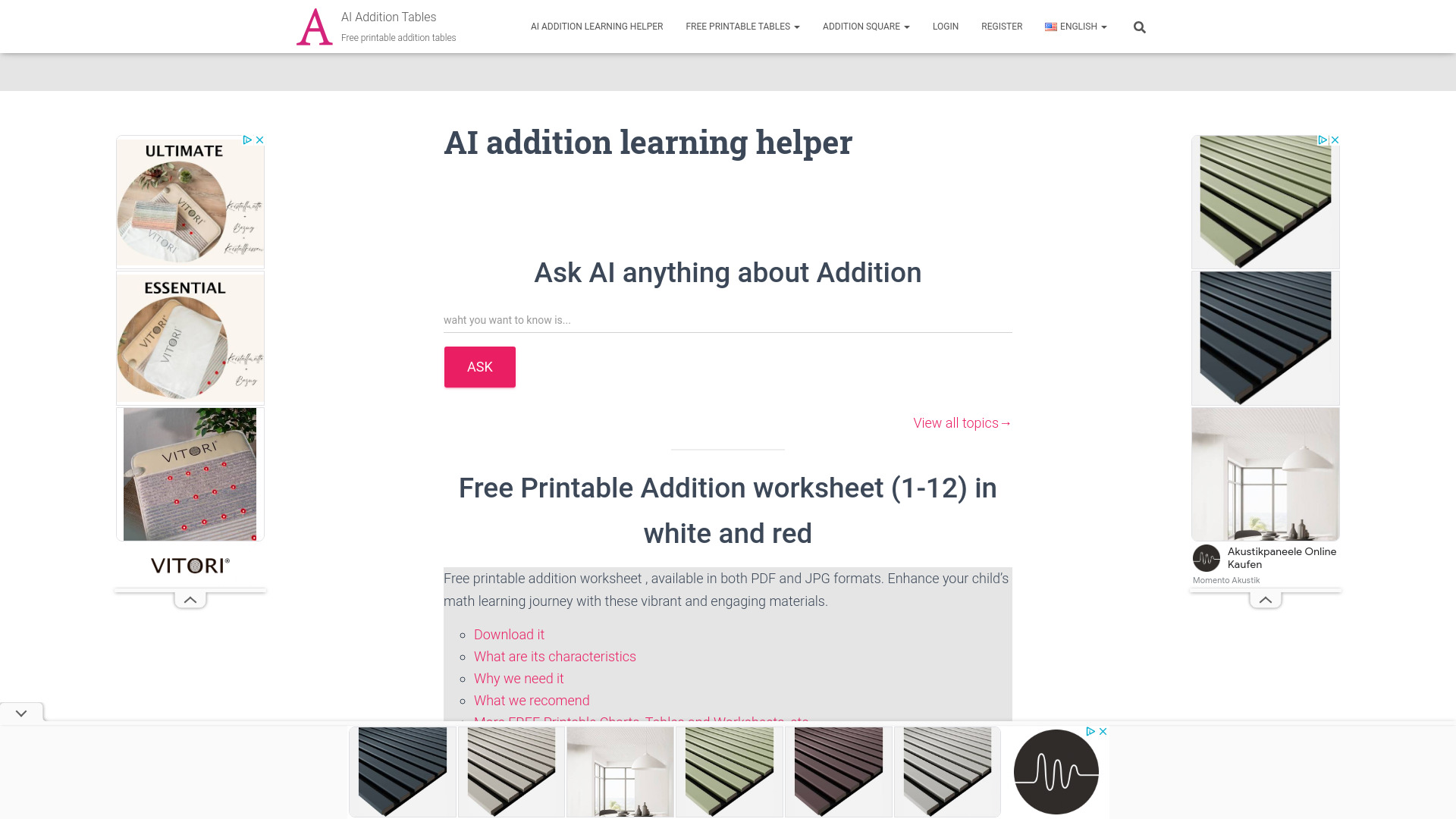
Addition Tables
Printable addition charts for classrooms
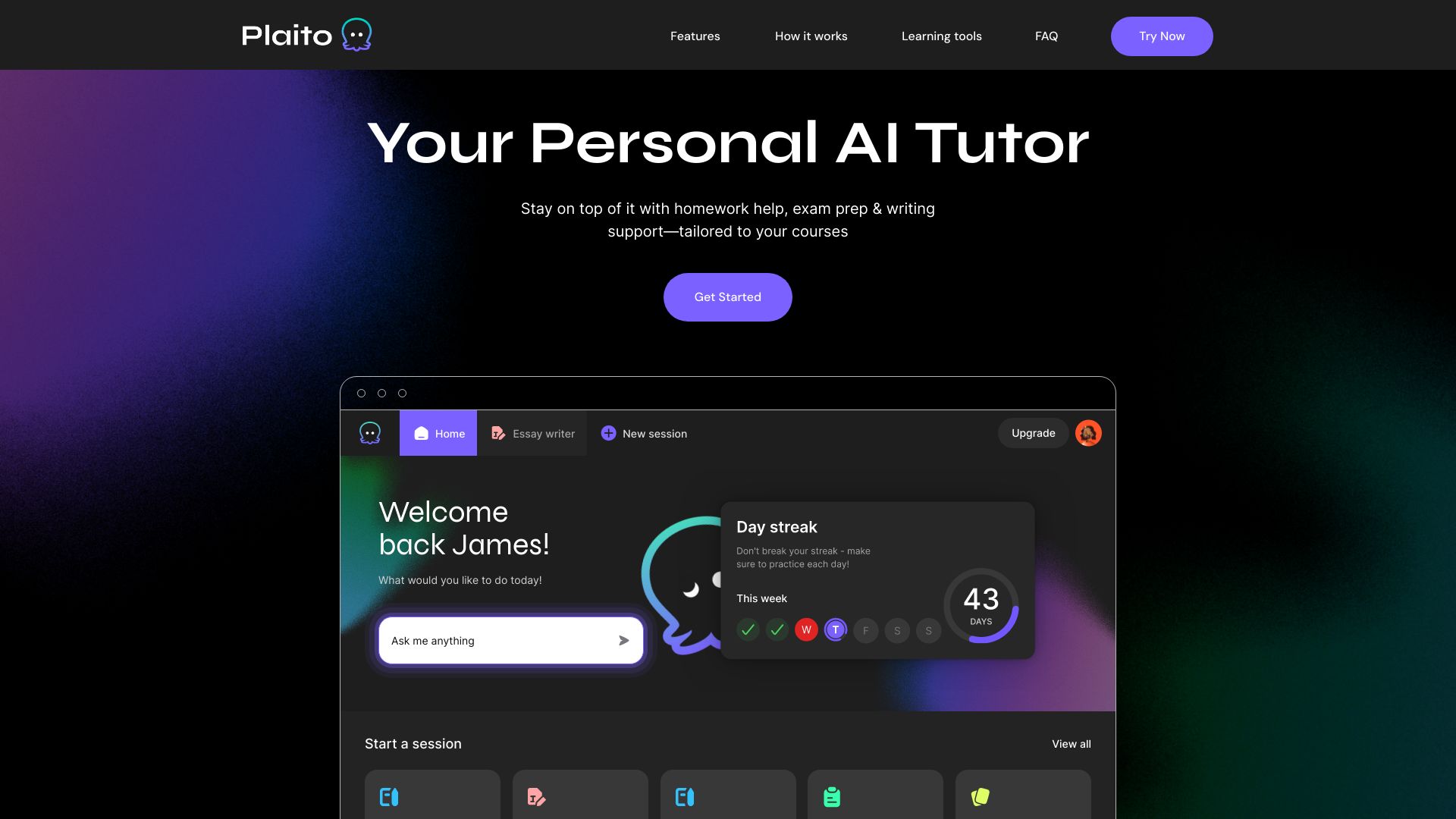
Plaito
AI homework help and exam prep for students

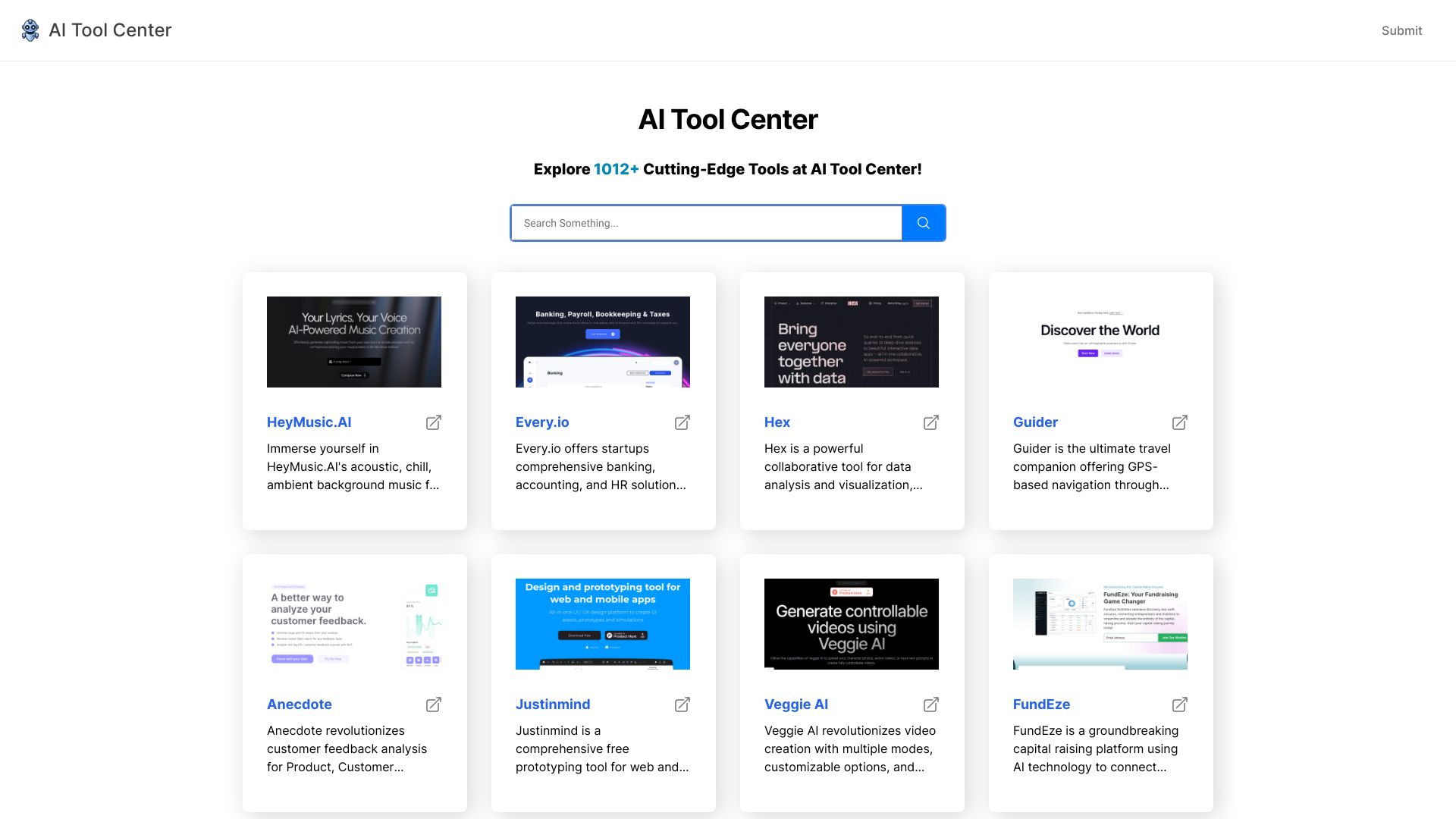
AI Tool Center
Discovering and comparing AI tools

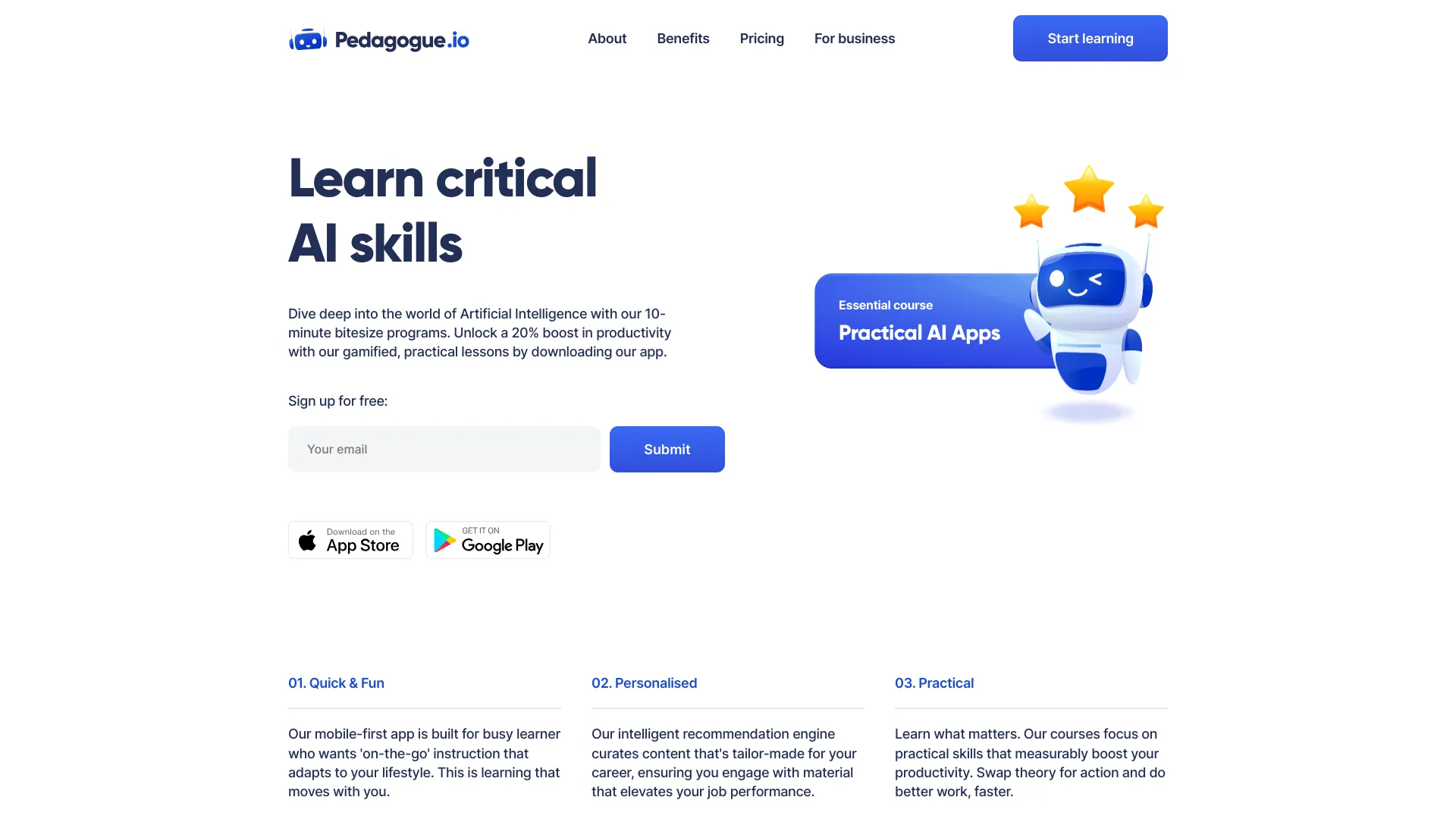
Pedagogue
Personalized AI training for business teams

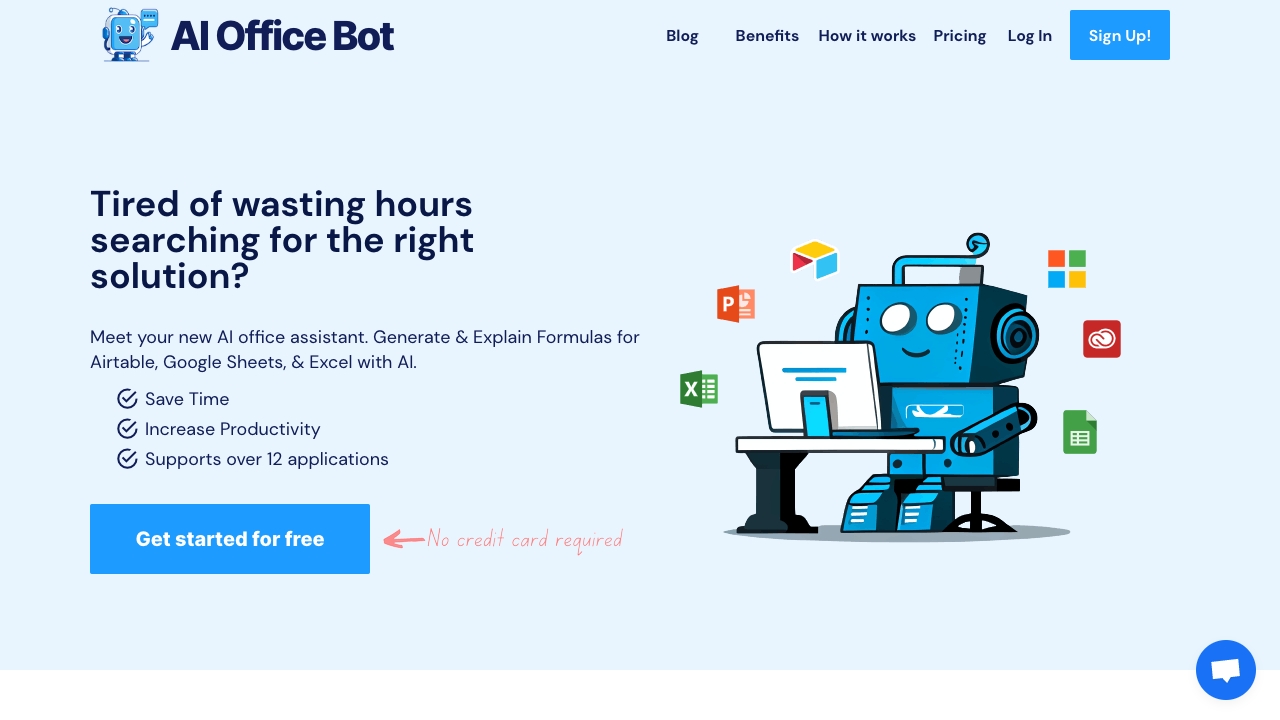
AI OFFICE BOT
AI-assisted spreadsheet formulas

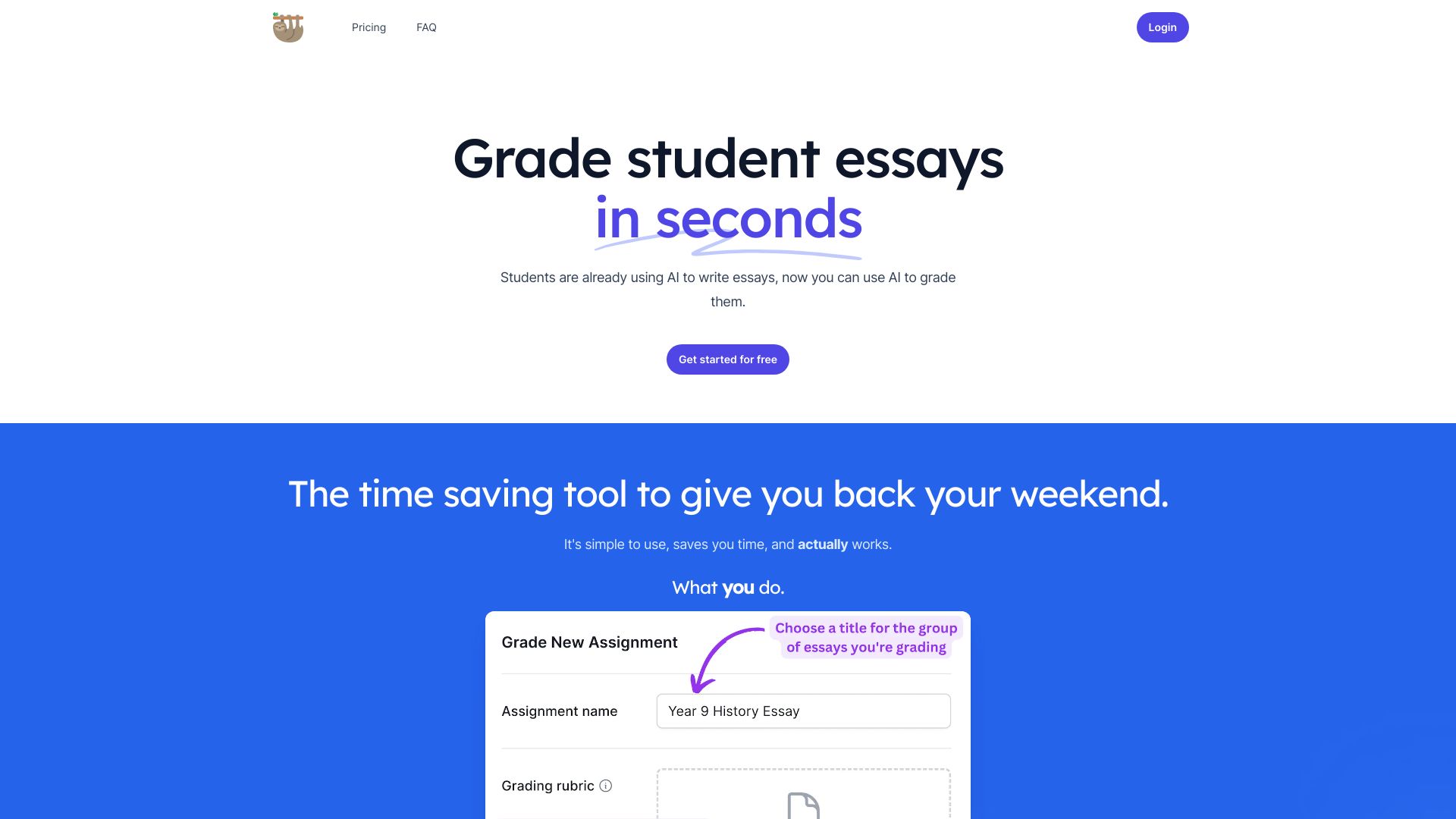
LazyTeacher - Grading Copilot
Teachers grading assignments with AI feedback

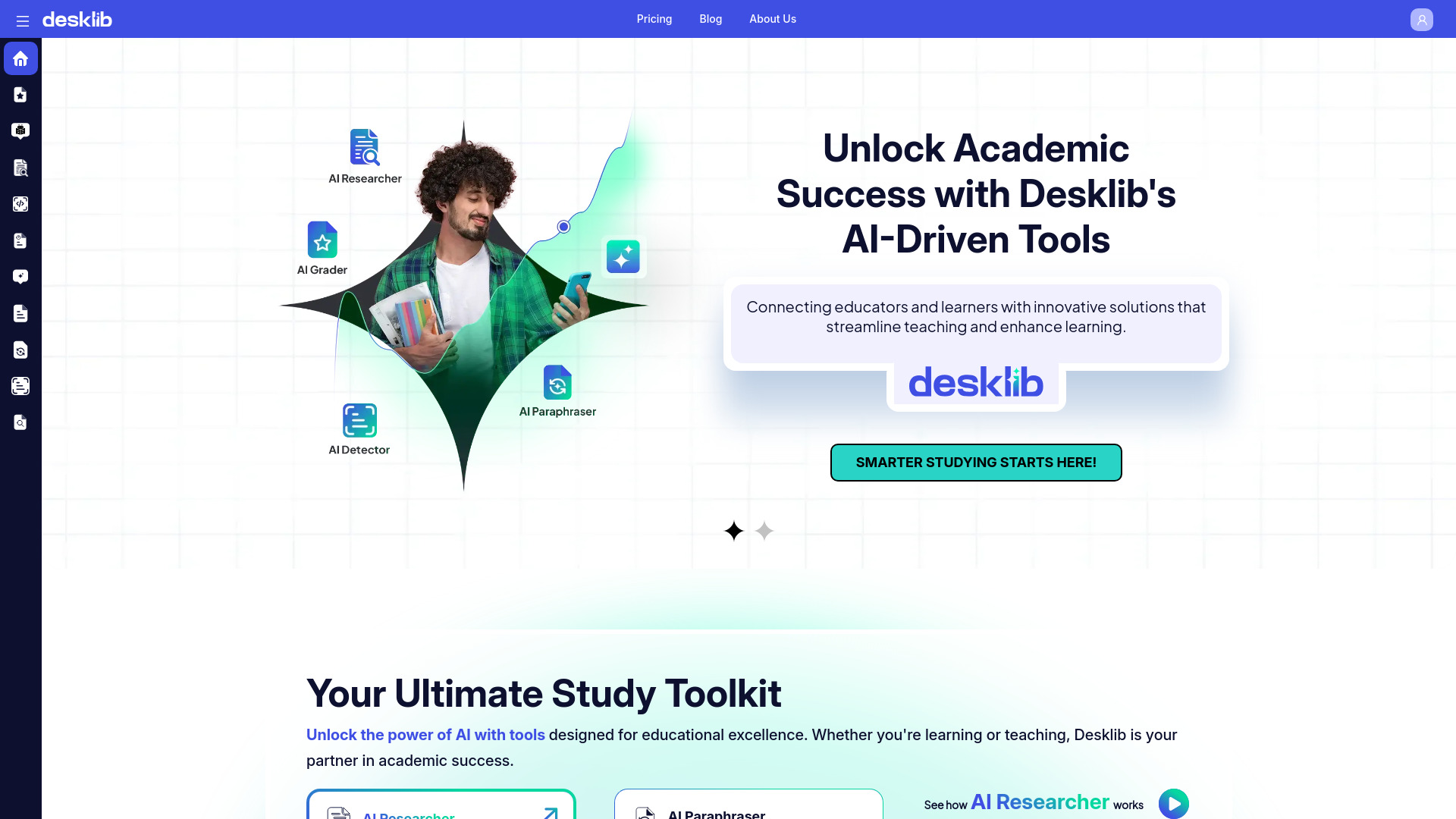
Desklib
AI-assisted grading and quiz creation

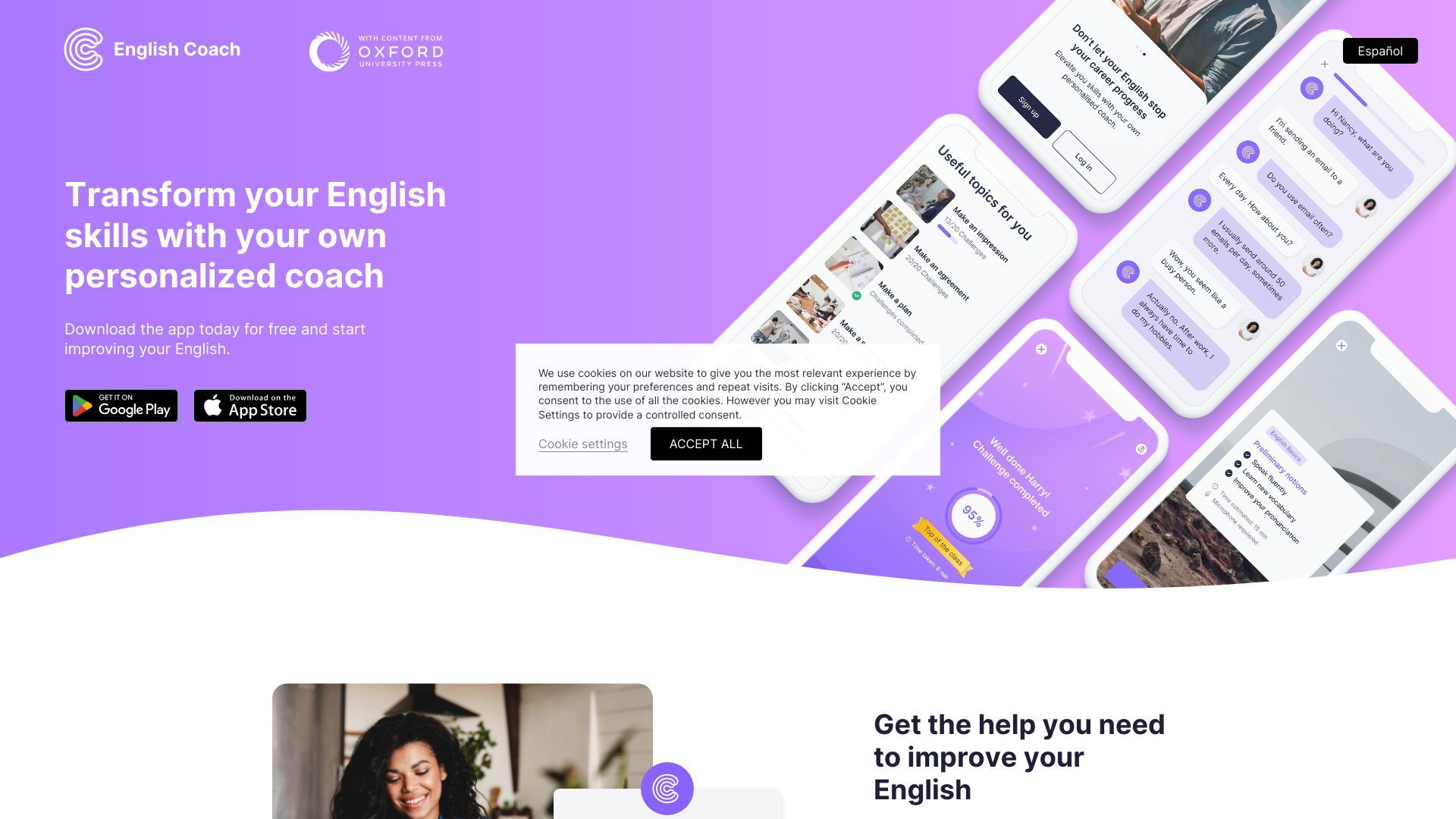
Language Coach AI
AI-powered English speaking practice
Maths.ai
Step-by-step maths help for students

AISheets.study
AI worksheets from classroom materials

TeacherToolsGPT
AI lesson planning and quiz creation

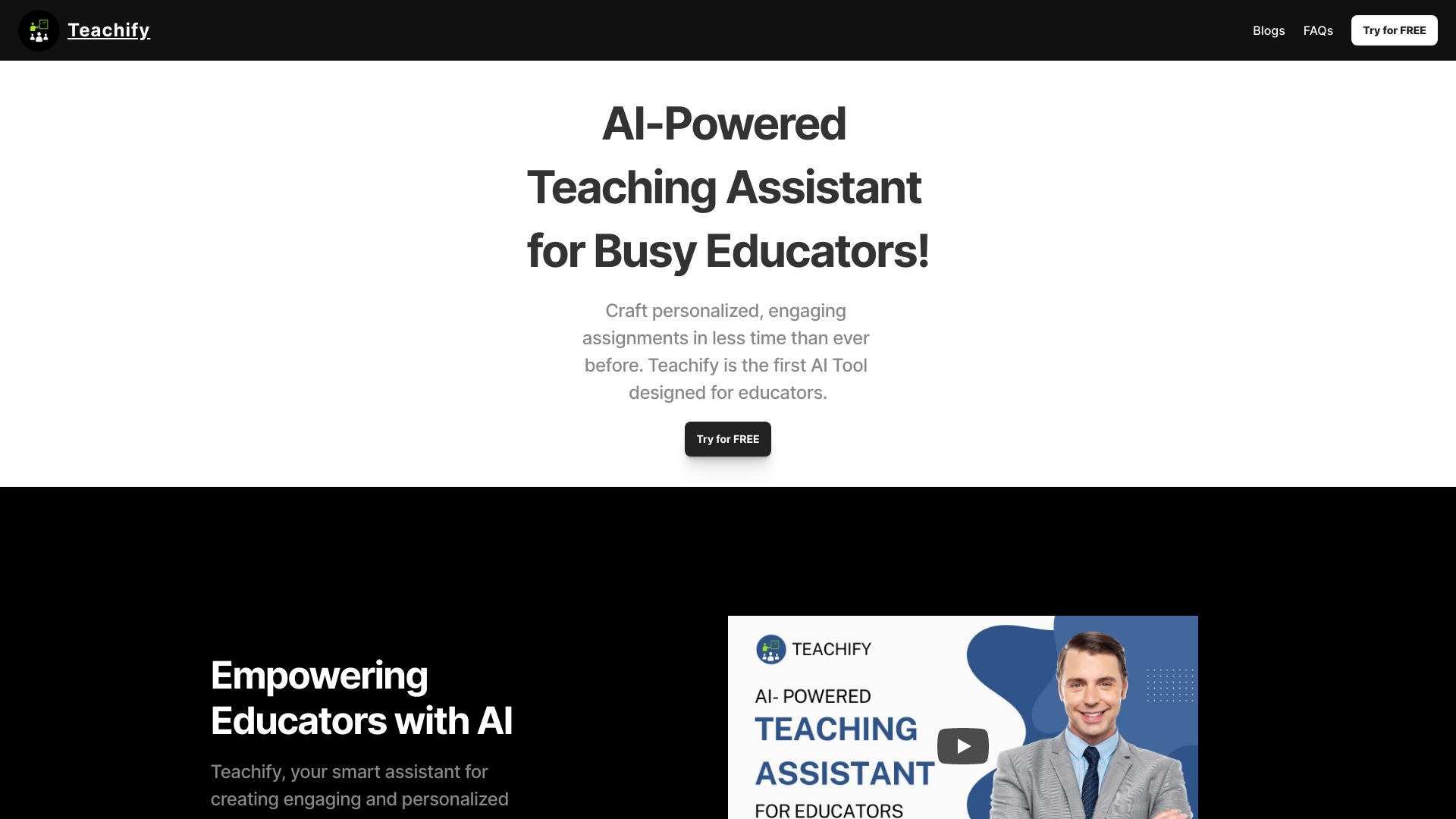
Teachify
Personalized lesson activities
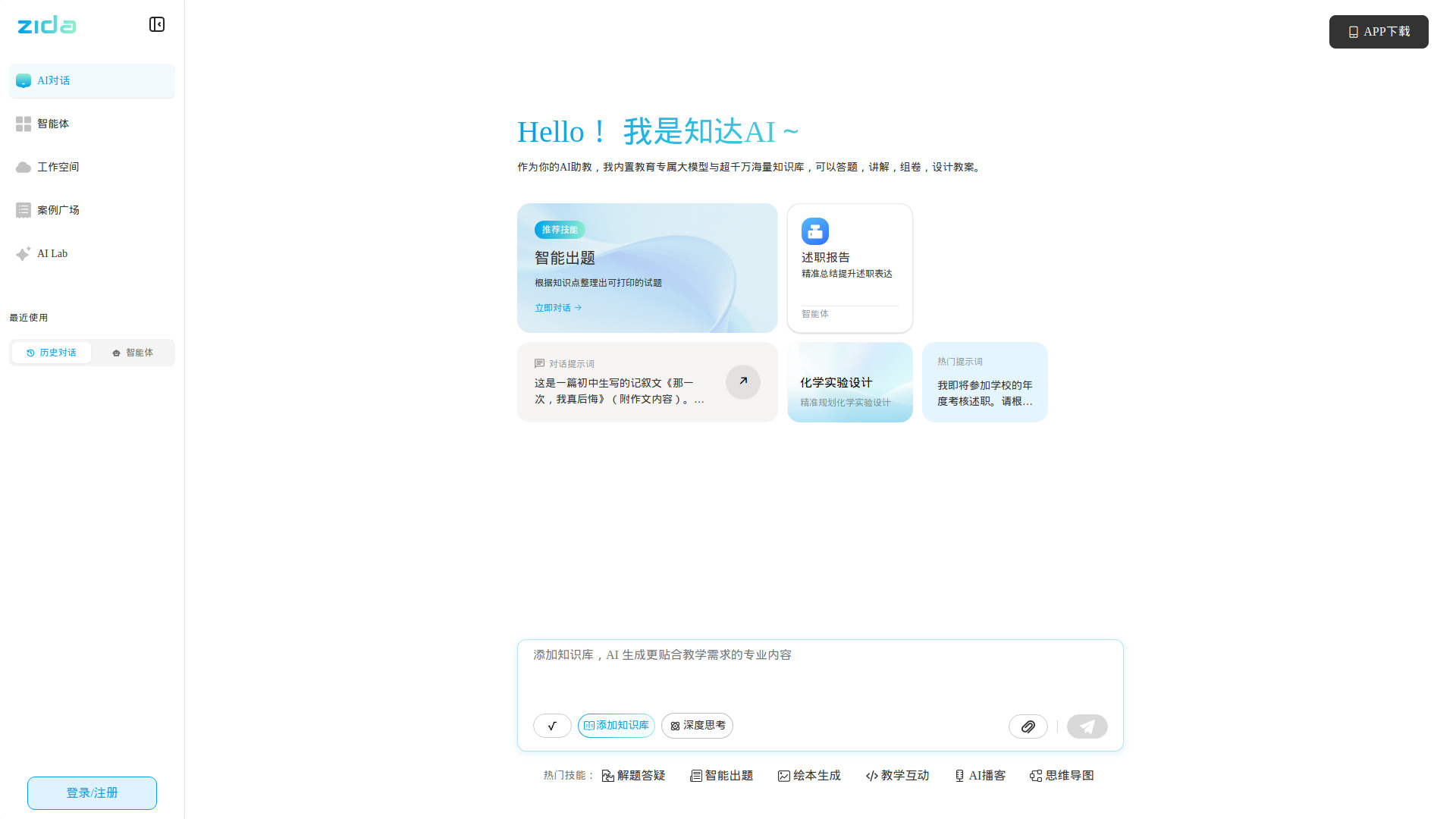
Zida AI
AI lesson planning and grading
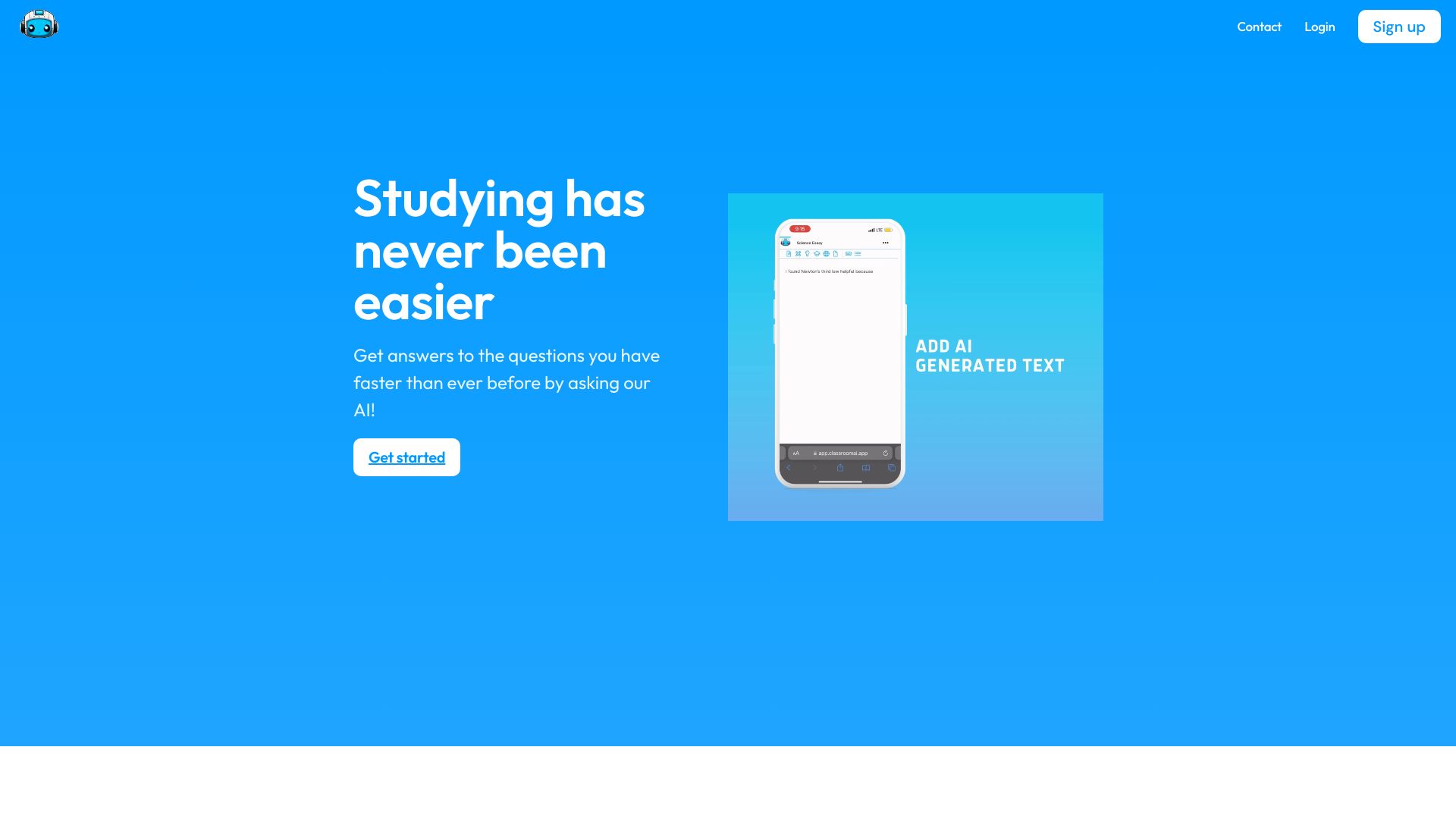
ClassroomAI
AI-powered student assignment help
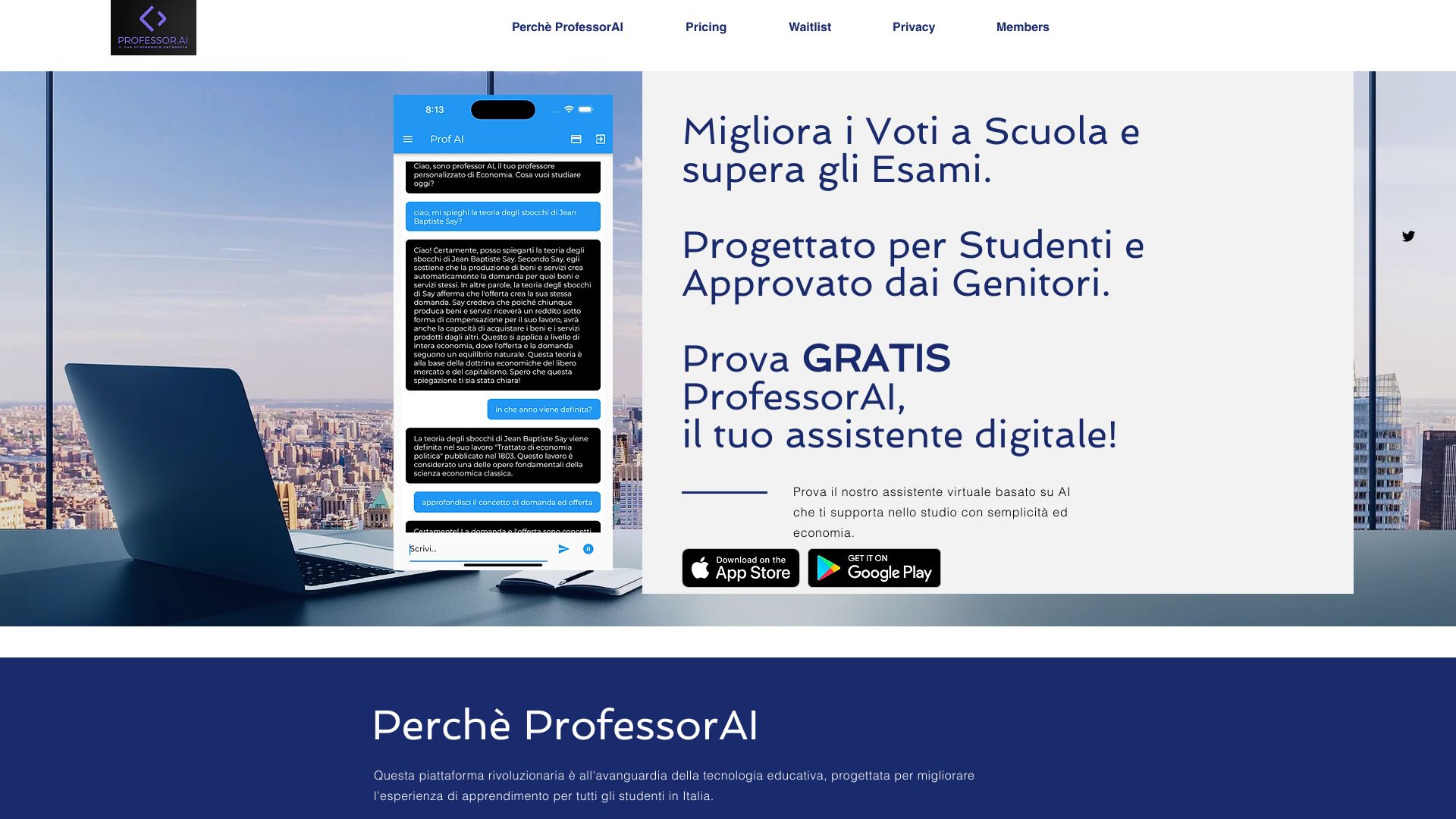
ProfessorAI
Conversational study support

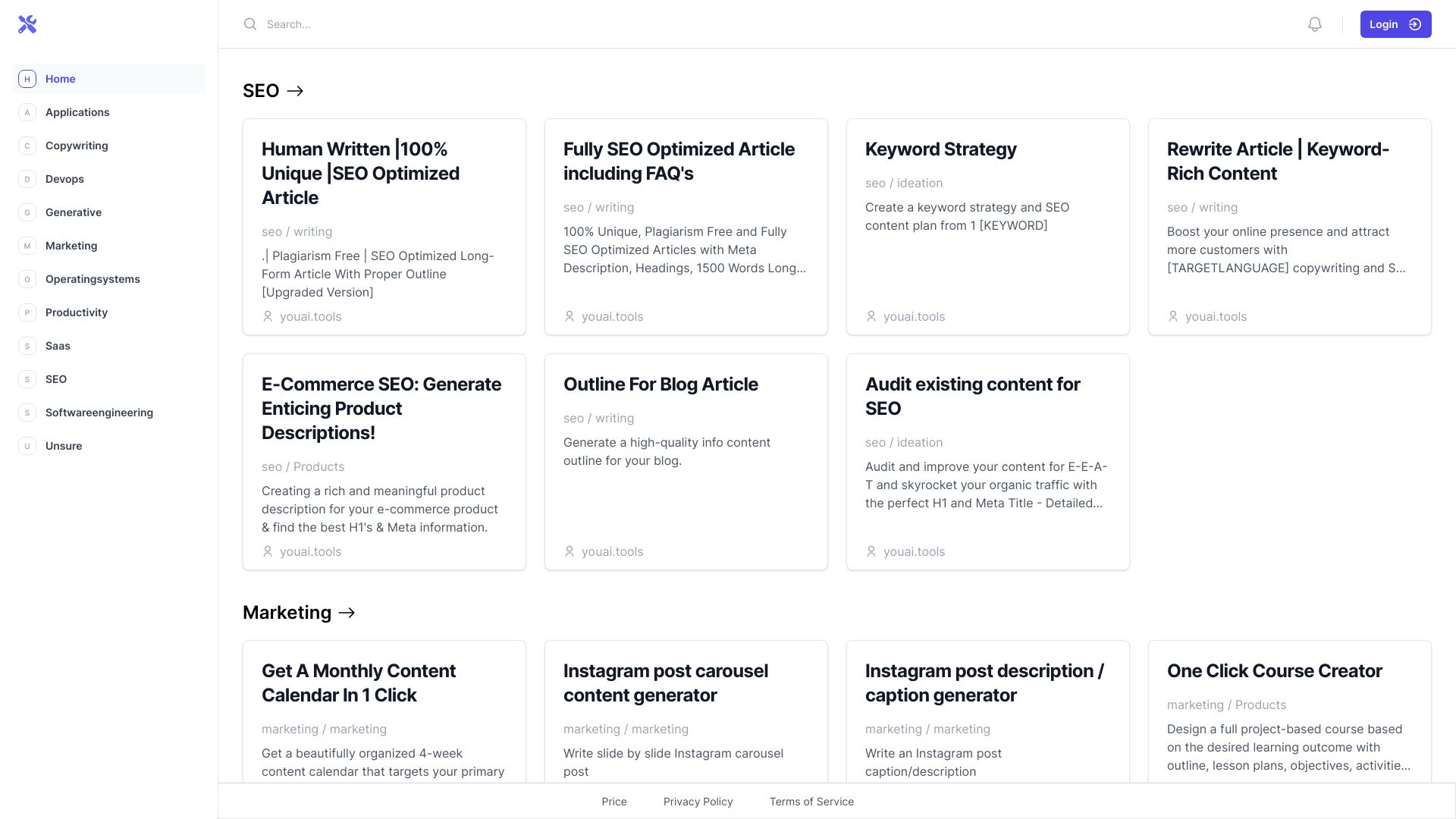
You AI Tools
Quick classroom quizzes and course outlines

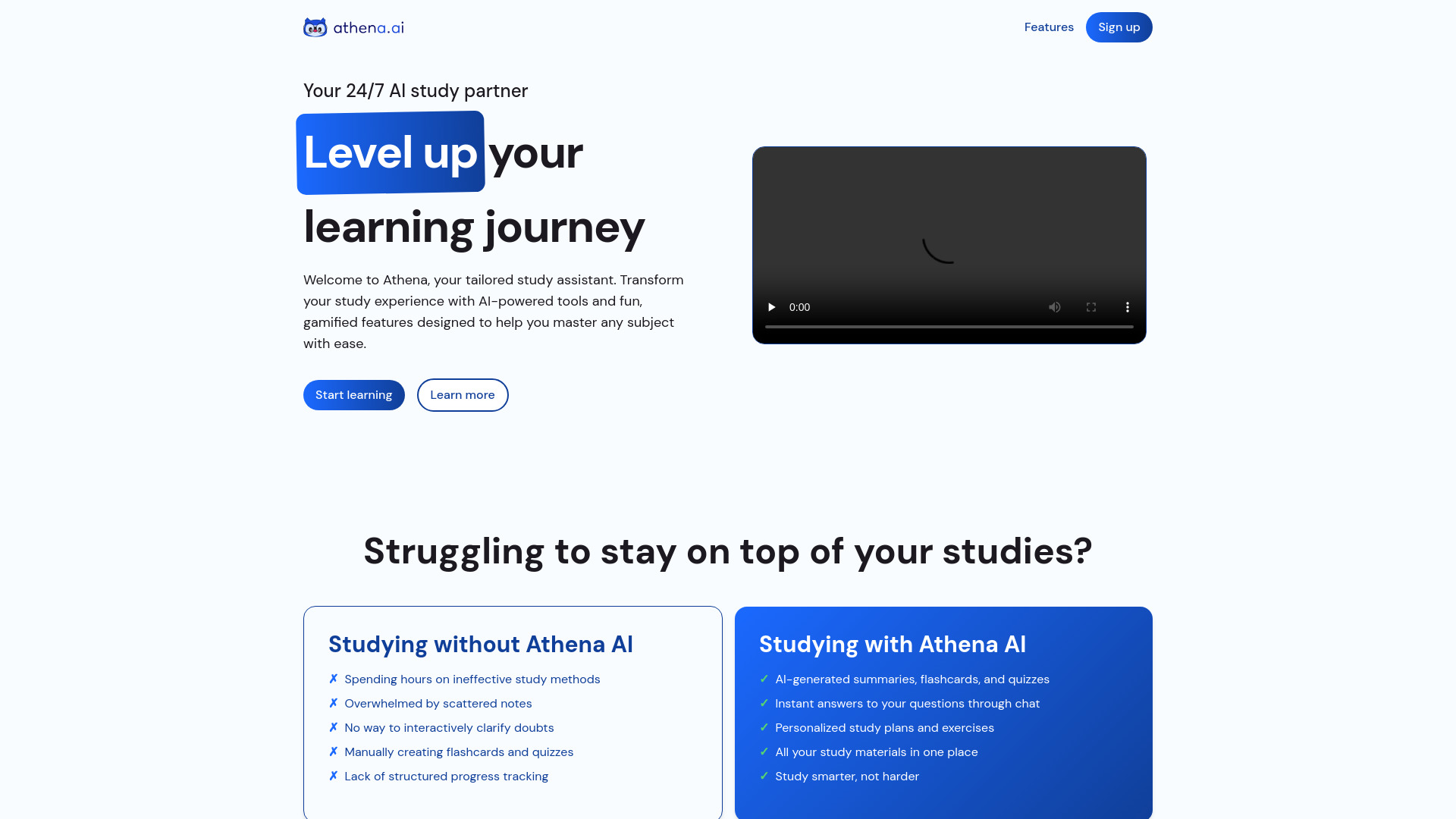
Athena AI
Turning study documents into quizzes and flashcards

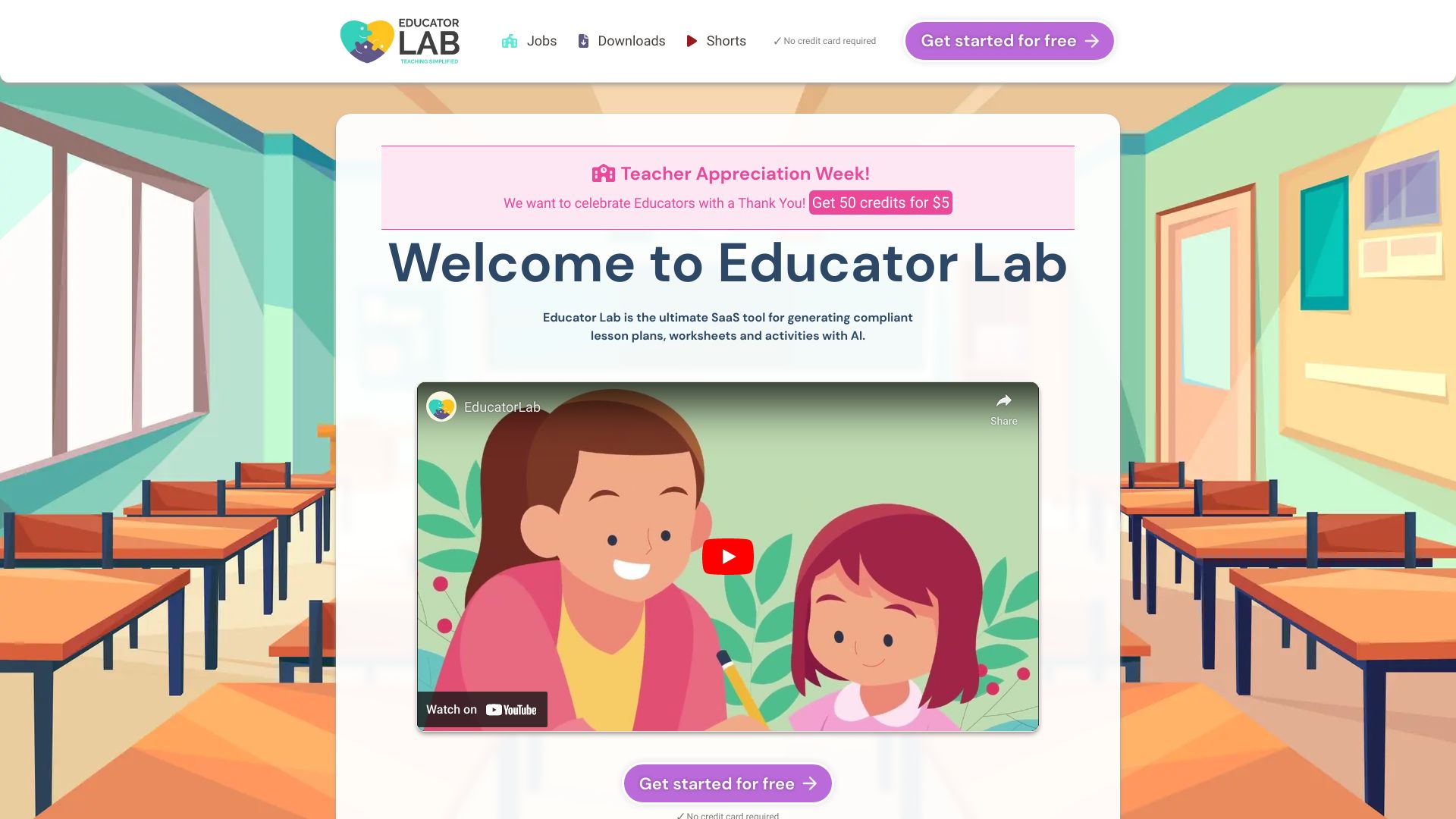
Educator Lab
Compliant lesson planning

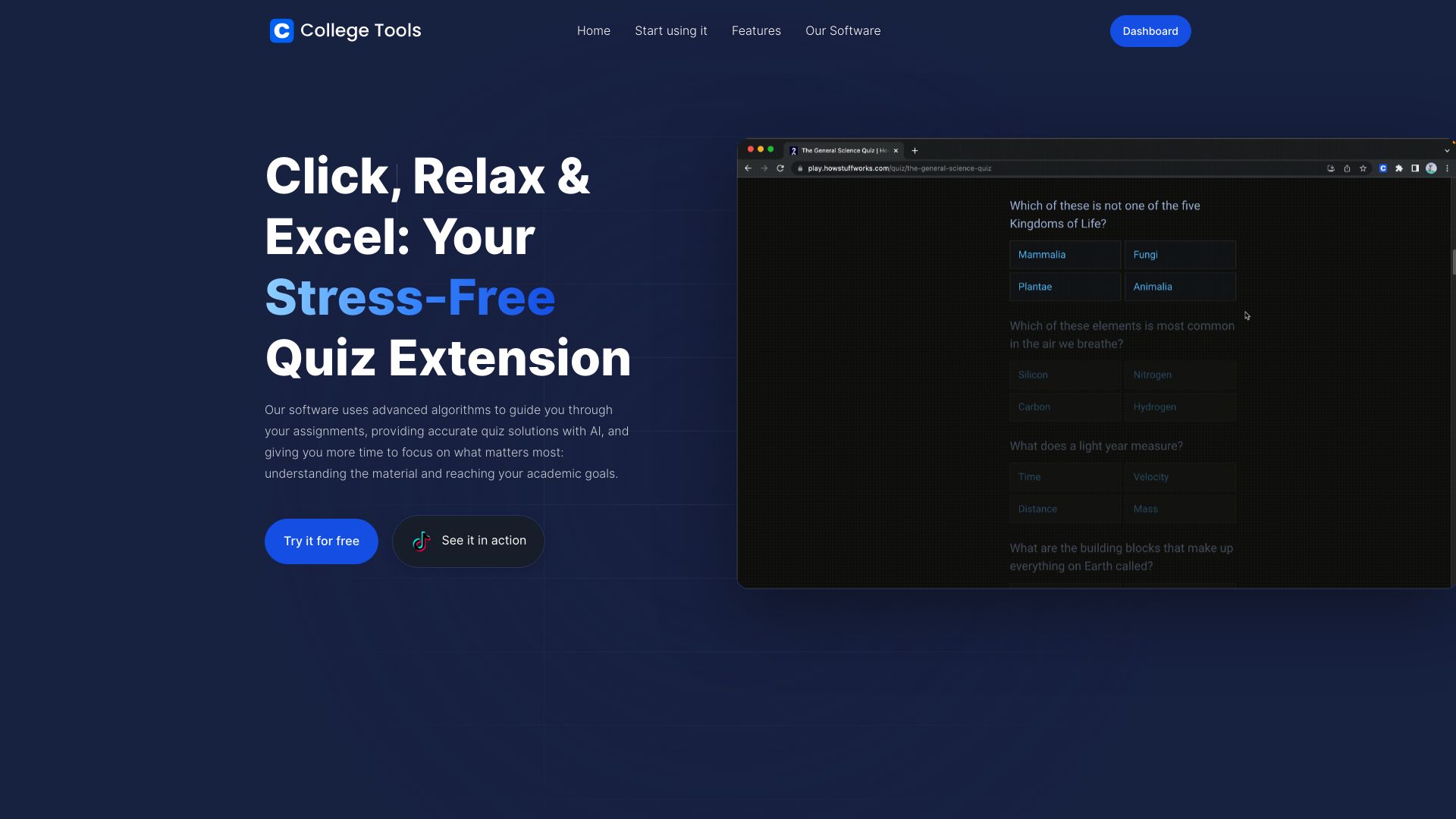
College Tools
Step-by-step homework help

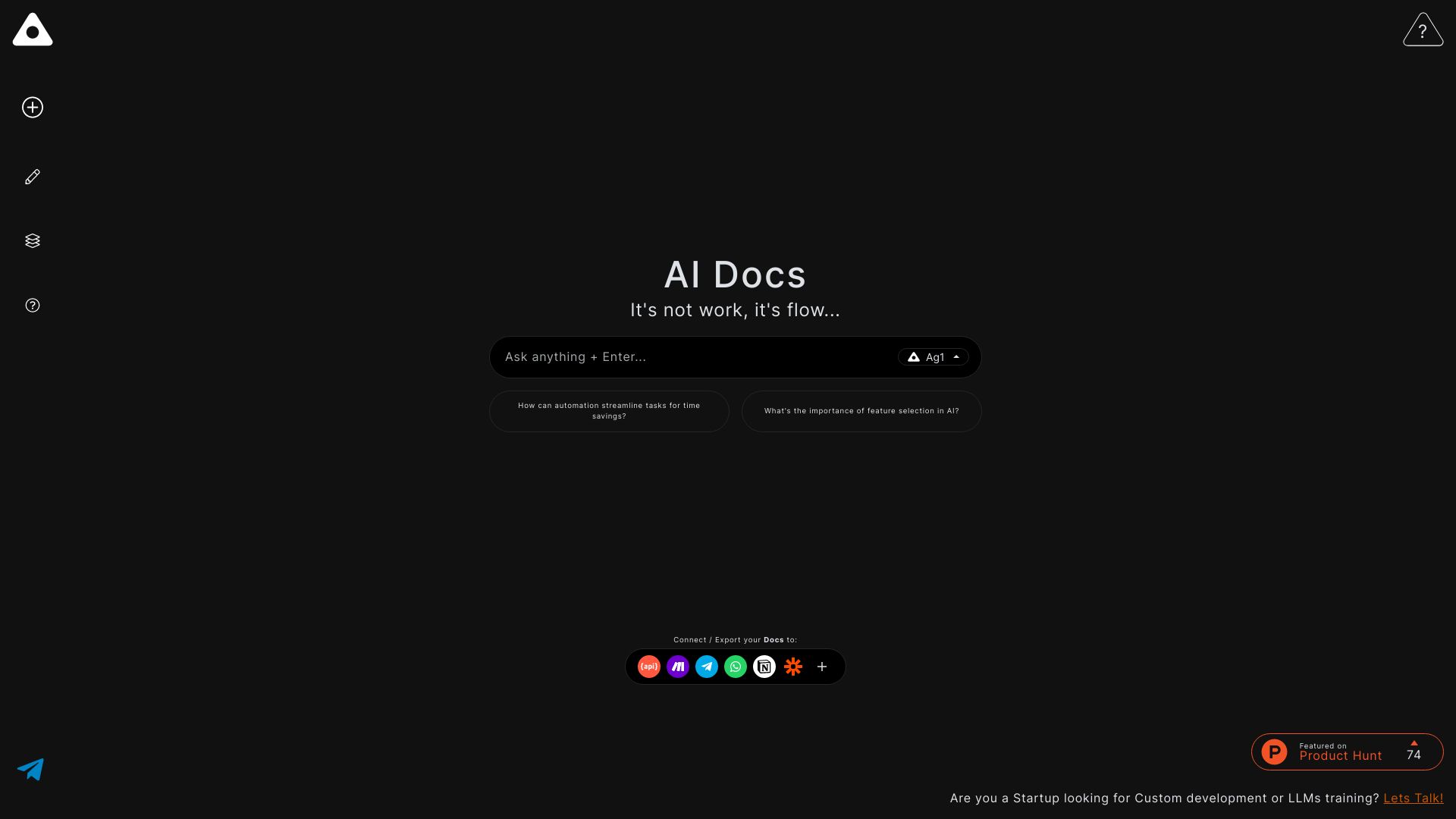
Ag1 Labs
Drafting academic documents and evaluations

Ace It
Turning notes into flashcards and quizzes

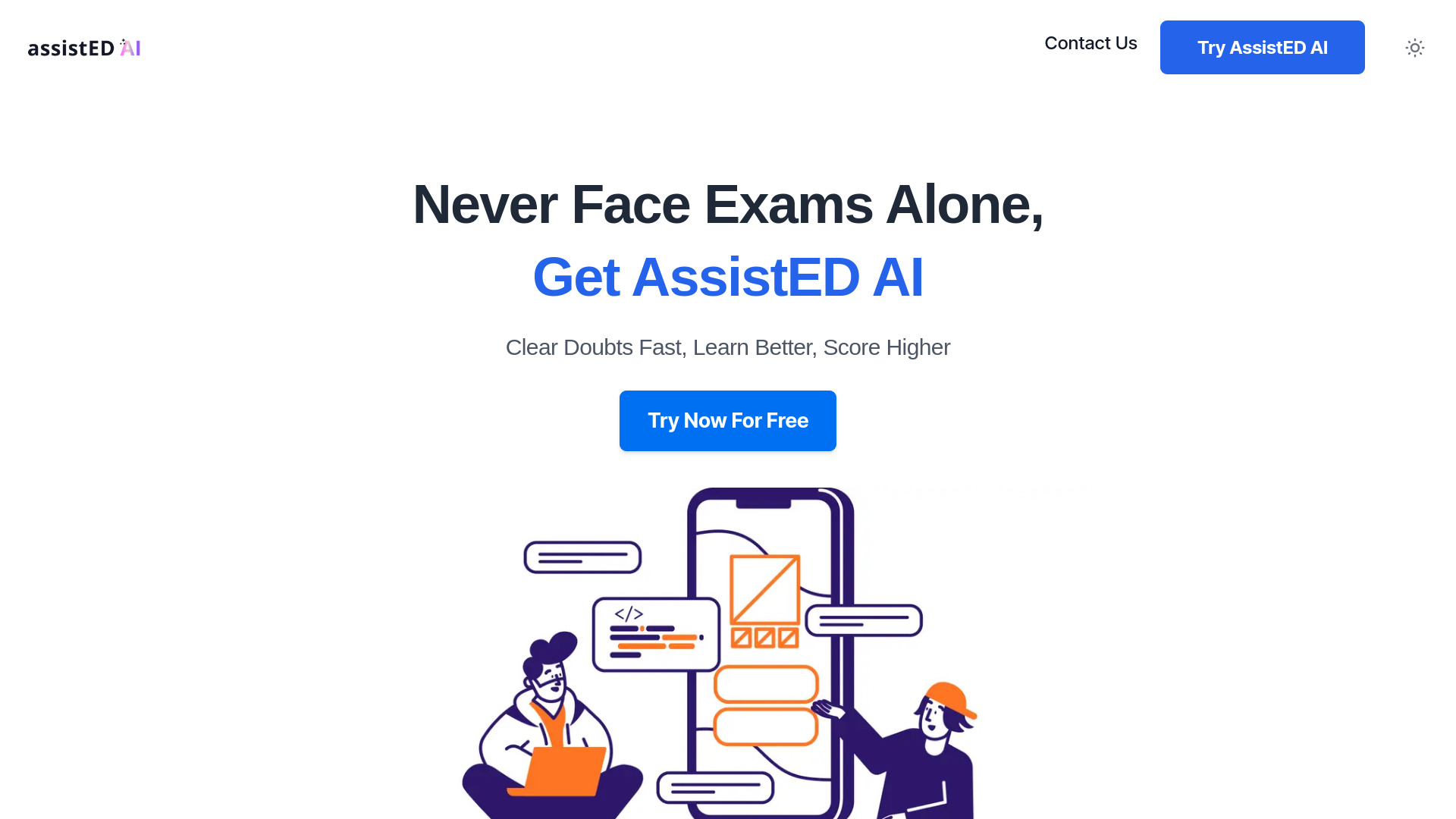
AssistED AI
Competitive exam doubt solving

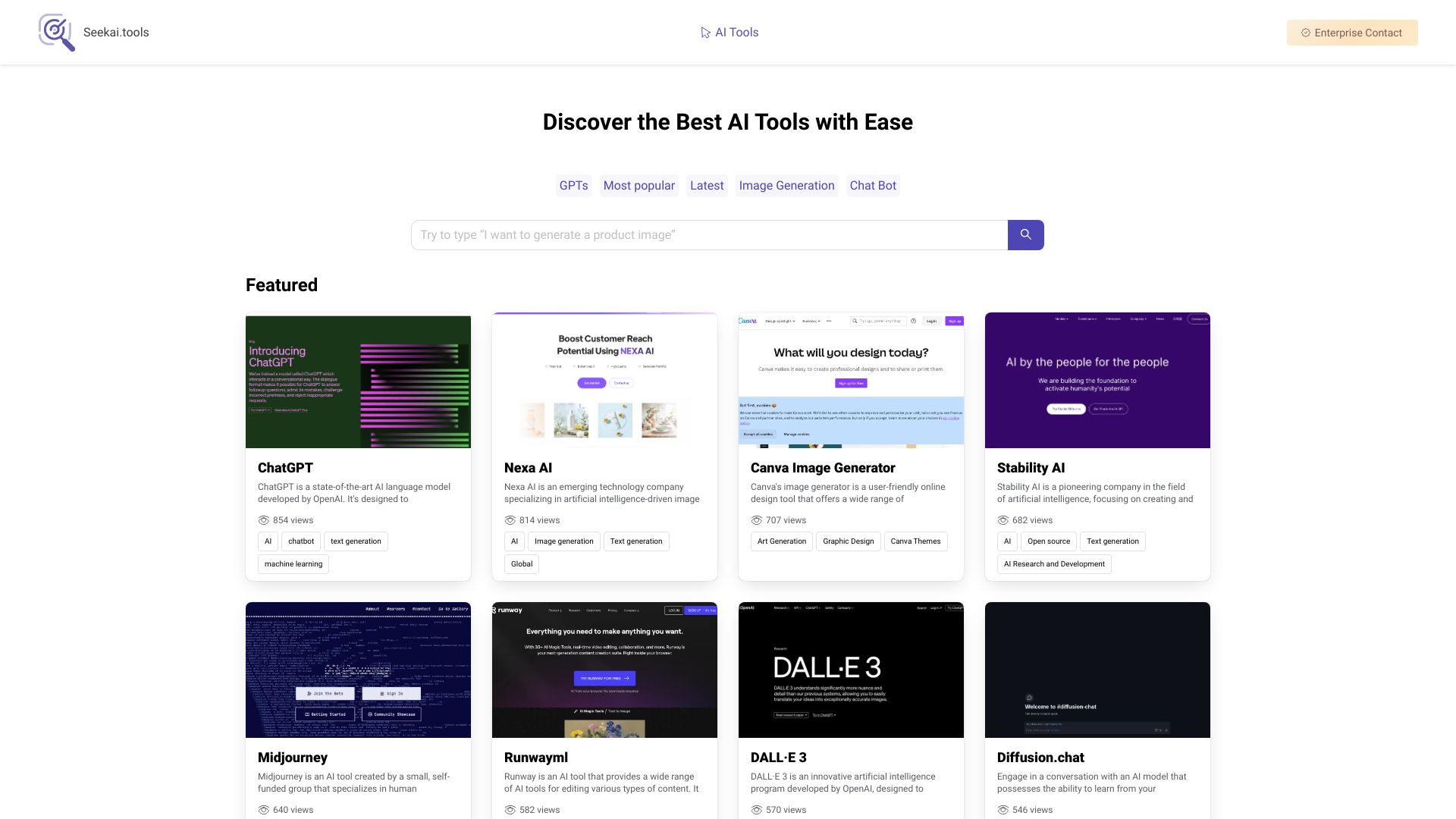
Seekai.tools
Discovering AI tools

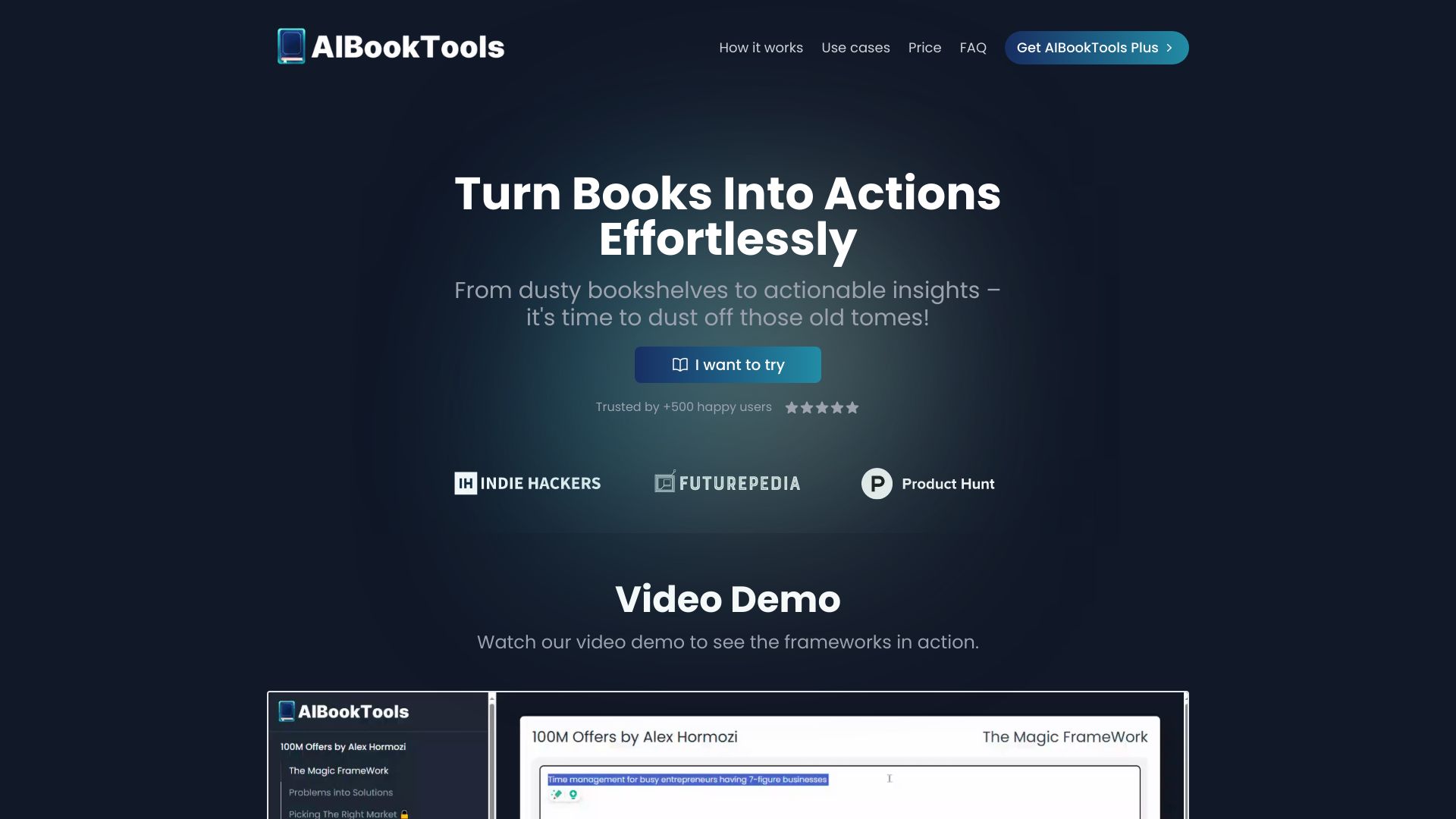
AIBookTools
Applying book frameworks to personal goals and business

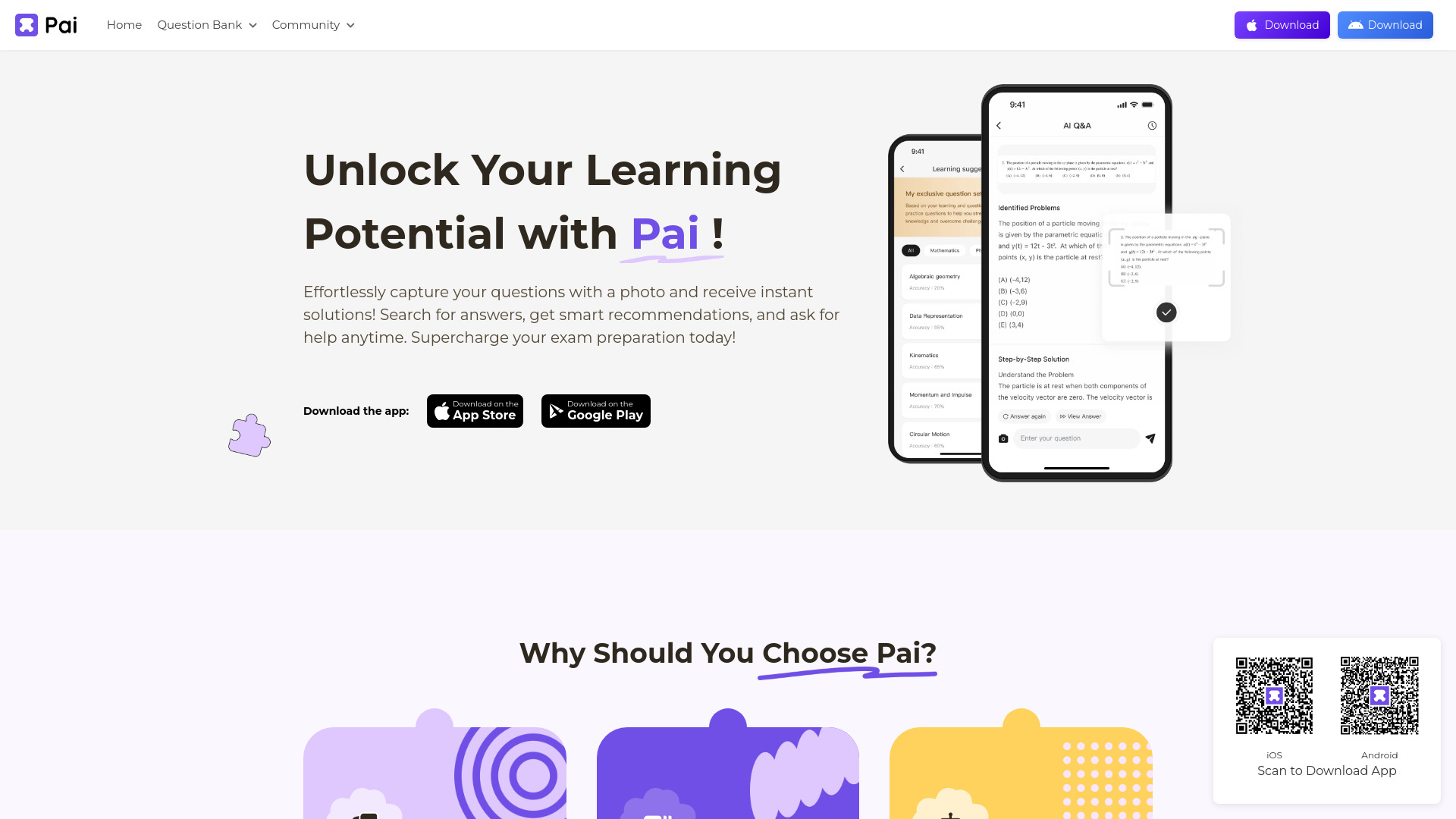
PAI
Photo-based exam question explanations
AI Homework Helper
Student homework explanations

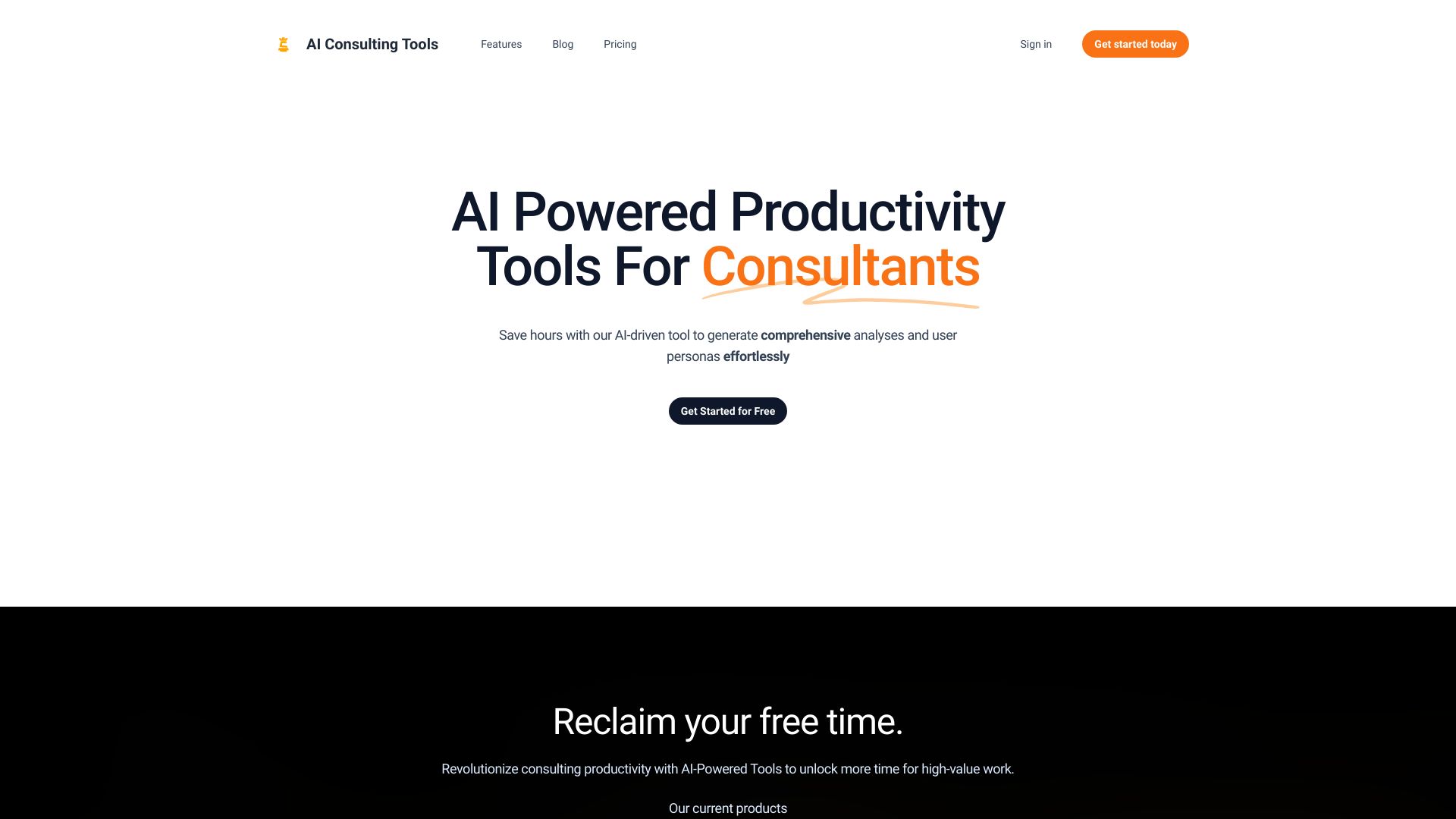
AI Consulting Tools
Business analysis templates

Lernen
Personalized tutoring across school subjects

Ailtoolbox
AI content generation and writing
TeacherToolsGPT
Personalized quizzes and lesson plans

Whiteboard AI
Turning lectures and study materials into summaries and flashcards
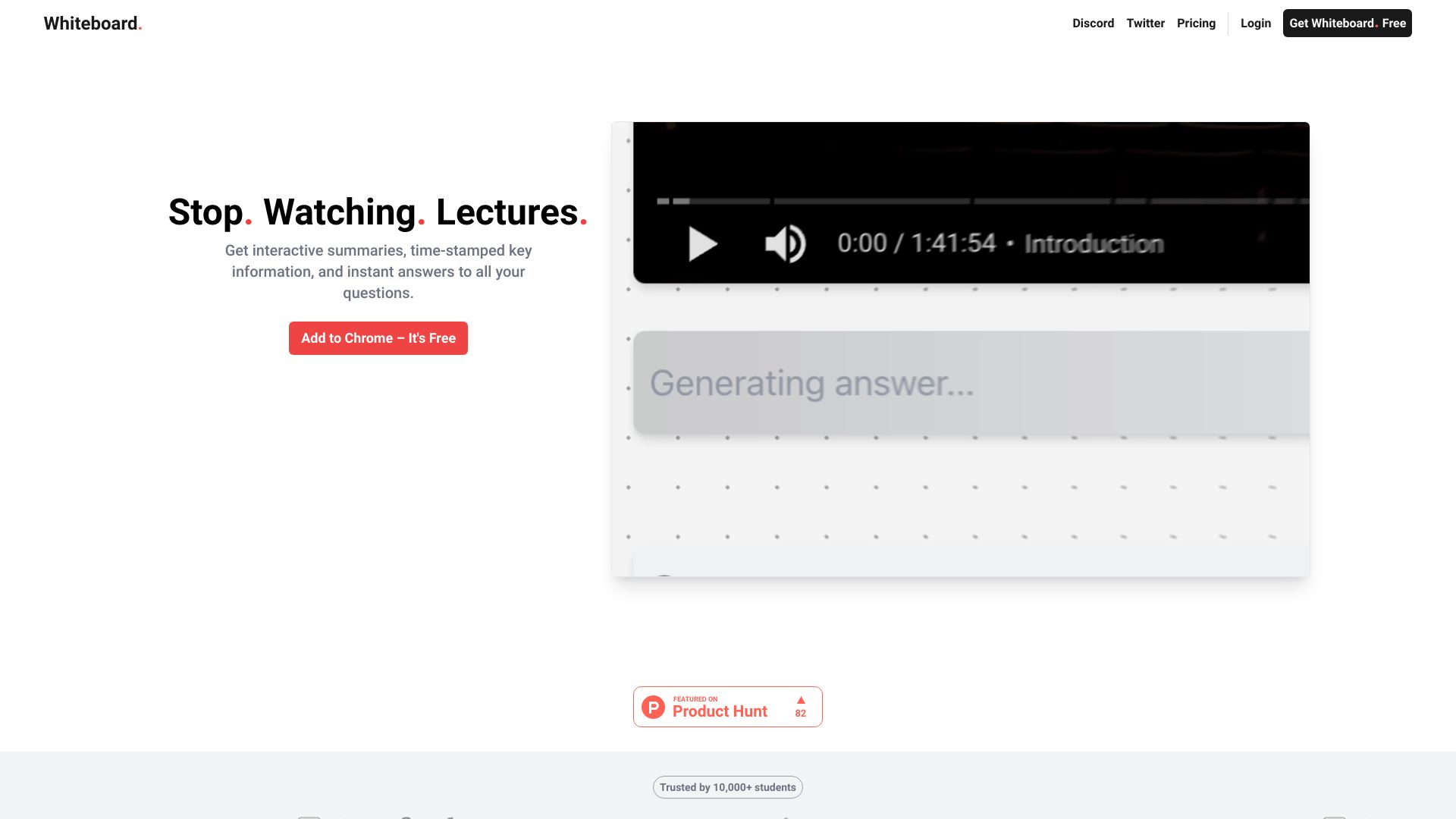

AI Tools Bay
Browsing a curated AI tools directory
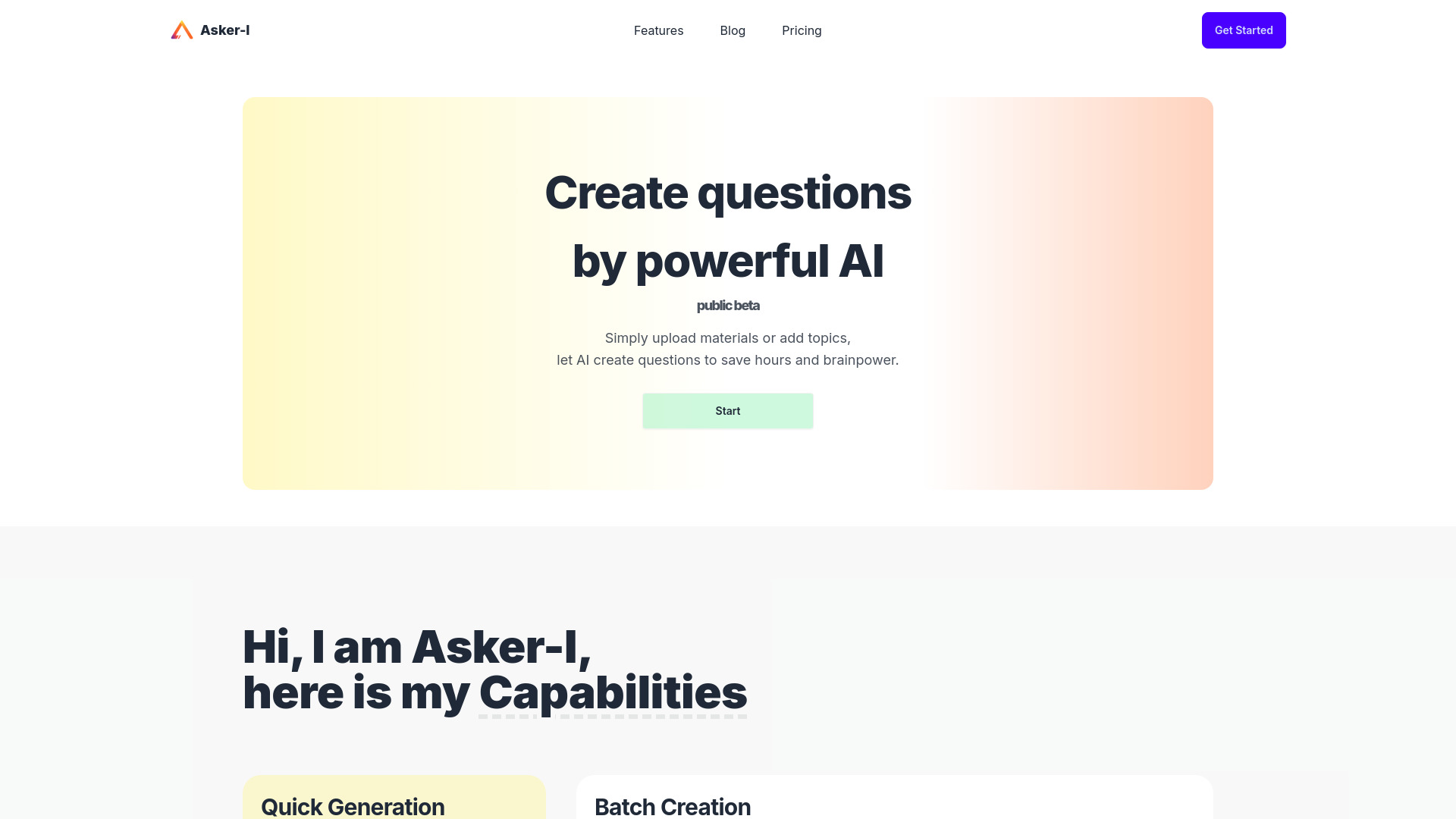
Asker-I
Generating review questions from teaching materials
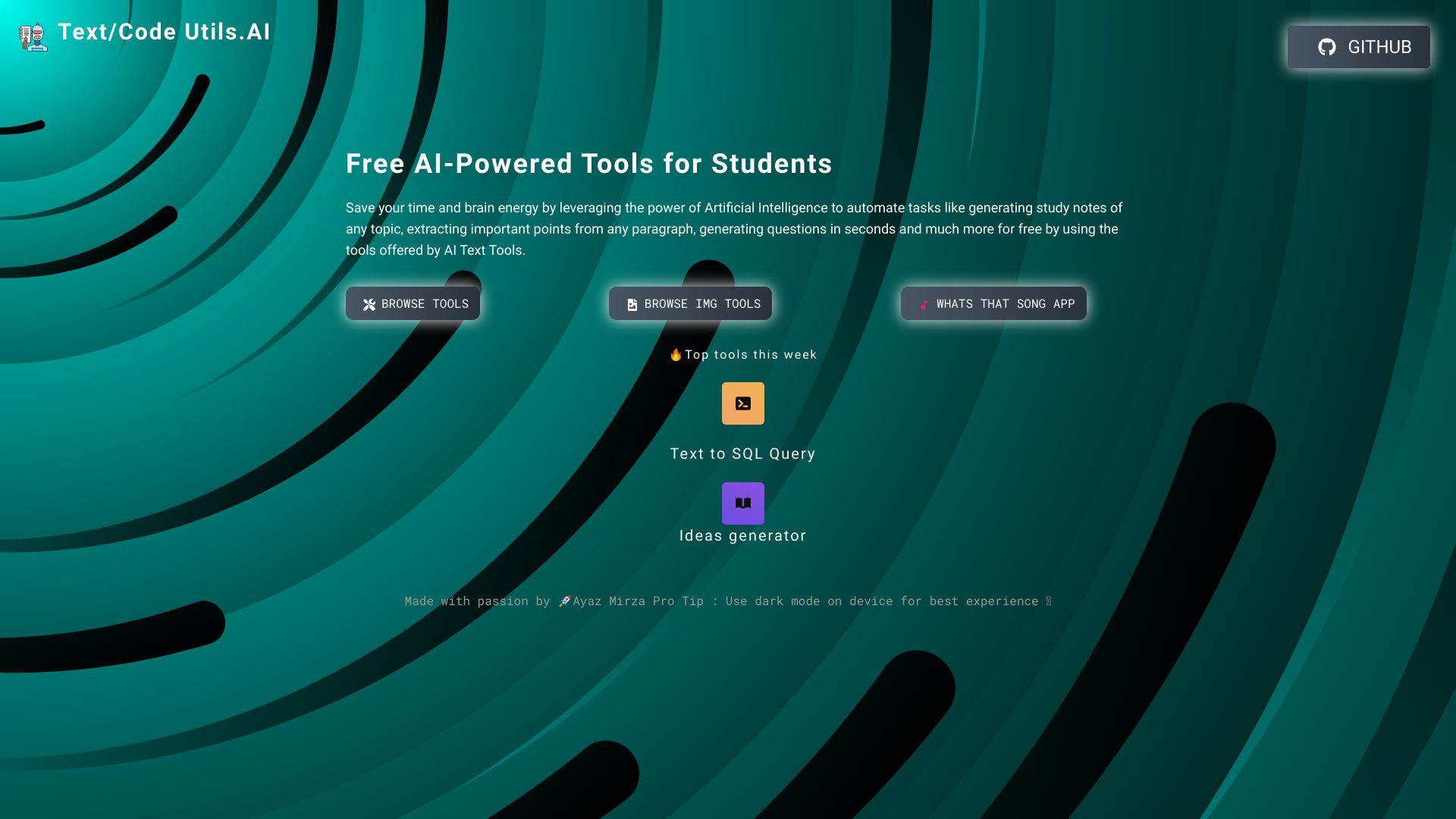
Text/Code Util.AI
AI study-note and question generation
AI Investing Tools
Exploring a curated directory of AI investing tools


IELTS Champ
AI-guided IELTS writing and speaking practice
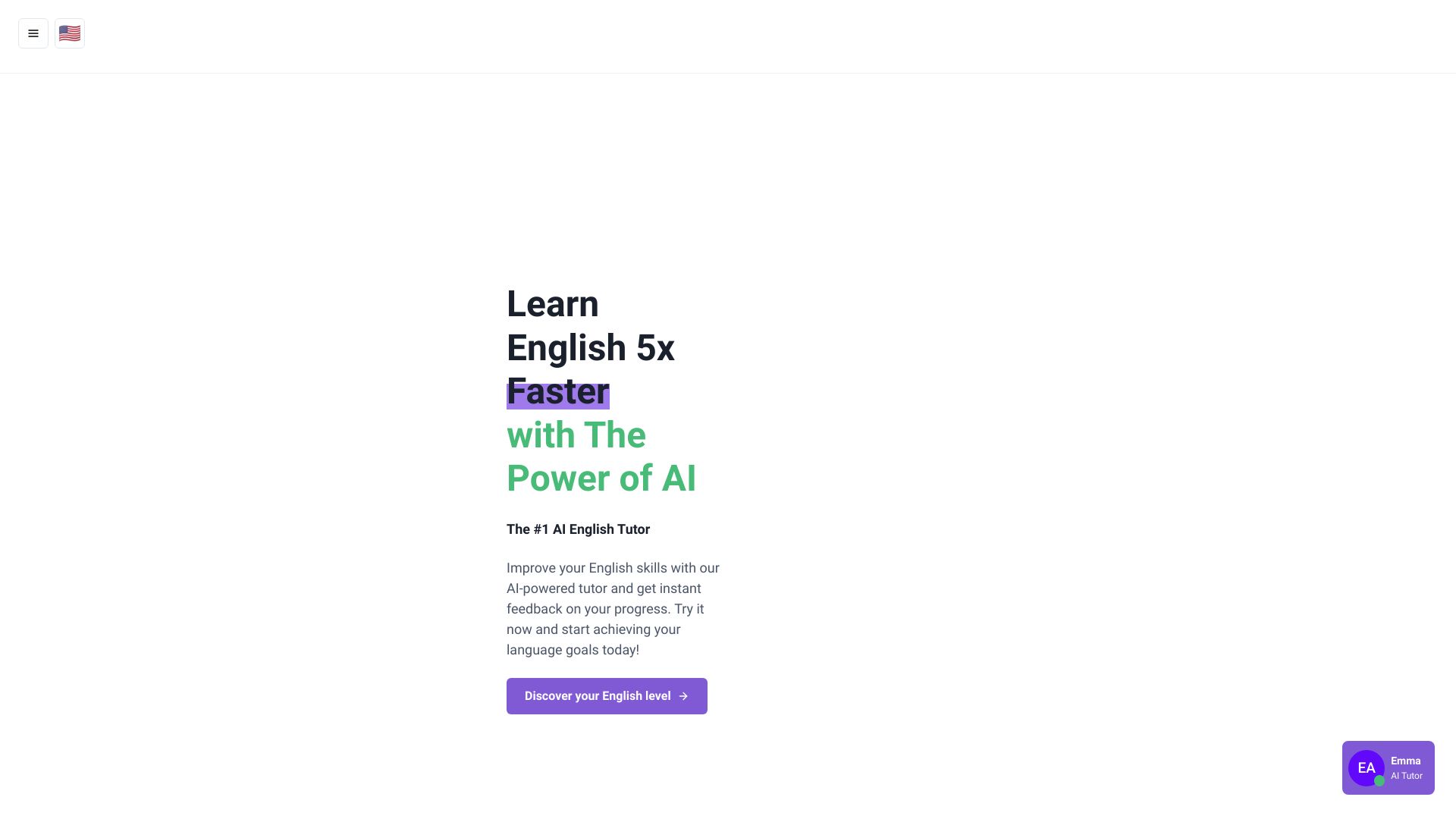
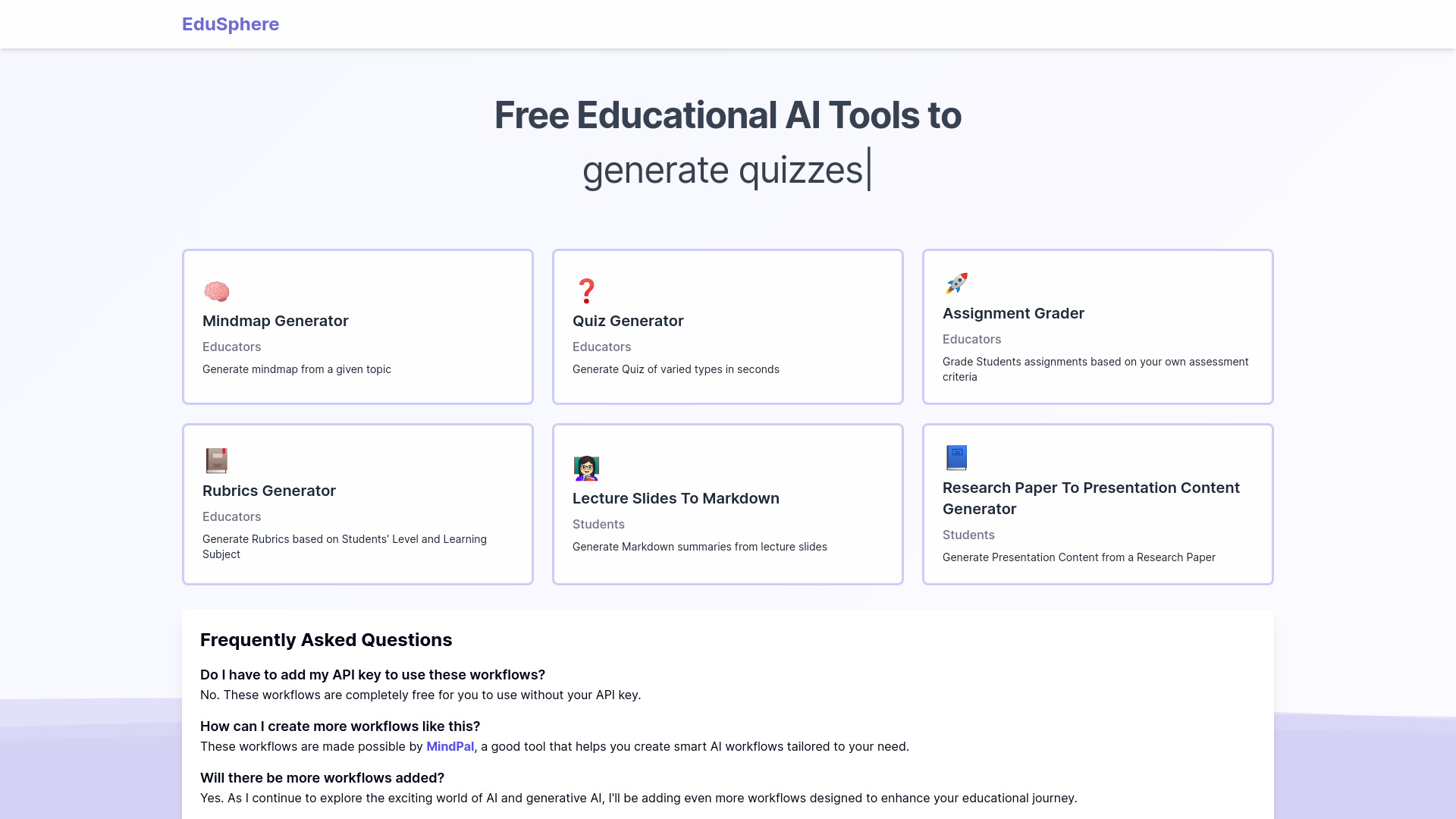
EduSphere
Free educational AI workflows for teachers
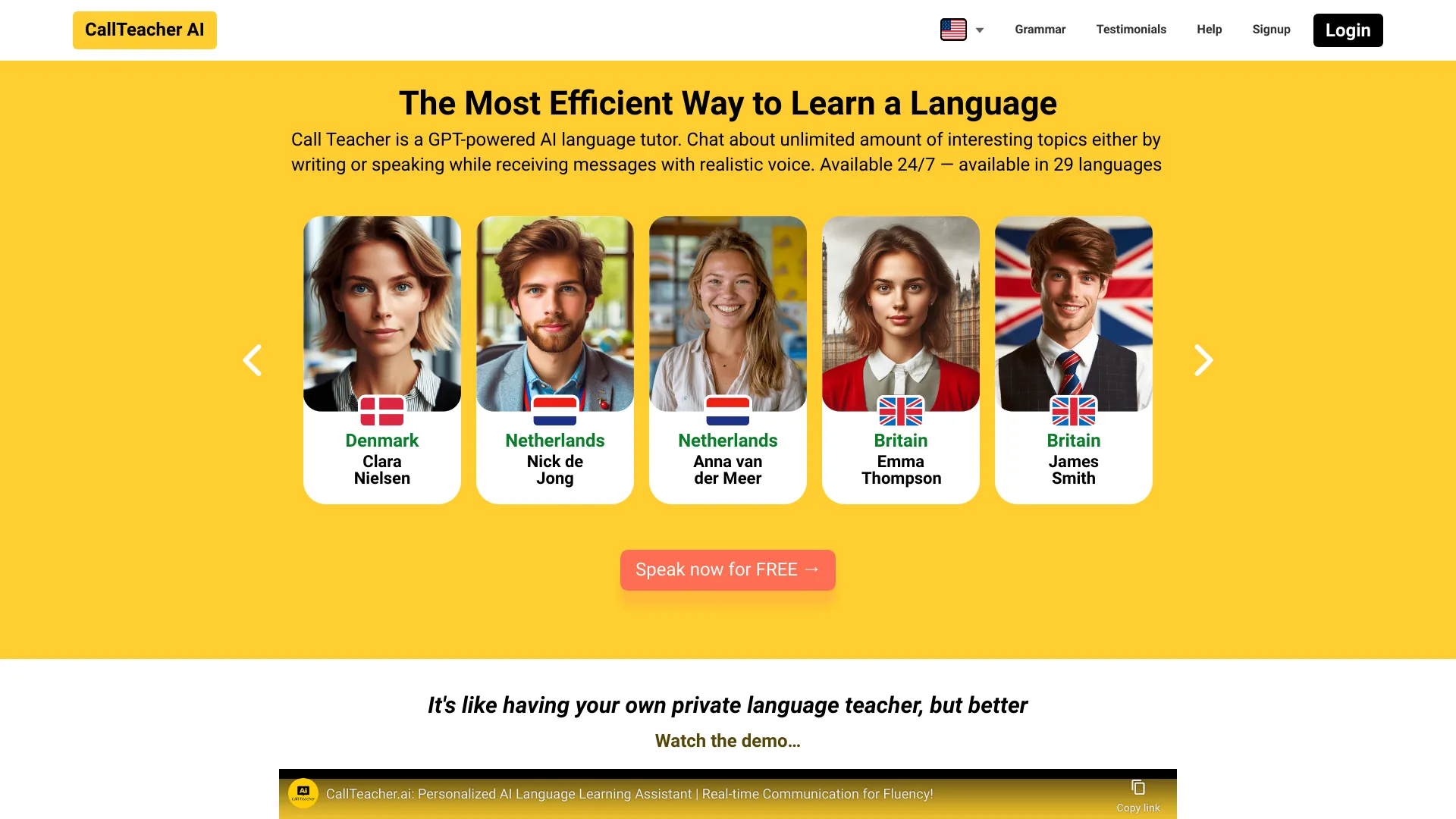
CallTeacher.ai
AI-powered language conversation practice

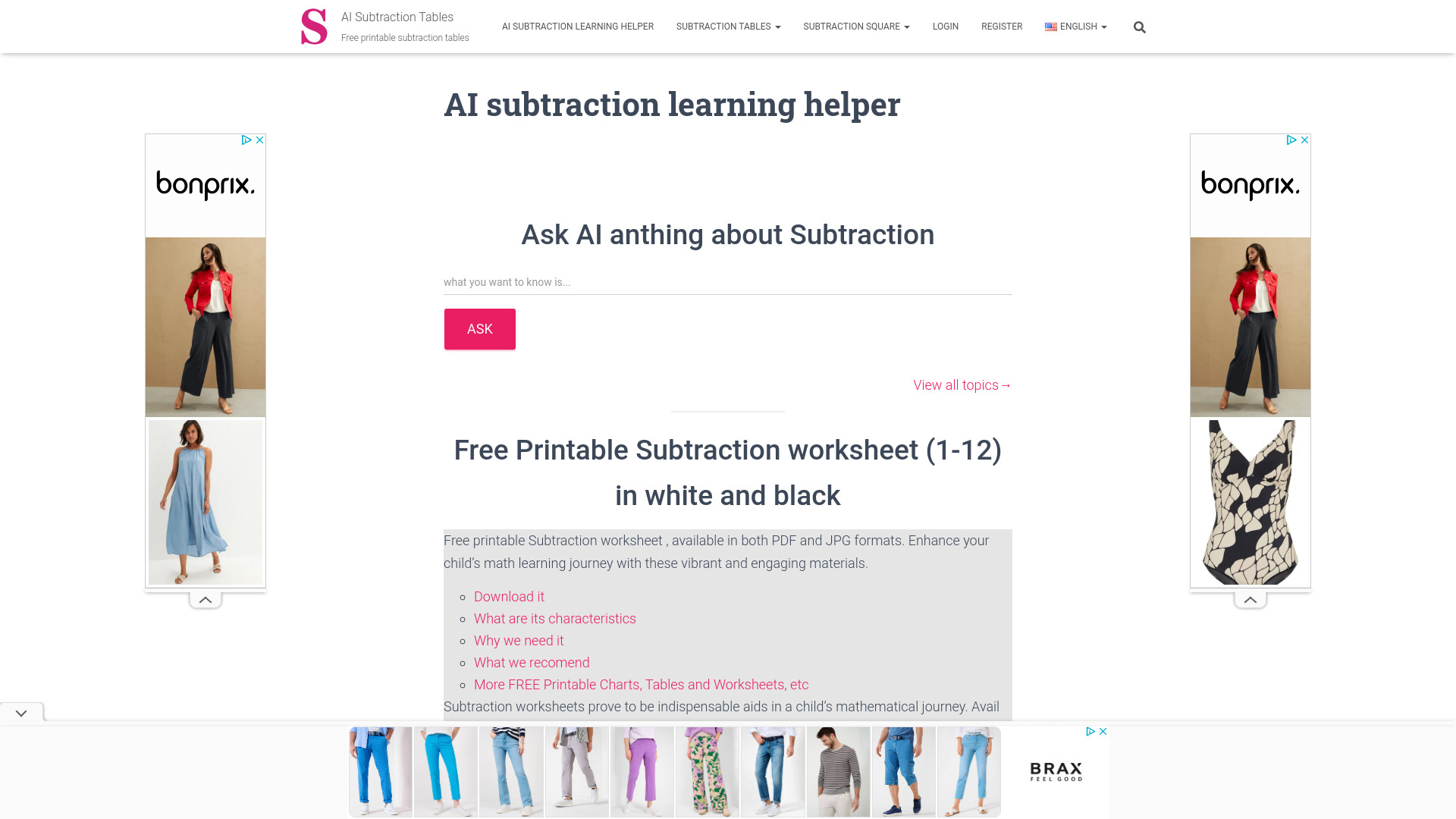
Subtraction Tables
Printable subtraction practice for elementary learners

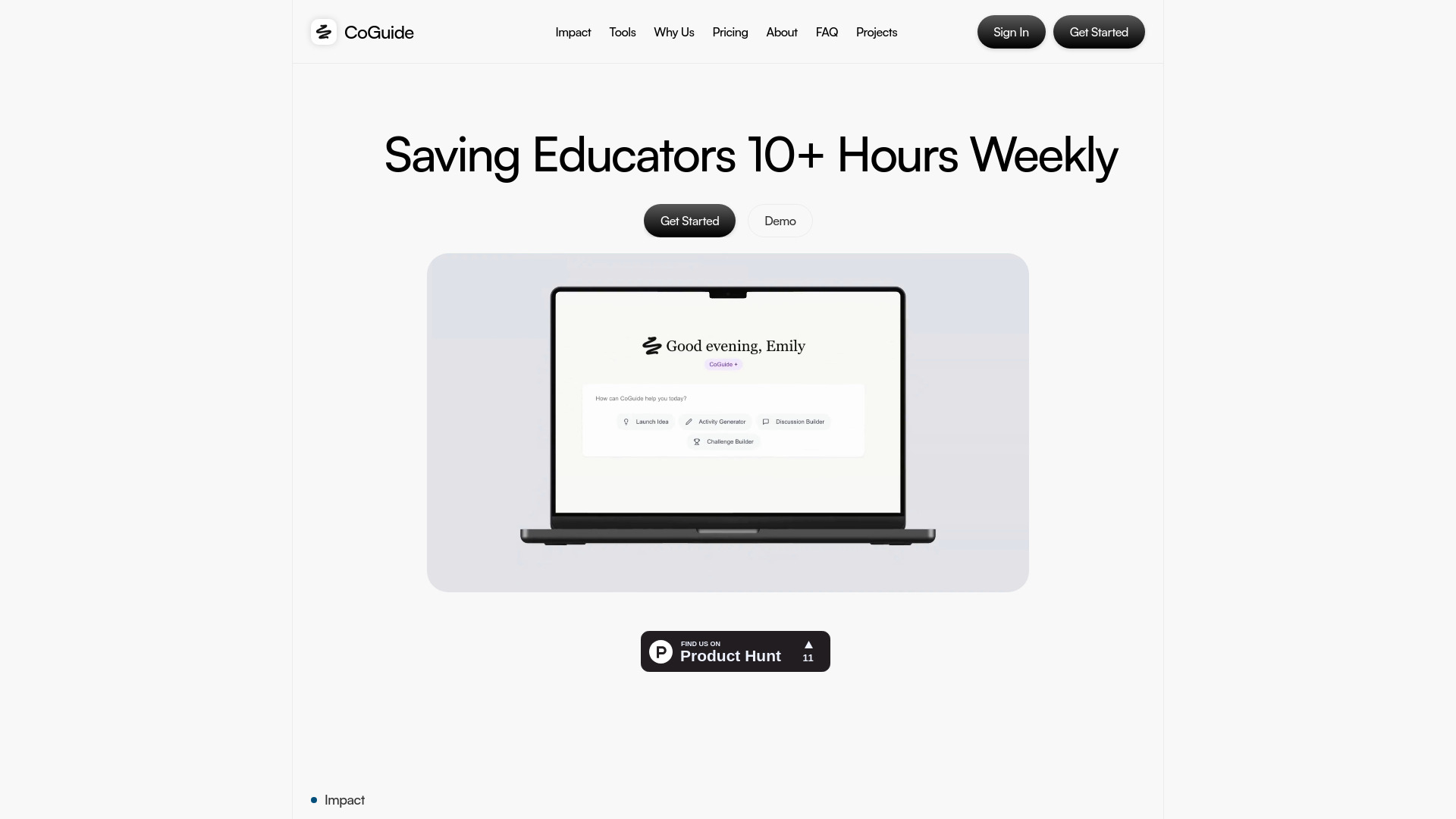
CoGuide
Teachers creating lesson launches and classroom activities

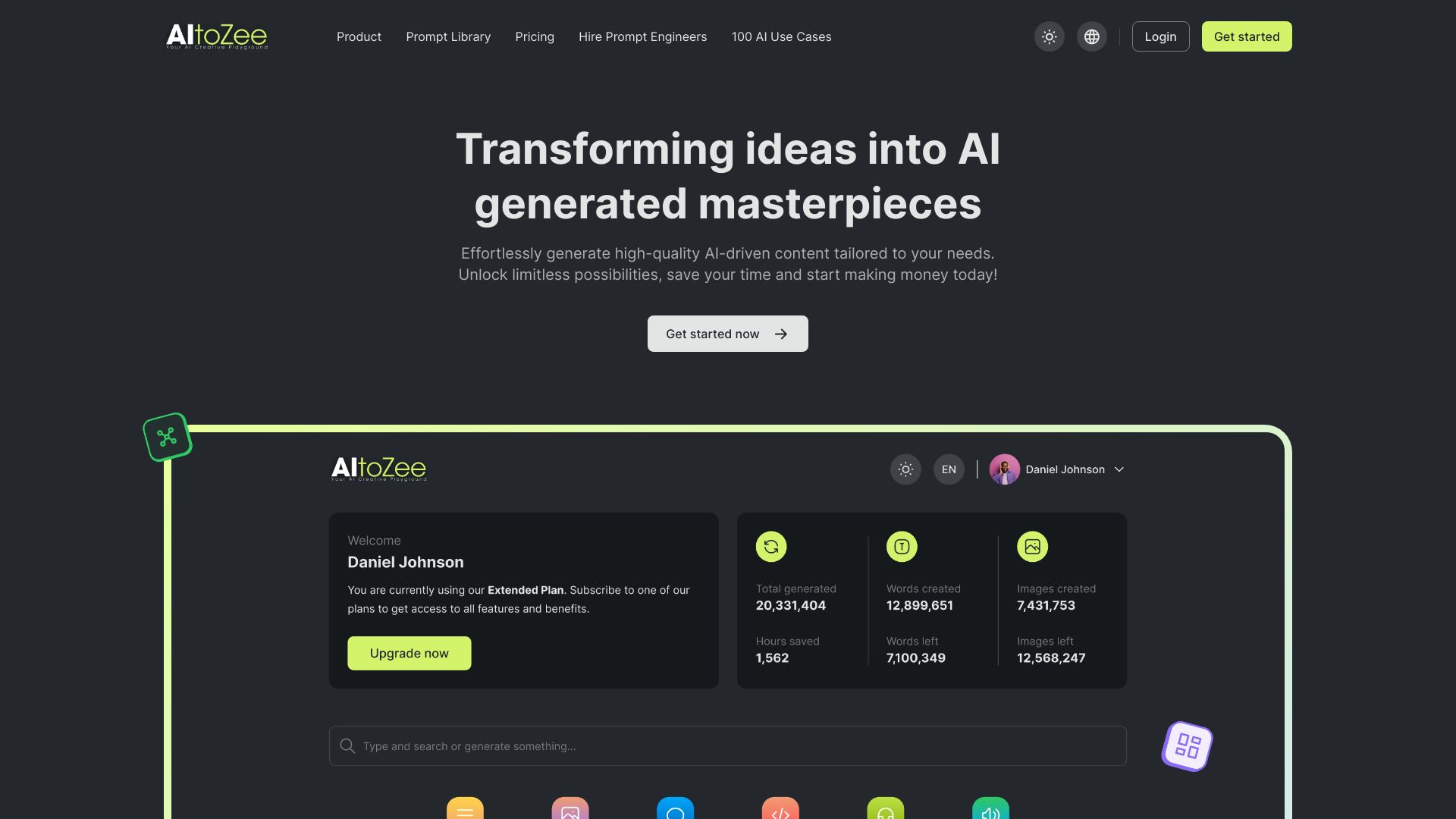
AItoZee
Multi-format AI content creation

AI OTAKU LABO
Beginner-friendly generative AI guides

Lycee AI
Structured AI learning courses
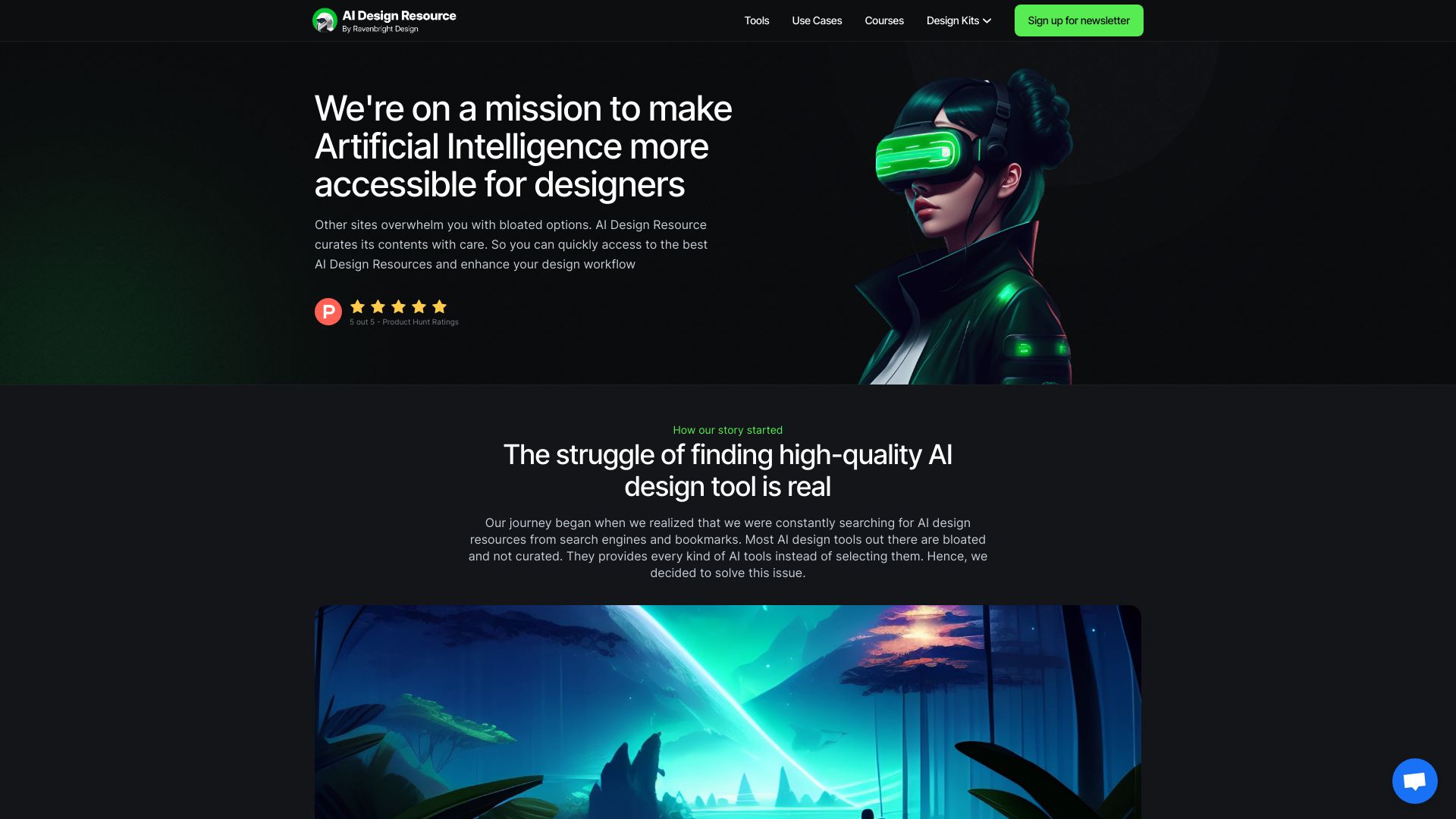
AI Design Resource
AI resources for product designers

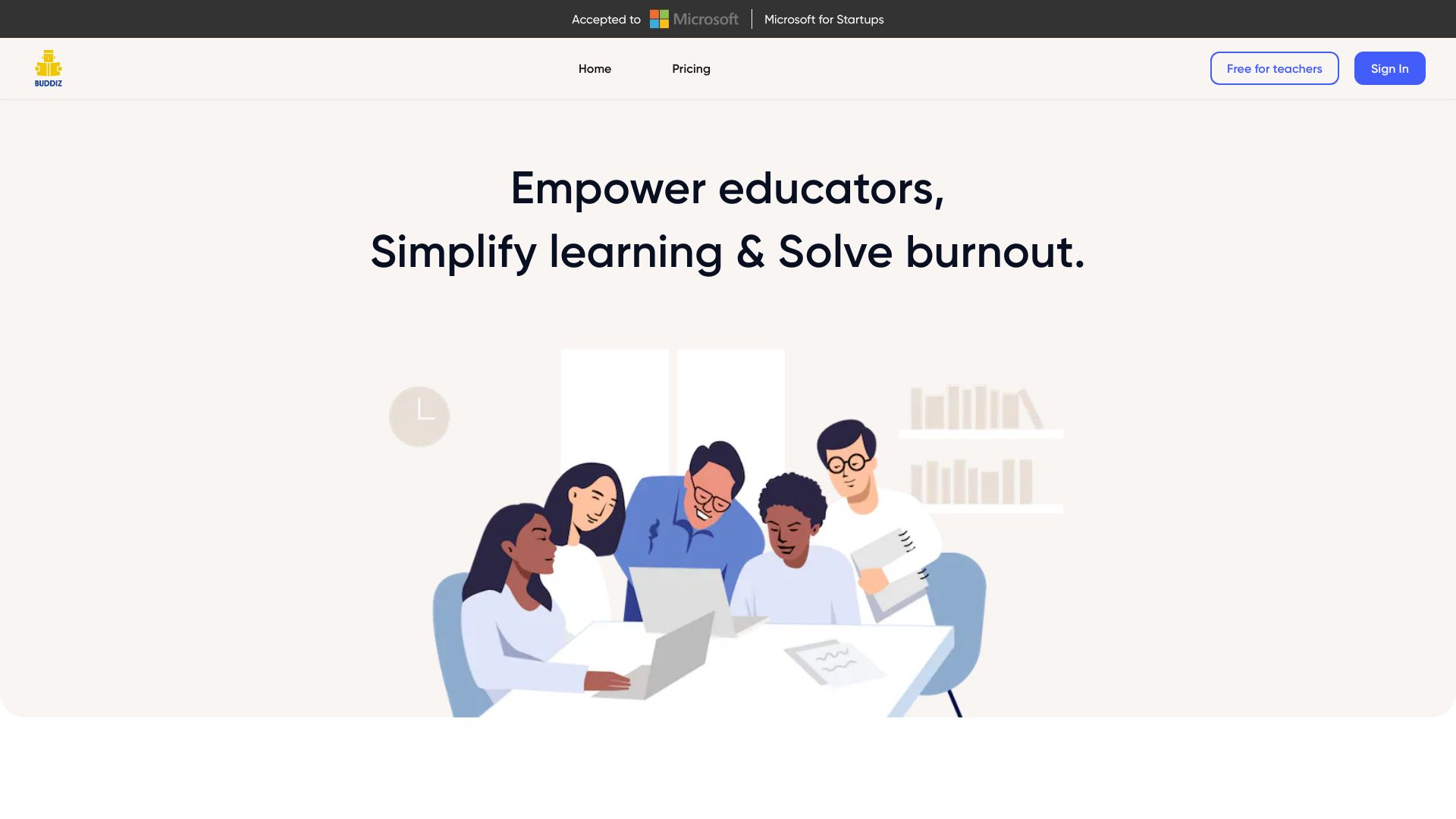
Buddiz AI
AI-assisted lesson planning and classroom activities

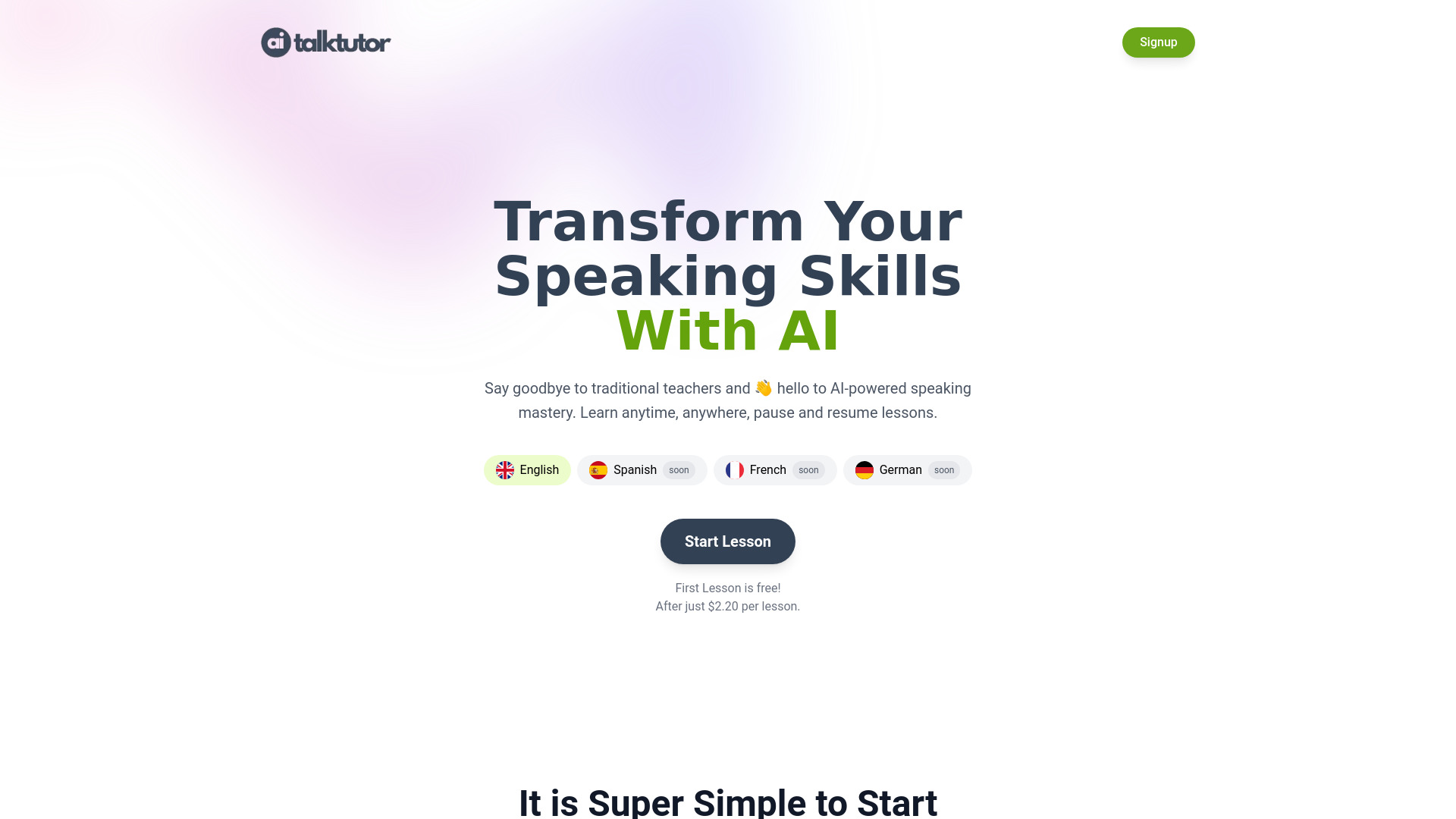
AiTalkTutor
Discovering AI language-learning apps

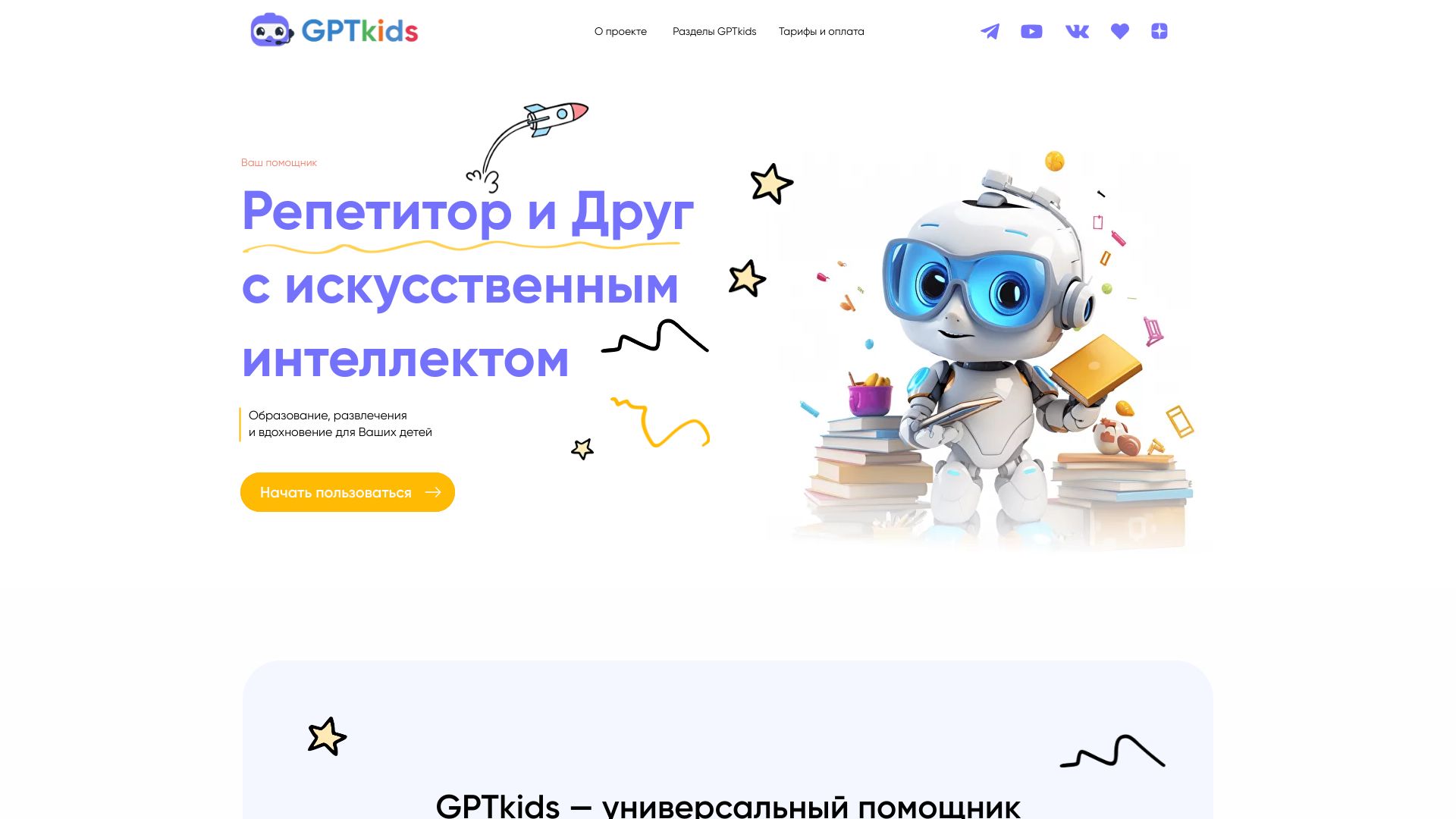
GPTkids
AI-assisted homework support for schoolchildren

AI Things
AI tool discovery for engineers

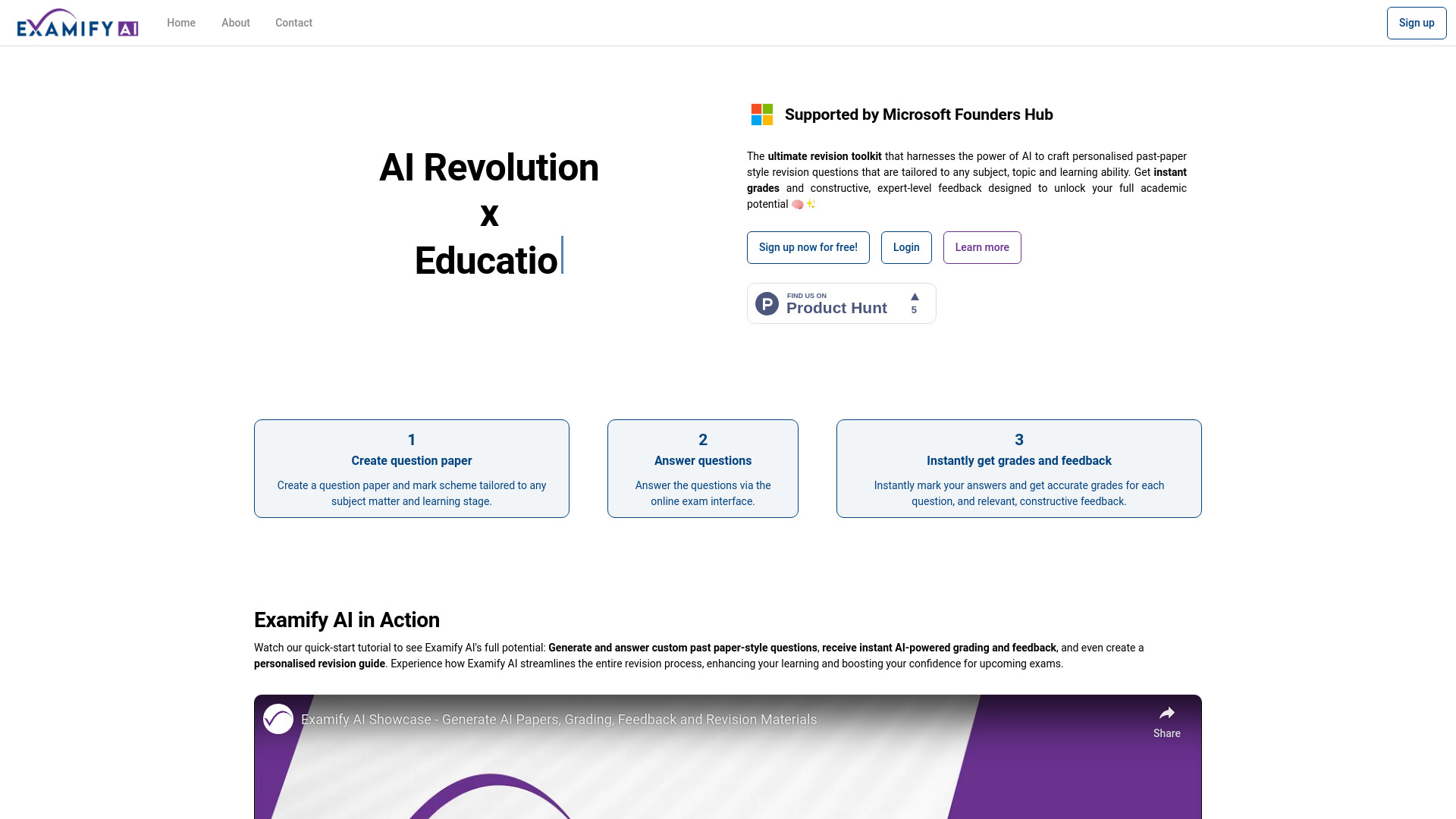
Examify AI
Personalised exam revision

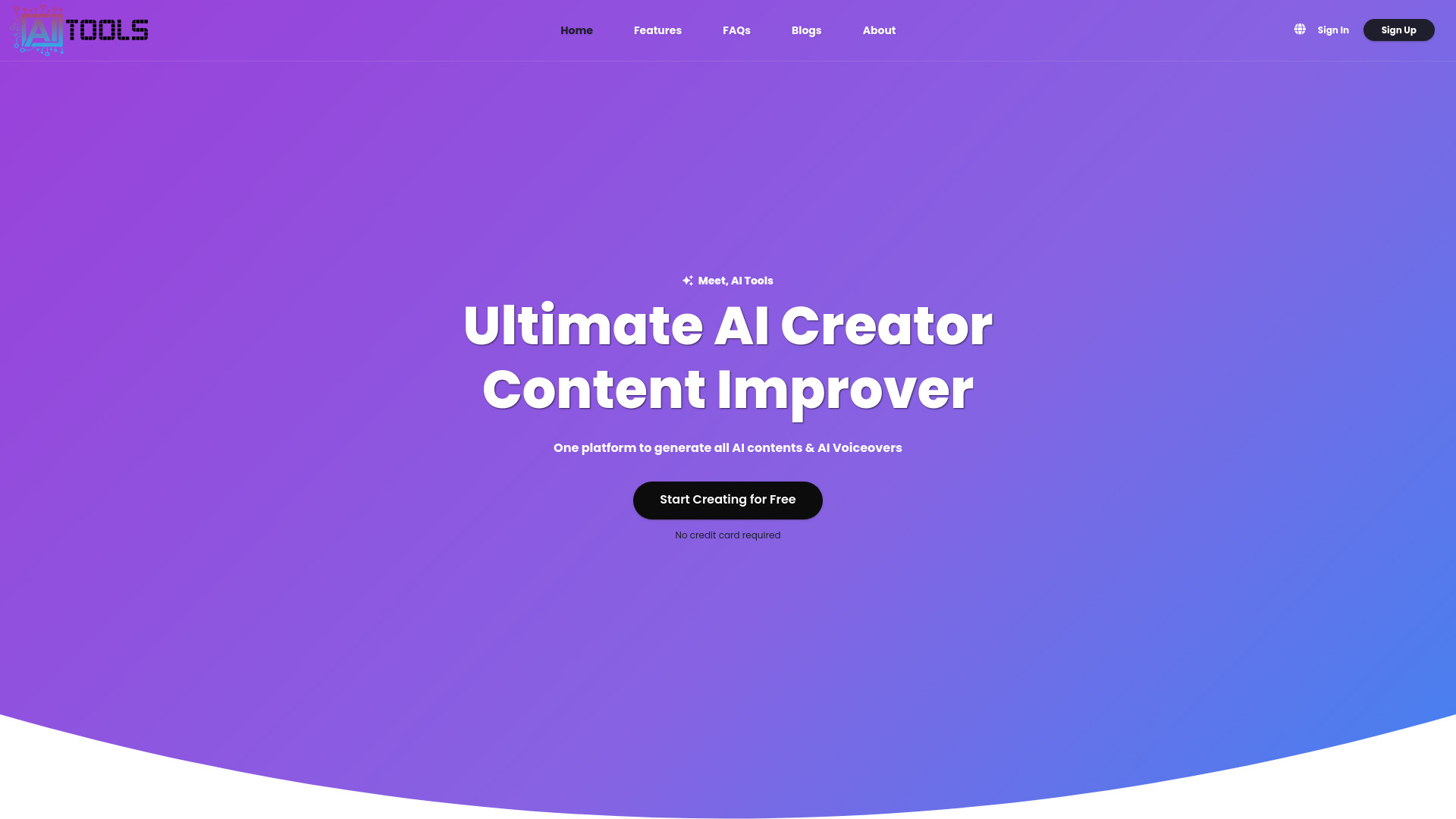
AiTools.Ge
All-in-one AI content and voiceover creation

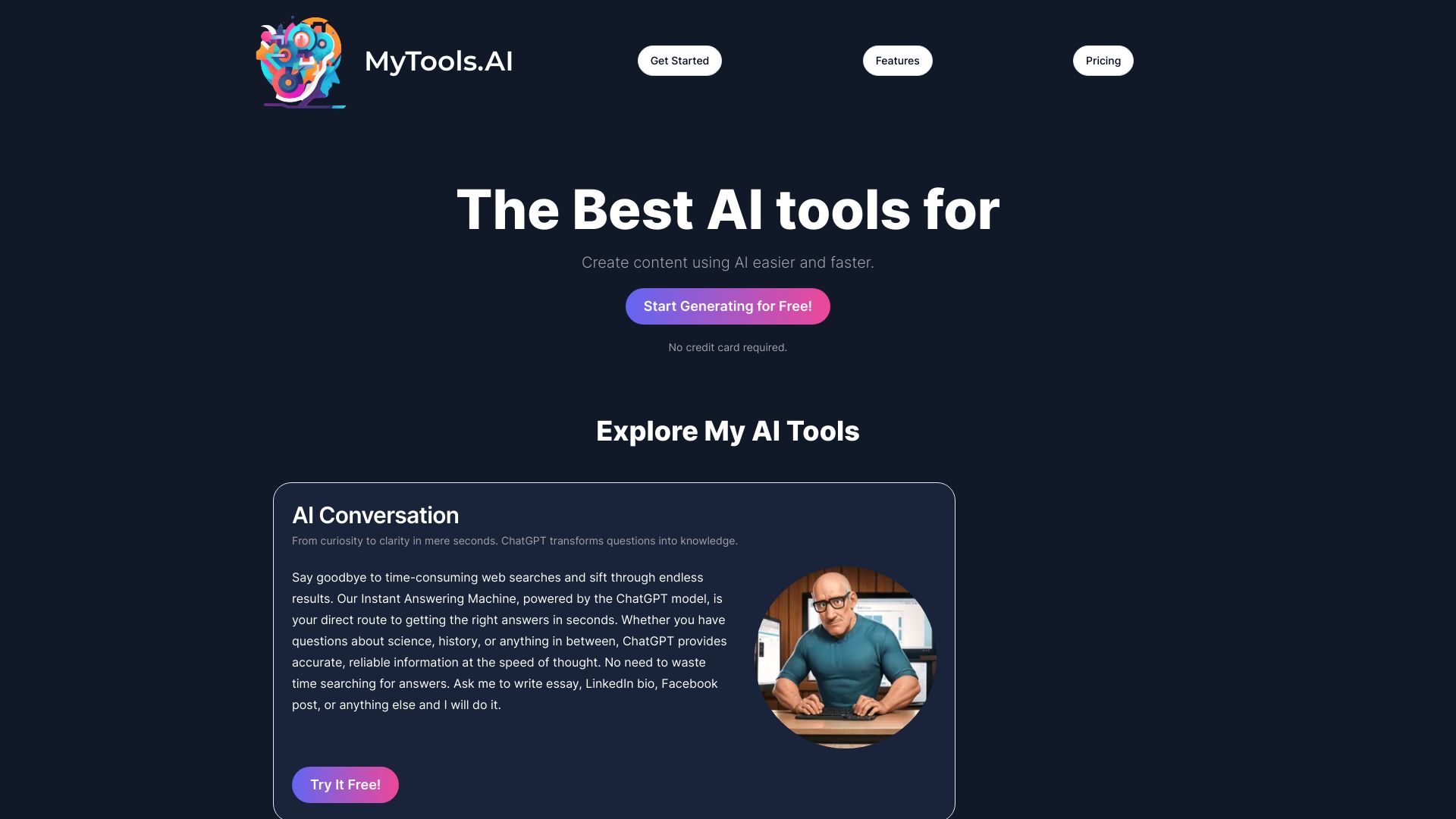
My-tools.ai
Multi-purpose AI content generation
Which AI tools for teachers should you choose?
Start with the work you want to remove, not the feature count you want to collect. SchoolAI is the strongest choice when student AI needs supervision and teachers need visibility. TeachQuill and MagicSchool make more sense when you want broad coverage across planning and classroom tasks. To Teach, AI Teacha, and HelpMeTeach are better when lesson and assessment creation is the immediate problem.
| Your priority | Best starting point | Why |
|---|---|---|
| Supervised student AI | SchoolAI | Student Spaces and Mission Control connect learner support with teacher oversight. |
| Broad K-12 coverage | TeachQuill | More than 40 tools span planning, grading, communication, and standards alignment. |
| Large tool library | MagicSchool | More than 80 AI teacher tools provide the widest exploration surface. |
| Lesson materials | To Teach | Lesson, exercise, and worksheet creation are its clearest strengths. |
| Language teaching | Twee | CEFR-aligned activities, worksheets, quizzes, and assessment fit the subject. |
| Curriculum and assessment | AI Teacha | Its core workflow centers on lesson plans, assessments, and curriculum design. |
| Reports and planning | HelpMeTeach | It combines lesson plans, assessments, and reports in a simple workflow. |
| Rubrics and marking | TeacherDashboard.ai | It focuses on rubrics, written assignments, and report-card comments. |
| Student academic support | Hỏi đáp AI Hay | Question answering, math help, essay support, and explanations serve learners directly. |
| Step-by-step tutoring | Astra AI | Math guidance, photo scanning, and multi-subject tutoring support students. |
The best ai teacher tools also need to fit your school's rules. Before you roll one out, decide whether teachers will use it for brainstorming, draft creation, feedback, or direct student interaction. Those are different risk levels. A tool that is excellent for a teacher's first draft may not be appropriate for unsupervised student answers or final grading.
My practical recommendation
For most teachers, I would start with SchoolAI if the priority is supervised student use, or TeachQuill if the priority is a broad teacher workspace. Both have a clear reason to be first trials. Choose To Teach when you want fast classroom materials, and choose Twee immediately if you teach languages. MagicSchool is the best exploratory option for educators who want a large library and a free forever starting point.
Do not subscribe to three overlapping lesson generators on day one. Pick one recurring task-perhaps weekly planning or rubric creation-run it for two weeks, and track how much editing remains. The right tool should reduce preparation without flattening your teaching voice. If the output still requires a complete rewrite, the problem is not solved, regardless of the score.
For school leaders, SchoolAI is the most distinctive platform to evaluate because oversight is part of the product story. For individual teachers, the lower-cost focused tools may be easier to adopt. The student-facing options belong in a separate supervised conversation about academic integrity, internet access, and when AI support helps rather than shortcuts learning.
Common mistakes when choosing AI teaching tools for educators
Buying breadth before identifying a bottleneck: Eighty tools do not help if your problem is simply report-card comments.
Treating generated content as finished work: Lesson plans, assessments, and feedback still need teacher review for accuracy, level, tone, and accessibility.
Ignoring quotas: Free access can mean 30 daily credits, five trial runs, five generations, or a small monthly content allowance. Test realistic volume.
Confusing student support with teacher productivity: A tutoring tool and a planning assistant solve different problems.
Skipping standards and subject fit: CEFR alignment, Common Core, and NGSS support can matter more than a longer feature list.
Overlooking teacher voice: AI should draft and accelerate; it should not make every classroom sound identical.
Failing to check live pricing: Plans and limits change, so verify current terms with the vendor before a school purchase.
What changed in 2026
The strongest teacher tools now fall into clearer workflow categories instead of competing only on generic text generation. Student oversight is more visible in platforms such as SchoolAI, while standards-aware planning appears in TeachQuill and language-specific alignment in Twee. Assessment and administrative work also receive more attention through HelpMeTeach and TeacherDashboard.ai.
The practical divide is now between broad platforms and focused assistants. Broad platforms offer more room to grow, but focused tools can produce a useful first draft with less setup. Free access remains an important testing advantage, although quotas vary widely. In 2026, the best ai tools for educators are the ones that make their boundaries clear and leave the teacher in control of the final learning experience.
FAQ
SchoolAI is the strongest overall match for supervised student AI. TeachQuill is the best broad K-12 workspace, while MagicSchool offers the largest listed library. Subject-specific needs may make Twee, To Teach, or TeacherDashboard.ai a better choice.