
The best chatgpt app depends less on a flashy feature list than on where you want the assistant to work. ChatGPT remains the strongest all-purpose pick, but the 82 tools compared here include focused options for English practice, document editing, Google Workspace, social messaging, and building lightweight ChatGPT applications. I ranked the 10 most useful options below so you can choose a practical first tool rather than sort through a wall of similar names.
Top picks
| Pick | Tool | Best for | Why it stands out |
|---|---|---|---|
| 1 | ChatGPT | Writers and general users | The most versatile conversational assistant in the shortlist, with task automation and web-based data access. |
| 2 | Praktika App | English learners | Turns AI conversation into structured language lessons with AI speaking buddies and more than 1,000 lessons. |
| 3 | ChatGOT | Programmers and research-heavy users | Brings multiple AI models, PDF parsing, and PowerPoint generation into one assistant. |
| 4 | GPT Workspace | Google Workspace users | Adds GPT-4o and Gemini workflows to Docs and Sheets, including Smart Cells for formulas. |
Quick comparison
| Rank | Tool | Best for | Score | Free access | Starting price |
|---|---|---|---|---|---|
| #1 | ChatGPT | Writers | 94/100 | Free plan with limited advanced access | Free: $0 USD/month |
| #2 | Praktika App | English learners | 92/100 | AI speaking buddies and 1,000+ lessons | $8/month |
| #3 | ChatGOT | Programmers | 92/100 | Free; no sign-up listed | Check vendor pricing |
| #4 | MacGPT | Students | 92/100 | Free download and use | US$22.36 |
| #5 | editGPT | Students and editors | 91/100 | 10,000 words/month | Free: $0/month |
| #6 | GPTOnline.ai | Students | 91/100 | Free and unlimited chats | Check vendor pricing |
| #7 | GlobalGPT | Writers | 91/100 | Multiple models and image/video generation | From $5.80/month |
| #8 | GPT Workspace | Professionals | 91/100 | GPT-4o and Gemini Workspace tools | Starter: $19 |
| #9 | ChatGPT For Social | Social media managers | 91/100 | Free basic access | From CN¥100/month |
| #10 | OpenGPT | Developers | 91/100 | Create and use ChatGPT applications | Check vendor pricing |
How we ranked these ChatGPT apps
I weighted four things: how clearly each product delivers its stated job, how useful its core workflow is for the audience named on the product page, how much access the free or entry-level option provides, and the strength of its usage signal. A general assistant needed breadth; a specialist app needed a convincing reason to exist beside ChatGPT. Scores are not a promise that every user will have the same experience. They are a buying guide: a way to separate a capable everyday tool from a narrow wrapper, an app with awkward limits, or a product whose strongest feature only matters to a particular workflow. Pricing and availability can change, so treat the cards as a shortlist and confirm the vendor's current terms before subscribing.
The best ChatGPT apps
1. ChatGPT

ChatGPT
Best all-around AI assistant for writers
The obvious choice earns its position because it handles the widest range of everyday jobs in this group. ChatGPT combines engaging conversations with task automation, and its free access makes it an easy first stop for drafting, brainstorming, explaining unfamiliar topics, and turning a rough request into a usable next step. Its 5.6B monthly visits are also the clearest usage signal in this comparison.
That breadth matters. You do not need to decide whether you want a writing app, a research app, or a separate assistant for small tasks before you begin. Start with a conversation, refine the request, and move on. The trade-off is equally clear: the free plan does not provide the full set of advanced features. People who want every capability may need to consider the paid offering rather than treating the free tier as unlimited access to everything.
My take: This is the best chatgpt app for most first-time buyers because it gives you the most room to discover what you actually need. I would start here unless your workflow is already firmly centered on language learning, Google Workspace, or macOS.
Where it falls short: Free access has limited advanced features, so heavy users should check the current plan boundaries before making it their only work tool.
Key features
Engaging conversations for general questions, drafting, and ideation.
Task automation for repeatable assistant-style work.
Real-time data from the web is included in the listed free-access description.
Pros
Versatile AI assistant for various tasks.
Free entry point lowers the risk of trying it first.
Strongest usage signal among the ranked tools.
Cons
Advanced features are limited on the free plan.
Its broad scope can require more careful prompting than a specialist app.
Choose ChatGPT if: You want one flexible assistant for writing, questions, planning, and general task support before committing to a narrower app.
2. Praktika App

Praktika App
Best conversational English-learning app
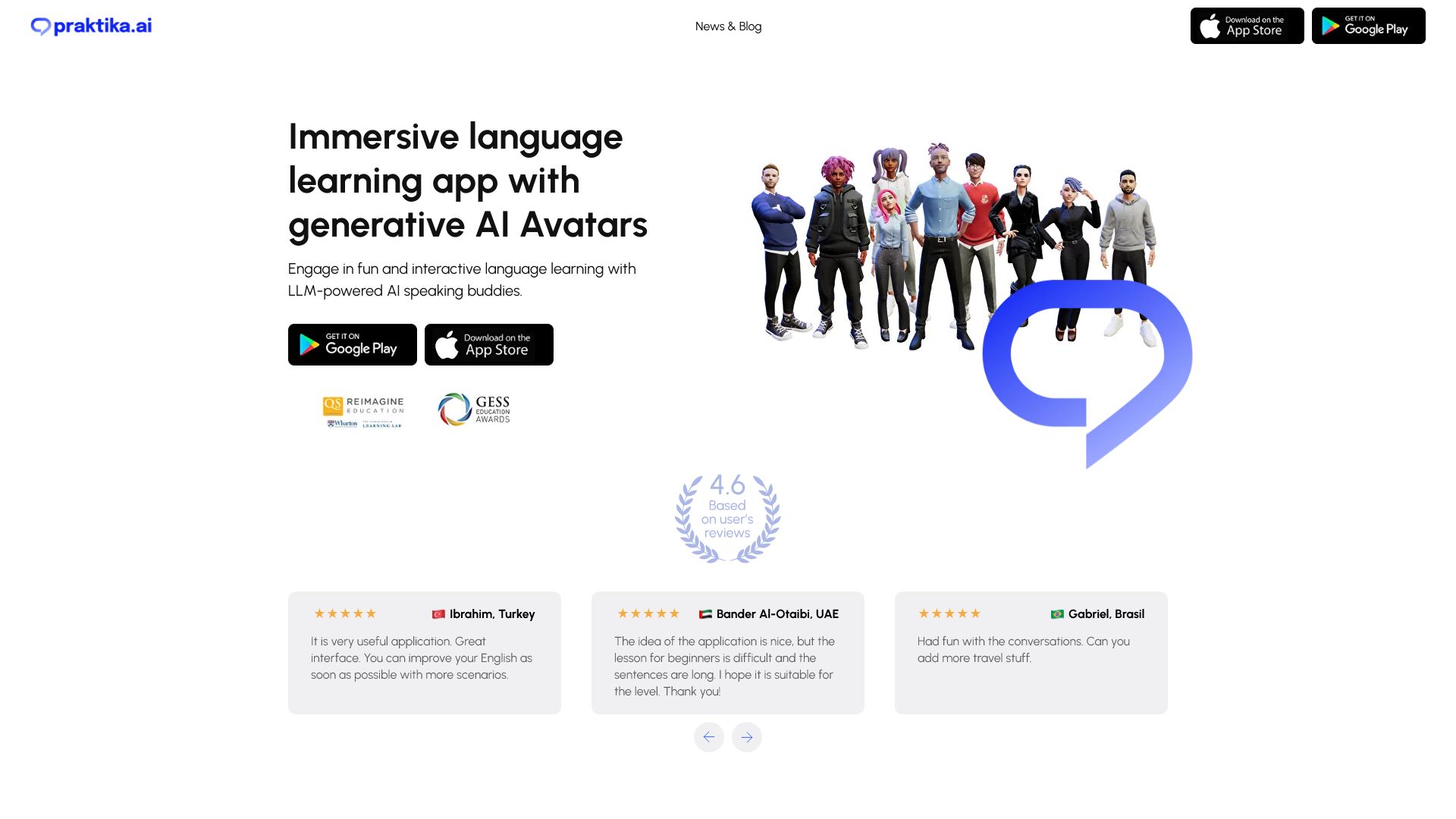
A general chatbot can help you practice English, but Praktika App makes that goal the product rather than an accidental use case. Its AI-powered language tutors and conversation-based lessons give learners a clearer structure than an open-ended chat window. The listed access includes AI Speaking Buddies and more than 1,000 conversation-based lessons, which makes the app easier to approach when you need practice material instead of another blank prompt box.
The price is also unusually easy to understand in this shortlist: the entry point is listed at $8 per month, described as 50x cheaper than a tutor. That comparison is useful as context, not a guarantee of equivalent instruction. An AI tutor can provide affordable repetition and conversation practice, but it may not fully reproduce the nuances of human interaction. Learners who need subtle correction, cultural context, or a teacher's judgment should keep that boundary in mind.
My take: Praktika is the best chat gpt app here for someone whose real objective is speaking practice, not general-purpose AI. The specialist design is the reason to choose it.
Where it falls short: It may not fully replicate the nuances of human interaction, so it works best as an accessible practice partner rather than a complete substitute for a human tutor.
Key features
AI-powered language tutors.
AI Speaking Buddies for conversational practice.
Conversation-based lessons.
More than 1,000 listed lessons.
Pros
Affordable language learning solution compared with a tutor.
A focused workflow makes it easier to practice consistently.
Conversation is central rather than an incidental feature.
Cons
AI interaction can miss human conversational nuance.
Its value is highest for English learners, not users seeking a general assistant.
Choose Praktika App if: You want guided English conversations and lessons at a lower listed price than conventional tutoring.
3. ChatGOT

ChatGOT
Best multi-model assistant for programmers
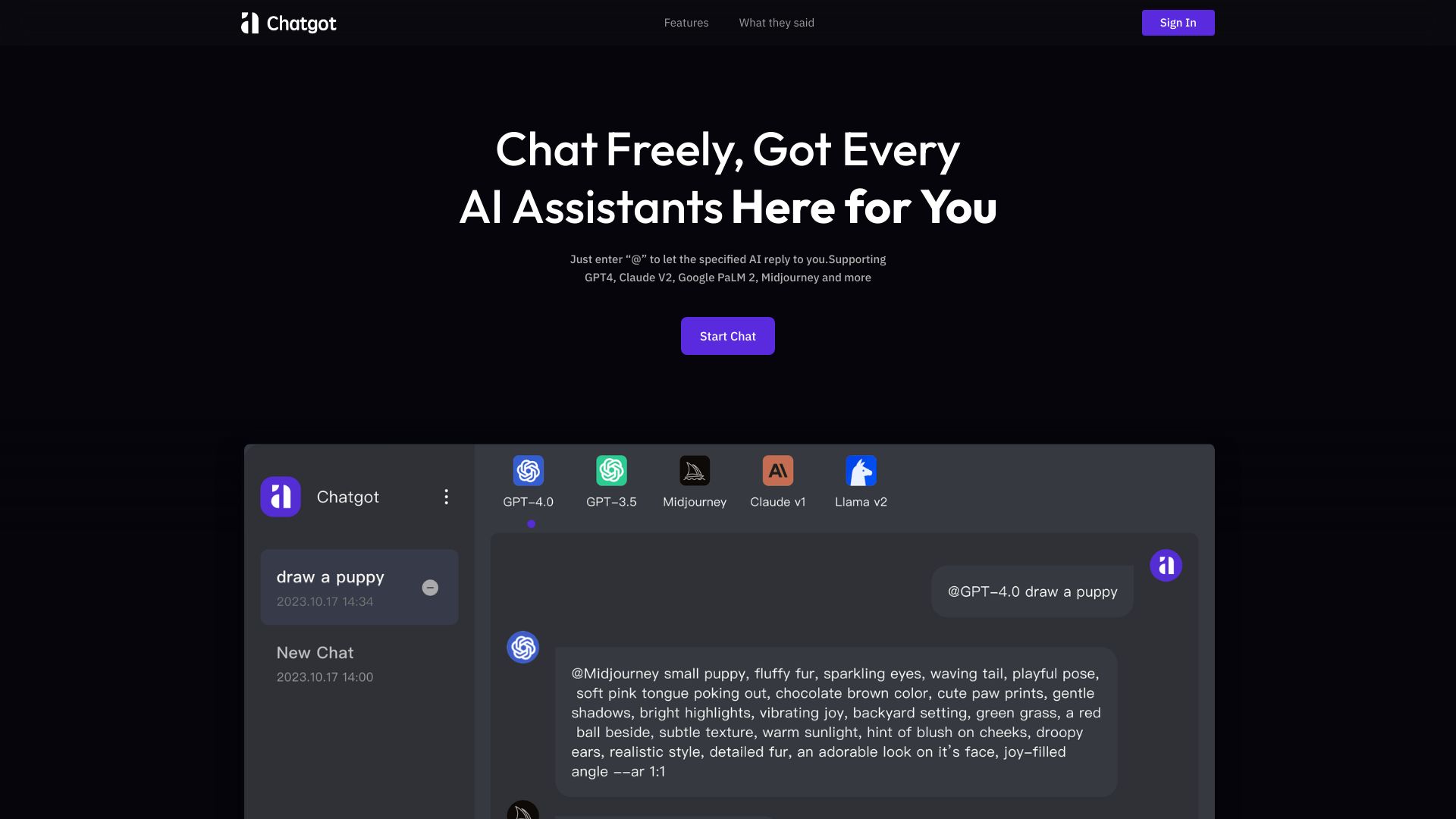
ChatGOT takes the useful parts of a chatbot and adds tools for handling common work files. Its AI Chatbot Assistant, PDF Parsing, and PowerPoint Generation make it more than a conversational surface: you can ask questions, work through a document, and move toward a presentation in the same general workflow. The product also integrates multiple AI models, which is its clearest reason to sit above a basic single-model chat interface.
There is a practical catch around cost. The product lists free access and no sign-up, but advanced features may require a fee, and pricing is hidden behind an unclear pricing presentation rather than a clean entry price. That makes it harder to forecast regular use. Programmers may appreciate the ability to compare model behavior or use a document as context, but should test the exact free limits before building a daily workflow around it.
My take: ChatGOT is one of the more interesting best chatgpt apps for users who switch between conversation, document parsing, and presentation work. It earns its rank through workflow breadth, not just another chatbot label.
Where it falls short: Some advanced features may require payment, and the lack of a clear starting price makes budgeting less straightforward.
Key features
AI Chatbot Assistant.
PDF Parsing for working with document content.
PowerPoint Generation.
Multiple AI model integration.
Pros
Integrates multiple AI models.
Combines chat with document and presentation workflows.
Free access and no sign-up are listed.
Cons
Some advanced features may require a fee.
Pricing requires checking directly with the vendor.
Choose ChatGOT if: You want a multi-model assistant that can also parse PDFs and help generate PowerPoint presentations.
4. MacGPT

MacGPT
Best desktop access for Mac students
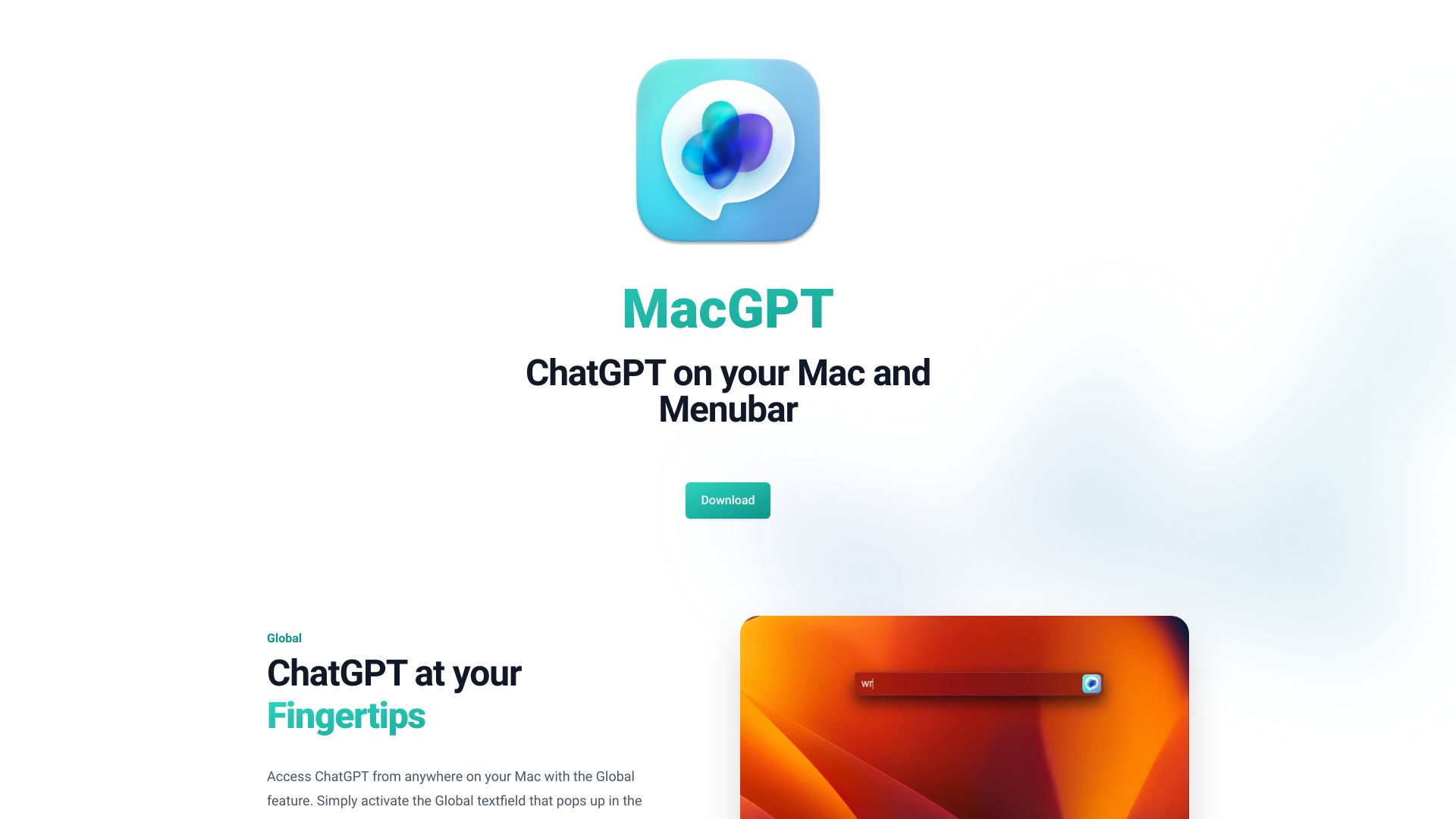
MacGPT's appeal is placement. Instead of making you open a browser whenever you want help, it offers global access, inline access into text fields, and a menu bar entry point. That is a meaningful distinction for students moving between notes, drafts, and other Mac apps. The option to talk to ChatGPT without typing also makes the desktop framing more concrete than simply calling a web shortcut an app.
It is free to download and use, while the listed pricing also includes a US$22.36 figure and describes a one-time payment of €20. That combination is worth checking carefully at checkout. The other limitation is the inline feature: it may not work in all apps. Students who mainly want quick access from the desktop should benefit most; people expecting universal text-field integration should test their most-used applications first.
My take: MacGPT is a smart answer to the question of where ChatGPT should live. It is less about adding a new model and more about reducing the friction between an idea and a prompt.
Where it falls short: Inline access is not guaranteed across every app, and the one-time payment and currency presentation should be verified before purchase.
Key features
Global access to ChatGPT.
Inline integration into text fields.
Menu bar access.
Talk to ChatGPT without typing.
Pros
Free to download and use.
Places ChatGPT closer to the work being done on a Mac.
Offers several access points instead of a single browser tab.
Cons
Inline features may not work in all apps.
It is specifically positioned around the Mac workflow.
Choose MacGPT if: You use a Mac and want global, inline, or menu bar access to ChatGPT while working in other applications.
5. editGPT

editGPT
Best ChatGPT editing workflow for students
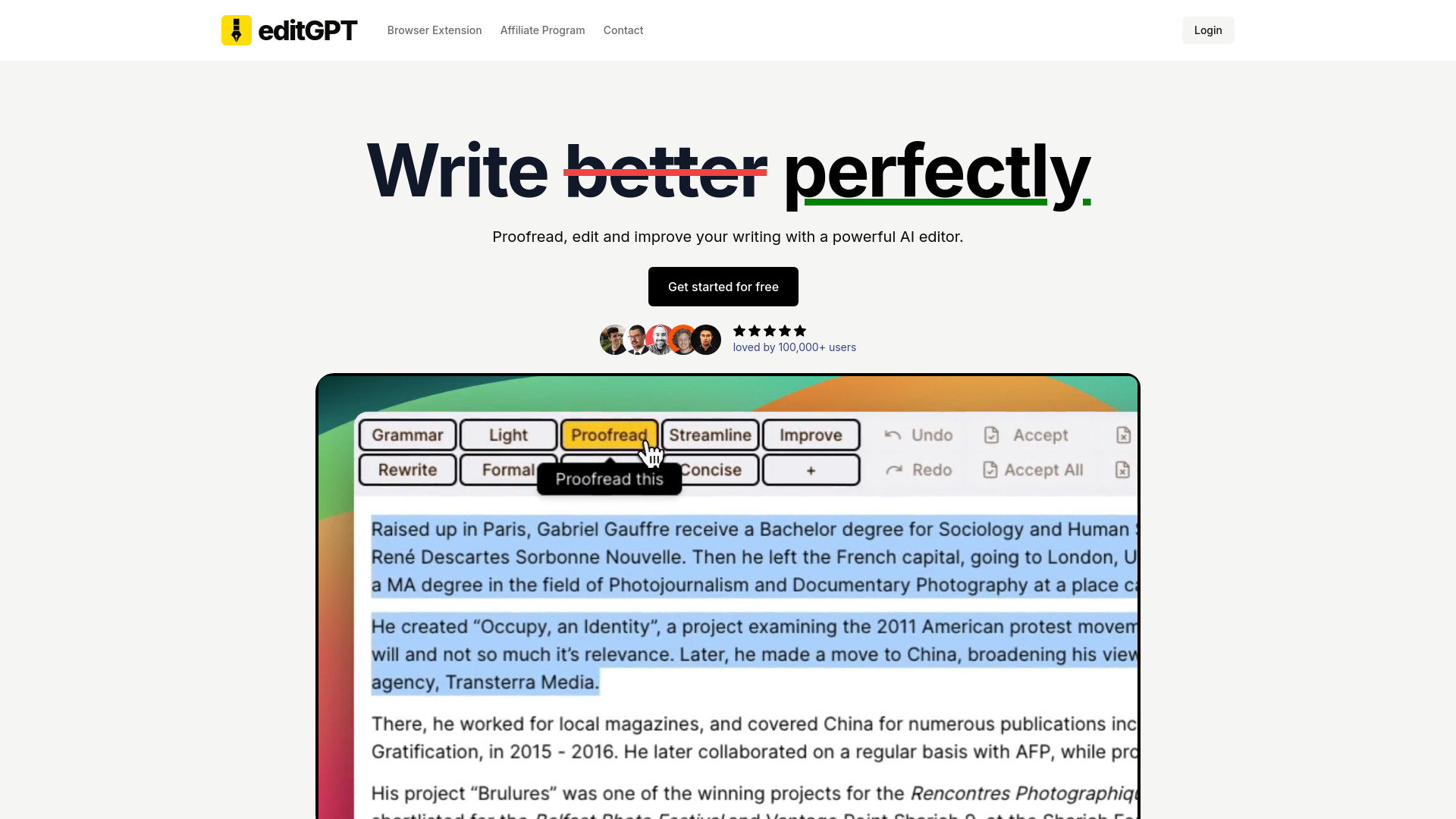
editGPT focuses ChatGPT on the part of writing where a generic assistant can feel vague: improving a draft without losing track of what changed. It provides proofreading and editing with ChatGPT and can track changes in Word documents. That second capability is the real differentiator. For students revising essays or anyone reviewing a document, visible edits are more useful than receiving a polished replacement with no explanation of the work performed.
The free allowance is concrete: 10,000 words per month, with requests limited to 600 words. That is enough to evaluate the workflow, but longer assignments may need to be split into sections. The tool's value depends on whether you want editing support rather than open-ended conversation. It is a strong specialist pick for improving writing quality, but the word limits mean heavy users should plan their monthly volume.
My take: editGPT is among the best apps for chat gpt when the deliverable is a better draft and a clearer revision trail. I would choose it over a generic chatbot for document-focused editing.
Where it falls short: The free plan's word and per-request limits can interrupt work on long documents.
Key features
Proofreading and editing with ChatGPT.
Track changes in Word documents.
AI-powered editing aimed at improving writing quality.
10,000 free words per month, limited to 600 words per request.
Pros
AI-powered editing for improved writing quality.
Track changes provides a more reviewable editing process.
Free plan offers a measurable way to test the workflow.
Cons
Limited word count on the free plan.
Long documents may need to be processed in smaller requests.
Choose editGPT if: You need ChatGPT-assisted proofreading and want to see tracked changes in Word documents.
6. GPTOnline.ai

GPTOnline.ai
Best no-registration ChatGPT access for students
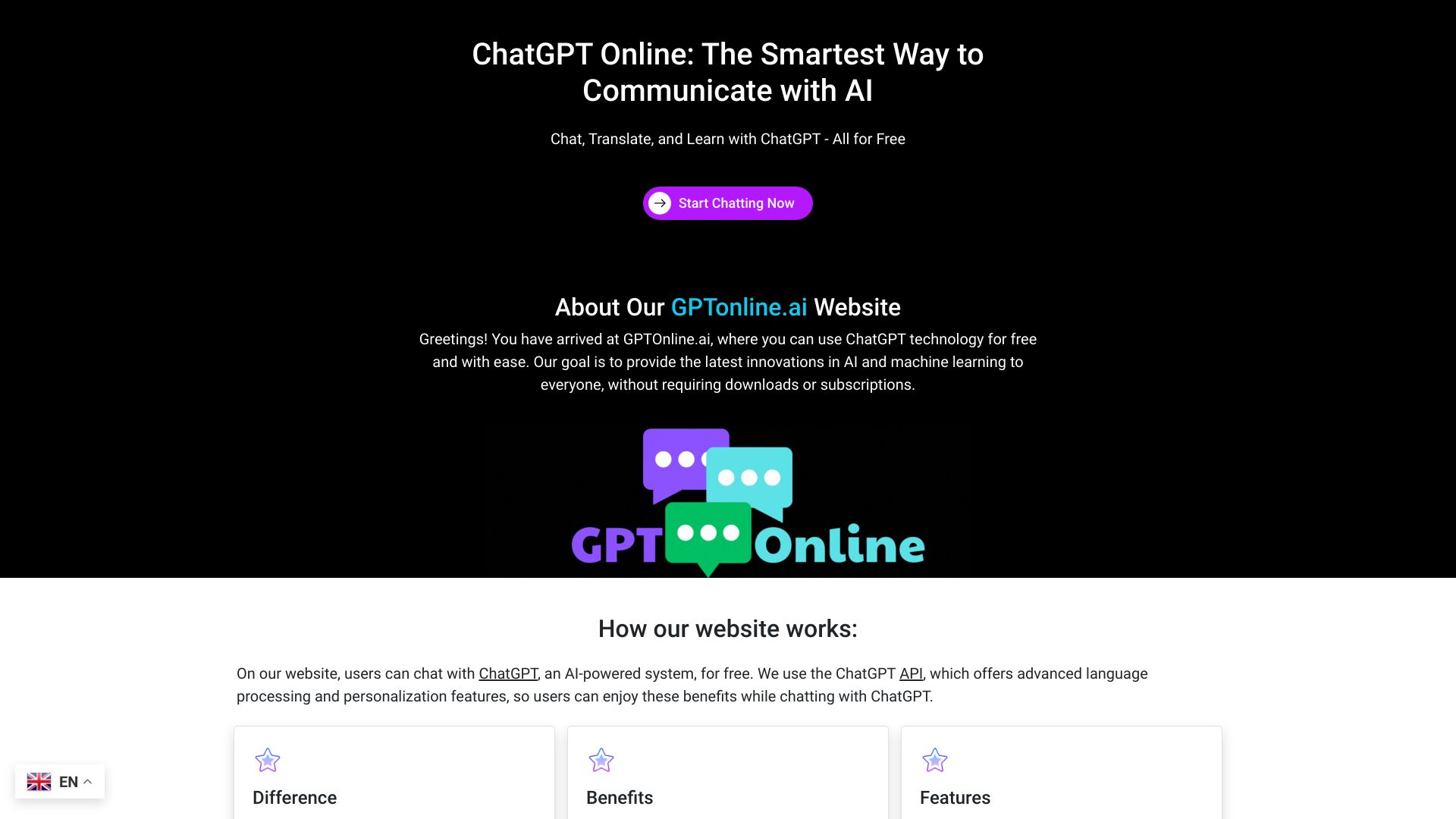
GPTOnline.ai removes two common barriers: payment and registration. Its listed offer includes free and unlimited chats, chatbot interaction, language translation, and knowledge base access without registration. That makes it a convenient option for a quick question, a translation task, or a short exploratory session when you do not want to create another account first.
The simplicity comes with an important dependency. GPTOnline.ai relies on ChatGPT API availability, so your experience can be affected by the underlying service. It also has less workflow specialization than editGPT, Praktika, or GPT Workspace. Students who want a low-friction chat window should find the positioning compelling; users choosing a long-term work platform should compare reliability and current vendor terms before moving important processes there.
My take: This is a useful answer for people asking which chatgpt app is best when the priority is immediate, no-registration access. It is not the most complete option, but it is refreshingly direct.
Where it falls short: Dependence on ChatGPT API availability means the service is not entirely independent of the underlying platform.
Key features
Chatbot interaction.
Language translation.
Knowledge base access.
Free and unlimited chats are listed.
No registration required is listed.
Pros
Free access to ChatGPT.
No-registration workflow lowers setup friction.
Translation gives it a useful second job beyond ordinary chat.
Cons
Relies on ChatGPT API availability.
Fewer specialist editing, Workspace, or desktop features than other picks.
Choose GPTOnline.ai if: You want free, unlimited chat with translation and knowledge-base access without registering first.
7. GlobalGPT

GlobalGPT
Best multi-tool AI subscription for writers
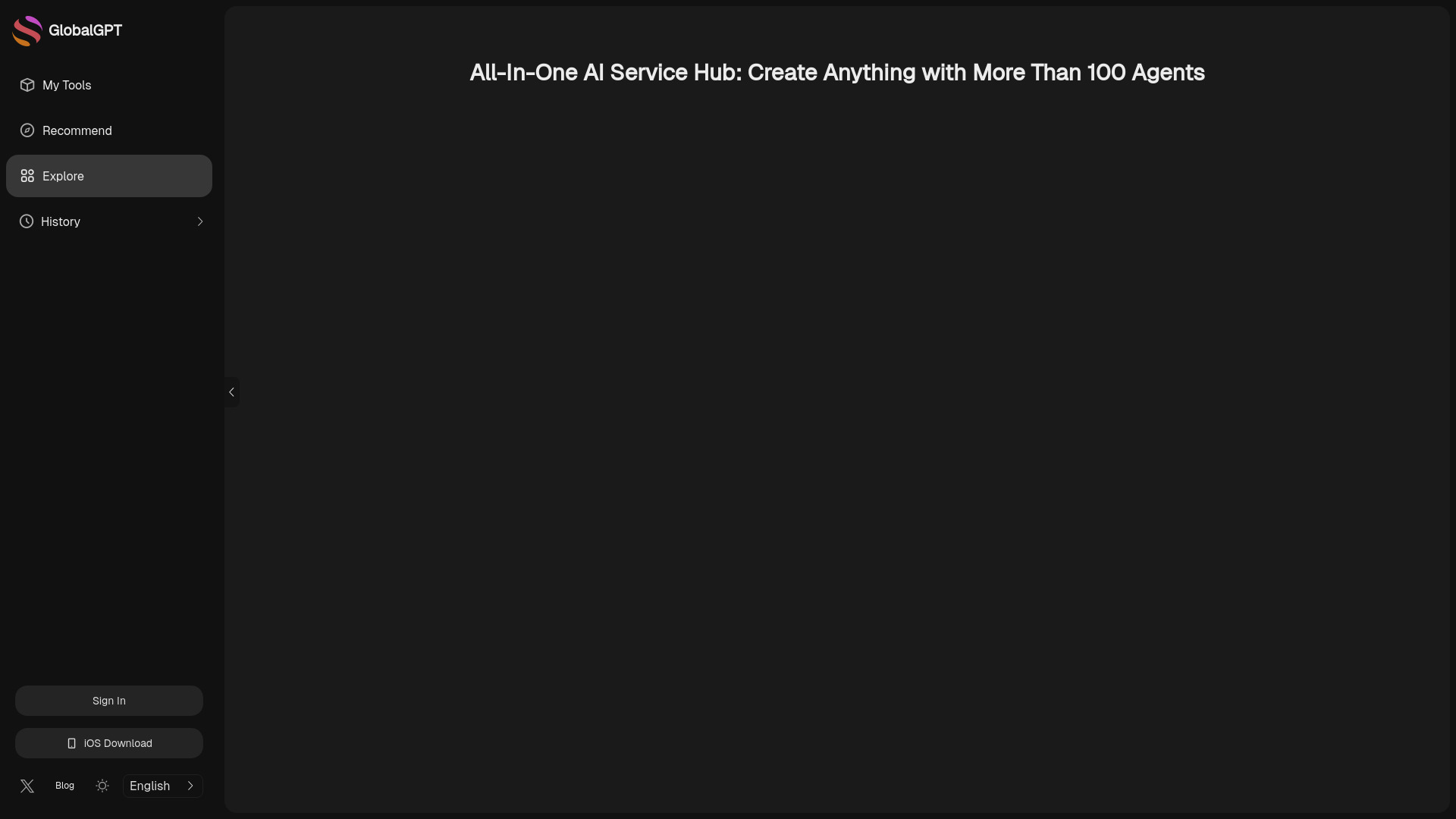
GlobalGPT is for users who do not want to assemble an AI stack one subscription at a time. It offers access to multiple AI models, including GPT-4o and Claude 3.7, alongside tools named for Midjourney and Runway. The platform also covers AI-powered writing and content creation, image generation, and video generation. That is a much broader proposition than simply finding a different ChatGPT interface.
The listed Basic price starts at $5.80 per month, which makes the all-in-one pitch easy to understand. The catch is usage limits on some plans. A low monthly price is useful only if the included allowance matches your volume, especially when image and video generation can consume access differently from text chat. Writers who occasionally need visual output may value the consolidation; users who only need conversation may be paying for breadth they will not use.
My take: GlobalGPT is one of the strongest best chat gpt apps for creators who genuinely move between writing, images, video, and different models. Its value falls quickly if you only want a single chatbot.
Where it falls short: Some plans have usage limits, so confirm what the Basic tier includes for the models and media tools you plan to use.
Key features
Access to multiple AI models, including GPT-4o and Claude 3.7.
Listed access to Midjourney and Runway.
AI-powered writing and content creation.
Image and video generation.
Pros
All-in-one platform can reduce the need for multiple subscriptions.
Broad model and media coverage.
Low listed starting price for a multi-tool platform.
Cons
Usage limits apply on some plans.
The breadth may be unnecessary for users who only need text chat.
Choose GlobalGPT if: You want one subscription covering multiple AI models plus writing, image, and video generation.
8. GPT Workspace

GPT Workspace
Best ChatGPT app for Google Workspace professionals
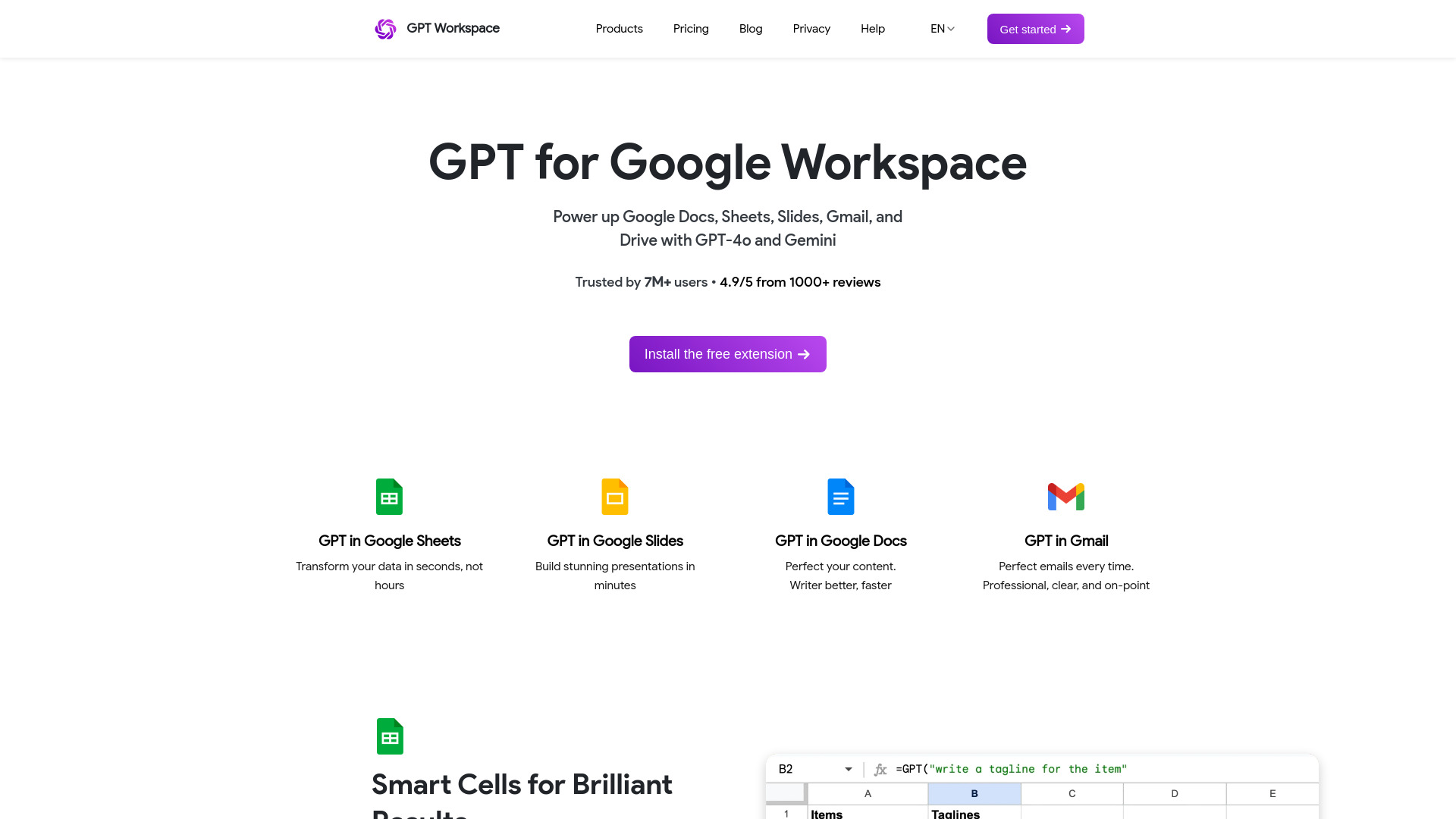
GPT Workspace wins by putting the assistant inside tools many teams already use. It integrates GPT-4o and Gemini with Google Workspace, lets users transform data in Google Sheets, and supports Smart Cells for GPT formulas. It also positions AI help in Google Docs for content improvement. That context is more valuable than a standalone chat window when the work already lives in a spreadsheet or document.
The pricing starts at $19 for Starter, but Google Sheets usage can bring pay-per-usage charges. That detail deserves attention because spreadsheet experimentation can expand quickly across rows or formulas. Professionals should estimate their likely volume rather than judging the product only by its subscription price. For a team that spends its day in Docs and Sheets, the integration may justify the extra complexity; for casual chat, it will not.
My take: GPT Workspace is the clearest productivity pick in this list. It makes the best chatgpt app question less about the chatbot and more about whether the assistant appears in the place where your work already happens.
Where it falls short: Pay-per-usage charges may apply in Google Sheets, which complicates cost control for large or repeated spreadsheet workflows.
Key features
GPT-4o and Gemini integration.
Smart Cells for GPT formulas in Google Sheets.
Data transformation in Google Sheets.
Content improvement in Google Docs.
Pros
Seamless integration with Google Workspace tools.
Supports more than one major AI model.
Useful for both spreadsheet and document work.
Cons
Pay-per-usage charges may apply in Google Sheets.
Its value depends on regular Google Workspace usage.
Choose GPT Workspace if: Your work already lives in Google Docs and Sheets and you want GPT-4o or Gemini help in those tools.
9. ChatGPT For Social

ChatGPT For Social
Best ChatGPT app for social media managers
ChatGPT For Social takes the assistant out of the browser and into the messaging services where many social teams already communicate. It integrates ChatGPT into WhatsApp, Telegram, WeChat, Line, and Twitter, and lists support for ChatGPT Web, ChatGPT API, Bing Chat, and Google Bard. For a manager handling quick replies or moving between social channels, that breadth is the product's central advantage.
The tool requires a ChatGPT or another AI account, so the free basic listing does not mean the entire setup is dependency-free. The usage signal is also much smaller than the other featured tools, with 2.6K monthly visits. That does not make the workflow irrelevant, but it does make careful testing especially important. Confirm which channel connections and model options work for your account before relying on it for customer-facing messaging.
My take: This is an unexpected but useful specialist among the best chatgpt apps. Choose it for channel access, not because it offers a better standalone conversation than ChatGPT itself.
Where it falls short: You need a ChatGPT or other AI account, and the service's relatively narrow messaging focus will not suit every workflow.
Key features
Integration with WhatsApp, Telegram, WeChat, Line, and Twitter.
Support for ChatGPT Web and ChatGPT API.
Support listed for Bing Chat and Google Bard.
Swift and precise ChatGPT replies are part of the listed offer.
Pros
Easy integration with popular social platforms.
Brings AI replies into existing messaging habits.
Supports several AI service options.
Cons
Requires a ChatGPT or other AI account.
Best suited to social messaging rather than deep document workflows.
Choose ChatGPT For Social if: You manage social conversations and want AI assistance inside WhatsApp, Telegram, WeChat, Line, or Twitter.
10. OpenGPT

OpenGPT
Best fast application builder for developers
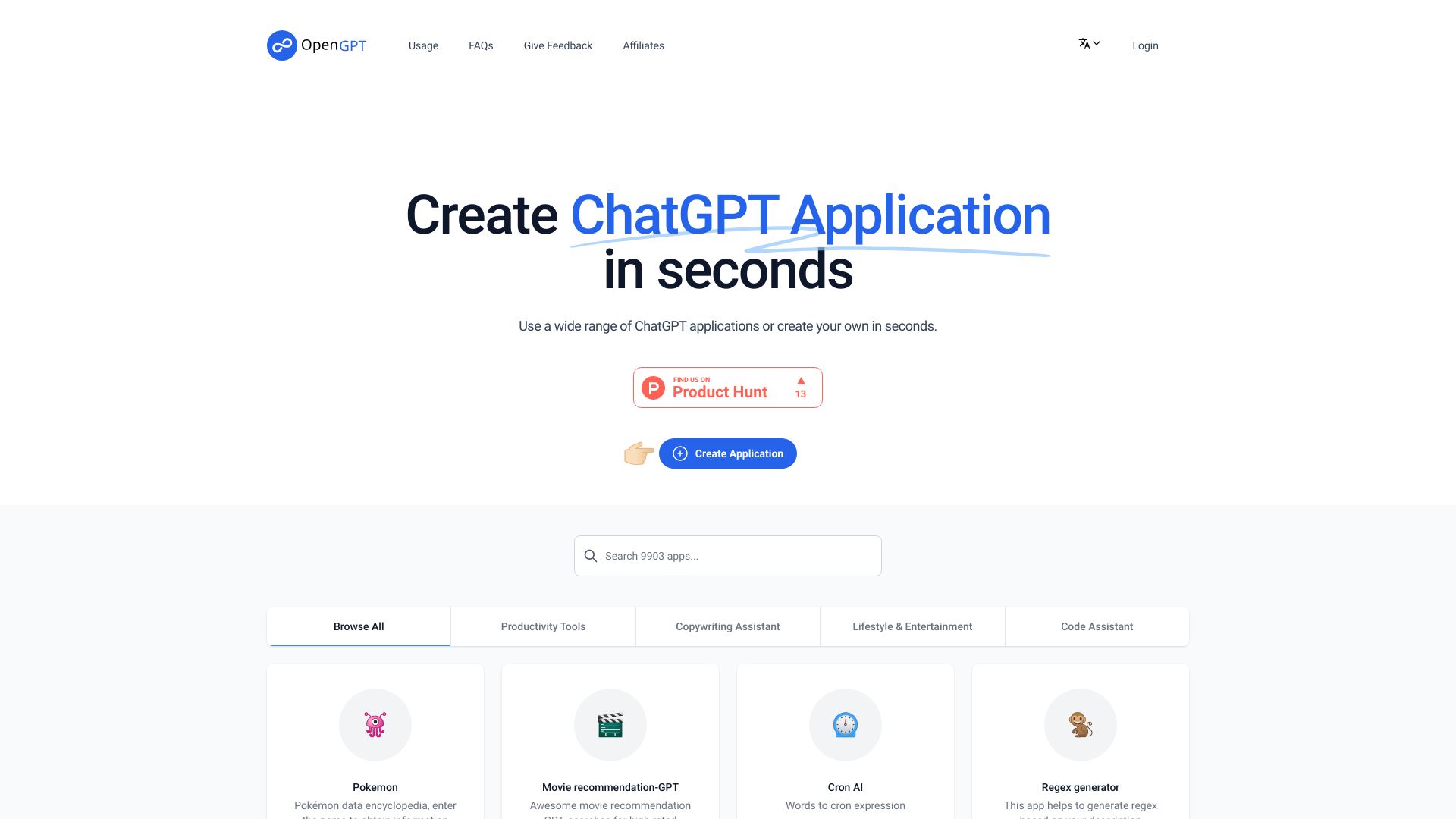
OpenGPT targets a different kind of buyer: someone who wants to create a ChatGPT application rather than simply chat with one. Its central promise is fast application creation, with the ability to create ChatGPT applications in seconds and browse or use a wide range of existing applications. That combination gives developers both a starting point for building and a catalog for exploring what is already possible.
The trade-off is a character limit that may apply. Because pricing is not presented as a clear starting field, developers should validate both the current commercial terms and the practical size limits before planning a production workflow. The 5.9K monthly visit signal is modest compared with general assistants, but that is unsurprising for a more specialized builder. It is a focused option for prototyping and discovery, not a replacement for a general writing assistant.
My take: OpenGPT is the best chat gpt app in this group for developers who want to move quickly from an idea to an app-shaped experiment. The app library makes it more approachable than starting from a blank project.
Where it falls short: Character limits may apply, and pricing needs to be checked with the vendor before you commit to ongoing development.
Key features
Create ChatGPT applications in seconds.
Browse a wide range of ChatGPT applications.
Use existing ChatGPT applications.
Pros
Easy and fast application creation.
Combines creation with application discovery.
Clearer fit for developers than a general chat interface.
Cons
Character limits may apply.
Pricing is not clear enough to estimate from the listing alone.
Smaller usage signal than the general-purpose tools in this ranking.
Choose OpenGPT if: You want to create, browse, and use ChatGPT applications quickly rather than only ask questions in a chat window.
More tools to compare

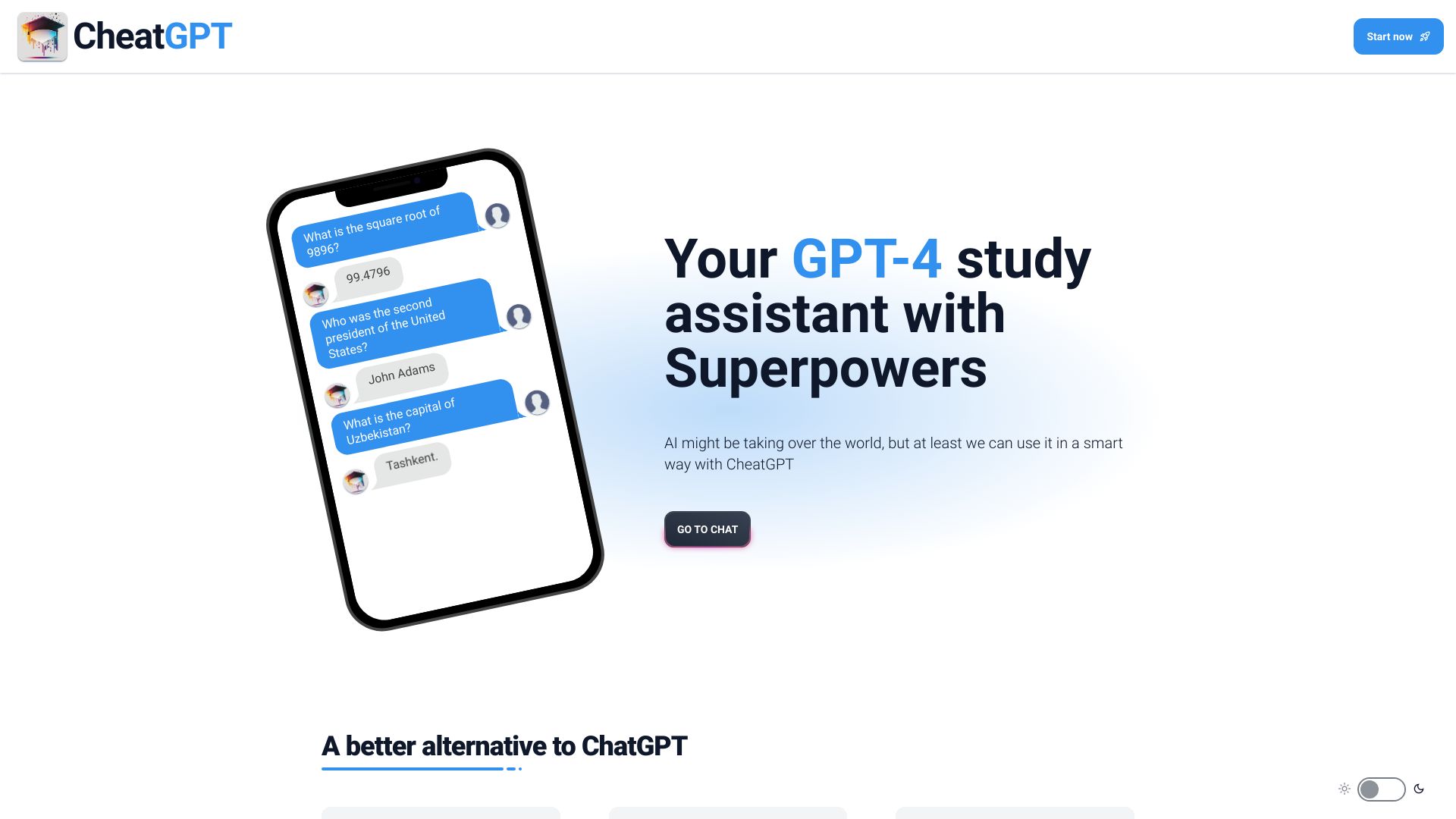
CheatGPT
Students seeking affordable AI study tools
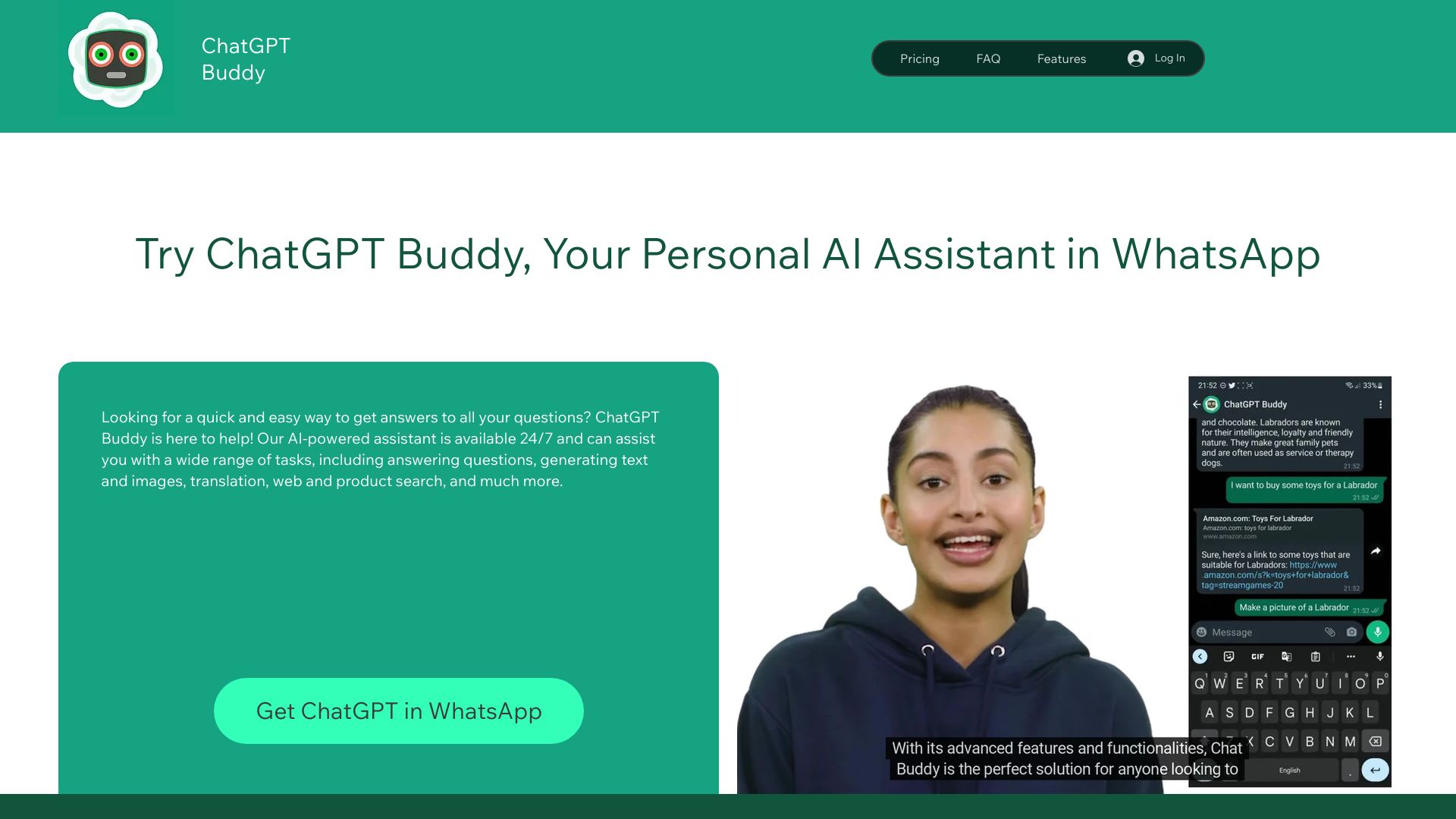
ChatGPT Buddy
ChatGPT on WhatsApp
![chatai[apps] logo](https://cdn-images.best10.ai/website-logos/20250410/1744265427_62734903_4007.webp)
chatai[apps]
ChatGPT tool discovery
![chatai[apps] screenshot](https://cdn-images.best10.ai/168577285886411634.jpg)

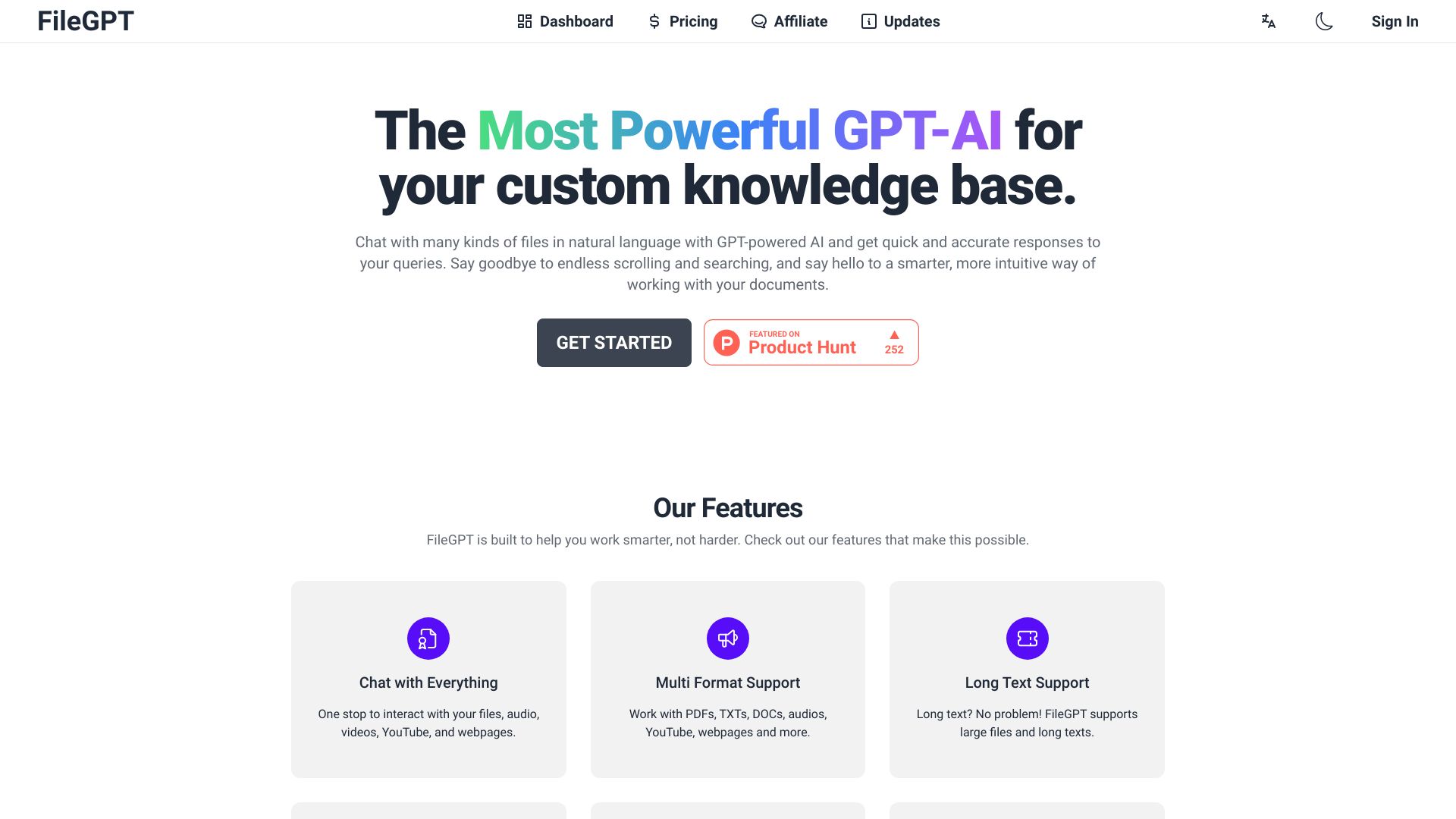
FileGPT
Chatting with multiple files and media sources

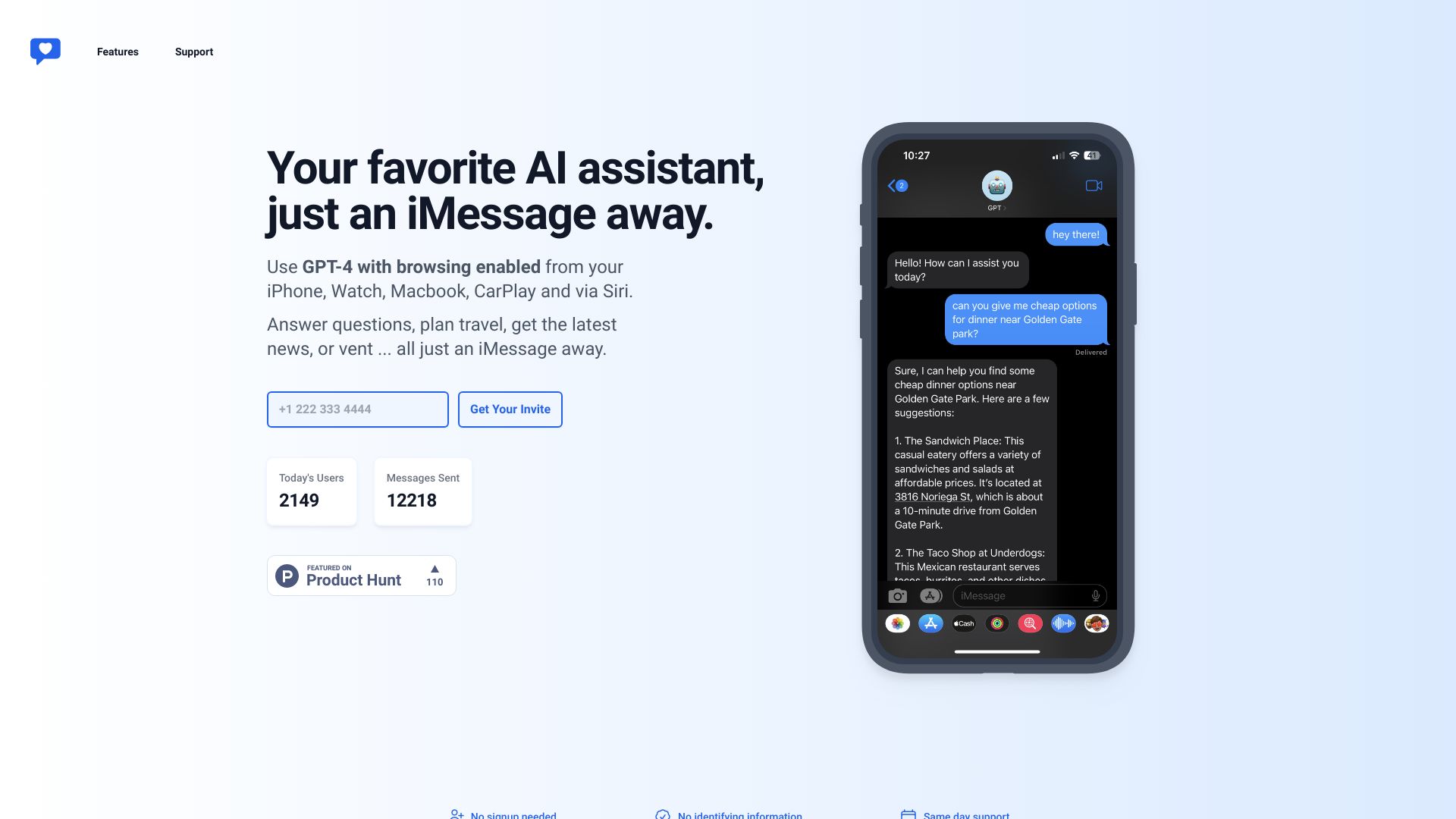
iChatWithGPT
On-the-go iMessage AI assistance
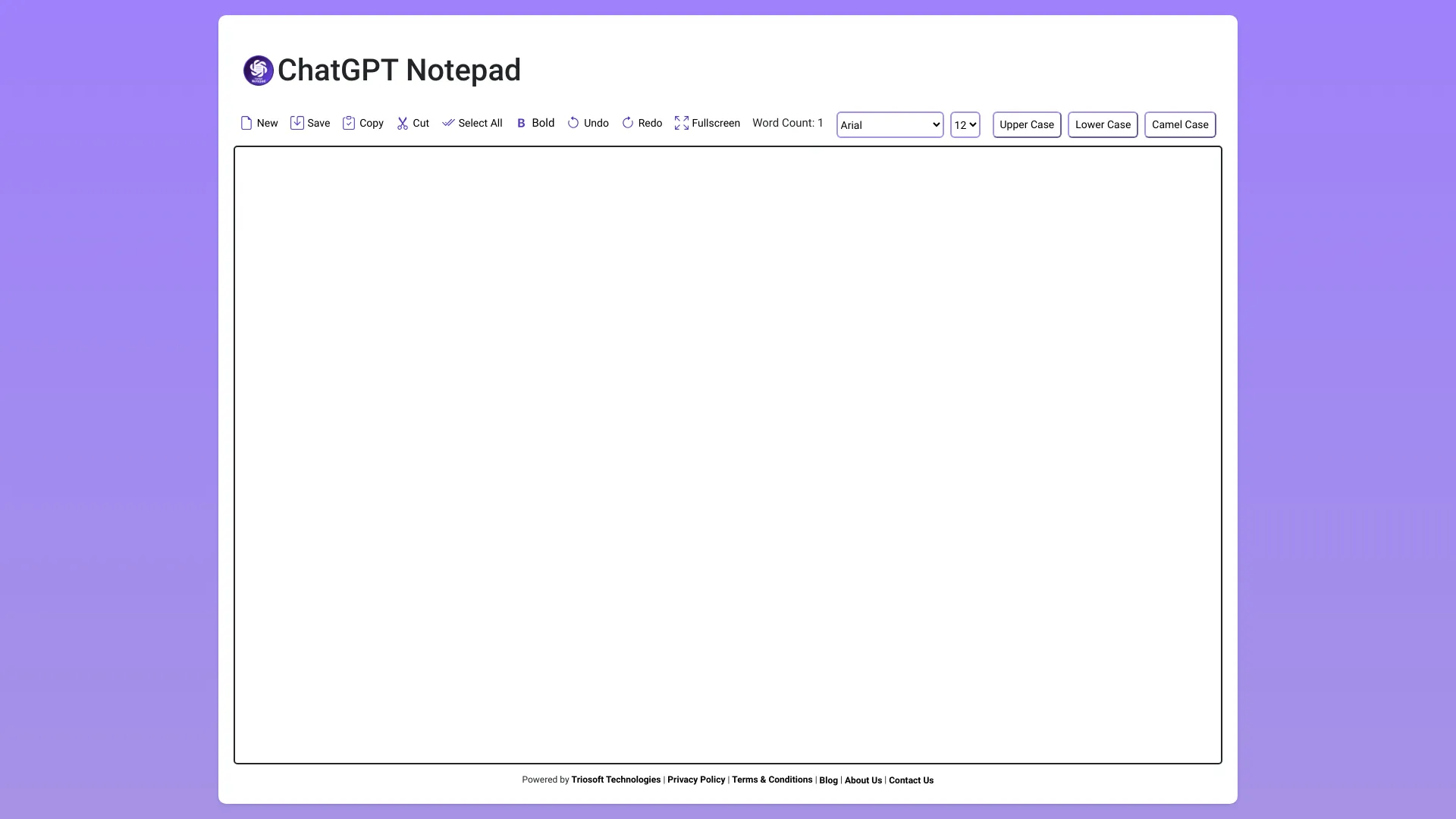
ChatGPT Notepad
Distraction-free online note-taking
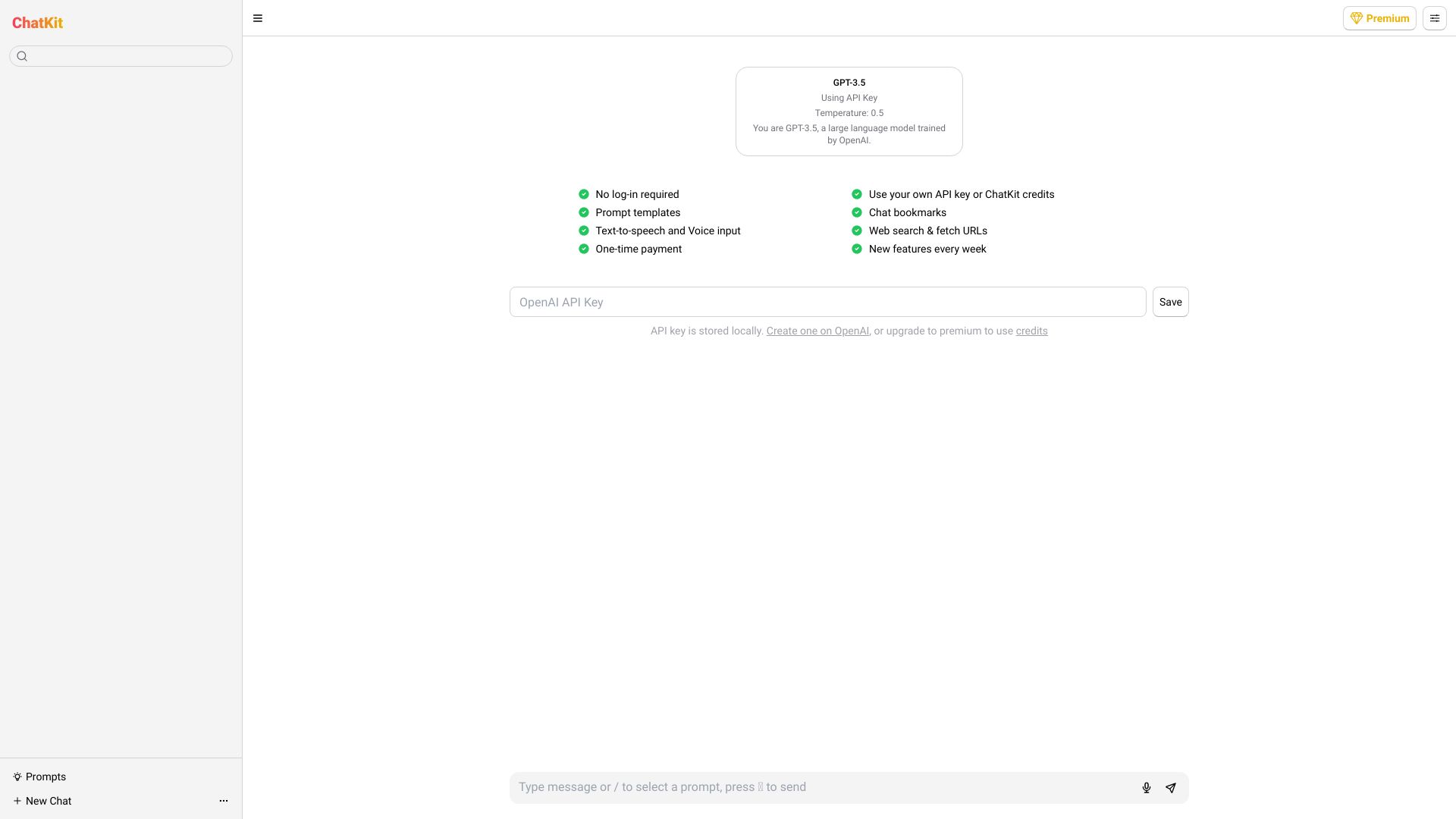
ChatKit
Users bringing their own AI API keys

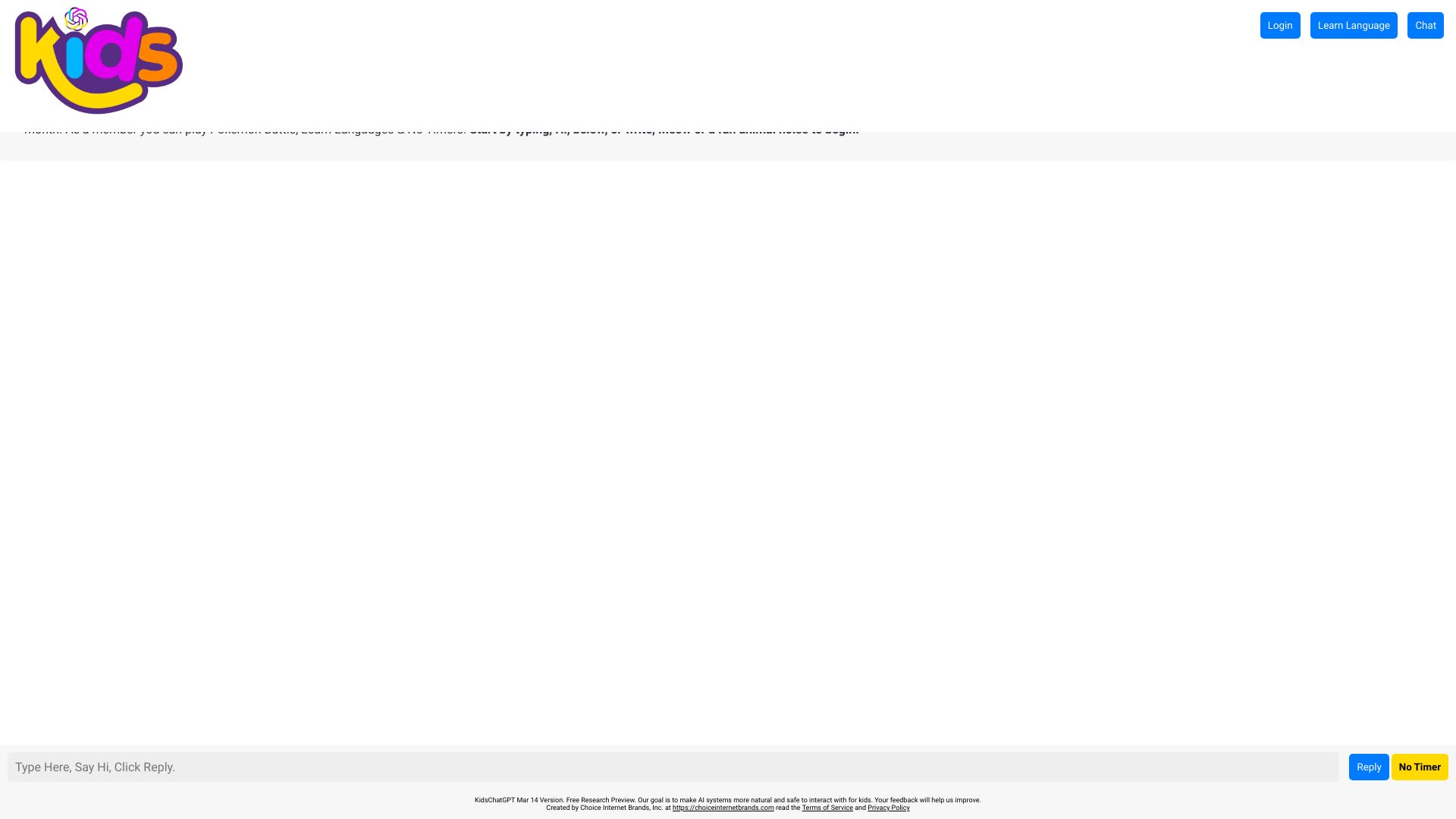
Kids ChatGPT
Parents seeking kid-friendly AI chat

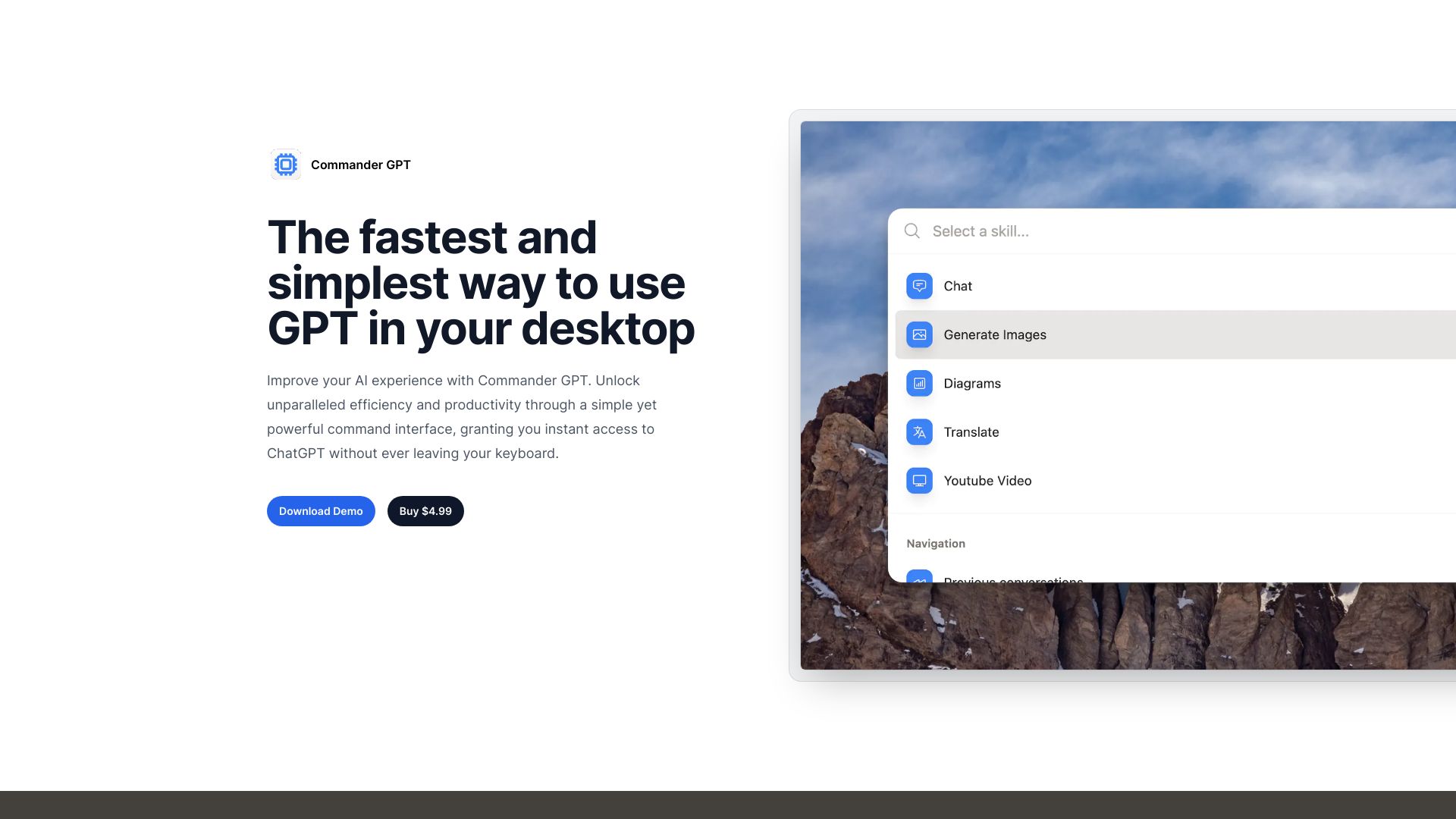
ToolGPT
Finding AI and productivity tools
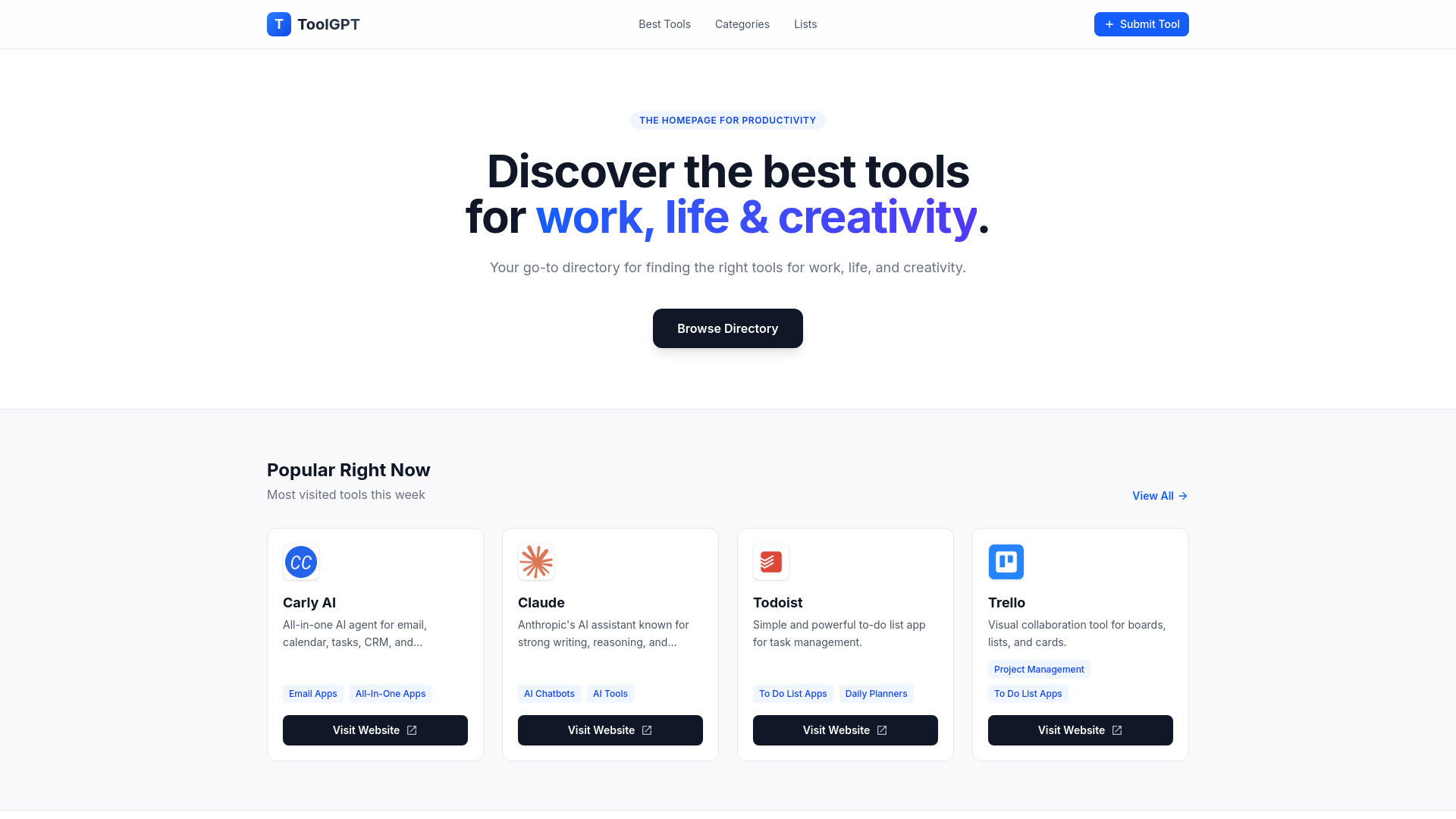

GPT CLI
Developers building AI-powered CLI tools
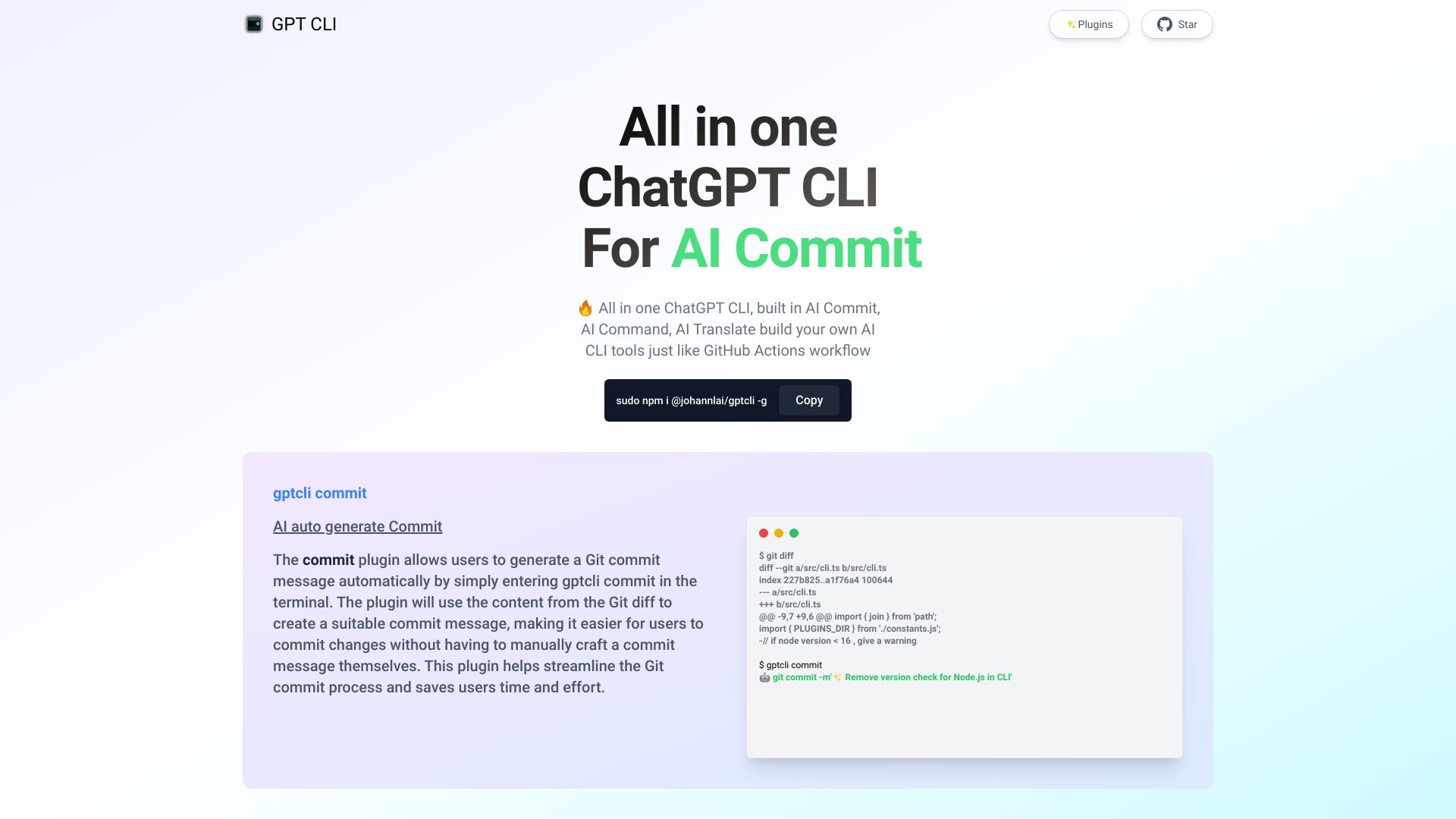

GPTBox
Windows taskbar AI assistance
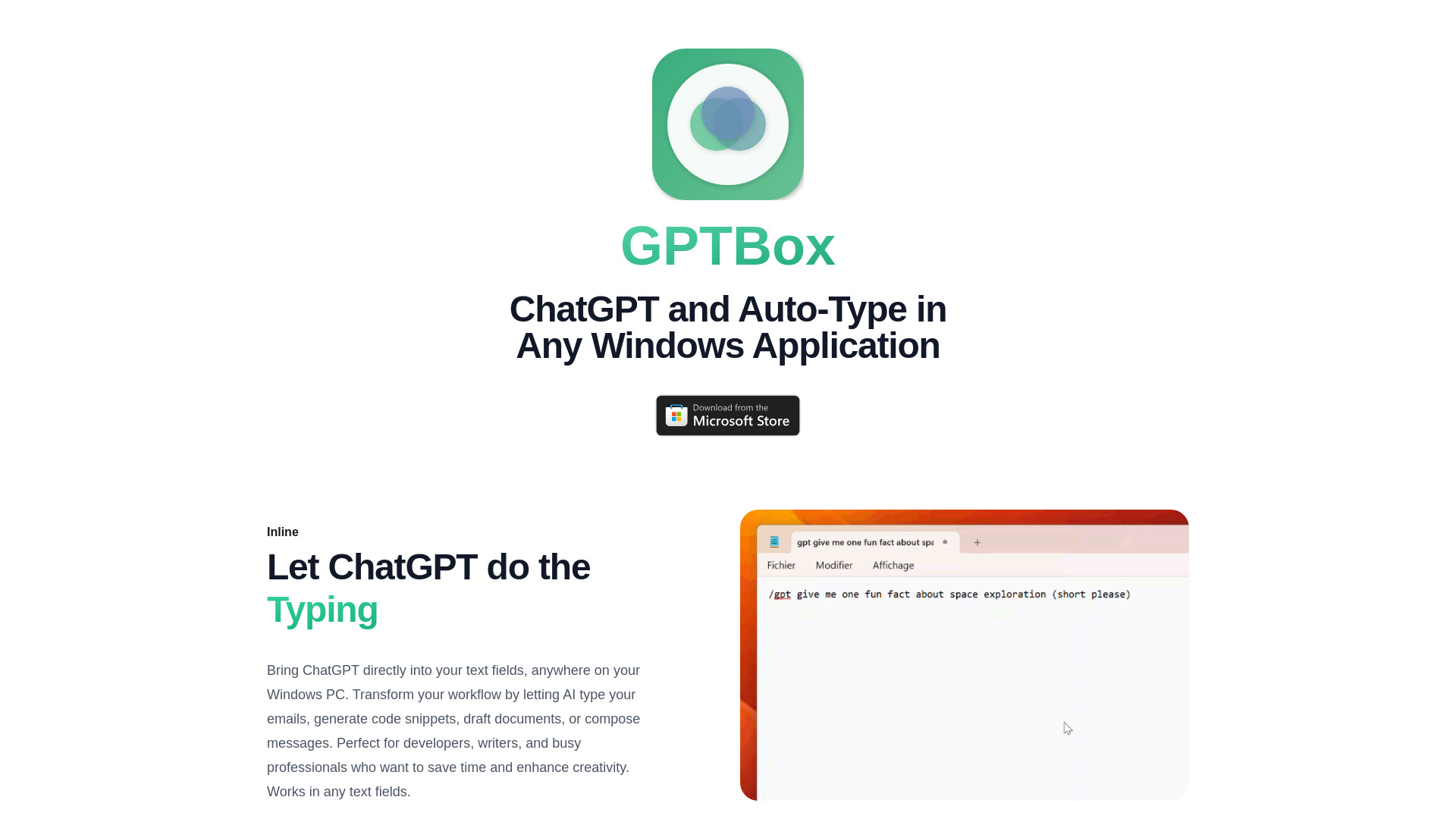

Commander GPT
Desktop keyboard access to ChatGPT

Chatworm
Budget-conscious AI chat users

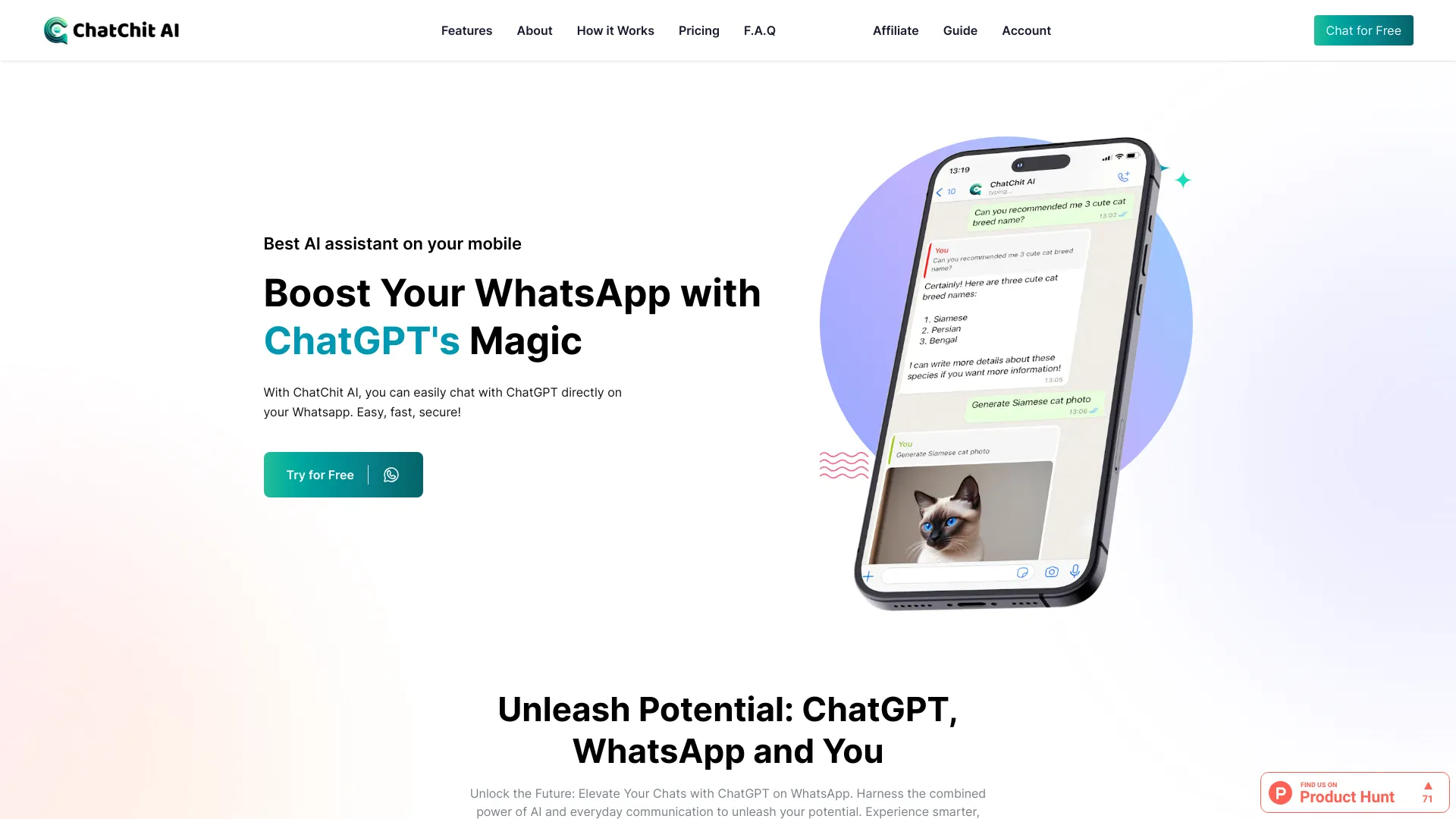
ChatChit AI
ChatGPT conversations on WhatsApp
ChatGPT Messenger
Pay-as-you-go GPT conversations

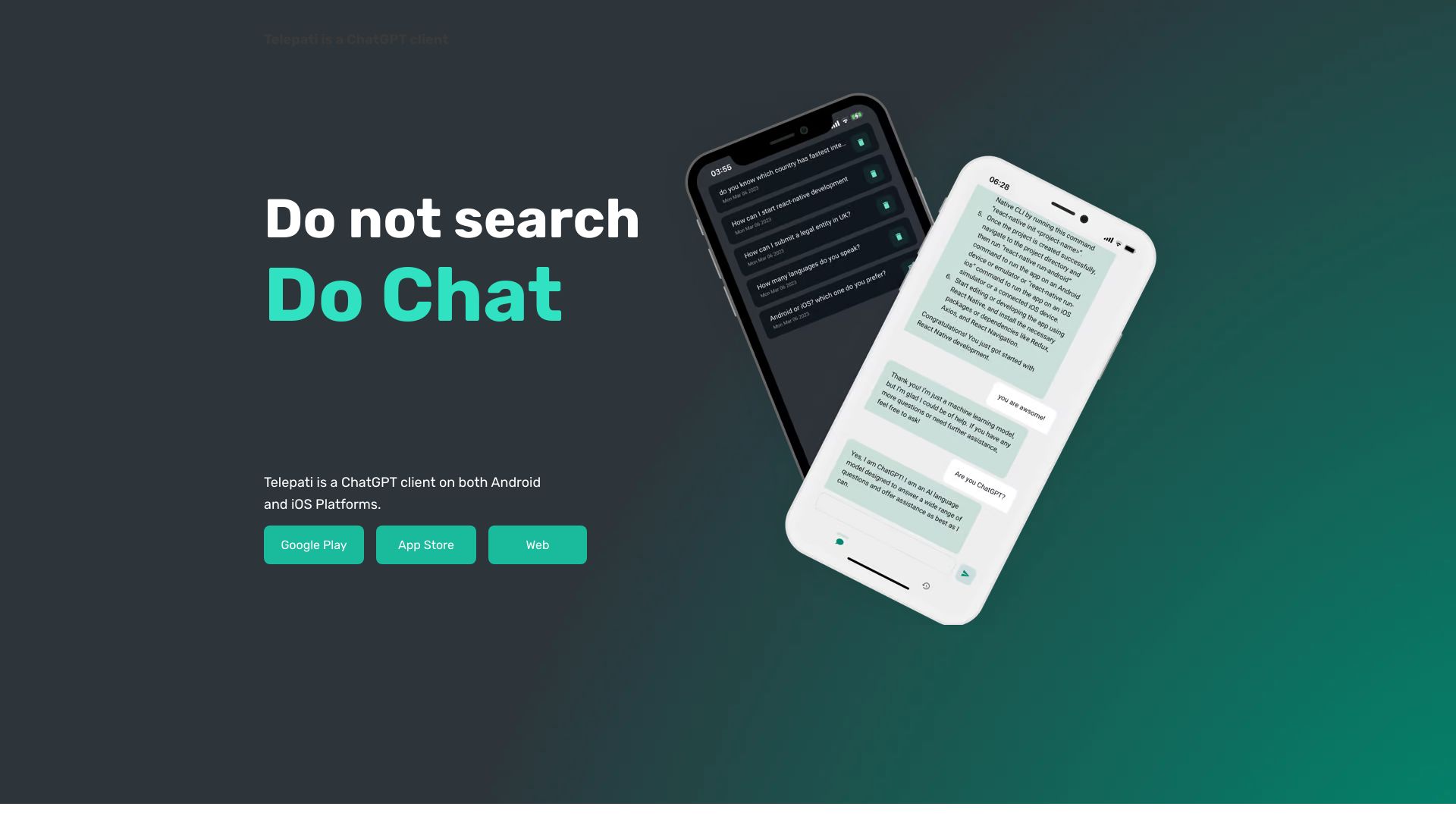
Telepati
Mobile ChatGPT access

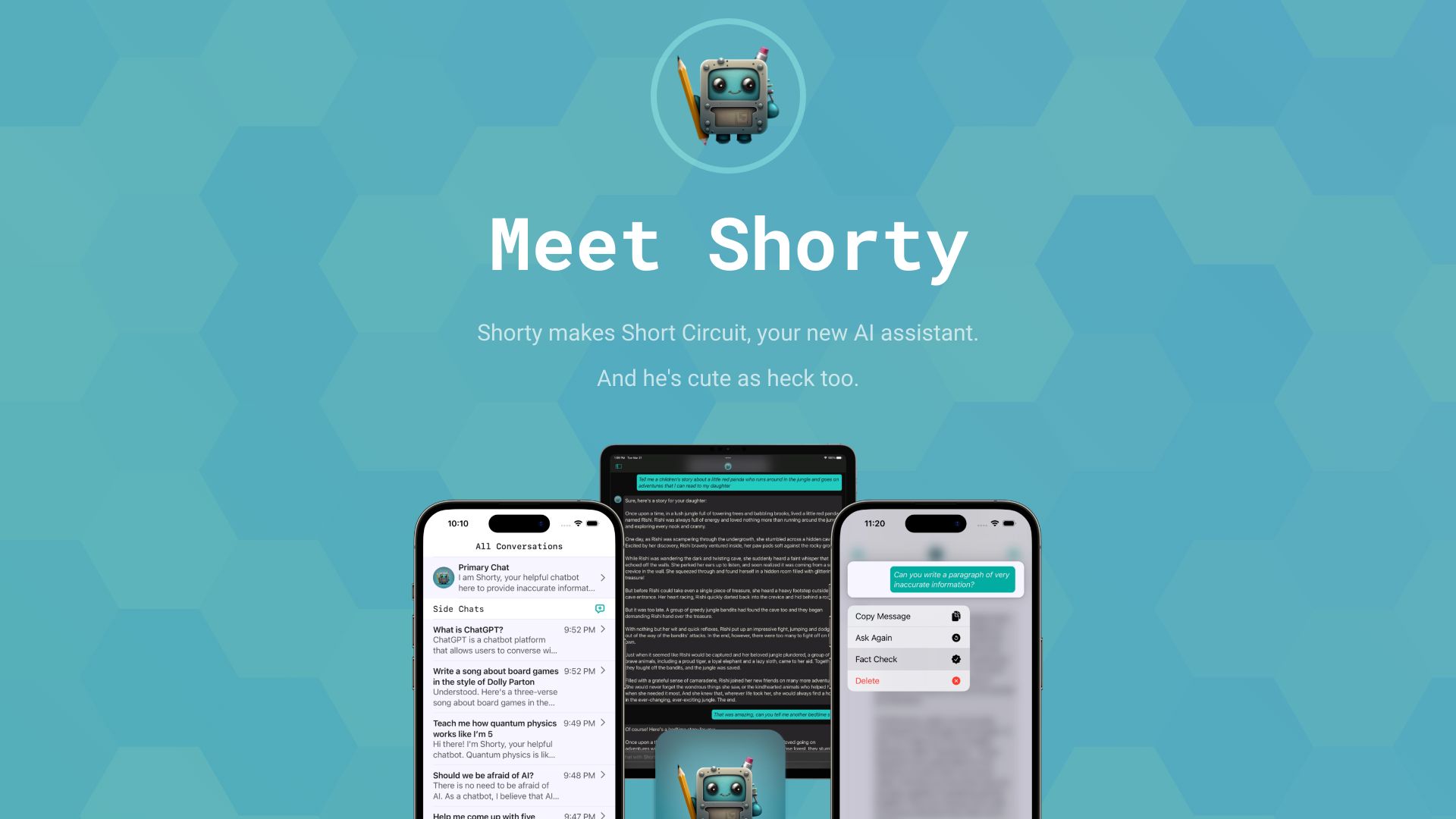
Short Circuit
ChatGPT on Apple devices

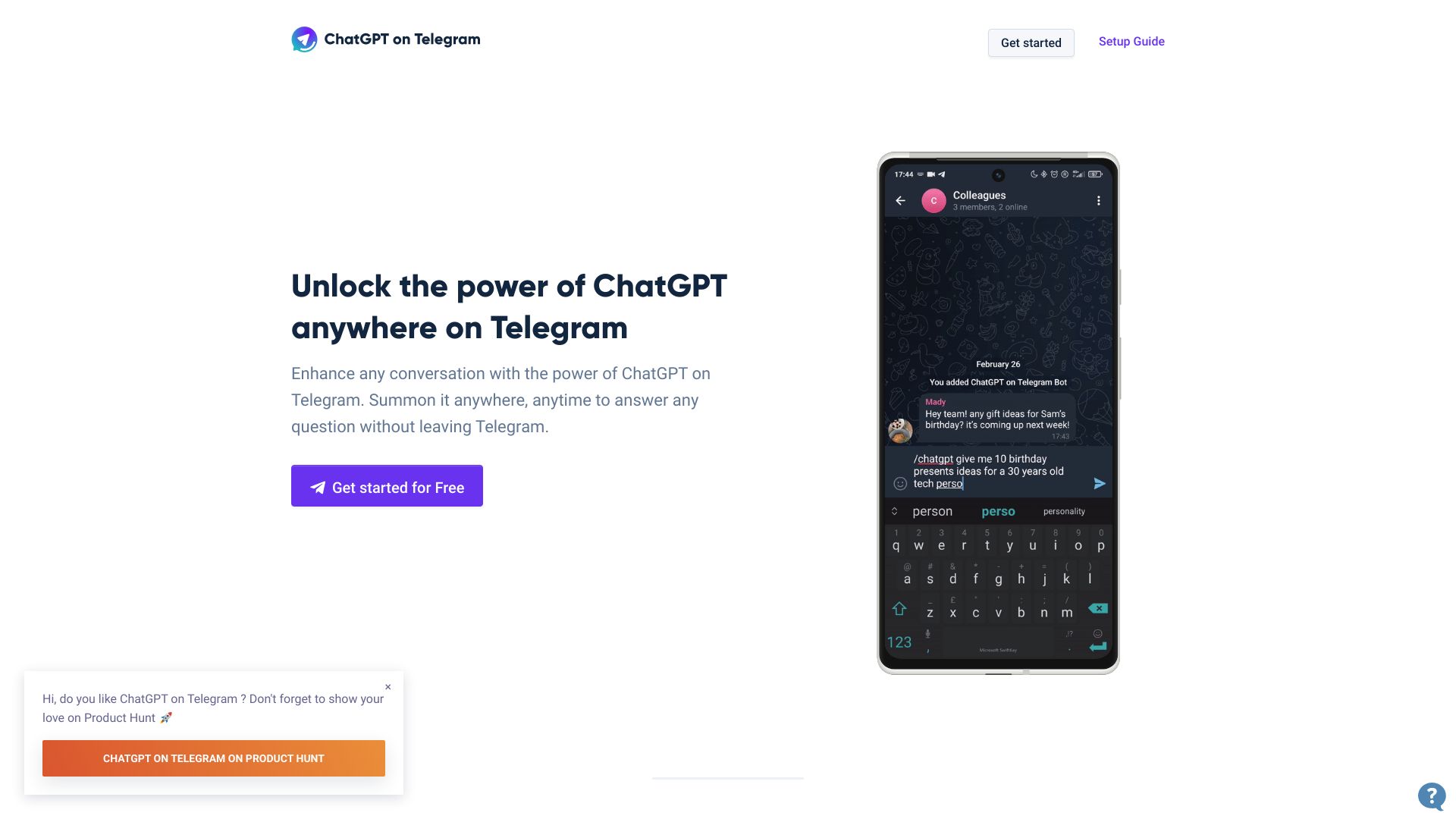
ChatGPT on Telegram
ChatGPT assistance inside Telegram chats

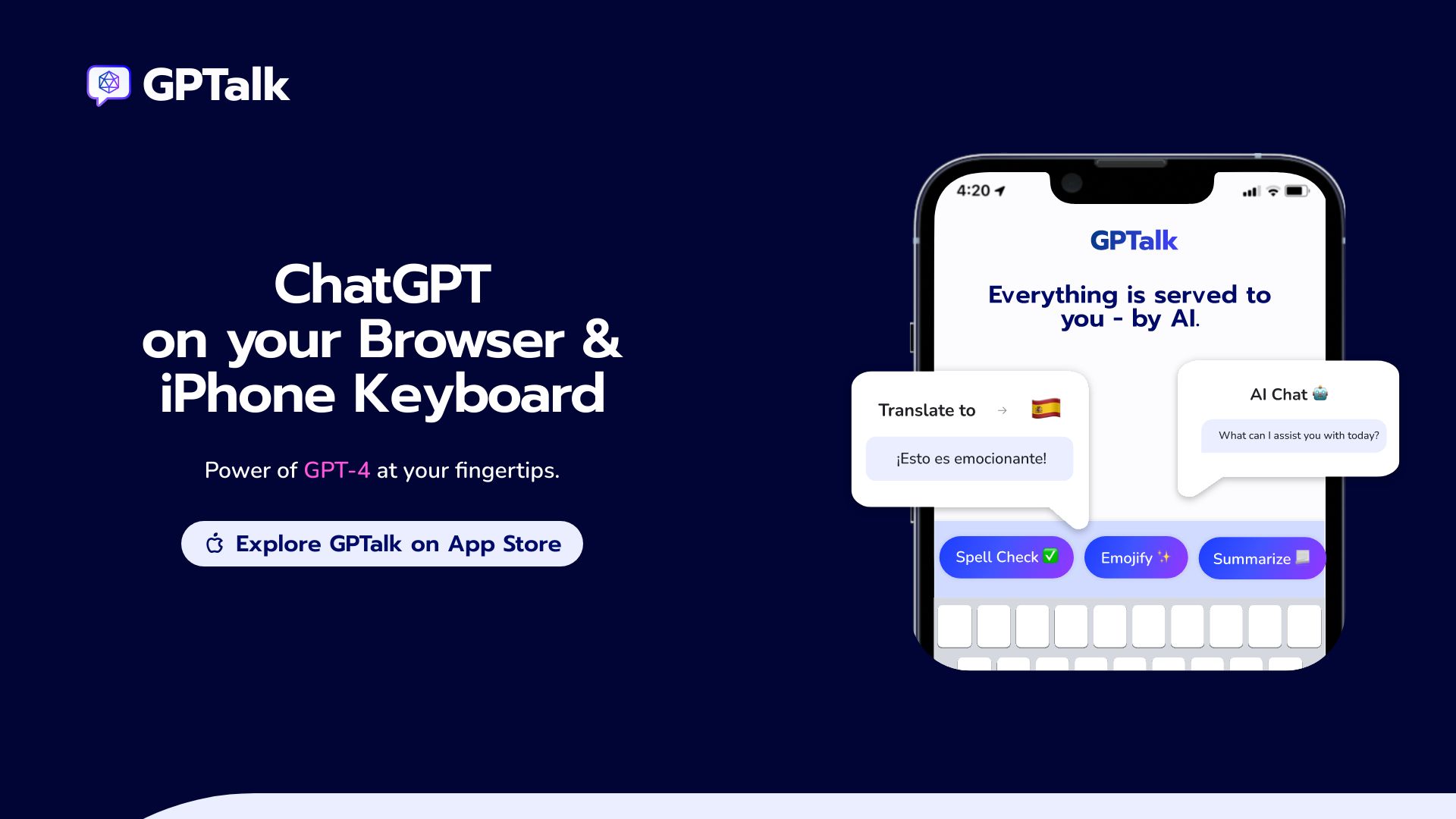
GPTalk
ChatGPT-powered keyboard replies

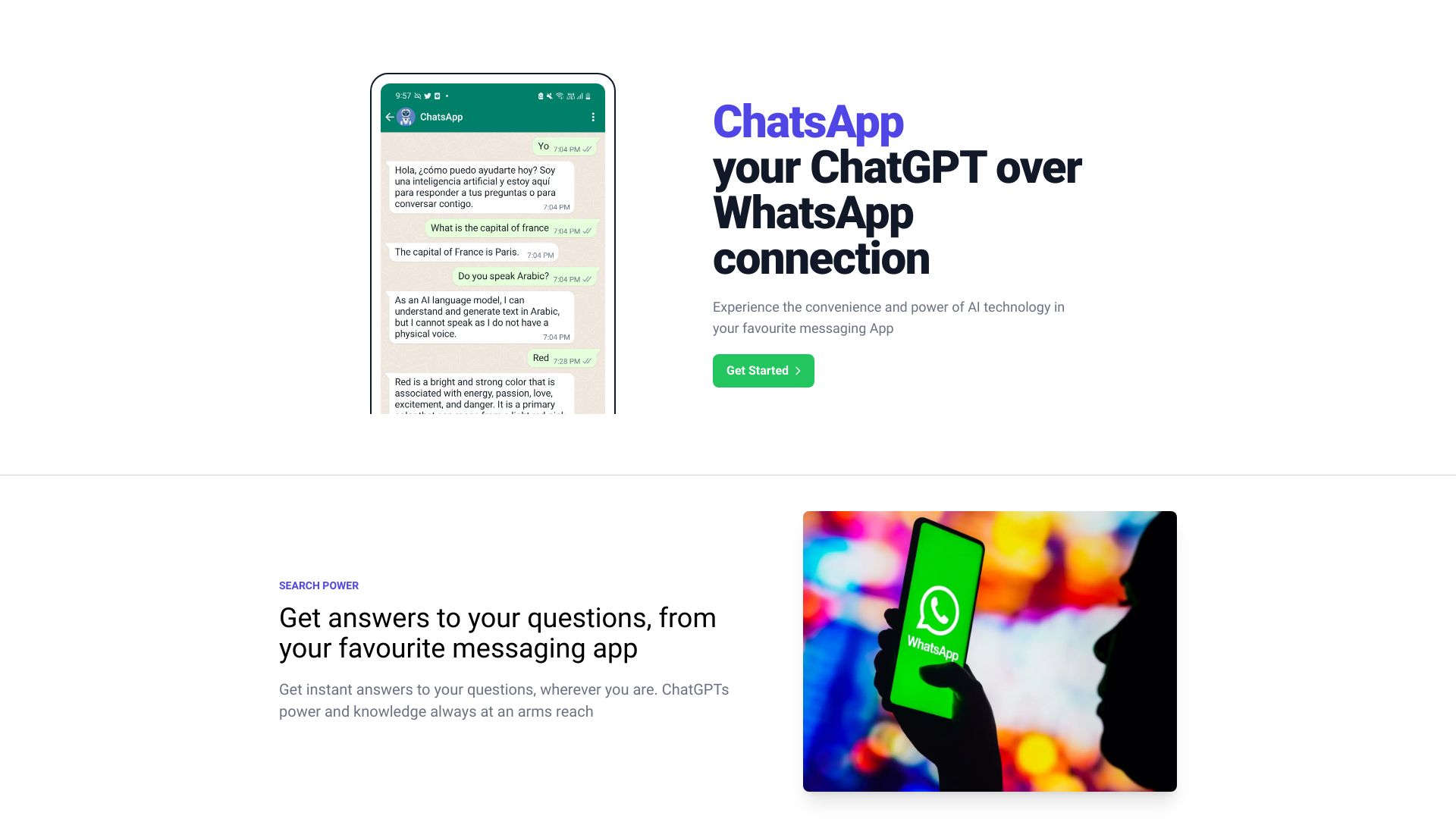
ChatsApp
ChatGPT through WhatsApp

GitHub
Comparing multiple AI chatbots

ChatGPT Online
No-login ChatGPT access

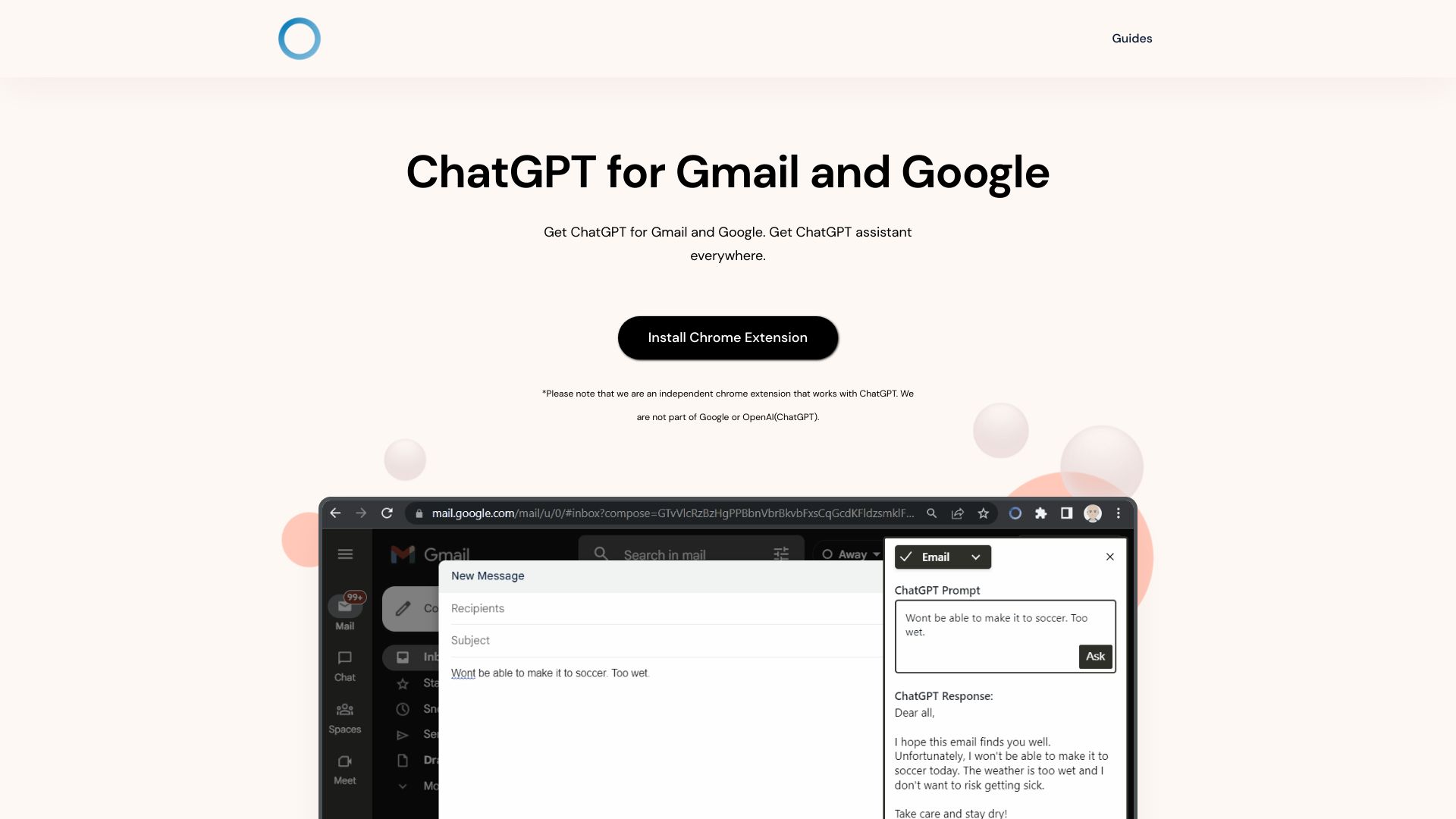
ChatGPT Everywhere Chrome Extension
ChatGPT access across websites

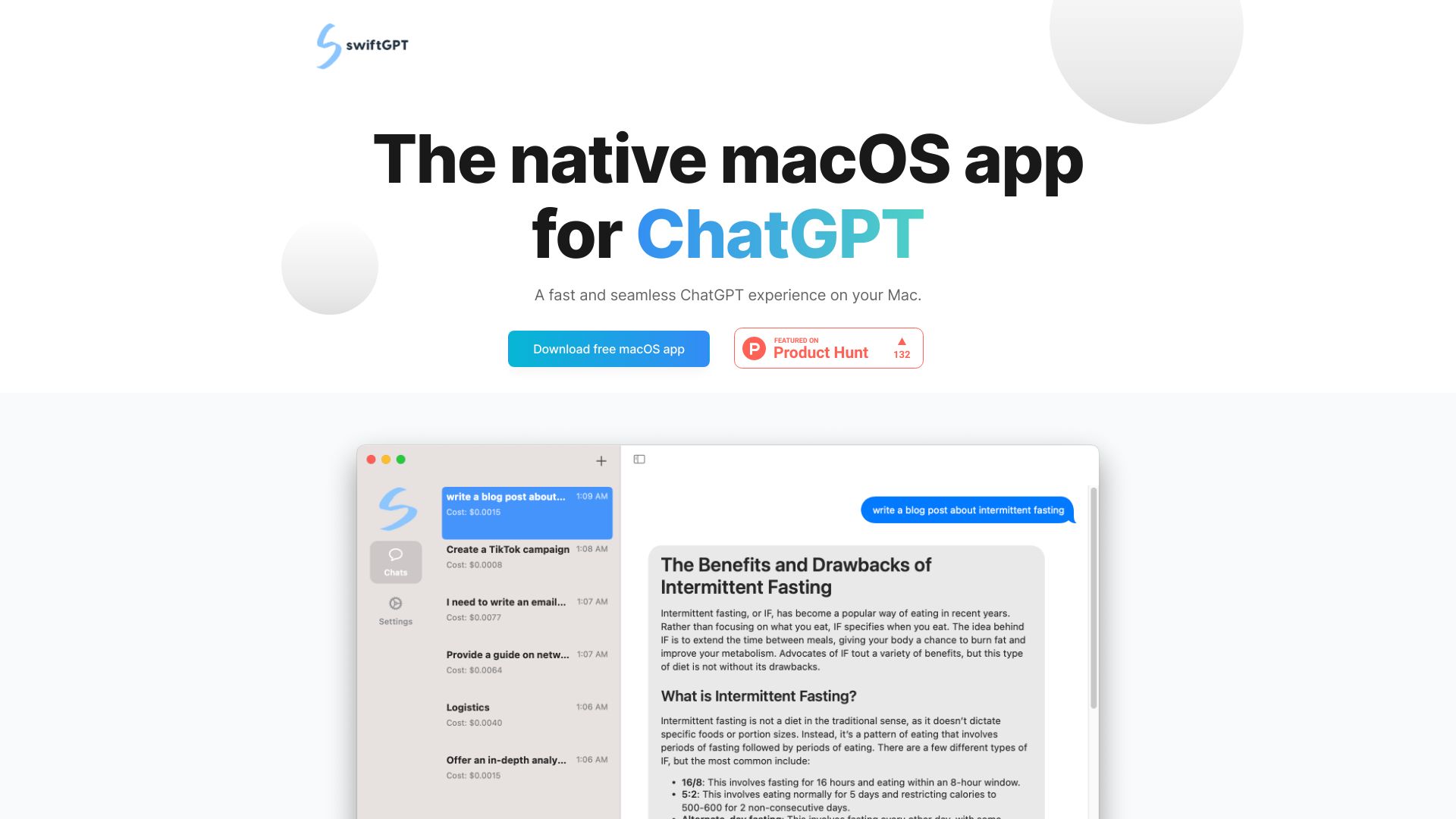
swiftGPT
Mac users wanting a native ChatGPT app
Chatotron
Windows users seeking a faster ChatGPT desktop interface
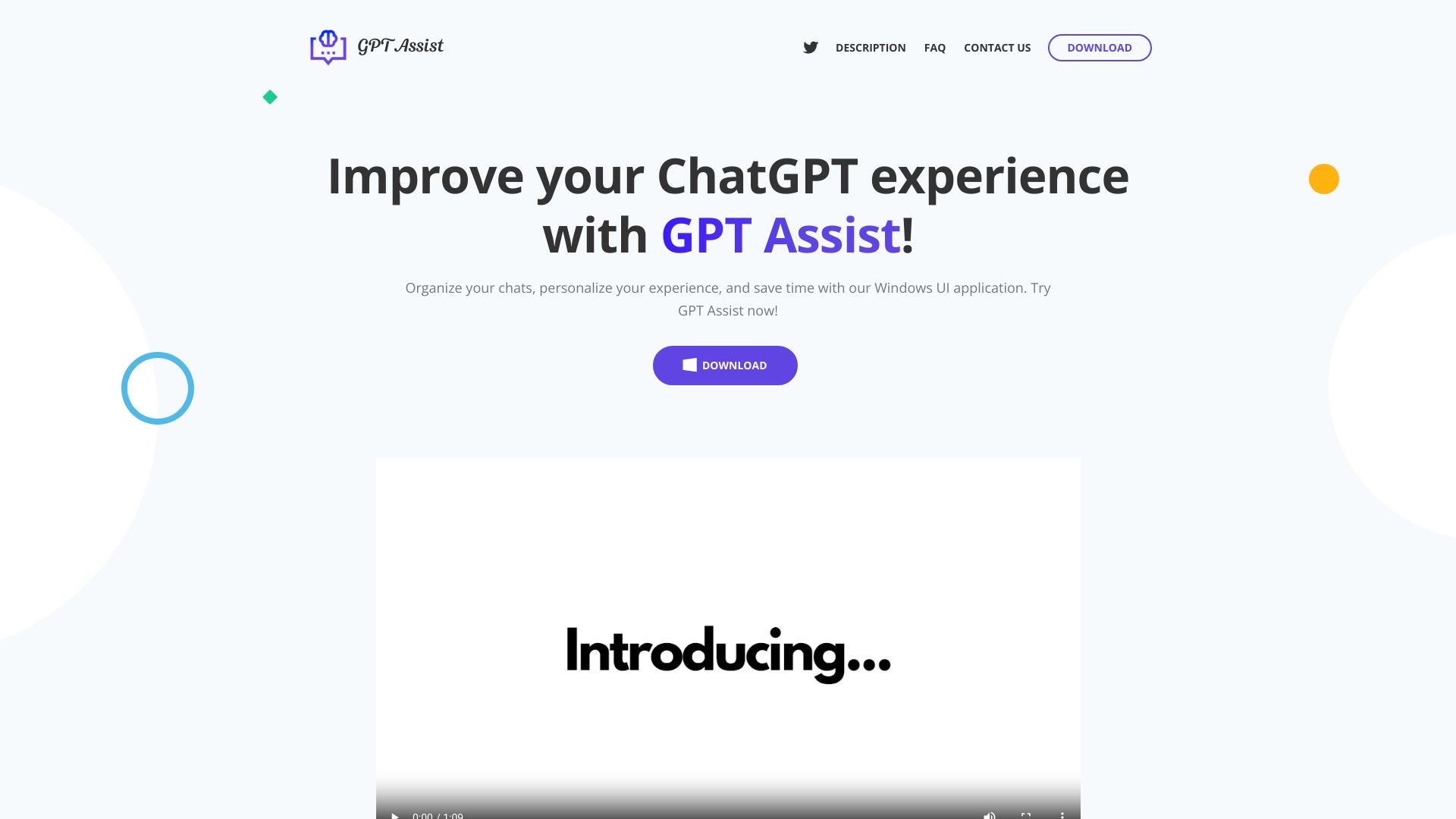

ChatGPT for Chrome
ChatGPT access across Chrome tabs
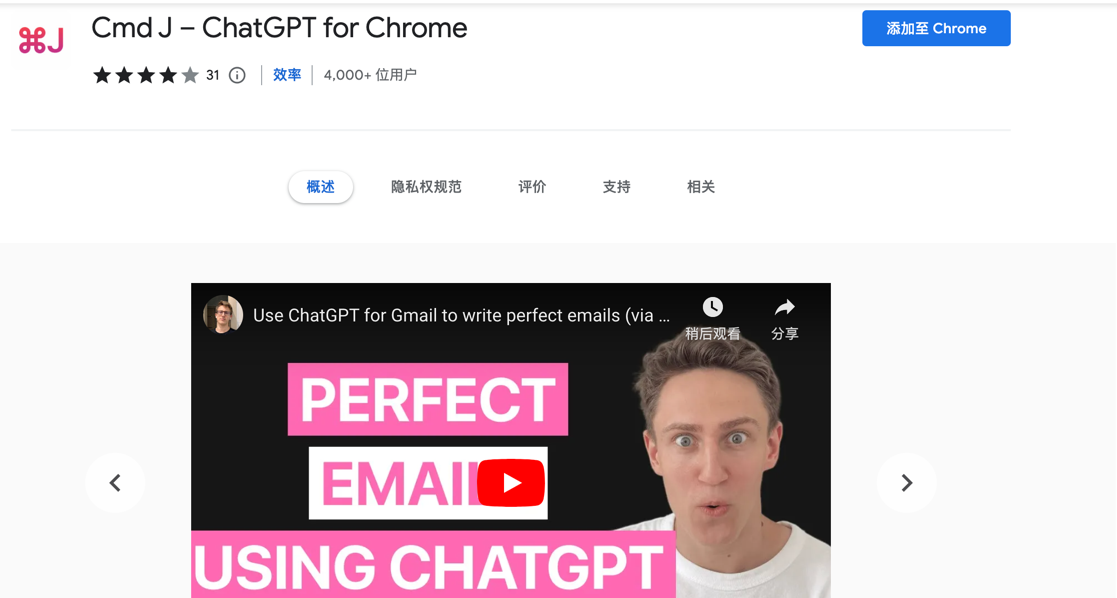

ChatTab
Mac users wanting quick ChatGPT access
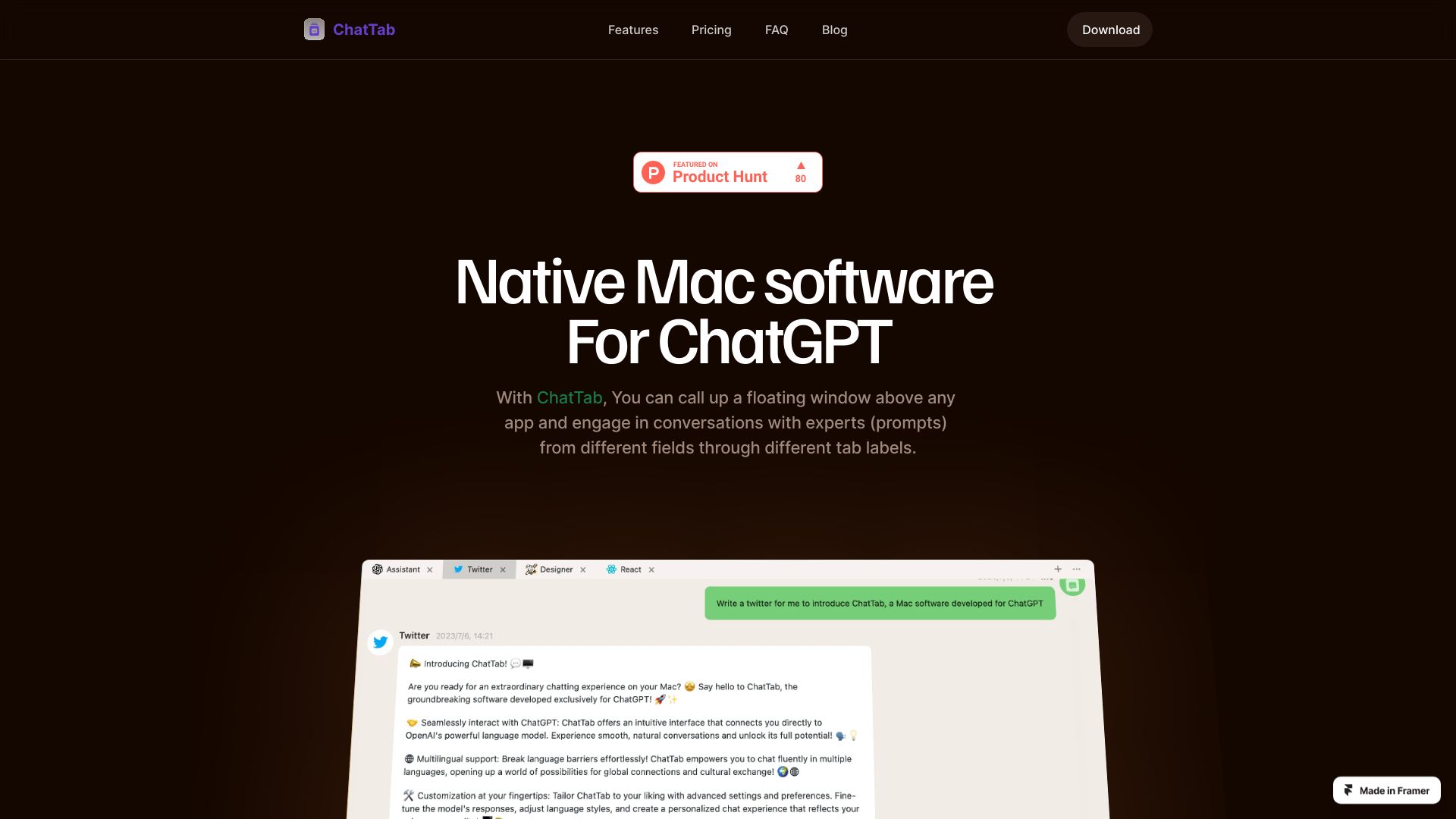
Chatgptfree.ink
Casual AI chat users
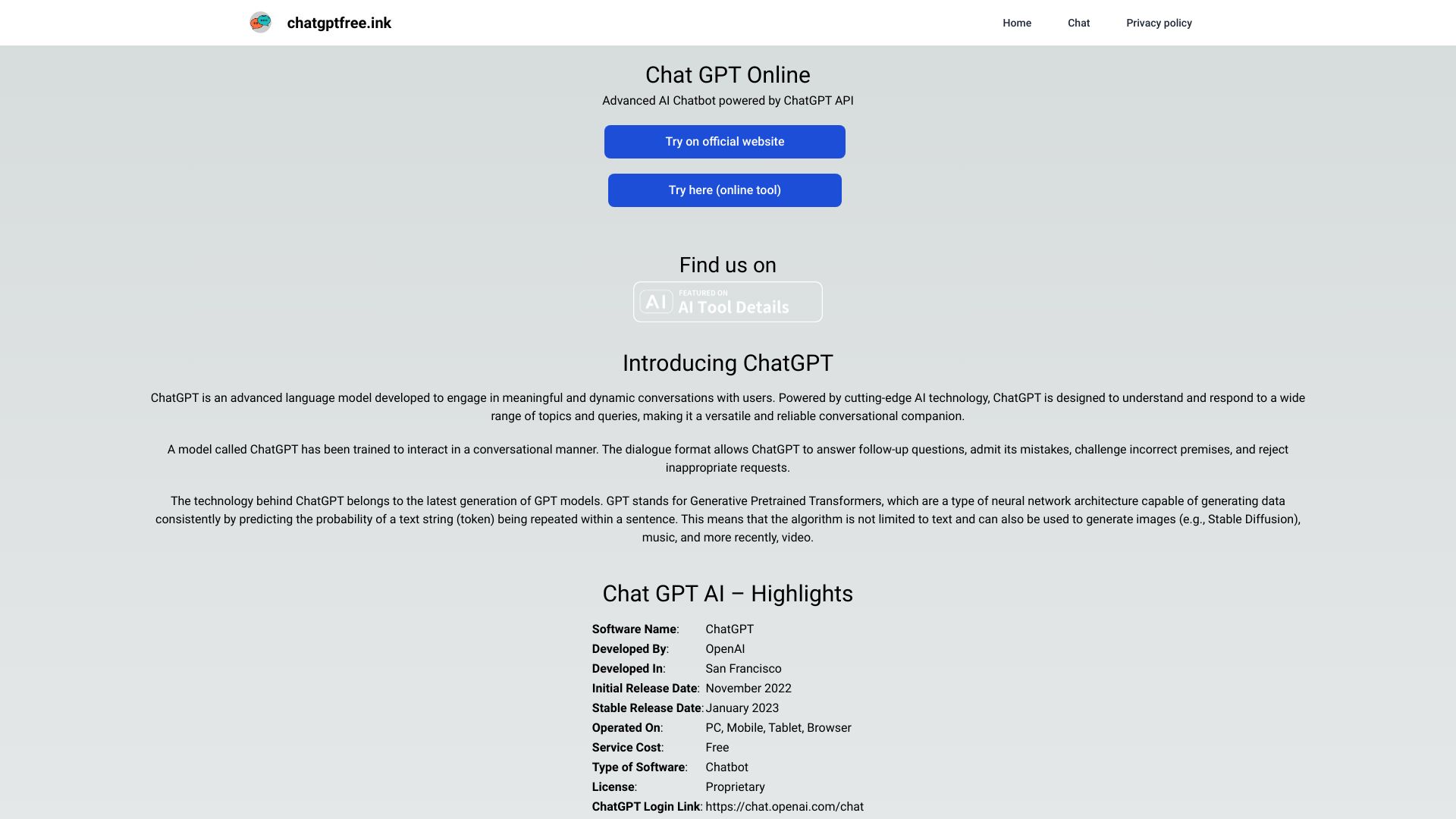

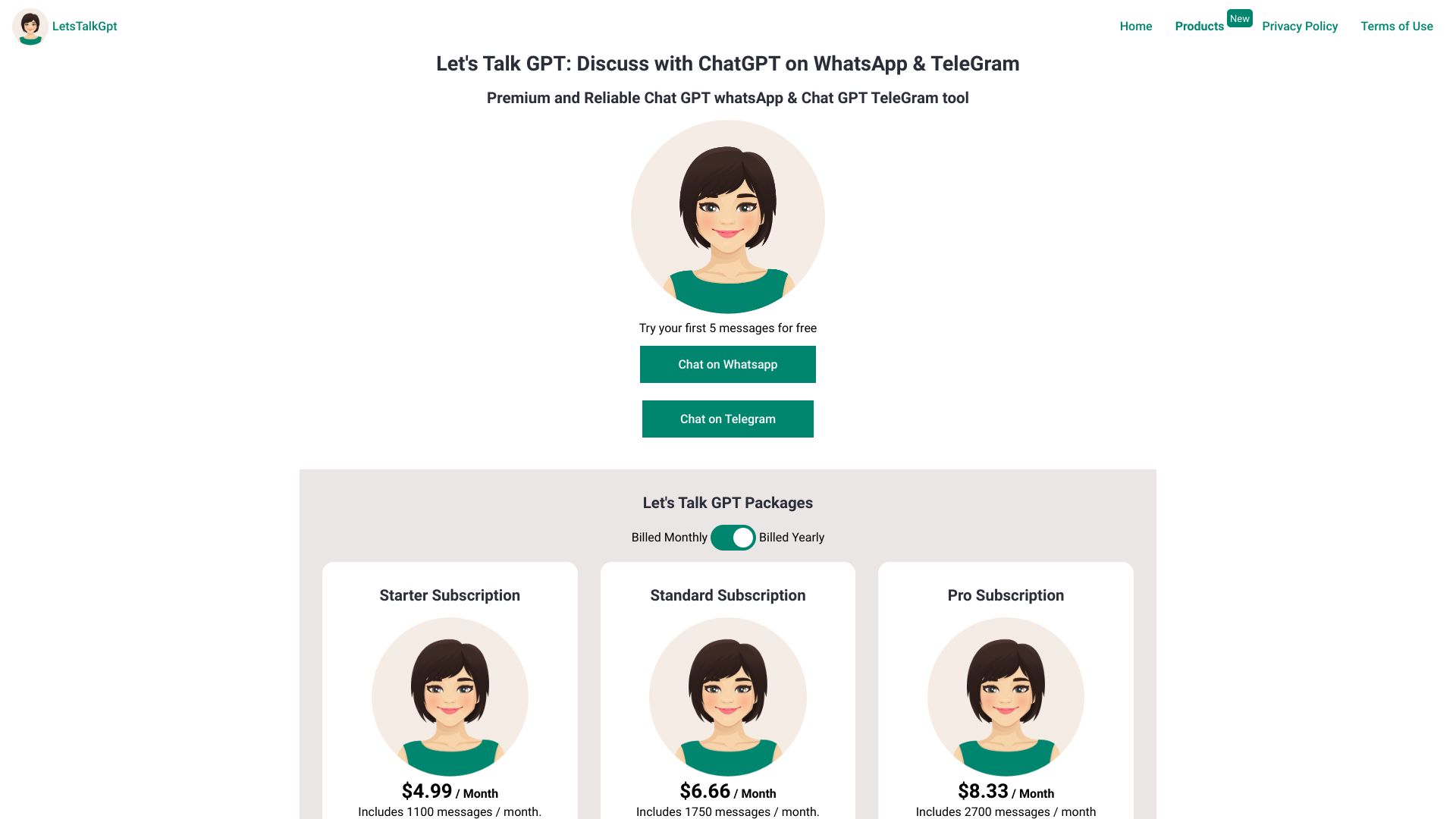
LetsTalkGPT
Private ChatGPT chats on WhatsApp and Telegram

GPT4oMini.app
Free GPT-4o Mini chat

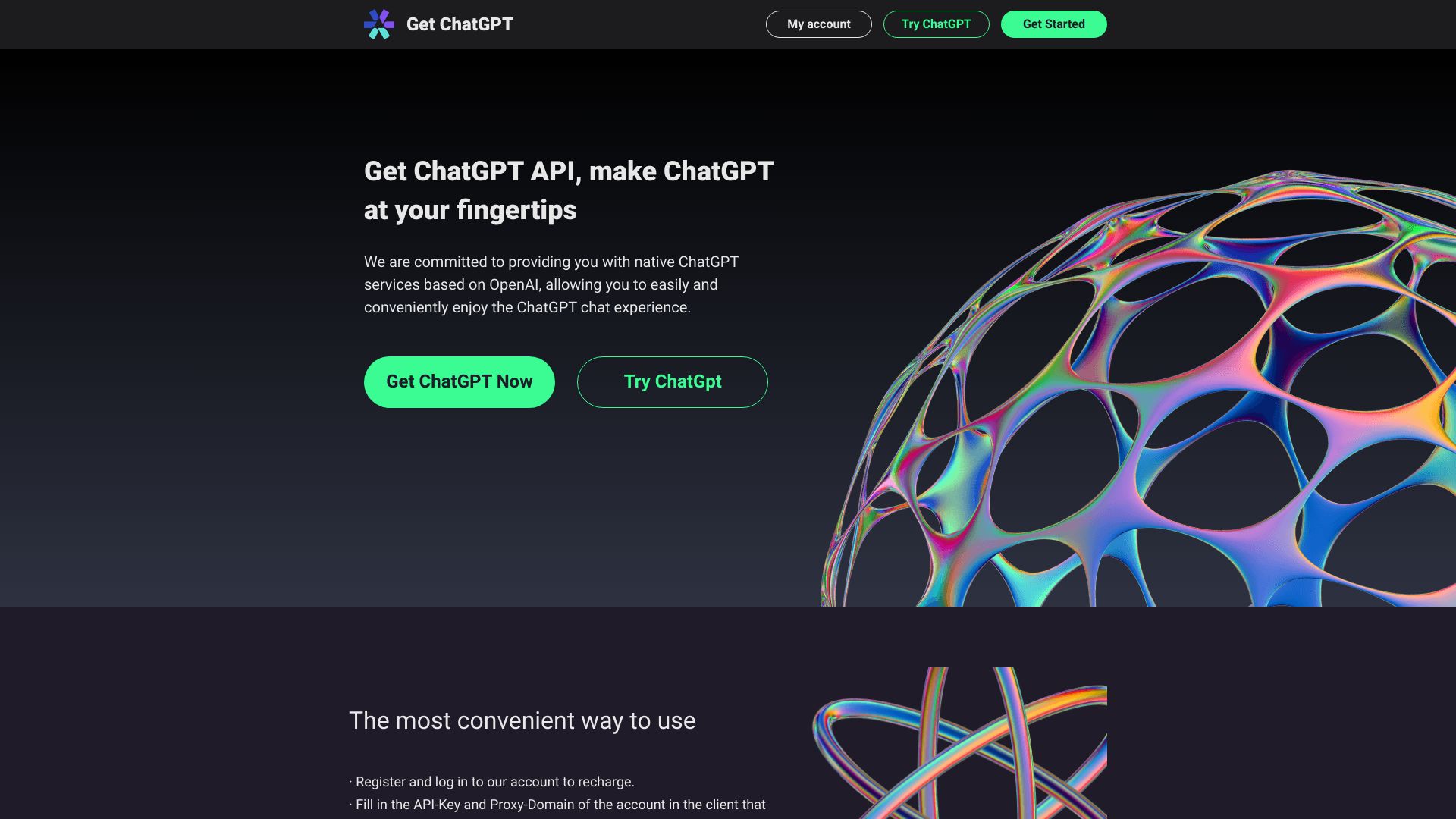
ChatGPT Native Service Provider
Native ChatGPT API access

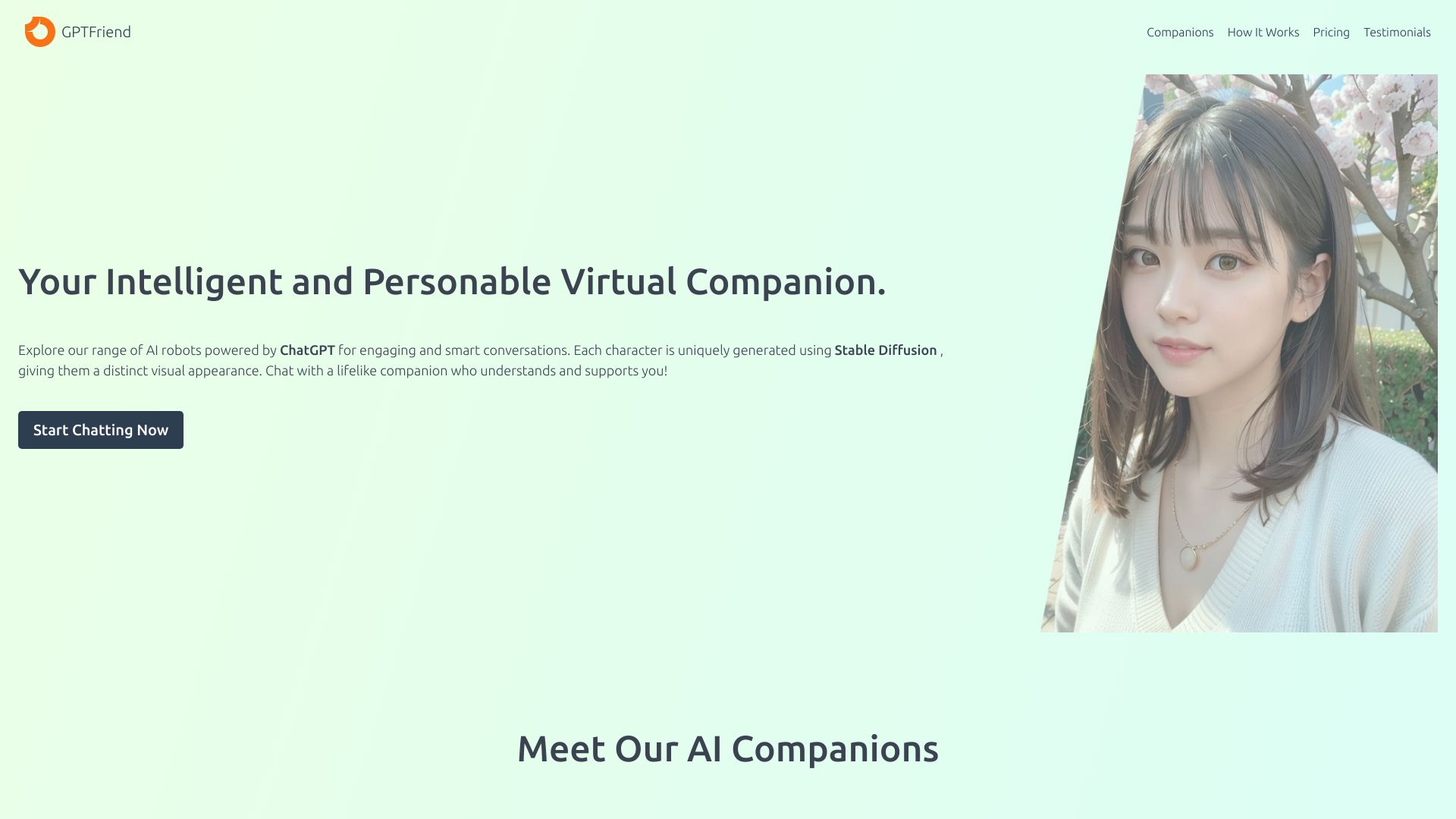
GptFriend.chat
AI companion chats on Telegram

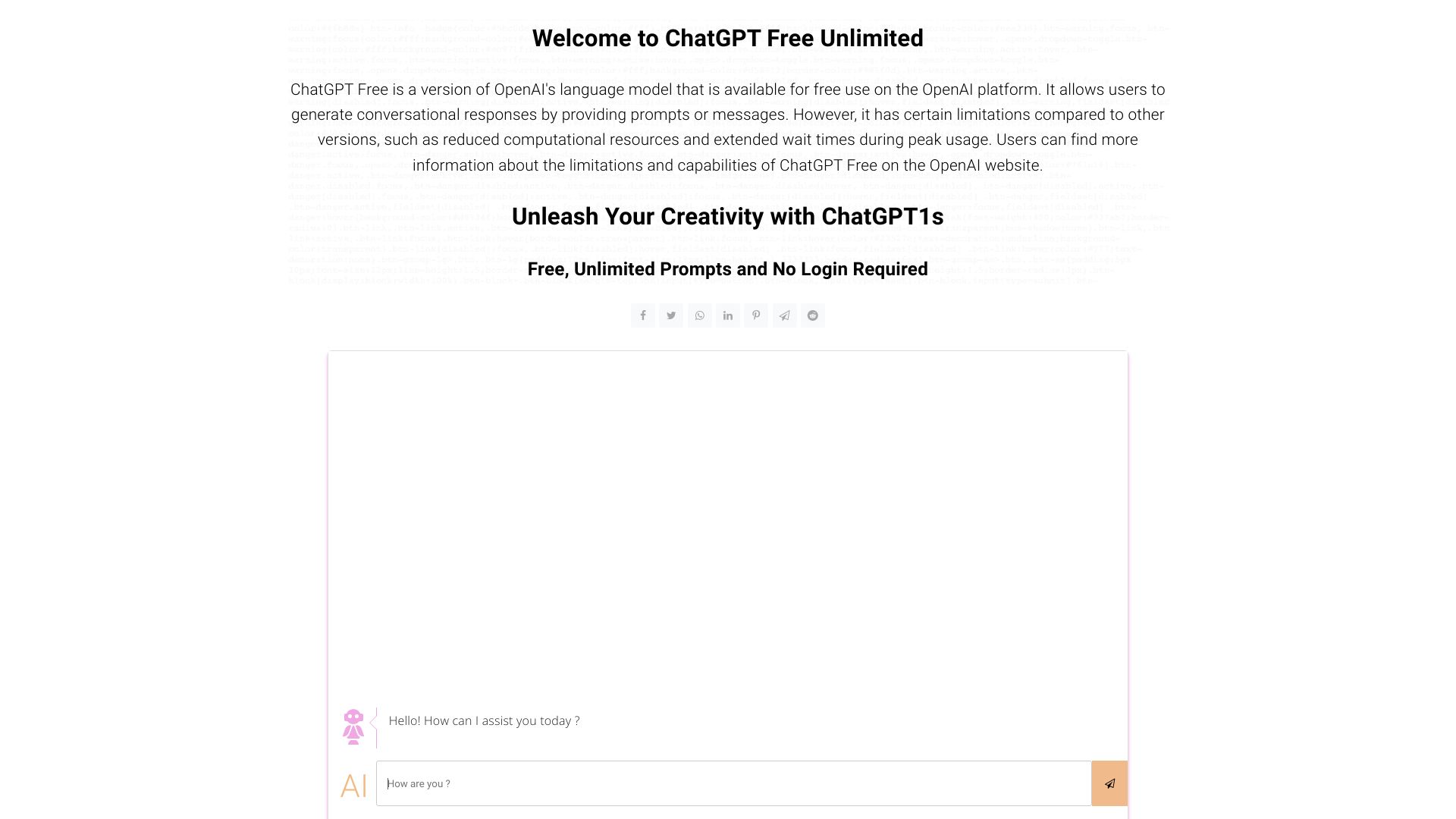
ChatGPT1s.com
No-login AI chat and prompts

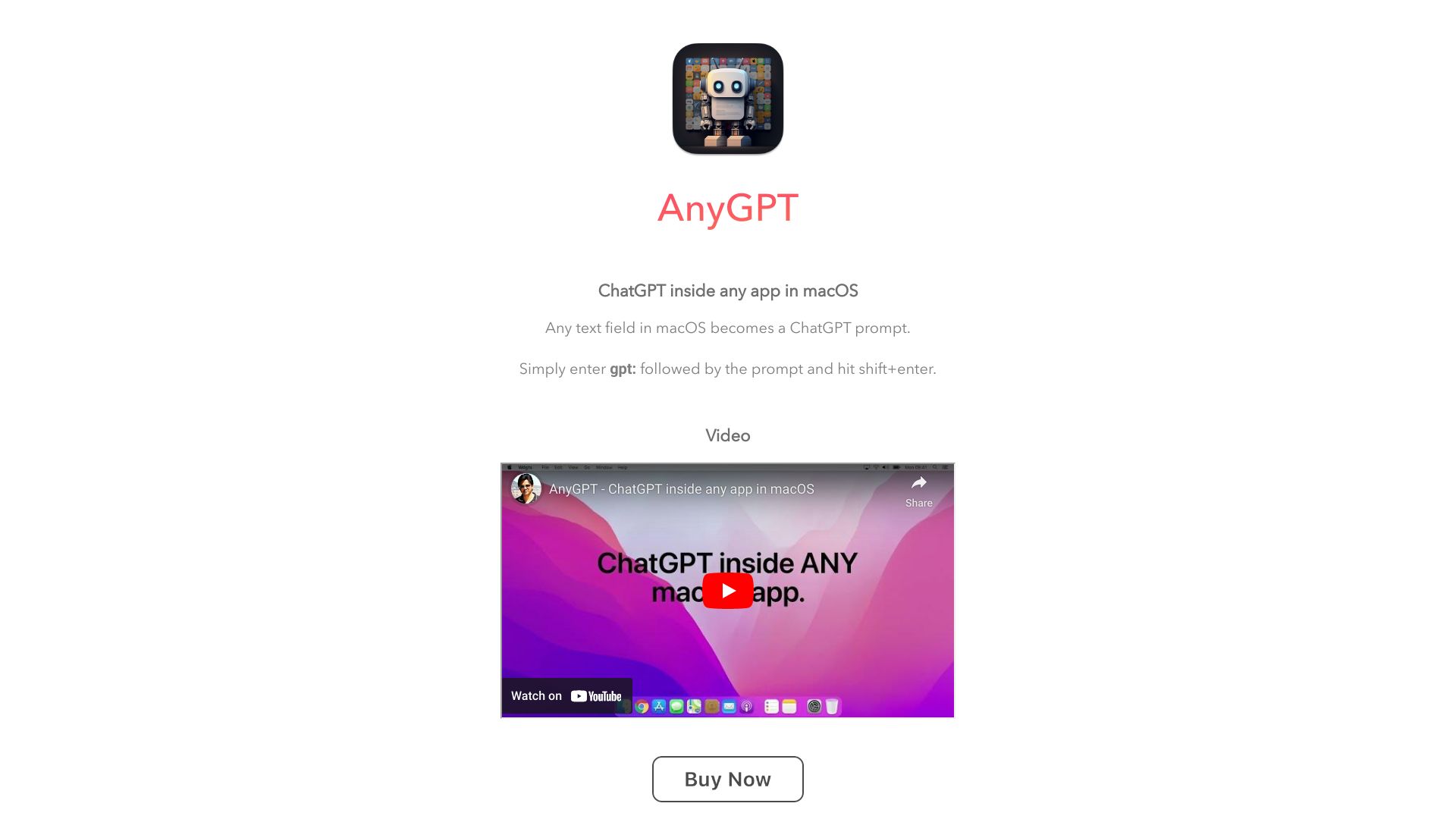
AnyGPT
Mac users wanting ChatGPT in any app
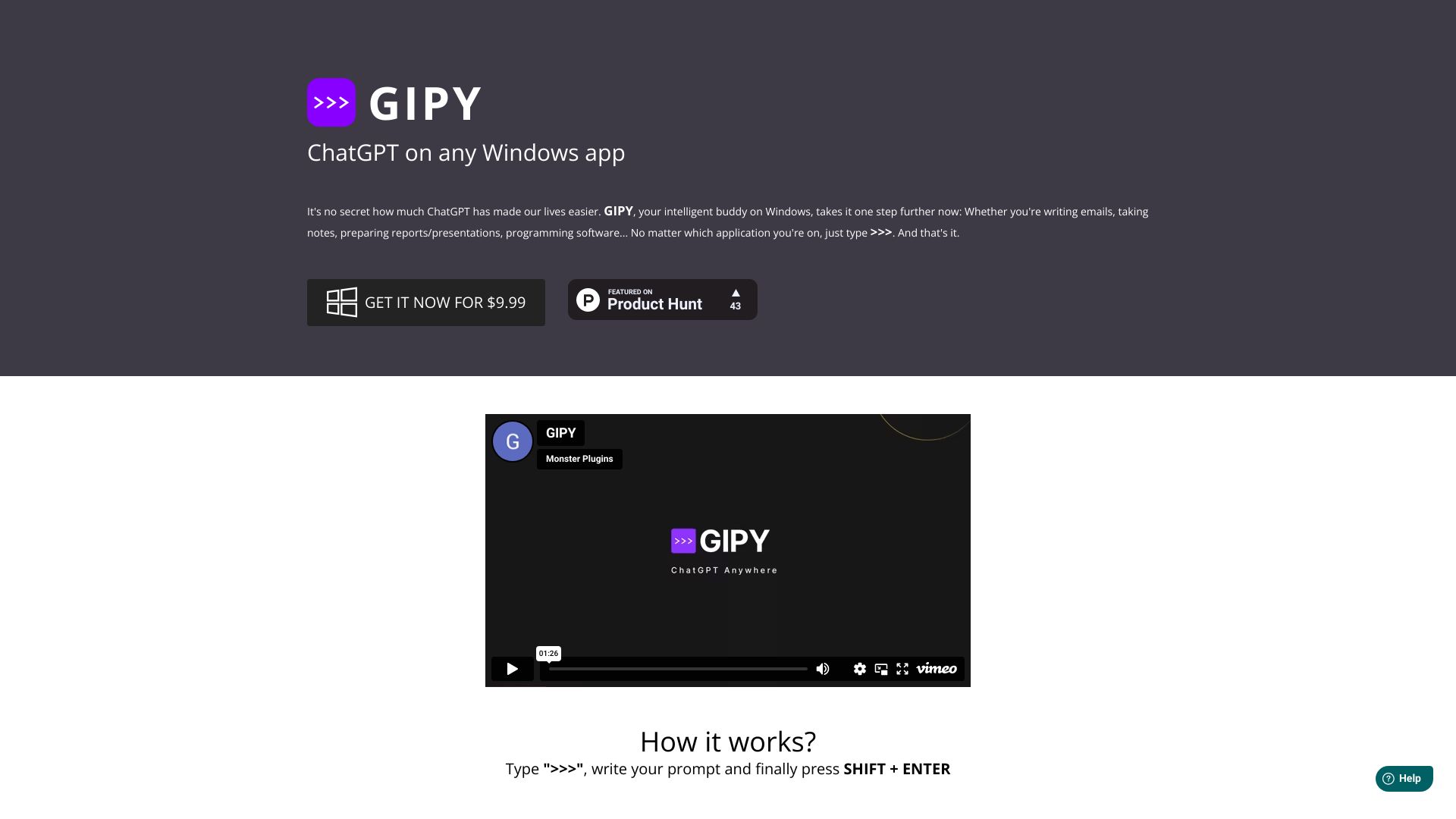
GIPY
ChatGPT access across Windows apps

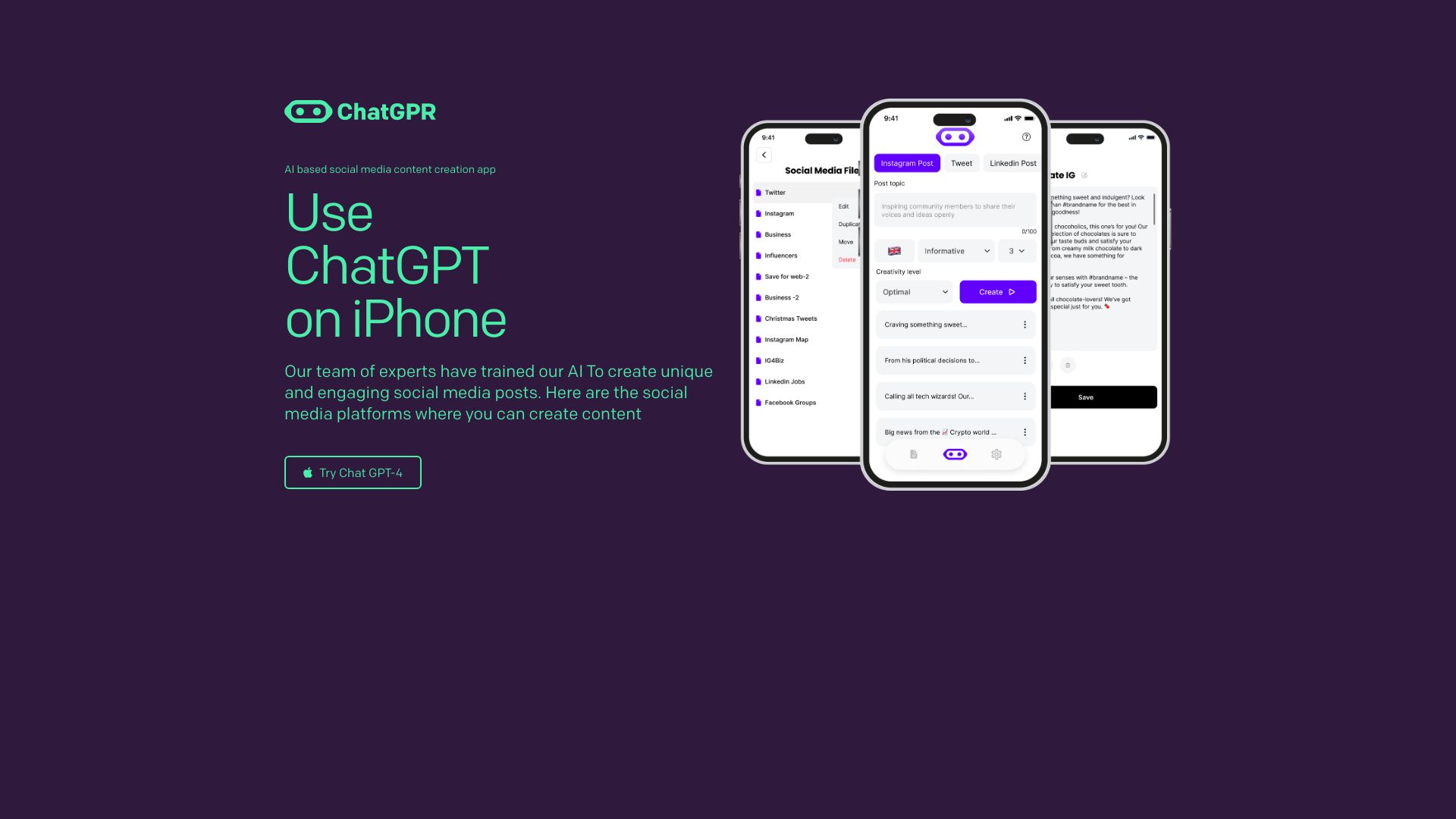
ChatGPR RoboAI SOCIAL
Social media content creation
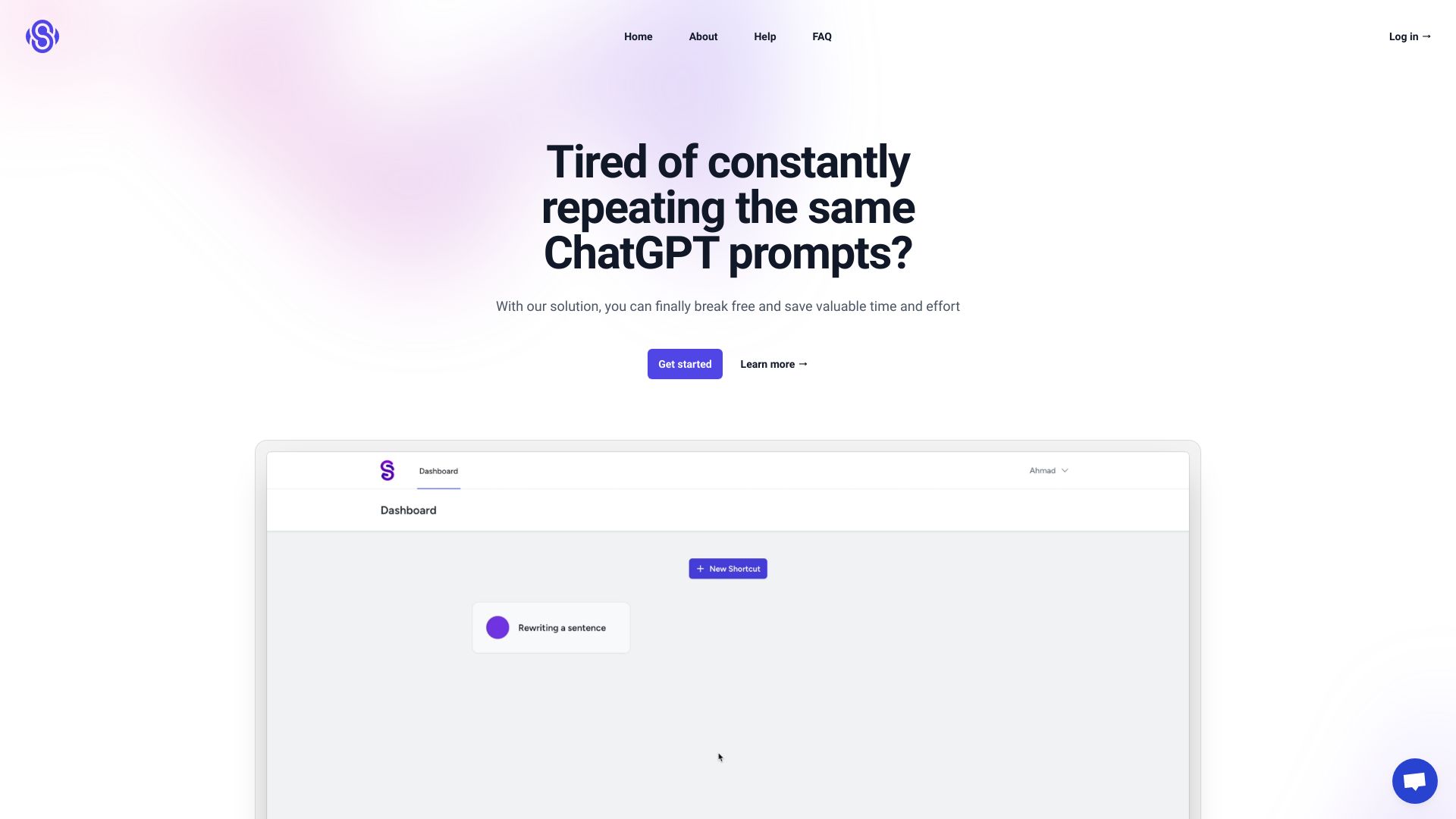
ShortcutsGPT
Repetitive ChatGPT prompt shortcuts

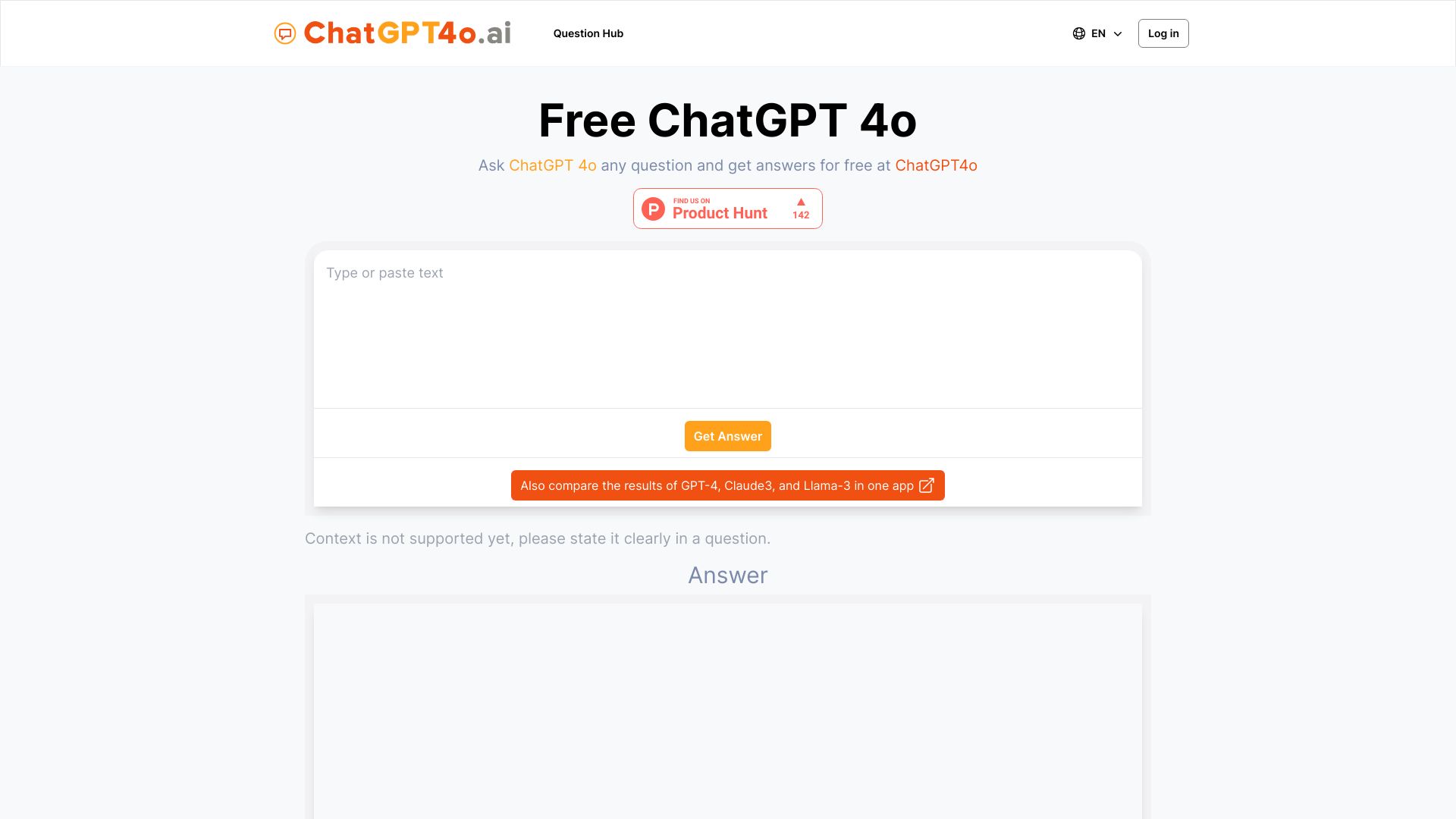
4o.run
Free GPT-4o chat
theChatGPT.ai
No-registration AI chat
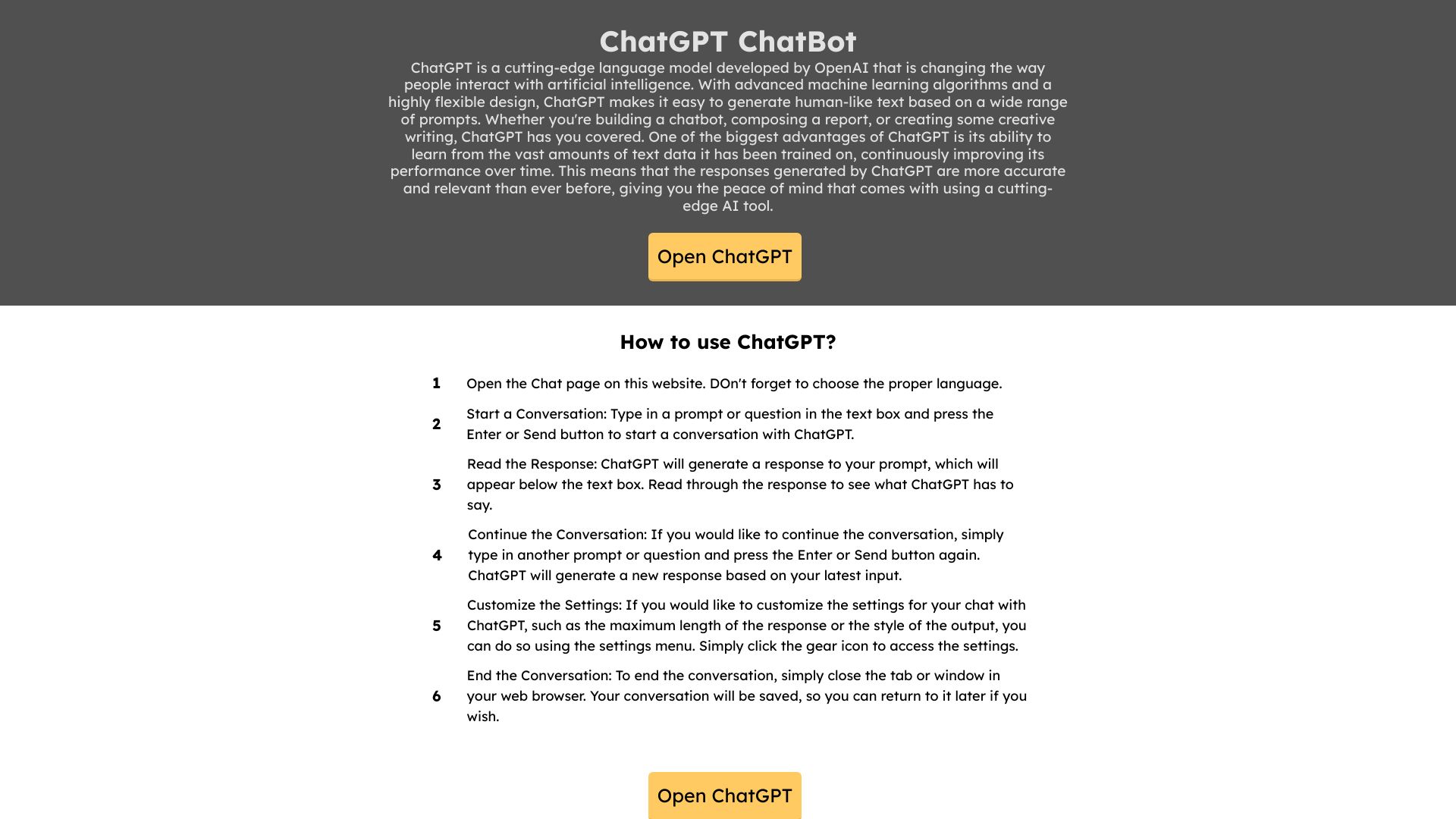
TalkinBrain
ChatGPT power users
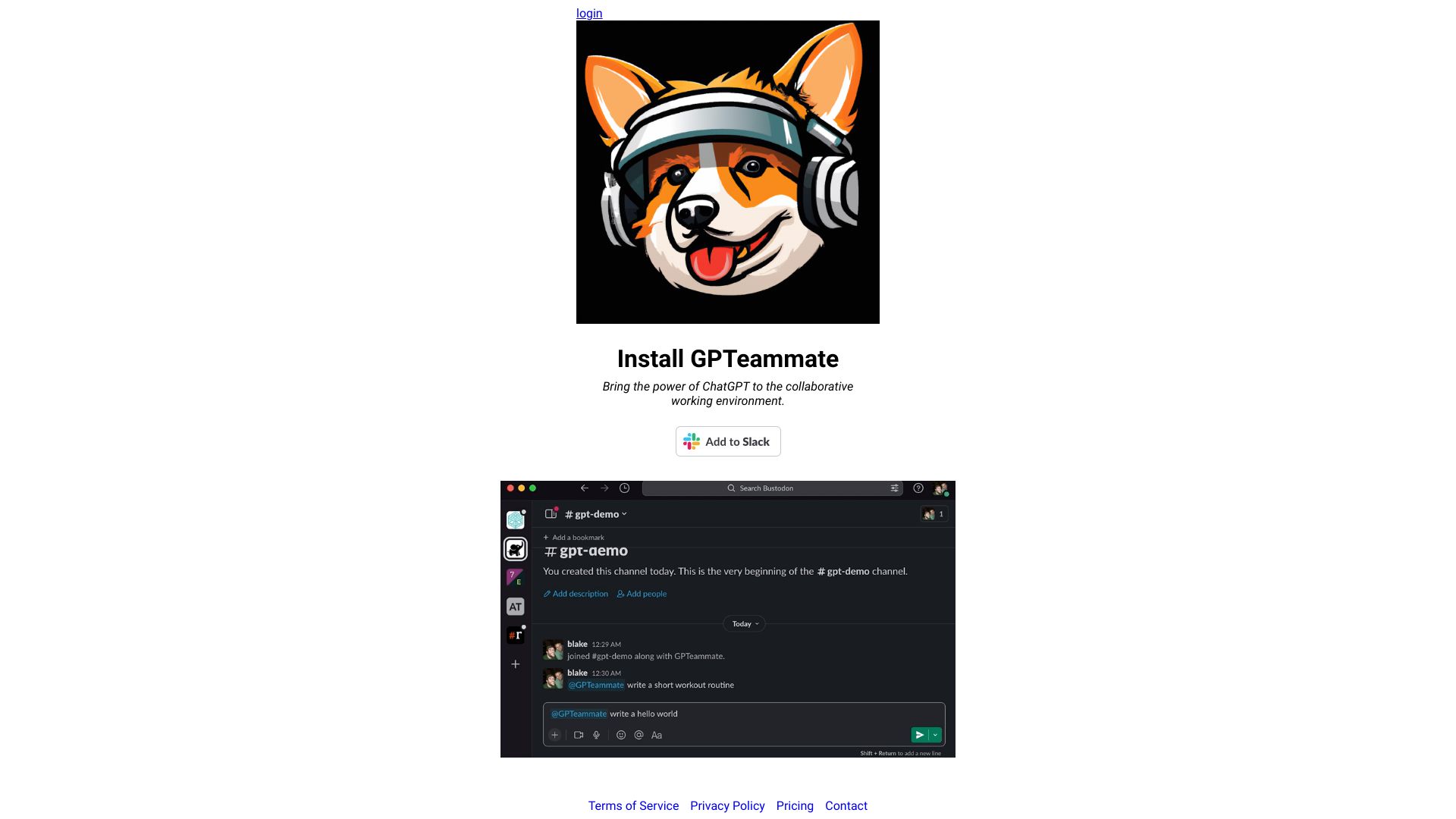
GPTeammate
Team ChatGPT conversations in Slack

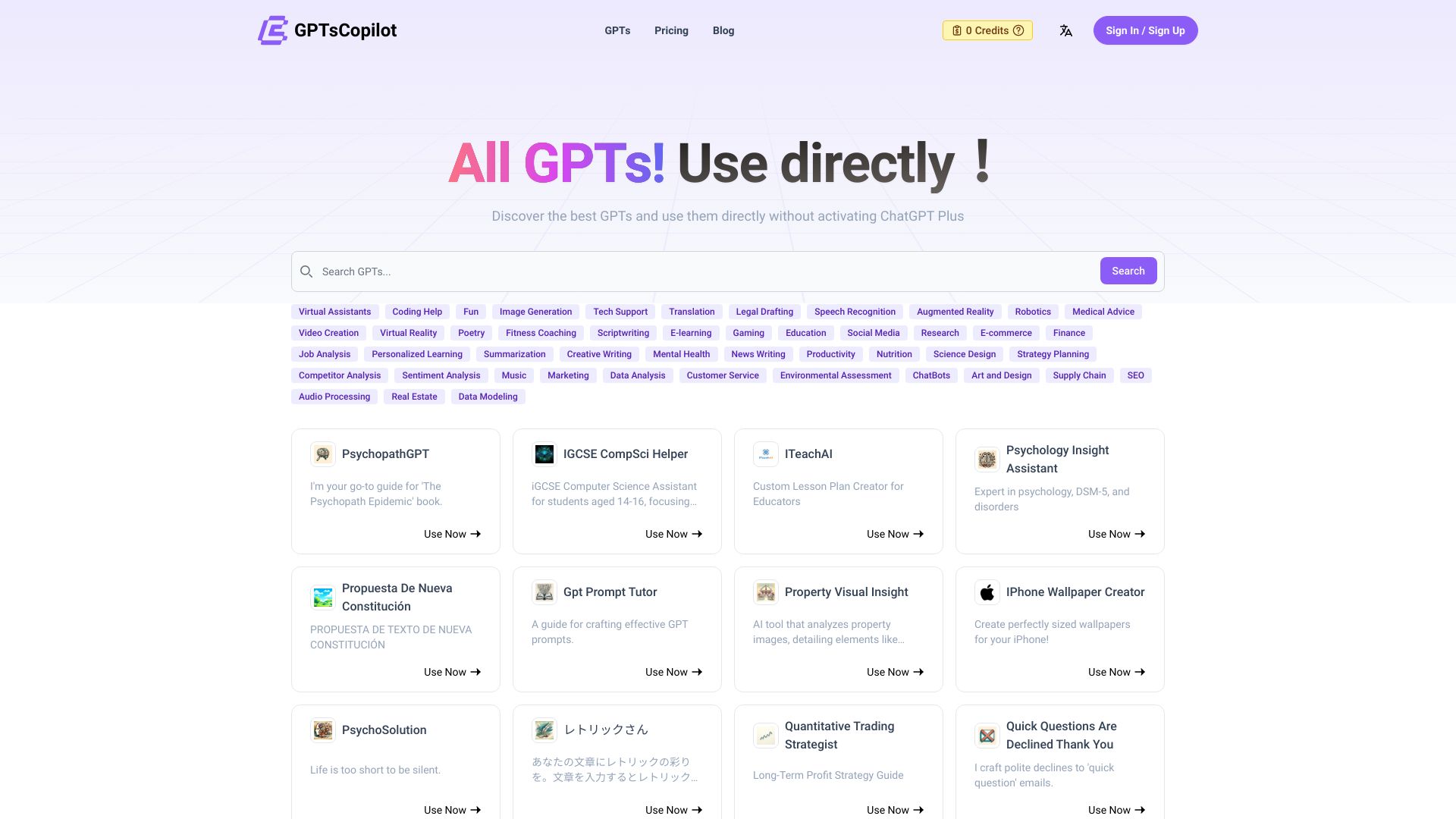
GPTsCopilot
Using GPT apps without ChatGPT Plus
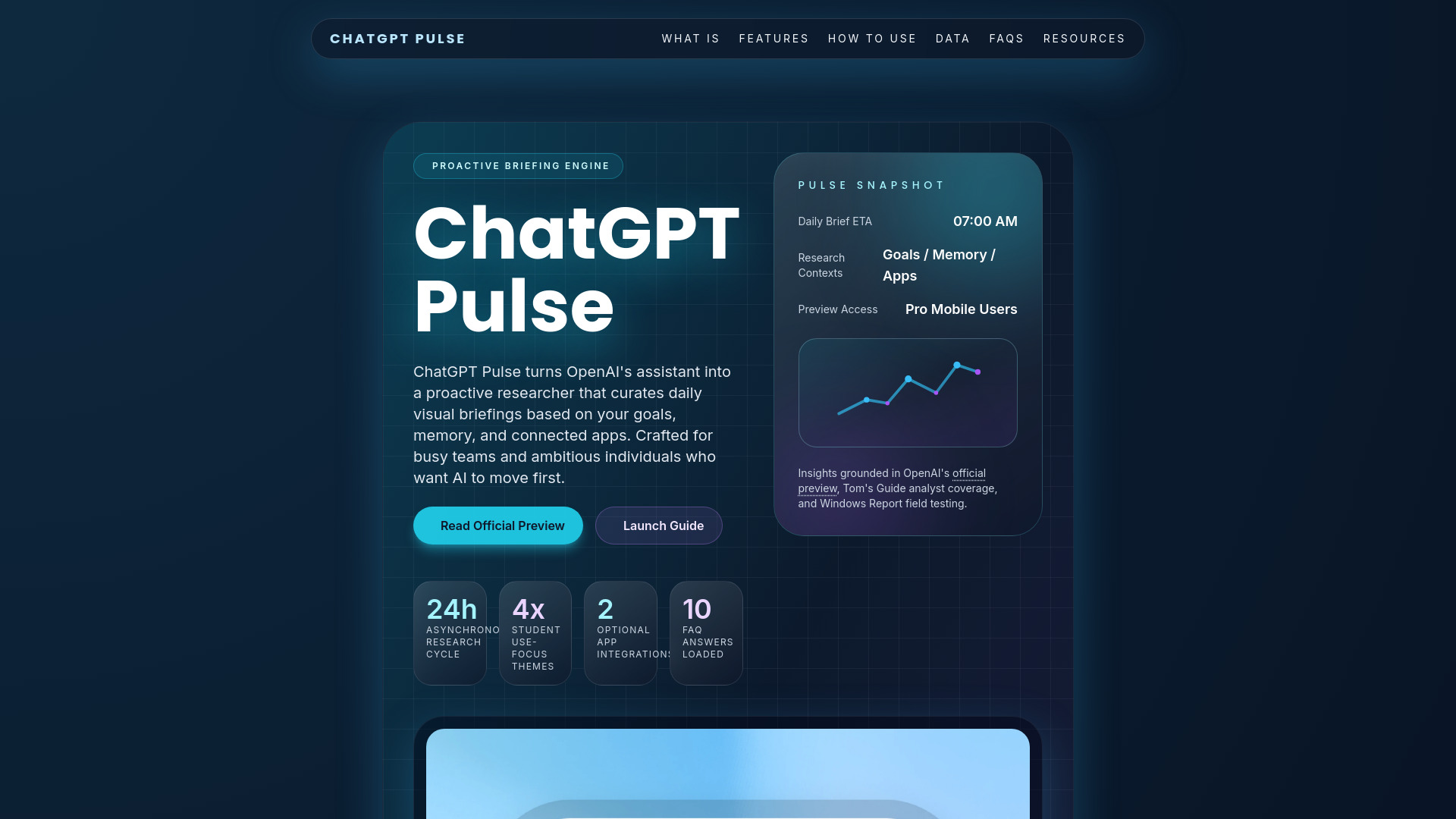
ChatGPT Pulse
Personalized daily AI briefings

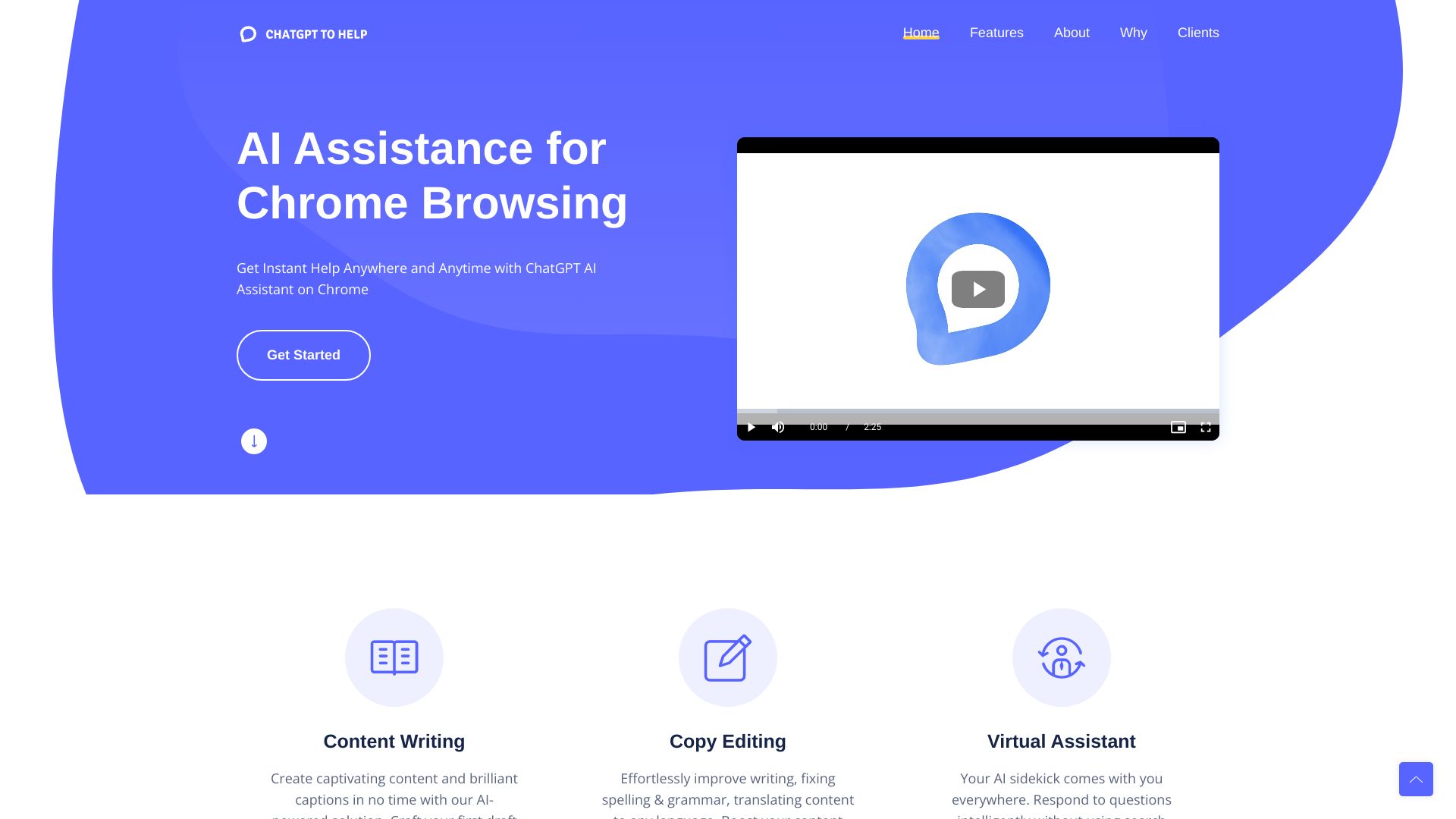
ChatGPT2Help
Real-time writing help in Chrome

ChatGptDemo
No-login AI conversations

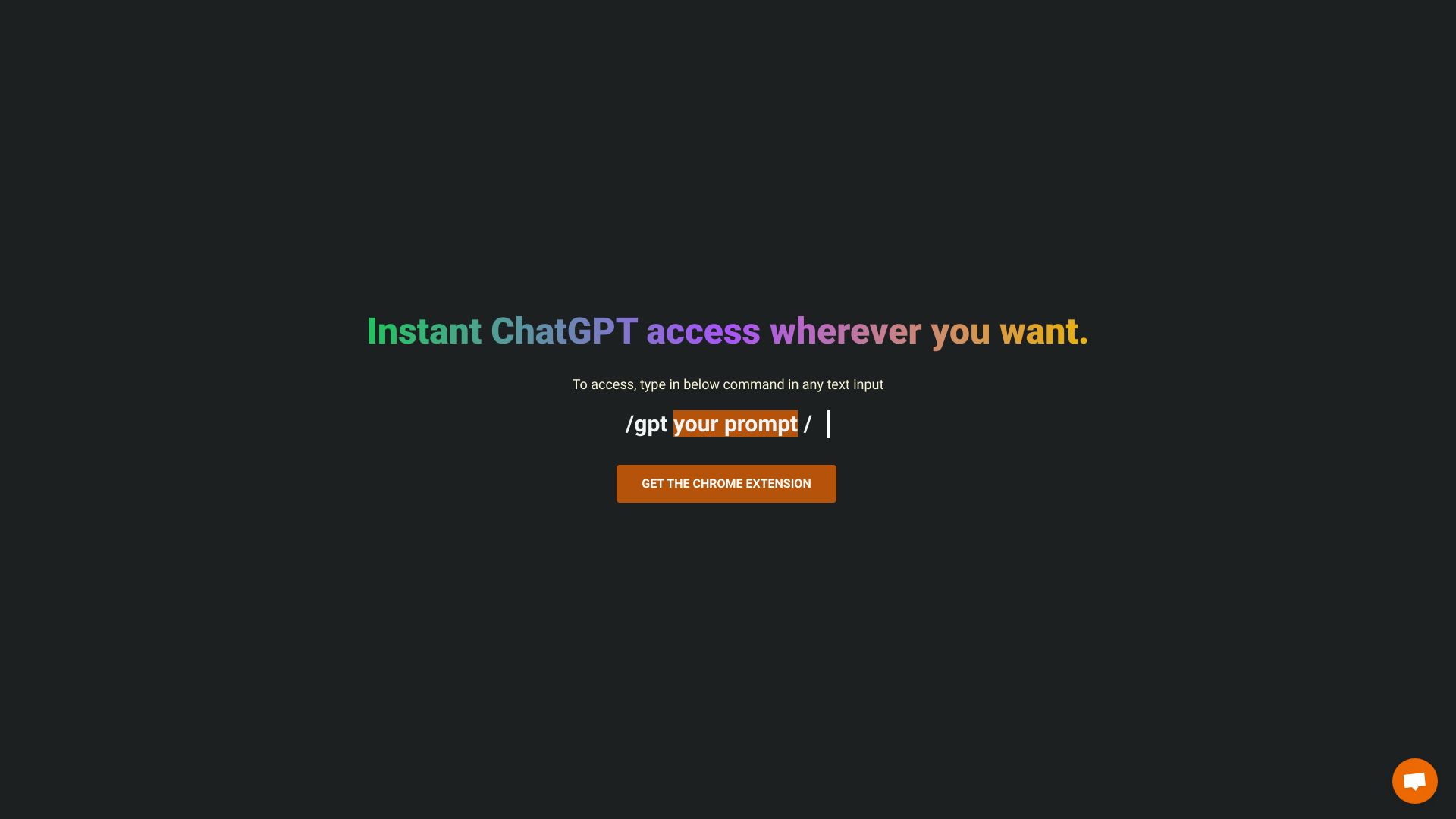
SlashGPT
In-text writing assistance
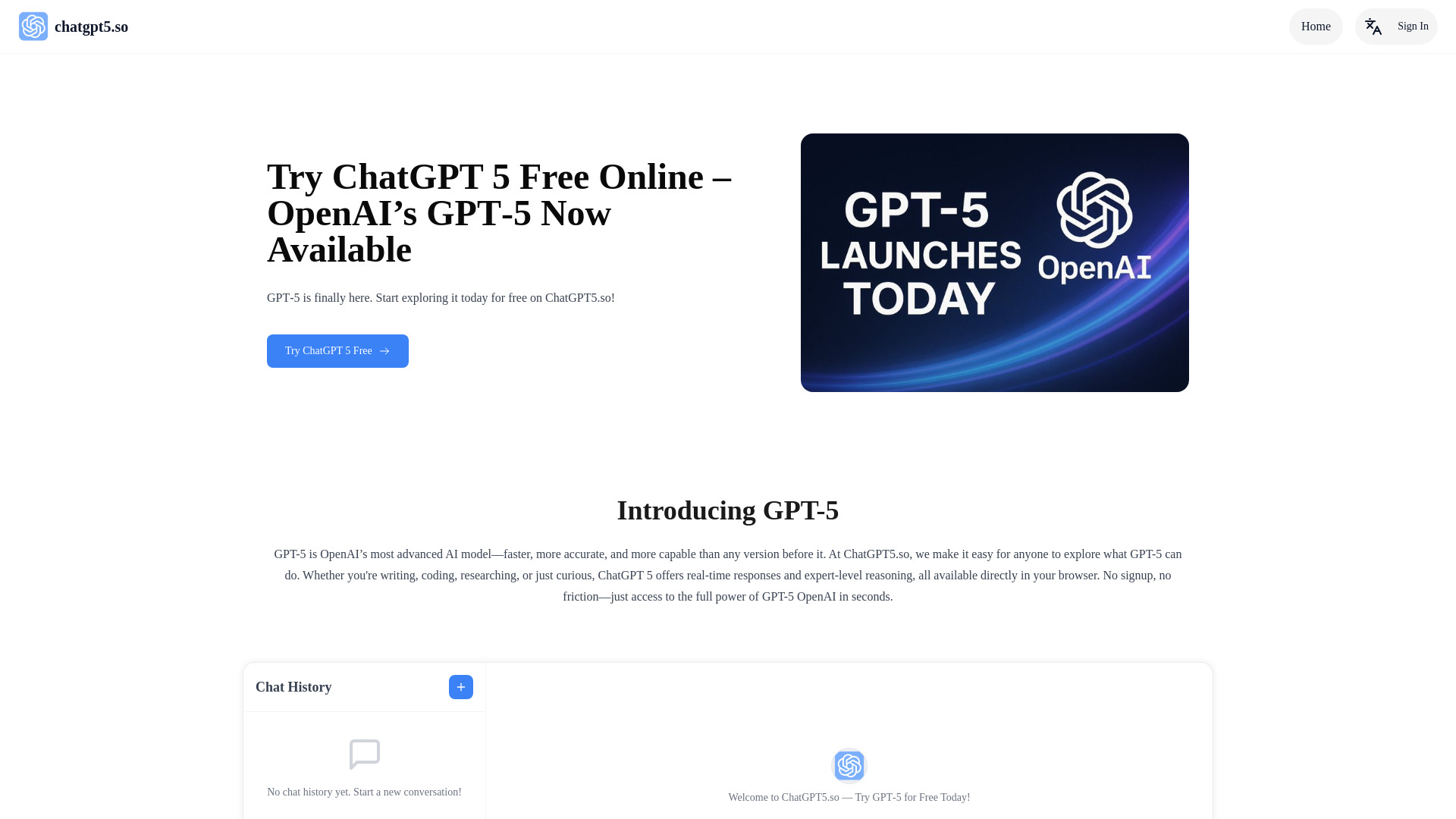
ChatGPT5.so: Free GPT‑5 Online With No Login
Login-free GPT-5 access

ChatChat.Bio
ChatGPT and Midjourney users
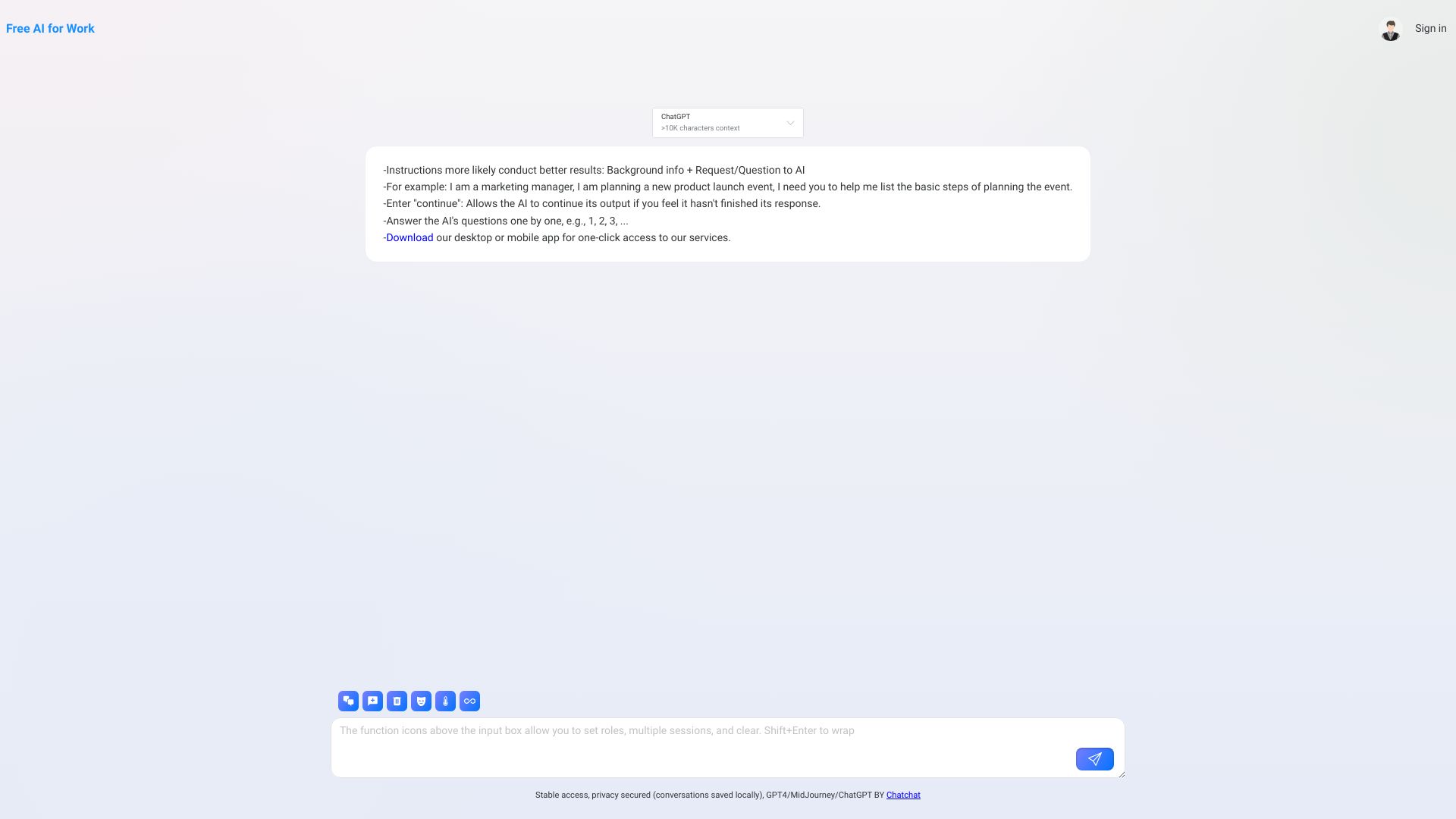

ChatGPT4oMini
Conversational AI assistance
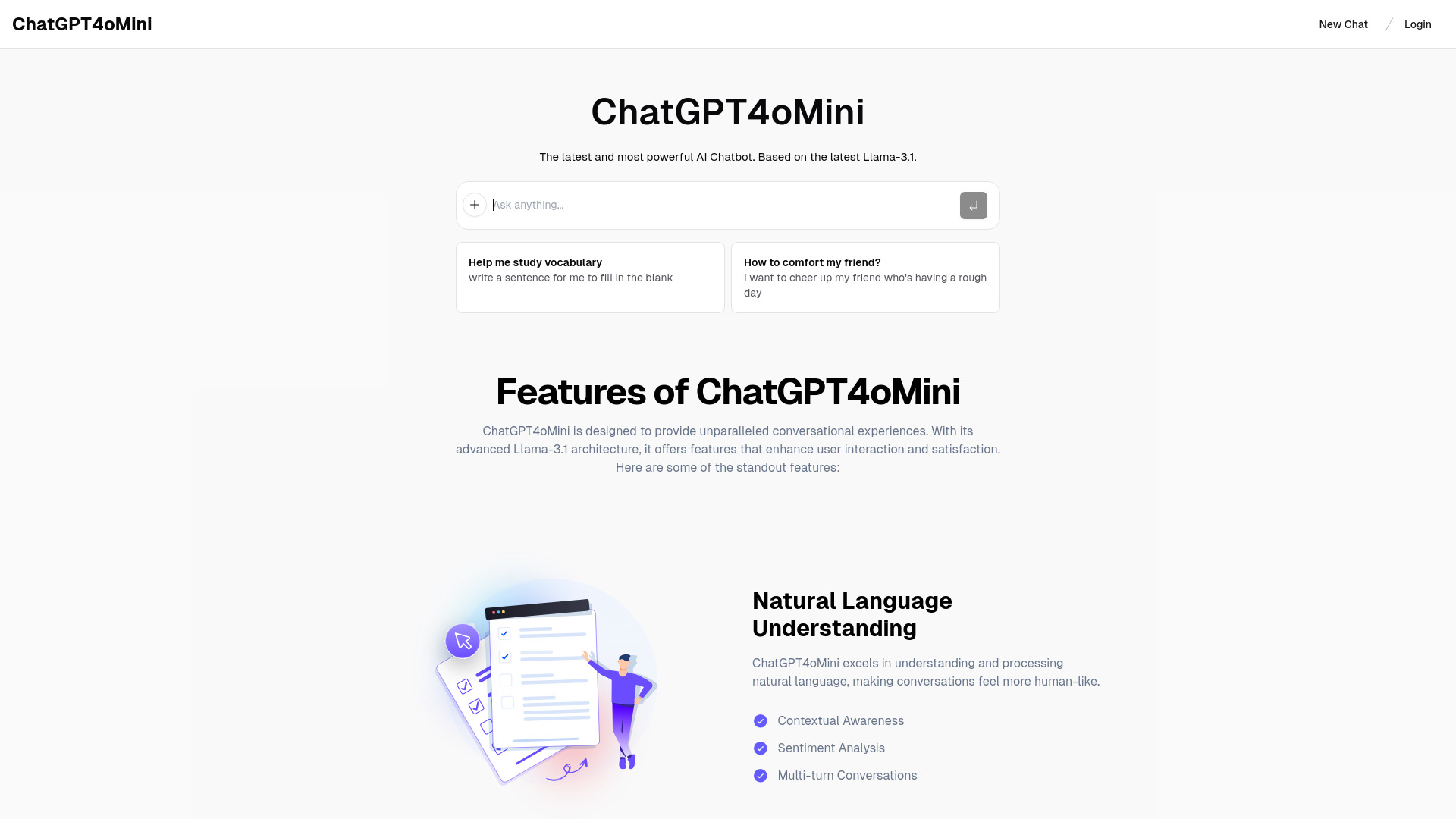

ChatGPT Japanese
Japanese-language AI chat
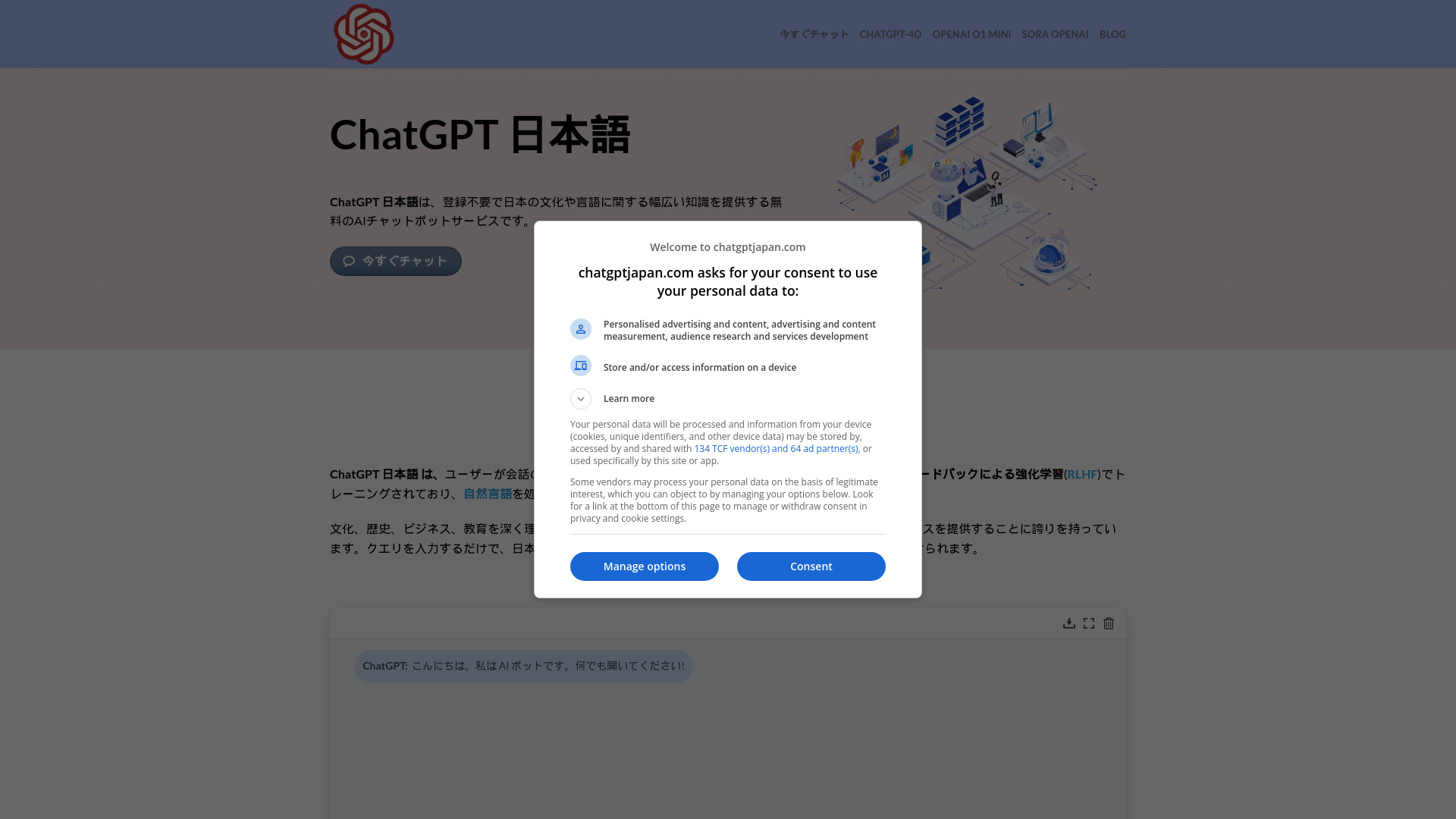
DocsGPT.chat📖🤖💬
Custom chatbots trained on your data
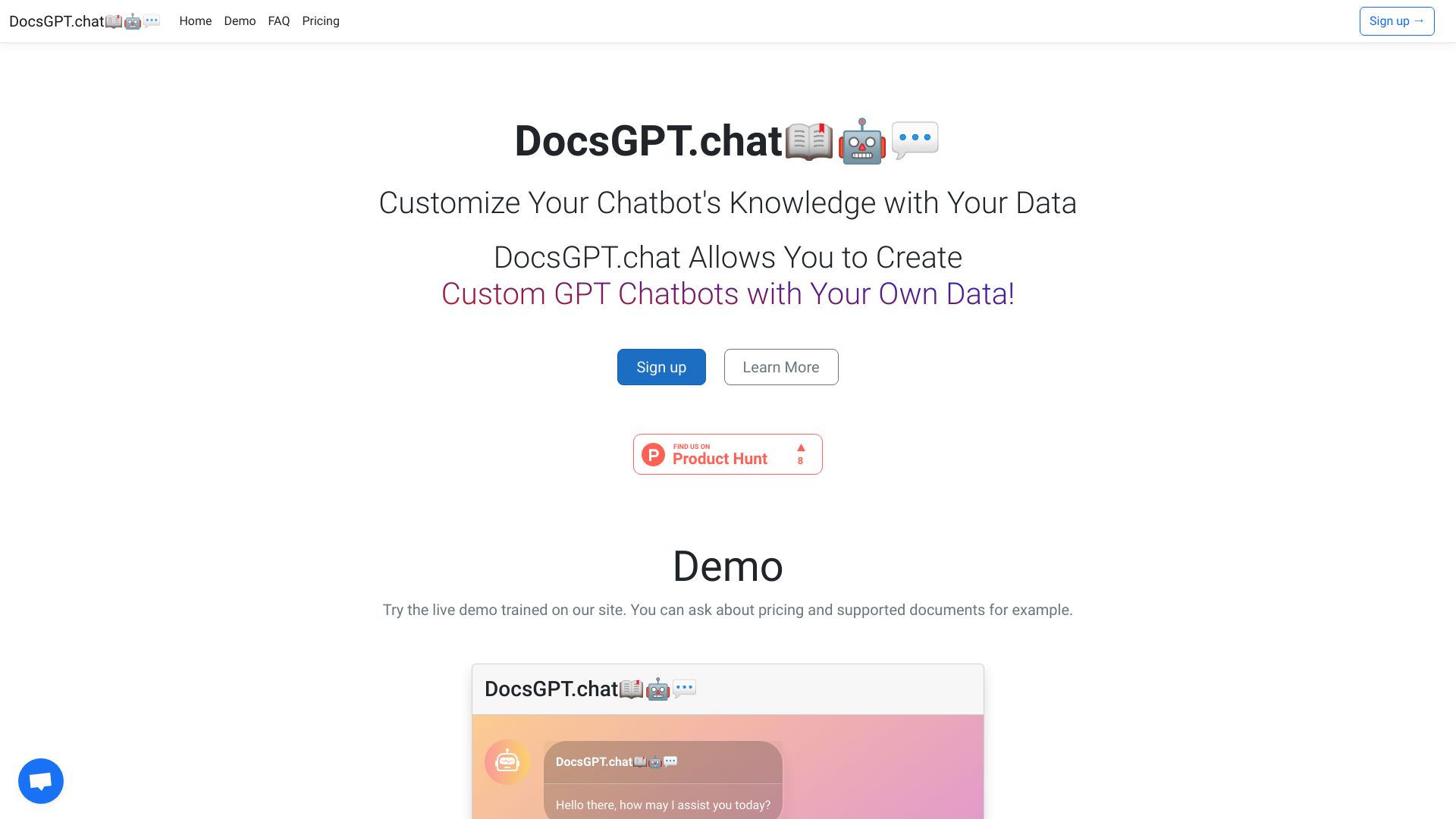

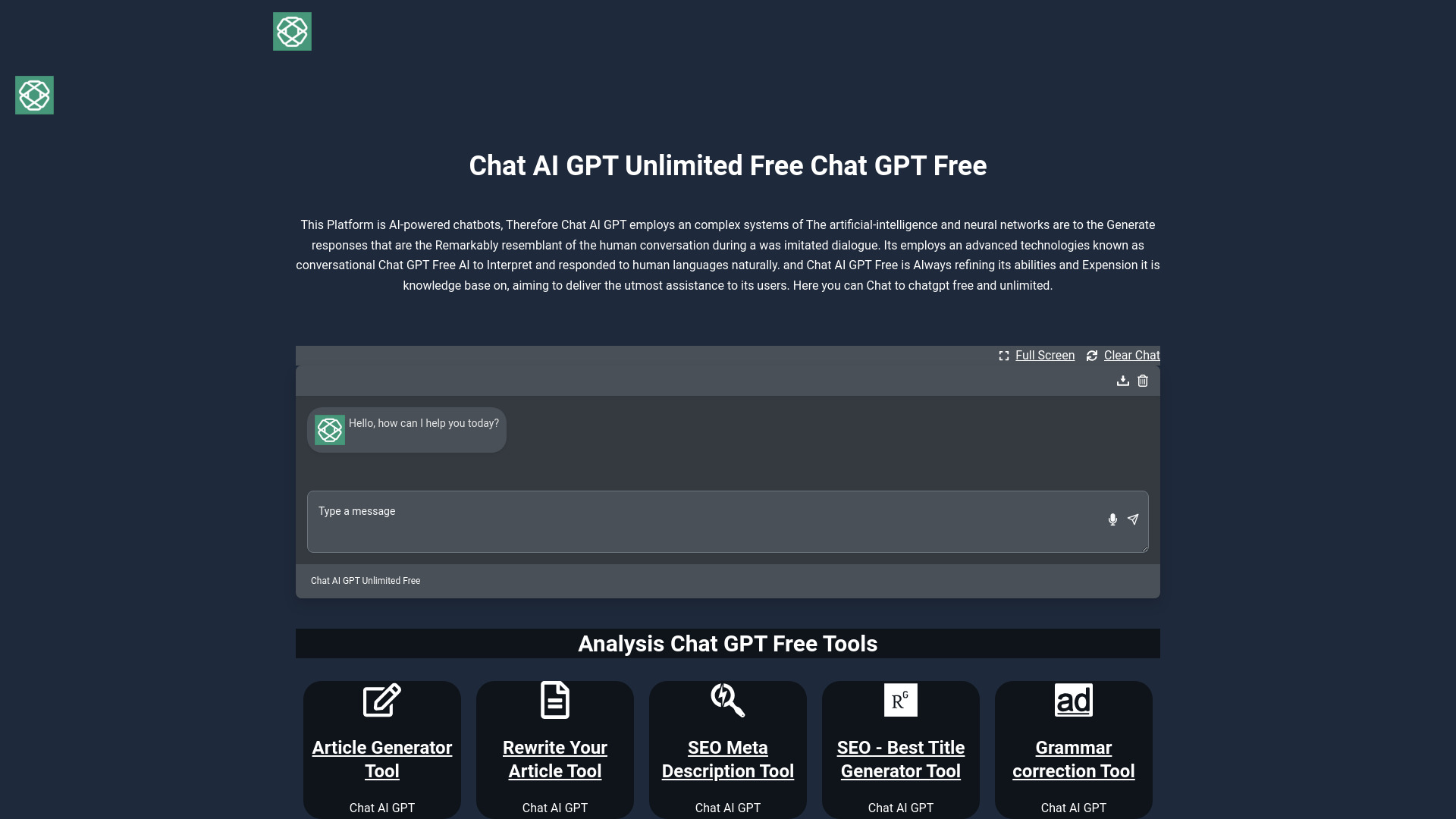
Chat AI GPT
No-login AI chat and writing tools
ChatApe
Multi-model AI assistance

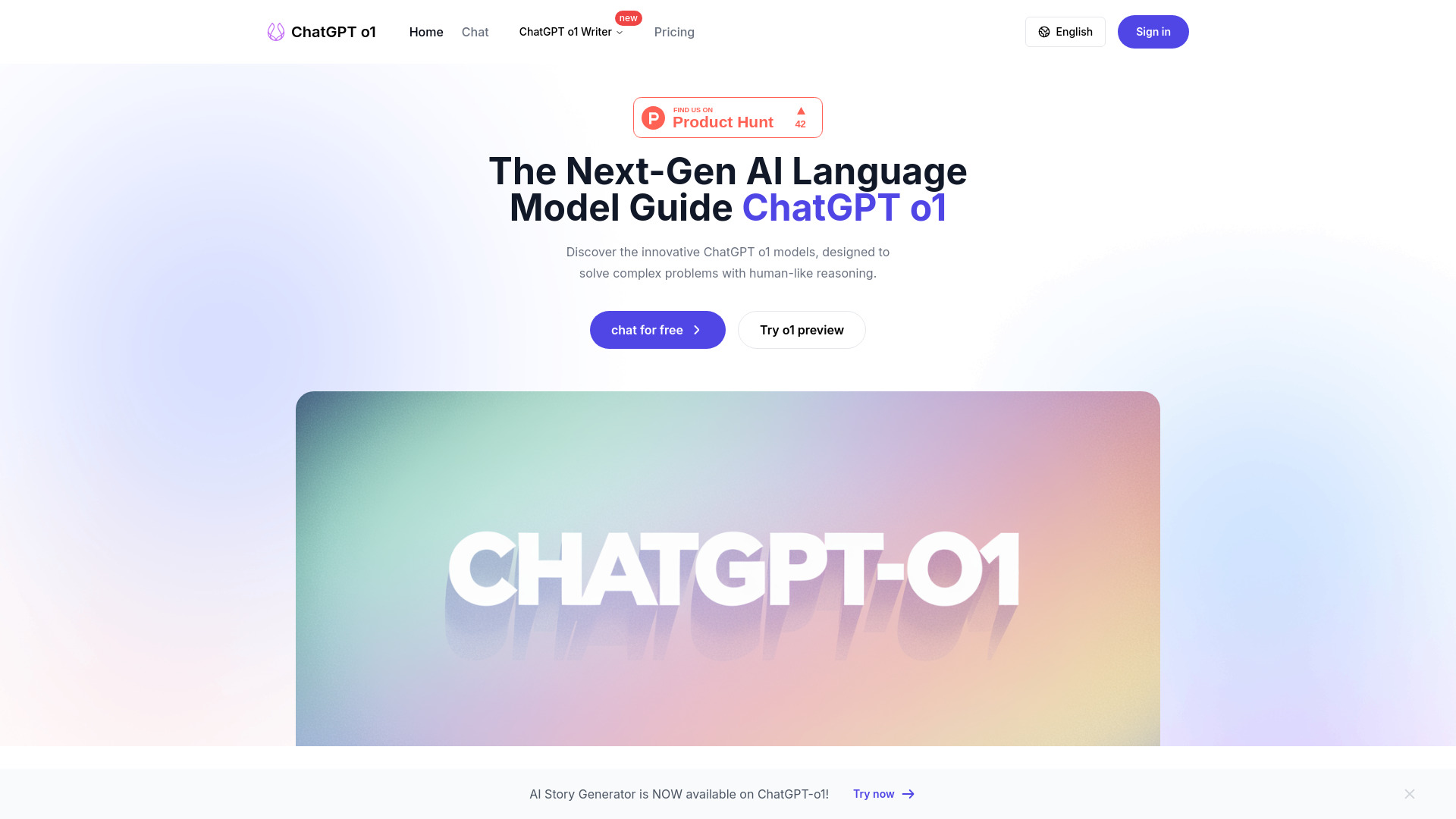
ChatGPT o1
Complex coding and math problems
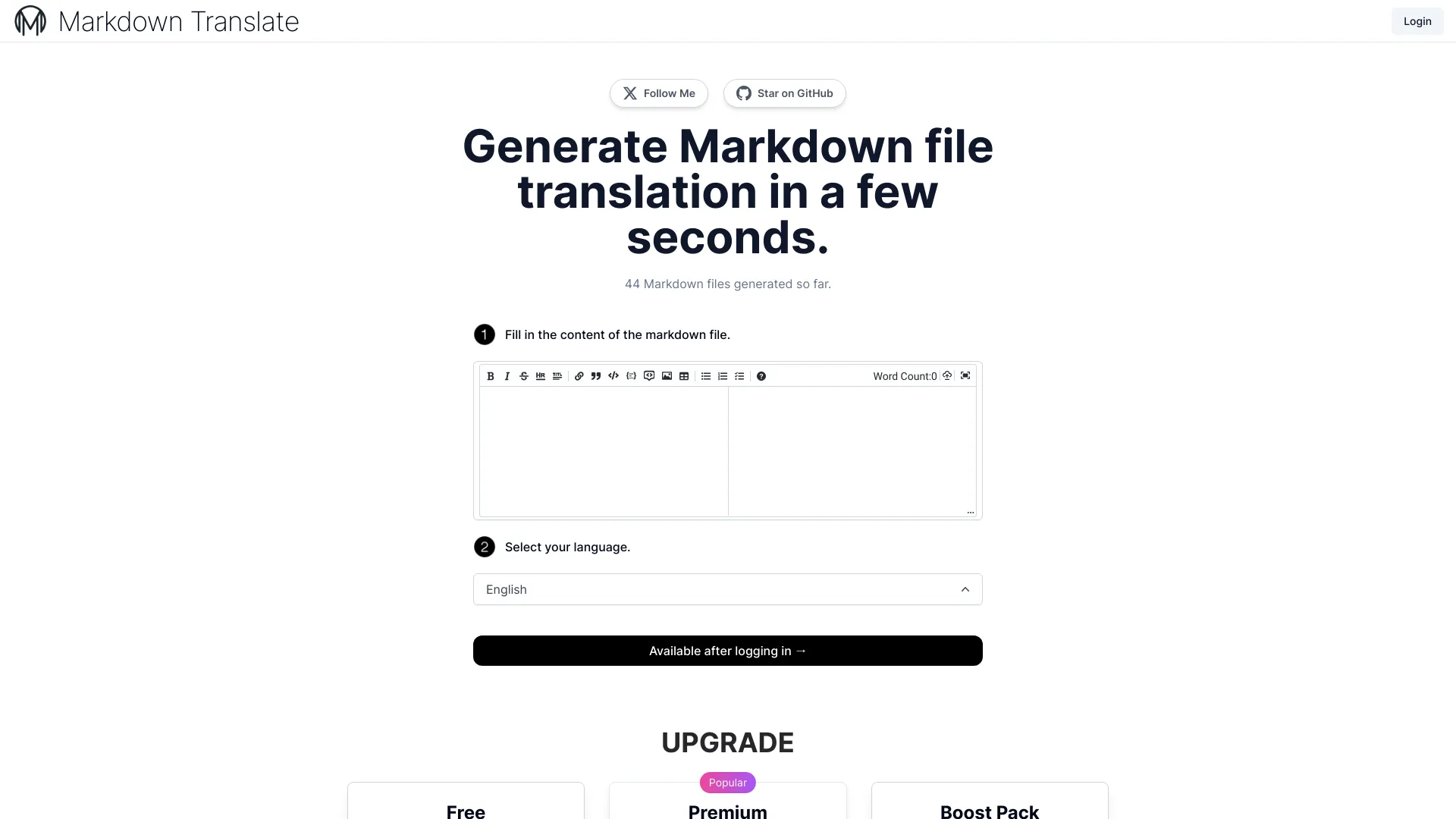
ChatGPT Markdown Translate
Markdown file translation

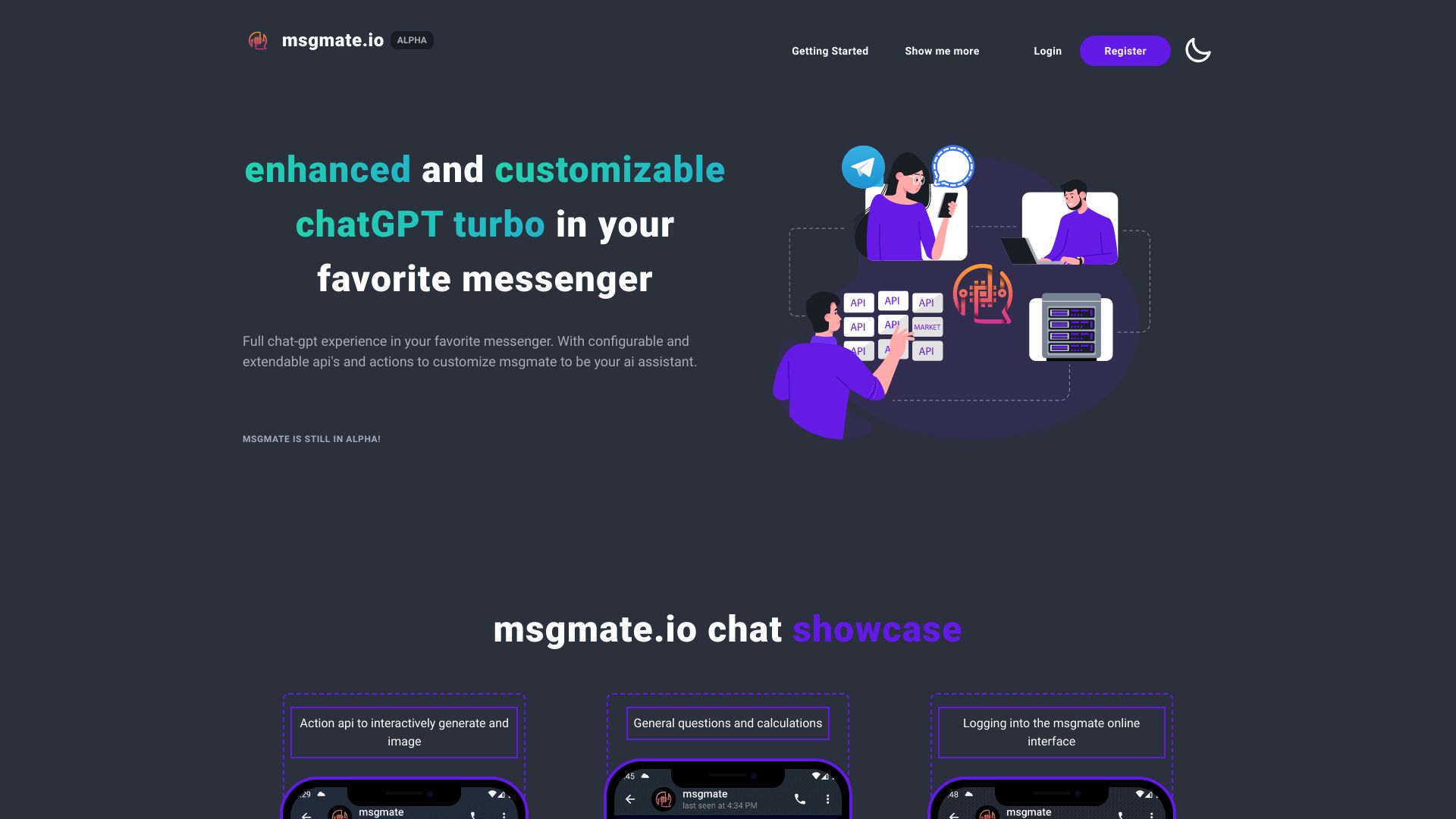
ChatGPT Free GPT AI Chat
General-purpose AI chat
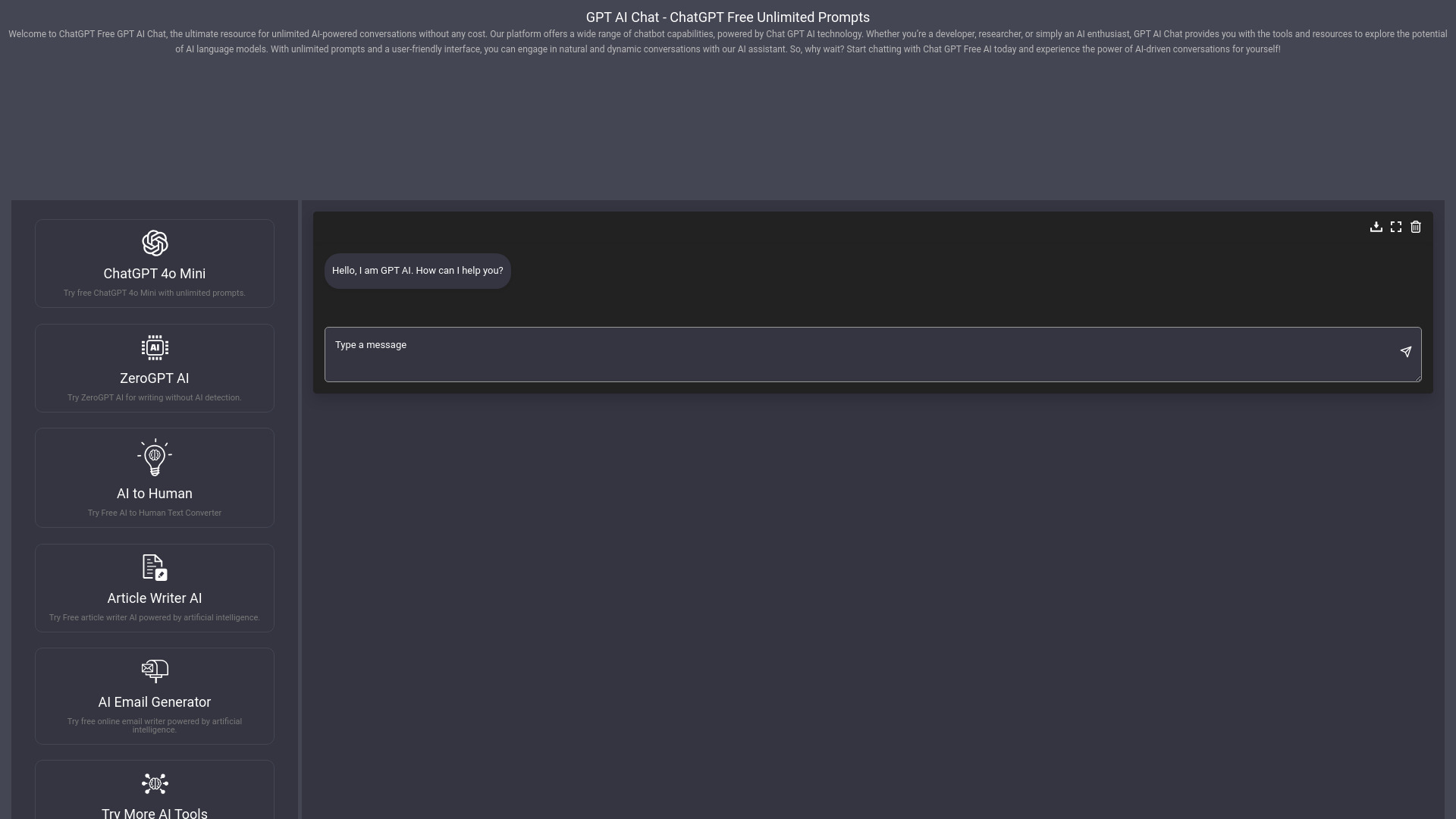

Private LLM
Private offline AI on Apple devices
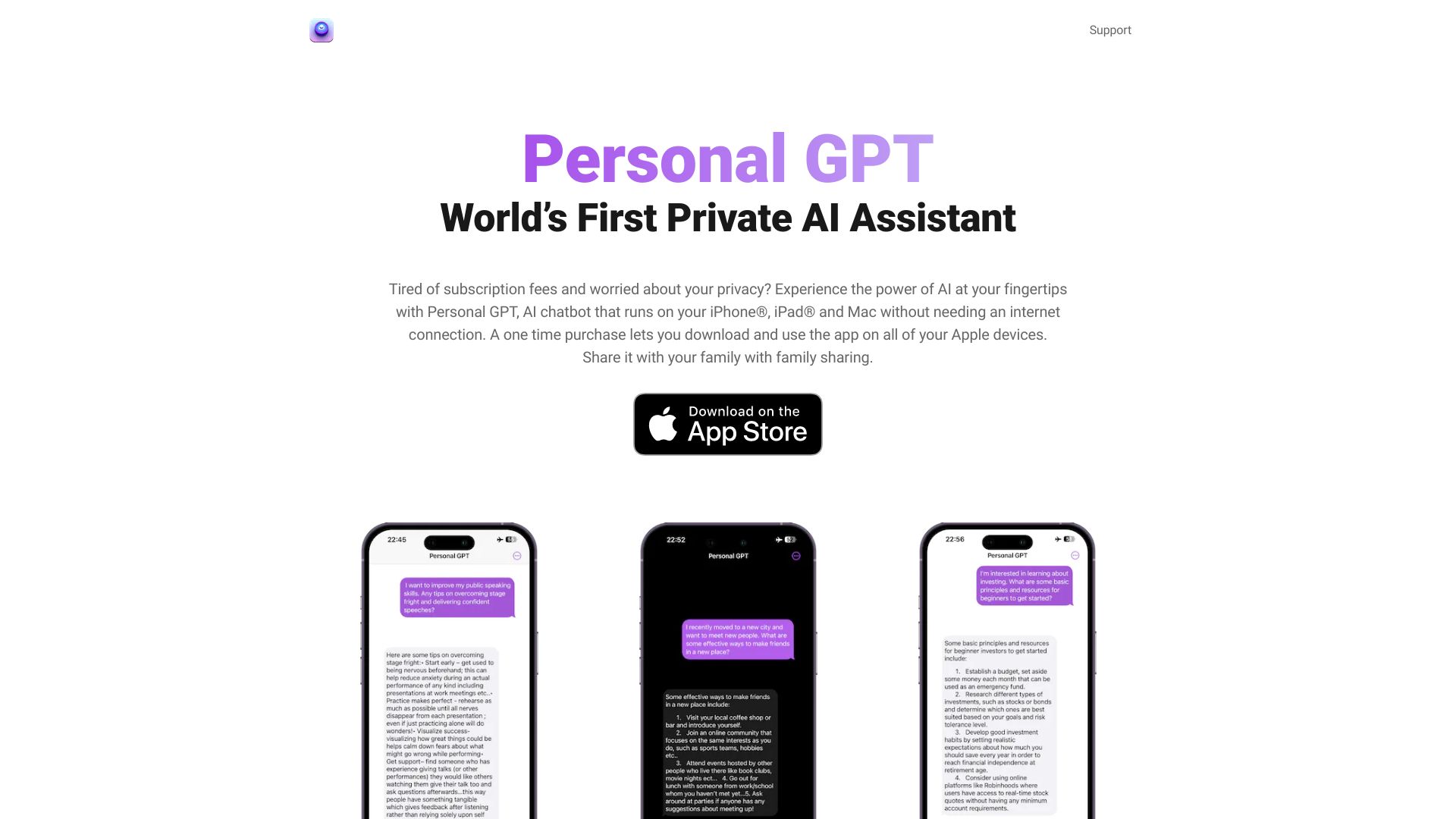
ReDoc
AI-assisted copywriting and document work
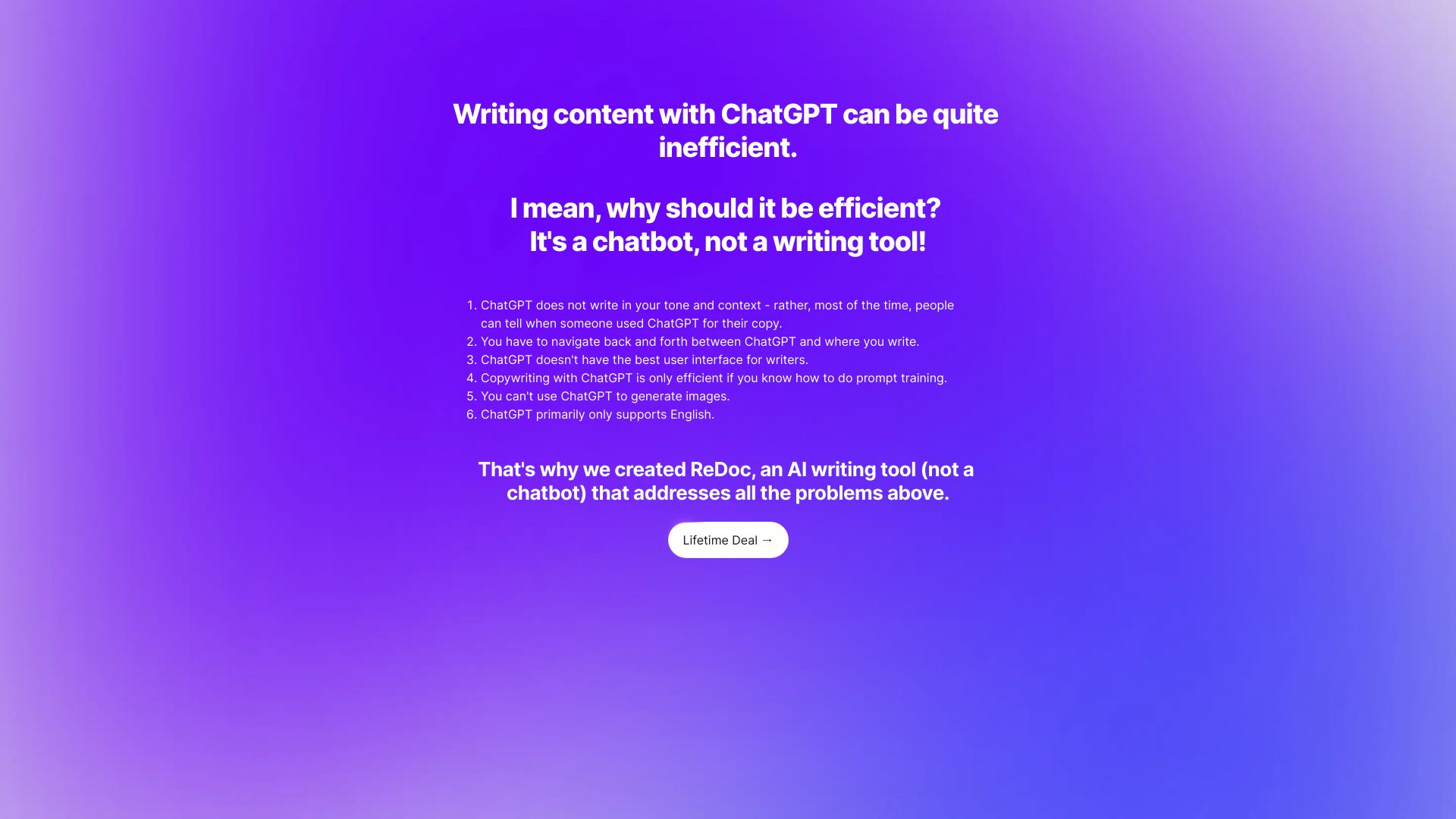
Msgmate
ChatGPT in messengers

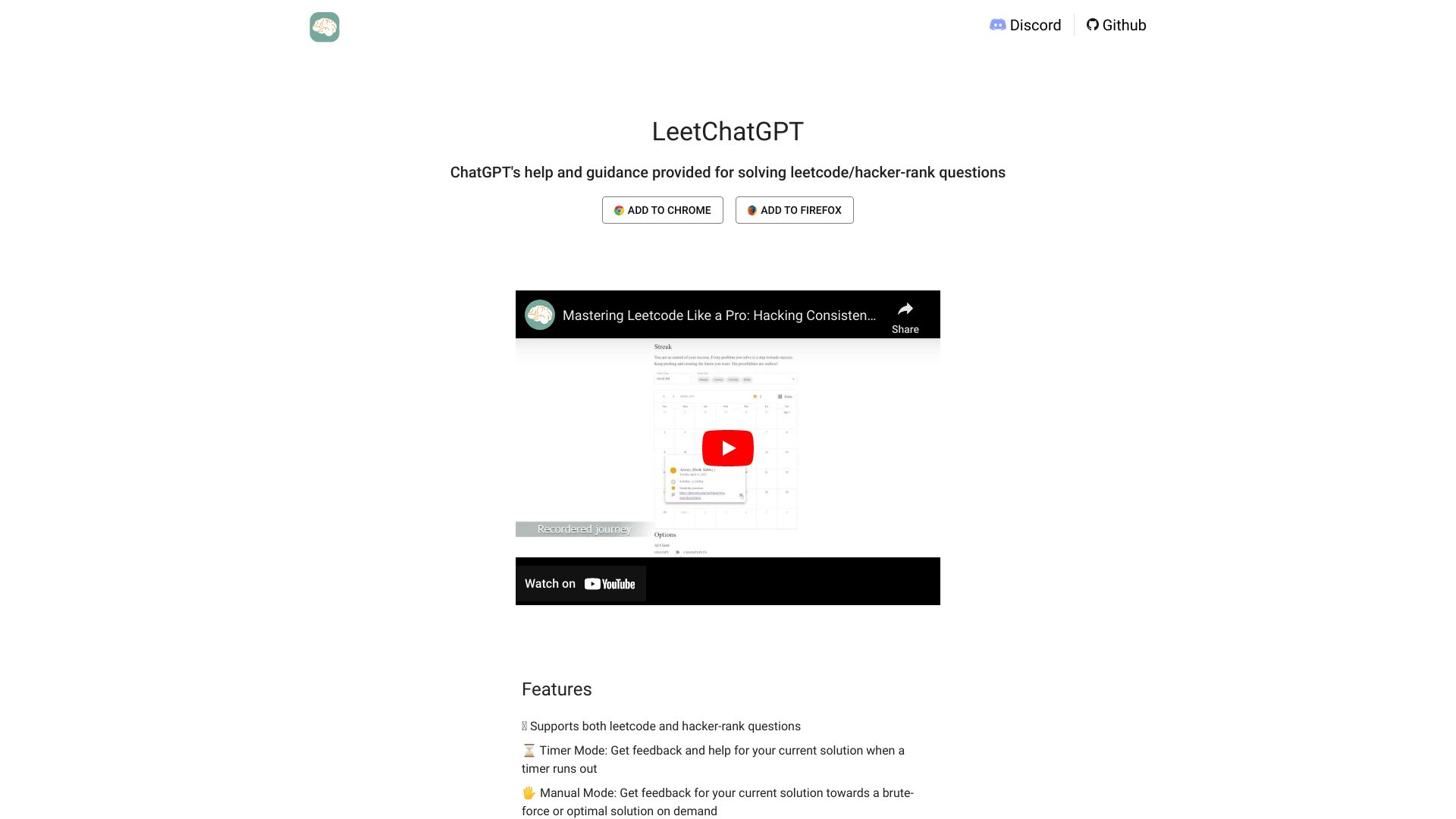
LeetChatGPT
LeetCode and HackerRank problem solving

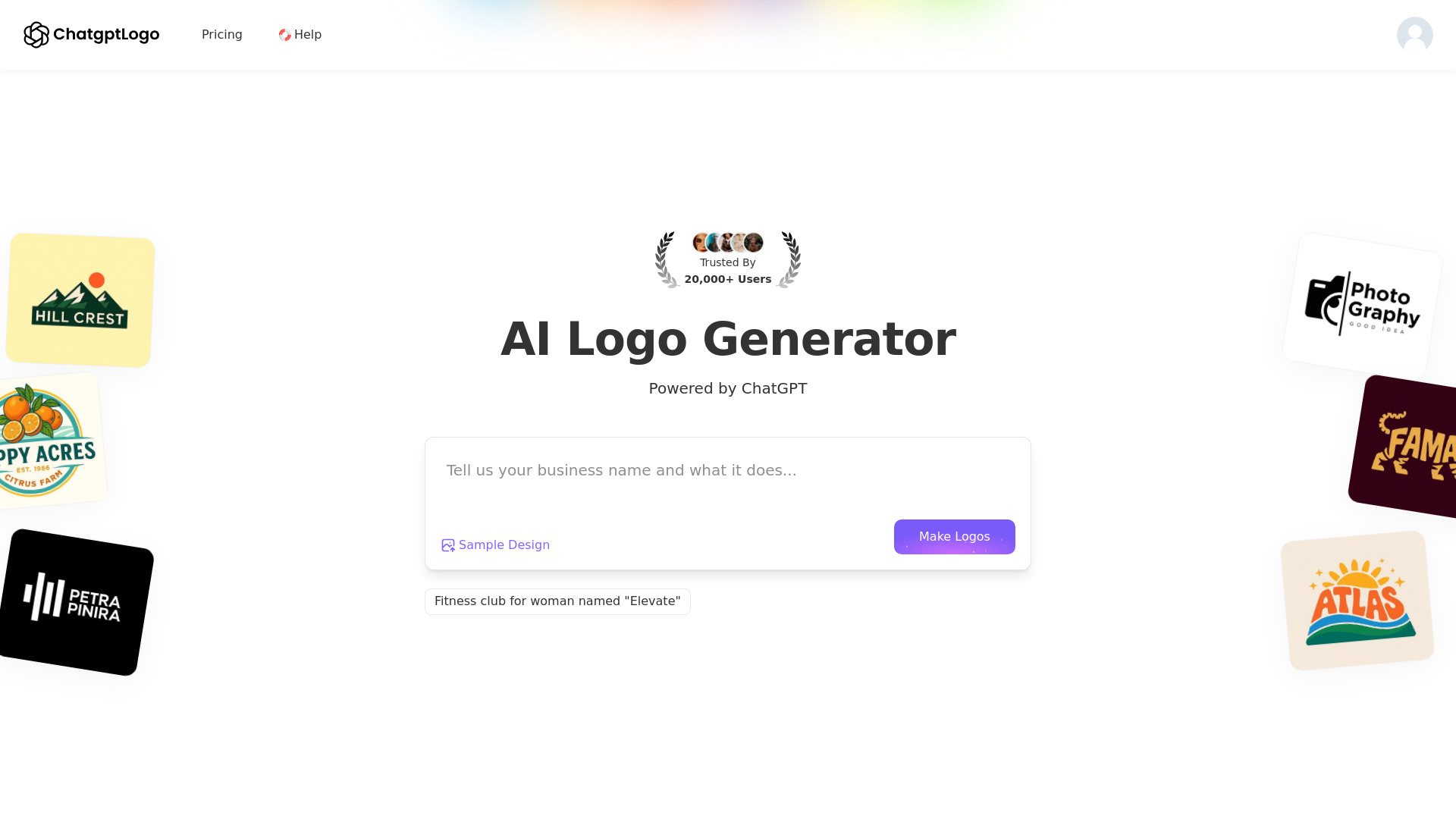
ChatGPT Logo
AI-generated logos and brand identity kits

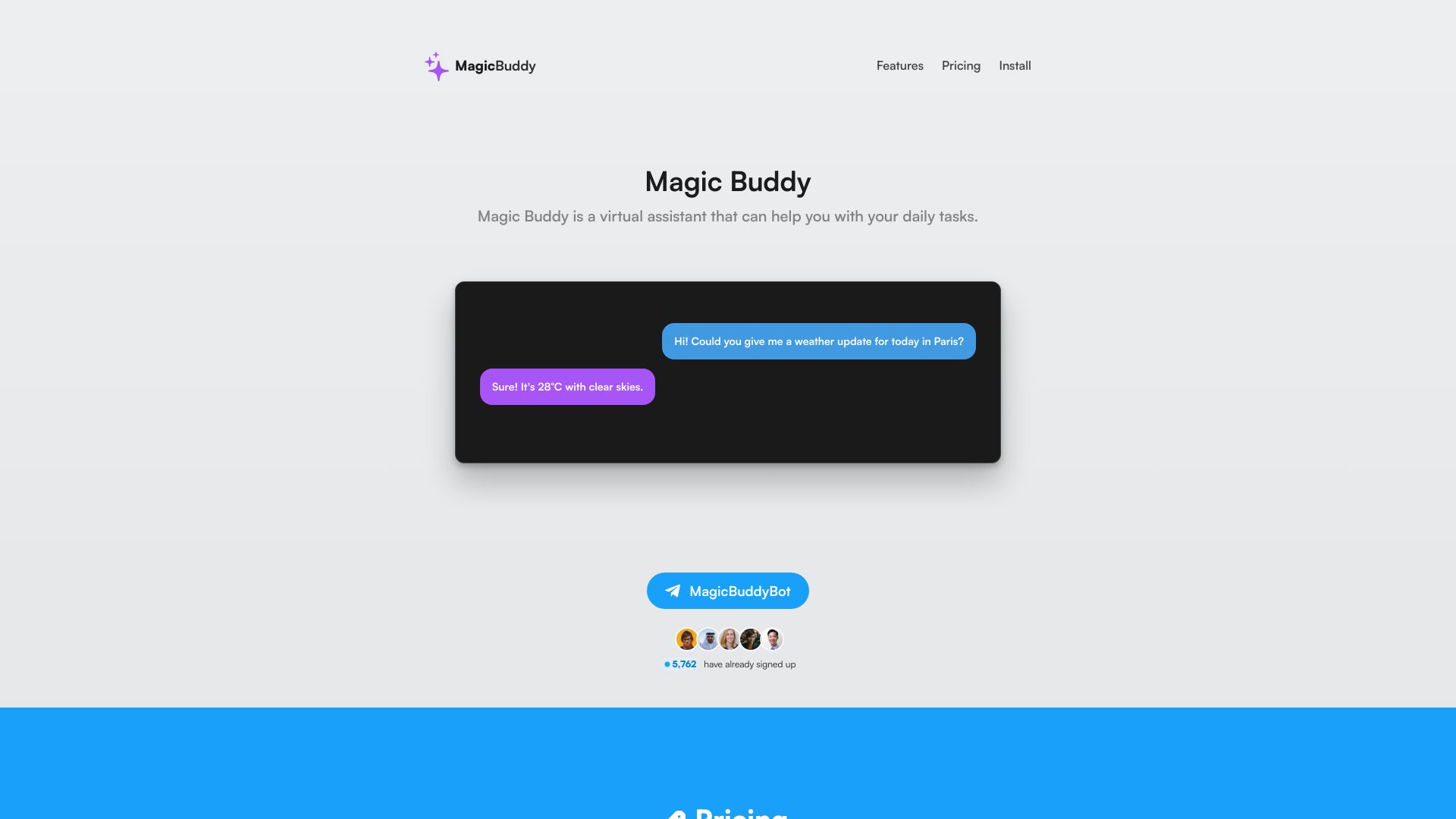
MagicBuddy
ChatGPT users on Telegram

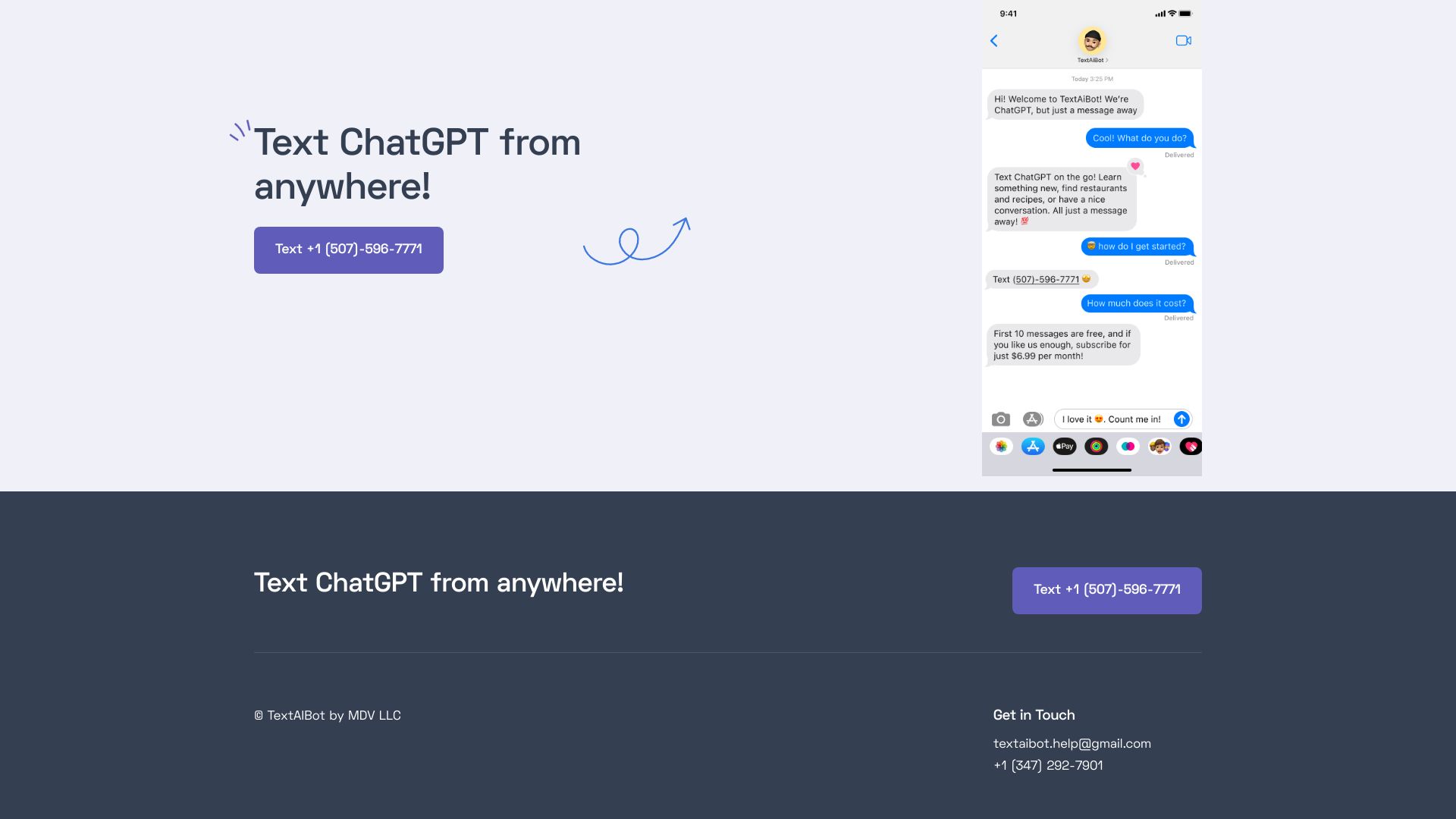
ChatGPT via Text
ChatGPT by text message

ChatGPT Extension
ChatGPT help while typing
Solvemigo
ChatGPT features inside Telegram
ChessGPTPlay
Playing chess against an AI opponent

OppenheimerGPT
Side-by-side AI model comparison

jellow
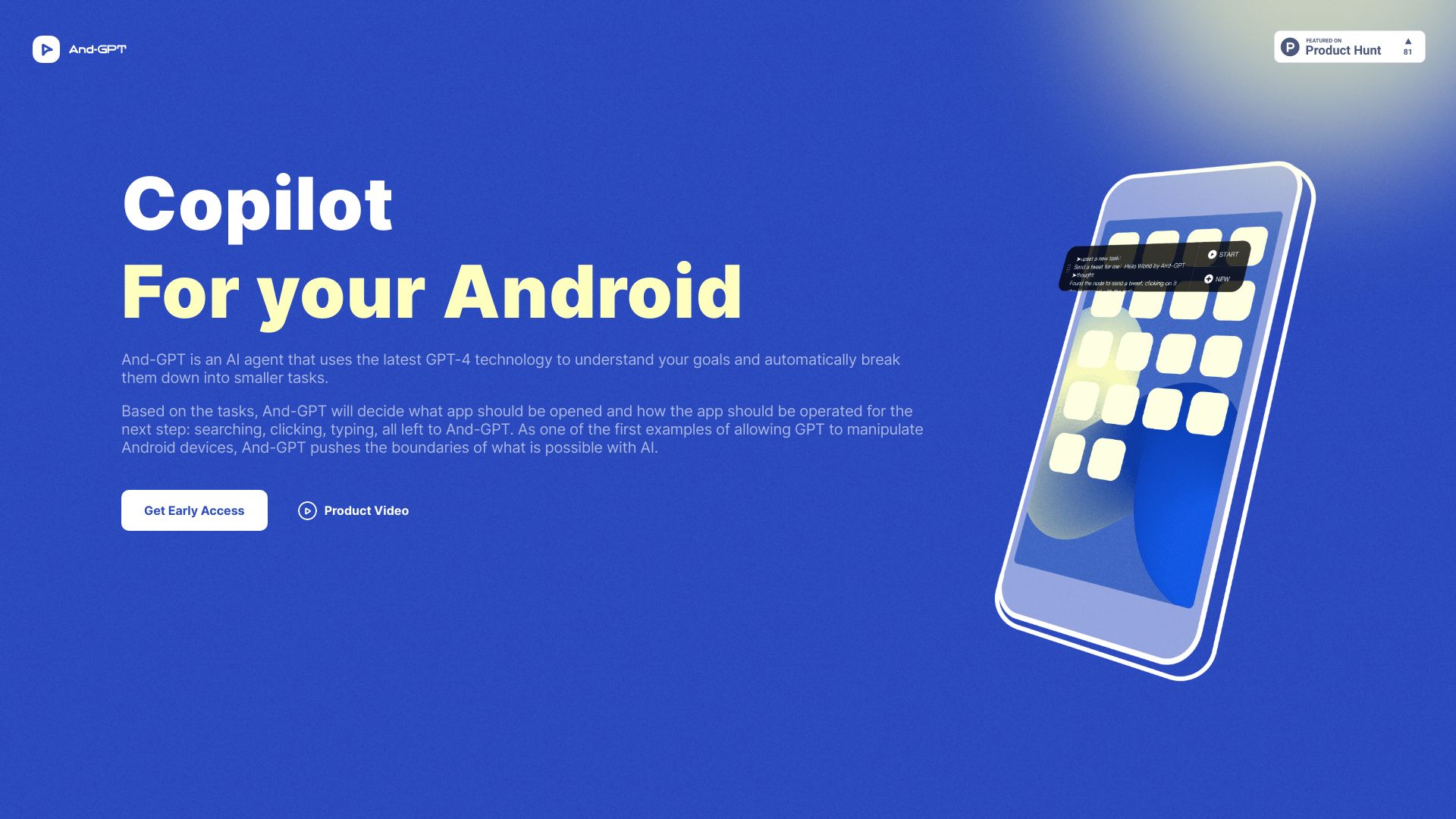
Automated task breakdown and app operation
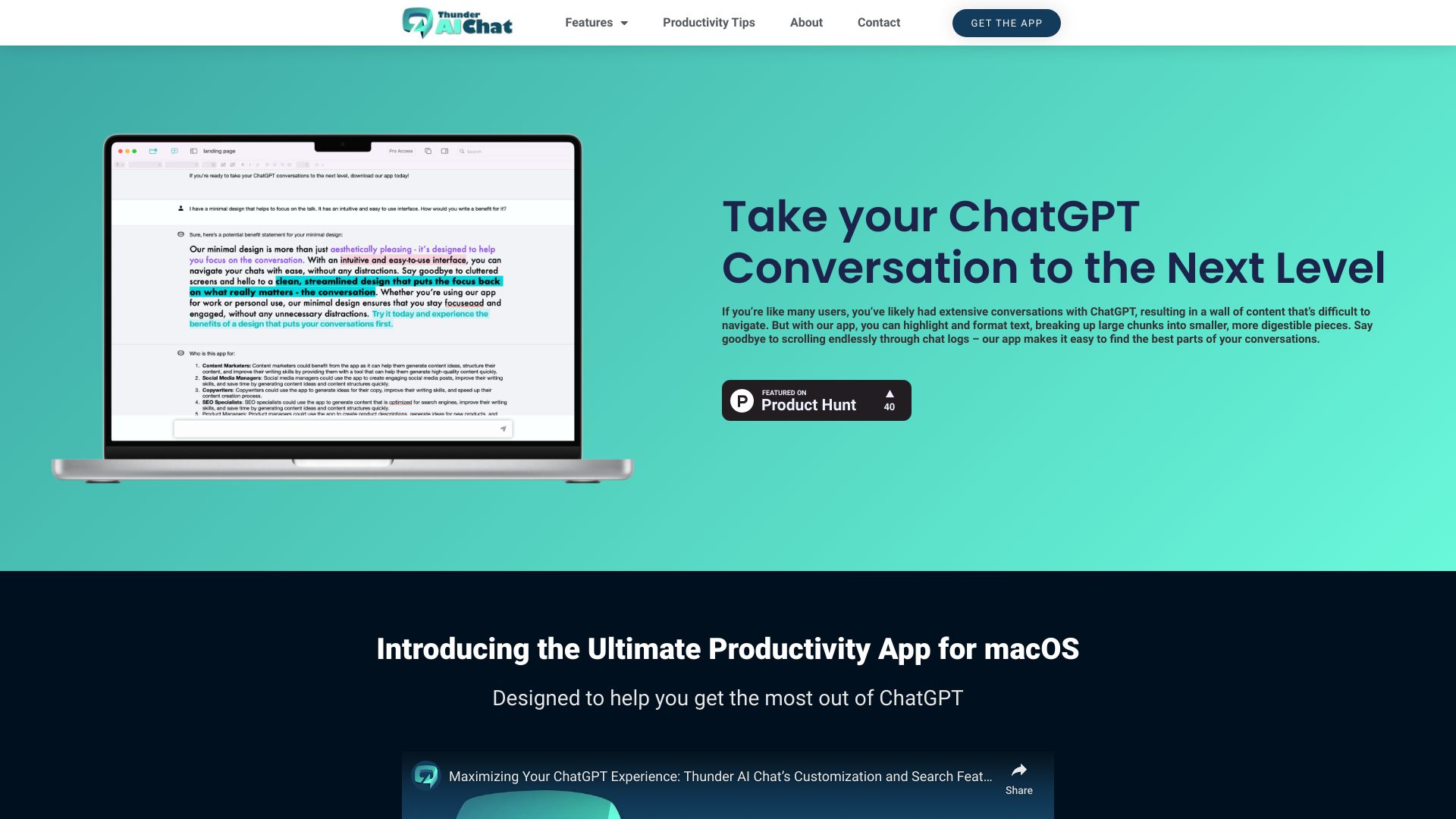
THUNDER AI CHAT
Organizing ChatGPT chats on macOS

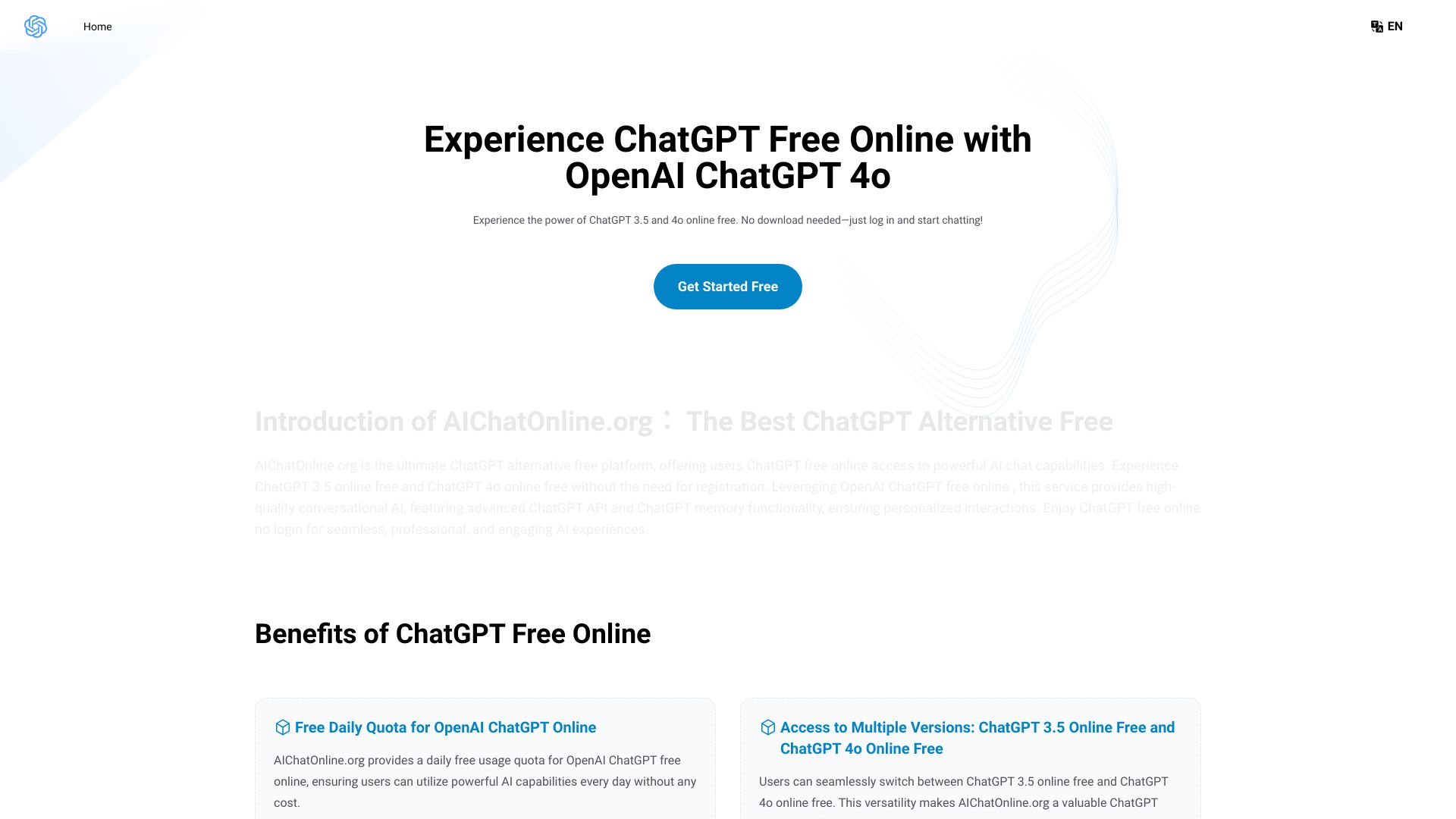
AIChatOnline.org
Free online ChatGPT access

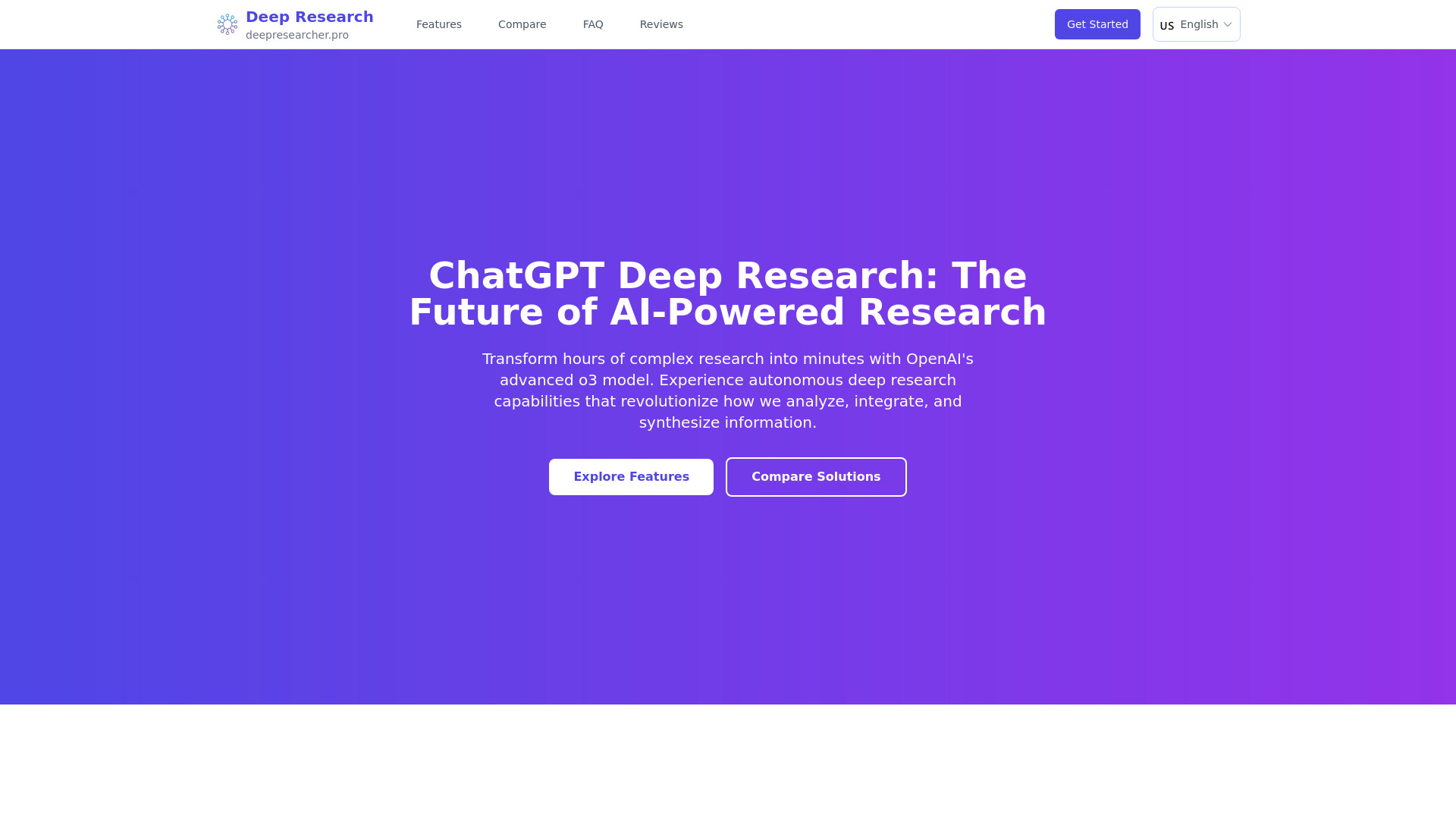
ChatGPT Deep Research
Complex multi-source research
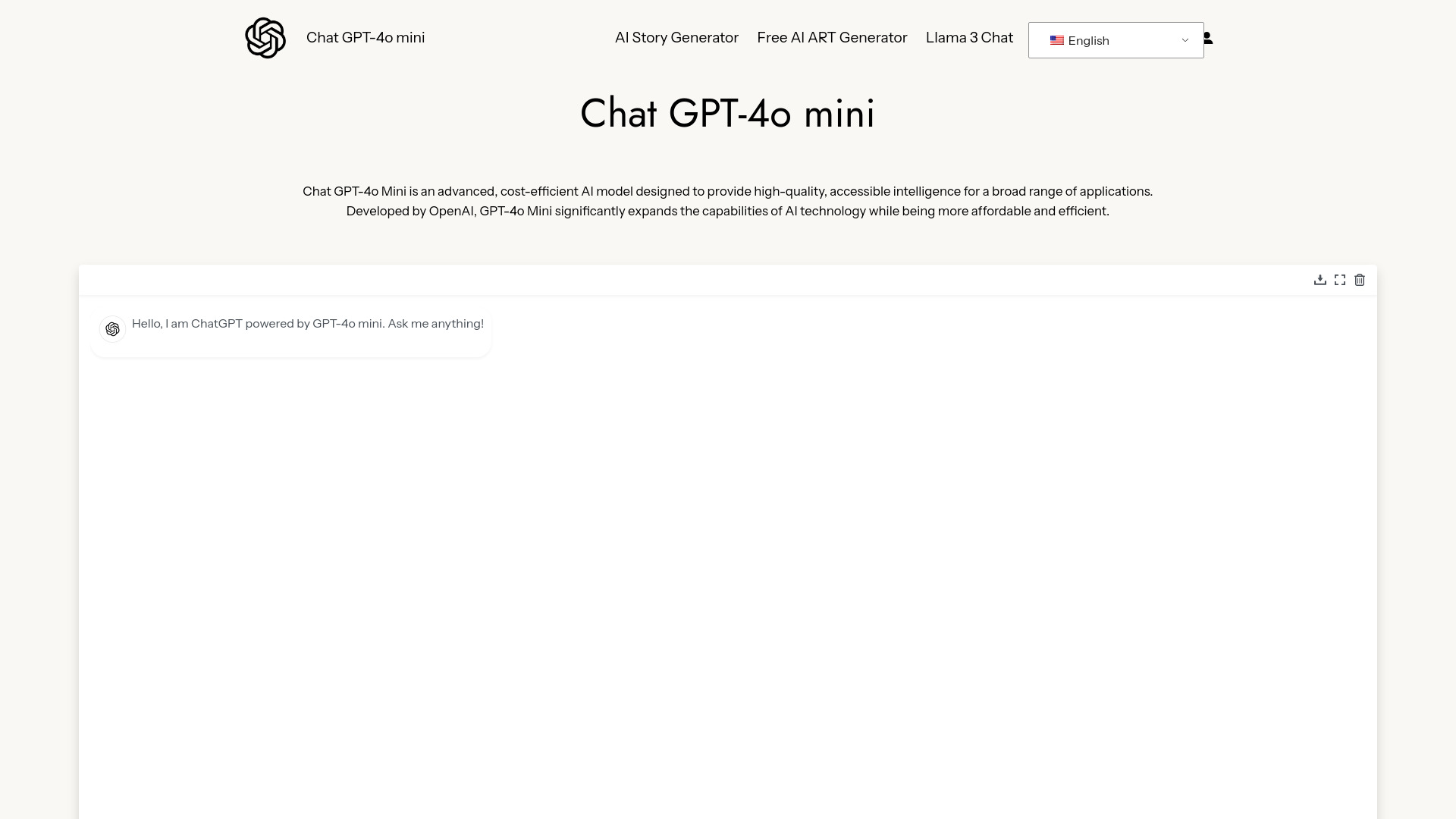
Chat GPT-4o Mini
Cost-efficient AI chat
Which ChatGPT app should you choose?
The right answer depends on the job you want to repeat, not the number of models a product lists. Use this decision guide:
Choose ChatGPT for the broadest starting point. It is the safest choice when you write, research, brainstorm, and automate varied tasks.
Choose Praktika App for English learning. Its tutors, speaking buddies, and conversation lessons are more purposeful than an improvised language-practice prompt.
Choose ChatGOT when PDFs, PowerPoint files, and multiple AI models matter in the same workflow.
Choose MacGPT if you work on a Mac and want global, inline, or menu bar access.
Choose editGPT when tracked changes and proofreading matter more than open-ended conversation.
Choose GPTOnline.ai when free, unlimited, no-registration chat is your top priority.
Choose GlobalGPT if you want several models plus image and video generation under one subscription.
Choose GPT Workspace if your work happens in Google Docs and Sheets.
Choose ChatGPT For Social if the assistant needs to appear inside messaging and social platforms.
Choose OpenGPT if your goal is to create or browse ChatGPT applications.
For most buyers, I would narrow the decision to three questions: Do you need a specialist workflow? Where will you use the tool? And can you live with the stated free-plan or usage limits? Those questions eliminate far more options than comparing model names alone.
My practical recommendation
Start with ChatGPT unless you already know your use case. Its free entry point, broad task coverage, task automation, and enormous usage signal make it the most sensible baseline. Spend a week noting where it slows you down. If the answer is language practice, move to Praktika App. If it is editing in Word, test editGPT. If it is Google Sheets or Docs, test GPT Workspace. If it is desktop friction on a Mac, try MacGPT.
For a multi-model subscription, GlobalGPT is the one I would investigate first, but only after checking usage limits. For ChatGOT, GPTOnline.ai, and OpenGPT, pricing or service dependencies deserve a closer look before you use them for important work. A free trial or free plan is most valuable when you use it to test the exact workflow you intend to keep.
Common mistakes when choosing a ChatGPT app
Choosing the broadest tool for a specialist job. A general chatbot may be less useful than Praktika App for language practice or editGPT for tracked revisions.
Ignoring where the work happens. GPT Workspace and MacGPT can save more friction through placement than another standalone chat tab.
Treating free access as unlimited access to every feature. ChatGPT limits advanced features, editGPT limits words, and some other tools apply usage or account requirements.
Comparing subscription prices without checking metered use. GPT Workspace may add pay-per-usage charges in Google Sheets, while GlobalGPT has usage limits on some plans.
Assuming a wrapper is independent. GPTOnline.ai relies on ChatGPT API availability, and ChatGPT For Social requires a ChatGPT or other AI account.
Skipping a real-work test. Run one representative document, spreadsheet, conversation, or app-building task before switching your regular workflow.
What changed in 2026
The strongest options now divide into clearer workflow categories. General chat remains important, but the shortlist also reflects a move toward embedded assistance: GPT Workspace works inside Google tools, MacGPT sits closer to the Mac desktop, editGPT keeps Word revisions visible, and ChatGPT For Social brings responses into messaging platforms. Multi-model products such as ChatGOT and GlobalGPT also make model choice part of the buying decision.
That specialization creates a better market for buyers, but it adds a new responsibility: compare the workflow and the billing model, not just the word ChatGPT in the product name. Free access may include a useful test, while advanced features, API availability, usage limits, or metered spreadsheet charges can determine the real cost.
FAQ
ChatGPT is the strongest general-purpose choice in this comparison. It offers engaging conversations, task automation, free access, and the broadest fit for writing, questions, planning, and varied everyday tasks.