
The best ai coding assistant depends less on a leaderboard score than on where you want help: inside a terminal, during code review, while managing reusable snippets, or across a broader AI workspace. We compared 100 tools and narrowed the field to 10 featured picks, from Aider's terminal-based pair programming to tools focused on debugging, model access, and interview practice. Use the quick comparison to find a fit, then check the detailed notes for practical trade-offs.
Top picks
| Pick | Tool | Best for | Why it stands out |
|---|---|---|---|
| Best overall match | Use AI | Researchers comparing models and task types | Brings access to 25+ AI models into one subscription, with model selection by task. |
| Best terminal workflow | Aider | Developers who want AI pair programming in a terminal | Works with cloud and local LLMs and edits code in a local Git repository. |
| Best coding toolbox | Refact.ai | Developers who want completion and refactoring | Combines code completion with refactoring and AI chat. |
| Best for parallel agents | Aide | Software engineers automating development work | Offers parallel agents and GitHub-native integration. |
Quick comparison
| Tool | Best for | Standout capability | Free access | Starting price |
|---|---|---|---|---|
| Use AI | Researchers | 25+ AI models with task-based selection | $1 trial; verify trial terms | $29.99/month |
| Aider | Software developers | Terminal pair programming; cloud and local LLMs | No specific free plan stated | Check vendor pricing |
| Refact.ai | Software developers | Code completion and refactoring | 5,000 free coins | Free plan; paid access from $10/month |
| CodeMate | Individual developers | AI autocorrection and debugging | No specific free plan stated | $8/month |
| Code Snippets AI | Software developers | Snippet library with contextual AI chat | Save 5 snippets | Free basic plan |
| BlackBox AI | Software developers | Natural-language code generation and video code extraction | 5-day free trial | Check vendor pricing |
| AskCodi | Software developers | Code generation and refactoring | 7-day free trial | $149.99/year |
| AIGoCode | Software developers | AI coding workspace with shared quotas | No specific free plan stated | Usage-based pricing |
| Codeace | Software engineer candidates | Real-time interview problem analysis | 3 free problem solutions | $199/month listed; confirm current terms |
| Aide | Software engineers | Parallel agents and GitHub-native integration | No specific free plan stated | $49/month |
How we ranked these AI coding assistants
We considered how directly each product supports software-development tasks, how clearly its stated capabilities map to a real workflow, and whether it serves a distinct audience rather than repeating the same broad chat experience. The ranking also weighs reported usage as a market signal, alongside the available feature, pricing, and access details. A high score is not a promise that a tool will fit every codebase: language support, model choice, editor or terminal habits, and budget can change the best pick for you. We therefore call out specific use cases and limitations instead of treating the list as a universal performance benchmark. Confirm current plans and terms with each vendor before making a purchase.
The best AI coding assistants
The picks below cover meaningfully different jobs. Some are coding-first utilities; others are broader model workspaces or interview aids. Start with the workflow you want to improve, not just the highest score.
1. Use AI

Use AI
Researchers comparing AI models across tasks
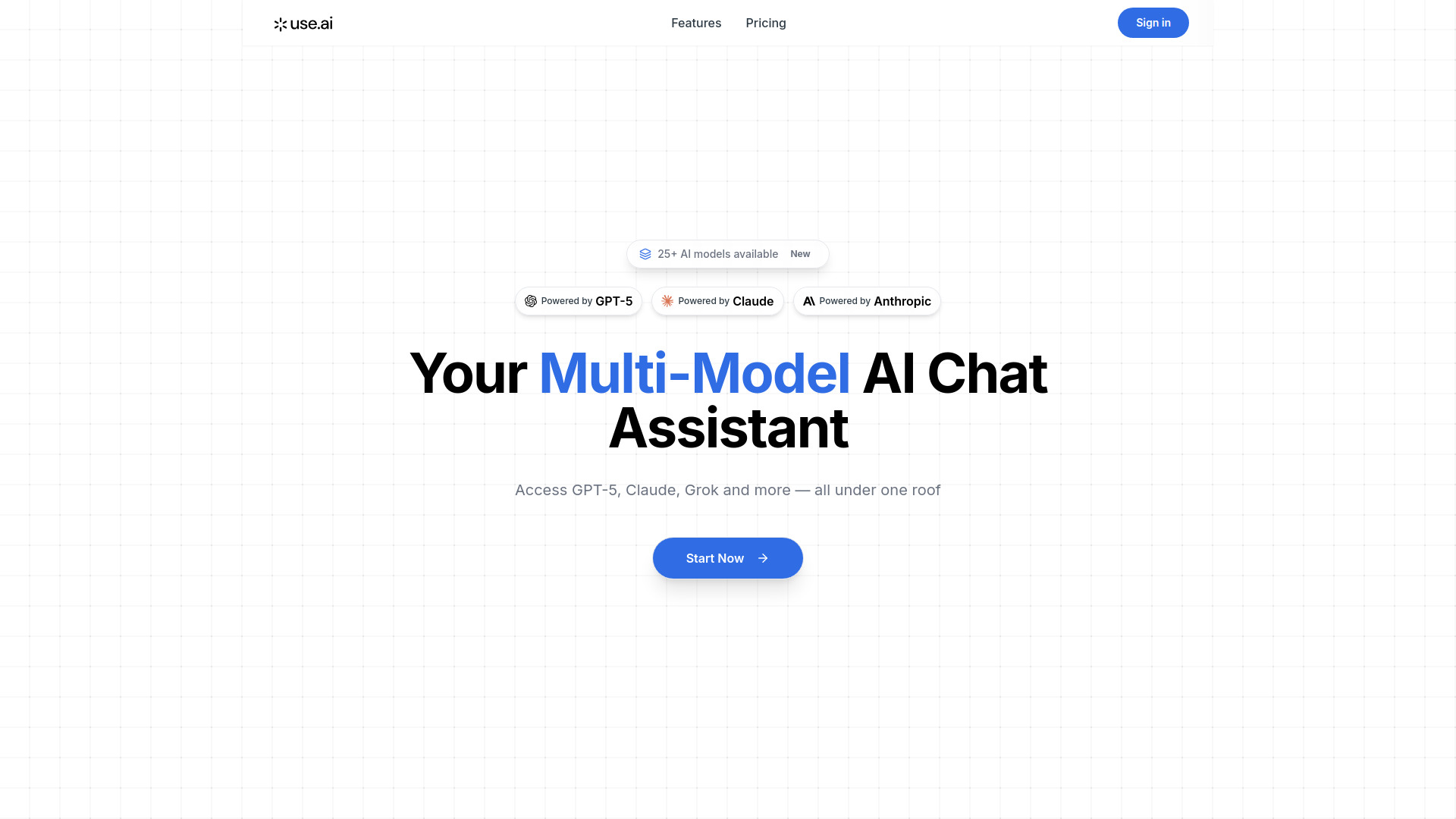
The unusual strength here is breadth: Use AI offers access to more than 25 LLMs under one subscription and lets users select a model by task, including research, coding, writing, and image generation. That makes it a useful option when you want to compare model behavior without assembling access to each service separately. For coding, the appeal is model choice rather than a narrowly defined editor integration or codebase workflow.
The product is positioned as a multi-model AI chat assistant, so developers should treat it as a flexible place to ask coding questions and compare responses, not assume it includes every specialized feature of a coding IDE. Its researcher-focused best-for label is a clue: people who switch between research and coding may get more from the range than developers seeking a terminal-native pair programmer.
My take: The breadth is compelling if you genuinely use several models and task types. If your only goal is editing code in a repository, Aider's workflow is a more direct match.
Where it falls short: The primary service is a paid subscription, listed at $29.99 per month after a $1 trial offer. Check the live terms and model access before relying on the trial as a long-term free option.
Key features
Access to 25+ LLM models through one subscription.
Model selection by task, including research and coding.
Broader task coverage that also includes writing and image generation.
Pros
Makes it practical to compare multiple models from one service.
Supports more than coding, which can suit research-heavy work.
Cons
Ongoing access is subscription-based.
Its broad model workspace is not described as a repository-editing or terminal-first tool.
Choose Use AI if: You want a multi-model workspace for coding questions alongside research and other AI tasks.
2. Aider

Aider
Developers who pair-program in a terminal
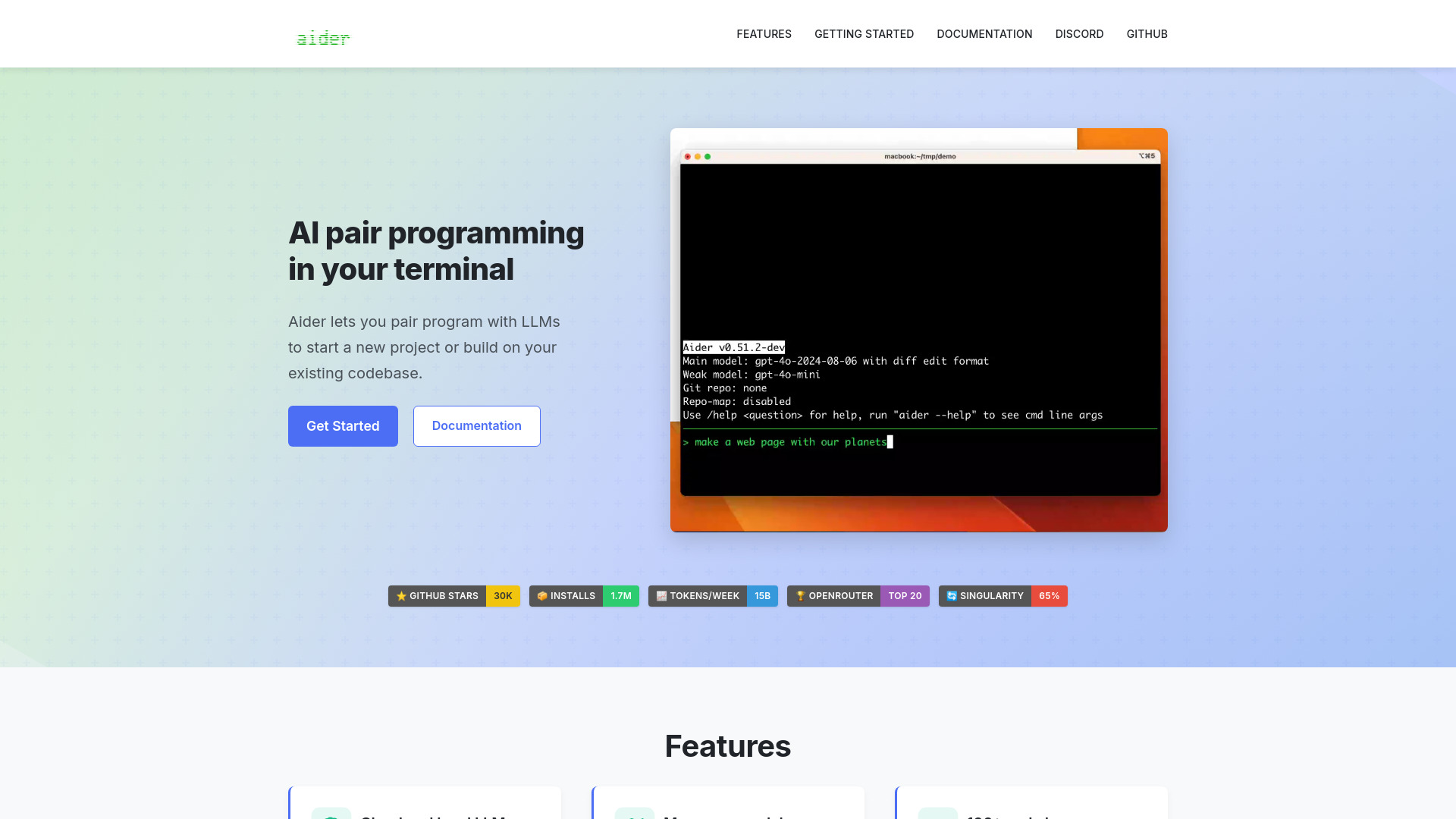
Aider's core appeal is its location in the workflow: it brings AI pair programming to your terminal and edits code in a local Git repository. That is a concrete fit for developers who already work from the command line and want assistance close to the project, rather than a separate general-purpose chat window. It supports cloud and local LLMs, giving technically comfortable users options for how they connect a model.
That flexibility comes with setup considerations. Some LLMs require API keys, and the available pricing details do not establish a single starting plan. Check the vendor's current instructions and costs for the model you intend to use; model access and the assistant itself may have different requirements. Aider is a strong candidate for hands-on developers, but less obviously the smoothest first stop for someone who wants a plug-and-play interface.
My take: For a terminal-native developer who wants an AI pair programmer to work against a local Git repo, Aider is one of the clearest fits in this group.
Where it falls short: API keys are required for certain LLMs, and the setup can be less convenient than a self-contained subscription. Confirm pricing and model compatibility before adopting it for a team.
Key features
AI pair programming in a terminal.
Support for cloud and local LLMs.
Edits code in a local Git repository.
Supports 100+ code languages, according to the product description.
Pros
Fits naturally into a command-line development workflow.
Offers a choice of cloud or local models.
Cons
Some model connections require API keys.
A clear standard starting price is not established here.
Choose Aider if: You are a developer comfortable with terminals and want AI assistance working directly with a local Git repository.
3. Refact.ai

Refact.ai
Developers seeking code completion and refactoring
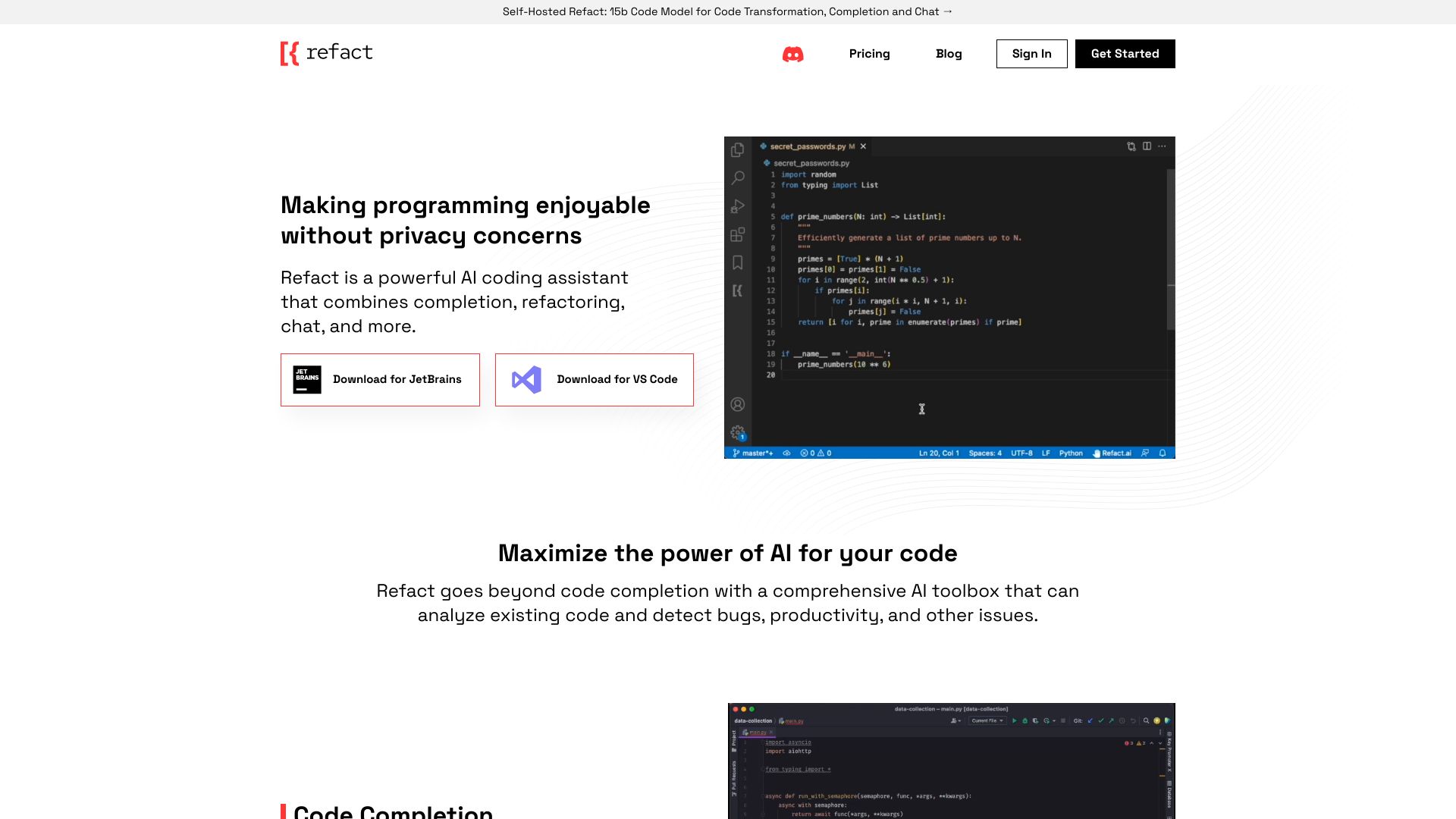
Refact.ai focuses on two frequent sources of developer friction: filling in code and improving code that already exists. Its listed capabilities include code completion and refactoring, alongside AI chat and privacy features in its product positioning. That makes it a practical option for developers who want a toolbox that can assist both while writing and while revisiting an implementation.
The free offer is more specific than many entries here: 5,000 coins are listed, and the available plan information says full access to all features may require a paid plan. A free allowance is a useful way to explore the workflow, but it does not tell you how quickly your own use will consume credits. Check the live quota, model options, and paid limits before making it part of a daily coding routine.
My take: Refact.ai has a nicely focused feature combination for people who want completion and cleanup in the same assistant, with a stated free allowance to try first.
Where it falls short: Full feature access may require a subscription, and the coin-based offer means you should verify how usage maps to your expected workload.
Key features
Code completion.
Code refactoring.
AI chat and privacy features in the product description.
Pros
Covers both code creation and code improvement.
Lists 5,000 free coins for initial use.
Cons
Full access may require a paid plan.
The free allowance is expressed as coins, so practical value depends on current usage rules.
Choose Refact.ai if: You want a coding-focused assistant for completion and refactoring, and prefer to test a free allowance before paying.
4. CodeMate

CodeMate
Individual developers debugging and correcting code
CodeMate puts debugging and correction at the center of its pitch. AI-powered autocorrection and code debugging give individual developers a direct reason to try it: get help when code behaves incorrectly, then use assistance to move toward a fix. The stated Pro price is $8 per month, lower than several listed subscriptions in this comparison, though the right value depends on the plan's current limits and what kinds of code it handles well.
The main caveat is a familiar one with AI coding tools: output quality depends on the description you provide. If the bug report omits relevant context, the assistant may suggest a fix that misses the cause or solves only part of the problem. Treat its suggestions as candidates to inspect and test, not as verified changes. That habit matters especially when a correction affects behavior beyond the immediate error.
My take: CodeMate's debugging emphasis makes it easy to understand why an individual developer would use it. It looks most useful when you can describe the issue clearly and validate the suggested change.
Where it falls short: The product's own limitation is that accuracy depends on description quality. A low starting price does not remove the need to check whether the current plan fits your usage.
Key features
AI-powered autocorrection.
Code debugging.
Code review and refactoring are included in its stated access details.
Pros
Targets practical debugging and correction work.
Listed Pro pricing starts at $8 per month.
Cons
Results depend on how clearly you explain the code and problem.
No specific free quota or plan is stated.
Choose CodeMate if: You are an individual developer looking for a focused assistant to help debug, review, and refactor code.
5. Code Snippets AI

Code Snippets AI
Developers organizing reusable code snippets
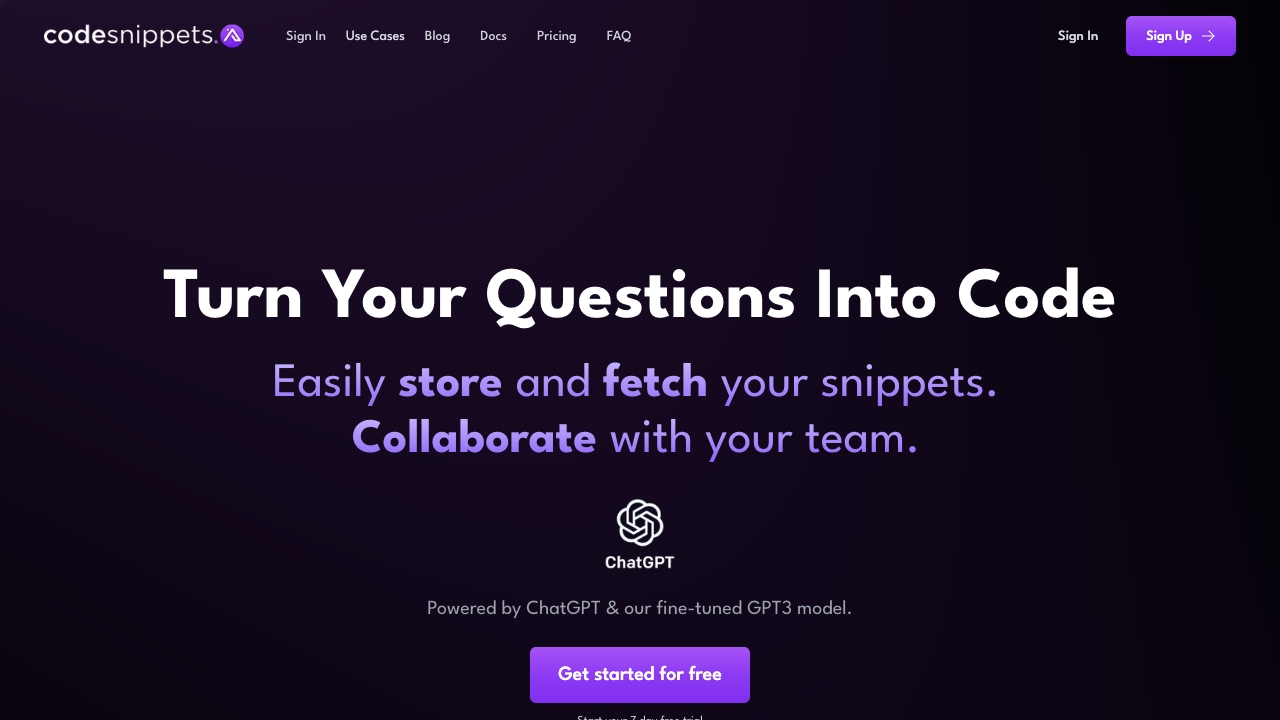
A code assistant does not have to begin with autocomplete. Code Snippets AI takes a library-first approach: generate and manage snippets, then use contextual AI chats connected to that collection. That can be useful for developers who repeatedly reuse patterns and want their saved code to remain part of the conversation, rather than searching through old files or notes every time.
The free basic offer lets users save five snippets, which is a concrete way to see whether the library workflow fits. The product also describes codebase indexing and contextual chats, but developers should confirm what indexing includes and how it behaves with their repositories before adding sensitive code. The stated limitation is reliance on AI models that may need fine-tuning, so expect to assess the suggestions against your own standards and conventions.
My take: This is a more distinctive pick than another generic code generator if your daily pain is finding, adapting, and discussing reusable snippets.
Where it falls short: Its value depends on whether a snippet library is central to your work. AI model behavior may need adjustment, and the five-snippet free limit is modest for building a large collection.
Key features
AI-powered code snippet generation and management.
Contextual AI chats integrated with a snippet library.
Product details describe codebase indexing.
Basic plan lets users save five snippets.
Pros
Connects reusable code with AI chat context.
Offers a free way to test the library concept.
Cons
The free library limit is five snippets.
Reliance on AI models may require fine-tuning.
Choose Code Snippets AI if: You regularly reuse code and want an AI-supported library to keep snippets and contextual discussions together.
6. BlackBox AI

BlackBox AI
Developers generating code from prompts or video references
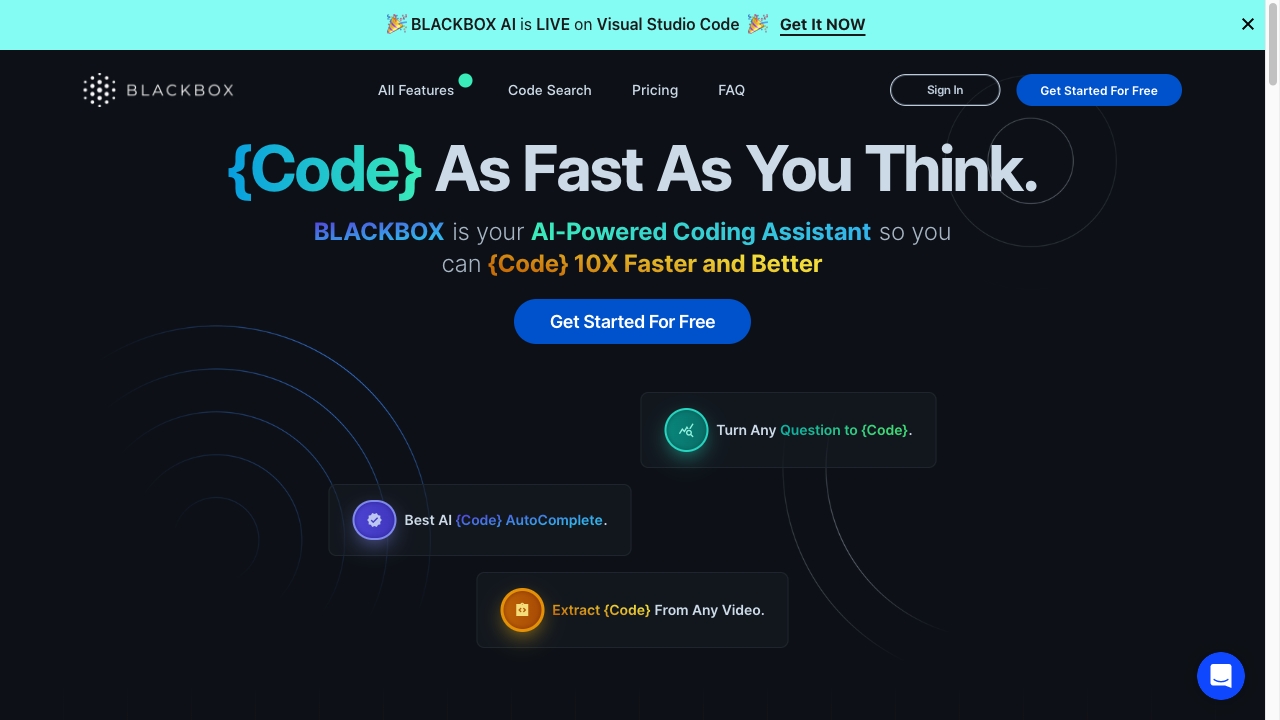
BlackBox AI combines a familiar workflow, turning natural-language questions into code, with a less common one: extracting code from videos. That second capability could help when a useful coding demonstration is on screen and you want to capture the implementation rather than transcribe it manually. The product also describes code autocompletion, making it a broad coding aid rather than a single-purpose video utility.
A five-day free trial gives you a short window to test whether those workflows are useful in practice. The available plan details do not establish a clean starting price, so check the vendor's current pricing and trial terms before signing up. AI-generated code can accelerate a first draft, but it still needs review for correctness, security, and fit with the surrounding project.
My take: The video extraction angle is the reason to look twice. If you only need conventional code completion, compare it with more focused options before choosing.
Where it falls short: Pricing is not clear here beyond the trial, and relying on generated code without understanding it can weaken your own problem-solving habits.
Key features
Generates code from natural-language prompts.
Extracts code from videos.
Offers code autocompletion.
Lists a five-day trial.
Pros
Supports both prompt-based generation and video-based code capture.
Could reduce repetitive coding work when used with careful review.
Cons
The ongoing price needs verification with the vendor.
Unchecked reliance on AI may reduce independent problem-solving practice.
Choose BlackBox AI if: You want to generate code from questions and are curious about extracting code from video references.
7. AskCodi

AskCodi
Developers automating code generation and refactoring
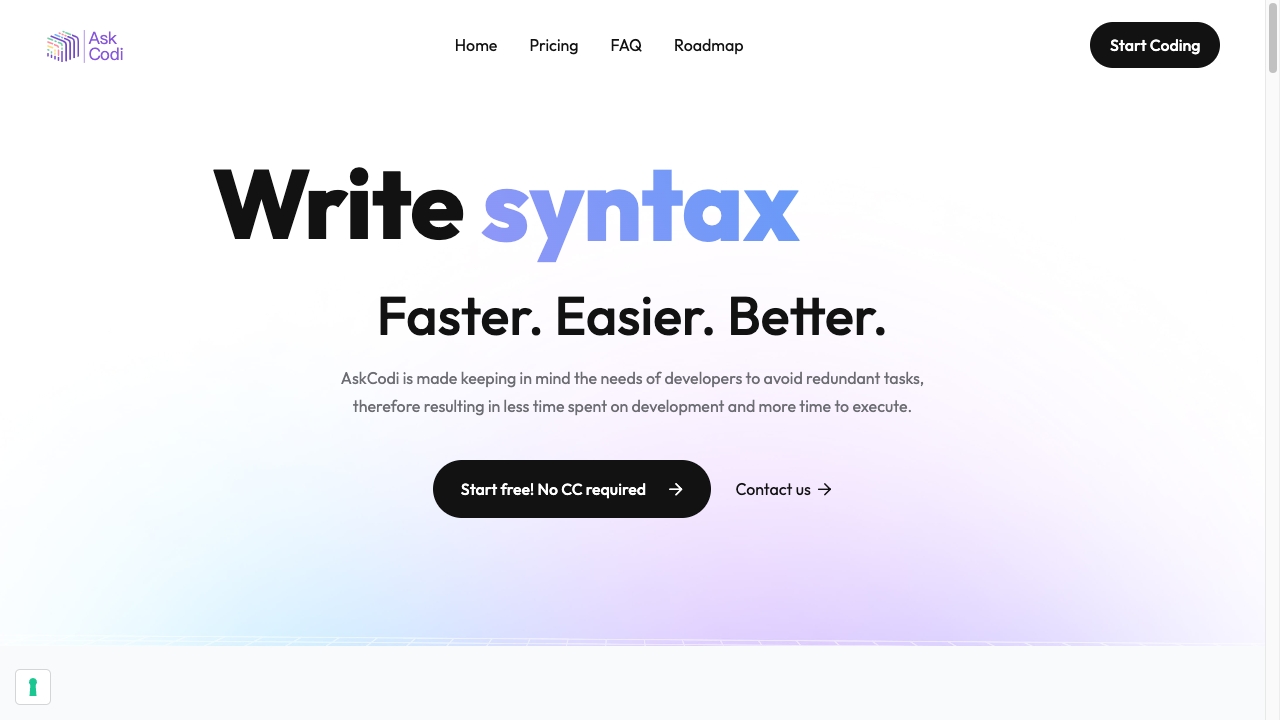
AskCodi focuses on reducing repetitive development work through AI-powered code generation and refactoring. Its listed capabilities also include a code assistant, code generator, and unit-test writer, giving developers several ways to use it across a coding task rather than only asking for a function from scratch. The seven-day trial is a useful first step if you want to see how the tools fit your actual projects.
The listed Premium price is $149.99, described with an annual starting point in the available plan details; confirm the billing period, included AI credits, and current terms before committing. AskCodi's breadth can be convenient, but generated code and tests still need human review. The product's stated downside is that leaning too heavily on AI may reduce manual coding skills over time, a risk best managed by treating suggestions as explanations and drafts rather than answers to copy blindly.
My take: AskCodi makes sense when generation, refactoring, and unit-test writing are all part of the work you want to streamline. Trial it against a real task before deciding whether its price earns a place in your toolkit.
Where it falls short: Annual pricing may be a hurdle for a casual user, and its value depends on whether you use more than one of the included coding workflows.
Key features
AI-powered code generation.
Code refactoring.
Code assistant and code generator workflows.
Unit-test writing.
Pros
Targets several common coding tasks in one product.
Offers a seven-day free trial.
Cons
Listed Premium pricing starts at $149.99/year; verify current details.
Over-reliance can reduce hands-on coding practice.
Choose AskCodi if: You want one assistant for code generation, refactoring, and unit-test drafting, and will evaluate its output before using it.
8. AIGoCode

AIGoCode
Developers coordinating AI coding tools and tasks

AIGoCode is aimed at a broader developer workspace: AI-assisted coding and question answering sit alongside access to supported AI agents and models, usage management, and collaboration. The idea is to keep coding assistance and related work in one place, with shared quotas across agents and models. That may appeal to teams or developers who use multiple AI options and would rather manage them through a unified workspace.
The trade-off is that the pricing is usage-based, and no specific free quota or plan is stated. That makes it especially important to understand how usage is measured, whether quotas are shared in the way your team expects, and what professional engineering support includes. Its feature mix sounds more like a workspace than a single focused code-completion assistant, so solo developers should decide whether the coordination layer solves a real problem before paying.
My take: AIGoCode stands out most for organizing access, tasks, and collaboration around AI coding. Its usefulness will hinge on how transparent and manageable the usage model feels in your day-to-day work.
Where it falls short: No specific free plan is stated, and usage-based pricing can be difficult to budget without clear limits and rates.
Key features
AI-assisted coding and intelligent question answering.
Unified access to supported AI agents and models.
Shared quotas across agents and models.
Usage management, collaboration, and professional engineering support are part of its stated positioning.
Pros
Combines coding assistance with task and usage management.
Shared access may suit teams using multiple agents or models.
Cons
No specific free quota or plan is stated.
Usage-based pricing requires checking rates and limits carefully.
Choose AIGoCode if: You want a shared AI coding workspace and need to coordinate multiple agents, models, or team tasks.
9. Codeace

Codeace
Software engineer candidates practicing interview problems
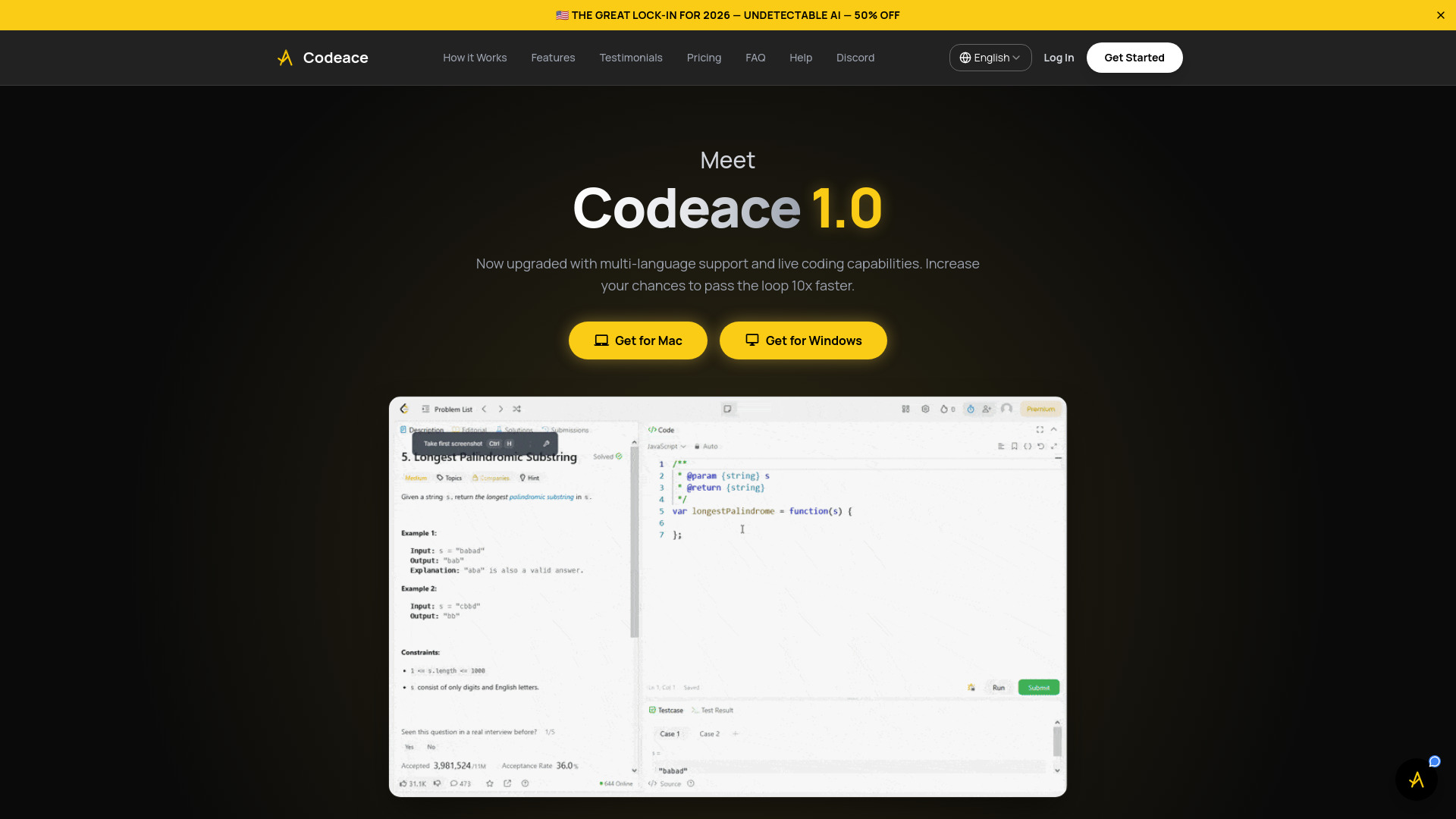
Codeace is an adjacent pick, not a general-purpose coding assistant: it is designed for technical and coding interview scenarios. Its listed capabilities include real-time problem analysis and code generation with step-by-step explanations, while the product also describes an invisible overlay. That positioning makes it relevant to candidates preparing for interviews, but it changes the question you should ask before using it: does the tool support legitimate practice, or are you considering it during a live assessment where outside assistance is prohibited?
The distinction matters. Use an assistant to study, understand solution approaches, and practice explaining your reasoning; follow the interview provider's rules during any evaluation. Codeace lists three free problem solutions and a $199 monthly price, a high amount compared with the other picks here. Confirm the current offer and terms, and judge whether the interview-specific use case justifies that cost rather than treating it as a daily coding tool.
My take: Codeace is a niche interview-preparation option, not my default recommendation for building software. Its best value is likely for candidates who have a clear, legitimate practice use case.
Where it falls short: The listed monthly price is high, and an invisible-assistance feature could conflict with assessment rules. Use it transparently and never bypass an interview's stated conditions.
Key features
Real-time analysis of interview-style problems.
Code generation with step-by-step explanations.
Three free problem solutions are listed.
Product describes an overlay designed to remain hidden from screen sharing and recordings.
Pros
Focuses on technical interview problem practice.
Offers a small number of free solutions to explore the workflow.
Cons
The listed price is $199 per month; verify current terms.
Interview use must comply with the assessment's rules and expectations.
Choose Codeace if: You are preparing for technical interviews and will use its explanations for permitted practice, not to evade a live assessment's rules.
10. Aide

Aide
Software engineers automating coding workflows

Aide's defining detail is parallel agents: rather than presenting only a single assistant interaction, it offers agents working in parallel for faster coding and automated workflows. The product also lists GitHub-native integration, a useful signal for engineers who want the assistant to fit into work already organized around GitHub. It is a more workflow-oriented proposition than a simple prompt-and-answer tool, so its appeal rises if you have tasks that can benefit from orchestration.
The Standard plan is listed at $49 per month, and pricing may be a barrier for some users. There is no specific free quota stated here, so check whether a trial or lower-cost entry point is available on the current pricing page. Also ask what parallel agents can access, how their work is reviewed, and which steps remain under your control before placing an automated workflow near production code.
My take: Aide is worth considering when agent-based work and GitHub integration are central to your needs. For occasional code questions, a cheaper or free-first assistant will likely be easier to justify.
Where it falls short: At $49 per month, it is a meaningful subscription commitment, and the value depends on whether parallel-agent workflows save enough time for your projects.
Key features
Parallel agents for coding tasks.
GitHub-native integration.
Automated workflow support.
Pros
Offers a distinct multi-agent approach.
GitHub-native integration can suit repository-centered development.
Cons
Standard pricing is listed at $49 per month.
No specific free plan or quota is stated.
Choose Aide if: You are a software engineer who wants parallel agents and GitHub-native workflows, and can justify the monthly cost through regular use.
More tools to compare

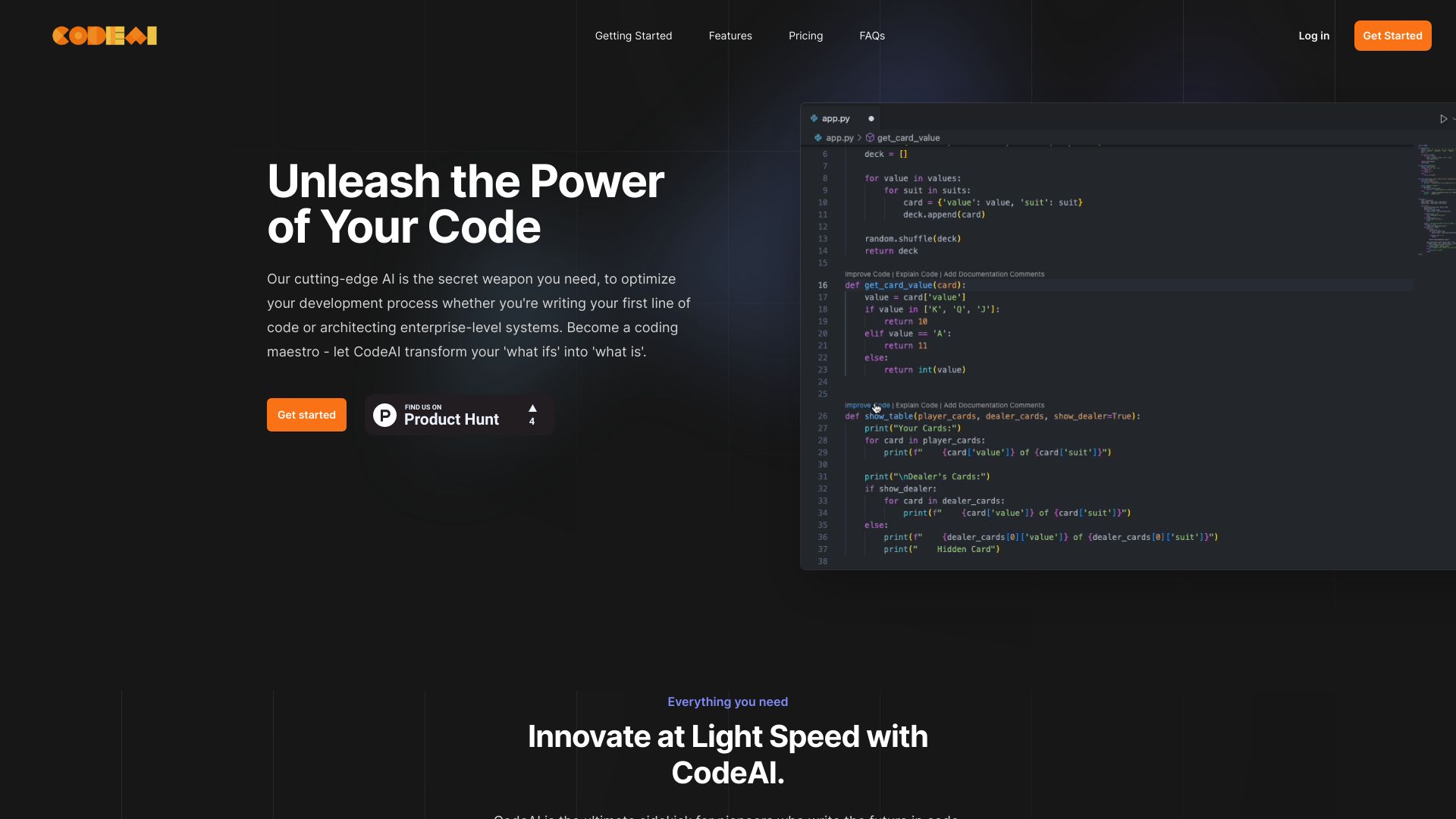
CodeAI
AI-assisted full-stack app creation

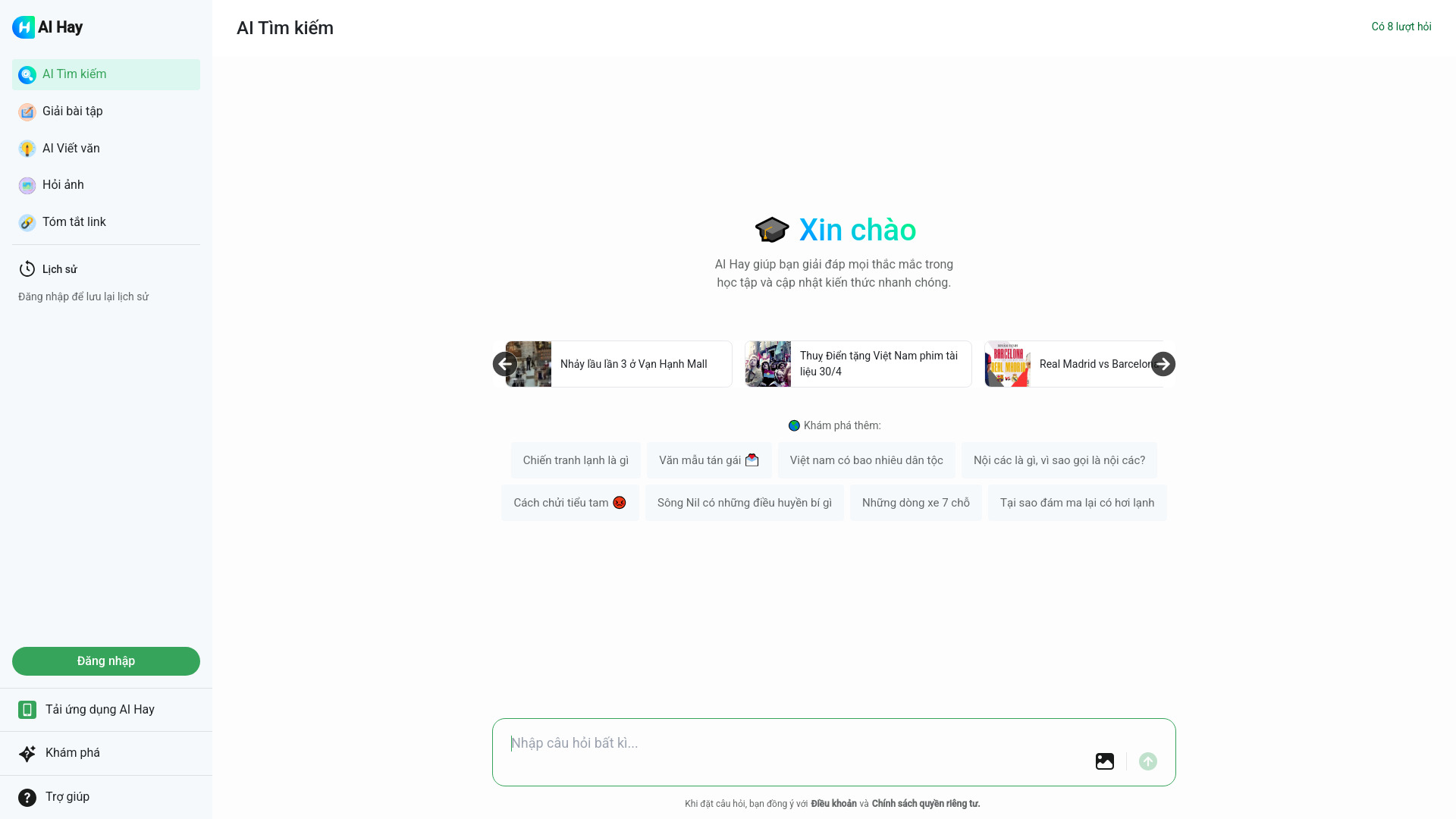
Hỏi đáp AI Hay
Vietnamese study help and image-based questions

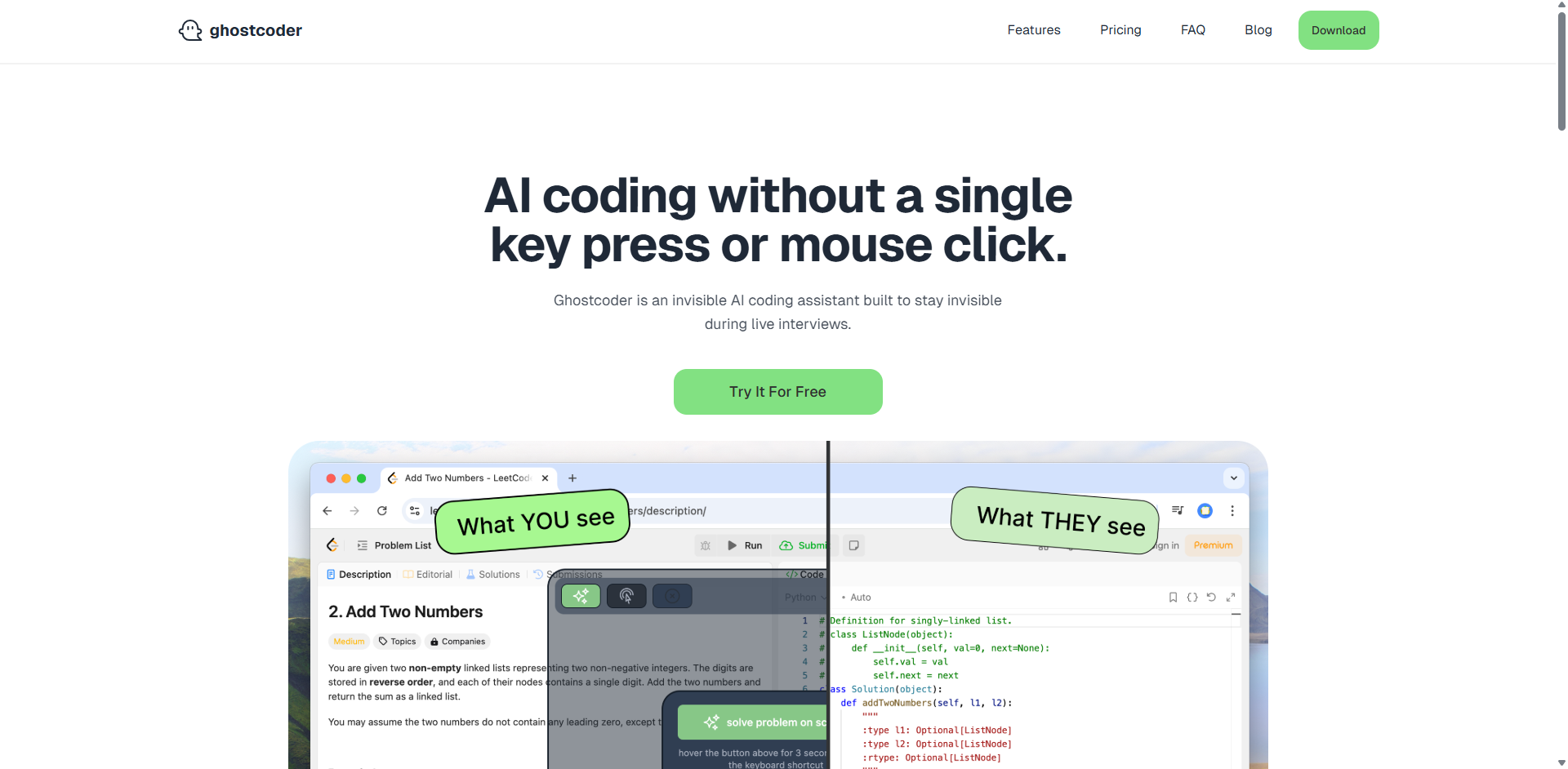
ghostcoder
AI assistance during coding interviews

Ara AI
Proactive, agent-driven product development


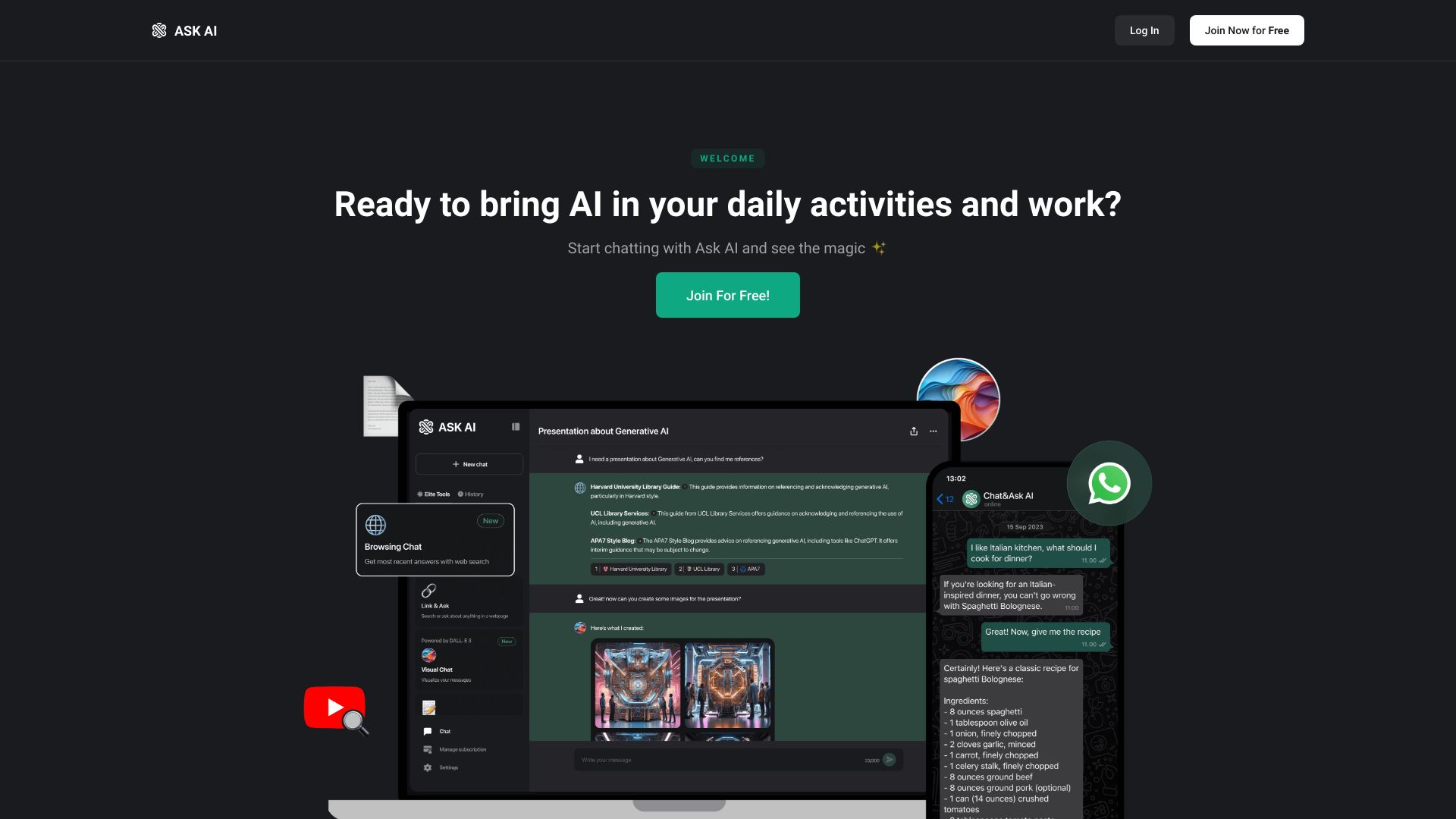
Chat & Ask AI
AI research and document analysis

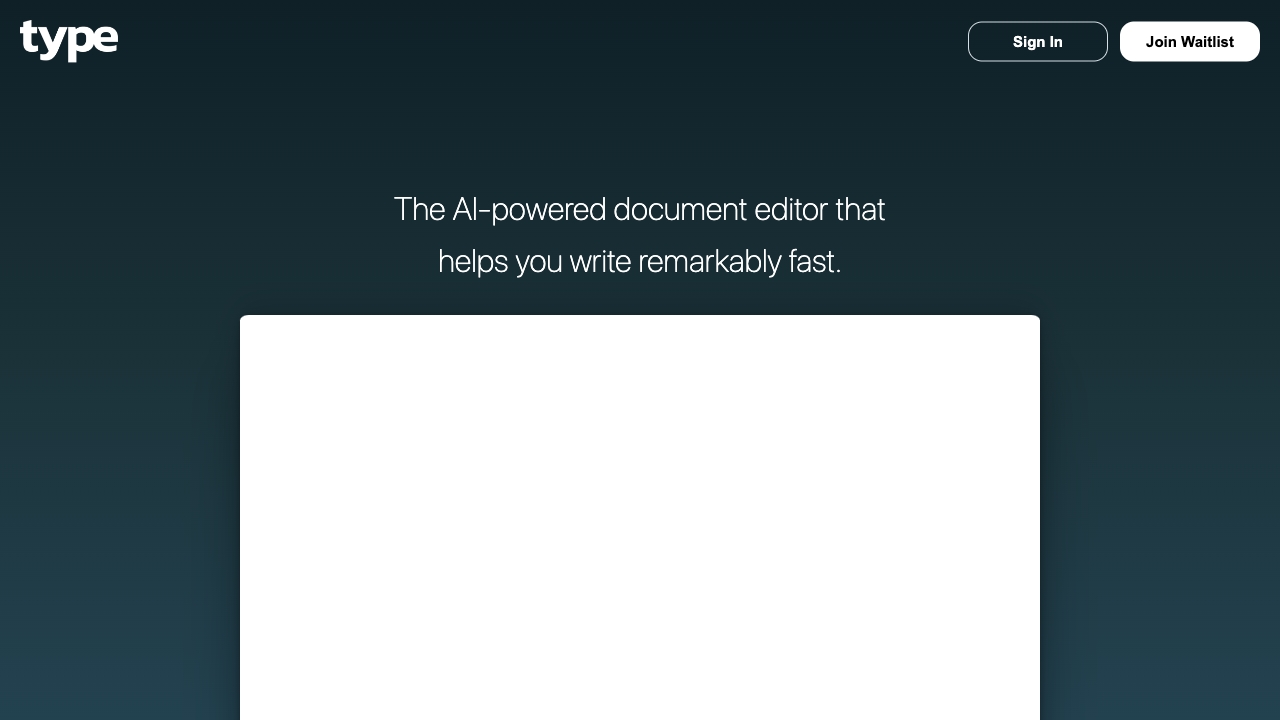
Type.ai
AI-assisted professional writing

Answer.AI
Students needing homework and study help


Asksia
Lecture transcription and study notes


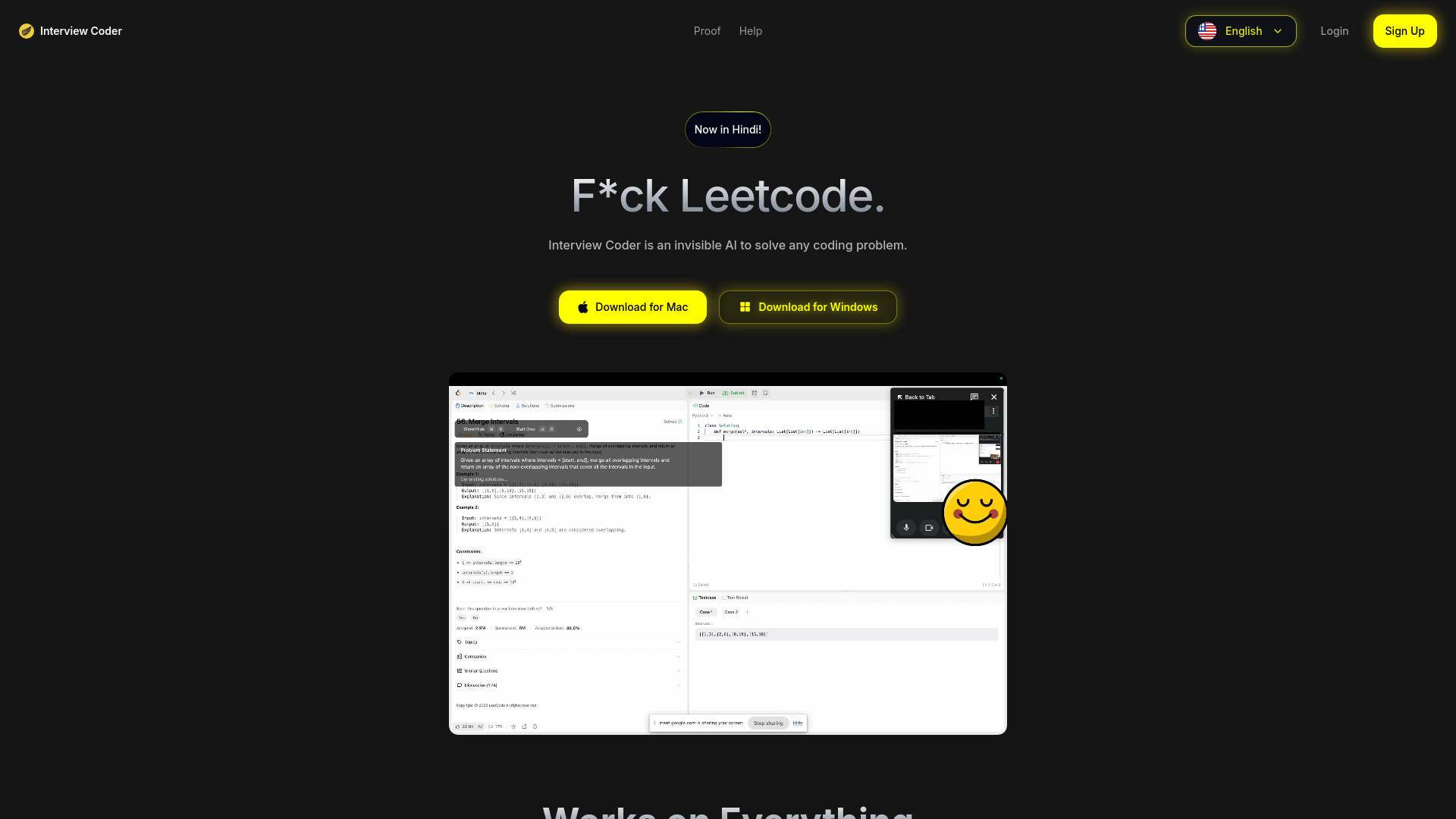
Interview Coder
Real-time LeetCode interview assistance

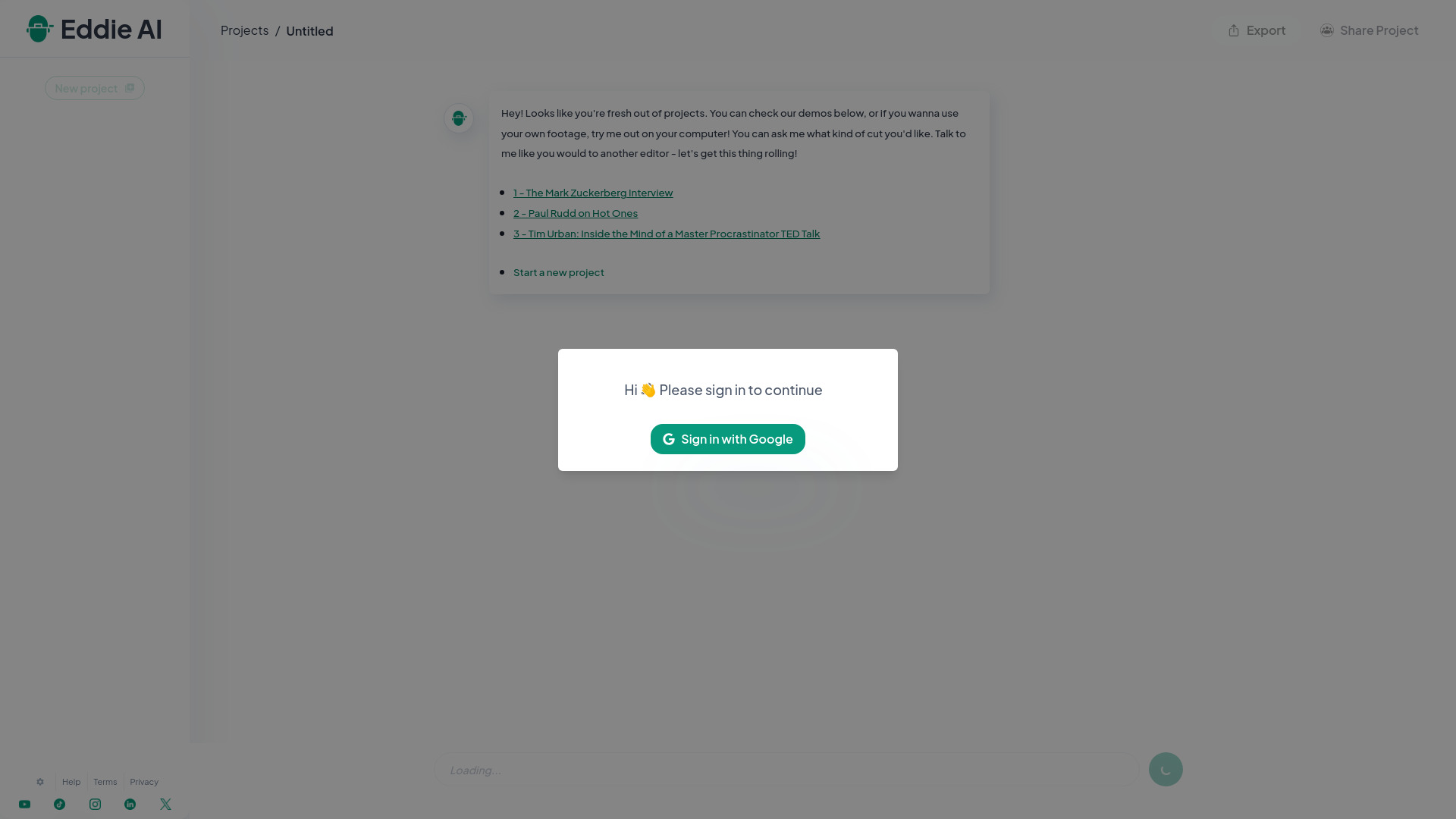
Eddie AI
Editing interview footage into stories

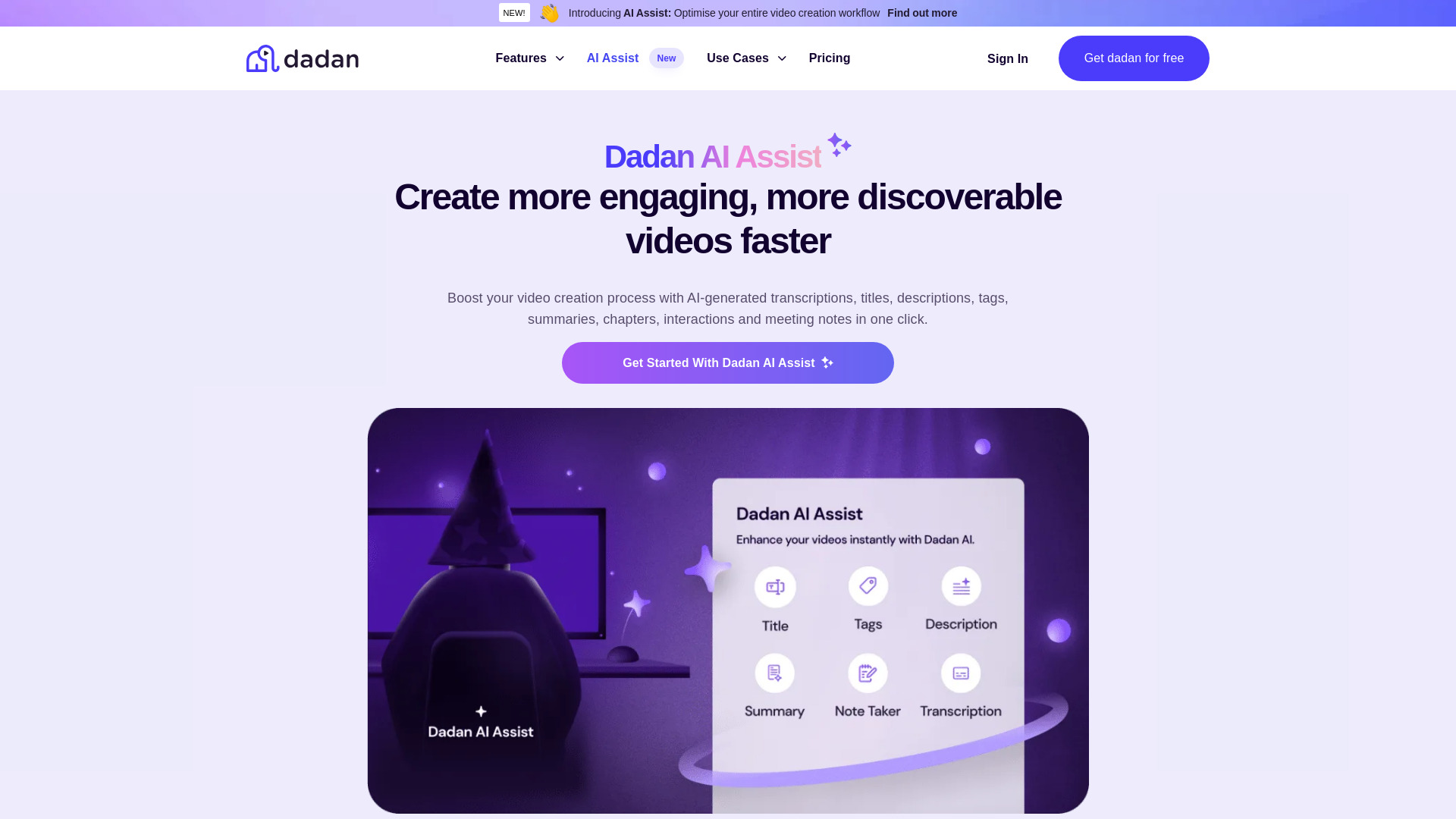
Dadan AI Assist
AI-powered video transcription and optimization

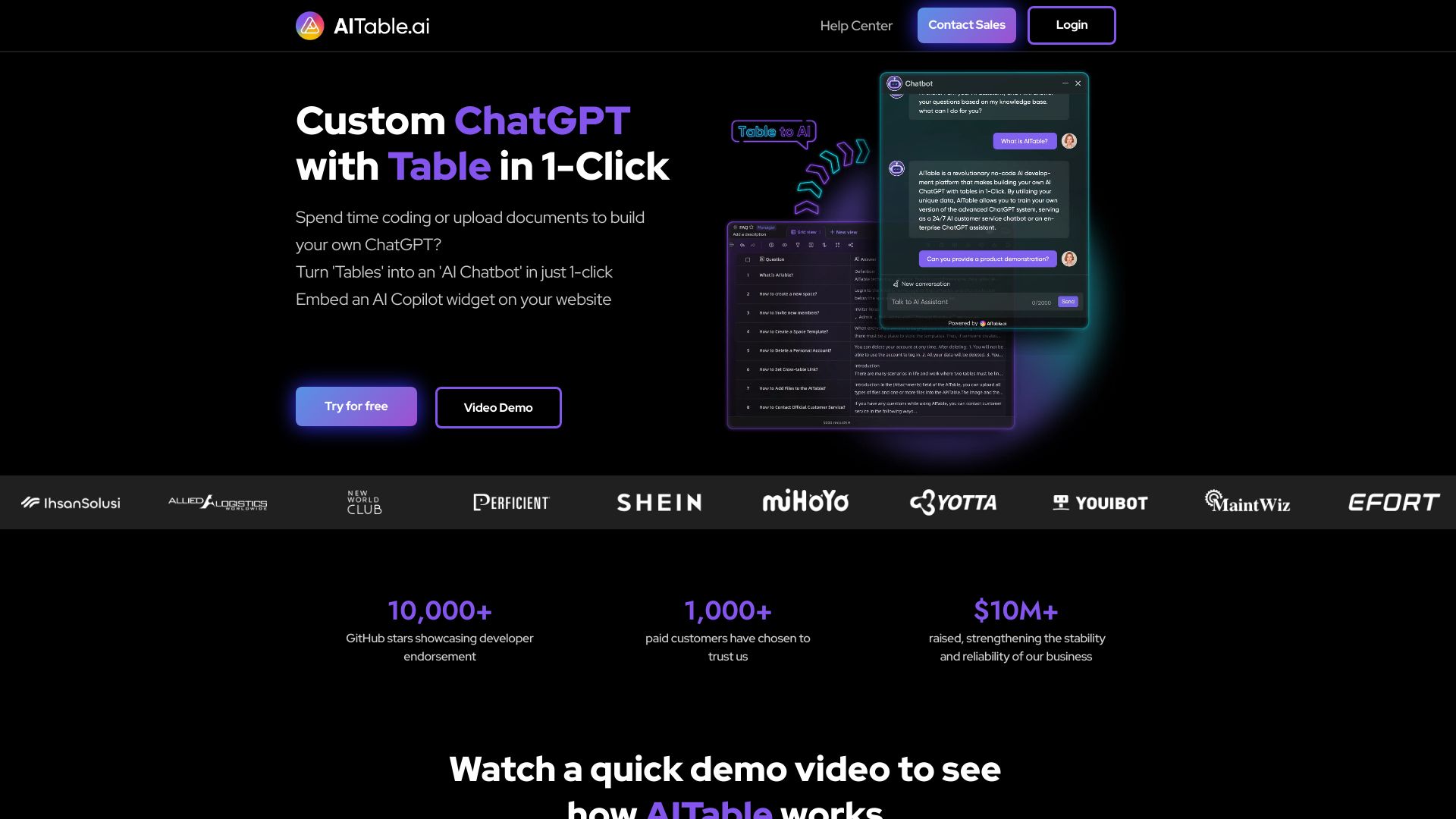
AITable.ai
AI-assisted database workflows
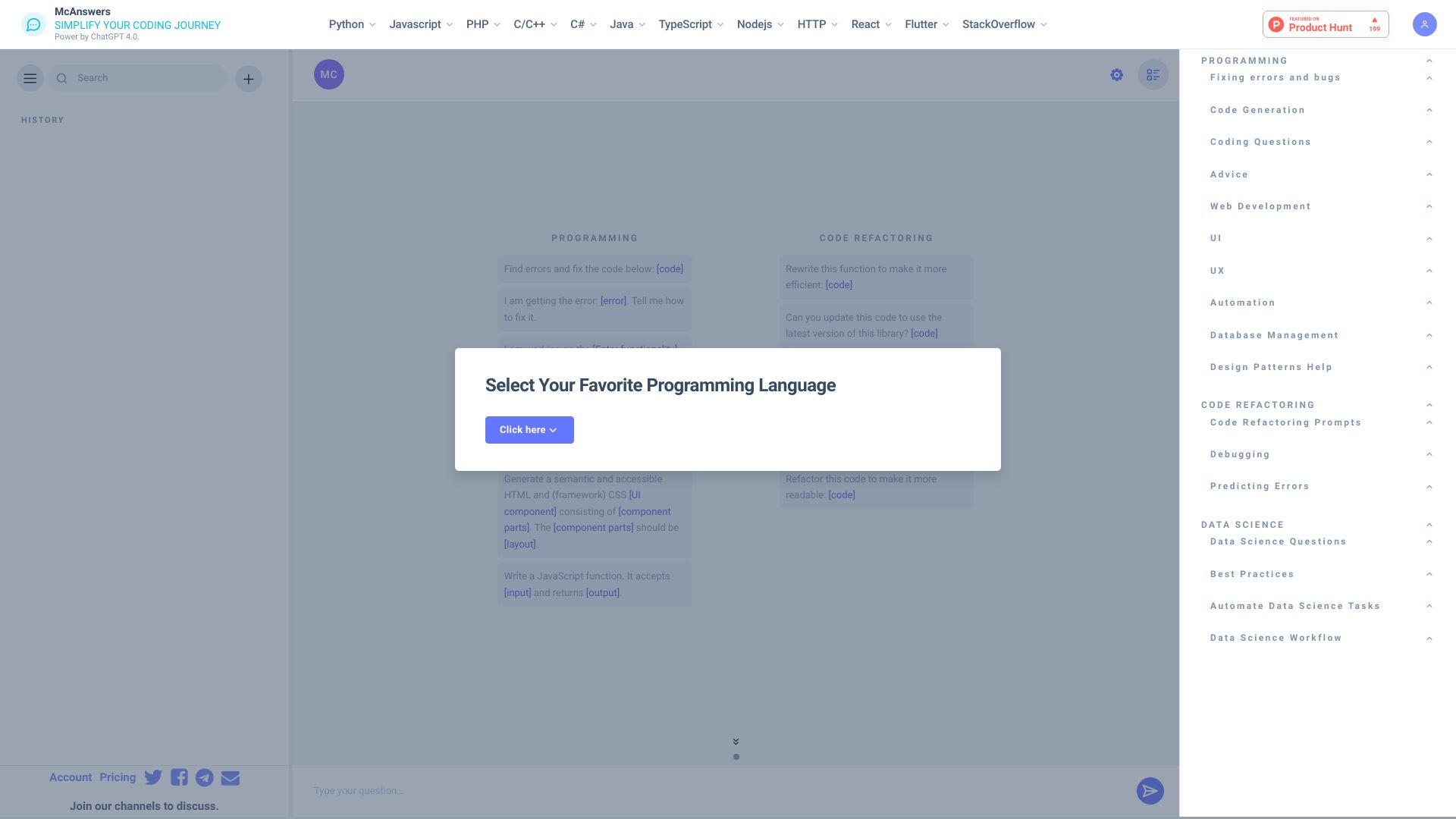
McAnswers
Coding help and debugging prompts

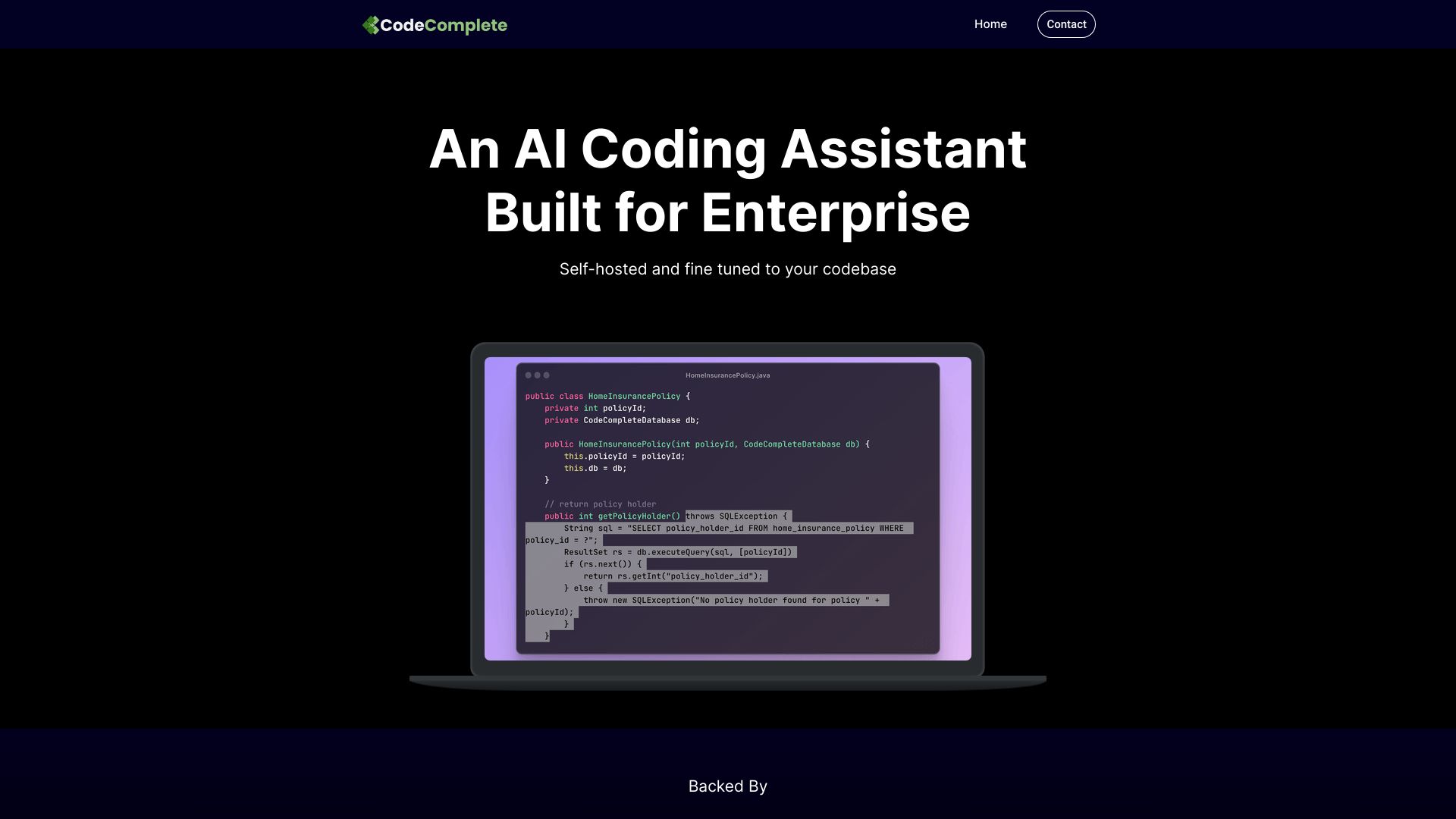
CodeComplete
Enterprise teams needing self-hosted coding AI

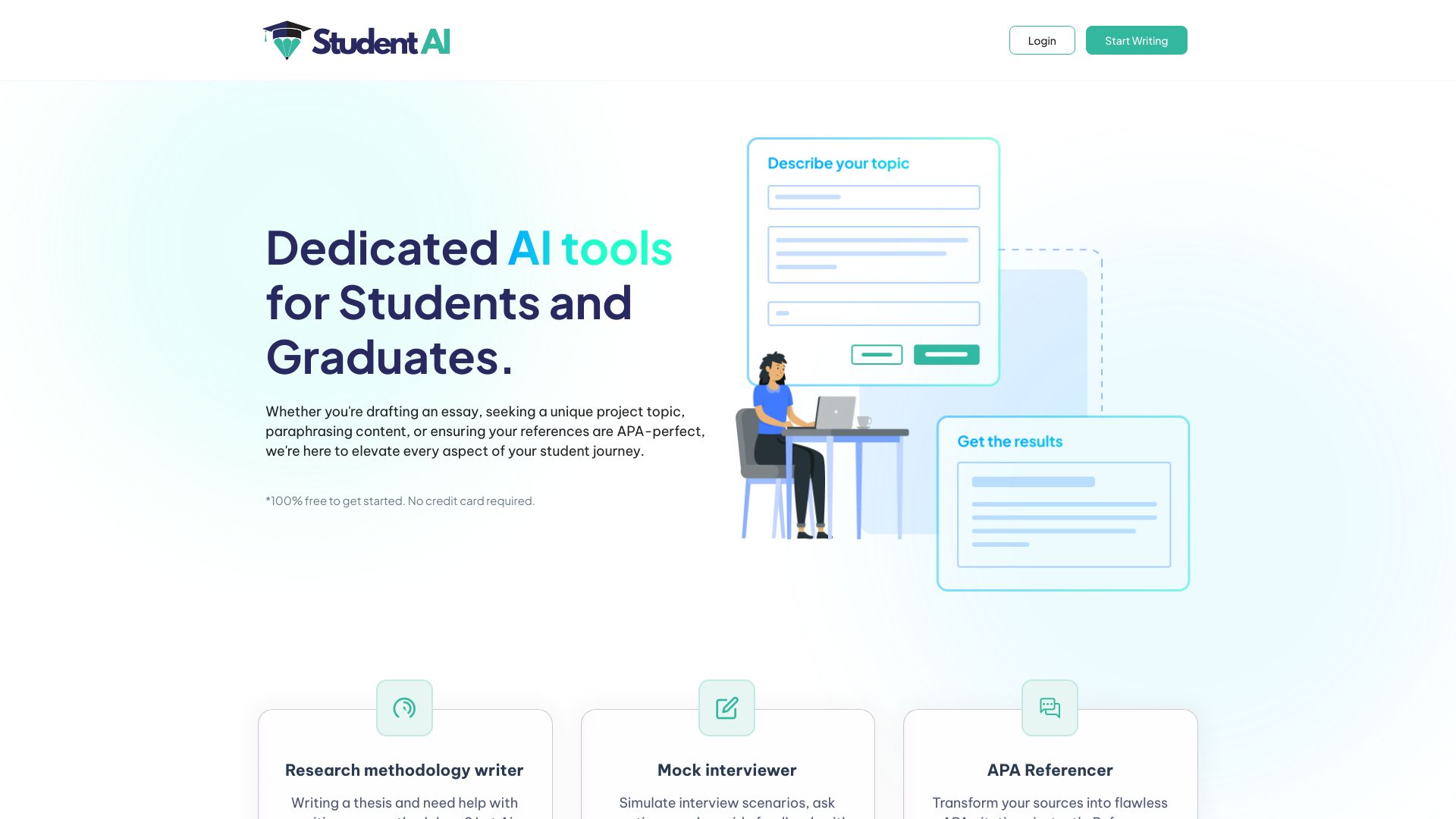
Student AI
Student coding help and debugging

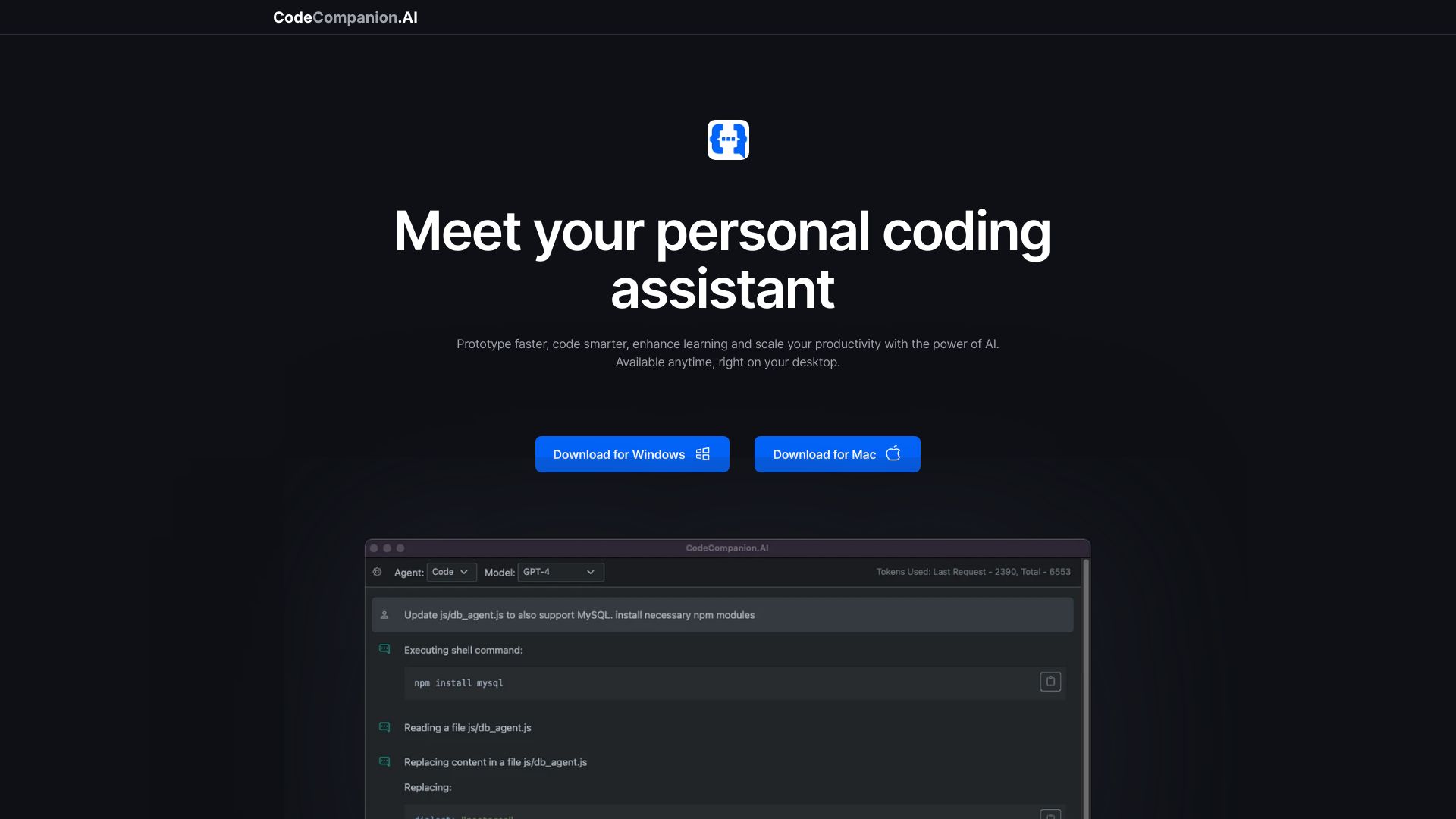
CodeCompanion.AI
Desktop coding with AI-run shell commands

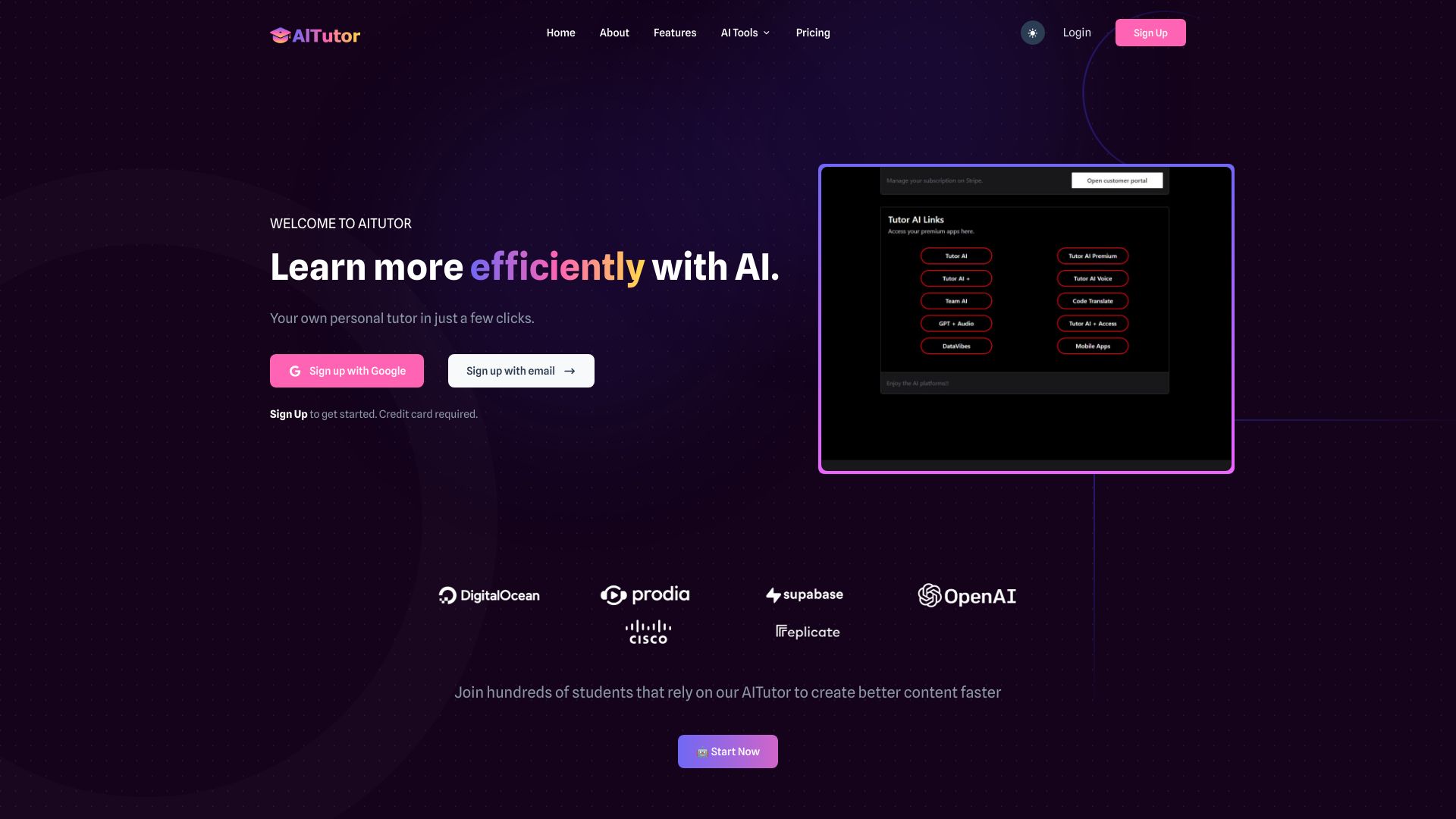
AI Tutor
Coding across multiple AI models

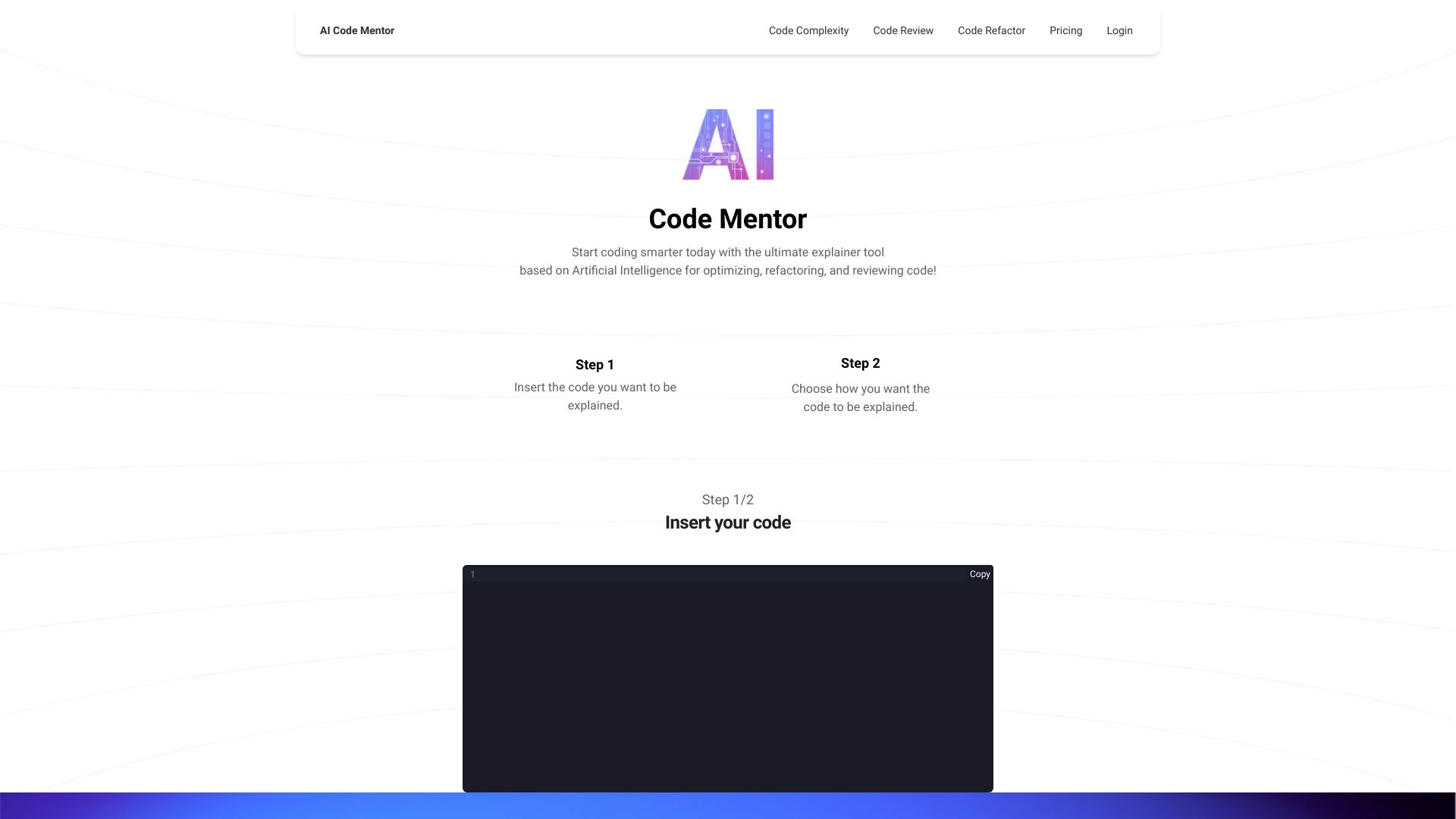
AI Code Mentor
Beginners learning how code works
AIGoCode
AI coding and team quota management

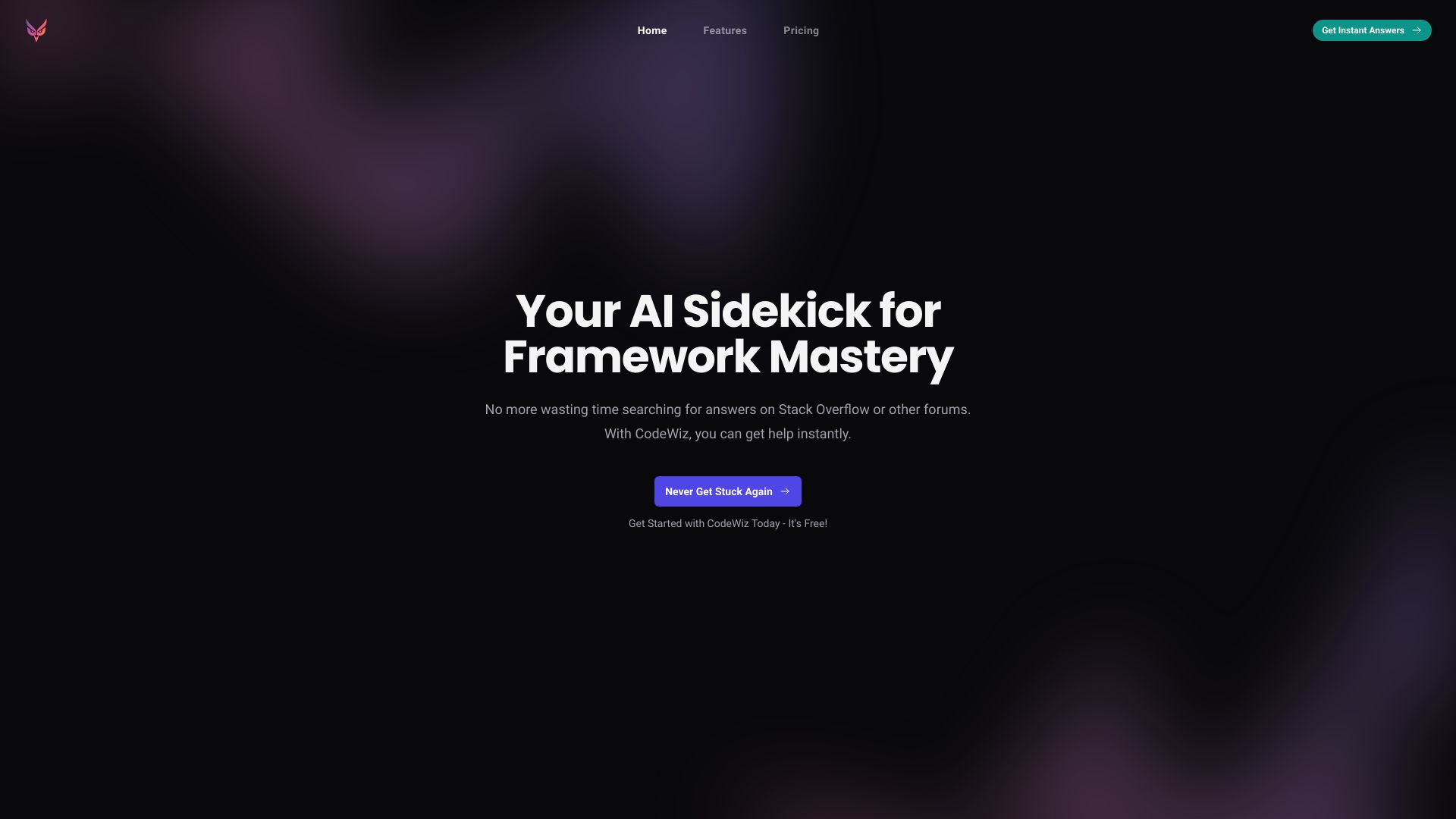
CodeWiz
Quick code explanations

brAIneous
Conversational coding support for web app developers

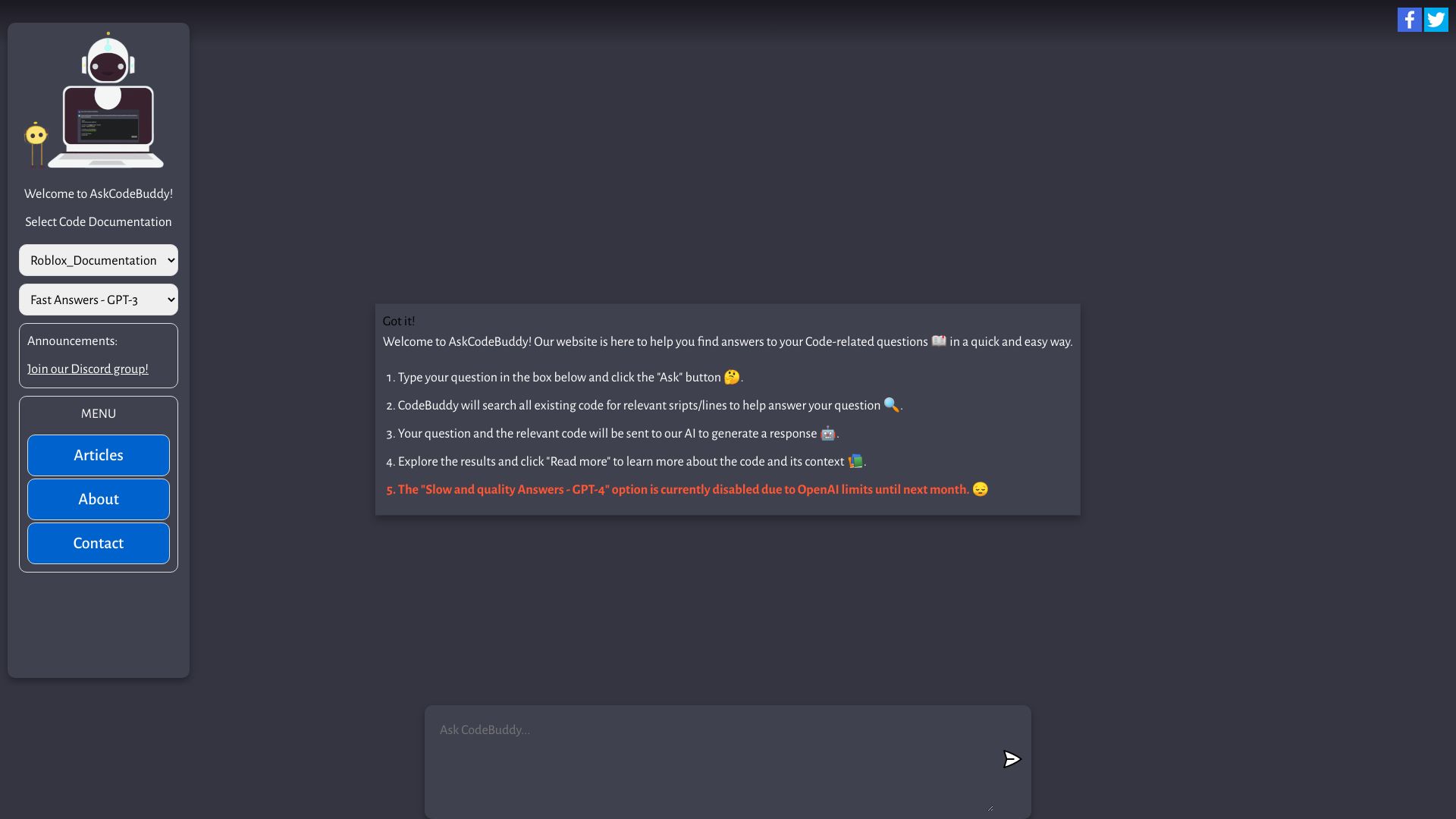
AskCodeBuddy.ai
Conversational code Q&A

Alice - Your Personal AI Assistant App
Desktop AI assistance and workflow automation


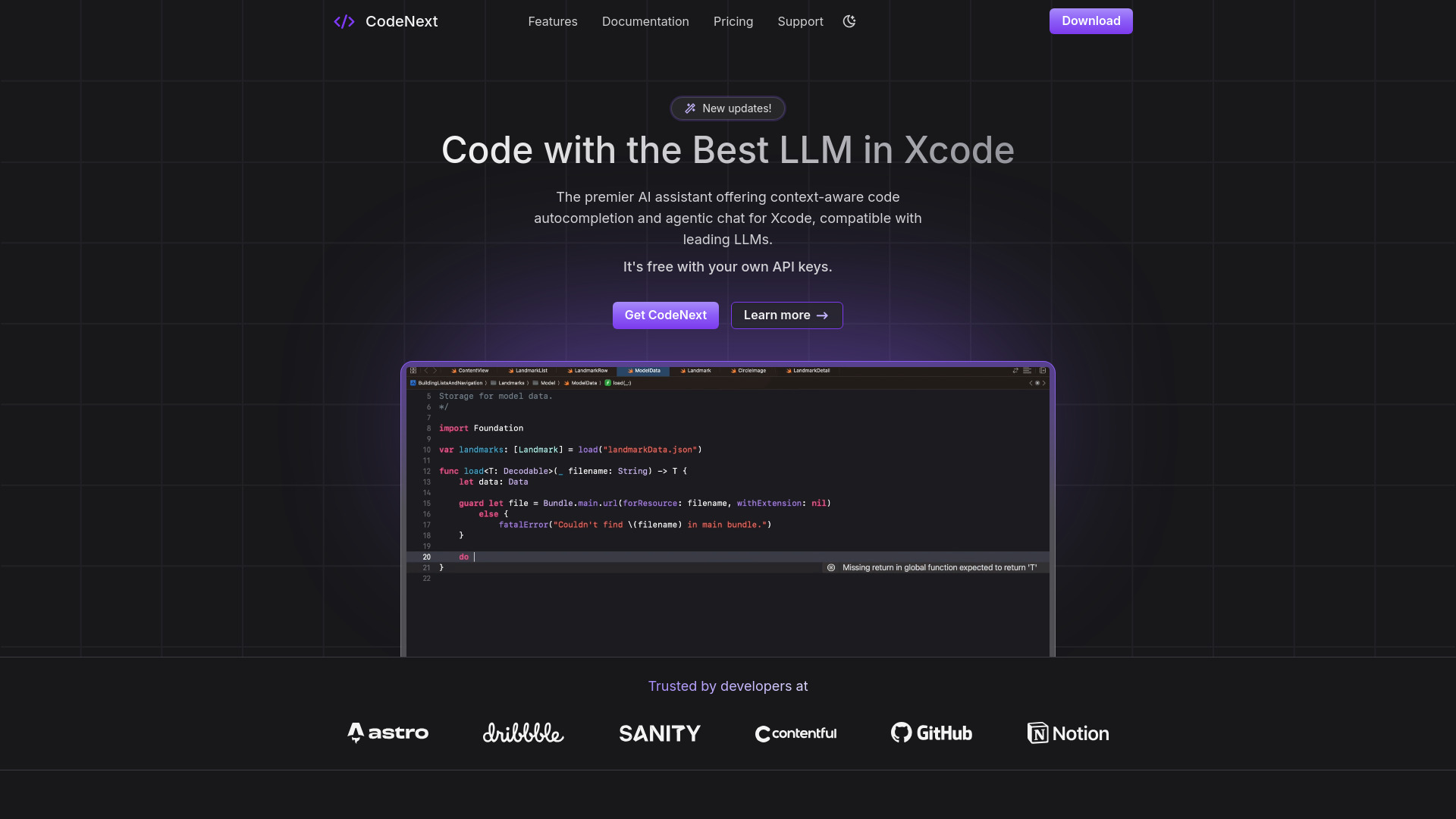
CodeNext.ai
AI coding assistance in Xcode

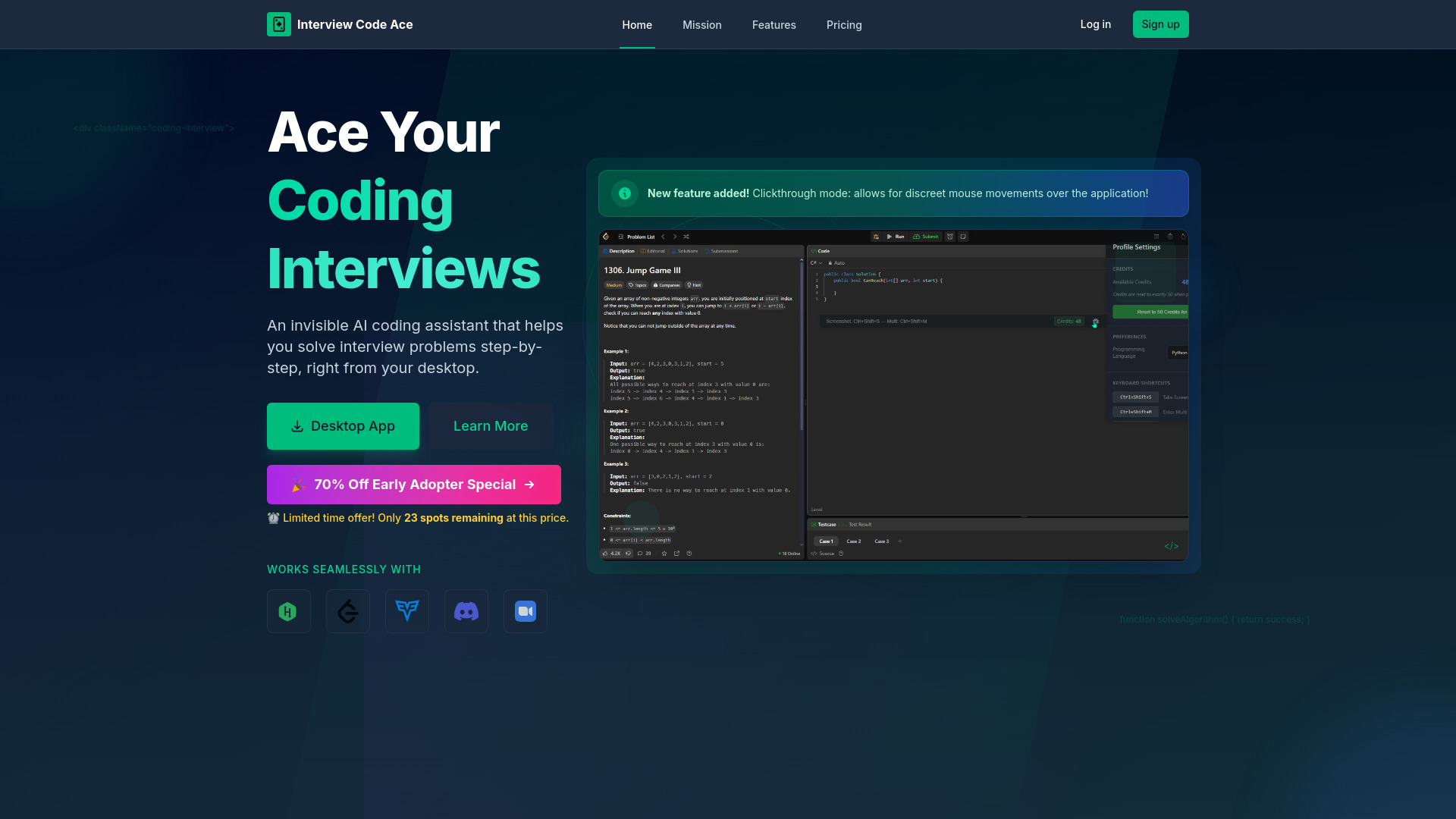
Interview Code Ace
AI help with coding interview problems

Codey AI
Everyday coding assistance


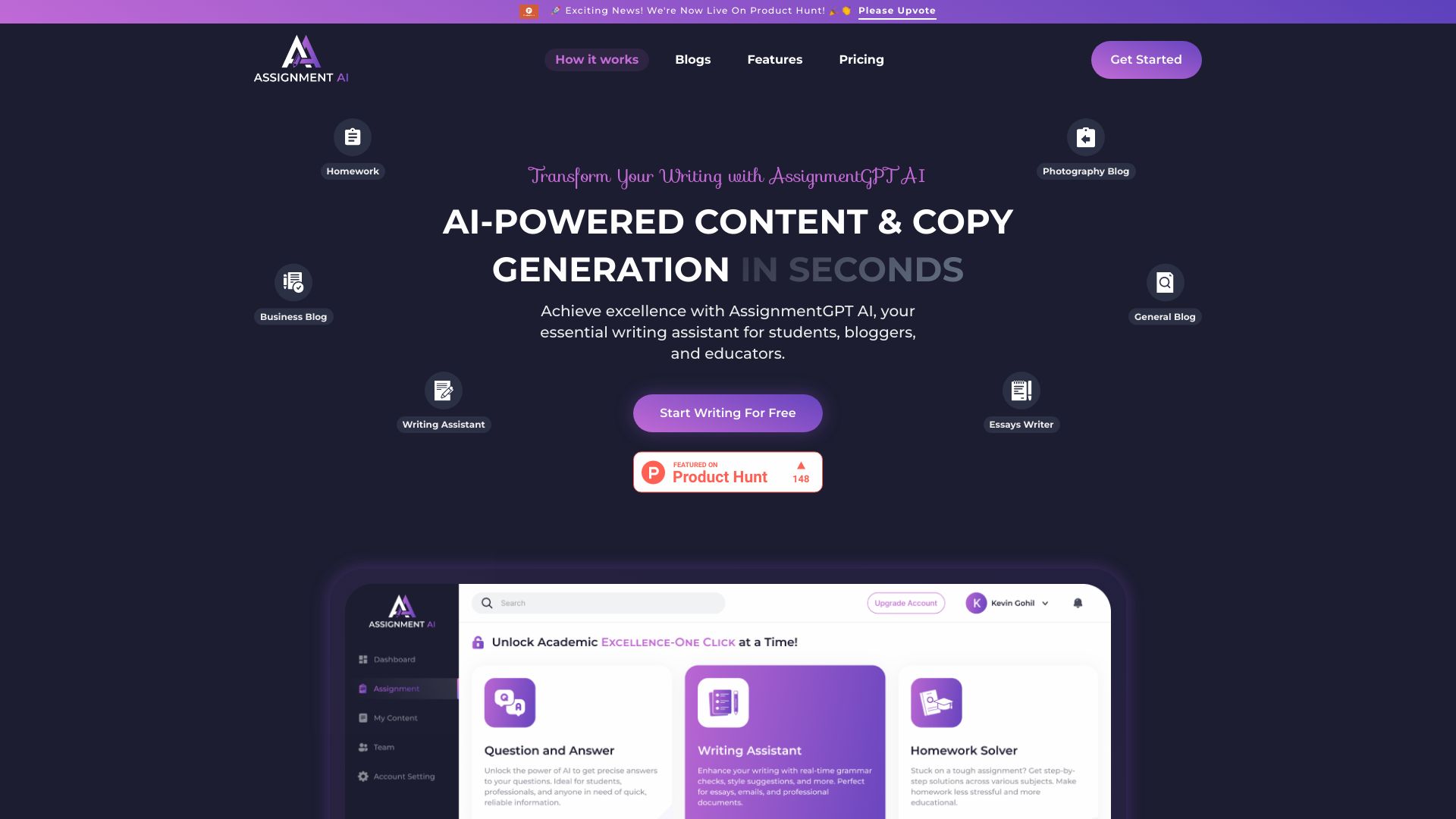
AssignmentGPT AI
Student coding help and code generation

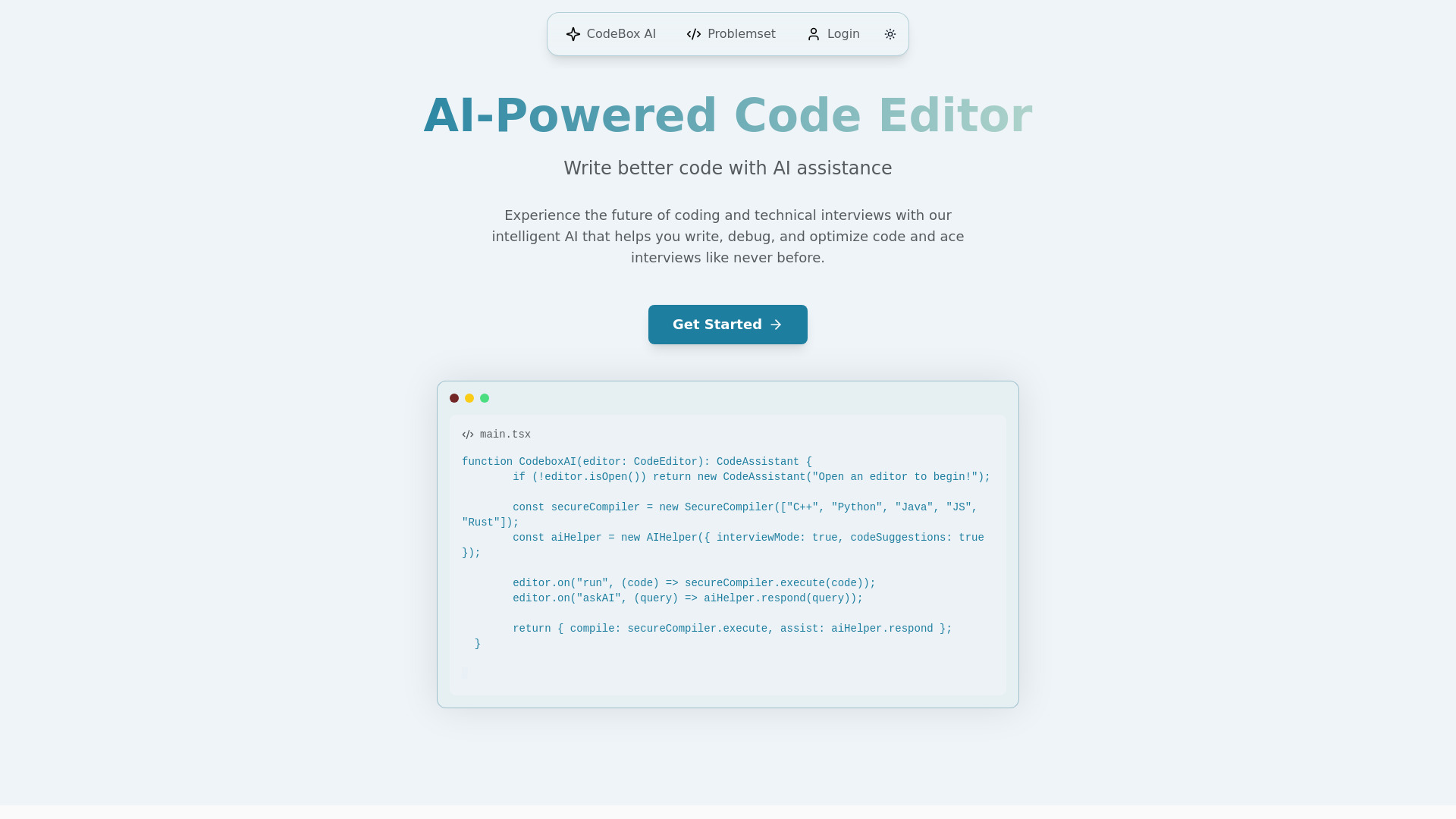
CodeBox AI
Technical interview practice

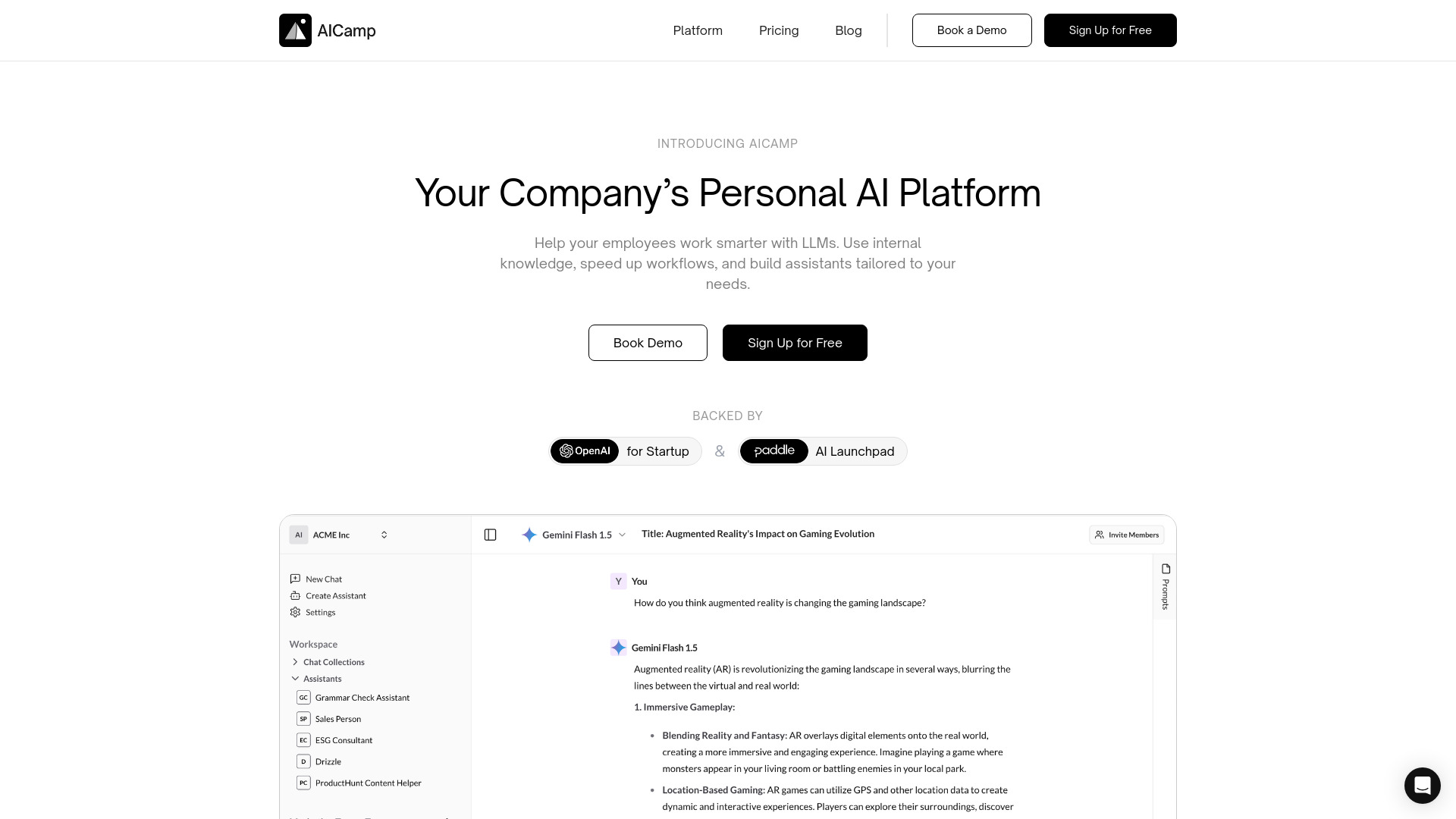
AICamp
Teams collaborating across AI models

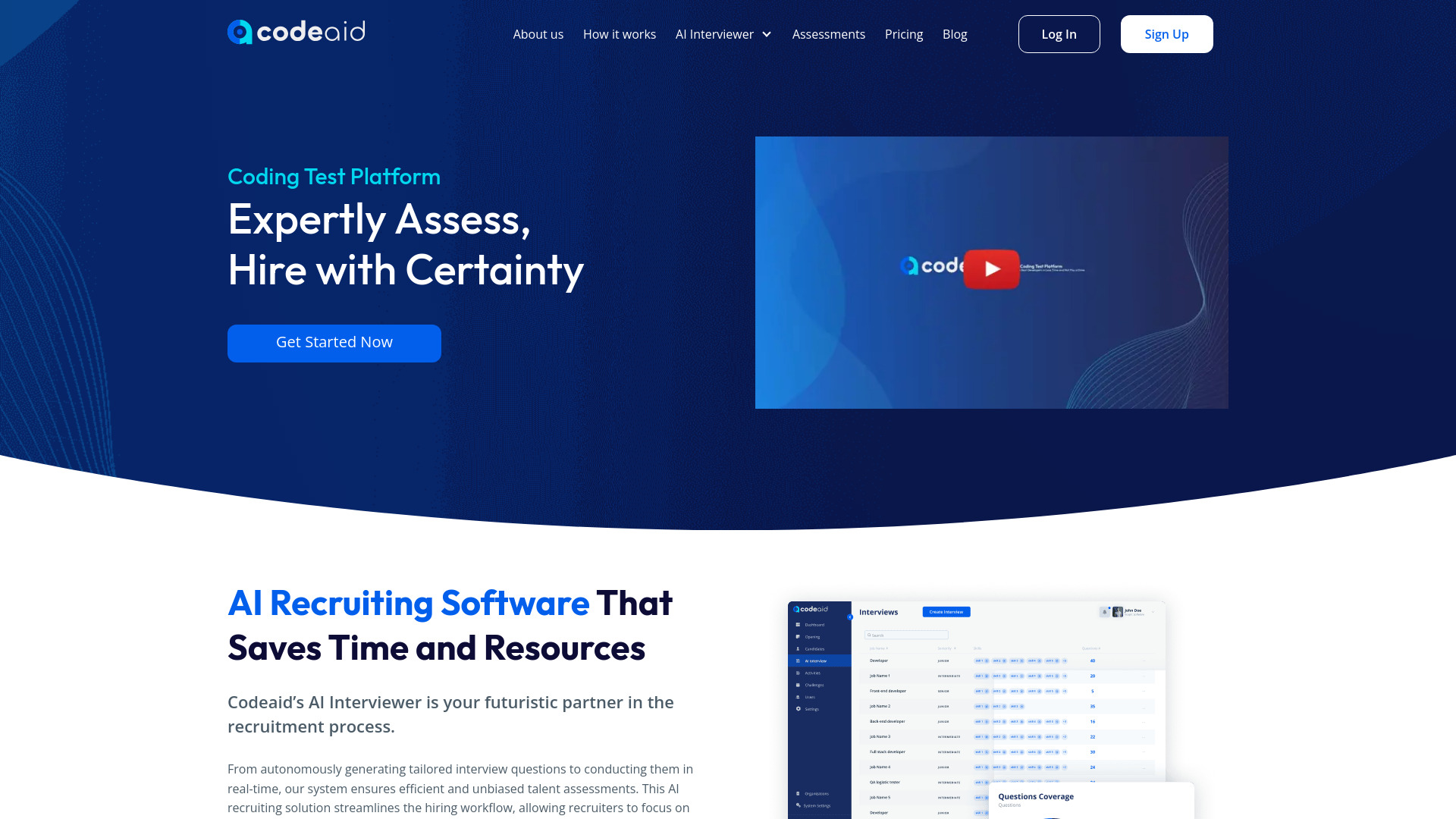
Codeaid
Realistic developer hiring assessments

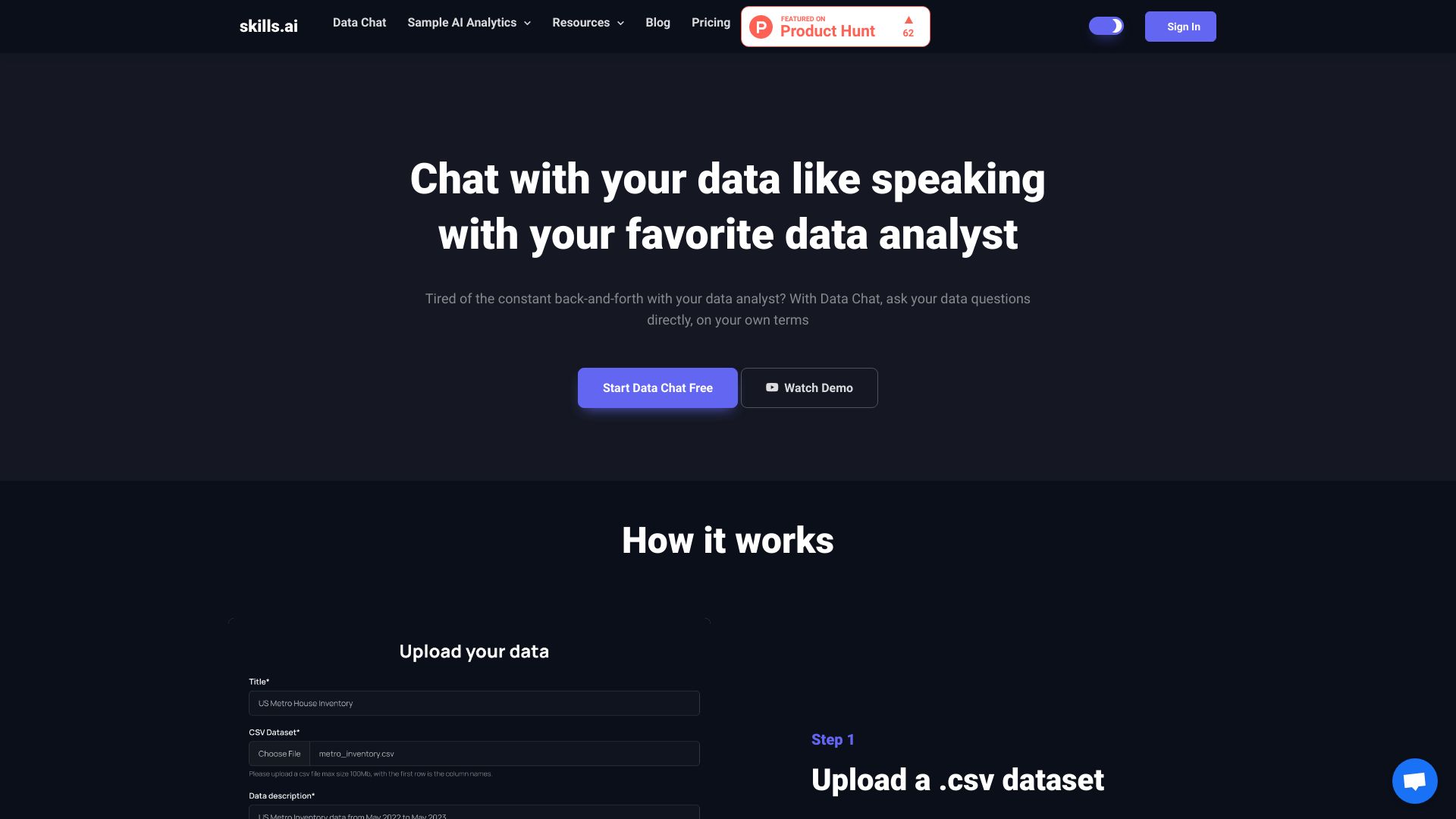
skills.ai
Conversational business data analysis

AiCogni
Voice-based AI help on phones and WearOS

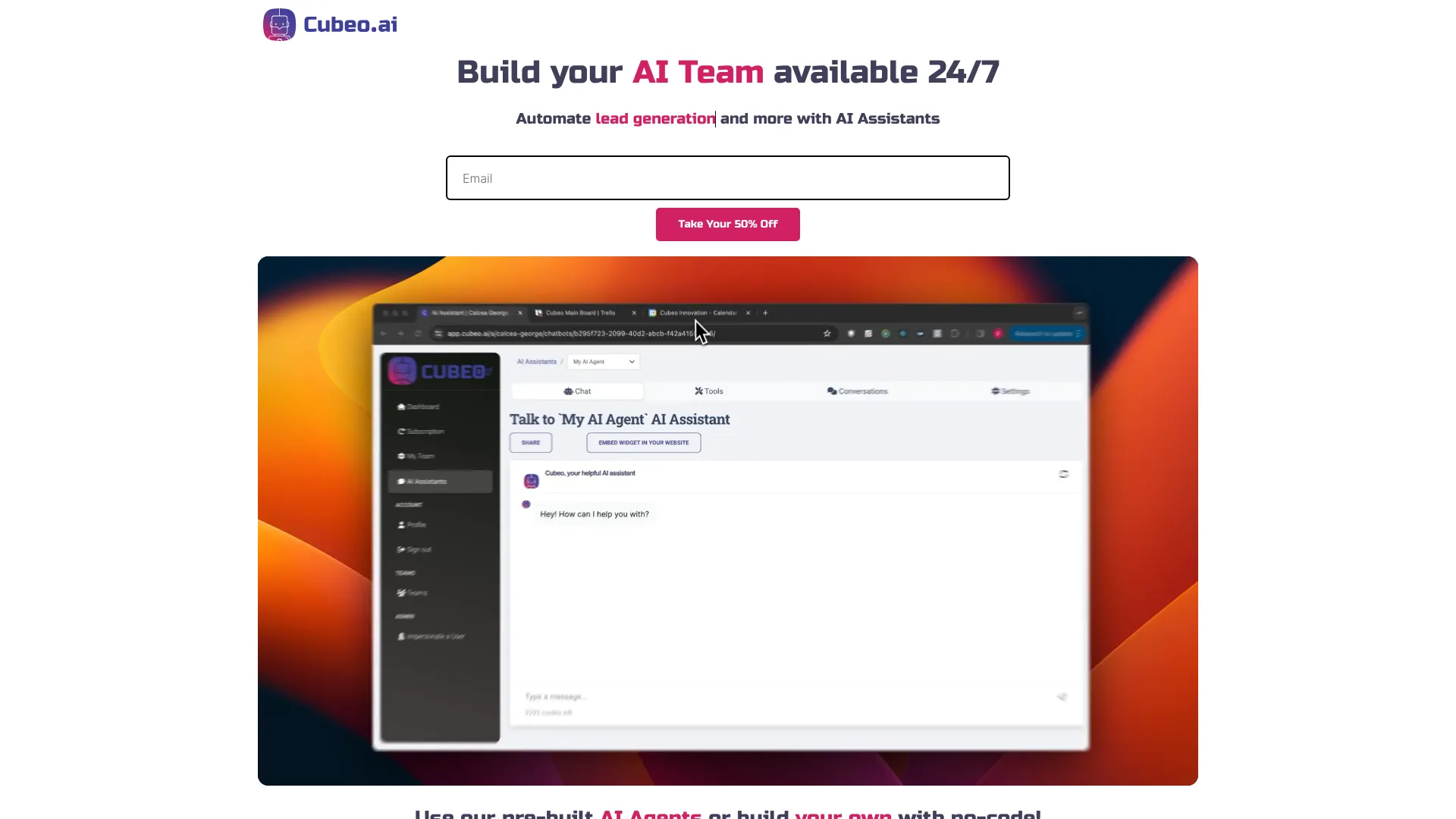
Cubeo AI
No-code AI teams for business workflow automation

Programming Helper
Generating code and everyday programming utilities


AI Coffee Club
Developers seeking an all-in-one AI code copilot


Ace Interview
Real-time AI interview assistance


Hints: CRM AI Assistant
Updating CRM records by voice or text


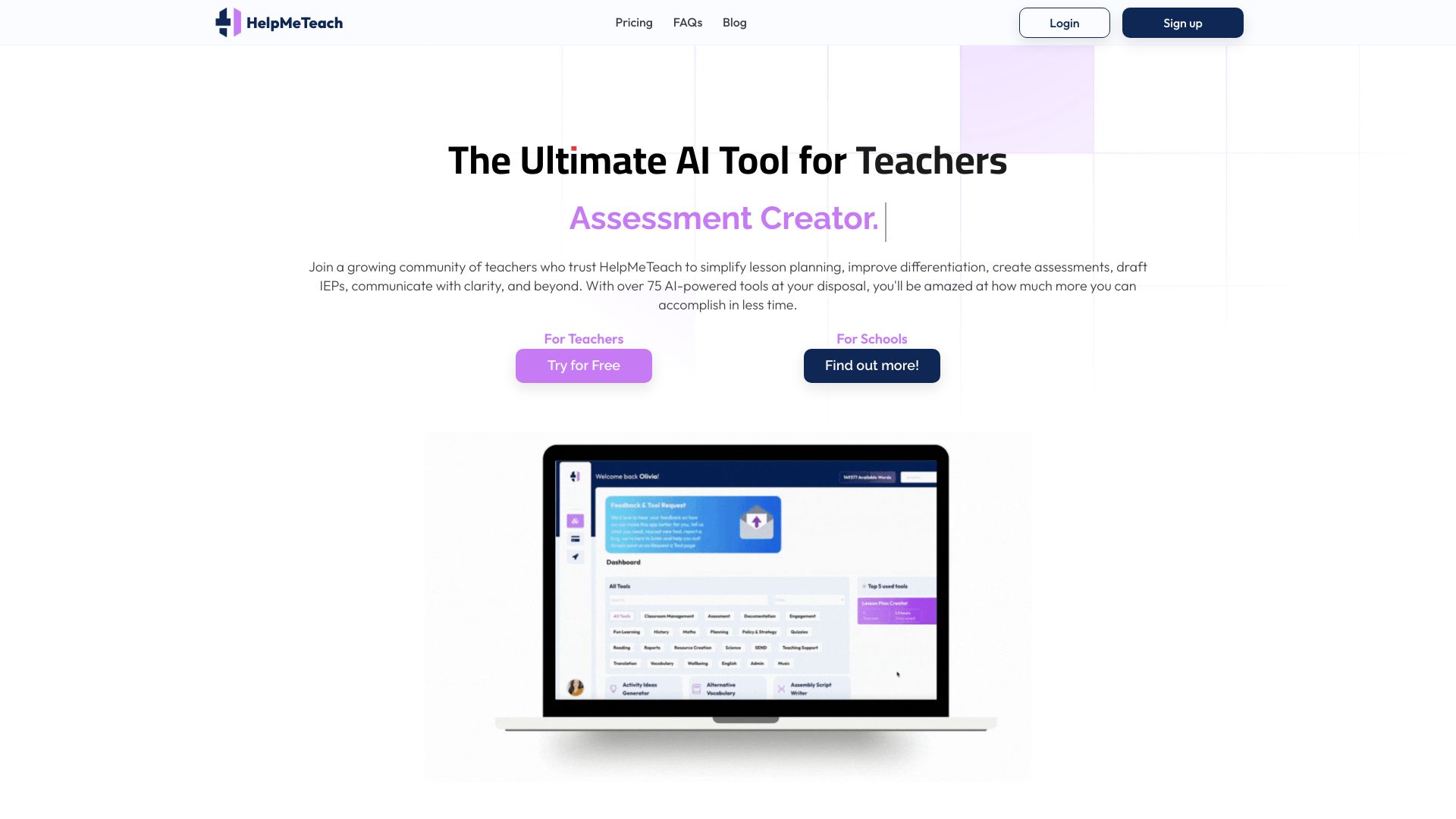
HelpMeTeach
AI-powered lesson planning and teaching resources

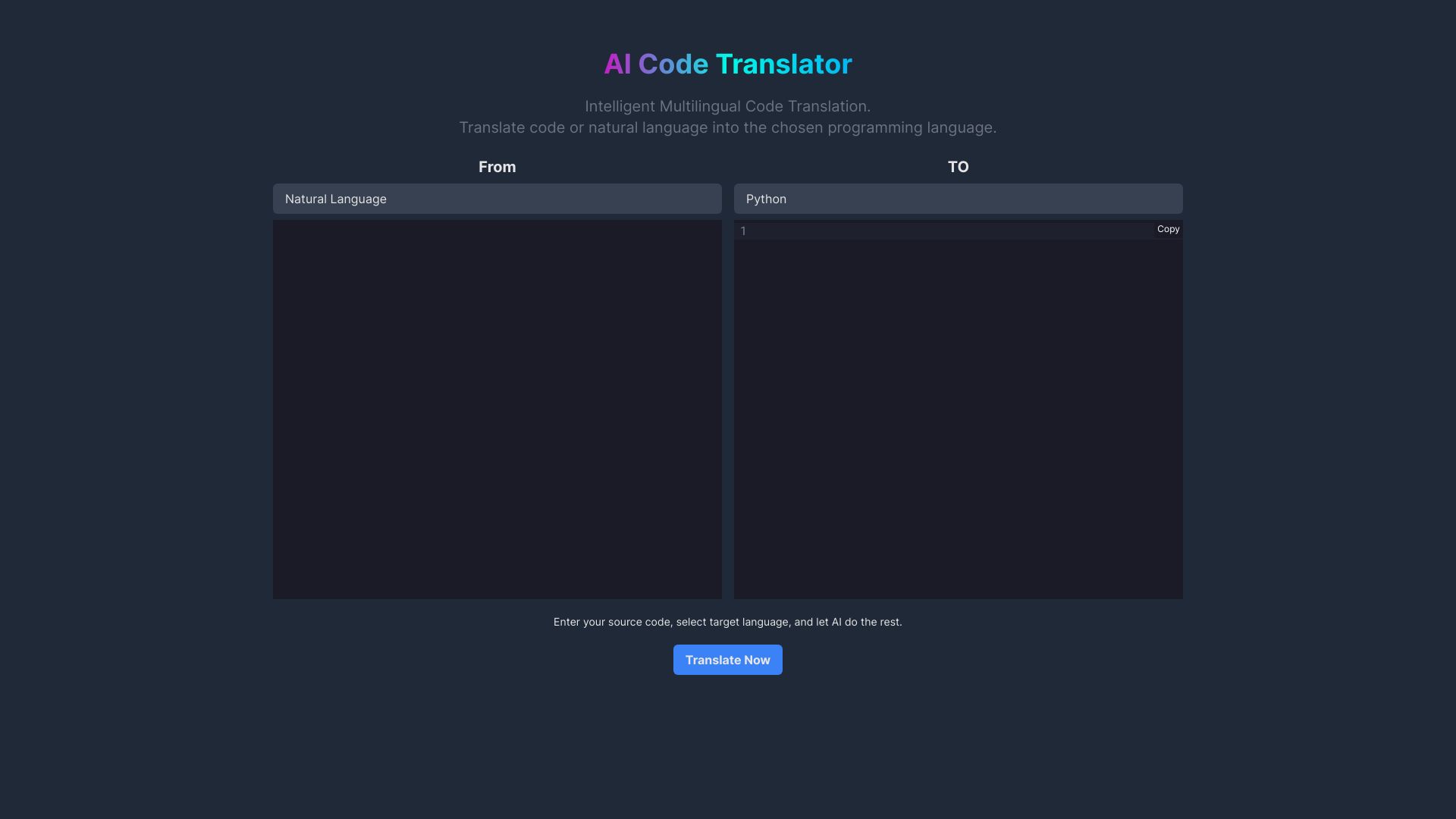
AI Code Translator
Translating code between programming languages

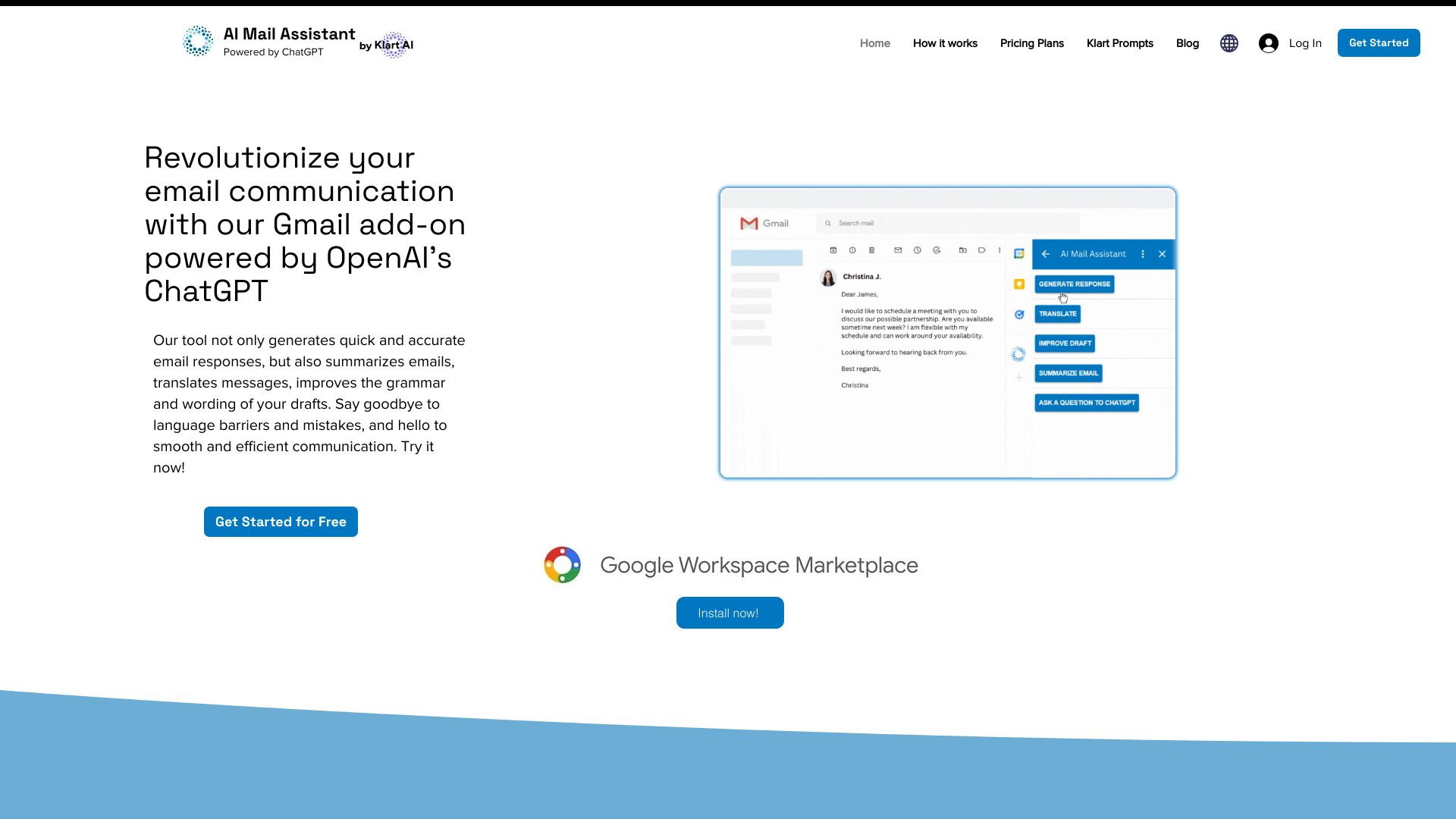
AI Mail Assistant
Gmail email productivity

Voqal
Voice-driven coding in IntelliJ

AI Application Assistant
AI-assisted resumes and cover letters for job seekers


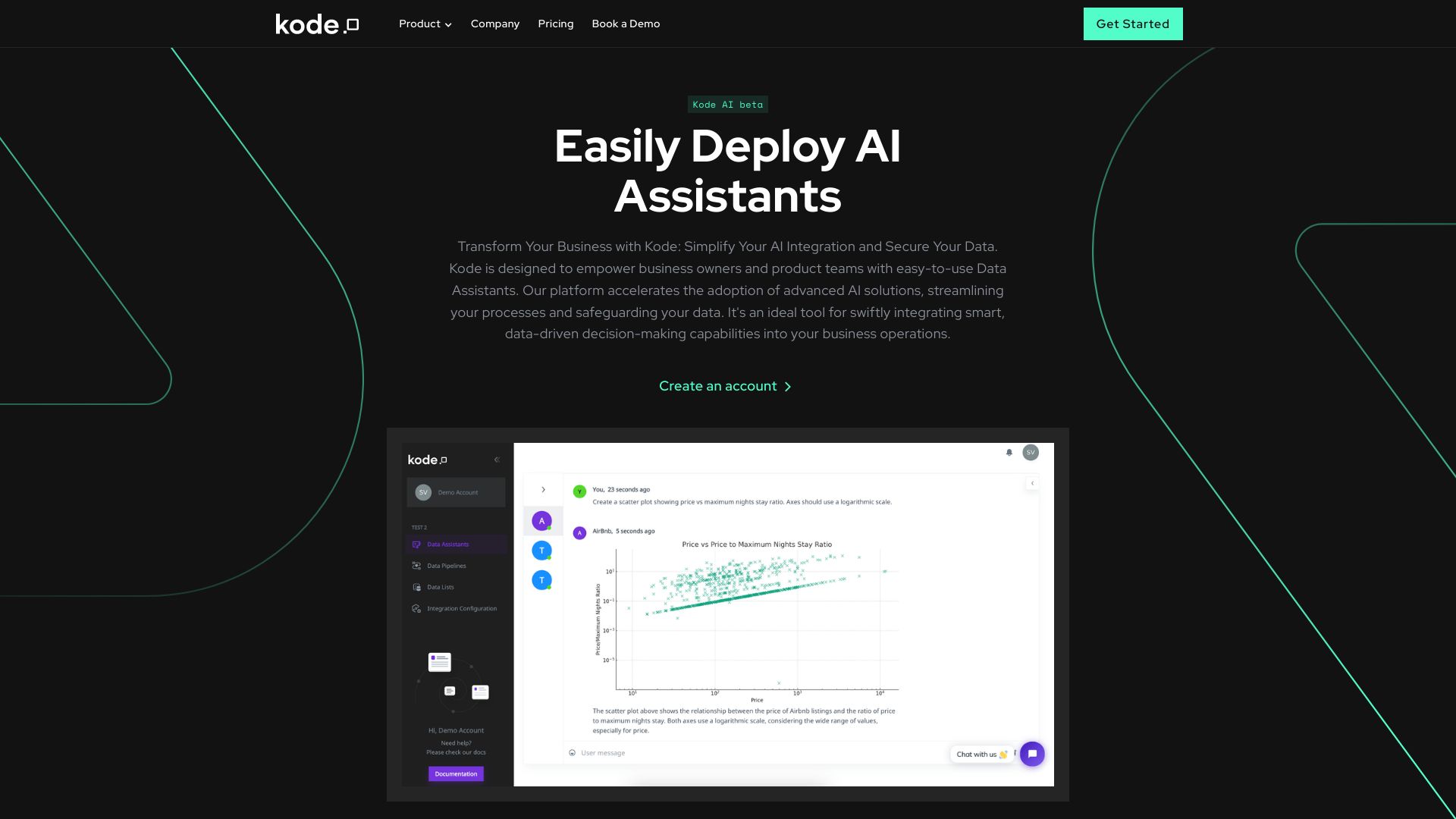
Kode AI
Agentic workflow automation for business teams

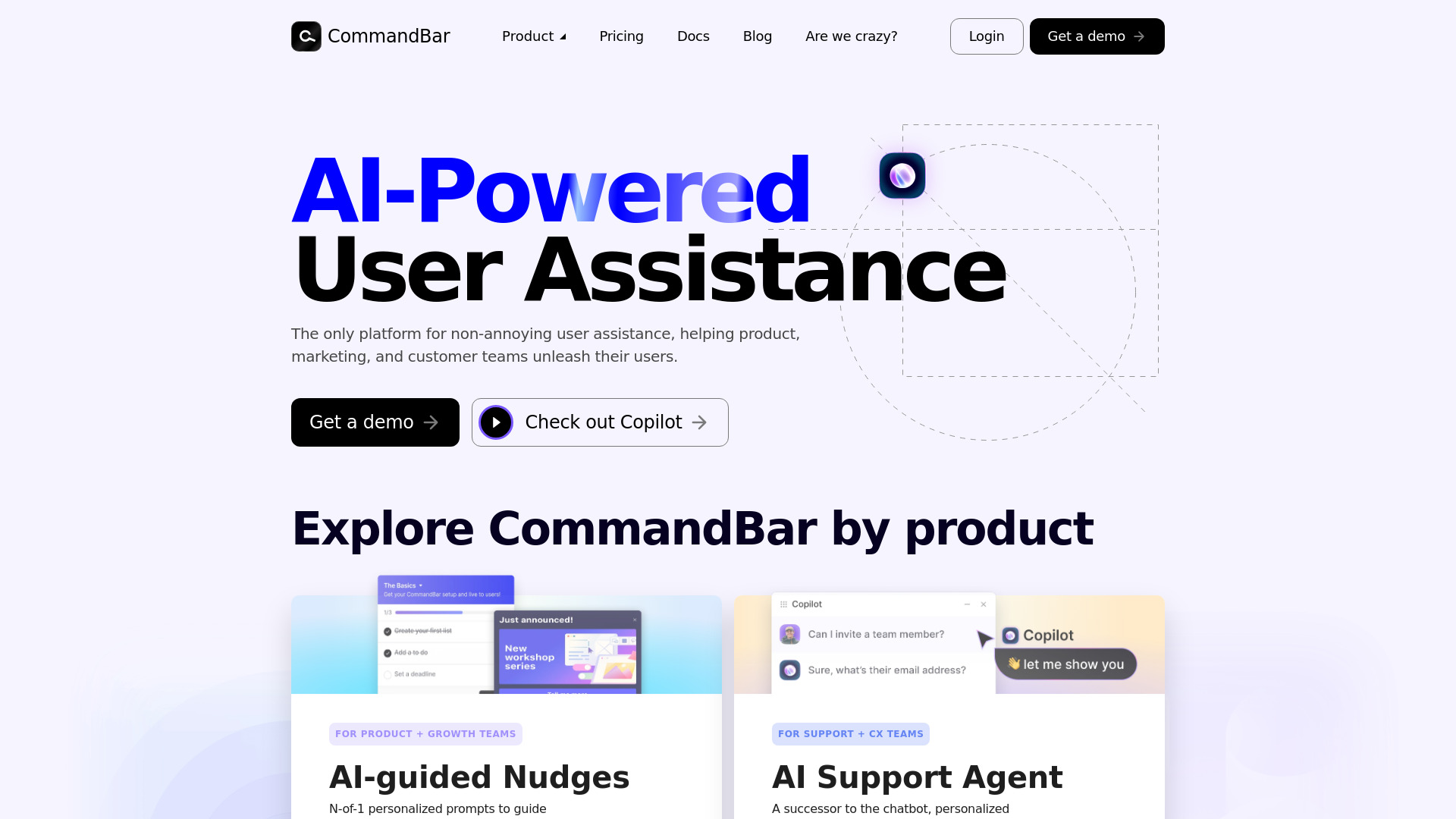
Command AI
In-app user guidance and AI support

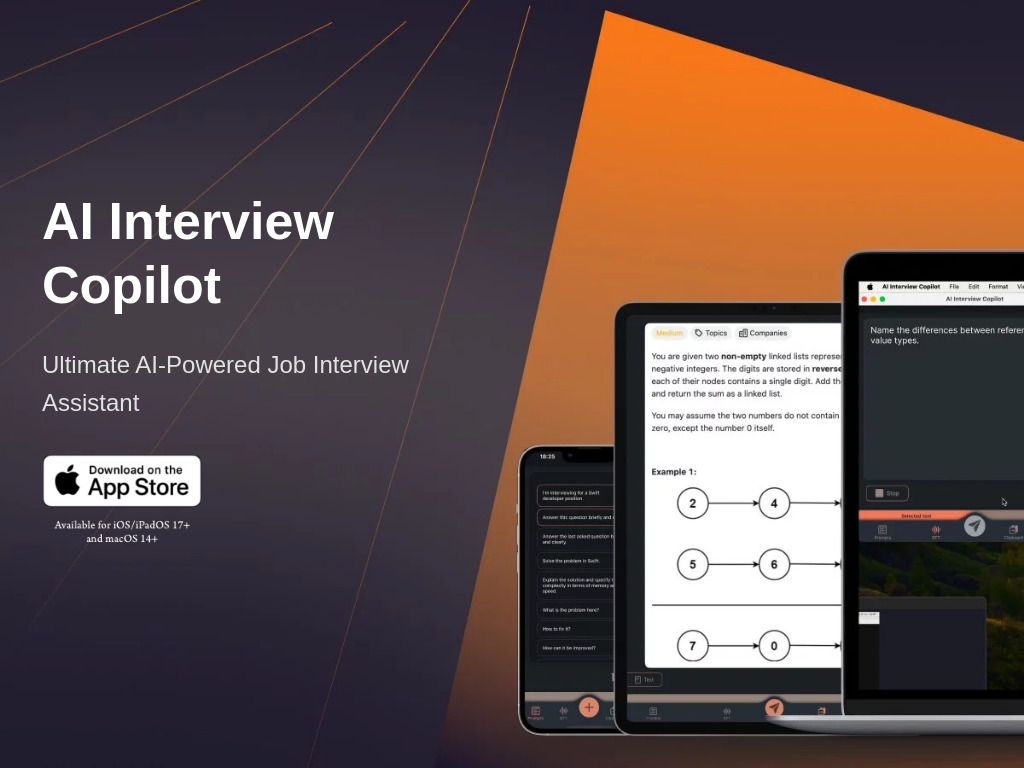
AI Interview Copilot
Real-time coding interview assistance
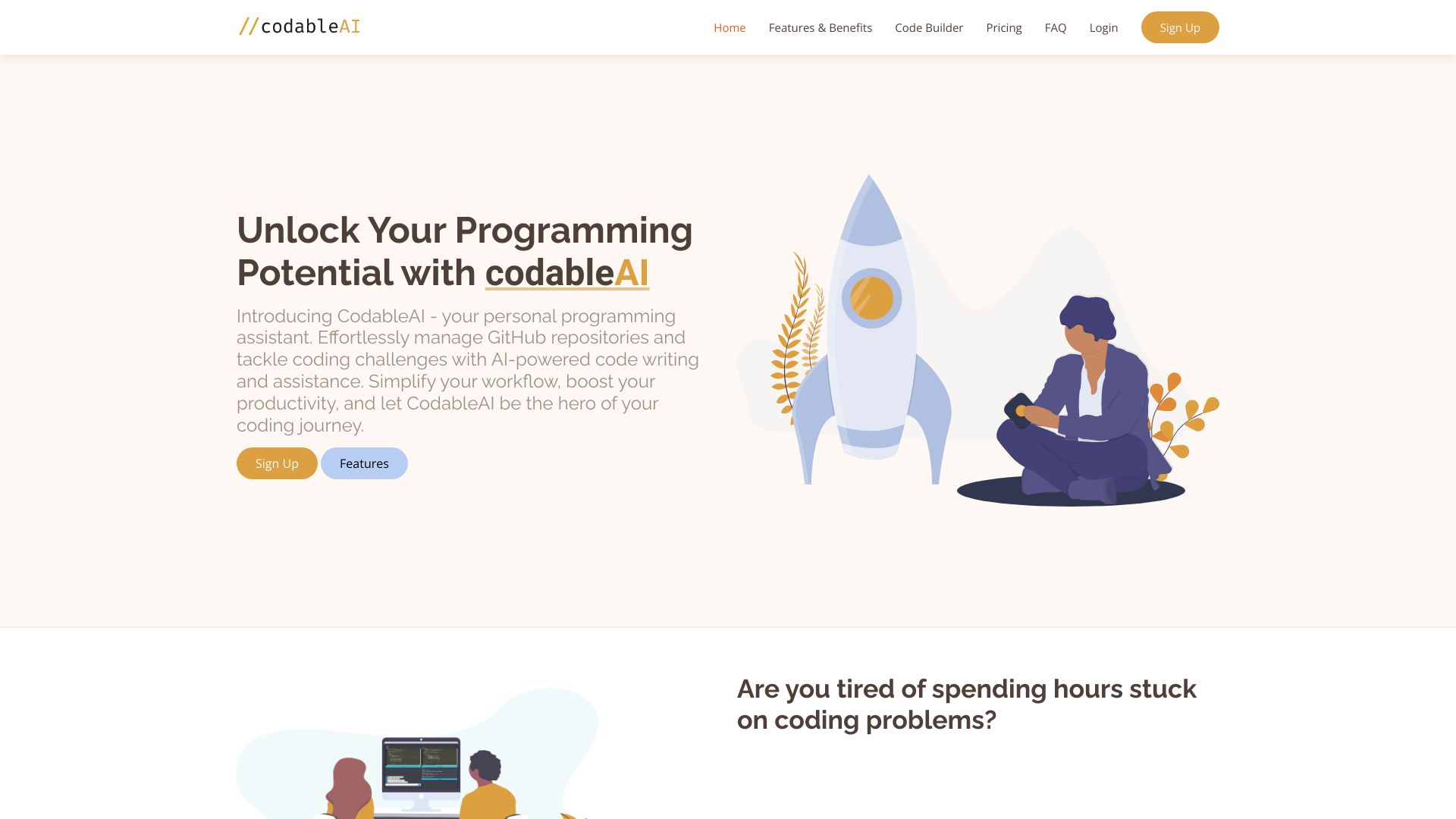
CodableAI
AI-assisted coding and debugging

Language Coach AI
Workplace English speaking practice


AI OFFICE BOT
AI formulas in spreadsheets


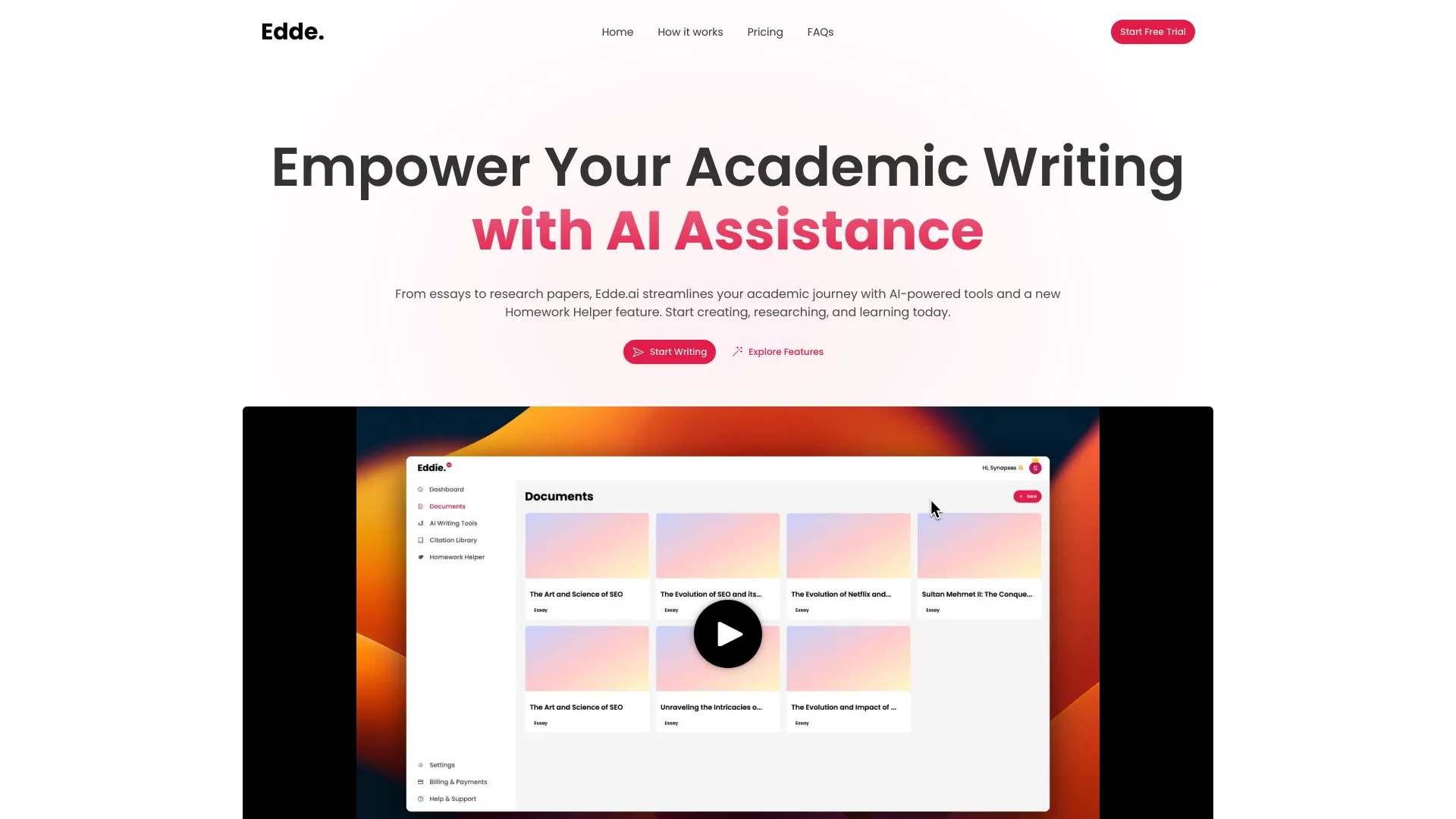
Edde AI
Academic writing and research assistance
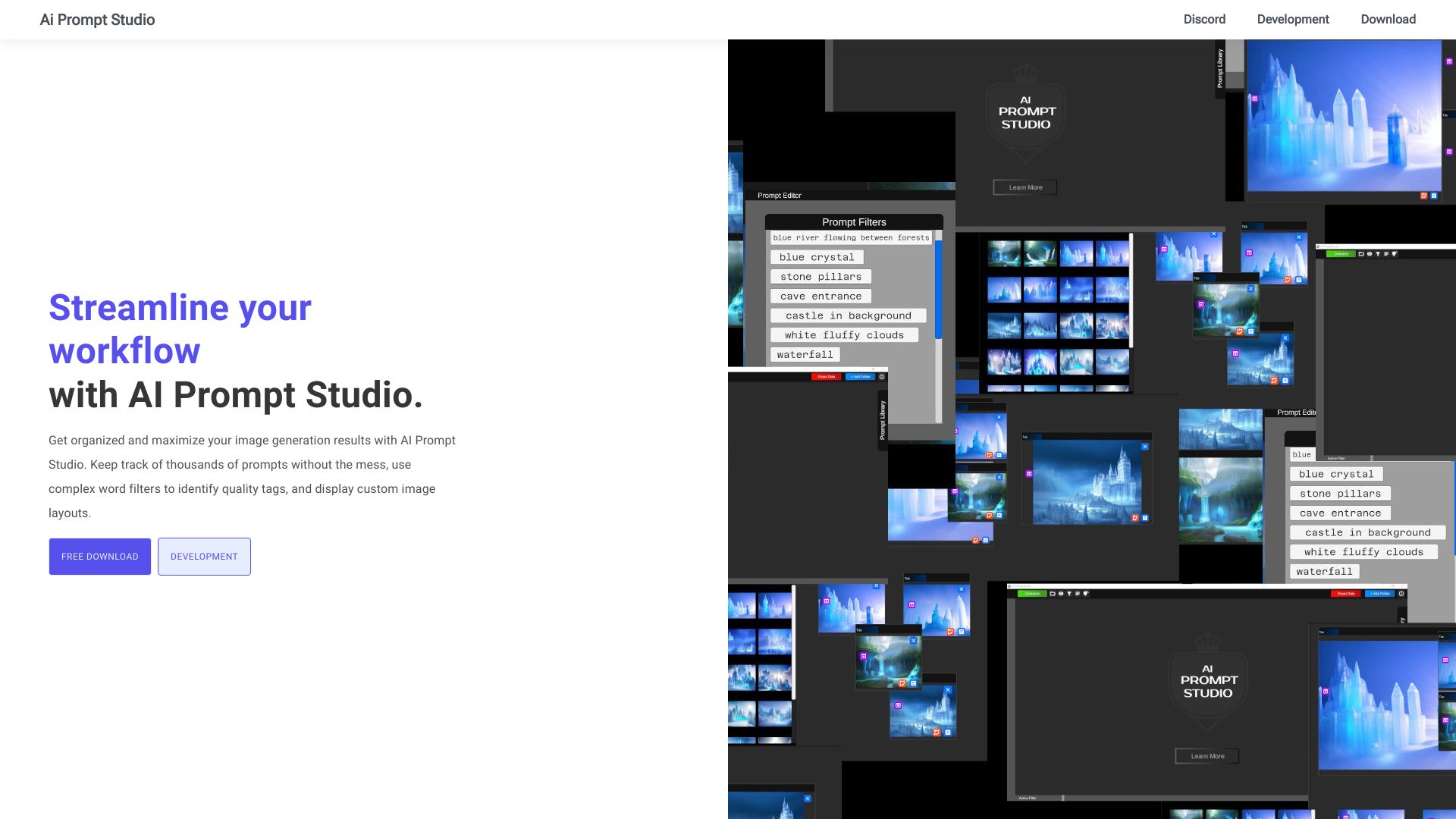
AI Prompt Studio
Organizing diffusion image-generation prompts

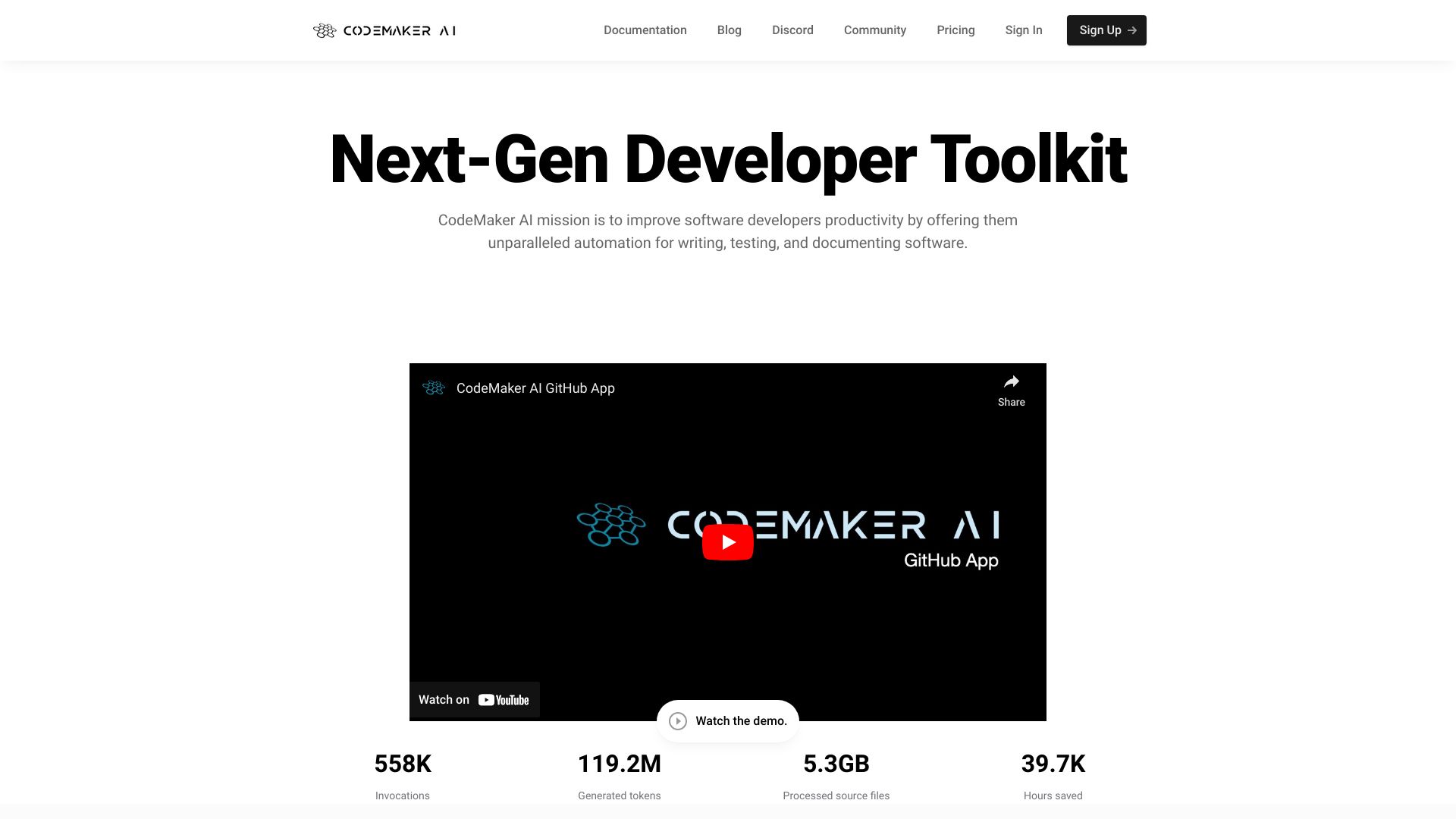
CodeMaker AI
Context-aware code generation across IDEs and GitHub

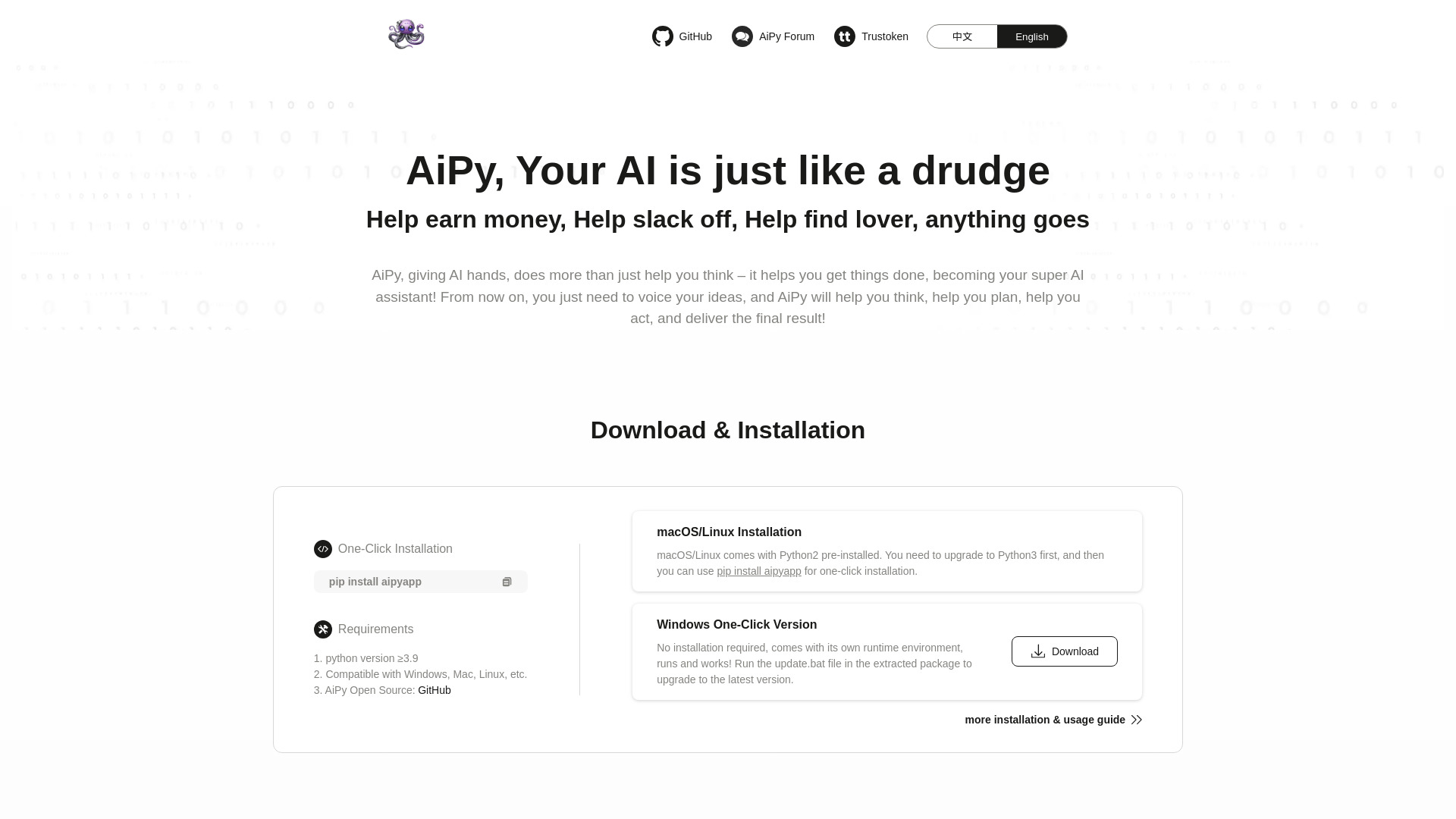
AiPy
Local Python-powered task automation

AI Coder Buddy
Offline coding help and searchable code examples

AssistED AI
Competitive exam preparation


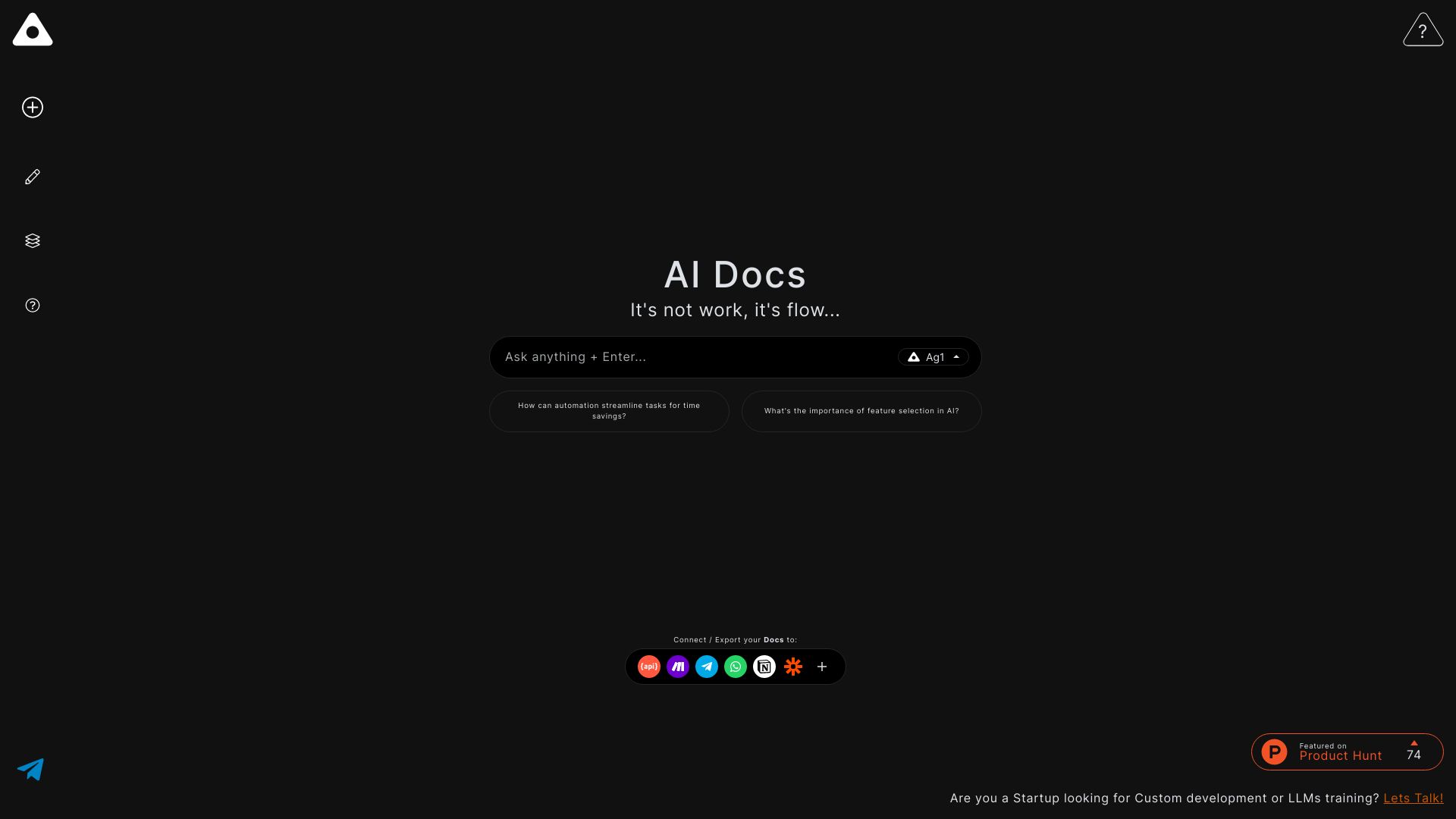
Ag1 Labs
AI-assisted essays and structured documents

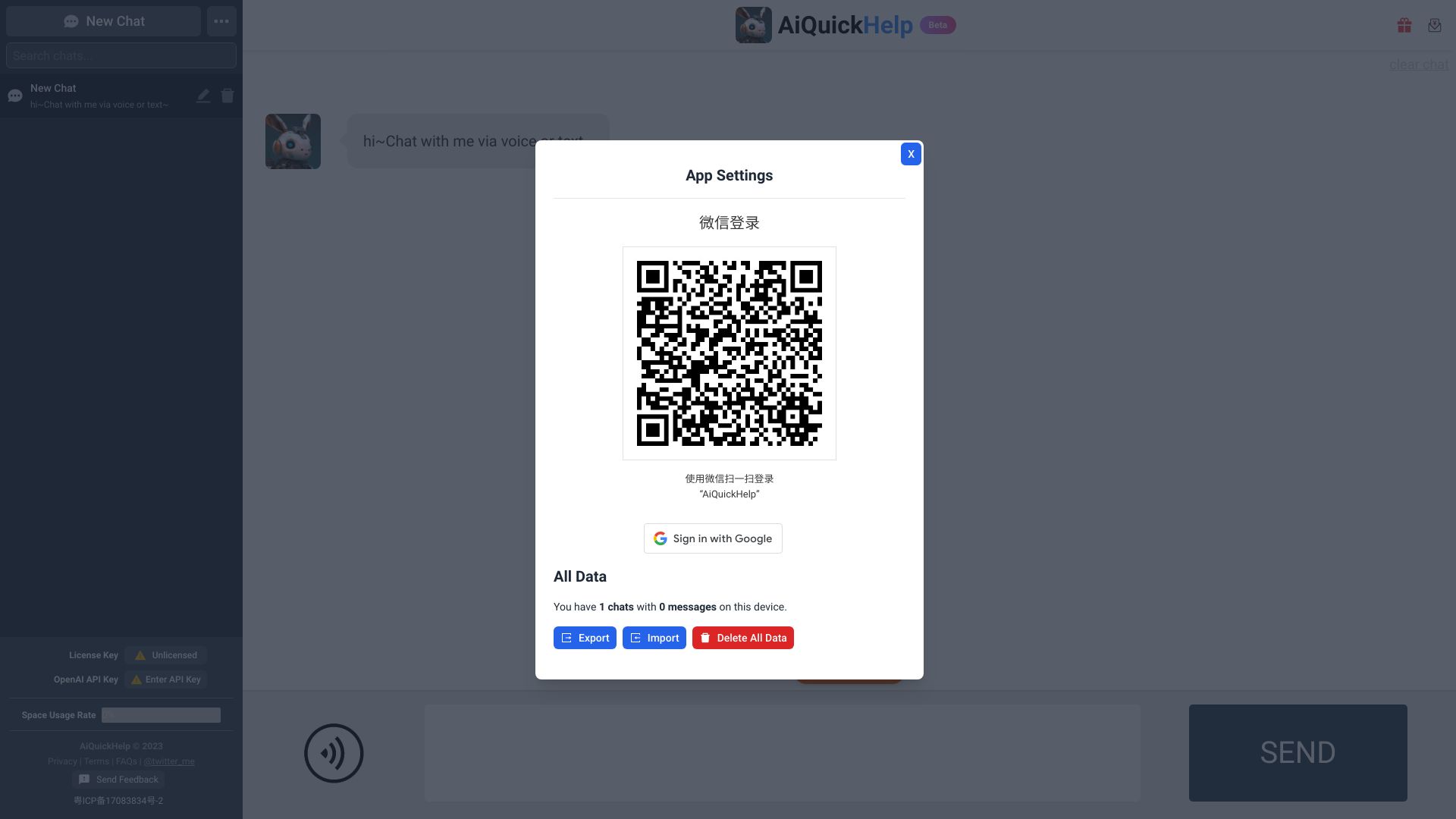
AiQuickHelp
Quick answers to coding questions

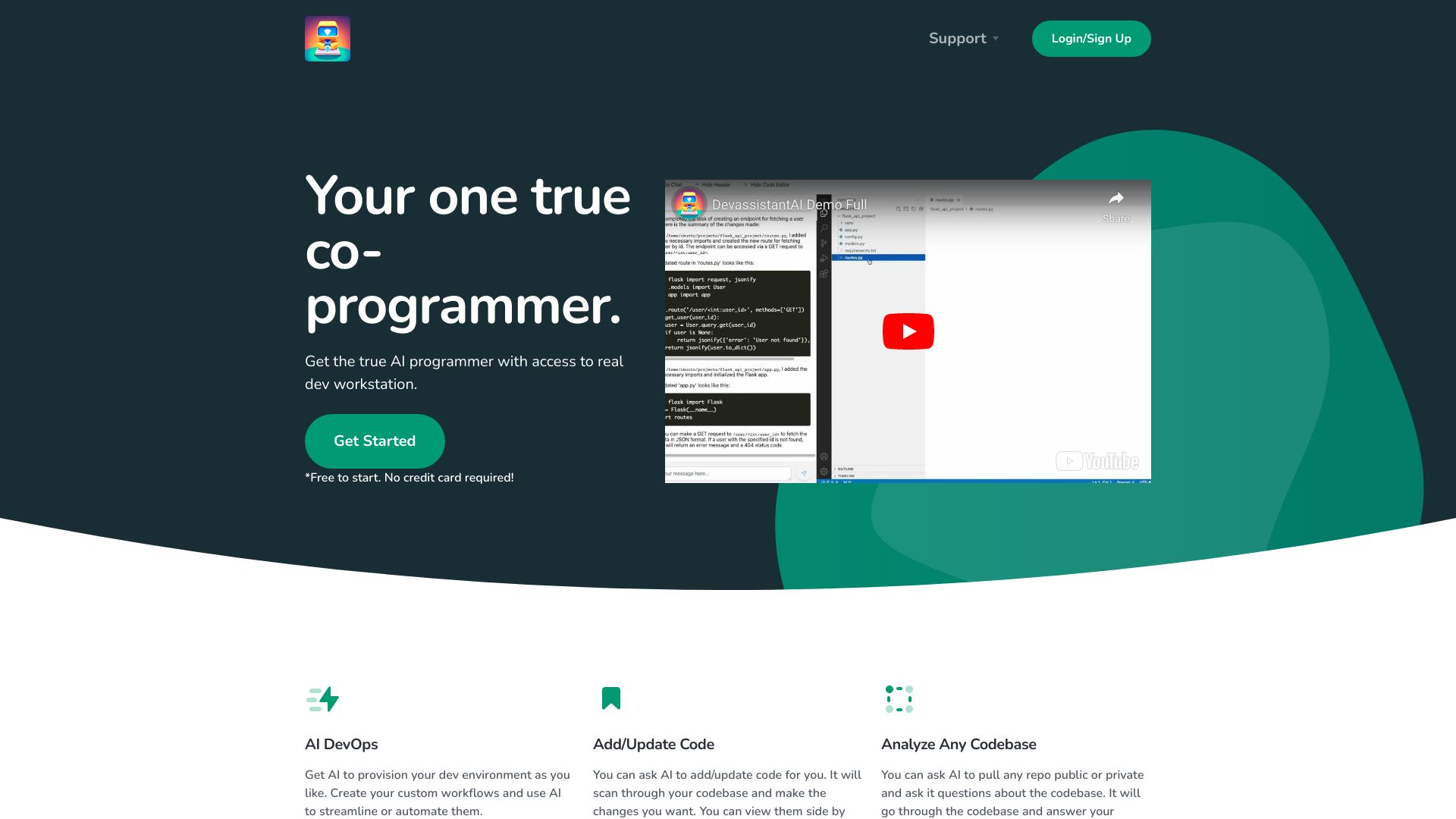
Devassistant.ai
AI coding in a cloud dev workstation
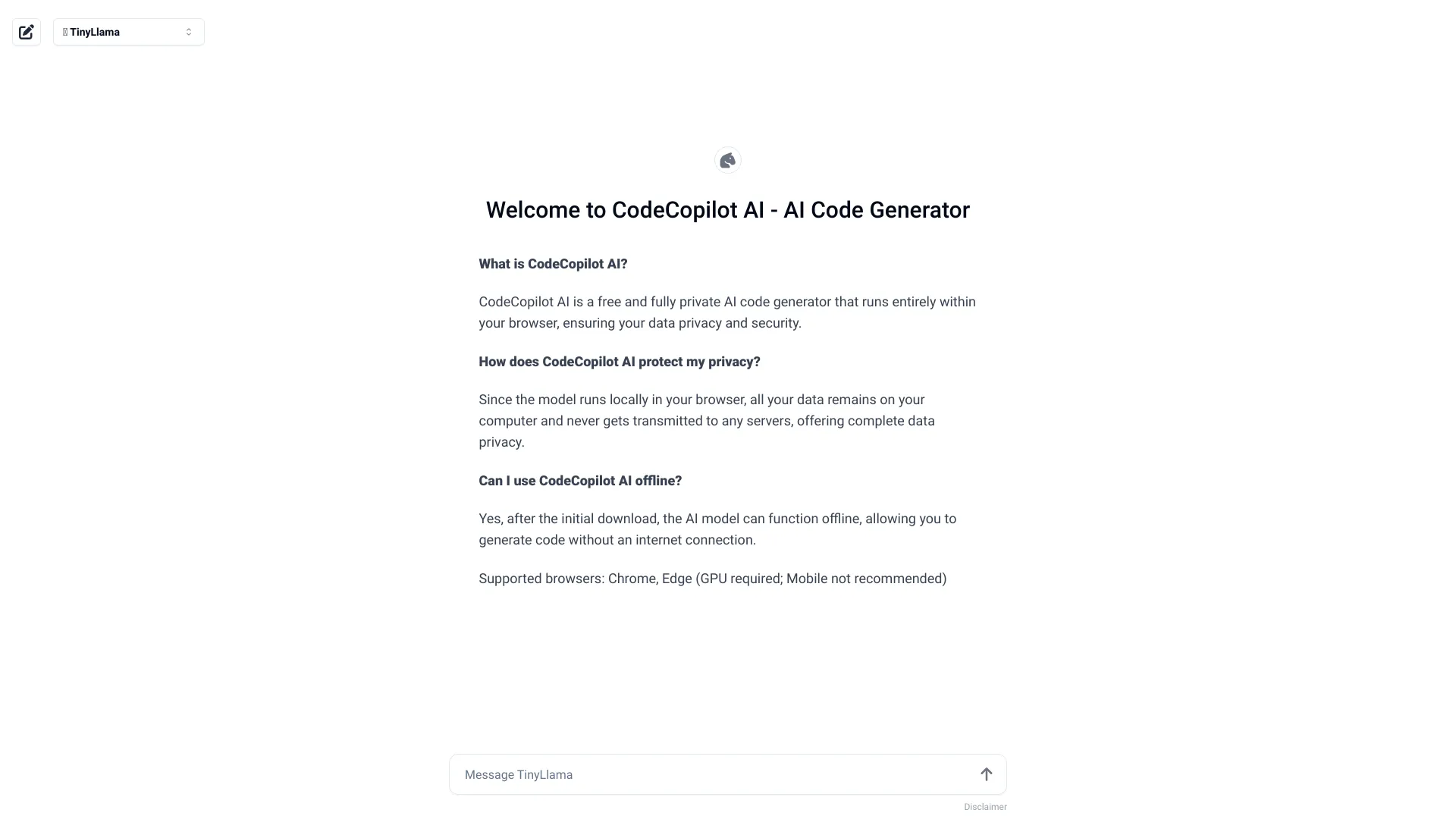
CodeCopilot AI
Private, browser-based code generation

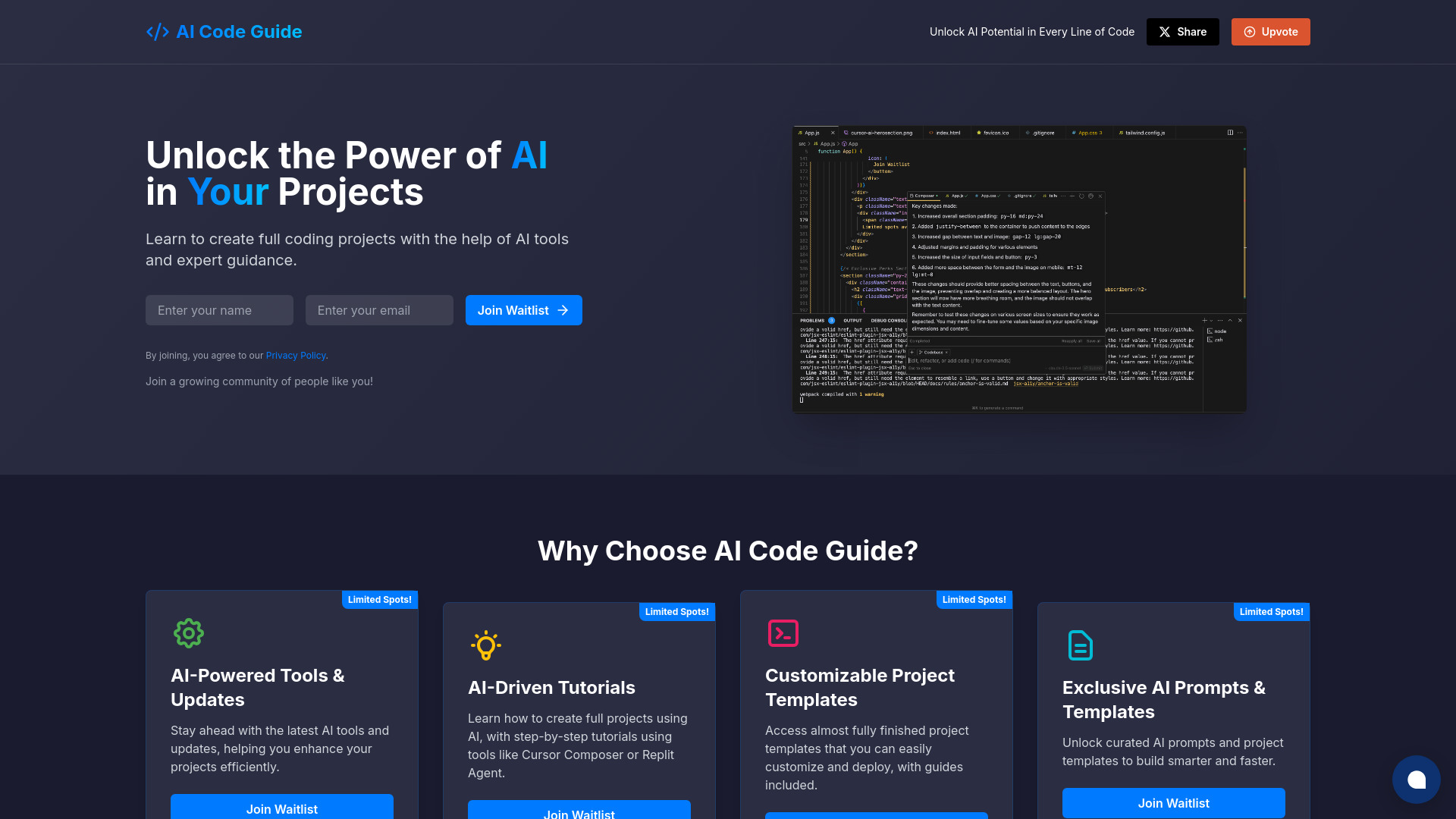
AI Code Guide
Beginner AI coding tutorials
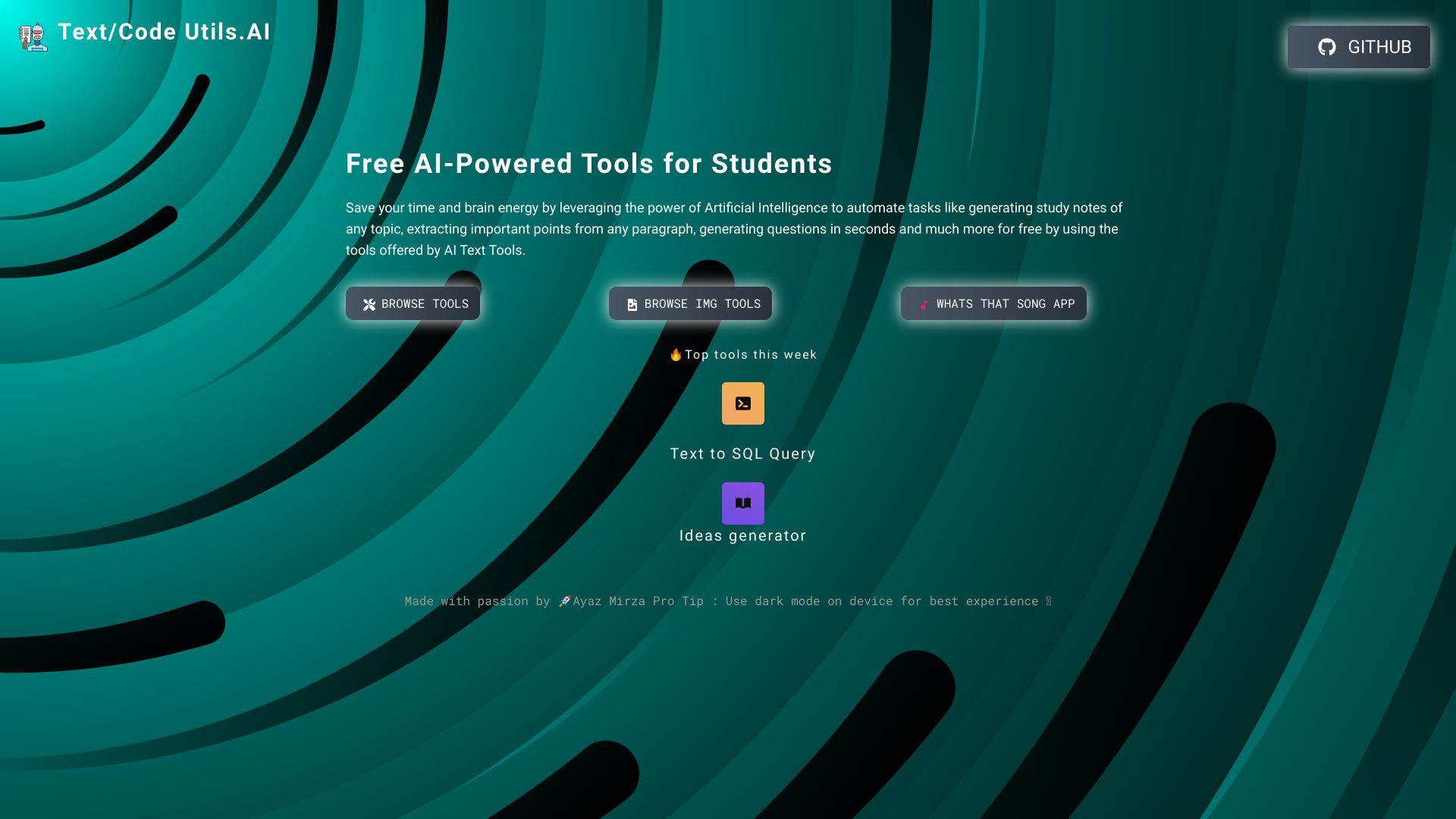
Text/Code Util.AI
Free AI text and code utilities

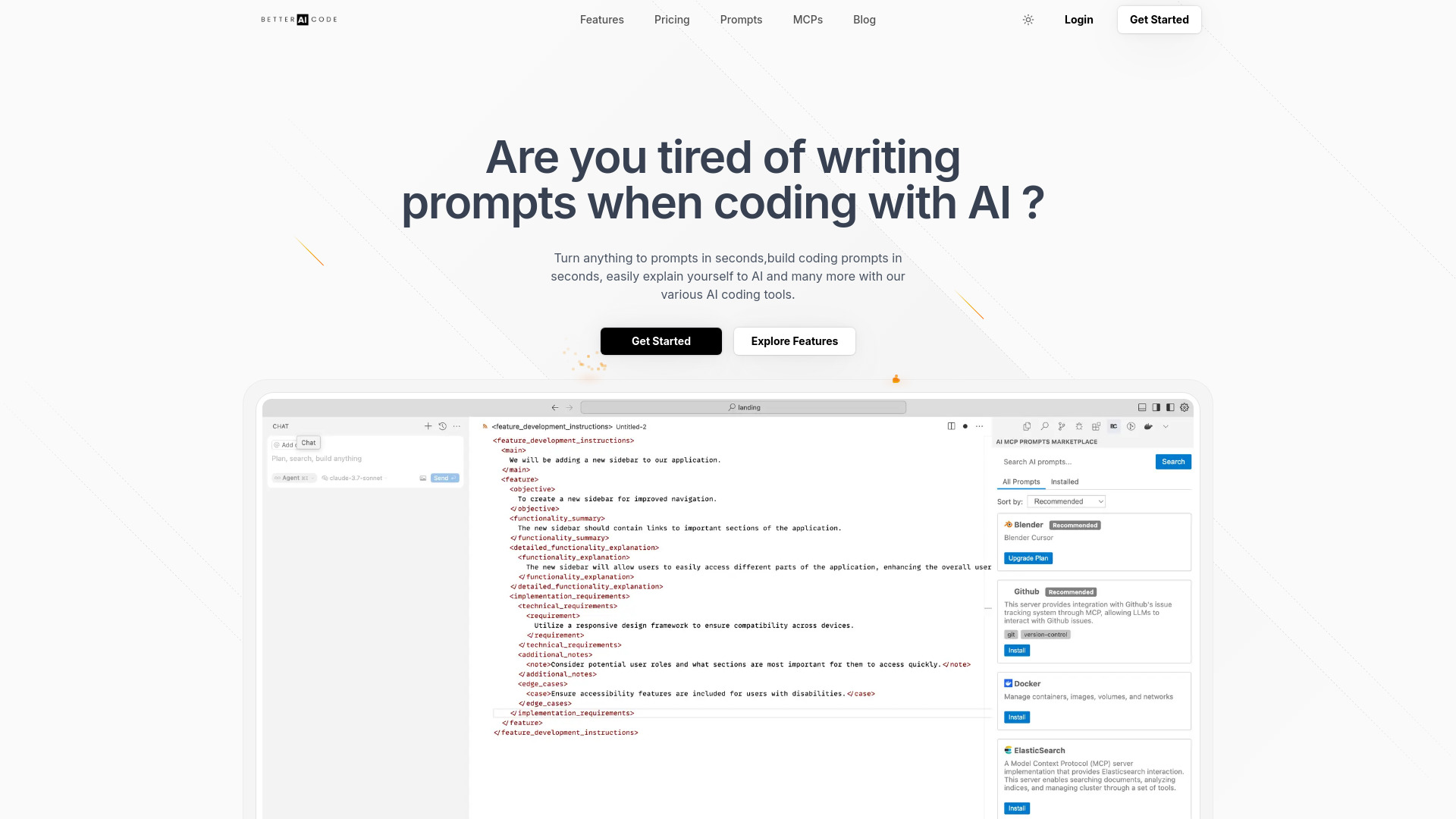
Better AI Code
Building prompts for AI coding in Cursor

Athena AI
Turning study files into quizzes and flashcards


AI Builder Buddy
Vibe coders needing hands-on engineering guidance


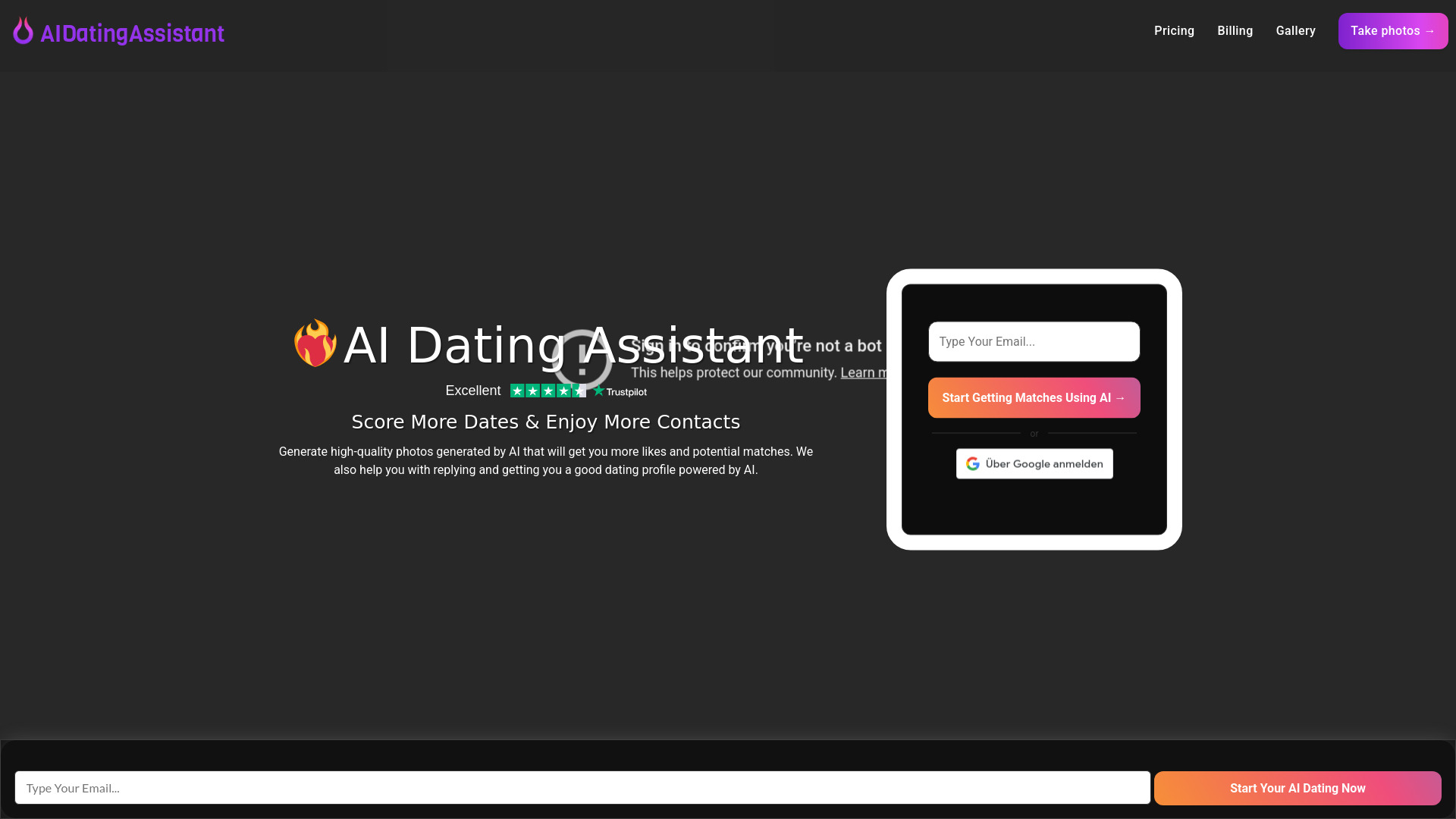
AI Dating Assistant
AI dating profile photos
AlgForce Copilot
Natural-language database querying for enterprise teams


Aria - AI Chat&Speak Assistant
Hands-free language practice

AI Homework Helper
Step-by-step homework help


Assistante.app
All-in-one AI content and advice tools


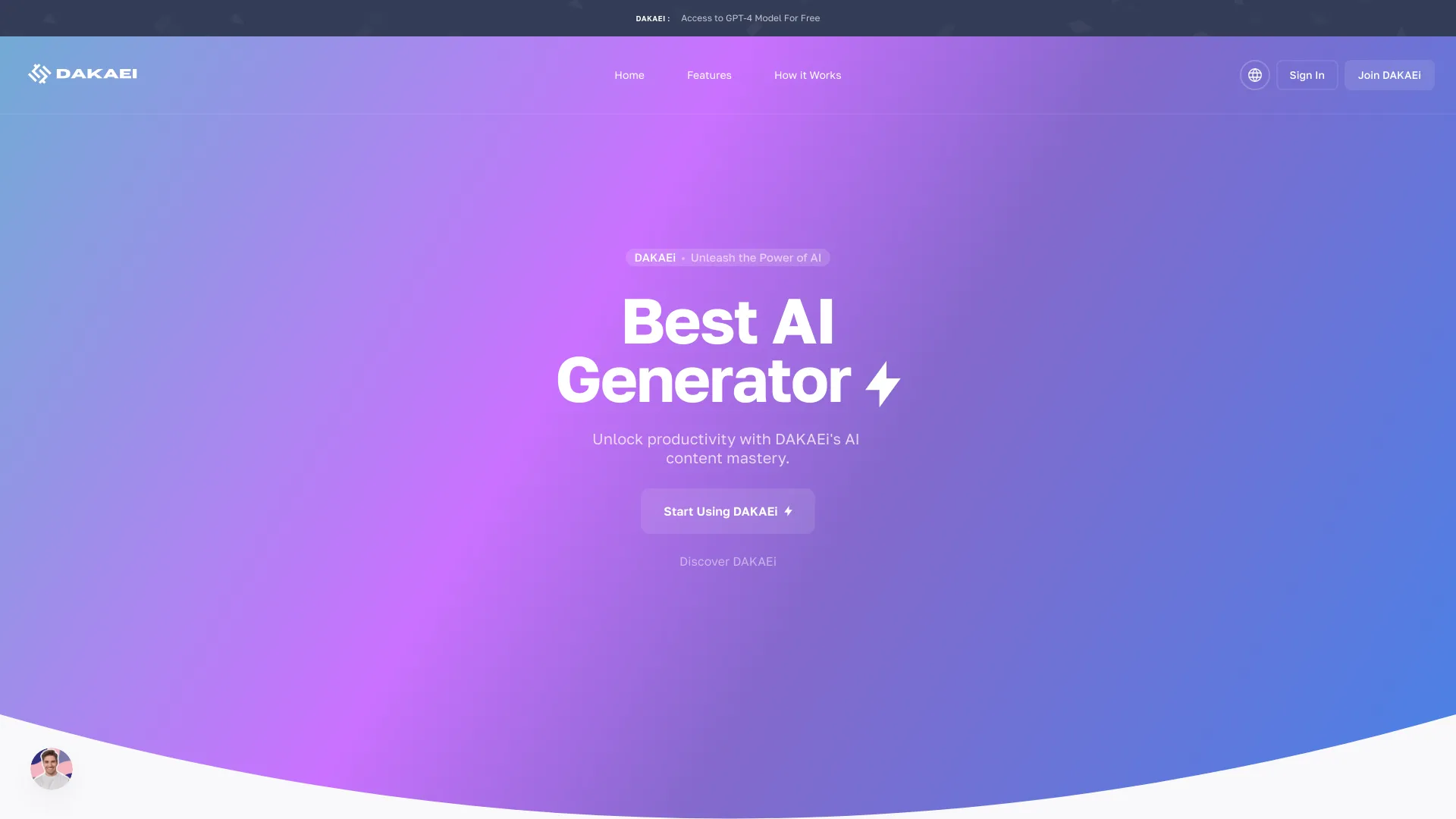
DAKAEi
AI content and media creation

Codei
Technical interview preparation

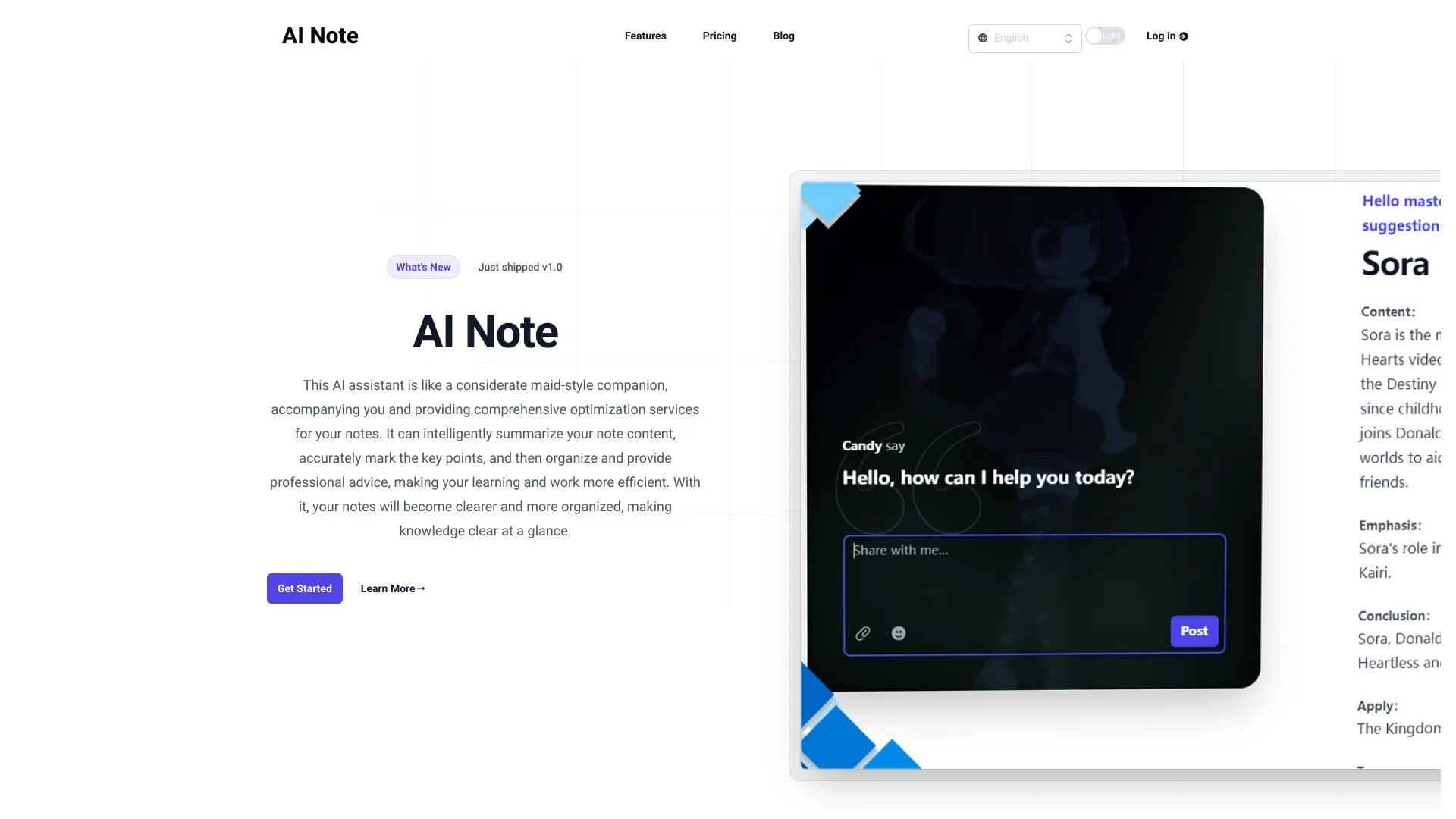
AI Note
Summarizing and organizing study notes
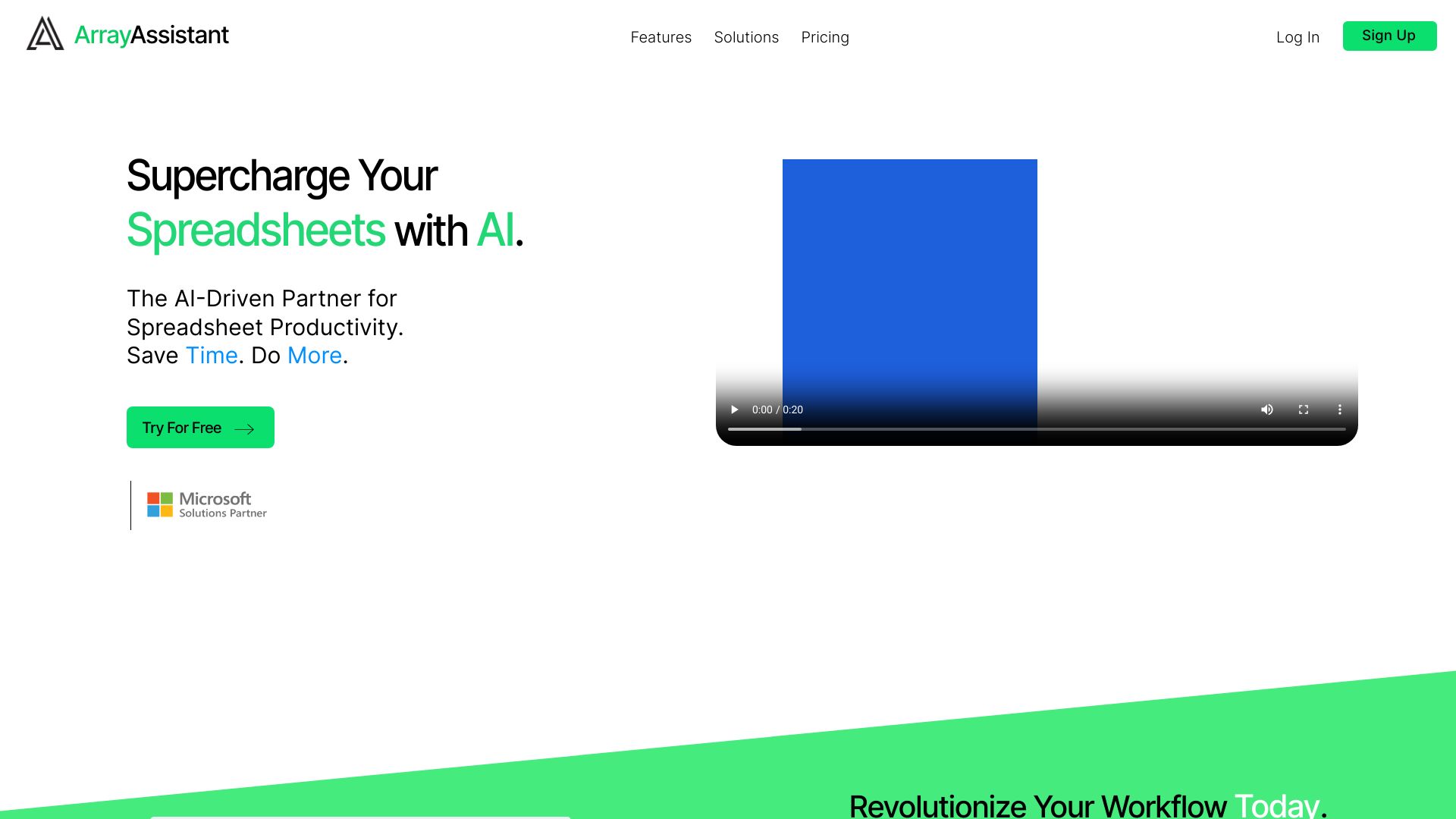
Array Assistant
AI-assisted Excel formulas and data cleanup

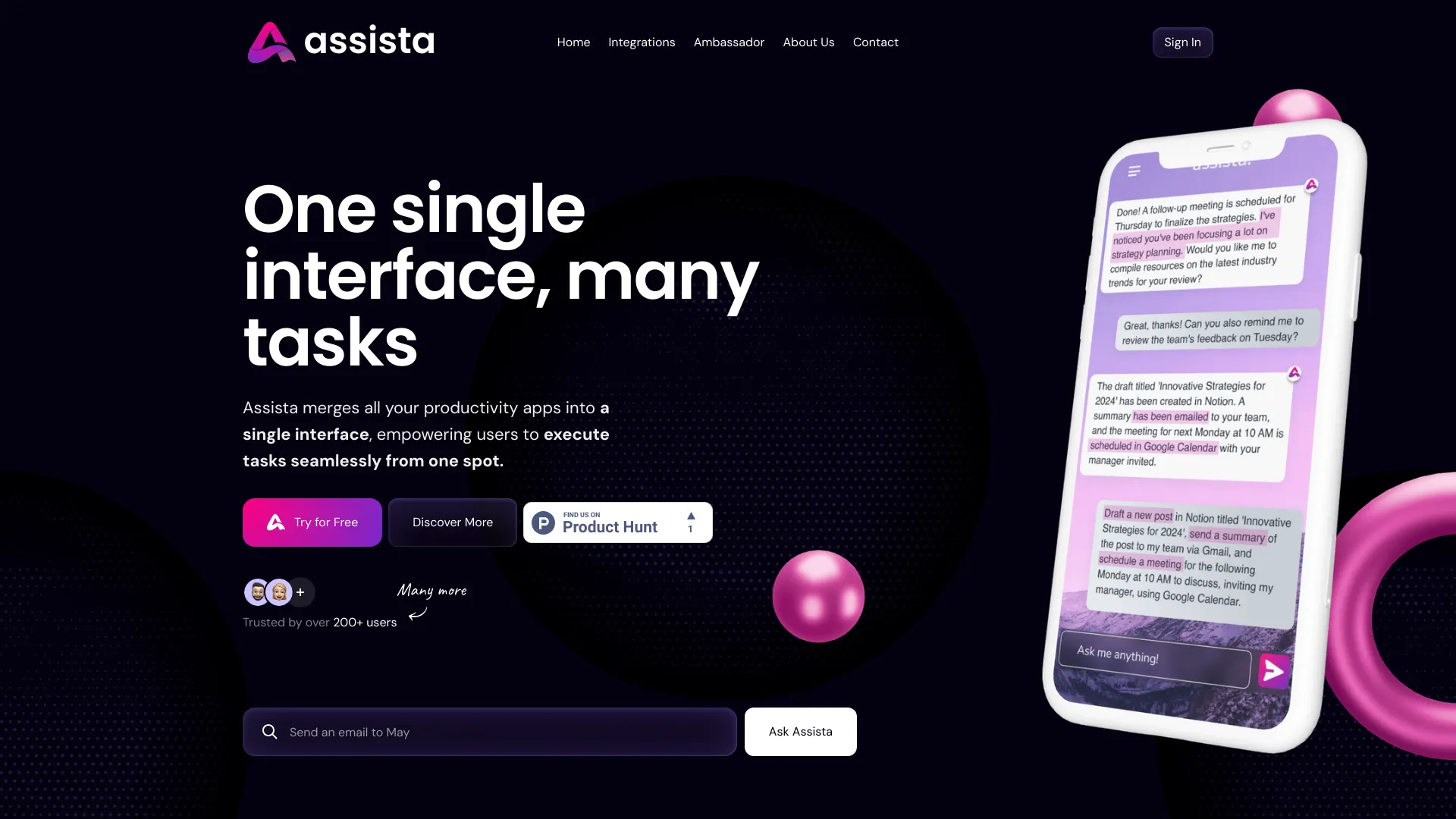
Assista AI
No-code cross-app workflow automation

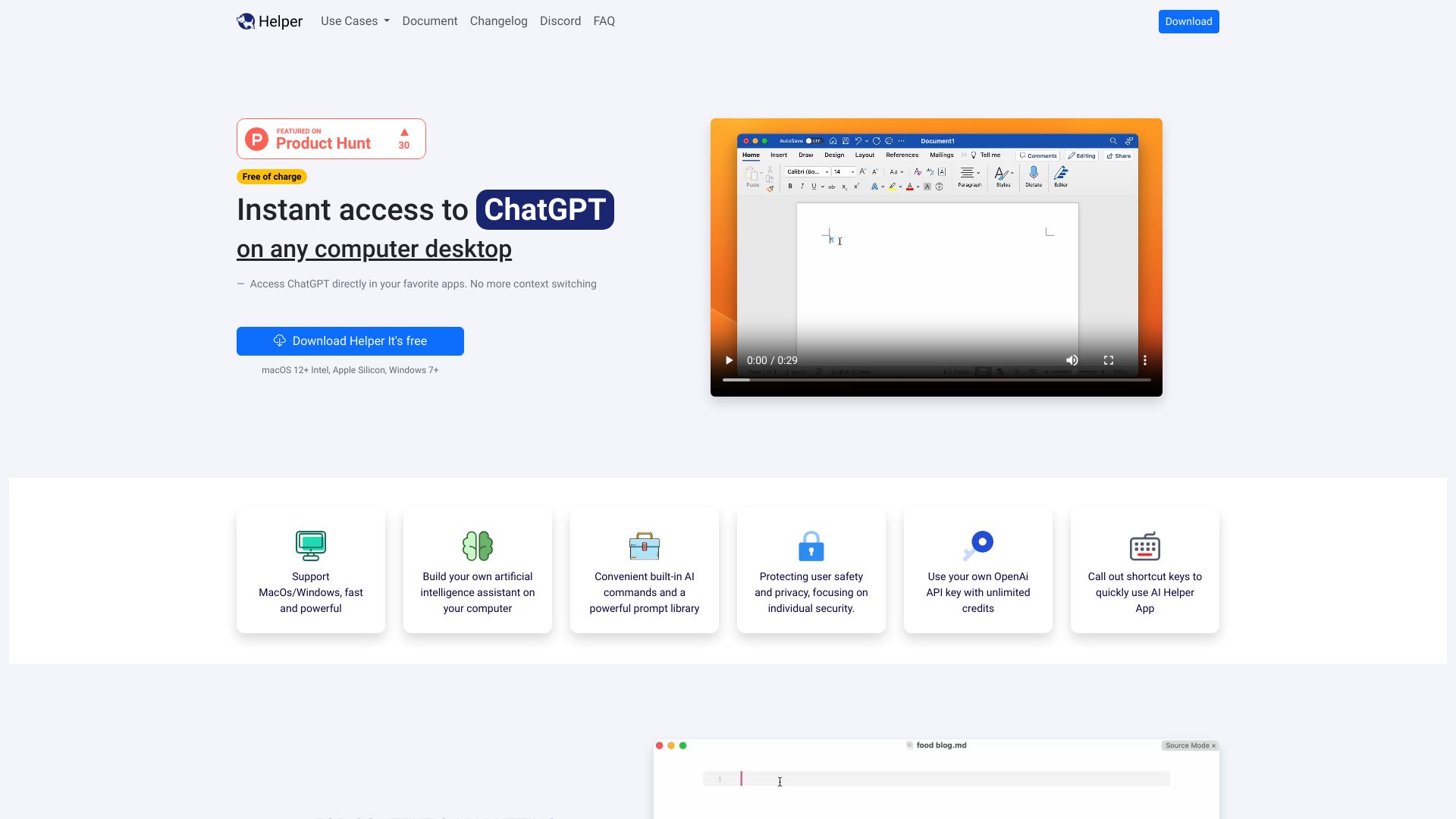
Ai Helper
Desktop ChatGPT access across everyday apps
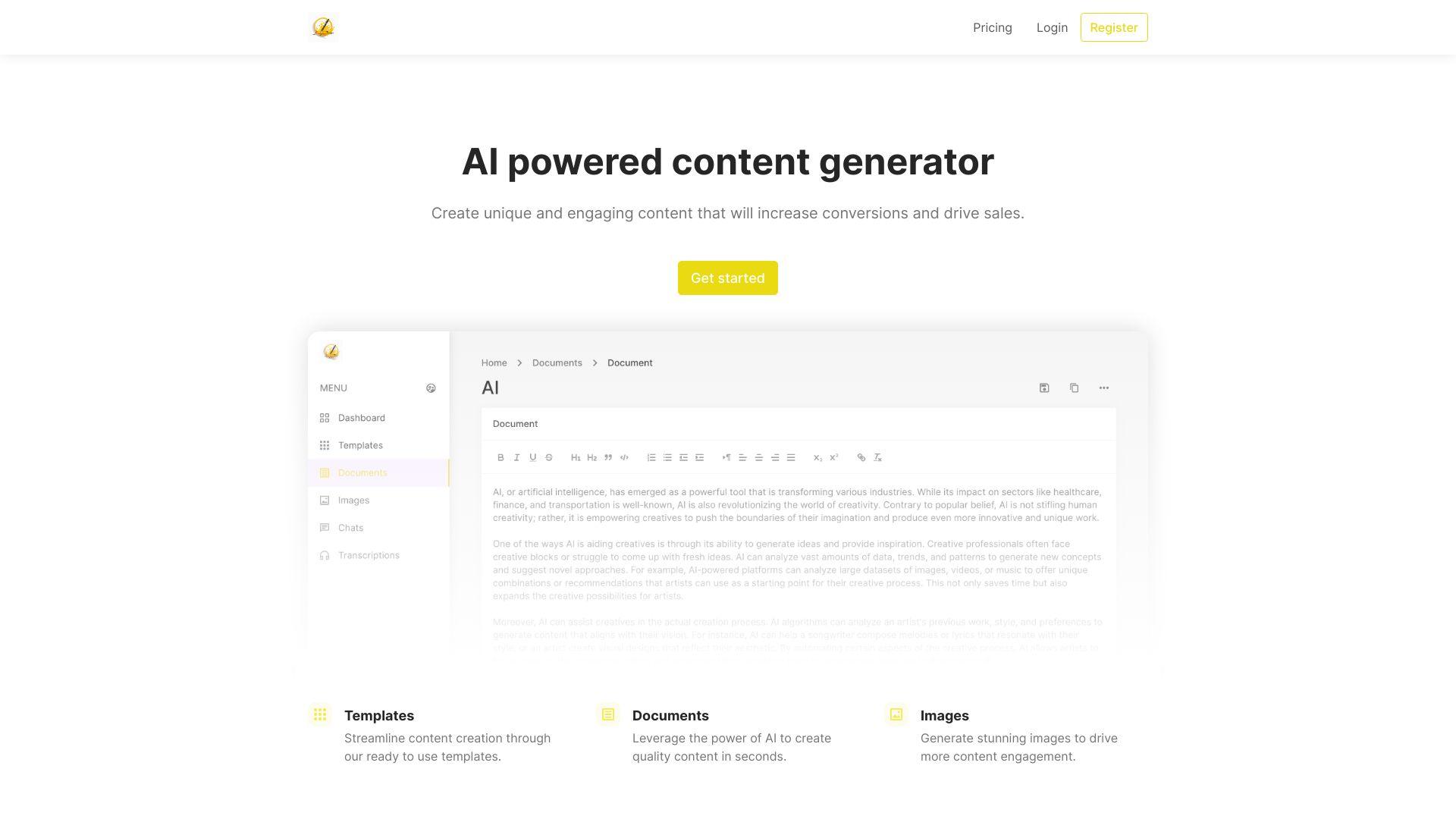
Jotters Pad
Template-based marketing content generation

AI Anywhere
AI assistance across desktop apps


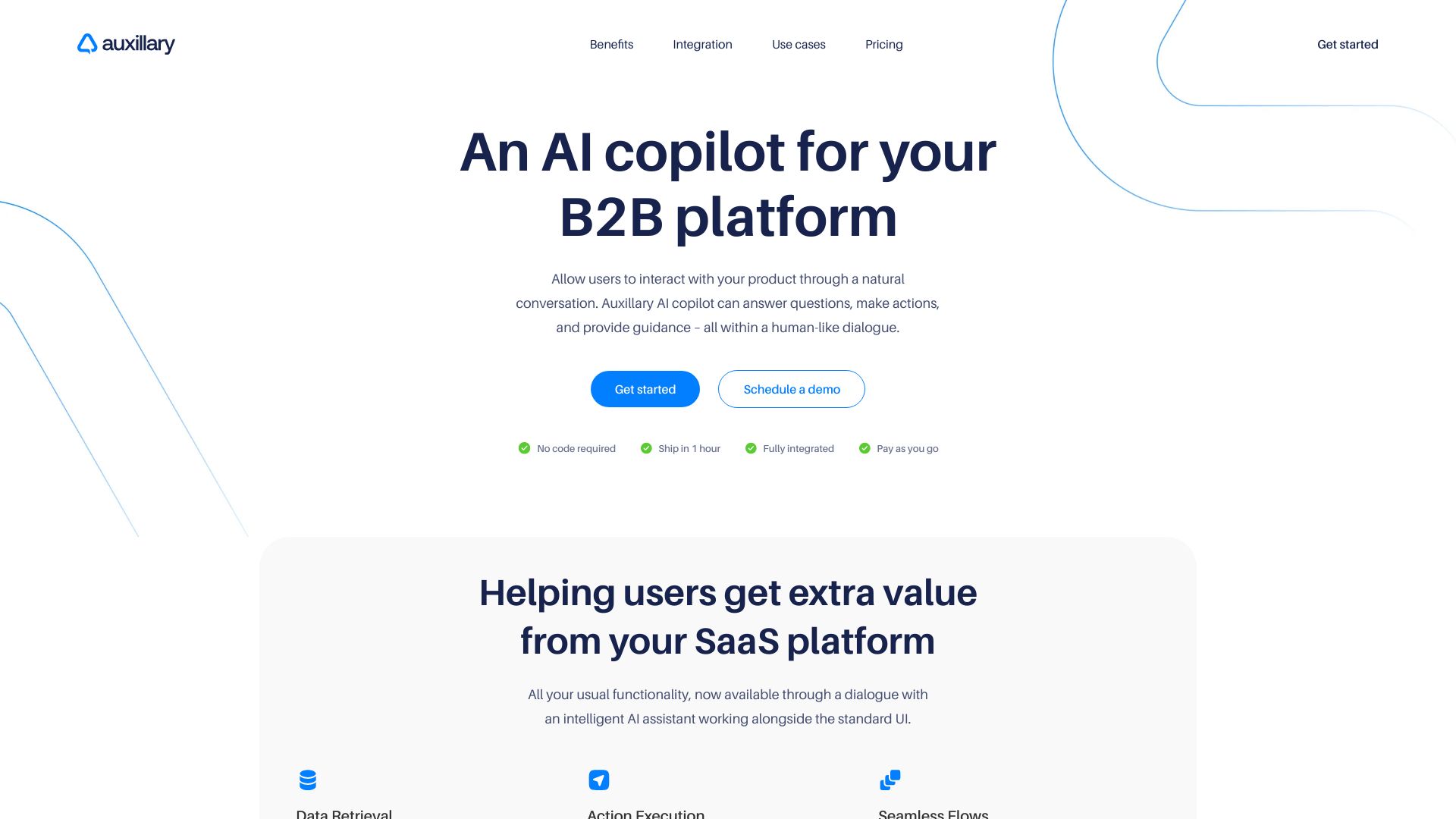
Auxillary AI
B2B SaaS platform copilots

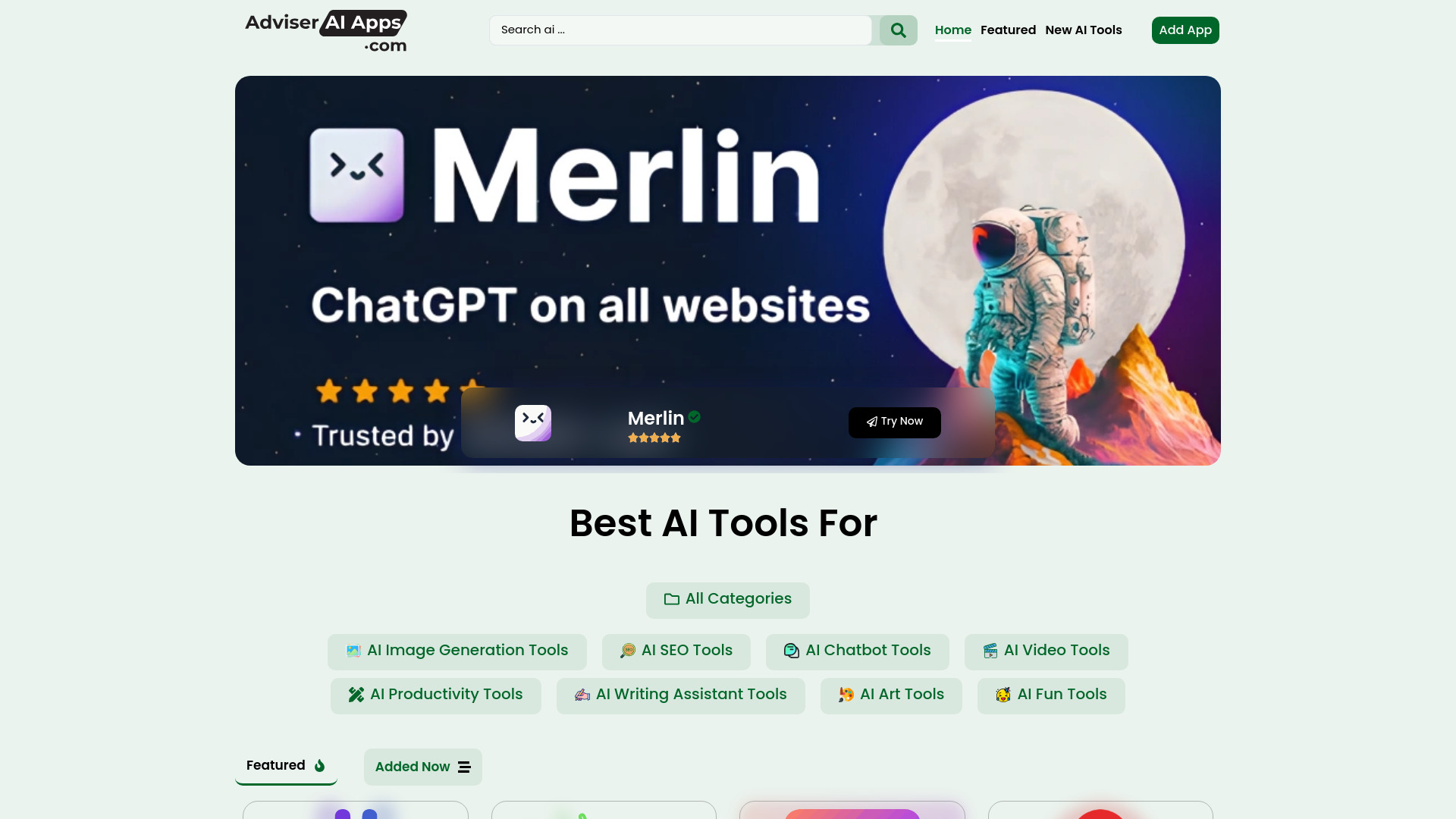
Adviser AI Apps
Discovering AI tools across categories

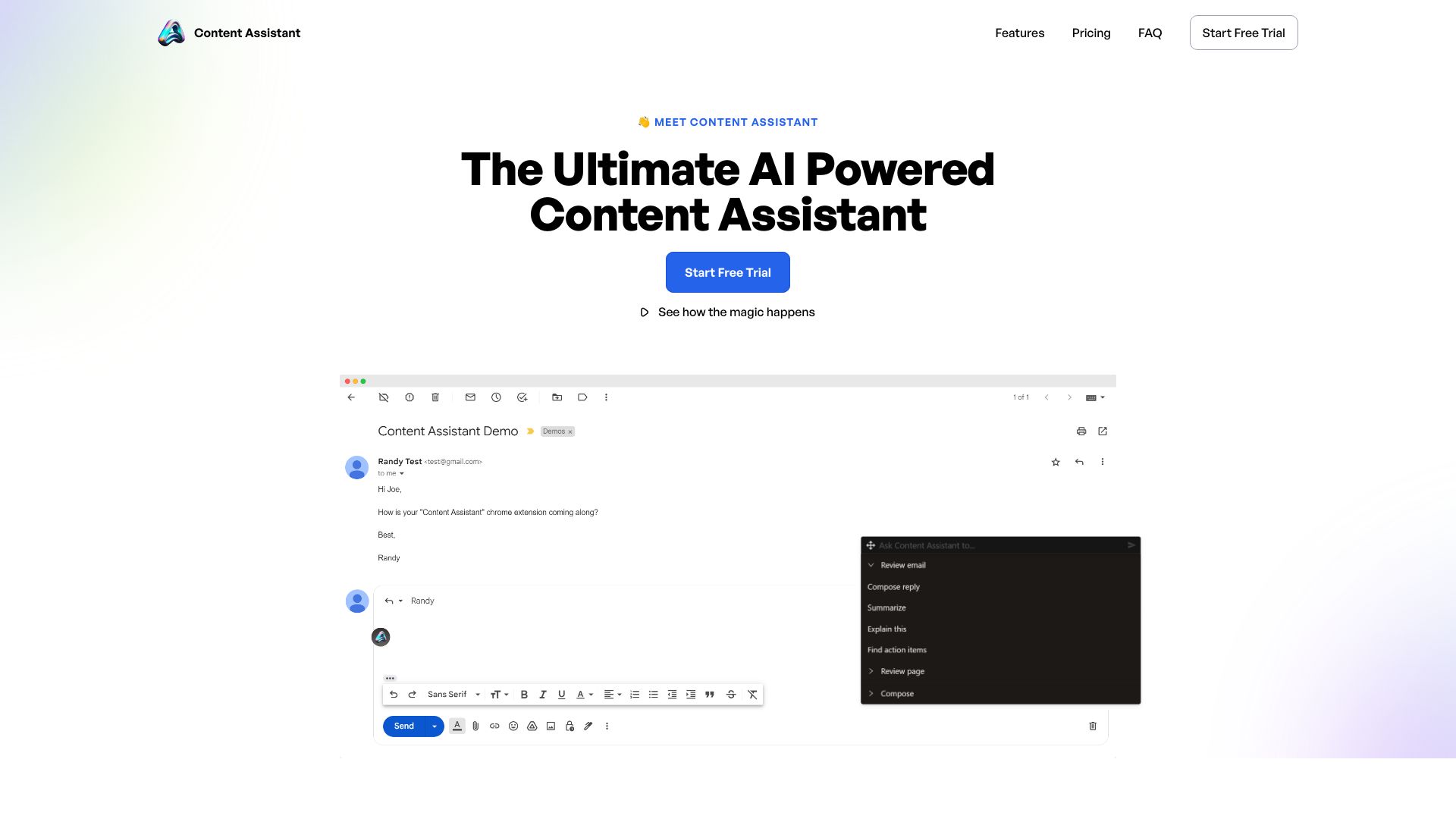
Content Assistant
Editing and reviewing content in the browser

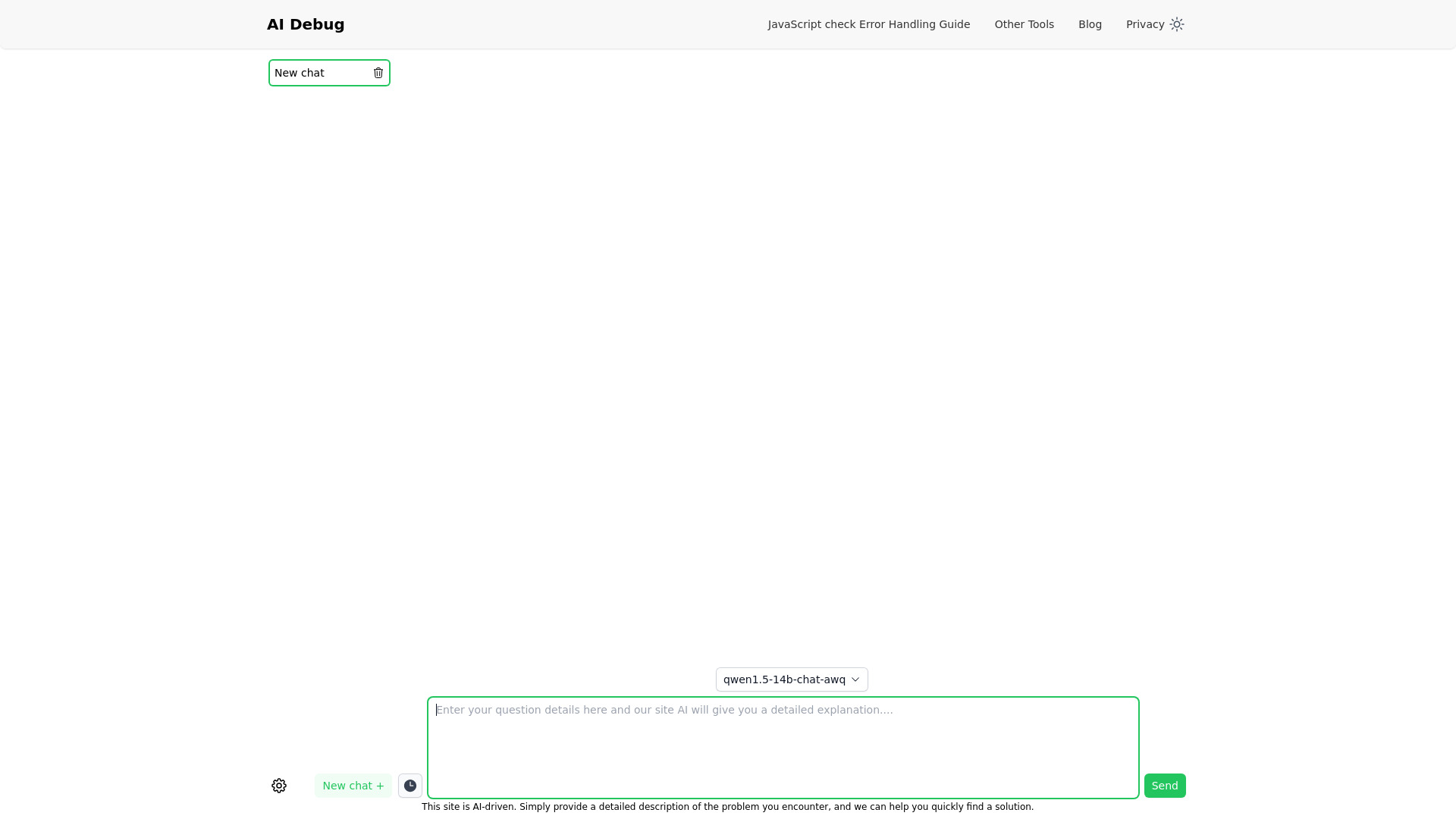
AI Debug
Quick AI-generated code solutions

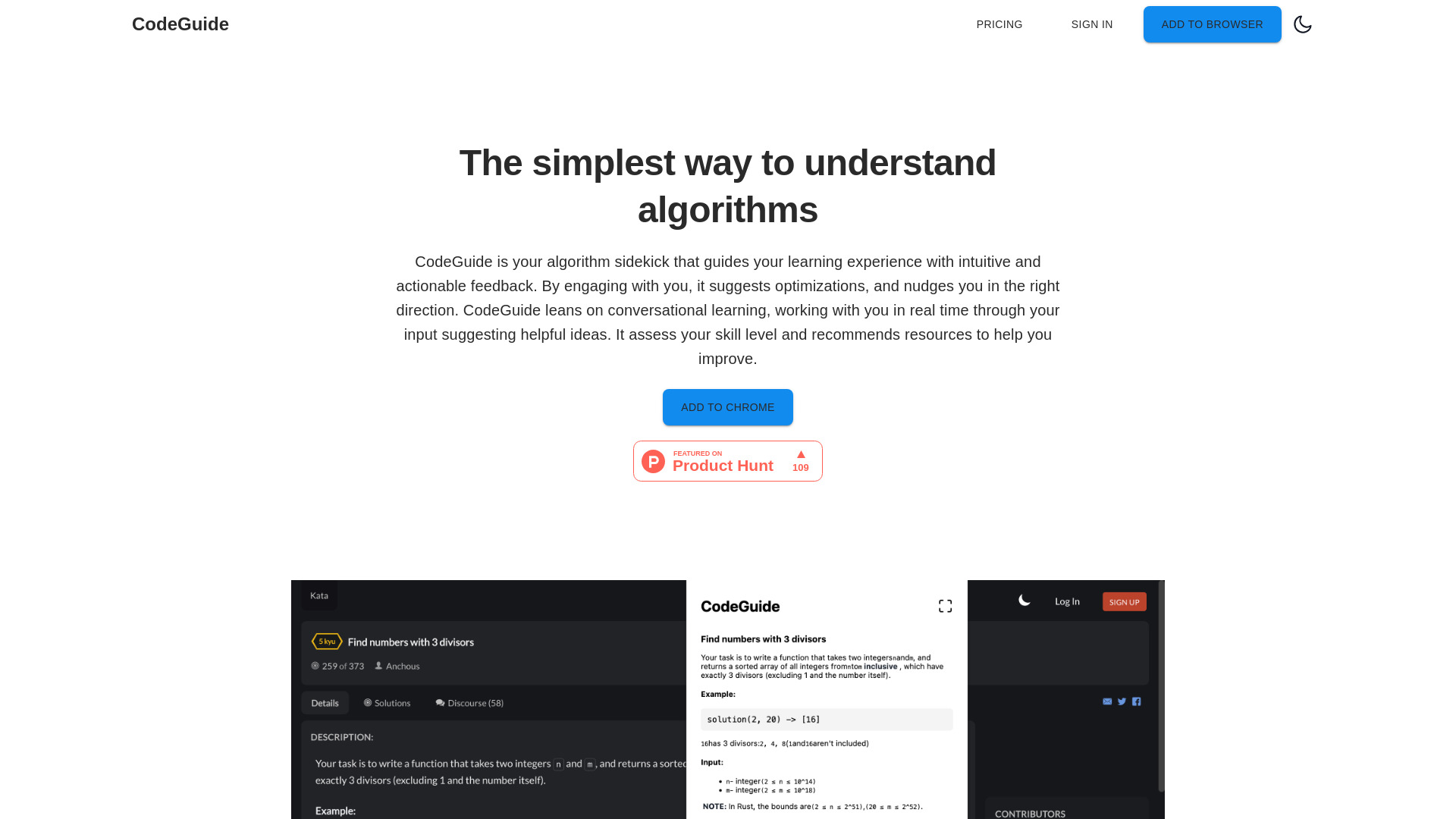
CodeGuide
Learning algorithms with AI guidance
AskAiden AI
On-demand study help
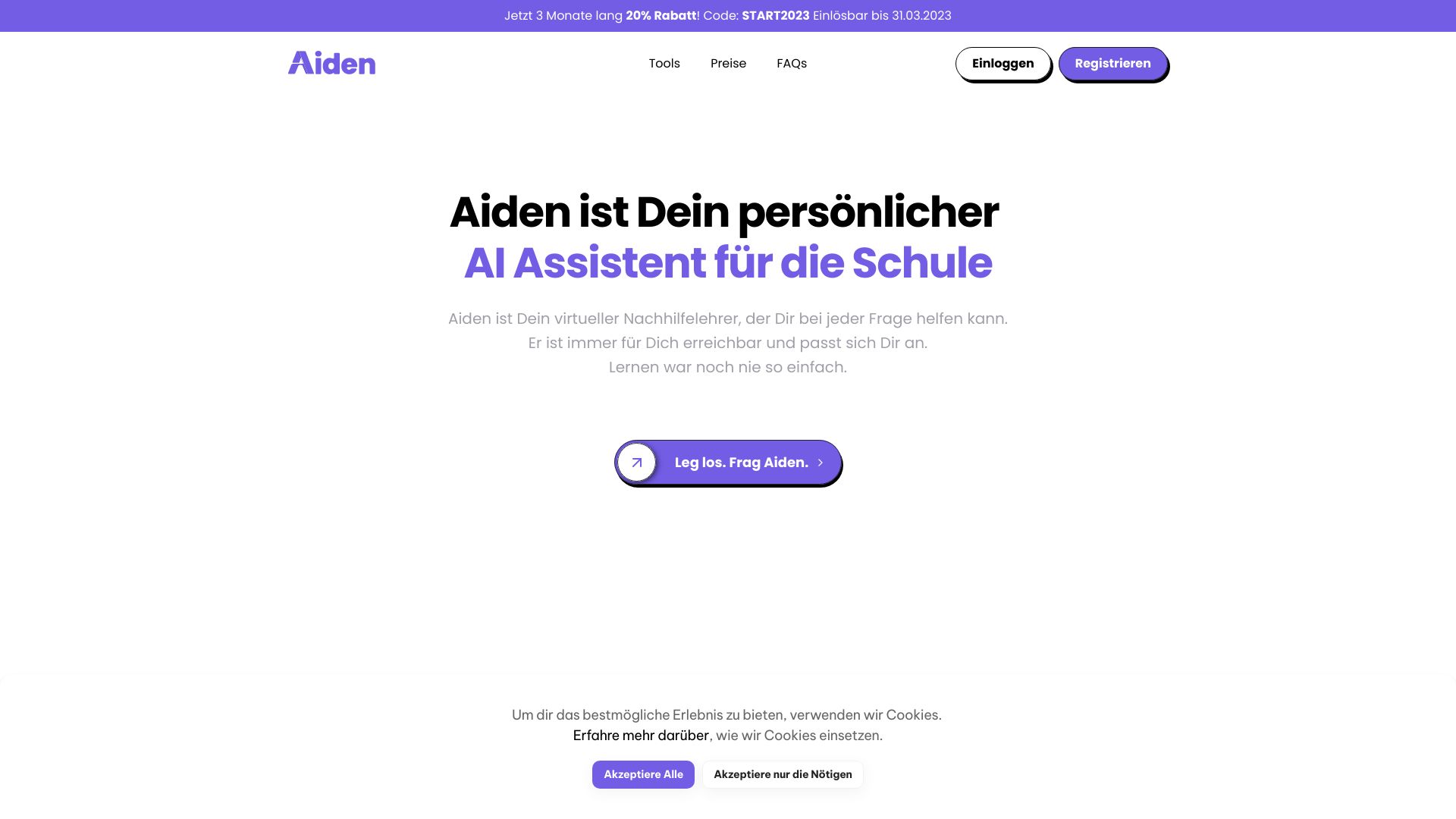

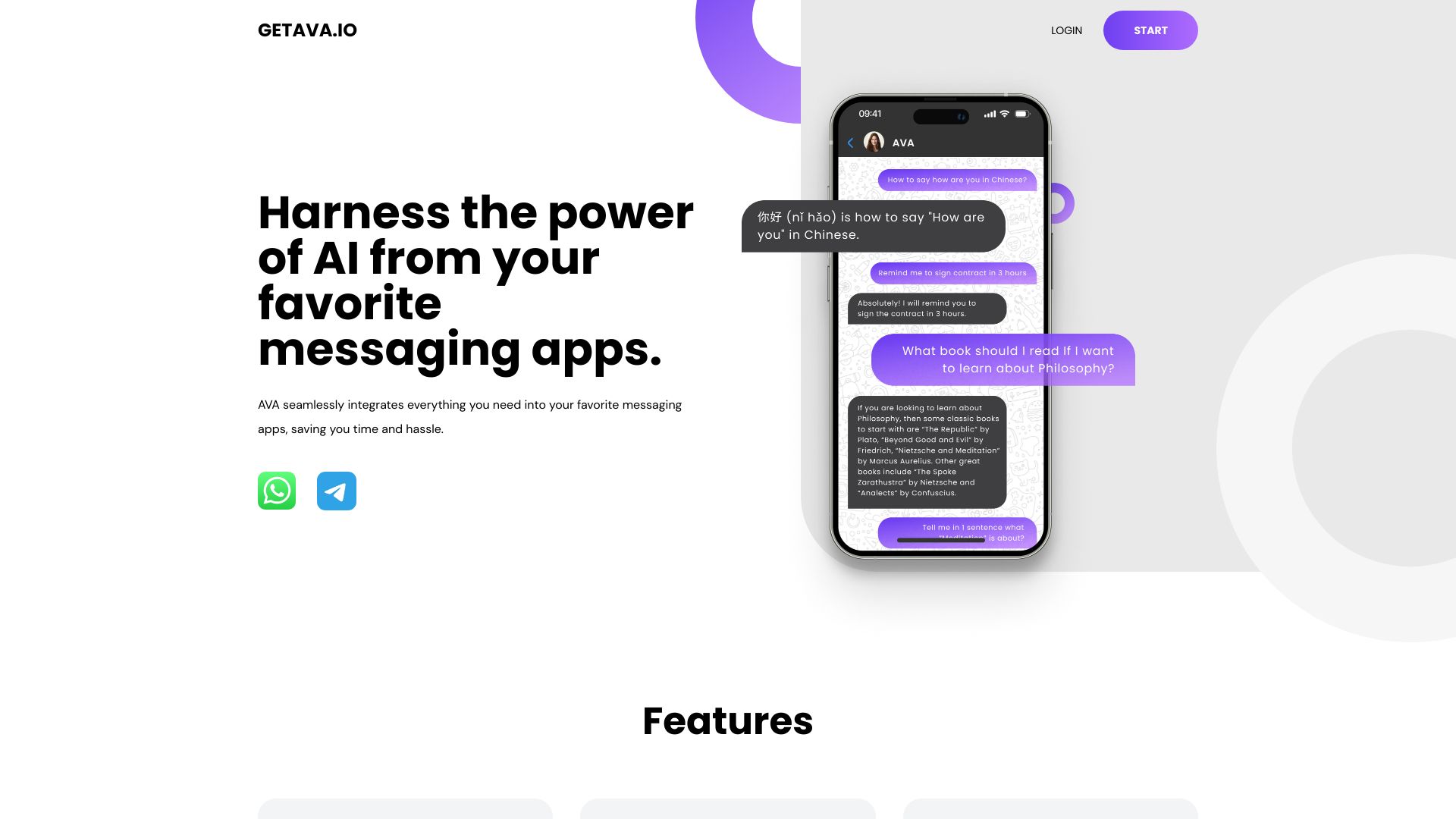
AVA | AI
AI assistance through messaging apps

Assisterr AI
Community-owned Small Language Models


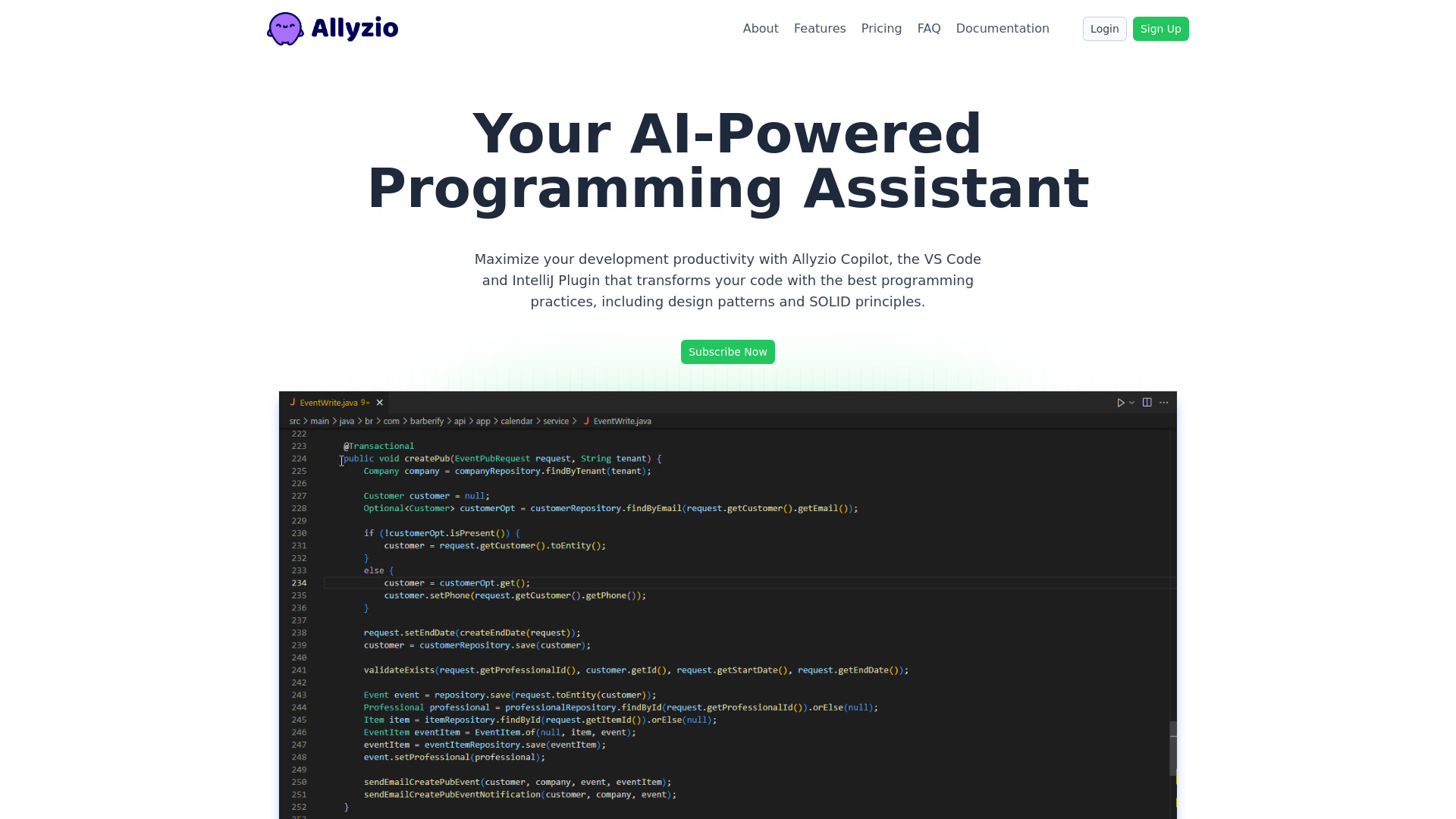
Allyzio Copilot
Refactoring and testing in VS Code and IntelliJ

My AskAI
Automating customer support email replies

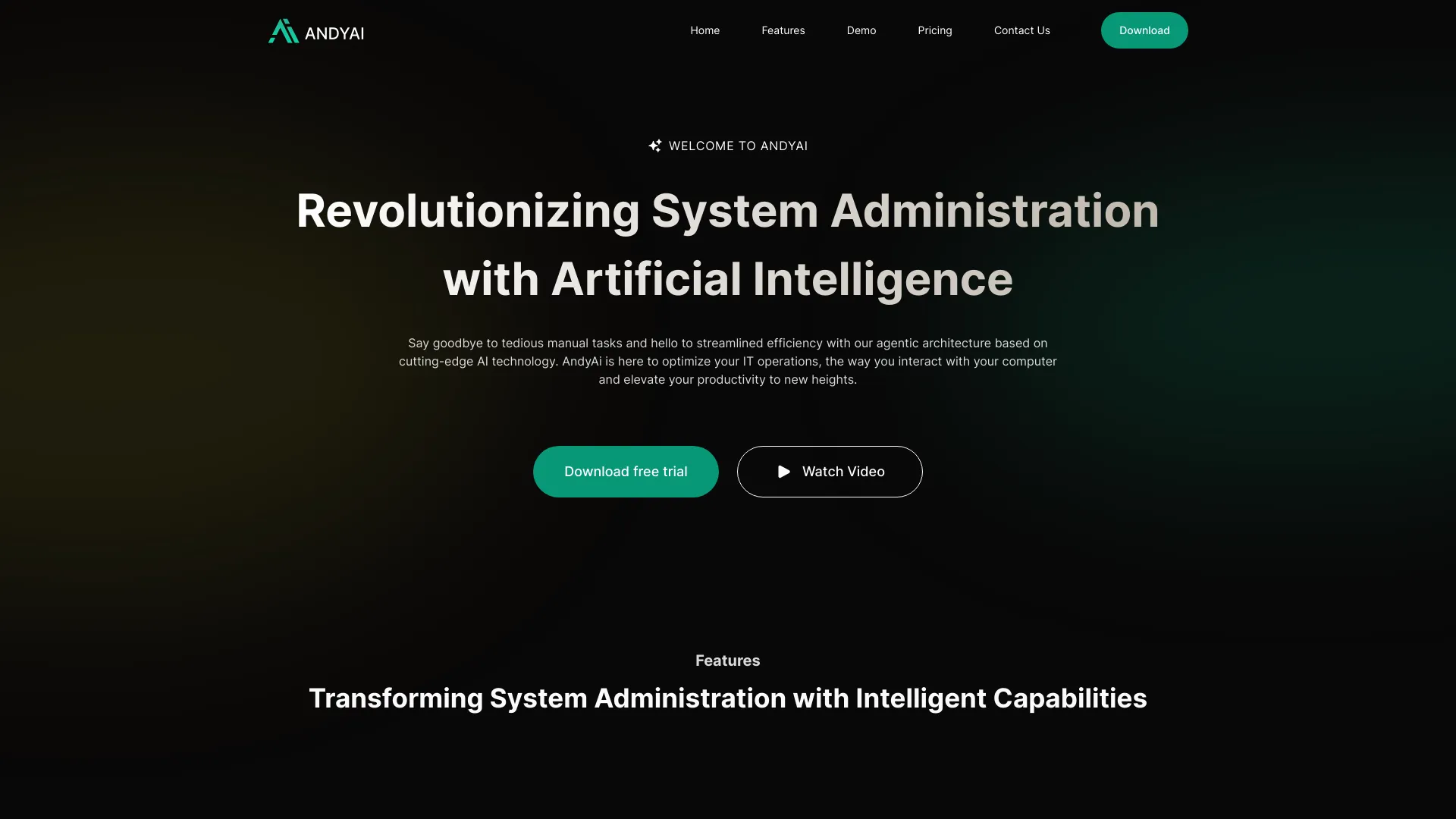
AndyAi
AI-powered system administration

Aili
AI-powered web page summaries and research

IELTS Champ
IELTS writing and speaking practice


11.ai
Voice-driven personal AI workflows
Which AI coding assistant should you choose?
Choose by the work you actually want to improve:
For terminal-based pair programming: Start with Aider if you work in a command line and want assistance with a local Git repository.
For comparing models and tasks: Consider Use AI if you need coding help alongside research, writing, or other AI work.
For completion and refactoring: Refact.ai is a focused option with a stated 5,000-coin free allowance; CodeMate is worth a look for debugging and correction.
For reusable code: Code Snippets AI is the distinctive choice when a searchable snippet library and contextual chat fit your habits.
For prompt or video-based code help: Try BlackBox AI's trial to assess its generation and video extraction workflows.
For a bundled coding toolbox: AskCodi combines generation, refactoring, and unit-test writing.
For shared model and agent management: AIGoCode is the broader workspace, but inspect usage-based pricing closely.
For interview preparation: Codeace is specialized and expensive; keep all use within interview rules.
For parallel agents and GitHub: Aide is the workflow-first option if its $49 monthly price makes sense for your workload.
The best ai code assistant for a first-time buyer is often the one with a clear task and an affordable way to test it. Avoid paying for a collection of features you will not use.
My practical recommendation
Start with one specific task you repeat: debugging an error, refactoring a function, collecting code snippets, or working through a repository from the terminal. Try the tool that maps most directly to that job, then judge its suggestions on code you can safely review and test. Refact.ai and CodeMate have relatively accessible listed entry points; Aider is compelling when terminal work is already your norm. For broader model comparison, Use AI is a different kind of purchase, not a substitute for every codebase-aware workflow.
Before subscribing, check the live price, billing period, usage limits, model or API requirements, and data-handling terms. Keep human review in the loop: run tests, inspect generated changes, and make sure you understand what the assistant is proposing. That is the practical difference between using a coding assistant to move faster and letting a confident-looking answer make decisions for you.
Common mistakes when choosing an AI coding assistant
Picking by score alone: A high-ranked model workspace may not fit a terminal-first developer.
Confusing a trial with ongoing free access: Check trial length, credit quotas, and what happens when they run out.
Ignoring the full cost: API keys, usage-based billing, annual commitments, and paid feature gates can change the real price.
Accepting generated code without review: Read changes, run tests, and verify behavior before merging.
Using interview assistance improperly: Follow the rules of each assessment; use interview tools for permitted practice.
Choosing a broad toolbox for one small need: Match the subscription to a repeatable workflow you will actually use.
What changed in 2026
This comparison spans more than one product shape. Alongside traditional coding aids such as completion, debugging, and refactoring, the featured options include multi-model access, shared agent workspaces, parallel agents, and video-based code extraction. That variety makes workflow fit and pricing structure more important than a generic claim that one assistant is best for everyone. Vendor plans and model access can change, so verify current terms before buying.
FAQ
Aider is the clearest match in this comparison: it offers terminal-based pair programming and works with code in a local Git repository. Some model connections require API keys, so check setup and costs first.