
The best ai image generator without restrictions depends on what you mean by "without restrictions." Some tools advertise unlimited free prompts; others remove sign-up friction or specialize in a particular style. That is not the same as a promise to generate every subject, grant every usage right, or stay free forever. We compared 76 tools and focused this shortlist on the concrete freedoms that matter most: free access, stated quotas, account requirements, and creative range. For a broad starting point, Raphael AI offers unlimited free generation; for a more focused illustration workflow, AI Illustration Generator is the stronger fit.
Top picks
| Pick | Tool | Best for | Why it stands out |
|---|---|---|---|
| Best overall match | AI Illustration Generator | Consistent illustrations | Generates illustrations in consistent, distinct art styles, with commercial-safety positioning. |
| Best for unlimited free use | Raphael AI | Digital artists | Advertises unlimited free generations and uses the FLUX.1-Dev model. |
| Best for no-account access | Free AI Image Generator | Social media managers | No sign-up, subscription, payment, credit system, or stated usage limit. |
| Best for anime | AI Anime Generator | Freelance illustrators | Turns text or photos into anime art, with up to 30 free generations per day. |
Quick comparison
| Tool | Best for | Free access | Starting price | Standout feature |
|---|---|---|---|---|
| AI Illustration Generator | Designers | Free images available; watermark applies | Check vendor pricing | Consistent illustration styles |
| Raphael AI | Digital artists | Unlimited free generations | Premium: $10 | FLUX.1-Dev model |
| Imagine.art | Artists | Free AI art generation; free features are limited | Check vendor pricing | Text-to-image and image remix |
| a1.art | Digital artists | Free to use | Check vendor pricing | Millions of photo filters |
| Free AI Image Generator | Social media managers | Unlimited, no sign-up | Free | No credit system or usage limit |
| FluxAI.art | Storyboard artists | 10 daily generations for 7 days | Free plan available | Wide range of art styles |
| aigazou | Content creators | Free, no login required | Check vendor pricing | Simple no-account image generation |
| IMAGE CREATOR AI | Content creators | 4 credits per day | Free; paid plans from $6/month | Gemini 2.5 Flash Image model |
| AI Anime Generator | Freelance illustrators | 30 generations per day | Check vendor pricing | Text-to-anime and photo-to-anime |
| Raphael AI | Artists | Unlimited free access | Check vendor pricing | Multiple styles and modes |
How we ranked these AI image generators
We prioritized tools whose stated free access, generation limits, or workflow gives users more room to create without an immediate subscription. We also considered what each generator actually helps you make: consistent illustrations, general text-to-image art, remixable images, or anime. Audience fit matters because "unrestricted" is not a single feature; a no-login tool and a style-specific tool solve different problems. Scores and order reflect the available product details and market signals, not a guarantee that every prompt will be accepted or every output will suit commercial use. Quotas, model availability, pricing, and policies can change, so verify them with the vendor before relying on a tool for ongoing work.
The best AI image generators without restrictions
1. AI Illustration Generator

AI Illustration Generator
Designers creating consistent illustrations
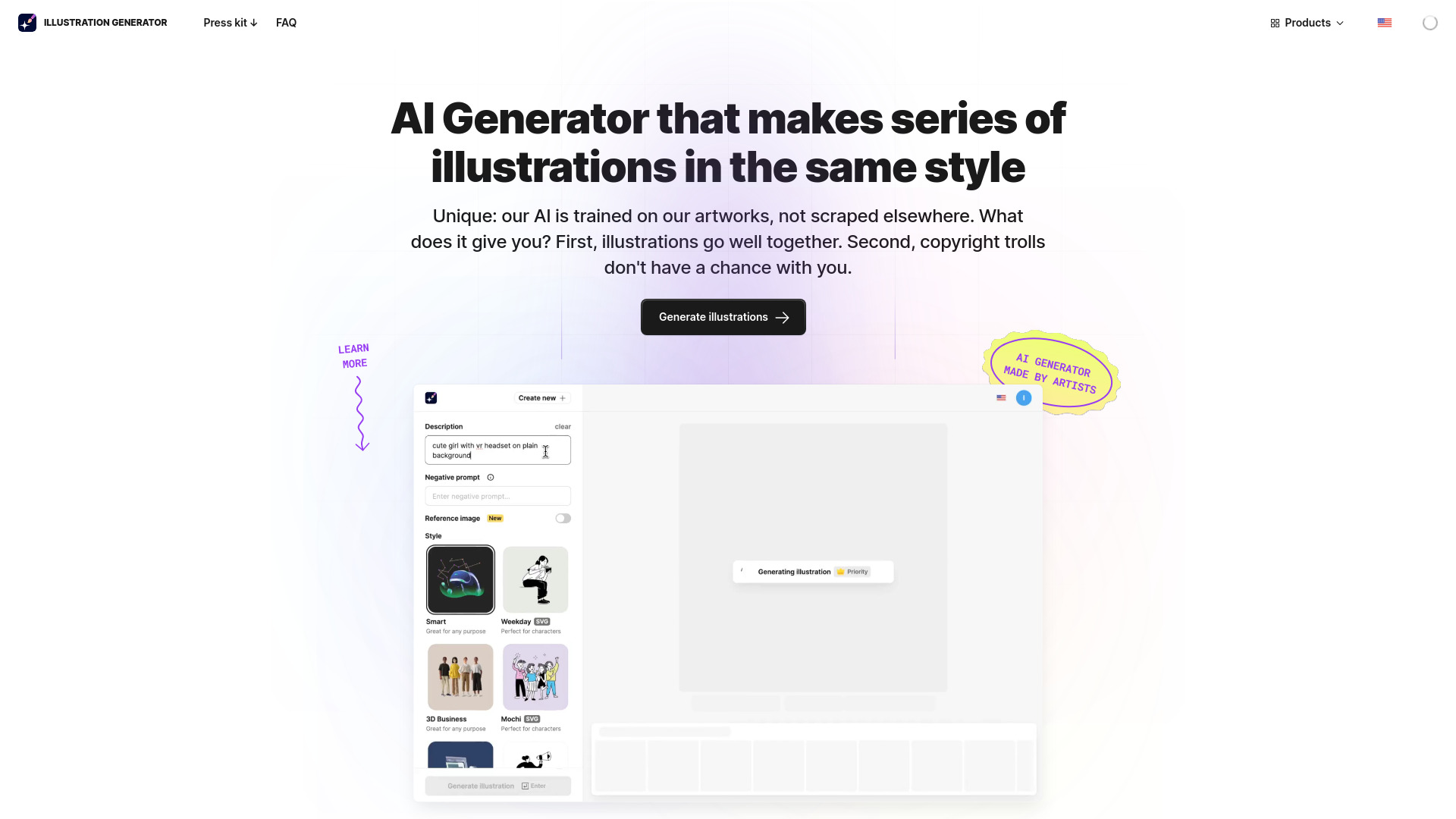
A coherent illustration set is often more useful than a pile of unrelated generations. AI Illustration Generator's defining strength is consistent art styles: it is positioned for designers who need visuals that feel like they belong together, rather than one-off images with a different look each time. The tool generates illustrations from text or images, giving you a direct route from a rough idea to a stylized visual.
Its commercial-safety positioning is relevant if you are making assets for client or business work, but it should not be mistaken for blanket permission covering every use case. Check the vendor's current license and terms for the specific output and project. Free images come with watermarks, which makes the free tier better for exploration than finished client deliverables.
My take: This is the shortlist's most purpose-built pick for designers who value a repeatable visual language over unlimited experimentation. That specialization makes it a more useful first stop than a general generator when you need a family of illustrations.
Where it falls short: The watermark on free images is a meaningful production constraint, and the starting price is not clear here. Treat the free tier as a way to assess style and workflow, then confirm paid terms before planning a commercial pipeline.
Key features
AI-powered illustration generation.
Consistent art styles.
Generates from text or images.
Pros
Designed to create illustrations with a consistent look.
Strong fit for design workflows rather than only casual image experiments.
Commercial-safety positioning is useful to investigate for professional projects.
Cons
Free images have watermarks.
Pricing needs to be confirmed with the vendor.
Choose AI Illustration Generator if: You need a cohesive set of stylized illustrations and are willing to check licensing and paid-plan details before production.
2. Raphael AI

Raphael AI
Digital artists seeking free generation
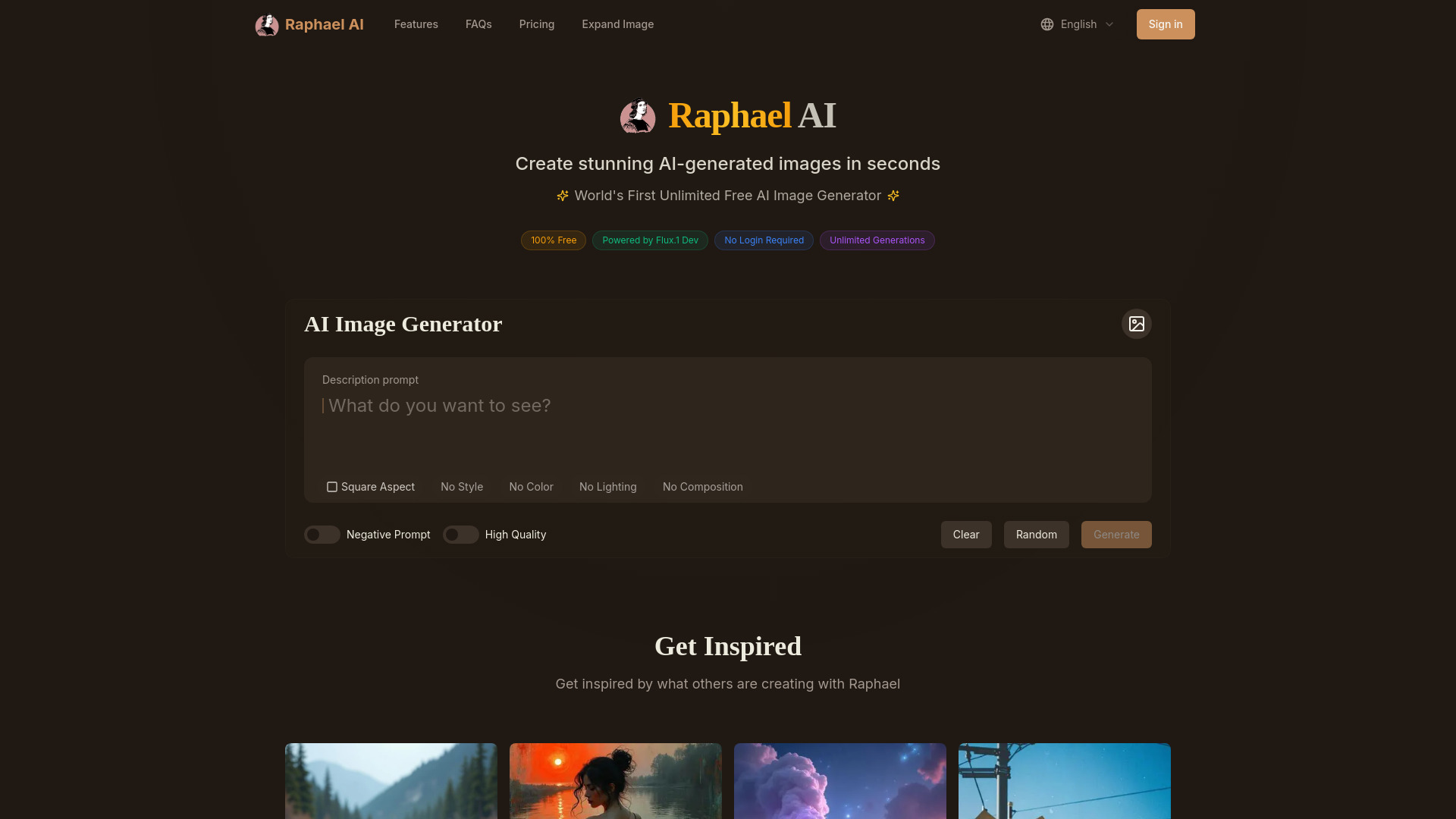
Unlimited free generation is an unusually direct answer to the "no restrictions" search. Raphael AI advertises unlimited free image creation and is powered by FLUX.1-Dev, giving digital artists a way to explore prompts without counting a stated daily credit allowance. No registration is required, which also keeps the first attempt quick.
The trade-off is access: this is a web-based platform, with mobile apps described as in development. That is fine for a desktop creative session, but less convenient if your routine depends on native mobile tools. Premium is listed from $10, so check the live offer if you need more than the free workflow or want to understand what the upgrade changes.
My take: For a first experiment, this is one of the clearest options when you want to generate repeatedly without a stated free quota. I would still check the current terms and content policy before building a production workflow around any "unlimited" claim.
Where it falls short: The experience is web-based, and the available information does not establish that every kind of prompt is permitted. Unlimited generation should not be read as unrestricted subject matter or unrestricted commercial rights.
Key features
Unlimited free image generation.
Powered by the FLUX.1-Dev model.
No registration required.
Pros
No stated generation cap on the free offering.
Simple to try without creating an account.
A clear fit for artists who want room to iterate.
Cons
Web-based platform; mobile apps are in development.
Check current terms and policies for your intended content and usage.
Choose Raphael AI if: You want to explore many text-to-image ideas for free from a browser and do not need a native mobile app.
3. Imagine.art

Imagine.art
Artists exploring and remixing images
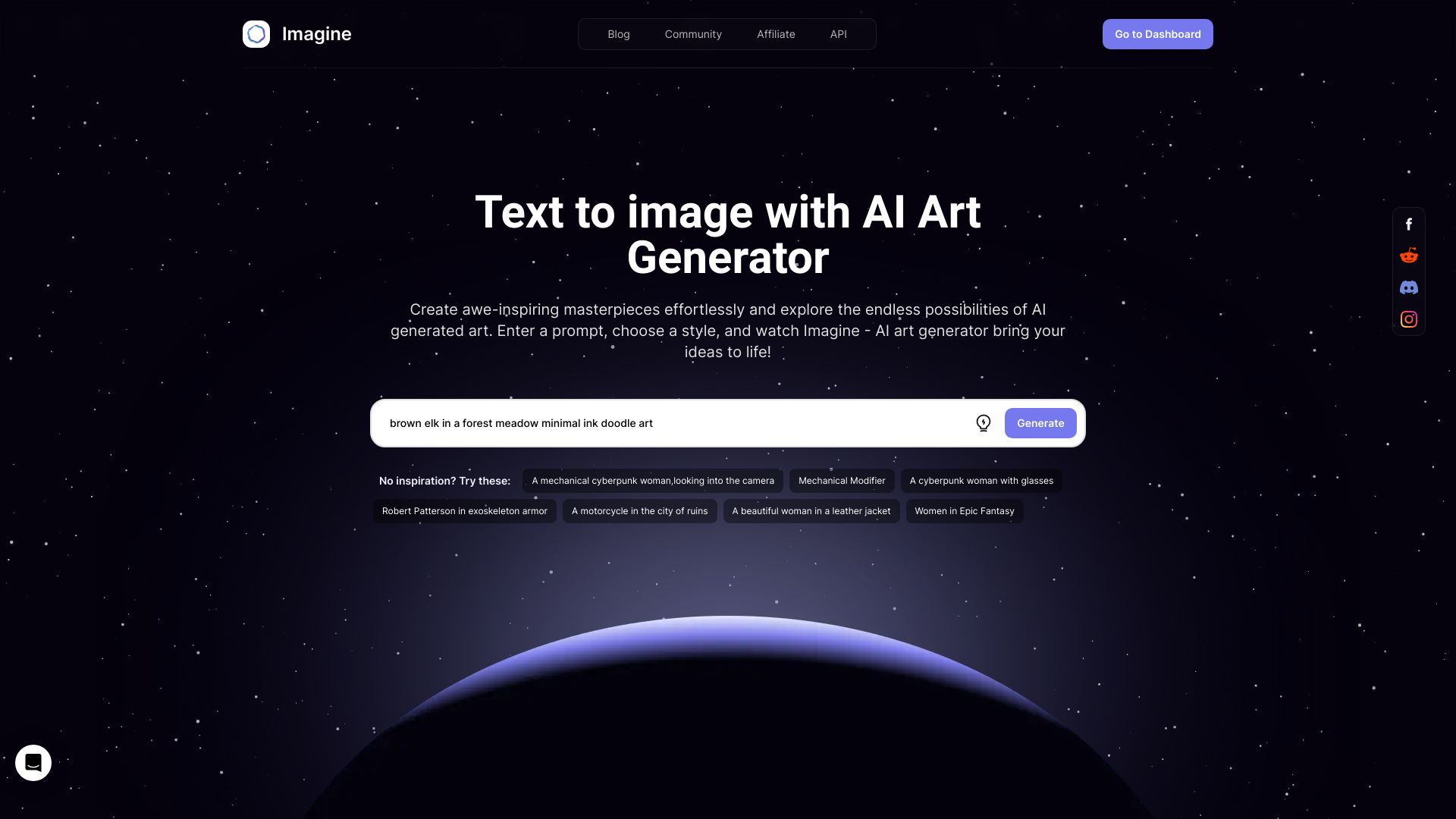
Imagine.art covers two useful parts of an image workflow: creating an image from text and remixing an existing image. That second mode can be more practical than starting from a blank prompt when you already have a composition or visual direction you want to change. For artists, it gives the tool a wider role than a basic prompt-in, image-out generator.
Free AI art generation is available, but the free version has limited features. The details of those limits and the current paid pricing should be checked directly before you rely on it for regular work. It is a promising option for sampling a creative workflow, not the strongest pick if your only requirement is unlimited free output.
My take: The combination of text-to-image and image remix gives Imagine.art a useful middle ground: enough flexibility to try ideas and then iterate on a visual. It is more compelling for creative exploration than for users who want a clearly stated no-limit free tier.
Where it falls short: Free access is feature-limited, and the precise boundary matters if you expect to use it every day. Confirm which tools and quotas are available on the plan you intend to use.
Key features
Text-to-image generation.
Image remixing.
Free AI art generation.
Pros
Supports both new image creation and image-based iteration.
A useful starting point for artists who prefer to refine visual ideas.
Free access lets users explore before choosing a paid plan.
Cons
The free version has limited features.
Pricing and exact plan limits need confirmation.
Choose Imagine.art if: You want to create from prompts and remix images in one place, and a limited free tier is enough to evaluate the workflow.
4. a1.art

a1.art
Digital artists trying filters and styles
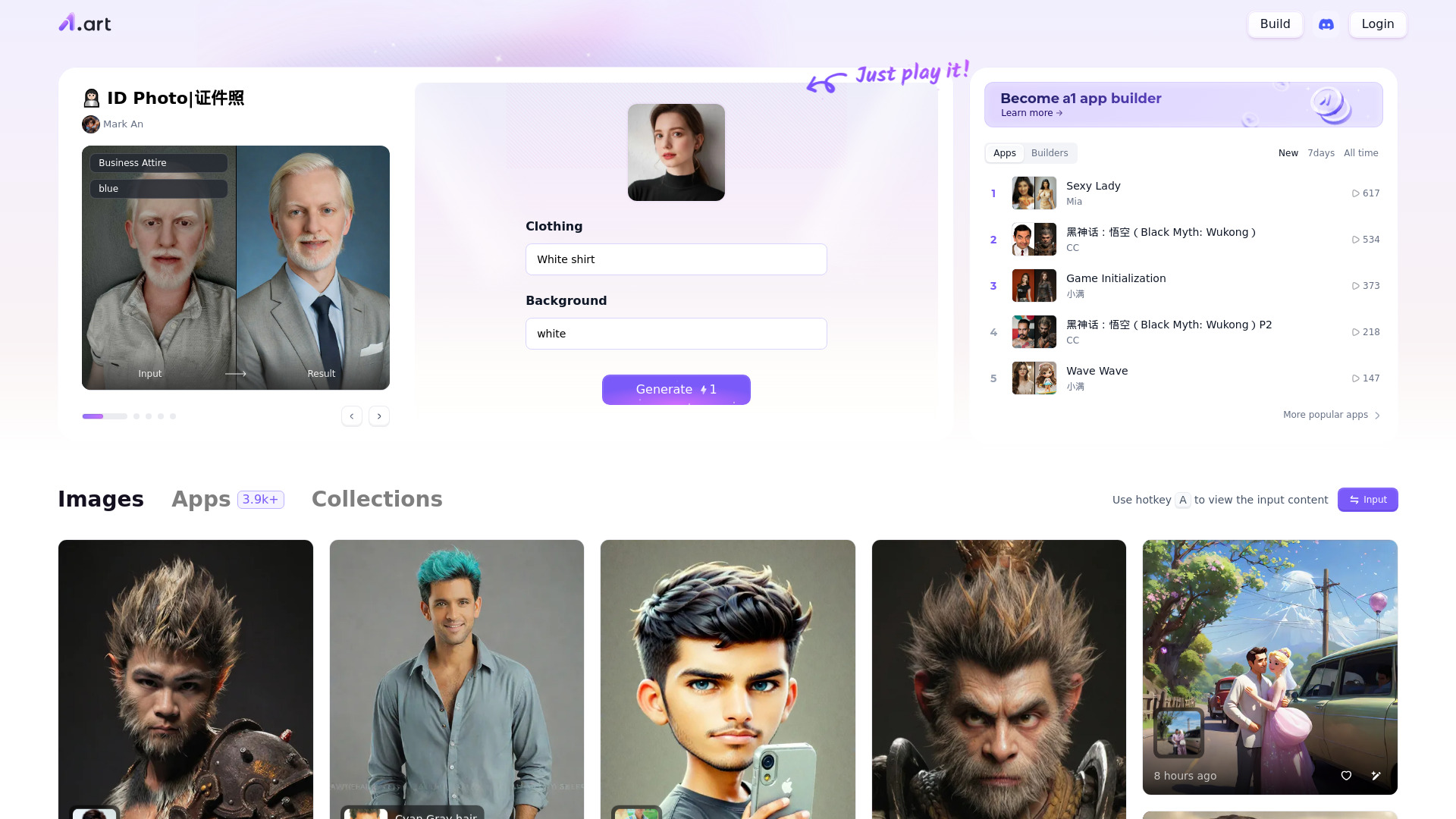
Millions of photo filters give a1.art a different angle from a straightforward text prompt generator. It pairs AI image generation with a large collection of filters, which makes it worth a look if your creative process involves trying visual treatments and styles rather than carefully specifying every detail in a prompt.
The catch is that a wide menu of effects can take experimentation. The tool itself notes that reaching the result you want may require some trial and error, so it is not necessarily the quickest route to a precise, repeatable output. It is free to use, but confirm current access and pricing details directly if you plan to use it beyond casual exploration.
My take: a1.art makes sense for artists who enjoy exploring variations and visual treatments. I would approach it as a creative playground rather than assume that a large filter library automatically means precise control.
Where it falls short: Getting a particular result may take several attempts. If consistency and exact prompt control are essential to your project, test those requirements before committing.
Key features
AI image generation.
Millions of photo filters.
Free online access.
Pros
Large filter collection encourages quick visual exploration.
Free to try.
Combines image generation with a style-oriented workflow.
Cons
May take experimentation to achieve the desired result.
Pricing and any plan boundaries should be verified.
Choose a1.art if: You want a free way to explore many photo filters and do not mind iterating to find the right look.
5. Free AI Image Generator

Free AI Image Generator
Social media managers needing quick images
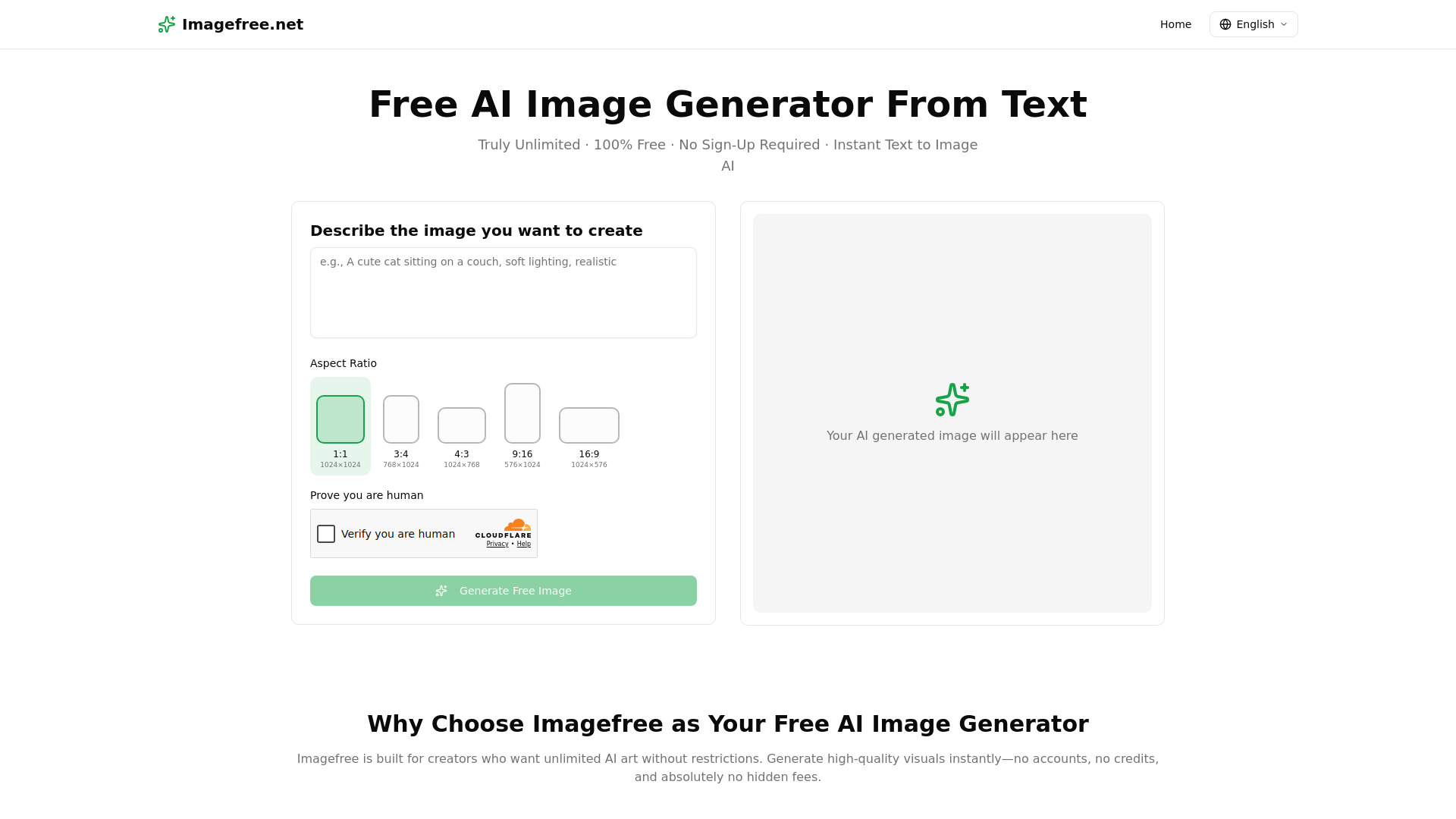
This tool makes a straightforward promise: generate images without signing up, paying, subscribing, or drawing from a credit balance. It also supports multiple aspect ratios, a practical detail for social media managers who need images shaped for different placements. For someone looking for the best free ai image generator with no restrictions, that combination of no account and no stated usage cap is an appealingly low-friction place to start.
There is one operational caveat: generation speed may vary with server traffic. That can matter when you are producing assets to a deadline, even if the tool does not set a usage limit. As with other free services, check the current terms and how generated images may be used before relying on them for commercial posts.
My take: The appeal is not a complicated feature set; it is getting from prompt to image without a registration wall or credit counter. That is exactly the sort of convenience that makes a useful first test, provided variable speed is acceptable.
Where it falls short: Busy periods may slow generation, and the product details do not give a speed guarantee. Do not treat "unlimited" as a promise about uptime, prompt acceptance, or usage rights.
Key features
Text-to-image generation.
Multiple aspect ratios.
No sign-up, subscription, or payment required.
No credit system or stated usage limit.
Pros
Very low friction: no account is required to begin.
No stated generation quota or credit balance.
Aspect ratio options suit a range of social content.
Cons
Generation speed may vary with server traffic.
Review current usage and commercial terms for professional work.
Choose Free AI Image Generator if: You need quick, no-account text-to-image experiments and can tolerate speed changes during busy periods.
6. FluxAI.art

FluxAI.art
Storyboard artists exploring visual styles
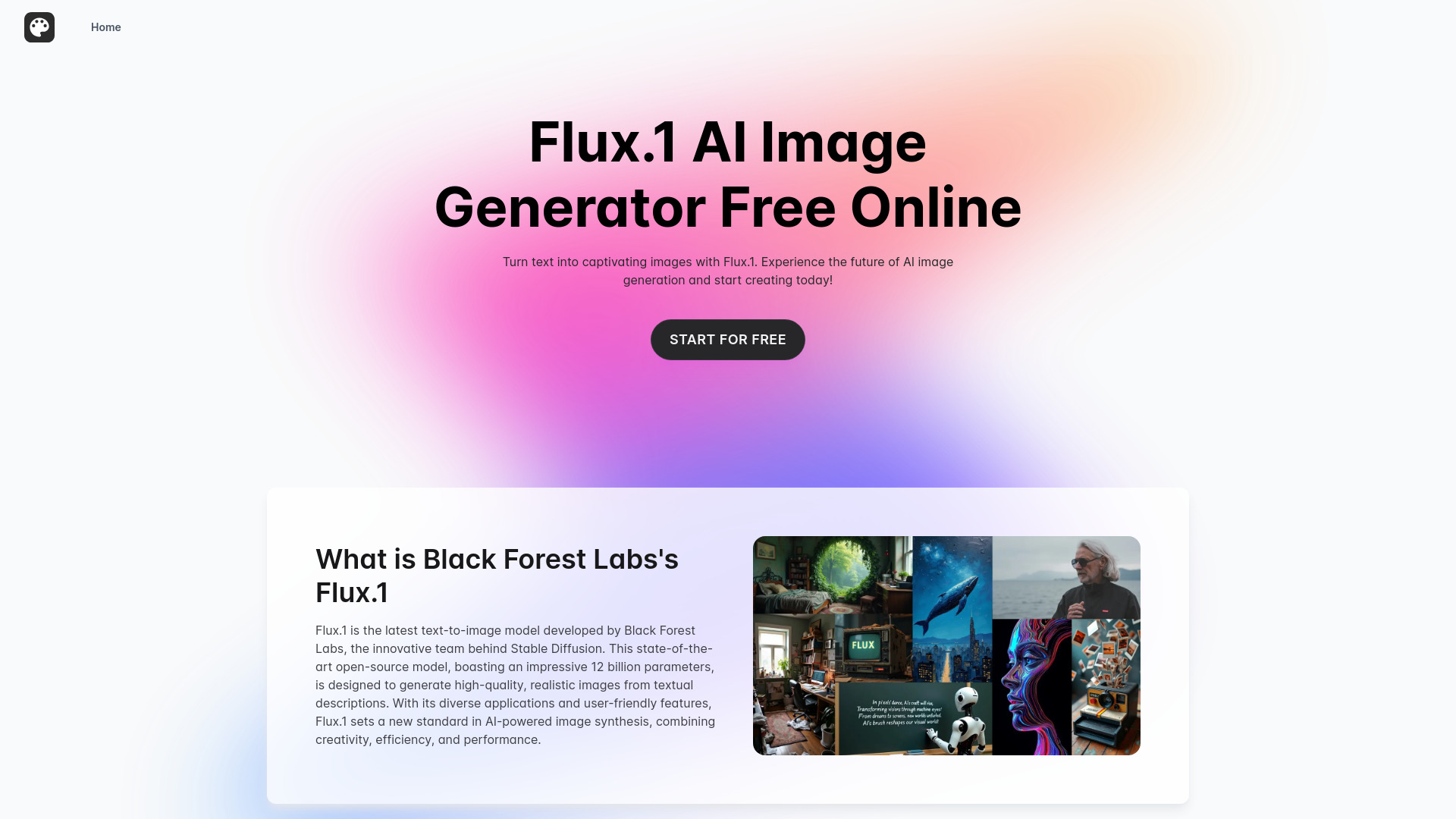
FluxAI.art is the style explorer in this group. It supports text-to-image generation and highlights a broad range of looks, including Ghibli-inspired, chibi, Pixar-like, and 3D styles. That range can help storyboard artists quickly test the mood or visual direction of a scene before settling on a more polished image workflow.
The free offer is specific rather than unlimited: 10 daily generations for seven days. Images created on the free plan are stored for only seven days, so download or otherwise preserve anything you want to keep. The paid plan is listed from $6 per month in the product details, though you should verify billing terms and current plan limits before deciding.
My take: The style variety makes this a good short-term sandbox for visual exploration, but the storage window changes how you should use it. Treat free generations as temporary working material and save useful outputs promptly.
Where it falls short: Seven-day image storage is a real constraint, and the free access has a defined time window and daily quota. It is not the best pick if you expect an indefinite free archive or unlimited daily output.
Key features
Text-to-image generation.
Broad style options, including chibi, 3D, and other stylized looks.
Free tier with 10 daily generations for seven days.
Pros
Offers a range of visual styles for quick concept exploration.
A clear daily quota makes the free limit easier to plan around.
Paid pricing is listed from $6 per month; check the current terms.
Cons
Free-plan images are stored for only seven days.
The free offer is limited to 10 generations a day during its stated period.
Choose FluxAI.art if: You are storyboarding or exploring several visual styles and can save worthwhile outputs before the free storage window ends.
7. aigazou

aigazou
Content creators who want no-login access
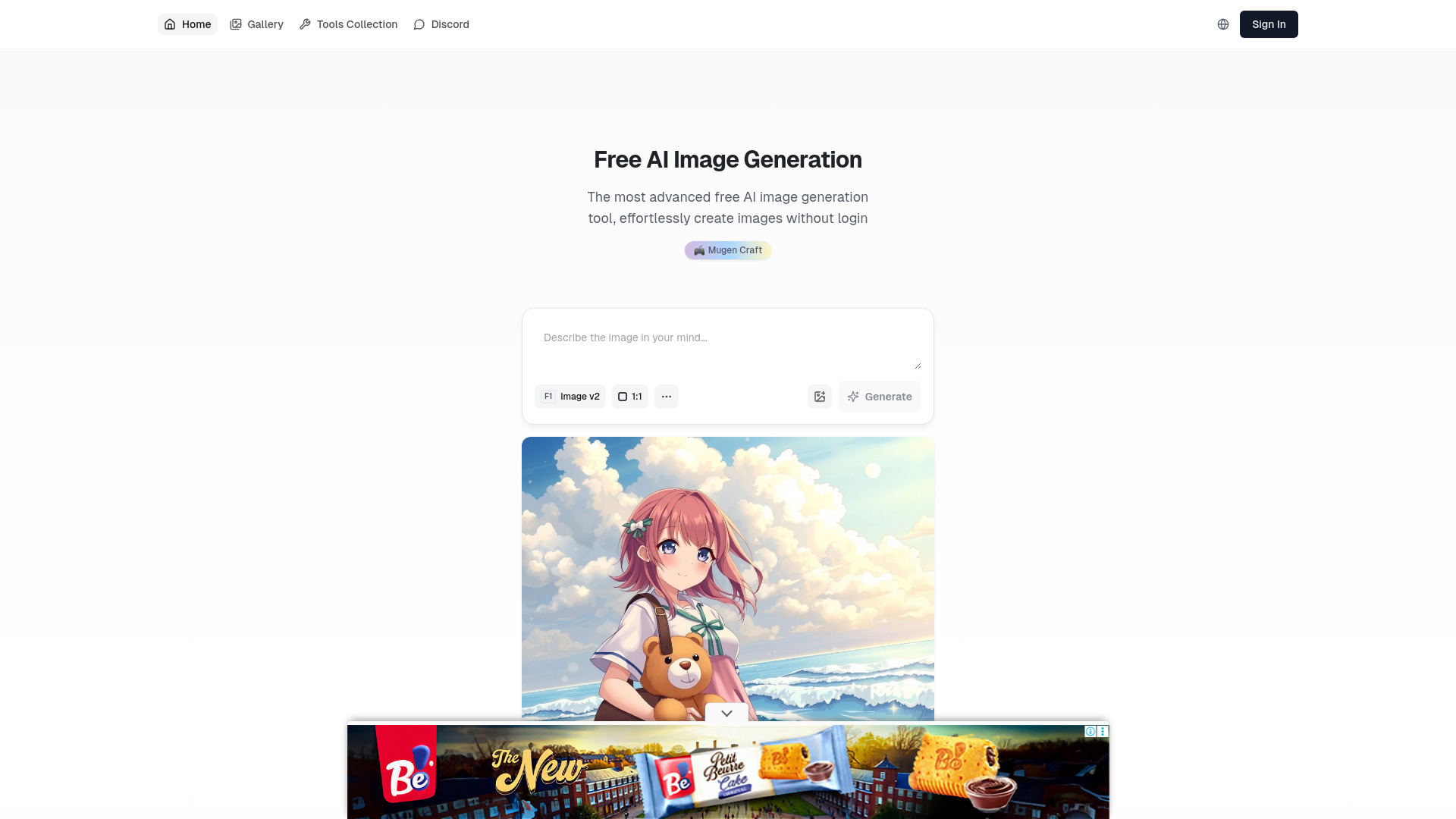
aigazou keeps the first step simple: it offers AI image generation without requiring an account or login. That can be helpful when you are testing a visual idea, using a shared device, or simply do not want to hand over an email address before finding out whether a tool suits you. The service describes its image output as high quality and supports personal and commercial use, but check its current terms before using a generated image in a paid campaign or client project.
The product is presented as free, though its limitation notes leave open the possibility that premium features or use beyond a free allowance could become chargeable. That is a reason to check what is currently included instead of assuming the service will remain free without limits. Its strongest known advantage is access without account creation, not a clearly quantified unlimited quota.
My take: I like the low-friction approach for quick tests. For a recurring content workflow, I would verify the current free allowance and licensing terms before making it part of the production routine.
Where it falls short: There is no specific generation quota stated here, and pricing may change as the service evolves. Confirm both the actual access limits and image-use terms directly.
Key features
No login or account creation required.
AI image generation.
Described as supporting personal and commercial use.
Pros
Easy to try without registering.
A practical option for quick content-creation experiments.
Commercial-use positioning gives business users a useful question to verify in the terms.
Cons
The free allowance and any premium boundaries are not clearly quantified.
Potential future charges for premium features or usage should be checked.
Choose aigazou if: You want to generate an image without creating an account and are prepared to confirm current limits and licensing before publishing.
8. IMAGE CREATOR AI
IMAGE CREATOR AI
Content creators needing fast generations
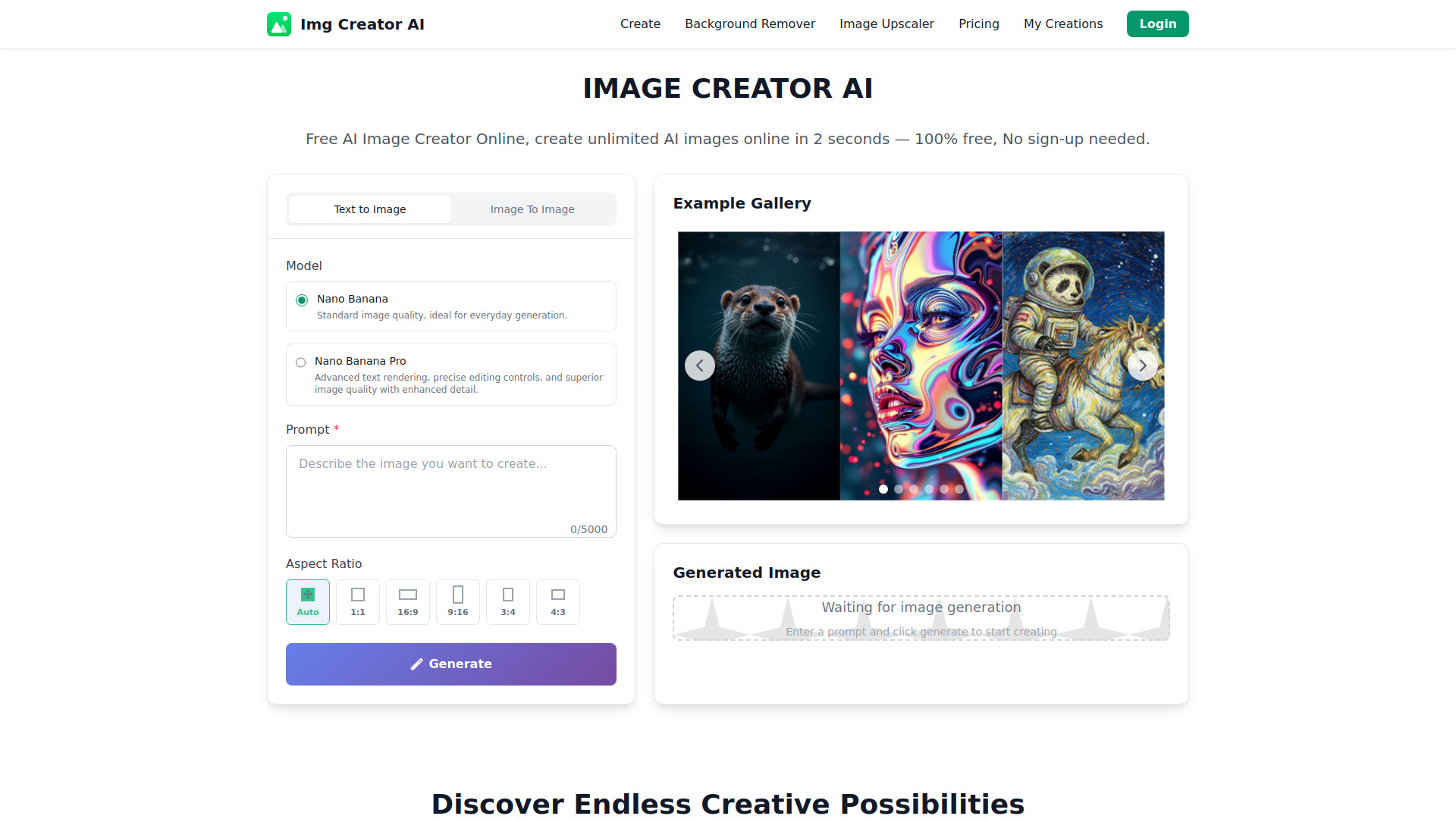
IMAGE CREATOR AI stands out for a stated model and speed focus: it is powered by Google's Gemini 2.5 Flash Image model and describes generation as taking seconds. It also highlights advanced prompt understanding, which could make it attractive when a content creator wants to test detailed instructions without a long wait between attempts.
The free plan is not unlimited. It provides four credits per day, though basic access does not require sign-up. That is enough for a handful of experiments, not a high-volume production schedule. Paid plans are listed from $6 per month; check the current pricing and what each credit buys before comparing it with unlimited-use alternatives.
My take: The clear daily quota makes the free tier easy to understand, and the speed pitch is appealing for quick iterations. I would pick it for occasional prompt testing, not as a no-limit generator.
Where it falls short: Four daily credits impose a firm ceiling on free experimentation. The model and speed claims do not replace checking output quality on your own prompts.
Key features
Powered by Google's Gemini 2.5 Flash Image model.
Ultra-fast generation, with results described as arriving in seconds.
Advanced prompt understanding.
Four free credits per day; no sign-up needed for basic access.
Pros
Specific model information helps explain its image-generation approach.
No sign-up is needed for basic access.
A listed paid starting point makes it easier to investigate an upgrade.
Cons
The free plan is limited to four credits per day.
Confirm credit usage and paid-plan terms before budgeting for regular use.
Choose IMAGE CREATOR AI if: You want to test fast, prompt-driven image creation and four free daily credits cover your needs.
9. AI Anime Generator
AI Anime Generator
Freelance illustrators making anime art
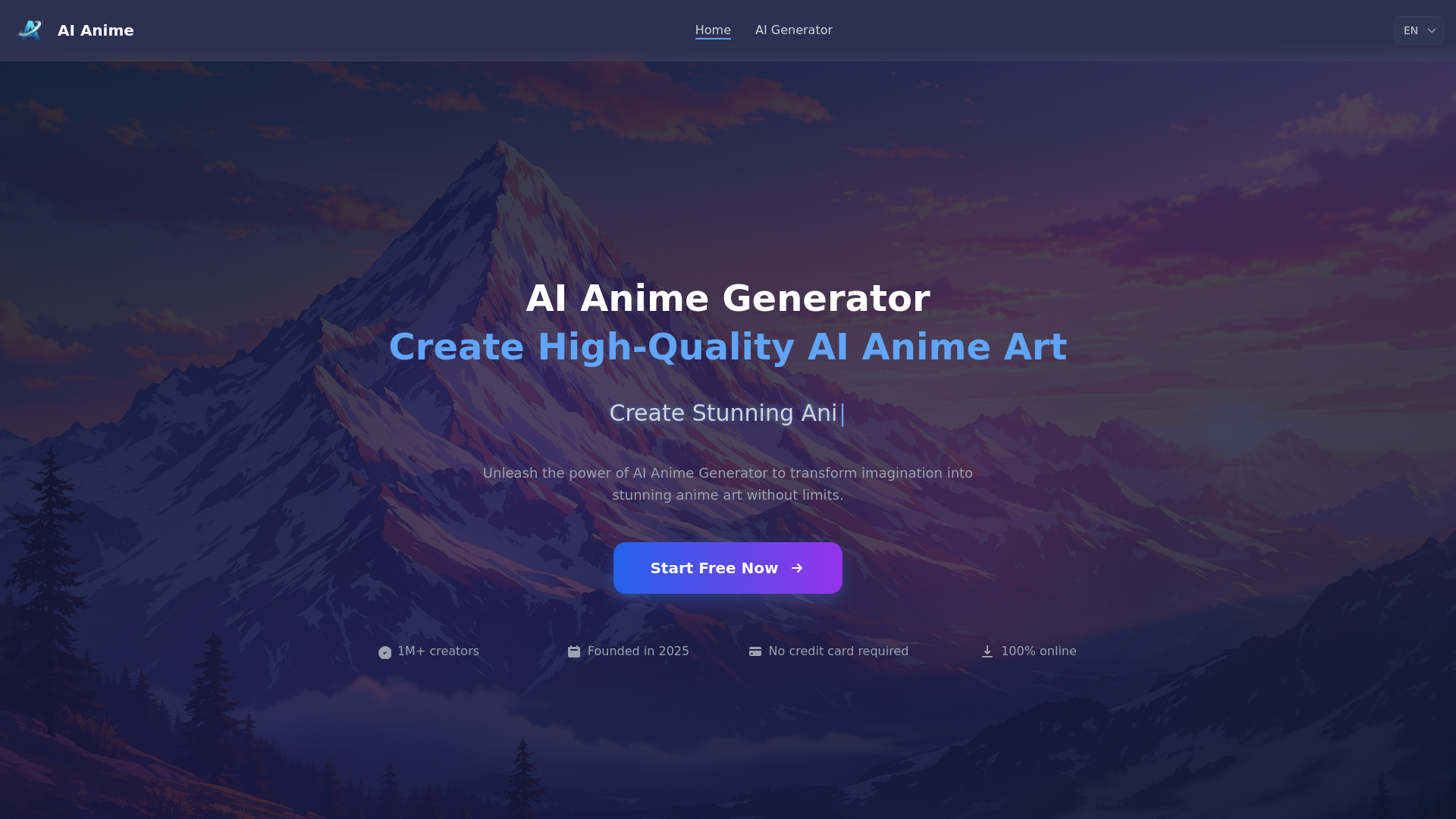
A general-purpose image generator is not always the right tool for a specialized visual style. AI Anime Generator focuses on anime output and offers both text-to-anime and photo-to-anime workflows. That makes it more direct than a broad image tool when your brief is a character concept, an anime-styled portrait, or an adaptation of a photo into the genre.
The free tier allows 30 generations per day without registration. That is a substantial daily allowance for individual exploration, but it is still a limit, and the product's details do not establish that every output or use case is unrestricted. Confirm current terms and check the results against your needs before using it for commissioned work.
My take: For anime-focused creation, a dedicated tool saves you from trying to coax a general generator into the right style. The daily limit is generous enough for many personal workflows, though heavy users should plan around it.
Where it falls short: The 30-image daily cap means it is not literally unlimited, and pricing beyond the free access should be confirmed with the vendor. Its specialization may also be unnecessary for non-anime projects.
Key features
Text-to-anime generation.
Photo-to-anime conversion.
30 free generations per day.
No registration required.
Pros
Focused tools for both prompt-based and photo-based anime workflows.
A clear, relatively high daily free quota.
No account required to try it.
Cons
The free tier has a daily generation limit.
Pricing beyond free access needs confirmation.
Specialized for anime rather than general-purpose image creation.
Choose AI Anime Generator if: You need anime-style images from either text or photos and a 30-generation daily limit is sufficient.
10. Raphael AI
Raphael AI
Artists wanting free access and multiple styles
This separate Raphael AI listing emphasizes unlimited free access alongside multiple artistic styles and modes. Its role in the shortlist is straightforward: artists looking for a free generator that does not require sign-up can try different looks without first committing to an account. It is a distinct listing from the other Raphael AI entry above, so do not assume the two websites have the same operator, model, interface, or terms.
The main caveat is output variability: image quality may depend on the prompt. That is familiar territory for generative tools, but it means prompt iteration is part of the workflow rather than an optional polish step. The current details do not identify a clear starting price, so check whether any paid features or usage limits apply to your intended use.
My take: The combination of no-sign-up access and multiple styles is handy for casual exploration. I would compare the actual outputs against the first Raphael AI listing rather than choosing based on the shared name alone.
Where it falls short: Prompt-dependent quality can make results inconsistent, and the shared brand name may cause confusion. Verify the exact URL, terms, and available features before using either service for ongoing work.
Key features
Unlimited free image generation is advertised.
Multiple artistic styles and modes.
No sign-up required.
Pros
Offers free experimentation without a stated usage cap.
Style options support varied creative directions.
Can be tried without account creation.
Cons
Image quality may vary with the prompt.
Pricing details are unclear.
This is a separate listing from the other Raphael AI product in this guide.
Choose Raphael AI if: You want to explore multiple image styles for free without registering and are comfortable refining prompts when results vary.
More tools to compare

zimage
Unrestricted, bilingual AI image generation

Free AI Image Generator
Unlimited text-to-image generation

AIAI.com
Creators seeking varied image styles and video tools


ImgGen AI
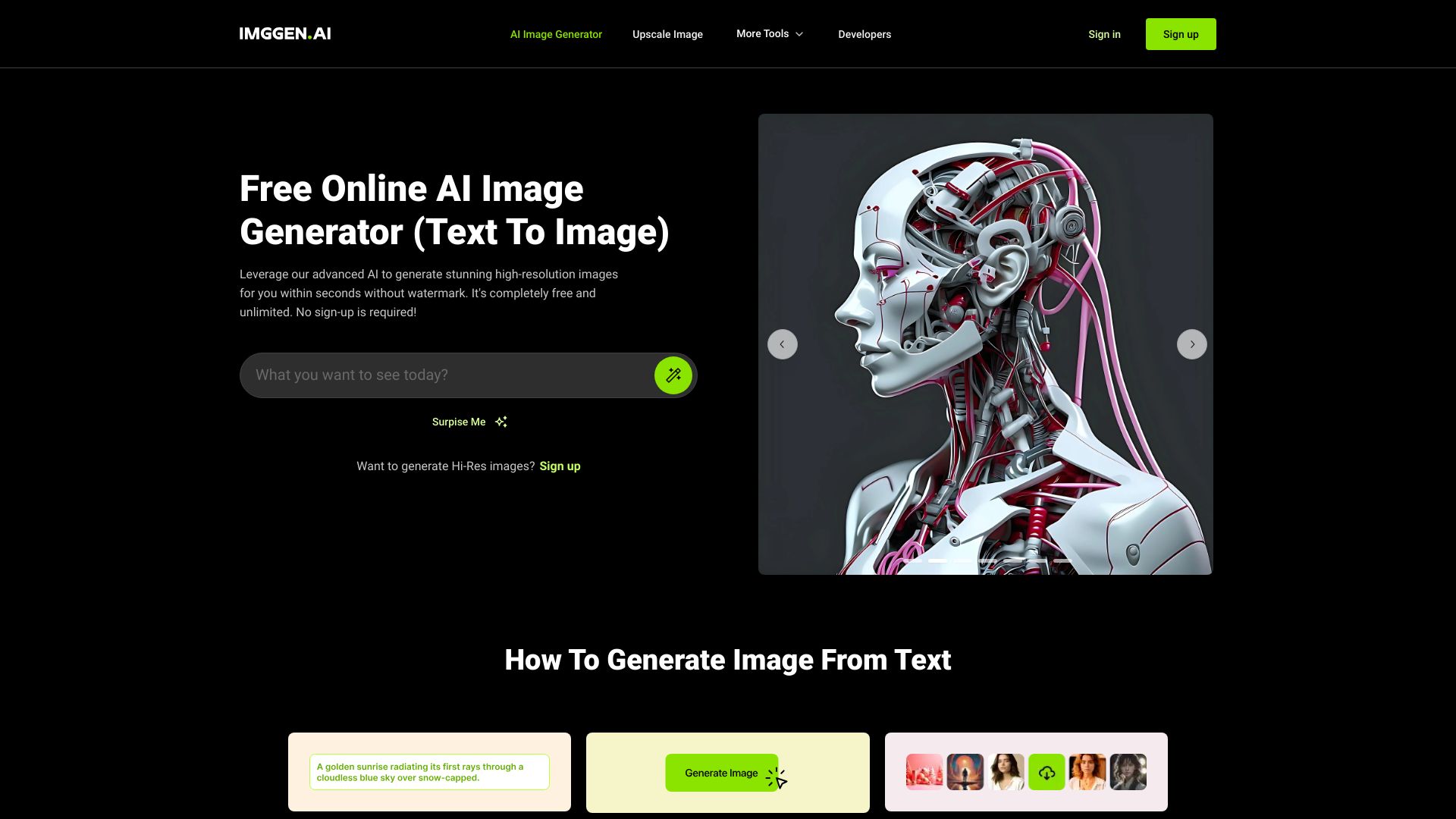
Free watermark-free image generation

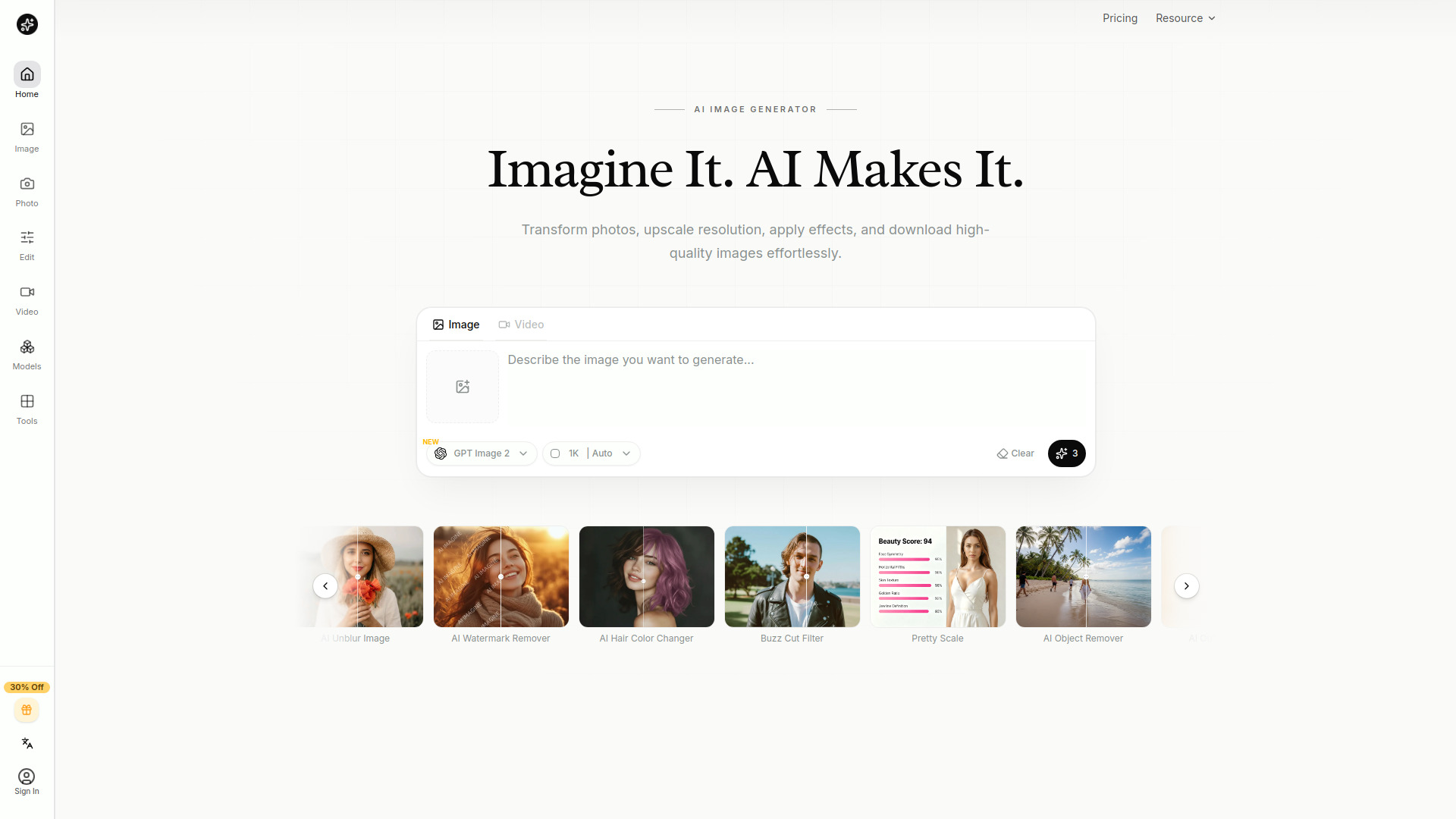
AI Imagine
Creators who need quick image generation and editing

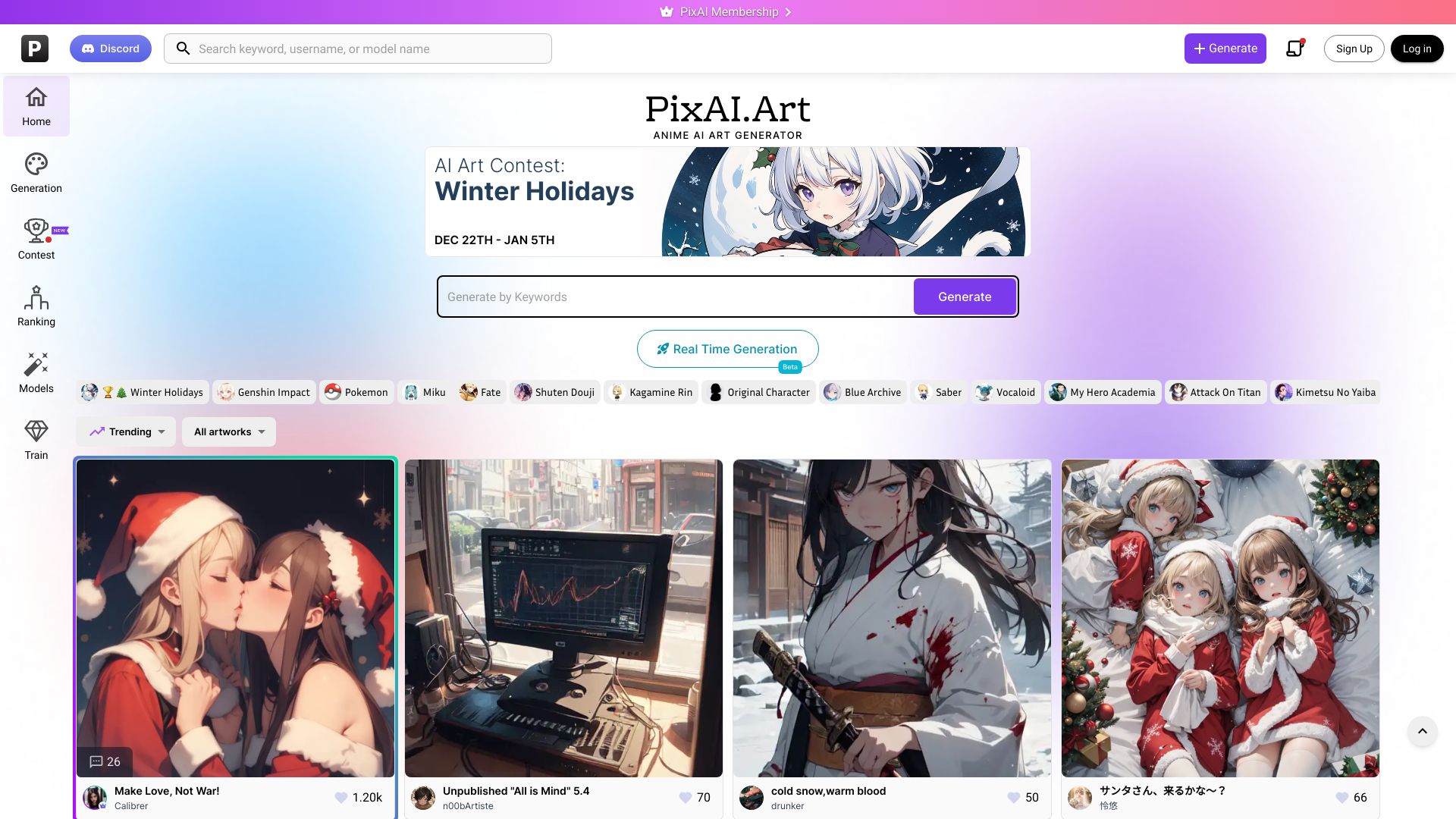
PixAI
Anime-style AI artwork
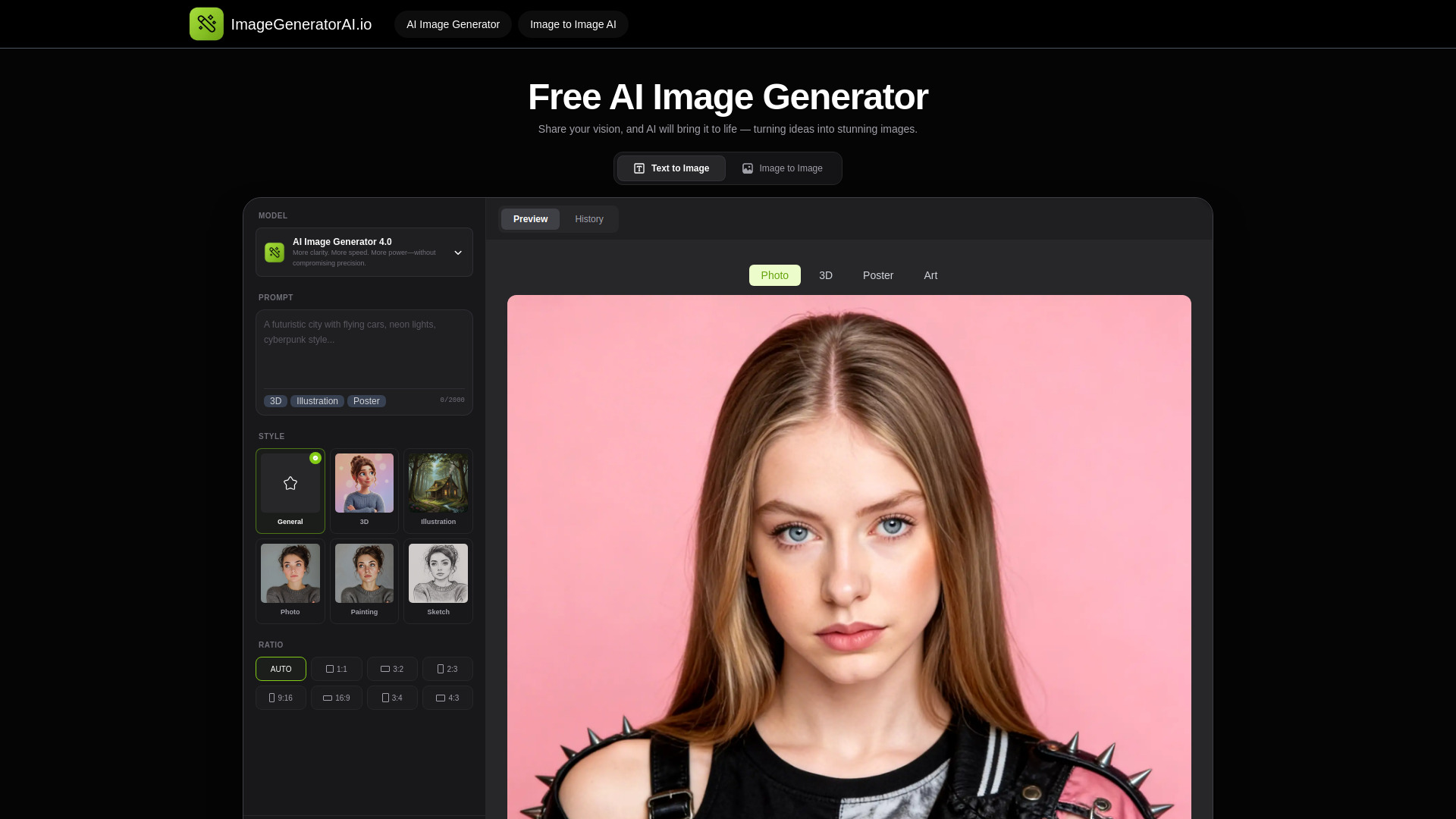
ImageGeneratorAI.io
No-sign-up image generation
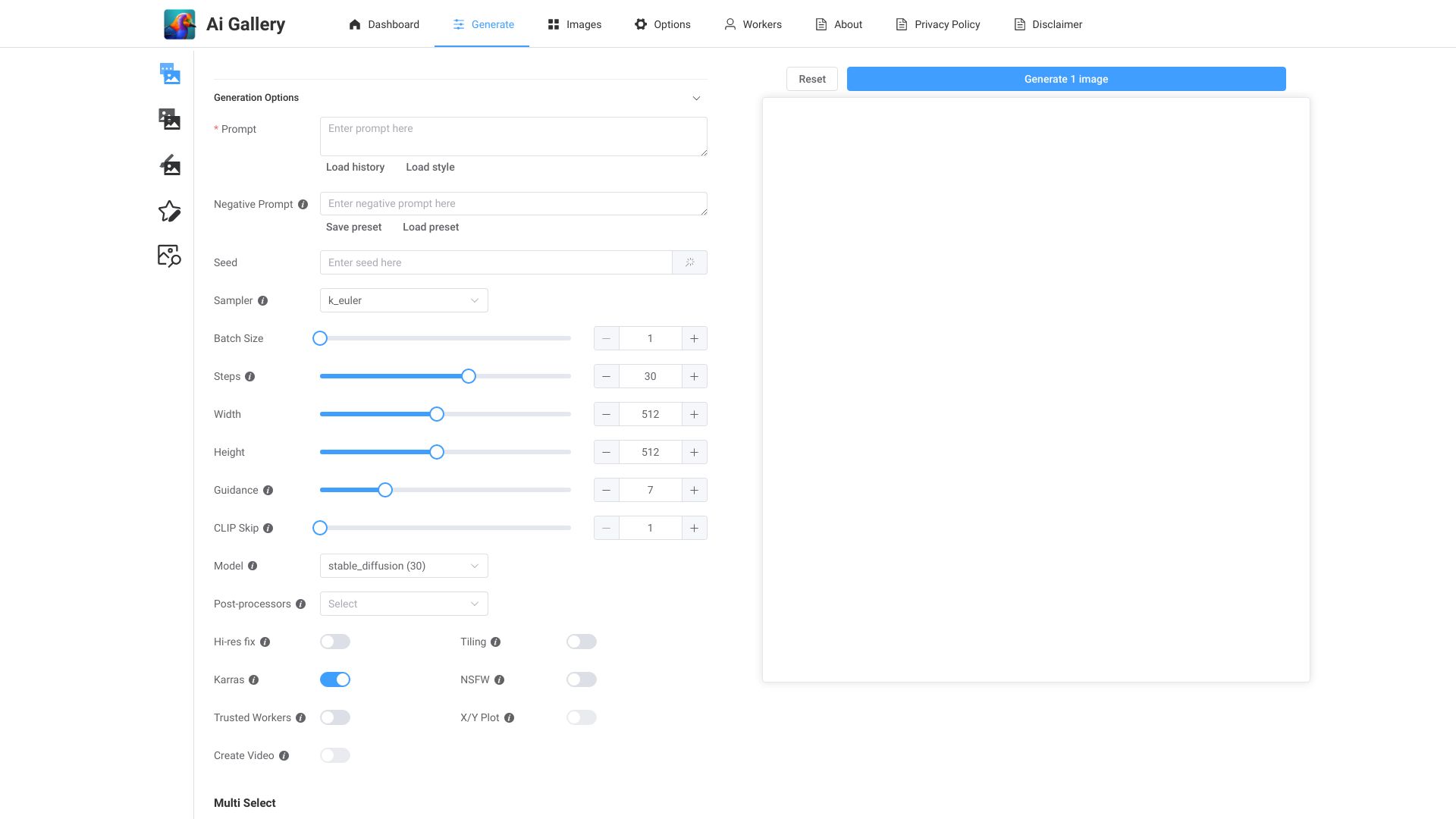
AI Gallery
Fast AI artwork from images
Z-Image AI Generator
Fast photorealistic image generation
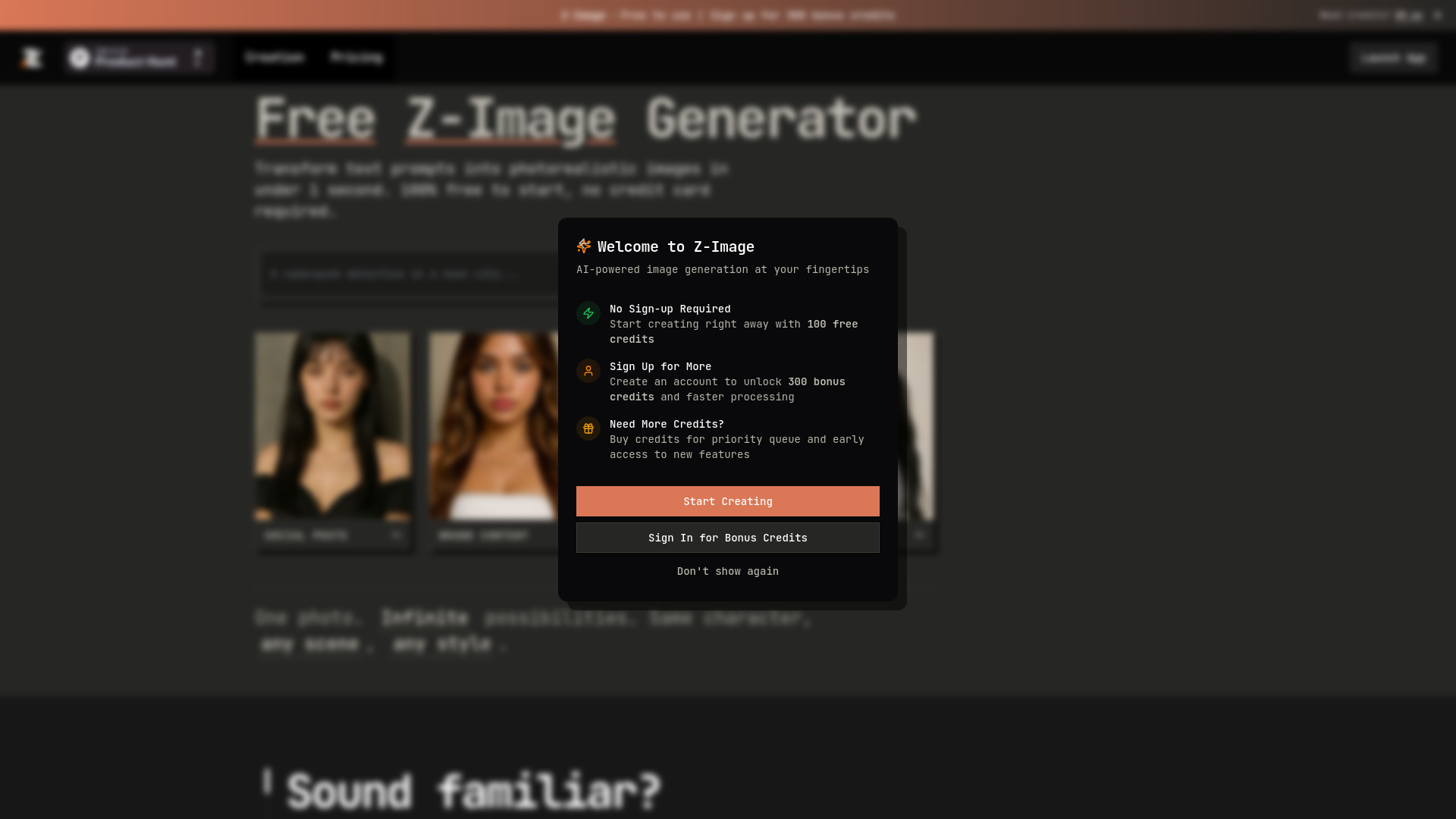

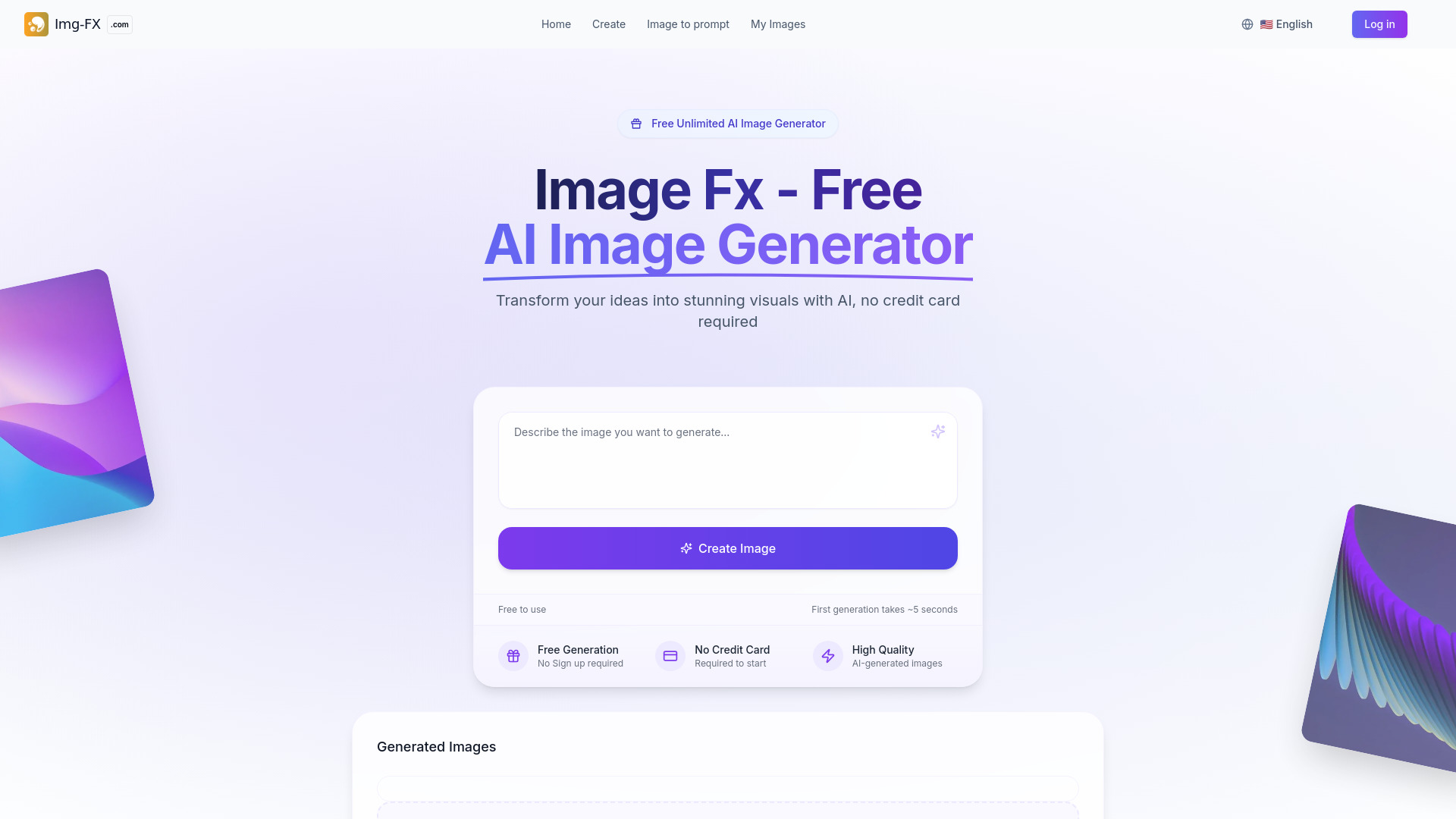
Image Fx
Quick text-to-image generation

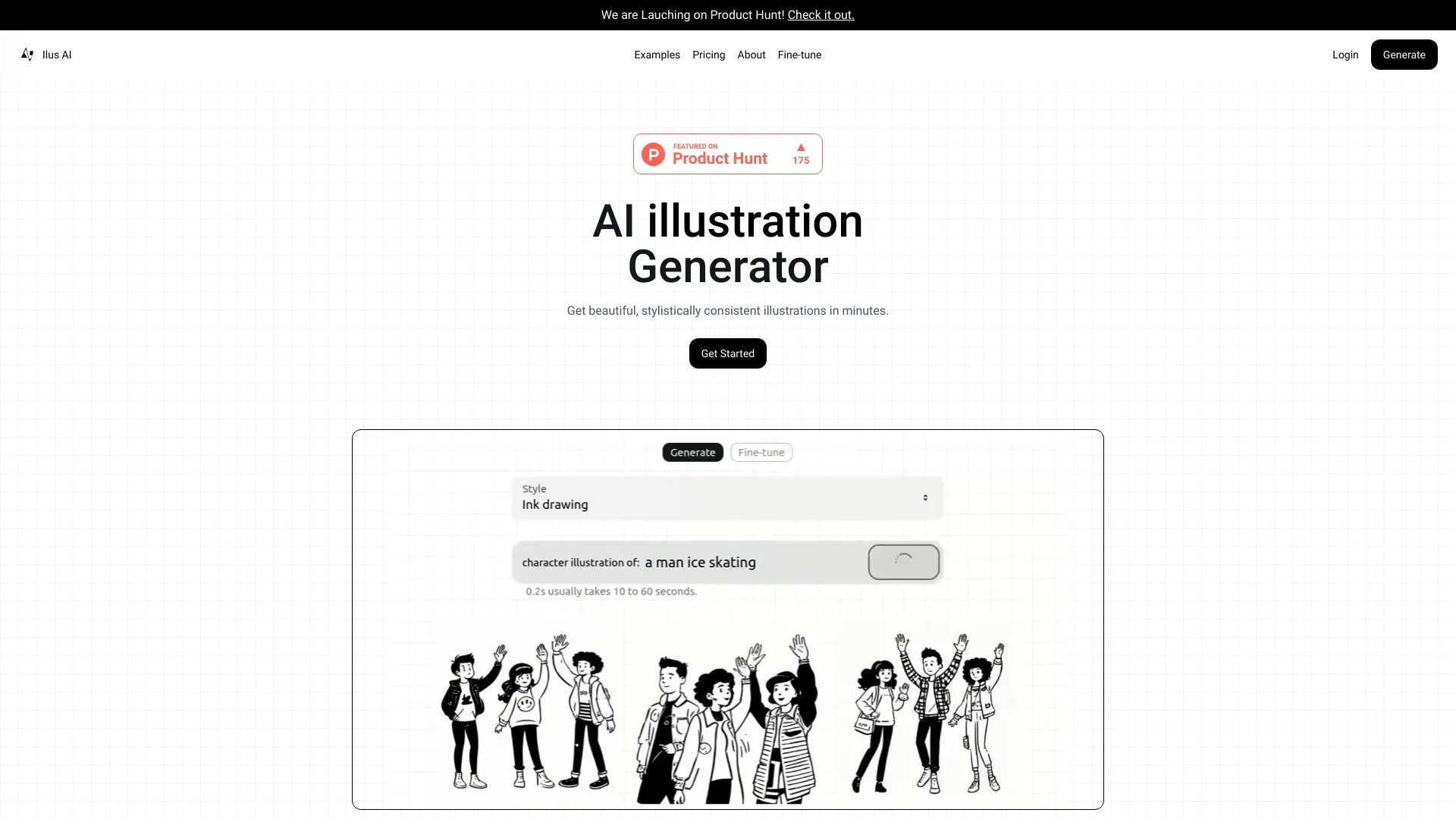
Ilus AI
Consistent SVG illustrations
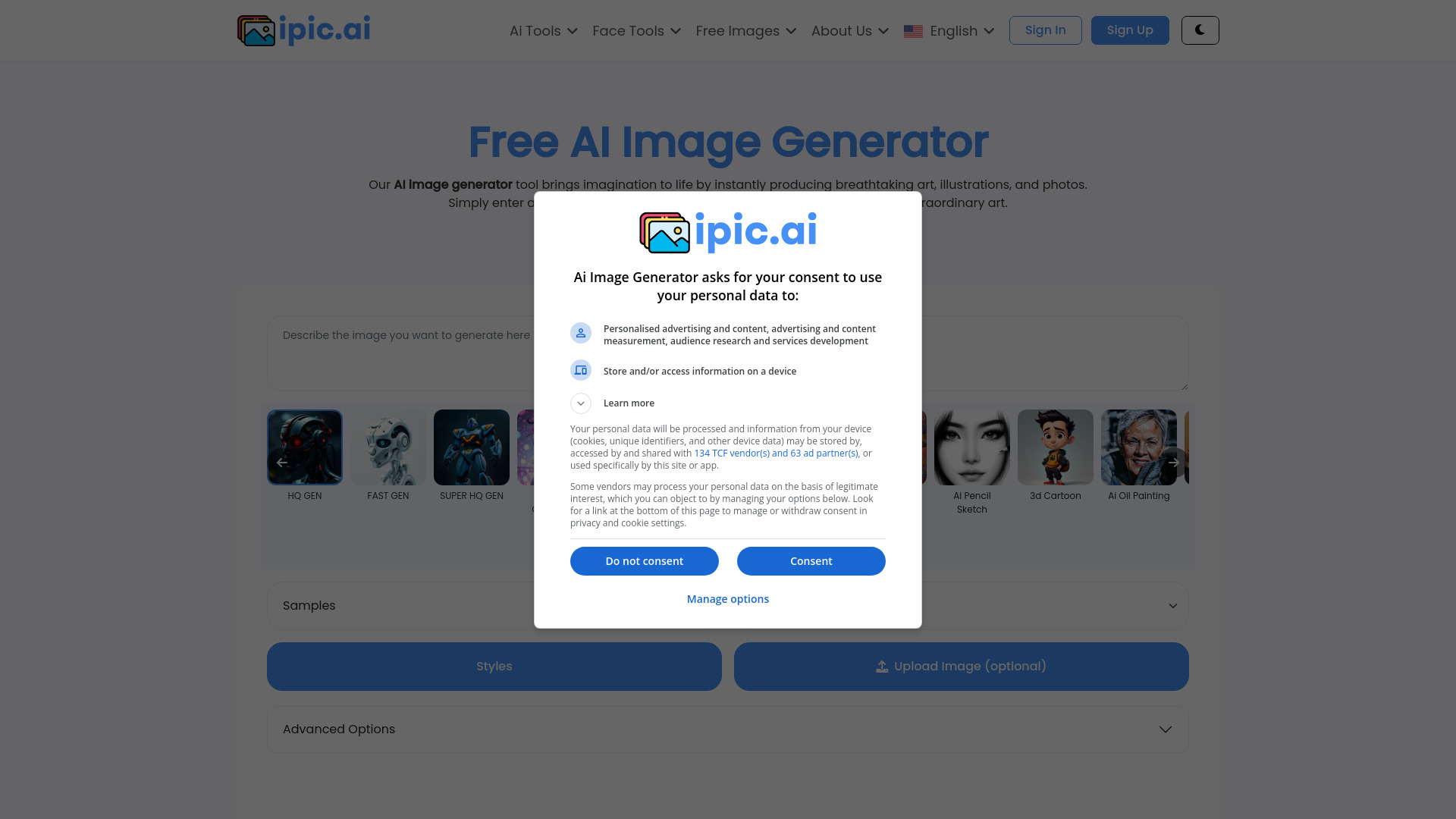
iPic.Ai
Creating custom AI images

Png AI
Quick PNG image creation

Flux AI Studio
Prompt-guided Flux image generation

Image to Image AI
Prompt-guided photo restyling

AnimeGen
Anime-style images from text prompts

Free AI Chat & Image Generator
Unlimited AI chat and image generation

Image-Generator.com
Free prompt-based image generation

AI Hentai Generator
Adult anime image generation

Imagine Anything
Free AI image and art creation

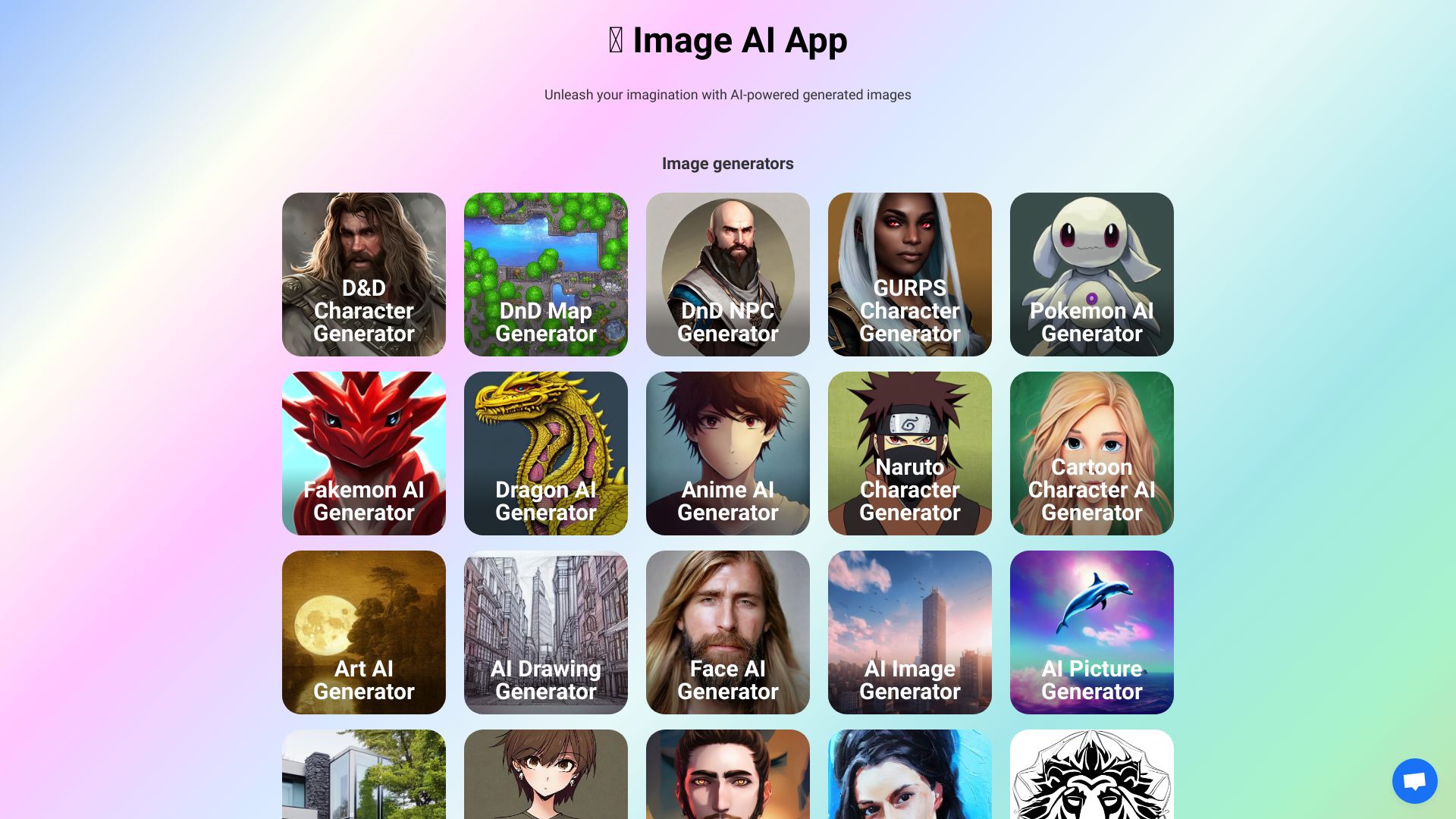
Image AI Generator
AI-generated character and fantasy artwork

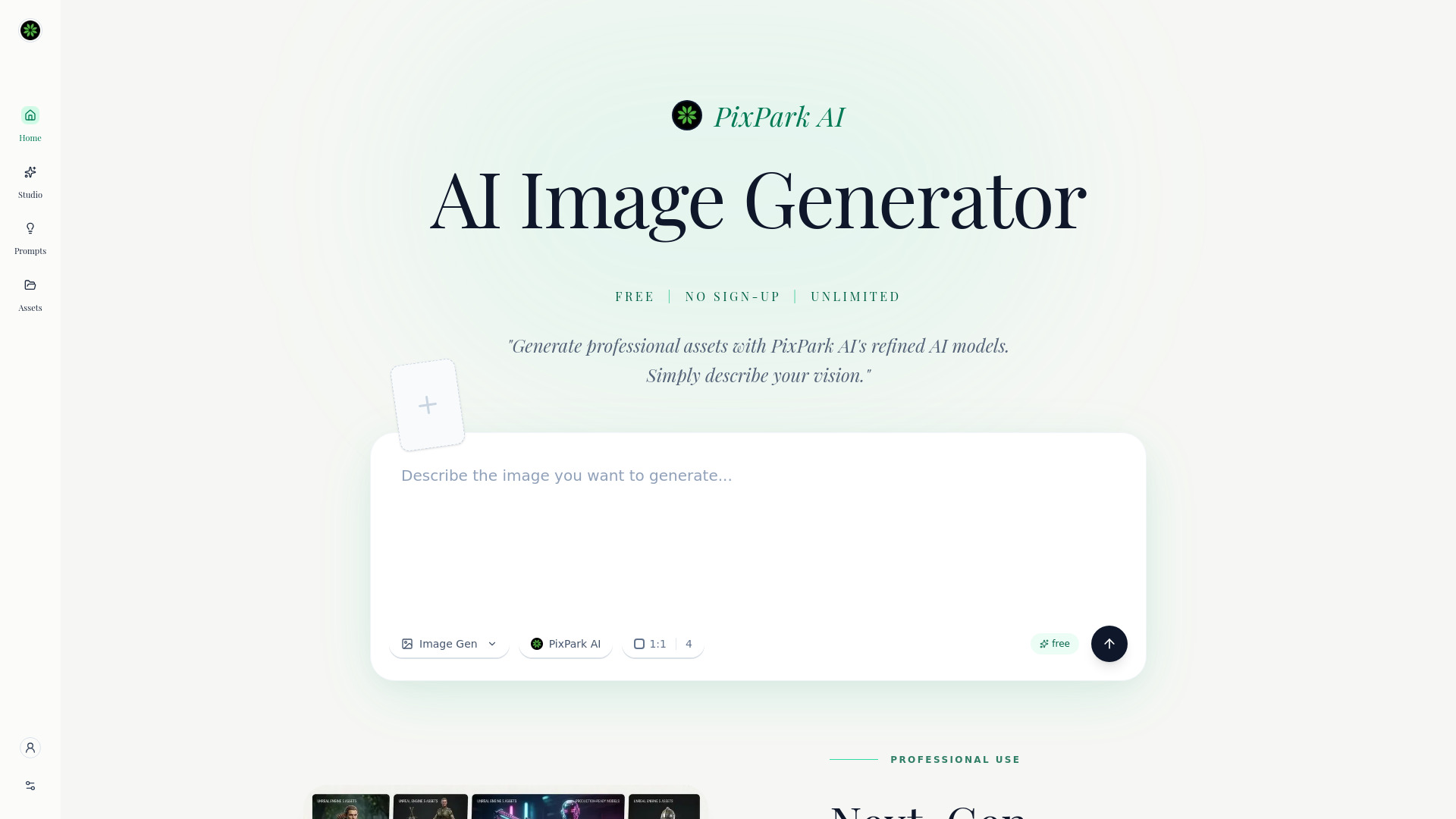
PixPark AI : AI Image To Image Generator
Unlimited AI image generation
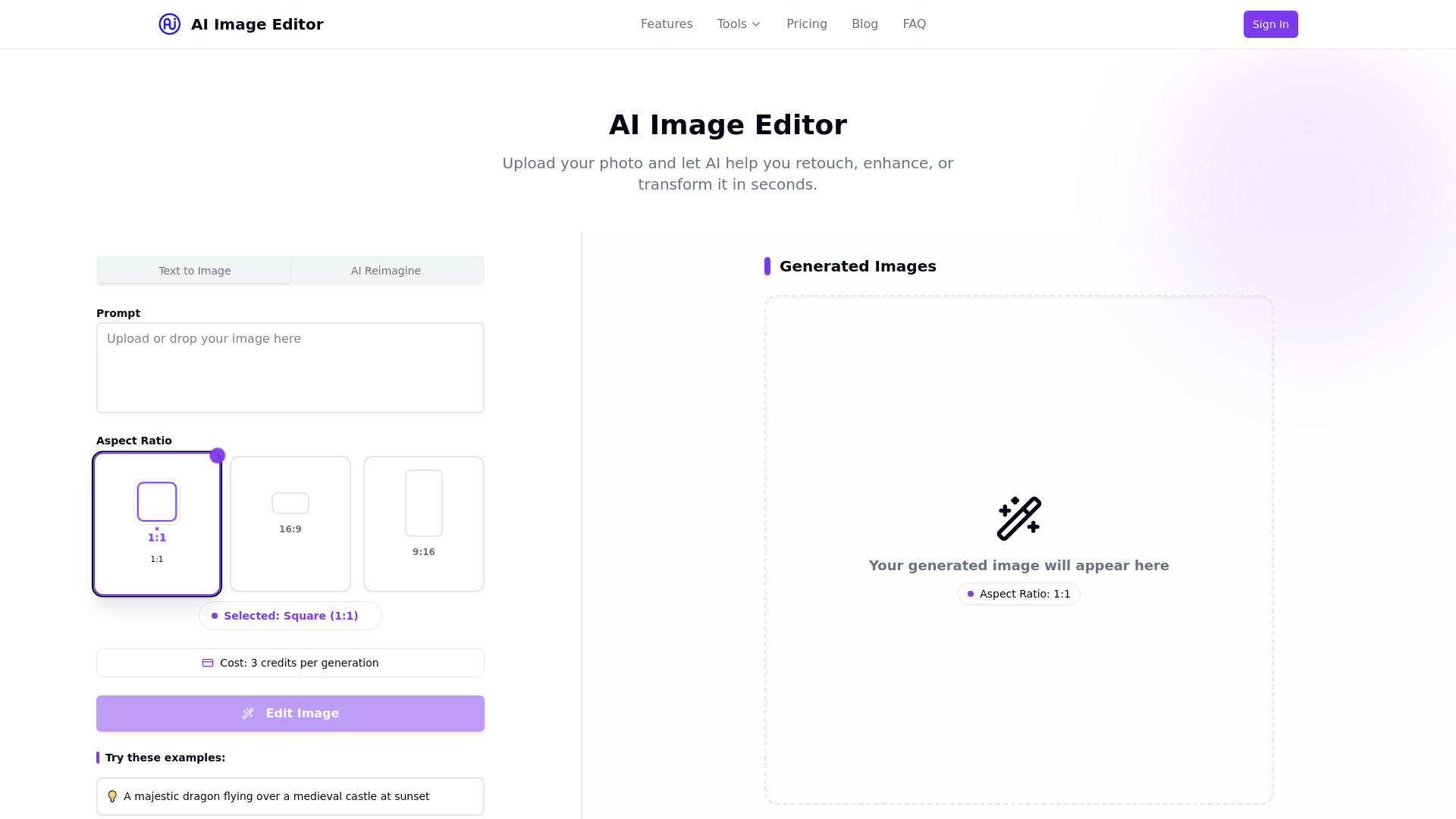
ai image editor
Quick AI photo edits and image generation

aiimageedit.ai
Structure-preserving photo edits
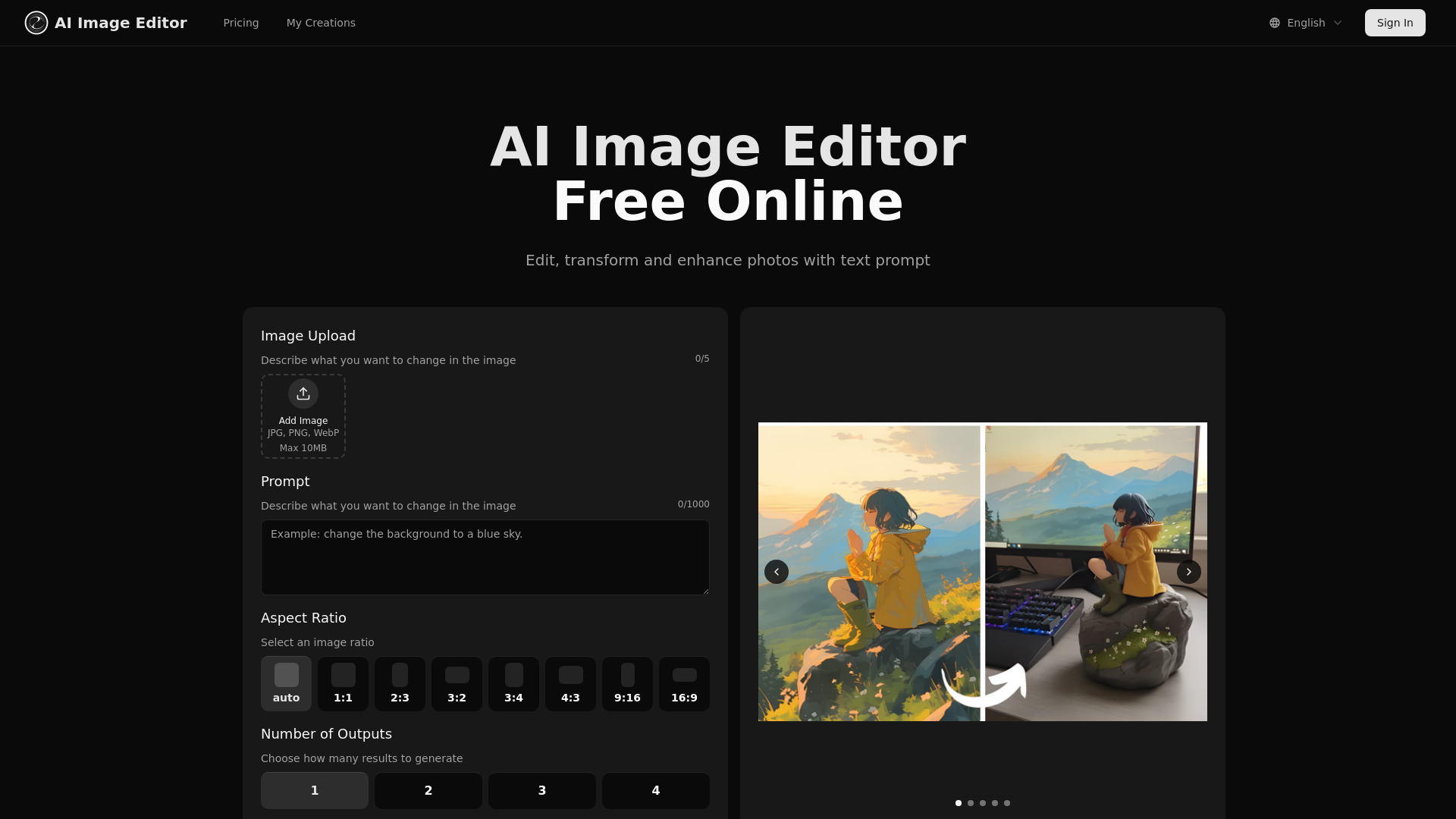

Anime AI
Anime avatars from personal photos
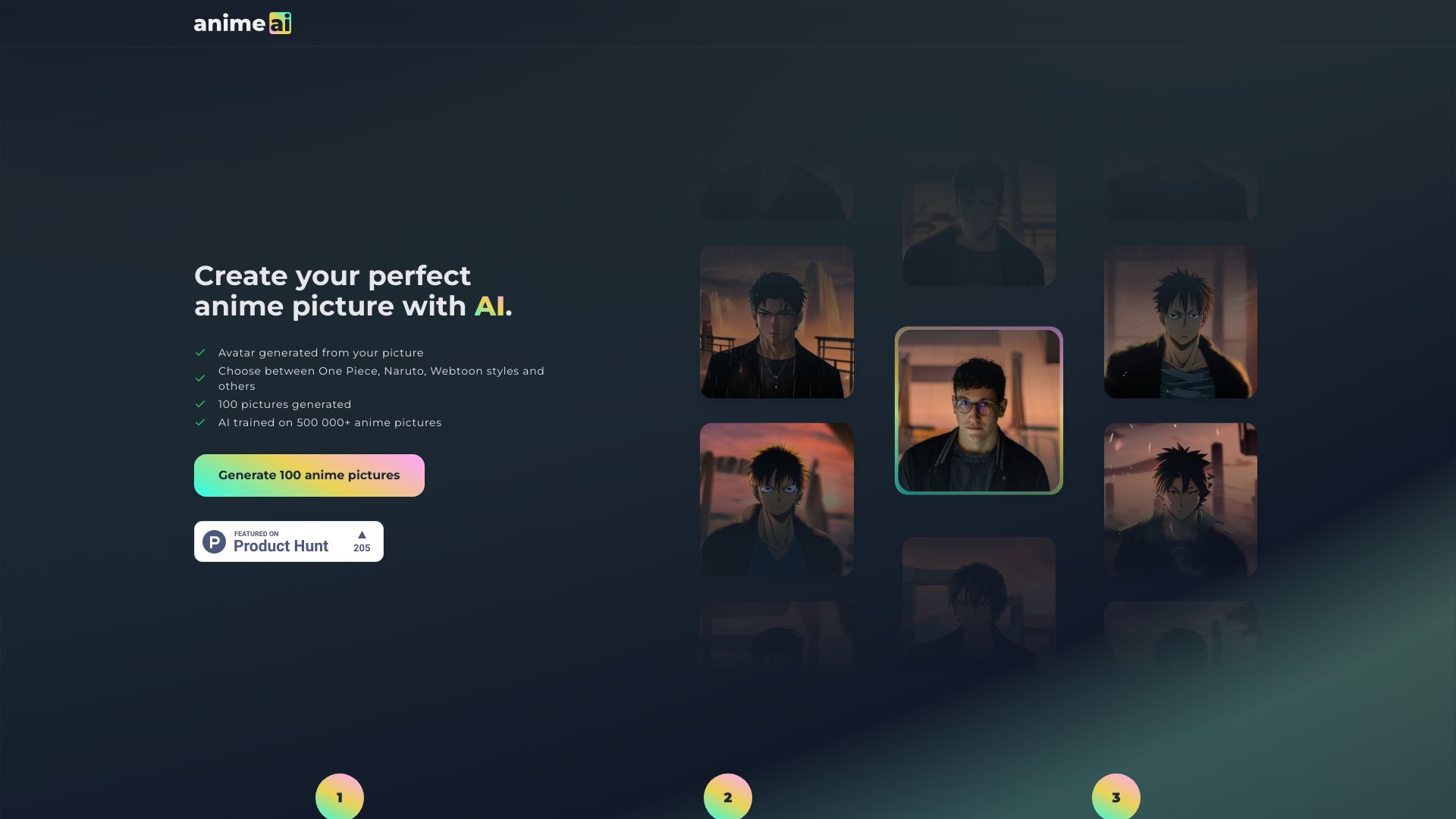

Free AI Generator
Continuous AI image editing
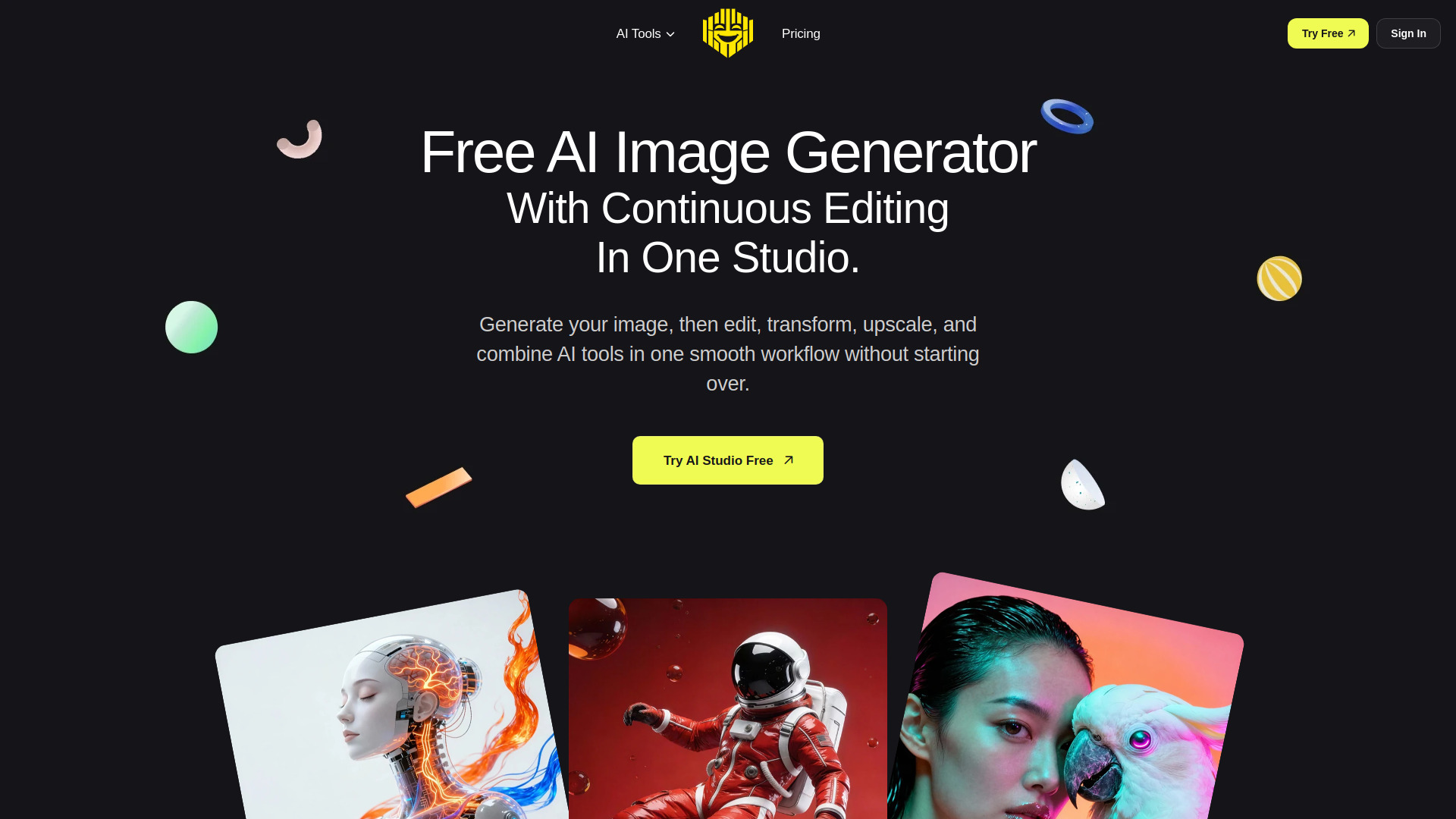

Image Variations
Creating variations from source images

AI Image Generator and Search
Generating and browsing AI images

Ghibli AI
Photo-to-Ghibli-style art

AI Artwork Generator
Multi-style AI artwork creation
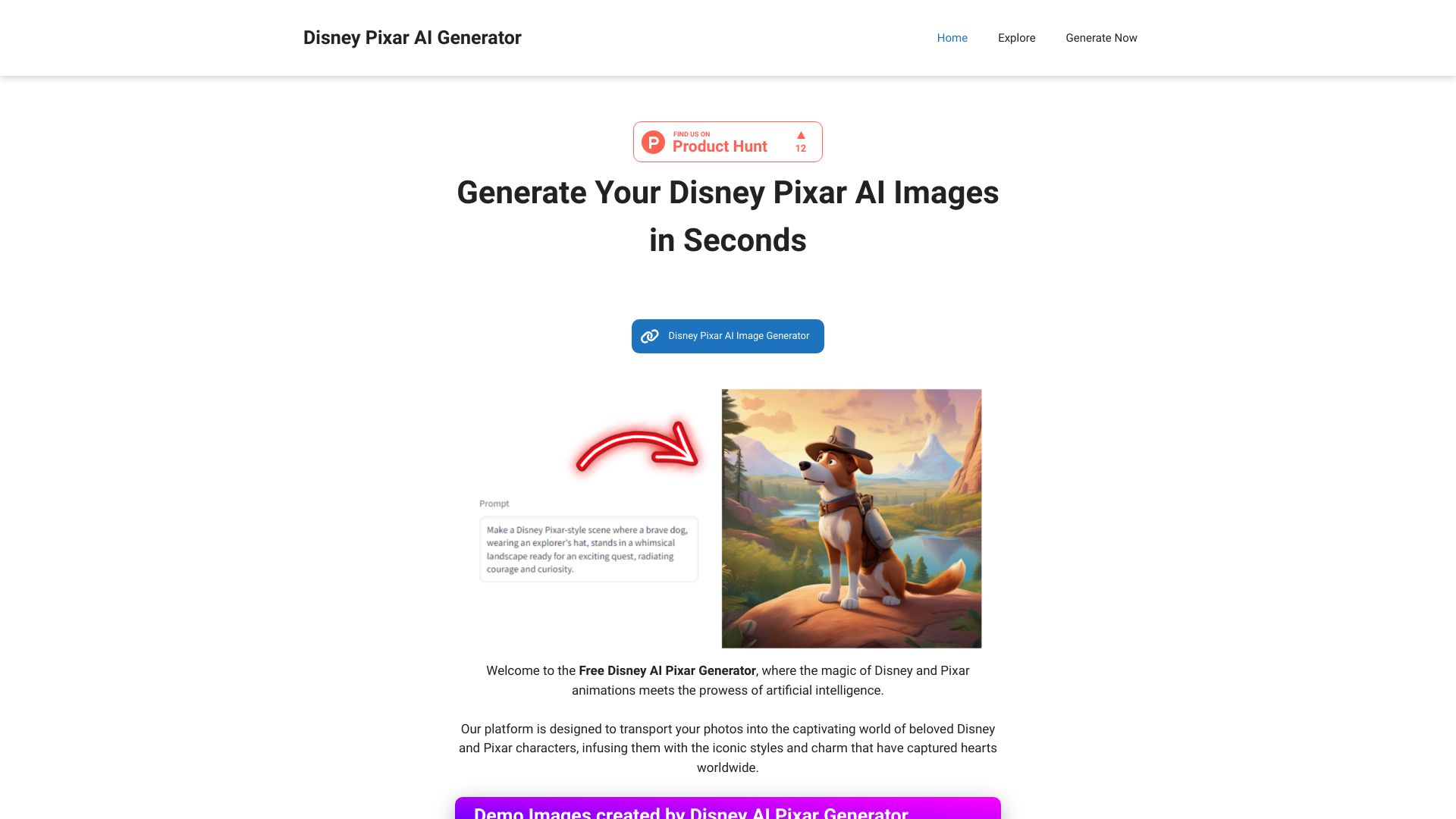
Disney AI Pixar Generator
Disney Pixar and Ghibli-style image transformations

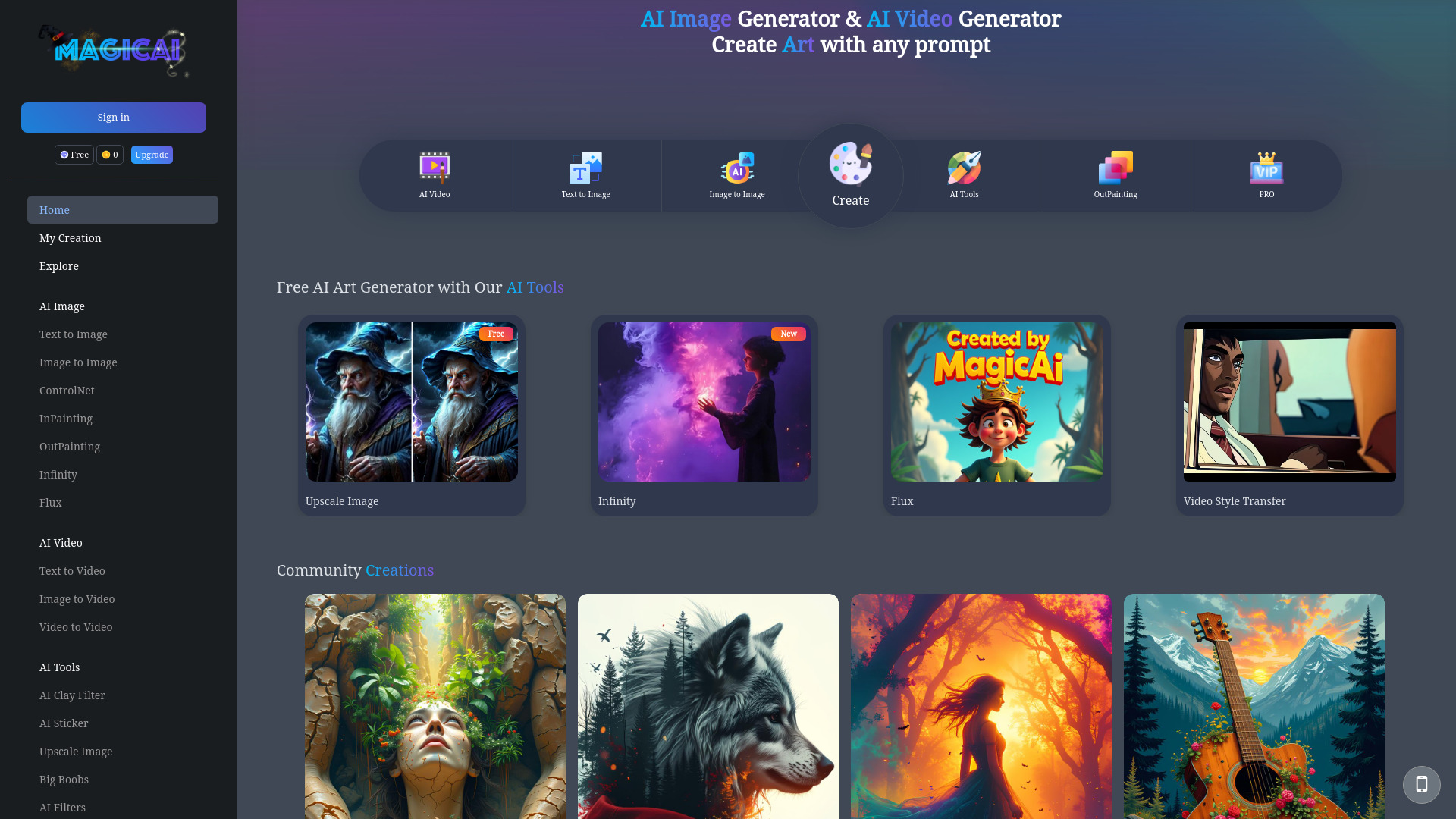
MagicAI
Ghibli-inspired AI image creation

AI Image to Image Generator
Prompt-based photo transformations
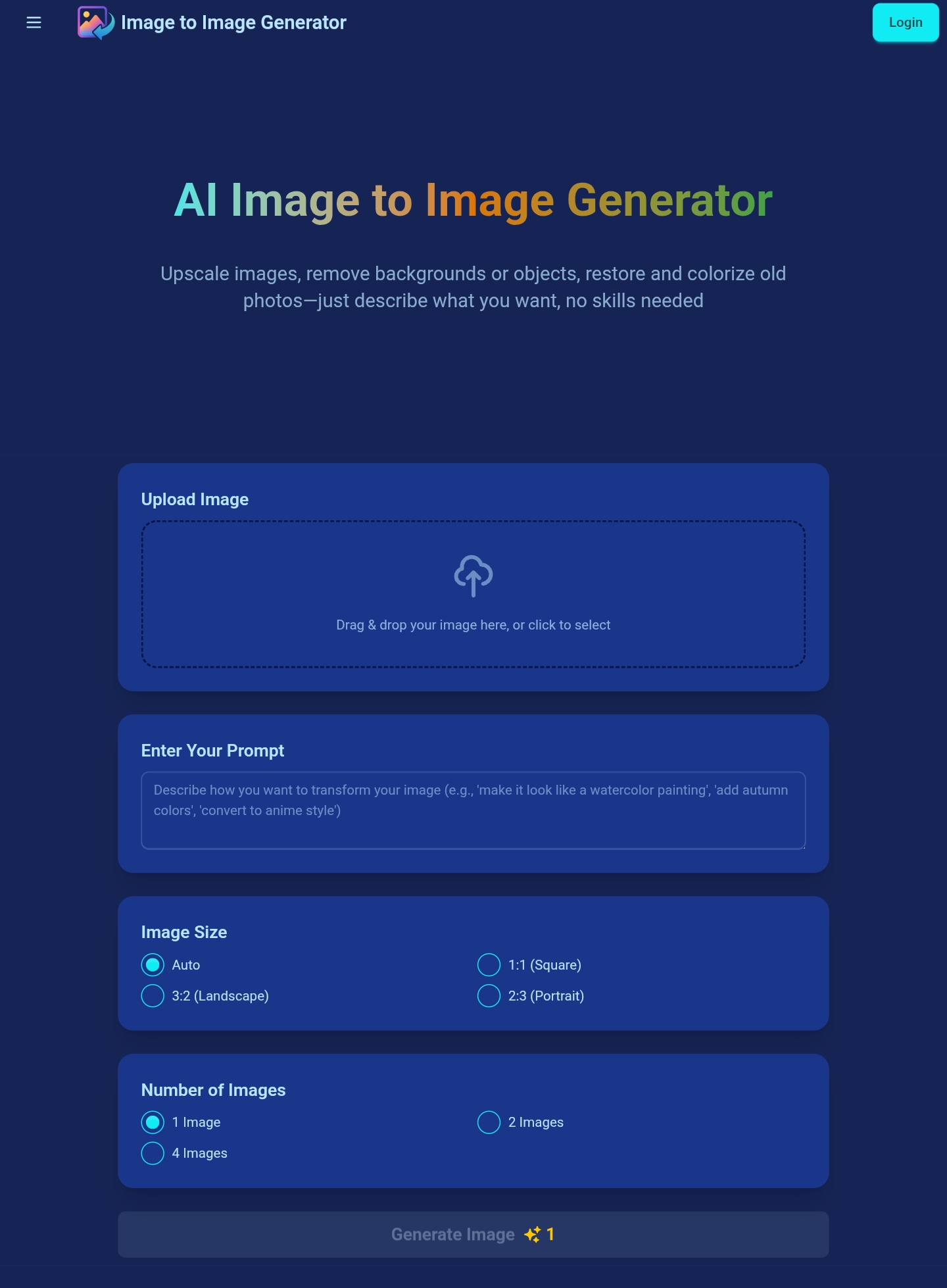

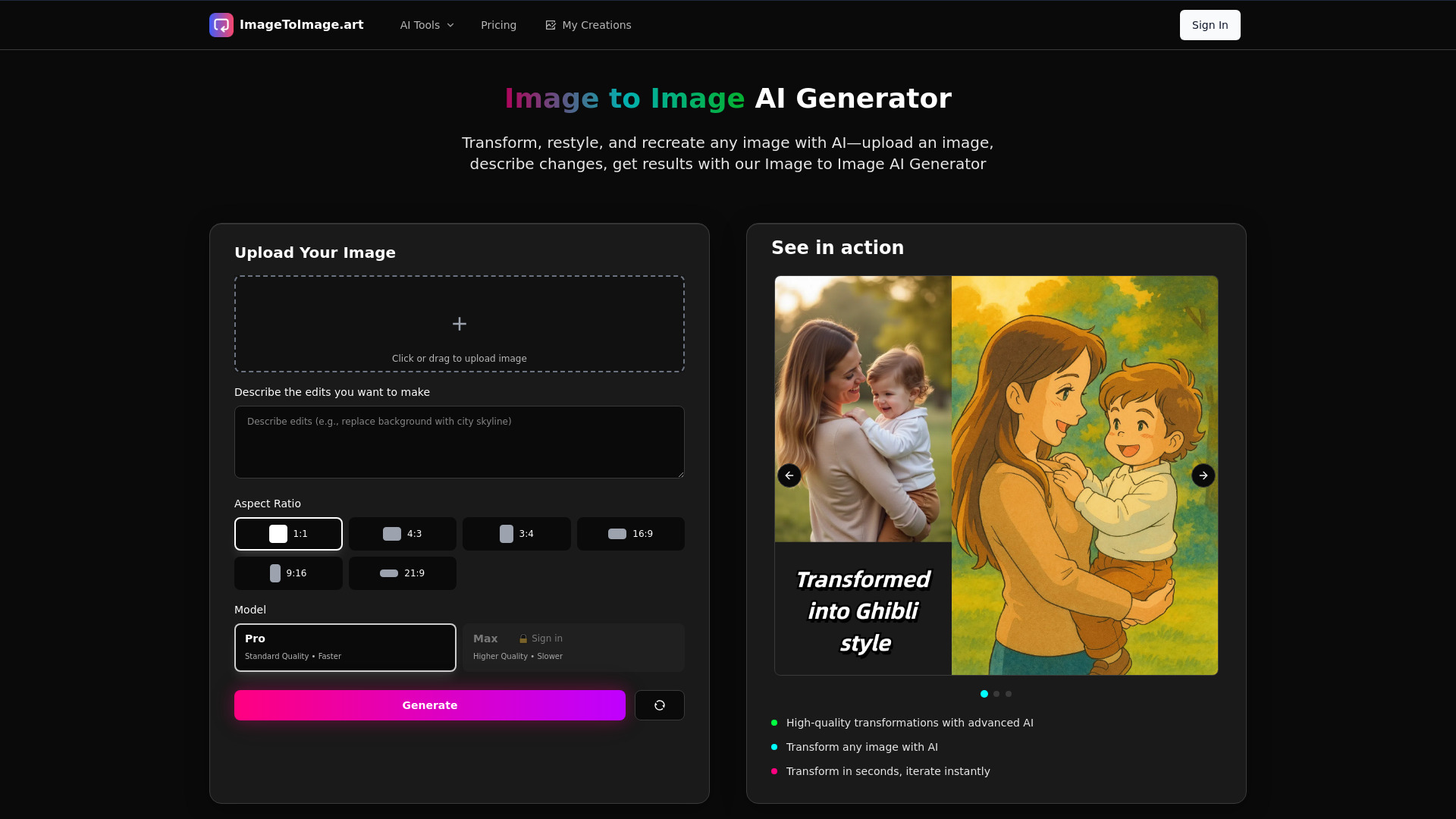
Image to Image AI Generator
Prompt-guided image transformations

Stable Diffusion Image Generator
Free Stable Diffusion image generation
Ghibli AI
Ghibli-style photo transformations

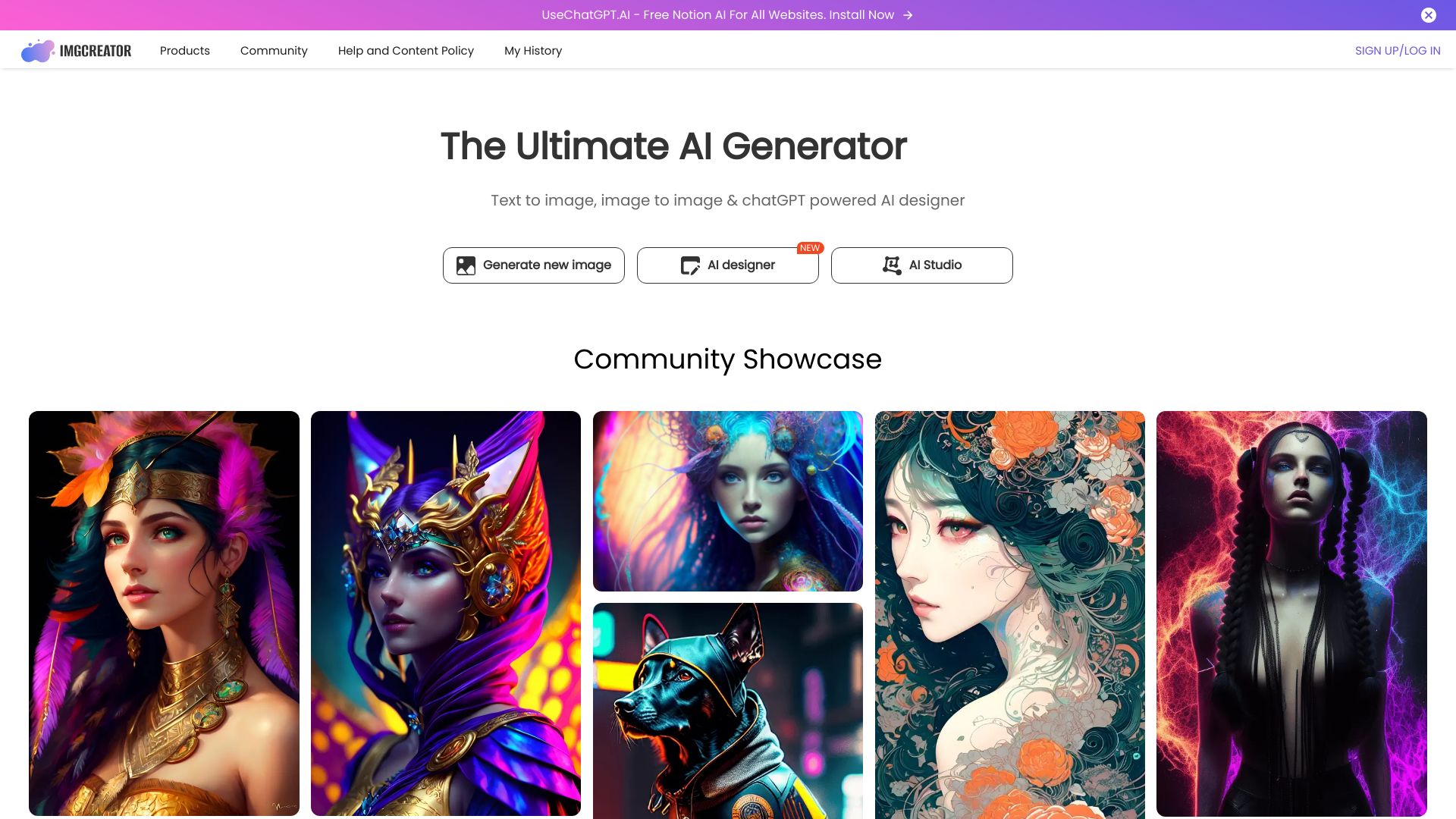
ImgCreator.AI
AI illustrations and image editing

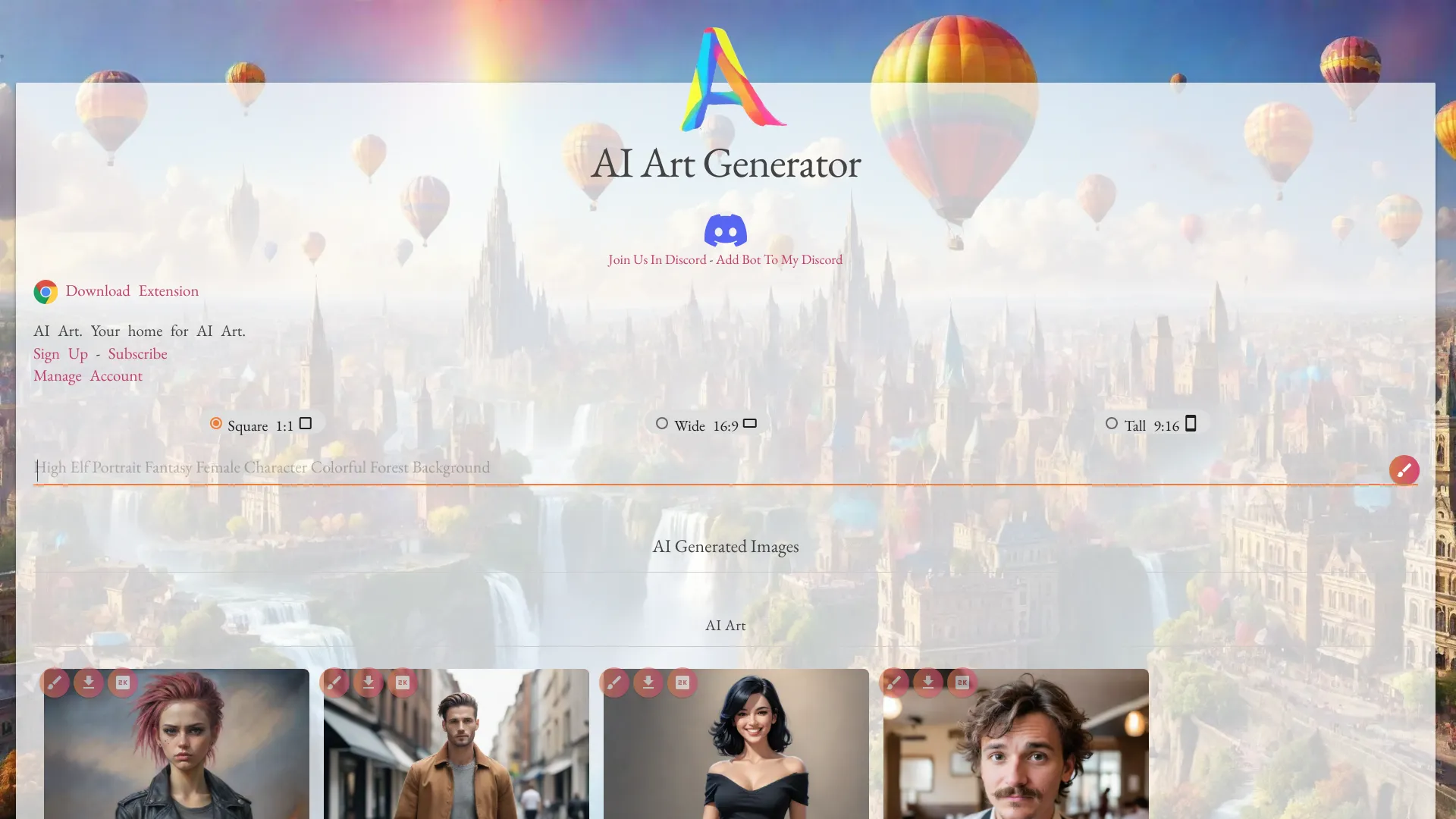
Netwrck.com
AI art for characters and worlds

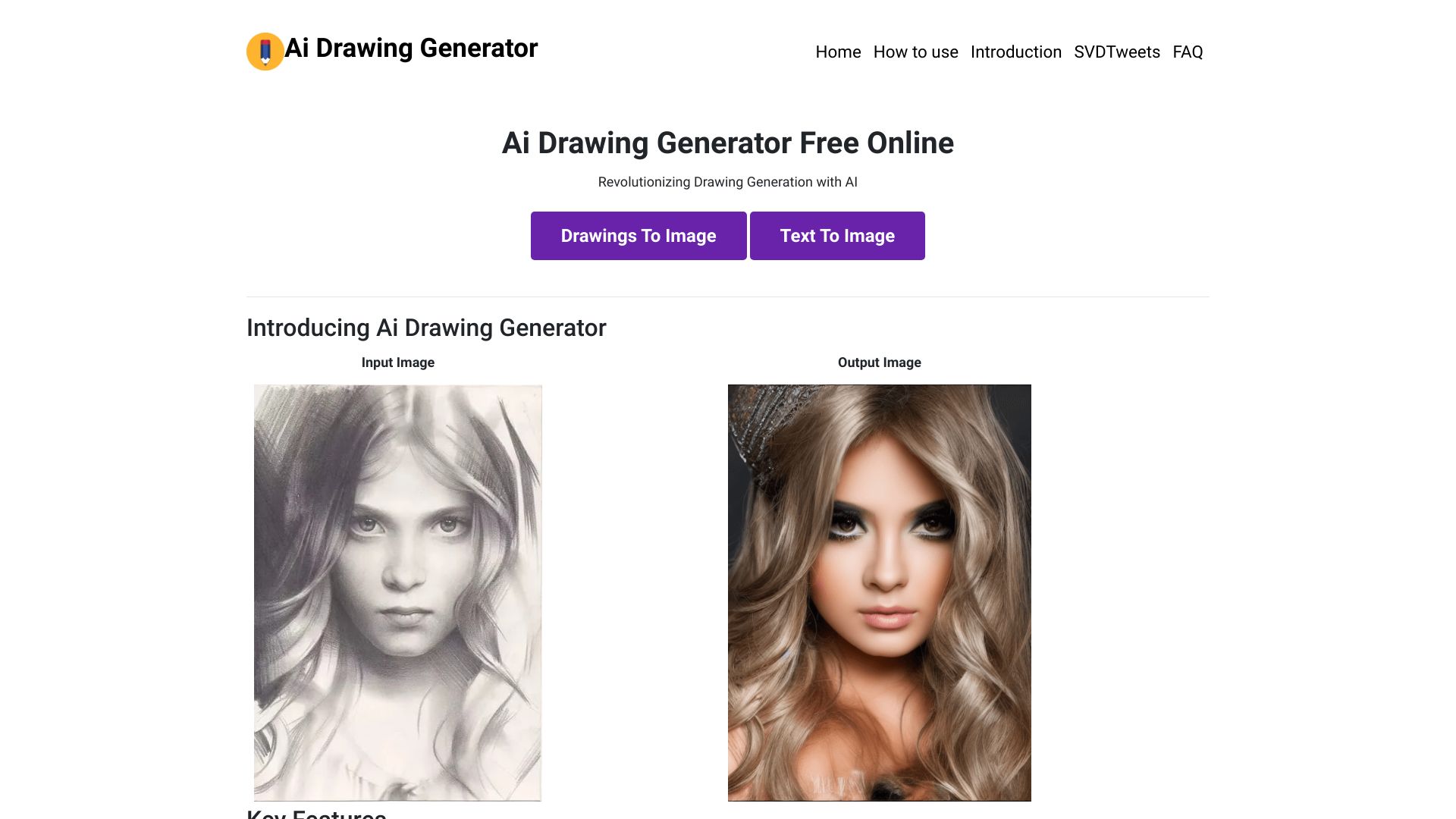
Drawing AI
Unlimited free AI image generation

Free AI Art Generator
Unlimited Stable Diffusion-style AI art

AI Picture Generator
E-commerce and social visuals

AI Cartoon Generator
Turning photos and prompts into cartoon art
AI Anime Generator
Text-to-anime character creation

Ai Background Generator
Generating custom photo backgrounds

AI Girl Generator
Anime-style AI girl images

ChatGPT Image Generator
Rapid AI image creation

Image-AI.pro
Unlimited free AI image generation
Imgartfis Creator
Generating eight images per prompt
Free AI Art Generator
Free text-to-image artwork

ImageGeneratorAI
Free AI image creation

AnyImg AI
Creating images with multiple AI models
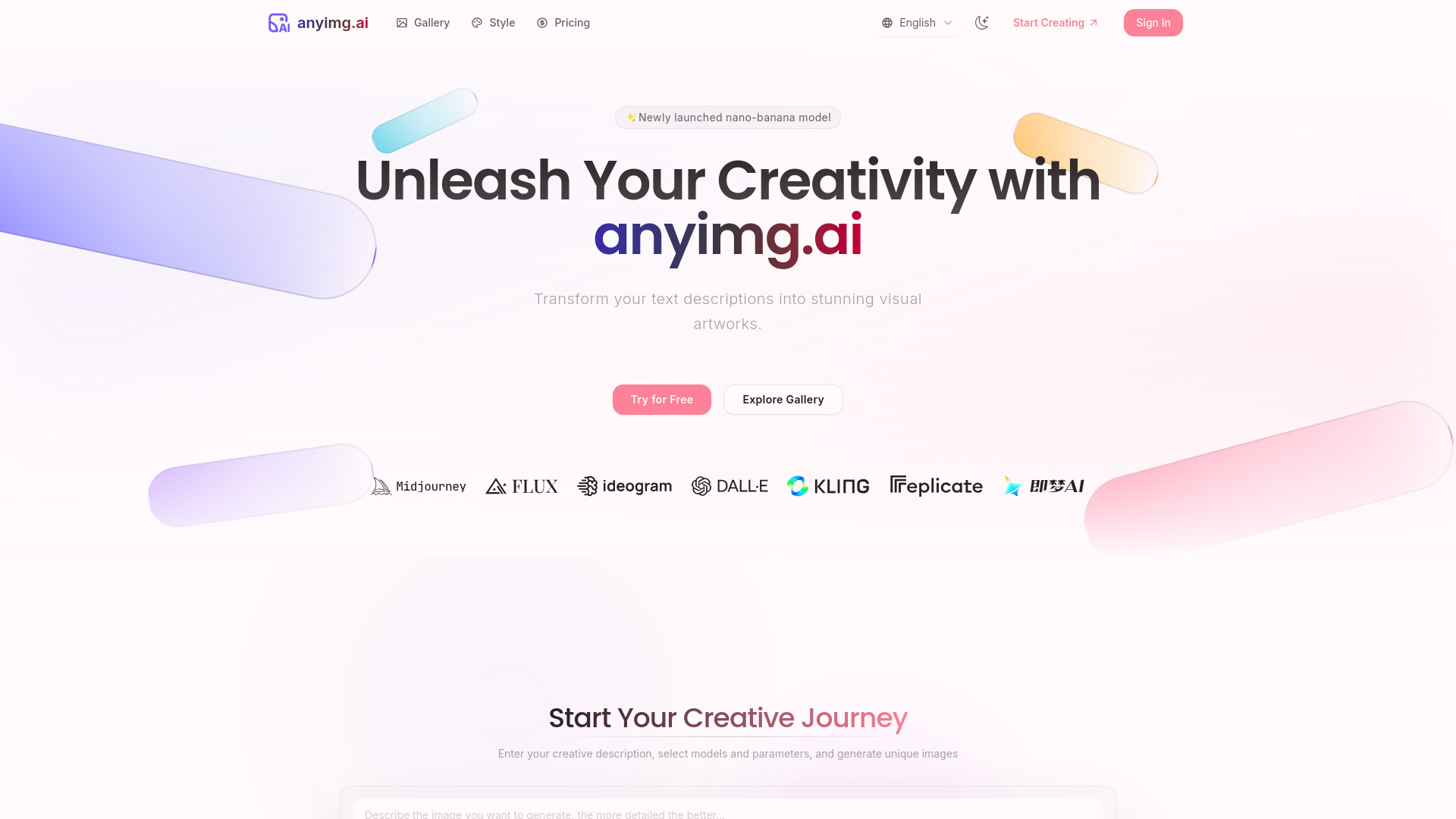

FreeAI-Image.com
Free Stable Diffusion image generation

Reve AI
Prompt-led image creation
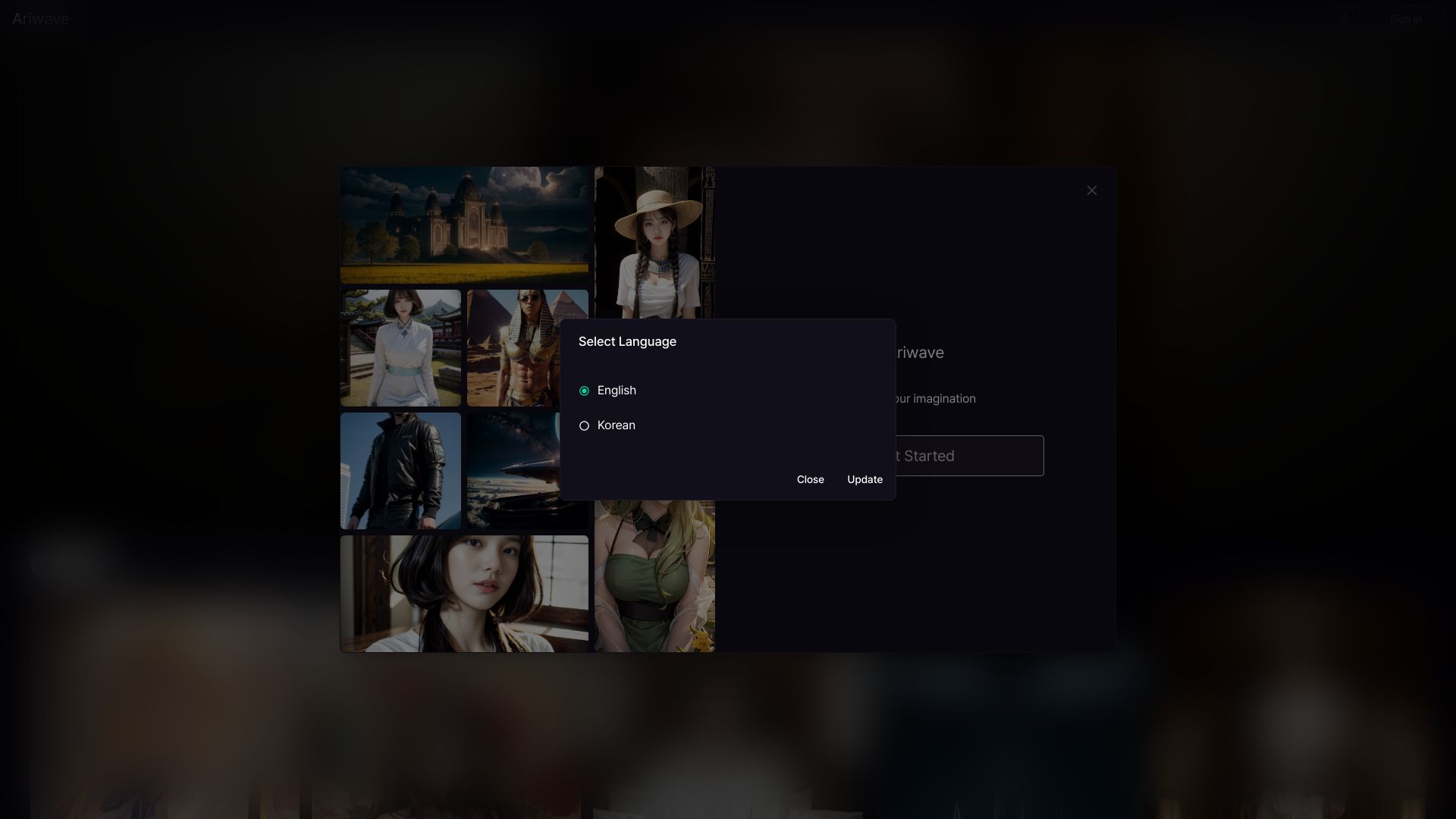
Ariwave
AI character image creation
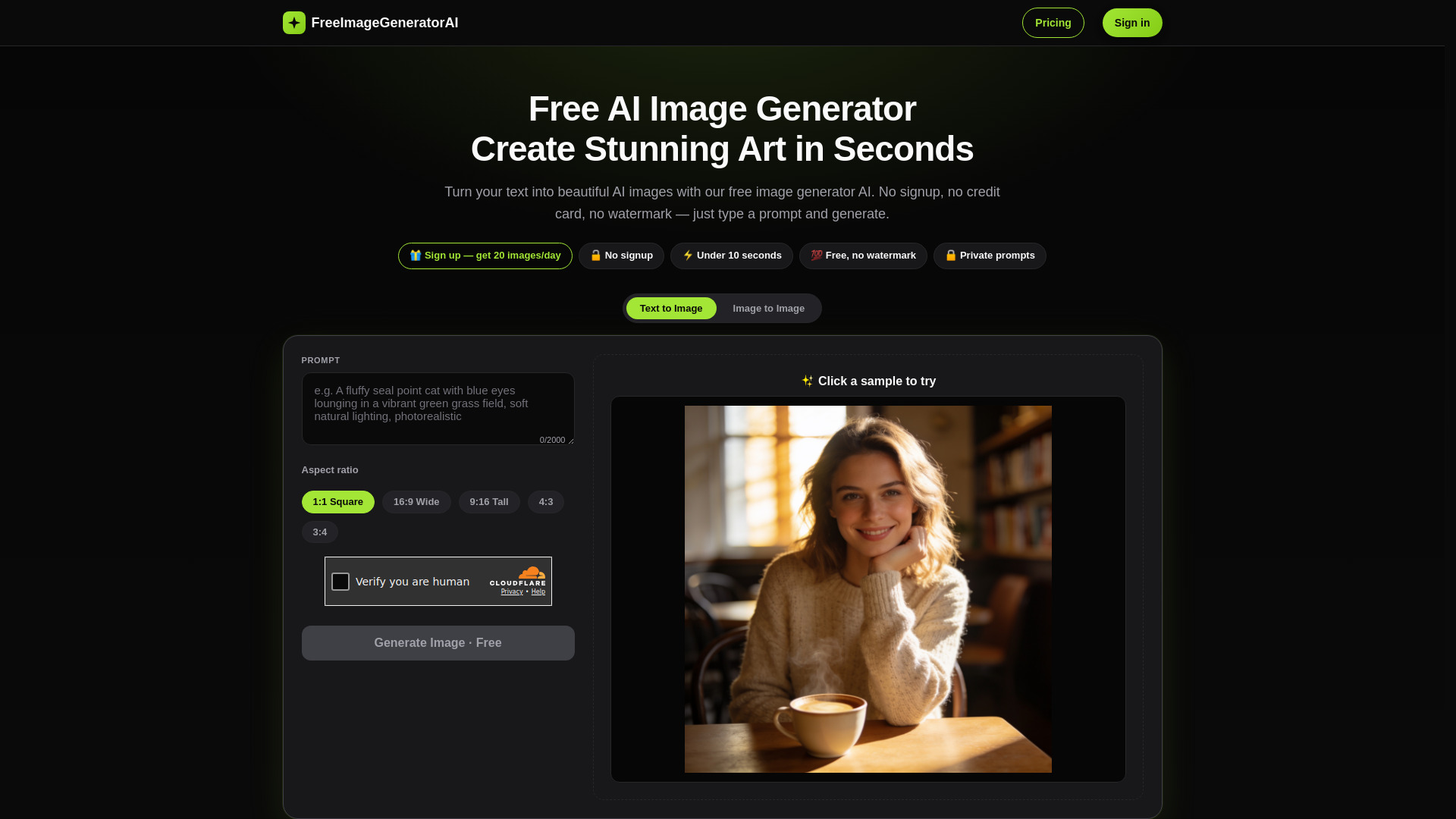
Free Image Generator AI
No-watermark image generation

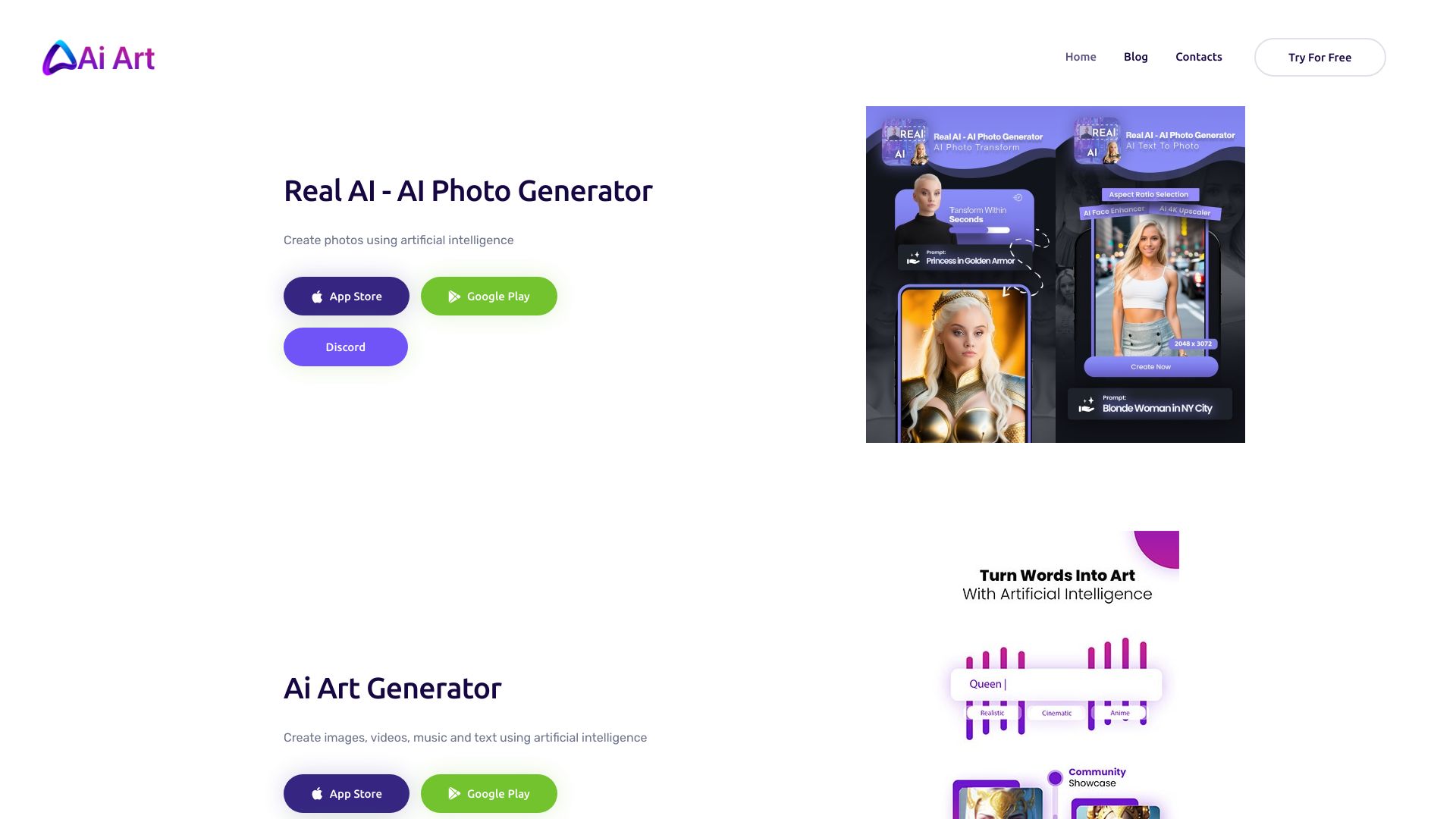
AI Art image Generator
AI photo creation and transformation
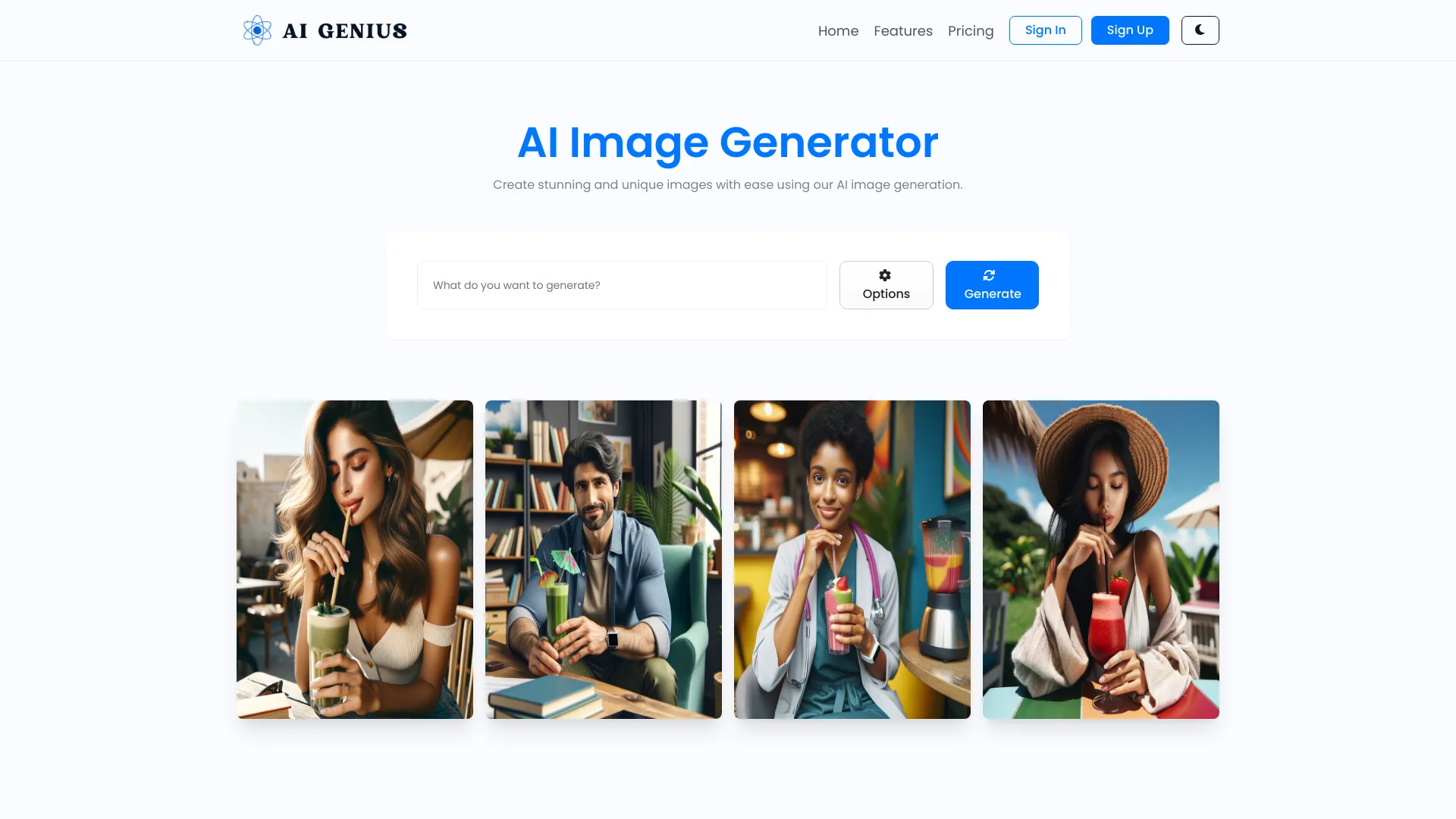
AI GENIUS
Custom AI image generation from text prompts

AI Image
Comparing multiple image models


Anime AI Generator
Prompt-based anime artwork
Free AI Art Platforms
Free AI art in varied styles

ImgArt Ai
Multi-style AI artwork

Studio Ghibli AI
Ghibli-inspired image transformations

Anime Art Studio
Anime-style image generation
Ghibli AI
Ghibli-style photo transformations

Ghibli AI Generator
Turning photos into Ghibli-style art
AI Anime Generator
Custom anime character illustrations
Which AI image generator should you choose?
Start with the limit that would actually interrupt your work. If you want repeated free attempts without a stated quota, compare the two Raphael AI listings carefully and try Free AI Image Generator for its no-sign-up, no-credit approach. If a watermark would make your output unusable, do not treat AI Illustration Generator's free images as finished assets. If you only need a few daily generations, IMAGE CREATOR AI's four-credit limit or AI Anime Generator's 30-image allowance may be perfectly adequate.
Then match the tool to the job. Designers building a consistent illustration set should begin with AI Illustration Generator. Artists who want to remix an existing visual can test Imagine.art. Storyboard artists may prefer FluxAI.art's broad styles, keeping the seven-day storage limit in mind. For anime, the dedicated AI Anime Generator offers text and photo workflows that general generators do not promise here.
Before publishing, check three things that "unlimited" does not settle: whether the prompt is allowed, whether the output can be used commercially under the vendor's current terms, and whether you can keep or export your images. A generous free quota is useful; clear usage rights and dependable access are what make a tool suitable for work.
My practical recommendation
For the broadest first test, try Raphael AI's unlimited free offer, then run the same prompt through Free AI Image Generator to compare the results and workflow. Choose AI Illustration Generator instead when consistency across a set matters more than a watermark-free free tier. If your work is explicitly anime, skip general-purpose experimentation and start with AI Anime Generator.
I would not pay for any of these based on a headline quota alone. Test prompts you genuinely need, save outputs you want to keep, and read the current plan and content terms. "No restrictions" is best understood as a useful shorthand for fewer barriers to trying a tool, not a guarantee that every prompt, use, or commercial application is permitted.
Common mistakes when choosing an AI image generator
Treating "unlimited" as unlimited in every sense. It may describe generation volume, not prompt acceptance, commercial rights, speed, or uptime.
Overlooking watermarks and storage windows. A watermark or seven-day retention period can make a free image unsuitable for a real project.
Comparing unlike quotas. Four credits per day, 30 images per day, and unlimited generations are very different offers; check what a credit produces.
Ignoring the intended style. A specialist anime or illustration tool may beat a general generator for its target workflow.
Assuming a shared name means the same product. The two Raphael AI entries here point to different URLs; inspect the exact service and its terms.
Skipping a licensing check. Verify commercial rights with the vendor before using generated images for clients, advertising, or products.
What changed in 2026
This comparison focuses on the current offers described for 2026, including free access with sharply different limits: from unlimited claims to four credits a day, 30 daily generations, or a seven-day offer with temporary image storage. Model details also matter more when vendors identify the system behind generation, as IMAGE CREATOR AI does with Gemini 2.5 Flash Image and Raphael AI does with FLUX.1-Dev. Free quotas, models, and policies can change; verify the live product before making a purchasing or production decision.
FAQ
"Unrestricted" is rarely absolute. A tool may offer unlimited generations while still applying content rules, changing terms, or limiting commercial use. Check the vendor's current policies and license for your specific project.