
Finding the best ai headshot generator is less about producing one attractive portrait and more about getting a believable, usable set of images without wasting money on retries. We compared 99 tools, from dedicated selfie-to-headshot services to broader AI image studios, then selected 10 worth a closer look. The shortlist covers quick job-search photos, polished team portraits, marketing assets, and creative workflows where a headshot is only one part of the project.
Top picks
| Pick | Tool | Best for | Why it stands out |
|---|---|---|---|
| 1 | Vidnoz AI | Marketing professionals | 1,500+ realistic AI avatars plus a large video-template library |
| 2 | InstaHeadshots | Job seekers | Fast professional headshots with multiple styles and backgrounds |
| 3 | Supawork AI | Budget-conscious users | Free professional headshots and more than 300 styles |
| 4 | Aragon.ai | Professionals | Dedicated headshots with outfit and background selection |
Vidnoz AI takes the overall spot because it combines headshot-oriented output with a much broader marketing workflow. For a straightforward professional portrait, InstaHeadshots and Aragon.ai are easier to understand. Supawork AI is the obvious first stop when budget matters most, while HeadshotPro and FastShot AI offer practical alternatives for users who want lots of variations quickly.
Quick comparison
| Rank | Tool | Best for | Score | Free access | Starting price |
|---|---|---|---|---|---|
| #1 | Vidnoz AI | Marketing professionals | 96/100 | 3 min/day | Free: $0.00 |
| #2 | InstaHeadshots | Job seekers | 96/100 | - | Starter: CN¥199 CNY |
| #3 | Supawork AI | Job seekers | 96/100 | 100% free; no sign-up | Check vendor pricing |
| #4 | Aragon.ai | Professionals | 96/100 | - | Starter: $35 |
| #5 | HeadshotPro | Professionals | 95/100 | Free headshots; 100+ generations; no sign-up | Basic: $29 |
| #6 | FastShot AI | Professionals | 95/100 | 2 free headshots | Starter: $29.97/month |
| #7 | insMind | Designers | 95/100 | 600 images free | Free: $0 |
| #8 | Dreamwave AI | Professionals | 95/100 | - | Check vendor pricing |
| #9 | ImgGen AI | Designers | 95/100 | Free; no watermark; no sign-up | Check vendor pricing |
| #10 | Photo AI | Photographers | 95/100 | - | Starter: $19 per month |
The price column needs a little context. Some tools advertise free generation, while others use a paid package as the meaningful entry point. A low starting price is not automatically a better deal if the service needs many uploaded selfies or produces inconsistent likenesses. Treat the table as a screening tool, then check the vendor's current checkout terms before uploading personal photos.
How we ranked these AI headshot generators
We ranked the 99 candidates on practical fit for a professional headshot workflow: how directly the product supports headshot creation, the amount of control over styles, backgrounds, outfits, or related image output, and how clearly a buyer can start. We also considered the stated free access, entry pricing, audience fit, speed claims, and limitations such as input-photo sensitivity, required uploads, or refund restrictions. Market usage signals helped separate established services from promising but less-proven tools, but traffic never outweighed product relevance. The 10 featured tools are therefore not identical products. The list includes dedicated headshot generators and broader visual studios when those alternatives offer useful flexibility for marketing or design work.
The best AI headshot generators
1. Vidnoz AI

Vidnoz AI
Best overall AI headshot generator for marketing professionals
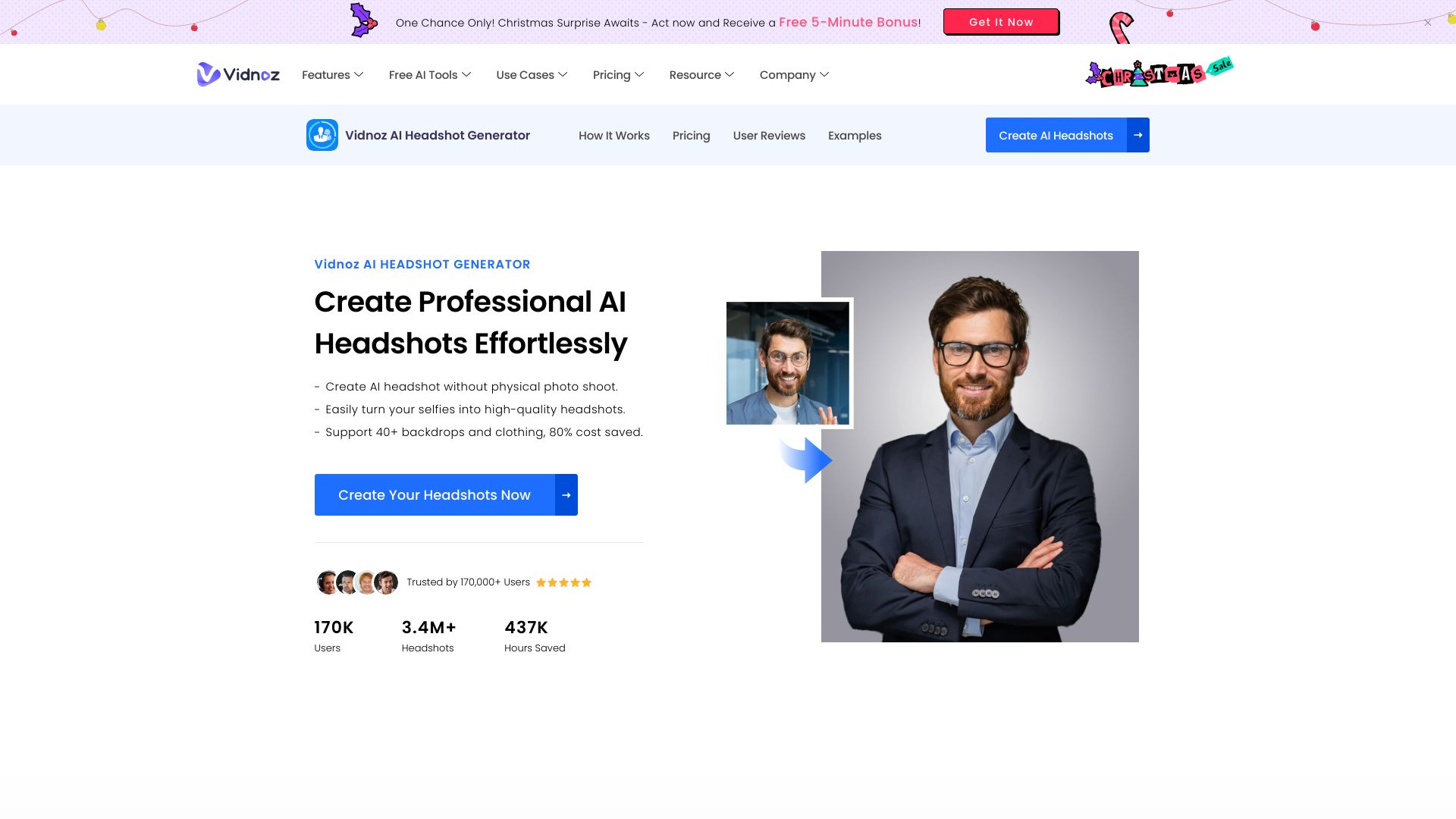
The interesting thing about Vidnoz AI is that it does not stop at a single portrait. Its headshot use case sits inside a larger AI video platform with more than 1,500 realistic AI avatars and over 2,800 free video templates. That makes it especially useful for a marketer who needs a consistent on-camera identity across a profile image, short explainer, or campaign asset rather than a standalone LinkedIn photo.
The interface is approachable, and the free access gives buyers a sensible way to test the workflow before paying. The trade-off is scope: users who only want a traditional headshot may find the surrounding avatar and video features more than they need. The free plan also has limited features, so the first result should be treated as an audition rather than a guarantee of a complete production workflow.
My take: Vidnoz AI is the strongest all-around pick because it gives a headshot buyer room to grow into video and avatar work. I would choose it for marketing teams, not for someone who wants the quietest possible one-purpose portrait service.
Where it falls short: The free plan is limited, and the platform's breadth can add decision friction when all you need is one polished headshot.
Key features
Access to 1,500+ realistic AI avatars.
More than 2,800 free video templates.
AI headshot generation alongside AI video creation.
Pros
Easy-to-use interface.
Strong fit for marketing workflows that extend beyond a profile photo.
Free access provides a low-risk starting point.
Cons
Limited features in the free plan.
Broader video tooling may feel unnecessary for a simple headshot request.
Choose Vidnoz AI if: You are a marketing professional who wants headshots plus avatar-led video and reusable campaign templates in one workspace.
2. InstaHeadshots

InstaHeadshots
Best AI headshot generator for job seekers
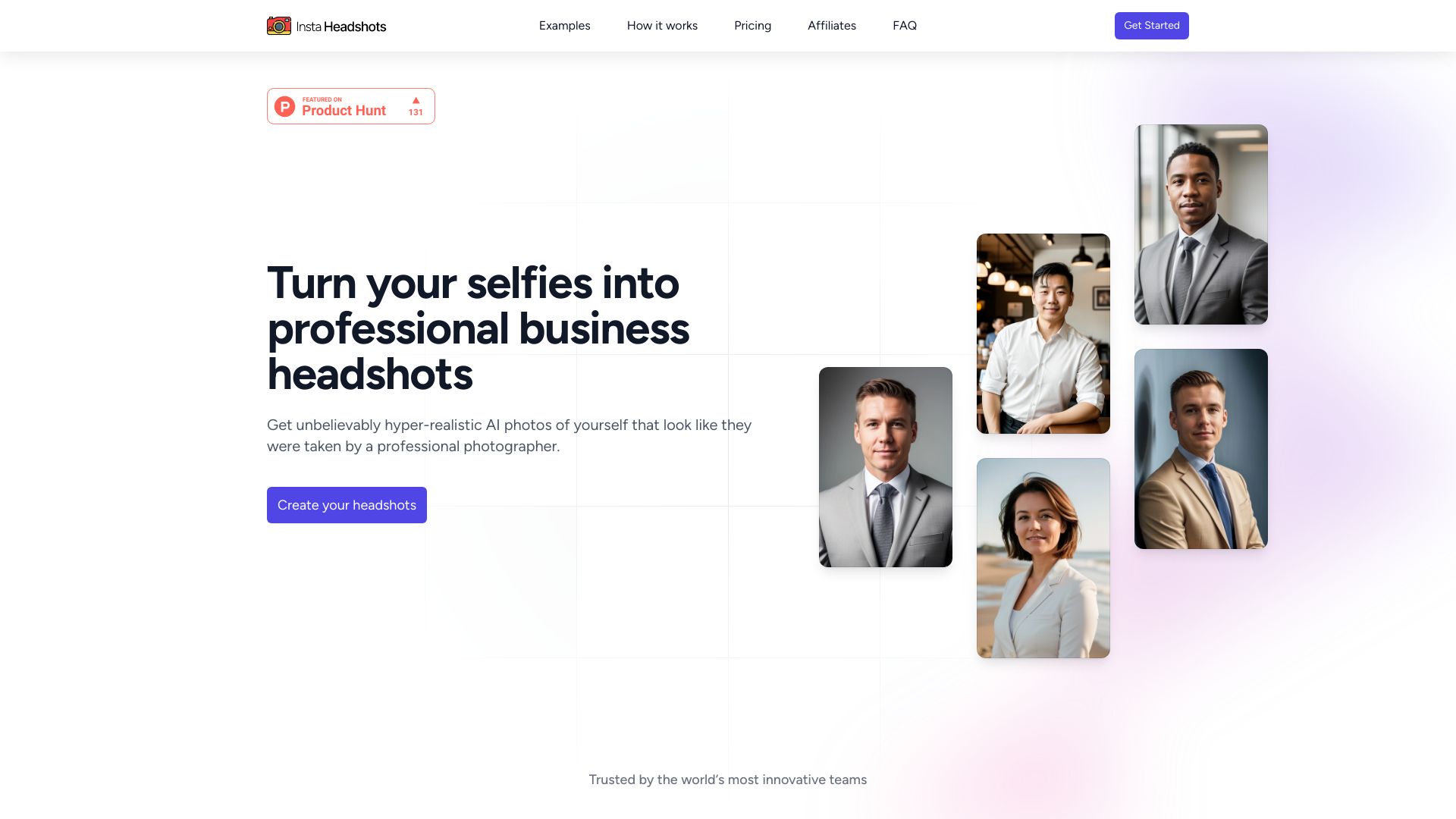
For a job seeker, the appeal here is straightforward: upload selfies, select from multiple styles and backgrounds, and get a professional-looking batch without arranging a traditional photoshoot. InstaHeadshots is focused enough that the workflow feels purpose-built for resumes, LinkedIn profiles, and application portals. Its stated delivery time of 15 minutes also makes it a practical option when an application deadline is close.
The service is positioned as a cost-effective alternative to conventional photography, with a package described as $49 for 40 HD headshots. That quantity is useful when you want several expressions or wardrobe directions, but it also means the quality of your source selfies matters. A weak, poorly lit, or inconsistent upload set can limit the likeness and polish of the final images.
My take: InstaHeadshots is one of the easiest recommendations for someone who needs a professional photo quickly and does not want to learn a general-purpose image generator. The focused workflow is its advantage.
Where it falls short: Results depend on the quality of uploaded photos, so do not treat the input stage as an afterthought. Better source selfies usually give the model more to work with.
Key features
AI-powered headshot generation.
Multiple styles and backgrounds.
Delivery in approximately 15 minutes is highlighted in the offer.
A package offering 40 HD headshots for $49 is promoted.
Pros
Cost-effective compared with a traditional photoshoot.
Clear fit for job applications and professional profiles.
Multiple variations make it easier to compare looks.
Cons
Source-photo quality directly affects the outcome.
The meaningful package price is paid rather than free.
Choose InstaHeadshots if: You are a job seeker who wants a focused, fast batch of professional headshots rather than a full creative image studio.
3. Supawork AI

Supawork AI
Best free AI headshot generator for job seekers
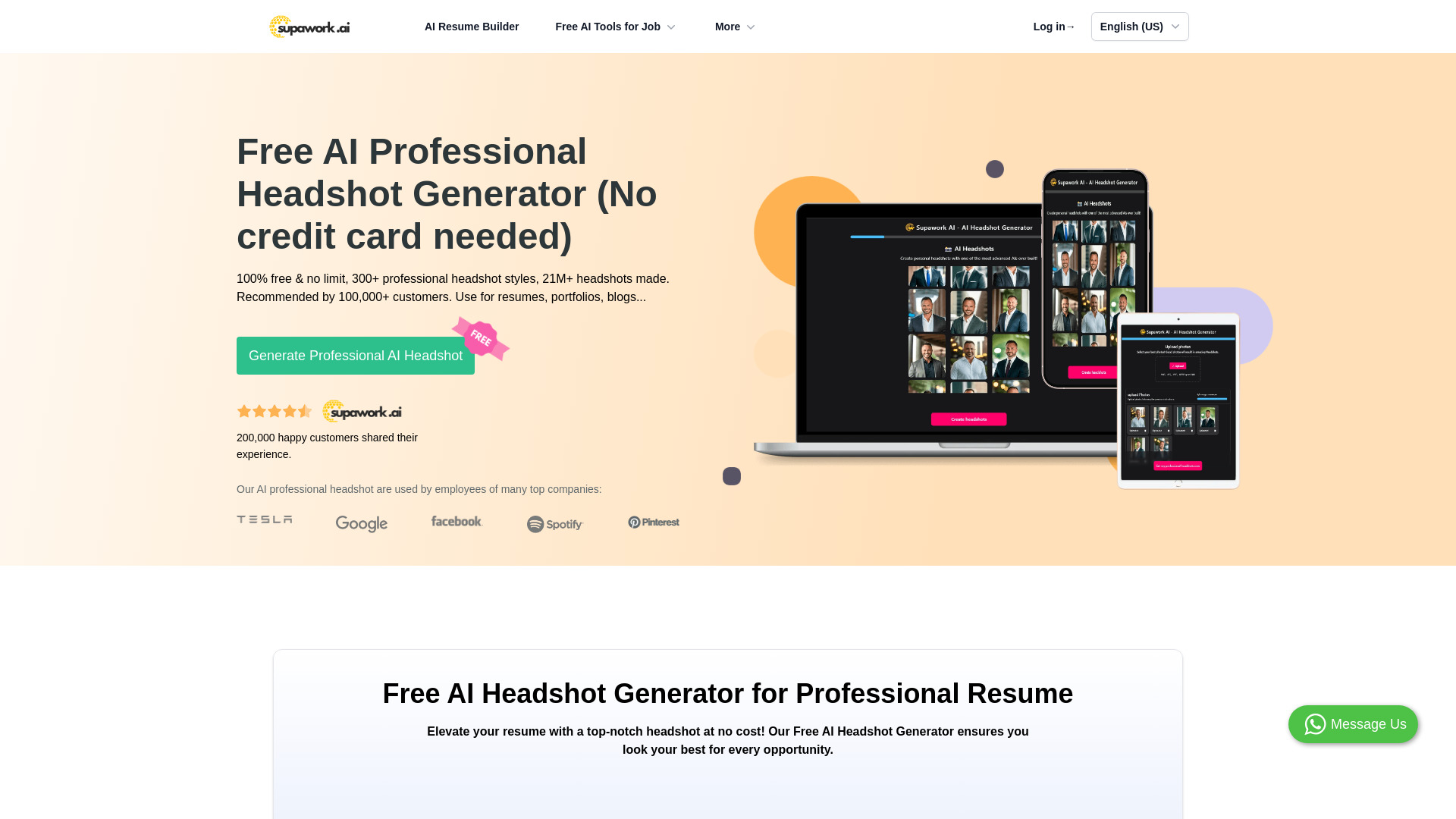
Supawork AI earns its place by removing the biggest barrier for casual users: the stated professional headshot generator is 100% free and does not require sign-up. It also offers more than 300 headshot styles, giving job seekers a wide starting menu for business portraits, profile refreshes, and experiments with different presentation choices.
That combination makes it the natural first trial for anyone who is not ready to pay for a photo pack. It is also a useful comparison point: generate a few options here, then decide whether a paid service offers enough improvement to justify the cost. The main caution is familiar with AI portraits - quality may vary with the input photo. A style count is helpful, but it does not replace a clean, well-framed selfie.
My take: Supawork AI is the best value test in this group. Free, no-sign-up access lowers the risk, although buyers who need highly consistent corporate portraits should compare the output carefully before using it everywhere.
Where it falls short: Quality may vary depending on the input photo, and the product information does not provide a clean starting price for any paid tier.
Key features
Free AI professional headshot generation.
More than 300 headshot styles.
Selfie transformation into professional headshots.
No-sign-up access is highlighted.
Pros
100% free to use.
Large style selection for testing different looks.
Low-friction trial for job seekers.
Cons
Output quality depends on the uploaded image.
A large style library can require experimentation to find a convincing result.
Choose Supawork AI if: You need a no-cost professional portrait and want to test a broad range of styles before committing to a paid generator.
4. Aragon.ai

Aragon.ai
Best AI headshot generator for professionals
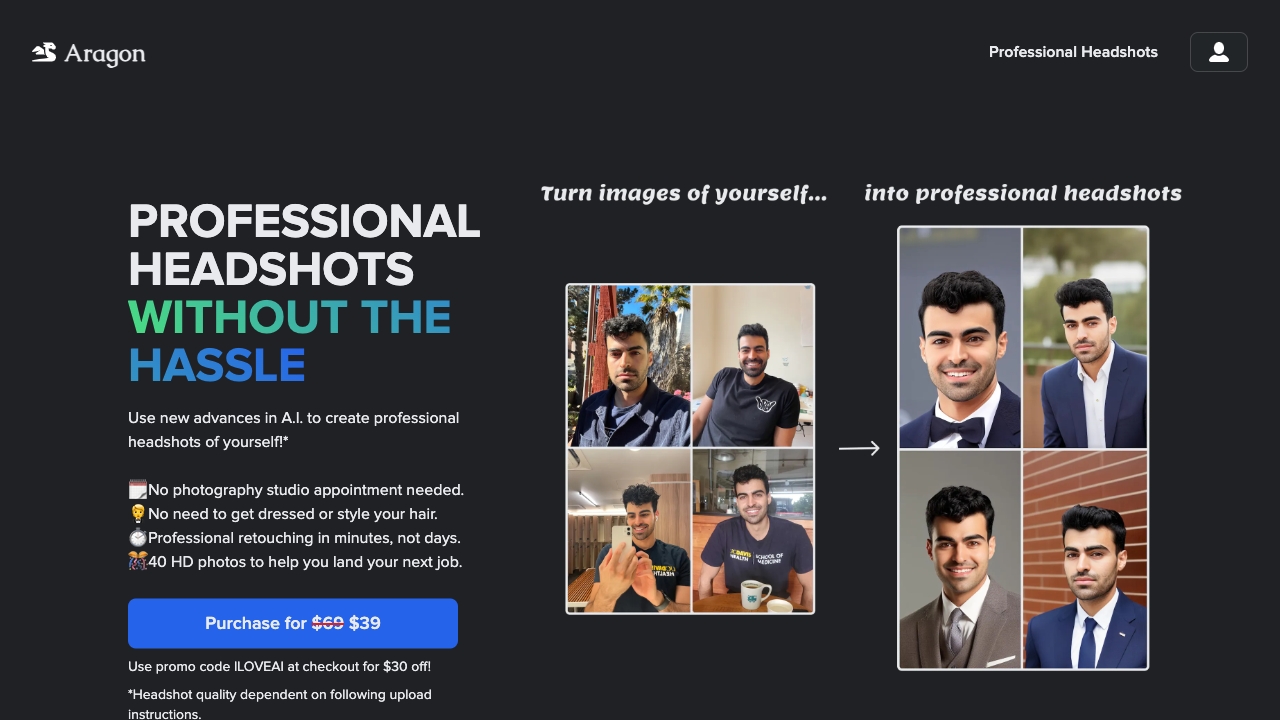
Aragon.ai focuses on the part of headshot creation that matters after likeness: presentation. Along with AI-generated professional headshots, it offers background and outfit selection. Those controls are valuable when the same person needs a more formal image for a company page, a relaxed version for a social profile, or a neutral background for a resume.
The Starter price is listed at $35, which places Aragon.ai in the paid-but-accessible range for a professional refresh. You will need to upload multiple selfies, so the service is not ideal for users who want to provide one casual photo and be done. That requirement can feel like extra work, but it also gives the generator more visual reference material for the person it is recreating.
My take: Aragon.ai is a solid professional default when wardrobe and background choices are part of the brief. It feels more useful for a set of business images than for a single throwaway avatar.
Where it falls short: Multiple selfie uploads add preparation time and may be uncomfortable for users who are especially cautious about sharing personal photos.
Key features
AI-generated professional headshots.
Background selection.
Outfit selection.
A Starter package listed at $35.
Pros
Cost-effective compared with a traditional photoshoot.
More control over business presentation than a one-click portrait workflow.
Strong fit for professionals who need several contexts.
Cons
Requires uploading multiple selfies.
Paid entry point may be more than a casual user wants to spend.
Choose Aragon.ai if: You are a professional who wants to control both the setting and the outfit instead of accepting one generic headshot style.
5. HeadshotPro

HeadshotPro
Best AI headshot tool for professional variety
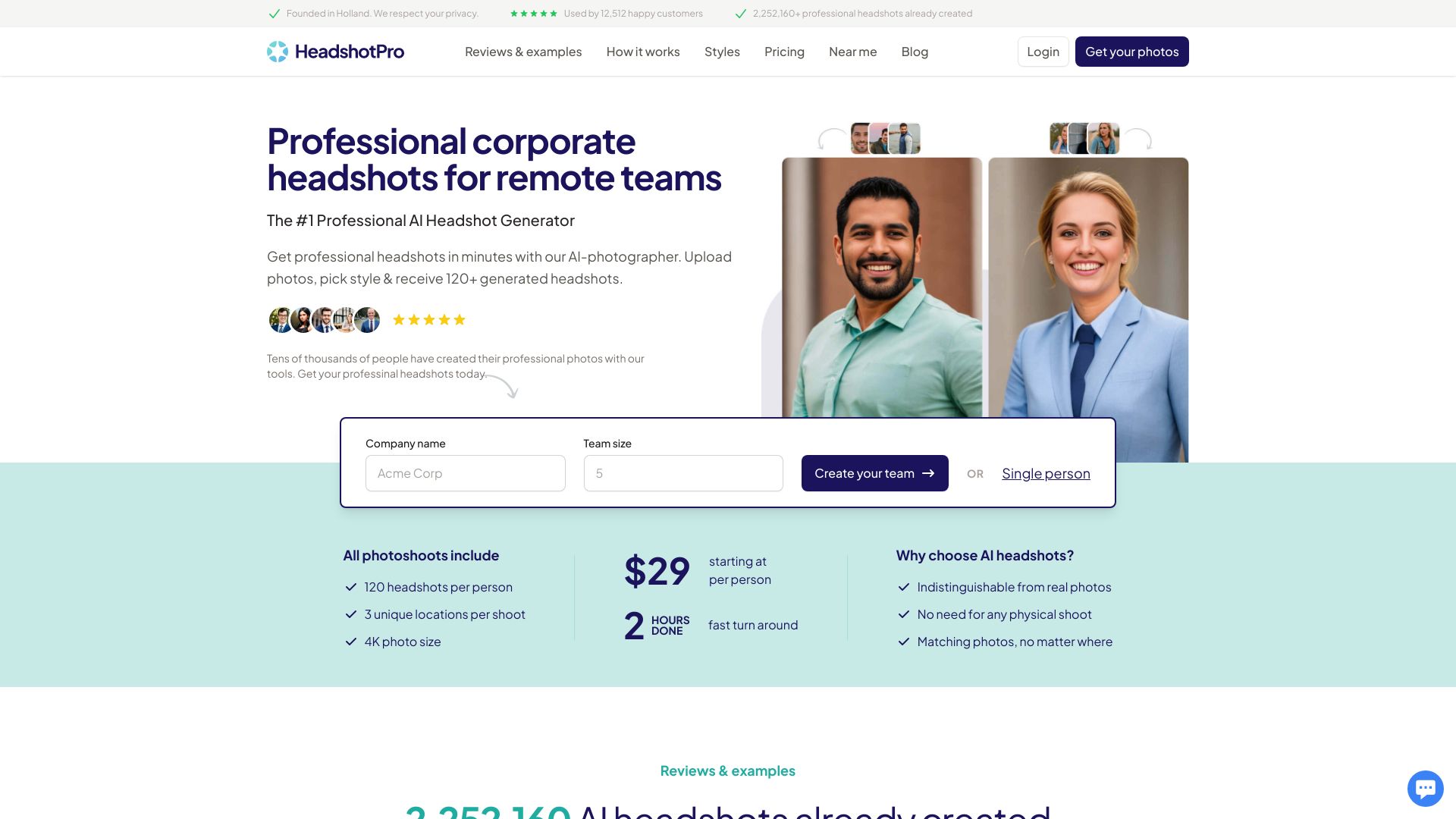
HeadshotPro is built around volume and choice. The offer highlights 100+ headshots in minutes, while the feature set includes multiple backdrop and outfit options. That is a useful setup for professionals who know they want a consistent look but are not yet sure which crop, background, or clothing direction will work best.
The free generator and no-login-or-sign-up claim make it easy to test the experience before moving to the Basic plan listed at $29. Still, more images do not automatically mean more usable images. As with several dedicated services here, the results depend on the quality of uploaded photos. Uploading a coherent set of clear selfies is likely to be more productive than simply uploading the maximum number of random pictures.
My take: HeadshotPro is appealing when quantity is part of the value proposition. I would shortlist it for a personal branding refresh where you want options for a website, social profile, speaker bio, and company directory.
Where it falls short: Source-photo quality remains a meaningful variable, and a large batch can make selection harder if the outputs are too similar or inconsistent.
Key features
AI-powered headshot generation.
Multiple backdrop options.
Multiple outfit options.
More than 100 headshots can be generated in minutes according to the offer.
Pros
Cost-effective compared with a traditional photoshoot.
Large output volume supports several professional profiles.
Free access and no sign-up reduce the barrier to testing.
Cons
Results depend on the quality of uploaded photos.
Buyers may need time to sort through a large number of variations.
Choose HeadshotPro if: You want a large set of professional options and care more about variety than a minimal one-image workflow.
6. FastShot AI

FastShot AI
Best AI headshot generator for speed
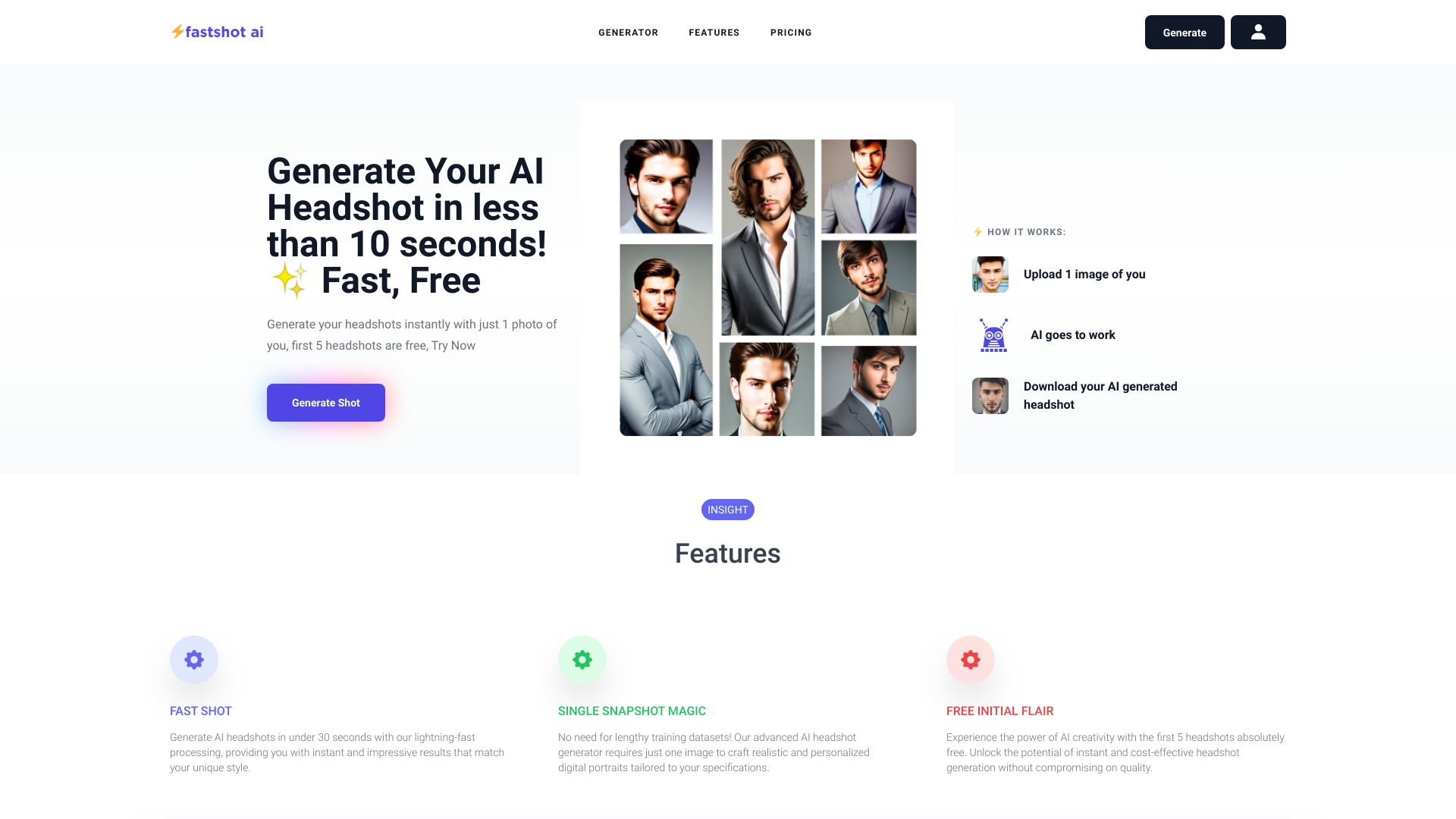
FastShot AI makes a very specific promise: AI headshots in less than 30 seconds. That speed is the reason to consider it. When you need to test a look during a profile update or create a quick alternative for a professional account, waiting through a lengthy training or rendering process is an unnecessary annoyance. The tool also includes different styles and clothes, plus AI-powered fashion shots for broader visual work.
Two free headshots make the first trial relatively easy, and the Starter plan is listed at $29.97 per month. The important catch is the refund policy: refunds are not available because of GPU processing costs. That makes it worth checking the upload requirements and deciding whether your source images are good enough before starting a paid run.
My take: FastShot AI is a good tactical choice when turnaround time matters more than a deep editing suite. The speed is compelling, but the no-refund limitation deserves a prominent place in your buying decision.
Where it falls short: Refunds are not available due to GPU processing costs, so a disappointing generation can be more expensive than expected.
Key features
AI-powered headshot generation.
Processing in under 30 seconds is highlighted.
Different styles and clothing options.
AI-powered fashion shots.
Pros
Fast processing.
Two free headshots for initial testing.
Useful beyond headshots through fashion-shot generation.
Cons
No refunds because of GPU processing costs.
Fast output still requires experimentation when the first result misses the brief.
Choose FastShot AI if: You need a headshot quickly and are comfortable reviewing the purchase and upload details before triggering paid processing.
7. insMind

insMind
Best AI headshot tool for designers
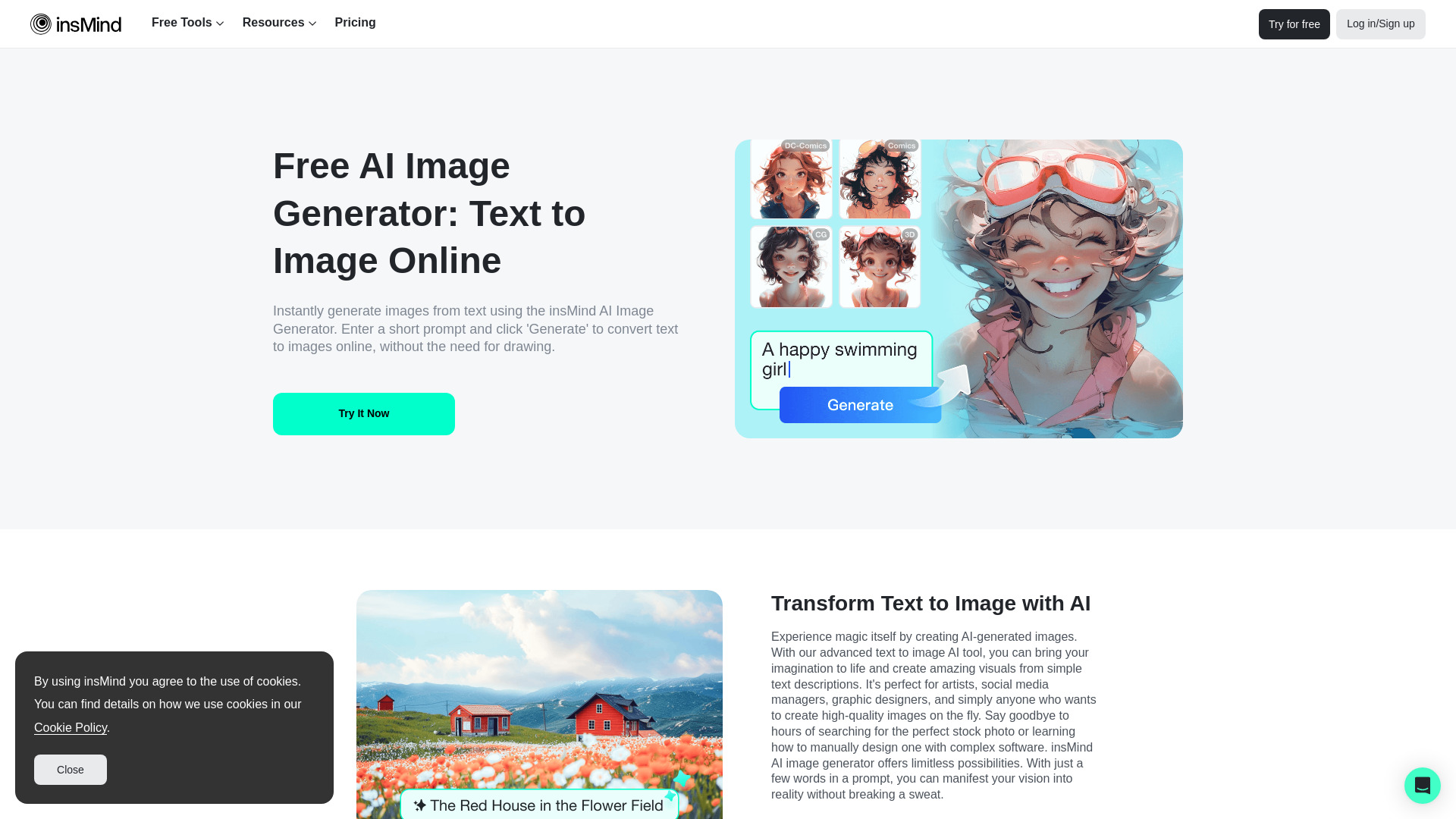
insMind is the deliberate adjacent alternative in this ranking. It is not limited to a dedicated headshot pipeline; it combines an AI image generator, AI background remover, and a complete photo editing suite. That broader approach makes sense for designers and e-commerce or marketing users who need to clean up a portrait, remove a background, and adapt the image for a campaign rather than simply download a finished headshot.
The stated free allowance of 600 images is generous for exploration, and the product lists a starting price from $5.83 per month. Some features are limited in the free plan, so the headline allowance should not be read as unlimited access to every editing capability. Still, among the broader visual studios in this guide, insMind gives a designer the most obvious path from generation to post-processing.
My take: Choose insMind when the headshot is one asset in a larger image job. For a pure LinkedIn portrait, its extra tools may be unnecessary; for a marketing team, they are the reason to use it.
Where it falls short: Some features are limited in the free plan, and a general image toolkit may require more hands-on editing than a dedicated headshot service.
Key features
AI image generation.
AI background remover.
Multiple AI-generated image styles.
Complete photo editing suite.
600 free images are advertised.
Pros
Versatile tools for image creation and editing.
Useful for e-commerce and marketing workflows.
Low listed starting price from $5.83 per month.
Cons
Some features are limited in the free plan.
Less specialized than a dedicated headshot generator.
Choose insMind if: You are a designer who needs to generate, remove backgrounds from, and edit portraits in the same broader visual workflow.
8. Dreamwave AI

Dreamwave AI
Best AI headshot generator for realistic professional portraits
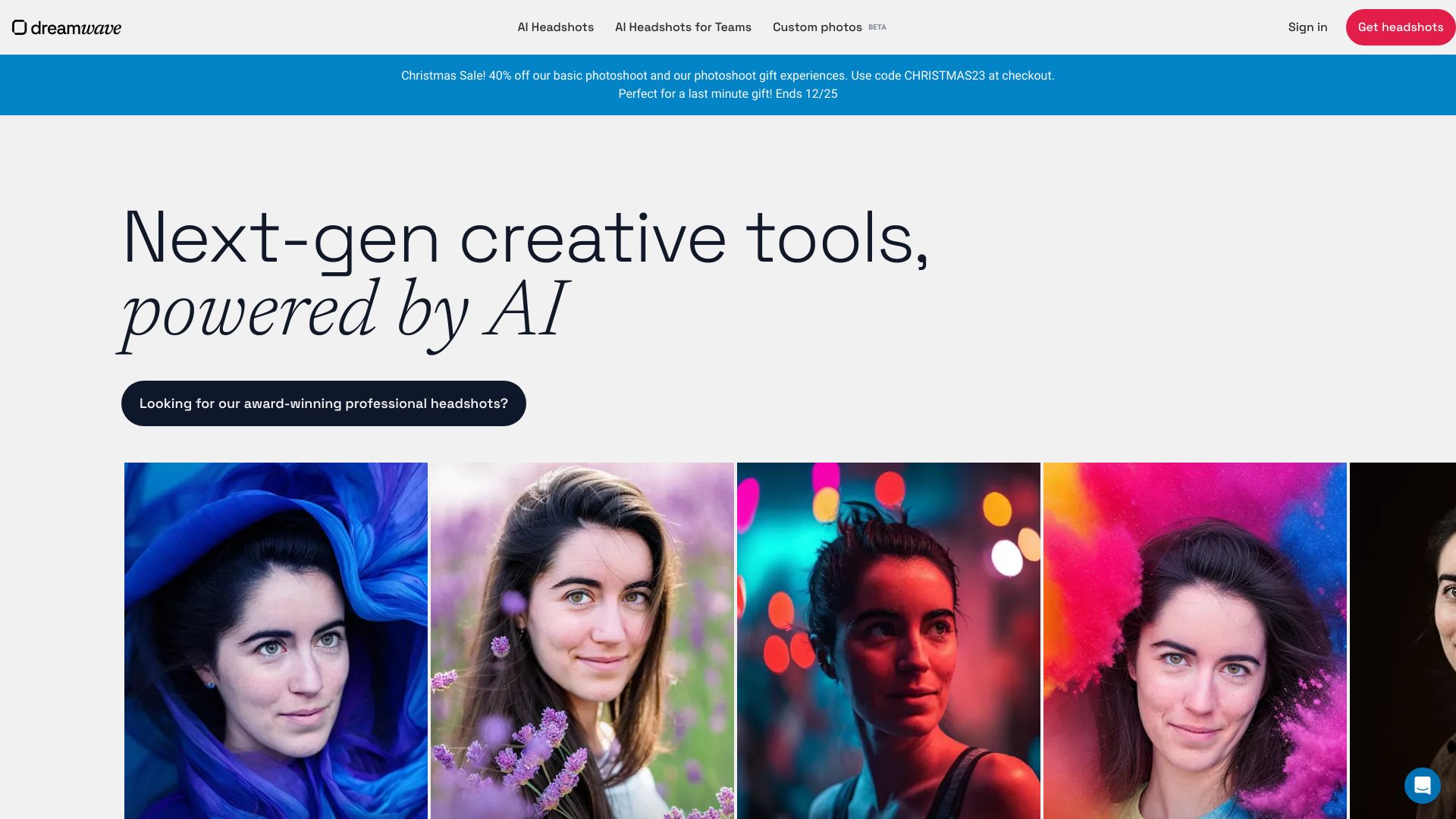
Dreamwave AI keeps the proposition focused: professional headshots in minutes, realistic results, and a privacy-first positioning. The promise of no AI look is aimed at the biggest concern buyers have with generated portraits - that colleagues or recruiters will notice an artificial face, strange skin texture, or over-stylized finish. A focused service like this is easier to evaluate than a general image generator because the output has one clear job.
The workflow does require uploading selfies. That is normal for a likeness-driven service, but it is still a meaningful consideration for anyone weighing privacy and convenience. Pricing is hidden behind a sales wall here, so buyers should confirm the current package and usage rights before treating Dreamwave as a final choice.
My take: Dreamwave AI deserves attention from professionals who care most about a natural-looking result and a privacy-first message. Its appeal is strongest when realism matters more than creative controls.
Where it falls short: You need to upload selfies, and the lack of a clear starting price makes direct value comparison harder.
Key features
AI-powered headshot generation.
Realistic headshot results.
Professional headshots in minutes.
Privacy-first positioning.
A stated focus on avoiding an obvious AI look.
Pros
Fast headshot generation.
Clear focus on realistic professional portraits.
Privacy-first positioning is useful for cautious buyers.
Cons
Requires uploading selfies.
Pricing is not presented as a clean entry-level figure.
Choose Dreamwave AI if: You want a dedicated professional portrait service with a strong emphasis on realism and privacy positioning.
9. ImgGen AI

ImgGen AI
Best AI headshot tool for designers on a budget
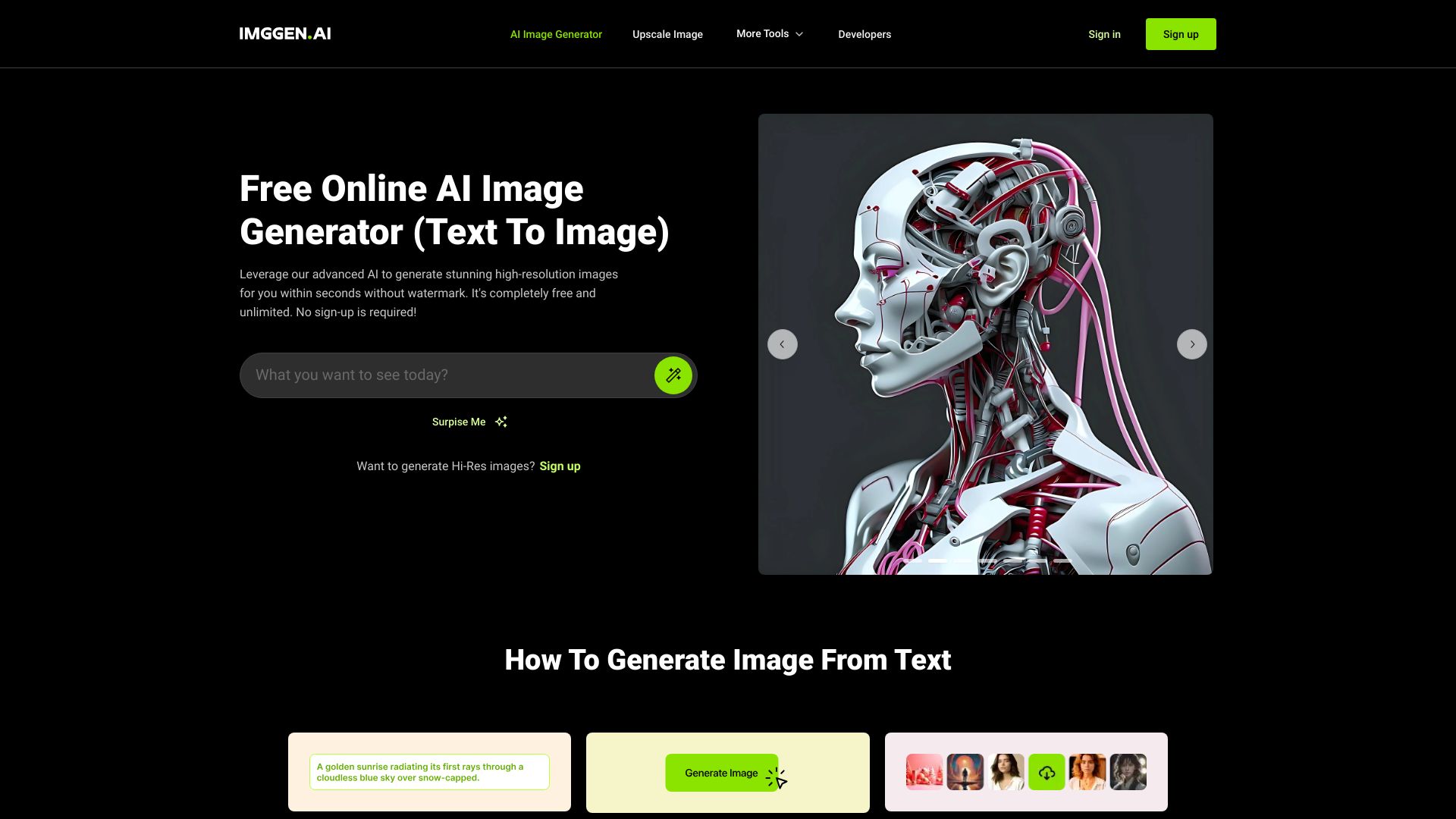
ImgGen AI is another broader visual alternative, and its strongest practical advantage is the combination of free use, no watermarks, and no required sign-up. Its core features are text-to-image generation and image upscaling, so it makes more sense for designers who want to create or improve visual assets than for a user seeking a tightly guided headshot package.
The lack of a watermark matters when a generated portrait needs to appear in a mockup, portfolio draft, or social profile without an obvious service label. The trade-off is control. Because the workflow may require experimentation with prompts to achieve the desired result, it is less predictable than a dedicated service based on uploaded selfies. Buyers should expect to spend time steering the image rather than selecting from a fixed headshot menu.
My take: ImgGen AI is a useful free experiment and a good companion for designers who already know how to iterate on image prompts. It is not my first recommendation for someone who simply needs a dependable corporate portrait today.
Where it falls short: You may need repeated prompt experimentation, and its general image-generation workflow is less specialized for identity-preserving headshots.
Key features
Text-to-image AI image generation.
Image upscaling.
Image enhancement tools.
Free use with no watermarks.
No sign-up required.
Pros
Free to use.
No watermarks on the stated free workflow.
Helpful image enhancement and upscaling tools.
Cons
Prompt experimentation may be required.
Less focused than a dedicated headshot generator.
Choose ImgGen AI if: You are a designer who wants a free, no-watermark image tool and is comfortable refining results with prompts.
10. Photo AI

Photo AI
Best AI photo studio for photographers
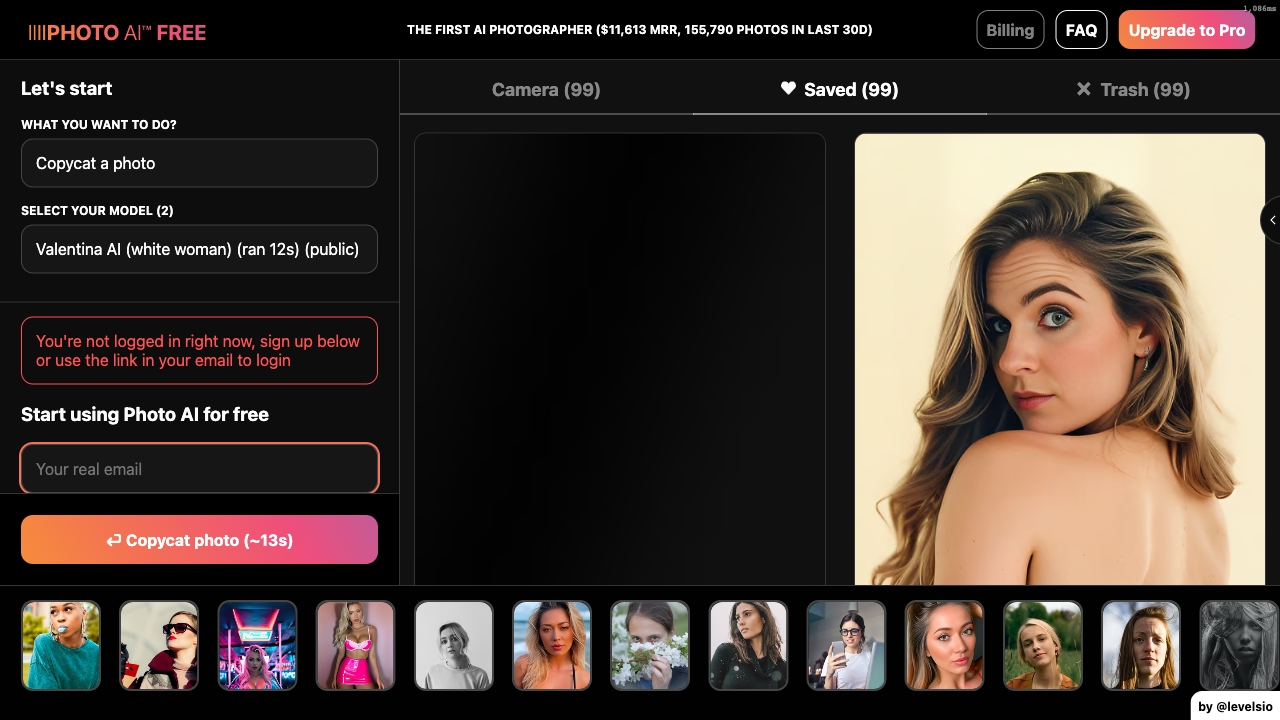
Photo AI takes the most expansive approach in the shortlist. It can generate photorealistic images and videos of people, create a custom AI model, and run photo packs. For photographers or creators building a repeatable personal visual identity, that is more interesting than a one-off headshot generator. A custom model can support a wider set of editorial or promotional scenes once it has been trained on personal photos.
That flexibility comes with a clear privacy and preparation cost: the service requires uploading personal photos for model training. The listed offer starts from $9 per month, while the card's Starter price is $19 per month, so check the current plan page carefully before purchasing. This is best approached as an AI photo and video production tool, not merely a cheap replacement for a studio portrait.
My take: Photo AI is the strongest choice for creators who need a library of photorealistic people-focused content. It is overkill for a single resume photo, but compelling when the same identity needs to appear across multiple formats.
Where it falls short: Model training requires personal photo uploads, and the different price references mean buyers should verify the current plan and package details.
Key features
AI photo generation.
AI video generation.
Creation of a personal AI model.
Photo-pack workflows for repeatable content.
Photorealistic images and videos of people.
Pros
Photorealistic image and video generation.
More scalable than a one-image headshot workflow.
Strong fit for photographers and content creators.
Cons
Requires uploading personal photos for model training.
Broader capabilities may be unnecessary for a simple professional headshot.
Verify the current price because the displayed offer and Starter figure differ.
Choose Photo AI if: You are a photographer or creator who needs photorealistic people-focused images and video, not just one profile portrait.
More tools to compare
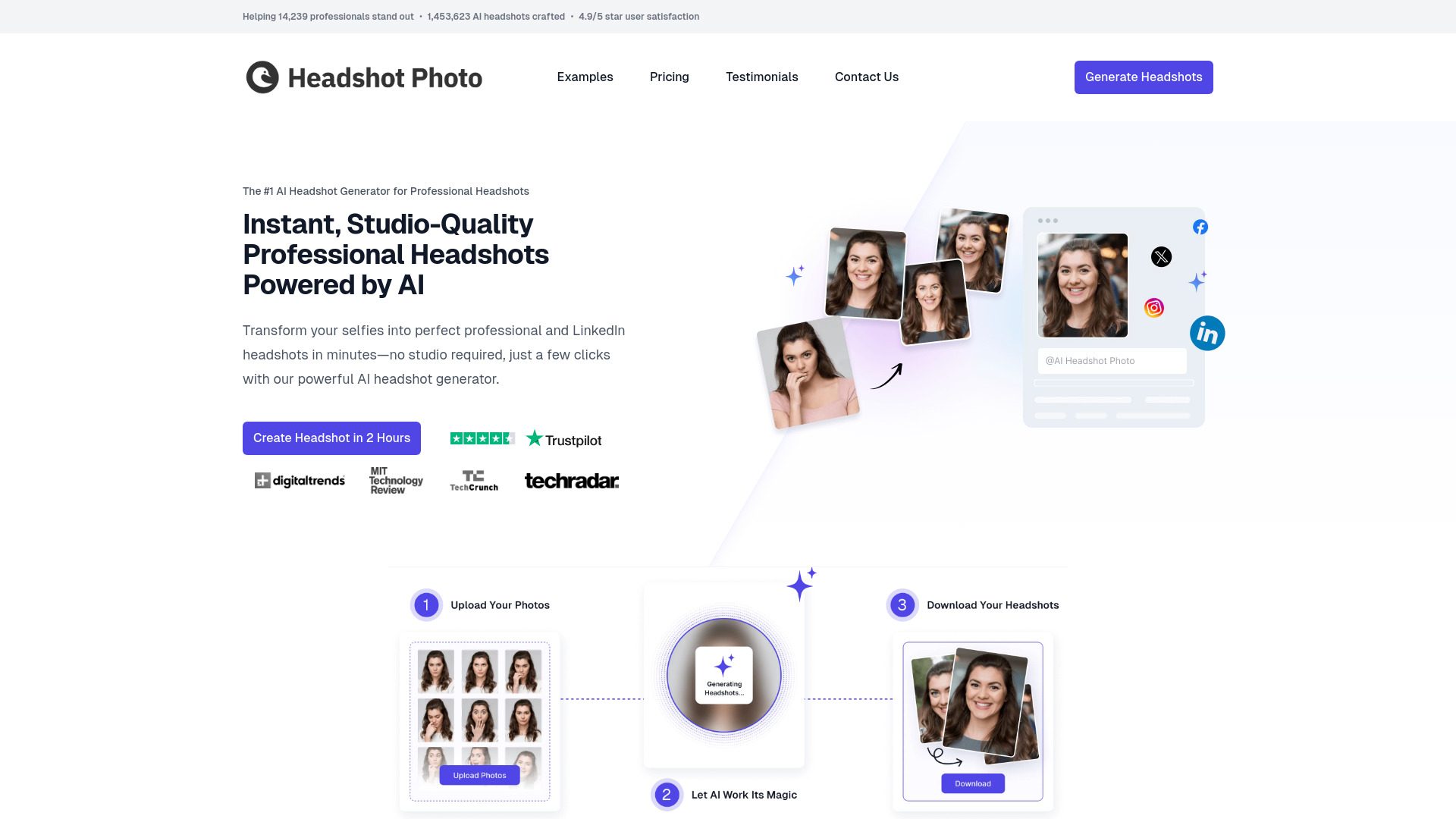
HeadshotPhoto
LinkedIn and corporate headshots

BetterPic
4K professional headshots

Secta Labs
Professionals needing varied headshot styles

AI Headshot Generator
Professionals needing fast business headshots

Kahma.io
High-resolution AI headshots and portraits

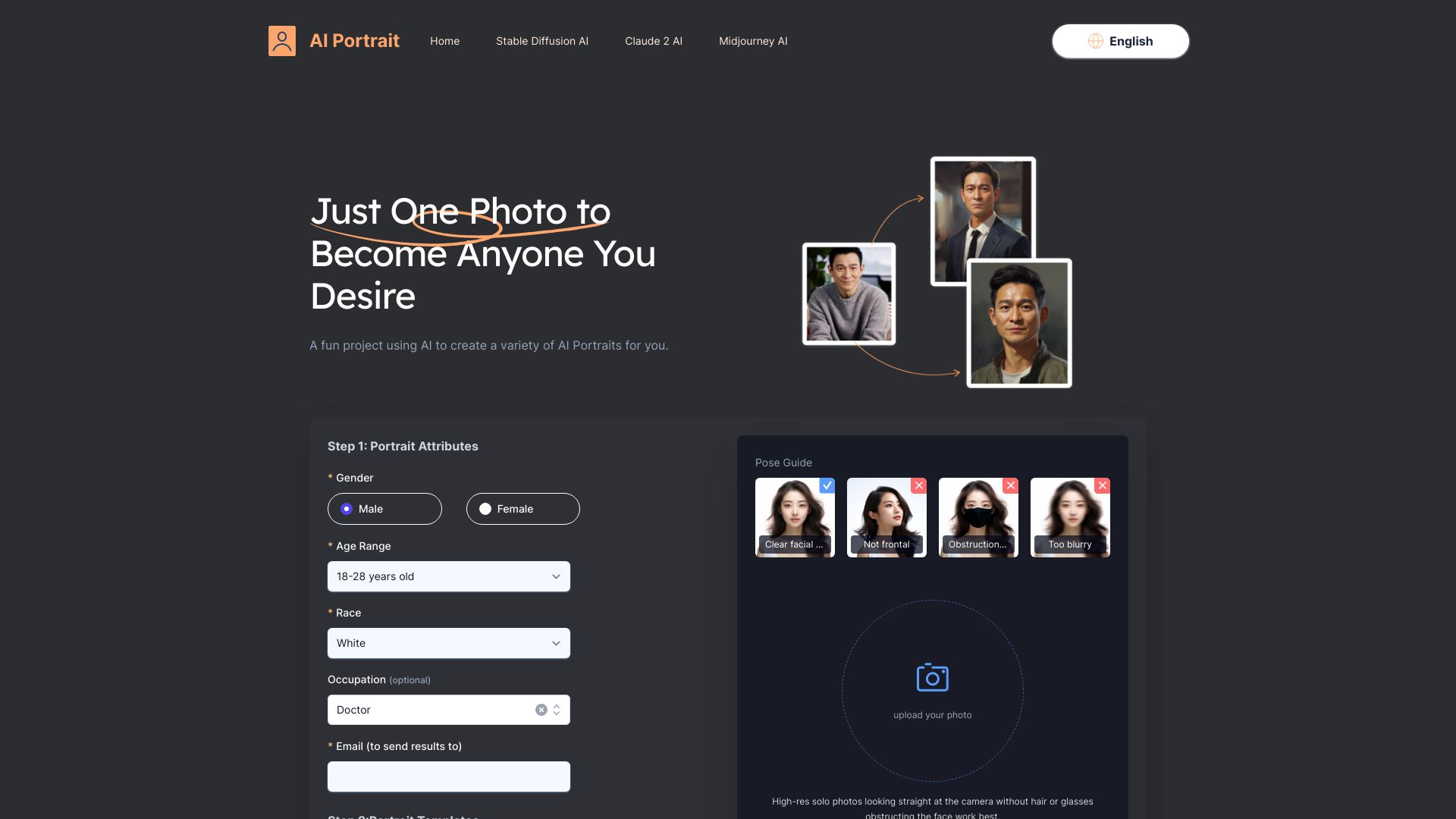
AI Portrait
Stylized AI headshots from one selfie

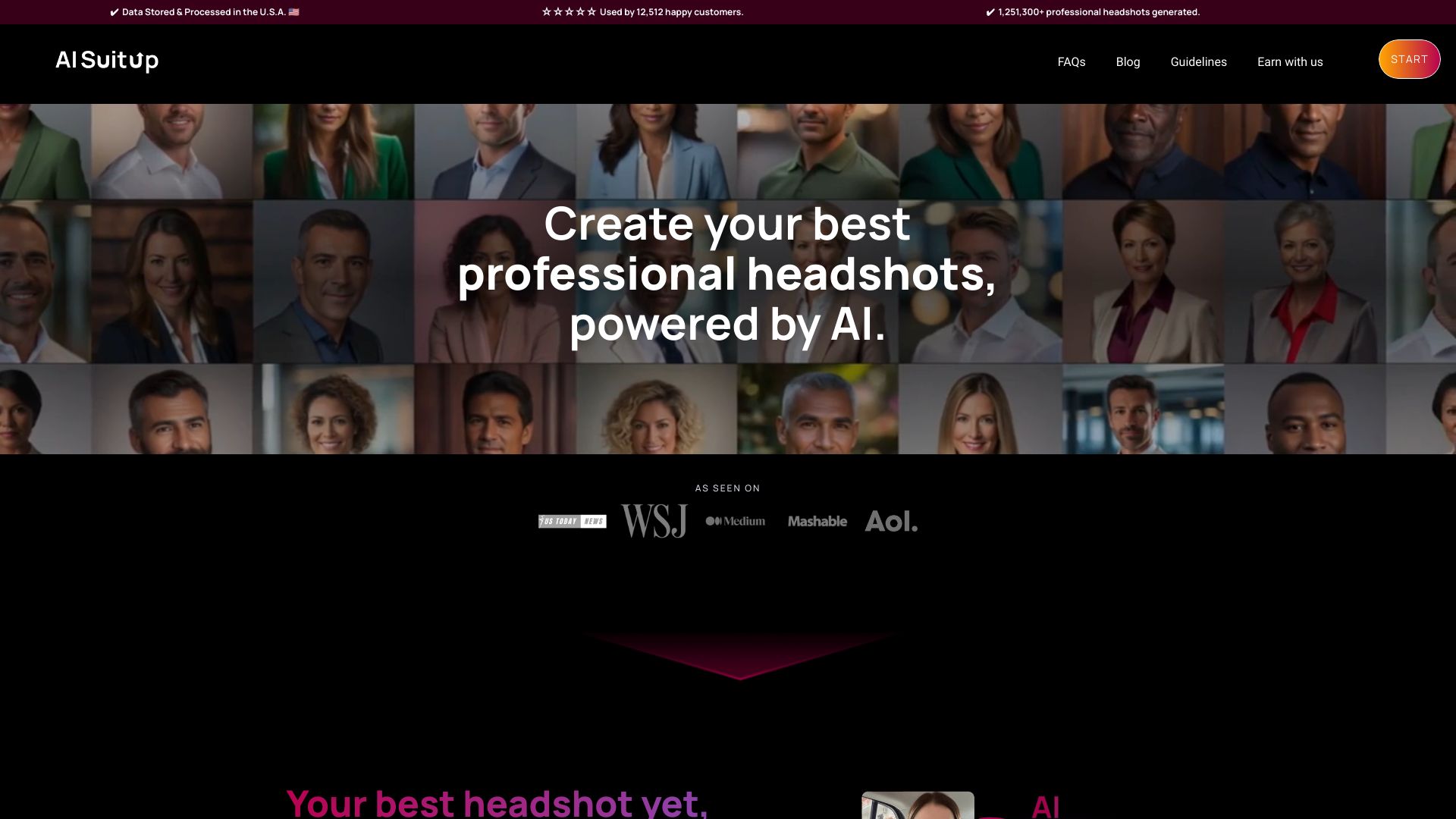
AI SuitUp
Professionals needing fast AI headshots

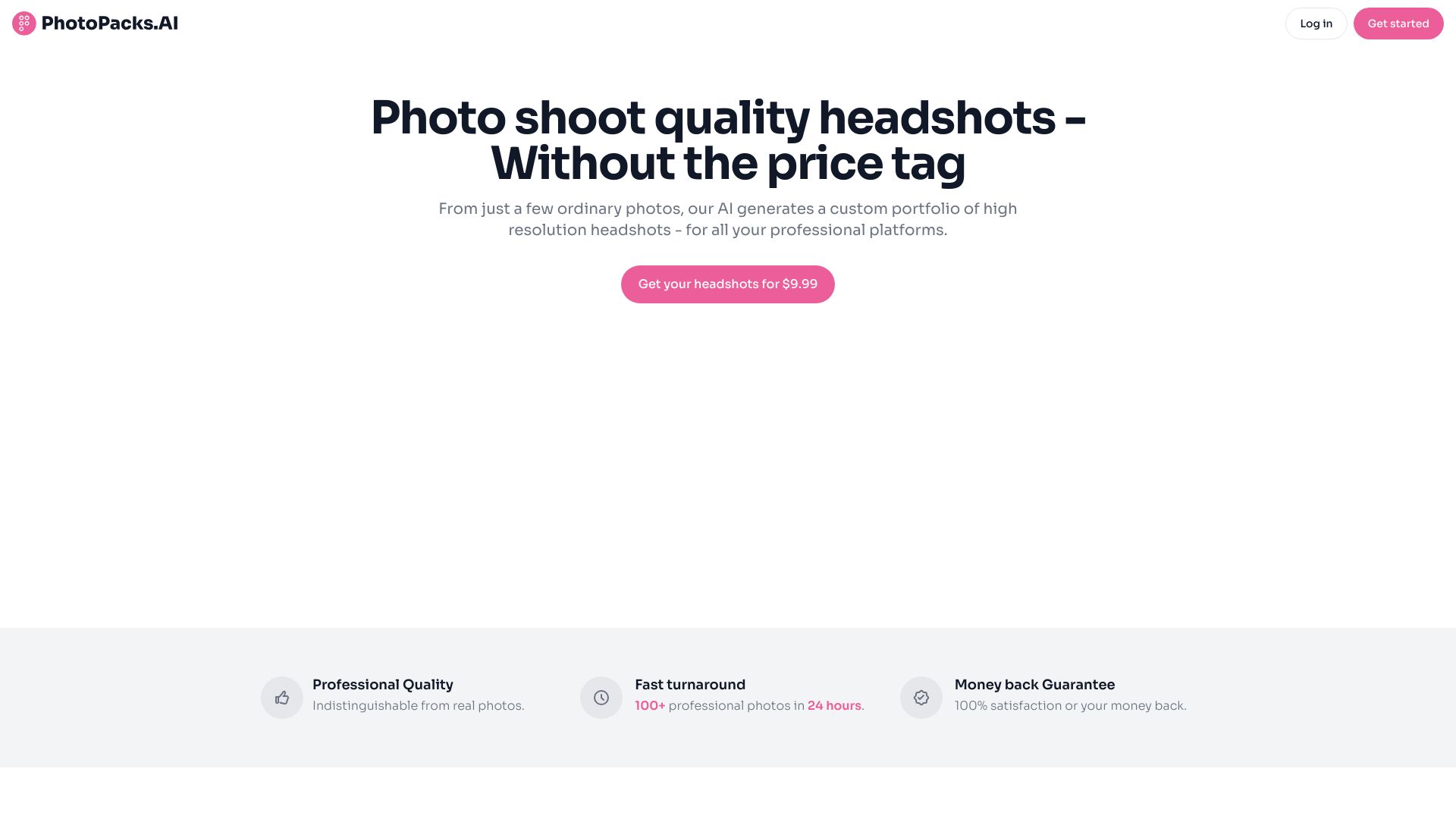
PhotoPacks.AI
Affordable professional headshots

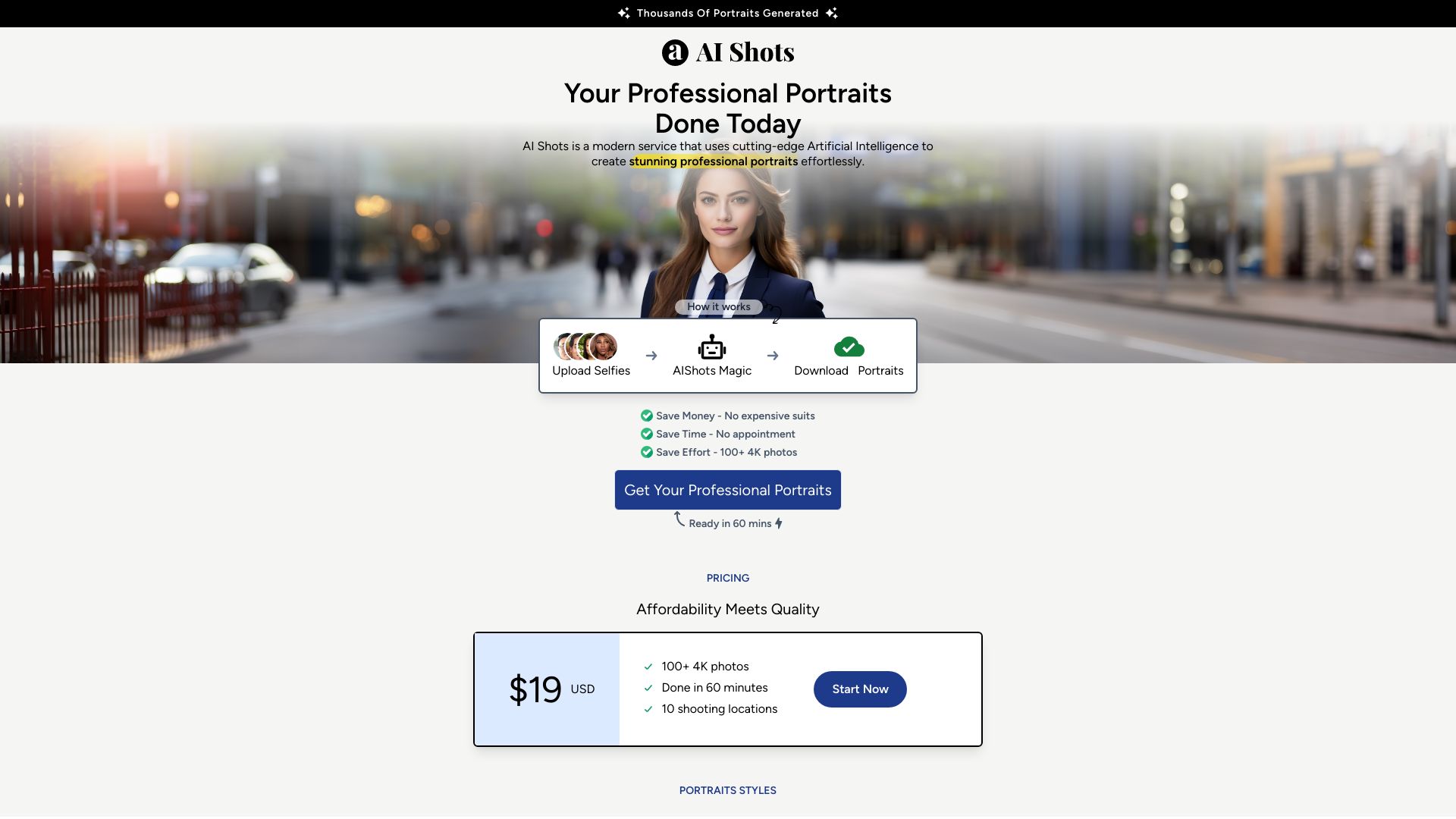
AI Shots
Fast professional portraits for personal branding

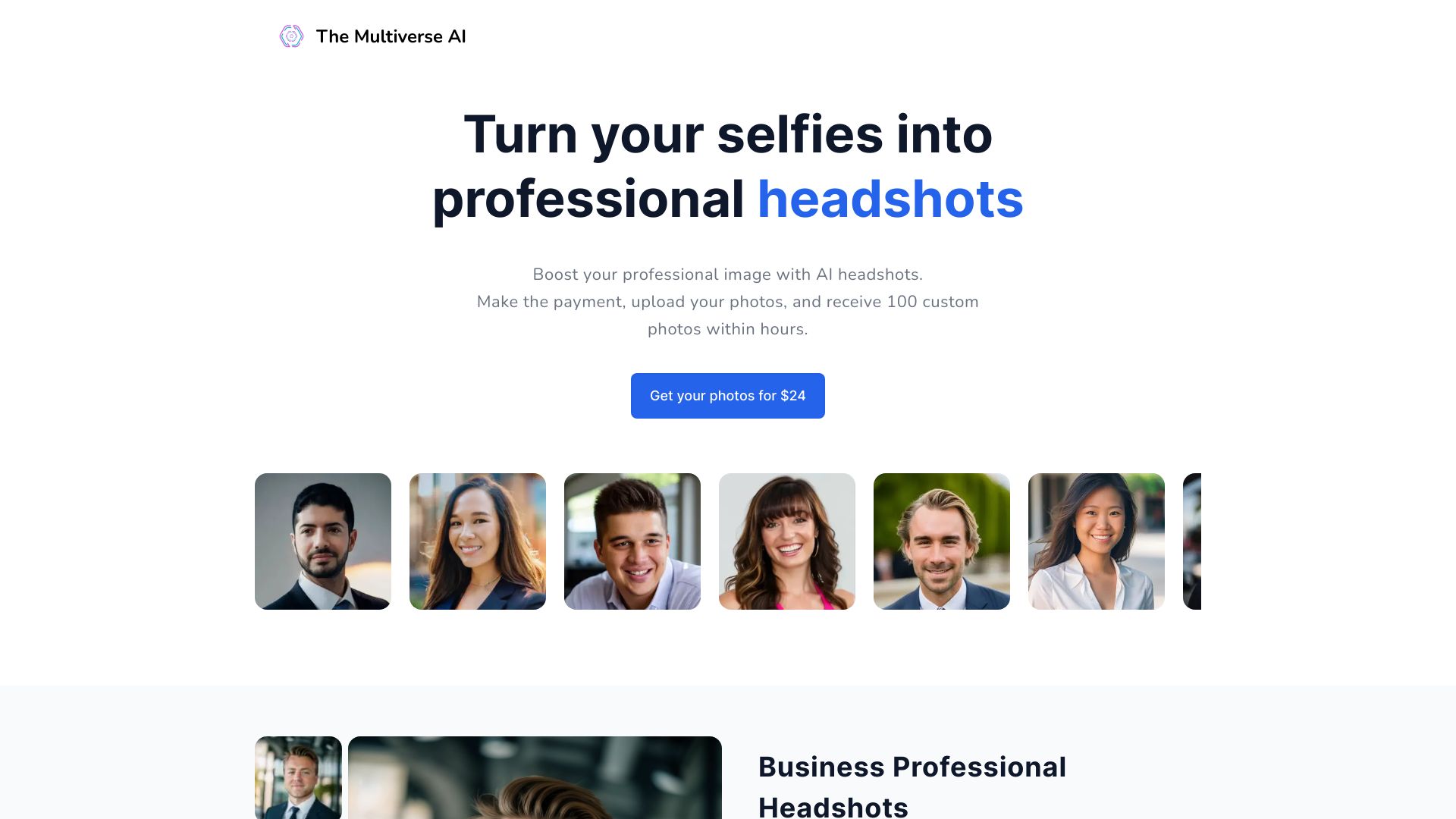
The Multiverse AI
Professional LinkedIn headshots

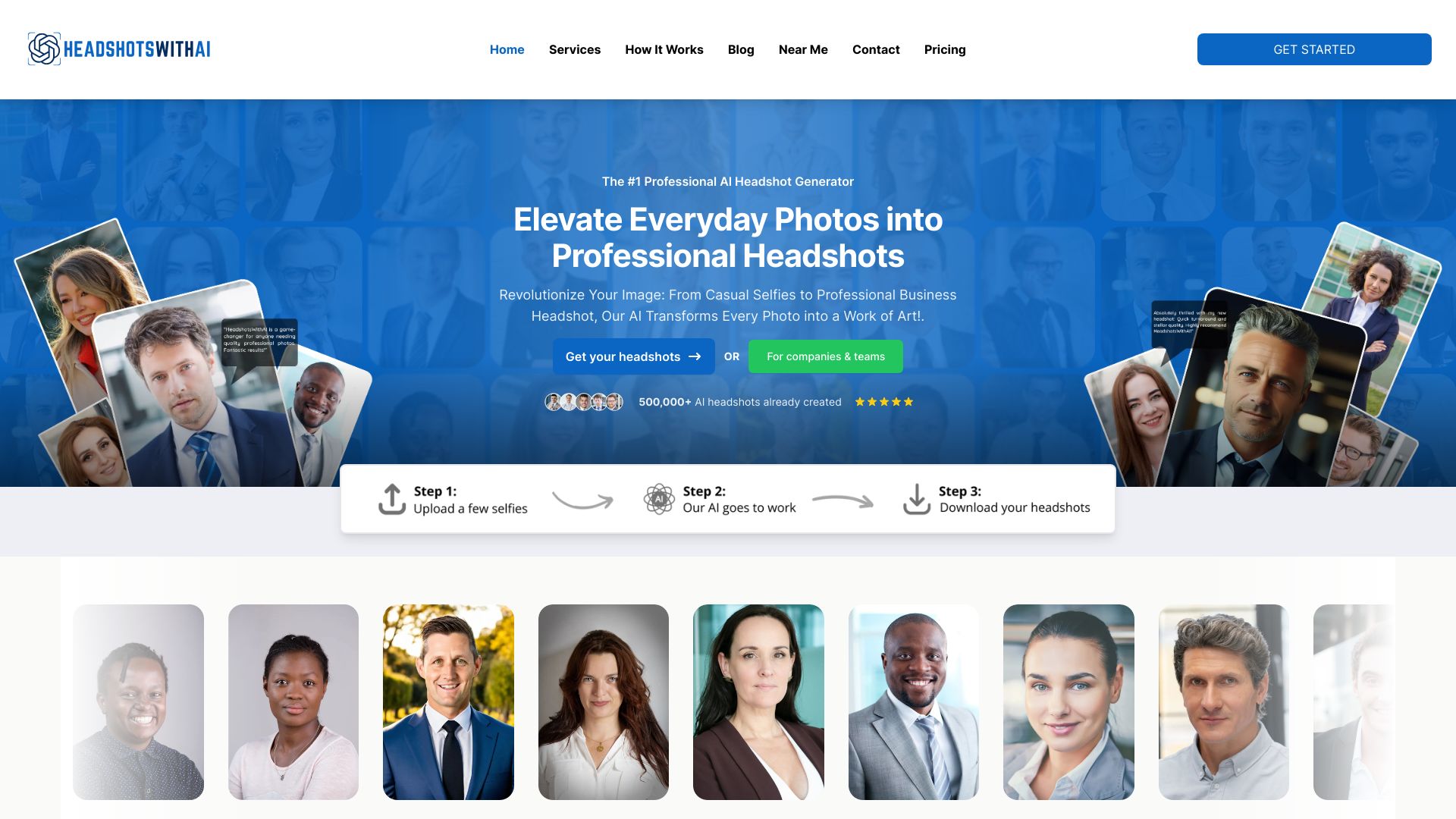
HeadshotsWithAI.com
Fast LinkedIn and business headshots

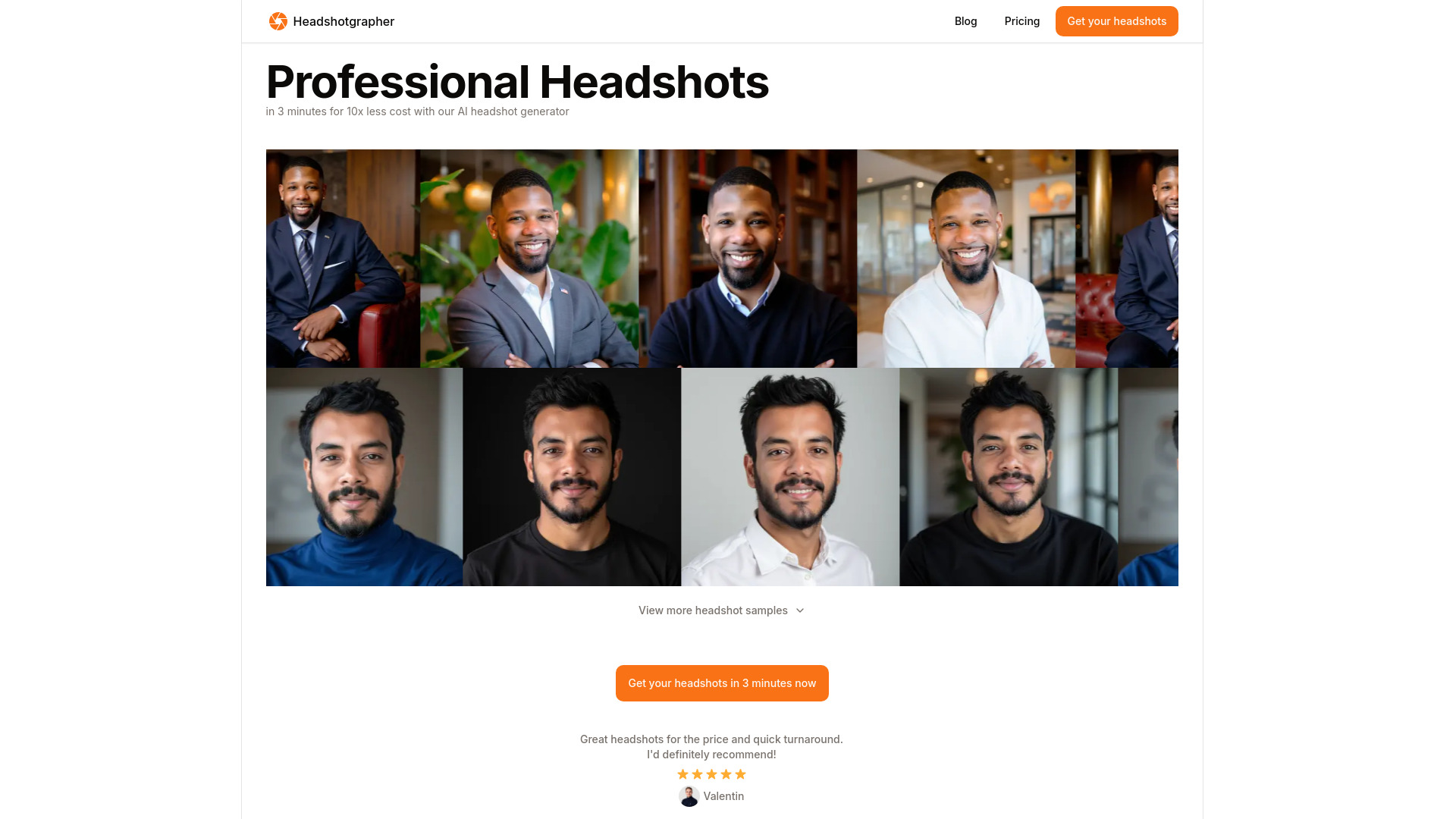
Headshotgrapher
LinkedIn and professional headshots

Real Fake Photos
Fast LinkedIn and professional headshots

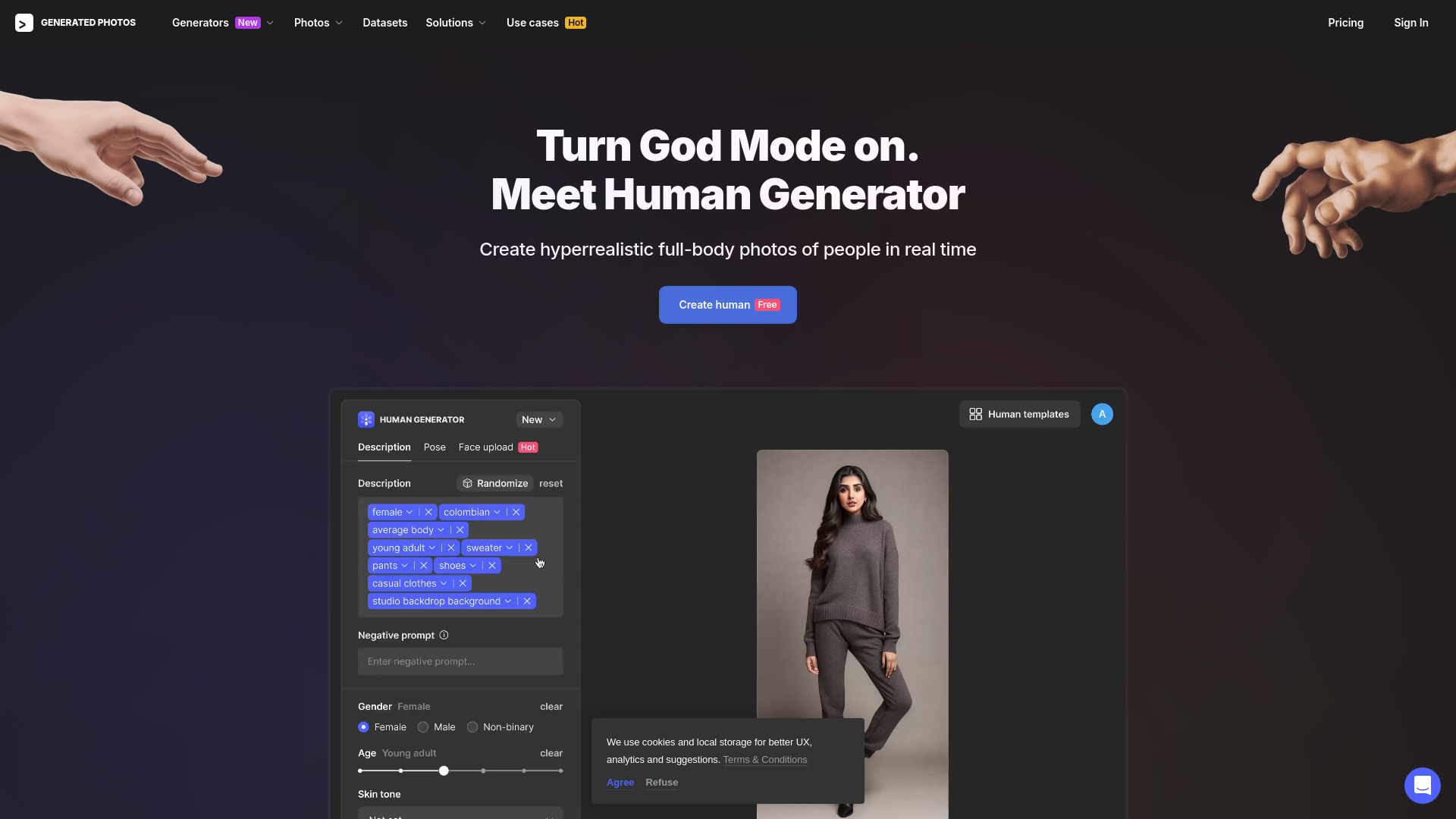
Generated Photos
Non-commercial AI human portraits

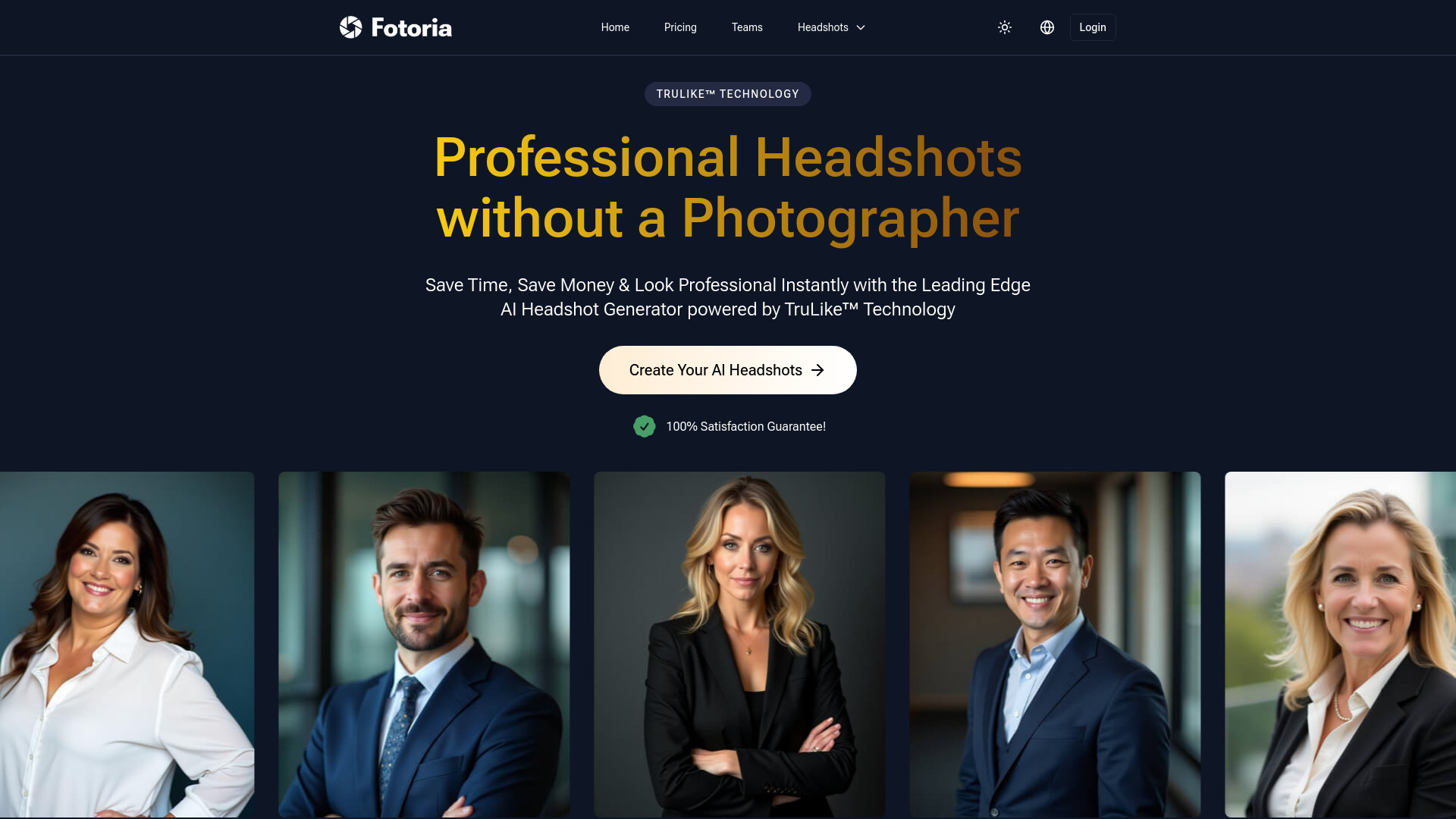
Fotoria - AI Headshot Generator
Professional AI headshots
AI SuitUp
AI headshots for teams

Proshoot.co
Hyper-realistic professional headshots
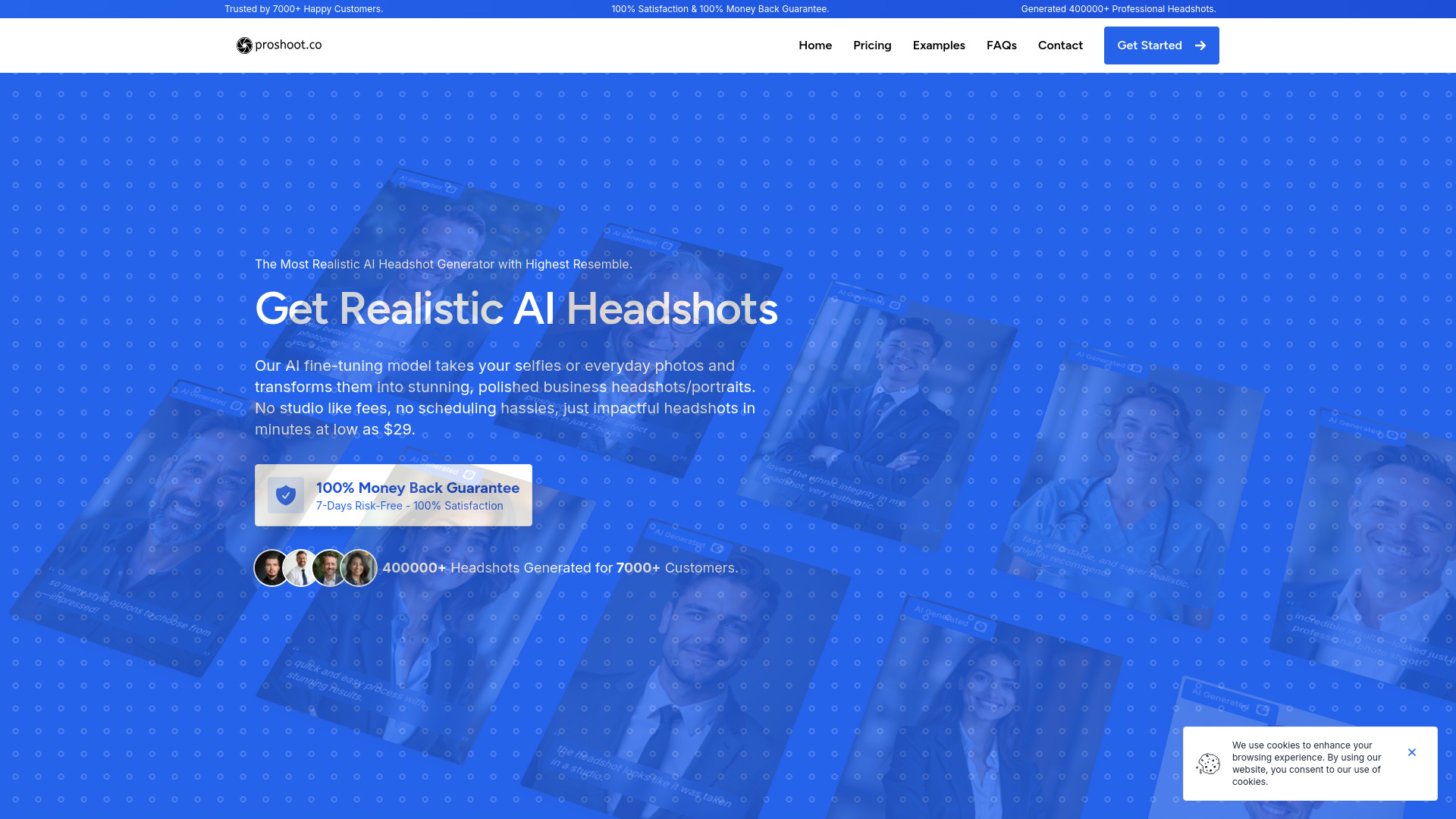

Nova Headshot
LinkedIn and company profile photos

Quick Headshots
Professional LinkedIn headshots

SmartShot.ai
Affordable professional headshots

ProShots
AI-generated professional headshots

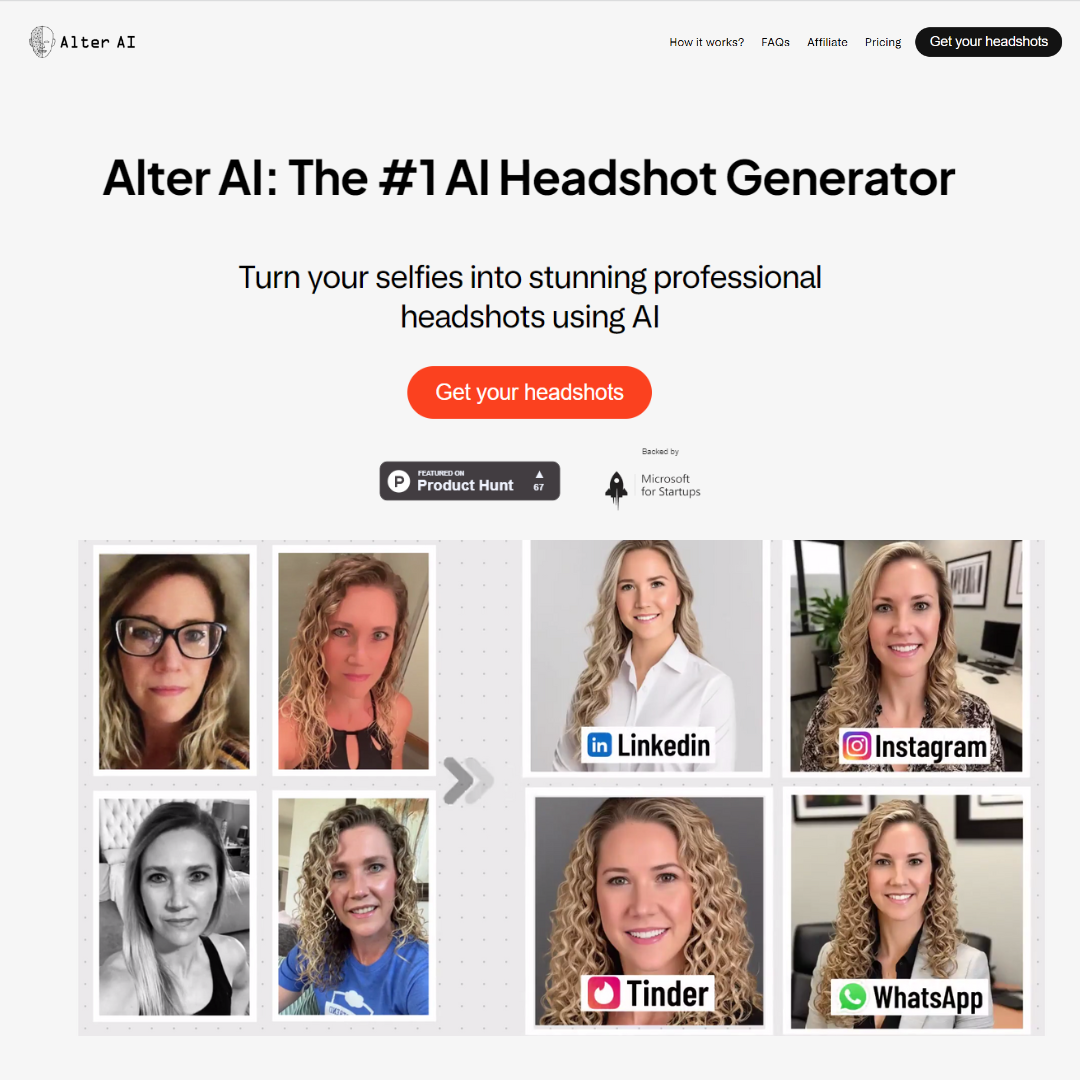
Alter AI
Professional AI headshots

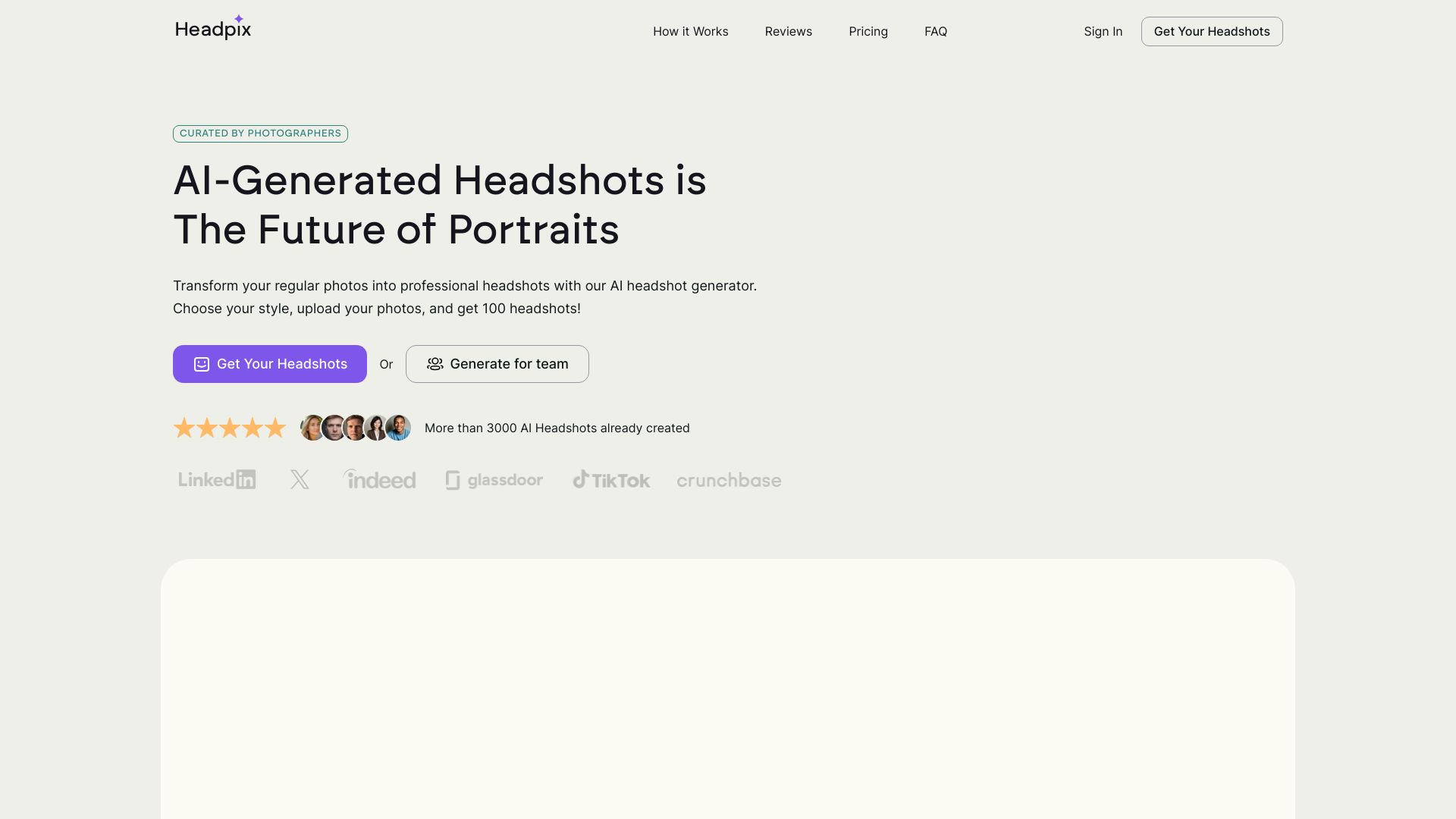
Headpix
Fast professional AI headshots
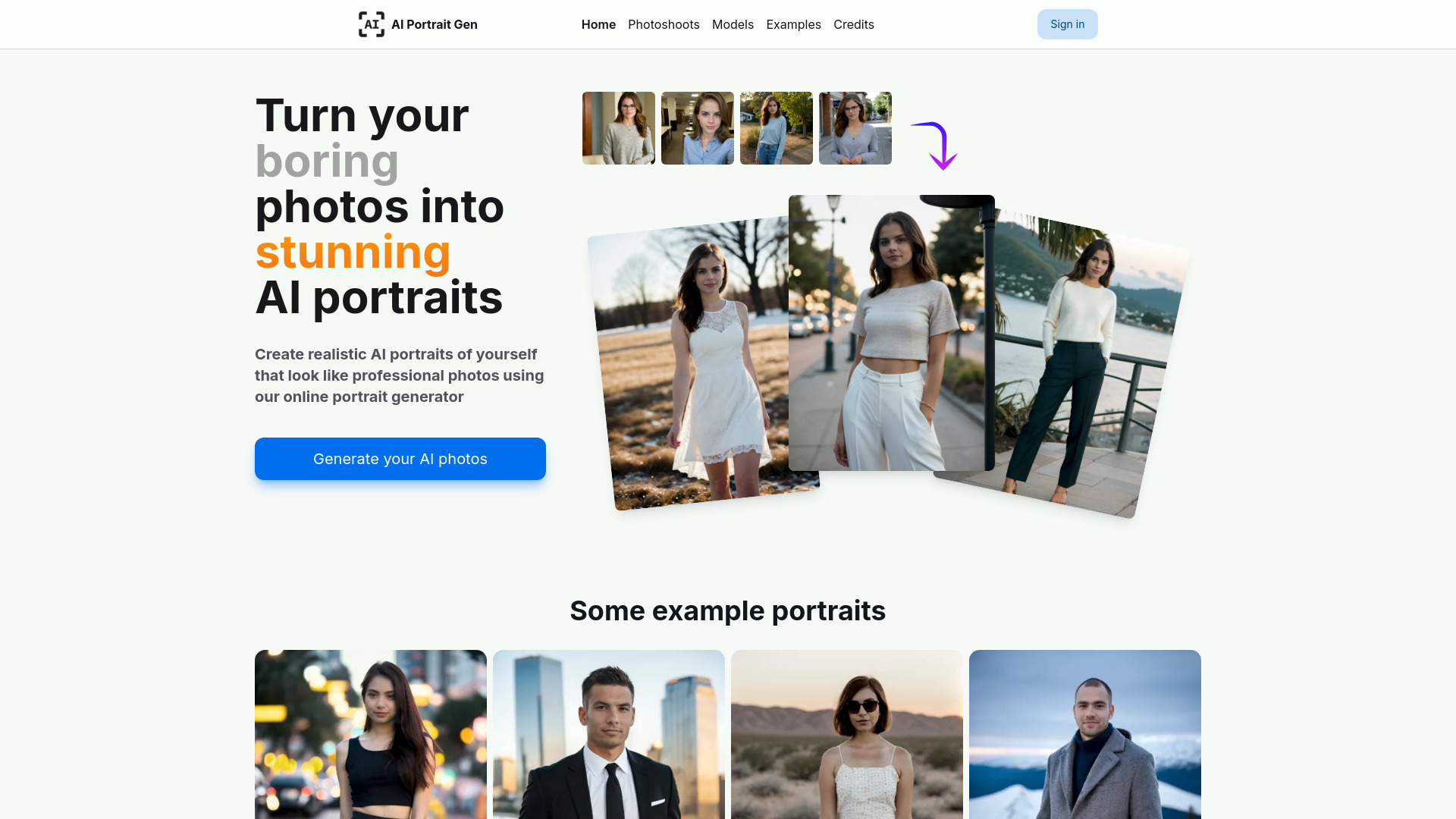
AI Portrait Gen
Realistic AI headshots

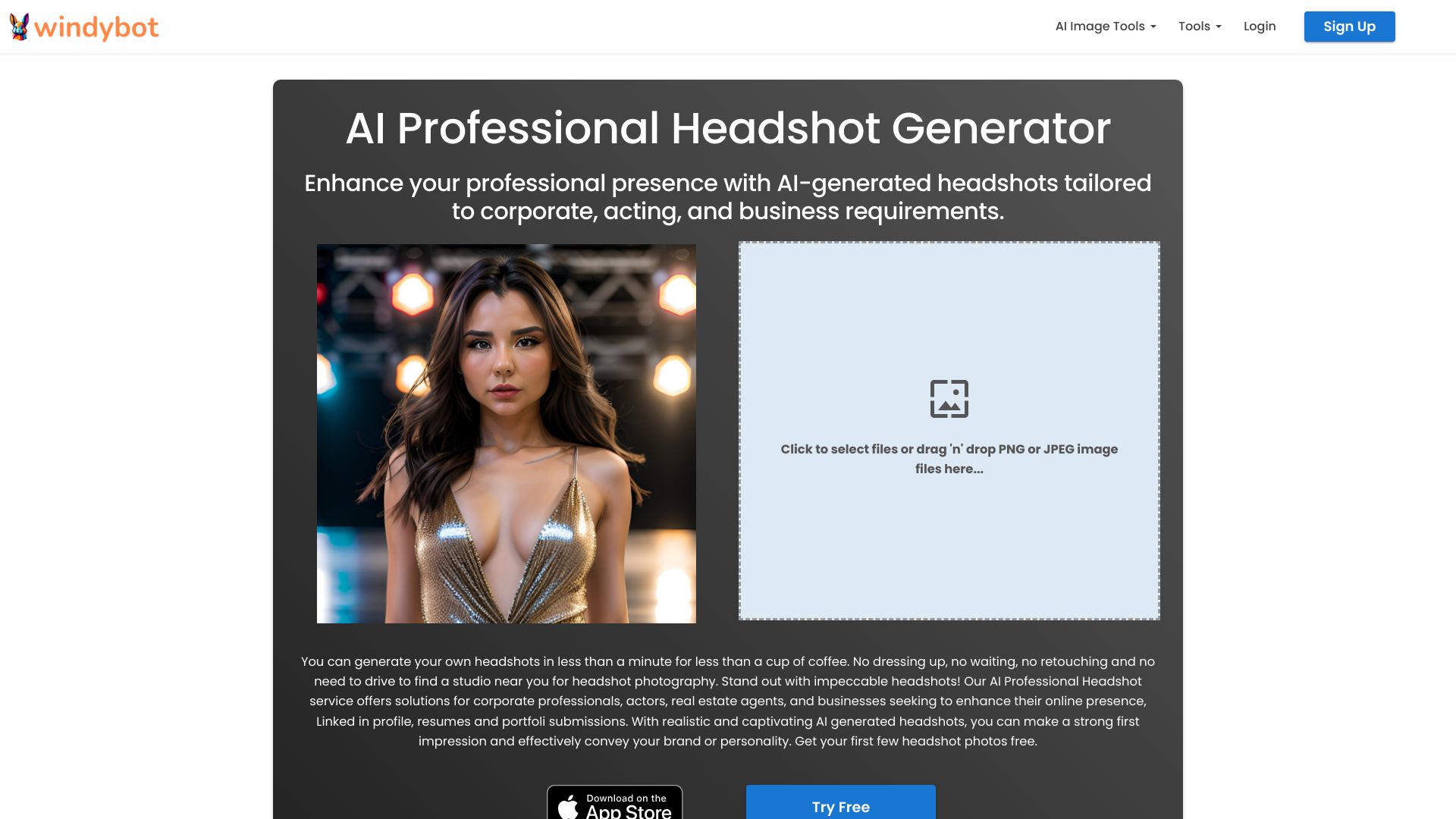
WindyBot
Fast AI professional headshots

1PhotoAI
Fast AI headshots and avatars

Headshottr
Fast, budget-friendly AI headshots
HeadshotPro
Professional business headshots

Headbot
Funny AI buff portraits

JustHeadshots.ai
Affordable professional AI headshots

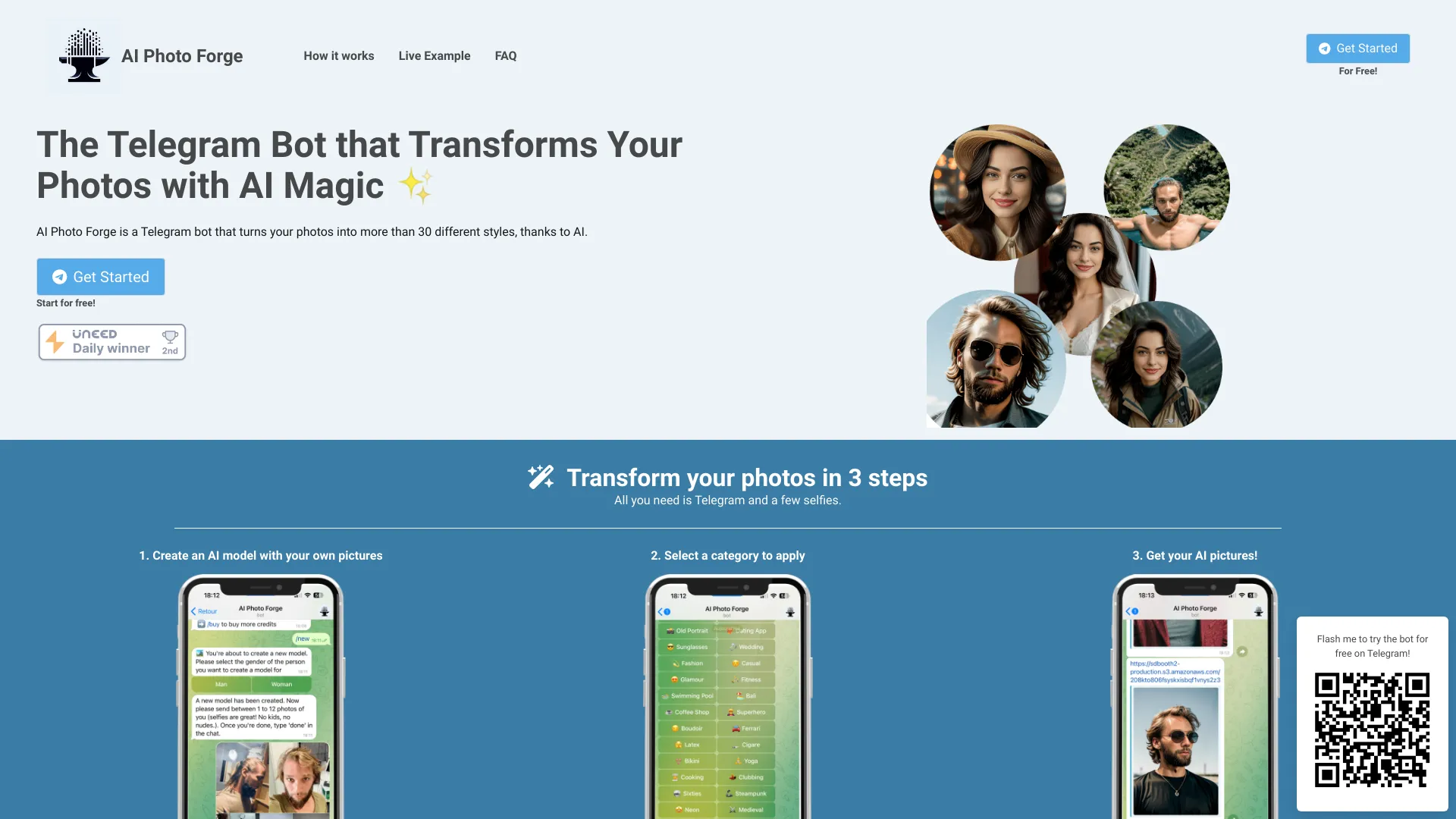
AI Photo Forge
Telegram-based AI headshots

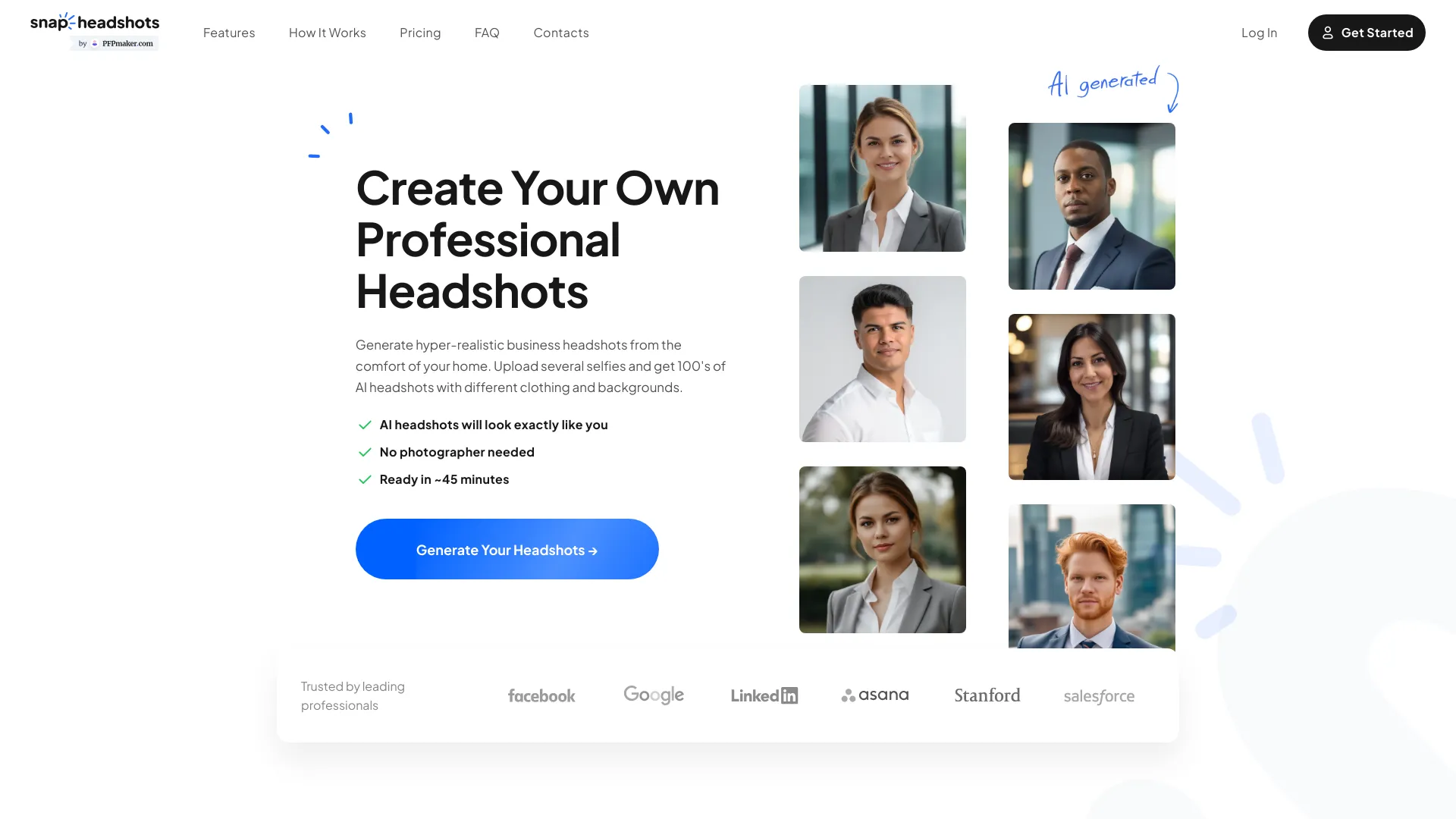
SnapHeadshots
Professionals needing business headshots

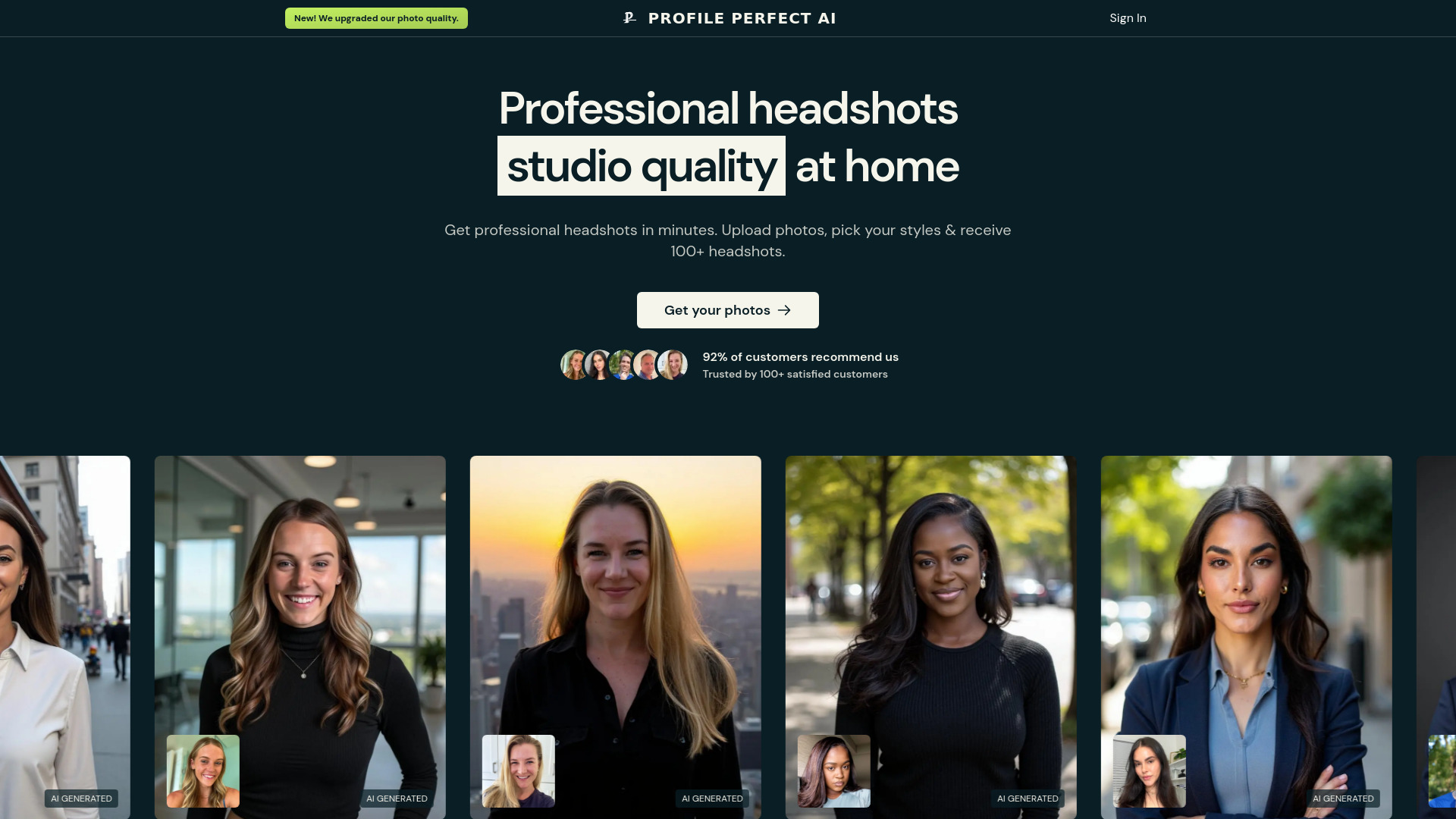
ProfilePerfectAI
Professional business headshots

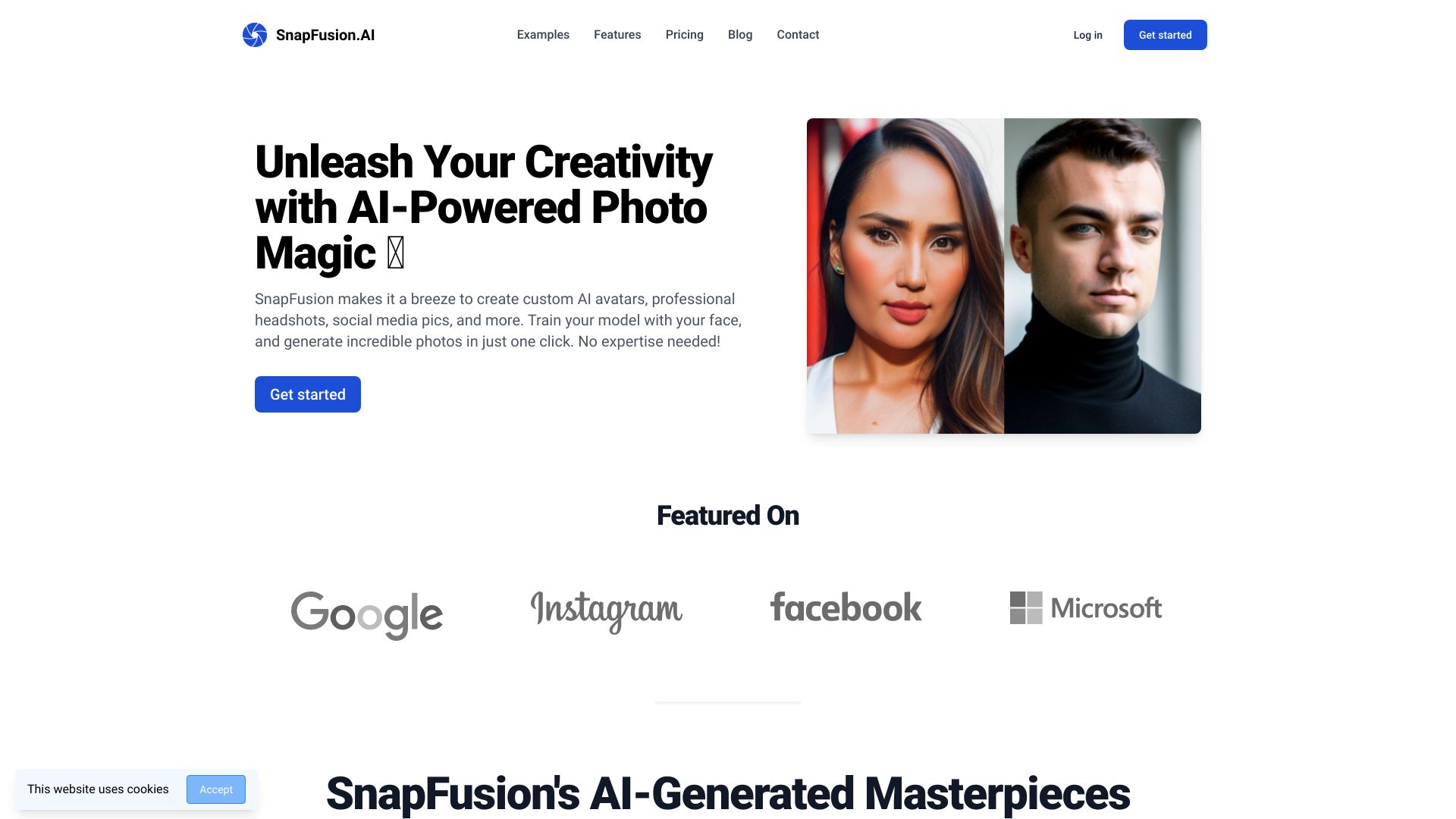
SnapFusion.AI
Custom AI headshots and social avatars
AI Headshot Generator
Professional headshots from selfies

Free AI Generator
Continuous AI image editing

AI Headshot Generators
Comparing AI headshot generators

AI STUDIOS
AI avatar-led video creation

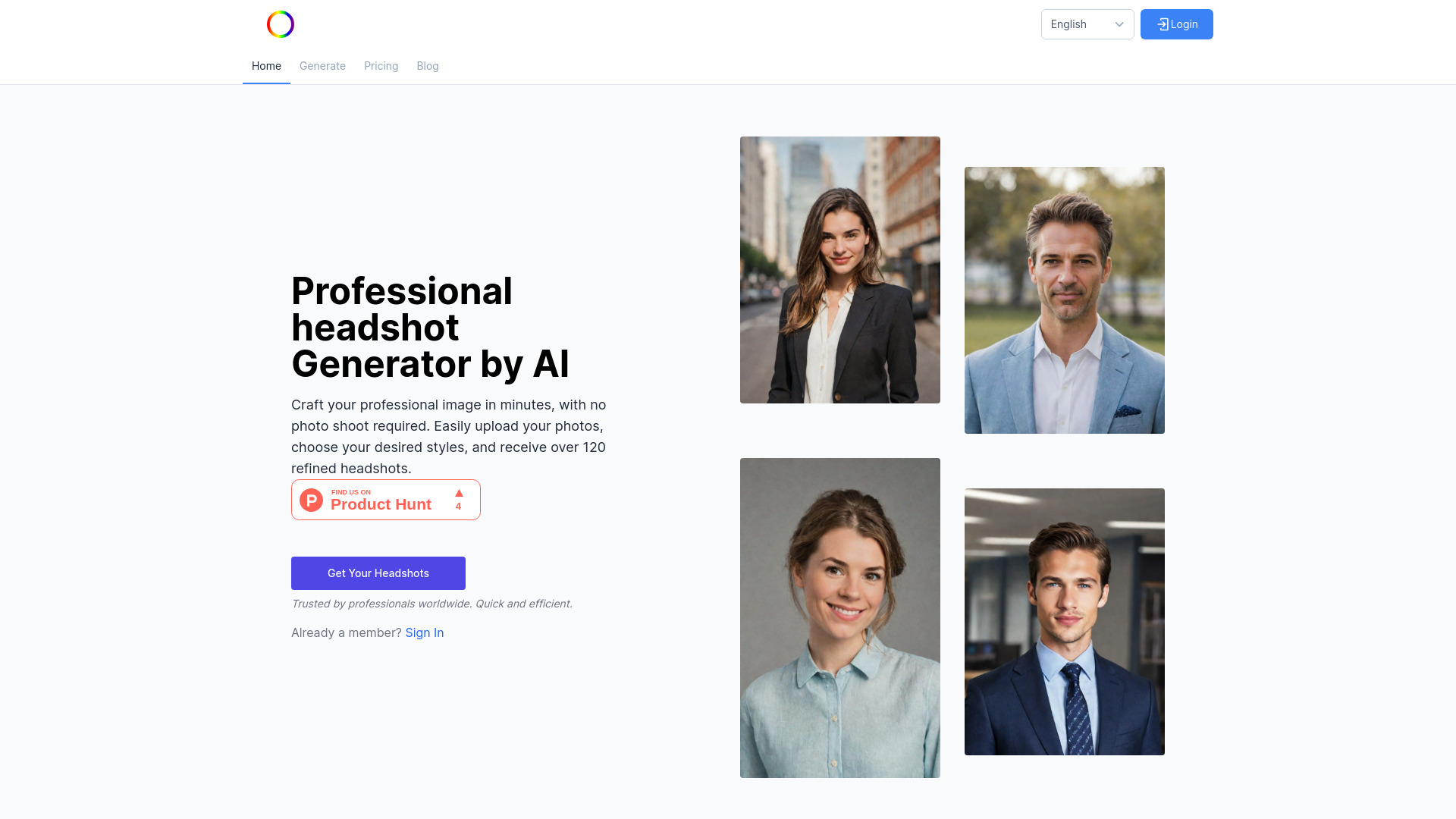
AI Headshots
Fast professional headshots

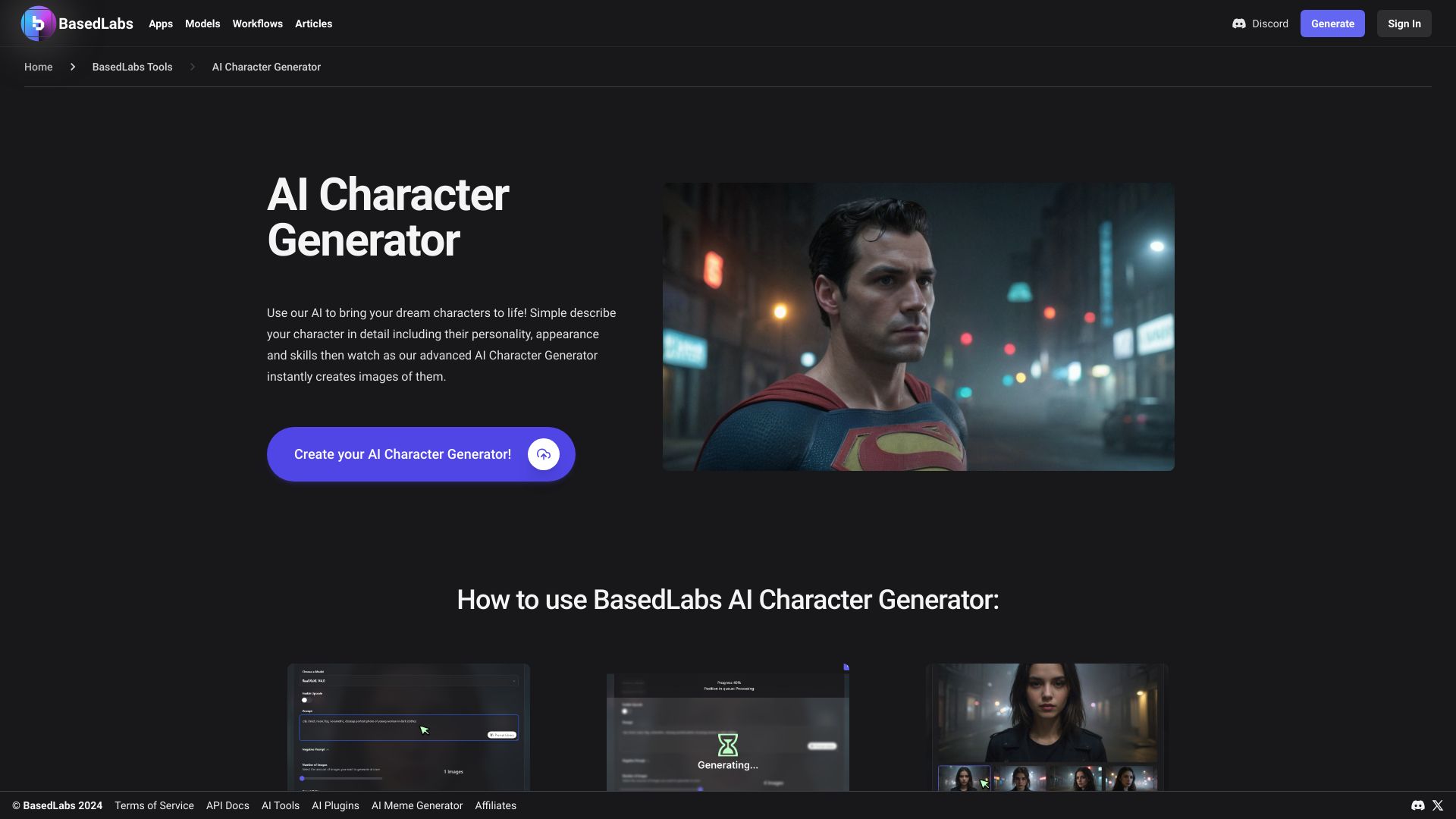
BasedLabs AI Character Generator
AI character concept creation

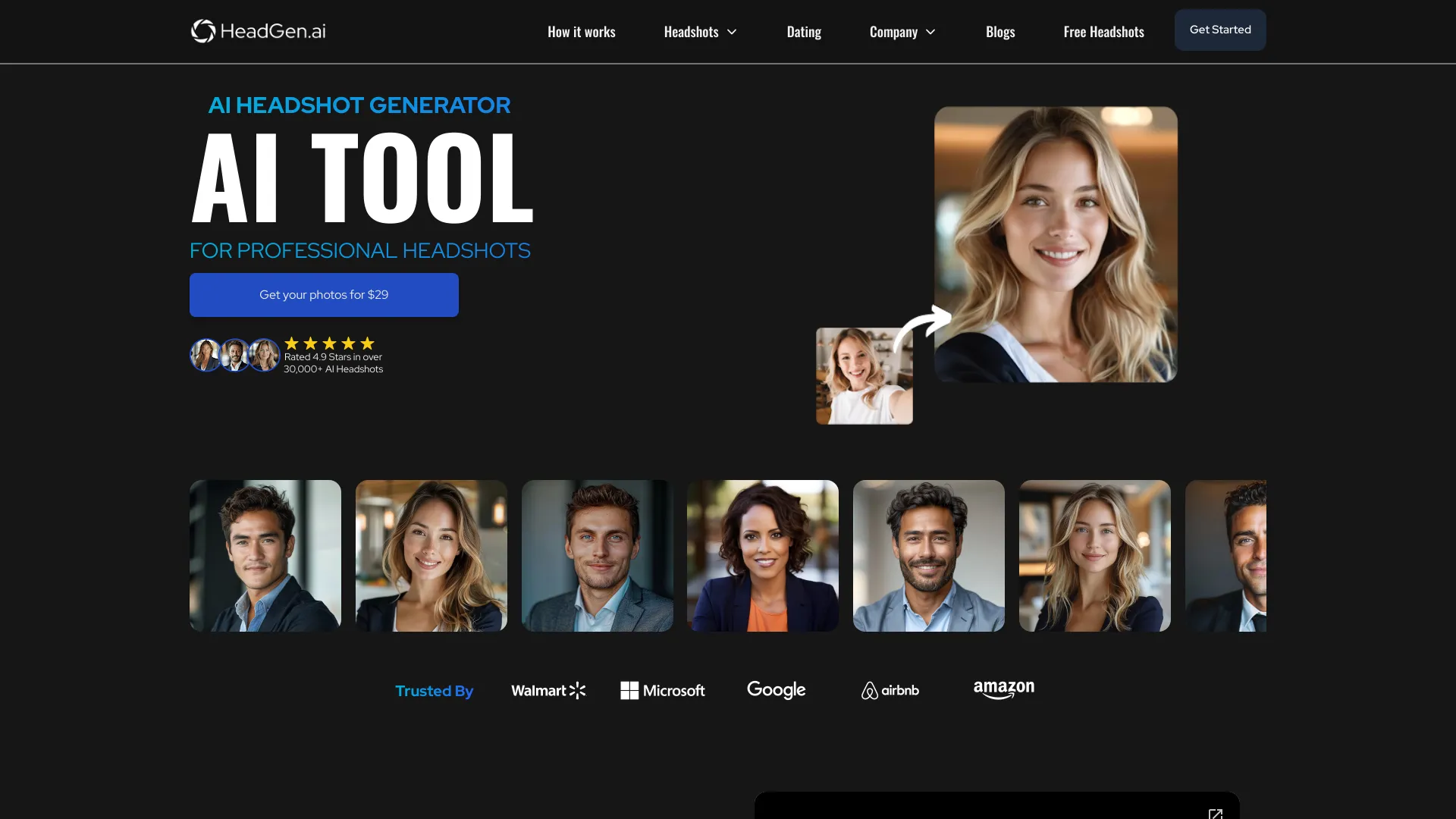
HeadGen AI
LinkedIn and corporate headshots
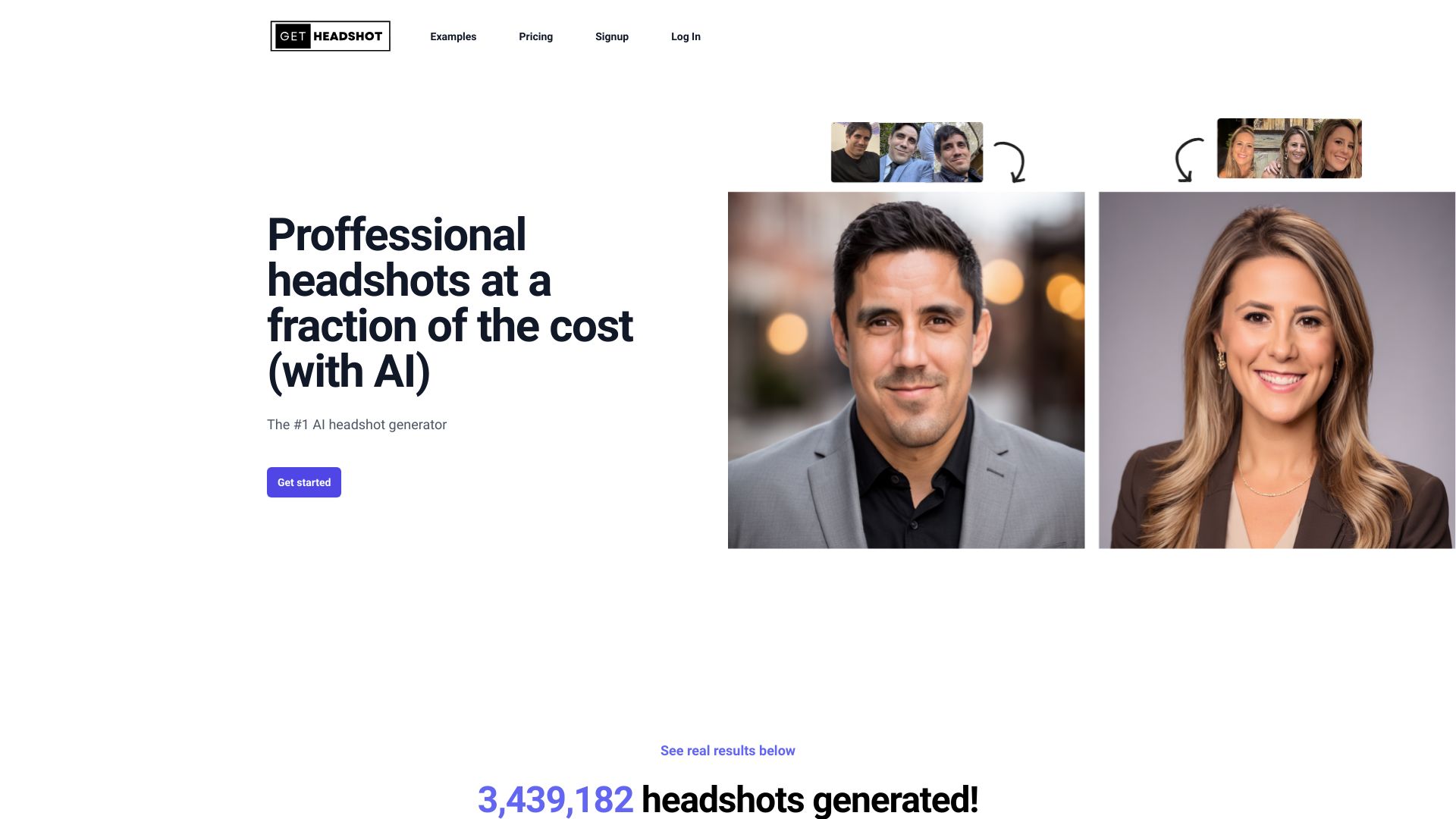
Get-Headshot
Affordable professional headshots

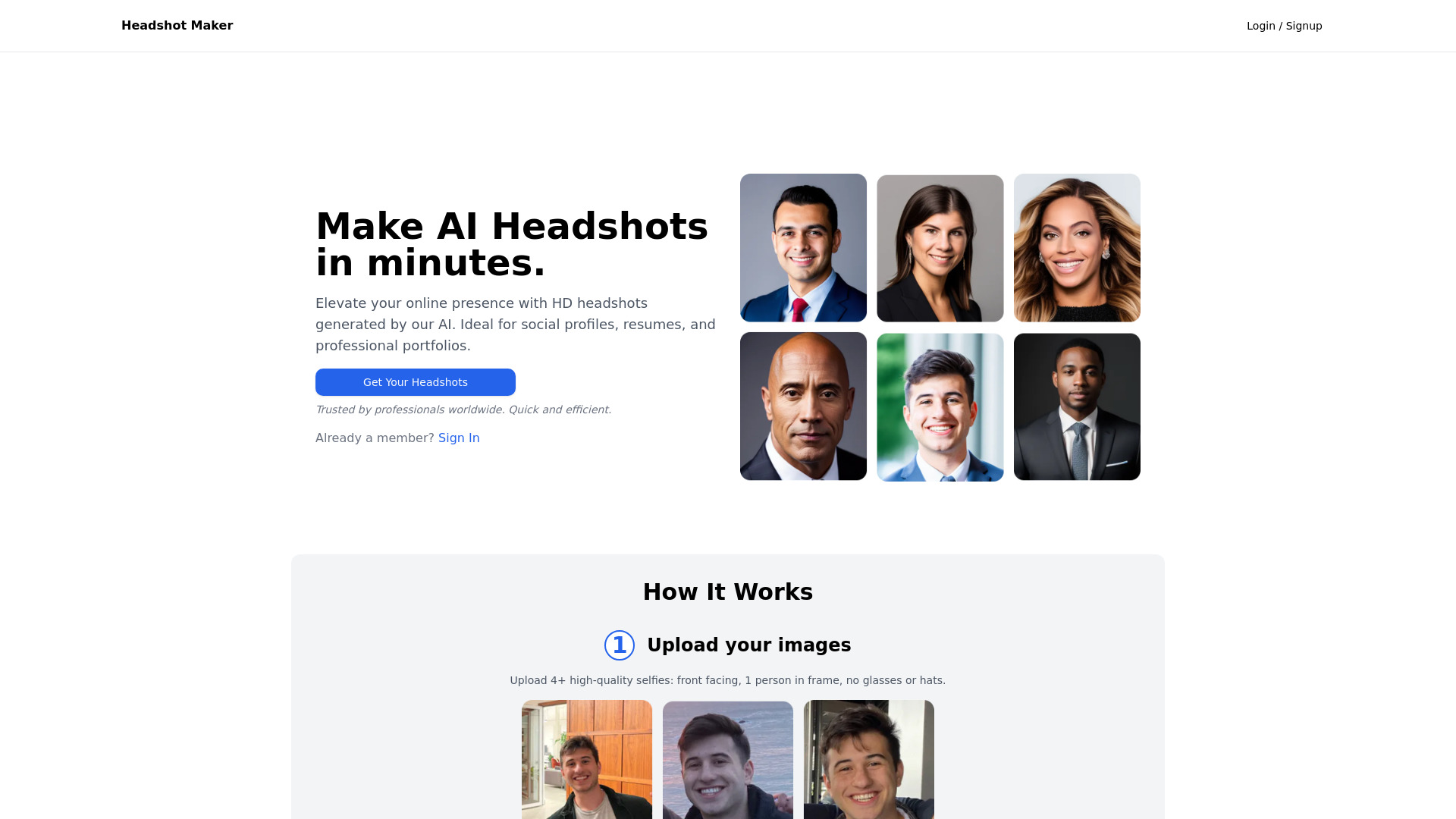
Headshots AI
Quick professional headshots

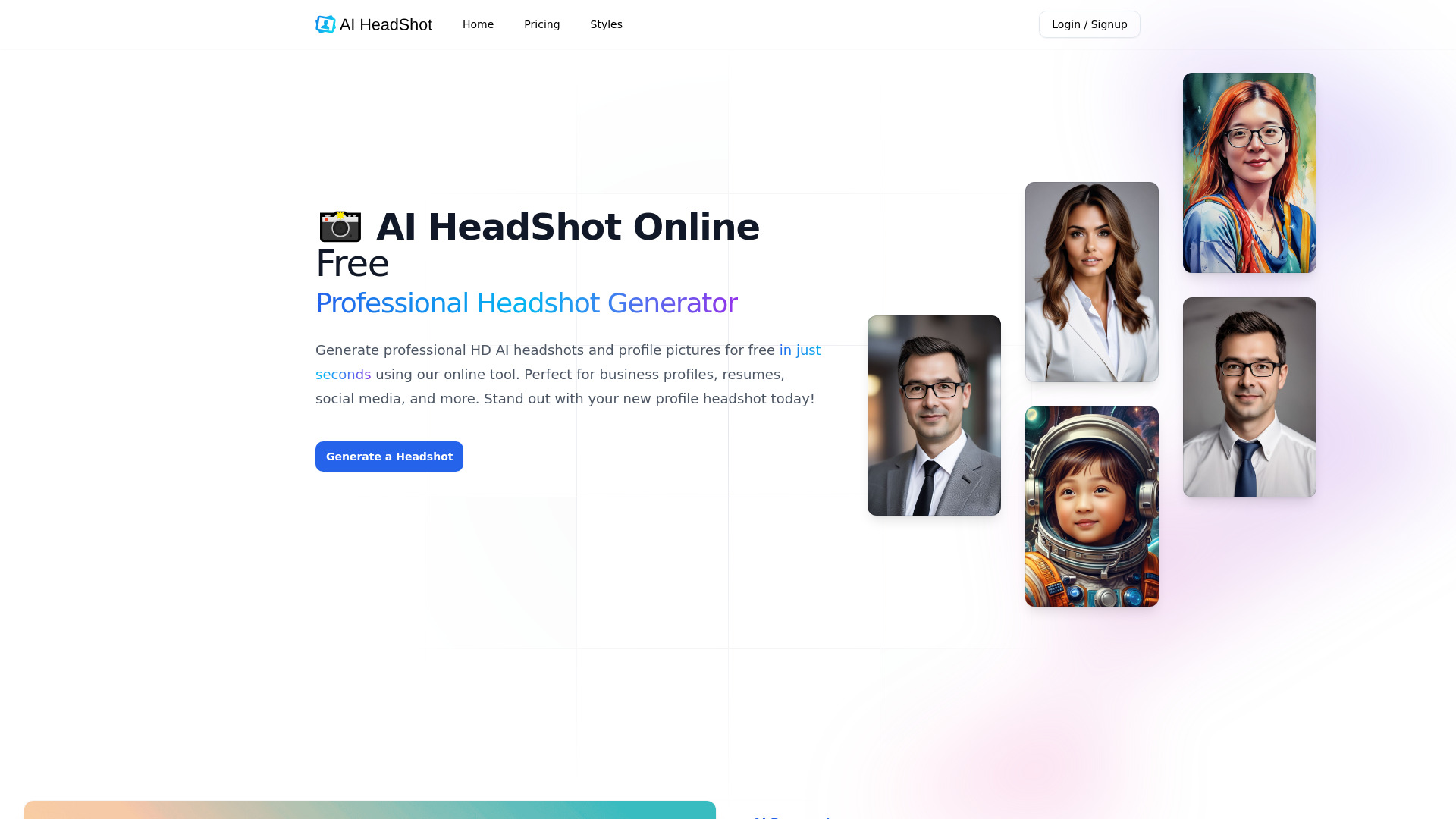
AI-HeadShot.online
Free professional headshots
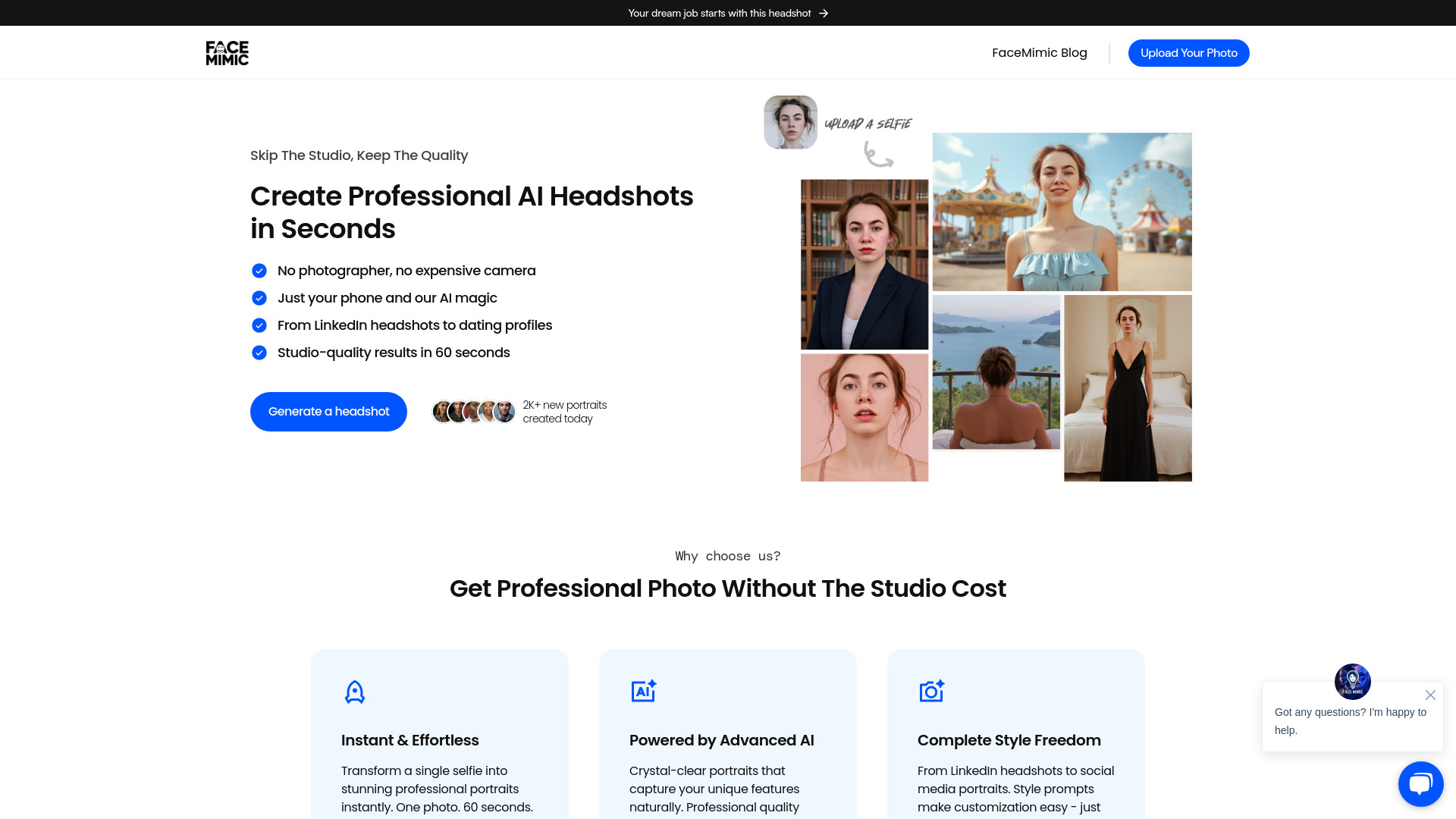
FaceMimic AI & Framer.ing
Professional LinkedIn and dating headshots
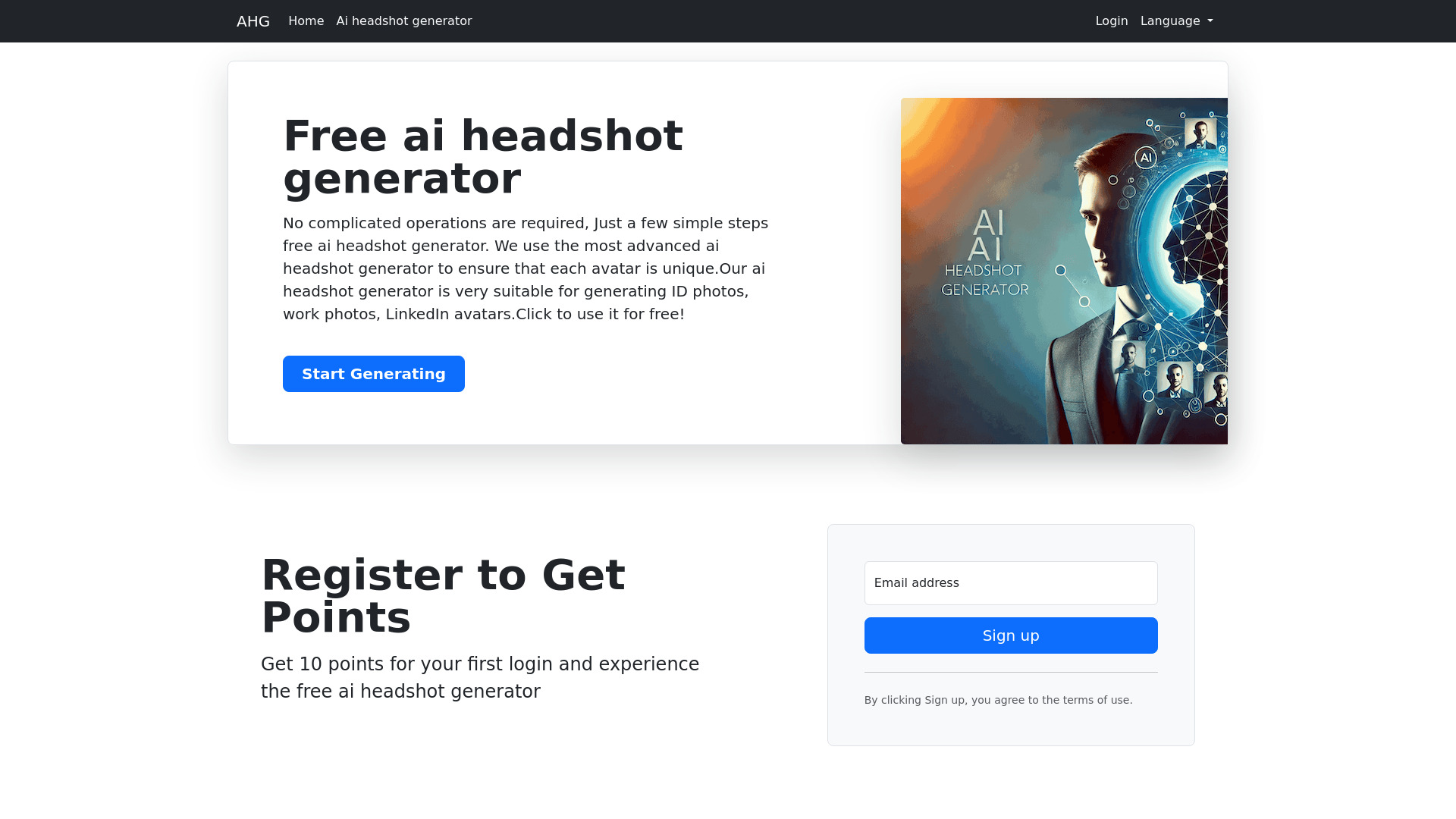
AHG
LinkedIn and ID photo avatars

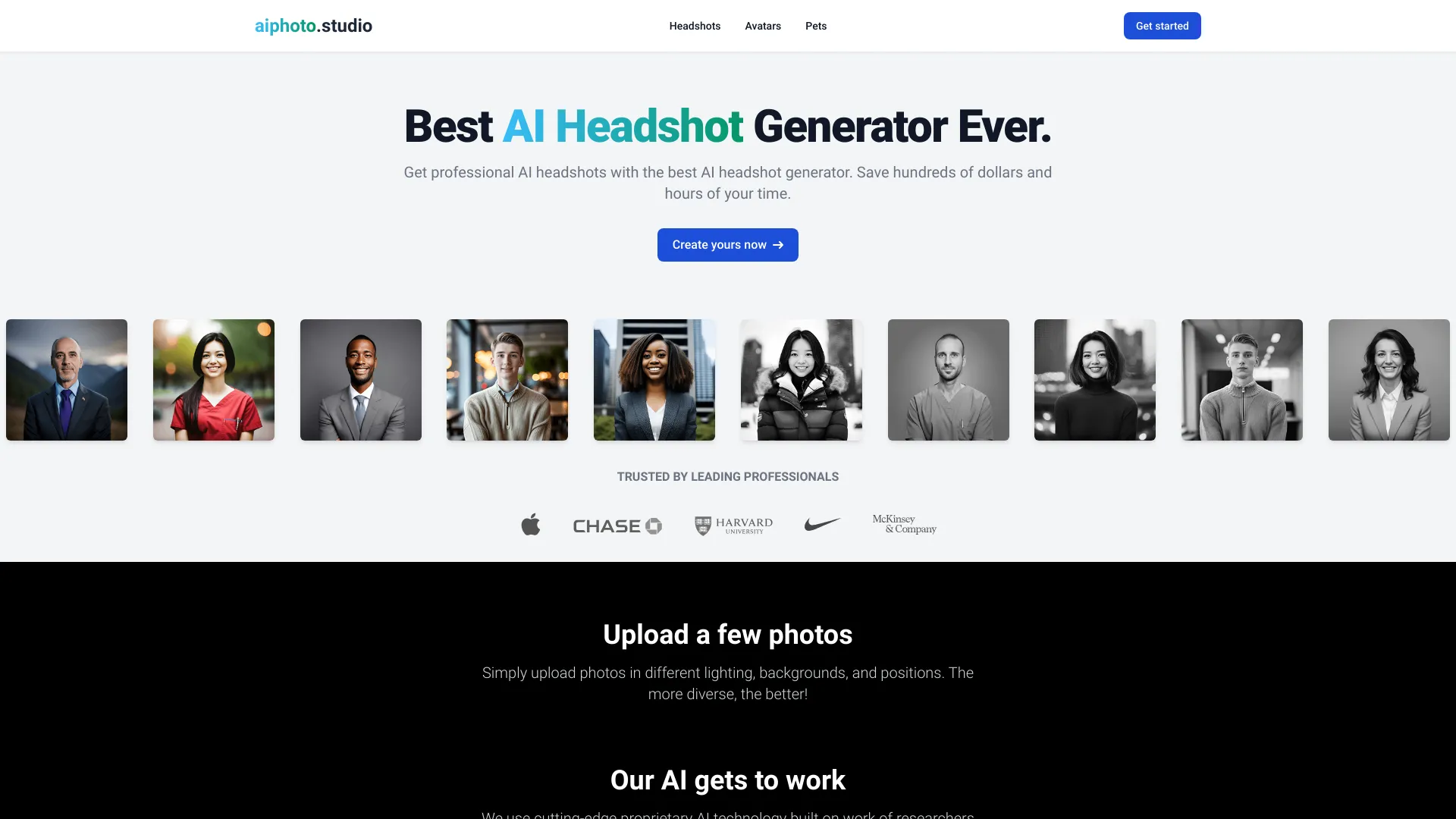
aiphoto.studio
Professional AI headshots

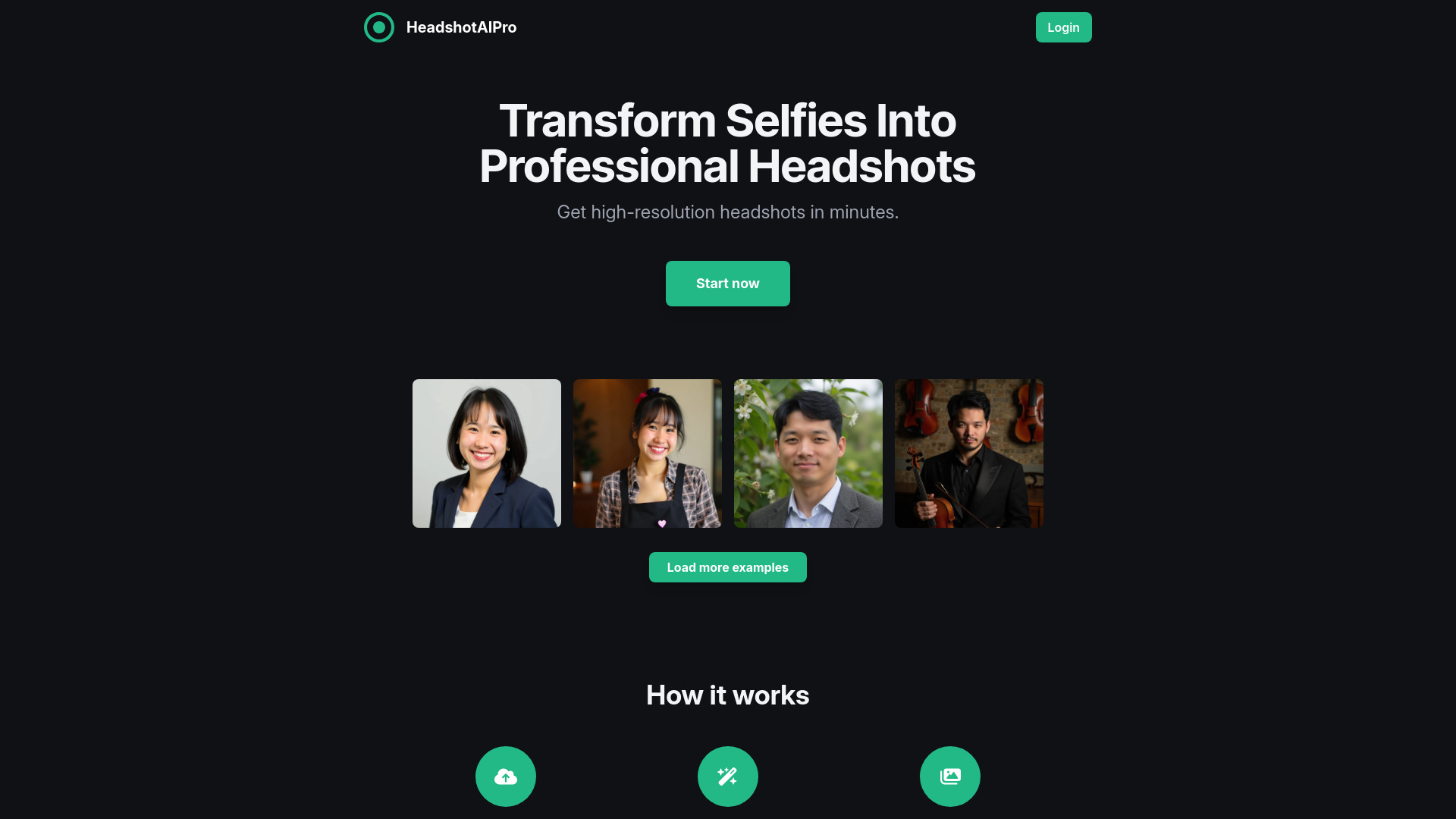
HeadshotAIPro
Professional LinkedIn headshots

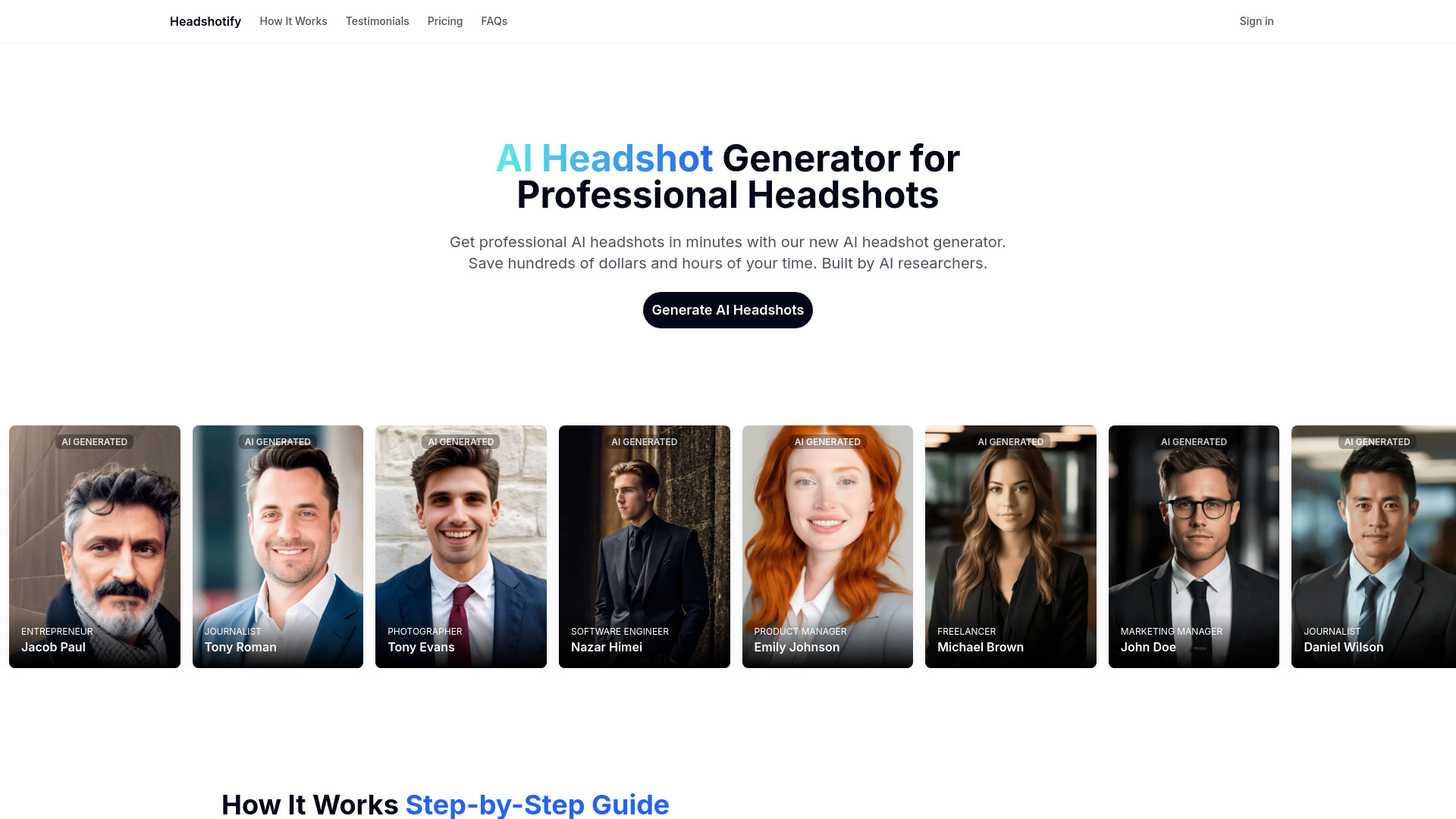
HeadshotifyAI
Professional career headshots

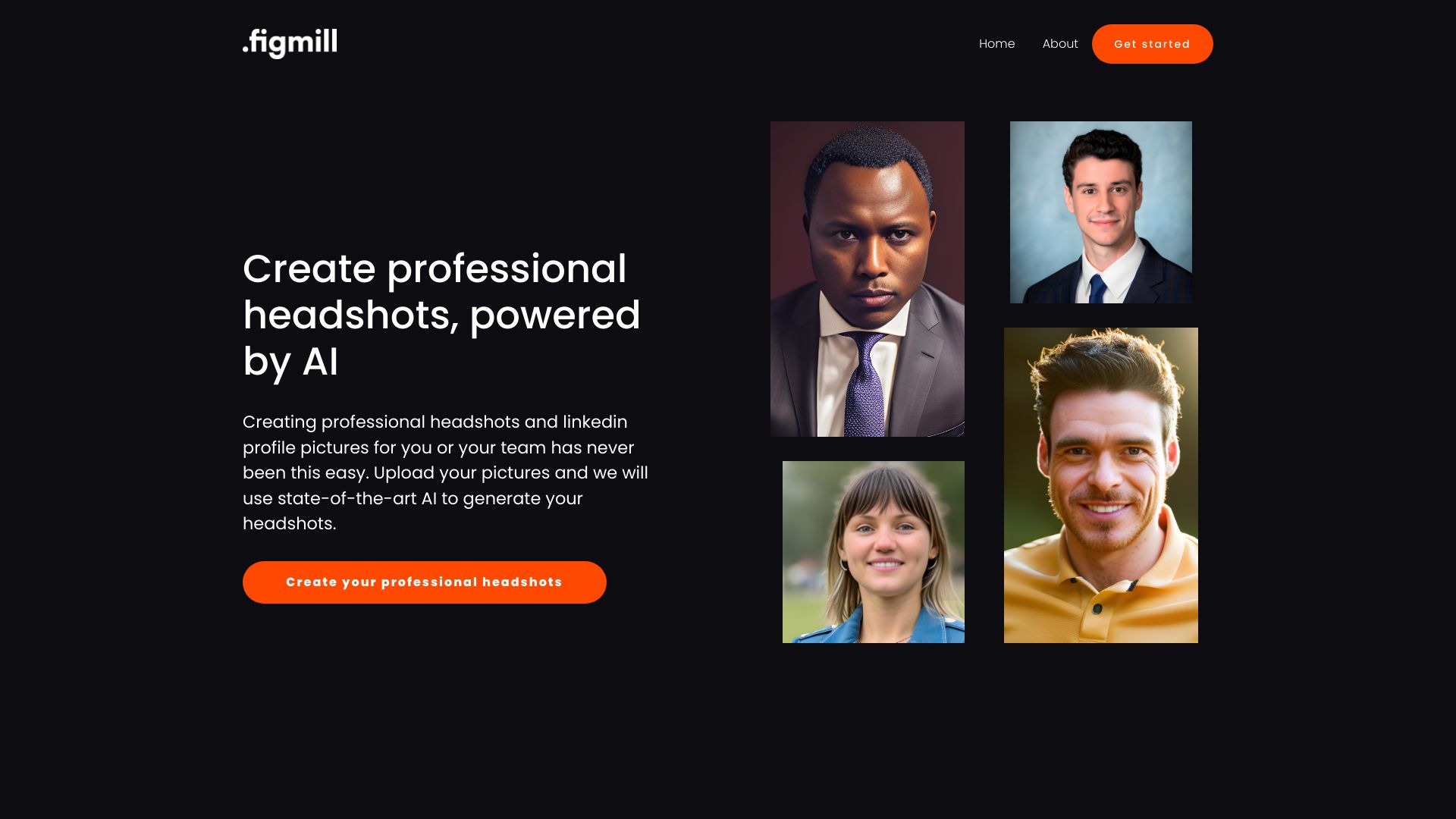
Headshot AI
LinkedIn profile headshots

X Headshot
Budget-friendly professional headshots
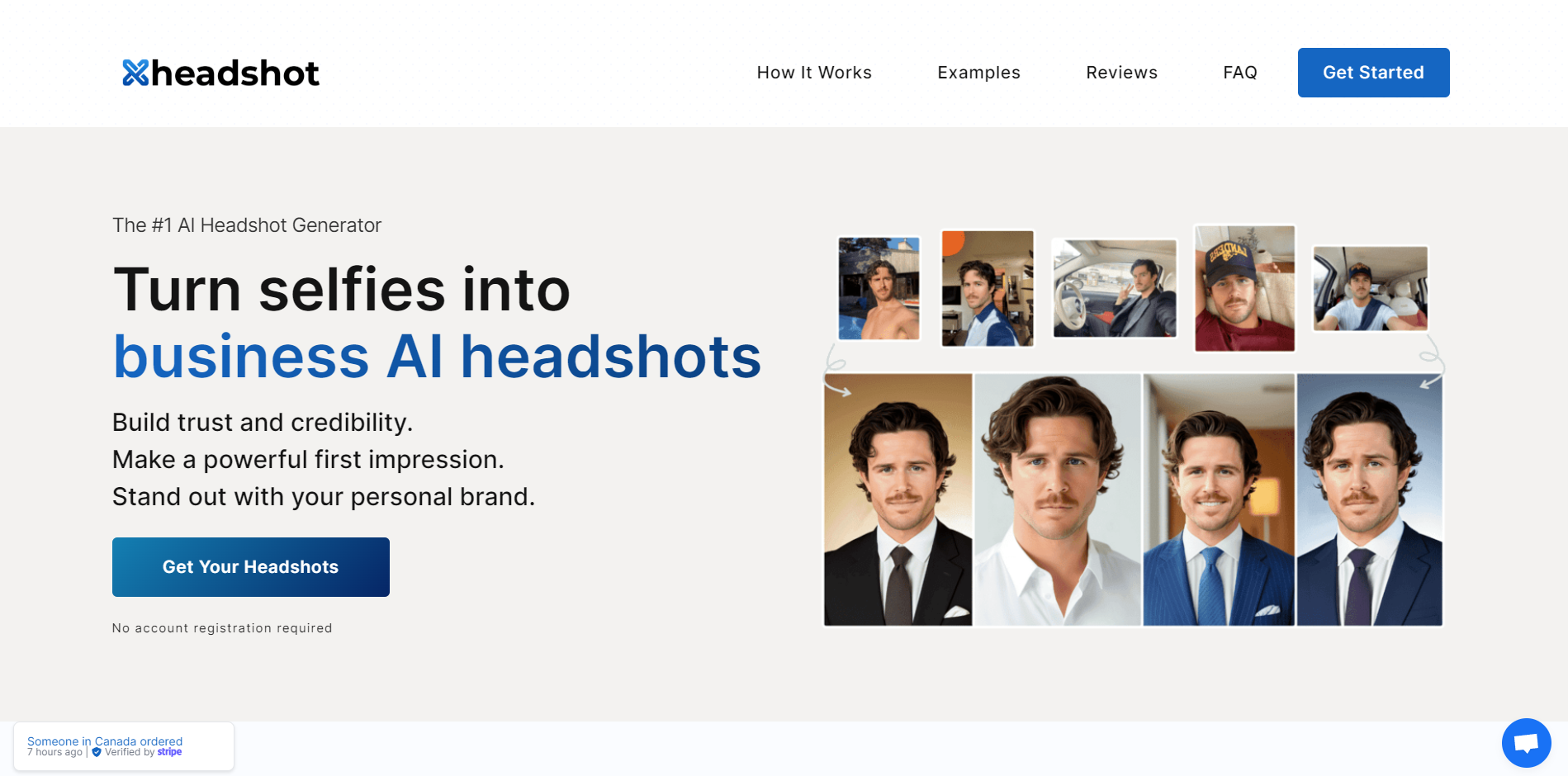

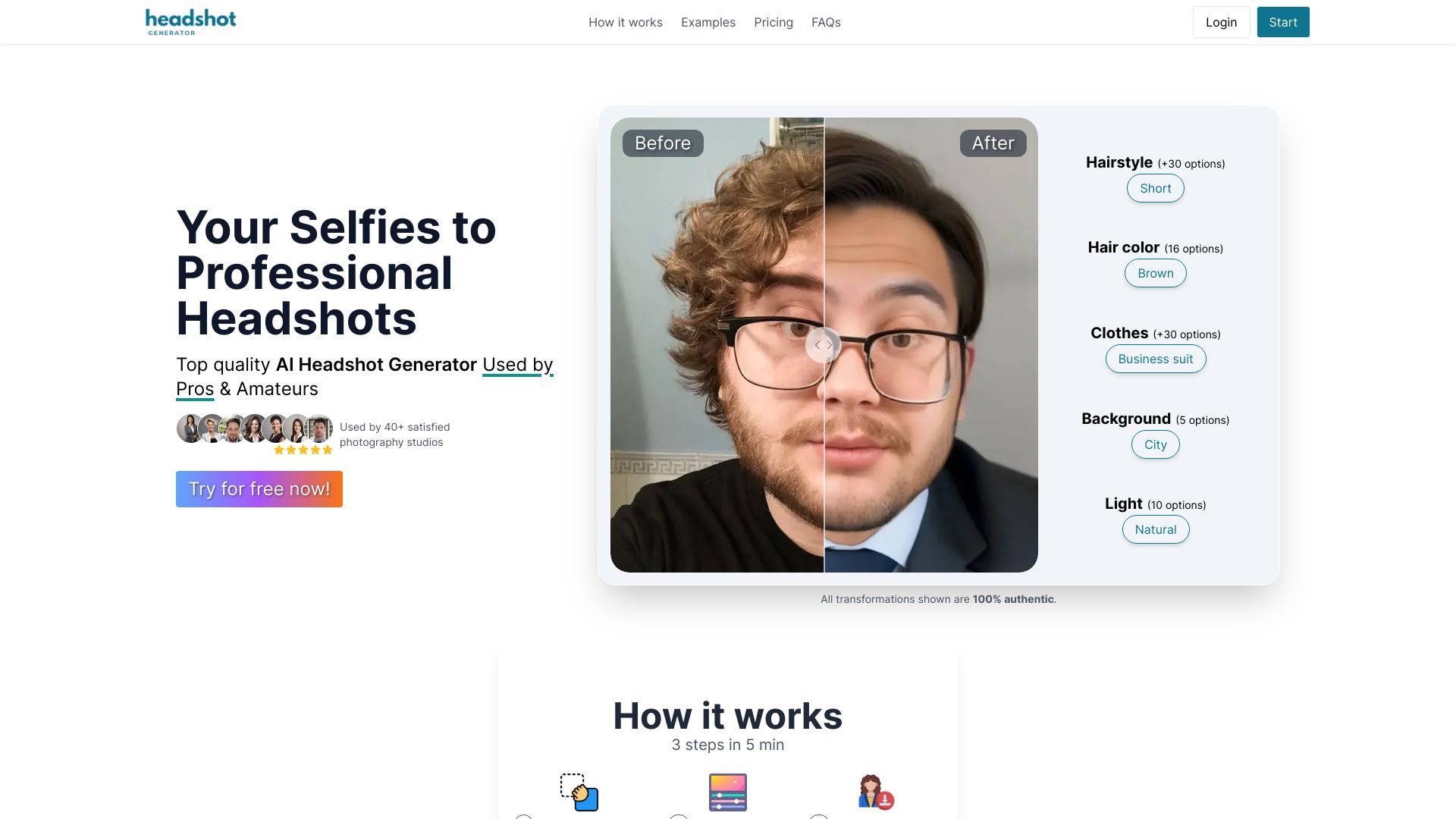
HeadshotGenerator.io
Fast, customizable professional headshots

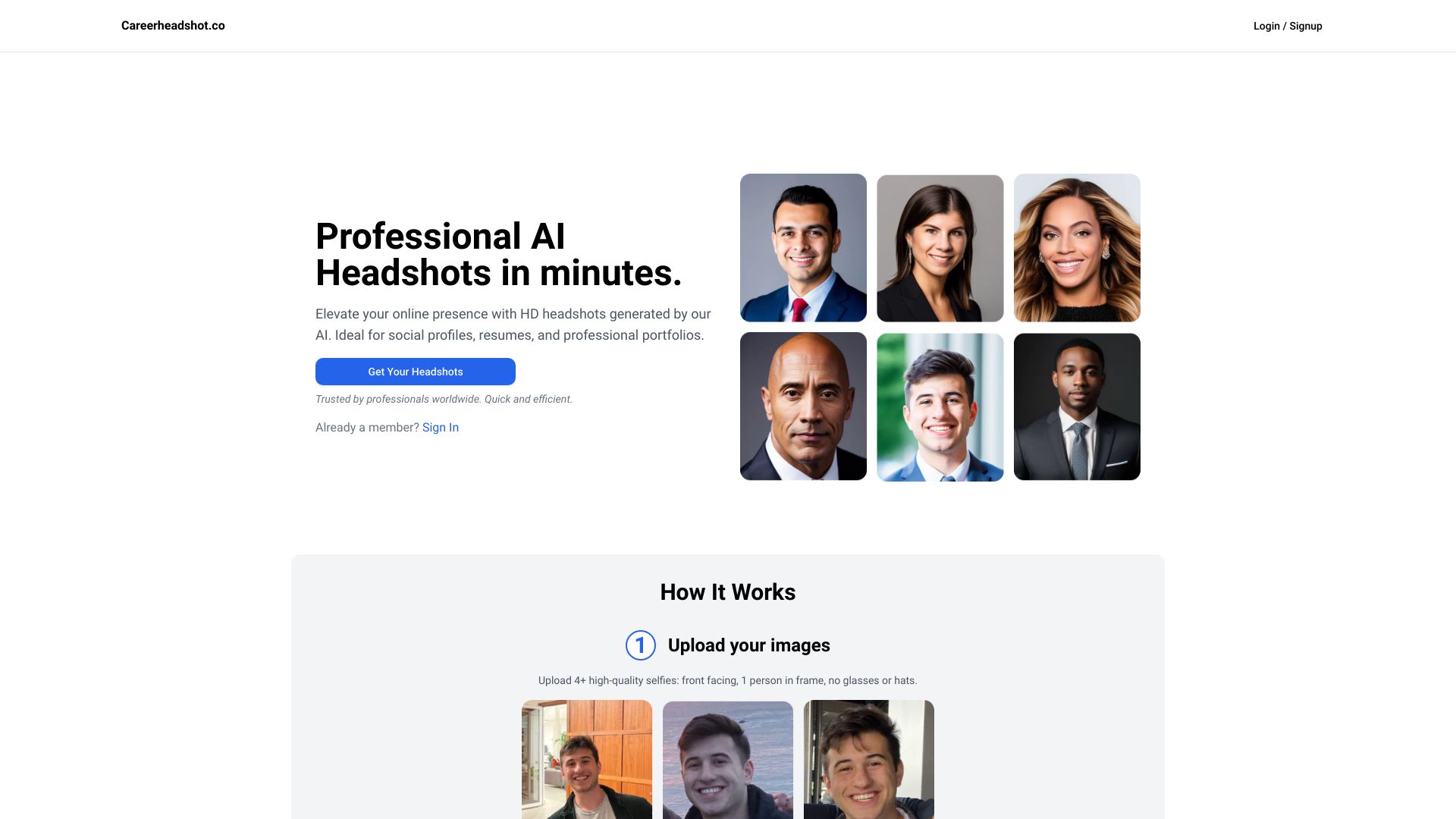
Careerheadshot.co
LinkedIn and resume headshots

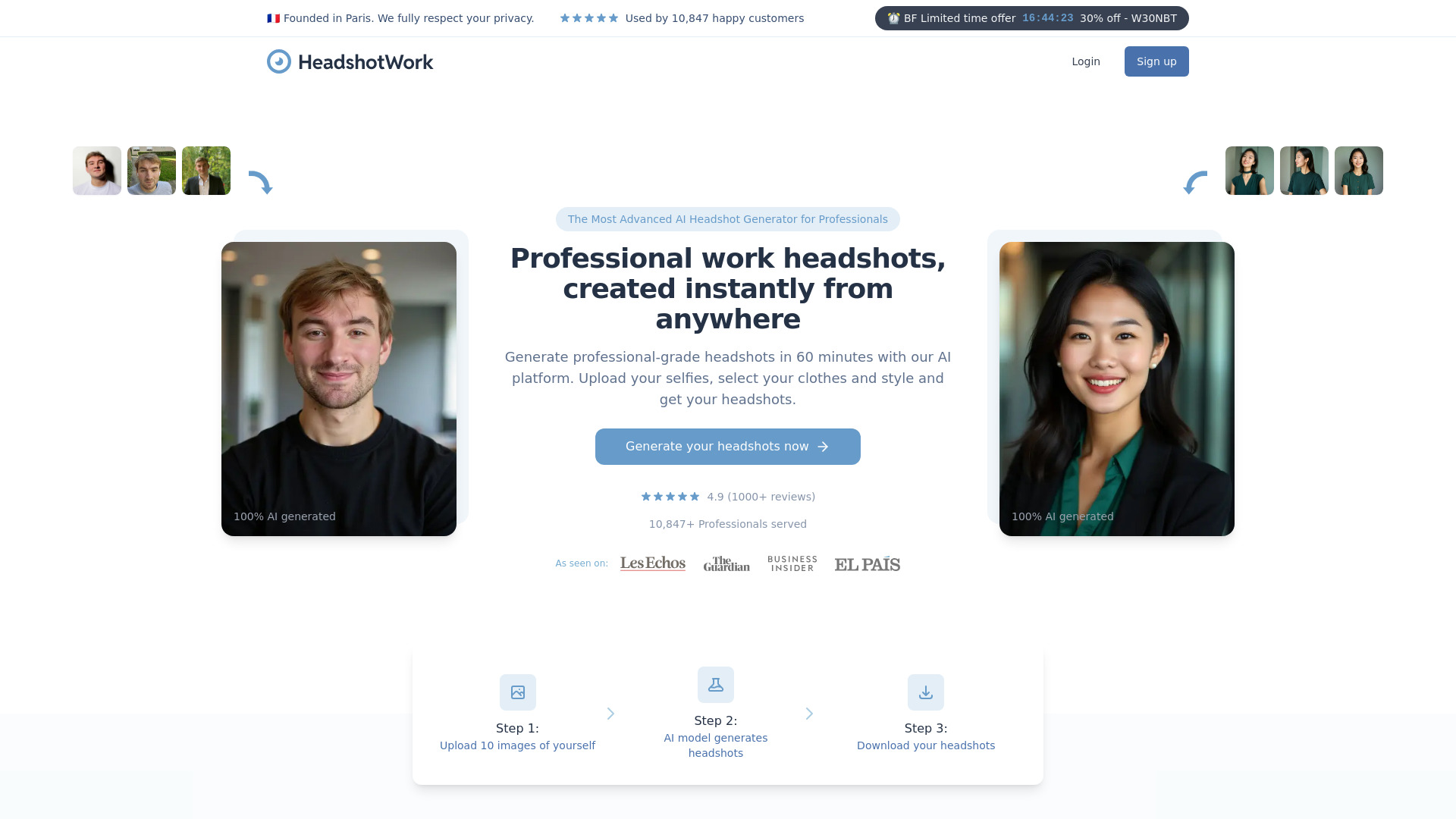
HeadshotWork
Professionals needing business headshots

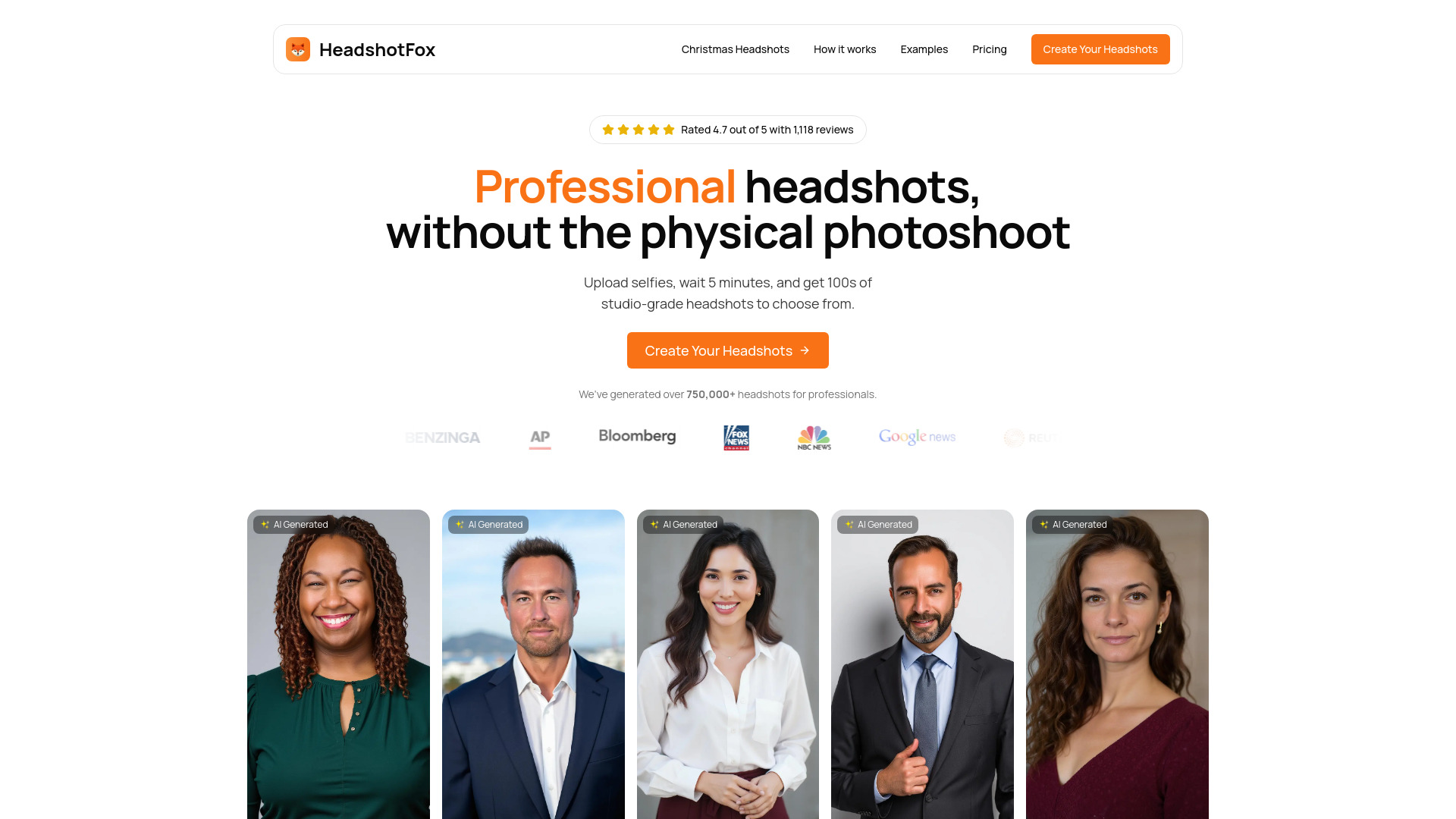
HeadshotFox
Professional and LinkedIn headshots

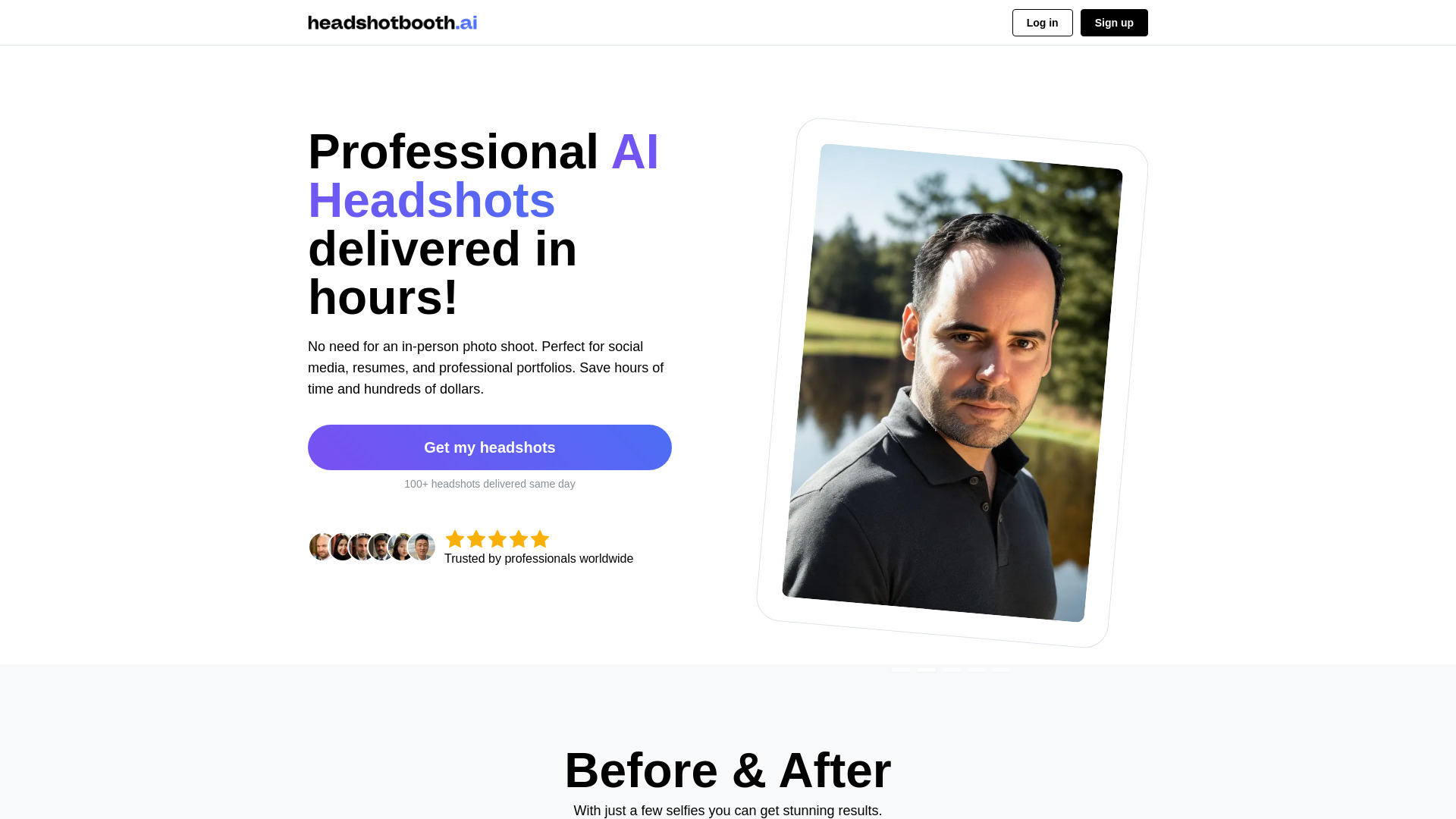
HeadshotBooth.ai
Affordable professional headshots from selfies

Headsnap
Professional profile headshots

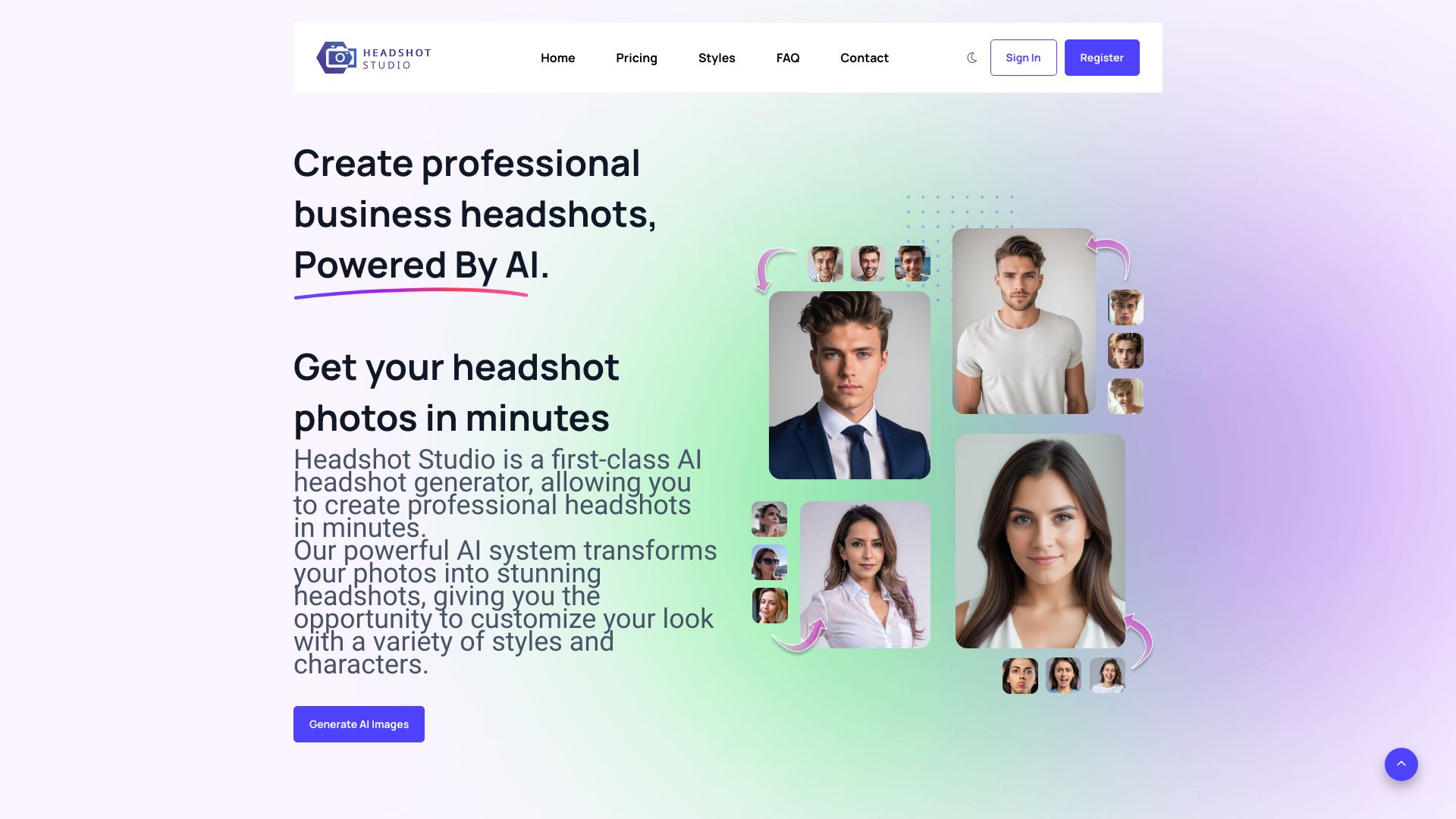
Headshot Studio
Studio-quality AI business headshots

AI Image Generator
AI headshots and business portraits
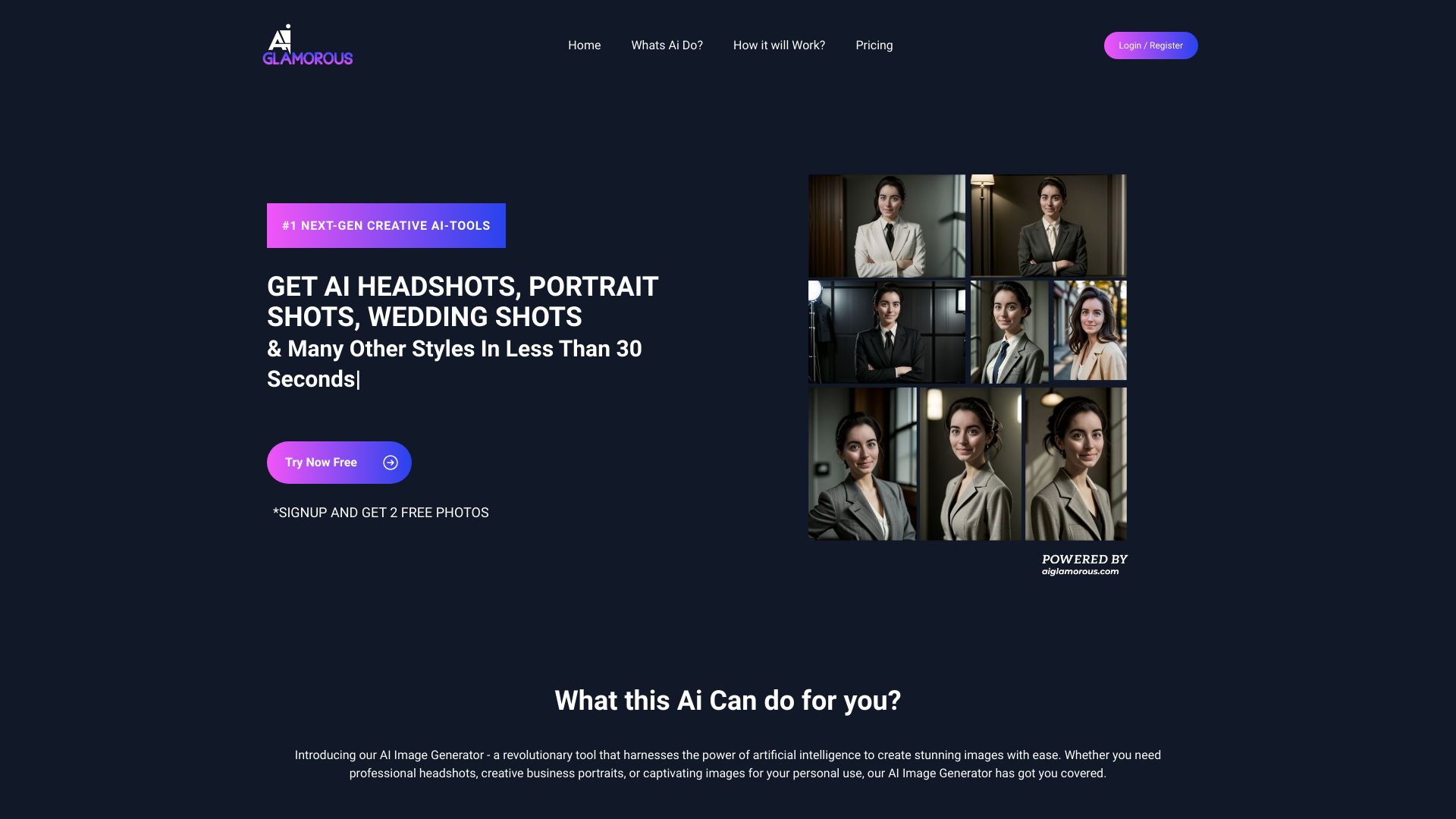

BlinkHeadshot.ai
Professional business headshots
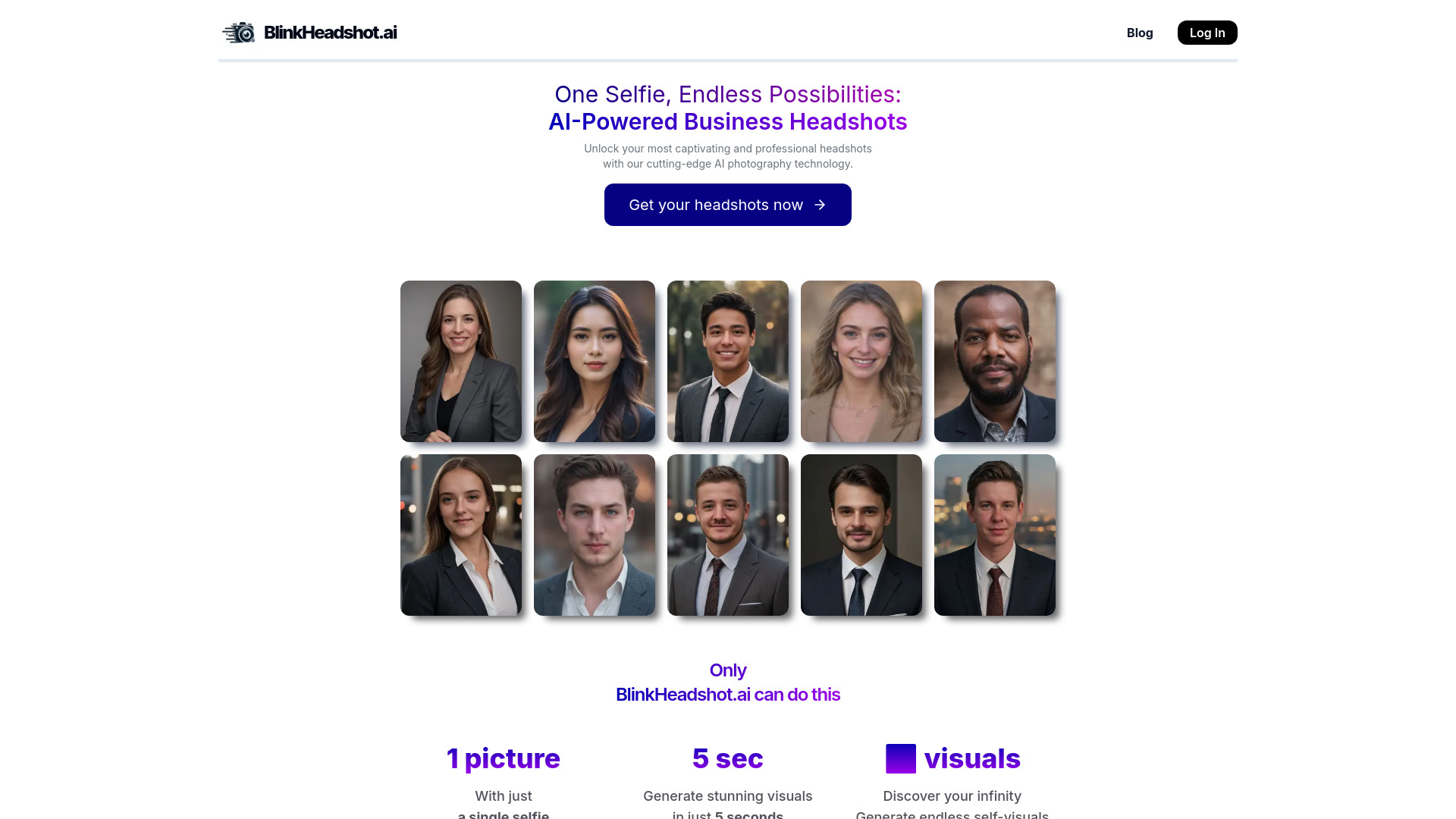
Photo AI
Personalized AI headshots

Photoarts.ai
Professional business headshots

Corporate Headshots AI
LinkedIn and business profile photos

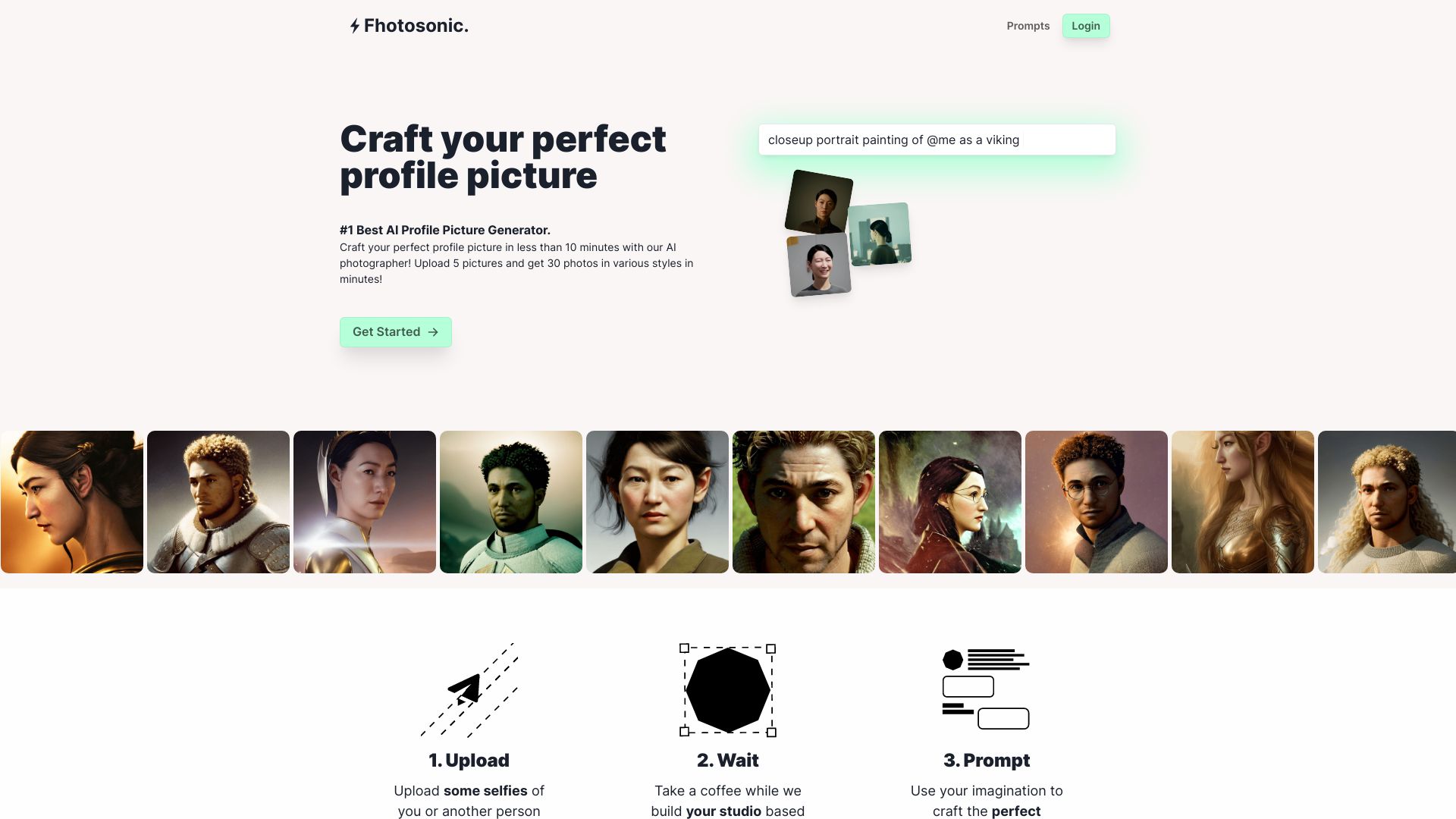
Fhotosonic
Fast professional and fun headshots

KiraHeadshots
Fast professional headshots from selfies


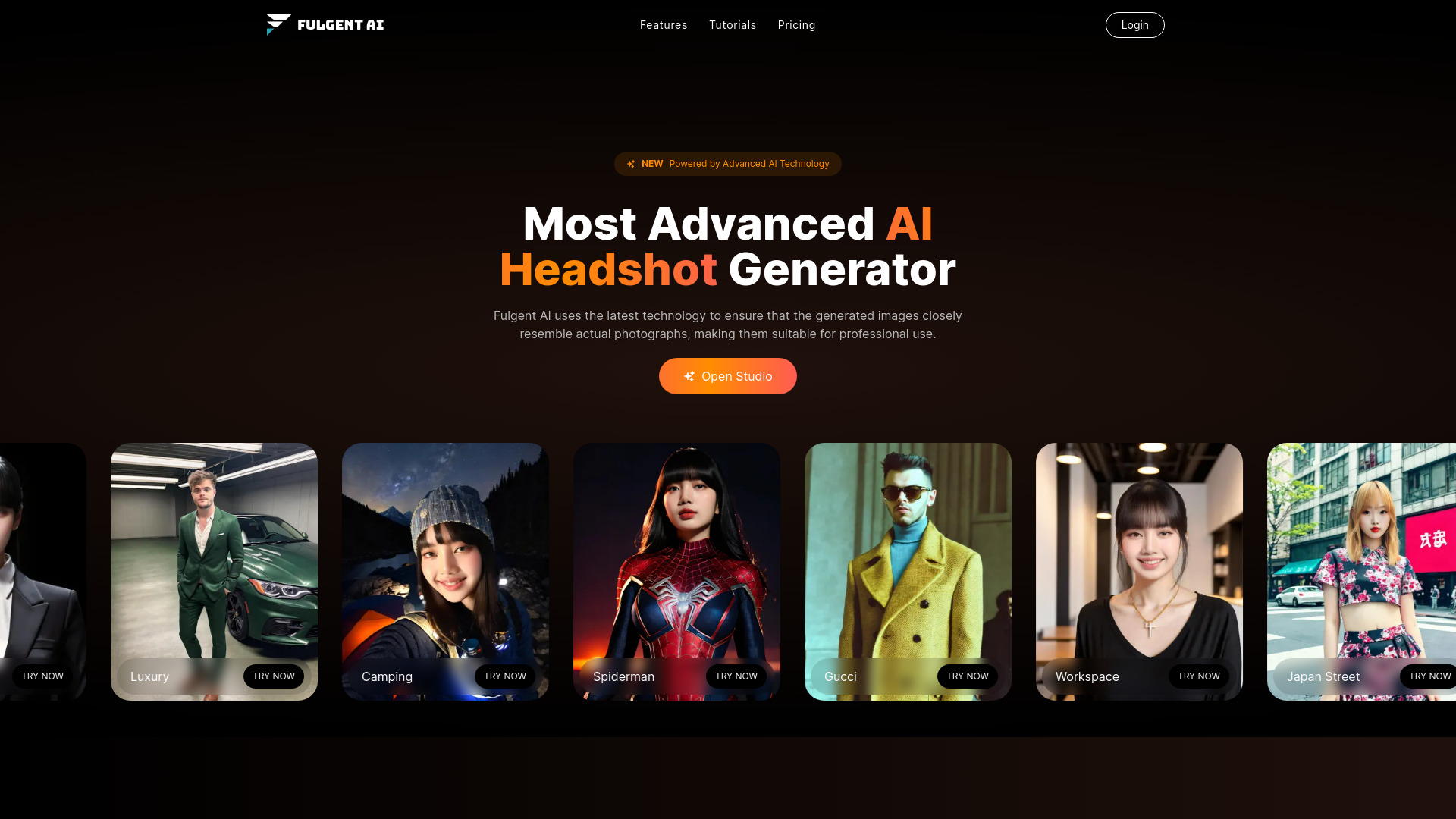
Fulgent AI
Professional AI headshots

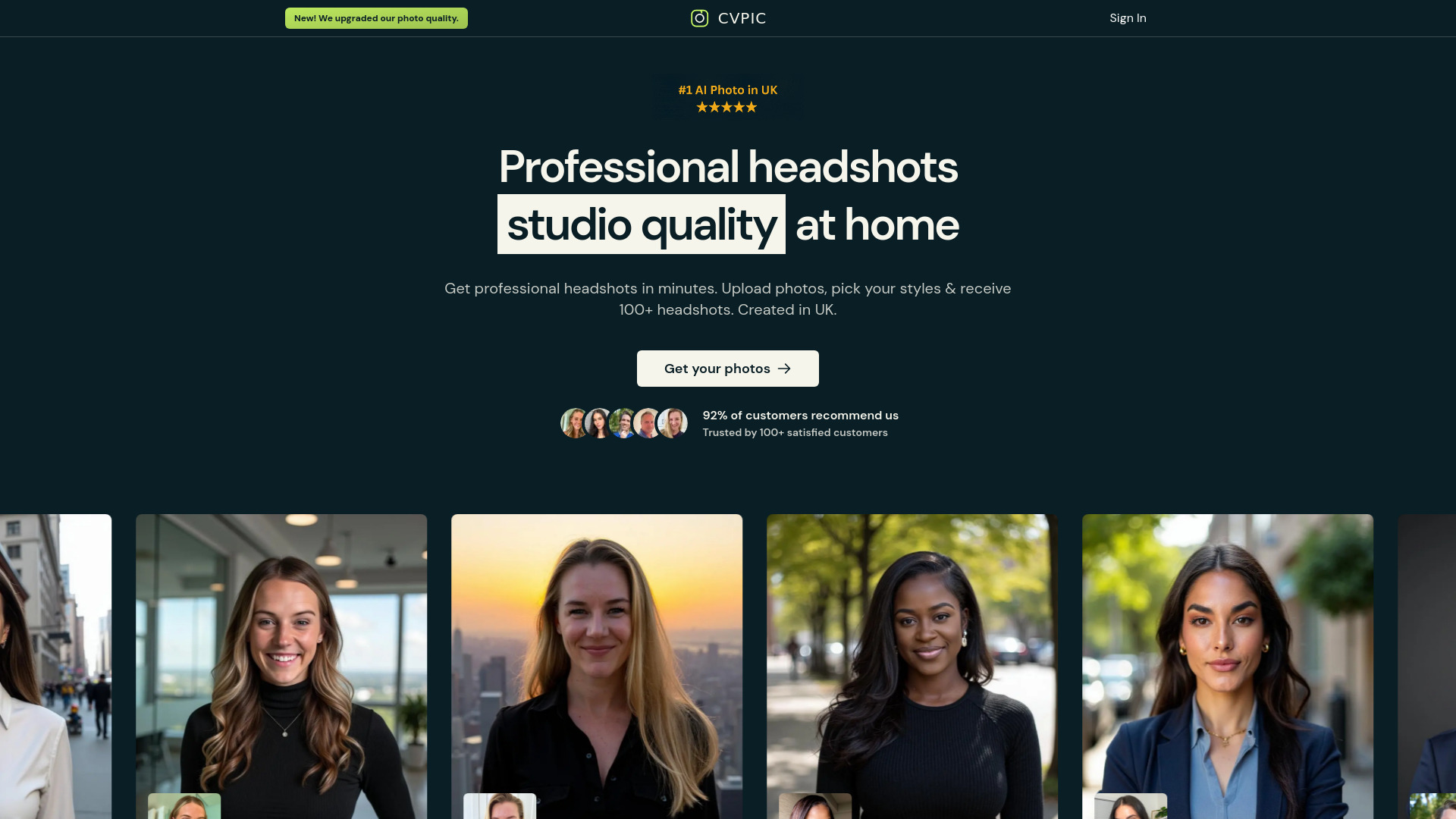
CVPIC
Professional business headshots

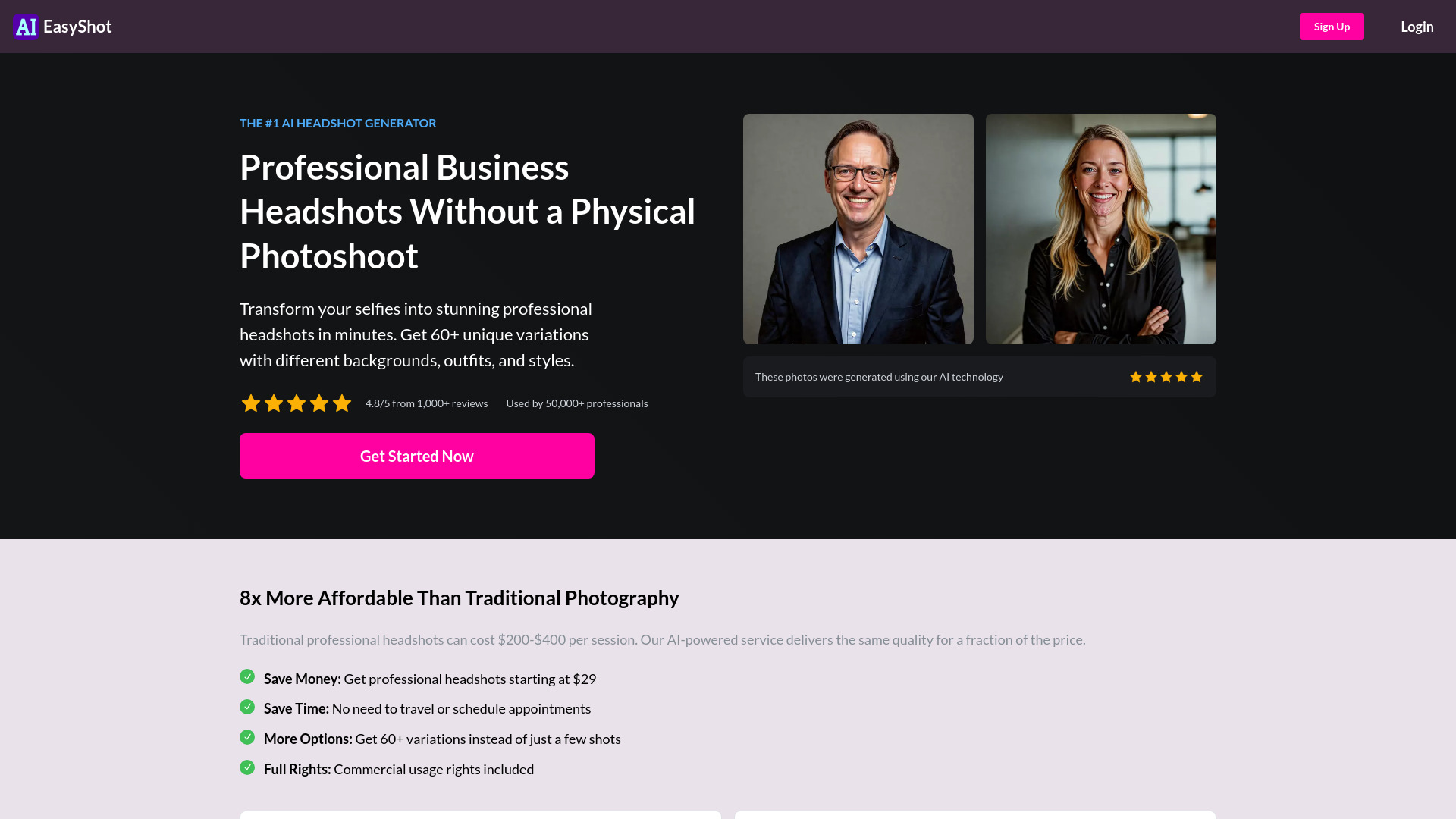
AIEasyShot
Professional LinkedIn headshots

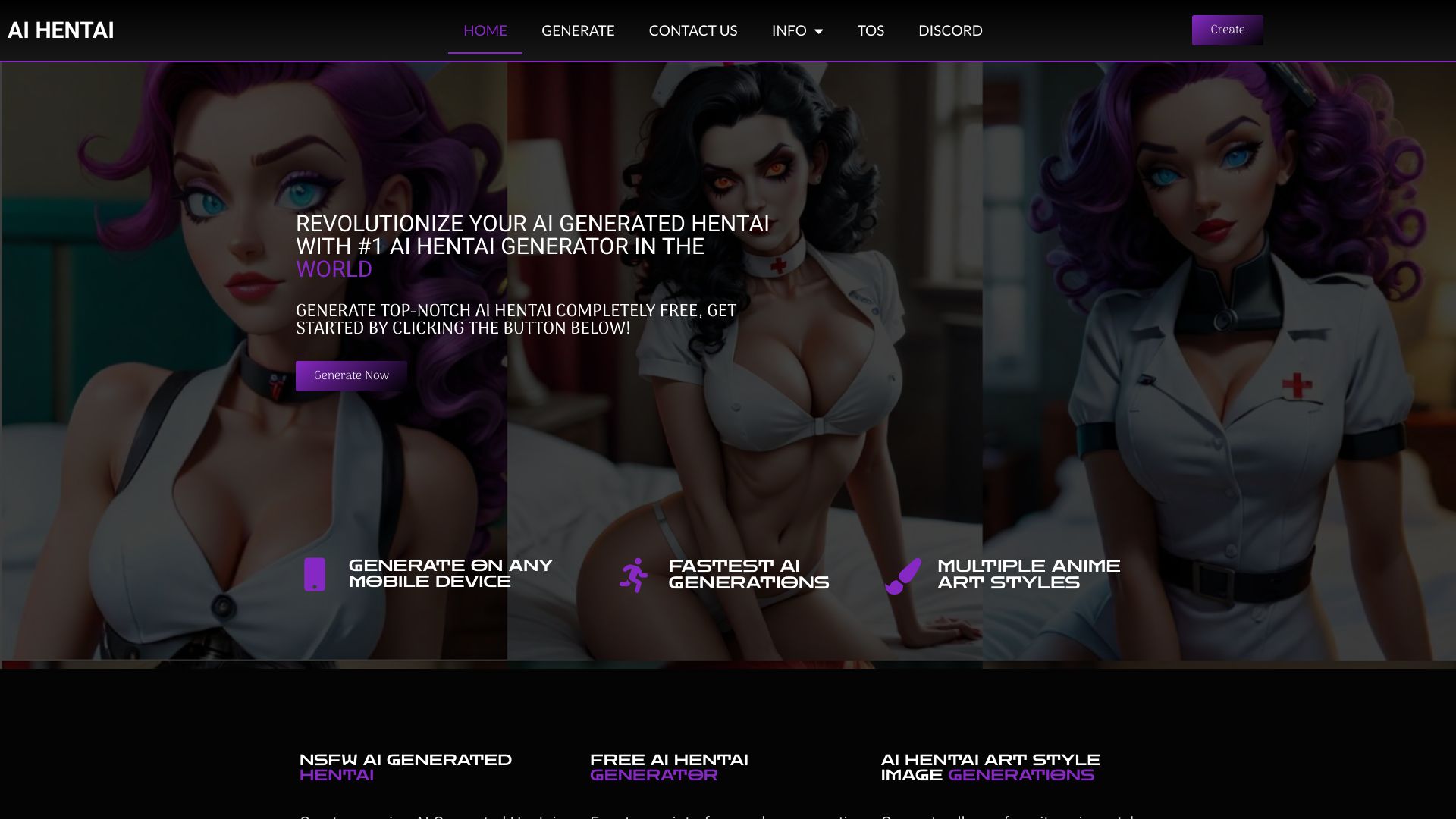
AI Hentai Generator
Adult anime artwork generation

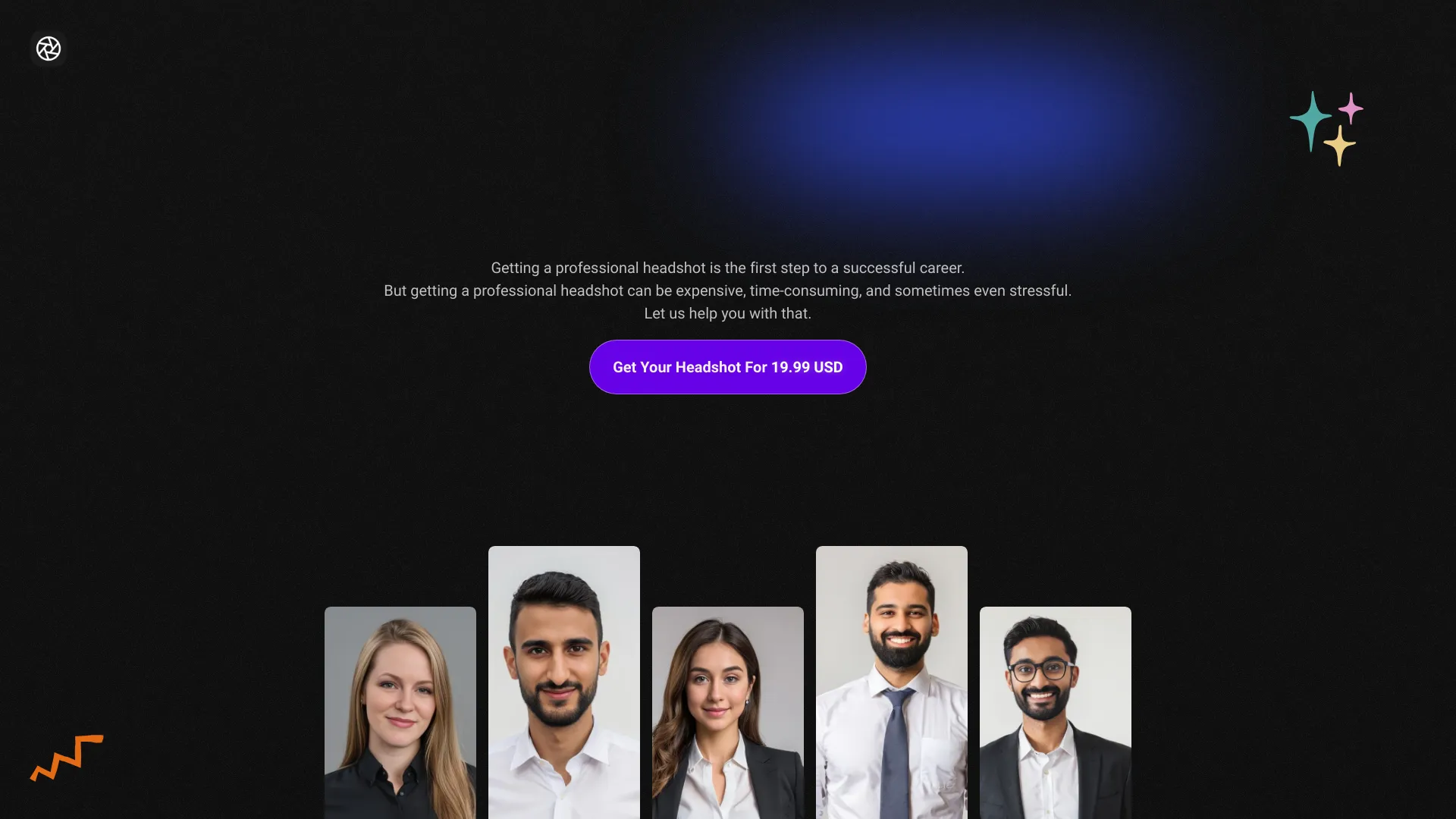
AI-Generated Headshots
Quick LinkedIn and resume headshots
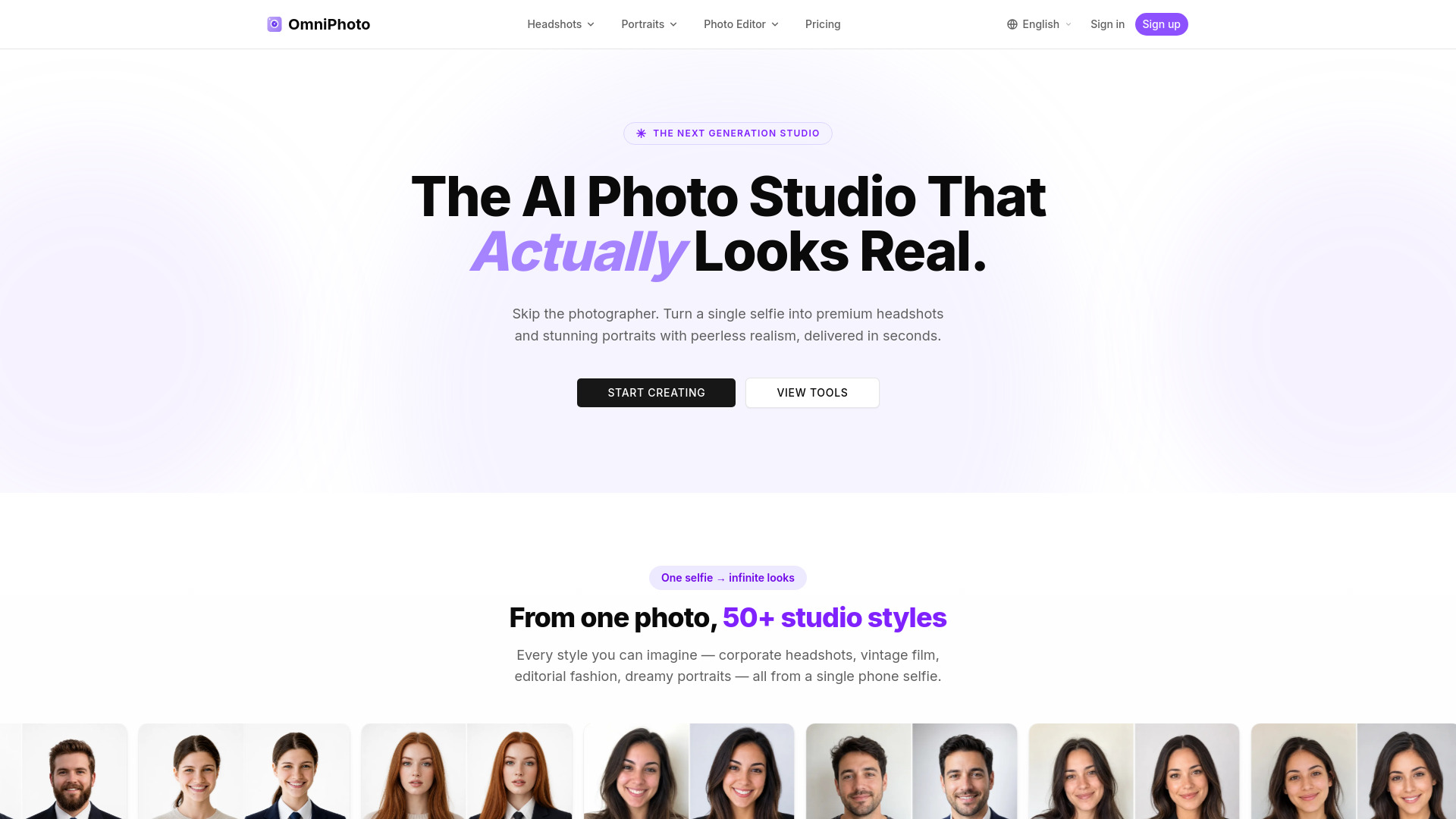
OmniPhoto
Professional AI headshots
Crew AI
Consistent team headshots for remote organizations

AI-Powered Photography Platform
AI headshots from selfies

Moly AI
Fast professional AI headshots

Everyme.ai
Professional AI headshots and profile pictures

Portrait Studio Pro
Affordable AI professional headshots
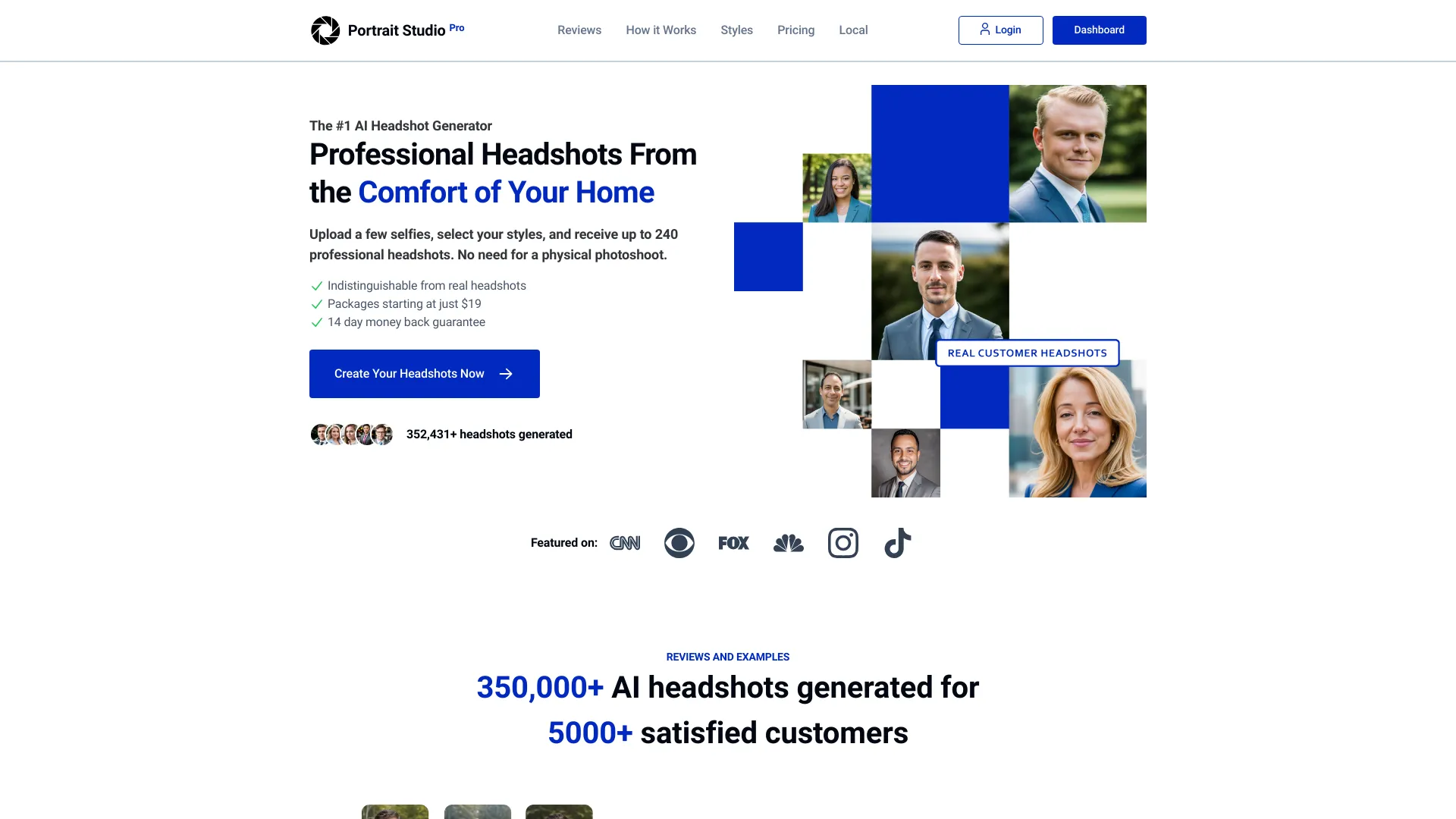
Photo AI
Personalized AI headshots and photo shoots

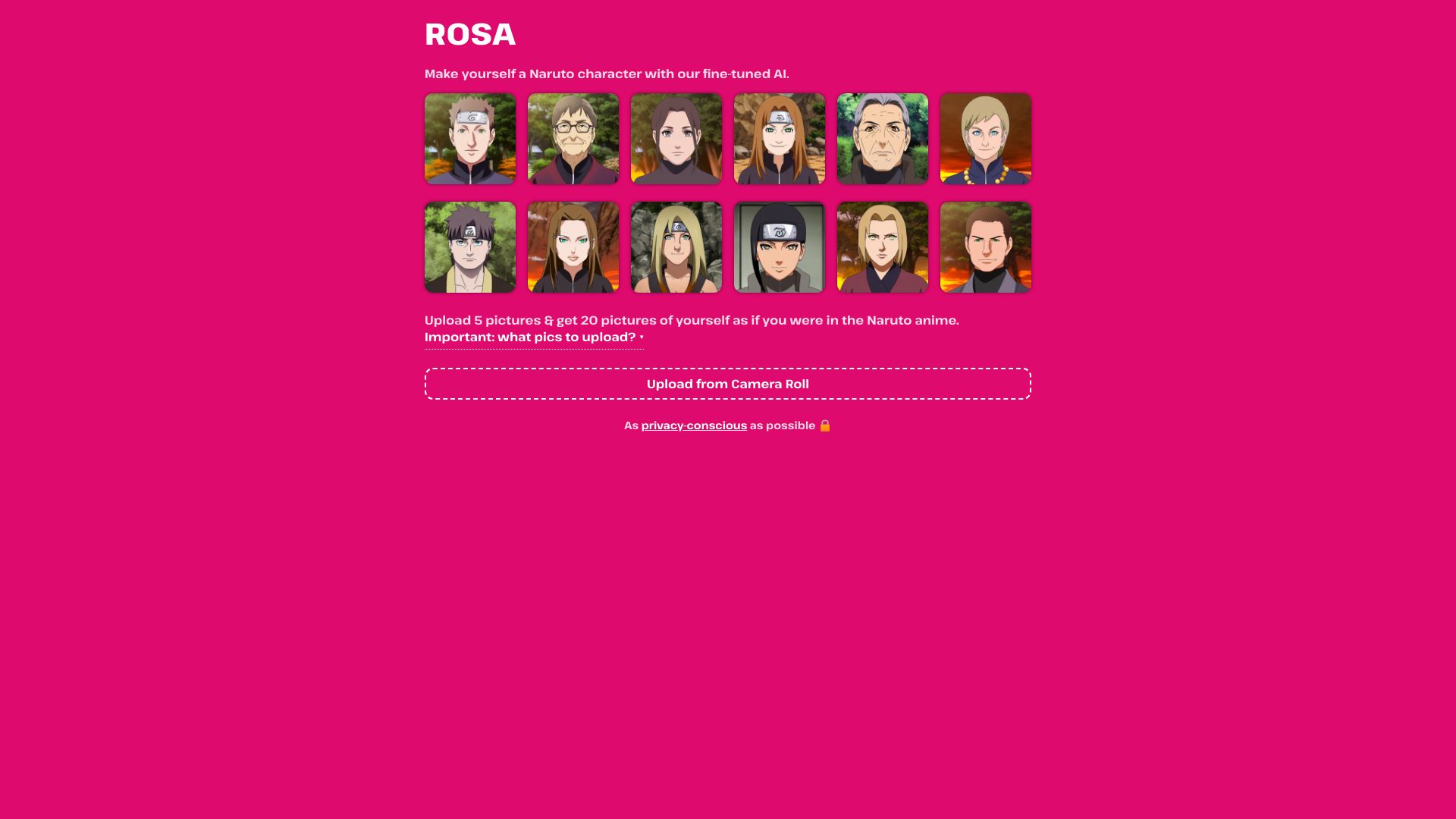
ROSA
Anime-inspired AI headshots
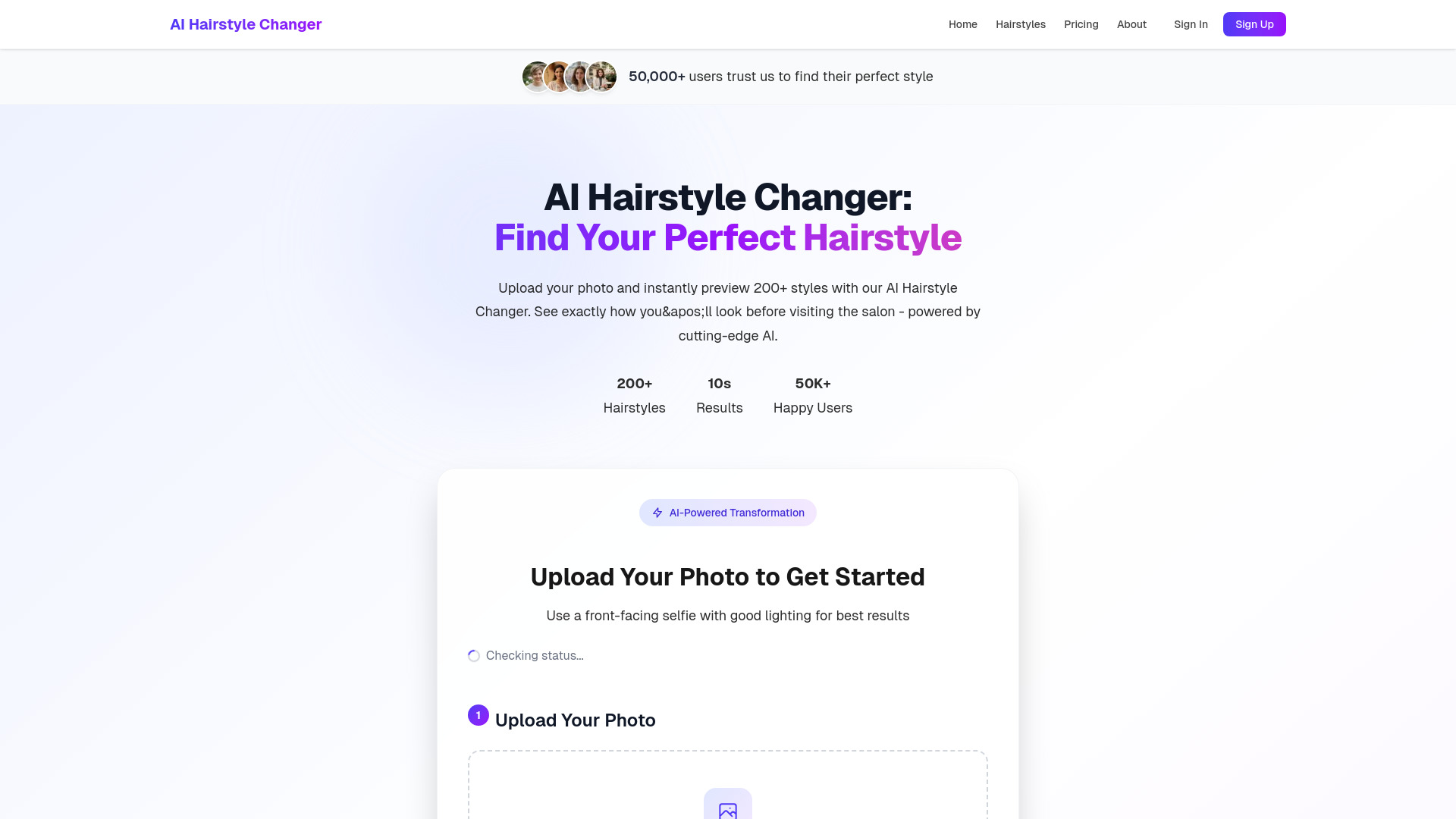
AI Hairstyle Changer
Virtual hairstyle try-ons
HyperBooth
One-selfie AI headshots
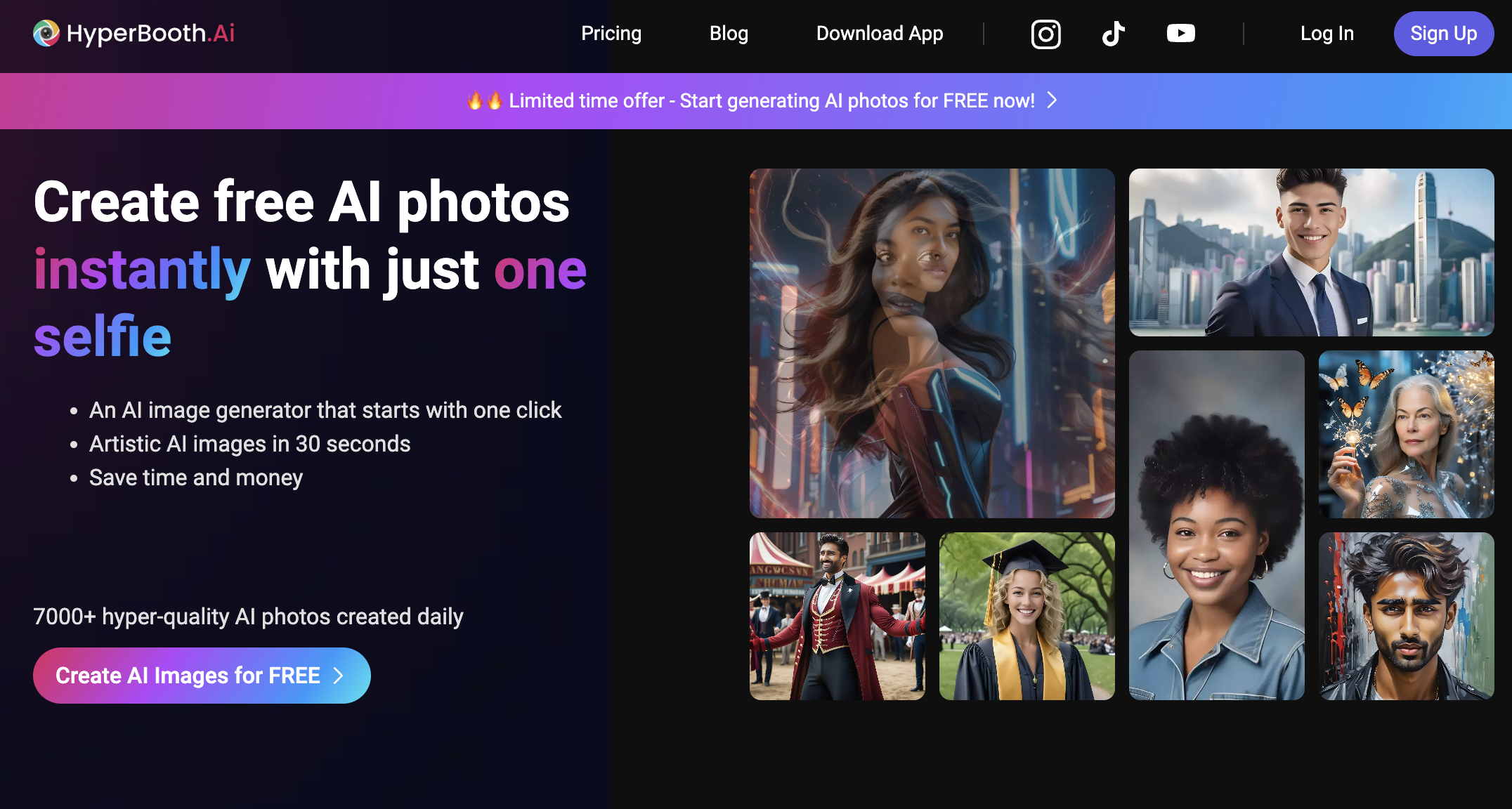

AI Girl Generator
Free AI girl images and character concepts
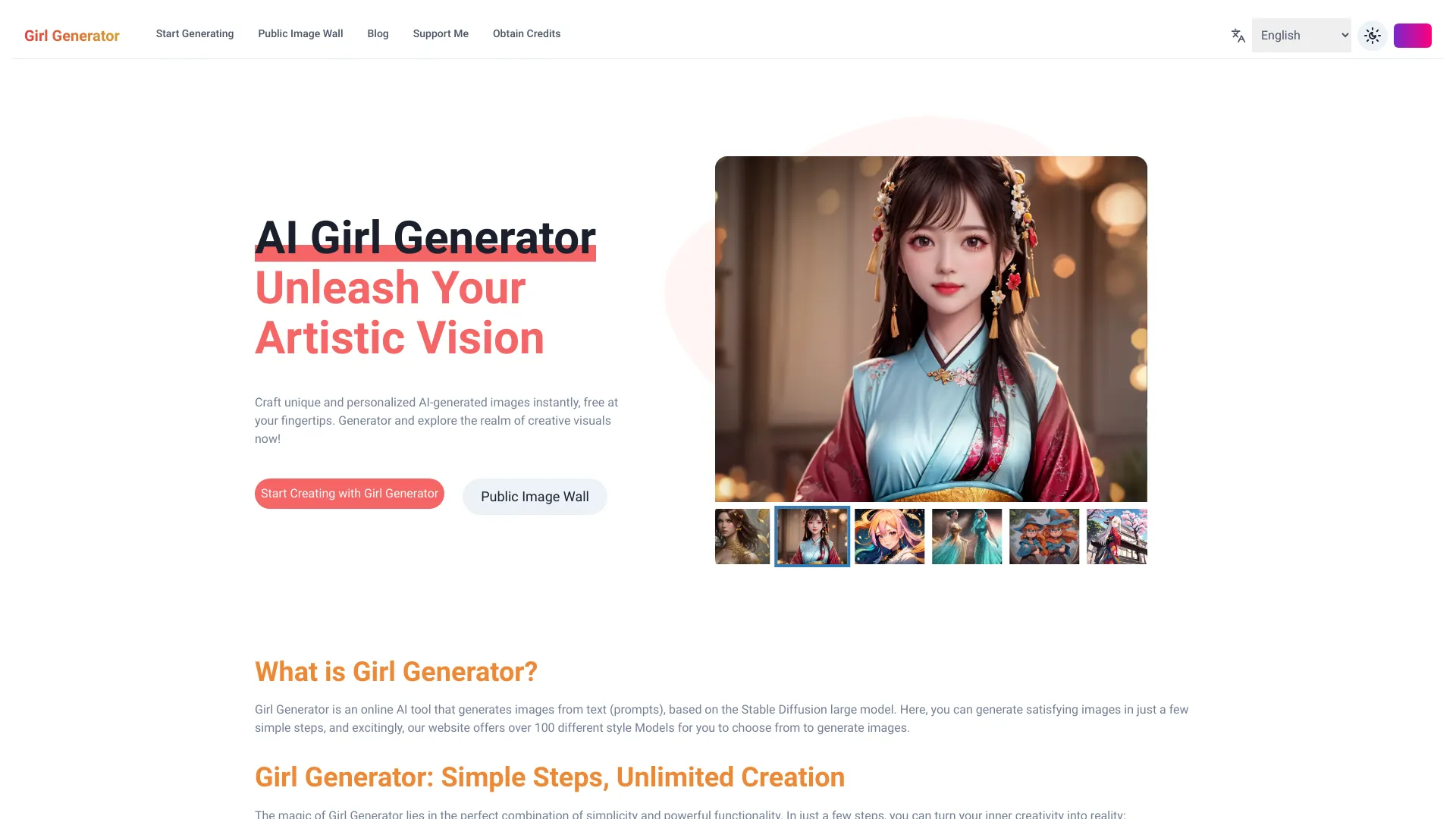

Ray 3 AI Video
HDR cinematic video generation

AI Picture Generator
Creators making portraits and product visuals

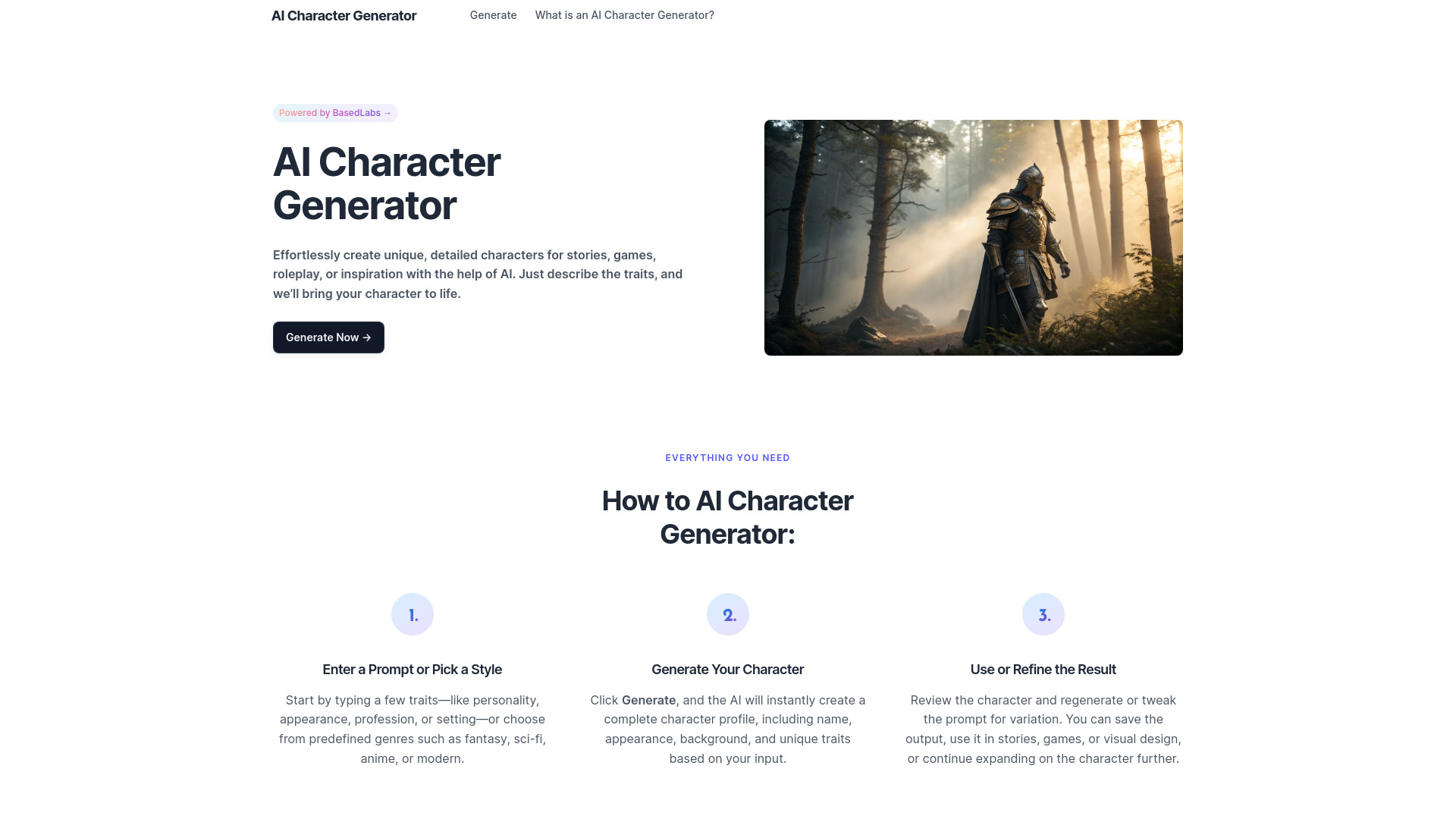
AI Character Generator
Fictional character creation for writers and roleplayers

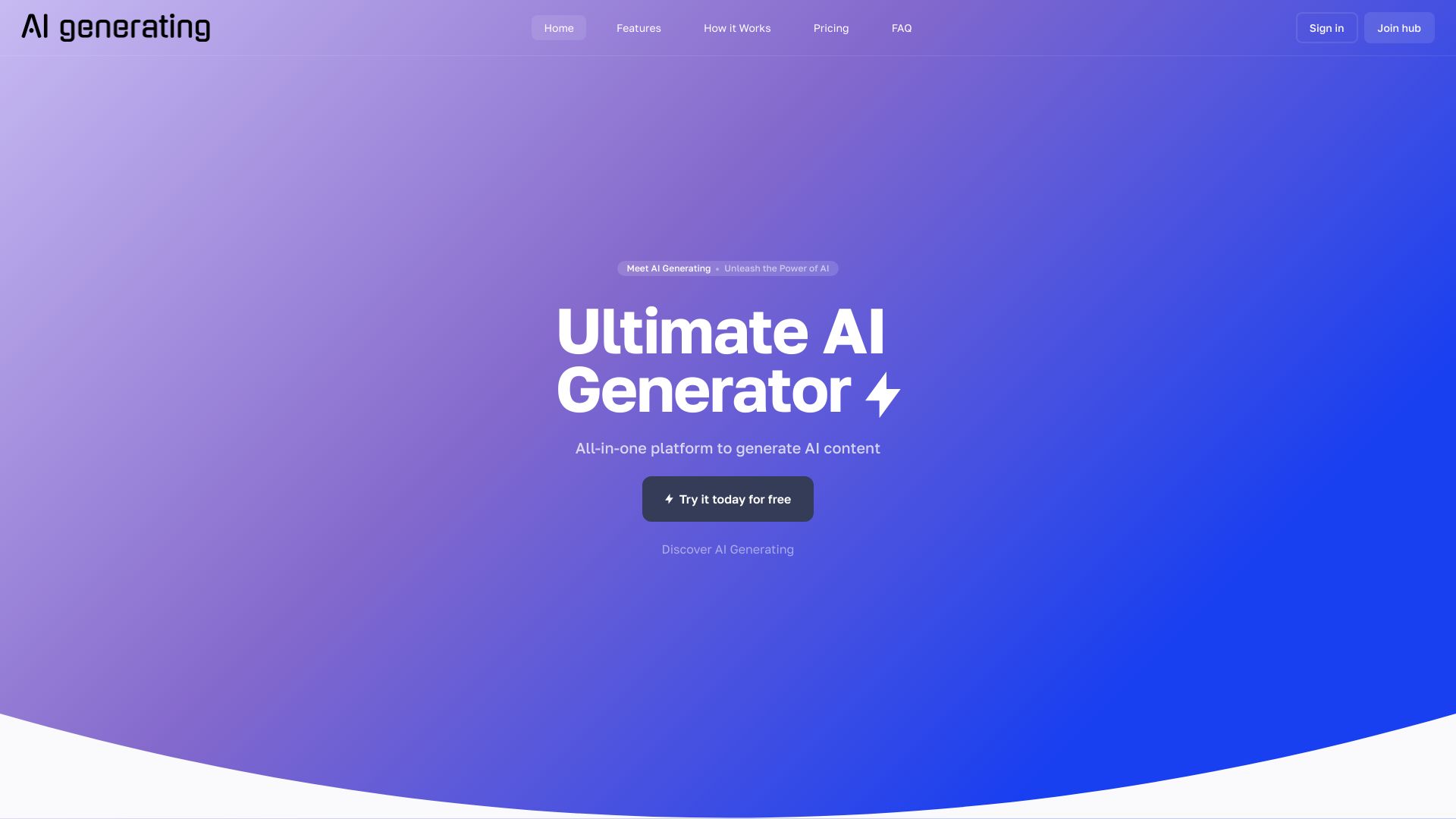
AI Generating
All-in-one AI content and image generation
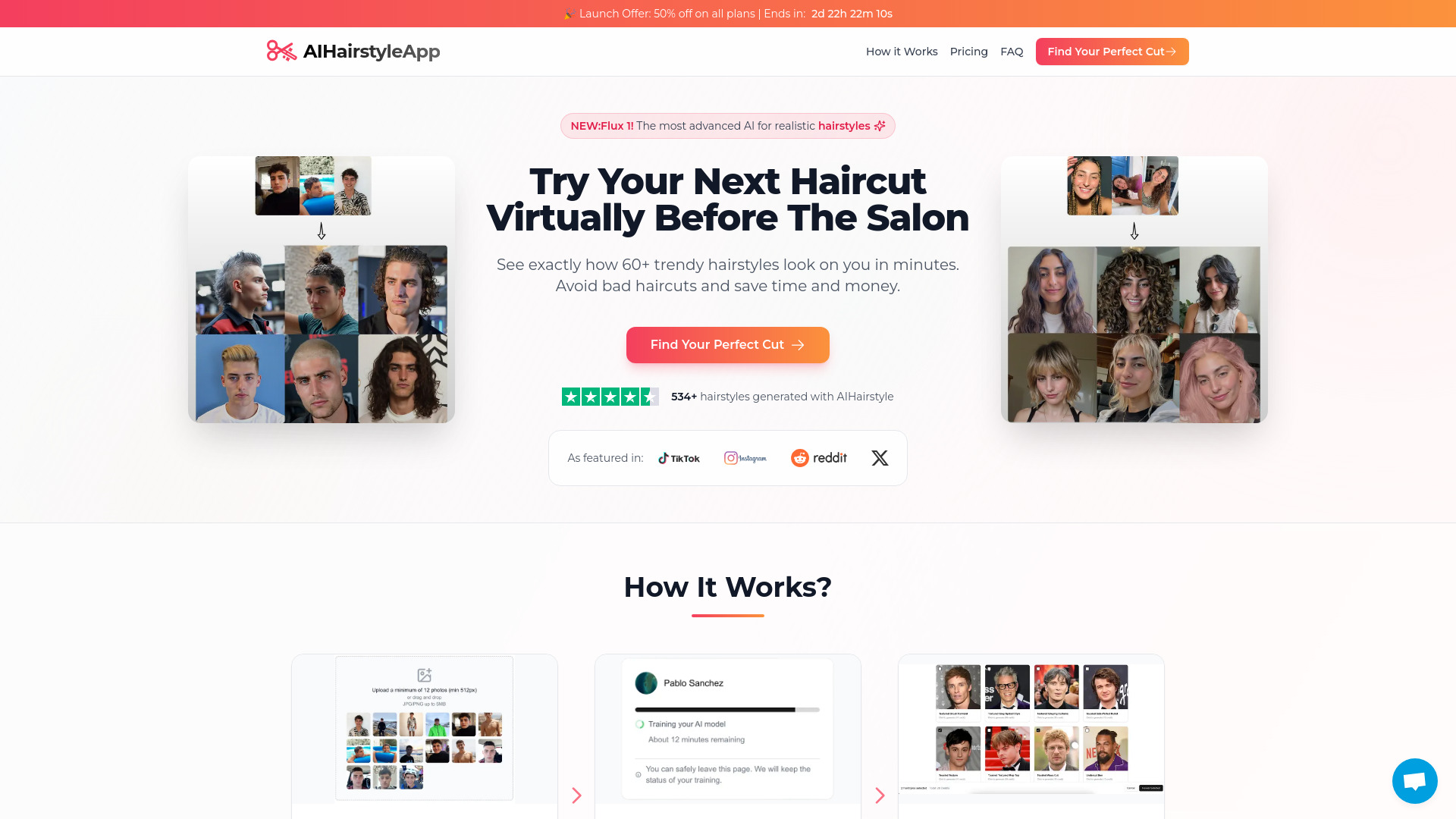
HaircutAI
Virtual hairstyle try-ons

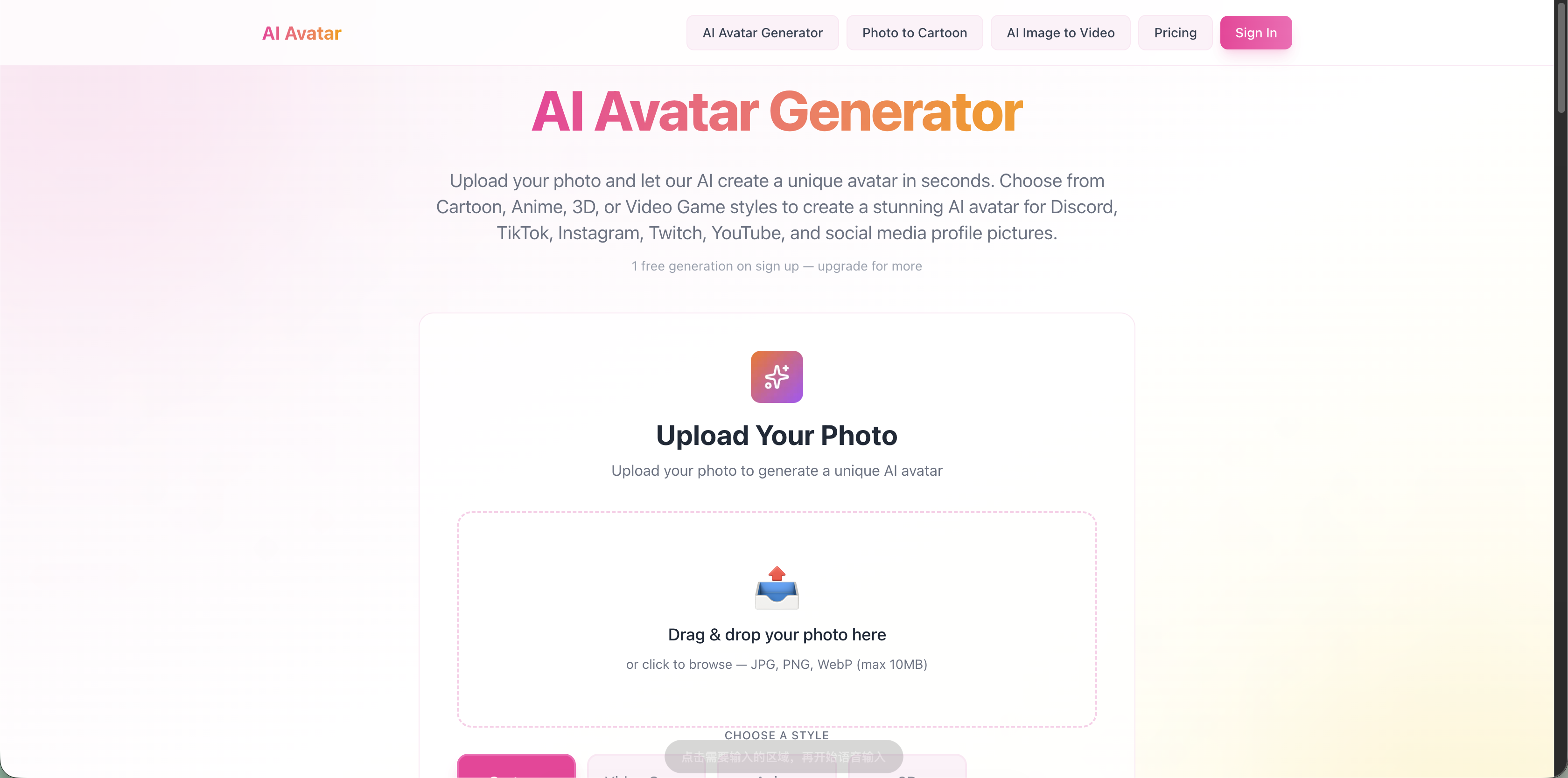
AI Avatar Generator
Photo-based social avatars
AI Character Generator
Consistent virtual personas for creators

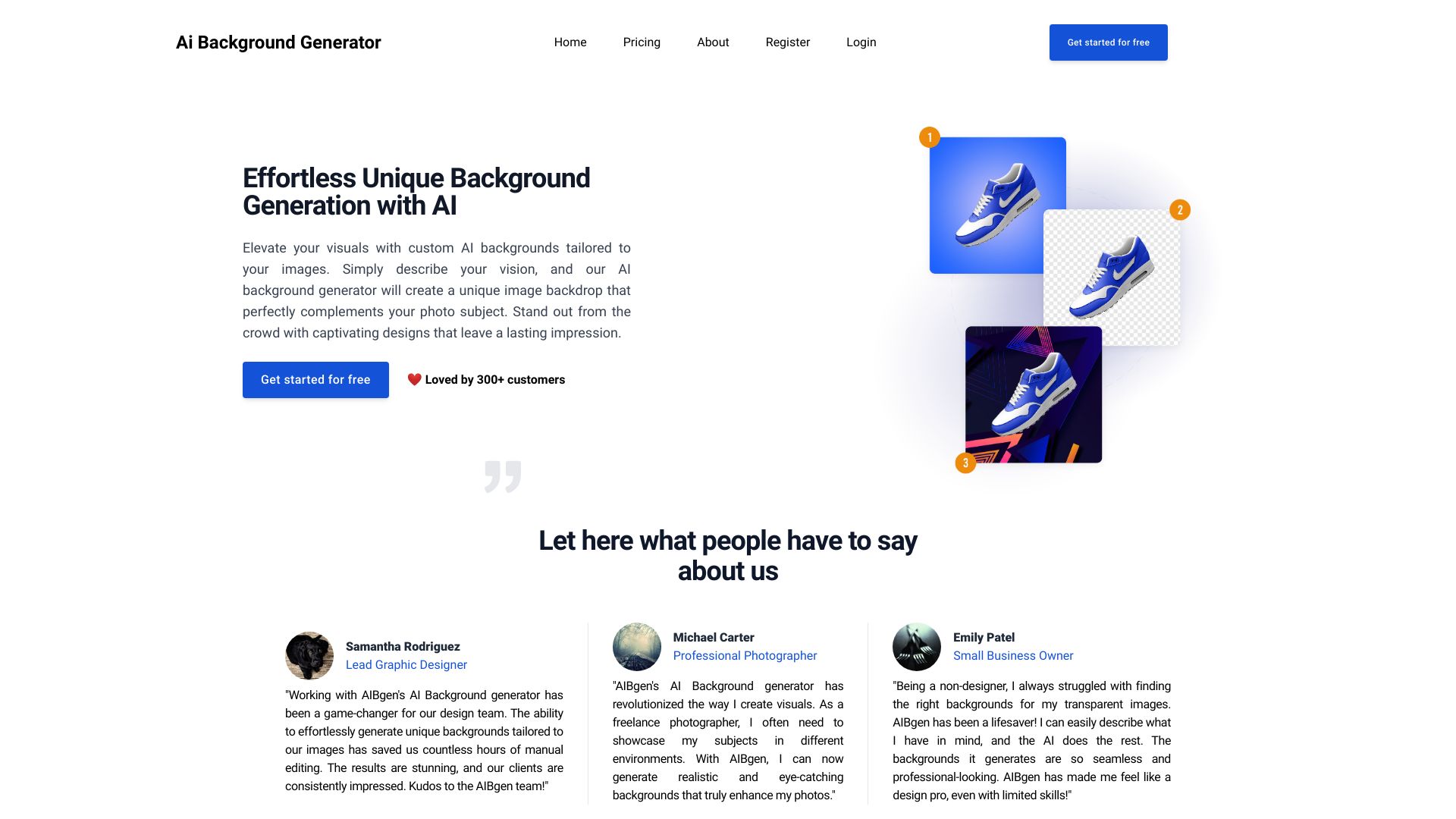
Ai Background Generator
Custom AI-generated image backgrounds
Which AI headshot generator should you choose?
Start with the workflow, not the score. The best headshot AI generator for a job seeker is usually different from the best option for a marketing team or photographer.
| Your priority | Start with | Why |
|---|---|---|
| One professional profile refresh | InstaHeadshots | Focused headshot workflow, multiple styles, and a stated 15-minute delivery time |
| Free experimentation | Supawork AI | 100% free positioning, 300+ styles, and no sign-up |
| Marketing assets beyond portraits | Vidnoz AI | AI avatars and a large video-template library extend the use case |
| Outfit and background control | Aragon.ai | Dedicated selection for both presentation elements |
| A large batch of options | HeadshotPro | 100+ headshots plus backdrop and outfit choices |
| Fastest stated processing | FastShot AI | Headshots in less than 30 seconds, with two free headshots |
| Editing and background removal | insMind | Broader image-generation and photo-editing suite |
| Realism and privacy positioning | Dreamwave AI | Focused professional portraits and a privacy-first message |
| No-watermark image work | ImgGen AI | Free generation, upscaling, and no sign-up |
| Repeatable photo and video content | Photo AI | Personal AI model, photo packs, and photorealistic video |
A useful rule is to pay for specialization only when it solves a real problem. If you need one image, a dedicated service with clear styles is easier. If you need a dozen assets for a brand campaign, a broader studio such as Vidnoz AI, insMind, or Photo AI can justify the extra complexity.
My practical recommendation
For most readers, I would test Supawork AI first because the stated free access and no-sign-up workflow make comparison inexpensive. If the results do not look sufficiently natural, move to InstaHeadshots for a focused, fast paid batch. Professionals who need outfit and background choices should put Aragon.ai or HeadshotPro next on the list.
My overall winner remains Vidnoz AI because it has the best balance of headshot relevance, interface accessibility, and future usefulness for marketing teams. It is not the narrowest tool, but the 1,500+ avatars and 2,800+ video templates give it a broader business case than a portrait-only product.
For designers, I would skip the narrow definition of a headshot generator and test insMind or ImgGen AI. For photographers and creators, Photo AI is the more logical long-term experiment. Before paying, compare the quality of the same source photos across two services, inspect the eyes, teeth, hairline, hands, and clothing, and confirm the vendor's current pricing and photo-use terms.
Common mistakes when choosing an AI headshot generator
Judging from one perfect sample: Vendor examples are not a guarantee of how your face will render. Test with your own clear, varied photos.
Ignoring the upload requirement: Some tools need multiple selfies or personal photos for model training. Decide whether that trade-off is acceptable before starting.
Confusing volume with quality: One hundred variations are not useful if the likeness is inconsistent or every background looks artificial.
Skipping the refund policy: FastShot AI specifically states that refunds are unavailable because of GPU processing costs. Read similar terms before paid generation.
Comparing unlike prices: A free image allowance, a monthly subscription, and a fixed headshot package measure different kinds of value.
Choosing a broad studio for a simple task: Tools such as insMind, ImgGen AI, and Photo AI are useful adjacent options, but their extra controls may slow down a one-photo job.
Forgetting the destination: A resume, LinkedIn profile, company directory, speaker bio, and social account may need different crops and levels of formality.
What changed in 2026
The category is splitting into two useful groups. Dedicated services now compete on speed, realism, style variety, and the number of usable portraits in a package. Broader visual studios are moving in from the side with background removal, upscaling, image editing, avatars, and AI video. That is why this ranking includes both focused products and adjacent alternatives.
Free access is also becoming a stronger differentiator. Supawork AI, ImgGen AI, HeadshotPro, and FastShot AI provide particularly accessible ways to test a workflow, while insMind advertises 600 free images. The catch is that free quotas and feature limits can hide the real comparison. In 2026, buyers should evaluate identity consistency, source-photo requirements, privacy positioning, and cancellation or refund rules alongside the headline price.
FAQ
Vidnoz AI is our overall pick for marketing professionals because it combines headshot creation with 1,500+ AI avatars and more than 2,800 video templates. For a portrait-only workflow, InstaHeadshots or Aragon.ai may be a better fit.