
Finding the best ai checker is less about chasing the biggest accuracy claim and more about matching the checker to your workflow. We compared 96 AI tools in 2026 and shortlisted 10 that cover AI detection, plagiarism checks, humanization, academic support, and in-browser writing assistance. Dechecker is our strongest all-around match, while Detecting-AI and AICheatCheck are better fits for focused detection. The right choice depends on whether you are checking your own draft, reviewing student work, or looking for a broader writing toolkit.
Top picks
| Pick | Tool | Best for | Why it stands out |
|---|---|---|---|
| 1 | Dechecker | Students checking AI-written work | Checks content associated with ChatGPT, GPT-4, Claude, Gemini, and LLaMa while also offering originality and readability support. |
| 2 | Uncheck AI | Content creators | Combines an AI checker with an AI text humanizer, making it useful when detection and revision belong in the same workflow. |
| 3 | Detecting-AI | High-volume student checks | Offers AI detection and plagiarism checking, with a stated 98% accuracy rate and 100 detections per day on its free plan. |
| 4 | AICheatCheck | Teachers reviewing English writing | Focuses tightly on identifying AI-generated student writing and states a 99.7% accuracy rate. |
Quick comparison
| Rank | Tool | Score | Best for | Free access | Starting price |
|---|---|---|---|---|---|
| #1 | Dechecker | 94/100 | Students | Detect AI, improve originality and readability | Check vendor pricing |
| #2 | Uncheck AI | 94/100 | Content creators | 150 words/month; humanizer and detector | Basic: $6.99 |
| #3 | Detecting-AI | 94/100 | Students | 5,000 characters; 100 detections/day | Free: $0 |
| #4 | AICheatCheck | 93/100 | Teachers | Detect AI in student writing | Check vendor pricing |
| #5 | MaxAI.me | 93/100 | Writers | 3 Pro chats/day; compose, summarize, translate | Free: $0 |
| #6 | ACE ESSAY | 93/100 | Students | 1,000 beans/month; 300 words/request | Free: $0 |
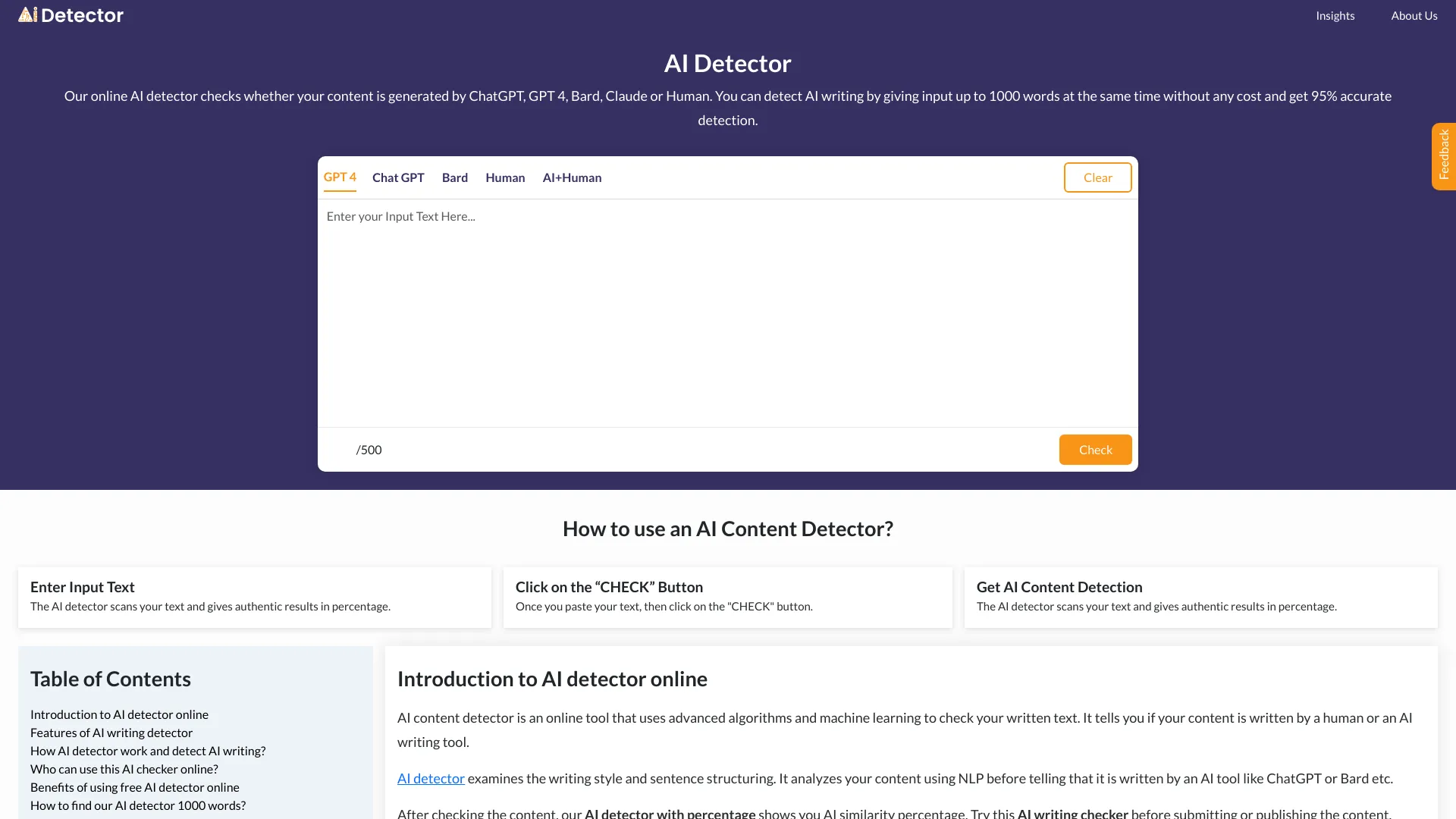
| #7 | AI Detector | 93/100 | Students | 3,000 words per scan | Check vendor pricing |
| #8 | Knowee AI | 93/100 | Students | 20 credits per day | Free: US$0.00 |
| #9 | AHelp | 93/100 | Students | 3 credits/day; plagiarism and grammar checks | Free: $0 |
| #10 | Hỏi đáp AI Hay | 93/100 | Students | 8 requests; academic support and image recognition | Check vendor pricing |
How we ranked these AI checkers
We ranked the 96 candidates against the practical needs of someone choosing a first AI checker. Detection depth came first, followed by supporting workflows such as plagiarism checking, readability improvement, humanization, and academic assistance. We also considered audience fit, stated accuracy claims, free usage limits, starting price, browser requirements, language coverage, and monthly usage signals. Scores are close because several tools specialize in different jobs rather than competing feature-for-feature. A focused teacher tool can therefore outrank a broader writing assistant for detection, while a student platform may be the better value for an academic workflow. Always treat an AI score as a review signal, not a final verdict about authorship.
The best AI checkers
1. Dechecker
Dechecker
Best overall AI checker for students
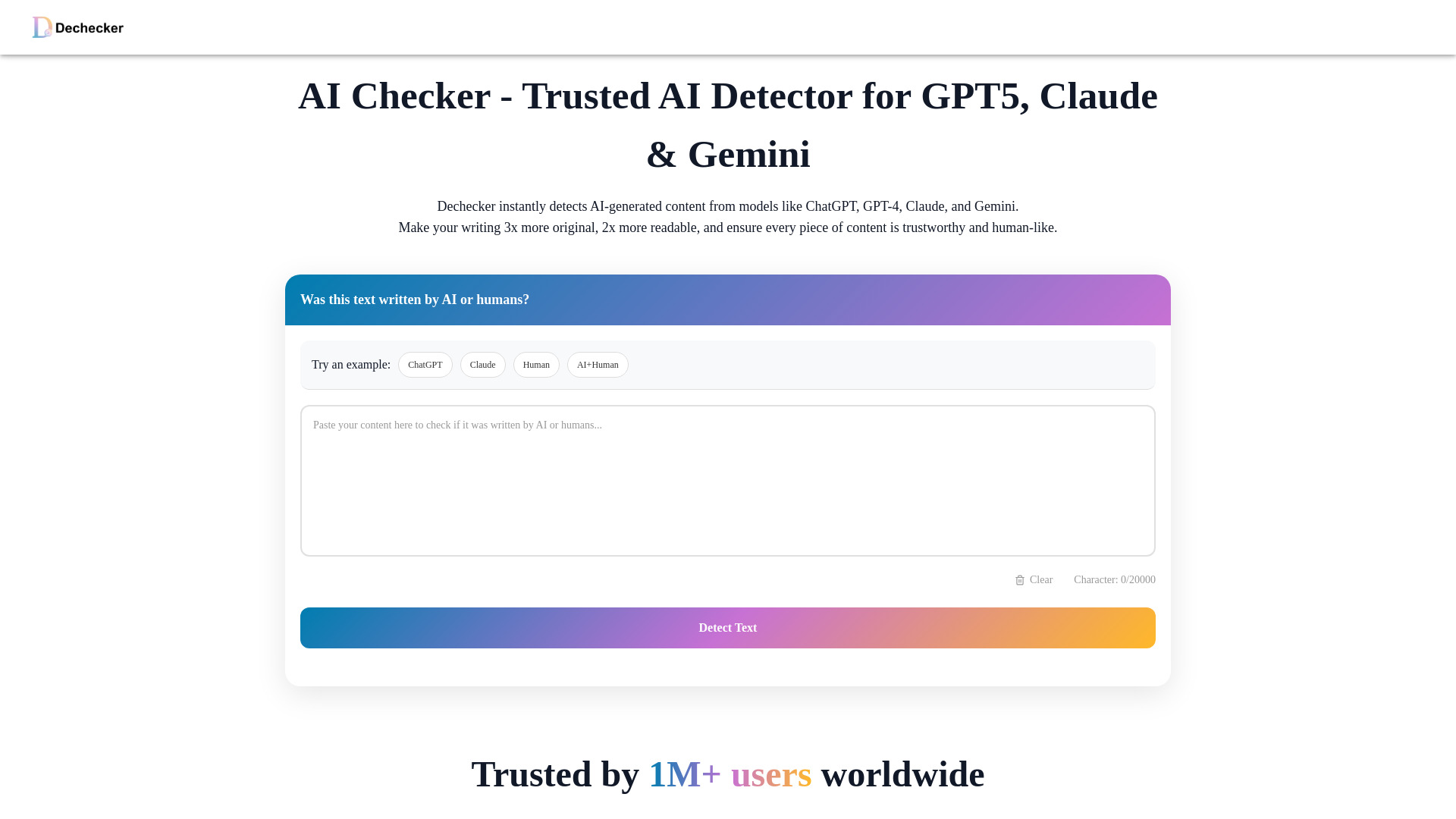
Dechecker takes the broadest detection approach among the leading picks. It is positioned to detect AI-generated content from ChatGPT, GPT-4, Claude, Gemini, and LLaMa, so it makes a sensible first stop when you do not know which model produced a passage. The workflow also extends beyond a simple pass-or-fail result: its listed tools cover checking AI content, making content more original, and improving readability.
That combination is why it leads this list. Students can inspect a draft and then work on clarity and originality in the same general workflow instead of jumping immediately between unrelated services. Its 241K monthly-visit signal also makes it one of the more established-looking options here. Pricing is hidden behind a vendor check, so confirm quotas and any paid limits before using it for regular coursework.
My take: Dechecker is the best default starting point when you want broad model coverage plus practical revision help. It is more useful than a detector that only returns a label and leaves you to solve every writing issue elsewhere.
Where it falls short: The product information does not provide a clean starting price, and its stated limits should be checked before committing to repeated scans. Detection results should still be reviewed alongside the writing itself.
Key features
AI checking for content associated with ChatGPT, GPT-4, Claude, Gemini, and LLaMa.
Tools for making content more original.
Readability improvement support.
Pros
Broad coverage across several major AI model families.
Pairs detection with originality and readability workflows.
Strong fit for students who want one practical starting point.
Cons
Pricing and workflow limits require vendor verification.
The available product description does not specify a detailed reporting format.
Choose Dechecker if: You are a student who wants a broad AI detector with originality and readability tools in the same destination.
2. Uncheck AI

Uncheck AI
Best AI checker and humanizer for content creators
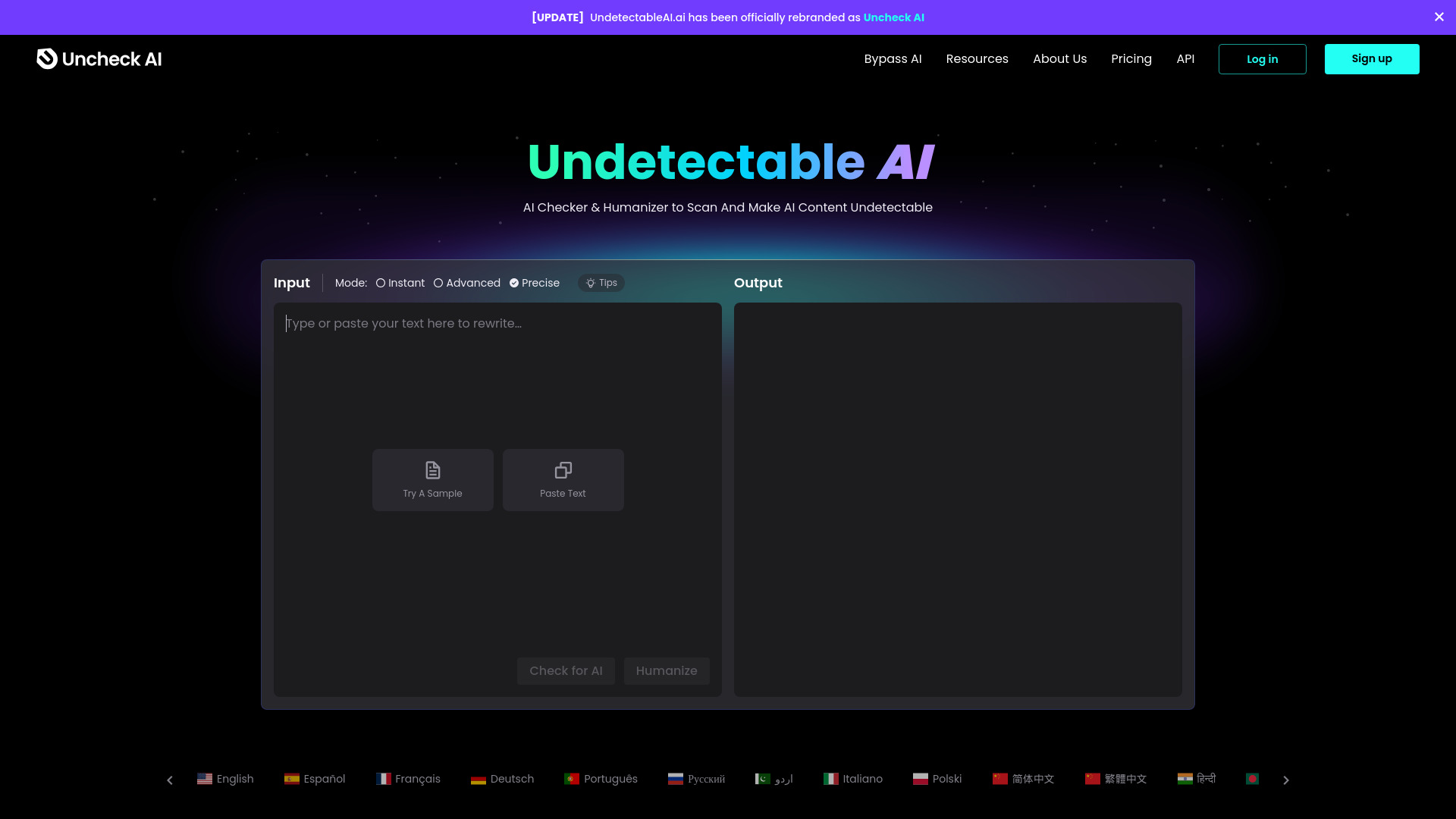
Uncheck AI is built around a two-part workflow: identify AI-written text, then revise it with an AI text humanizer. That is a useful distinction for content creators, who often need to assess a draft and improve its voice rather than simply determine whether it was generated. The tool is also described as an accurate AI checker and humanizer, giving it a clear editorial angle.
The free allowance is modest at 150 words per month, but the paid entry point is clear: Basic starts at $6.99 per month. That makes it easier to evaluate than tools whose pricing is entirely behind a sales wall. There is an important boundary here, too: the service discourages unethical uses such as academic dishonesty. Treat the humanizer as a revision aid for legitimate content work, not as a way to misrepresent authorship.
My take: This is one of the best ai checkers for creators who care about the edit after detection. The detector-humanizer pairing is more coherent than bolting a generic rewriting tool onto a separate checker.
Where it falls short: The free plan will not support substantial testing, and its humanization features need to be used responsibly. Buyers should verify the current quota and plan details before scaling a content workflow.
Key features
AI checker for evaluating text.
AI text humanizer for revision.
A combined detection and humanization workflow.
Pros
Clear fit for content creators.
Basic plan starts at $6.99 per month.
Connects detection with an immediate editing step.
Cons
Free access is limited to 150 words per month.
Its positioning is not a substitute for academic-integrity review.
Choose Uncheck AI if: You publish or edit content and want detection plus a built-in way to make legitimate revisions to tone and readability.
3. Detecting-AI

Detecting-AI
Best free AI checker for students
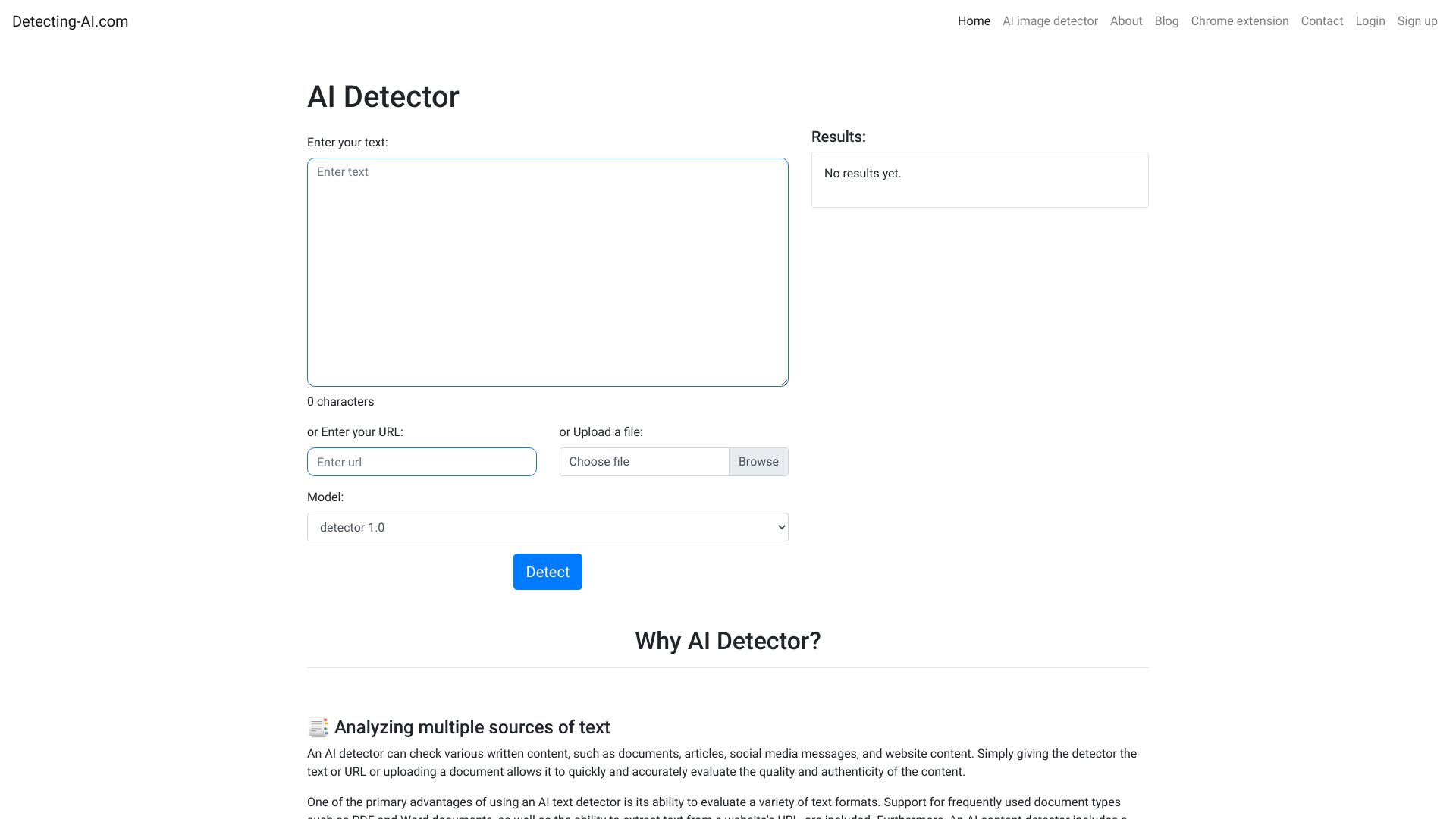
Detecting-AI makes a strong case for students who want a focused checker without paying first. The free plan includes a 5,000-character limit and 100 detections per day, which is unusually concrete and generous for a trial workflow. It also adds a plagiarism checker, so a student can look at two separate writing risks rather than relying on an AI score alone.
The tool states a 98% accuracy rate for detecting AI-generated content. That is a useful product signal, but it should not encourage overconfidence: accuracy claims depend on the text and evaluation conditions. Detecting-AI also lists an AI humanizer, although the detection and plagiarism checks are the more relevant reasons to choose it. The free plan is priced at $0, with a character limit as the main stated drawback.
My take: For someone searching for the best ai checker free option, Detecting-AI is the most straightforward recommendation in this group. The daily detection allowance makes it practical for repeated self-checks and study-related review.
Where it falls short: A 5,000-character ceiling can interrupt longer assignments, and the tool's stated accuracy should be treated as an indicator rather than proof. Check whether larger documents require a paid plan.
Key features
AI detection for generated content.
Plagiarism checker.
AI humanizer.
Up to 100 detections per day on the free plan.
Pros
Free access is clearly defined.
Includes both AI detection and plagiarism checking.
States a 98% accuracy rate.
Cons
Free scans are limited to 5,000 characters.
Larger assignments may require a different workflow or paid access.
Choose Detecting-AI if: You are a student who needs frequent, free checks and wants plagiarism checking alongside AI detection.
4. AICheatCheck

AICheatCheck
Best AI checker for teachers
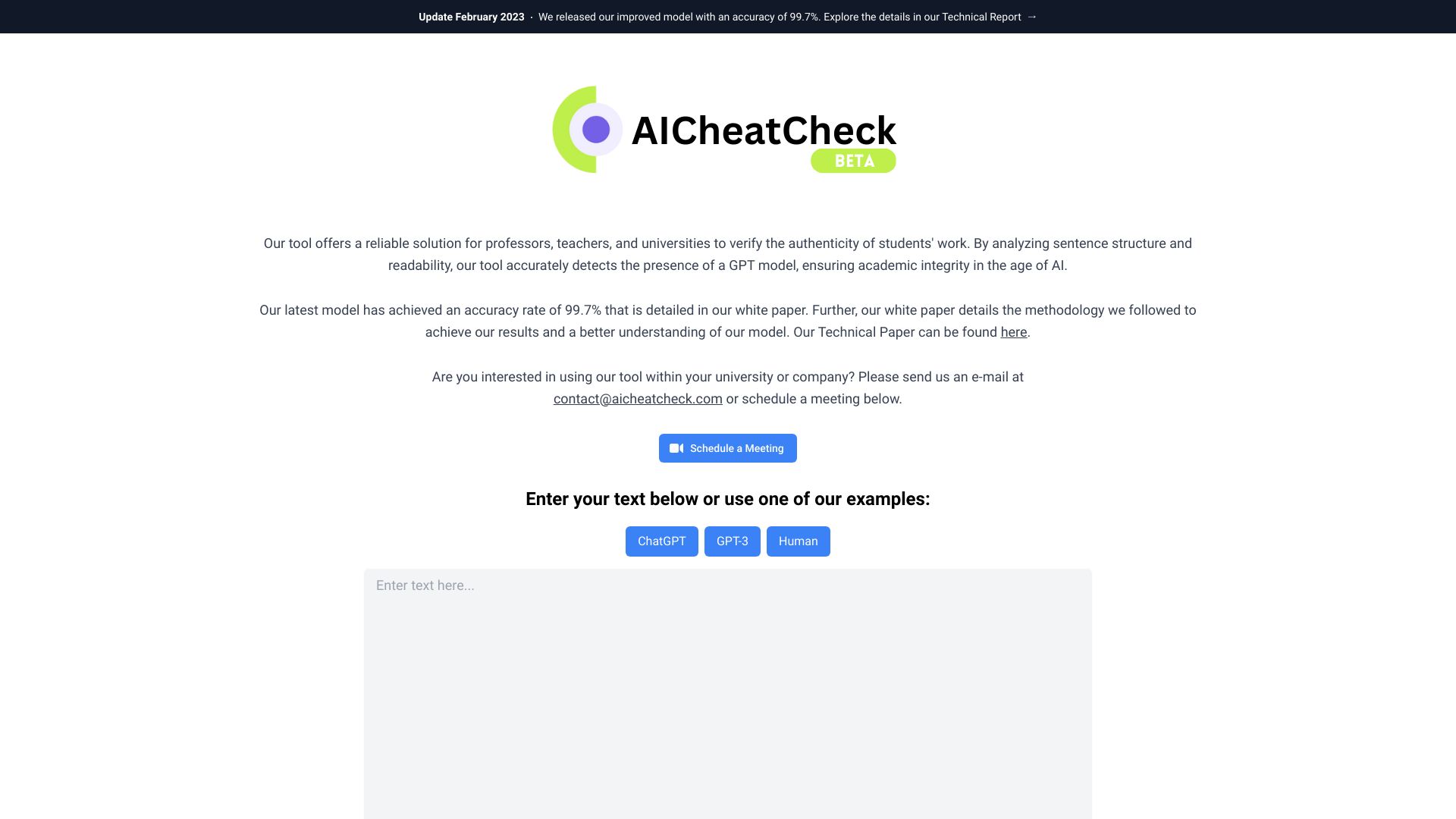
AICheatCheck keeps its promise narrow: it is a web app designed to help educators detect AI use in student writing. That focus matters. Teachers usually need a quick review signal for submitted work, not a large suite of marketing, rewriting, or general-purpose assistant features. The tool states 99.7% accuracy in distinguishing AI-generated content, the strongest accuracy claim among these featured options.
There is a major language constraint: AICheatCheck currently works only with English. That makes it a much better fit for English-language classrooms than multilingual programs. Pricing is not presented as a clean starting figure, so schools and individual teachers should verify the current purchasing path and any document or usage limits before rolling it into a formal review process.
My take: AICheatCheck is the most focused choice for an English-language teacher who wants detection rather than a general writing platform. Its specialization is a strength, provided you understand what an automated signal can and cannot establish.
Where it falls short: English-only support excludes multilingual assignments, and pricing needs to be confirmed directly. A detection result should trigger a conversation or closer review, not serve as the sole basis for an academic decision.
Key features
AI-generated content detection.
Detection aimed at student writing.
Stated 99.7% accuracy claim.
Pros
Very clear educator-focused use case.
Strong stated accuracy claim.
Avoids distracting the core detection workflow with a long feature list.
Cons
Currently supports only English.
Pricing details require a vendor check.
Choose AICheatCheck if: You teach English-language writing and need a focused AI-writing review tool rather than a broad student productivity suite.
5. MaxAI.me

MaxAI.me
Best browser-based AI assistant for writers
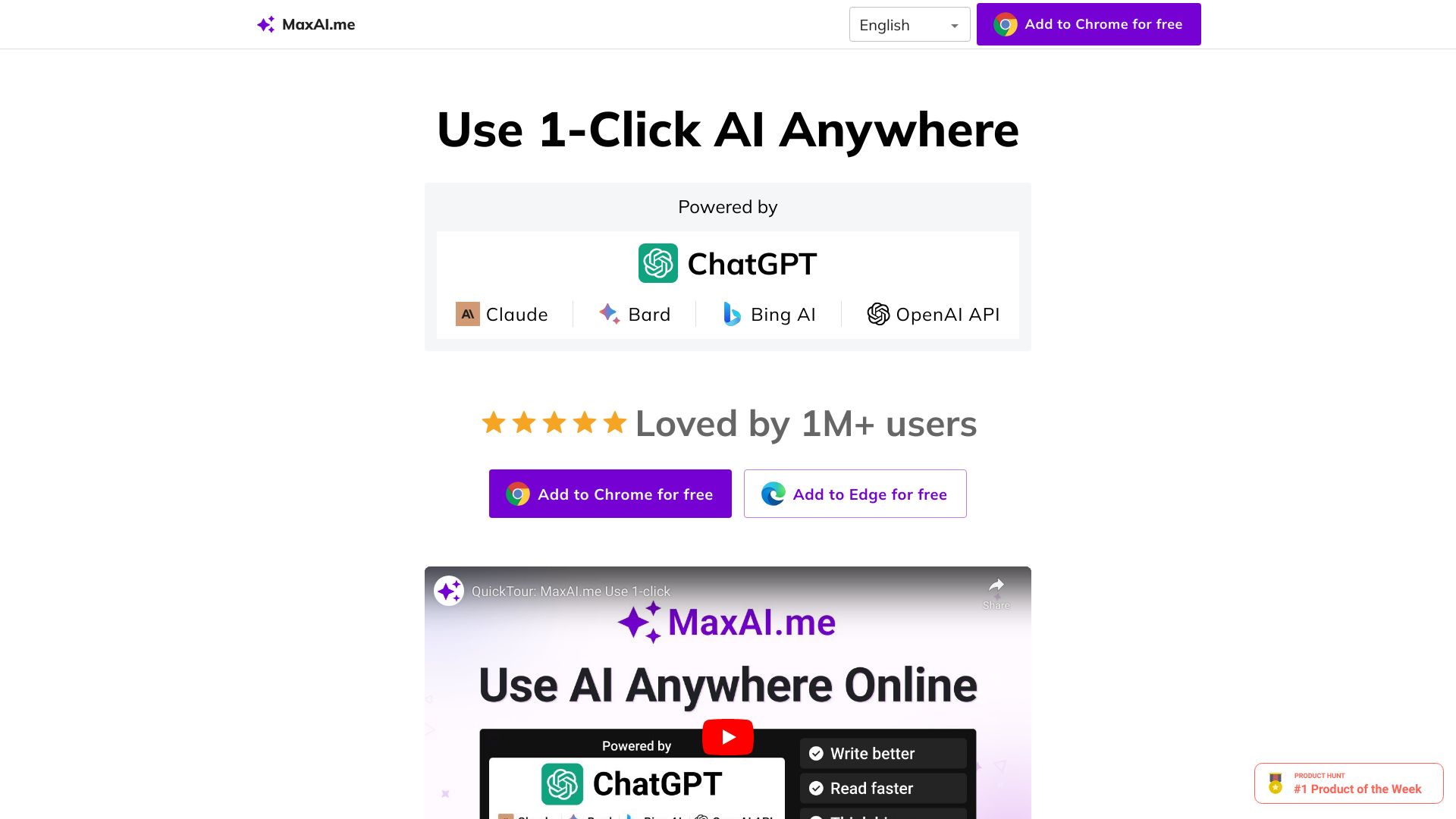
MaxAI.me is the unexpected alternative in this ranking. It is not a narrow detector; it is a browser extension that puts one-click AI functions on any website. Writers can compose, improve, summarize, and translate text, while the service supports multiple providers including ChatGPT, Claude, Bard, and Bing. For people who encounter writing in many browser tabs, that context is the main attraction.
The free tier includes three Pro chats per day, and the listed paid starting point is $12 per month. The product is described as 100% privacy friendly, but the practical access limitation is clear: you need Chrome or Edge. Its 2.4M monthly-visit signal is the largest in this group, although reach alone does not make it the best detector. Choose it when your real need is AI-assisted writing across websites, not a specialized AI-authorship report.
My take: MaxAI.me belongs on this list because many people searching for an ai checker best tool actually need help reviewing, rewriting, and understanding text in context. It is the most convenient option here for browser-first writing work.
Where it falls short: Chrome or Edge is required, and the core feature set is broader than dedicated AI detection. The free Pro-chat allowance is also limited for heavy daily use.
Key features
One-click AI functionality on any website.
Compose, improve, summarize, and translate workflows.
Support for ChatGPT, Claude, Bard, and Bing.
Pros
Works where the writing already lives: inside the browser.
Supports multiple AI providers.
Free plan is available and paid access starts at $12 per month.
Cons
Requires Chrome or Edge.
Three Pro chats per day may not suit intensive use.
It is a broader assistant rather than a dedicated detector.
Choose MaxAI.me if: You are a writer who wants quick AI help for composing, summarizing, translating, and improving text across websites.
6. ACE ESSAY

ACE ESSAY
Best AI checker and humanizer for students
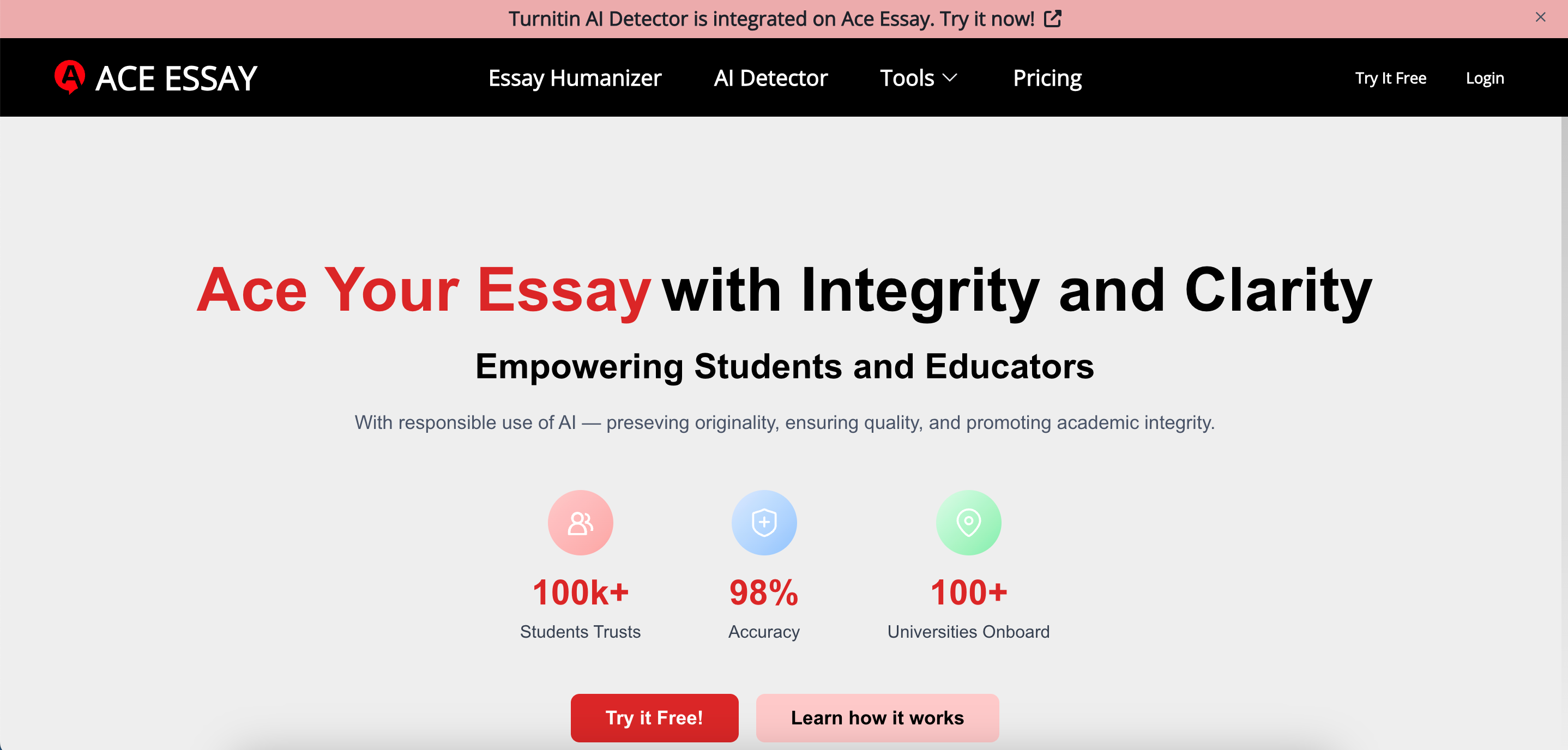
ACE ESSAY combines an AI detector with an AI humanizer and presents itself as an essay-oriented tool. Its detector integrates mainstream AI detector tools, while the humanizer is described as supporting checks involving Turnitin, GPTZero, ZeroGPT, and others. That makes the product especially relevant to students who want to inspect and revise an essay in one place.
The free plan supplies 1,000 beans per month, but each request is capped at 300 words. That per-request limit is the detail most likely to affect real use: long essays will need to be split into sections. The paid starting point is listed as $12 per month. ACE ESSAY also emphasizes making essays feel personal and engaging, which is a more useful goal than blindly chasing a detector score-provided the student remains responsible for the submitted work.
My take: ACE ESSAY is a practical choice when essay revision is as important as detection. It has a clearer academic workflow than a generic humanizer, but the 300-word request limit makes it less convenient for long-form scanning.
Where it falls short: The free version limits each use to 300 words, so document handling can become tedious. Its detector and humanizer should support a student's own editing process, not conceal inappropriate assistance.
Key features
AI humanizer for essay text.
AI detector integrated with mainstream detection tools.
Support described in relation to Turnitin, GPTZero, ZeroGPT, and more.
Essay-focused writing support.
Pros
Strong fit for students working on essays.
Free monthly allowance is clearly stated.
Designed to connect detection and revision.
Cons
Free requests are limited to 300 words each.
Humanization features require careful academic-integrity judgment.
Choose ACE ESSAY if: You are revising essays and want AI detection plus humanization in a single student-focused workflow.
7. AI Detector
AI Detector
Best fast AI checker for students
AI Detector takes a simple but useful approach: scan text and highlight the portions identified as AI-generated. That visual feedback is more actionable than a single percentage because it gives students a place to begin revising or questioning a draft. The service also lists deep text scanning, an AI humanizer, and a paraphraser.
Free scans cover up to 3,000 words, a sensible size for a section of an assignment or a standard article draft. The trade-off is language coverage: the tool currently supports only English. Pricing is not available as a clean starting figure, so regular users should check the vendor for paid limits. This is a focused option for someone who values fast, highlighted results over a larger academic platform.
My take: The highlighted-output workflow is the reason to choose AI Detector. It turns a detection result into a more readable editing task, even though the English-only limitation narrows its audience.
Where it falls short: Non-English writing is not supported, and pricing requires confirmation. A highlighted passage is a prompt for review, not definitive evidence about how the text was produced.
Key features
AI content detection.
Deep text scanning.
Highlighting for parts identified as AI-generated.
AI humanizer and paraphraser.
Pros
Free scans support up to 3,000 words.
Highlighted results are easy to interpret.
Fast scanning is a strong fit for student self-review.
Cons
Currently supports only English.
Pricing and paid usage limits need vendor verification.
Choose AI Detector if: You want a quick English-language scan that highlights suspected AI-written sections instead of presenting only an overall result.
8. Knowee AI

Knowee AI
Best AI checker-adjacent study copilot
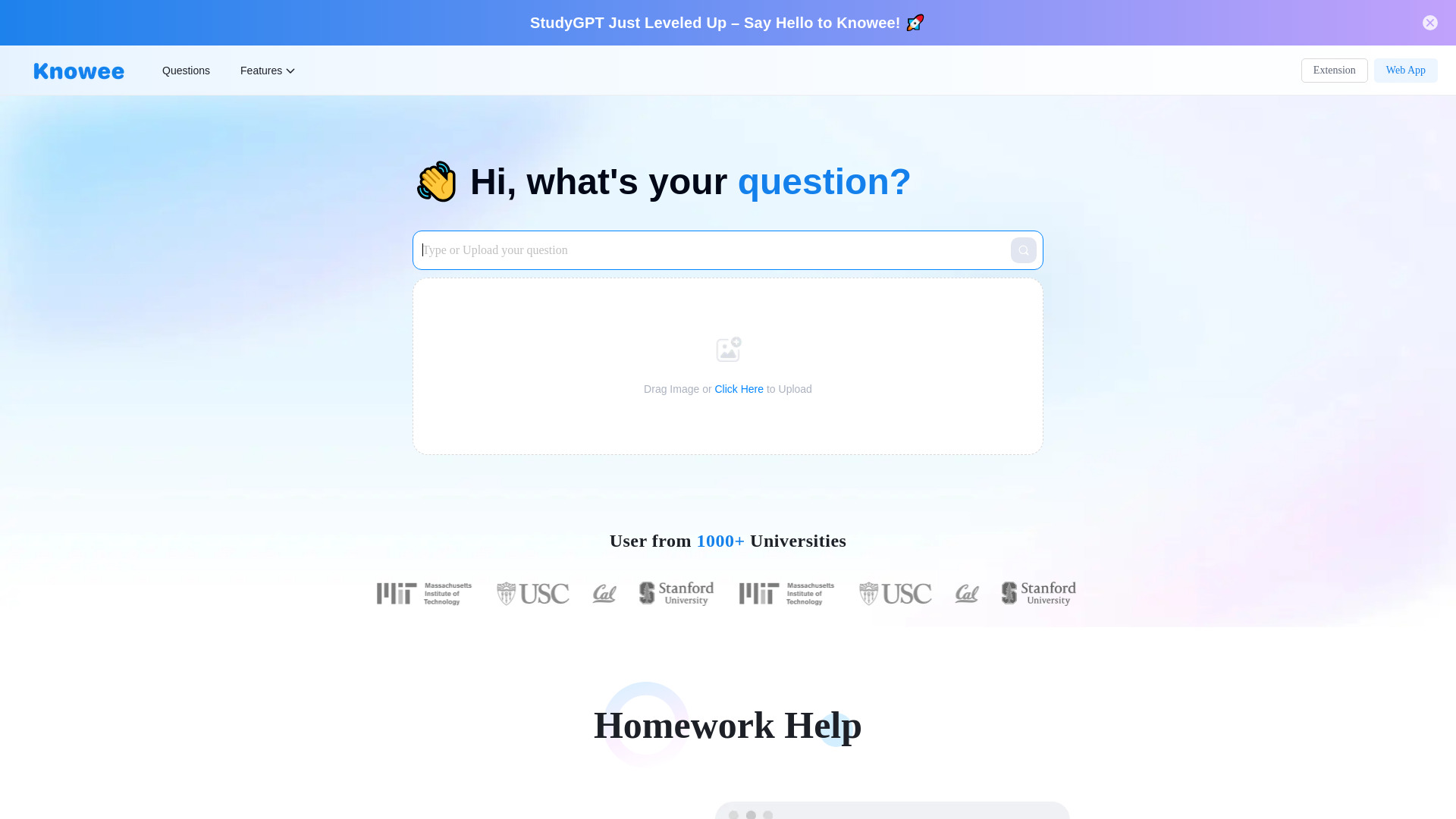
Knowee AI is a broader academic assistant rather than a pure detector. Its feature set centers on AI homework help and AI writing, with a study-copilot positioning that includes essay writing, summarization, and concept explanations. For students, that wider context can be more valuable than a standalone detector when the real task is understanding and improving an assignment.
The free plan provides 20 credits per day, while paid access starts at $10 per month. That gives buyers a clear way to try the academic workflow before paying. The limitation is equally clear: free credits and features are capped. Knowee AI should be considered an adjacent alternative for academic writing support, not a first choice if your only requirement is a dedicated AI-authorship report.
My take: Knowee AI is a good pick for students who need help before and after checking a draft. Its value is the surrounding academic assistance, not a specialized detection claim.
Where it falls short: The free plan limits credits and features, and the tool does not present the same focused detection workflow as Dechecker or Detecting-AI. Confirm exactly which checking functions are included in the current plan.
Key features
AI homework help.
AI writing support.
Essay writing and summarization assistance.
Concept explanations and Scholar Search.
Pros
Provides academic support around the writing process.
Includes 20 free credits per day.
Paid access starts at $10 per month.
Cons
Free credits and features are limited.
Broader study support may be unnecessary for simple detection.
Choose Knowee AI if: You are a student who wants a study assistant for homework, essays, summaries, and explanations alongside your writing checks.
9. AHelp

AHelp
Best academic writing toolkit with checking tools
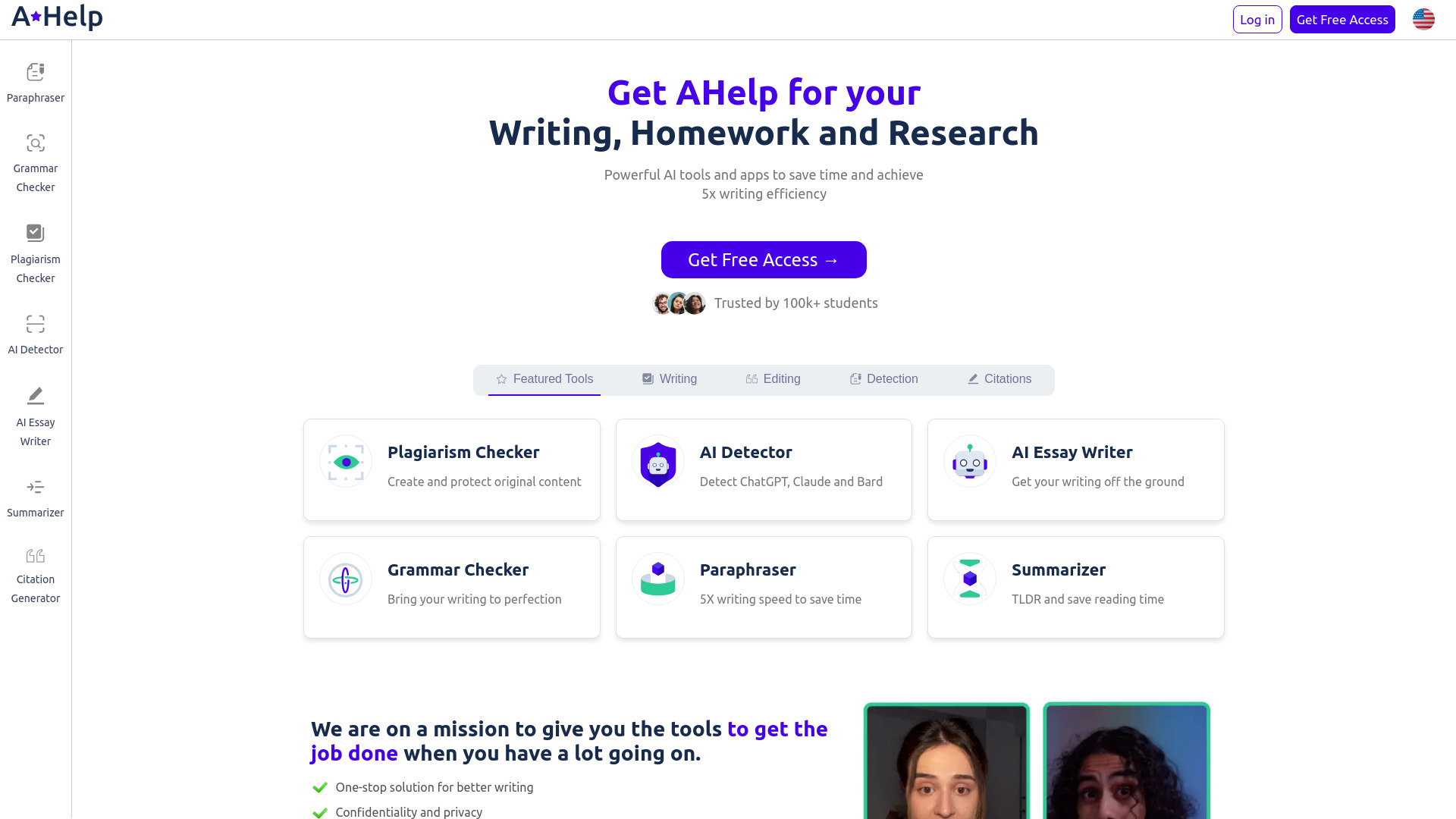
AHelp earns its place through breadth. It is an AI-powered educational platform with 30+ free tools, including a plagiarism checker and grammar checker. That makes it a better fit for students who want to improve a paper from several angles: originality, grammar, idea generation, and general writing quality. It is not as narrowly focused as a specialist AI detector, but the wider editing toolkit can reduce the need to maintain several accounts.
The free plan includes three credits per day, and the listed paid starting point is $4.17 per month. That is the lowest explicit paid entry point in this group, although the free usage limit is still important for frequent work. AHelp's strongest use case is a student checking and polishing a draft, not an institution seeking a dedicated authorship-detection system.
My take: AHelp is the value-oriented choice for students who need more than one checker. The combination of plagiarism and grammar tools gives it practical utility even when AI detection is only one part of the assignment workflow.
Where it falls short: Three daily credits can disappear quickly, especially when a paper needs multiple passes. Buyers should verify which of the 30+ tools consume credits and whether the current plan includes the exact AI-checking feature they need.
Key features
Plagiarism checker.
Grammar checker.
Idea generation and broader AI writing tools.
More than 30 free educational tools are listed.
Pros
Broad suite for writing and editing.
Free plan is available.
Paid starting price is listed at $4.17 per month.
Cons
Free plan is limited to three credits per day.
Breadth can be less useful than specialist detection for a narrow need.
Choose AHelp if: You are a student who wants plagiarism, grammar, and writing support in one affordable academic toolkit.
10. Hỏi đáp AI Hay

Hỏi đáp AI Hay
Best AI study assistant for questions and images
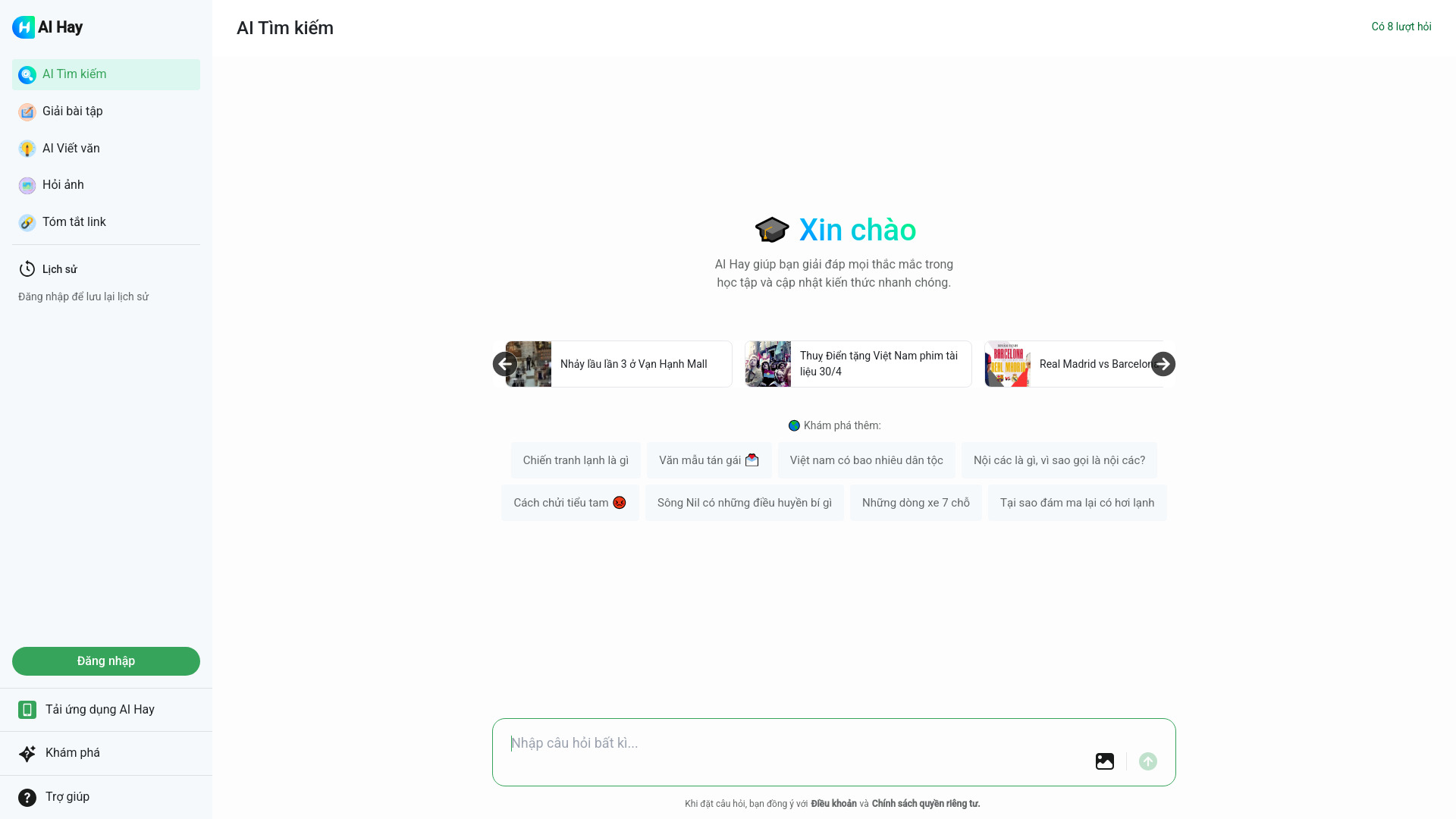
Hỏi đáp AI Hay is another broader alternative, and its 3.5M monthly-visit signal is notable. The service focuses on AI-powered question answering, math and essay assistance, image recognition, content explanation, and smart tips. That mix makes it useful when a student is trying to understand a source, solve a problem, or explain an assignment-not simply classify a paragraph as AI-written.
Free access includes eight requests, and pricing is not presented as a clean starting figure. The main stated limitation is that the service requires an internet connection. Its academic support and image recognition make it an appealing companion tool, but buyers should not confuse general question answering with a dedicated AI detector. It is best understood as a broader visual and study assistant that can sit beside a checker.
My take: Hỏi đáp AI Hay is the most interesting choice for students whose work includes images, math, and explanations. Its huge usage signal suggests strong reach, but reach does not replace a purpose-built detection report.
Where it falls short: Eight free requests may be restrictive for frequent study sessions, and an internet connection is required. Pricing and any dedicated detection workflow should be confirmed before choosing it as your primary checker.
Key features
AI-powered question answering.
Math and essay assistance.
Image recognition.
Content explanation and academic support.
Pros
Broad support for academic questions and problem-solving.
Image recognition expands the workflow beyond pasted text.
Free access includes eight requests.
Cons
Requires an internet connection.
Pricing details require vendor verification.
It is a broader study assistant rather than a dedicated detector.
Choose Hỏi đáp AI Hay if: You want an academic assistant that can explain content, help with math and essays, and work with images as well as text.
More tools to compare

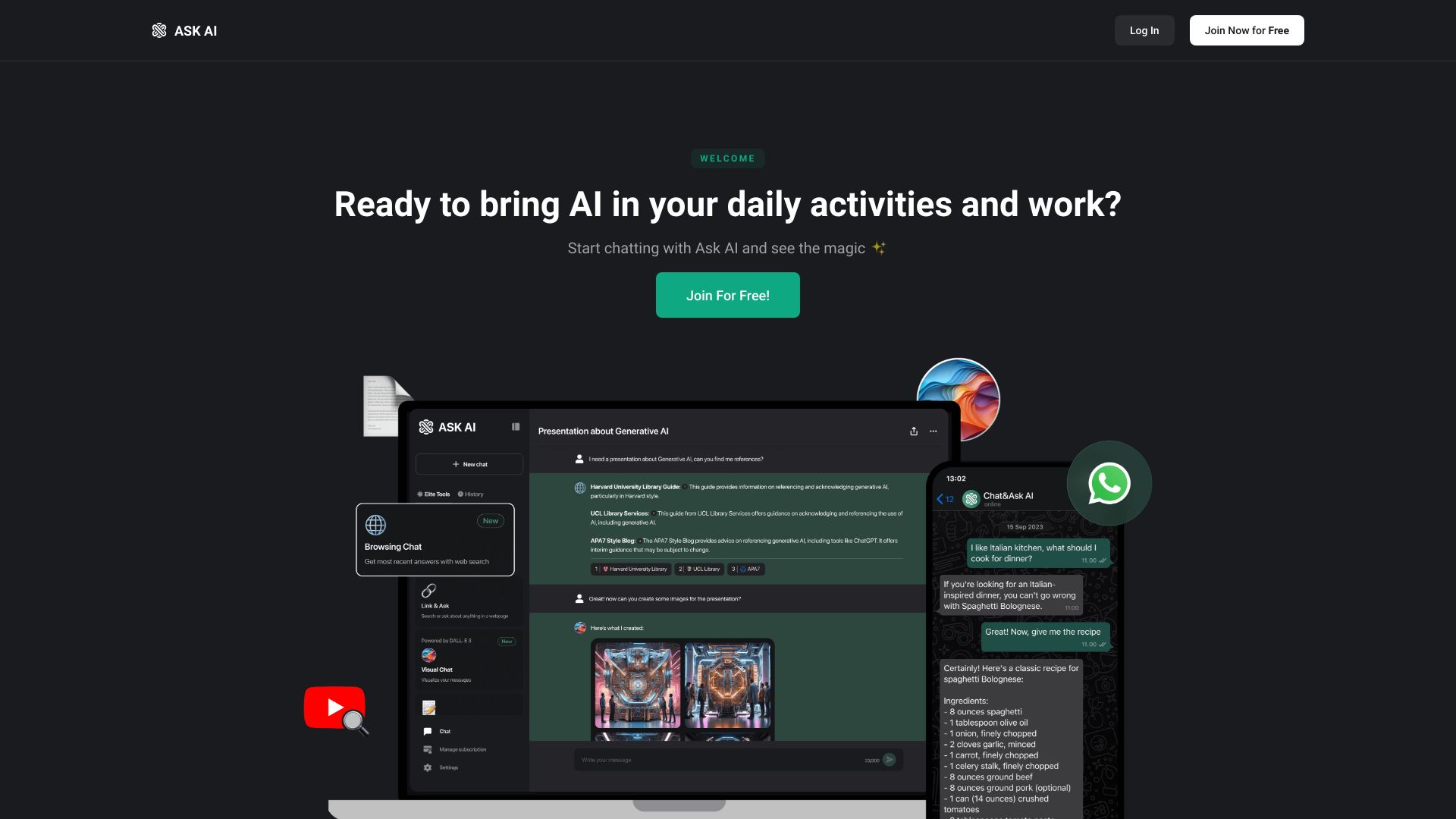
Chat & Ask AI
Multi-format content analysis

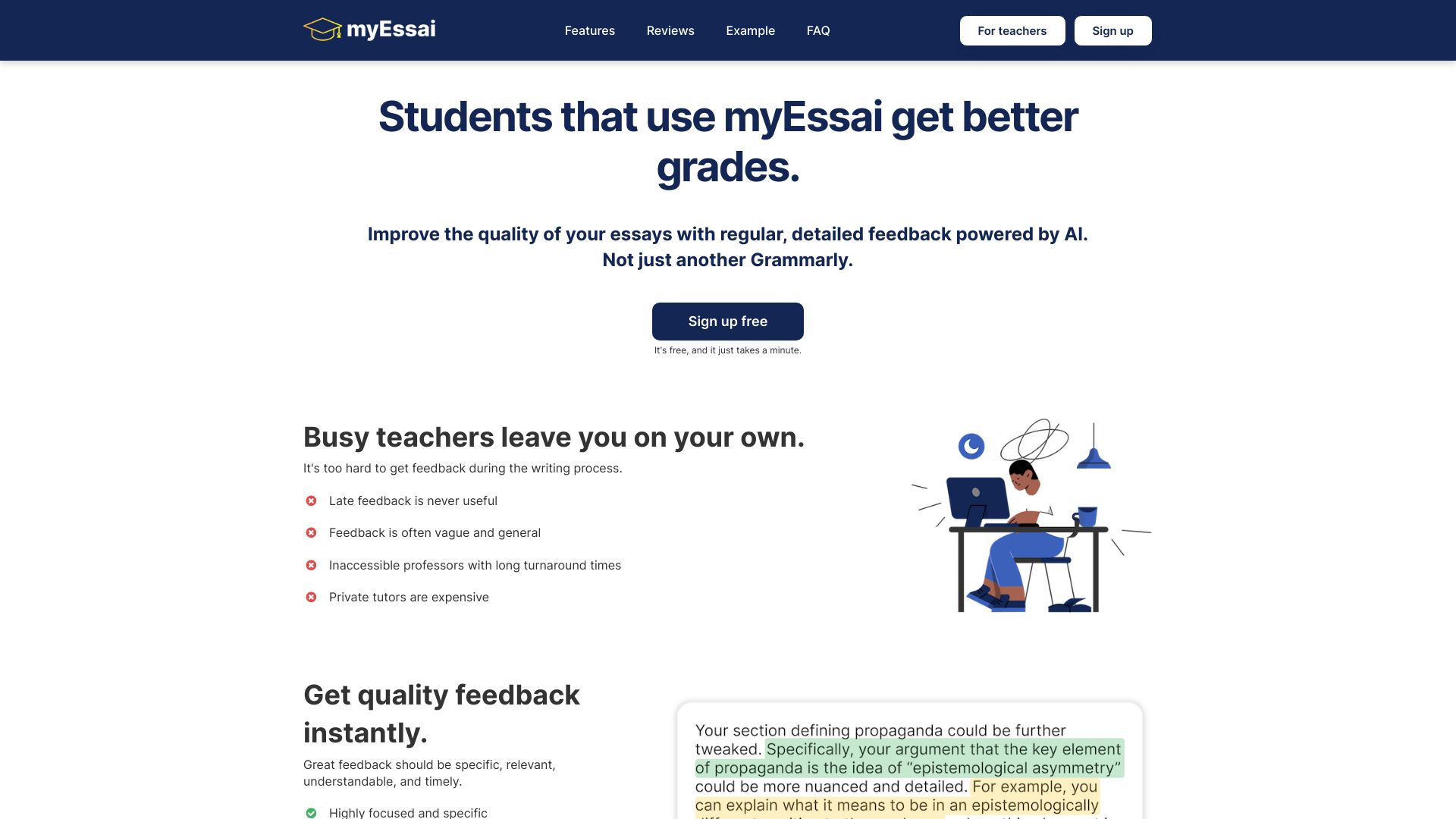
myEssai
Students needing instant essay feedback

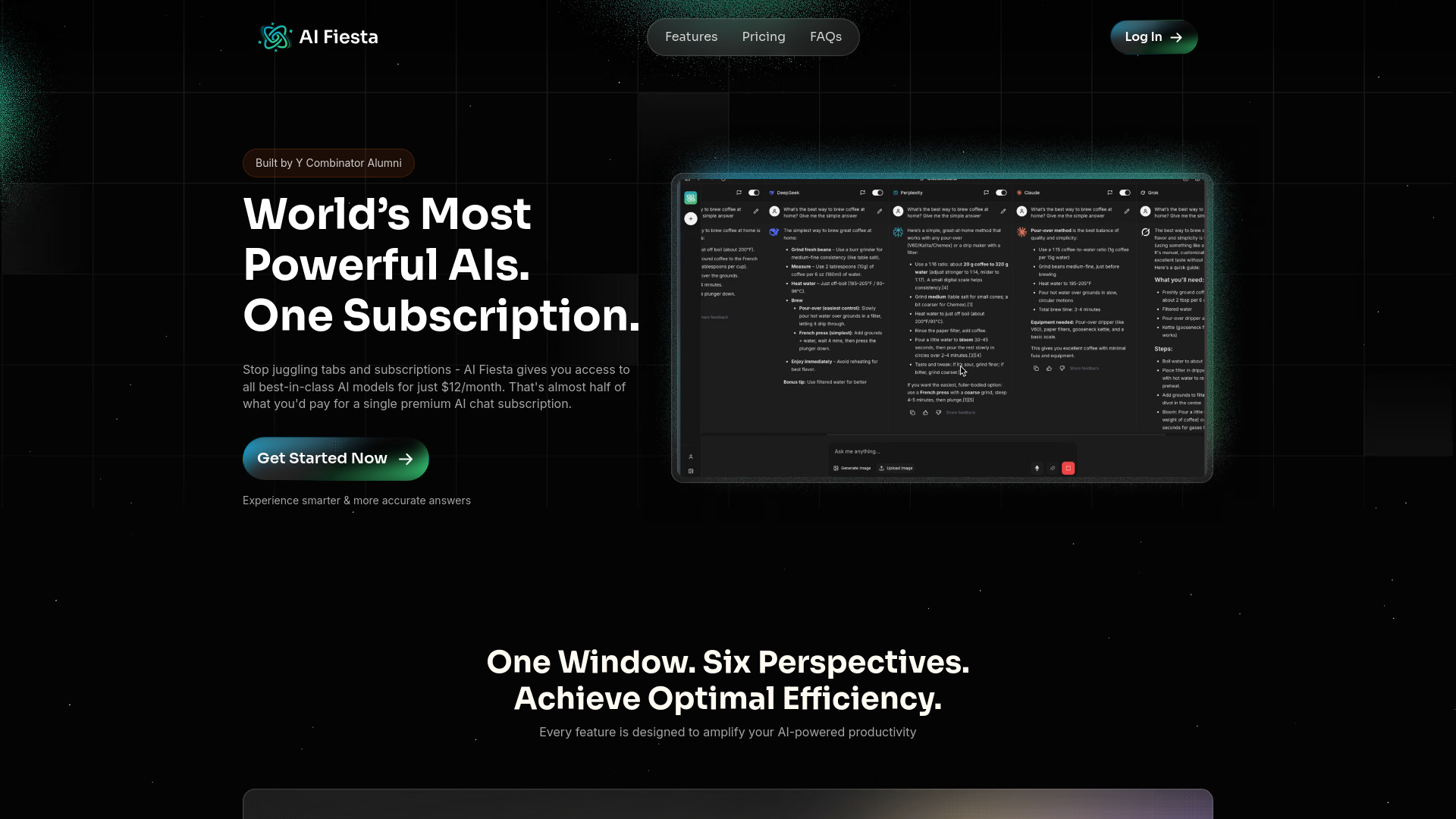
AI Fiesta
Comparing multiple AI models

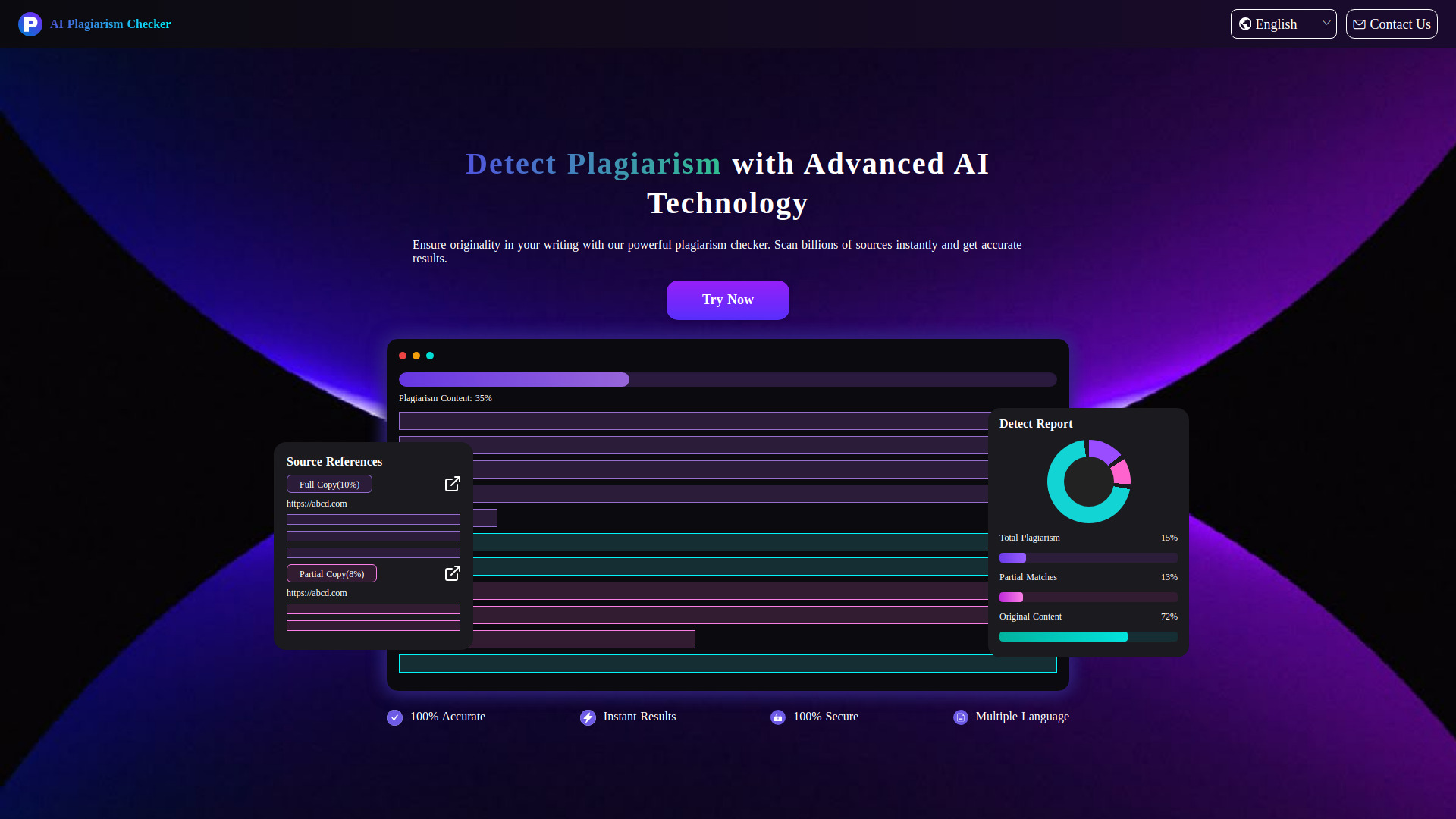
AIPlagiarismChecker
Plagiarism checking for academic writing
AI Detector
Quick AI-content authenticity checks
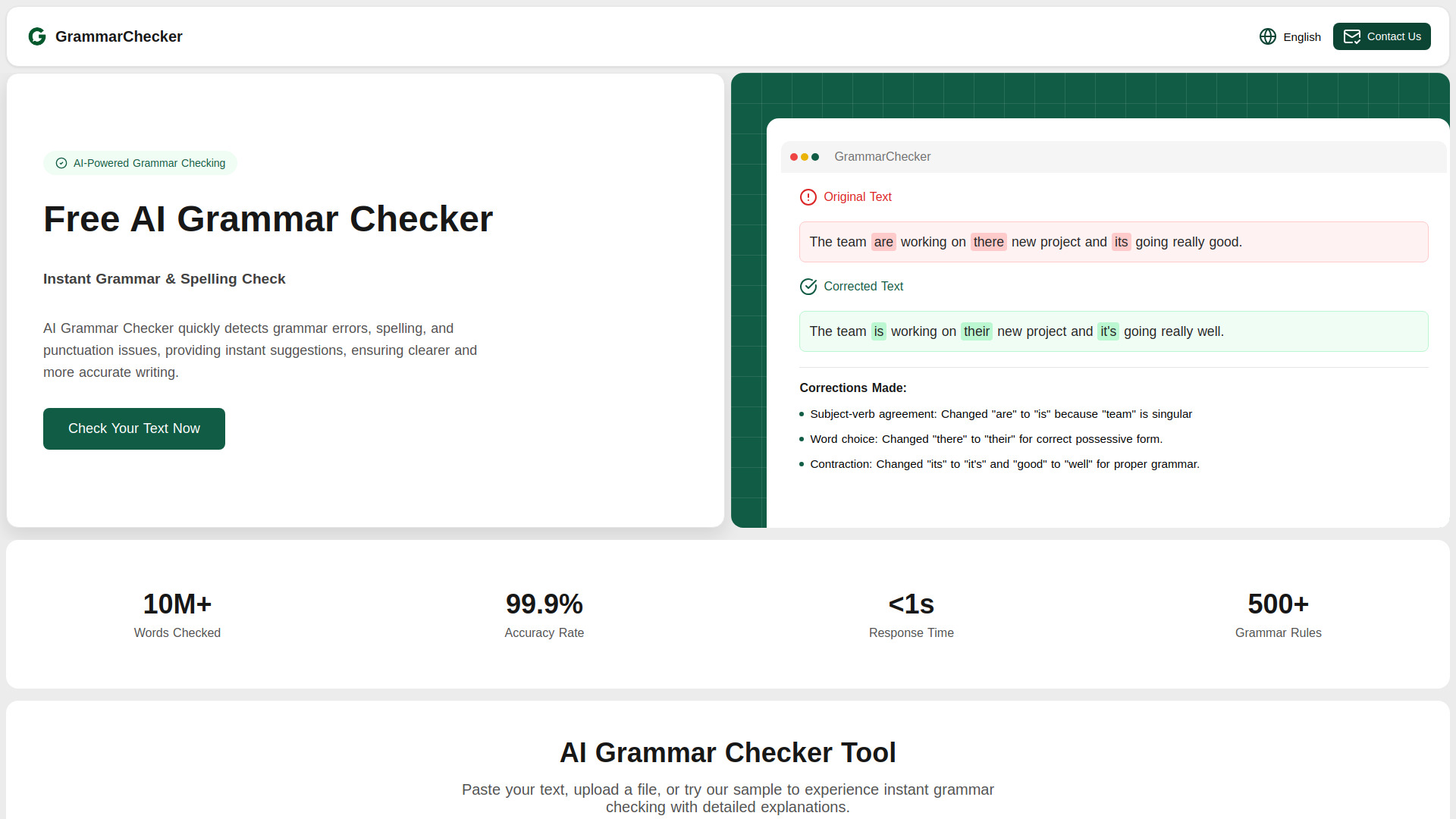
AIGrammarChecker
Students, researchers, and content creators

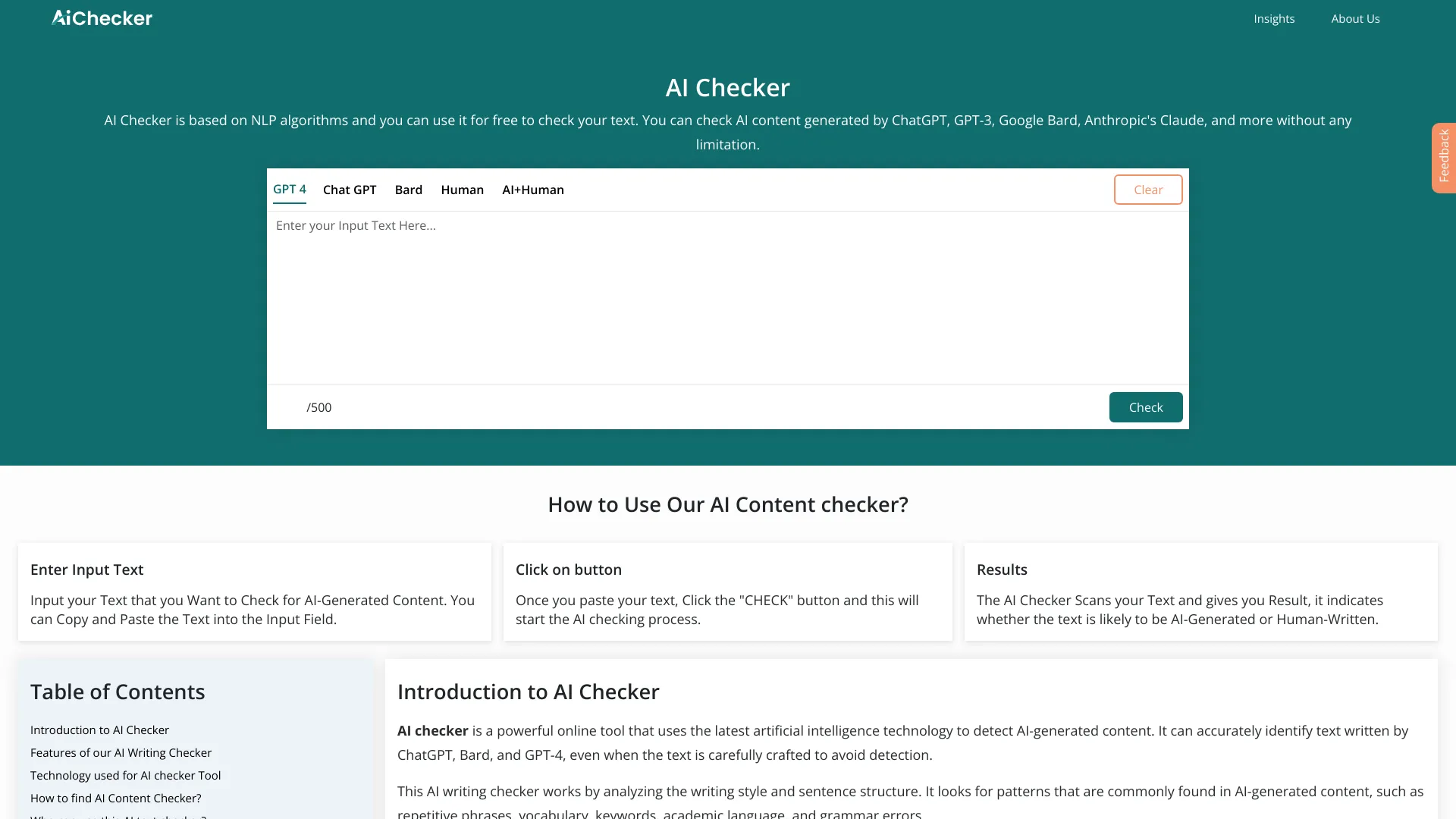
AI Checker
Checking AI-generated writing

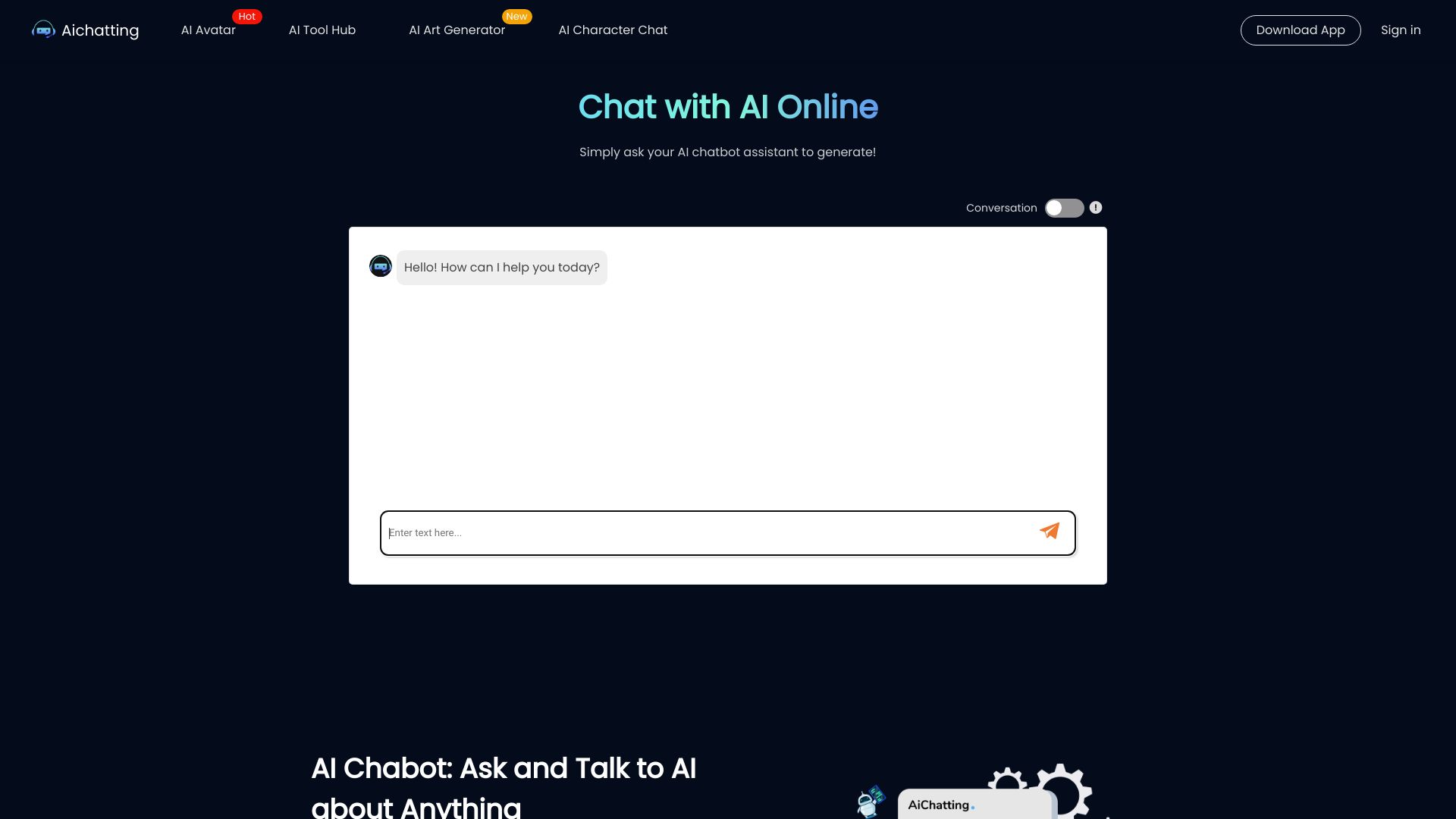
AIChatting.net
Chatting with AI characters and writing assistance
Avey App
AI-powered symptom checking

Answer.AI
Students needing AI tutoring

AI Girl
Virtual companion roleplay

AI Teacha
Educators planning lessons and assessments
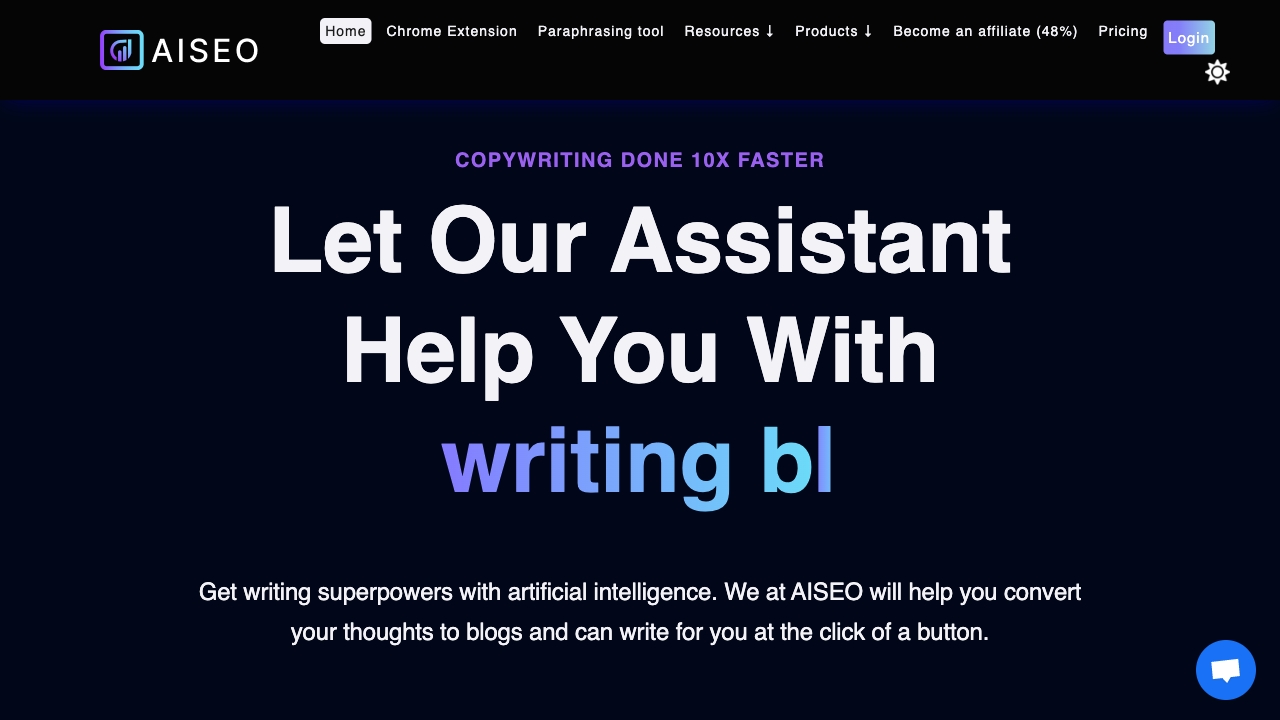
AISEO
SEO content writers and humanizer users
Asksia
Students needing AI study support

AIclicks
AI search visibility tracking

AI2sql
Natural-language SQL generation

Alle-AI
Comparing multiple AI models
Altcheckerai
AI-powered alt text optimization
Aisera
Enterprise AI service workflows


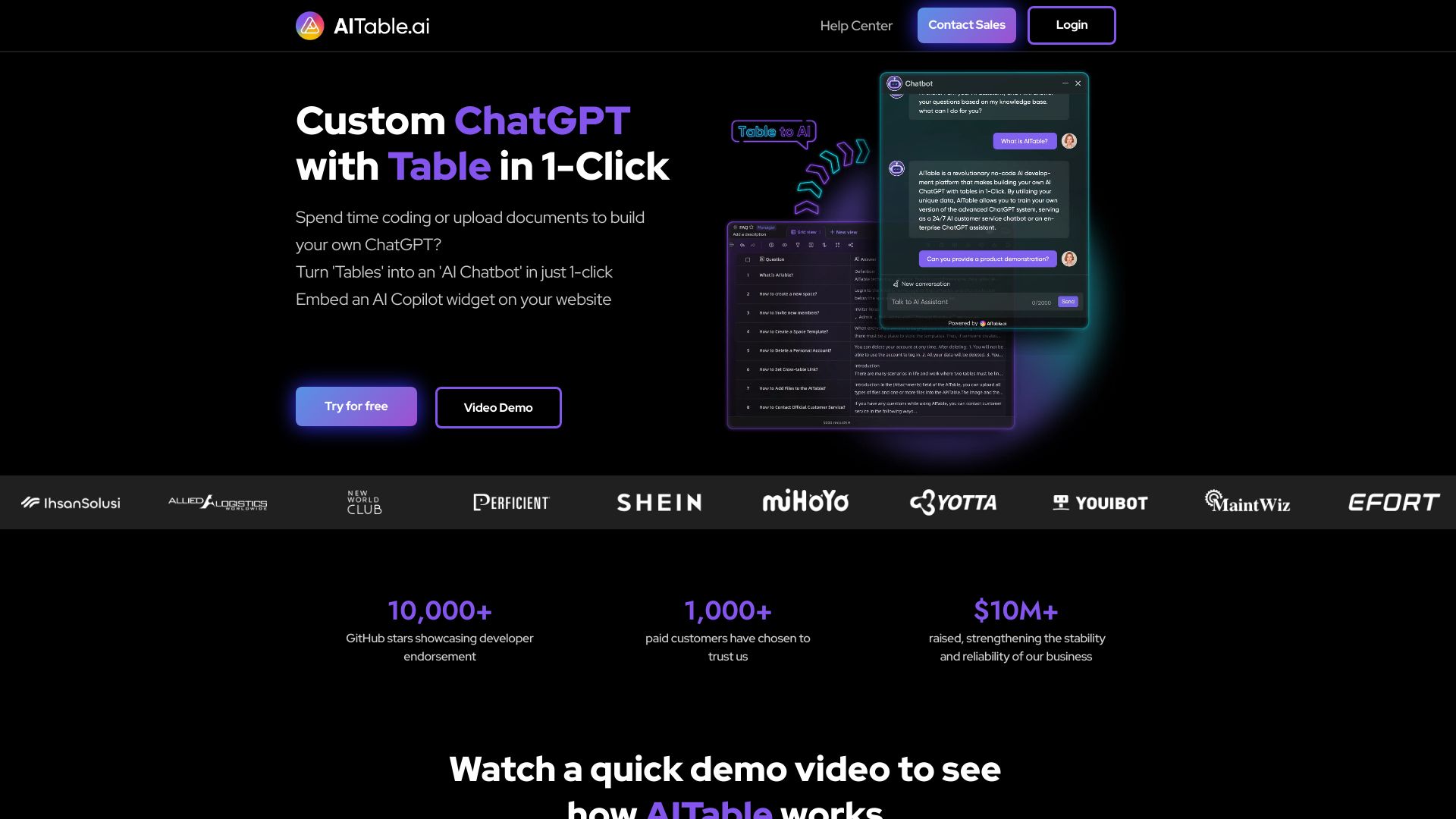
AITable.ai
Visual database automation

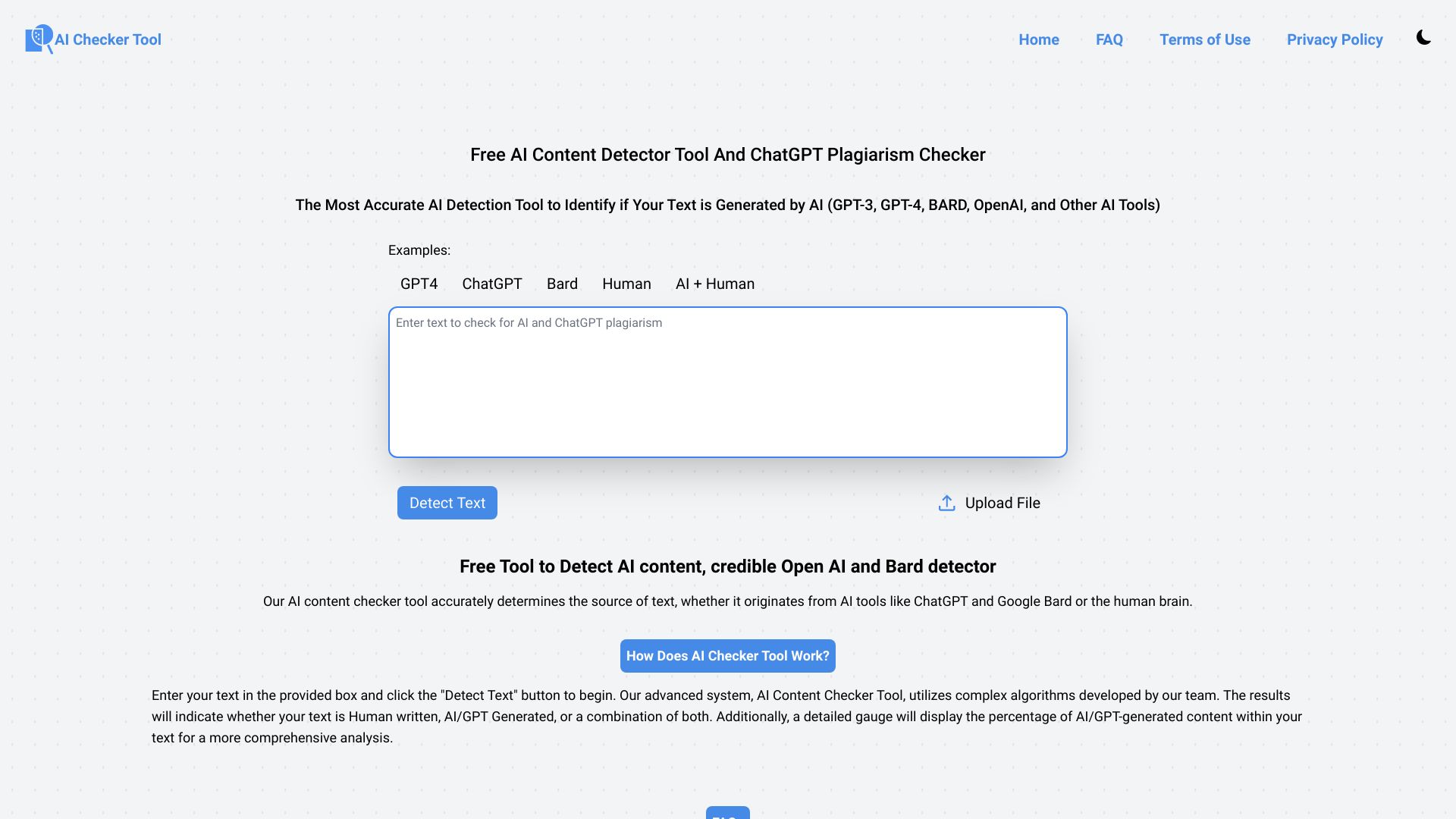
AI Checker Tool
AI content and plagiarism checking

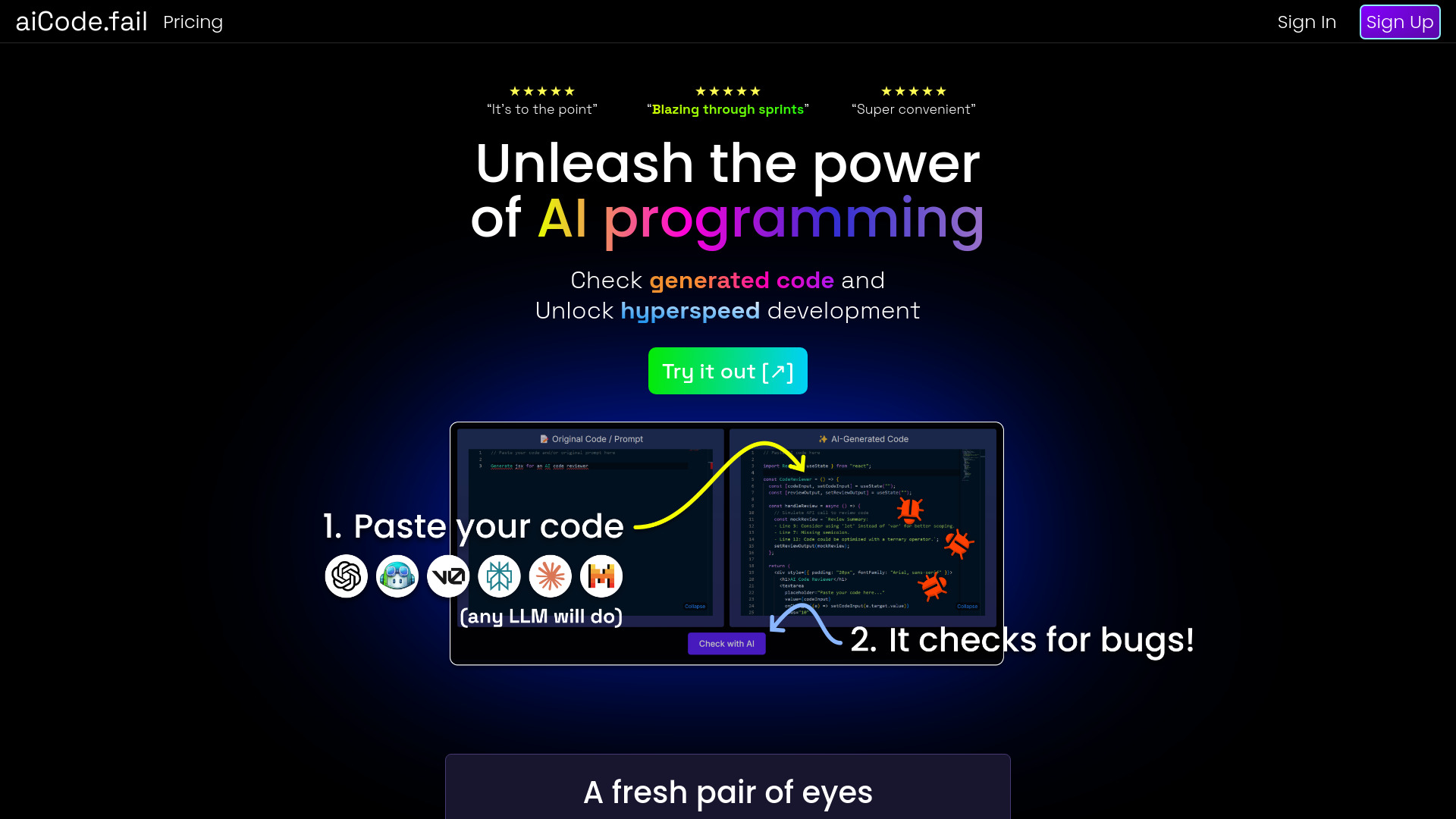
aiCode.fail
AI-generated code security checks
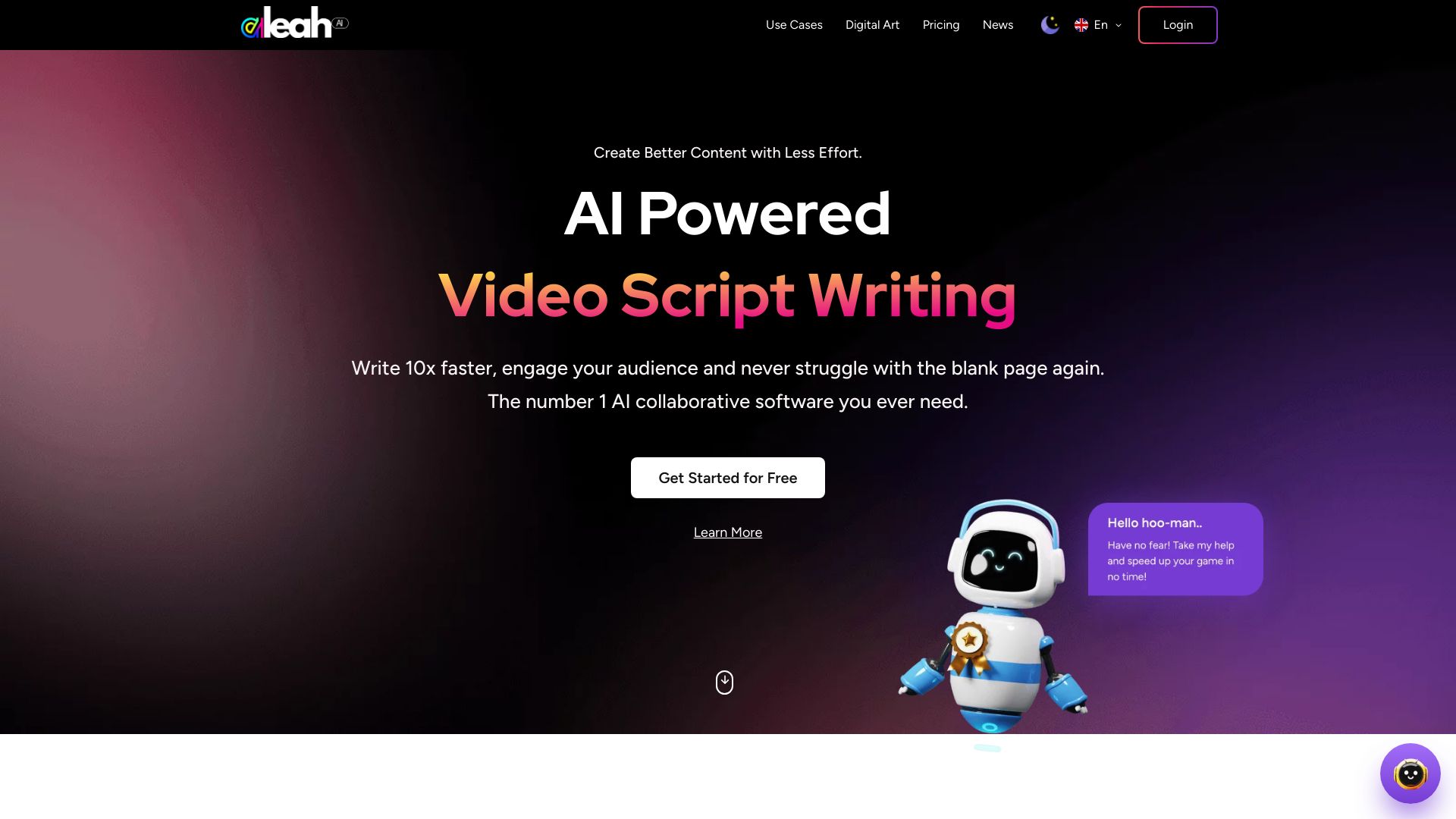
Aleah AI
All-in-one AI content generation

Averroes
Manufacturing visual inspection

Alli AI
SEO agencies and enterprise teams

Alevels.ai
A-Level exam revision with AI feedback

Question AI
AI homework help

My AskAI
AI customer support automation

Alice - Your Personal AI Assistant App
Desktop AI assistants and automations
Grammar Checker
Free grammar and spelling checks
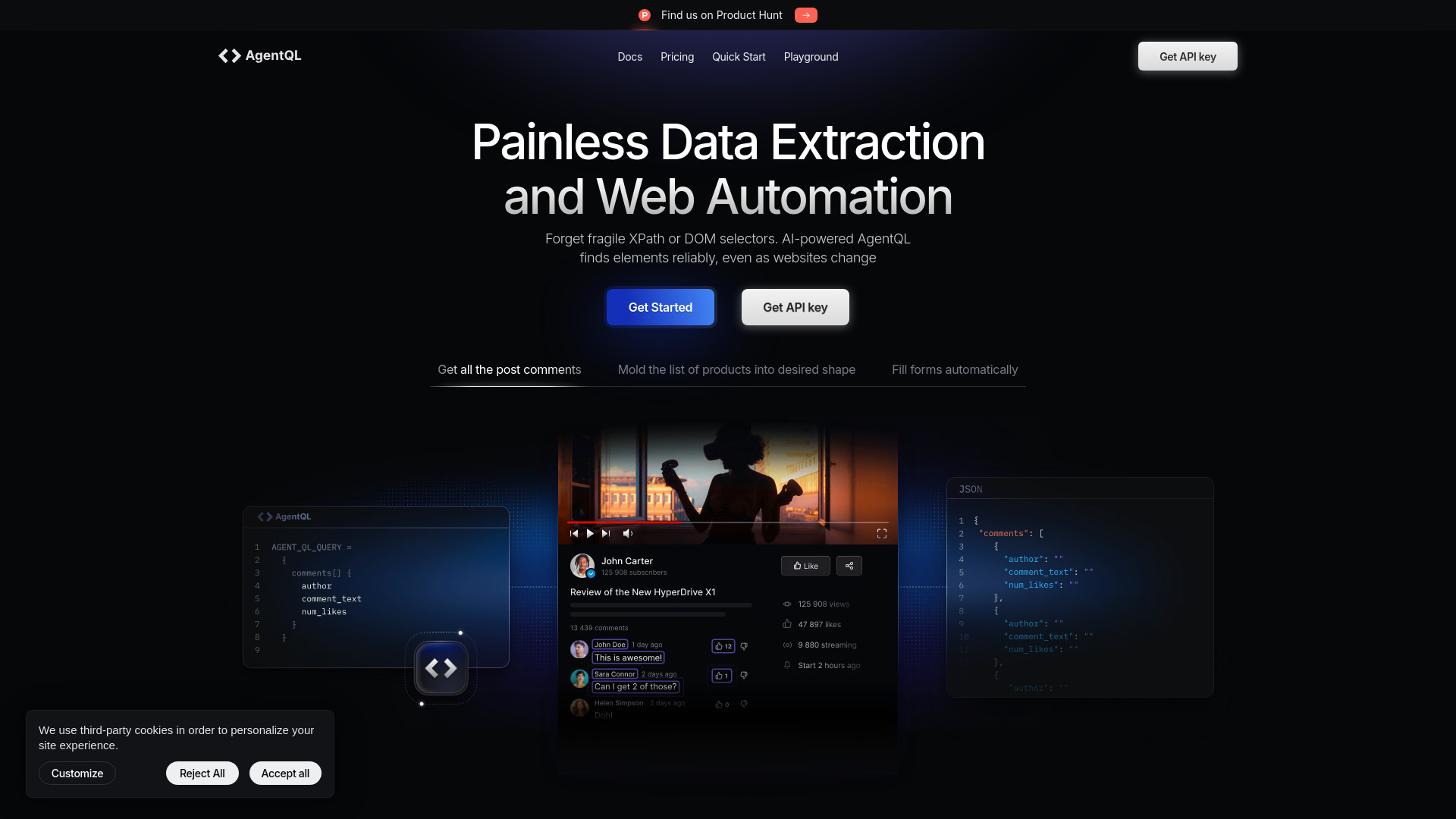
AgentQL
AI-powered web data extraction

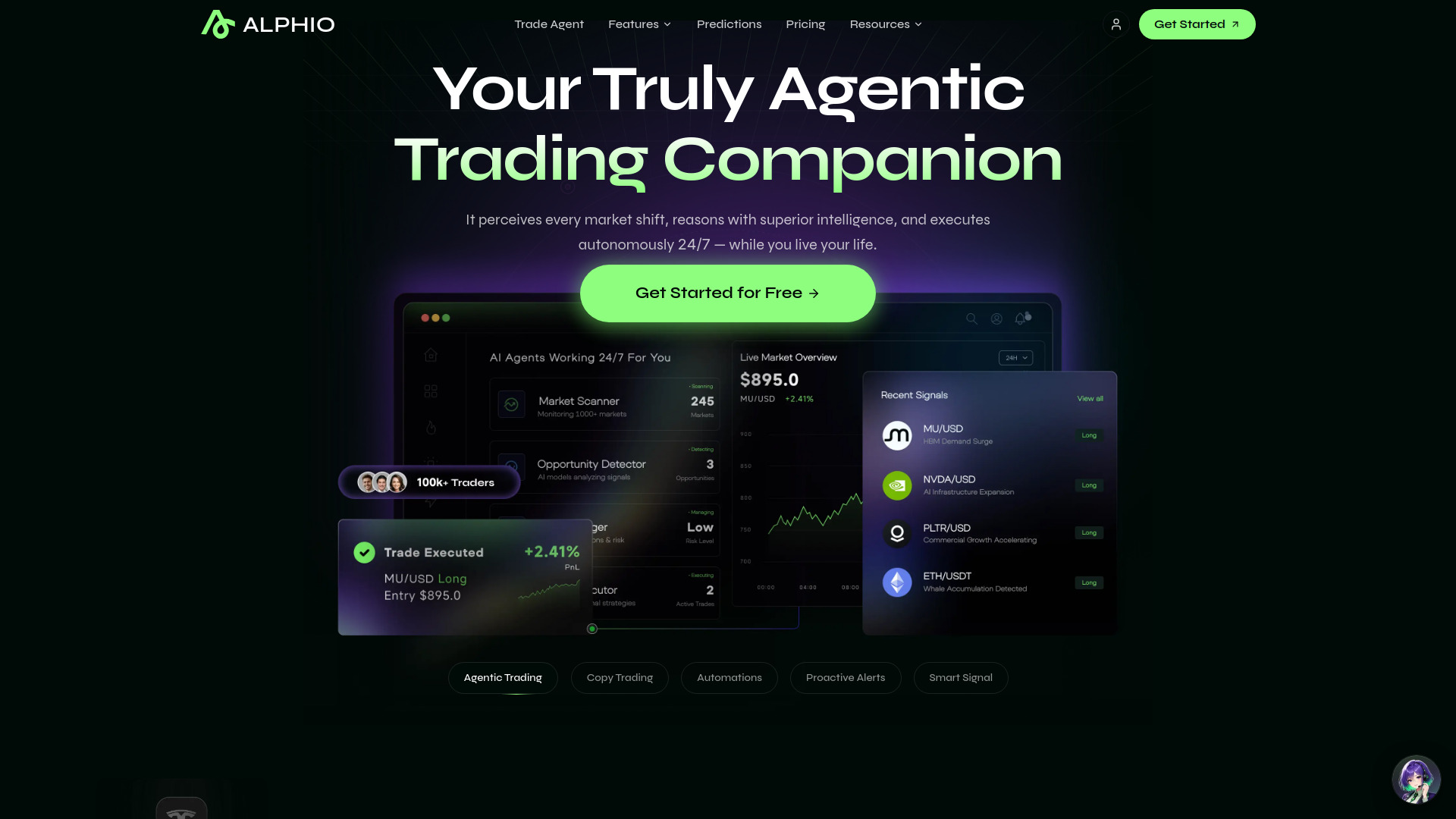
Alphio.AI
Natural-language trading automation
Question AI
Step-by-step homework help

EssayChecker.io
AI essay grading and feedback

AI-Detector
Checking AI similarity in written content

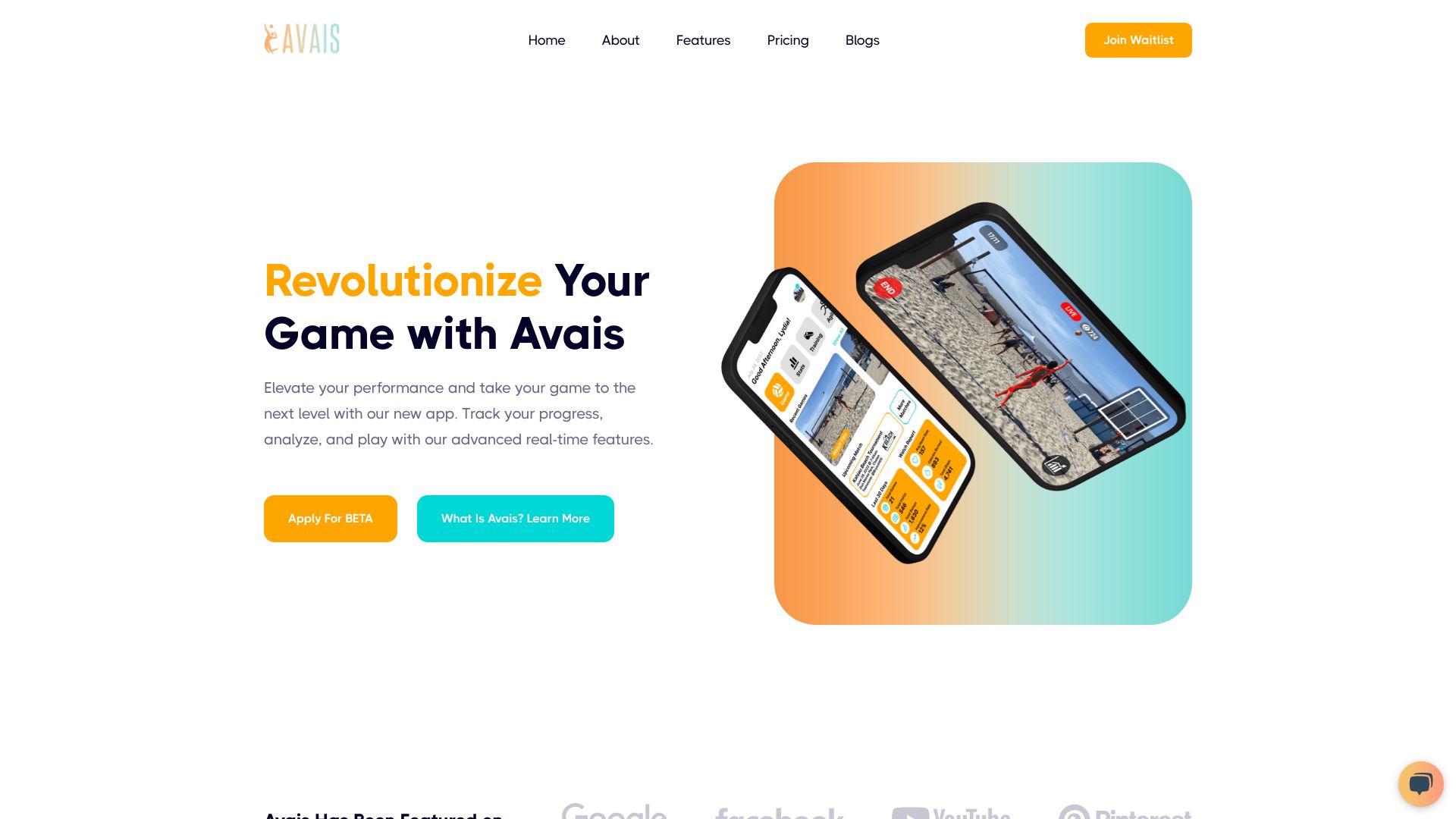
Avais
Volleyball performance analysis

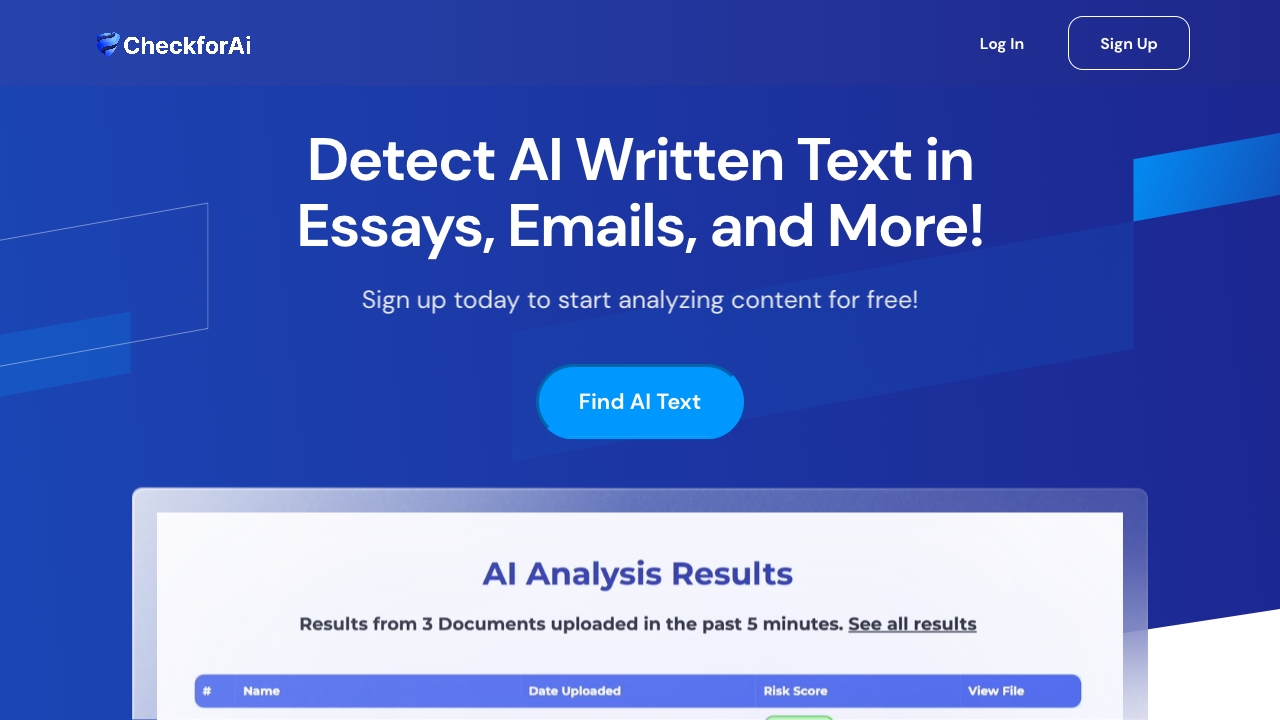
CheckforAi
AI-written text detection

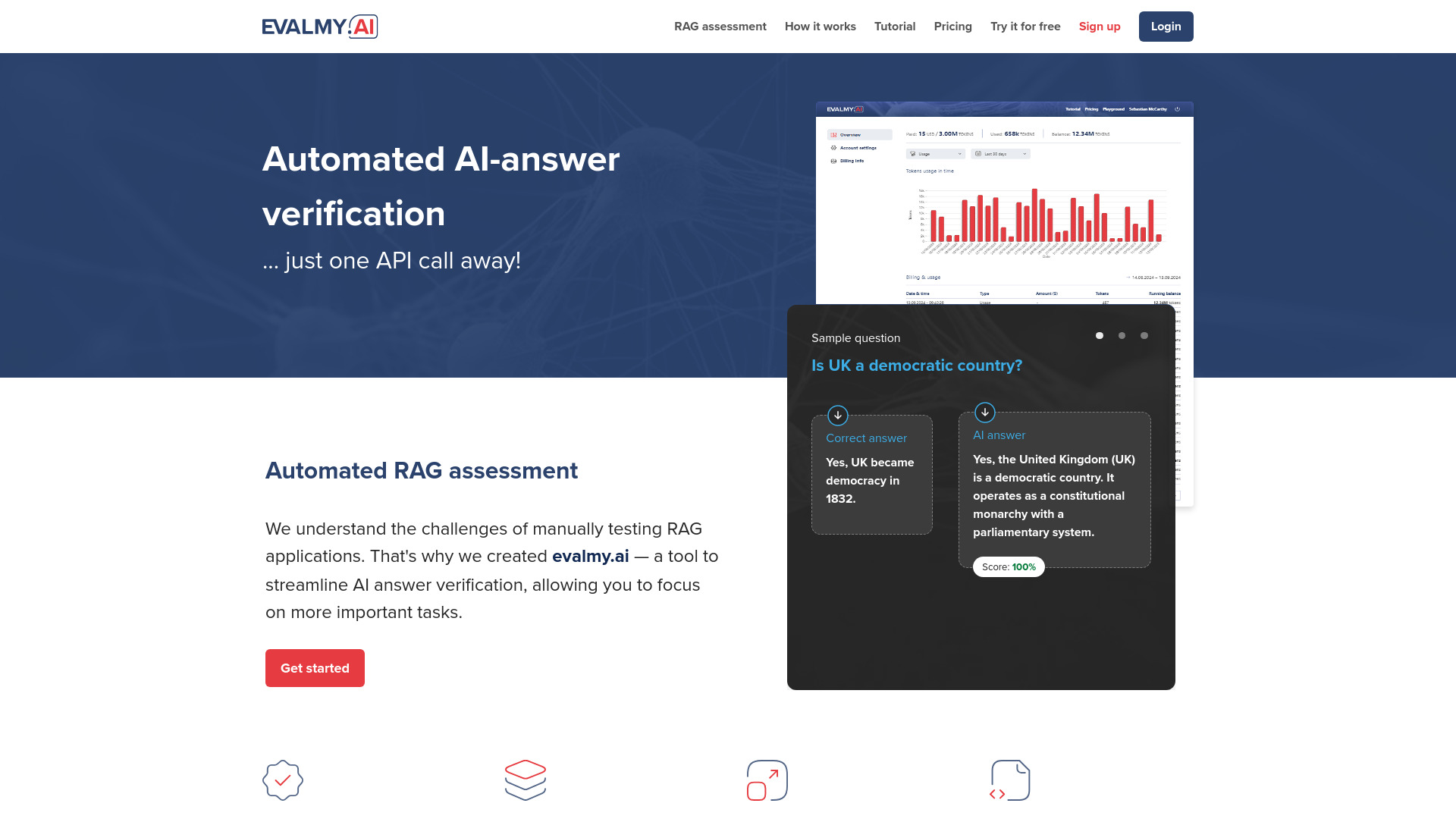
EvalMy.AI
AI answer and RAG evaluation

Teste.ai
Software testers and QA professionals

Double Check AI
Canvas homework assistance

AI Coffee Club
All-in-one AI content creation

Aceify.ai
Visual homework help

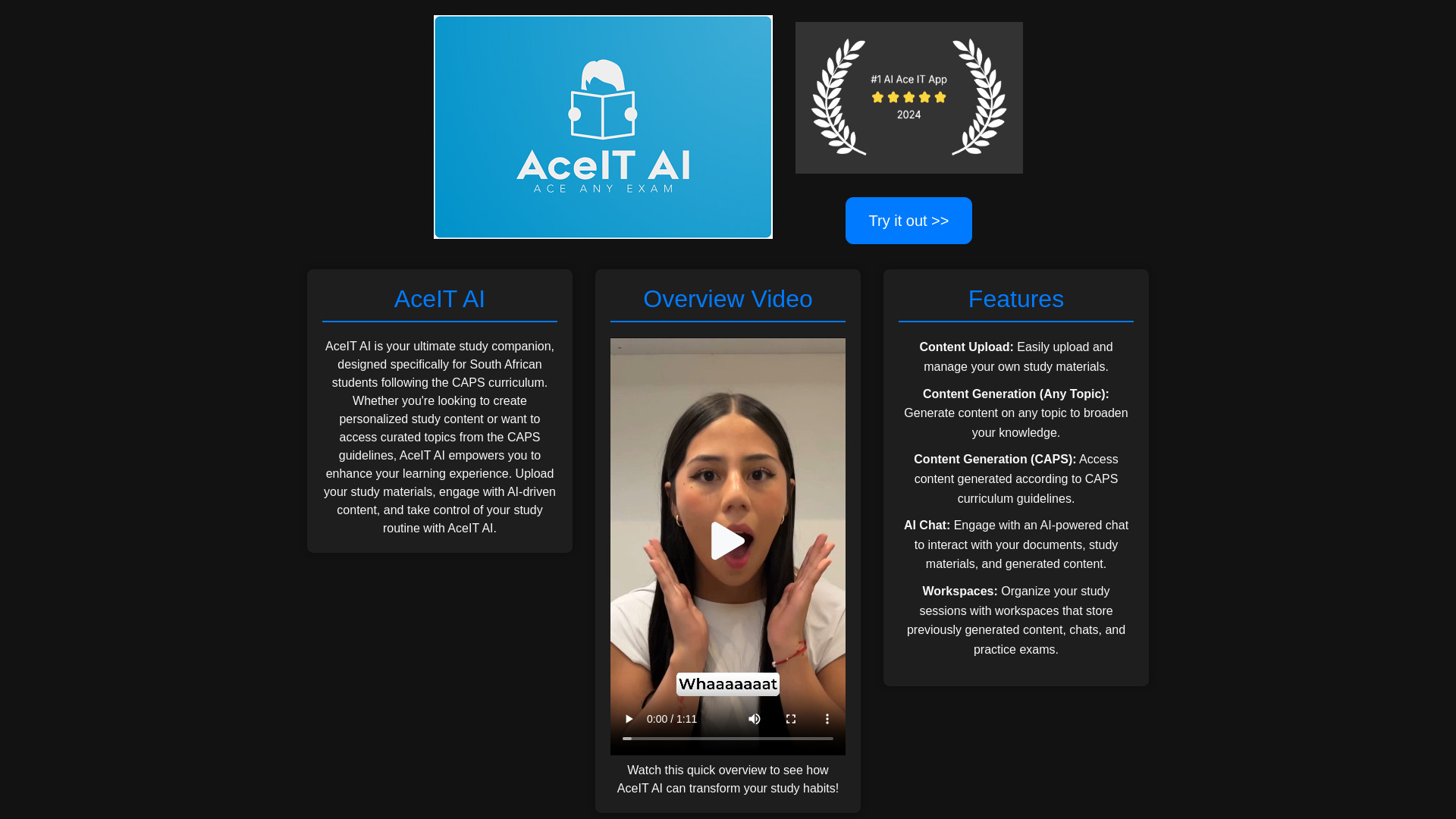
AceIT AI
CAPS curriculum study support

AI Haggler
Negotiating hotel and service prices by phone

JudgeAI
Automated economic dispute arbitration

Aysa.AI
E-commerce SEO automation

Ace It
Students making study materials

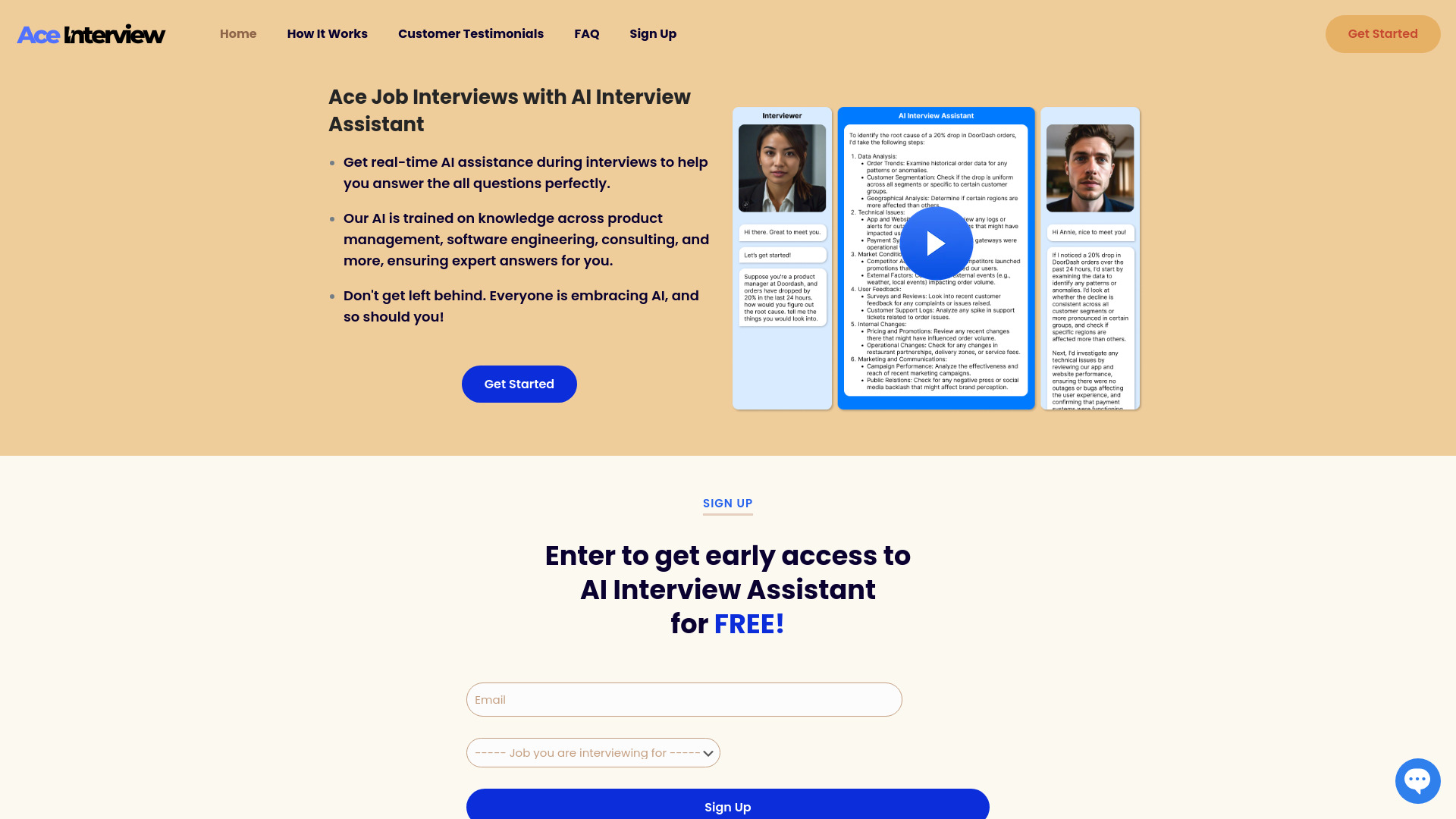
Ace Interview
Real-time job interview assistance

AIAnalyzer.io
Comparing and benchmarking AI models
AI Geometric
AI-powered mock interviews


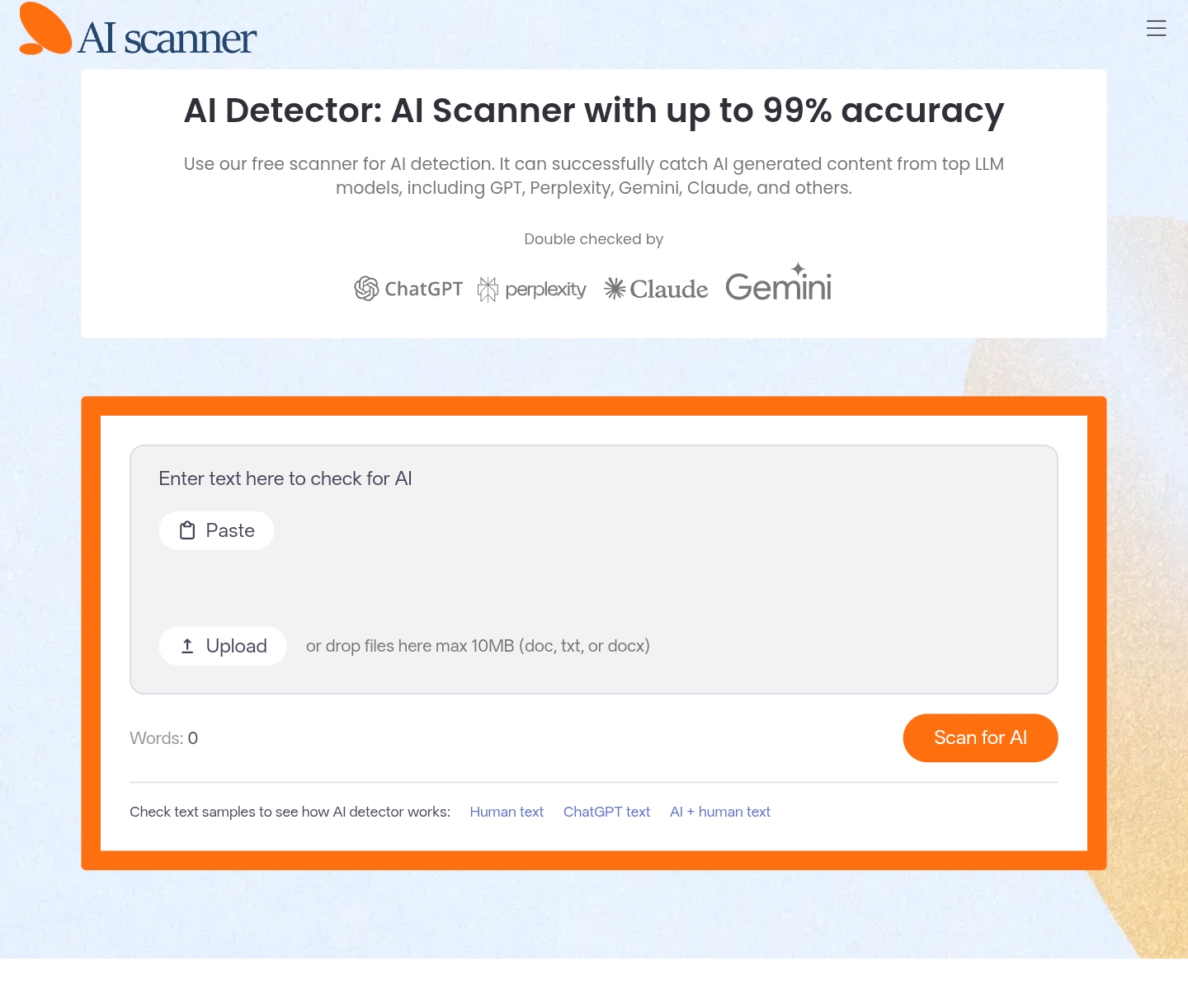
AI Scanner
Free AI content detection

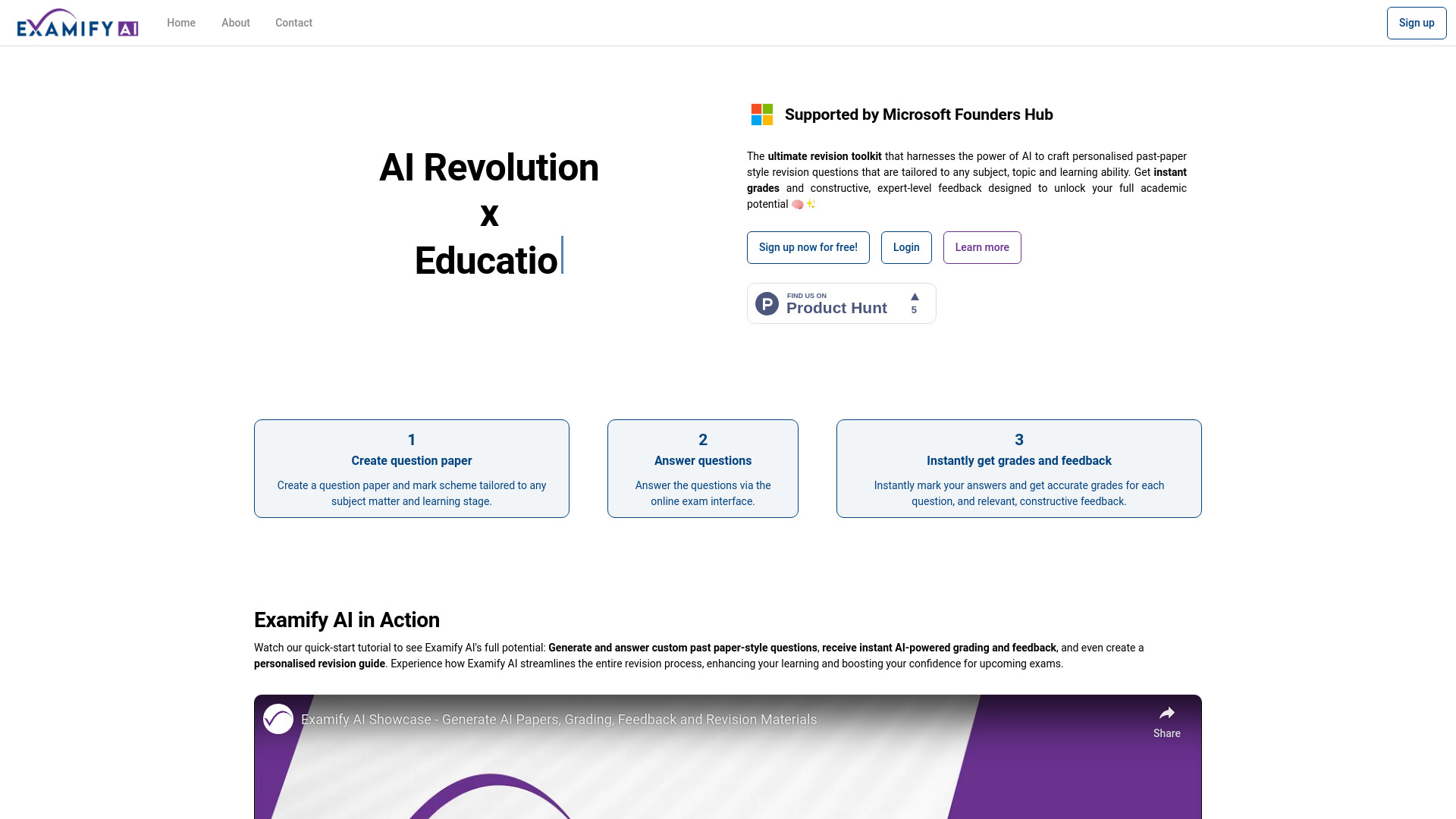
Examify AI
Personalized exam revision
Hi-fi Ai
AI tool discovery and comparison

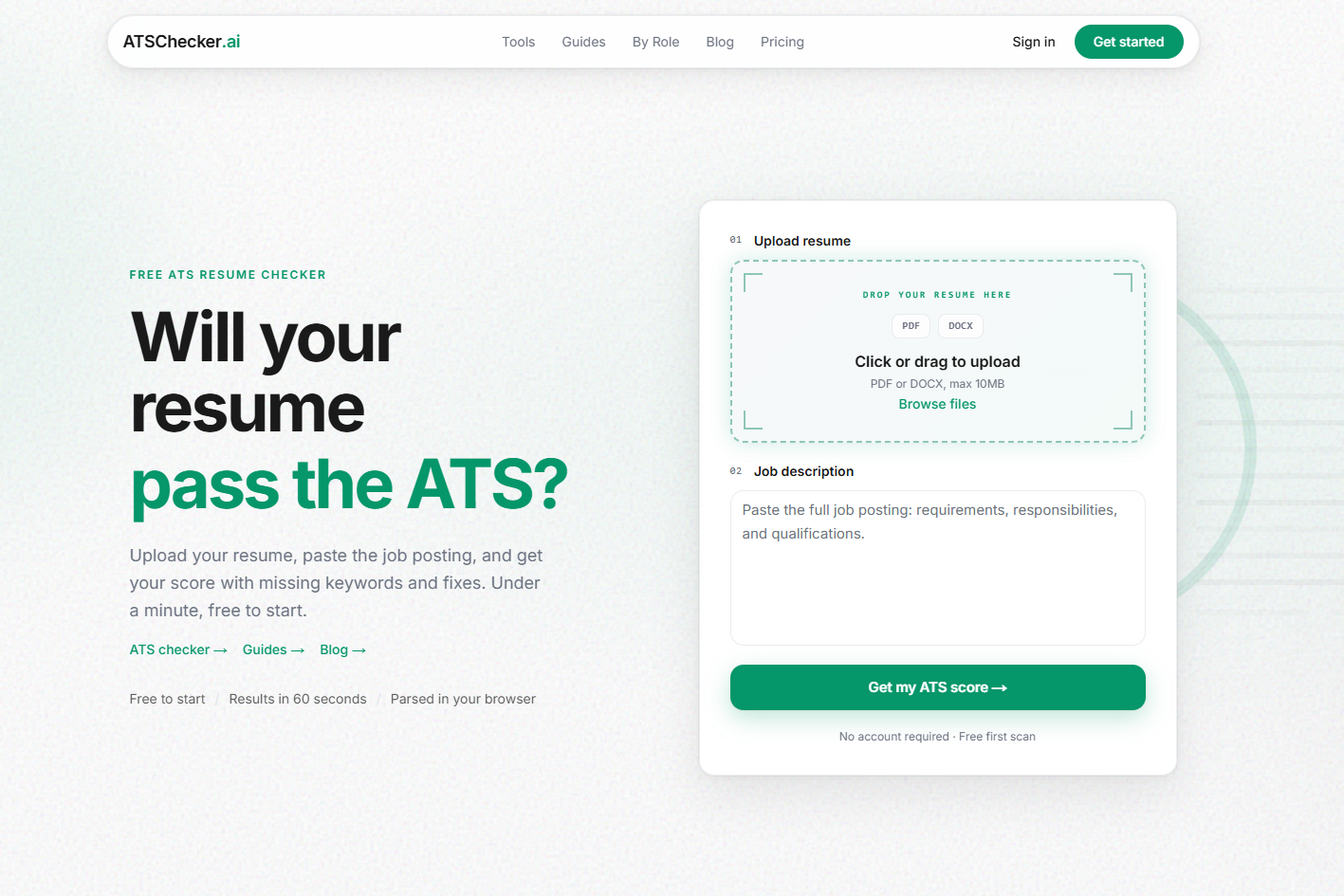
ATS Checker
Job seekers optimizing resumes for ATS filters

AndyAi
AI-assisted system administration

Cheatwithai
Students needing WhatsApp exam help

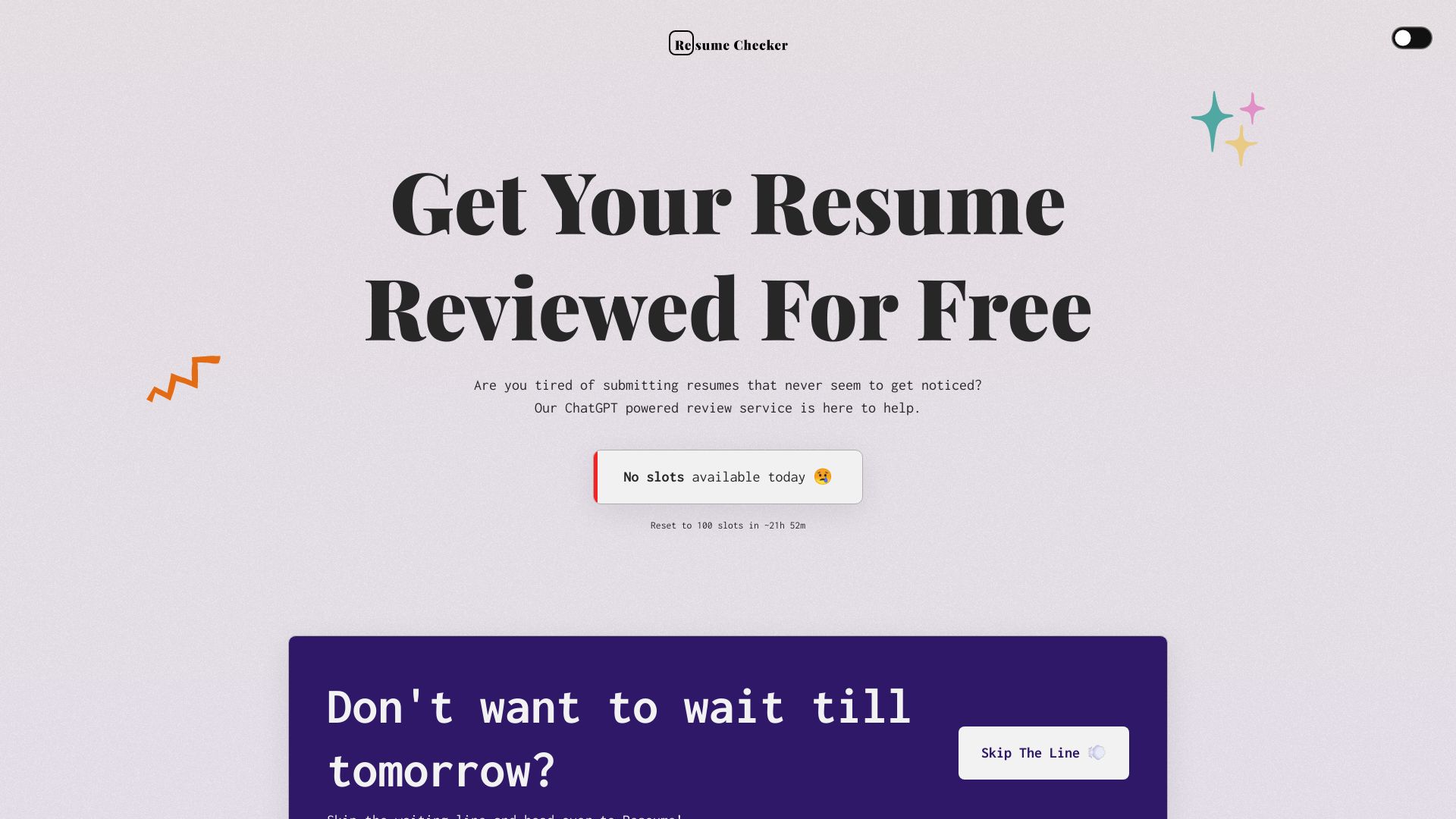
AI Powered Resume Checker
Resume improvement and ATS optimization

AI Teller
AI fortune telling and astrology readings

HOJI AI
Automated GitHub code reviews

1Scholar
Academic citation verification
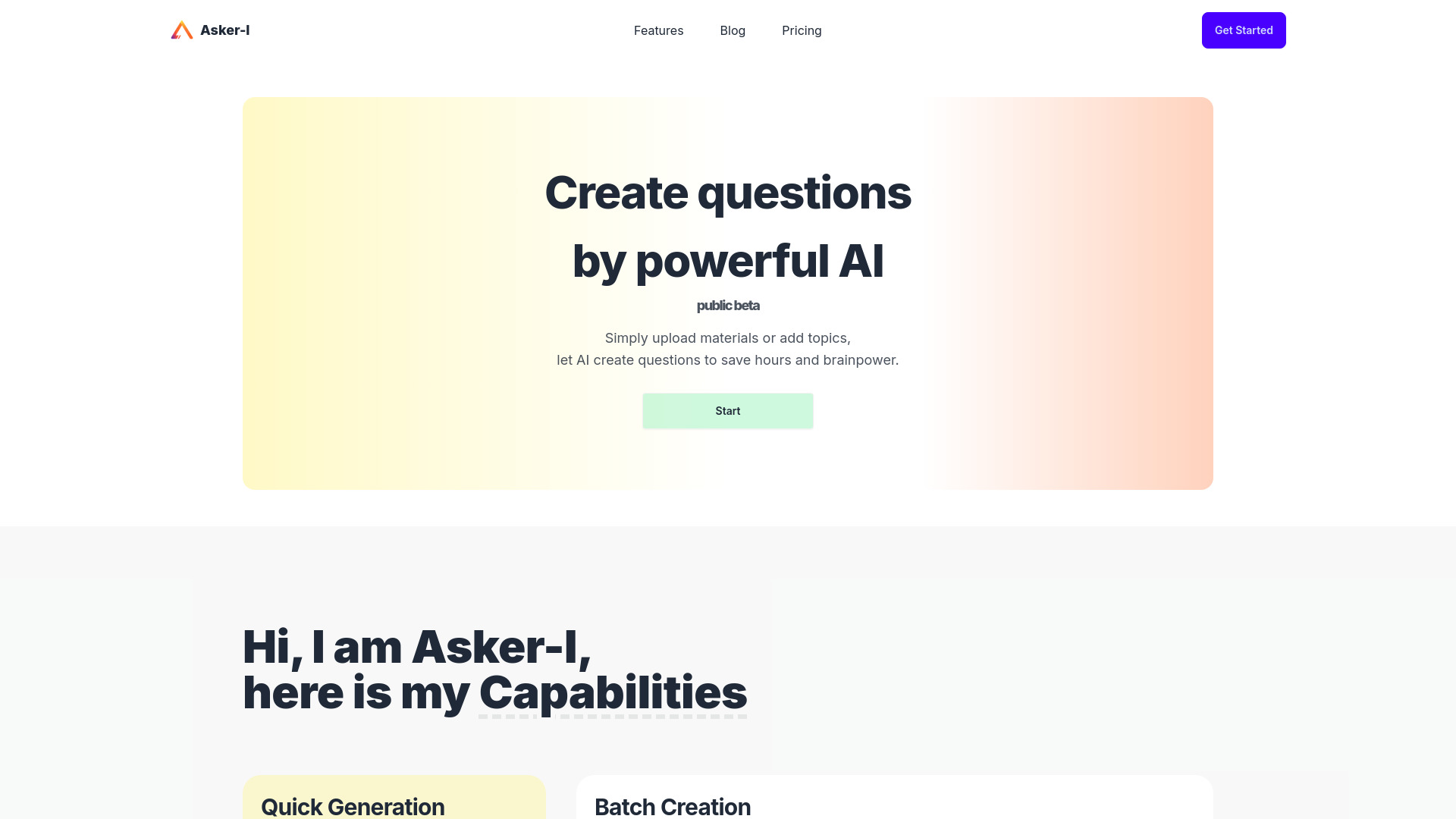
Asker-I
Educators creating exam and review questions

Assisterr AI
Natural-language Web3 analytics


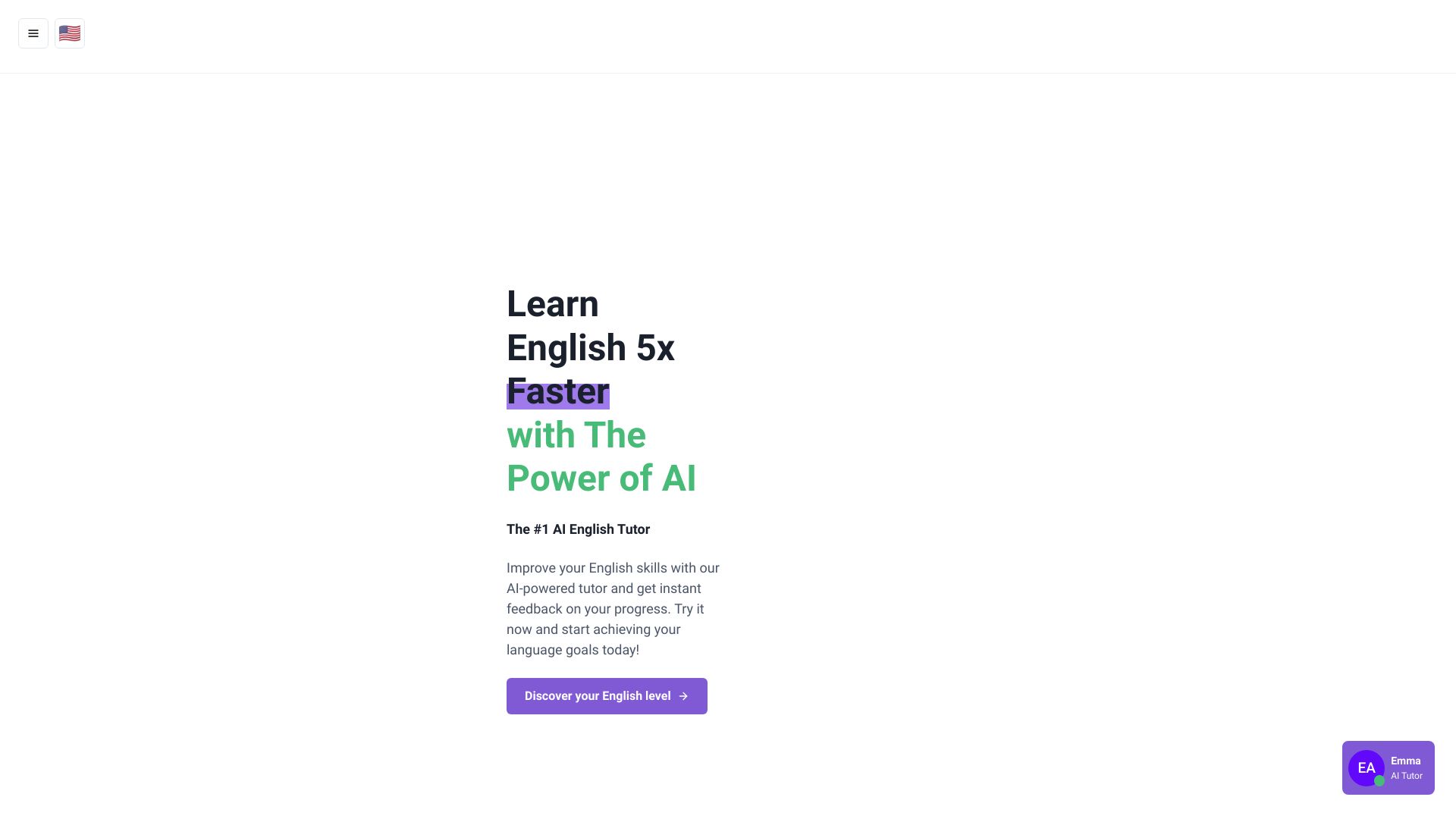
IELTS Champ
AI-powered IELTS writing and speaking practice

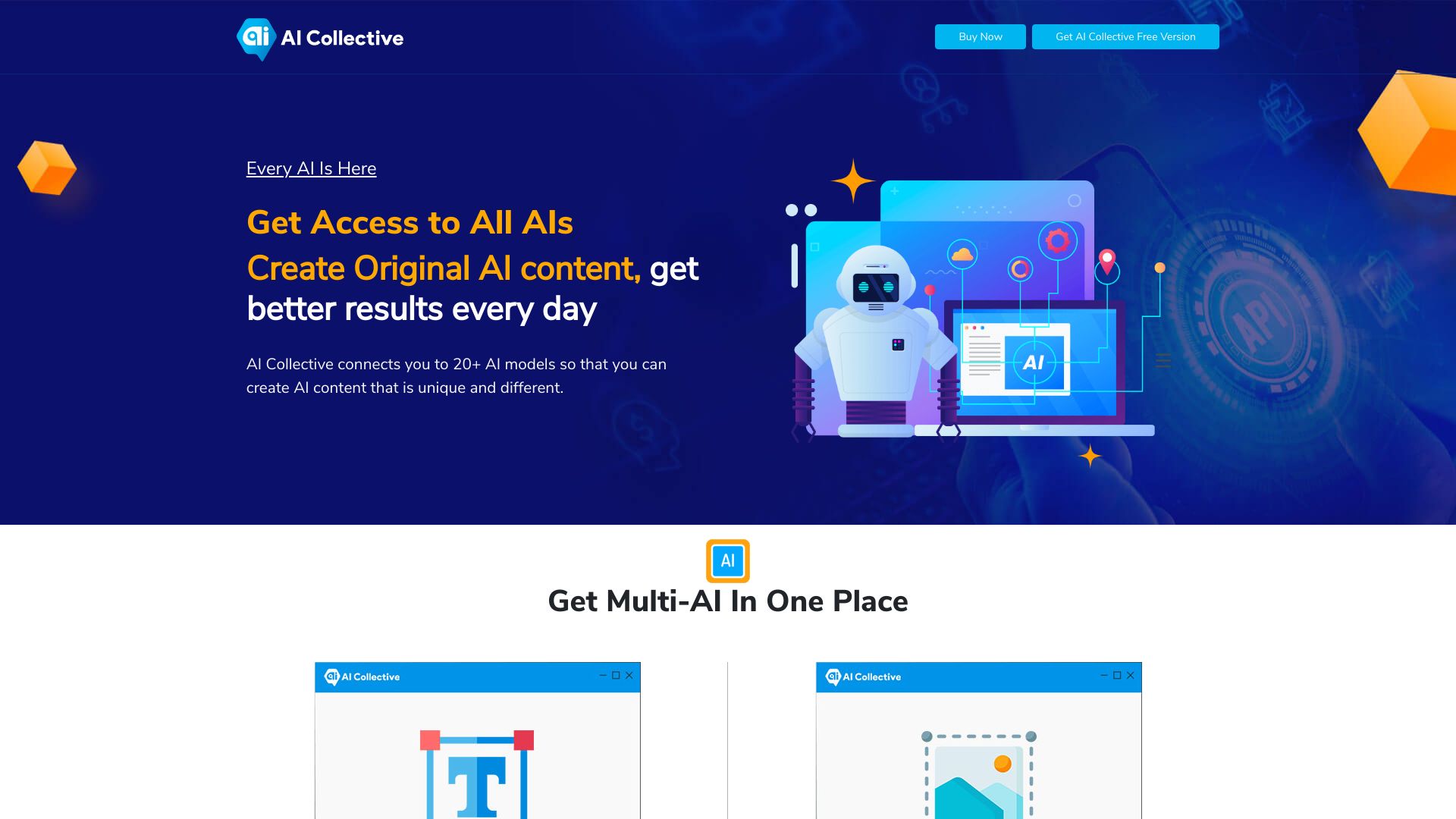
AI Collective
Multi-model content creation
AllAIs
Multi-model AI productivity

AI Regex
Plain-English regex generation

Ag1 Labs
AI-assisted essays and structured documents

SQLAI.ai
SQL query generation and optimization

AssistED AI
Competitive exam preparation

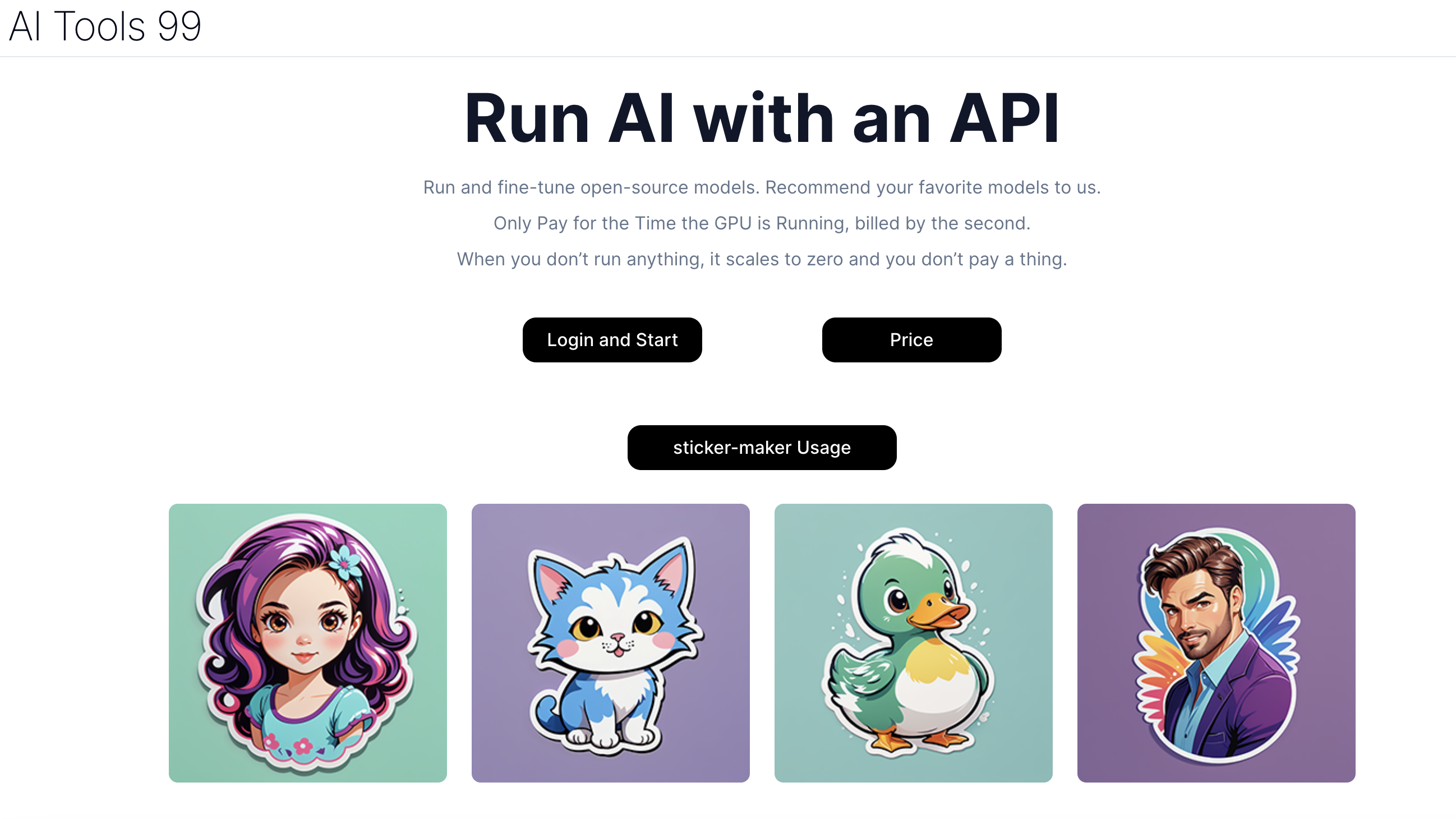
AI Tools 99
Running open-source AI models via API

AI Search
Multilingual AI web search
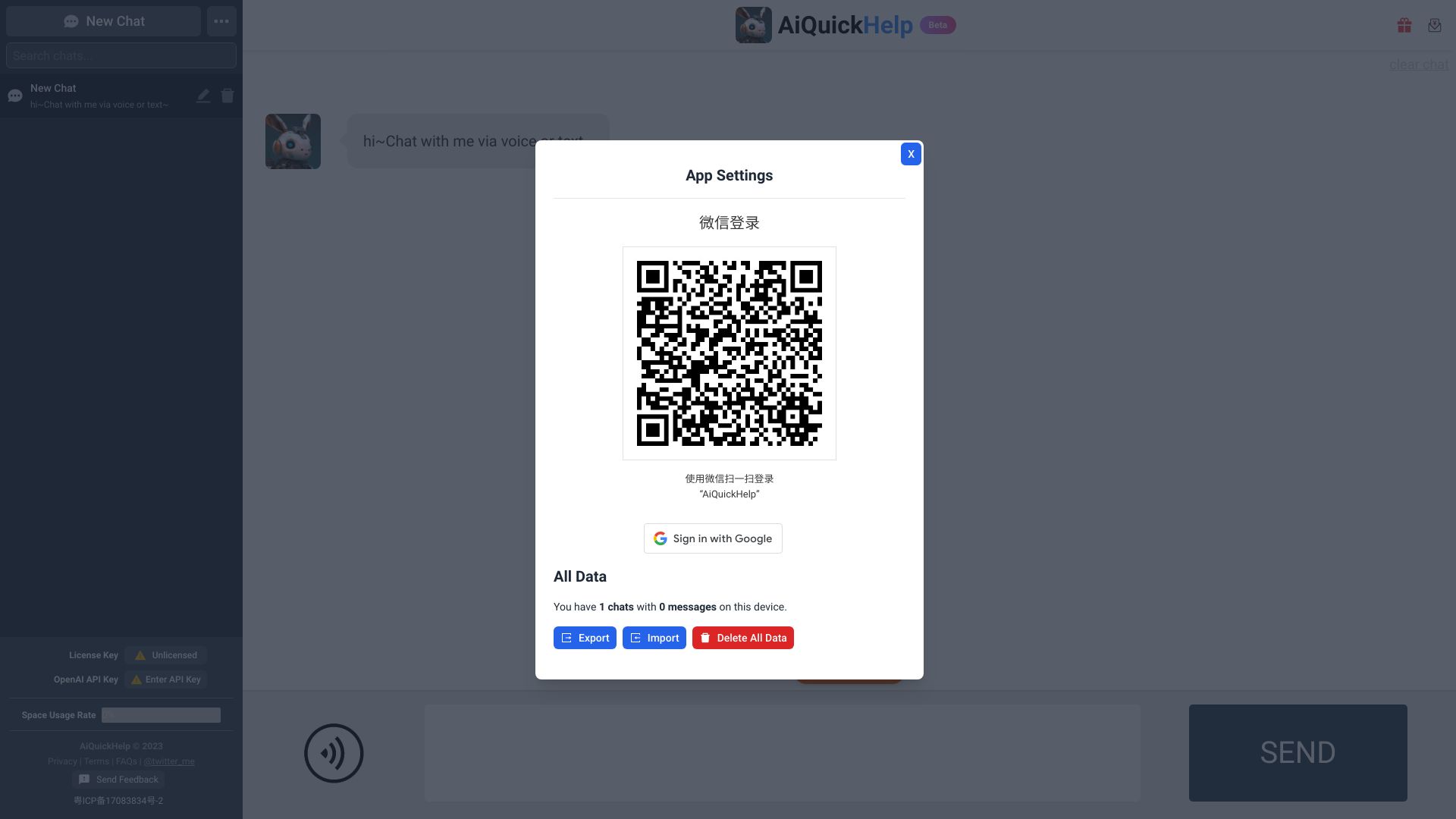
AiQuickHelp
AI productivity and prompt workflows

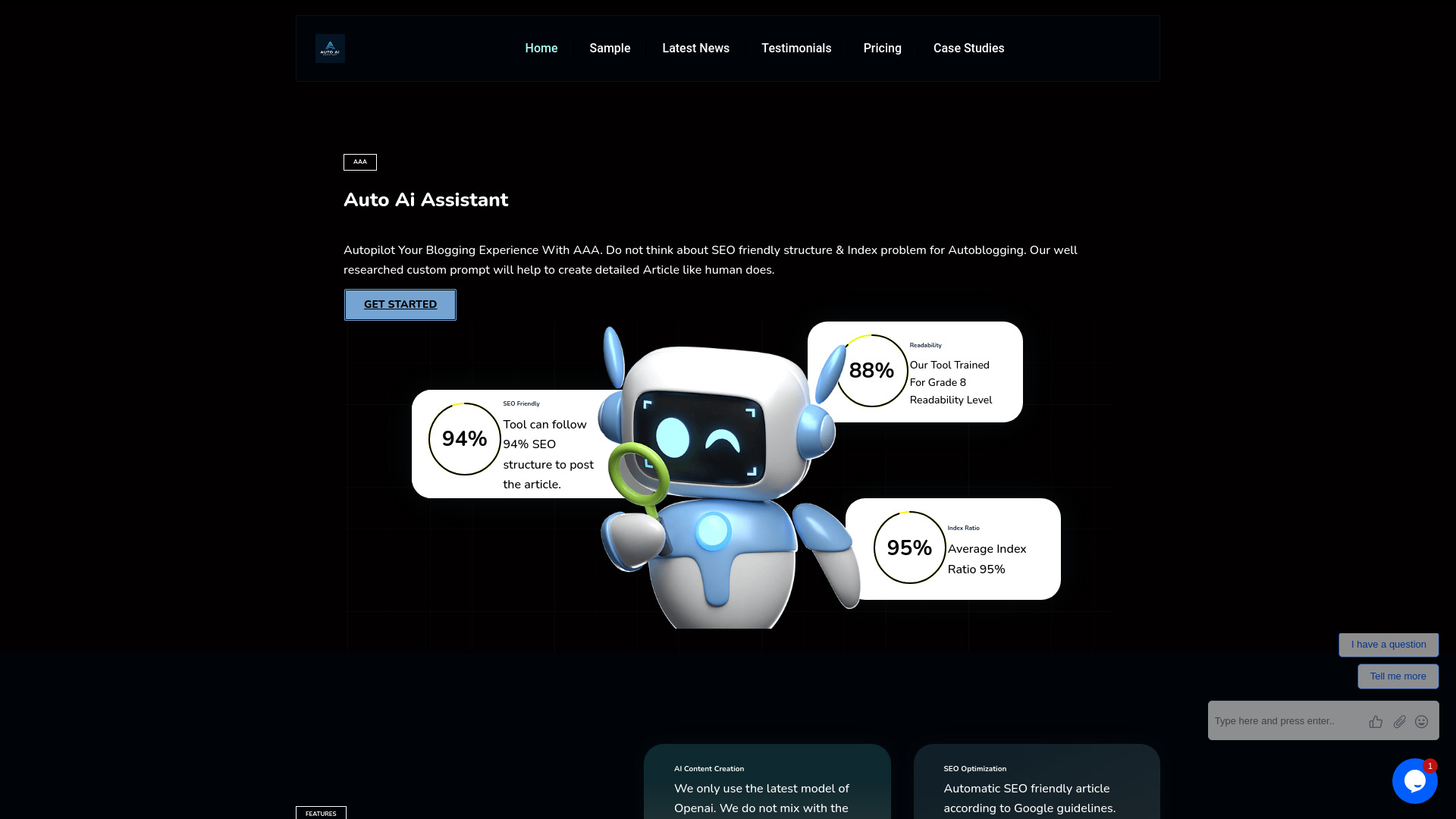
Auto AI Assistant (AAA)
Automated SEO blogging and WordPress publishing

AIRADAR
Discovering AI tools in Spanish


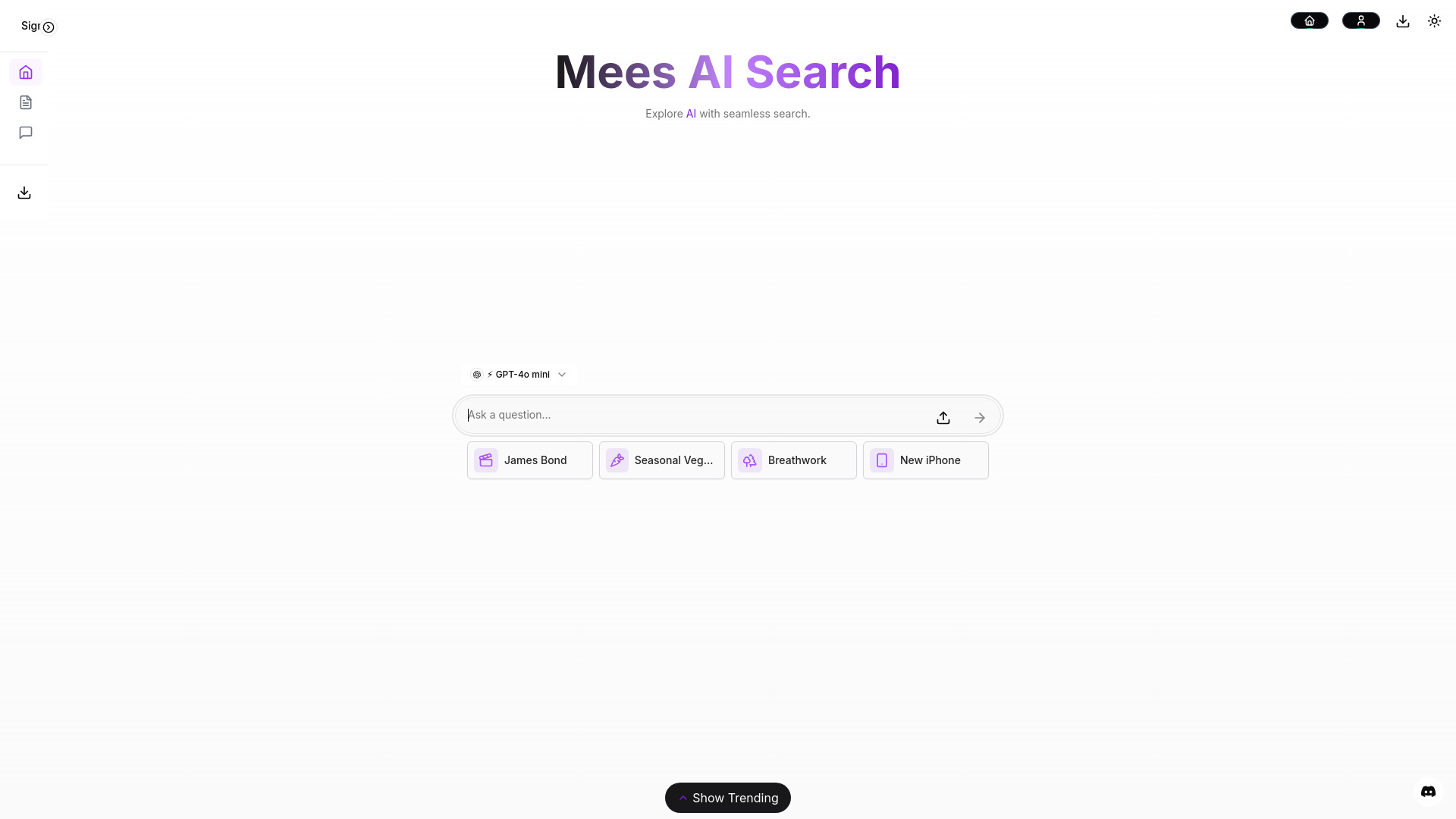
Mees AI
Real-time AI search
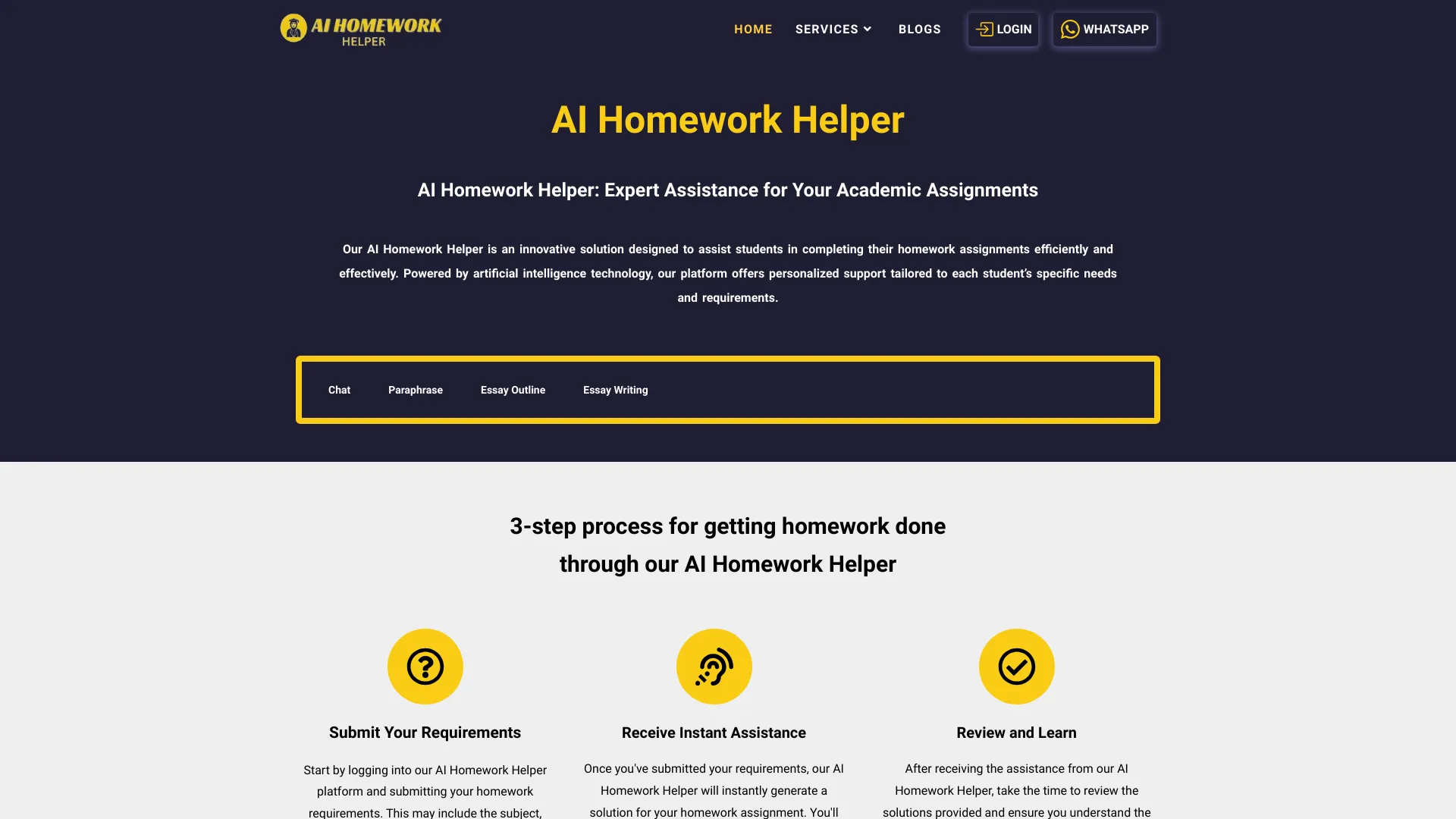
AI Homework Helper
AI-powered homework and assignment assistance

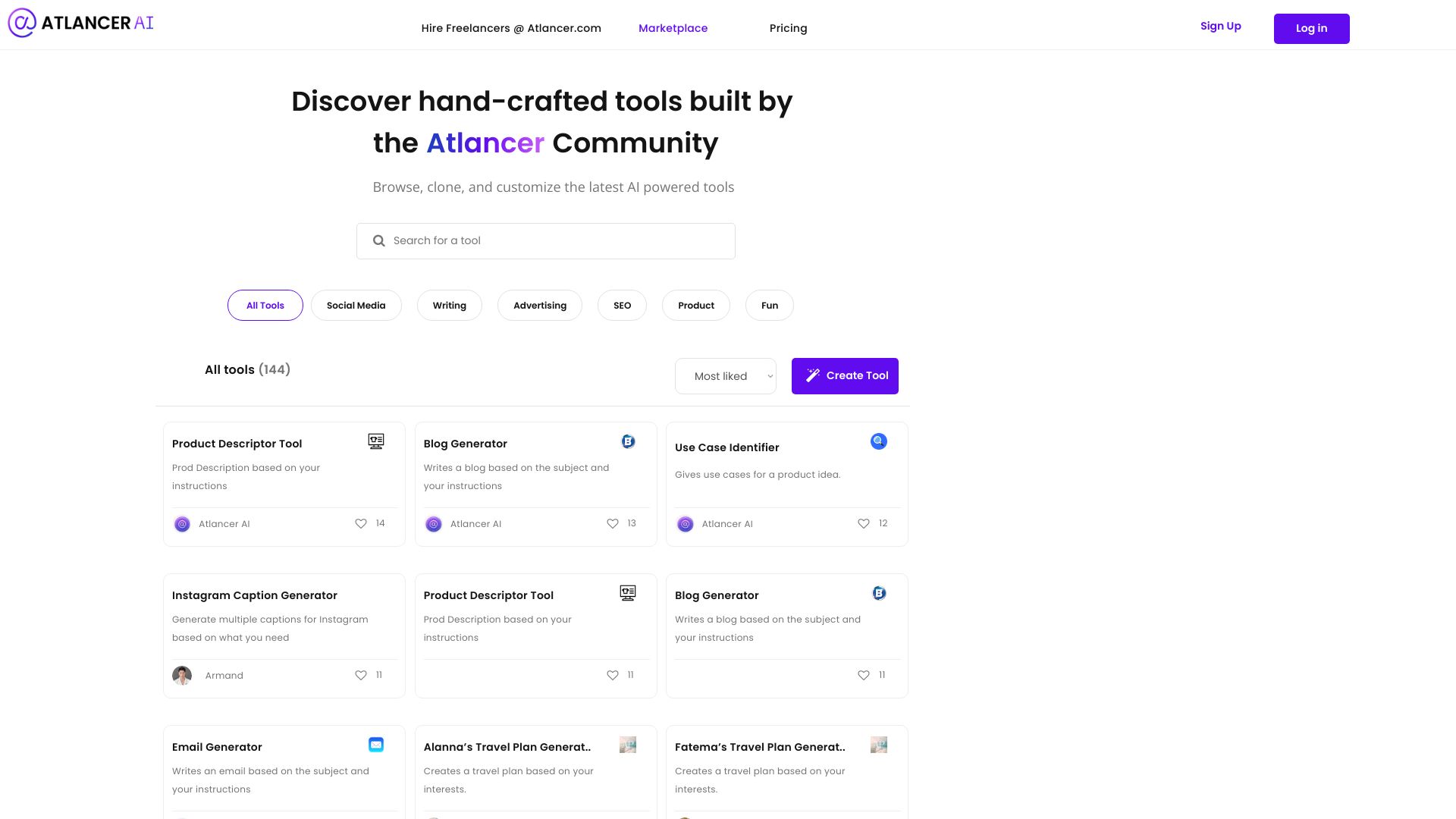
Atlancer.ai
Prompt-based AI tool creation

AI Debug
JavaScript code troubleshooting

Aida Framework
AEO and GEO visibility for brands

AiSource
Comparing multiple AI image generators

Athena AI
Students studying from uploaded documents

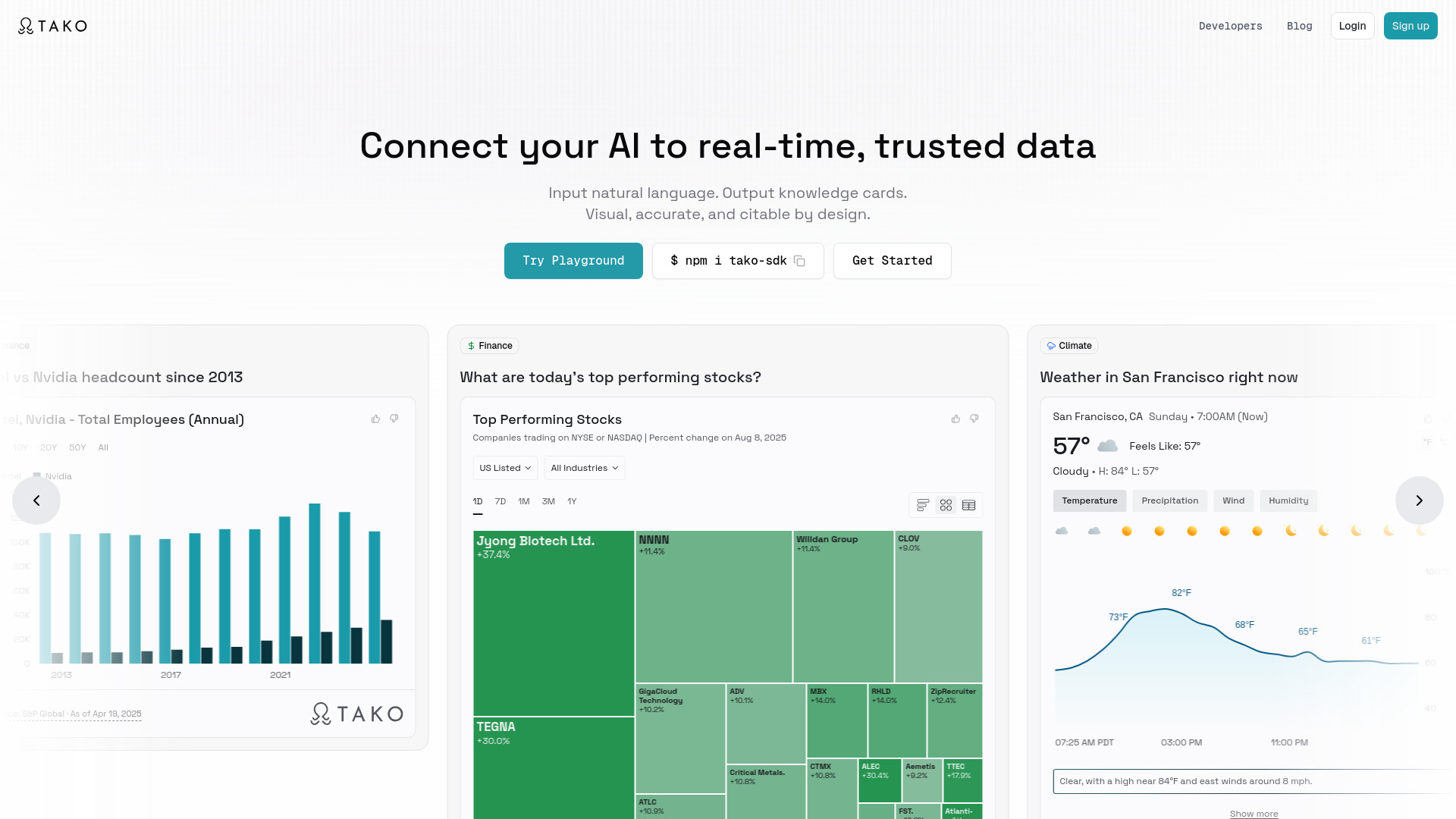
Tako
Citable, interactive data insights

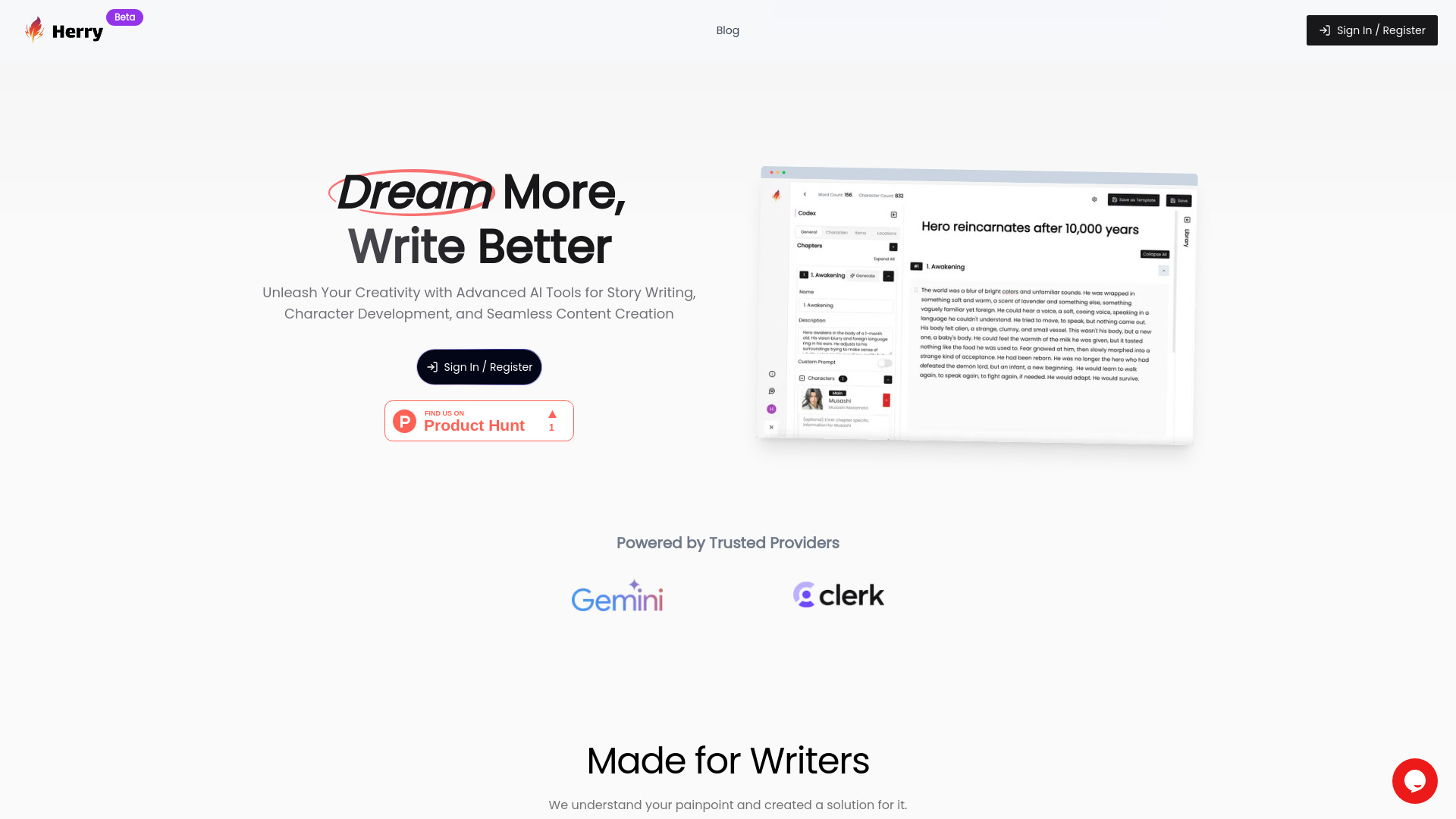
HerryAI
AI-assisted story writing and character development
Text/Code Util.AI
Students needing AI text and code utilities
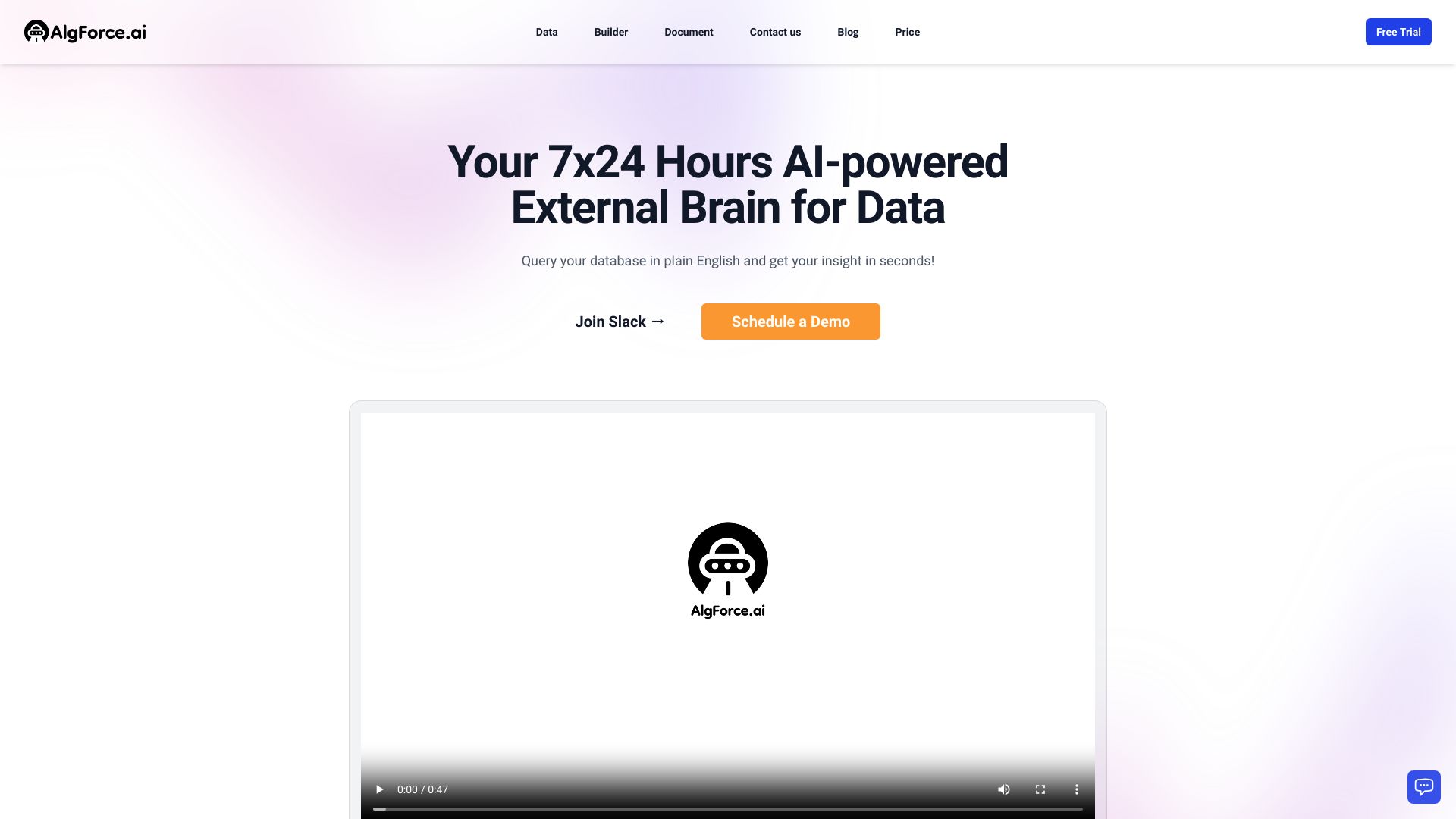
AlgForce Copilot
Natural-language database querying
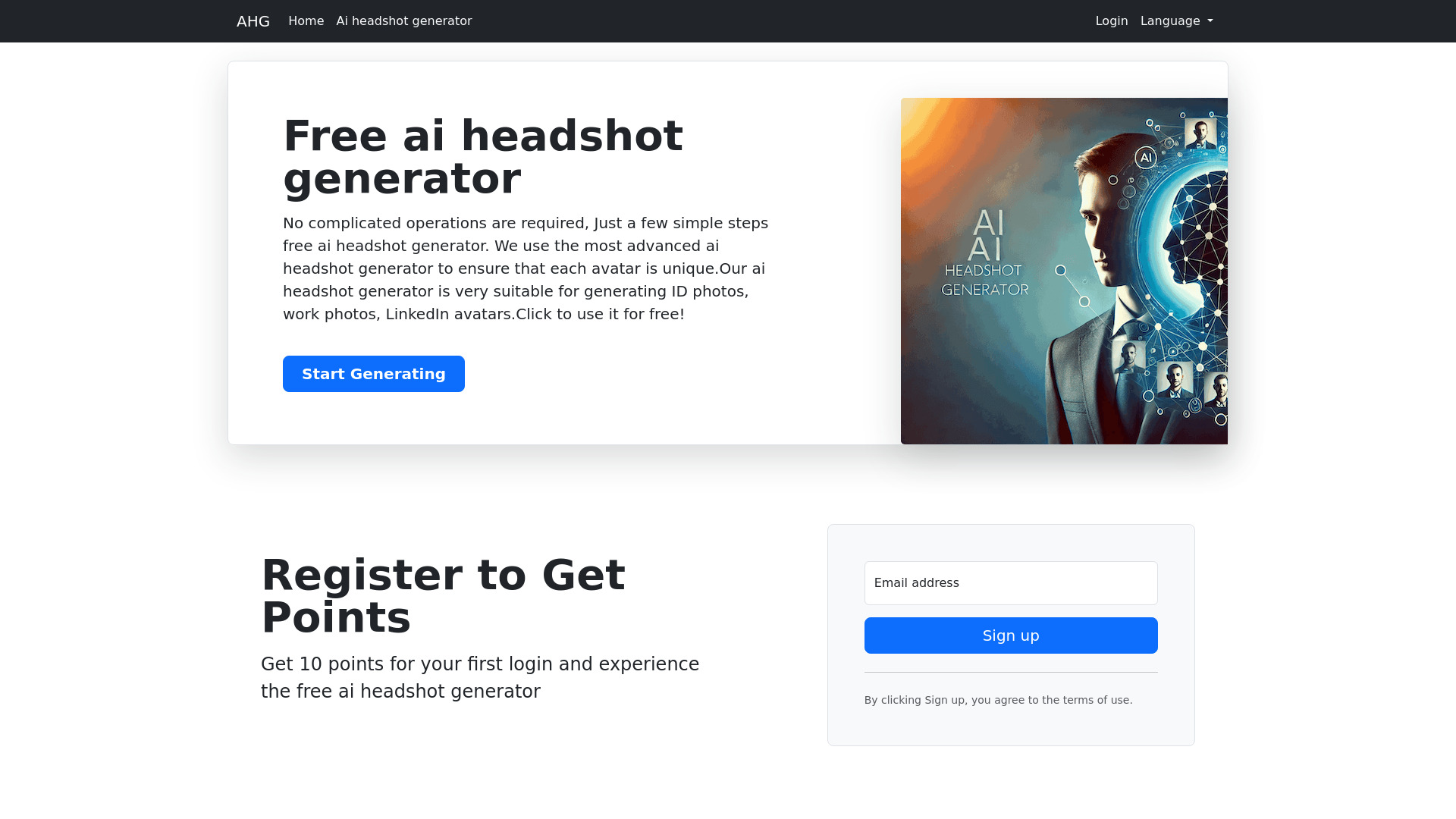
AHG
Free AI headshot generation
Which AI checker should you choose?
The best choice depends on what you want to do after you paste in the text. Here is the short version:
Choose Dechecker for the best overall starting point. Its model coverage is broad, and originality and readability tools make the result more useful than a bare detection label.
Choose Detecting-AI for a clearly defined free plan. The 5,000-character limit and 100 detections per day are easy to understand, and plagiarism checking adds practical value.
Choose AICheatCheck for English-language teaching. Its entire workflow is aimed at detecting AI in student writing, though its English-only support matters.
Choose Uncheck AI for creator-focused revision. It connects an AI checker with a humanizer and has a clearly listed $6.99 starting plan.
Choose AI Detector for highlighted results. The 3,000-word free scan and highlighted AI sections suit quick student self-checks.
Choose ACE ESSAY for essay revision. It combines detection and humanization, but the 300-word free request limit means longer essays need splitting.
Choose MaxAI.me for browser-based writing help. It works across websites and supports multiple AI providers, but requires Chrome or Edge.
Choose Knowee AI, AHelp, or Hỏi đáp AI Hay for broader academic support. These are adjacent tools for homework, explanations, grammar, plagiarism, and study workflows rather than narrow detector-first products.
My practical recommendation
Start with Dechecker if you want the most balanced first test. Paste in a representative passage, inspect what the tool actually reports, and see whether the originality and readability features help you improve the draft. If you need a more measurable free allowance, test Detecting-AI next. For teachers, AICheatCheck is the more focused option, but only for English writing.
I would not buy a humanizer solely to chase a lower detector score. A detector can misread polished human writing, and a rewrite can change meaning or voice. Use these tools as prompts for revision, source checking, and a closer look at authorship-not as automatic proof. Before paying, verify current pricing, word or character caps, language support, and whether the plan covers the volume you actually submit.
Common mistakes when choosing an AI checker
Treating an accuracy percentage as a guarantee. A stated 98% or 99.7% rate does not remove the need to review the text and context.
Ignoring language support. AICheatCheck and AI Detector currently support only English, which can rule them out immediately for multilingual work.
Comparing word limits with character limits as if they were identical. Detecting-AI uses a 5,000-character free limit, while AI Detector lists 3,000 words per scan.
Choosing a general study assistant for a detection-only job. Knowee AI and Hỏi đáp AI Hay are useful for academic support, but they are not the same as a focused detector.
Overlooking browser requirements. MaxAI.me requires Chrome or Edge.
Using humanization without considering authorship rules. Uncheck AI and ACE ESSAY can support revision, but they should not be used to misrepresent academic work.
Forgetting the paid workflow. Free quotas can look generous until you test a full paper. Confirm what happens after the trial allowance is consumed.
What changed in 2026
The practical AI checker market is increasingly split between focused detectors and broader writing ecosystems. Dechecker, Detecting-AI, AICheatCheck, and AI Detector keep detection at the center, while Uncheck AI and ACE ESSAY pair it with humanization. MaxAI.me moves the workflow into the browser, and Knowee AI, AHelp, and Hỏi đáp AI Hay surround checking with study or editing support.
That split changes how you should compare tools in 2026. A single score is no longer enough to describe the useful product. Free quotas, highlighted results, plagiarism checks, language coverage, browser access, and revision tools can matter just as much as detection itself. The best ai checker free option is therefore the one whose limits match your real documents-not necessarily the one with the boldest accuracy claim.
FAQ
Dechecker is the best overall match in this comparison because it covers several major AI model families and adds originality and readability tools. Detecting-AI is the stronger free-first alternative, while AICheatCheck is more focused on teachers.