
Finding the best ai for coding is less about choosing the tool with the loudest autocomplete demo and more about matching the workflow to the product. We compared 100 tools, then shortlisted 10 that cover terminal-based pair programming, code-aware editors, UI generation, prompt libraries, and creative no-code experiments. A few are unexpected alternatives rather than traditional developer copilots, but they can still be the best ai to help with coding for the right project.
Top picks
| Pick | Tool | Best for | Why it stands out |
|---|---|---|---|
| 1 | Aider | Developers working in local repositories | Terminal pair programming with cloud and local LLM support |
| 2 | PureCode AI | Front-end developers | Generates UI components with codebase understanding |
| 3 | PearAI | Engineers wanting an AI-first editor | Combines AI chat, search, and an open-source code editor |
| 4 | AskCodi | Repetitive coding tasks | Code generation, refactoring, and unit-test writing in one assistant |
Quick comparison
| Tool | Score | Best for | Free access | Starting price |
|---|---|---|---|---|
| AI STUDIOS | 93/100 | Educators | 3 video exports/month | Free: $0/mo |
| Aider | 93/100 | Software developers | Free access with your chosen model setup | Check vendor pricing |
| CodeDesign.ai | 92/100 | Entrepreneurs | 3 free websites | Portfolio: SGD 9 |
| YouWare | 92/100 | AI creators | Free project building and sharing | Check vendor pricing |
| AIforWork.co | 92/100 | Sales professionals | 2,000+ free prompts | Check vendor pricing |
| Aippy | 92/100 | Digital artists | No-sign-up access is advertised | Check vendor pricing |
| AIAI.com | 92/100 | Content creators | 40 basic accesses/day, 20 credits | Check vendor pricing |
| PureCode AI | 92/100 | Front-end developers | 50 chat messages/month | Free plan available |
| PearAI | 92/100 | Software engineers | Free trial | Intern: Free |
| AskCodi | 92/100 | Software developers | 7-day free trial | Premium: $149.99 |
How we ranked these AI coding tools
We ranked the 100 candidates on practical usefulness rather than novelty alone. The strongest signals were direct coding support, repository or codebase context, language-model flexibility, UI friction, and whether a beginner could reach a useful result quickly. We also considered the intended audience, free access, visible pricing, traffic as a market signal, and the clarity of each product's core workflow. Because the shortlist includes adjacent visual and no-code studios, we treated category fit as important: traditional developer tools receive credit for code-aware assistance, while broader platforms are judged on how effectively they help someone build a working digital project. Scores are editorial comparisons, not guarantees of code quality or production readiness.
The best AI coding tools
1. AI STUDIOS

AI STUDIOS
Best for educators creating narrated lessons

AI STUDIOS is the biggest category stretch in this list, but it earns attention as a broader visual studio rather than a conventional coding copilot. Its workflow centers on text-to-video creation, 150+ realistic digital avatars, and AI voices in more than 80 languages. For educators who need to turn technical explanations into lessons, that can sit alongside coding work surprisingly well: write the explanation, generate the presenter, and package the concept for learners.
It is not the tool I would choose to refactor a repository or debug a failing test. Its value is communication around software, especially when a developer, instructor, or course creator needs a more accessible format than source code alone.
My take: I like the clear educator angle and the breadth of avatar and voice options. It is best treated as a companion to coding tools, not as the best coding AI itself.
Where it falls short: The free plan limits video exports and features, and the core product is video creation rather than code assistance.
Key features
150+ realistic AI avatars.
AI voices in 80+ languages.
Text-to-video generation.
Pros
All-in-one platform for video creation and editing.
Strong fit for multilingual technical education.
Cons
Limited free-plan video exports.
No listed repository, code-generation, or debugging workflow.
Choose AI STUDIOS if: You teach coding and need to turn technical material into polished avatar-led lessons.
2. Aider

Aider
Best terminal pair programmer for developers
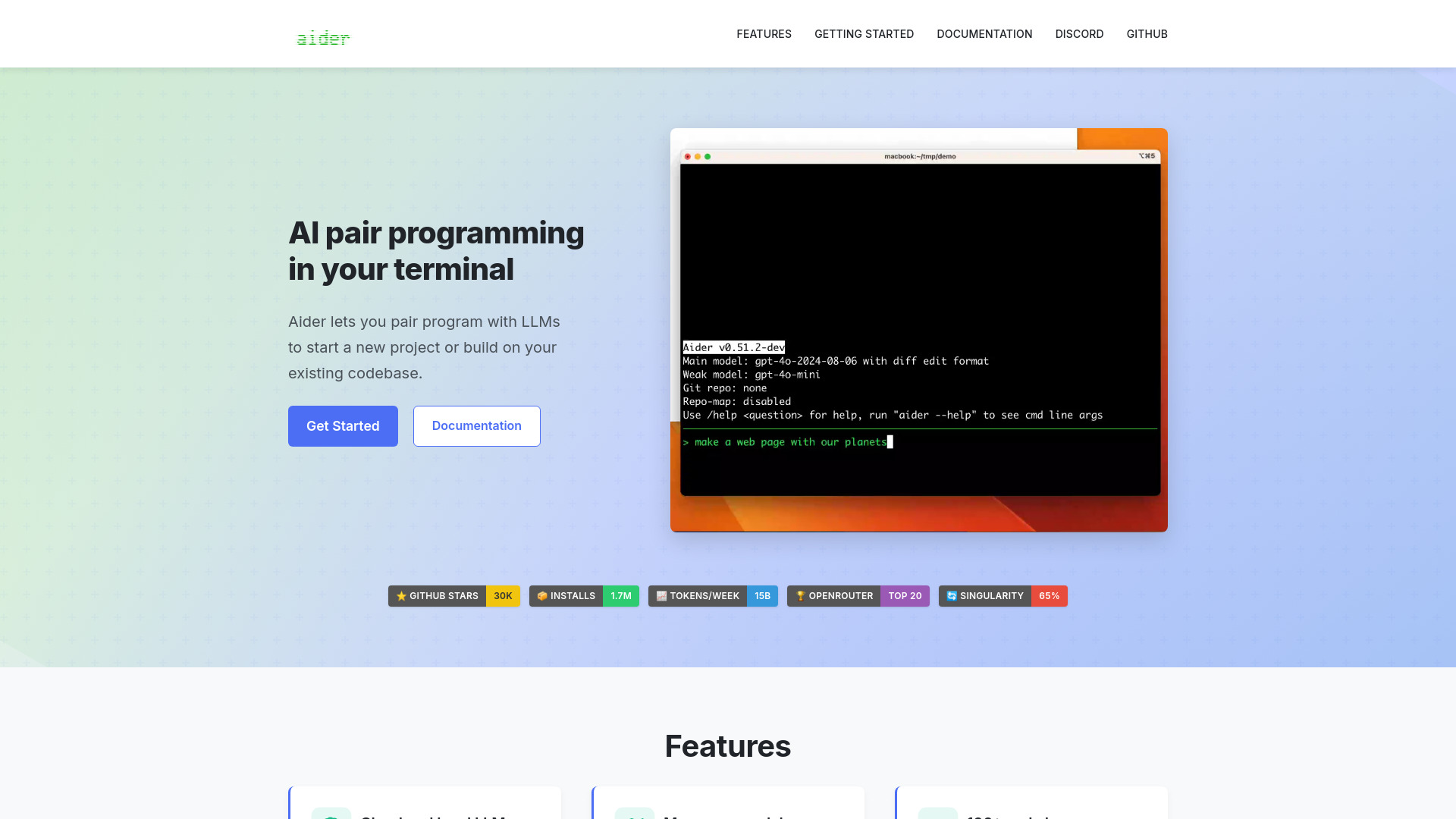
Aider is the most direct match for the best ai for coding search. Rather than asking you to abandon the terminal, it brings AI pair programming into it and edits code in a local Git repository. That makes the product feel closer to a colleague working beside you than a detached prompt box. Developers can choose between cloud and local LLMs, which is a meaningful advantage when model preference, privacy, or cost matters.
The trade-off is setup responsibility. Certain LLMs require API keys, and pricing is not presented as a simple starting subscription. Aider therefore suits developers who already understand repositories, terminals, and model configuration. It is less friendly as a first coding tool for someone who has never opened a command line.
My take: This is my first choice for developers who want AI assistance without leaving their existing local workflow. Model flexibility gives it more staying power than a single-model assistant.
Where it falls short: API-key setup can add friction, particularly for beginners comparing one-click editor extensions.
Key features
AI pair programming in the terminal.
Edits code in a local Git repository.
Supports cloud and local LLMs.
Works across 100+ code languages.
Pros
Keeps the developer in a familiar terminal workflow.
Supports a wide range of model setups.
Cons
Some LLMs require API keys.
Pricing requires checking the vendor directly.
Choose Aider if: You are comfortable in the terminal and want an adaptable AI pair programmer for local repositories.
3. CodeDesign.ai

CodeDesign.ai
Best for entrepreneurs building a web presence
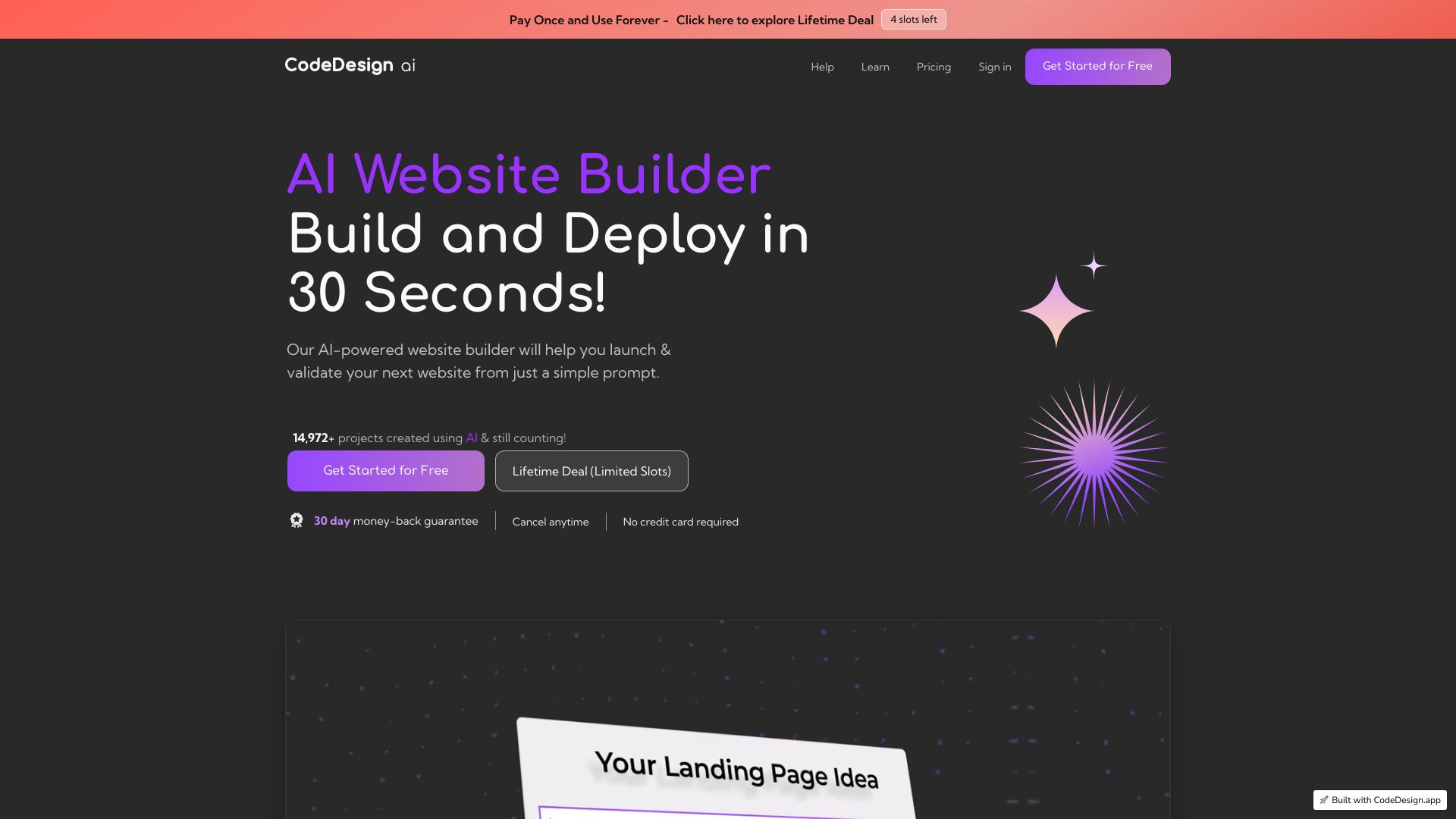
CodeDesign.ai approaches coding from the outcome rather than the source file. Its AI website builder and AI sales funnel builder are aimed at entrepreneurs who want a working web presence without starting from a blank editor. The drag-and-drop interface is the important detail here: it lowers the cost of turning an idea into a page, especially when the user cares more about publishing than learning a framework.
This is one of the best ai for coding alternatives for a nontechnical founder, but it should not be confused with a code-review assistant. The product is more useful when the problem is "help me create and arrange a site" than "explain why this function fails." Some features require a paid plan, so test the free three-site allowance before building a full customer funnel.
My take: For an entrepreneur, reducing setup and layout decisions is often more valuable than receiving another code snippet. CodeDesign.ai earns its place by making the first version easy to assemble.
Where it falls short: Paid-plan requirements may appear as the project grows, and the workflow is not designed for repository-level development.
Key features
AI website builder.
AI sales funnel builder.
Drag-and-drop interface.
Pros
Easy to use without deep programming knowledge.
Three free websites provide a low-risk starting point.
Cons
Some features require a paid plan.
Less suitable for developers who need codebase context.
Choose CodeDesign.ai if: You are launching a site or funnel and want AI to handle much of the initial web-building work.
4. YouWare

YouWare
Best for beginner-friendly creative coding
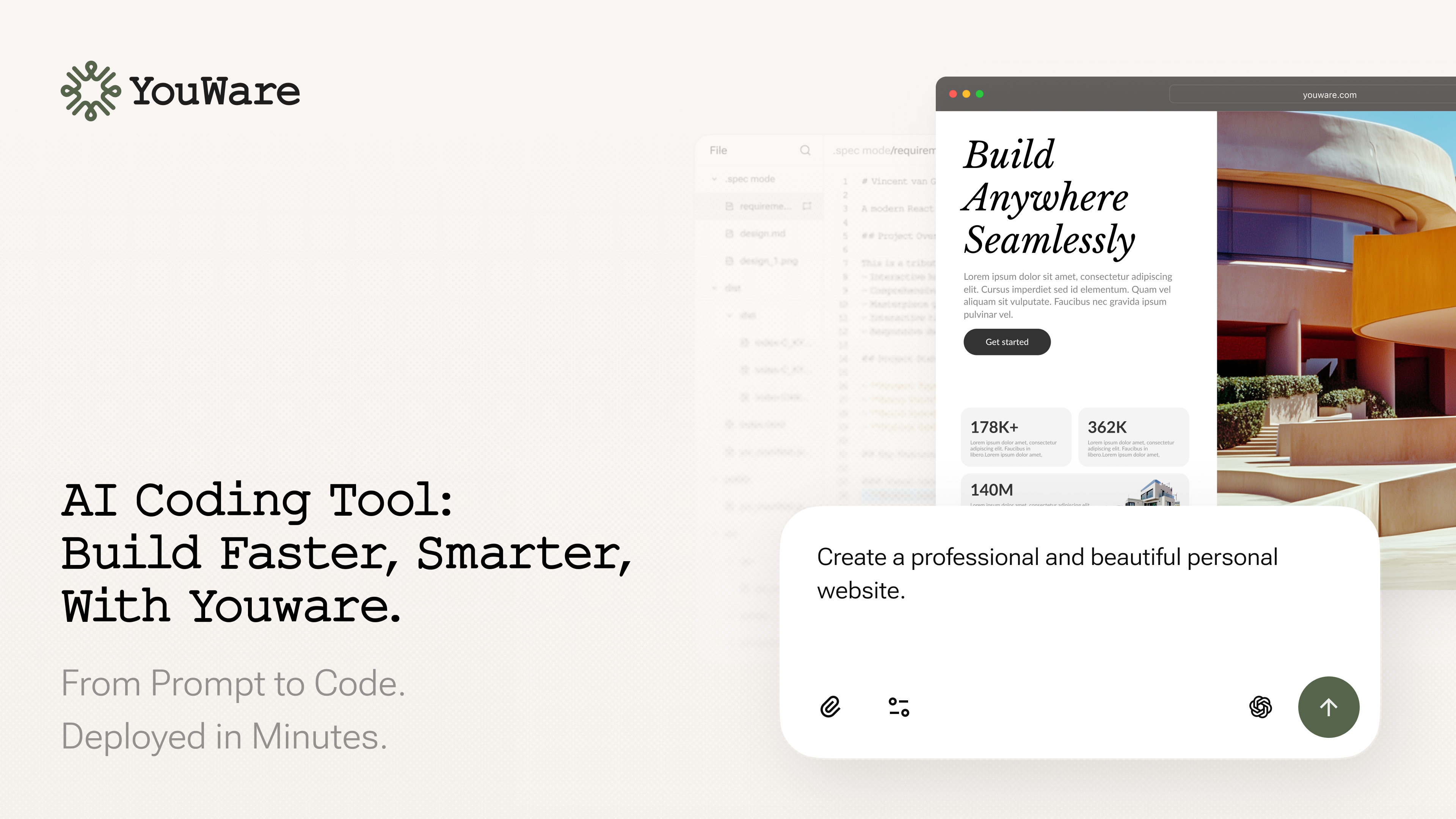
YouWare is built around the idea of a "vibe coding community" for AI creators. Its beginner-friendly AI coding agent lets users explore a project, build it, deploy it, and share it. That combination matters: many AI coding products focus on private productivity, while YouWare adds a visible discovery and community layer for people learning by experimentation.
The appeal is strongest for creators who want to make something interactive without first mastering every technical detail. It is also a useful bridge between prompting and coding because the output is a project rather than only an answer in a chat window. Before committing to a serious production workflow, check current pricing, product fit, and workflow limits directly.
My take: YouWare is one of the more approachable ways to make coding feel exploratory. I would recommend it for prototypes and learning, not yet as an automatic replacement for a mature engineering environment.
Where it falls short: The product is relatively specialized, and its current pricing and workflow boundaries need a direct check before larger projects.
Key features
Vibe coding community for AI creators.
Beginner-friendly AI coding agent.
Deployment and sharing for code projects.
Pros
Encourages learning through visible projects.
Combines creation, deployment, and sharing.
Cons
Pricing details require vendor verification.
May not match a conventional professional IDE workflow.
Choose YouWare if: You want a welcoming place to build, publish, and explore AI-assisted projects.
5. AIforWork.co

AIforWork.co
Best for role-specific prompts around technical work
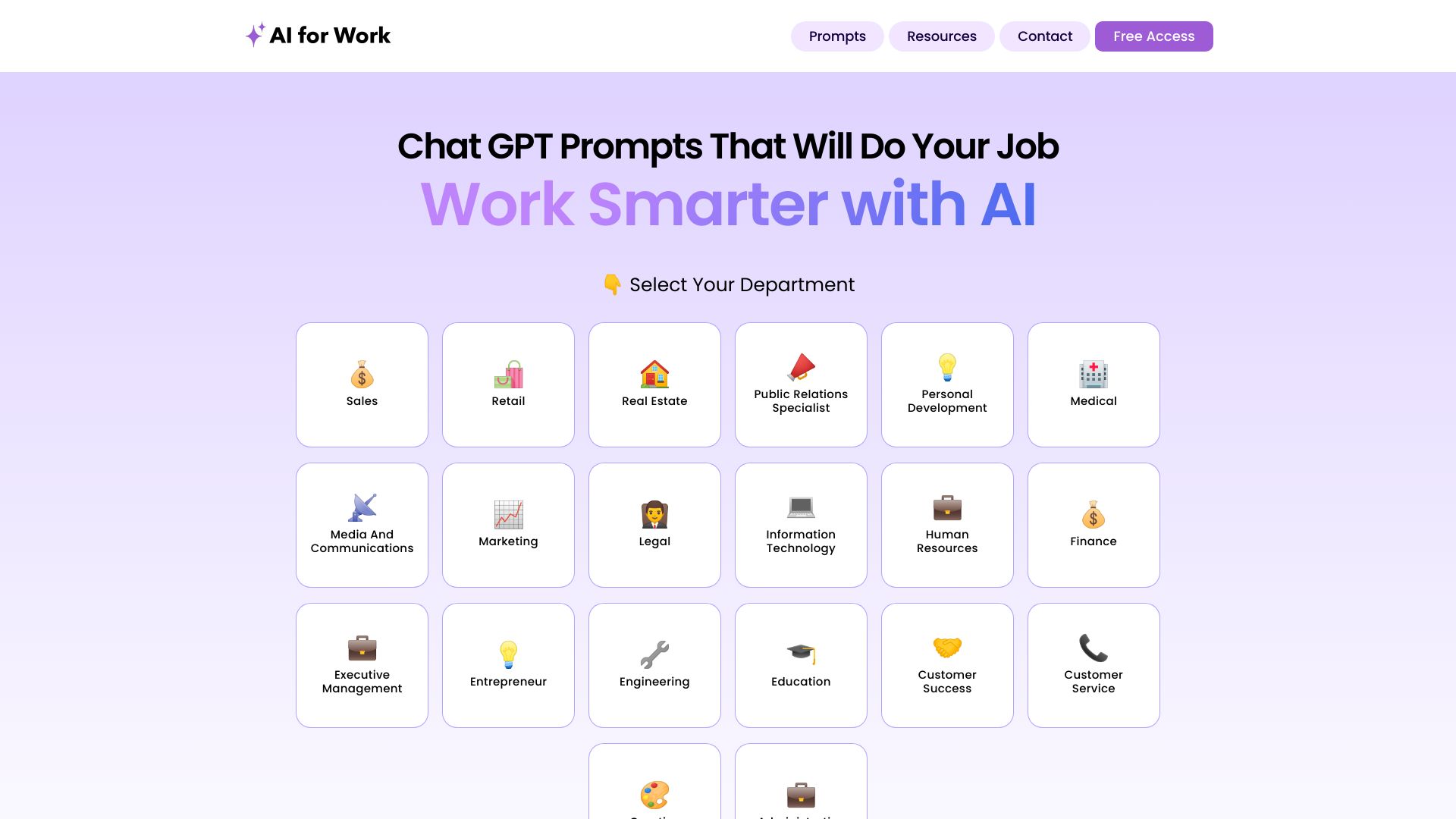
AIforWork.co is not a code editor. It is a large prompt library organized by department and role, with more than 2,000 job-specific GPT-4 prompts. That makes it a useful adjacent option for people whose coding work is embedded in sales, operations, documentation, or project management. Instead of inventing a prompt every time, users can start from a task-shaped template.
The practical benefit is consistency. A clear prompt can help structure requests for technical summaries, planning, or repetitive workplace tasks. The limitation is equally clear: results remain dependent on GPT-4's capabilities and on how precisely the user describes the need. This is best coding AI only in a broad productivity sense, not a repository-aware programming assistant.
My take: Prompt libraries are underrated for beginners because they teach task framing. AIforWork.co is a good on-ramp, but experienced developers will likely outgrow it for hands-on code changes.
Where it falls short: It does not replace an editor, terminal pair programmer, or codebase-aware copilot.
Key features
More than 2,000 job-specific GPT-4 prompts.
Prompts categorized by department and role.
Free prompt database access.
Pros
Makes structured prompting easier for newcomers.
Useful beyond software development teams.
Cons
Relies on GPT-4's capabilities and limitations.
Not a direct code-generation environment.
Choose AIforWork.co if: You need reusable prompts for the business and communication tasks surrounding coding.
6. Aippy

Aippy
Best for no-code interactive experiments

Aippy turns natural-language descriptions into interactive content, including games, inside a no-code creative playground. That places it firmly in the adjacent-tools column, but it also makes the product relevant to anyone searching for the best ai for coding help because it removes the first barrier: knowing how to express an idea in code.
Digital artists and beginners can describe an interaction, inspect the result, and iterate without writing every line manually. The quality depends on description clarity, so vague prompts will produce vague or incomplete outcomes. Aippy is more compelling for visual prototypes and creative learning than for maintainable application engineering.
My take: I love the low-pressure experimentation model. It gives nonprogrammers a way to understand what code can do, even though it is not the tool I would bring to a production repository.
Where it falls short: Output quality depends heavily on how clearly the user describes the intended interaction.
Key features
Natural language to interactive content generation.
Natural-language game generation.
No-code creative playground.
Pros
Requires no programming knowledge.
Useful for creative prototypes and digital art.
Cons
Vague descriptions can lead to weaker results.
Not positioned as a general-purpose developer assistant.
Choose Aippy if: You want to turn an idea into an interactive prototype without learning programming first.
7. AIAI.com

AIAI.com
Best for creators needing several AI media modes

AIAI.com is another broader visual studio rather than a dedicated coding product. It brings together text-to-video, image-to-video, AI image generation, audio, text generation, and writing tools. For creators building a website, demo, tutorial, or product concept, having several media modes in one place can reduce tool switching.
That breadth is also the reason to be cautious. The free plan limits accesses and credits and does not include advanced AI models. If your definition of coding help is generating a functional application, AIAI.com is not a direct substitute for Aider or PureCode AI. If you need supporting assets for a technical project, however, its media coverage is more relevant.
My take: This is a useful companion tool for product storytelling and prototypes. I would not choose it as my primary code assistant.
Where it falls short: Advanced models are unavailable on the free plan, and its central workflow is content generation rather than software development.
Key features
Text-to-video generation.
Image-to-video generation.
Image, audio, text, and writing tools.
Pros
Covers several media formats in one platform.
Free tier gives a defined daily access allowance.
Cons
Free access is limited by credits and model availability.
Weak fit for repository-based coding tasks.
Choose AIAI.com if: You are building technical content or prototypes that need generated visual, audio, and written assets.
8. PureCode AI

PureCode AI
Best for front-end UI generation
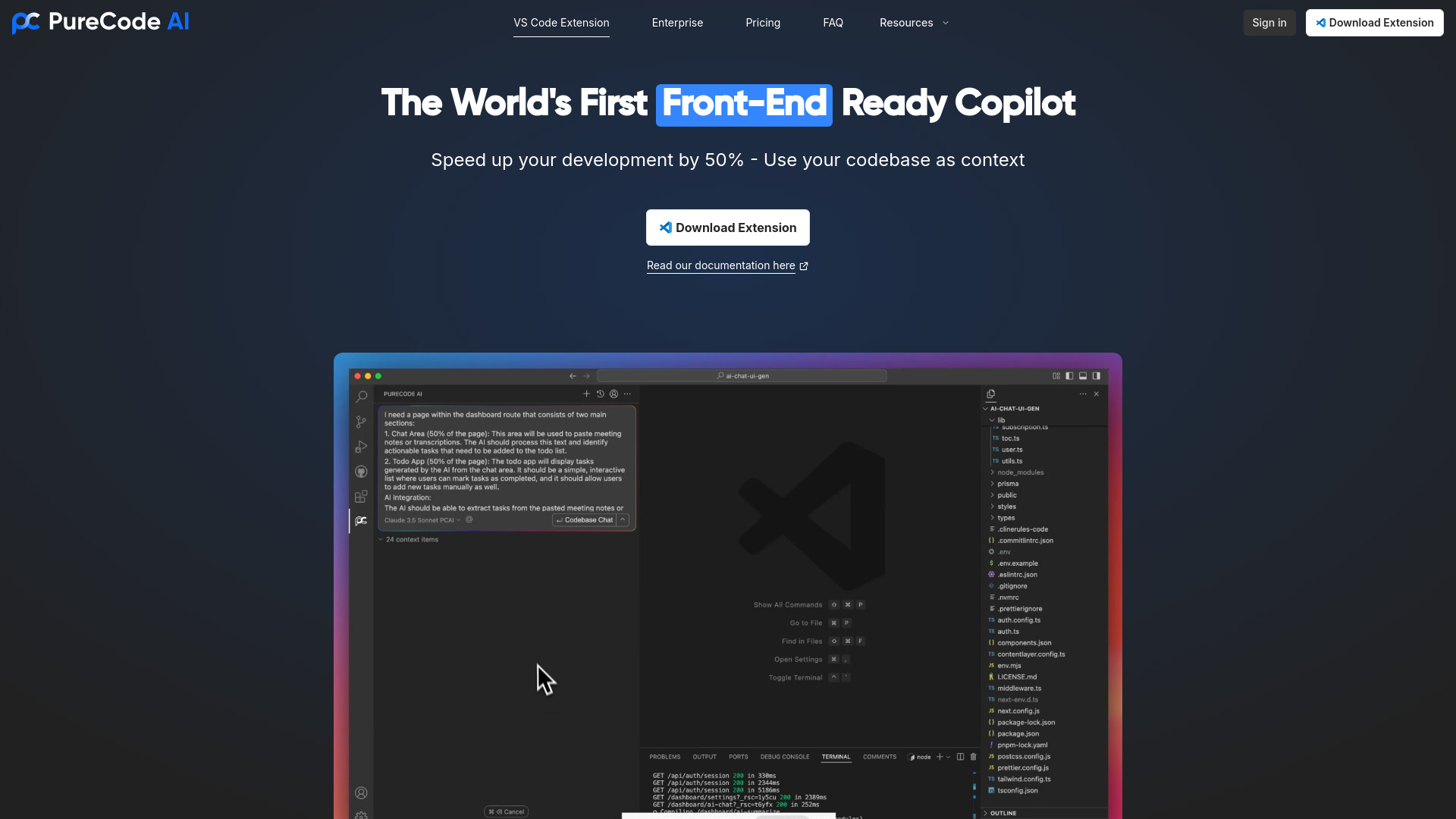
PureCode AI has a narrower focus than a general chatbot and that is exactly its strength. It generates UI components and offers human-like codebase understanding, helping front-end developers move from a visual requirement to usable interface code. For teams repeatedly building screens, forms, and components, this specialization can save more time than a general-purpose prompt conversation.
The product requires VS Code, so the editor choice is not optional. Its free allowance of 50 chat messages per month is enough to test the interaction, while the listed paid starting point of $20 per month signals where heavier use begins. The more your work centers on front-end interfaces, the more relevant PureCode becomes.
My take: This is the cleanest match for developers who want the best ai coding assistant specifically for UI work. It is less persuasive for backend-heavy tasks or teams that do not use VS Code.
Where it falls short: VS Code is required, and the focused UI workflow may not cover every software-development task.
Key features
AI UI component generation.
Codebase understanding.
AI-assisted front-end development.
Pros
Speeds up UI development.
Uses codebase context rather than generating isolated snippets only.
Cons
Requires VS Code.
Free usage is limited to 50 chat messages per month.
Choose PureCode AI if: You build front-end interfaces in VS Code and want help generating components in project context.
9. PearAI

PearAI
Best for engineers wanting an integrated AI editor
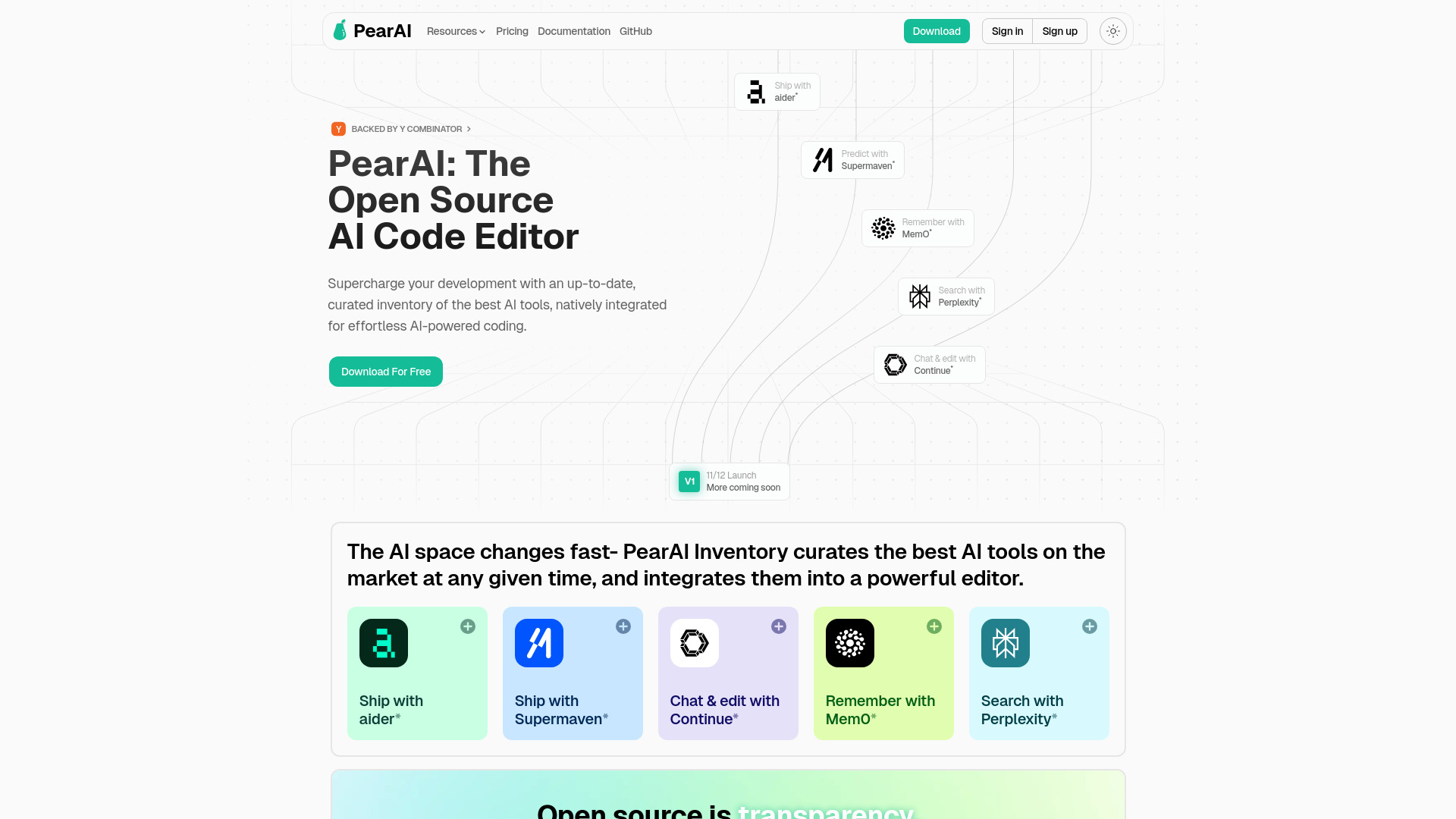
PearAI takes the editor route, combining an AI code editor with AI Chat powered by Continue and AI Search powered by Perplexity. That pairing addresses two different moments in development: asking for help while working and finding information when the answer is not already in the file. It is a sensible shape for engineers who want AI capabilities gathered into one environment.
PearAI is open source and natively integrates leading AI coding tools, which gives it a distinctive position among editor-based options. It is relatively new, so community resources may be thinner than those surrounding more established editors. The Intern tier is listed as free, with a starting paid signal of $15 per month.
My take: PearAI is appealing when you want one editor to coordinate chat and search rather than stitching together separate tools. I would trial it on a contained project before standardizing a team around it.
Where it falls short: Its relative newness can mean fewer community resources and less accumulated workflow guidance.
Key features
AI code editor.
AI Chat powered by Continue.
AI Search powered by Perplexity.
Native integration of leading AI coding tools.
Pros
Brings chat and search into the coding environment.
Open-source positioning encourages experimentation.
Cons
Relatively new compared with established editors.
Community resources may be more limited.
Choose PearAI if: You want an integrated, AI-first editor and are comfortable trying a newer tool.
10. AskCodi

AskCodi
Best for code generation and refactoring tasks
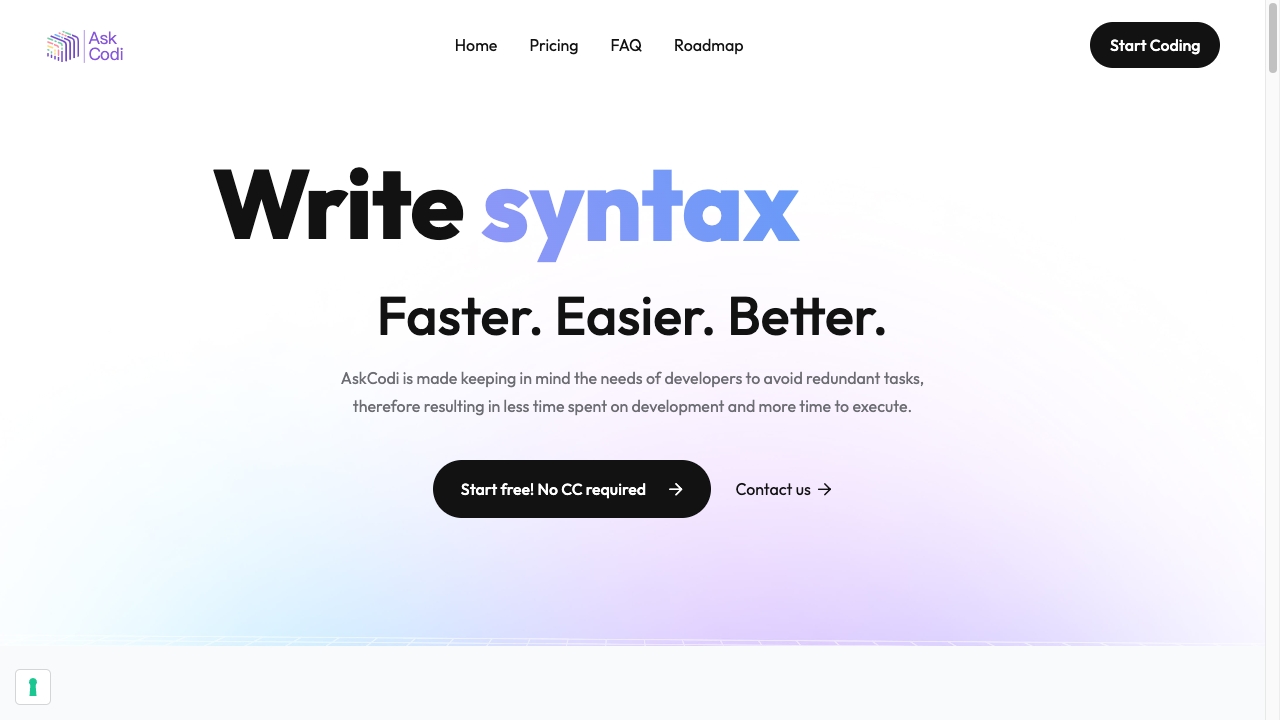
AskCodi focuses on the repetitive work that slows developers down: AI-powered code generation, code refactoring, and unit-test writing. That makes it a practical option for someone who already knows what they want to build but would rather spend less time on boilerplate. The seven-day trial gives buyers a defined window to test whether its assistance fits their code-review habits.
The annual Premium price is listed at $149.99, so the value depends on regular use rather than occasional curiosity. AskCodi also carries the familiar risk of leaning on AI so heavily that manual coding skills can weaken over time. Treat generated code as a draft, especially when refactoring or writing tests around important behavior.
My take: AskCodi is a straightforward productivity pick for developers with recurring coding chores. It is more useful as an accelerator than as a teacher or autonomous replacement for engineering judgment.
Where it falls short: Overreliance can reduce manual coding practice, and the annual paid plan deserves a careful trial before purchase.
Key features
AI-powered code generation.
Code refactoring.
Unit-test writing.
AI code assistant workflow.
Pros
Reduces redundant tasks and saves development time.
Covers both implementation and maintenance work.
Cons
AI dependence can weaken manual coding skills over time.
The paid plan is an annual commitment at the listed price.
Choose AskCodi if: You want an assistant for repeatable generation, refactoring, and unit-test tasks.
More tools to compare

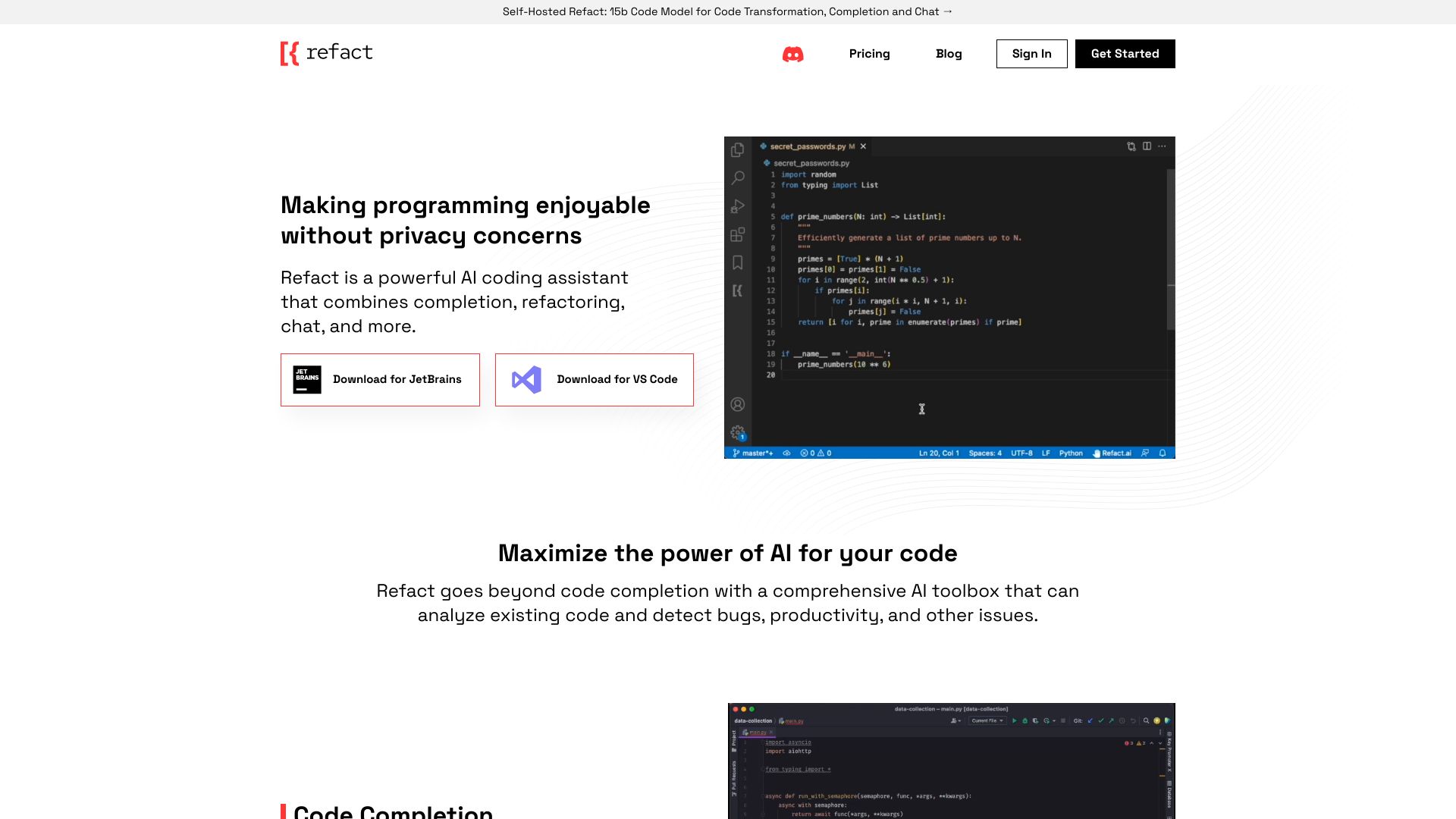
Refact.ai
Privacy-conscious coding teams

AiOnlinecourse
AI fundamentals and project-based learning


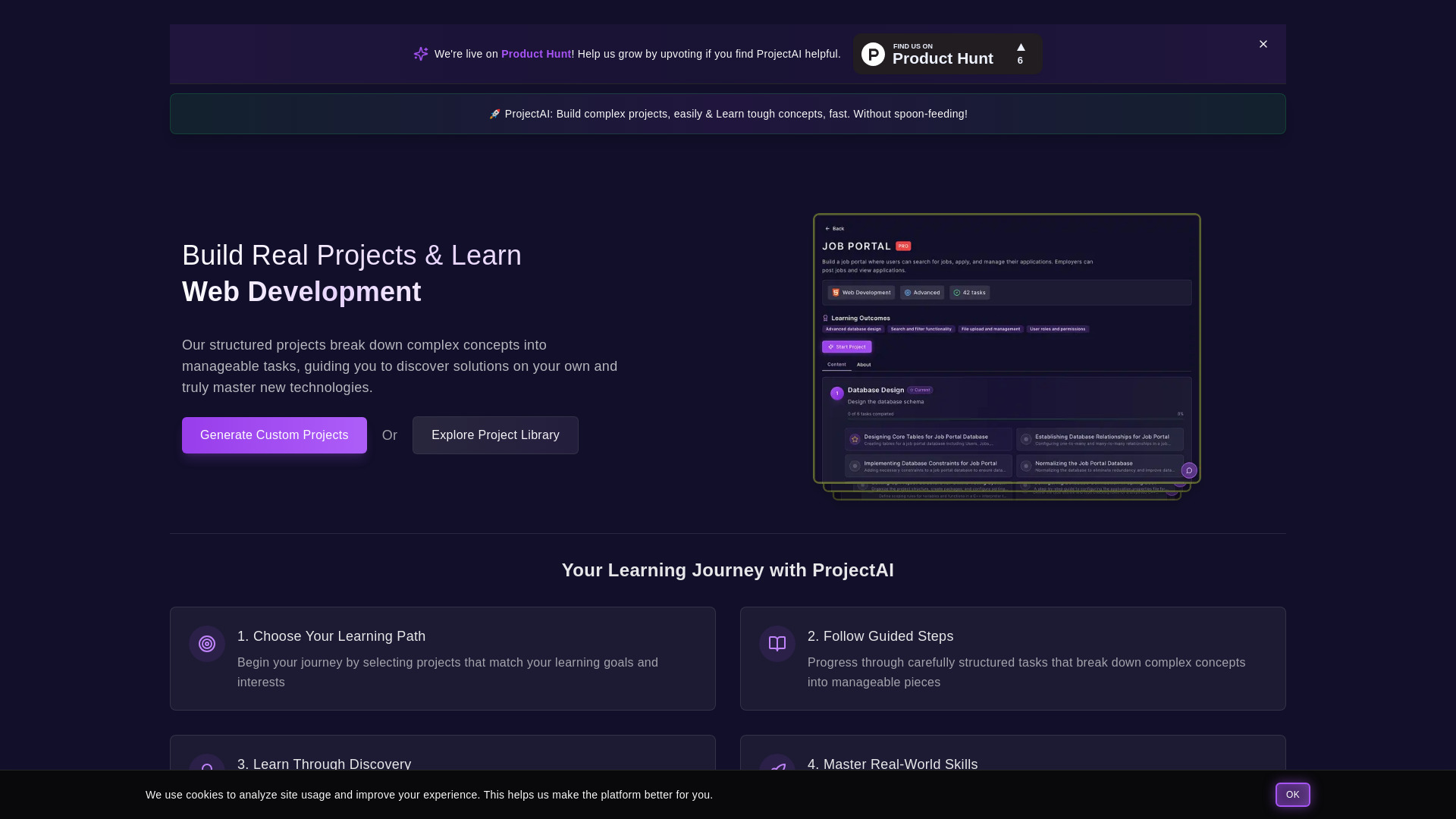
ProjectAI
Hands-on coding project learners

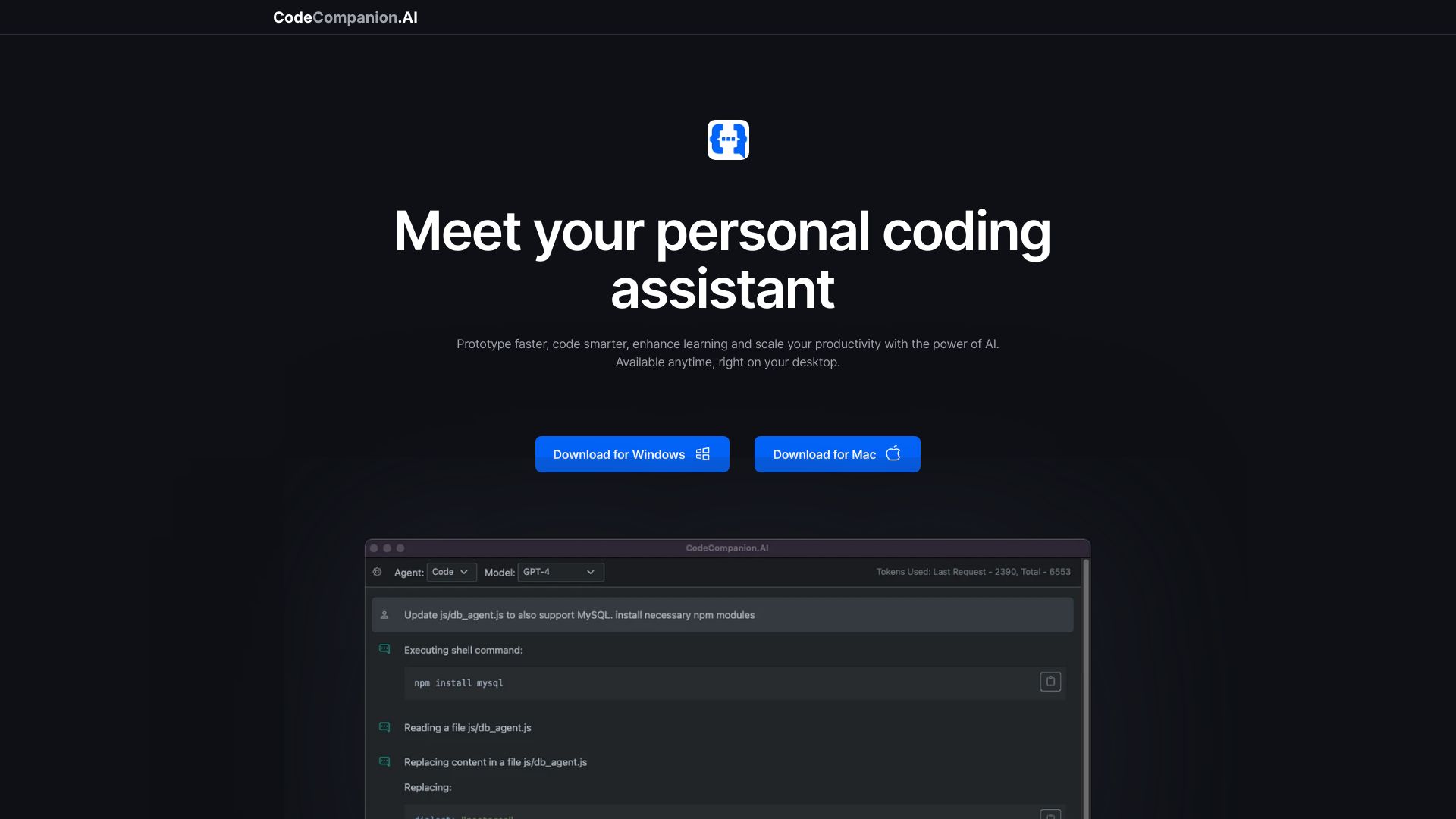
CodeCompanion.AI
Desktop coding automation

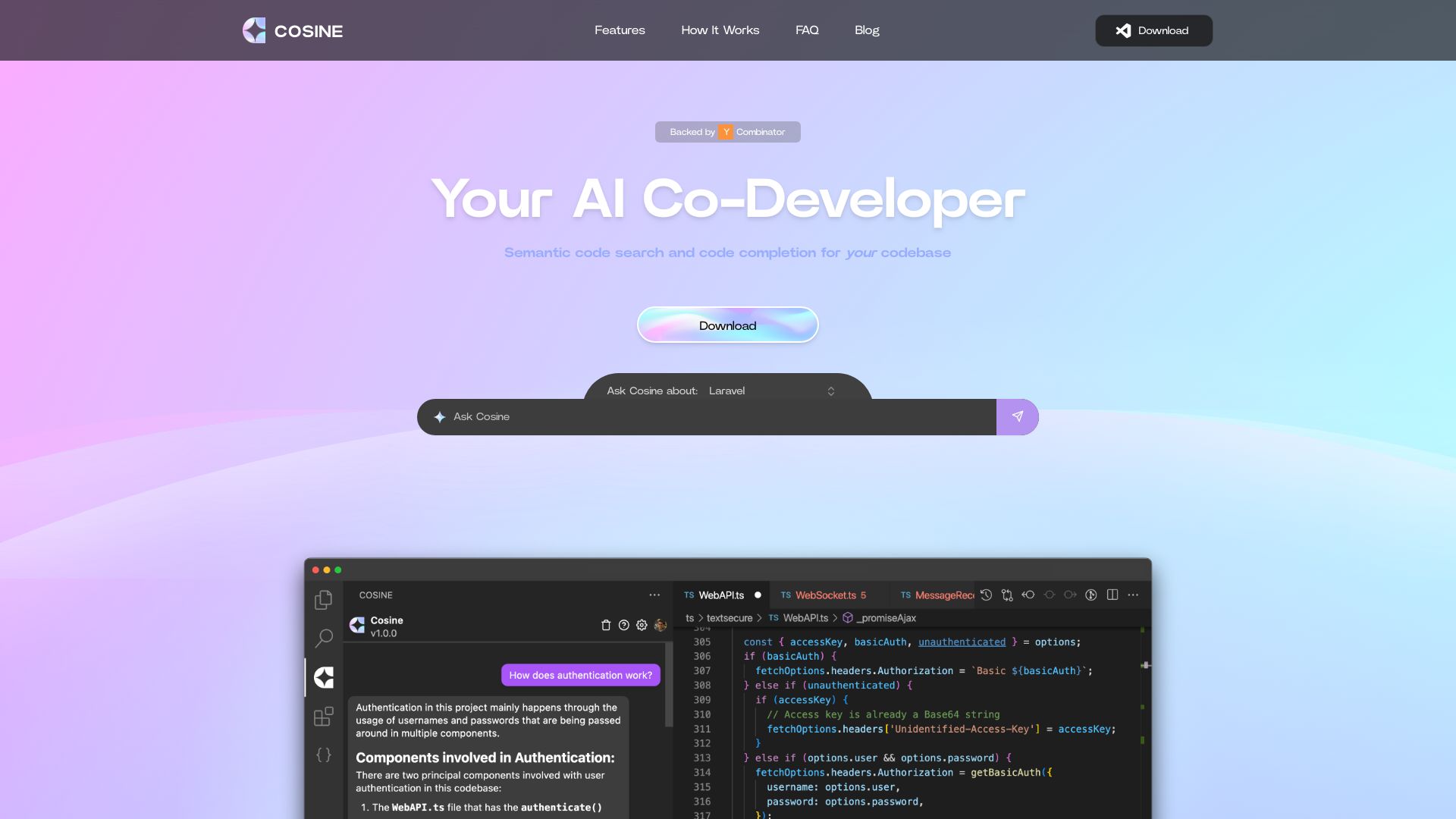
Cosine AI
Autonomous software engineering

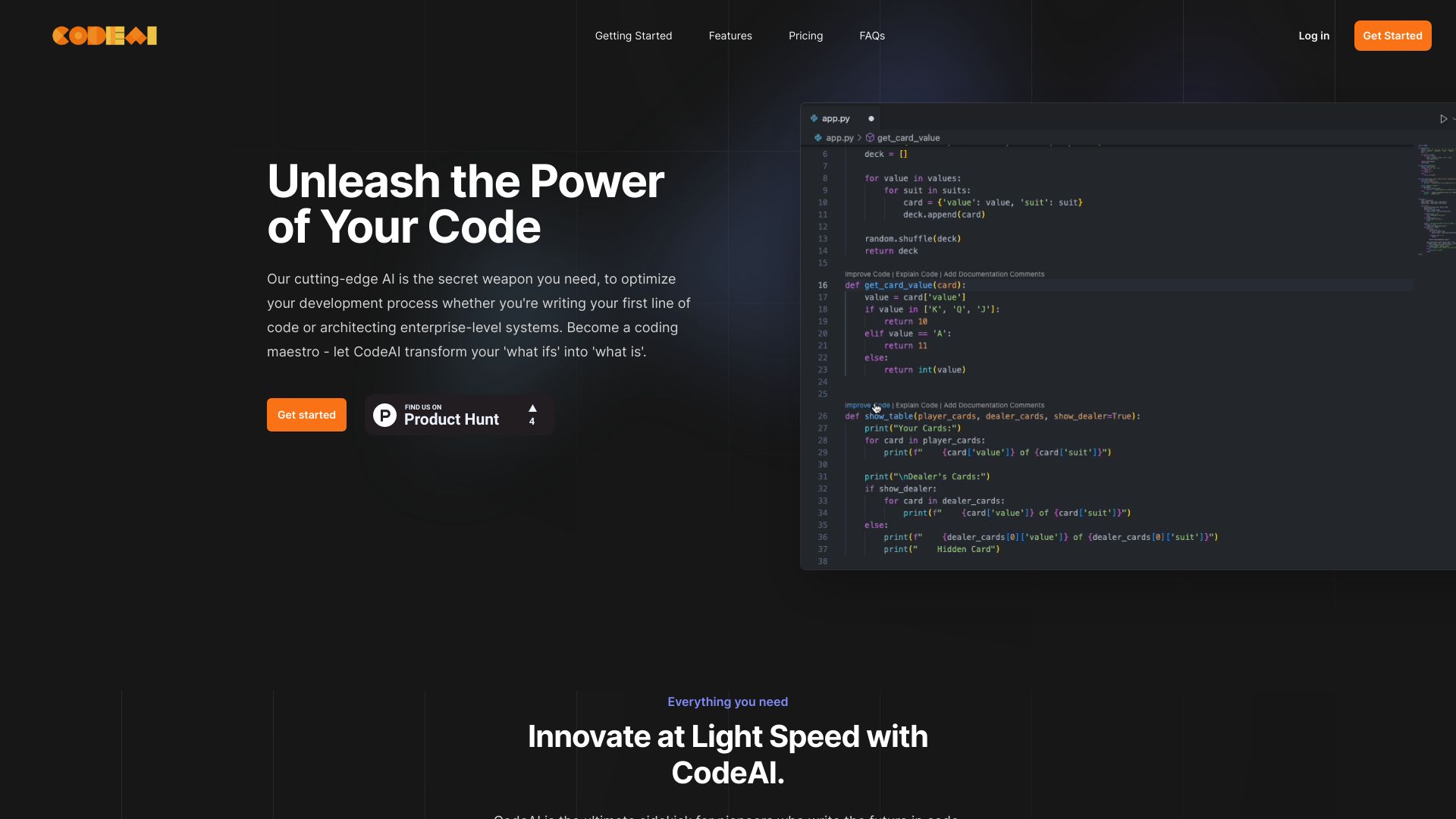
CodeAI
Privacy-first full-stack development

Ara AI
Autonomous product development


100DaysOfNoCode
Beginners learning practical AI skills

Kilo Code
Open-source VS Code coding agents

Alle-AI
Comparing multiple AI models side by side

AICamp
Collaborative AI platform for teams

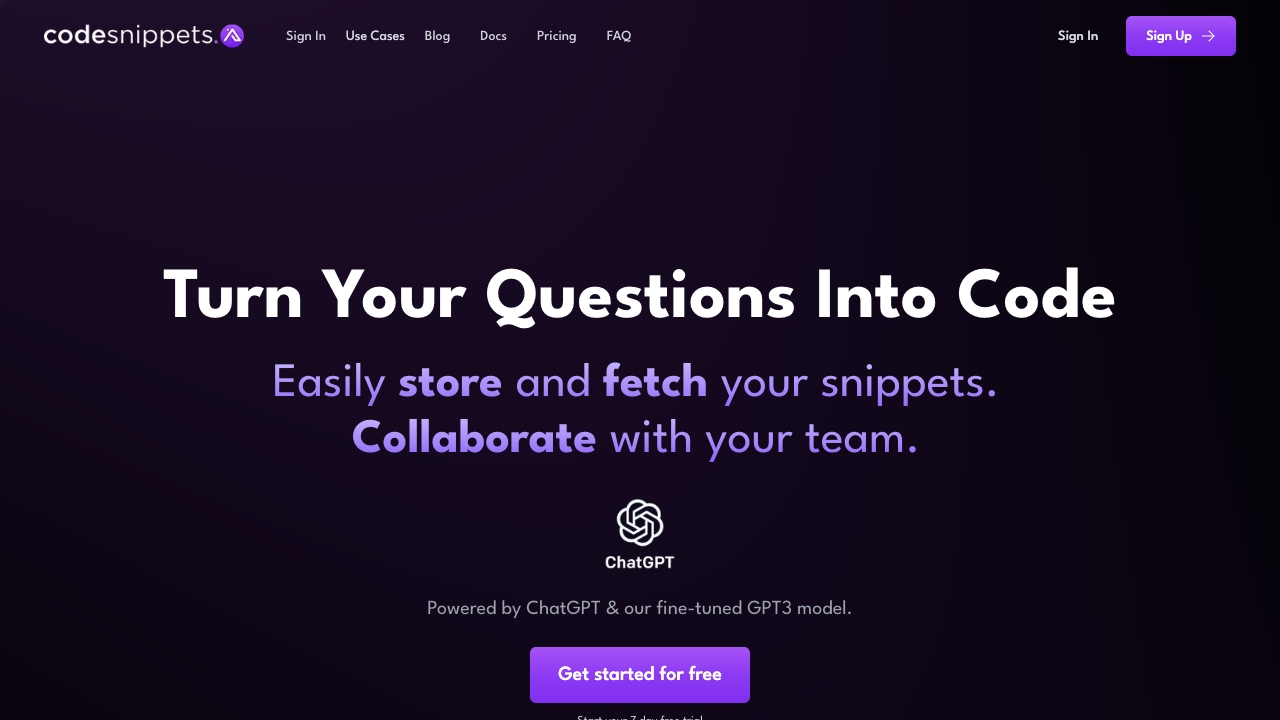
Code Snippets AI
AI-powered code snippet management

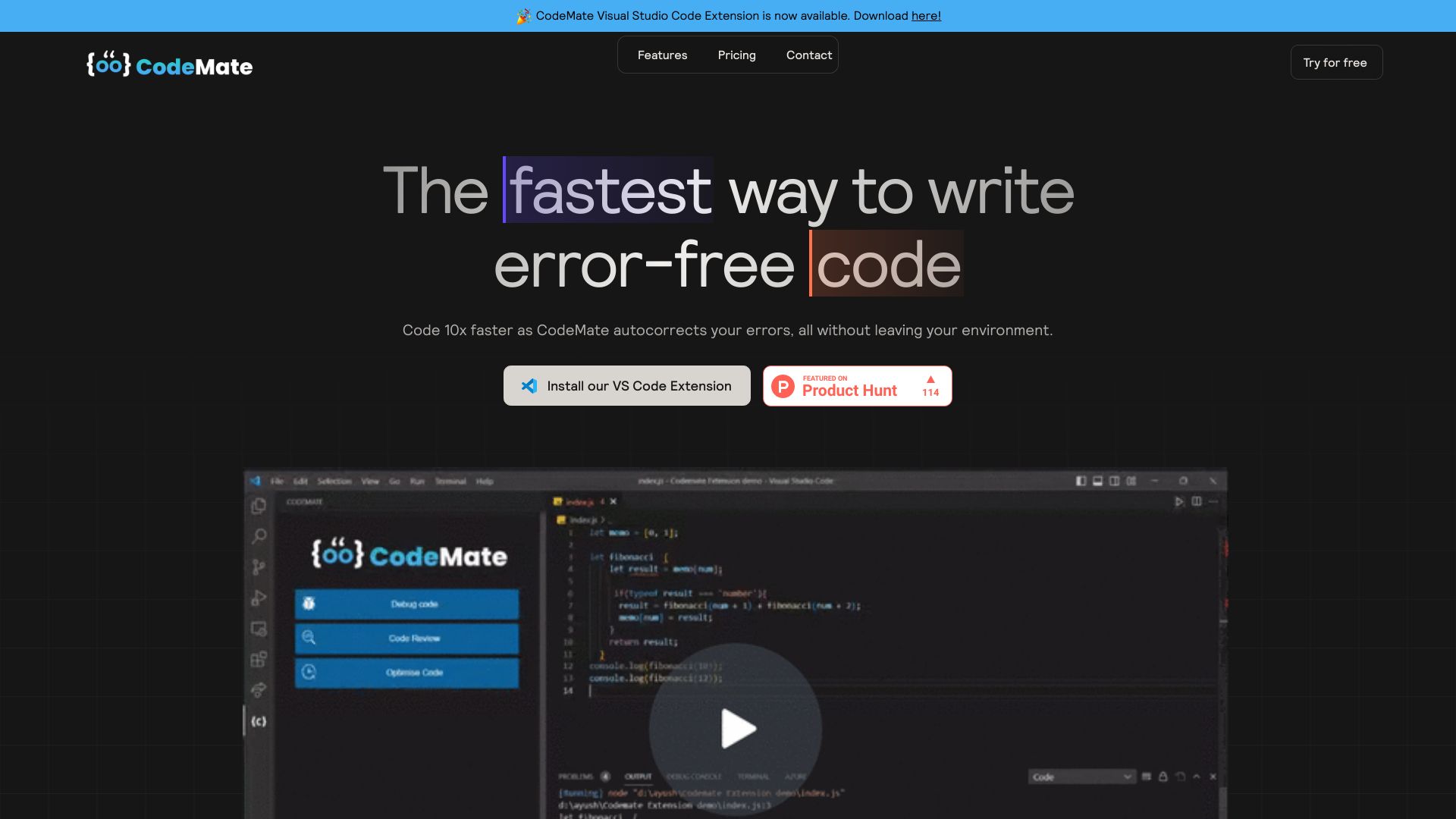
CodeMate
AI pair programming and code review

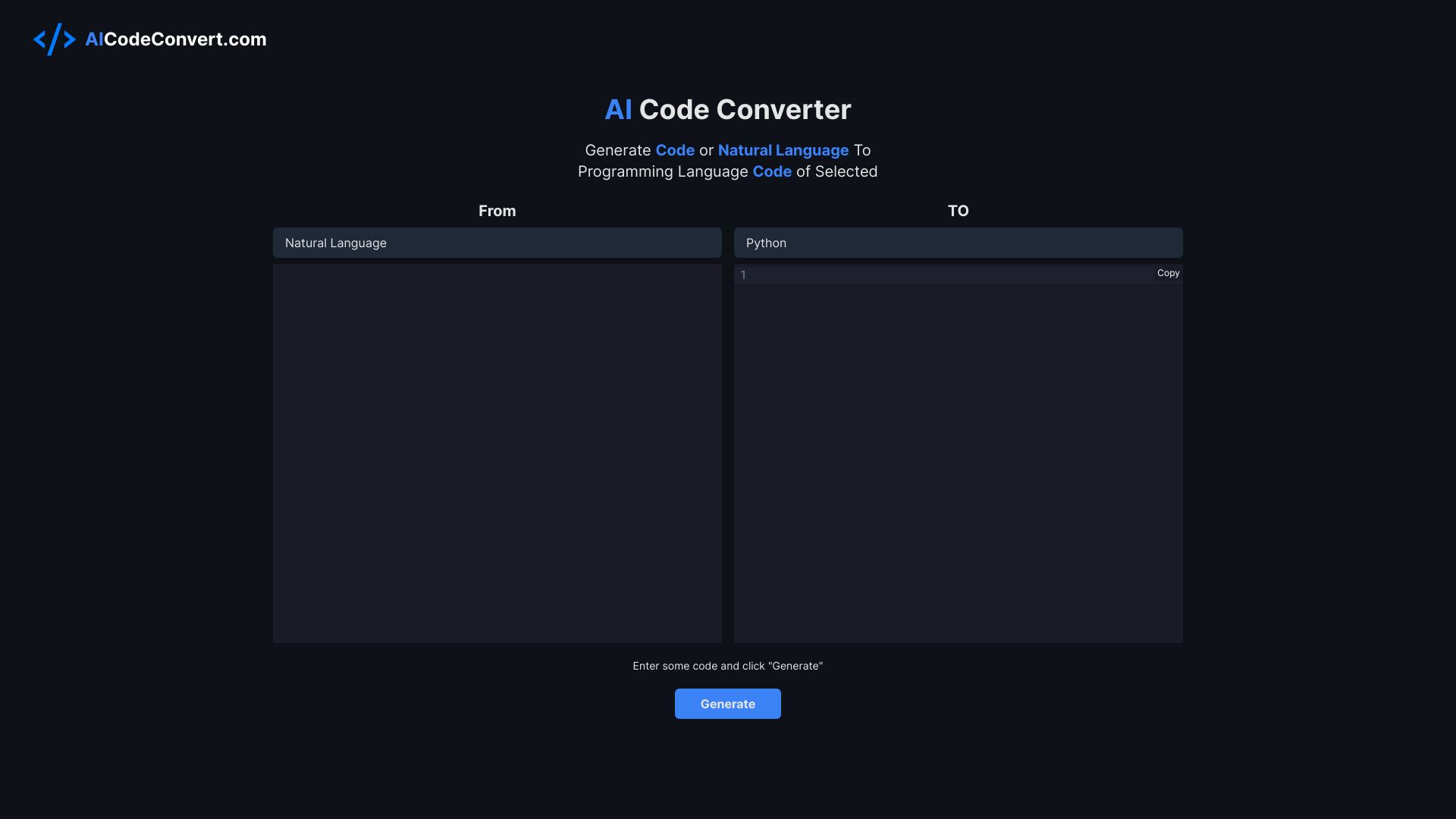
AICodeConvert
AI code translation and generation

Components AI
Generative design systems

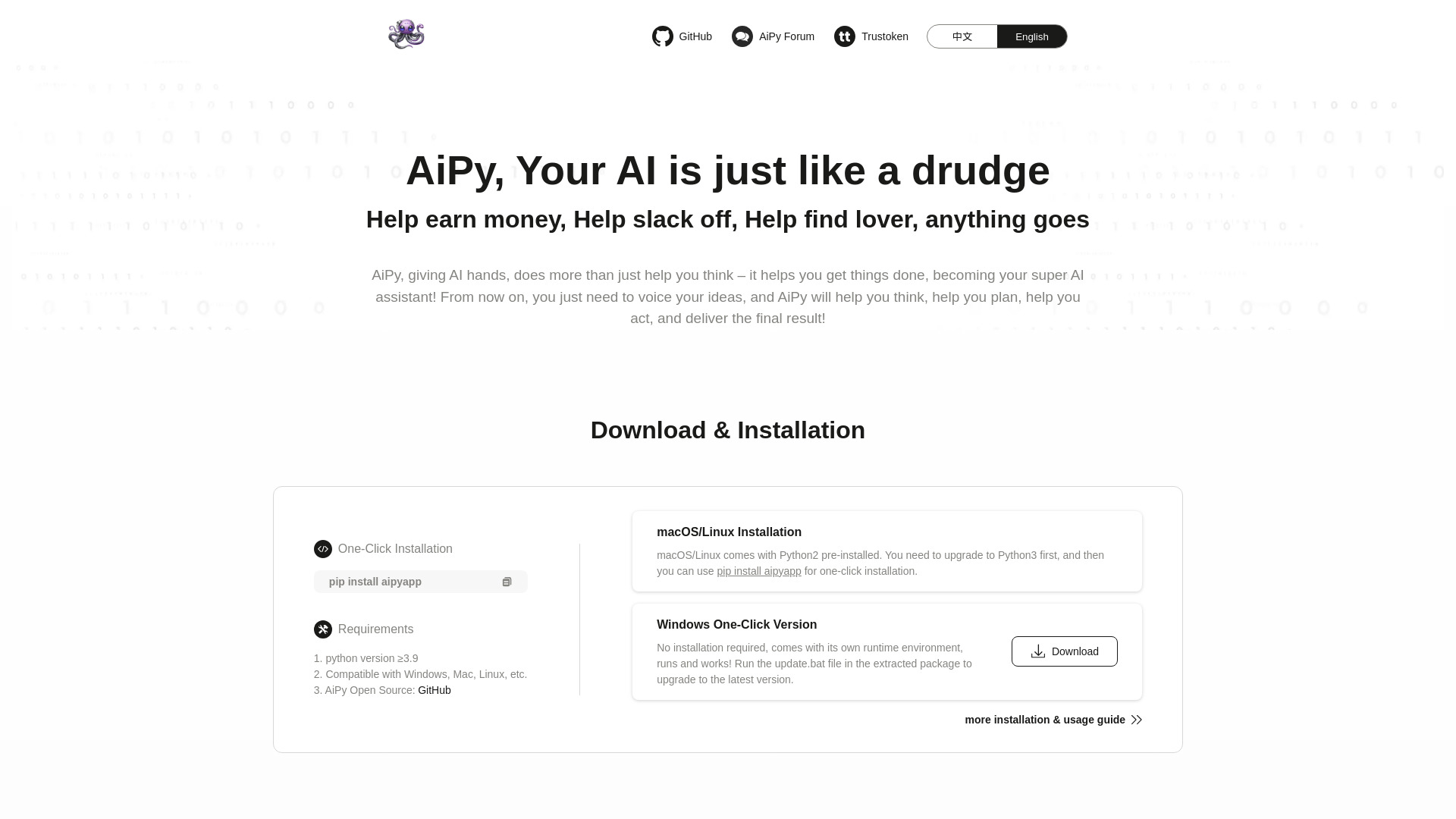
AiPy
Local Python-powered task automation

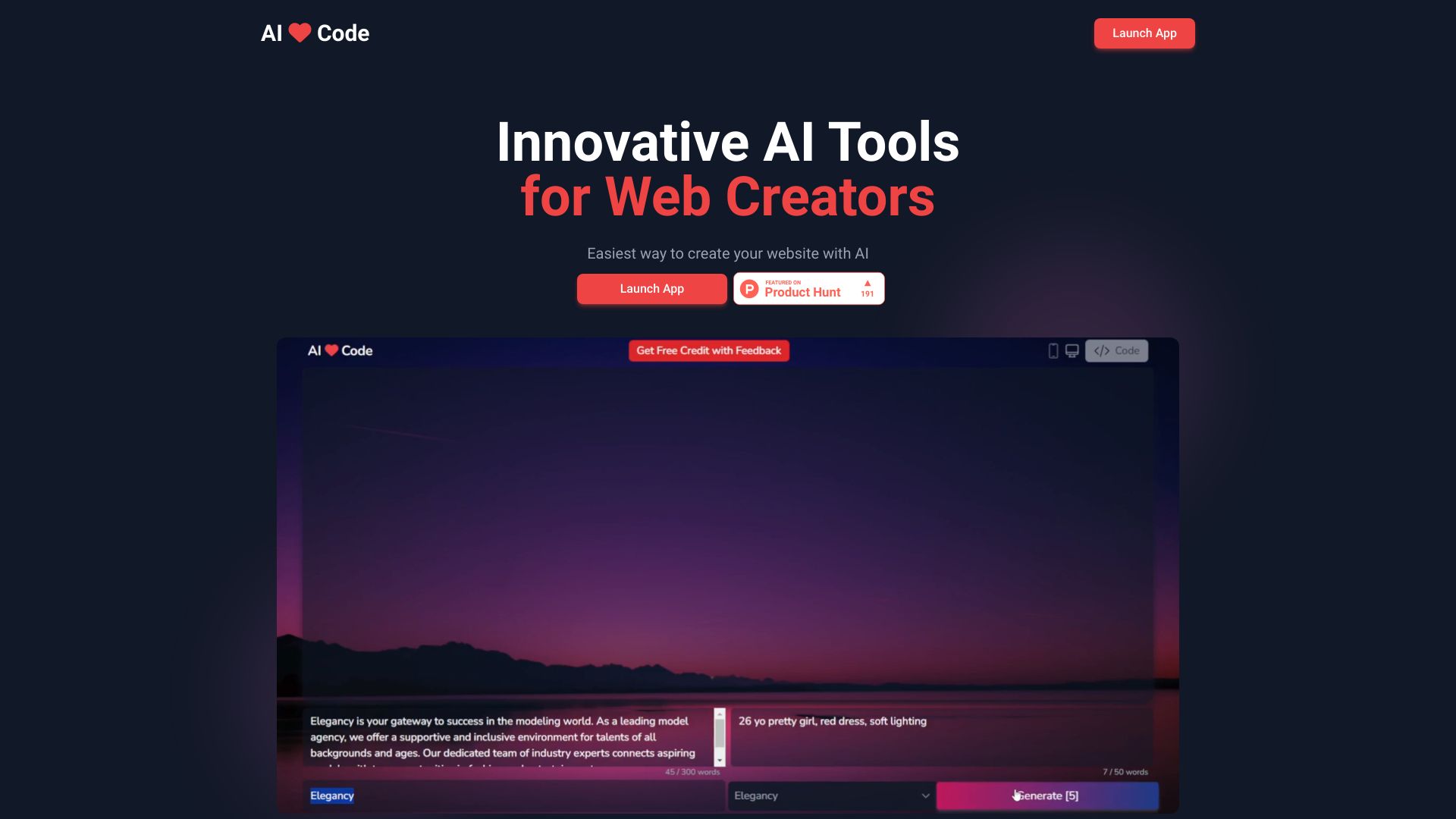
AI Love Code
AI-assisted website coding

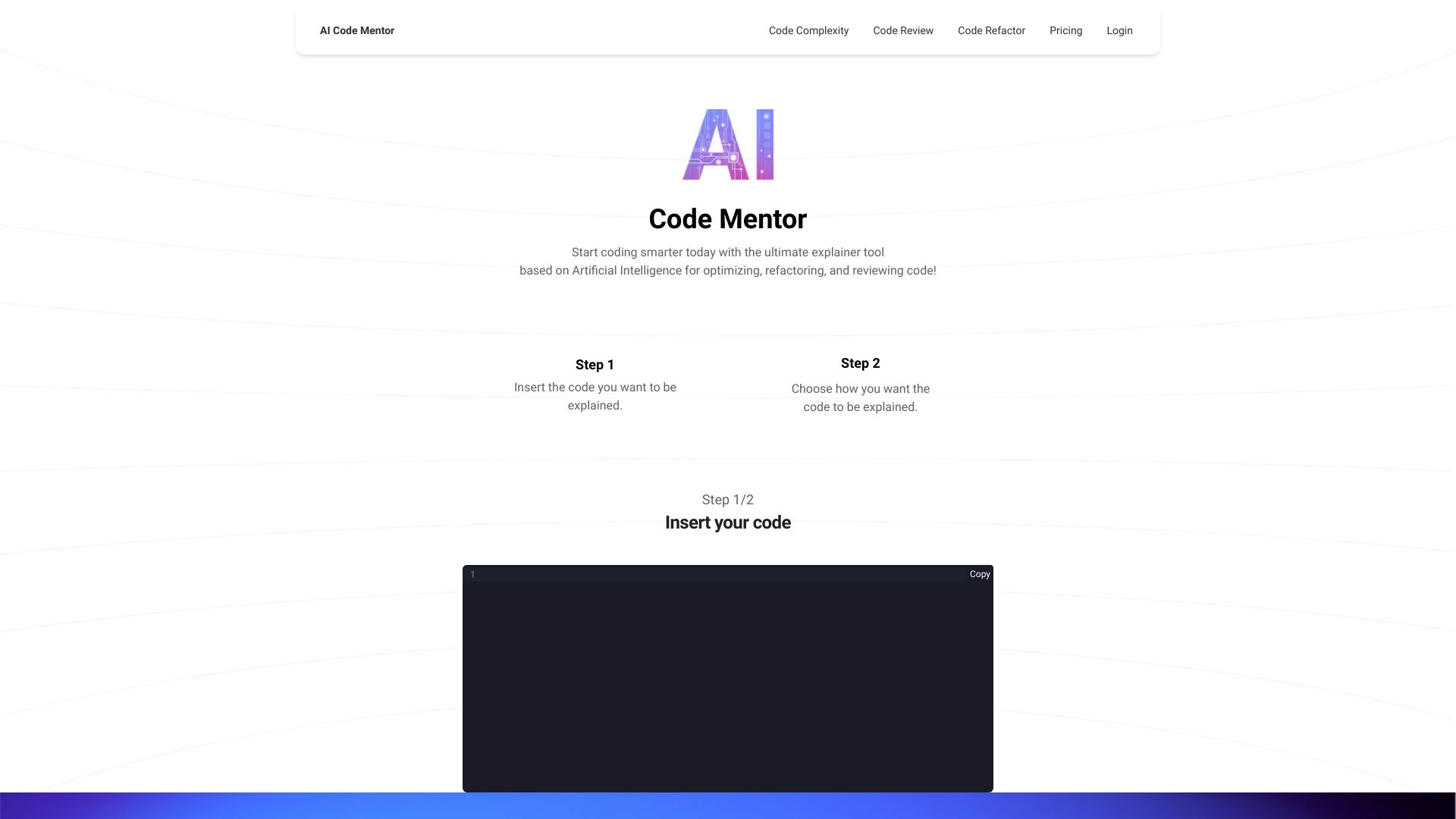
AI Code Mentor
Beginners learning code

Aide
Parallel coding agents


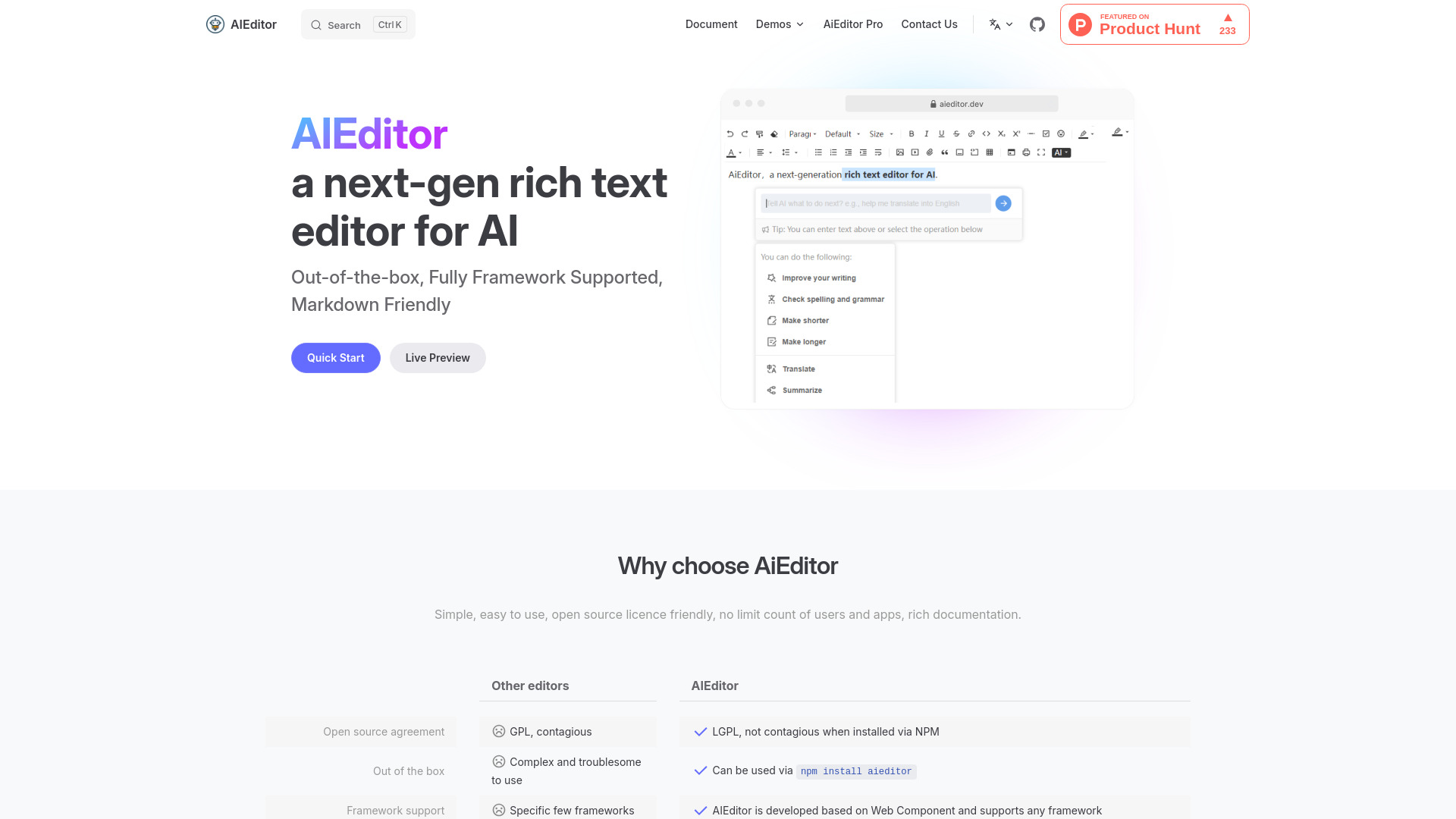
AiEditor
Open-source AI rich text editing

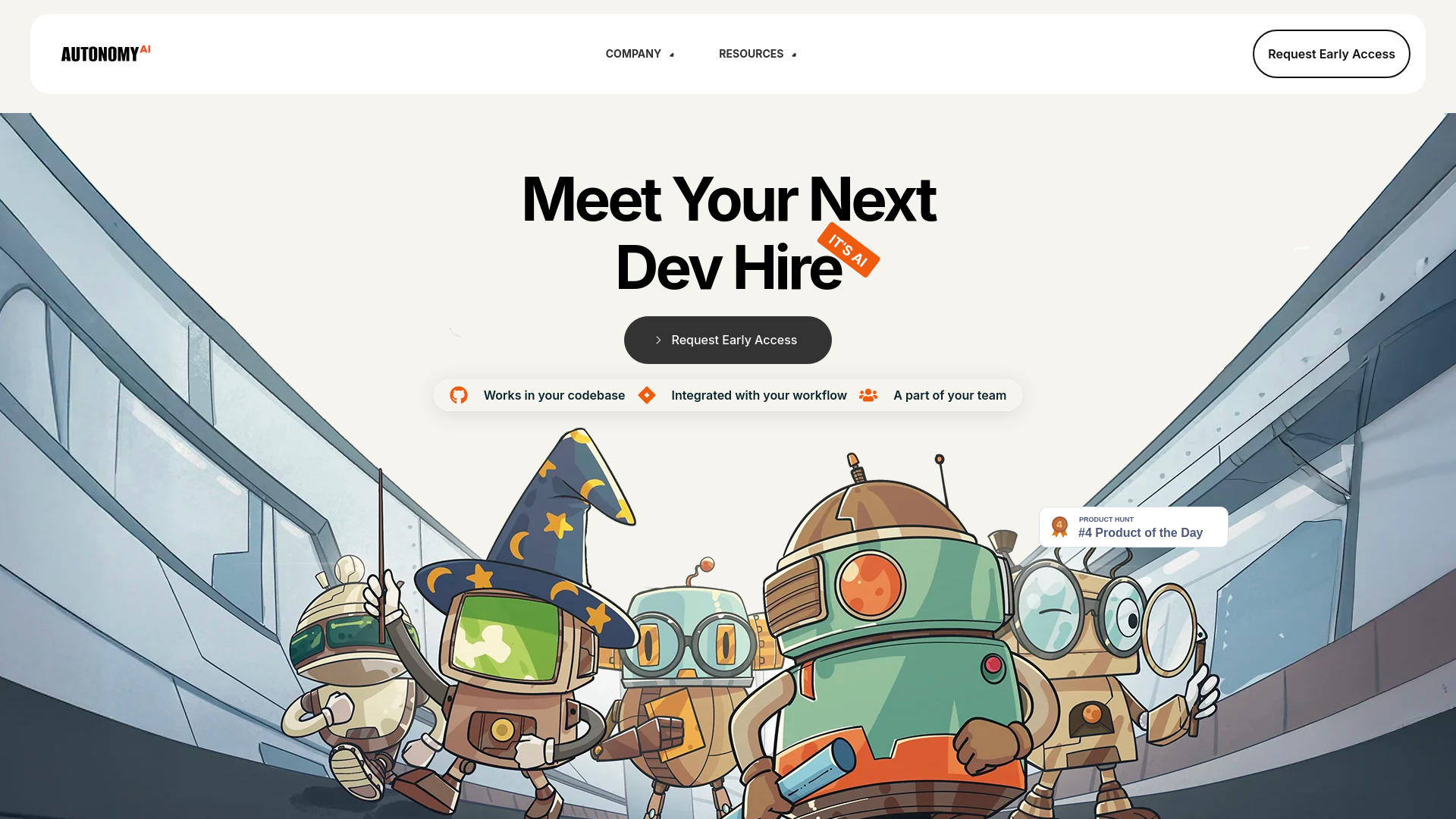
Autonomy AI
Frontend development teams

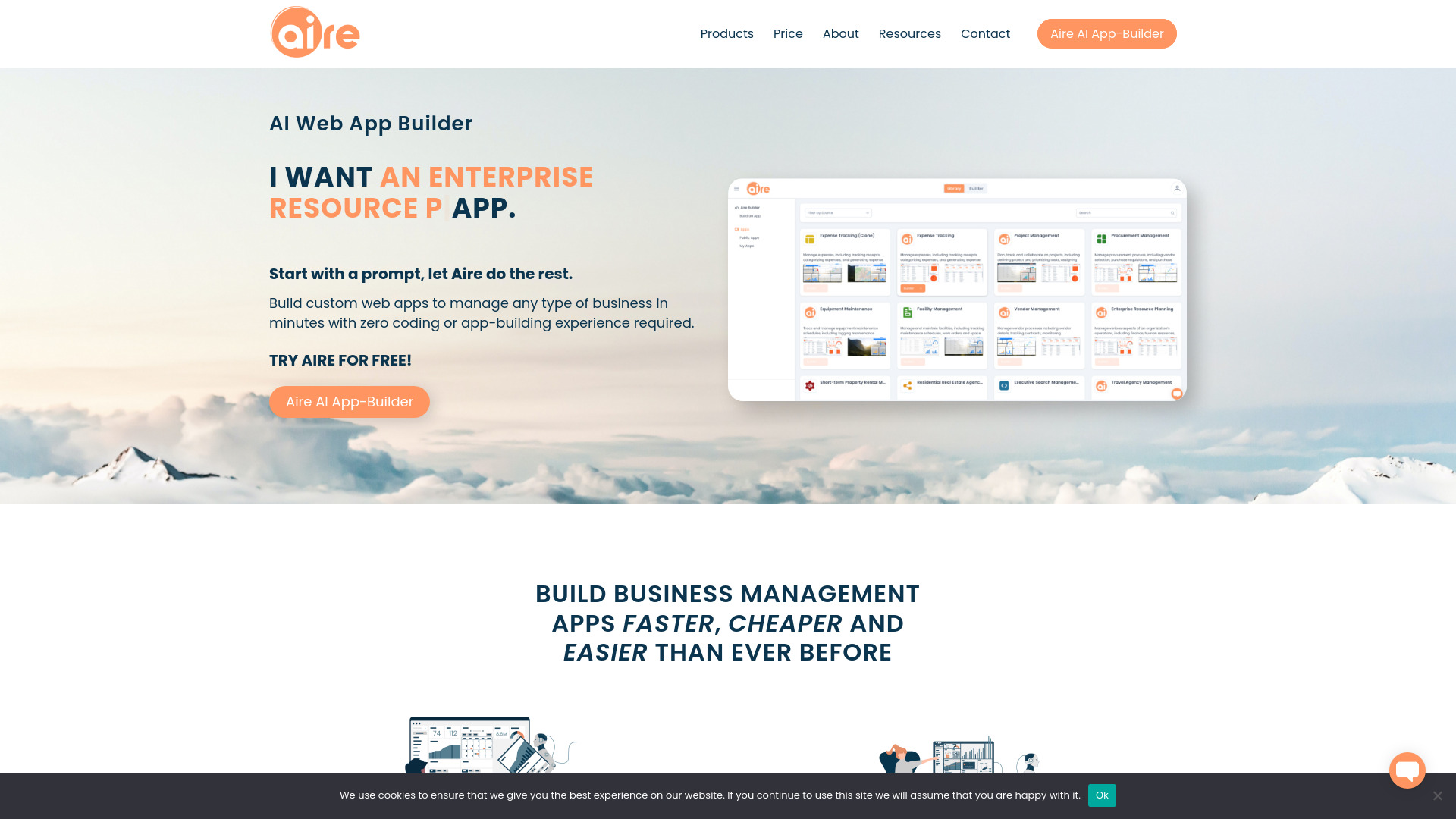
Aire
No-code business app building

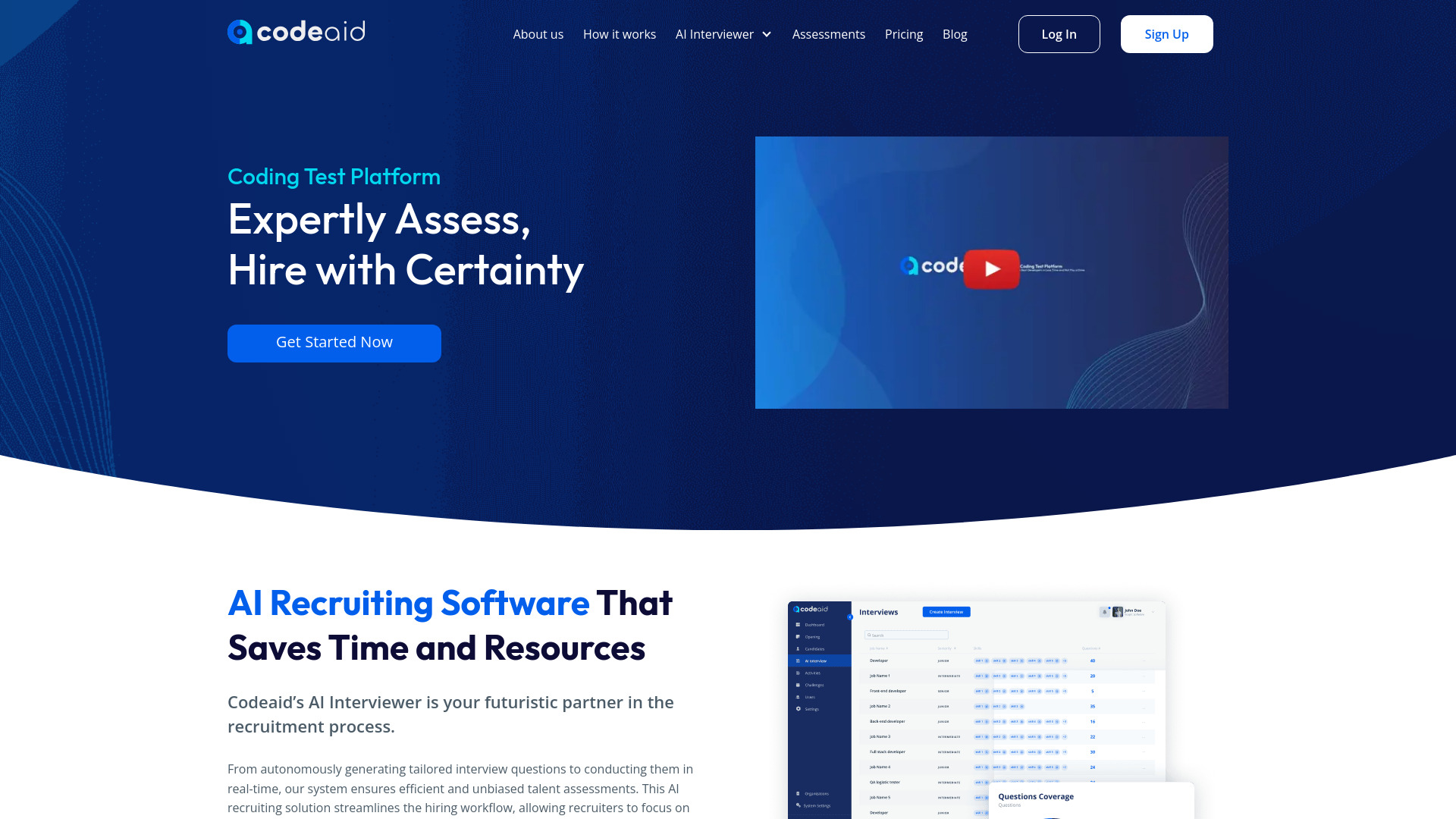
Codeaid
Real-world developer hiring assessments

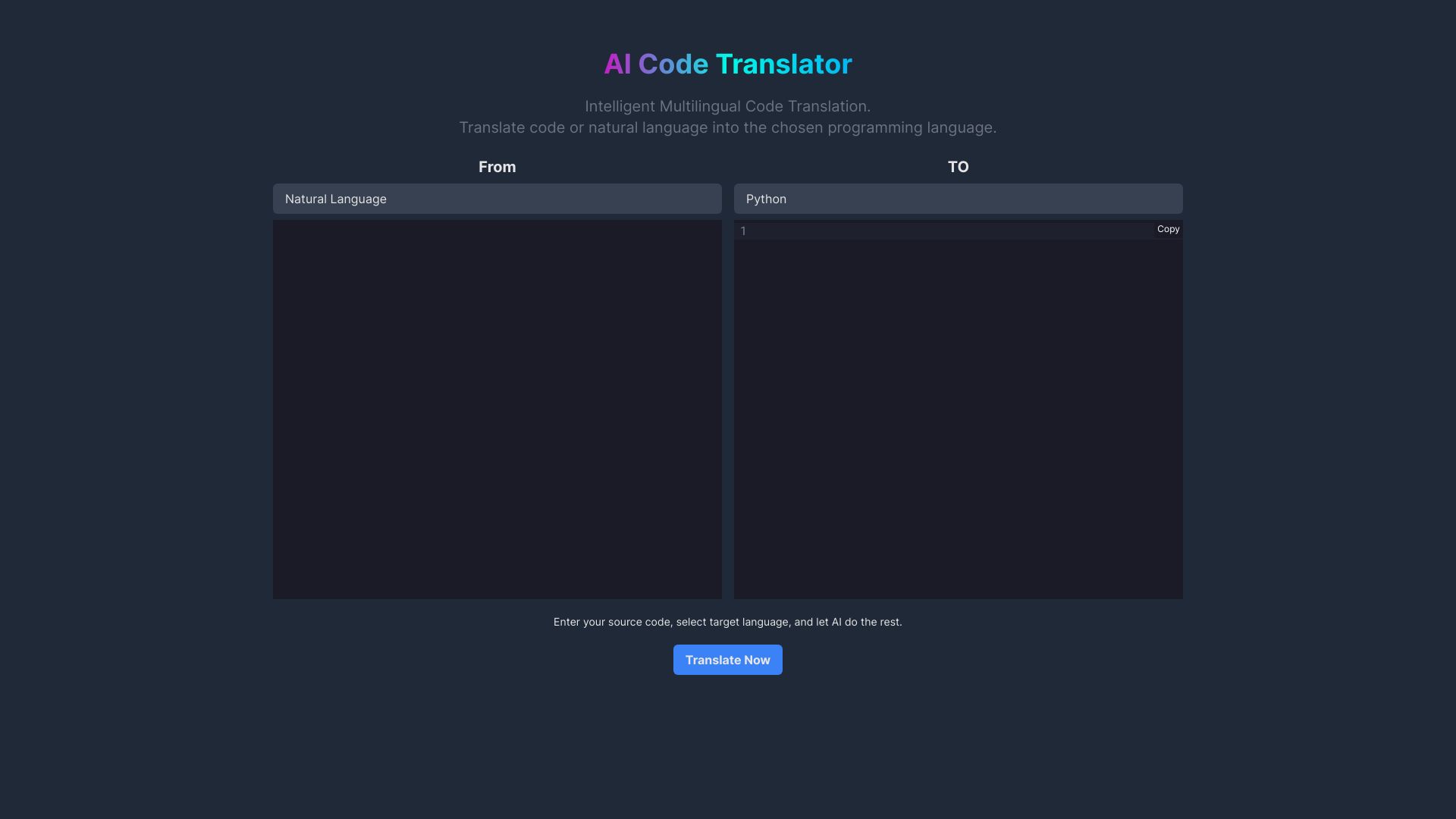
AI Code Translator
Multilingual code translation

AI Coffee Club
Developers needing an all-in-one AI platform


AI FIRST
Autonomous business agents

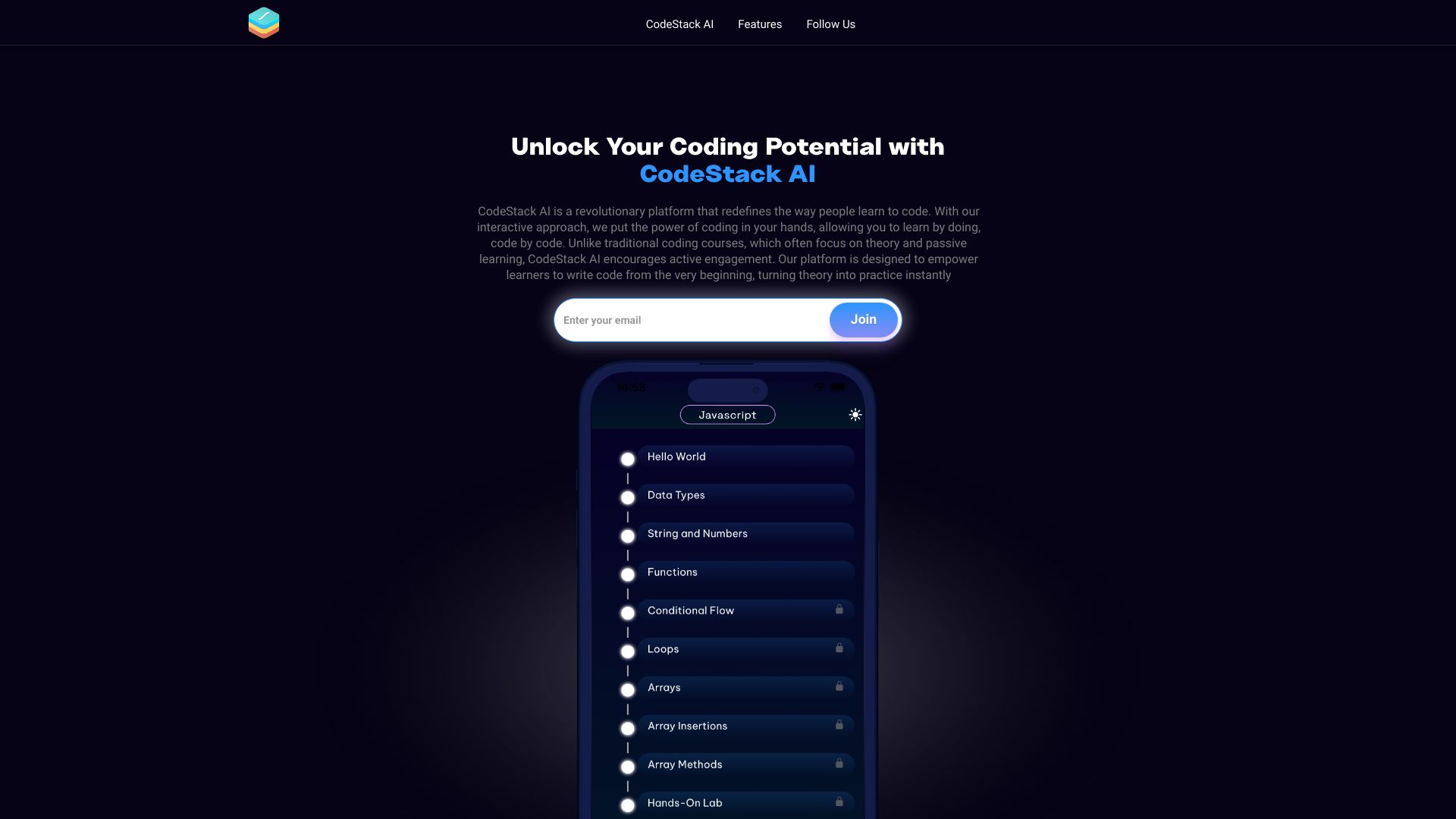
CodeStack AI
AI-assisted coding learners

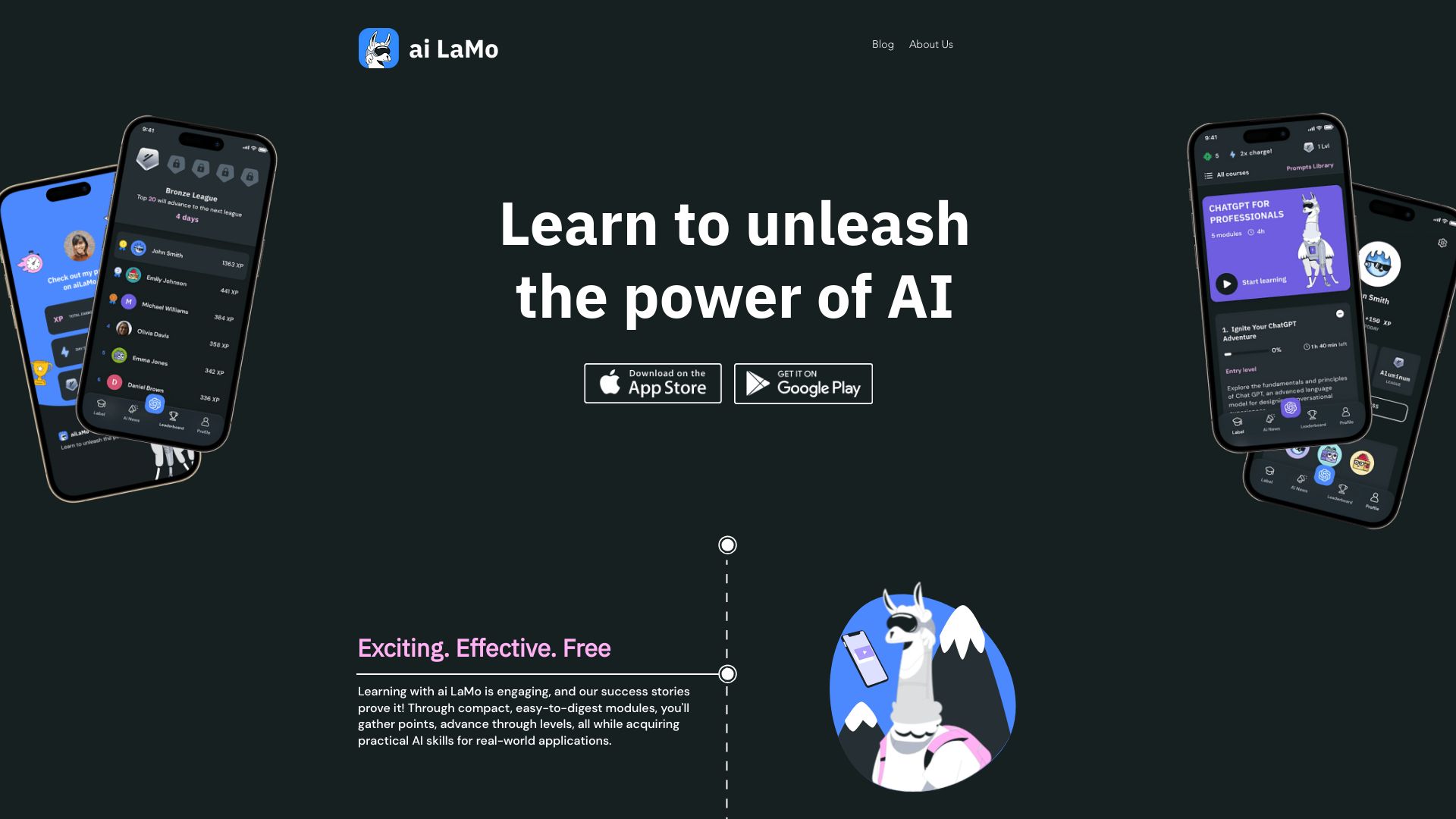
ai LaMo
AI education for beginners

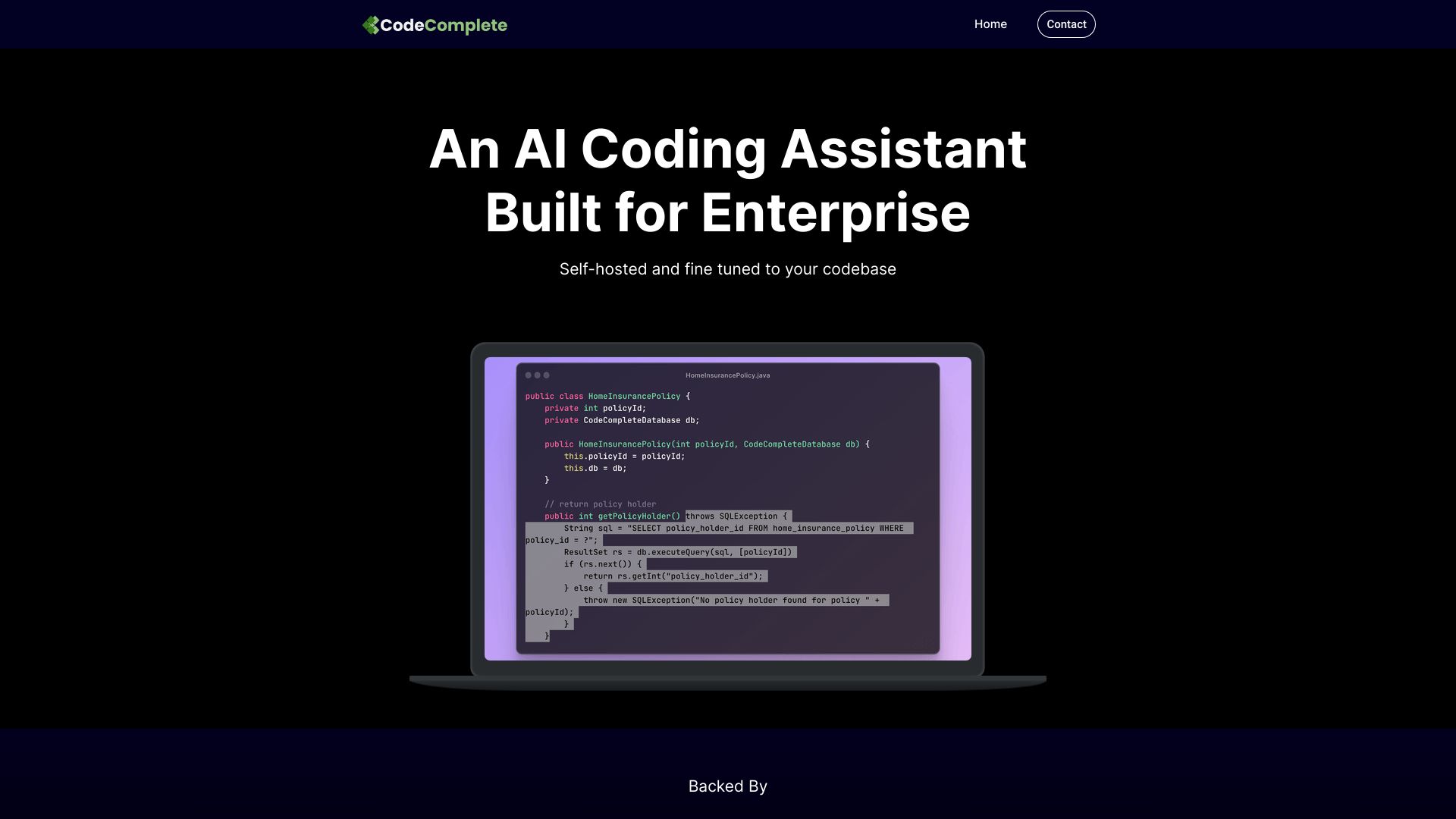
CodeComplete
Enterprise development teams

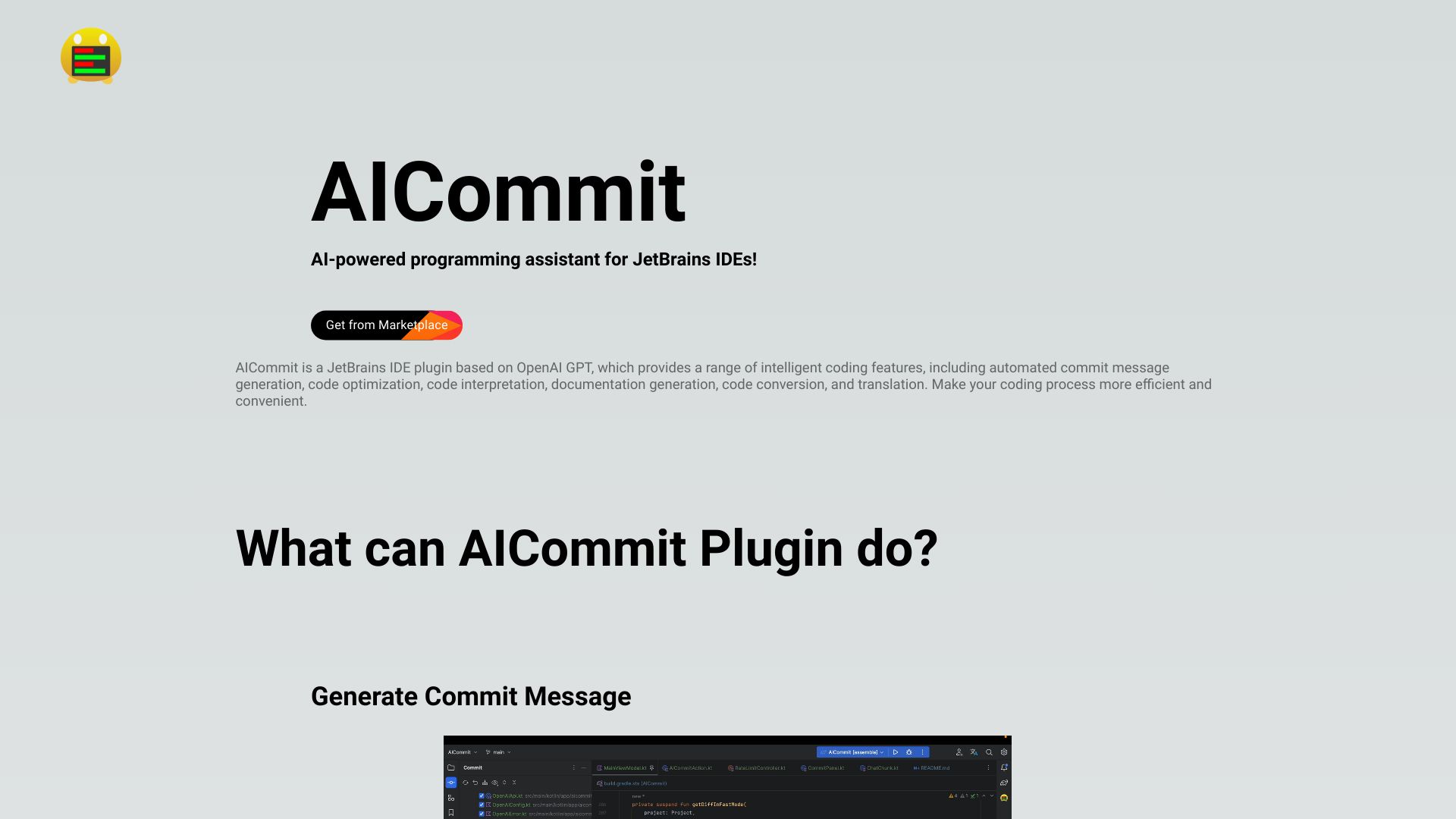
AICommit
JetBrains commit message generation
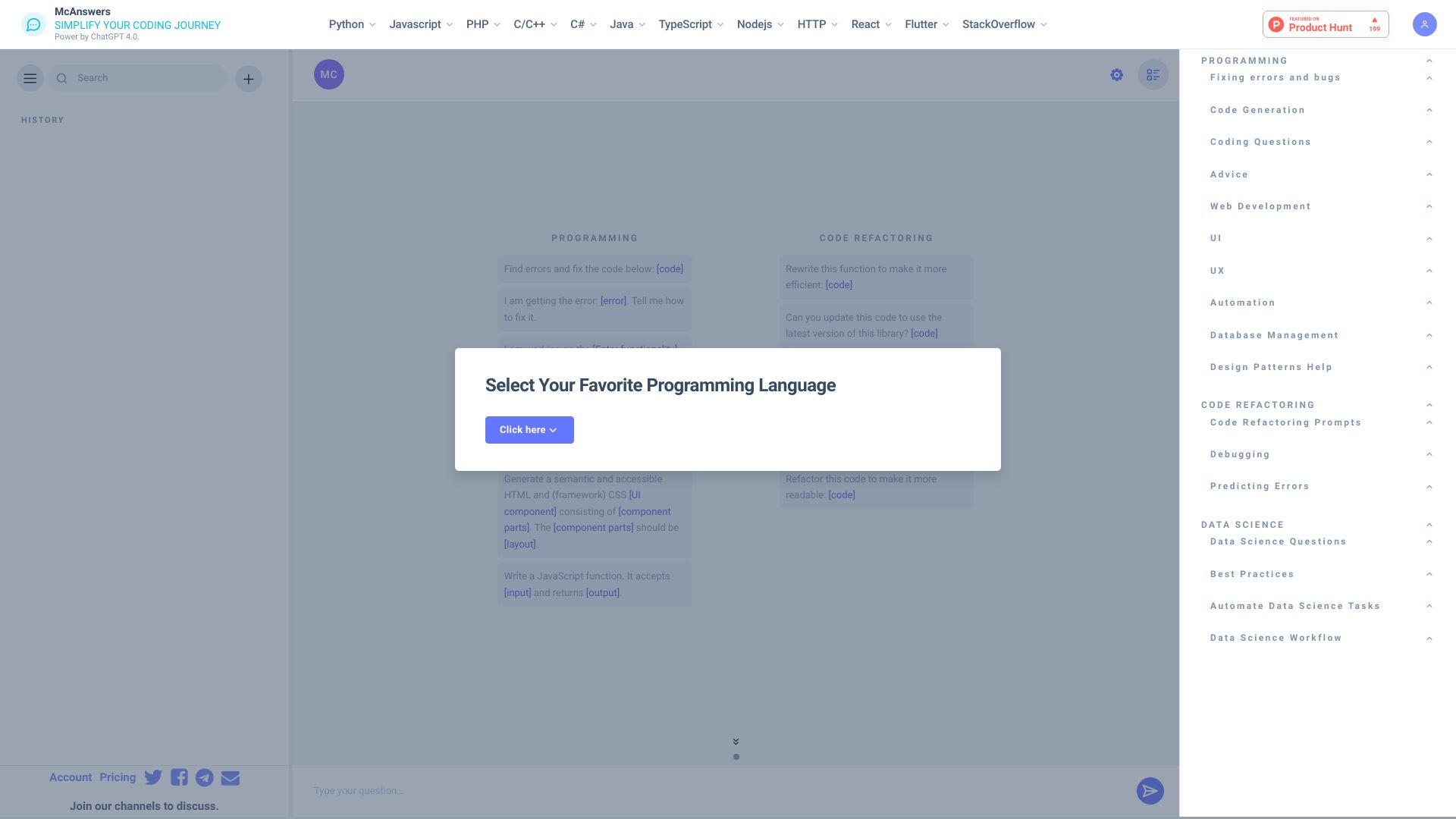
McAnswers
Coding error diagnosis and learning

CodeWiz
Instant code explanations

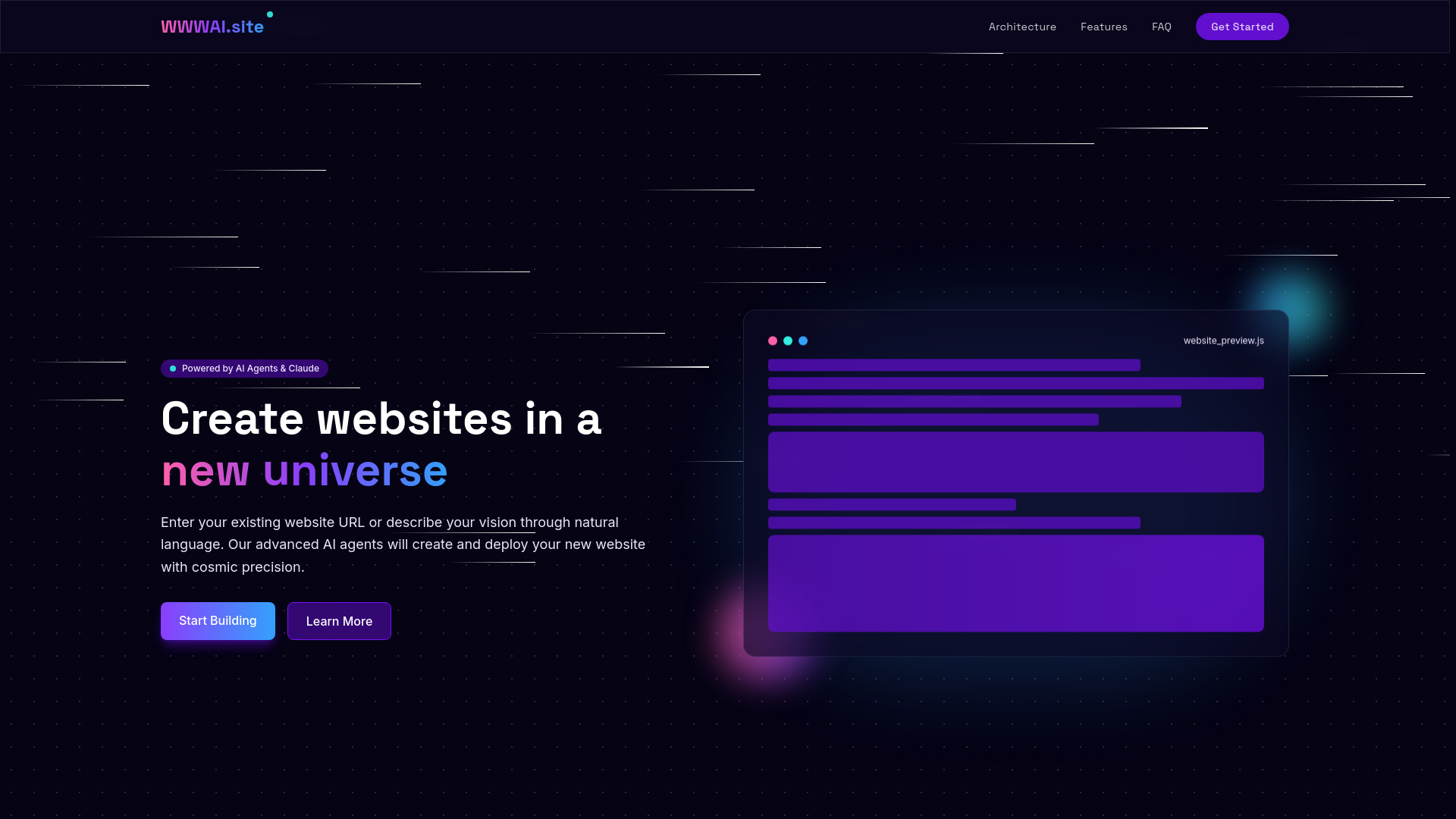
WWWAI.site
AI website creation and deployment

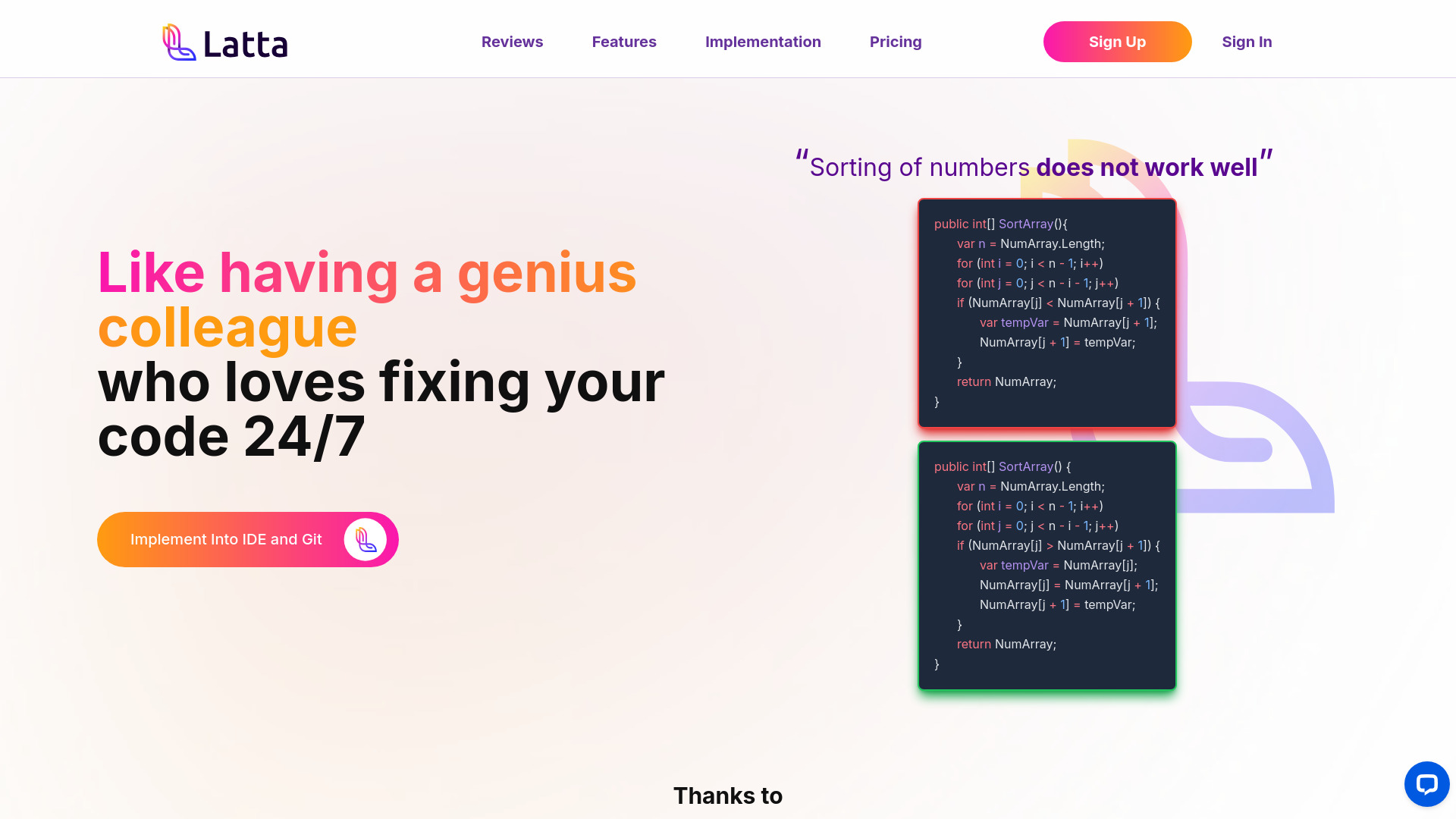
Latta AI
AI-assisted bug fixing and debugging

debugcode.ai
Developers debugging code with AI


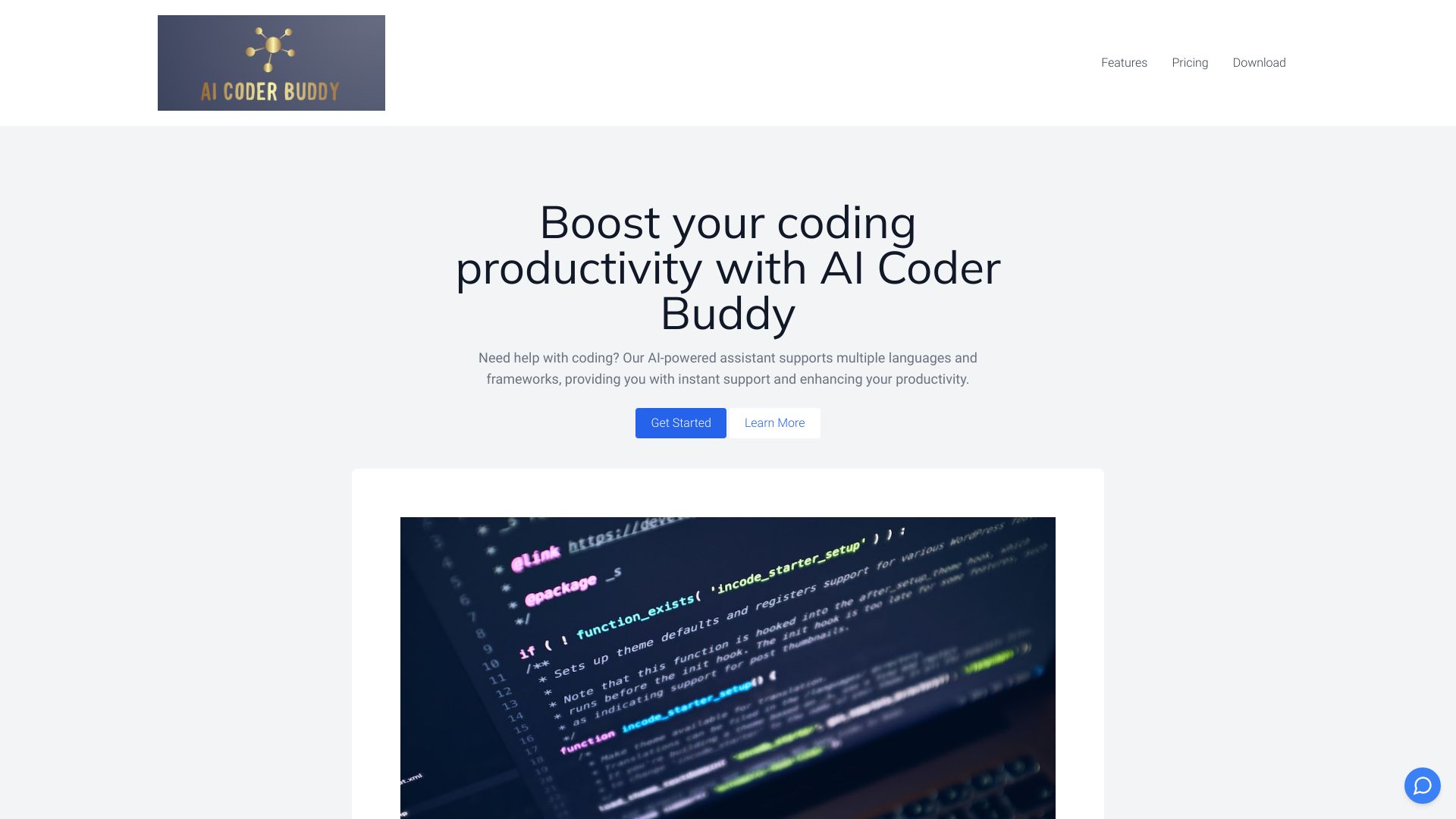
AI Coder Buddy
Offline code search and learning

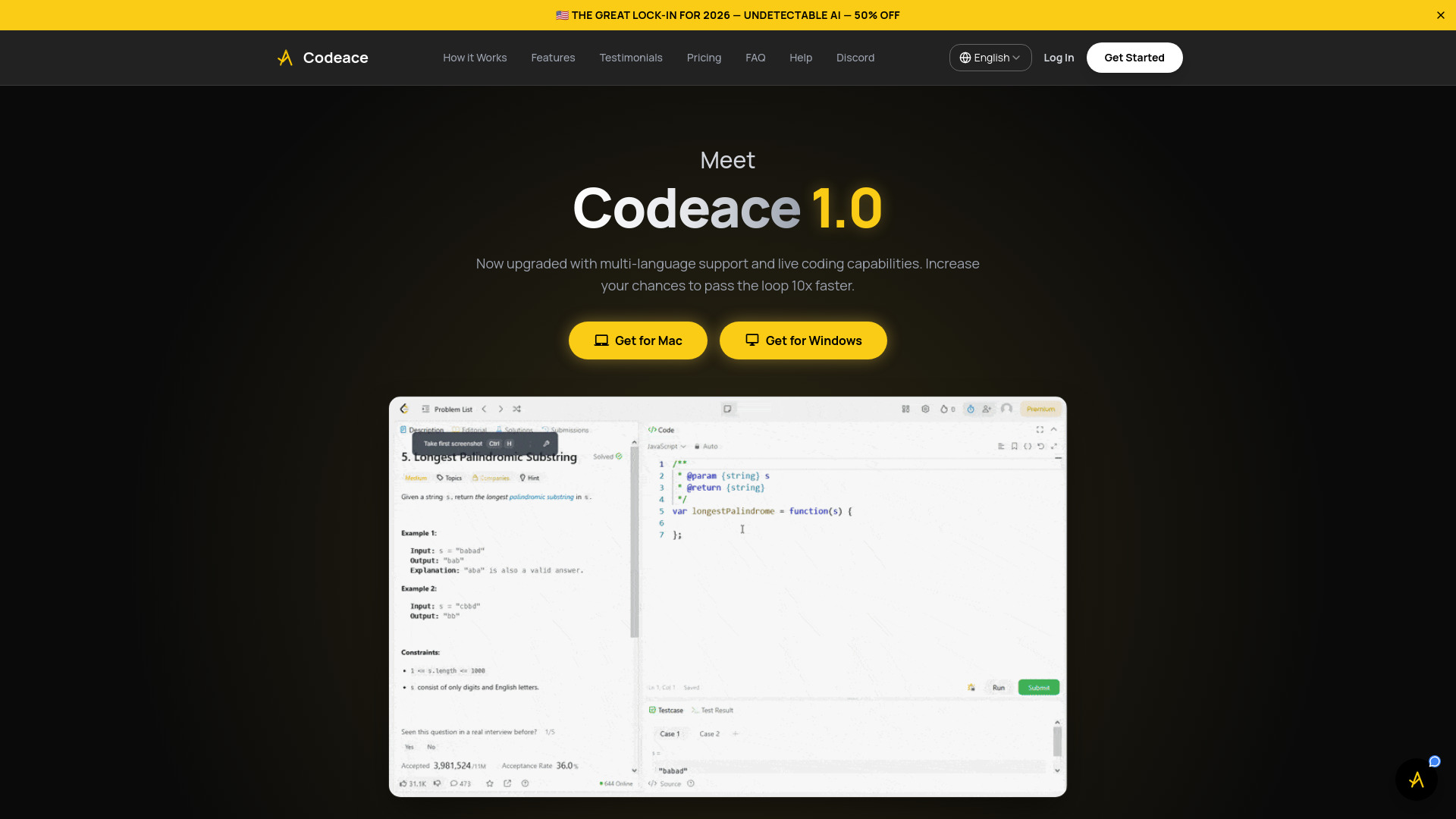
Codeace
Real-time coding interview assistance
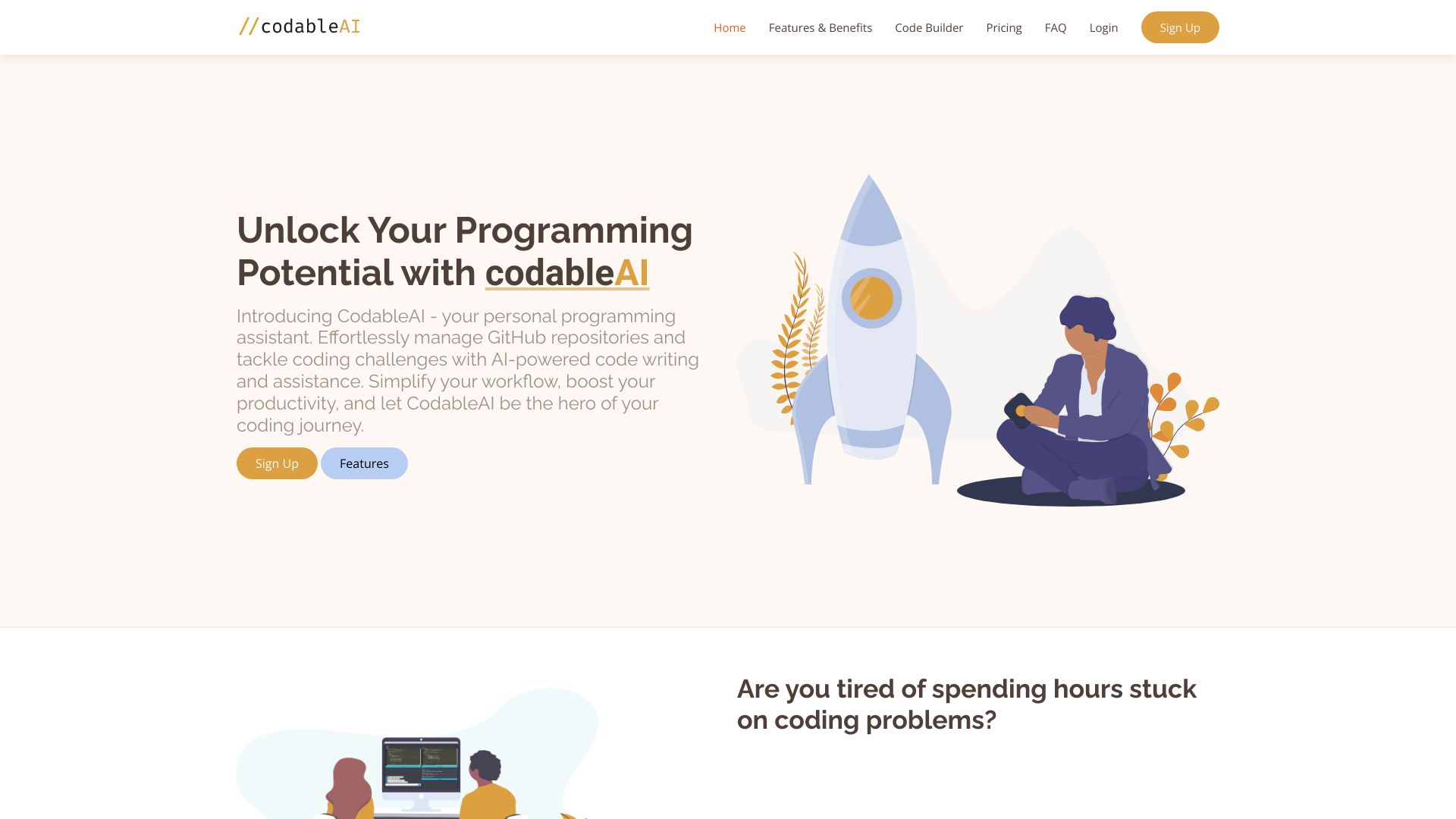
CodableAI
AI coding and debugging
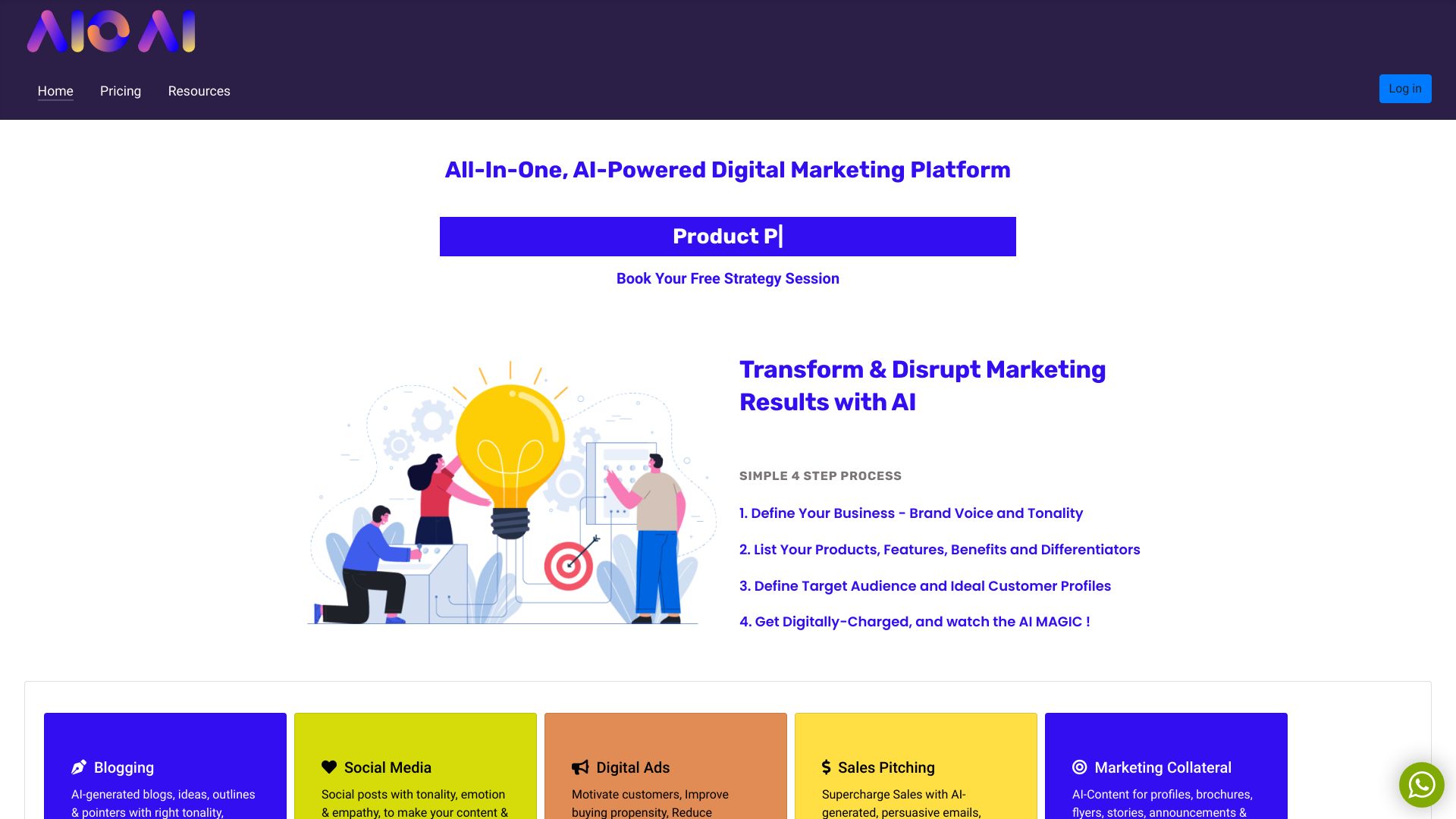
aioai.co
AI-powered digital marketing

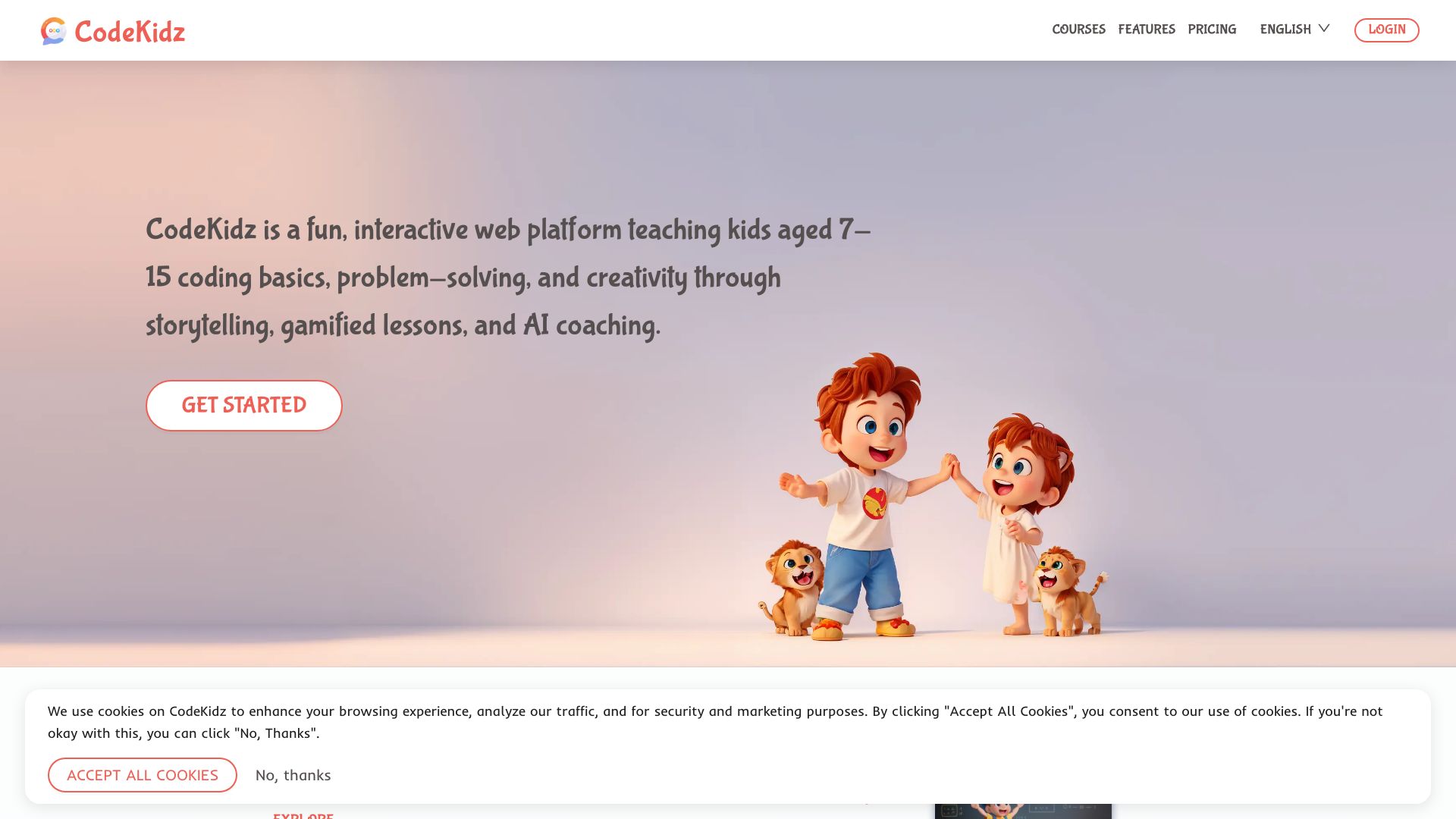
CodeKidz
Kids learning coding with AI guidance

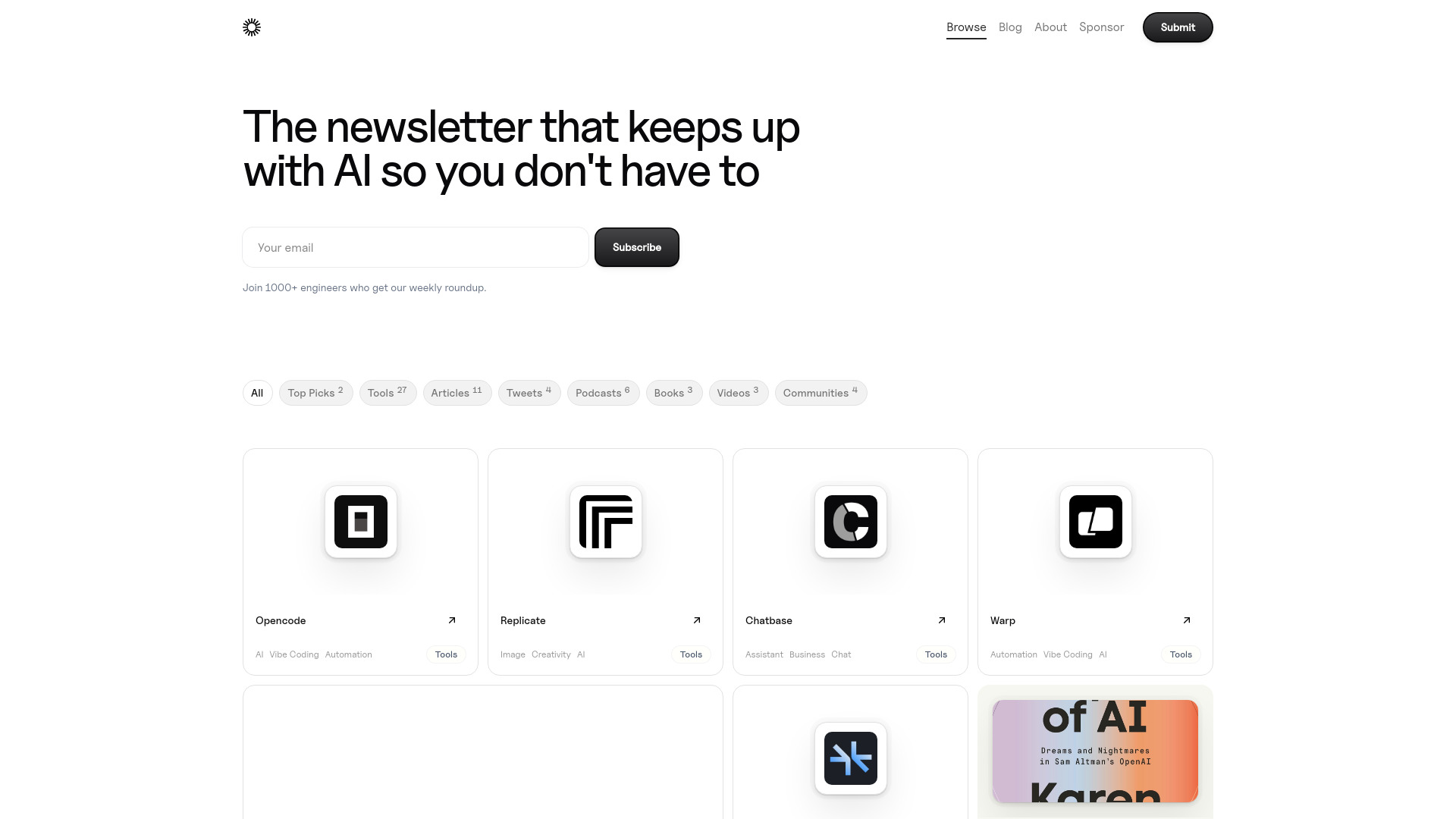
AI Things
AI engineers seeking curated tools

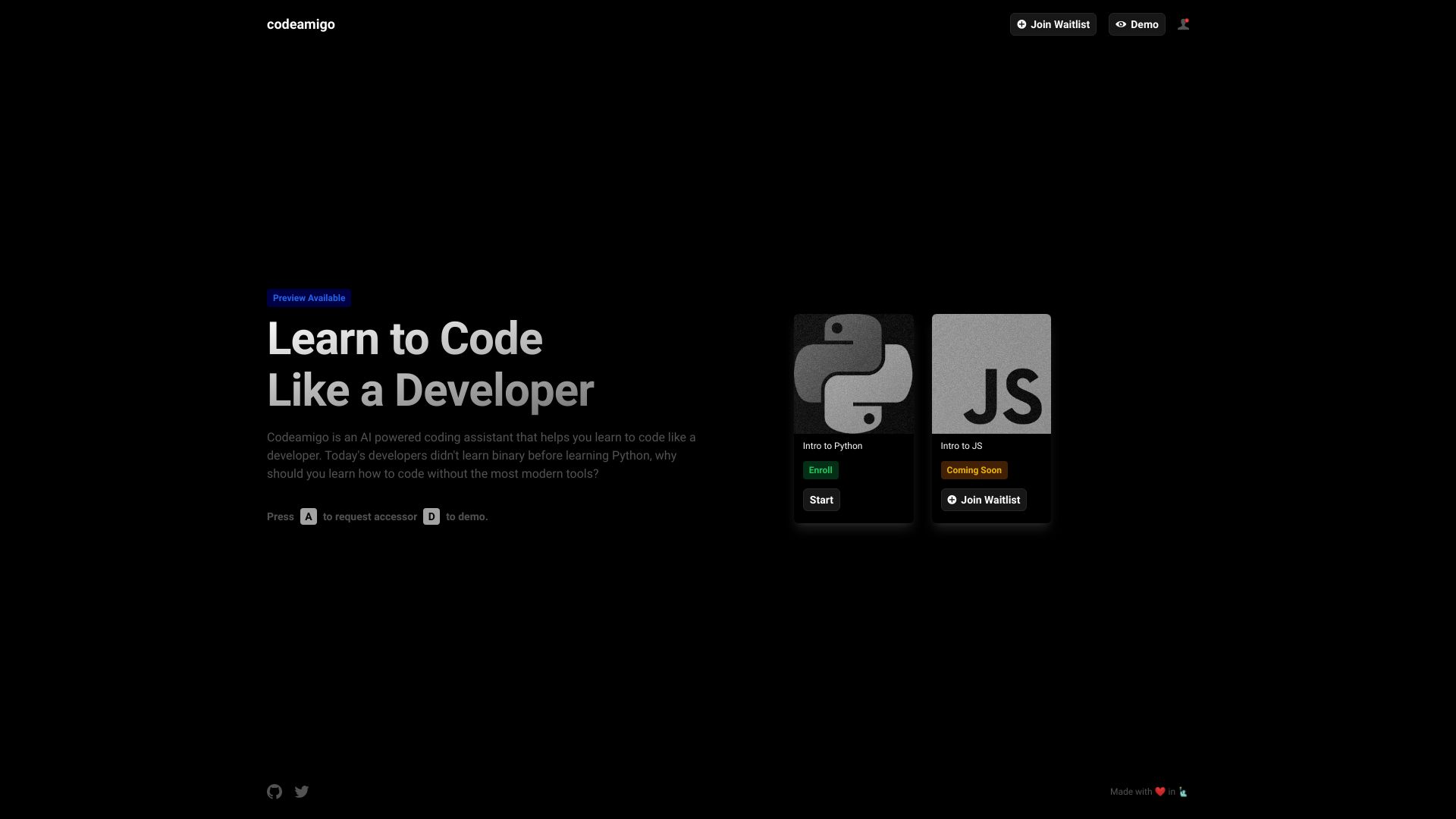
Codeamigo
AI-guided coding lessons for beginners

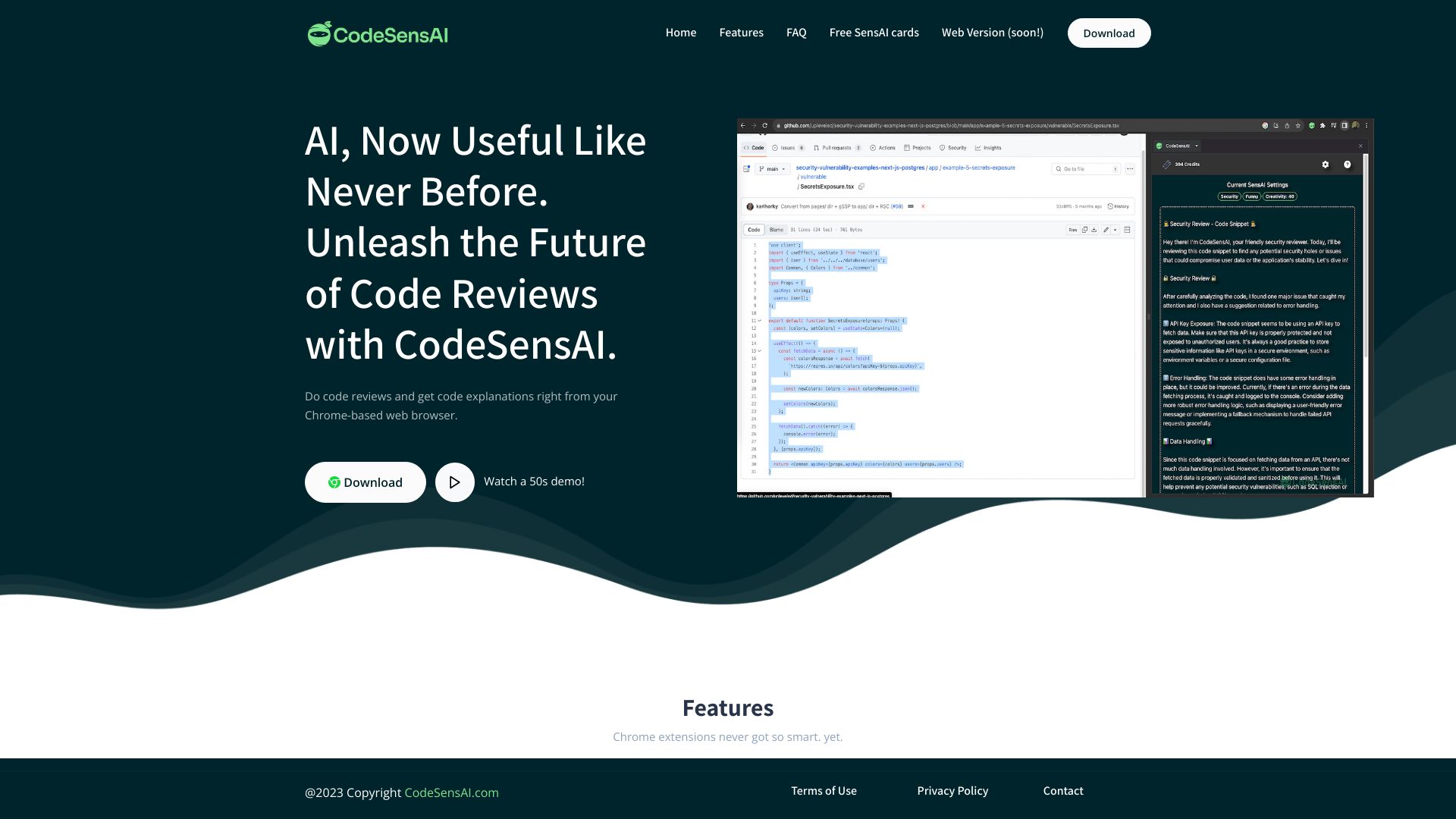
CodeSensAI
Chrome-based code reviews

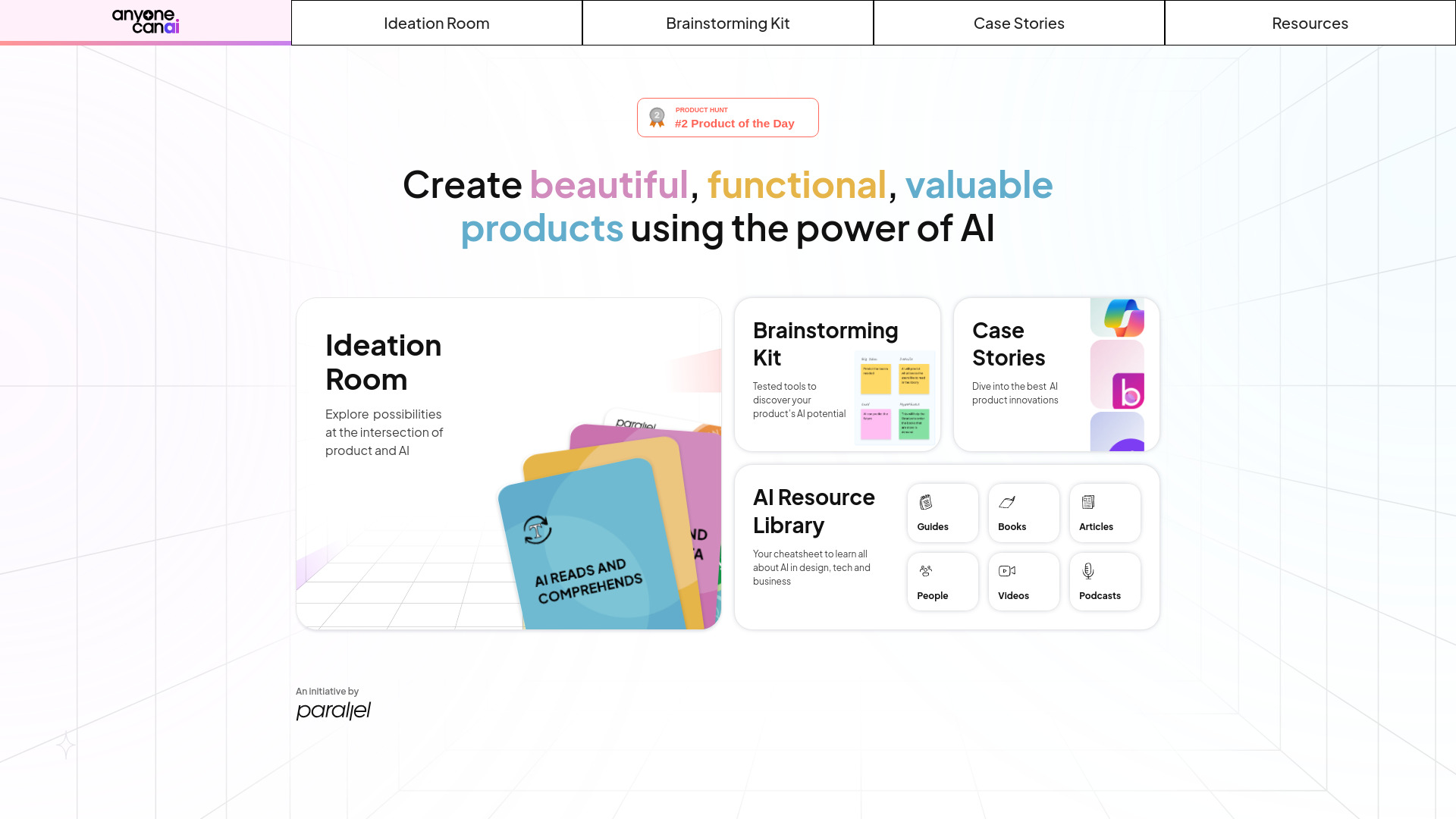
AnyoneCanAI
AI product ideation and design teams

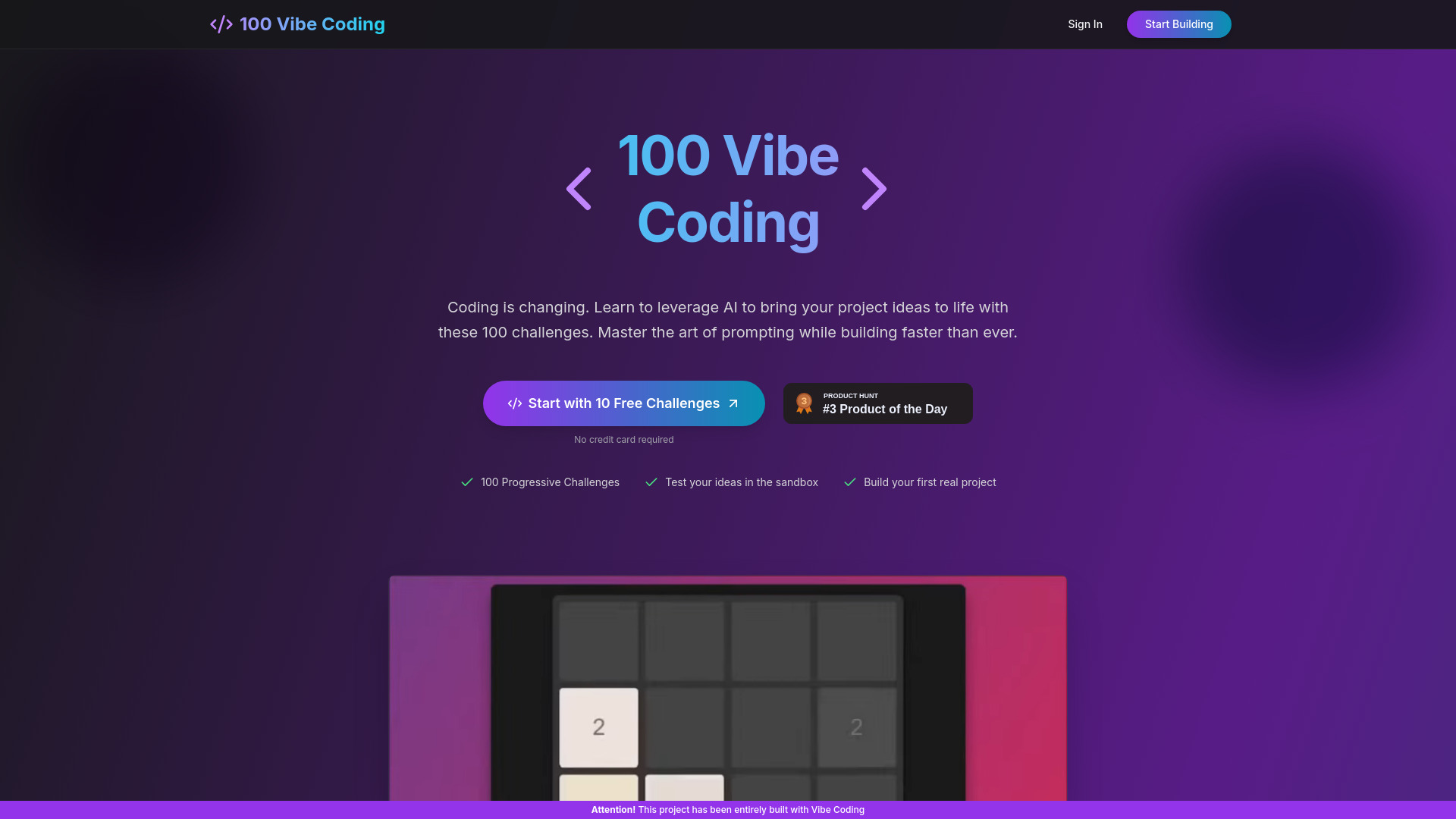
100 Vibe Coding
Beginner AI coding challenges

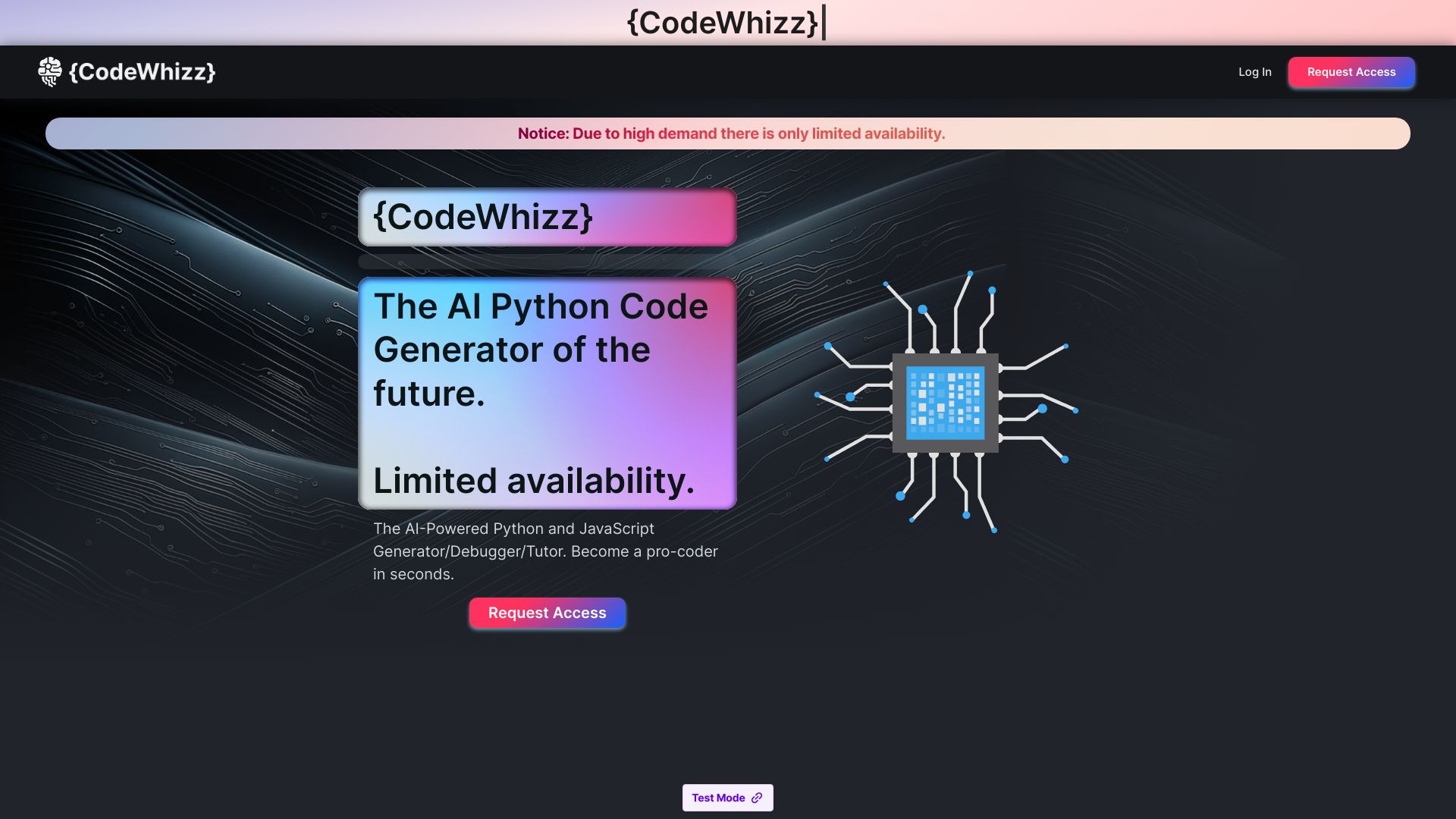
CodeWhizz
Python learners and productivity-focused developers

brAIneous
Voice- and chat-based web development


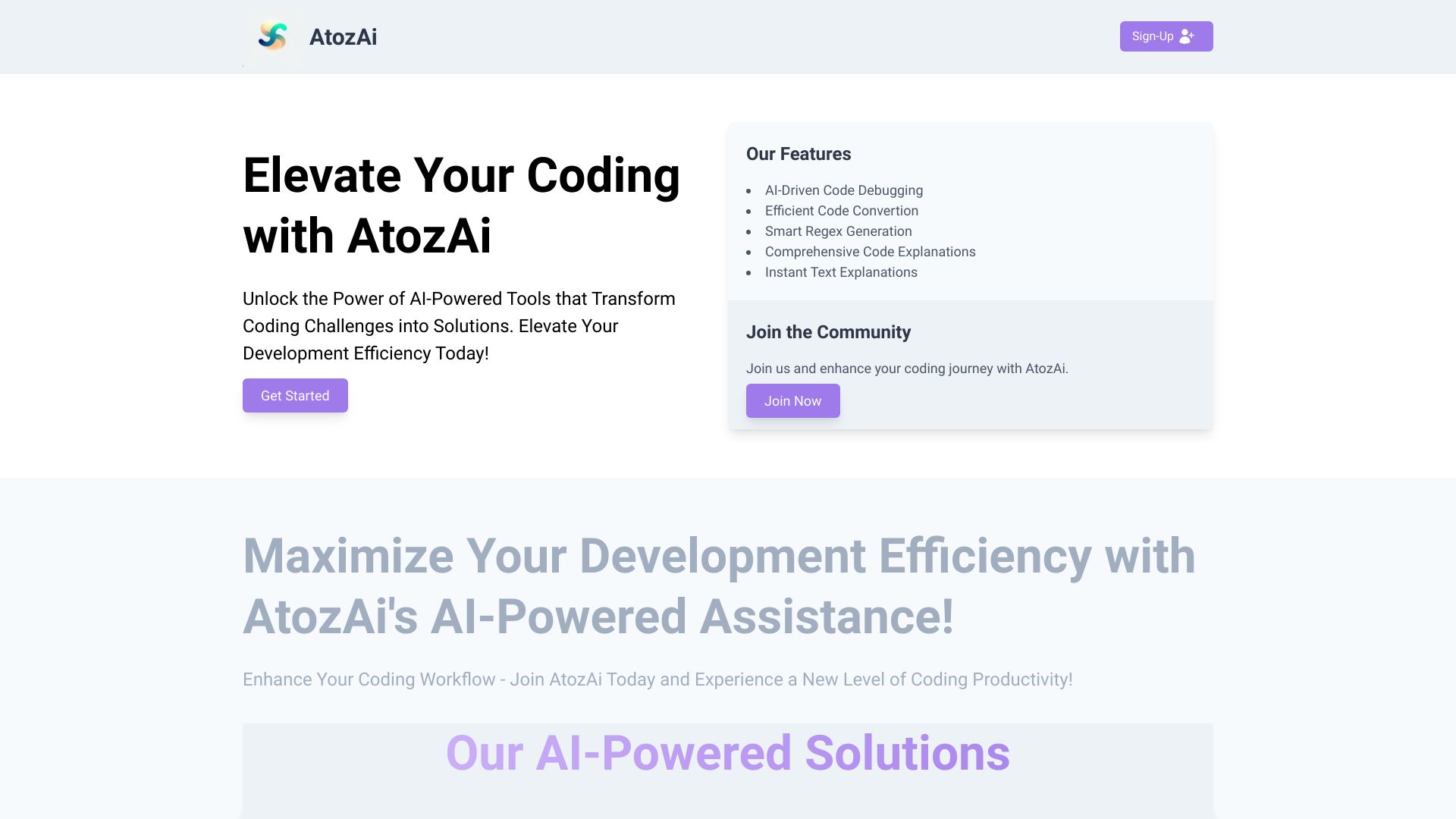
AtozAi
AI coding assistance

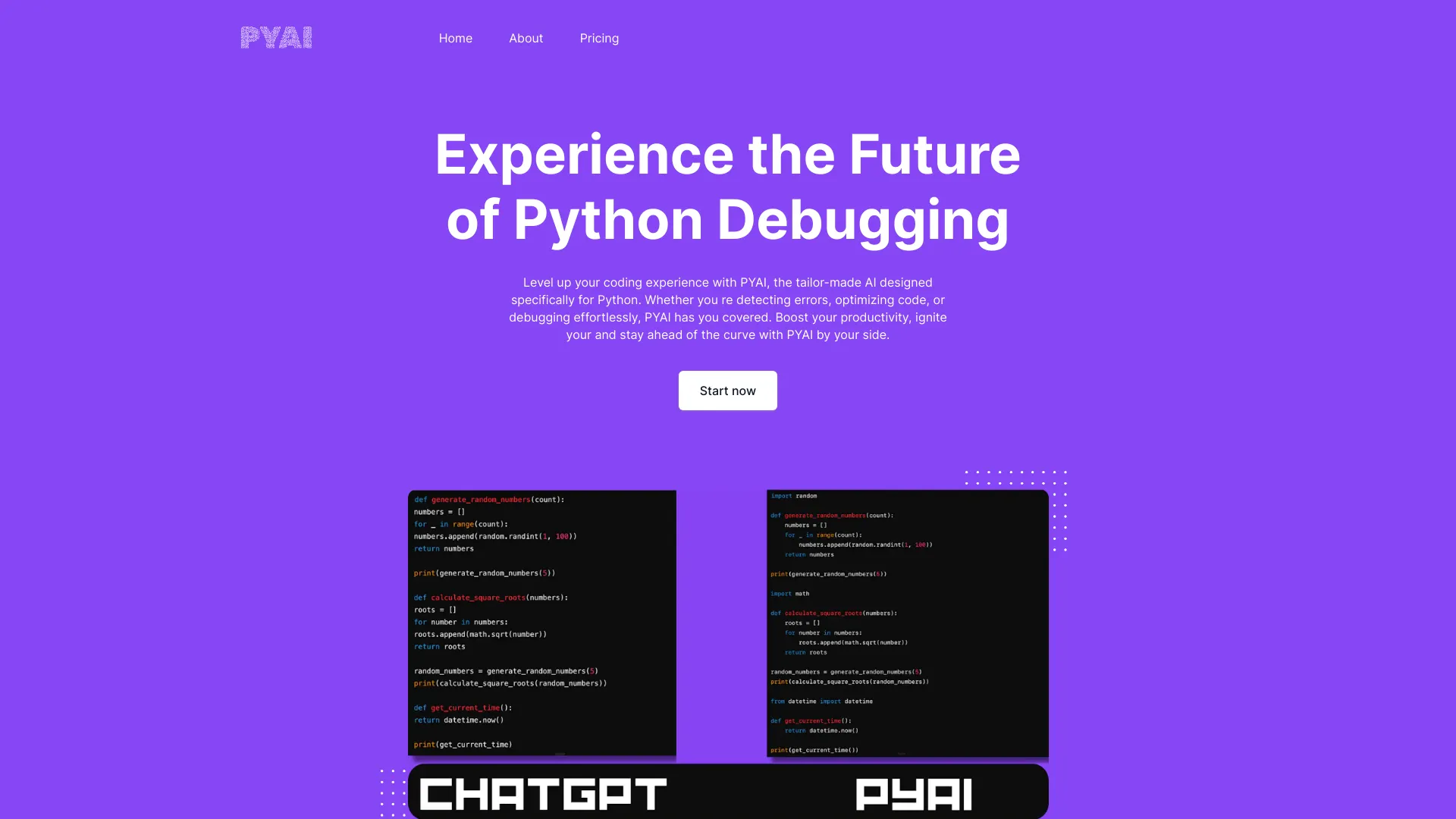
PyAI
Python code debugging and optimization

Codei
Technical interview preparation

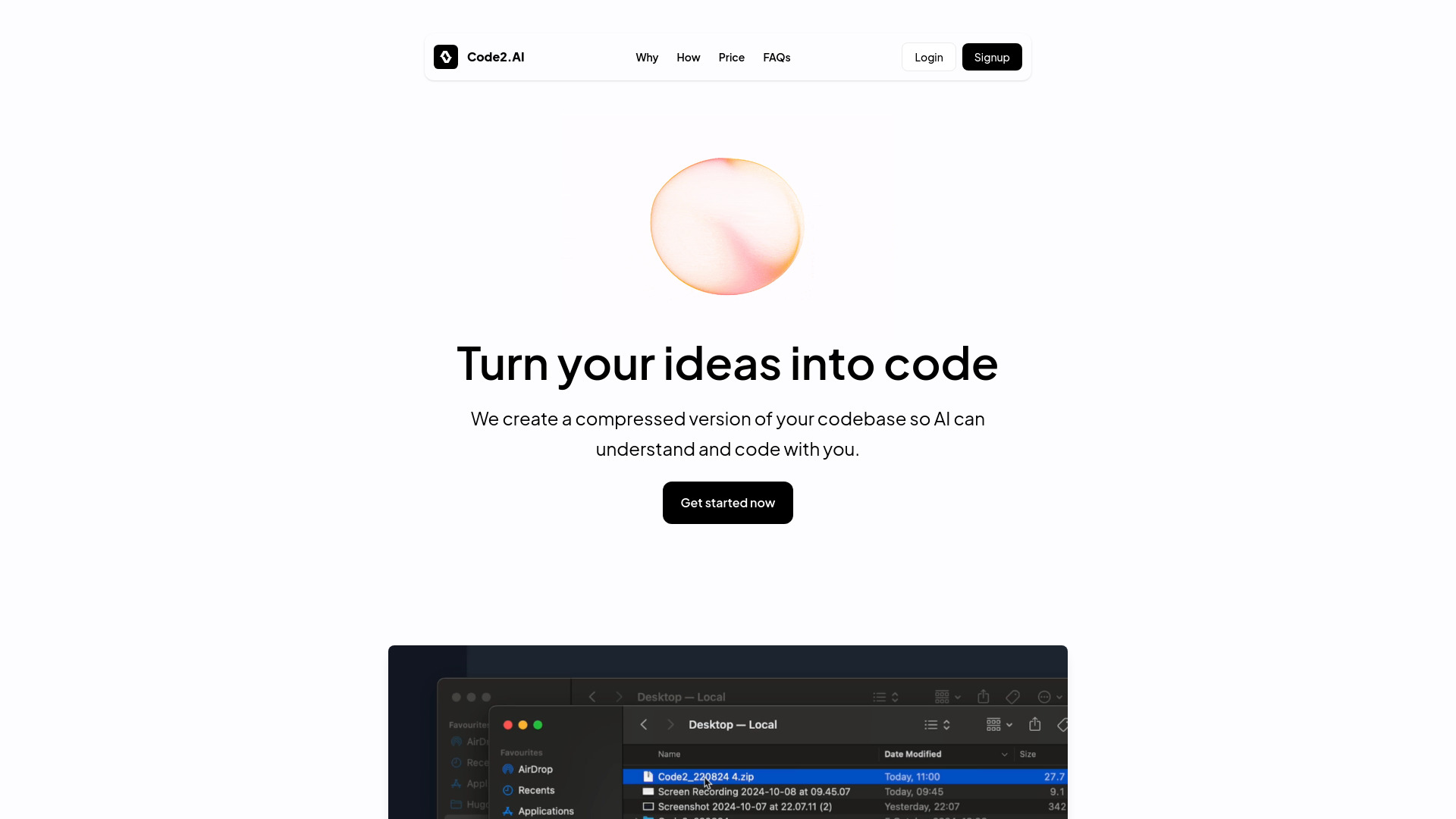
Code2.AI
Teams sharing codebase knowledge

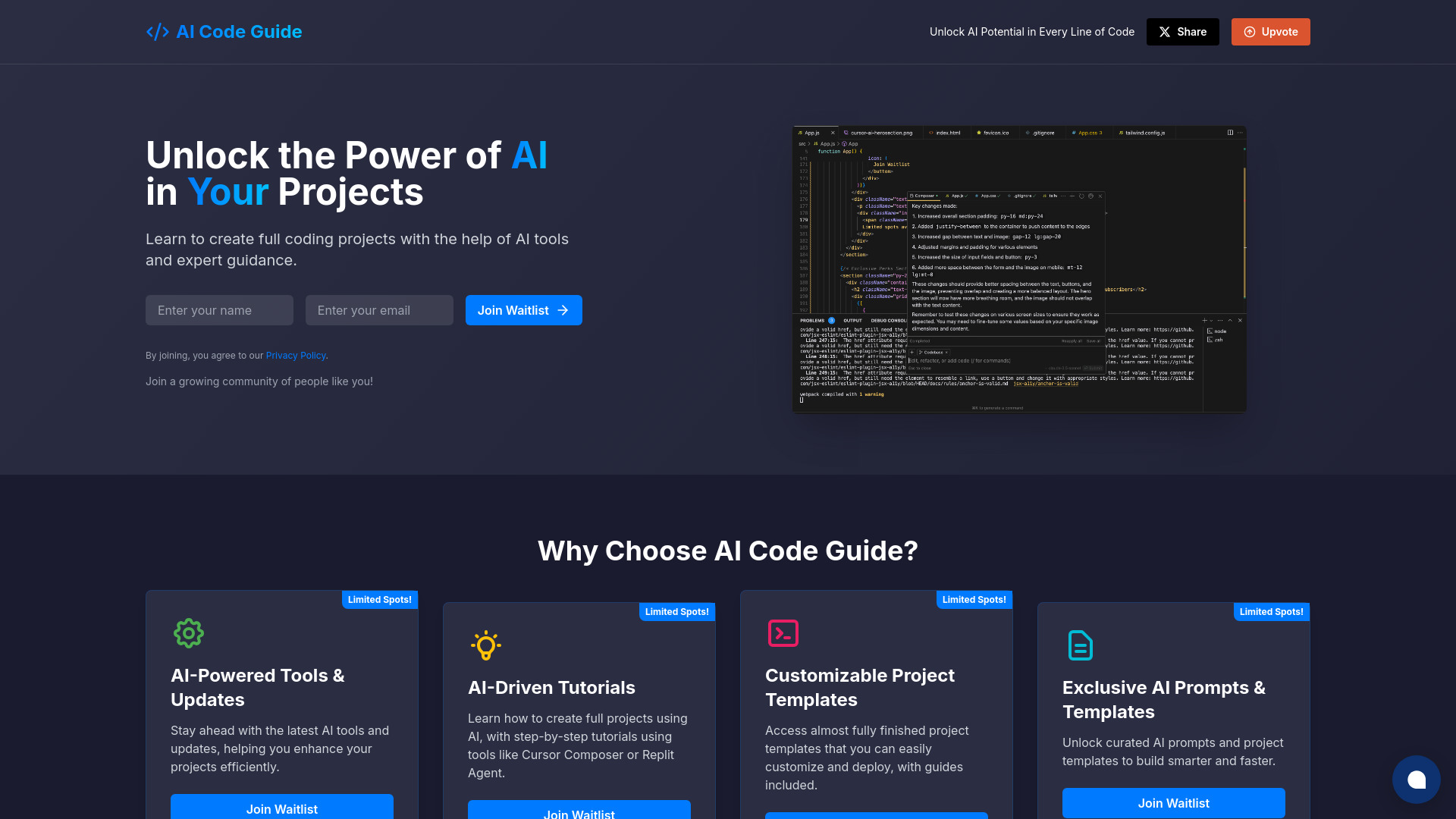
AI Code Guide
Beginners building AI-assisted coding projects

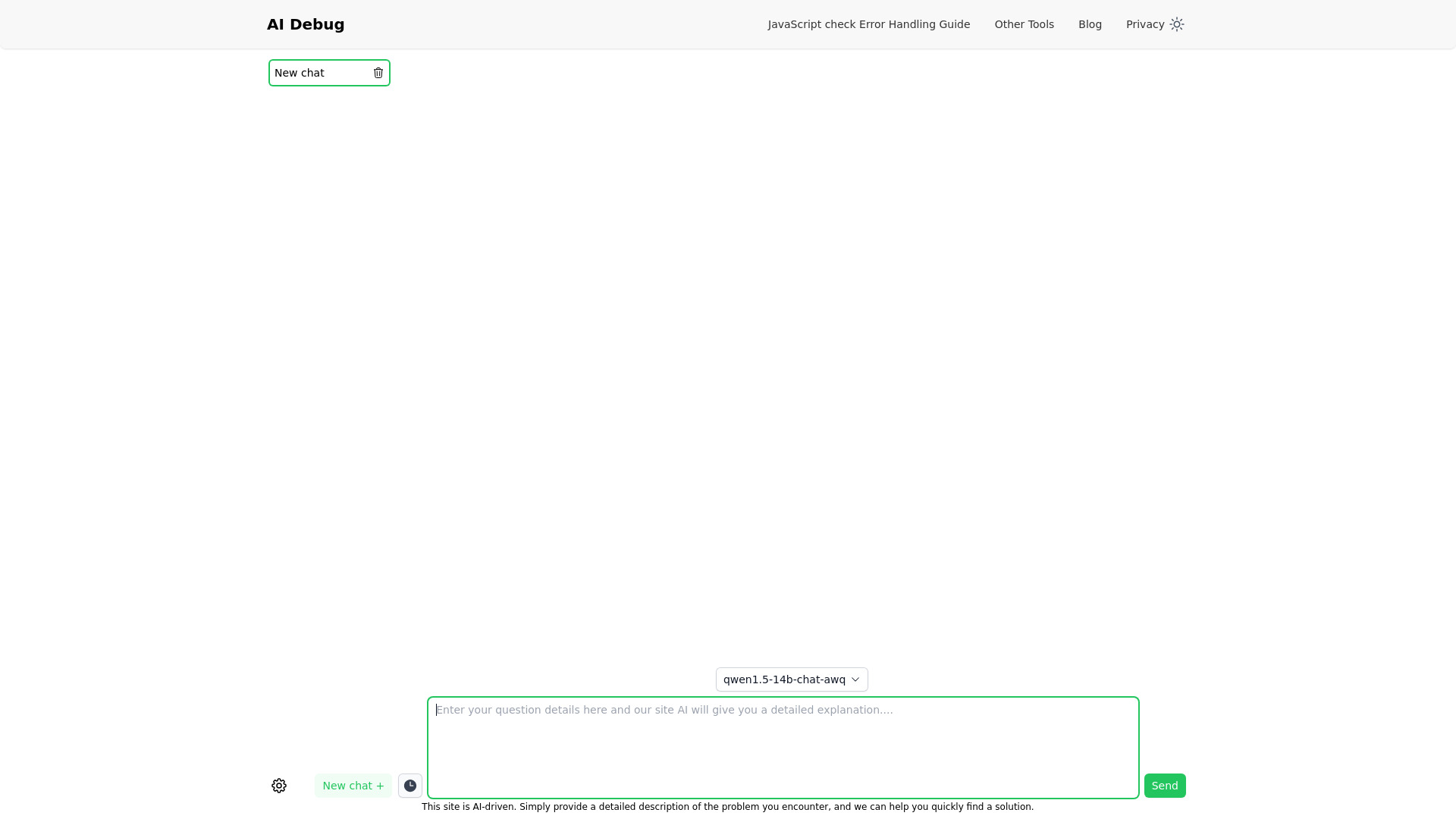
AI Debug
Quick coding help

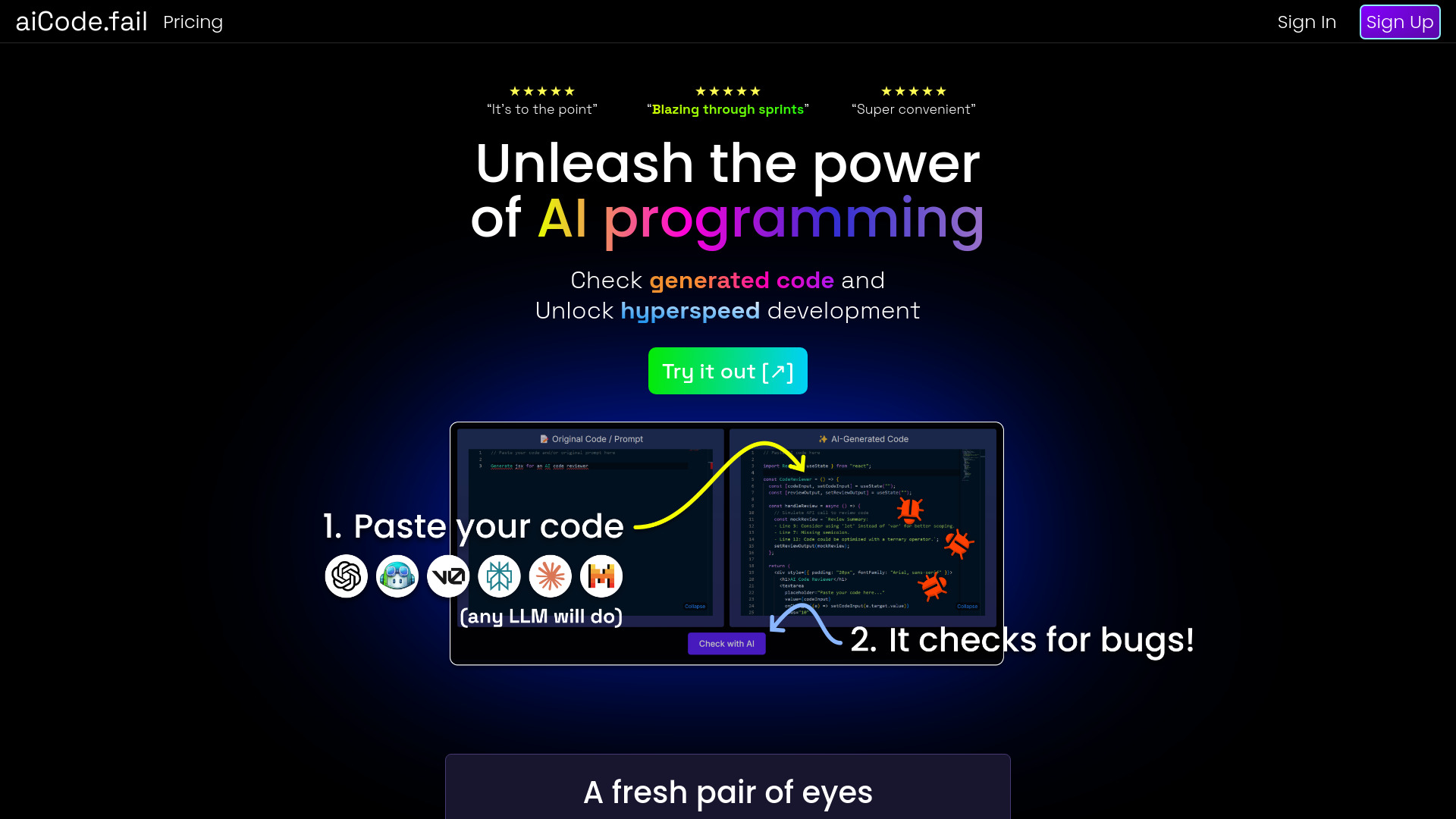
aiCode.fail
AI-generated code auditing

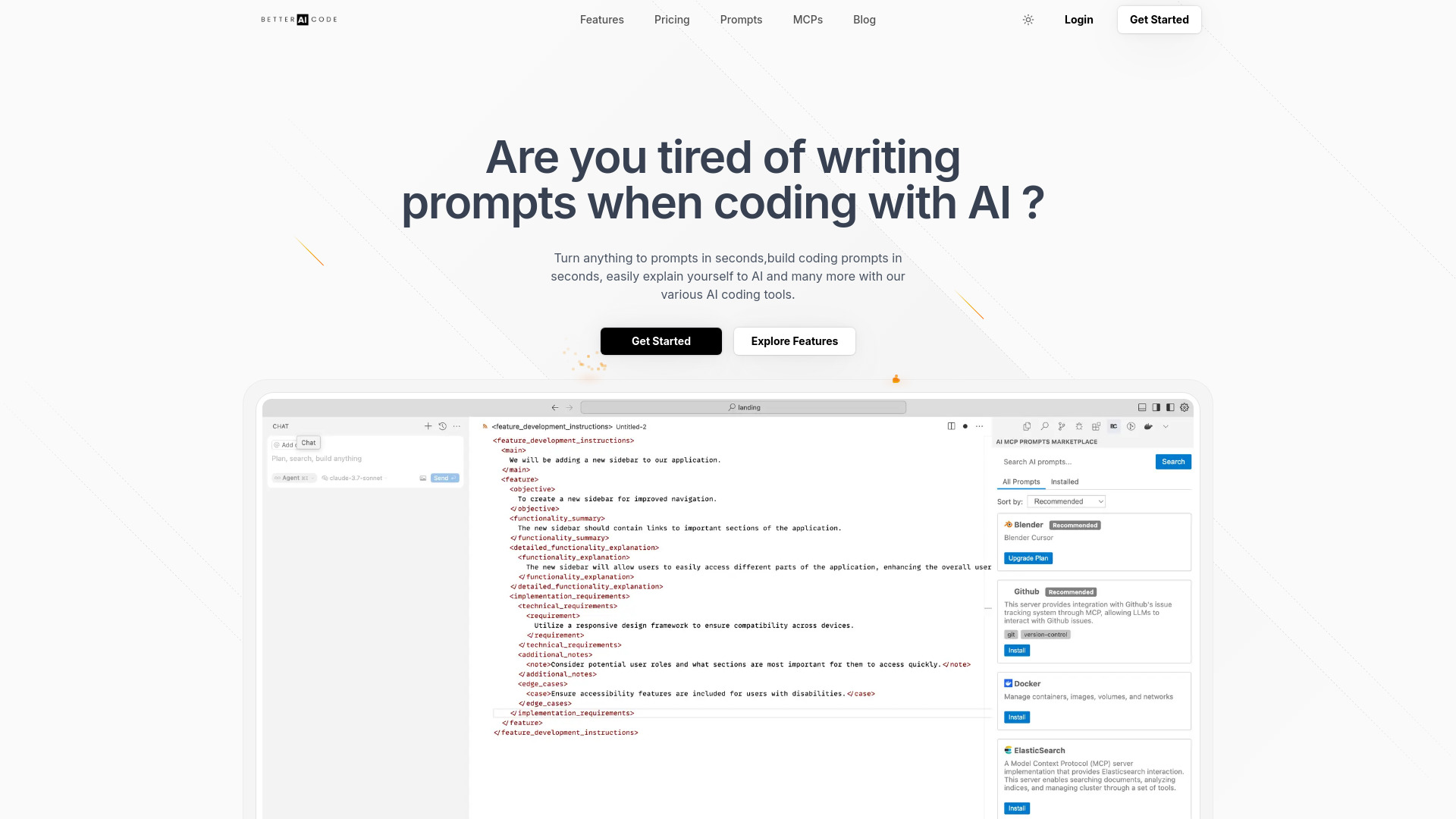
Better AI Code
AI coding prompt creation

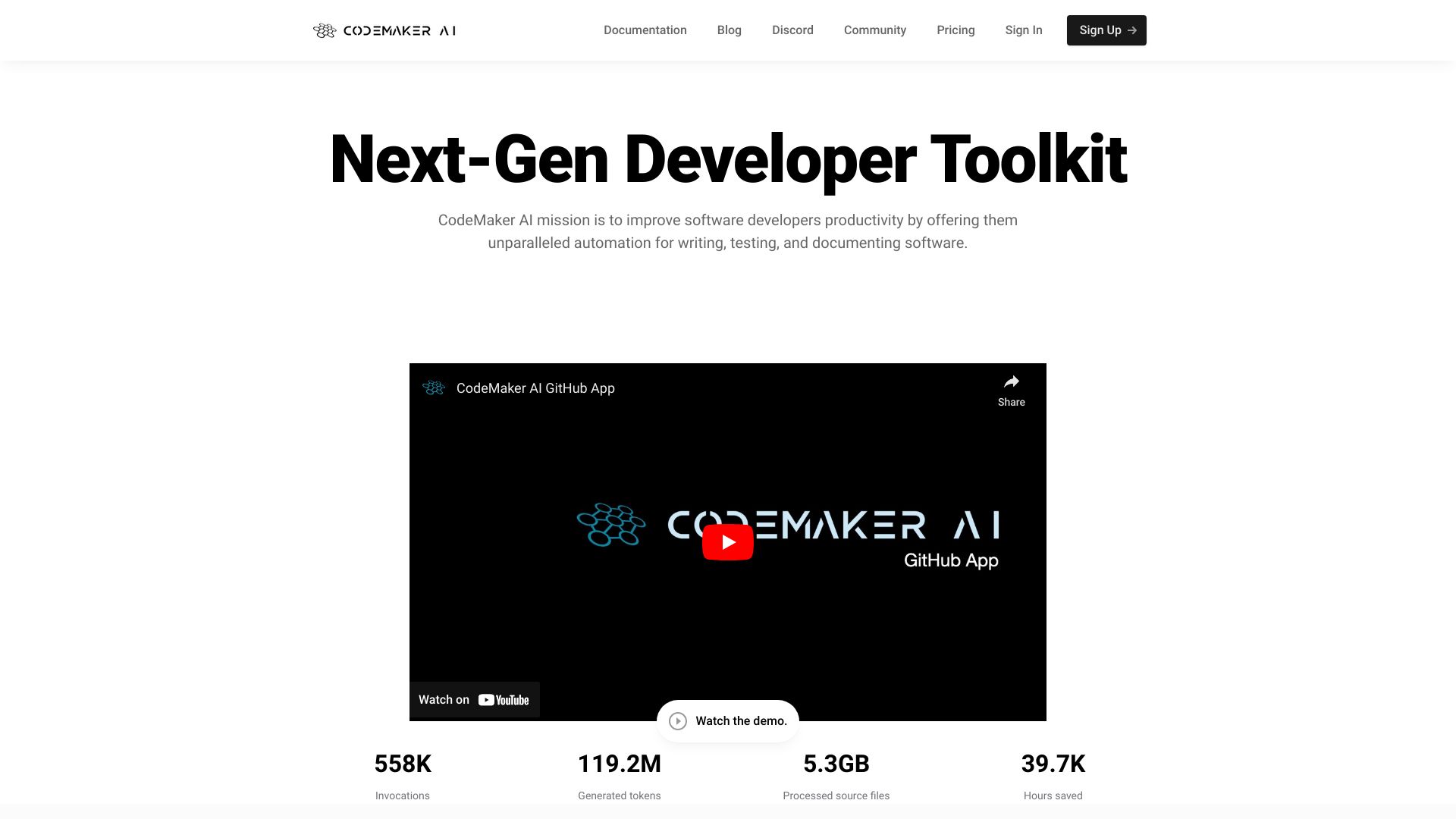
CodeMaker AI
Context-aware code generation

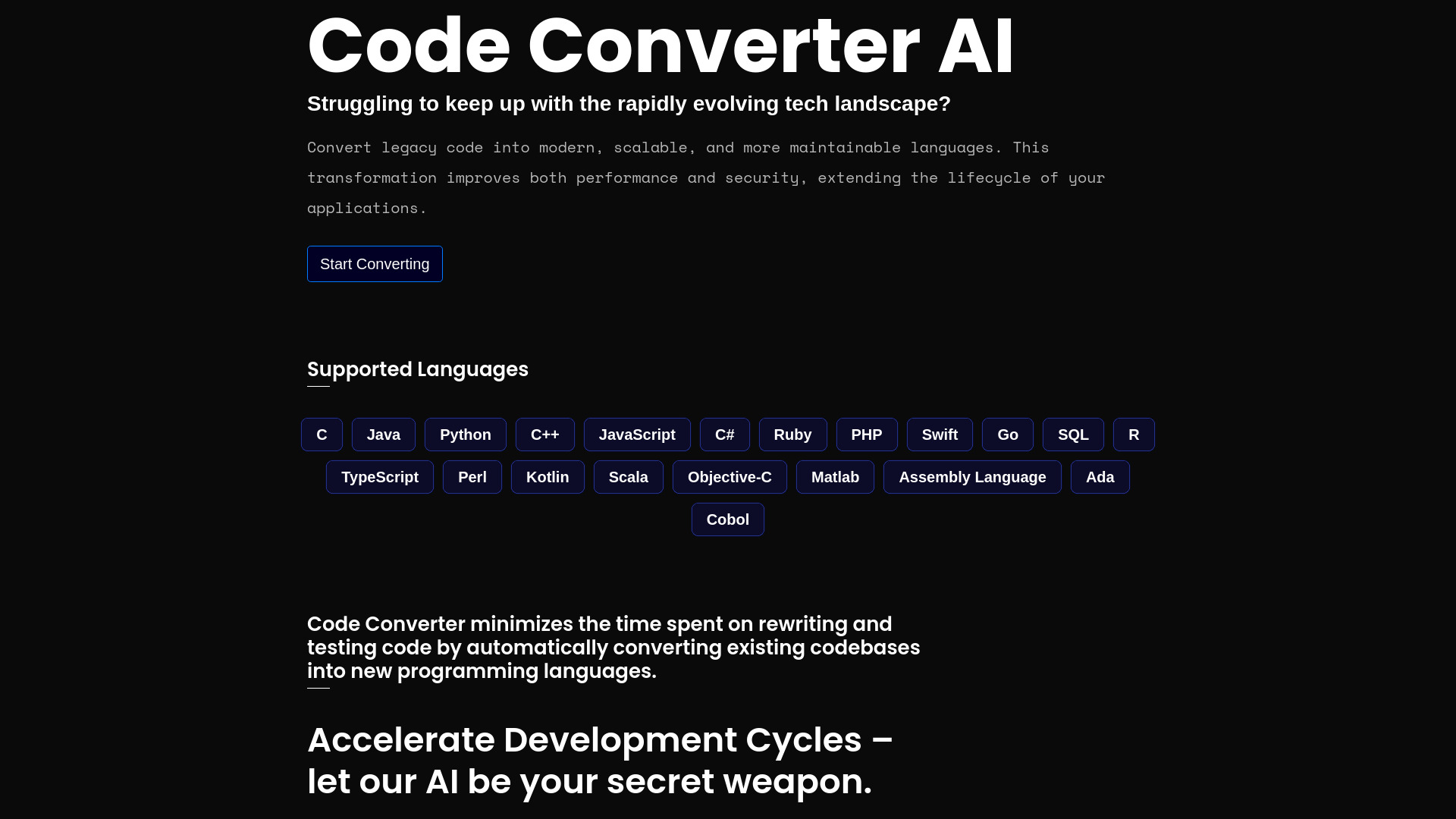
Code Converter AI
Legacy code migration

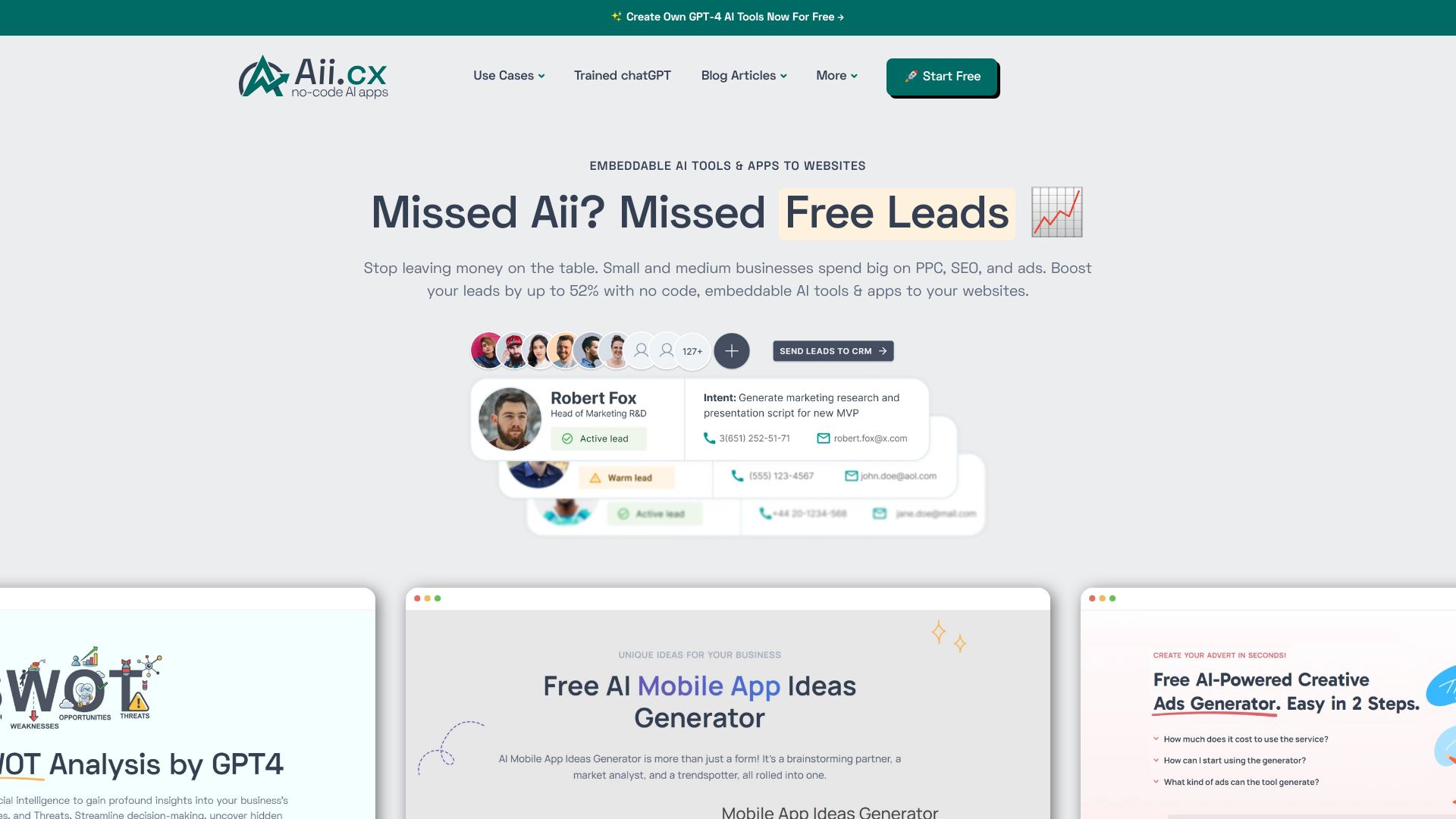
Aii.CX
No-code AI widgets for websites
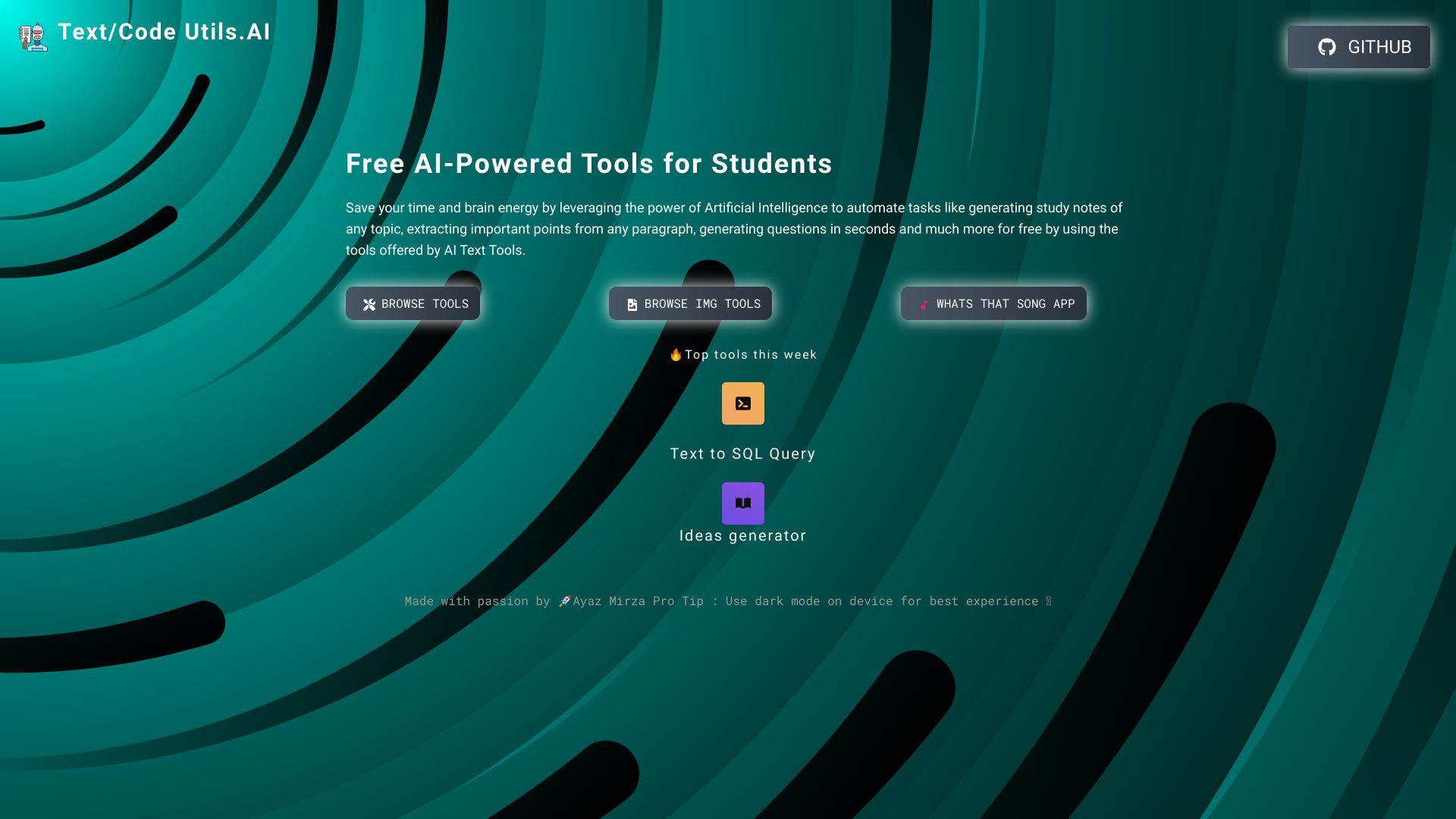
Text/Code Util.AI
Quick AI code and text utilities
Scriptio AI
AI code generation for any language

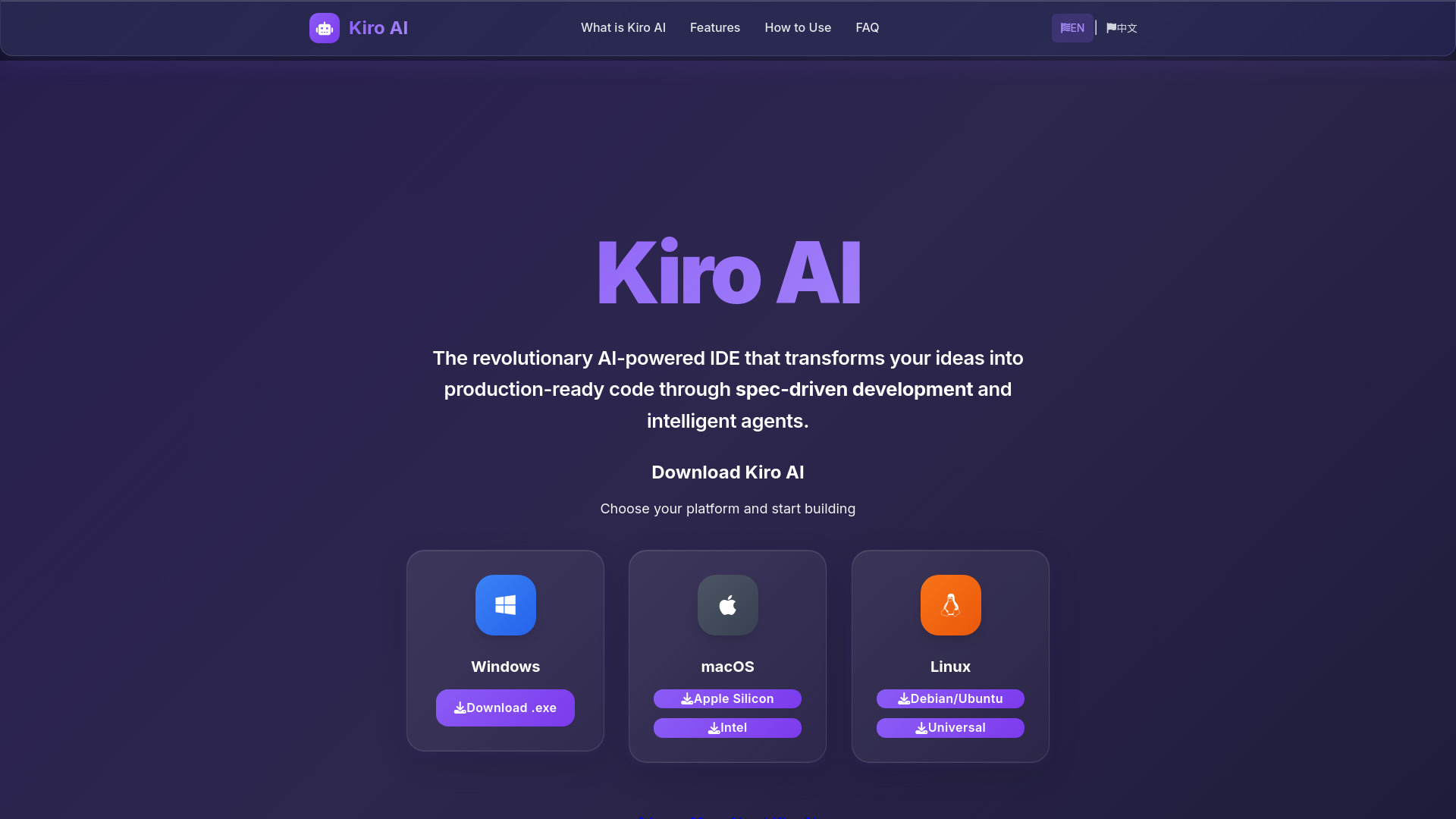
Kiro AI
Spec-driven software development
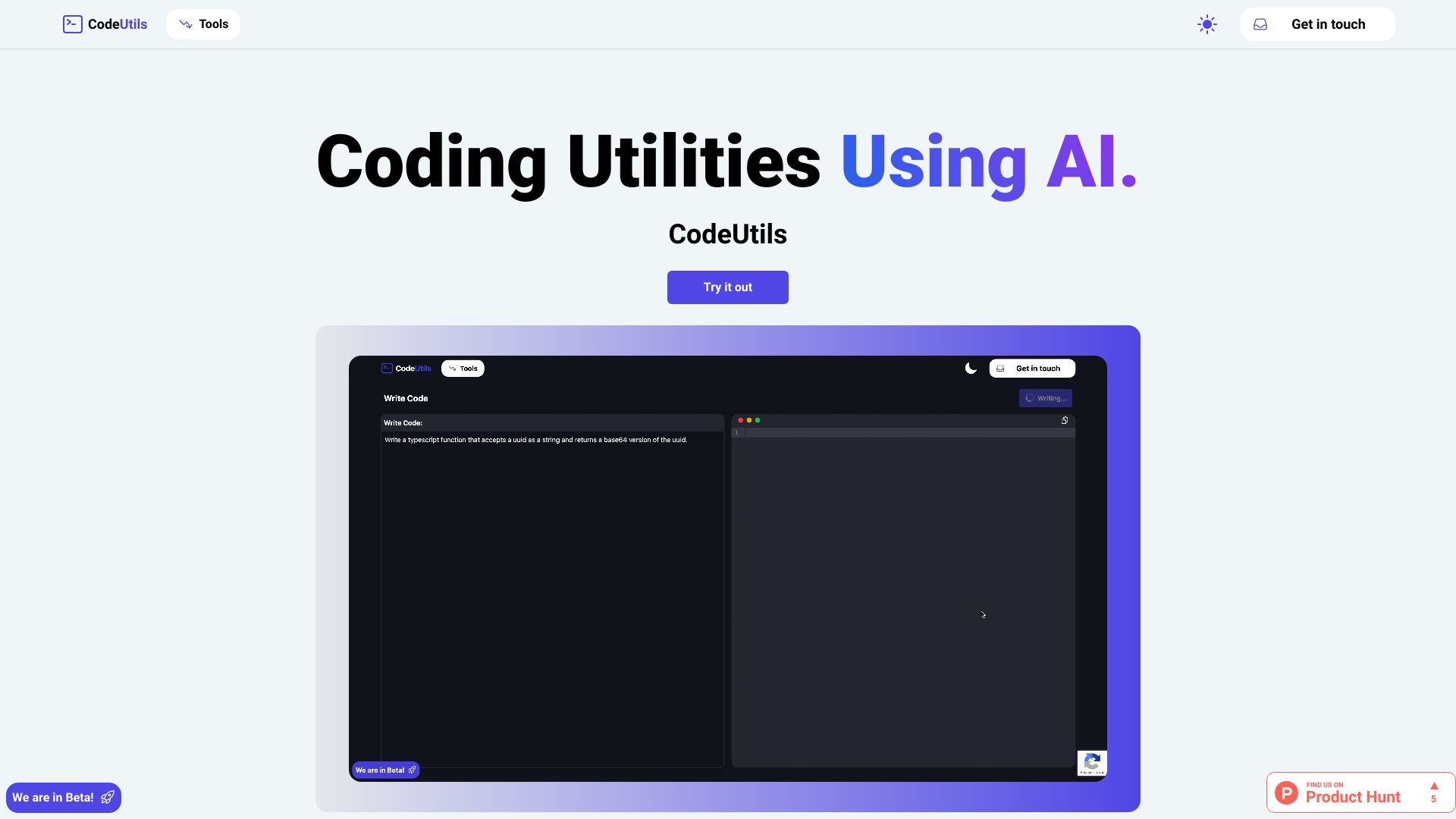
CodeUtils
AI code testing and refactoring
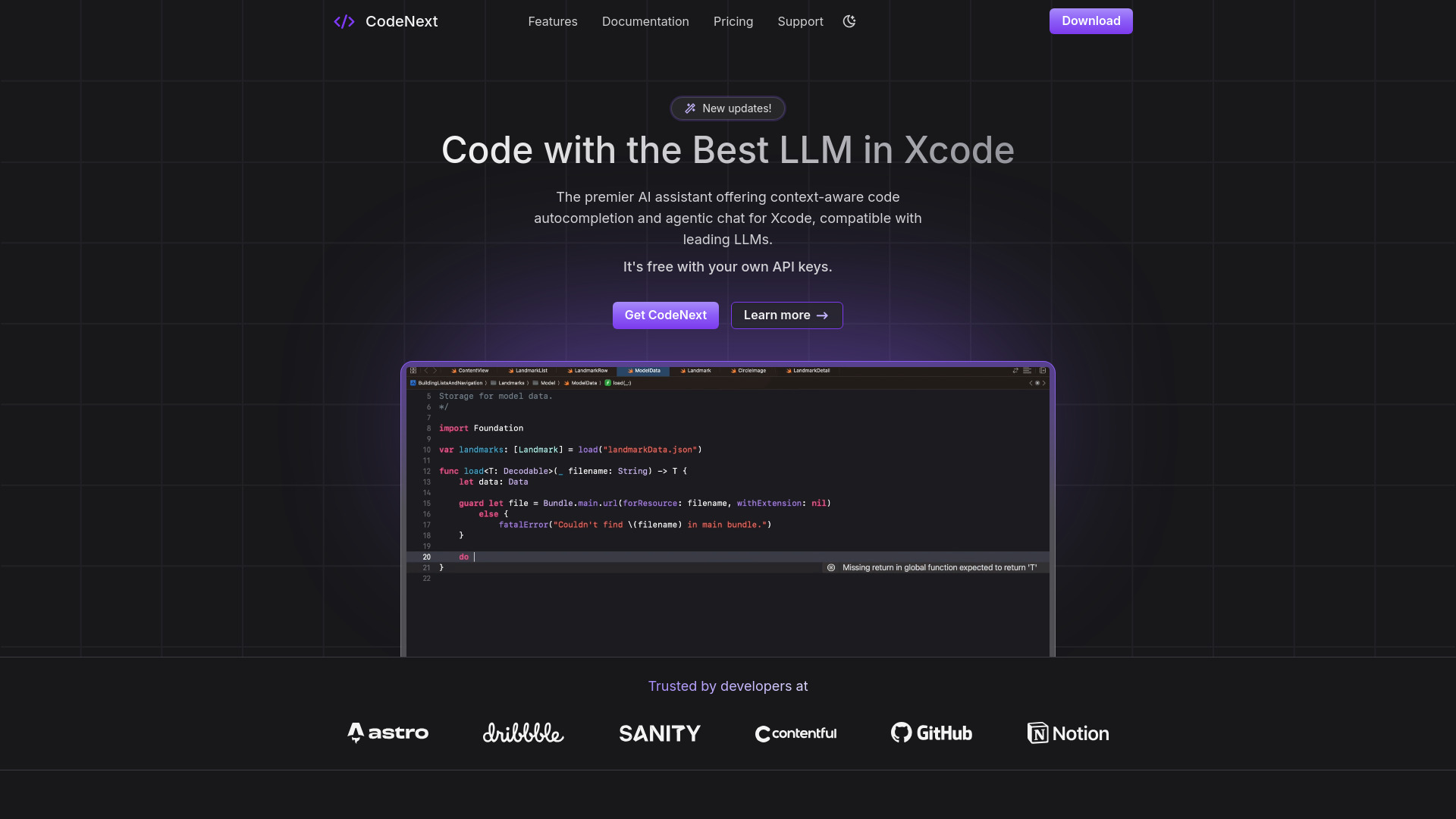
CodeNext.ai
iOS and Mac developers using Xcode

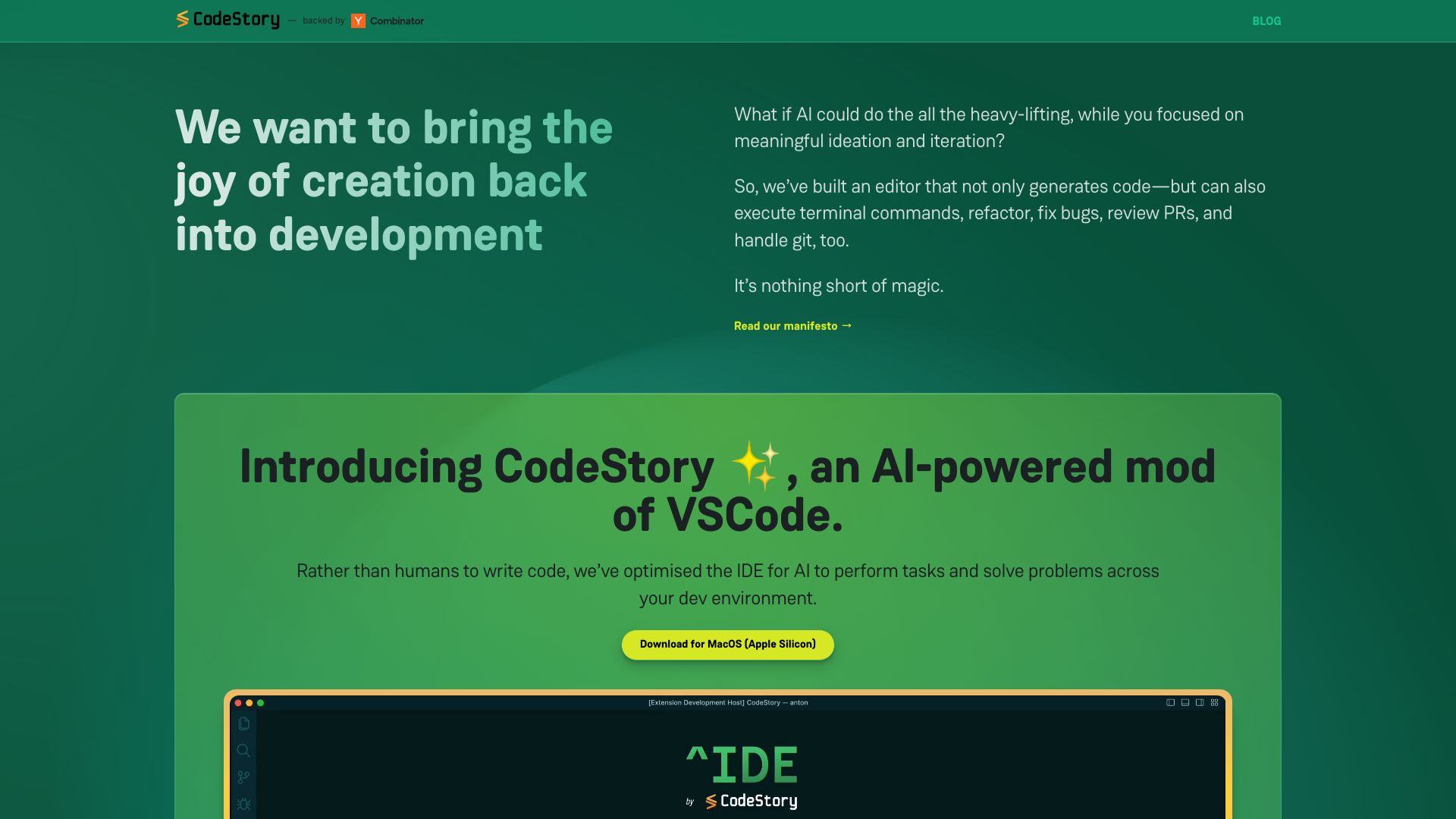
CodeStory
AI-assisted bug fixing in VS Code

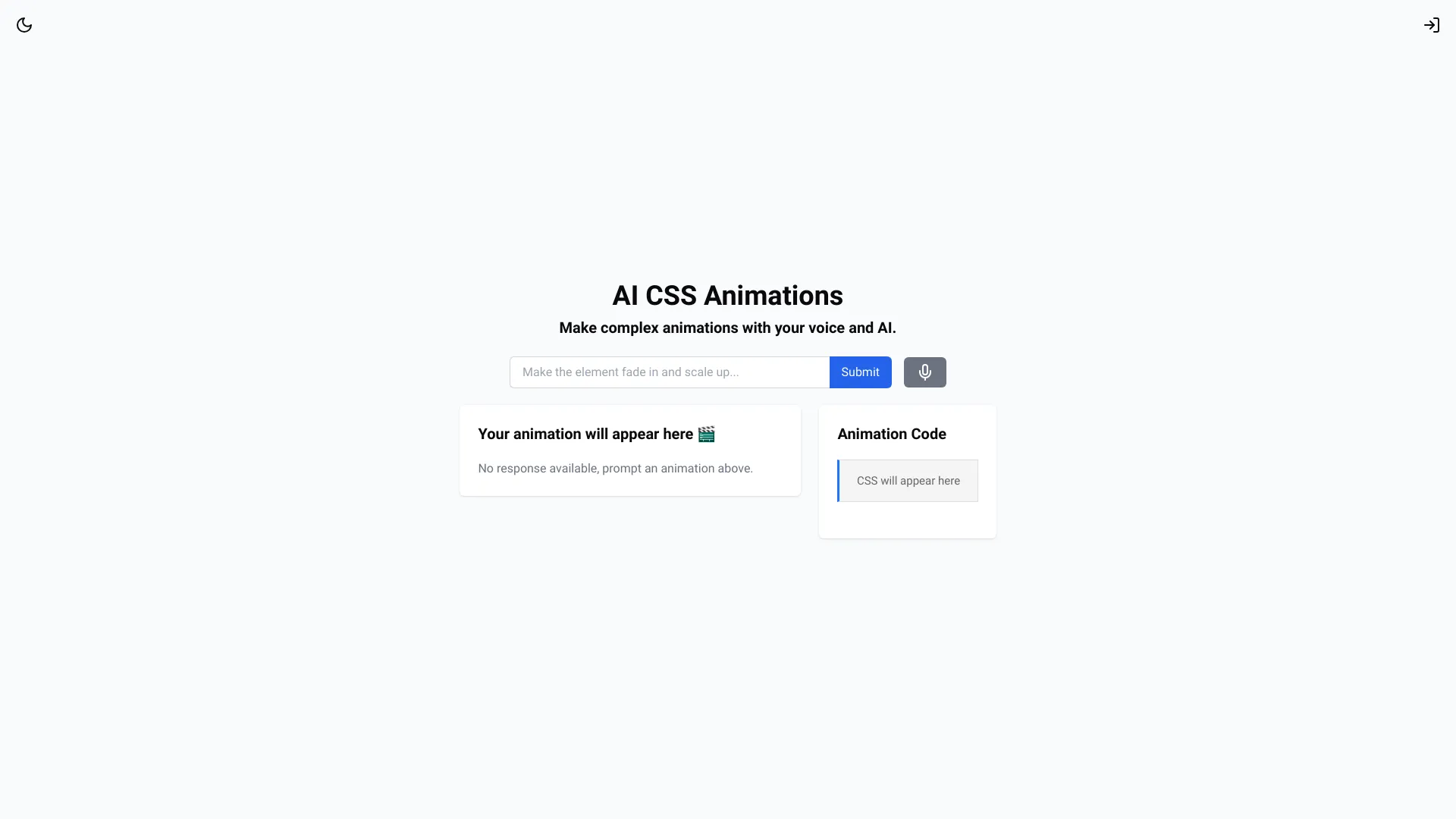
AI CSS Animations
Prompt-based CSS animation creation
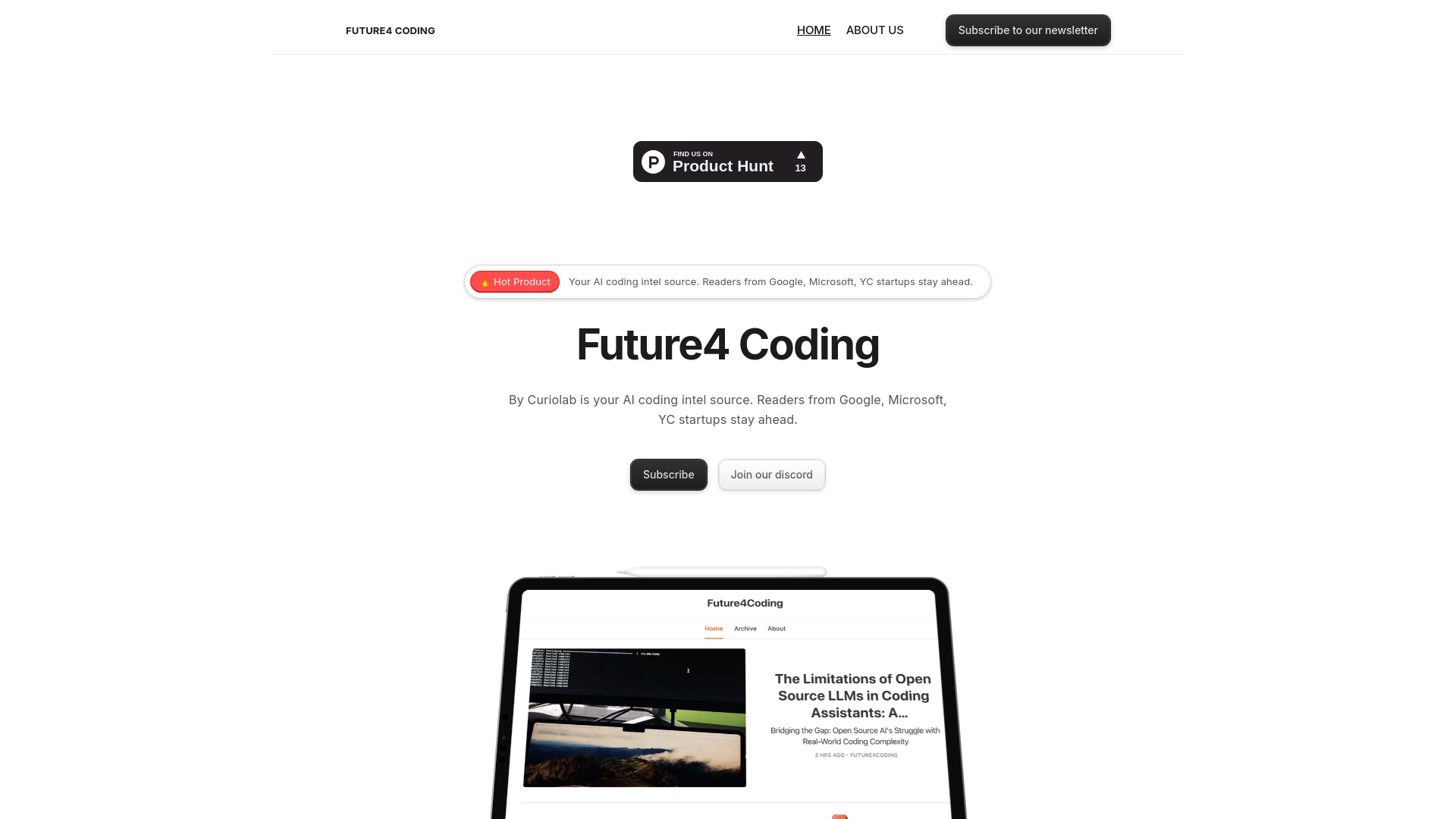
Future4 Coding
AI coding research and evaluation

Hacker AI
AI-powered source code security audits

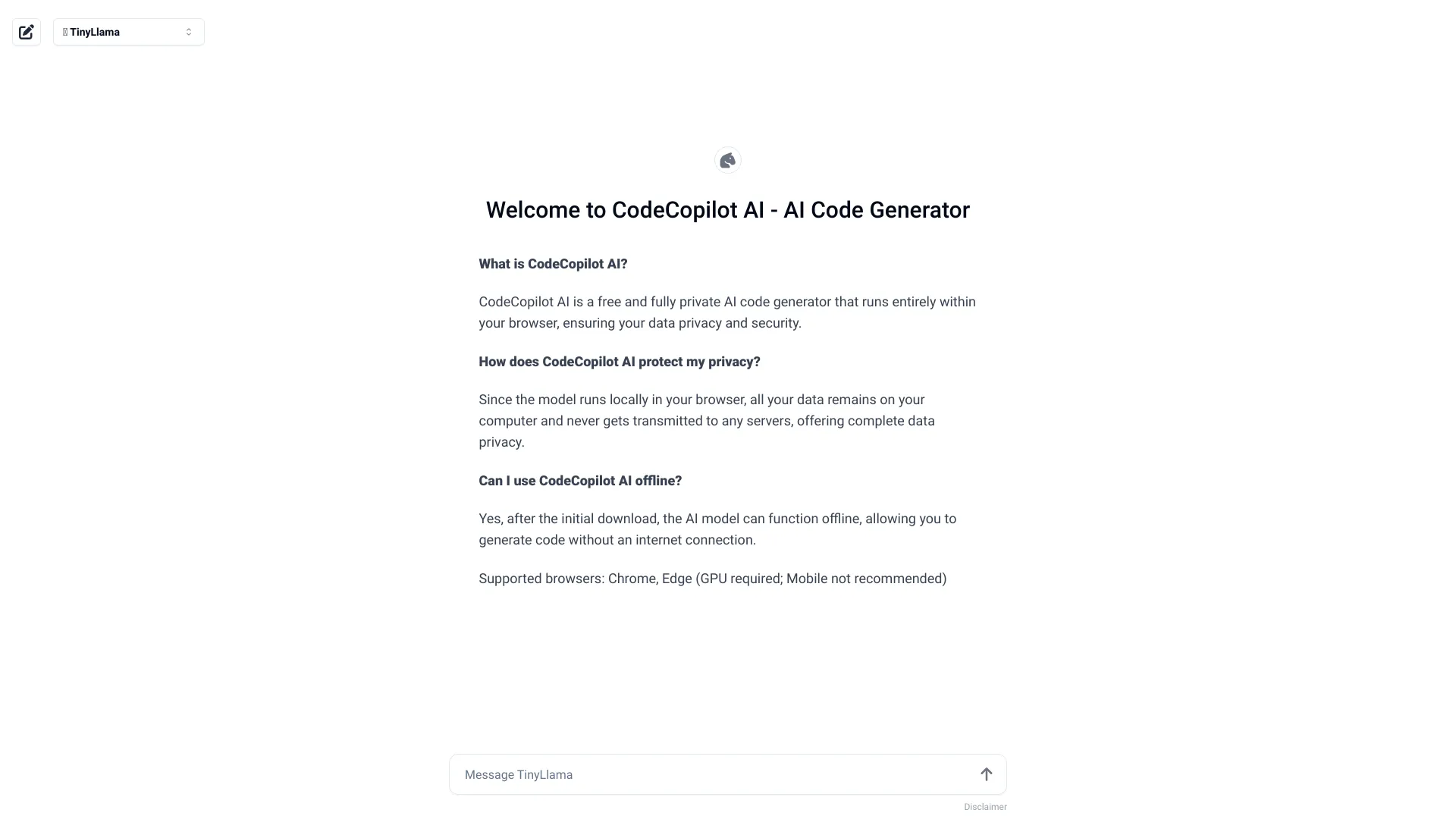
CodeCopilot AI
Private, browser-based code generation

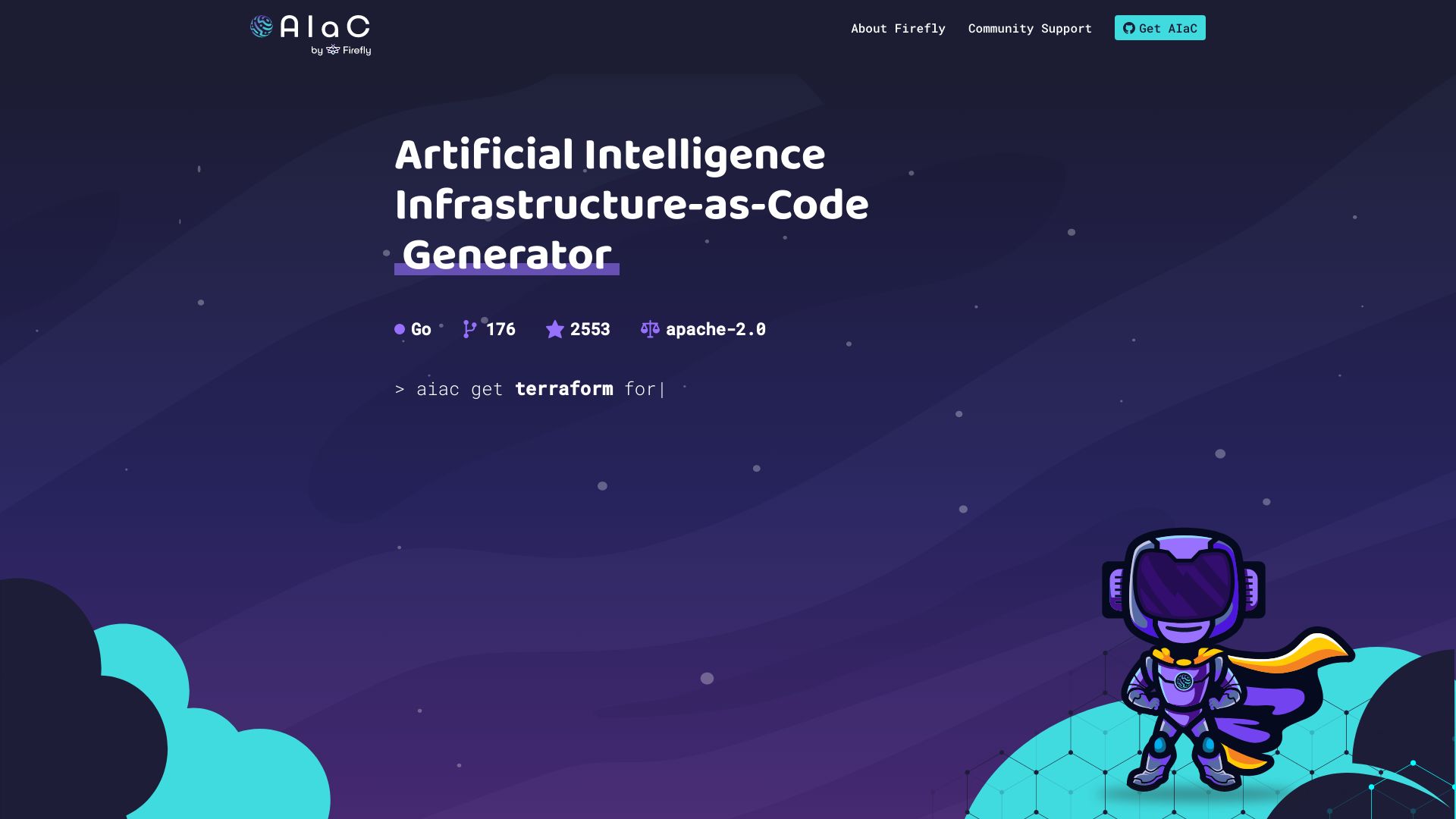
AIaC by Firefly
AI-assisted infrastructure-as-code generation
Sage AI
Self-maintaining codebase documentation


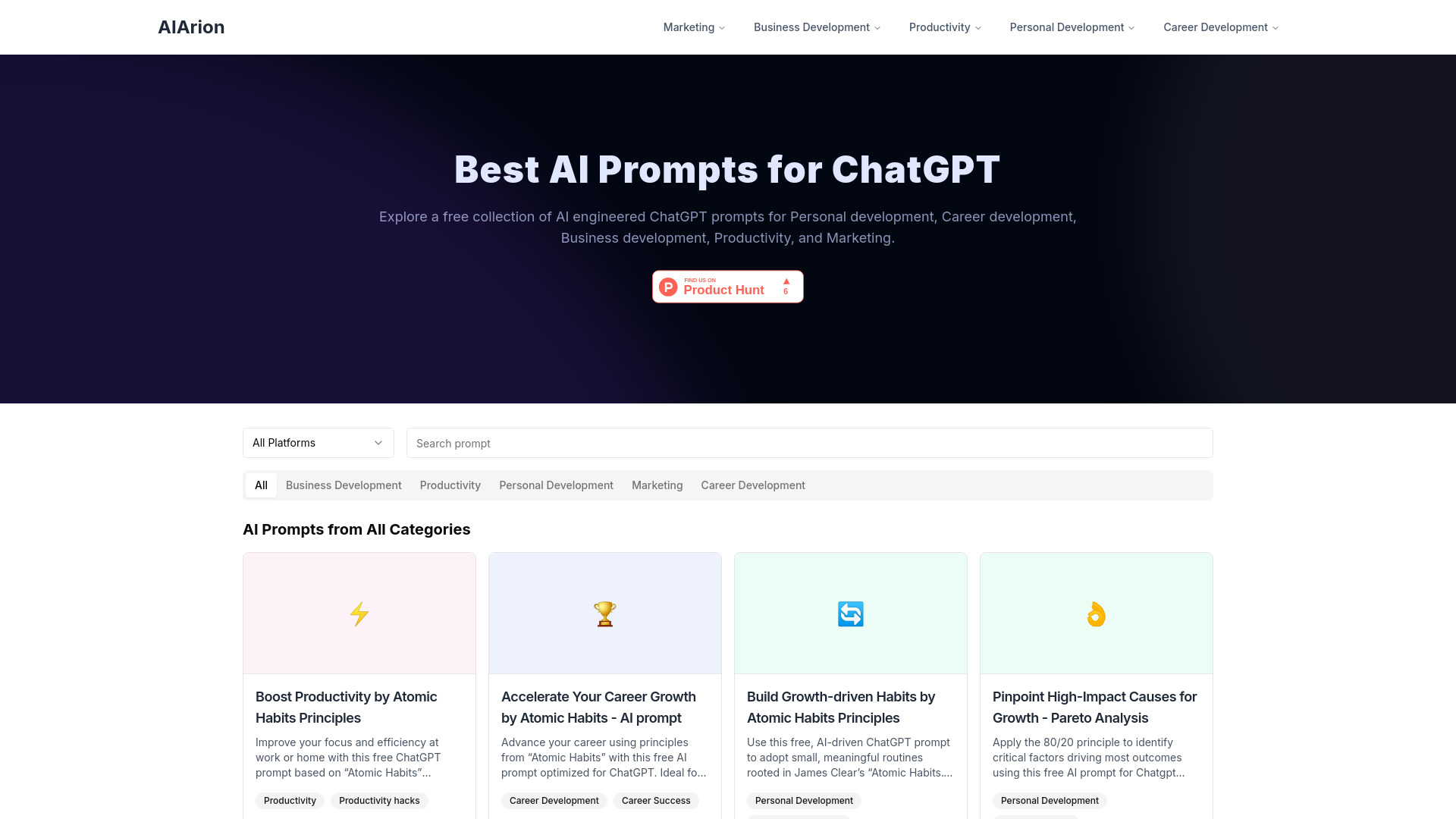
AIArion
Free AI prompts for growth and productivity
Ai Scribe Pro
AI code and content generation


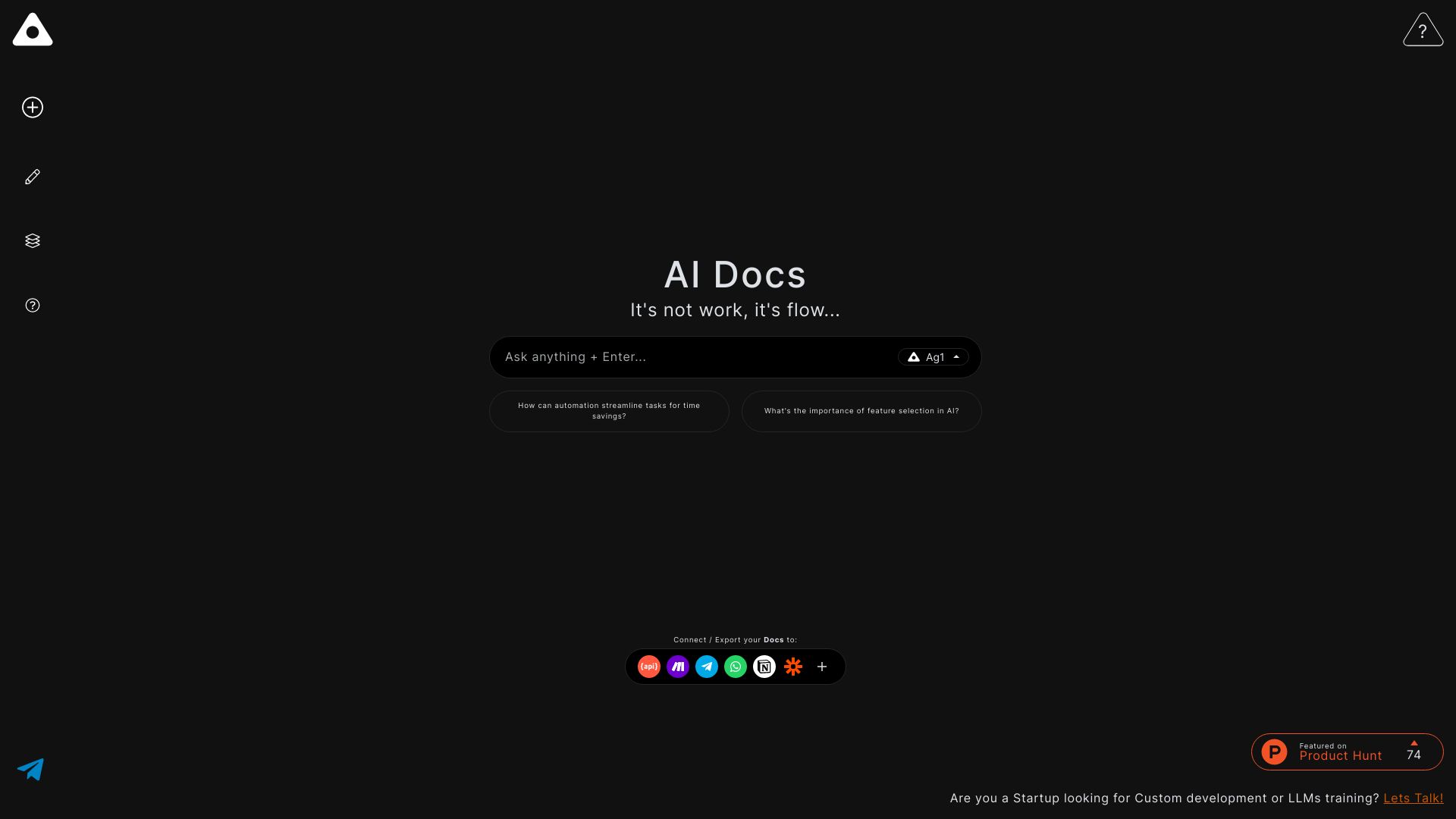
Ag1 Labs
AI-assisted essays, notes, and structured documents

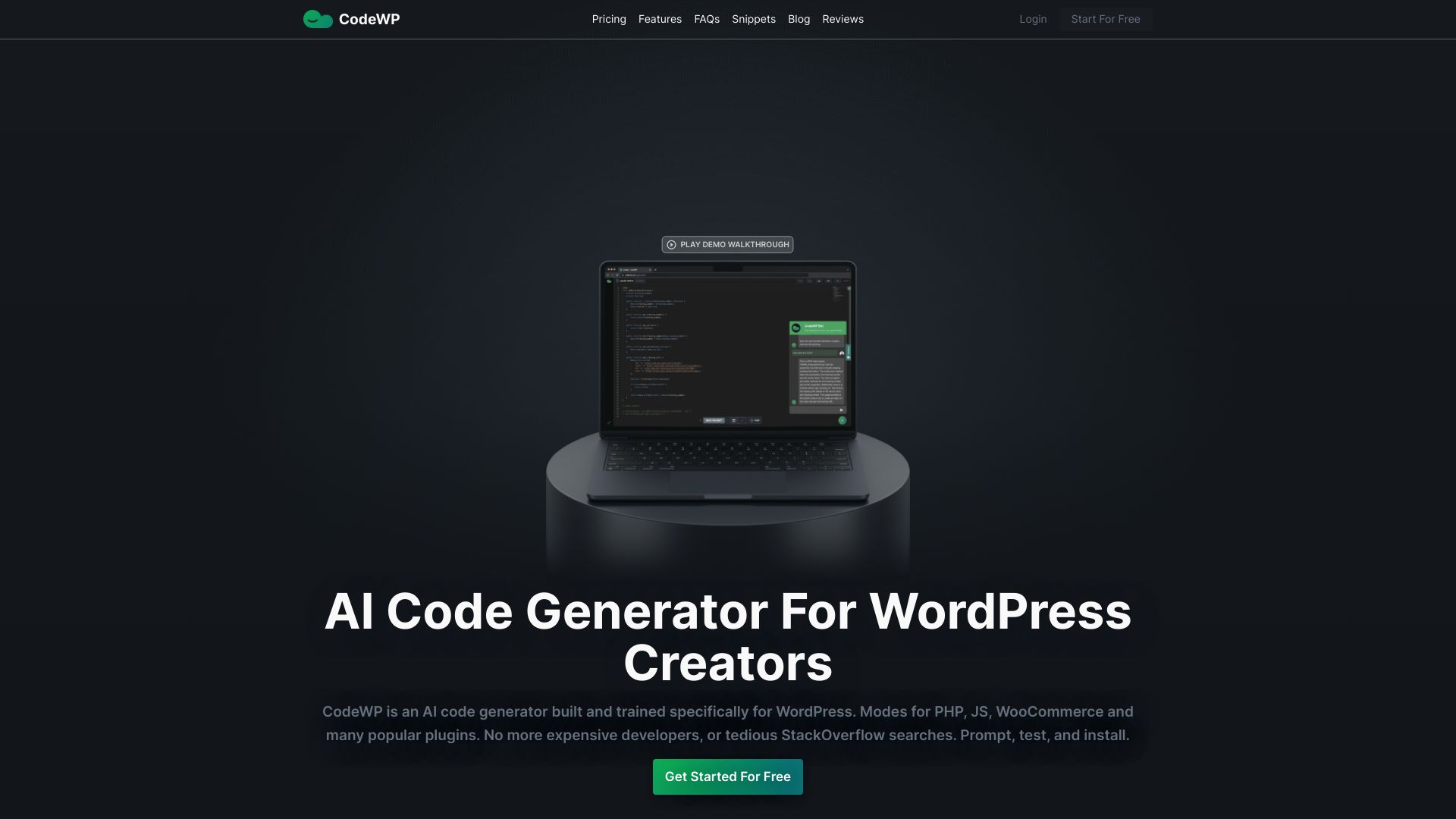
CodeWP
WordPress and WooCommerce code generation

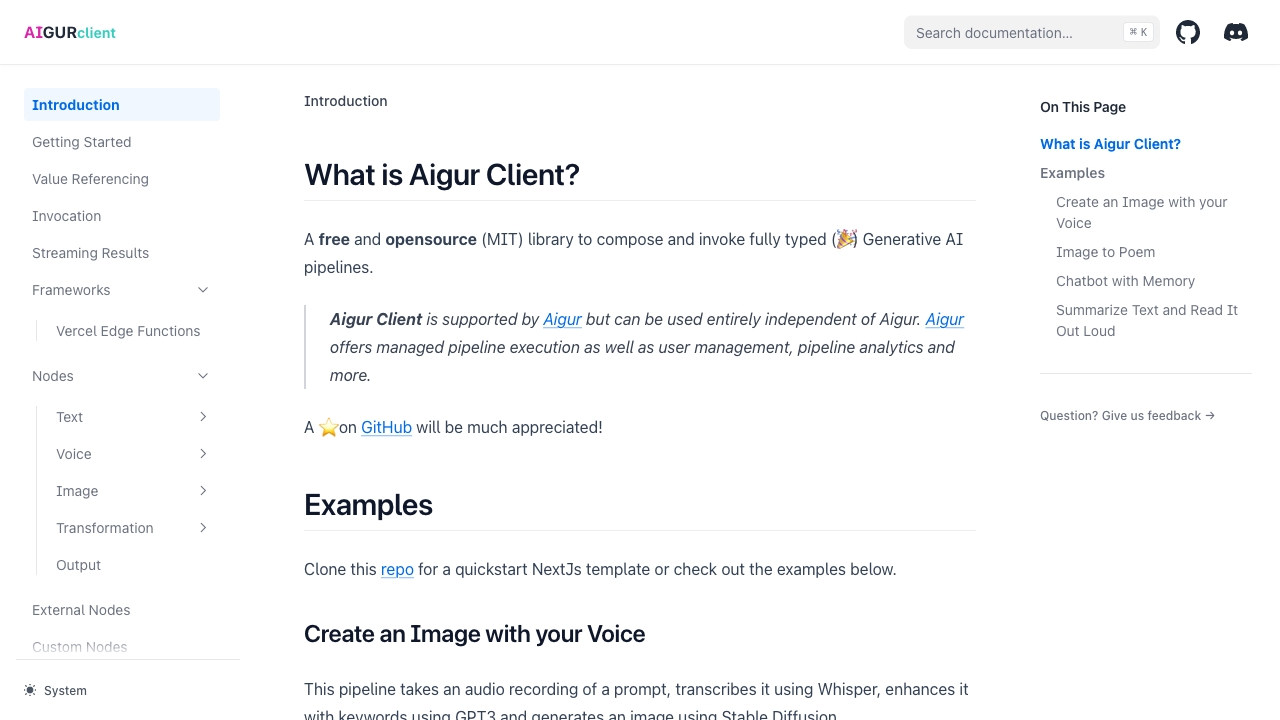
Aigur
Typed generative AI pipelines

AIE Labs
AI social entertainment projects


codefy.ai
AI-powered coding workflow tools


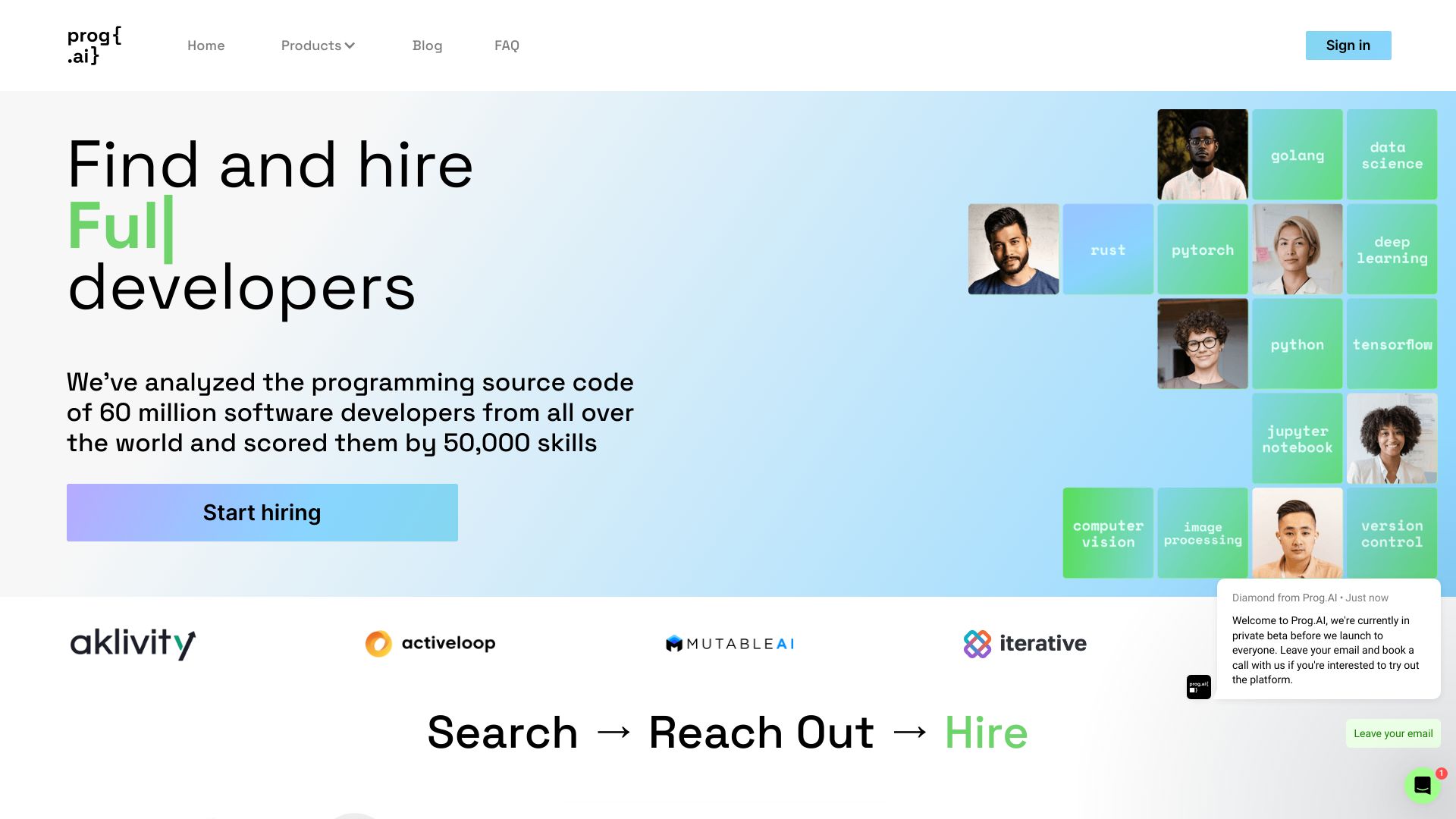
Prog.AI
Recruiting software engineers from GitHub code

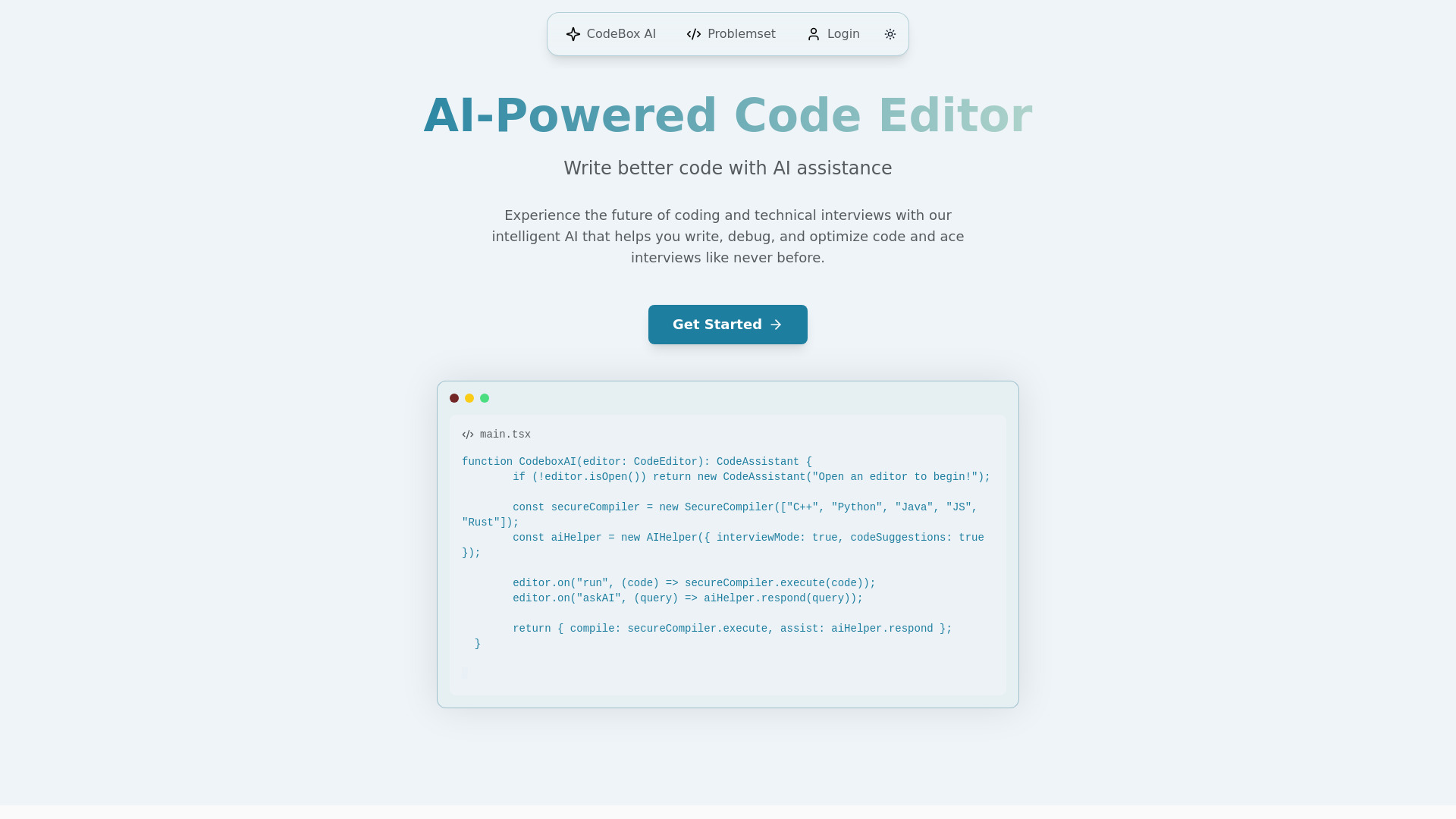
CodeBox AI
Technical interview coding practice
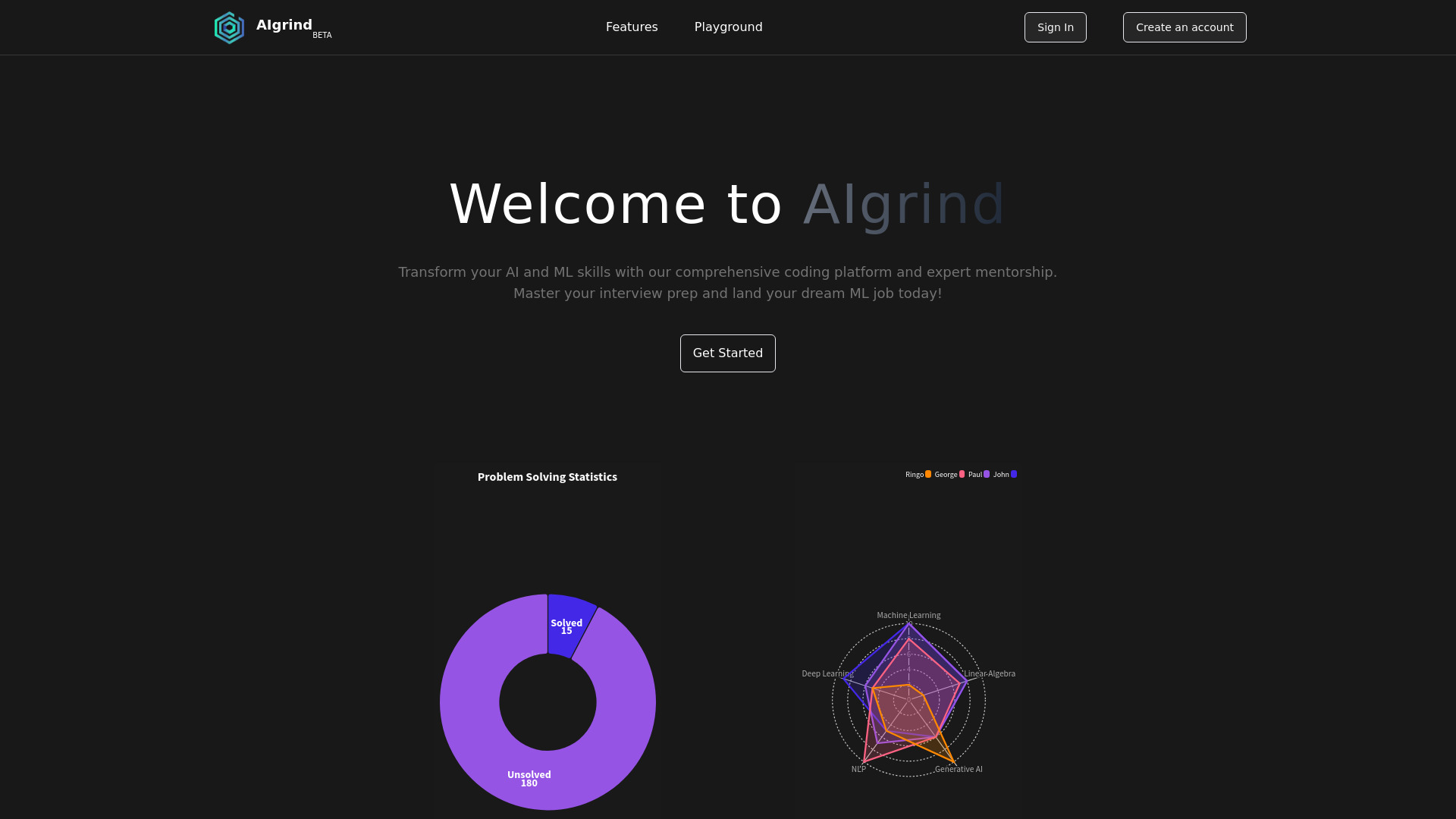
AIgrind
AI/ML interview preparation

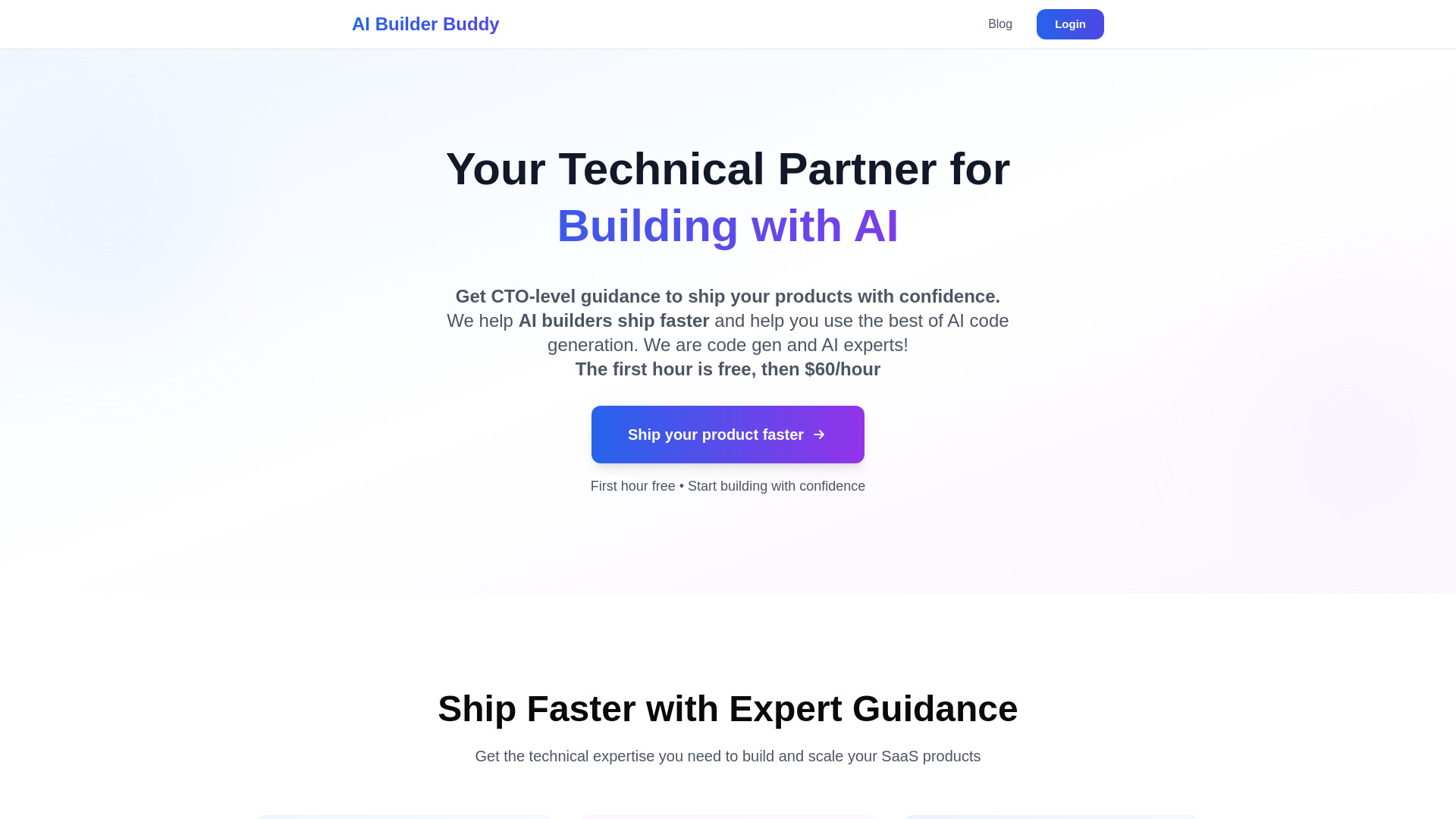
AI Builder Buddy
Vibe coders needing hands-on technical guidance
AI Architect
AI-powered cloud architecture design


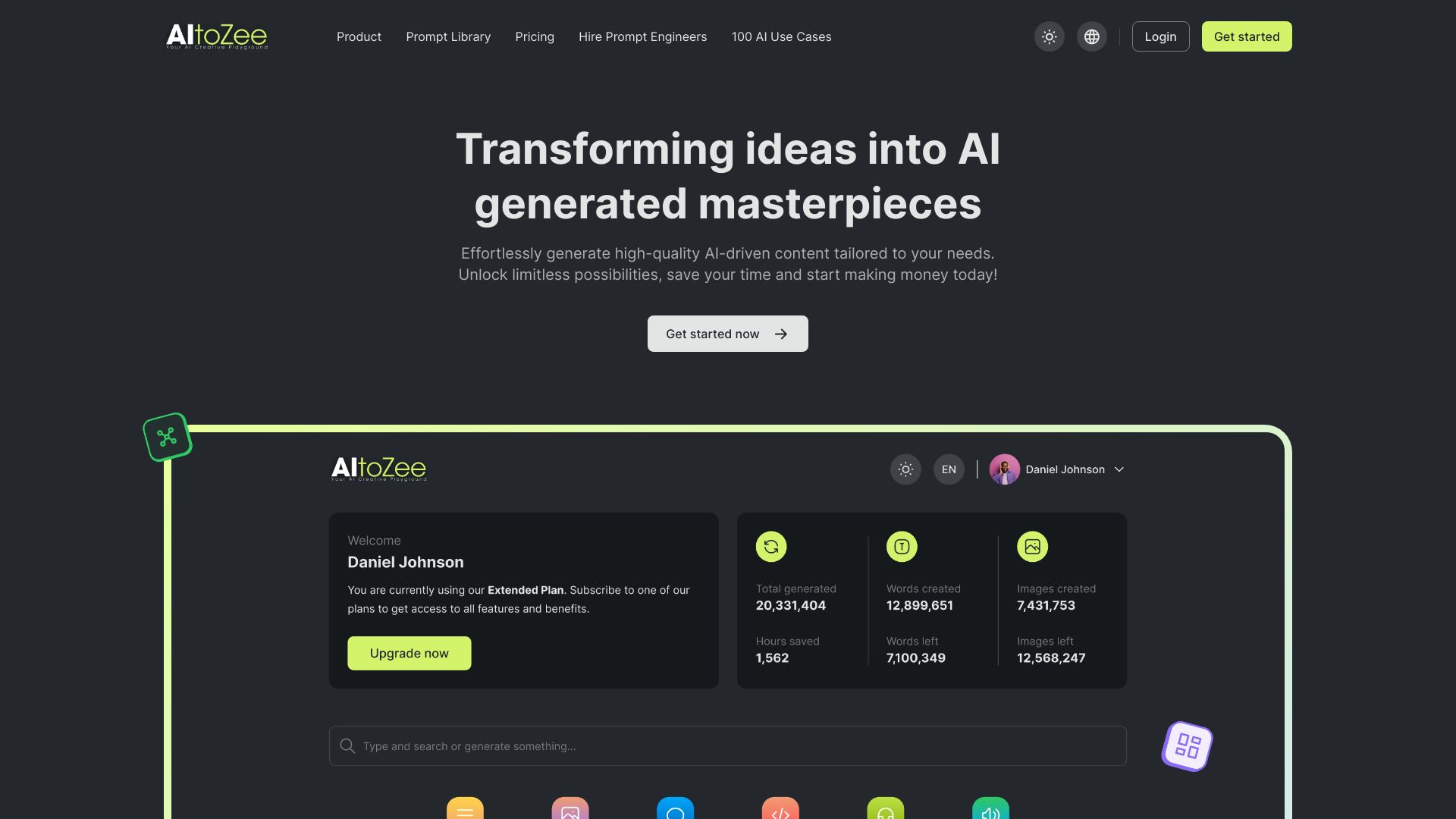
AItoZee
AI content and code generation
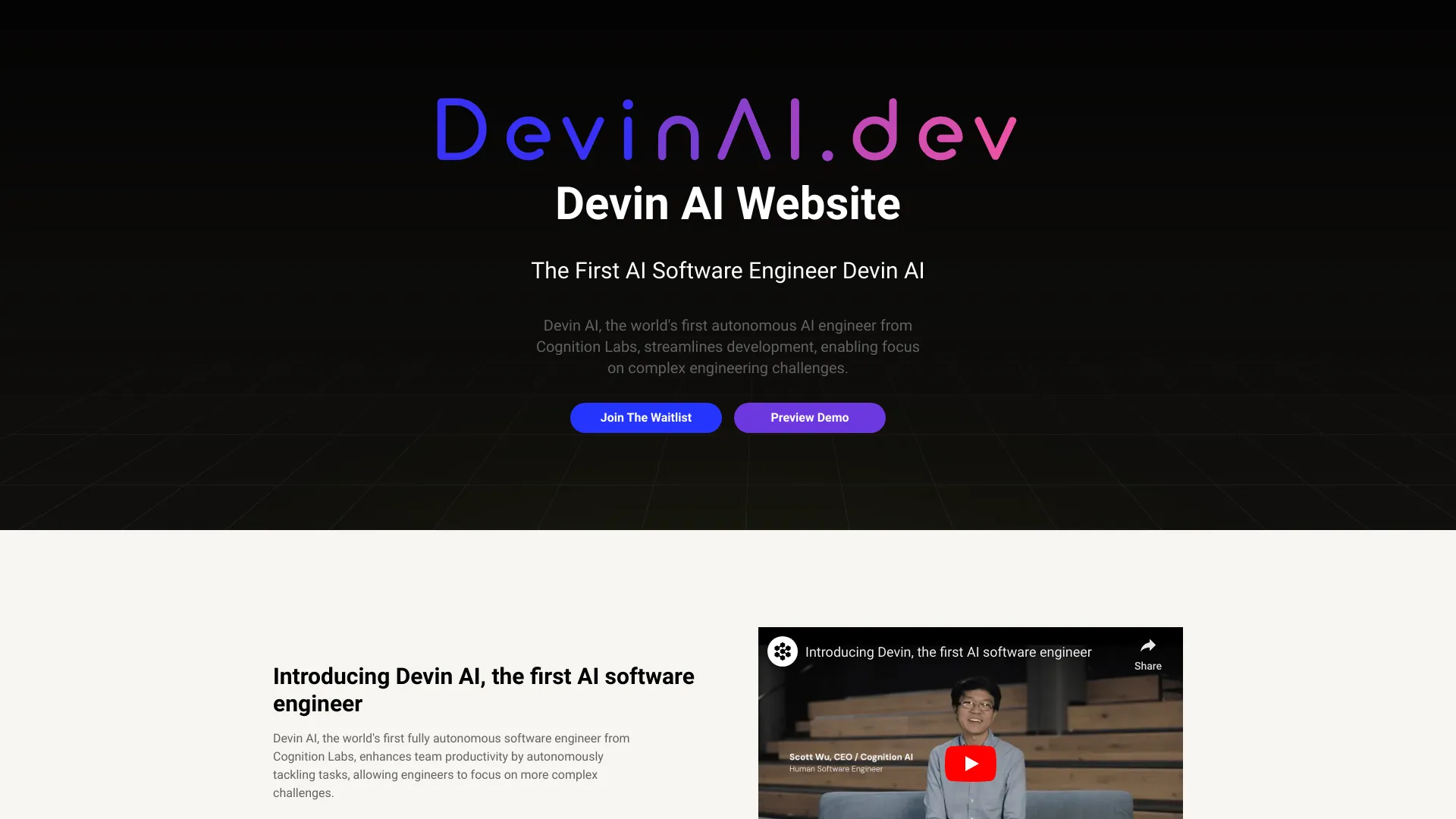
Devin AI
Autonomous software engineering
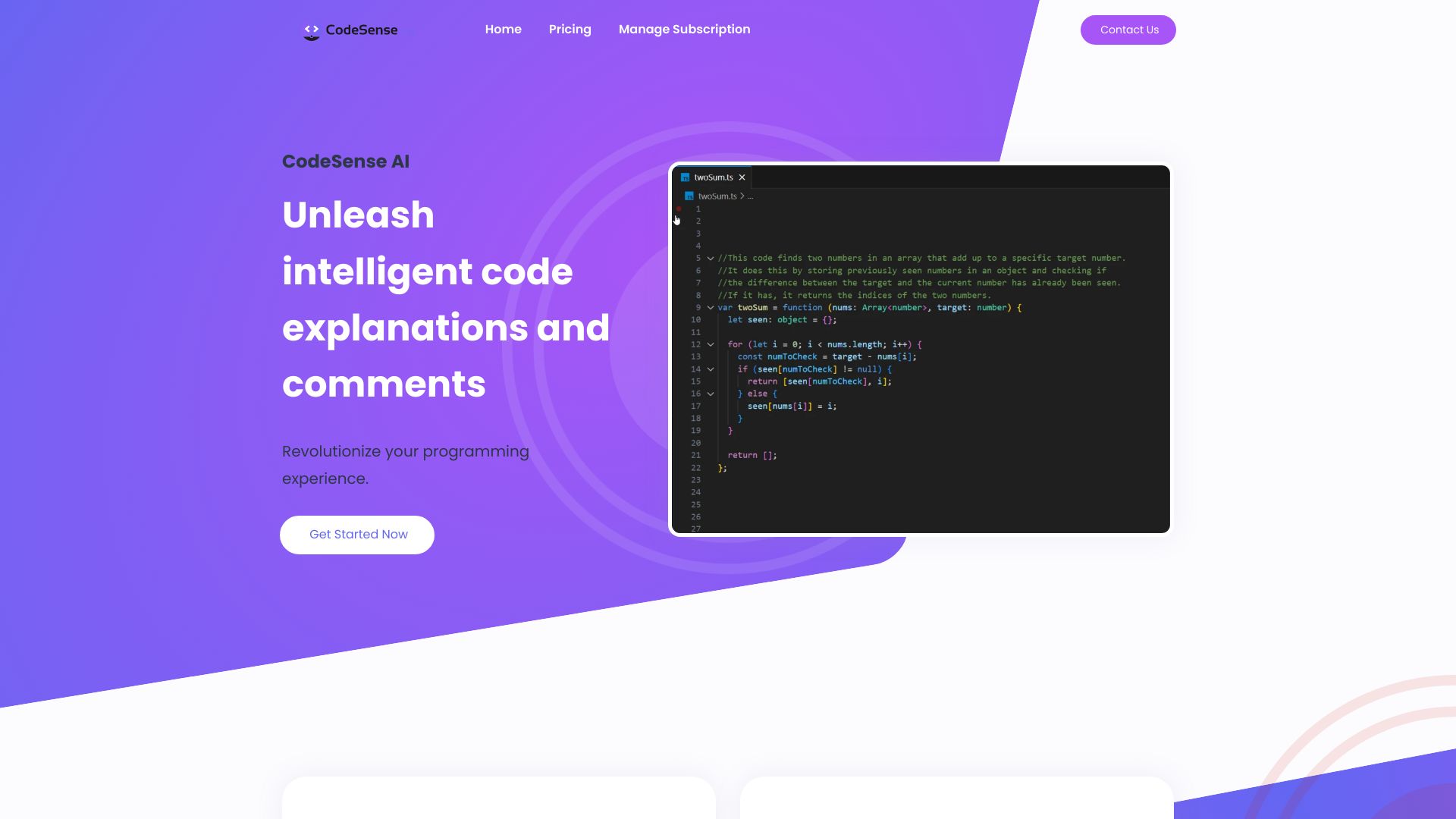
CodeSense AI
AI code explanations and comments in VS Code
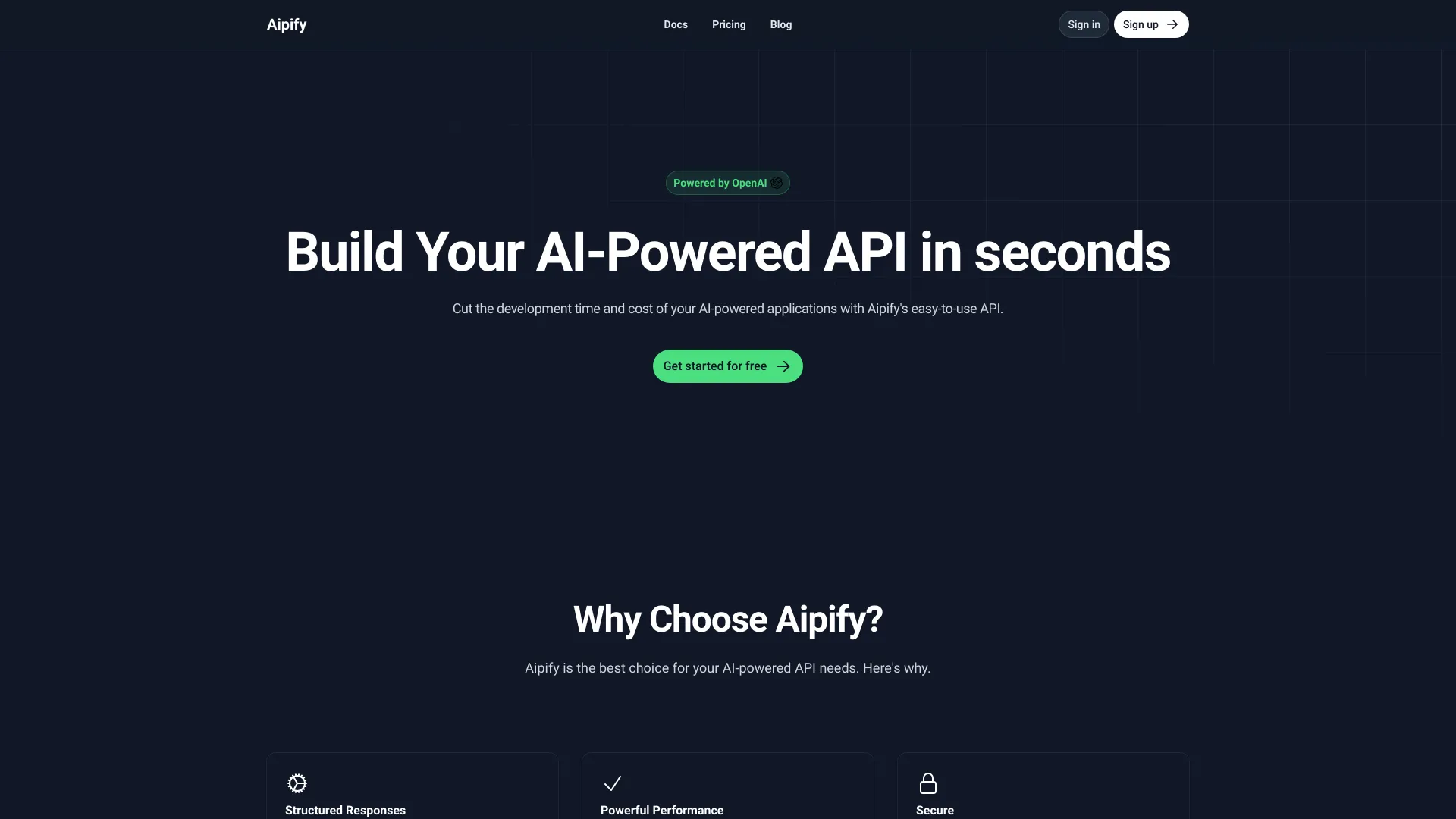
Aipify
Visual AI API creation
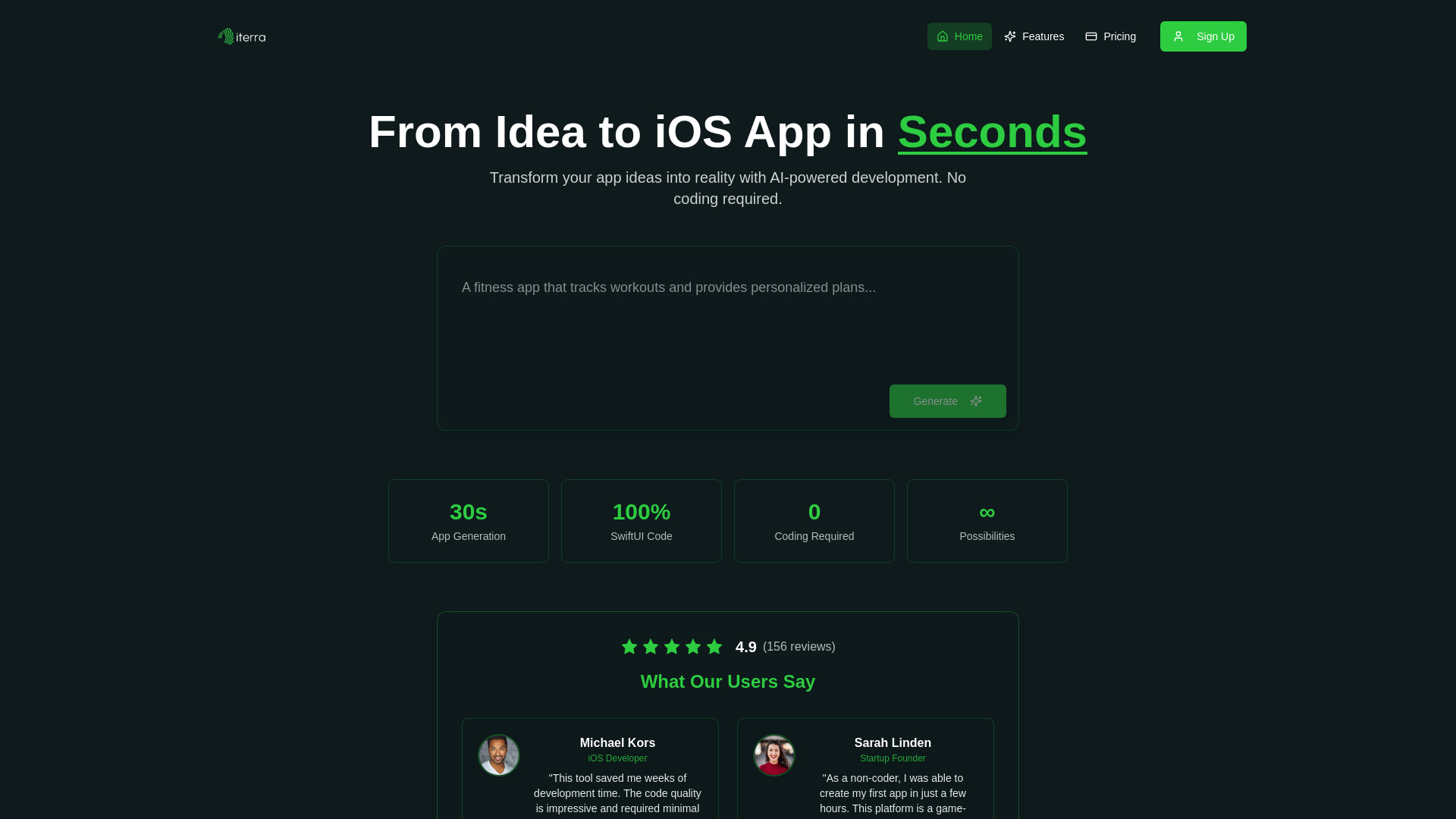
Iterra AI
No-code iOS app development
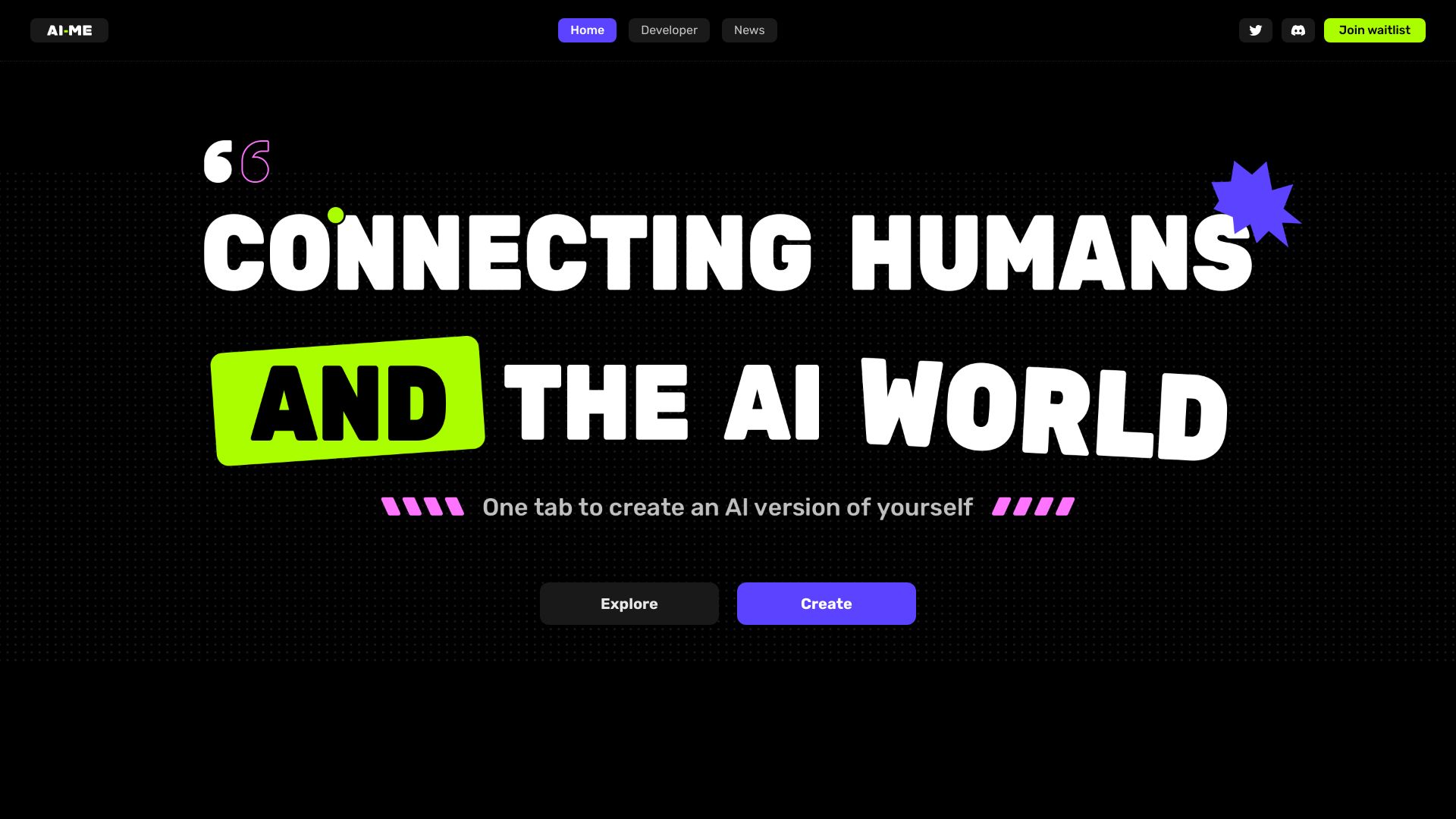
AI-ME
Creating AI clones for social media

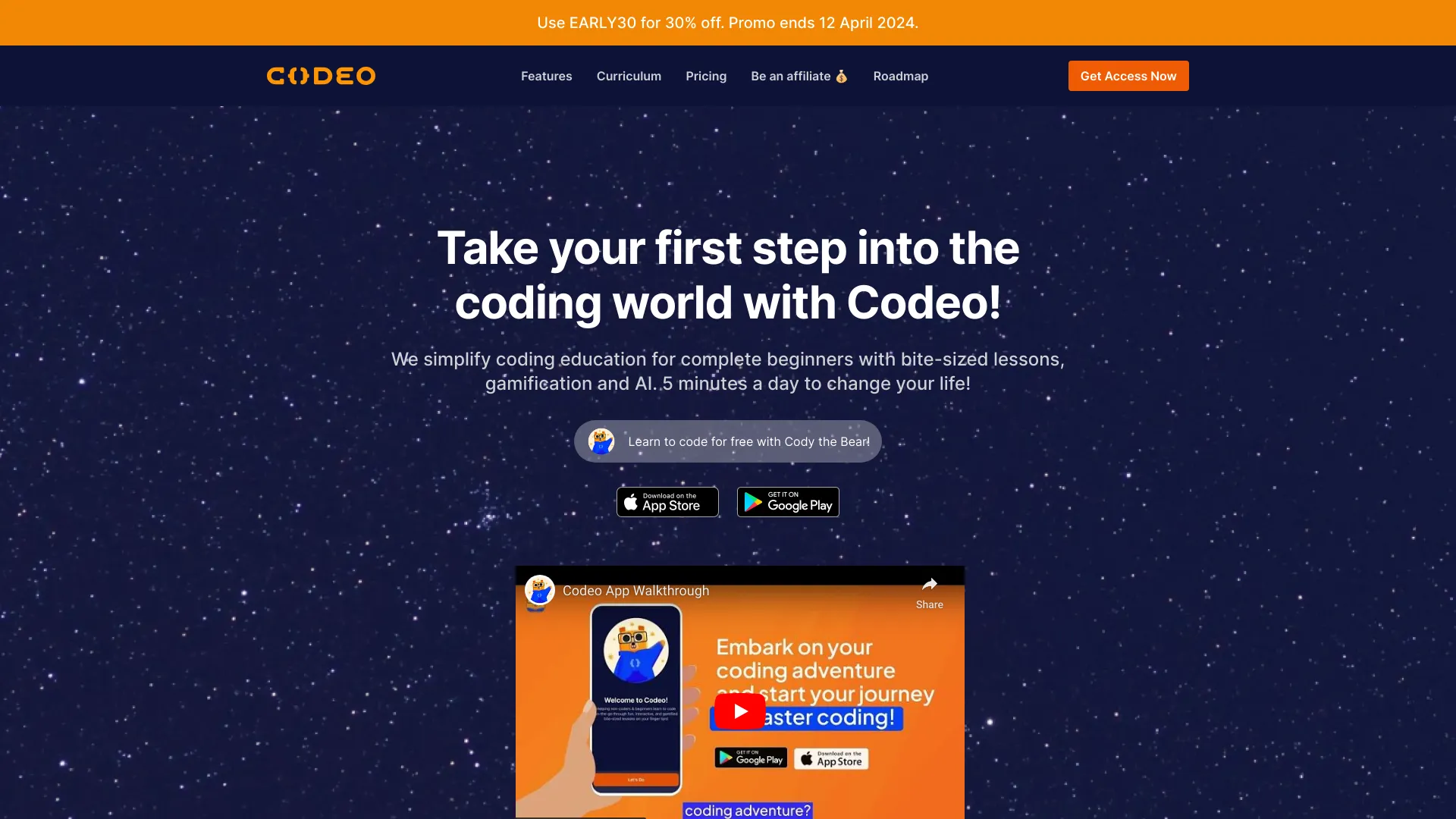
Codeo
Beginner coding learners

AI Lawyer Lab
No-code AI for legal professionals

Which AI coding tool should you choose?
The right pick depends on where the friction appears in your workflow:
For terminal-first development: Choose Aider. It works with local Git repositories and supports cloud or local LLMs.
For front-end interfaces: Choose PureCode AI. Its UI component generation and codebase understanding are more targeted than a general chatbot.
For an AI-first editor: Choose PearAI if integrated chat and search appeal to you and you can tolerate a newer product.
For repetitive implementation tasks: Choose AskCodi for code generation, refactoring, and unit-test writing.
For beginners and prototypes: Try YouWare, CodeDesign.ai, or Aippy depending on whether you want projects, websites, or interactive creative work.
For technical education: Pair Aider or another coding assistant with AI STUDIOS when the deliverable includes narrated lessons.
For prompts around coding-related work: AIforWork.co is useful when the task is planning, communication, or role-specific productivity rather than editing source files.
My practical recommendation
Start with the narrowest tool that matches your actual bottleneck. If you write and maintain software daily, begin with Aider for terminal work, PureCode AI for front-end work, or PearAI for an integrated editor. Those are the strongest direct candidates in this comparison.
For a nontechnical founder, CodeDesign.ai is a more sensible first step than a developer-oriented assistant because it focuses on getting a site or funnel assembled. For learning through experimentation, YouWare and Aippy make more sense. And if your coding work includes explaining concepts to students or customers, AI STUDIOS and AIAI.com are useful companion studios rather than replacements for coding tools.
Whichever product you test, use a small real project. Ask it to make a bounded change, inspect the output, run your normal checks, and note how much correction the tool requires. That test reveals more than a polished demo.
Common mistakes when choosing AI coding tools
Choosing by model hype alone: A powerful model is not useful if the interface does not fit your repository or editor.
Ignoring setup requirements: Aider may require API keys, while PureCode AI requires VS Code.
Treating generated code as finished code: Review, test, and understand every meaningful change.
Confusing no-code creation with software engineering: Website and creative builders are excellent for prototypes but solve a different problem from repository editing.
Skipping free-tier limits: Check exports, credits, messages, model access, and trial duration before moving a real project.
Buying before testing context quality: The best assistant is the one that understands your files and produces fewer corrections.
What changed in 2026
AI coding is no longer one uniform category. The strongest workflows now split into several lanes: terminal pair programming, code-aware UI generation, integrated AI editors, prompt libraries, and natural-language builders. That is why this 100-tool review includes both direct developer products and adjacent alternatives.
The practical shift is toward context and workflow fit. Aider works inside a local repository, PureCode AI focuses on project-aware interface work, PearAI combines chat with search, and tools such as YouWare make deployment and sharing part of the beginner experience. At the same time, free plans remain tightly bounded by credits, messages, exports, or model access. Buyers should compare the complete workflow, not just the presence of an AI label.
FAQ
Aider is the strongest overall match here for developers because it provides terminal pair programming, edits local Git repositories, and supports cloud and local LLMs. PureCode AI is the better specialist choice for front-end UI work.