
The best programming AI is not necessarily the tool with the biggest model list. It is the one that fits the work in front of you: writing code in an editor, learning through a project, accessing several models through an API, or testing ideas without assembling a dozen separate subscriptions. We compared 100 tools across those workflows and shortlisted the 10 most useful options for this guide. The result is a deliberately broad list: some entries are true coding products, while others are practical adjacent tools for developers who need research, writing, or model access alongside programming.
Top picks
| Pick | Tool | Best for | Why it stands out |
|---|---|---|---|
| 1 | Use AI | Researchers and developers | Brings 25+ LLMs into one subscription and lets you choose a model by task. |
| 2 | Type.ai | Technical writers | Combines an AI writing assistant with a document editor. |
| 3 | AI/ML API | Developers building AI features | Offers access to 200+ models through a single API with low latency and scalability. |
| 4 | PureCode AI | Front-end developers | Generates UI components and understands the surrounding codebase. |
Quick comparison
| Tool | Rank | Score | Best for | Free access | Starting price |
|---|---|---|---|---|---|
| Use AI | #1 | 93/100 | Researchers | Start $1 trial; 25+ models | $29.99/month |
| Type.ai | #2 | 92/100 | Writers | Free editor access | Check vendor pricing |
| Pi | #3 | 92/100 | Supportive AI companion users | Free access | Check vendor pricing |
| AI/ML API | #4 | 92/100 | Developers | Free access indicated | Check vendor pricing |
| AI-PRO.org | #5 | 92/100 | Students | Select tools free | $10/month |
| PureCode AI | #6 | 92/100 | Front-end developers | 50 chat messages/month | Free plan; paid from $20/month |
| ProjectAI | #7 | 92/100 | Beginner developers | Limited free projects | Free; PRO projects available |
| PearAI | #8 | 92/100 | Software engineers | Free trial; Intern free | From $15/month |
| Programmers Force | #9 | 92/100 | Startups | Free access indicated | Check vendor pricing |
| 302.AI | #10 | 92/100 | Tech enthusiasts | Pay-as-you-go access | From $5 top-up |
How we ranked these programming AI tools
We ranked the 100 candidates on practical fit rather than model-name recognition alone. First, we looked for a clear connection to programming work, including codebase assistance, API access, structured learning, technical writing, or multi-model research. We then compared the specificity of each tool's features, the audience it serves best, its free-access path, pricing clarity, and the strength of its usage signal. A tool could rank well without being a dedicated code editor if it solved an important developer workflow unusually well. That is why Use AI and AI/ML API sit alongside PureCode AI and ProjectAI. Scores reflect the overall shortlist position, not a promise that every tool suits every programming task.
The best programming AI
1. Use AI

Use AI
Best overall multi-model AI workspace for researchers
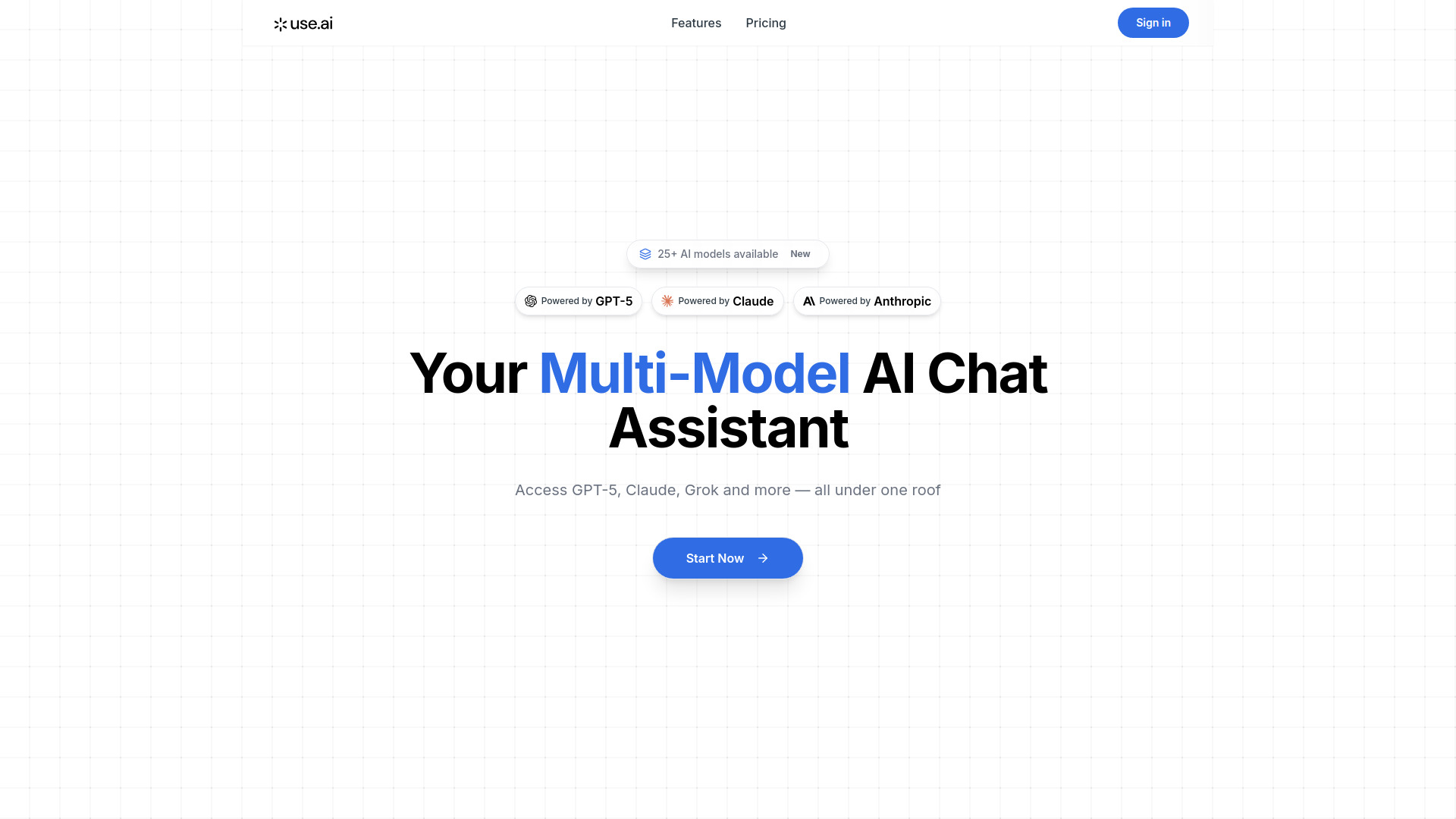
The strongest reason to start with Use AI is breadth without constant tab switching. It provides access to more than 25 LLM models under one subscription, including the ability to select a model by task. That task-oriented selection matters for programming: a developer can approach coding, research, writing, and image generation as different jobs rather than treating one assistant as the answer to everything.
The fit is especially good for people who compare model behavior or work across technical and nontechnical deliverables. The 22.5M monthly-visit signal also gives it substantial visibility among the tools in this review. The catch is simple: this is primarily a paid subscription, so it is less attractive if you only need occasional code help.
My take: I would choose Use AI when model choice is part of the workflow and you want one place to explore several assistants. It is a broader programming companion than a purpose-built coding editor.
Where it falls short: The main service model is paid, starting at $29.99 monthly, and the product's value depends on actually using multiple models rather than relying on one assistant.
Key features
Access to 25+ LLM models through one subscription.
Model selection by task, including research, coding, writing, and image generation.
Unified access to a broad collection of AI models.
Pros
One subscription covers a large model library.
Task-based selection makes comparison easier.
Strong choice for research-heavy technical work.
Cons
The primary service model is paid subscription.
It is not presented as a dedicated code editor.
Choose Use AI if: You want to compare several AI models while researching, writing, and programming in the same workspace.
2. Type.ai

Type.ai
Best AI writing workspace for technical documentation
Programming rarely ends when the code runs. Specifications, README files, release notes, internal documentation, and explanations for clients all take time. Type.ai focuses on that part of the job with an AI writing assistant and an AI document editor. It belongs on this list because programming teams often need a reliable writing surface as much as they need code completion.
The document-editor angle makes it more useful than a generic chat window for people drafting longer technical material. Its score reflects a clear workflow, though not a coding-specific feature set. Pricing is less transparent on the main page, so buyers should expect to navigate further before deciding whether it fits a team budget.
My take: Type.ai is a smart companion for developers who spend a meaningful part of the week turning technical thinking into readable documents. I would not buy it as my only programming assistant.
Where it falls short: Pricing is not clearly defined on the main page, and the listed strengths center on writing rather than codebase understanding or UI generation.
Key features
AI-powered writing assistance.
AI document editor.
Workspace for producing longer written material.
Pros
Useful for technical documentation and explanations.
More structured than using an unformatted chat alone.
Clear fit for writers and documentation-heavy professionals.
Cons
Pricing requires further navigation.
It is not positioned as a dedicated coding environment.
Choose Type.ai if: Your programming workflow includes substantial documentation, proposals, or other professional writing.
3. Pi

Pi
Best supportive AI companion for approachable problem discussion

Pi takes a very different route from a coding copilot. Its defining strengths are supportive interaction and natural, flowing conversations. That can make it useful when a beginner needs to talk through a programming concept, clarify a confusing error, or turn a vague question into a more manageable next step.
This is an adjacent option, not a specialist developer environment. There is no listed code editor, codebase understanding feature, or programming-specific project system. Still, conversational accessibility can matter when the problem is not syntax but confidence and clarity. Pi's own limitation is important here: it may not suit complex or technical inquiries.
My take: Pi is a good first conversation for a learner who wants concise information and friendly advice. For serious debugging or production code, I would move to a developer-focused tool.
Where it falls short: It may not be suitable for complex or technical inquiries, so do not treat its approachable tone as a substitute for specialist programming support.
Key features
Supportive and kind AI companion.
Natural, flowing conversations.
Friendly advice and concise information.
Pros
Encouraging interaction for beginners.
Easy conversational starting point.
Useful for framing questions before deeper technical work.
Cons
May struggle with complex technical inquiries.
No dedicated programming workspace is listed.
Choose Pi if: You are learning programming and want a patient conversational starting point before using a more technical tool.
4. AI/ML API

AI/ML API
Best multi-model API for developers and AI product teams
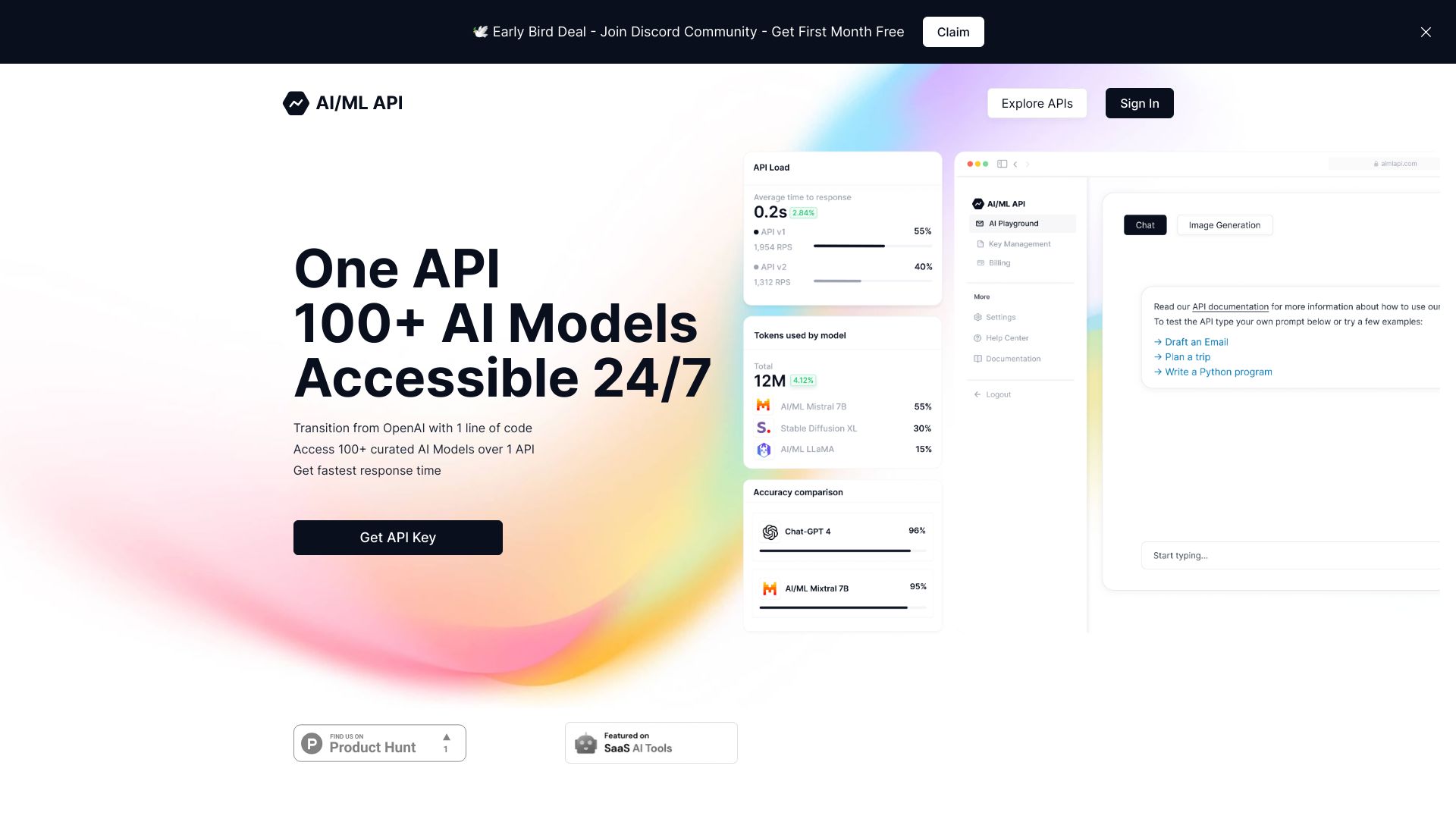
For developers building an AI-powered application, the hard part is often not writing a prompt. It is integrating, testing, and maintaining access to models without creating a separate connection for every provider. AI/ML API addresses that problem with access to more than 200 AI models through a single API.
The platform also emphasizes low latency and high scalability. Its shortlist appeal comes from that combination: broad model choice plus an integration surface intended for development work. The service positions its performance as GPT-4-level at 80% lower costs than OpenAI, but buyers should validate current rates and terms before committing. The Terms of Service and Privacy Policy can change, which is a practical consideration for production use.
My take: This is the most technically relevant choice here for teams building around model access rather than looking for an in-editor assistant. The single-API approach can simplify experimentation considerably.
Where it falls short: Pricing details are not presented as a clean starting figure, and changing terms mean teams should review the current policies before deployment.
Key features
Access to 200+ AI models through one API.
Low latency.
High scalability.
Positioning around lower costs than OpenAI.
Pros
Broad model selection from one integration.
Strong fit for developers and product teams.
Useful for testing different model options.
Cons
Pricing needs verification with the vendor.
Terms of Service and Privacy Policy are subject to change.
Choose AI/ML API if: You are developing an AI product and want one API entry point for a large range of models.
5. AI-PRO.org

AI-PRO.org
Best broad AI toolkit for students
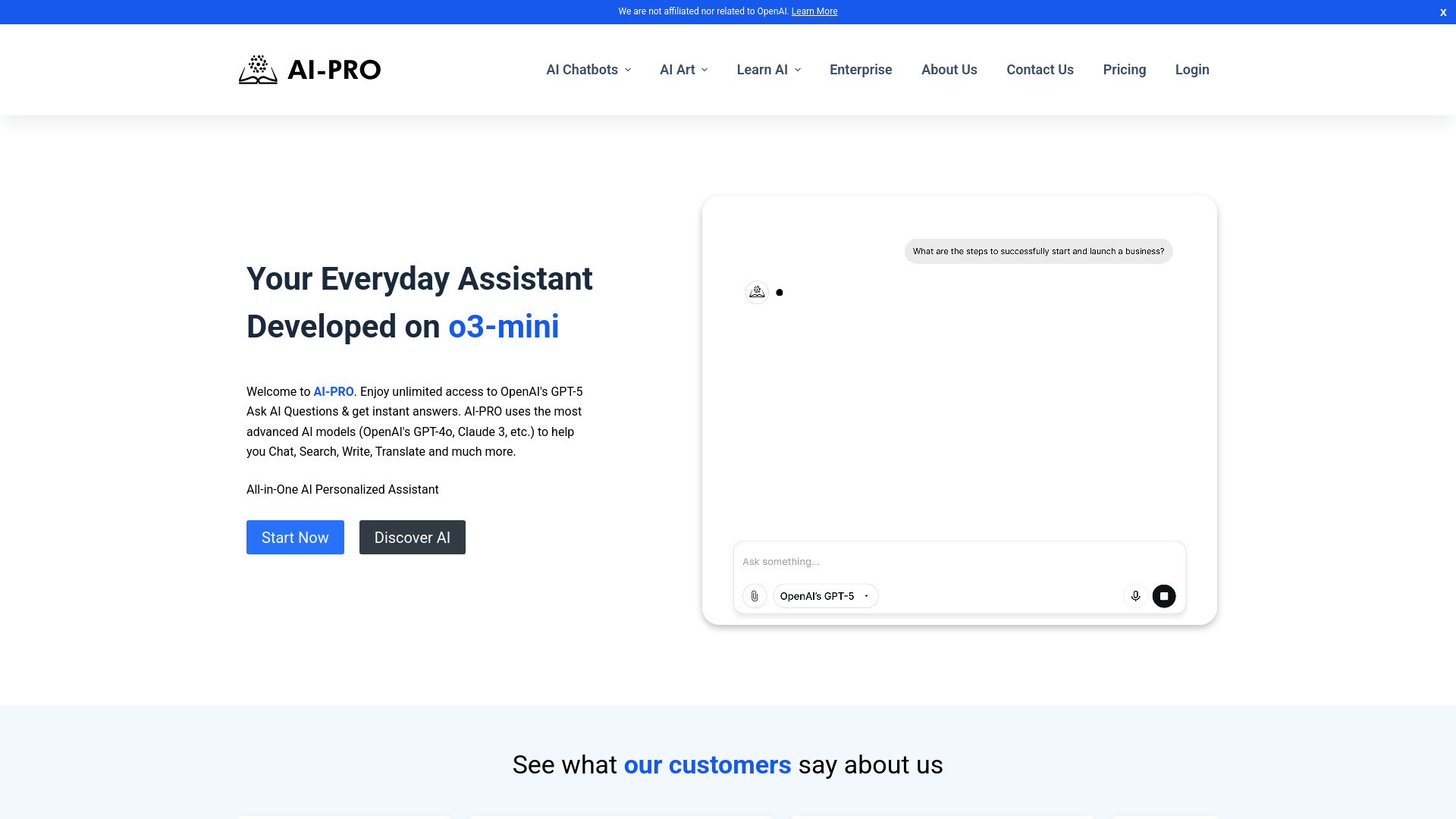
AI-PRO.org is a broad platform rather than a narrowly defined programming assistant. Its catalog includes AI chatbots, text generators, art generation, education tools, and productivity features. For students, that range can be practical: programming assignments often sit alongside research, writing, presentations, and study tasks.
The platform's value depends on whether you want a toolkit or a focused coding product. The BASIC plan starts at $10 per month, while select tools can be tried for free. Full access to advanced features and tools requires a paid subscription, so the free layer is best viewed as a way to test the ecosystem rather than a complete long-term plan.
My take: AI-PRO.org makes sense for students who need several kinds of AI assistance around programming. Developers looking for codebase-aware development should start elsewhere on this list.
Where it falls short: Advanced features require a subscription, and the programming connection is indirect because the platform is built for diverse needs.
Key features
AI chatbots and text generators.
AI art generation.
AI education tools.
Productivity-oriented AI tools.
Pros
Covers more than one student workflow.
Select tools are available to try for free.
Low stated starting price.
Cons
Full access requires a paid subscription.
Not a dedicated coding editor or API platform.
Choose AI-PRO.org if: You are a student who needs programming help alongside writing, education, and general productivity tools.
6. PureCode AI

PureCode AI
Best AI UI assistant for front-end developers
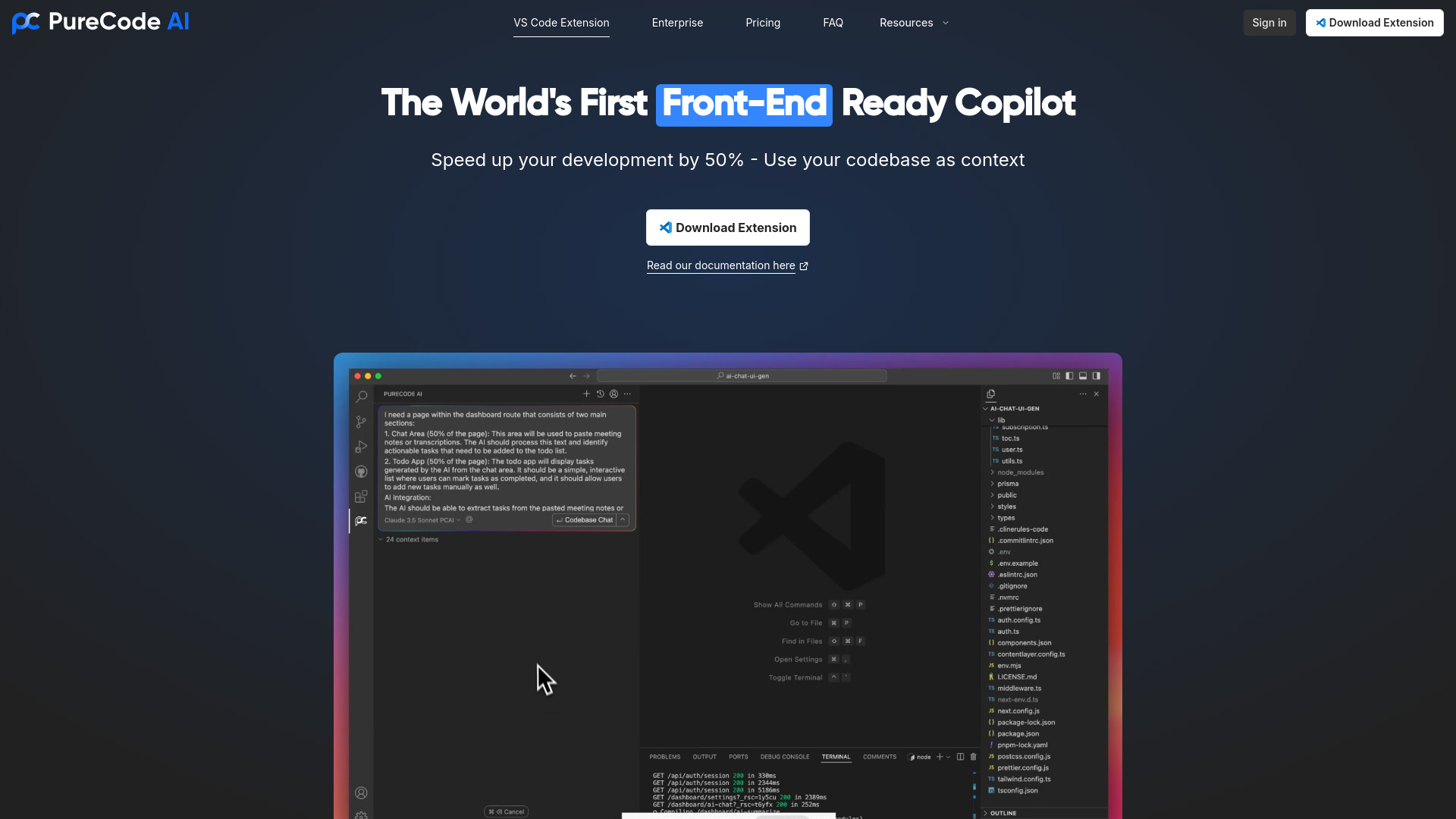
PureCode AI is the clearest specialist pick for front-end work. It focuses on UI component generation and codebase understanding, two capabilities that map directly to the repetitive parts of building interfaces. Instead of treating every request as an isolated snippet, the tool's positioning emphasizes understanding the project around the code.
That makes it more compelling for developers who repeatedly turn designs or requirements into interface components. The free plan includes 50 chat messages per month, giving users a measurable way to test the workflow. The main compatibility constraint is equally clear: PureCode AI requires VS Code.
My take: Among the featured tools, this is the easiest recommendation for a front-end developer who already works in VS Code. It has a narrower audience than a general model hub, but the workflow fit is much sharper.
Where it falls short: You need VS Code, and the free allowance may be limiting for heavy daily use before moving to a paid plan.
Key features
AI-powered UI component generation.
Human-like codebase understanding.
In-editor chat workflow.
Pros
Speeds up UI development.
Focuses on a concrete front-end use case.
Offers a measurable free allowance.
Cons
Requires VS Code.
Paid access starts at $20 per month for broader use.
Choose PureCode AI if: You build front-end interfaces in VS Code and want help generating components with project context.
7. ProjectAI

ProjectAI
Best project-based programming AI for beginners
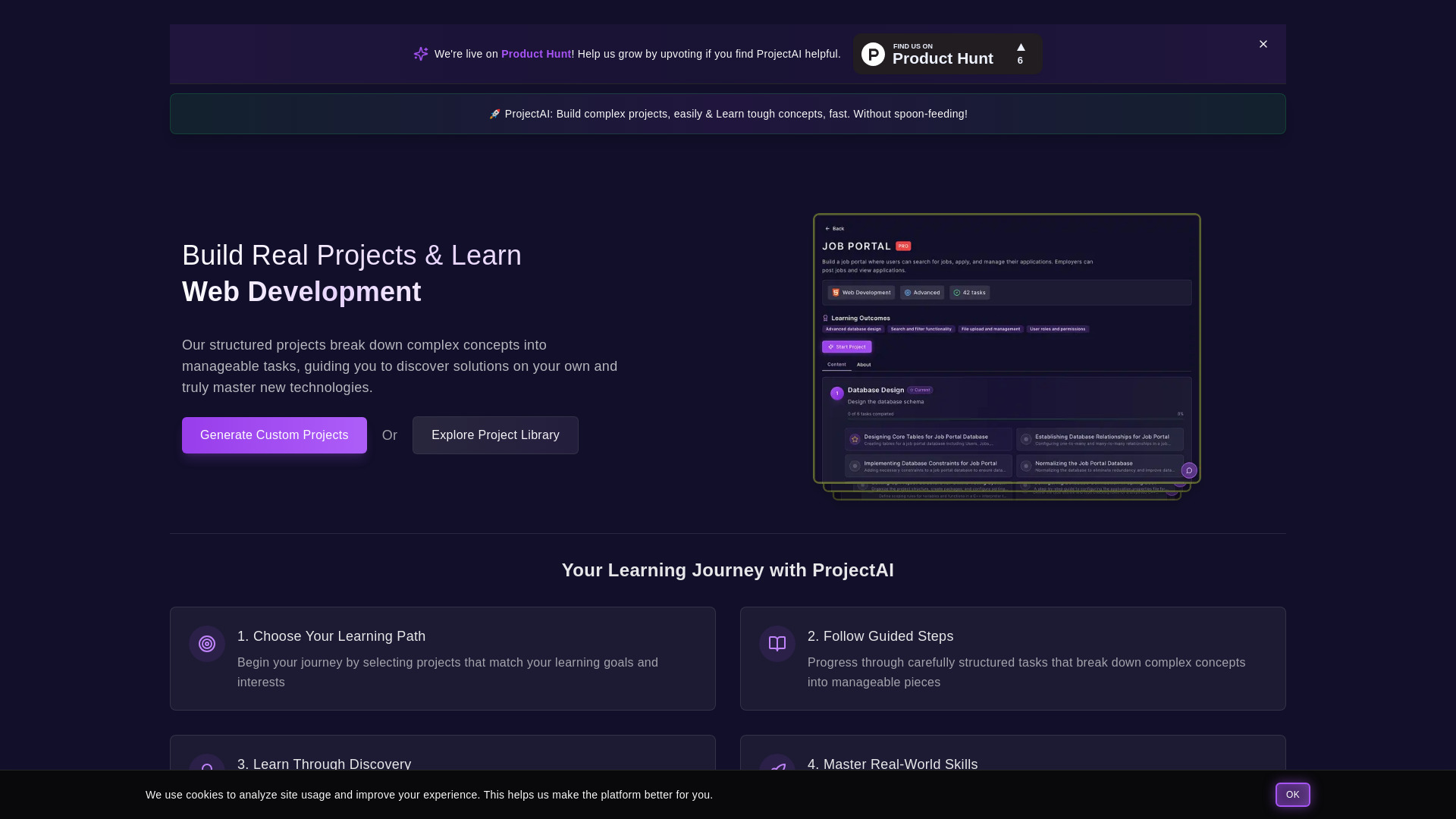
ProjectAI approaches programming as something you learn by building. It offers structured, real-world projects with step-by-step guidance, which is a better fit for beginners than an assistant that simply returns a finished answer. The project format gives learners a concrete reason to use a concept and a sequence for working through difficult material.
The free experience is limited to selected projects, and some projects require a PRO subscription. That is a fair trade-off if the guided structure helps you keep learning, but it is worth checking the available free projects before treating the platform as your complete curriculum.
My take: ProjectAI is one of the strongest options here for a beginner who needs momentum and structure. It is less useful for an experienced engineer seeking codebase automation.
Where it falls short: Some projects are behind the PRO subscription, so the free catalog may not cover every topic or learning goal.
Key features
Structured, real-world programming projects.
Step-by-step guidance.
Learning through practical project work.
Pros
Hands-on learning experience.
Clearer path than asking disconnected questions.
Free projects provide a low-risk starting point.
Cons
Some projects require PRO.
Not designed as a professional code editor.
Choose ProjectAI if: You are a beginner who learns best by completing guided, real-world programming projects.
8. PearAI

PearAI
Best integrated AI code editor for software engineers
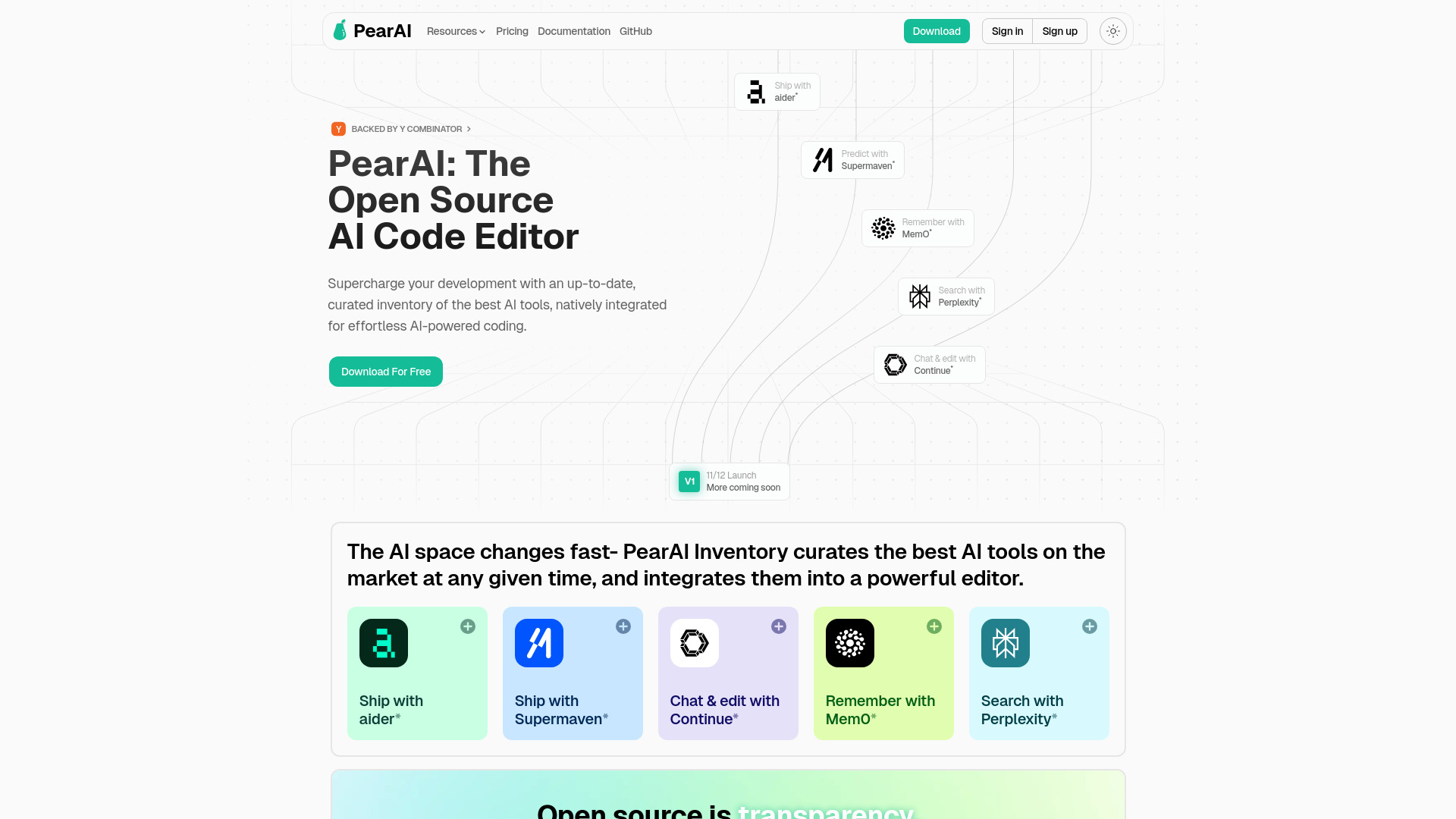
PearAI's appeal is integration. It is an open-source AI code editor that brings multiple AI tools into the development environment, including AI Chat powered by Continue and AI Search powered by Perplexity. That combination gives engineers both a conversational coding surface and a search-oriented tool without forcing them to assemble those workflows separately.
The free trial and free Intern plan make it easier to explore the editor before paying. PearAI is relatively new, however, and may have fewer community resources than established editors. That matters when an editor becomes central to your daily workflow: documentation, examples, and peer troubleshooting can save as much time as the assistant itself.
My take: PearAI is an interesting choice for engineers who want an integrated editor and are comfortable trying a newer product. I would evaluate it on a real project rather than judging it from a quick demo.
Where it falls short: Its relative newness may mean fewer community resources than more established editors, and the broader paid plan starts from $15 monthly.
Key features
Open-source AI code editor.
AI Chat powered by Continue.
AI Search powered by Perplexity.
Native integration of leading AI coding tools.
Pros
Integrates several AI workflows in the editor.
Free trial and free Intern plan.
Stronger fit for software engineers than general chat tools.
Cons
Newer product with fewer community resources.
Paid access starts from $15 per month.
Choose PearAI if: You are a software engineer who wants an integrated AI code editor and is comfortable with a newer tool.
9. Programmers Force

Programmers Force
Best broader AI and technology partner for startups
Programmers Force is a broader technology option for startups rather than a self-serve programming assistant. Its listed offer includes AI-powered solutions and technology and development services. That makes it relevant when a startup is evaluating how to extend its technical capacity, not simply looking for an autocomplete tool to install today.
The distinction is important. Buyers should approach this as a potential technology services partner, with a conversation around the work required, rather than expecting the same product experience as PureCode AI or PearAI. Pricing is not clearly presented, and the website content can be repetitive, both of which add friction during early evaluation.
My take: This is an adjacent choice for startups that need broader technology solutions. It is not my first recommendation for an individual developer wanting immediate in-editor assistance.
Where it falls short: Pricing requires a vendor conversation, and the website content can feel repetitive when you are trying to understand the offer quickly.
Key features
AI-powered solutions.
Technology and development services.
Broader support for startup technology needs.
Pros
Offers a wide range of technology solutions.
Better fit for organizations than solo experimentation.
Relevant when AI and development services need to be considered together.
Cons
Not a clearly defined self-serve coding assistant.
Pricing is not clearly displayed.
Website content can be repetitive.
Choose Programmers Force if: You are a startup assessing broader AI and development support rather than a standalone coding assistant.
10. 302.AI

302.AI
Best pay-as-you-go multi-model platform for tech enthusiasts
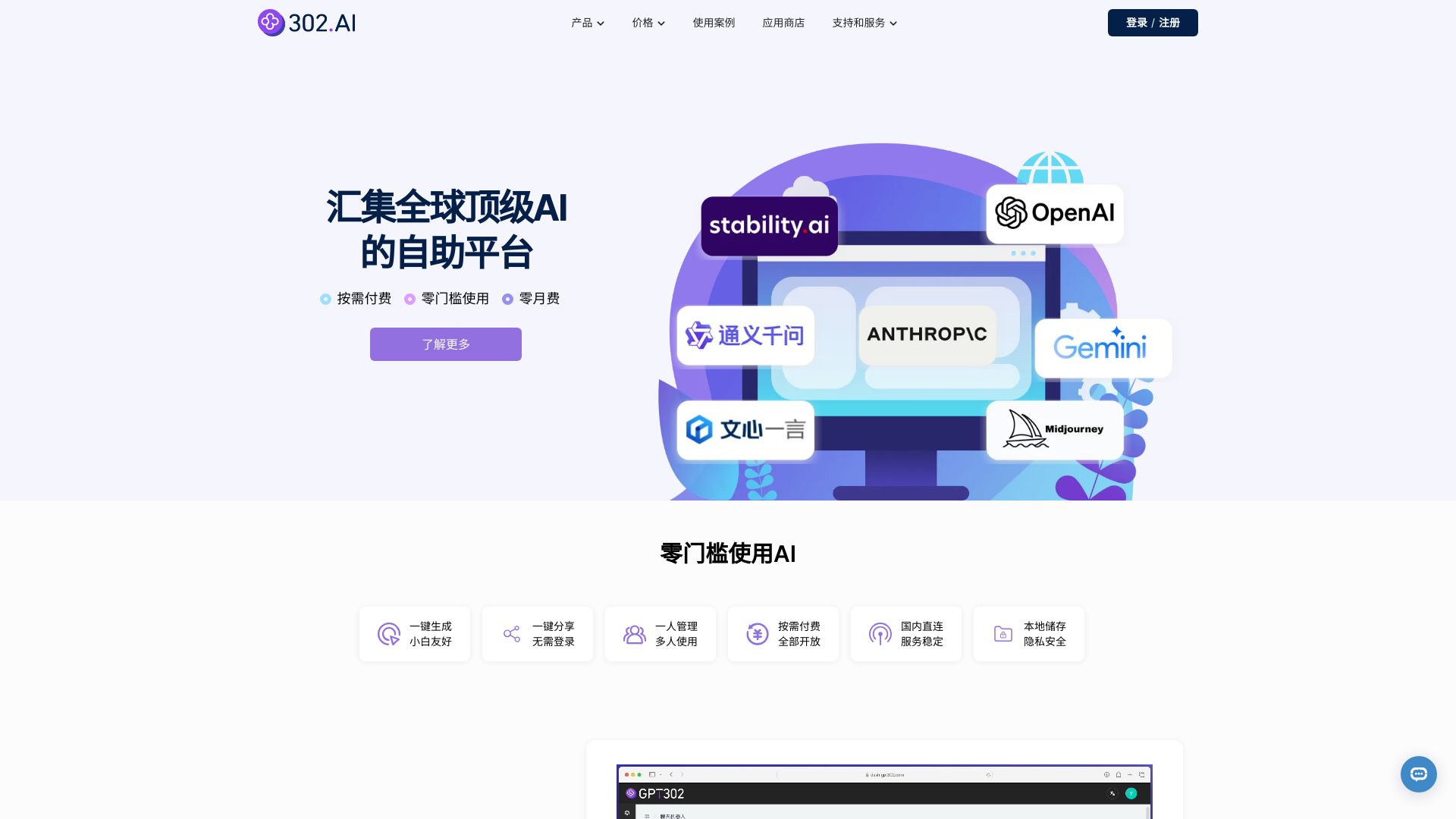
302.AI is built around access and flexibility. It brings together global AI models from OpenAI, Anthropic, Google, domestic providers, professional models, and open-source options. Its services include chatbots, GPTs, and an AI drawing robot, so it is wider than programming alone, but the model variety can be useful for technical users who want to compare different systems.
The pay-as-you-go approach is the notable pricing distinction: there is no monthly fee in the listed offer, and access starts with a $5 top-up. The product also supports zero-threshold use and one-click sharing. For a developer or enthusiast who uses AI irregularly, that can be more appealing than another recurring subscription. The listed example gives OpenAI GPT-4o token rates, but model pricing varies and should be checked before use.
My take: 302.AI is a good experimenter's platform when you want broad model access without another monthly commitment. It is not a replacement for a code editor or structured programming course.
Where it falls short: Its capabilities span text, image, and sound processing, so programming is only one part of the experience. Model-specific token costs also require attention.
Key features
Access to global AI models from several provider categories.
Chatbot and GPT services.
AI drawing robot services.
Pay-as-you-go access with one-click sharing.
Pros
Broad model selection.
Zero monthly fee in the listed pay-as-you-go model.
Low $5 top-up starting point.
Cons
Broader than programming-specific work.
Token pricing varies by model.
No explicit programming editor is listed.
Choose 302.AI if: You are a technical user who wants to experiment with multiple models and prefers pay-as-you-go access.
More tools to compare

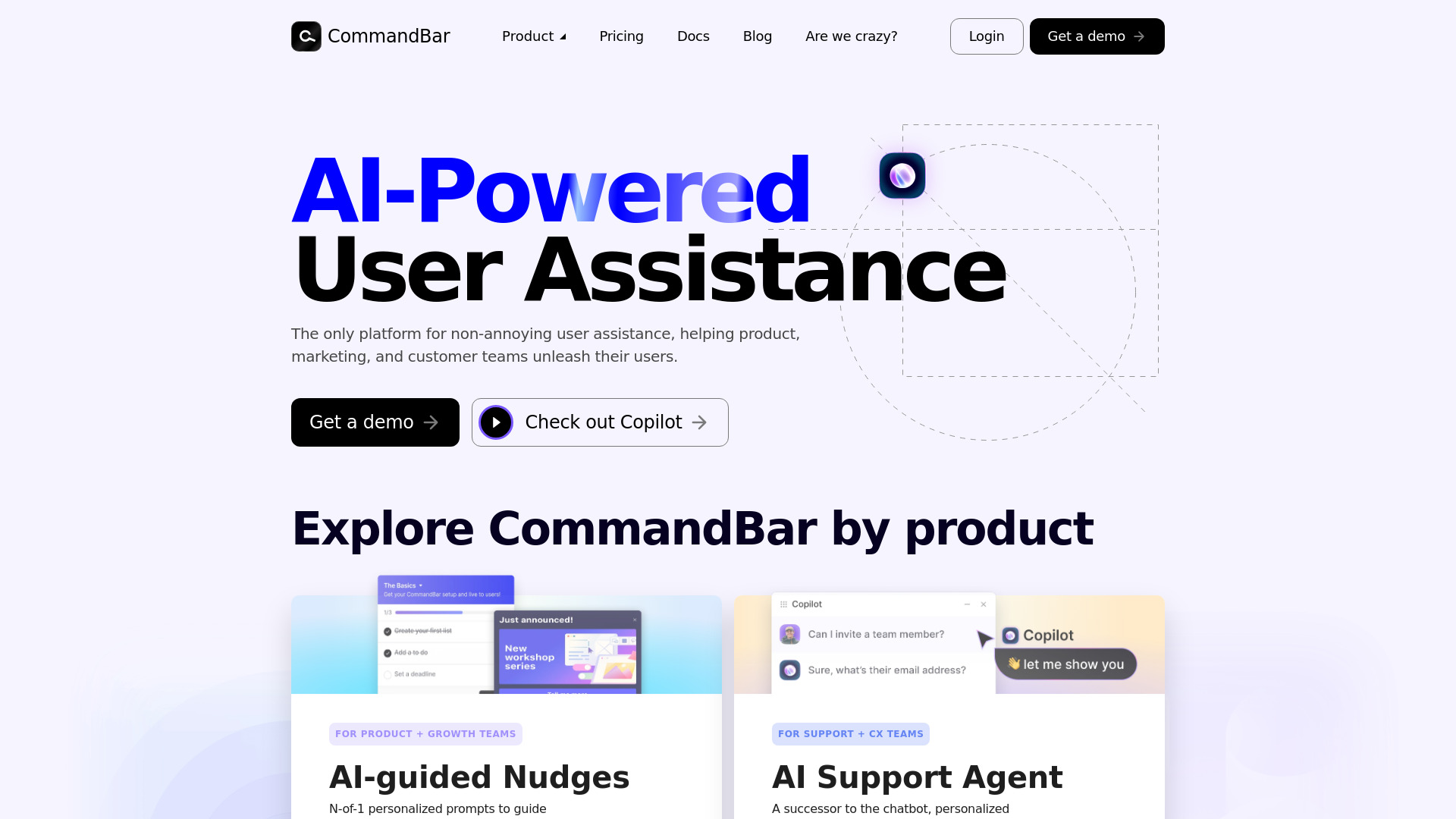
Command AI
Product and support teams needing in-app user assistance

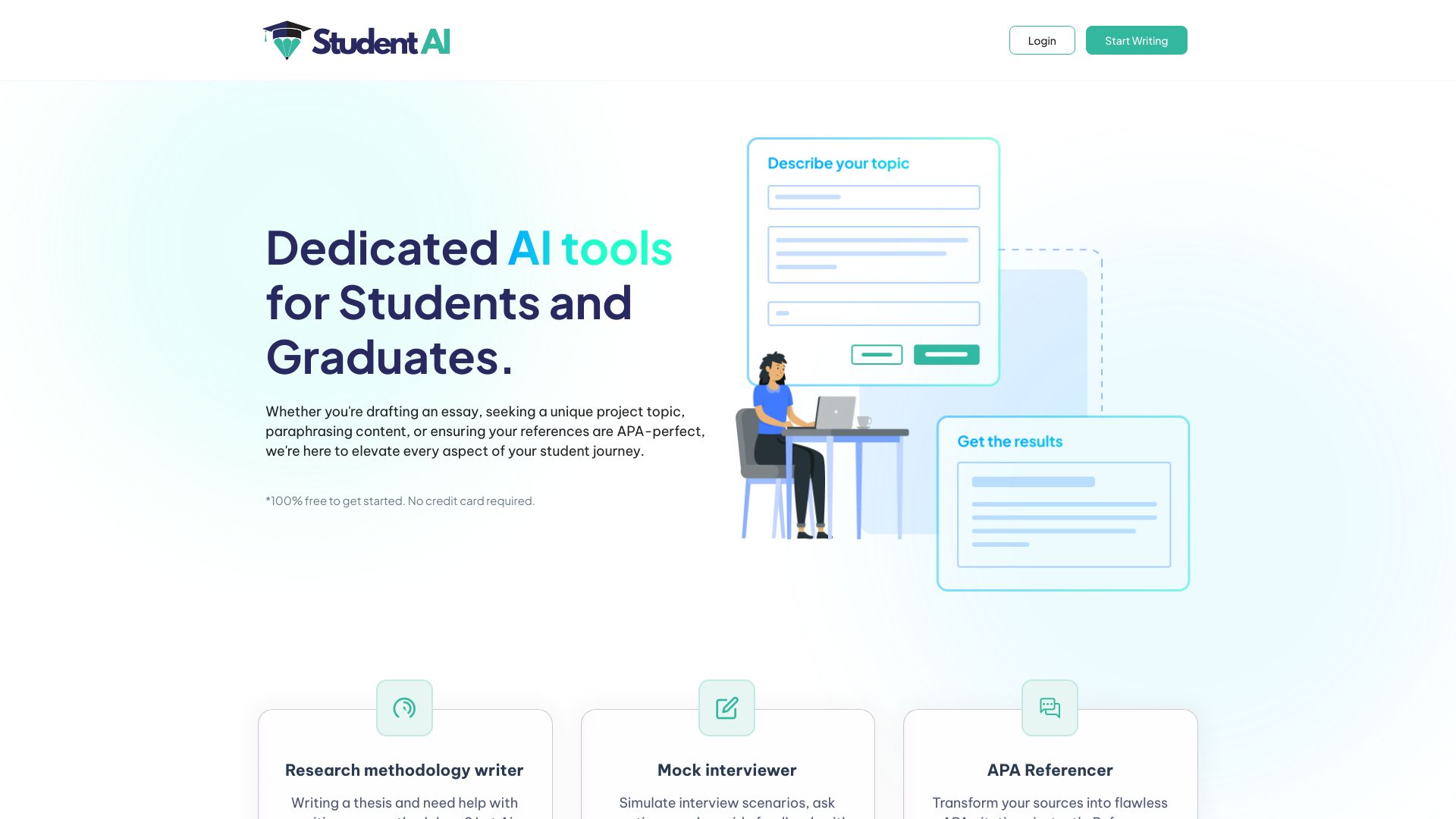
Student AI
Students needing academic and coding support

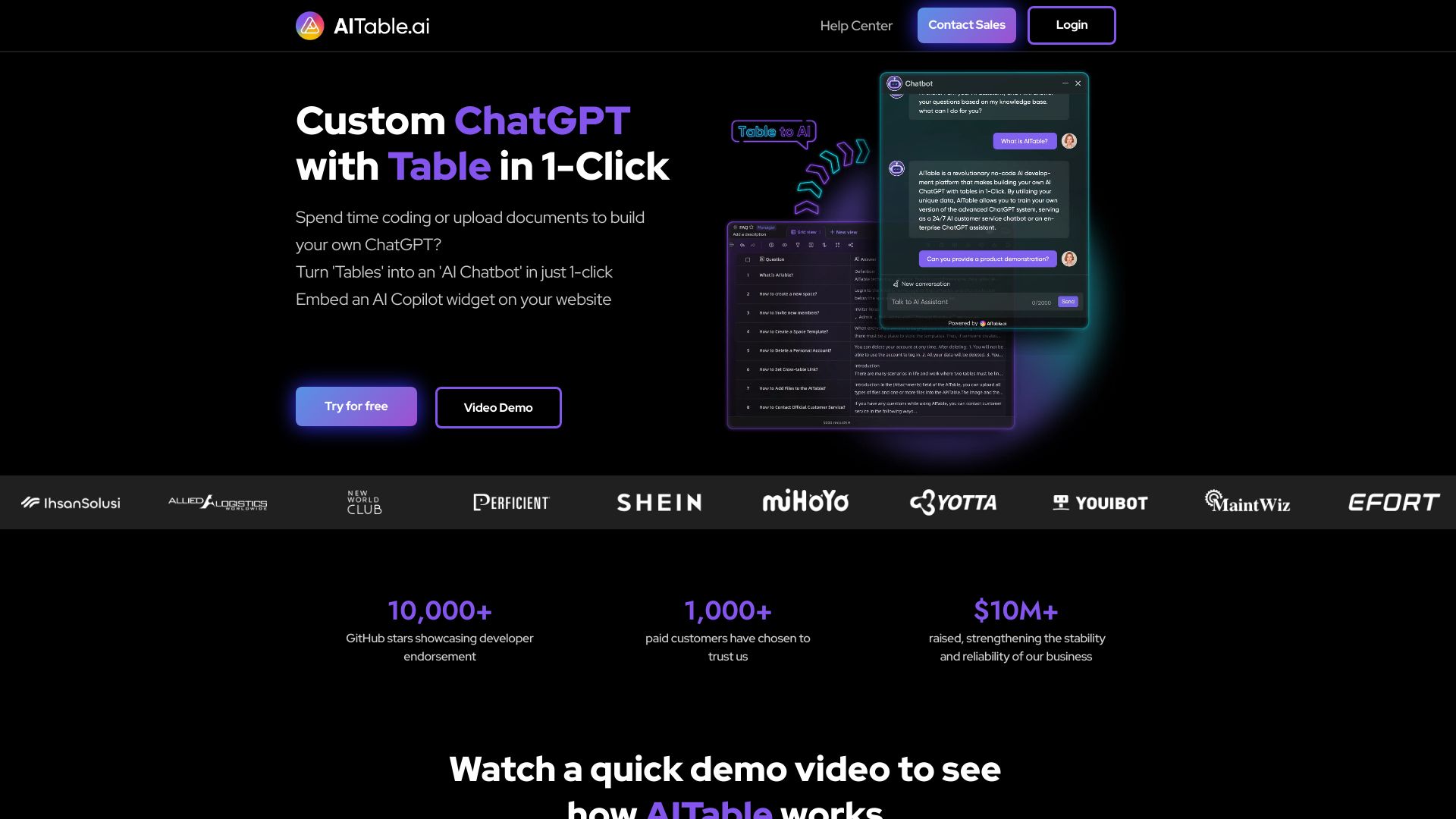
AITable.ai
Visual database automation

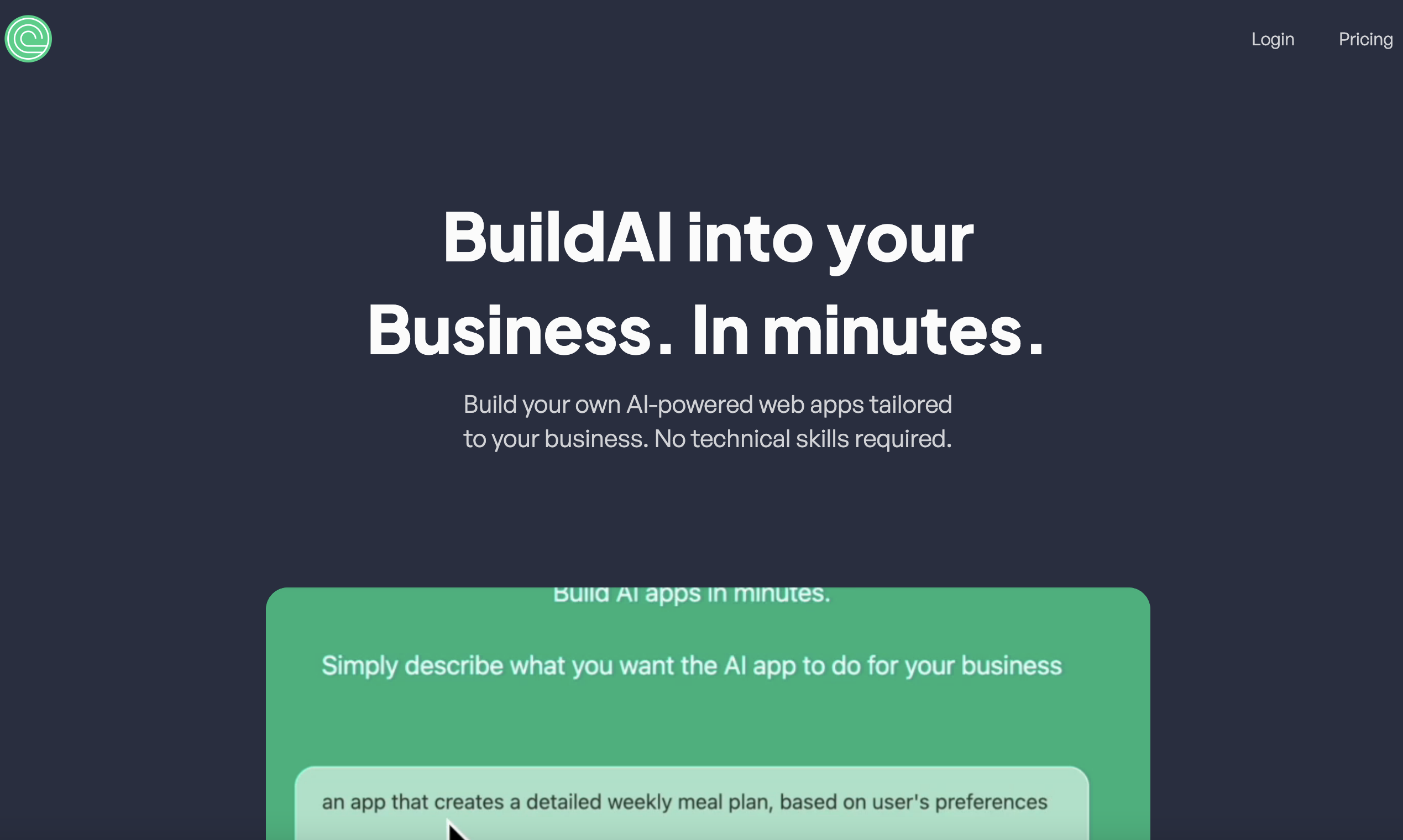
BuildAI
No-code AI app builders for entrepreneurs

Poly.AI Chatbot
AI character roleplay and virtual conversations


PlayAI
Real-time conversational voice agents

30DaysOfAI
Professionals building practical AI skills


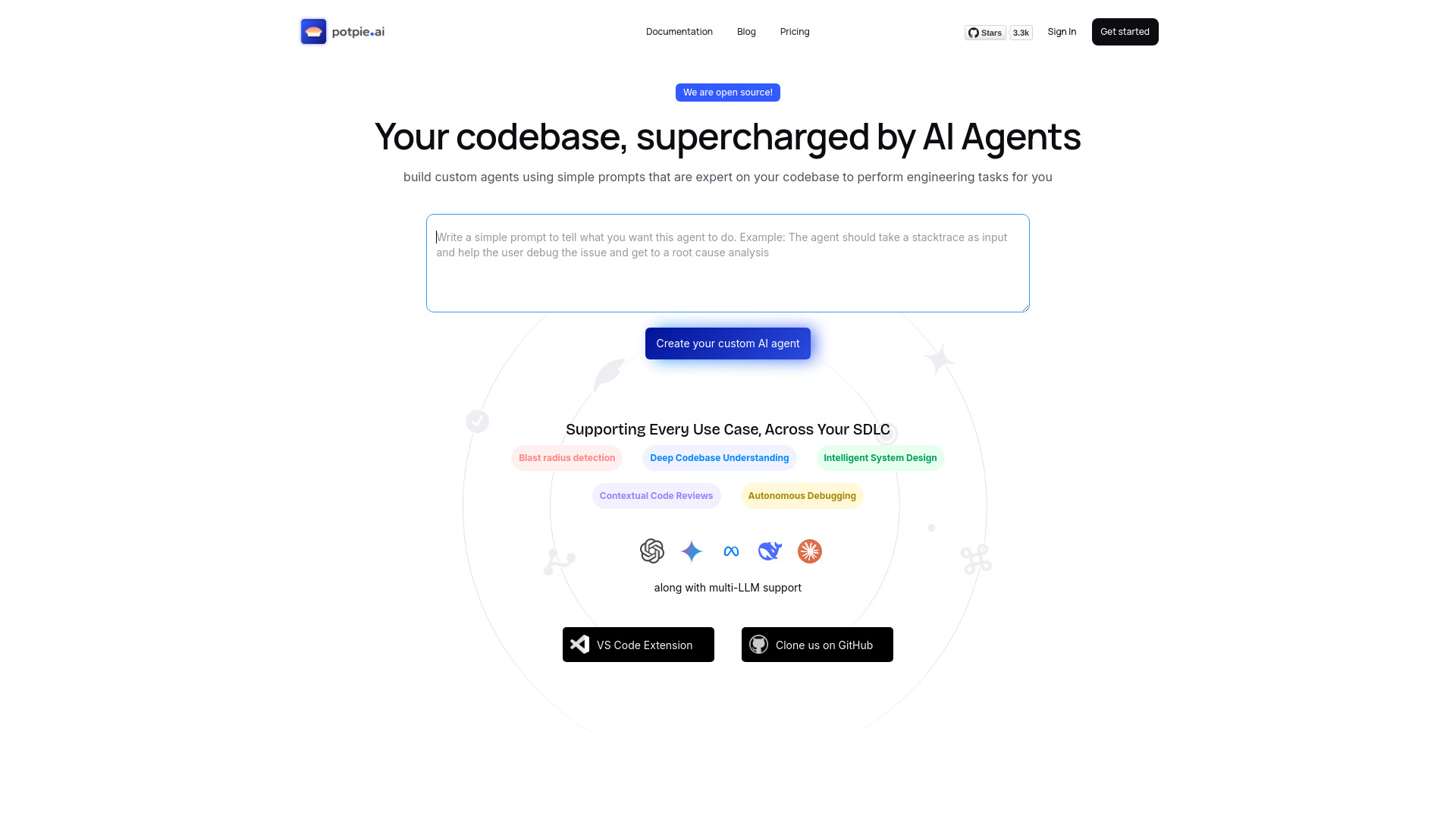
Potpie AI
Codebase-aware engineering agents

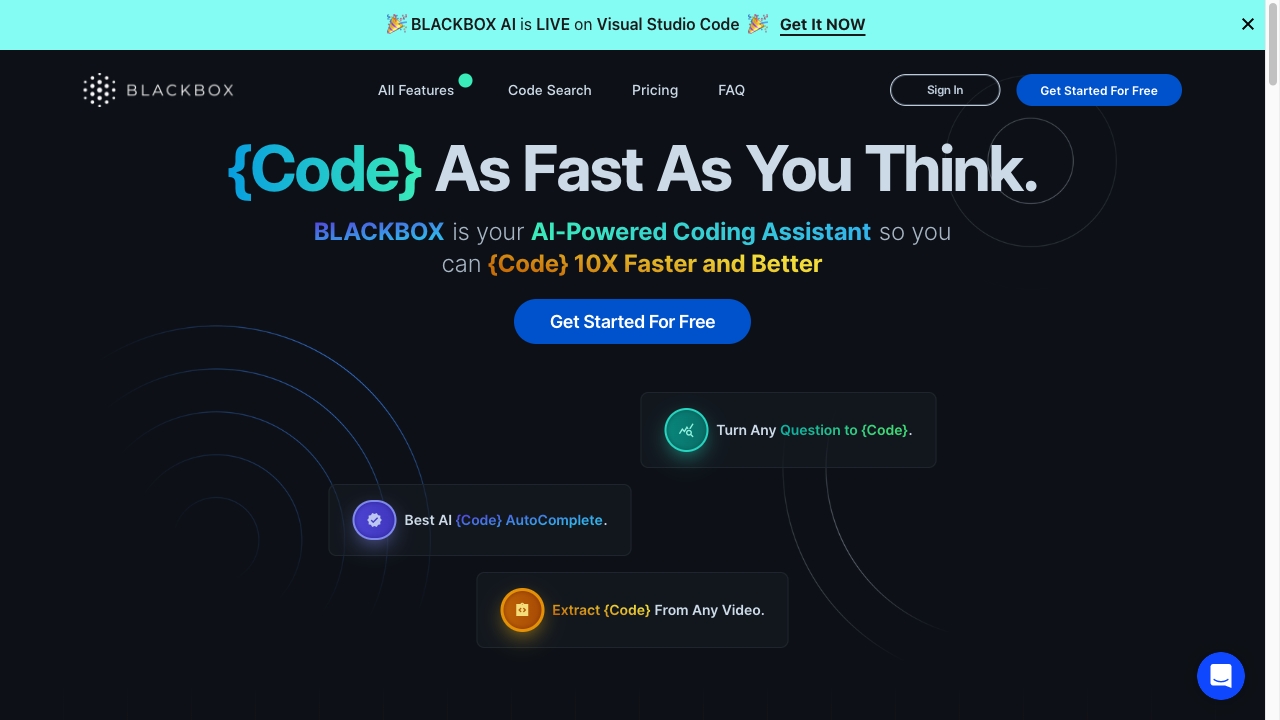
BlackBox AI
AI-assisted coding and code completion

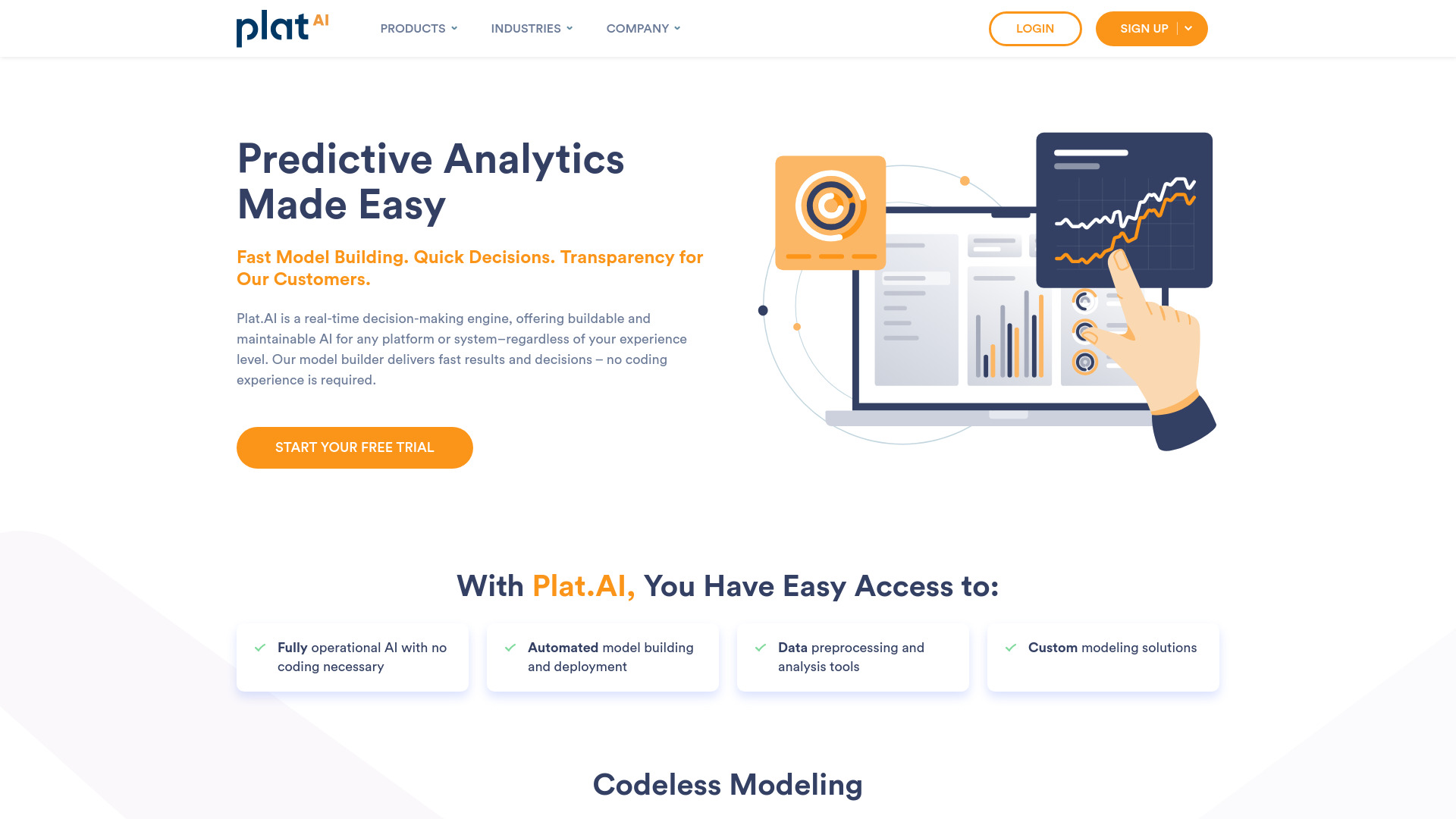
Plat.AI
No-code predictive analytics
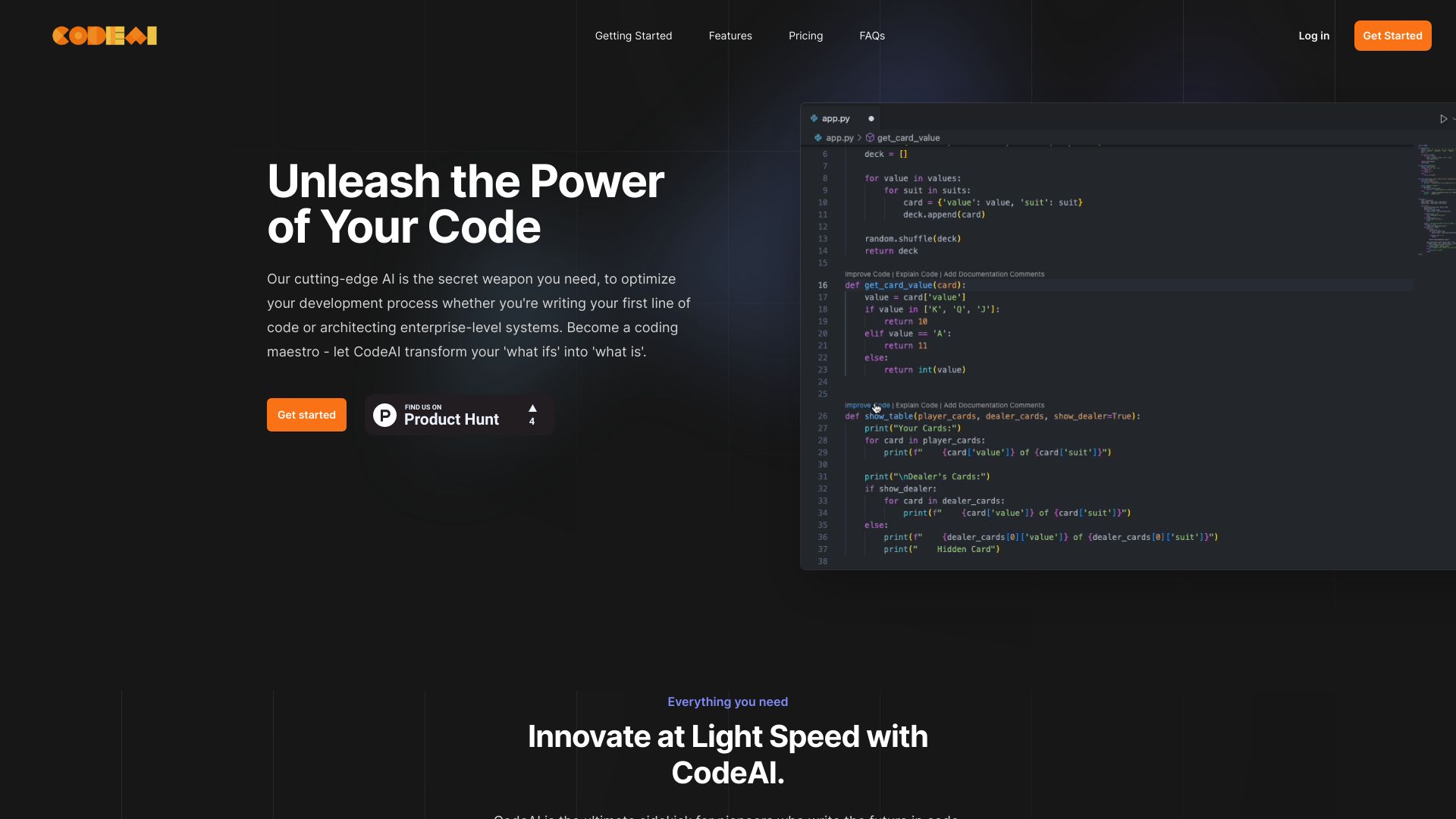
CodeAI
AI-assisted code generation and testing

Ara AI
Product development with autonomous AI agents


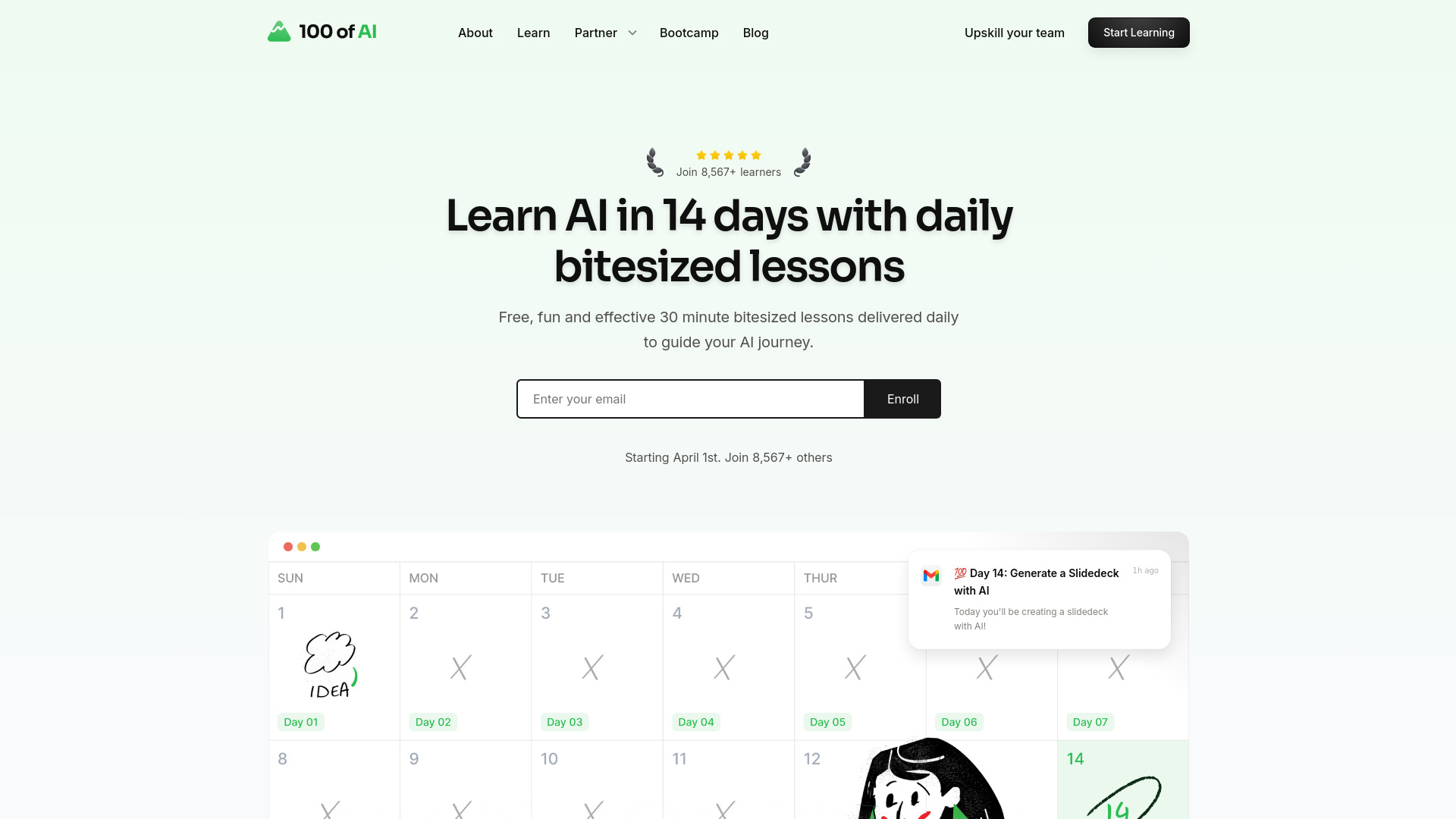
100DaysOfNoCode
Guided AI learning in 30-minute daily lessons

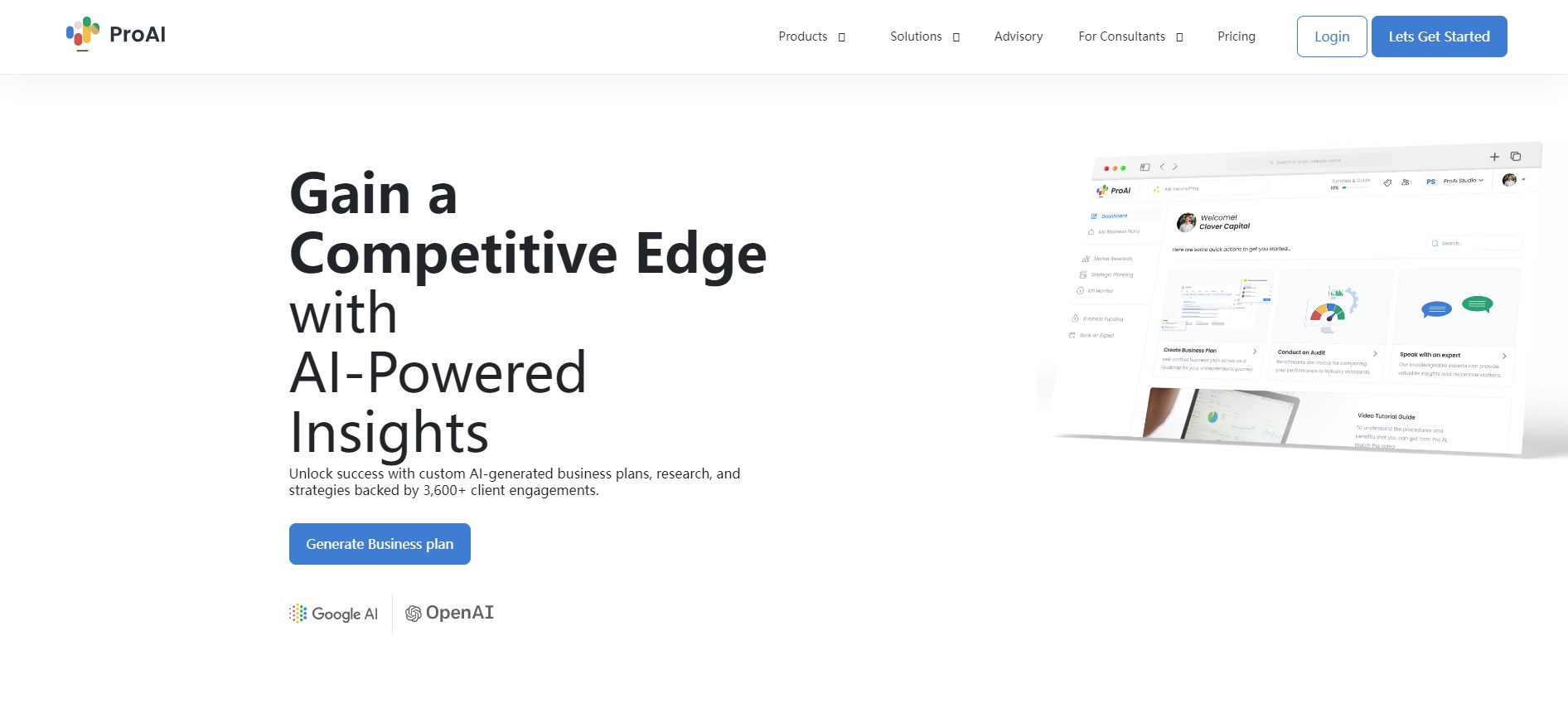
ProAI
Data-driven business planning
Code Snippets AI
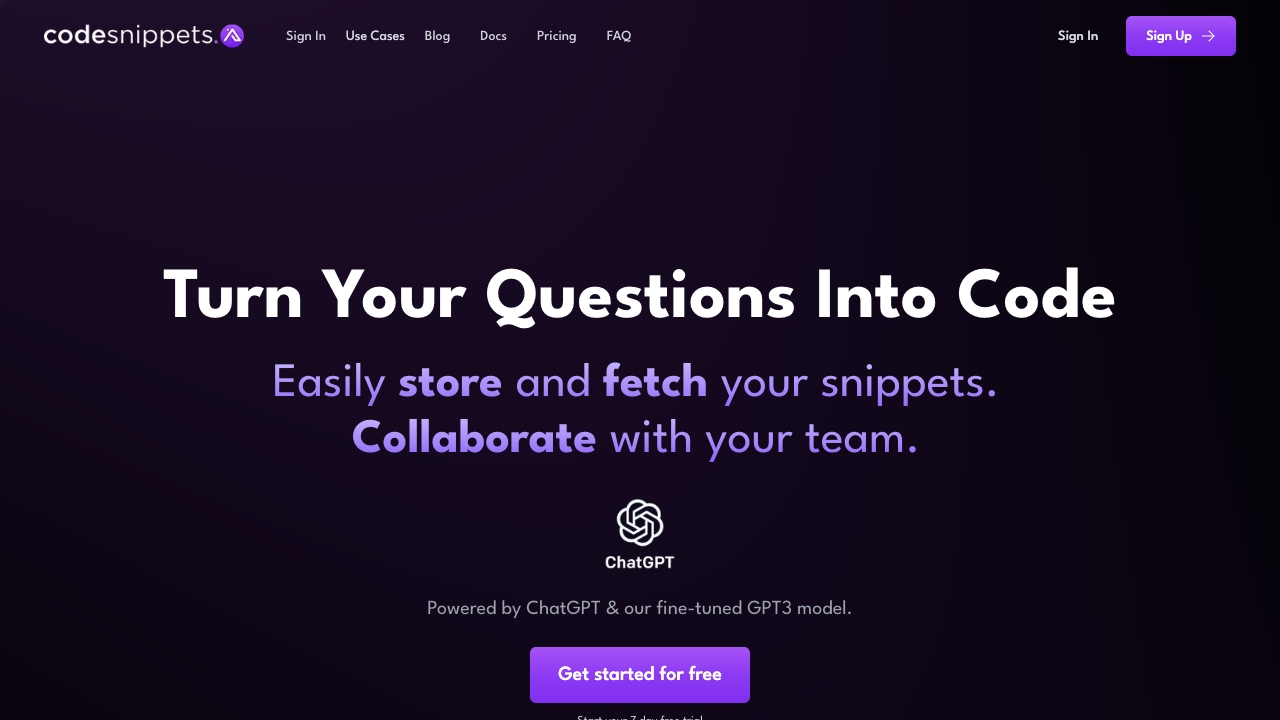
AI-powered code snippet management

prg.ai
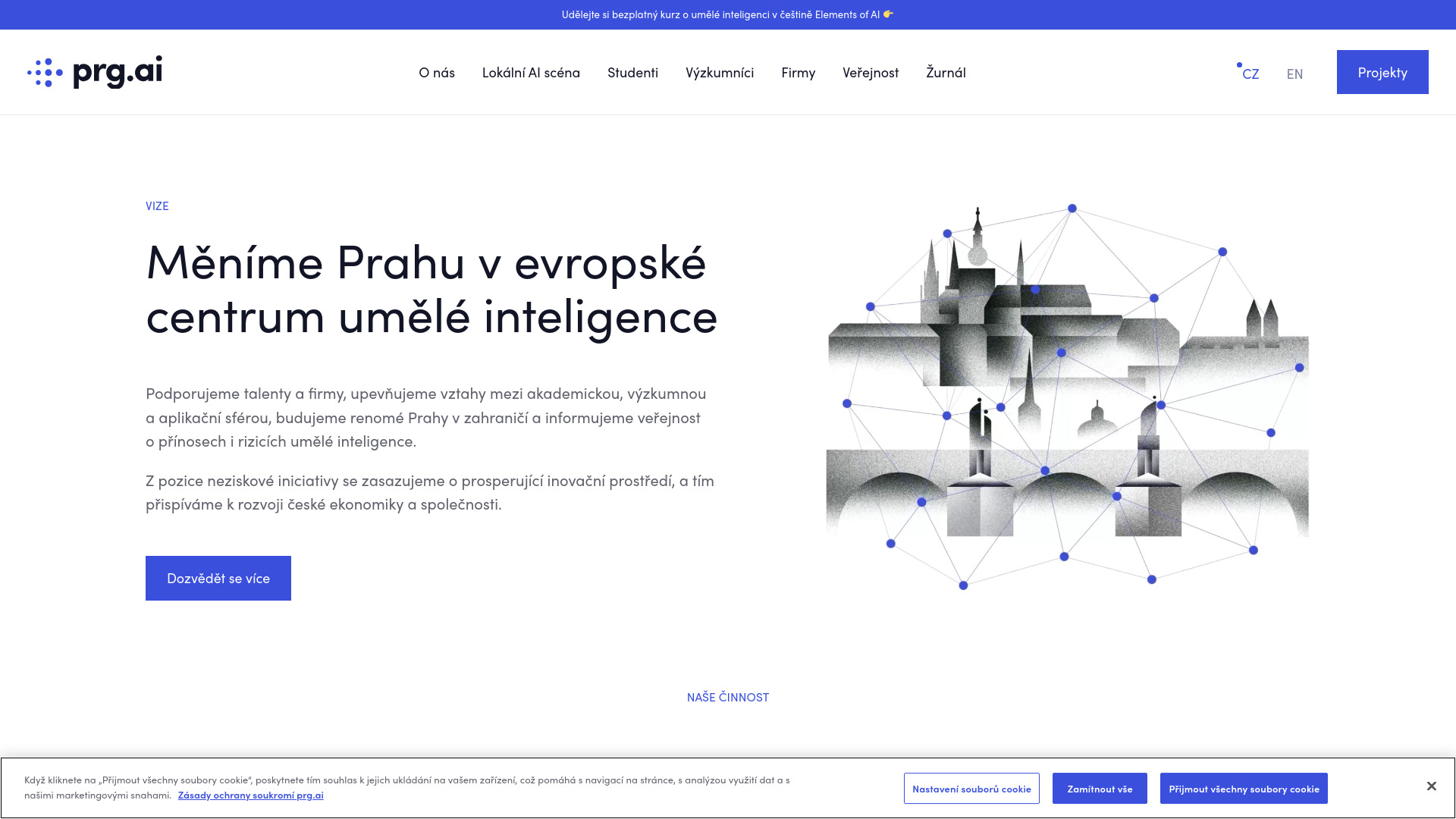
Prague’s AI ecosystem and community

Programming Helper
Text-based code generation
ERP.AI
Enterprise AI workflows


Maker AI
E-commerce product photography

AI Tutor
Developers building apps with AI

AI Code Translator
Multilingual code translation

AlphaCorp AI
Comparing multiple AI models in one chat

AI Code Mentor
Beginner-friendly code explanations

Brain Pod AI
Multilingual content creation


Kode AI
Agentic workflow automation
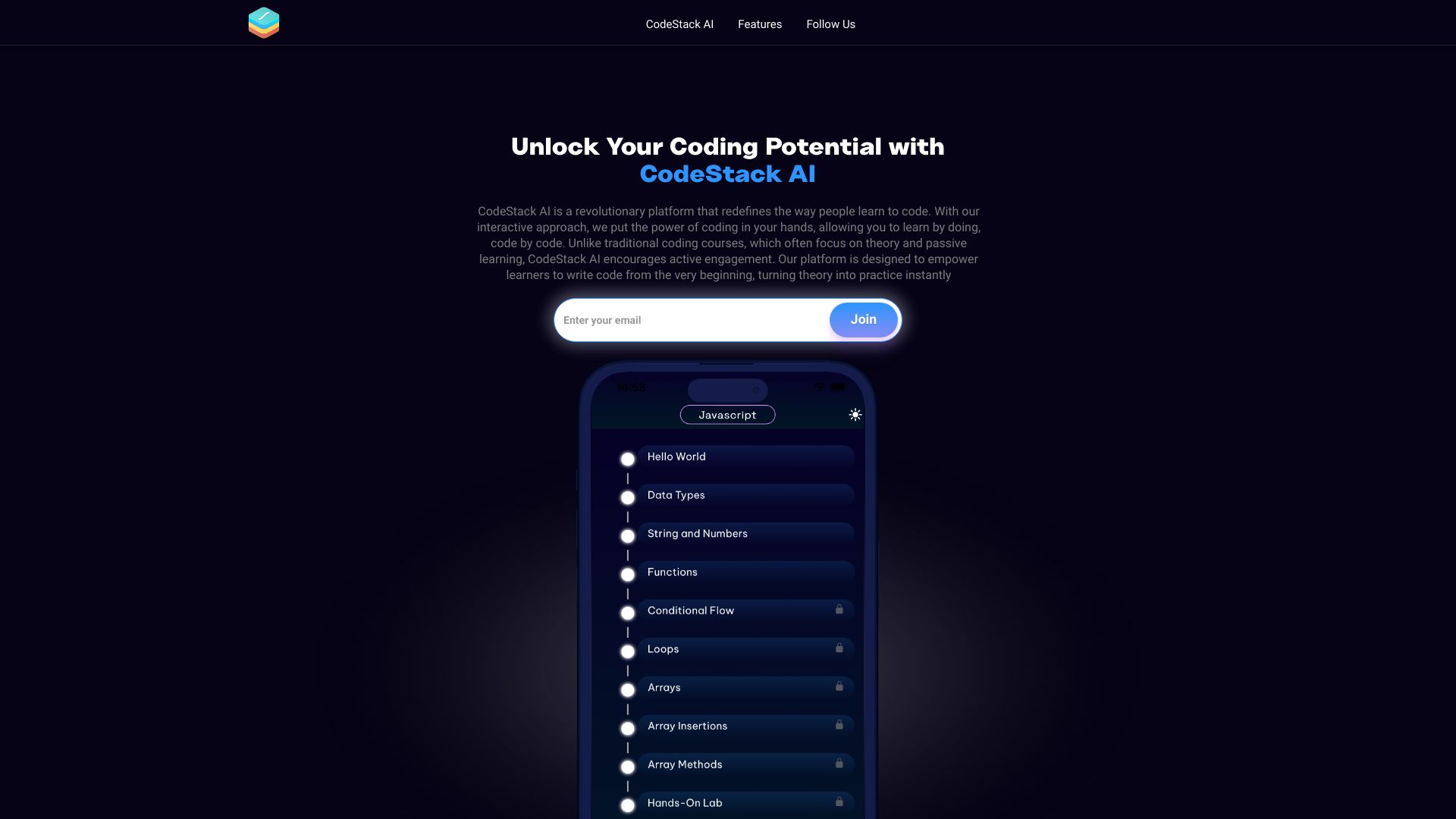
CodeStack AI
Interactive coding practice

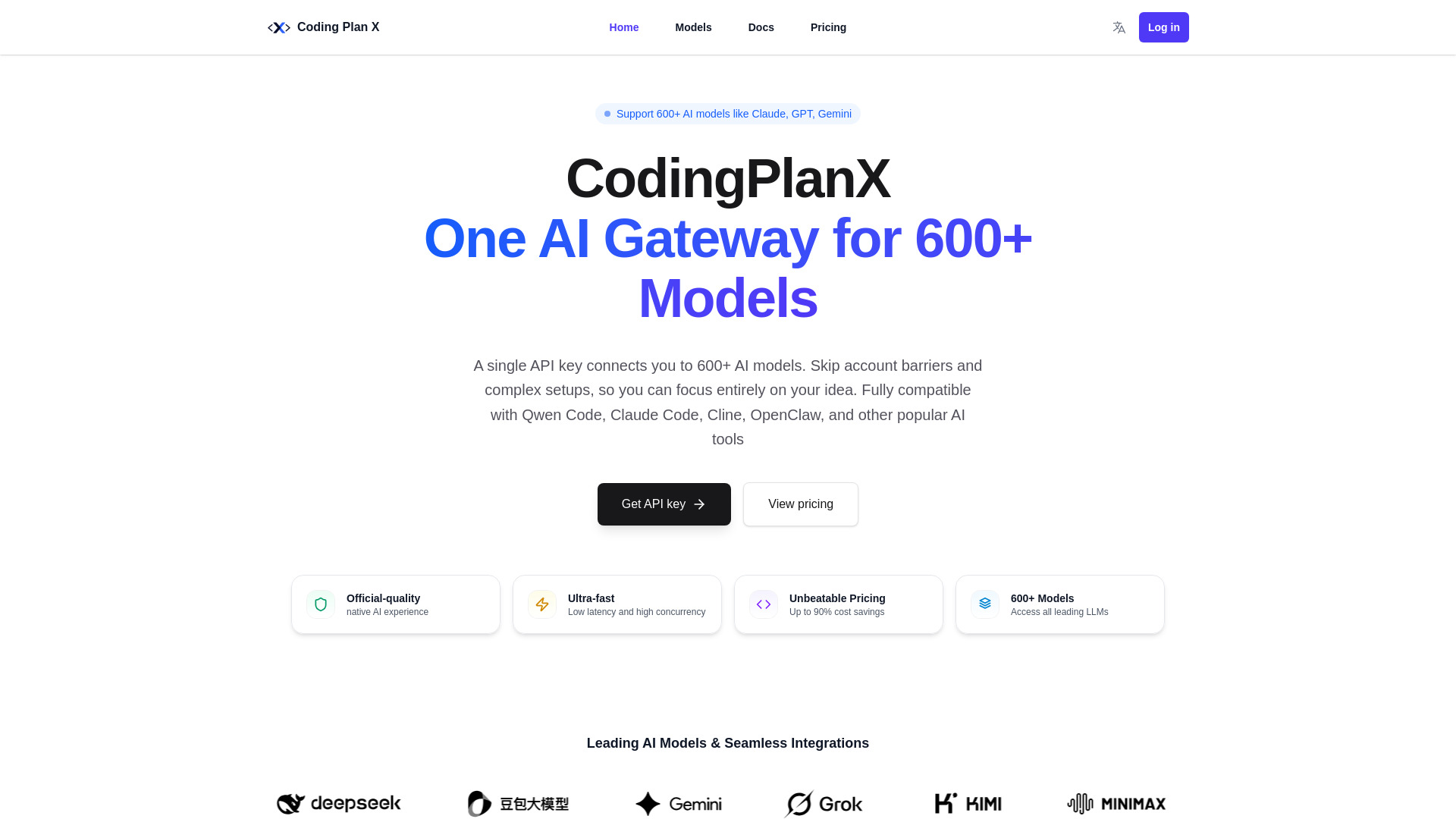
CodingPlanX
Developers needing multi-model API access
RapidAI
Open-source AI engineering tools
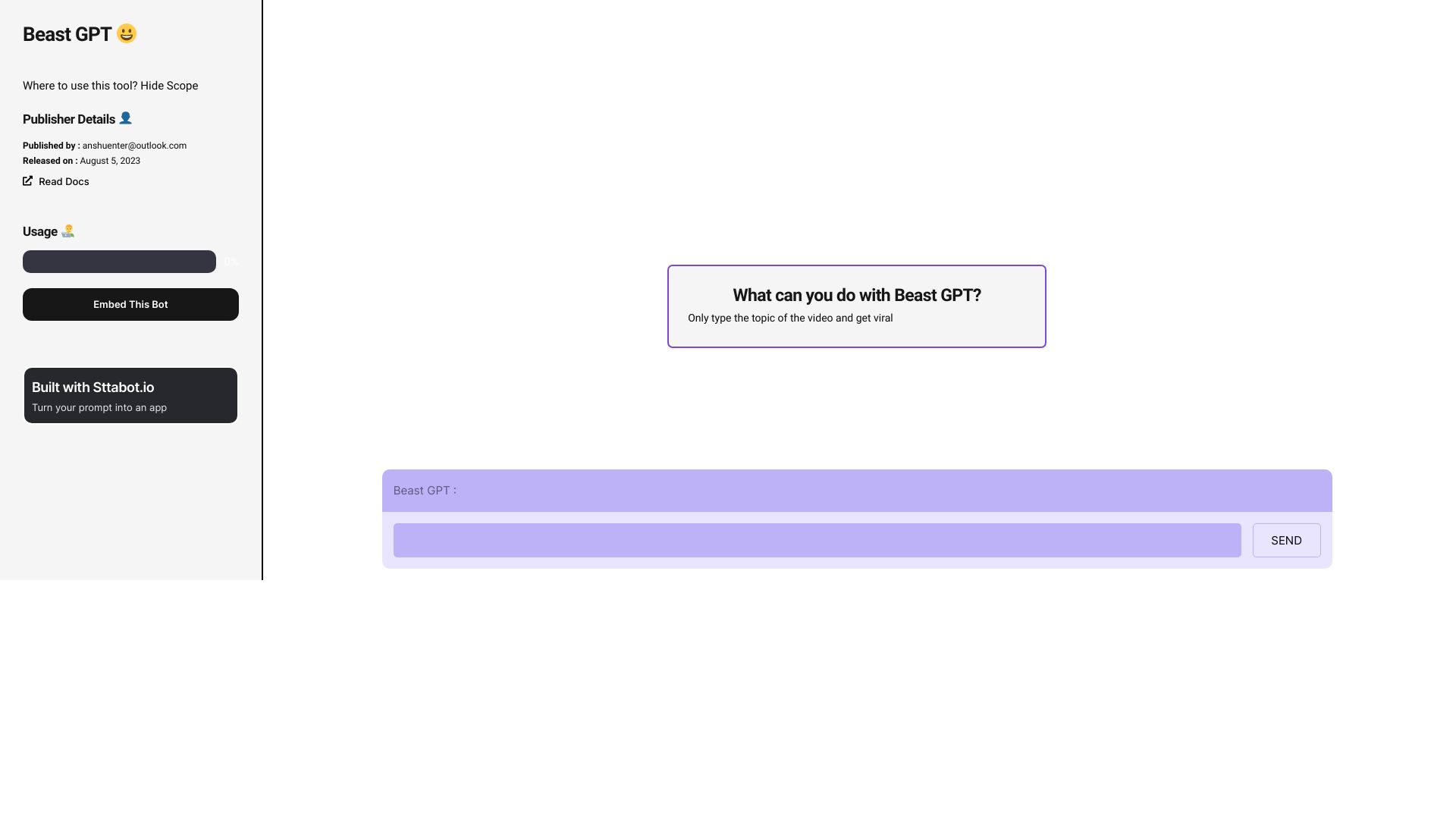

Trudo AI
No-code OpenAI app builders
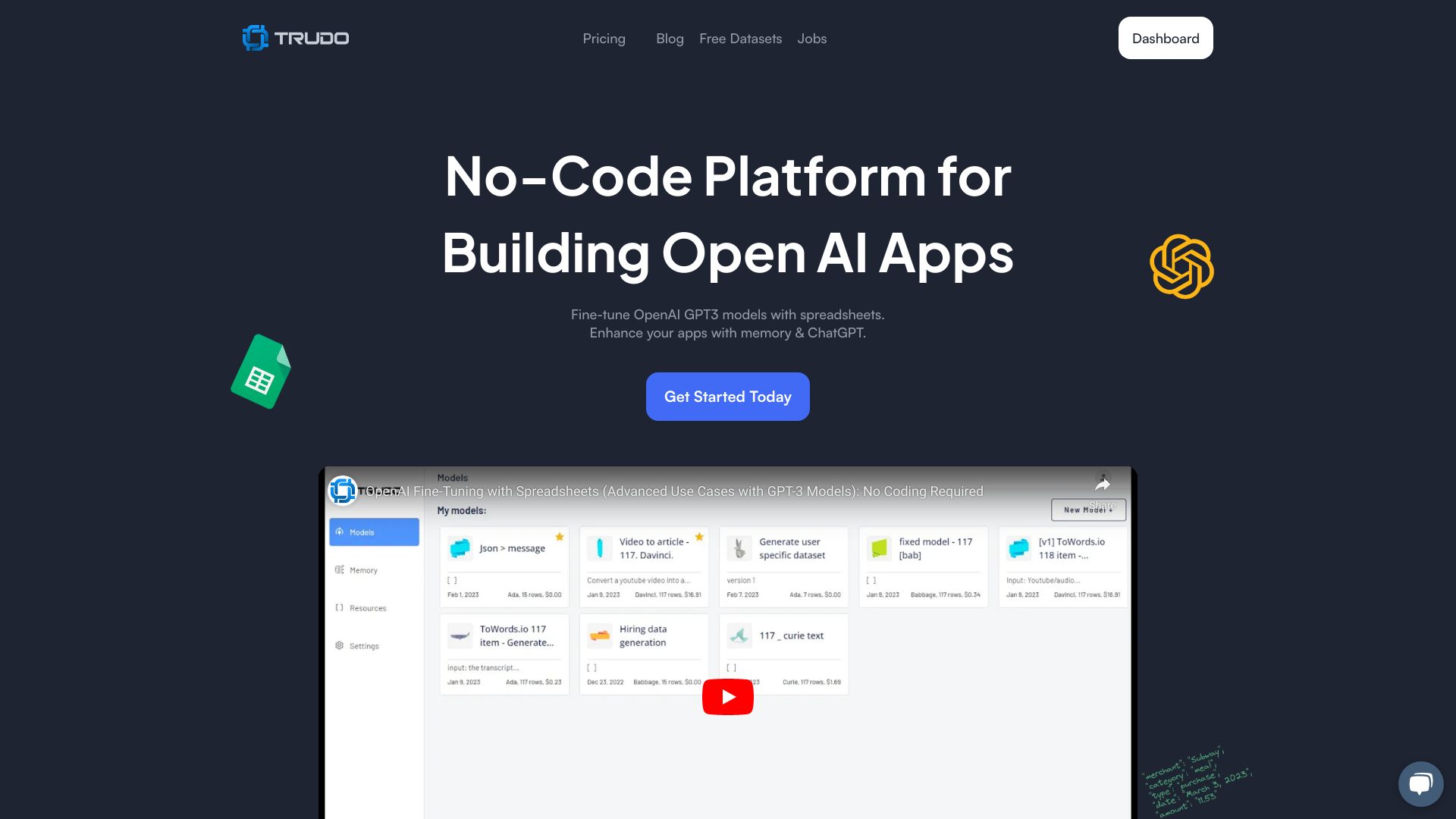

DataRobot
Enterprise MLOps and AI governance
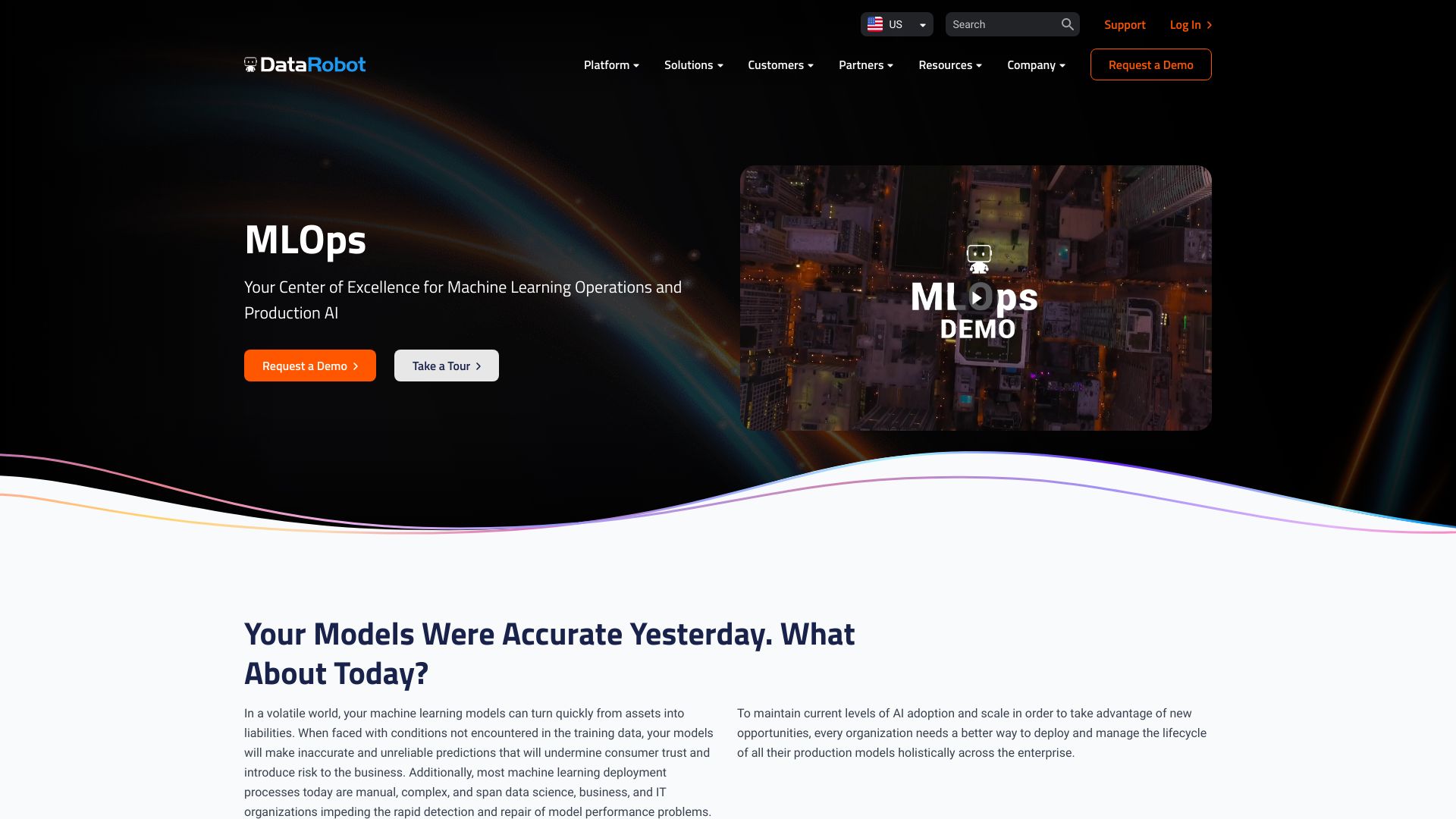

CodeComplete
Enterprise development teams

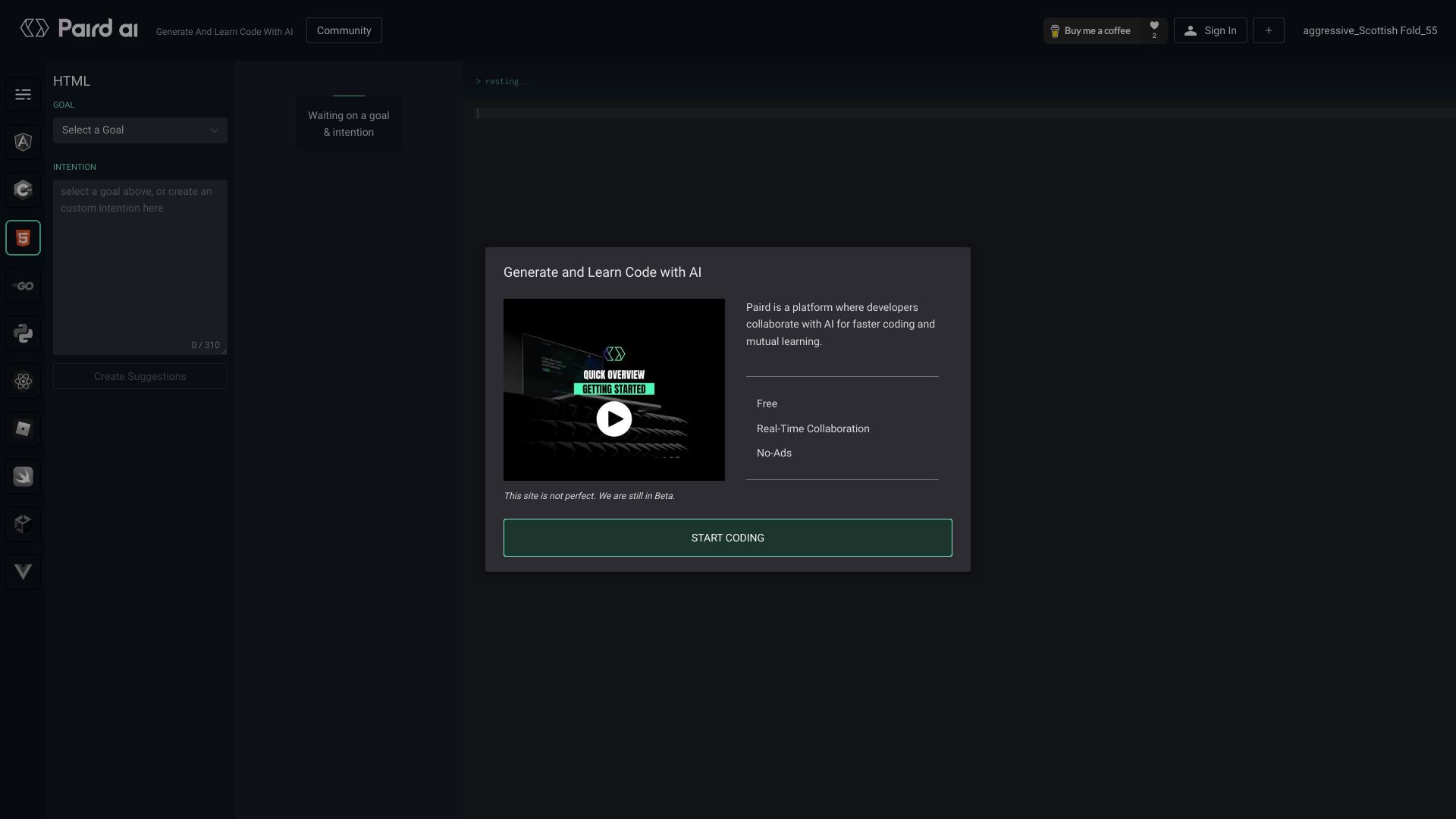
Paird.ai
Collaborative AI coding

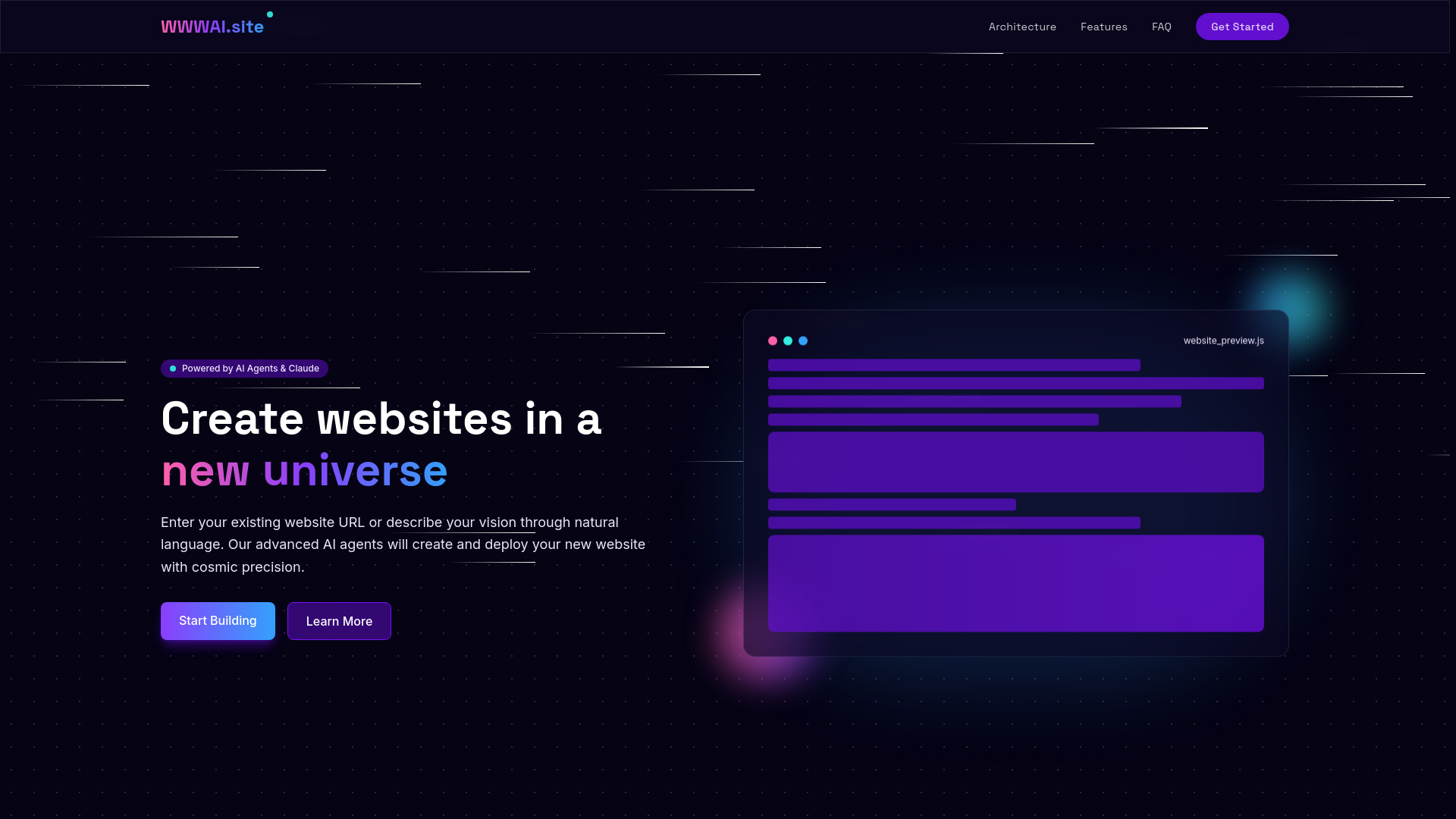
WWWAI.site
Natural-language website creation

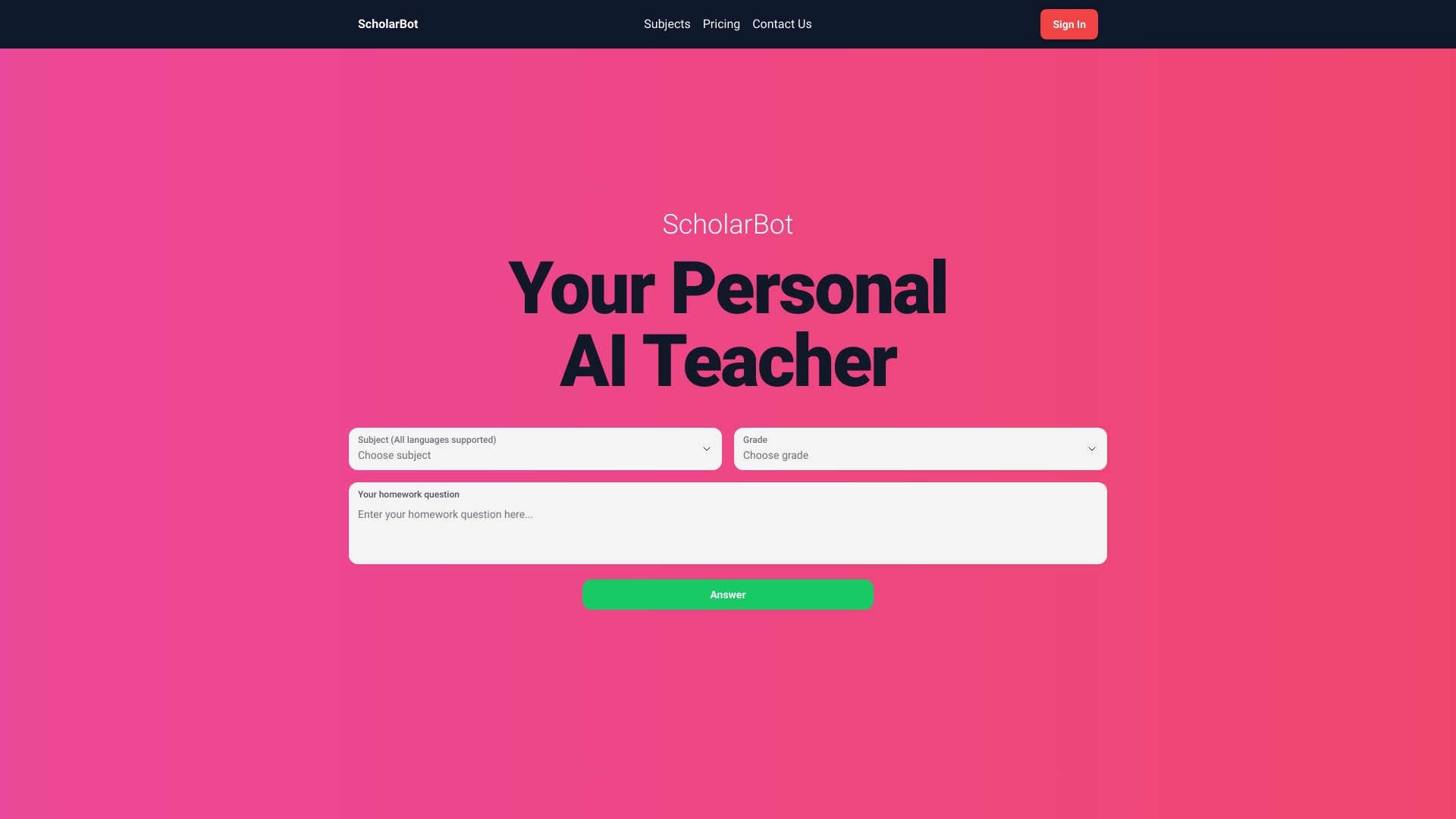
ScholarBot
Students needing AI homework help
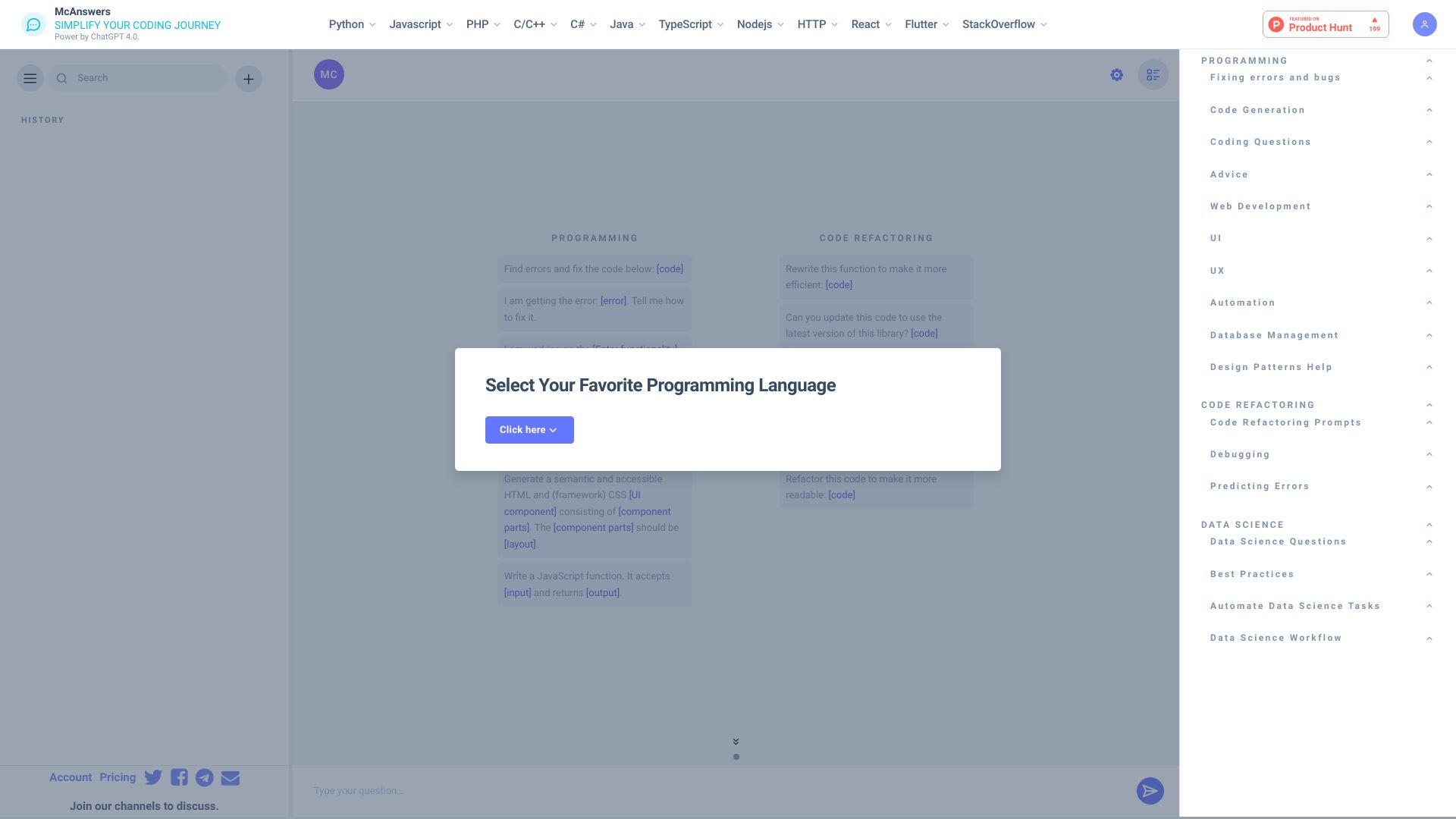
McAnswers
Coding error diagnosis and debugging prompts

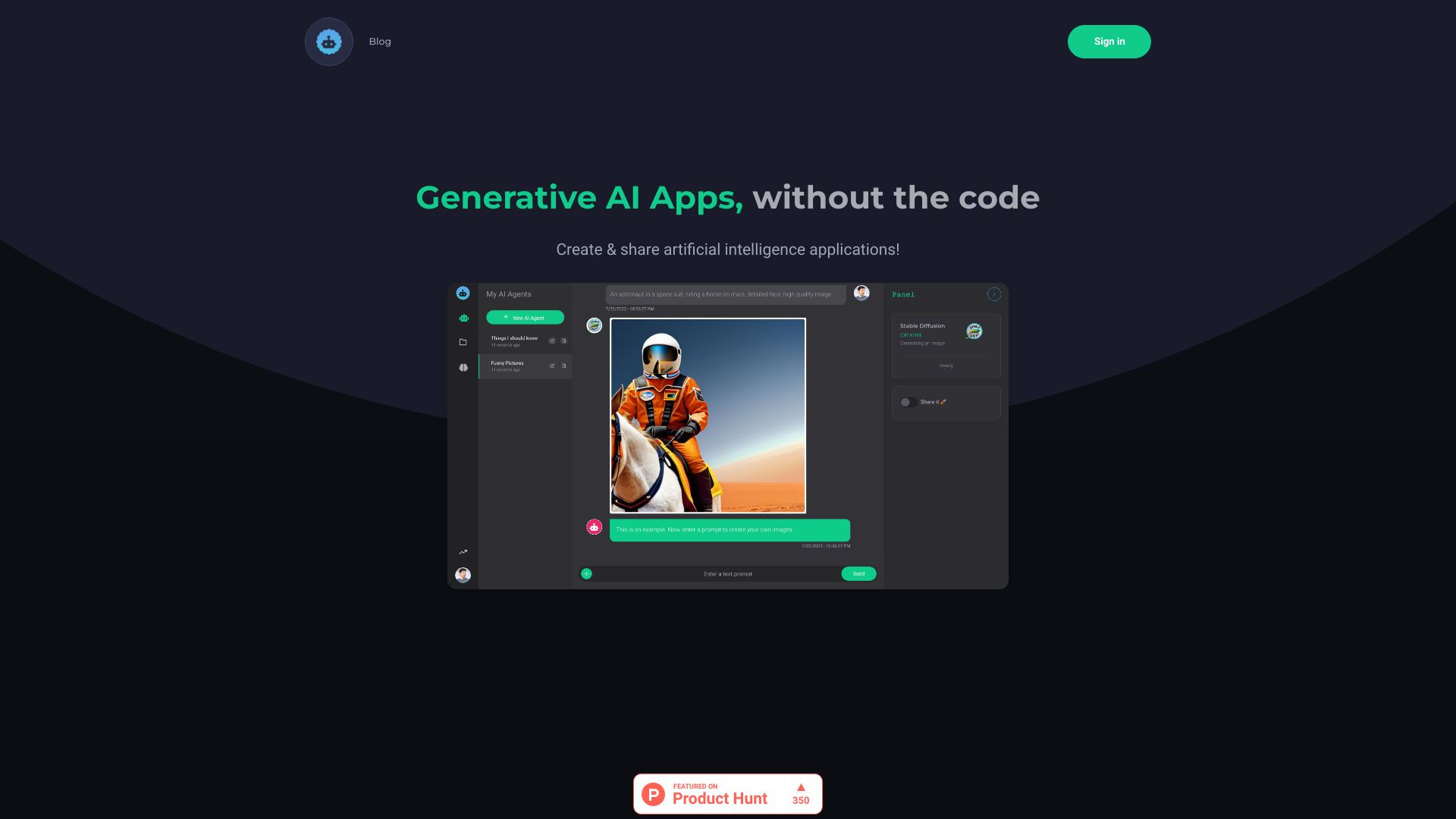
Automi AI
Low-code generative AI app building
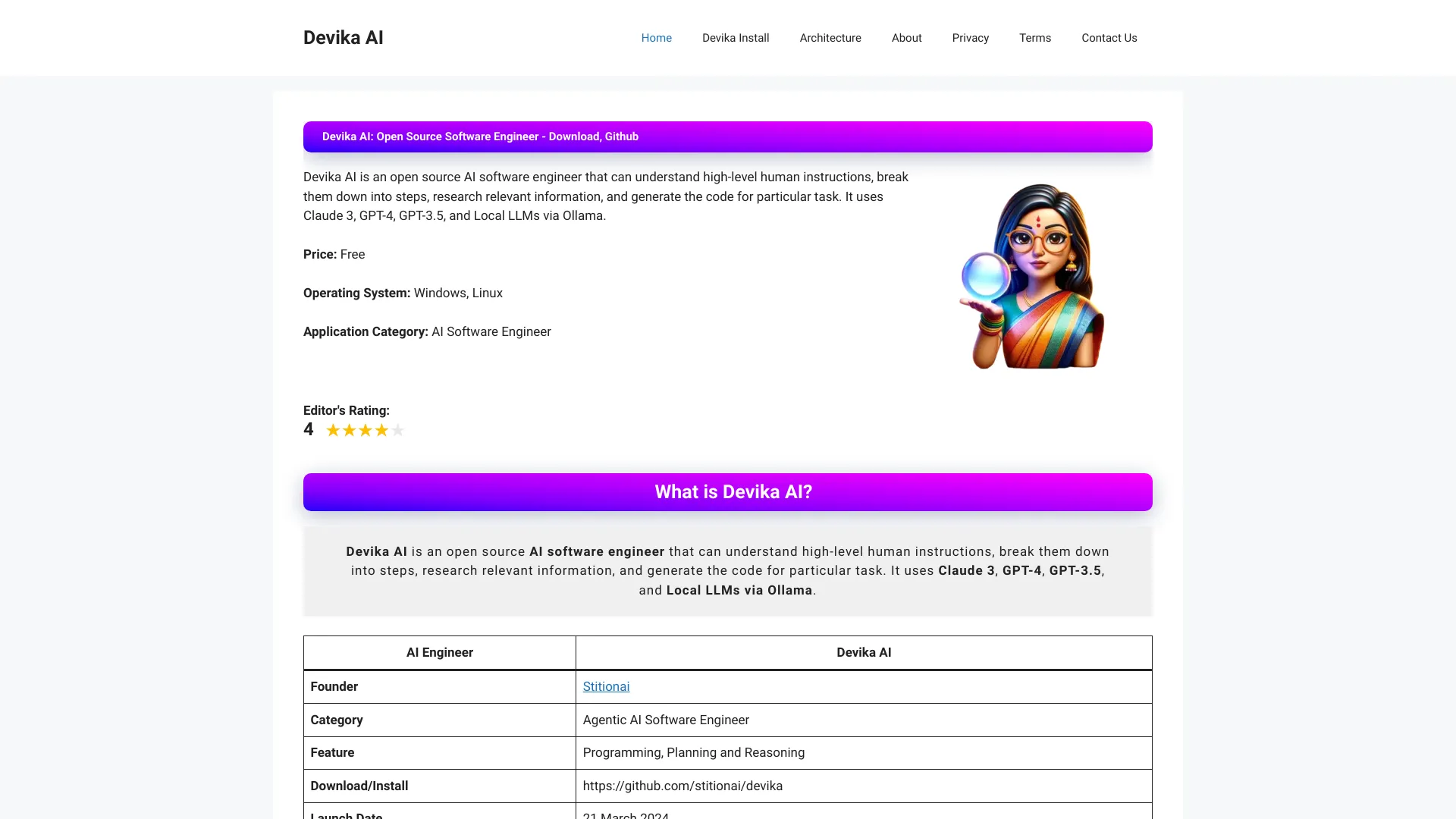
Devika AI
Open-source software engineering

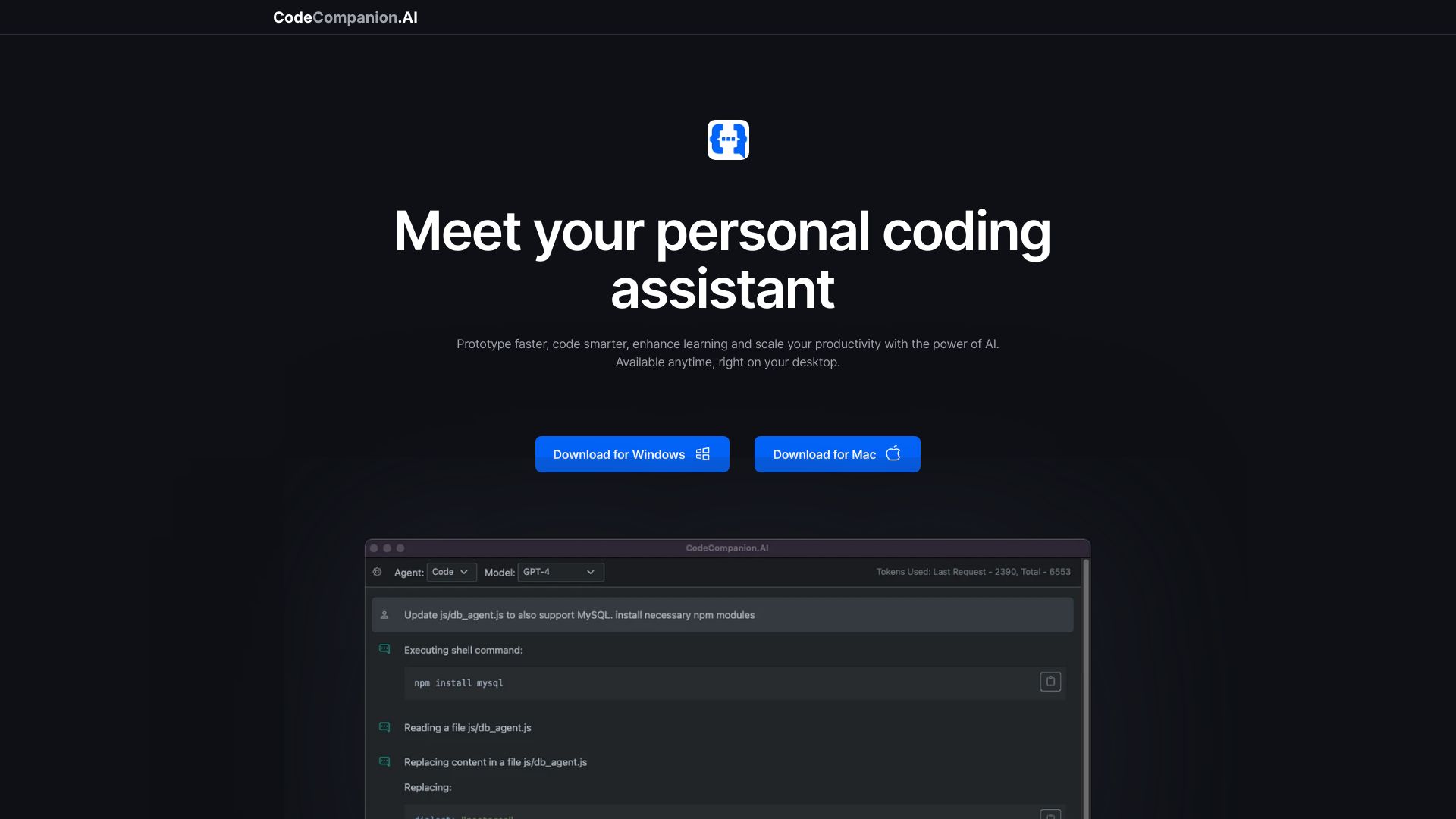
CodeCompanion.AI
Desktop coding and automation

CodeWiz
AI code explanations

CodeKidz
Kids learning coding through AI coaching

Codeamigo
Beginners learning to code with AI

Hackerman.AI
Coding practice and interview prep

Codebay
Beginner Python learners

Piergiorgio Zotti AI Training
Italian AI and SEO coaching


SmartCoder
Custom AI bots and workflow automation

AI Coder Buddy
Offline code search and learning

Spell
Autonomous AI agents and web tasks

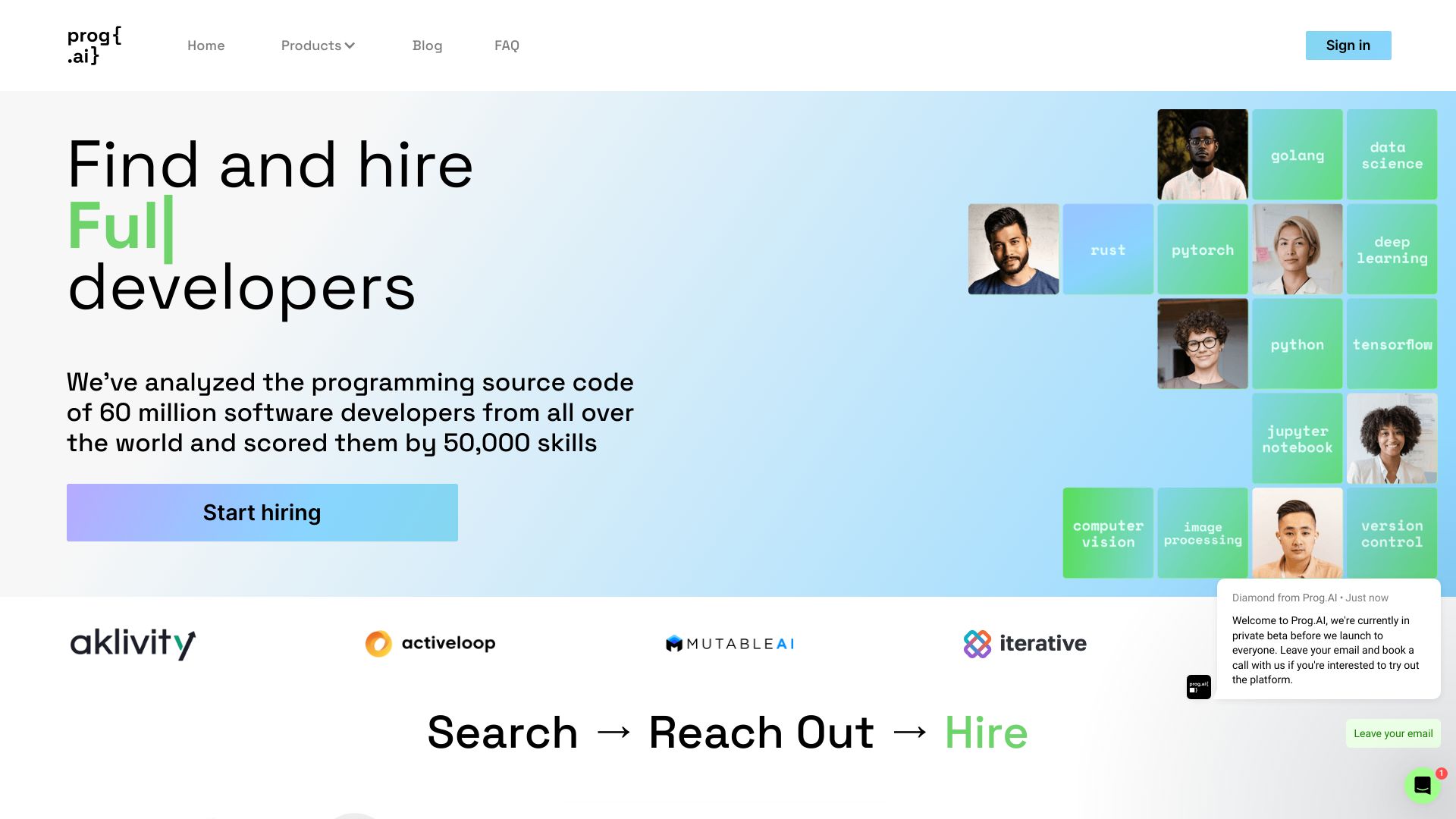
Prog.AI
Recruiting software engineers from GitHub code

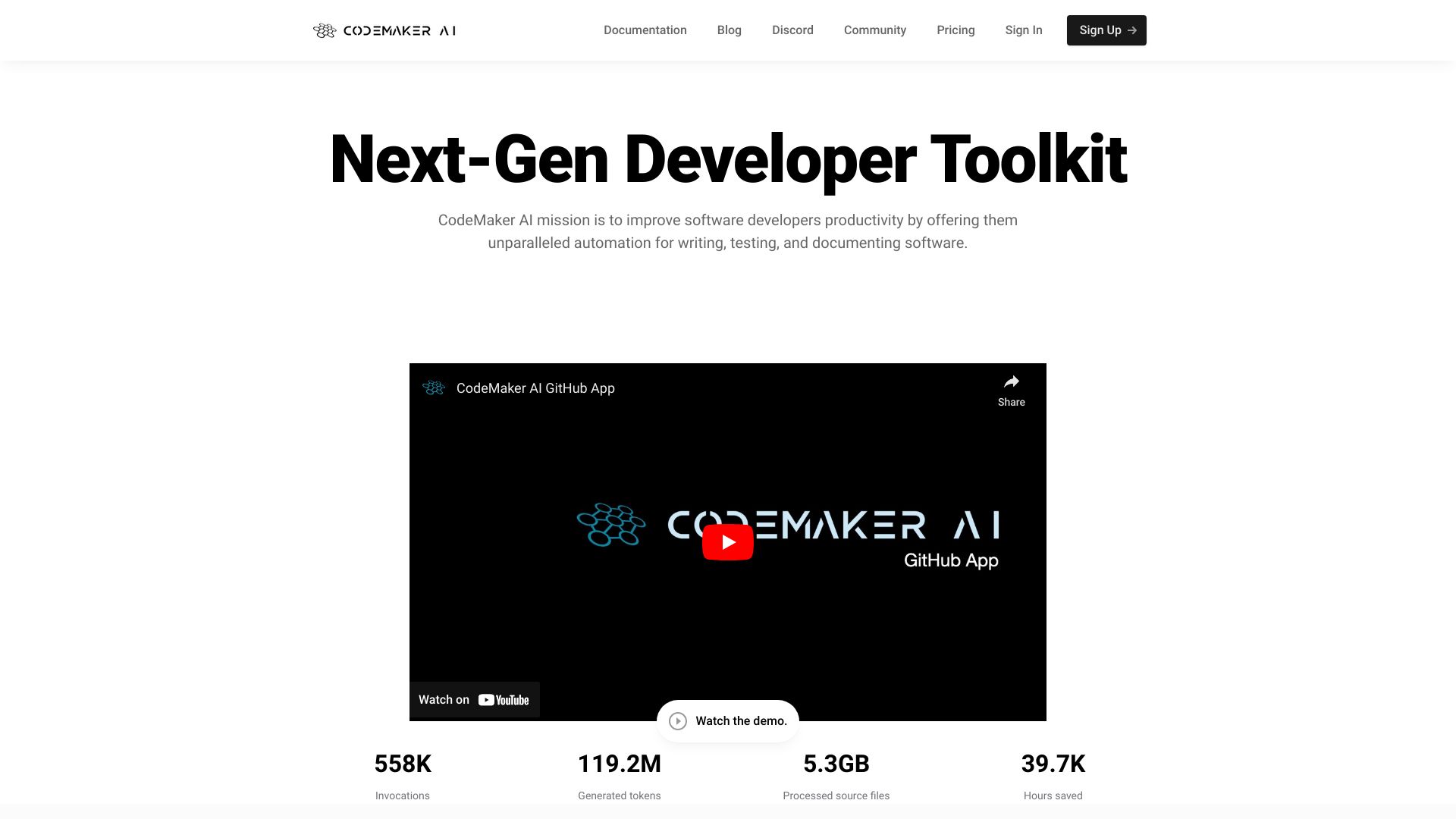
CodeMaker AI
Context-aware coding and documentation
Scriptio AI
AI code generation in any programming language


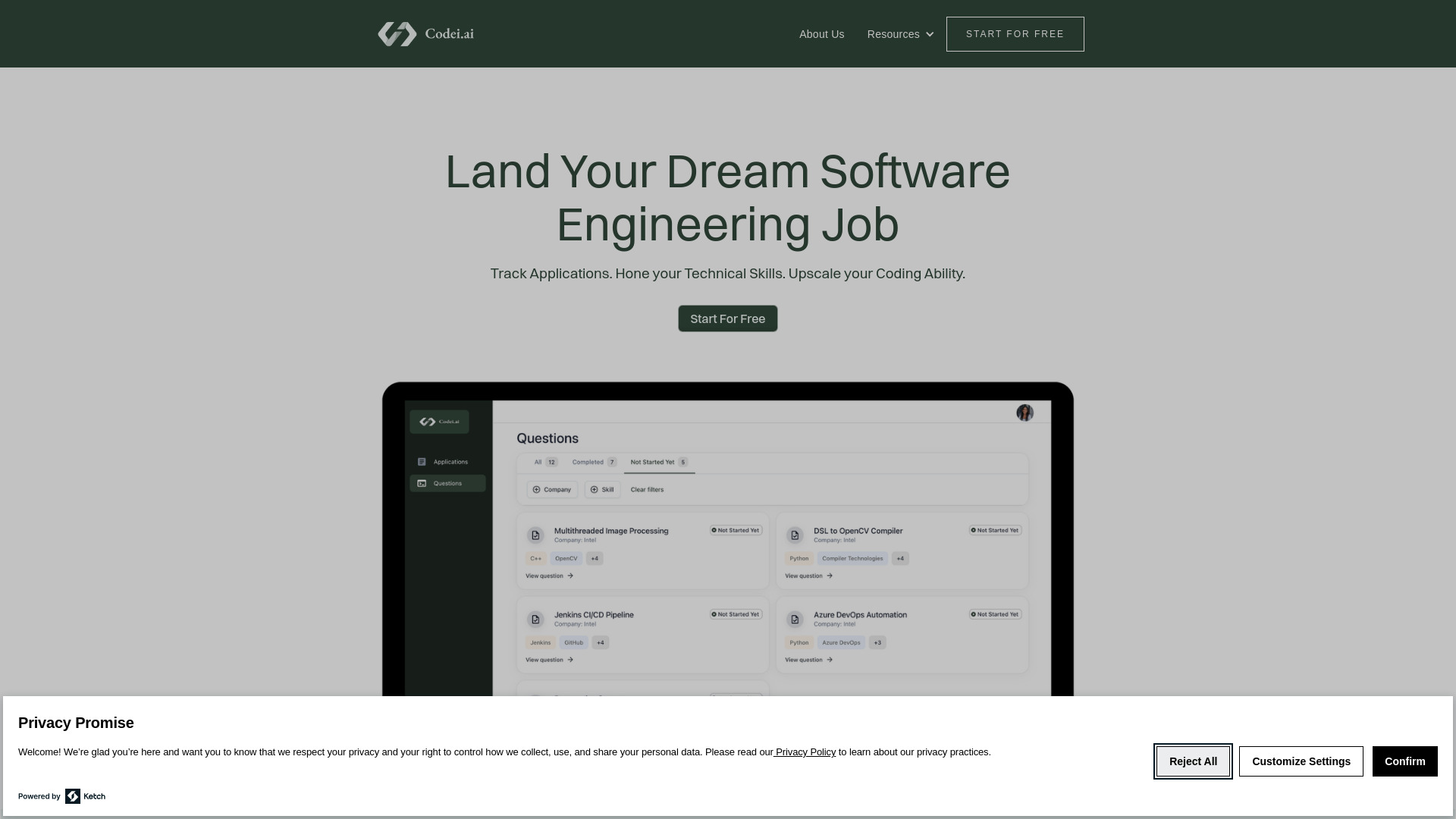
Codei
Technical interview preparation
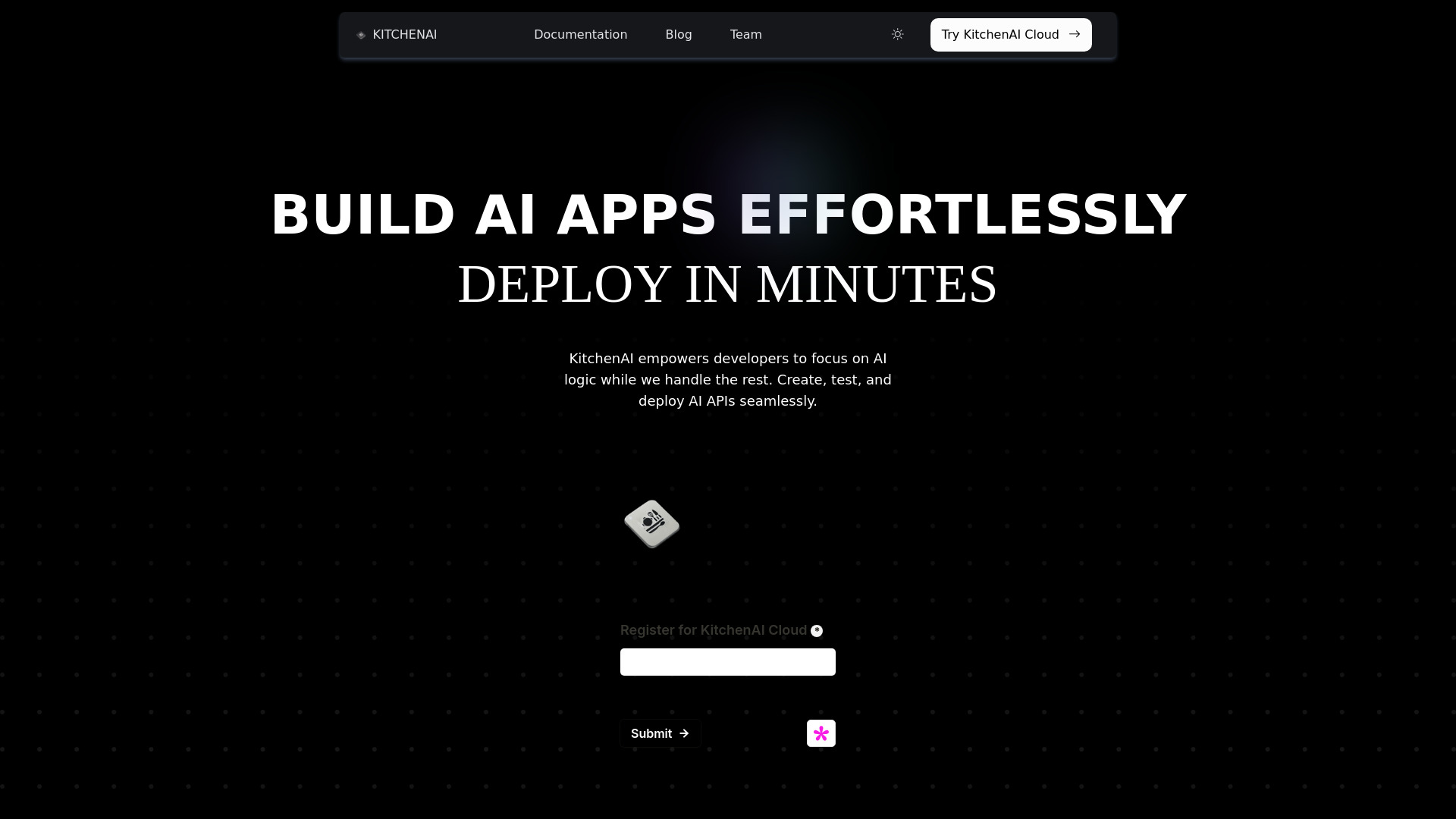
KitchenAI
Prompt engineering and AI API deployment
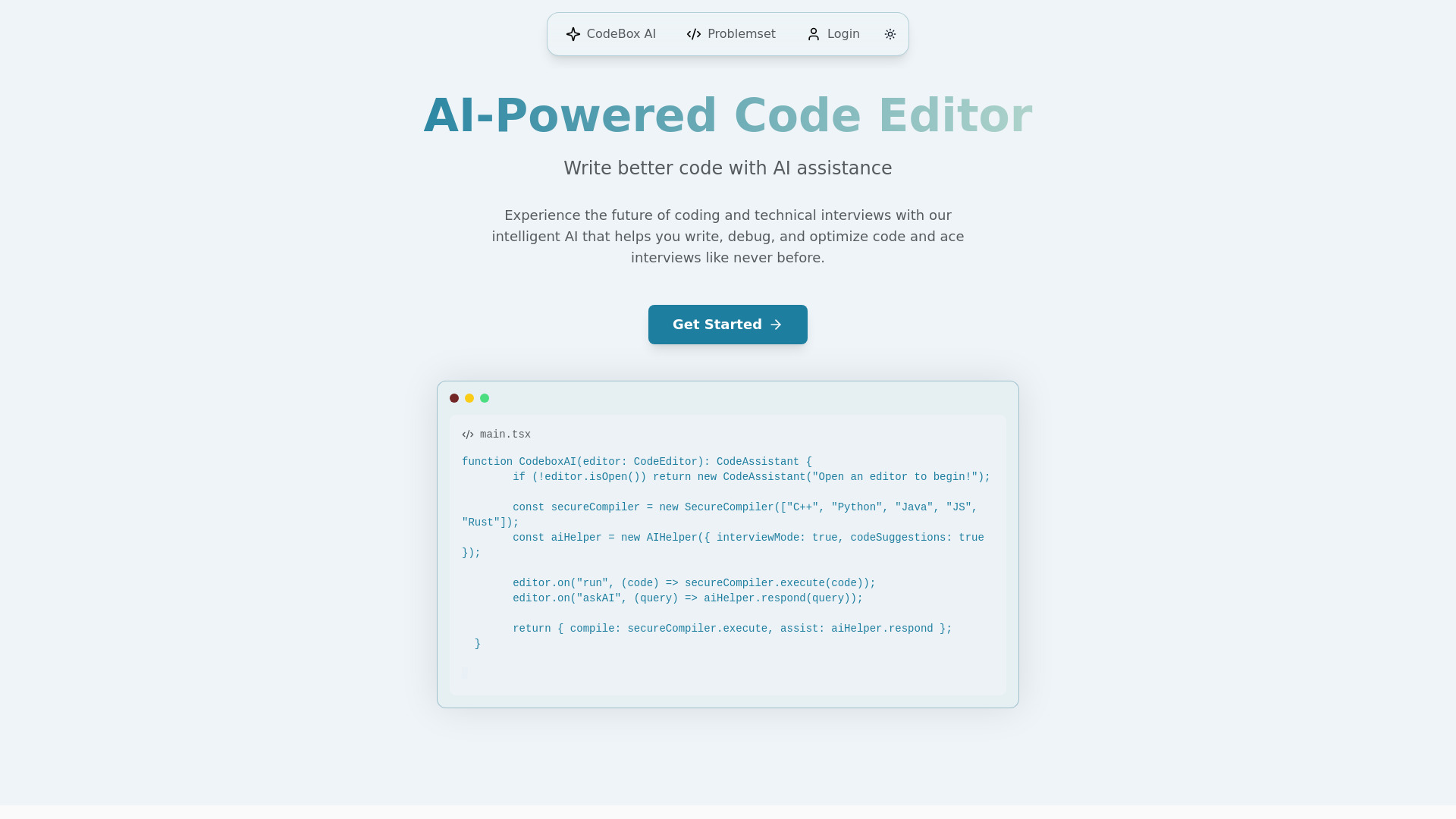
CodeBox AI
Technical interview preparation
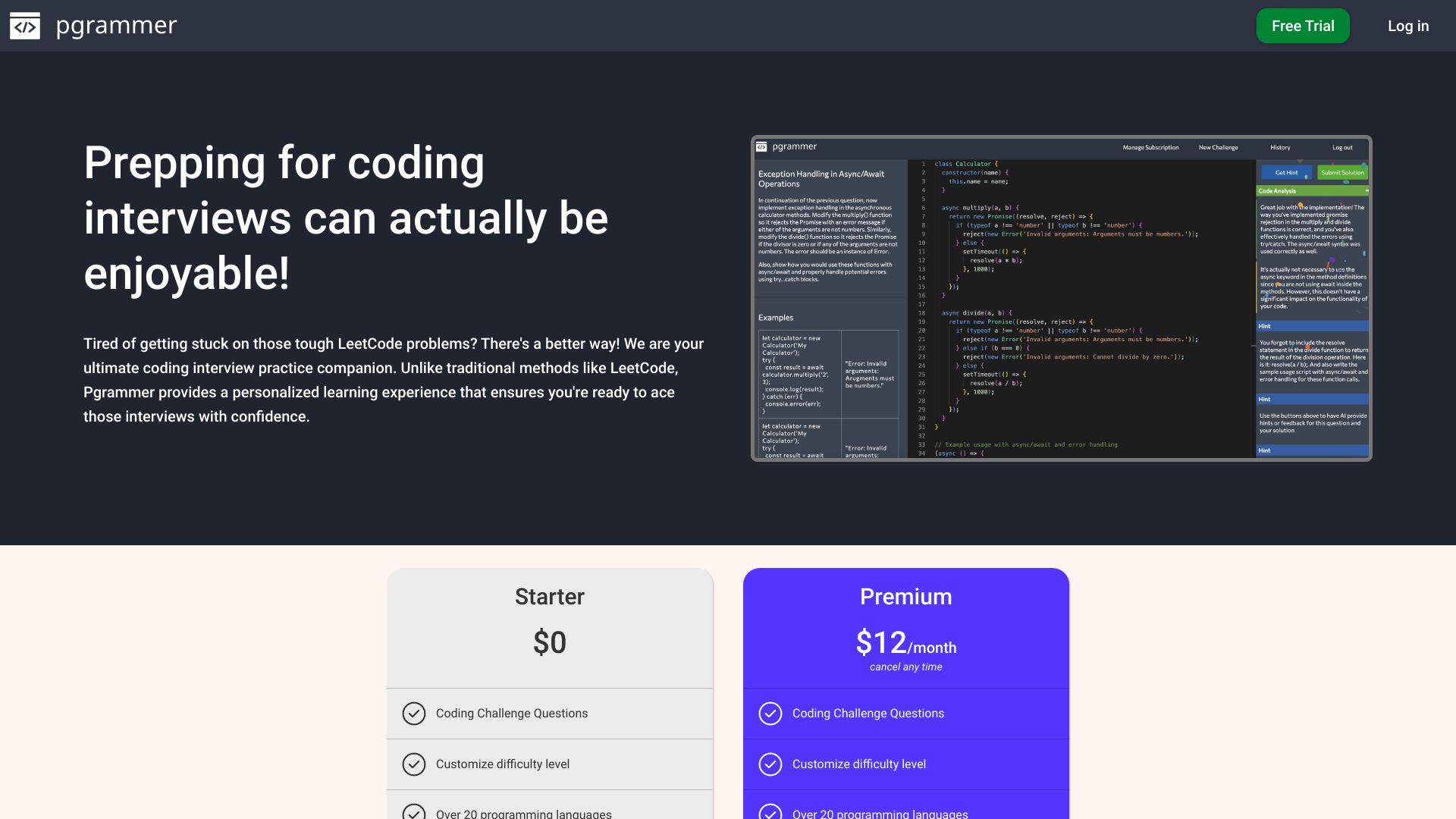
Pgrammer
AI coding interview practice

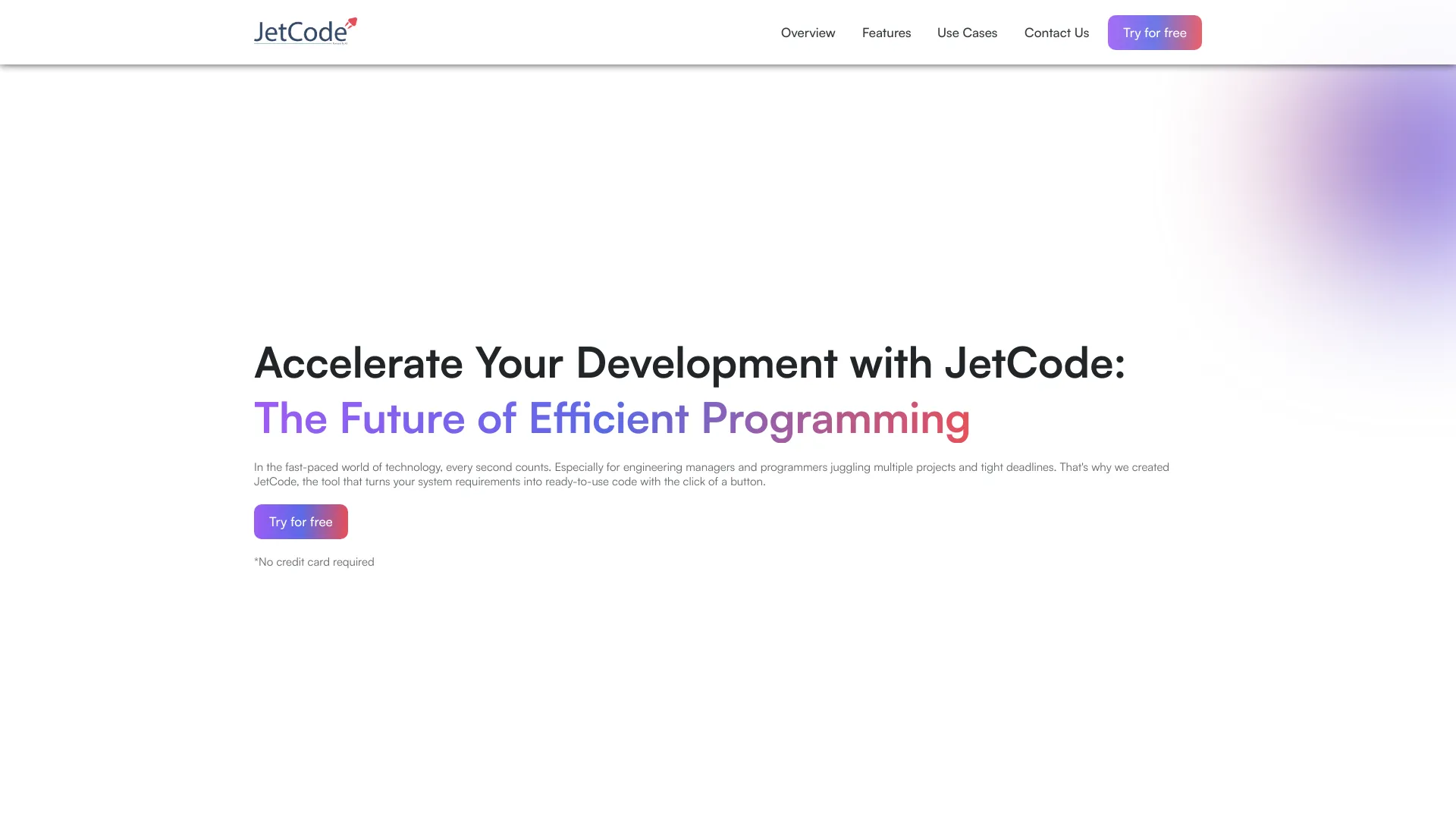
JetCode
Engineering teams needing AI code guides
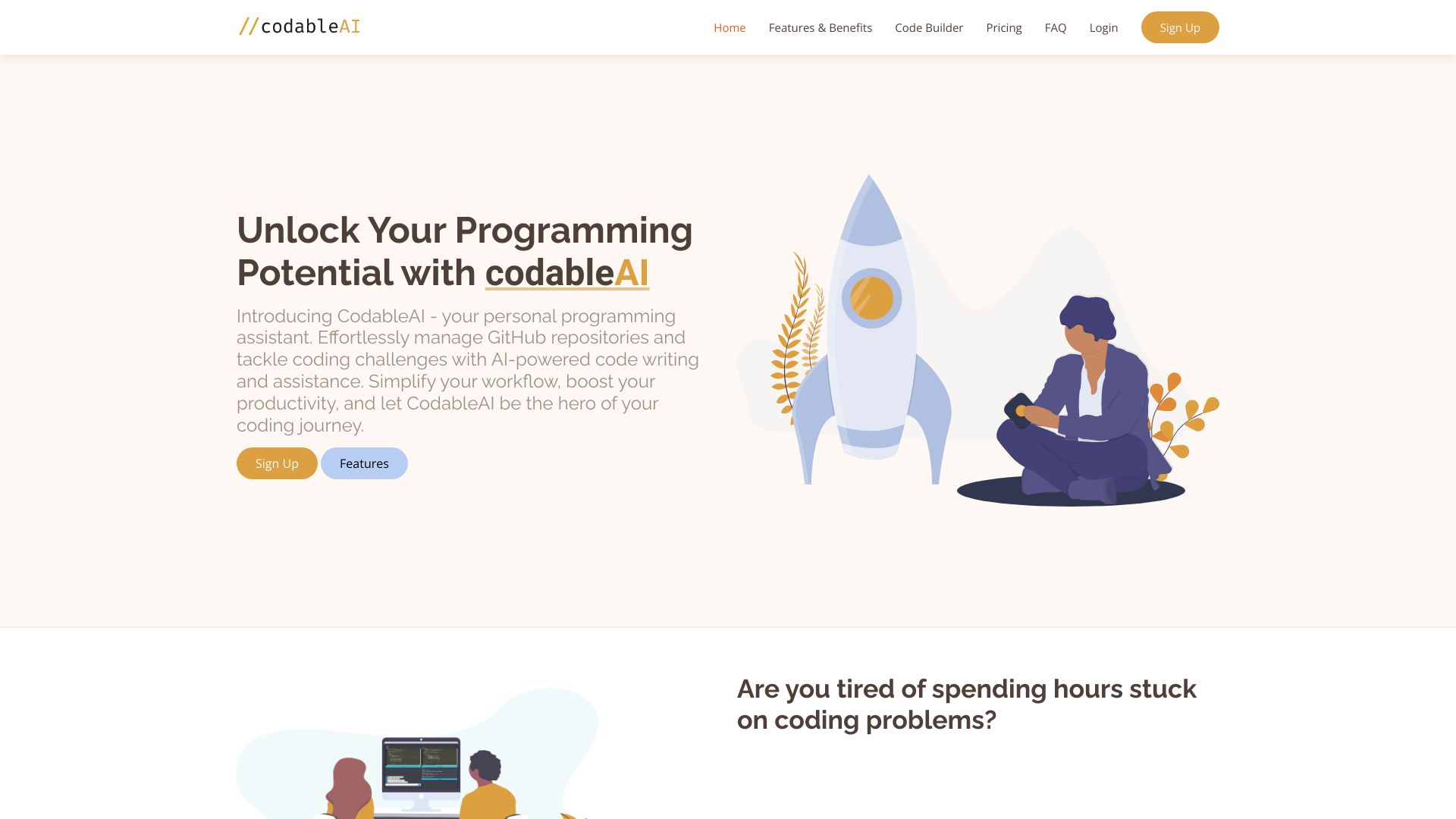
CodableAI
AI-assisted coding and debugging
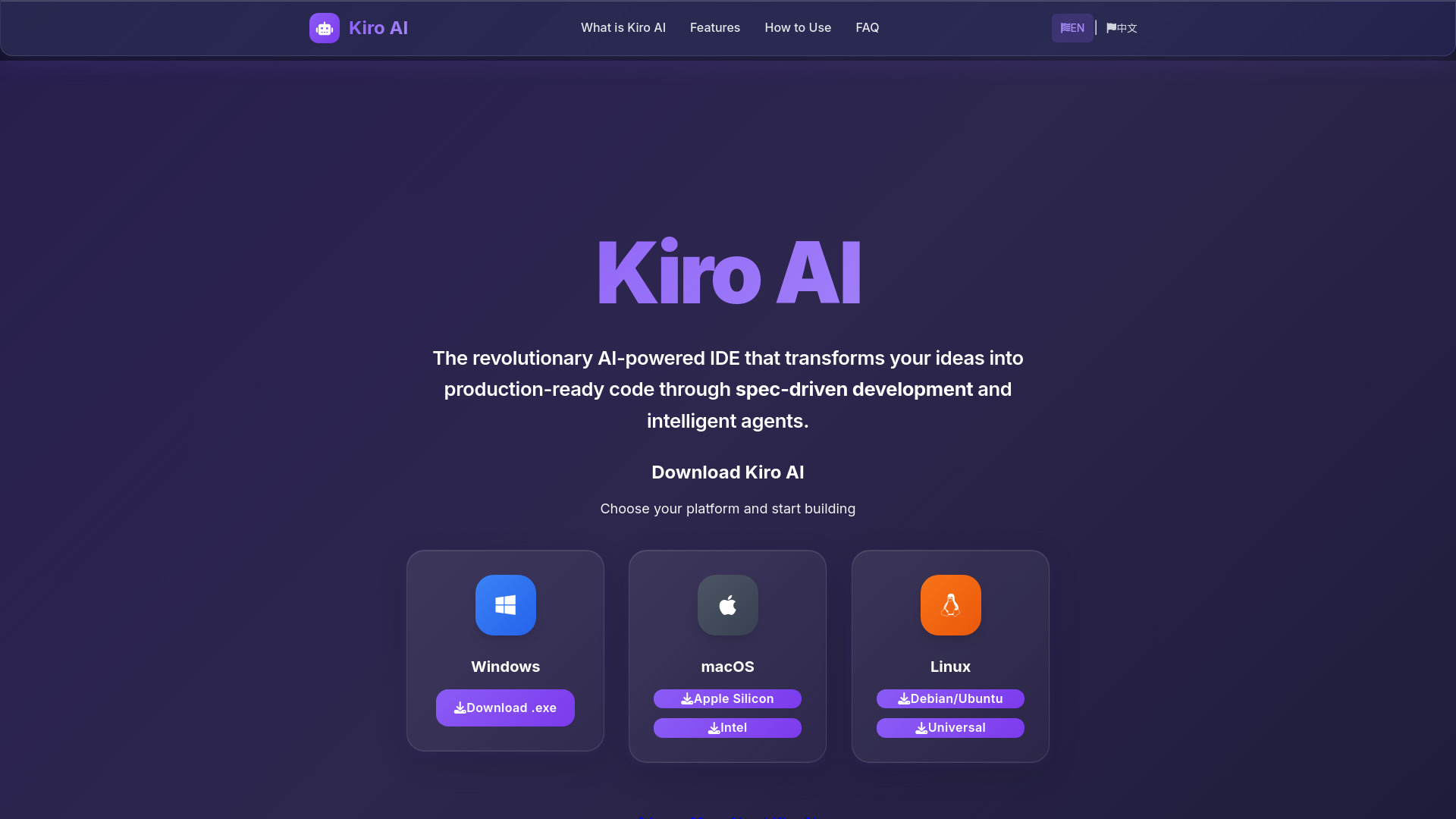
Kiro AI
Spec-driven software development

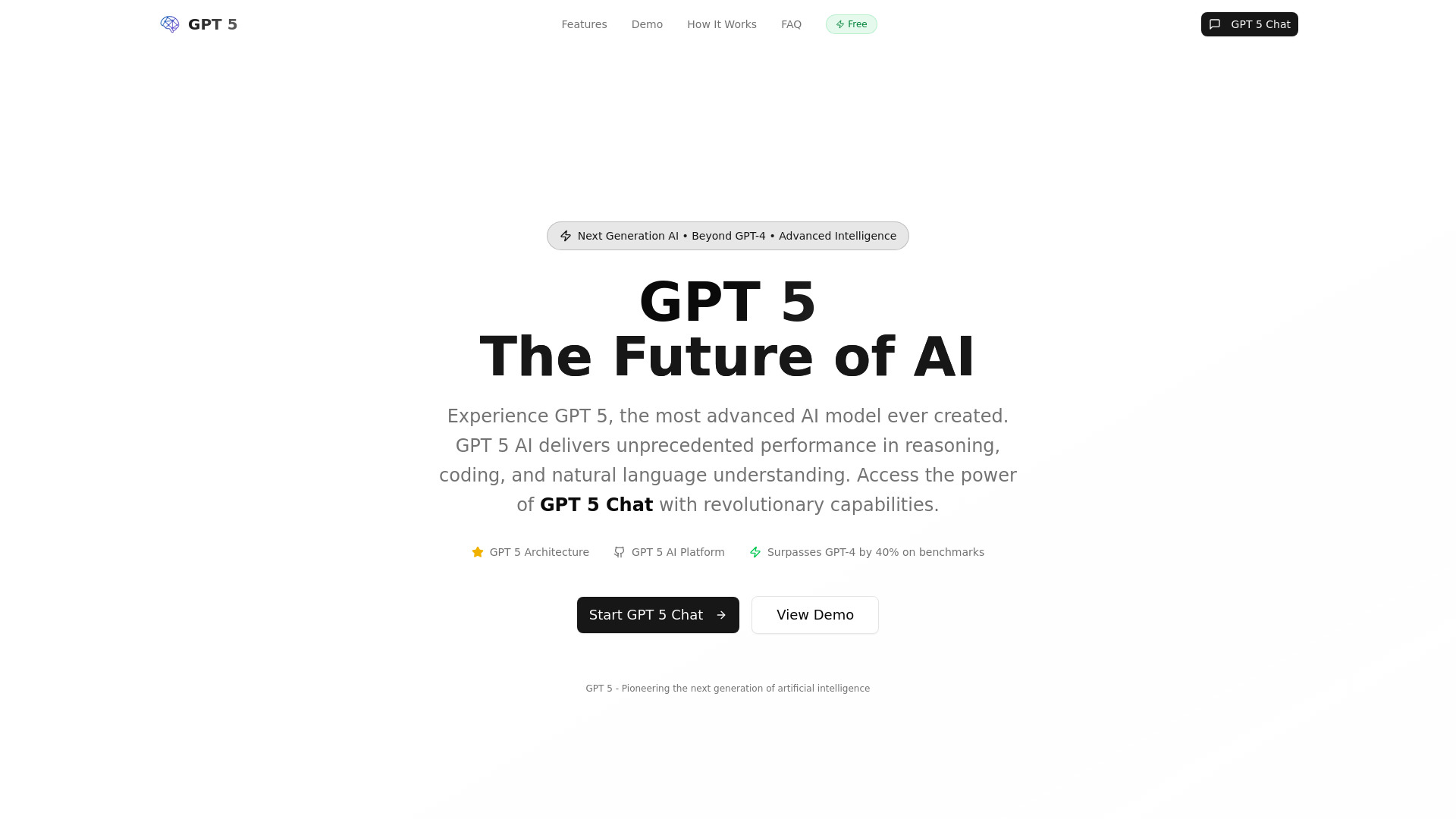
Gpt 5 Ai
Developers building and debugging code

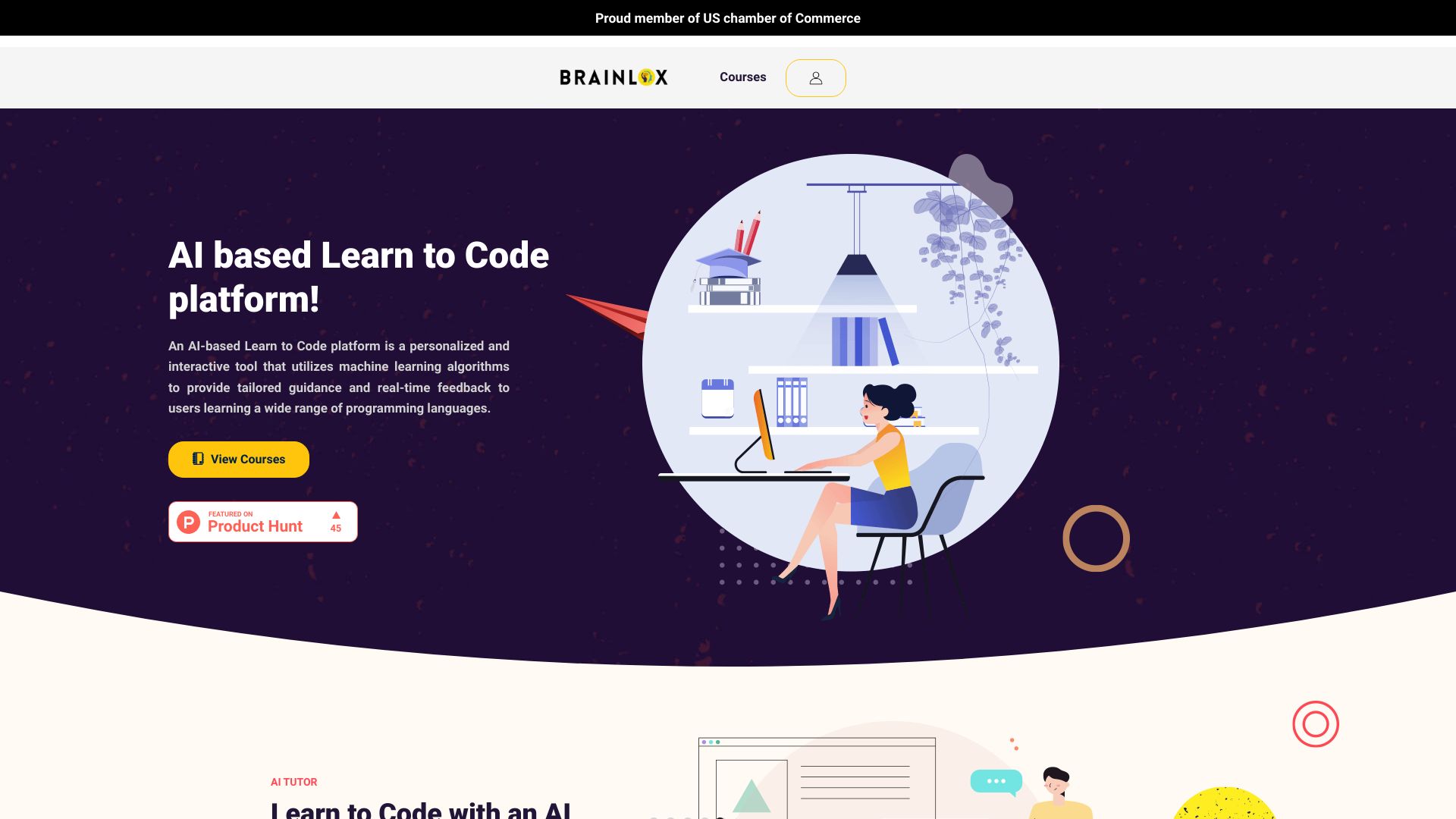
Brainlox.AI
AI-assisted coding education
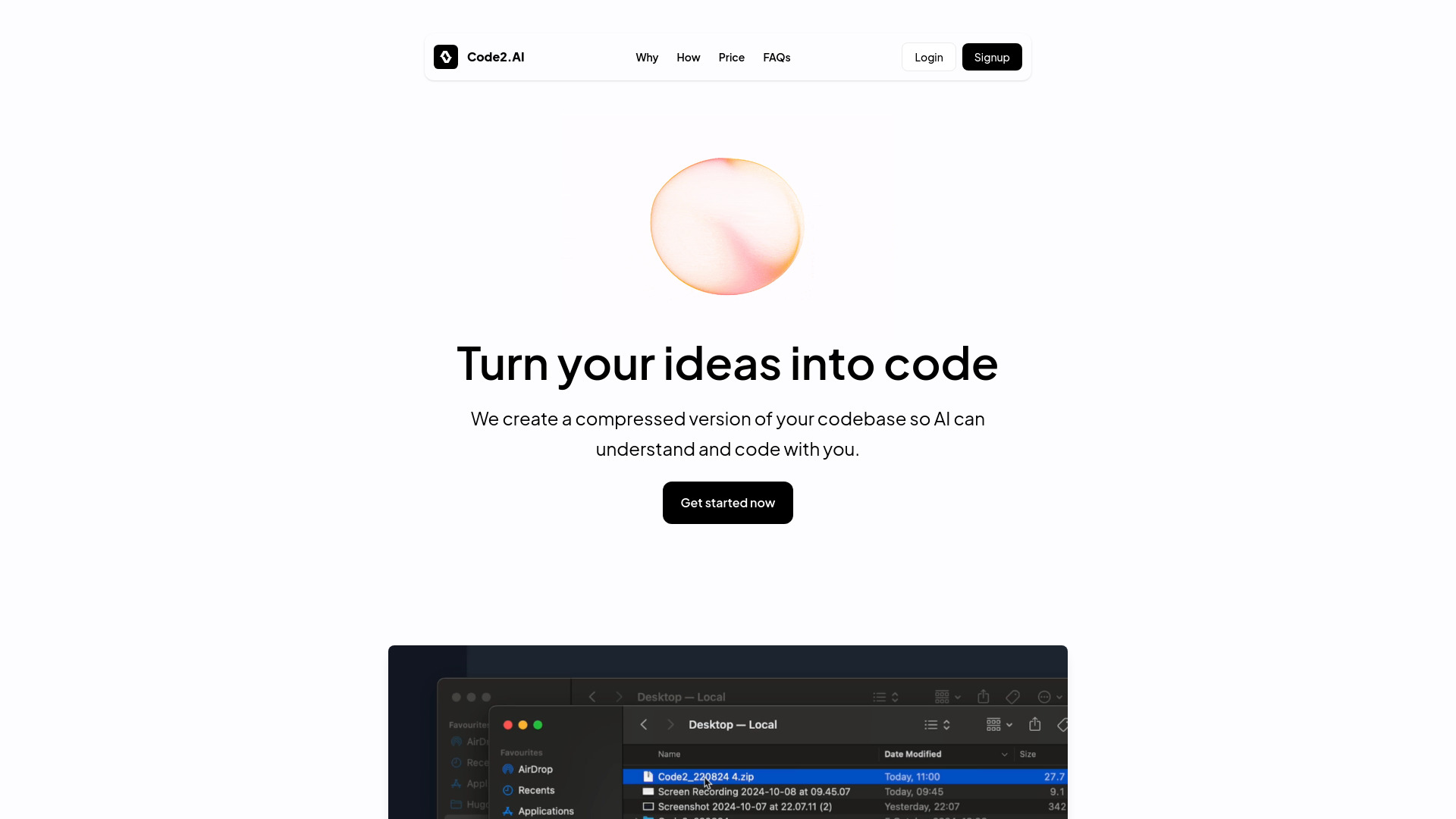
Code2.AI
Teams sharing codebase knowledge

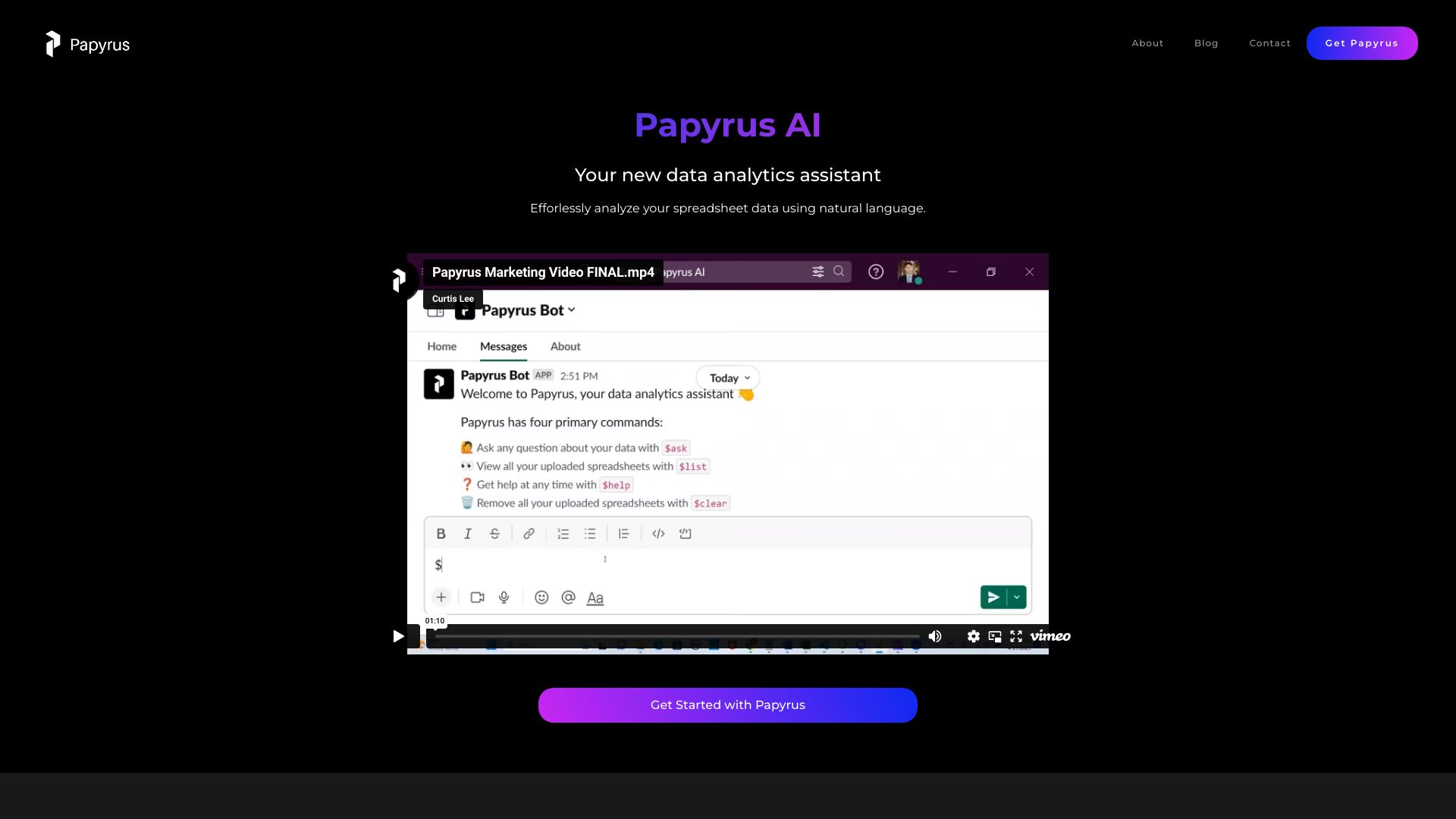
Papyrus AI
Natural-language spreadsheet analysis

Pi Labs
AI evaluation and observability teams

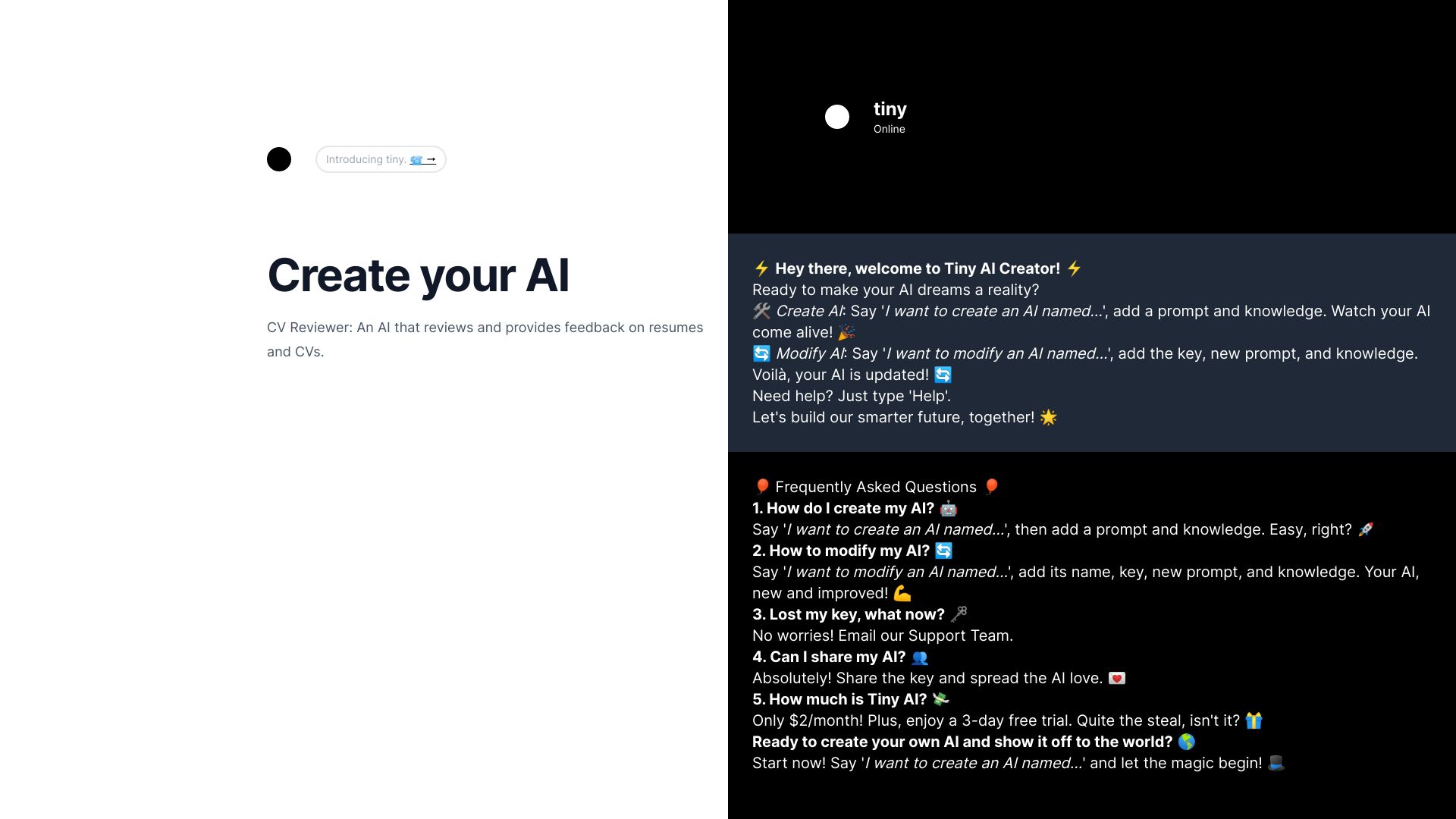
Tiny AI
Chat-based AI creation

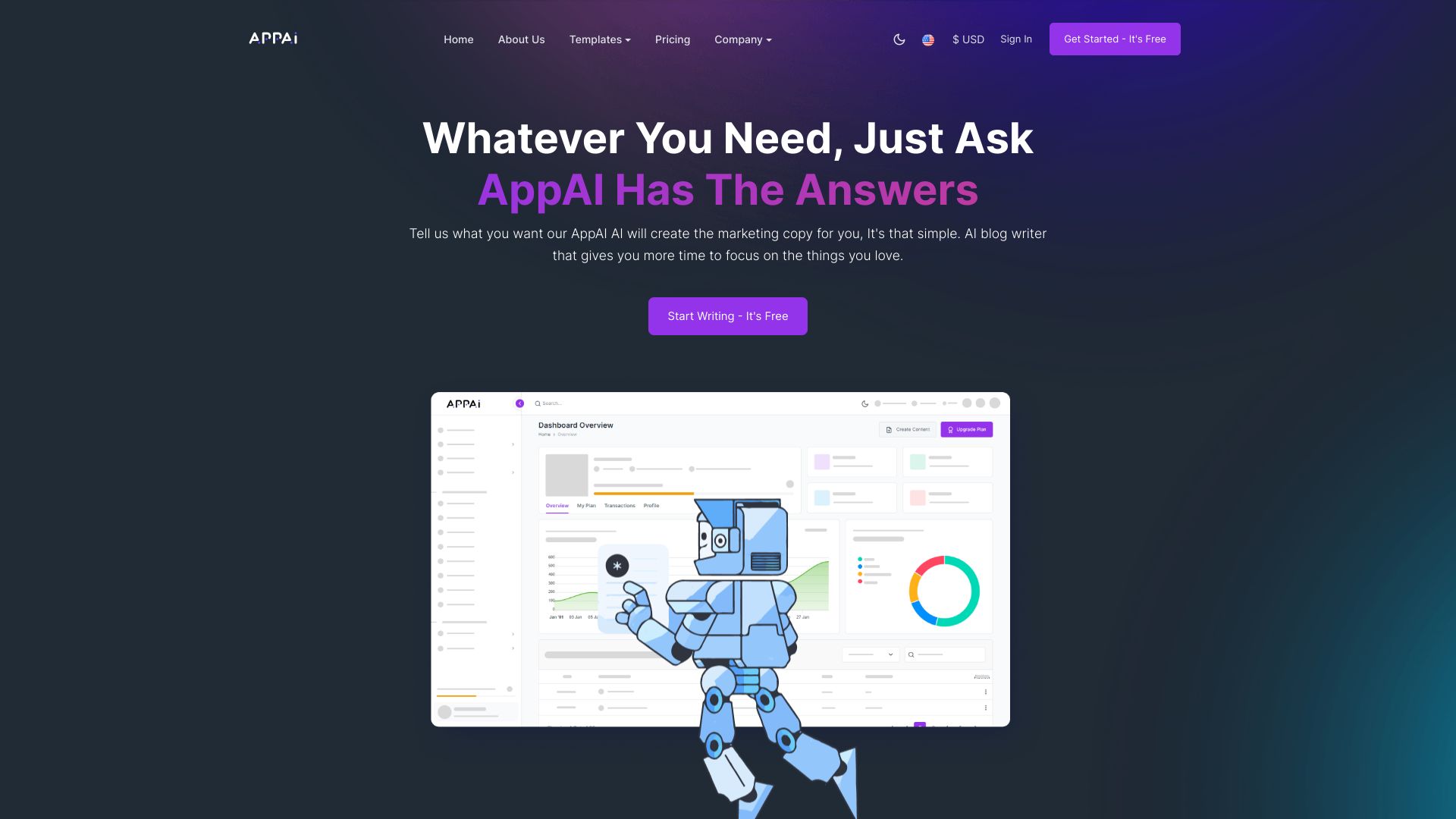
AppAi
Marketing copy and content creation

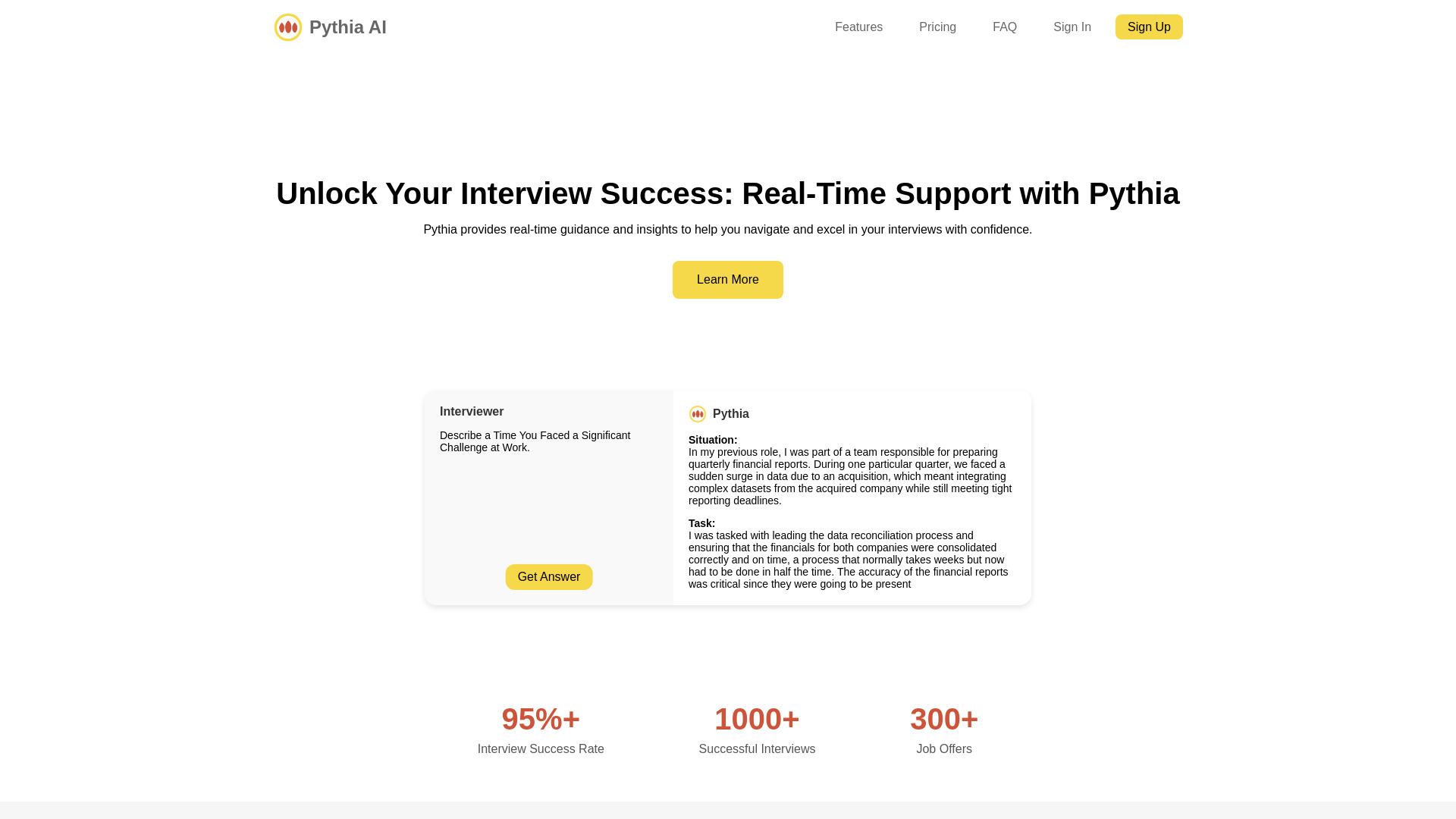
Pythia AI
Real-time interview coaching

Producti Ai
All-in-one content and code generation

MyTrainer : AI Personal Trainer
Personalized workout planning
AI Blog Post Generator
AI-assisted blog post generation

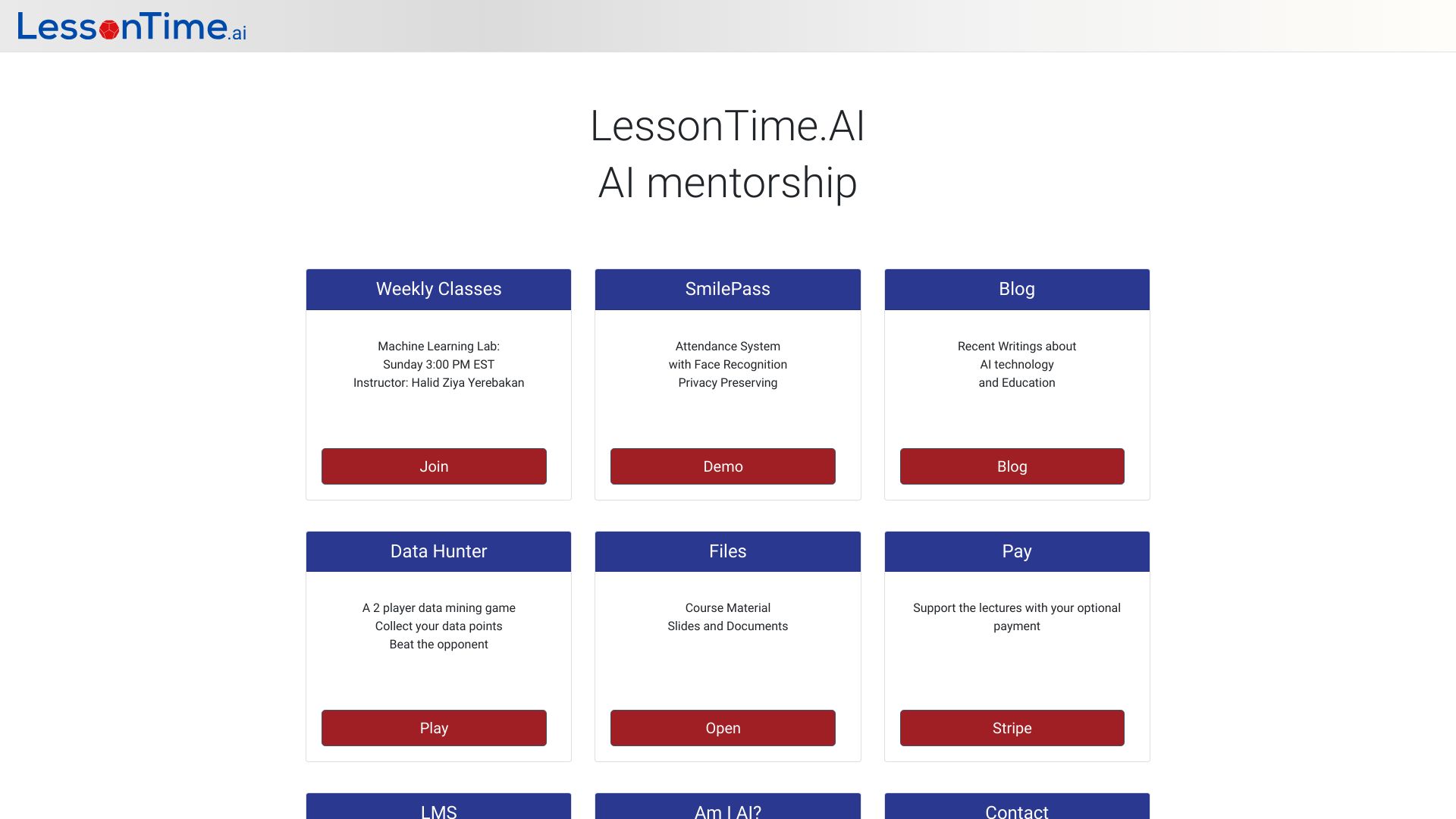
LessonTime.AI
Hands-on AI and computer science learners

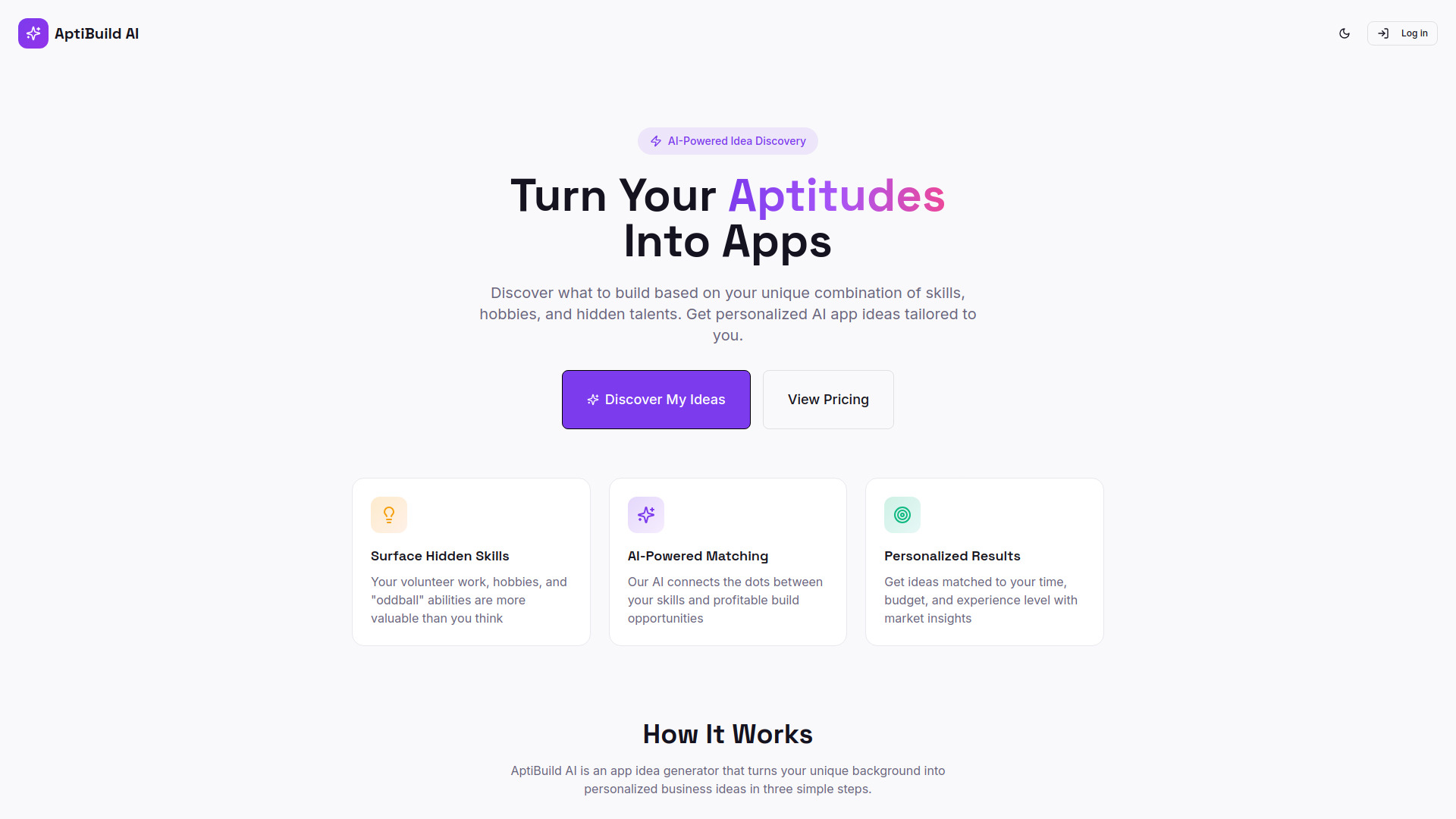
AptiBuild AI
Personalized app and side-project ideas
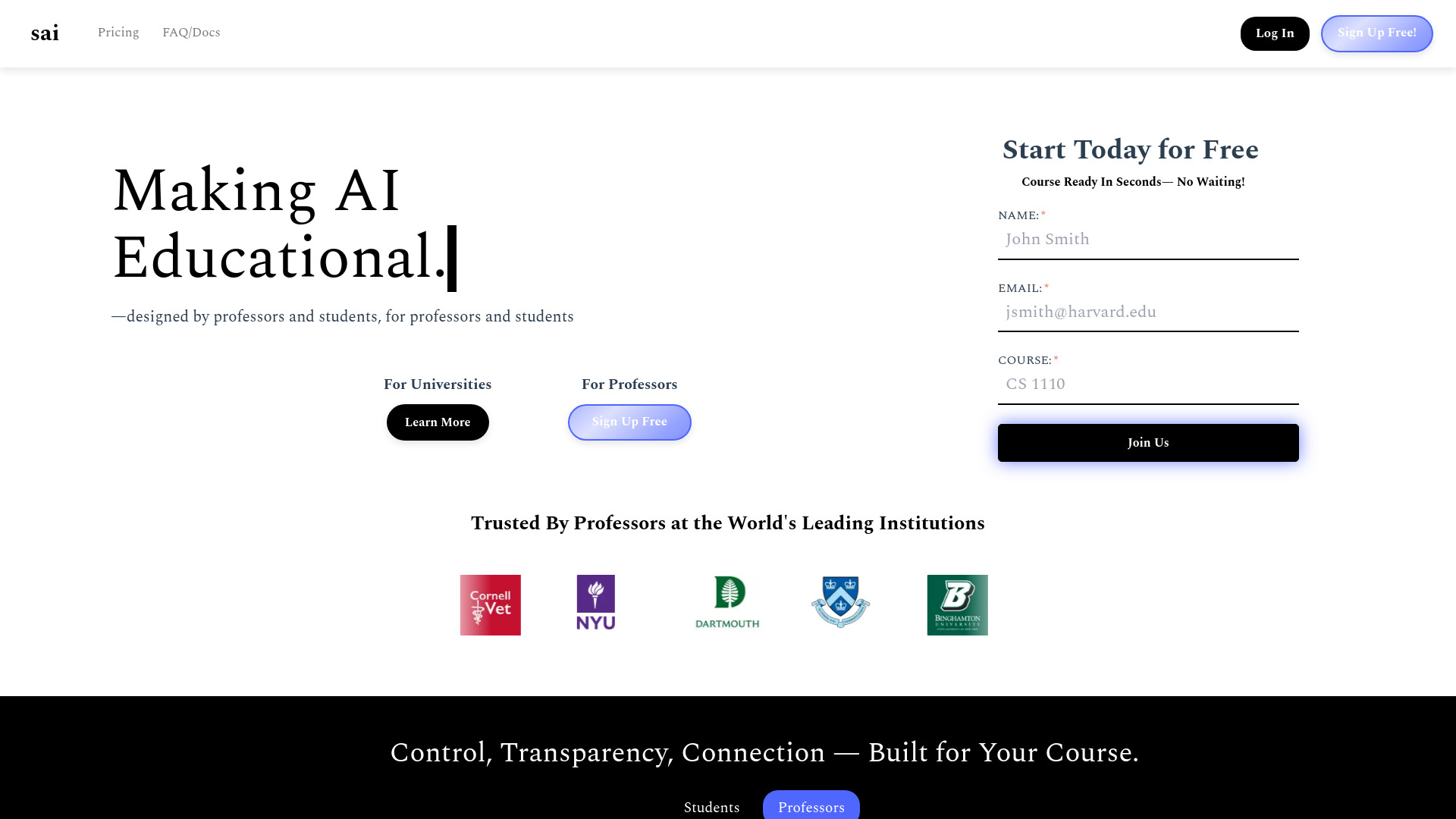
Sai
Course-specific student study AI
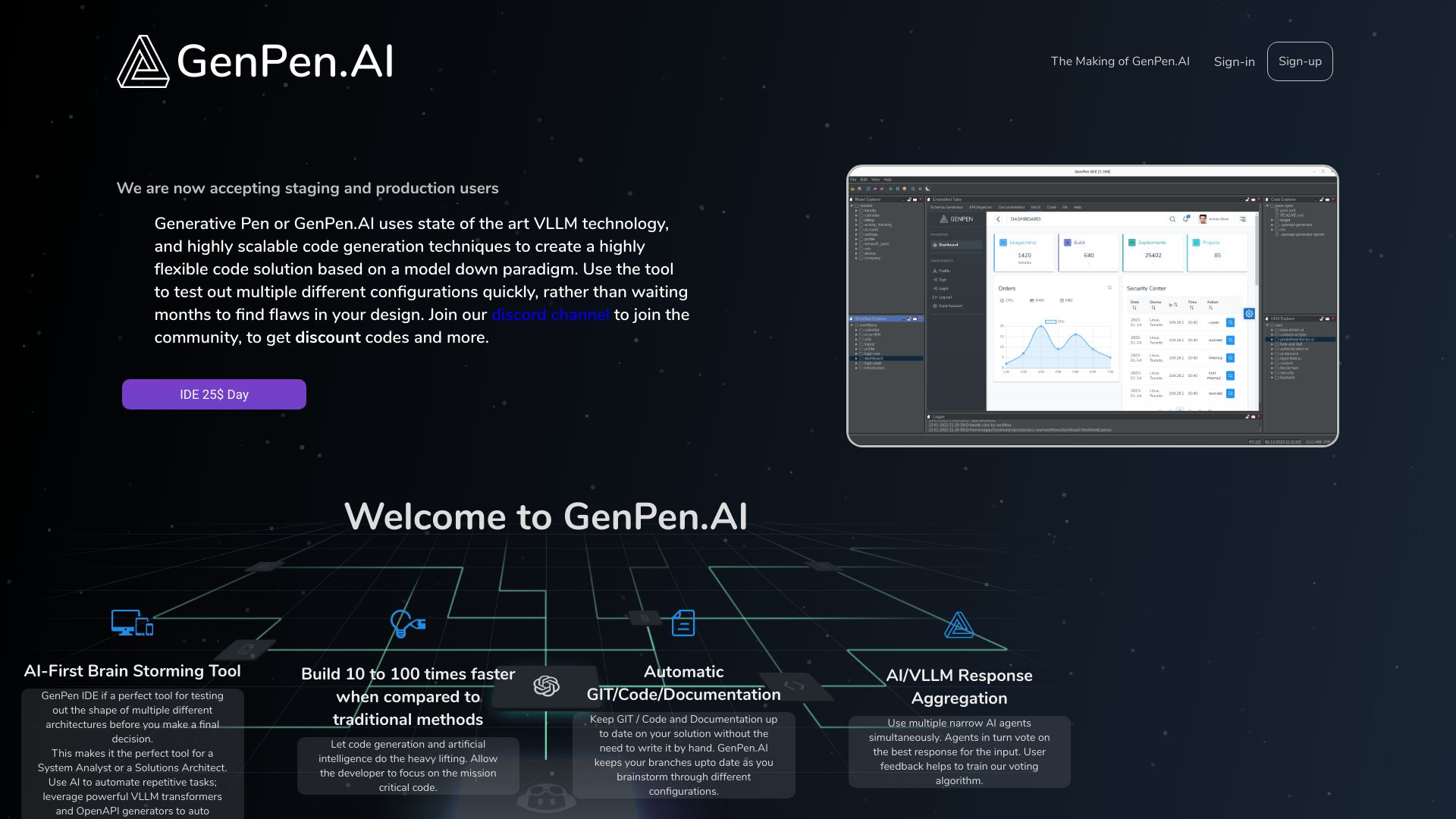
GenPen AI
REST API and code generation
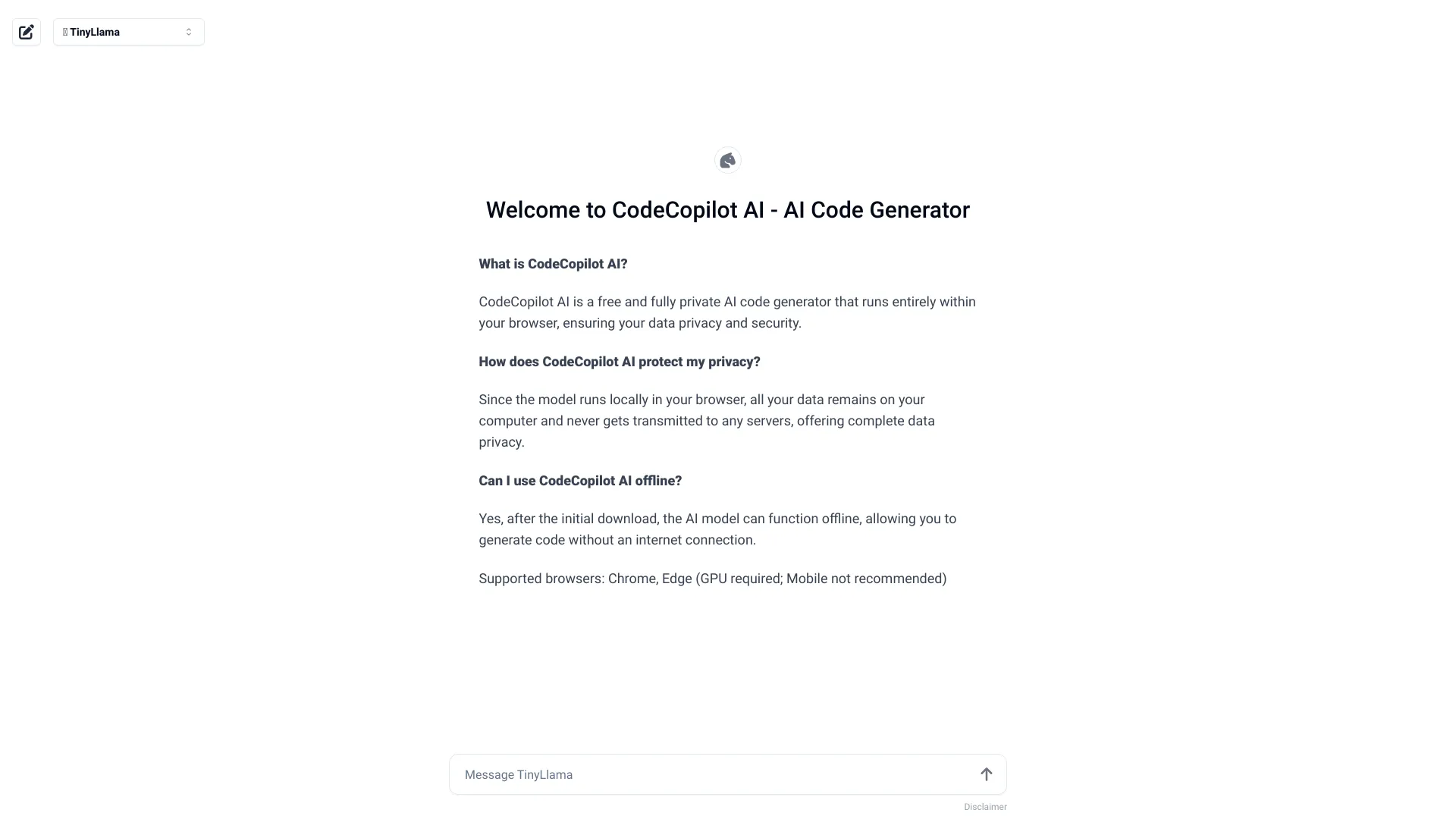
CodeCopilot AI
Private, browser-based code generation

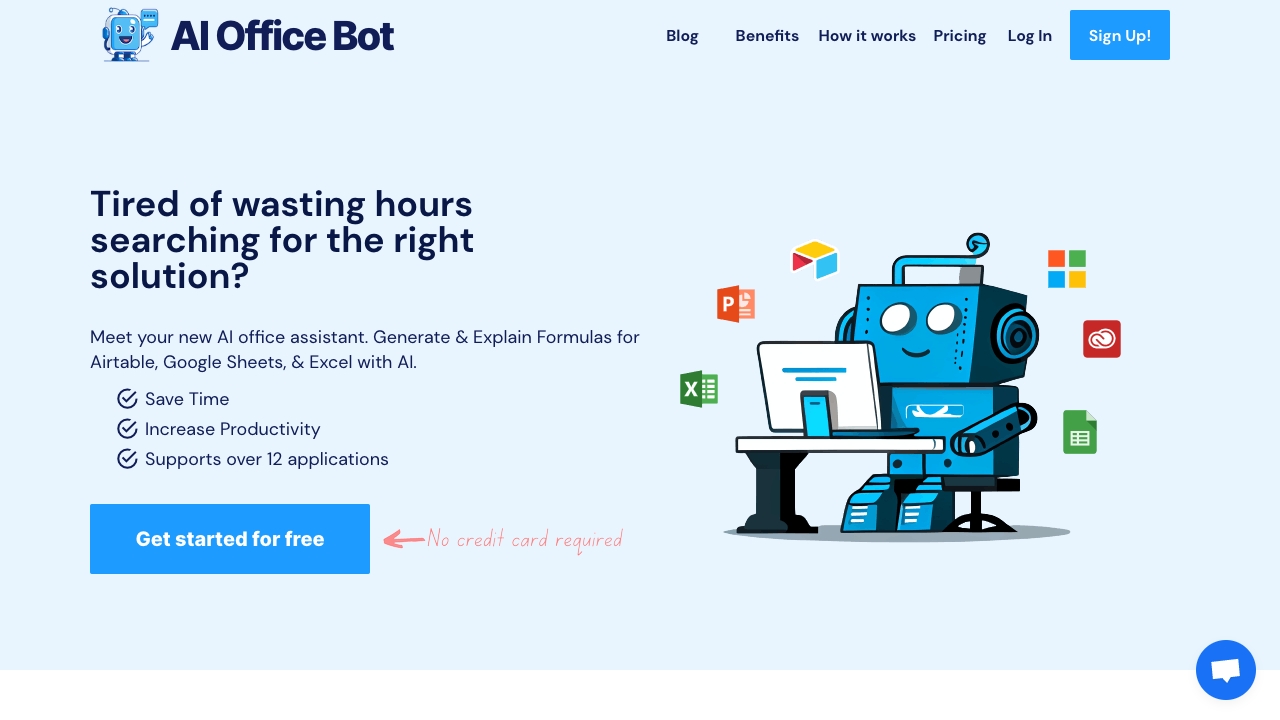
AI OFFICE BOT
AI spreadsheet formula generation

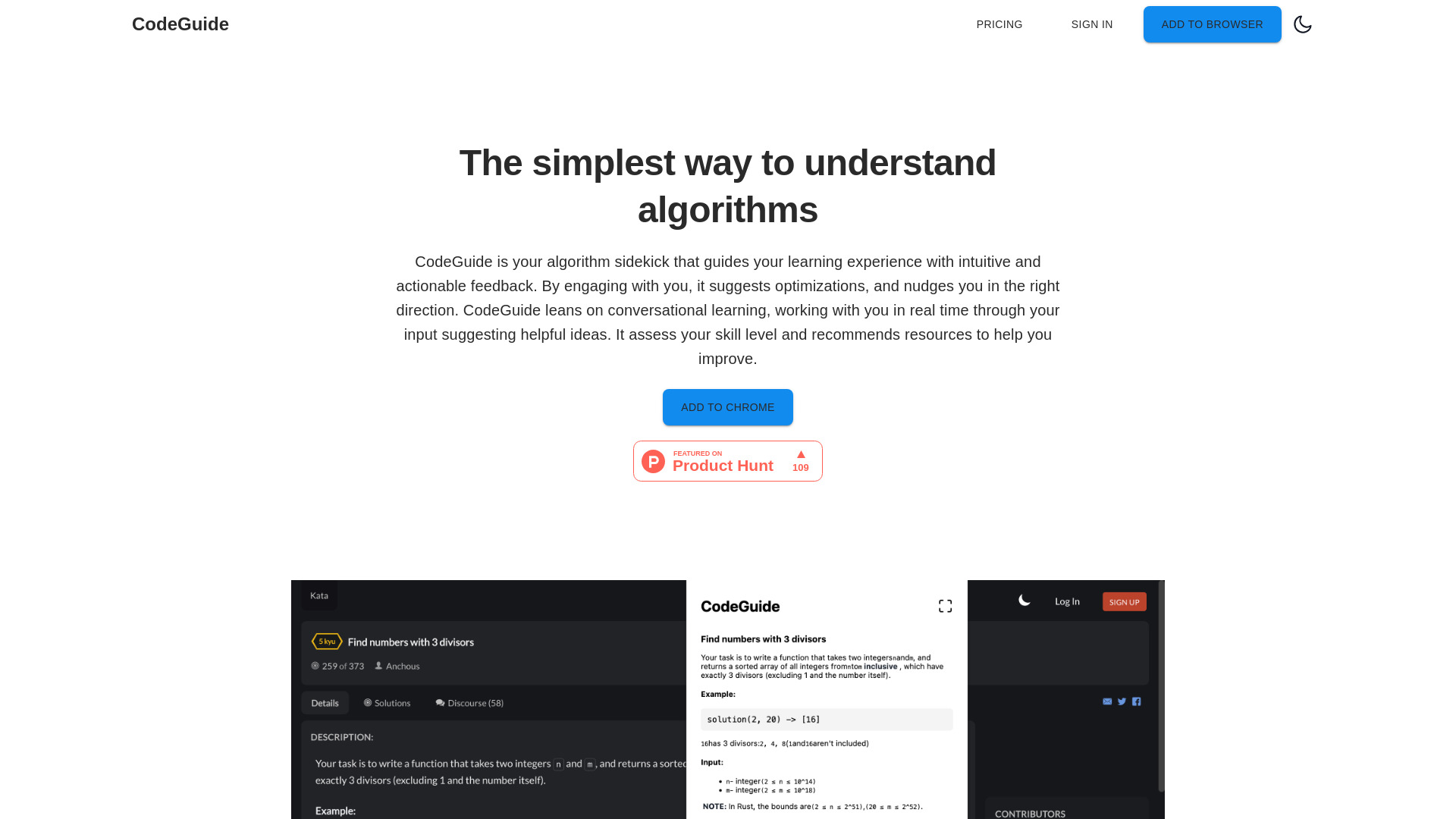
CodeGuide
Algorithm learning and interview problem solving
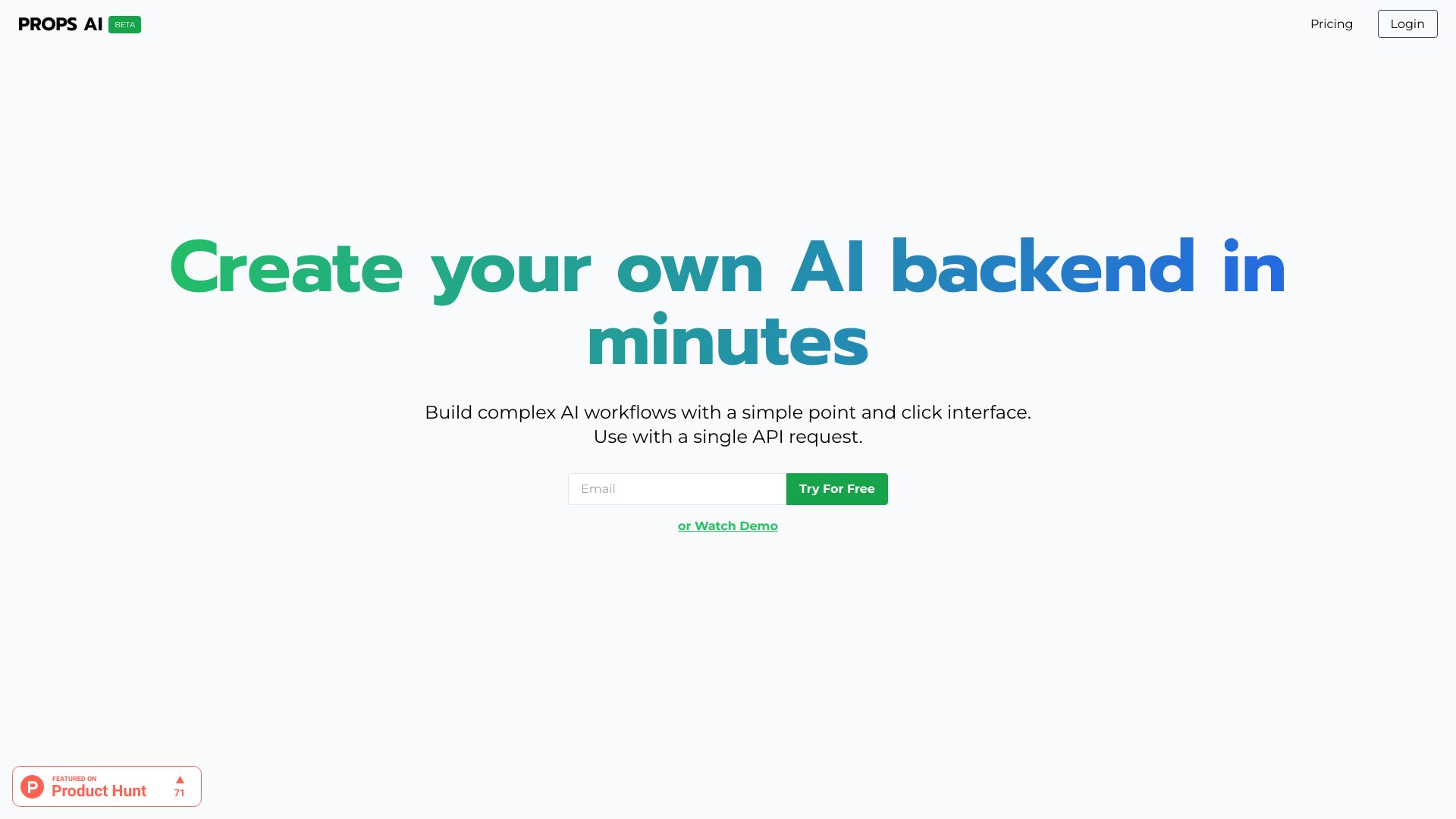
Props AI
Low-code AI API builders
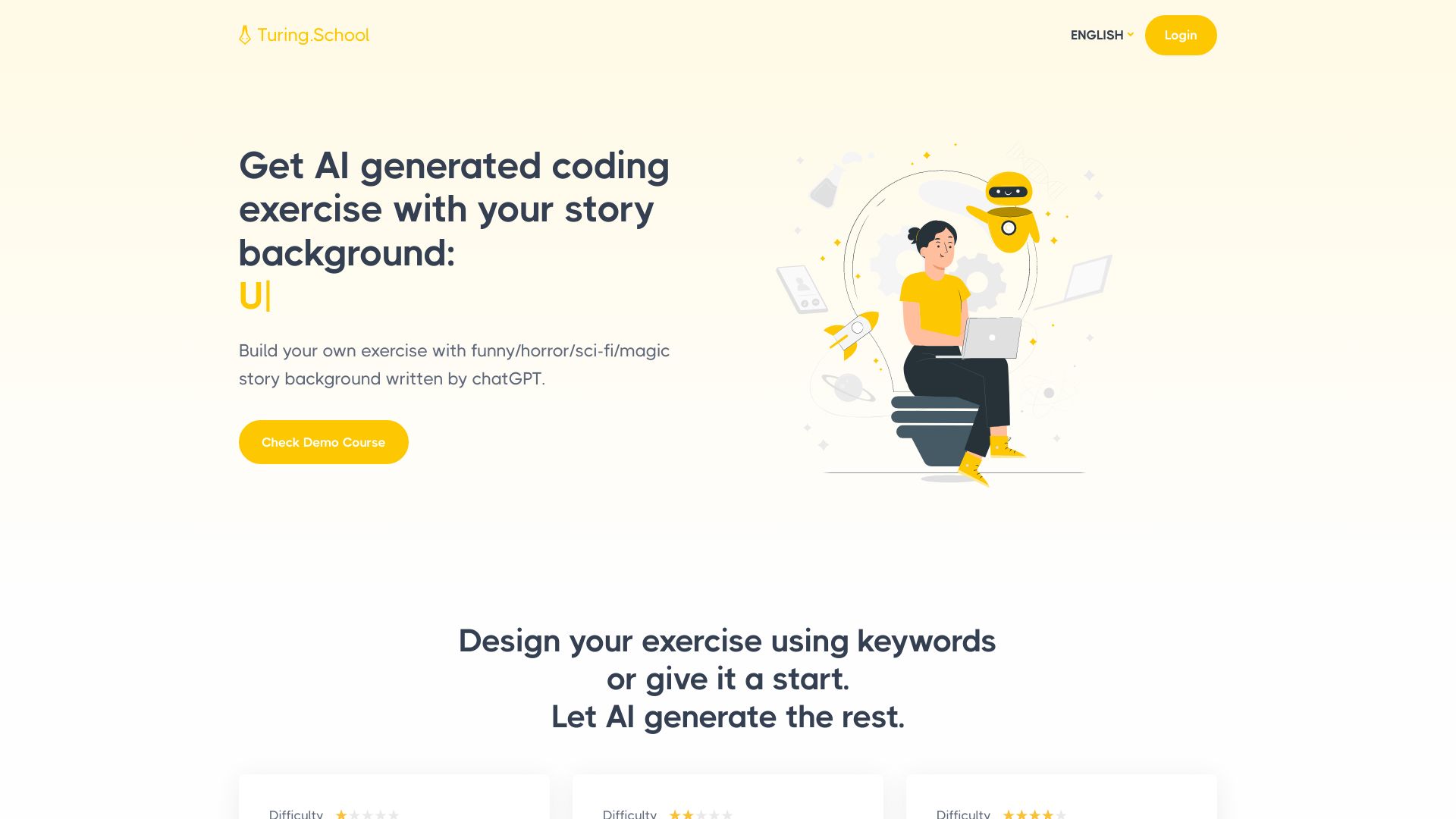
Turing.School
Personalized coding challenges
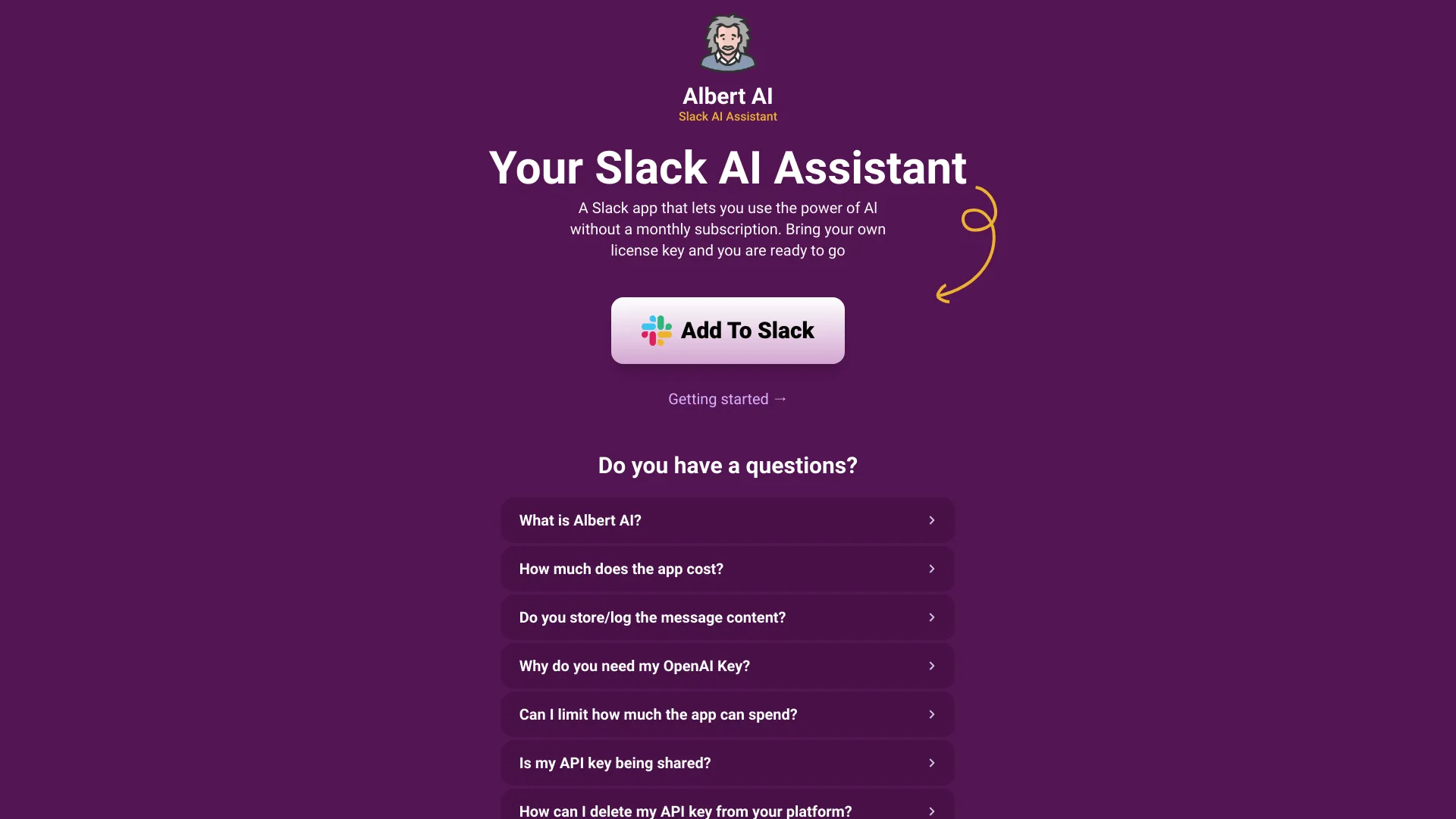
Albert AI
ChatGPT assistance inside Slack
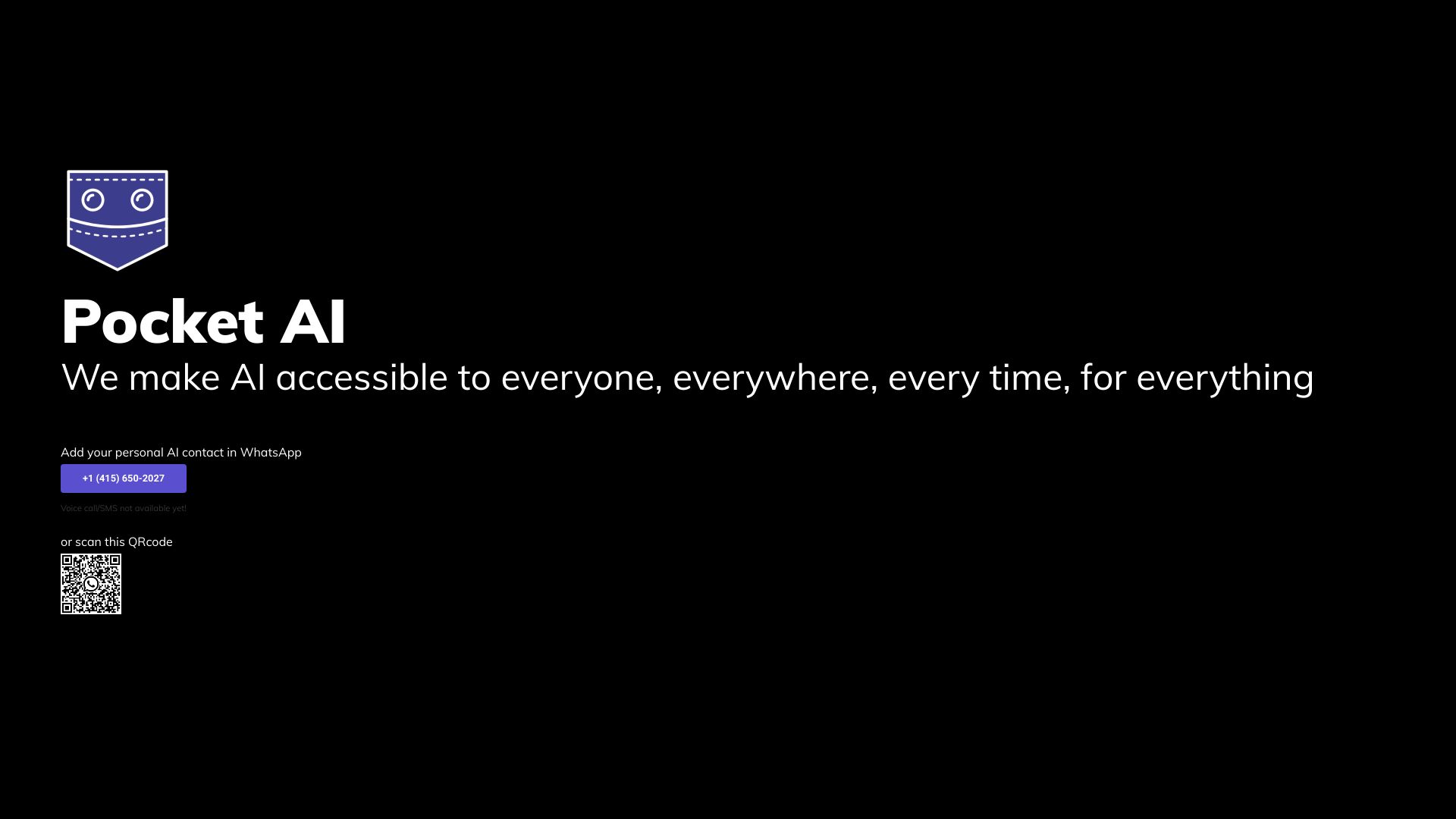
Pocket AI
WhatsApp AI assistance and image generation
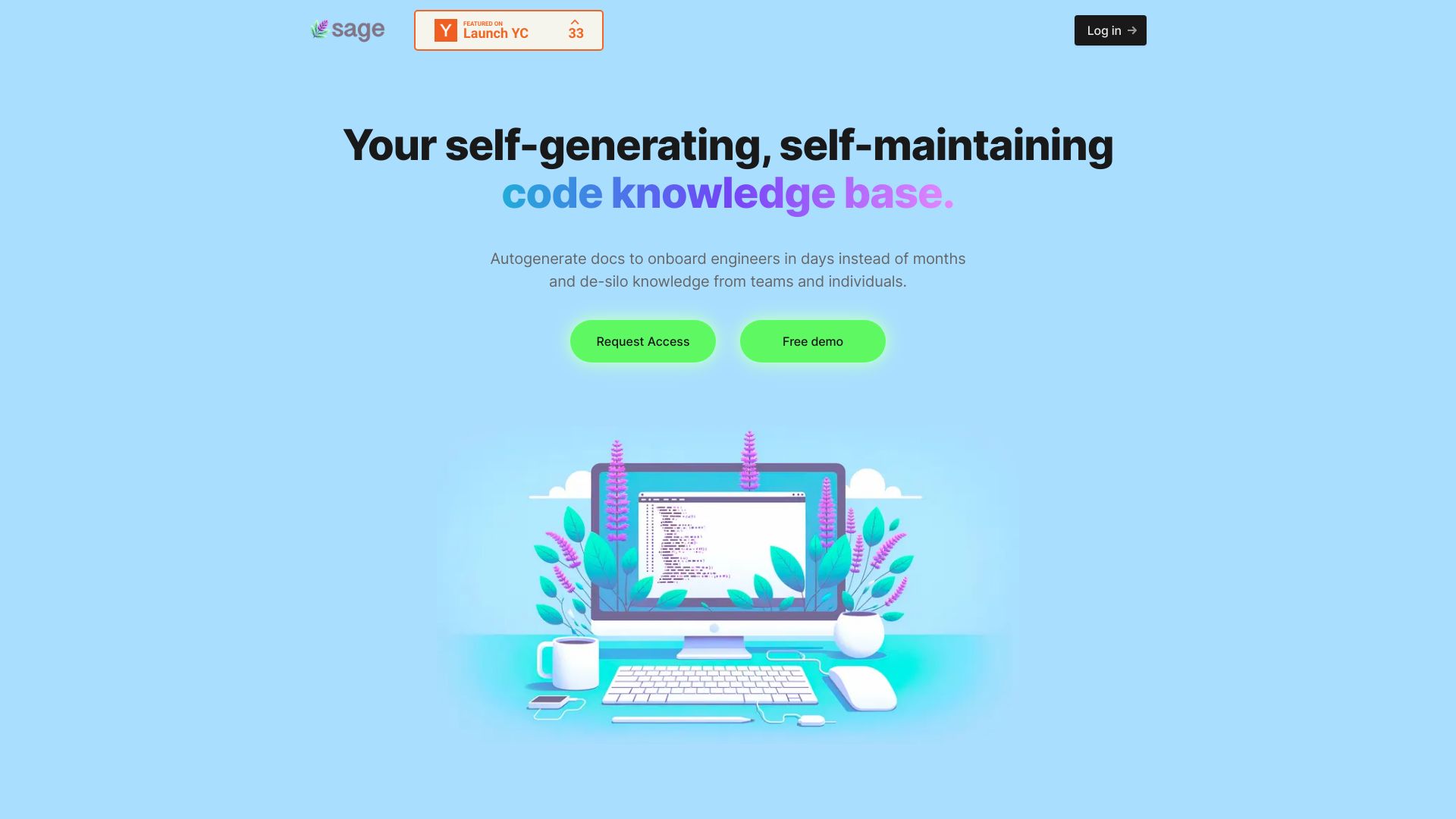
Sage AI
Self-maintaining code knowledge bases

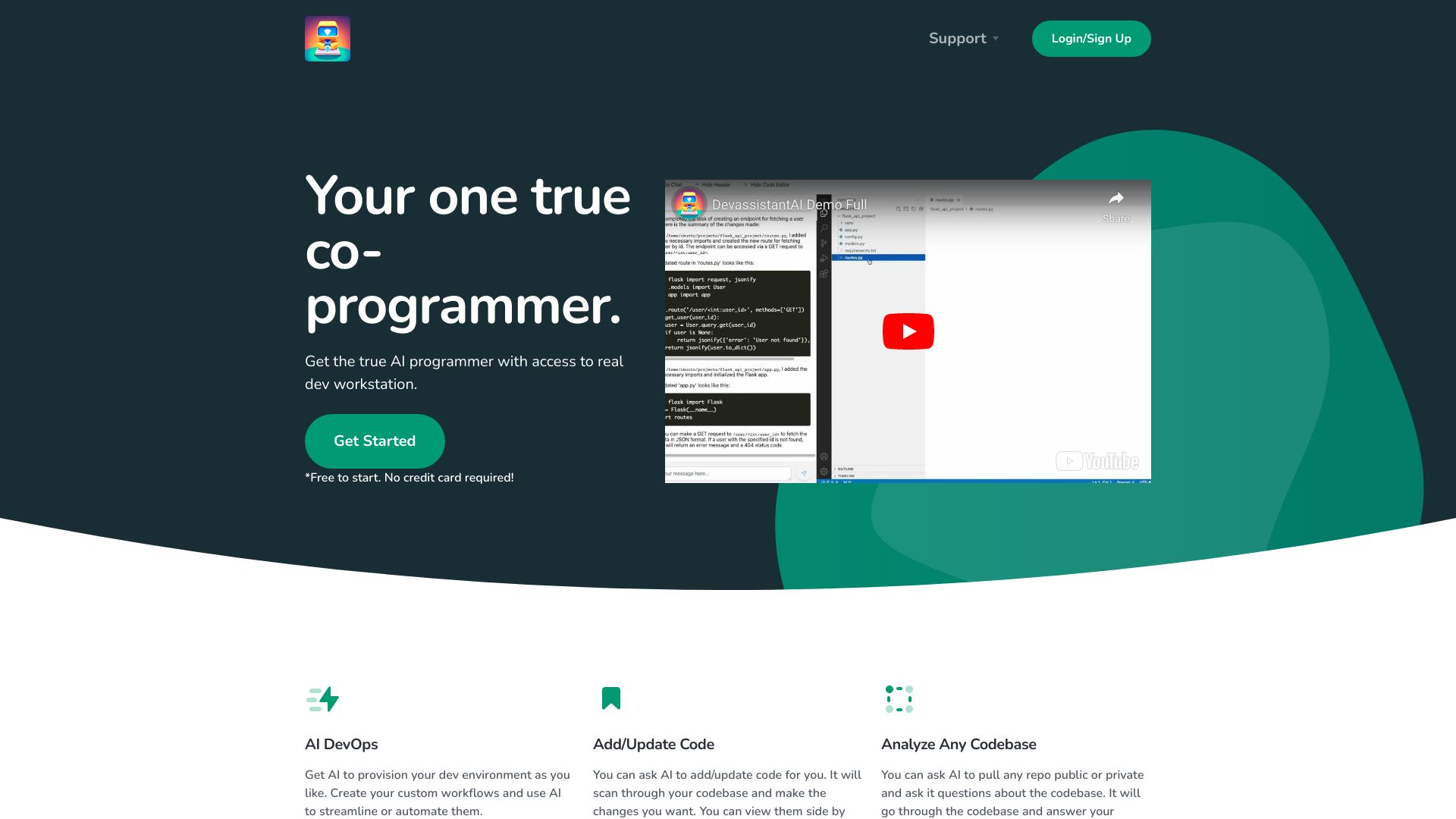
Devassistant.ai
AI-assisted cloud coding
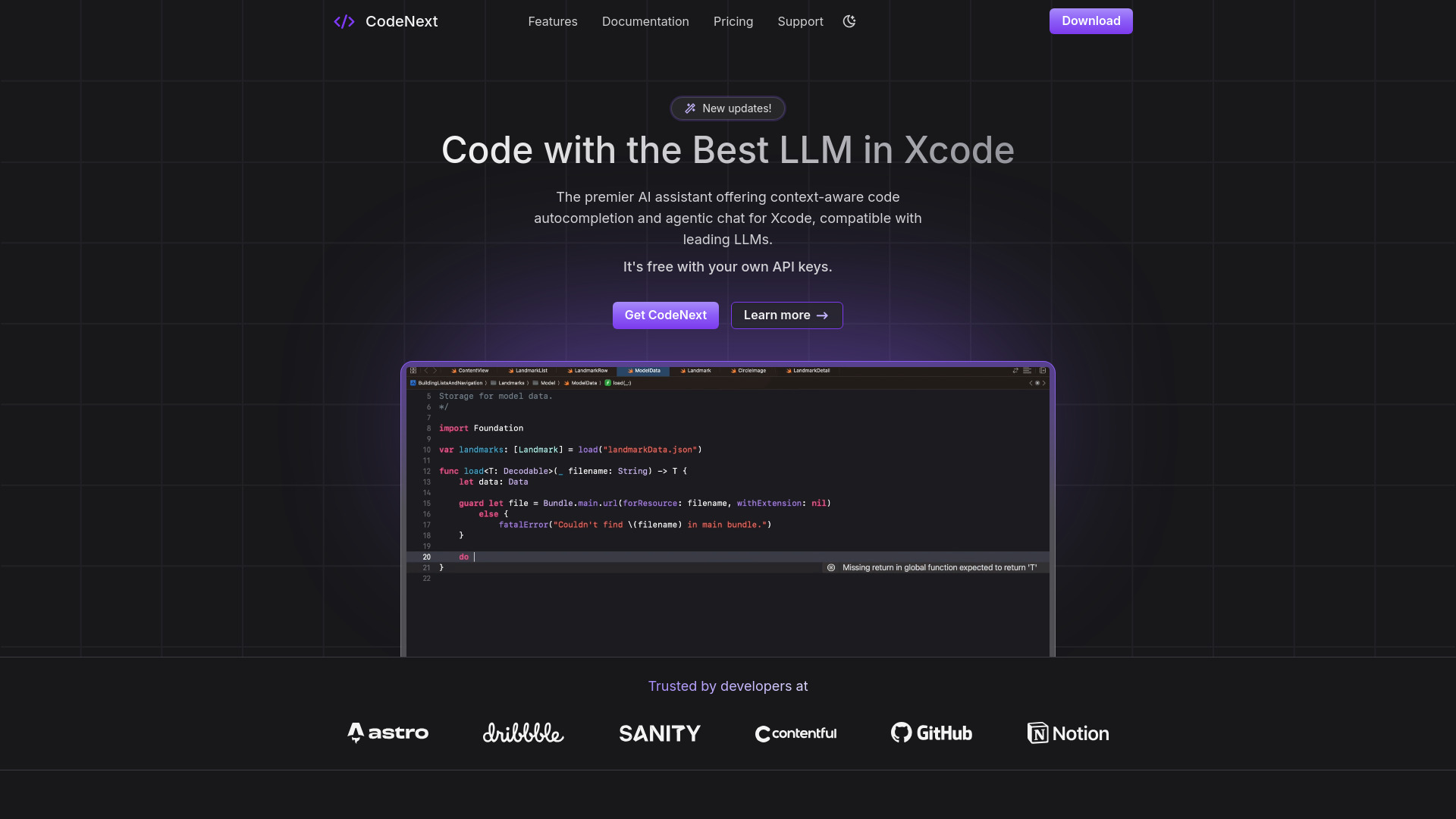
CodeNext.ai
iOS and Mac developers using Xcode

Something AI
Personalized AI character chats
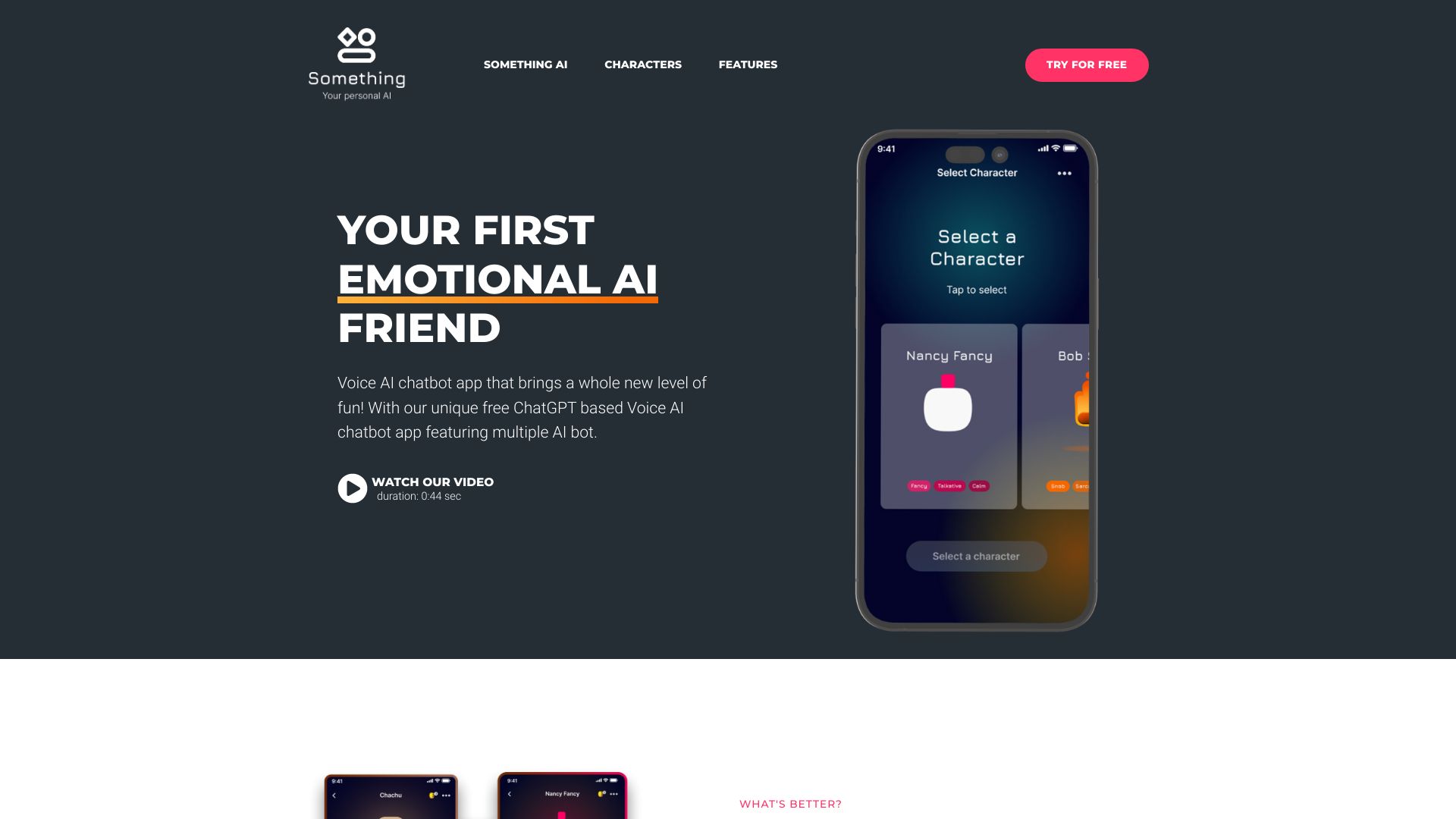

Better AI Code
Cursor users building better coding prompts
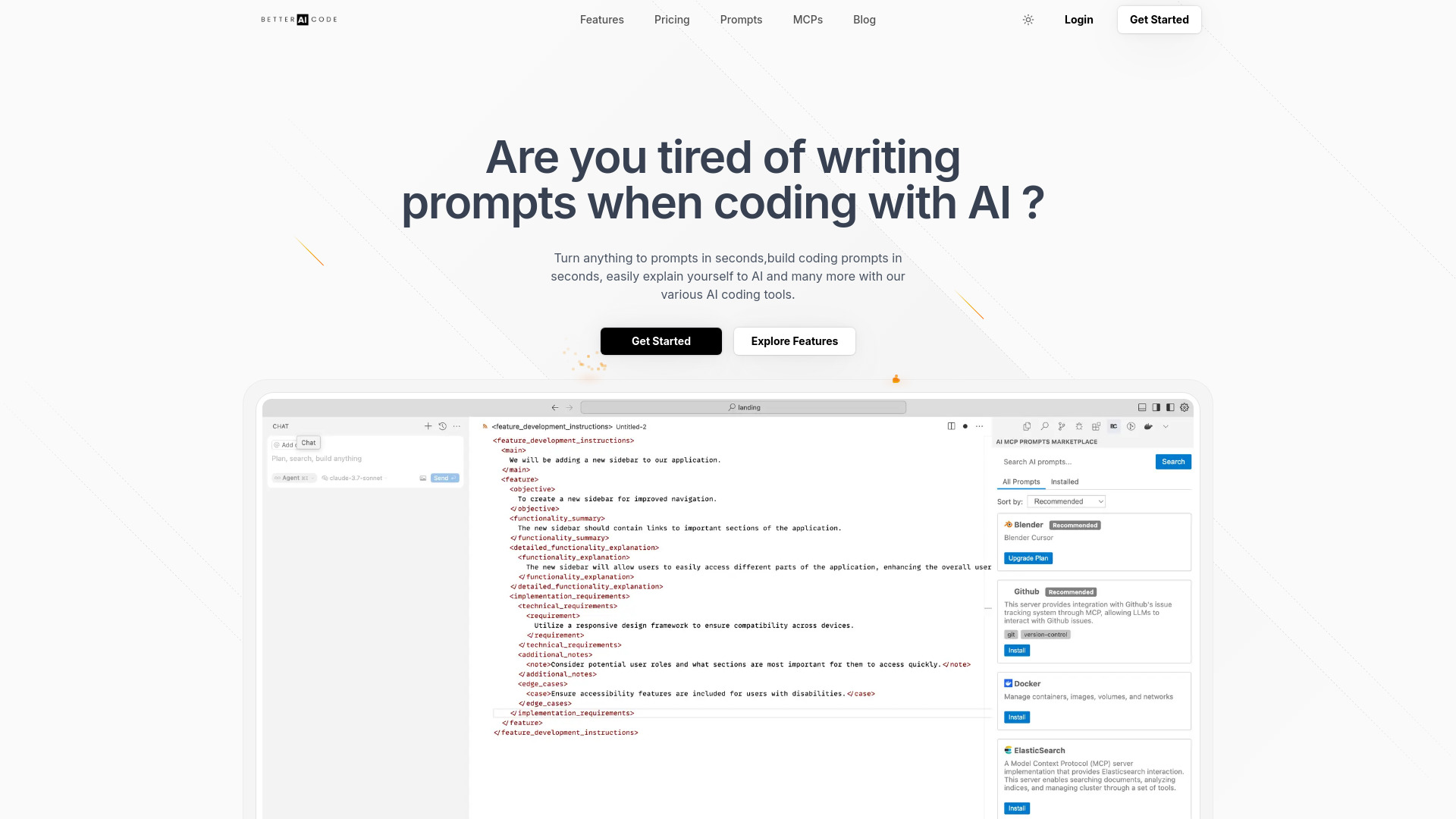

WriteAI.tech
SEO and marketing content teams
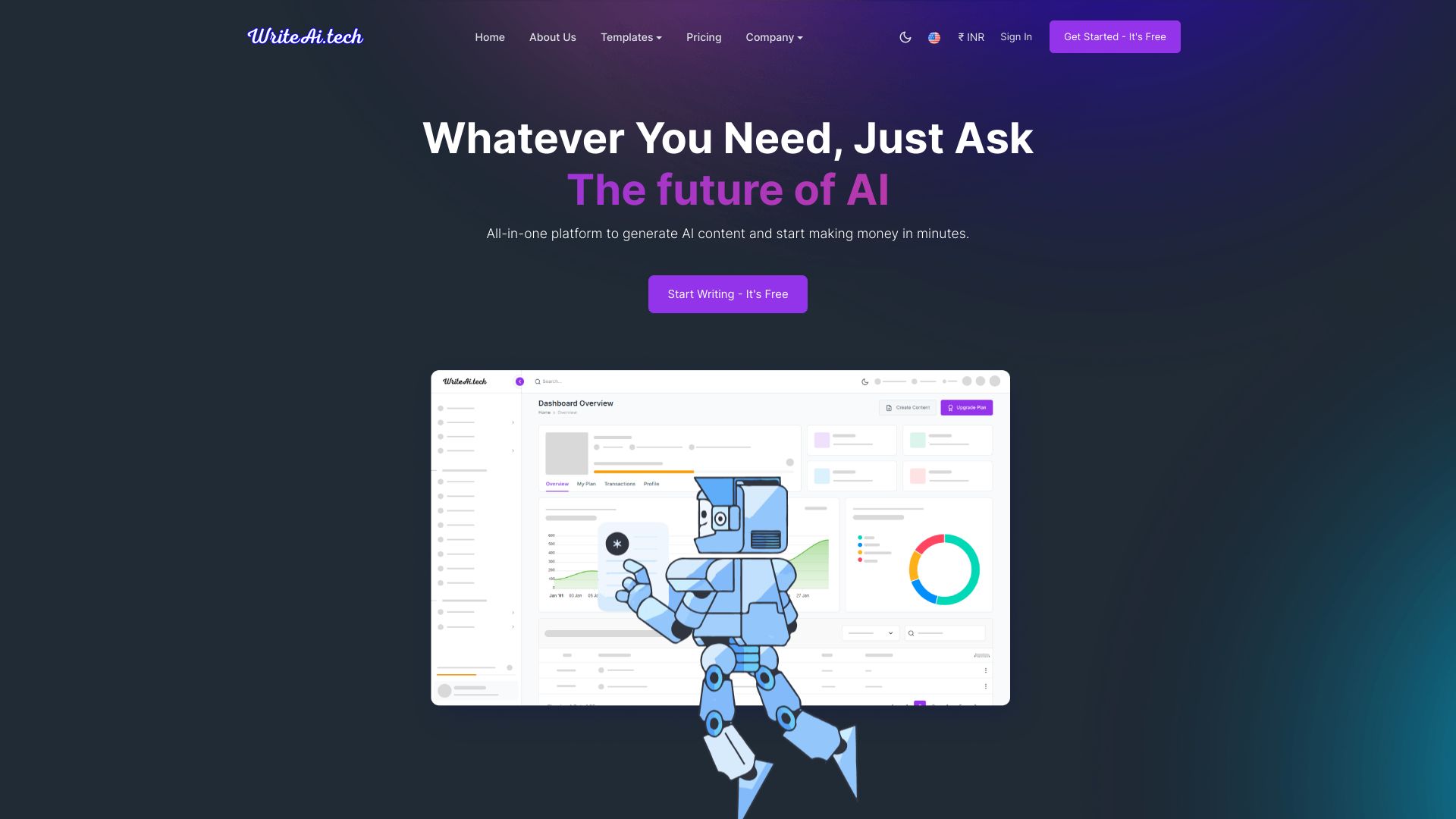

Yorph AI
No-code data workflow automation

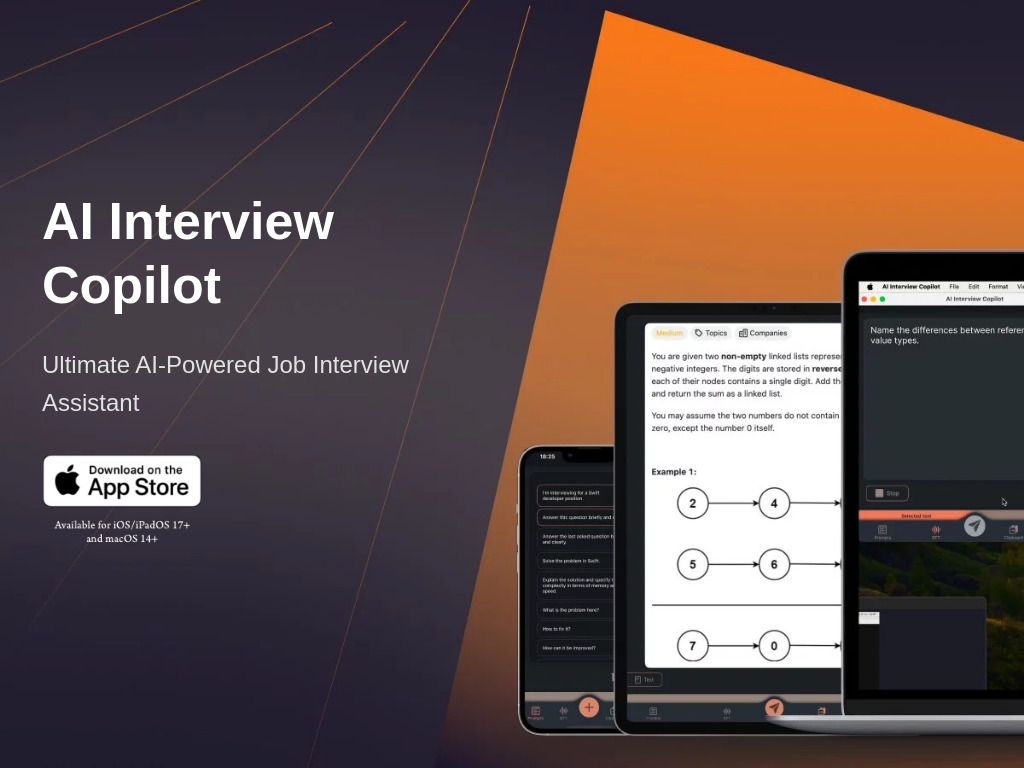
AI Interview Copilot
Real-time coding interview assistance

Cart.ai
All-in-one business automation

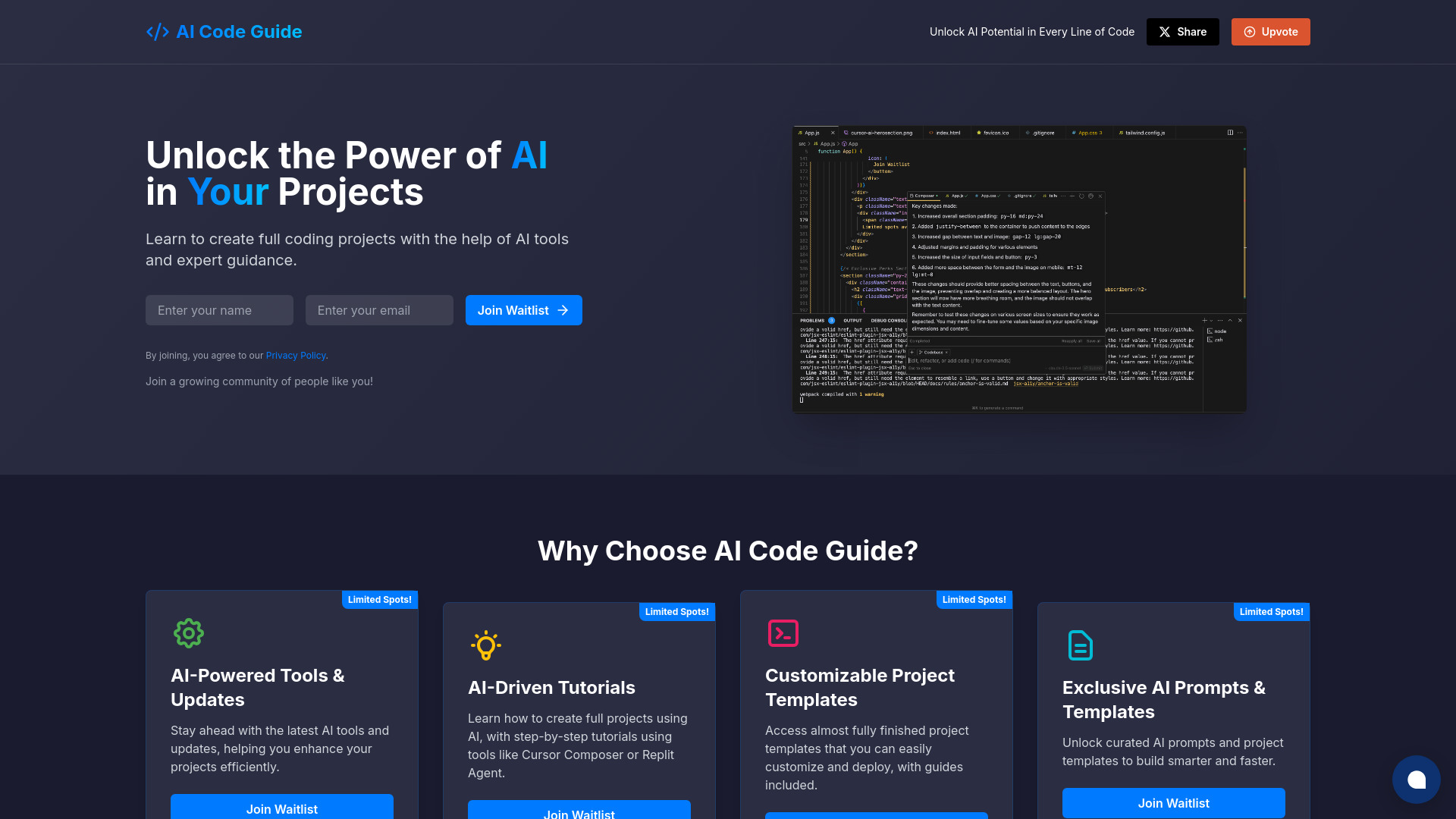
AI Code Guide
AI coding tutorials and project templates

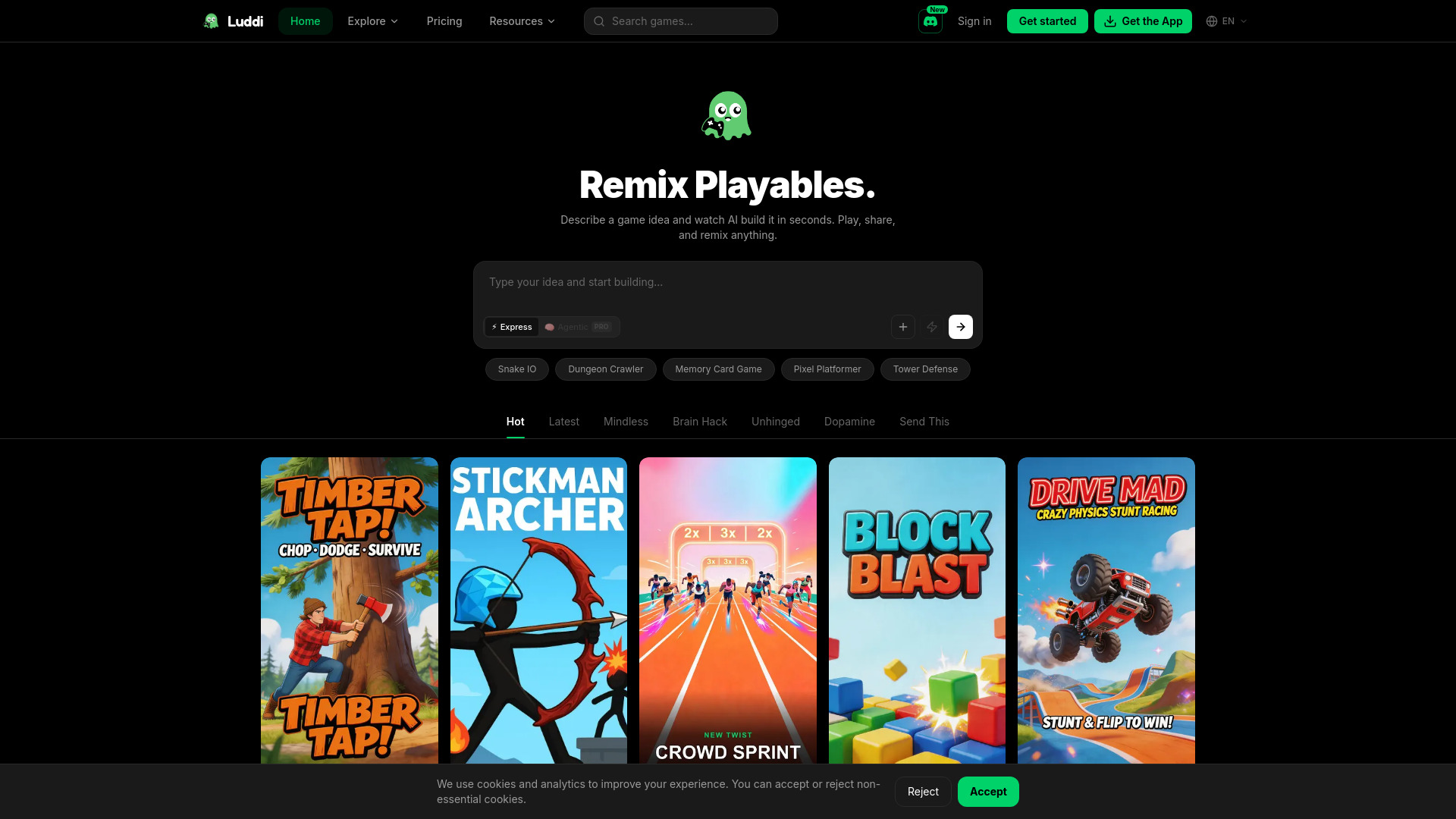
Luddi
No-code HTML5 game creation
Which programming AI should you choose?
The right choice depends less on the score gap and more on where the friction appears in your workflow.
For model comparison and research: Start with Use AI. Its 25+ model library and task-based selection make it the most versatile overall option here.
For building an AI product: Choose AI/ML API when one API for 200+ models is more valuable than an in-editor assistant.
For front-end development: PureCode AI is the most direct fit, provided you use VS Code.
For a complete AI code editor: Try PearAI if you want AI Chat and AI Search integrated into an open-source editor.
For learning programming: ProjectAI offers the clearest project-based path. Pi is better for friendly, low-pressure discussion.
For technical documentation: Type.ai is the practical adjacent choice because its core experience is writing and document editing.
For students needing several AI categories: AI-PRO.org combines chatbot, text, education, art, and productivity tools.
For startup services: Programmers Force is better considered as a broader technology and development option.
For occasional model experimentation: 302.AI's pay-as-you-go structure is worth a look.
My practical recommendation
For most buyers, I would not begin by subscribing to the broadest possible AI bundle. I would first identify the repeated task that costs the most time. If that task is producing interface code inside VS Code, test PureCode AI. If you are learning from scratch, use ProjectAI's guided projects and Pi for approachable explanations. If you are building a product that needs model flexibility, evaluate AI/ML API before committing to separate provider integrations.
Use AI is the best general starting point when your work crosses research, coding, and writing and you genuinely want access to multiple models. It earned the top score because it covers the widest set of relevant adjacent workflows. For a specialist programming experience, though, PearAI and PureCode AI are more focused. The best AI for programming is therefore a workflow decision, not a universal winner.
Common mistakes when choosing programming AI
Buying a general chatbot for an editor problem: Conversation alone does not equal codebase context or UI component generation.
Ignoring the development environment: PureCode AI requires VS Code, while PearAI is itself an editor. Compatibility should be checked first.
Confusing model breadth with programming depth: Use AI, AI/ML API, and 302.AI offer broad model access, but they are not interchangeable with a coding editor.
Skipping the free allowance test: Compare the actual free path, such as PureCode AI's 50 monthly chat messages or ProjectAI's limited free projects.
Treating pricing labels as permanent: Vendor pricing, terms, and policies can change. Verify the current offer before a purchase or deployment.
Choosing a learning tool for production work: ProjectAI supports structured learning; it is not described as a professional code editor.
Overlooking writing work: Documentation is part of programming. Type.ai may be more useful than another coding assistant if explanations are your bottleneck.
What changed in 2026
The programming AI category now looks less like one product type and more like a set of connected workflows. Dedicated editors such as PearAI and PureCode AI sit alongside model-access platforms such as Use AI, AI/ML API, and 302.AI. Learning products such as ProjectAI also matter because many buyers are still building foundational skills rather than optimizing an established engineering team.
The other notable shift is choice of access model. Some tools use subscriptions, some expose a measurable free allowance, and 302.AI emphasizes pay-as-you-go usage. That makes it more important to compare how a tool fits your frequency of use, not just its headline feature list. In 2026, the strongest buying question is often: do you need an editor, a model gateway, a learning path, or a broader AI workspace?
FAQ
Use AI ranks first because it combines access to 25+ LLM models with task-based model selection across research, coding, and writing. It is a broad workspace, not a dedicated code editor.