
The best ai detector depends on what you need to inspect. A student checking an essay needs a fast text scan; a teacher may care more about multilingual support; a business investigating synthetic media needs image or audio analysis instead. We compared 98 tools and ranked the 10 strongest matches, with an emphasis on free access, useful output, audience fit, and practical limitations.
Top picks
| Pick | Tool | Best for | Why it stands out |
|---|---|---|---|
| 1 | AI Detector | Students | Fast scans, highlighted AI-written passages, and up to 3,000 free words per scan |
| 2 | MyDetector AI | Content creators | Unlimited free detection with no login required |
| 3 | Undetectable AI | Bloggers | Detection across multiple checkers plus AI humanization |
| 4 | AI Detector Writer | Students | Free scanning, batch file upload, and support for all languages |
Quick comparison
| Tool | Score | Best for | Free access | Starting price |
|---|---|---|---|---|
| AI Detector | 96/100 | Students | 3,000 words per scan free | Check vendor pricing |
| MyDetector AI | 95/100 | Content creators | Free and unlimited; no login | Check vendor pricing |
| Undetectable AI | 95/100 | Bloggers | Free AI detector | Check vendor pricing |
| AI Detector Writer | 95/100 | Students | Free; all languages | Check vendor pricing |
| ContentDetector.AI | 95/100 | Bloggers | Free; no login | Check vendor pricing |
| AI Detector for PPT | 95/100 | Students | PPT detection; from $20/month | Starter: $20 USD |
| AI or Not | 95/100 | Businesses | 10 image checks monthly free | Yearly: $0 per month |
| X Detector | 95/100 | Teachers | Free; 20+ languages; no registration | Check vendor pricing |
| AI Detect | 94/100 | Educators | 50 scans and 1 humanization daily | Free: $0 |
| ACE ESSAY | 94/100 | Students | 1,000 beans/month; 300 words/request | Free: $0 |
How we ranked these AI detectors
We scored each candidate on the usefulness of its core detection workflow, clarity of results, audience fit, free-access terms, and breadth of supported formats or languages. A tool earned extra consideration when it offered a concrete workflow advantage, such as highlighted passages, batch uploads, no-login access, or presentation-file analysis. Market usage signals helped distinguish established options from smaller utilities, but they did not replace feature fit. We also treated limitations as part of the score: minimum word counts, language restrictions, uncertain accuracy, and capped free usage matter when you are choosing an AI detector best suited to real work. The rankings are comparative guidance, not proof that any detector can make a perfect authorship judgment.
The best AI detectors
1. AI Detector

AI Detector
Best AI detector for students
The strongest all-purpose choice here keeps the workflow refreshingly direct: paste text, run a scan, and inspect highlighted sections. AI Detector combines AI content detection with deep text scanning, so it is more useful than a bare percentage score when a student wants to review a draft before submitting it. The 3,000-word free scan allowance is generous enough for many essays and individual assignments.
The highlighted-result approach is the real reason it ranks first. Rather than forcing you to guess which sentence triggered the result, the interface points to likely AI-generated parts. That makes the tool useful as a revision aid, although a highlighted passage should be treated as a prompt for review-not a definitive verdict about authorship.
My take: This is the cleanest first stop for students who want a readable result and enough free capacity to check substantial drafts. I would choose it before a more complicated platform unless multilingual support is essential.
Where it falls short: It currently supports only English, which immediately rules it out for multilingual coursework or international content teams. Like every detector in this category, its result should support a conversation about a draft rather than serve as the only evidence in a high-stakes decision.
Key features
AI content detection for written material.
Deep text scanning for a more detailed review.
Highlighted identification of likely AI-generated parts.
AI humanizer and paraphraser access in the free offering.
Pros
Fast scanning with clear, highlighted results.
3,000 words per scan free.
Straightforward fit for student assignments and drafts.
Cons
English-only support.
Pricing details require checking with the vendor.
Choose AI Detector if: You are a student who wants a fast, visual check of an English essay before sharing or submitting it.
2. MyDetector AI

MyDetector AI
Best AI detector for content creators
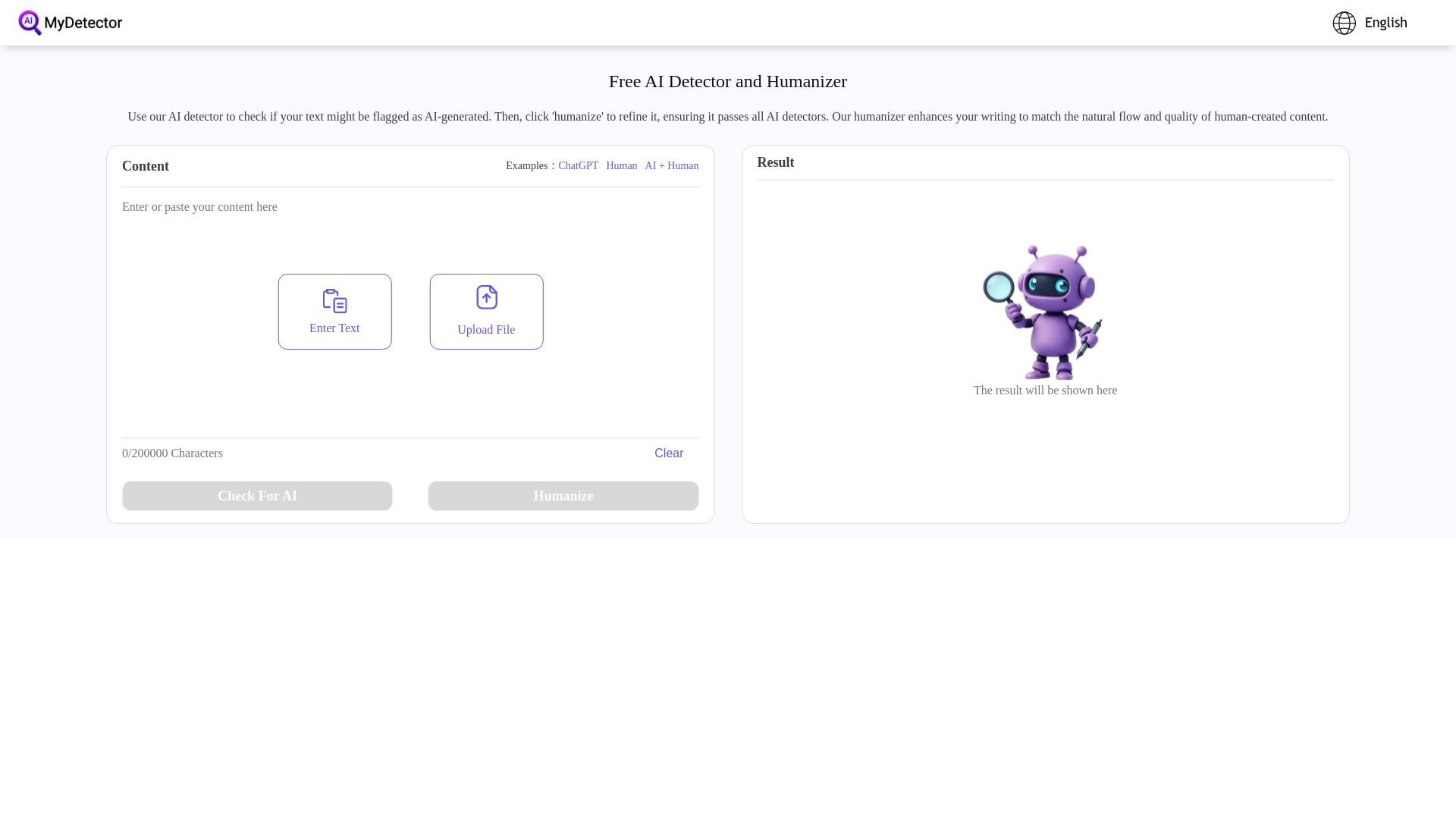
No-login access changes the feel of this tool. MyDetector AI lets content creators check copy without first creating an account or navigating a credit system. Its central combination-AI detection and AI humanization-also suits writers who want to inspect a draft, revise it, and run another check from the same general workflow.
The platform claims over 99% accuracy, but that figure should be read as a vendor claim rather than a guarantee. AI detection is probabilistic, and the tool itself carries the important caveat that human-written text can sometimes be misidentified. Still, free and unlimited access makes it unusually easy to use for repeated checks across blog posts, landing pages, or client drafts.
My take: This is the best ai detector option when convenience matters more than a long list of file formats. The absence of a login is especially helpful for quick editorial triage.
Where it falls short: The humanization feature may encourage a rewrite-first workflow when the better response is often to preserve a writer's voice and document the drafting process. Its false-positive limitation also matters for anyone using results to judge another person's work.
Key features
AI detection for written content.
AI humanization in the same platform.
Free and unlimited checking.
No-login access.
Pros
Claims over 99% detection accuracy.
Very low friction for one-off checks.
Useful pairing of detection and humanization.
Cons
Human writing can sometimes be flagged as AI-generated.
Pricing details require checking with the vendor.
Choose MyDetector AI if: You create or edit online content and want unlimited, no-login checks before publication.
3. Undetectable AI

Undetectable AI
Best AI detector for bloggers
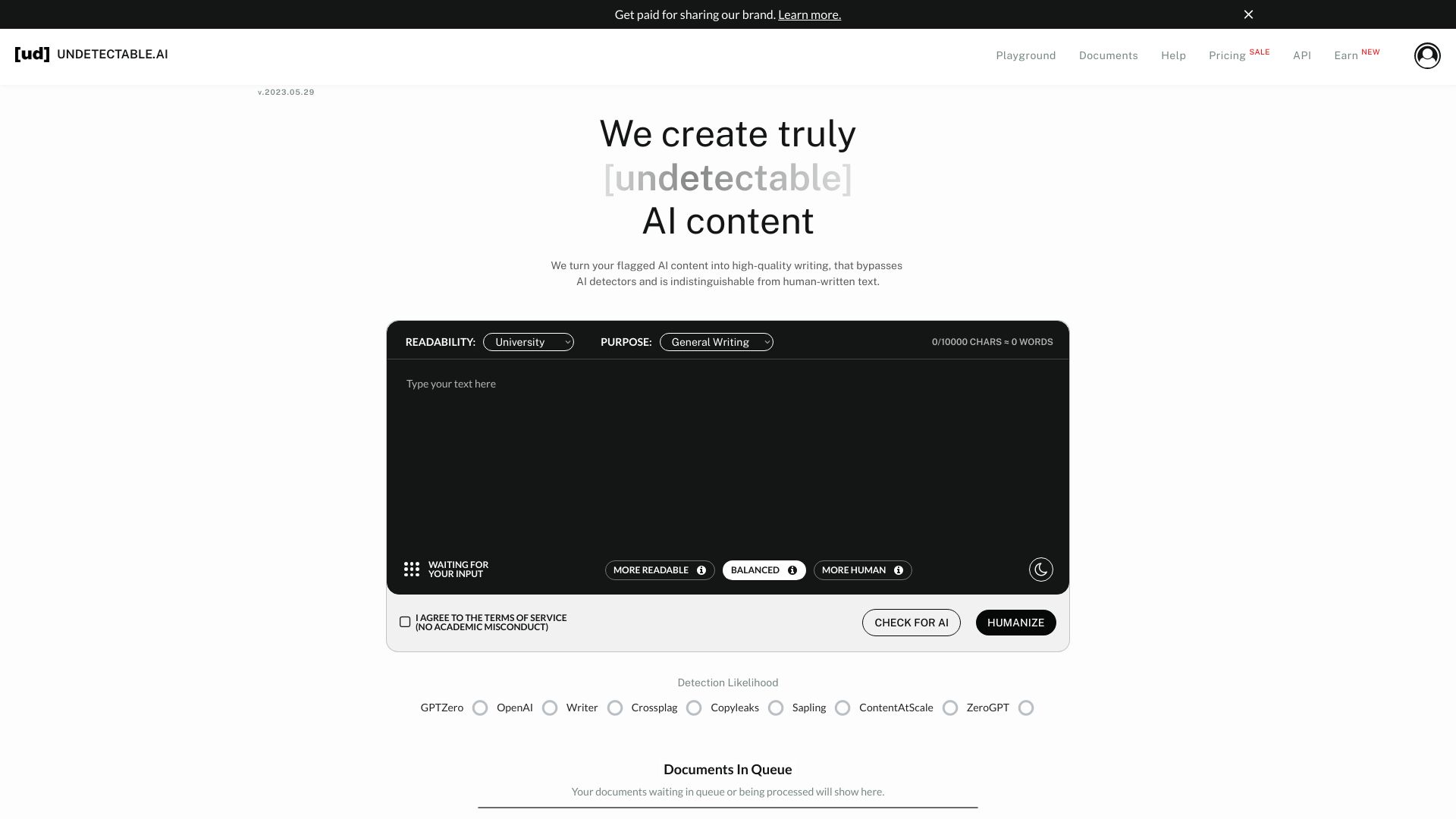
Undetectable AI takes a broader approach than a simple text classifier. It combines AI detection with humanization and says it can detect AI content across multiple checkers. For bloggers, that creates a practical review loop: evaluate a draft, identify where it may look machine-written, and refine the copy before publishing.
That broader checker coverage is its differentiator, particularly for writers who do not want to rely on a single signal. The tradeoff is a clear minimum: accurate results require at least 200 words. Short social posts, brief product descriptions, and small email snippets are therefore a poor fit for this workflow.
My take: With 2.9 million monthly visits, this is the most visible option in the group and a sensible pick for substantial blog drafts. I like the multi-checker angle, but I would not use it to make a binary judgment about a writer.
Where it falls short: The 200-word minimum makes quick spot checks awkward. The presence of humanization also means buyers should decide whether they need detection, rewriting, or both before paying for a broader workflow.
Key features
AI detection for text.
Detection across multiple AI checkers.
AI humanization for rewriting AI-generated text.
Free AI detector access.
Pros
Comprehensive detection across multiple platforms.
Strong fit for longer blog articles.
Large usage signal relative to the other featured tools.
Cons
Requires a minimum of 200 words for accurate results.
Pricing details require checking with the vendor.
Choose Undetectable AI if: You are a blogger reviewing articles of at least 200 words and want detection plus optional humanization in one place.
4. AI Detector Writer

AI Detector Writer
Best AI detector for multilingual students
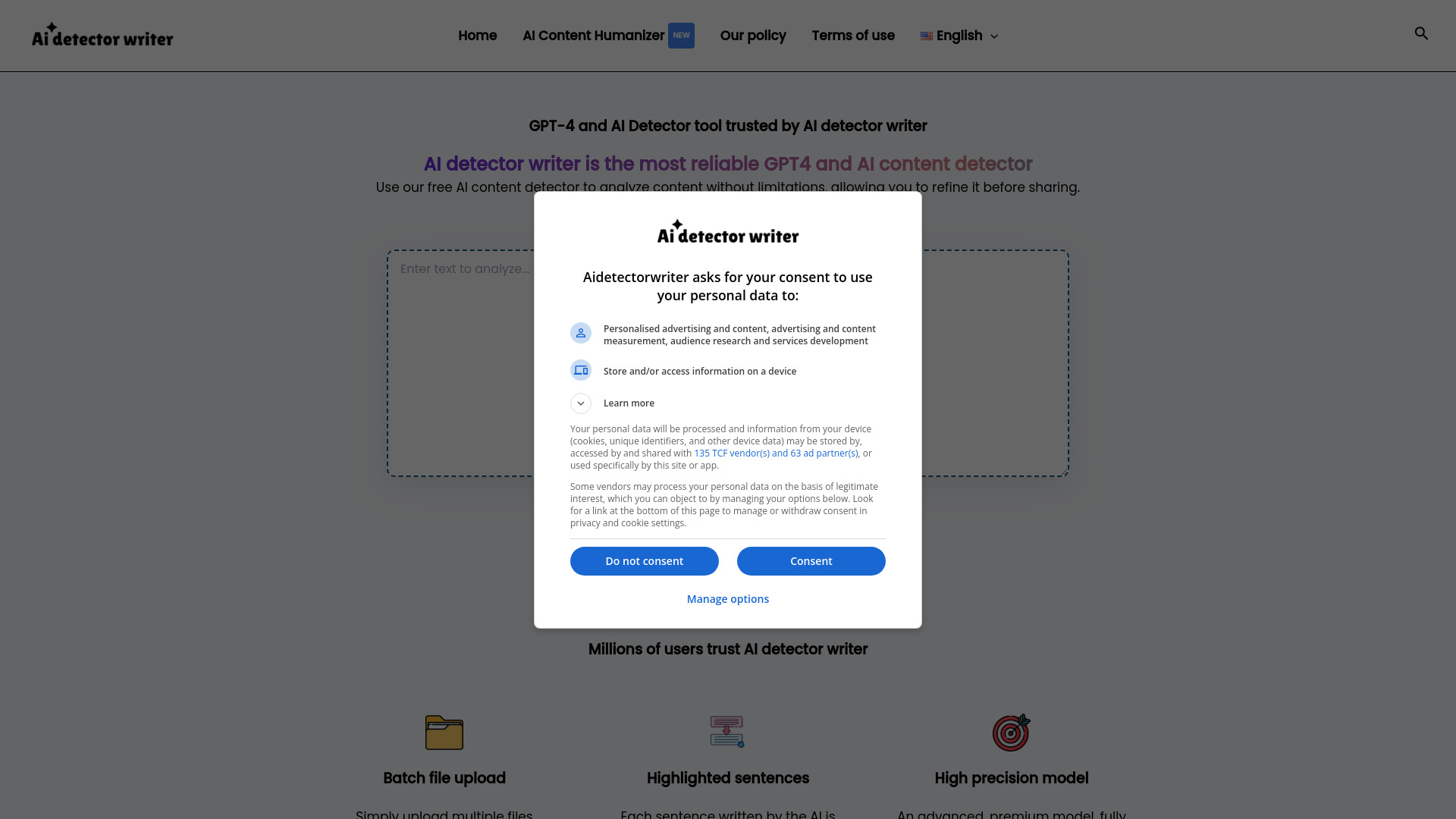
Language coverage gives AI Detector Writer an immediate advantage over English-only tools. It supports all languages and pairs AI content detection with batch file upload, which makes it a more practical choice for students or reviewers handling several documents rather than one pasted paragraph at a time.
The service describes its model as high precision and is free to use. Those are attractive entry points, but the tool also acknowledges that accuracy can vary with text complexity. That caveat is important: translated, highly technical, heavily edited, or unusually stylized writing may deserve a second review instead of a reflexive accept-or-reject decision.
My take: This is the best ai text detector in the shortlist for multilingual use and batch-oriented checking. Its feature set is simple, but simple is exactly what many students need.
Where it falls short: The available details do not establish a precise paid-plan structure, and variable accuracy on complex text limits how confidently you should interpret a score. Batch upload helps throughput, not certainty.
Key features
AI content detection.
Batch file upload.
Support for all languages.
High-precision detection model.
Pros
Free to use.
Strong language coverage.
Batch upload is useful for multiple assignments or drafts.
Cons
Accuracy may vary depending on text complexity.
Pricing details require checking with the vendor.
Choose AI Detector Writer if: You need a free, multilingual checker that can process several files instead of relying only on pasted English text.
5. ContentDetector.AI

ContentDetector.AI
Best AI detector for bloggers checking originality
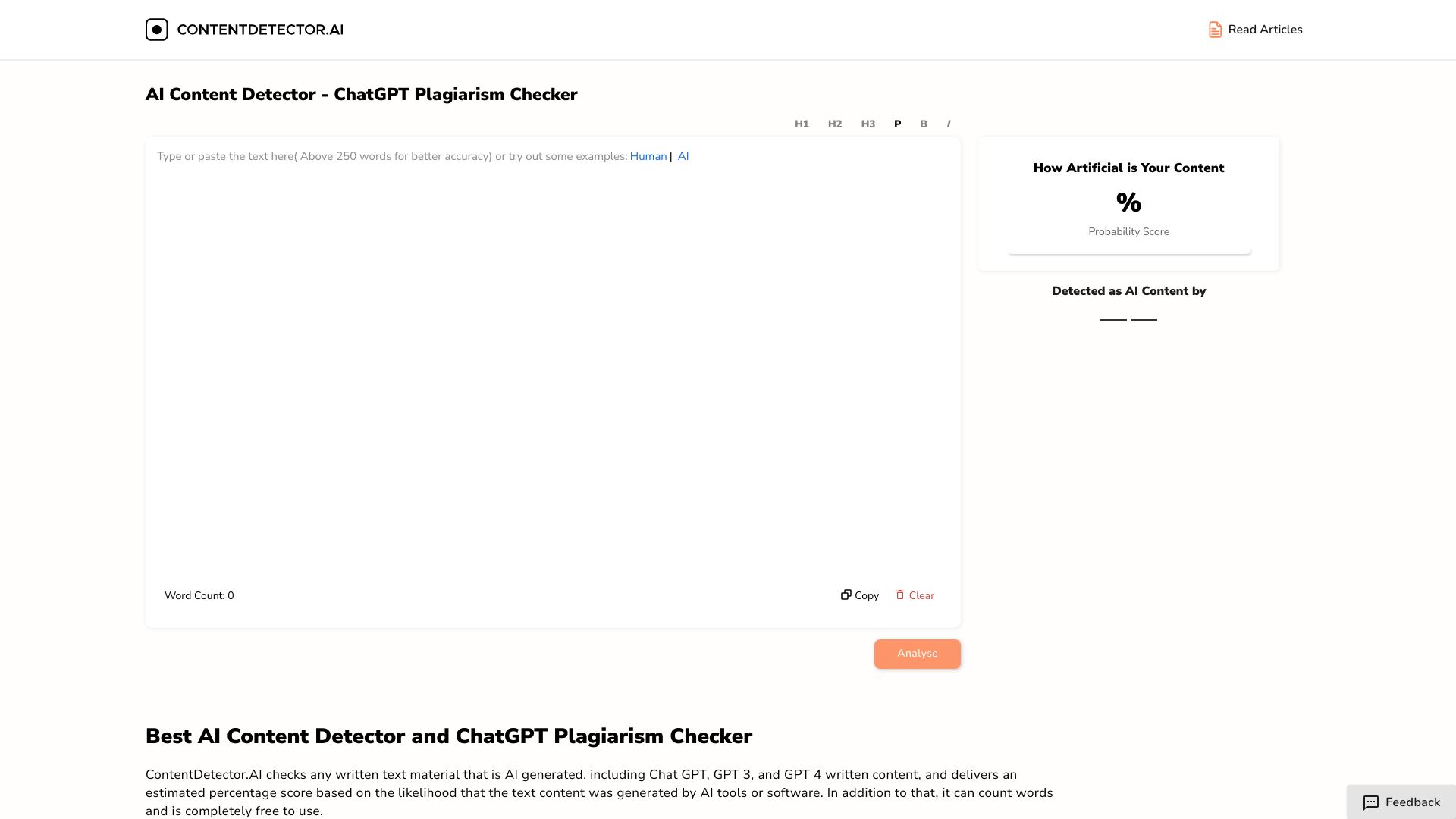
ContentDetector.AI is appealing because it puts two related checks together: AI content detection and a ChatGPT plagiarism checker. Bloggers can use that combination to review whether copy appears AI-generated and whether it needs an originality check before publication. The no-login setup keeps the first scan quick.
A word counter rounds out the lightweight workflow, although it is not a substitute for editorial review. The service is free, which makes it a practical second opinion when you want to compare results from more than one detector without adding a subscription immediately.
My take: I would use this as a fast pre-publication checkpoint, especially when a draft came from several sources or contributors. It earns its place by pairing detection with plagiarism-oriented checking rather than trying to be an elaborate content suite.
Where it falls short: Accuracy may not be 100%, so neither the AI result nor the plagiarism result should be treated as conclusive on its own. Its monthly usage signal is also smaller than the leading options, though that does not prevent useful one-off checks.
Key features
AI content detection.
ChatGPT plagiarism checker.
Word counter.
No-login workflow.
Pros
Free to use.
Combines AI and plagiarism-oriented checks.
No registration required for a quick scan.
Cons
Accuracy may not be 100%.
Pricing details require checking with the vendor.
Choose ContentDetector.AI if: You publish blog content and want a free no-login check that combines AI detection with a ChatGPT plagiarism checker.
6. AI Detector for PPT

AI Detector for PPT
Best AI detector for PowerPoint presentations
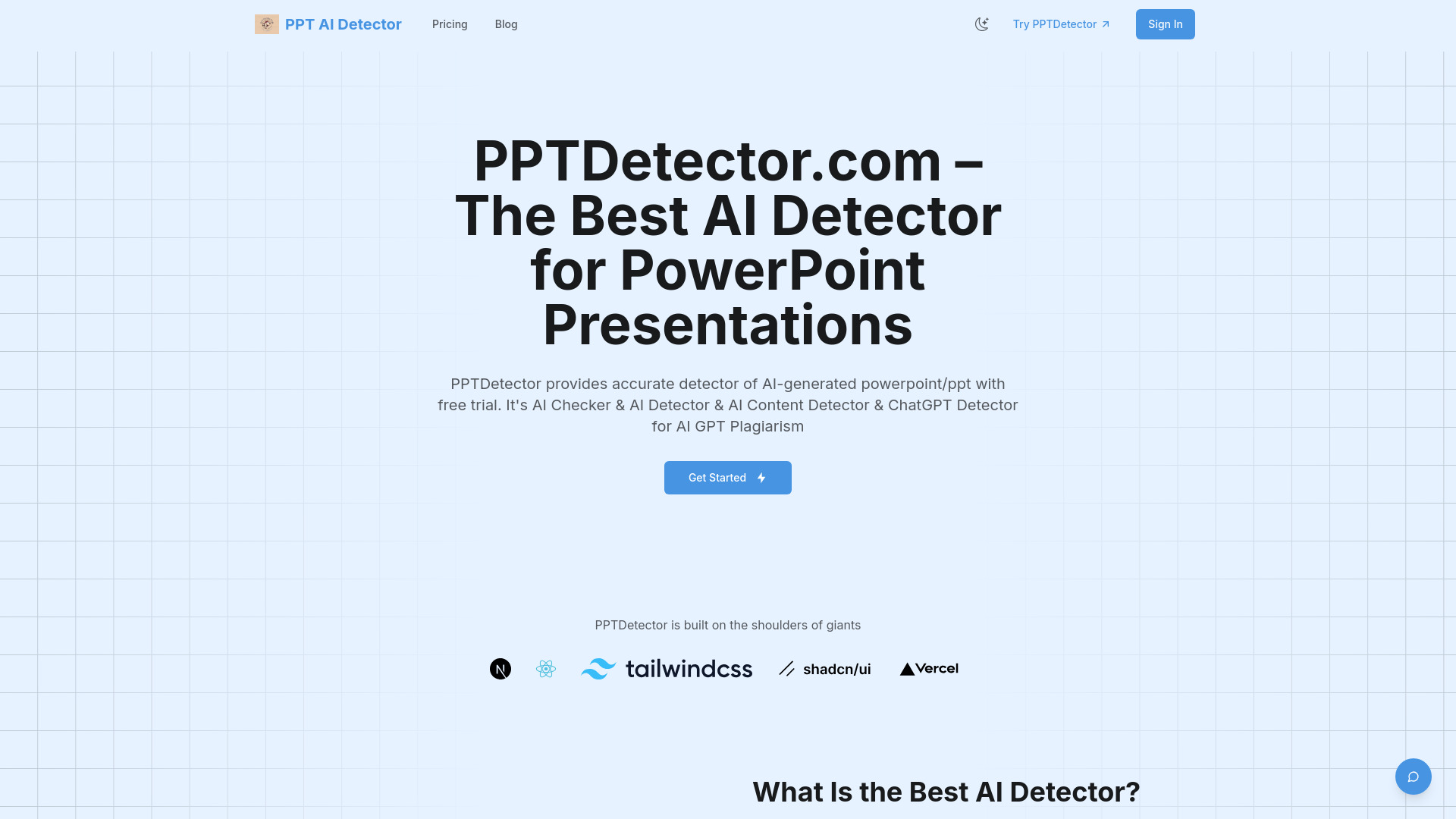
Most text detectors assume the thing being reviewed is a text box. AI Detector for PPT starts with the presentation file itself, checking AI-generated text, images, and structure through multi-layered analysis. That makes it a genuinely useful adjacent option for instructors, training teams, and students whose work lives in slides rather than a document.
The format-specific focus is its main strength. A presentation can contain sparse text, generated visuals, and a structure that tells part of the story; a text-only scan would miss much of that context. The starter price is listed as $20 for 20 credits per month, so buyers should compare expected presentation volume with the credit allowance before committing.
My take: This is the clearest choice when PowerPoint is the object under review. It is not the best ai detector for ordinary essays, but it is far more relevant than a generic text box when slide content is the concern.
Where it falls short: The product fit, pricing, and workflow limits deserve a current check before purchase. Its narrower presentation focus also means it should be selected for a specific file type, not as a universal detector.
Key features
Detection of AI-generated text in PowerPoint files.
Detection of AI-generated images.
Analysis of presentation structure.
Multi-layered content review.
Pros
Designed specifically for PowerPoint presentations.
Goes beyond text to images and structure.
Clear paid starting point at $20 for 20 credits per month.
Cons
Check current product fit, pricing, and workflow limits before committing.
Less suitable for ordinary standalone text checks.
Choose AI Detector for PPT if: You need to review whether a PowerPoint presentation contains AI-generated text, imagery, or structure.
7. AI or Not

AI or Not
Best AI detector for businesses checking synthetic media

AI or Not moves the conversation beyond written copy. It detects AI-generated images and audio and positions those checks alongside fraud-prevention use cases. For businesses reviewing submitted media, marketplace assets, or identity-related material, that broader format support is more relevant than another essay scanner.
The free allowance includes 10 AI or Not image checks monthly, while fraud prevention starts from $5 per month. The product also references KYC and video checking, but those features are still in development. That distinction matters: image and audio detection are the current reason to consider it; future-looking video or GenKYC claims should not drive a purchase today.
My take: This is the best ai detector tool in the shortlist for teams dealing with synthetic media rather than just AI-written paragraphs. The free image allowance is enough for an initial evaluation.
Where it falls short: GenKYC and Video AI Checker features are still coming soon, so the platform does not yet cover every format a business may want. Buyers should also clarify whether the listed yearly price and fraud-prevention pricing apply to their intended workflow.
Key features
AI-generated image detection.
AI-generated audio detection.
Fraud-prevention workflows.
Free monthly image checks.
Pros
Handles images and audio, not just text.
Useful business and fraud-prevention orientation.
10 free image checks monthly for evaluation.
Cons
GenKYC and Video AI Checker features are still in development.
Pricing presentation may require clarification with the vendor.
Choose AI or Not if: You are a business that needs to inspect AI-generated images or audio and is willing to treat video and KYC features as future additions.
8. X Detector

X Detector
Best AI detector for teachers needing multilingual checks
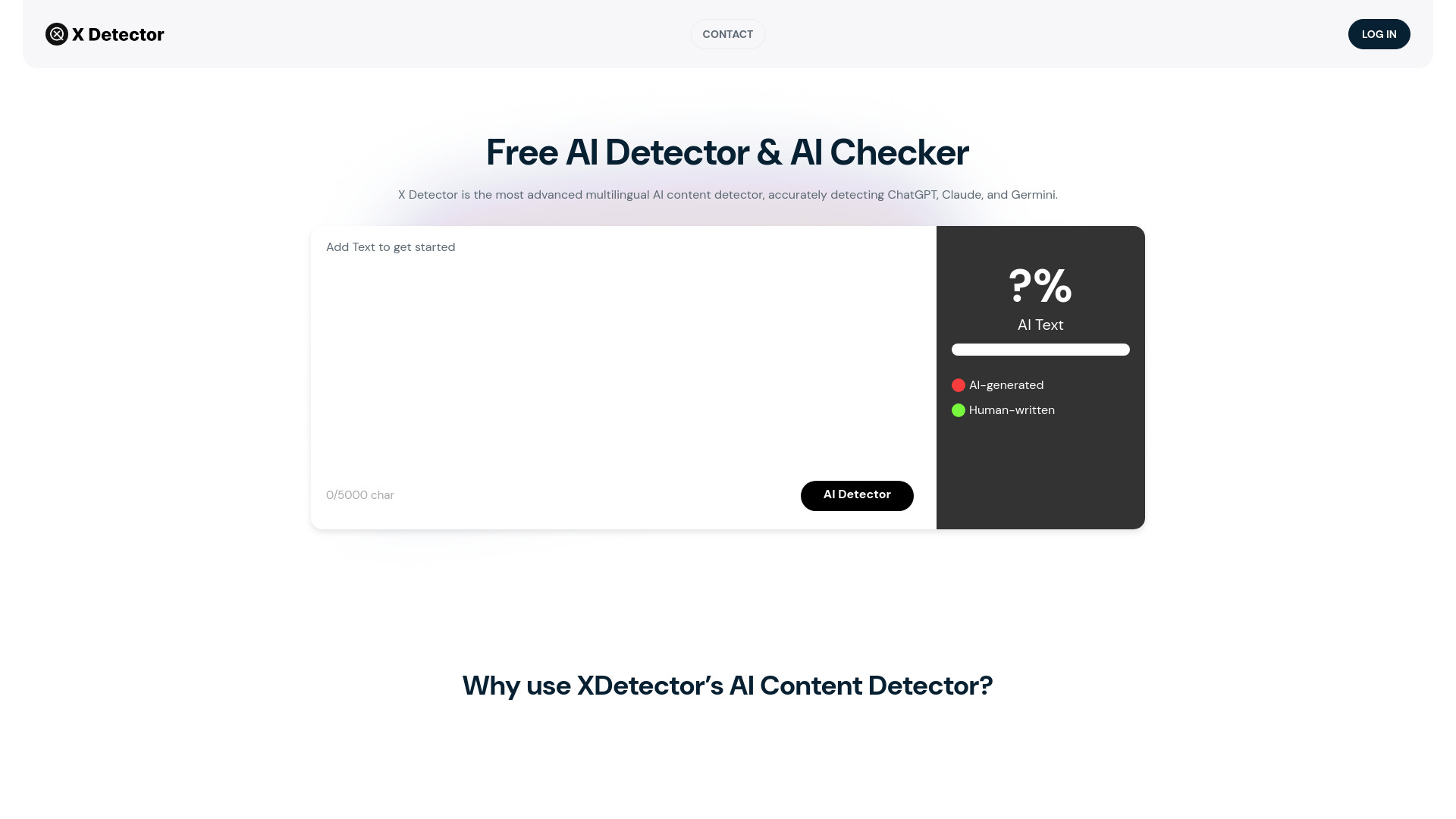
For teachers, language support can matter more than a polished list of extras. X Detector supports more than 20 languages, detects AI-generated text, and does not require registration. It is a useful classroom-friendly combination: a teacher can check a passage quickly without asking every student or colleague to create an account first.
The tool is positioned for text from ChatGPT, Claude, and Gemini, which gives it a clear contemporary scope. It does not support plagiarism detection, however, so it should not be confused with a full originality checker. Use it to examine the likelihood of AI-generated writing, then handle source attribution through a separate process if needed.
My take: X Detector is a strong practical alternative when multilingual access and no-registration use are the deciding factors. It is less compelling if plagiarism checks are part of the same required workflow.
Where it falls short: The lack of plagiarism detection means teachers may need another tool for source overlap. As with any AI score, a flagged result should trigger a conversation about drafts and process, not an automatic academic conclusion.
Key features
Multilingual AI content detection.
Support for more than 20 languages.
Detection for ChatGPT, Claude, and Gemini content.
No registration required.
Pros
Free to use.
Practical for multilingual classrooms.
Fast access without registration.
Cons
Does not support plagiarism detection.
Pricing details require checking with the vendor.
Choose X Detector if: You teach or review multilingual writing and need a free AI text check without requiring account creation.
9. AI Detect

AI Detect
Best AI detector for educators testing a humanizer workflow
AI Detect keeps its feature set focused on detection and humanization. It says it determines the probability that text was AI-written, then offers a way to humanize AI-generated copy. Educators can use the free allowance to understand the workflow-50 scans and one humanization per day-without immediately paying for access.
The tool claims high accuracy, but that remains a claim rather than a universal guarantee. The usage cap is also worth reading closely: 50 uses remaining is a meaningful constraint for a busy classroom or content operation, even if it is plenty for occasional personal checks. Its paid starting point is listed as $9.99 per month.
My take: This is a reasonable low-commitment option for educators who want to explore detection and rewriting together. I would not select it for heavy institutional volume without confirming exactly how the daily allowance is calculated.
Where it falls short: Limited free usage can become frustrating if you scan many short passages. Humanization also changes the workflow from identifying likely AI writing to altering it, which may not be appropriate for every educational or editorial context.
Key features
AI detection.
AI humanizer.
Probability-oriented assessment of AI writing.
Free daily scans and humanization.
Pros
Claims high accuracy in detecting AI-generated text.
Free daily allowance for initial use.
Paid plan starts from $9.99 per month.
Cons
Limited free usage, with 50 uses remaining.
Pricing and usage rules should be confirmed before scaling.
Choose AI Detect if: You are an educator who wants a modest free allowance for checking text and exploring a separate humanization workflow.
10. ACE ESSAY

ACE ESSAY
Best AI detector for students revising essays
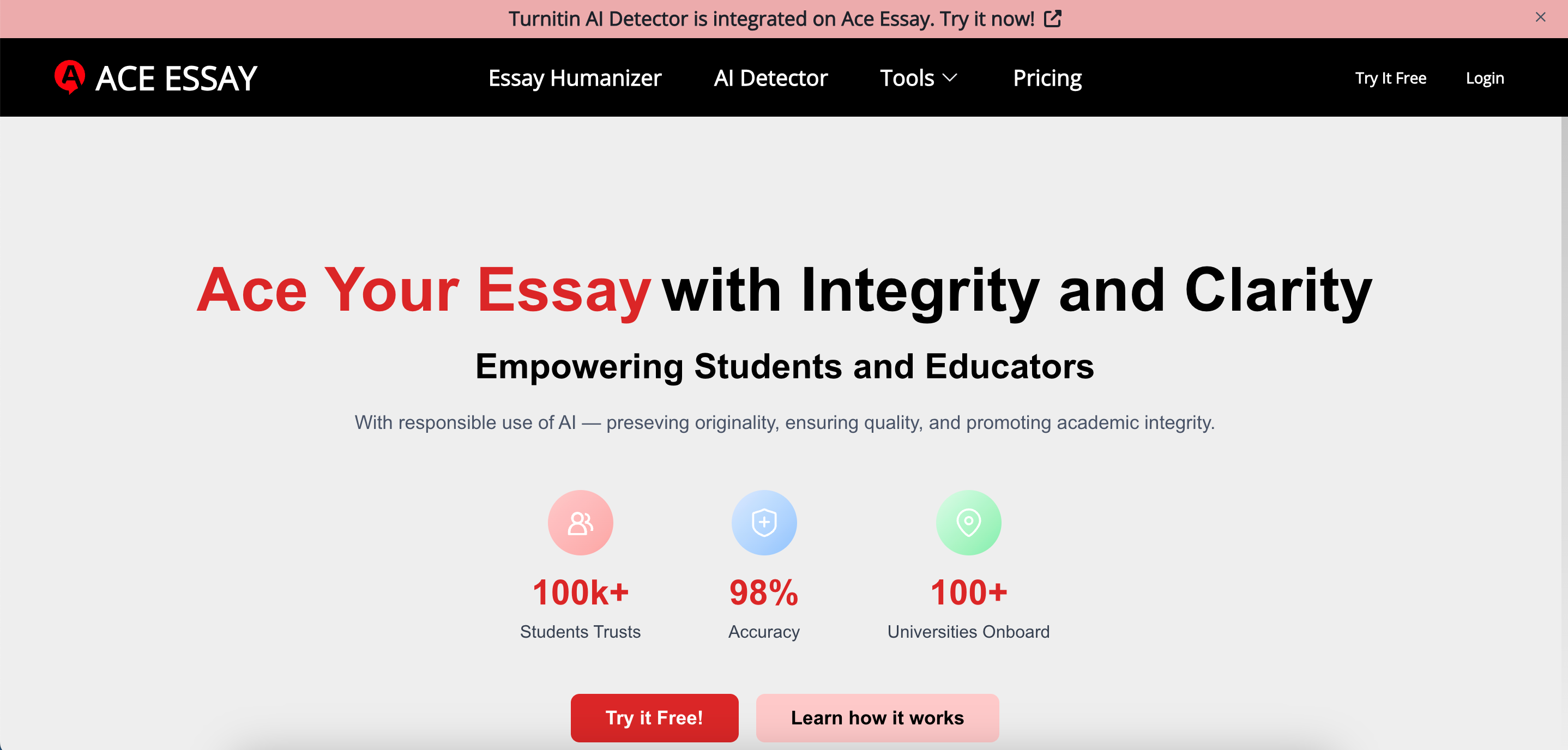
ACE ESSAY is built around the student essay workflow rather than detection alone. It combines an AI detector with an AI humanizer and says it can address detectors including Turnitin, GPTZero, and ZeroGPT. That makes it attractive to students who want one place to review a draft and make the writing feel more personal and engaging.
The free plan provides 1,000 beans per month, but each request is limited to 300 words. That is a meaningful distinction: the monthly allowance sounds substantial until a longer essay needs to be divided into multiple requests. The paid starting point is $12 per month, while the free version is listed at $0.
My take: This is a useful essay-oriented option for students who want revision help alongside detection. I would use the humanizer carefully, preserving personal examples and voice rather than trying to optimize a draft around a detector score.
Where it falls short: The 300-word request limit creates friction for full essays, and claims about bypassing detectors should not be treated as proof of originality or academic acceptability. Students should follow their institution's rules about AI-assisted writing.
Key features
AI detector integrated with the essay workflow.
AI humanizer for making writing feel more personal.
References detection services including Turnitin, GPTZero, and ZeroGPT.
Free monthly bean allowance.
Pros
Focused on essay revision and engagement.
Free 1,000 beans per month.
Strong usage signal among the featured tools.
Cons
Free requests are limited to 300 words.
Humanizing text may not align with every academic policy.
Choose ACE ESSAY if: You are a student revising essays and need detection plus writing refinement, while staying within a 300-word request limit.
More tools to compare

AI Undetect
AI content detection and rewriting

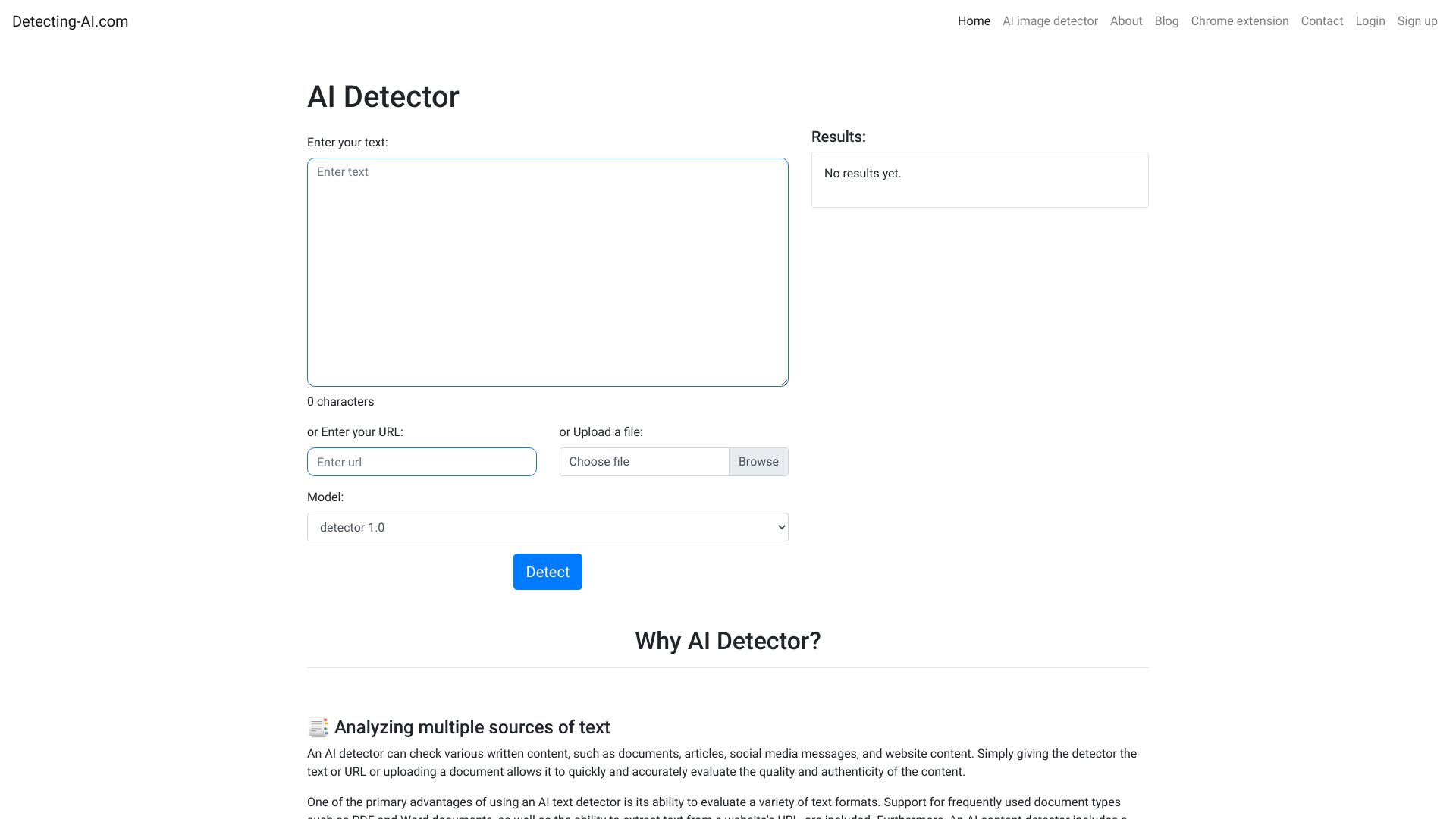
Detecting-AI
AI-content detection for students and educators

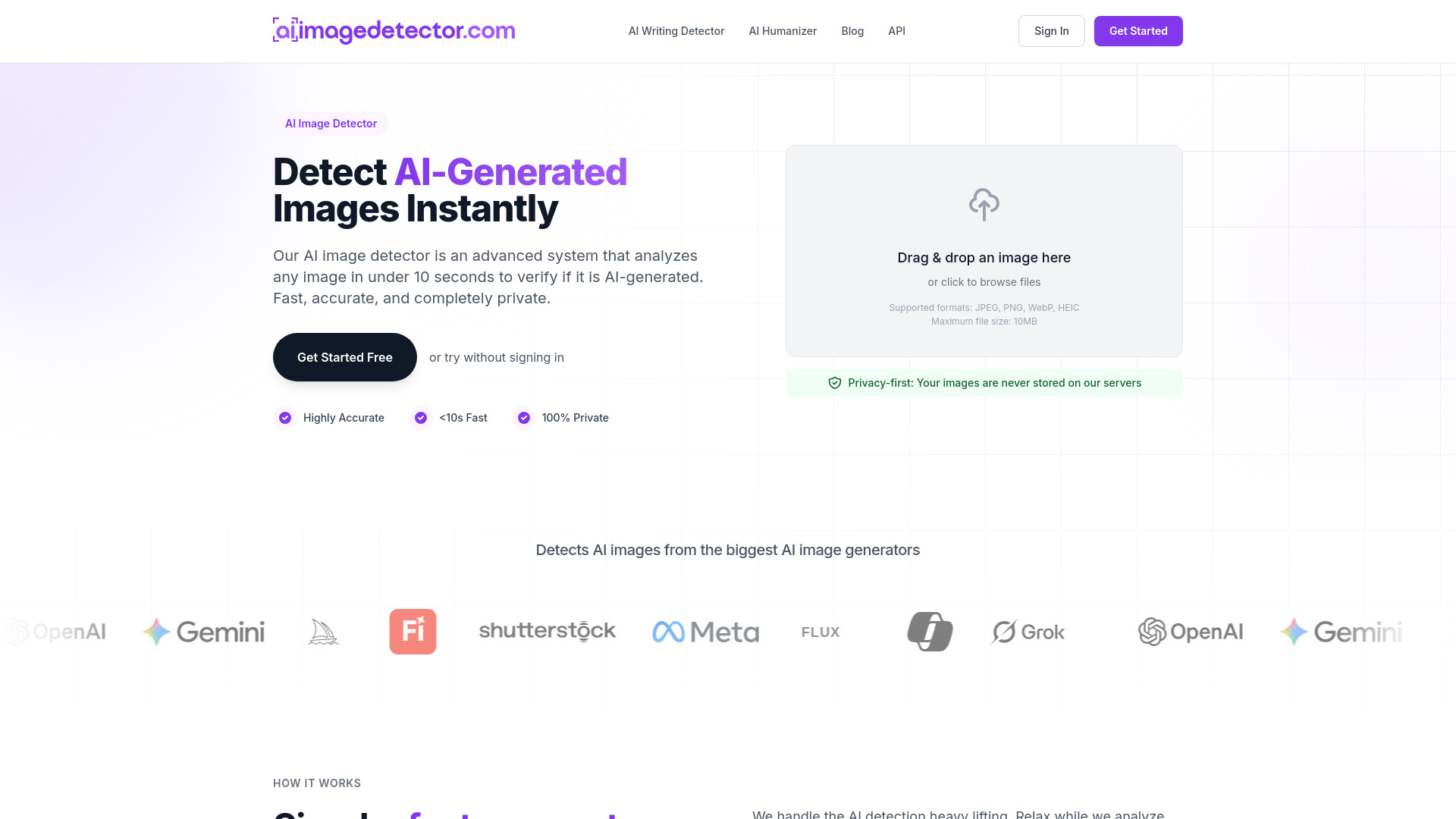
AI Image Detector
Detecting AI-generated images

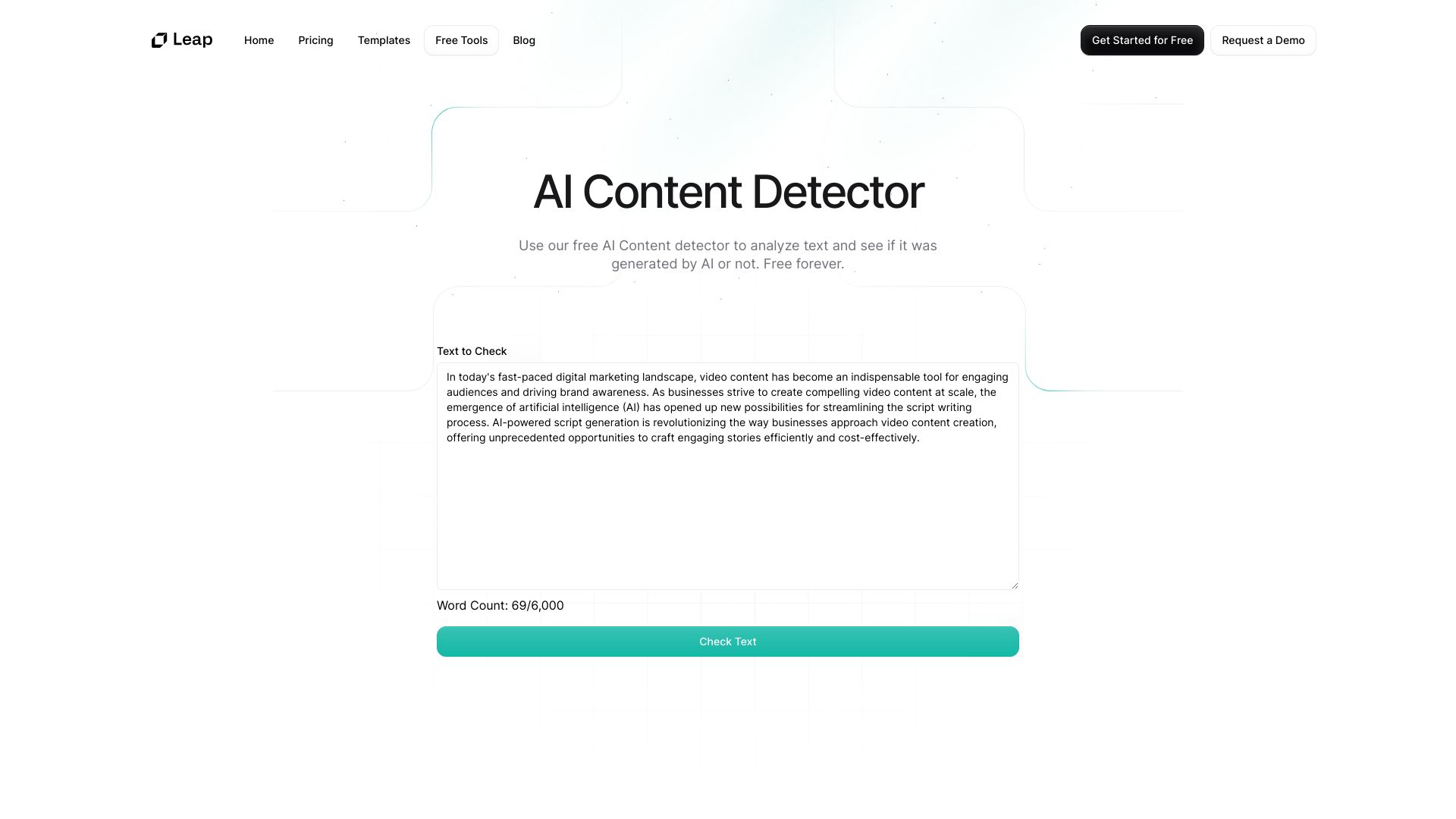
Leap AI
Educators and content creators

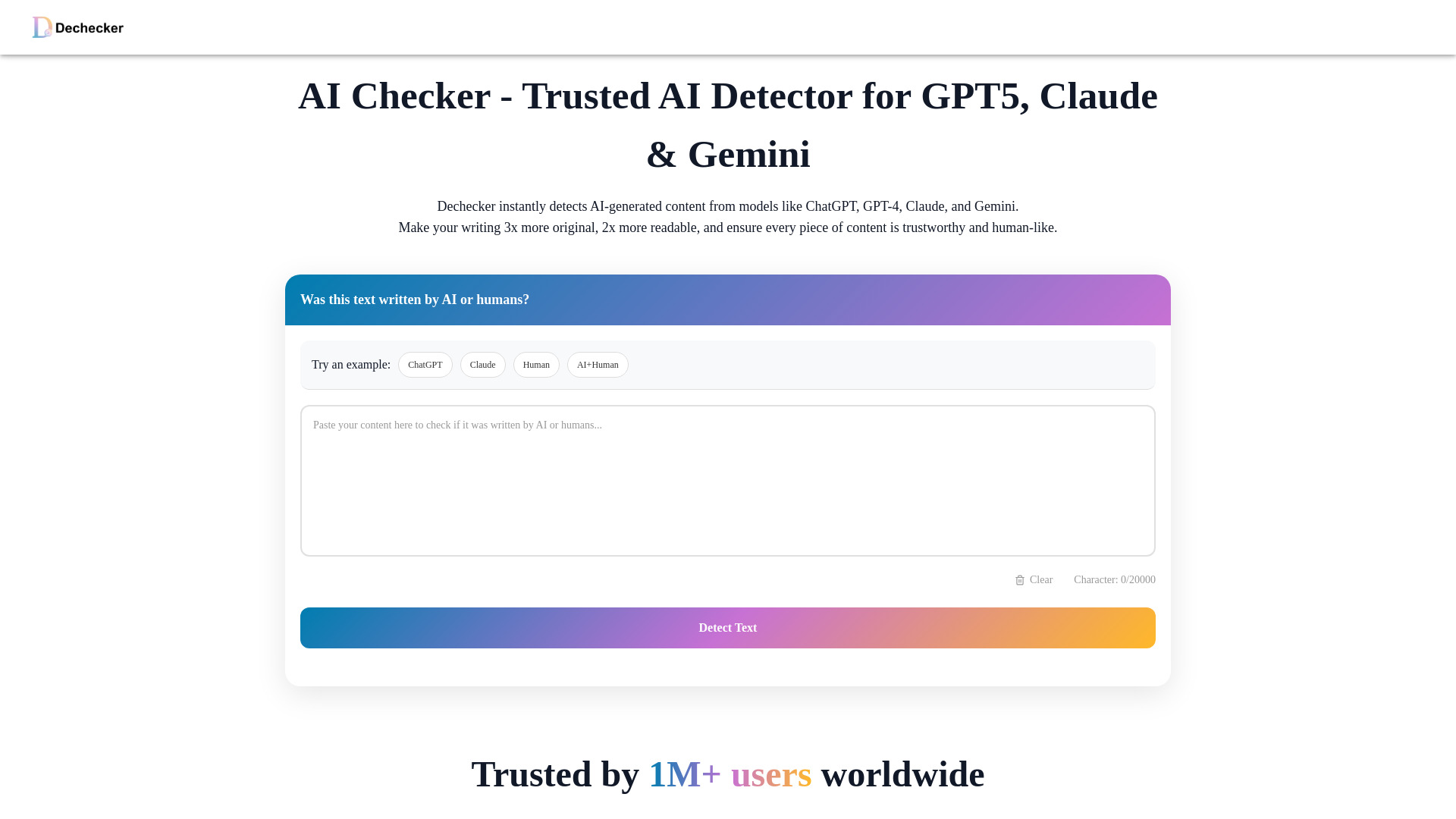
Dechecker
Sentence-level AI detection

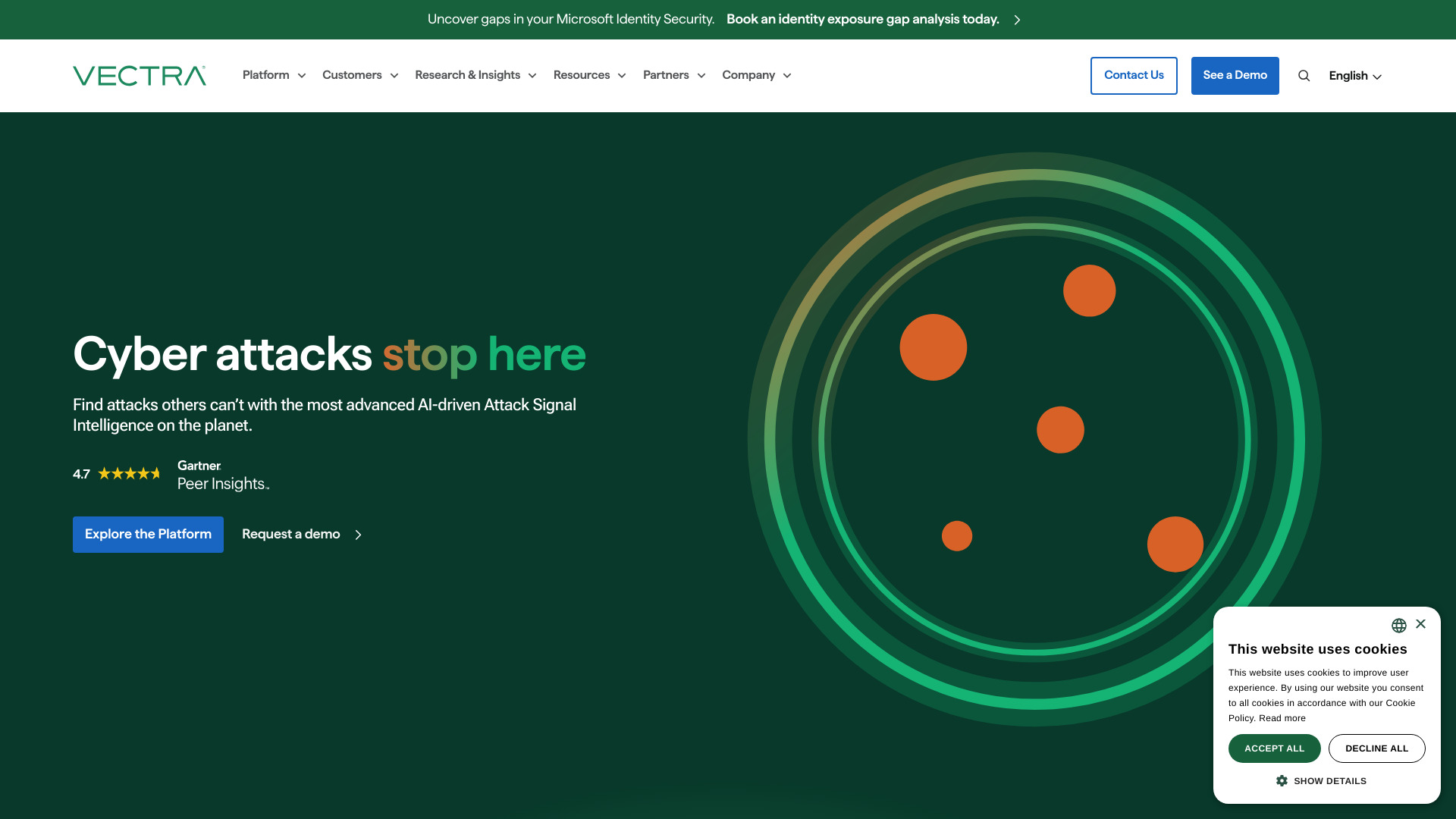
Vectra AI
Hybrid network threat detection

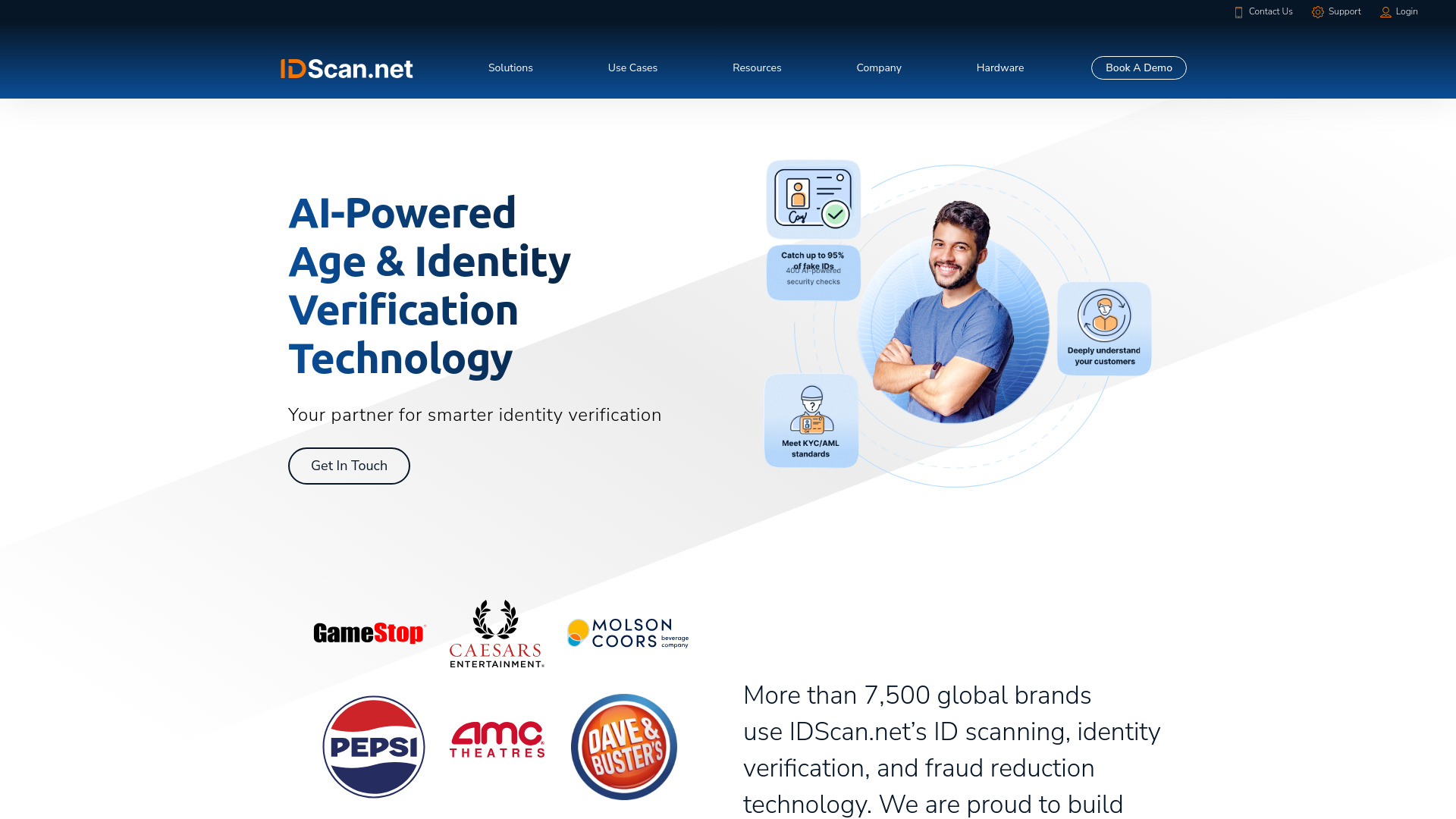
IDScan.net
AI-powered identity verification

Omnilert
AI visual gun detection for organizations
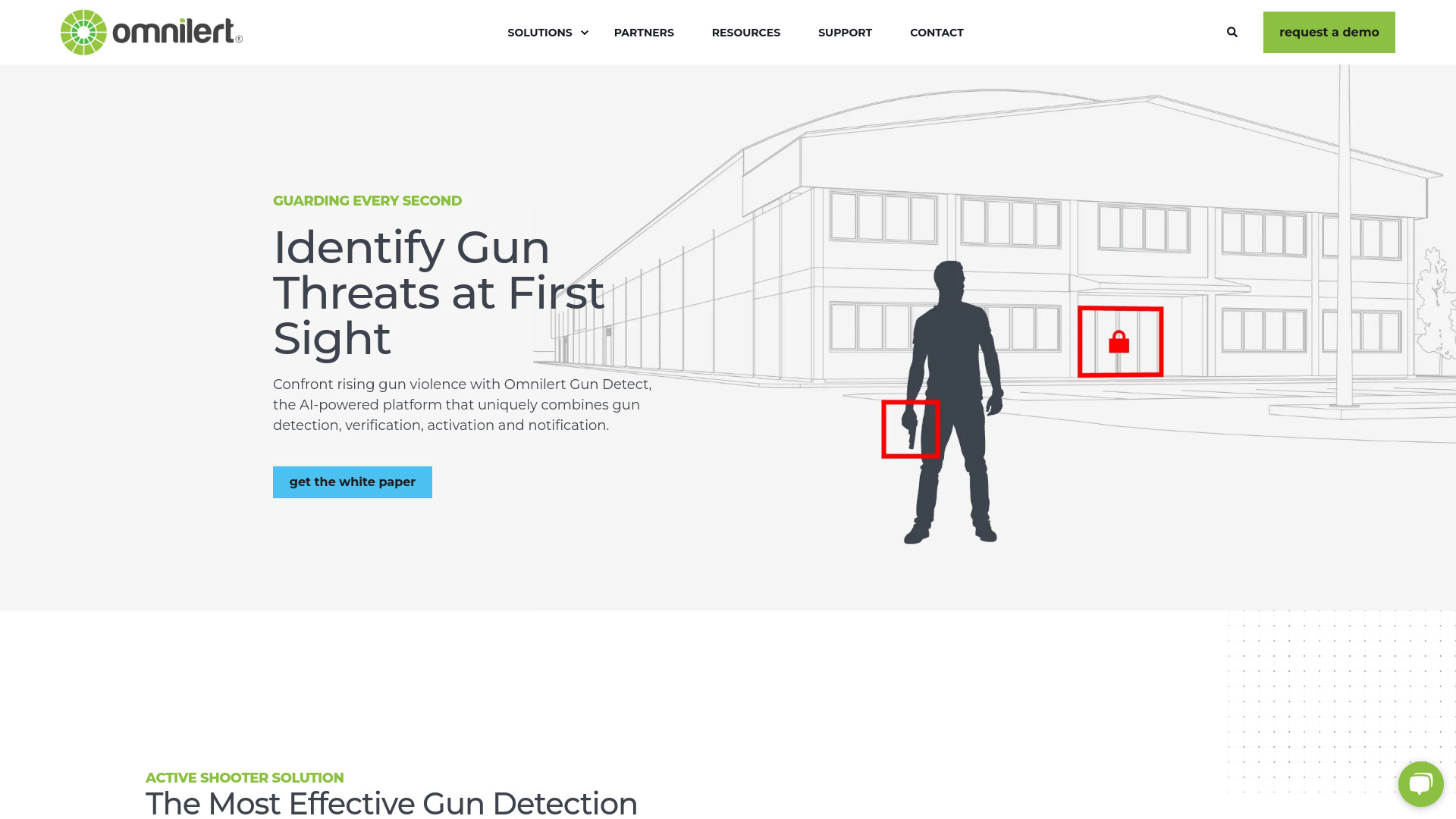

IdentifAI
AI-generated image and video detection

AI Bot Eye
CCTV-based security monitoring

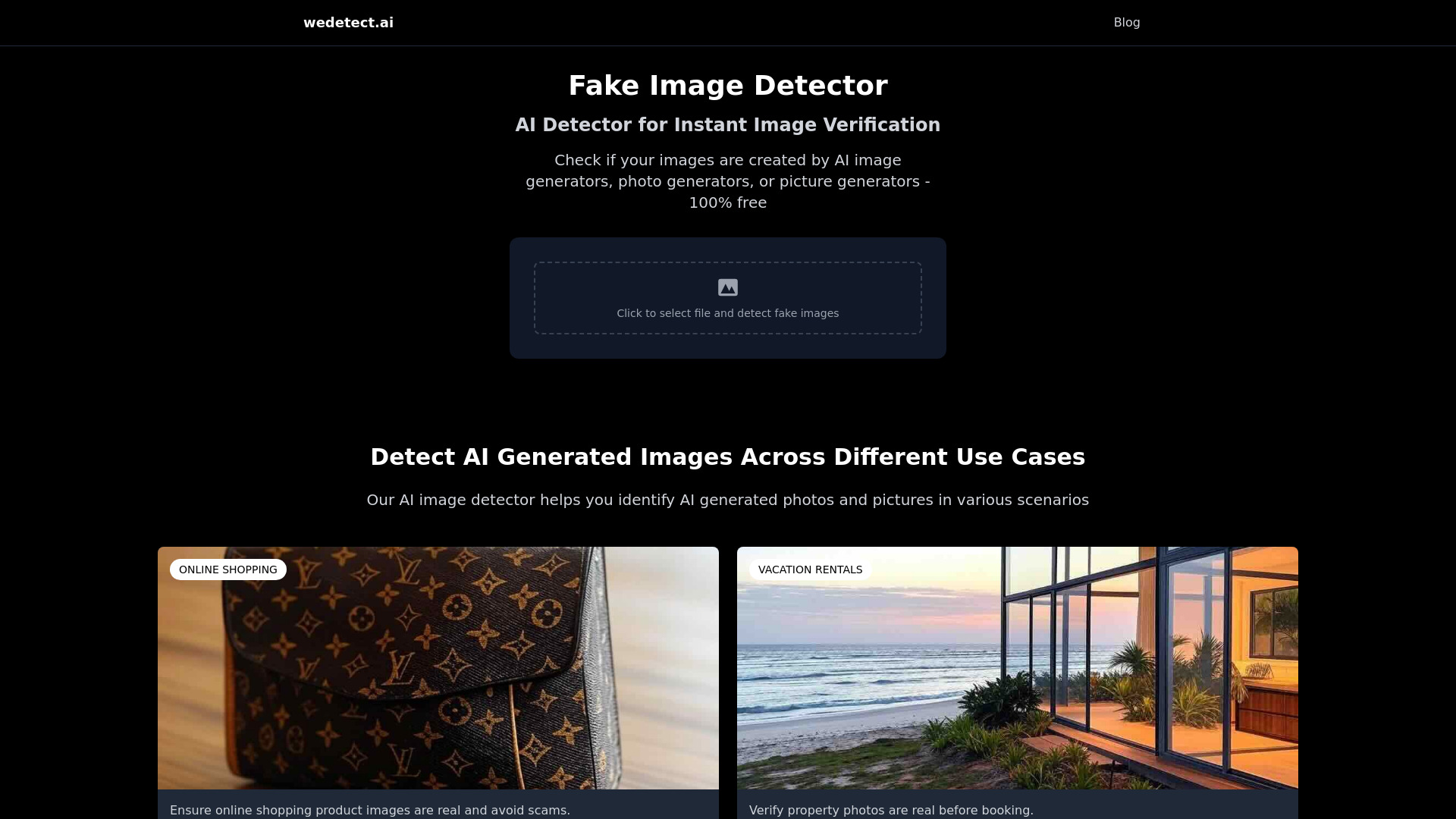
wedetect.ai
Detecting AI-generated images
AI Detector
AI content detection and humanization
AI Detector
AI content authenticity checks

LiarLiar.AI
Real-time video lie detection


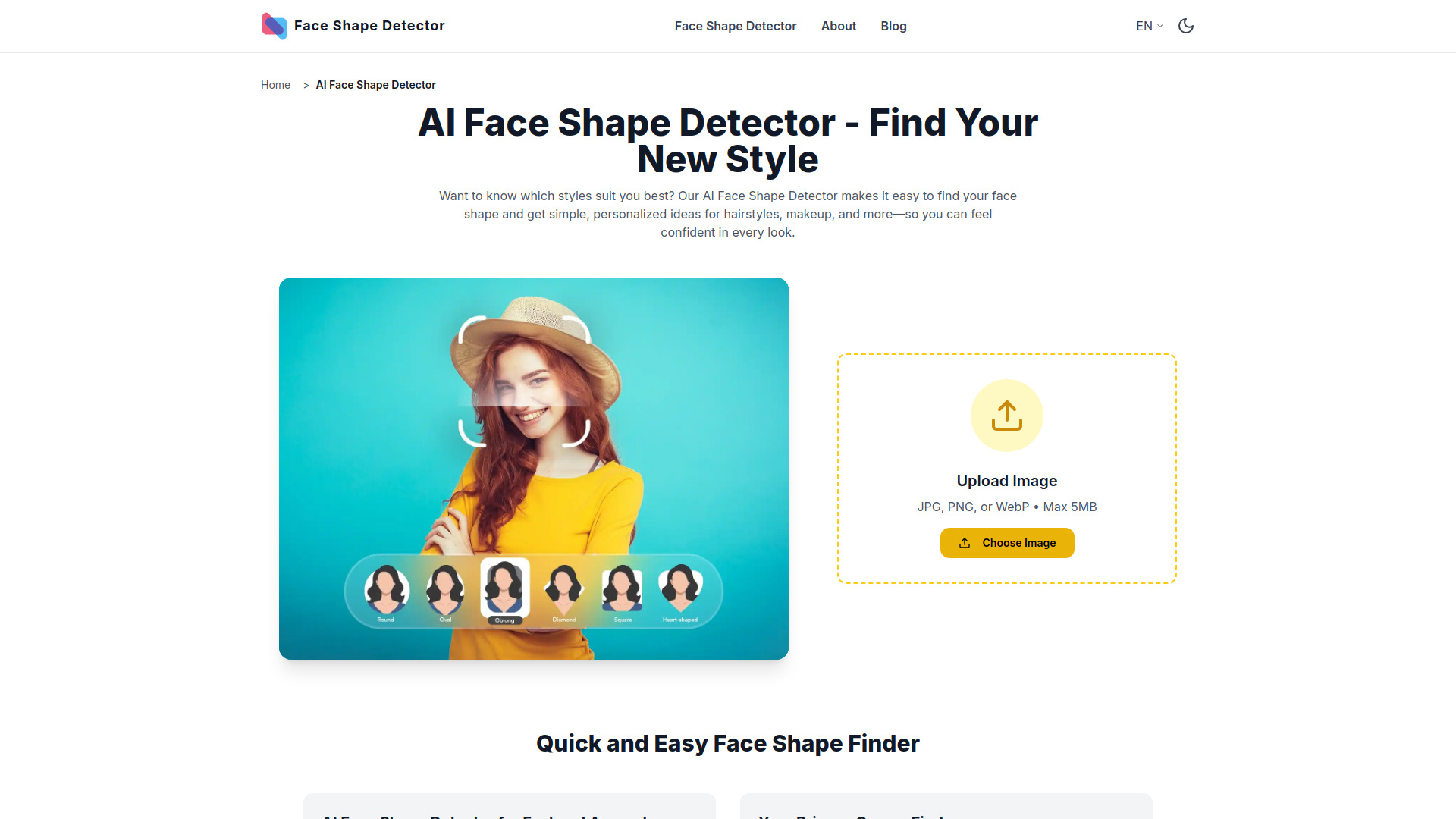
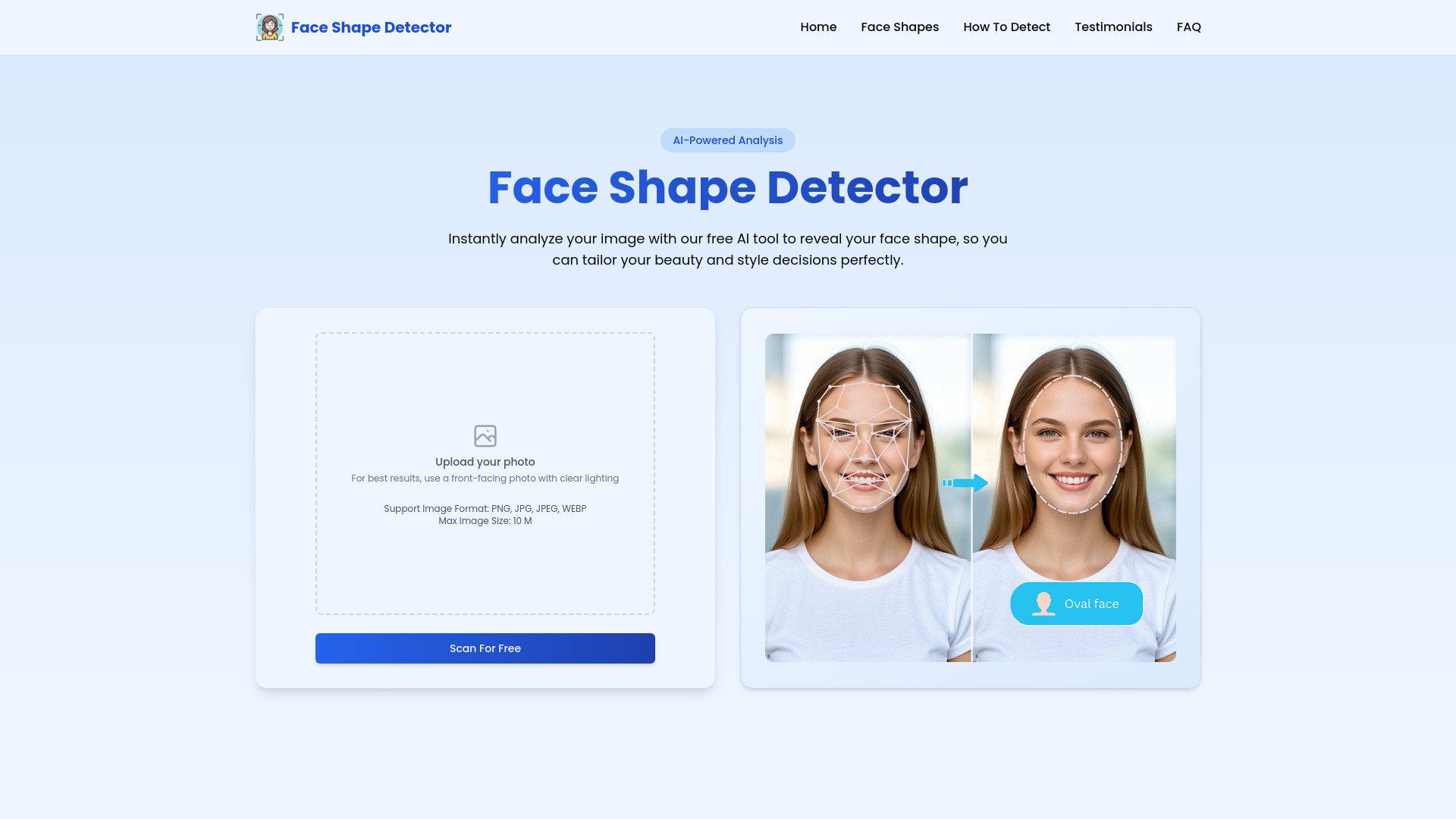
Face Shape Detector
Face-shape and style analysis

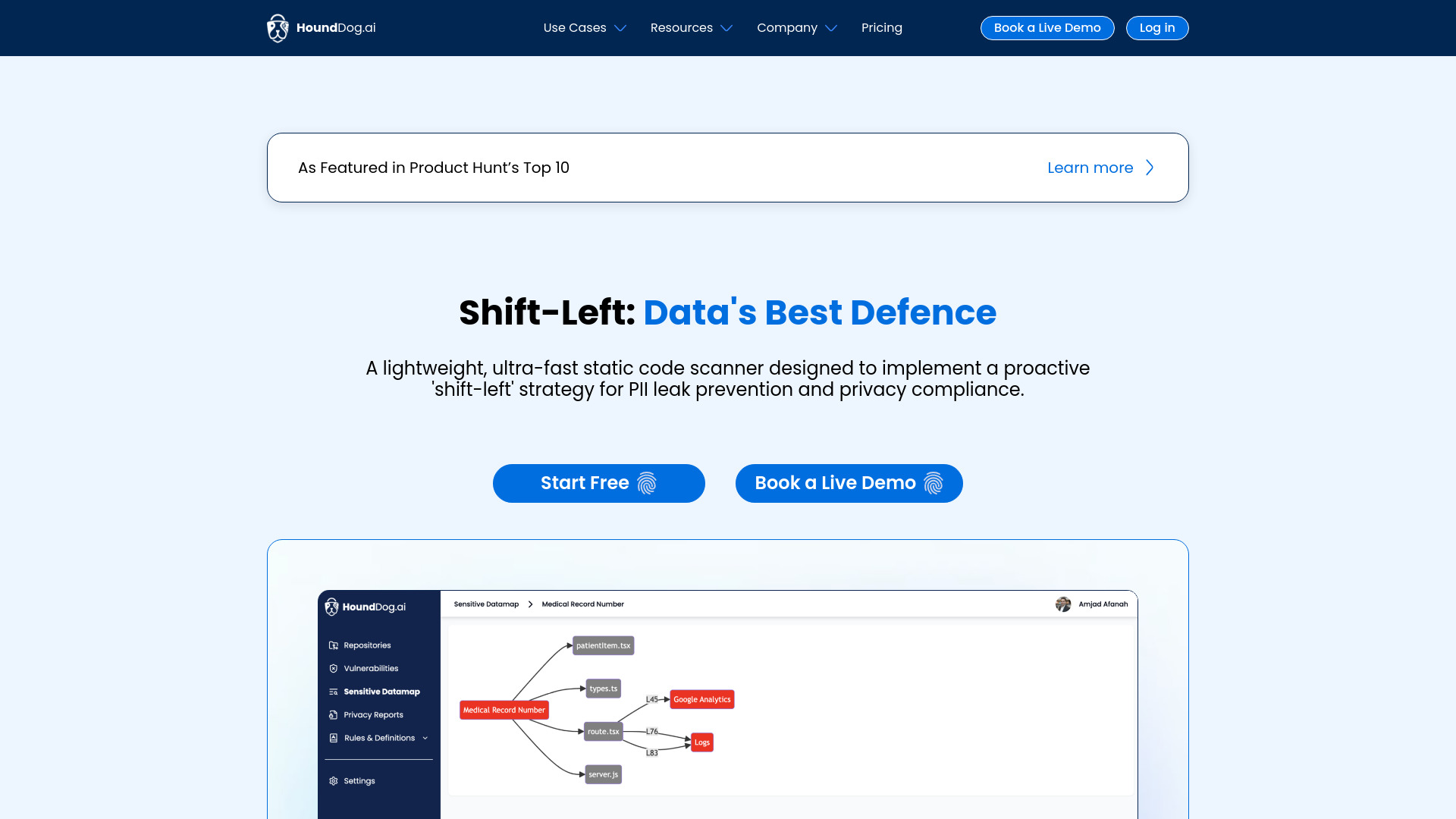
HoundDog.ai
PII leak detection in code

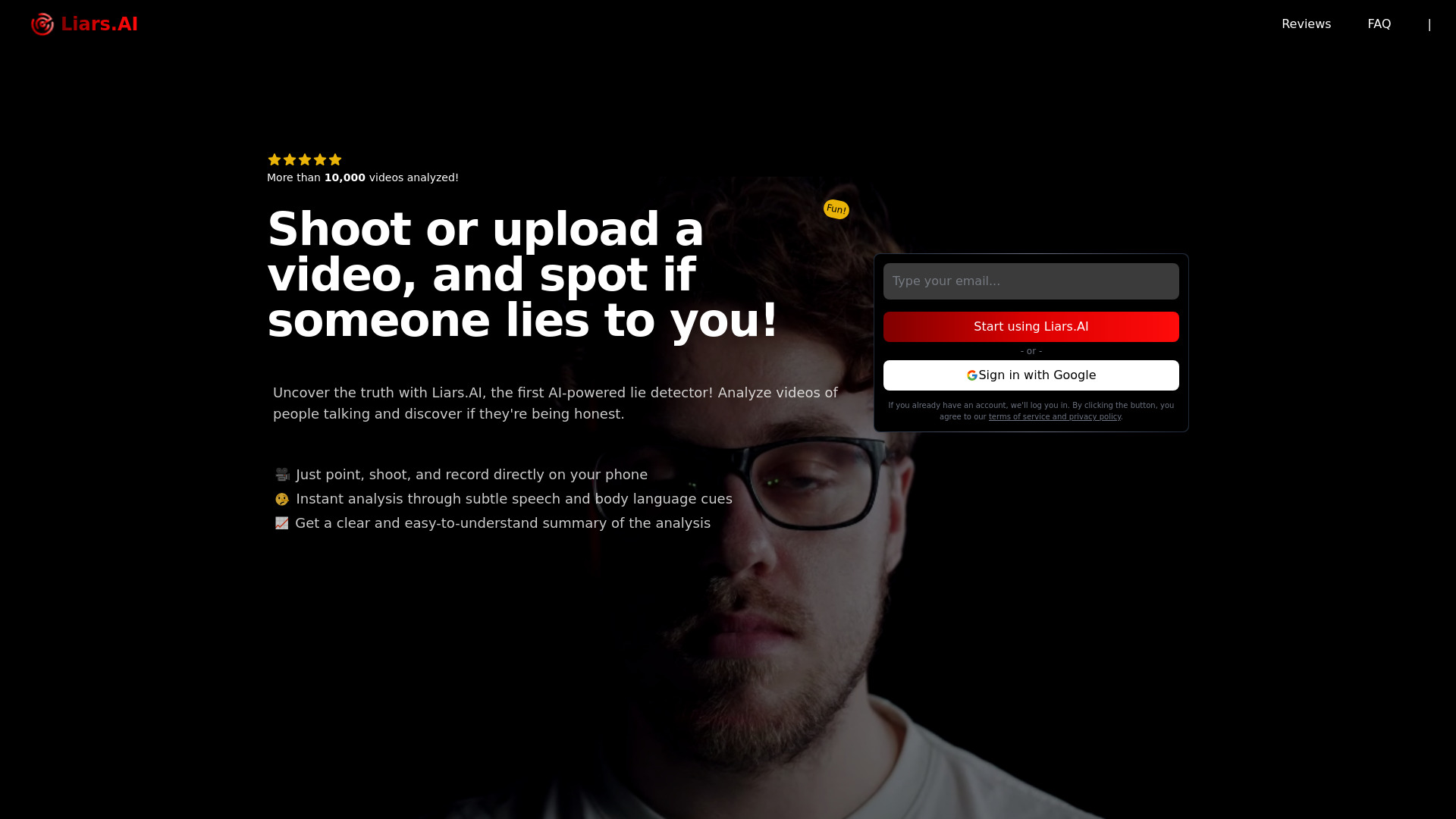
Liars.AI
Fun video-based lie analysis

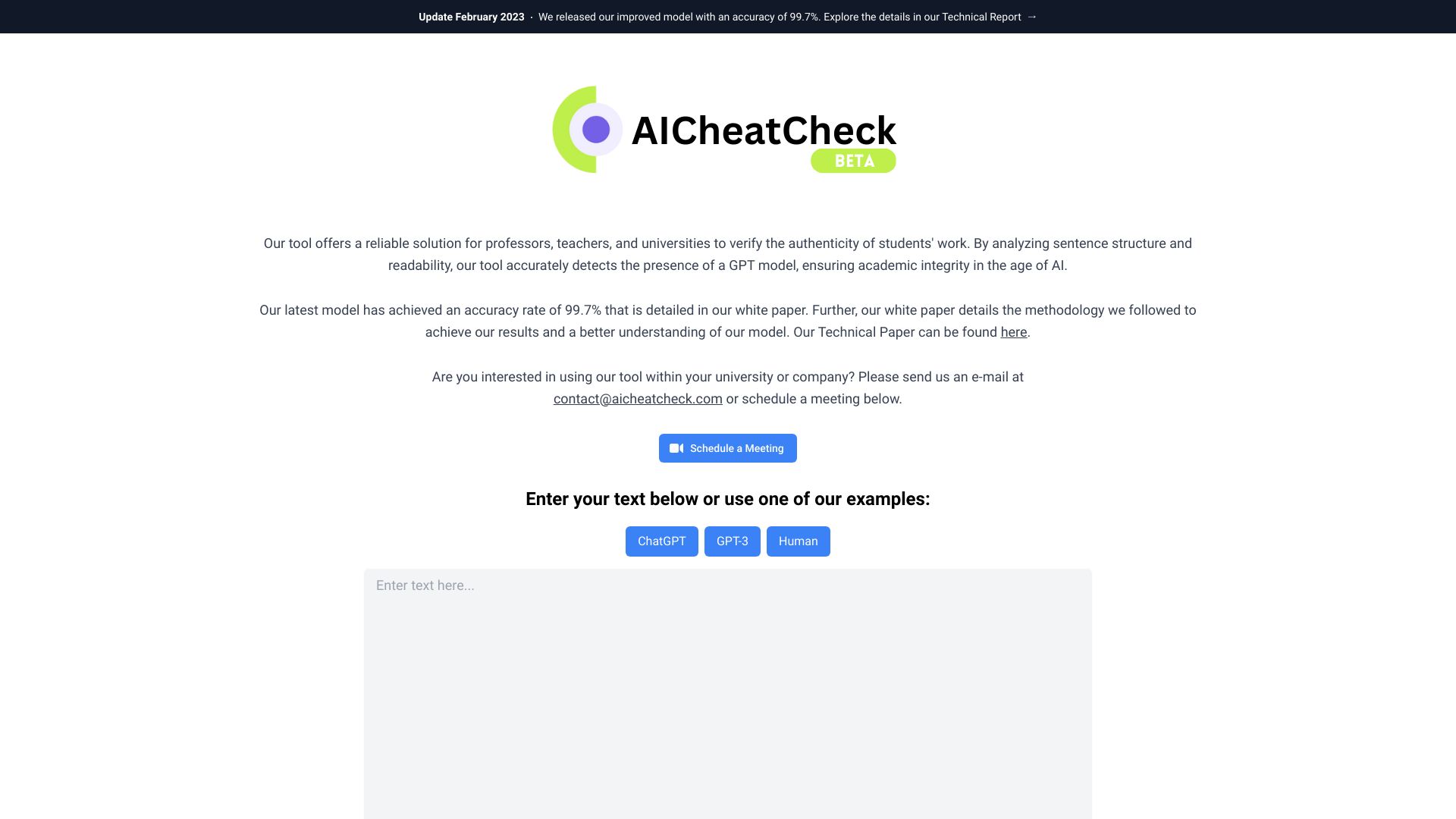
AICheatCheck
Educators checking student writing

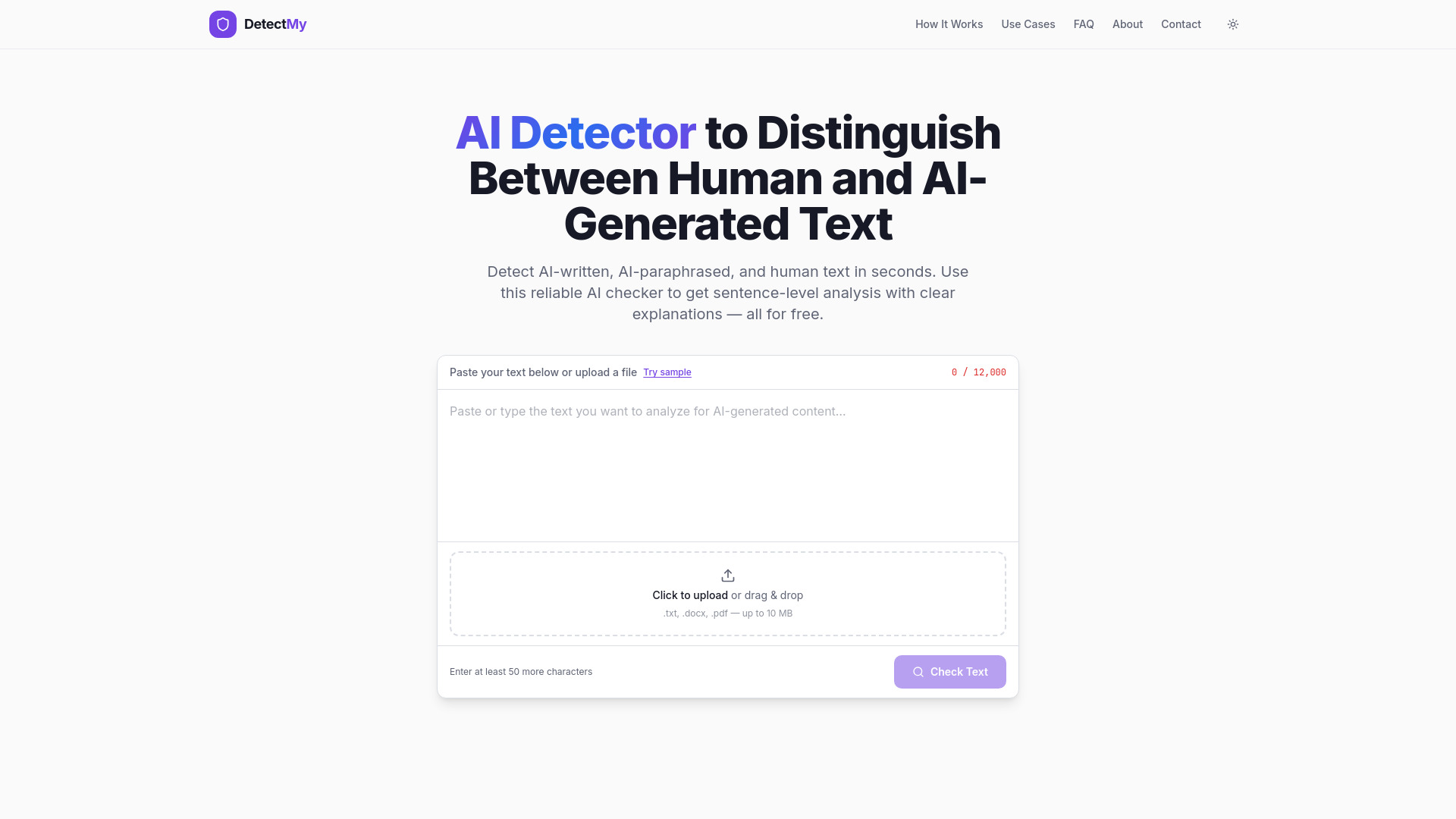
DetectMy
Sentence-level AI content analysis

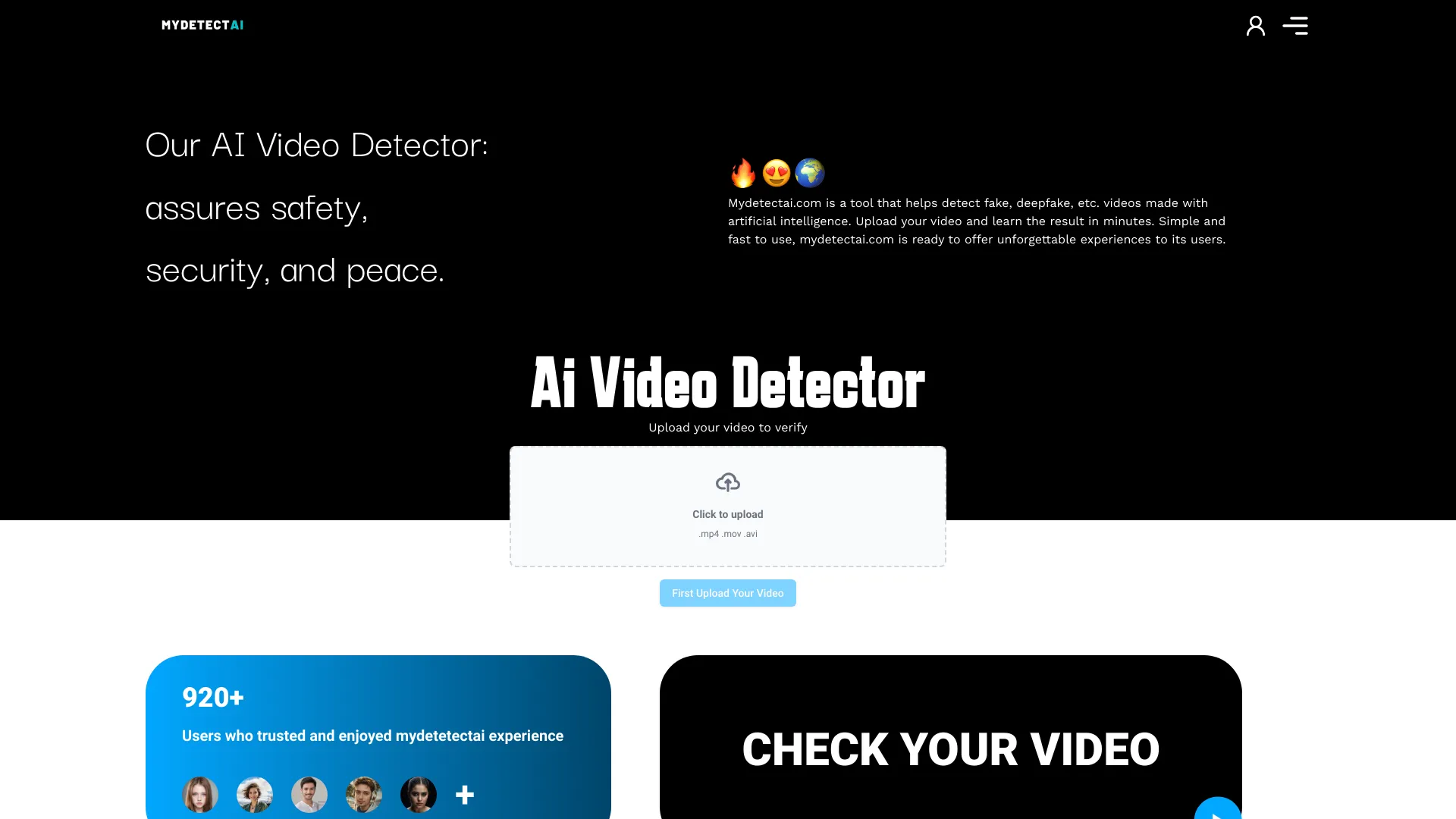
Mydetectai.com
Deepfake video verification

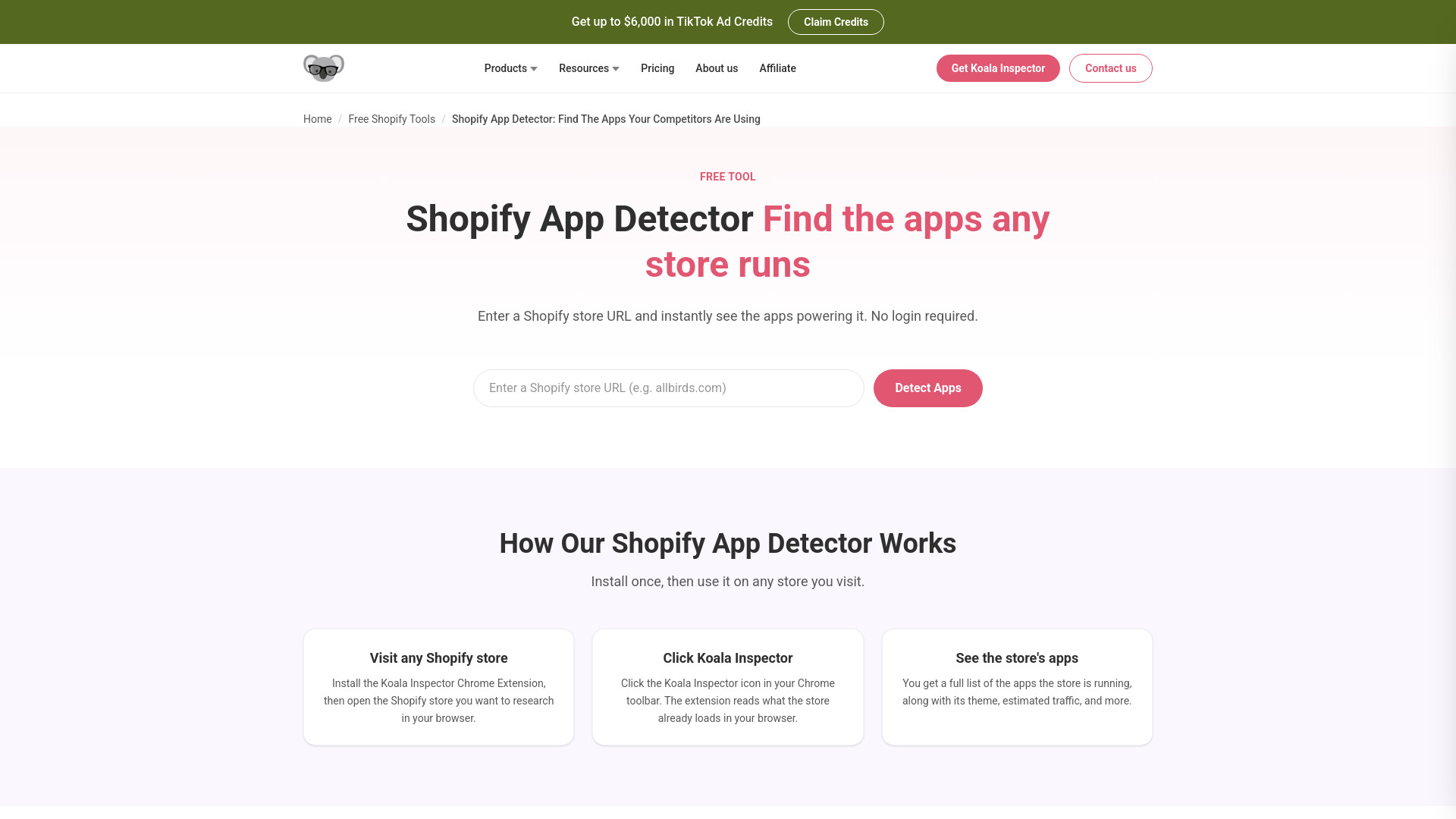
Shopify App Detector
Shopify competitor app research
Ai-SPY
Audio AI detection

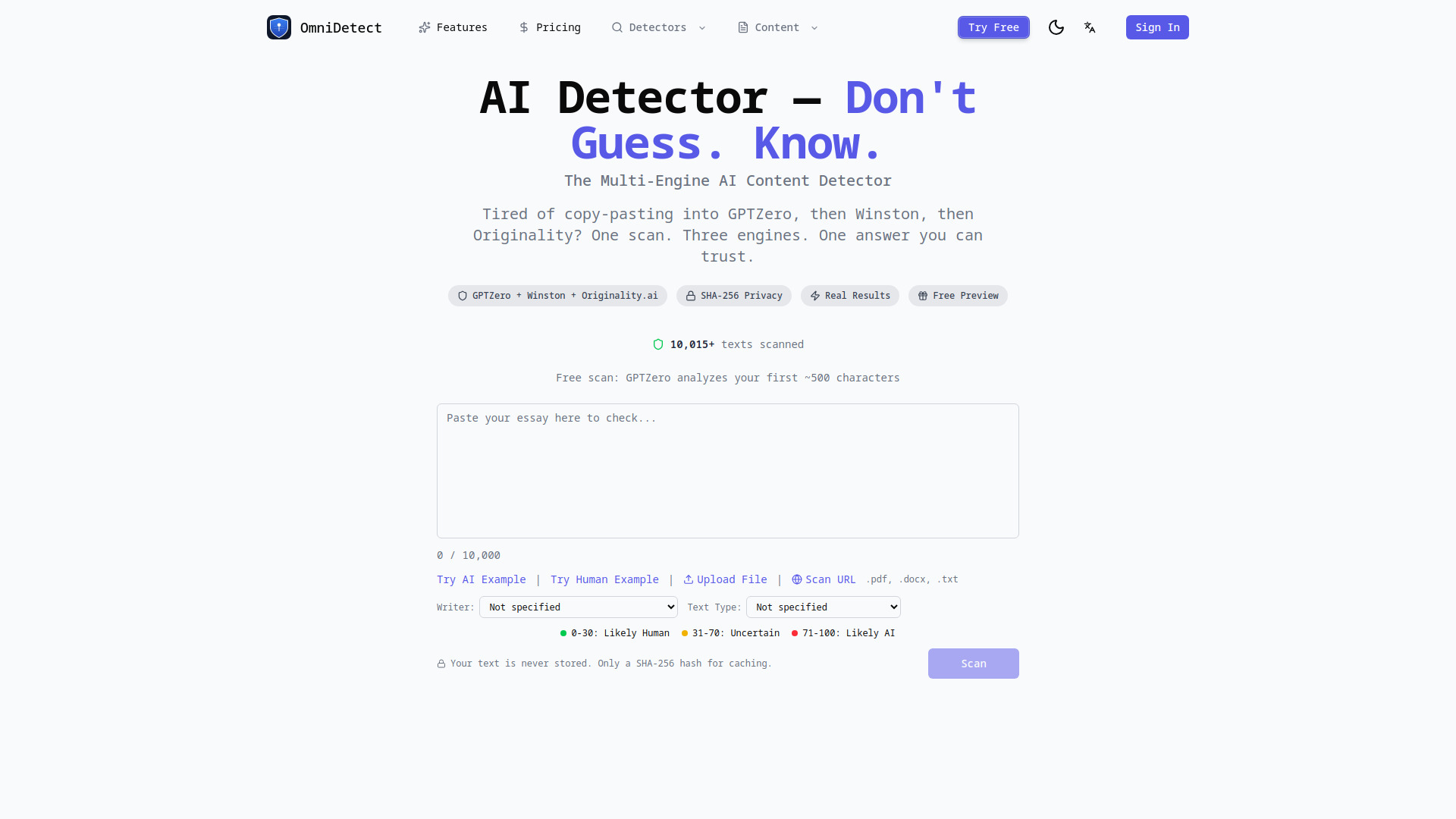
OmniDetect
Multi-engine content verification

LotusEye - AI Anomaly Detector
Sensor data anomaly detection

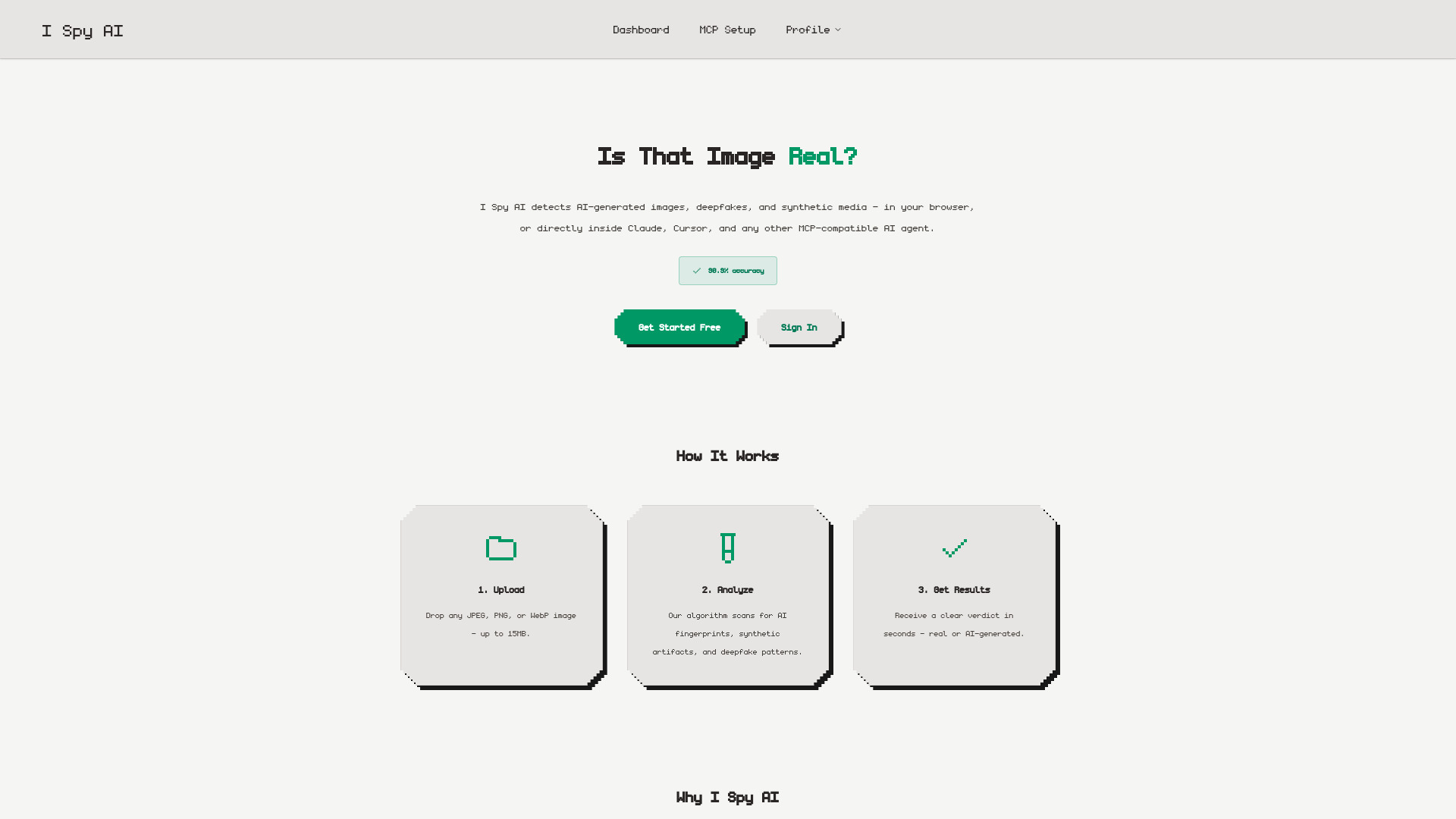
I Spy AI
AI image and deepfake detection

AI-Detector
Free AI content checking

AI Background Remover
Fast, one-click background removal
AI Image Detector
Image provenance and AI-generated image checks

Pipiads
Translating e-commerce product images

MimicPC
Running open-source AI apps in the cloud
AI Badge
AI image transparency badges

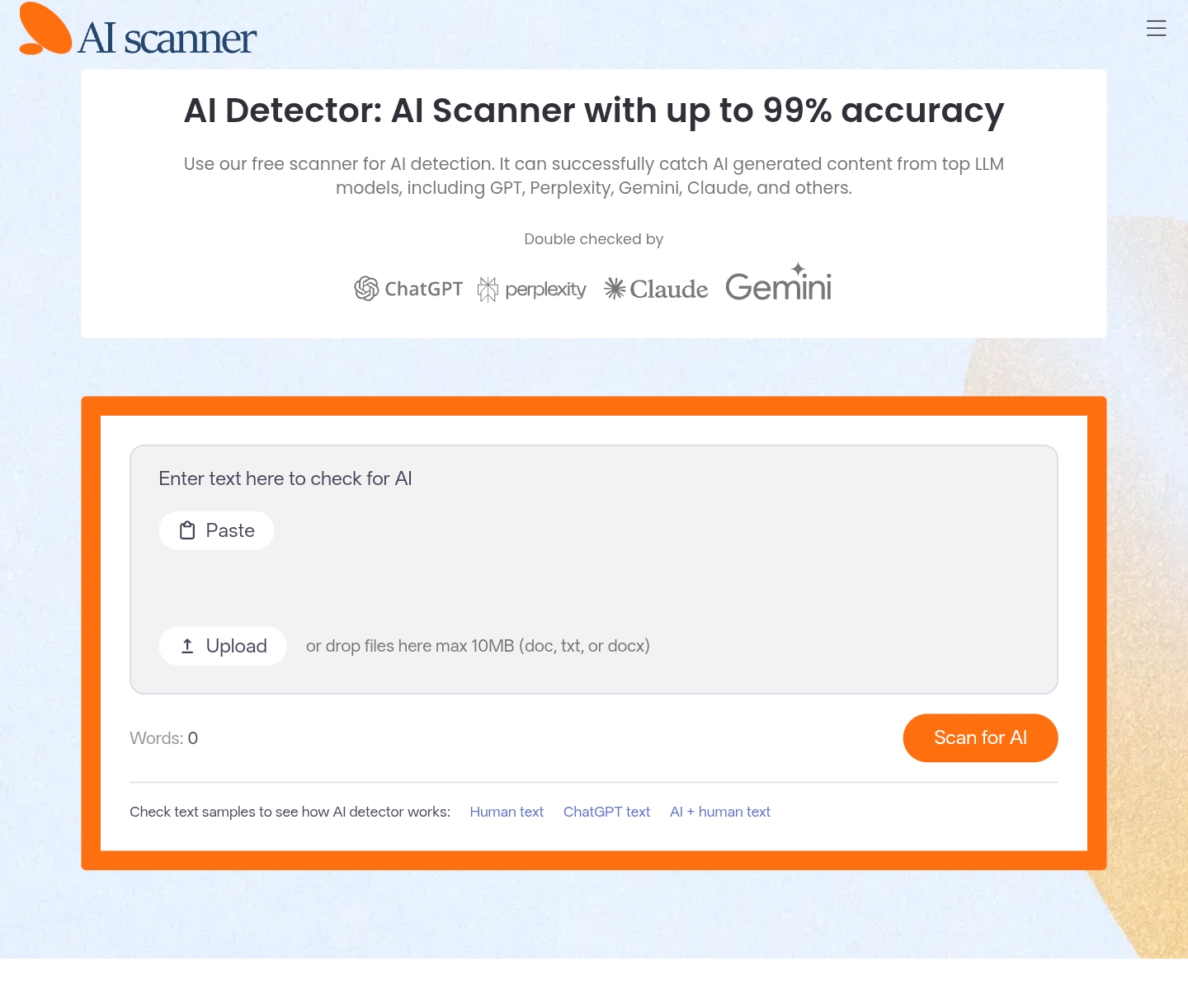
AI Scanner
Free AI text detection

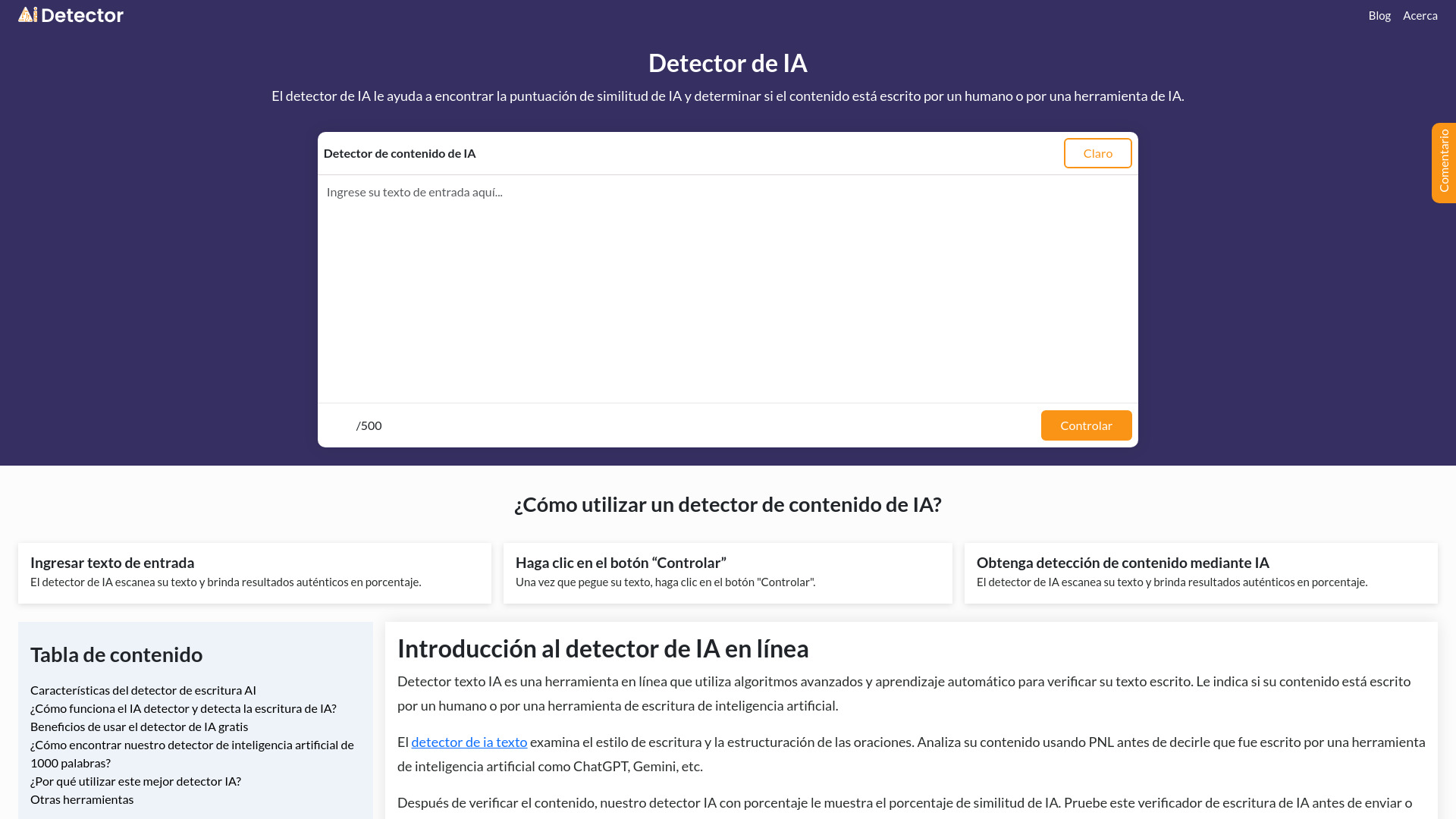
Detector De IA
Checking AI-writing similarity

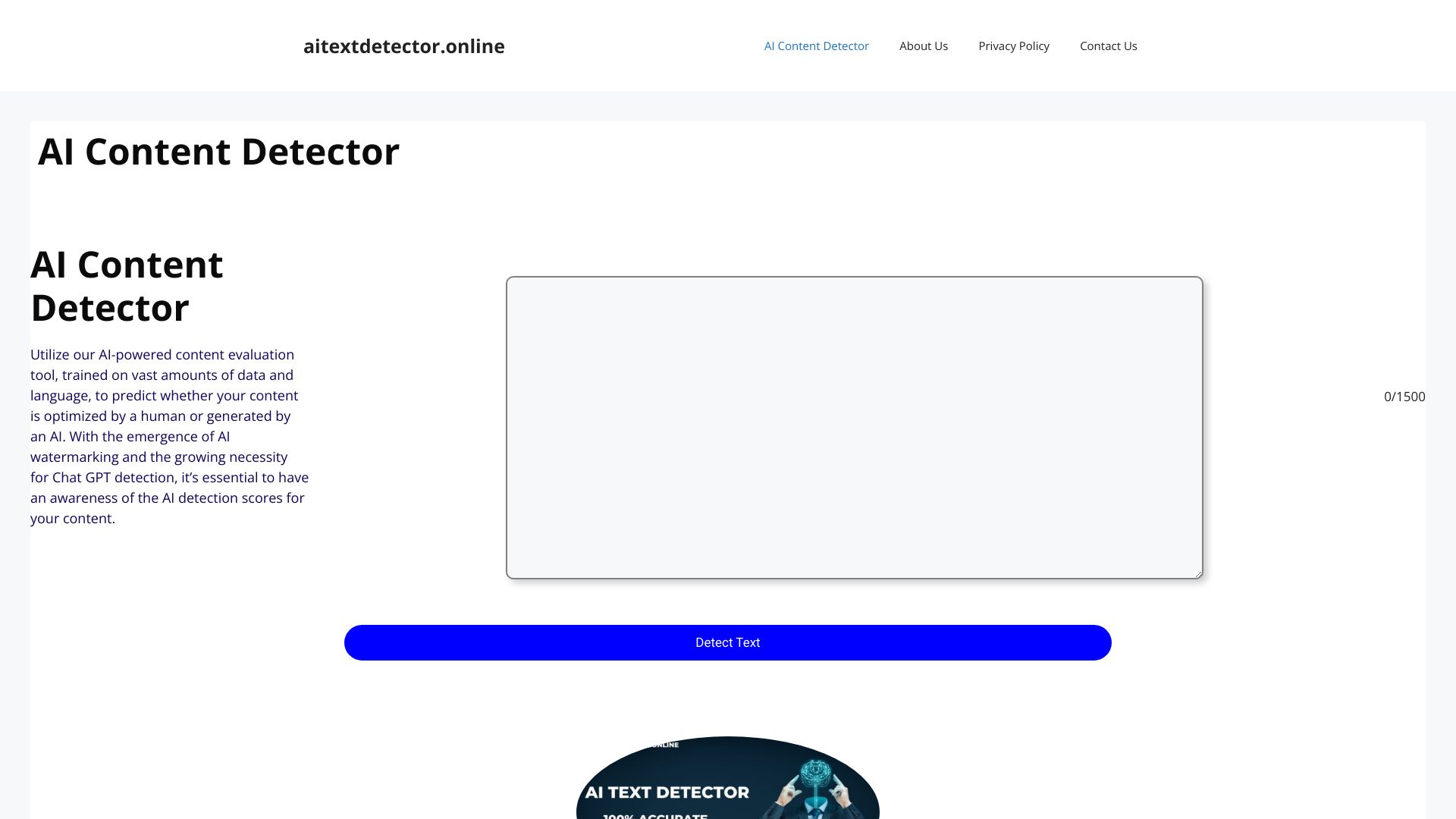
AI Text Detector
Checking text for likely AI-generated patterns

Traycer
Planning complex codebase changes

actdetect
Adult image performer identification

Dageno AI
AI search visibility and GEO marketing teams


13 Best AI Detectors 2025
Comparing AI detector options

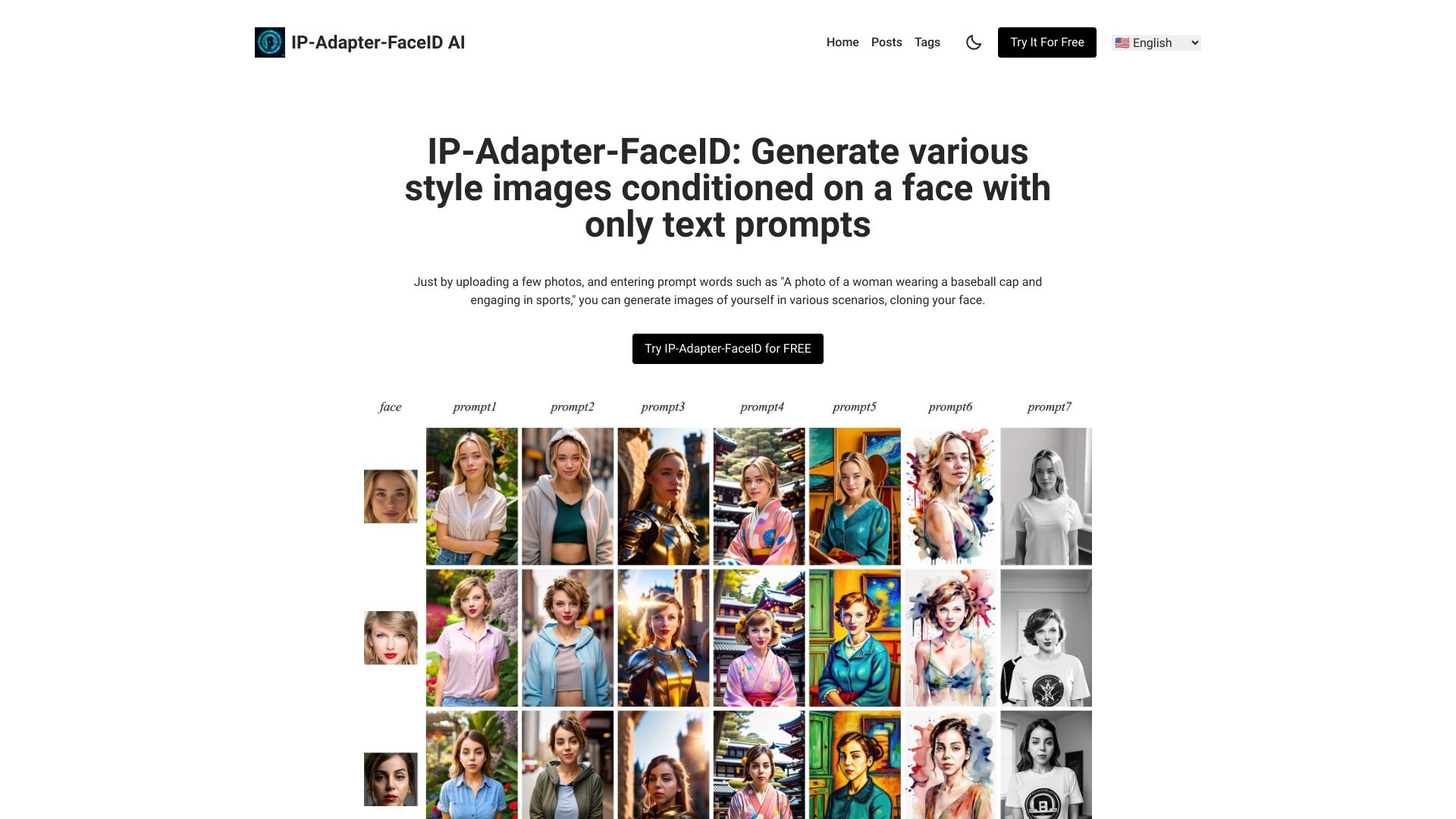
IP Adapter Face ID
Face-consistent AI image generation

Imentiv AI
Video emotion analysis

MiniAiLive
Biometric identity verification


AI Detection Technology
Checking AI-generated content

Uncheck AI
AI text humanization and detection

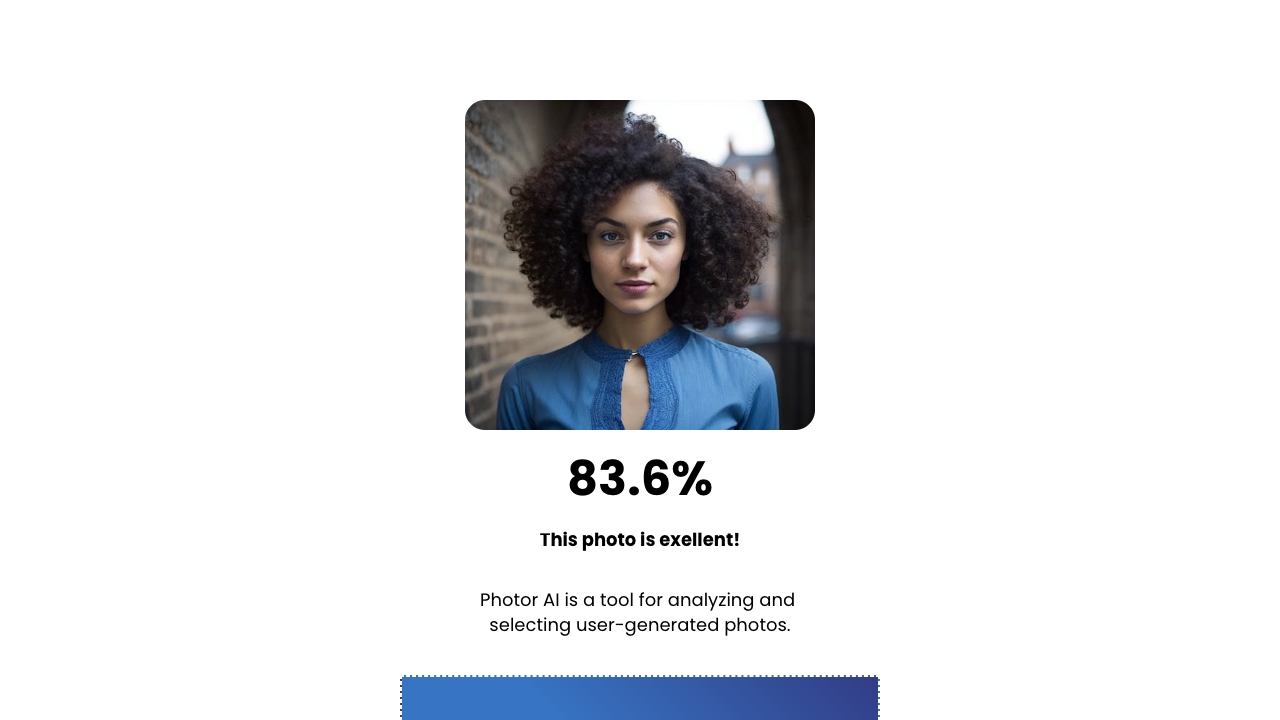
Photor AI
AI photo scoring and feedback

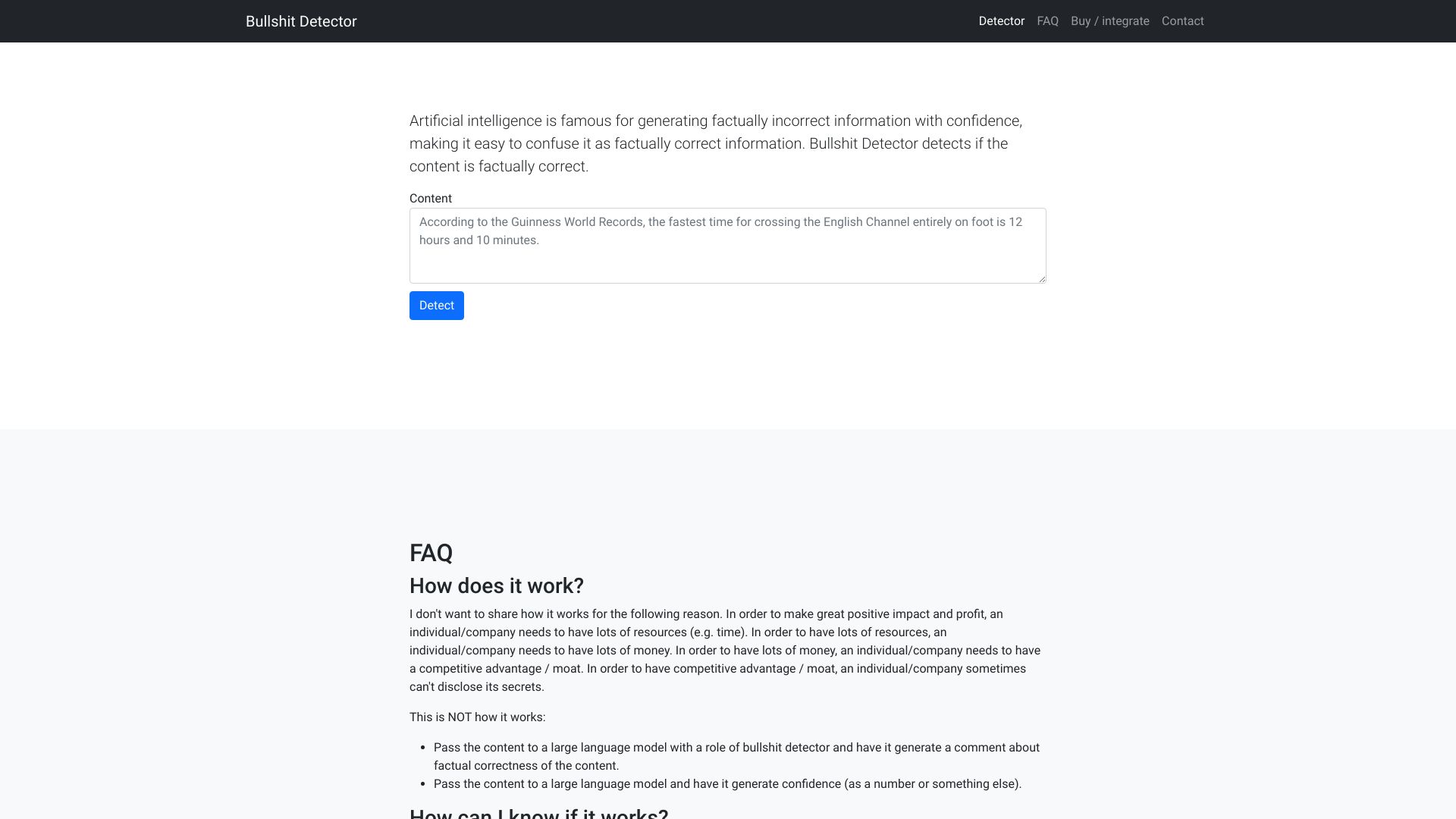
Bullshit Detector
Fact-checking AI-generated content

FaceShapeDetector
AI face shape analysis

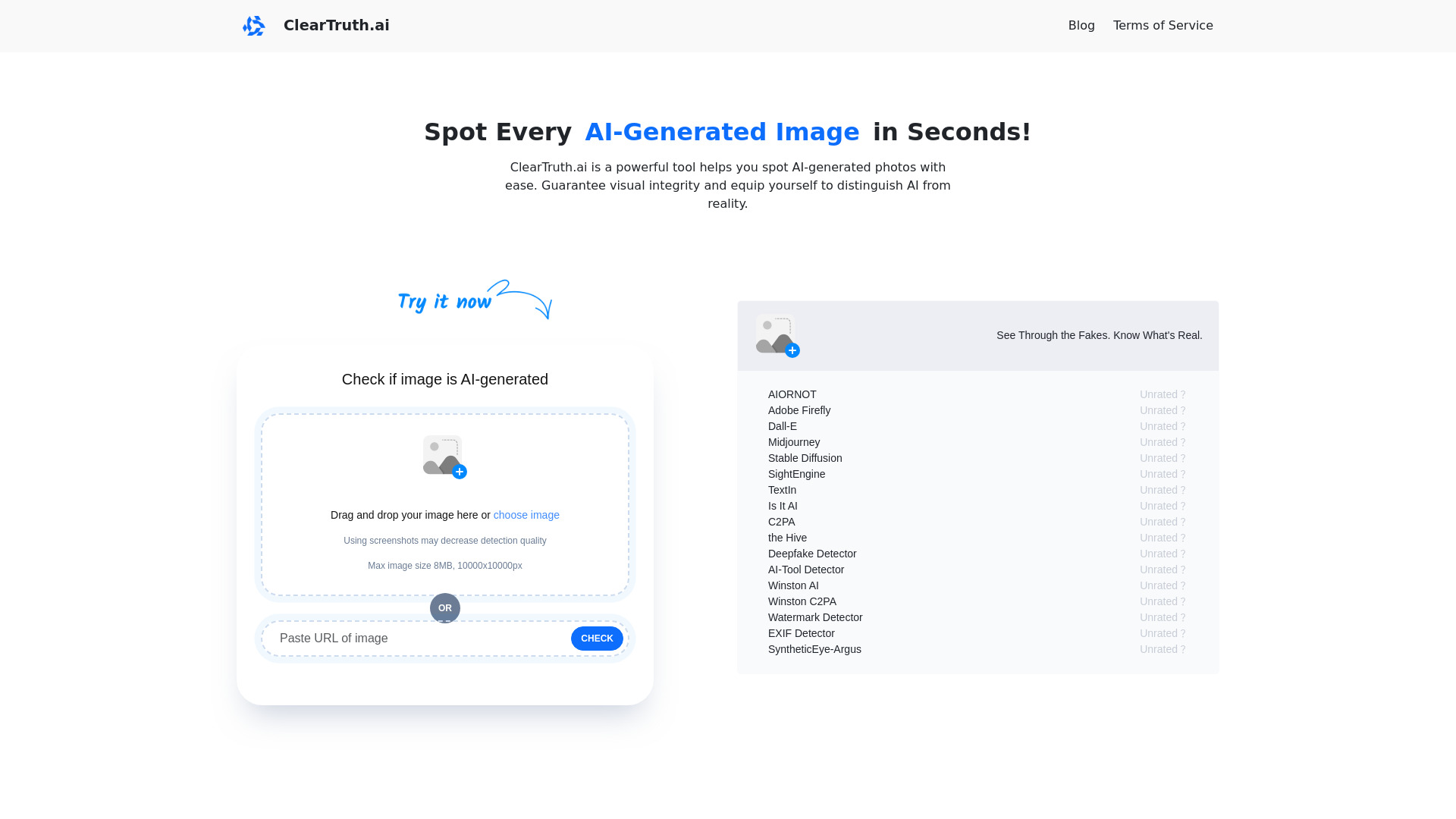
DeepfakeScam
AI-generated image detection

KBY-AI
On-device identity verification

LiarLiar.AI
Real-time video lie detection

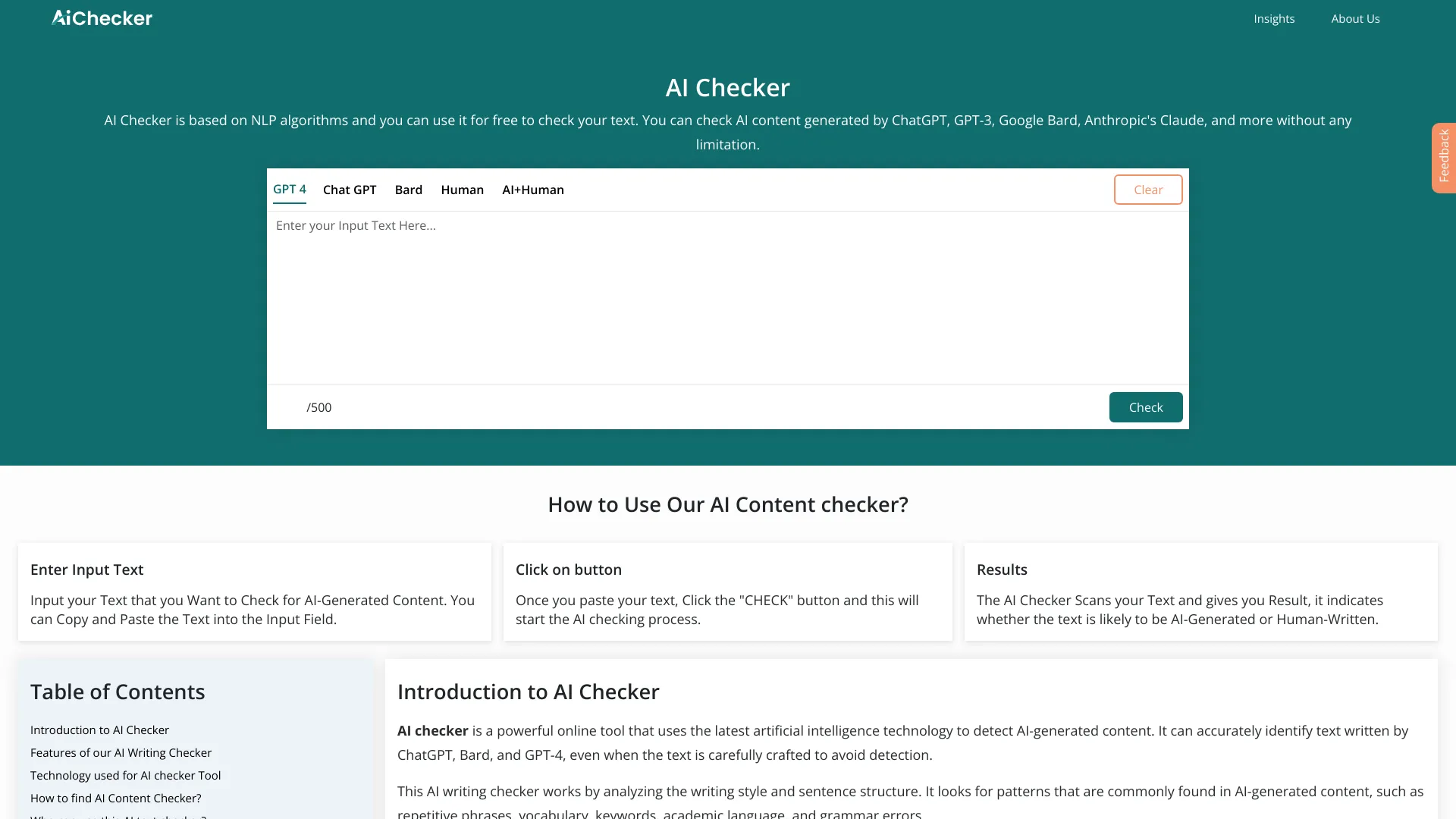
AI Checker
Writers checking AI-generated content

Unfox AI
Multilingual AI text detection

AI Checker Tool
AI and plagiarism detection

Content Guardian
Writers and publishers needing multi-check AI detection

Itswrittenbyai
AI text detection

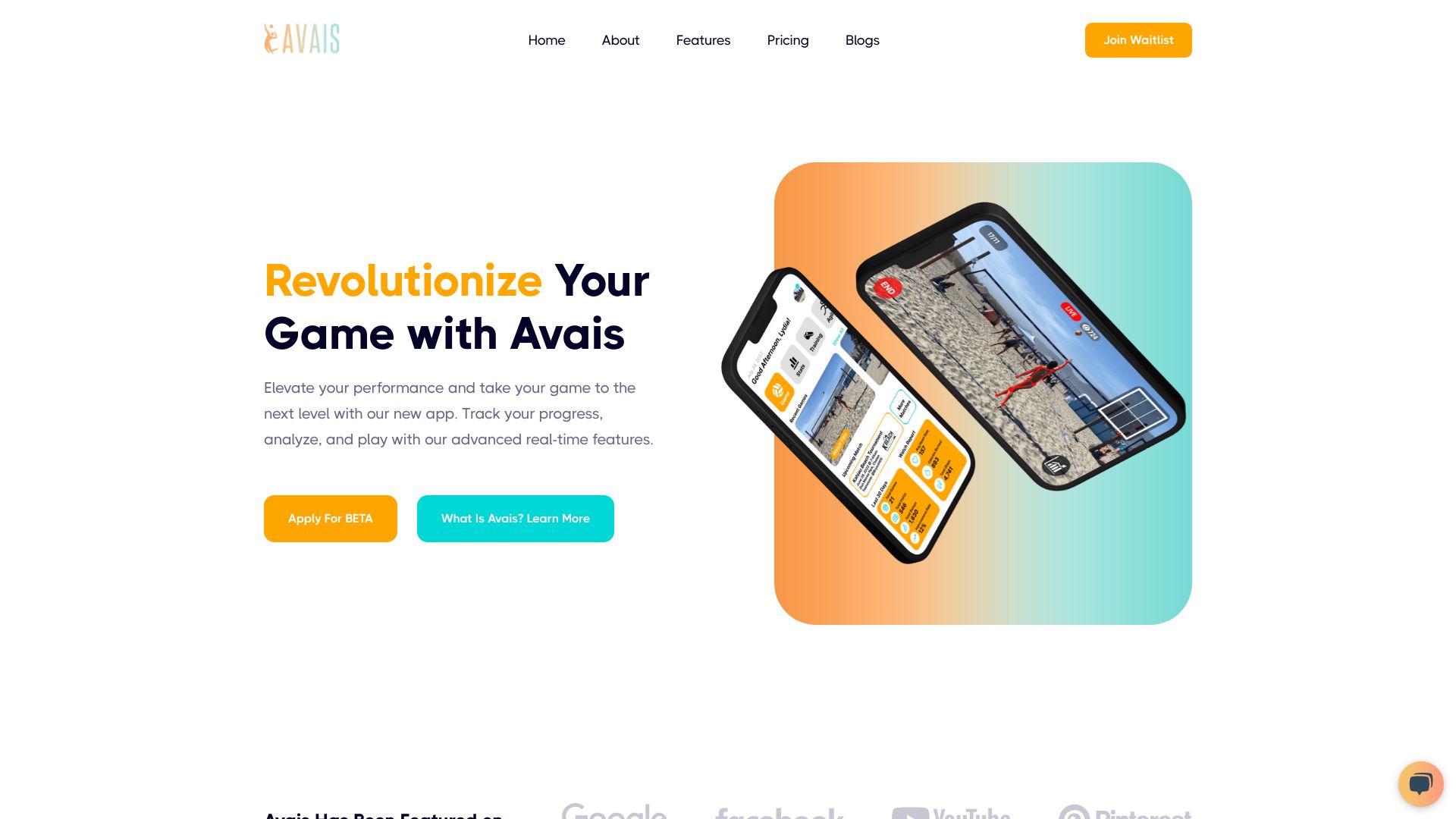
Avais
Volleyball performance tracking

Chiaro AI
Travelers exploring landmarks and museums

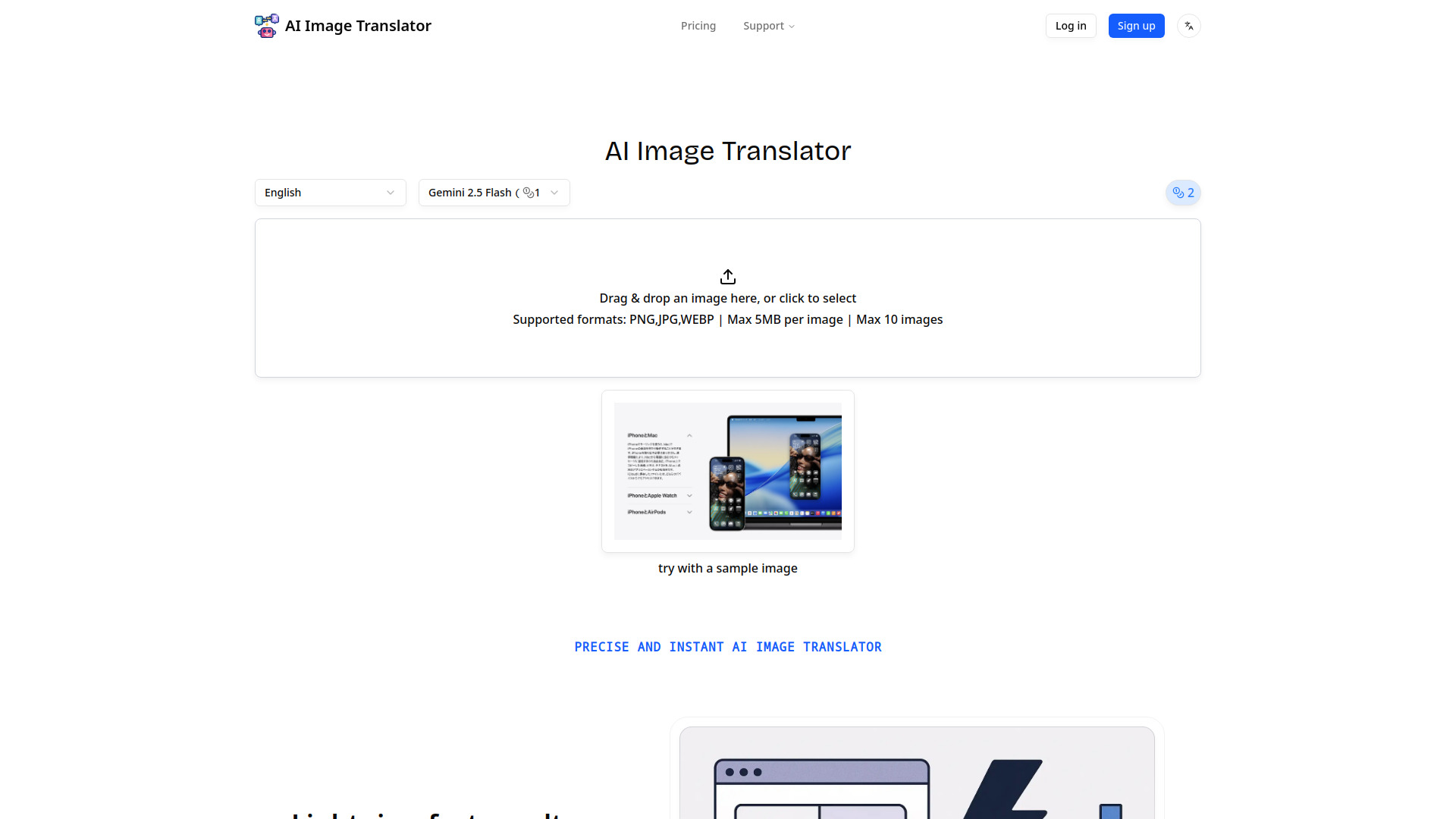
AI Image Translator
Translating text within images

ALFI
Privacy-compliant DOOH advertising


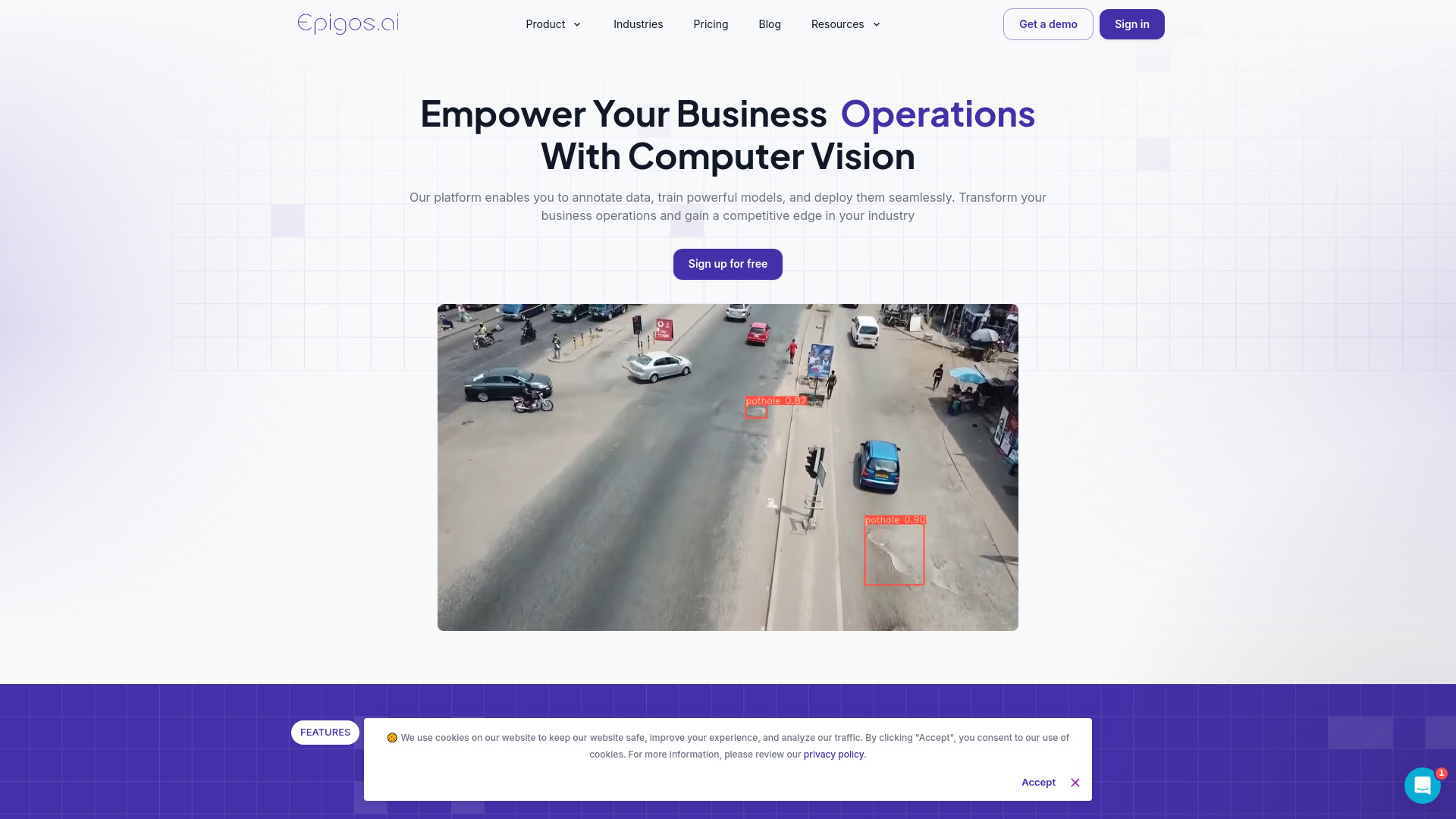
Epigos AI
No-code custom computer vision

Predikt AI
Professional services project management

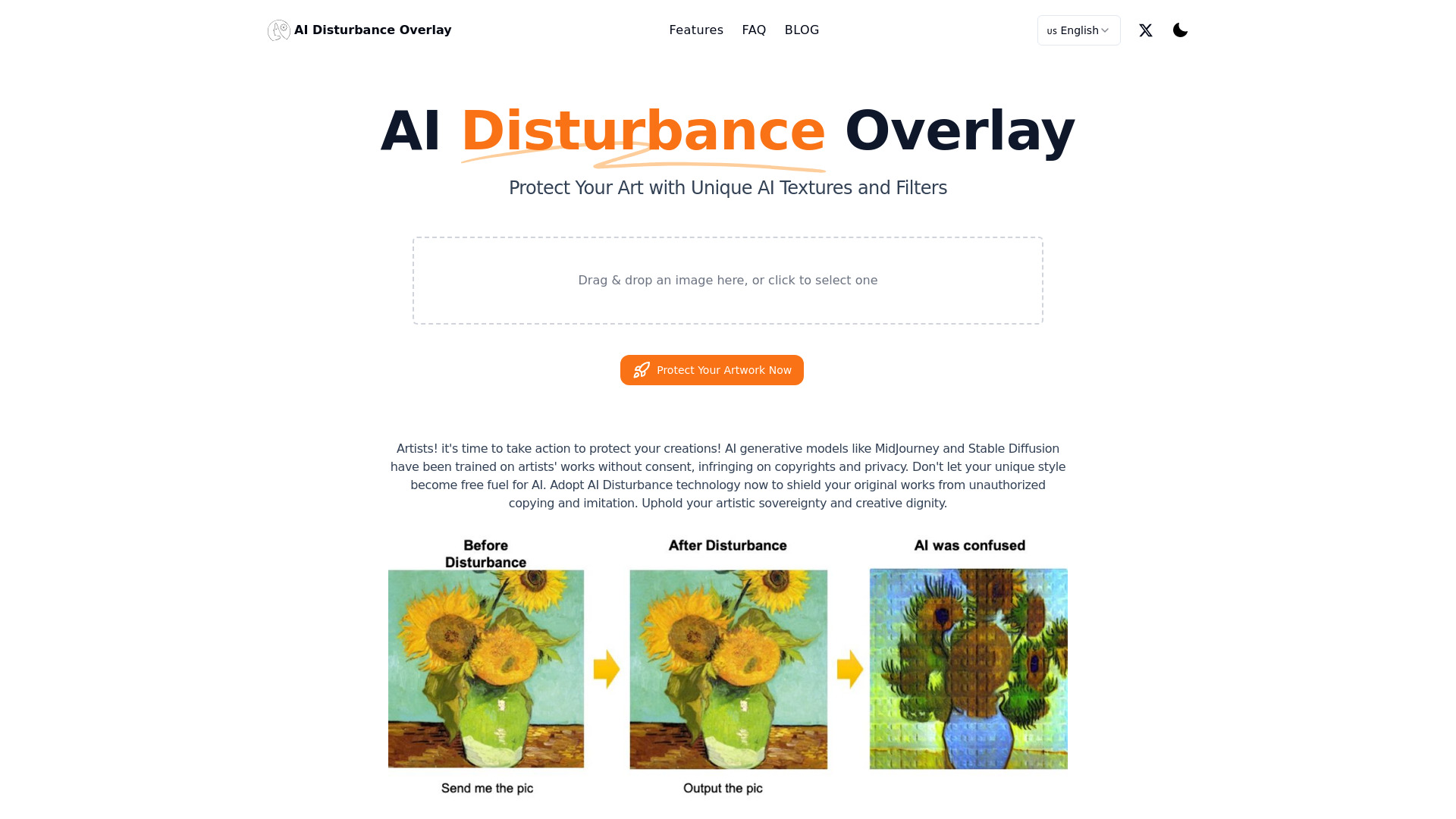
AI Disturbance Overlay
Artists protecting digital artwork

AI Runner
Personalized AI running coaching

Age Detector
Fun photo-based age estimates

Accent Guesser
Exploring accent characteristics

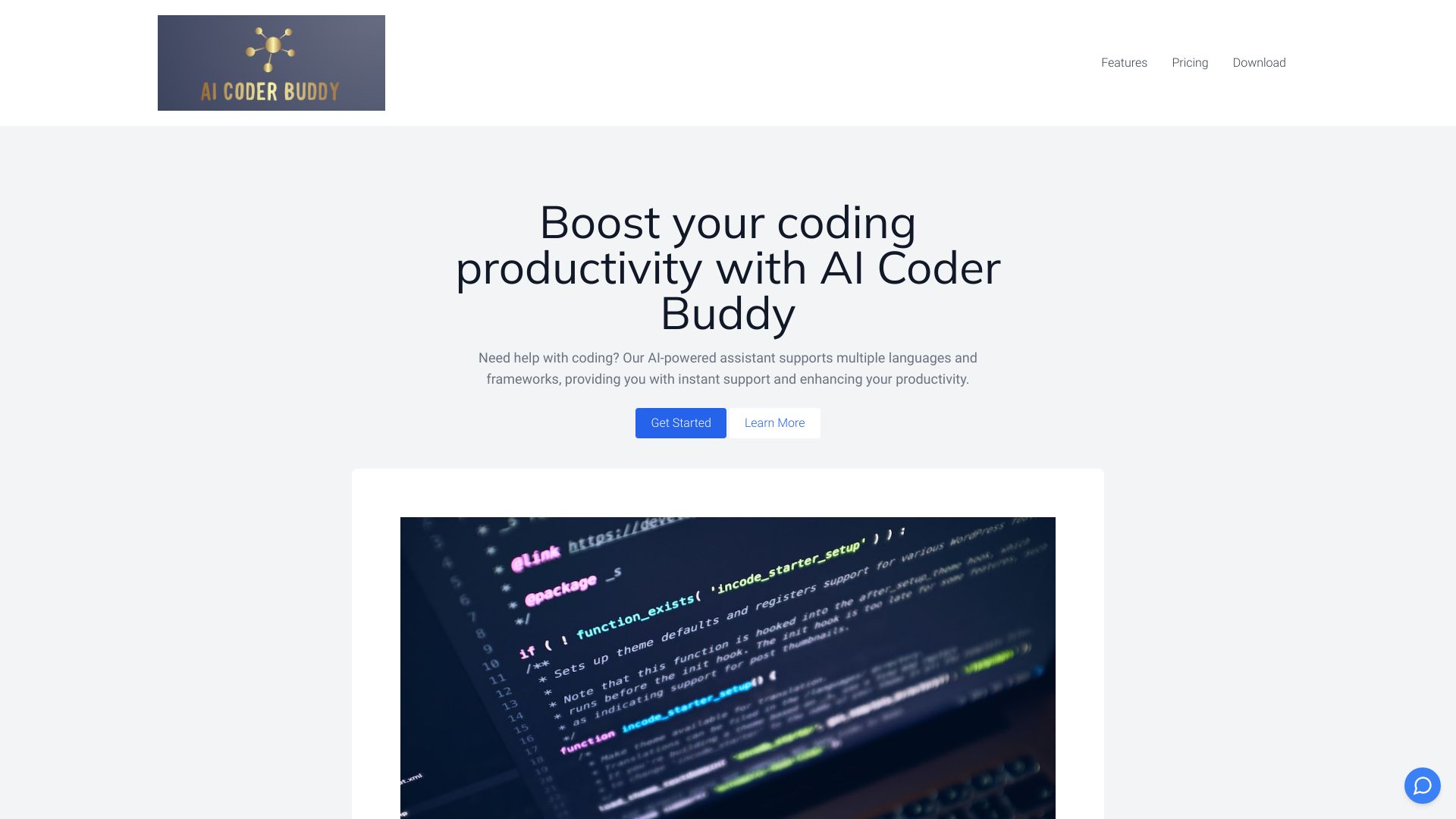
AI Coder Buddy
Offline code search and learning
DirectAI
No-code computer vision models

AIRADAR
Spanish-language AI tool discovery


AI Water
Voice-controlled hydration tracking
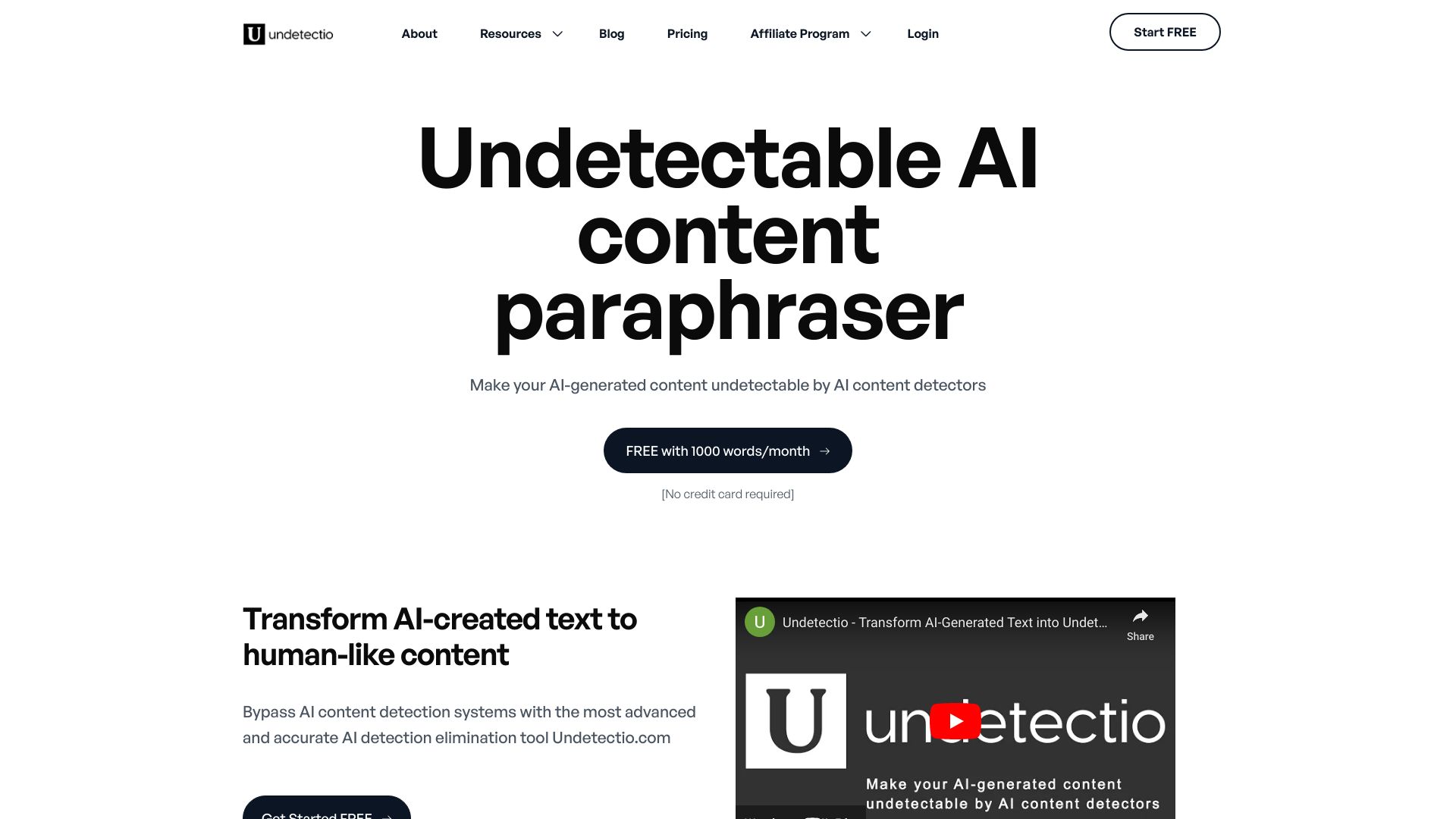
Undetectio
Marketers, creators, and agencies

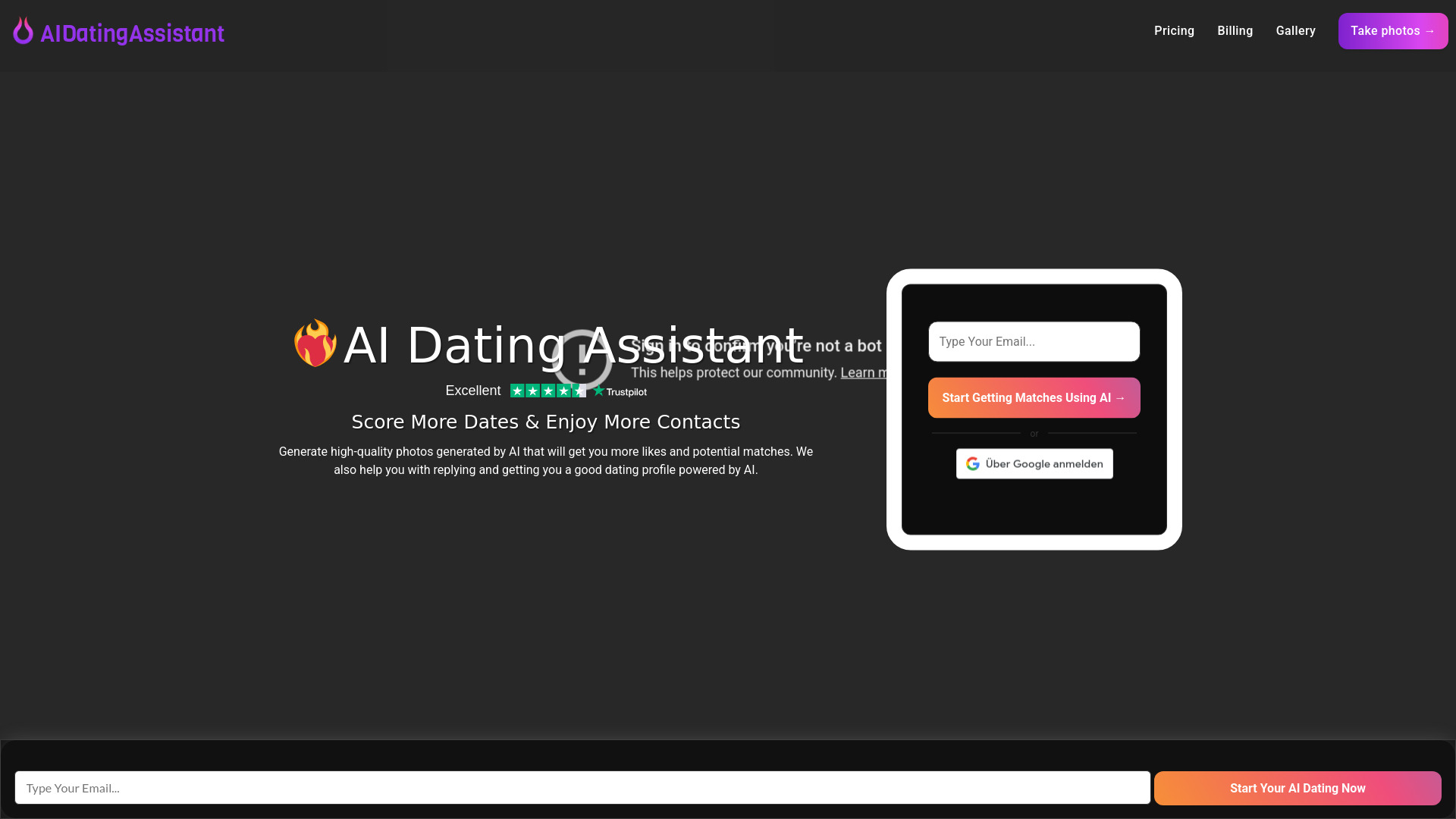
AI Dating Assistant
AI dating profile photos

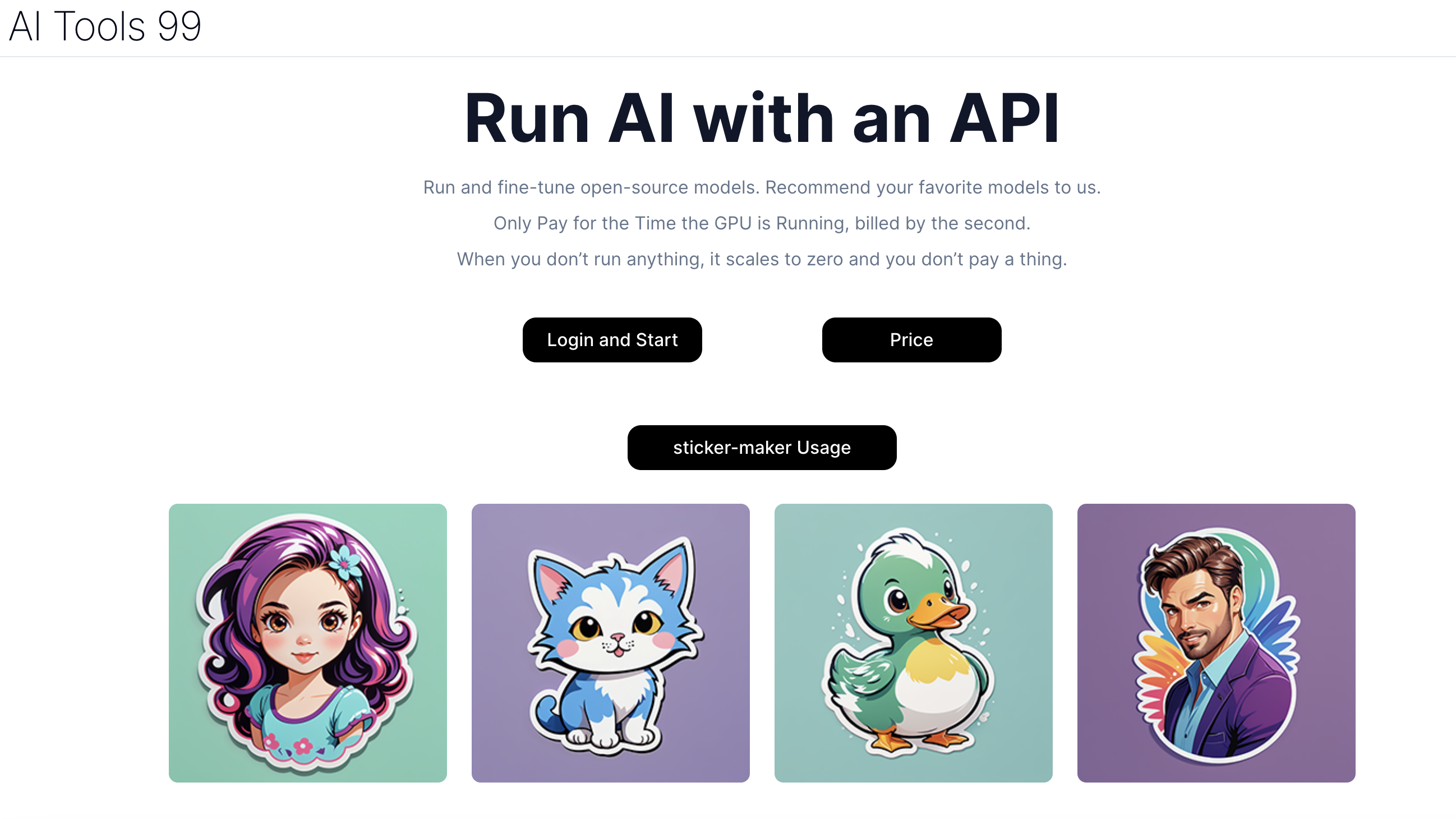
AI Tools 99
Low-cost AI model APIs
Collider AI
AI marketing campaign automation
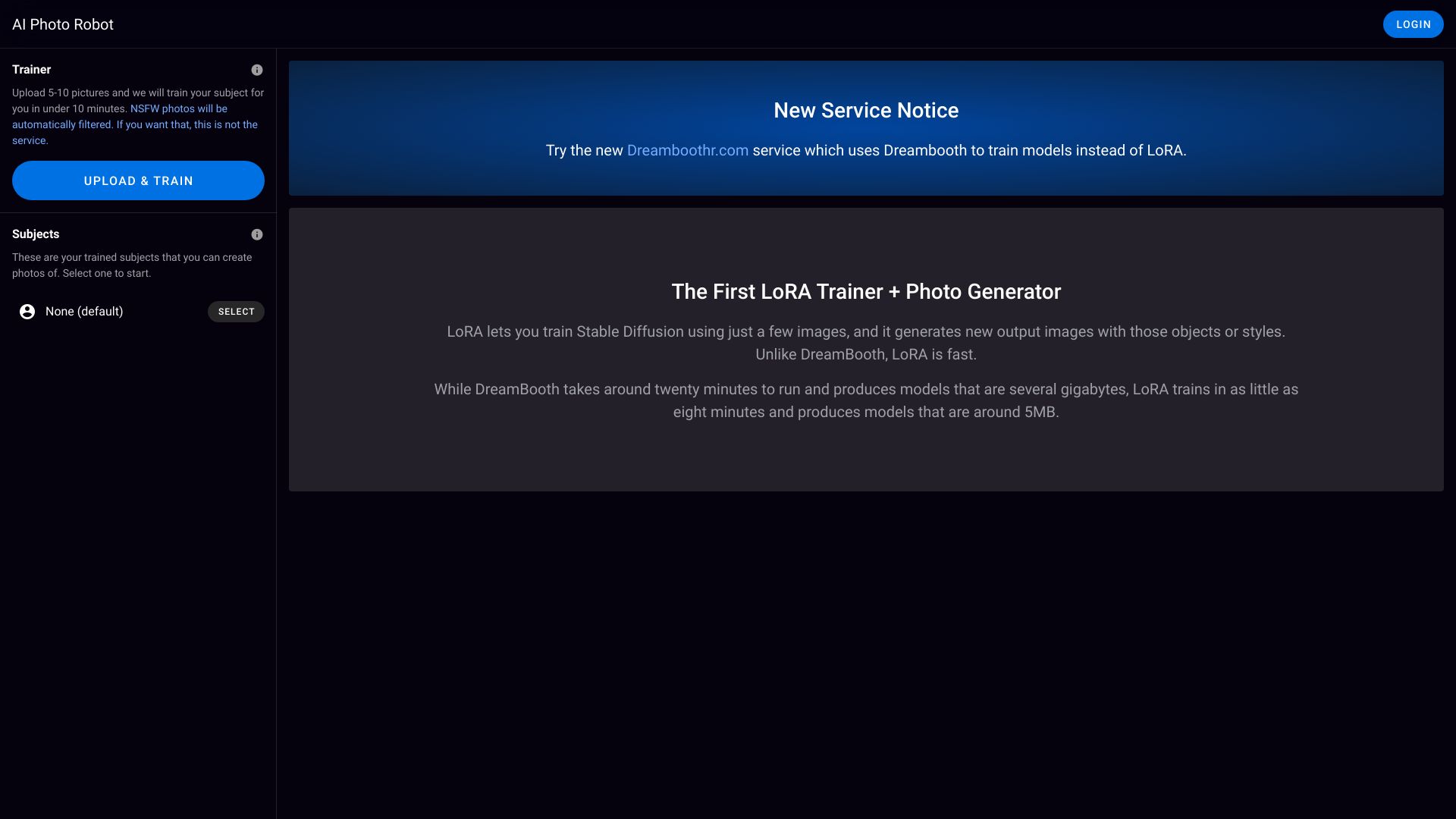
AI Photo Robot
LoRA-based AI photo generation

AI Doll
Custom AI action figures


AI Monitor
Brands monitoring visibility in AI search

AITag.Photo
AI photo descriptions and tags

Pi Labs
Custom AI evaluation and scoring

DoreAI
On-device AI mobile SDKs

AI Filter
Anime and artistic photo filters

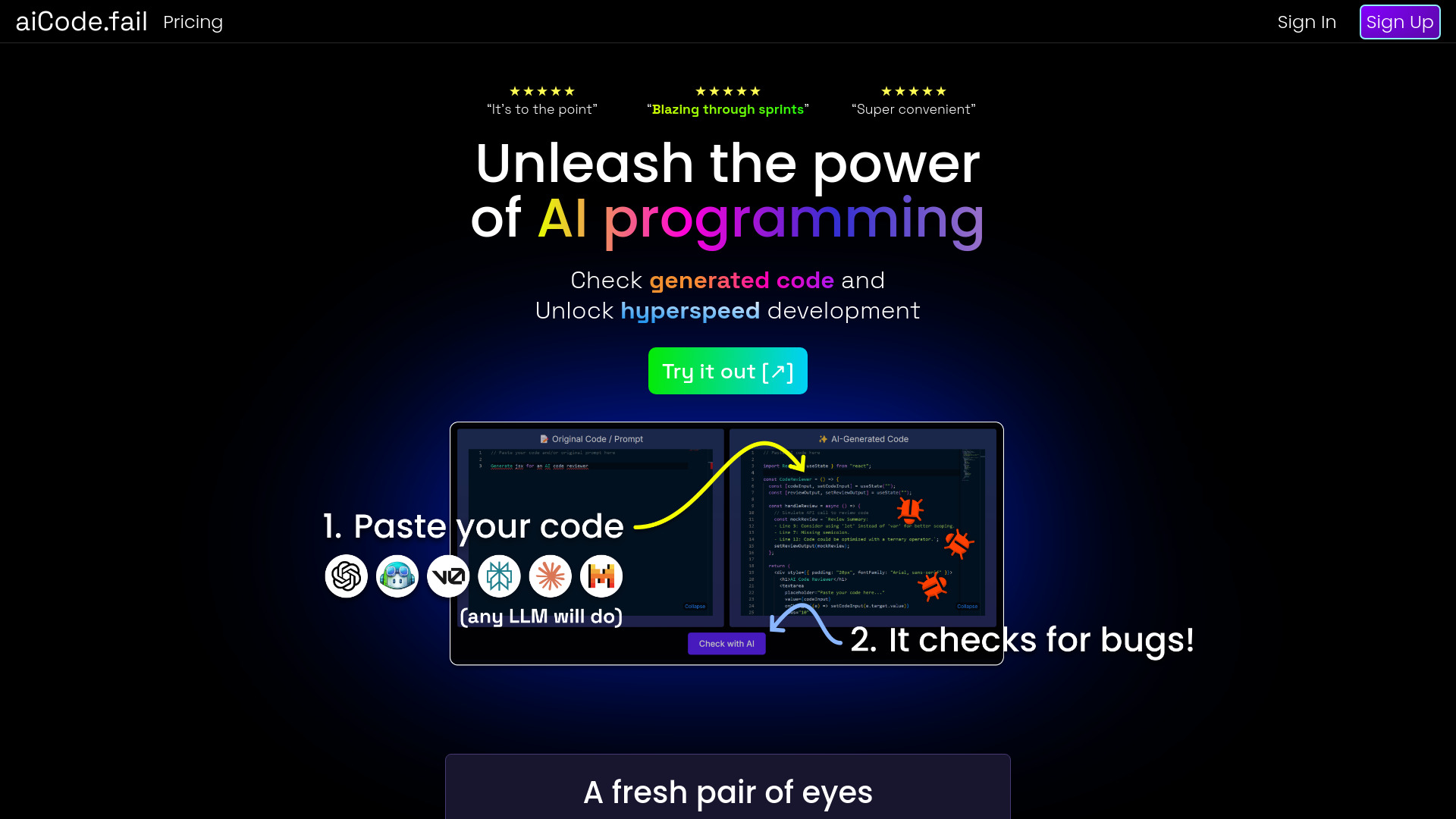
aiCode.fail
AI code hallucination and security checks

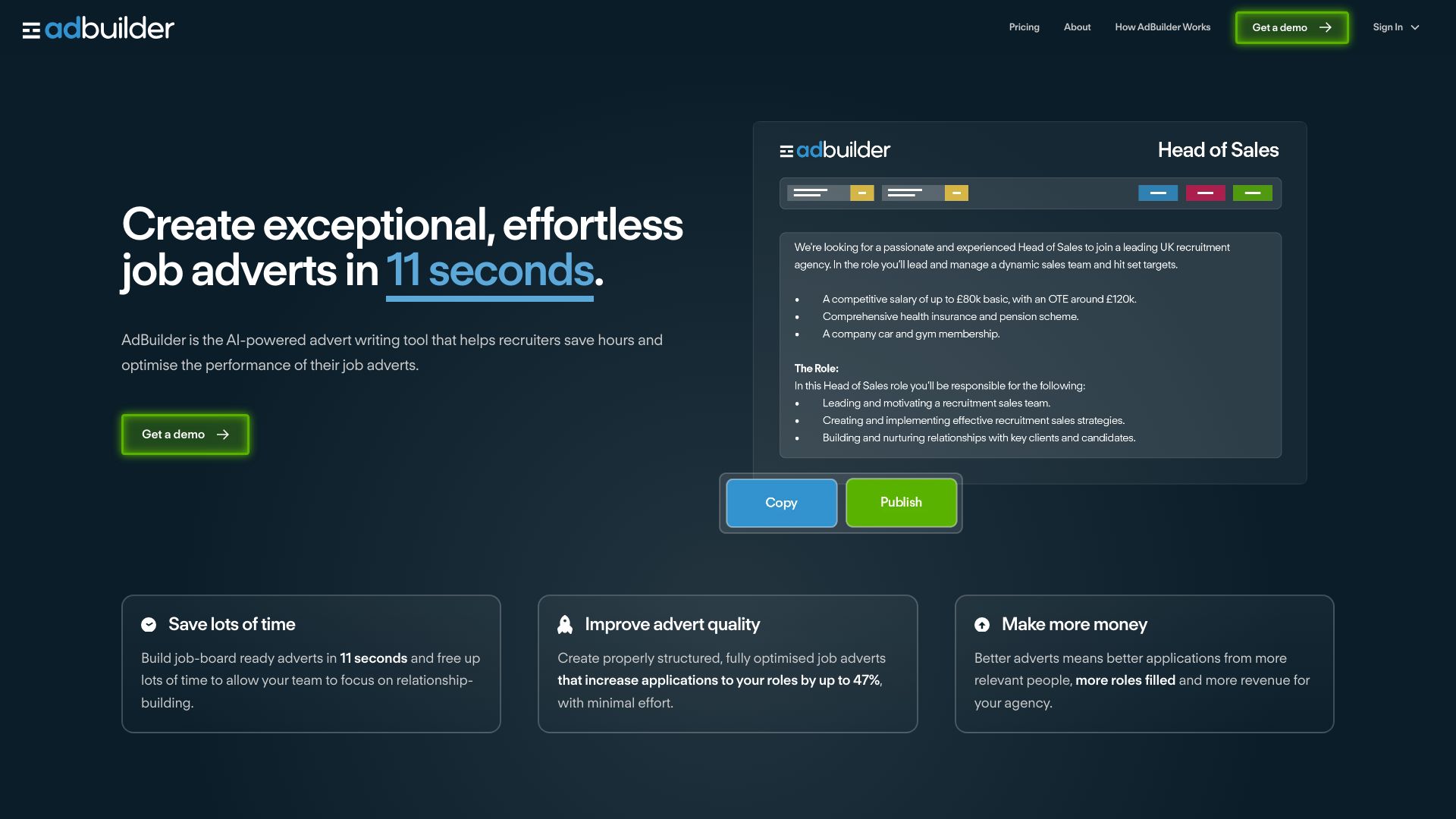
TalentKoala
Recruitment job adverts

AI Debug
JavaScript troubleshooting

iBobi AI
Visual AI companion and home monitoring


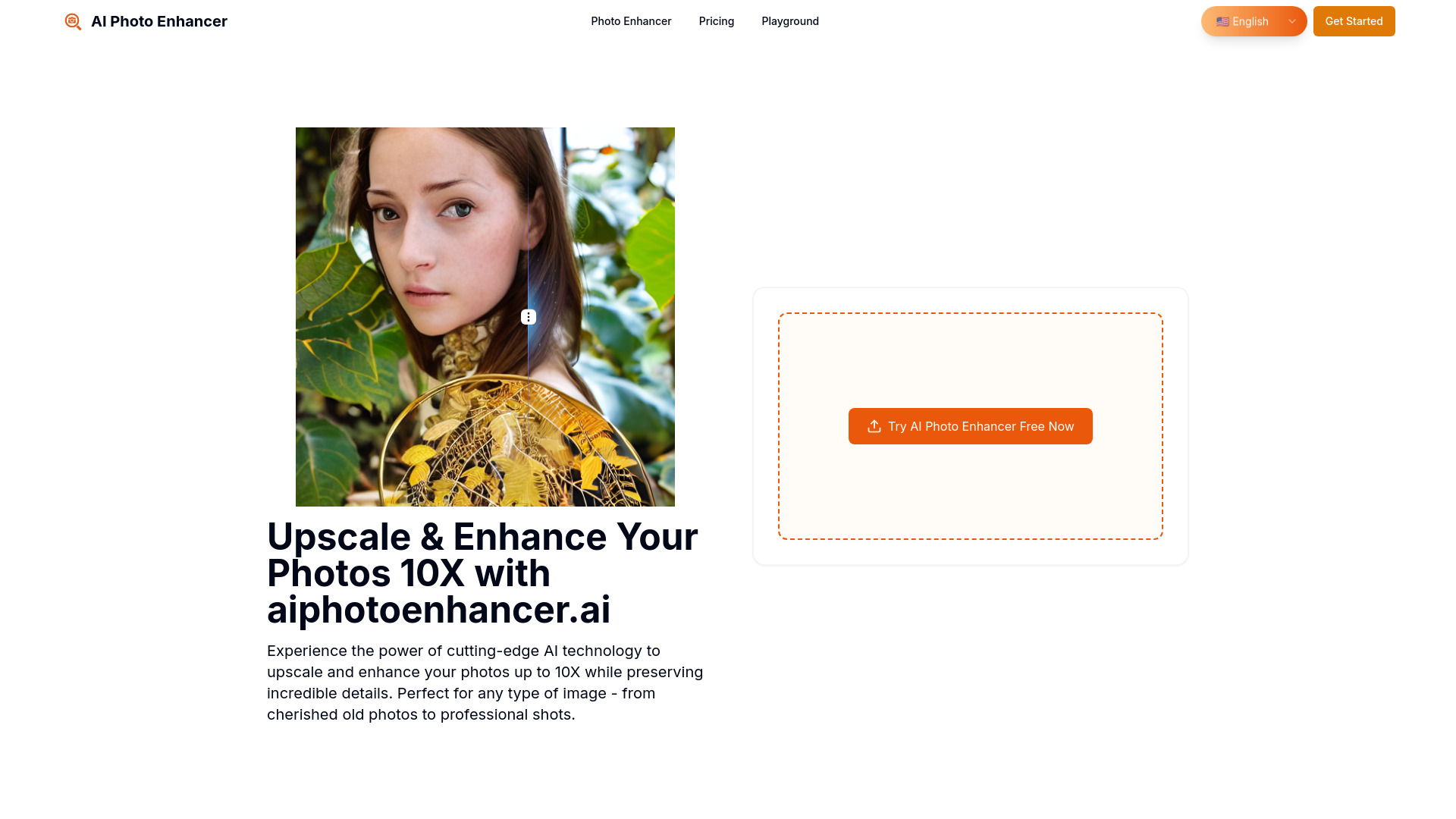
AI Photo Enhancer
Photo upscaling and restoration

Adsideo.AI
Mac users seeking ambient AI assistance

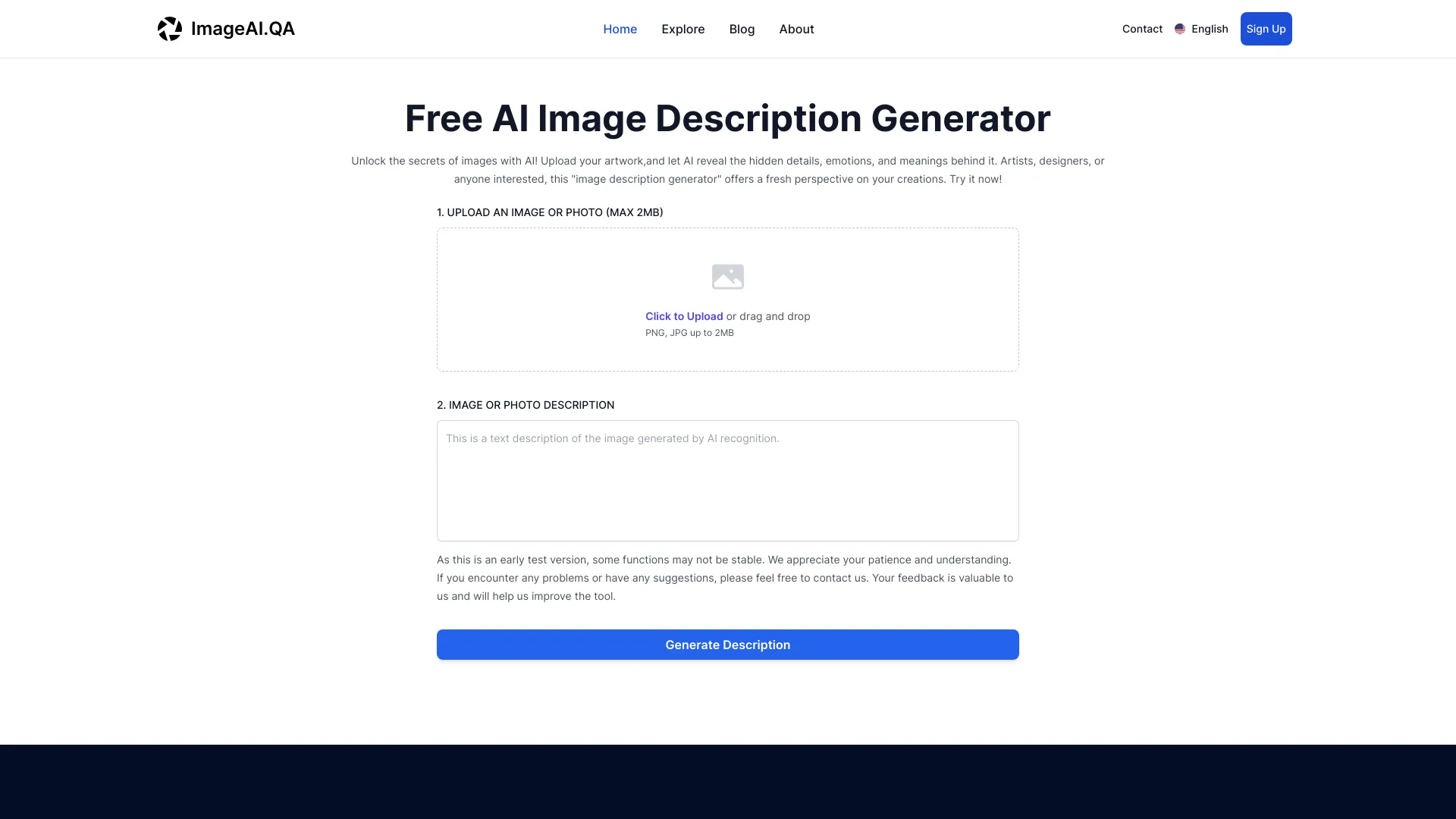
Image Describer
Image descriptions and chart analysis

Davenci AI
AI content creators and marketers

AiDog (AI狗)
SEO content and brand copy creation

Which AI detector should you choose?
Start with the material you actually need to inspect-not with the largest accuracy claim on a homepage.
For a typical English essay: Choose AI Detector. Its highlighted results and 3,000-word free scans make review straightforward.
For unlimited casual checks: Choose MyDetector AI, especially when no-login access matters.
For long blog posts: Choose Undetectable AI, provided your text meets its 200-word minimum.
For multiple languages: Choose AI Detector Writer or X Detector. The former supports all languages and batch uploads; the latter supports 20+ languages without registration.
For originality checks alongside AI detection: Choose ContentDetector.AI, but remember that its plagiarism feature does not make the AI score definitive.
For slide decks: Choose AI Detector for PPT, the specialist option for PowerPoint text, images, and structure.
For synthetic images or audio: Choose AI or Not, while treating its in-development video and GenKYC features as future scope.
For essay-focused rewriting: Choose ACE ESSAY, but account for the 300-word free request limit.
My practical recommendation
For most buyers, begin with AI Detector. It has the highest score in this comparison, a useful free scan allowance, and highlighted results that make the output easier to act on. If the text is multilingual, move immediately to AI Detector Writer or X Detector instead of forcing an English-only workflow. Content teams that scan frequently should try MyDetector AI's unlimited free access, while bloggers with longer articles may prefer Undetectable AI's multi-checker approach.
For business buyers, the answer changes: AI or Not is more relevant when the problem involves images or audio, and AI Detector for PPT is the obvious specialist for slide decks. In every case, run a few representative samples before paying. Compare the result with known human-written and AI-assisted drafts, check the minimum word count, and verify current pricing directly with the vendor.
Common mistakes when choosing an AI detector
- 1
Treating a score as proof. Detection is a signal, not a complete authorship record. Keep drafts, source notes, and revision history when context matters.
- 2
Ignoring language support. AI Detector is English-only, while AI Detector Writer supports all languages and X Detector supports more than 20. That difference can decide the purchase.
- 3
Overlooking input limits. Undetectable AI requires at least 200 words, and ACE ESSAY limits free requests to 300 words.
- 4
Confusing detection with plagiarism checking. X Detector does not support plagiarism detection. ContentDetector.AI includes a ChatGPT plagiarism checker, but those are separate checks.
- 5
Buying for a future feature. AI or Not's GenKYC and Video AI Checker features are still in development. Judge the current product, not the roadmap.
- 6
Optimizing writing to evade a detector. Humanizers can alter voice and meaning. Use them only when the workflow and your institution or client policy allow it.
What changed in 2026
The practical definition of AI detection is widening. Text scanners still dominate student, teacher, and blogging workflows, but this comparison also includes tools that examine PowerPoint structure, generated images, and audio. That makes format selection more important than choosing a generic score alone.
Free access is also split into several models: unlimited use, word-per-scan allowances, daily scan caps, monthly image checks, credits, and beans. In other words, "free" is not a consistent unit. Before choosing the best ai detector for your workflow, match the allowance to your document length and monthly volume, then confirm the vendor's current terms.
FAQ
AI Detector ranks first here at 96/100. Its fast scanning, highlighted results, deep text scanning, and 3,000-word free scans make it the strongest general choice for English-language student work.