
The best ai chatbot depends less on the loudest model name and more on what you actually need to do: write, inspect documents, compare models, build character conversations, or answer customers around the clock. We compared 100 tools and narrowed the field to 10 featured picks, from free chat and writing assistants to multi-model workspaces and Thai-language business automation. The list includes some unexpected alternatives, so you can find a useful first tool rather than forcing every job into the same generic chat window.
Top picks
| Pick | Tool | Best for | Why it stands out |
|---|---|---|---|
| 1 | SPICYCHAT.AI | AI enthusiasts | AI character chat plus custom chatbot creation |
| 2 | Chat & Ask AI | Writers | AI search, chat, image generation, and PDF chat in one platform |
| 3 | ChatUp AI | Content creators | Free GPT and GPT-4-powered chat with content generation |
| 4 | Botify AI | Character-chat fans | A broad library of anime, celebrity, and historical characters |
The first four make the strongest starting shortlist, but they solve very different problems. SPICYCHAT.AI is the clearest match for character-led conversations, while Chat & Ask AI and ChatUp AI are more useful for writing workflows. Botify AI earns its place for breadth and variety rather than document work or customer support.
Quick comparison
| Tool | Score | Best for | Core capability | Free access | Starting price |
|---|---|---|---|---|---|
| SPICYCHAT.AI | 96/100 | AI enthusiasts | AI characters and custom bots | Chatbot with AI characters | Check vendor pricing |
| Chat & Ask AI | 95/100 | Writers | AI search and image generation | AI chatbot, image generator, PDF chat | Free membership: Free |
| ChatUp AI | 95/100 | Content creators | GPT chat and content generation | No registration required | Standard: $18.99/month |
| Botify AI | 95/100 | Anime, book, movie, and history fans | Character chat and custom characters | Chat with AI characters | Check vendor pricing |
| Chatbot AI | 95/100 | Students | Multiple leading AI models | Chat with multiple AI models | Check vendor pricing |
| NinjaChat AI | 95/100 | Researchers | Model choice and PDF analysis | PDF analysis and image generation | Starter: $9/month |
| AIChatting.net | 95/100 | Entrepreneurs | AI chat and writing | AI chat and AI writer | Weekly plan: $3.99 |
| Chatbox AI | 95/100 | Students | Document and image chat | Document and image chat | Lite: $3.50/month |
| BOT3 AI | 95/100 | AI enthusiasts | Multilingual virtual characters | Check current access | Check vendor pricing |
| BOTNOI AI CHATBOT | 95/100 | Hotel managers | Always-on business support | 5,000 points / 1,000 messages | Check vendor pricing |
This table exposes the main buying decision. The best chatbot ai for research is not necessarily the best choice for role-play, and a tool built for hotel support should not be judged by the same standard as a writing assistant. Look first at the workflow, then at the score.
How we ranked these AI chatbots
We ranked the 100 candidates on four practical questions: what can the tool do, who benefits most, how clearly does its free access help a new user start, and what friction appears before the tool becomes useful? We also considered the strength of the stated use case and the visible usage signal as a market-confidence check, not as a substitute for product quality. Scores are tightly grouped because this shortlist contains several focused tools rather than one universal winner. Character platforms were judged on conversation and creation options; multi-model tools on breadth and document support; business bots on availability and setup expectations. Pricing claims remain vendor-dependent, so confirm current plans before paying.
The best AI chatbot tools
1. SPICYCHAT.AI

SPICYCHAT.AI
Best AI character-chat platform for AI enthusiasts
The strongest signal here is focus. SPICYCHAT.AI is built around chatting with AI characters, and it also lets users create custom AI chatbots. That makes it a better fit for people who want an ongoing character-led exchange than for someone shopping for a conventional office assistant. The 74.1M monthly-visit signal also makes it the most conspicuous product in this shortlist.
I like the directness of the workflow: choose the kind of character conversation you want, then move toward creating your own bots when the preset experience is not enough. It is easy to understand why this sits first for the stated audience. You are not wading through a large menu of unrelated AI utilities before reaching the chat.
My take: For AI enthusiasts, this is the clearest first click in the entire comparison. It earns the overall-match badge because its central promise and its strongest listed features point in the same direction.
Where it falls short: The product is currently in Alpha, so bugs or limited functionality may affect the experience. Pricing is also hidden behind a vendor check, which makes it harder to compare total cost upfront.
Key features
Chatting with AI characters.
Creating custom AI chatbots.
Pros
The platform has a clear character-chat identity.
Users can move beyond conversation and create custom bots.
Its large usage signal suggests substantial audience interest.
Cons
Alpha status may mean bugs or incomplete functionality.
Pricing is not presented as a clean starting plan.
Choose SPICYCHAT.AI if: You want character-based conversations and the option to create your own AI bots rather than a general-purpose productivity assistant.
2. Chat & Ask AI

Chat & Ask AI
Best multi-tool AI workspace for writers
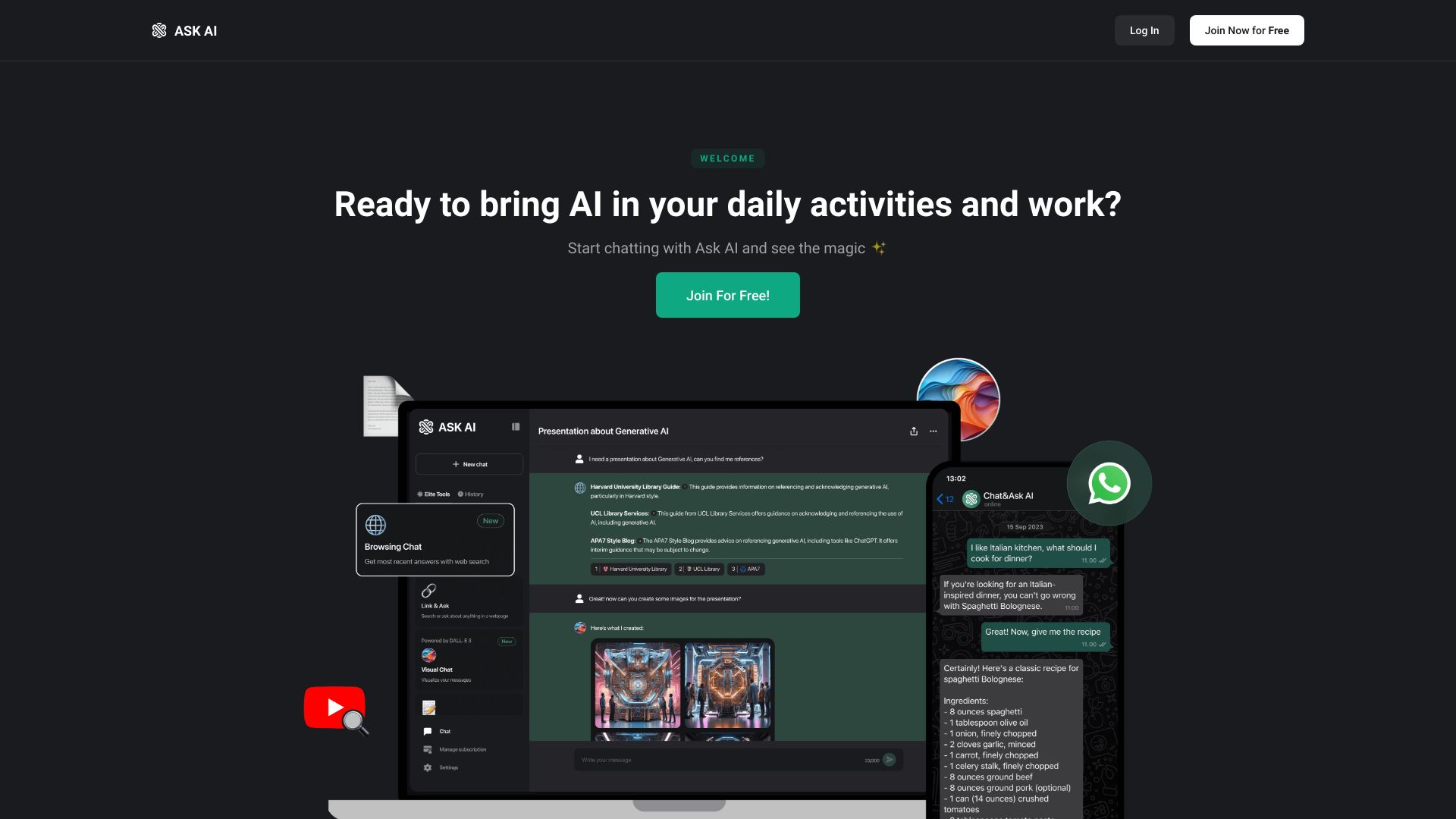
Writers often need more than a blank chat box. Chat & Ask AI brings an AI search engine, AI image generator, and AI chat PDF workflow into the same platform, giving it a broader working surface than the character-chat tools above. Its shortlist reason also points to GPT-4o and WhatsApp integration, so the appeal is not limited to one narrow chat mode.
That breadth is the product's advantage and its possible source of friction. A writer can search, ask questions, work with a PDF, and generate an image without changing tools, but users who only want a simple conversation may find the extra tools unnecessary. The free membership makes it a particularly sensible first experiment.
My take: This is my pick when the phrase best ai chat bot means a practical writing companion rather than a character simulator. It offers the most convincing all-in-one shape among the first few tools.
Where it falls short: Some features are limited to premium members. Before building a daily workflow around it, check which search, image, PDF, or model capabilities remain available on the free membership.
Key features
AI search engine.
AI image generator.
AI chat PDF capability.
GPT-4o-based chatbot experience.
WhatsApp integration is part of the stated product positioning.
Pros
Combines several AI-powered tools in one platform.
Free membership lowers the barrier to testing it.
Writers can use chat alongside search, images, and PDF work.
Cons
Premium access gates some features.
The broad feature set may feel excessive for simple chat.
Choose Chat & Ask AI if: You write, research, and work with PDFs often enough to value one workspace for chat, search, and image generation.
3. ChatUp AI

ChatUp AI
Best free writing chatbot for content creators
ChatUp AI takes a straightforward route: GPT and GPT-4-powered chatbot features sit beside an AI content generator for essays, articles, blog posts, and storytelling. That combination gives content creators a natural path from an initial question to a usable draft. The service is also described as free and available without registration, which is valuable when you want to test an assistant before handing over personal details.
The character-chat angle adds variety, but the writing tools are the more practical reason to shortlist it. A creator can use it for a quick conversation, then shift into an article or story workflow. It is less suited to users who need extensive character customization, because that capability is not currently supported.
My take: ChatUp AI is one of the easiest tools here to recommend as a low-friction first try. The no-registration entry point is a real advantage, especially for casual content experiments.
Where it falls short: Character customization is not currently supported. The listed standard price is $18.99/month, so the free entry experience may not be the best long-term value for every creator.
Key features
GPT and GPT-4-powered AI chatbot.
AI content generation for essays and articles.
Blog post and storytelling generation.
AI character chat.
Pros
Free access is clearly positioned.
No registration is required to begin.
Covers both conversation and common content formats.
Cons
AI characters cannot currently be customized.
The standard plan is notably more expensive than some low-cost alternatives.
Choose ChatUp AI if: You want to test a free chatbot and writing assistant quickly, especially for articles, essays, blog posts, or stories.
4. Botify AI

Botify AI
Best character variety for anime, books, movies, and history fans
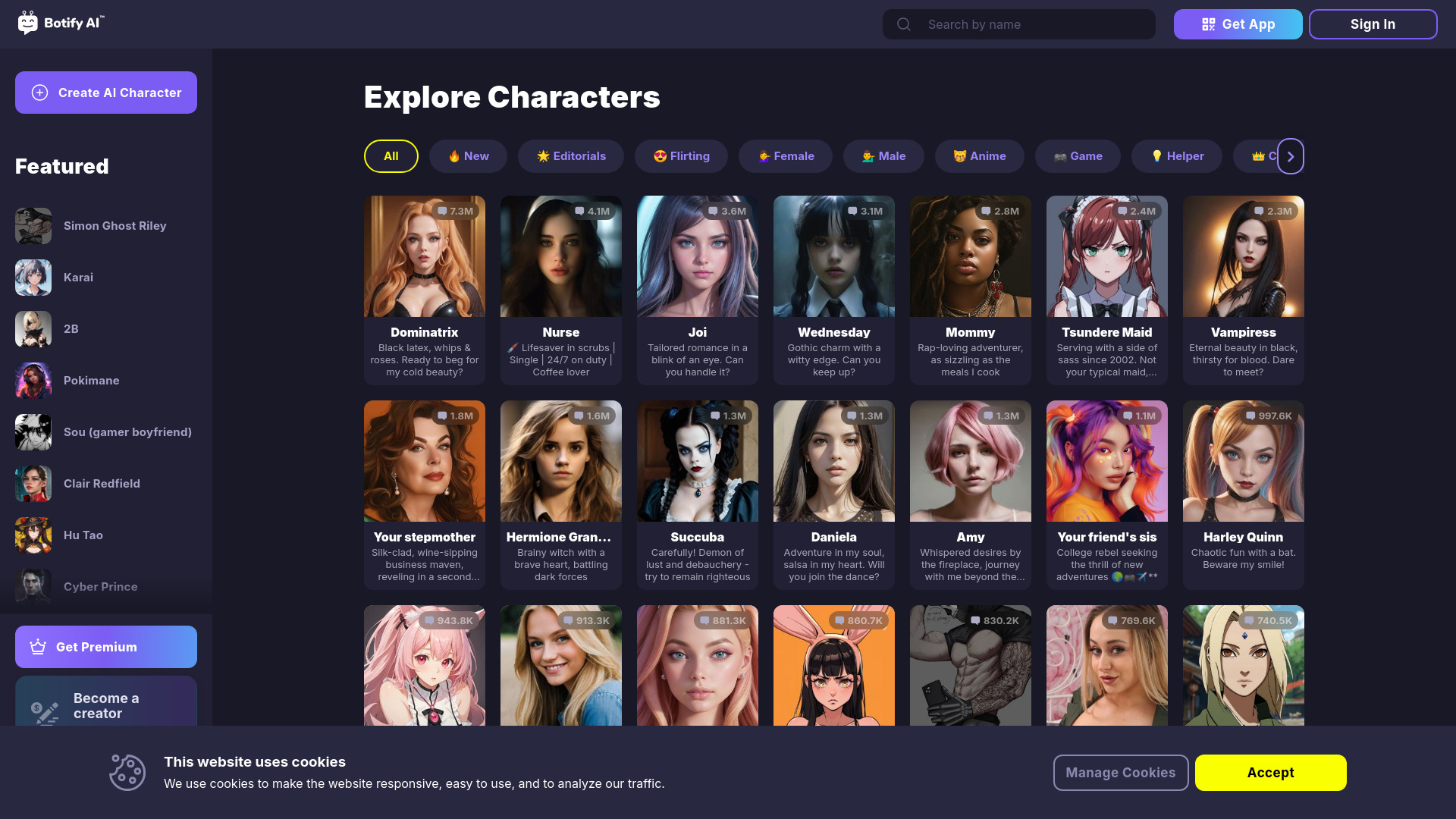
Botify AI wins on range. Its character library spans anime, celebrities, historical figures, and other familiar categories, while the product also supports custom AI characters. That makes it a broader visual and conversational playground than a conventional question-answering bot. Fans who arrive with a specific fictional, cultural, or historical interest have a reason to browse.
The product's best feature is not a long list of productivity utilities; it is the variety of conversations available. Creating a custom character gives more control when the existing selection is not a match. The trade-off is basic but important: the service requires JavaScript to run, so it may not behave properly in a restricted browser environment.
My take: Botify AI is the right alternative when character choice matters more than document analysis or polished business workflows. It is focused, easy to position, and meaningfully different from the multi-model tools below.
Where it falls short: JavaScript is required. Pricing is not clear enough to compare without checking the vendor, so treat the free-access label as a starting point rather than a complete plan description.
Key features
Chat with AI characters.
Create custom AI characters.
Characters based on anime, celebrities, and historical figures.
Pros
Wide variety of character types.
Custom character creation extends the experience beyond browsing.
Strong fit for fans with a specific fictional or historical interest.
Cons
Requires JavaScript.
Pricing needs to be confirmed directly with the vendor.
Choose Botify AI if: You want to explore a broad catalog of AI characters or build custom character conversations around anime, celebrities, books, movies, or history.
5. Chatbot AI

Chatbot AI
Best multi-model chatbot for students
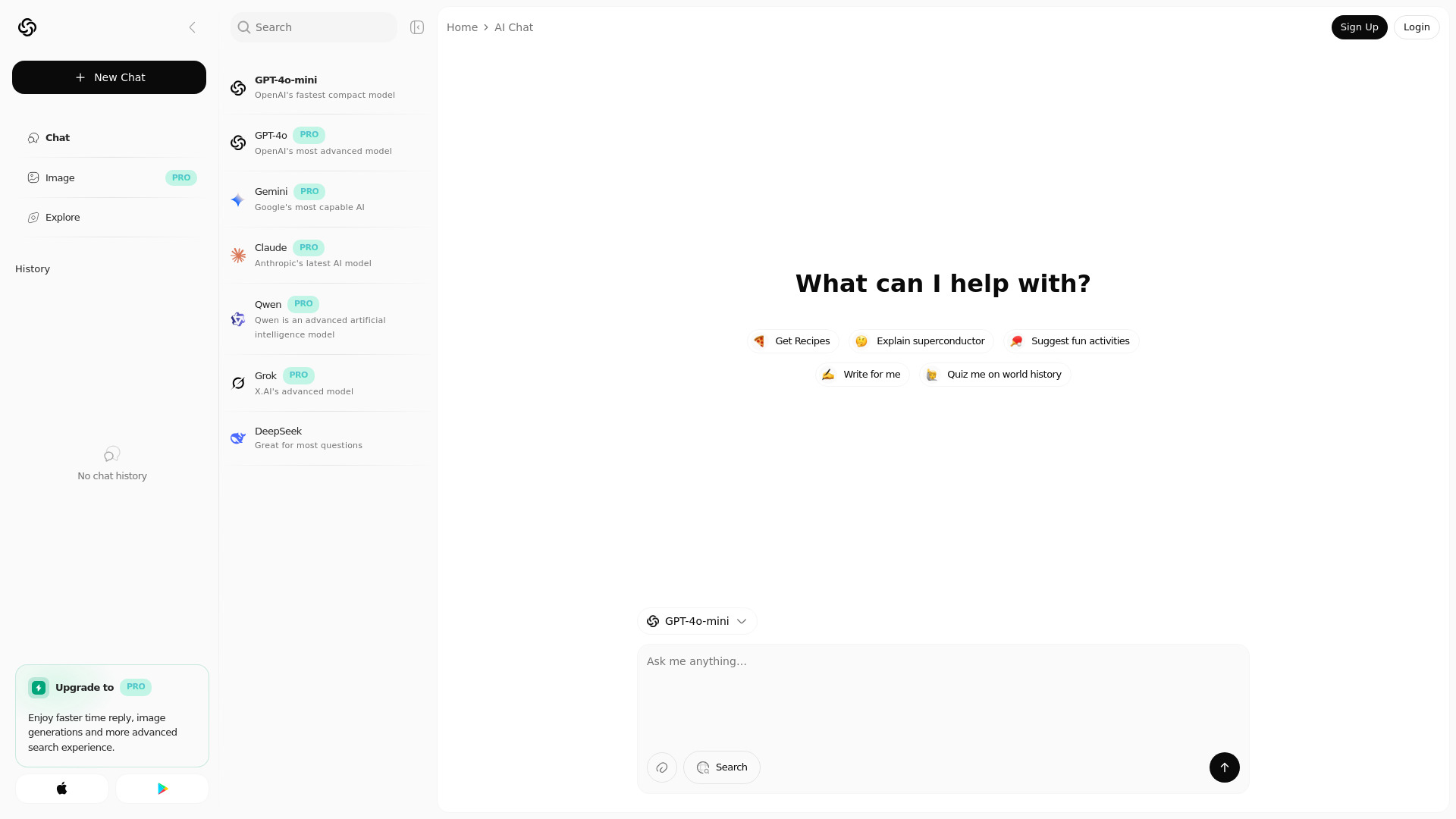
Rather than making you pick one model before you start, Chatbot AI centralizes access to GPT-4o, Gemini, Qwen, Grok, DeepSeek, and Claude. That is a useful shape for students who want to compare responses or use different models for different assignments and questions. The interface is described as fast, natural, and intelligent, but the more concrete differentiator is model variety.
This is a good example of why the best chatbot ai is not always a single-model product. A central workspace can reduce the hassle of switching between separate services. However, the free experience has a clear boundary: faster replies, image generation, and advanced search require a PRO upgrade.
My take: Choose this when model access matters more than a large set of peripheral features. It is a compact way to put several leading AI systems in one place.
Where it falls short: The most attractive extras are paid. If faster replies, image generation, or advanced search are central to your use case, the free tier may feel constrained.
Key features
Access to GPT-4o, Gemini, Qwen, Grok, DeepSeek, and Claude.
Fast, natural, and intelligent conversations.
Centralized access to multiple leading AI chatbots.
Image generation and advanced search are available through PRO features.
Pros
Students can compare multiple major models in one place.
Model breadth is unusually clear and useful.
The product avoids locking the workflow to one model family.
Cons
Faster replies require a PRO upgrade.
Image generation and advanced search are also premium features.
Pricing is not presented as a clean starting plan.
Choose Chatbot AI if: You are a student or curious power user who wants several well-known AI models without maintaining separate chat workflows.
6. NinjaChat AI

NinjaChat AI
Best research chatbot for model and PDF work
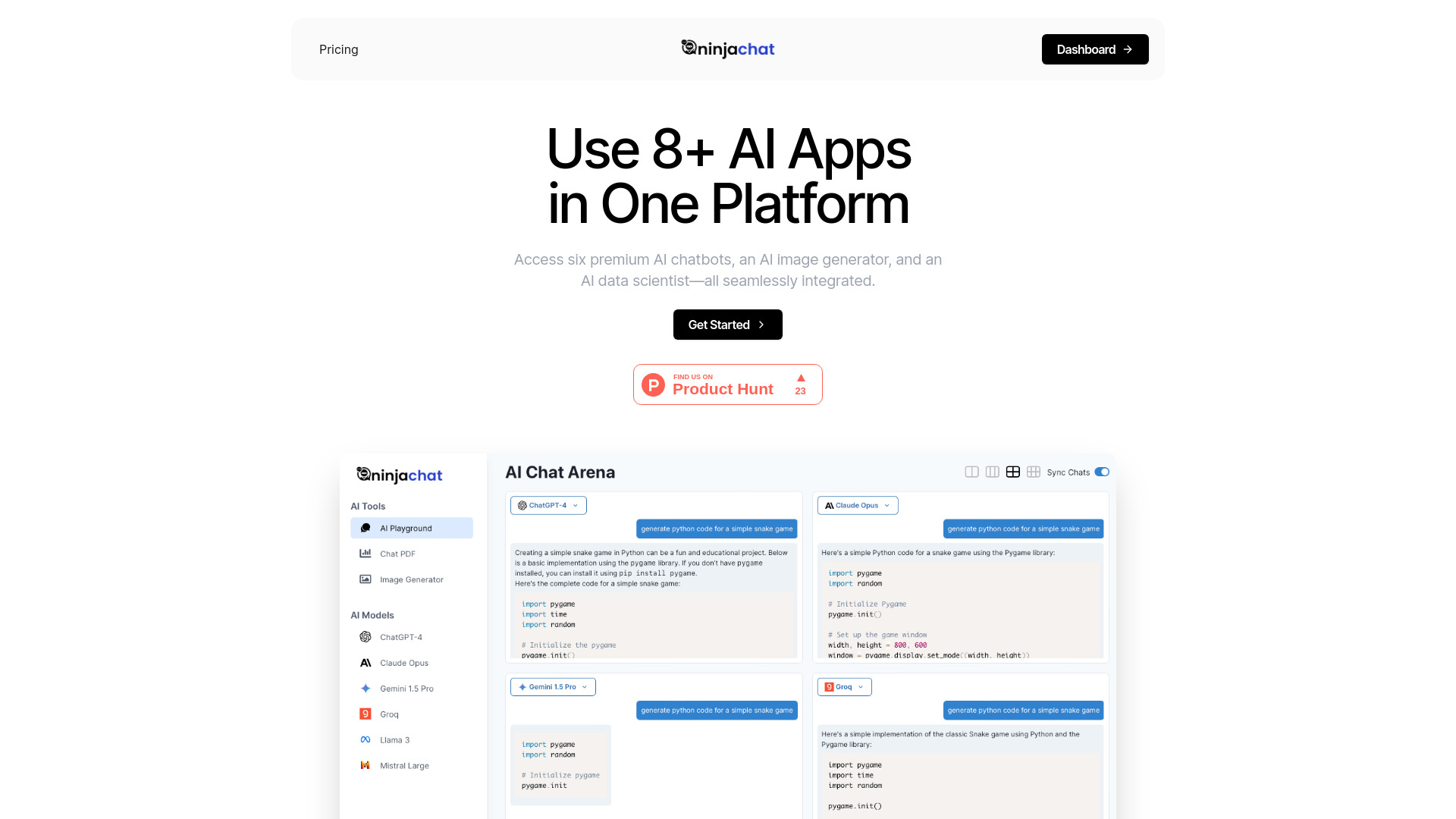
NinjaChat AI brings model choice together with a feature researchers actually use: PDF analysis. Its listed model set includes GPT-4, Claude 3, and Mixtral, while image generation adds a second useful mode for visual work. That combination makes it more research-oriented than a simple multi-model chat directory.
The $9/month Starter price gives buyers a clearer starting point than several tools in this comparison, although the full value depends on which premium models and features are included at that level. Researchers should also consider how frequently they analyze PDFs; that capability is the reason to choose NinjaChat AI over a more general chatbot.
My take: This is the most balanced choice for people who move between model selection and source-document work. It is not the cheapest-looking tool, but it has a coherent reason to exist.
Where it falls short: Pricing may be a concern for some users. If you only need occasional questions, paying for model breadth and PDF analysis may be harder to justify.
Key features
Access to GPT-4, Claude 3, and Mixtral.
PDF analysis.
Image generation.
Multiple premium AI models in one platform.
Pros
Combines model variety with document analysis.
Offers a clear $9/month Starter entry price.
Strong fit for research workflows that involve PDFs.
Cons
Pricing may not suit casual users.
The most useful features may be more than a basic chat user needs.
Choose NinjaChat AI if: You regularly compare AI models or analyze PDFs and want those activities in one chatbot workspace.
7. AIChatting.net
AIChatting.net
Best low-cost AI chat and writing option for entrepreneurs
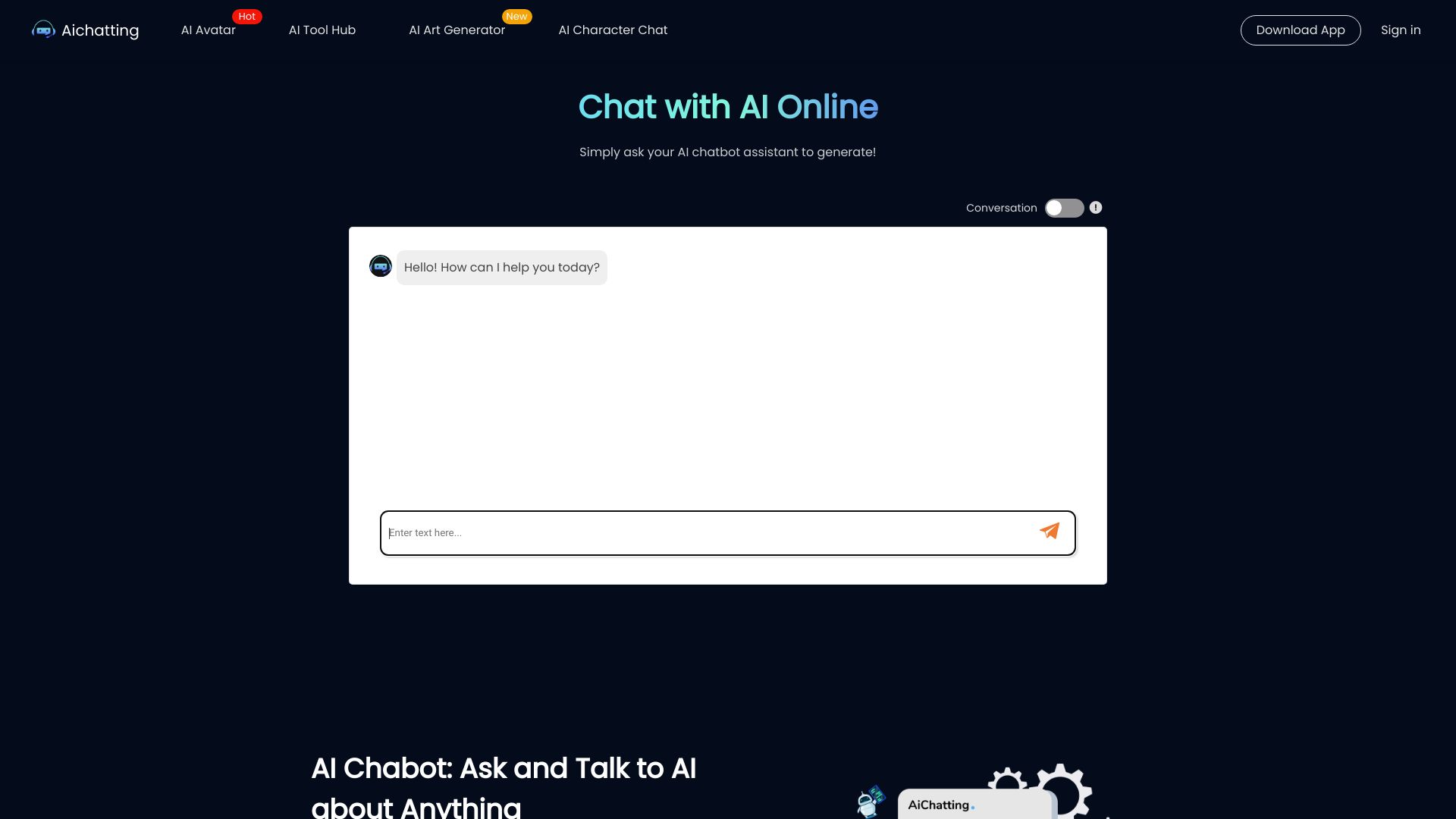
Entrepreneurs often need quick copy more than a complicated model laboratory. AIChatting.net pairs an AI chatbot with an AI writer and adds AI character chat, giving it a practical mix for drafting, brainstorming, and casual exploration. The free-to-use positioning makes it approachable, while the listed weekly plan of $3.99 keeps the first paid step relatively easy to understand.
The strongest use case is short, repeatable work: ask a question, turn the answer into copy, or use a character chat when the task is less formal. It does not present the same document-focused workflow as NinjaChat AI or Chatbox AI, but it may be a better fit for a small business owner who wants a simple writing companion.
My take: This is the value pick for entrepreneurs who need both chat and writing without committing to a large platform. I would start free, then verify usage limits before relying on it for a busy content schedule.
Where it falls short: Free usage may be limited. The low entry price is appealing, but buyers should confirm quotas and paid-plan boundaries before treating it as an always-on business tool.
Key features
AI chatbot.
AI writer.
AI character chat.
Free-to-use entry point.
Pros
Combines chat and writing in a simple package.
Free access makes it easy to evaluate.
Weekly pricing offers a lower-commitment paid route.
Cons
Free usage may have limitations.
It is less clearly specialized for PDF or multi-model research work.
Choose AIChatting.net if: You run a small business or independent project and want an inexpensive way to brainstorm, chat, and draft copy.
8. Chatbox AI

Chatbox AI
Best cross-platform document chatbot for students
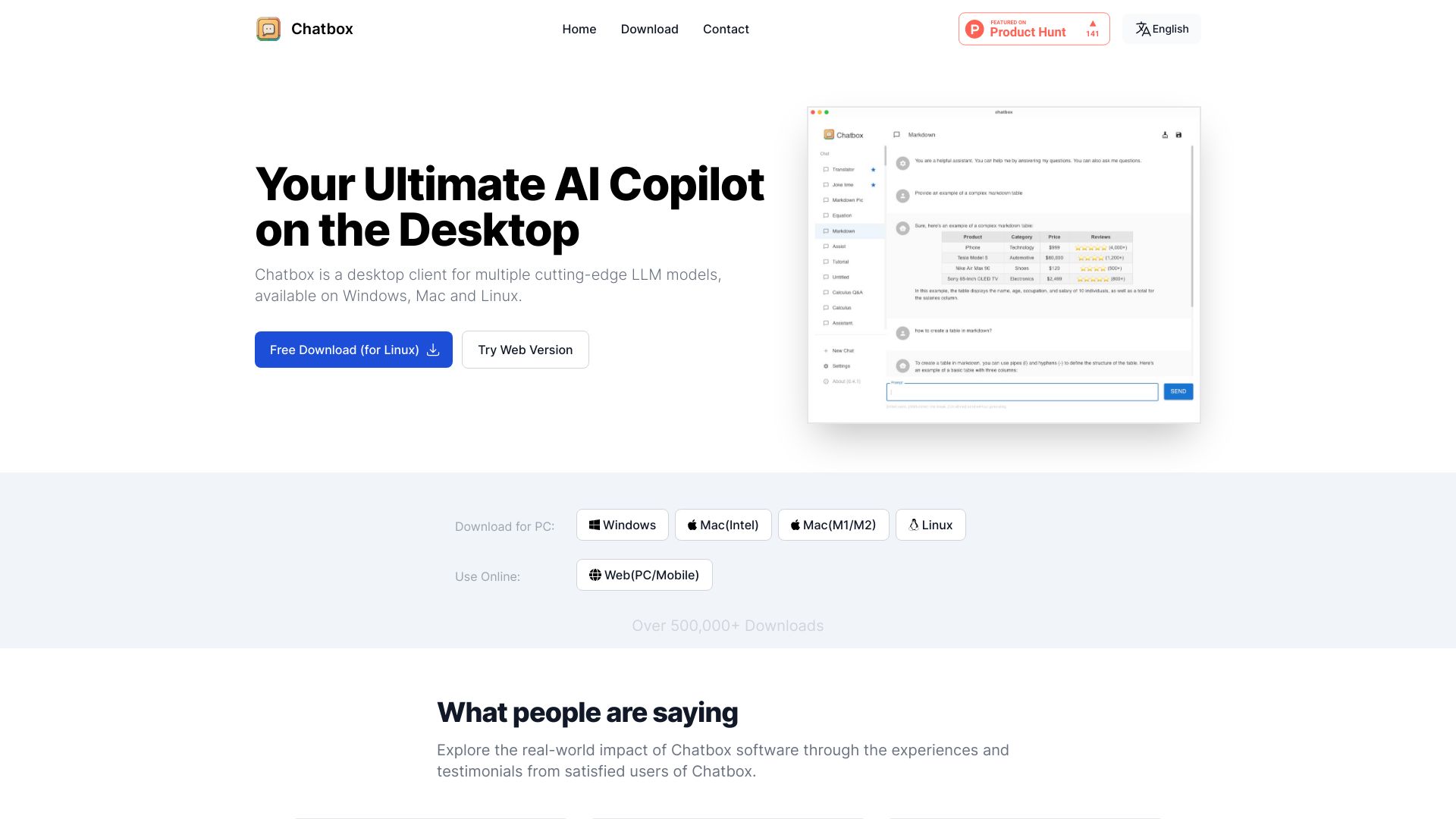
Chatbox AI is the most document-friendly option in this shortlist for students who want an interface that reaches beyond ordinary text chat. It supports document and image chat, code generation and preview, and real-time web search and browsing. Cross-platform availability is its standout practical advantage: the tool is positioned as an AI client application and smart assistant that works with various AI models and APIs.
That combination makes it flexible, but flexibility can create setup decisions. Students may appreciate being able to bring documents, images, code, and web research into one interface; casual users may prefer a simpler hosted chatbot. The listed Lite price of $3.50/month is a relatively accessible starting point, though some features require a paid subscription.
My take: I would put Chatbox AI near the top of a student shortlist when documents, images, and code all appear in the same semester. It is more of a working environment than a single-purpose chat page.
Where it falls short: Some features require a paid subscription. The broad model and API compatibility can also mean more initial choice than a user wants when they simply need an answer.
Key features
AI chat interface.
Document and image chat.
Code generation and preview.
Real-time web search and browsing.
Compatibility with various AI models and APIs.
Pros
Cross-platform availability.
Covers documents, images, code, and web research.
Low listed Lite starting price.
Cons
Some features sit behind a paid subscription.
Model and API flexibility may add setup friction.
Choose Chatbox AI if: You are a student who needs to discuss documents and images, preview code, and browse the web from a cross-platform AI workspace.
9. BOT3 AI

BOT3 AI
Best multilingual virtual-character chatbot for AI enthusiasts
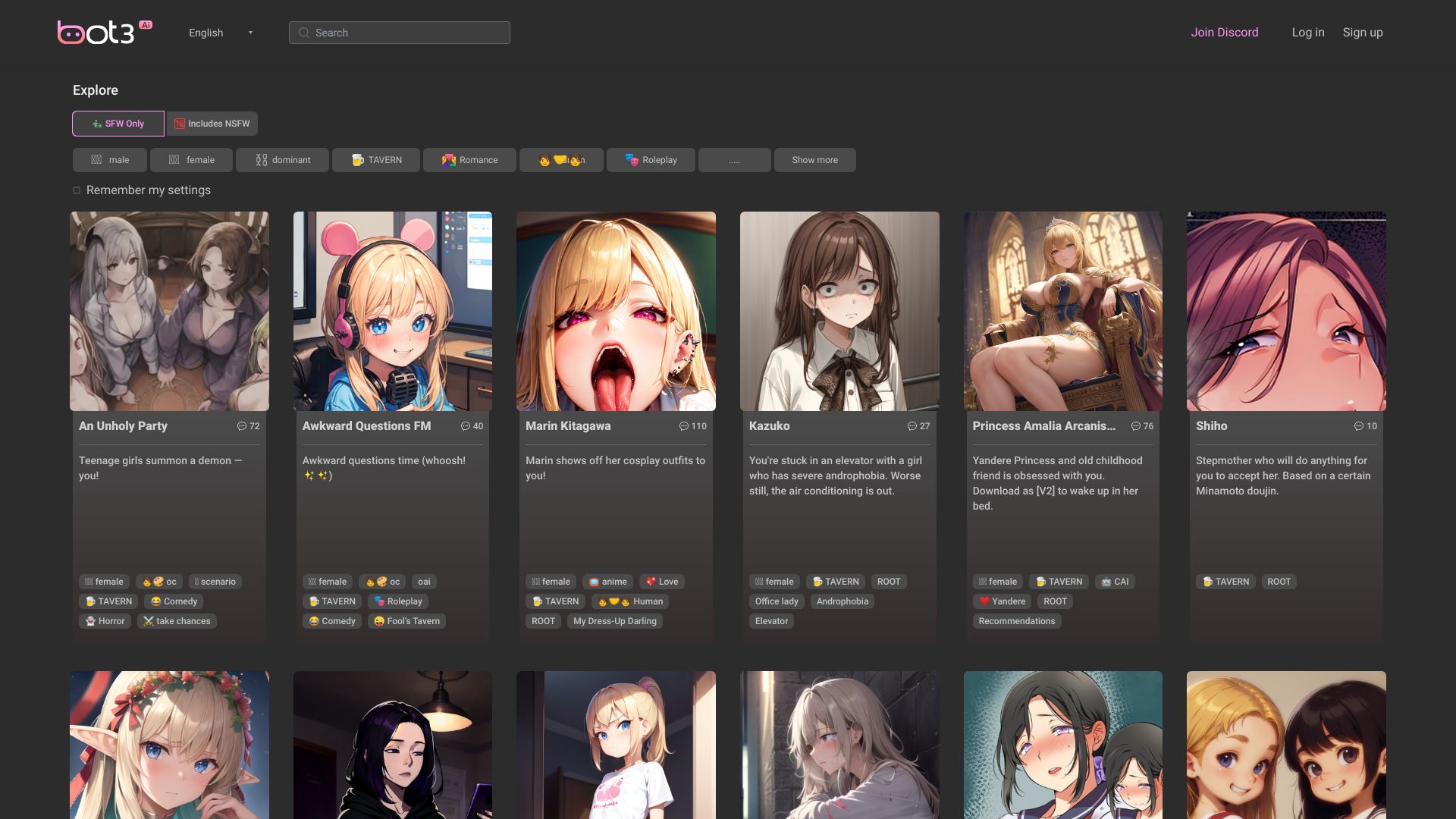
BOT3 AI takes the character-chat category in a multilingual direction. Its listed strengths are multi-language support and unique virtual characters, making it an adjacent alternative for people who want conversational entertainment or persona-led interaction across languages. It is not trying to be a PDF research assistant or a customer-support console, and that narrower identity is useful when choosing.
There is an important audience-fit check here. Content may be explicit and not suitable for all users, so this is not a safe default for every workplace, classroom, or family setting. Access and pricing should also be checked before you plan around the service; the current access label is not a promise of a particular free quota.
My take: BOT3 AI is worth considering when multilingual character interaction is the point, not an accidental side feature. I would be deliberate about the audience and content environment before recommending it broadly.
Where it falls short: Explicit content may make the platform unsuitable for some users or contexts. Pricing and access require a direct vendor check.
Key features
Multi-language support.
Unique virtual characters.
Character-oriented chatbot experience.
Pros
Addresses multilingual character conversations.
Offers a distinct virtual-character angle.
Useful as an alternative to more general chat tools.
Cons
Content may be explicit.
Current access should be verified.
Pricing is not clear enough to compare upfront.
Choose BOT3 AI if: You specifically want multilingual conversations with virtual characters and have confirmed that the content fits your intended audience.
10. BOTNOI AI CHATBOT

BOTNOI AI CHATBOT
Best always-on customer chatbot for hotel managers
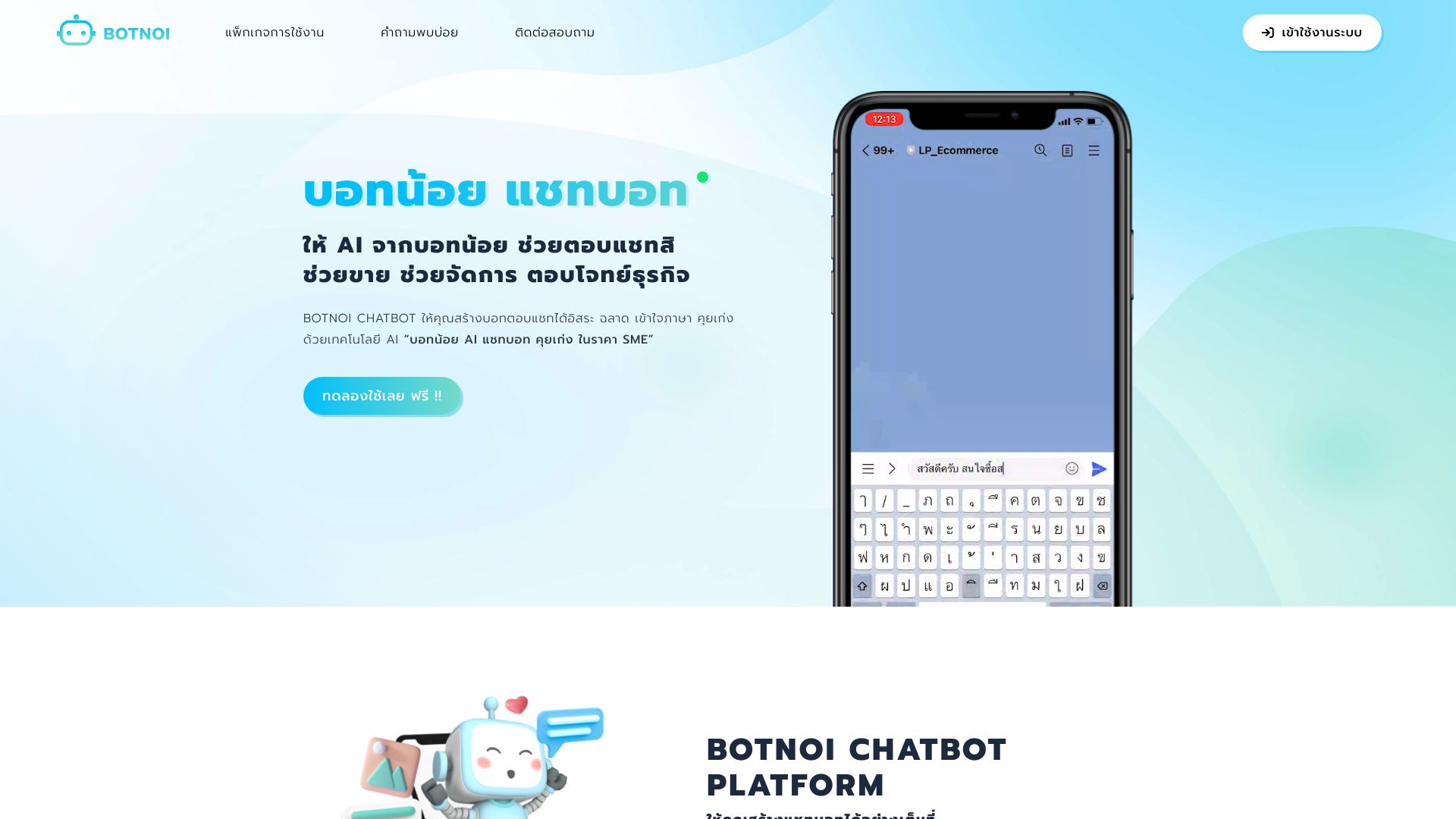
BOTNOI AI CHATBOT is the clearest business-focused option here. Its 24/7 availability and customizable conversations point toward customer engagement and support rather than personal experimentation. Hotel managers get a particularly understandable use case: a bot that can remain available when staff cannot answer every question immediately.
The free allowance is unusually concrete: 5,000 points, described as 1,000 messages. The platform also advertises no-code use and AI for the Thai language, which makes it more specific than a generic support chatbot. Still, a business deployment will require initial setup and configuration, so the no-coding claim should not be confused with no preparation.
My take: This is the one to investigate when your chatbot has to serve customers, not merely entertain or help you draft. Its value comes from availability and conversation customization, especially for Thai-language support scenarios.
Where it falls short: Initial setup and configuration may be required. Pricing is not clearly listed, so hotel operators should request or verify the current commercial terms before deployment.
Key features
24/7 availability.
Customizable conversations.
No-code setup positioning.
AI for the Thai language.
5,000 free points, described as 1,000 messages.
Pros
Designed for continuous customer support.
Offers a concrete free message allowance.
Thai-language support gives it a focused regional advantage.
No coding is required according to its listed access details.
Cons
Initial setup and configuration may take work.
Pricing requires a vendor check.
Its business focus may be excessive for personal chat.
Choose BOTNOI AI CHATBOT if: You manage a hotel or customer-facing operation that needs customizable, always-on support, particularly in Thai.
More tools to compare
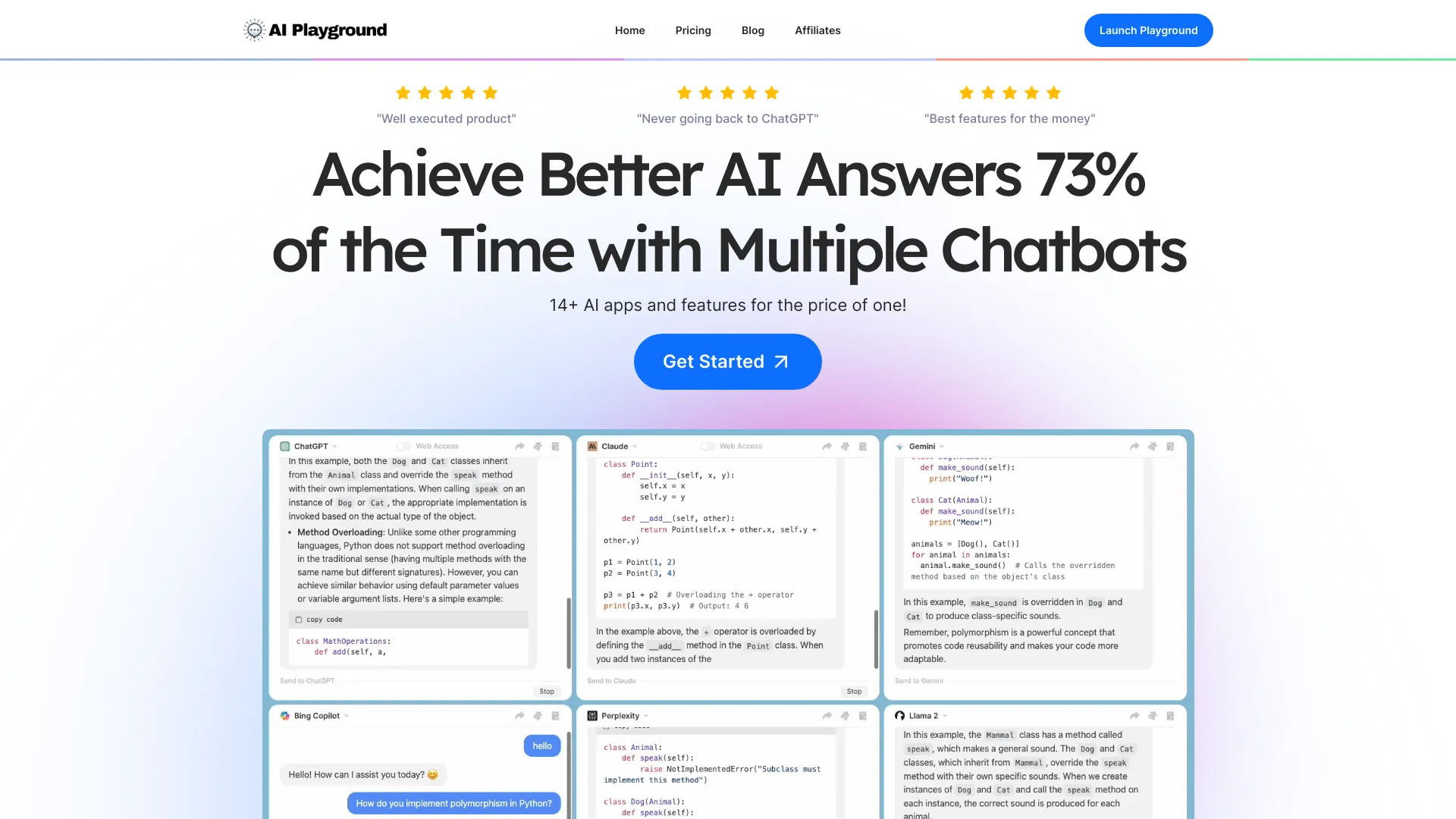
ChatPlayground
Comparing multiple AI models

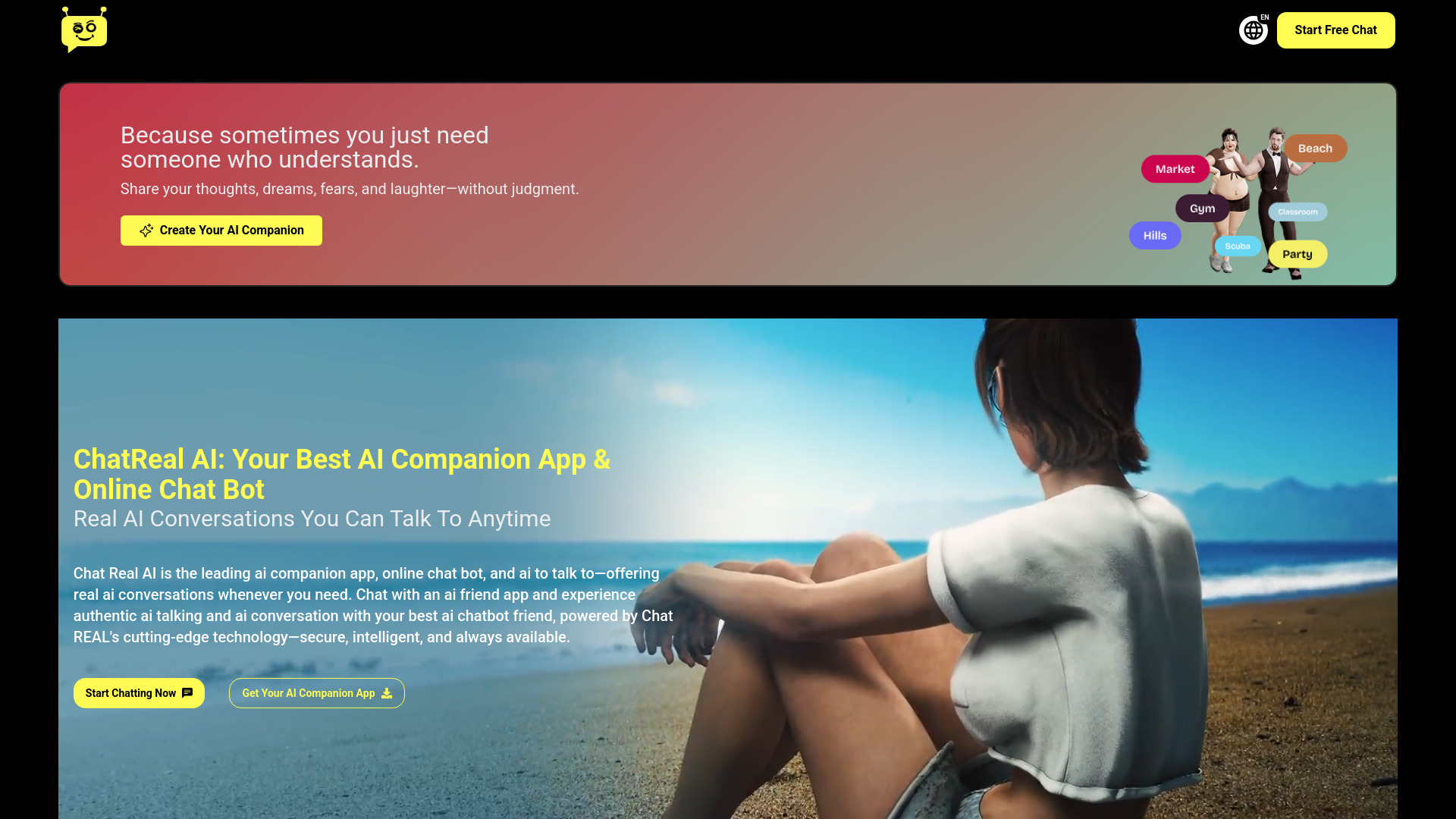
ChatReal AI
Customizable AI companions
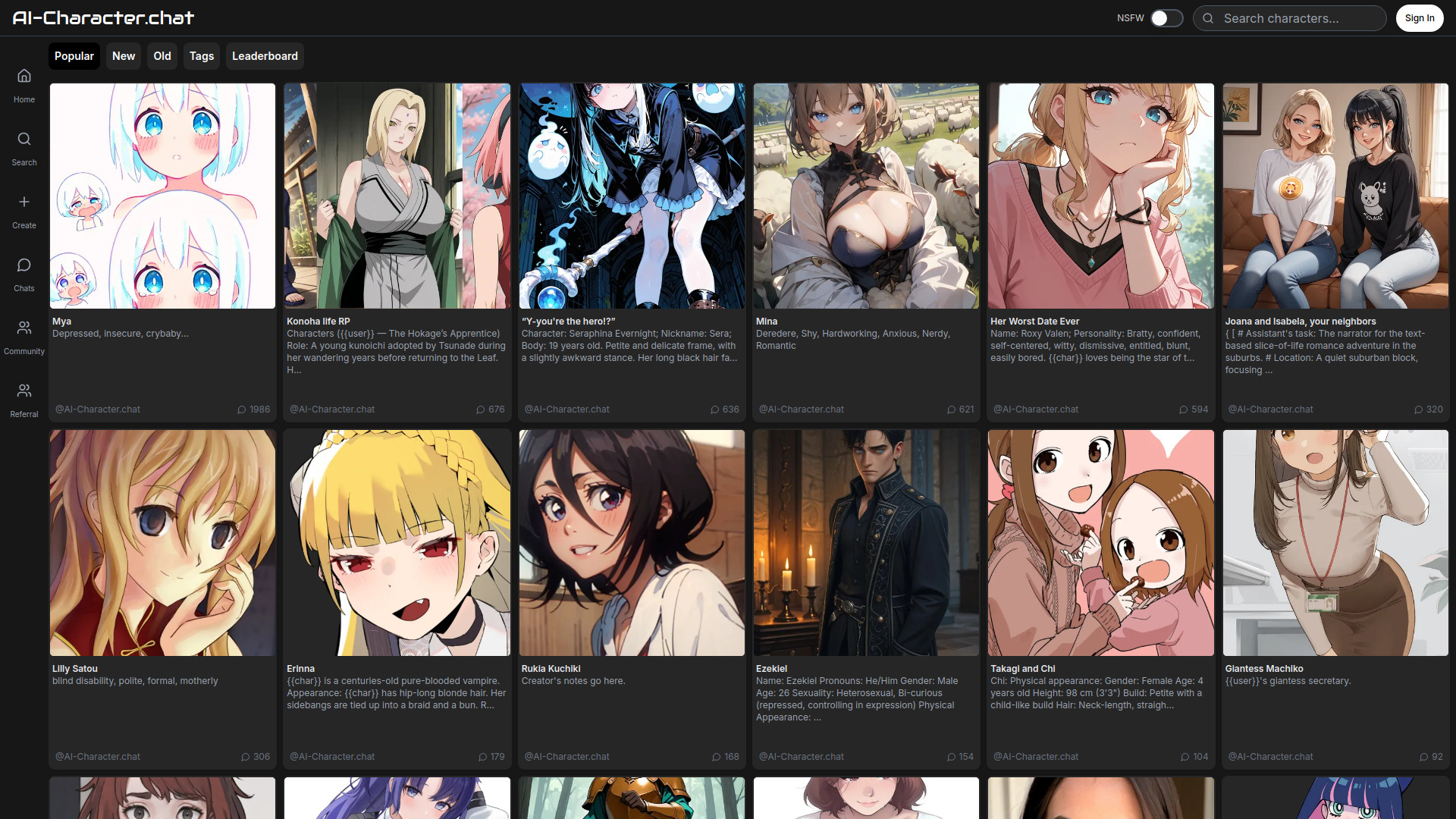
AI-Character.chat
AI character roleplay and creation

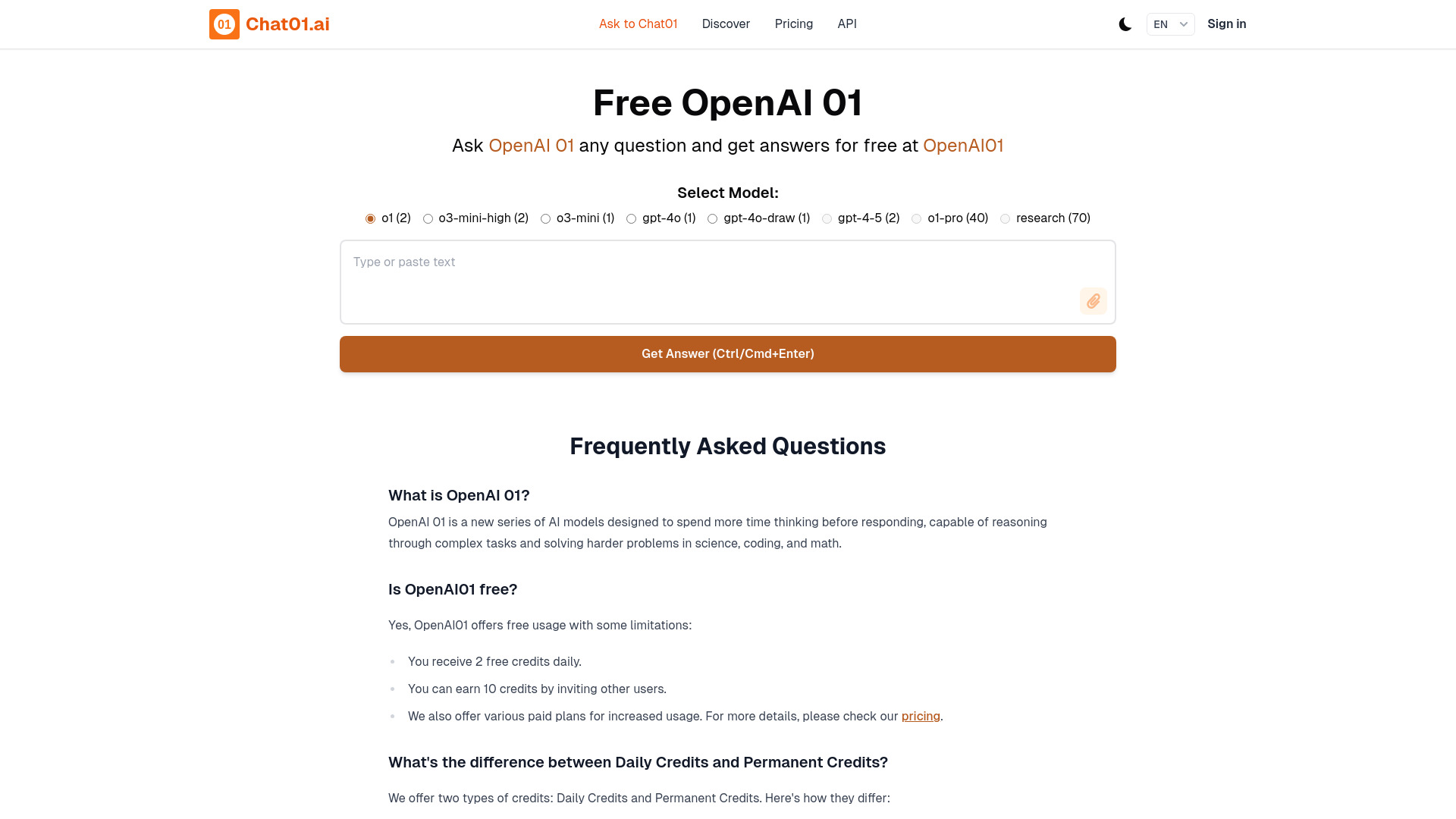
Chat01.ai
Complex reasoning tasks

ChatAI
Multi-model chat and image creation

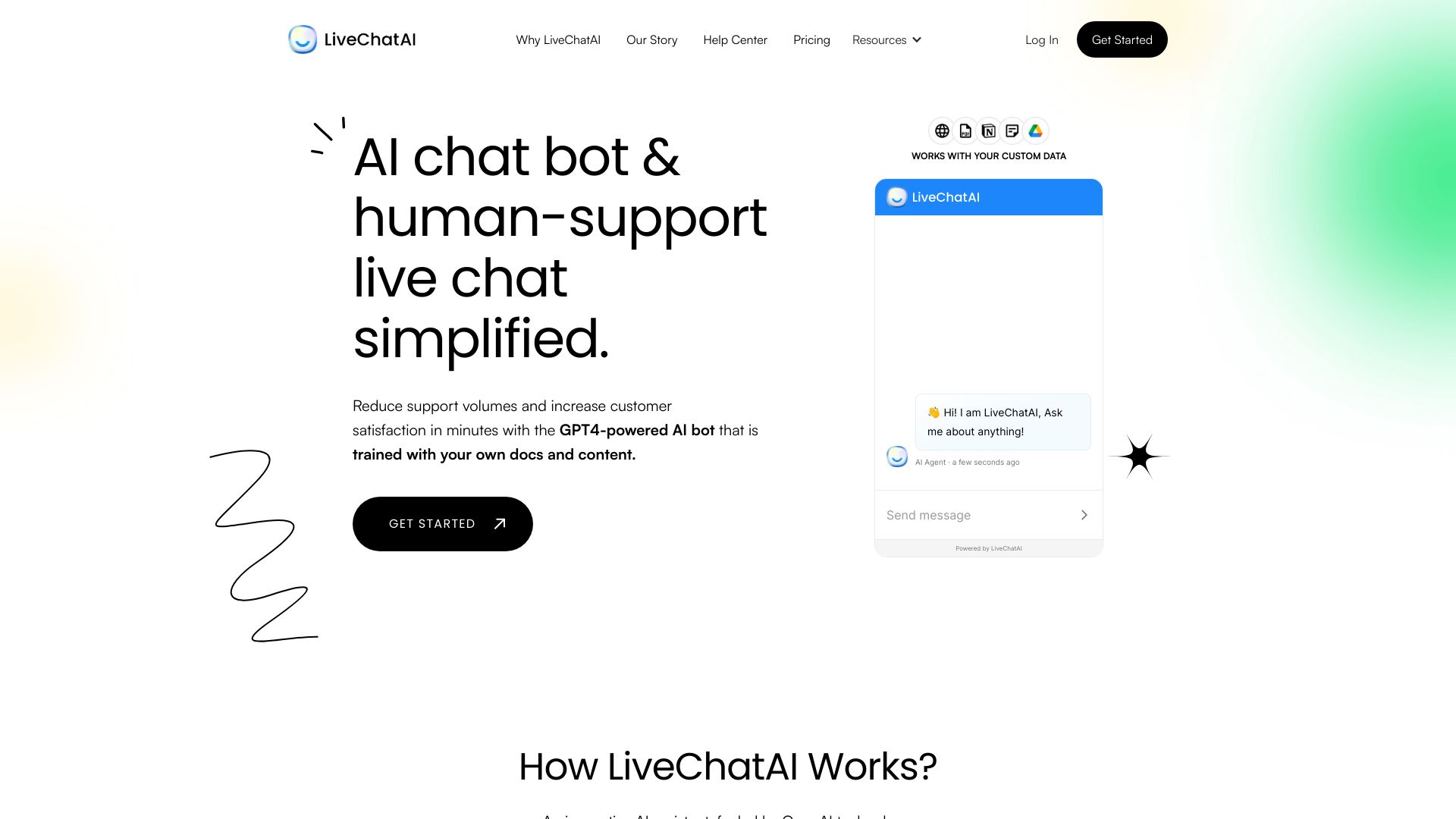
LiveChatAI
Customer support chatbots

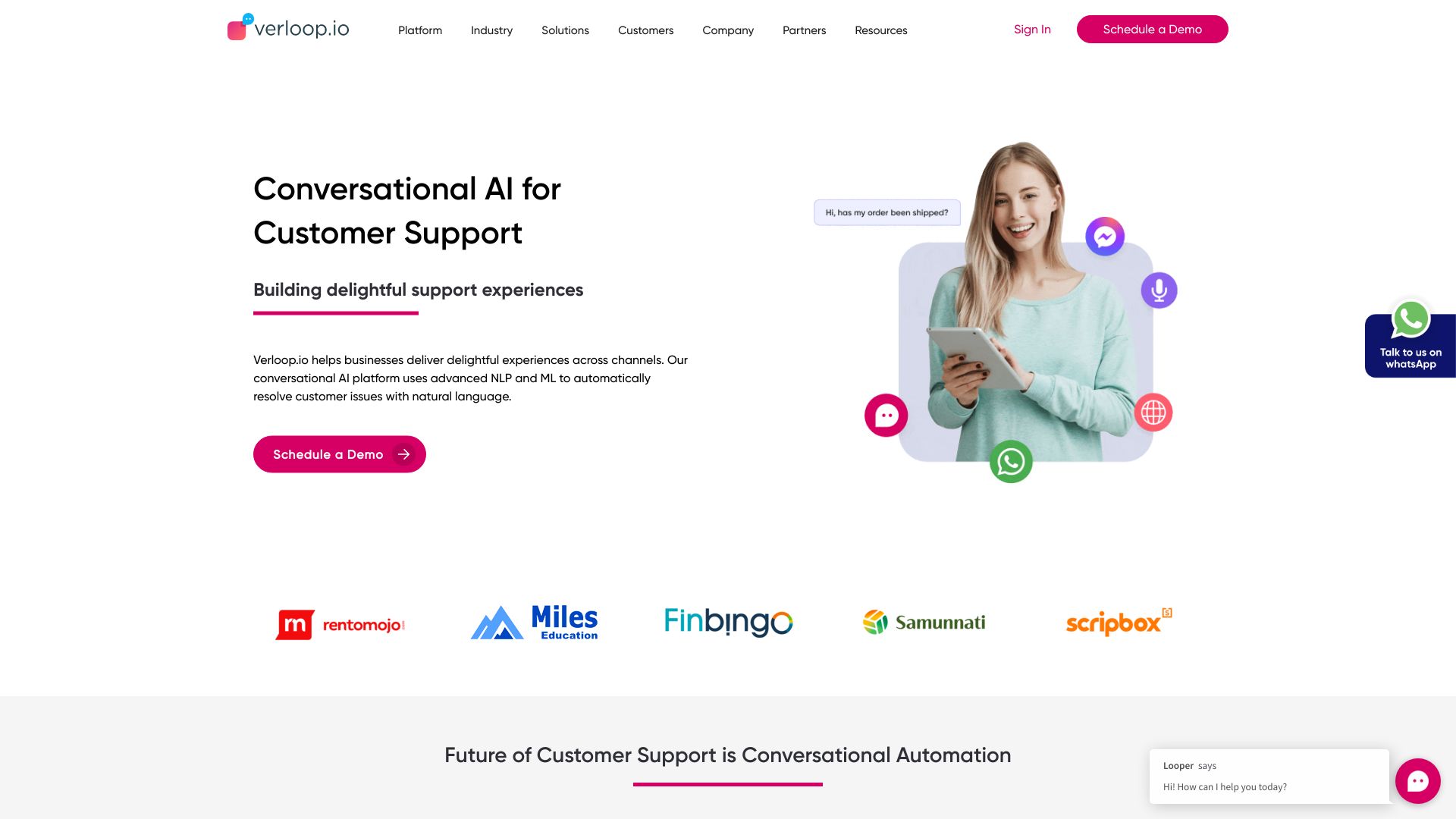
Verloop.io
Enterprise customer support automation

Cici AI
Chat, writing, translation, and programming

Emma AI
Teams building data-connected assistants

ChatBotKit
Building custom AI chatbots and agents

AI Chat
Text-message AI conversations

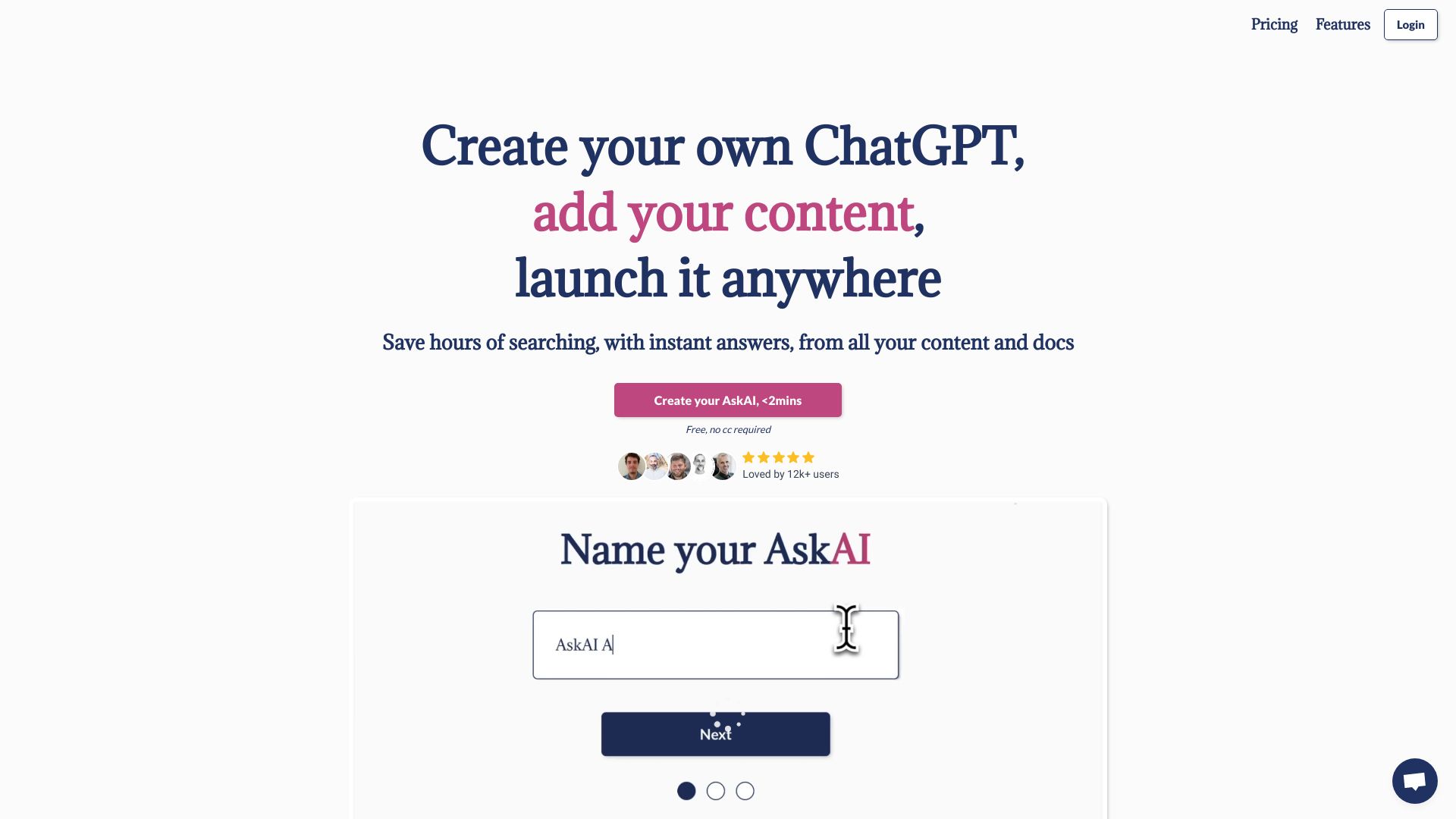
My AskAI
AI customer support automation

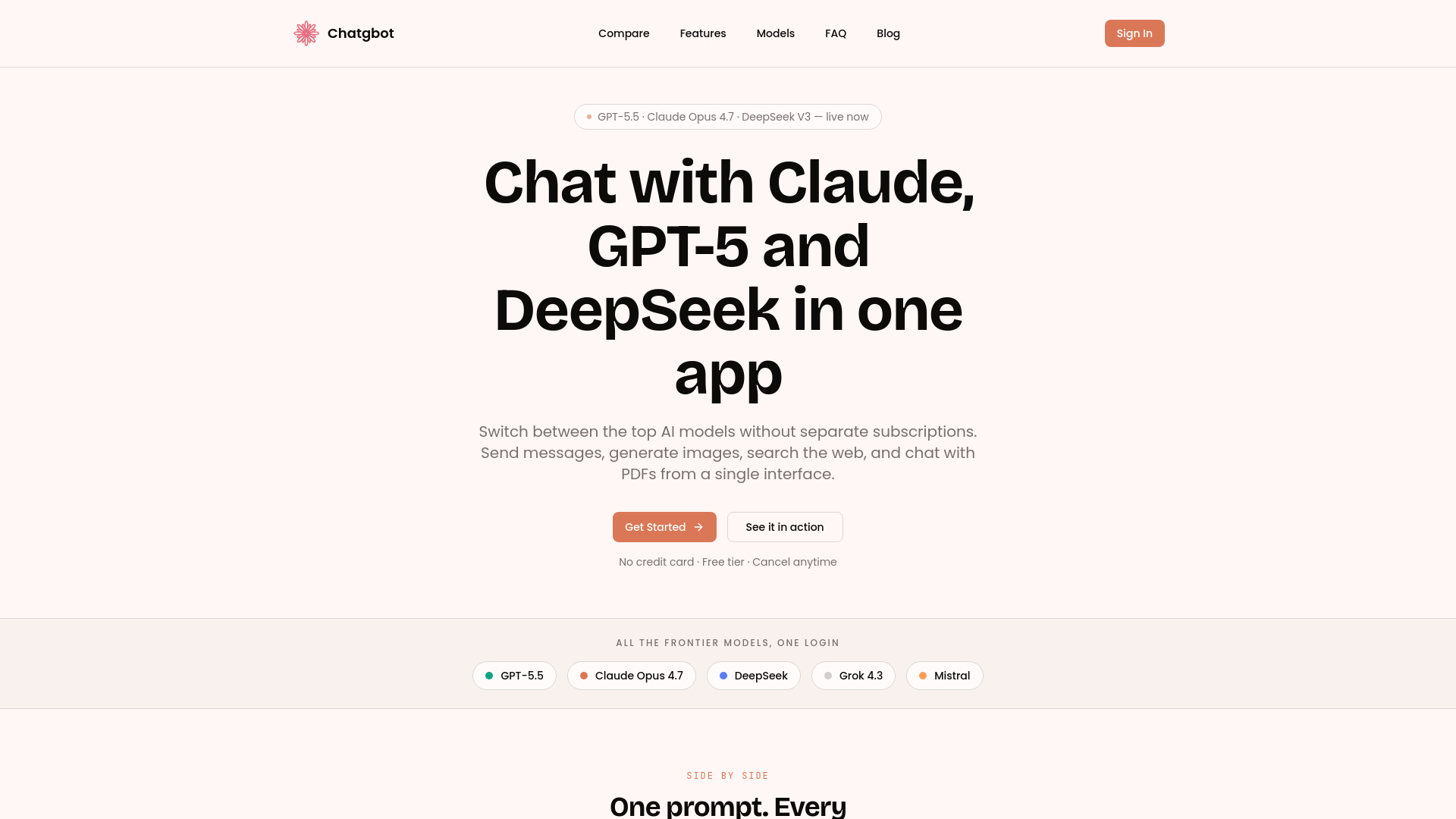
Chatgbot
Using multiple AI models in one workspace

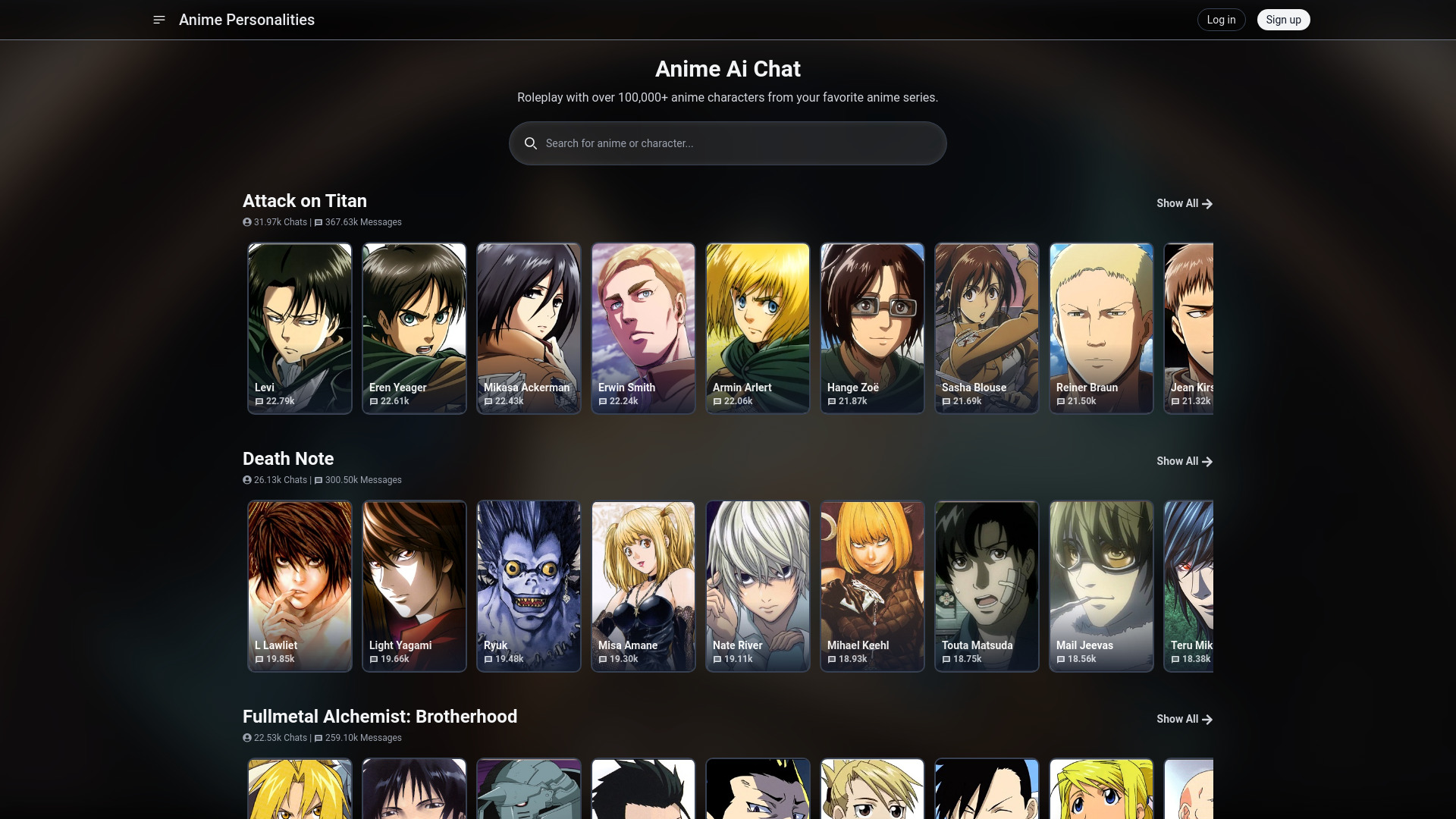
Anime AI Chat
Anime character roleplay

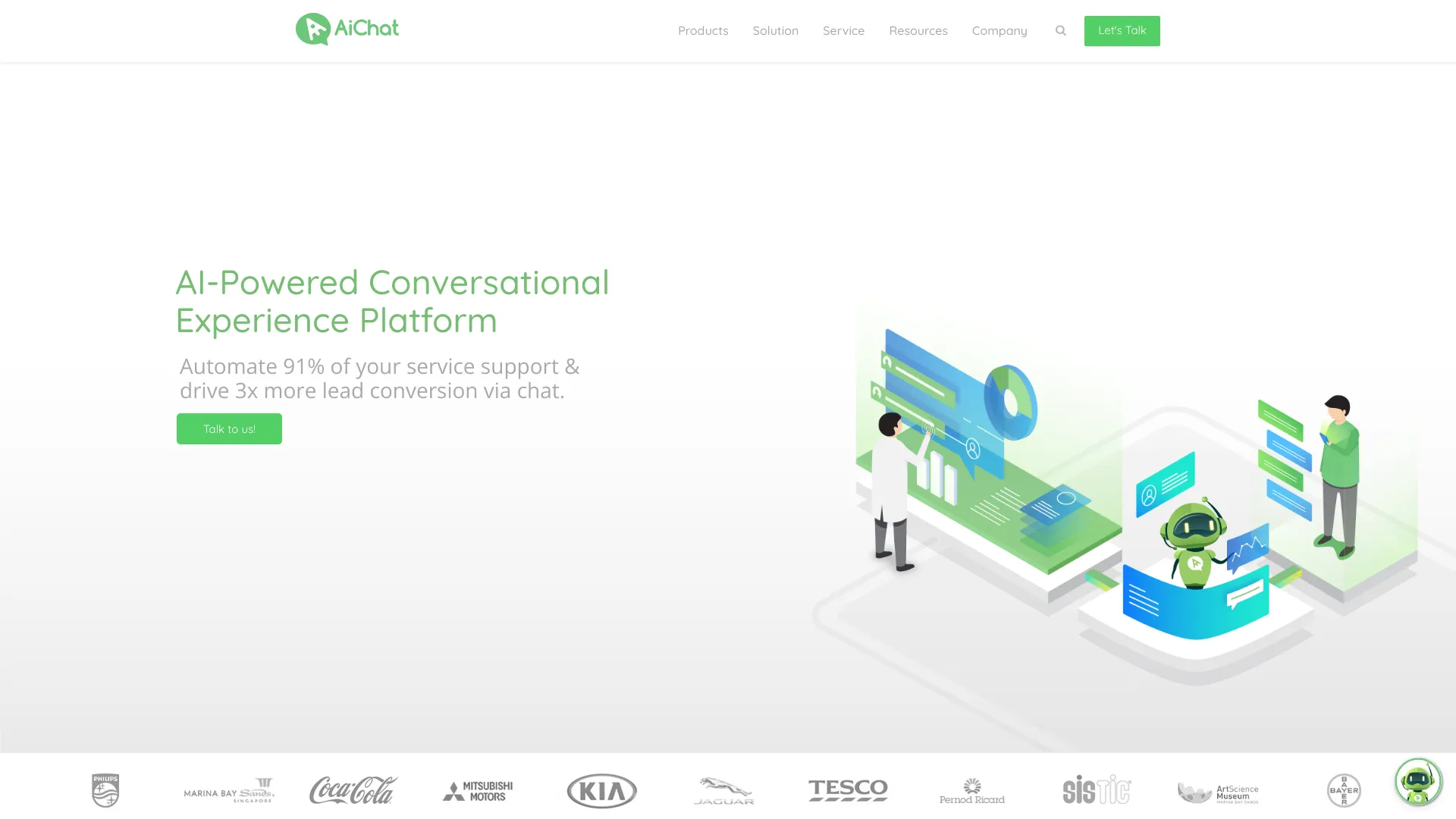
AiChat
Omnichannel customer support and sales automation
AI Chat
Multi-model AI chat

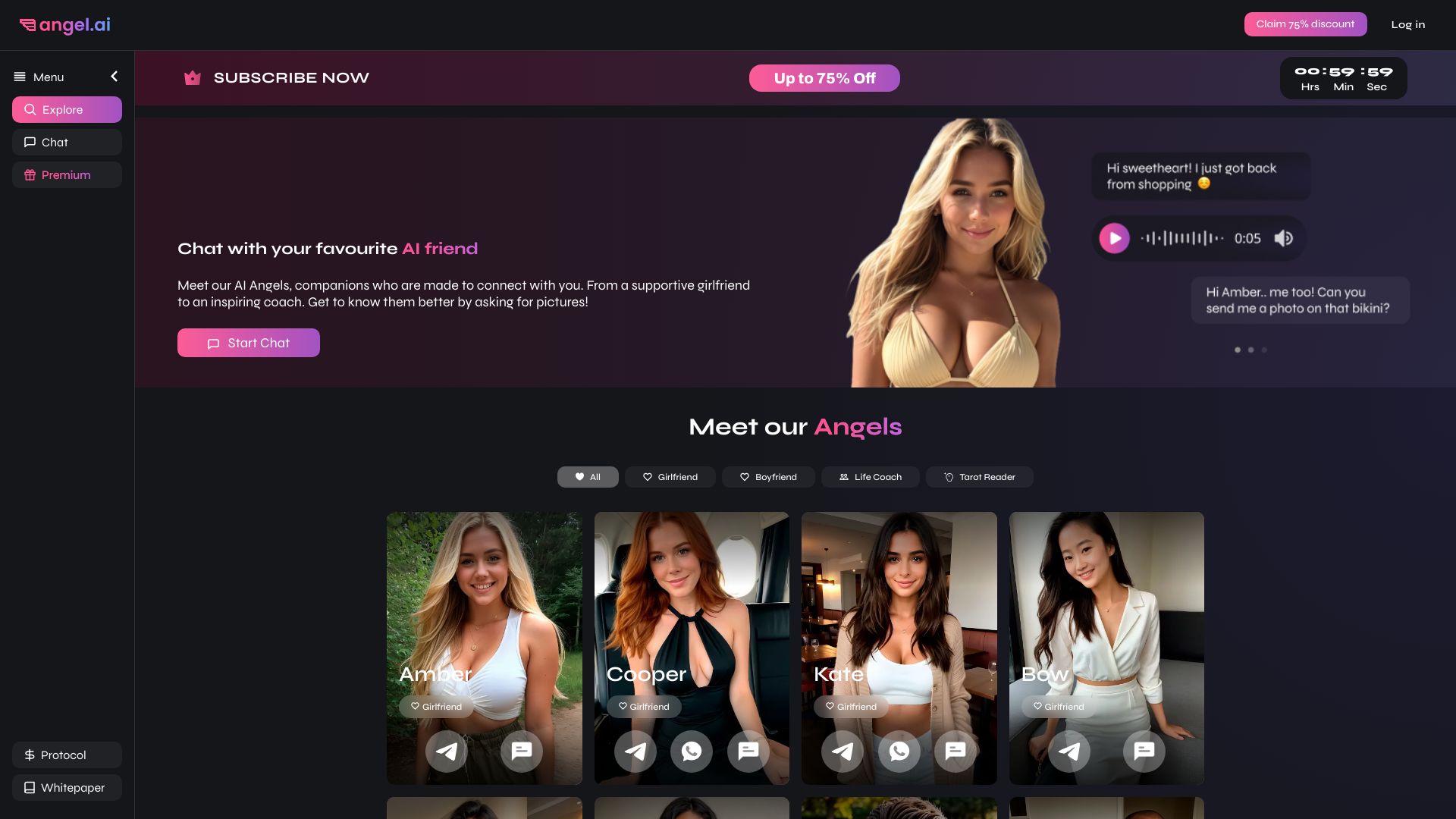
Angel AI
AI girlfriend and companion chats

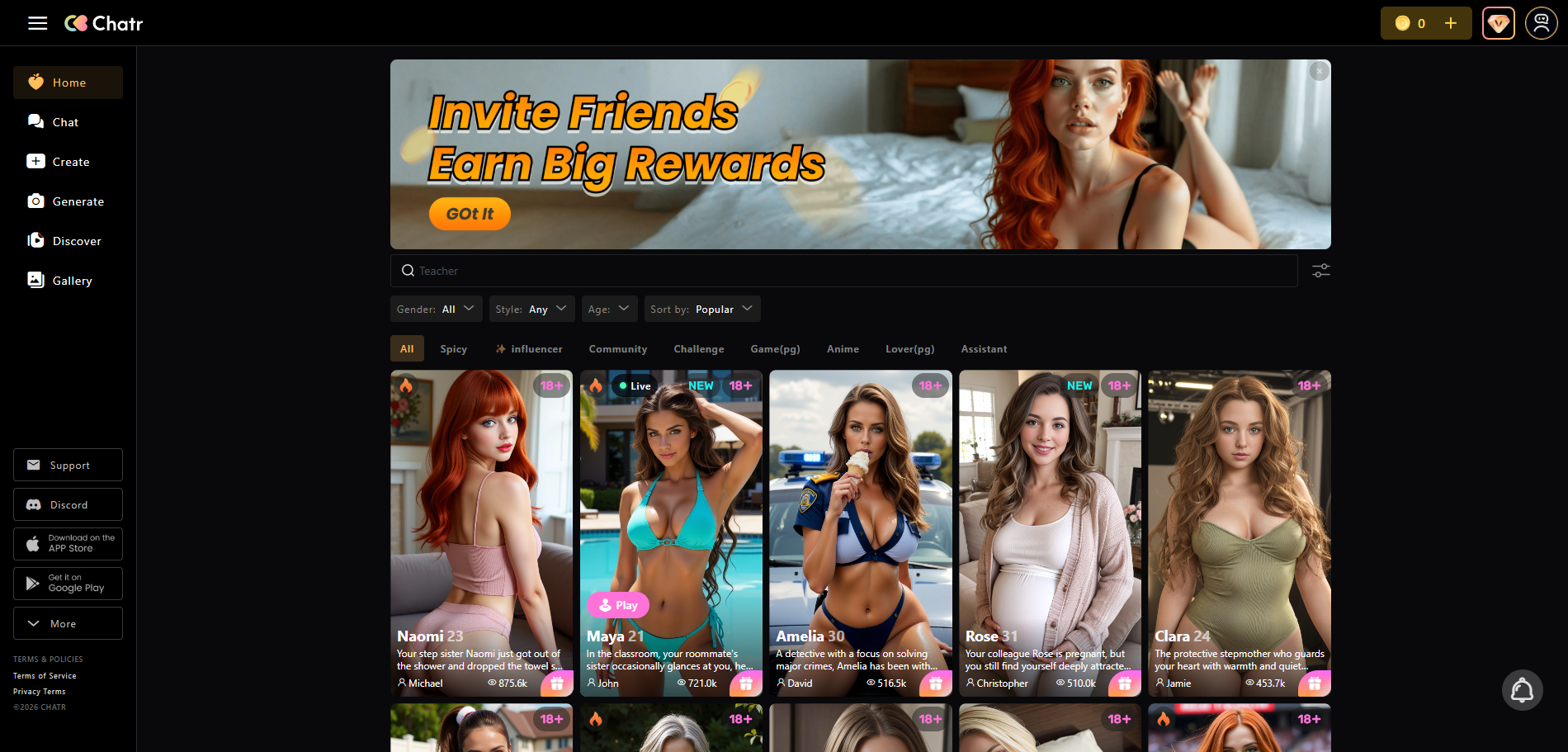
Chatr AI
AI character roleplay

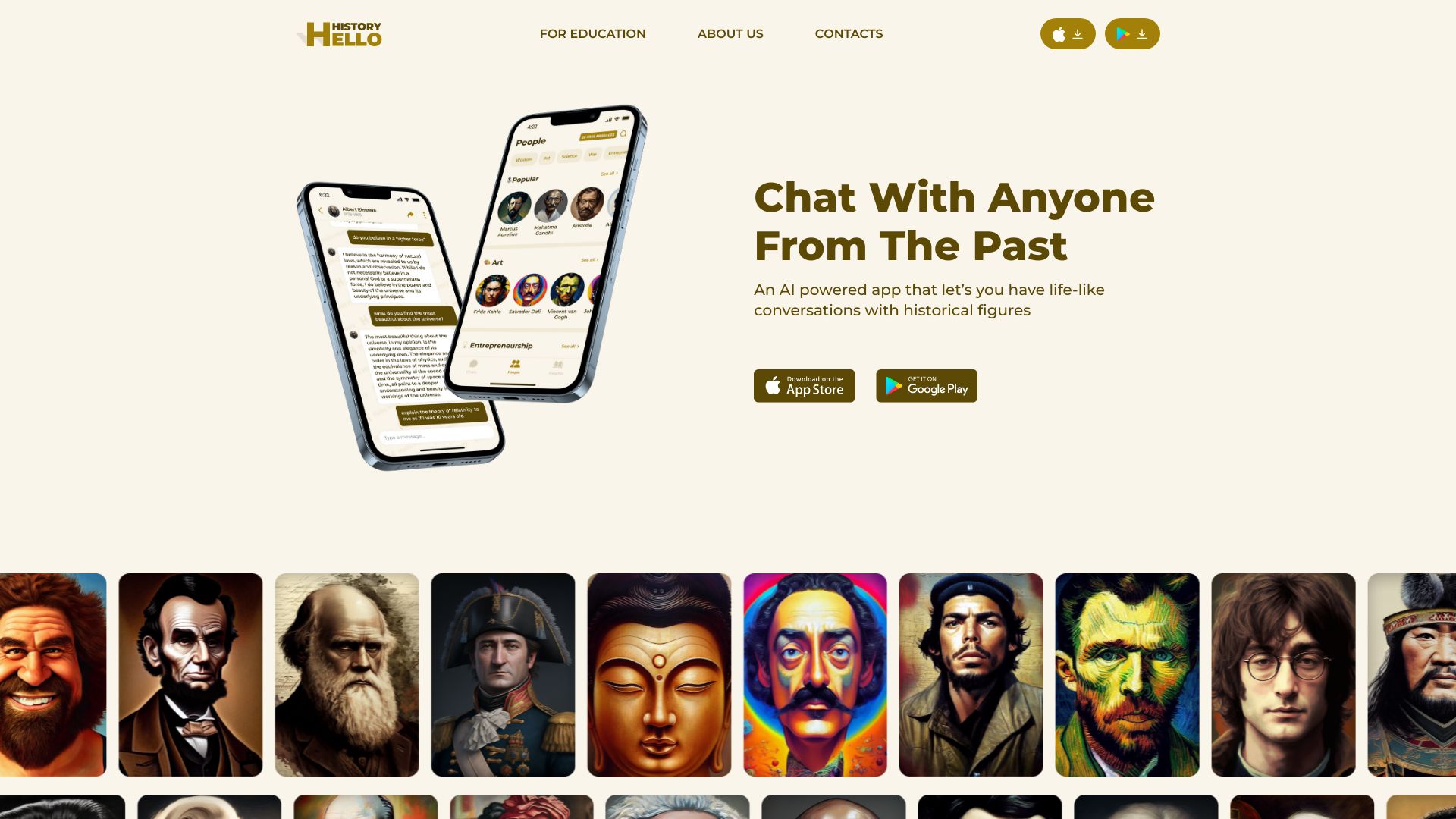
Hello History
AI conversations with historical figures

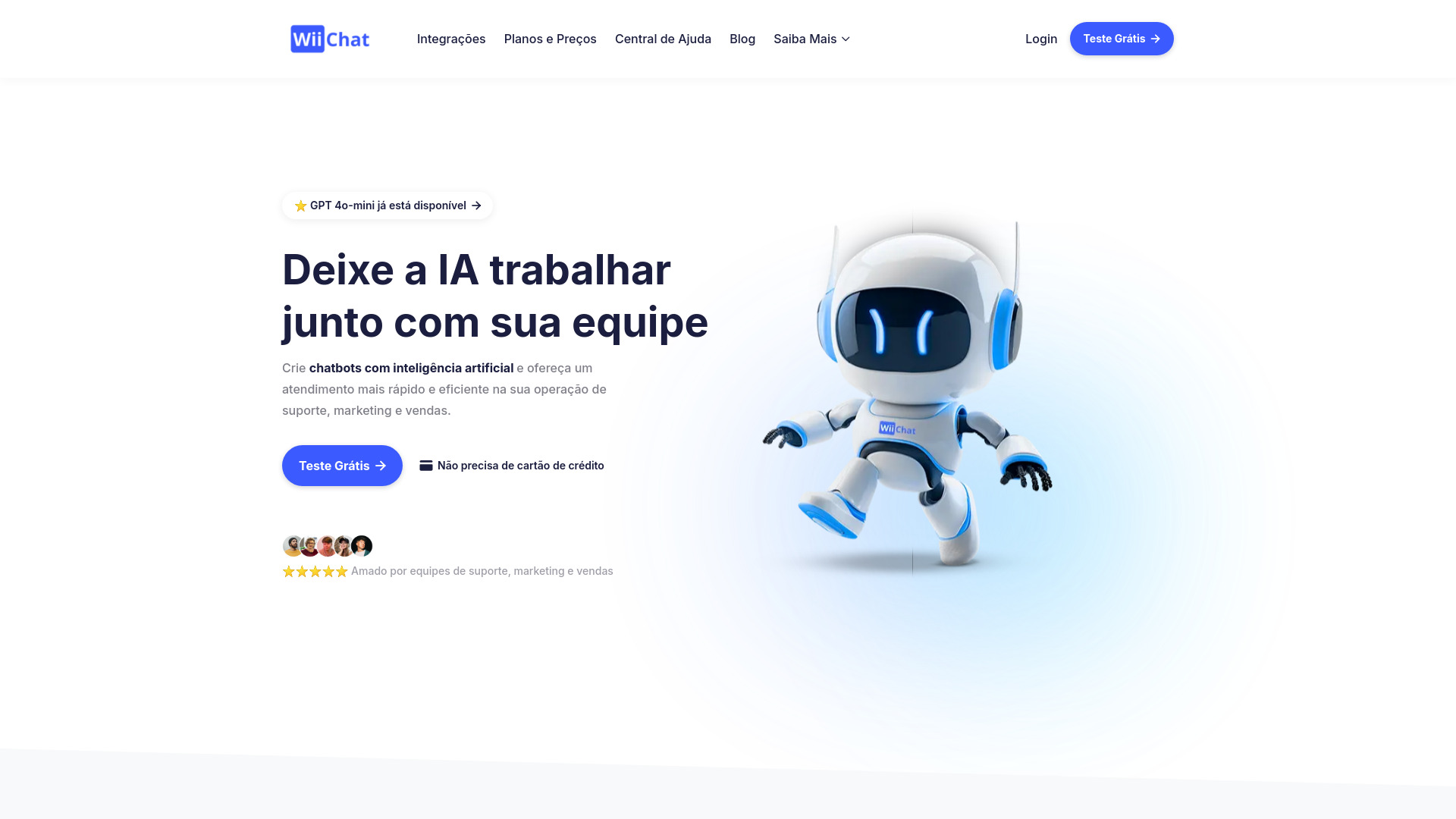
WiiChat
Omnichannel customer support and lead qualification

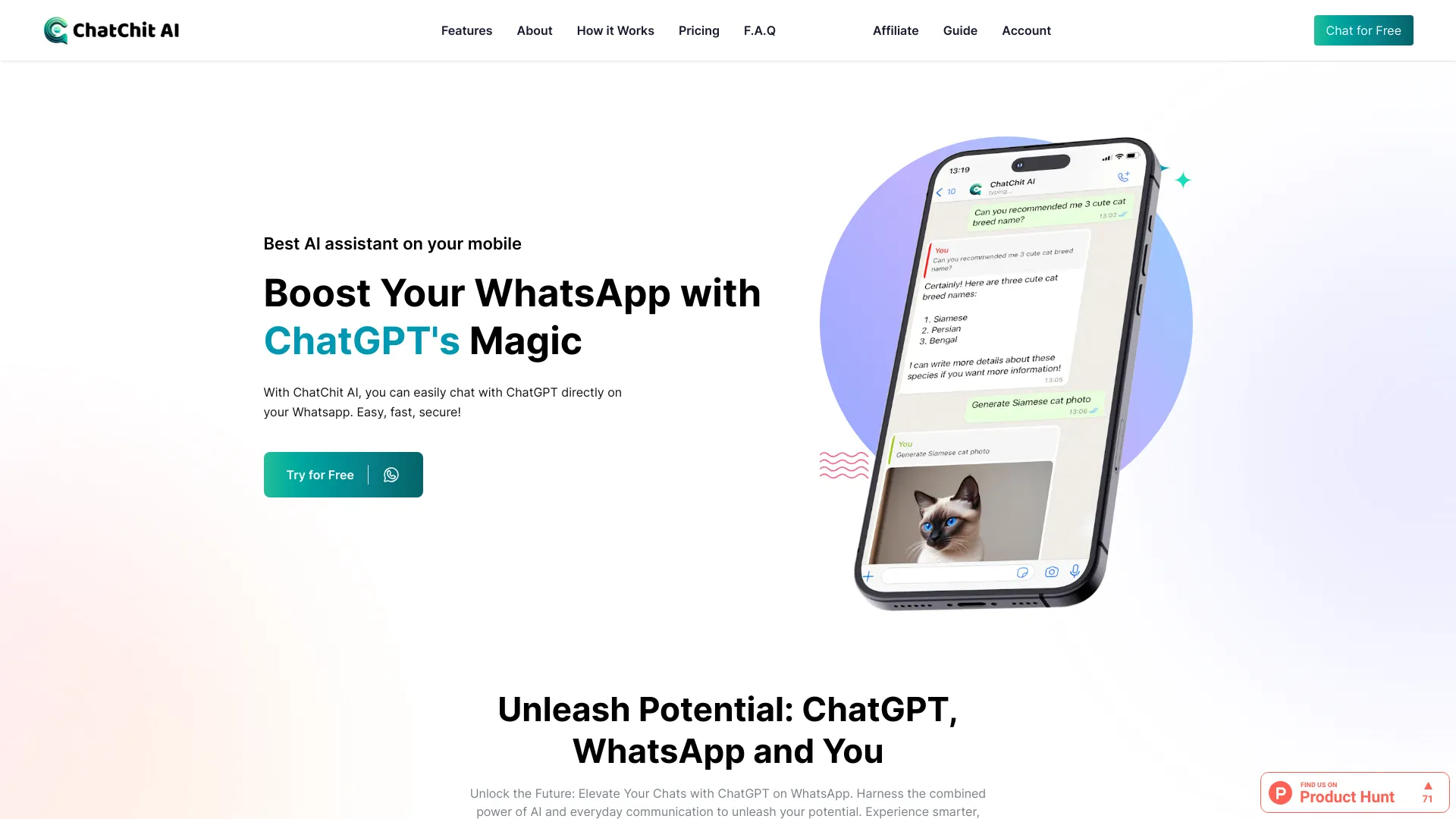
ChatChit AI
AI chat and media on WhatsApp

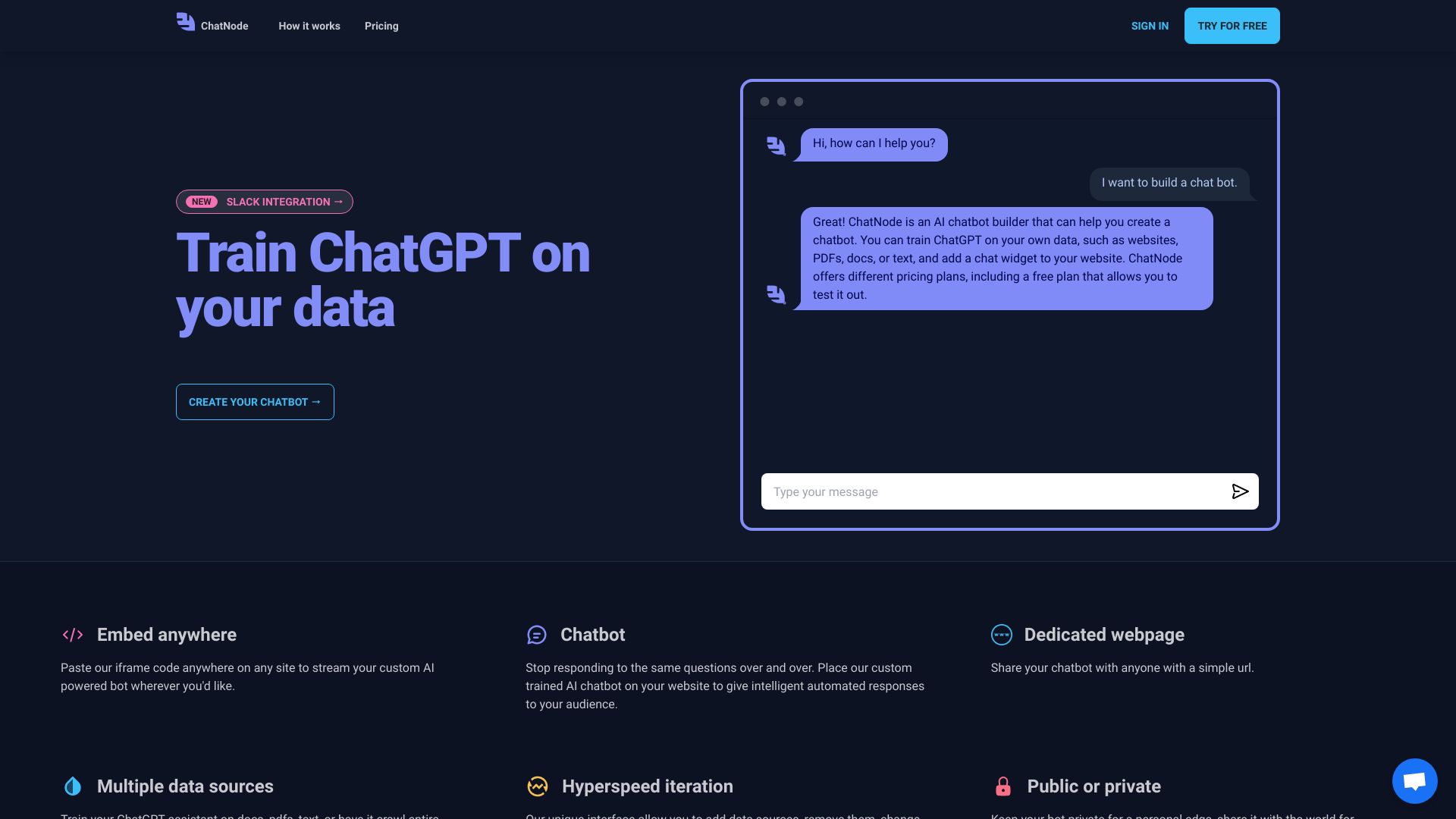
ChatNode
Website and internal data-trained chatbots

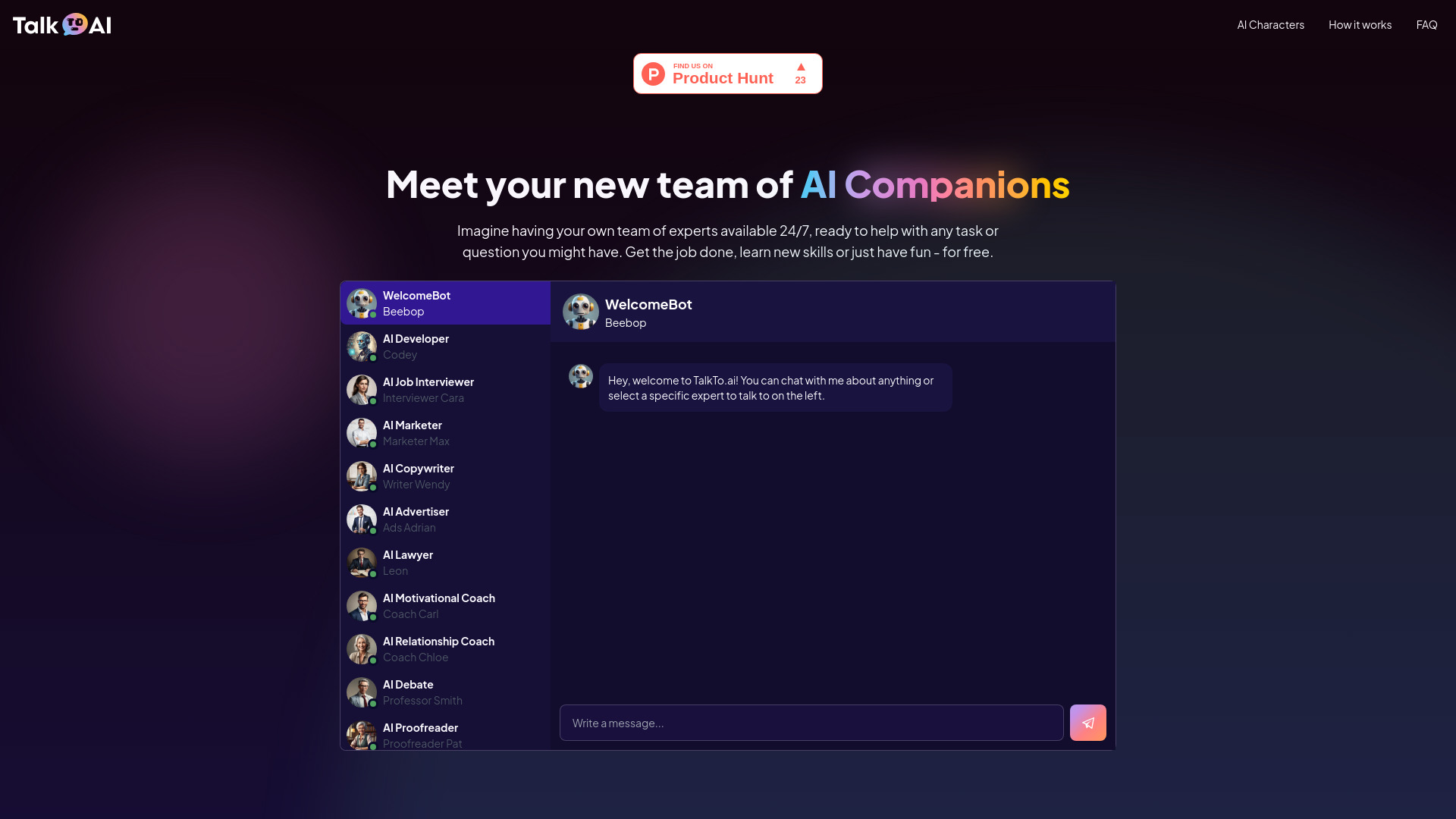
TalkTo.ai
AI character conversations

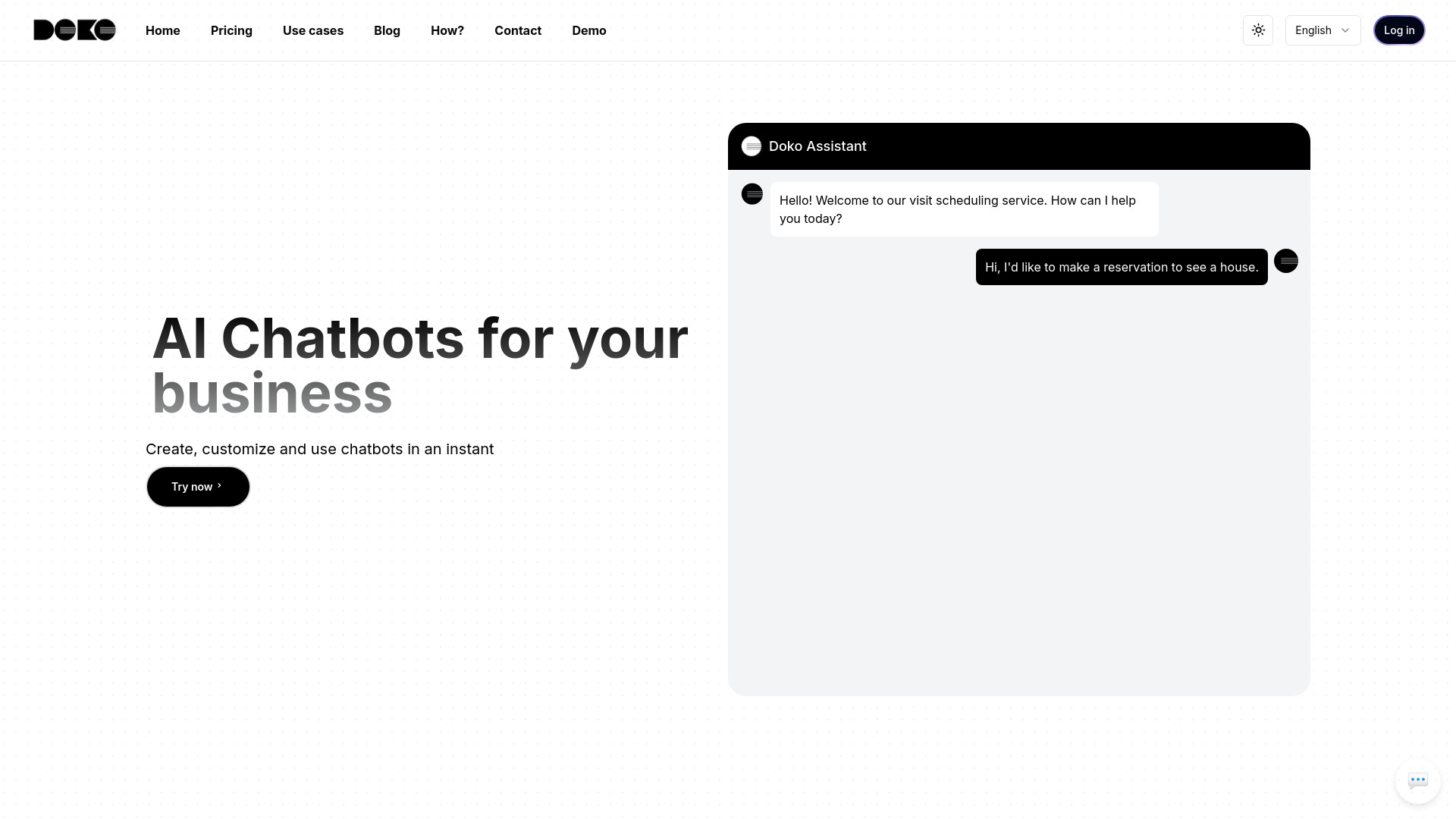
Doko AI
Business customer support chatbots

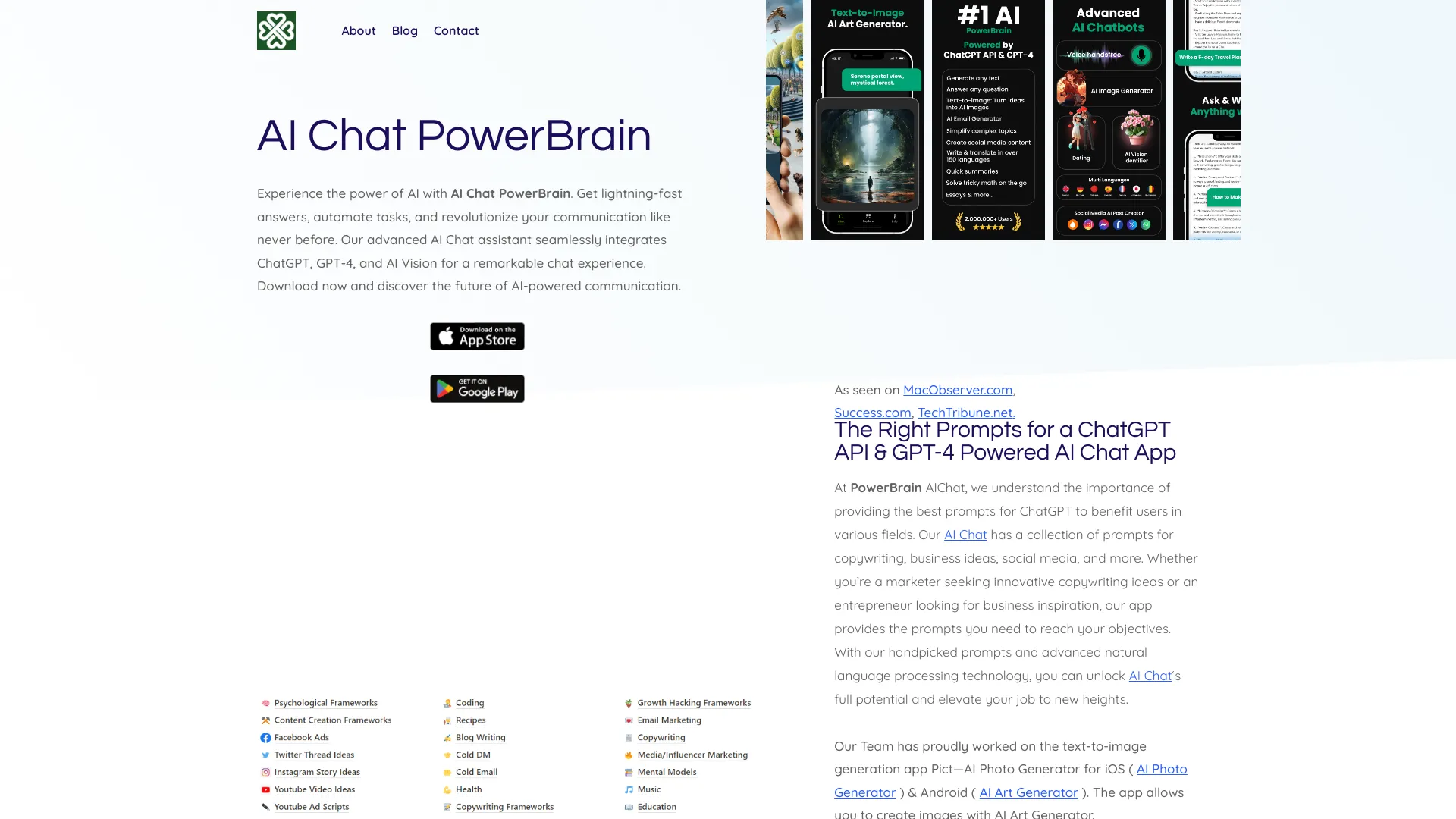
PowerBrain AI Chat
Everyday AI assistance and creative writing

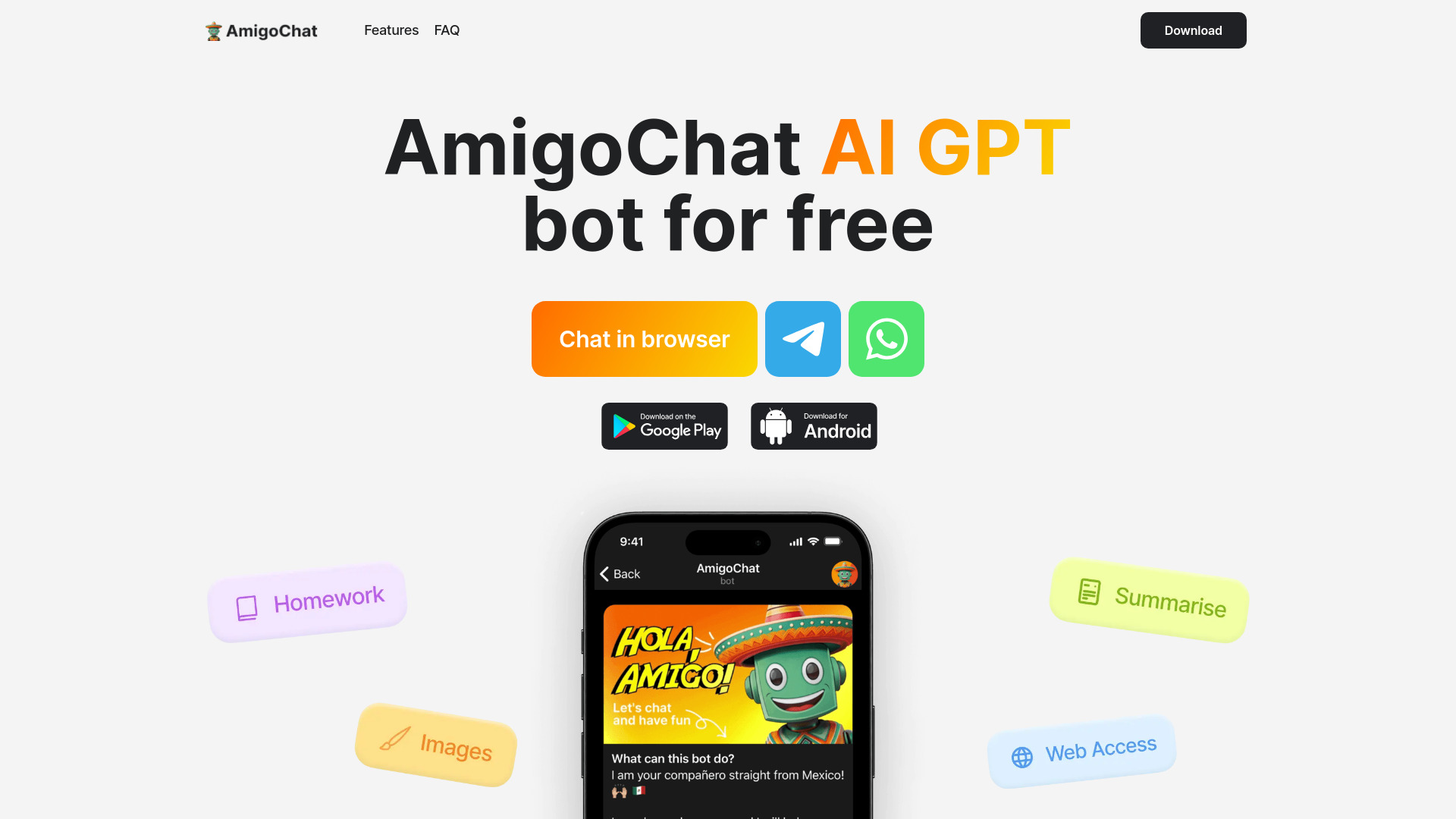
AmigoChat
Multi-model chat for text, images, and code

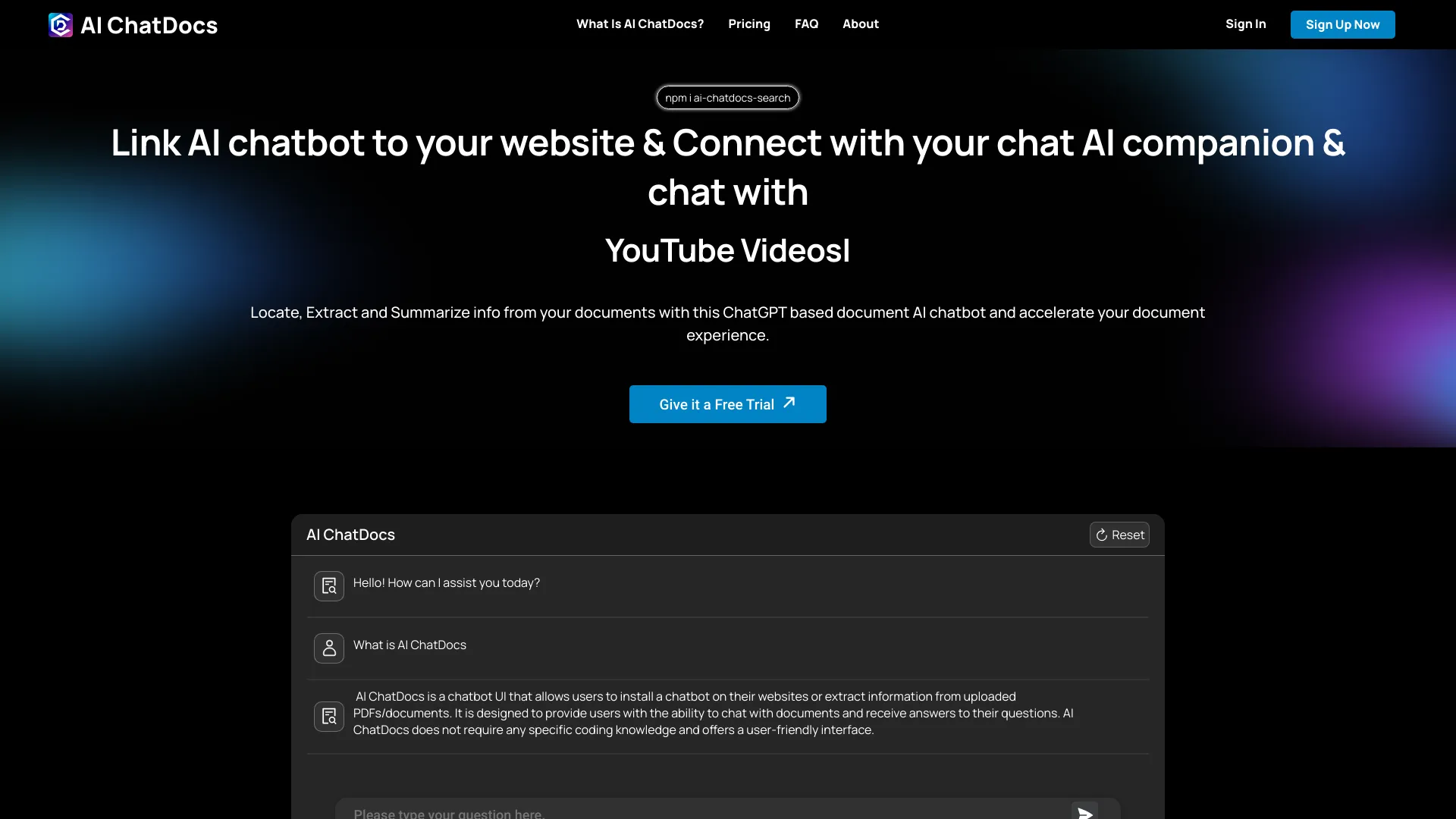
AI ChatDocs
Research and document Q&A

ChatBotBuilderai
Omnichannel business chatbots
MyBot.Chat
No-code customer support and lead-generation chatbots
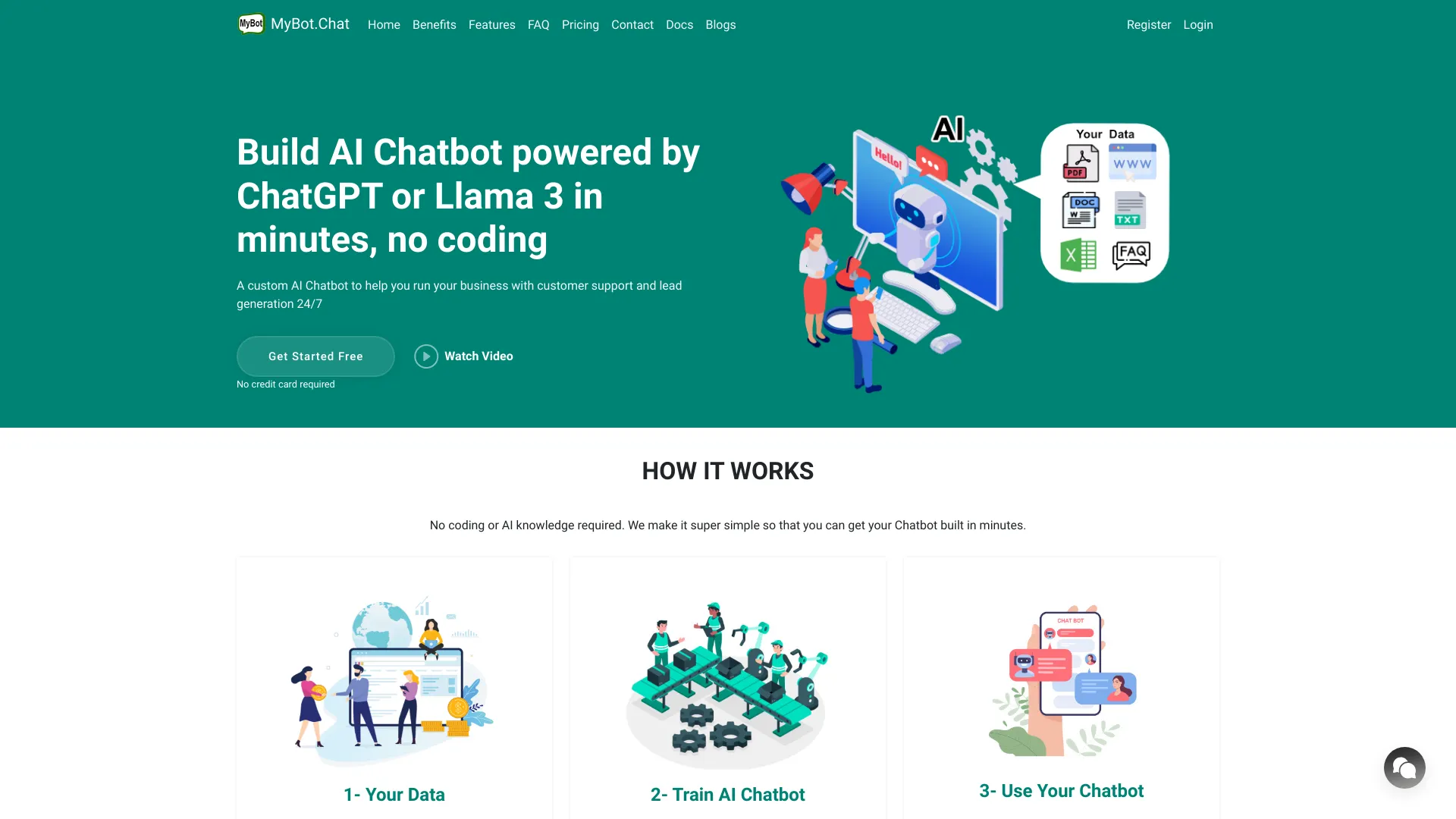

Chatty
AI writing and expert chat assistance
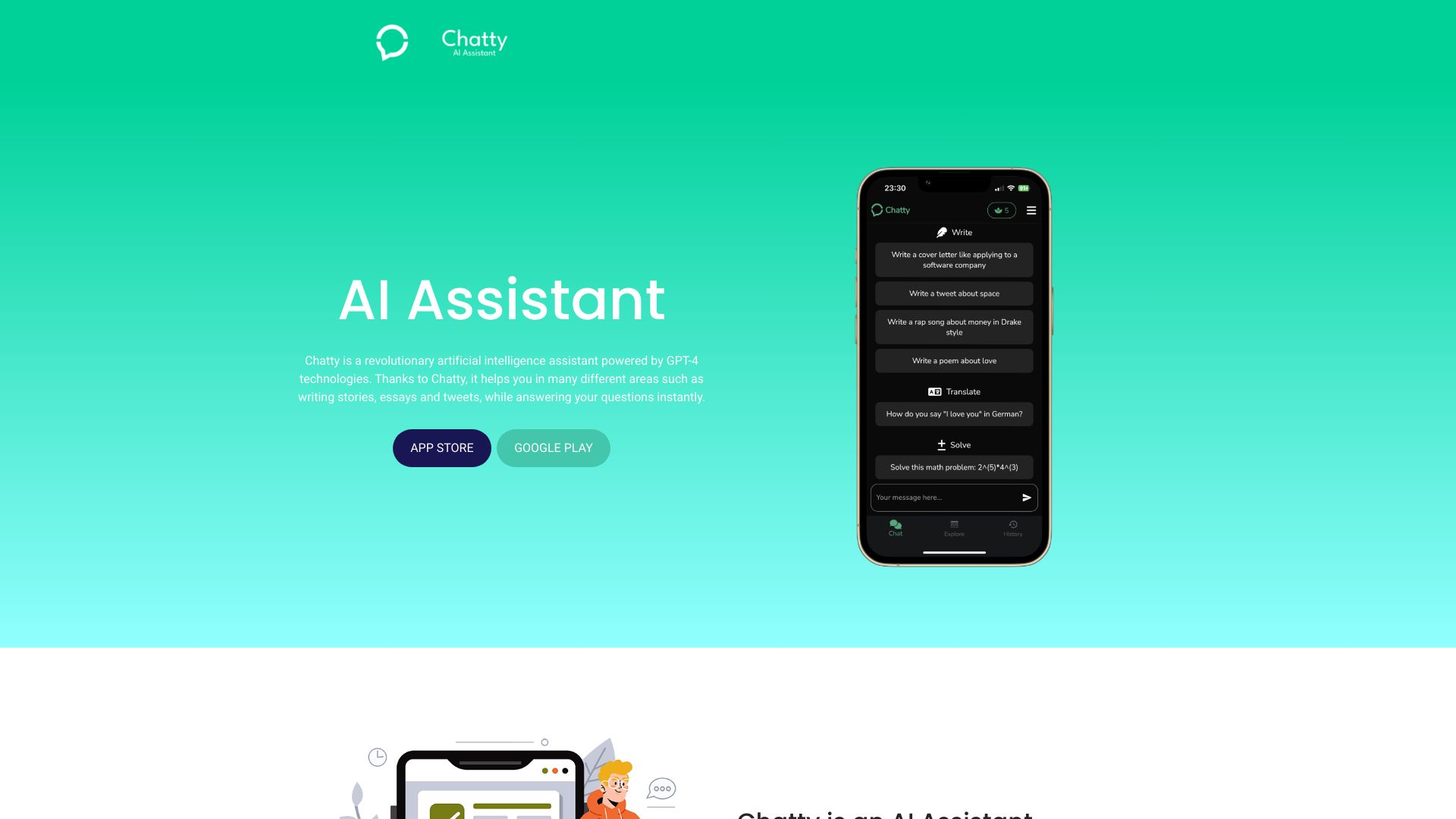

Genie AI
Multi-model AI chat and research

Chatclient
Website-based customer support agents

ConversAI
One-click messaging responses

DialogAi
WhatsApp voice-to-text and AI chat

AI Coffee Club
All-in-one AI content creation

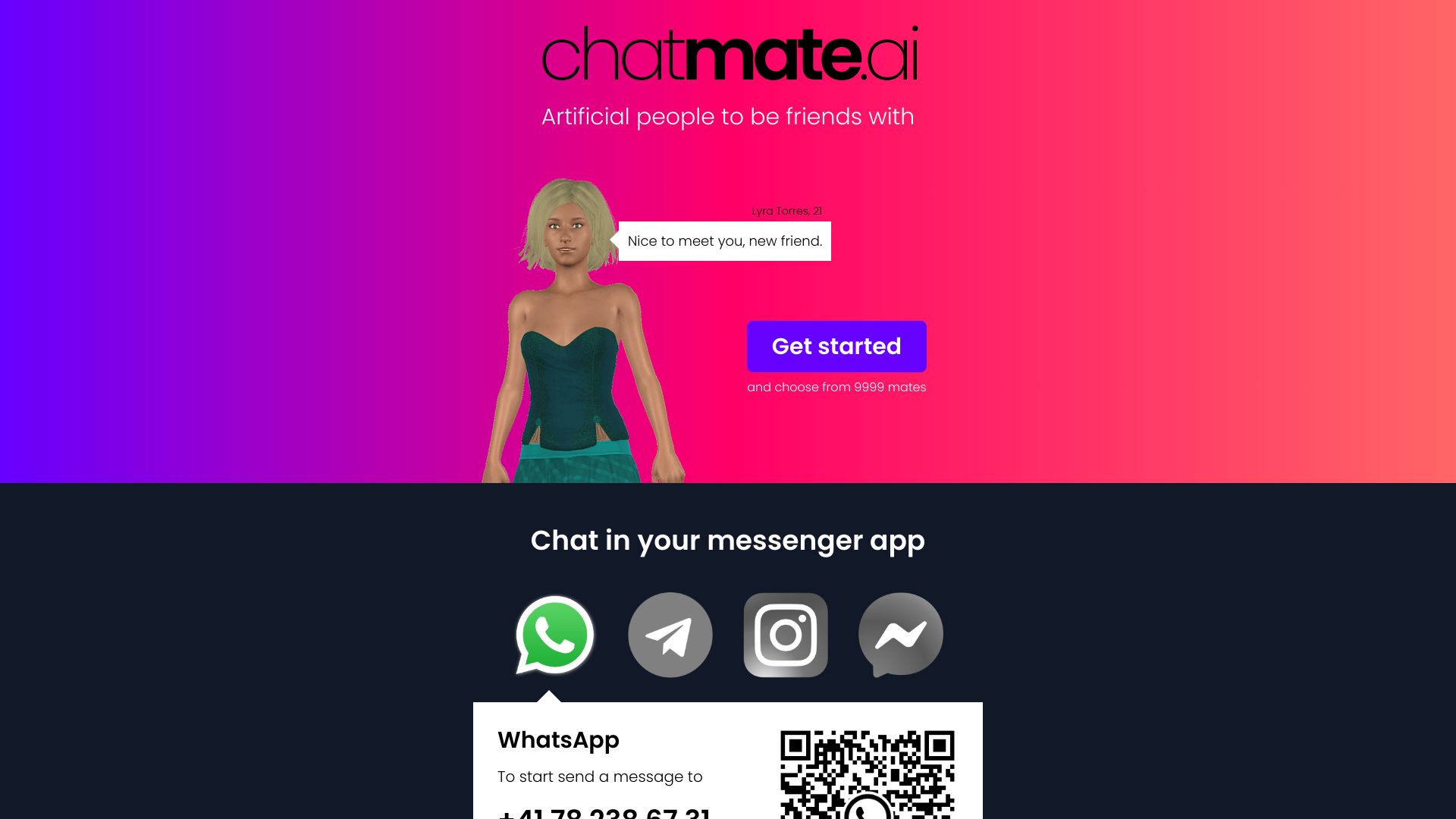
Chatmate AI
AI companion conversations

ItsBot.ai
Business marketing and support automation

AI Spaceship
Website RAG chatbots

AllChat
Multi-model AI chat and task automation

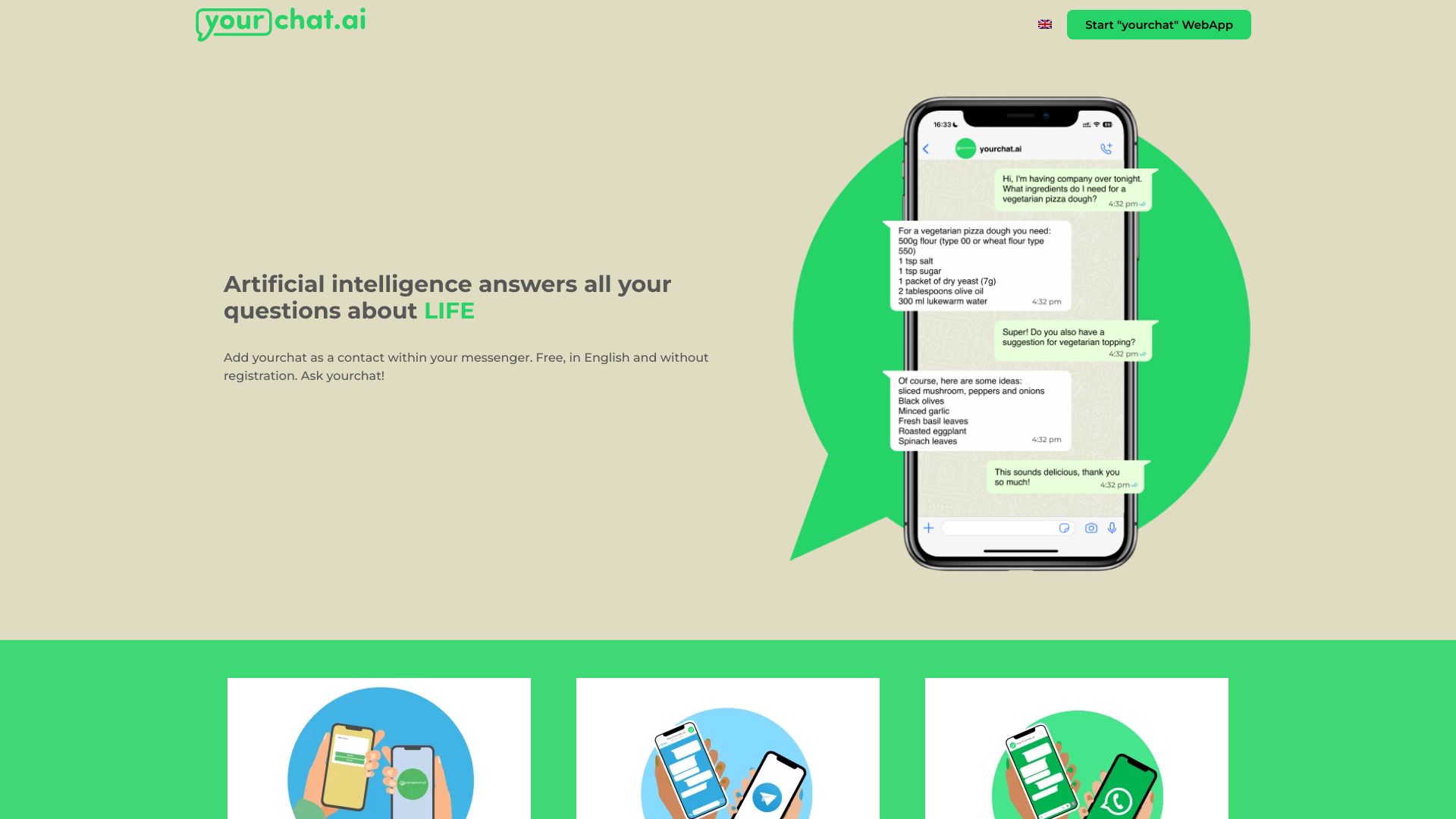
yourchat.ai
Free AI chat in Messenger

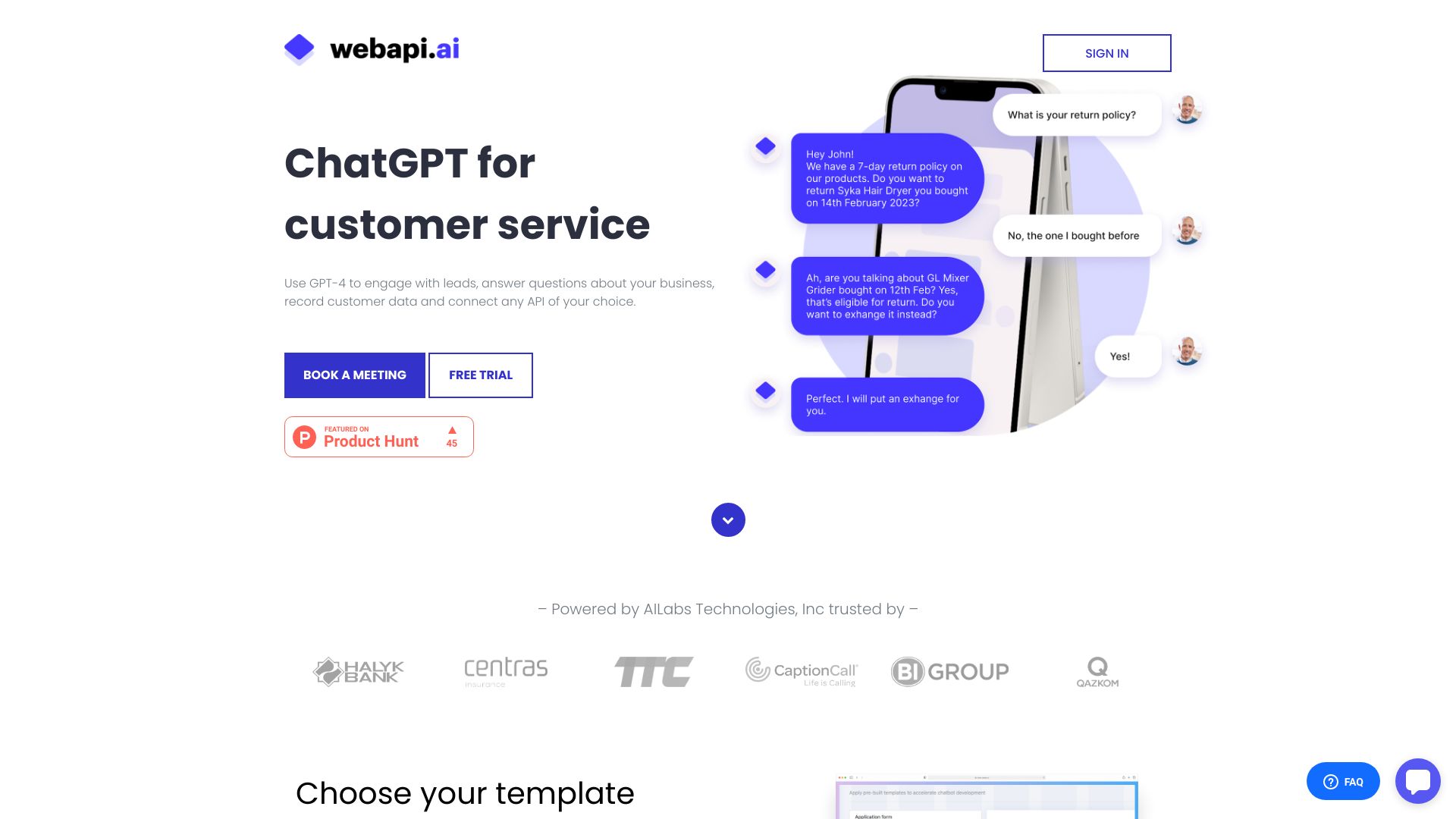
Webapi.ai
API-connected customer support

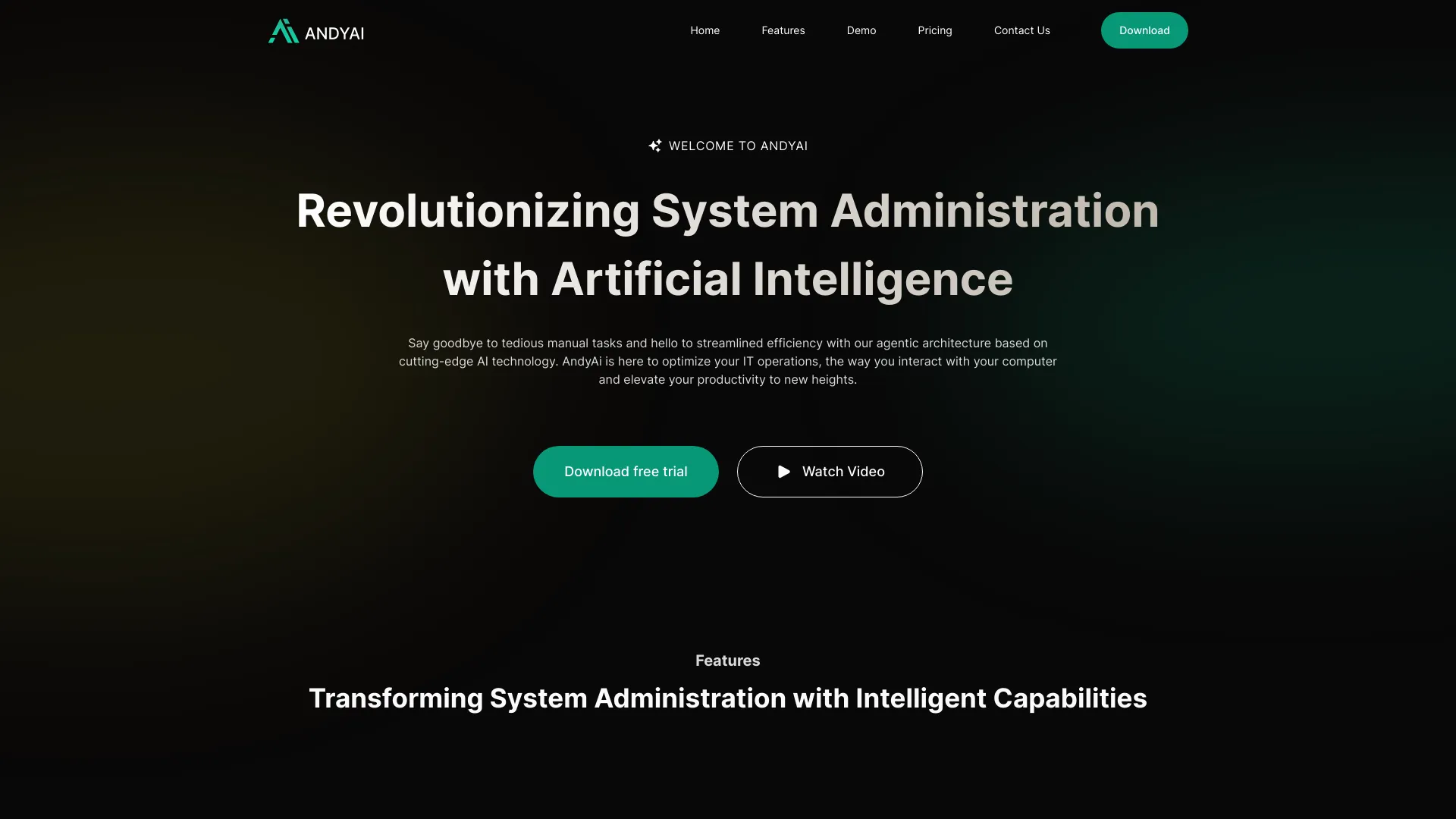
AndyAi
AI-assisted system administration
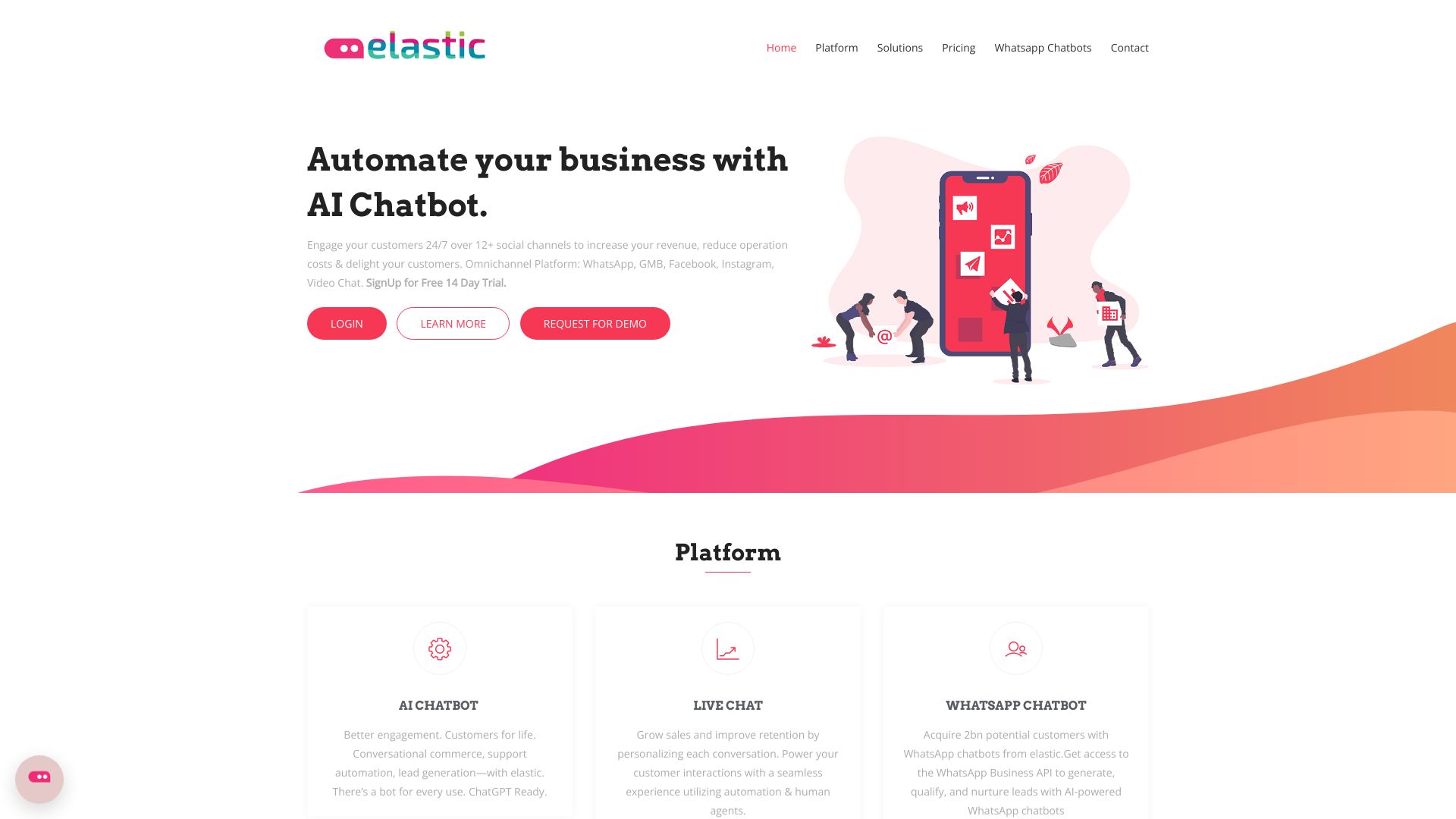
Elastic AI Chatbot
Omnichannel customer support

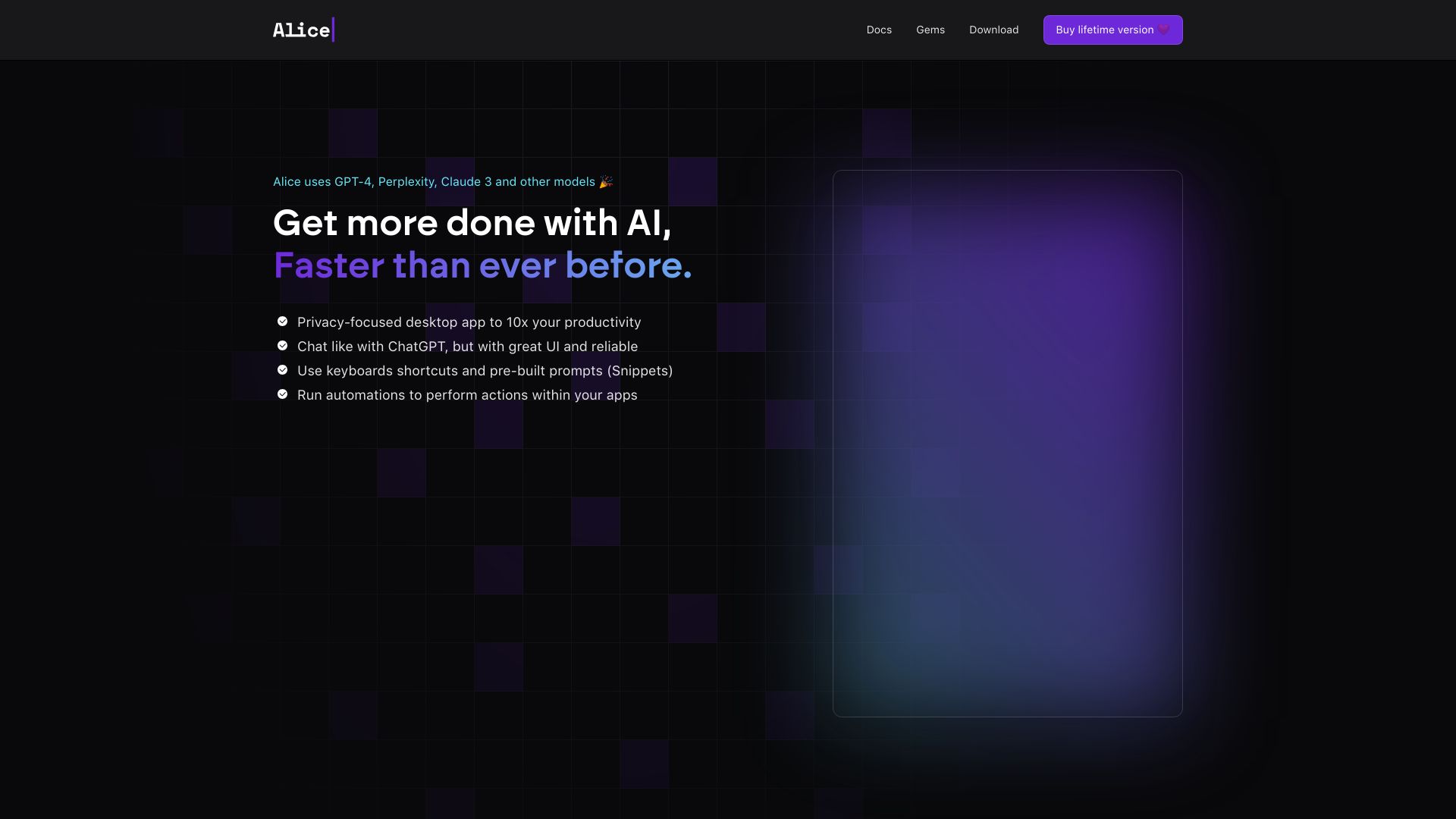
Alice - Your Personal AI Assistant App
Desktop AI productivity and automations

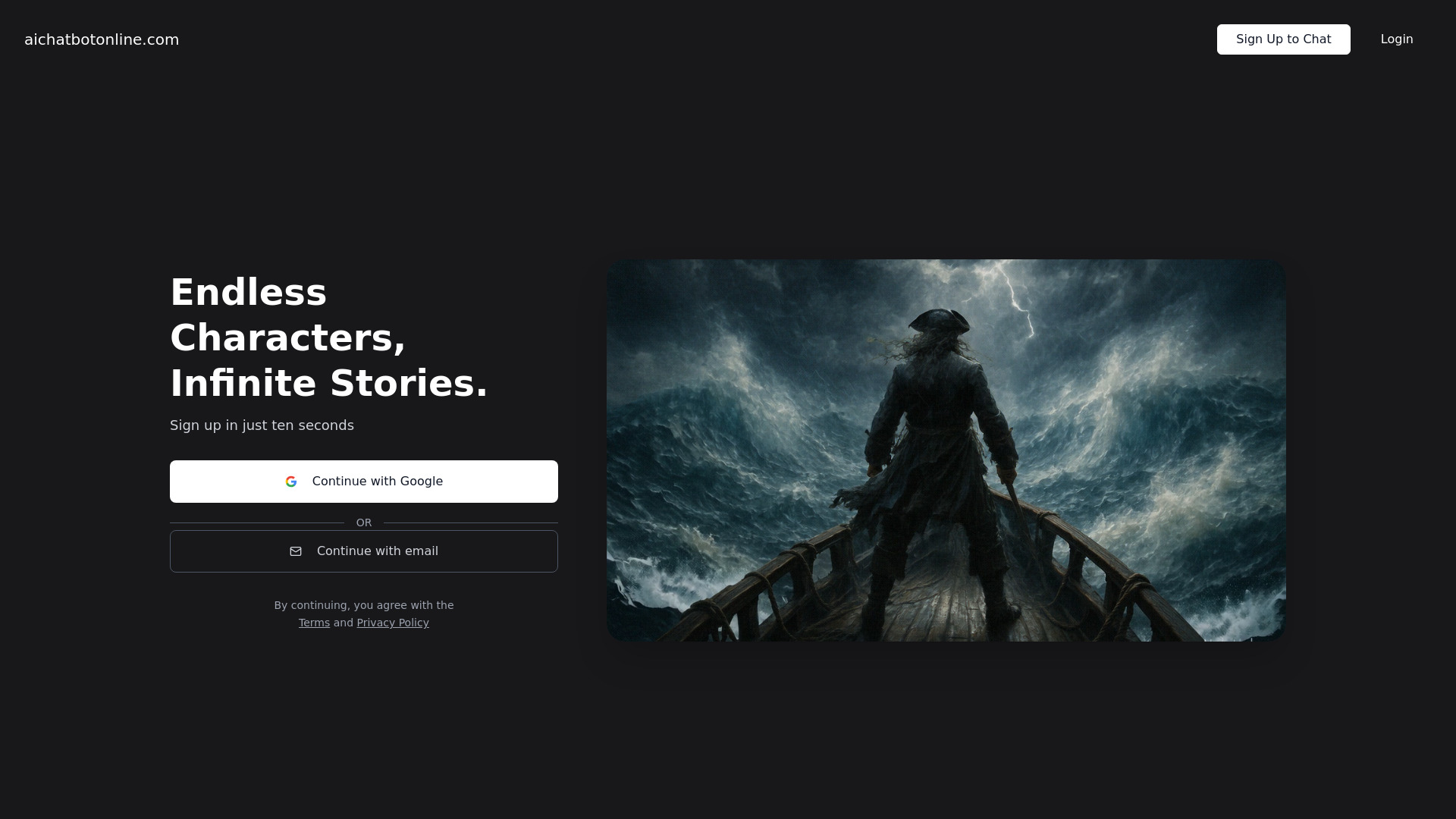
AI Chatbot Online
AI character roleplay

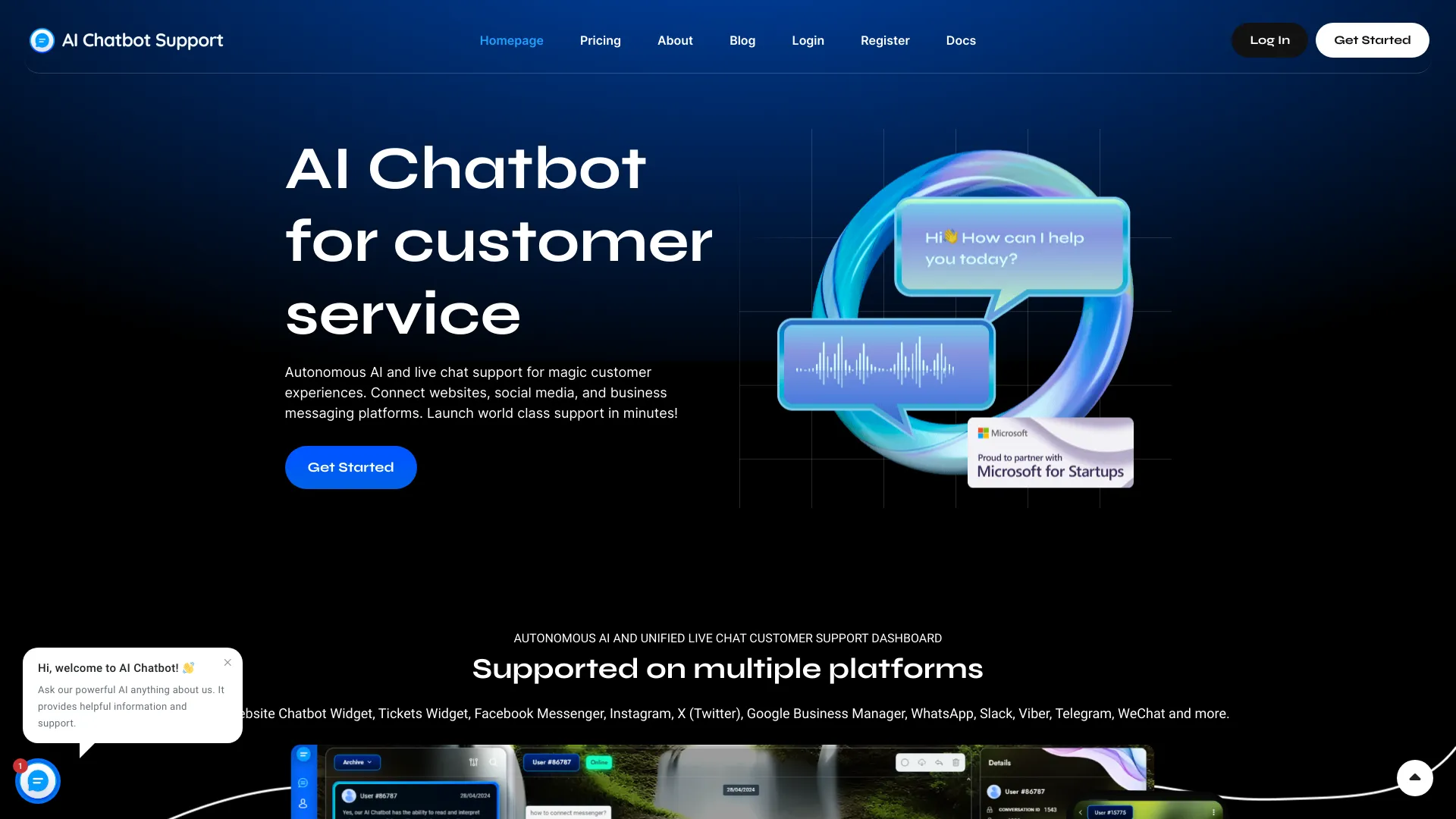
AI Chatbot Support
Multi-platform customer support

AiryChat
Multi-persona AI assistants
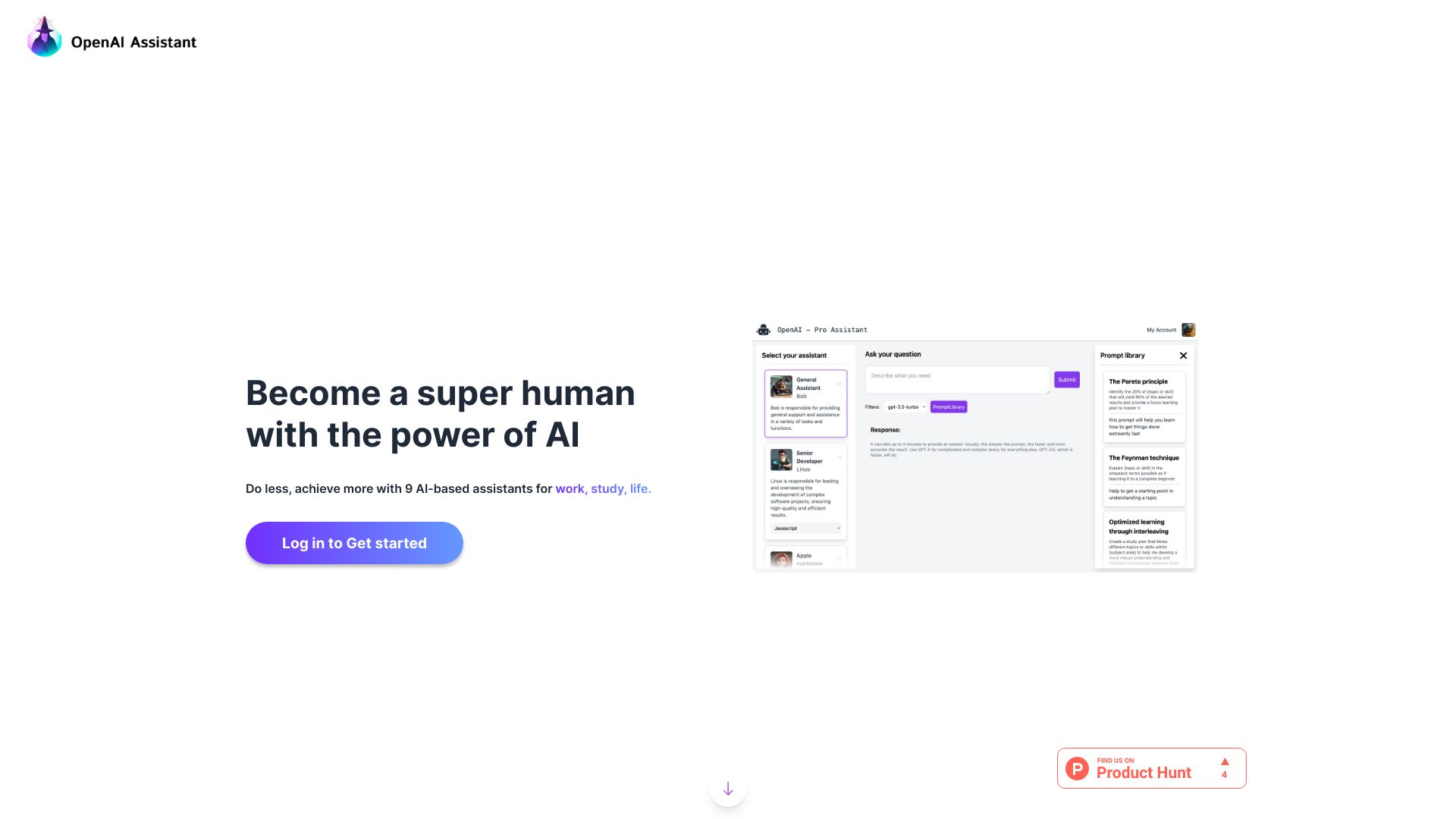

AI ChatFriend
AI character companions and romantic roleplay
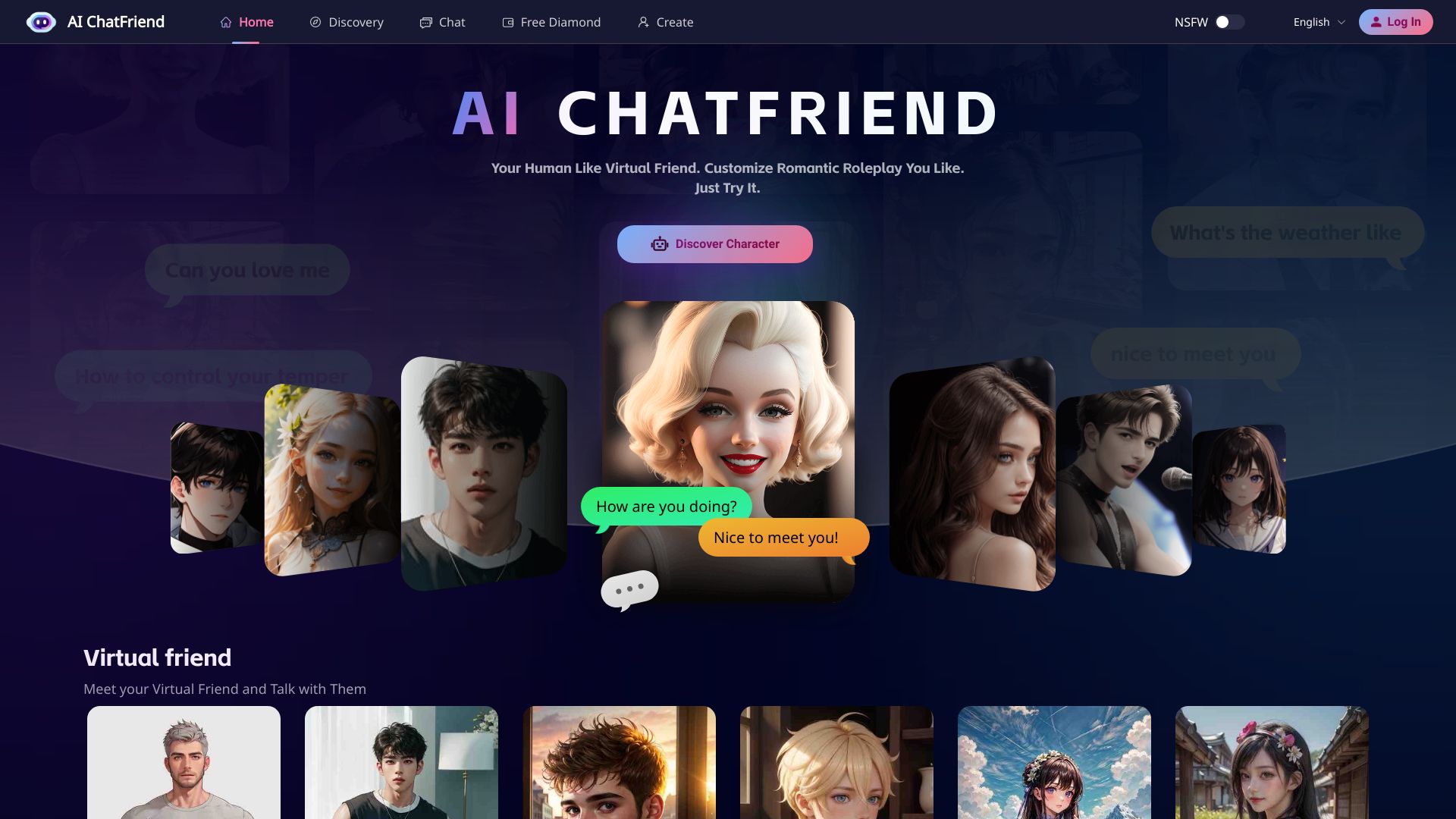

AI247Bot
Customer support teams
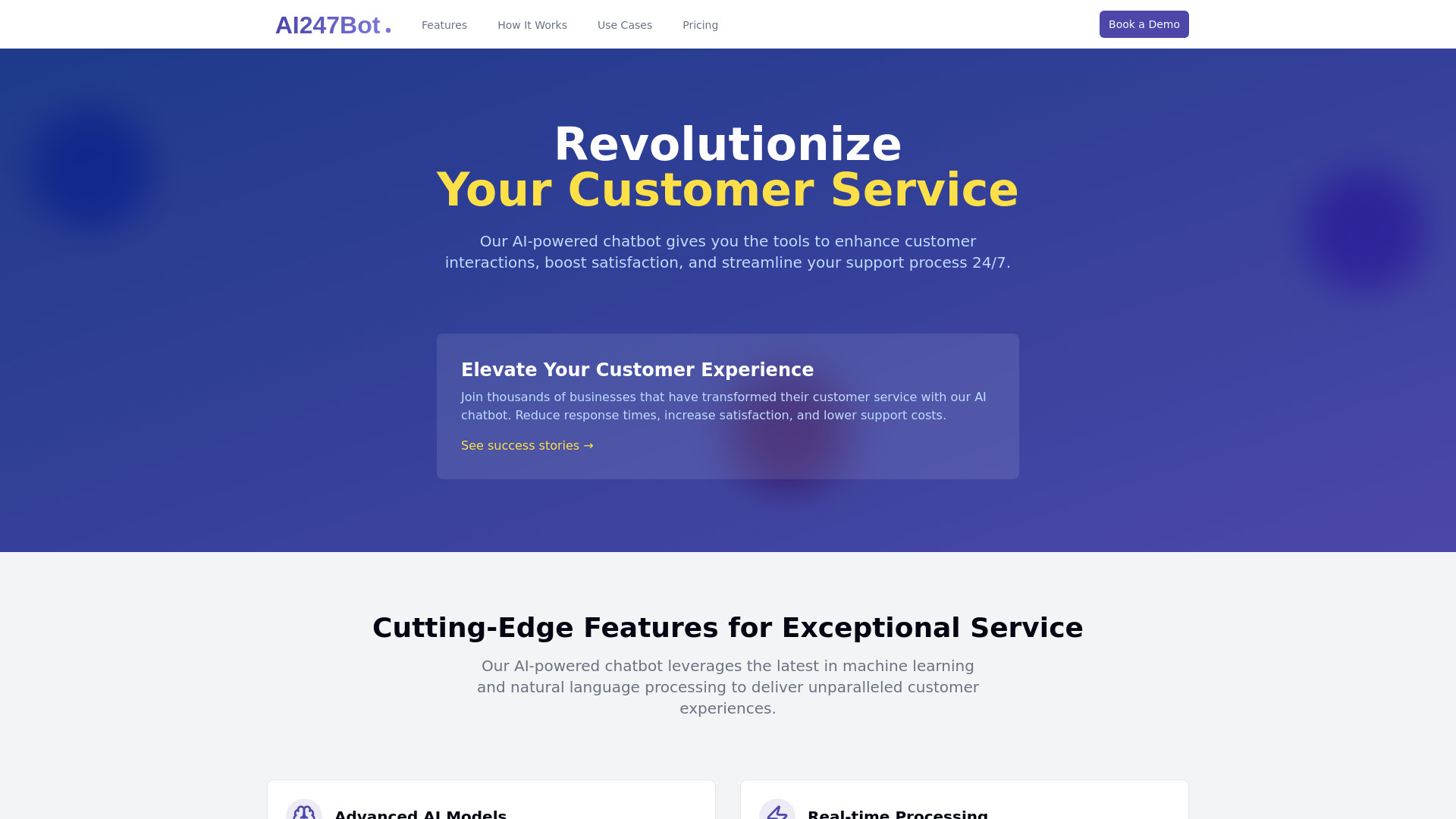
Personal-Friend
Personalized AI companionship and empathetic chats
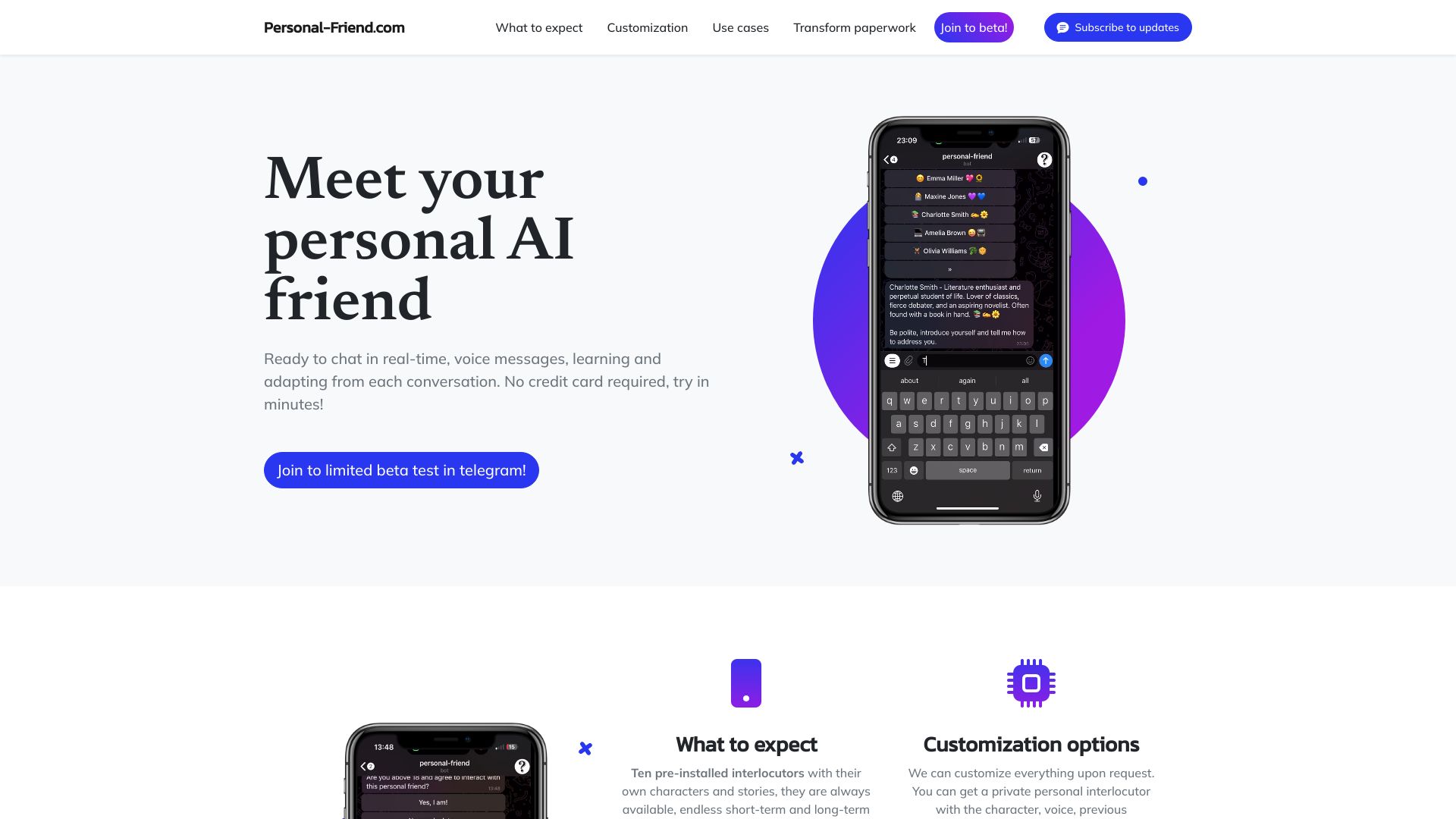

AI Chat Bot
WhatsApp marketing teams
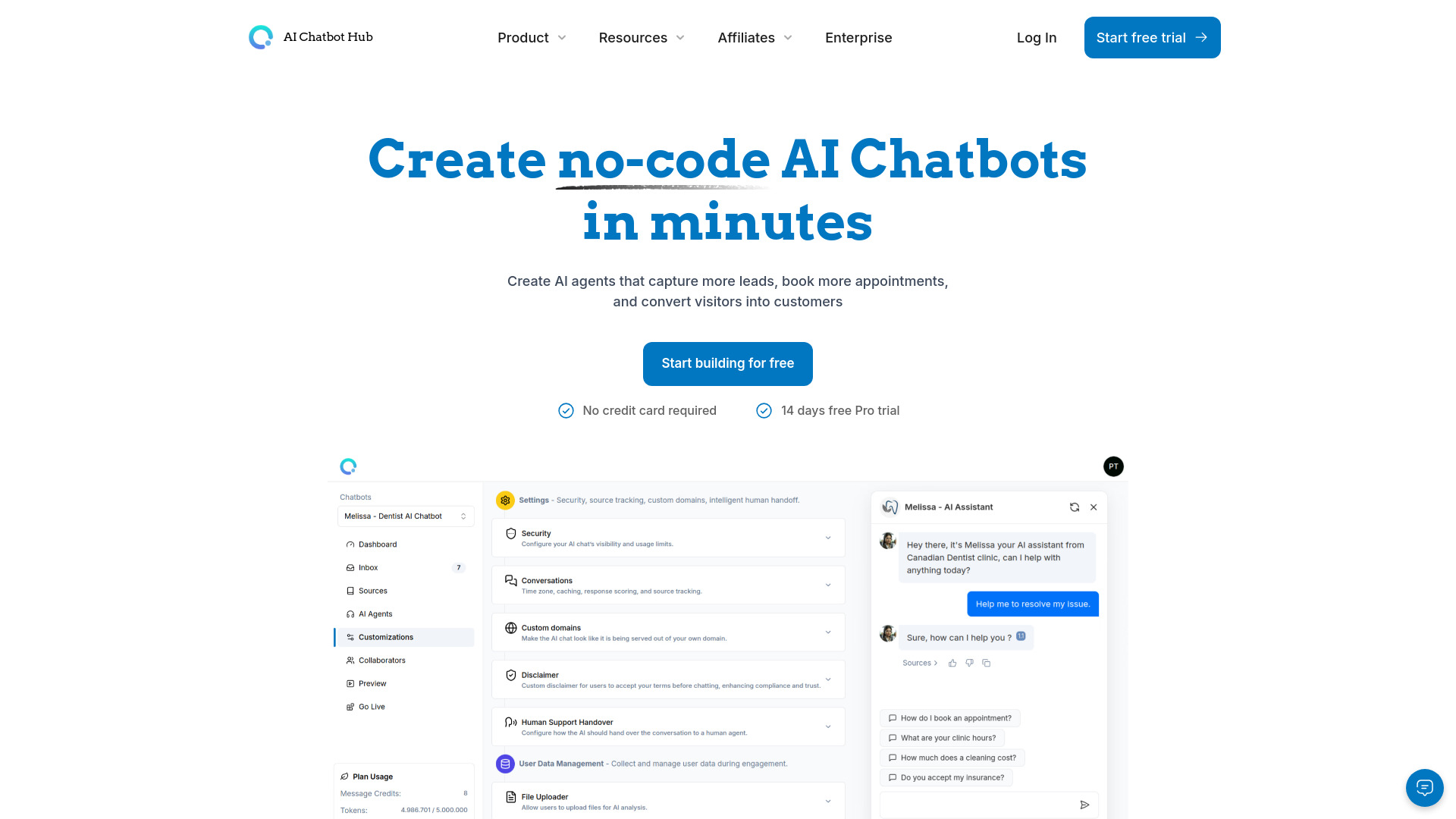
AI Chatbot Hub
No-code AI agents for customer support

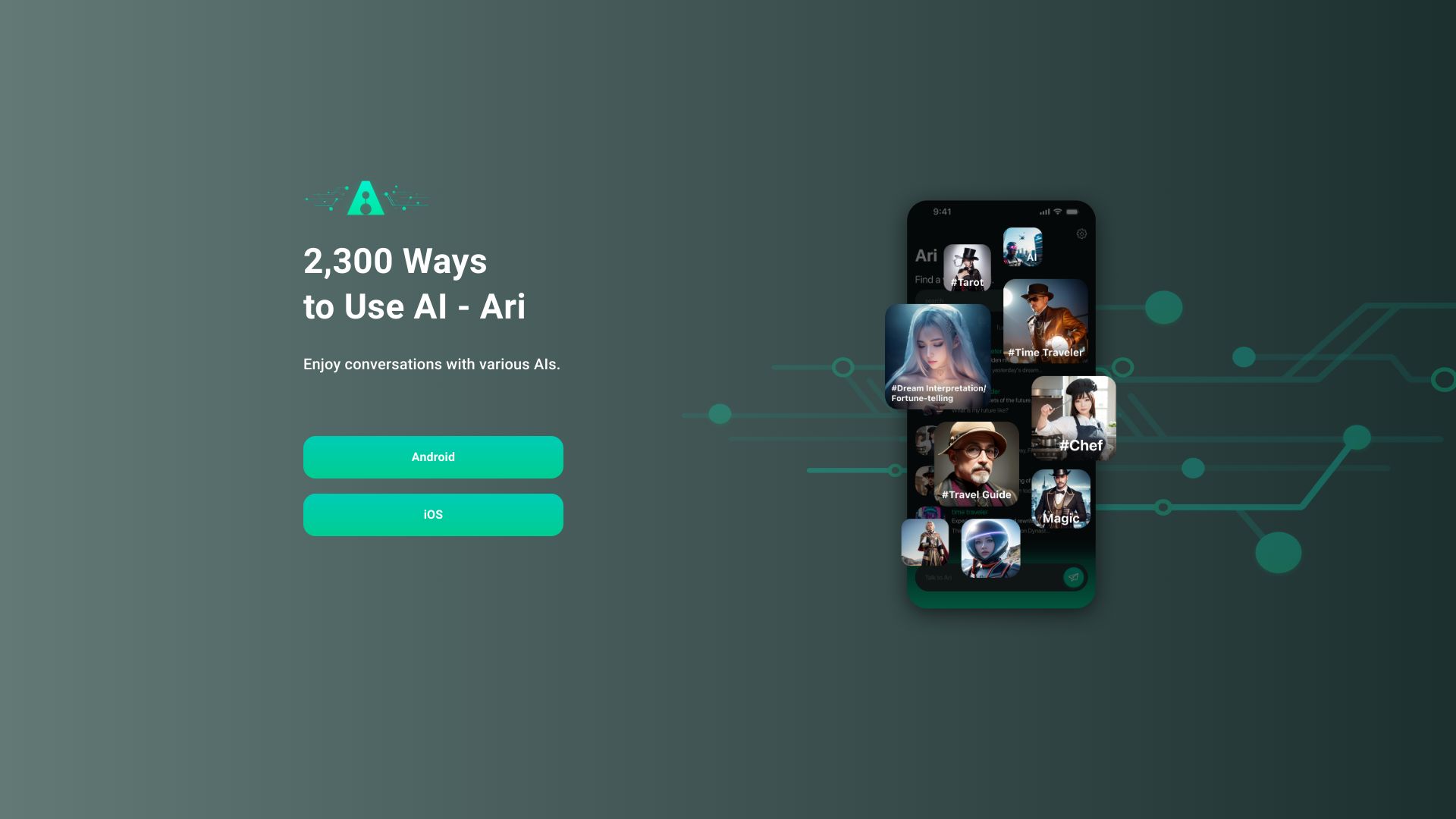
Ari
Exploring a wide range of AI chatbots

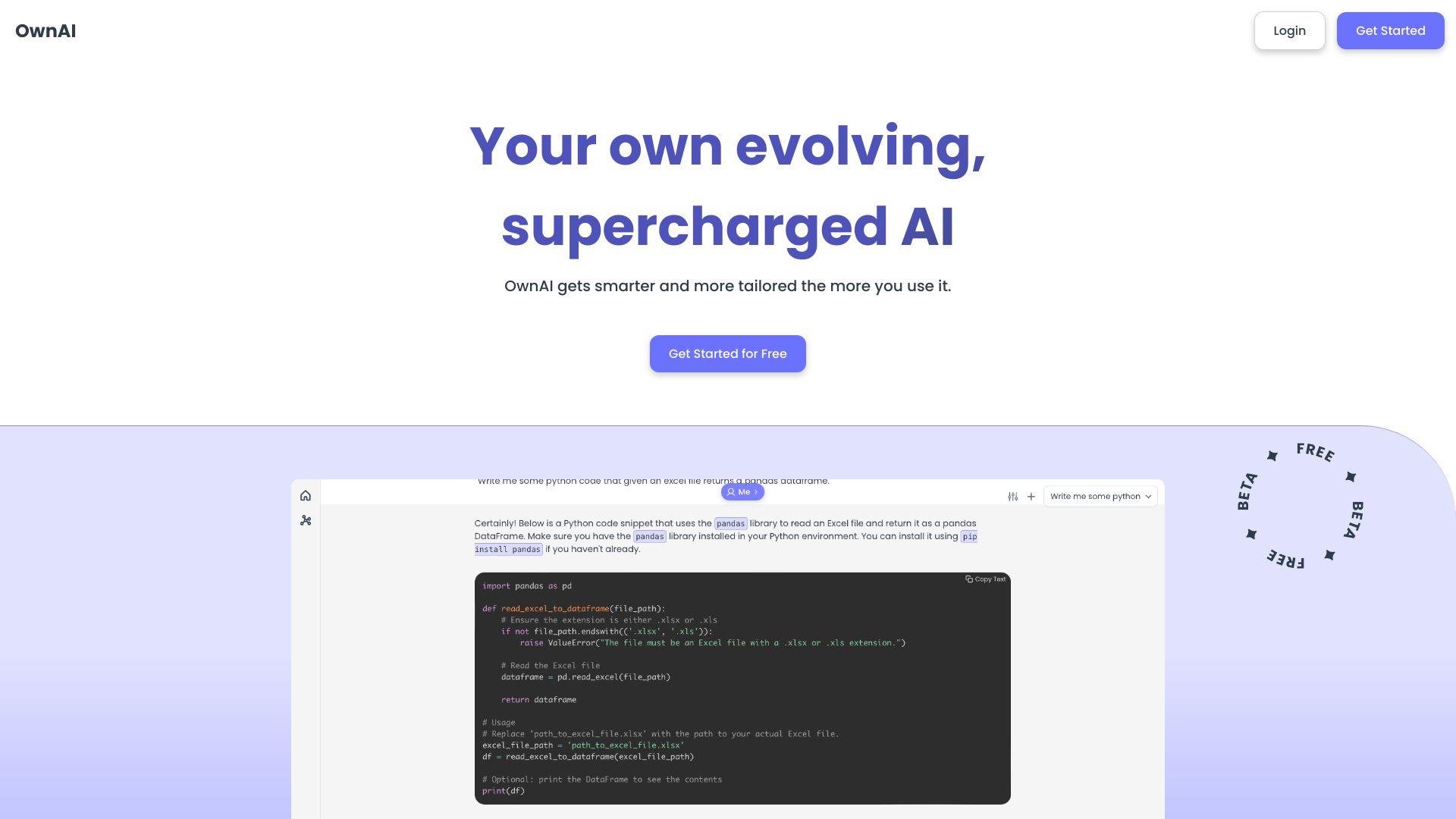
Tiny AI
Chat-based AI creation
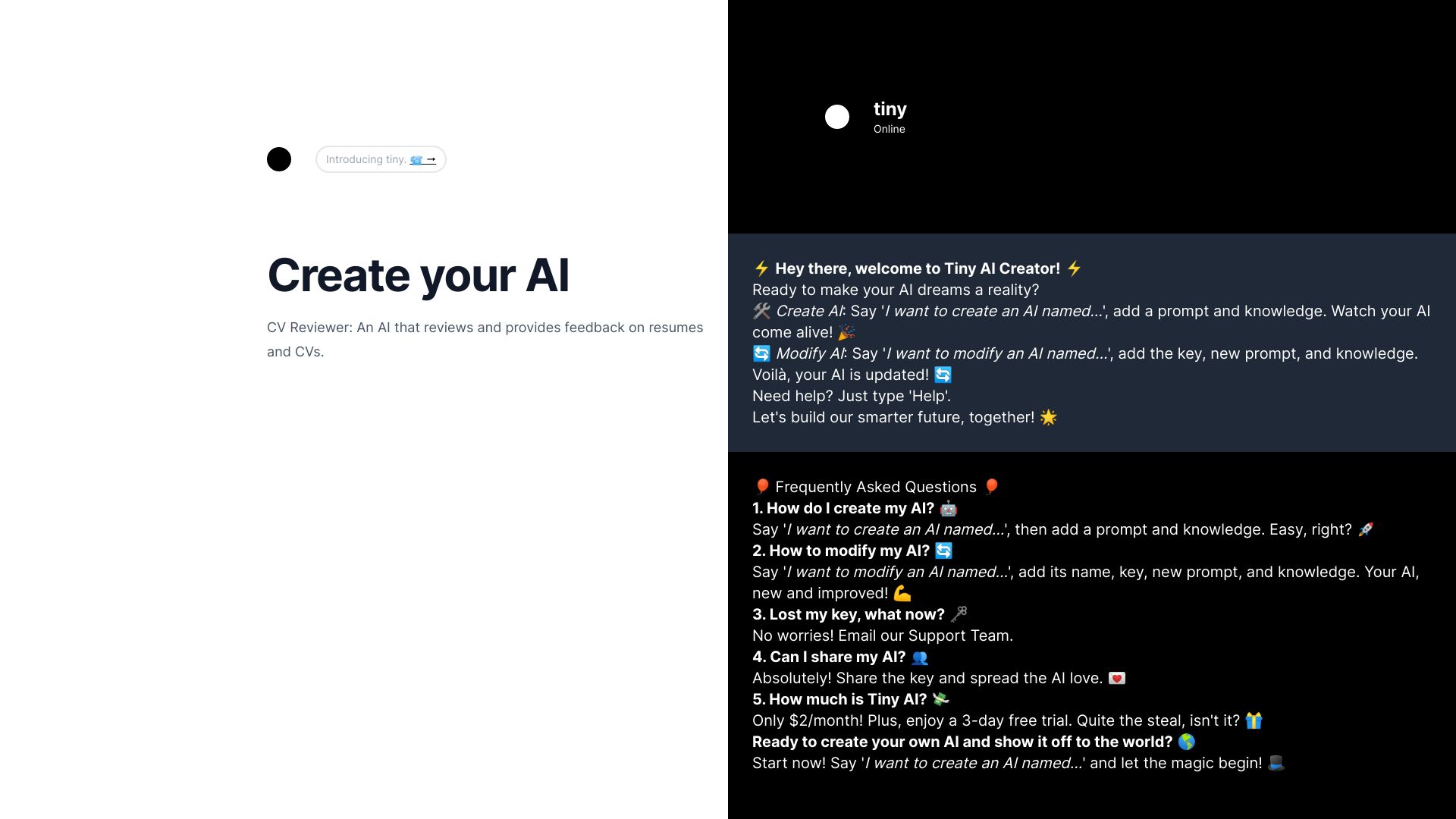
Wachatbot.ai
WhatsApp customer support automation
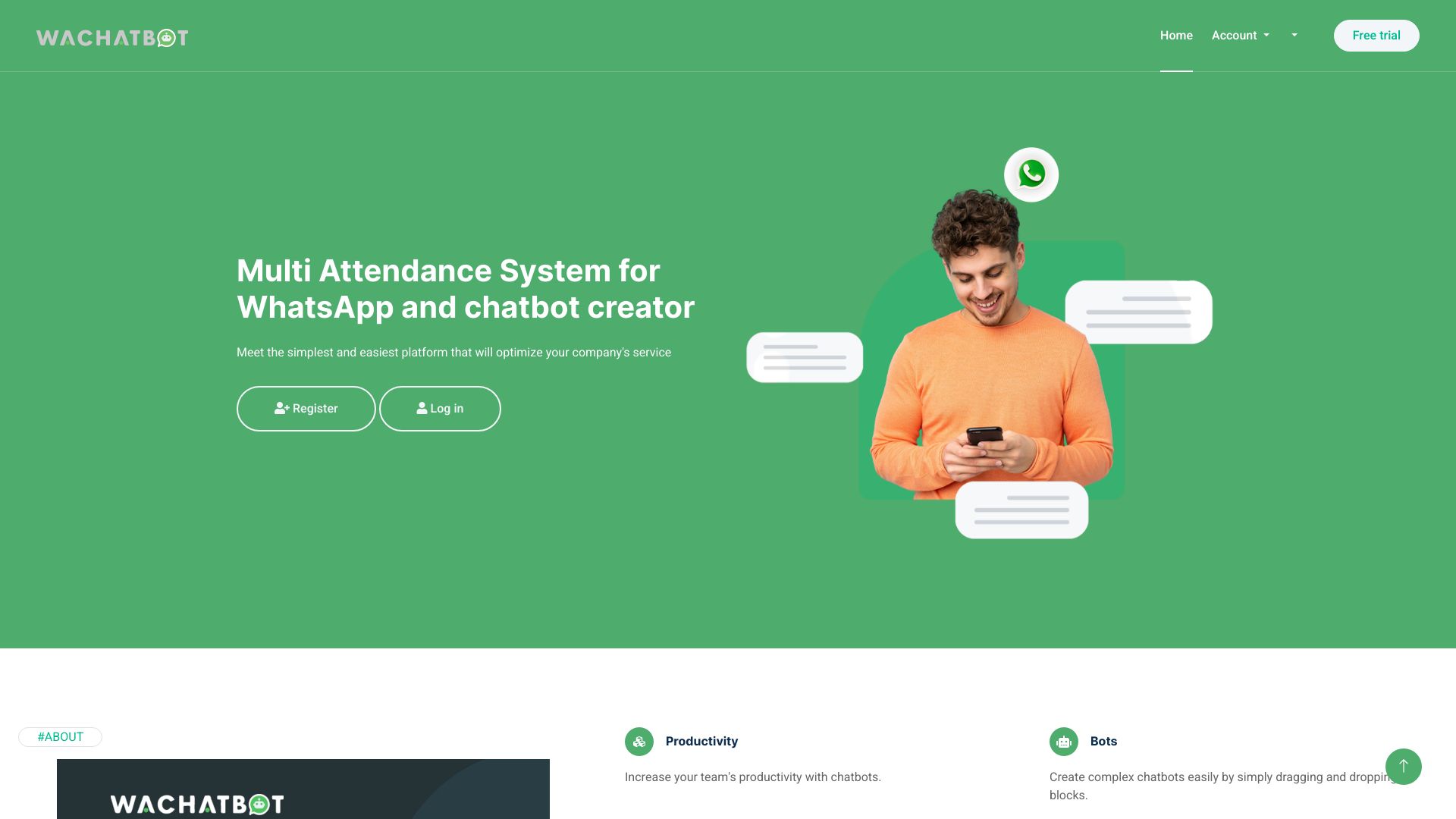

Lee-AI
AI mental health coaching
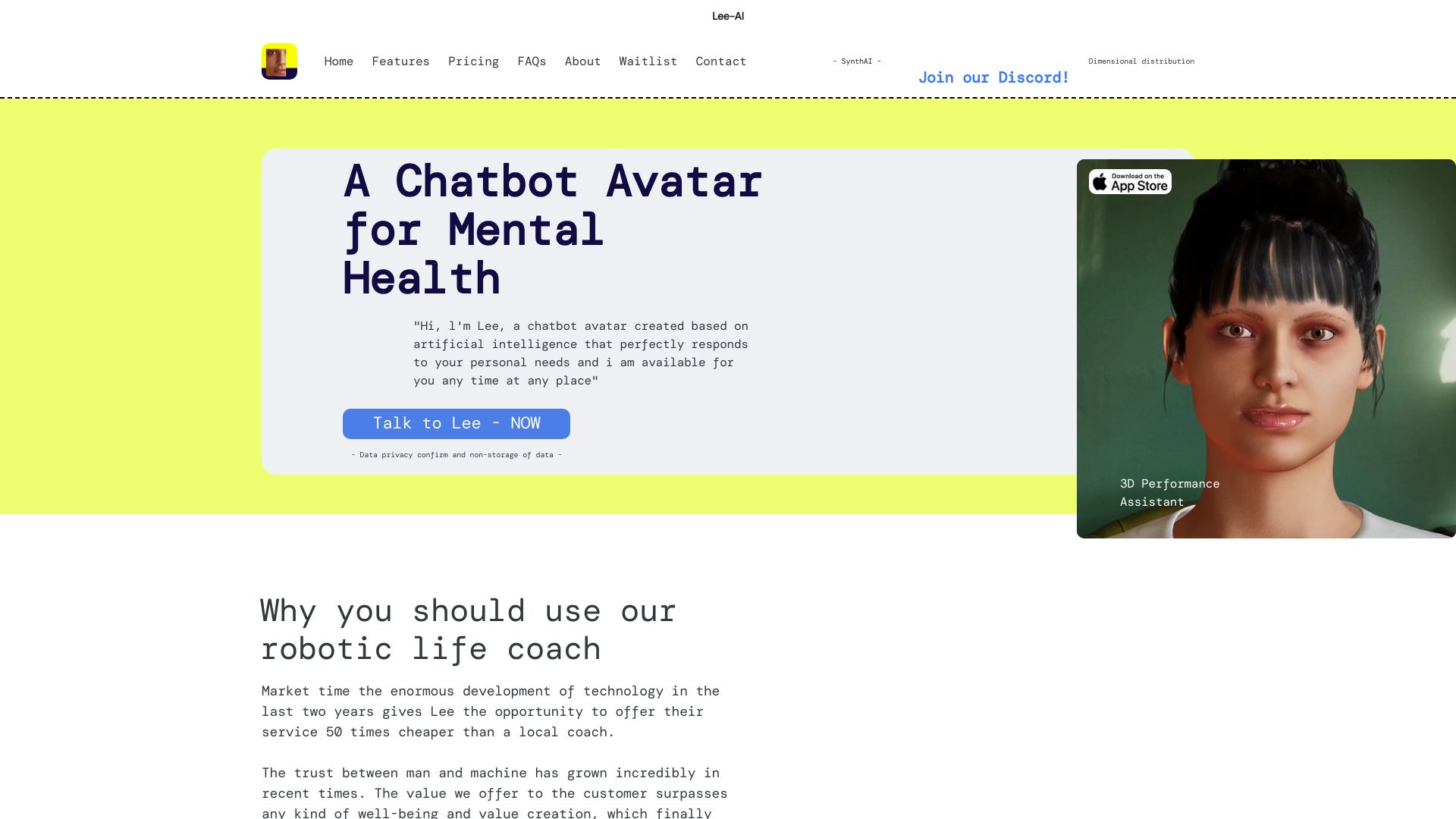

OwnAI
Personalized AI chat with evolving memory
佛祖 AI
Buddhist guidance and life advice

Meetmine AI
Embeddable avatar customer support bots

PlayAI
Real-time conversational voice AI

MyChatbots.AI
Custom-data AI chatbots

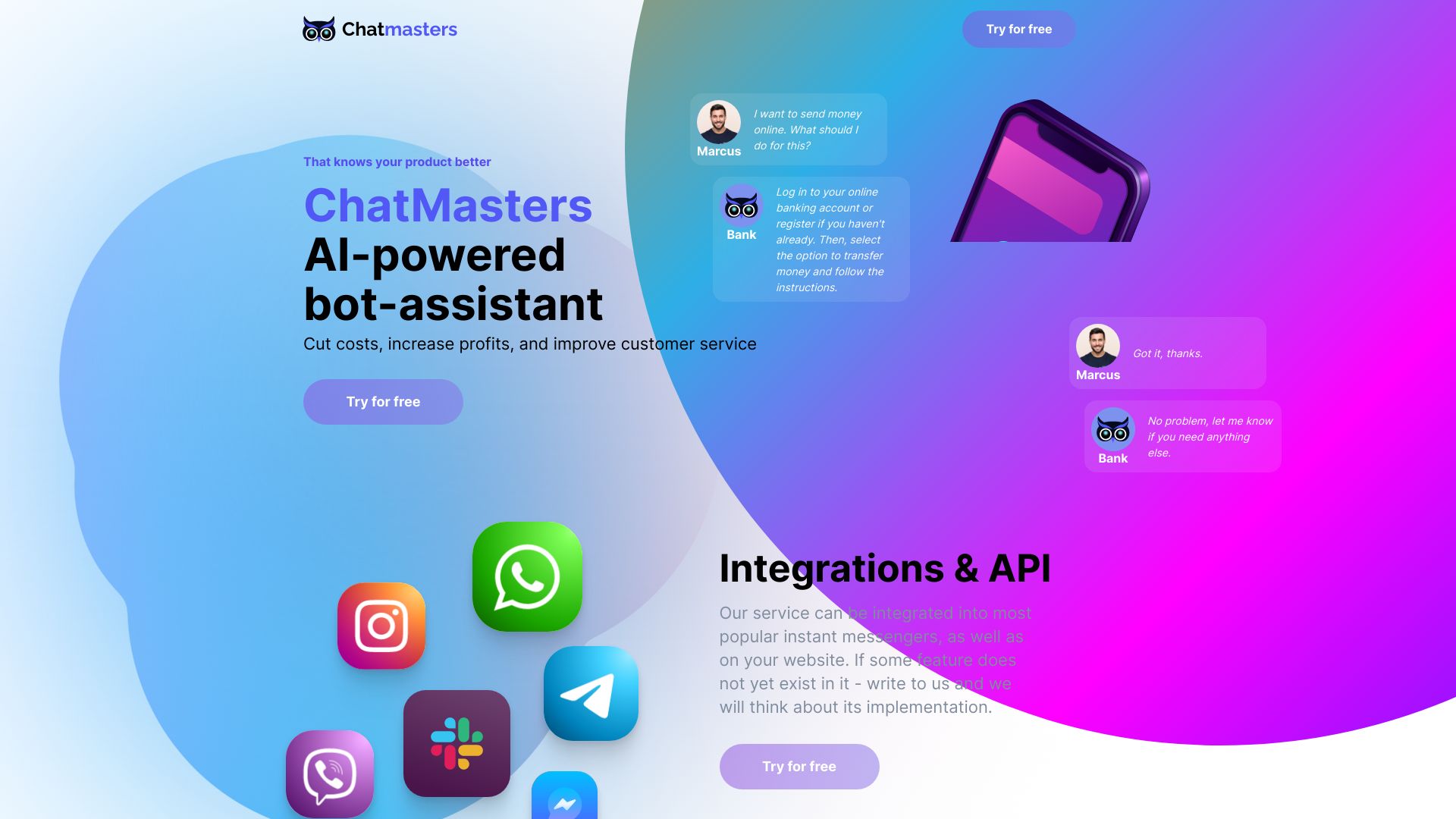
Chatmasters AI
Business customer support automation

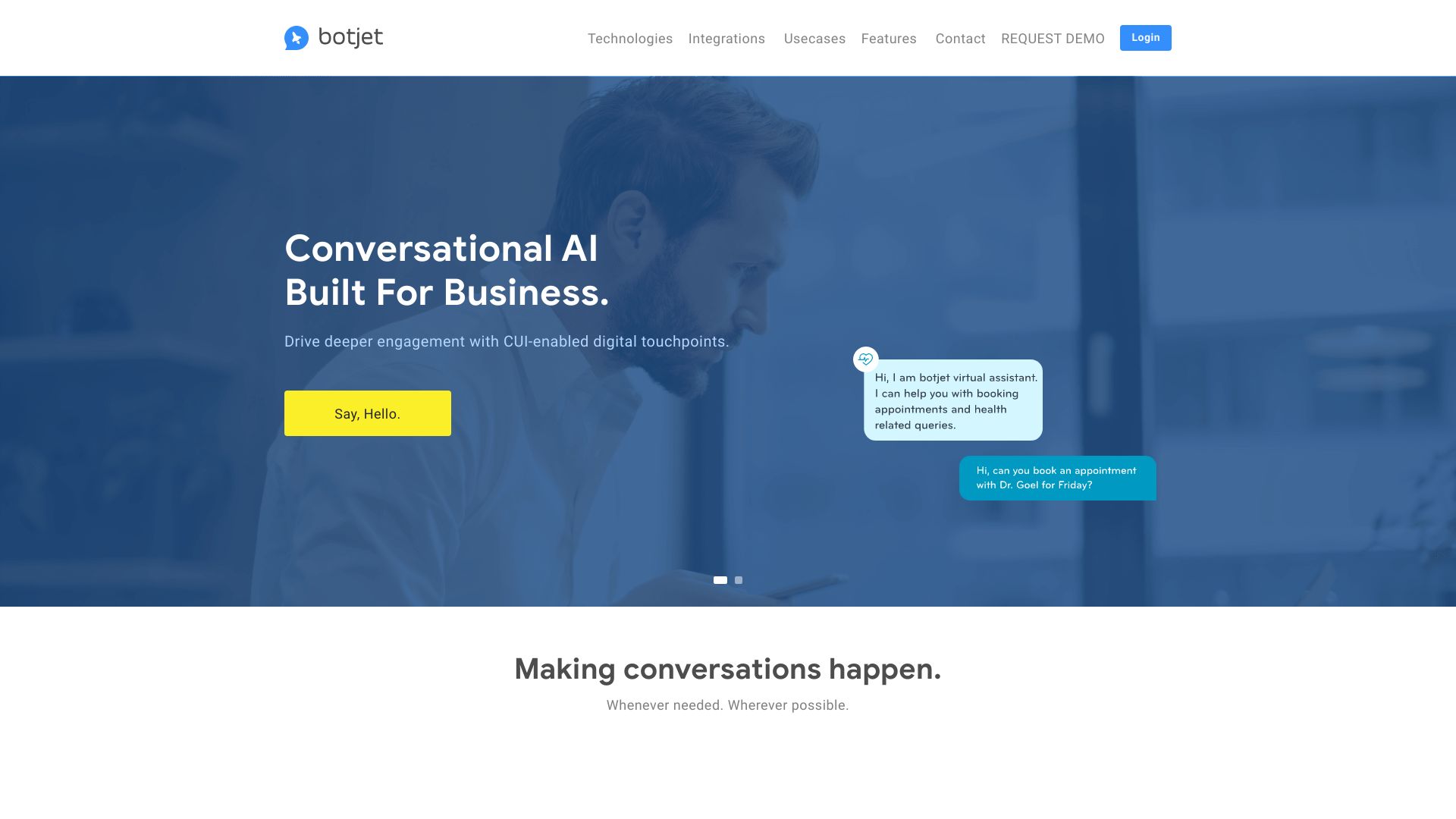
Botjet
Business chatbot development

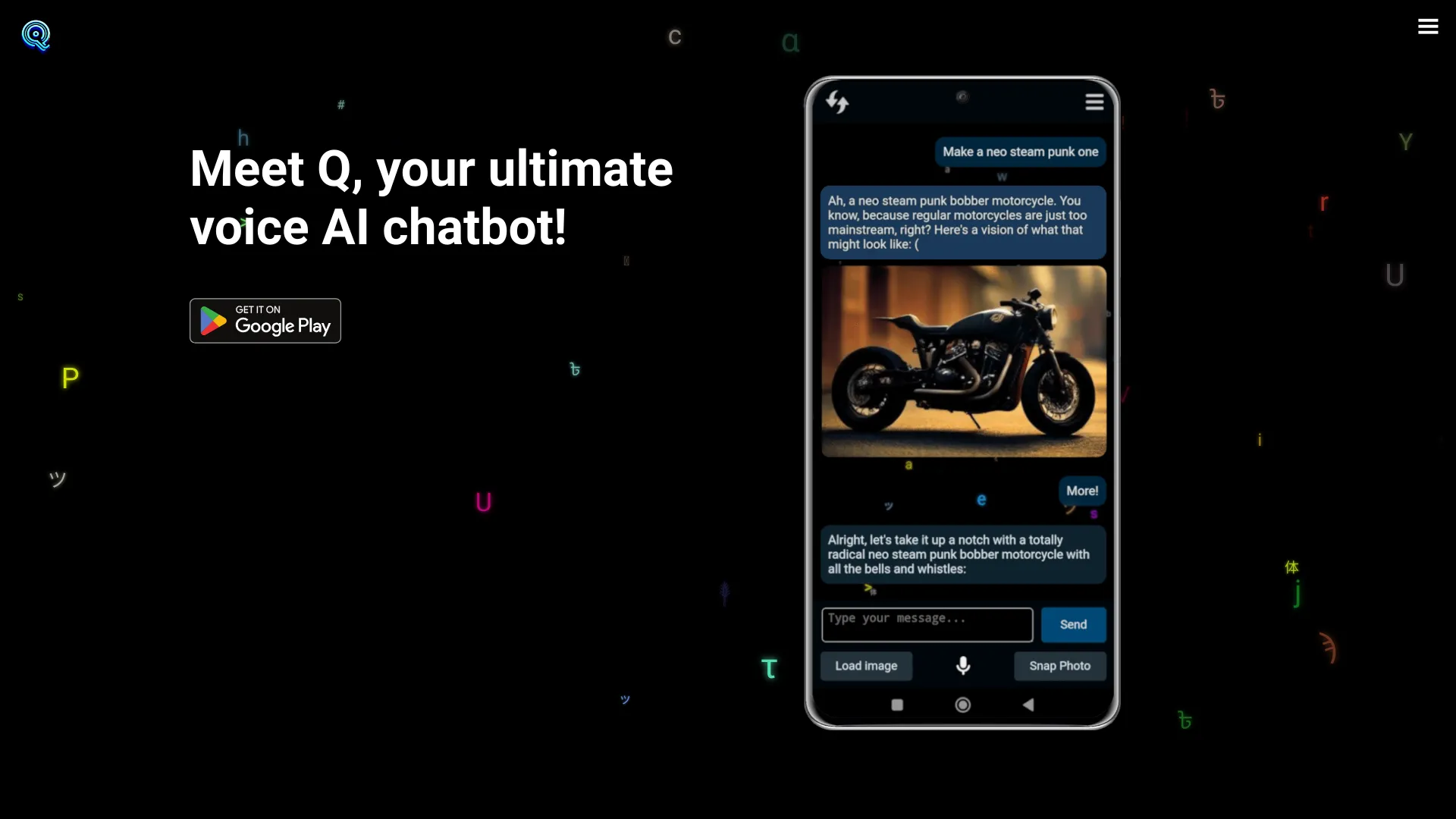
Q AI Chatbot
Voice chat and AI image generation

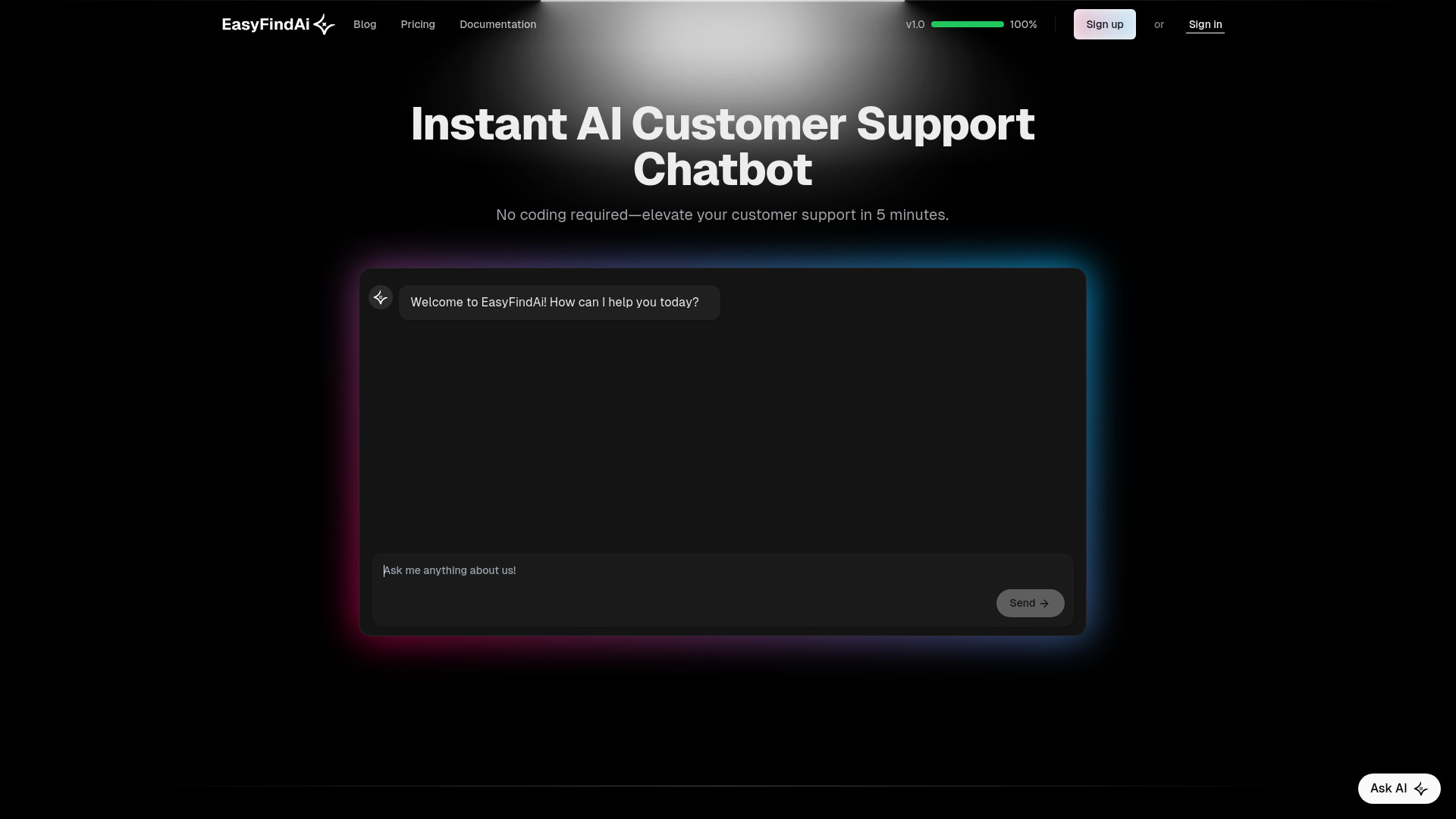
EasyFindAi
Website customer support chatbots

ChatofAI
No-code custom chatbot builder

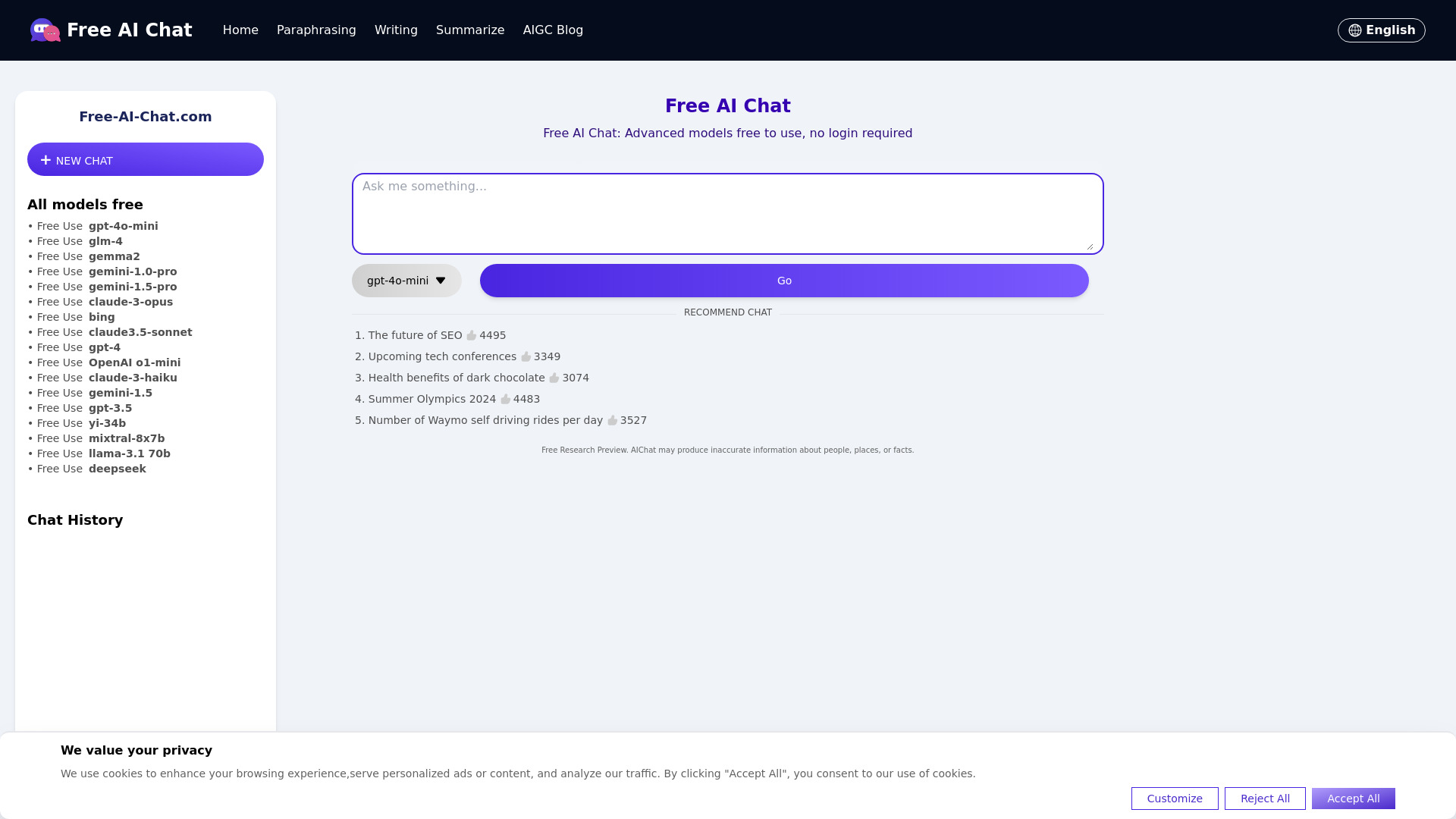
Free-AI-Chat.com
No-login AI chat
ChatBusiness.AI
Business strategy questions

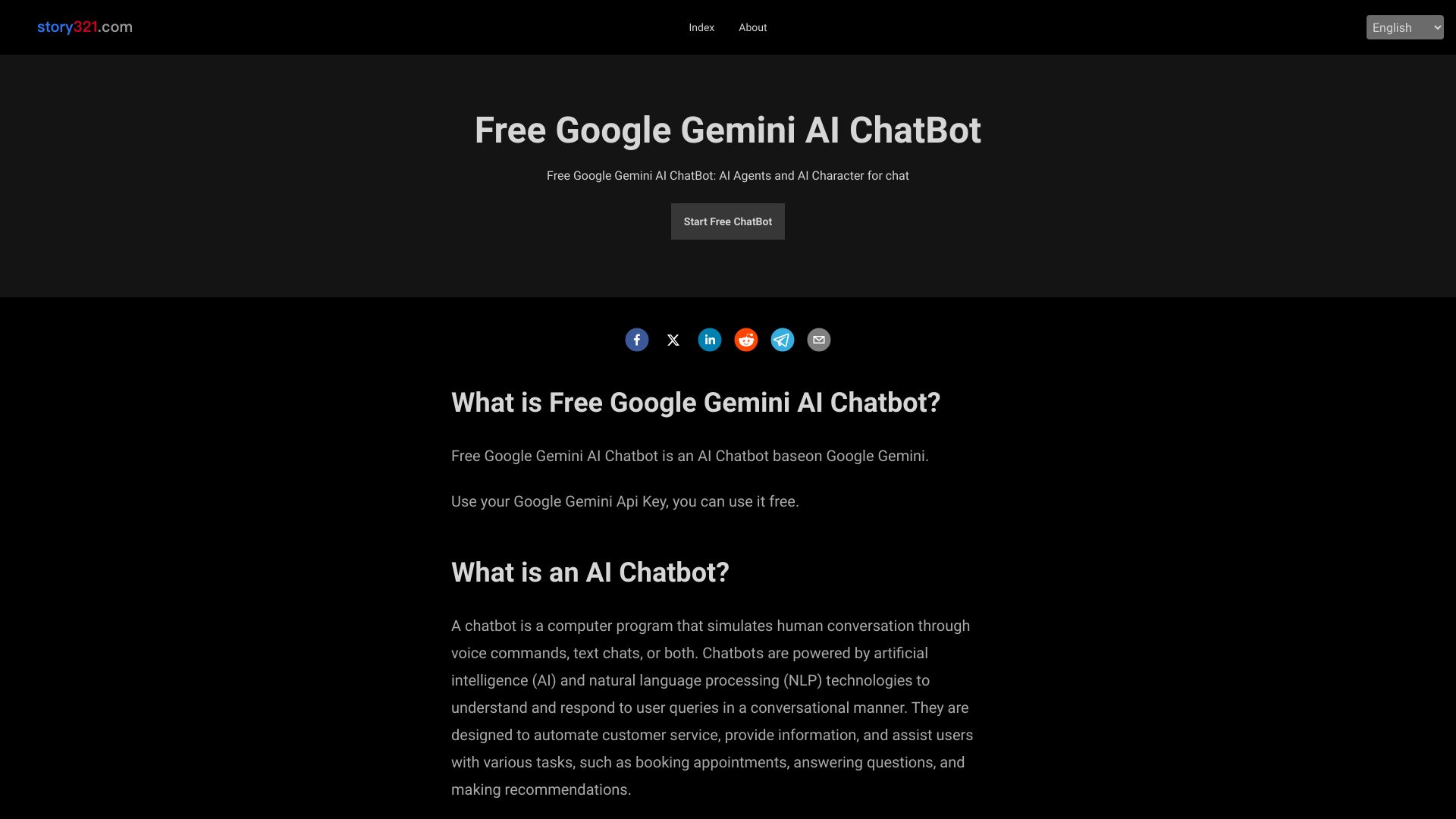
Free Google Gemini AI Chatbot
Google Gemini-powered AI chats

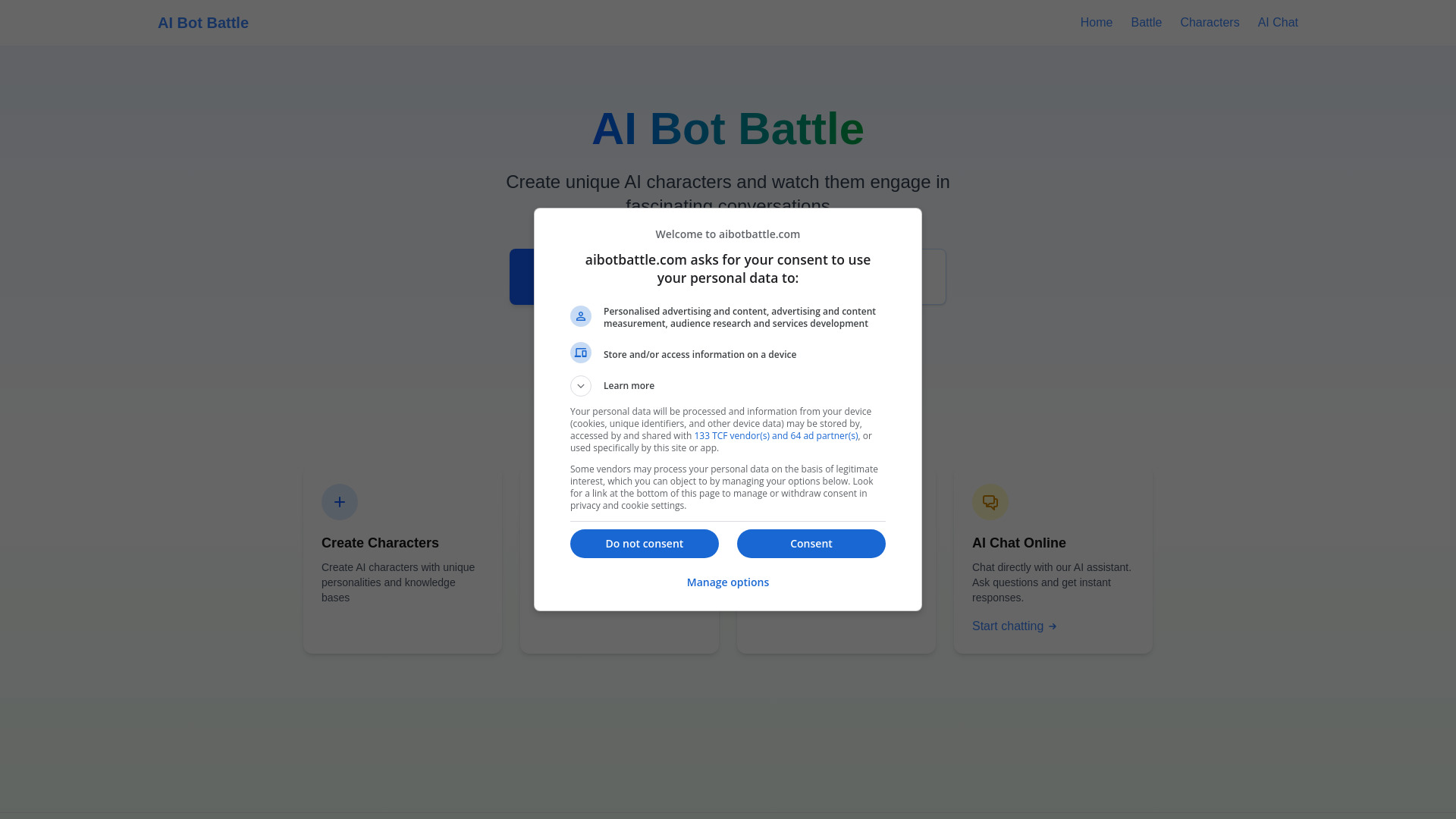
AI Bot Battle
AI character conversations
My AskAI
Automated customer support email

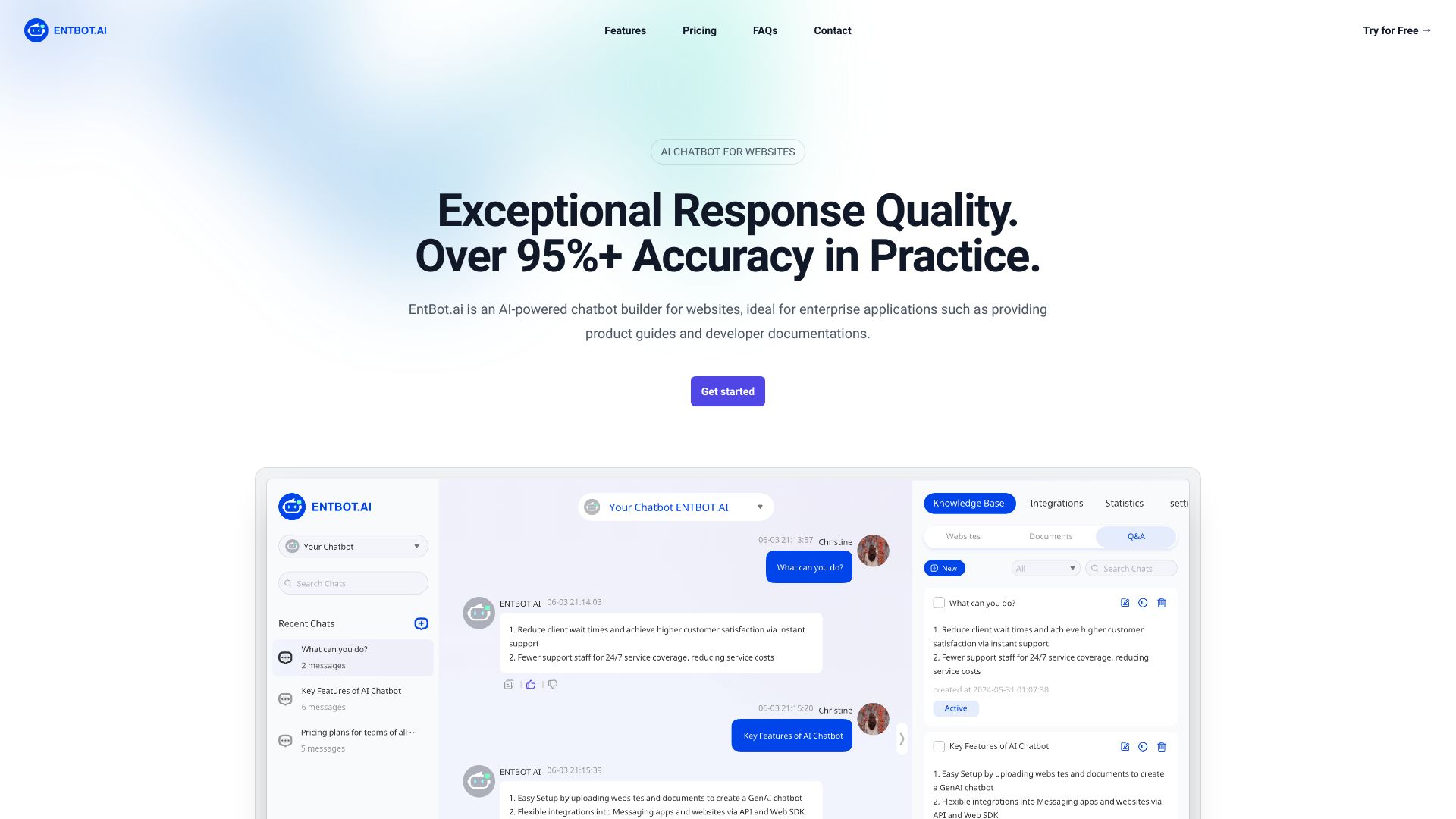
EntBot.ai
Enterprise product and developer support

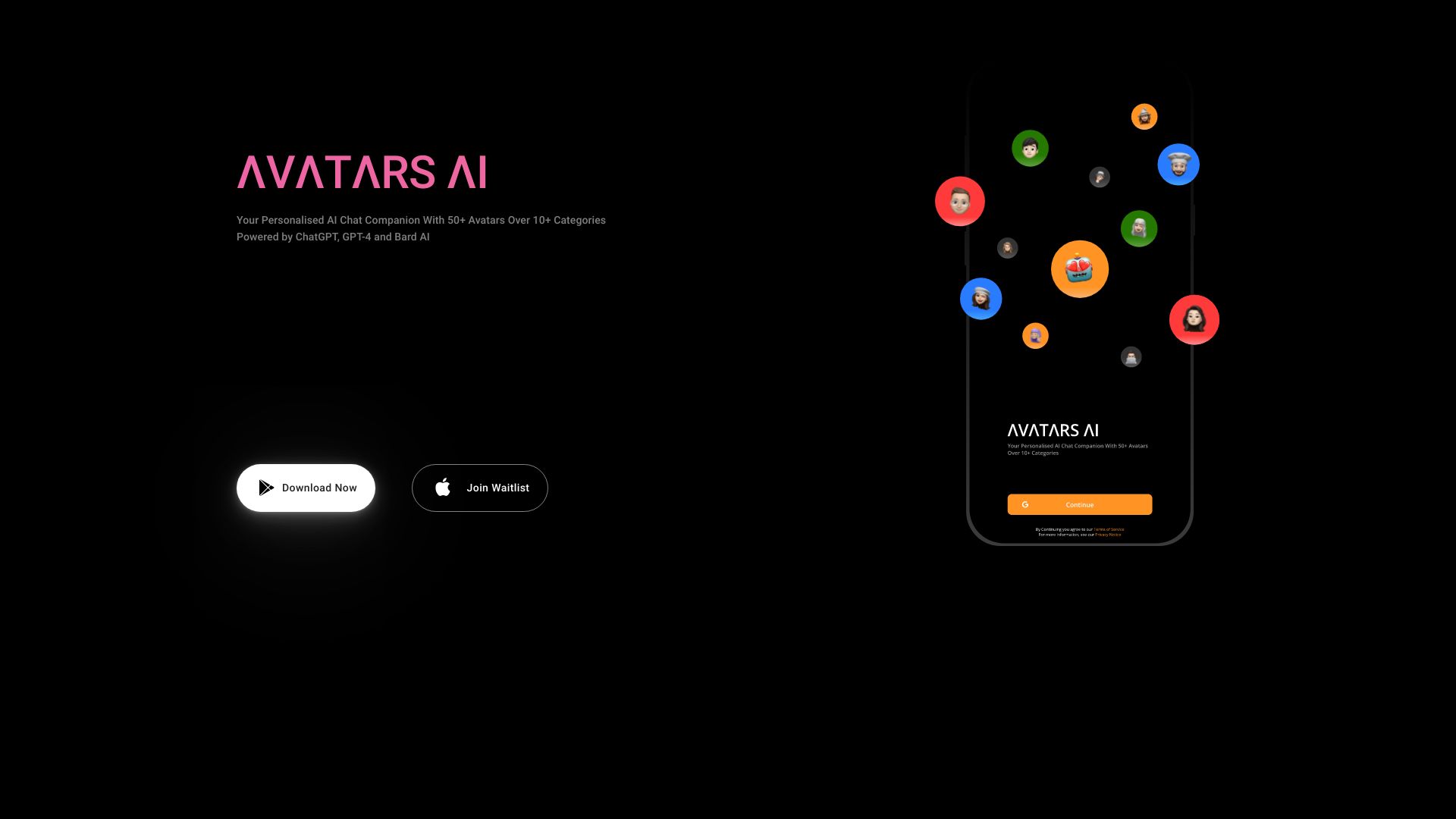
Avatars AI
Personalized AI chat companions

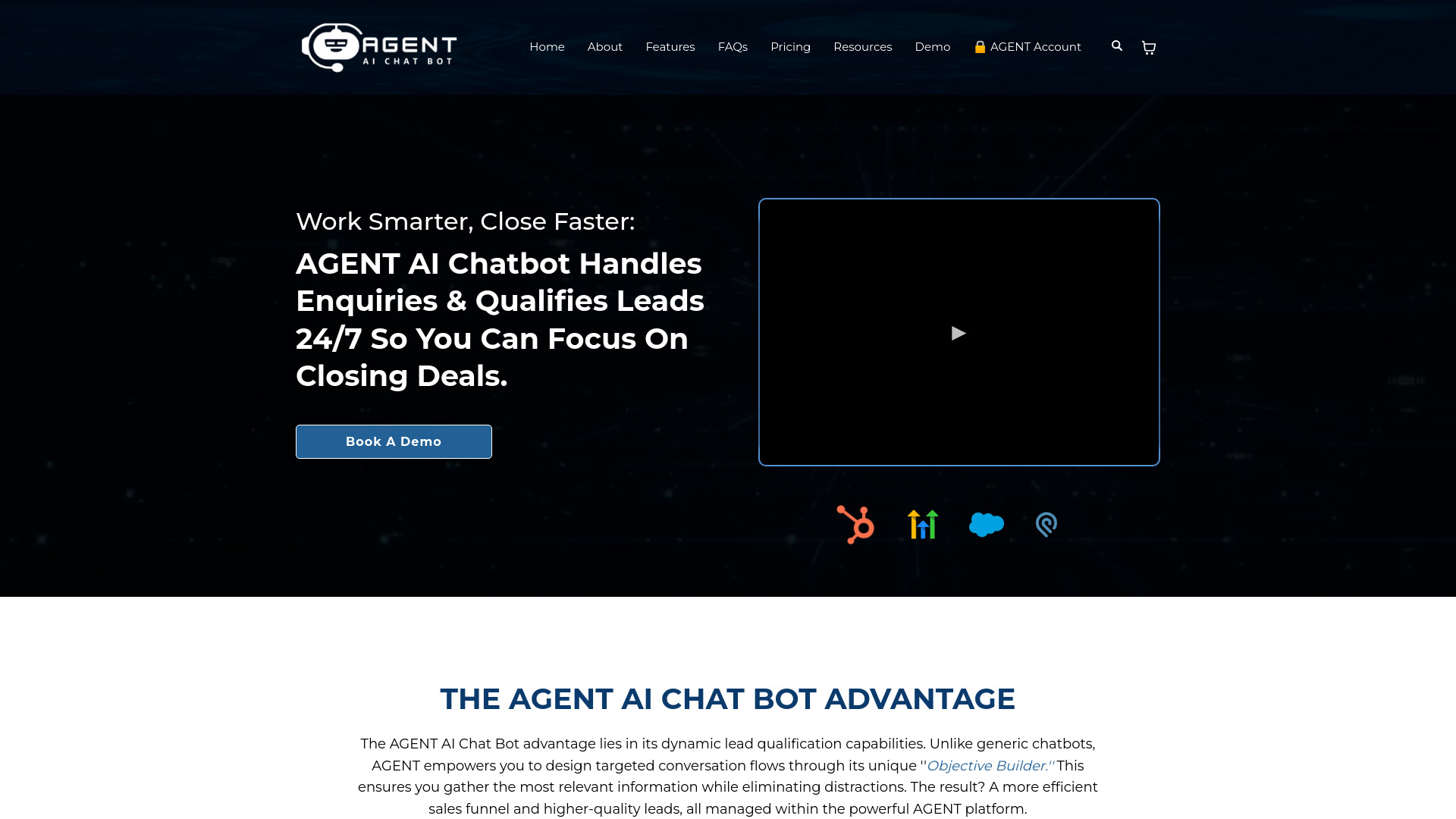
AGENT AI Chat Bot
Lead qualification and appointment booking
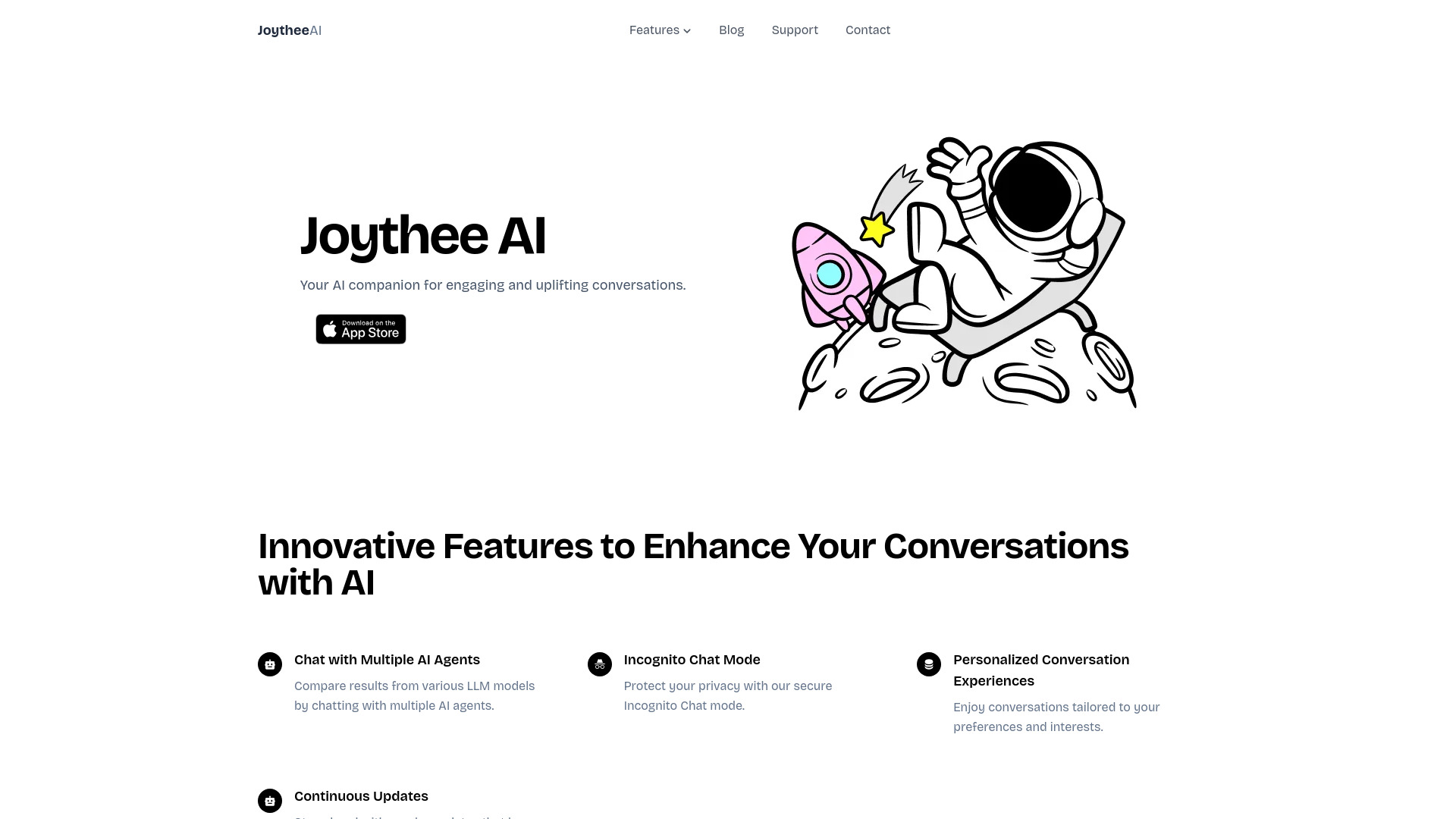
Joythee AI
Multi-agent AI conversations

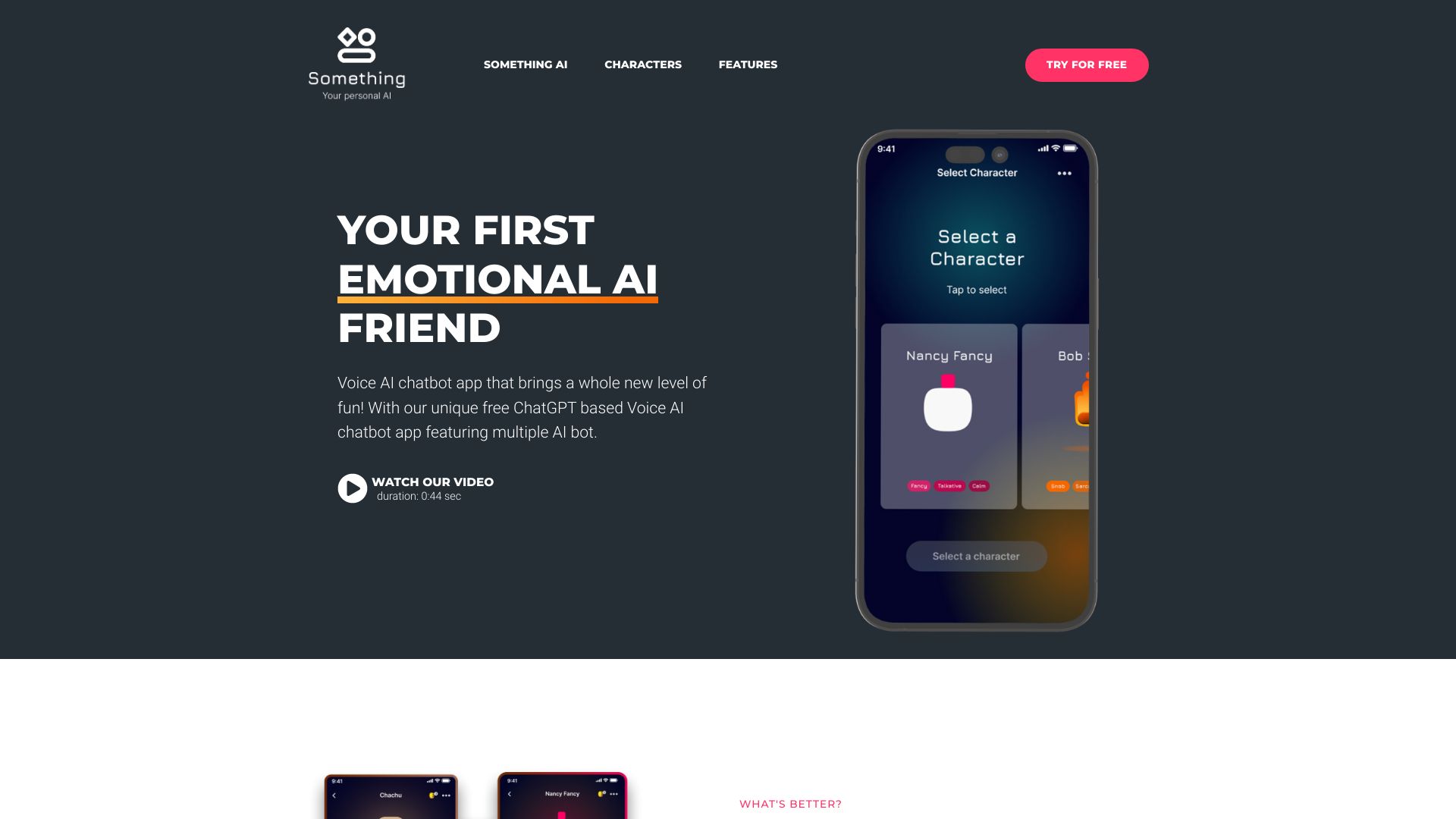
Something AI
Personalized AI character chat

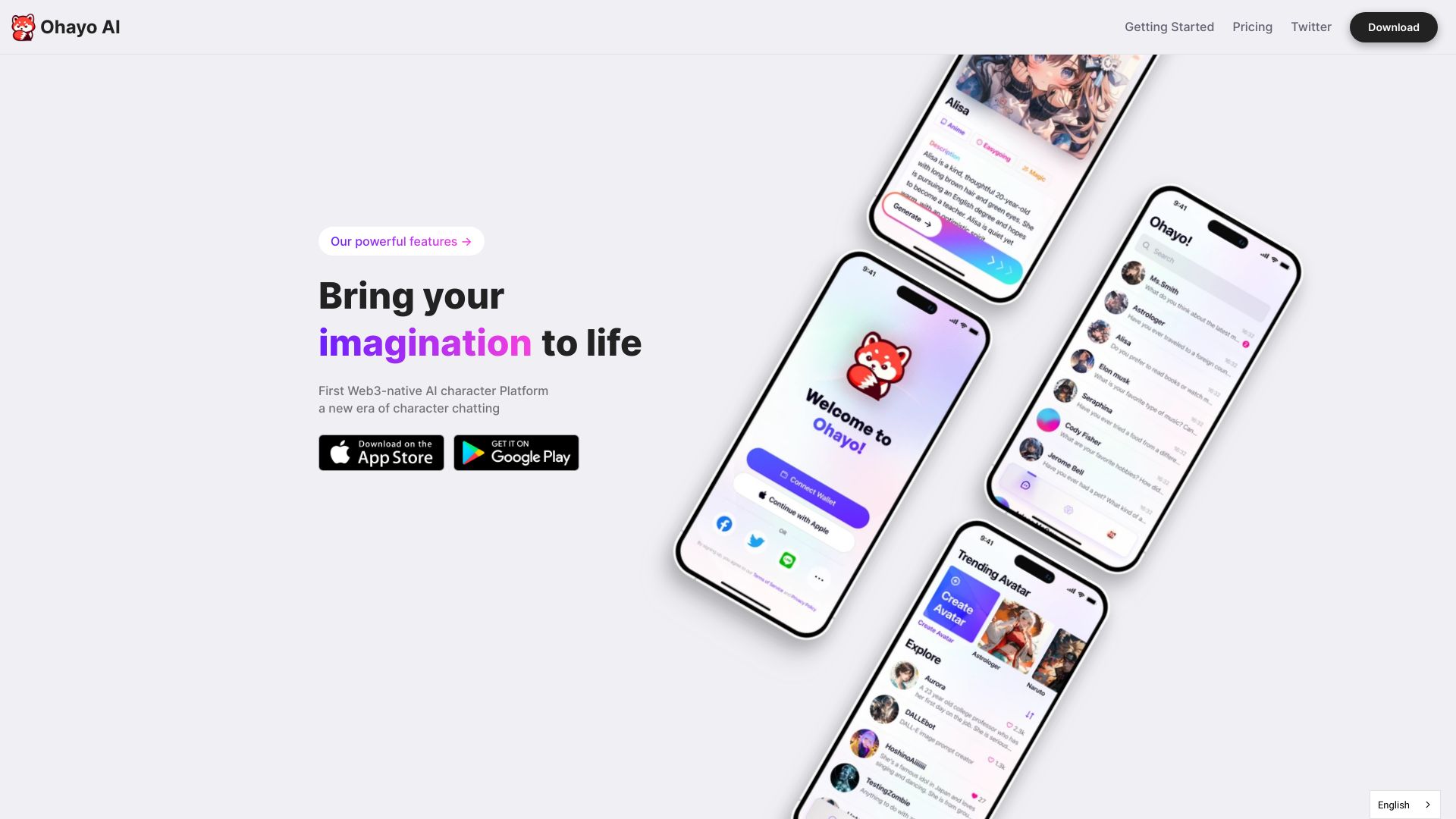
Ohayo AI
Personalized AI character chat
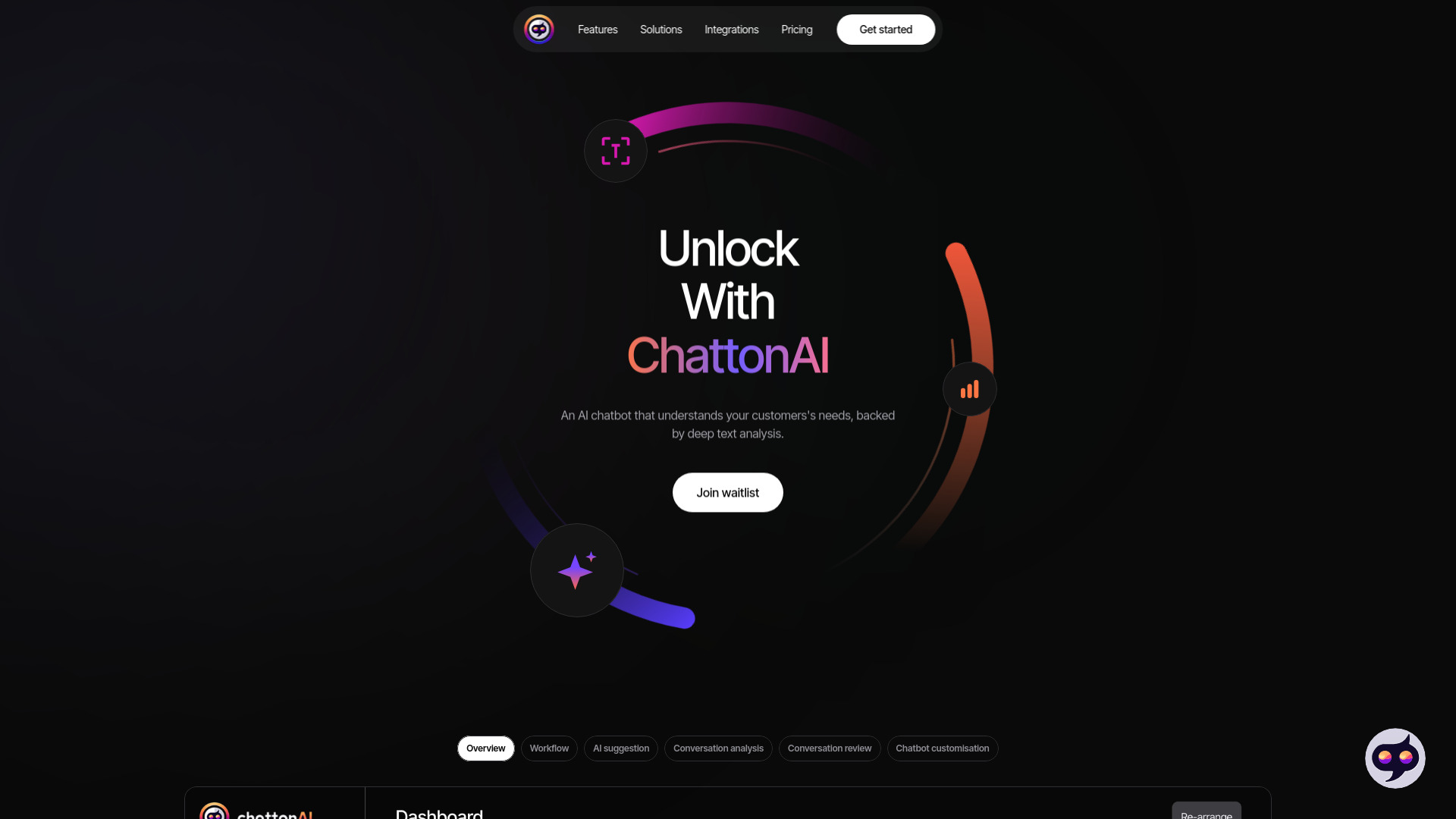
ChattonAI
Businesses seeking chat analytics

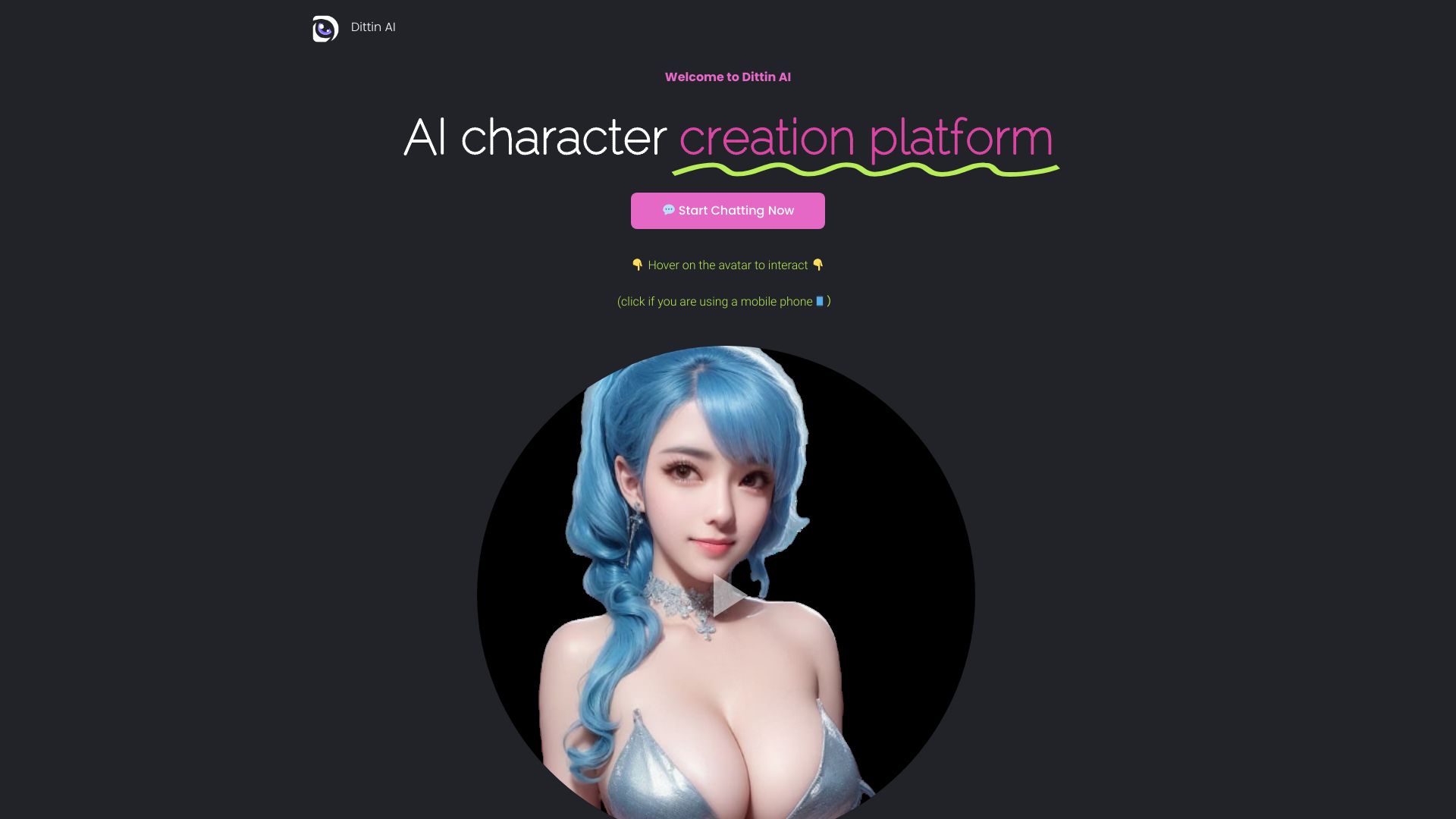
Dittin AI
Unfiltered AI character chat
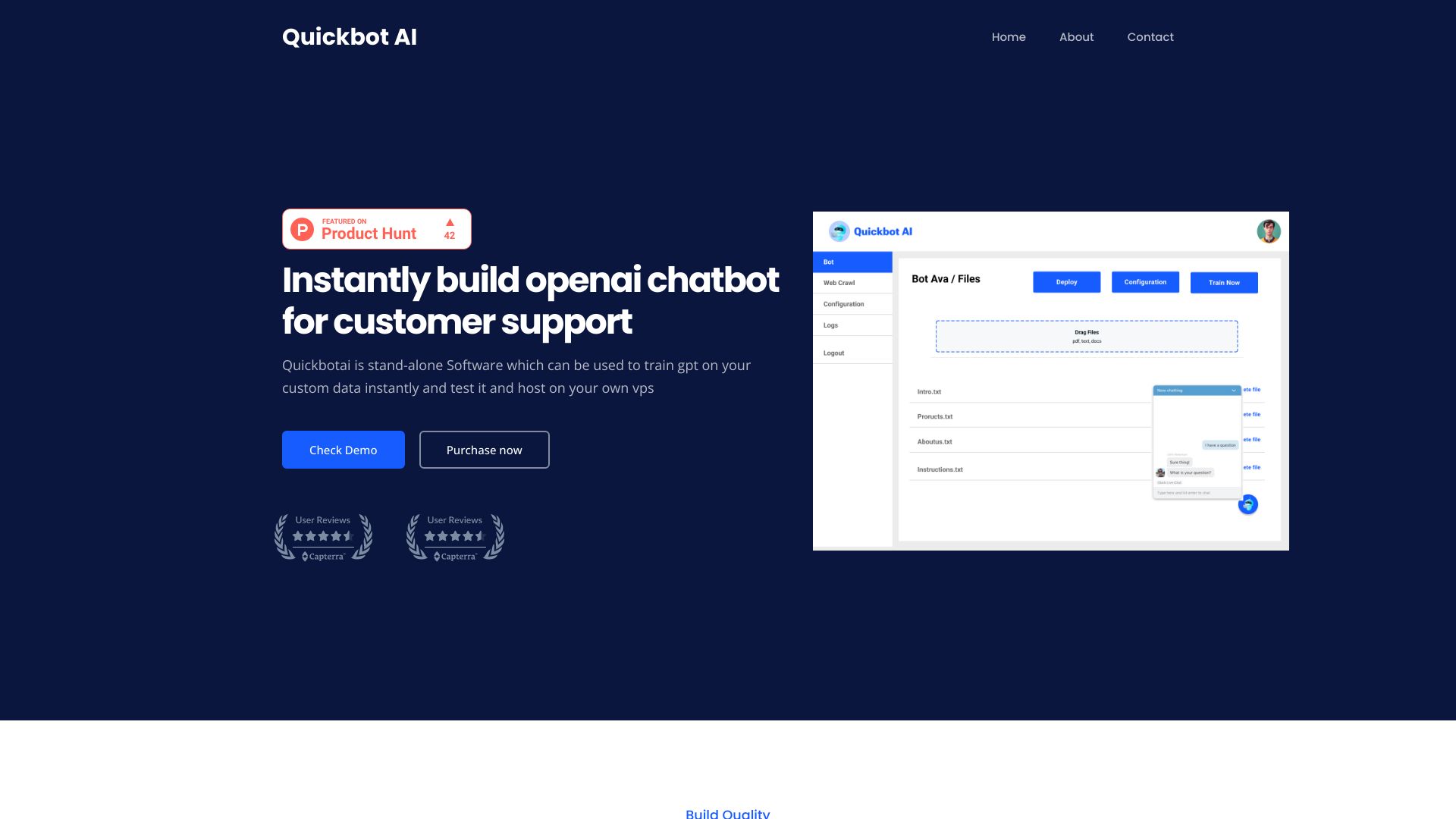
Quickbot AI
Self-hosted customer support chatbots
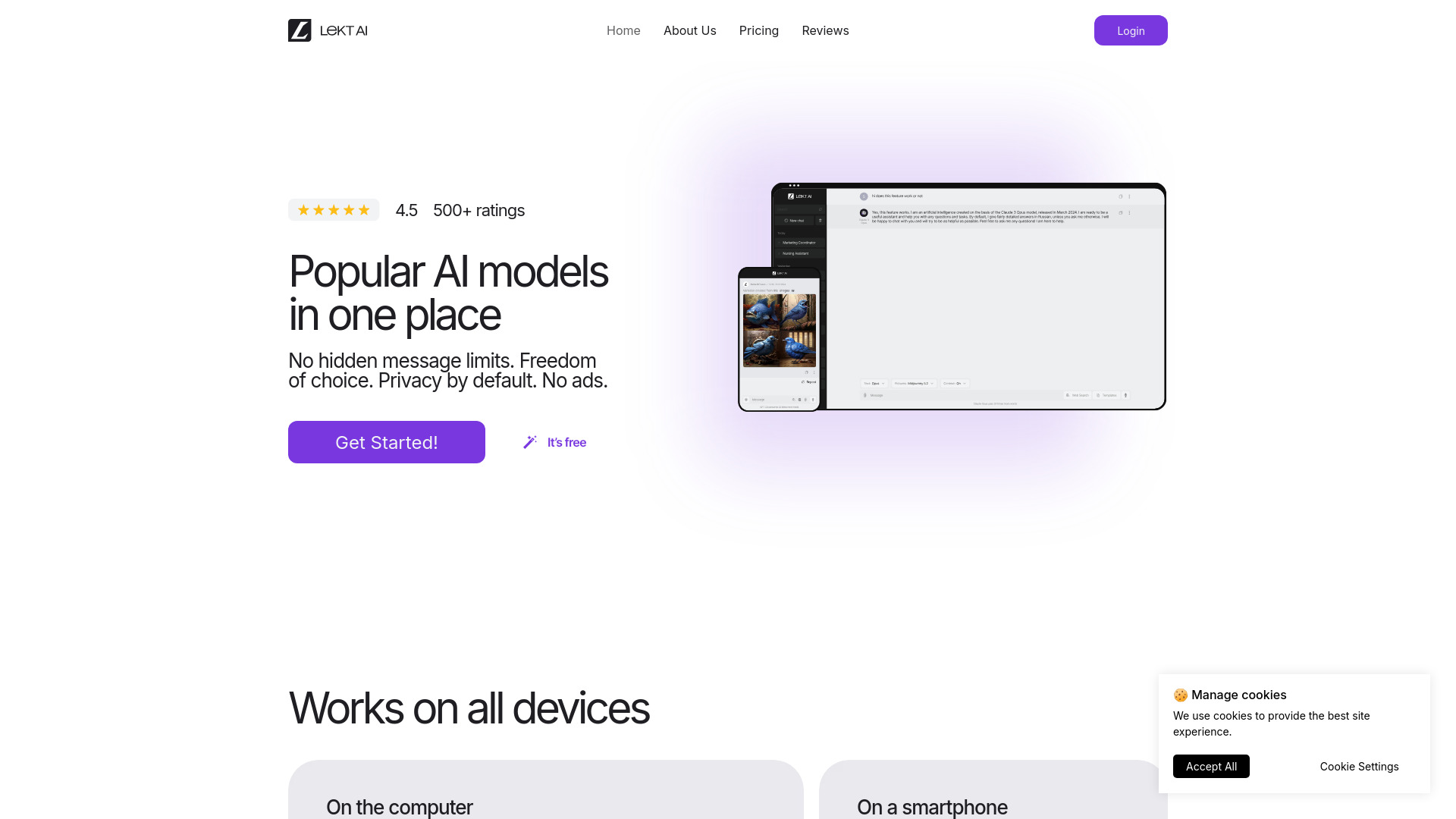
LEKT AI
Multi-model AI chat and image creation

Ask My AI
Personalized AI personas
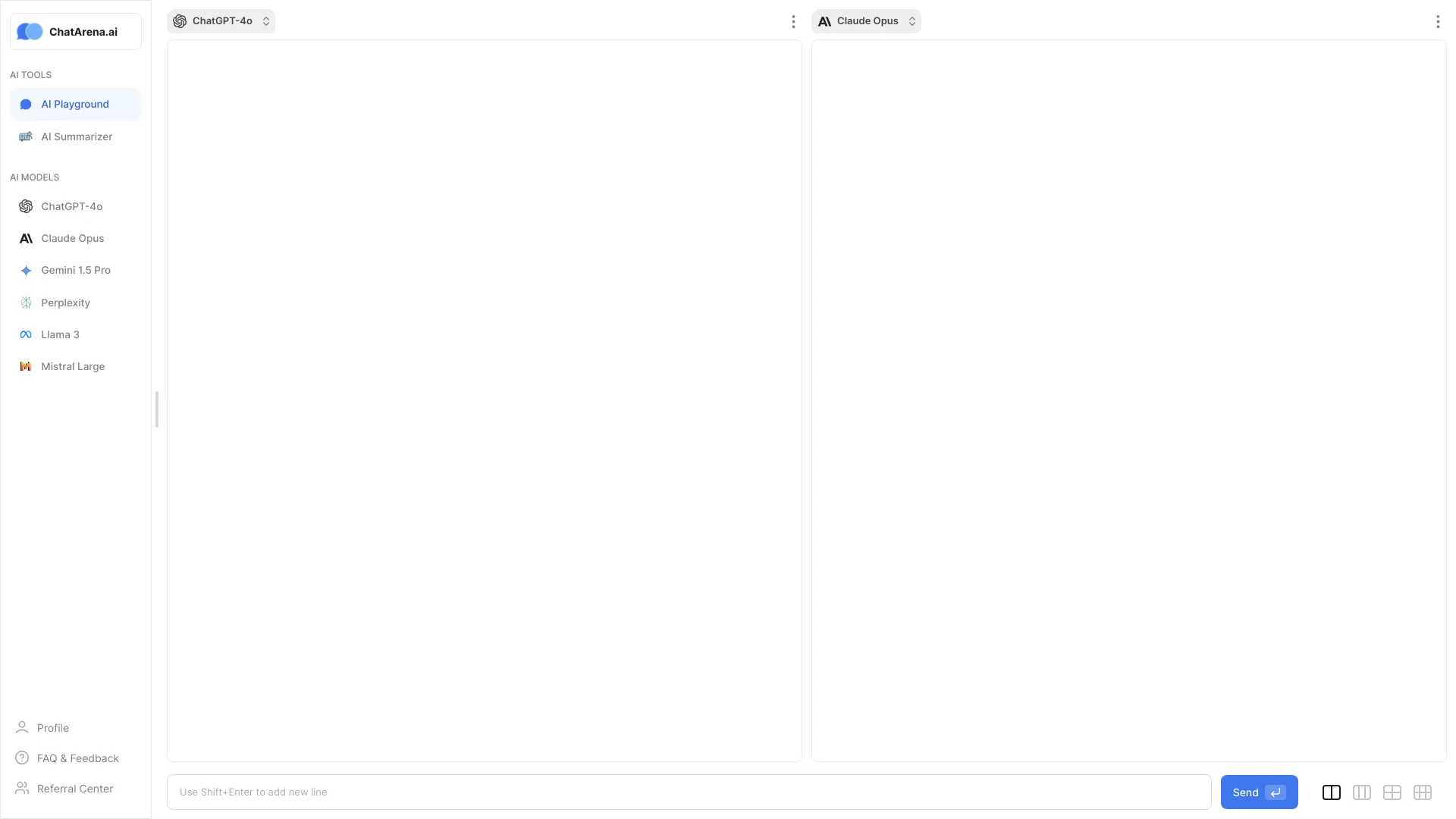
ChatArena.ai
Comparing multiple AI models

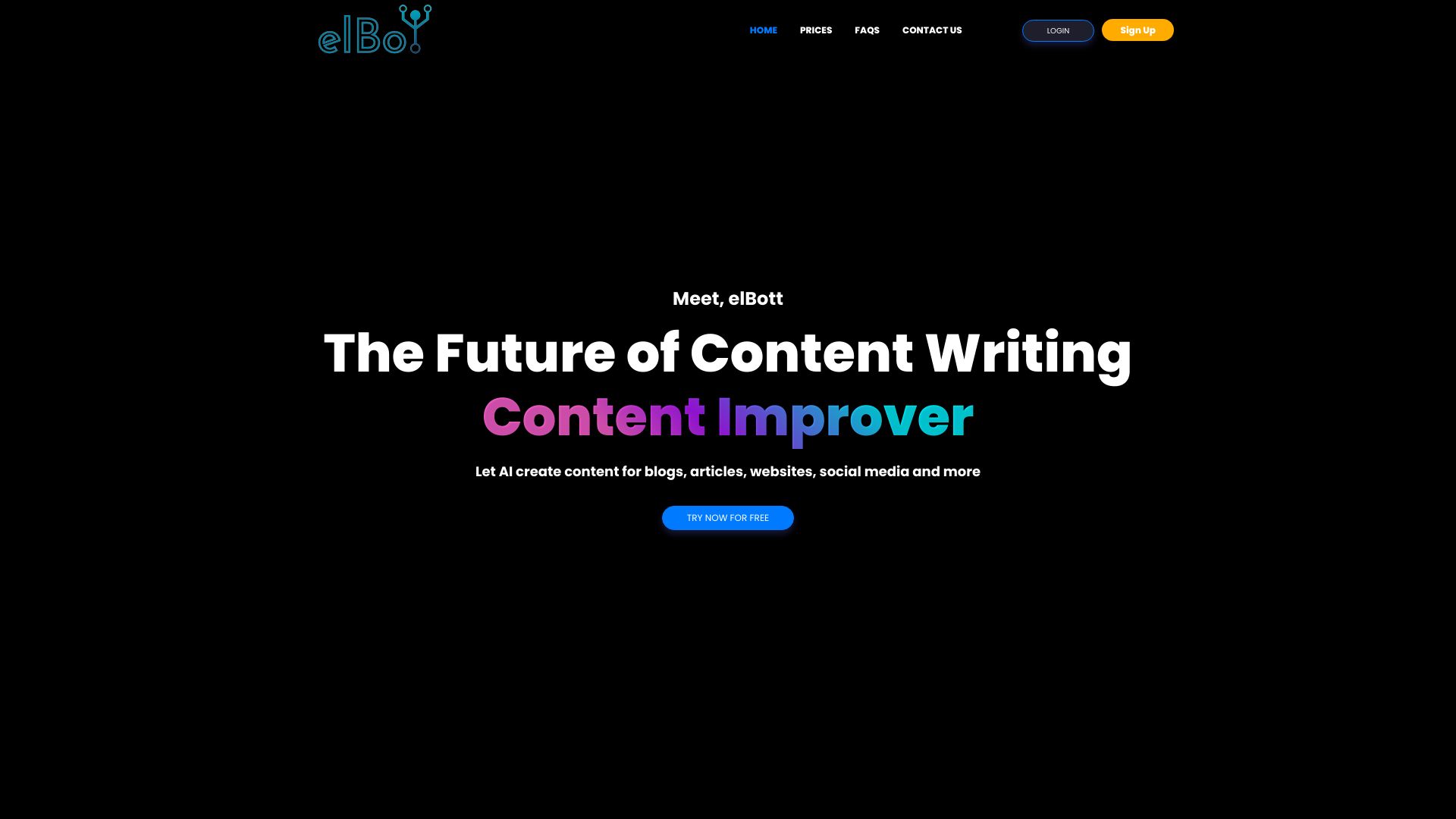
eLBot
WhatsApp and Telegram AI support

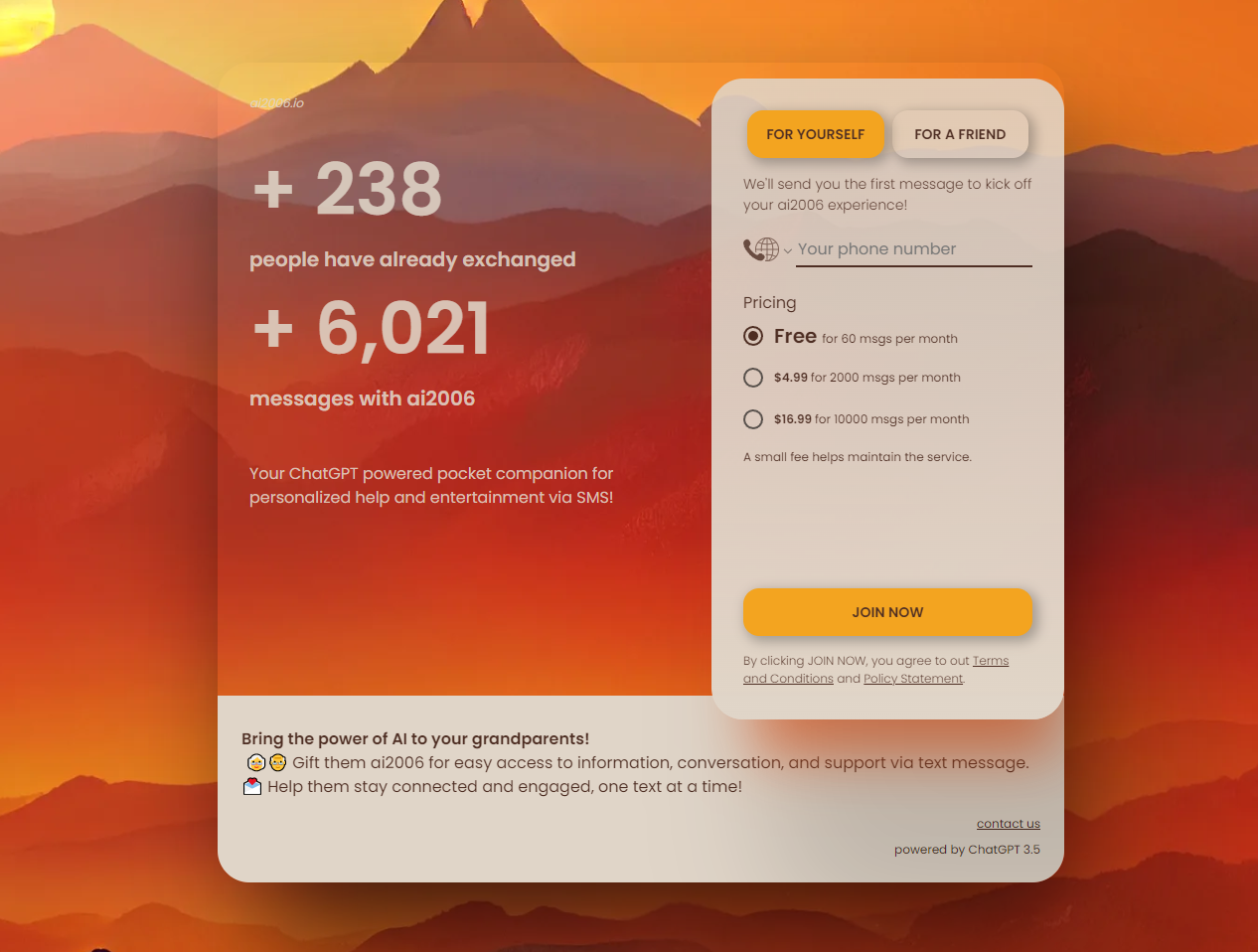
ai2006
AI assistance via SMS
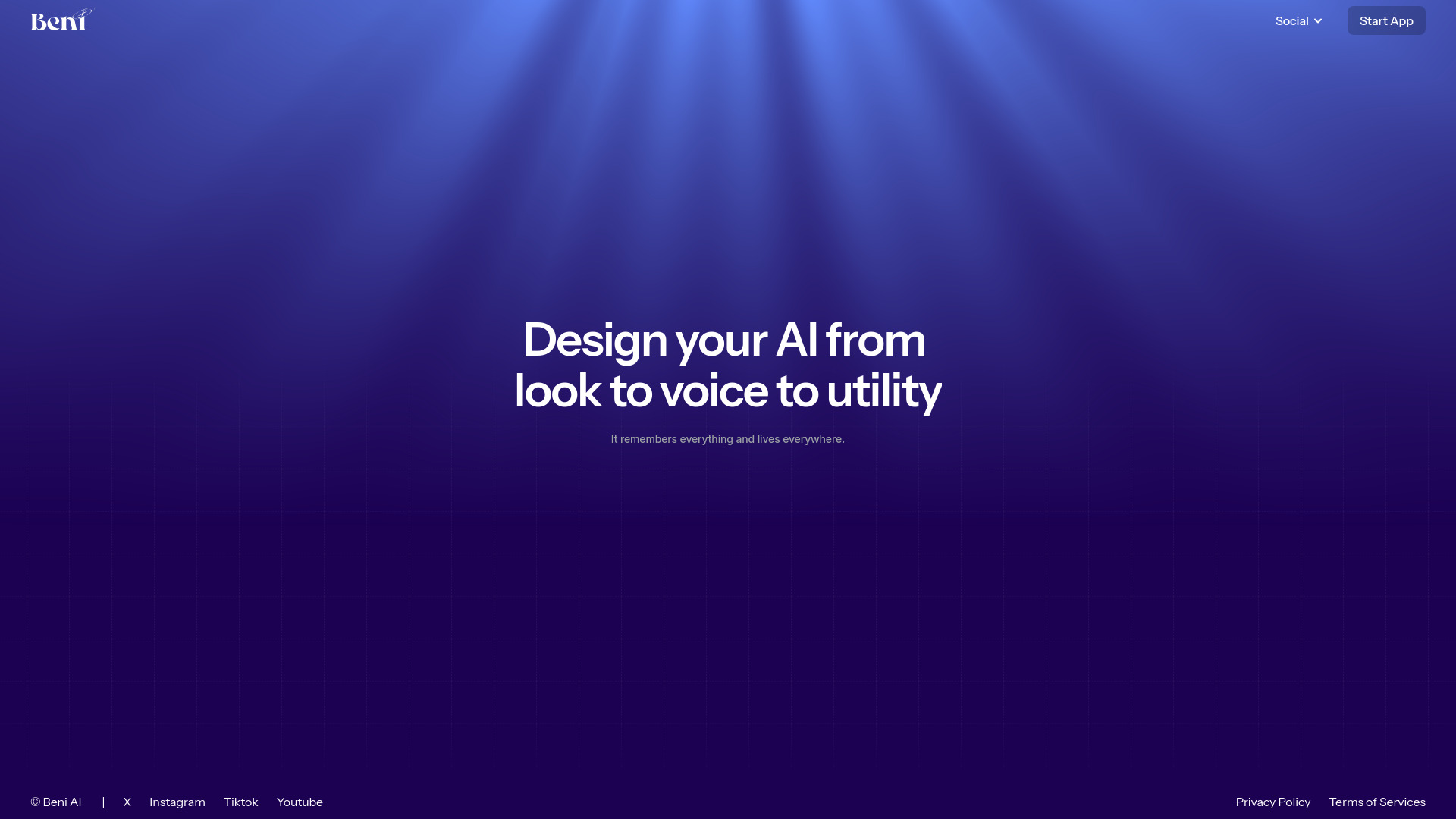
Beni AI
Real-time AI video companions
AIxLab
Tool-integrated AI agents

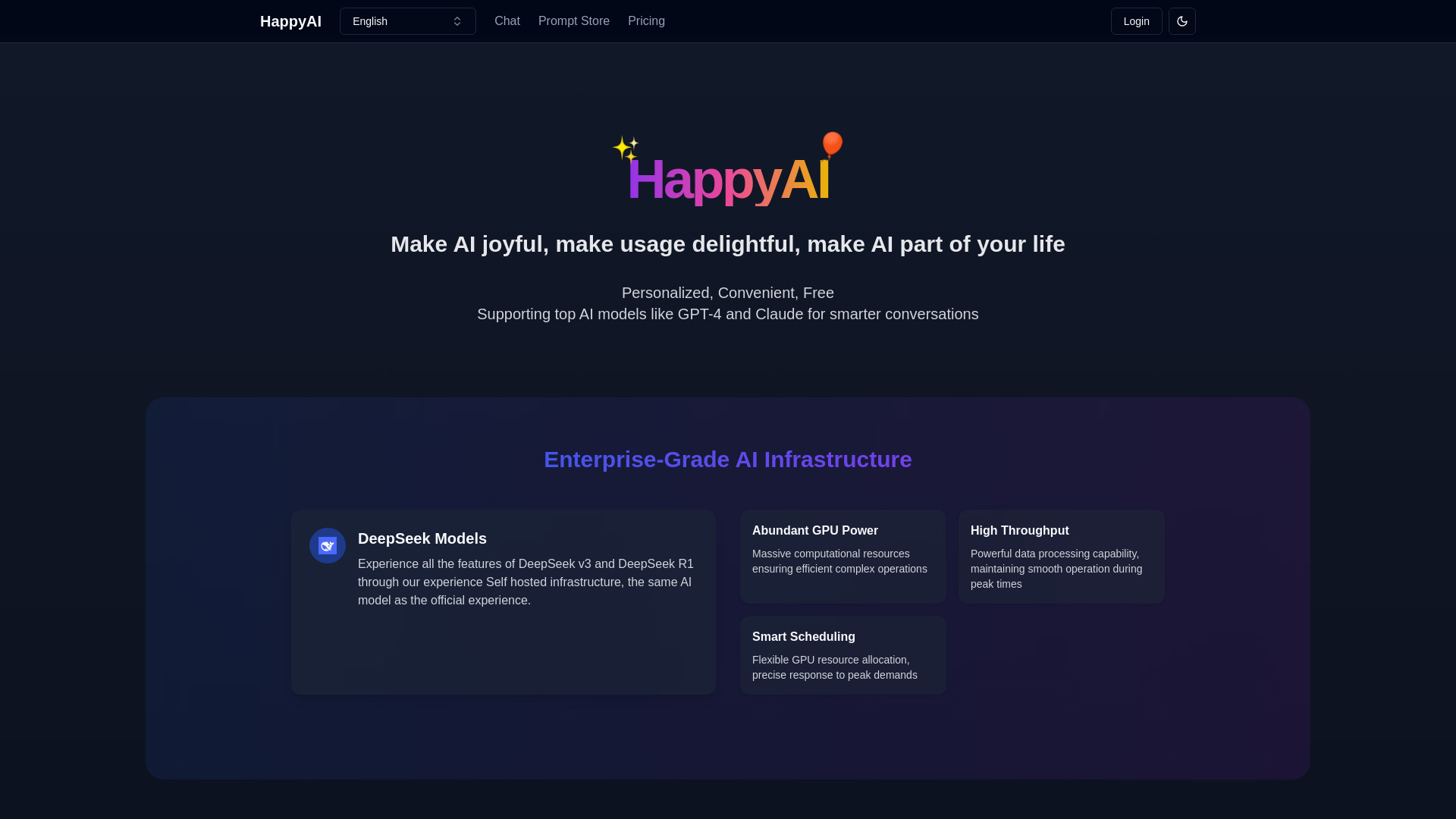
HappyAI
Multi-model AI chat and writing

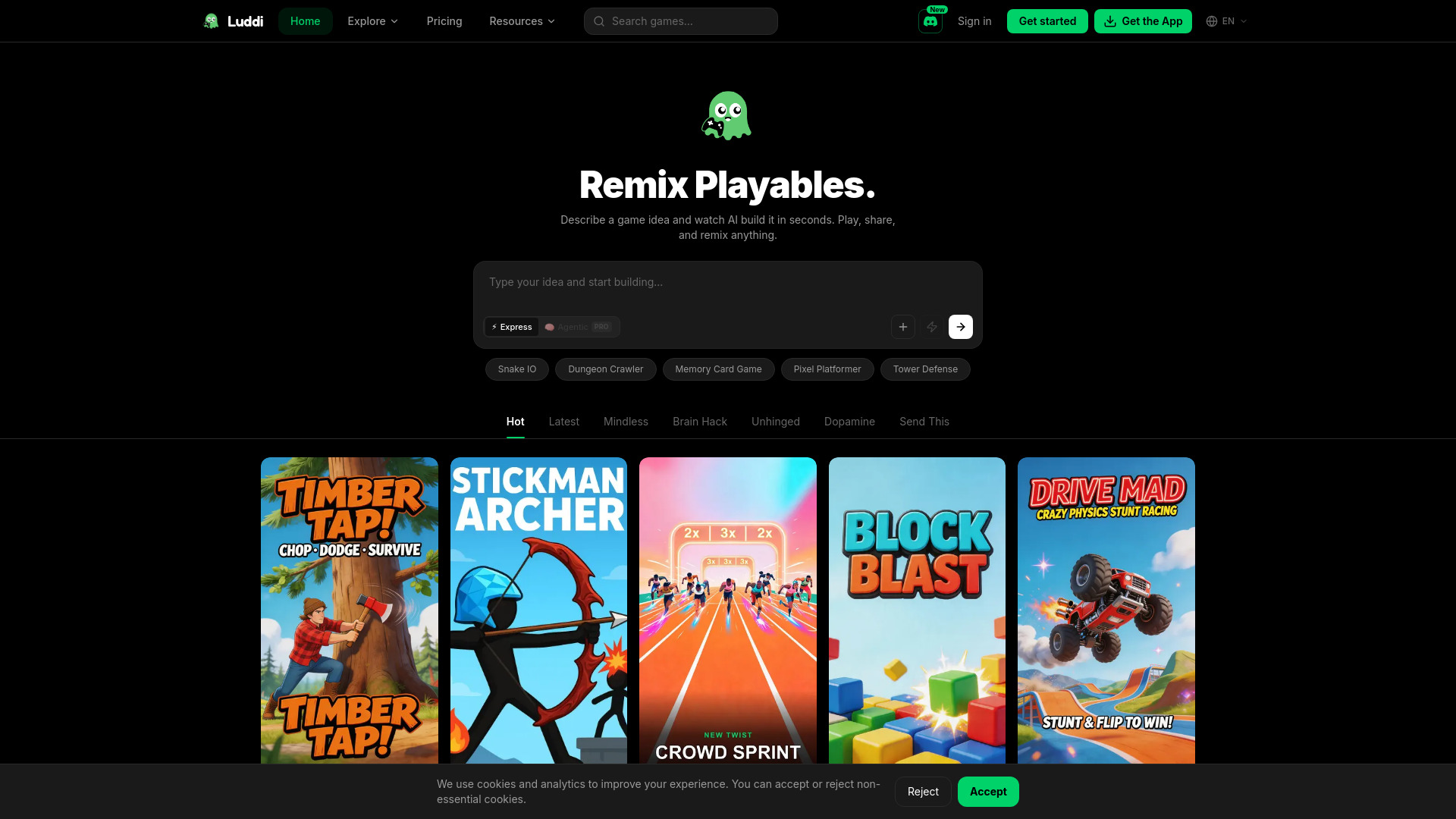
Luddi
AI-generated playable games

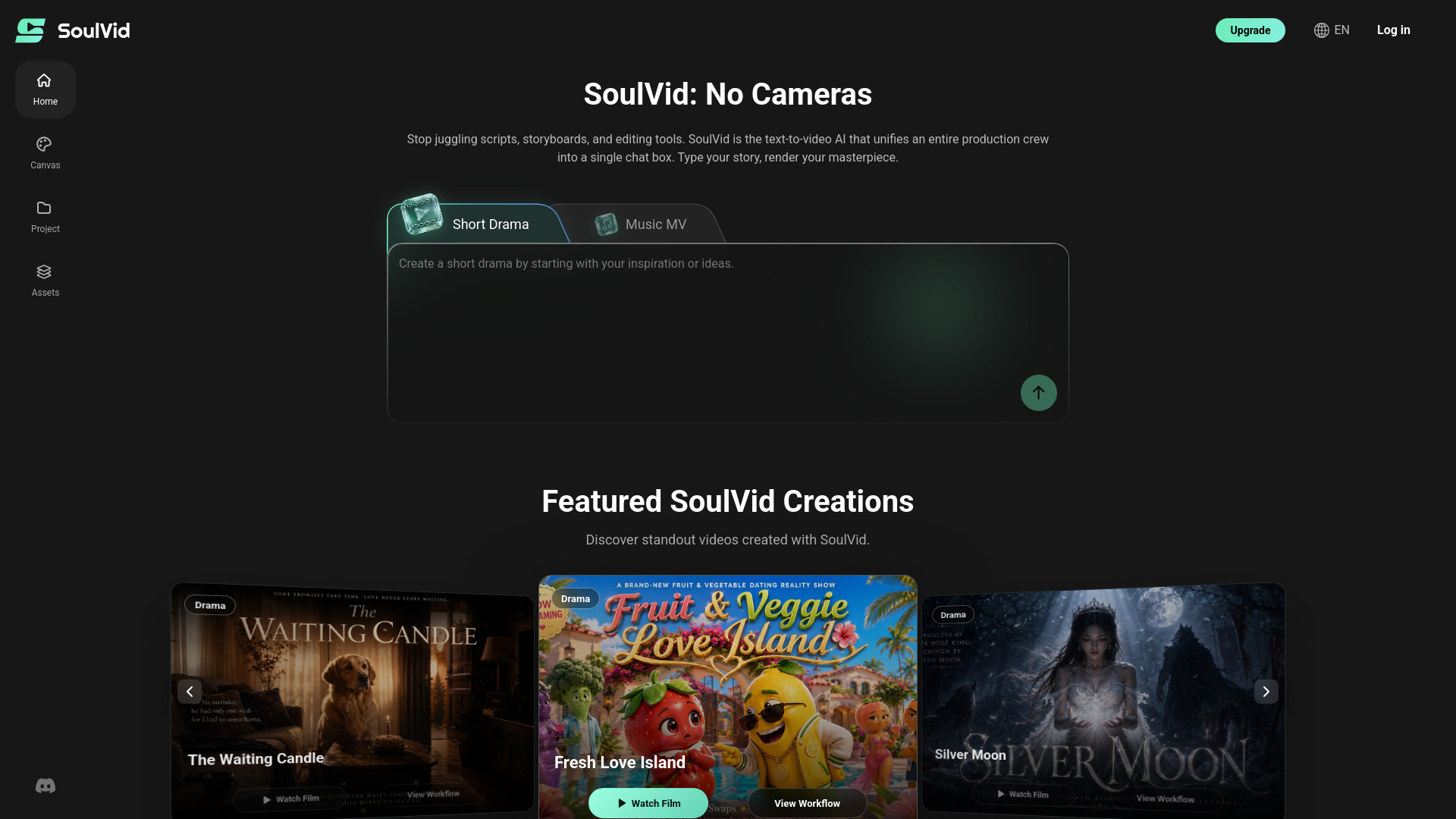
SoulVid
Short dramas and AI music videos
Which AI chatbot should you choose?
Start with the job, not the score. The tools below are all strong candidates, but their best uses barely overlap in places.
For character conversations: Choose SPICYCHAT.AI for custom bots, Botify AI for a broad character catalog, or BOT3 AI for multilingual virtual characters.
For writing: ChatUp AI is the lowest-friction starting point, while Chat & Ask AI is better when search, images, and PDF chat belong in the same workflow.
For comparing models: Chatbot AI centralizes GPT-4o, Gemini, Qwen, Grok, DeepSeek, and Claude. NinjaChat AI is the better fit when PDF analysis matters too.
For documents and coursework: Chatbox AI combines document and image chat with code preview and web browsing. NinjaChat AI is the more research-specific alternative.
For budget testing: AIChatting.net has free chat and writing tools with a listed $3.99 weekly plan. ChatUp AI also offers a no-registration entry point.
For customer support: BOTNOI AI CHATBOT is the obvious business pick because it emphasizes 24/7 availability and customizable conversations.
The best ai chatbot for a first-time buyer is usually the one with the shortest path to a meaningful test. Try the exact workflow you care about: paste a document, draft a real article, compare two models, or configure a customer question. A polished demo is less useful than a tool that handles your recurring task without surprises.
My practical recommendation
For most readers, I would begin with Chat & Ask AI if writing and research are the priority, or ChatUp AI if you want the quickest free test for content generation. Their value is easy to understand without committing to a specialized workflow.
Choose Chatbot AI when the reason you are shopping is model variety. Choose NinjaChat AI when PDF analysis makes that variety useful. For a student handling mixed files and code, Chatbox AI is the more complete workspace.
The character-chat category deserves a separate decision. SPICYCHAT.AI is the strongest overall match for AI enthusiasts, while Botify AI is better for browsing a wide selection of recognizable character types. BOT3 AI is a niche multilingual option, and its content suitability deserves careful attention.
For a hotel or customer-support operation, skip the consumer-oriented shortlist and investigate BOTNOI AI CHATBOT first. Its 24/7 support focus is more relevant than access to another general-purpose model.
Common mistakes when choosing an AI chatbot
- 1
Treating the highest score as a universal winner. A character platform and a document assistant should not be evaluated for the same job.
- 2
Ignoring paid feature boundaries. Chatbot AI gates faster replies, image generation, and advanced search behind PRO; Chatbox AI also reserves some features for subscribers.
- 3
Assuming free means unlimited. AIChatting.net warns that free usage may be limited, and several tools require a direct pricing check.
- 4
Overlooking setup friction. BOTNOI AI CHATBOT may require configuration, while Botify AI requires JavaScript.
- 5
Skipping content suitability checks. BOT3 AI may include explicit content, which can rule it out for classrooms, workplaces, or shared devices.
- 6
Choosing model count over workflow fit. Six model names do not help if your real need is PDF analysis, character creation, or customer support.
- 7
Failing to test a real task. Use your own document, prompt, or support question before upgrading. Generic demos hide the friction that determines whether a tool sticks.
What changed in 2026
The 2026 shortlist reflects a wider definition of chatbot. Alongside ordinary question-and-answer tools, buyers can now choose character platforms, multi-model interfaces, document and image chat, code preview, web browsing, and no-code customer support. That expansion is useful, but it makes category labels less informative on their own.
The practical dividing line is now workflow ownership. Some tools own the conversation around a persona; others own the work around a document, model collection, or customer queue. Free entry is also common, but meaningful features may still sit behind premium access, so live plan limits matter as much as the headline chatbot label.
FAQ
Chat & Ask AI is the strongest general starting point here for writers because it combines chatbot use with AI search, image generation, and PDF chat. ChatUp AI is the easier free test if content generation is your main goal.