
Finding the best ai image generator depends less on a flashy demo than on the kind of image you need to make repeatedly. We compared 100 tools, then focused this guide on 10 leading options for text-to-image art, consistent illustrations, image remixing, anime creation, and broader content workflows. Some are genuinely unlimited; others are better when you need a particular visual style or a quick free experiment.
Top picks
| Pick | Tool | Best for | Why it stands out |
|---|---|---|---|
| 1 | Imagine.art | Artists | Strong all-around text-to-image and remix workflow with free AI art generation. |
| 2 | AI Illustration Generator | Designers | Consistent illustrations in distinct art styles, with a commercial-use angle. |
| 3 | a1.art | Digital artists | Free image generation paired with millions of photo filters. |
| 4 | Raphael AI | Digital artists | Unlimited free generation and no registration requirement. |
The short version: start with Imagine.art for the broadest creative brief, choose AI Illustration Generator when visual consistency matters, and try Raphael AI when unlimited free experimentation is the deciding factor. The remaining picks are more specialized, but that specialization is exactly what makes them useful.
Quick comparison
| Tool | Score | Best for | Standout capability | Free access | Starting price |
|---|---|---|---|---|---|
| Imagine.art | 96/100 | Artists | Text to Image; Image Remix | Free AI art generation | Check vendor pricing |
| AI Illustration Generator | 96/100 | Designers | Consistent art styles | Free access available | Check vendor pricing |
| a1.art | 95/100 | Digital artists | Millions of photo filters | Free to use | Check vendor pricing |
| Artguru AI | 95/100 | Digital artists | Text-to-image and image-to-image | 1 image generation free | Check vendor pricing |
| Raphael AI | 95/100 | Digital artists | Unlimited free generations | Unlimited free generations | Premium: $10 |
| ImageGeneratorAI.io | 95/100 | Bloggers | Flux and SDXL text-to-image | Free; no sign-up required | Check vendor pricing |
| Image To Image AI | 95/100 | Designers | Structure-preserving image remix | Free monthly transformations | Hobby: $7.99 per month |
| AI Gallery | 95/100 | Artists | Art generation and artist support | Free; no sign-up required | Check vendor pricing |
| AI Anime Generator | 95/100 | Freelance illustrators | Text to Anime and Photo to Anime | 30 free generations per day | Check vendor pricing |
| AIAI.com | 95/100 | Content creators | Image and video generation | 40 basic accesses/day; 20 credits | Check vendor pricing |
Scores are close, so the ranking is not a claim that one tool wins every prompt. It is a practical ordering for buyers: broad usefulness first, then a clear creative advantage, then the constraints you are likely to encounter in regular use.
How we ranked these AI image generators
We ranked the 100 candidates against four practical questions: what can the tool generate, how directly does it serve an image-making workflow, how useful is its free access, and who is most likely to get value from it? Text-to-image generation earned weight because it is the clearest starting point, while image remixing, consistent styles, photo inputs, and model access helped tools stand out for more demanding work. We also considered usage signals and documented limitations, including watermarks, quotas, short history windows, and browser-only access. Scores are therefore buying guidance rather than a promise of identical output quality for every prompt. Pricing should be checked on each vendor page before purchase.
The best AI image generators
1. Imagine.art

Imagine.art
Best all-around AI image generator for artists
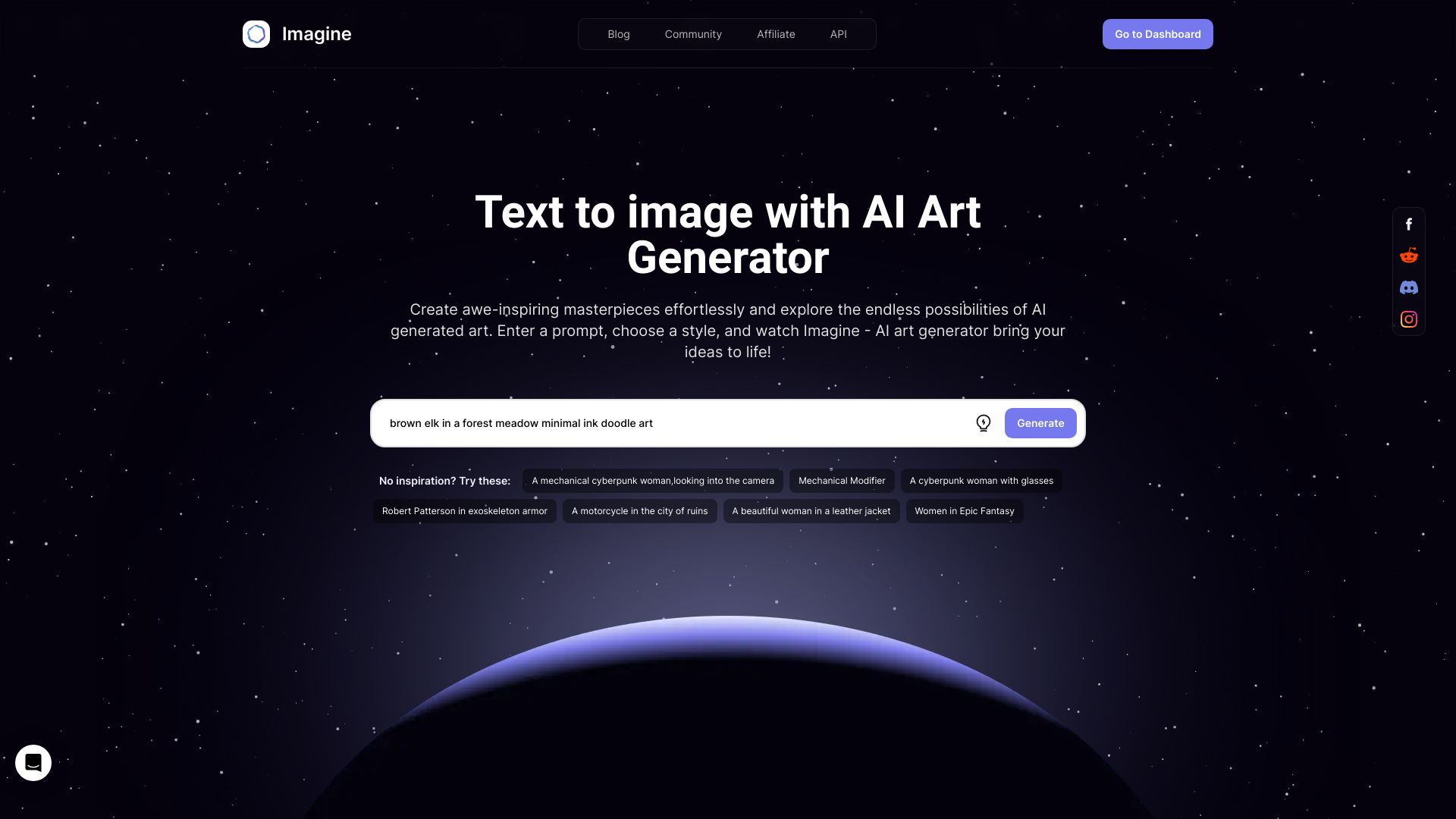
Imagine.art earns the top spot because it covers the two actions most people expect from the best ai image generator: creating an image from a written idea and changing an existing result through image remixing. That combination is more useful than a text-only playground when you are iterating on a character, scene, or visual concept.
Its audience fit is clear: artists who want to move quickly from language to finished-looking AI art. The free access makes it approachable for first experiments, although the free version has limited features. The service also has a substantial 2.7M monthly-visit signal, which gives it more practical weight than an obscure prompt box.
My take: This is the safest first click for someone who wants one flexible creative workspace rather than a narrow style generator. I would begin here for general illustration and switch only when a specific limitation becomes important.
Where it falls short: The free version is limited, and pricing is not presented as a clean starting figure here. Buyers who need predictable commercial costs should confirm the current vendor pricing before building a production workflow around it.
Key features
Text to Image for turning written concepts into artwork.
Image Remix for developing variations from an existing image.
Free AI art generation for initial experimentation.
Pros
Covers both generation and remixing rather than only one image workflow.
Strong fit for artists seeking broad creative flexibility.
Highest score in this shortlist at 96/100.
Cons
Limited features in the free version.
Starting price requires checking the vendor.
Choose Imagine.art if: You are an artist who wants a broad text-to-image starting point with a built-in way to remix results.
2. AI Illustration Generator

AI Illustration Generator
Best AI illustration generator for designers
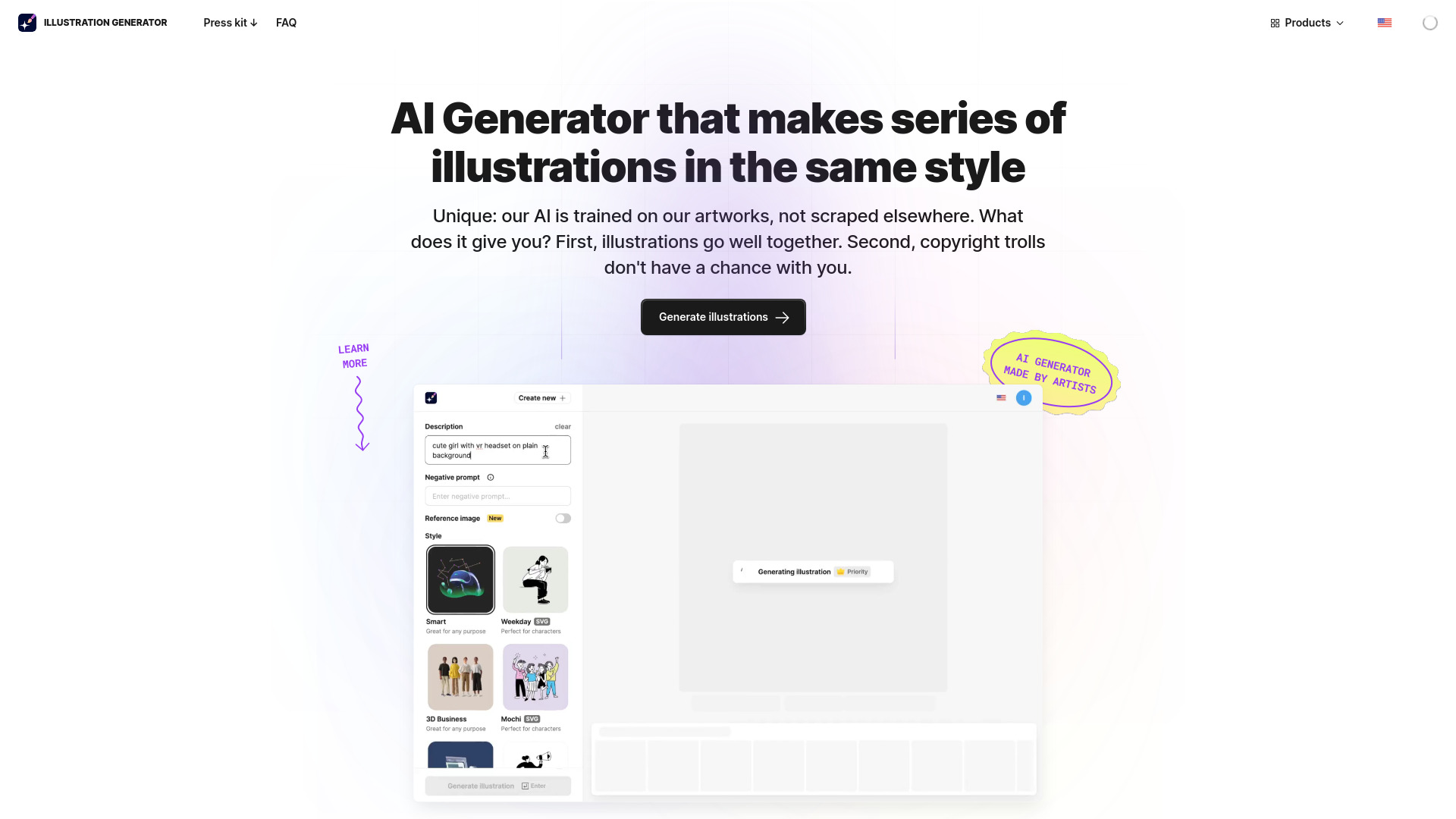
Design work often needs a family of images, not one attractive output. AI Illustration Generator stands out because its stated strength is consistency across unique art styles. That makes it a more focused choice than a general best image generator ai list: the value is in keeping a visual direction coherent while producing multiple illustrations.
The tool is positioned around AI-powered illustration generation from text or images, and its commercial-use safety angle is particularly relevant to designers preparing assets for real projects. The trade-off is visible immediately on the free tier: free images carry watermarks. That is manageable for exploration, but it adds friction when you need clean deliverables.
My take: This is the pick I would test first for a design system that needs repeatable illustration treatment. It has a narrower job than Imagine.art, but it does that job more clearly.
Where it falls short: Watermarks on free images can make the free experience unsuitable for final client work. Pricing is also something to verify directly with the vendor.
Key features
AI-powered illustration generation.
Consistent art styles for a more unified visual set.
Text or image input for illustration creation.
Pros
The strongest shortlist fit when style consistency matters.
Useful for designers producing more than a single standalone image.
Commercial-use positioning reduces a common buyer concern.
Cons
Free images include watermarks.
The current starting price is not clearly listed here.
Choose AI Illustration Generator if: You are a designer who needs several illustrations to look like they belong to the same visual system.
3. a1.art

a1.art
Best free AI image generator for digital artists
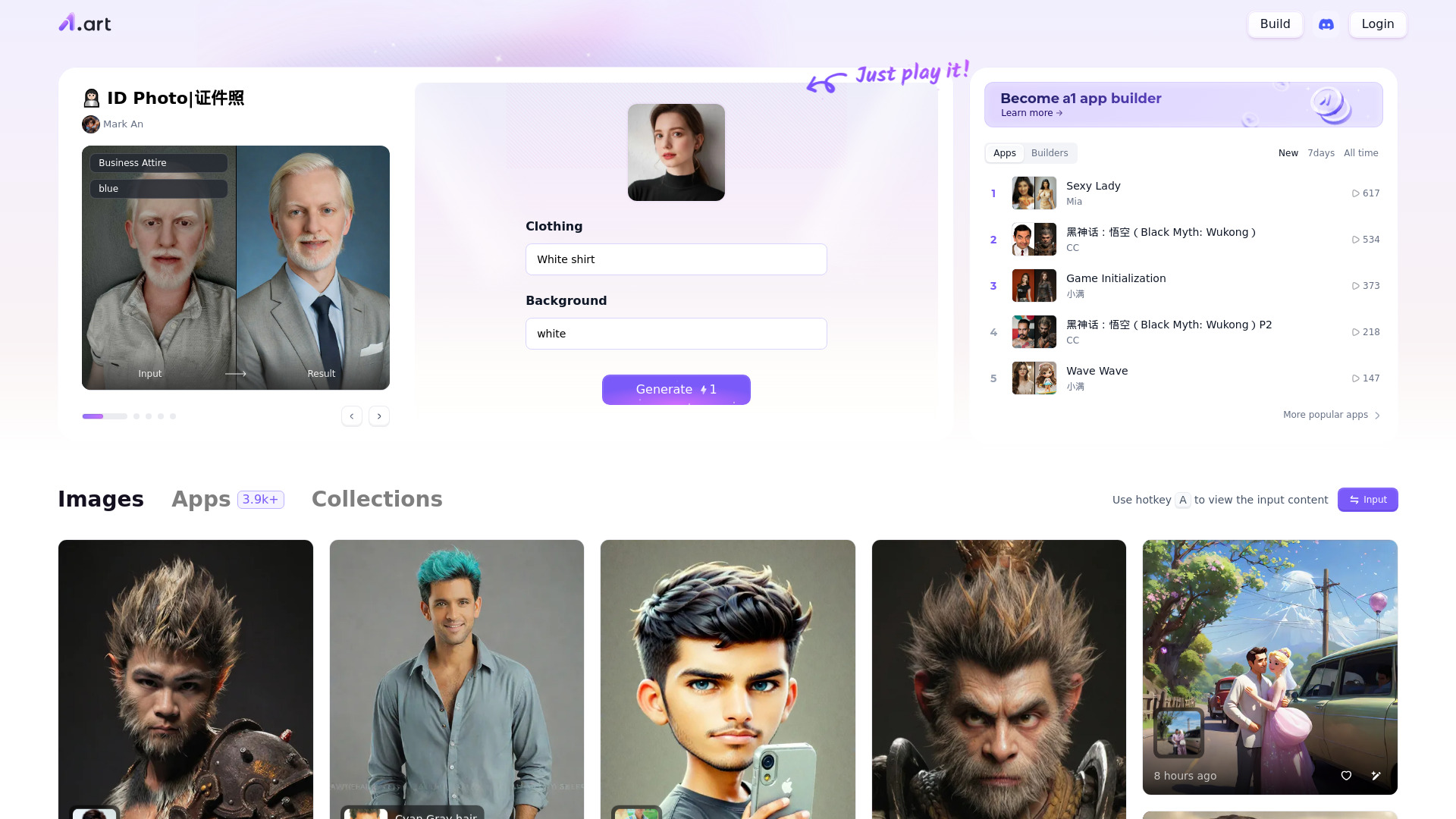
A1.art takes a different route from a minimalist prompt-to-picture tool. Alongside AI image generation, it offers millions of photo filters, giving digital artists a large space for experimenting with treatments and variations. That breadth is the reason it remains high in the ranking even though the workflow may require more trial and error to reach a desired result.
The free-to-use positioning is appealing for hobbyists and artists who want to explore without committing to a plan. The main practical question is not whether you can start, but how quickly you can get from an interesting filter or generated result to the specific look in your head. The tool itself warns that experimentation may be necessary, so set aside time for iteration rather than expecting a perfect first prompt.
My take: A1.art is a good discovery tool. I like it most for artists who enjoy exploring styles and filters, not for buyers who need a tightly controlled, repeatable production pipeline.
Where it falls short: Finding the desired result may take experimentation. The available pricing information is not clean enough to use as a purchasing benchmark, so check the vendor before upgrading.
Key features
AI image generation.
Millions of photo filters for visual experimentation.
Free access for trying the creative workflow.
Pros
Large filter variety gives artists many directions to explore.
Free to use.
Strong audience fit for digital artists.
Cons
May require experimentation to find the desired results.
Starting price needs vendor verification.
Choose a1.art if: You are a digital artist who values a huge range of filters and does not mind iterating to discover the right look.
4. Artguru AI
Artguru AI
Best AI art generator for text and photo inputs
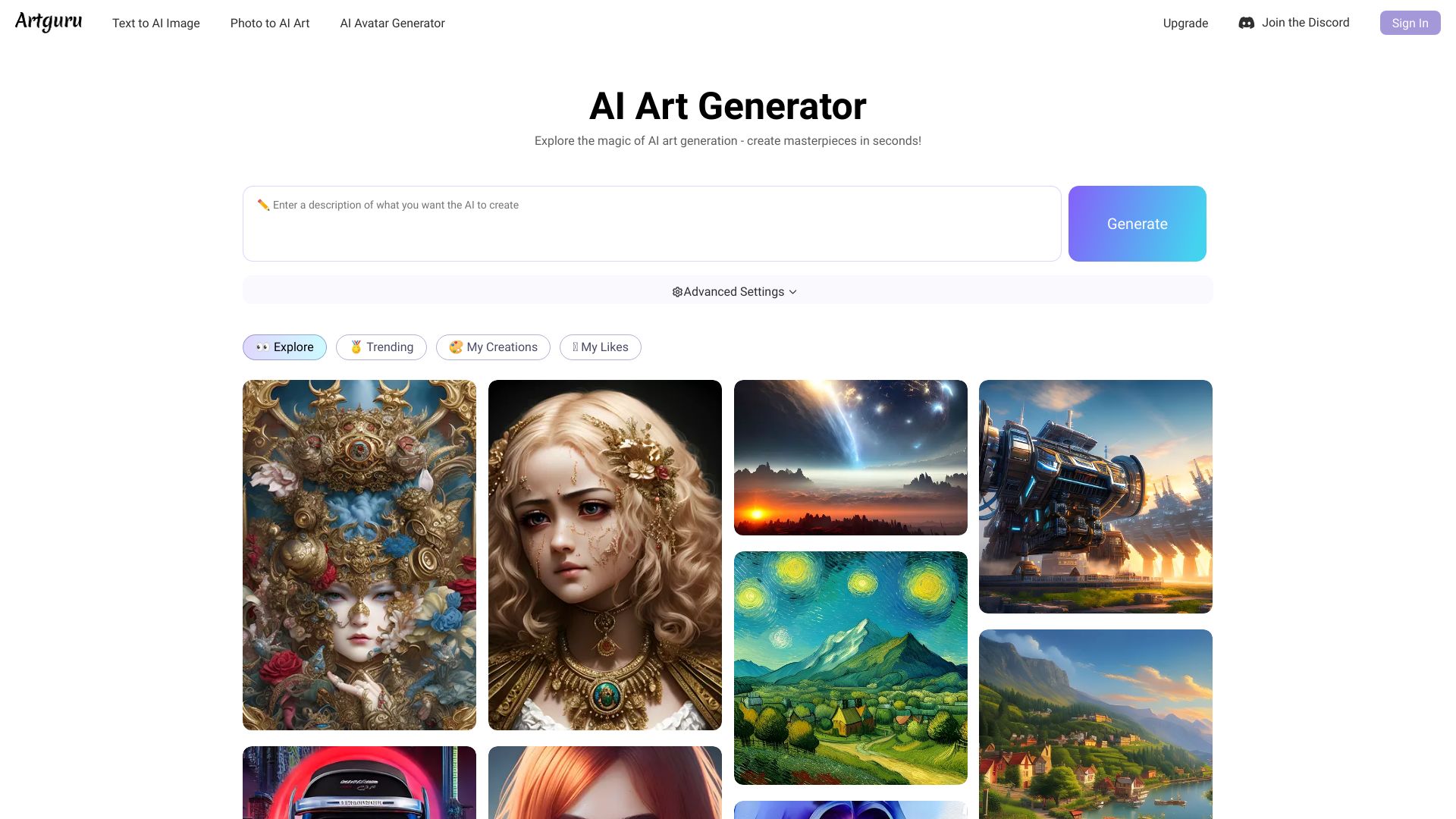
Artguru AI is useful when your starting point is not always a blank prompt. It supports both text-to-image and image-to-image generation, and it also includes AI avatar and portrait generation. That makes it a flexible option for people moving between written ideas, existing photos, and profile-style creative work.
The one-image free allowance is enough to understand the basic workflow, but it is not a generous sandbox for extensive testing. The no-login limitation is also worth considering: you can try the tool, but the number of images available without logging in is limited. For a serious comparison, sign in only after you know the input types match your needs.
My take: Artguru AI is one of the better picks for mixed-input experimentation. It is more compelling for photo-based transformations and avatars than for someone who only wants an unlimited text prompt loop.
Where it falls short: Users without a login have a limited number of images. The short free allowance means you should arrive with a concrete test prompt rather than spending the quota casually.
Key features
AI Art Generator from Text to Image.
AI Art Generator from Image to Image.
AI avatar and portrait generation.
Pros
Supports both new image creation and photo-based transformation.
Free AI art generation is available for an initial test.
Good fit for digital artists exploring several input types.
Cons
Limited number of images without logging in.
Pricing is not available as a clean starting figure.
Choose Artguru AI if: You want one browser tool for text prompts, photo transformations, and AI avatars or portraits.
5. Raphael AI
Raphael AI
Best unlimited free AI image generator for digital artists
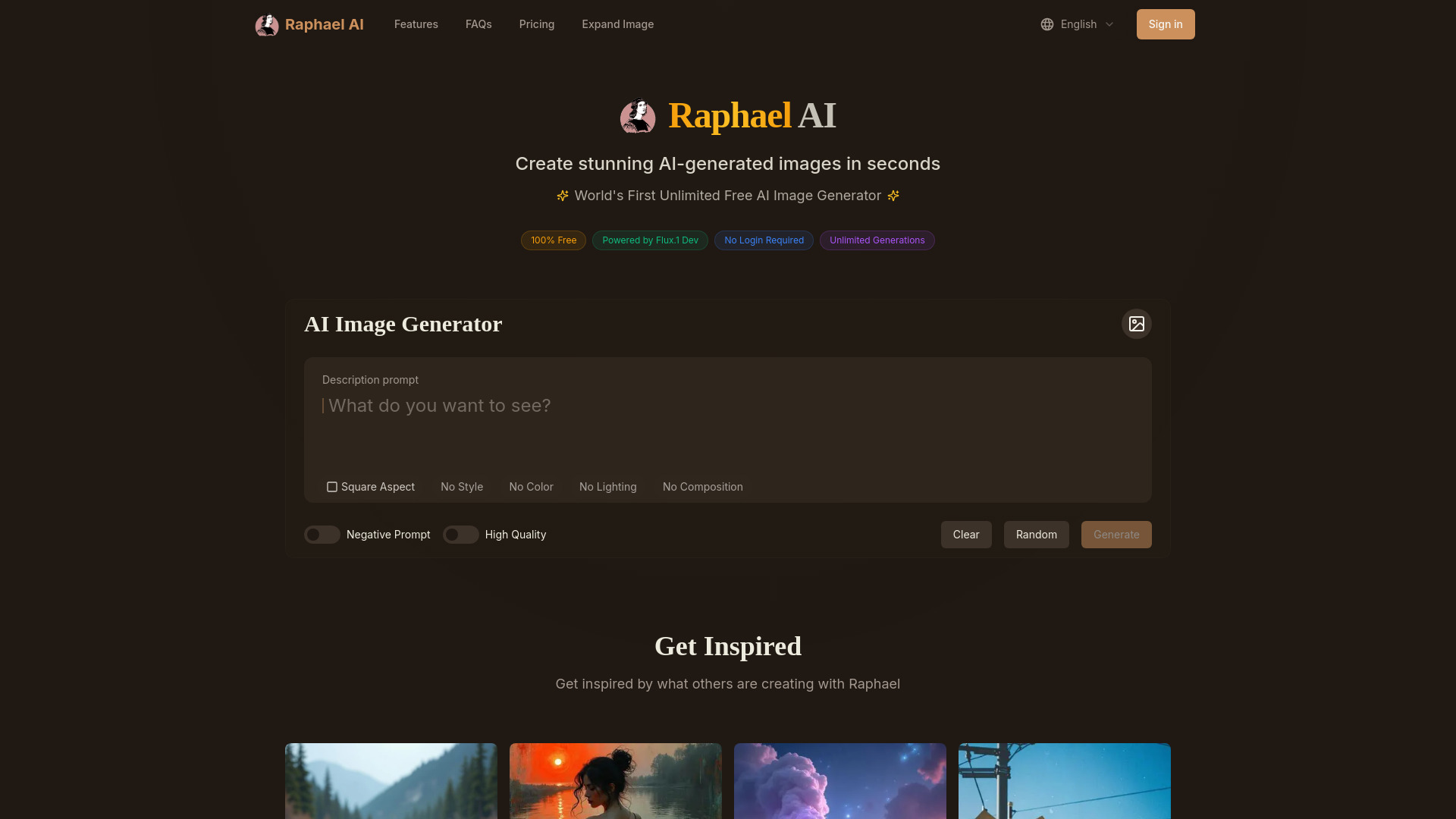
Raphael AI has the clearest cost-and-access proposition in this group: unlimited free image generation, no registration required, and a premium option listed at $10. It is powered by the FLUX.1-Dev model, which gives the tool a specific technical anchor rather than leaving the generation engine undefined.
That combination changes how you evaluate it. Instead of rationing every prompt, you can use Raphael AI for broad visual exploration and repeated attempts. The main limitation is format: it is a web-based platform, with mobile apps still in development. For desktop browser work, that is a minor issue; for someone expecting a dedicated mobile workflow, it matters.
My take: This is the most compelling choice for budget-conscious digital artists who want to experiment heavily. Unlimited access is unusually important when you are learning how prompt wording changes an image.
Where it falls short: The platform is web-based, so mobile apps are not yet part of the workflow. Buyers who need mobile-native creation should keep that limitation in view.
Key features
Unlimited free image generation.
Powered by the FLUX.1-Dev model.
No registration required for the free experience.
Pros
Completely free and unlimited usage.
Clear premium price point of $10.
High audience fit for digital artists iterating frequently.
Cons
Web-based platform, with mobile apps in development.
The tool is focused on image generation rather than a broader content suite.
Choose Raphael AI if: You want to generate freely and repeatedly in a browser without registering before you start.
6. ImageGeneratorAI.io
ImageGeneratorAI.io
Best AI image generator for bloggers
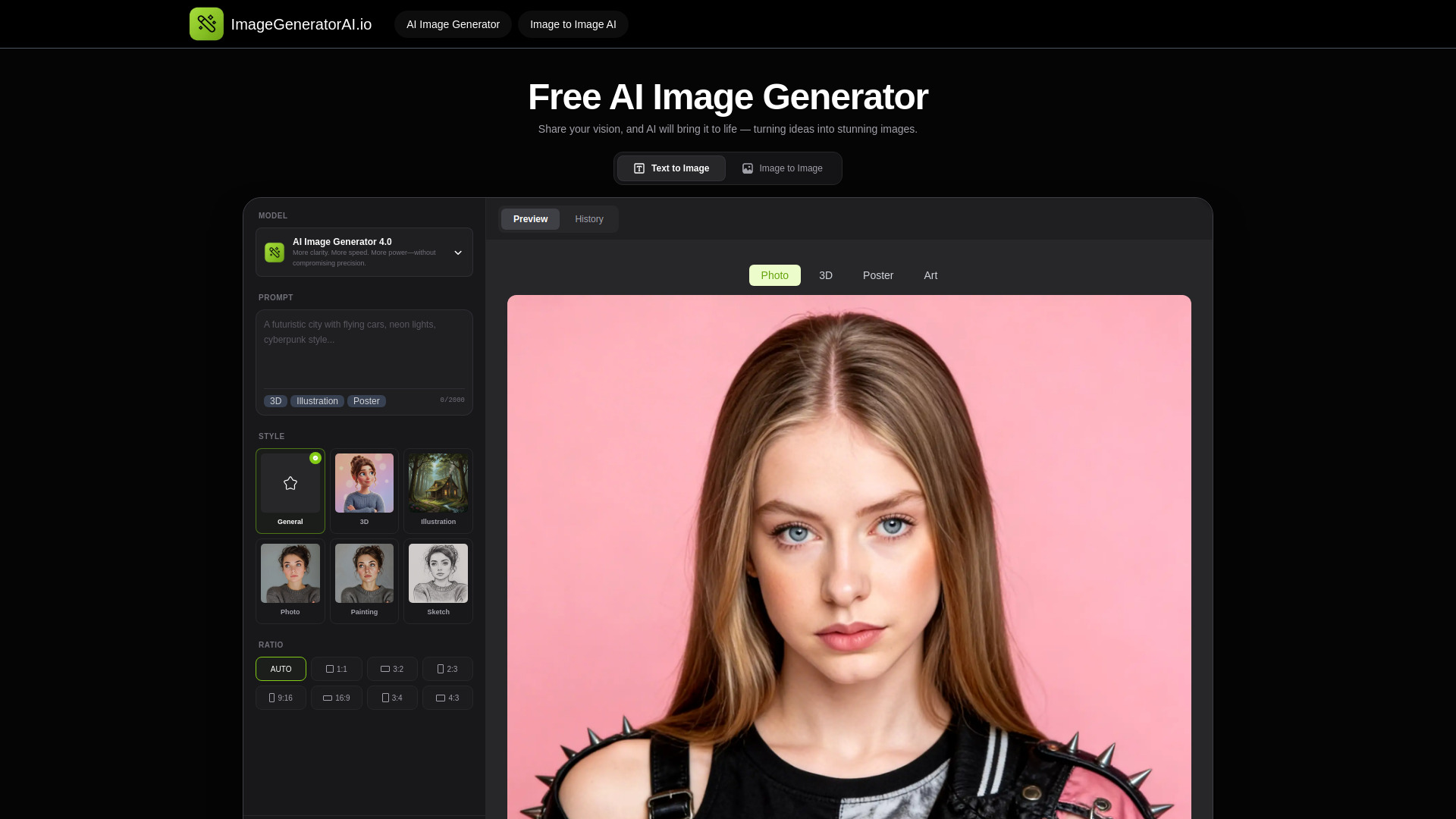
For bloggers, speed and low friction can matter more than a deep art studio. ImageGeneratorAI.io focuses on free AI image generation and text-to-image creation, with no sign-up required. It also supports high-quality Flux and SDXL models, giving content creators a more concrete reason to test it than a generic free image page.
The workflow also includes image-to-image use, so an existing visual can be restyled rather than discarded. That is useful for creating alternatives around a blog concept. The catch is history: previous work is preserved for only 24 hours. Download or save anything you want to keep instead of treating the service as a permanent asset library.
My take: This is a practical fast lane for a blogger who needs a visual now and does not want an account-creation detour. It is less suitable as a long-term archive or organized creative workspace.
Where it falls short: A 24-hour history window creates a real asset-management limitation. The lack of a clean starting price also means regular users should confirm current pricing before depending on it for volume work.
Key features
AI image generation from text.
Image-to-image restyling.
Access to Flux and SDXL models.
No sign-up required for the free workflow.
Pros
Completely free to use.
Fast starting point for blog visuals.
High-quality model options are explicitly identified.
Cons
History is preserved for only 24 hours.
Pricing requires checking the vendor.
Choose ImageGeneratorAI.io if: You are a blogger who wants free text-to-image and image-to-image creation without signing up first.
7. Image To Image AI

Image To Image AI
Best AI generator for images you already have
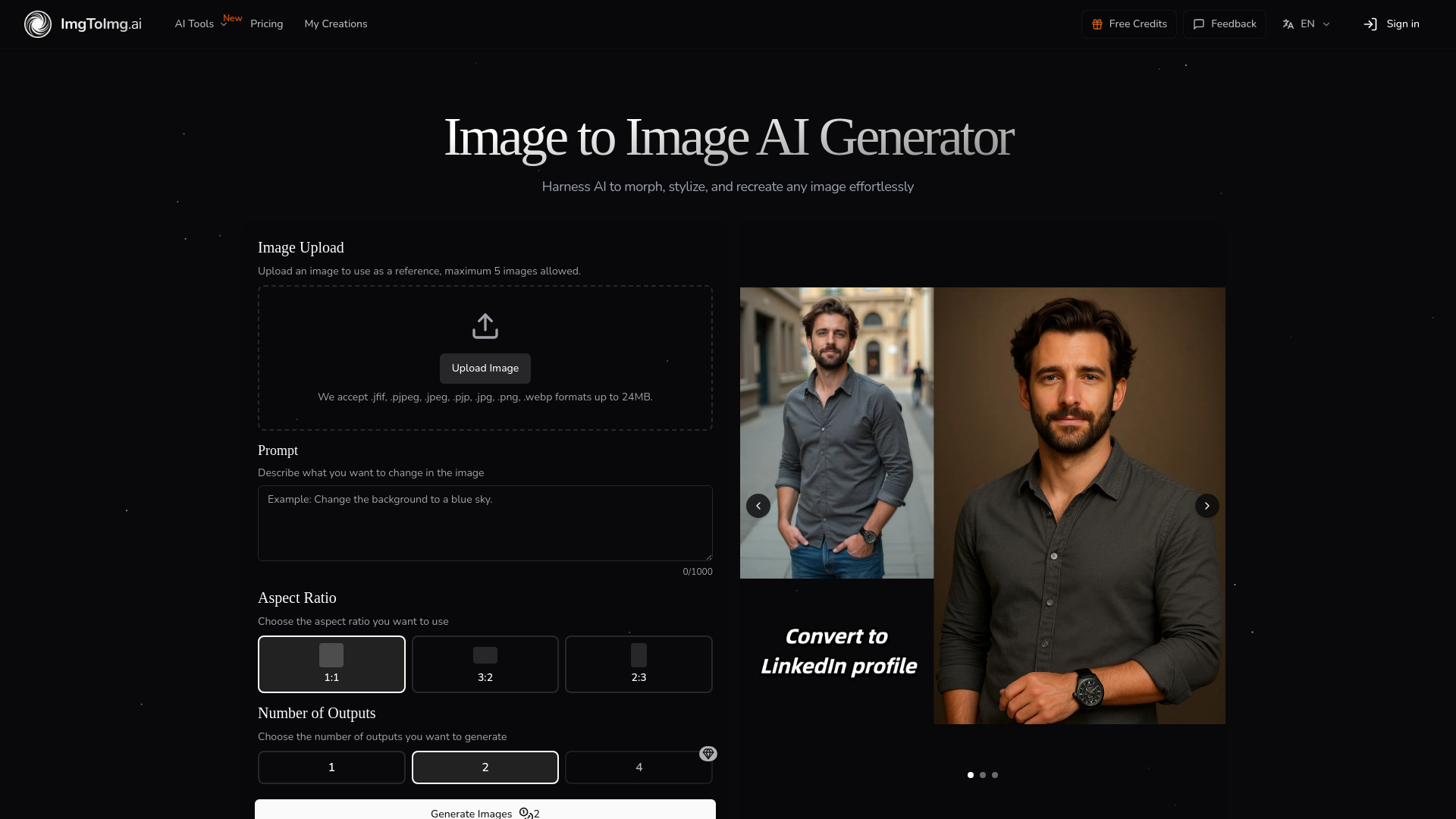
Image To Image AI is the specialist pick for users who already have a visual starting point. Rather than asking you to describe everything from scratch, it transforms existing images with text prompts while preserving the original structure and key elements. That preservation is the central reason to choose it over a general text-to-image tool.
This approach is useful for restyling, reshaping, and generating variations where composition matters. A designer can begin with a source image and use language to direct the change, keeping more of the original arrangement intact. Free users get limited monthly transformations, while the Hobby plan is listed at $7.99 per month.
My take: This is the most focused recommendation for controlled image variation. It is not the tool I would choose for a blank-canvas art session; it is the one I would choose when the source image already contains valuable structure.
Where it falls short: Free users face a monthly transformation limit, so heavy iteration may push you toward the paid plan. The tool is also less relevant if you do not have an existing image to transform.
Key features
Transforms existing images into new variations using AI.
Uses text prompts to edit, reshape, and restyle images.
Preserves original image structure and key elements.
Pros
Better control over composition than starting from a blank prompt.
Clear $7.99 monthly Hobby entry point.
Strong fit for designers and image-variation workflows.
Cons
Free users have limited monthly transformations.
Its image-to-image focus may be unnecessary for simple text-to-image requests.
Choose Image To Image AI if: You need to restyle an existing image while retaining its important structure and composition.
8. AI Gallery
AI Gallery
Best AI art generator for artists and supporter communities
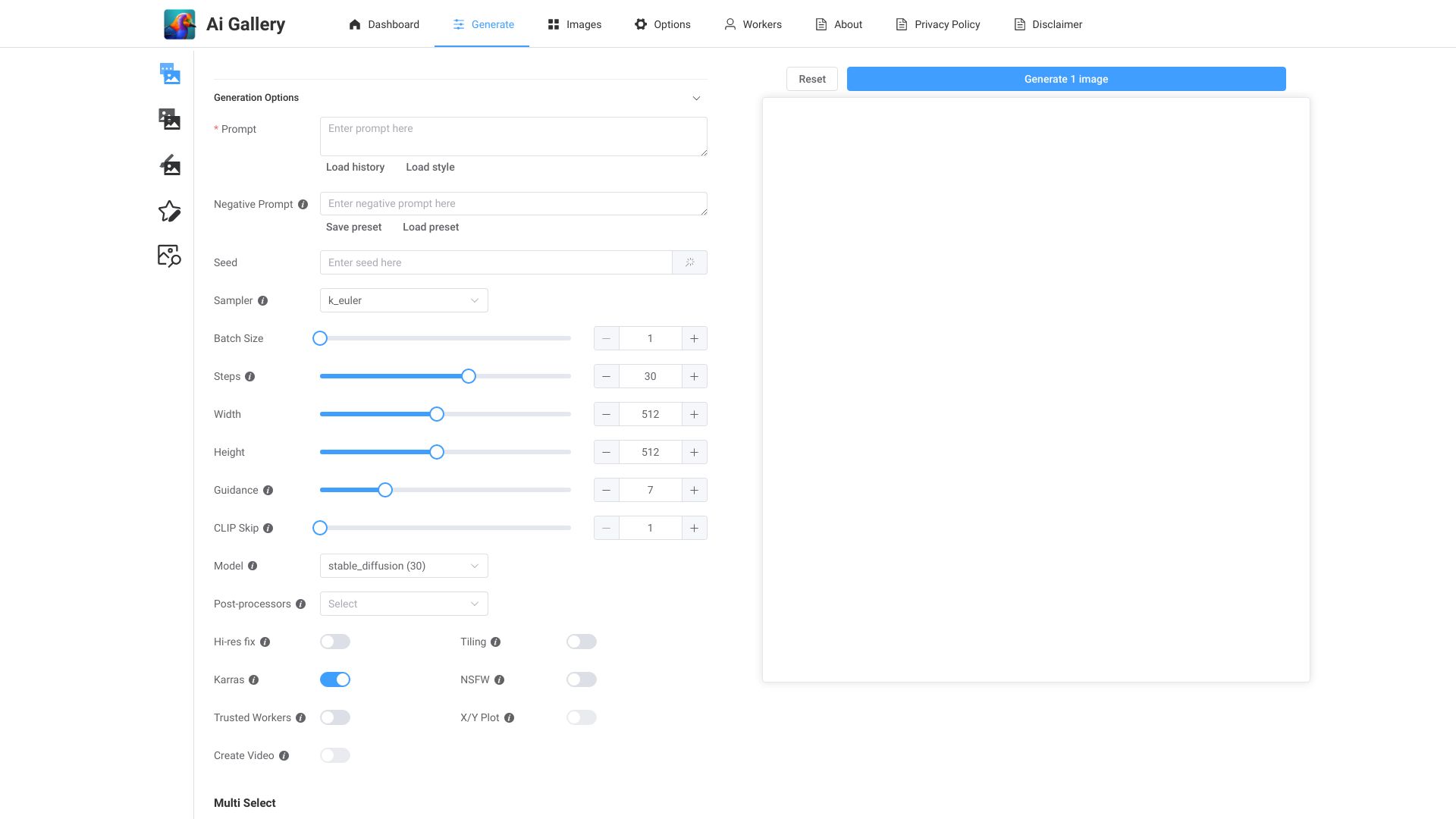
AI Gallery combines free AI art generation with a donation platform for artists. That second piece gives it a different identity from the other best ai image generation tools here: the service is not only about producing an image, but also about creating a place where artists can receive support.
The free generator is designed for quick creation and does not require sign-up. That makes it easy to test, particularly if you want to see whether the gallery and support model fit your habits. The trade-off is sustainability: the platform relies on user support, which is a consideration for anyone choosing a service they plan to use over the long term.
My take: AI Gallery is worth trying when the community and artist-support angle matters as much as the generator itself. For purely production-focused work, the more specialized controls elsewhere in this list may be a better match.
Where it falls short: Reliance on user support creates a sustainability concern for long-term users. Its smaller 63.7K monthly-visit signal also suggests a more niche audience than the largest options here.
Key features
AI art generation.
Free, no-sign-up image creation.
Donation platform for artists.
Pros
Easy to create unique AI artwork.
Free access lowers the barrier to trying it.
Supports an artist-focused ecosystem rather than only generation.
Cons
Reliance on user support for sustainability.
Pricing is not shown as a clean starting figure.
Choose AI Gallery if: You want free AI art creation alongside a platform where artists can receive community support.
9. AI Anime Generator
AI Anime Generator
Best AI anime generator for freelance illustrators
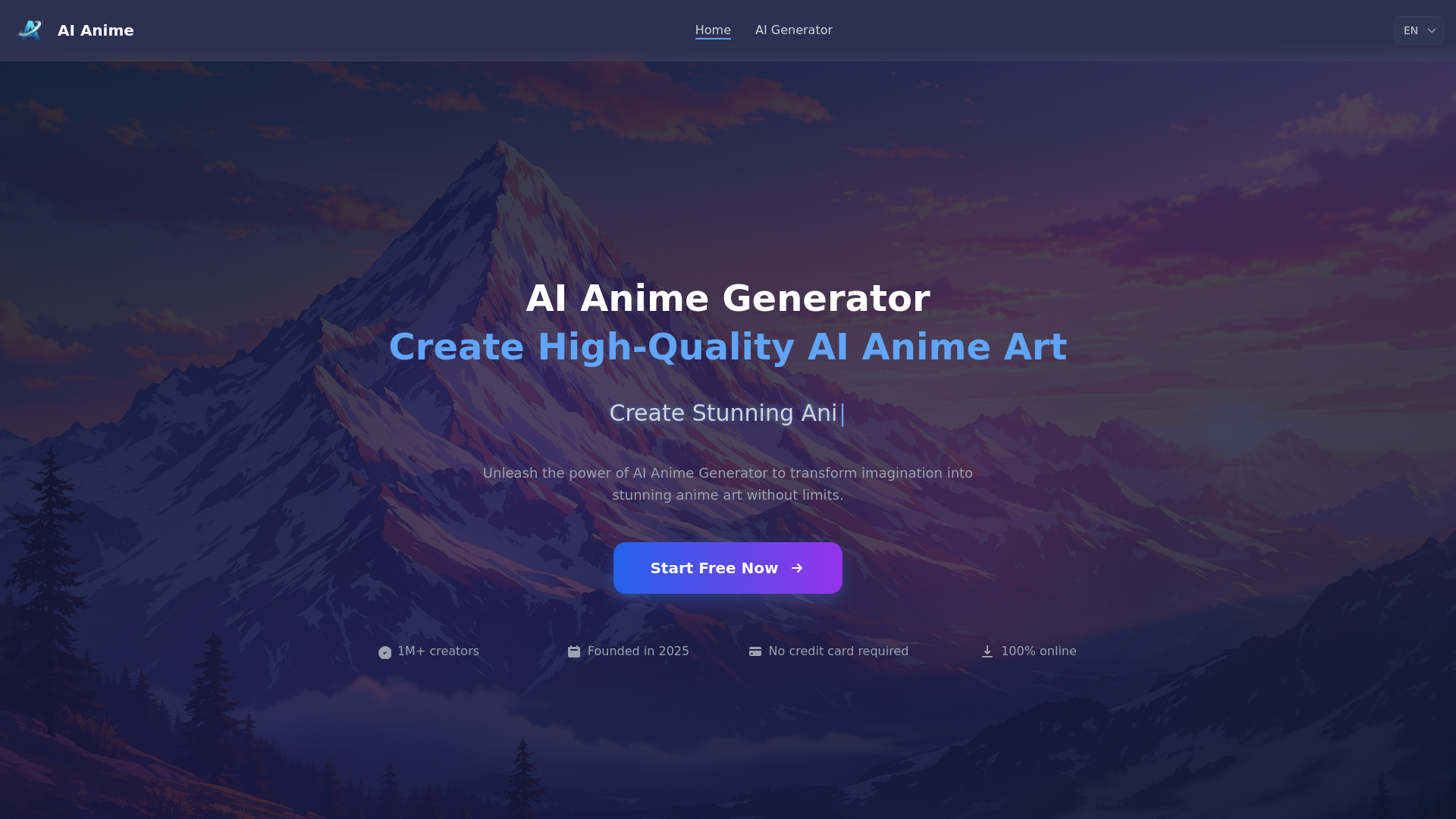
A specialist can beat a generalist when the brief is specific. AI Anime Generator focuses on Text to Anime and Photo to Anime, with diverse models and styles aimed at anime characters and related artwork. It is the obvious shortlist choice for freelance illustrators whose clients or personal projects consistently call for that look.
The free tier allows 30 generations per day and does not require registration, which is a useful balance between experimentation and quota control. Thirty images is enough to iterate on a concept, but it is still a daily ceiling. If your process involves many variations in one sitting, you will need to plan around that limit.
My take: I would not use this as a general-purpose image generator, but I would absolutely test it before a broader tool for an anime brief. Its narrow focus is an advantage when it matches the assignment.
Where it falls short: Free users are limited to 30 images per day. The tool is also intentionally style-specific, so it is not the most sensible choice for general editorial, product, or realistic image work.
Key features
Text to Anime generation.
Photo to Anime conversion.
Diverse models and styles.
No registration required for the free workflow.
Pros
Completely free to use with a daily quota.
Strong fit for anime characters and freelance illustration work.
Supports both text and photo inputs.
Cons
Daily free-tier limit of 30 images.
Narrower use case than a general AI image creator.
Choose AI Anime Generator if: Your work regularly calls for anime-style characters from either written prompts or photos.
10. AIAI.com

AIAI.com
Best all-in-one AI generator for content creators

AIAI.com is the outlier in this image-focused ranking because it reaches beyond still images. Its workflow includes image and video generation, with Text to Video and Image to Video among the listed features, alongside audio and text generation. That makes it relevant to content creators who need a connected set of media outputs rather than a single-purpose image canvas.
The free plan offers 40 basic model accesses per day and 20 credits, but it does not include advanced AI models. That distinction matters: the headline quota sounds generous, yet the plan is deliberately bounded by model access and credits. Treat AIAI.com as a broad starting hub, not automatically as the deepest image specialist.
My take: This is the pick for creators who would rather keep image, video, audio, and text experiments in one place. If still-image control is your only priority, the dedicated tools above are easier to evaluate.
Where it falls short: The free plan has limited accesses and credits and excludes advanced AI models. Pricing is not listed clearly enough here to estimate the cost of a heavier multi-format workflow.
Key features
Text to Video generation.
Image to Video generation.
Image and video generation in one platform.
Audio and text generation as part of the broader suite.
Pros
All-in-one platform for video, image, audio, and text generation.
Useful for content creators working across formats.
Offers 40 basic model accesses per day on the free plan.
Cons
Free access includes only 20 credits as well as basic-model limits.
Advanced AI models are unavailable on the free plan.
It may be broader than necessary for a still-image-only workflow.
Choose AIAI.com if: You create content across image, video, audio, and text and prefer one broader platform to several specialist tools.
More tools to compare

AI Imagine
Creators needing fast image editing

FluxAI.art
Stylized AI image creation

PixAI
Anime AI art creators
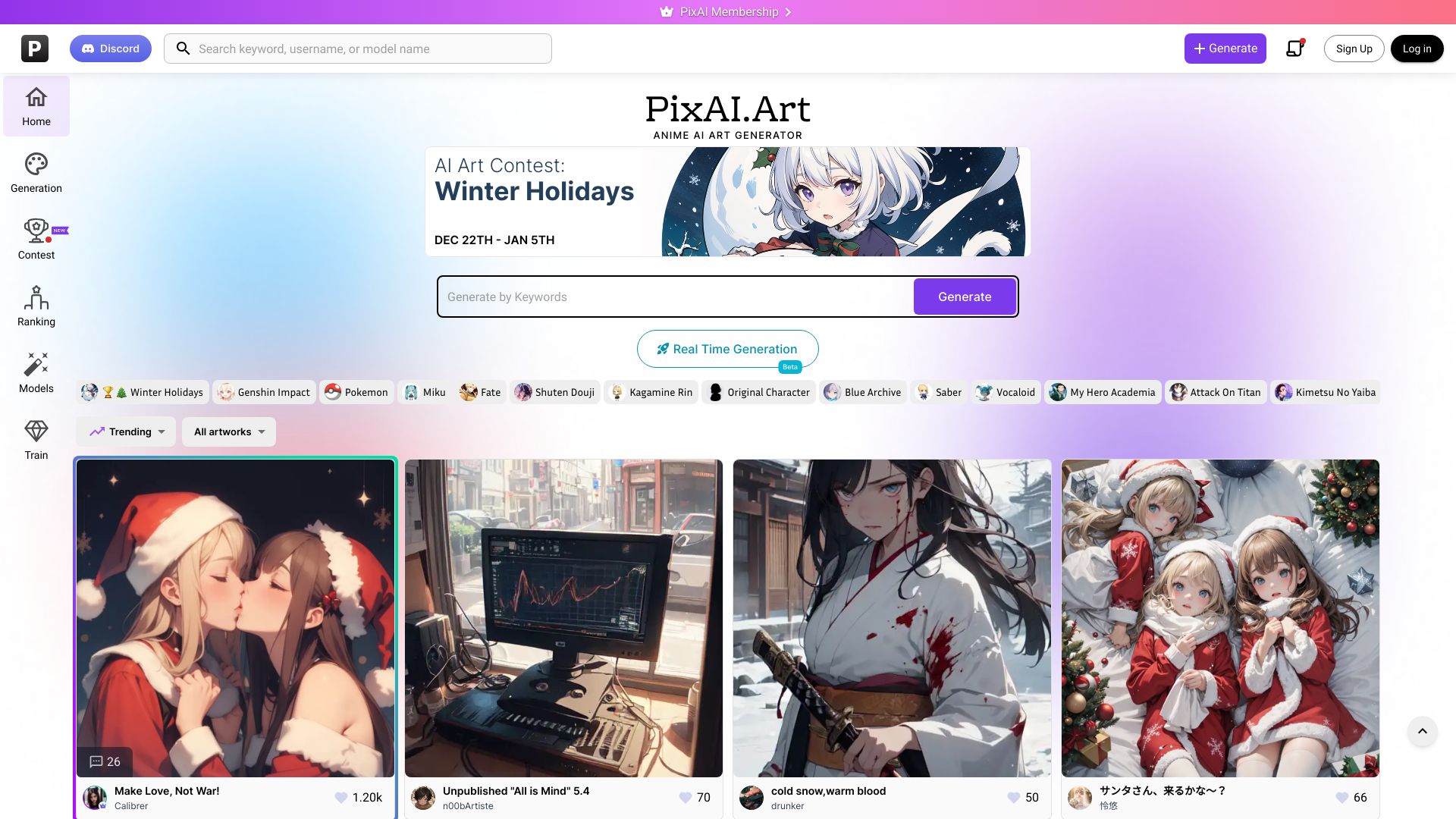
IMAGE CREATOR AI
Fast AI image generation and editing
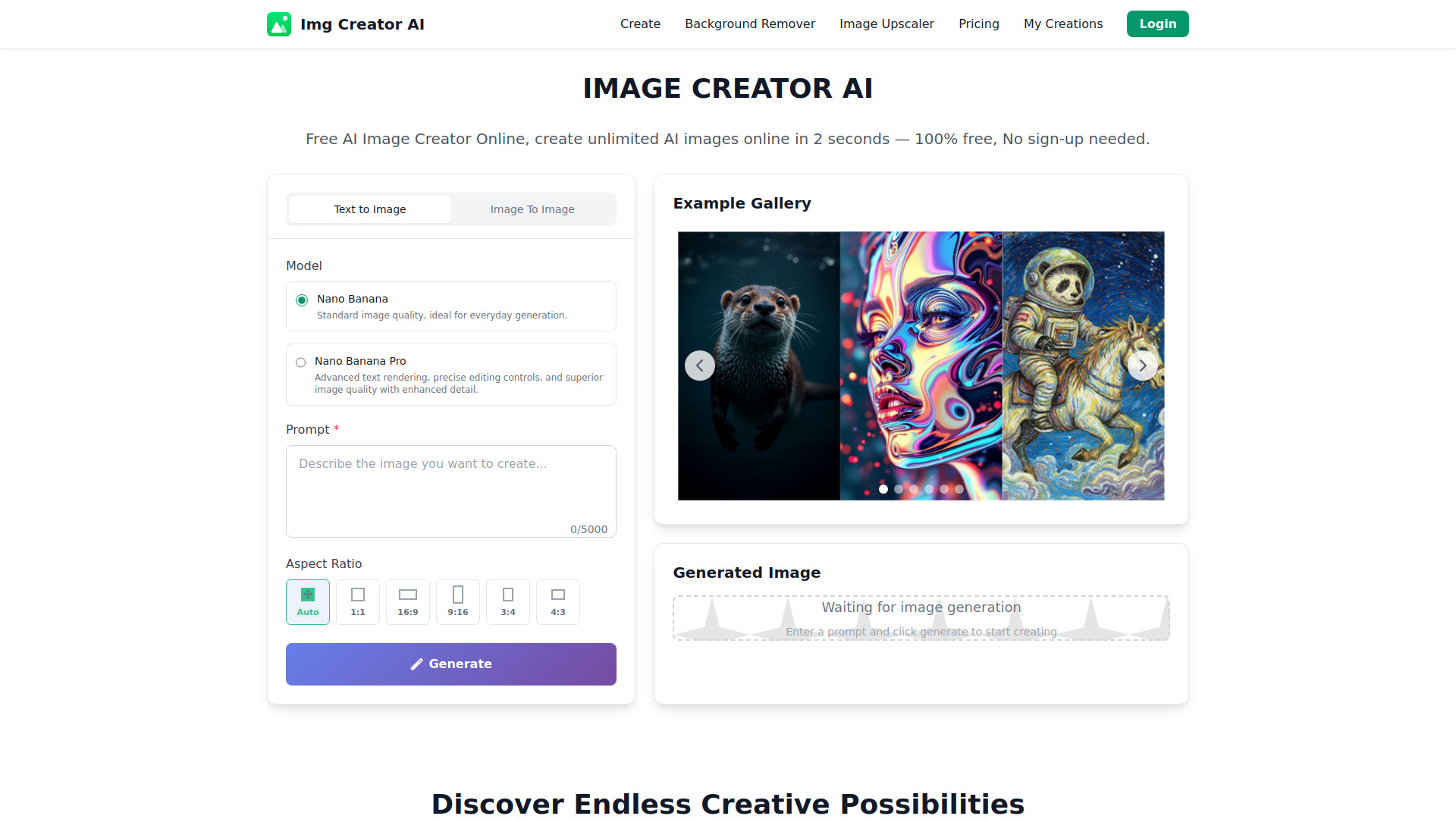

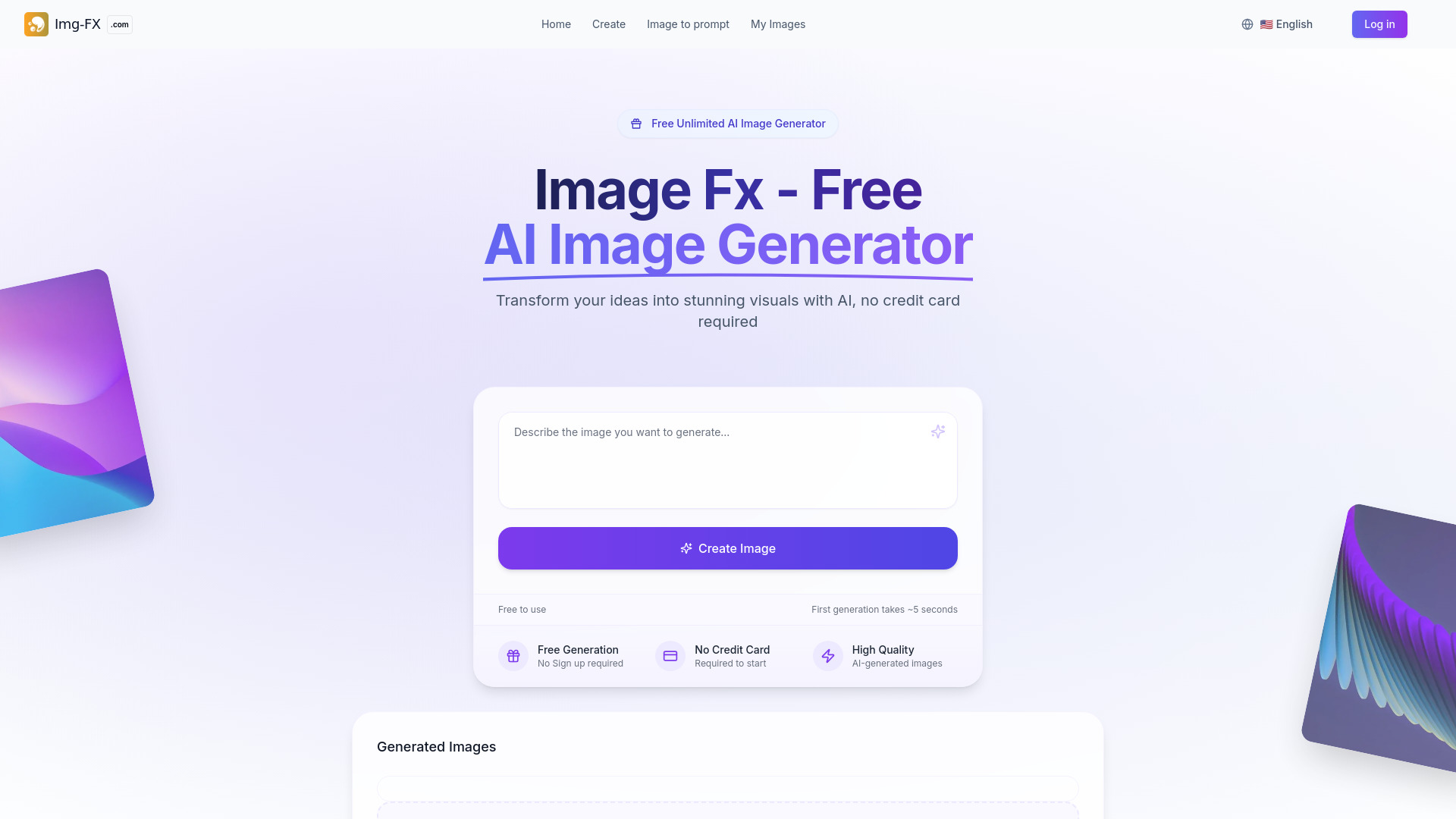
Image Fx
No-sign-up AI image generation
ImgGen AI
Watermark-free AI image generation
iPic.Ai
Free AI image generation
Z-Image AI Generator
Fast photorealistic image generation

Ilus AI
Consistent SVG illustrations
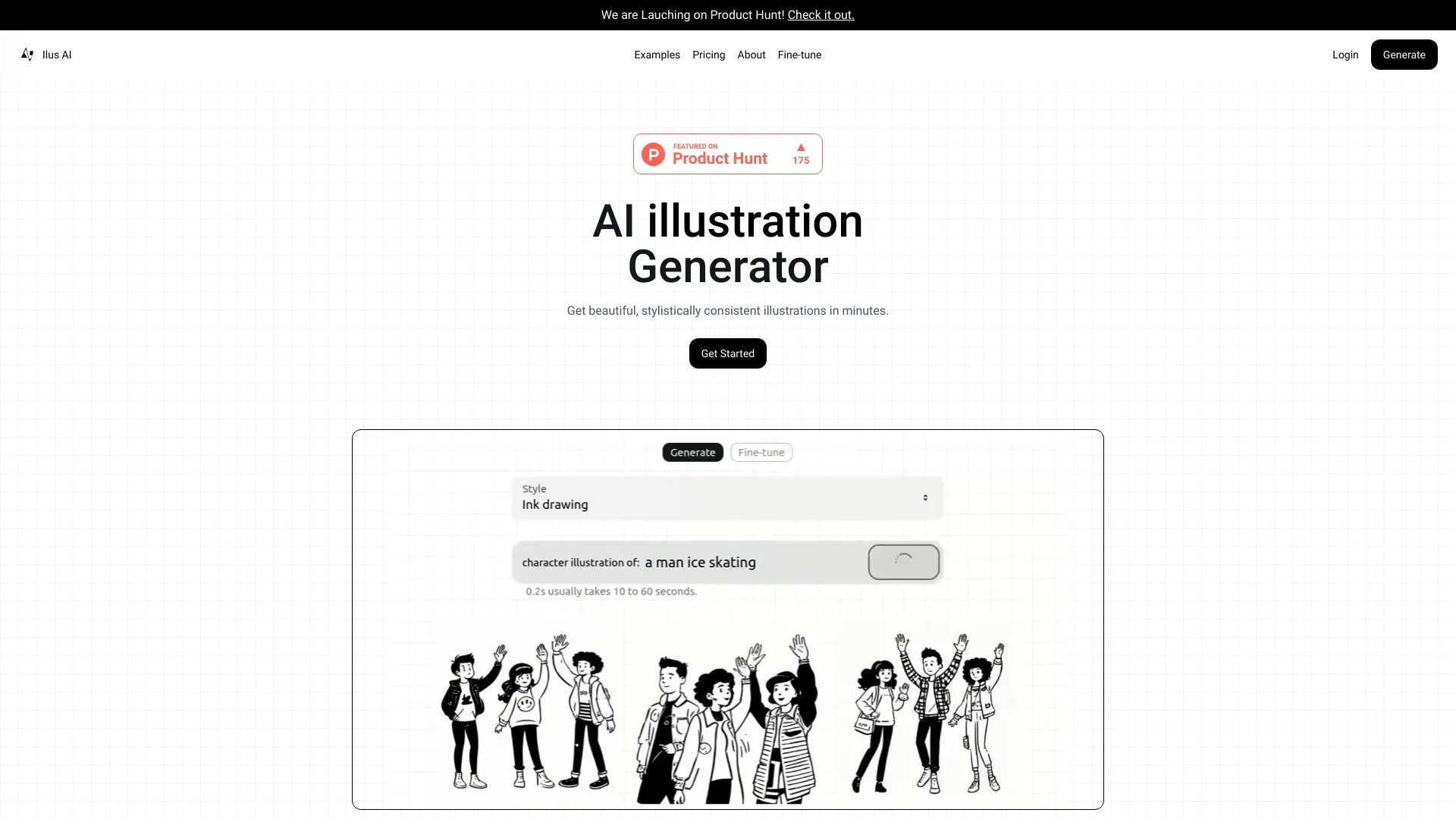

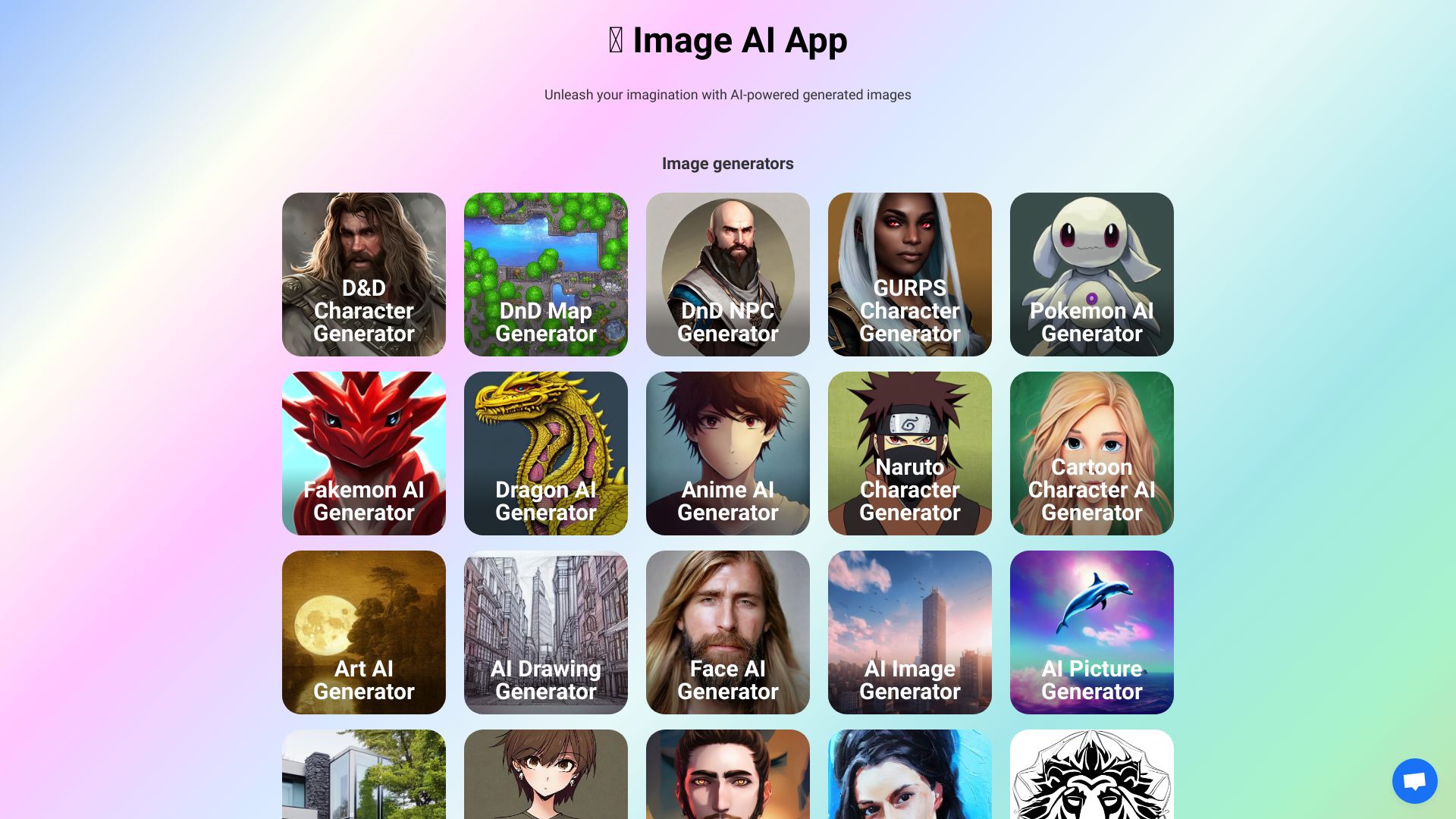
Image AI Generator
AI-generated art and character images

Flux AI
Fast Flux-powered image generation

Anime AI
Anime avatars from personal photos

Image-Generator.com
Free text-to-image generation

Enhance AI
Quick AI image creation and enhancement

Imaiger
Website creators needing AI visuals

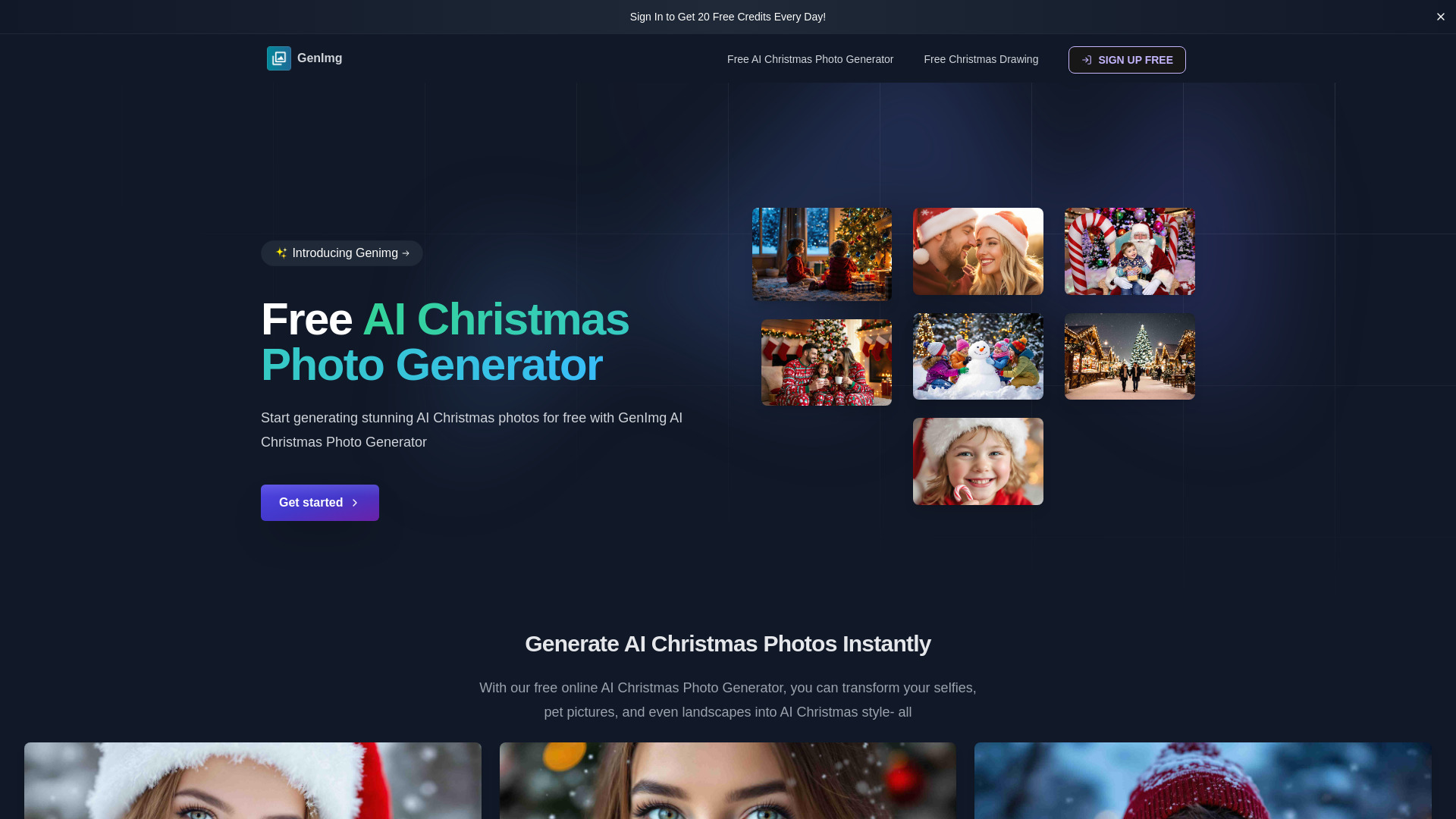
Ghibli AI
Ghibli-style photo transformations

AI2image
Prompt-based images for blogs and social media

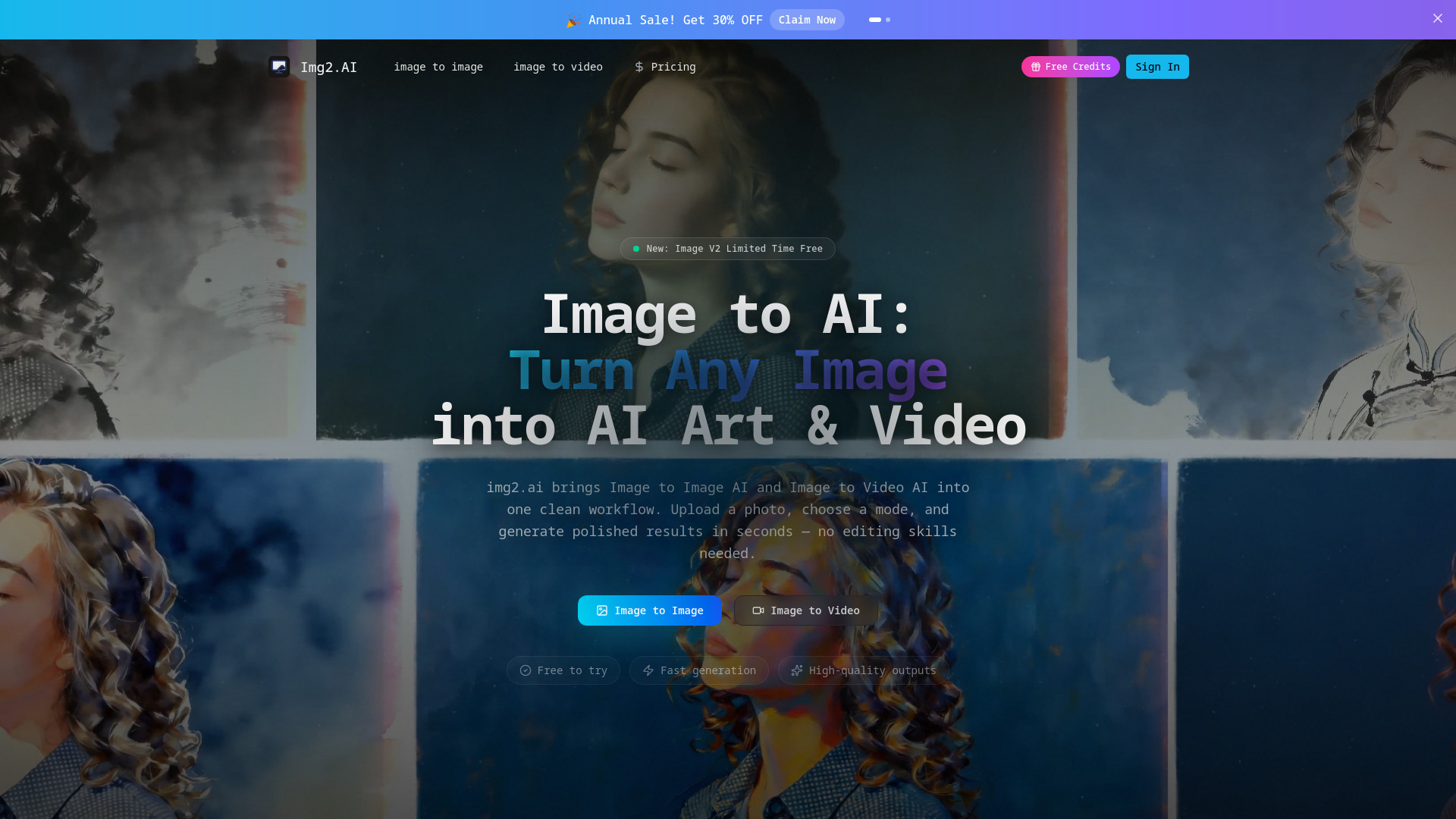
img2.ai
Image-to-image and image-to-video creators

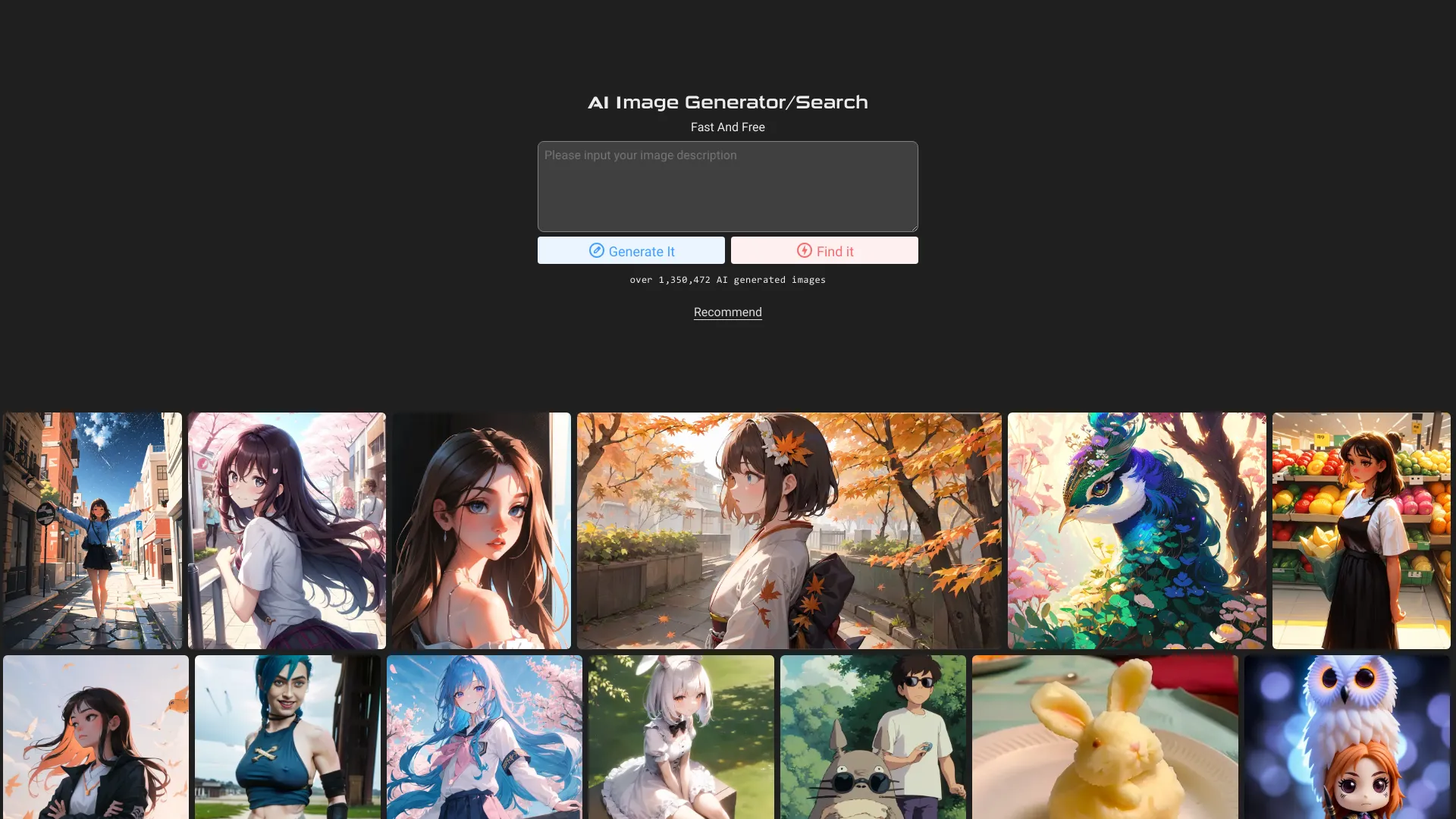
AI Image Generator and Search
Free AI image search and generation

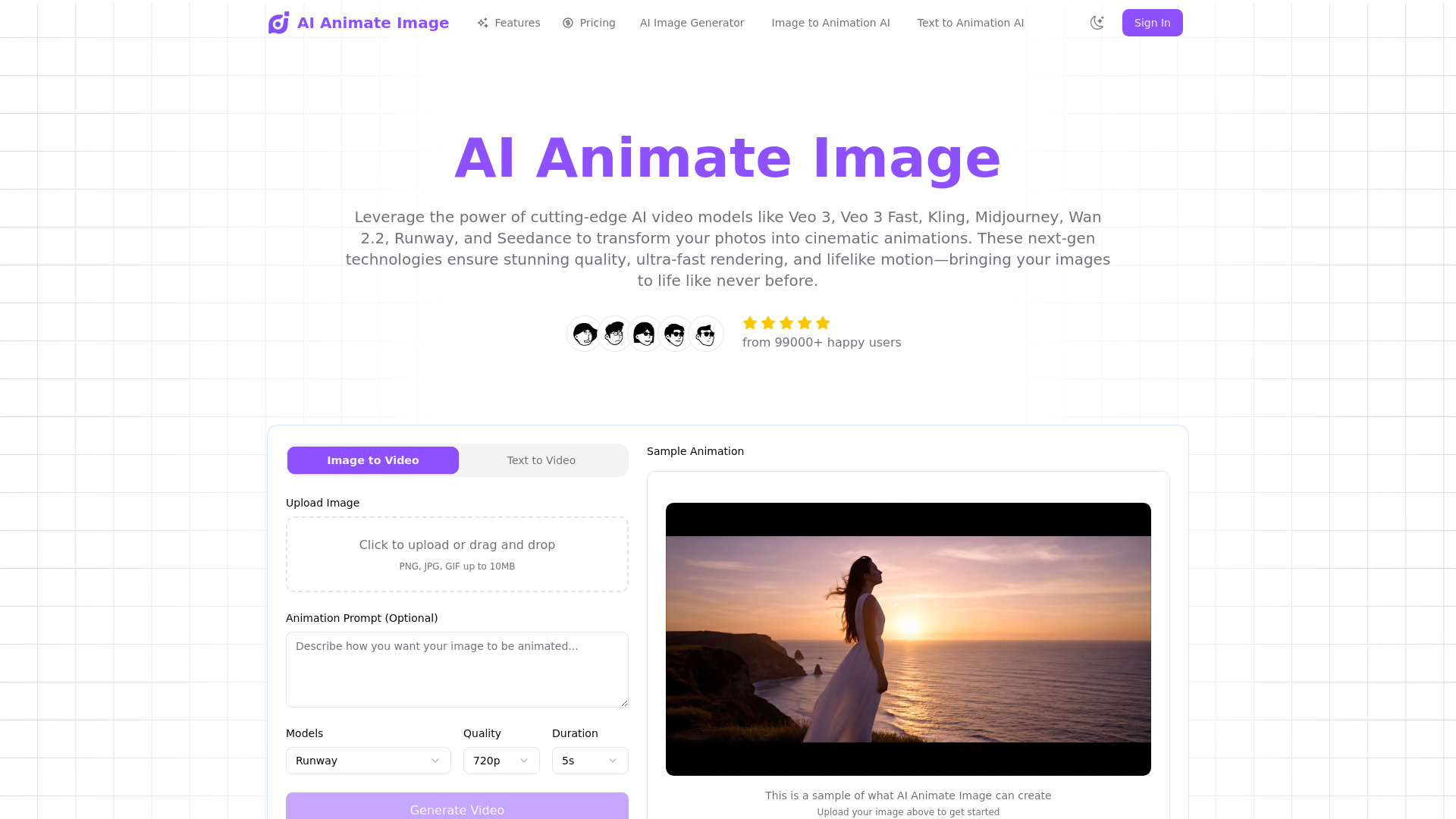
AI Animate Image
Photo-to-video animation

AI Hentai Generator
Adult anime art creators

AI Picasso
AI avatars and stylized art

ImagesArt.ai
Prompt optimization and text-to-image creation
AIToolBox
Swiss-hosted business image generation

AI Image to Image Generator
Prompt-based photo editing

AI Artwork Generator
Anime, comic, realistic, and 3D artwork
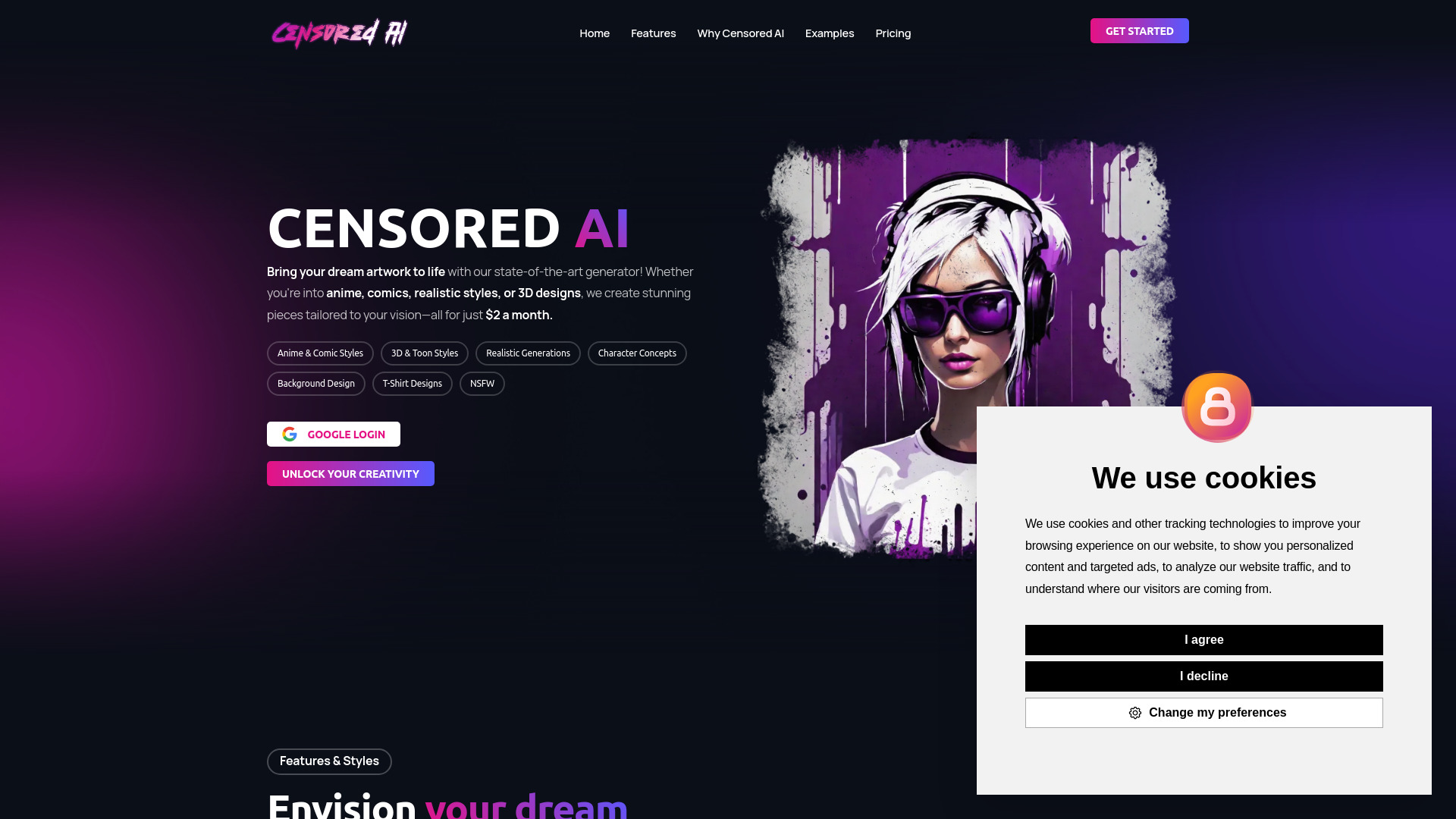

aiimageedit.ai
Prompt-guided photo transformations
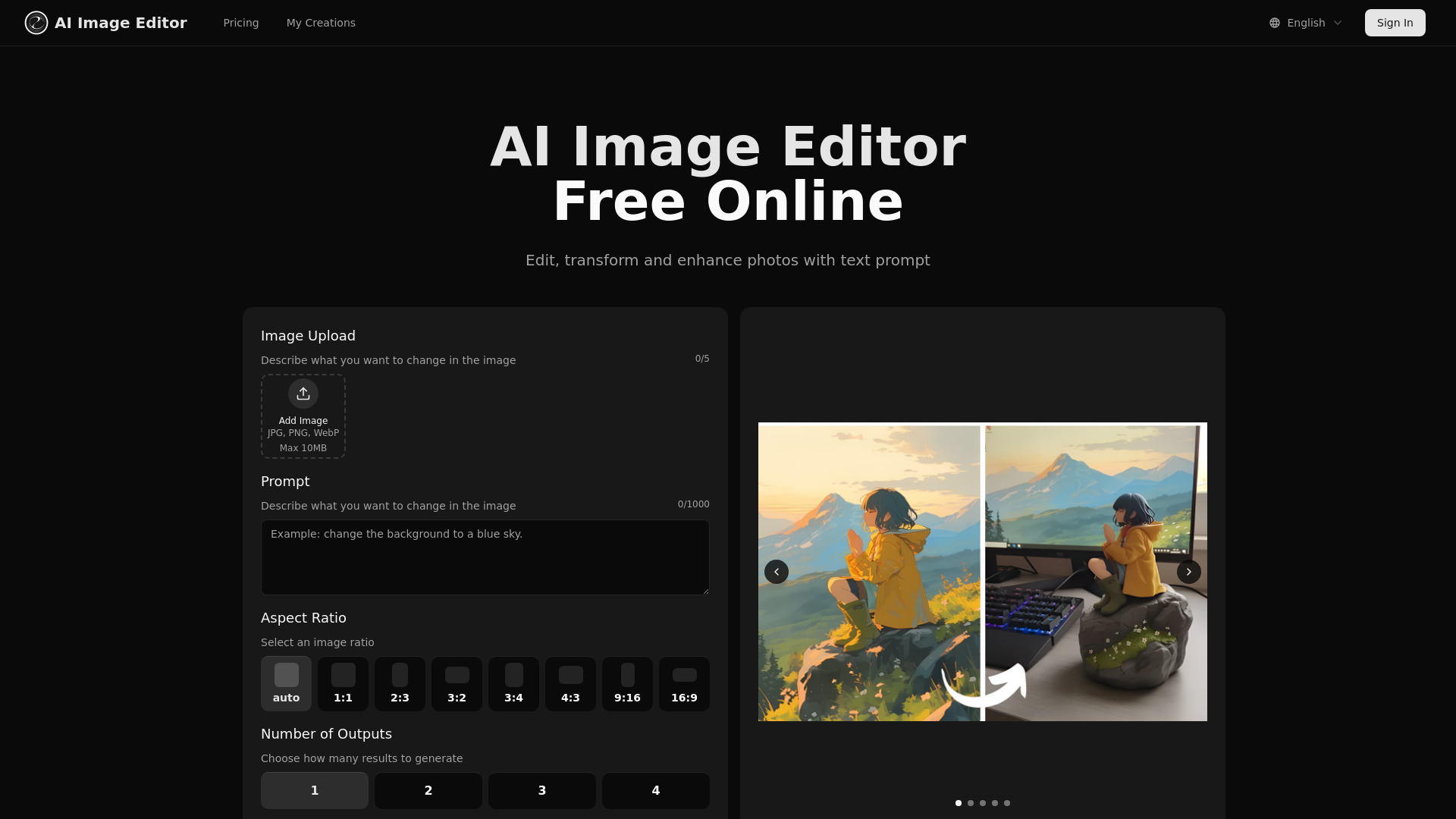

MagicAI
AI image and anime art creation
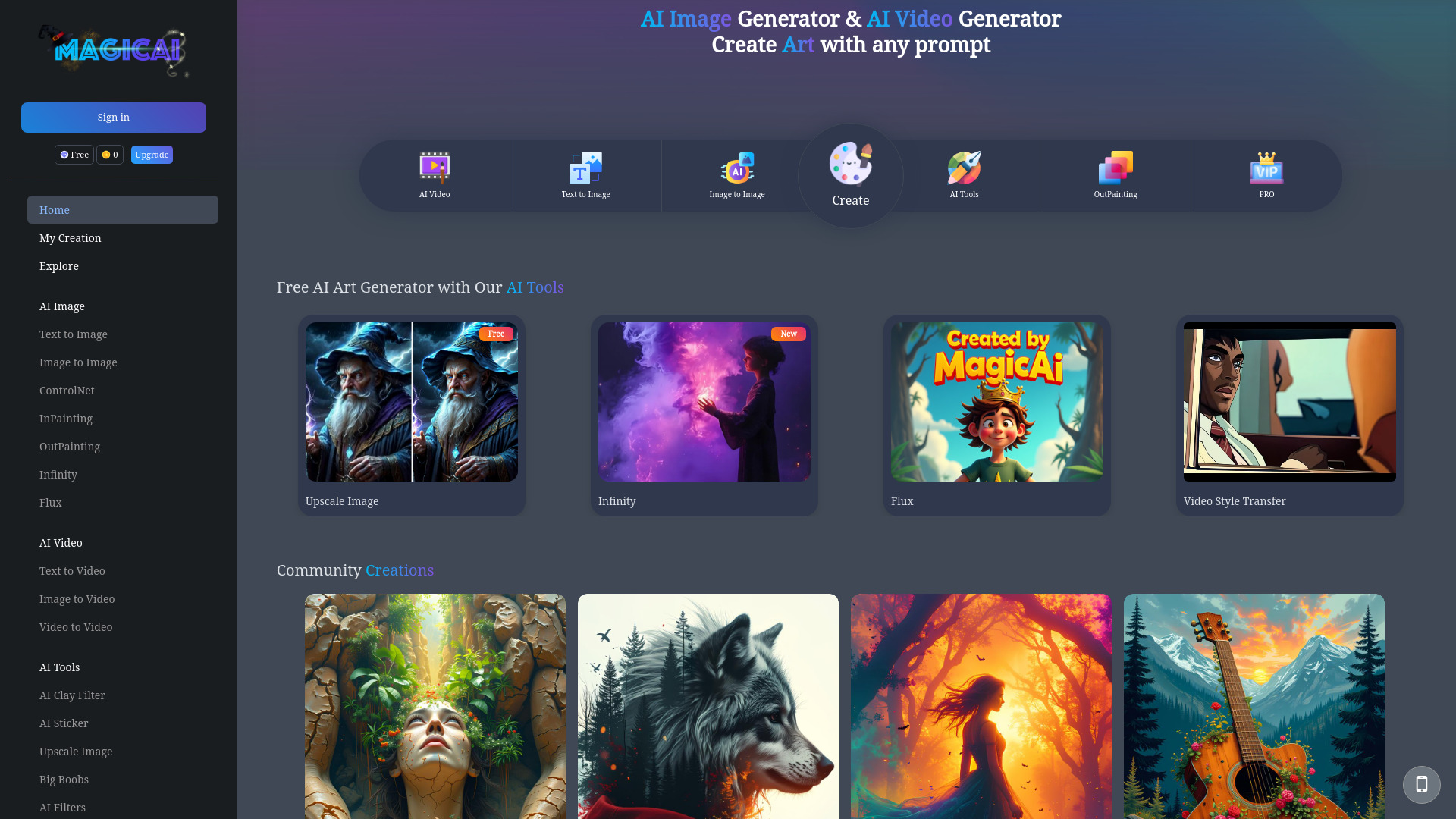

AI Girl Generator
AI-generated girl images

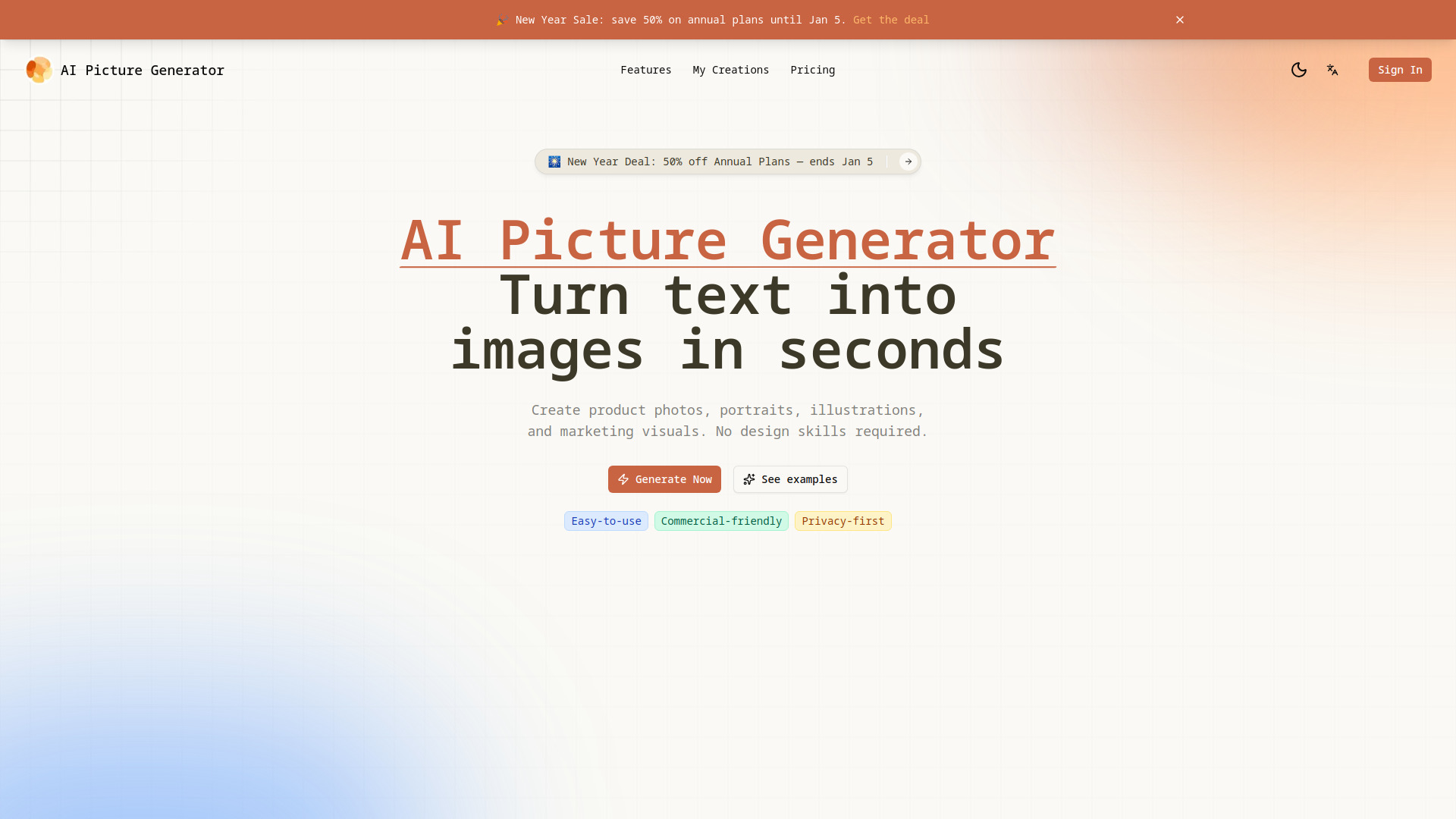
AI Picture Generator
Product visuals and social creatives
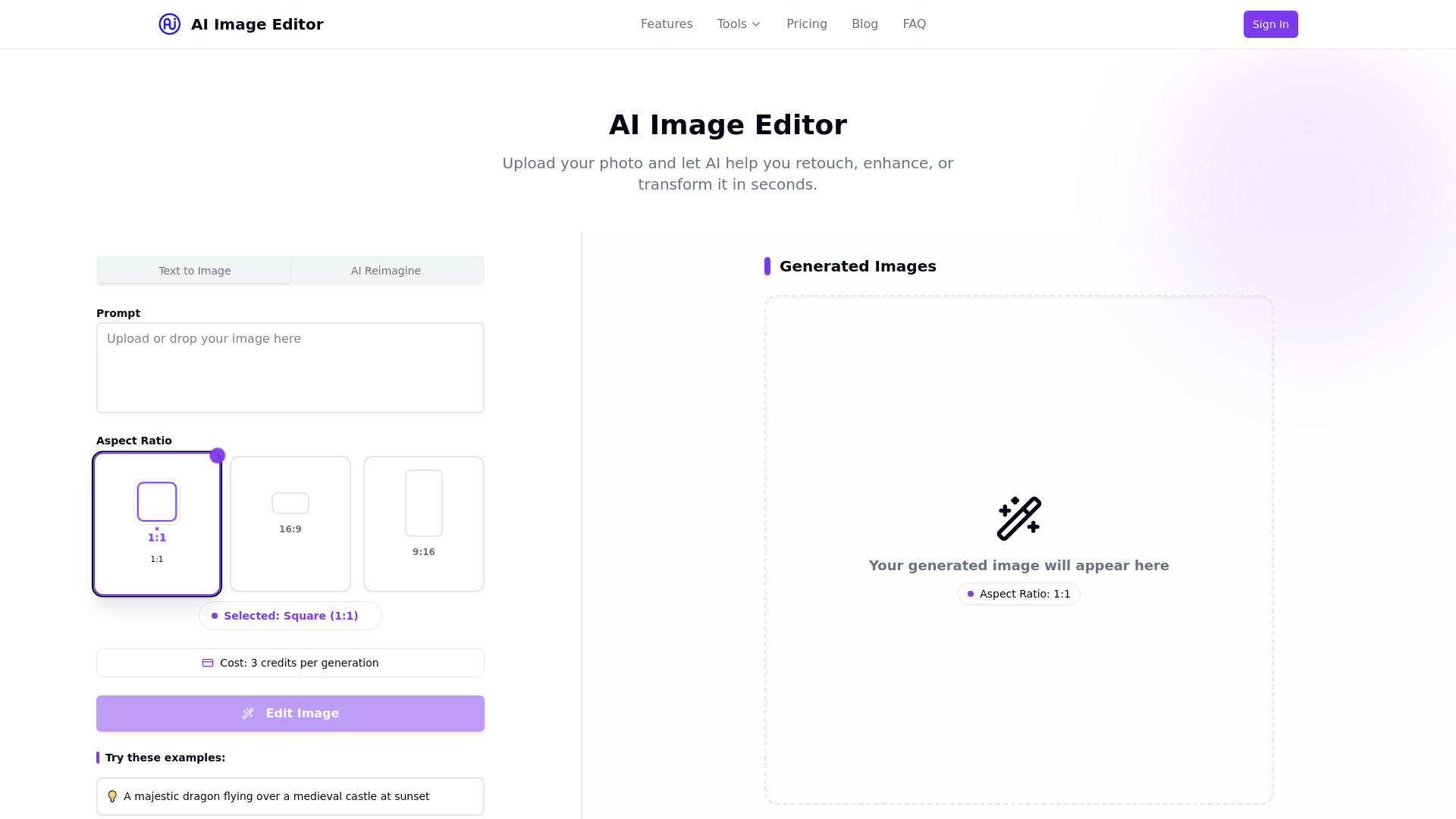
ai image editor
Quick AI photo editing and enhancement
Ghibli AI
Ghibli-style photo transformations

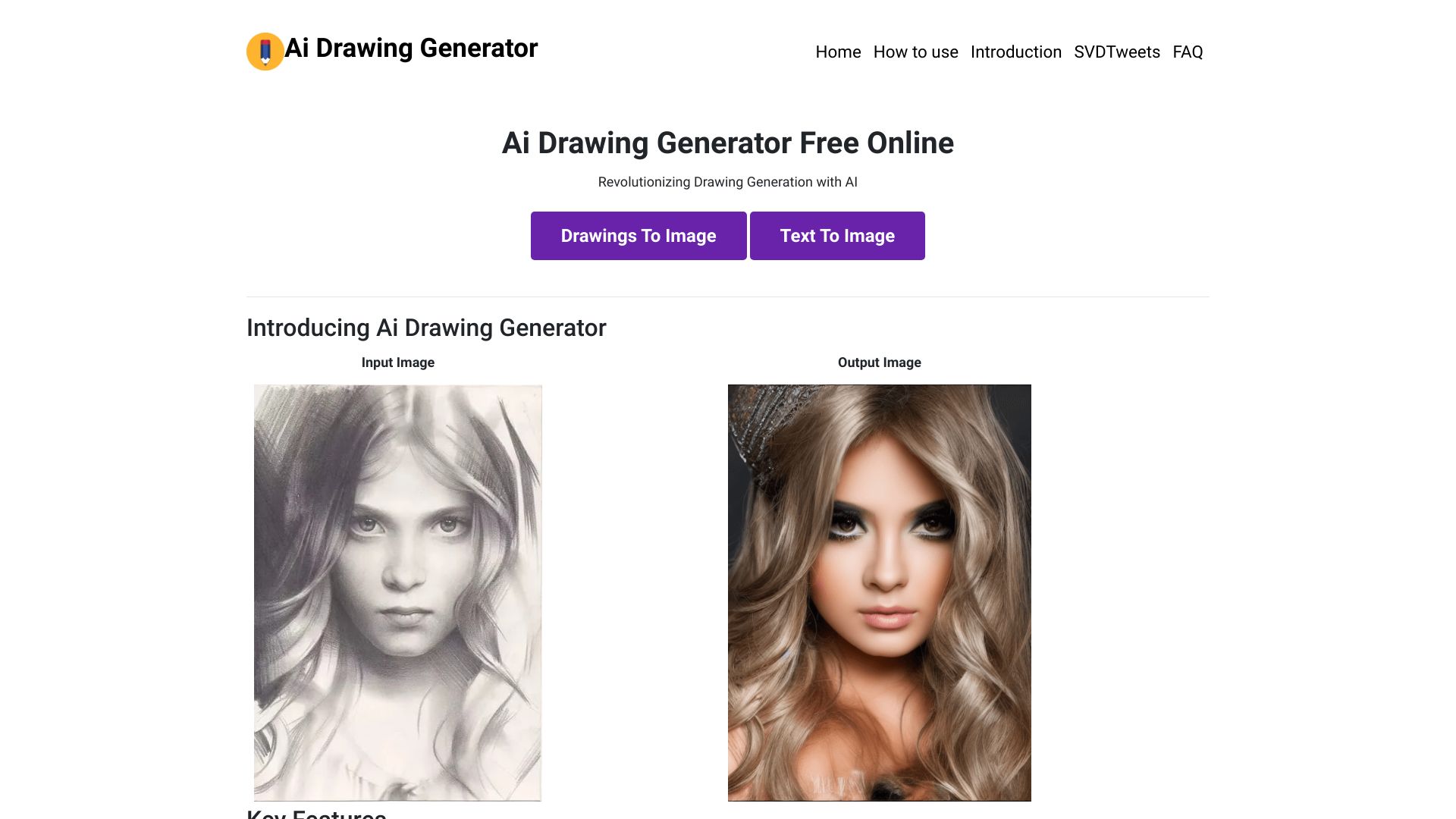
Drawing AI
Free AI image generation
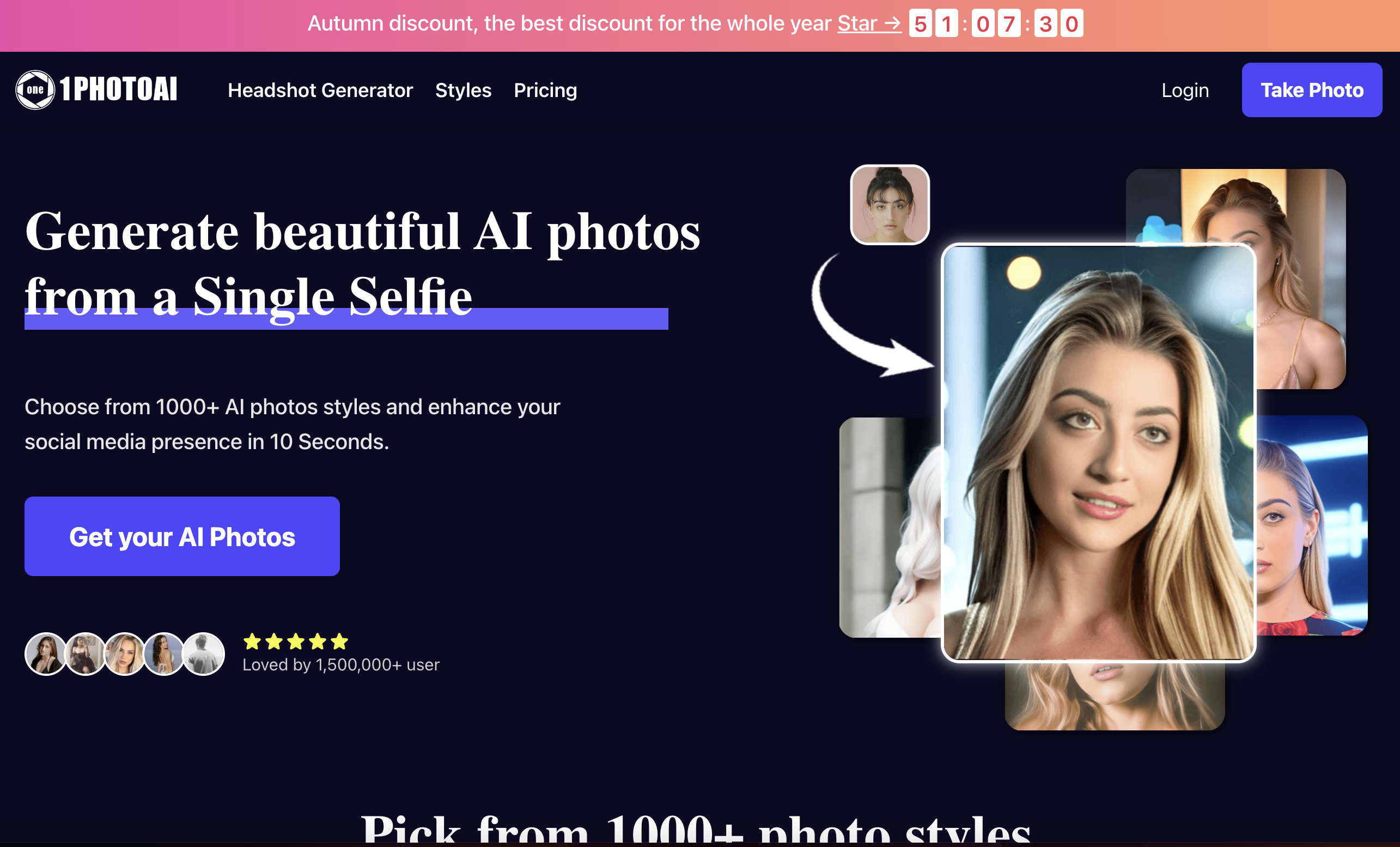
1PhotoAI
AI headshots, avatars, and portrait styles

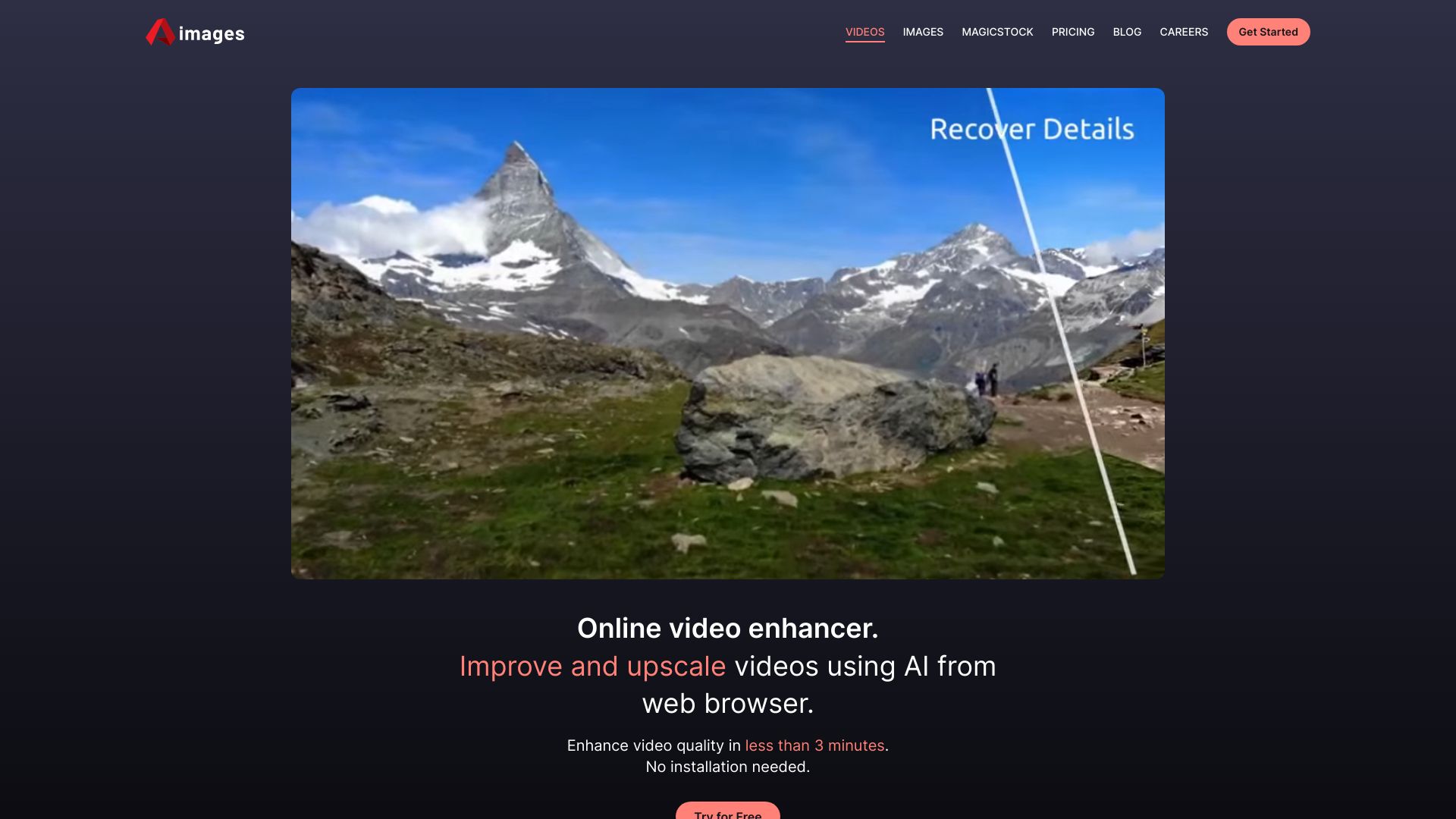
Aimages
AI video and image upscaling

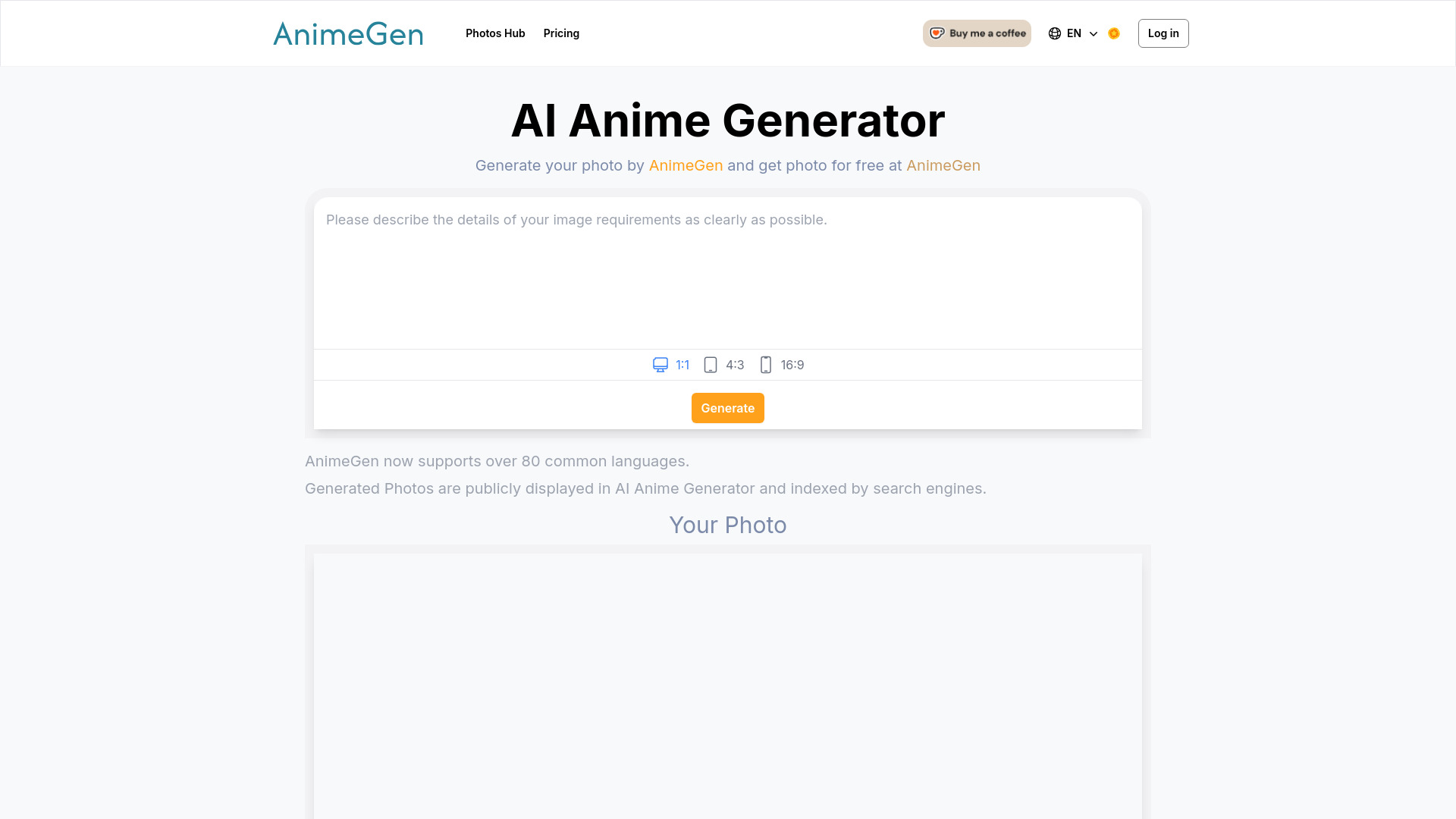
AnimeGen
Anime-style character portraits
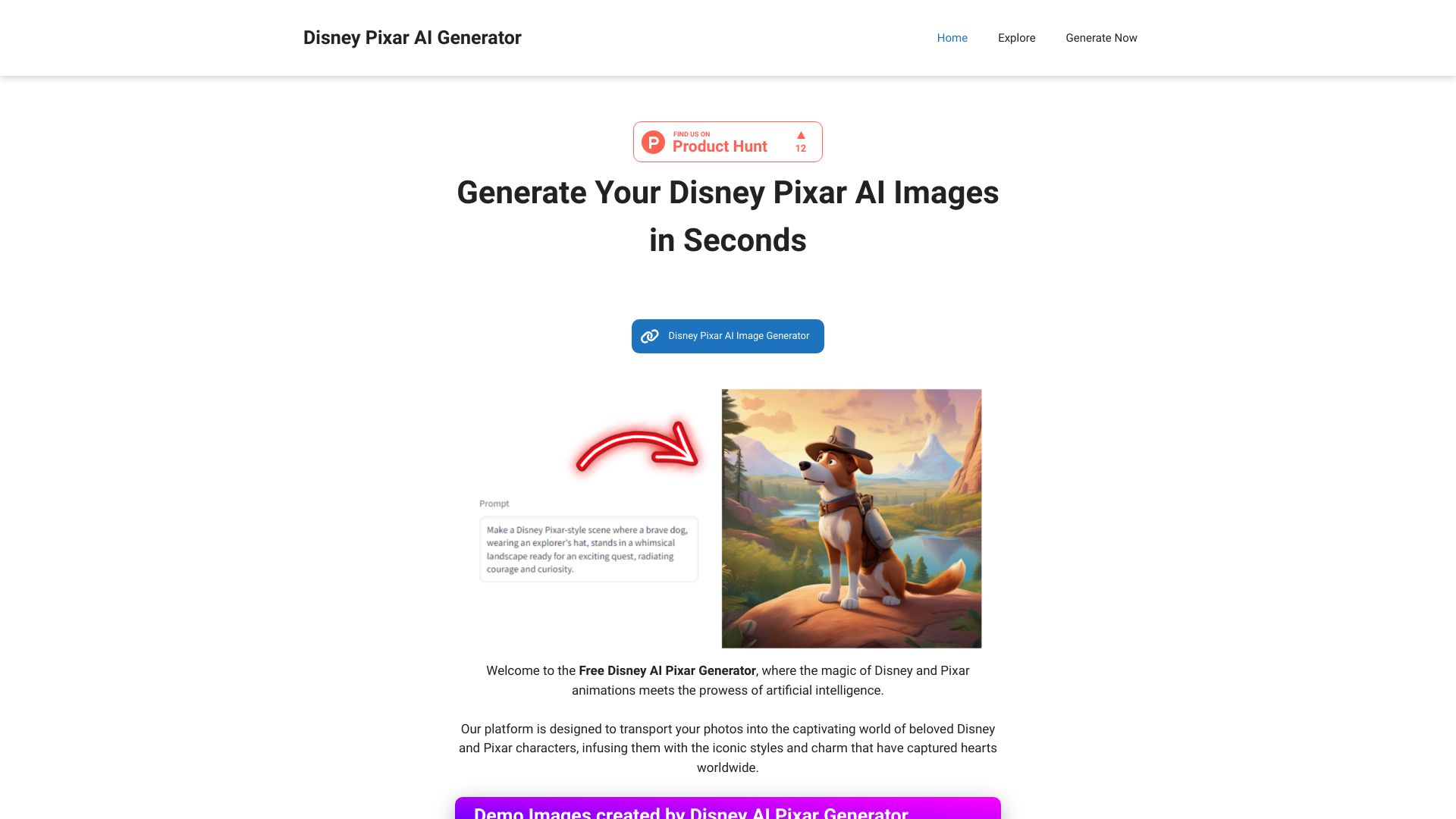
Disney AI Pixar Generator
Disney Pixar-style image transformations

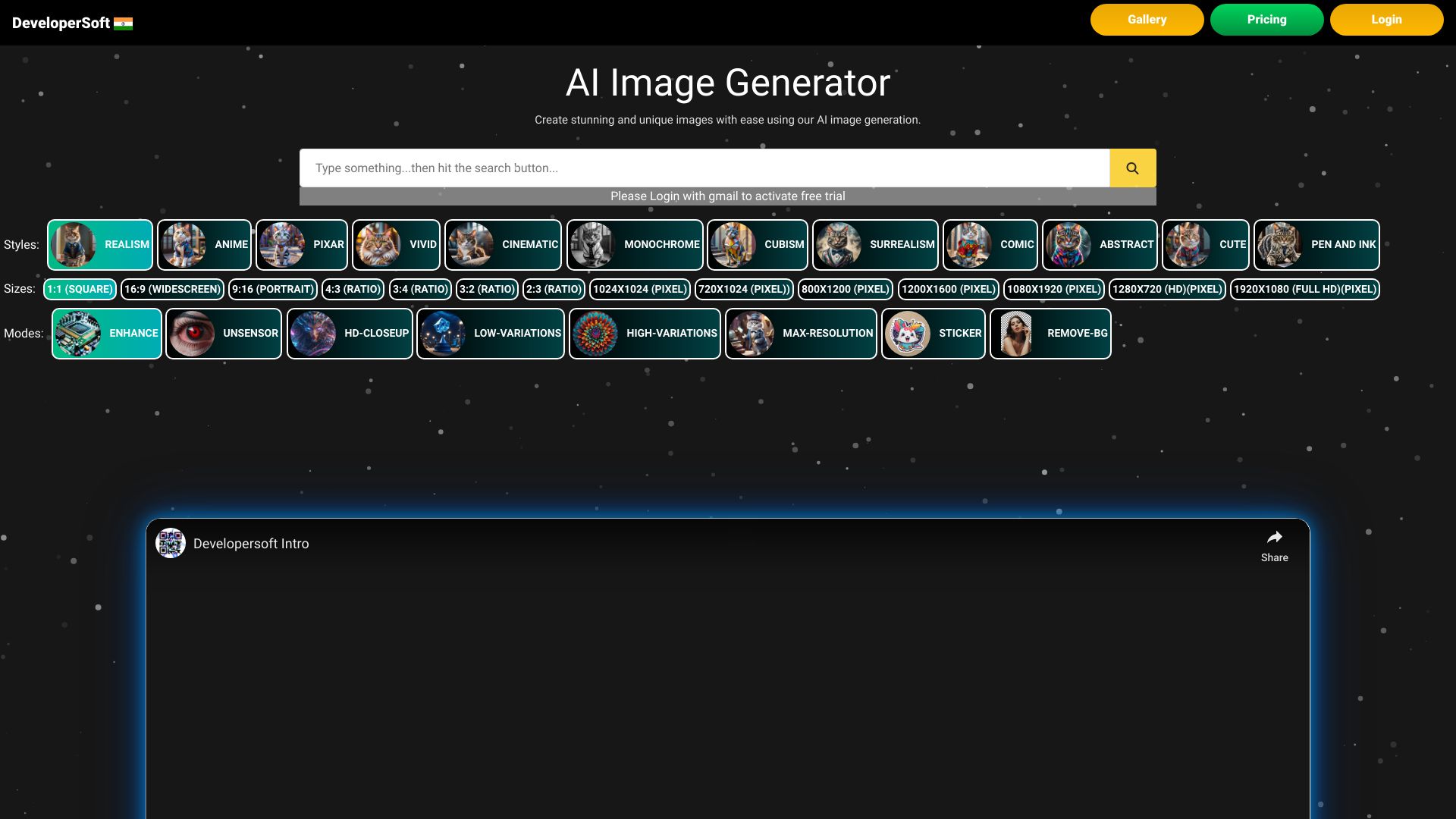
Ai Image Creator
Fast AI image generation

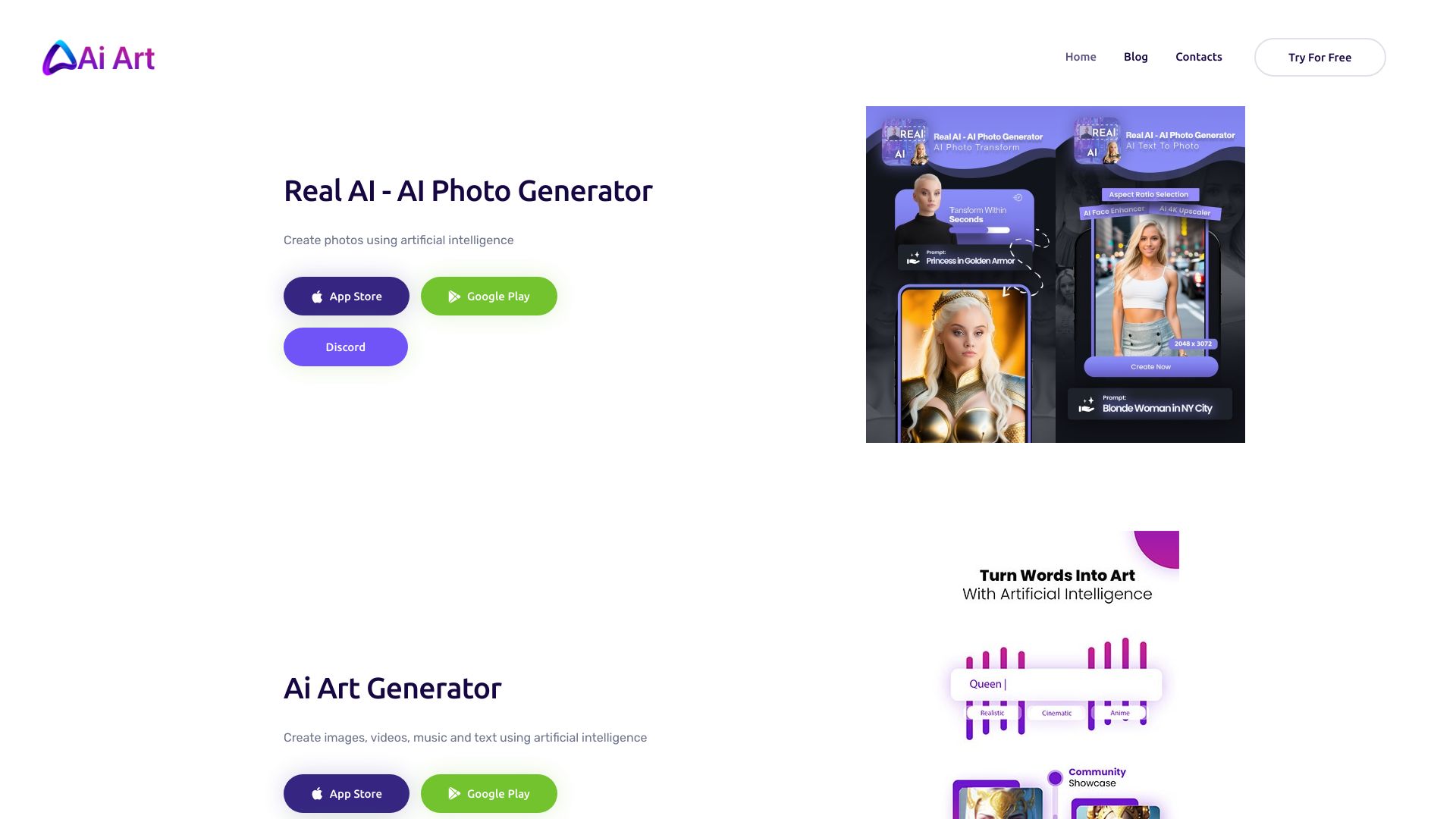
AI Art image Generator
AI-generated photos and creative content

IMAGINE Studios AI
All-in-one AI content creation

AnimeAI
Anime character art

ImageToImage AI
Image-to-image transformations
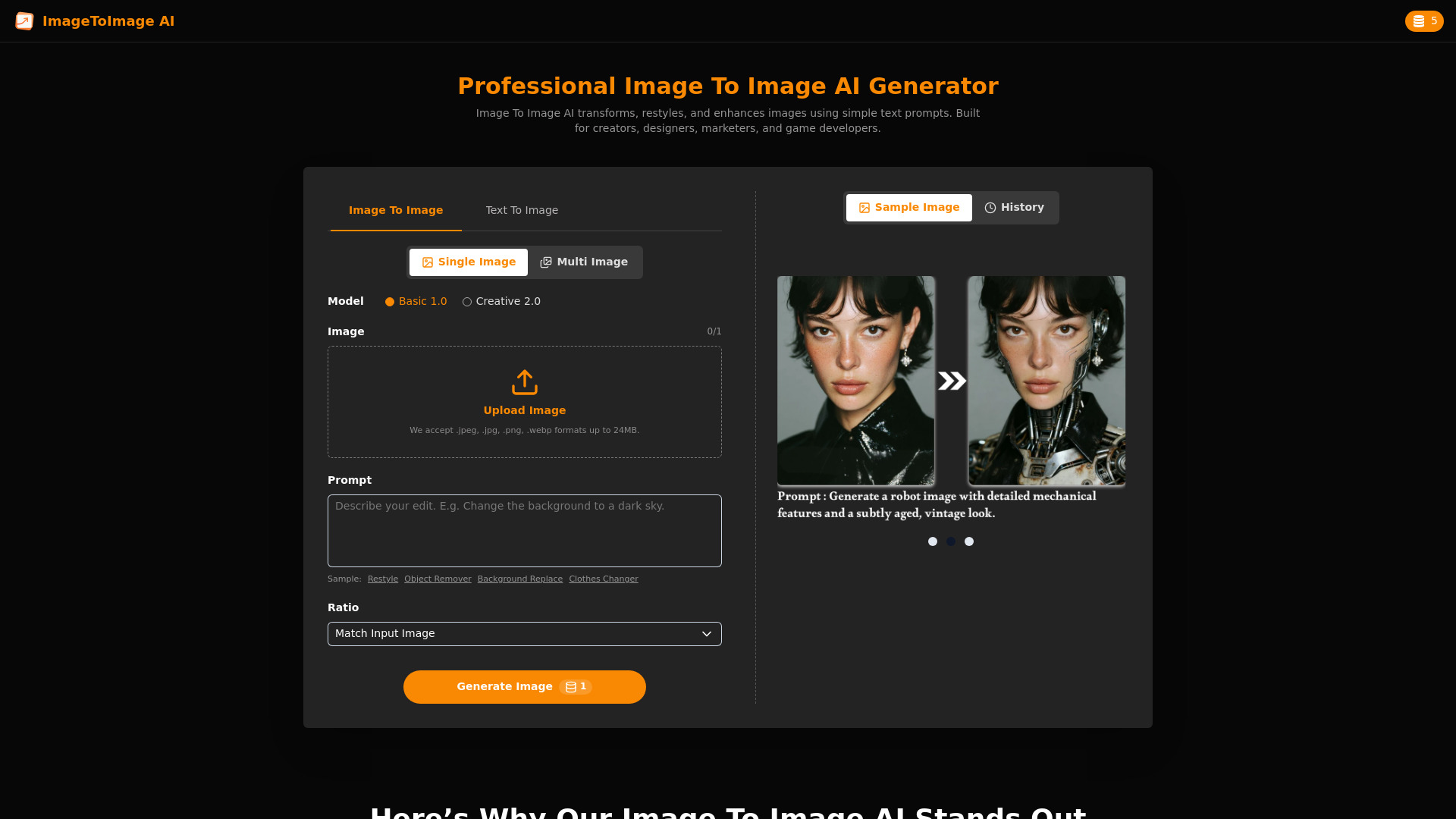

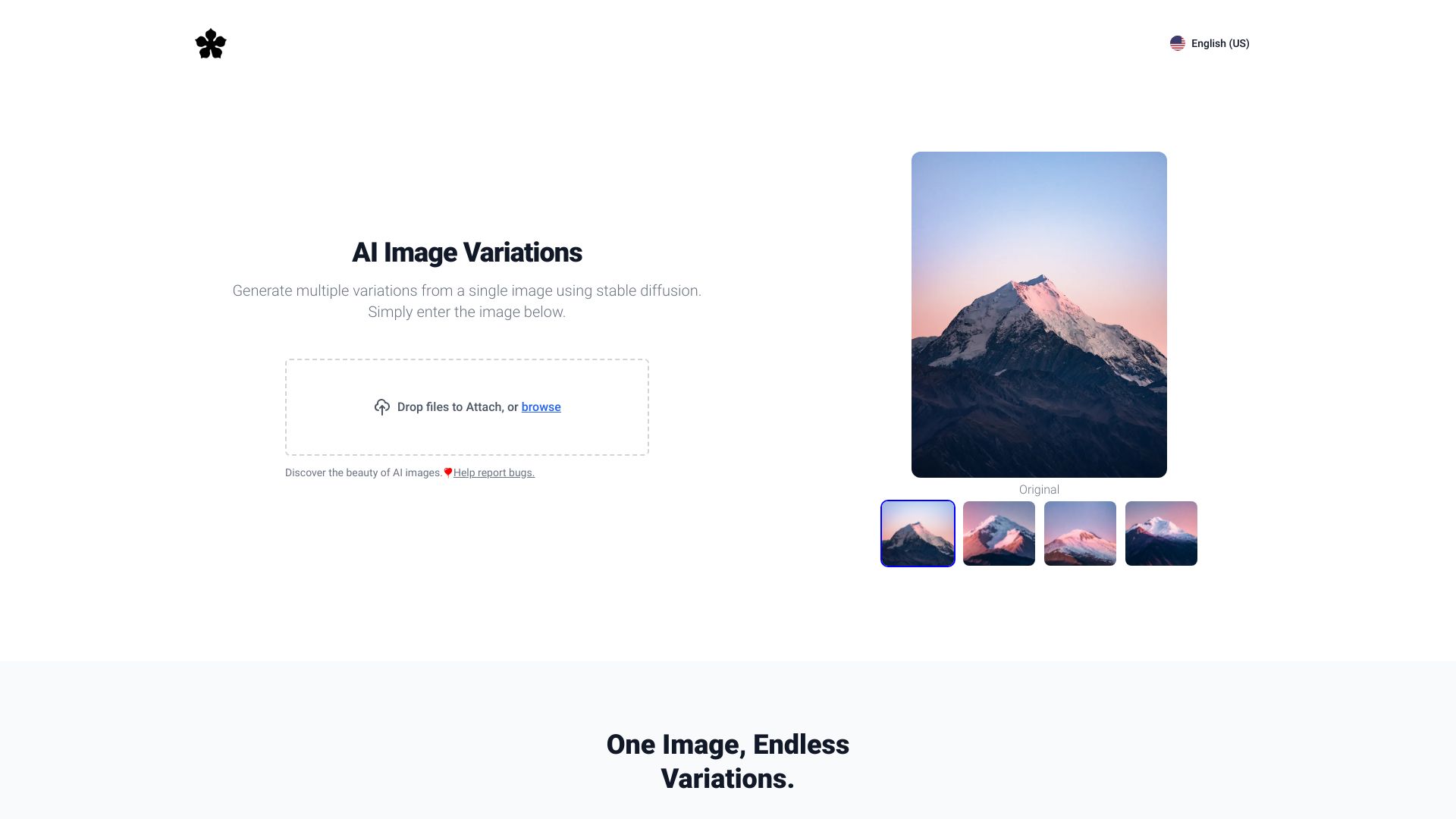
Image Variations
Creating variations from existing images

ImgifyAI
AI image generation and editing
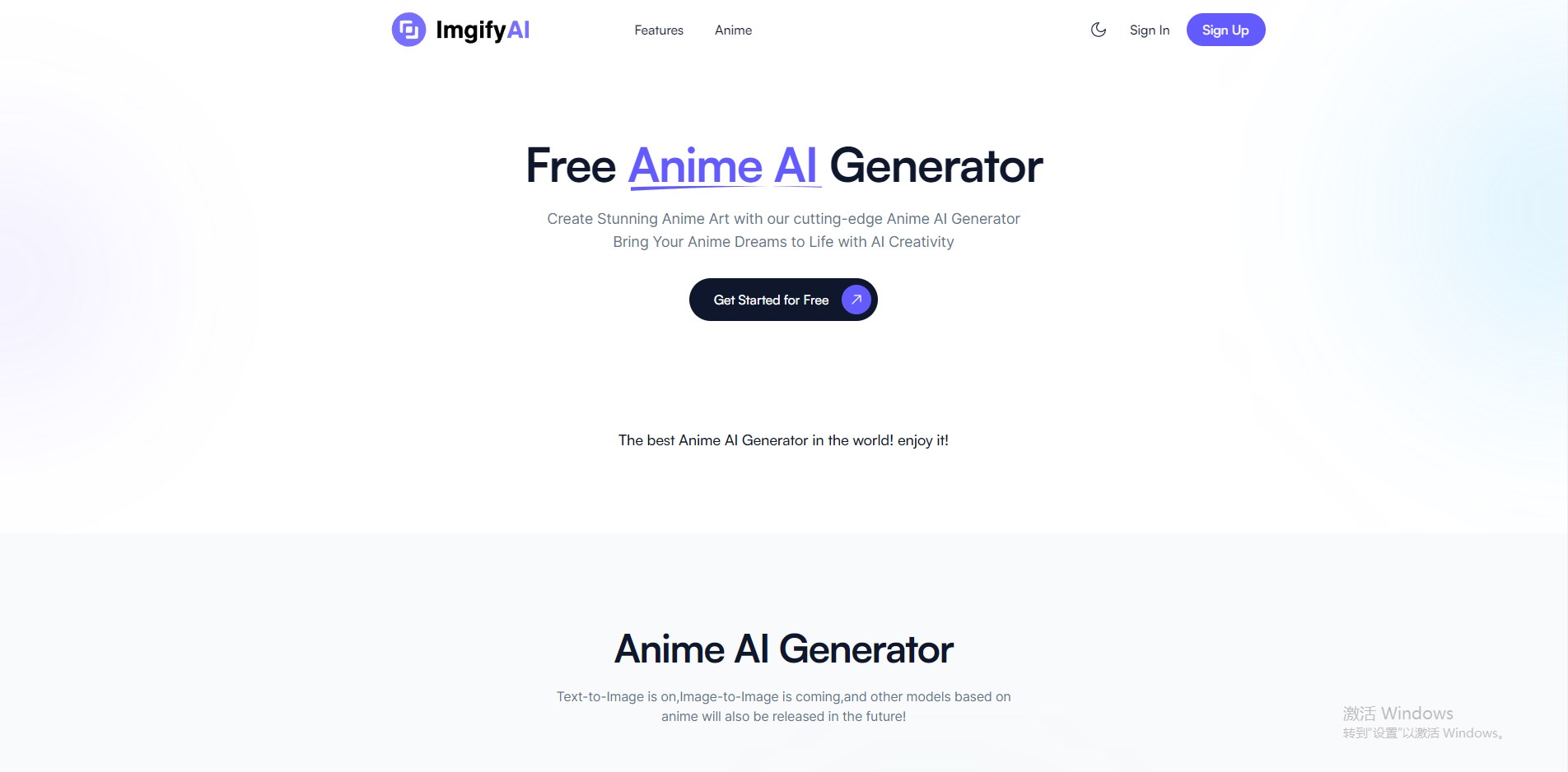
Image to Image AI
Prompt-based photo restyling and variations

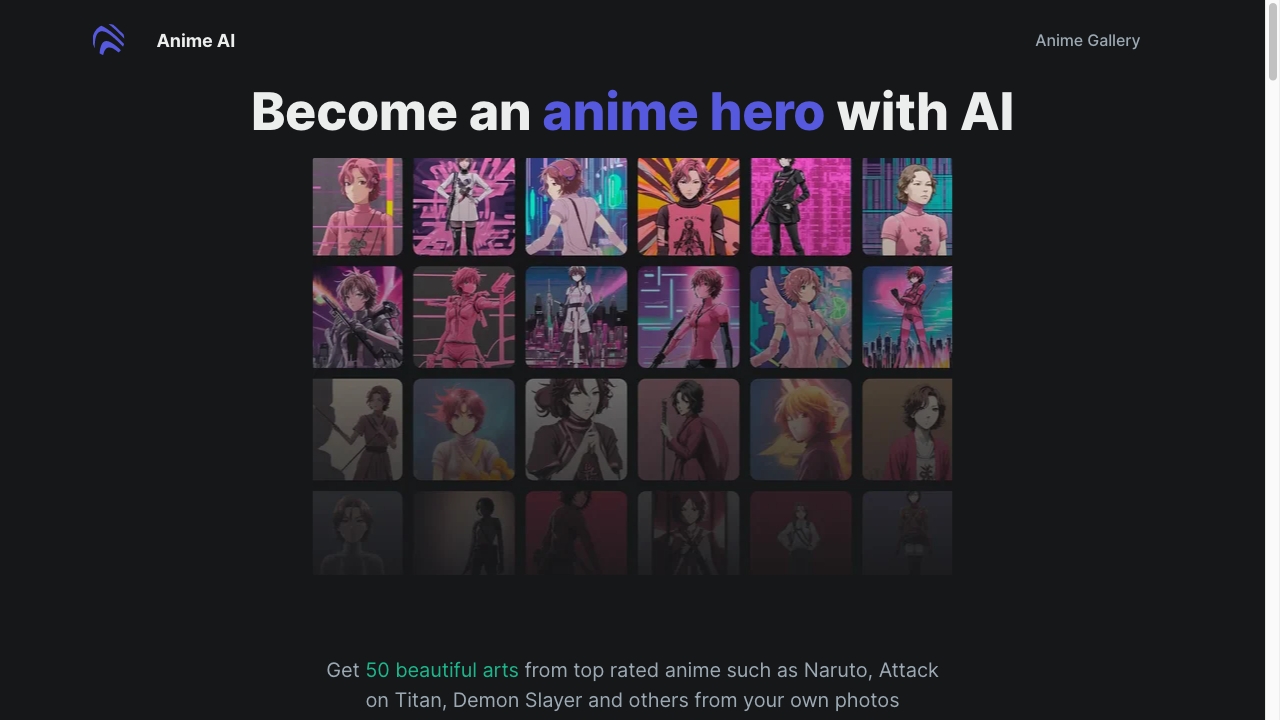
Anime Art Studio
Anime character art
Free AI Generator
Continuous AI image editing
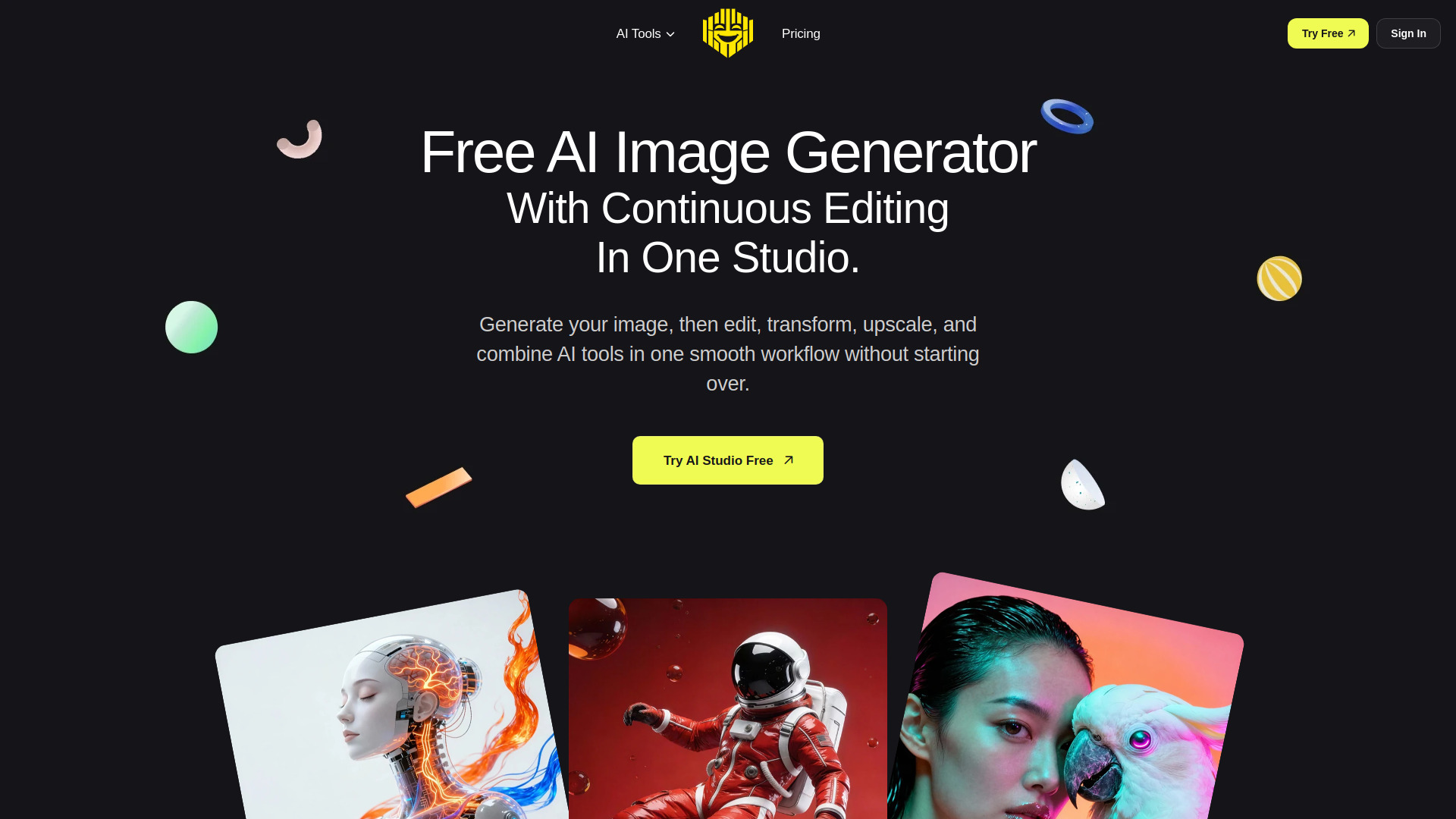

Image to Image AI Generator
Image transformation and restyling
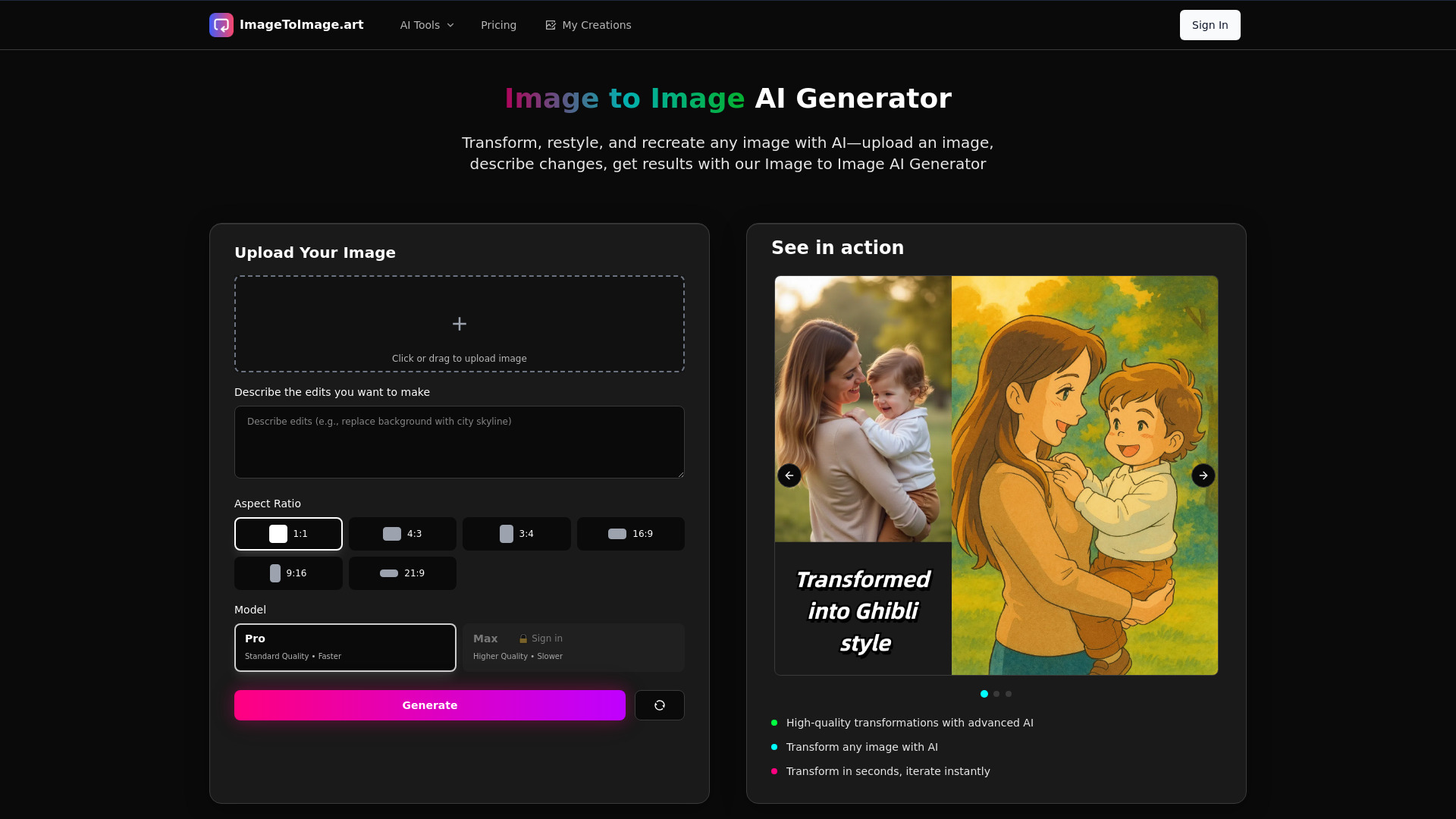

AI Logo Generator
Custom logos for small businesses
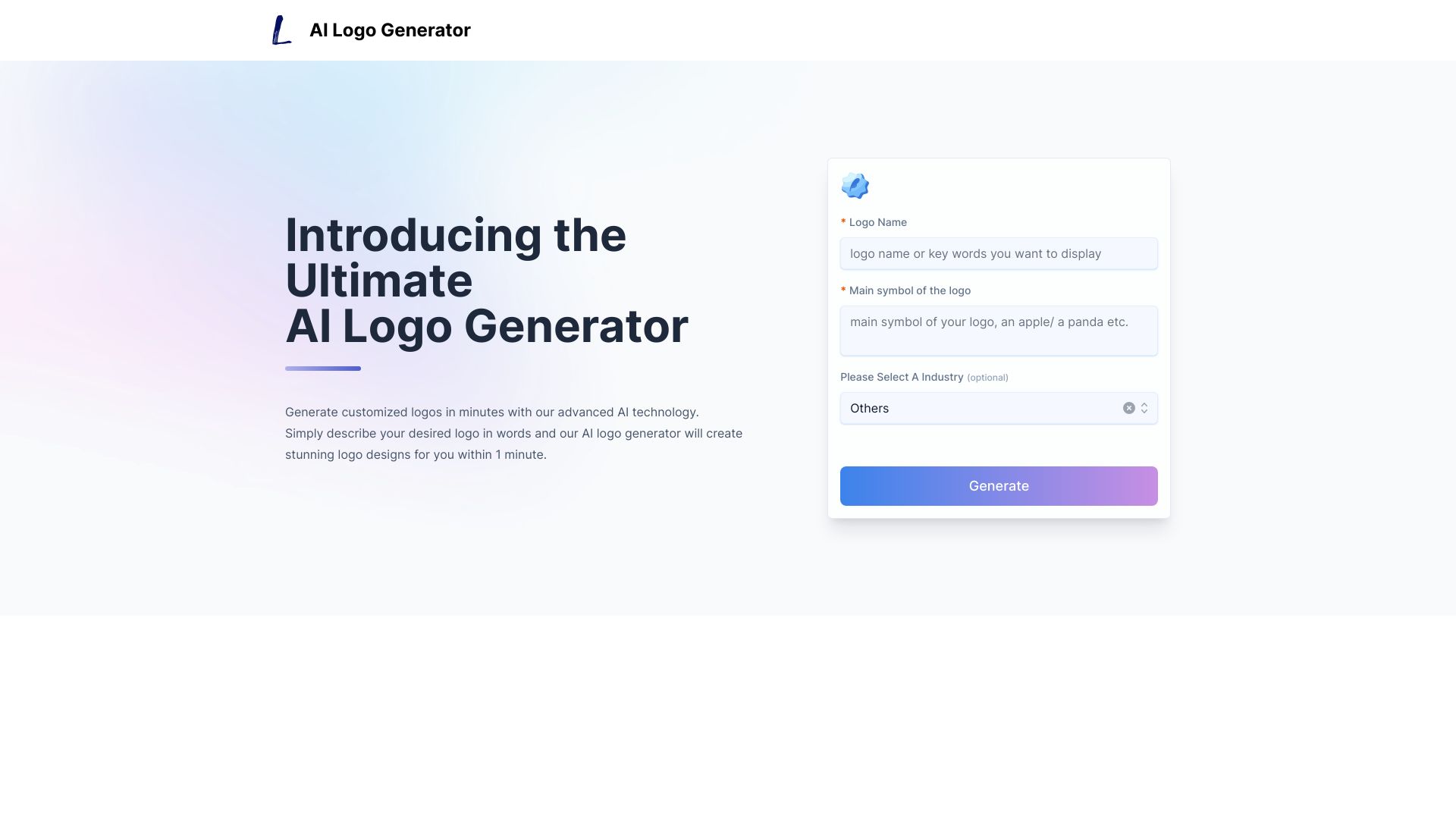
Ghibli AI
Ghibli-style image generation

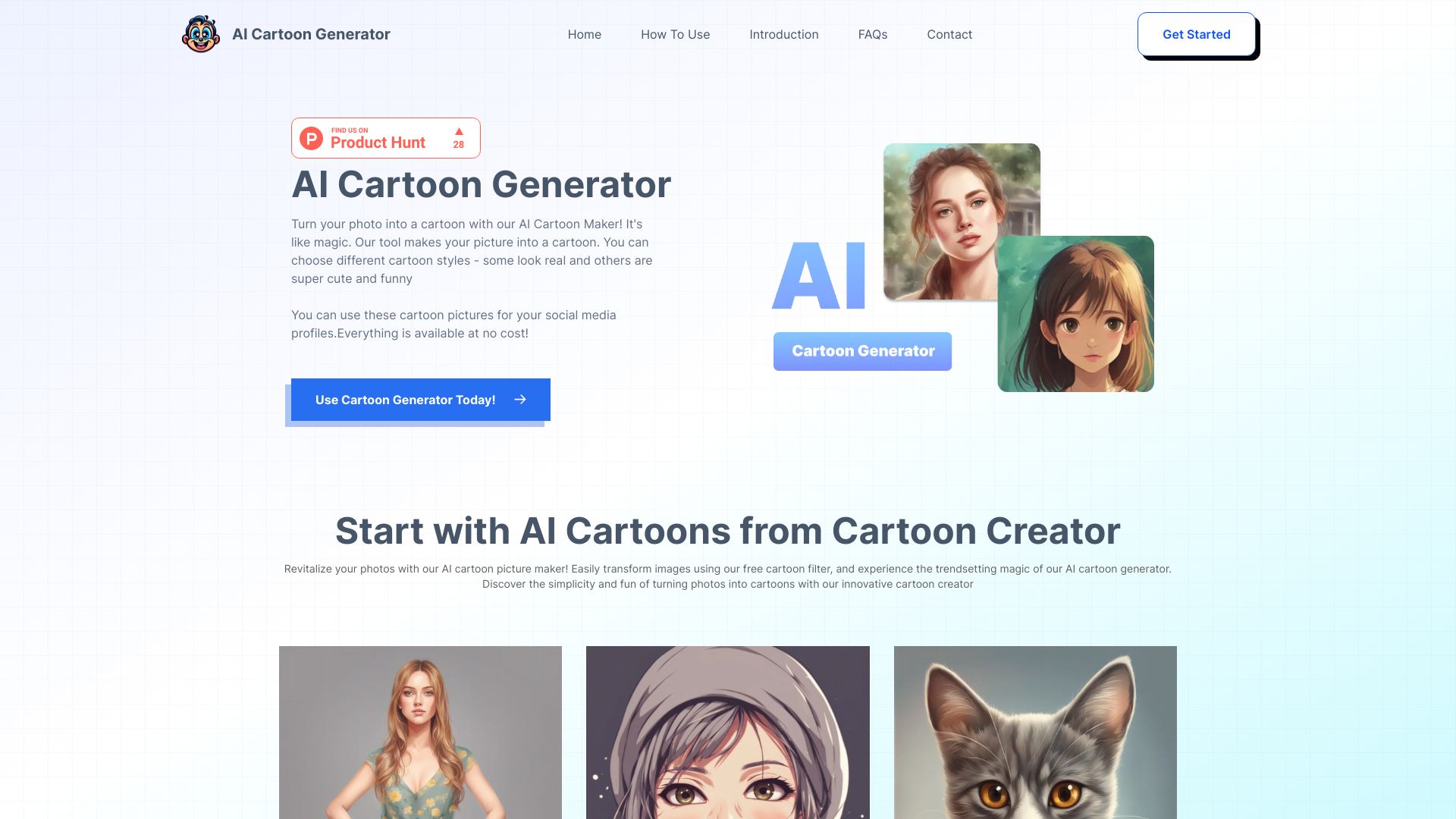
AI Cartoon Generator
Photo-to-cartoon creators

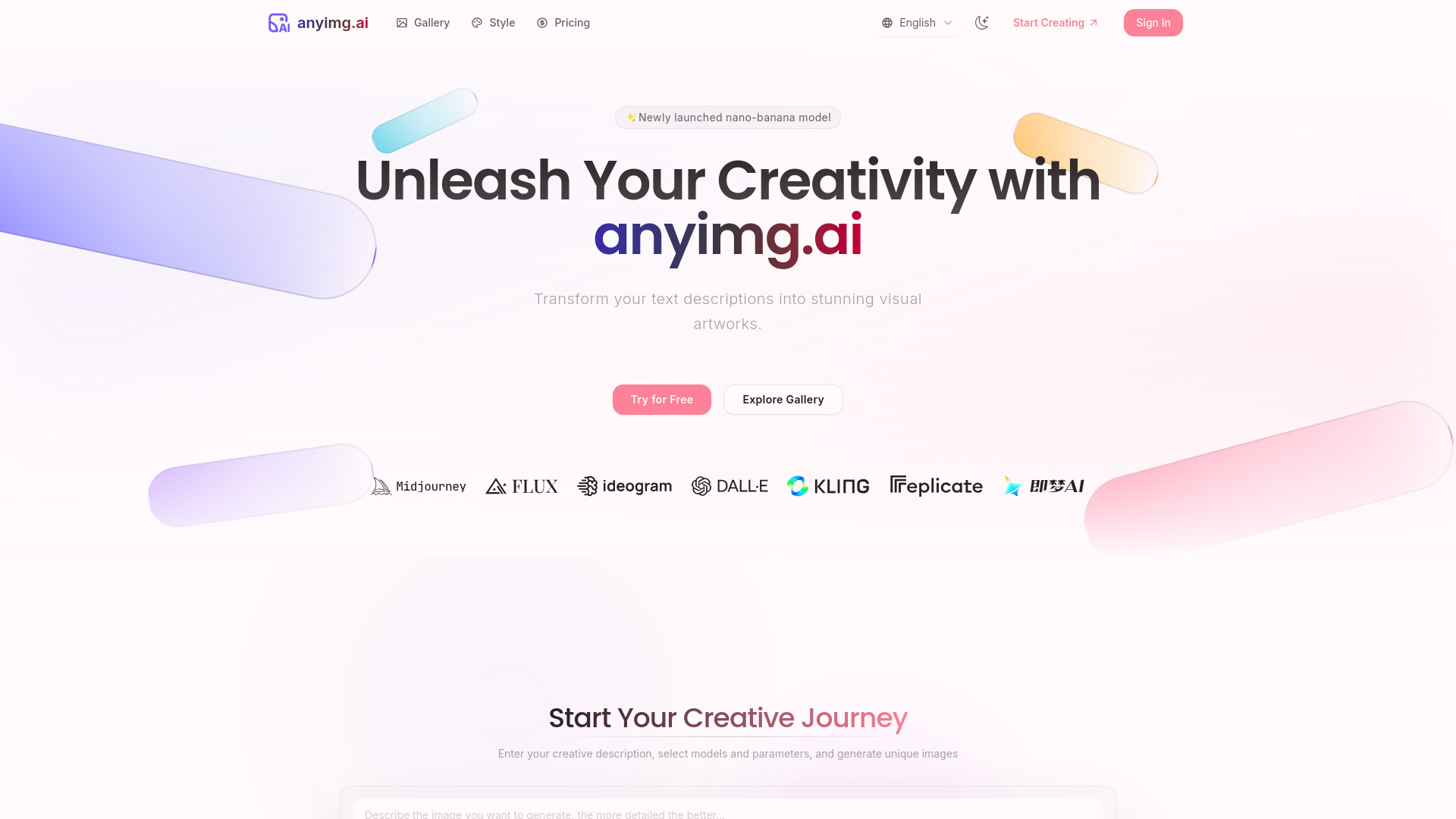
AnyImg AI
AI art and multi-model image creation

ImgCreator.AI
Text-to-image art and illustration
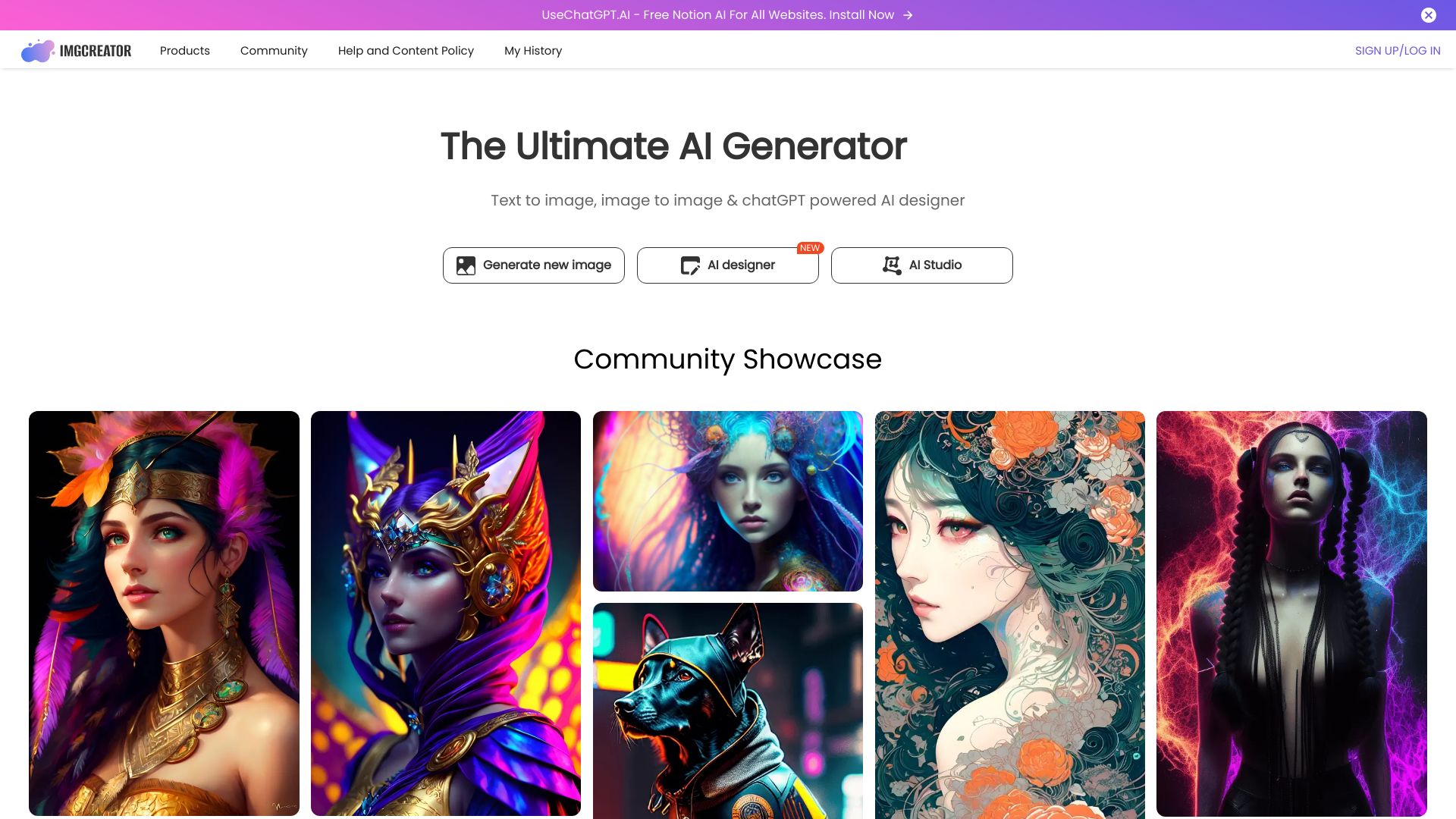

Photo AI
Photorealistic personal photos
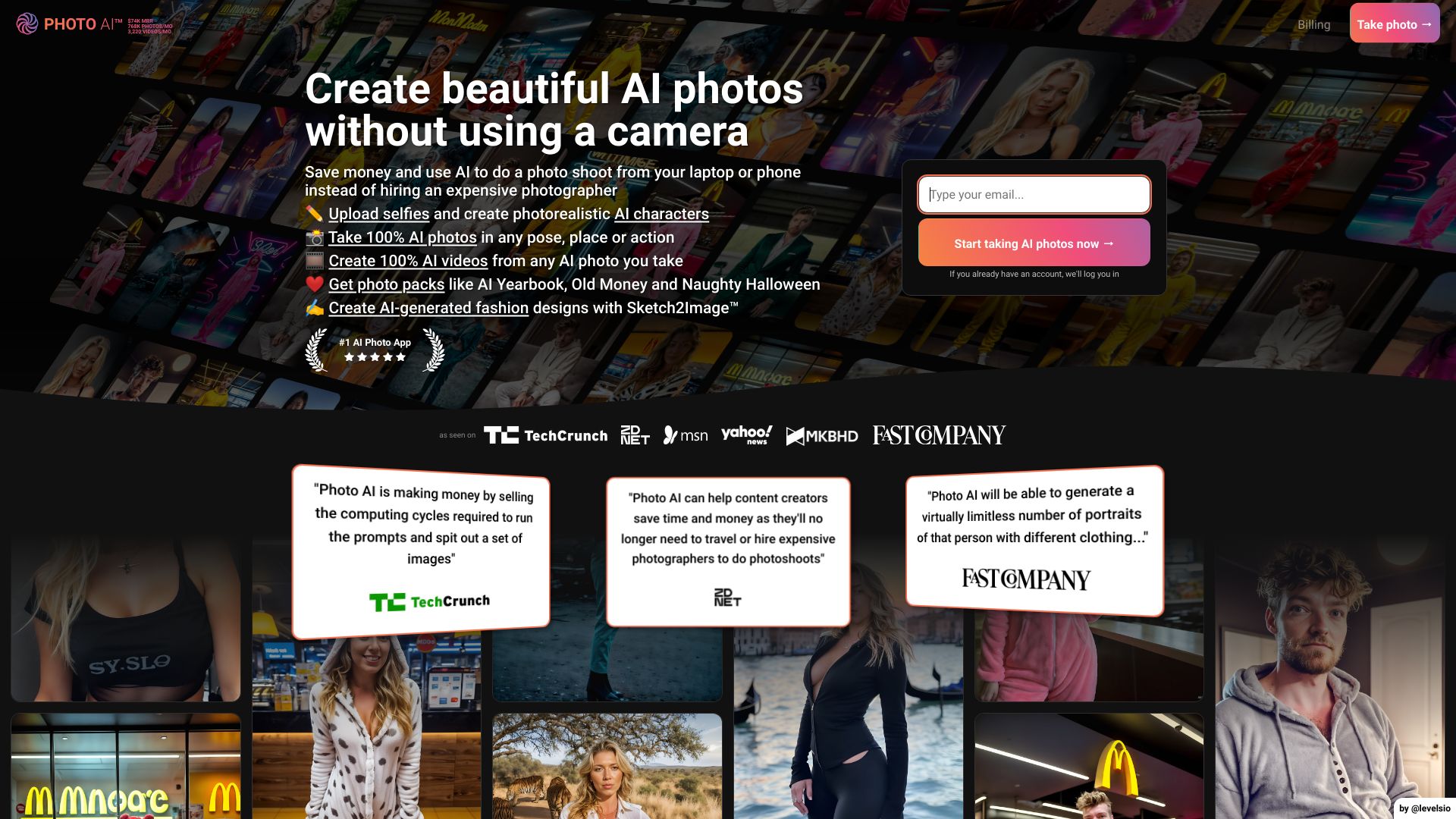

Imagine Anything
Free AI image generation
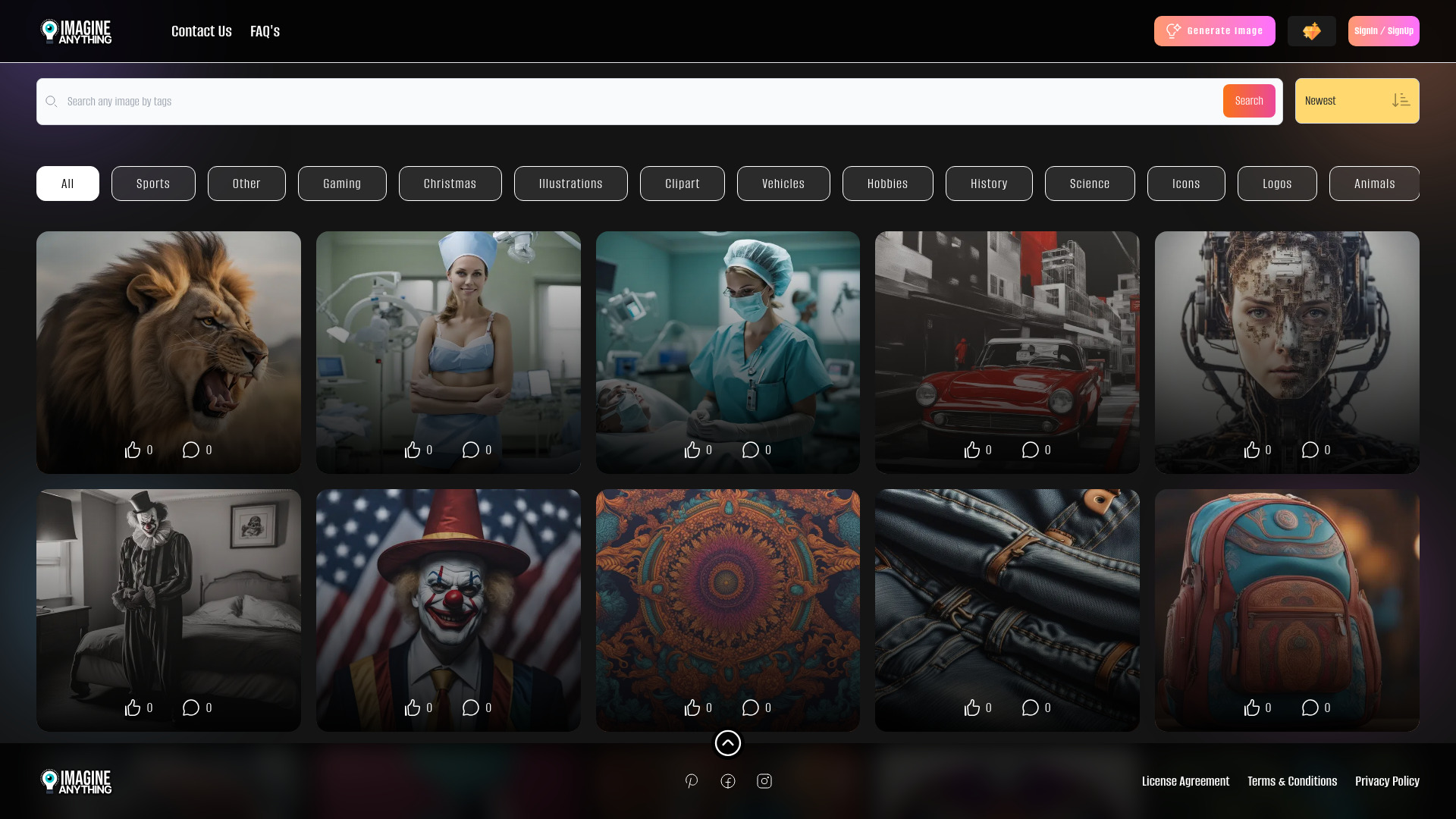

ChatGPT Image Generator
Fast, high-quality AI image creation

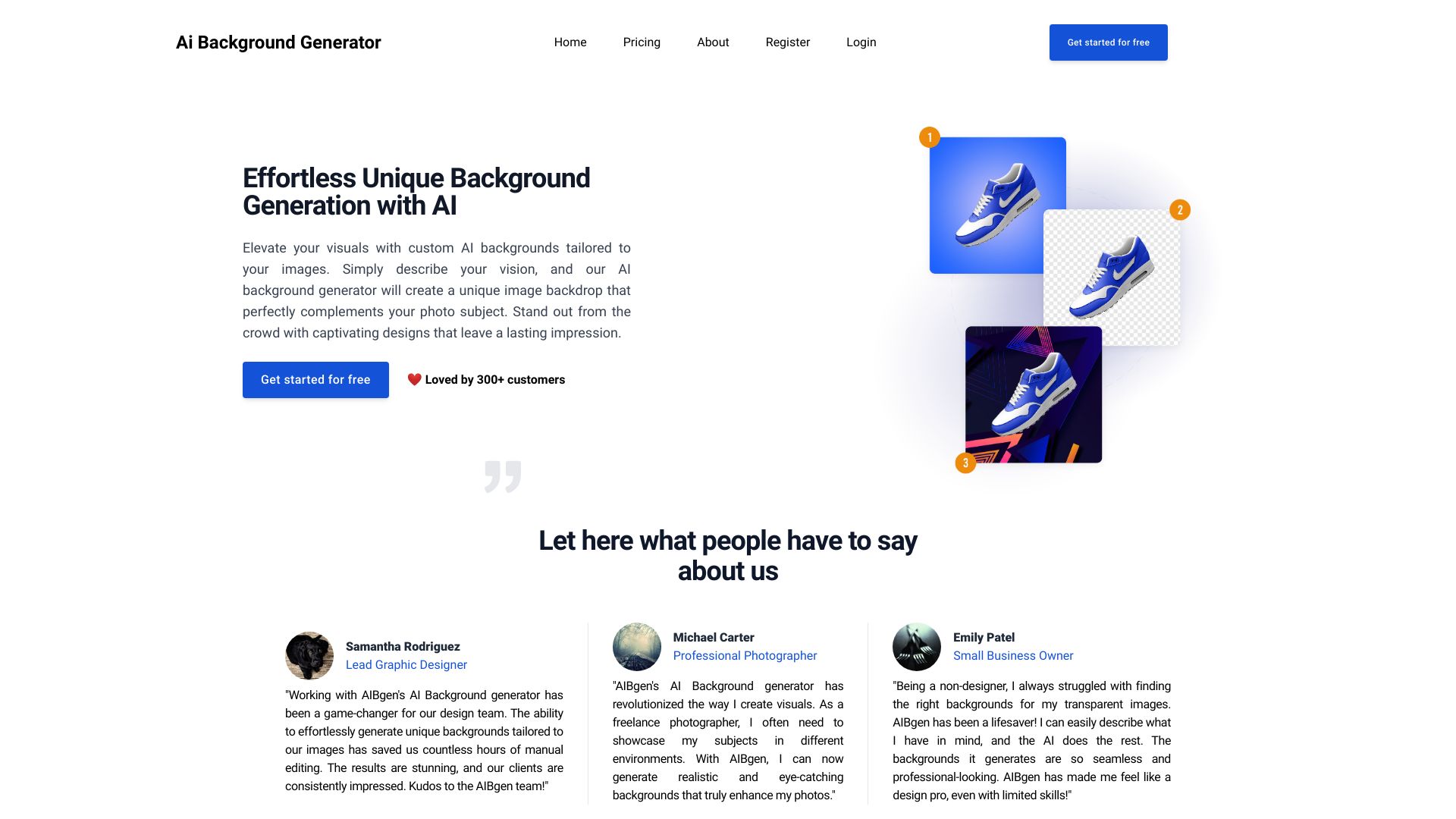
Ai Background Generator
Custom AI backgrounds for product and portrait images
Imgartfis Creator
Budget-friendly AI image generation

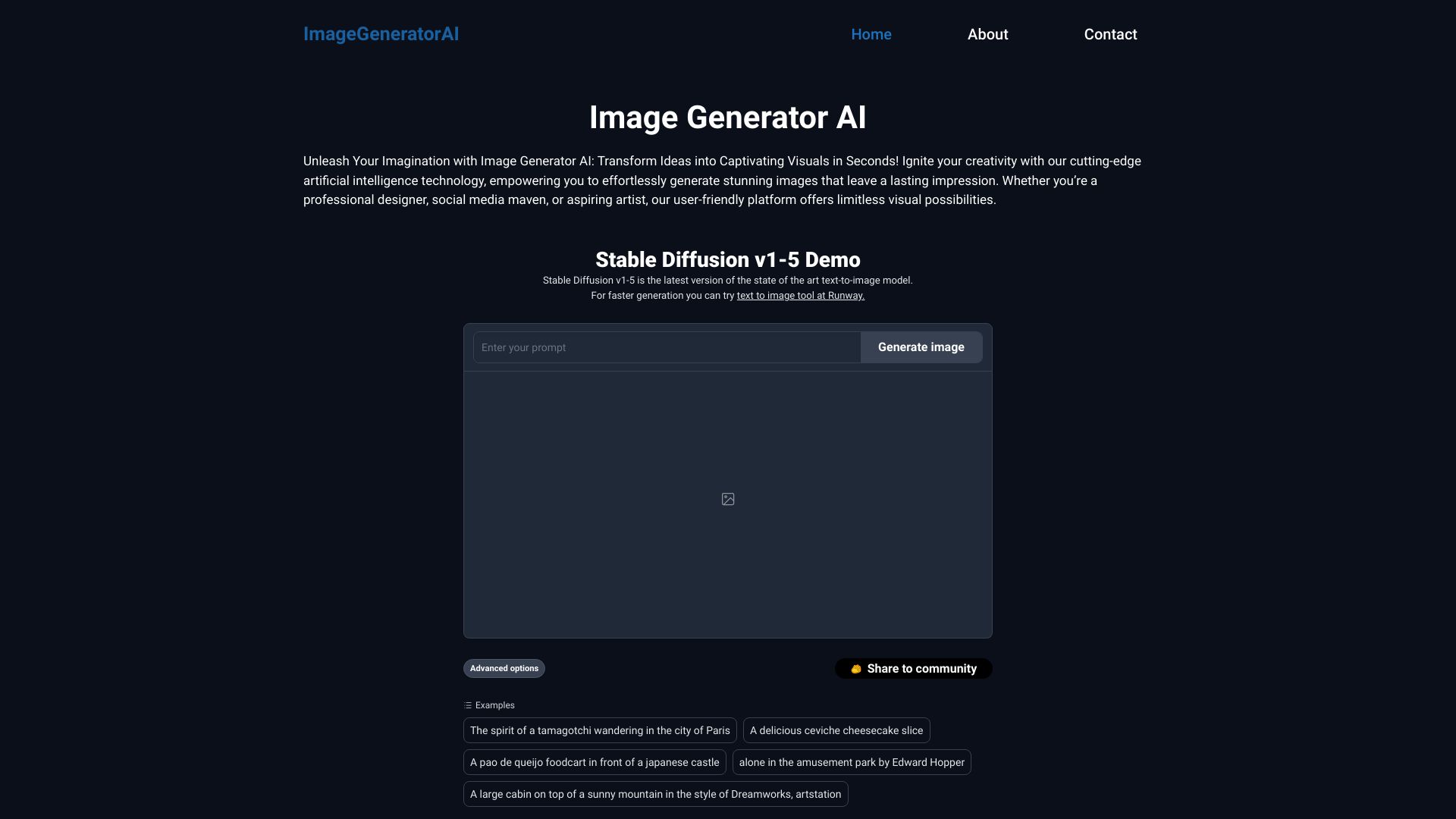
ImageGeneratorAI
Free AI image creation

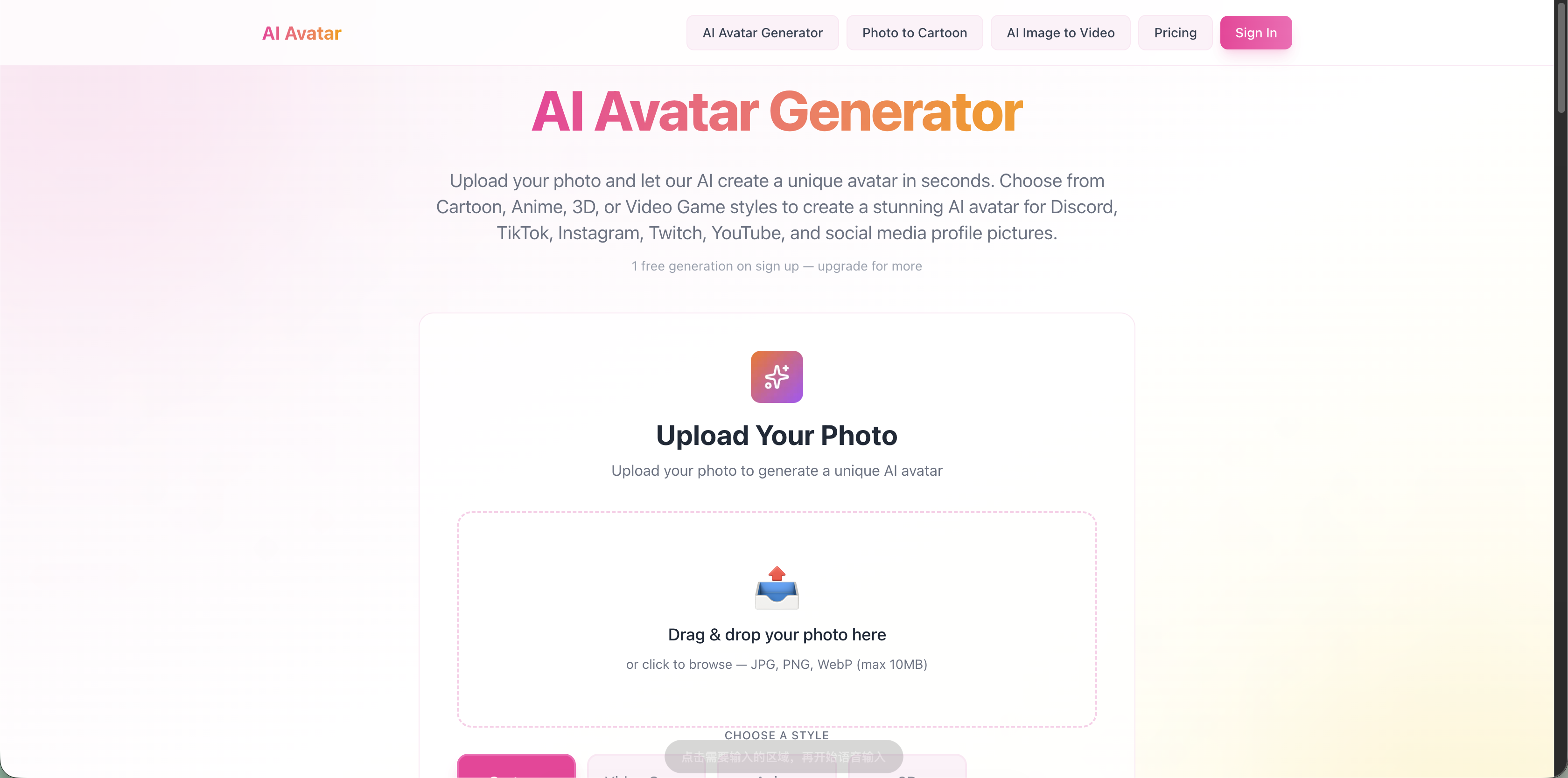
AI Avatar Generator
Photo-based AI avatars
AI Anime Generator
Anime character and scene creation
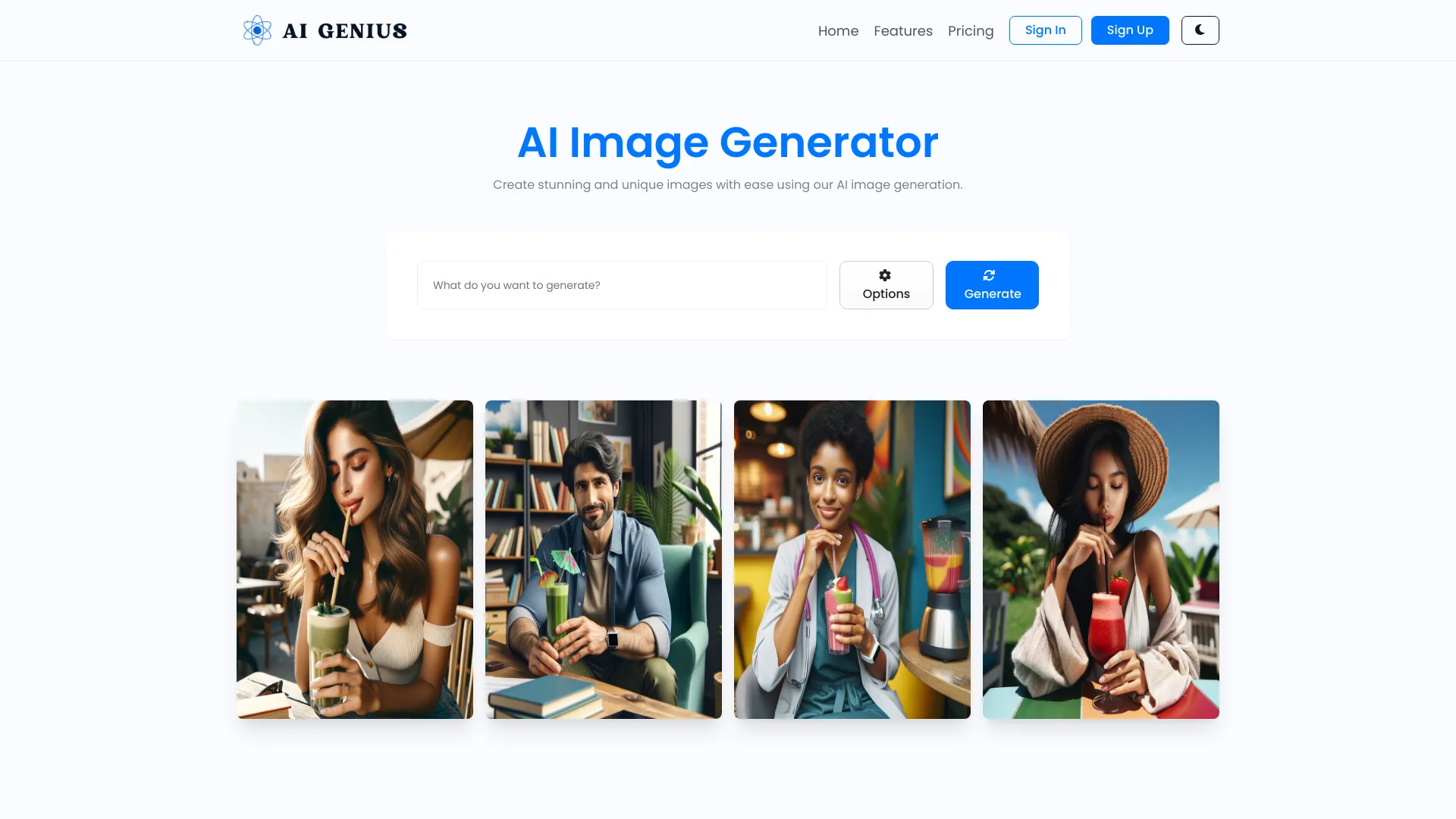
AI GENIUS
Custom text-to-image creation

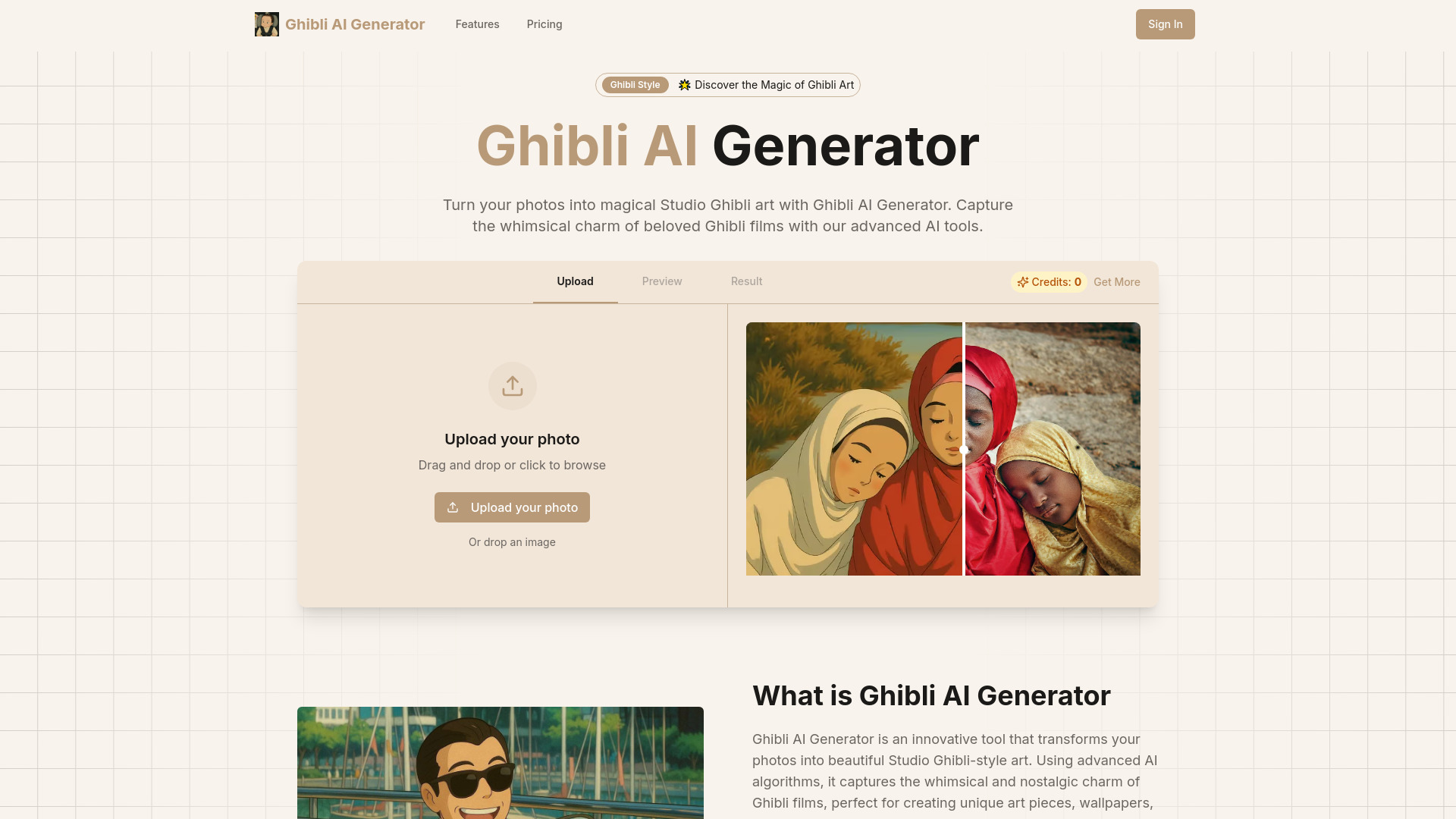
Ghibli AI Generator
Studio Ghibli-style photo transformations

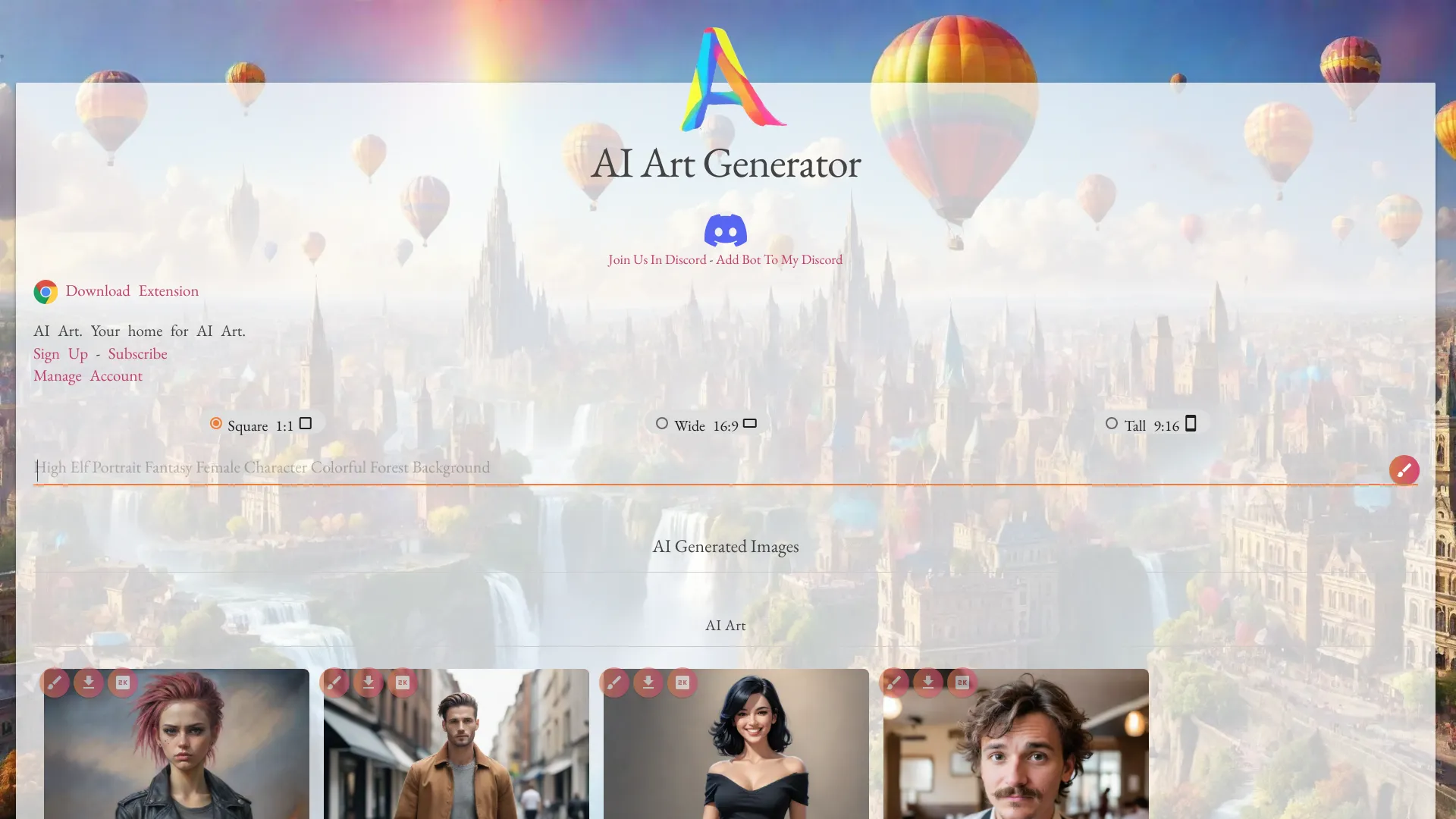
Netwrck.com
AI art and stock image search

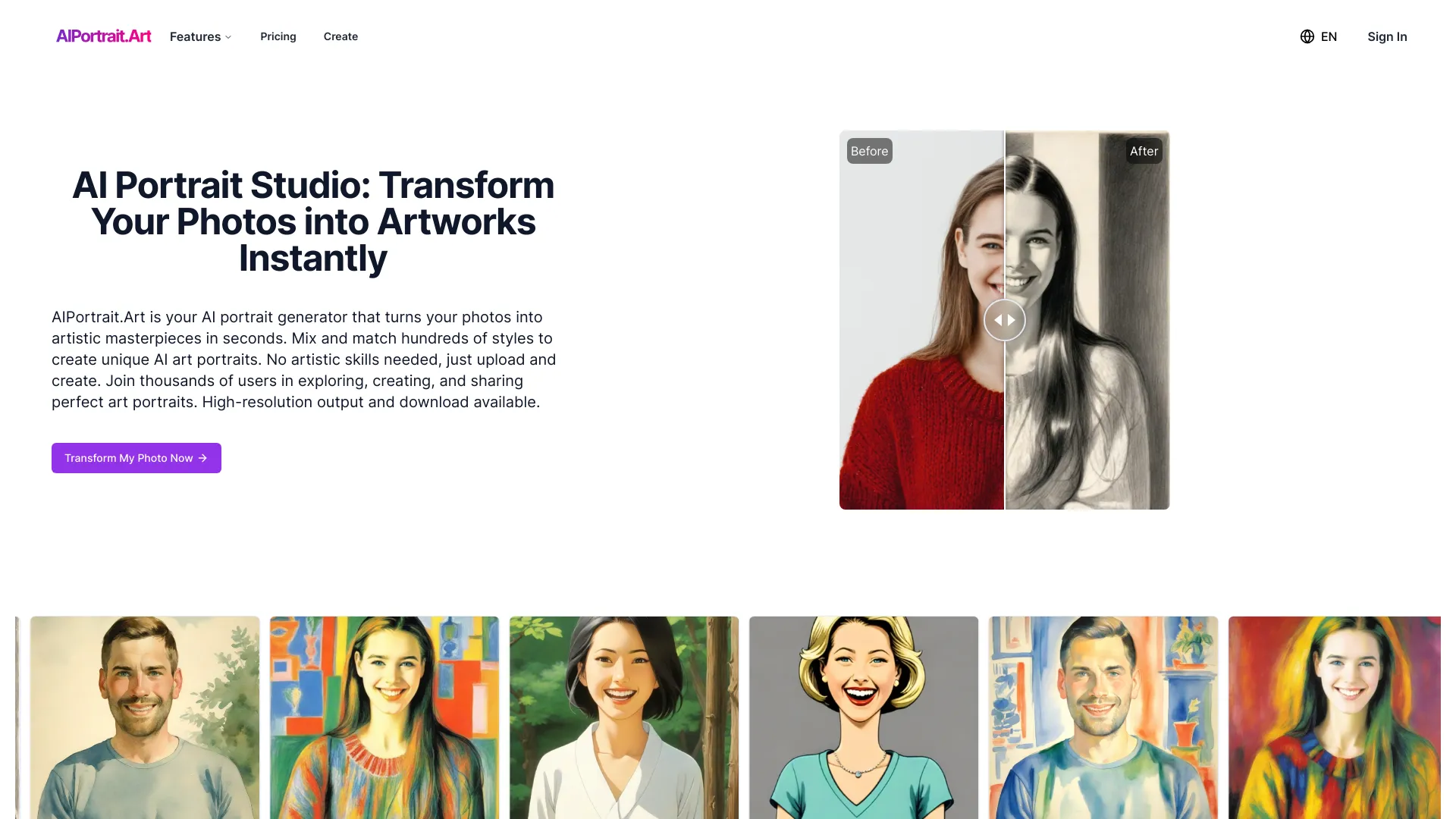
AIPortrait.Art
Custom AI portrait transformations

Anime AI Generator
Anime-style image generation
GazouGen
Designers and content creators
AI GAZOU
Japanese prompt image creation
Image-AI.pro
Realistic AI image generation
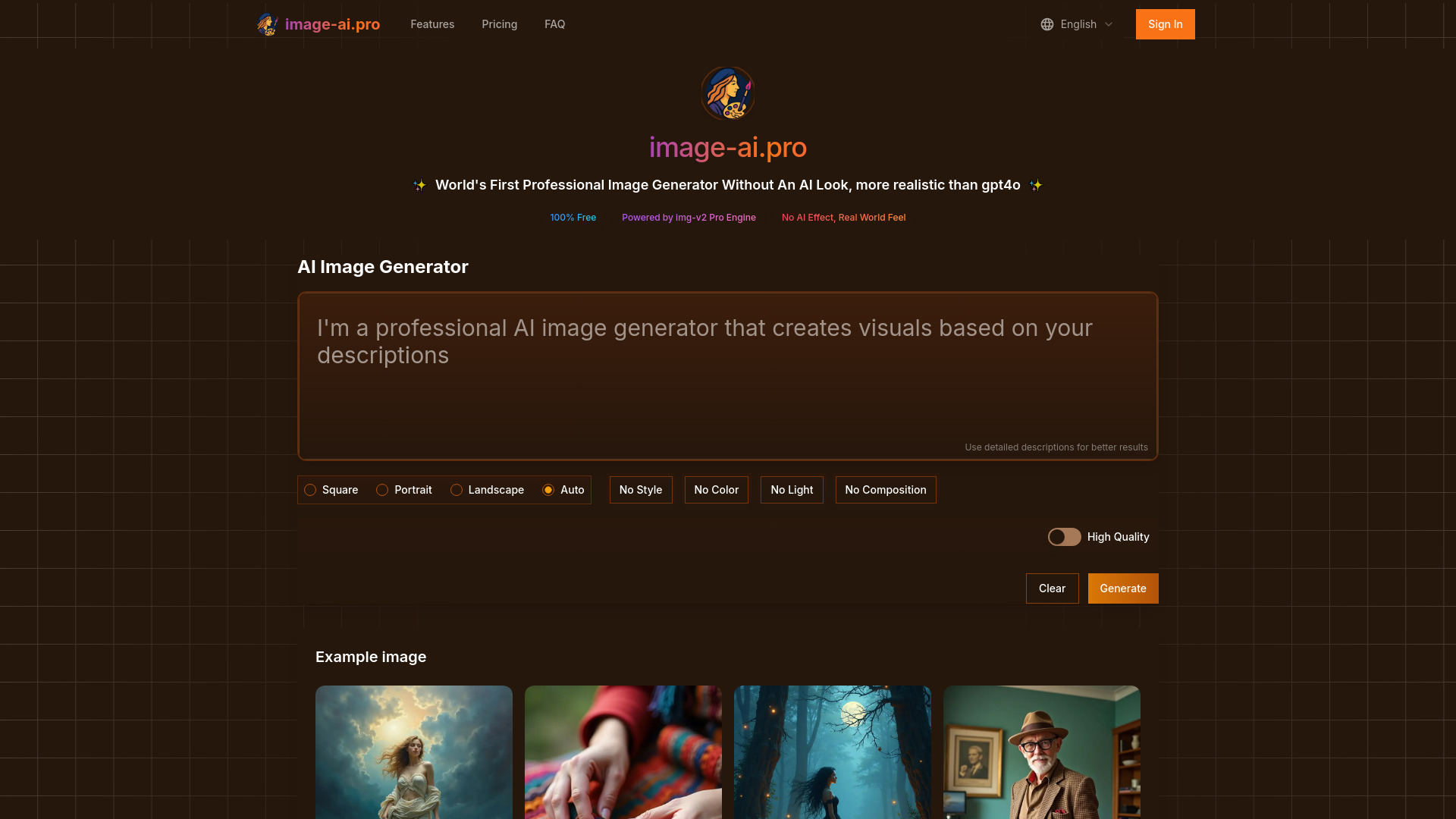
Image Creator AI
Fast text-to-image creation

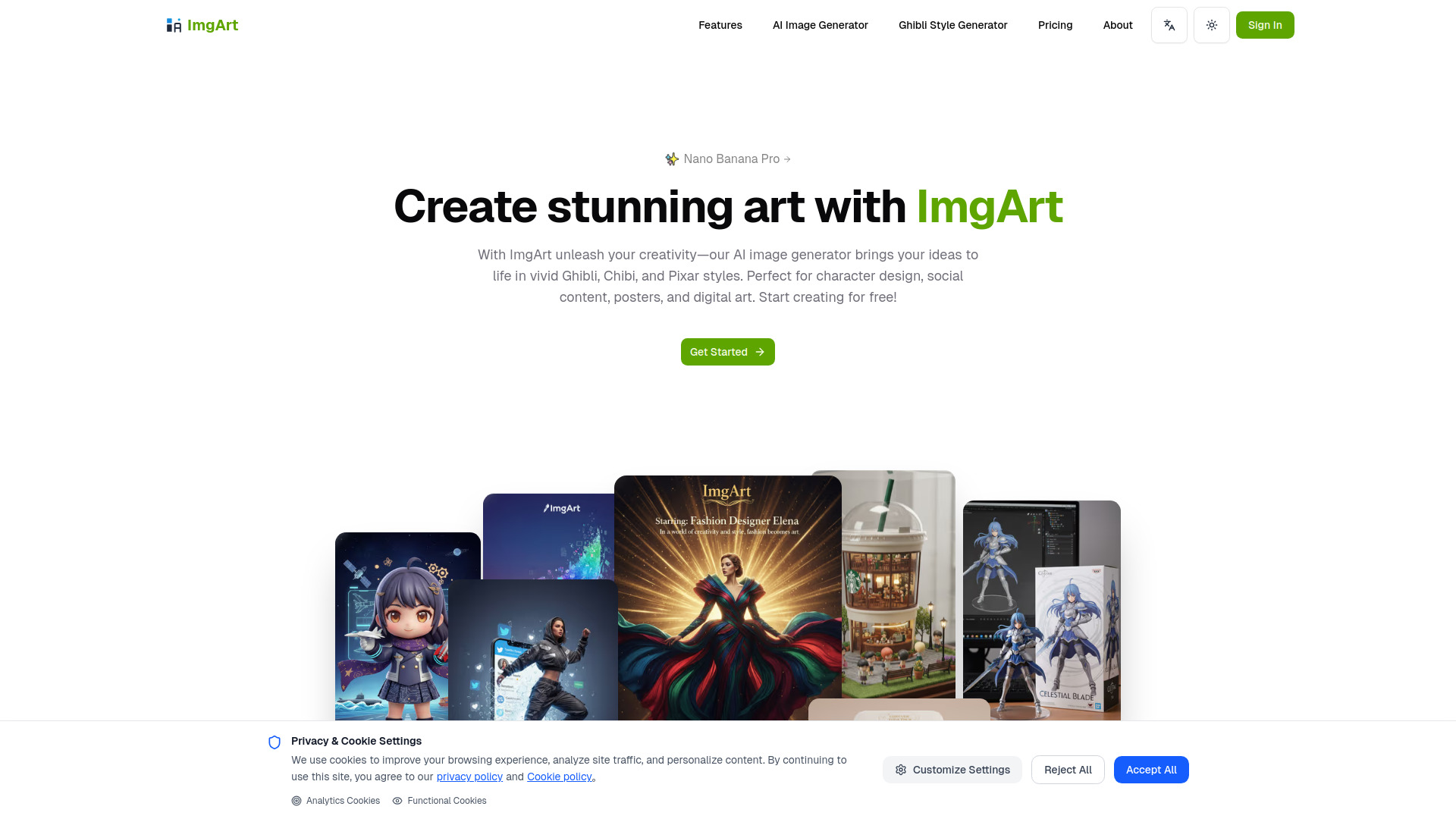
ImgArt Ai
Stylized AI image generation and editing

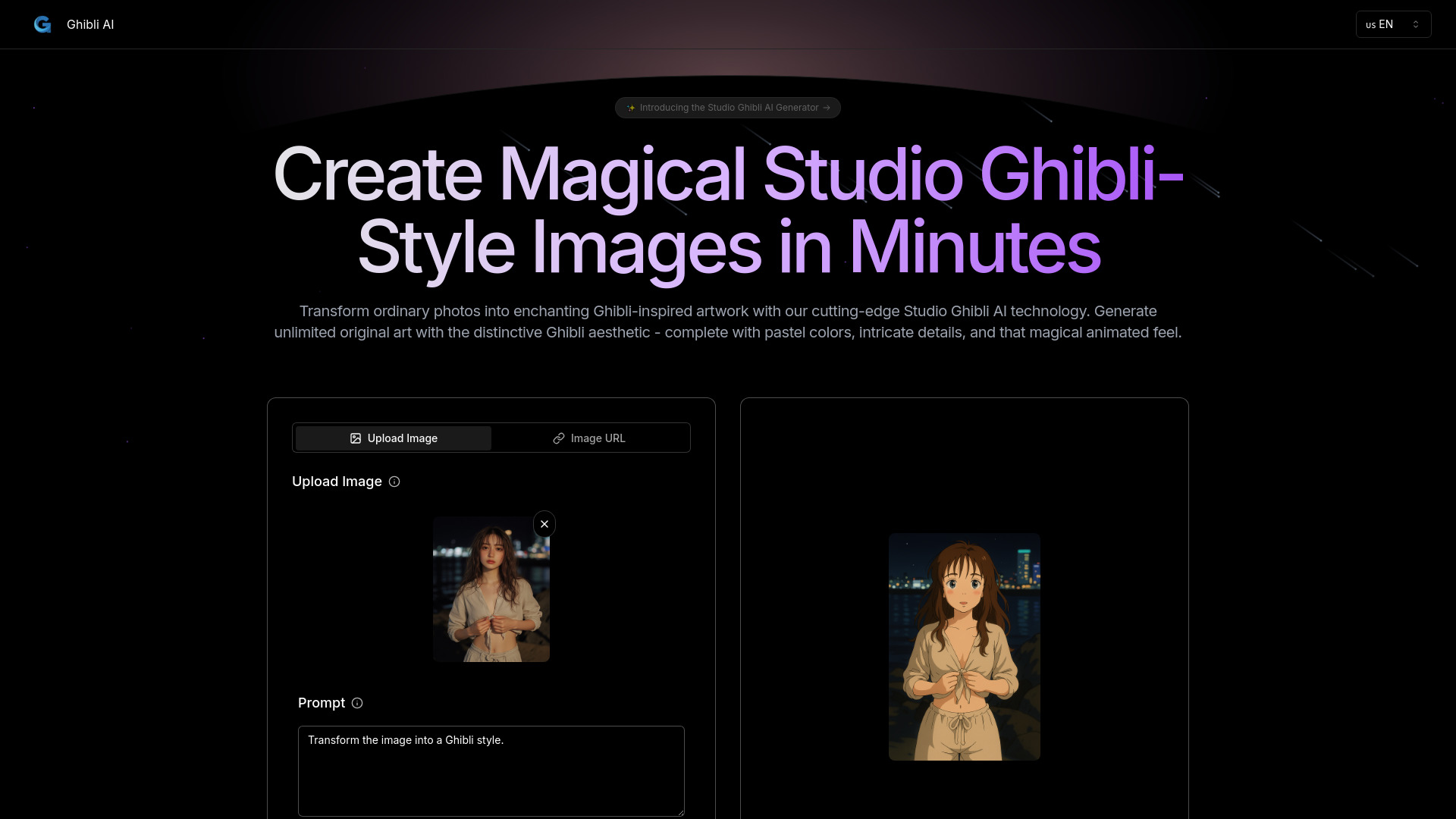
Dzine Ghibli AI
Ghibli-inspired artwork

Studio Ghibli AI
Ghibli-style image generation
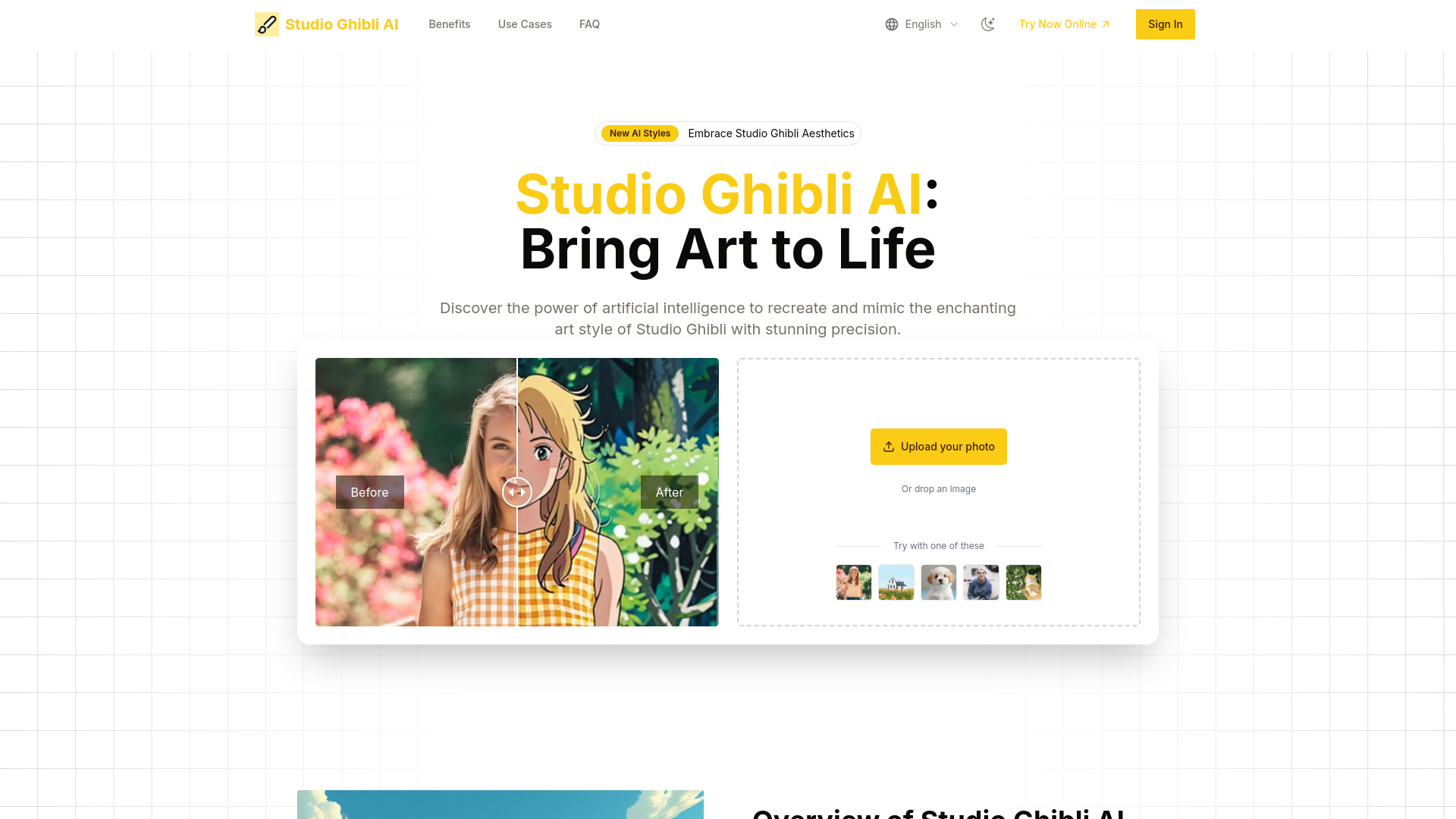

AI Headshot Generator
Professional LinkedIn headshots

Free AI Art Generator
Free AI image generation
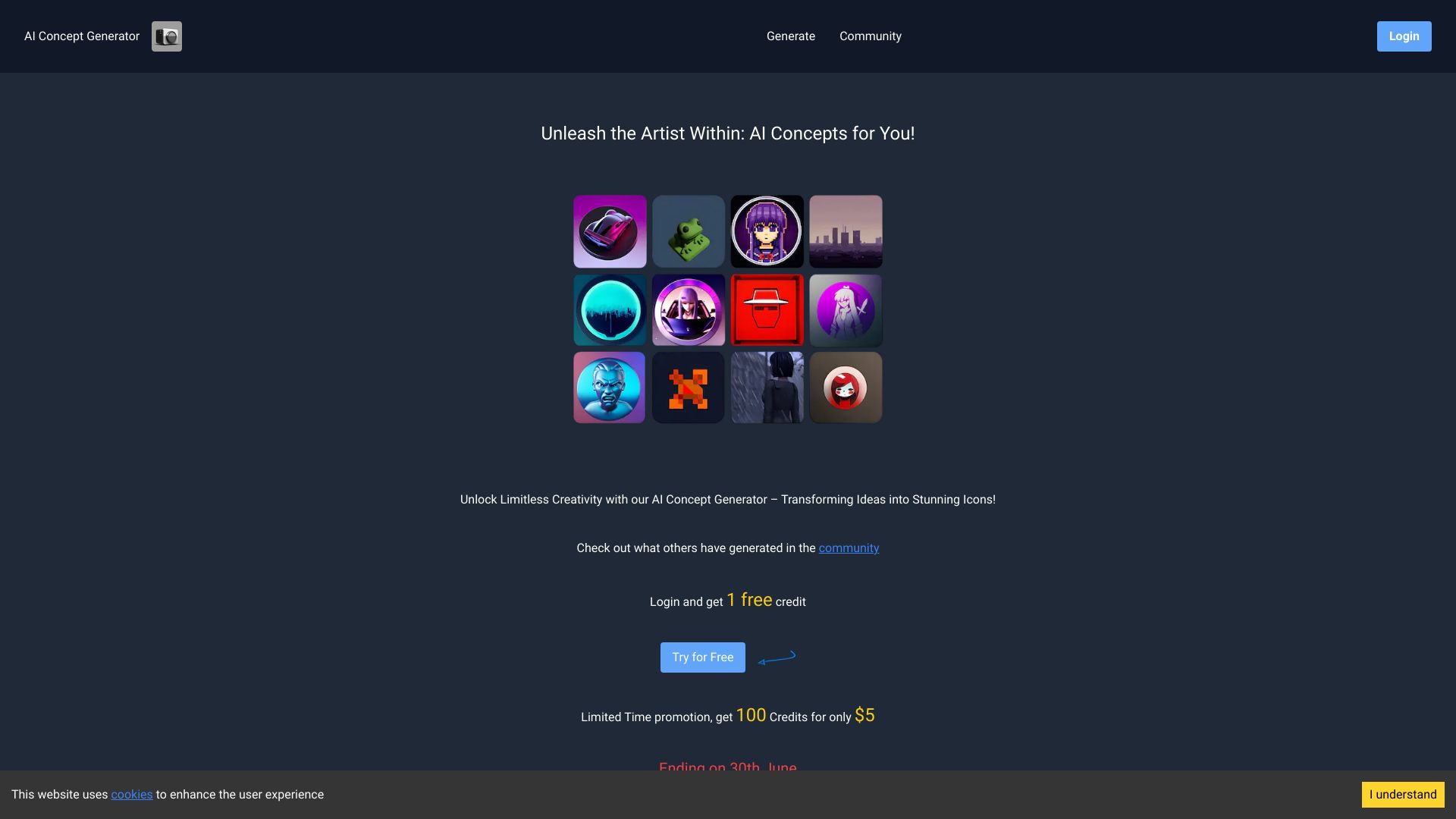
AI Concept Generator
Icon and concept art creation
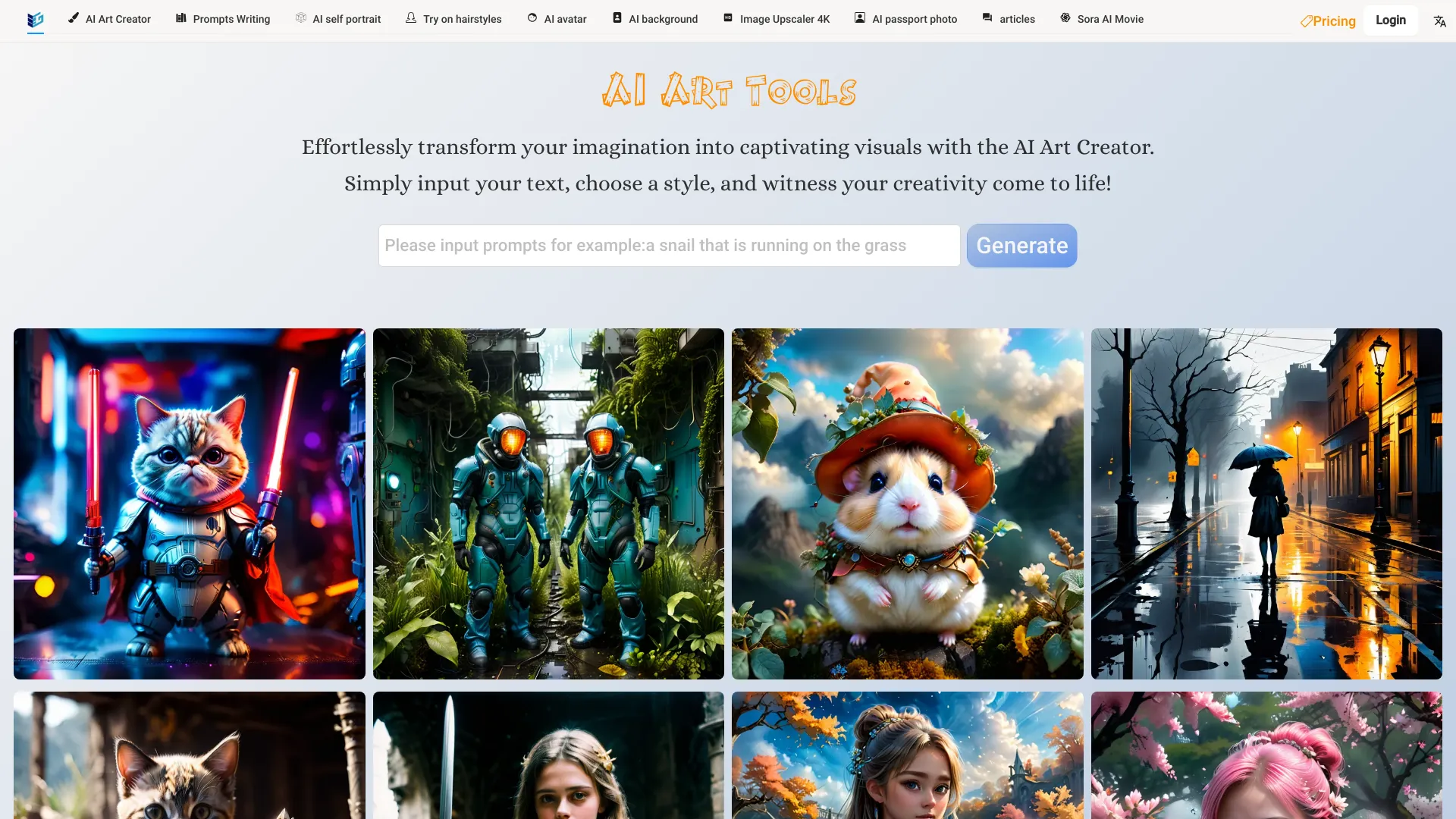
Free AI Art Platforms
Free AI art generation

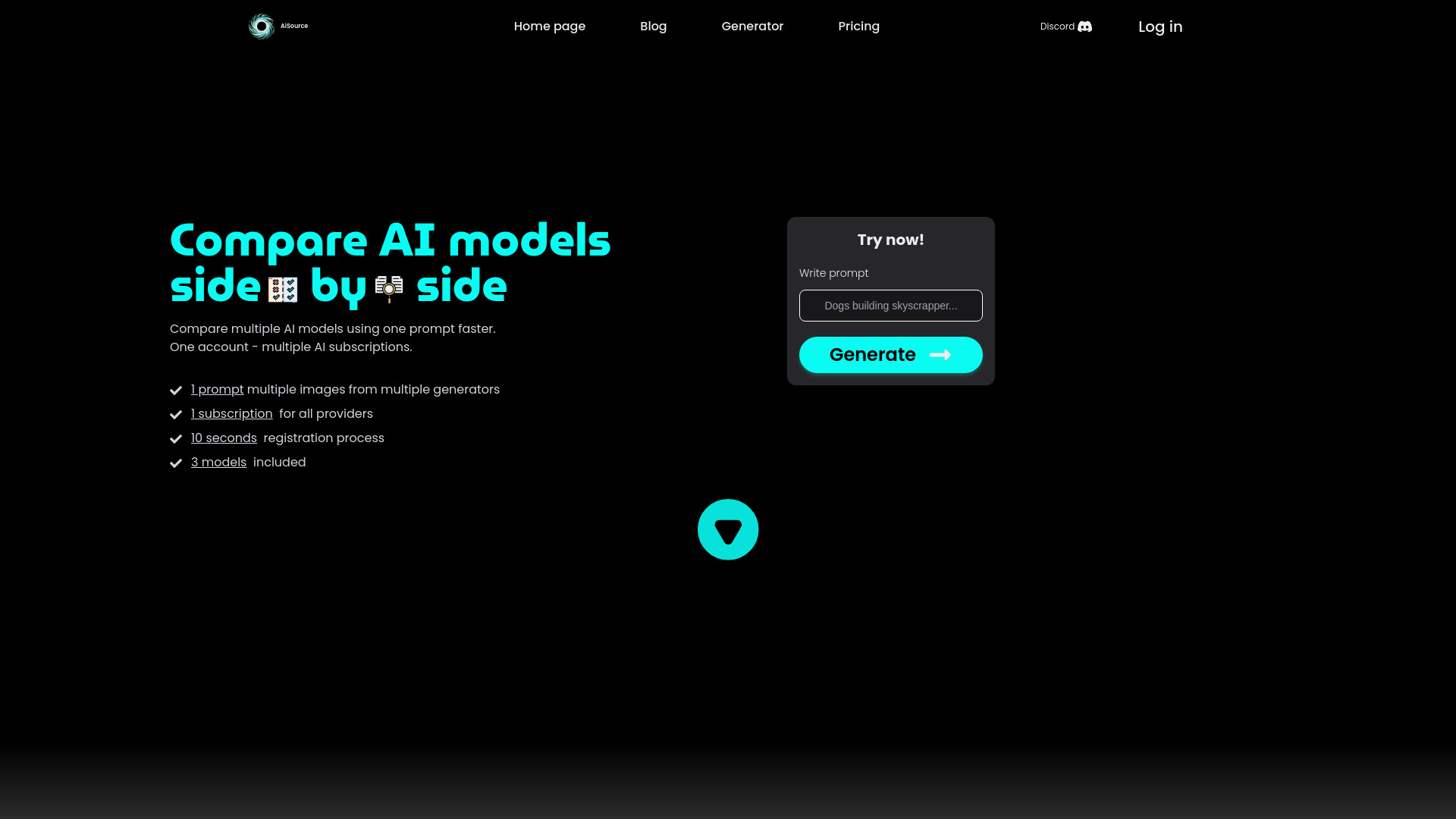
AiSource
Comparing multiple AI image generators

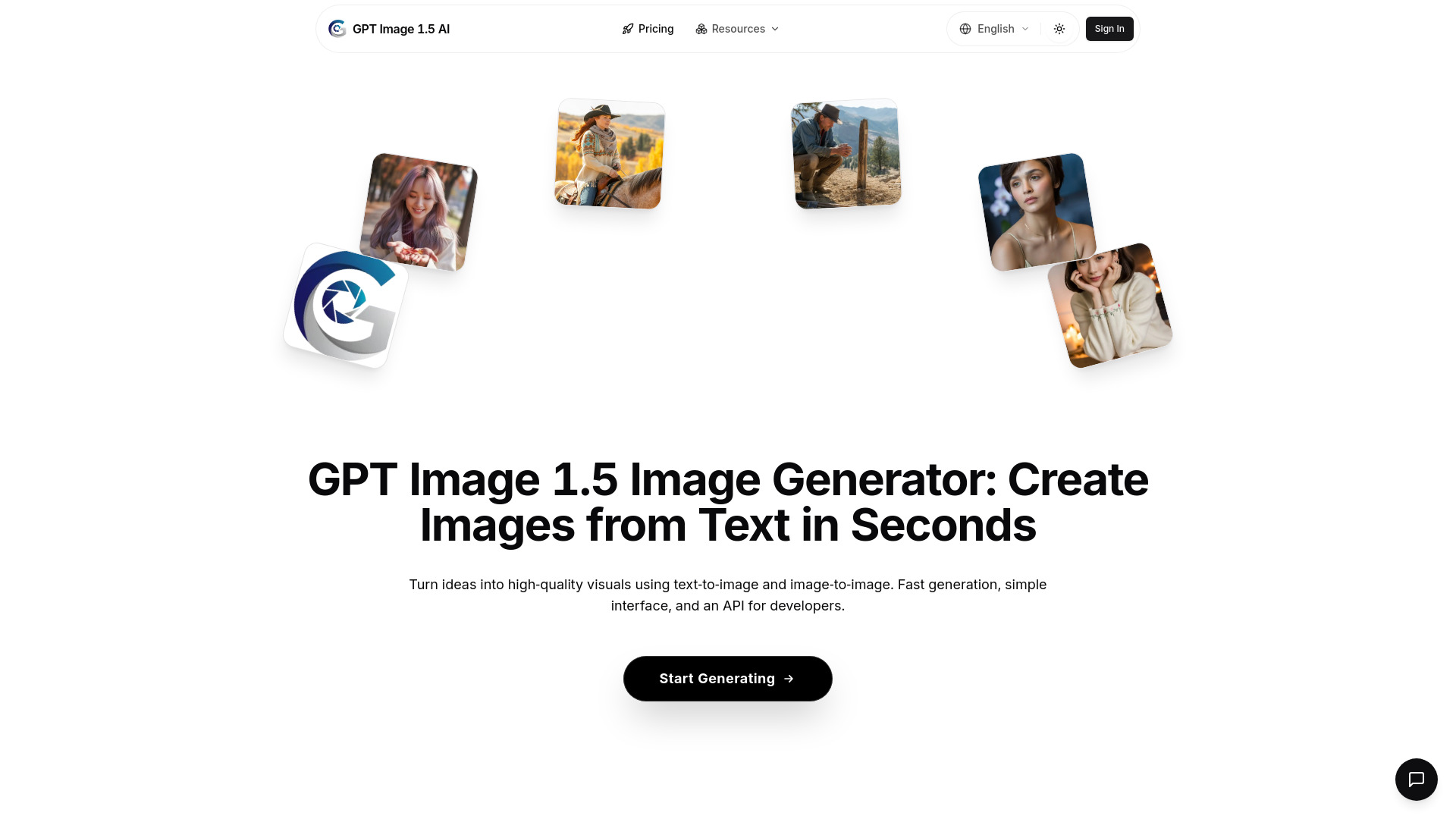
GPT Image 1.5 AI
Fast text-to-image creation
AI Photo Robot
Personalized AI photo creation
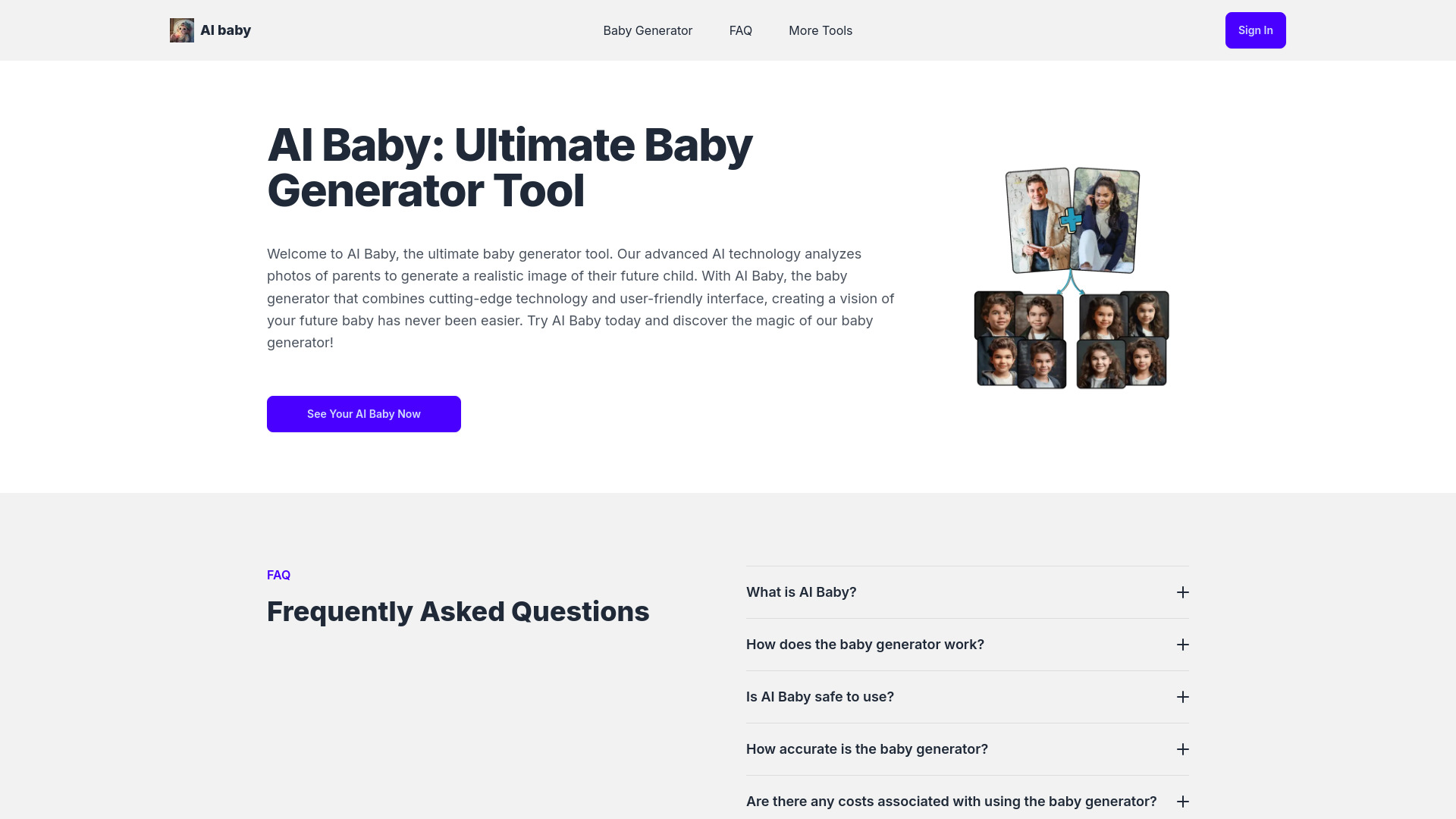
AI Baby
Future baby visualization
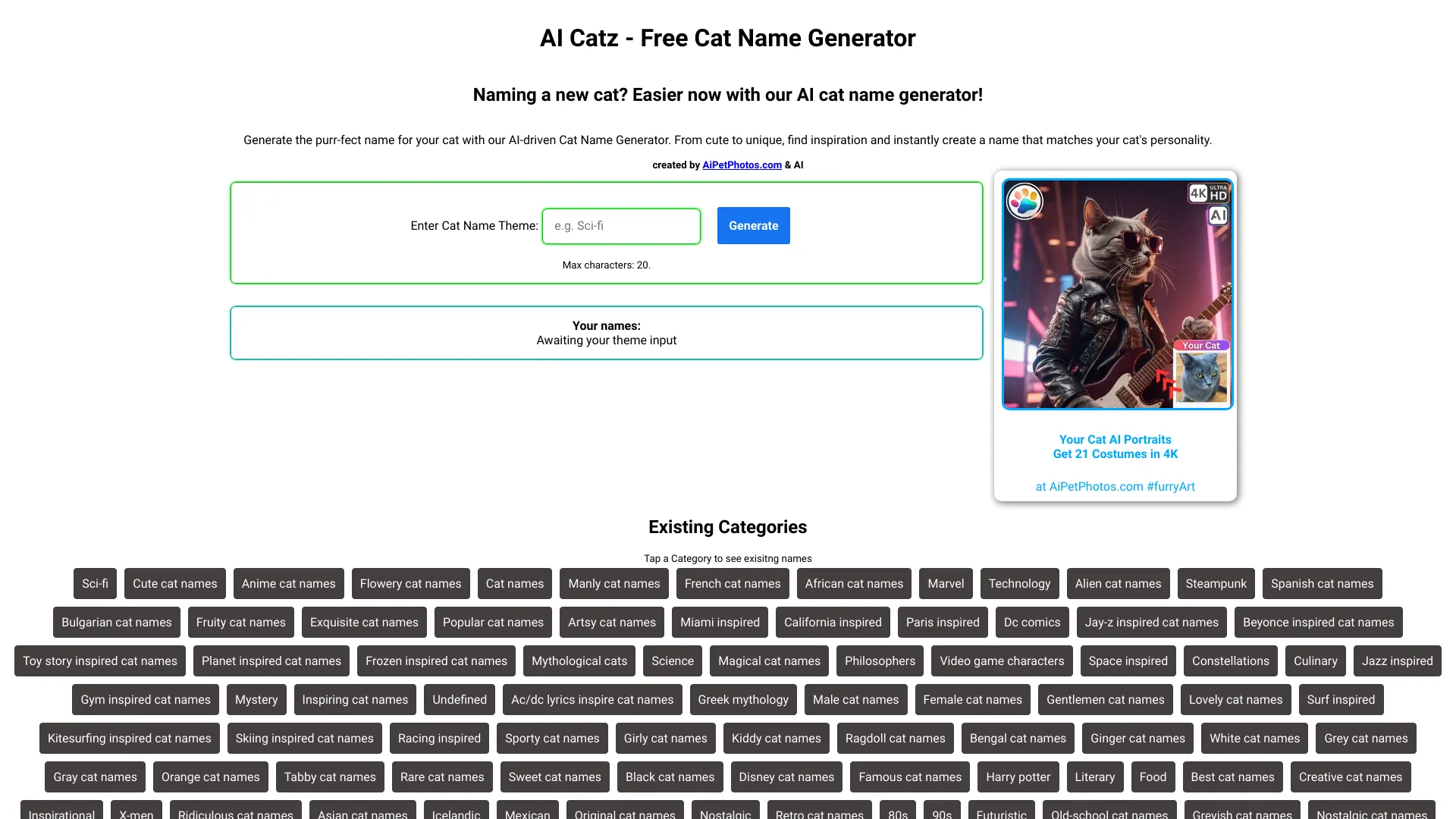
AI Pet Photos Generator
4K AI cat portraits

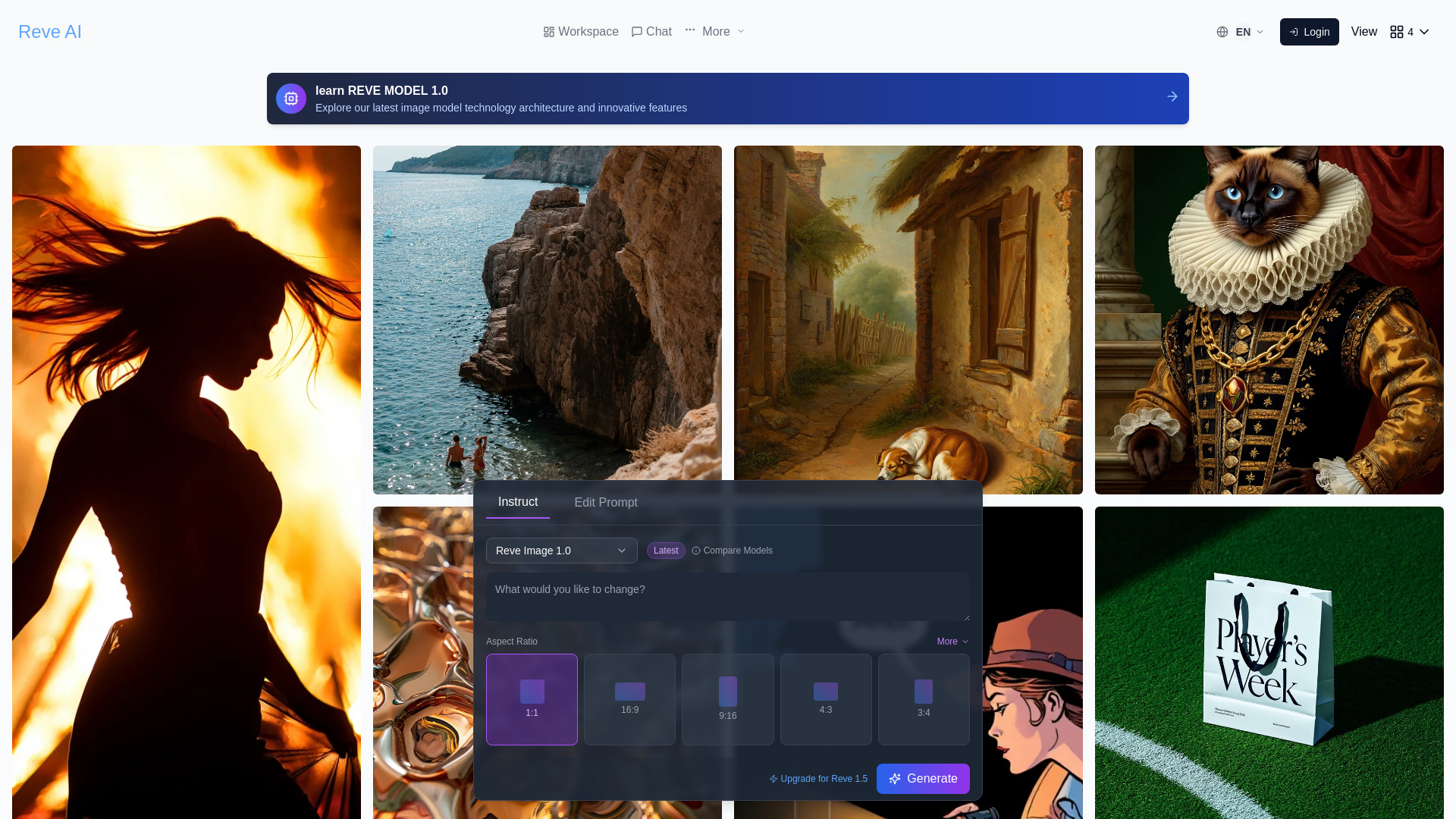
Reve AI
Typography-focused image creation
Flux AI
Open-source image generation
AI Anime Generator
Anime artwork and character concepts

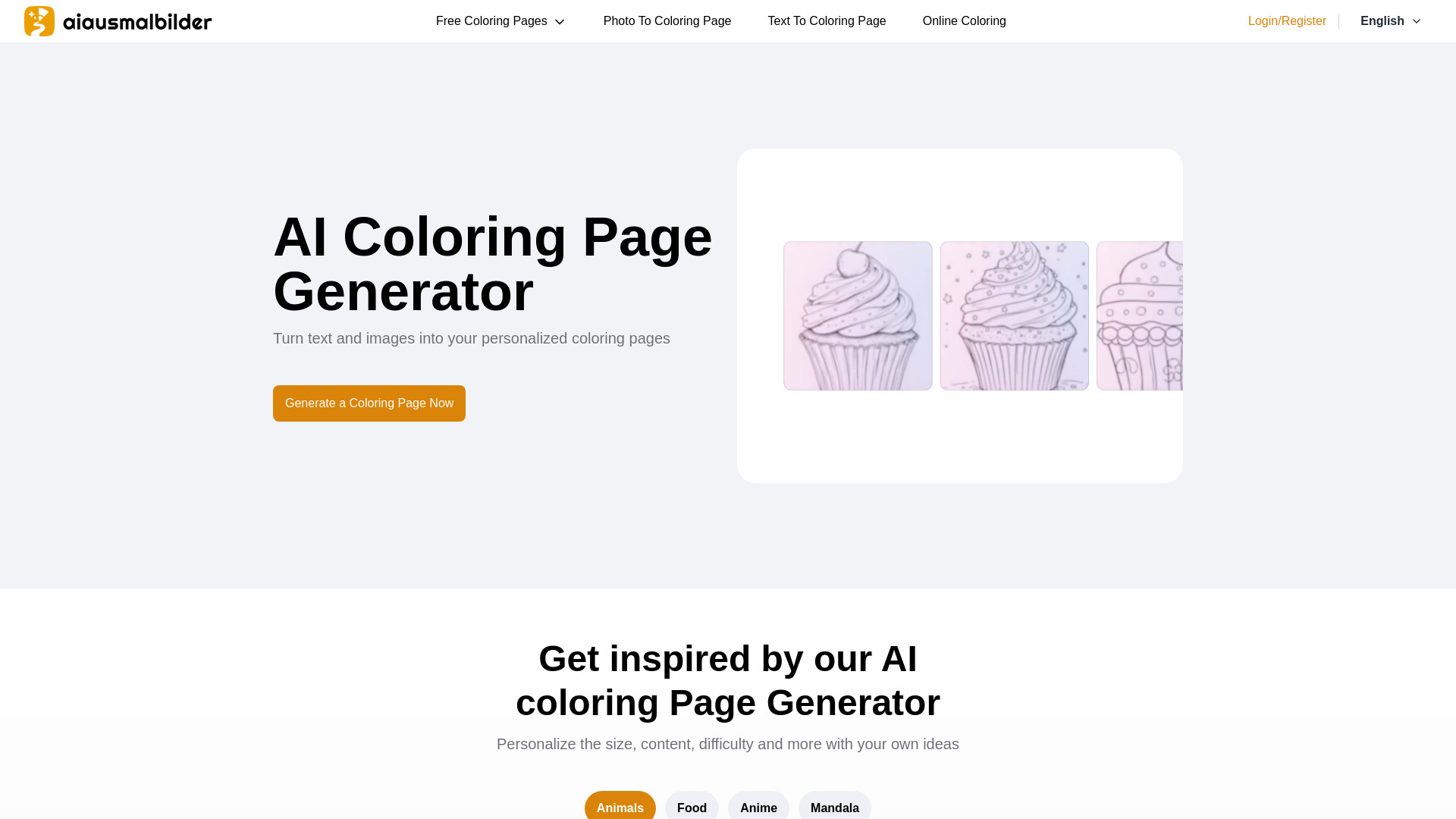
aiausmalbilder
Printable AI coloring pages
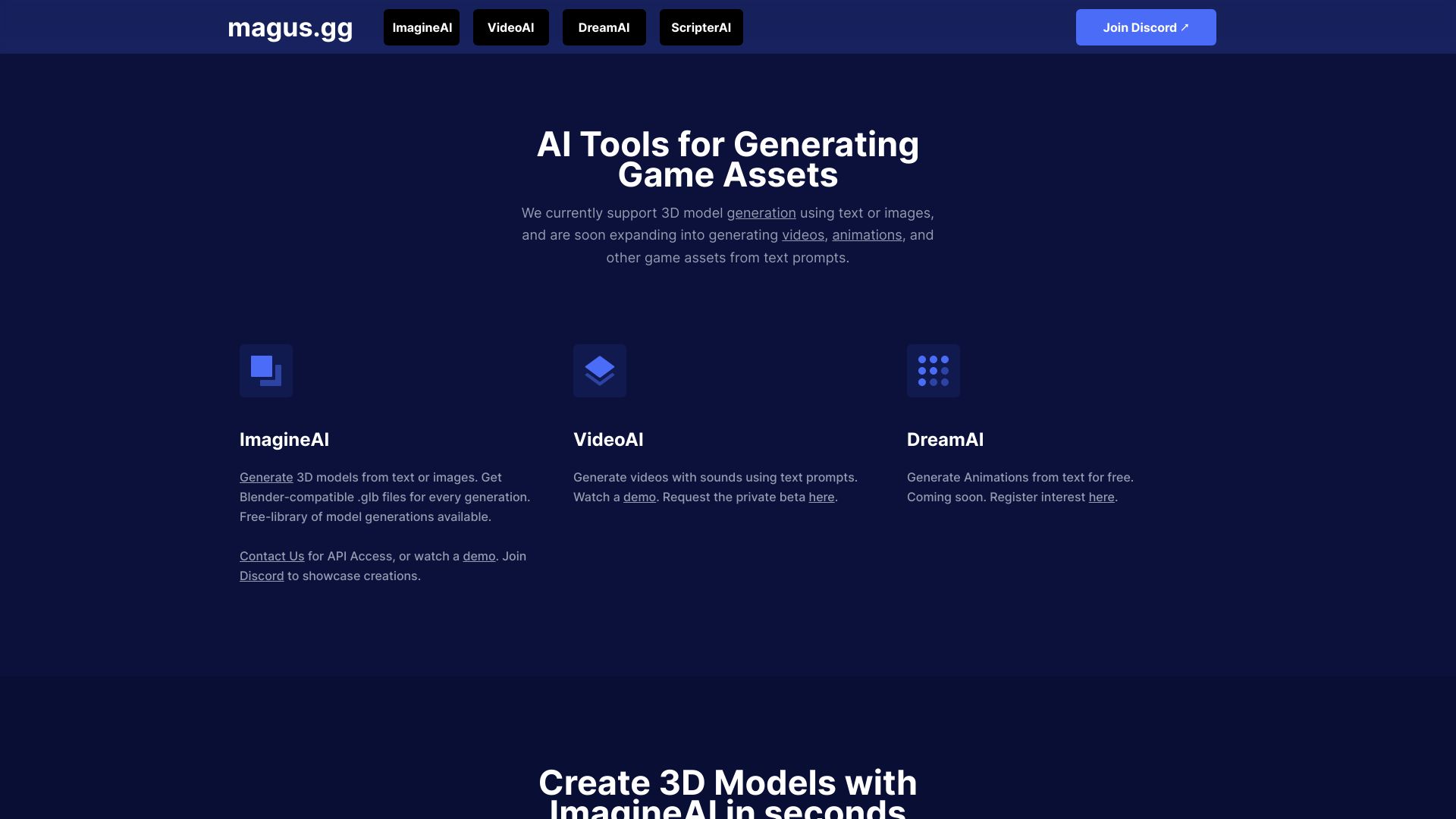
magus.gg
Fast 3D game asset generation

AI Filter
Photo style transformations
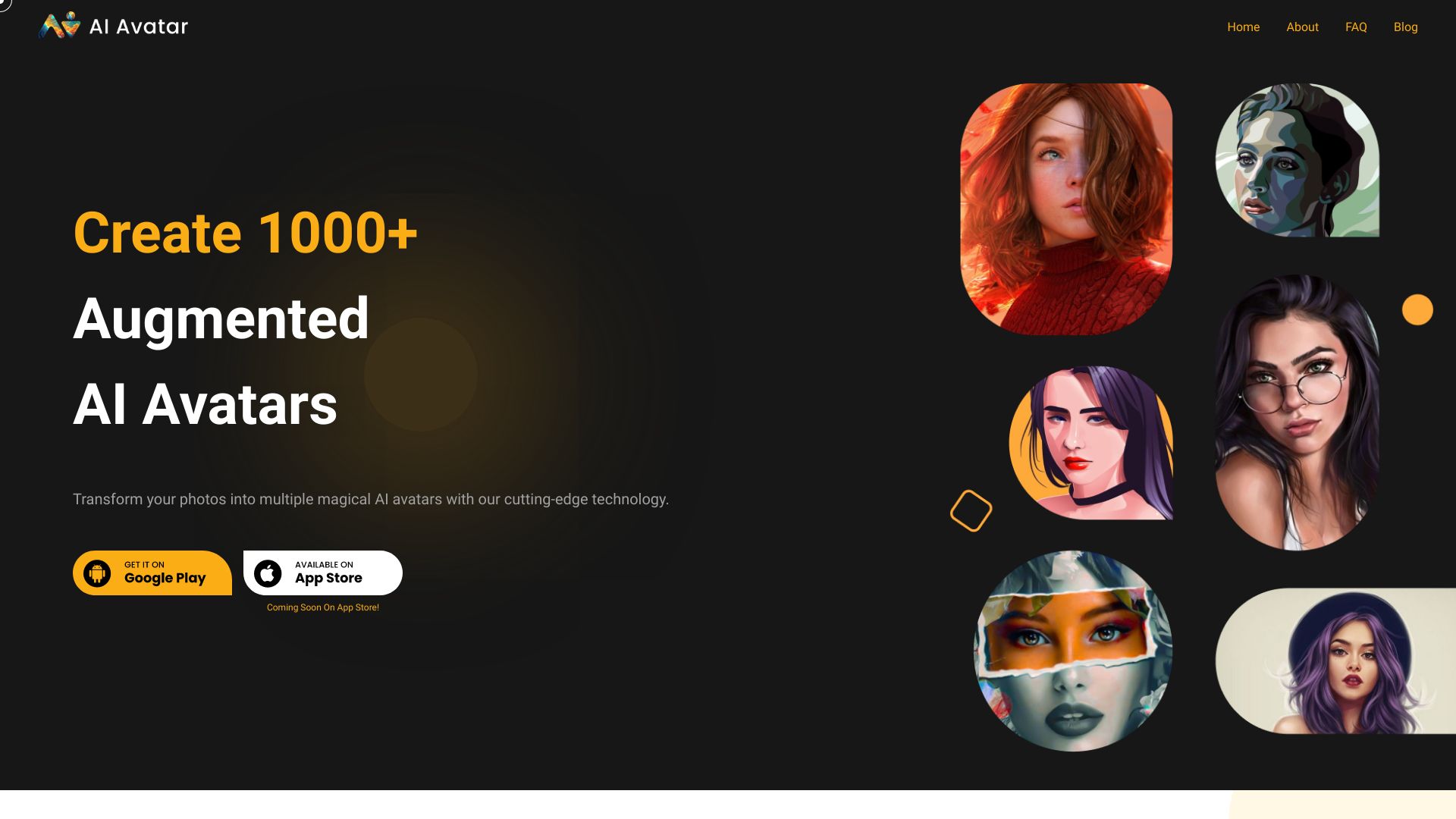
AI Avatar
Creating stylized AI avatars from selfies

aiphoto.studio
Professional AI headshots
Which AI image generator should you choose?
The right choice depends on the input you have, the style you need, and how much iteration your workflow requires. Use this decision guide rather than choosing by score alone.
For the best all-around starting point: Choose Imagine.art. It combines text-to-image creation with image remixing and has the highest score in this shortlist.
For consistent illustration sets: Choose AI Illustration Generator. Its defining advantage is maintaining a coherent visual style across illustrations.
For unlimited free experimentation: Choose Raphael AI. It offers unlimited free generations and does not require registration.
For a large style playground: Choose a1.art. Millions of photo filters make discovery part of the workflow.
For text and photo inputs: Choose Artguru AI. It handles text-to-image, image-to-image, avatars, and portraits.
For blog visuals without sign-up: Choose ImageGeneratorAI.io. It offers free generation, text-to-image, and Flux and SDXL model access.
For transforming an existing image: Choose Image To Image AI. Its strongest feature is preserving original structure and composition.
For anime-focused work: Choose AI Anime Generator. The Text to Anime and Photo to Anime workflow is more targeted than a general tool.
For an artist-support ecosystem: Choose AI Gallery. It pairs free generation with a donation platform for artists.
For mixed media content: Choose AIAI.com. It adds video, audio, and text generation to image creation.
One important distinction cuts across all 10 picks: free access does not mean the same thing everywhere. Raphael AI is unlimited, AI Anime Generator is quota-based, Artguru AI offers one free generation, and AI Illustration Generator places watermarks on free images. Compare the actual constraint, not just the presence of a free button.
My practical recommendation
Start with Imagine.art if you are unsure what kind of workflow you need. It offers the most balanced combination of text-to-image generation and image remixing, so you can learn whether you prefer creating from words or refining a source image without switching immediately.
Then run the same small test brief through two specialists. For a consistent illustration set, compare AI Illustration Generator. For an existing photo or composition, compare Image To Image AI. If cost is the main concern, test Raphael AI first because unlimited free generation changes the economics of experimentation. Keep the test narrow: use one subject, one style, and one revision request so you can compare the workflow rather than being distracted by novelty.
For content creators, AIAI.com is worth considering when video, audio, and text belong in the same project. For a highly specific anime brief, go directly to AI Anime Generator. The best ai generators are not interchangeable; the best result usually comes from matching the tool to the job before judging image quality.
Common mistakes when choosing AI image generators
Choosing a generalist for a specialist brief: Anime work, consistent illustrations, and image-preserving transformations each have more suitable options.
Ignoring free-tier restrictions: Check for watermarks, daily or monthly quotas, sign-in limits, short history windows, and model restrictions.
Treating a free image as a saved asset: ImageGeneratorAI.io preserves history for only 24 hours, so save important results promptly.
Comparing only the score: Most featured tools score between 95 and 96. Audience fit and workflow friction will decide more than one point.
Skipping the input-type check: A text-to-image tool is not the same as an image-to-image tool. Start with the material you actually have.
Assuming a broad suite is a deeper image tool: AIAI.com adds video, audio, and text, but its free plan does not include advanced AI models.
Buying before checking live pricing: Several tools require vendor pricing verification, and plans can change.
What changed in 2026
This 2026 comparison puts more emphasis on workflow fit than on a single idea of image quality. The strongest options now separate themselves through access and control: unlimited generation, image remixing, consistent art styles, photo inputs, model disclosure, and multi-format creation all matter when you use a tool beyond a one-off demo.
Free access is also more varied than the label suggests. Some tools remove registration friction, some impose daily or monthly quotas, and some limit features or add watermarks. As a result, the best ai image creators for casual exploration may not be the best choice for repeatable client work. Before committing, test the exact prompt, input type, and export need that your workflow depends on.
FAQ
Imagine.art is the strongest overall match in this comparison. It combines Text to Image with Image Remix, supports free AI art generation, and ranks first with a 96/100 score.