
Choosing the best ai video editor depends less on the word AI and more on the job you need finished. A marketing team may want templates and stock media, while a teacher may need avatars and multilingual voices; a creator repurposing podcasts needs accurate cuts, and someone restoring old footage needs upscaling. We compared 100 tools in 2026 and selected 10 notable options across those workflows, with clear trade-offs around exports, watermarks, free access, and pricing.
Top picks
| Pick | Tool | Best for | Why it stands out |
|---|---|---|---|
| 1 | InVideo | Marketing teams | 5,000+ templates plus an AI-powered text-to-video editor |
| 2 | Movavi | Beginner editors | A straightforward video editor with photo editing and media conversion |
| 3 | Vmake AI | Content creators | Video quality enhancement and watermark removal in one social-video studio |
| 4 | Wondershare Filmora | Business professionals | AI editing, Smart Short Clips, and a familiar interface |
Quick comparison
| Rank | Tool | Score | Best for | Free access | Starting price |
|---|---|---|---|---|---|
| #1 | InVideo | 96/100 | Marketing teams | 10 mins/wk of AI generation | Free: $0 |
| #2 | Movavi | 95/100 | Beginner video editors | 7-day free trial | Video Suite: NT$690 |
| #3 | Vmake AI | 95/100 | Content creators | No signup needed | Free: 0 |
| #4 | Wondershare Filmora | 95/100 | Business professionals | 100 AI credits | Basic: US$49.99/yr |
| #5 | AI STUDIOS | 95/100 | Educators | 3 video exports/month | Free: $0 /Mo |
| #6 | Animaker | 95/100 | L&D teams | 3 video downloads/month | Basic: $15 /Mo |
| #7 | Wondershare Filmora | 95/100 | YouTubers | 7-day free trial | Monthly Plan: EUR49.99/month |
| #8 | AI Video Cut | 95/100 | Content creators | 50 minutes one-time | Free: $0 |
| #9 | Any Video Converter AI Video Enhancer | 95/100 | Content creators | Watermarked free enhancement | Free Trial: $0/month |
| #10 | Clipfly | 95/100 | Beginners | Free access available | Check vendor pricing |
How we ranked these AI video editors
We ranked the 100 candidates on practical usefulness rather than feature-count theater. First, we looked for a clear editing or video-production workflow: text-to-video, conventional editing, short-clip creation, enhancement, avatars, or animation. We then weighed the specificity of the feature set, ease of entry, free access, pricing clarity, and audience fit. Market usage signals helped separate tools with broad adoption from narrowly focused utilities, while limitations such as watermarks, restricted exports, and commercial-use caveats affected the final order. The result is a mixed list on purpose: the best AI for video editing is not always the same tool as the best video AI editor for a social creator or educator.
The best AI video editors
1. InVideo

InVideo
Best AI video editor for marketing teams
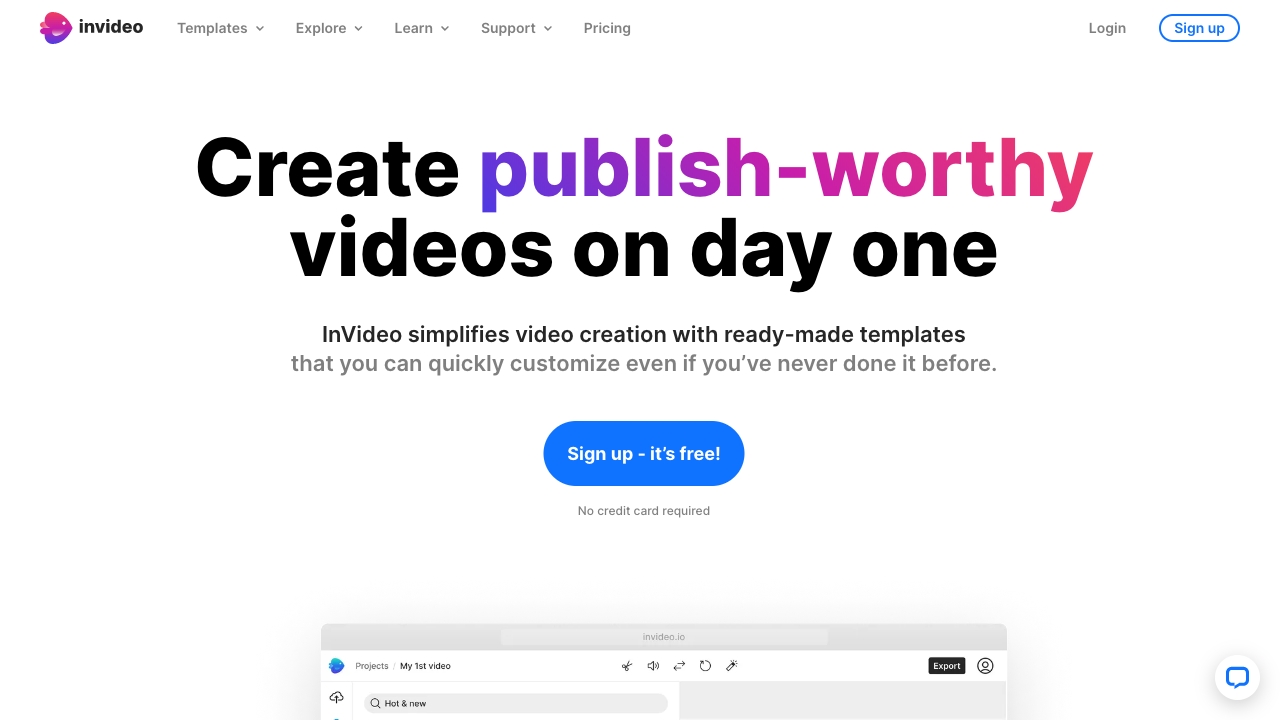
A library of more than 5,000 professionally created templates gives InVideo an unusually practical starting point. Rather than opening a blank timeline for every campaign, a marketing team can begin with a designed format and use the AI-powered text-to-video editor to turn a brief into a first cut. That combination makes it the strongest all-around match in this comparison.
The appeal is workflow speed. Templates handle the initial visual direction, while AI video creation handles the jump from words to a draft. It is particularly well aligned with teams producing recurring promotional content, where consistency and throughput matter as much as granular editing control.
My take: InVideo is the easiest recommendation when the goal is to produce polished marketing videos repeatedly, not master every detail of a professional timeline.
Where it falls short: The free plan may limit some features, so frequent production teams should confirm what is included before building a workflow around the no-cost tier.
Key features
5,000+ professionally created templates.
AI-powered text-to-video editing.
Online video editing with AI tools and stock media.
Pros
Easy-to-use interface.
Large template library reduces the blank-canvas problem.
Strong fit for repeatable marketing production.
Cons
Some features may be limited in the free plan.
Choose InVideo if: You need a fast, template-led way for a marketing team to turn briefs into online videos.
2. Movavi

Movavi
Best AI video editor for beginners
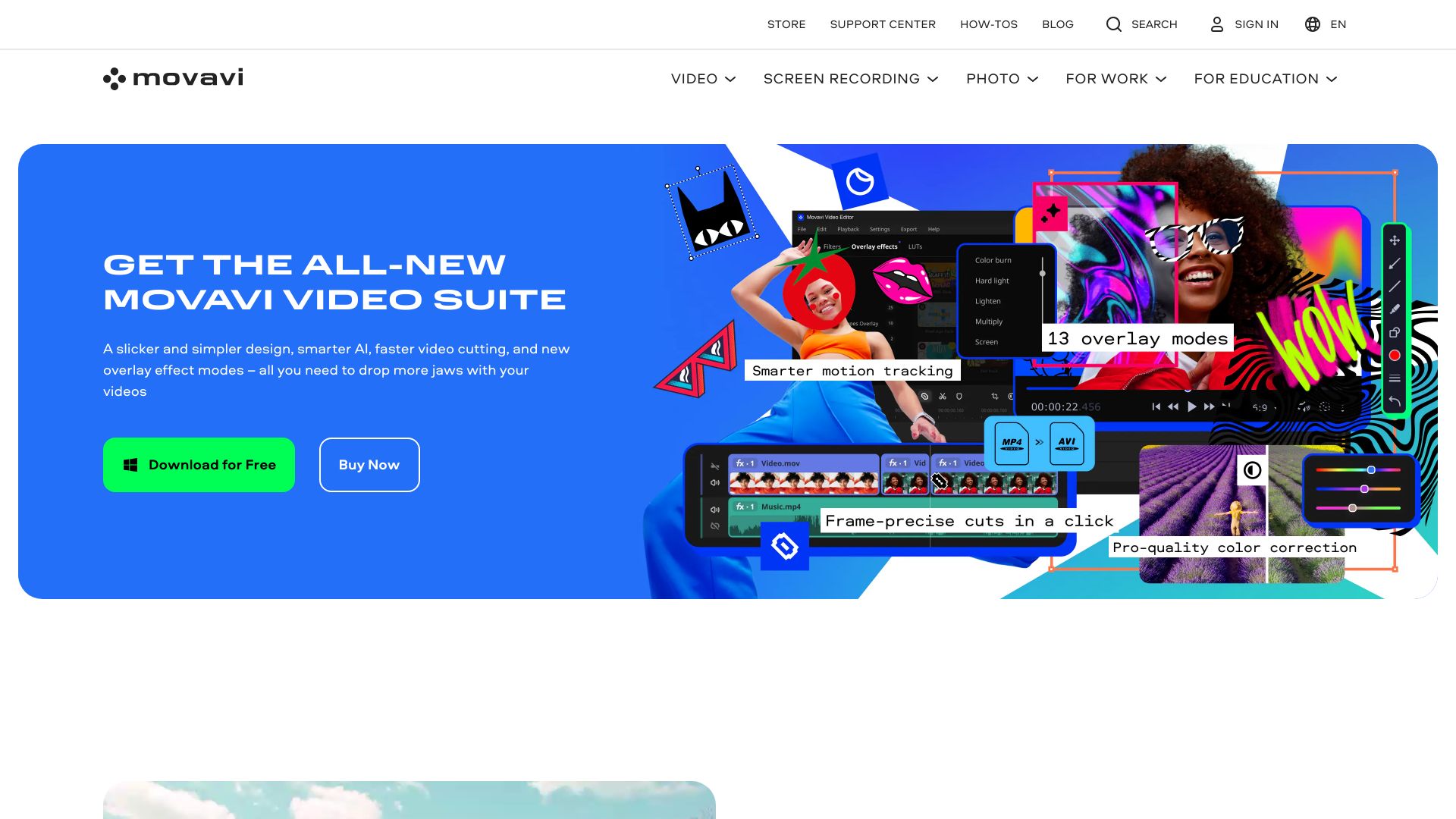
Movavi takes a broader desktop-creator approach than many AI-first tools. Video editing sits alongside photo editing, media conversion, and screen recording, which is useful for beginners who do not want to assemble a collection of separate utilities. Its main strength is not a single flashy generation feature; it is the approachable shape of the overall toolkit.
That breadth makes Movavi a sensible choice for a small business, student, or home creator who needs to edit footage and prepare supporting media in the same ecosystem. The interface is explicitly positioned as beginner-friendly, so it is easier to recommend for a first editing project than a more technical suite.
My take: Movavi is the calmest on-ramp here. It favors familiar editing work over an intimidating wall of AI controls.
Where it falls short: Free versions carry limitations such as watermarks and restricted features, and the listed starting price is in NT$, so check the vendor page for the offer that applies to your region.
Key features
Video editing.
Photo editing.
Media conversion.
Screen recording.
Pros
Easy-to-use interface suitable for beginners.
Combines video and photo work in one product family.
Cons
Free versions have limitations, including watermarks and limited features.
Regional pricing may require a closer look before purchase.
Choose Movavi if: You are new to editing and want video, photo, conversion, and screen-recording tools without a steep learning curve.
3. Vmake AI

Vmake AI
Best video AI editor for content creators
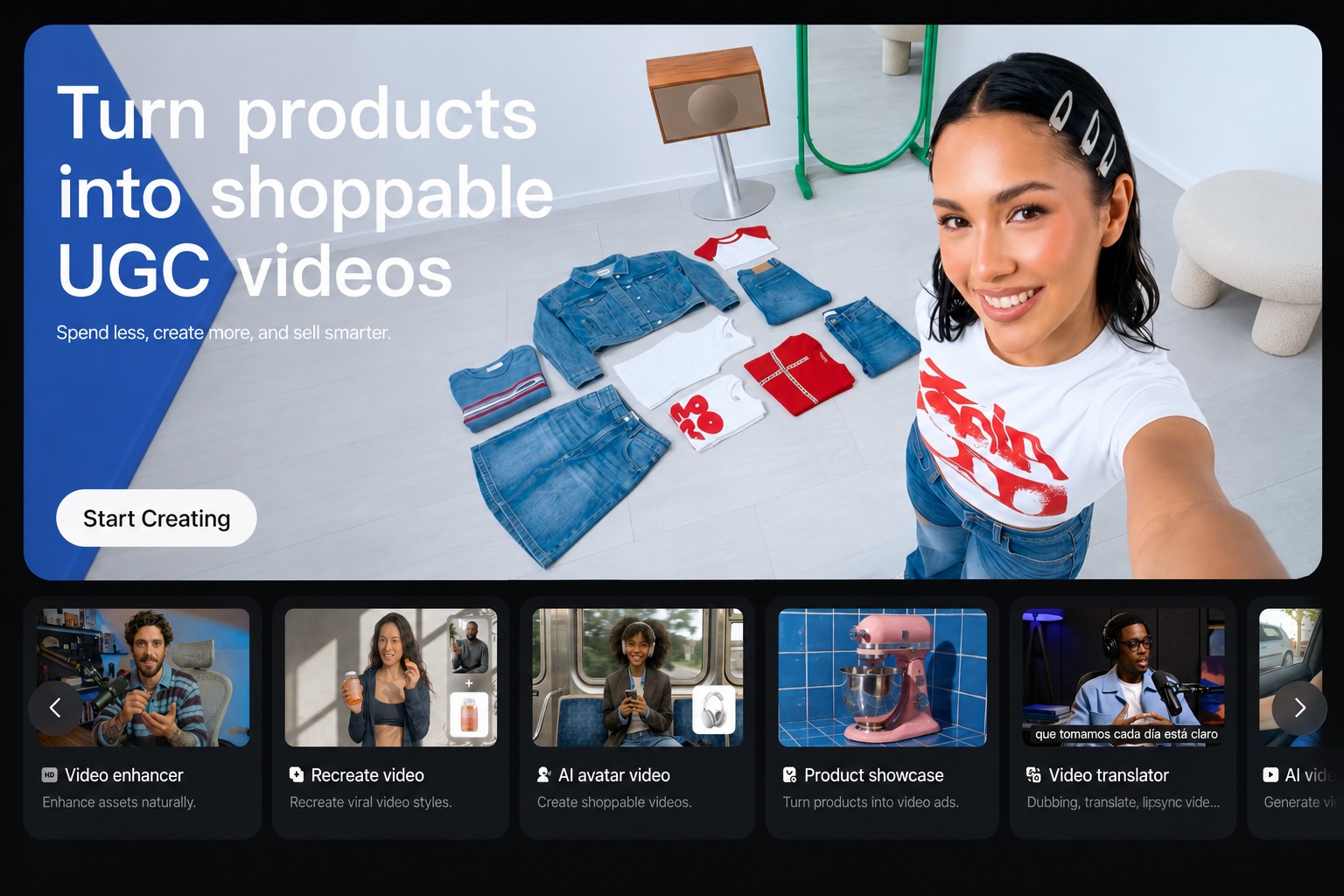
Vmake AI is built around the messy middle of content production: footage exists, but it needs to look better, move faster, or lose distracting marks before it is ready for a social channel. Its Video Quality Enhancer and Watermark Remover make it more of a focused visual studio than a traditional timeline editor.
The positioning also includes an all-in-one talking-head video solution and AI video enhancement and transformation tools. That gives creators a direct path from raw talking-head material to a more presentable social asset. No-signup access lowers the barrier to testing the workflow before committing time to an account.
My take: Vmake AI is a strong adjacent alternative when enhancement and cleanup matter more than building a complex multi-track production.
Where it falls short: Pricing is not readily available, so teams should treat the free entry point as a test rather than assume it covers ongoing production needs.
Key features
Video Quality Enhancer.
Watermark Remover.
All-in-one talking-head video solution.
AI video enhancement and transformation tools.
Pros
All-in-one video editing solution.
No-signup access makes evaluation quick.
Clear fit for social-video creation and enhancement.
Cons
Pricing information is not readily available.
Choose Vmake AI if: You create social or talking-head videos and need enhancement and cleanup tools in one accessible workspace.
4. Wondershare Filmora

Wondershare Filmora
Best AI video editor for business professionals
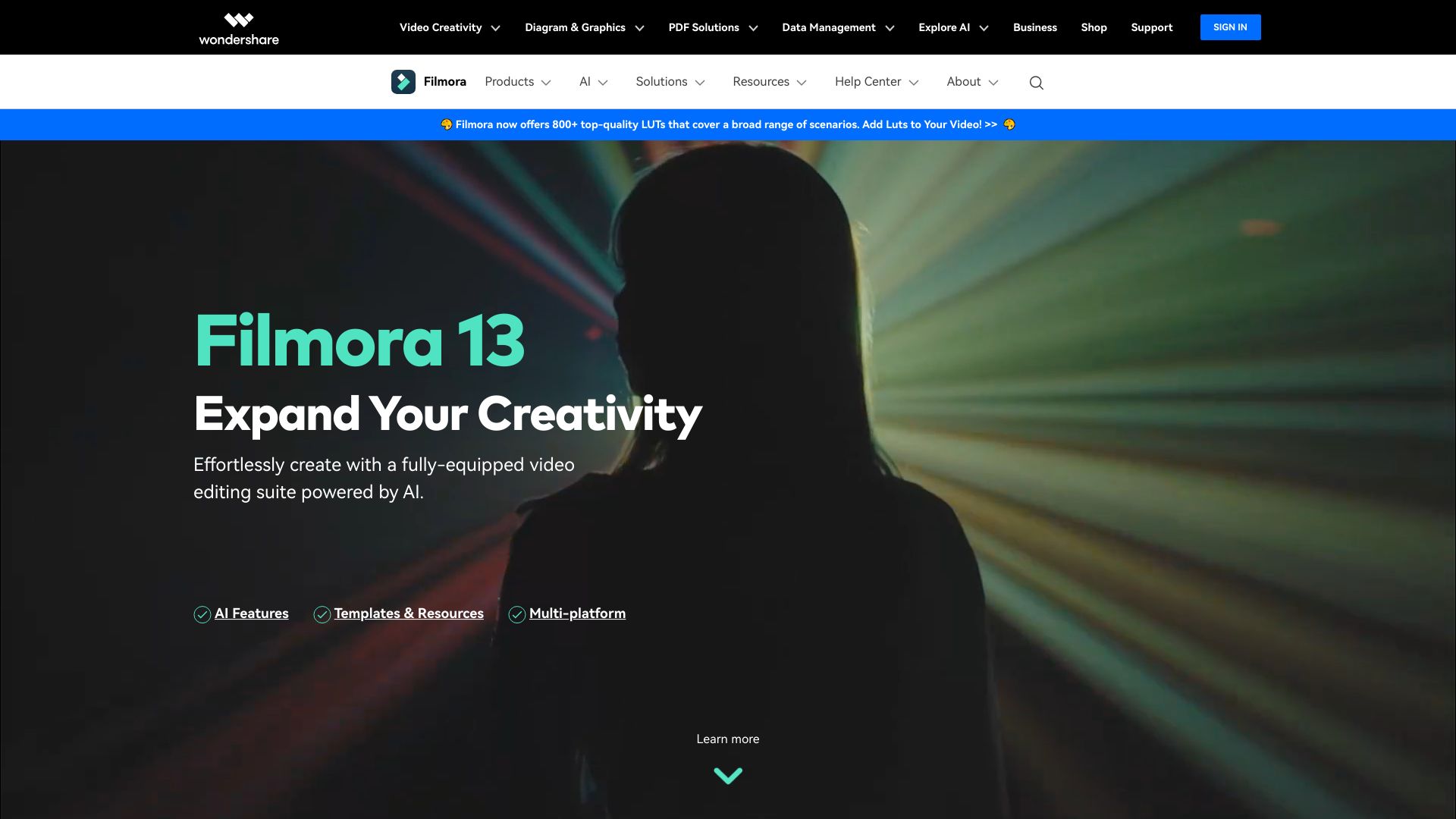
Filmora earns its place by combining conventional editing with AI-powered tools instead of asking users to choose between the two. Smart Short Clips generation is particularly useful when one longer recording needs to become several shorter pieces, while AI Video Enhancer and AI Text to Video cover different points in the production process.
The interface is described as intuitive for beginners, but the business-professional positioning gives it a wider use case: presentations, internal content, social clips, and edited footage can all start in the same application. The 100 AI credits provide a concrete way to begin testing the AI layer.
My take: Filmora is one of the safest choices for someone who wants AI assistance without abandoning hands-on editing.
Where it falls short: Some AI-generated resources are for non-commercial use only. That restriction matters for business teams, so review asset licensing before publishing client or revenue-generating work.
Key features
AI-powered video editing.
Smart Short Clips generation.
AI Video Enhancer.
AI Text to Video.
Pros
Intuitive interface suitable for beginners.
Balances AI tools with broader editing capabilities.
100 AI credits make the entry offer easy to understand.
Cons
Some AI-generated resources may be for non-commercial use only.
Choose Wondershare Filmora if: You want an approachable editor that adds AI generation, enhancement, and short-clip workflows to conventional editing.
5. AI STUDIOS

AI STUDIOS
Best AI video editor for educators
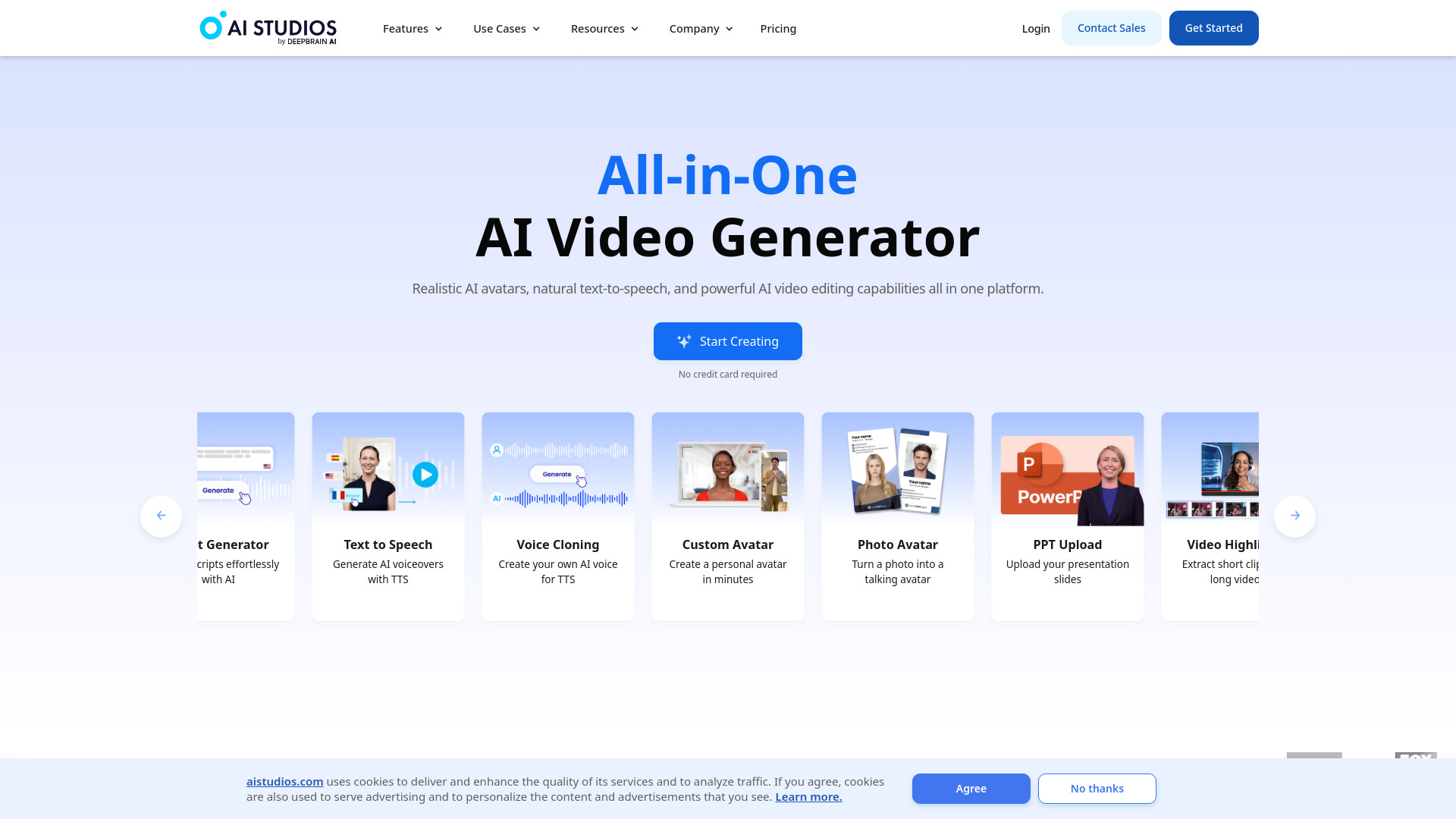
For instructional content, the presenter is often the bottleneck. AI STUDIOS addresses that constraint with more than 150 realistic digital avatars and AI voices in more than 80 languages. Its workflow is closer to producing a narrated lesson or explainer from a script than editing a camera-heavy project frame by frame.
That makes the product especially interesting for educators and teams that need consistent presenters across a series. Text-to-video generation, realistic avatars, and multilingual voices create a coherent set of tools for turning written material into a video lesson. The platform also positions itself as an all-in-one creation and editing environment.
My take: If your video starts as a script and needs a presenter, AI STUDIOS is more relevant than a general-purpose editor.
Where it falls short: The free plan allows only three video exports per month and has other feature limits, so regular course production will likely need a paid plan.
Key features
More than 150 realistic digital avatars.
AI voices in more than 80 languages.
AI video generation from text.
All-in-one video creation and editing.
Pros
All-in-one platform for video creation and editing.
Large avatar selection supports repeatable presenter-led content.
Broad language support is useful for multilingual instruction.
Cons
Free plan has limited video exports and features.
Choose AI STUDIOS if: You are an educator who wants to turn scripts into narrated, avatar-led lessons with multilingual voice options.
6. Animaker

Animaker
Best AI video editor for L&D teams
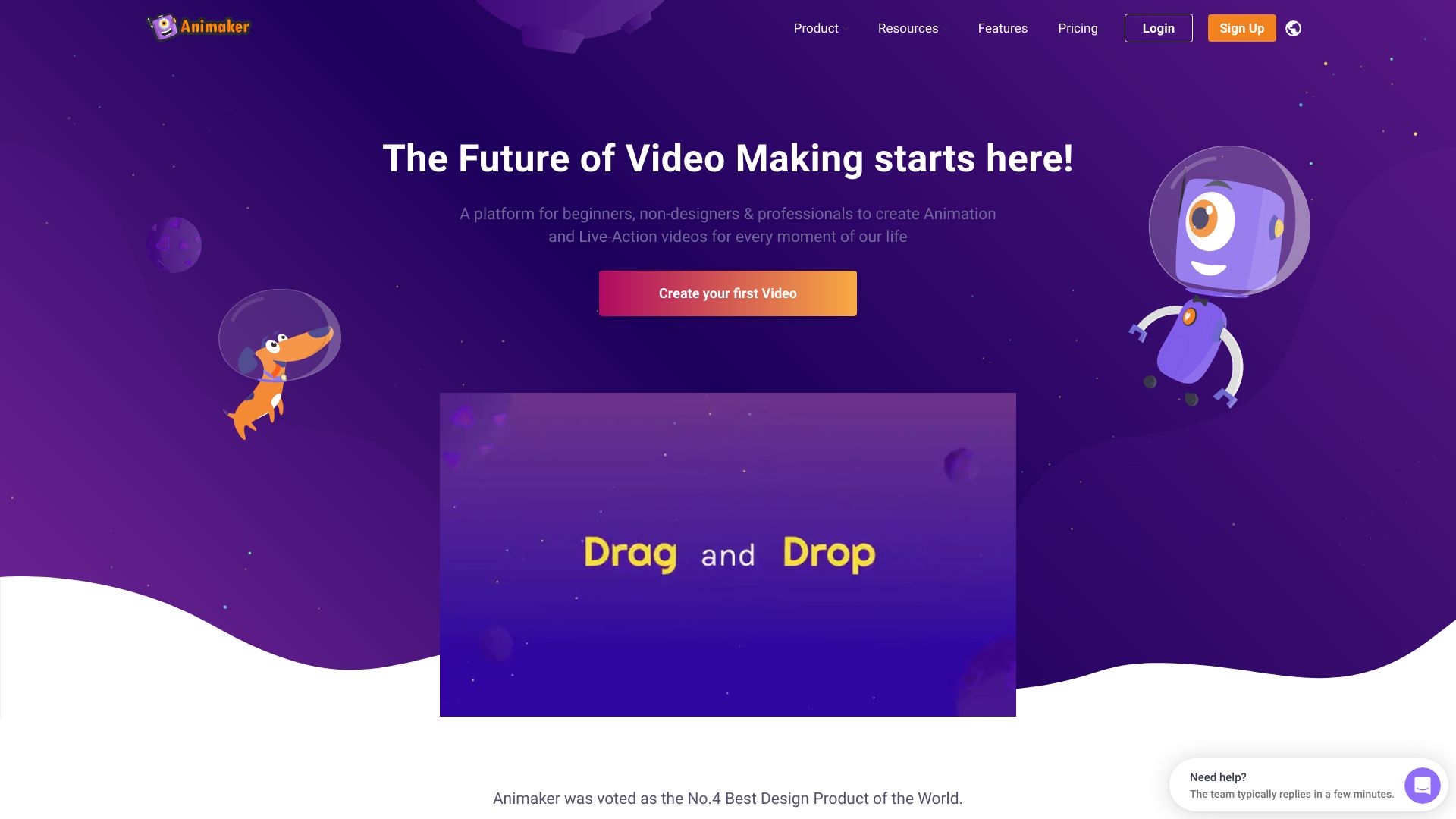
Animaker takes the training-video brief in a different direction: animated scenes and custom characters rather than realistic presenters. Its AI-powered video creation tools can help with the initial production, while the character builder gives learning and development teams a way to create a repeatable visual identity for explainers and internal lessons.
The product is positioned as easy to use for both beginners and professionals. That matters in L&D, where subject-matter experts may need to contribute without becoming animation specialists. Three free video downloads per month offer a concrete, if limited, way to test whether the character-led format suits your audience.
My take: Animaker is the best fit in this group when a training concept benefits from illustration, character, and visual storytelling.
Where it falls short: The free plan has limited features, so test a complete sample lesson rather than judging the platform only on its first draft.
Key features
AI-powered video creation.
Custom character builder.
Online AI animation and video making.
Pros
Easy to use for beginners and professionals.
Character builder supports recognizable training content.
Clear fit for animated explainers and learning materials.
Cons
Limited features in the free plan.
Choose Animaker if: Your L&D team needs approachable animated videos with custom characters rather than avatar-led or footage-heavy lessons.
7. Wondershare Filmora
Wondershare Filmora
Best AI video editor for YouTubers
This second Filmora listing points to the Spanish-language product site and is aimed at YouTubers. The core appeal remains familiar: AI-powered editing tools and smart short-clip generation, with advanced video editing and watermark-free export listed in its access details. For a channel that turns longer videos into a steady stream of clips, that is a useful combination.
The regional offer is materially different from the other Filmora entry, including a seven-day trial and a monthly price shown in euros. Treat it as a separate purchasing path rather than assuming the same plan terms apply everywhere. The interface is still presented as intuitive and suitable for multiple skill levels.
My take: YouTube creators should consider this listing when short clips are part of the publishing routine and a regional Filmora offer better matches their market.
Where it falls short: Some features may require a paid subscription, and the monthly price shown here is much less casual than the free trial suggests.
Key features
AI-powered editing tools.
Smart short-clip generation.
Advanced video editing.
Watermark-free export listed in the access offer.
Pros
Intuitive and easy-to-use interface.
Useful bridge between long-form editing and short-form publishing.
A seven-day trial provides an initial evaluation window.
Cons
Some features may require a paid subscription.
Regional pricing and plan terms should be checked before purchase.
Choose Wondershare Filmora if: You are a YouTuber who wants familiar editing plus AI-assisted short-clip creation and a regional subscription option.
8. AI Video Cut

AI Video Cut
Best AI video editor for content creators
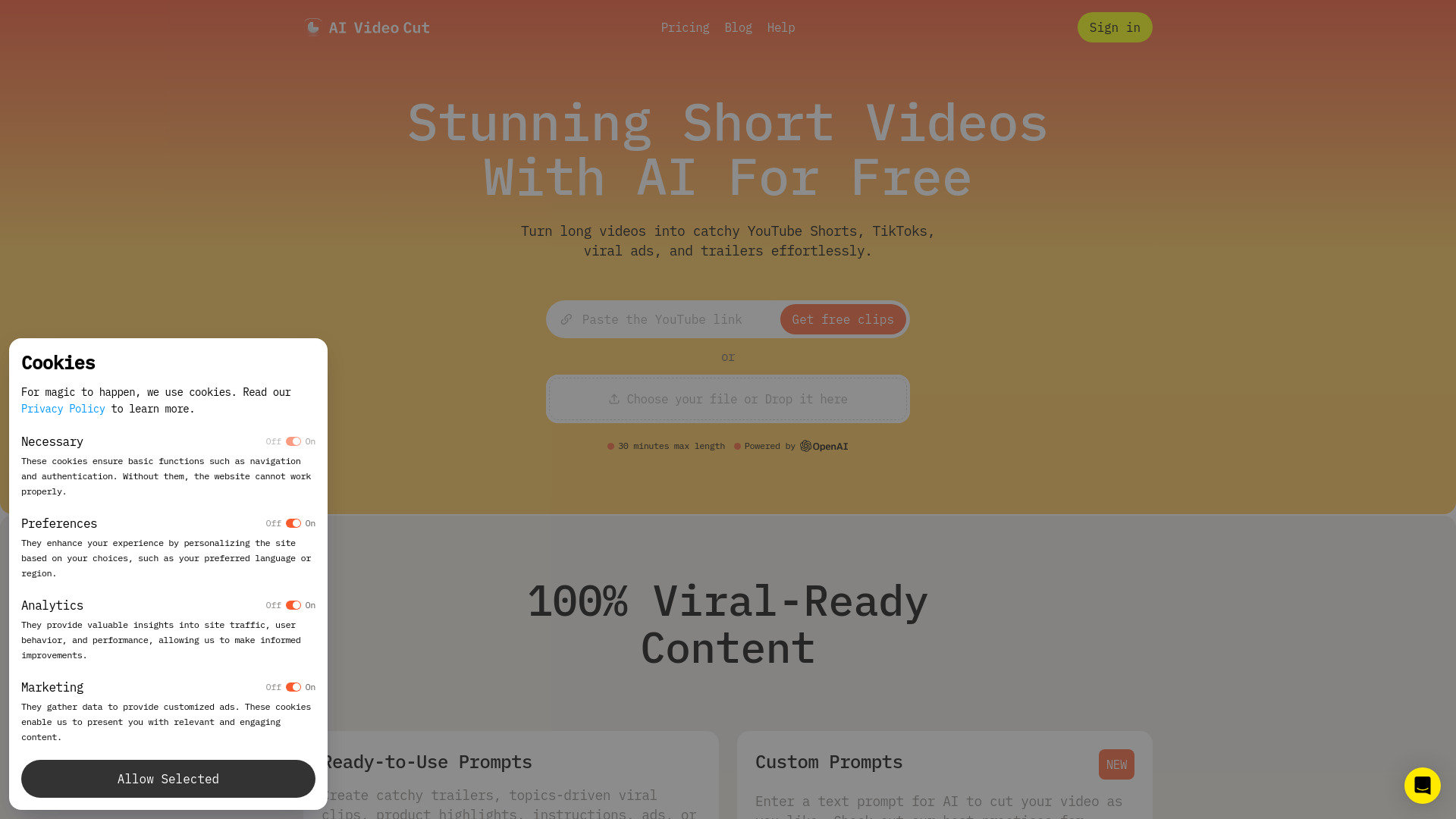
AI Video Cut has one job it communicates especially clearly: turn long videos into engaging short content. High-accuracy video cutting and speech recognition are the important details here, because repurposing a webinar, interview, or long recording depends on finding usable moments without manually reviewing every minute.
Ready-to-use prompts add a second layer of convenience for creators who know the destination but do not want to specify every edit from scratch. The one-time 50-minute allowance is enough to test the core workflow against a real source video, not just a toy clip.
My take: This is a focused tool, and that focus is its advantage. It is a better prospect for repurposing than for someone seeking a complete production suite.
Where it falls short: Branded videos and Telegram bot features are still coming soon, which limits some publishing and automation scenarios today.
Key features
AI Video Cut for transforming long videos into shorts.
Ready-to-use prompts.
High-accuracy video cutting.
Speech recognition.
Pros
Effortlessly creates short video content from longer material.
The 50-minute one-time allowance makes testing straightforward.
Built around a high-value social repurposing workflow.
Cons
Branded videos and Telegram bot features are coming soon.
It is more specialized than a full editing suite.
Choose AI Video Cut if: You regularly need to find and package short social clips from long videos.
9. Any Video Converter AI Video Enhancer

Any Video Converter AI Video Enhancer
Best AI video editor for footage enhancement
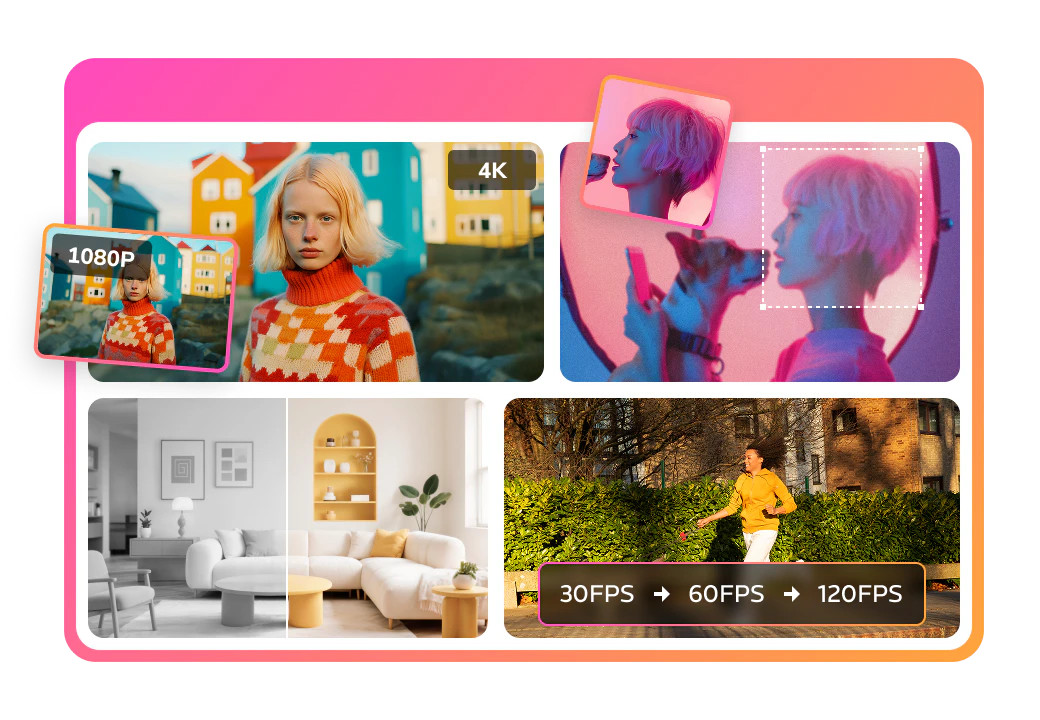
Not every editing problem is about cuts, captions, or generated scenes. Any Video Converter AI Video Enhancer is aimed at footage that needs to look cleaner and sharper. It can upscale video to 4K at up to 400% scale, with intelligent noise reduction and artifact removal for old movies, blurry footage, and low-resolution material.
The wider suite also combines AI tools with format conversion, standard video editing, and a built-in screen recorder. That makes it useful as a practical media utility, especially when enhancement is one step in a broader preparation workflow rather than the entire project.
My take: This is the specialist pick for improving weak source footage. It should not be confused with a full AI-first editor, but it solves a problem many editors cannot solve with templates alone.
Where it falls short: Enhanced videos output with a watermark in both the free and professional versions listed here. Confirm the current export terms before using it for client work.
Key features
AI video upscaling up to 4K and 400% scale.
Intelligent noise reduction.
Artifact removal.
Format conversion, standard editing, and screen recording.
Pros
All-in-one suite combining AI tools, conversion, and standard editing.
Strong fit for old, blurry, or low-resolution footage.
One-click preview helps evaluate enhancement before committing.
Cons
Free and professional versions output enhanced videos with a watermark.
Enhancement is the center of gravity, not a complete creative editing workflow.
Choose Any Video Converter AI Video Enhancer if: Your priority is cleaning up and enlarging existing footage rather than generating a video from a script.
10. Clipfly

Clipfly
Best AI video editor for beginners
Clipfly is the straightforward browser-based option in this group. It presents itself as a free, online, all-in-one AI video editor, combining basic creation and editing with an AI video enhancer. For a beginner who wants to upload material, make a presentable video, and improve its appearance without advanced skills, that simplicity is the central value.
The feature set is intentionally broad rather than deeply specialized. You will not choose Clipfly for avatars, a massive template library, or a dedicated long-to-short workflow; you choose it because one online workspace can cover the basic job without demanding professional editing experience.
My take: Clipfly is a sensible first experiment for casual creators, particularly when convenience matters more than advanced controls.
Where it falls short: It may have limitations compared with professional video editing software, and pricing details are not presented as a clean offer here. Check the vendor before planning paid production.
Key features
All-in-one video editing tools.
AI video enhancer.
Easy online video creation and editing.
Pros
Easy to use with no advanced skills needed.
Combines creation, editing, and enhancement in one online tool.
Free access lowers the barrier to trying the workflow.
Cons
May have limitations compared with professional video editing software.
Pricing is not clearly presented; check vendor pricing.
Choose Clipfly if: You are a beginner who wants an uncomplicated online editor with AI enhancement and no specialist workflow to learn first.
More tools to compare

Vmaker Ai
Creators repurposing long videos into shorts

Eddie AI
Prompt-to-video editing for interviews

AIVideo.com
AI video production

Medeo
Chat-based AI video creation

AVCLabs
AI video enhancement and upscaling

Vireel AI
Text-to-video and image-to-video creators
Wondershare Filmora
Beginner-friendly AI video editing

FireCut AI
Premiere Pro video editors

ImageEditor.AI
AI image editing and creation
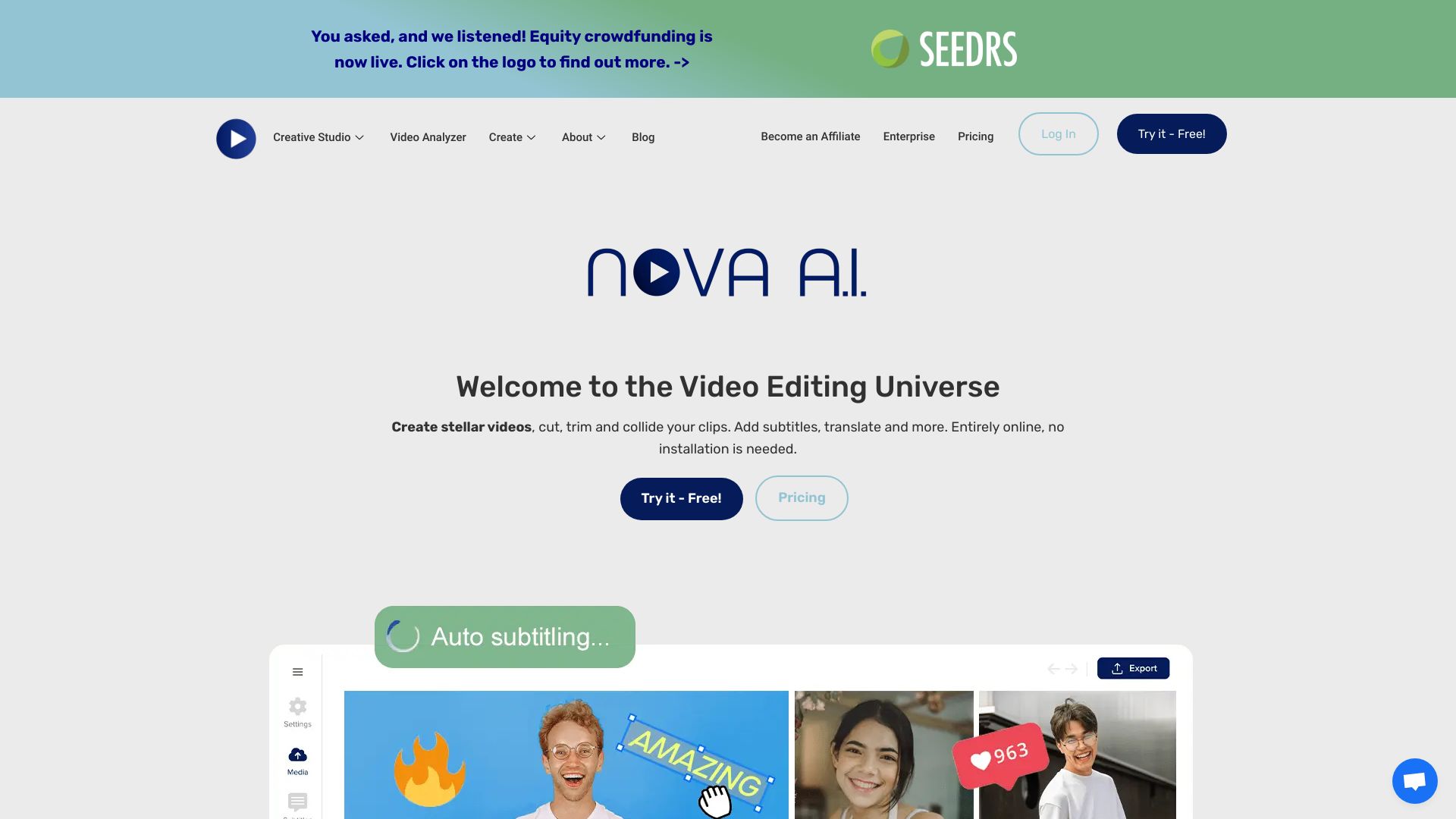
Nova A.I.
AI video editing and subtitling

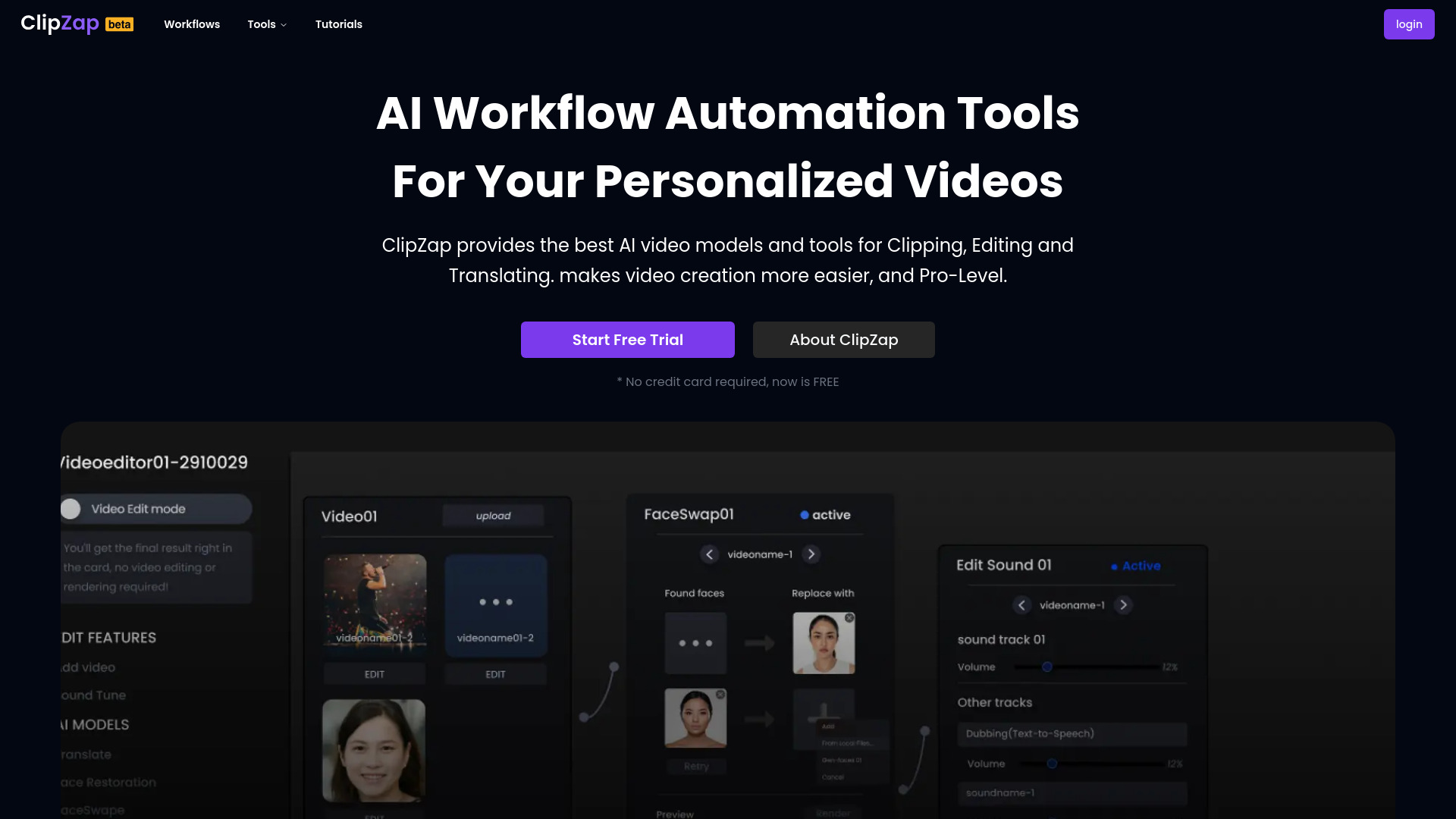
ClipZap AI
AI video workflows for creators and businesses

DojoClip
AI-assisted video editing and subtitles
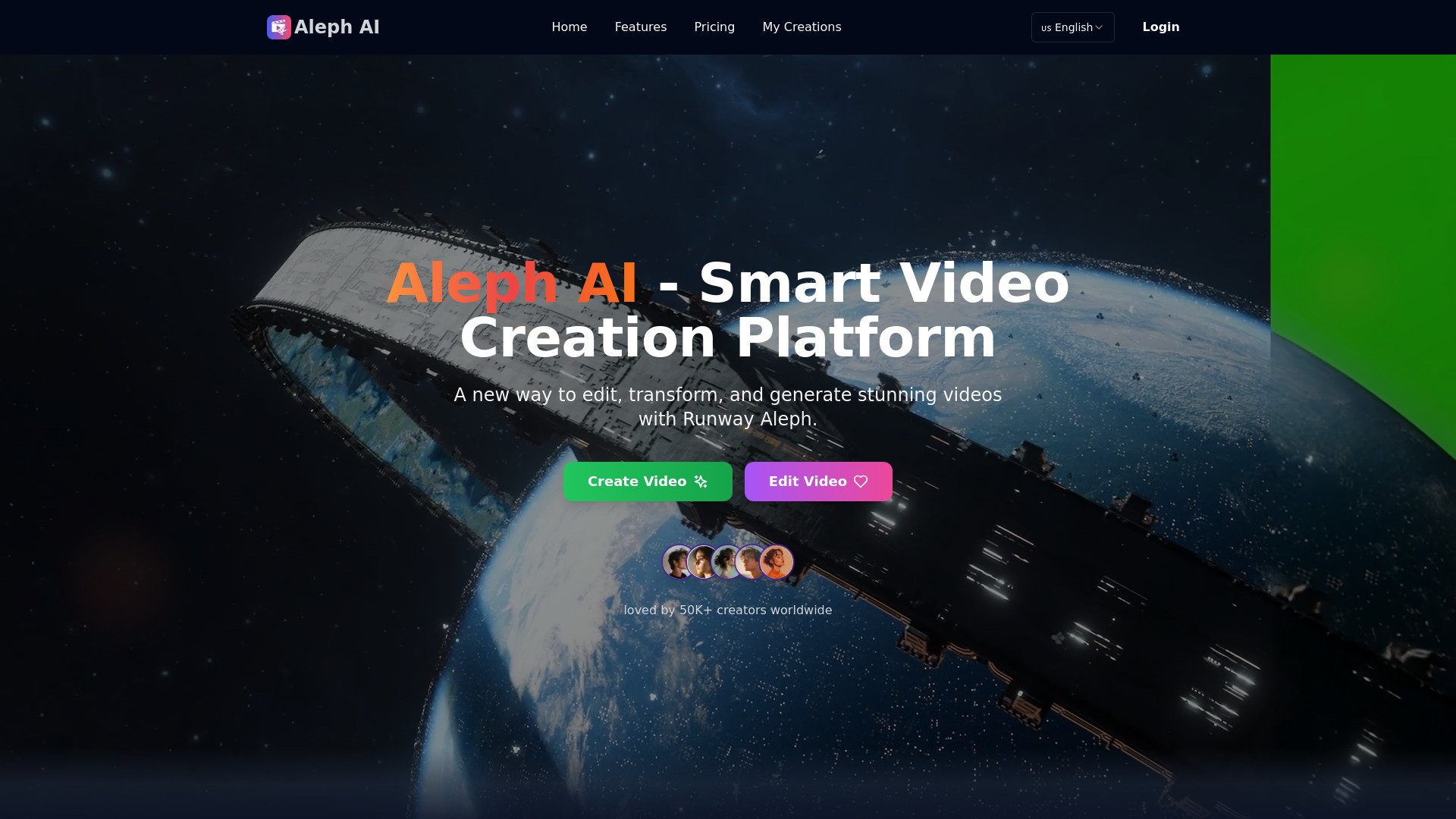
Runway Aleph AI
Prompt-based video transformations

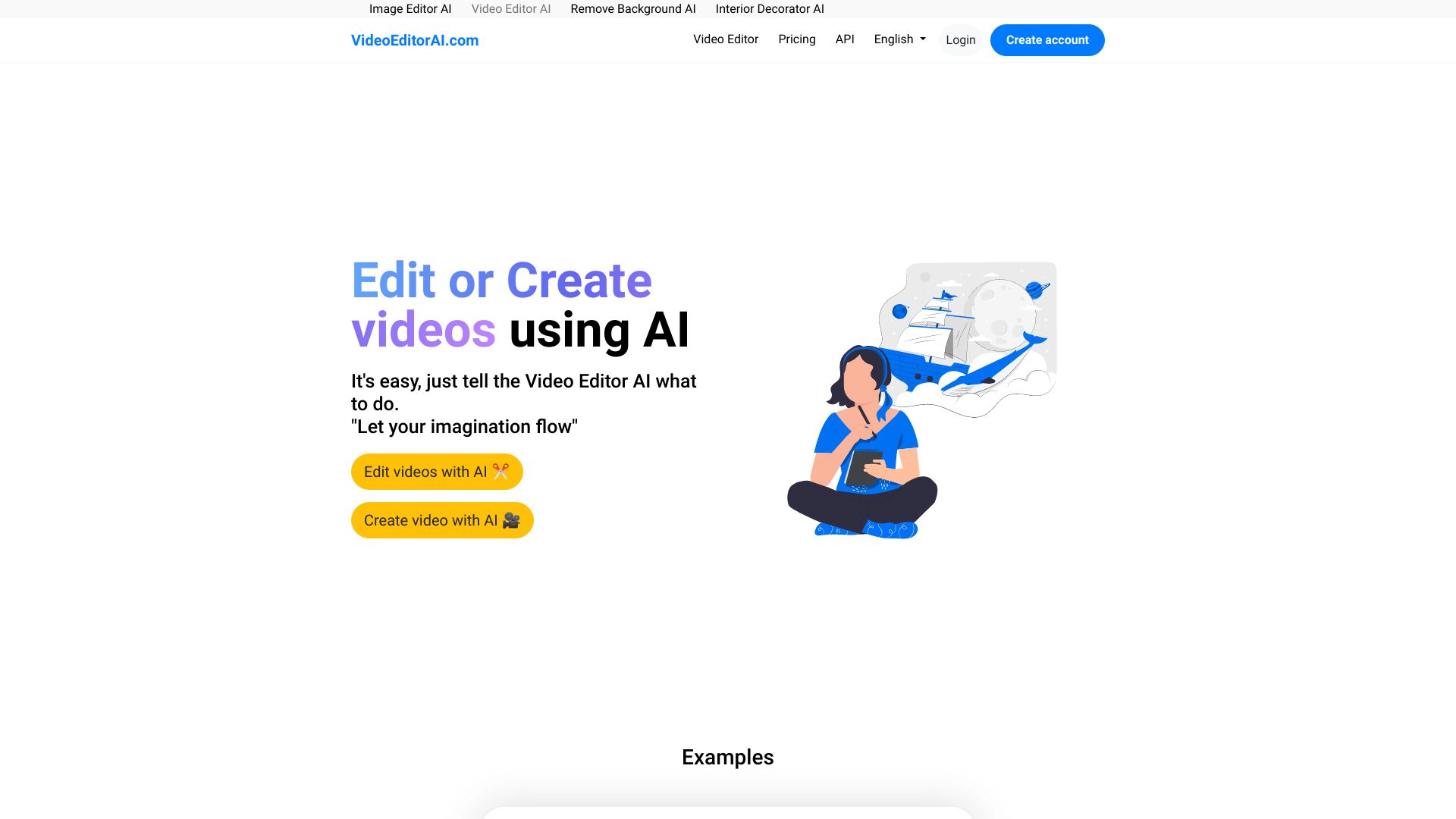
VideoEditorAI.com
AI video creation and editing

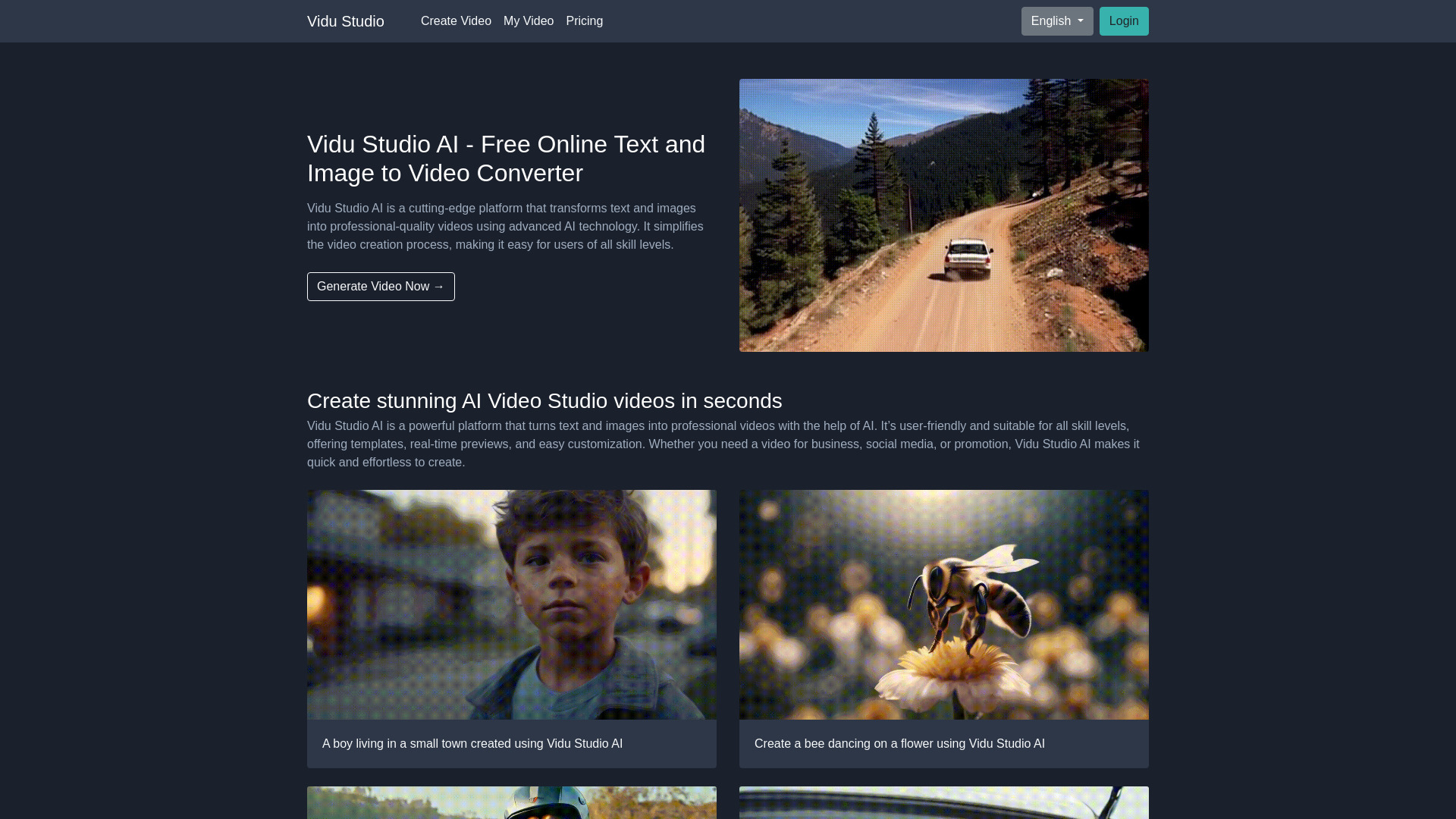
Vidu Studio AI
Beginners making AI videos

AI Video Editor
Creators resizing, compressing, and converting videos

Ava (by Avlana)
Prompt-driven editing from real footage

AIVLOG
Automatic vlog highlight editing

Video Swap
Face swaps and character replacement

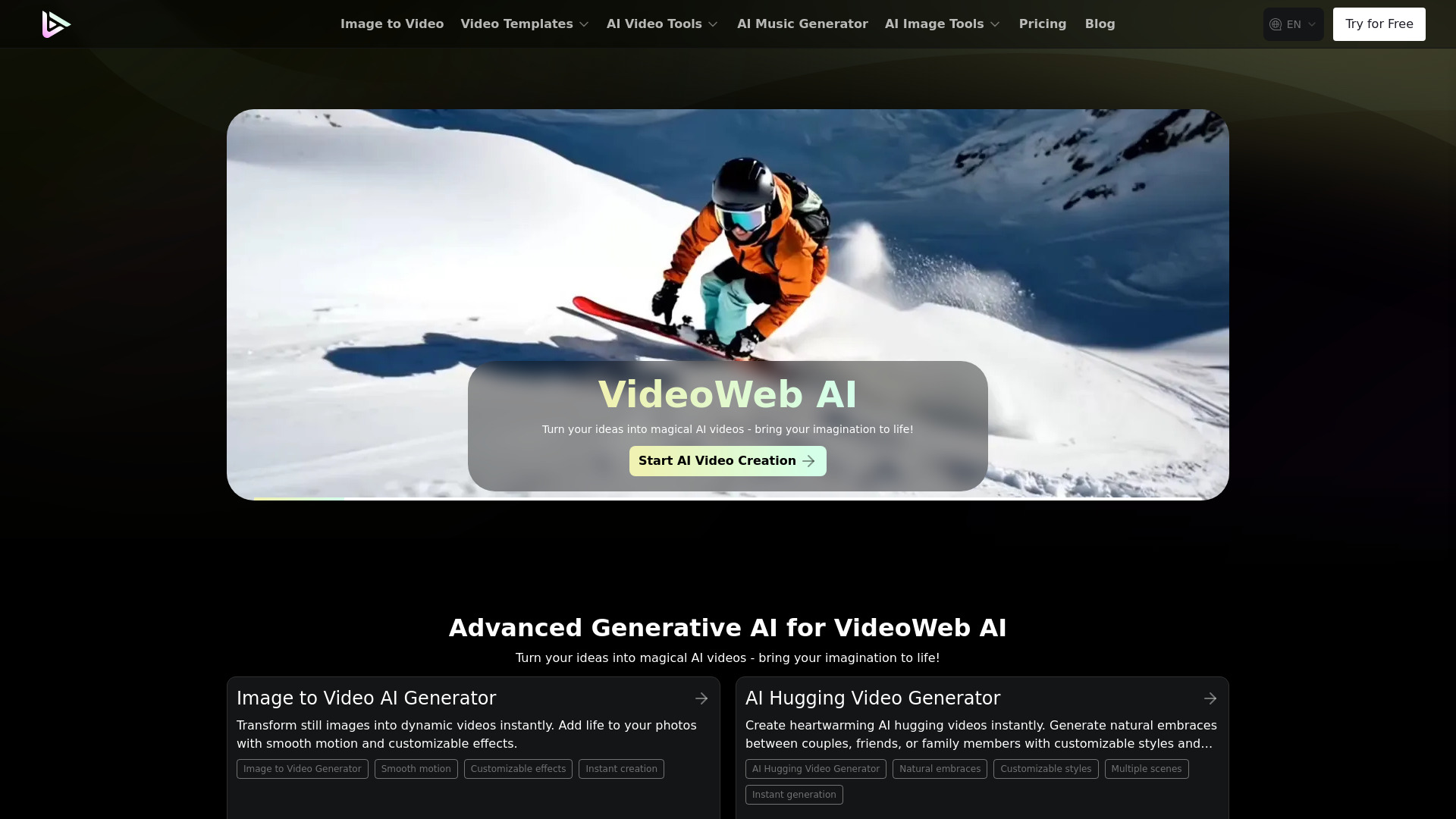
VideoWeb AI
All-in-one AI video and image creation

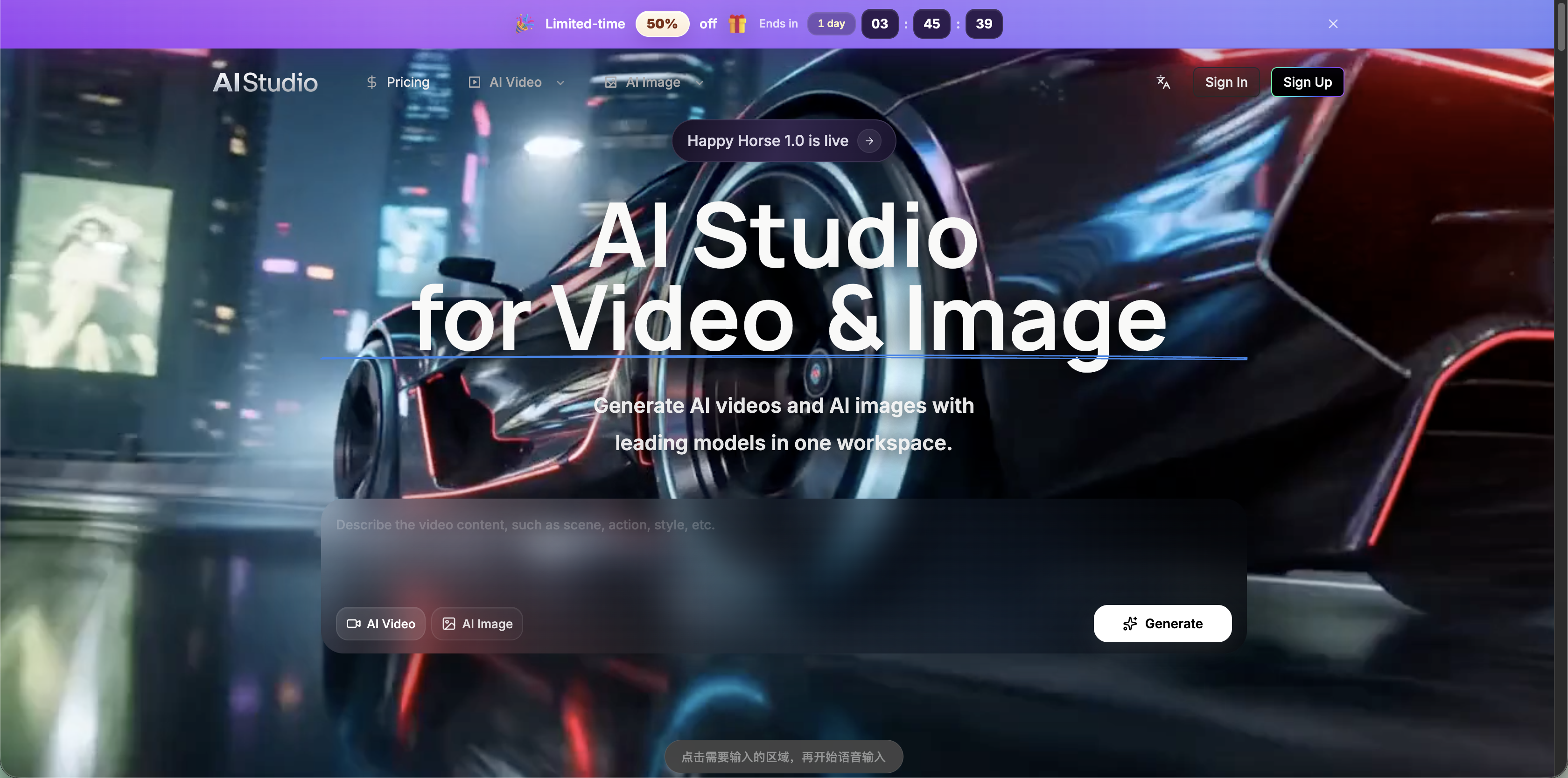
AI Studio for Video
Comparing AI video and image models in one workspace
Runway Aleph AI
Text-prompt video transformation

VCut.lol
Fast social media video editing
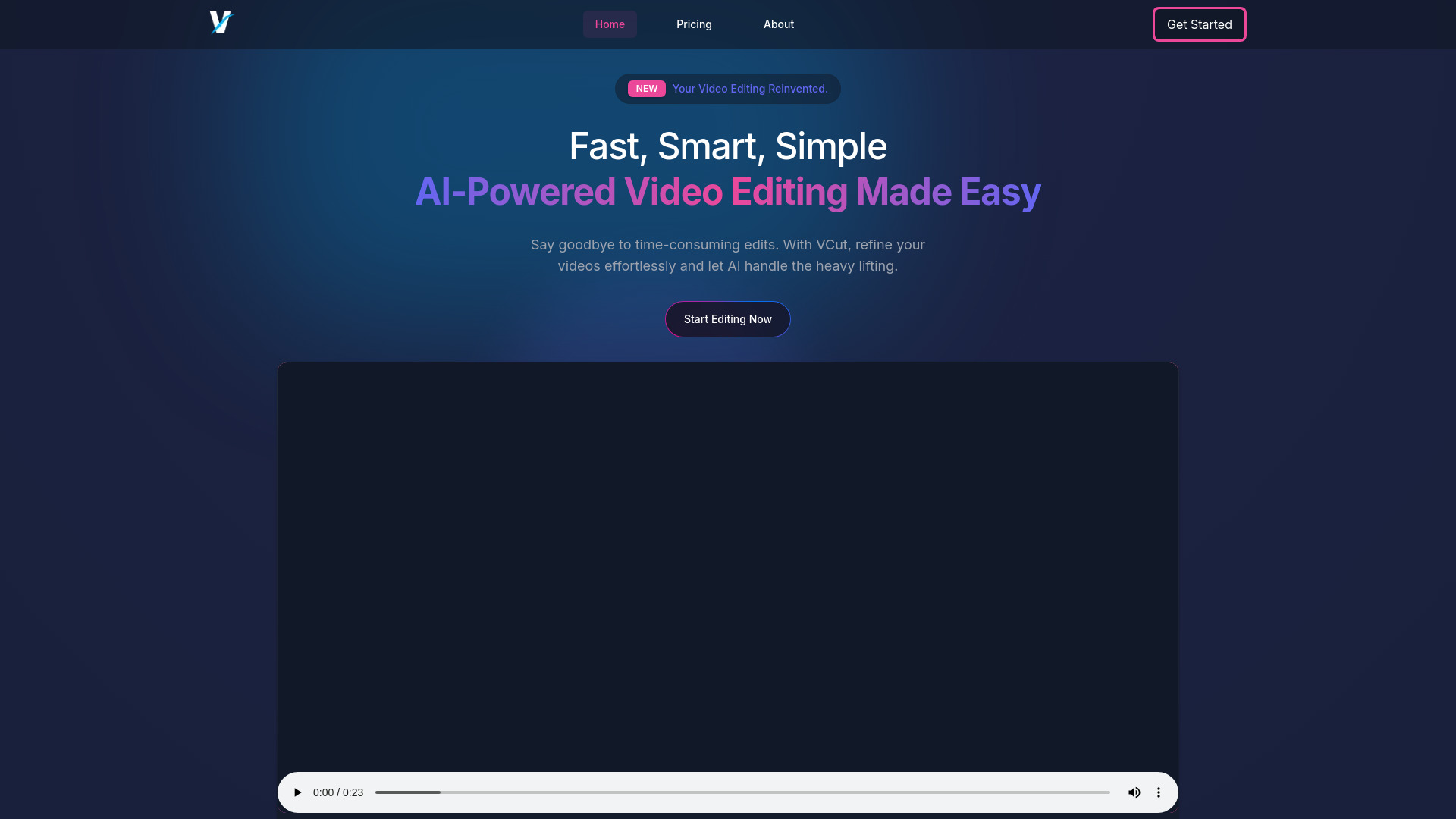

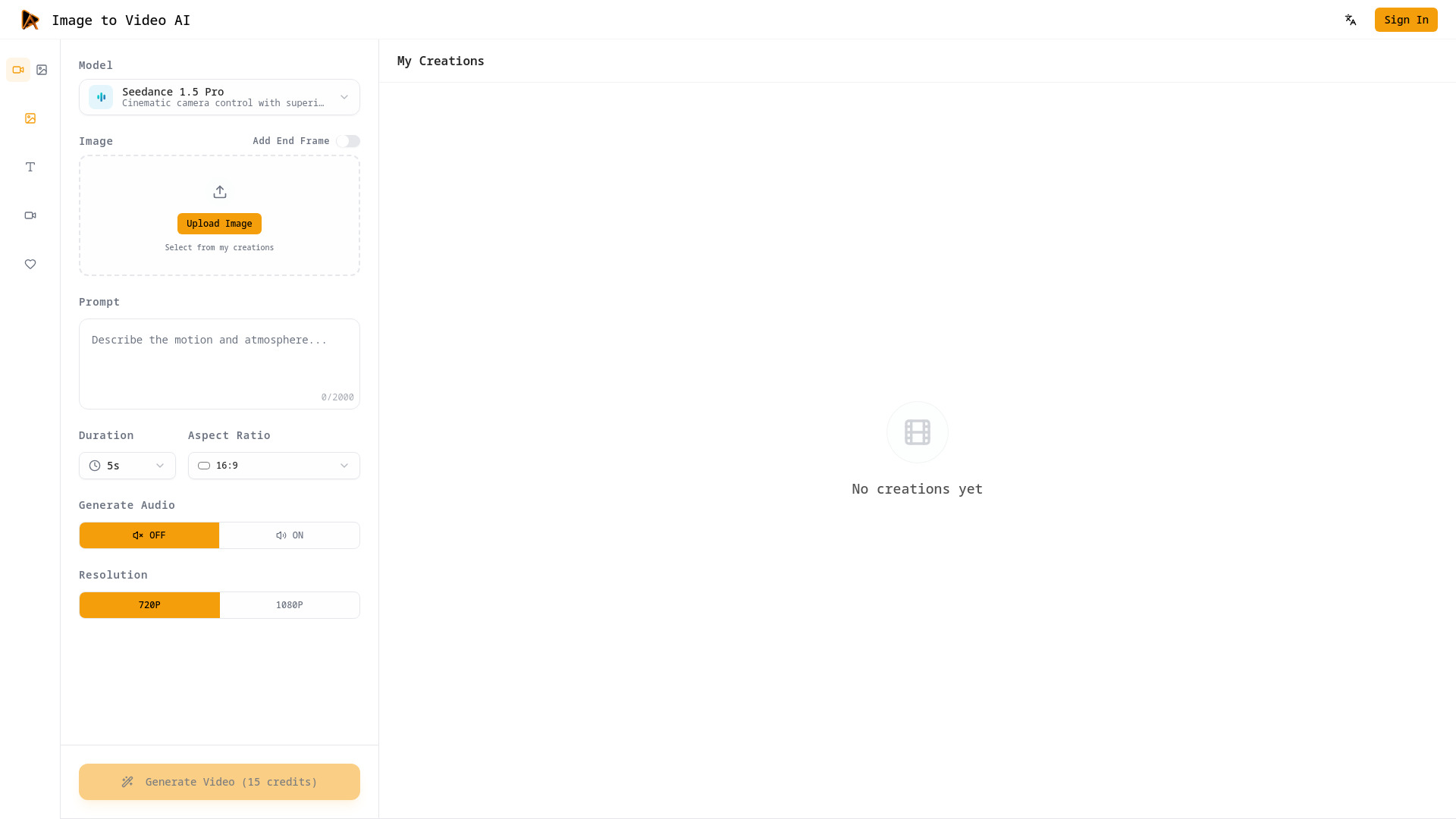
Image to Video AI
Cinematic image-to-video creators

AI Ease
All-in-one AI photo editing

insMind
AI-powered product photo editing

Veo3 AI
AI text-to-video and image-to-video creation

V03AI
Creators making Veo 3 videos with native audio

VO3 AI
Veo-powered cinematic video creation

AIAI.com
AI video and image creation


Video AIditor
AI video platforms and automated video generation

VideoAny
Video-first content creators

ImageToVideo AI
Turning images into short AI videos

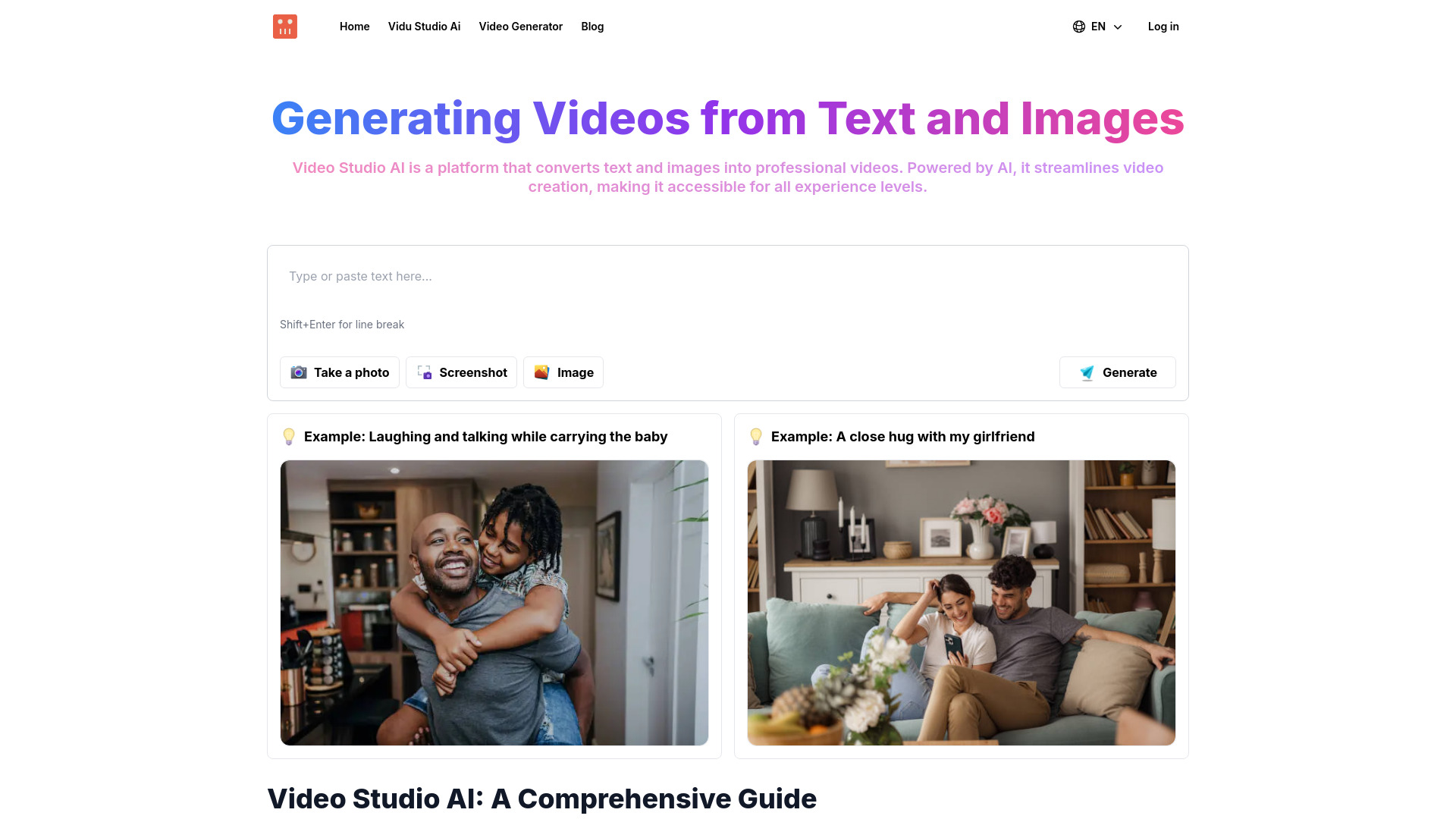
Video Studio AI
Text-to-video creation
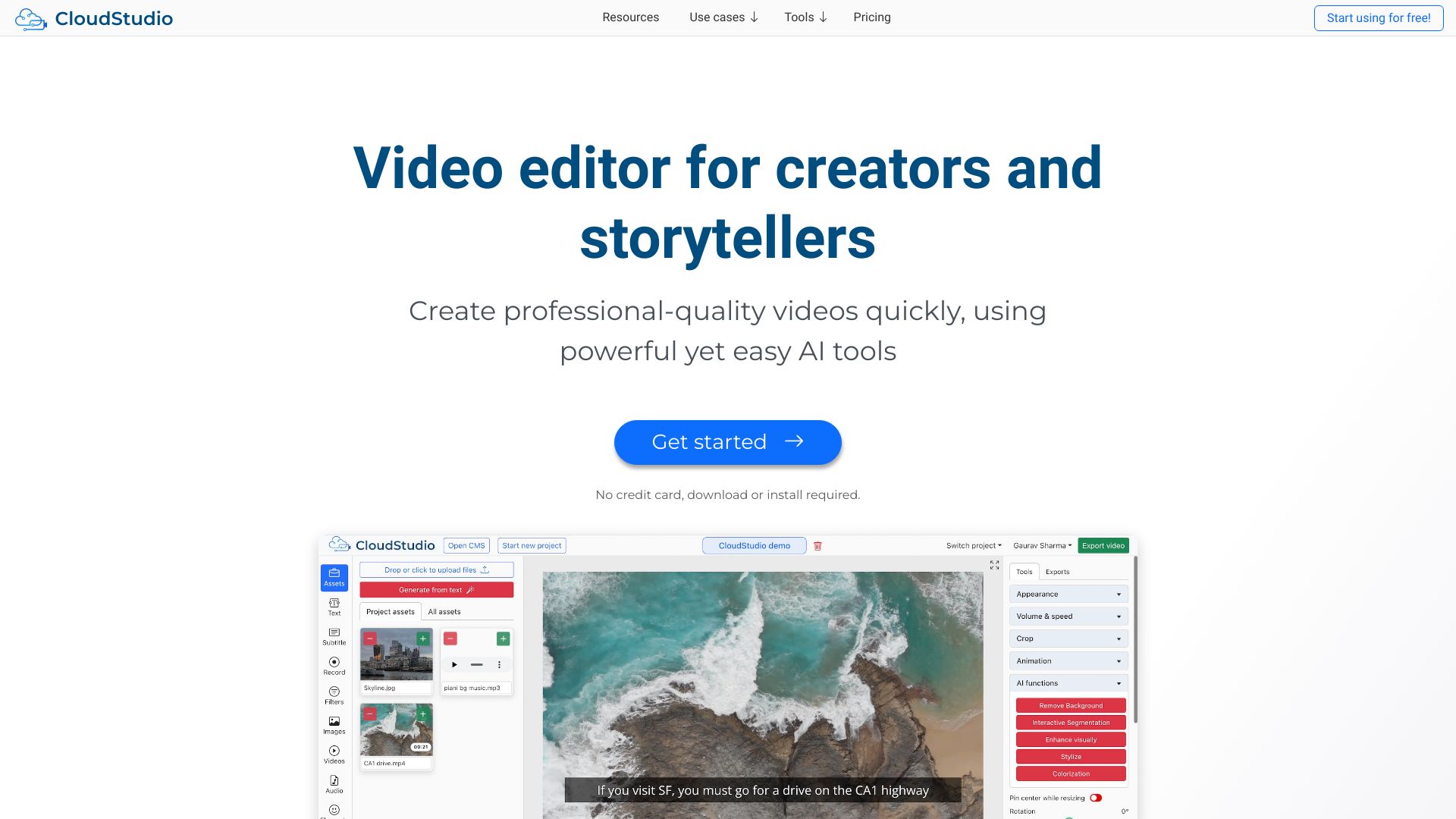
CloudStudio
Browser-based AI video editing

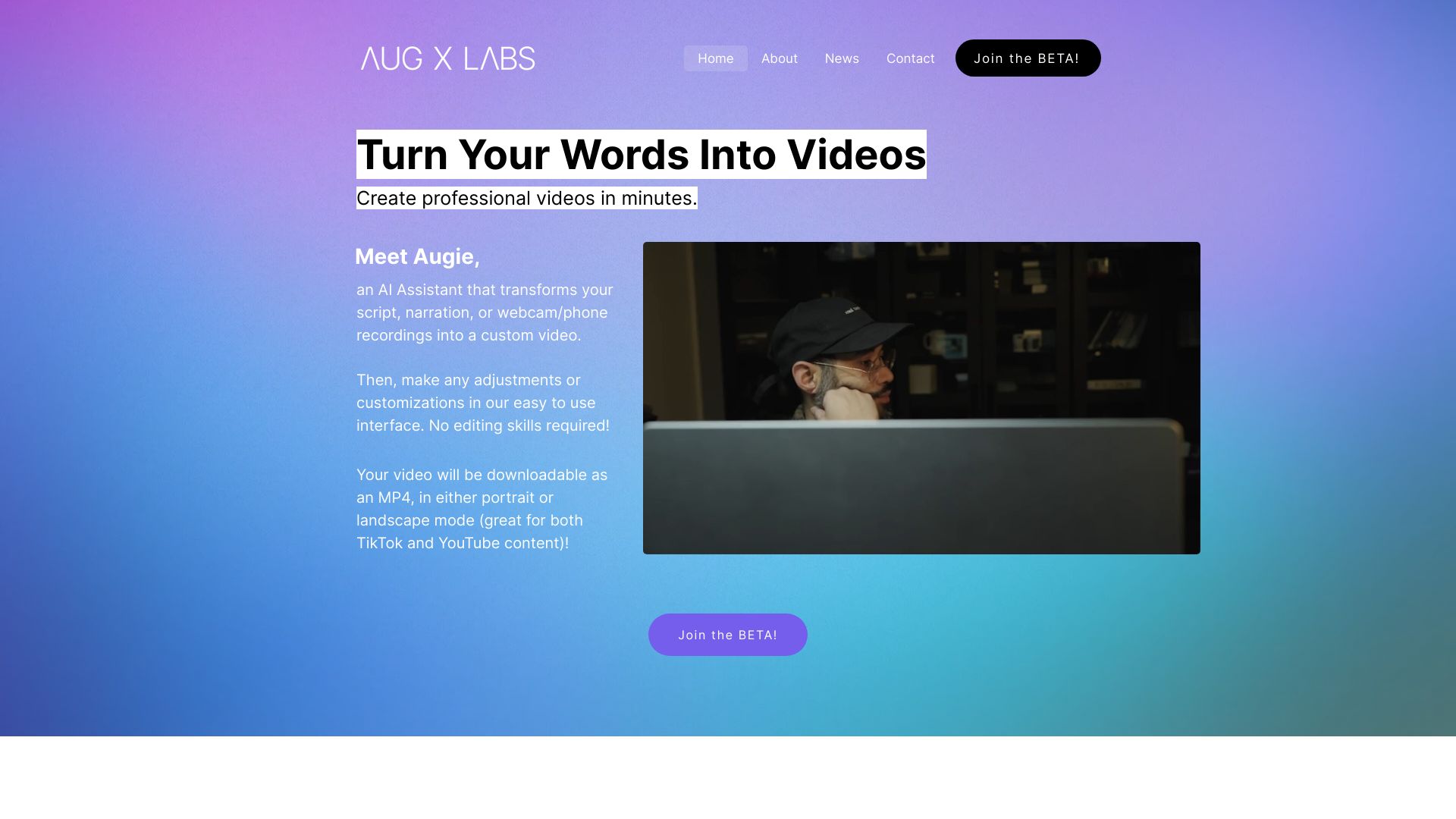
Augie
Marketing teams making social videos and ads

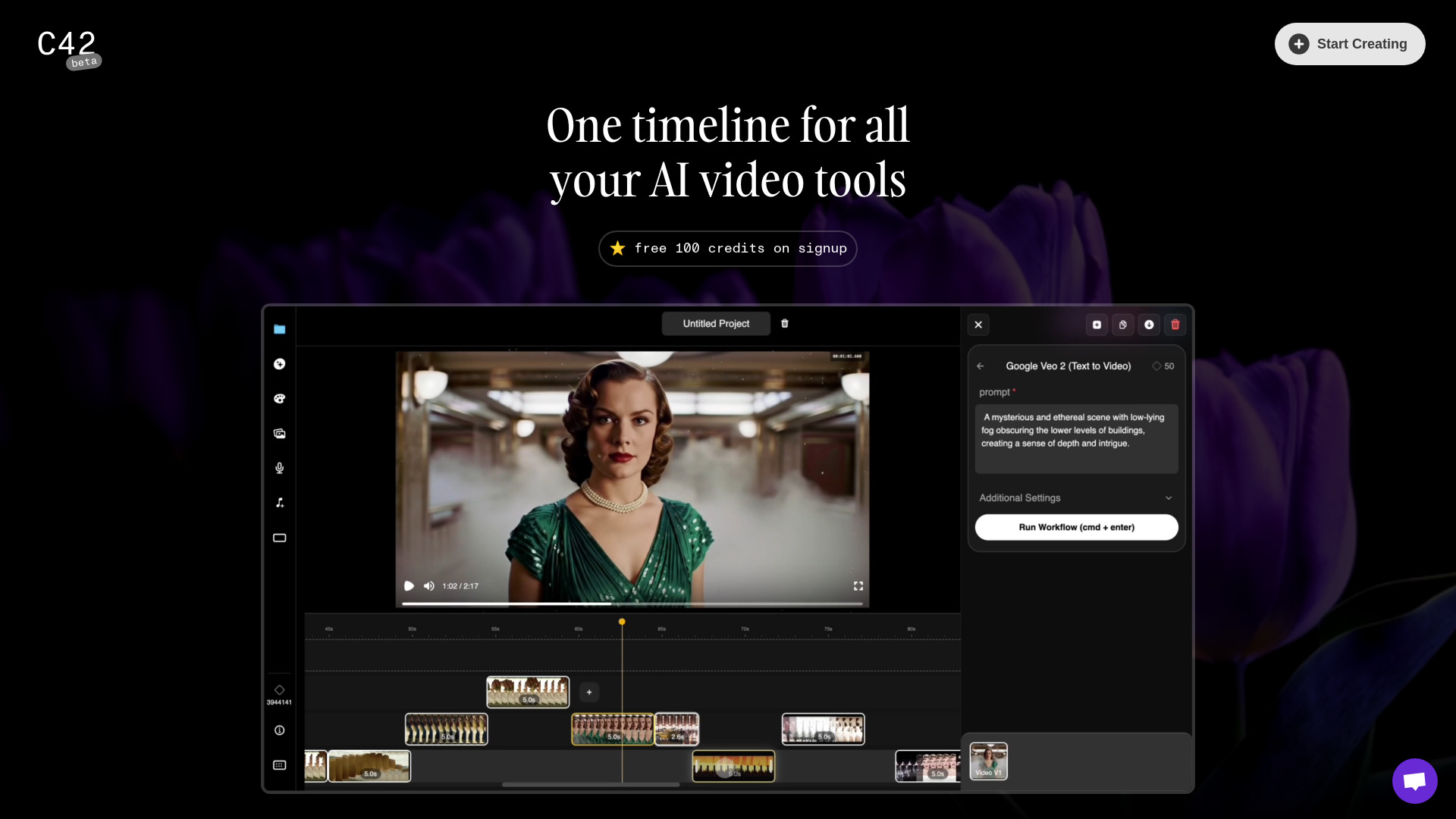
Channel42
AI-generated video editing

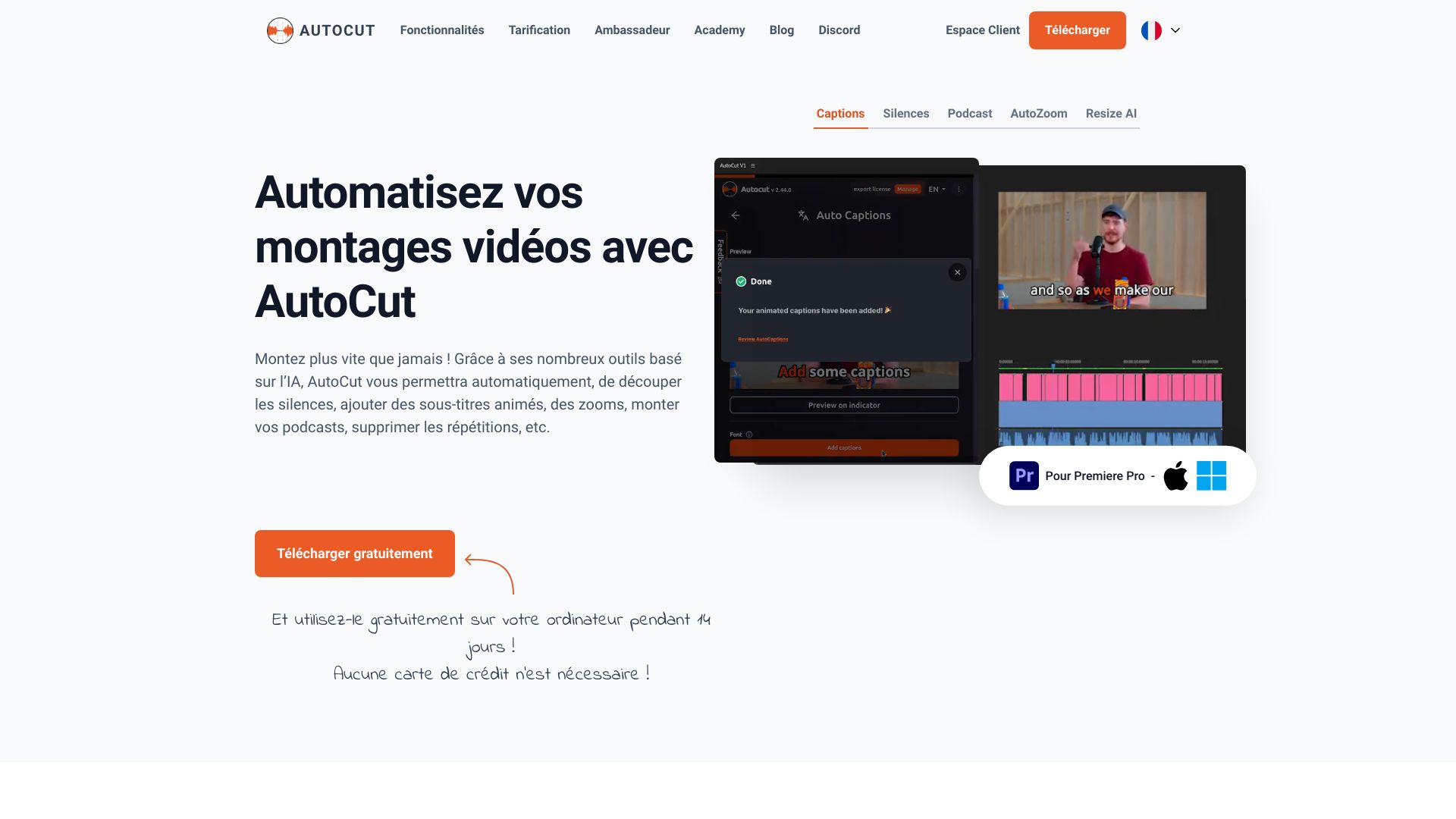
AutoCut
Premiere Pro and DaVinci Resolve editors

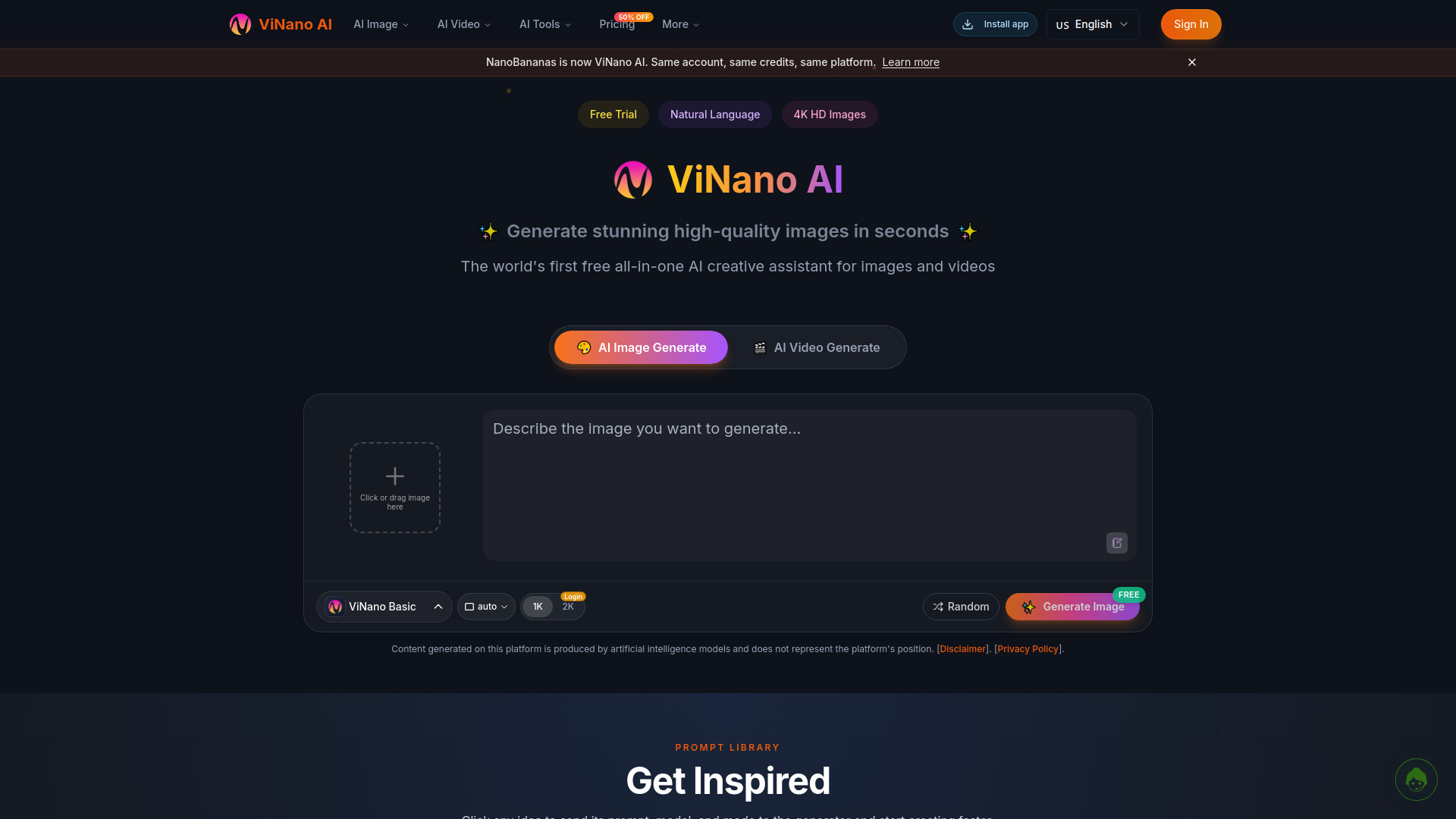
ViNano AI
AI image and video creators

funnyai.store
AI-assisted video editing

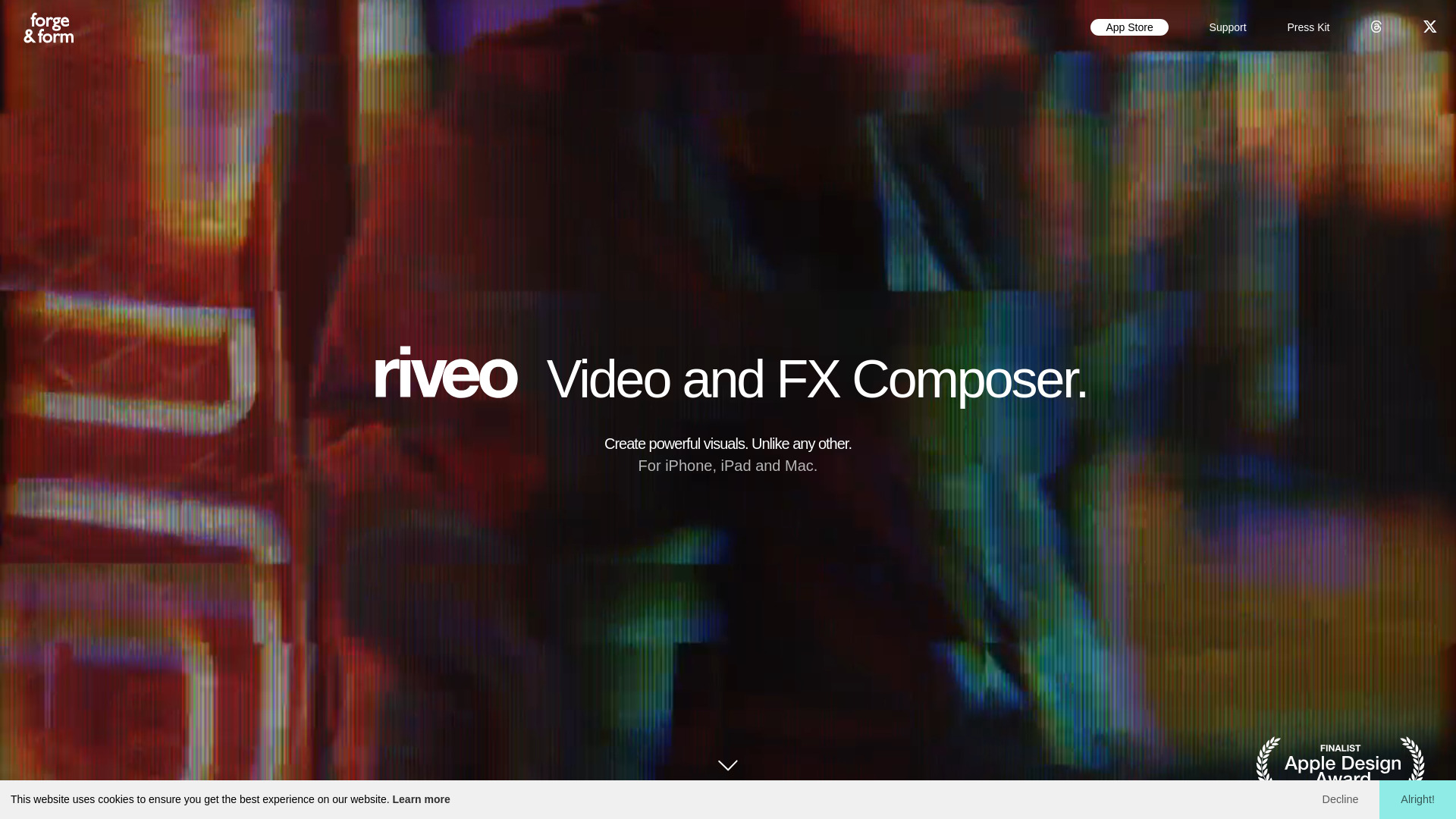
Riveo
Creators seeking advanced video effects

Veo Ai
Cinematic AI video generation
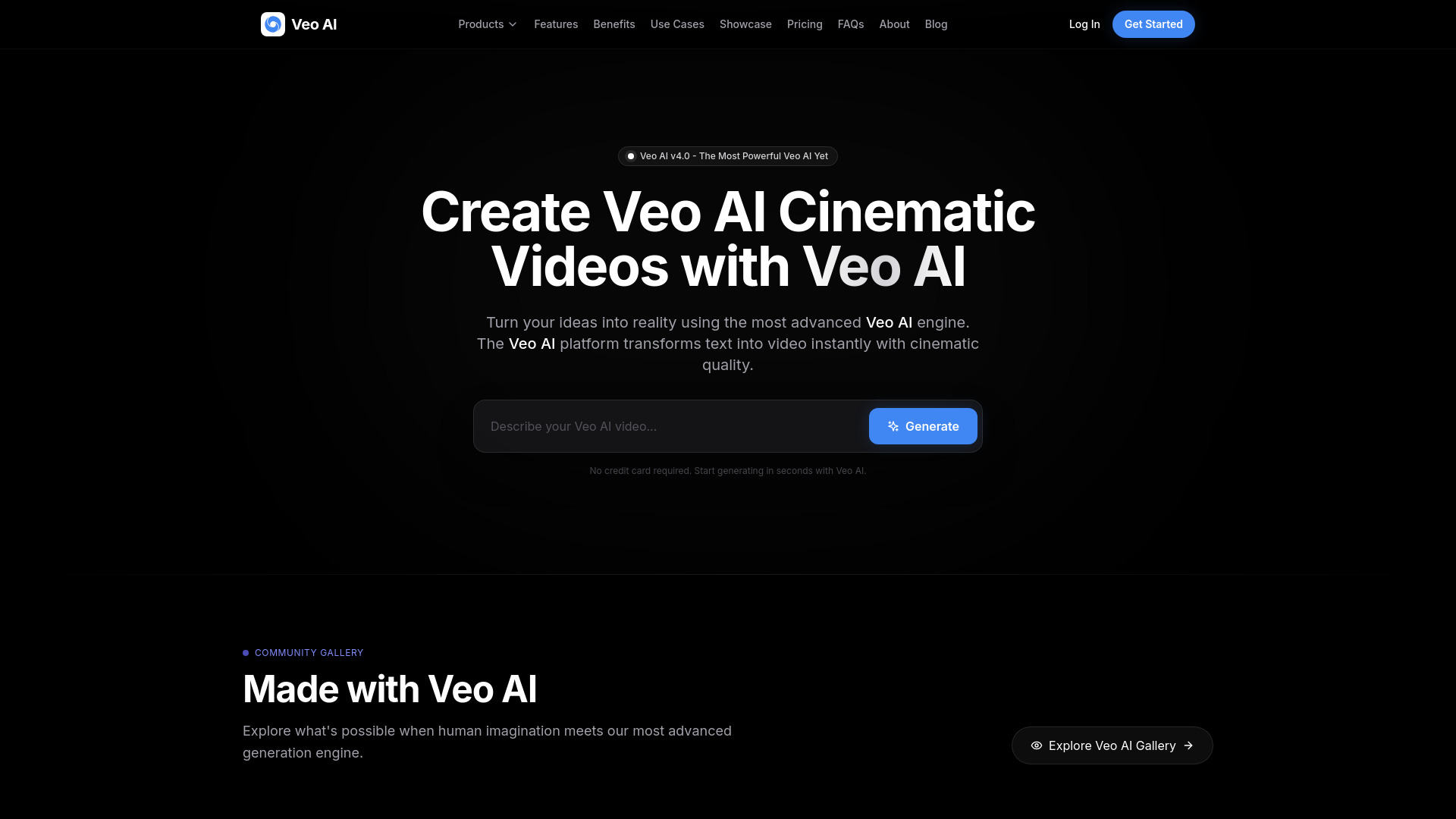

VanceAI Video AI
Video upscaling and restoration

AI Video API
Developers building AI video apps
VidMaskPro
AI-filtered social videos

Veo 4
Cinematic AI video concepts

Augie Studio
Simple AI video creation

Fotol AI
AI image and video processing

Mosaic AI
AI-agent video editing

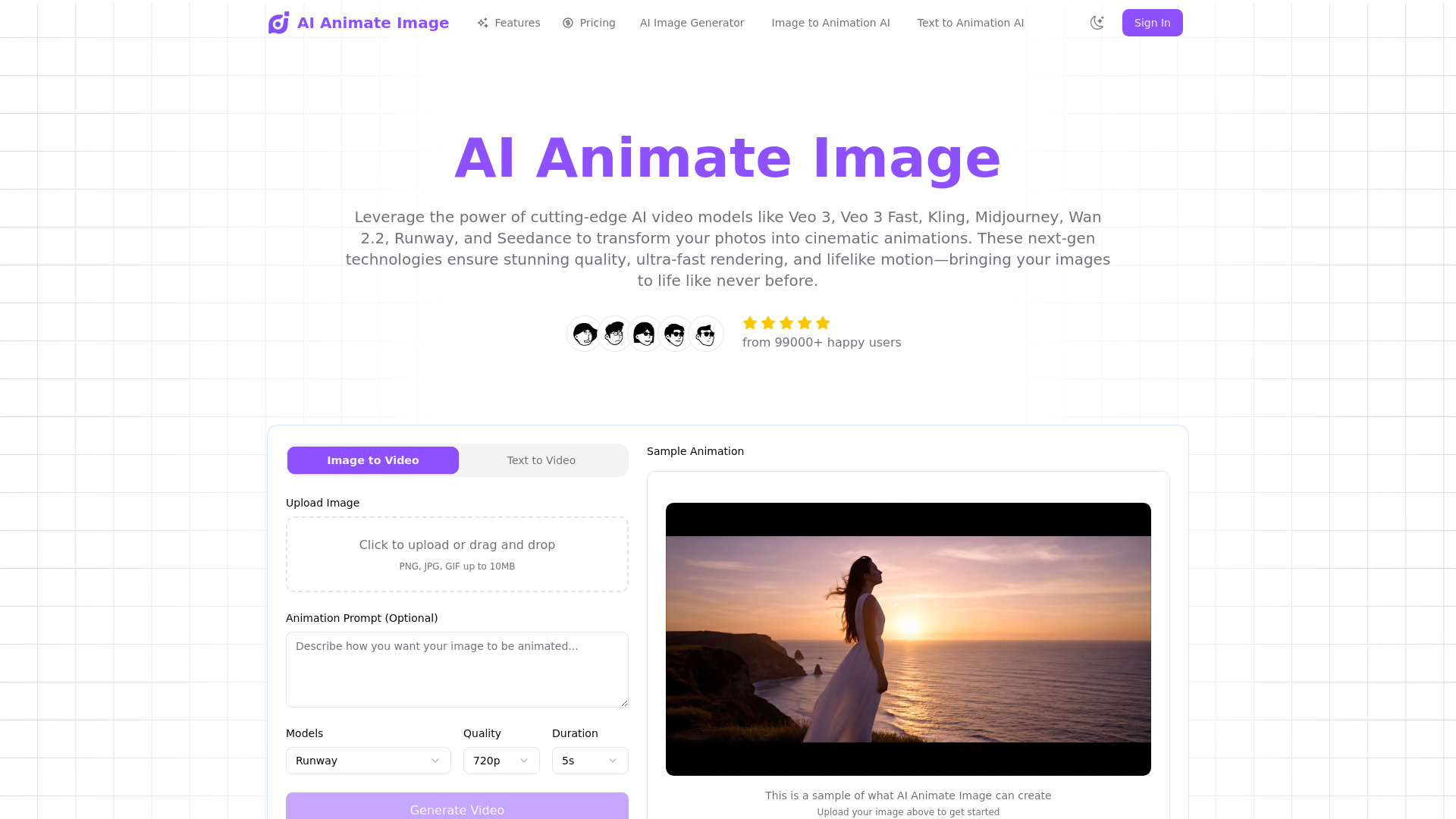
Photo Video AI
Photo-to-video creators
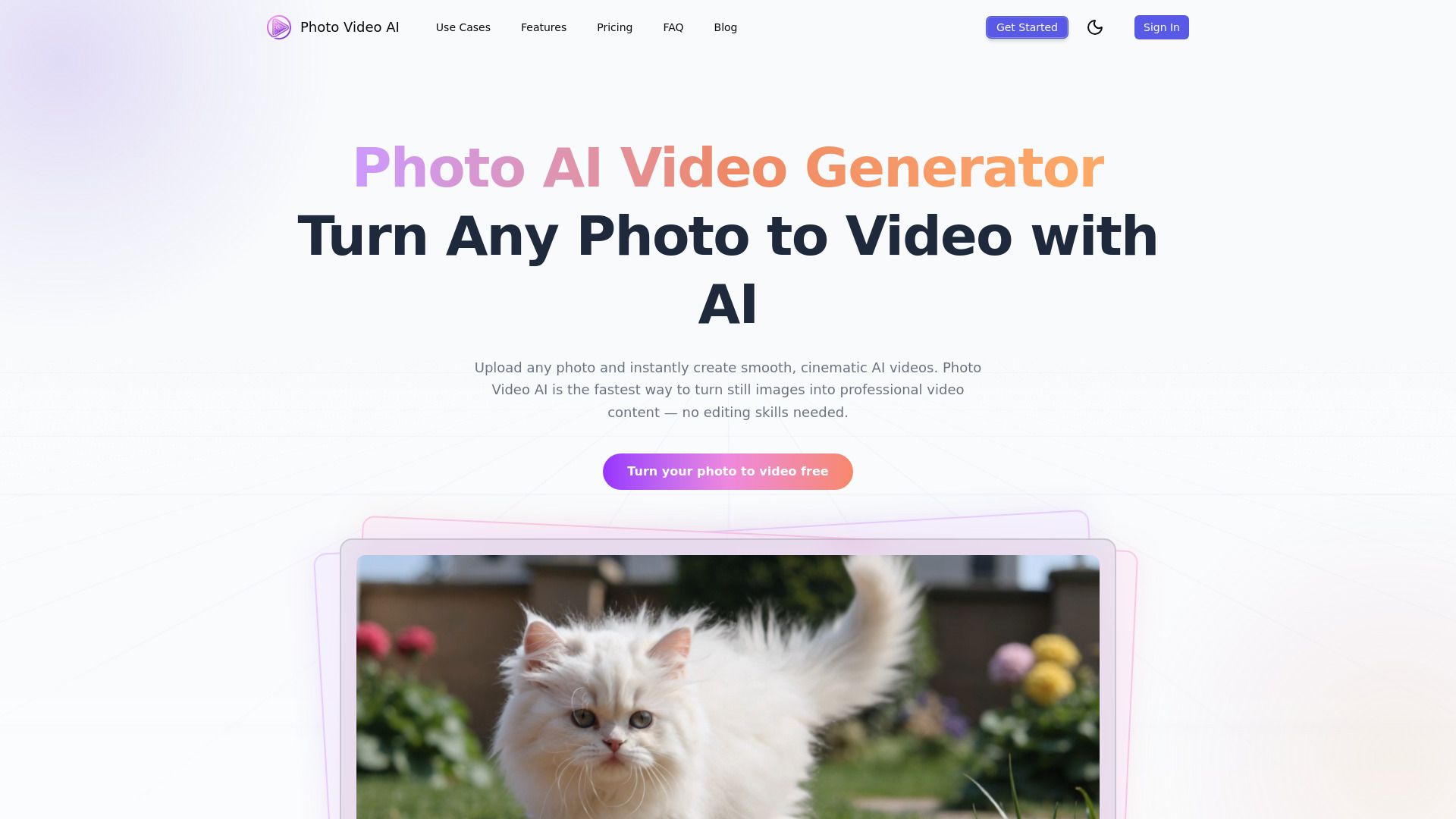

Cuto
AI video editing for creators
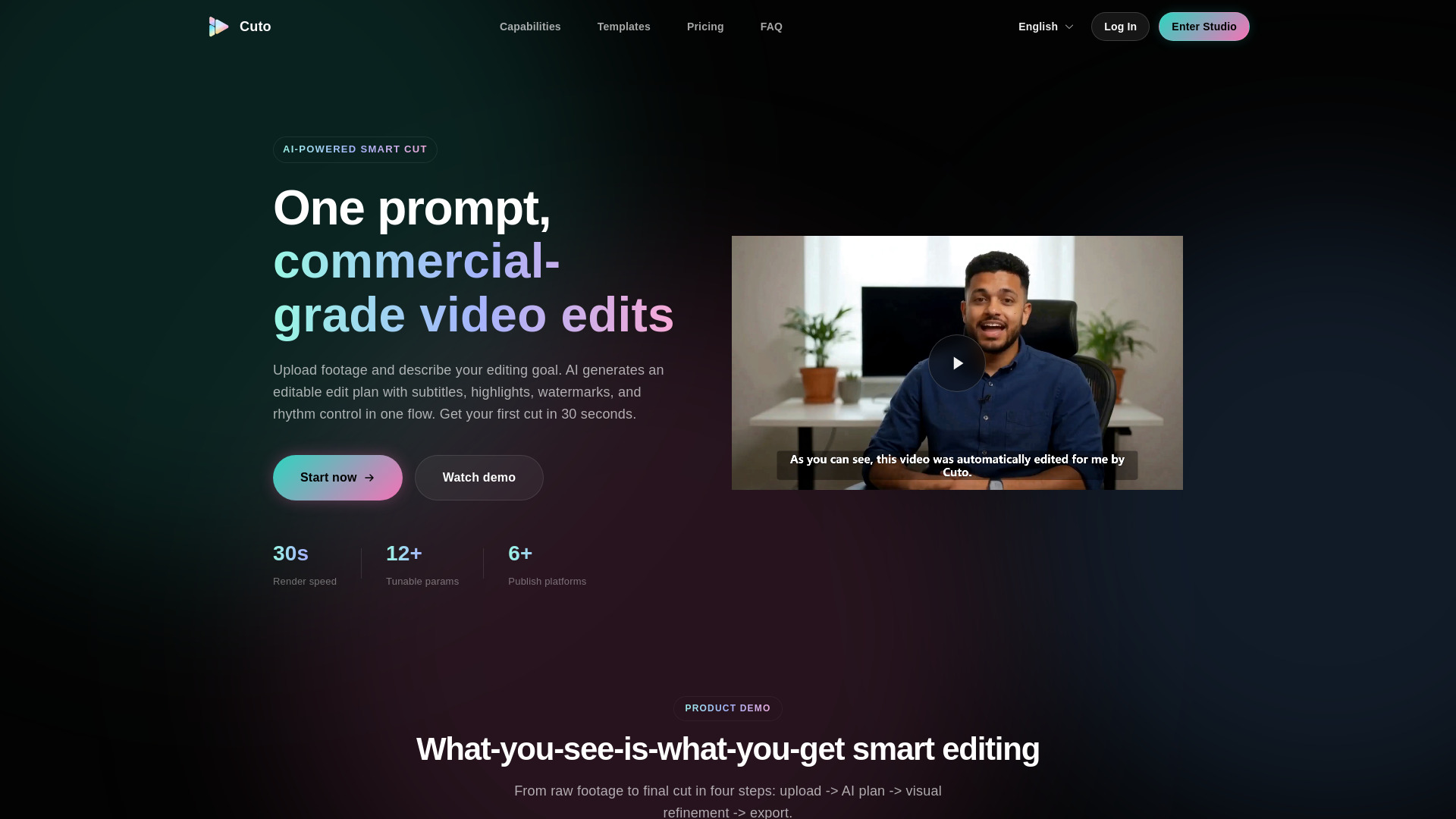

MillionDollar Edit 2.0
Creators repurposing podcasts into short clips
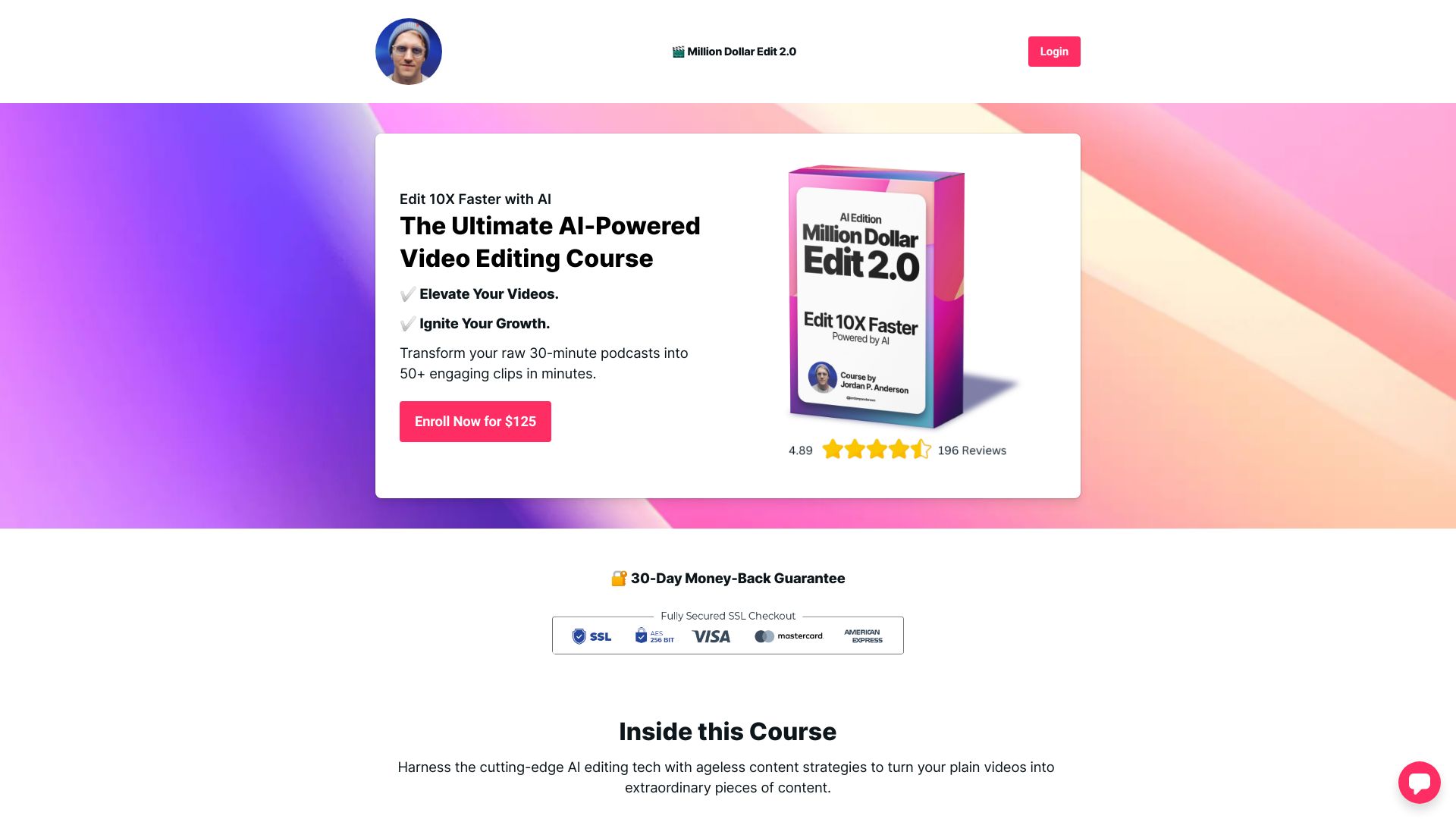

AI Animate Image
AI photo animation

MakeAIVideo
Creators making short AI videos

Photo Editor AI
AI photo restoration and upscaling

Wave AI
AI product photo ads

AiCanvas
AI-assisted video and image canvas editing

AI Photo Editor
Prompt-based photo editing
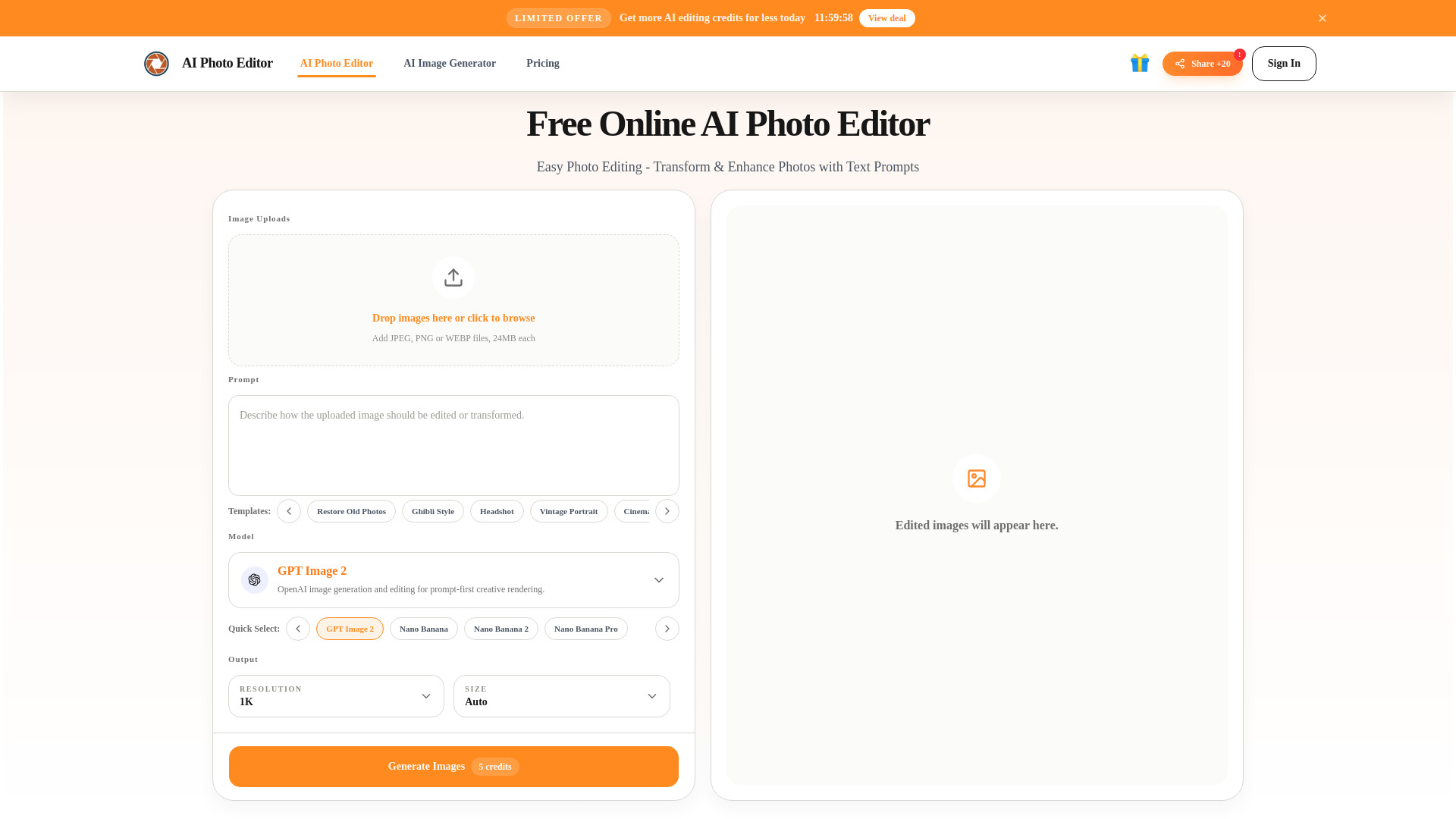

ClipVideo AI
Product videos and social ads
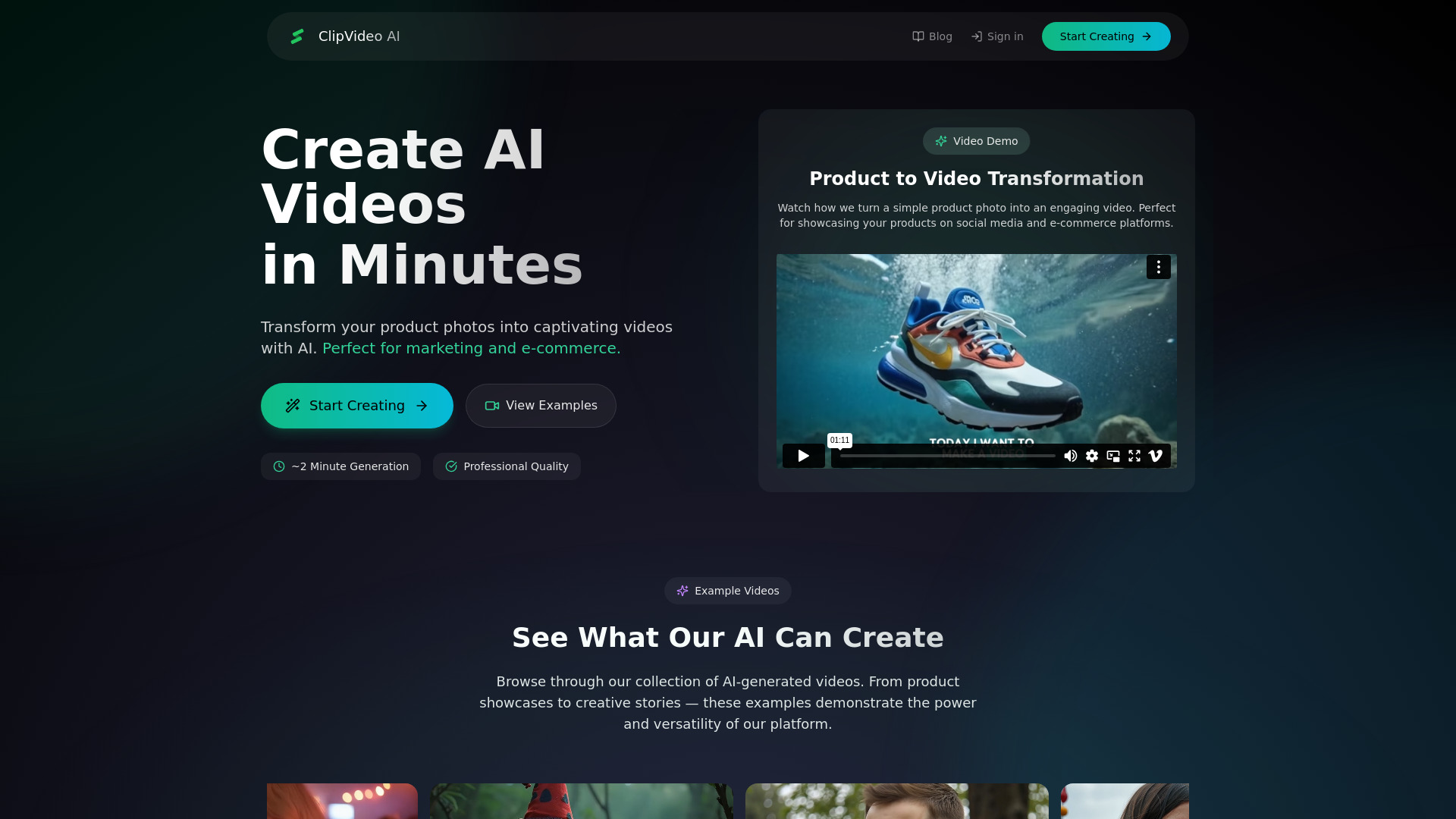

VideoAI
AI video generation and style transfer
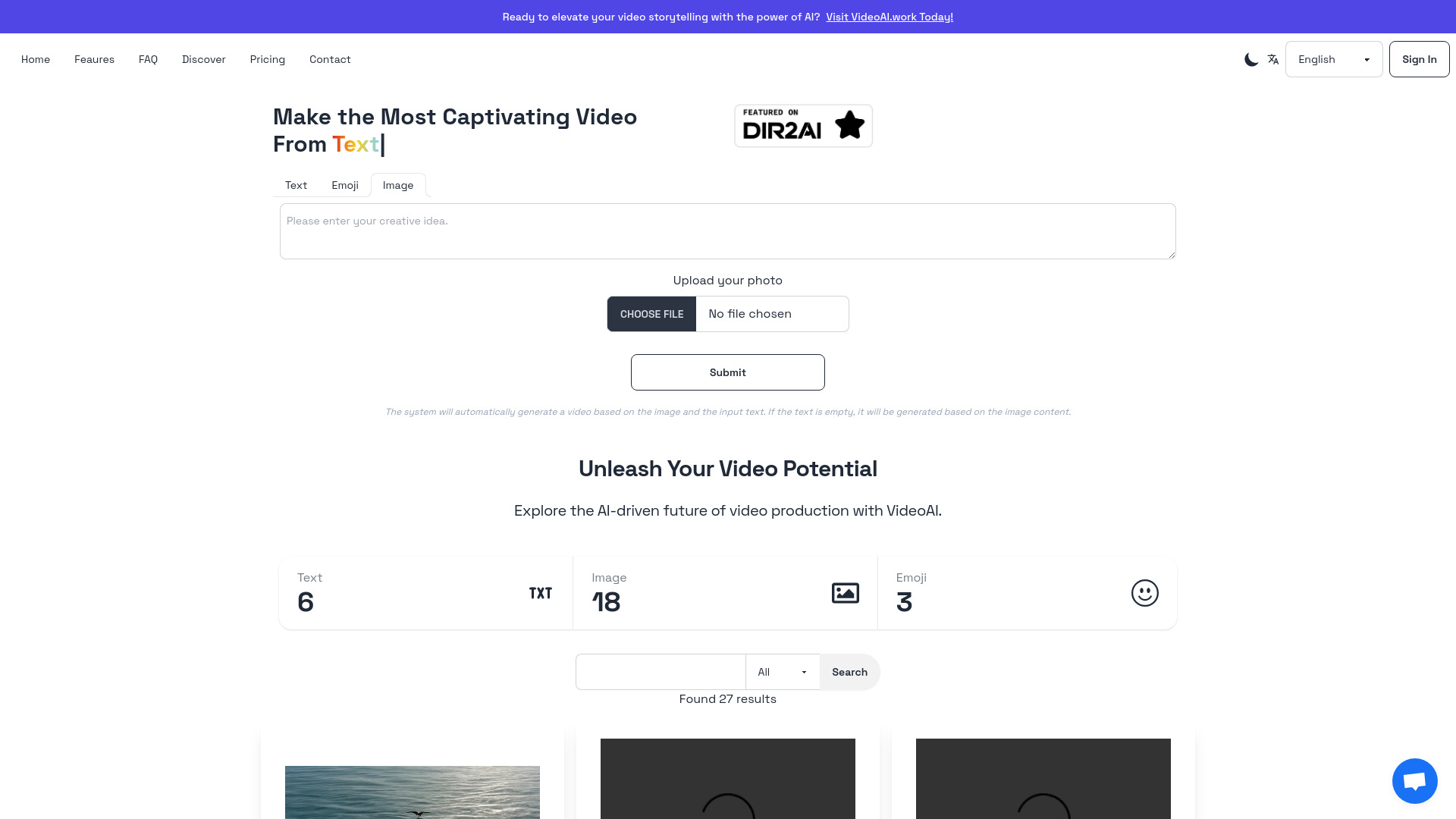

ai image editor
Quick photo enhancement and background removal

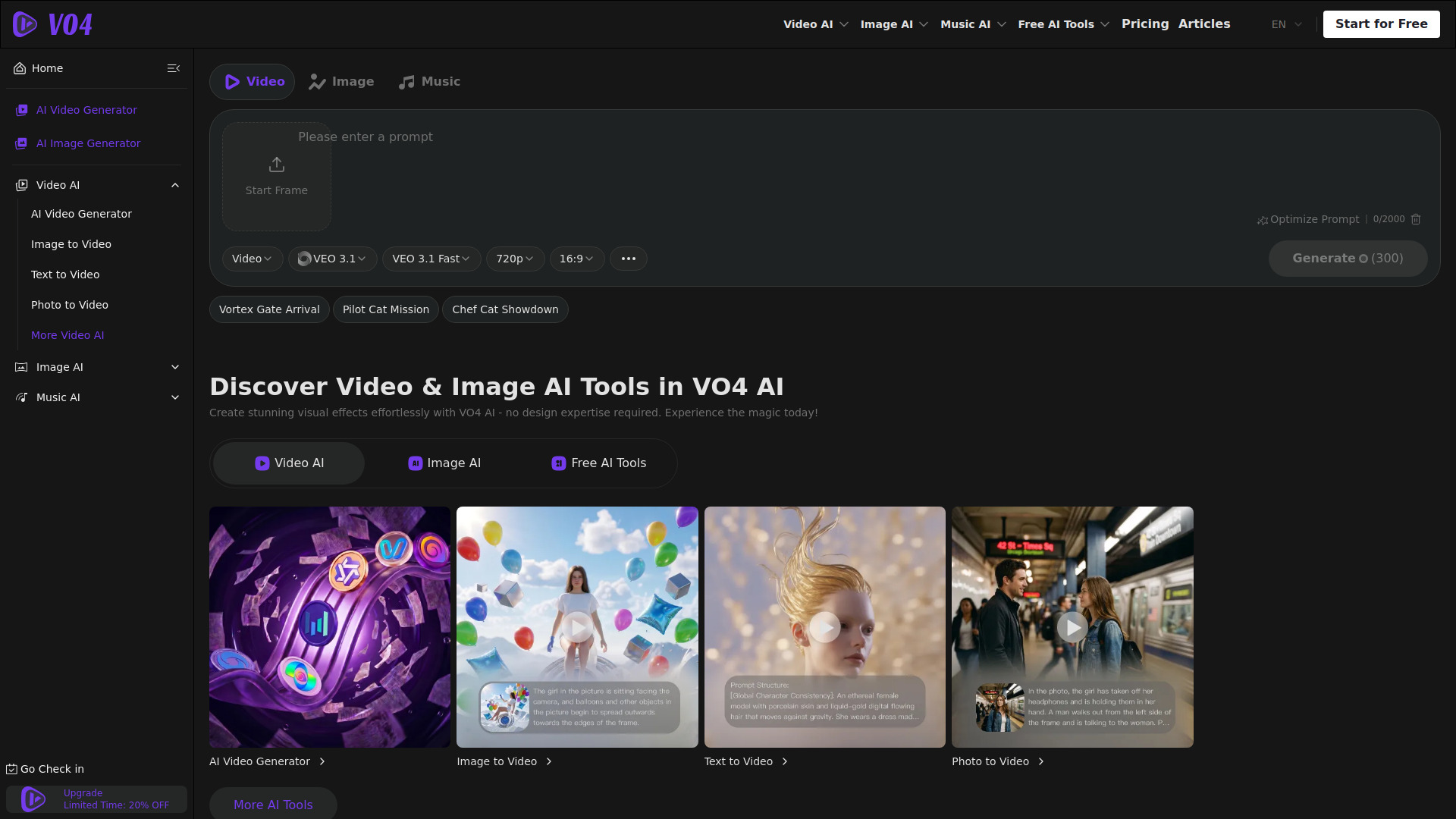
VO4 AI Video Generator
Multi-model AI video creation

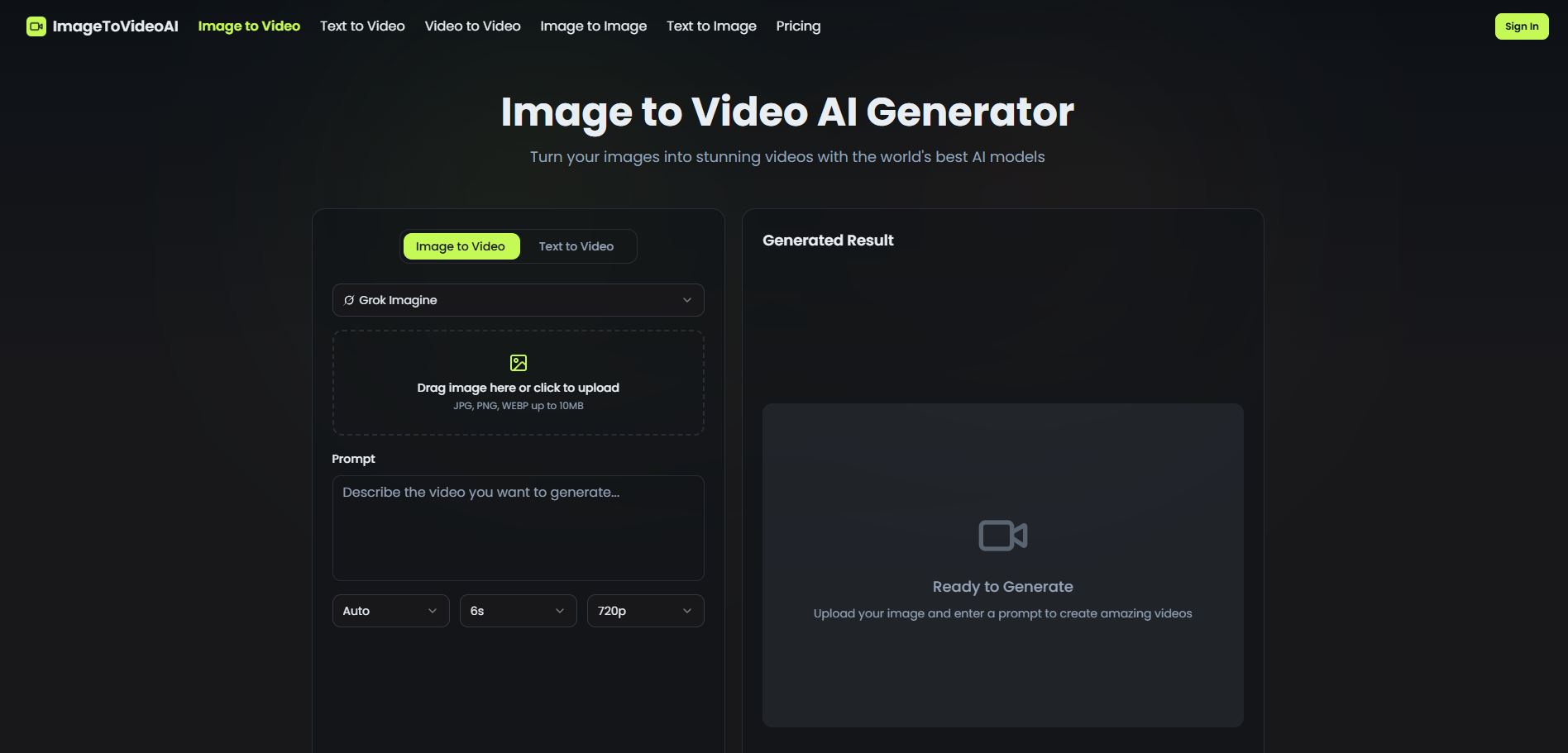
ImageToVideoAI
Image-to-video content creators

PixelClip AI
AI video creation for ads and education
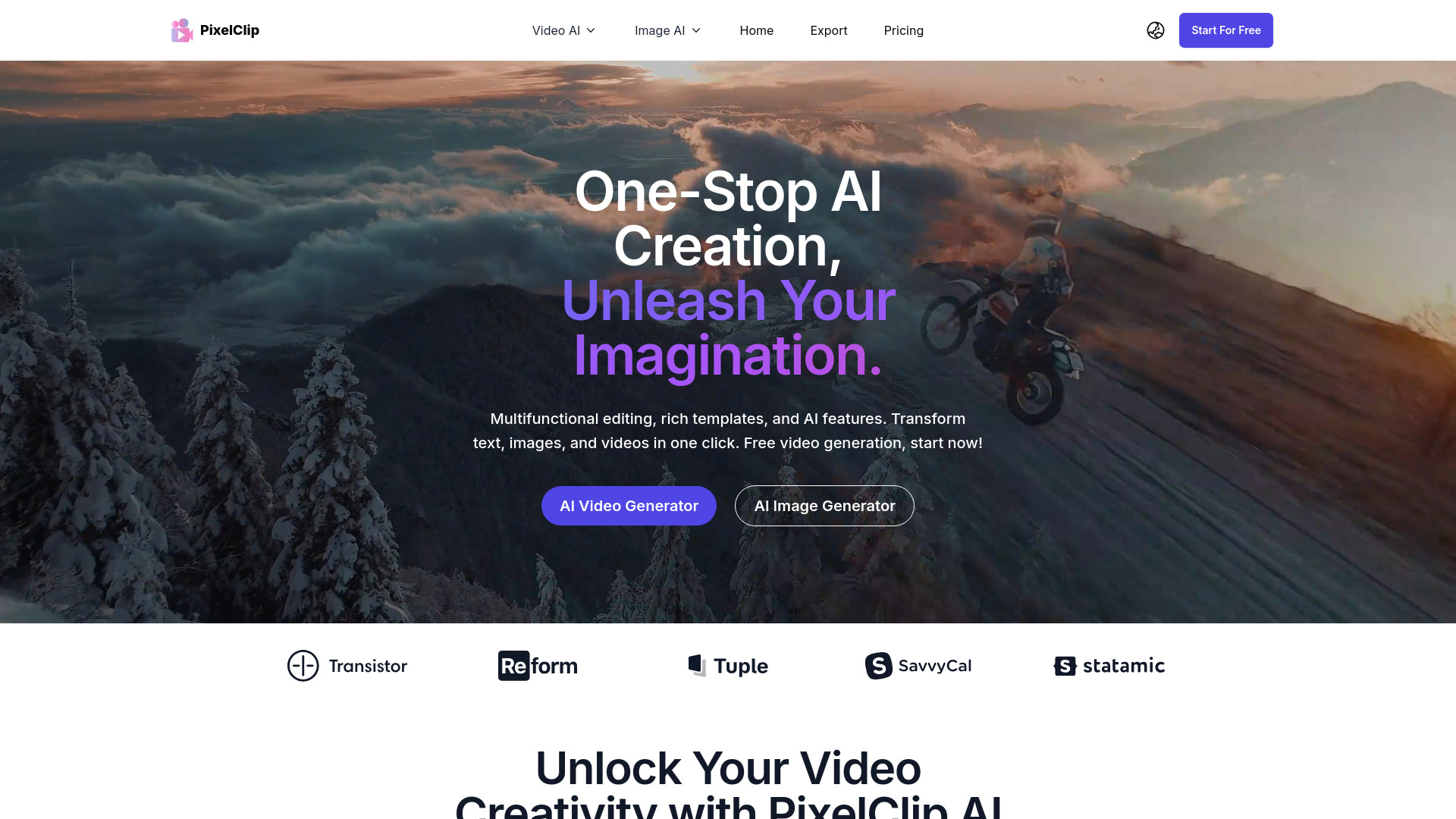
image to video ai
Turning photos into videos

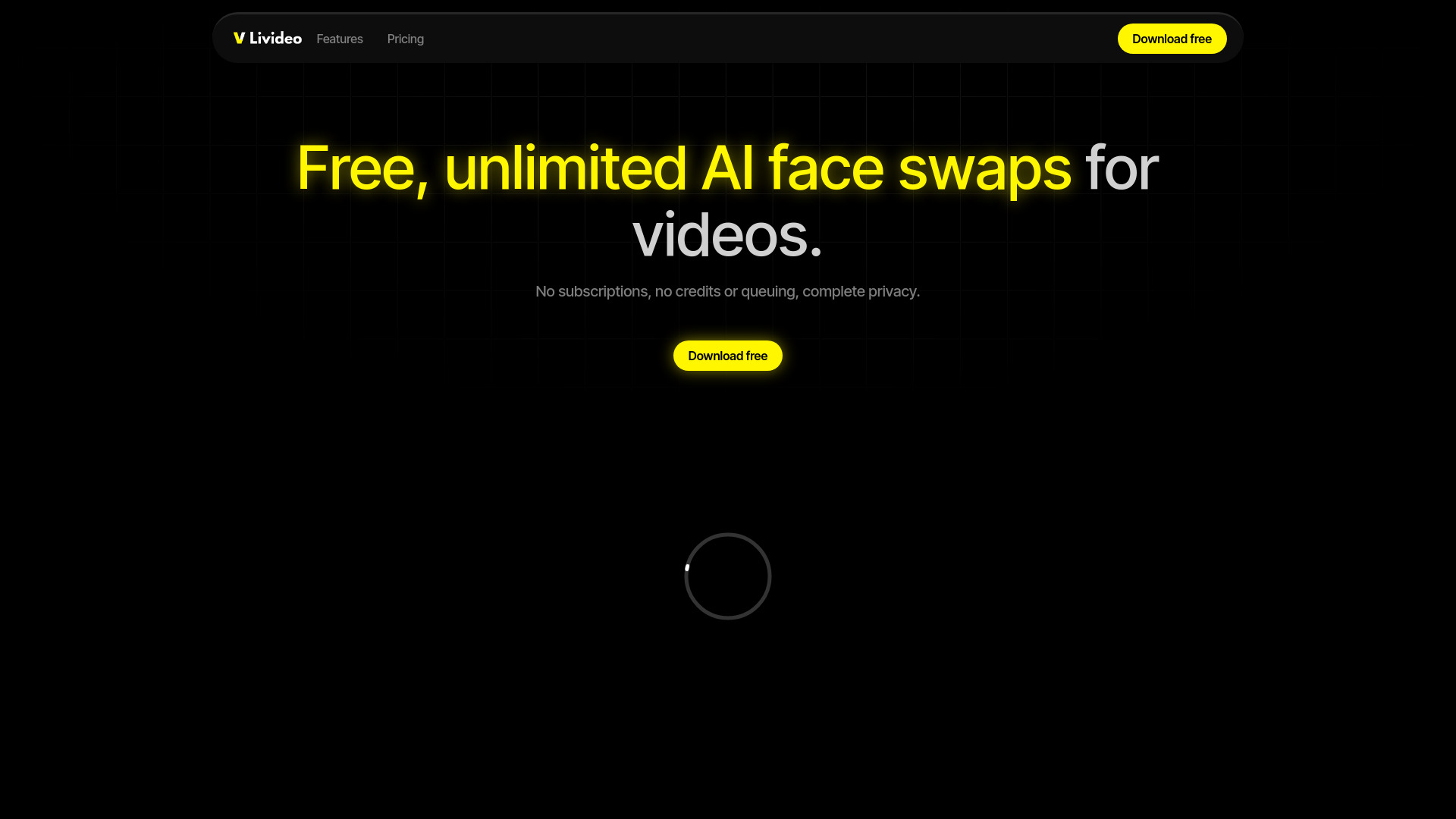
Livideo
Unlimited AI face swaps for personal videos

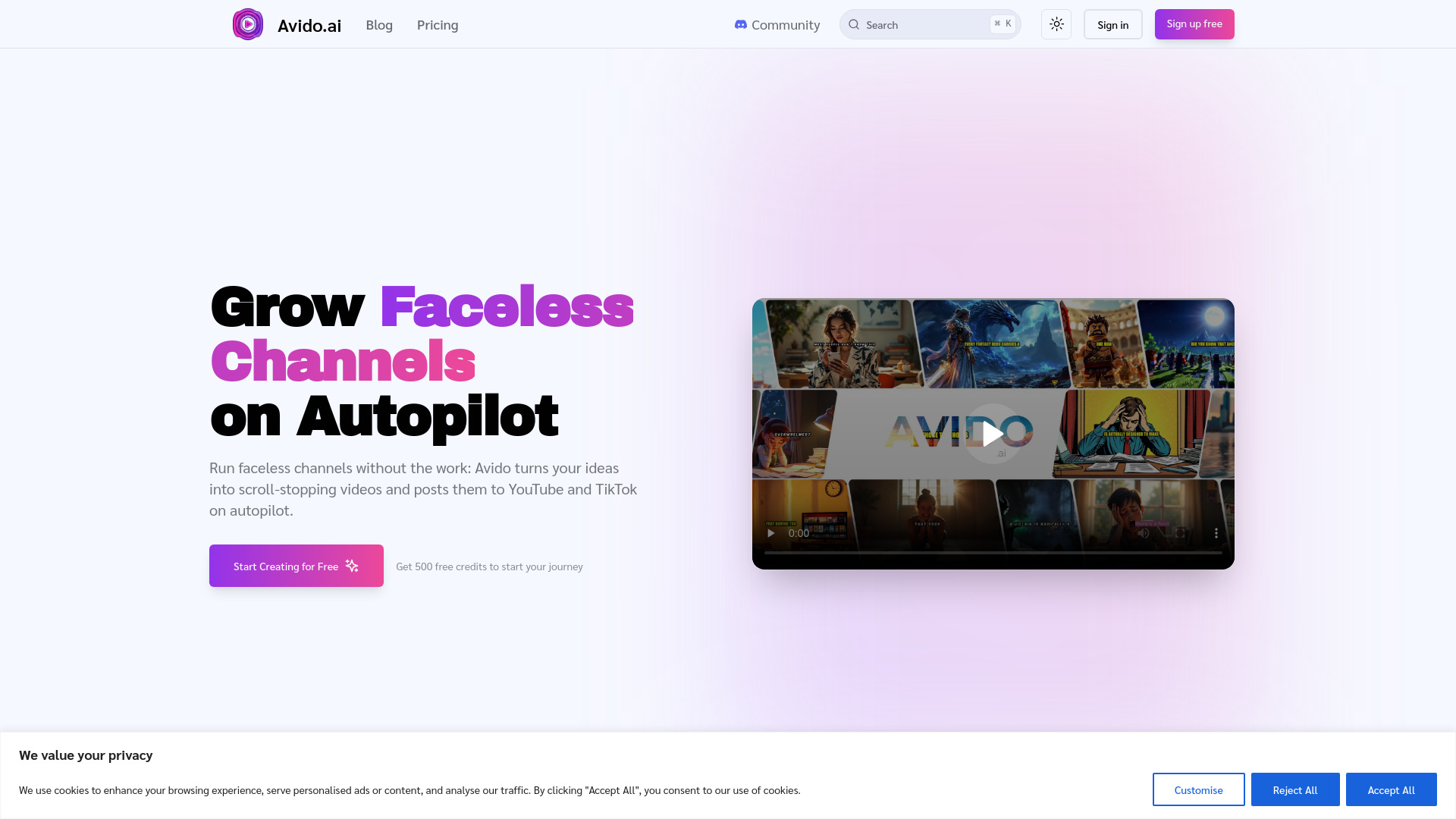
Avido.ai
Faceless YouTube and TikTok channel creators
Veo3 AI
Short-form AI video creation

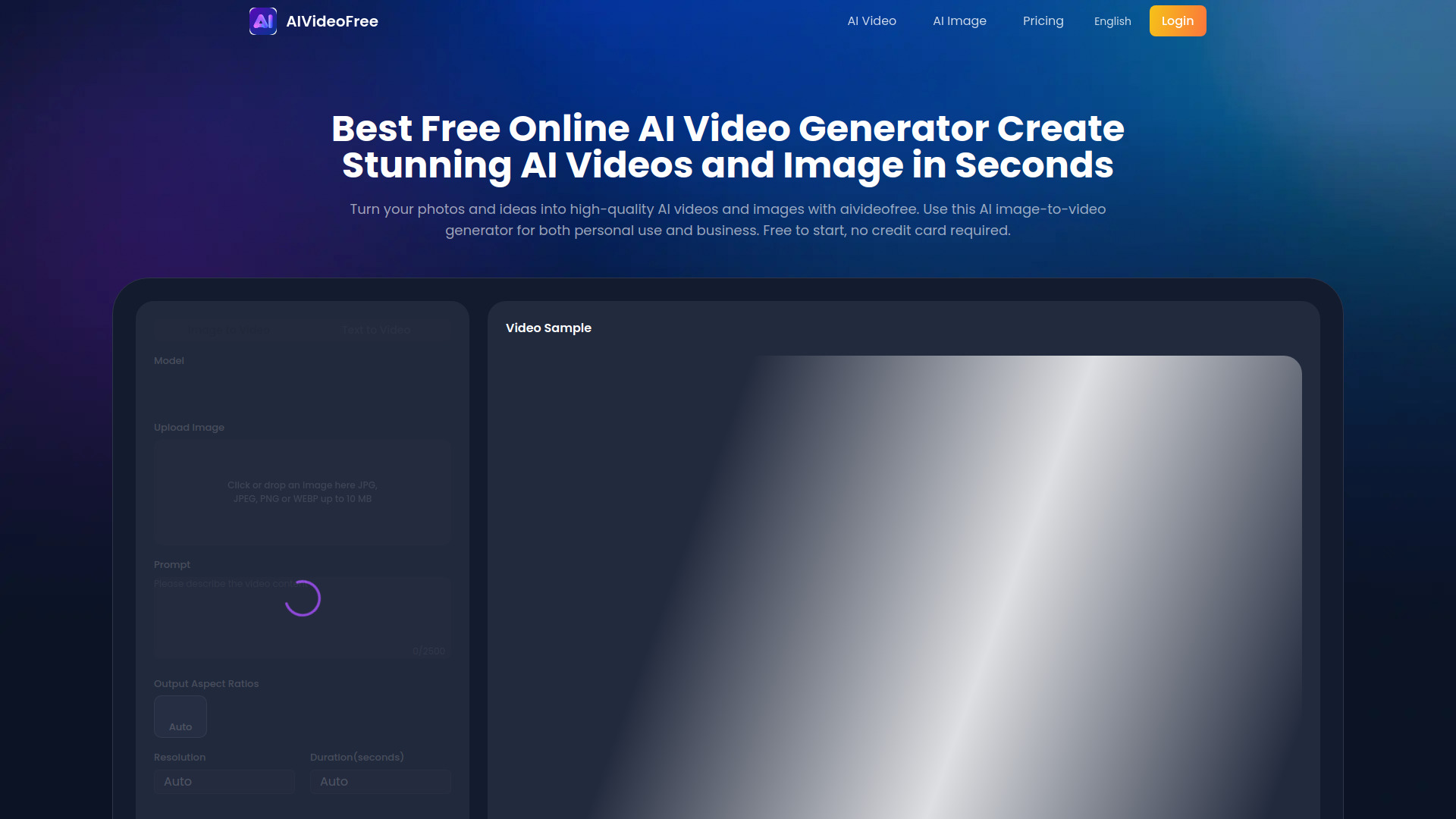
AIVideoFree
Free image-to-video creators

Imagvio AI
Creators needing consistent AI visuals

Veo 3.1
Cinematic multi-shot video creation

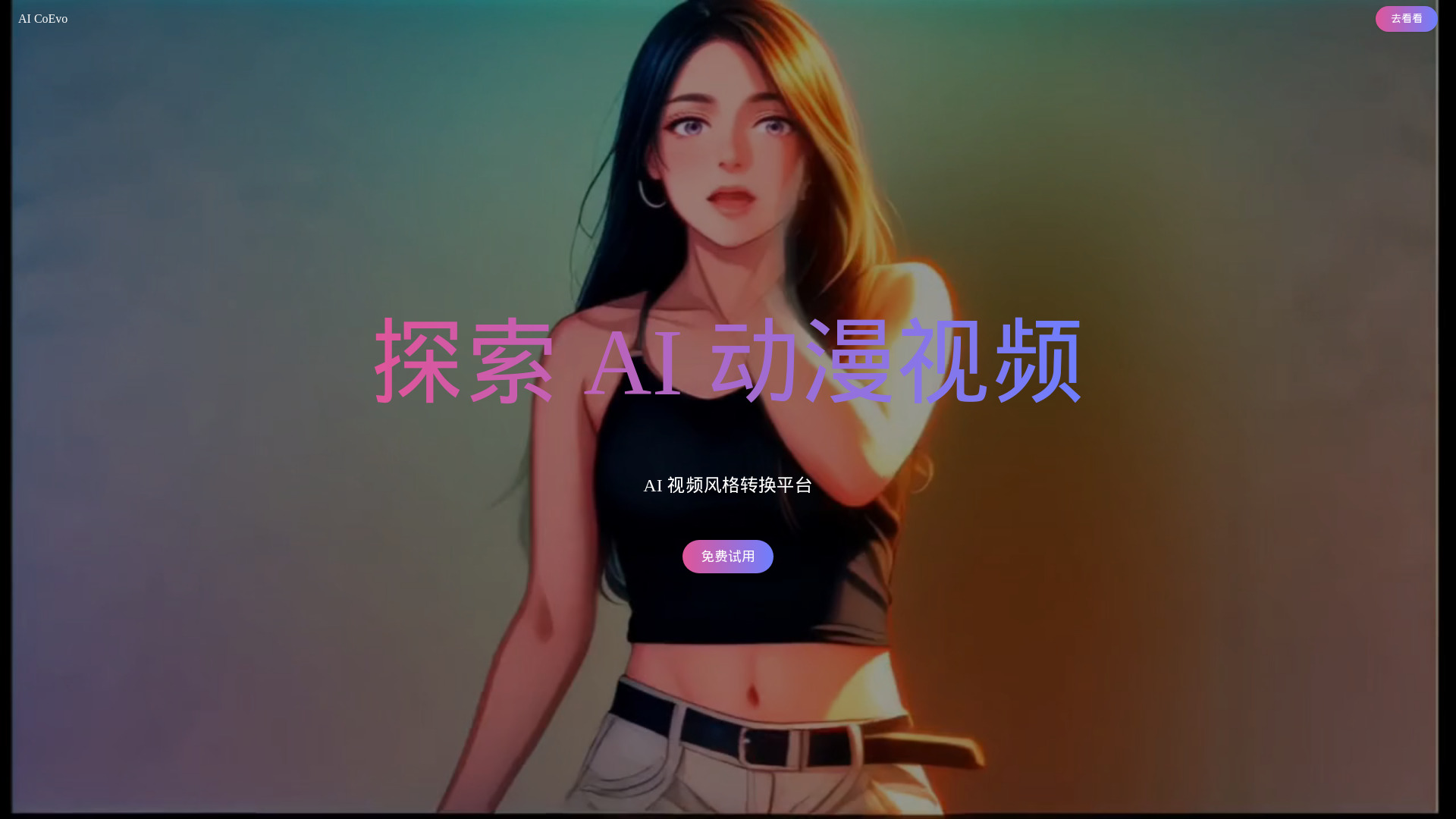
CoEvo-AI
AI video style conversion

Invideo AI
Multimodal AI video production
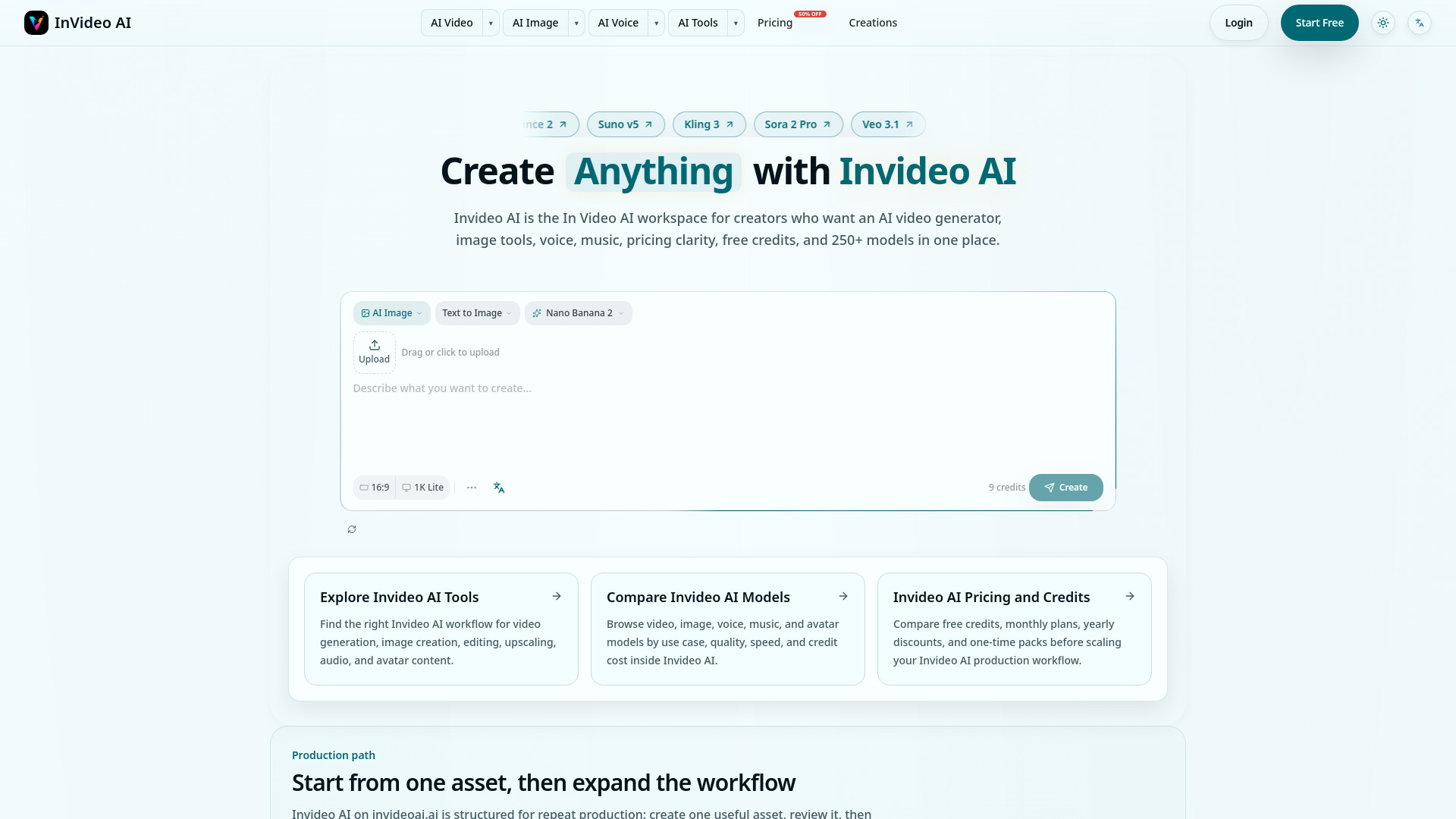

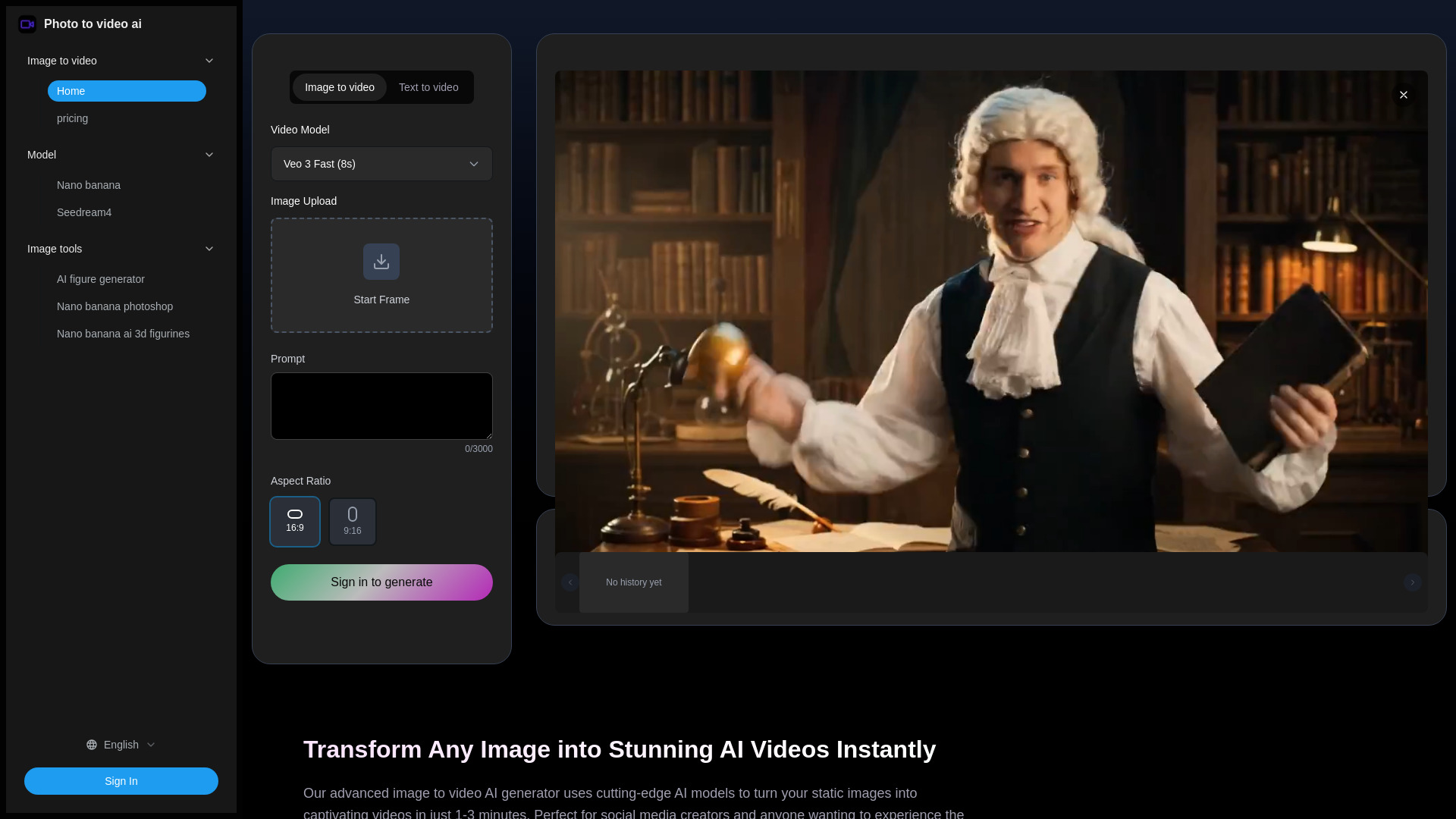
Photo to video ai
Image-to-video social content
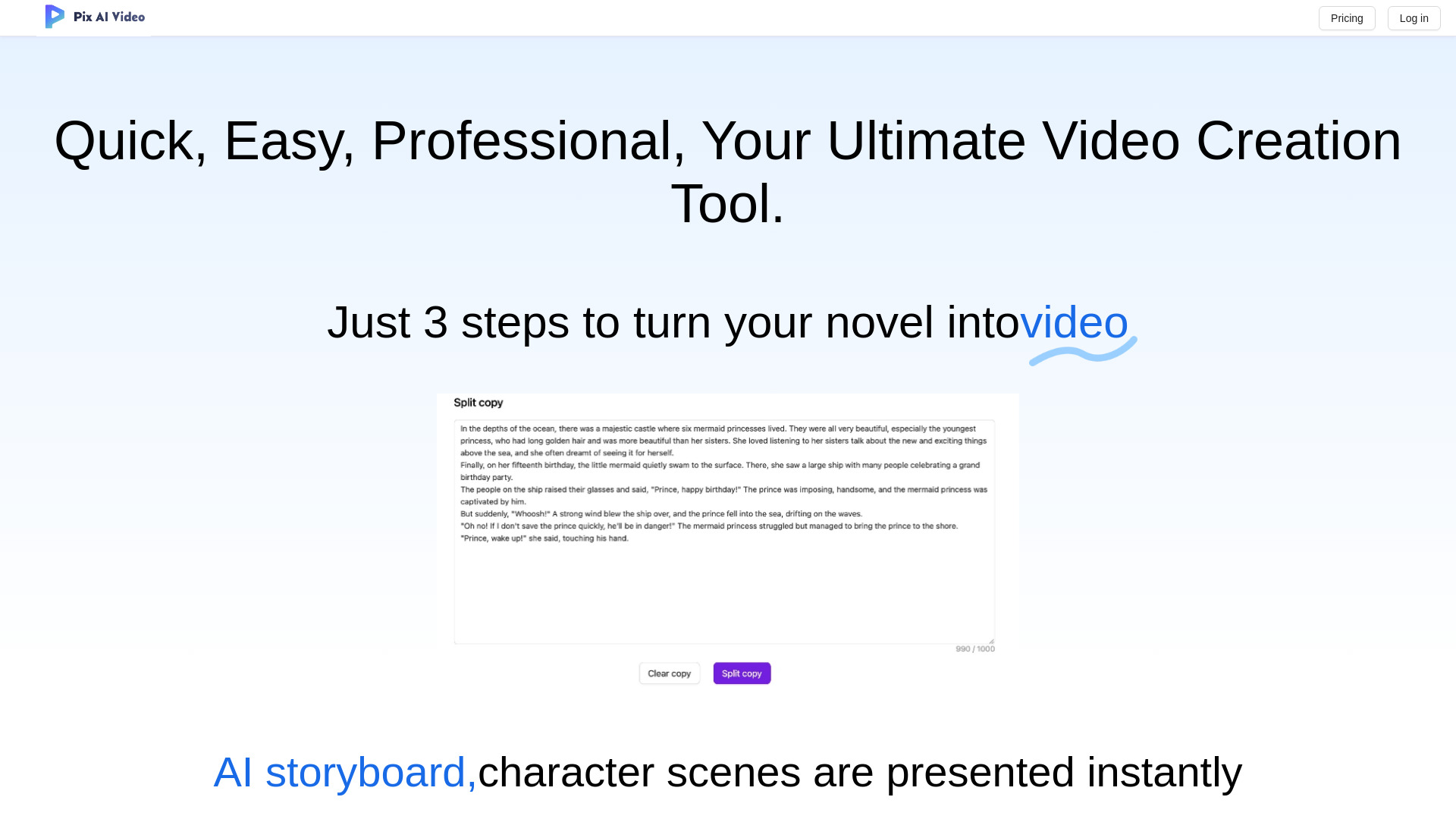
PixAIVideo
AI storytelling and animated video creation

Viral Ai Video Maker
TikTok and Reels creators

Aivvid AI
Multi-model AI video and content creation

Veo 4 AI Video
Cinematic AI video generation

Video Maker AI - Video generation
Creators making AI videos from text and images

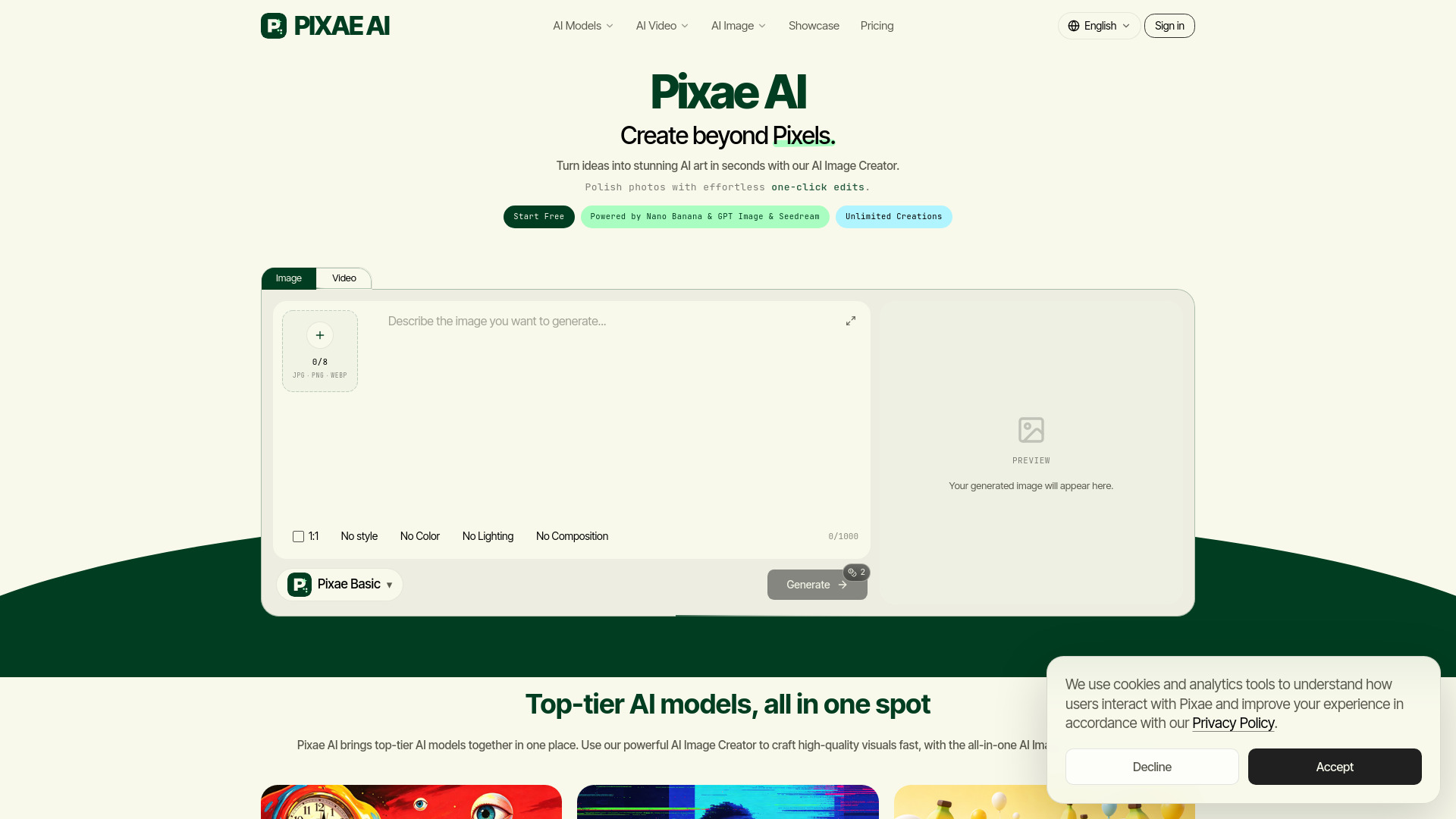
Pixae AI
Creators making AI images and videos

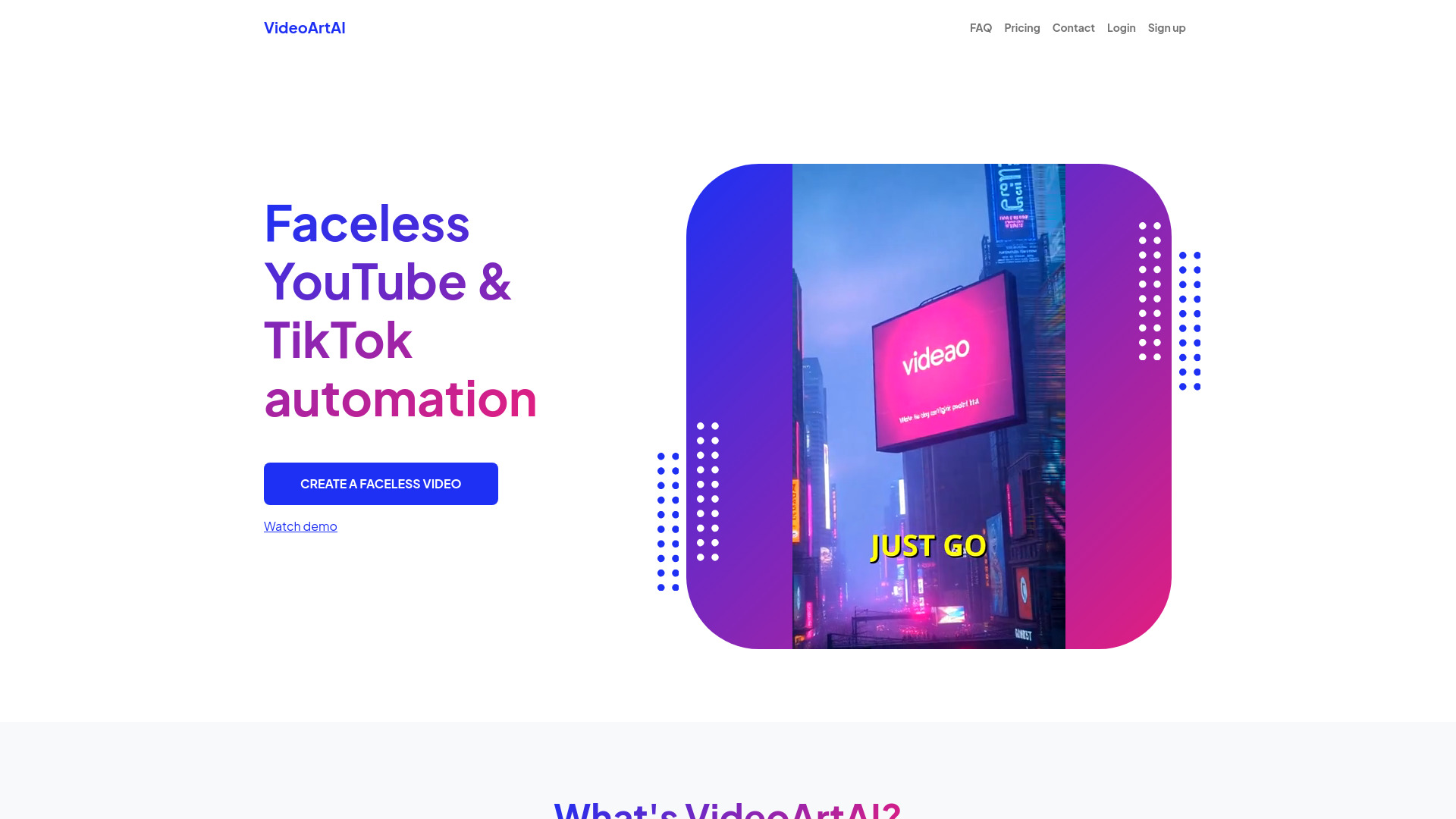
VideoArtAI
Faceless YouTube and TikTok creators
ImagetoVideoAI
Multi-model AI video creation

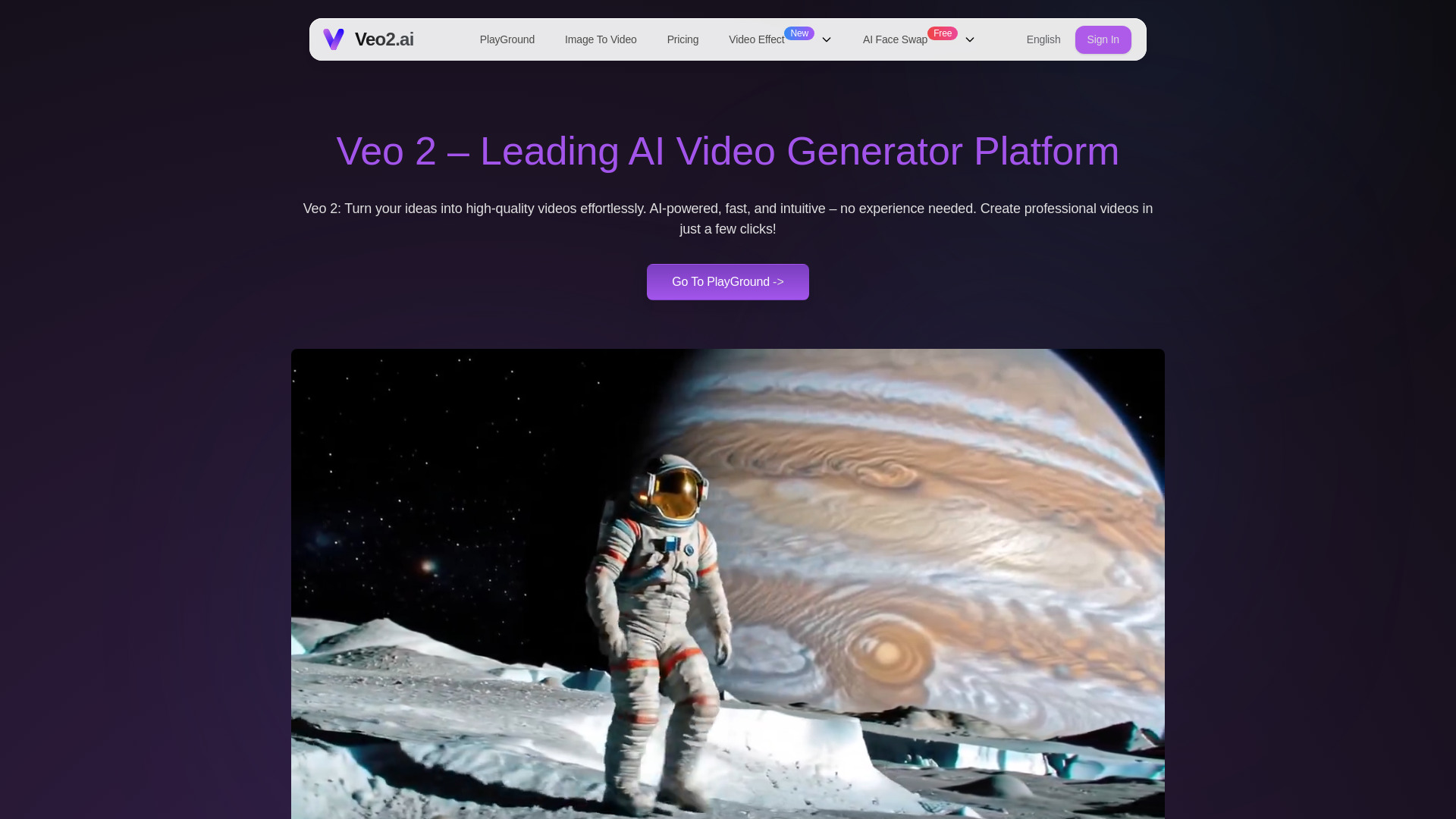
Veo2.ai
Text-to-video and image-to-video creation

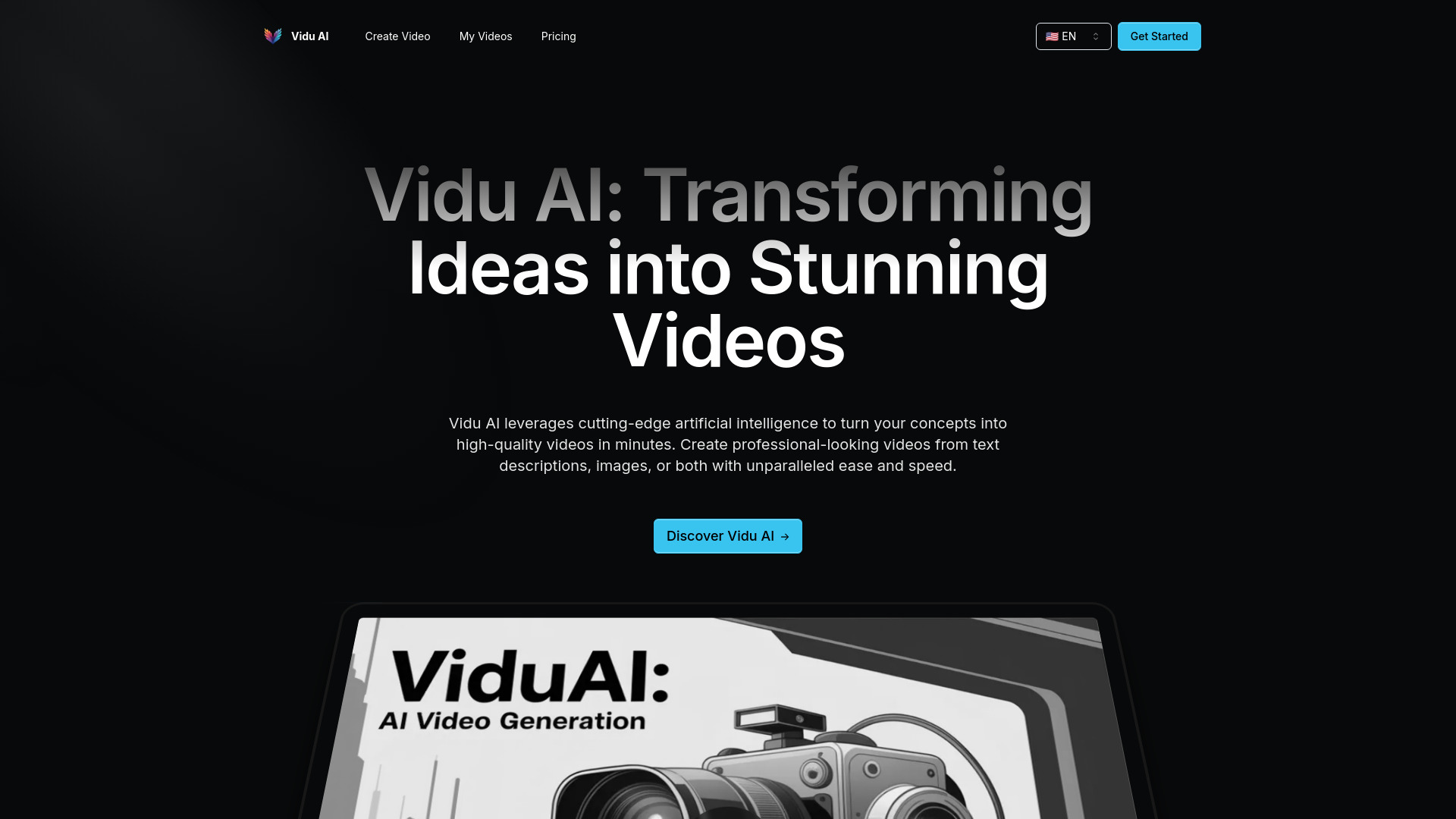
Vidu AI
Fast AI video generation

AI Dance Generator
Trending AI dance videos for TikTok, Reels, and Shorts

Creatii AI
Social videos, ads, and brand content

Veo 4 ai
Free text-to-video creation
Ezier AI
AI video creation for ads and e-commerce

AIVO3.com
Cinematic AI video generation

DisVideoAI
Creators making AI videos and images
Which AI video editor should you choose?
The right choice follows the shape of your source material and publishing routine:
For marketing teams: Start with InVideo. Its 5,000+ templates and text-to-video workflow are the clearest match for recurring campaign production.
For first-time editors: Movavi is the most approachable broad toolkit, while Clipfly is the simpler online alternative.
For social and talking-head content: Vmake AI focuses on enhancement and cleanup; AI Video Cut focuses on turning long recordings into shorts.
For hands-on editing with AI assistance: Choose either Filmora listing. The English-language entry is positioned for business professionals, while the Spanish-language listing is aimed at YouTubers and shows a different regional offer.
For educators: AI STUDIOS suits script-led, avatar-presented lessons. Animaker is better when illustrated characters fit the teaching style.
For damaged or low-resolution footage: Any Video Converter AI Video Enhancer is the specialist option, with upscaling, noise reduction, and artifact removal.
A useful buying test is to bring one real project into two finalists. Measure the time to reach a usable first draft, then check export restrictions, watermarks, and whether the result can be used commercially. Those details usually matter more than a long AI feature list.
My practical recommendation
For most buyers, I would start with InVideo because it offers the clearest balance of accessibility, template depth, and AI-assisted creation. It is not the universal answer: a teacher who needs an avatar should test AI STUDIOS, and a creator working from long interviews should test AI Video Cut first.
If you already have an editing habit, Wondershare Filmora is the more natural upgrade path. It adds AI-powered editing and Smart Short Clips without making conventional editing irrelevant. For restoration, skip the general-purpose recommendations and test Any Video Converter AI Video Enhancer against the exact footage you need to repair.
The practical rule is simple: choose the tool that matches your input. Scripts favor InVideo, AI STUDIOS, or Animaker; long recordings favor AI Video Cut; weak footage favors Any Video Converter; and mixed beginner projects favor Movavi or Clipfly.
Common mistakes when choosing an AI video editor
Buying for generation when you need editing: Text-to-video will not automatically solve a messy recording, weak audio, or a complicated timeline.
Ignoring export limits: Free plans may restrict exports, features, or output quality. Watermarks can also make a free result unusable for public work.
Skipping commercial-use checks: Filmora listings note that some AI-generated resources may be for non-commercial use only.
Assuming every AI editor is a full suite: Vmake AI and Any Video Converter have strong enhancement angles, while AI Video Cut specializes in repurposing.
Comparing prices without checking region: The two Filmora listings show different regional offers, and Movavi displays pricing in NT$.
Testing with a toy project: Use an actual campaign, lesson, interview, or restoration clip so the tool earns its place under realistic conditions.
What changed in 2026
The strongest AI video workflows now divide into clearer lanes instead of competing only on generic video generation. Template-led creation remains important for marketing, while avatars and multilingual voices make script-to-video more useful for education. Short-clip extraction has become its own workflow for creators, and enhancement tools increasingly address the quality of existing footage rather than only generating new scenes.
That specialization changes how to evaluate the best AI video editing options. A high score does not mean every tool belongs in every workflow. It means the product has a convincing fit for a particular audience, a usable entry point, and enough focused capability to justify testing. Pricing and export terms still need live verification, especially where free plans include watermarks, limited downloads, or restricted credits.
FAQ
InVideo is the strongest overall match in this comparison. Its 5,000+ templates and AI-powered text-to-video editor make it especially practical for marketing teams producing repeatable content.