
The best ai presentation maker depends on what happens after the first draft. Some tools turn a prompt into a polished deck; others are better at converting documents, working inside Google Slides, or keeping a team on-brand. We compared 100 tools and ranked the 10 most compelling options for business professionals, marketers, consultants, students, and sales teams. The shortlist includes the best free ai presentation maker options as well as paid tools worth considering when presentation work is a regular part of your job.
Top picks
| Pick | Tool | Best for | Why it stands out |
|---|---|---|---|
| 1 | PPT AI | Business professionals | Fast creation, file conversion, and a generous-looking 95% time-saving claim |
| 2 | Beautiful.ai | Marketing teams | Smart templates and automated design keep slides polished |
| 3 | Plus AI | Consultants | Works with both Google Slides and PowerPoint |
| 4 | Presentations.AI | Marketing managers | Builds drafts from prompts, documents, or URLs |
Quick comparison
| Rank | Tool | Best for | Free access | Starting price | Score |
|---|---|---|---|---|---|
| #1 | PPT AI | Business professionals | 3 presentations/month | Free version: $0 | 95/100 |
| #2 | Beautiful.ai | Marketing teams | 14-day free trial | From $12/month | 95/100 |
| #3 | Plus AI | Consultants | 7-day free trial | From $10/month | 95/100 |
| #4 | Presentations.AI | Marketing managers | Free with limited AI credits | From $40/year for up to 10 members | 95/100 |
| #5 | AiPPT | Business professionals | 6 total generations | Free: $0 | 95/100 |
| #6 | Presenti AI | Marketing teams | Free access listed | From $10/month | 95/100 |
| #7 | SketchBubble AI Presentation Maker | Consultants | Free | Check vendor pricing | 95/100 |
| #8 | Smallppt | Professionals | 1 AI PPT generation | From $12.49/month | 95/100 |
| #9 | SlidesAI | Students | 12 presentations/year | Basic: S$0/month | 95/100 |
| #10 | Neo AI Presentation Maker | Sales managers | Free to create and edit | From $24.99/month | 95/100 |
How we ranked these AI presentation makers
We ranked the 100 candidates around the decisions that matter when you actually need a deck: how quickly the tool creates a usable first draft, how clearly its core workflow is explained, how much control remains after generation, and whether the output fits common presentation habits. We also considered the intended audience, the quality and specificity of the listed features, free access, starting price, and usage signals. A high score does not mean every tool is equally versatile. It means the product has a strong fit for its stated use case. Where pricing or limitations were unclear, we treated that uncertainty as a reason to check the vendor before committing.
The best AI presentation makers
1. PPT AI

PPT AI
Business professionals who need fast presentation drafts
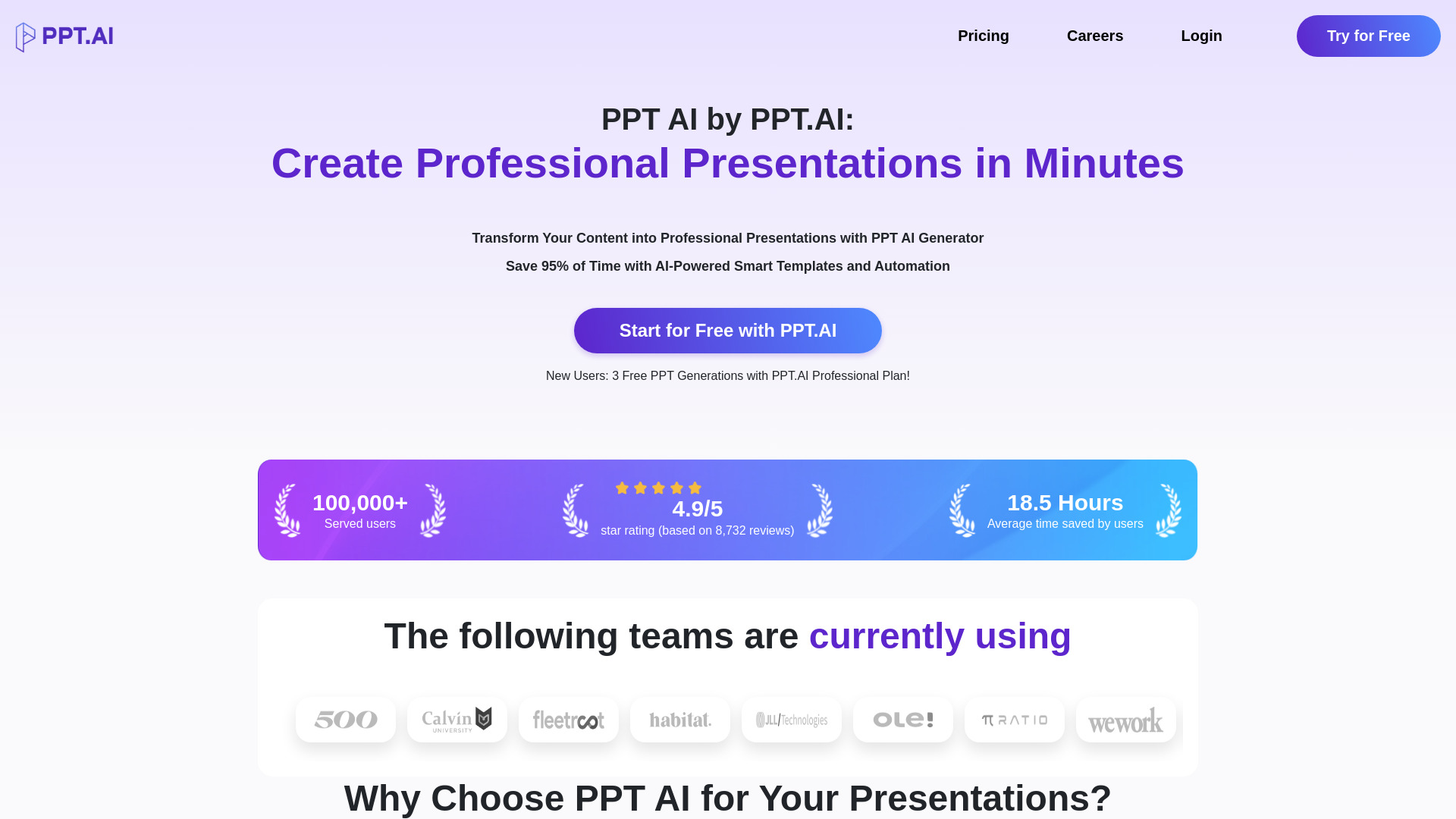
Speed is the whole story with PPT AI. Its core promise is AI-powered presentation creation, and it also converts various file types into presentations. That combination makes it a practical first stop when the source material already exists in another format rather than in your head. The listed claim that it saves 95% of presentation creation time is unusually specific, even if your real-world result will depend on how much editing the draft needs.
This is the strongest all-around match because it addresses the blank-page problem without narrowing the workflow to one audience or one presentation platform. Business professionals can start with a prompt or existing material, then use the generated deck as a working draft. The free allowance is useful for trying the workflow, but it is not unlimited: the free plan limits both the number of presentations and slides.
My take: PPT AI is the sensible first tool to test if you want a quick route from source material to a deck. The blend of creation and file conversion gives it more everyday utility than a tool that only generates from a short prompt.
Where it falls short: The free plan's presentation and slide limits will matter quickly for frequent users. Treat the free tier as an evaluation path, not a complete production workflow.
Key features
AI-powered presentation creation.
Instant conversion of various file types.
Free professional templates are included in the listed free-access offer.
Pros
Designed to reduce presentation creation time substantially.
Useful for business users who need a first draft quickly.
File conversion broadens the ways you can begin a deck.
Cons
Free use is limited by presentation and slide counts.
Choose PPT AI if: You need the fastest general-purpose route from an idea or existing file to a business presentation.
2. Beautiful.ai

Beautiful.ai
Marketing teams that need polished slides
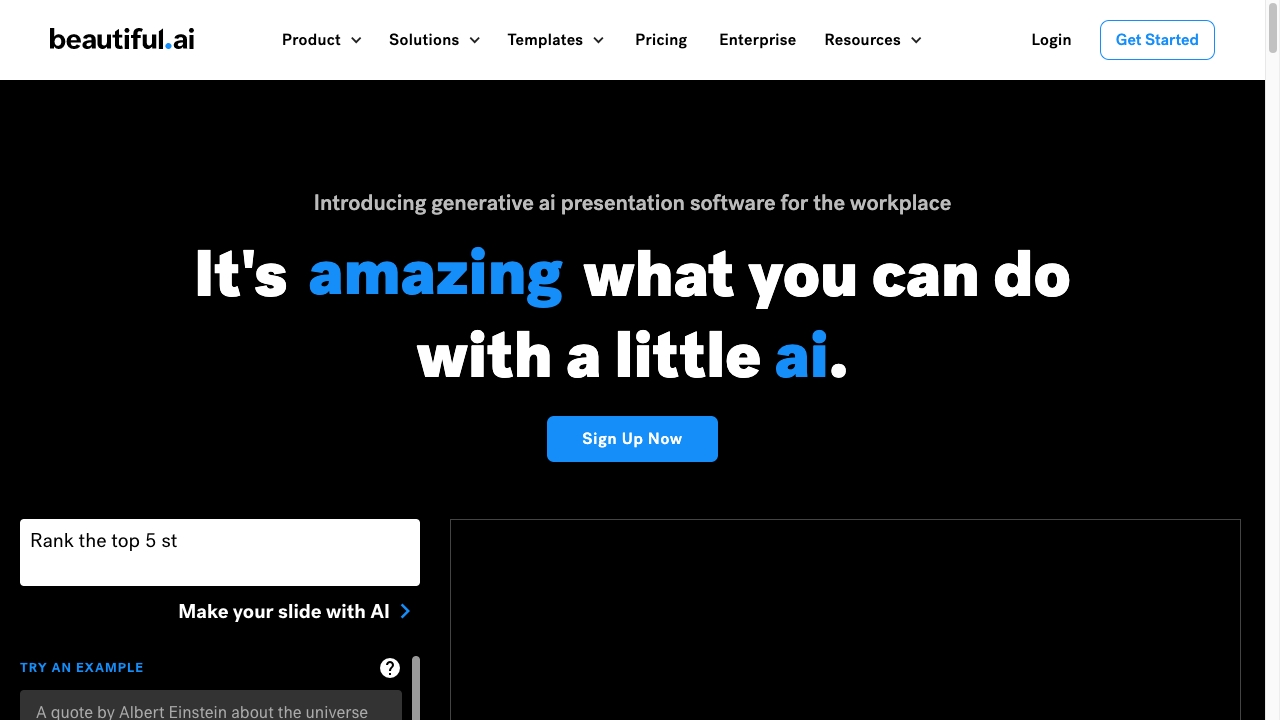
Beautiful.ai takes a design-first approach. Rather than treating slide creation as a blank canvas, it combines AI-powered design automation with smart slide templates. That distinction matters for marketing teams, where a deck can contain the right message and still look unfinished if spacing, hierarchy, and layout require too much manual attention.
The appeal is consistency. Smart templates are intended to handle much of the visual arrangement while you work on the content. That makes the tool a good choice for users who want professional-looking presentations without spending every minute adjusting slide elements. It is also one of the more clearly positioned examples of AI presentation software: the value is not just generating text, but automating presentation design.
My take: I would choose Beautiful.ai when visual polish and repeatable layouts matter more than maximum editing freedom. It is especially attractive for marketing teams that produce decks often and want a reliable design baseline.
Where it falls short: Full access may require a subscription, and the 14-day trial is the main low-risk way to evaluate the workflow. Check the current plan details before building a team process around it.
Key features
AI-powered design automation.
Smart slide templates.
Automated presentation design is part of the product's stated positioning.
Pros
Makes professional-looking decks easier to create.
Reduces the manual design work involved in slide layout.
Strong fit for teams that value visual consistency.
Cons
A subscription may be needed for full feature access.
Users seeking unrestricted creative control may find automation more opinionated.
Choose Beautiful.ai if: Your marketing team wants attractive, consistent slides without manually designing every layout.
3. Plus AI

Plus AI
Consultants working in Google Slides or PowerPoint
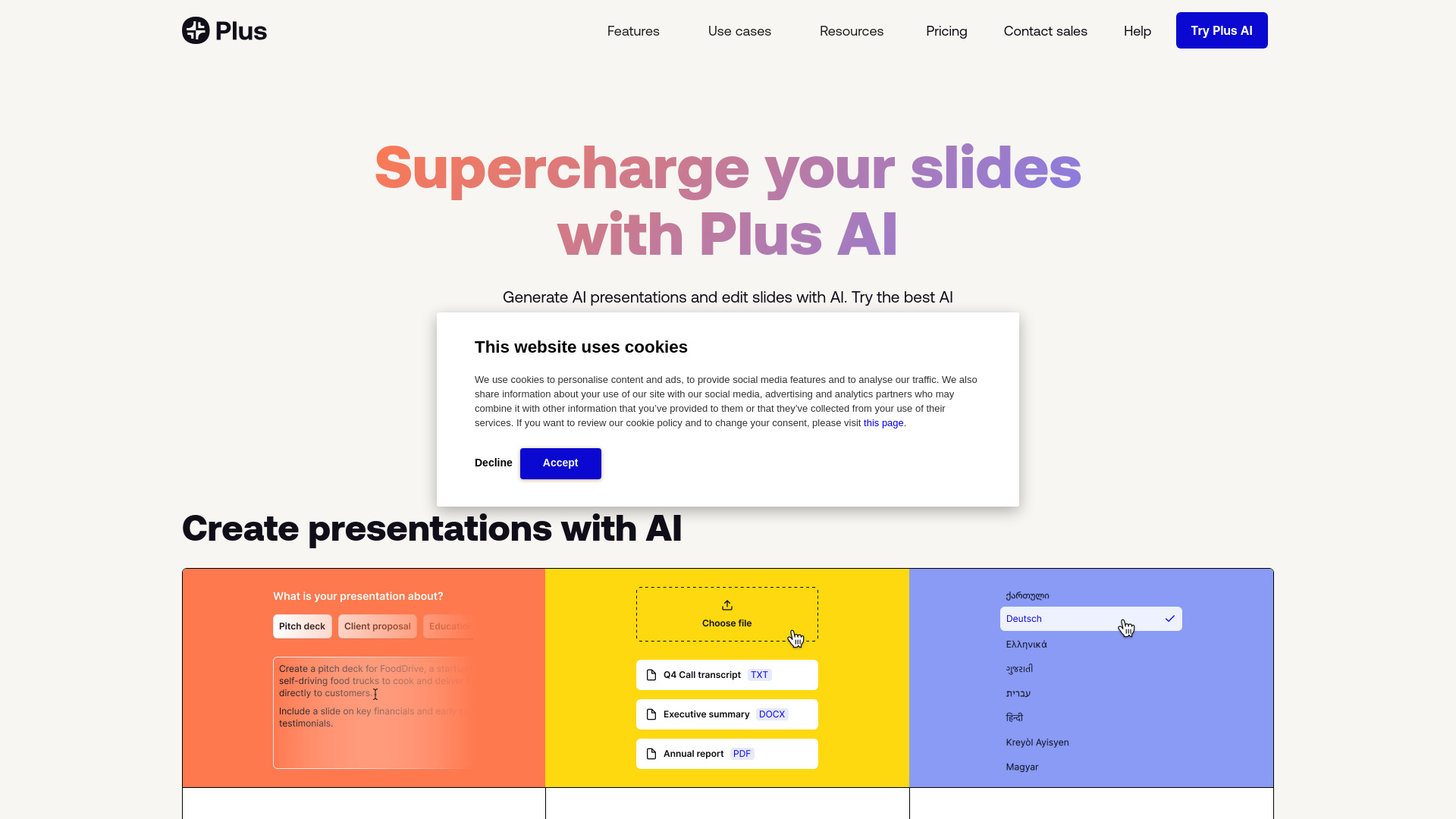
Plus AI earns its place by meeting users where they already build presentations. Its standout advantage is seamless integration with Google Slides and PowerPoint, paired with AI-powered presentation generation and text-to-presentation conversion. For consultants, that is a meaningful workflow choice: you can use AI to get moving without necessarily abandoning the slide applications clients and colleagues already expect.
Text-to-presentation conversion gives the product a direct path from rough notes to a deck structure. The important question is not whether the first output is perfect; it is whether the tool gets you to an editable starting point faster. Plus AI is well positioned for that job, particularly when the final presentation needs to remain in a familiar Google or Microsoft environment.
My take: This is the most practical pick for consultants who need AI assistance but cannot afford an awkward handoff between a specialist generator and their normal presentation software.
Where it falls short: Unlimited use and advanced features require paid plans. The 7-day trial is enough to test the basic workflow, but heavy users should compare the per-user cost against their actual deck volume.
Key features
AI-powered presentation generation.
Text-to-presentation conversion.
Integration with Google Slides and PowerPoint.
Pros
Fits into two widely used presentation environments.
Reduces the friction between AI generation and slide editing.
Strong match for client-facing consulting workflows.
Cons
Paid plans are required for unlimited use and advanced features.
The value depends on how often you create presentations.
Choose Plus AI if: You want AI-generated slides while keeping Google Slides or PowerPoint at the center of your workflow.
4. Presentations.AI

Presentations.AI
Marketing managers turning source material into decks
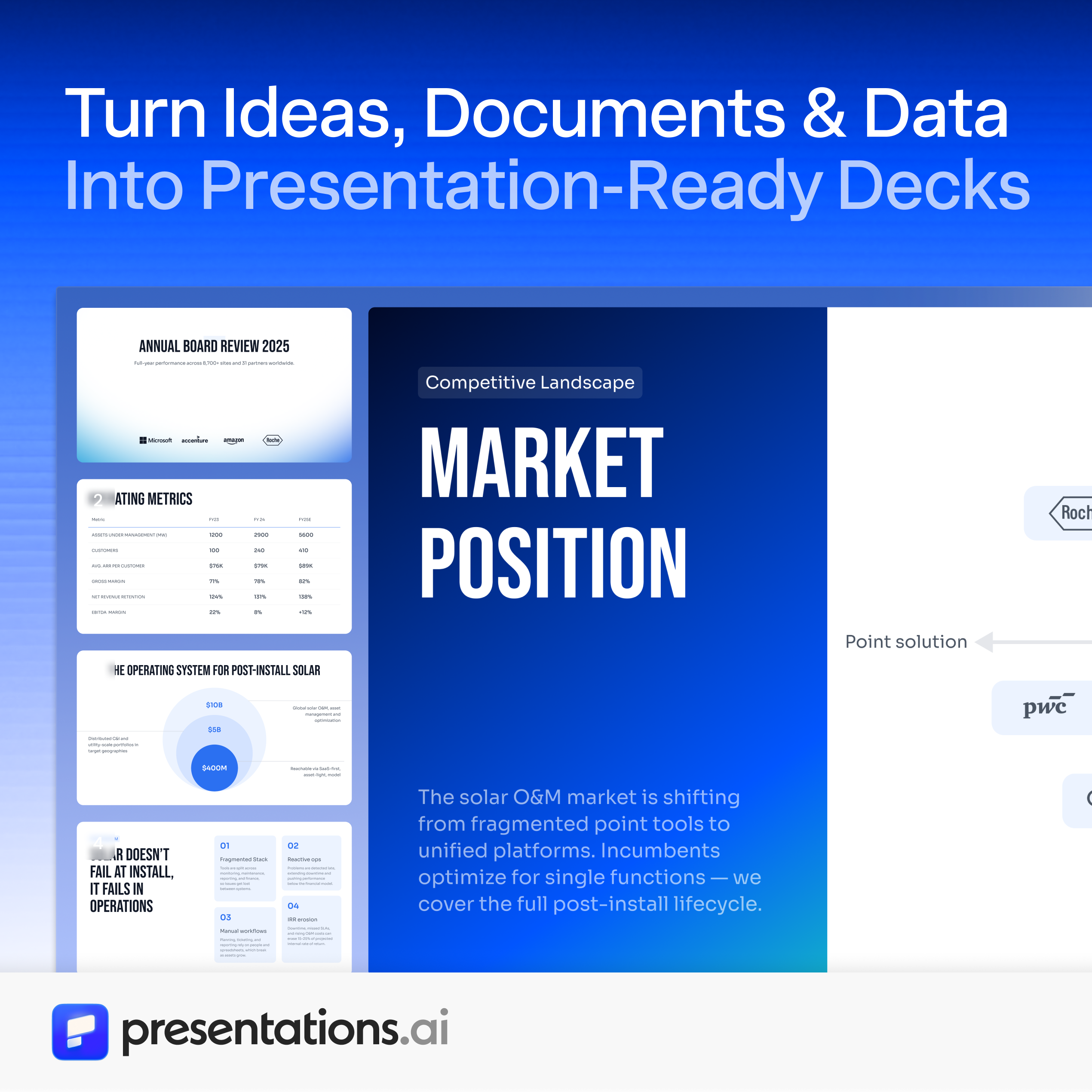
Presentations.AI is built for the moment when the presentation already has raw material behind it. You can create from a prompt, document, or URL, then work from a structured first draft. That makes it more useful than a simple text box for marketing managers who may be starting with a brief, web page, or internal document rather than a clean presentation outline.
The product's most persuasive differentiator is speed at the first-draft stage. Its listing claims a 50x reduction in the time needed to create a first draft. In practice, the value is likely to come from converting scattered inputs into a coherent starting structure, after which the human work becomes reviewing the story, correcting emphasis, and tightening the slides.
My take: Presentations.AI is one of the better choices when your input is a document or URL and you want the tool to do more than decorate a manually written outline. It feels designed around the messy beginning of real marketing work.
Where it falls short: Pricing may vary by country, so the listed annual offer should not be treated as a universal quote. Free access also comes with limited AI credits.
Key features
Creates presentations from a prompt, document, or URL.
Generates a structured first draft.
Supports AI-assisted refinement of story, design, and structure according to its positioning.
Pros
Handles several useful starting formats.
Focuses on reducing first-draft effort.
Strong fit for business inputs that are not already slide-ready.
Cons
Pricing can vary depending on country.
Limited AI credits may restrict repeated experimentation on the free tier.
Choose Presentations.AI if: You routinely turn briefs, documents, or web pages into marketing presentations.
5. AiPPT
AiPPT
Business professionals who need PowerPoint or Google Slides drafts
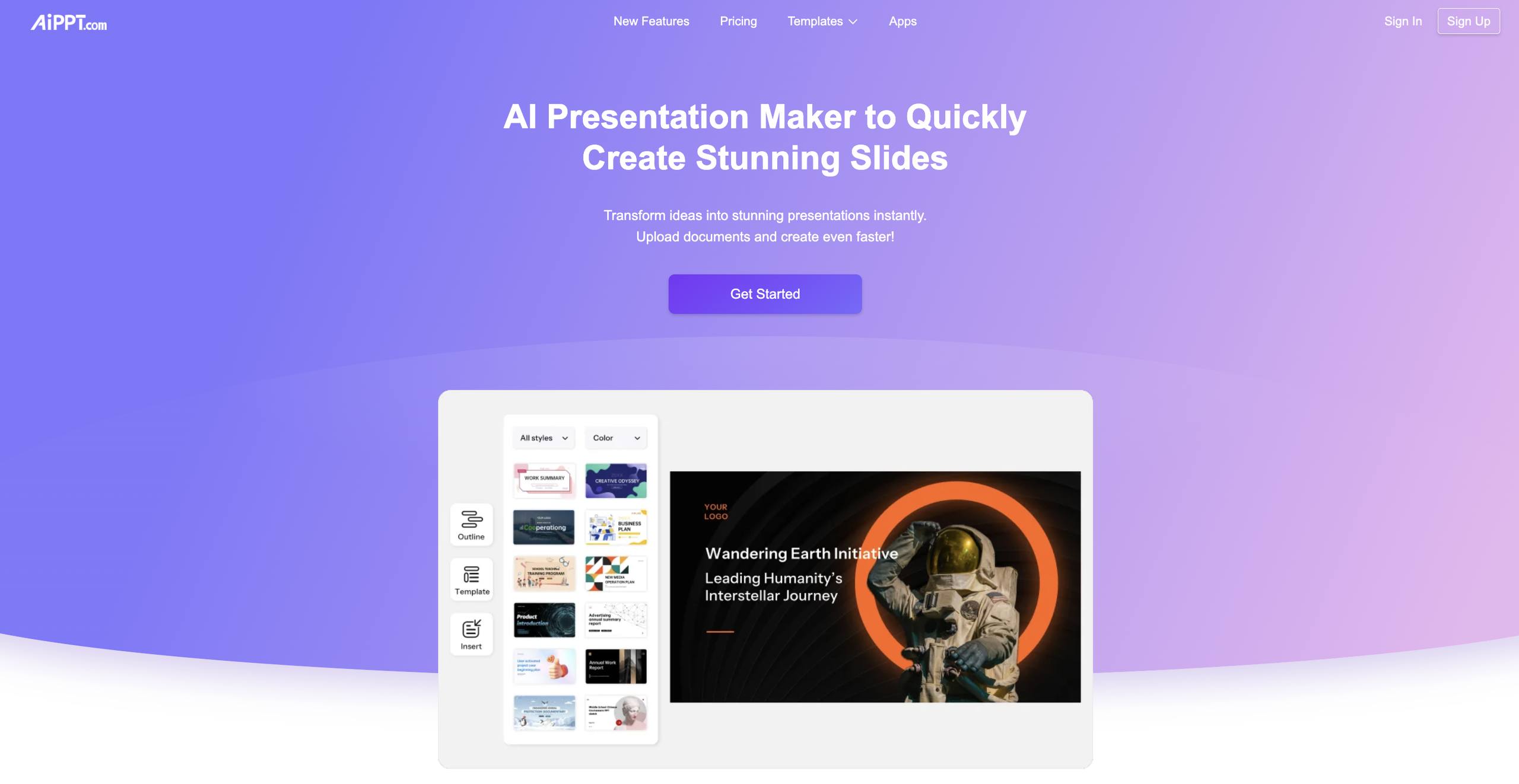
AiPPT focuses on one-click presentation generation and supports inputs from multiple sources. Its template library covers diverse styles, which is useful when a generic AI-generated deck is not enough and the visual direction needs to match a meeting, pitch, report, or classroom setting. The product is positioned for both PowerPoint and Google Slides presentations, giving it a familiar output-oriented workflow.
The six-generation free allowance makes AiPPT easy to sample, but it also sets a clear boundary. You can test whether the generator handles your topics and preferred presentation style before paying, yet regular users will need to think about generation volume. The tool's strongest value is saving time on the initial build, not eliminating the need to inspect the finished slides.
My take: AiPPT is a good middle-ground option for users who want a broad template selection and a straightforward generation experience. It is less compelling if you need unlimited free experimentation.
Where it falls short: The free plan has limited AI generation times. Six total generations can disappear quickly when you are comparing outlines or iterating on a difficult topic.
Key features
AI-powered presentation generation.
One-click PowerPoint generation.
Template library with diverse styles.
Generation from various inputs, including text, documents, and URLs.
Pros
Saves time during presentation creation.
Offers multiple starting formats.
Diverse templates give users more visual directions to try.
Cons
Free AI generation is limited.
Users who iterate heavily may need a paid plan sooner than expected.
Choose AiPPT if: You want to test several presentation styles and generate a deck from text, documents, or a URL.
6. Presenti AI

Presenti AI
Marketing teams creating quick professional slides
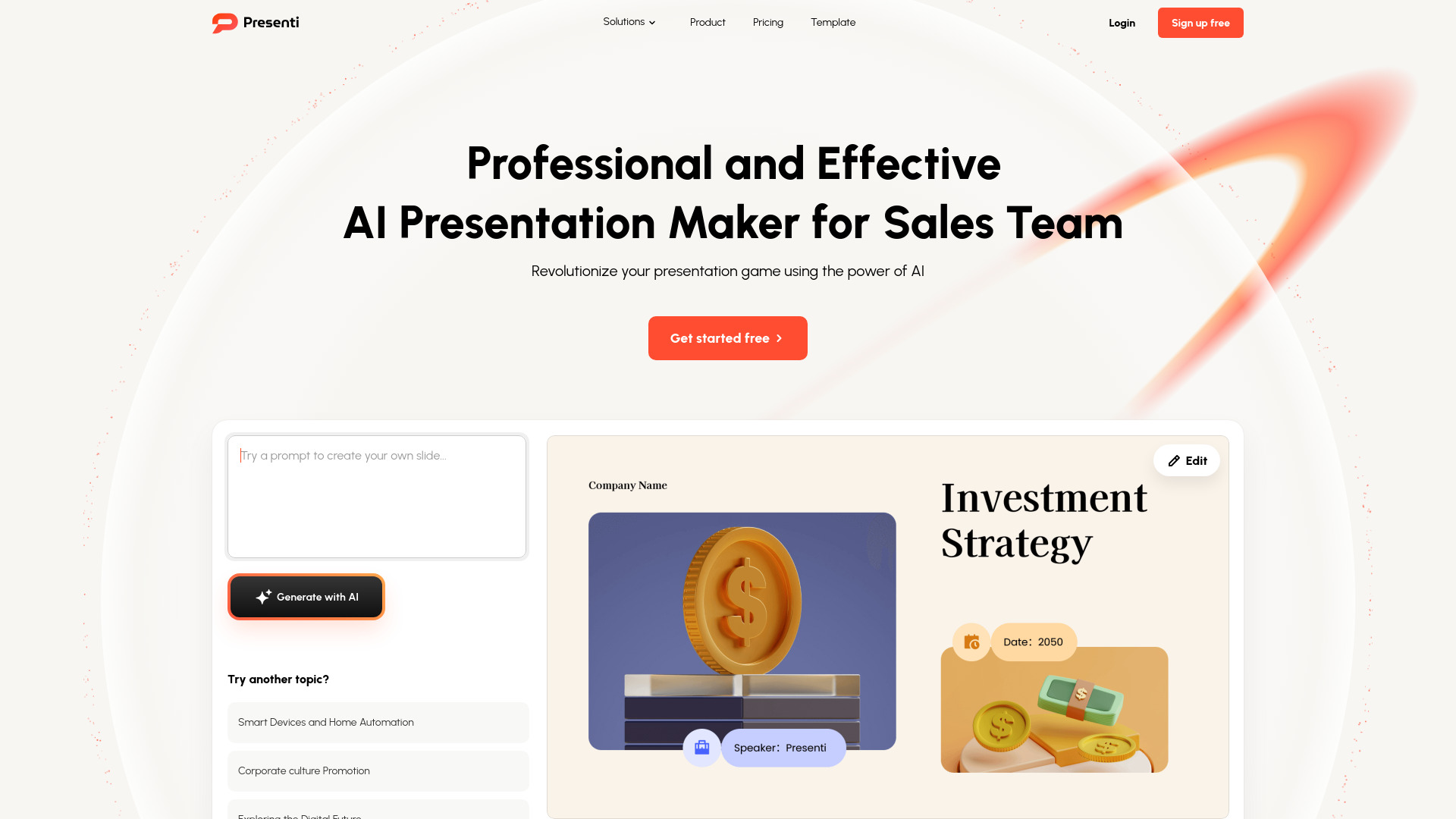
Presenti AI combines AI-powered slide generation with automated design optimization. That pairing targets a familiar pain point: getting content onto slides is easy enough, but turning it into something presentable takes time. Presenti also converts various file types to slides, so the workflow can begin with material your team has already created.
The product is aimed at quick, professional output rather than detailed manual composition. That is a useful distinction for marketing teams producing internal updates, campaign decks, or early client drafts. The more the tool handles automatically, the more important it becomes to review whether the design choices support the message rather than simply making the slides look tidy.
My take: Presenti AI is a strong adjacent option for teams that want document conversion and automatic design help in the same place. It should shorten the path from source file to usable slide deck.
Where it falls short: Reliance on AI may limit creative control. If your presentation depends on precise art direction or unusual layouts, automatic optimization may require more correction than expected.
Key features
AI-powered slide generation.
Automated design optimization.
Conversion of various file types to slides.
Pros
Designed for quick presentation creation.
Combines content generation with design assistance.
File conversion is useful for existing business material.
Cons
AI-led design can reduce creative control.
The free plan should be checked for the exact scope of access.
Choose Presenti AI if: Your team wants fast, professional-looking slides from existing files and does not need total control over every layout decision.
7. SketchBubble AI Presentation Maker

SketchBubble AI Presentation Maker
Consultants who need designed decks quickly
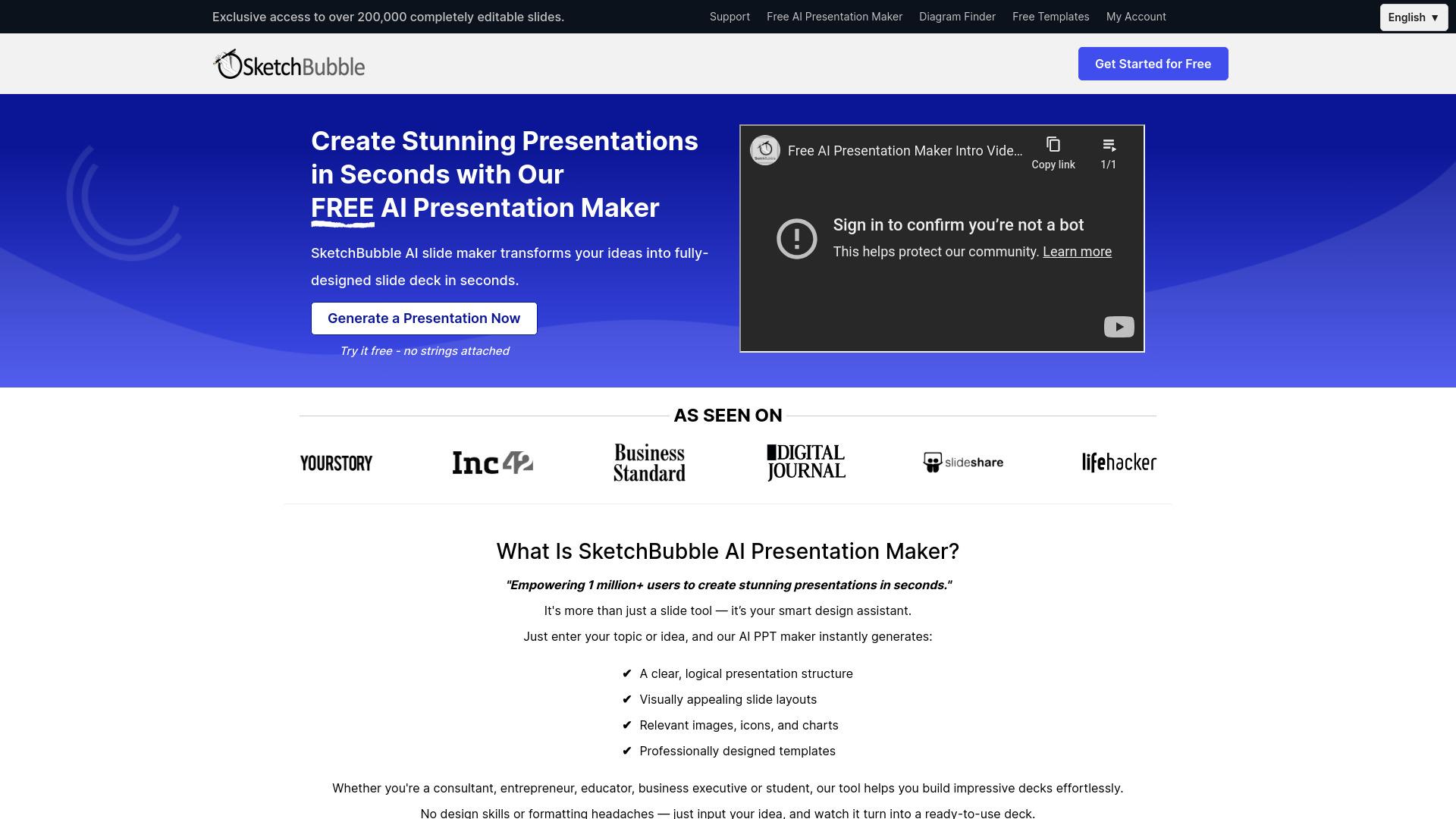
SketchBubble's AI presentation maker takes ideas and turns them into fully designed slide decks. Its two highlighted capabilities, AI-enhanced designs and instant content creation, point to a workflow that prioritizes getting a complete-looking deck on screen quickly. For consultants, that can be useful when a client meeting is approaching and the structure is still taking shape.
Exporting to PowerPoint and Google Slides is an important practical detail. A generated deck is much more useful when it can move into the tools used for final edits, collaboration, or delivery. The product claims 50x faster presentation generation, which should be treated as a speed-oriented positioning rather than a guarantee for every project, but the underlying use case is clear: generate the foundation quickly, then refine it.
My take: SketchBubble is worth considering as an unexpected alternative if you care about a fully designed starting point and familiar export destinations. It is particularly interesting for consultants who repeatedly turn ideas into client-ready materials.
Where it falls short: Pricing details are hidden behind the vendor's current offer, so you will need to check the site before making a purchasing decision. No specific product disadvantage is identified beyond that pricing uncertainty.
Key features
AI-enhanced designs.
Instant content creation.
AI-generated slide decks.
Export to PowerPoint and Google Slides.
Pros
Promises substantially faster deck generation.
Starts with designed slides rather than only raw text.
Supports two familiar presentation formats.
Cons
Pricing is not presented as a clean starting plan here.
The amount of manual editing needed after generation should be tested on your own content.
Choose SketchBubble AI Presentation Maker if: You want a fast, designed deck that can be exported into PowerPoint or Google Slides for final work.
8. Smallppt

Smallppt
Professionals who need slides plus writing help
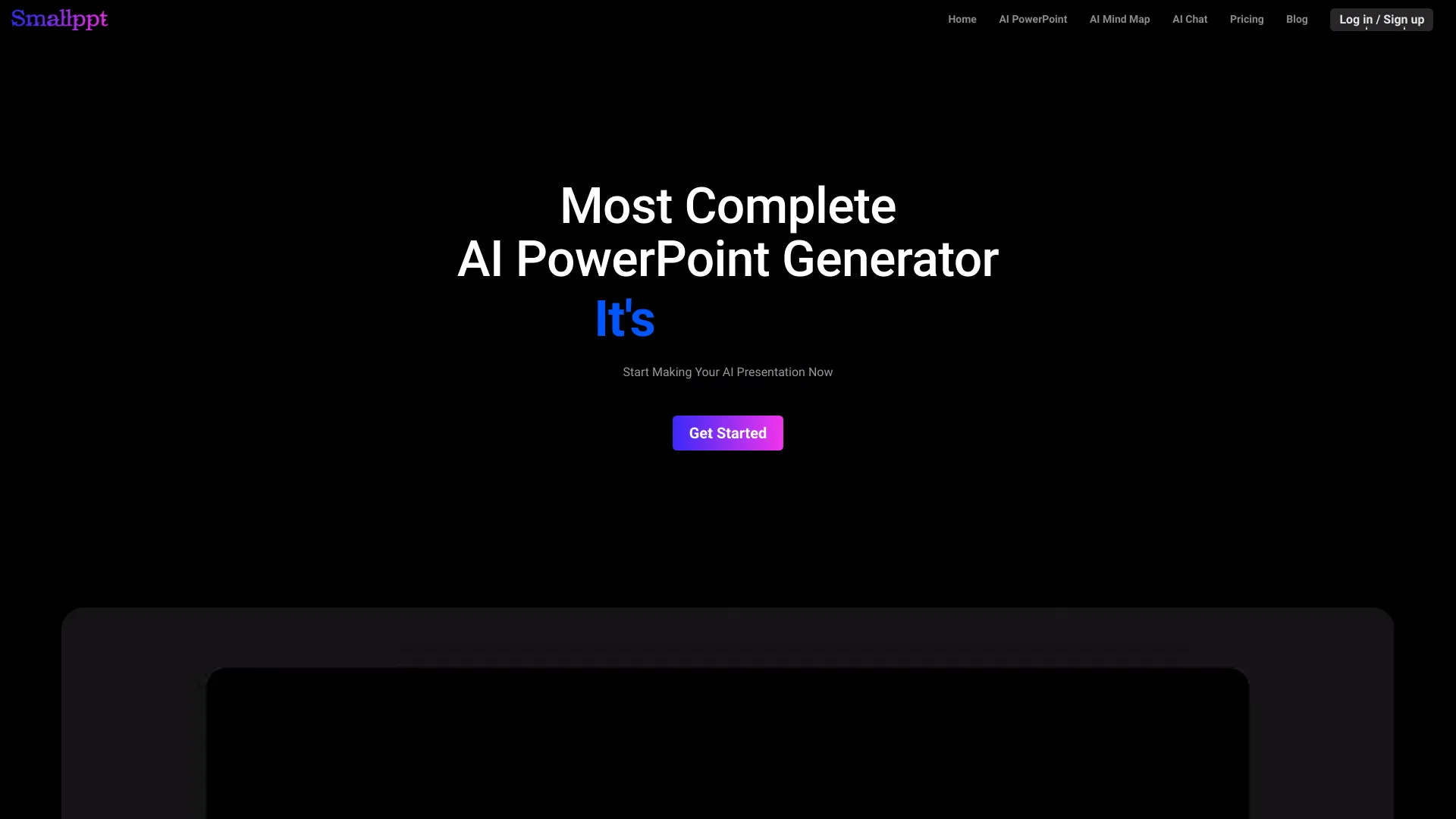
Smallppt is broader than a basic AI slide generator. It creates slides from text, files, or links, and adds AI writing and summarizing tools. That makes it a sensible option for professionals whose presentation problems start before the slide editor: condensing a long source, clarifying an argument, or turning scattered notes into a usable narrative.
The free tier is unusually concrete: one AI PPT generation and five GPT-3.5 uses per day. That gives you enough access to test the combined workflow, but the single deck generation is a meaningful limit if you need to compare several structures. The tool also includes PDF editing in its positioning, which may appeal to users who want a broader document workflow rather than a presentation-only workspace.
My take: Smallppt makes the most sense when summarization and writing are part of the job, not just slide layout. It is a practical pick for professionals who want one place to shape source content and turn it into slides.
Where it falls short: Full access may require a paid plan, and the listed monthly pricing varies between the free-access description and the Pro month plan. Confirm the live offer before subscribing.
Key features
AI slide generation from text, files, or links.
AI writing tools.
AI summarizing tools.
PDF editing tools are included in its stated positioning.
Pros
Handles content preparation as well as slide creation.
Offers a specific free allowance for testing.
Useful for source-heavy professional workflows.
Cons
The free tier allows only one AI PPT generation.
Full access may require a pricing plan.
The listed price points should be verified with the vendor.
Choose Smallppt if: You need to summarize and rewrite source material before turning it into a presentation.
9. SlidesAI

SlidesAI
Students creating presentations in Google Slides
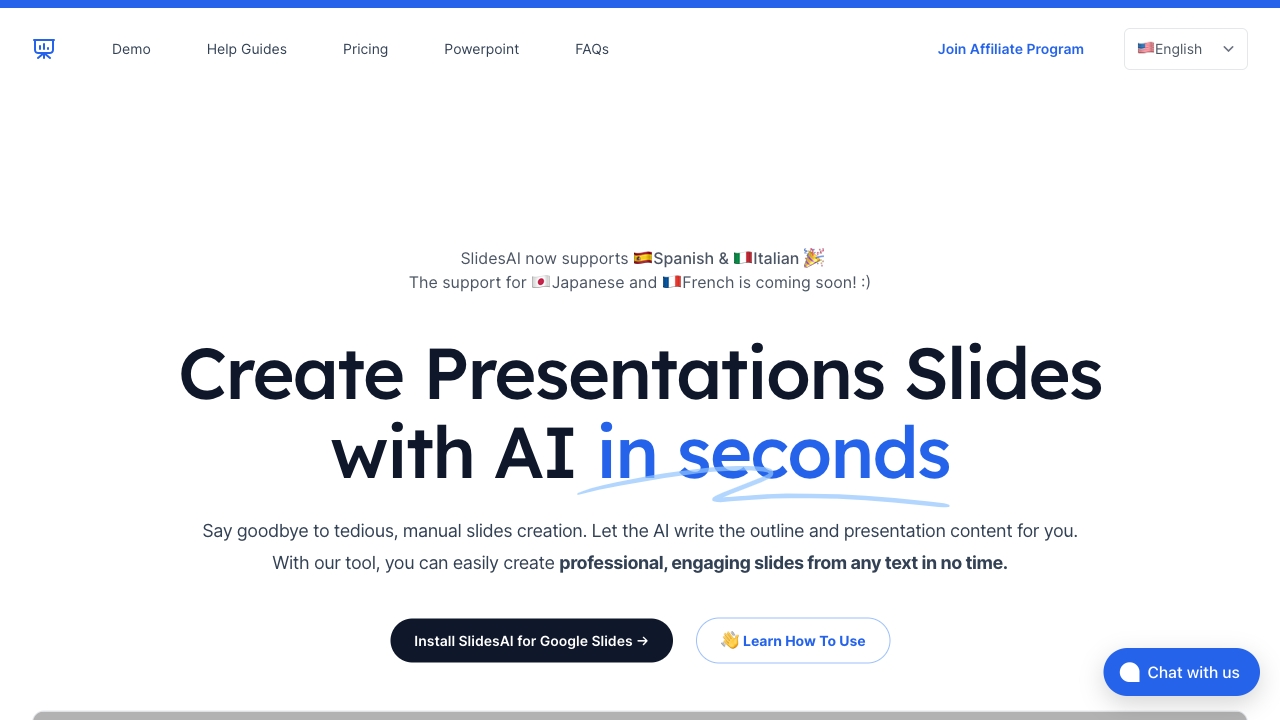
SlidesAI keeps the workflow simple: provide text, generate slides, and continue working with customizable design templates. Its strongest practical advantage is accessibility for students and other users already committed to Google Slides. The free allowance of 12 presentations per year also makes it one of the clearer candidates for anyone searching for the best ai presentation maker free of charge.
There is one important platform constraint. SlidesAI currently works only with Google Slides, with PowerPoint integration described as coming soon. That is not a small footnote: it should decide whether the tool belongs on your shortlist. If Google Slides is your normal environment, the limitation may barely matter. If PowerPoint is mandatory, it is a deal-breaker until the integration arrives.
My take: This is the best fit on the list for students who want a low-cost way to turn written material into Google Slides. The free annual allowance is useful, and the workflow avoids asking students to learn a separate presentation editor.
Where it falls short: It currently supports only Google Slides. Anyone needing PowerPoint output today should choose a different tool or wait for the planned integration.
Key features
AI-powered slide generation from text.
Customizable design templates.
Works with Google Slides.
No sign-up is listed for the free access offer.
Pros
Saves time by automating slide creation.
Offers 12 free presentations per year.
Strong fit for Google Slides users and students.
Cons
No current PowerPoint integration.
The free annual quota is not unlimited.
Choose SlidesAI if: You are a student or Google Slides user who wants a straightforward, low-cost text-to-presentation workflow.
10. Neo AI Presentation Maker

Neo AI Presentation Maker
Sales managers building structured presentations
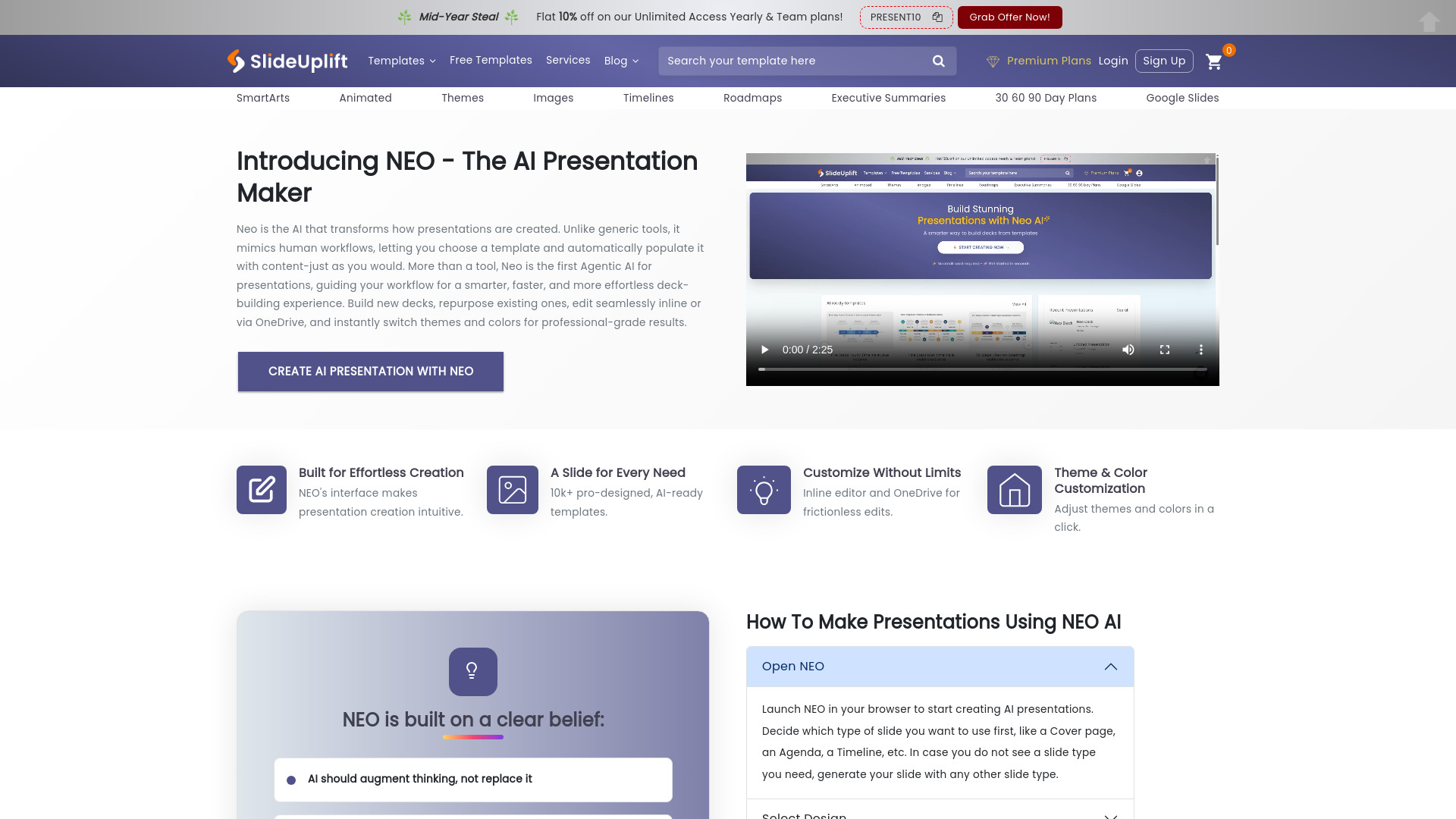
Neo takes an agentic approach to presentations. Its stated goal is to mimic human workflows, using AI-powered templates and smart content generation to guide creation. That is a useful angle for sales managers, who often need a repeatable way to assemble presentations rather than an open-ended design canvas.
The product can automatically populate slides with relevant information, reducing the work involved in moving from a chosen template to a filled-out deck. Free creation and editing lower the barrier to testing that process. However, pricing deserves careful attention: the cheapest paid Access Lite plan does not include AI access or the slide editor with PowerPoint export. A low headline price is therefore not necessarily the same as an affordable AI-enabled workflow.
My take: Neo is intriguing for users who prefer guided assistance over a blank slide canvas. It is most promising when your team wants a repeatable process for building professional sales materials.
Where it falls short: Access Lite excludes the AI features and slide editor with PowerPoint export. Compare the plan that includes the capabilities you actually need, not just the cheapest displayed tier.
Key features
AI-powered templates.
Smart content generation and automatic slide population.
Agentic AI designed to mimic human presentation workflows.
Free creation and editing are listed.
Pros
Provides a guided creation process.
Can populate slides with relevant information.
Good conceptual fit for repeatable sales presentations.
Cons
The cheapest paid plan excludes AI access.
Access Lite also excludes the slide editor with PowerPoint export.
Paid-plan feature boundaries require close inspection.
Choose Neo AI Presentation Maker if: You are a sales manager who wants guided, template-led presentation creation and can select a plan with the required AI and export features.
More tools to compare

Autoppt
Fast AI PowerPoint creation
Plus AI
Professional slide creators using Google Slides or PowerPoint
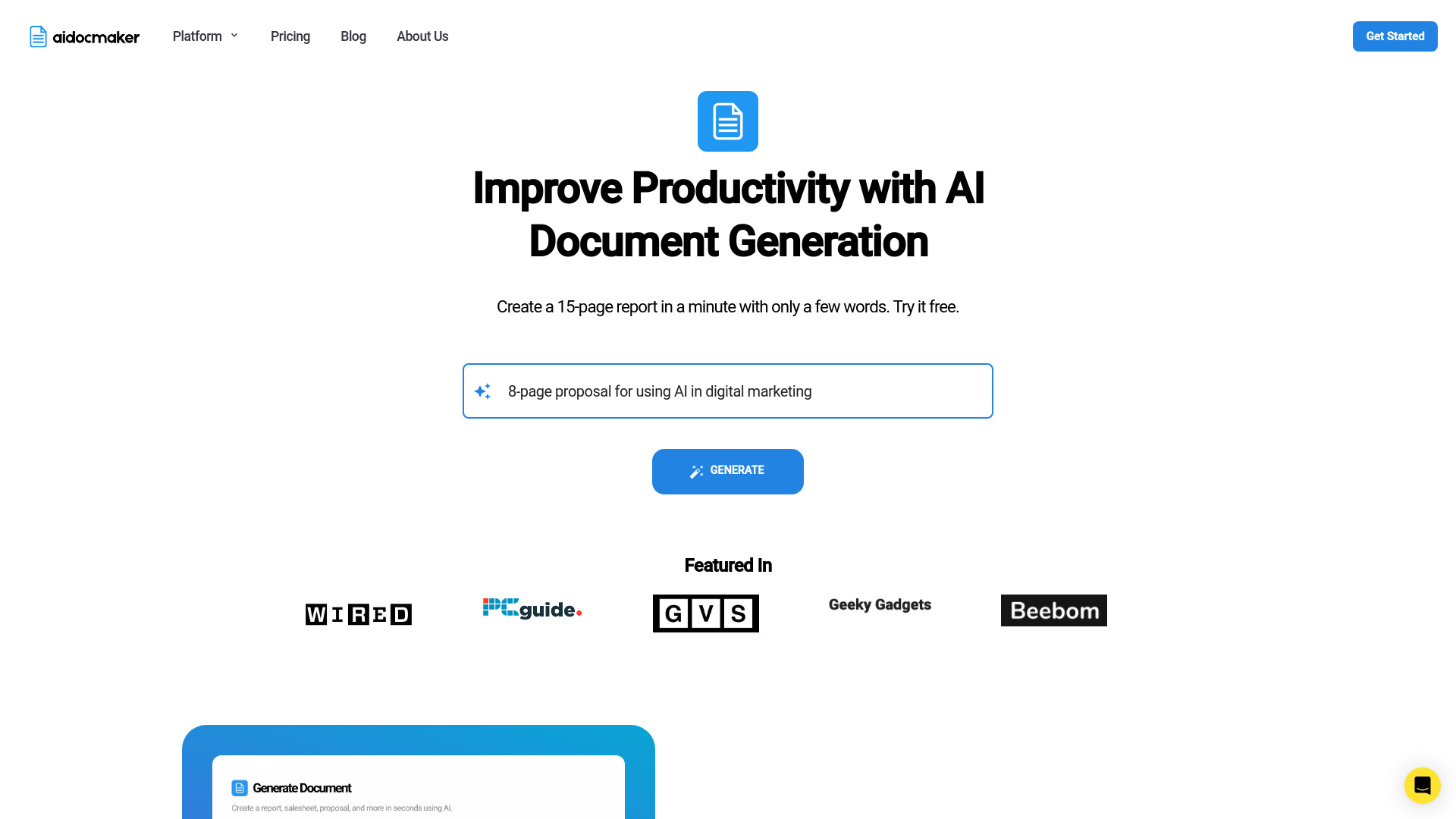
Aidocmaker.com
AI presentations and business documents
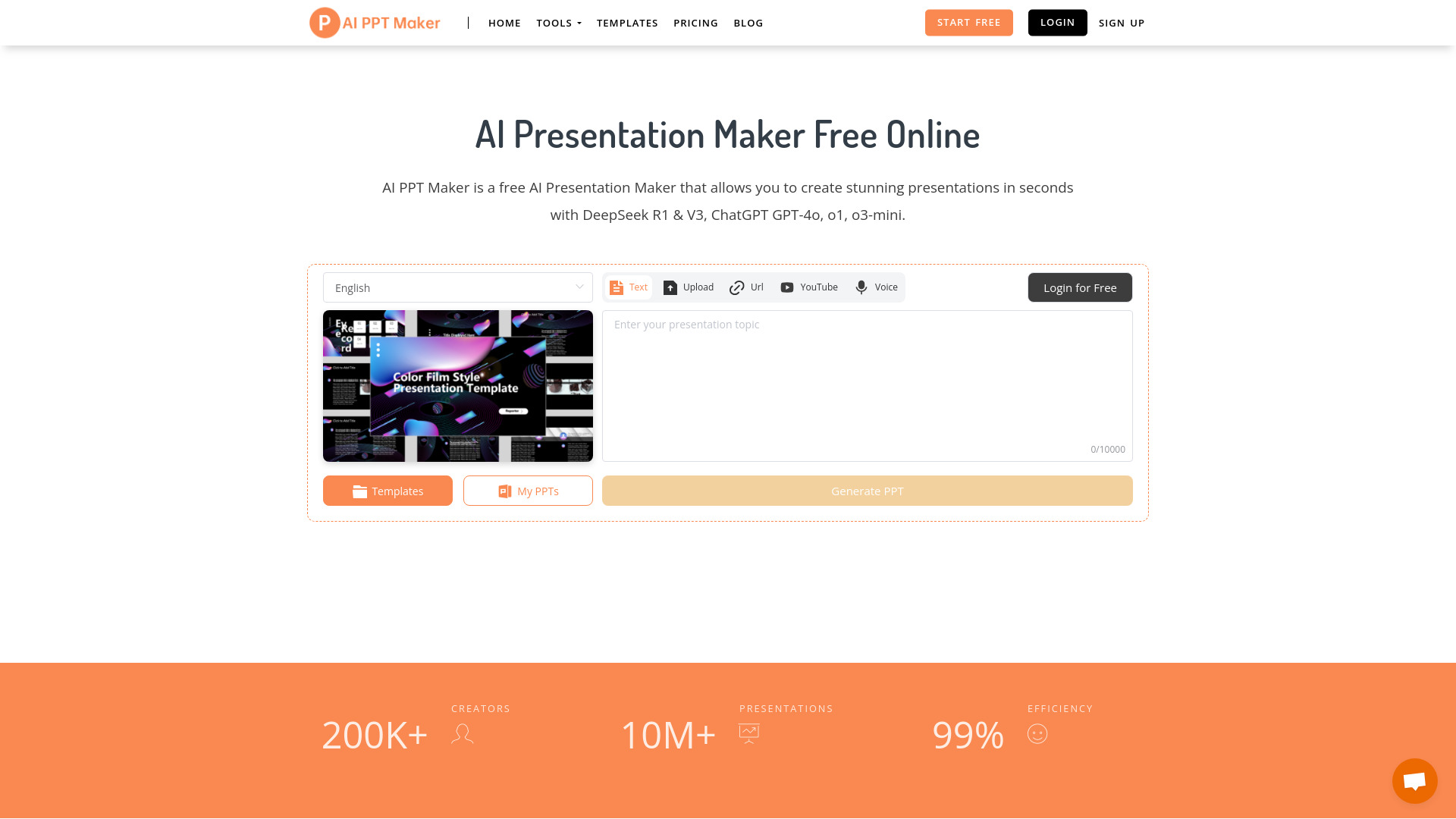
AI PPT Maker
Fast PowerPoint deck generation

Tome App AI
AI-powered PowerPoint creation

MagicSlides.app
Topic-to-PowerPoint creation

PoweredTemplate
Quick AI-generated presentation drafts

Decksy
Fast AI-generated business presentations

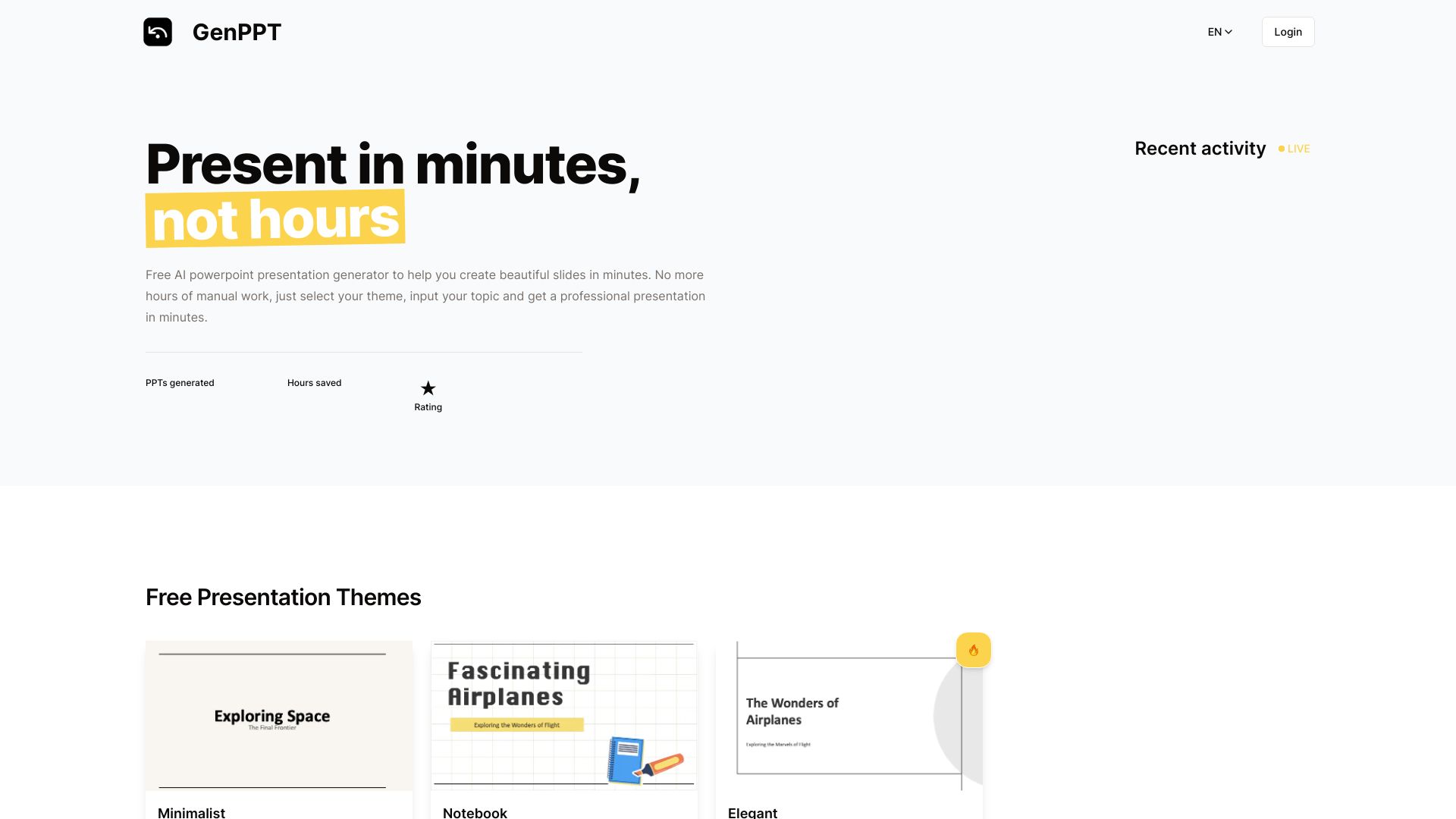
GenPPT
Fast AI-generated PowerPoint presentations

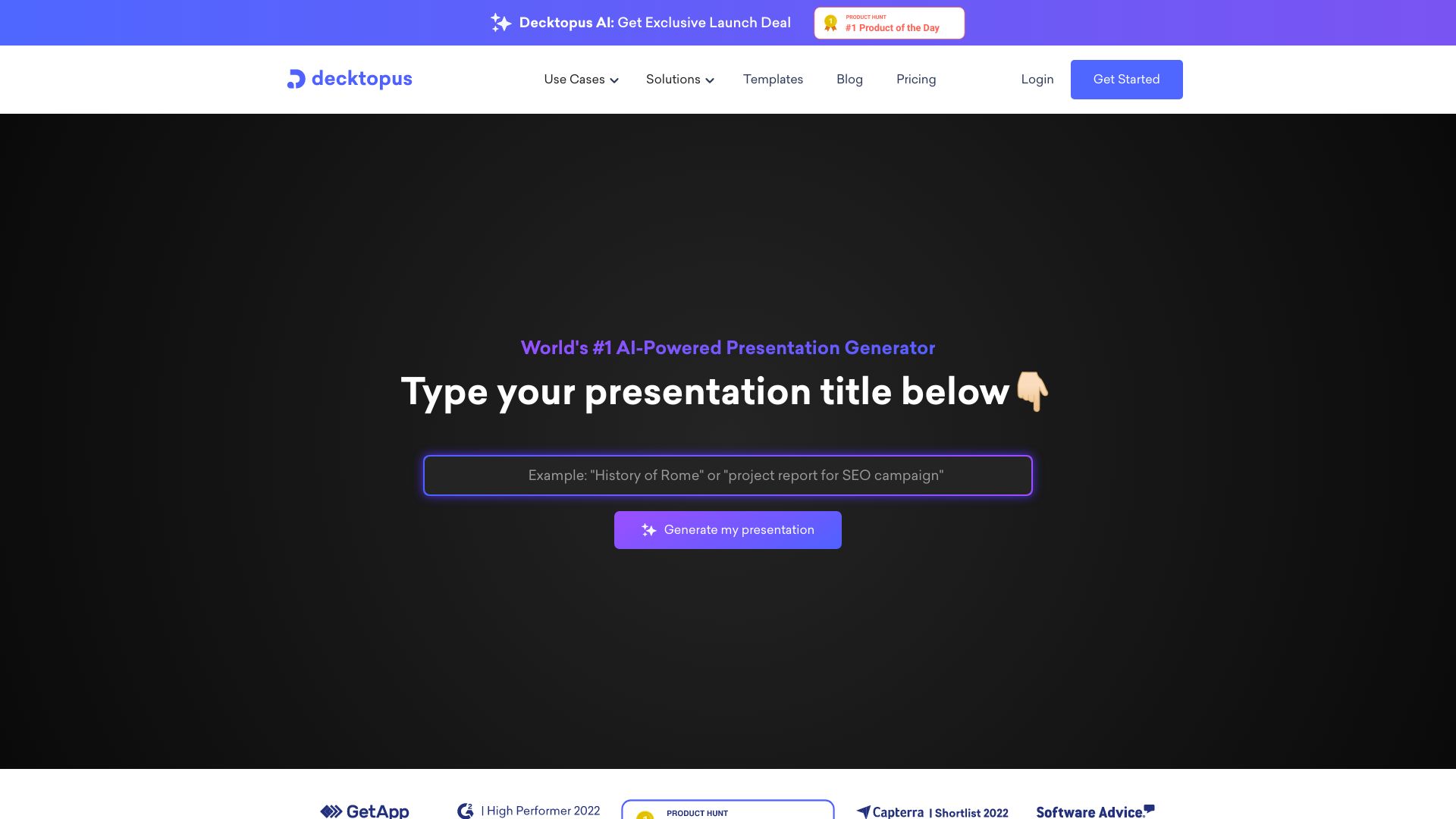
Decktopus AI
Fast AI presentation creation

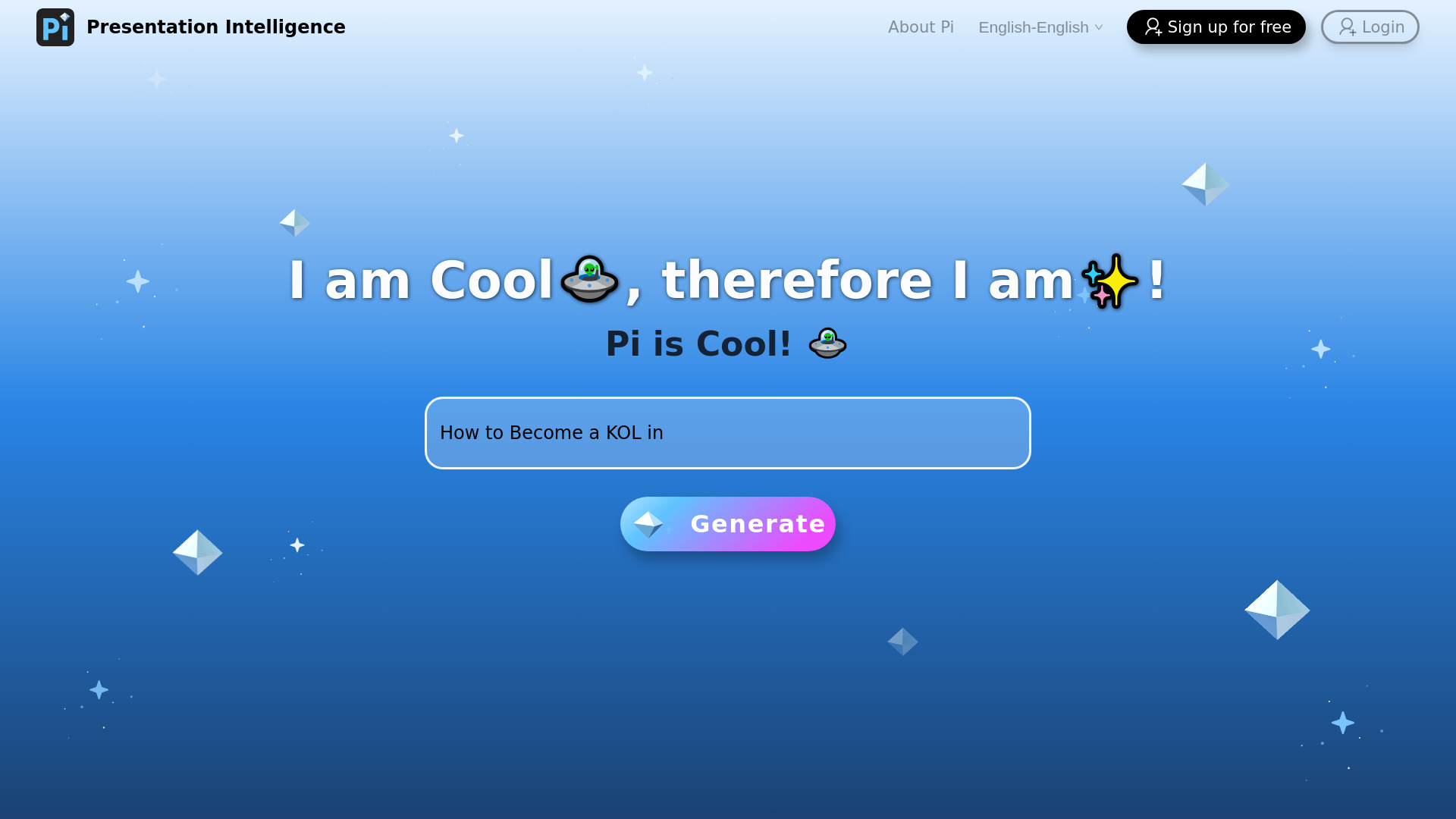
Pi(Presentation Intelligence)
AI-generated presentations from mixed content

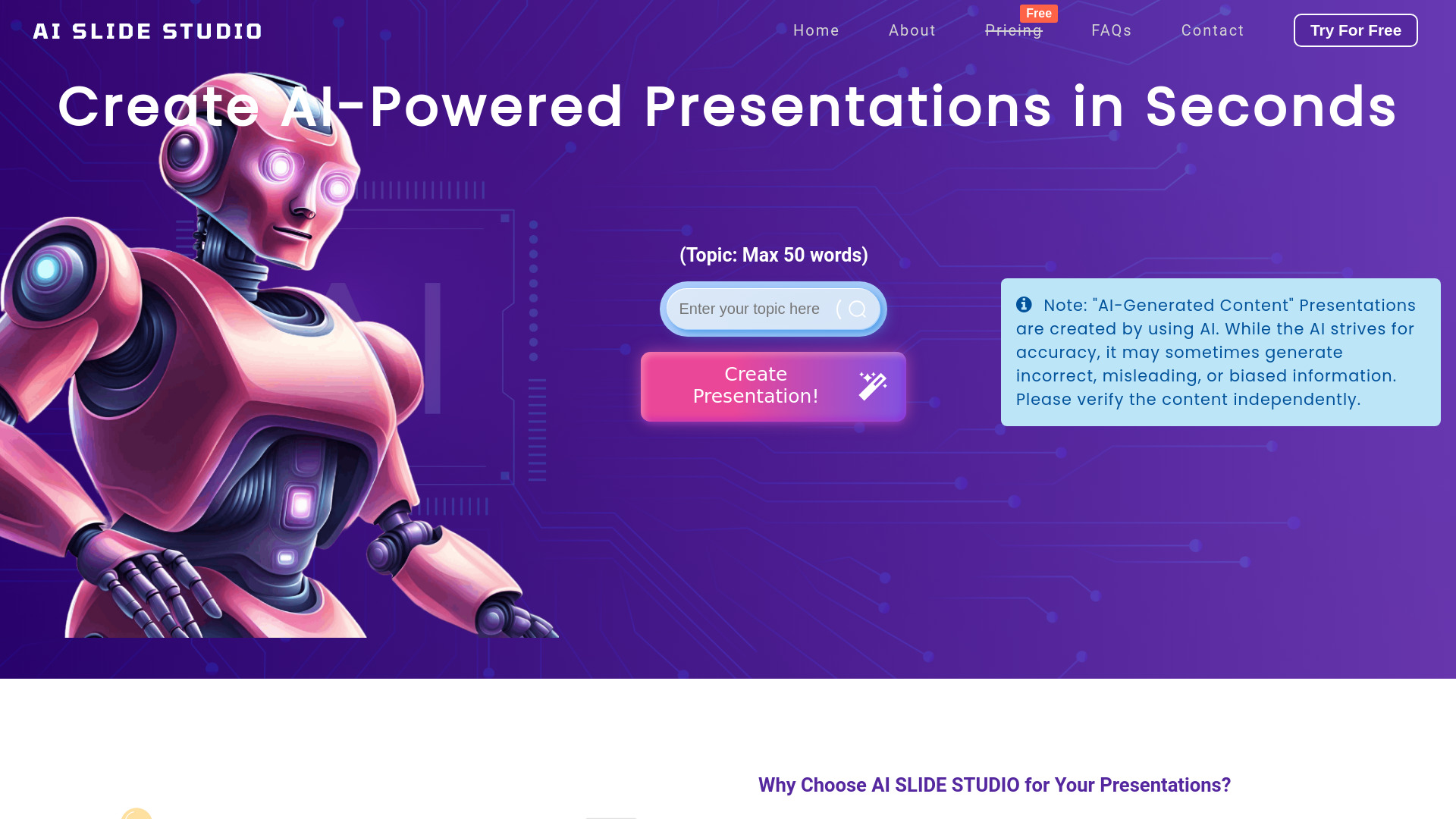
AI Slide Studio
Fast PowerPoint drafts

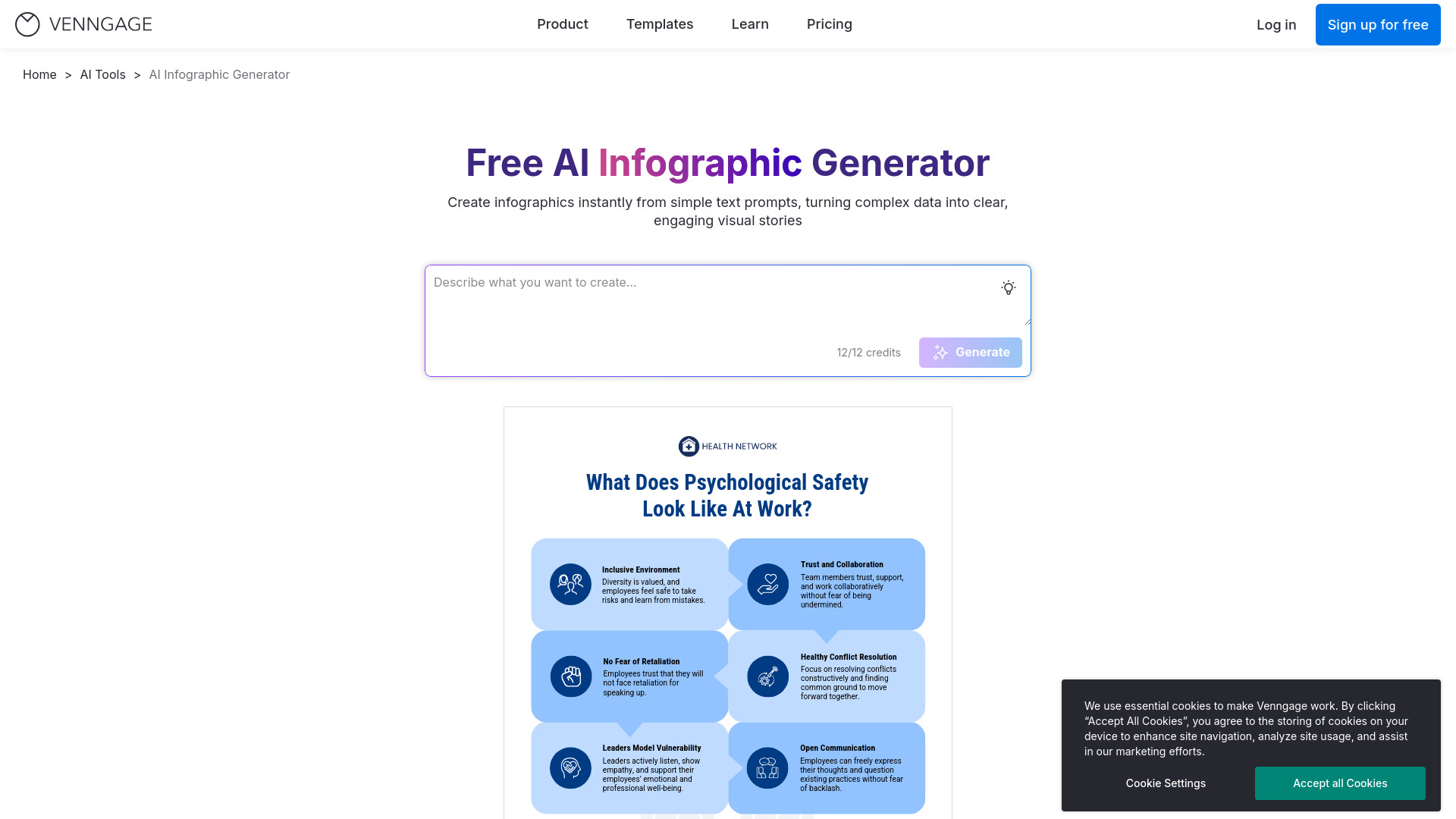
Venngage
AI infographics and presentations

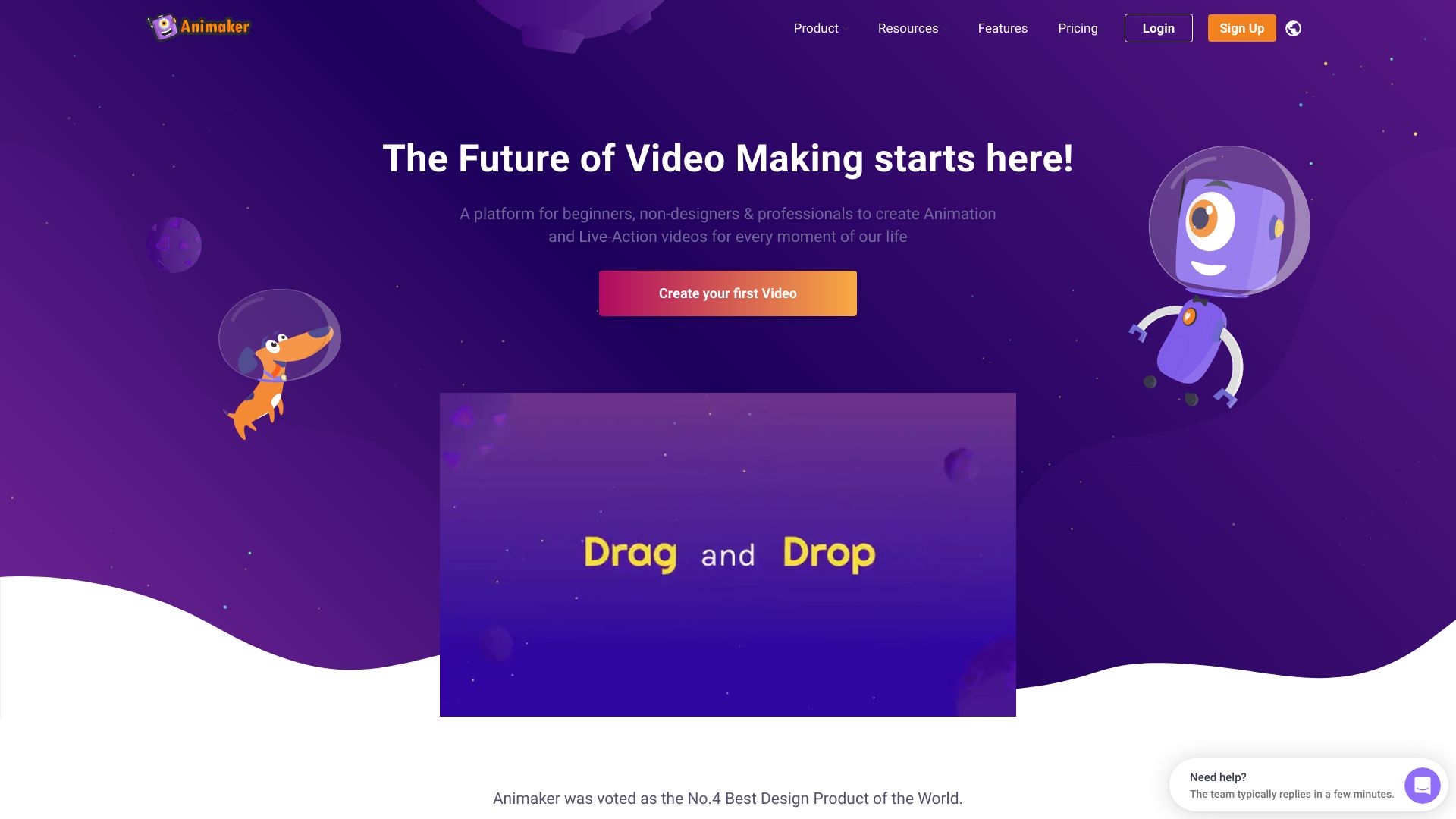
Animaker
Animated presentation creators

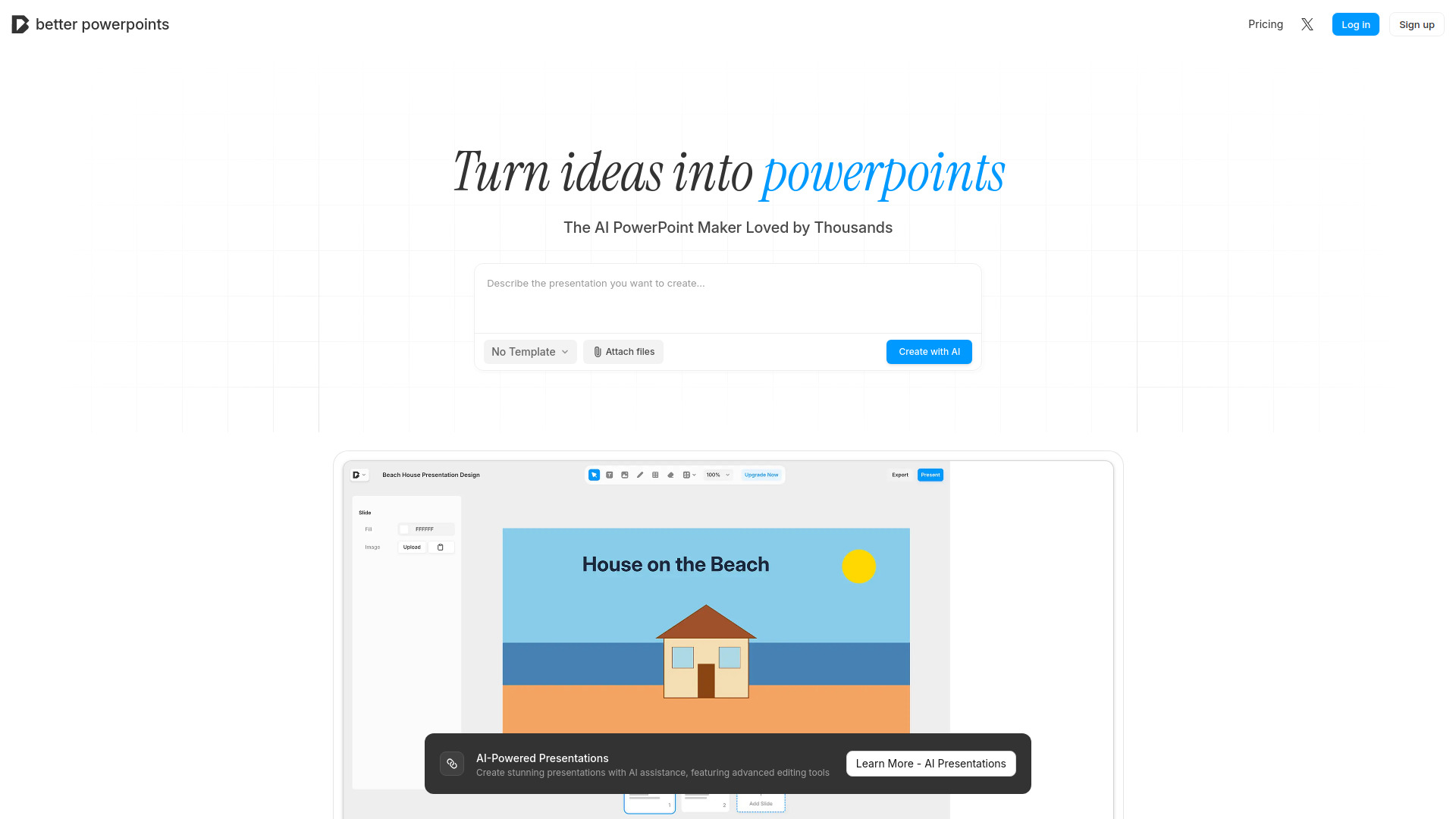
Better Powerpoints
Free browser-based PowerPoint creation

Presentia AI
Fast PowerPoint generation

PixAI
Anime AI art generation


GenPPT AI
Fast PPT generation and beautification
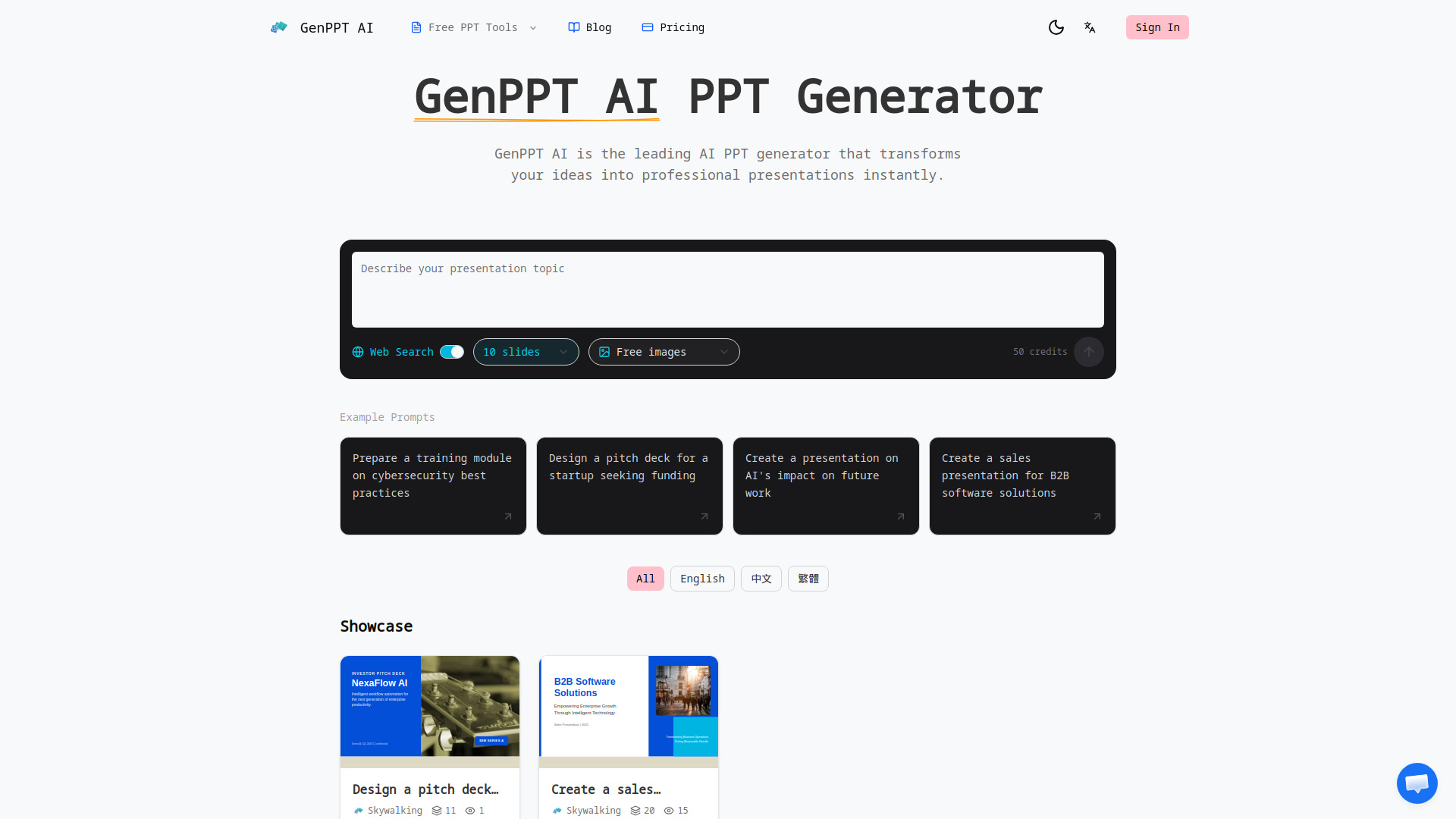

Powerpresent AI
Fast AI presentation generation
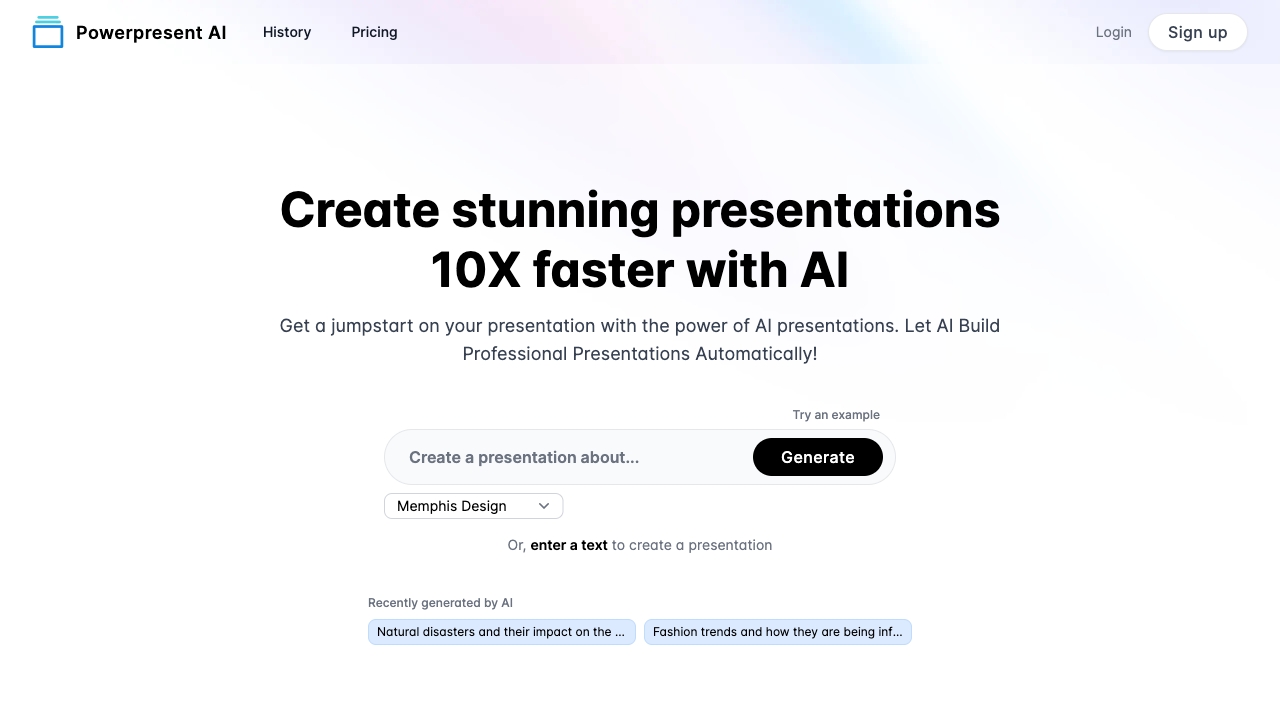

Alai
Polished AI-generated presentation decks
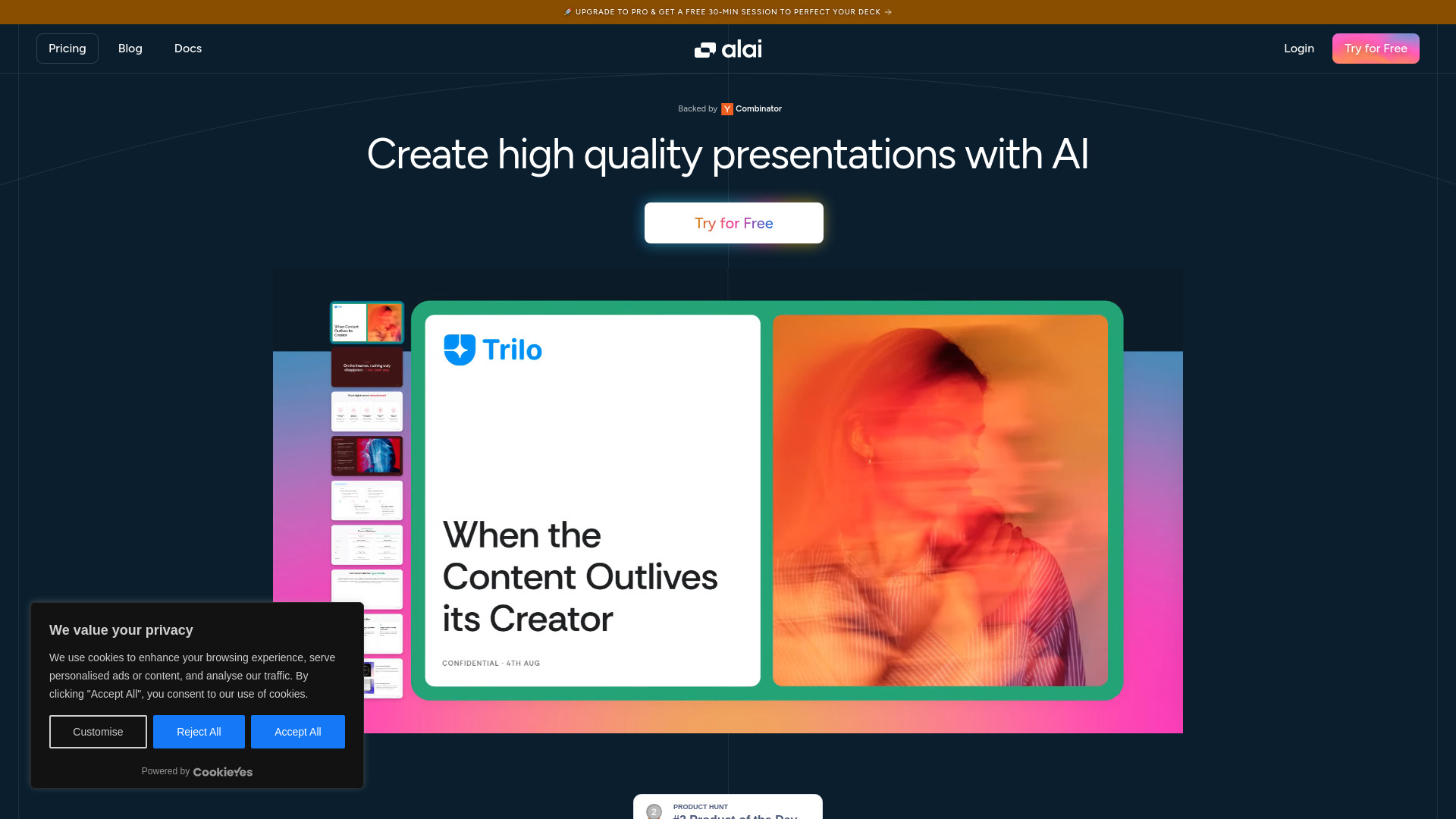

AI STUDIOS
AI avatar video creation
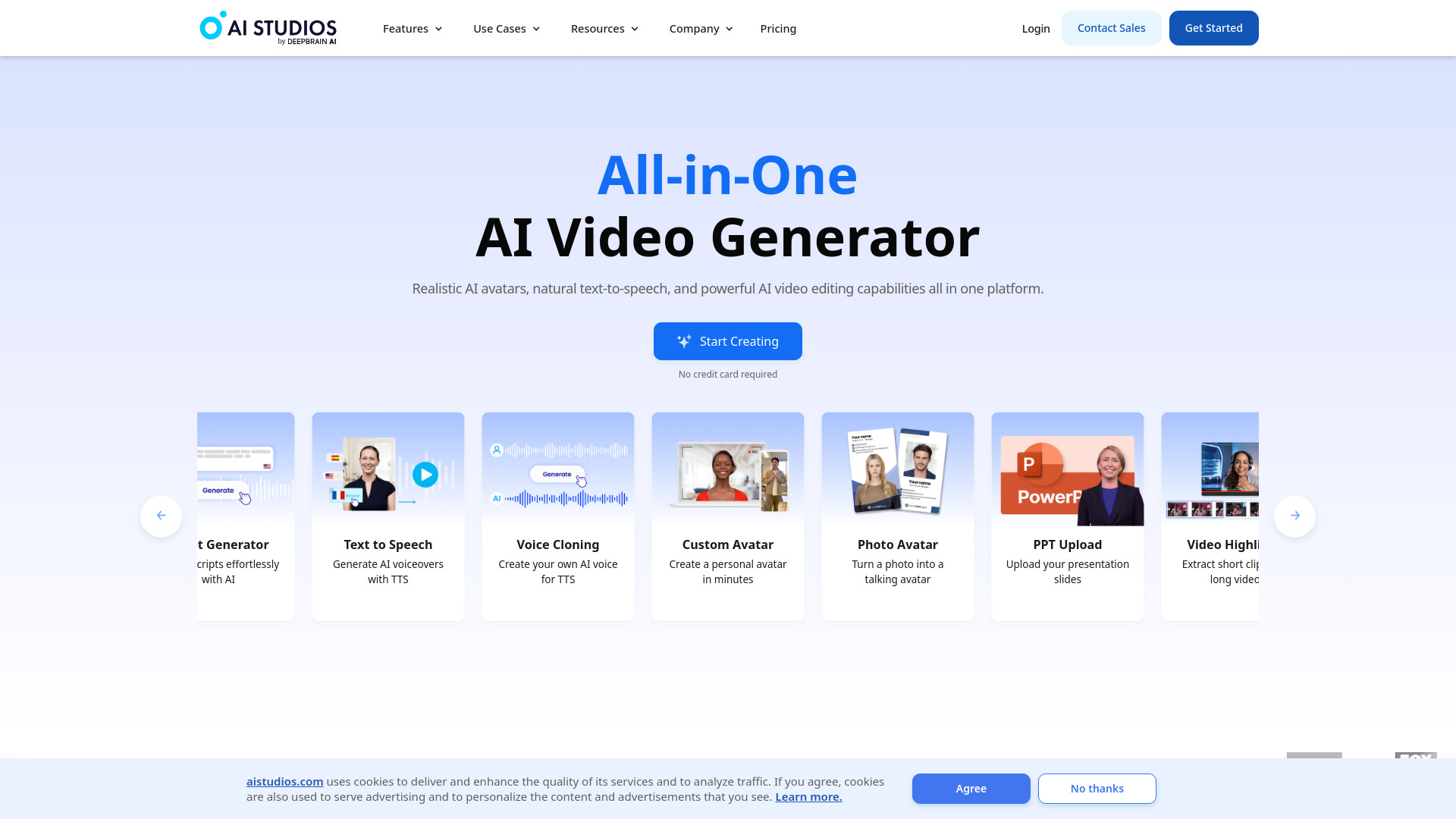

Oreate AI
All-in-one AI content creation

Dokie AI
Brand-aligned business presentations

PopAi
AI presentations from documents

OiiOii.ai
AI animation creation

Mango AI
AI avatars and talking photo videos


Presentify.ai
Quick AI-generated PowerPoint slides

UI Bakery
AI-generated internal tools

PFPMaker
Professional profile pictures

SlidesPilot
PowerPoint creation and document conversion

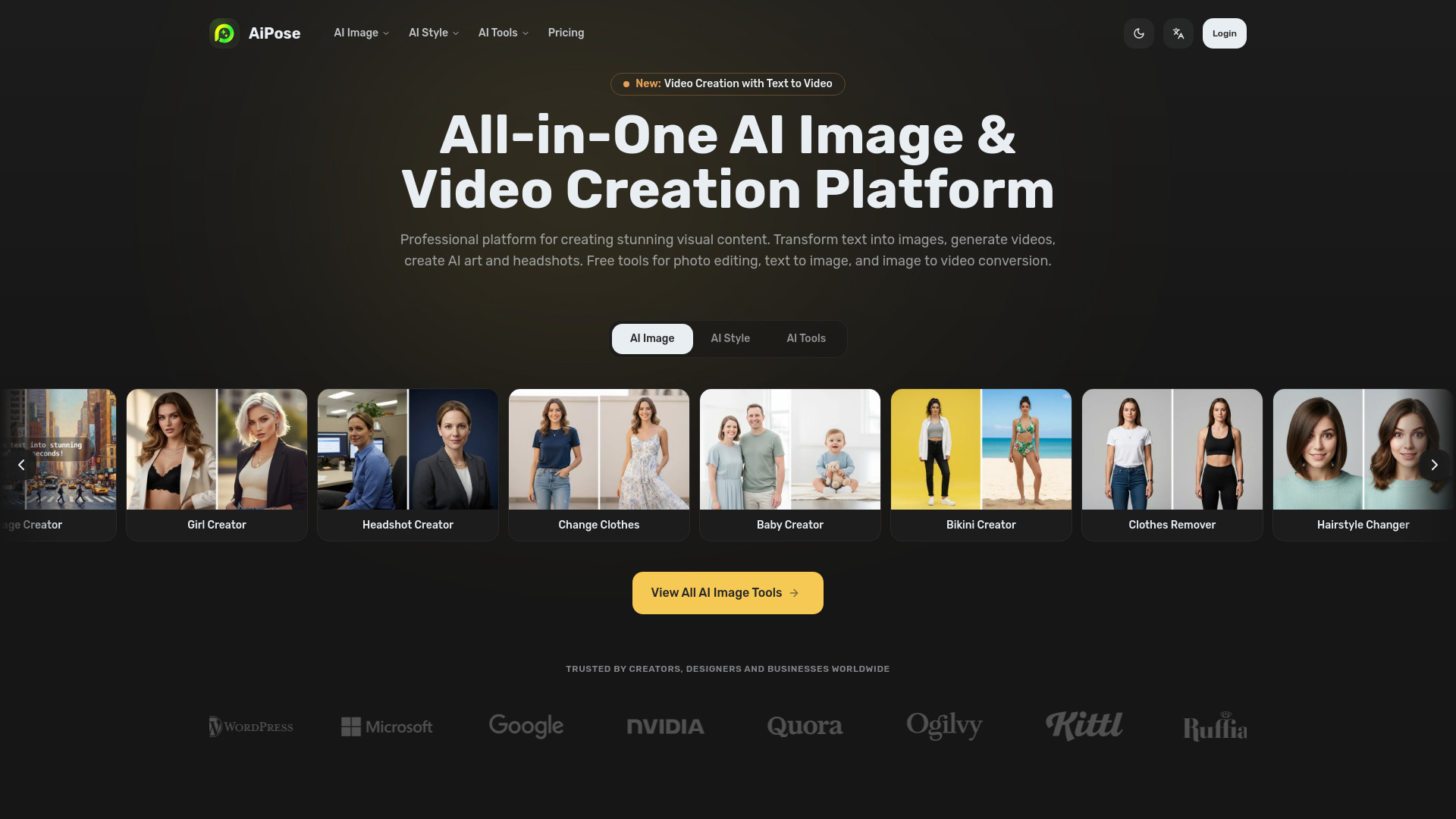
AiPose
AI image and video creators

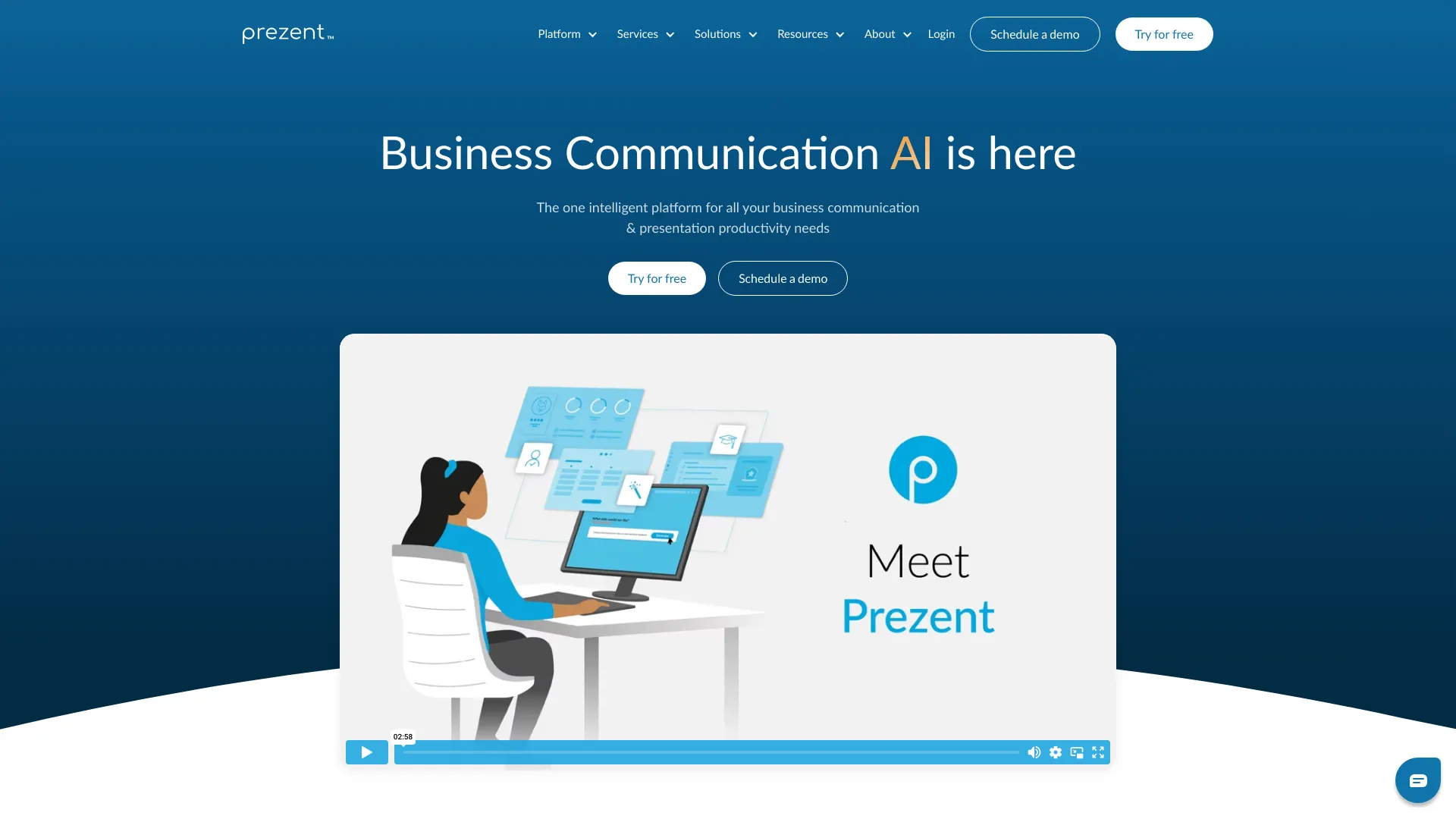
Prezent
Enterprise business presentations

AIAI.com
Creators making AI images and videos


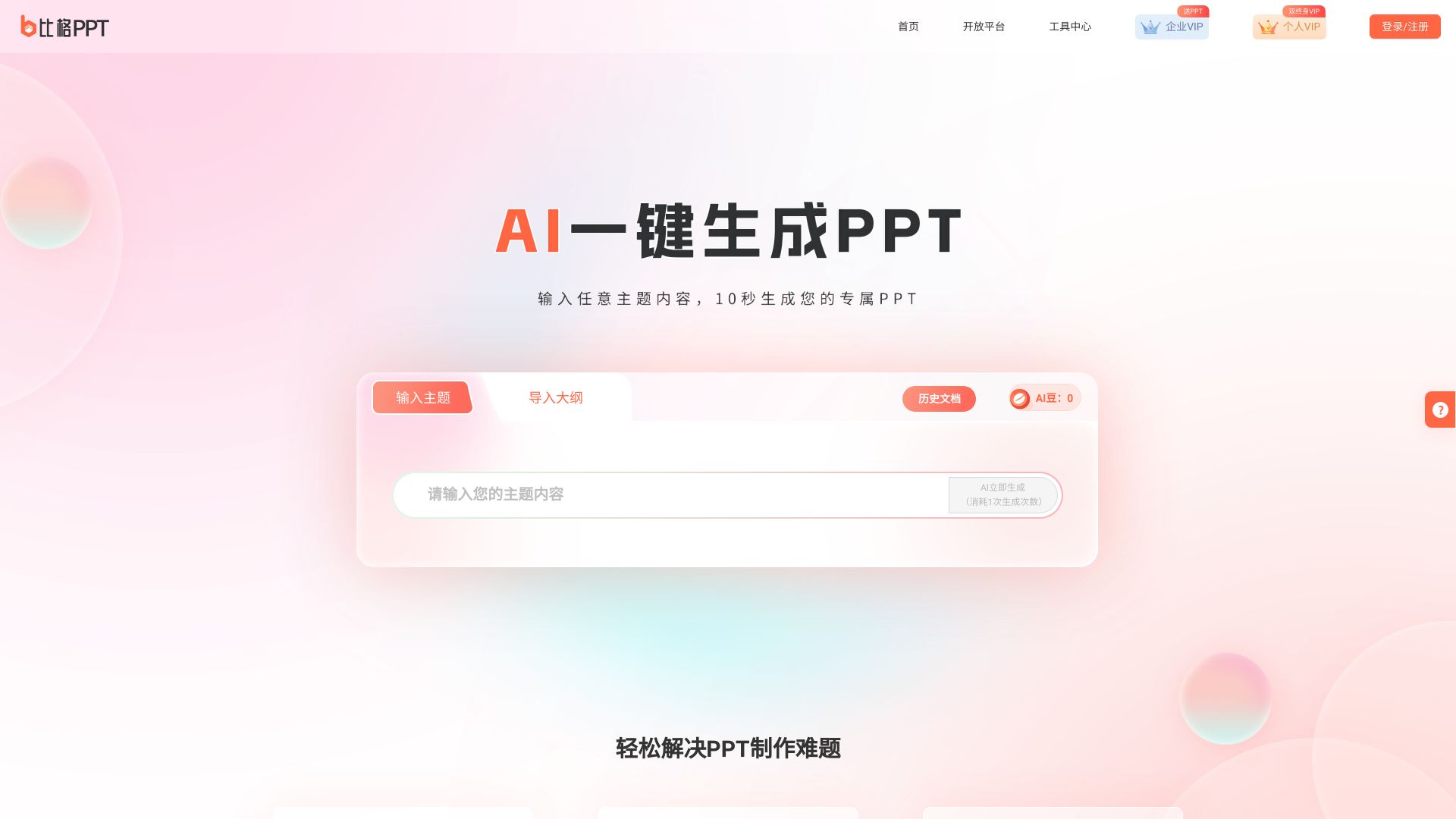
笔格AIPPT
Chinese-language PPT creation

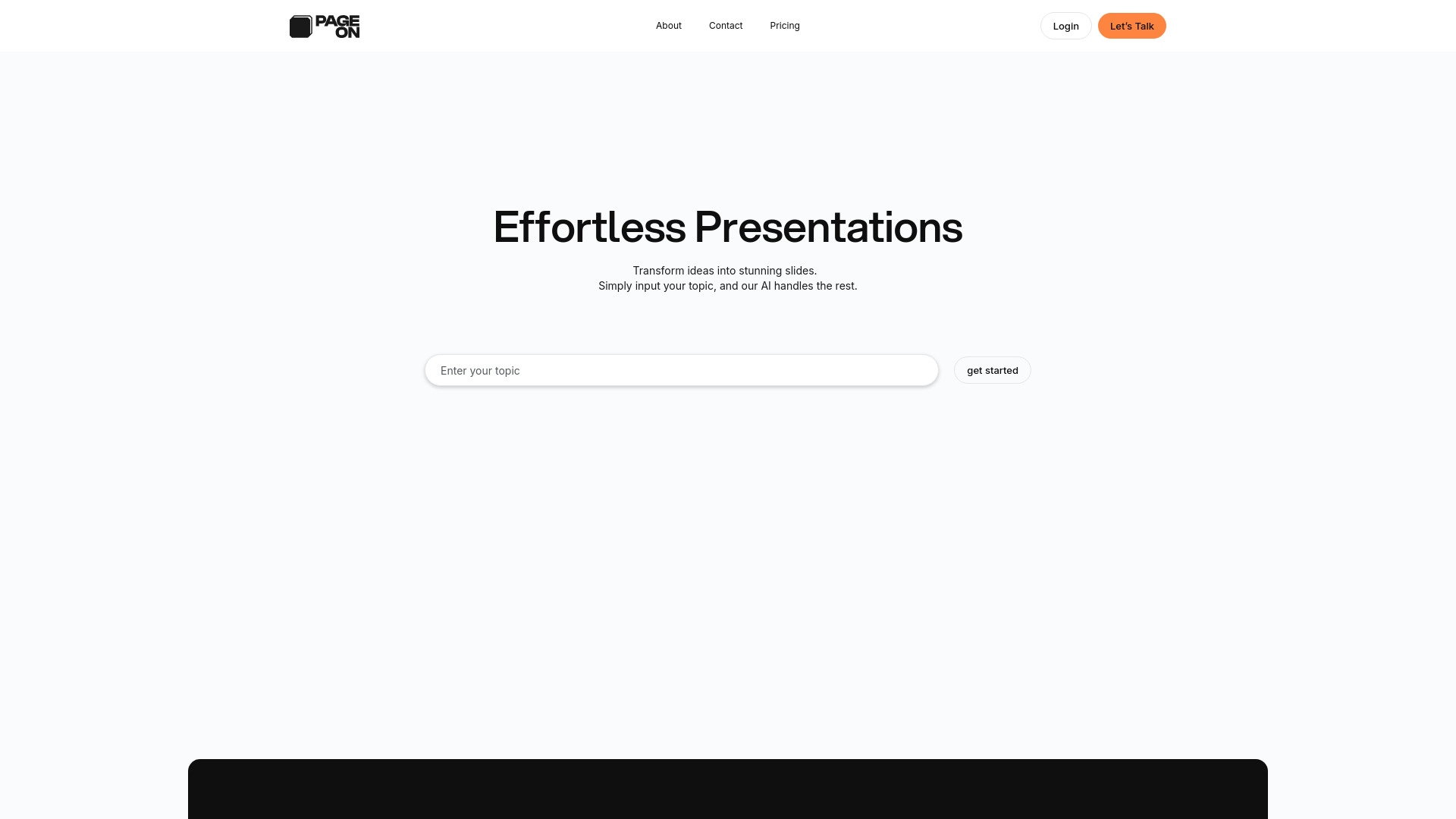
PageOn.ai
Interactive visual presentations

Playground AI
AI image creation and presentation graphics

PPTAI
Fast PowerPoint generation

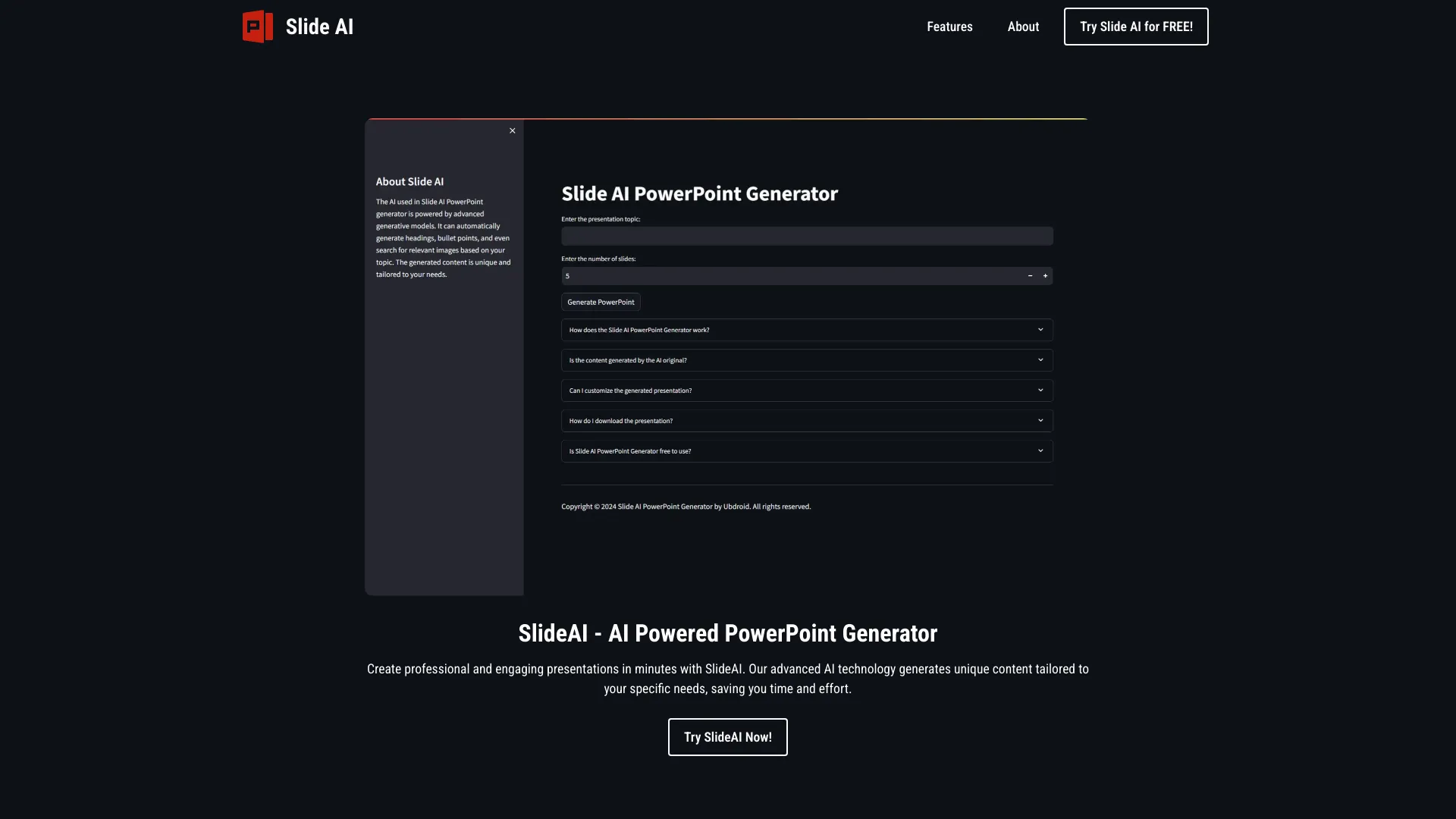
SlideAI
AI-generated PowerPoint presentations

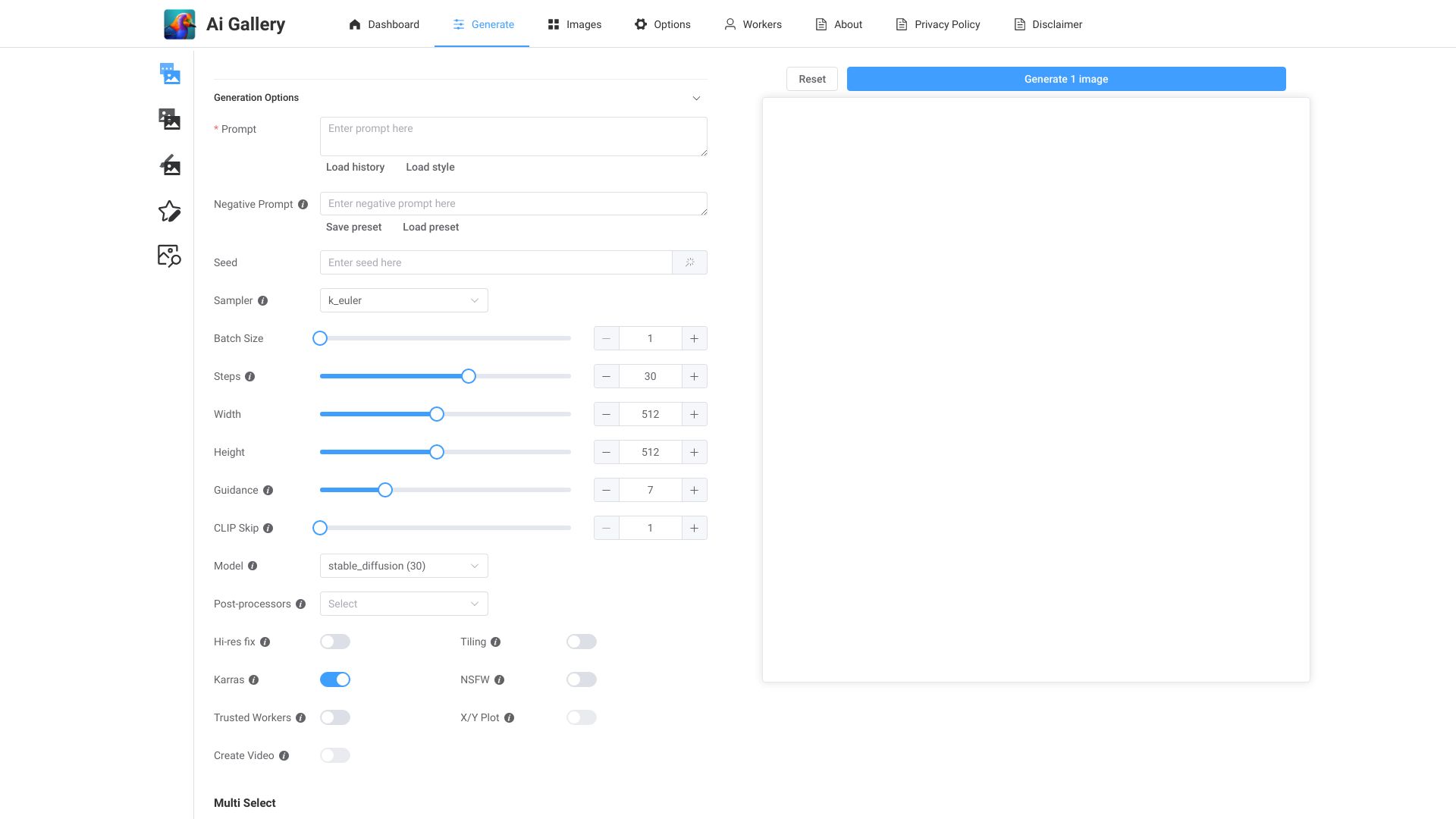
AI Gallery
Creating AI art from uploaded images

Slider AI
Prompt-based presentation creation

AI Graph Maker
Quick AI charts and diagrams

AI Detector for PPT
AI detection for PowerPoint files

Supa
AI presentations and academic writing

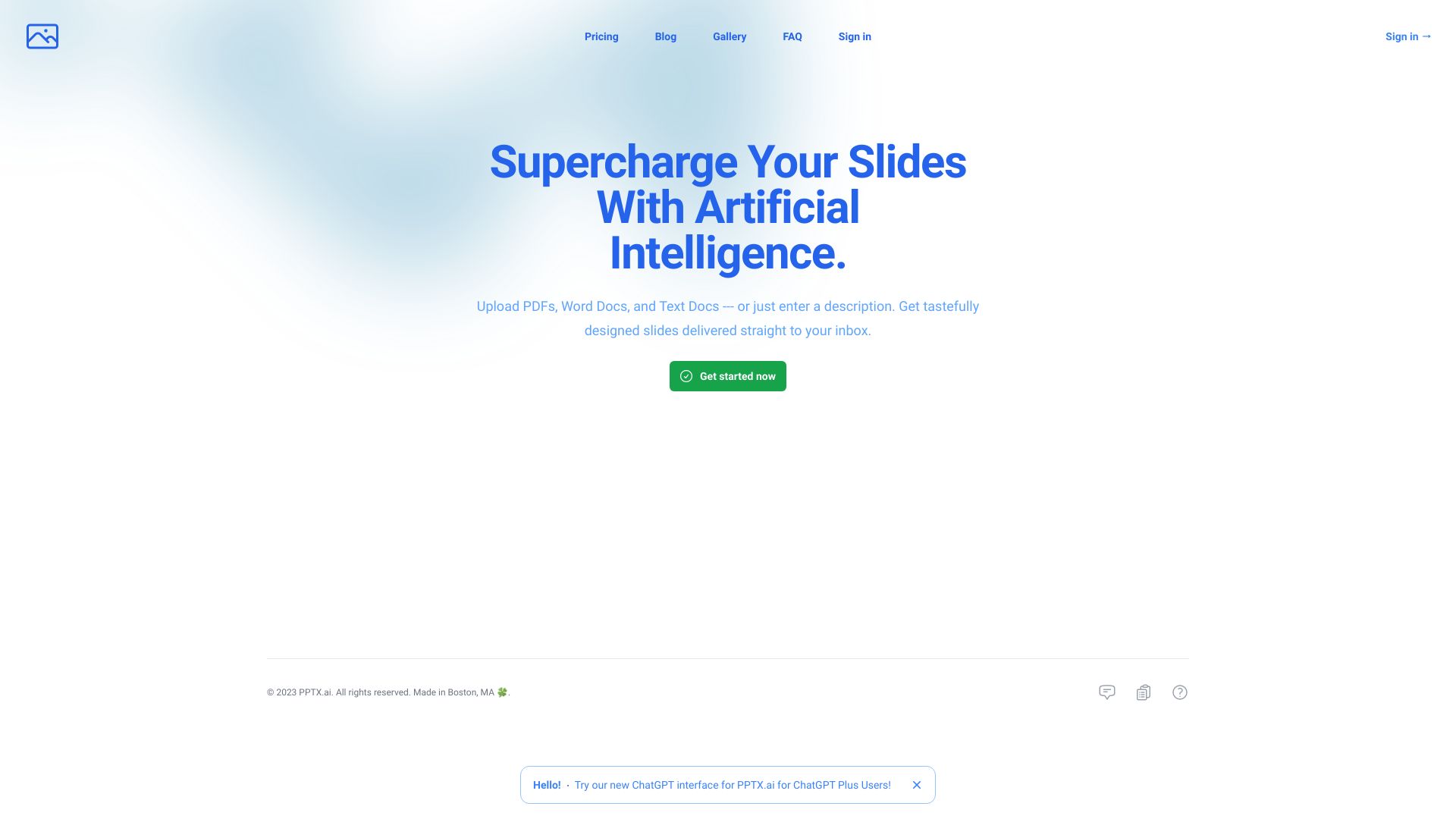
PPTX.ai
AI-generated PowerPoint presentations
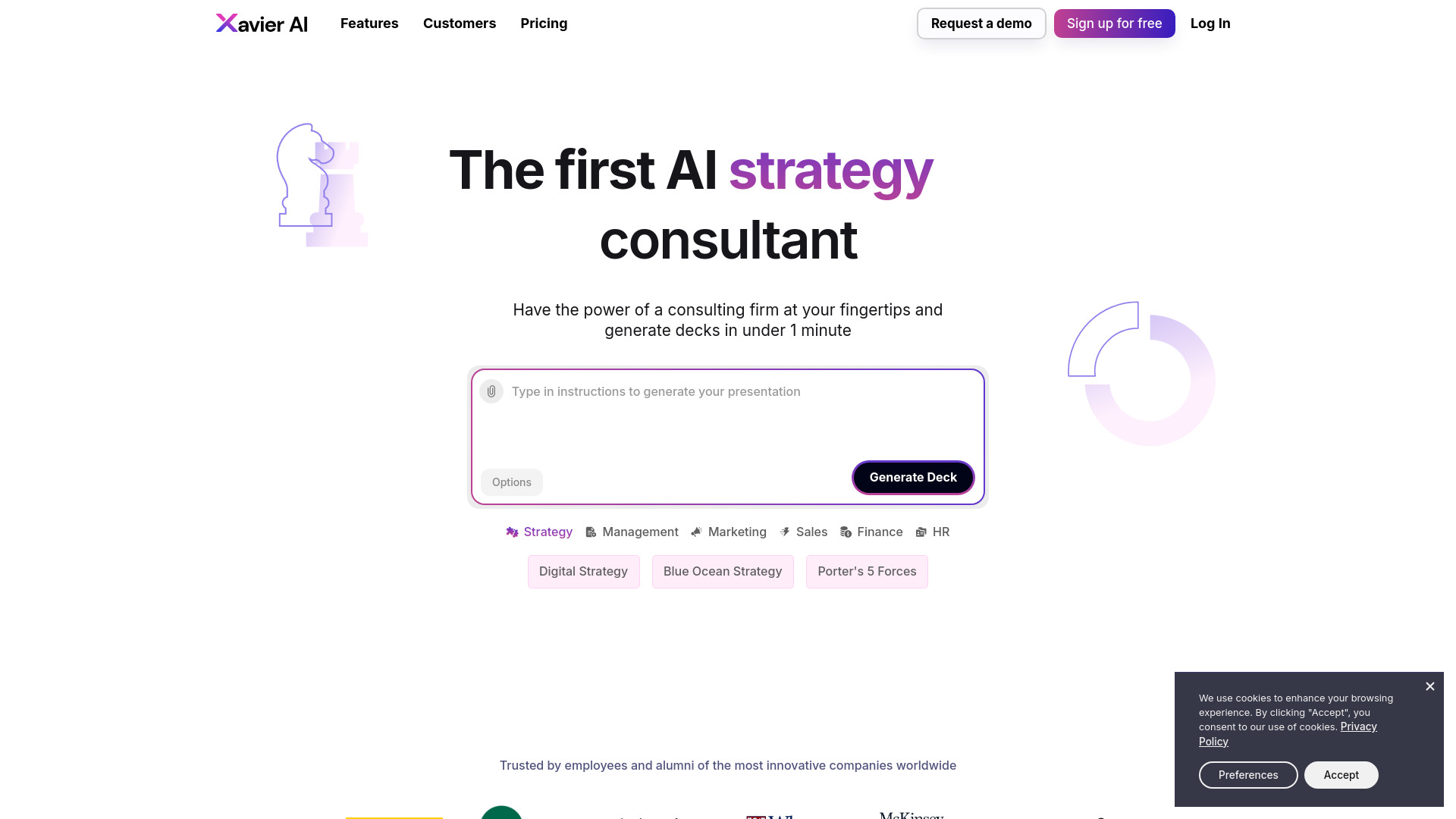
Xavier AI
Consulting-style strategy decks

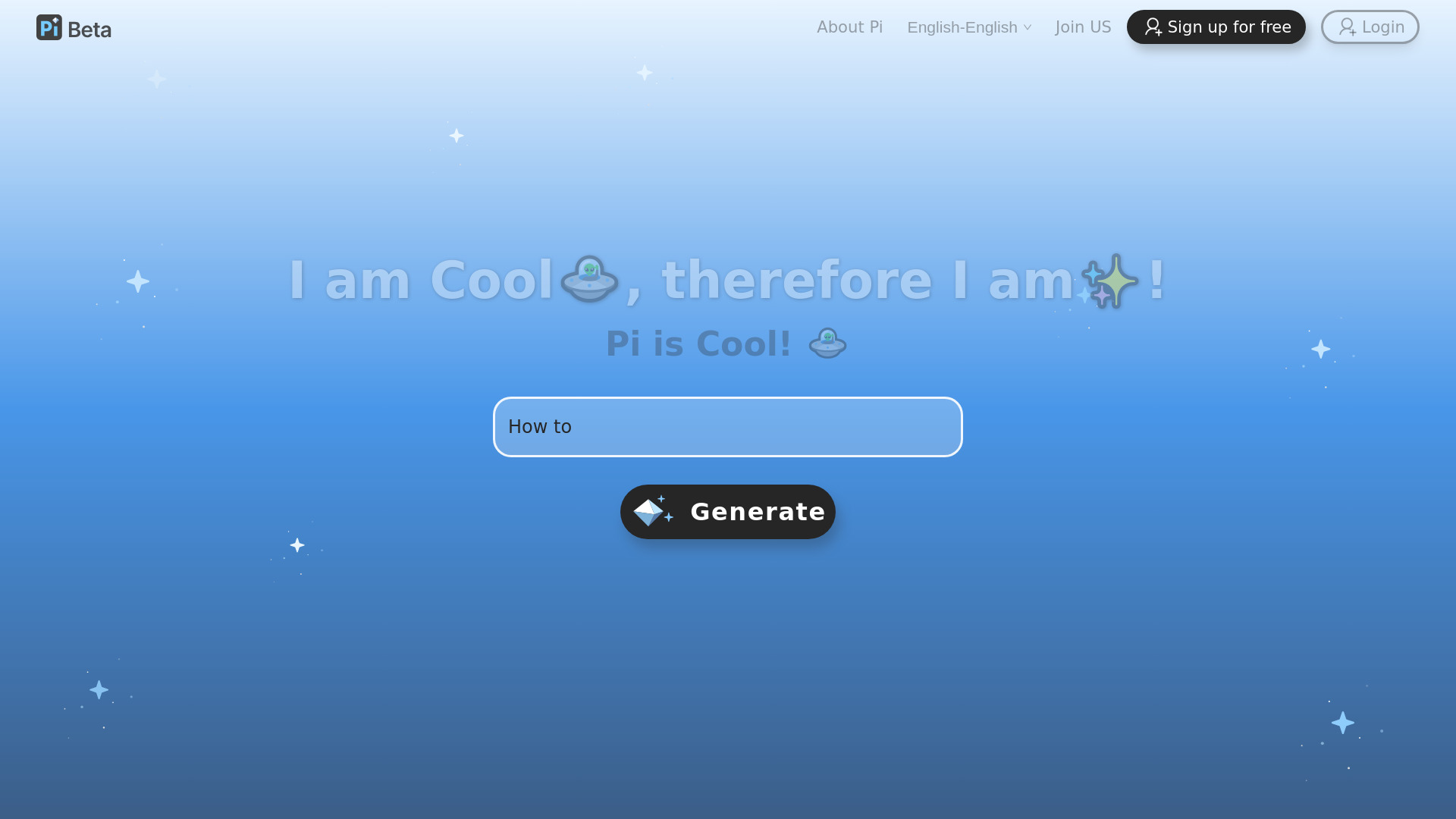
Pi-智能演示文档
AI-native presentation creation

Maker AI
E-commerce product photography and video

uPresenter
Educators and corporate trainers

AvatarCraft AI
AI-generated profile avatars

Admaker by Picsart
Small-business social media ads

AI Picasso
AI art and avatar creation

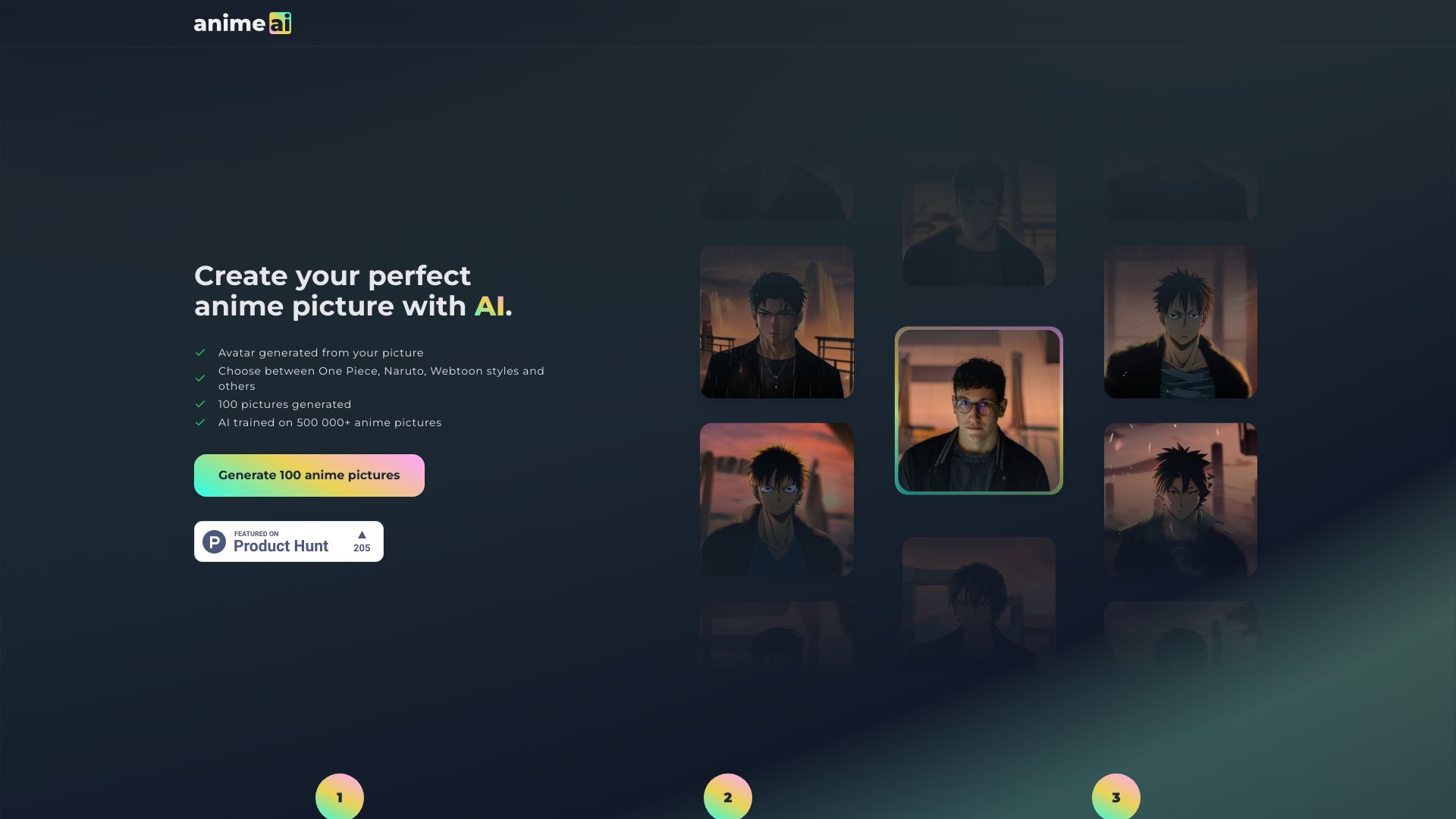
Anime AI
Photo-to-anime avatars

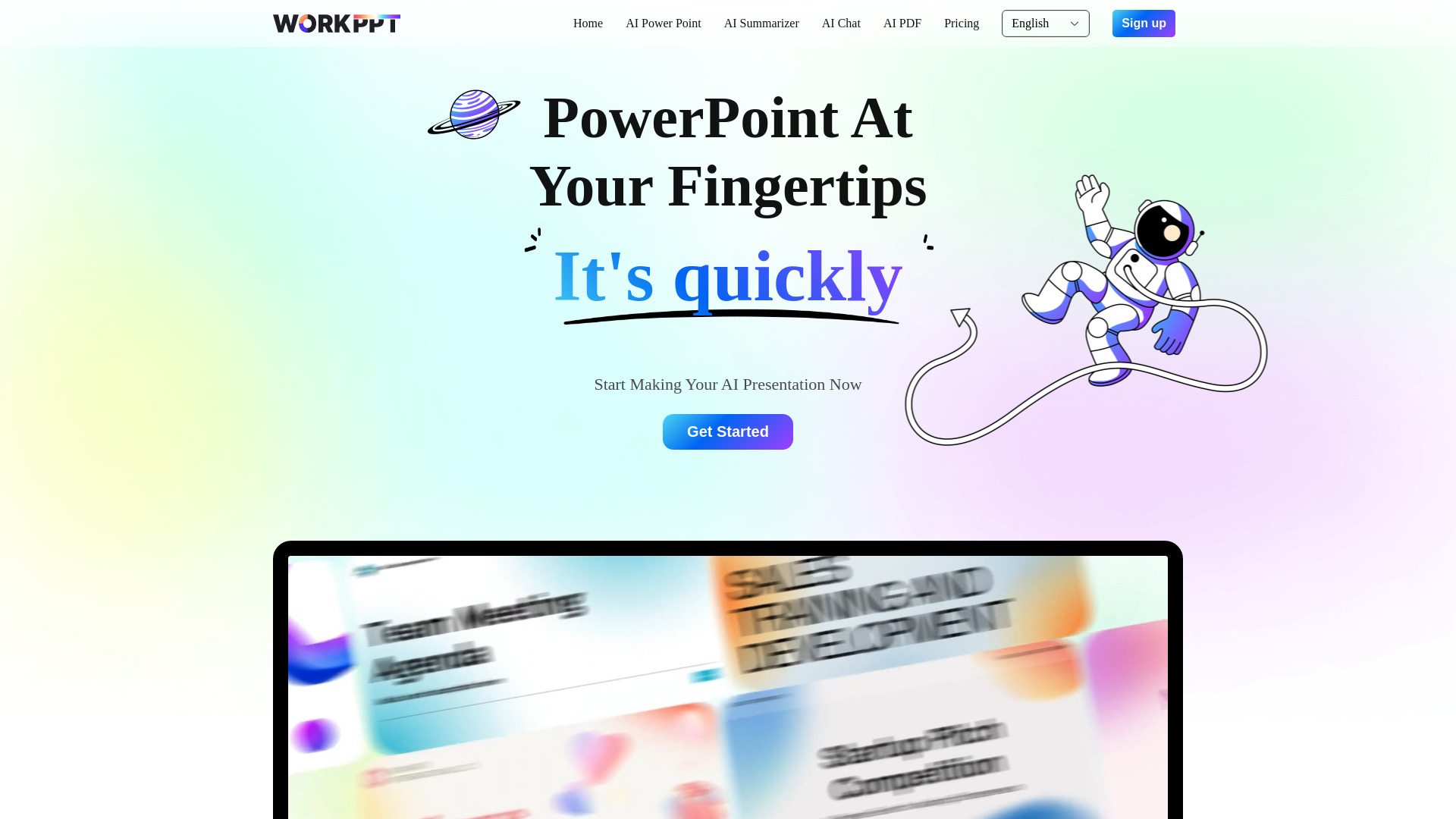
WorkPPT
Fast AI presentation generation

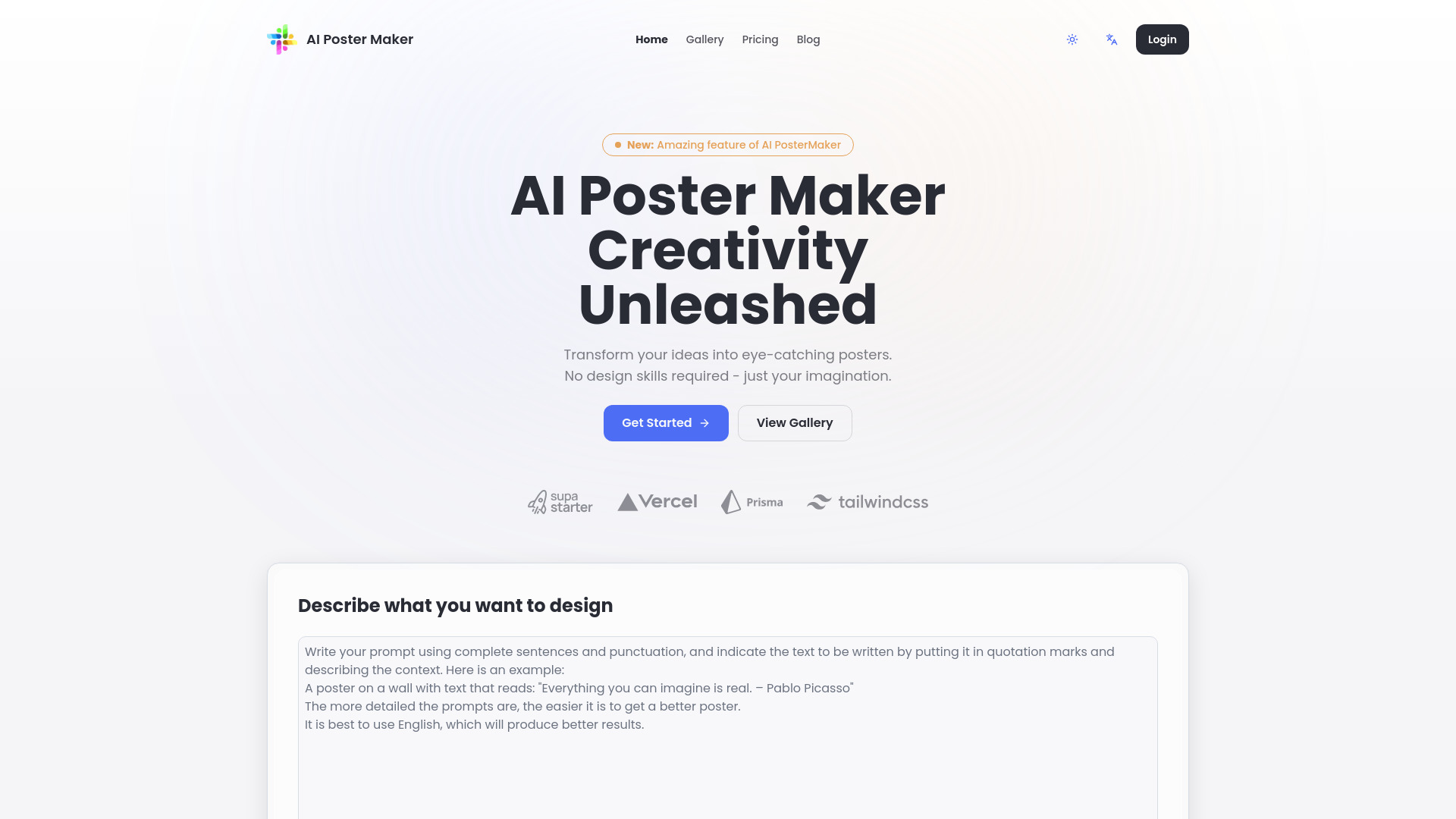
AI Poster Generator
AI poster creation

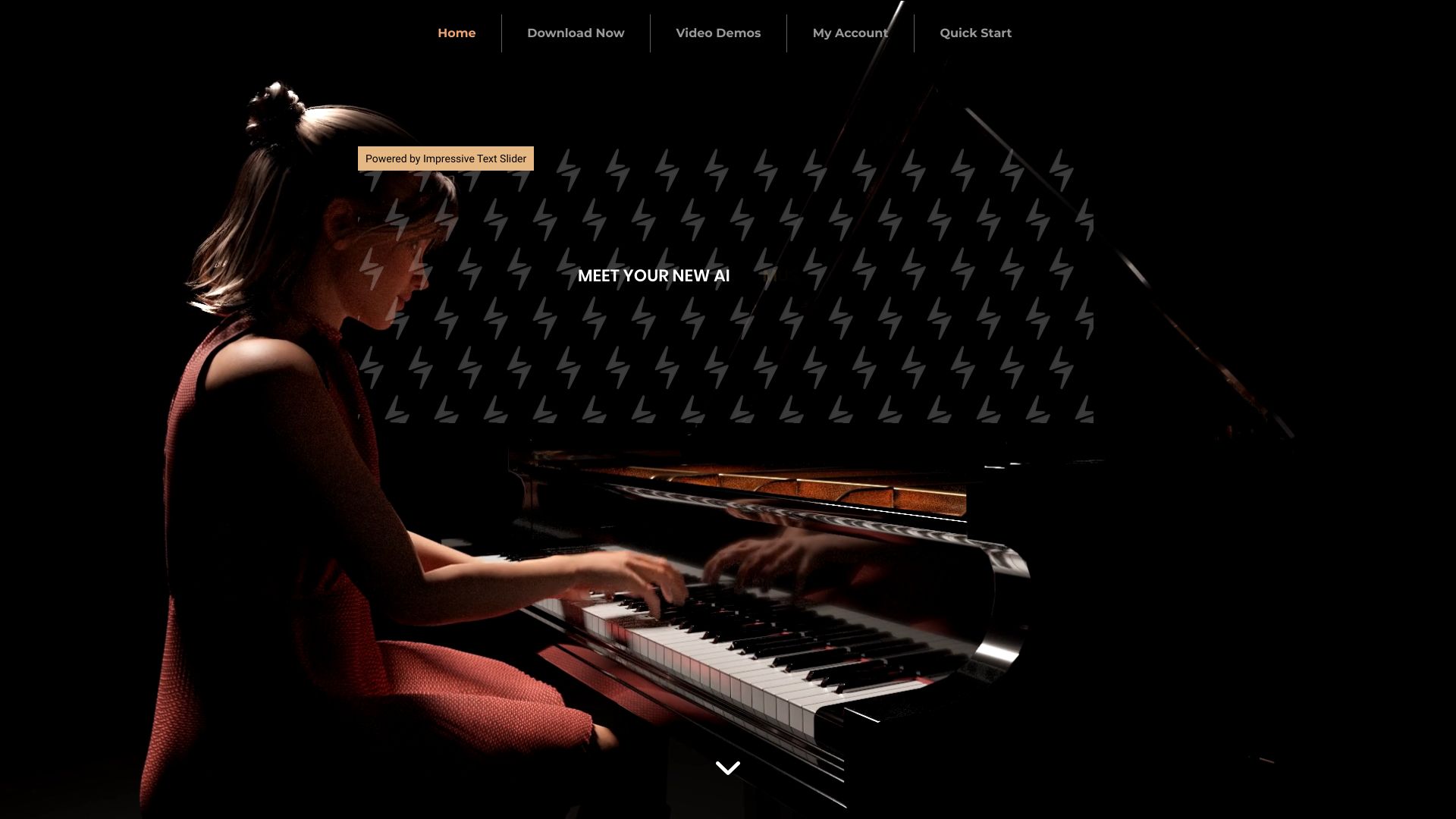
Concert Creator
AI piano animations and lessons

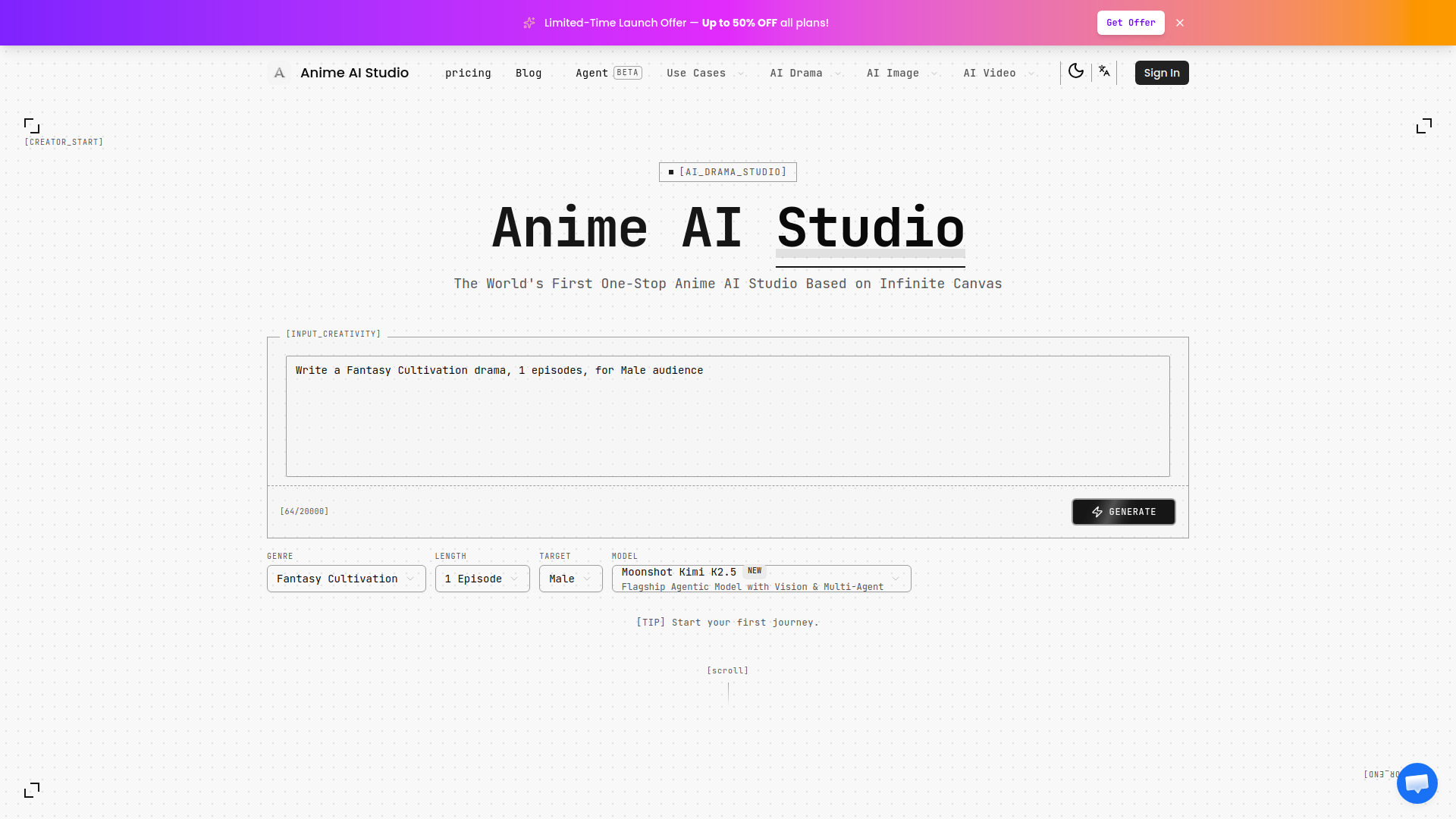
Anime AI Studio
AI anime drama creation

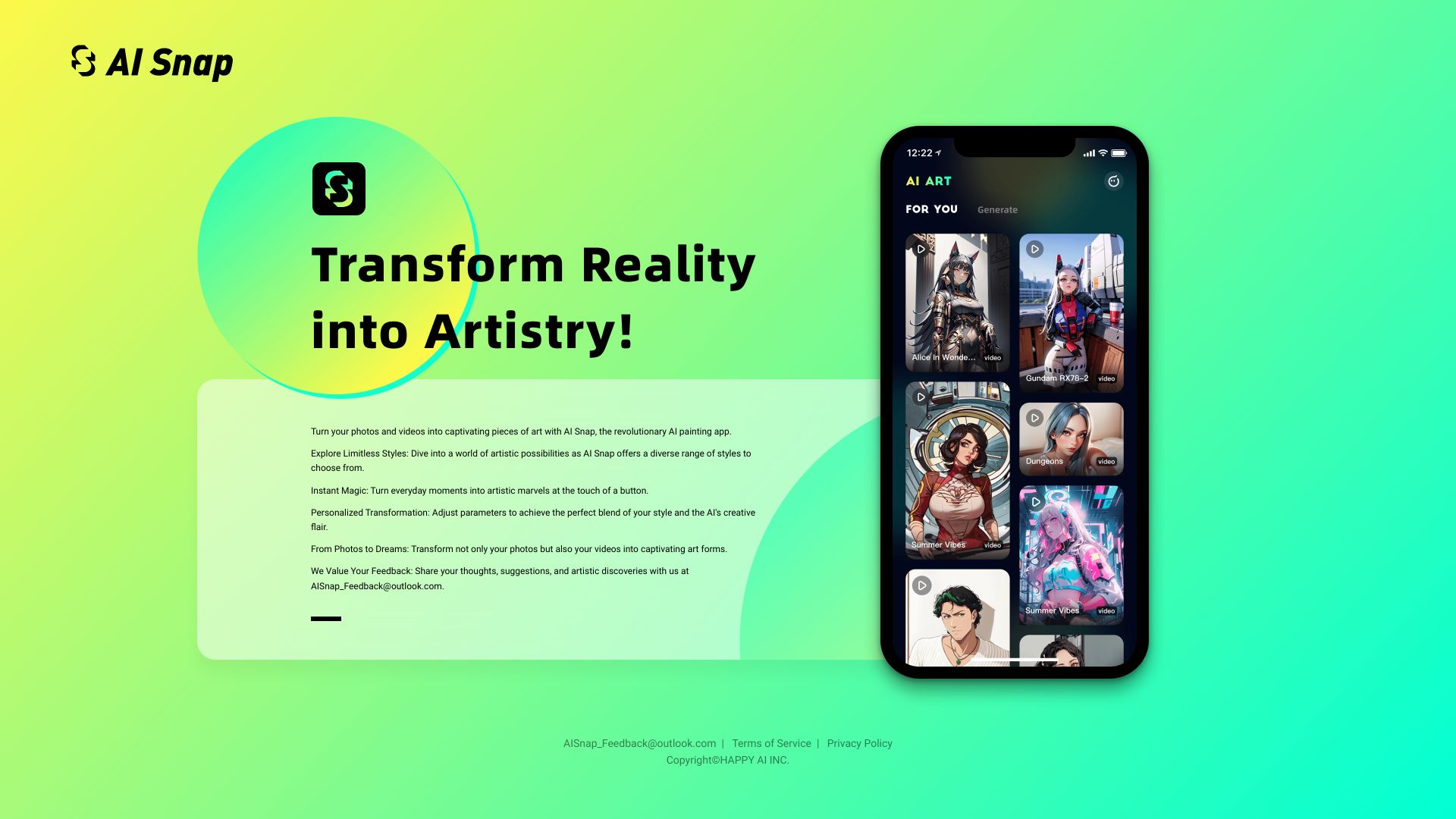
AiSnap
AI avatars and stylized photo/video art

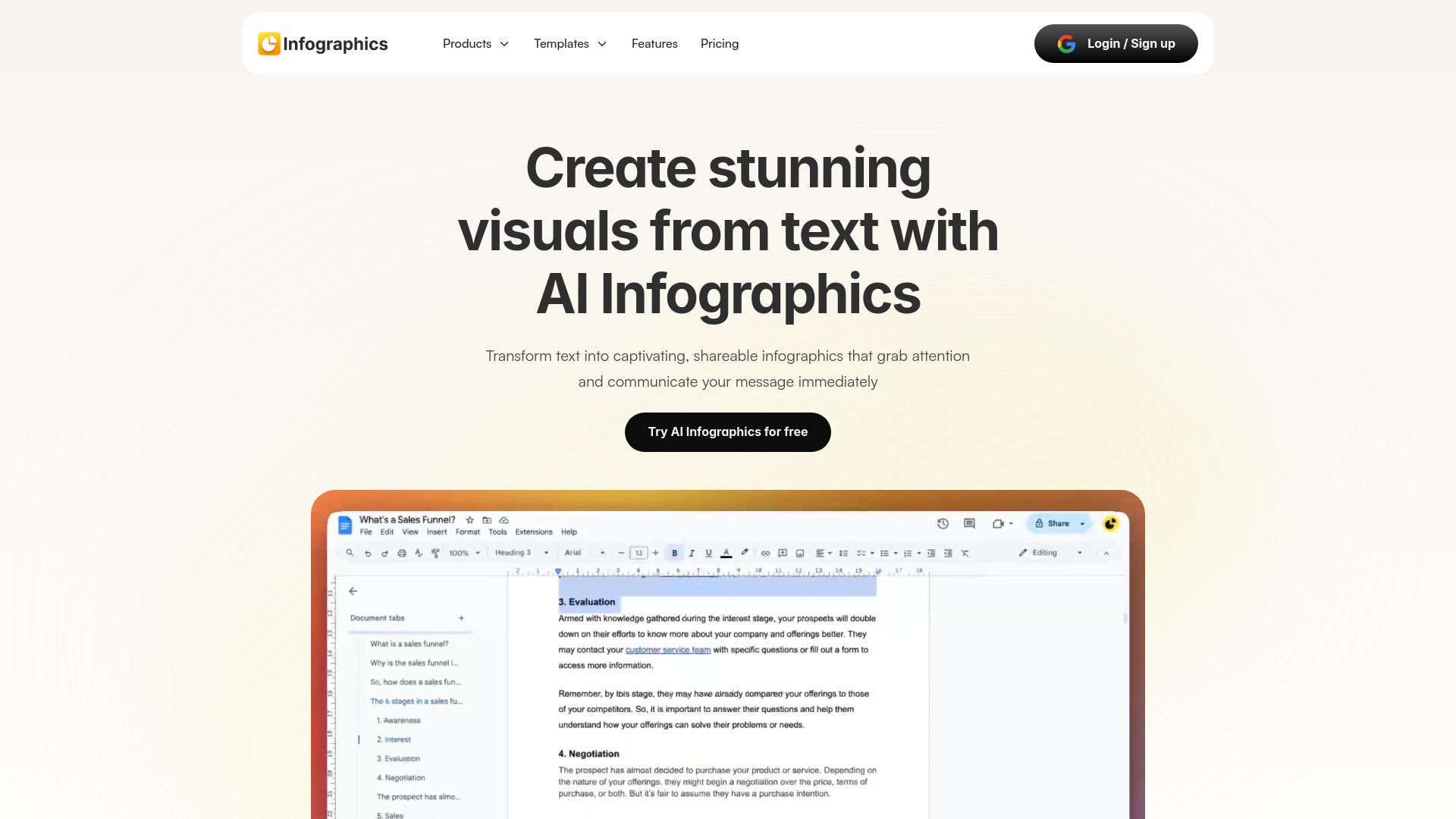
Infographics AI
Customizable infographic creation

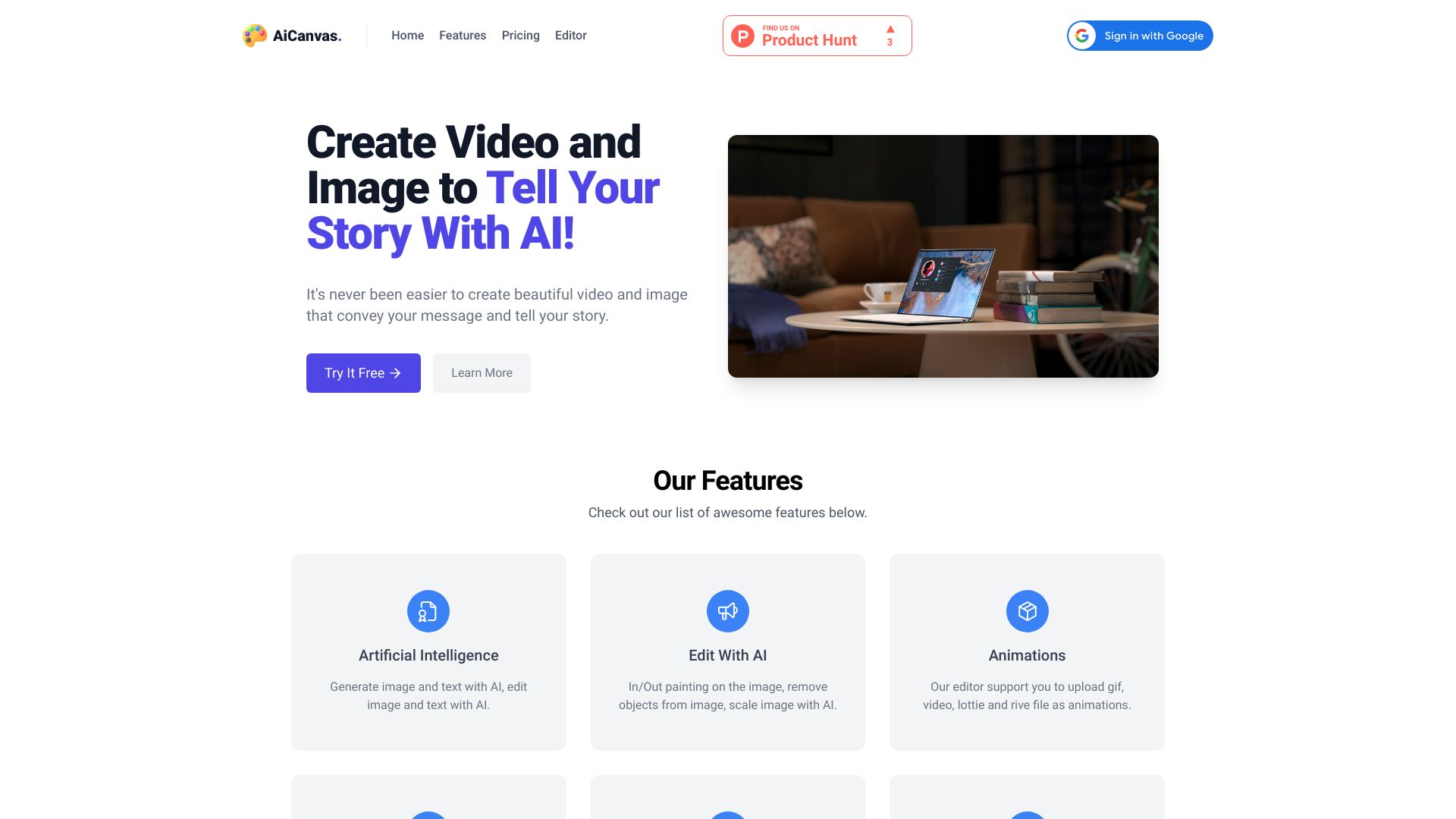
AiCanvas
AI image and video canvas creation

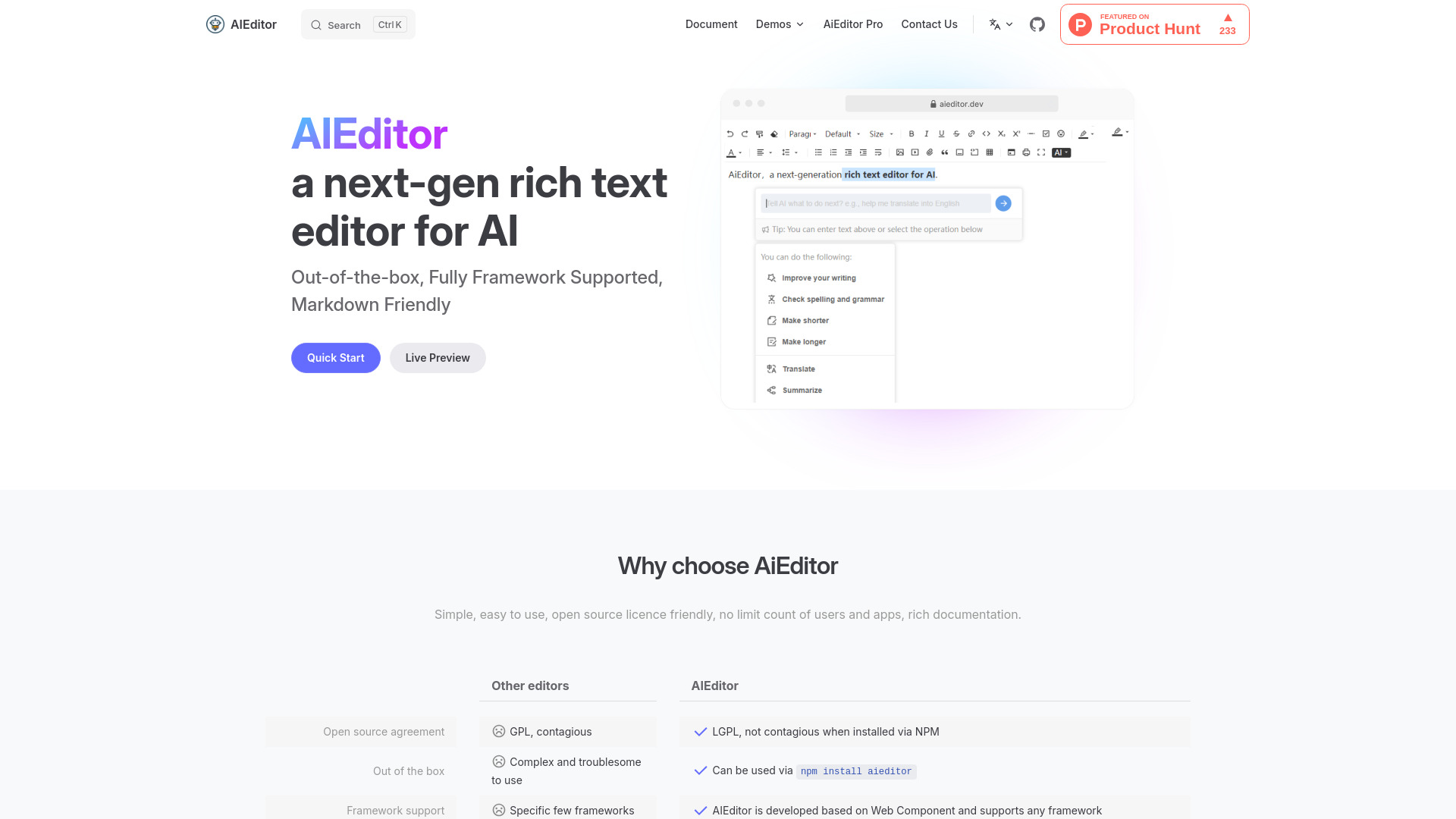
AiEditor
Open-source AI rich text editing
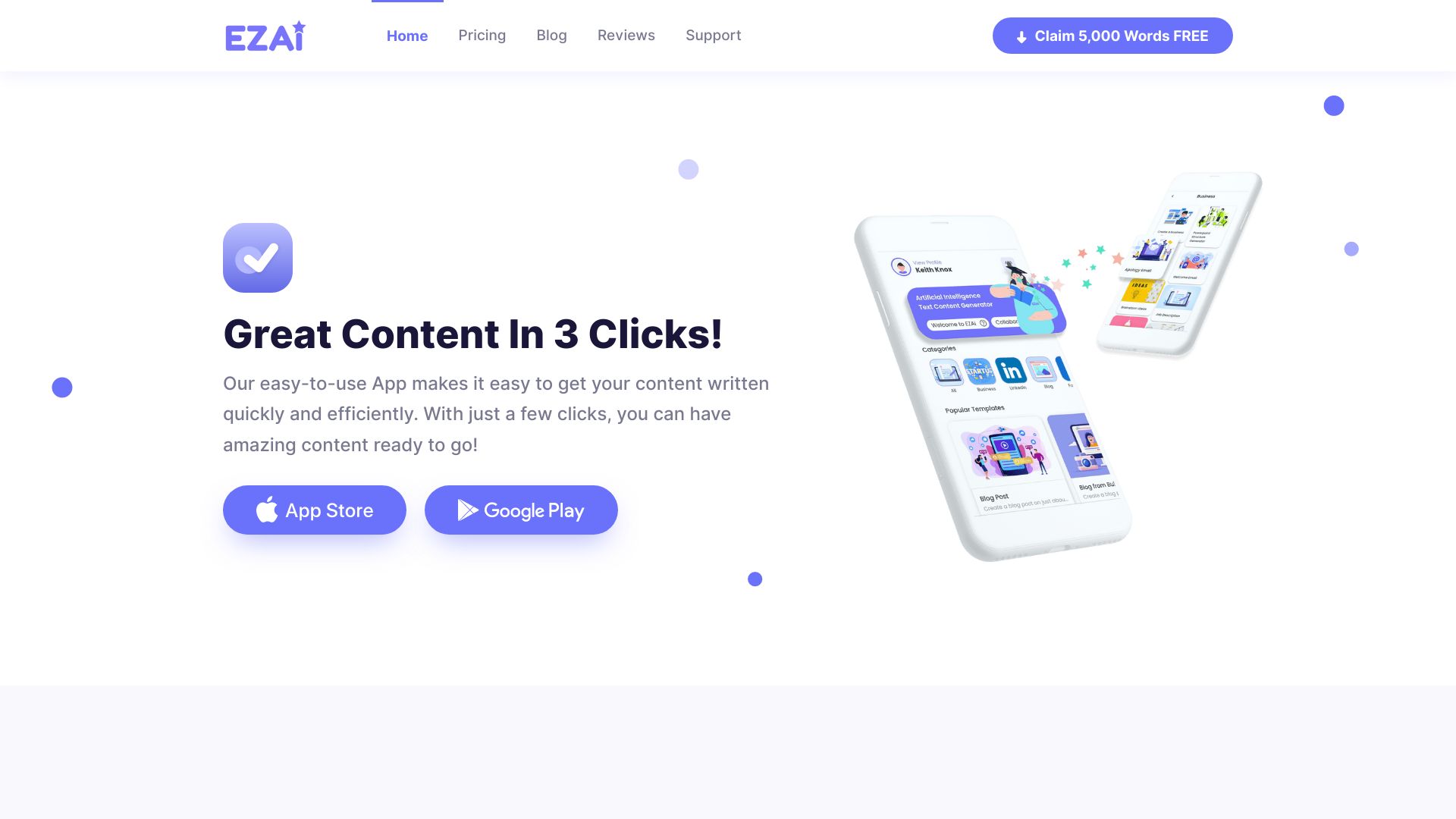
EZAI APP
Small business content creation

SlideFlow AI
Fast AI PowerPoint creation

1PX.AI
AI avatar portraits
1PX.AI
AI portraits and avatars
AI Mockup Studio
AI-generated UI mockups
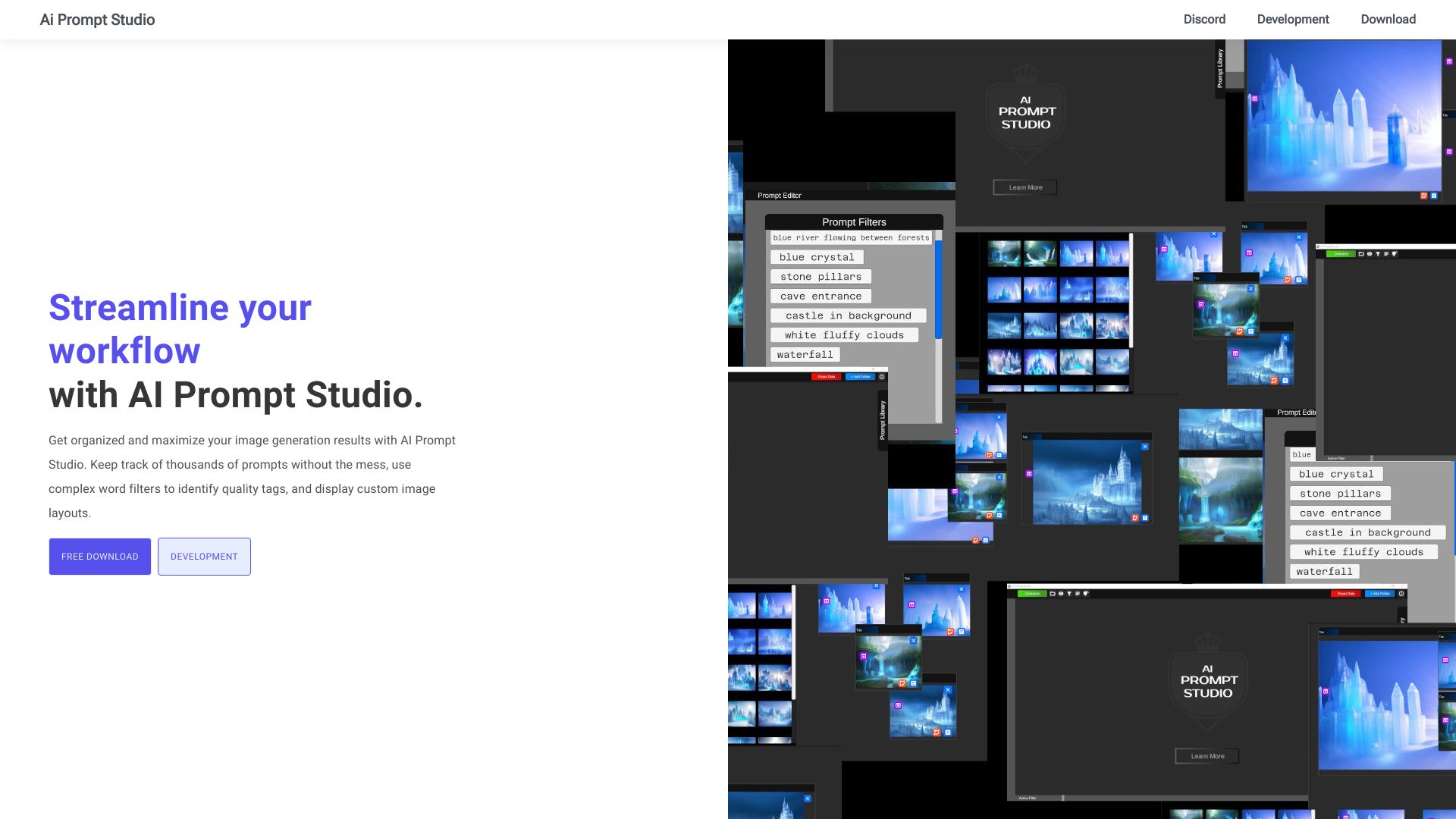
AI Prompt Studio
Diffusion image prompt organization

AI Powers
AI video creation

Ai Pakistani
Multilingual content and image generation
ApolloAI
Multimedia content creation

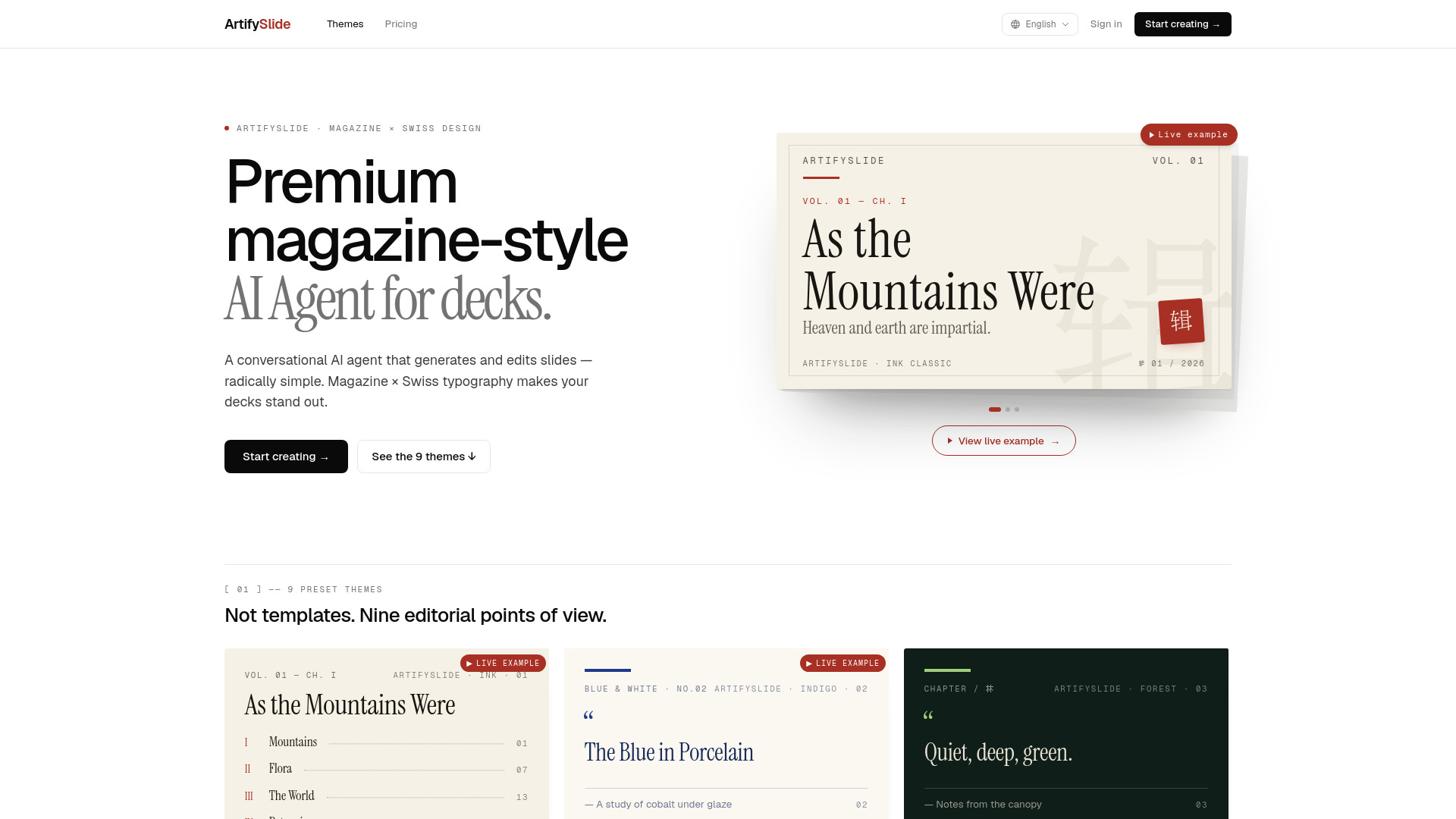
ArtifySlide
Magazine-style presentation decks

AskPPT
Chat-based presentation analysis

AppAi
AI marketing copy and content generation

Kesem AI
AI-generated slideshows with charts and analysis

AiInfographix
AI-generated social media infographics

Easy Posters AI
Quick event and promotional poster creation
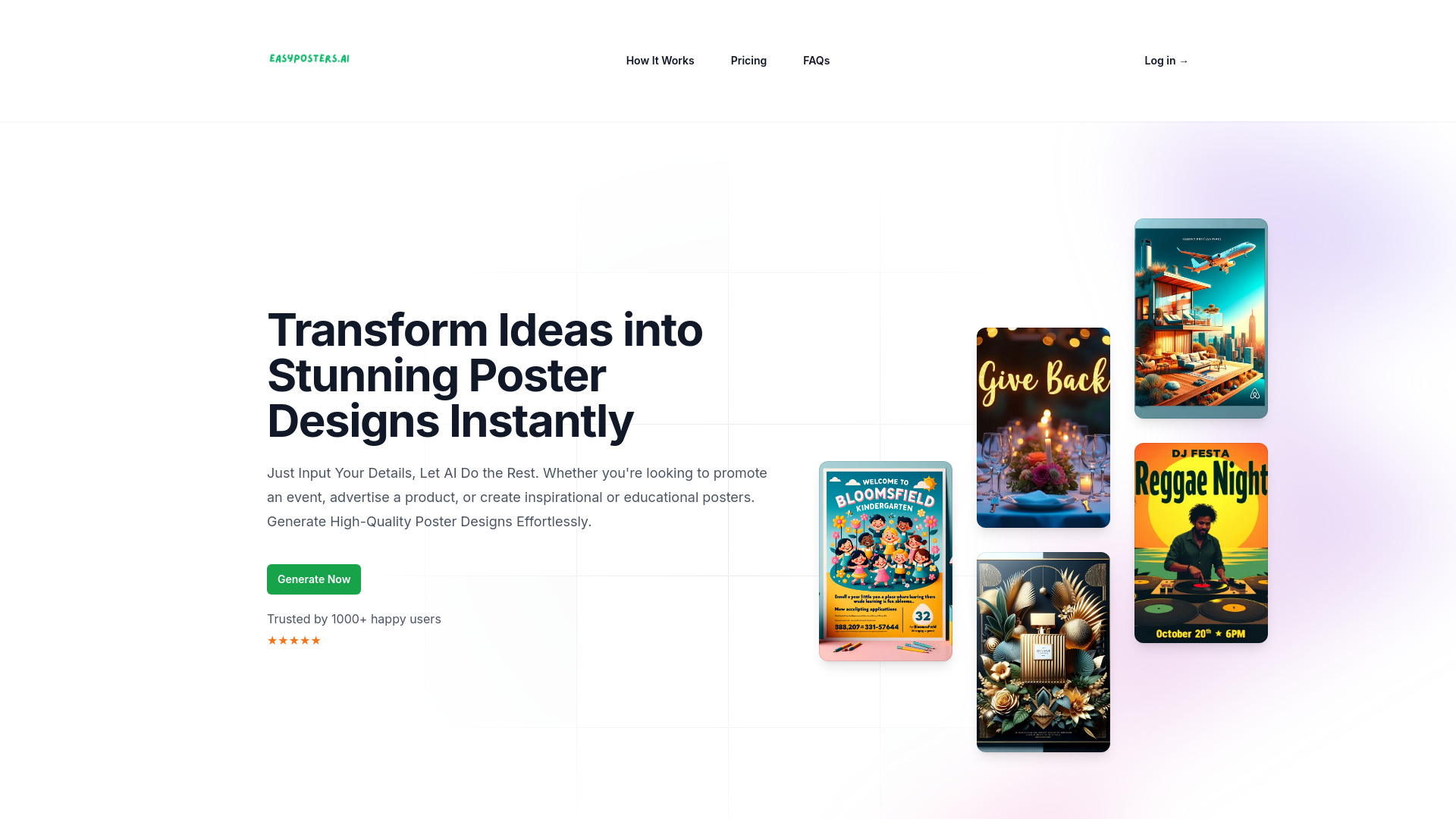

AItoZee
Multi-format AI content creators
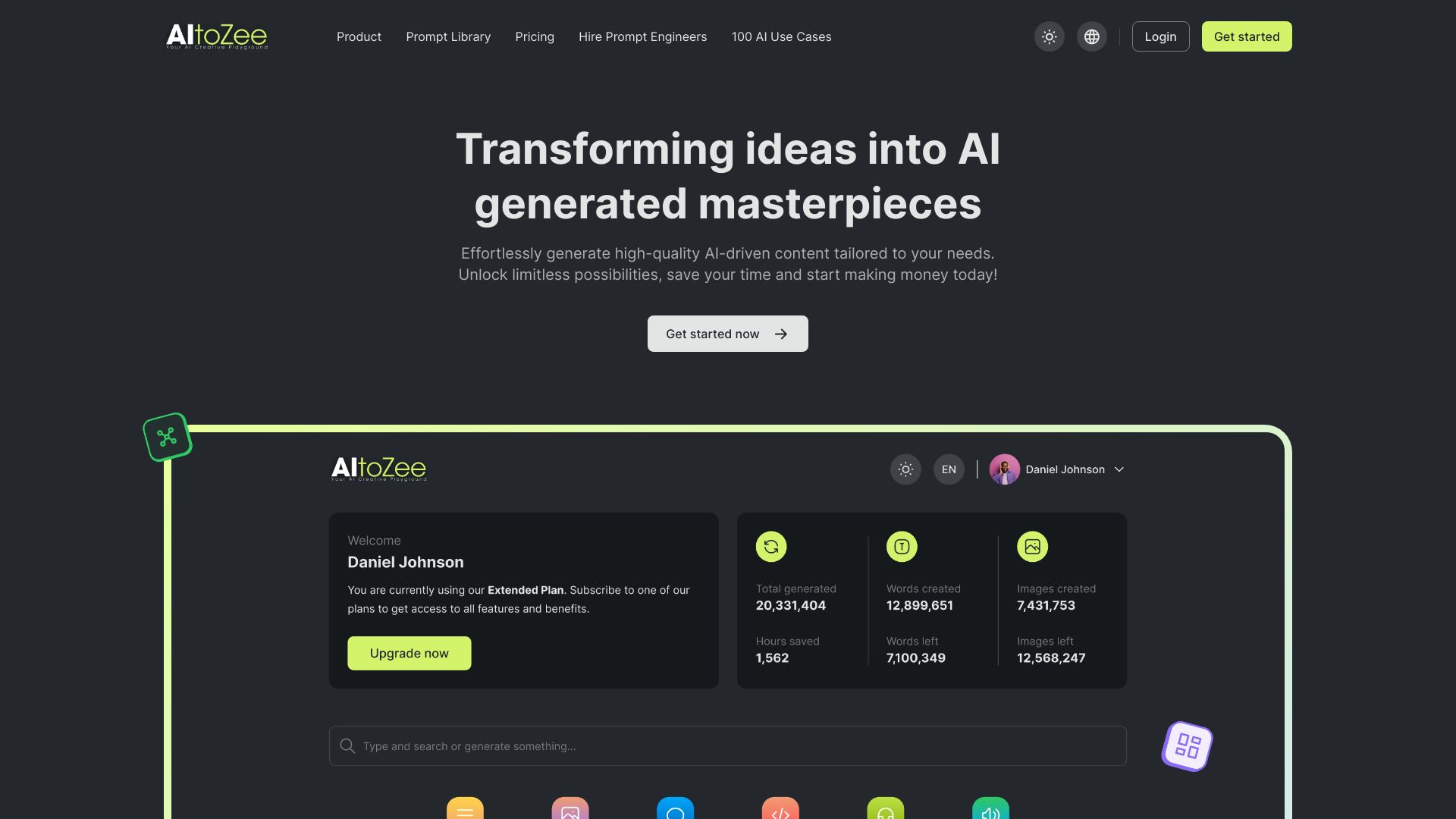

A9 AI
Product promo videos for startups
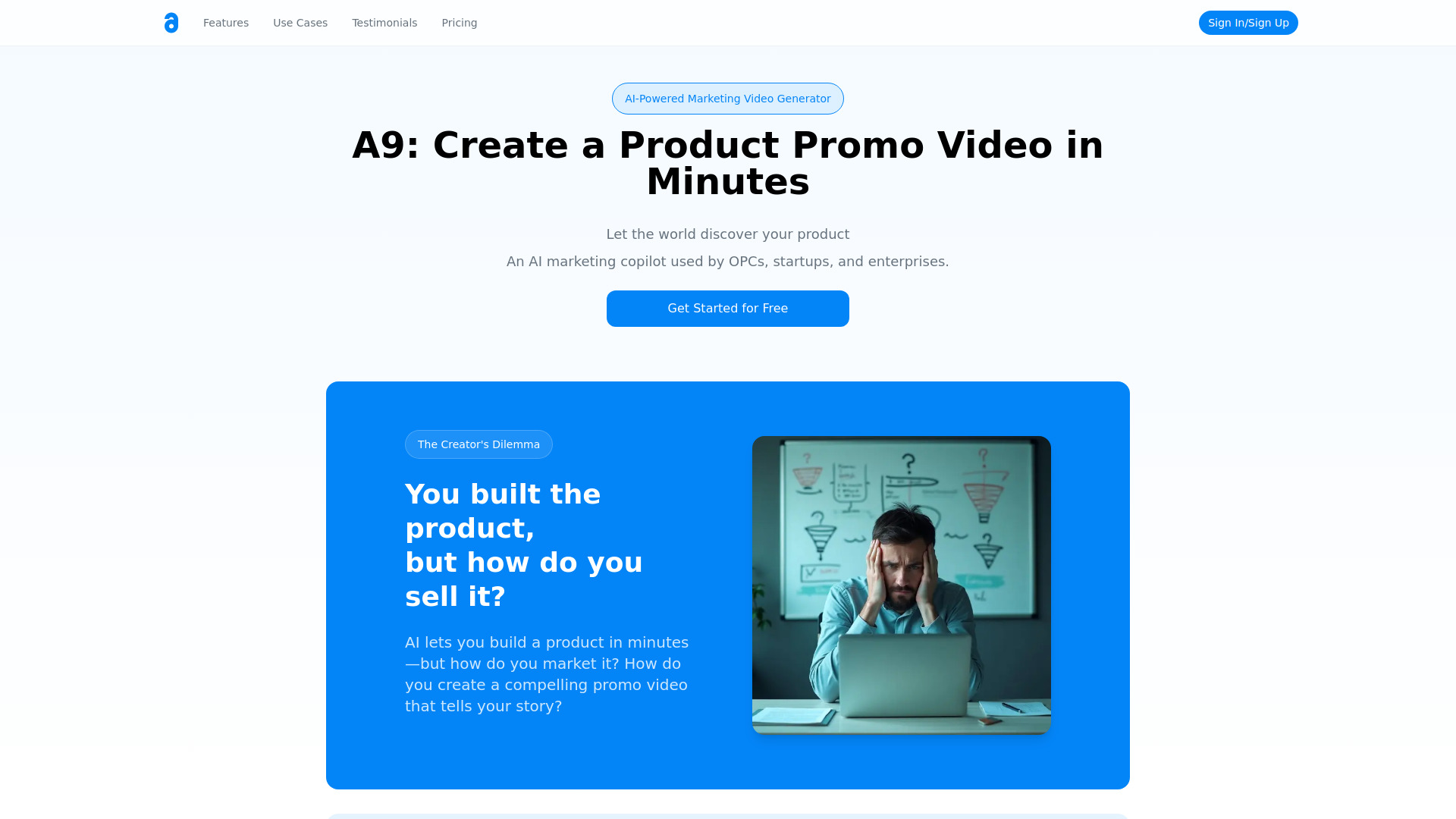
PixAIVideo
AI storytelling video creation
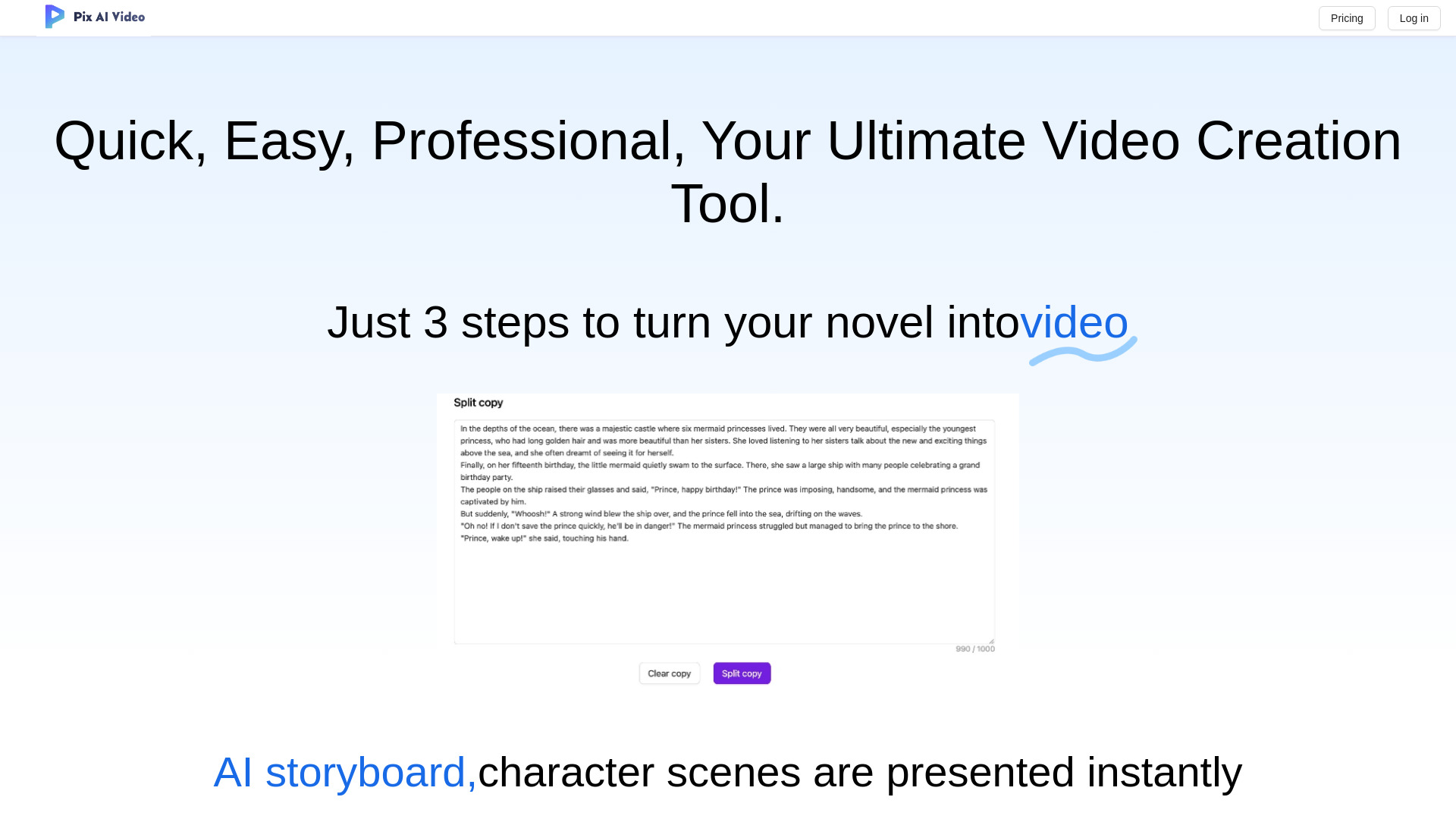

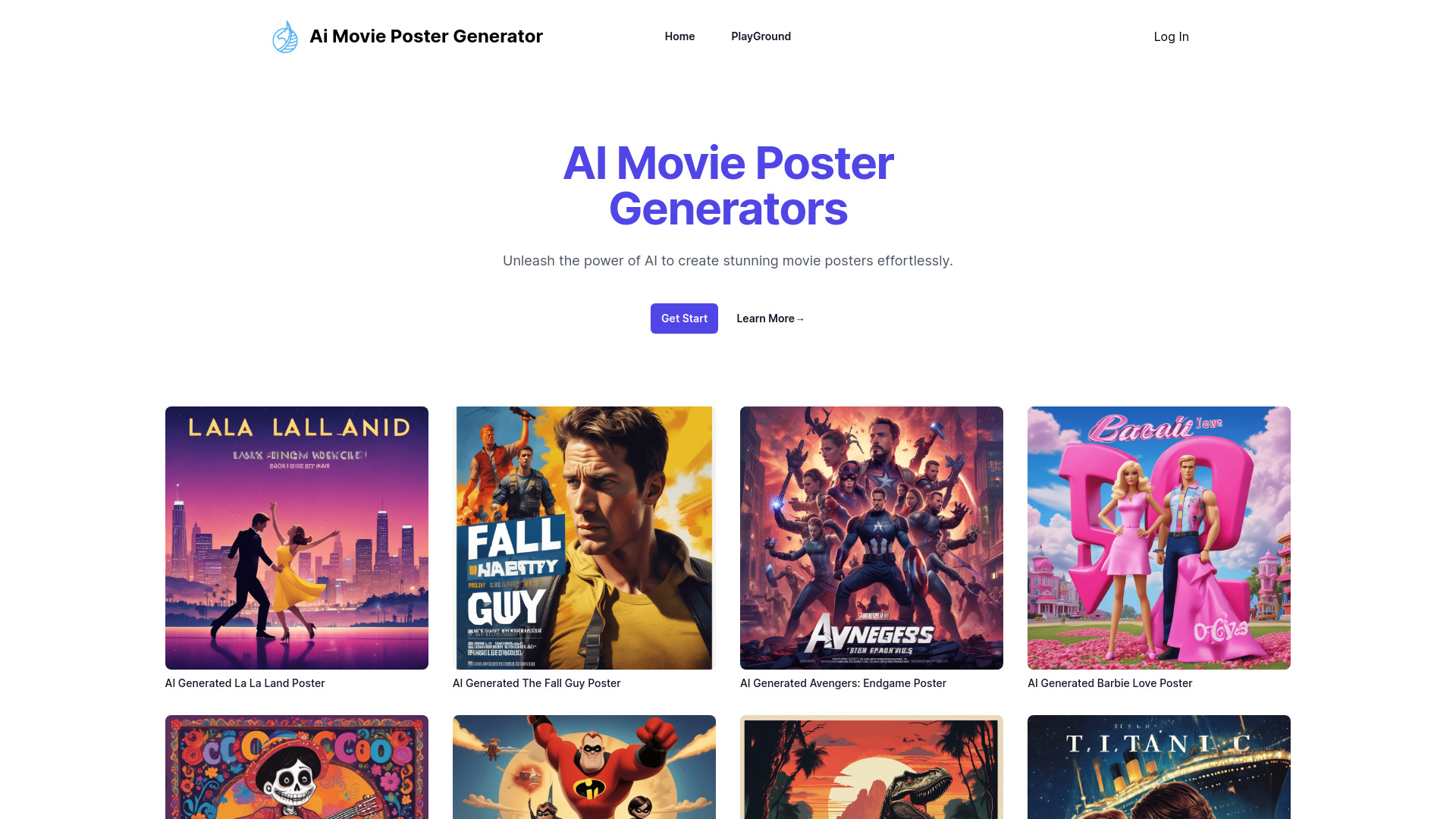
MovieAIPoster
AI movie poster concepts

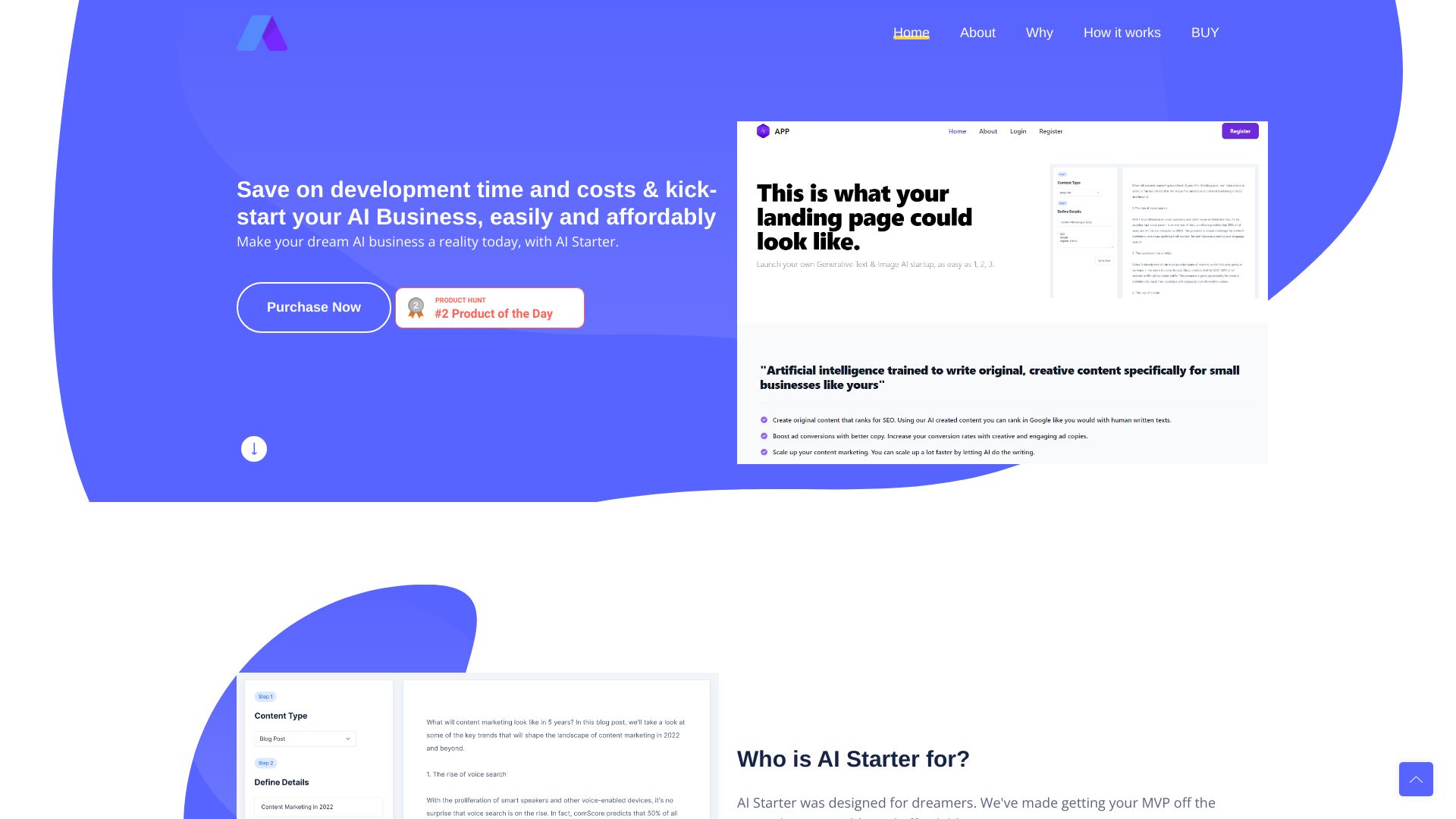
AI Business MVP Launcher
AI business MVP launches

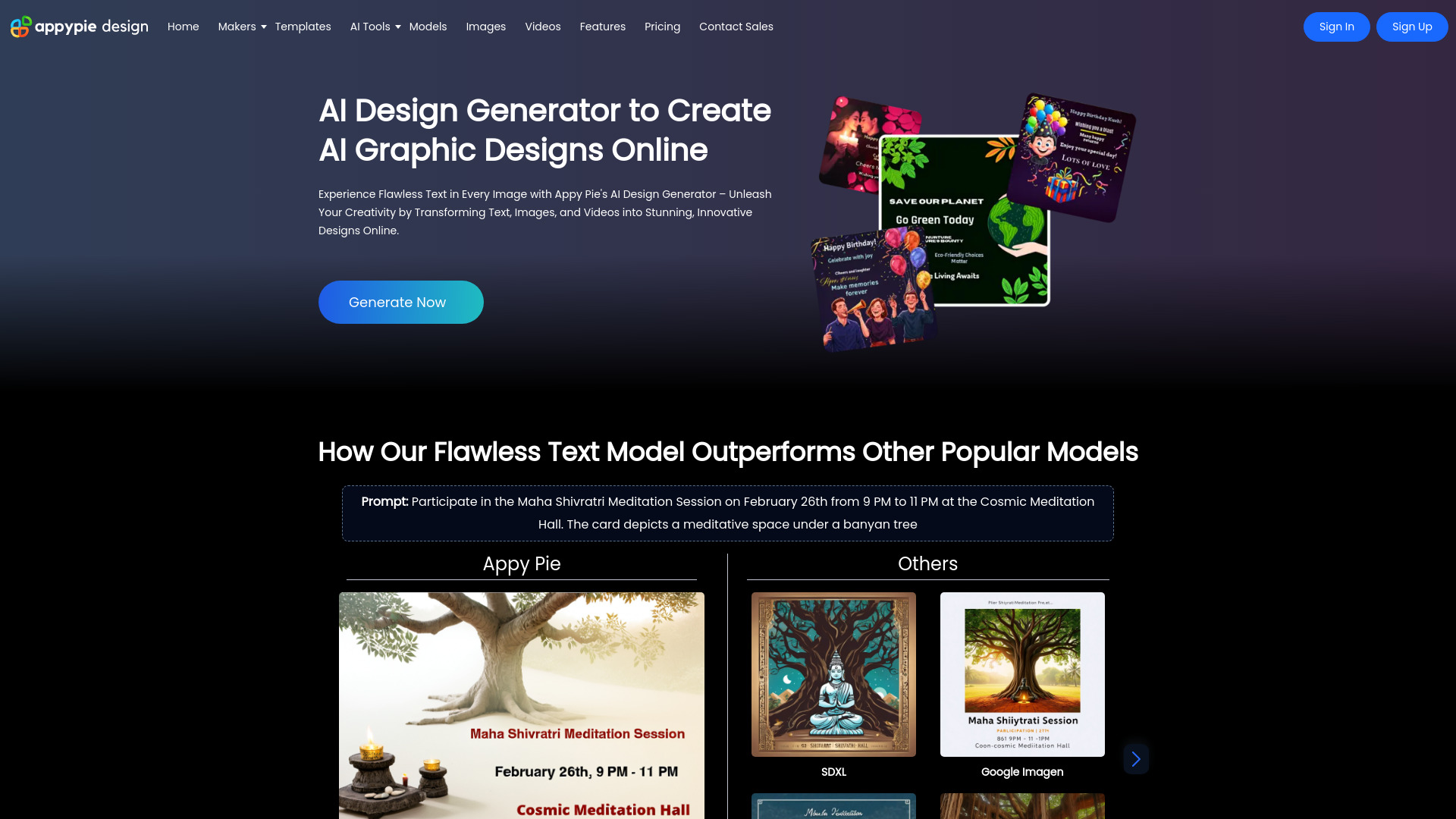
Appy Pie Design
AI-assisted presentation and graphic design
AI Poster Generator
Quick prompt-based poster creation

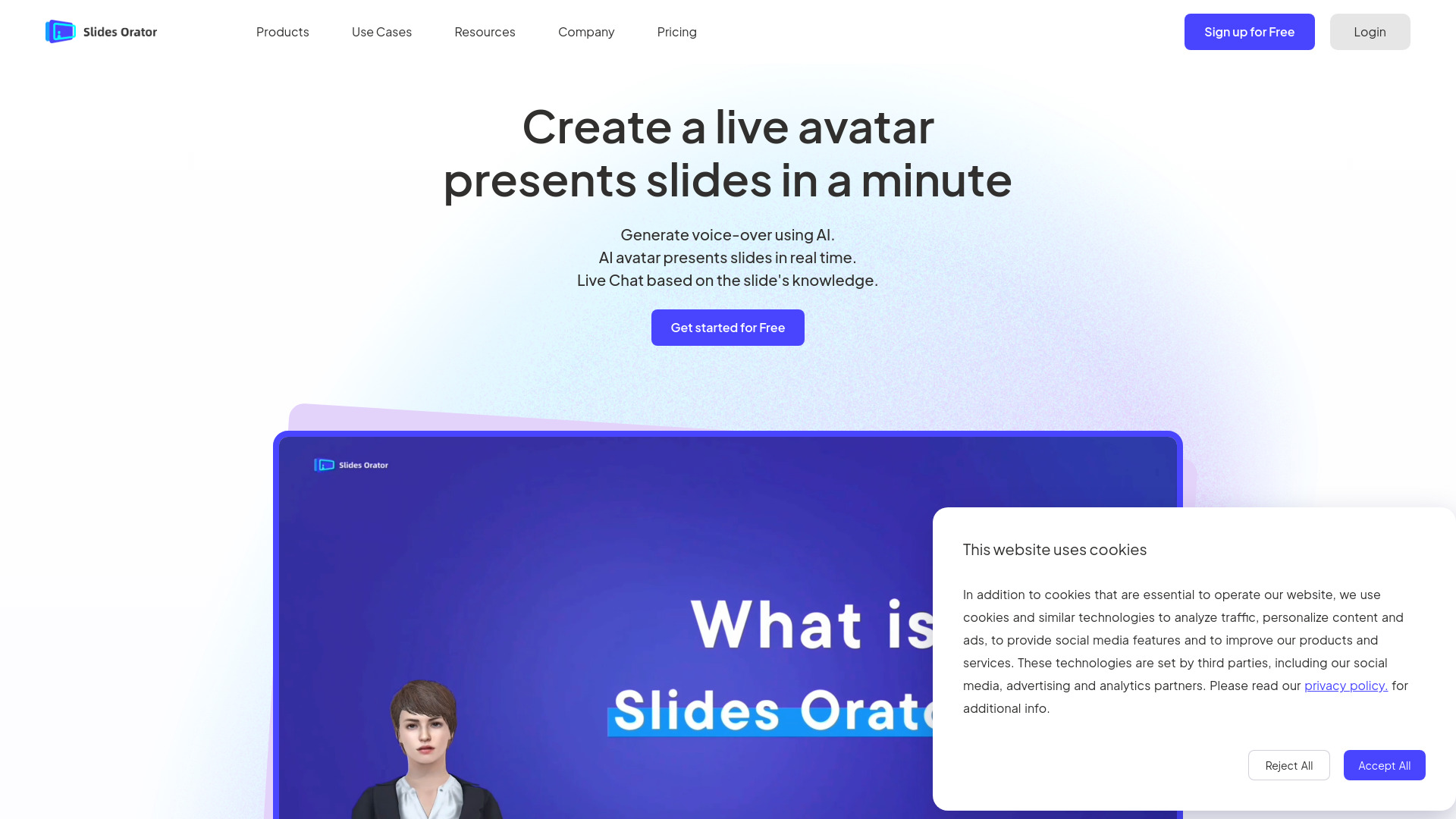
SlidesOrator
Interactive avatar presentations

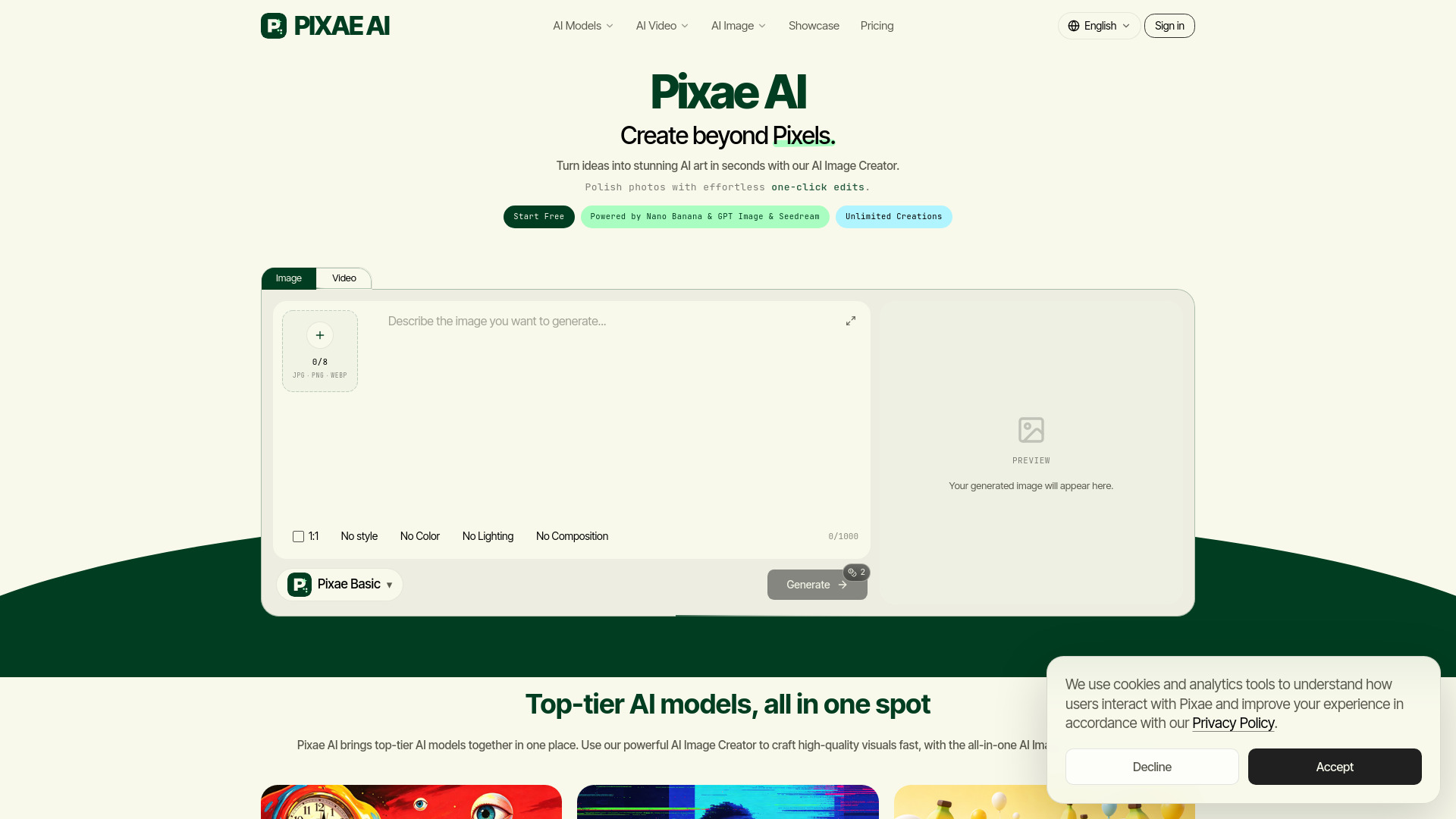
Pixae AI
AI image and video creators

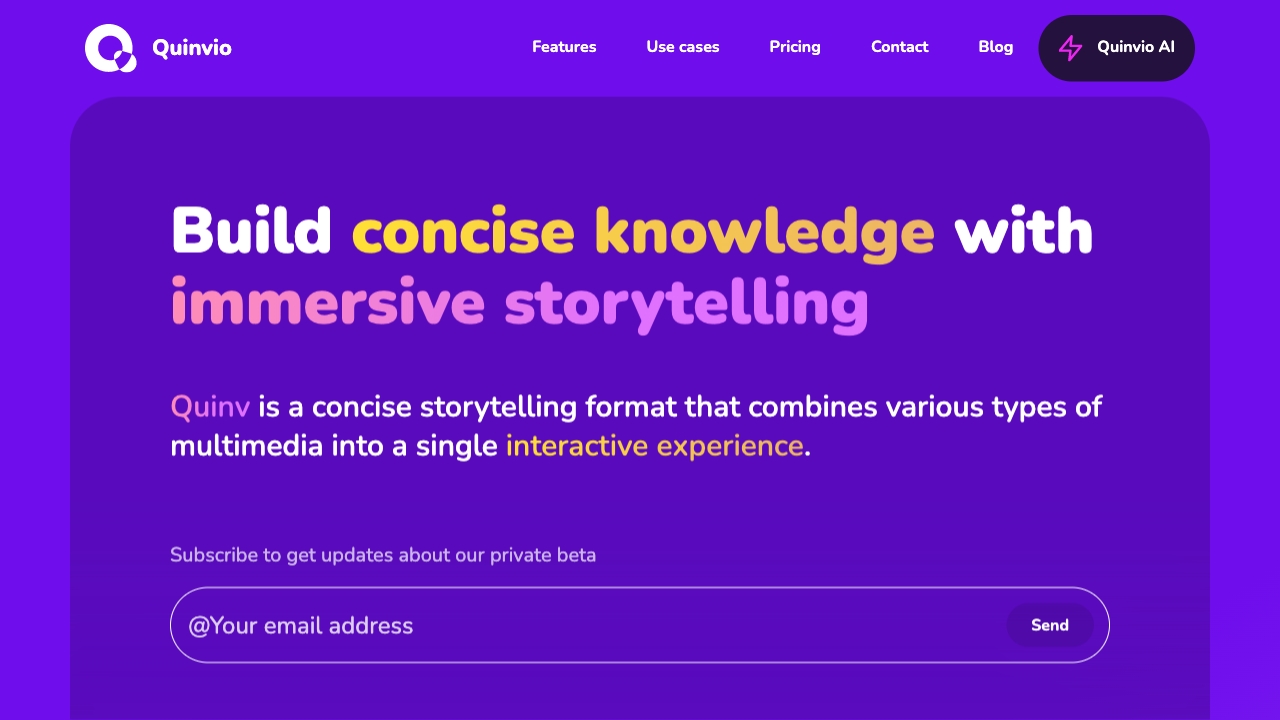
Quinvio AI
AI presentations for product marketing

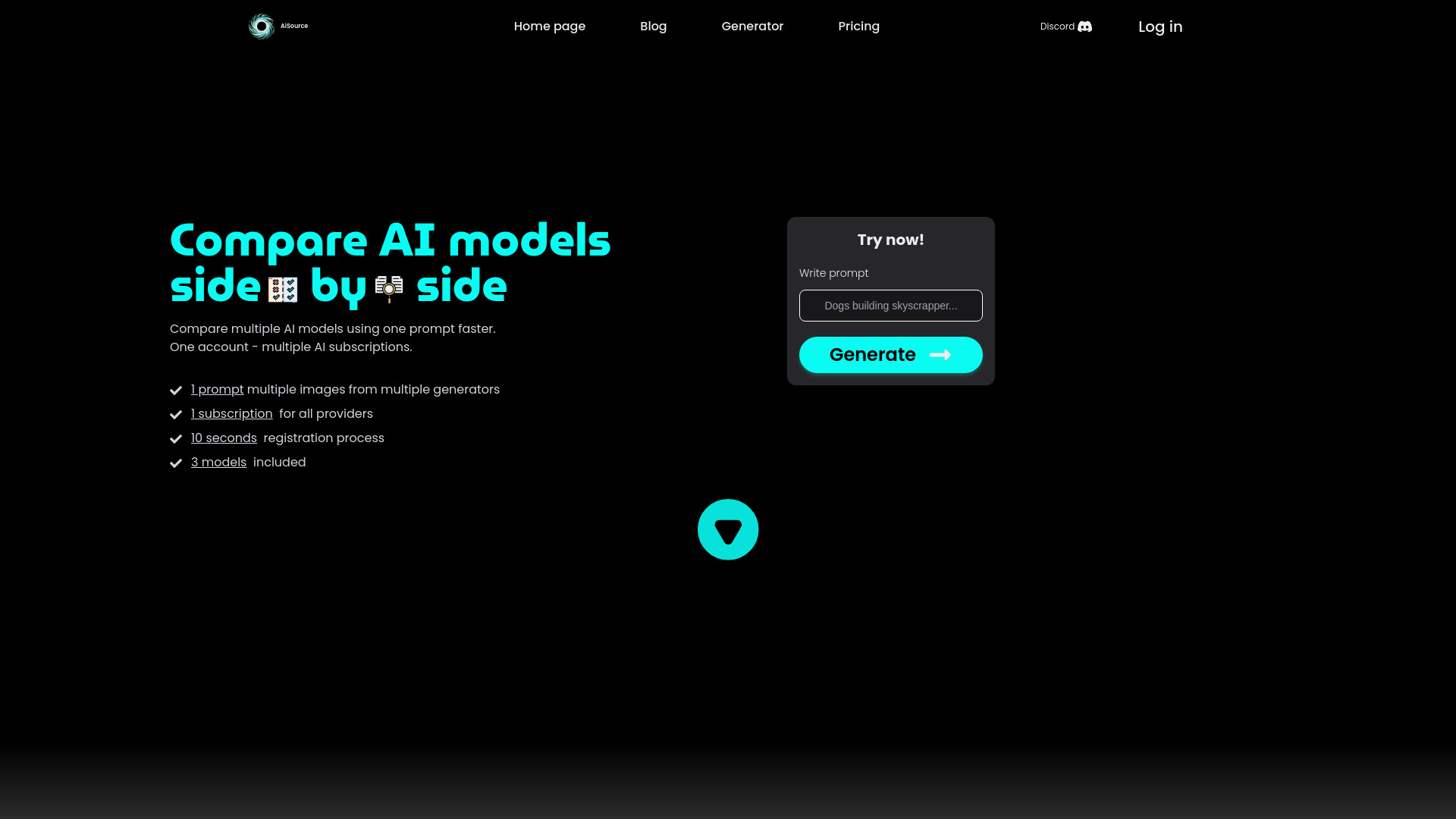
AiSource
Comparing multiple AI image generators

AI Designs
AI-powered brand and graphic design

Viral Ai Video Maker
Short-form social videos

Pic Creator AI
AI image creation and editing
Insou
Story-led presentation creation
Which AI presentation maker should you choose?
The right choice depends less on the highest score than on your starting material and final destination. Use this decision guide:
For the best overall starting point: Choose PPT AI. It combines AI creation with file conversion and is aimed at business professionals.
For polished marketing design: Choose Beautiful.ai when smart templates and automated design are more important than unrestricted layout control.
For Google Slides and PowerPoint compatibility: Choose Plus AI. Its integration story is the clearest fit for consultants who already use those tools.
For documents and URLs: Choose Presentations.AI if your deck begins as a brief, document, or web page.
For template variety: Try AiPPT when you want multiple visual styles and several input formats.
For quick file-to-slide conversion: Consider Presenti AI if automatic design optimization fits your team.
For export-friendly consultant decks: Look at SketchBubble AI Presentation Maker.
For writing and summarizing alongside slides: Choose Smallppt.
For students on Google Slides: Start with SlidesAI, especially if the 12-presentations-per-year free allowance covers your needs.
For guided sales workflows: Consider Neo AI Presentation Maker, but verify which paid plan includes AI access and PowerPoint export.
If you are specifically comparing the best free ai presentation maker options, start with PPT AI, Presentations.AI, SlidesAI, and Smallppt. Their free offers are not equivalent: one may use a monthly presentation quota, another AI credits, and another an annual presentation limit. Test the kind of deck you actually make before judging the free plan.
My practical recommendation
Start with PPT AI unless you already know your workflow points elsewhere. It is the broadest first experiment for a business professional because it combines AI-powered creation with file conversion, and its free access is concrete enough to test without an immediate purchase. Give it a real source file and a real presentation brief; a toy prompt can make almost any generator look better than it is.
Then switch based on the bottleneck. Choose Beautiful.ai when design consistency is the main problem, Plus AI when your team must stay in Google Slides or PowerPoint, Presentations.AI when the source is a document or URL, and SlidesAI when you need the most straightforward free Google Slides route. For paid tools, compare the feature tier rather than the headline price. Neo's Access Lite example is a good reminder that the cheapest plan may not include the AI workflow you came to buy.
Common mistakes when choosing AI presentation makers
Judging the first slide instead of the whole deck: A strong opening does not guarantee coherent structure or useful detail throughout.
Ignoring the editing destination: Google Slides-only access is a serious limitation if your organization delivers PowerPoint files.
Confusing a free trial with a free plan: Trials, credits, monthly generations, and annual quotas support very different workflows.
Paying for design automation you will override: If your brand requires precise layouts, check how much creative control remains.
Overlooking export terms: A generated deck is only useful if it can reach the application and format your audience needs.
Comparing prices without checking feature gates: The cheapest tier may exclude AI access, editing, or PowerPoint export.
What changed in 2026
AI presentation tools are moving beyond simple prompt-to-slide generation. The strongest products now distinguish themselves by accepting richer inputs such as documents, URLs, and files; working inside established slide applications; automating design decisions; or guiding users through a repeatable workflow. Free access is also becoming more structured, with monthly presentation limits, annual quotas, AI credits, and short trials rather than unlimited experimentation.
That shift changes how to evaluate the best ai presentation software. The question is no longer only, "Can it create slides?" It is, "Can it turn my actual source material into an editable deck in the format my team uses, at a price that matches my volume?" Tools such as Plus AI, Presentations.AI, Smallppt, SlidesAI, and Neo each answer a different part of that question.
FAQ
PPT AI is the strongest overall match in this ranking. It combines AI-powered presentation creation with file conversion and targets business professionals. Its free plan has limits on presentations and slides, so frequent users should verify the paid options.