
The best free ai video maker depends on what you mean by free. Some tools offer unlimited short generations, while others provide credits, a limited number of downloads, or a free editor with AI features. We compared 100 tools so you can quickly identify the right starting point for social clips, marketing content, animated explainers, or more cinematic experiments.
Top picks
| Pick | Tool | Best for | Why it stands out |
|---|---|---|---|
| 1 | Free AI Video Maker & Generator | Marketers who want no-cost generation | Unlimited generations, text-to-video, and image-to-video access |
| 2 | VideoMaker.me | Beginners making quick clips | Straightforward text and image workflows with a friendly interface |
| 3 | SuperMaker AI Video Generator | Marketers needing a broader content stack | Video, image, music, and voice generation in one platform |
| 4 | Vidful.ai | Businesses testing AI video | Simple text and image generation powered by multiple video models |
Quick comparison
| Rank | Tool | Score | Best for | Free access | Starting price |
|---|---|---|---|---|---|
| #1 | Free AI Video Maker & Generator | 96/100 | Marketers | Unlimited 5-sec 480p videos | FREE PLAN: $0 / mo |
| #2 | VideoMaker.me | 95/100 | Marketers | Text-to-video and image-to-video | Basic: $7.9/Month |
| #3 | SuperMaker AI Video Generator | 95/100 | Marketers | 20 free credits | Free plan: Free |
| #4 | Vidful.ai | 95/100 | Businesses | Text and image-to-video tools | Basic: $7.9 / Month |
| #5 | Videflow.ai | 95/100 | Marketing professionals | Free trial | Check vendor pricing |
| #6 | Flow AI | 95/100 | Content creators | Free trial credits | Basic: $19.90 per month |
| #7 | JoyFun AI | 94/100 | Content creators | Unlimited free generations | Free Plan: Free |
| #8 | Animaker | 94/100 | L&D teams | 3 free video downloads/month | Basic: $15 /Mo |
| #9 | FlexClip | 94/100 | Marketers | Up to 12 free projects | Free: $0.00 |
| #10 | Wondershare Filmora | 94/100 | Business professionals | 100 AI credits | Basic: US$49.99/yr |
How we ranked these AI video makers
We ranked the 100 candidates by combining practical feature coverage, free-access value, audience fit, ease of use, and market signals. Text-to-video and image-to-video tools received particular attention because they are the clearest ways to start from a prompt or existing visual. We also separated true generation platforms from broader editors, animation suites, and all-in-one creative workspaces. Scores are not a promise that every free tier is unlimited: resolution, credits, downloads, and commercial-use rules can materially change the experience. Monthly visits provide a usage signal, not a quality guarantee. Before publishing or selling a video, check the vendor's current plan terms and rights language.
The best free AI video makers
1. Free AI Video Maker & Generator

Free AI Video Maker & Generator
Best all-around AI video maker for marketers
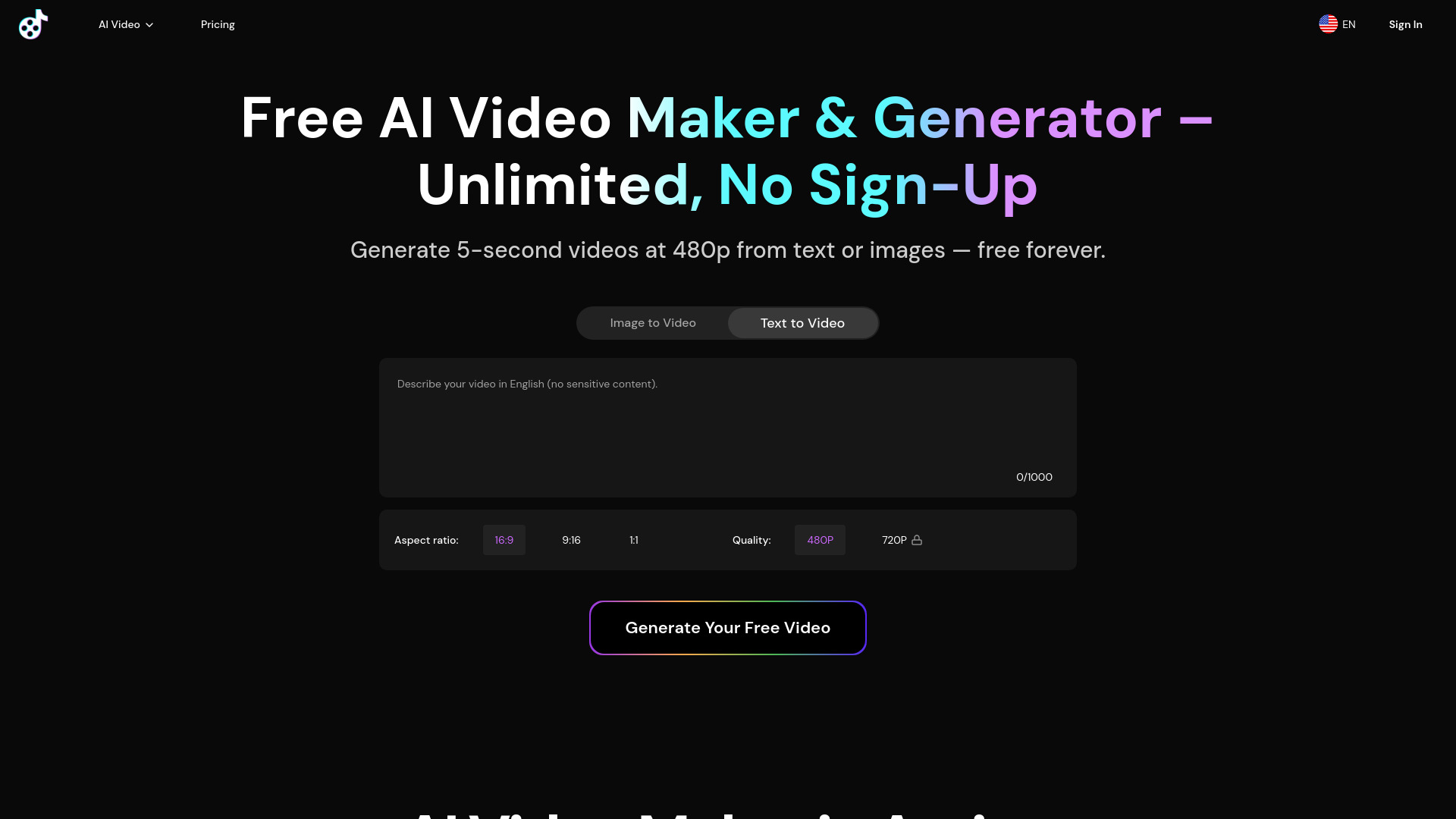
The most direct answer to the best free ai video maker brief is right here. Free AI Video Maker & Generator keeps the workflow focused: type a prompt or provide an image, then generate a short clip. Text-to-video and image-to-video are both available, and the free plan offers unlimited generations without requiring sign-up. That makes it unusually easy to test ideas before committing to an account or subscription.
There is an important trade-off. Free outputs are limited to five seconds and 480p resolution. That is perfectly workable for testing motion concepts, short social snippets, and visual references, but less suitable for a polished campaign video. The unlimited allowance is valuable because you can iterate freely; the output ceiling is the reason this tool does not replace a full production workflow.
My take: This is the cleanest first stop for anyone who wants to experiment without a paywall or registration hurdle. I would use it for rapid concept testing and short-form visual ideas, not as my only finishing tool.
Where it falls short: Five seconds and 480p impose a hard ceiling on free deliverables. Marketers who need longer, higher-resolution exports will likely need to move to a paid plan.
Key features
Text-to-video generation from a written prompt.
Image-to-video generation for animating a still visual.
Unlimited free generations.
No sign-up required for the free workflow.
Pros
The strongest free-access proposition in this group.
Supports both prompt-led and image-led creation.
Easy to test repeatedly without spending credits.
Cons
Free videos are limited to five seconds.
Free output is limited to 480p resolution.
Choose Free AI Video Maker & Generator if: You want a no-sign-up tool for generating many short text- or image-based video experiments at no cost.
2. VideoMaker.me

VideoMaker.me
Best approachable video maker for marketers
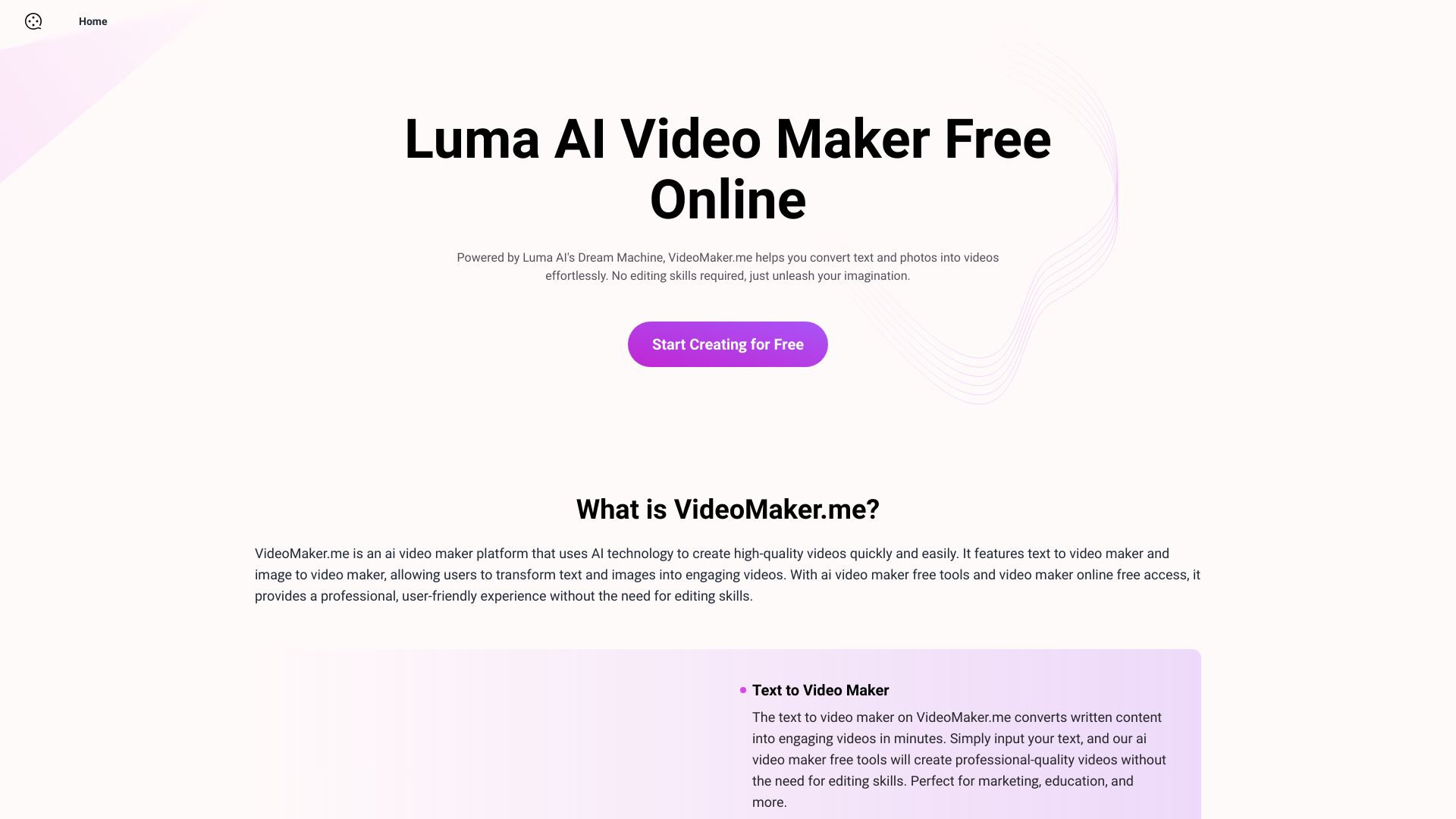
VideoMaker.me makes a strong case for the best ai video generator for free when simplicity matters more than a long list of controls. Its two headline workflows are text-to-video and image-to-video, so users can start with either an idea or an existing photo. The interface is designed for people who do not already think like video editors, which is a meaningful advantage for marketers who need a usable result quickly.
The platform's main limitation is operational rather than creative: high demand may cause wait times. That matters when you are working to a deadline or trying many prompt variations in one sitting. Its Basic plan is listed at $7.9 per month, giving it a relatively low-cost route beyond the free experience, but you should confirm current plan details before purchasing.
My take: I like this as a beginner-friendly alternative to more complicated creative suites. It gives a small team the essential generation paths without asking them to learn a professional editing interface first.
Where it falls short: Generation availability may be less predictable during periods of high demand. The free workflow is appealing, but deadline-driven production may require patience or a paid upgrade.
Key features
Text-to-video maker for turning written concepts into clips.
Image-to-video maker for animating still images.
User-friendly interface designed for users without editing skills.
Pros
Low learning curve for first-time users.
Covers both major starting inputs: text and images.
Basic pricing is comparatively accessible at the listed rate.
Cons
High demand can lead to wait times.
The available free workflow may not suit urgent production schedules.
Choose VideoMaker.me if: You are a marketer who wants the best free ai video experience with a simple interface and two clear generation modes.
3. SuperMaker AI Video Generator

SuperMaker AI Video Generator
Best all-in-one AI video workspace for marketers
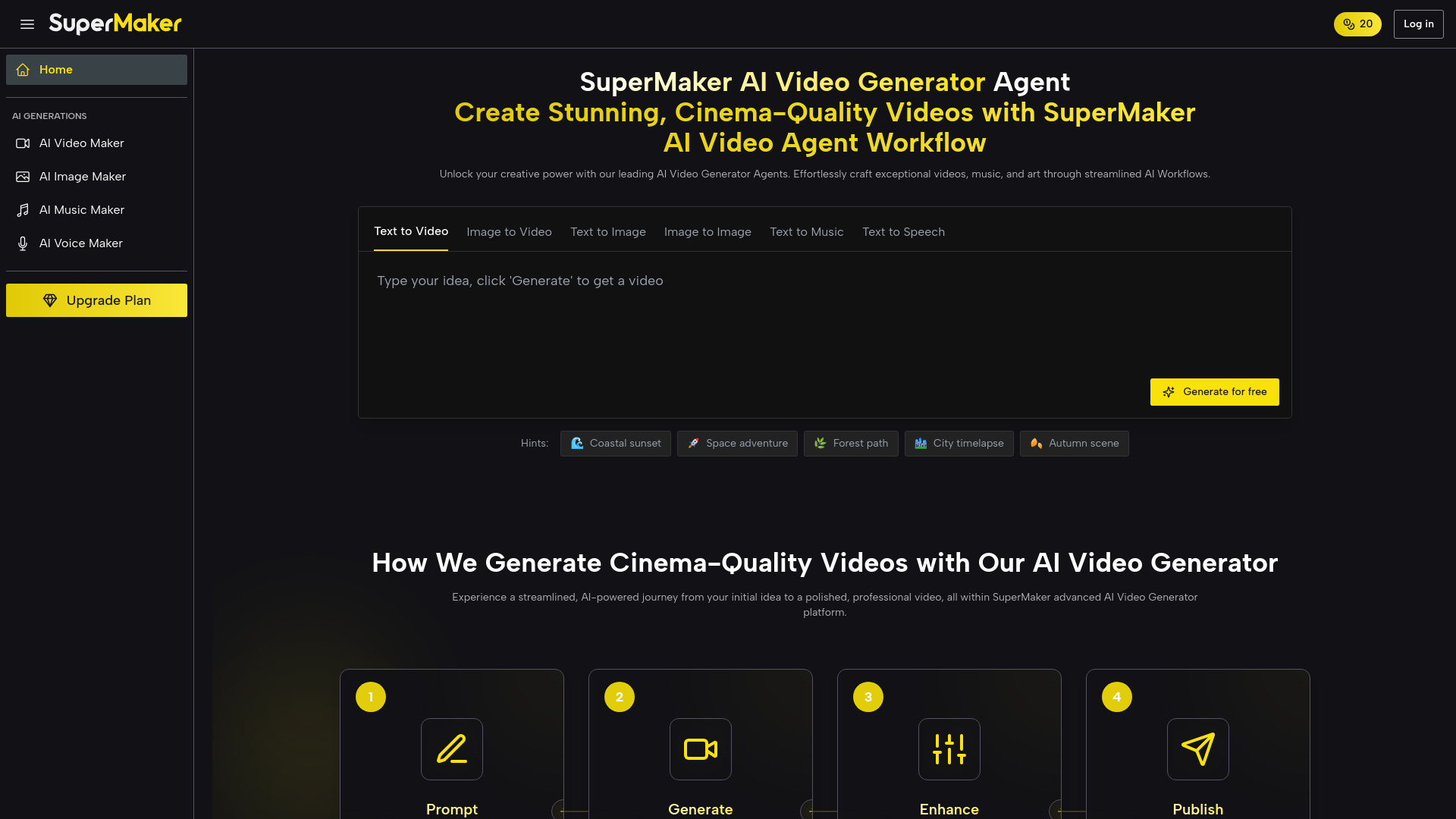
SuperMaker takes a broader view of video creation. Alongside text-to-video and image-to-video, it includes storyboarding and post-production, then extends into image, music, and voice generation. That combination makes it more than a single-purpose generator: it is a place to assemble several parts of a marketing concept without immediately switching between separate tools.
The free plan includes 20 credits and does not require login, which is enough to inspect the workflow and produce initial tests. It is not the same as unlimited access, though. The platform's free tier has limited features and usage, so frequent generation can consume the allowance quickly. The listed starting point is a free plan, with the product also presented from $8.3 per month.
My take: This is the pick I would show a marketer who wants to explore video, still images, sound, and voice in one session. Its breadth is more useful than a narrow generator when the project is still taking shape.
Where it falls short: Twenty credits create a finite testing budget. Users who need repeated video iterations should examine how quickly credits are consumed before building a regular workflow around it.
Key features
Text-to-video and image-to-video generation.
Storyboarding and post-production within the AI video maker.
Text-to-image creation and image editing.
AI music and voice generation.
Pros
Broadest creative coverage among the first three picks.
No login required to begin exploring.
Useful for developing visual and audio elements together.
Cons
Free usage is limited to 20 credits.
The free plan has limited features and usage.
Choose SuperMaker AI Video Generator if: You want a single workspace for experimenting with video, images, music, voice, storyboards, and post-production.
4. Vidful.ai

Vidful.ai
Best straightforward AI video generator for businesses
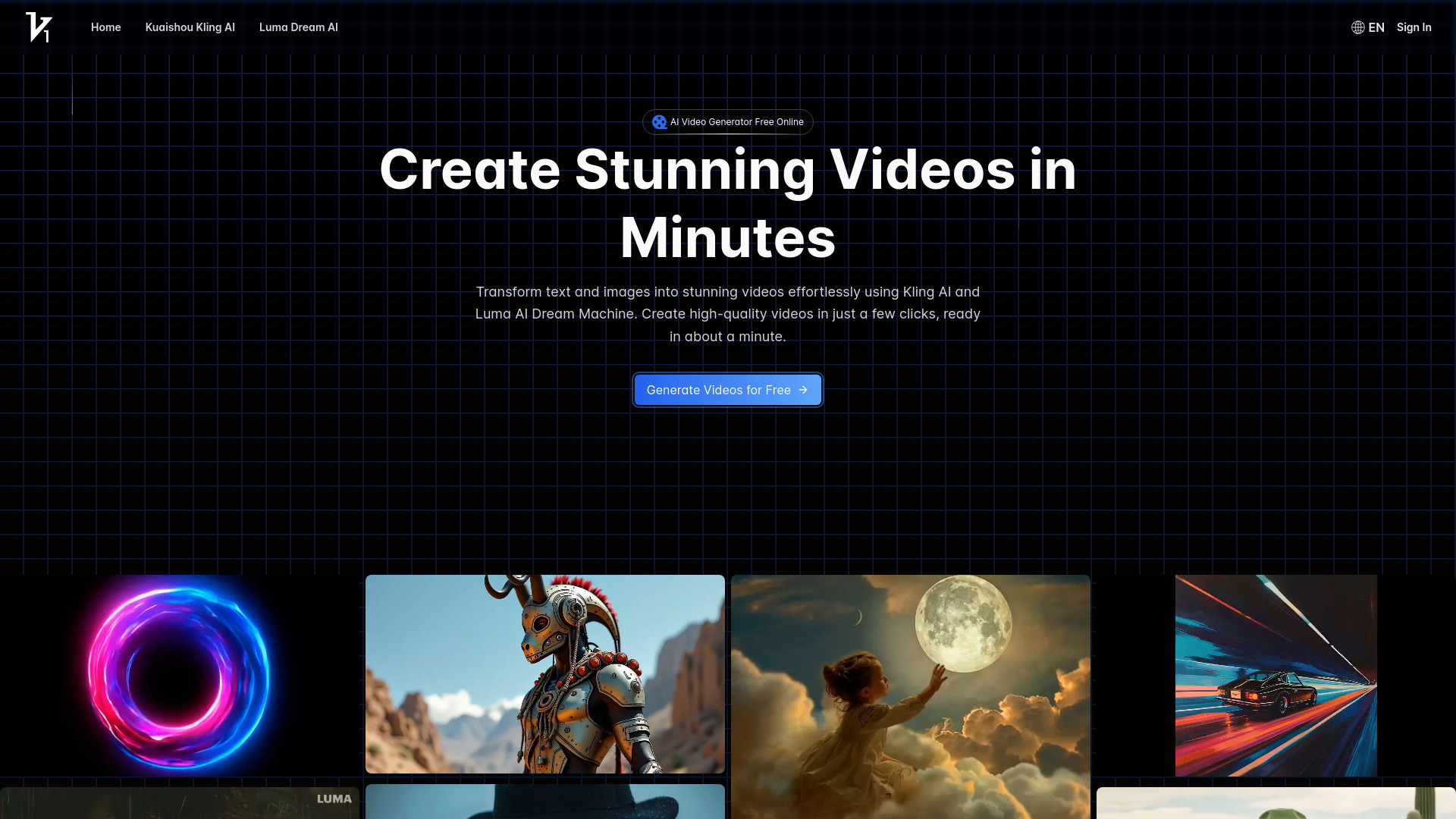
Businesses often need a tool that a non-specialist can open and understand immediately. Vidful.ai leans into that use case with an easy-to-use interface and two practical inputs: text and images. Its AI video generator from text handles the idea-to-clip path, while the image-to-video generator gives existing campaign visuals a way to become motion content.
Vidful.ai is powered by Kling AI and Luma Dream Machine, which gives the platform a clear multi-model angle. That is useful for teams comparing different generation approaches inside one experience. The free version has limited features, however, and the free-access description does not promise unlimited production. The listed Basic plan starts at $7.9 per month.
My take: With 347K monthly visits, Vidful.ai has a substantial usage signal and a focused proposition. I would shortlist it for a business team that values a clean interface over an extensive post-production toolkit.
Where it falls short: The free version limits both features and usage. Teams should test whether the free output and available controls are sufficient before using it for recurring commercial work.
Key features
AI video generation from text.
Image-to-video AI generation.
Access powered by Kling AI and Luma Dream Machine.
Easy-to-use interface.
Pros
Clear workflow for text-led and image-led projects.
Multi-model positioning gives businesses more flexibility to explore.
Strong usage signal relative to the other dedicated generators here.
Cons
Free version has limited features.
Free usage is limited.
Choose Vidful.ai if: You are a business user who wants a simple text- and image-to-video workflow with access to more than one underlying video technology.
5. Videflow.ai

Videflow.ai
Best AI ad and UGC workflow for marketing professionals
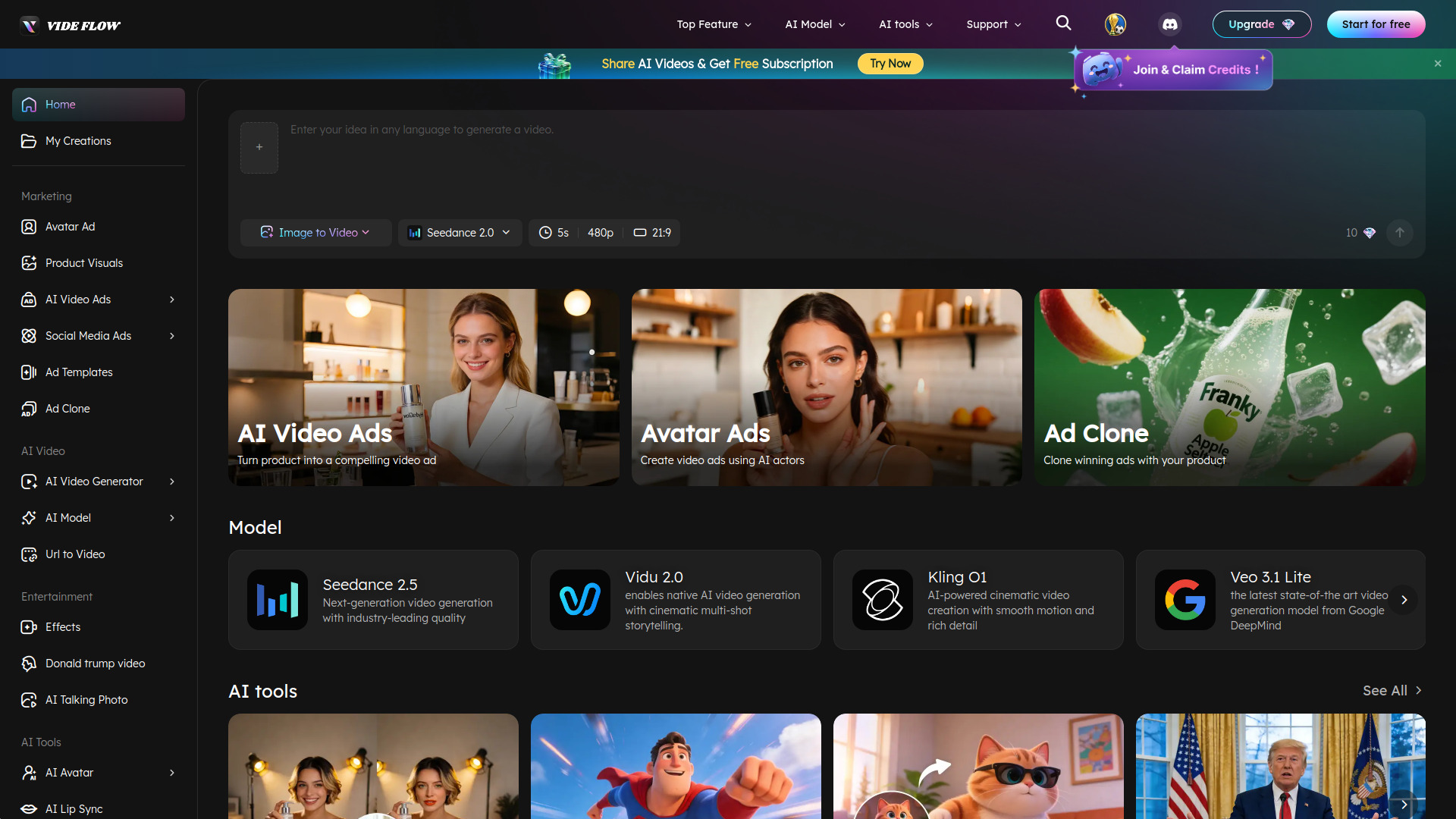
Videflow.ai is the most marketing-specific option in the shortlist. It can generate videos from text, images, URLs, and reference inputs, then turns that generation layer toward AI video ads, social media ads, avatar ads, and ad cloning. For a marketing professional, those workflows are more immediately relevant than a generic prompt box because they connect creation to recognizable campaign formats.
The platform also covers UGC video creation and multi-model video generation, with editing included in the broader workflow. That end-to-end scope is its biggest strength: generation and refinement do not have to happen in separate products. The catch is pricing clarity. Videflow.ai offers a free trial, but you will need to check the vendor for current paid pricing.
My take: This is the strongest specialist pick for someone producing marketing variations rather than isolated cinematic experiments. The URL, image, and reference-input options also make it a flexible fit for teams starting from existing campaign material.
Where it falls short: Pricing is hidden behind a less transparent buying path, so it is harder to estimate ongoing costs from the first visit. Treat the free trial as a workflow test, not proof of unlimited free production.
Key features
Video generation from text, images, URLs, and reference inputs.
AI video ads and social media ad creation.
Avatar ads, ad cloning, and UGC video creation.
Multi-model video generation and editing in one platform.
Pros
Strong alignment with real marketing deliverables.
Covers generation through editing in one platform.
Supports several types of source material.
Cons
Paid pricing is not clearly shown; vendor confirmation is required.
The free entry point is a trial rather than a stated unlimited plan.
Choose Videflow.ai if: You are a marketing professional creating ads, UGC, avatars, or multiple campaign variants from existing references.
6. Flow AI

Flow AI
Best cinematic AI video generator for content creators
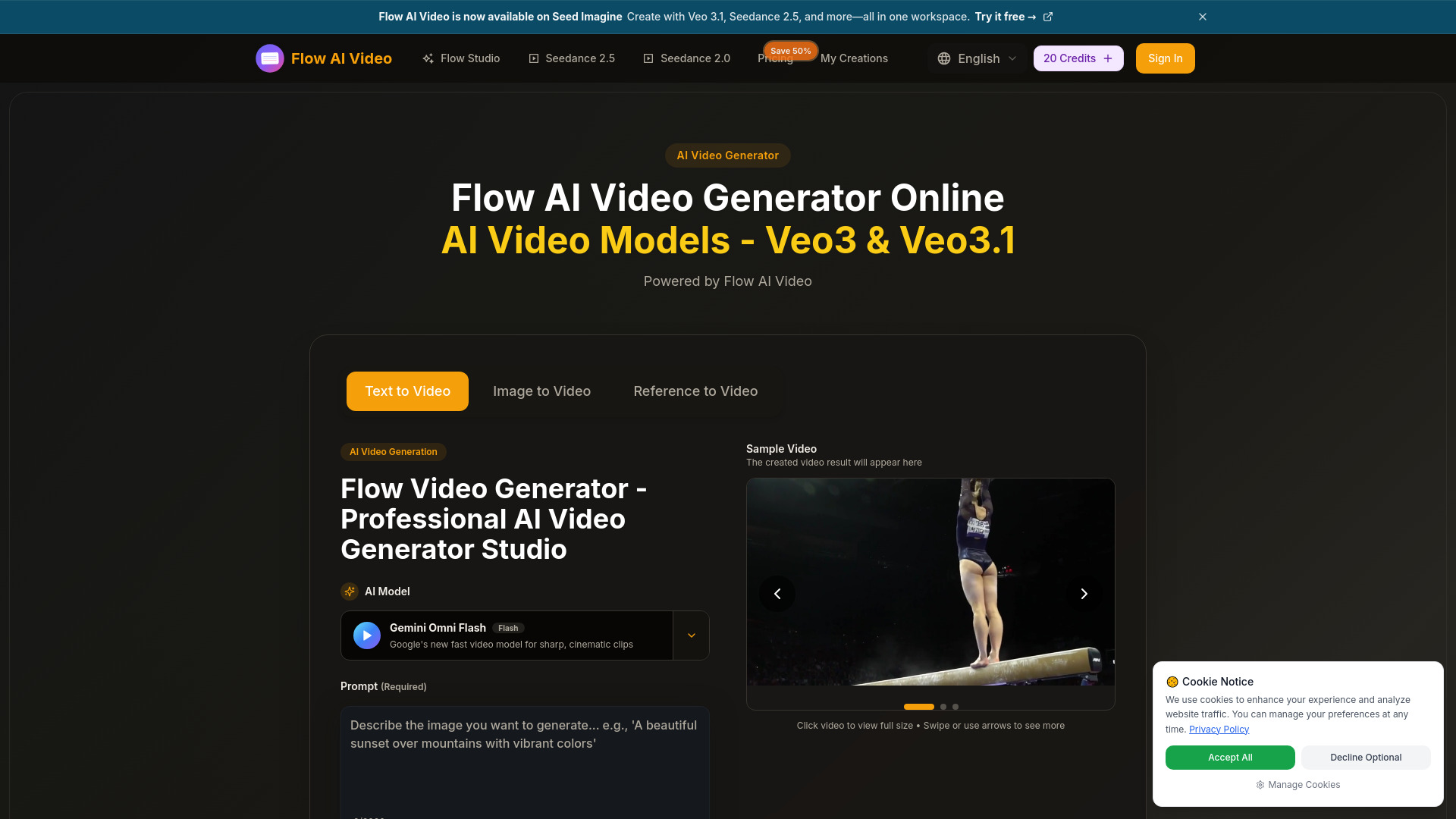
Flow AI aims at a more cinematic brief than a basic social clip. It generates video from both text prompts and images, and its workflow includes cinematic multi-shot storytelling. The platform also advertises output up to 4K video quality, giving creators a more ambitious target when resolution and visual continuity matter.
This is not the cheapest route once the trial credits run out. Video generation requires credits, and the Basic plan is listed at $19.90 per month. That credit model is the main thing to understand before starting: a free trial can help you judge the visual workflow, but it does not necessarily support an unlimited iteration habit.
My take: Flow AI belongs on the shortlist for creators who care about a sequence feeling like a sequence, not merely a generated motion snippet. It is a better fit for cinematic exploration than for a marketer who only needs the lowest-cost captioned clip.
Where it falls short: Credit requirements make ongoing free use restrictive, and the listed entry plan is higher than several other tools here. Budget for experimentation rather than assuming the trial will cover a full project.
Key features
Text-to-video generation.
Image-to-video generation.
Cinematic multi-shot storytelling.
Video quality up to 4K.
Pros
Supports both prompt and image starting points.
Multi-shot storytelling is a useful distinction for creators.
Offers a high-resolution target of up to 4K.
Cons
Video generation requires credits.
Basic pricing is $19.90 per month.
Free access is based on trial credits rather than unlimited generation.
Choose Flow AI if: You are a content creator who wants to explore cinematic, multi-shot videos and can work within a credit-based model.
7. JoyFun AI

JoyFun AI
Best unlimited free AI video creator for content creators
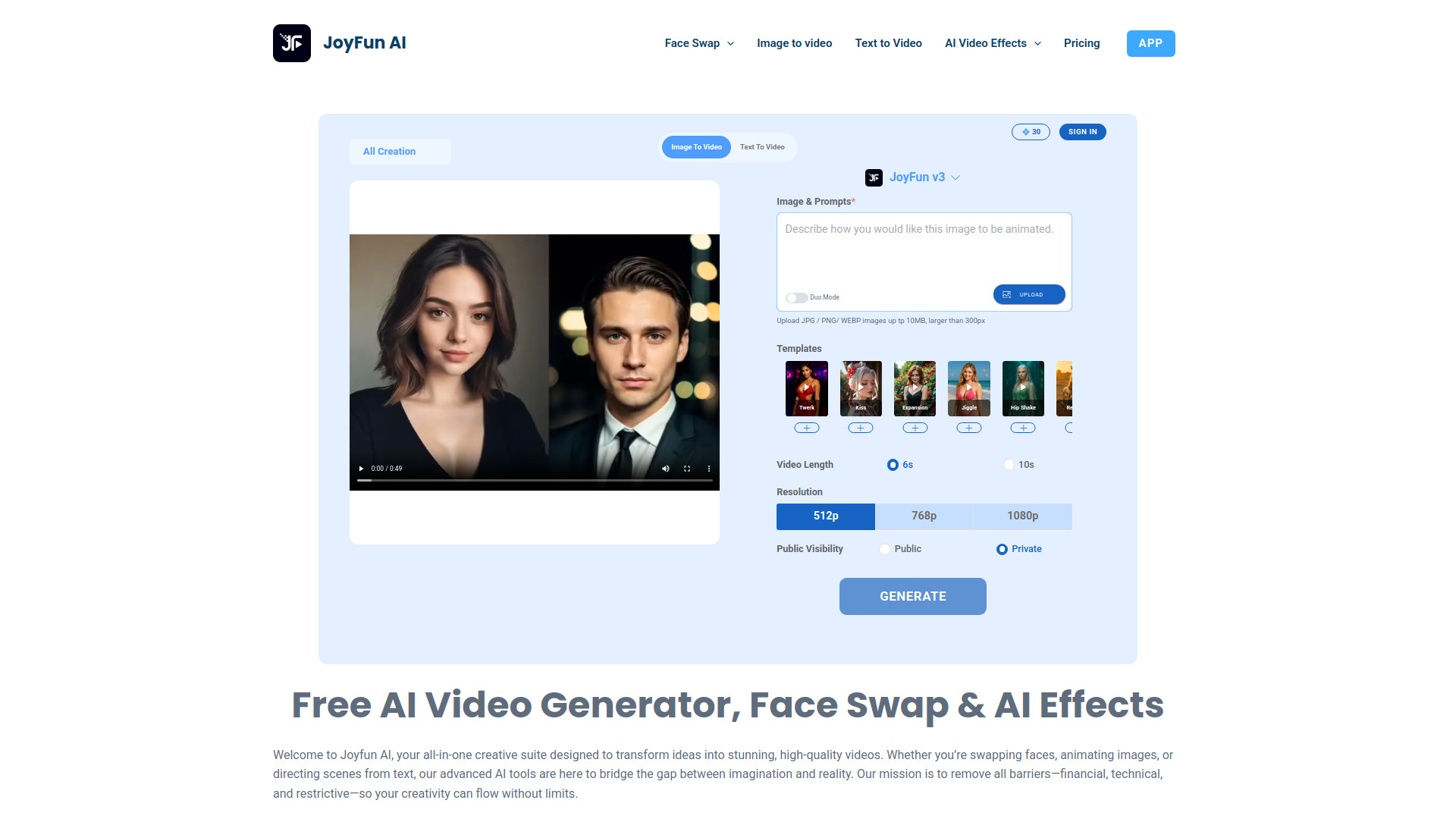
JoyFun AI is built around immediate access. It offers free and unlimited generations without sign-up or login, alongside text-to-video, image-to-video, and face-swap workflows. That makes it particularly attractive to creators who want to try a visual idea quickly rather than configure a production account first.
The 1.8M monthly-visit signal is the largest in this dedicated shortlist, although popularity alone should not decide your choice. The platform has a clear content boundary: it strictly prohibits illegal content. That is a straightforward limitation, but it is worth keeping in mind when evaluating any tool that supports face-related or image-based generation.
My take: JoyFun AI is the obvious tool to try when your priority is frictionless, unlimited experimentation. I would still review the output and usage terms carefully before treating it as a complete commercial production system.
Where it falls short: Its stated limitation is strict content policy, and the free positioning does not by itself answer every question about professional production controls. Use it for fast exploration first.
Key features
Free and unlimited generations.
Text-to-video generation.
Image-to-video generation.
Face-swap capabilities.
No sign-up or login required.
Pros
Unlimited free generation is unusually generous.
Immediate access removes account friction.
Supports several entertaining and creator-focused workflows.
Cons
Illegal content generation is strictly prohibited.
The free proposition may not provide the broader controls of a full editing suite.
Choose JoyFun AI if: You are a content creator who wants unlimited, no-login experimentation with text, images, and face-swap video workflows.
8. Animaker

Animaker
Best AI animation maker for L&D teams
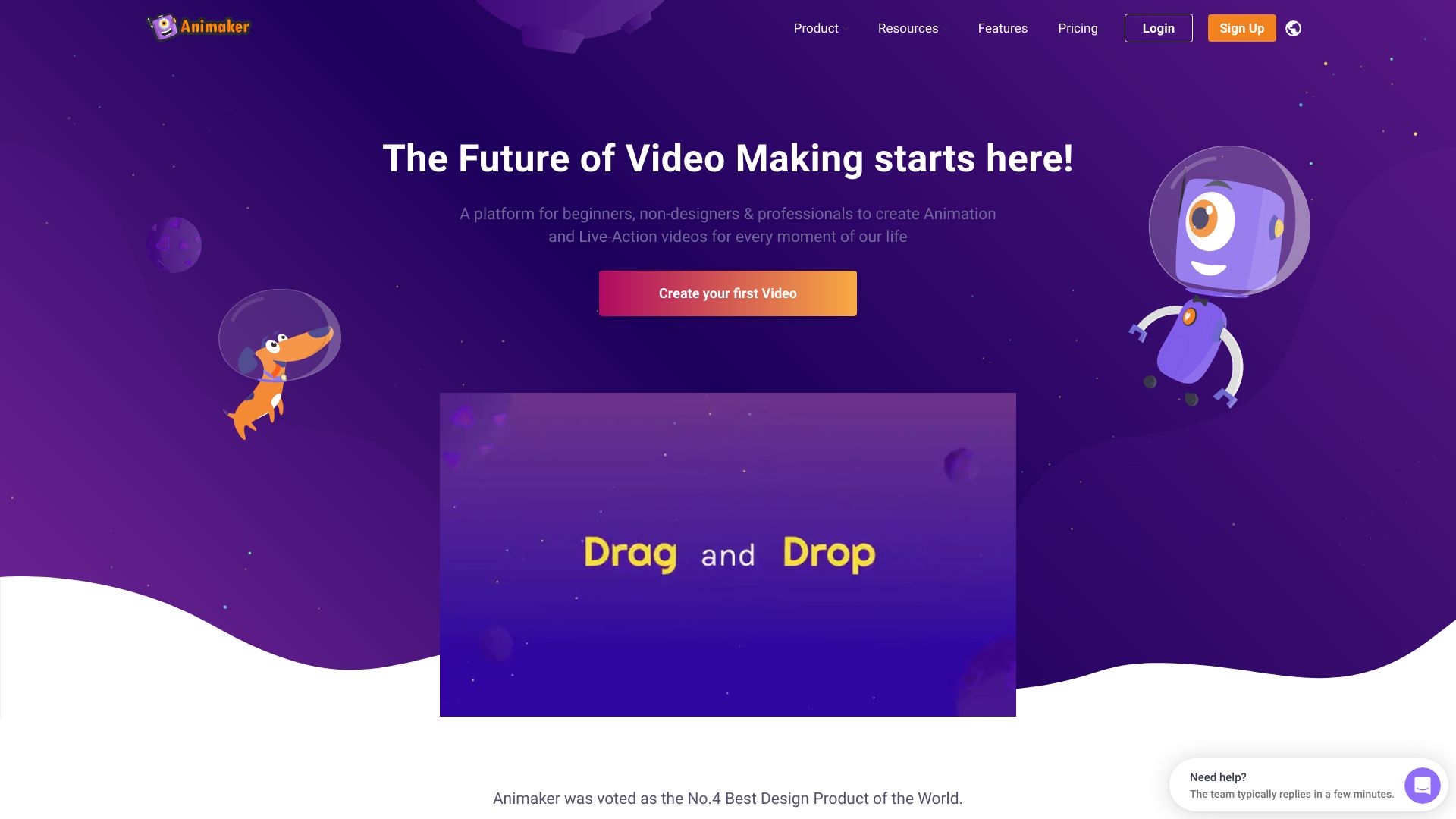
Not every useful AI video maker starts with a photorealistic prompt. Animaker approaches the category through online animation and structured video creation, with AI-powered video creation and a custom character builder. That makes it a natural fit for learning and development teams, internal explainers, and projects where a repeatable character-led style matters more than cinematic realism.
The free plan allows three video downloads per month. This is a genuine way to test the product, but it is a quota rather than unlimited access, and the free plan has limited features. The Basic plan starts at $15 per month. Beginners and professionals can both use the platform, which helps when an L&D team needs subject-matter experts to contribute without turning them into editors.
My take: Animaker is the best free ai video option here for structured animated communication. It is less about one-click visual spectacle and more about making a consistent explainer that an organization can actually understand and reuse.
Where it falls short: Three downloads per month and limited free-plan features constrain serious production. Teams should confirm that the free tier supports their intended export and review process.
Key features
AI-powered video creation.
Custom character builder.
Online animated video creation.
Workflows suitable for beginners and professionals.
Pros
Accessible for users with different levels of editing experience.
Character builder supports a more consistent visual identity.
Strong fit for explainers and learning content.
Cons
Free plan is limited to three video downloads per month.
Free plan has limited features.
Choose Animaker if: You are an L&D team or educator creating approachable animated explainers with reusable characters.
9. FlexClip

FlexClip
Best free AI video editor for marketers
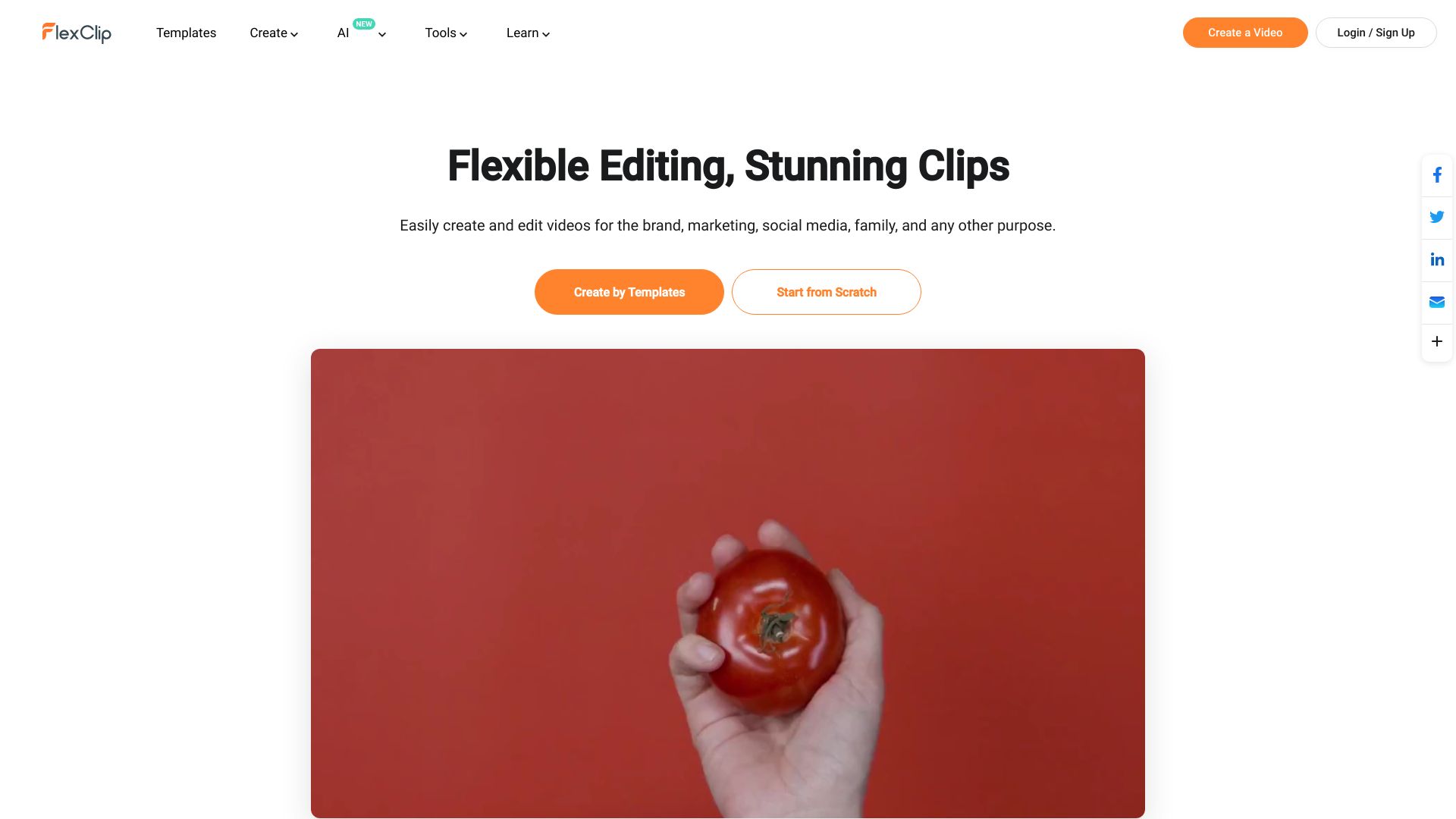
FlexClip is the practical choice when "AI video maker" means more than generating footage from a prompt. It combines an online video editor with AI-powered video creation, AI auto-subtitle generation, thousands of templates, and stock assets. Marketers can start with a template or existing footage, then use AI where it saves time instead of handing the entire project to a generator.
The free plan supports up to 12 projects, which is a useful allowance for testing recurring content workflows. It still limits video resolution and features, so free exports may not meet every publishing requirement. With a $0 free plan and 1.7M monthly visits, FlexClip is easy to justify as a first tool for teams that need editing structure as much as generation.
My take: I would choose FlexClip over a pure generator when the job includes subtitles, templates, stock resources, and assembling several clips. It is less exciting than a prompt-only demo, but more useful for routine marketing work.
Where it falls short: Free-plan limits on resolution and features can become visible at export time. If your priority is unconstrained generative experimentation, one of the dedicated generators will be a better match.
Key features
Online video editor.
AI-powered video creation.
AI auto-subtitle generation.
Thousands of templates and stock assets.
Up to 12 projects on the free plan.
Pros
Easy-to-use interface.
Strong fit for repeatable marketing production.
Editing, subtitles, templates, and stock resources sit together.
Cons
Free plan limits resolution.
Free plan limits available features.
Choose FlexClip if: You want the best free ai video maker for editing, subtitles, templates, and stock-assisted marketing content rather than prompt generation alone.
10. Wondershare Filmora

Wondershare Filmora
Best AI-assisted video editor for business professionals
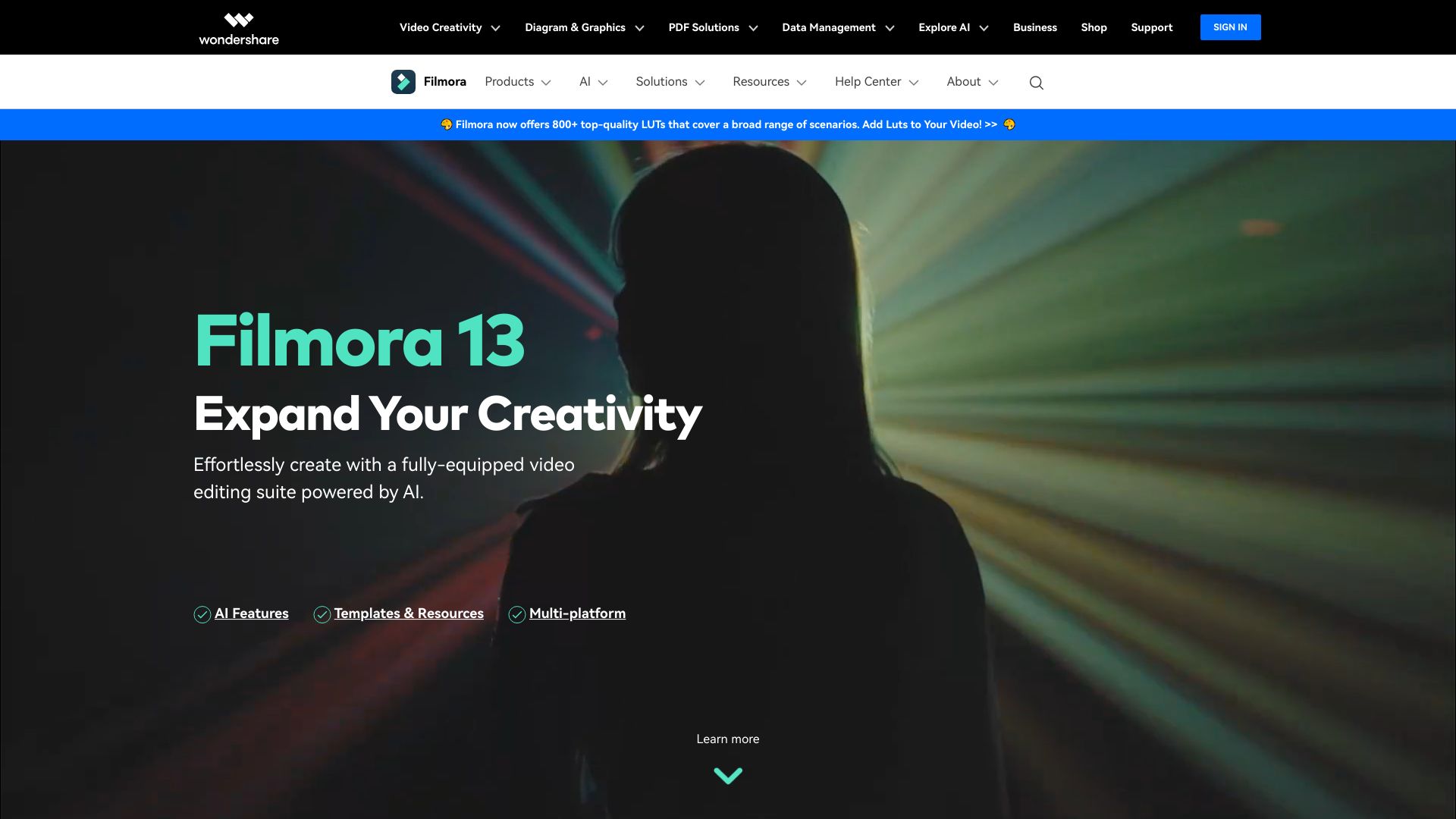
Filmora brings AI into a conventional video-editing environment. Its feature set includes AI-powered video editing, Smart Short Clips generation, AI Video Enhancer, and AI Text to Video. That combination suits business professionals who want assistance with editing and repurposing, while still working inside a recognizable editor rather than a generation-only interface.
The free entry point includes 100 AI credits, giving prospective users a defined amount of room to test AI features. Some AI-generated resources are for non-commercial use only, a meaningful limitation for business teams. The listed Basic plan is US$49.99 per year, so commercial use and credit needs deserve attention before a team standardizes on the tool.
My take: Filmora is the safest recommendation for someone who already thinks in timelines, clips, and short-form edits. It is not the purest answer to a free text-to-video search, but it is a capable adjacent option when finishing and repurposing matter.
Where it falls short: The non-commercial restriction on some AI-generated resources may complicate business publishing. The free allowance is 100 credits rather than an unlimited generation plan.
Key features
AI-powered video editing.
Smart Short Clips generation.
AI Video Enhancer.
AI Text to Video.
100 AI credits in the free access tier.
Pros
Intuitive interface suitable for beginners.
Combines generation assistance with broader editing.
Useful for turning longer material into short clips.
Cons
Some AI-generated resources are for non-commercial use only.
Free access is limited to 100 AI credits.
The listed Basic plan costs US$49.99 per year.
Choose Wondershare Filmora if: You are a business professional who wants AI features inside a familiar, full video-editing workflow.
More tools to compare

AIReel
Text-to-video and image-to-video creation

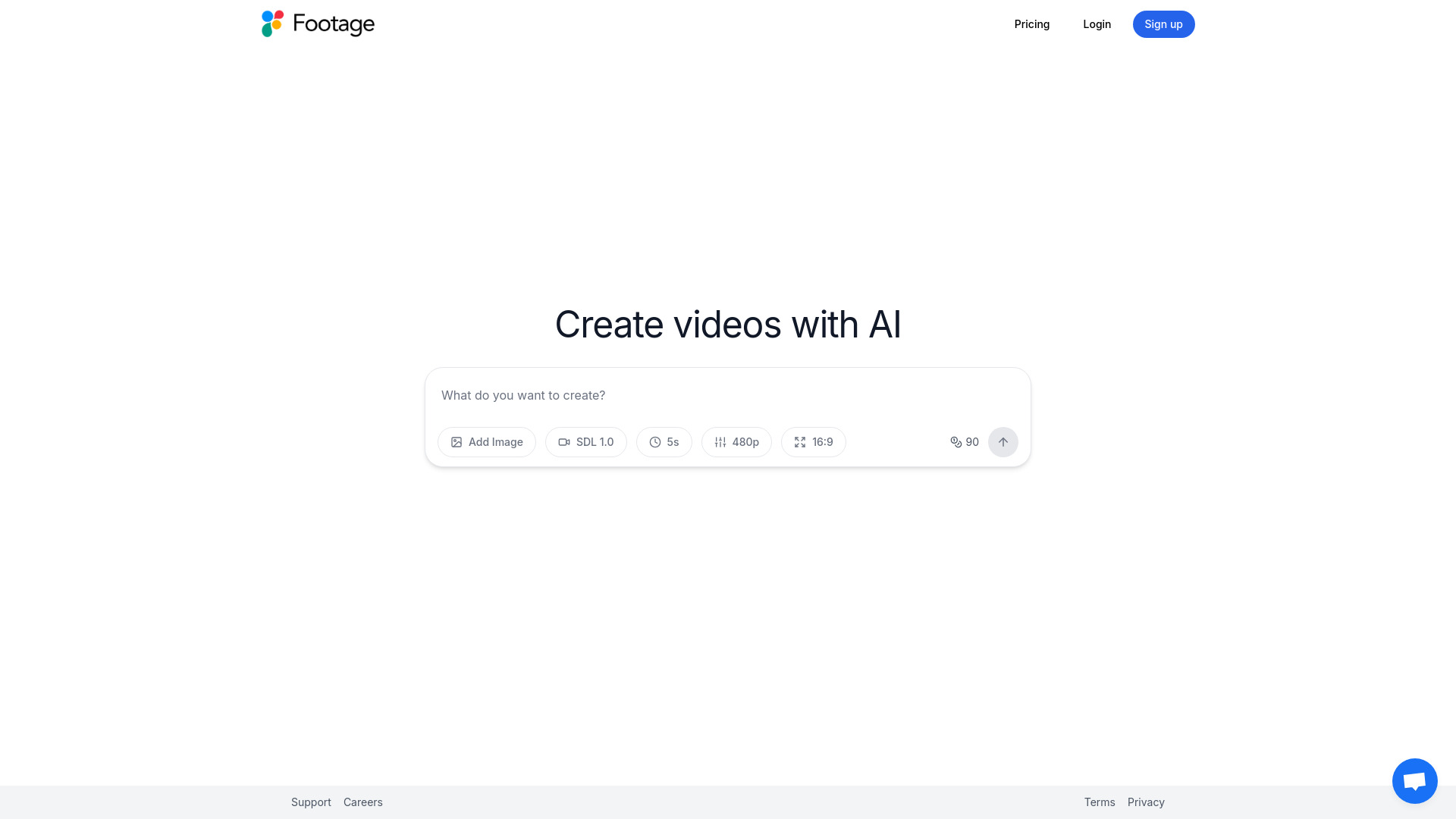
Footage
Image-and-text AI video creation

Promo.com
Business marketing videos

Image-to-Video Maker
Text-to-video and image animation

neural frames
Free photo-to-cartoon images

LunaAI.video
Text-to-video and image animation

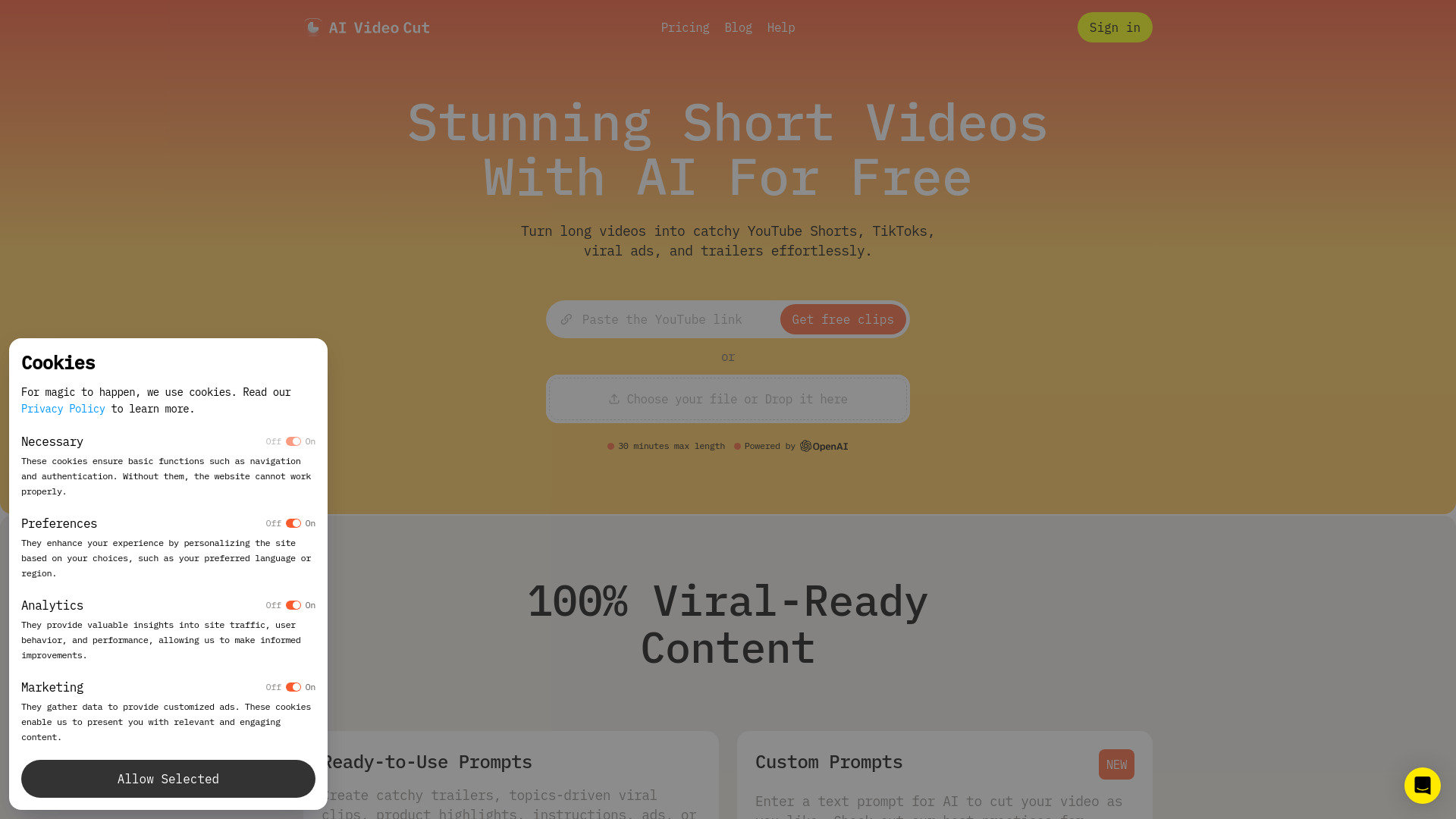
AI Video Cut
Repurposing long videos into short-form clips

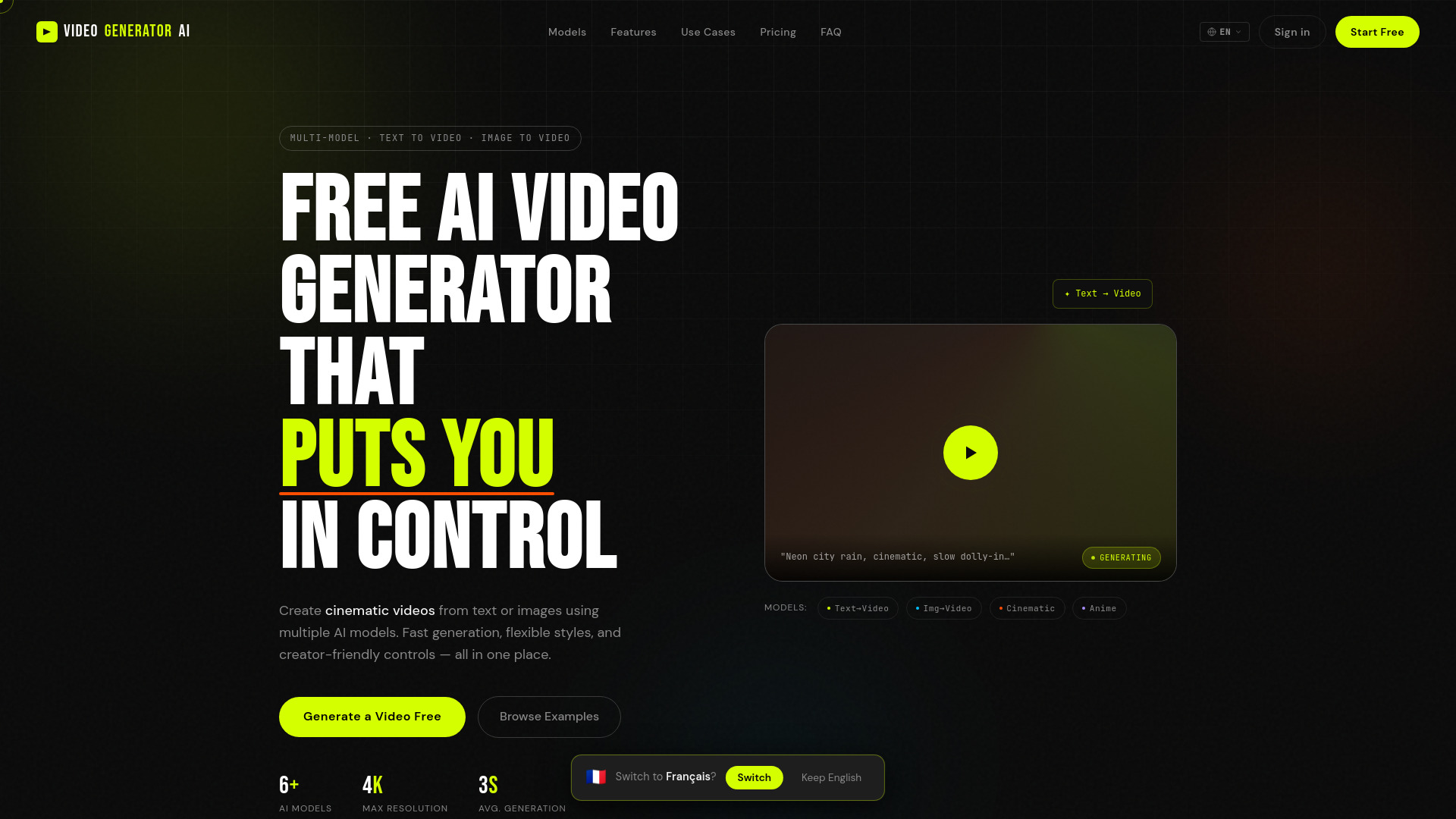
Pixwith AI
Multi-model video creators

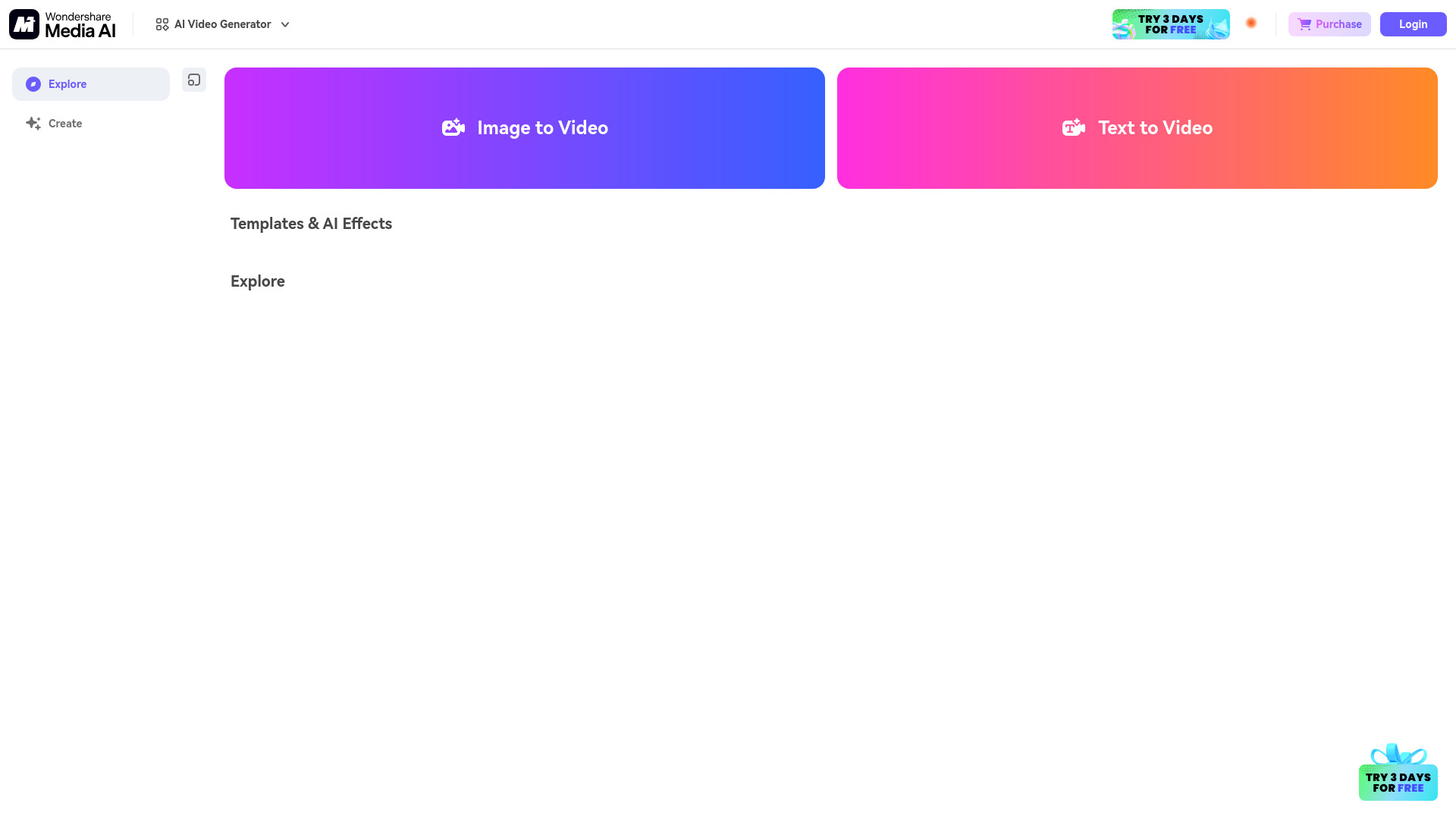
Media AI Generator
Quick AI video effects
Wondershare Filmora
Beginner-friendly video editing
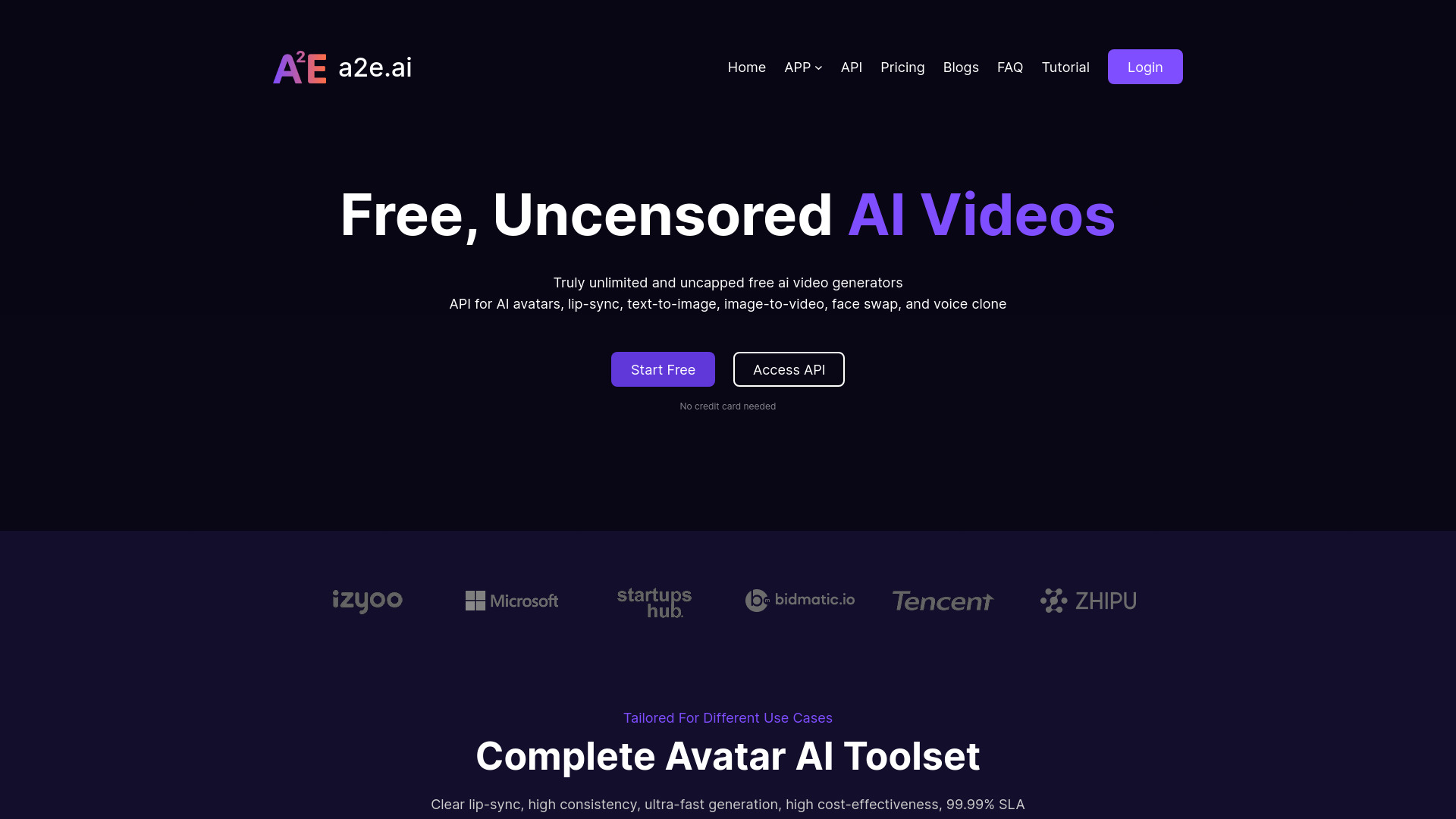
A2E Free and Uncensored AI Videos
AI avatar and lip-sync videos

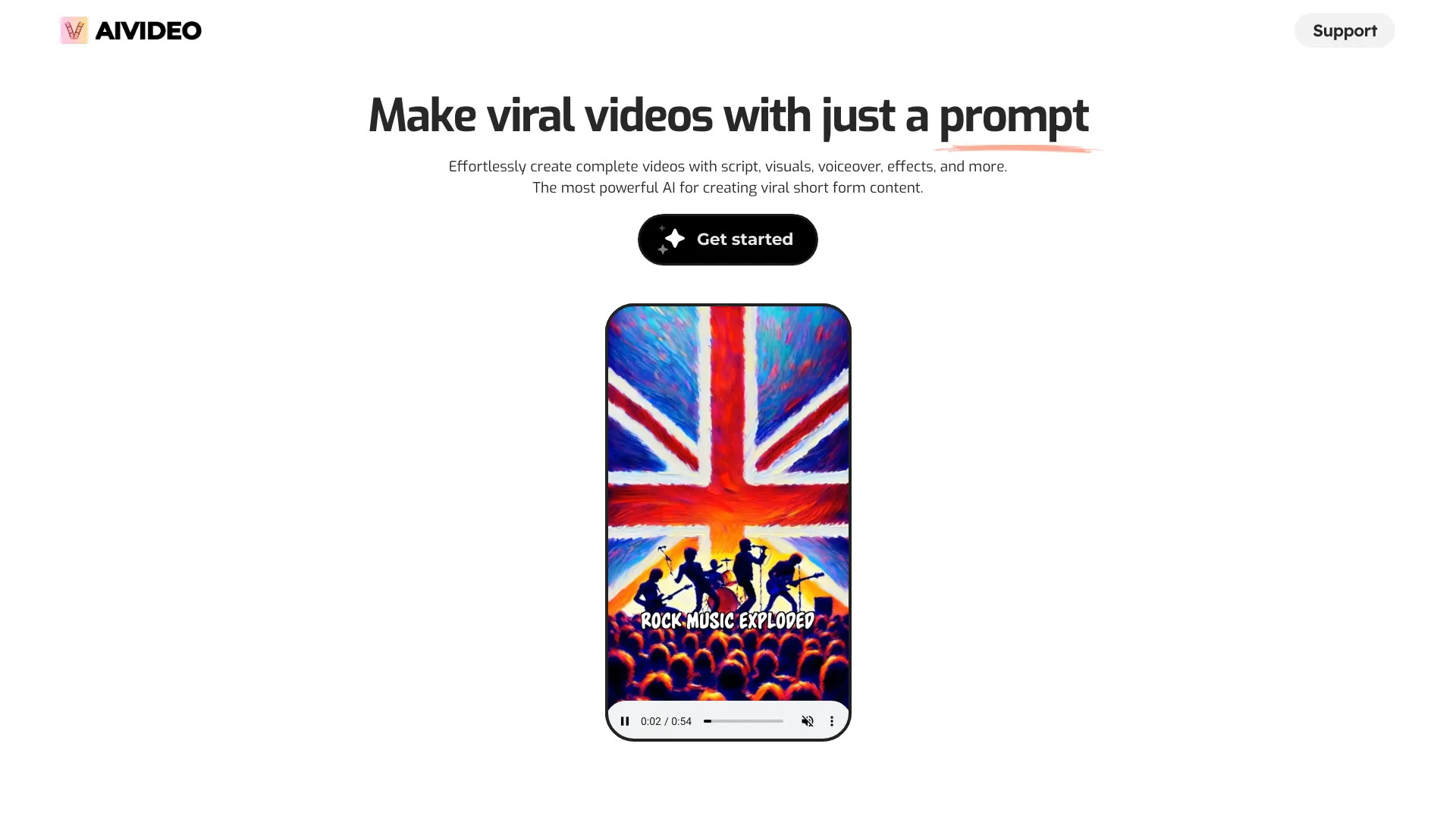
AIVideo.com
All-in-one AI video production

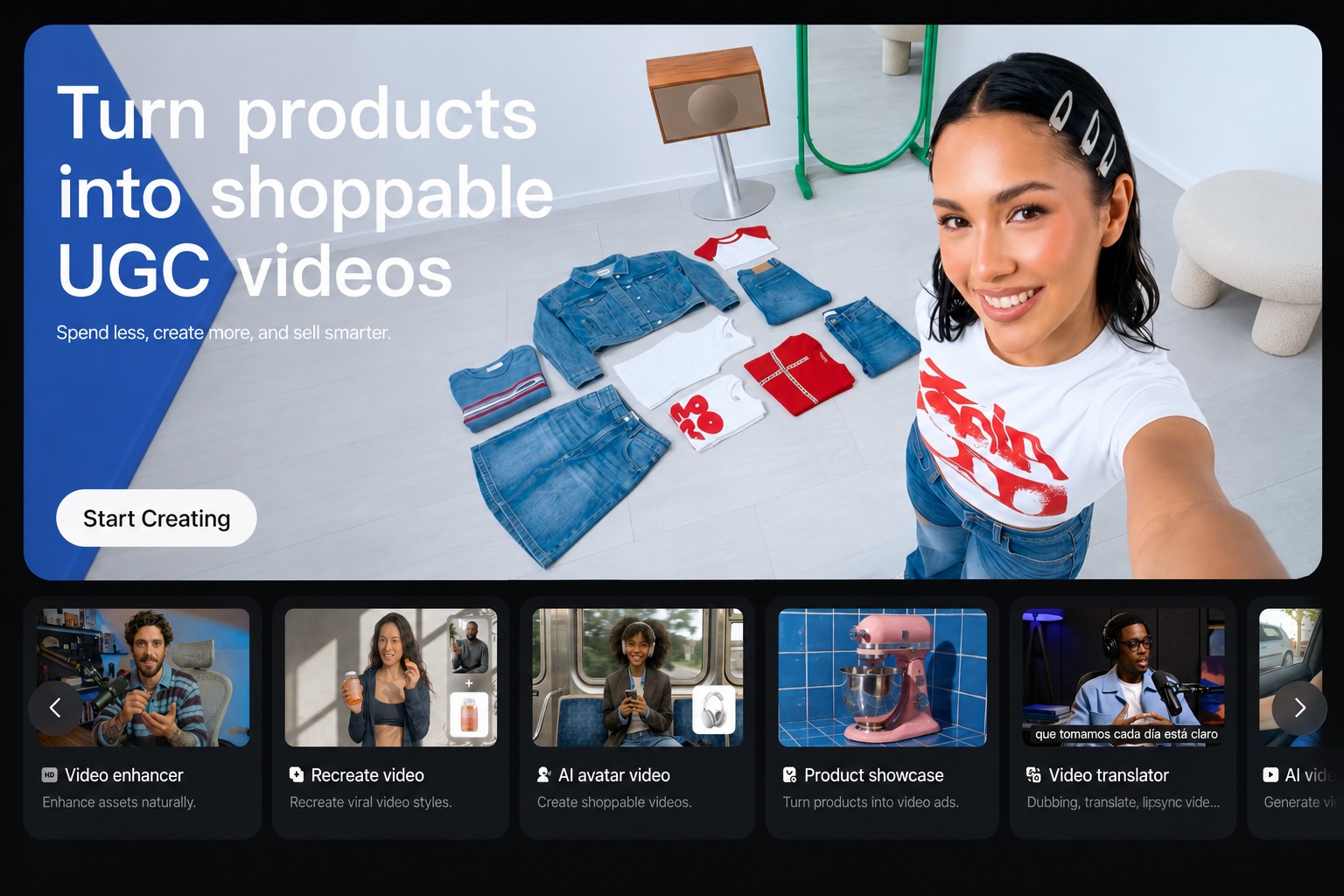
Vmake AI
Talking-head video editing

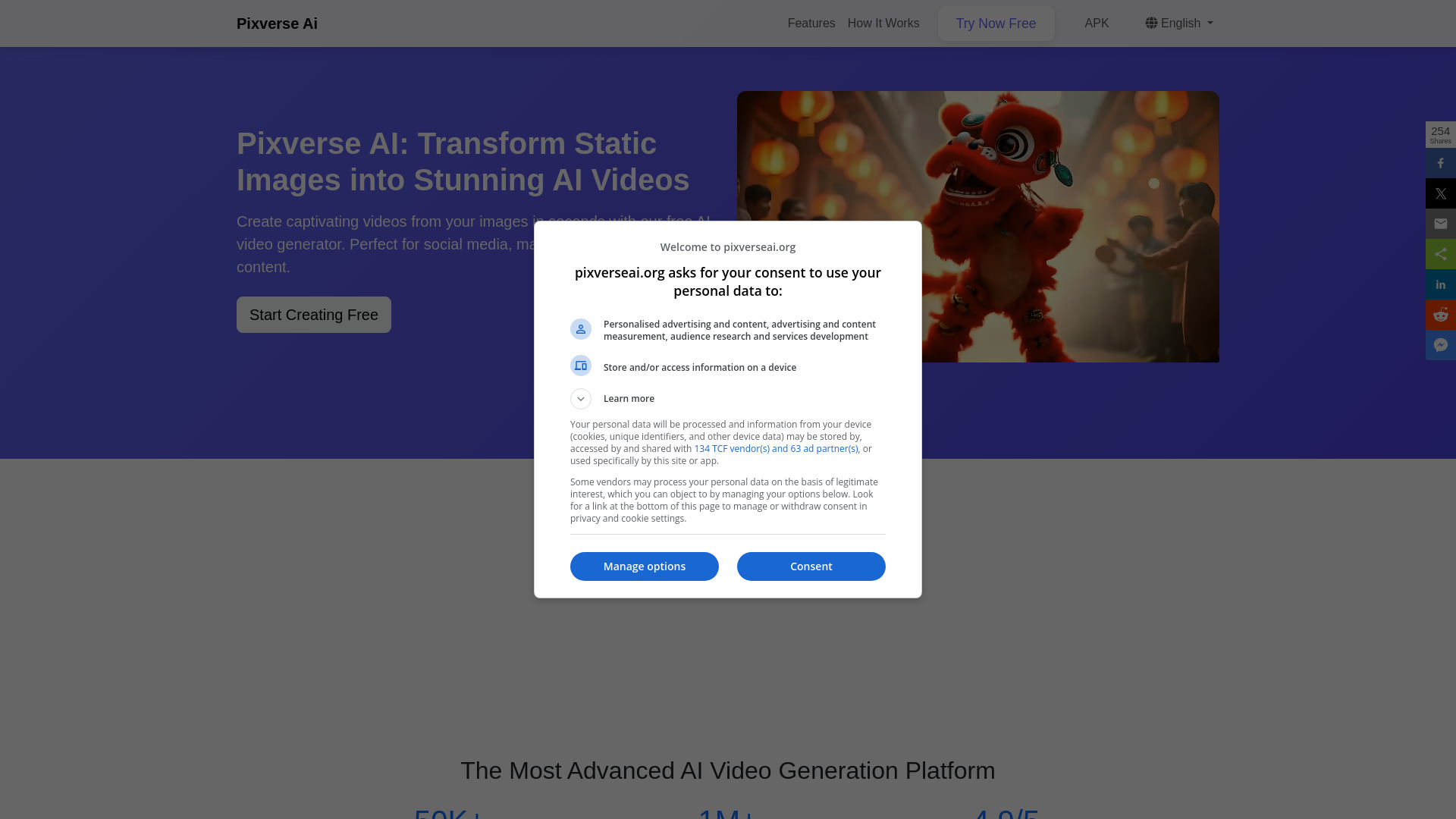
Pixverse AI
Animating images into videos

ImageToVideo AI
Free image-to-video creation

Product Link To Video Maker
Product URL video ads

MindVideo AI
Text-to-video and image-to-video creation

Makefun
Free AI video and avatar creation

Revid: Free AI Video Generator Online
Text-to-video and image-to-video creation

Supercreator.ai
Short-form social video creation

Clipfly
Simple AI video editing

VideoAny
Video-first content creation

Vmaker Ai
AI video editing and content repurposing

Veo3 AI
Multi-model cinematic video creation

Videomagic
Automated product video creation

VideoGen
Fast video production

AI Music Maker
AI-generated songs and soundtracks

AISaver
AI face-swap video creation

VideoWeb AI
AI video and image creation

AIAI.com
Free AI video and image creation


V03AI
AI videos with native audio

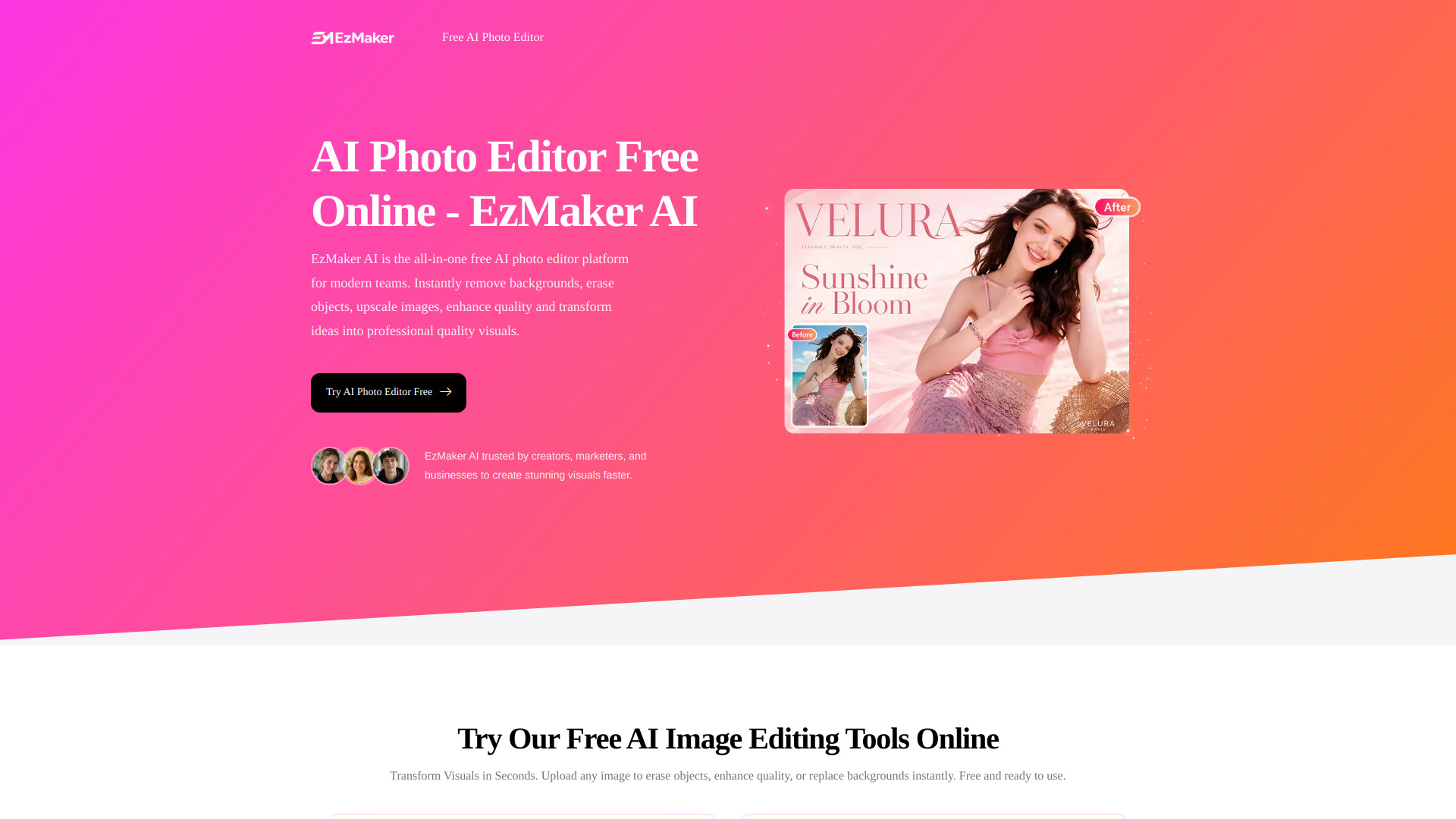
EzMaker AI - AI Photo Editor Free Online
AI photo editing and image enhancement

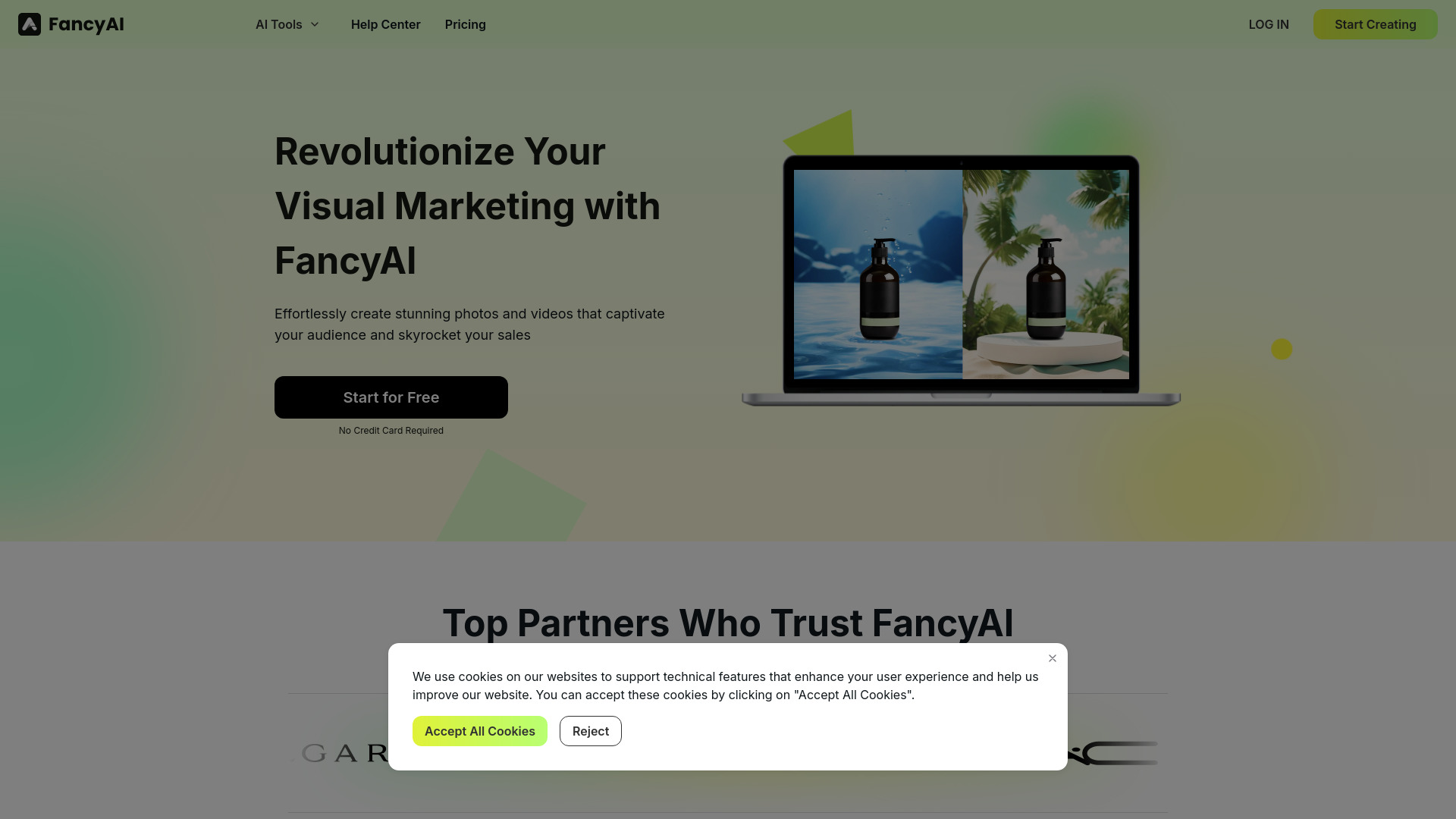
FancyAI
E-commerce product visuals

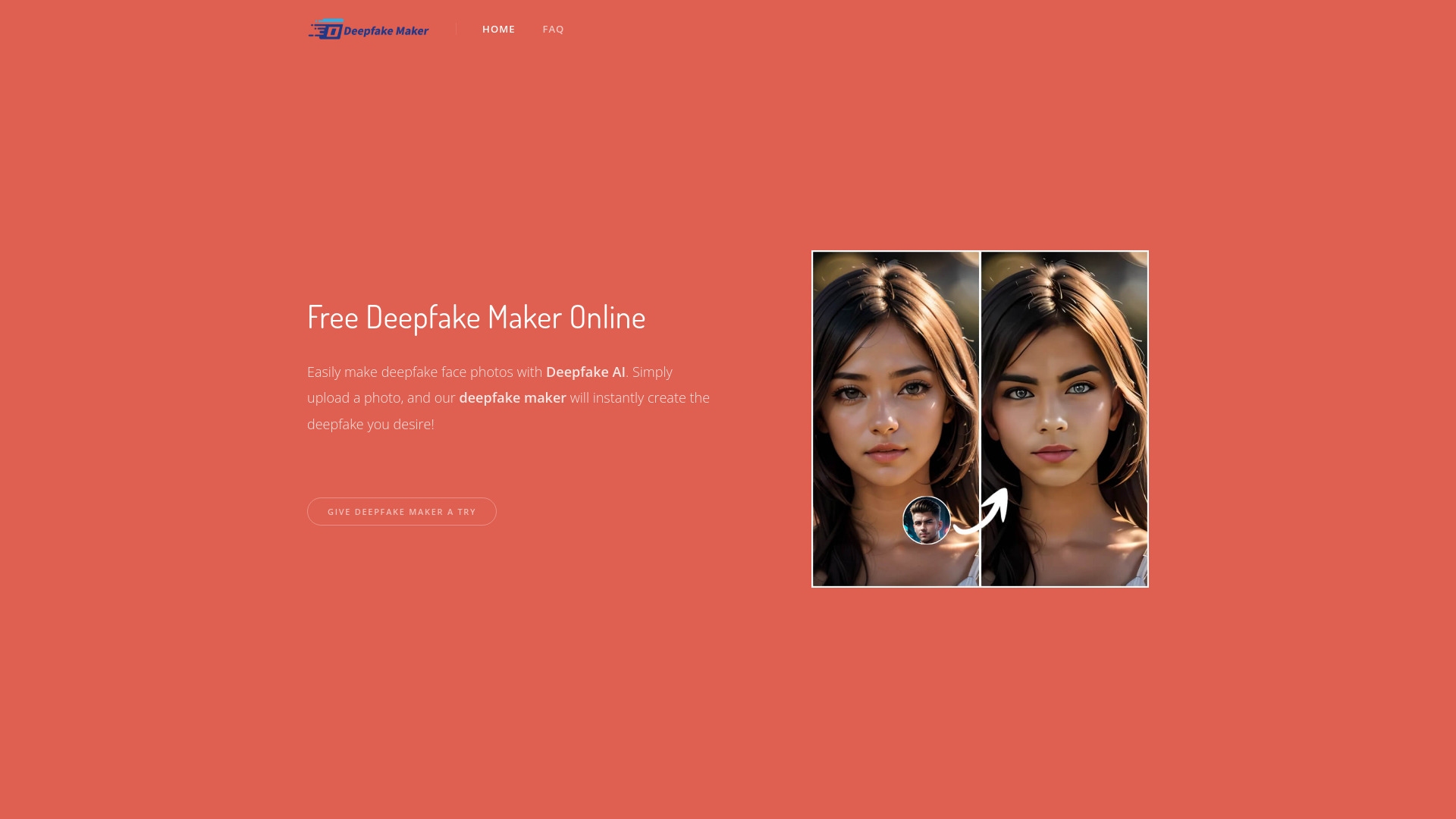
Deepfake Maker
Watermark-free AI face swapping

Makefilm
AI video creation and repurposing

JXP AI Video Generator
Text-to-video and image-to-video creators

Viral Ai Video Maker
TikTok and Reels creators

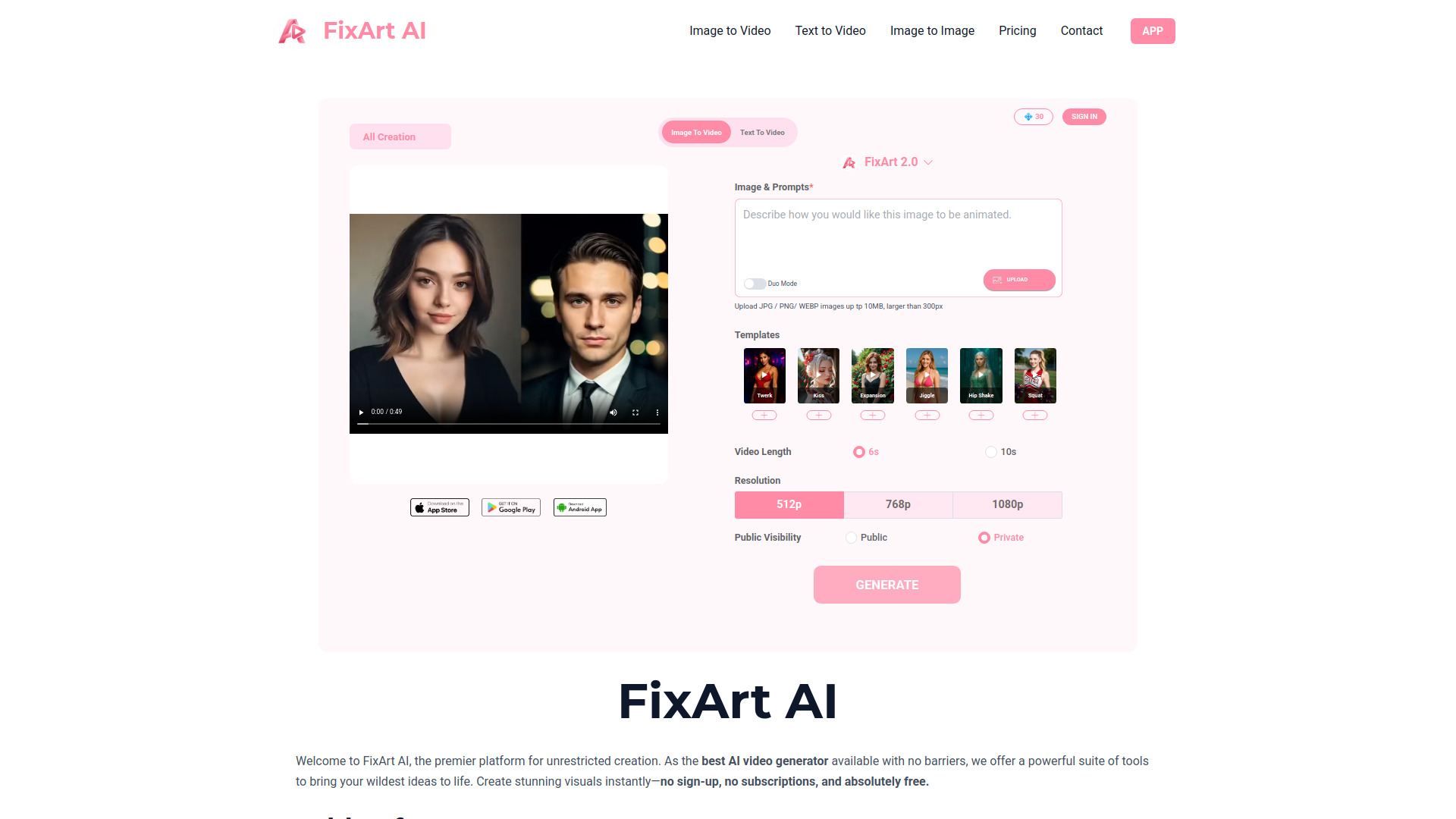
FixArt AI: AI Video, AI Image
Free image-to-video and text-to-video creation

ViralVideo
Short-form social video creators

Video Maker AI - Video generation
Text-to-video and image animation

Lanta AI
Image-to-video and text-to-video creation

FreeWanvideo
Image-to-video creators

Van Gogh Free Video Generator
Artistic text-to-video and image animation

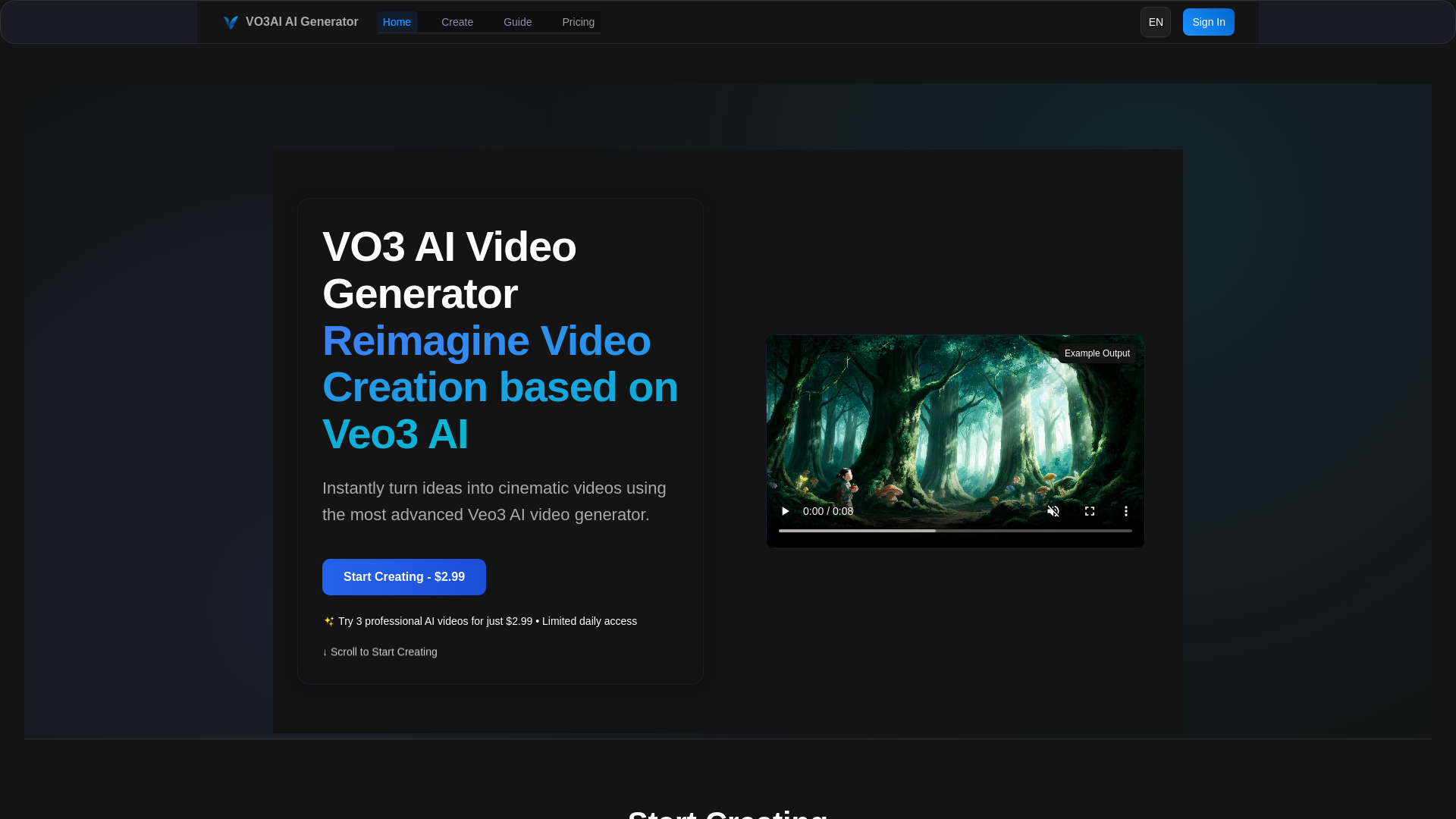
VO3 AI
Veo-powered cinematic video creation

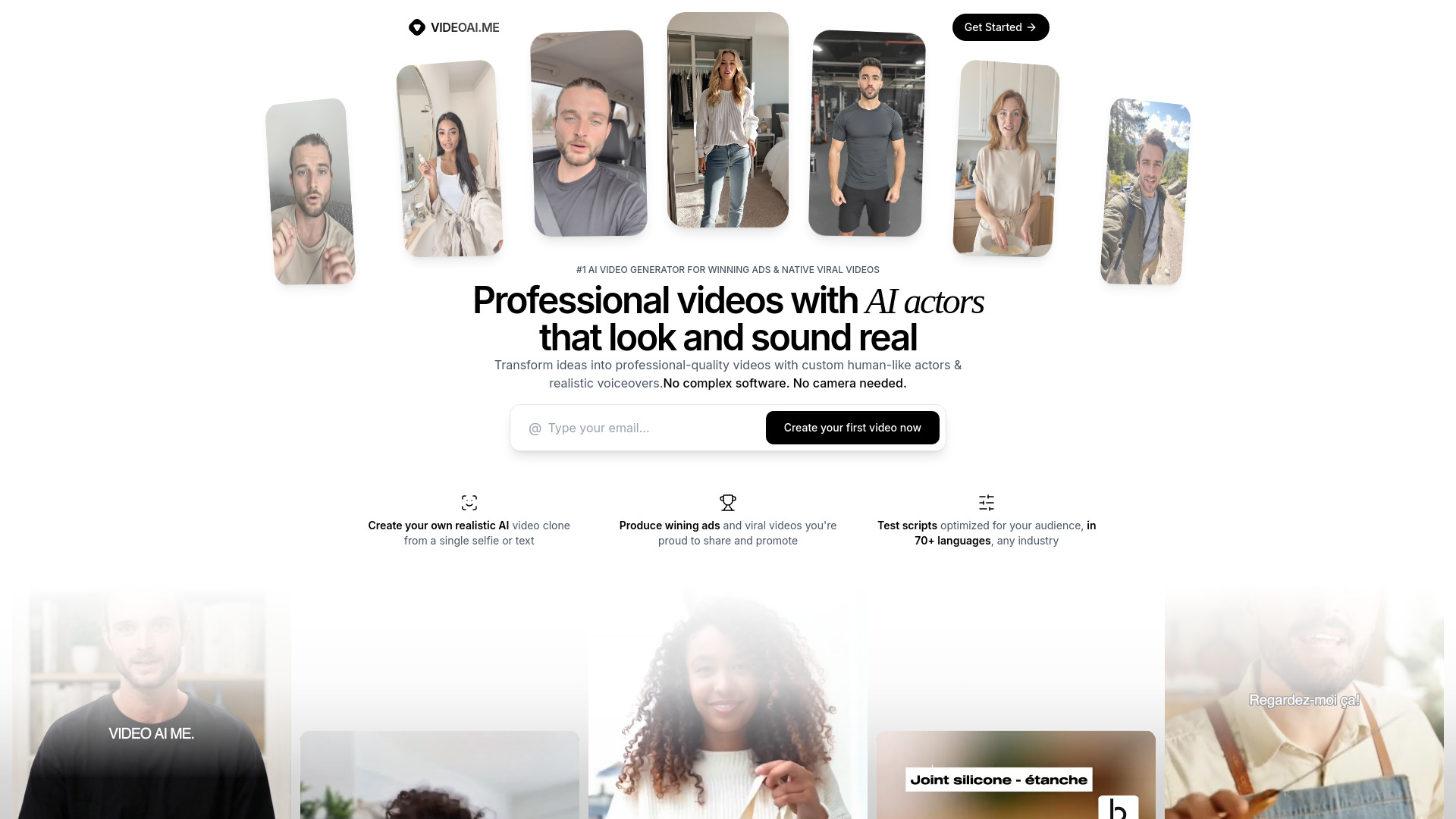
VIDEOAI.ME
AI actor videos and marketing content

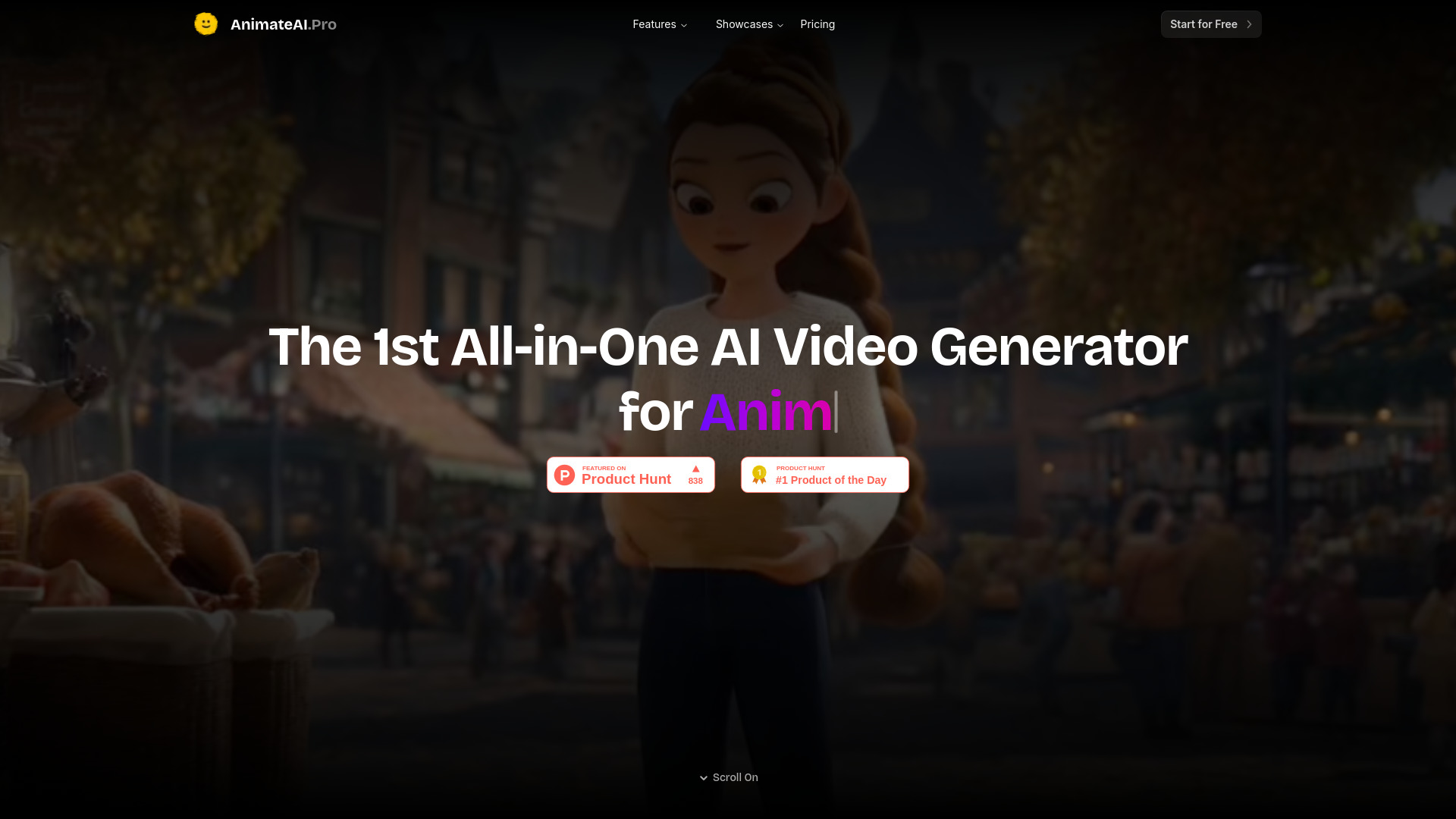
Animate AI
Animated video series and kids' story videos

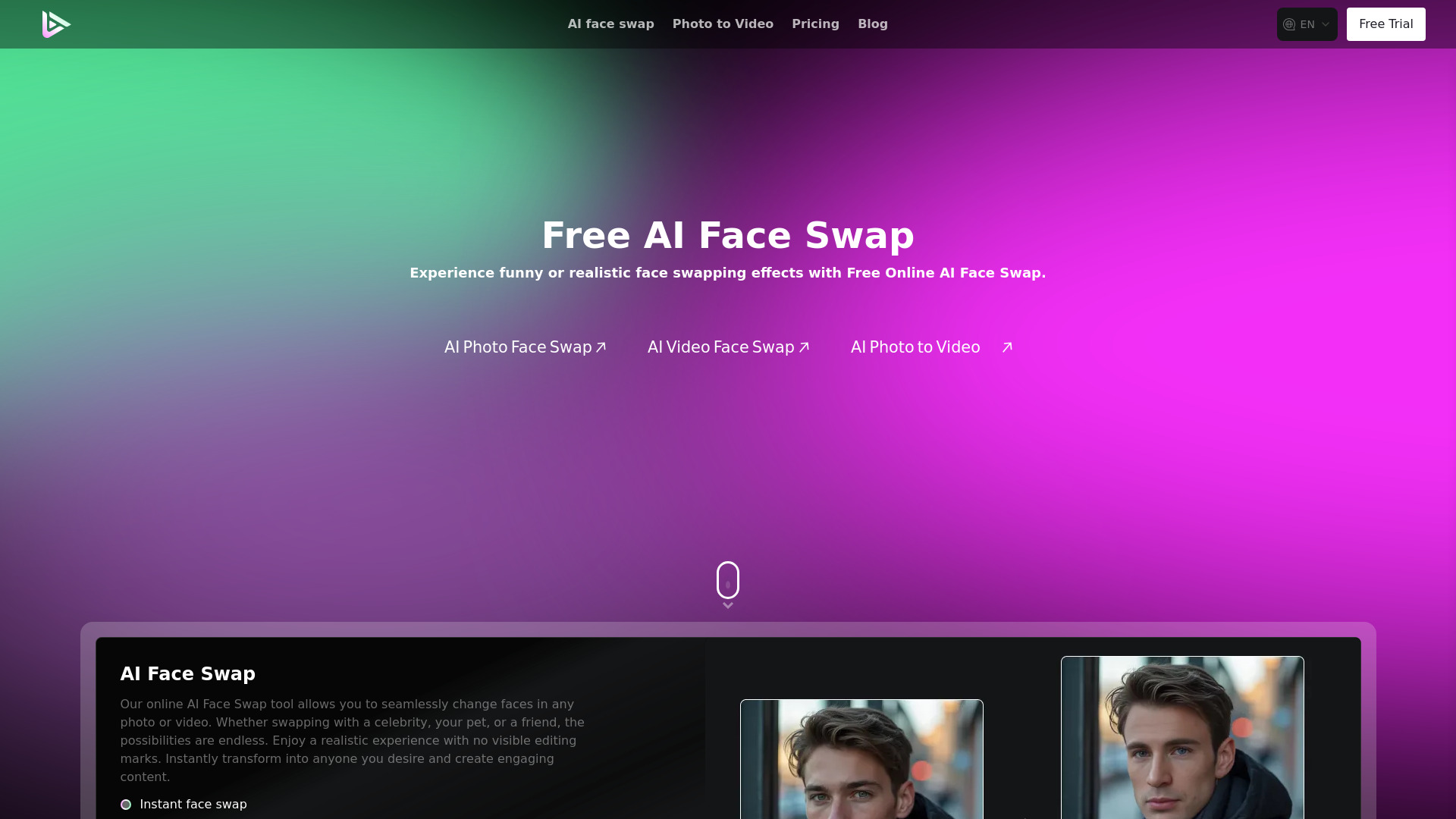
AI Facefy
Photo-to-video face effects

AI Video Maker
Image-to-video creators

VideoTube
Free text-to-video creation

MakeAIVideo
Prompt-based video creation

Maker AI
E-commerce product photos and videos

Image to Video AI
Cinematic image-to-video clips
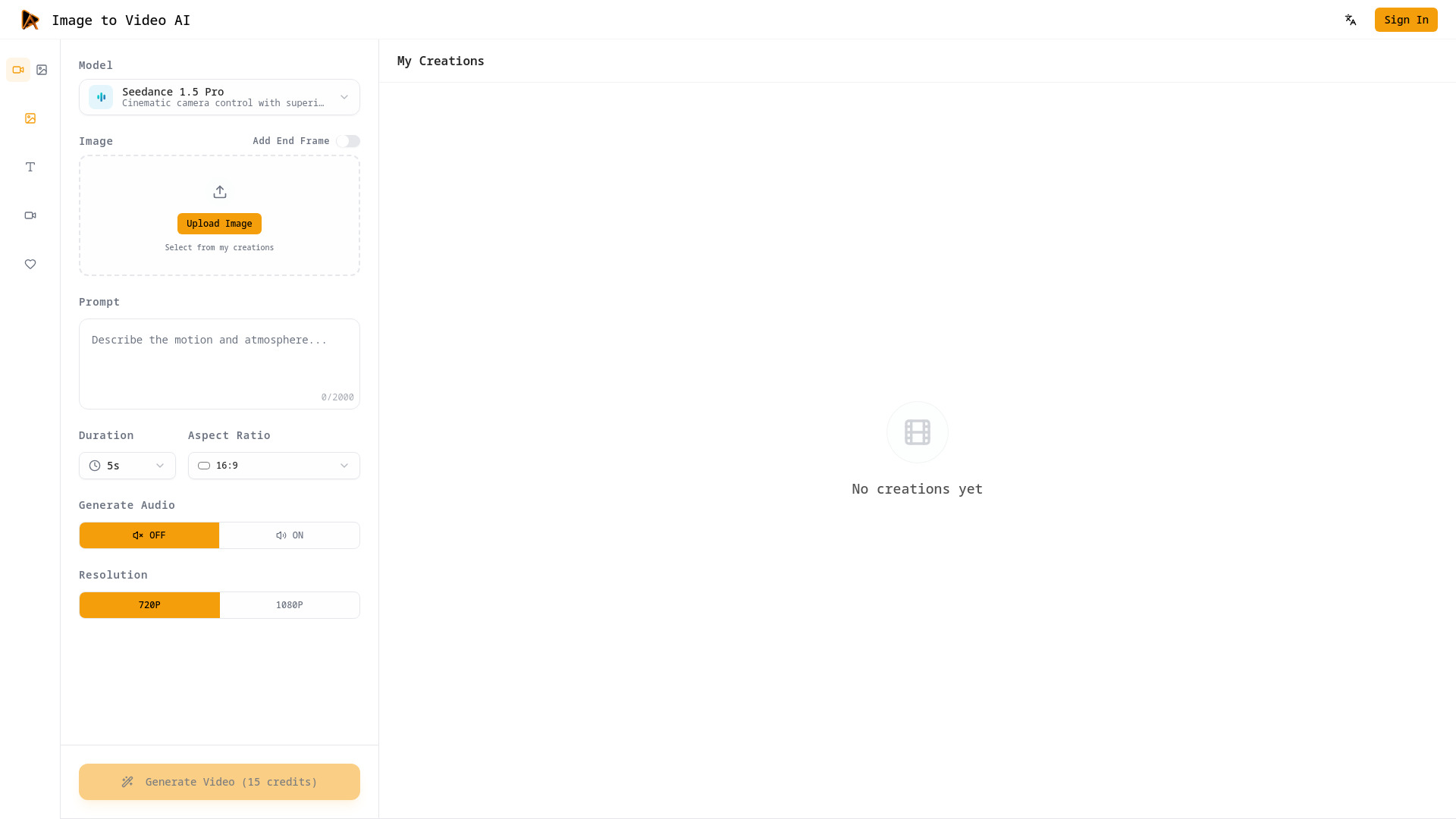

ClipZap AI
AI video workflows for creators and businesses
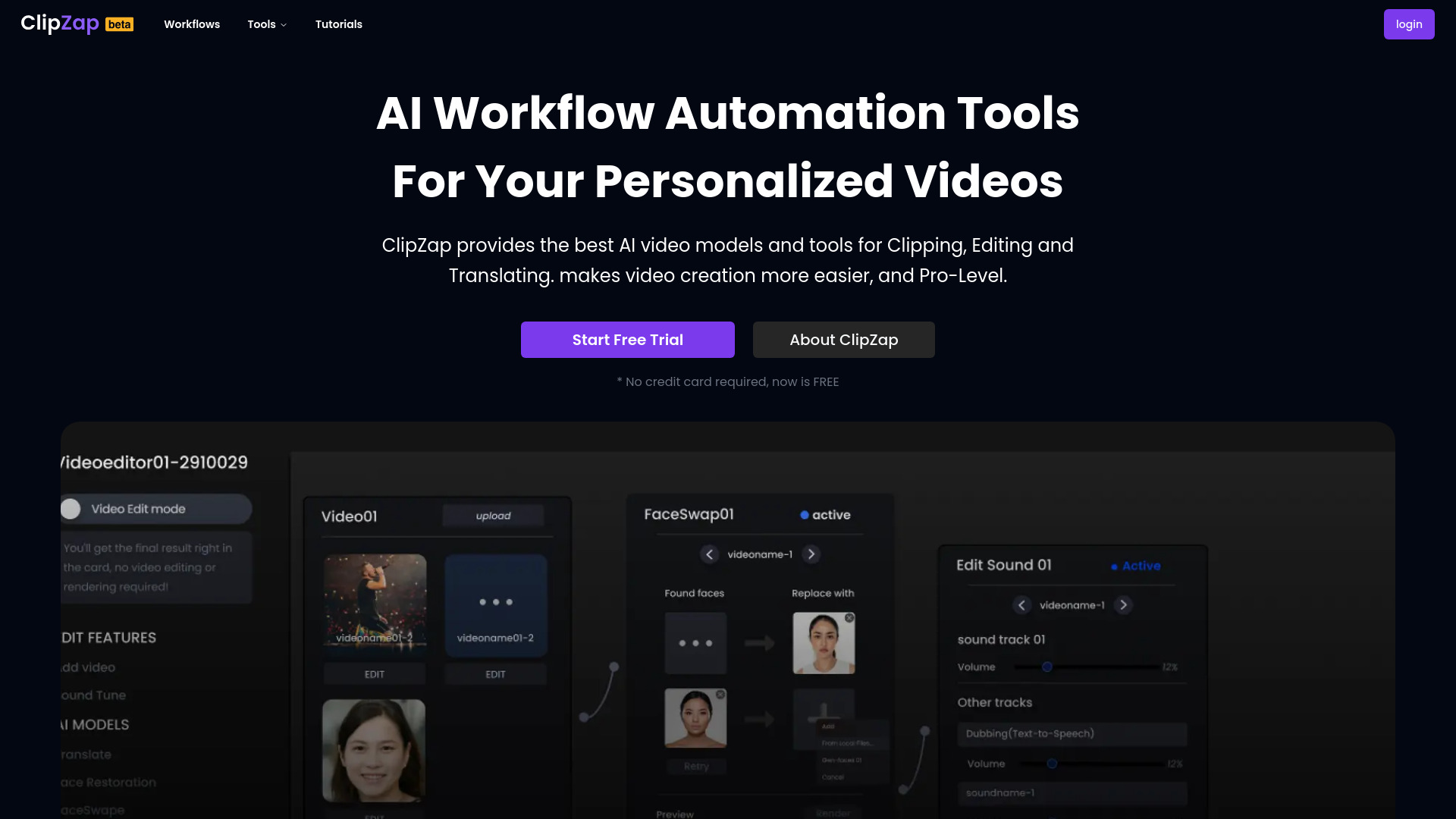

Free AI Generator
Continuous AI image editing workflows
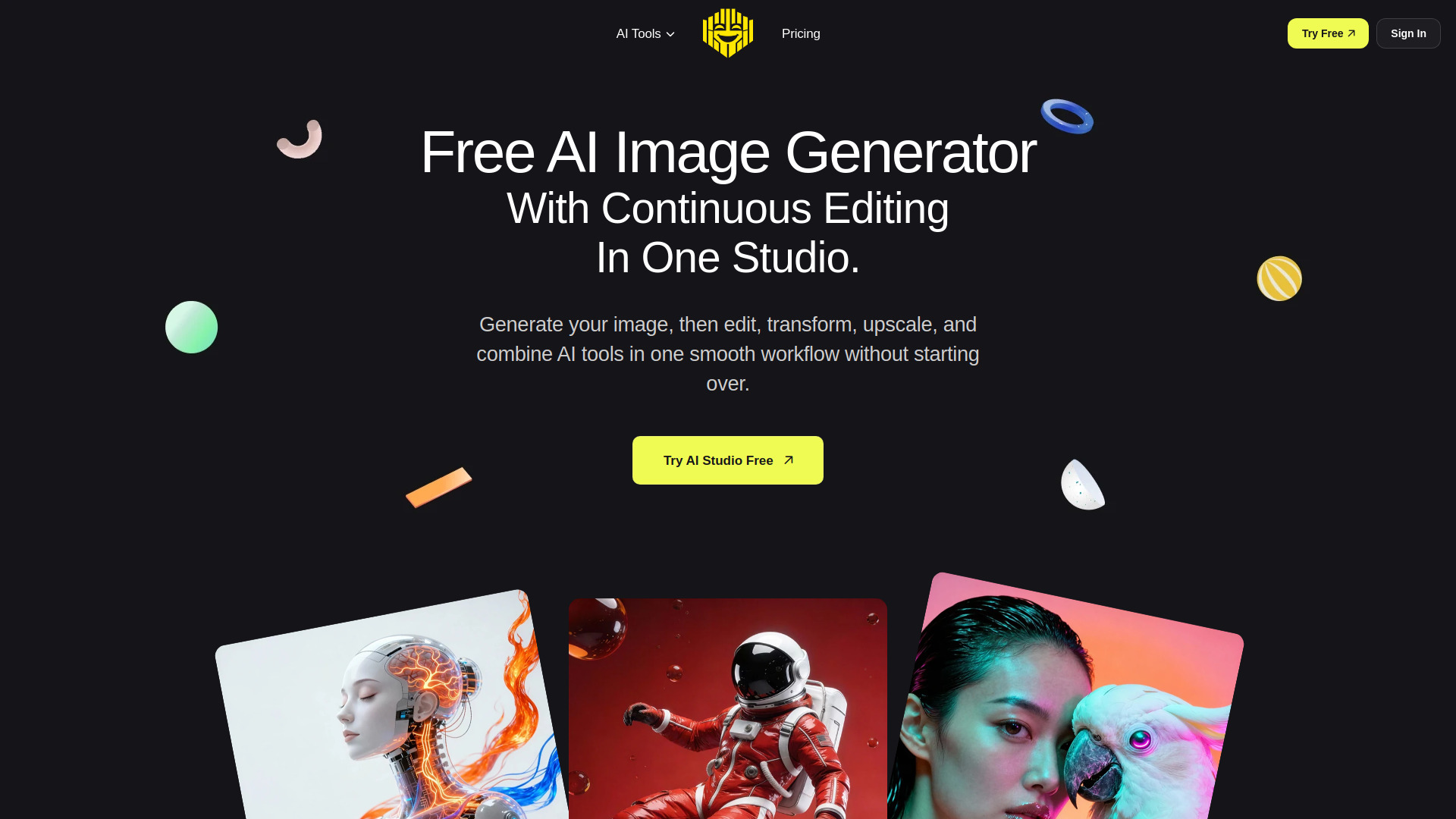

Bravoclip
Repurposing long videos into viral short clips
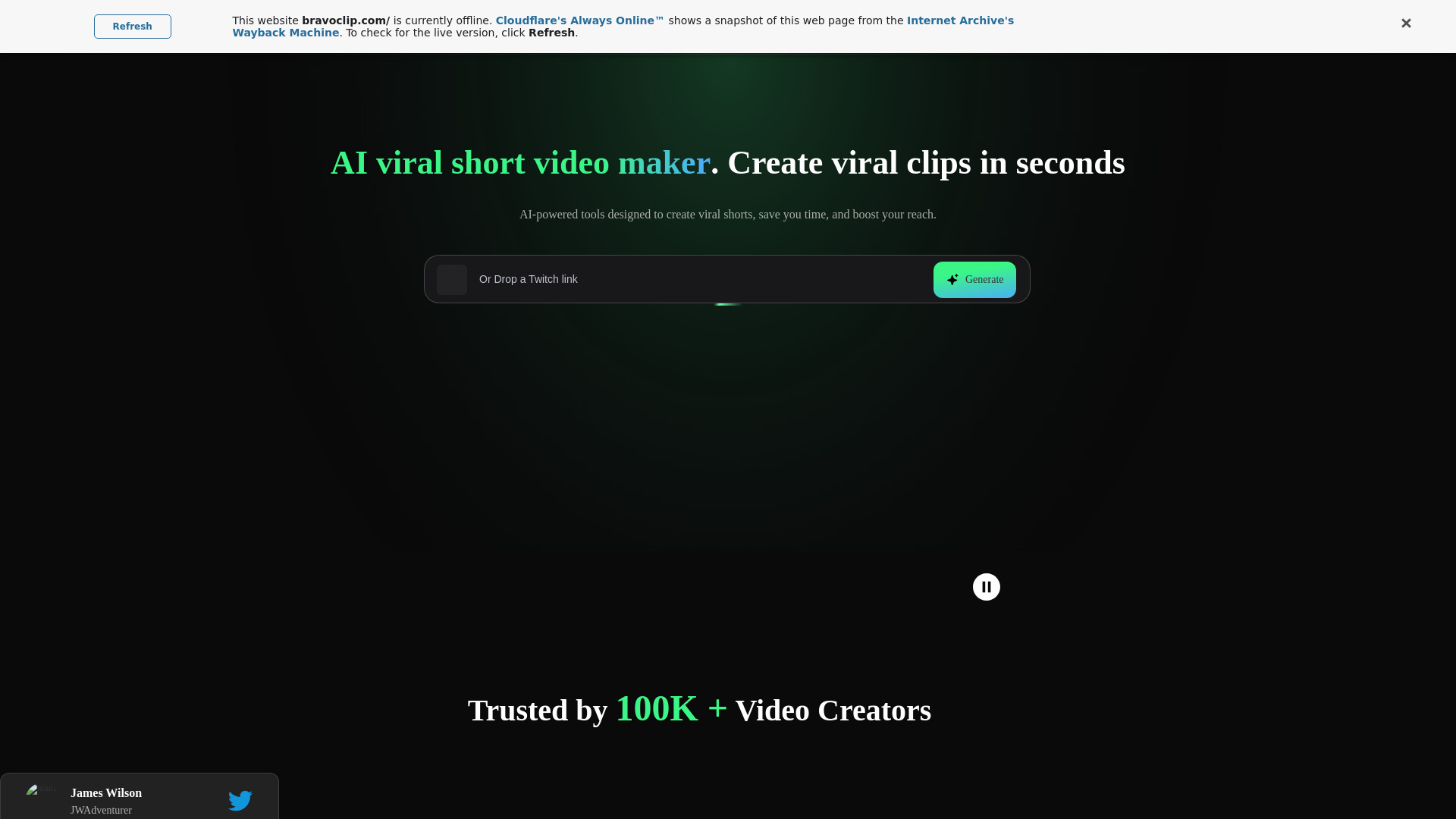
VO4
Short-form social video creation

PoweredTemplate
AI presentations for business and education

Photo Video AI
Creators turning photos into videos

ClipVideo AI
Product and social video creation
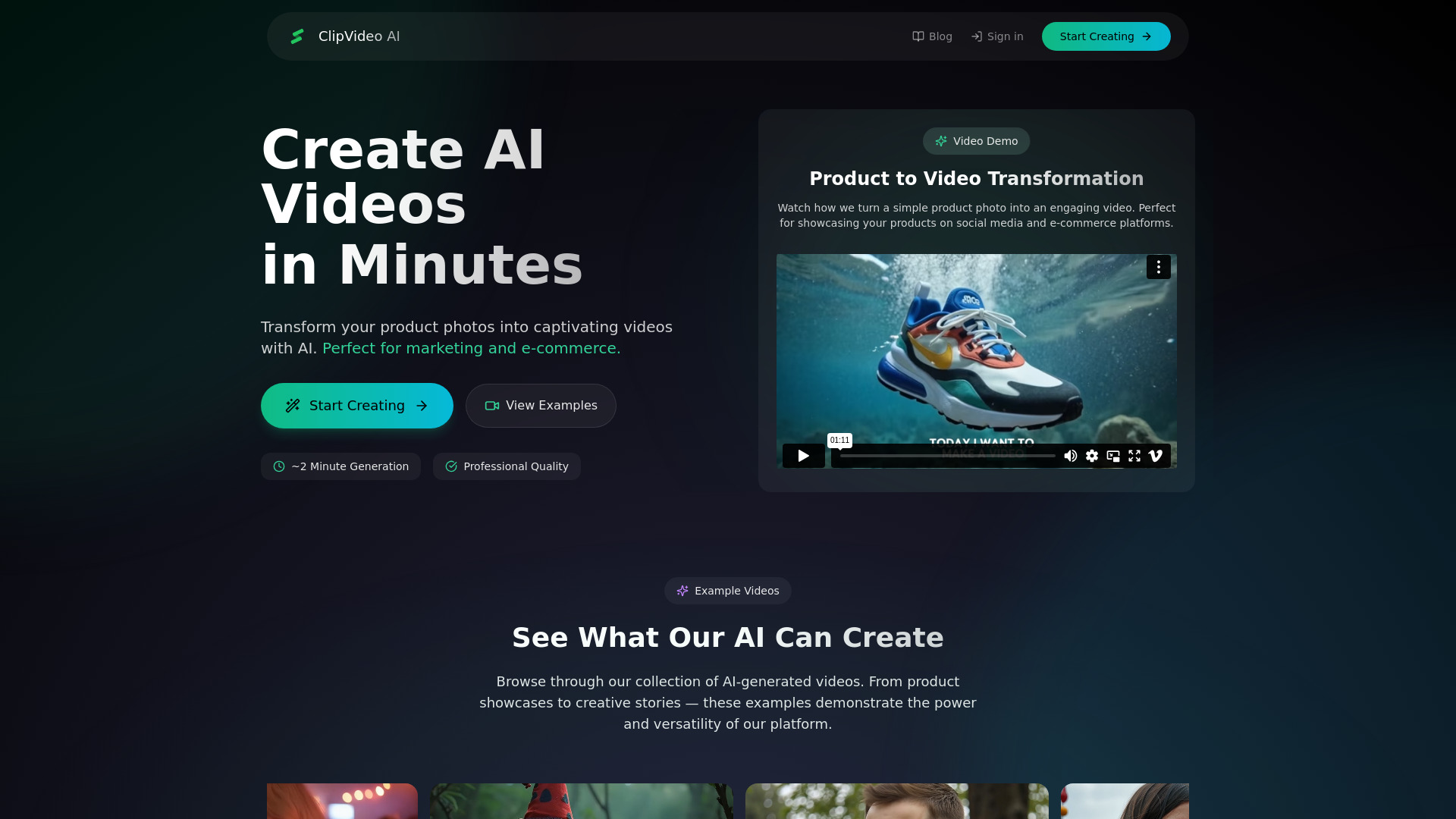
image to video ai
Turning static images into short AI videos

VideoAI
AI video generation and style transfer
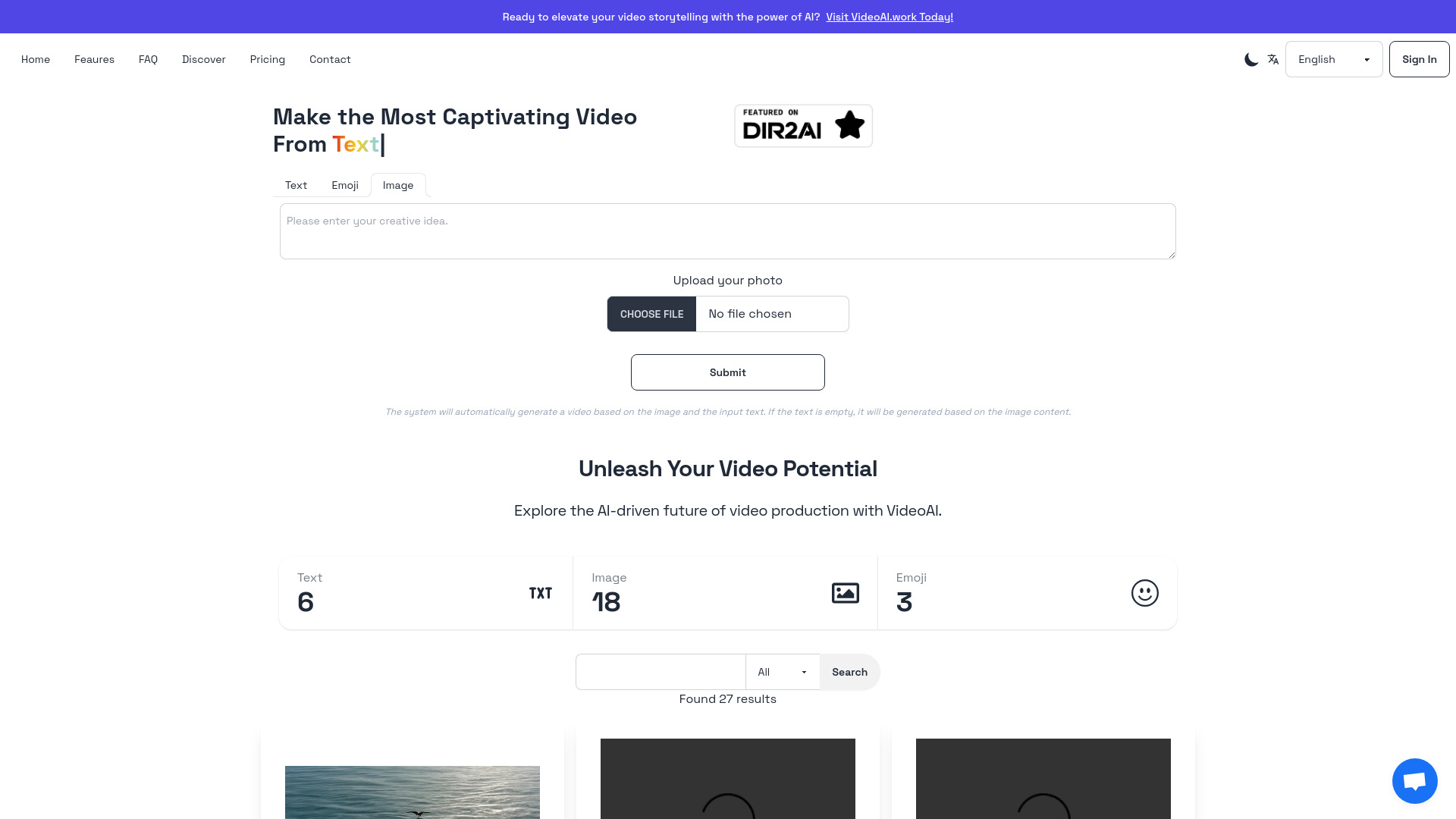

Best AI Image to Video | Free, Cheapest Product Promo Maker
Product promo videos from images
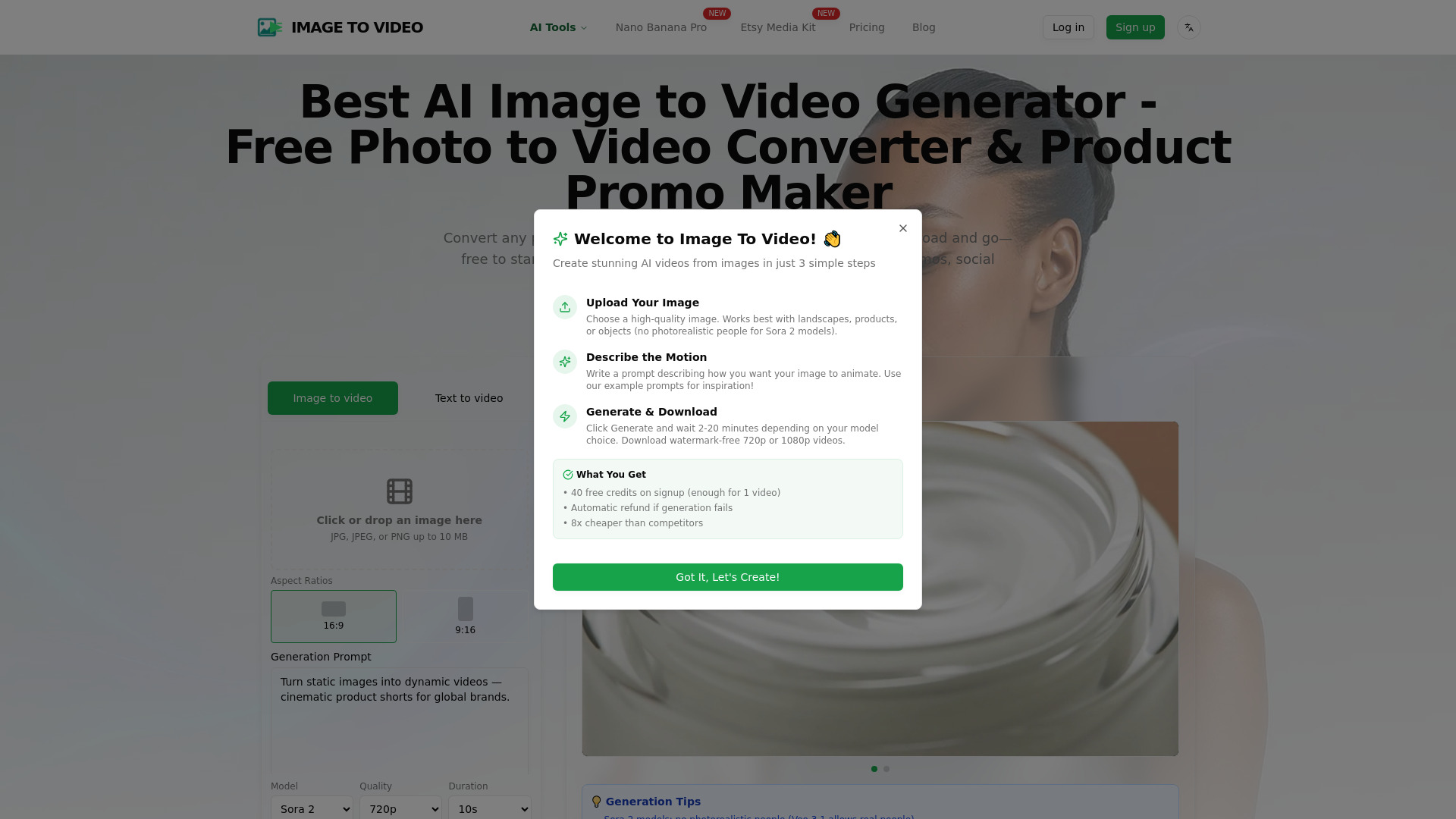

AIVideoFree
Text-to-video and image-to-video creation
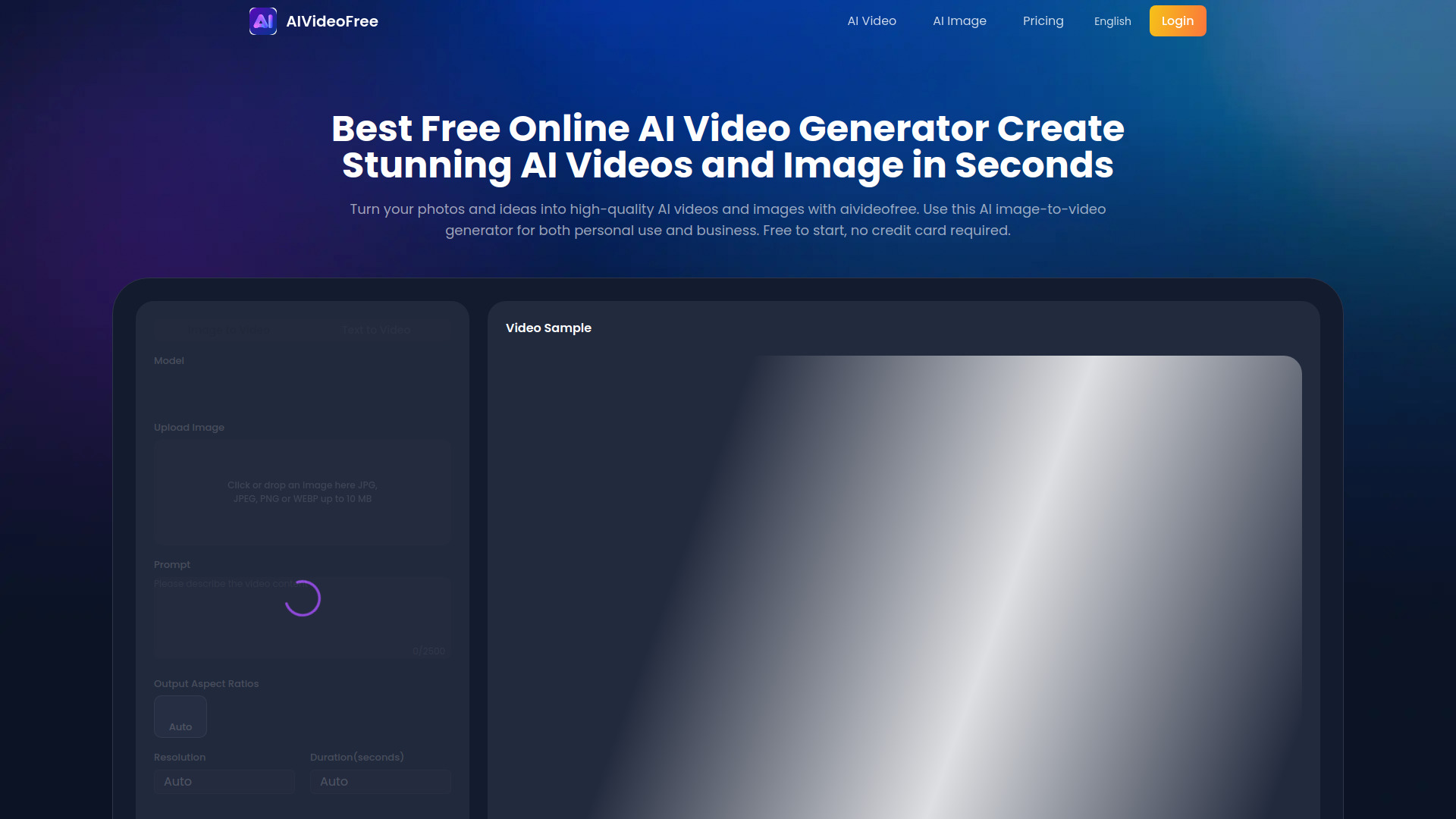

Veo 4 ai
Free text-to-video creation

makefilm.jp
Fast text-to-video creation

Video Studio AI
Text and image video creation

ImgToVid AI
Image-to-video creators

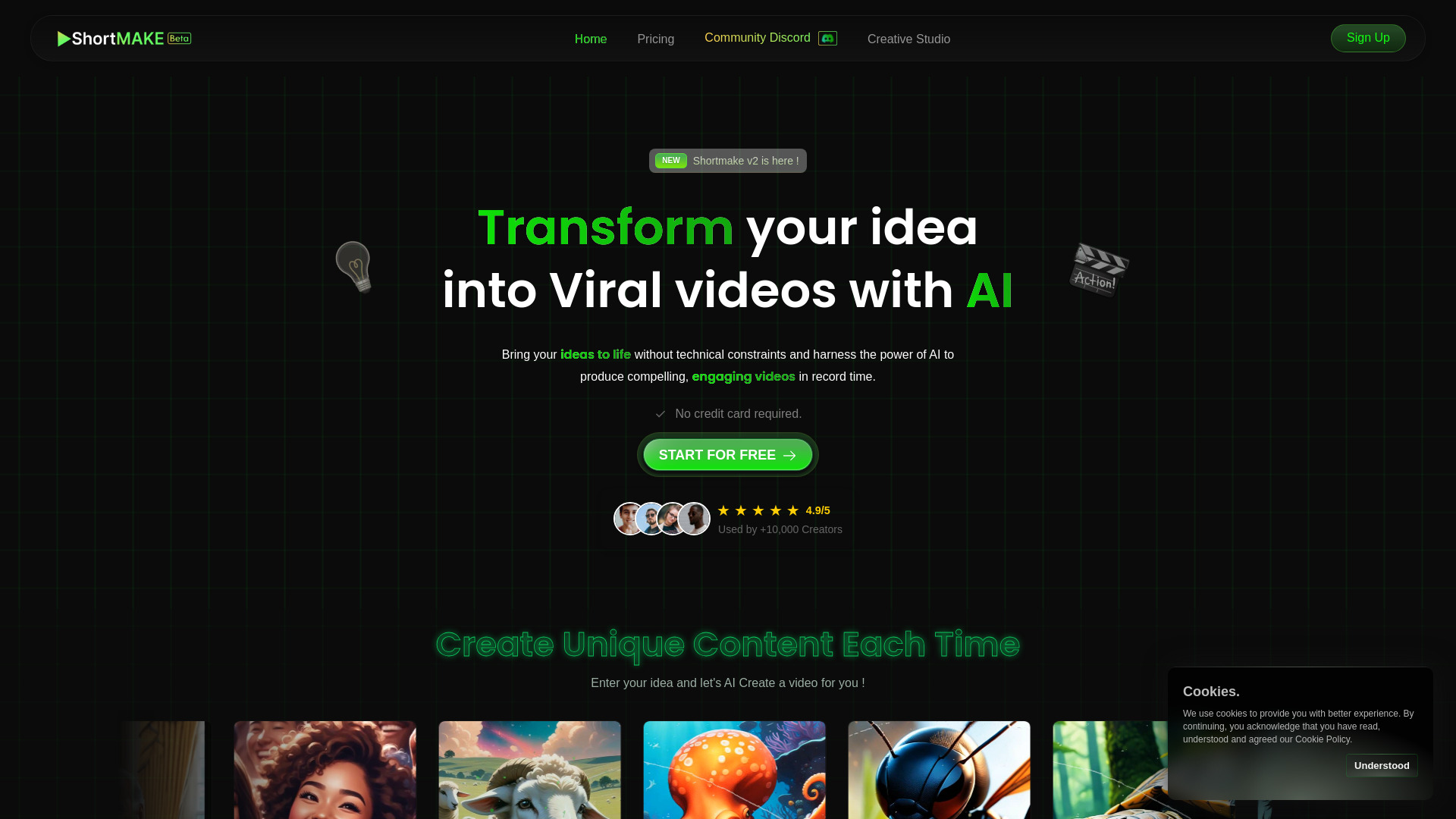
ShortMake
Short-form social video creation

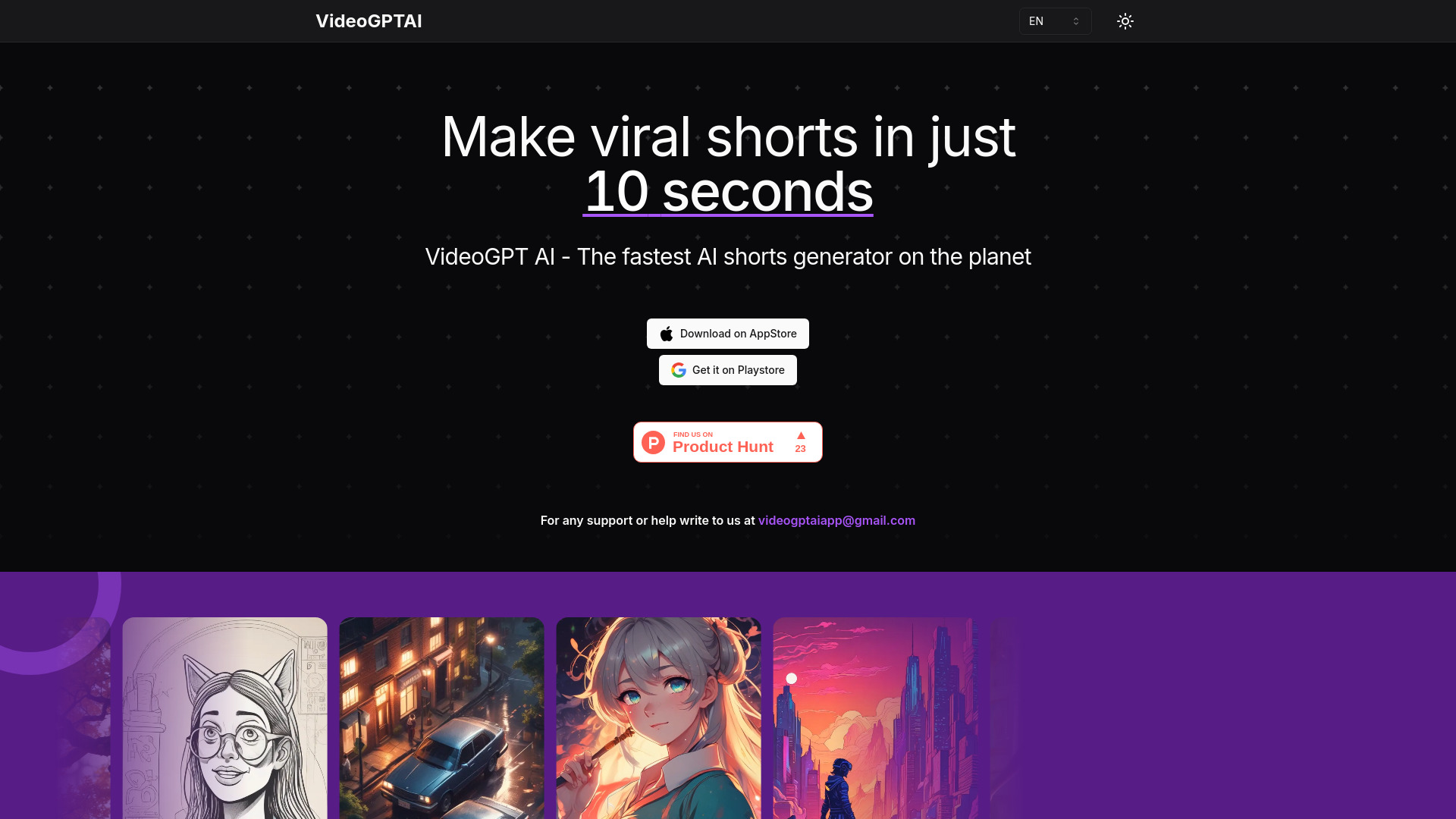
VideoGPTAI
Rapid AI Shorts creation

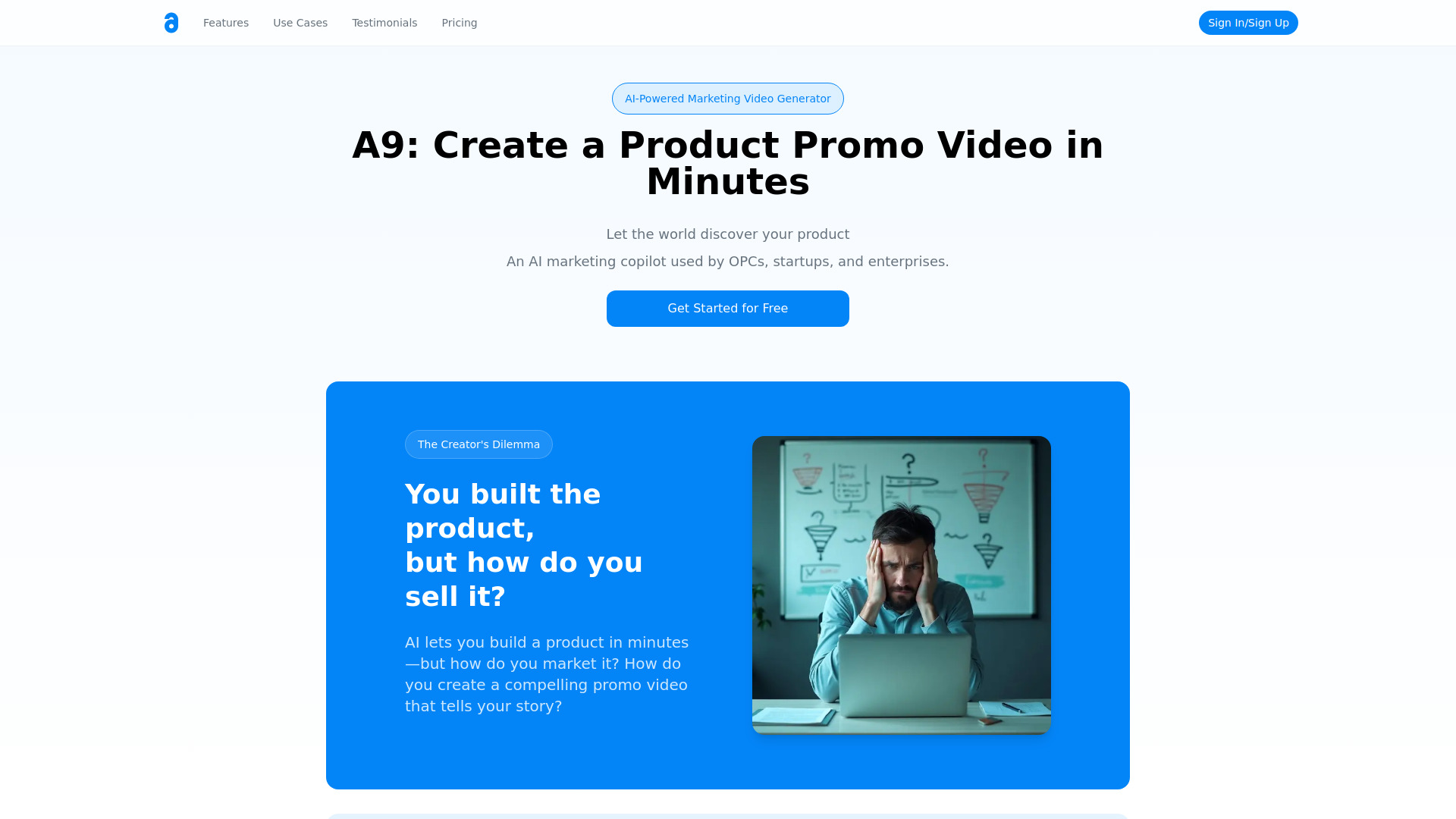
A9 AI
Product promo videos and launch marketing

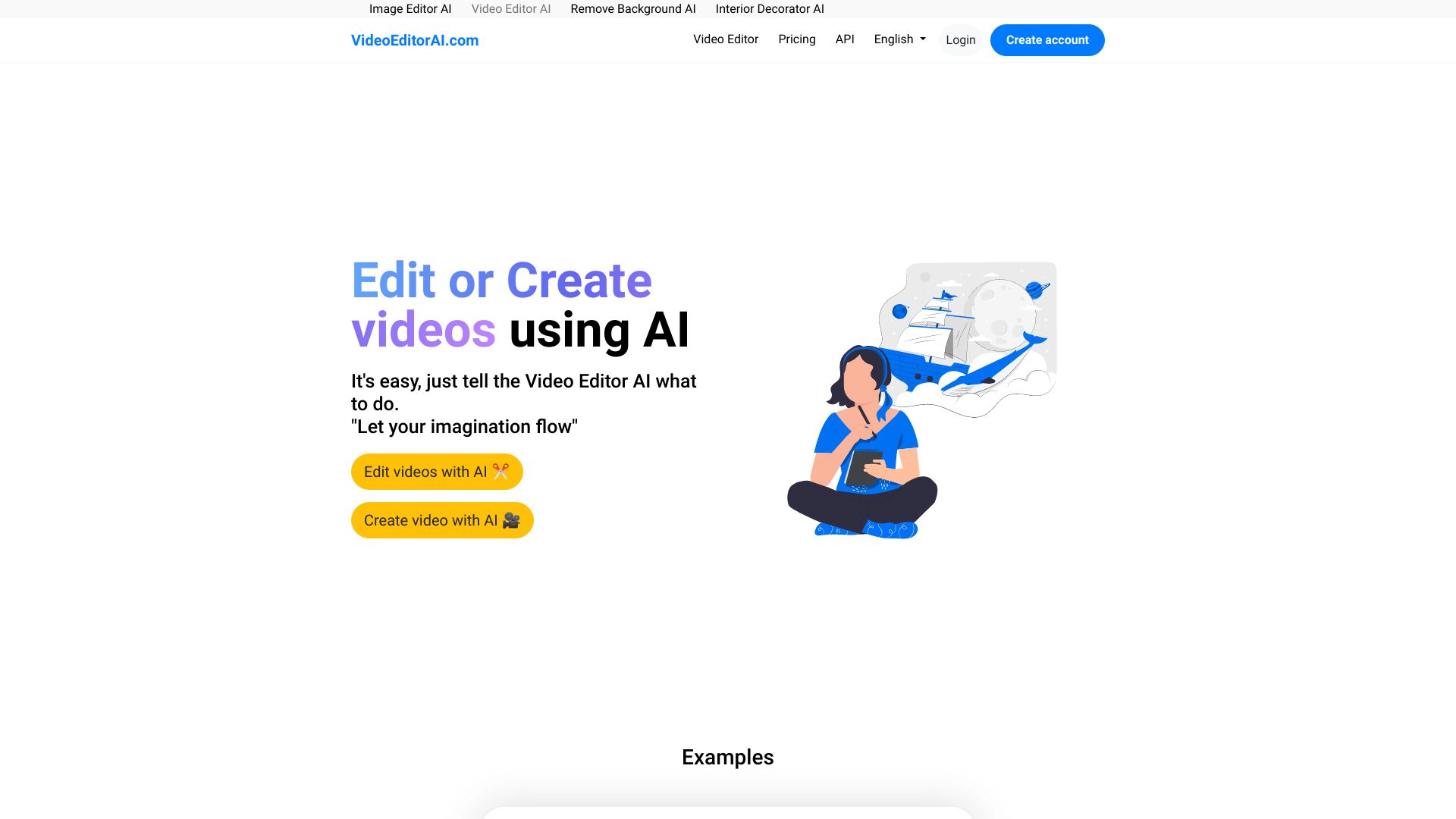
VideoEditorAI.com
AI-assisted video creation and editing

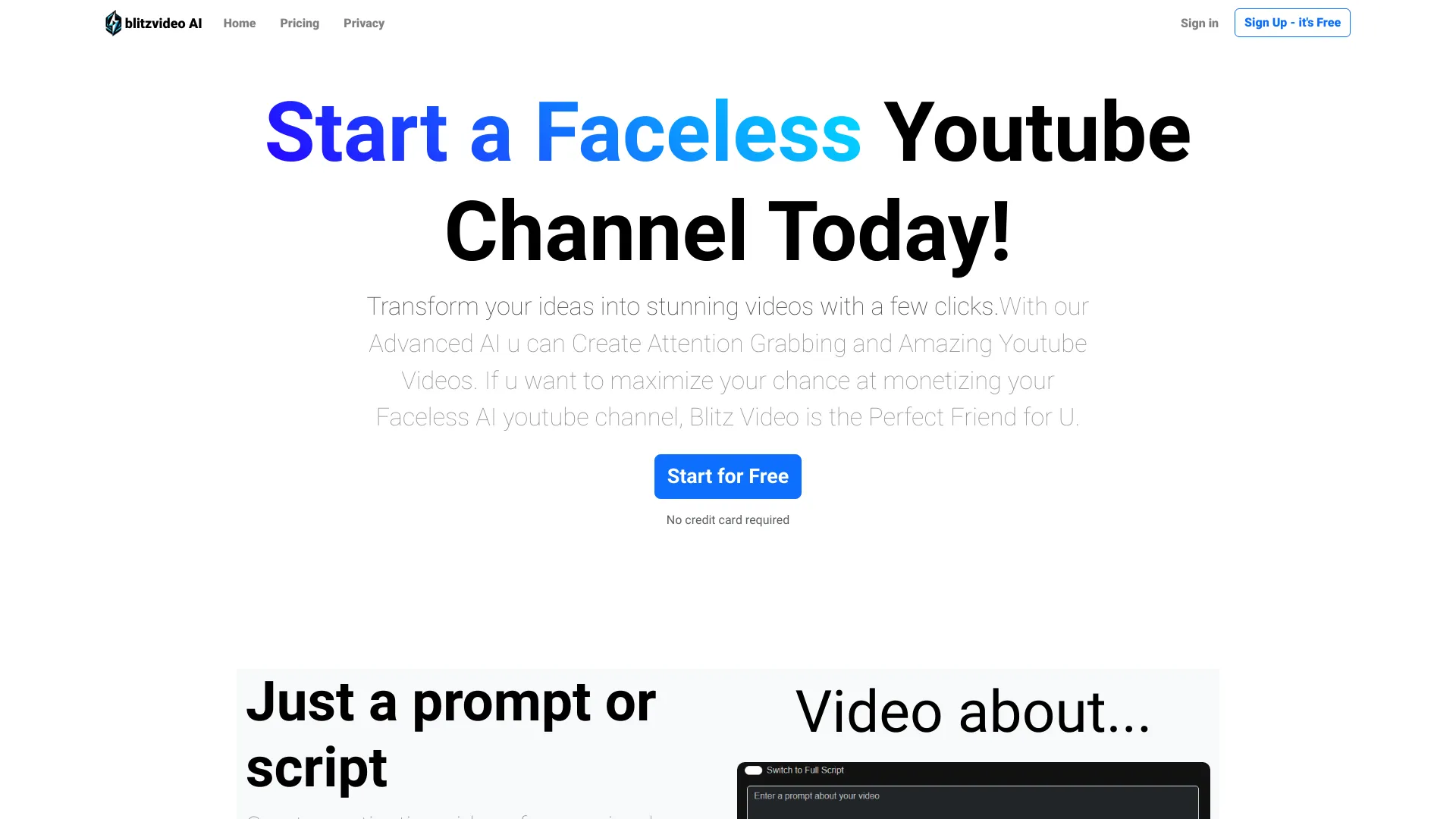
BlitzVideo
Faceless YouTube video creation

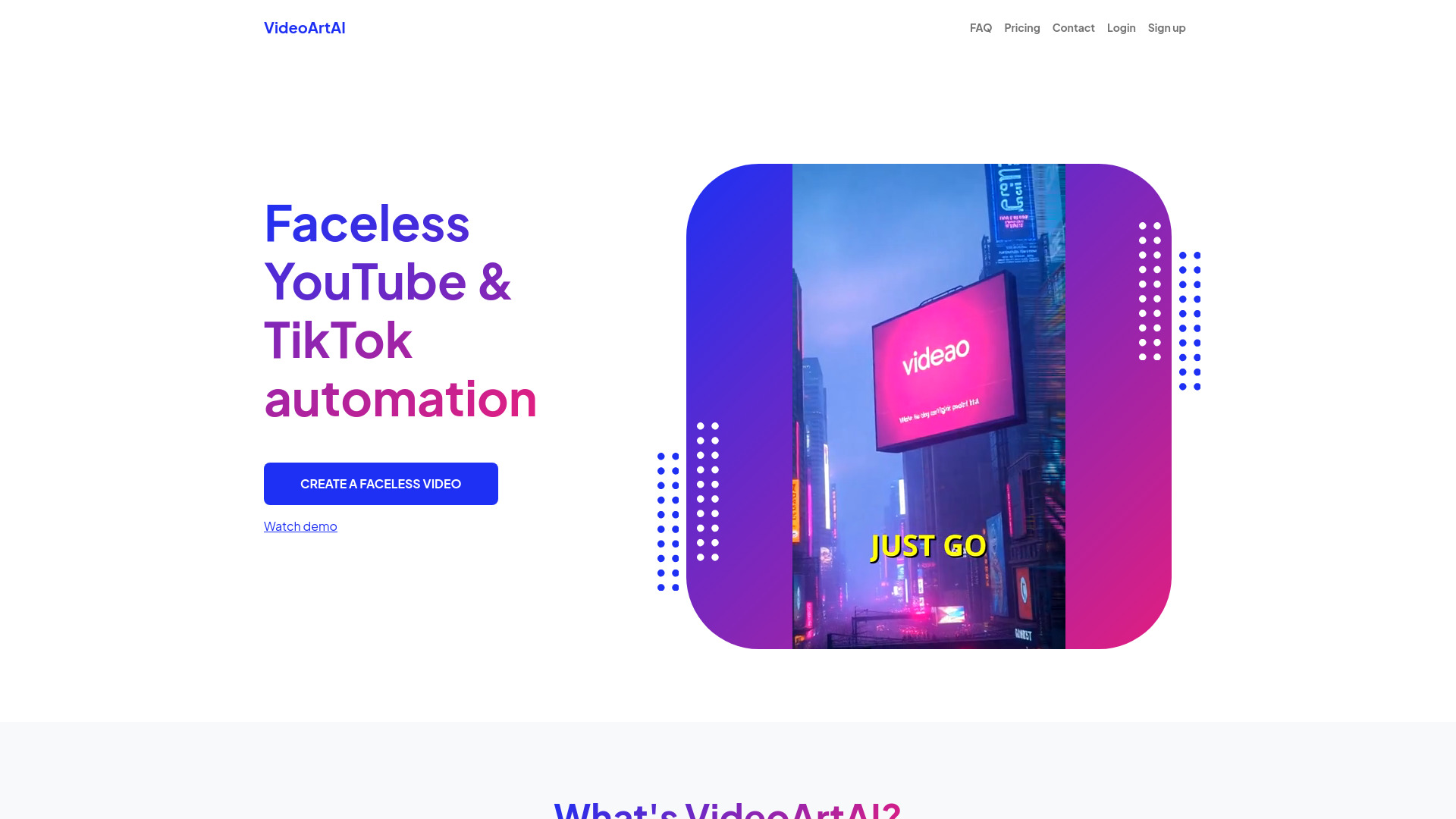
VideoArtAI
Faceless YouTube and TikTok creators
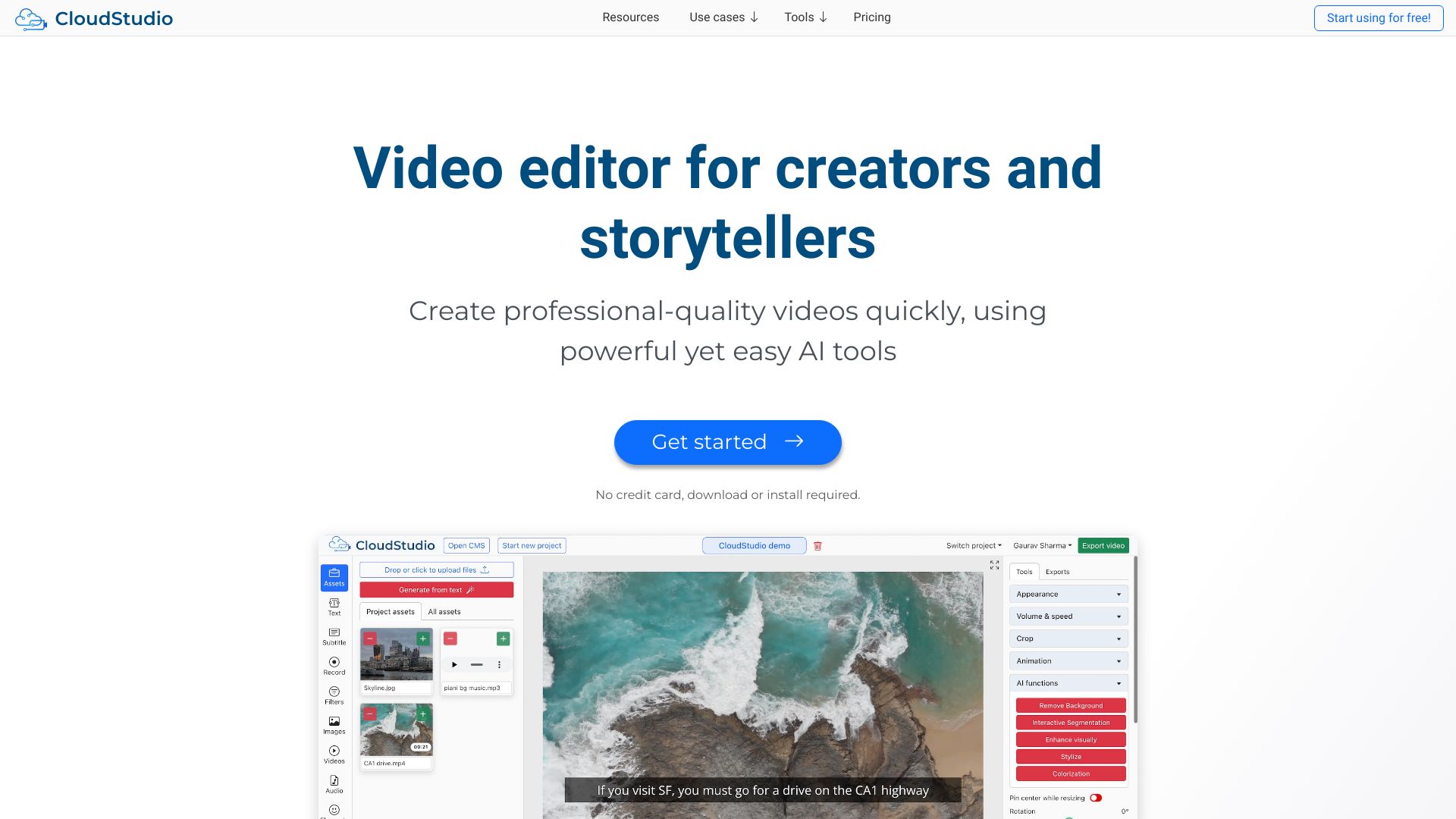
CloudStudio
AI-powered browser video editing

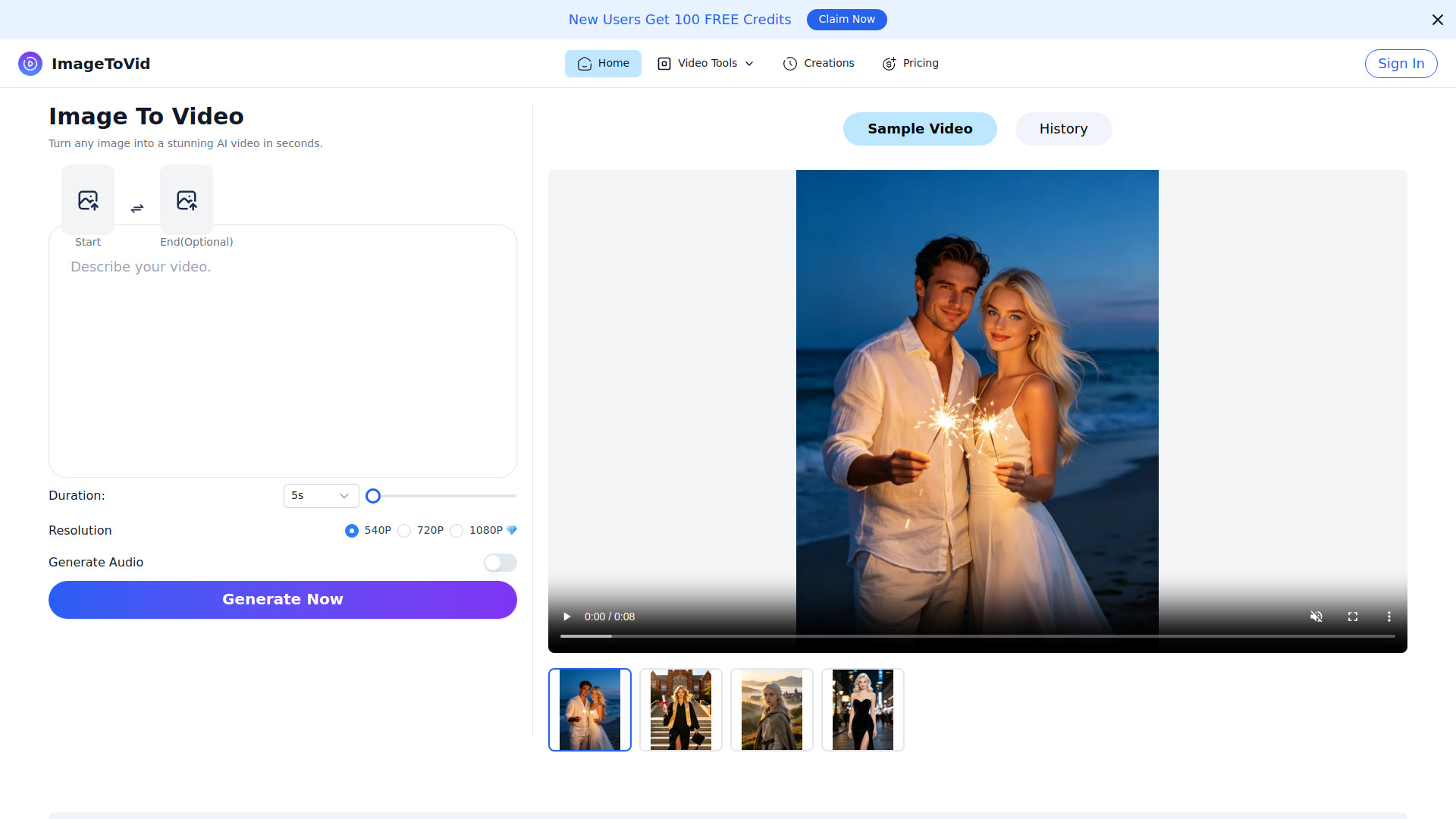
Free Image to Video AI Generator | ImageToVid AI
Creators turning images into videos

AI Video Editor
Video resizing, compression, and format conversion

funnyai.store
AI video editing

BestMaker AI
Text-to-video and image-to-video creators
Smoothie AI
Rapid AI video creation


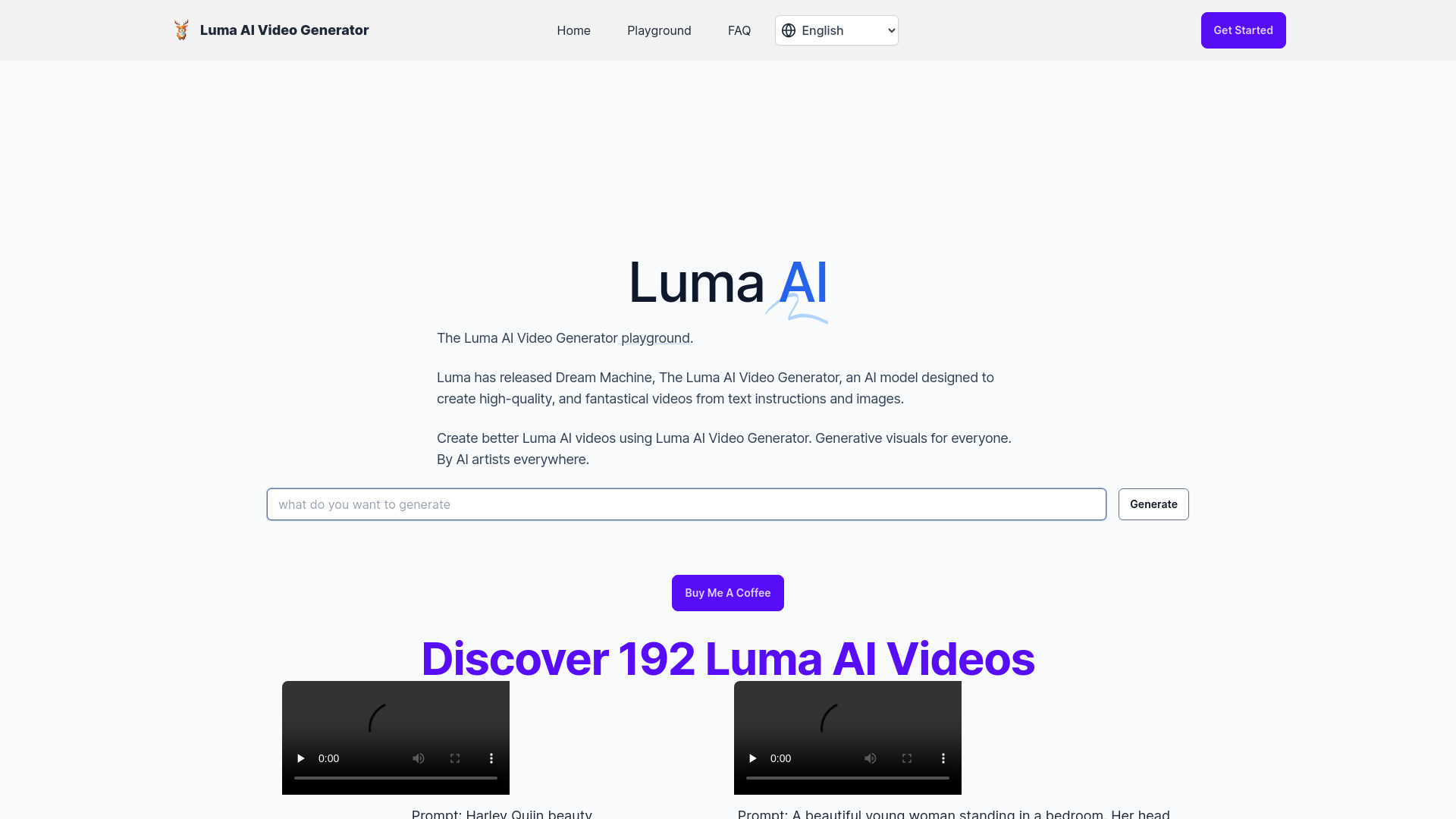
Luma AI Video Generator
Fast text-to-video concepting

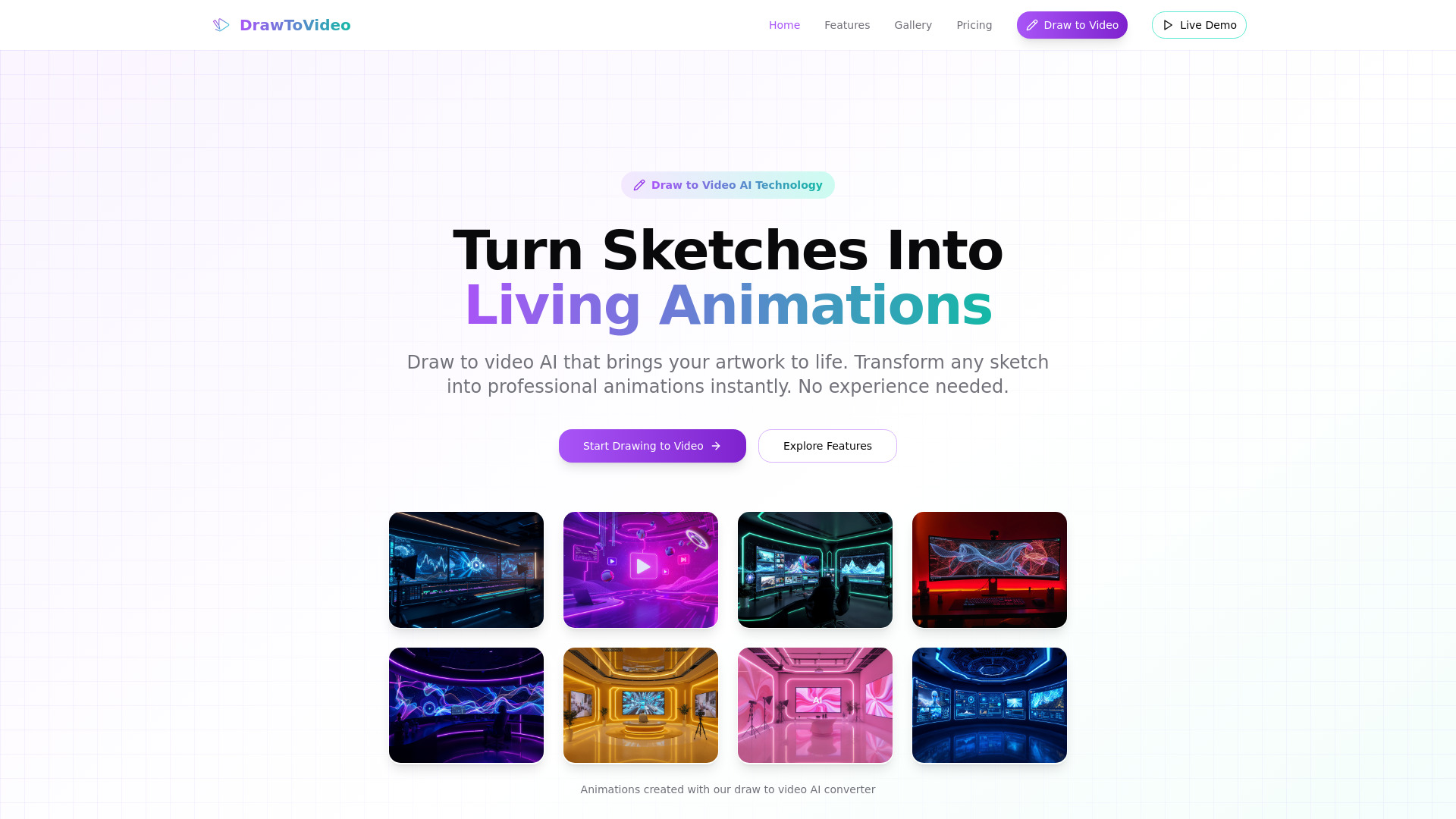
Draw to Video
Sketch-to-animation creators

Creatorfield AI
High-volume short-form content repurposing

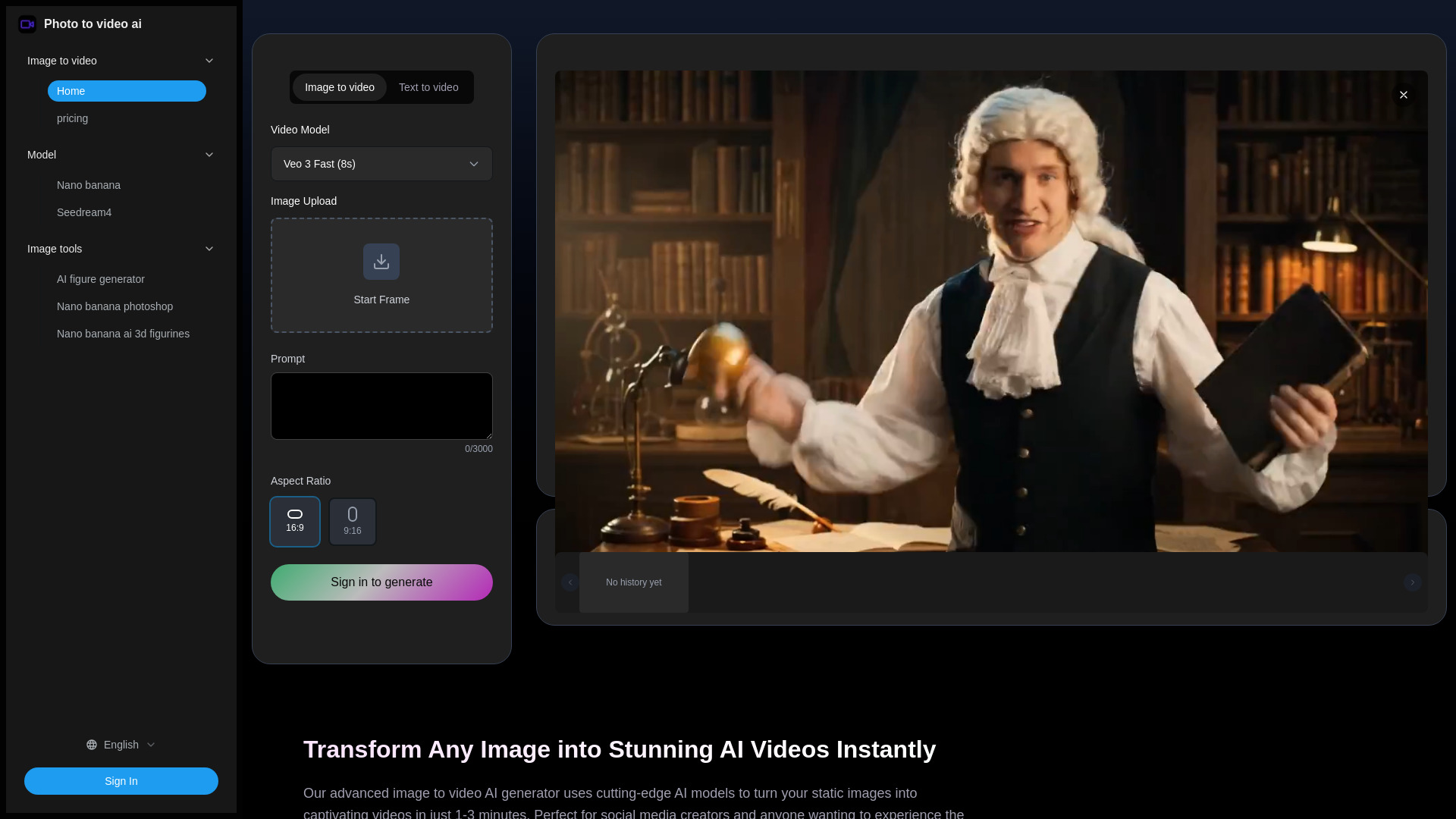
Photo to video ai
Image-to-video social content

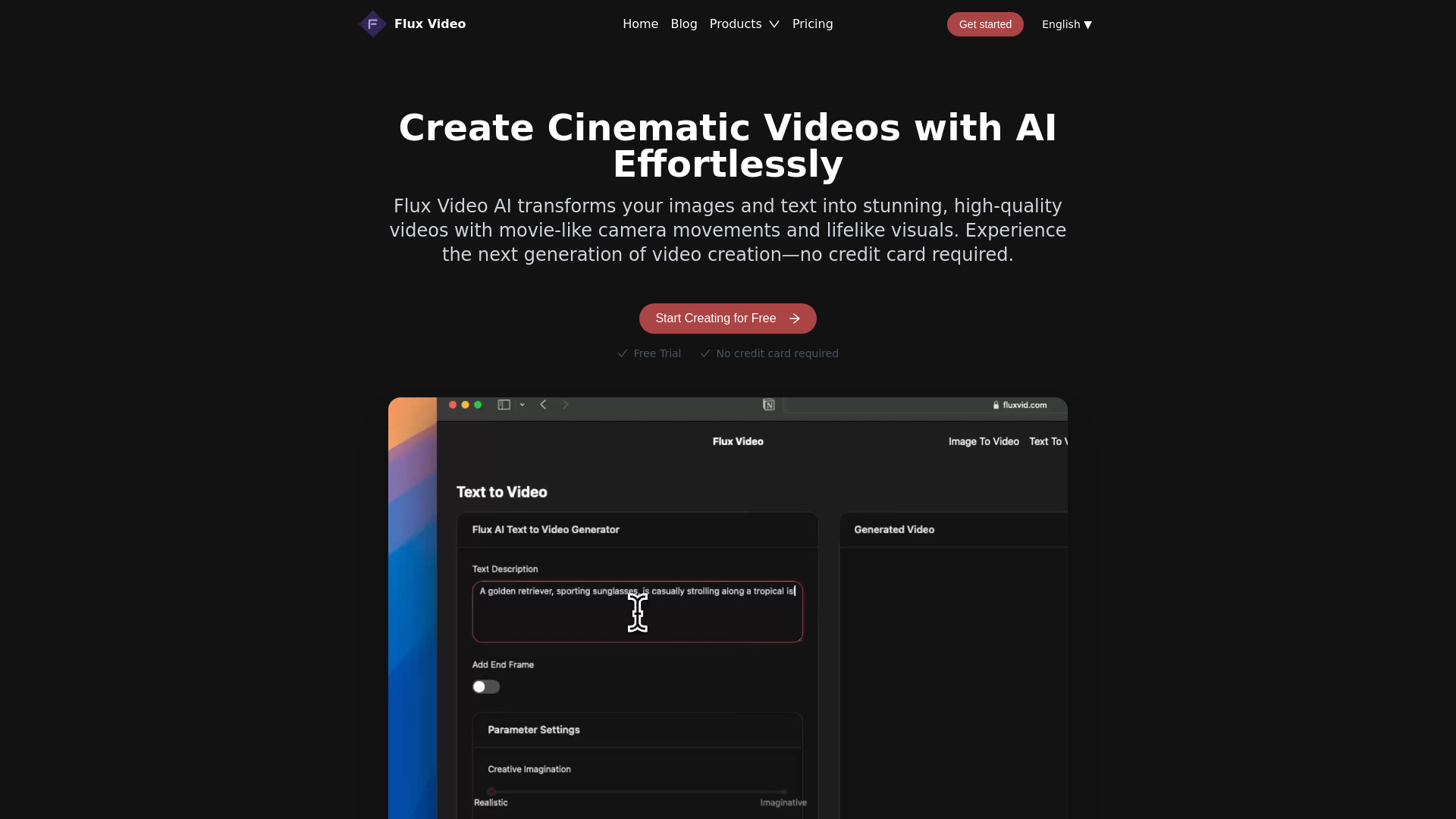
Flux Video AI
Cinematic image-to-video clips

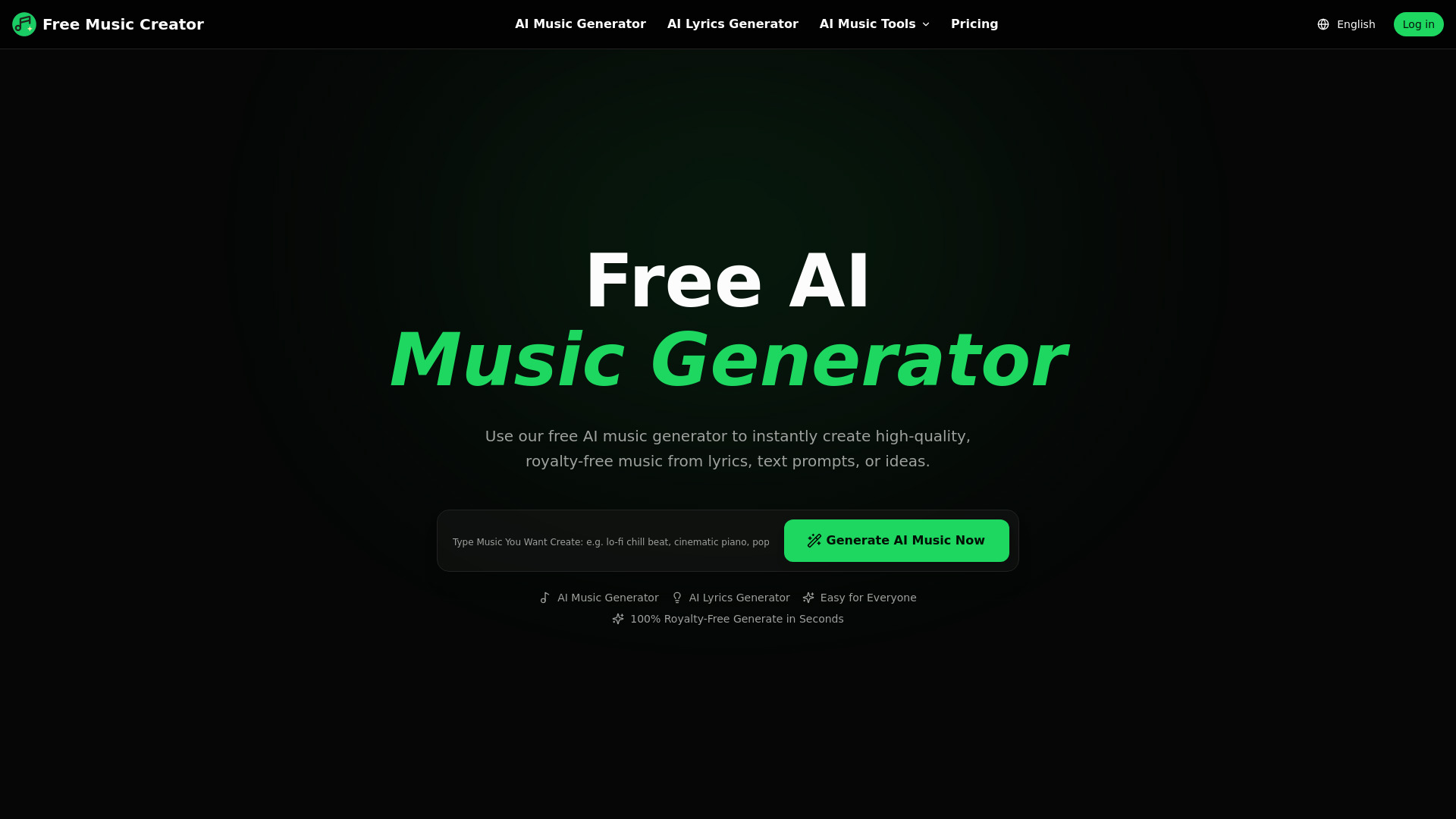
Free Music Creator AI
Creators needing royalty-free AI music
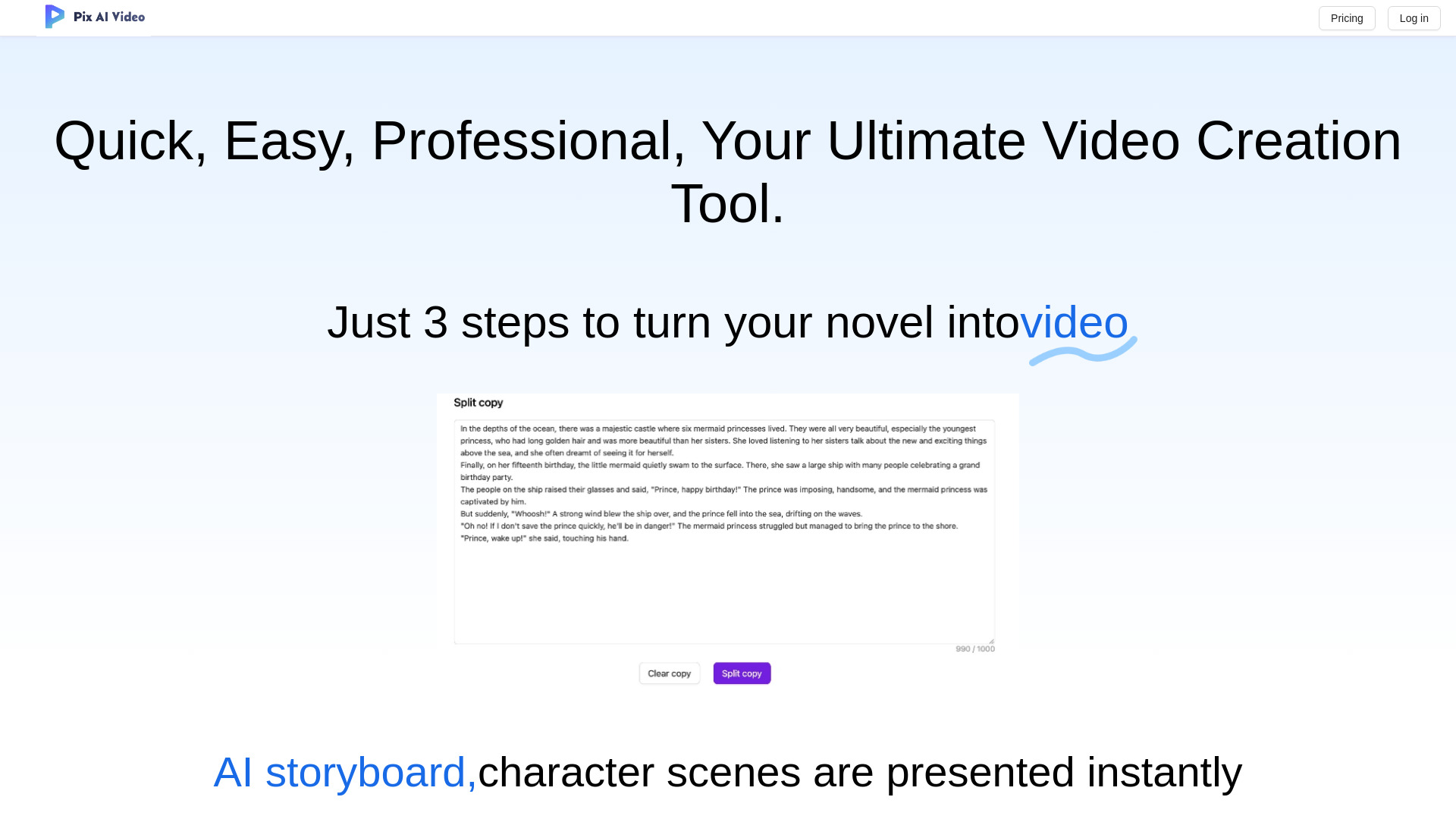
PixAIVideo
Animated story videos

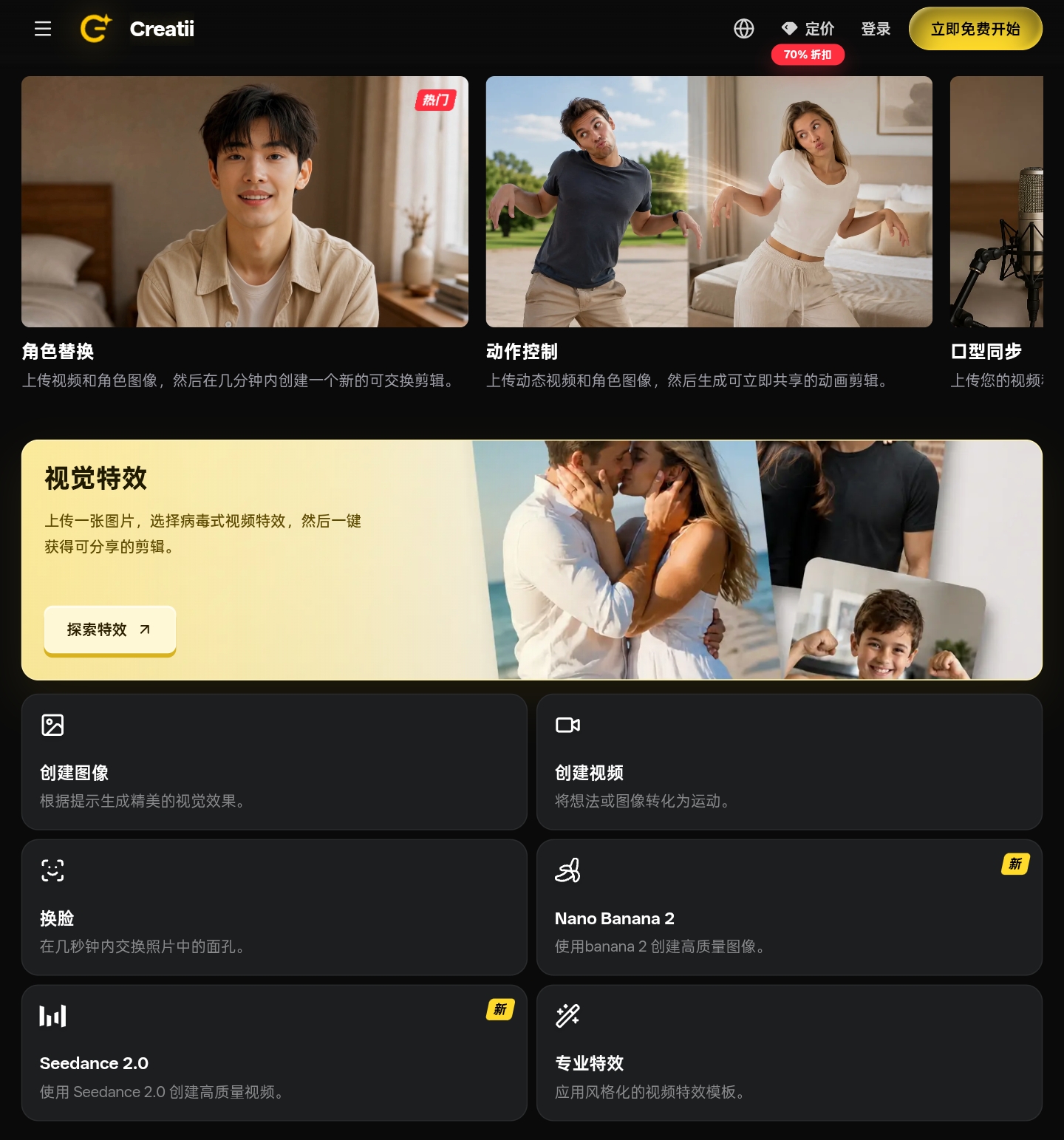
Creatii AI
Social and brand content creators

FreeCreate
Free AI logos, thumbnails, and banners

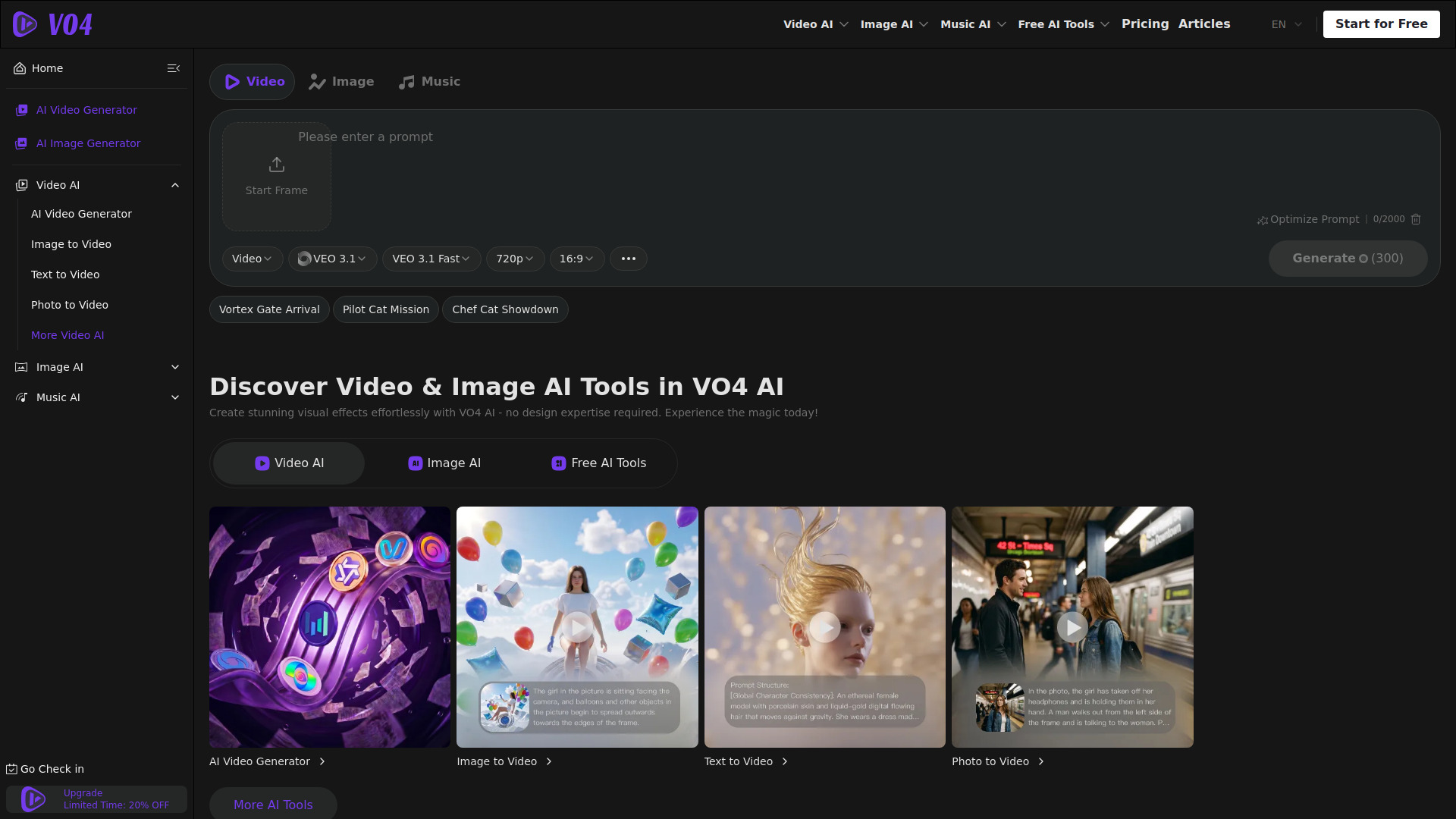
VO4 AI Video Generator
Multi-model video, image, and music creation

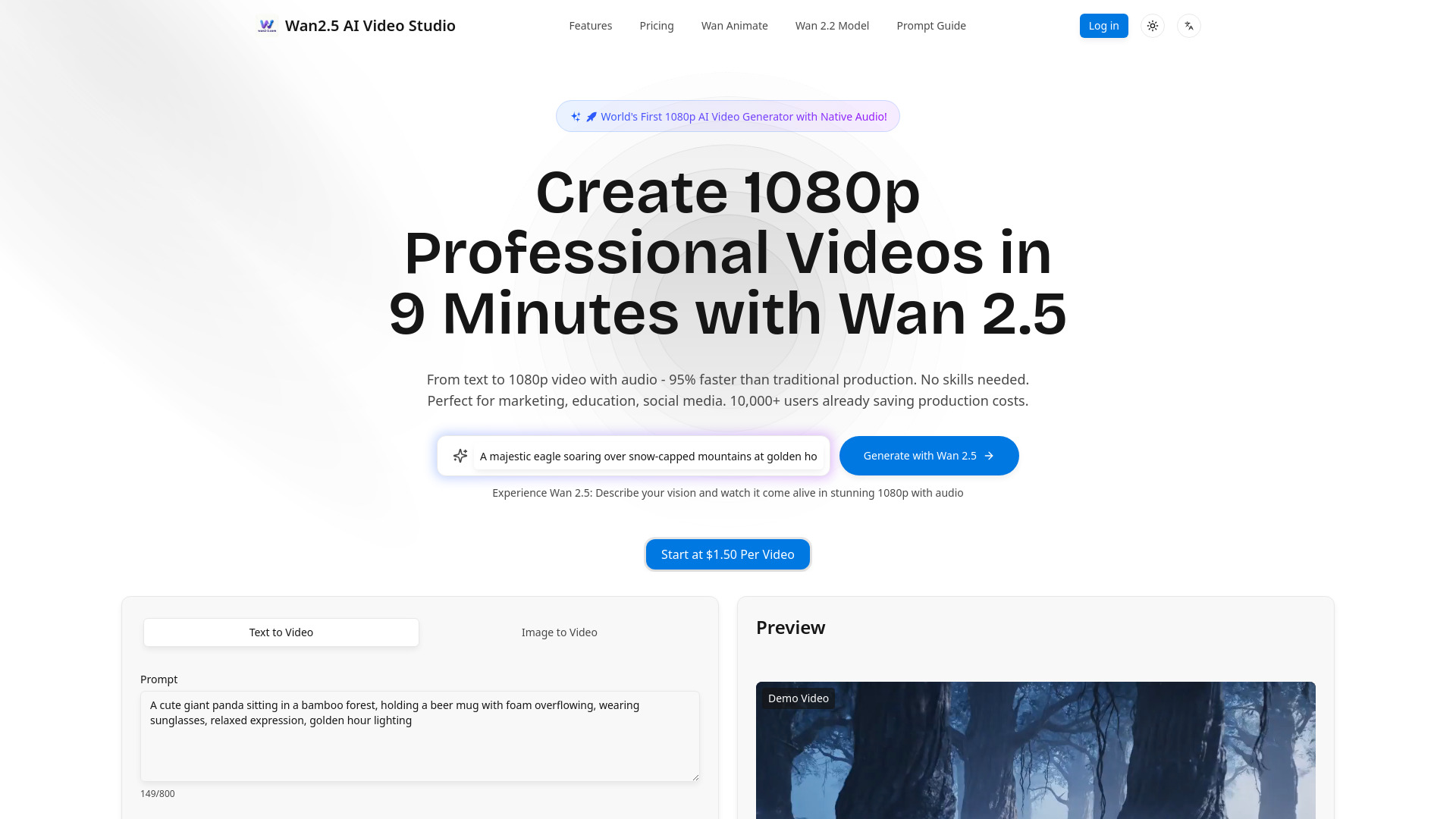
Wan2.5 AI Video Studio
1080p videos with native audio
Which AI video maker should you choose?
Start with the output you actually need, not the most impressive demo. For unlimited, low-friction experimentation, choose Free AI Video Maker & Generator or JoyFun AI. The former is especially clear about text-to-video and image-to-video, while JoyFun AI adds face-swap workflows and no-login access.
For a broader marketing workflow, Videflow.ai is the specialist pick because it supports ads, UGC, avatars, ad cloning, URLs, and reference inputs. SuperMaker is the better general-purpose creative workspace if you also want images, music, voice, storyboarding, and post-production.
If editing is central, FlexClip and Filmora deserve more attention than pure generators. FlexClip emphasizes templates, stock assets, subtitles, and projects; Filmora adds AI editing, enhancement, and short-clip creation inside a familiar editor. For animation and internal communication, Animaker is the more natural fit.
| Your priority | Start with | Why |
|---|---|---|
| Unlimited short experiments | Free AI Video Maker & Generator | Unlimited generations with text and image inputs |
| No-login creative testing | JoyFun AI | Unlimited free generations and immediate access |
| Marketing ads and UGC | Videflow.ai | Ad, avatar, UGC, cloning, and reference-input workflows |
| One workspace for video and audio | SuperMaker AI Video Generator | Adds image, music, voice, storyboarding, and post-production |
| Simple text or image generation | VideoMaker.me | Beginner-friendly interface and two clear creation modes |
| Business text-to-video testing | Vidful.ai | Easy interface and access powered by Kling AI and Luma Dream Machine |
| Cinematic multi-shot ideas | Flow AI | Text/image inputs and cinematic storytelling |
| Animated learning content | Animaker | AI creation plus a custom character builder |
| Template-led marketing edits | FlexClip | Editor, subtitles, templates, and stock assets |
| AI-assisted timeline editing | Wondershare Filmora | Short clips, enhancement, text-to-video, and editing tools |
My practical recommendation
Try Free AI Video Maker & Generator first if your definition of free is "generate often without signing up." Its five-second, 480p ceiling is obvious, but unlimited iteration is more useful than a generous-looking credit allowance when you are still learning how to prompt.
Then test the tool that matches your publishing workflow. Choose FlexClip for a repeatable marketing editor, Animaker for animated explainers, Videflow.ai for ad and UGC production, or Filmora for AI-assisted editing. This approach avoids a common mistake: selecting a generator when what you really need is a production workspace.
For a no-cost comparison sprint, create the same short concept in three tools. Use one text prompt, one source image, and the same intended audience. Record the number of attempts, time to first usable result, free-tier constraints, and whether the output needs substantial editing. That small test will tell you more than a feature checklist.
Common mistakes when choosing an AI video maker
Treating unlimited as unlimited quality. Free AI Video Maker & Generator allows unlimited generations, but its free outputs are capped at five seconds and 480p.
Ignoring the credit model. SuperMaker offers 20 free credits and Flow AI uses credits for generation. Estimate how many iterations your project needs.
Confusing generation with editing. FlexClip and Filmora may be better choices when subtitles, templates, enhancement, or short-clip editing are central.
Skipping commercial-use checks. Filmora notes that some AI-generated resources are for non-commercial use only.
Choosing a tool that is too broad. A large creative stack is not automatically better than a focused text-to-video workflow for a simple social clip.
Assuming a free trial means a free production plan. Videflow.ai and Flow AI offer trial-style access, so check the paid transition before planning a recurring workflow.
Forgetting wait times. VideoMaker.me notes that high demand may cause delays, which matters when a campaign has a deadline.
What changed in 2026
The strongest choices now split into clearer workflow categories. Dedicated generators focus on text-to-video and image-to-video; broader platforms add storyboarding, post-production, music, voice, ads, avatars, and UGC; traditional editors bring AI into subtitles, enhancement, short-clip creation, and timeline work.
Free access also varies more than the word "free" suggests. This shortlist includes unlimited generations, 20 credits, 100 AI credits, free trial credits, three monthly downloads, and up to 12 projects. In practical terms, the best free ai video creator free plan is the one whose allowance matches your iteration style-not necessarily the one with the largest headline number.
Finally, ease of entry remains a major differentiator. Several tools remove login friction, while others use trials or credits. That makes it worth testing the first minute of the workflow, not just reading the feature list. A tool that gets a marketer from idea to first draft quickly can be more valuable than one with a longer menu of controls.
FAQ
Free AI Video Maker & Generator ranks first for its unlimited generations, text-to-video and image-to-video support, and no-sign-up access. The trade-off is that free videos are limited to five seconds and 480p.