
The best ai to make videos depends on what you want to make: a talking-head lesson, a cinematic clip from a prompt, a polished YouTube production, or dozens of social shorts from one long recording. I compared 100 tools and narrowed the field to 10 practical picks. Vmake AI is the strongest all-around starting point, while AI STUDIOS stands out for avatars, Flow AI for prompt-based visuals, and AI Video Cut for repurposing long videos. The broader list also includes 90 card-only alternatives below the featured reviews.
Top picks
| Pick | Tool | Best for | Why it stands out |
|---|---|---|---|
| 1 | Vmake AI | Content creators | Combines video editing, enhancement, transformation, and social-video workflows. |
| 2 | AI STUDIOS | Educators | Offers 150+ digital avatars and voices in 80+ languages. |
| 3 | WayinVideo | Video creators | Finds moments and extracts clips from long videos with AI. |
Quick comparison
| Tool | Score | Best for | Key capability | Free access | Starting price |
|---|---|---|---|---|---|
| Vmake AI | 93/100 | Content creators | Video quality enhancement | No signup needed | Free: 0 |
| AI STUDIOS | 93/100 | Educators | 150+ AI avatars | 3 video exports/month | Free: $0/month |
| WayinVideo | 93/100 | Video creators | AI clipping and video search | AI clipping; video summary; edit by text | Free: $0/month |
| OiiOii.ai | 92/100 | Directors | Animation agent team | Free access available | Check vendor pricing |
| Flow AI | 92/100 | Content creators | Text-to-video and image-to-video | Free trial credits | Basic: $19.90/month |
| Veo3 AI | 92/100 | Content creators | Text/image generation | Free to start | Mini Plan: $15/month |
| Steve AI | 92/100 | L&D teams | Text, script, and blog-to-video | 5 generation credits/month | Free |
| AIVideo.com | 92/100 | YouTubers | Full video composer and editor | 10K signup bonus credits | Check vendor pricing |
| SuperMaker AI Video Generator | 92/100 | Marketers | Video, image, music, and voice tools | 20 free credits | Free plan |
| AI Video Cut | 92/100 | Content creators | Long-video-to-short conversion | 50 minutes one-time | Free: $0 |
How we ranked these AI video makers
I ranked these tools on four practical questions: how directly they help someone make or transform a video, how distinctive their core workflow is, how much a new user can try before committing, and whether the tool fits a clear audience. Feature breadth mattered, but it did not automatically win the ranking; a focused clipping tool can be more useful than a sprawling studio. I also considered usage signals and the clarity of the starting offer. Scores are close because the tools solve different problems. A 93-point editor is not necessarily better than a 92-point cinematic generator-it is simply a stronger match for more common video-making workflows.
The best AI video makers
1. Vmake AI

Vmake AI
Best all-around AI video studio for content creators
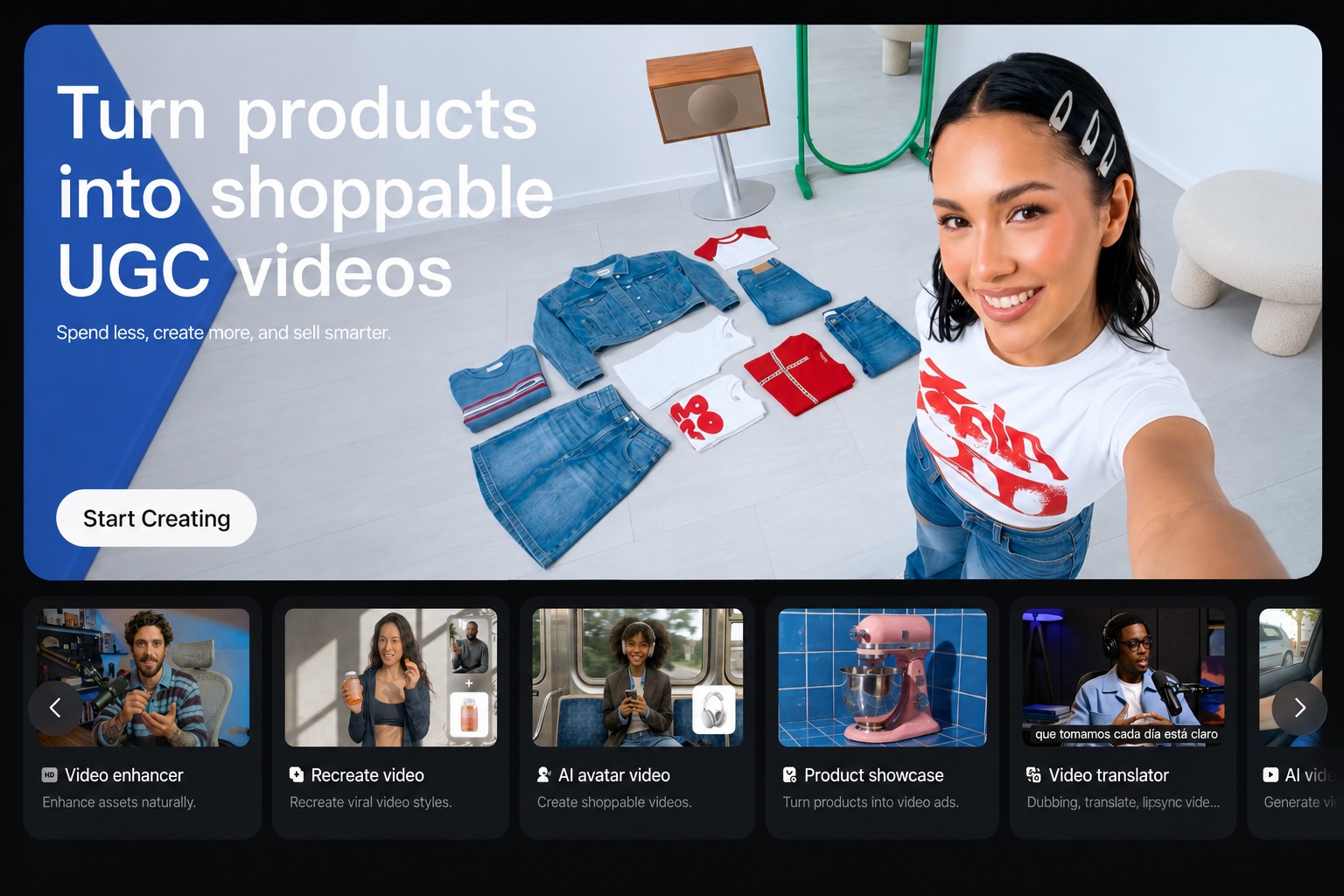
Vmake AI takes the most practical all-in-one position in this comparison. Its workflow covers video editing alongside video quality enhancement and watermark removal, which makes it more useful for creators who already have footage than a generator focused only on producing new clips. The product is positioned as a social video studio for creating, enhancing, and optimizing videos that sell.
That combination explains its first-place position. You can approach Vmake AI when the job is not simply "write a prompt and render," but "make this existing video cleaner and more usable." The no-signup-needed access also lowers the barrier to testing the workflow before deciding whether it belongs in your regular stack.
My take: Vmake AI is the safest first click for creators who need one broad video workspace rather than a specialist generator. I especially like the emphasis on enhancement because many real projects start with imperfect footage, not a blank prompt box.
Where it falls short: Pricing information is not readily available, so budget planning takes more work than the free entry point suggests. Its strongest listed capabilities center on enhancement and editing, not a clearly defined cinematic text-to-video workflow.
Key features
Video quality enhancer for improving existing footage.
Watermark remover for cleaning up video assets.
All-in-one editing, enhancement, and transformation workflow.
Pros
Broad fit for content creators and social-video production.
Combines several video tasks in one platform.
No signup needed to begin exploring the offer.
Cons
Pricing information is not readily available.
The listed feature set is less focused on prompt-first video generation.
Choose Vmake AI if: You want the best first tool for editing, enhancing, and optimizing social videos without starting with a blank timeline.
2. AI STUDIOS

AI STUDIOS
Best AI avatar video platform for educators
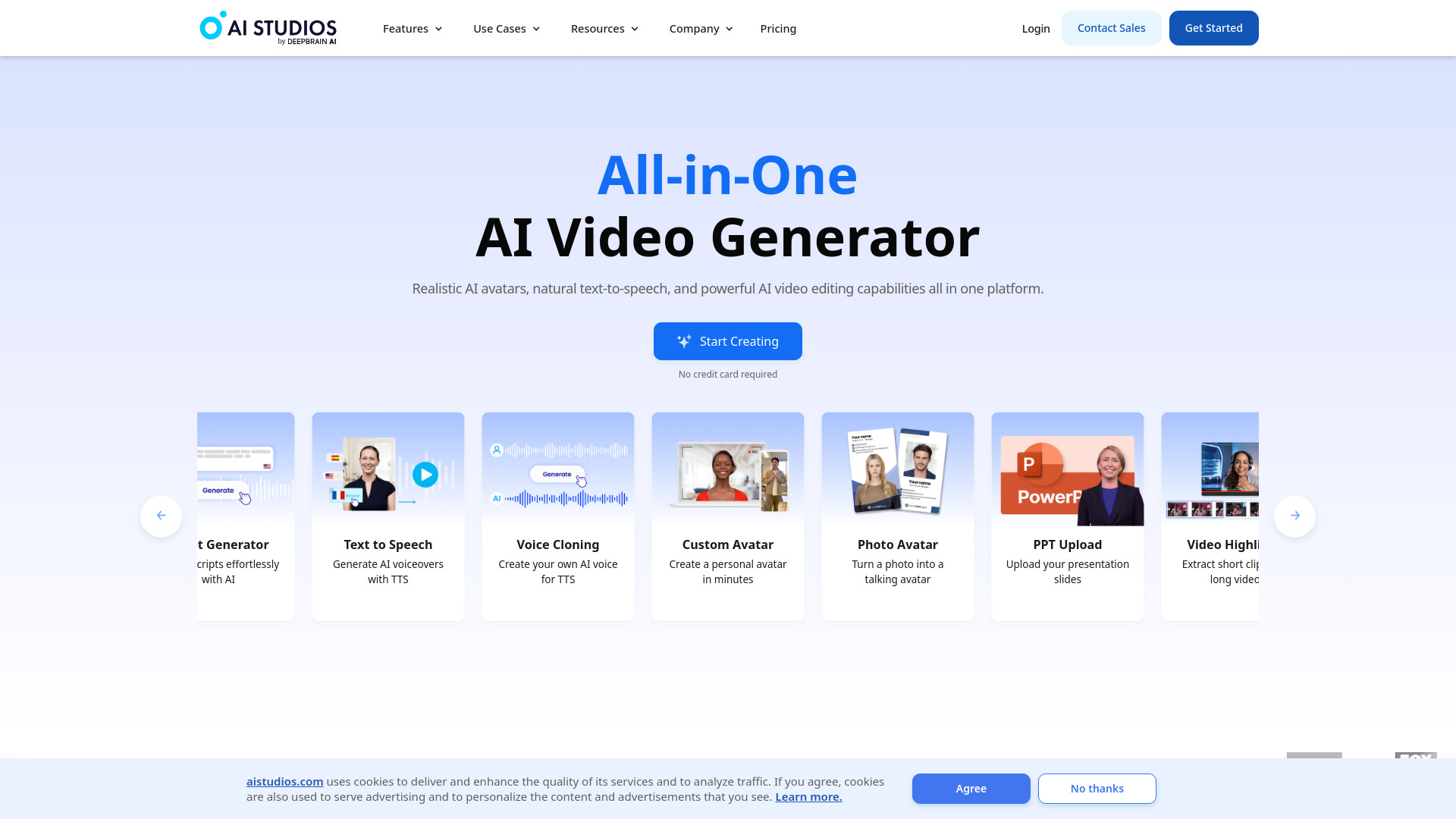
AI STUDIOS is built around a familiar presenter-led format: choose an AI avatar, supply the material, and produce a video with synthetic narration. The scale of its avatar and voice catalog is the reason it ranks so highly here-150+ realistic digital avatars and voices in 80+ languages give educators considerably more room to match a course, audience, or language requirement.
This is one of the clearest choices for training, explainers, and instructional content where a consistent on-screen presenter matters more than cinematic camera movement. It is also an all-in-one creation and editing platform, so the workflow is broader than a simple avatar demo.
My take: For a teacher or L&D team that wants repeatable presenter videos, AI STUDIOS is easier to evaluate than general-purpose generators. The avatar-and-language combination gives it a defined job to do.
Where it falls short: The free plan limits exports to three videos per month and restricts features. That is enough to test the format, but not enough for a high-volume publishing workflow without moving to a paid plan.
Key features
More than 150 realistic digital avatars.
AI voices in more than 80 languages.
Text-based AI video generation and editing.
Pros
Strong fit for education and instructional video.
Broad avatar selection for different presentations.
Multilingual voice support is unusually explicit and useful.
Cons
Free access is limited to three video exports per month.
The most useful production volume may require a paid plan.
Choose AI STUDIOS if: You need an AI presenter for lessons, training, or explainers and want many avatar and language options.
3. WayinVideo

WayinVideo
Best AI clipping workflow for video creators
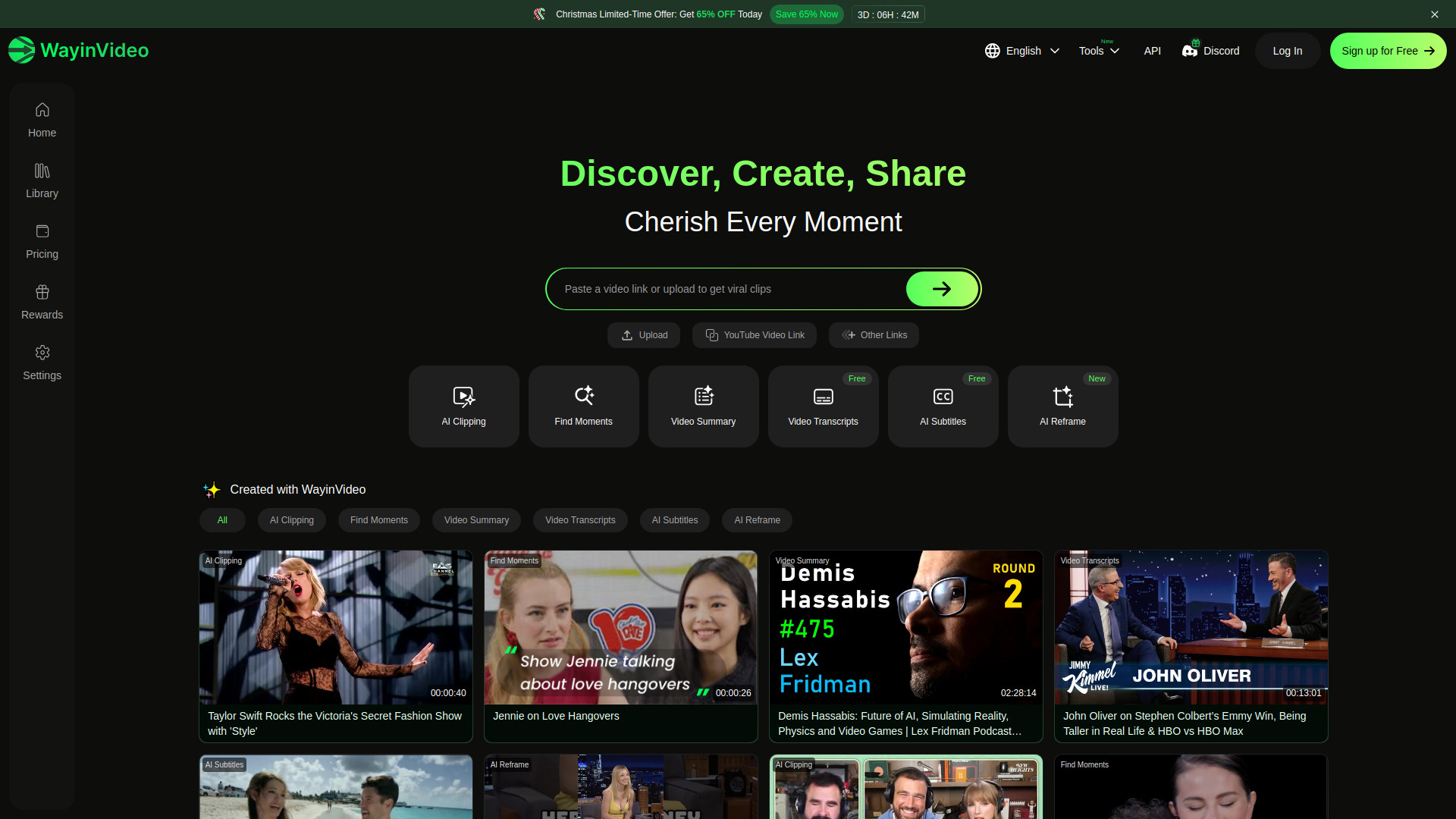
WayinVideo earns its place by treating long-form video as raw material. Its AI Clipping feature automatically extracts viral clips, while Find Moments lets you search a video for specific scenes, objects, people, or sounds. That is a much more concrete workflow than a generic promise to "make videos with AI": upload or work from existing content, locate the useful moments, and turn them into shorter pieces.
The platform also lists video summaries and text-based editing, giving creators multiple ways to reduce the time spent scrubbing through recordings. For podcasts, interviews, webinars, and other long sessions, the ability to search for moments can matter as much as the final export.
My take: WayinVideo is one of the best AI for video options when your content already exists. I would choose it before a prompt generator for a creator whose backlog is full of long recordings waiting to become social clips.
Where it falls short: Specific pricing details for plans are not readily available, even though a free starting price is listed. You should confirm what the free workflow includes before building a production process around it.
Key features
AI clipping that extracts short-form moments from long videos.
Find Moments search for scenes, objects, people, and sounds.
Video summaries and editing by text.
Pros
Directly addresses the work of repurposing long videos.
Searchable video moments reduce manual review time.
Free access includes several useful starting workflows.
Cons
Plan-level pricing details are not clear.
Its focus is repurposing existing footage rather than pure text-to-video generation.
Choose WayinVideo if: You have long recordings and want AI to find, summarize, and cut the strongest short-form moments.
4. OiiOii.ai

OiiOii.ai
Best managed AI animation workflow for directors
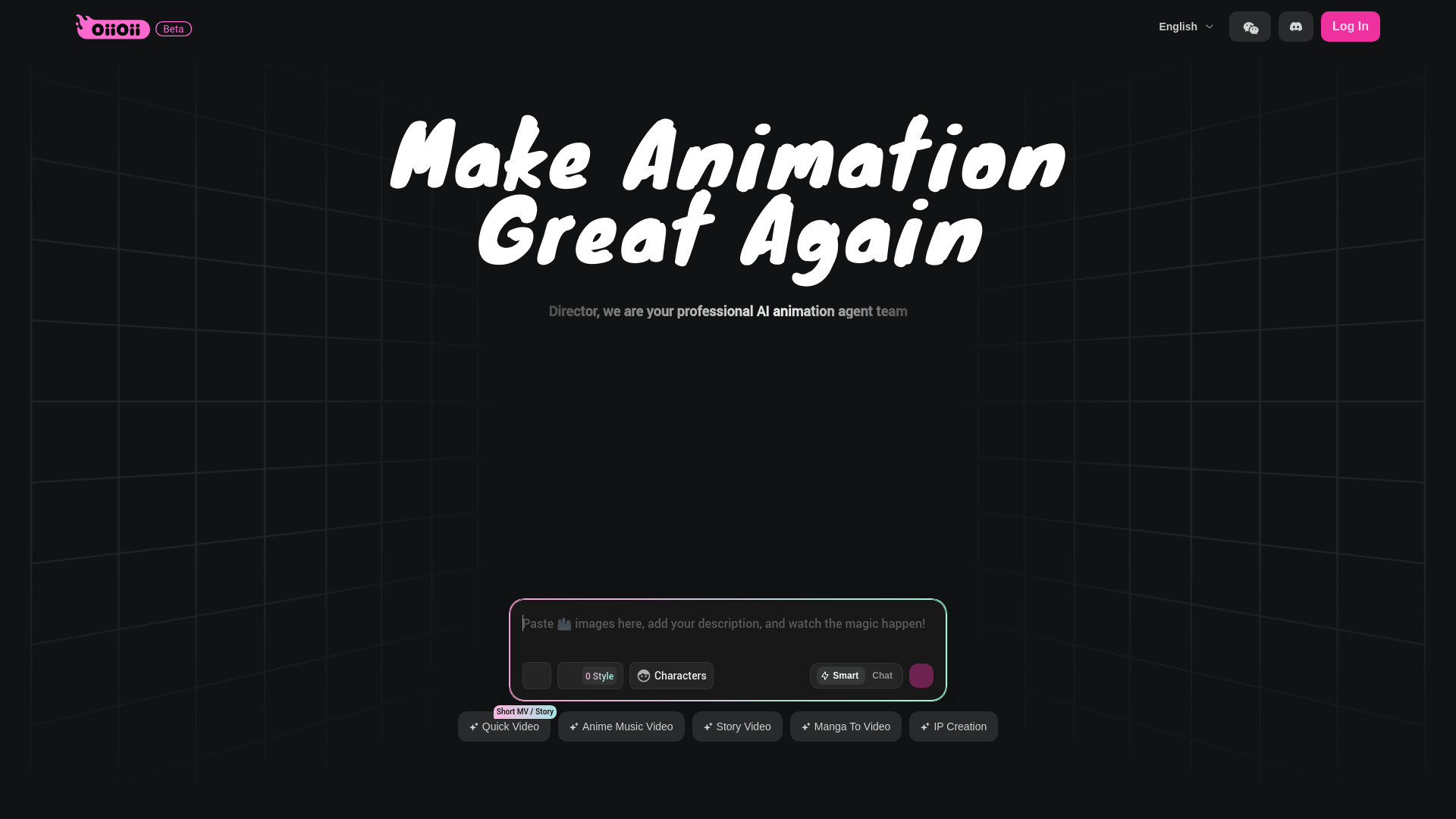
OiiOii.ai takes a team-based approach to animation. Its AI animation agent team includes roles such as art director, scene designer, scriptwriter, IP designer, character designer, and storyboard artist. That role structure is important: it suggests a guided creative pipeline rather than a single prompt producing an isolated visual.
The platform also promises fully managed, one-click results and chat for precise execution. For directors and concept-led creators, that combination could make the process feel closer to briefing a small creative department than operating a conventional editor. The appeal is strongest when the project needs continuity across story, characters, scenes, and visual planning.
My take: OiiOii.ai is the most interesting choice here for someone thinking in scenes and storyboards. It is less obviously the right pick for a quick social caption video, but its multi-role animation concept gives it a distinctive place in the shortlist.
Where it falls short: Pricing details were not available as a clean offer, so it is difficult to estimate production costs upfront. The platform also provides fewer concrete export or generation limits to compare than some competitors.
Key features
AI animation team spanning art direction, scripts, scenes, characters, and storyboards.
Fully managed, one-click results.
Chat-based execution for more precise instructions.
Pros
Covers multiple creative roles in one workflow.
Strong conceptual fit for directors and animation projects.
Offers a managed experience rather than requiring every step manually.
Cons
Pricing needs to be checked with the vendor.
The broad animation workflow may be more than a simple social-video project needs.
Choose OiiOii.ai if: You want an AI-assisted animation team that can help organize story, character, scene, and storyboard decisions.
5. Flow AI

Flow AI
Best cinematic prompt workflow for content creators
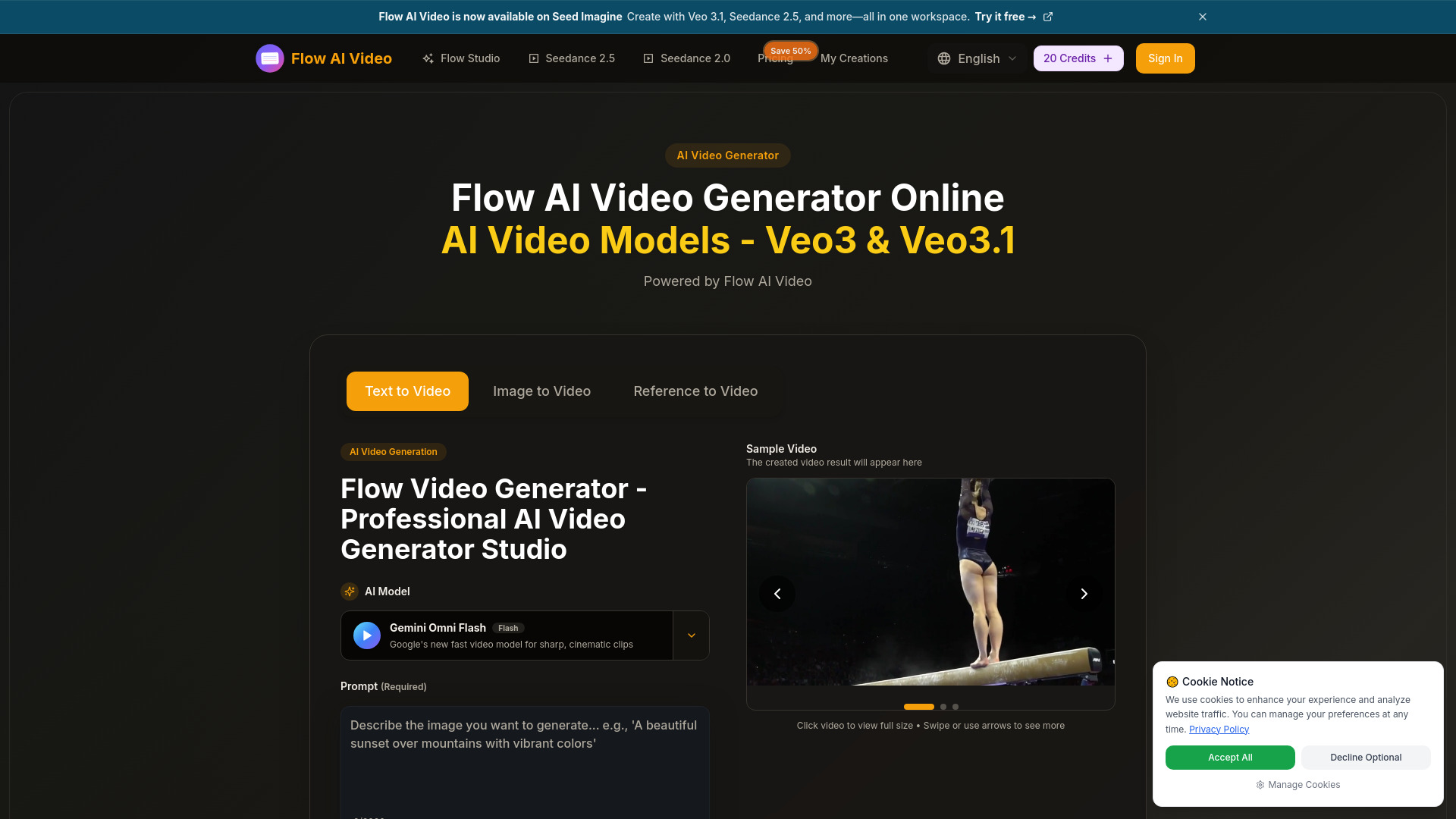
Flow AI focuses on the two prompt inputs creators use most often when building visual concepts: text and images. It supports text-to-video and image-to-video generation, with cinematic multi-shot storytelling and video quality up to 4K listed among the offer details. That makes it a more natural fit for visual experiments, concept sequences, and story-driven clips than for editing an existing recording.
The image-to-video path is particularly useful when you already have a still, character, product image, or visual reference and want motion without rebuilding the idea from scratch. The multi-shot storytelling angle also points toward sequences rather than one-off animated images.
My take: Flow AI is a strong contender for creators who want to turn an idea or reference image into a cinematic sequence. The $19.90 monthly starting point is clear enough to begin budgeting, although credit consumption deserves attention.
Where it falls short: The service requires credits to generate videos, so a low headline price may not tell you how much usable output you receive. It is also less suited to conventional editing and repurposing than the tools above.
Key features
Text-to-video generation.
Image-to-video generation.
Cinematic multi-shot storytelling.
Video quality up to 4K is listed in the offer.
Pros
Supports both prompt-first and reference-image workflows.
Good fit for cinematic concepts and visual storytelling.
Free trial credits let new users test the generation process.
Cons
Video generation requires credits.
Credit economics may be more important than the monthly price alone.
Choose Flow AI if: You want to create cinematic videos from text prompts or still images and are comfortable managing generation credits.
6. Veo3 AI

Veo3 AI
Best text-and-image video generator for content creators
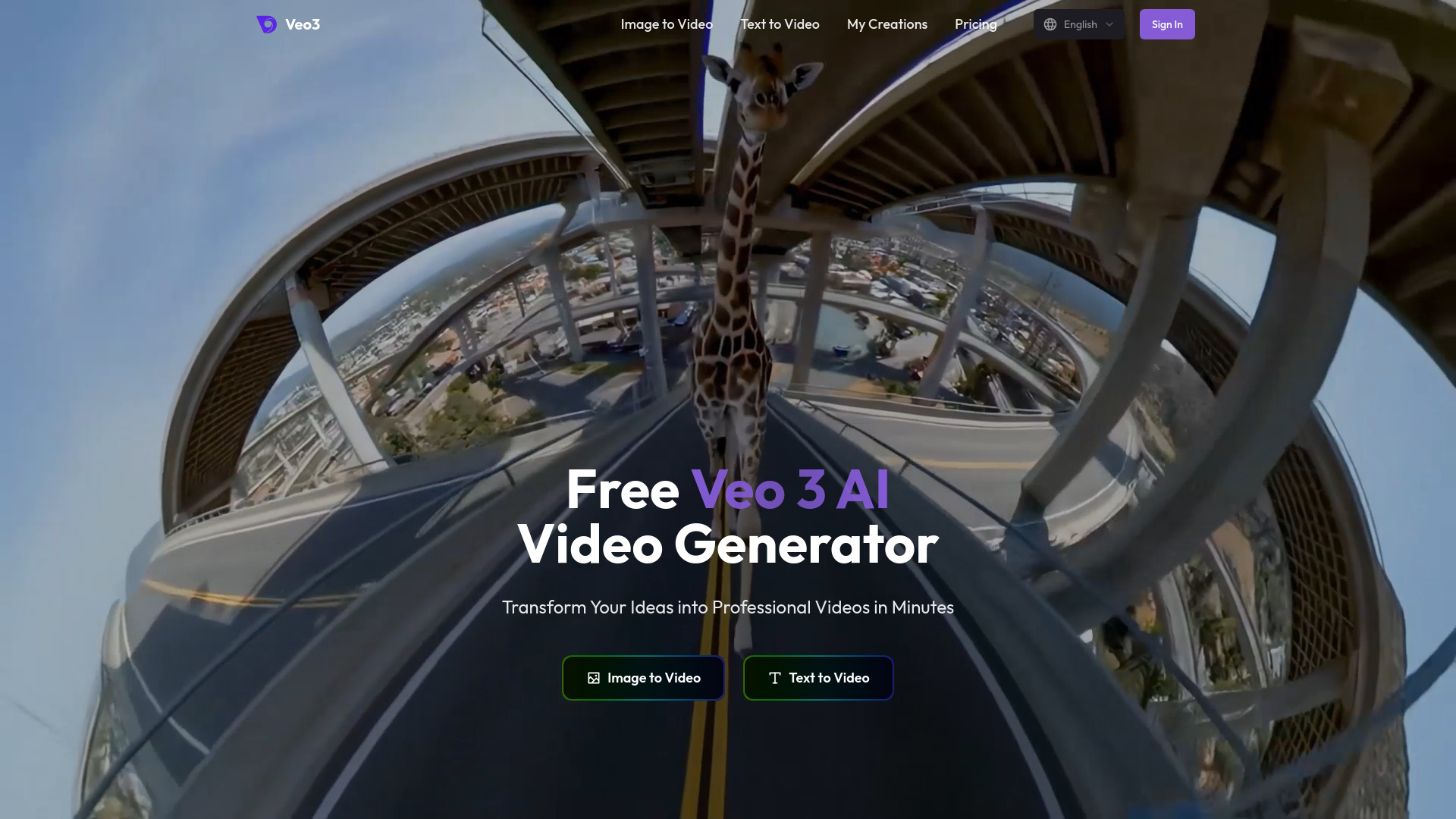
Veo3 AI keeps its workflow easy to understand: generate videos from text and images, with 4K video output presented as a headline capability. That makes it a straightforward candidate for creators who want to move from an idea or visual reference to a rendered clip without adding an avatar, editor, or repurposing layer.
Its free-to-start access and a listed Mini Plan at $15 per month make the first evaluation relatively simple. The product is most compelling when resolution is a deciding factor, particularly for creators who want to explore high-quality visual output from both written and image-based prompts.
My take: Veo3 AI deserves consideration when you want a direct generation tool with a clear text/image input model. I would test the actual output and plan limits before assuming the 4K claim applies to every paid workflow.
Where it falls short: The homepage claim of 4K video conflicts with the stated 1080p output on paid plans. That inconsistency is significant enough that buyers should verify resolution, credits, and export conditions before paying.
Key features
AI video generation from text and images.
4K video output is stated on the homepage.
Text-to-video and image-to-video workflows.
Pros
Simple input model for prompt-led video creation.
Free-to-start access supports initial testing.
A paid starting plan is listed at $15 per month.
Cons
Paid-plan resolution details contradict the general 4K claim.
Output quality and limits should be verified before purchase.
Choose Veo3 AI if: You want a direct text-to-video or image-to-video generator and resolution is central to your decision.
7. Steve AI

Steve AI
Best text-to-video workflow for L&D teams
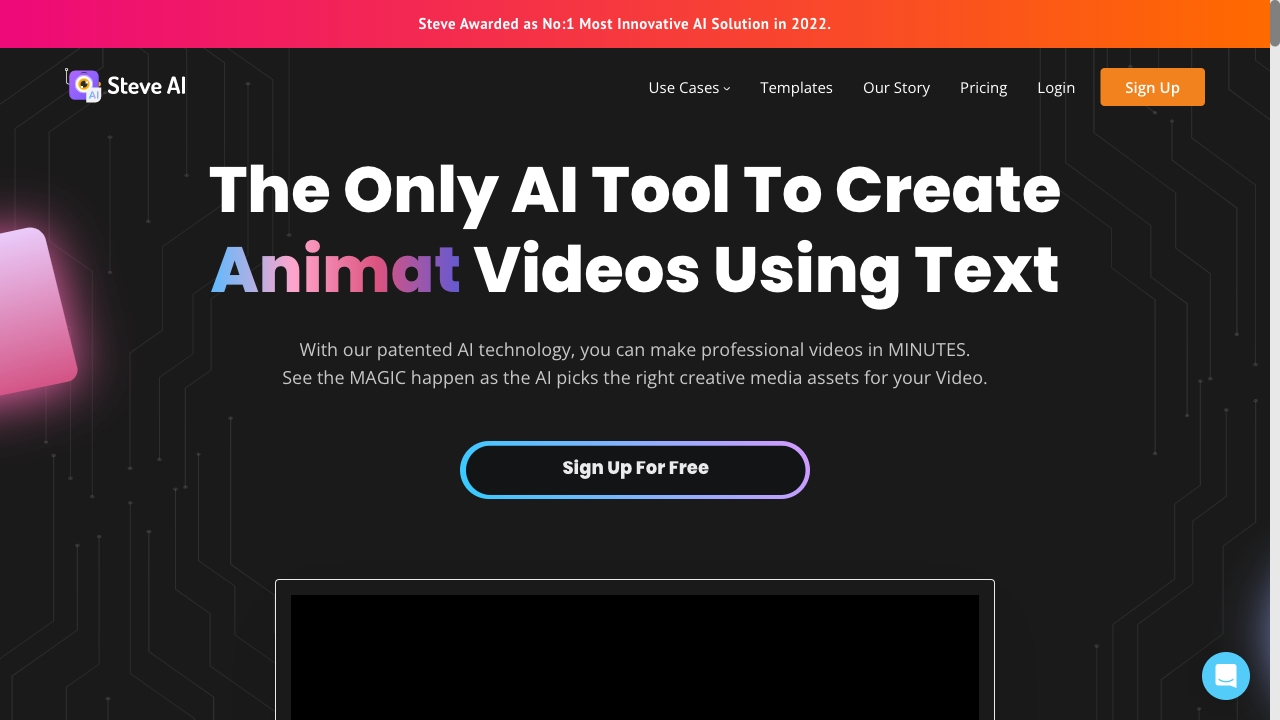
Steve AI is aimed at the moment when a team already has words but not a finished video. It can create live and animated videos from text, scripts, and blog posts, with Creative AI and Search AI listed as core features. That gives marketers and learning teams a practical path from existing written material to visual content.
The blog-to-video and script-to-video angle is especially useful for organizations that publish regularly. Instead of asking a subject-matter expert to start with a storyboard, the team can use existing instructional or editorial text as the starting material and then refine the result.
My take: Steve AI is one of the better choices for structured content teams, particularly L&D groups that need animated or live-style videos from documentation. It is less compelling if your main goal is cinematic prompt generation.
Where it falls short: The free plan has limited assets, and access includes five video-generation credits per month. That is enough for a controlled trial, but asset variety and volume may become constraints for frequent publishing.
Key features
Live and animated video creation from text.
Conversion from scripts and blog posts into videos.
Creative AI and Search AI workflows.
Pros
Easy starting point for teams with existing written content.
Strong fit for learning and development workflows.
Free access includes five generation credits each month.
Cons
Free plan has limited assets.
Monthly credits may not support a high-volume content calendar.
Choose Steve AI if: You need to turn scripts, blog posts, or training text into accessible live or animated videos.
8. AIVideo.com

AIVideo.com
Best complete production workspace for YouTubers
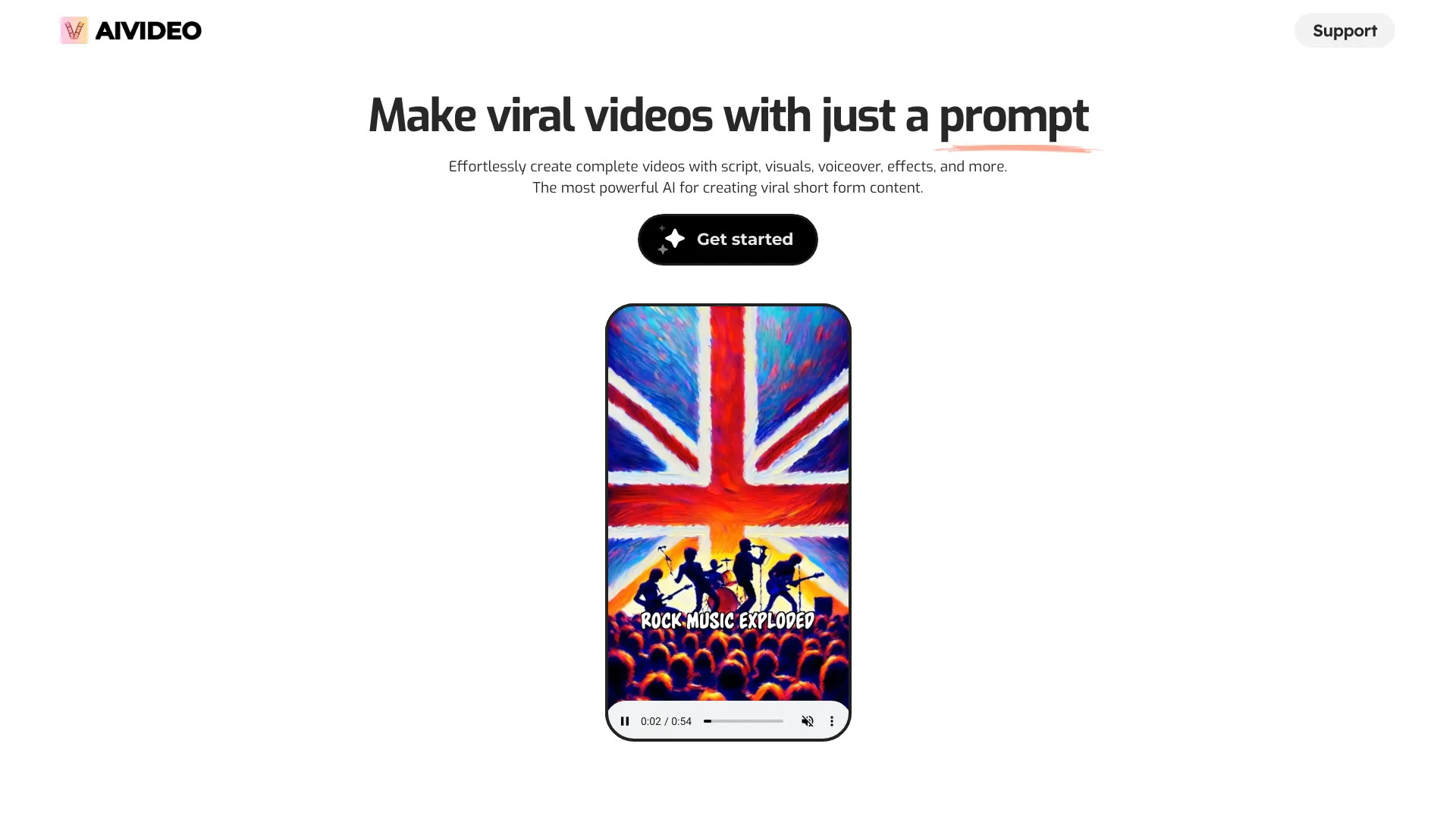
AIVideo.com positions itself as a complete production platform rather than a single-purpose generator. Its AI Video Composer creates full videos from simple instructions, while the AI Native Video Editor offers more direct creative control. The wider workflow can also generate scripts, voiceovers, visuals, animation, and video clips.
That combination makes it a natural fit for YouTubers who want to go from an idea to a finished package without switching between separate script, voice, visual, and editing tools. The 10K signup bonus credits provide a useful starting signal for exploring the platform, although the practical value depends on how quickly each production task consumes credits.
My take: AIVideo.com is appealing when convenience matters more than choosing the best specialist for every production step. It has the broadest "build the whole video" pitch in this shortlist.
Where it falls short: Pricing is not readily available on the main page, so the cost of sustained production is difficult to judge. A broad toolset can also mean more decisions for users who only need one narrow task.
Key features
AI Video Composer for full videos from simple instructions.
AI Native Video Editor for more creative control.
Script, voiceover, visual, animation, and clip generation tools.
Pros
Combines multiple production stages in one platform.
Strong fit for complete YouTube workflows.
Includes 10K signup bonus credits.
Cons
Pricing information is not readily available on the main page.
The all-in-one scope may be unnecessary for a focused editing task.
Choose AIVideo.com if: You want one workspace for scripts, voiceovers, visuals, animation, clips, and final video assembly.
9. SuperMaker AI Video Generator

SuperMaker AI Video Generator
Best integrated AI media suite for marketers
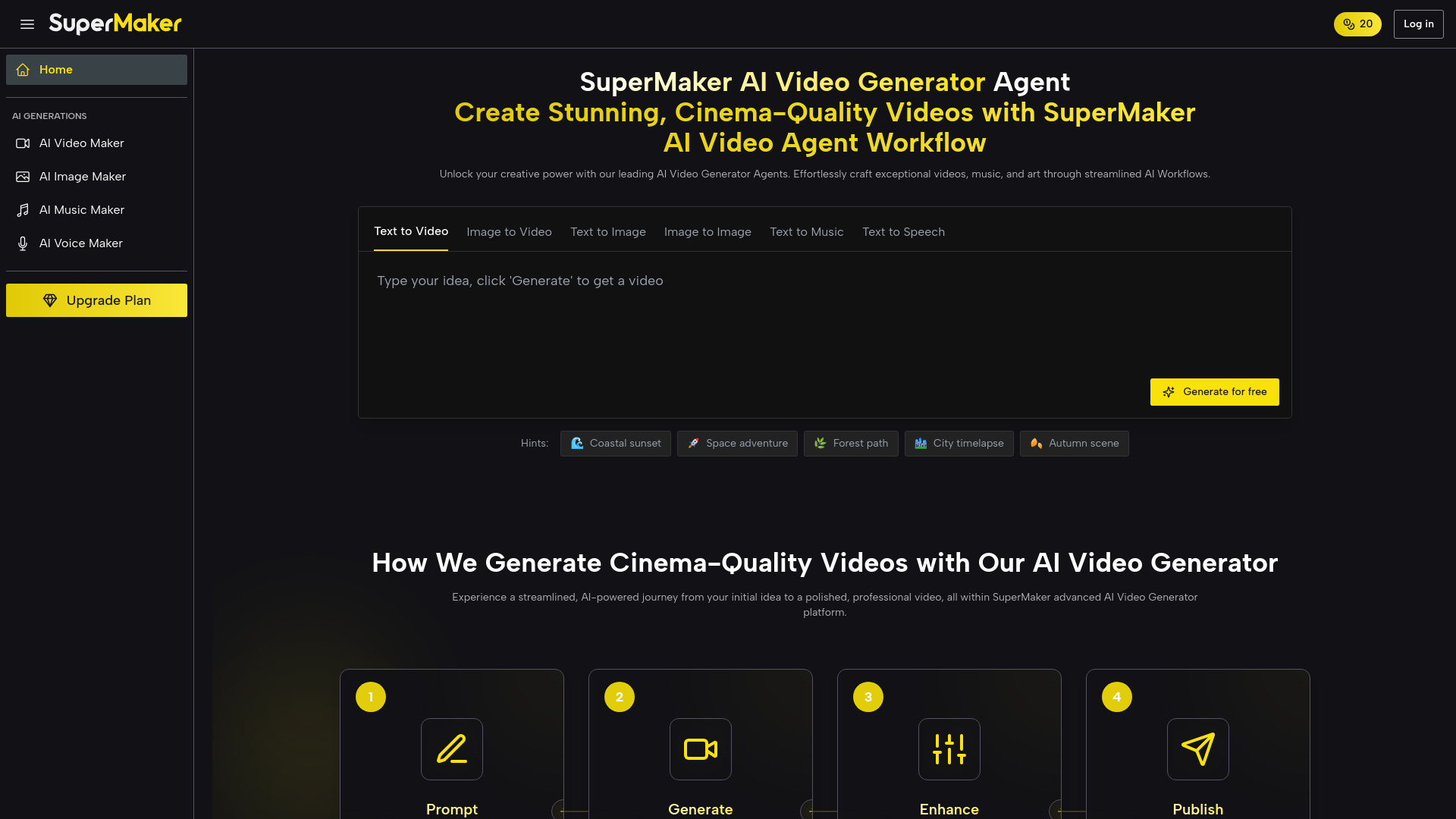
SuperMaker AI Video Generator broadens the brief from video alone to the assets surrounding a video. Its AI Video Maker includes text-to-video, image-to-video, storyboarding, and post-production, while the wider platform adds image, music, and voice generation. For marketers, that means fewer handoffs when a campaign needs a visual, soundtrack, narration, and several edits.
The 20 free credits and no-login-required access make it easy to test the product's central promise. The tool is especially interesting for users who want an integrated creative bundle rather than a dedicated video model followed by separate image and audio services.
My take: SuperMaker is the best ai for making videos when the brief includes more than moving pictures. The integrated music, voice, and image tools give marketers a useful way to prototype an entire content package in one place.
Where it falls short: The free plan has limited features and usage, so the initial trial may not represent a full campaign workflow. The listed starting offer should be checked carefully against the number of credits and generations required.
Key features
Text-to-video and image-to-video generation.
Storyboarding and post-production tools.
Integrated image, music, and voice generation.
Pros
Covers video, image, music, and voice creation together.
Useful for campaign prototyping and marketing content.
Offers 20 free credits with no login required.
Cons
Free access has limited features and usage.
Credit limits may restrict larger production workflows.
Choose SuperMaker AI Video Generator if: You need video plus supporting images, music, and voice assets from one creative platform.
10. AI Video Cut

AI Video Cut
Best long-video repurposing tool for content creators
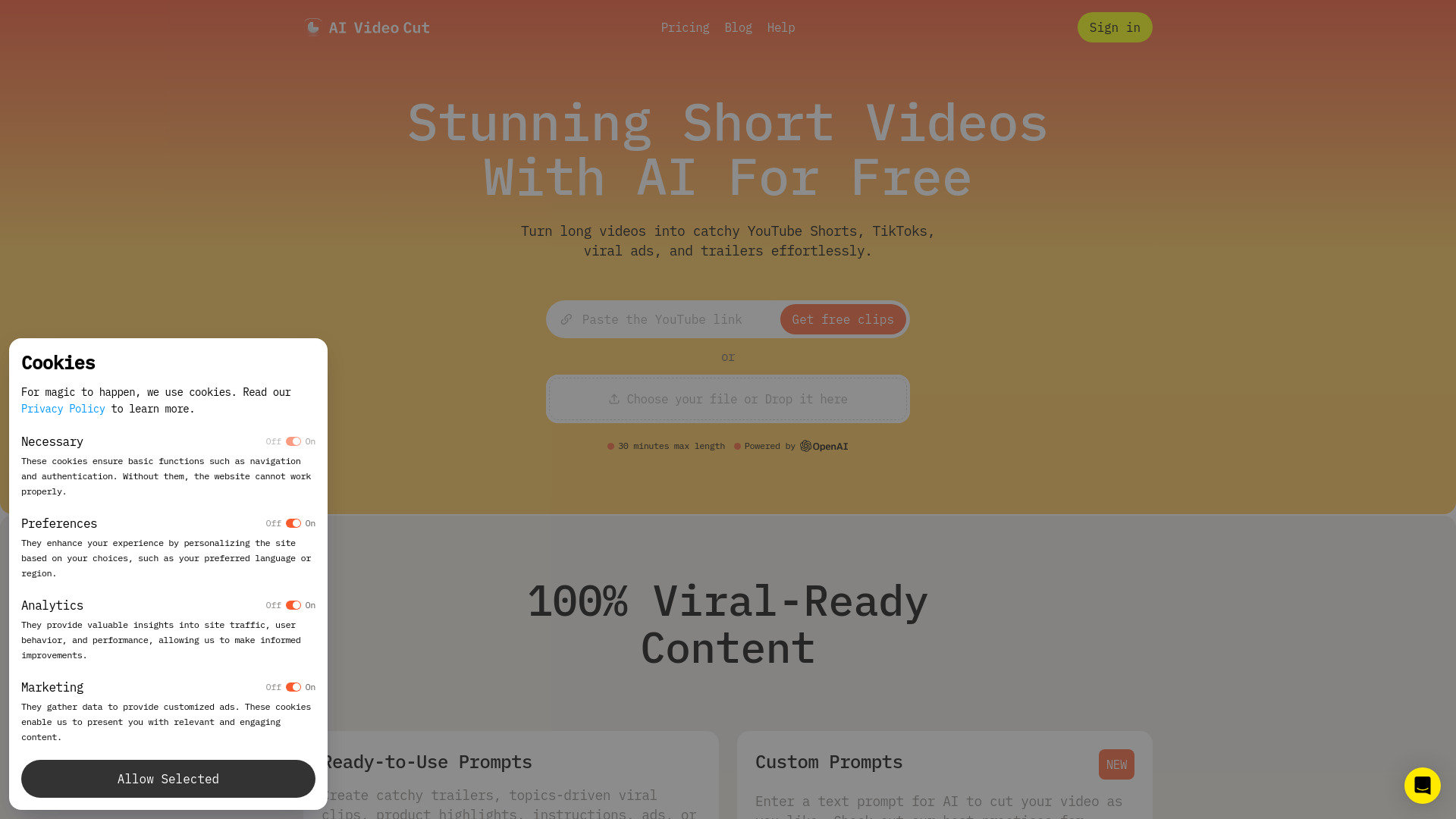
AI Video Cut is deliberately focused: turn long videos into engaging short content. Its AI Video Cut workflow combines high-accuracy video cutting and speech recognition, while ready-to-use prompts help users guide the transformation. The one-time 50-minute allowance gives creators a meaningful way to test the process with an interview, webinar, podcast, or recorded presentation.
This is not the tool to choose when you want to generate a complete fictional scene from a sentence. It is the better answer when the footage already exists and the challenge is finding a concise, social-friendly version. That narrower job can be an advantage because it keeps the user focused on repurposing rather than production from scratch.
My take: AI Video Cut is a sensible first experiment for creators with a backlog of long recordings. The free 50-minute allowance is easy to understand, and the speech-recognition focus maps directly to the work of finding usable spoken segments.
Where it falls short: Branded videos and Telegram bot features are still coming soon, so those workflows are not available as finished capabilities. It also has a narrower remit than an all-in-one video studio.
Key features
Converts long videos into short-form clips.
High-accuracy video cutting and speech recognition.
Ready-to-use prompts for guiding edits.
Pros
Clear, focused use case for social-content repurposing.
One-time 50-minute access supports a meaningful test.
Designed for engaging short video creation.
Cons
Branded videos and Telegram bot features are coming soon.
Does not target full text-to-video production.
Choose AI Video Cut if: You want to turn existing long videos into short social clips with less manual cutting and searching.
More tools to compare

Videotok
AI videos for creators and brands
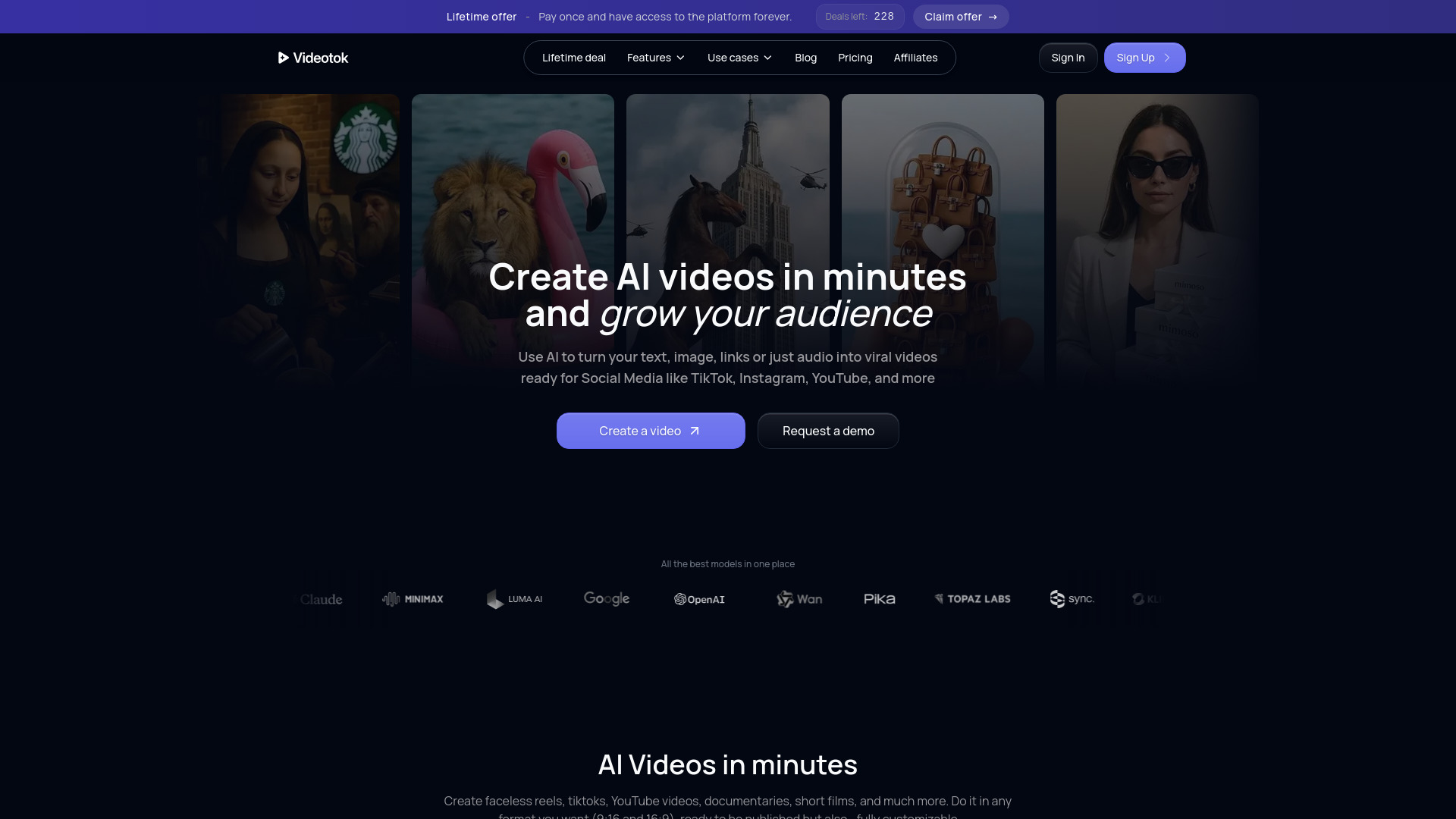

VideoAny
End-to-end AI video creation

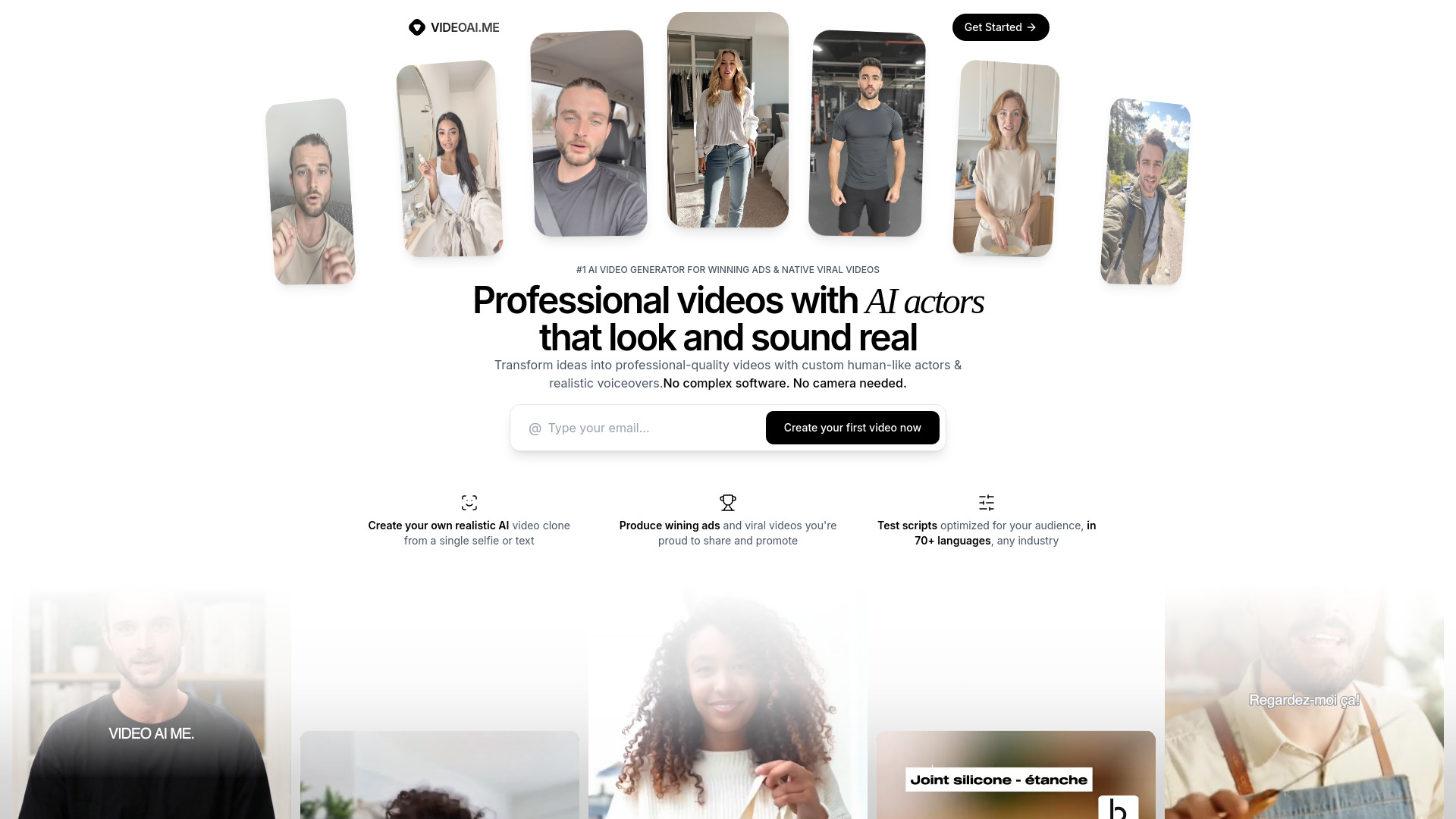
VIDEOAI.ME
Realistic AI actor videos

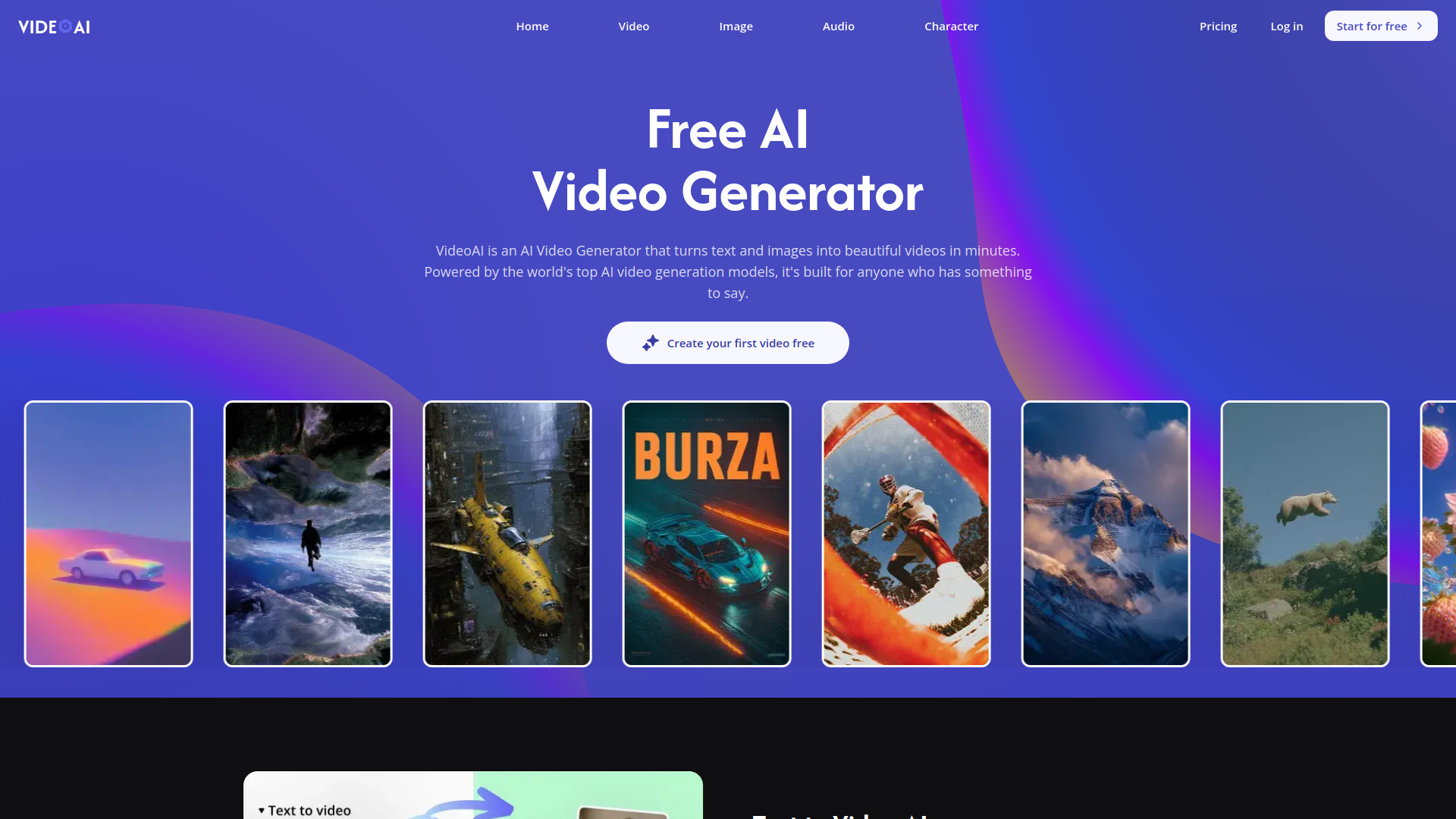
VideoAI
Multi-model AI video creators

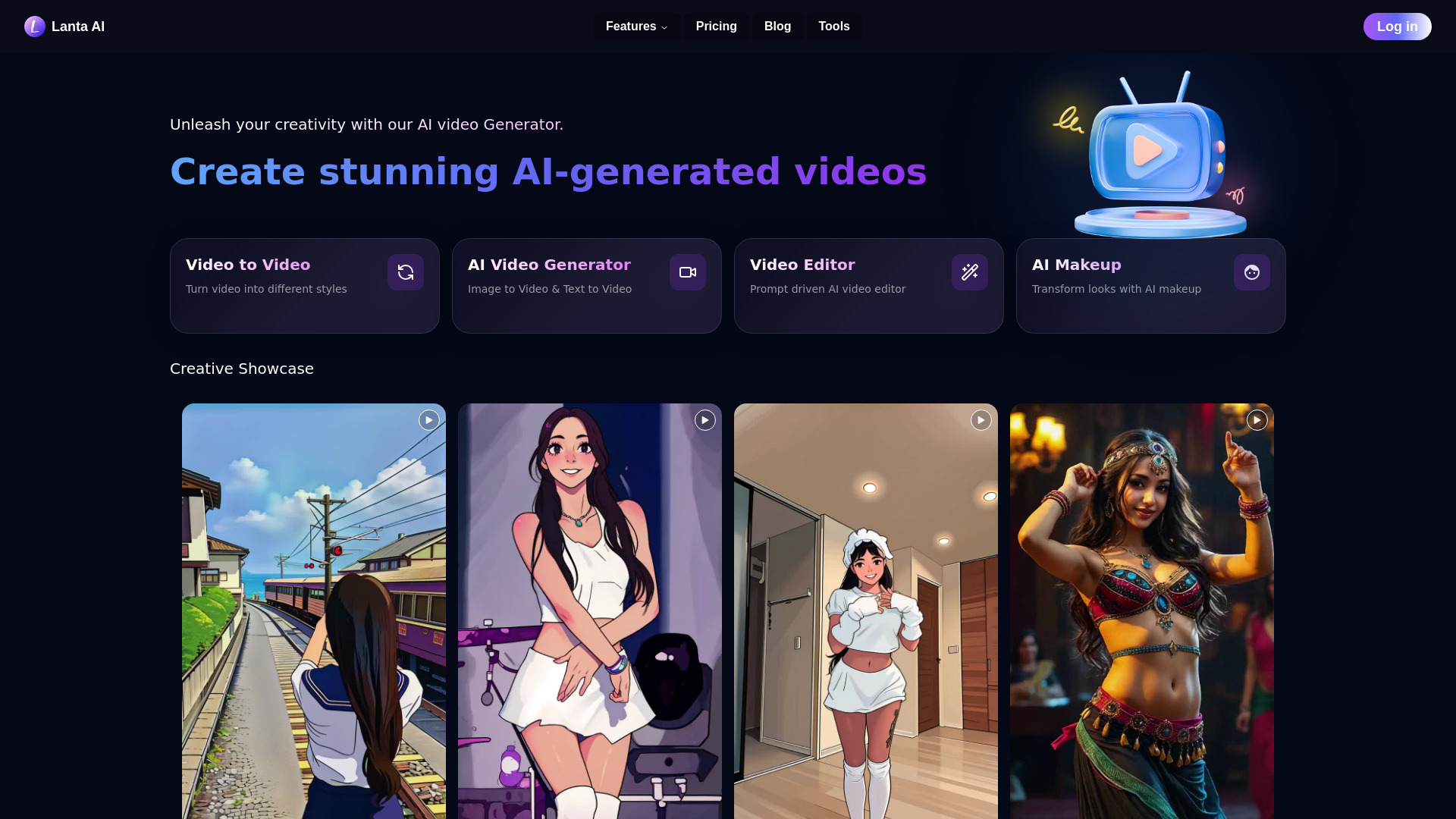
Lanta AI
Multimodal video creators

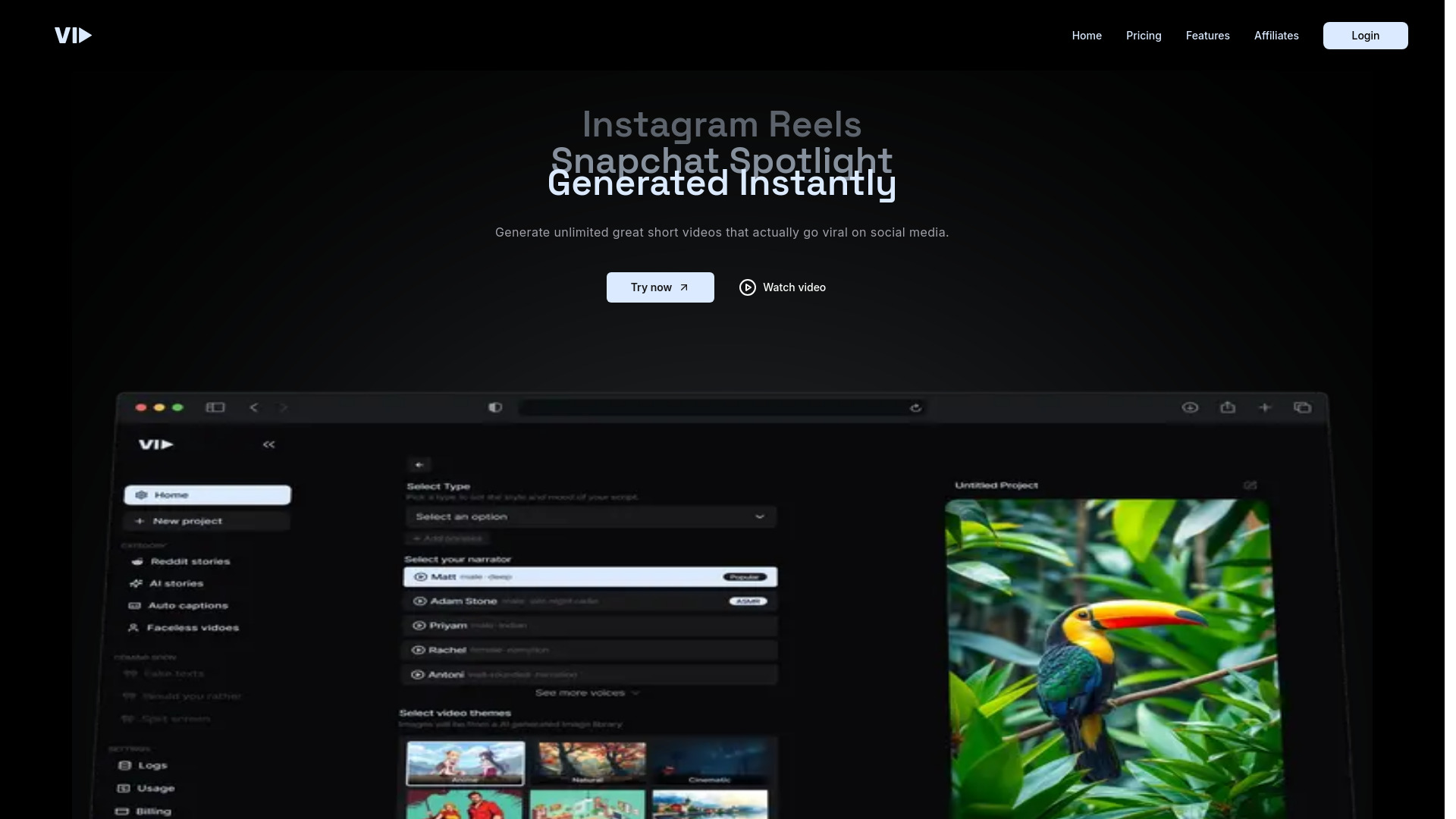
Vid.AI
AI short-form video creation

AIAI.com
All-in-one AI video creation


Free AI Video Maker & Generator
Short-form text and image video creation

V03AI
Cinematic videos with native audio

Textideo
Content creators making social videos

Videoinu
Faceless animated story videos

Eddie AI
AI-assisted interview editing

VO3 AI
Cinematic AI video generation

ImageToVideo AI
Image-to-video content creation

AI Story Video Generator
Faceless short-form story videos

VideoTube
Template-based social and product videos

AI Studio for Video
Multi-model AI video workflows

Boolvideo
Product and social video creation

VideoIdeas.ai
YouTube script generation

Prism
Short-form video creators

AI Pet Video Generator
Pet photo-to-video creation

RE:Create Video
Trend-driven short-form video creators

Photo Video AI
Photo-to-video creators

Footage
AI video generation from images and text

Image-to-Video Maker
Creators making text- and image-to-video content

AIVideoFree
Free image-to-video creation

ImageToVideoAI
Multi-model image-to-video creation

AI Video API
Developers building AI video apps

yesTool AI
Text-to-video and multimedia creation

Tool Video
Multi-model AI video creation

AIShowX
Text and image-to-video creation

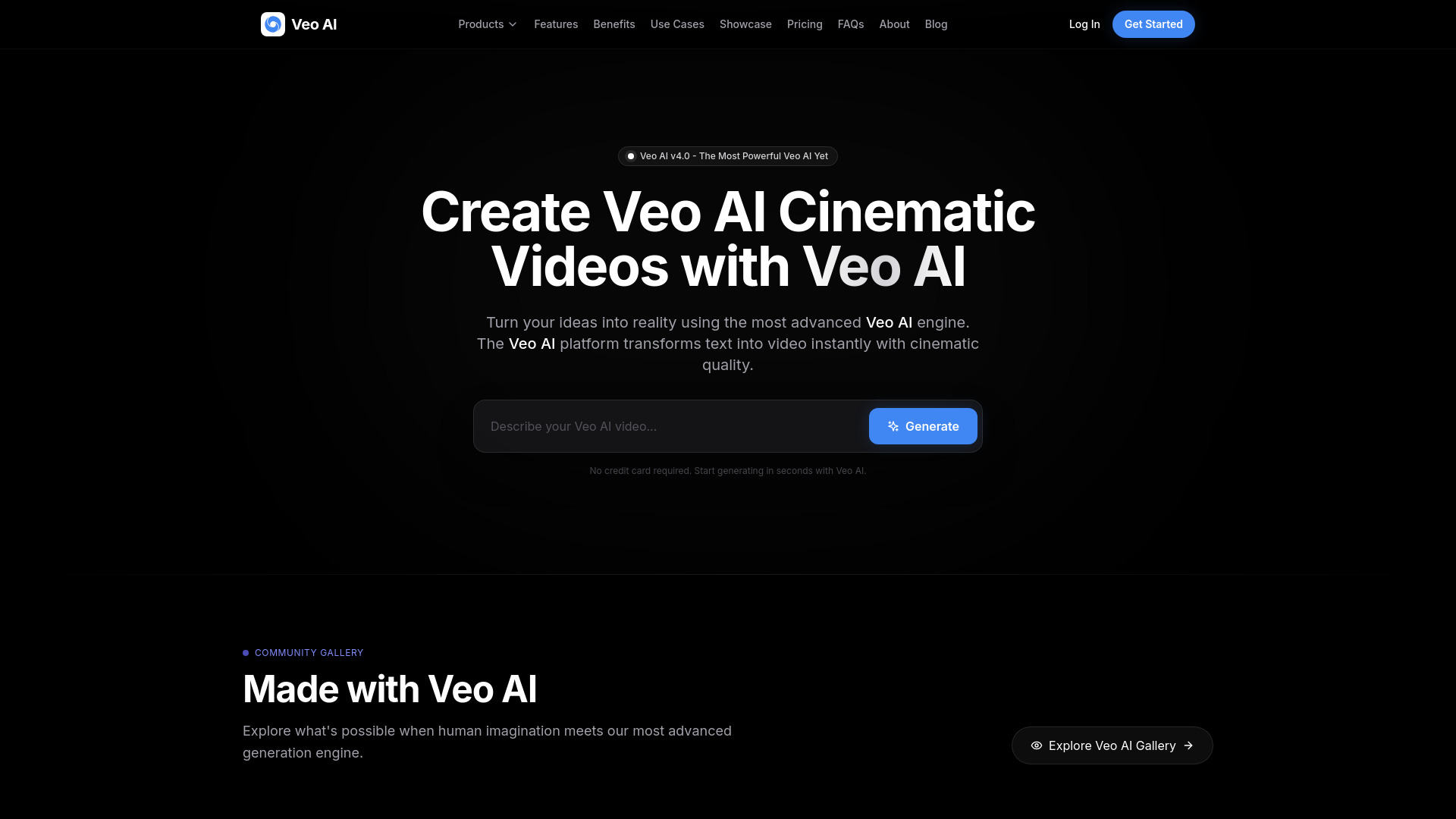
Veo Ai
Cinematic text-to-video creation

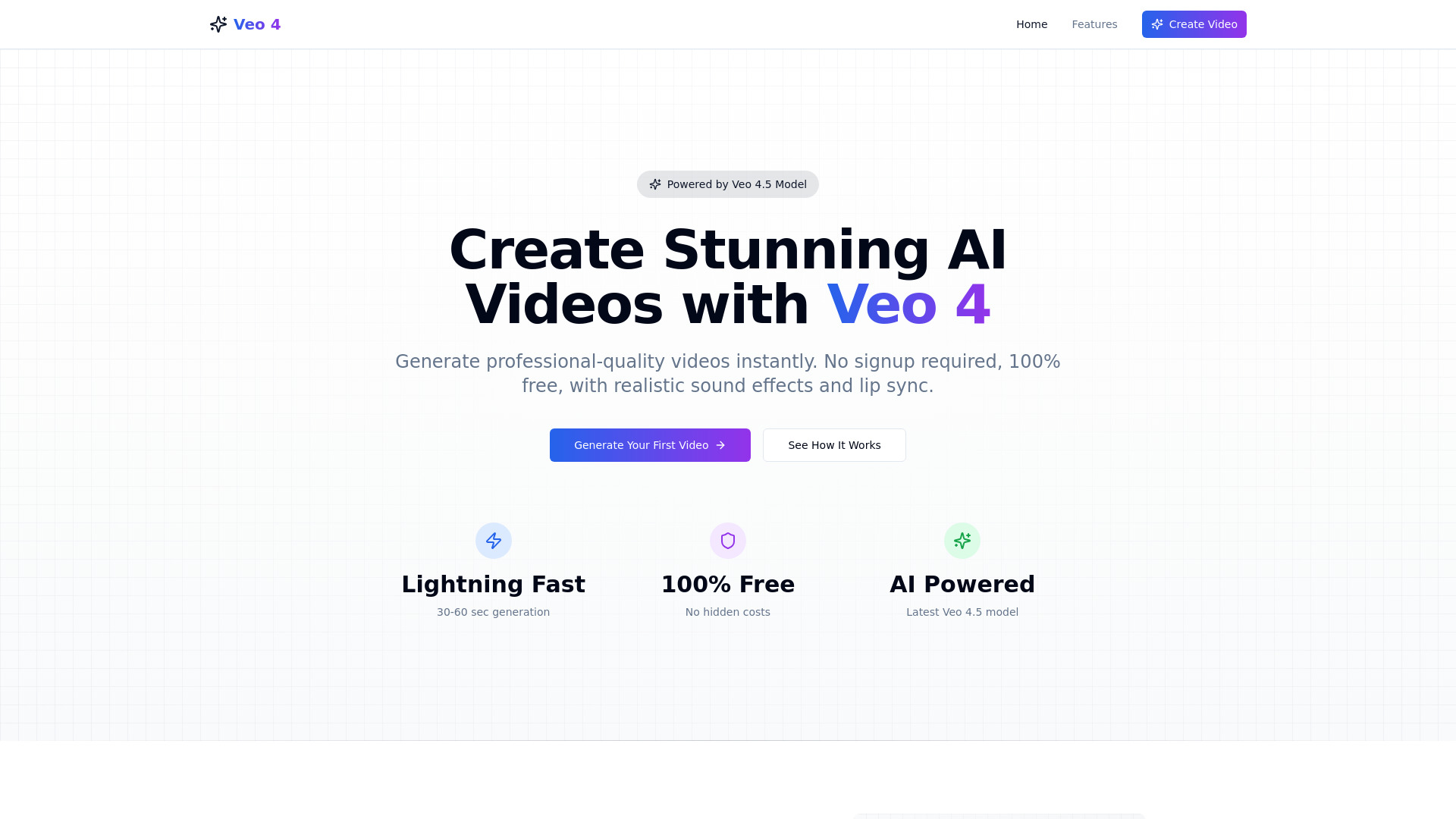
Veo 4 ai
Short-form video creators

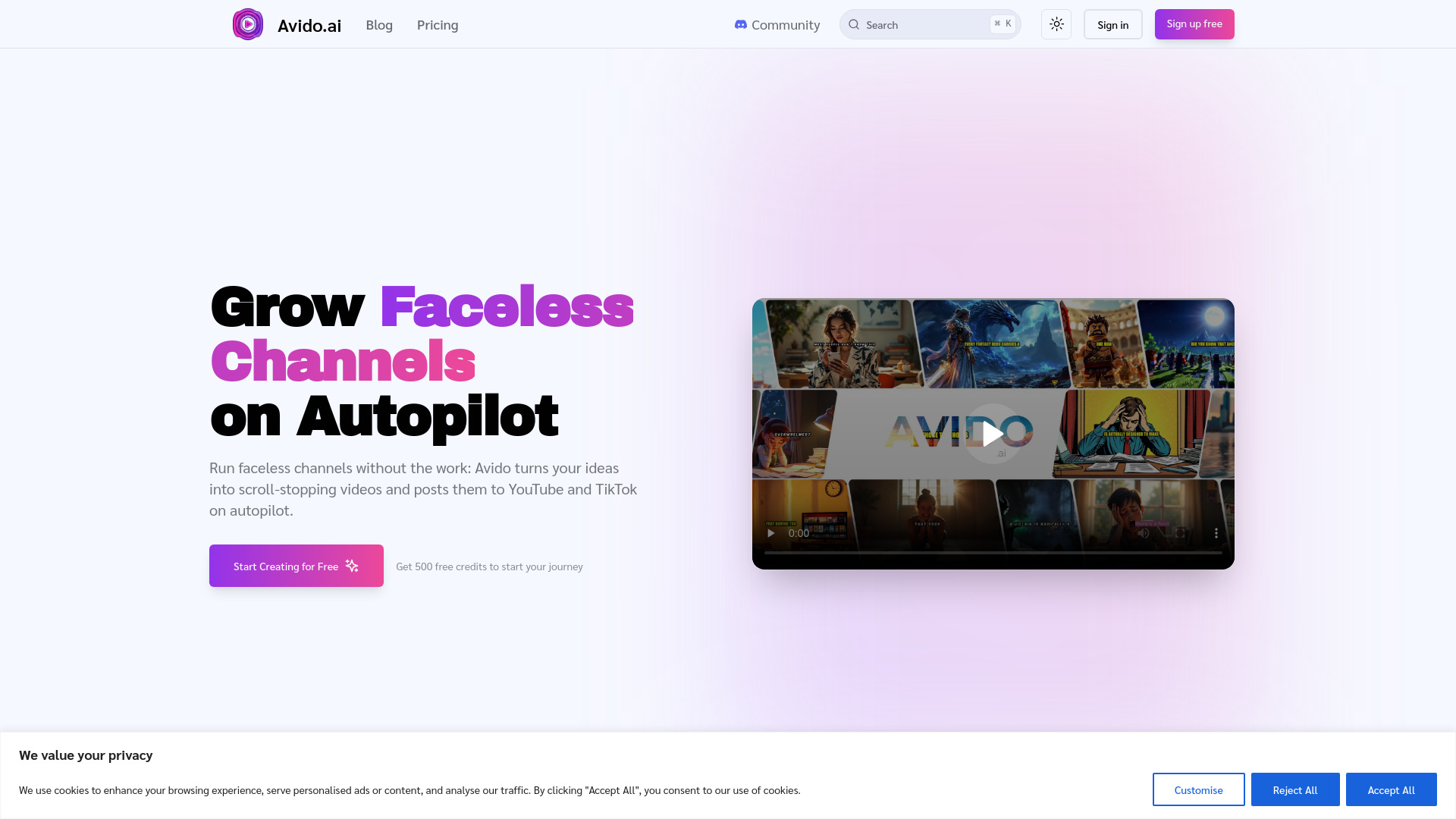
Avido.ai
Faceless YouTube and TikTok video creators

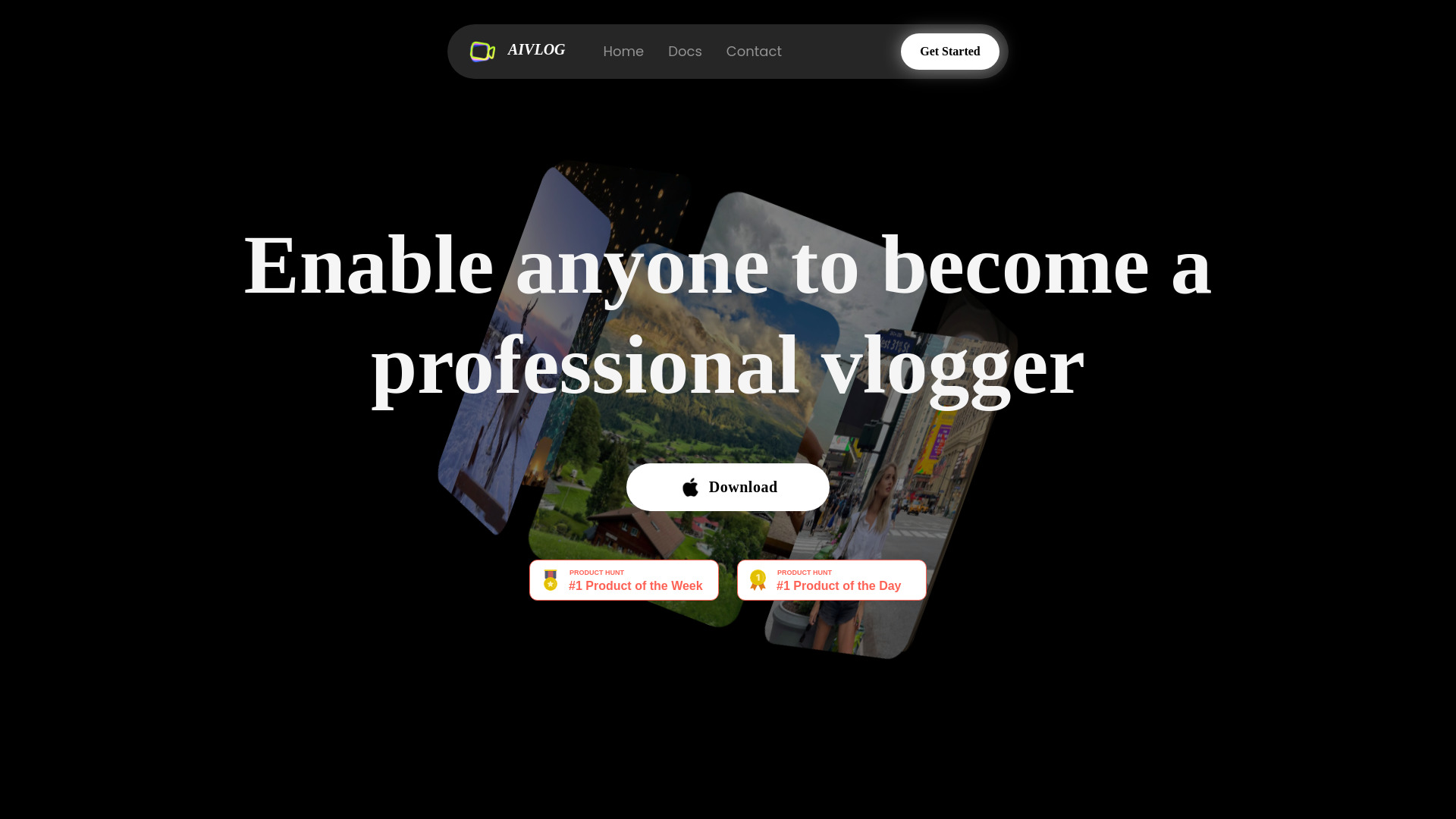
AIVLOG
Automatic vlog highlight selection

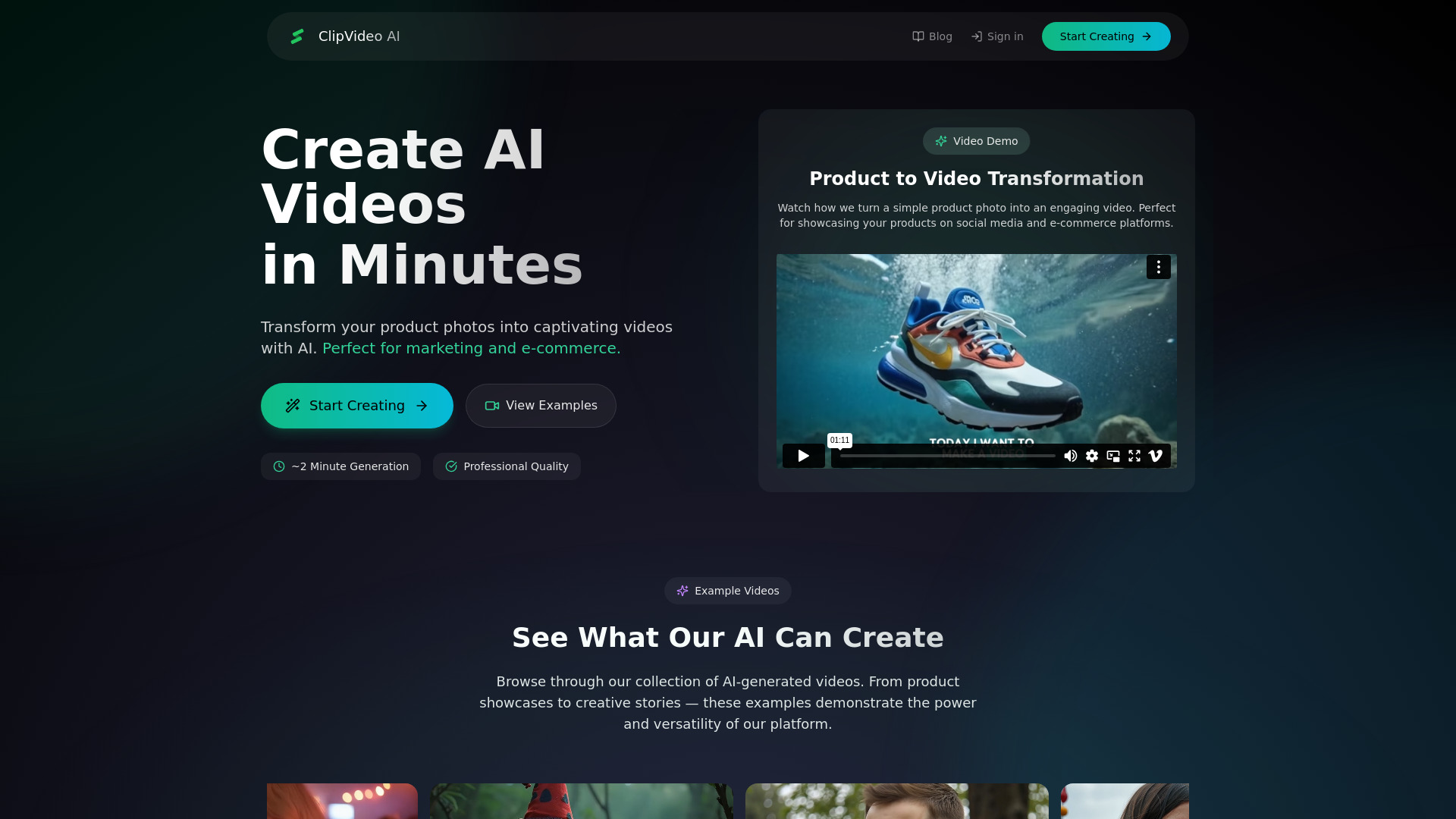
ClipVideo AI
Photo-to-video marketing
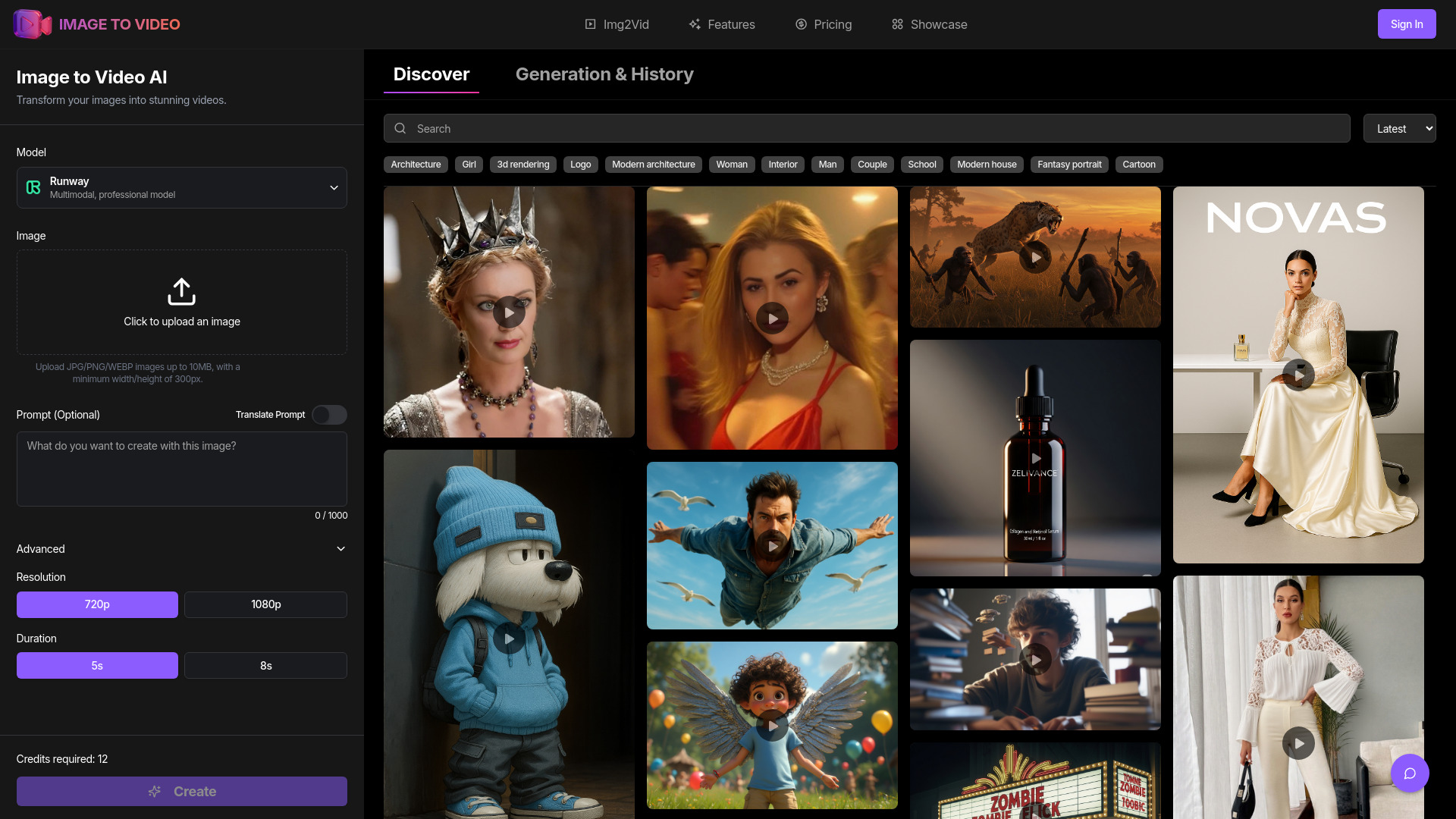
ImageToVideoAI
Image-to-video creators using multiple AI models

image to video ai
Turning images into short AI videos
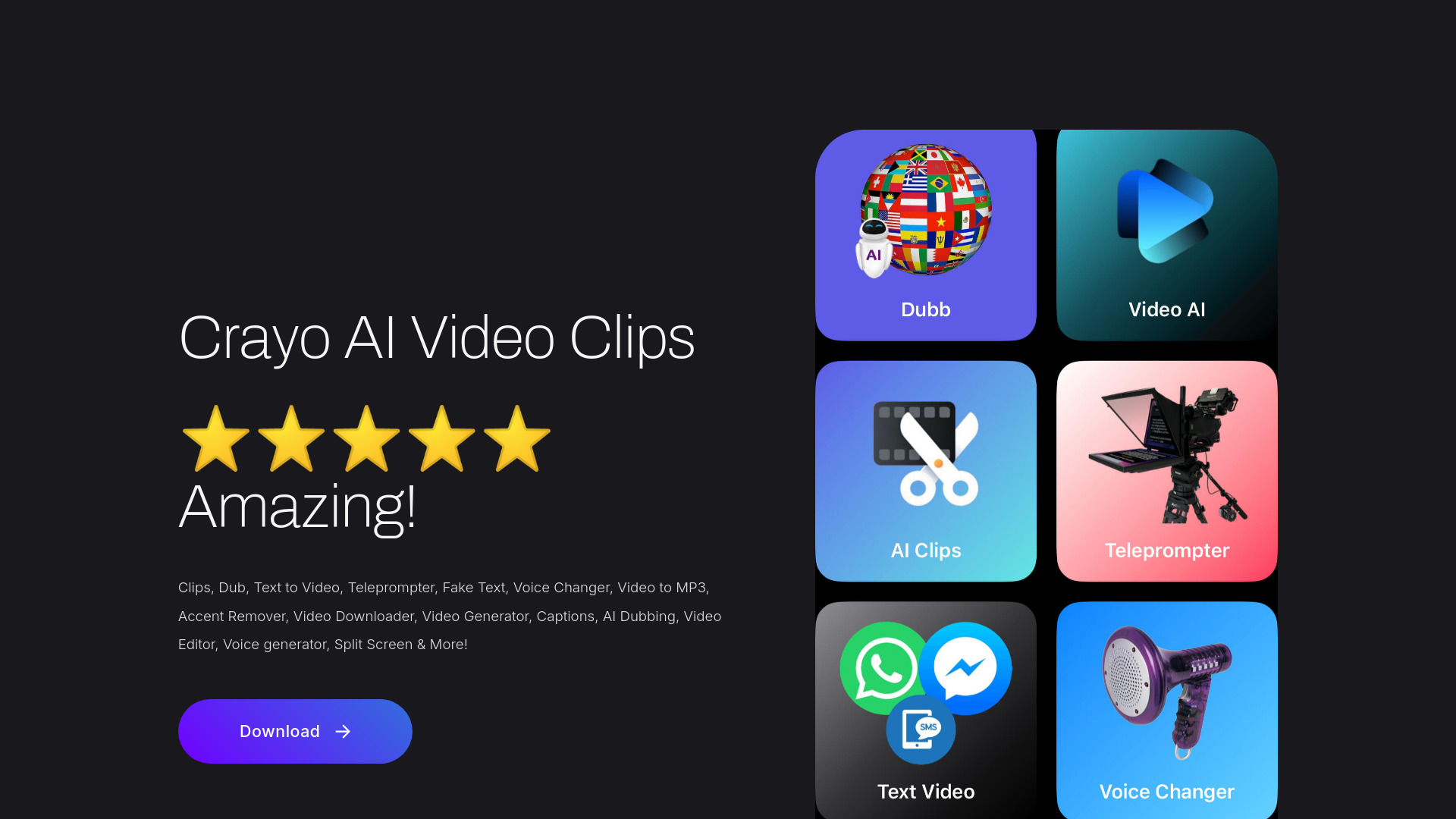
Crayo AI Video Clips Generator
AI clips for short-form video

Veo Video
Short-form video creators
Veo3 AI
Short-form creators and educators
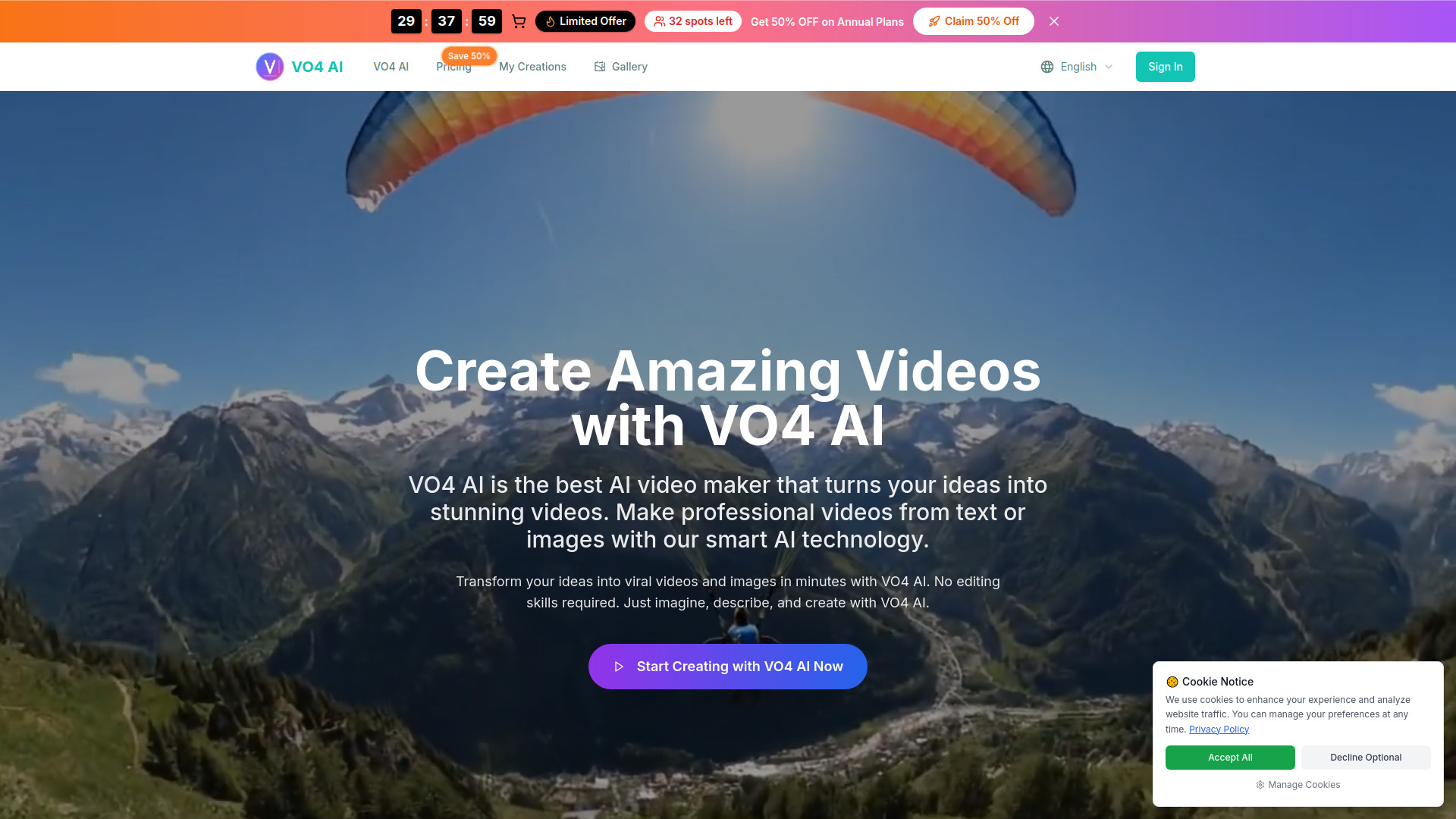
VO4
Social media and marketing videos

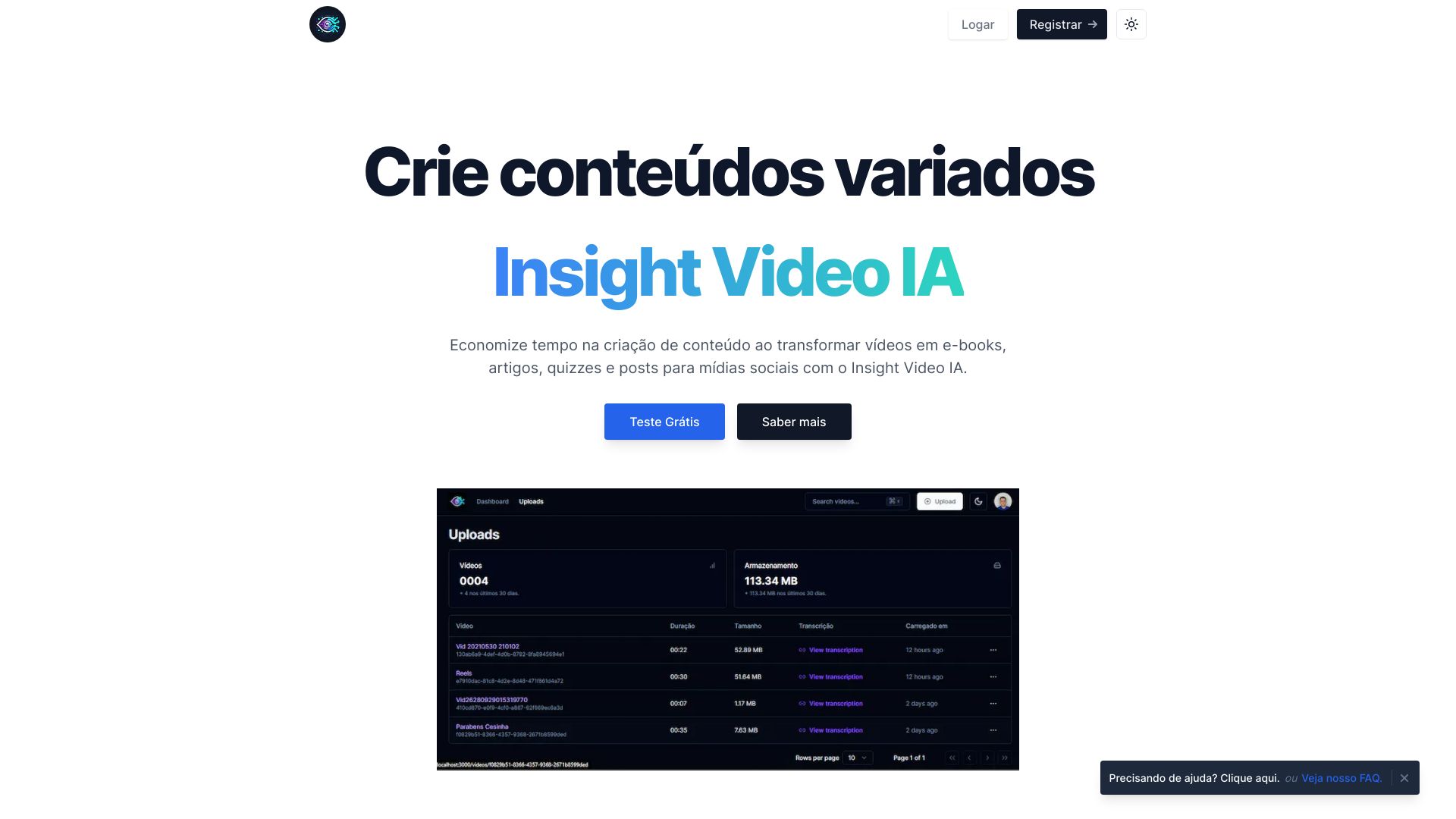
Insight Video IA
Educational video repurposing

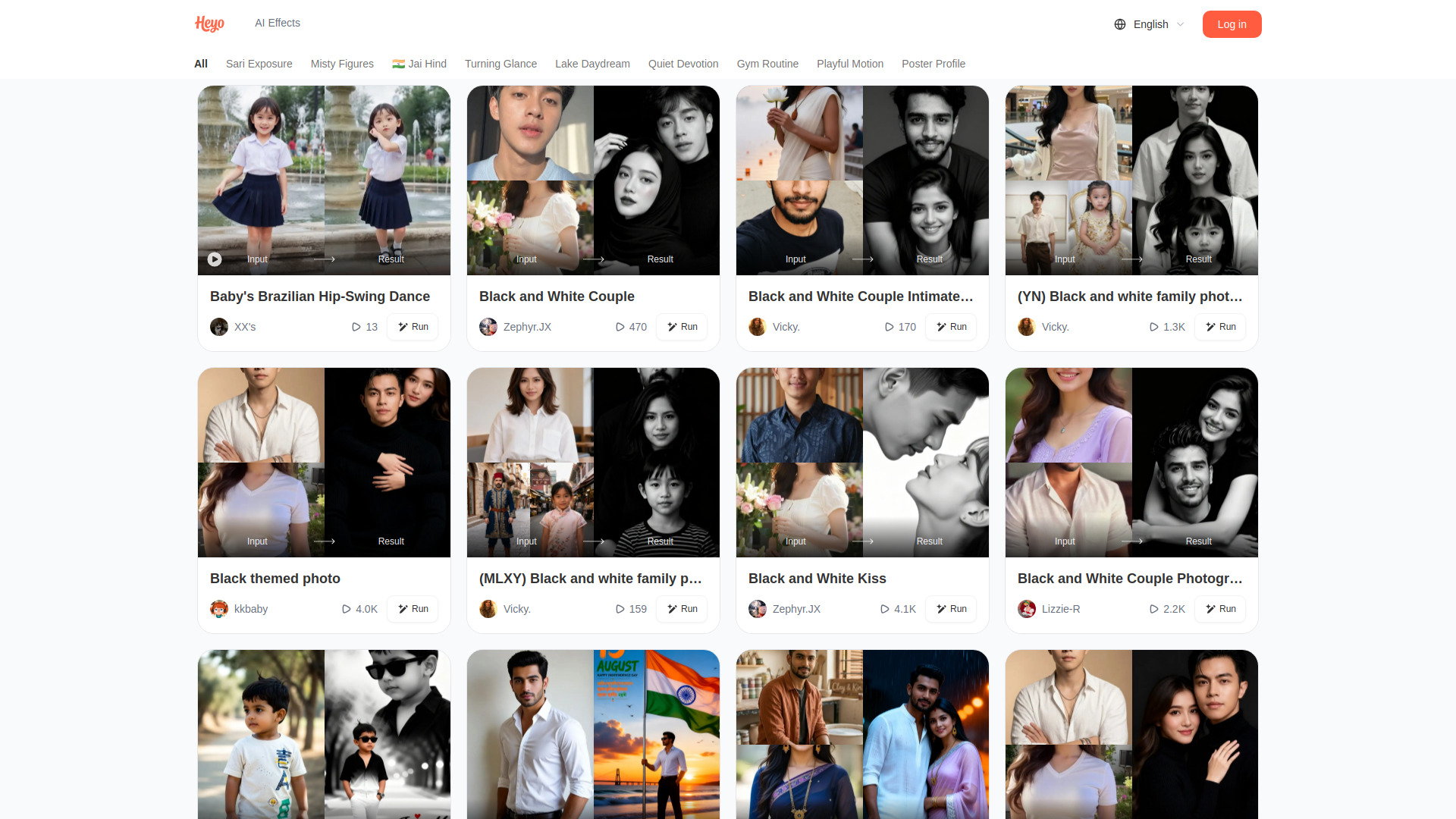
Heyo
Playful photo-to-video effects

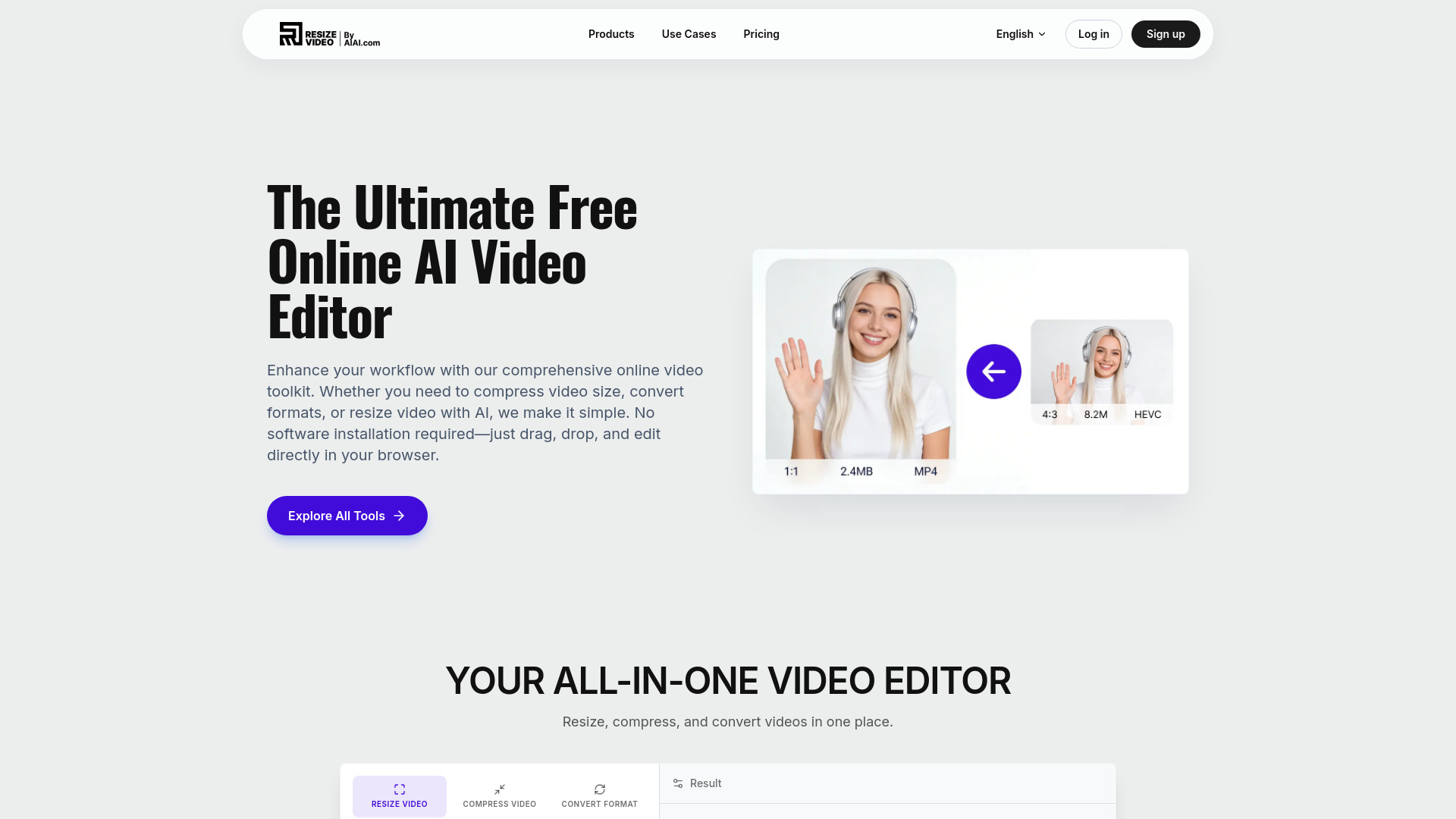
AI Video Editor
Quick online video resizing and format conversion

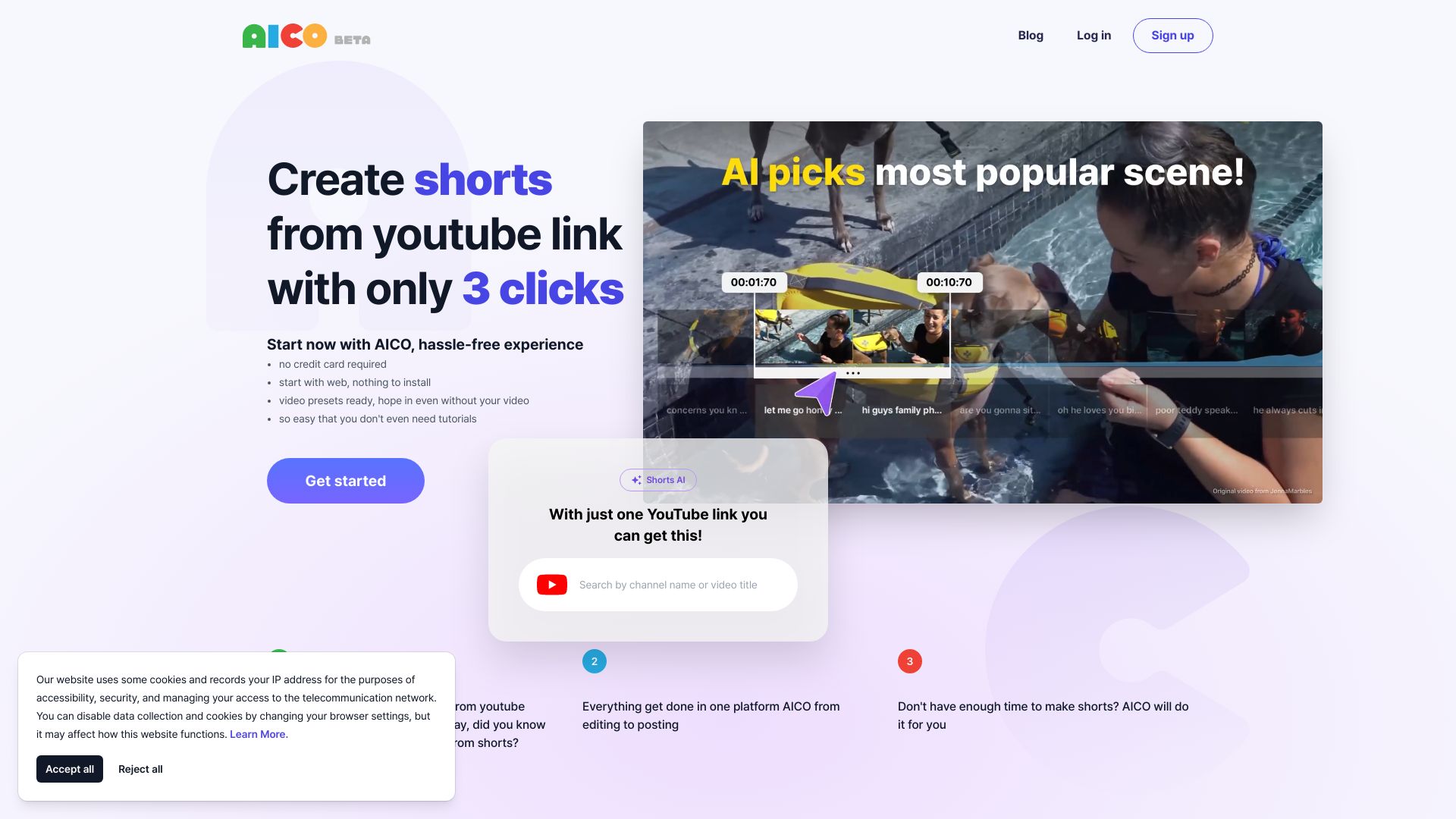
AICO
Automated YouTube Shorts creation

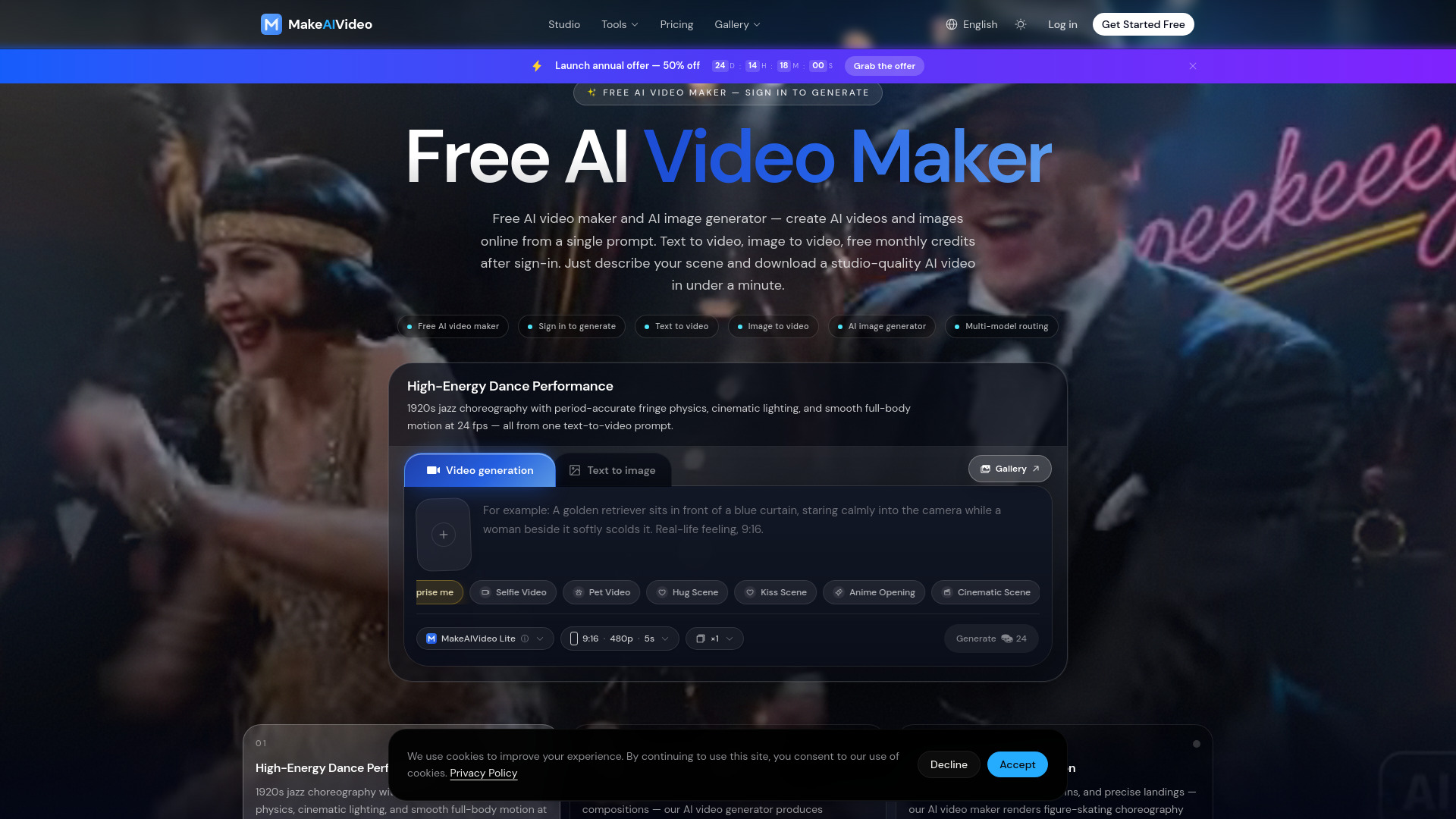
MakeAIVideo
Text-to-video creators

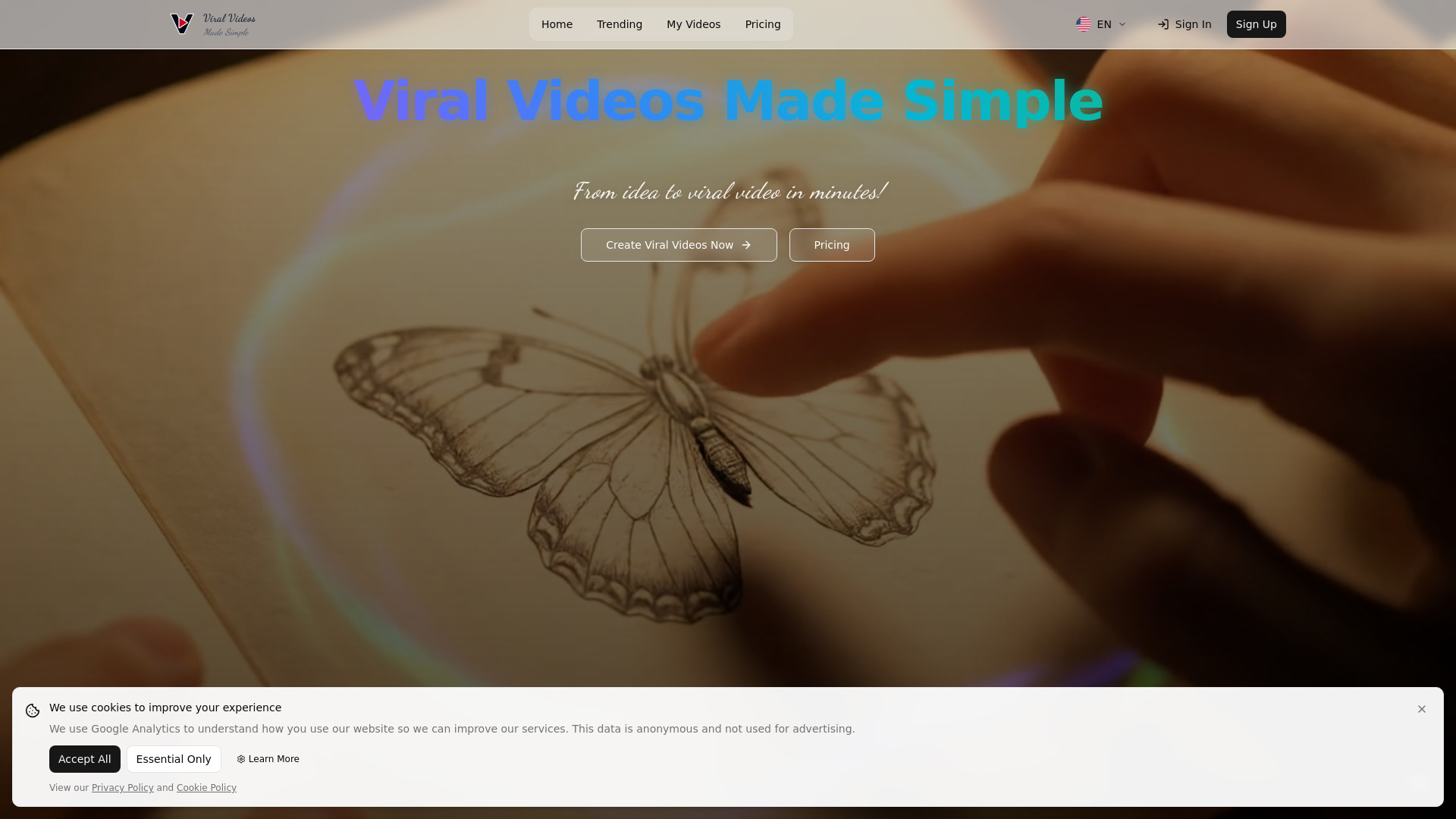
Viral Ai Video Maker
TikTok and Reels creators
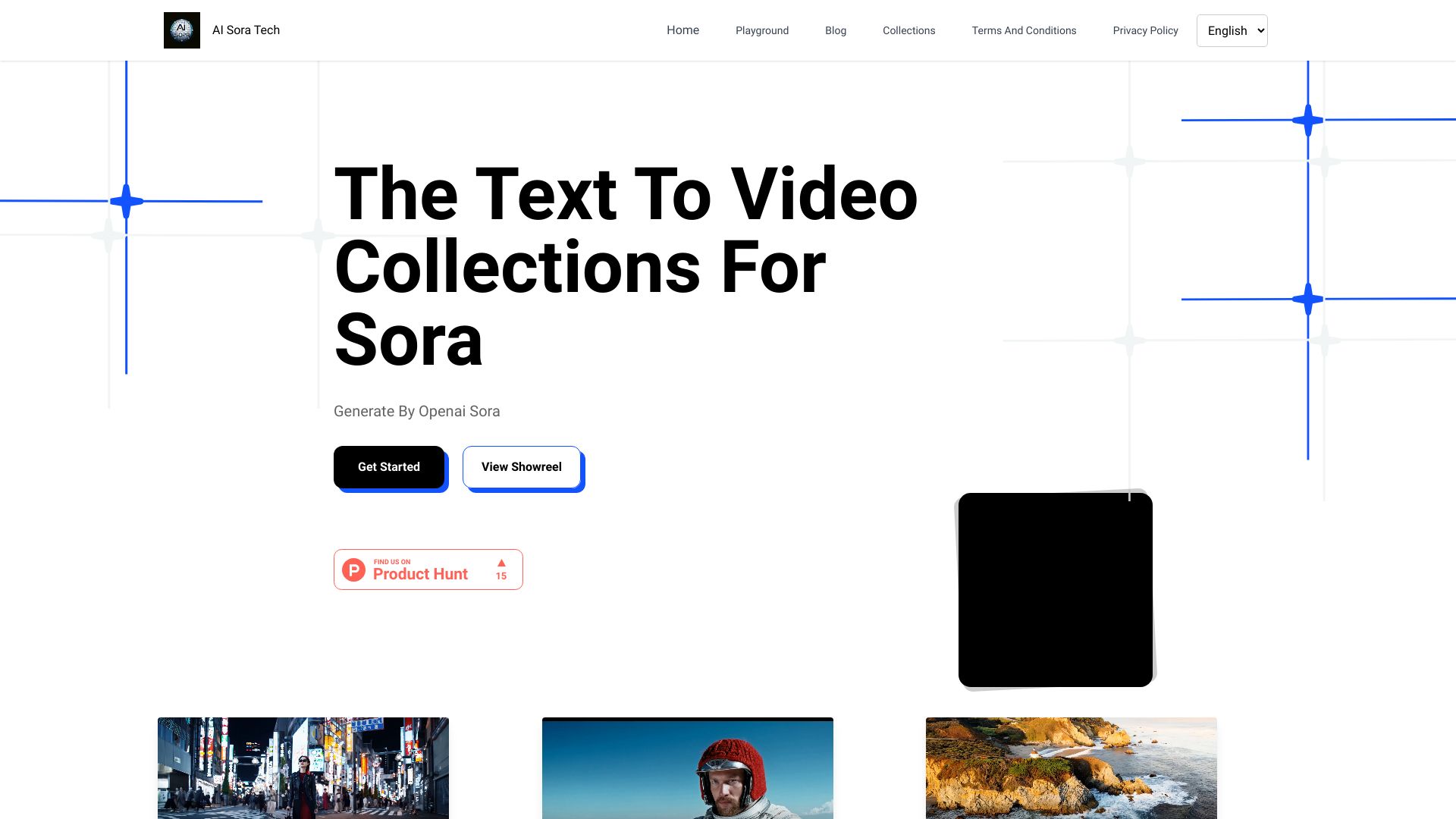
AI Sora Tech
Prompt-to-video creators
VideoAI
Image-to-video creators

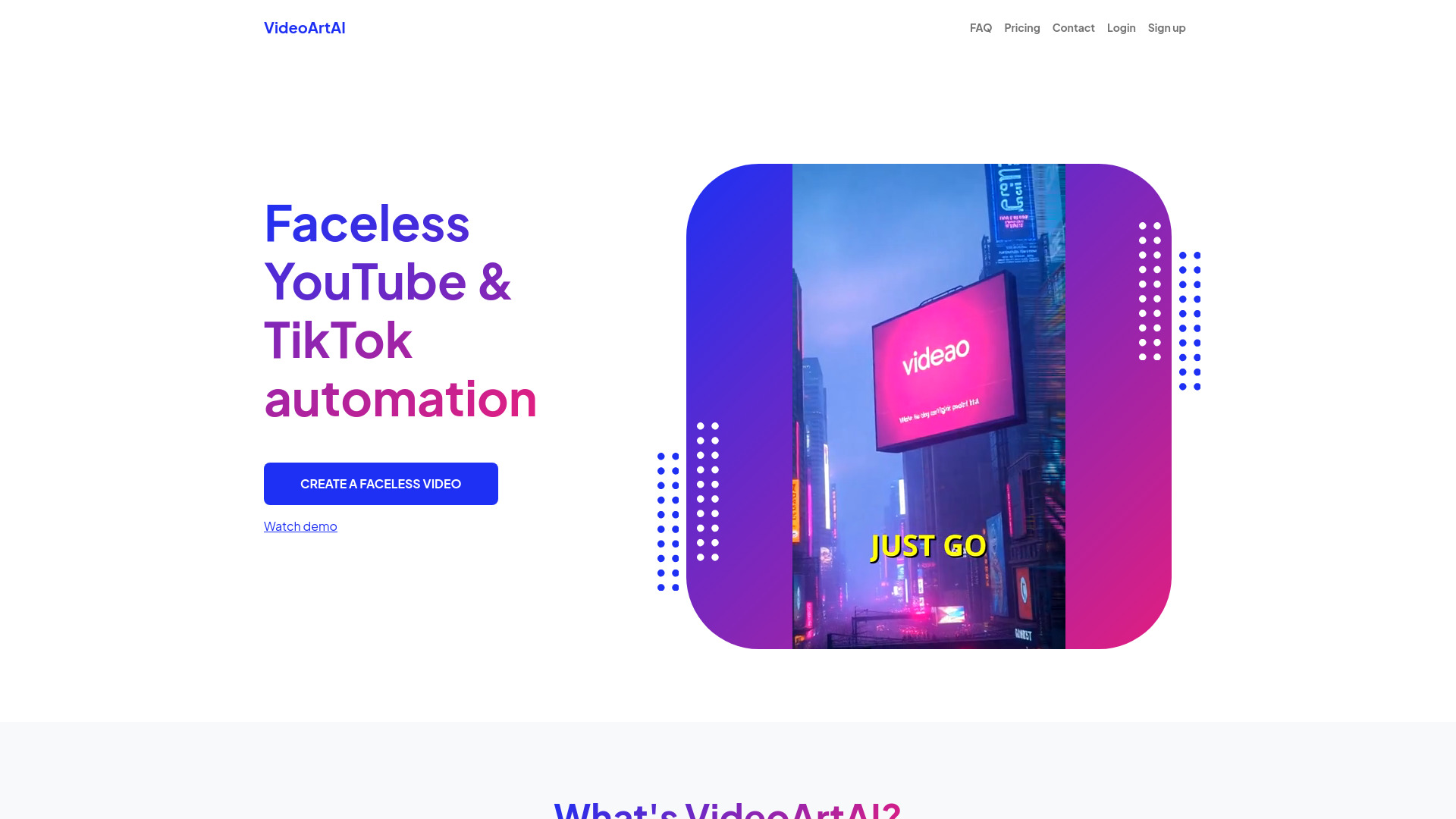
VideoArtAI
Faceless YouTube and TikTok videos

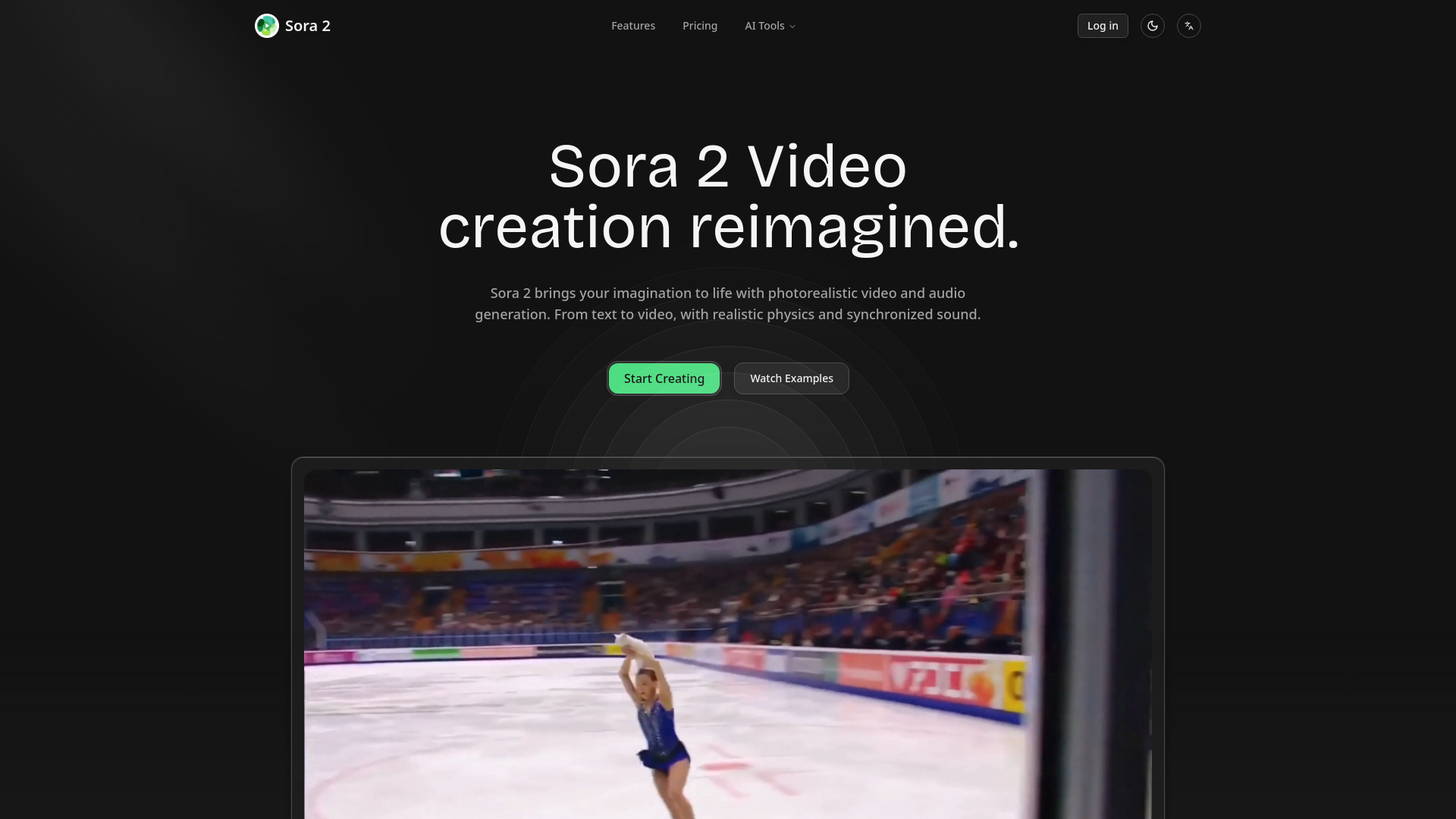
AI Sora 2 Video
Photorealistic AI video creation

VideoGPTAI
Fast AI Shorts generation
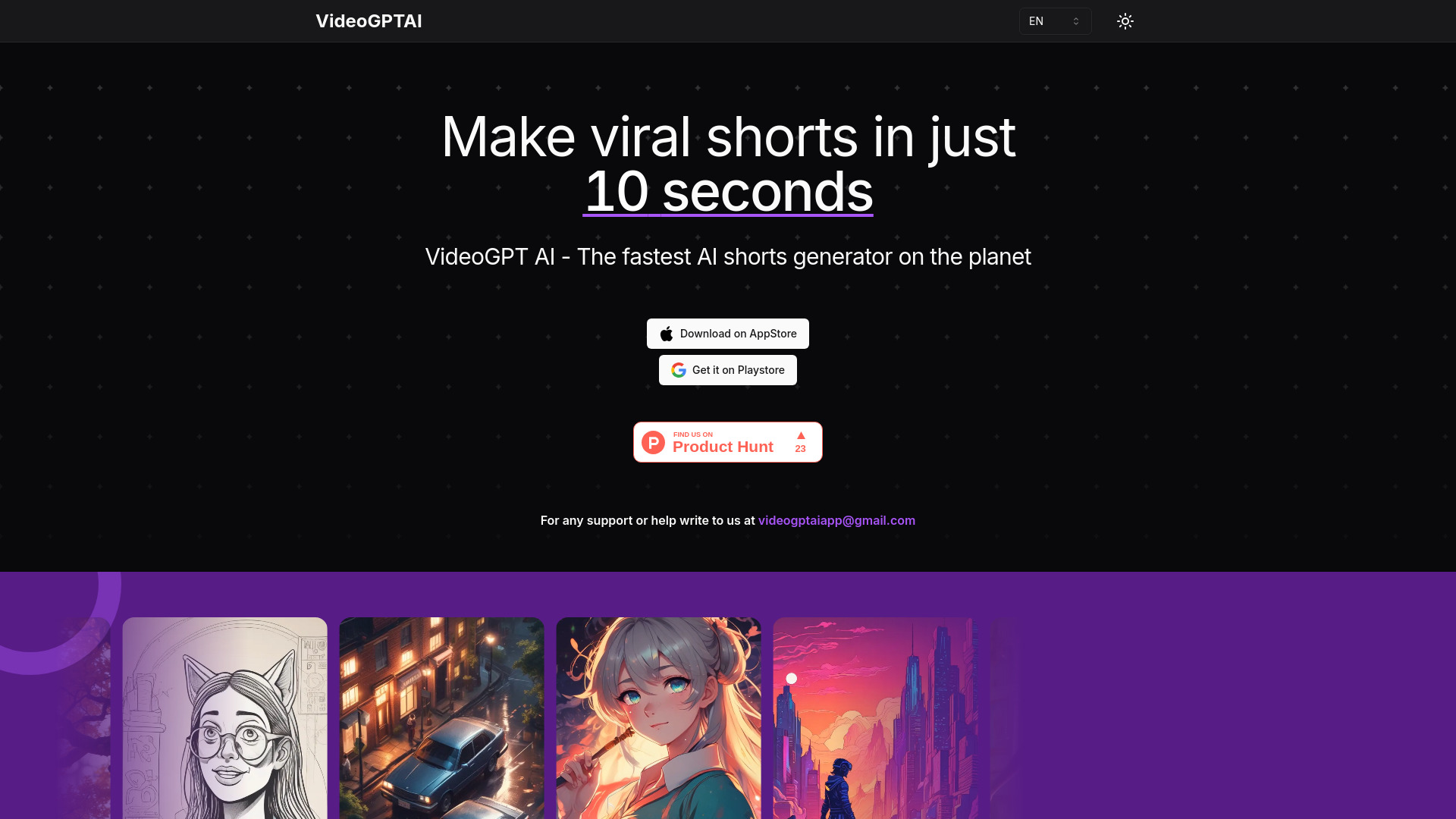

Photo to video ai
Image-to-video content creators

A9 AI
AI product promo videos

AI Video Maker
Image-to-video creators needing model variety

ShortMake
Short-form social videos

Veo 4 AI Video
Cinematic AI video generation

TEXT VIDEO ai
Faceless social media video creators

AdoriAI
Bloggers repurposing articles as videos

BlitzVideo
Faceless YouTube video creation
LTX-2 Video
Professional 4K video generation
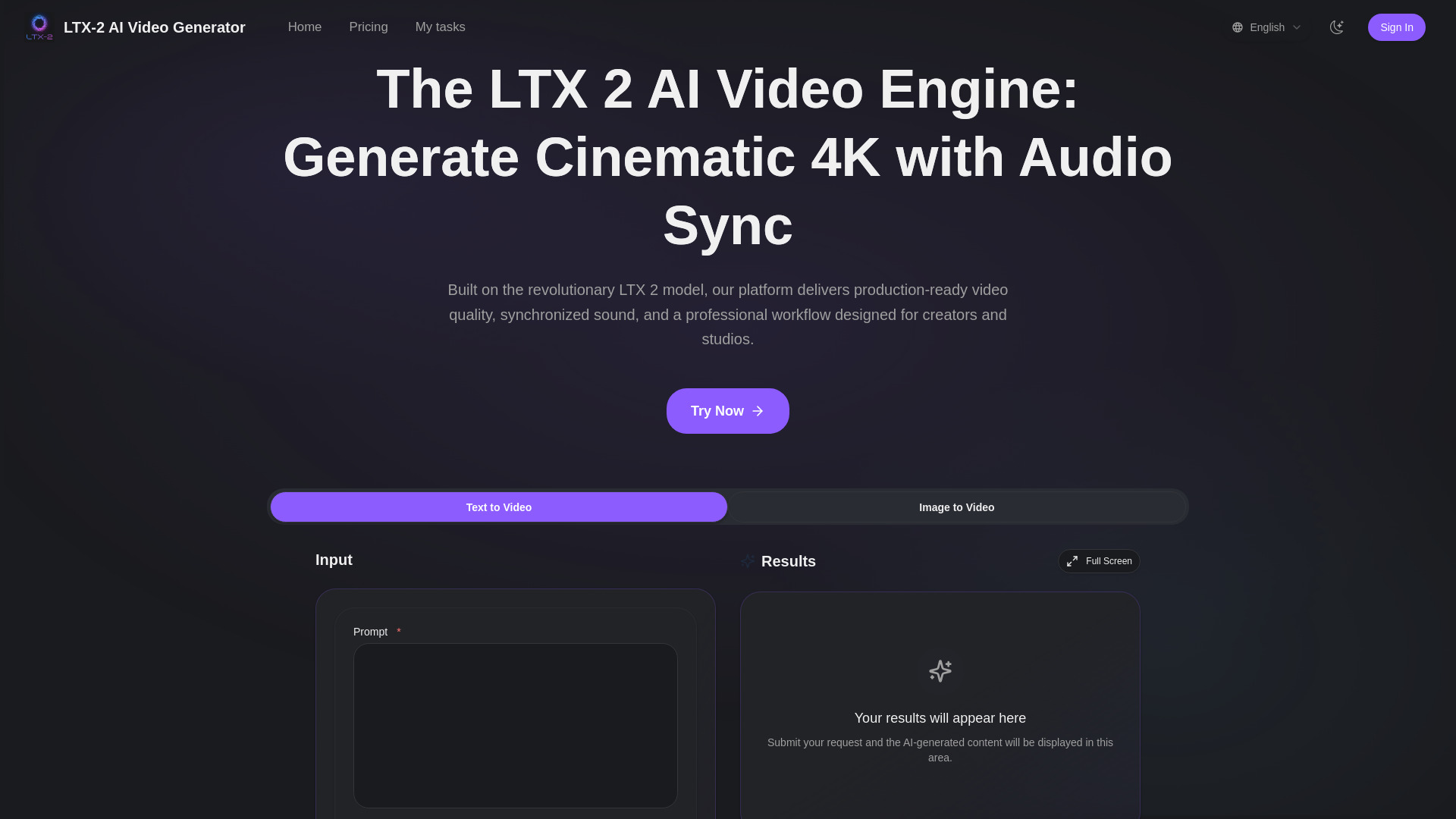

Video Maker AI - Video generation
Text-to-video and image animation

Augie Studio
AI-assisted video creation and editing
ImagetoVideoAI
Multi-model image-to-video creation

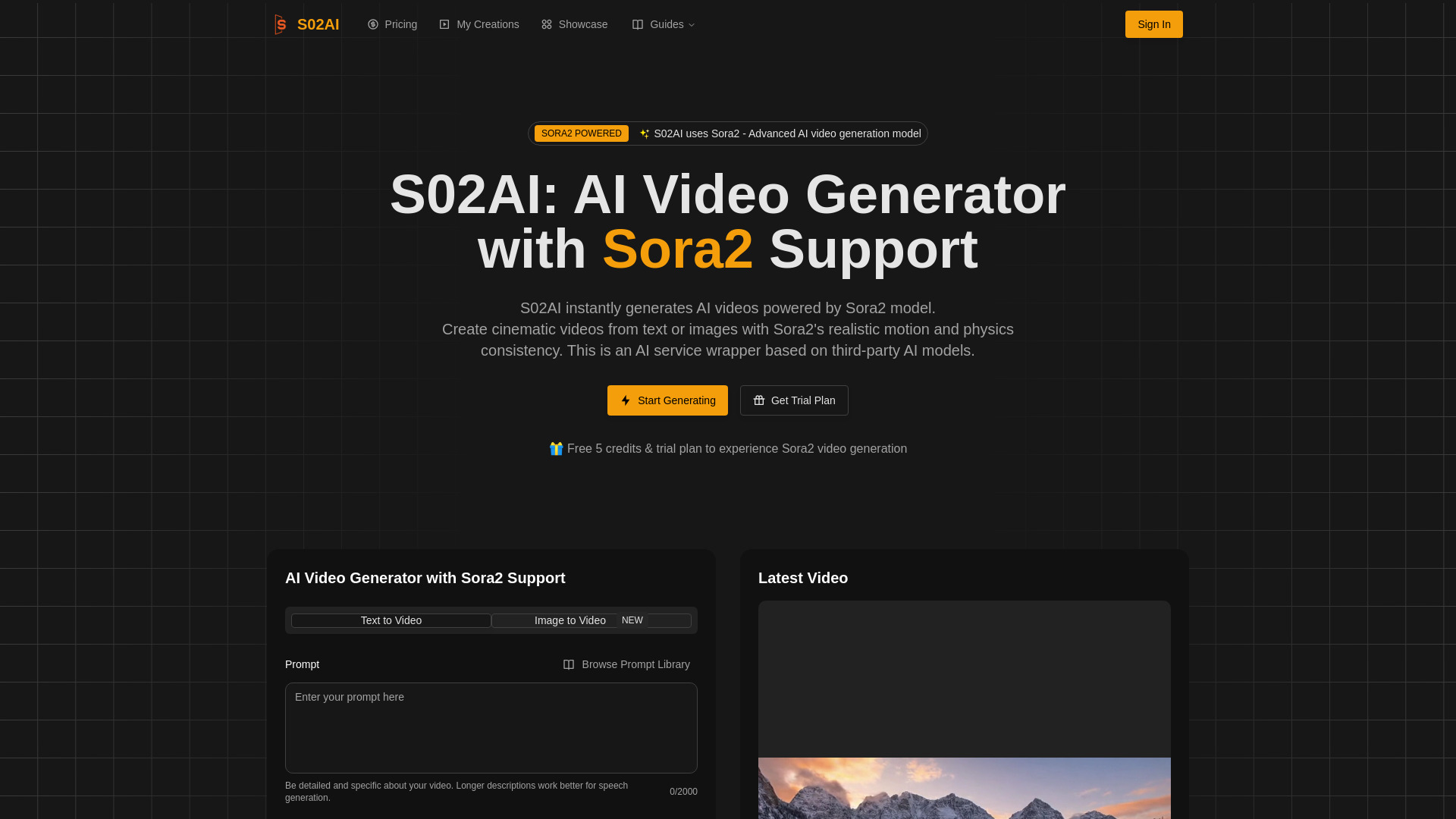
S02AI
Sora2 video generation

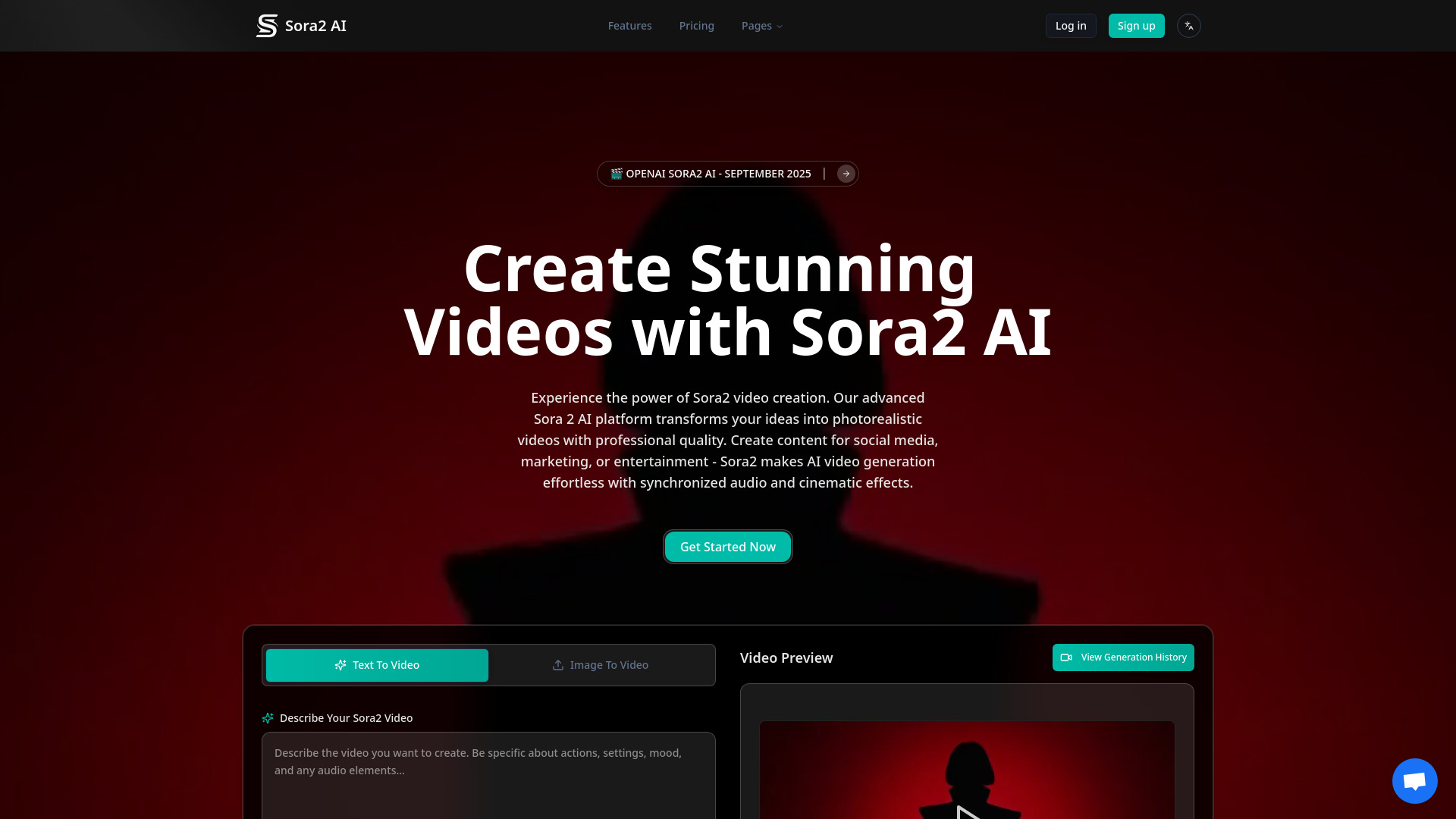
Ai Sora2
Photorealistic AI video creation

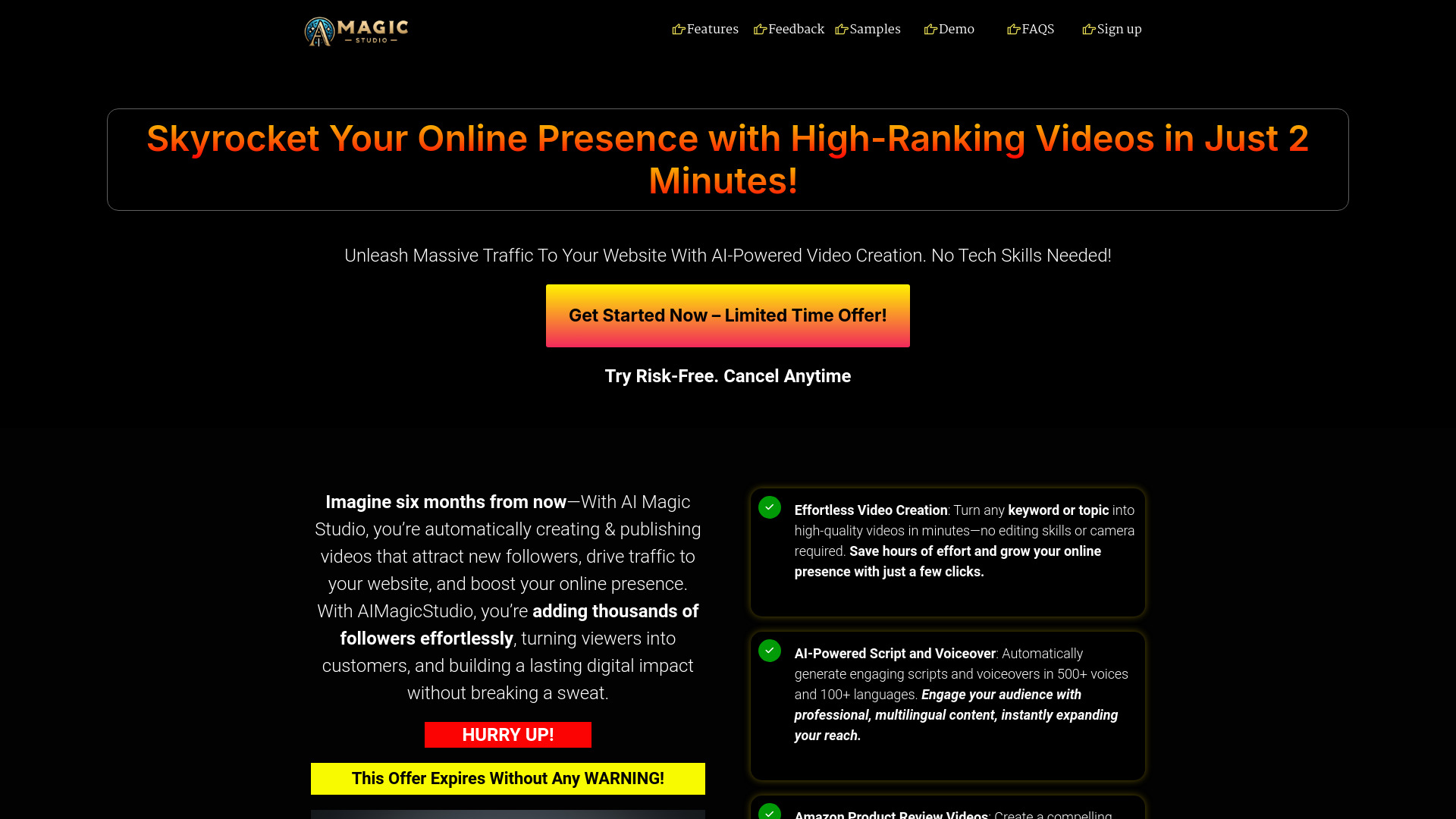
AIMagicStudio
Affiliate marketers and short-form creators
ClipVideo AI
Product marketing and e-commerce videos

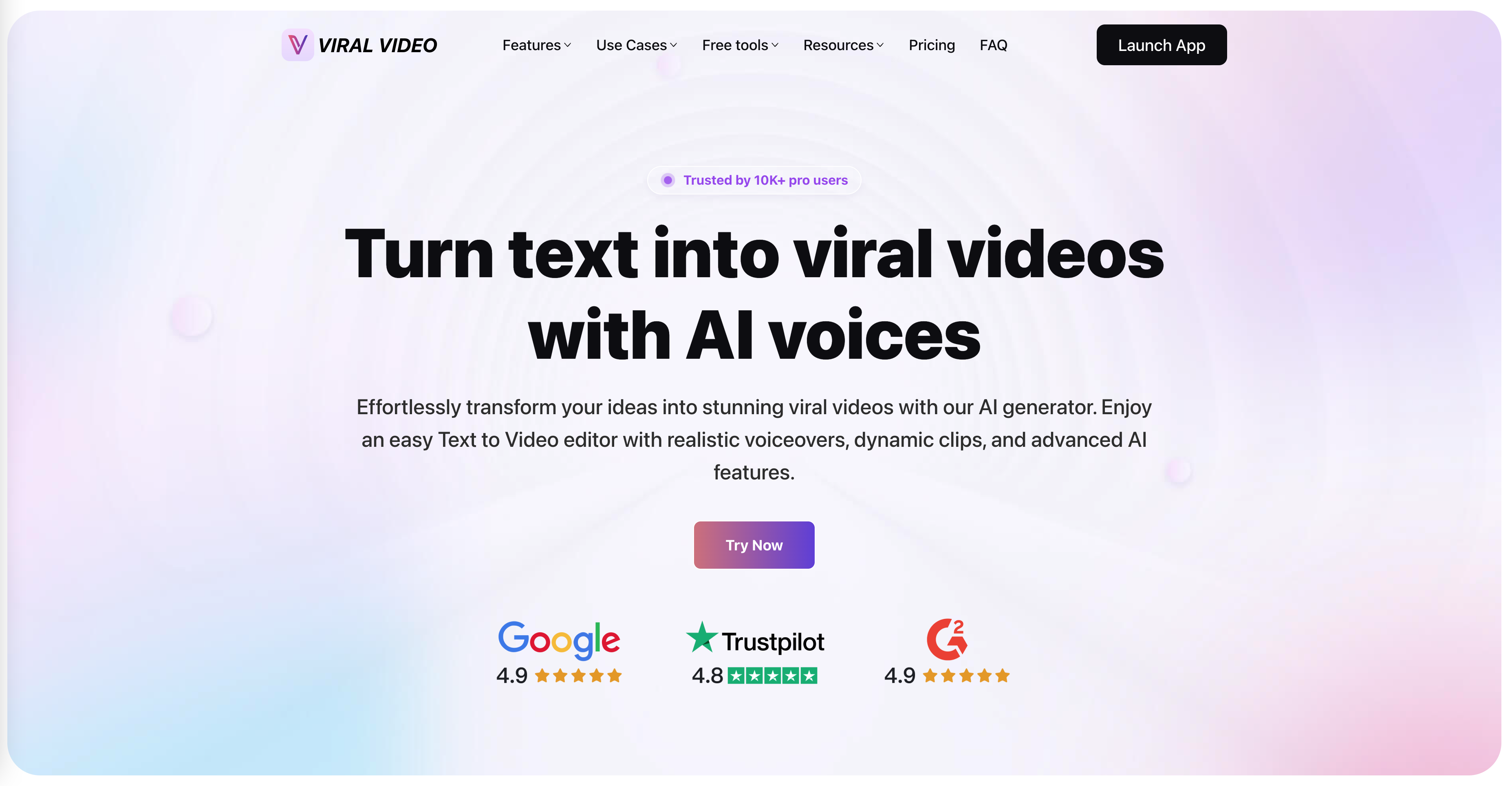
ViralVideo
Text-to-video shorts creators

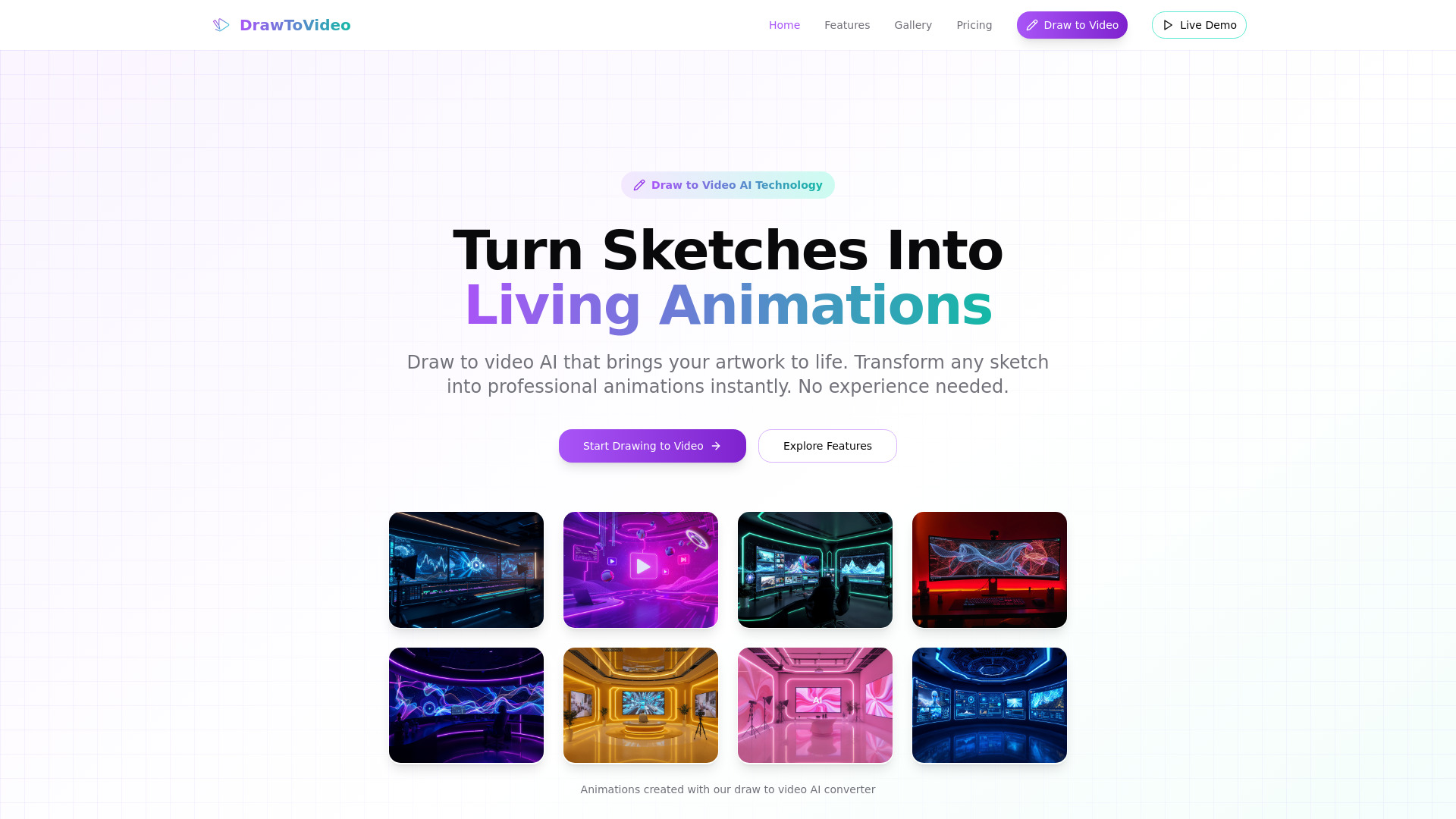
Draw to Video
Turning sketches into animated videos

AutoPosts AI
Faceless short-form video creators

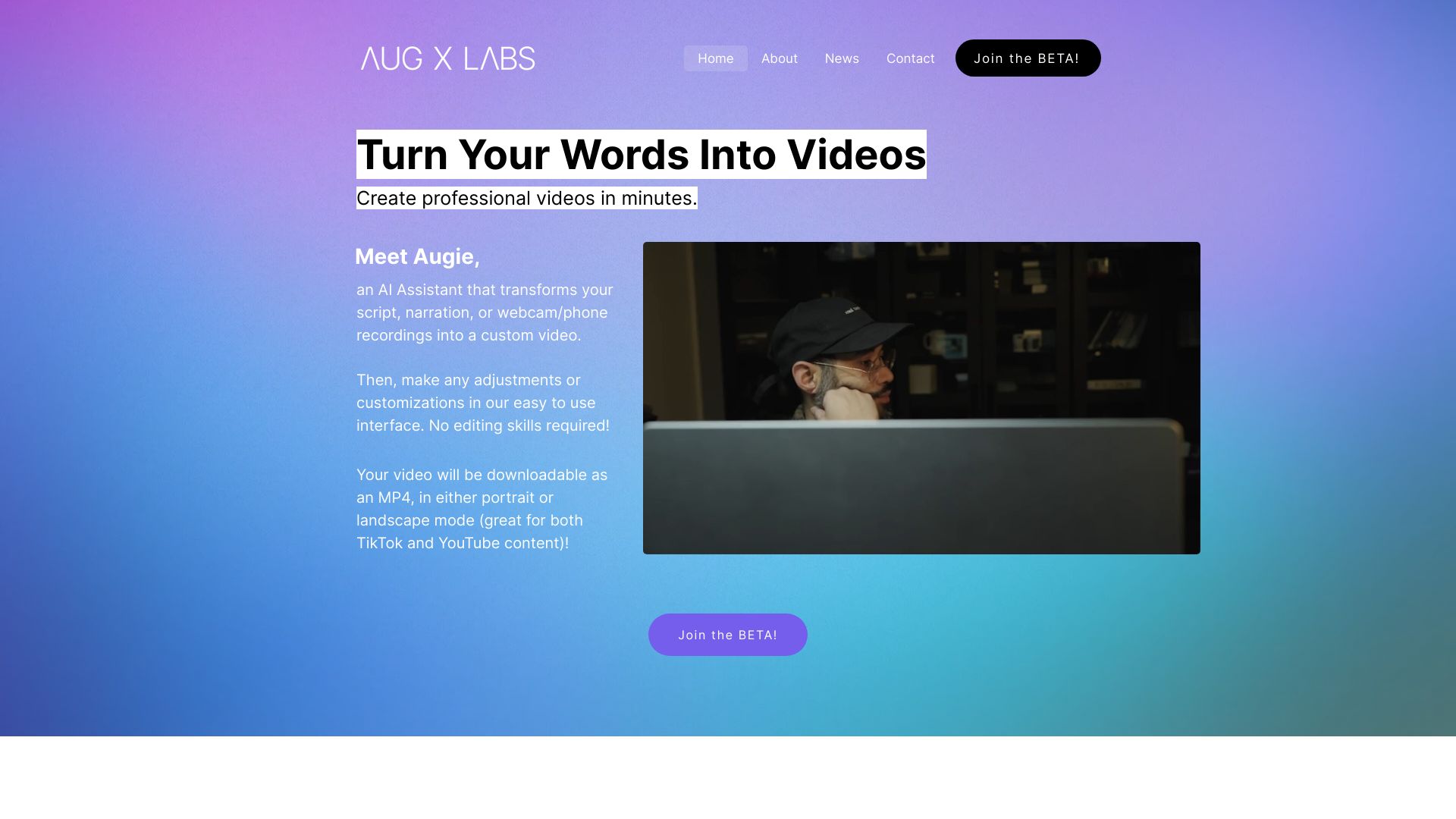
Augie
Marketing video creation
AI Sora Online
Text-to-video experiments
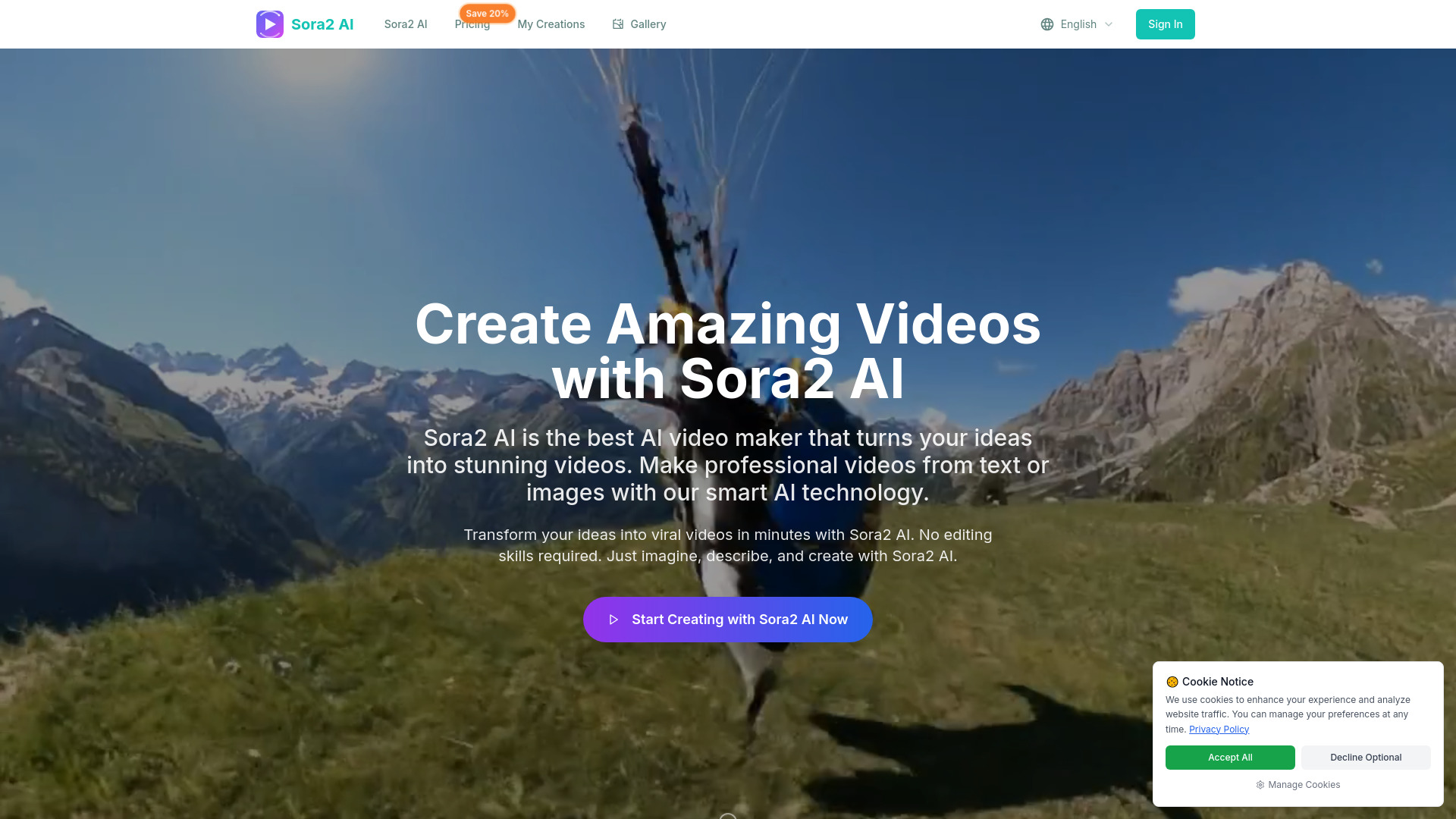
Sora2 AI Video
Social media and marketing creators

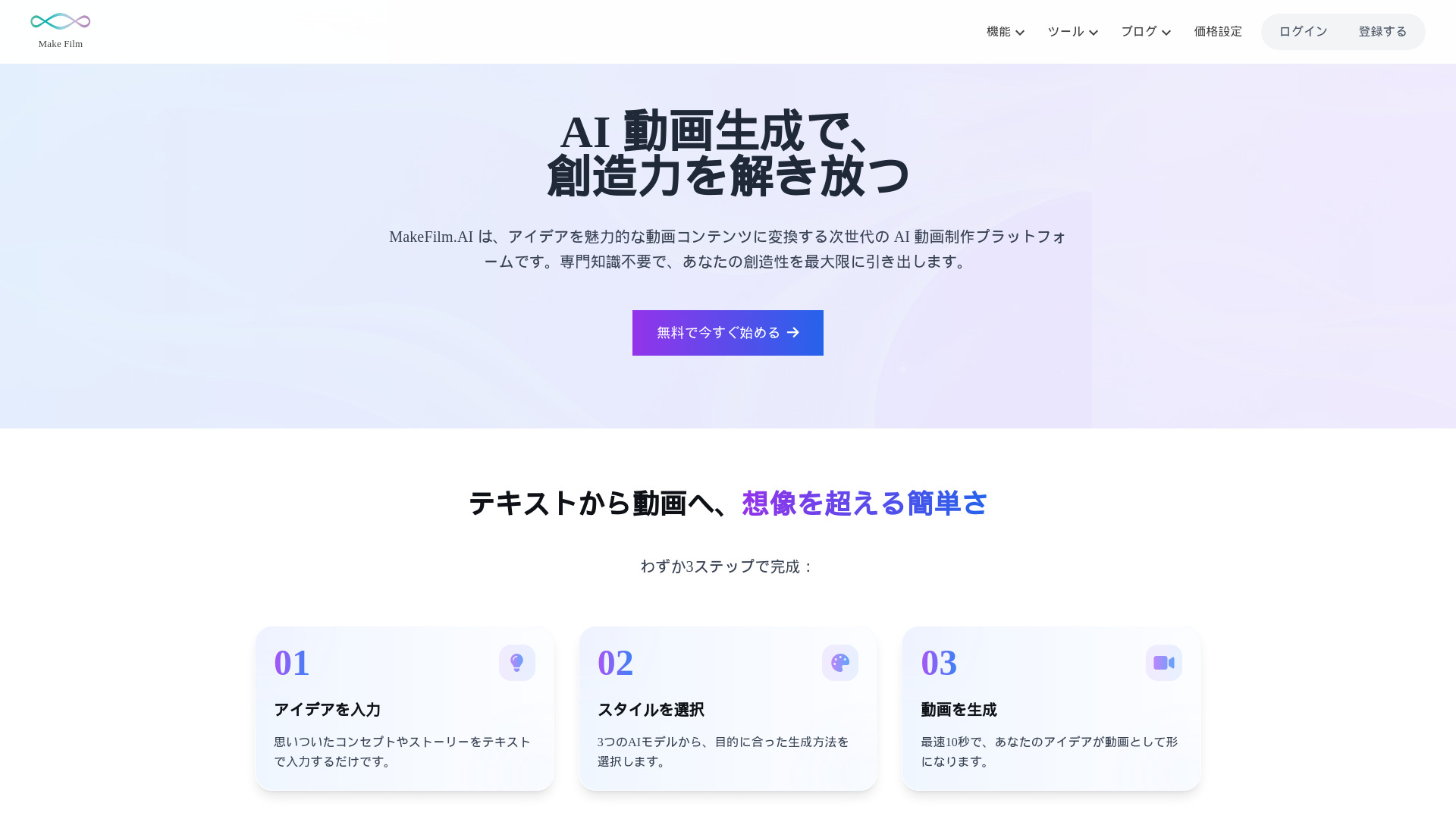
makefilm.jp
Rapid text-to-video creation

Trendvideo.ai
Social media video creators

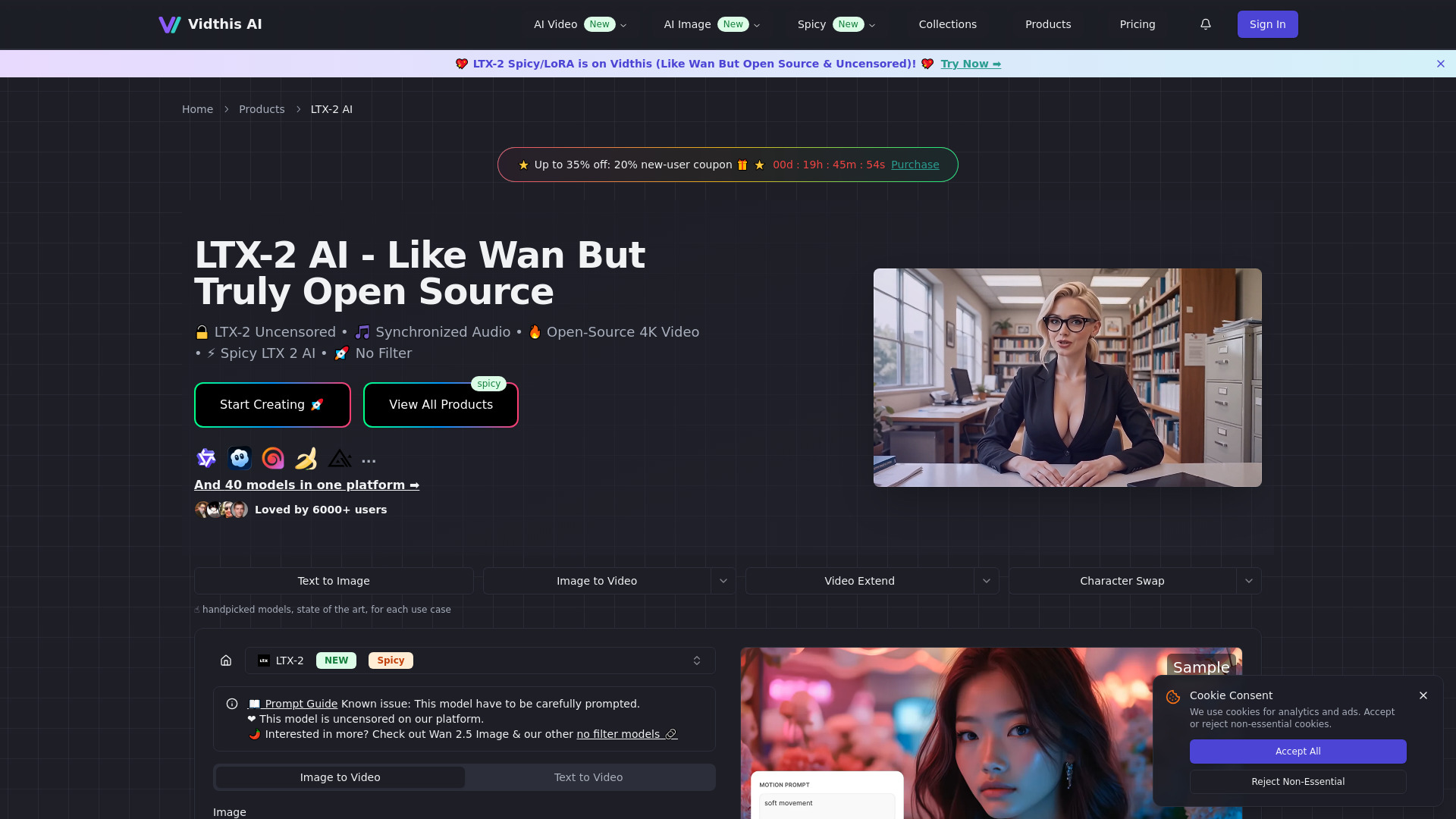
Vidthis AI
Open-source AI video creators

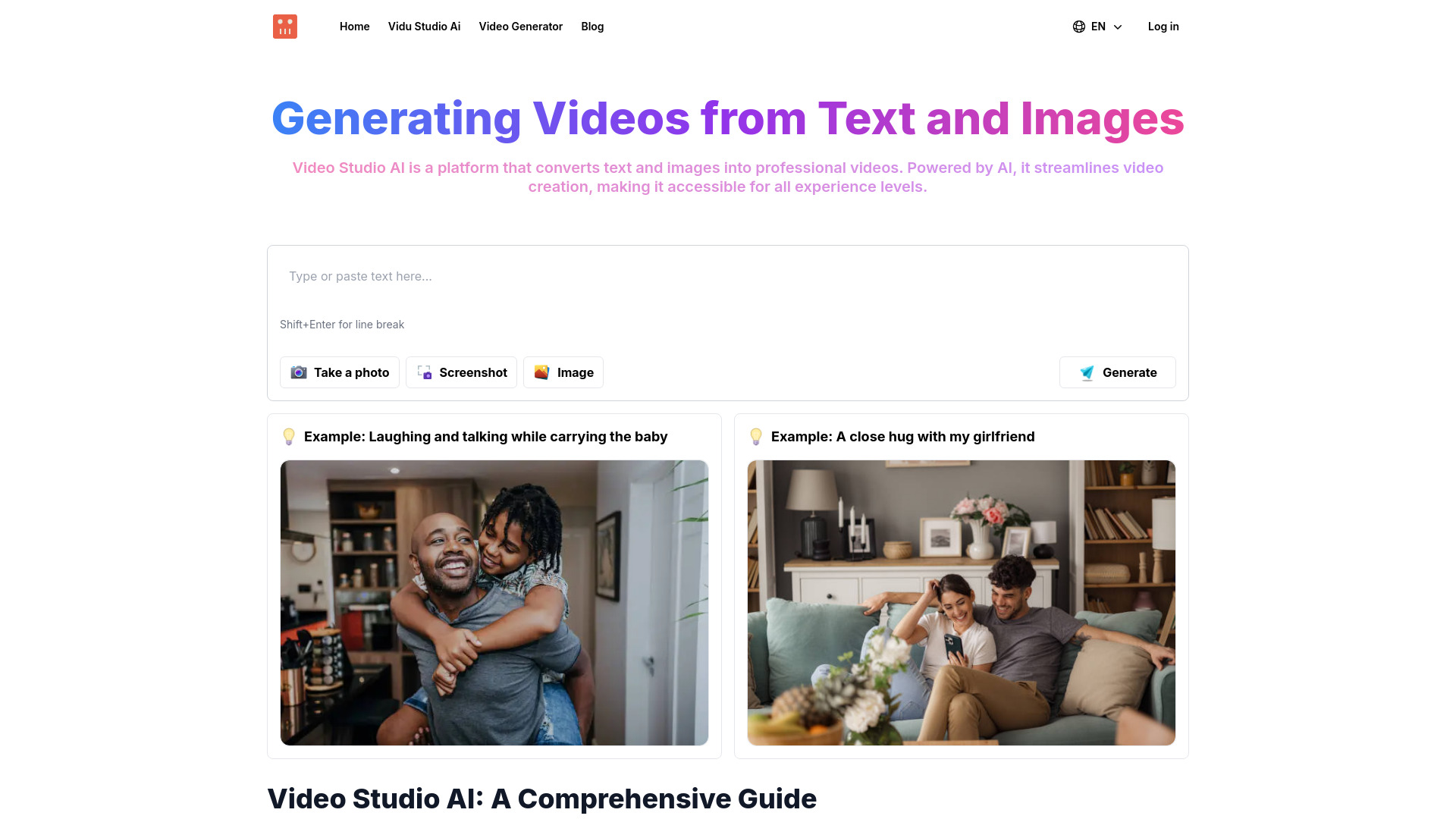
Video Studio AI
Text-and-image video creation

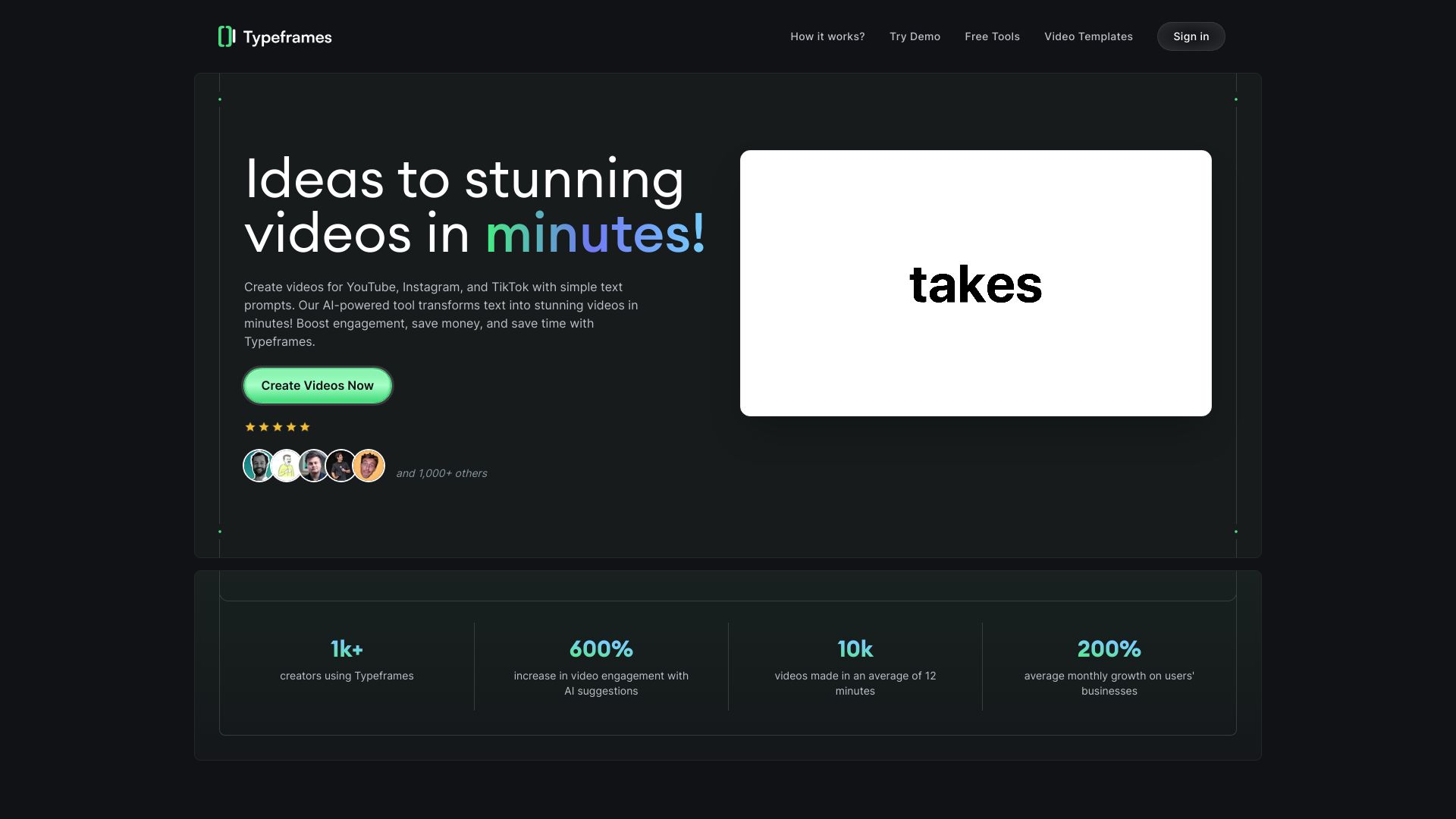
Revid AI
Short-form video creators

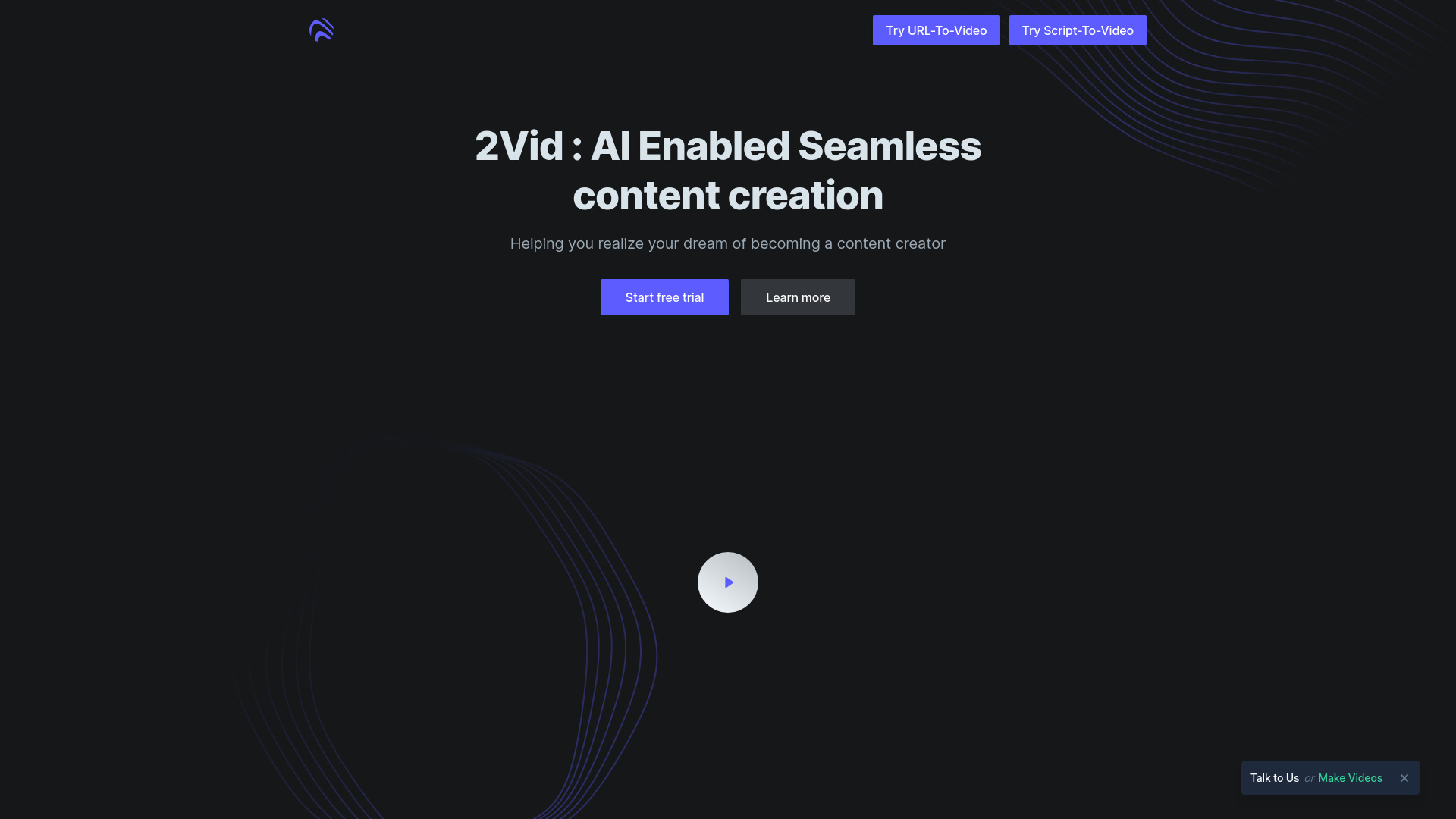
2Vid
AI marketing videos from product URLs

OpenAI Sora
Cinematic text-to-video concept generation
useVideo.co
AI product promo videos
Sora2 AI
AI video creation with synchronized audio

AI Powers
AI-powered video creation

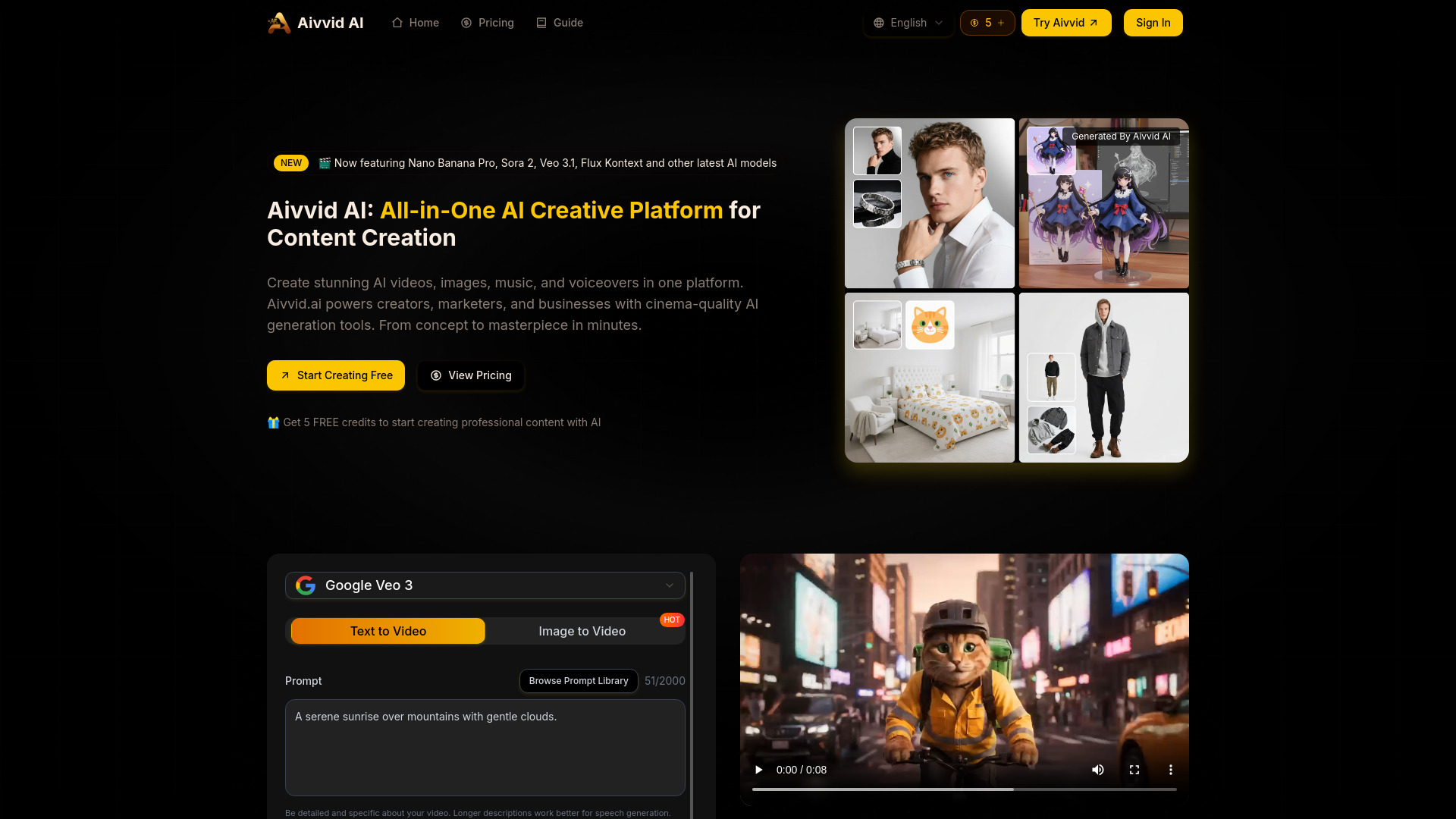
Aivvid AI
Multi-model AI video creation
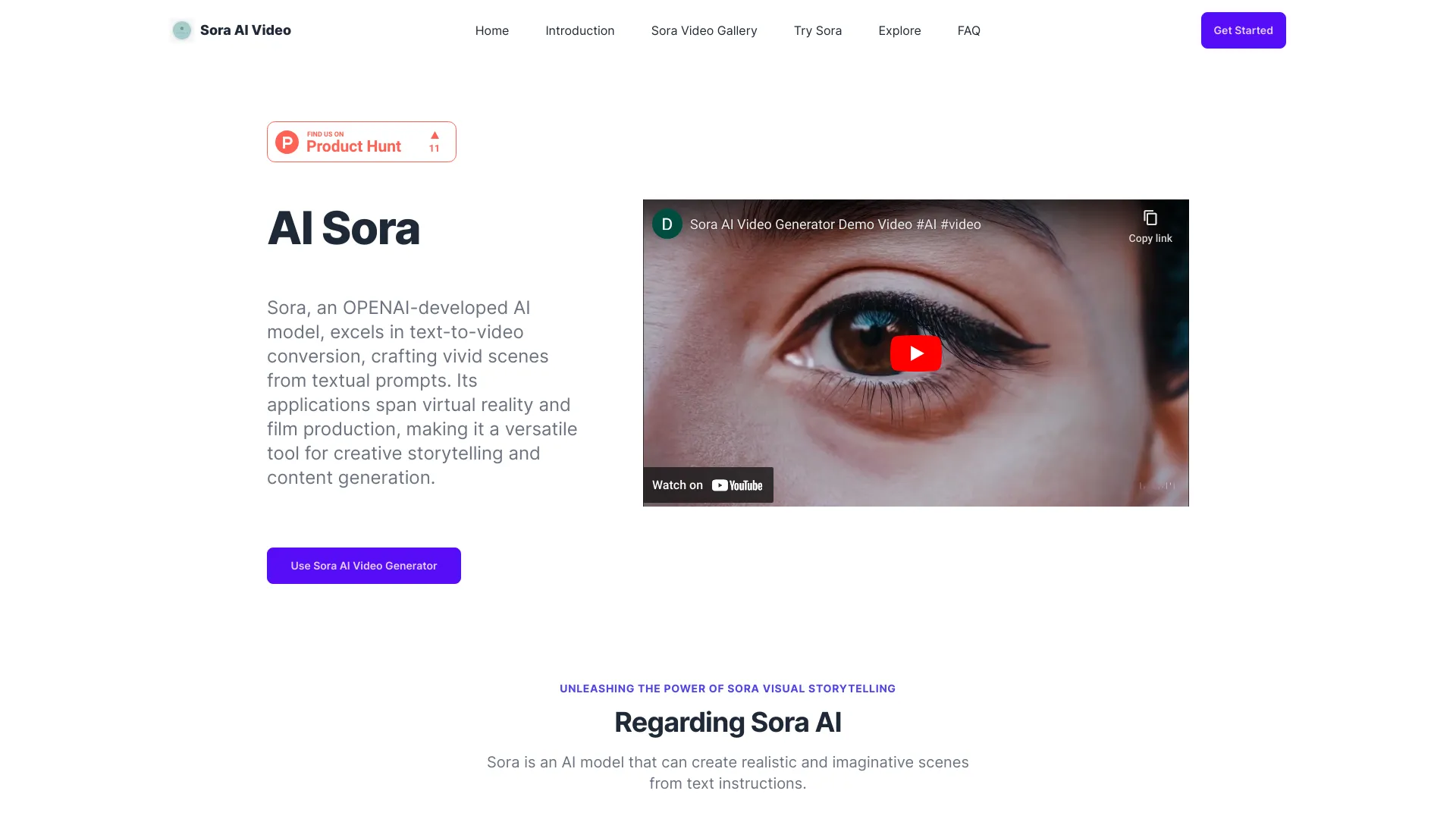
Sora AI Video
AI video inspiration and Sora showcases

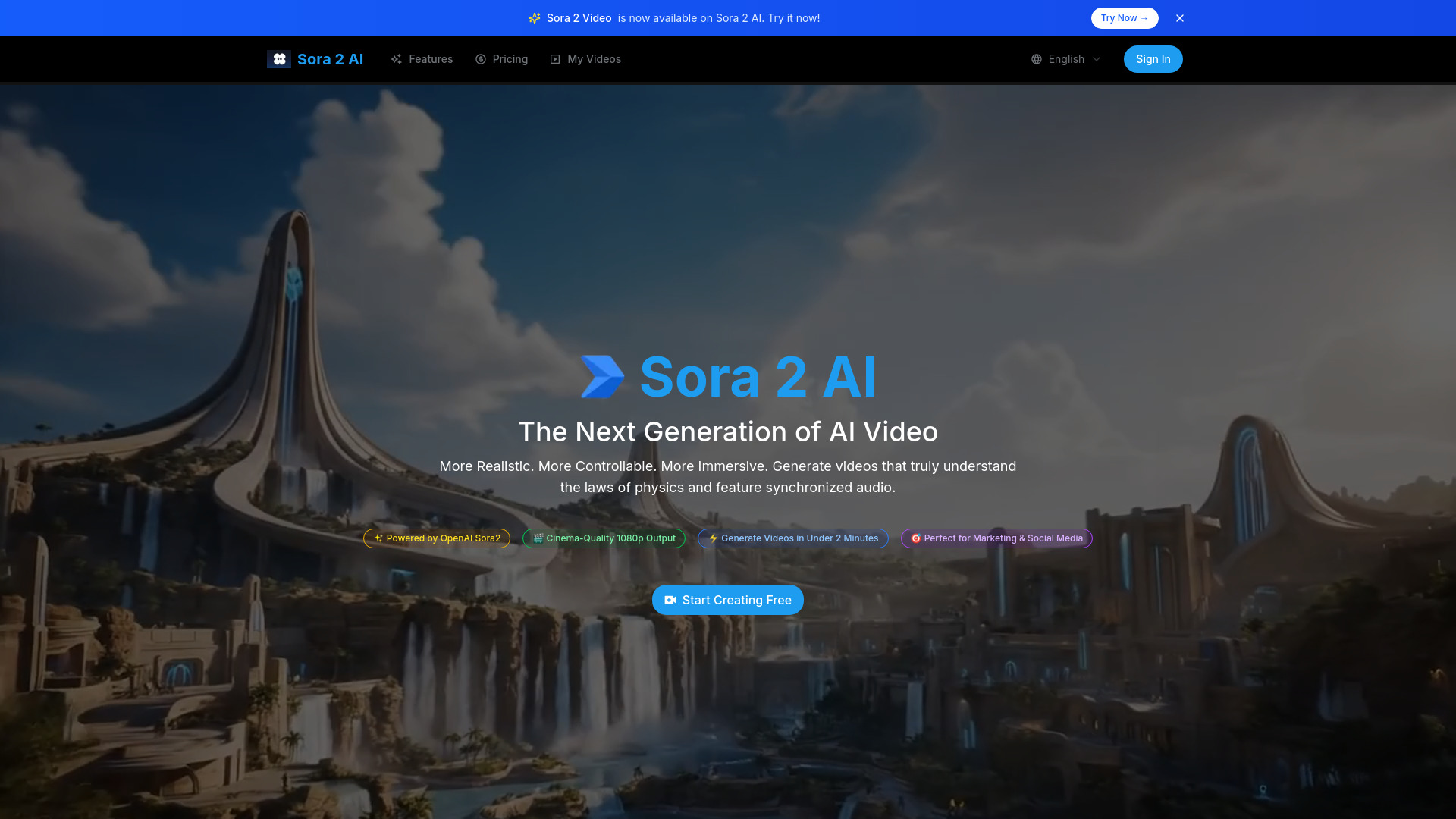
Sora 2 AI
Realistic marketing and social videos
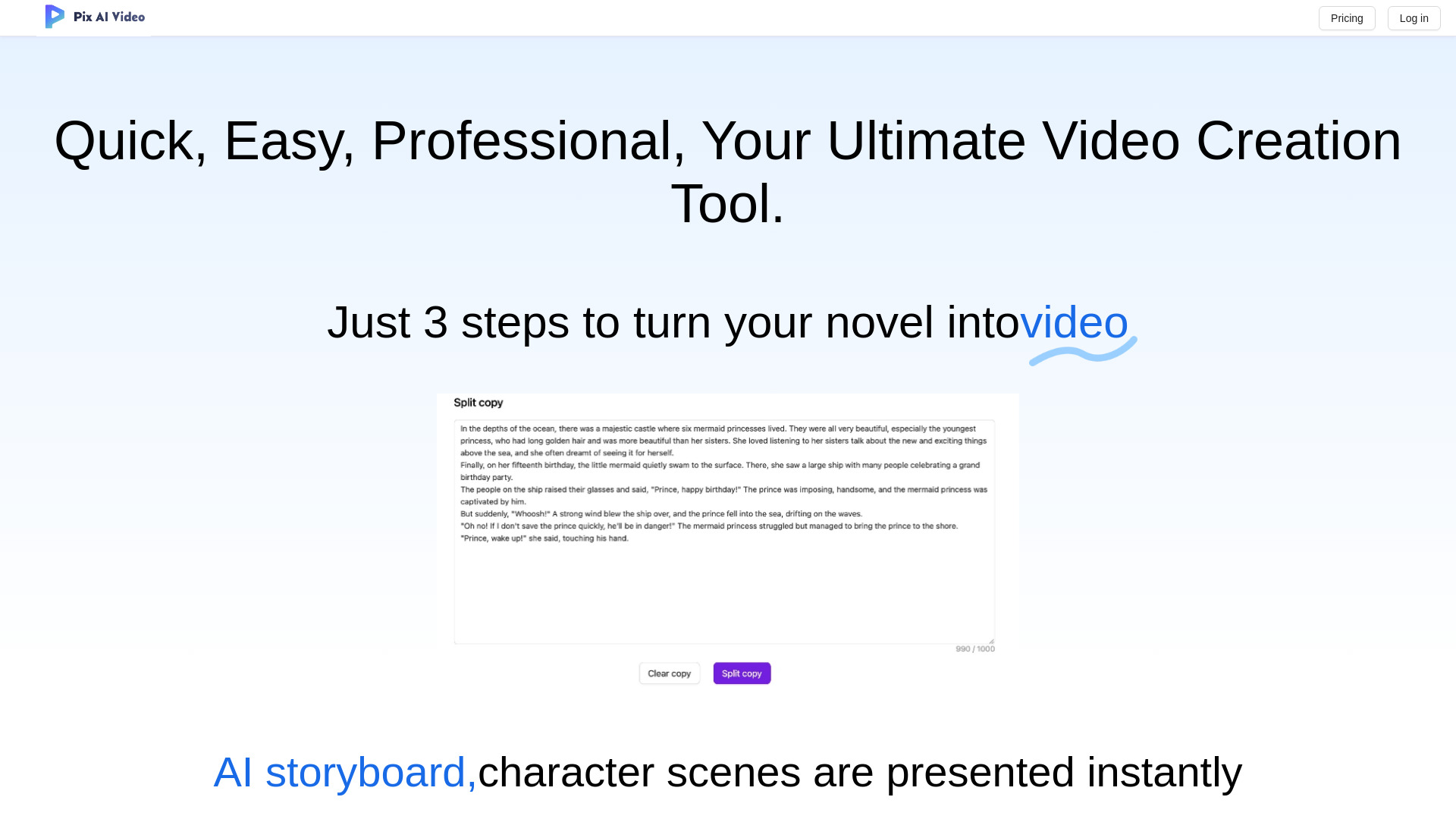
PixAIVideo
AI storytelling and animated video creation

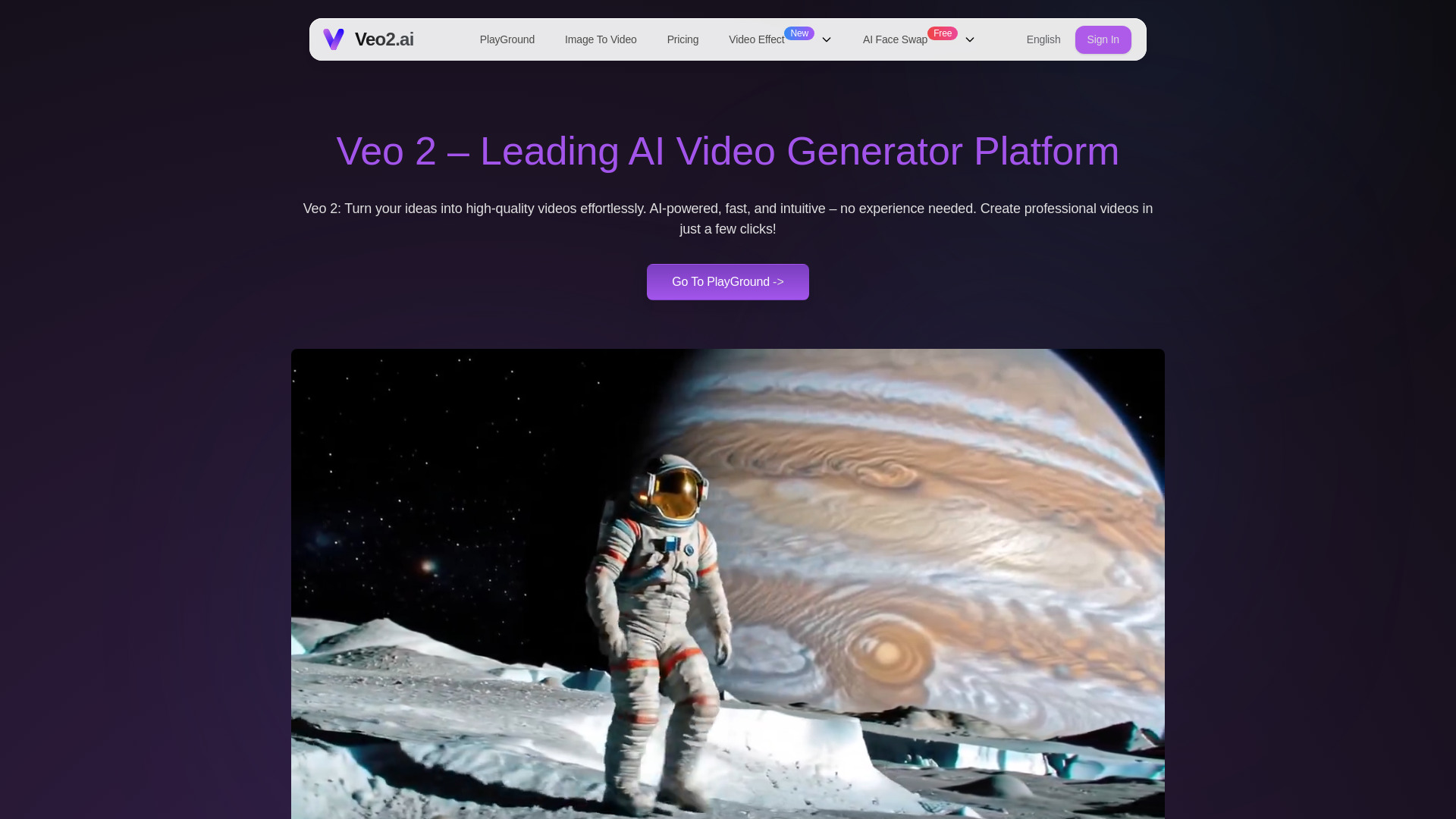
Veo2.ai
Fast text-to-video creation
Which AI video maker should you choose?
Start with the source material, not the feature list. If you have existing footage, choose Vmake AI for broad enhancement and editing, WayinVideo for searchable moments and automatic clipping, or AI Video Cut for a focused long-video-to-shorts workflow. These are the best options for repurposing rather than inventing scenes from scratch.
If your starting point is a written prompt or still image, compare Flow AI and Veo3 AI. Flow AI leans toward cinematic multi-shot storytelling, while Veo3 AI offers a direct text-and-image generation path. Verify credit requirements and resolution claims before paying, especially where the offer is tied to output quality.
For presenter-led material, AI STUDIOS is the obvious specialist because of its avatar and language range. For scripts, blog posts, and training content, Steve AI is more practical. Directors working on animation concepts should look at OiiOii.ai, while YouTubers who want a wider production workspace may prefer AIVideo.com.
| Your priority | Start with | Why |
|---|---|---|
| General social-video creation and enhancement | Vmake AI | Broad editing, enhancement, and transformation workflow. |
| AI presenters and multilingual lessons | AI STUDIOS | 150+ avatars and voices in 80+ languages. |
| Finding moments in long recordings | WayinVideo | AI clipping plus search across scenes, objects, people, and sounds. |
| Animation direction and story development | OiiOii.ai | Agent roles cover art, scenes, scripts, characters, and storyboards. |
| Cinematic text or image prompts | Flow AI | Text-to-video, image-to-video, and multi-shot storytelling. |
| Resolution-led generation testing | Veo3 AI | Text/image generation with a stated 4K homepage claim to verify. |
| Blog and script conversion | Steve AI | Creates live and animated videos from written material. |
| Full YouTube production | AIVideo.com | Composer and editor plus scripts, voiceovers, visuals, and clips. |
| Video plus music, images, and voice | SuperMaker | Integrated media generation and post-production. |
| Long videos into shorts | AI Video Cut | Focused cutting and speech recognition with 50 free minutes. |
My practical recommendation
For most first-time buyers, start with Vmake AI if you need to improve or assemble real footage, or AI STUDIOS if you need a presenter. Those two cover common business and creator jobs without forcing you to build a workflow around a highly specific generation model.
My second recommendation is to run two small tests before subscribing. Give a repurposing tool one long recording and measure whether the selected clips actually need less editing. Give a prompt-based generator the same short brief twice and compare consistency, credits used, and export quality. The best ai to create videos is the one that reduces the next production task-not the one with the longest feature list.
If cost visibility matters, prioritize tools with a plainly stated free allowance: AI Video Cut offers 50 minutes one-time, AI STUDIOS lists three exports per month, Steve AI lists five generation credits per month, and SuperMaker lists 20 free credits. Treat these as evaluation windows, not guarantees of ongoing production capacity.
Common mistakes when choosing AI video tools
Confusing generation with editing: A text-to-video model will not automatically solve a backlog of interviews or webinars. Match the tool to your starting material.
Ignoring credits: Flow AI requires credits for video generation, and several other offers use credits or generation allowances. Compare usable output, not just the monthly price.
Trusting a headline resolution claim: Veo3 AI lists 4K on its homepage while paid-plan details specify 1080p. Confirm the exact export conditions.
Overbuying an all-in-one suite: AIVideo.com and SuperMaker cover many media tasks, but a focused clipping tool may be faster for one narrow job.
Treating free access as a production plan: Three exports, five credits, 20 credits, or 50 minutes can be enough to test fit but may not support a full publishing schedule.
Skipping the human review pass: AI clipping, voices, scripts, and storyboards still need editorial checks for accuracy, pacing, and audience fit.
What changed in 2026
The strongest options in this 2026 comparison are no longer limited to one type of AI video generation. The shortlist now spans enhancement, searchable clipping, avatar presenters, animation agents, prompt-based cinematic creation, blog-to-video conversion, and integrated music and voice production.
A second shift is the growing importance of inputs. Some tools begin with text, some with an image, and others with an existing long recording. That makes workflow fit more important than a universal "best" model. Credit-based access is also common enough to make allowances, export limits, and resolution terms part of the buying decision-not fine print to check later.
The practical result is a more useful way to choose the best ai for creating videos: decide whether you are generating, editing, repurposing, presenting, or assembling a complete media package, then select the specialist that matches that job.
FAQ
Vmake AI ranks first overall because it combines video editing, quality enhancement, watermark removal, and social-video workflows. AI STUDIOS is a better fit when the project specifically needs realistic avatars and multilingual voices.