
The best ai website builder depends less on flashy generation and more on what happens after the first draft: Can you edit the layout, publish where you want, manage a real business site, or export the work without getting trapped? We compared 99 tools and shortlisted 10 that cover those practical needs, from quick free business sites to AI-assisted web applications and responsive HTML exports.
The short version: Mobirise AI Website Builder is the strongest all-around match for small businesses, while STUDIO AI and Aura.build are better fits for designers who want more control. 10Web stands out for managed WordPress, WeWeb for startups building web applications, and Solo for coaches who want a website online with very little setup.
Top picks
| Pick | Tool | Best for | Why it stands out |
|---|---|---|---|
| 1 | Mobirise AI Website Builder | Small business owners | Free, no-code generation with export and publish options |
| 2 | CodeDesign.ai | Entrepreneurs | Combines an AI website builder with AI sales funnels |
| 3 | STUDIO AI | Web designers | AI design suggestions and automated task completion |
| 4 | Aura.build | Web designers | Generates pages and exports standard HTML and Figma files |
Quick comparison
| Tool | Score | Best for | Free access | Starting price |
|---|---|---|---|---|
| Mobirise AI Website Builder | 96/100 | Small business owners | Free plan available | KIT: $149 |
| CodeDesign.ai | 95/100 | Entrepreneurs | 3 free websites | Portfolio Plan: SGD 9 |
| STUDIO AI | 95/100 | Web designers | 2,000 visitors/mo | Check vendor pricing |
| Aura.build | 95/100 | Web designers | 3-day trial with 20 prompts | Free: $0 |
| Brizy AI Website Builder | 95/100 | Non-techies | Free plan available | PERSONAL: $19/mo |
| 10Web | 95/100 | SMBs and visionaries | One-week free trial | AI Starter: $10/mo |
| WeWeb | 95/100 | Startups | 1 million AI tokens free | Free: $0 |
| Solo | 95/100 | Coaches | Free website | Check vendor pricing |
| Dorik AI | 95/100 | Entrepreneurs | 5 websites free | Free |
| LandingPage AI | 95/100 | Creators | Free access | Check vendor pricing |
How we ranked these AI website builders
We ranked each tool on the usefulness of its AI generation, the amount of control available after generation, ease of publishing, and fit for a clearly defined audience. We also considered the practical free offering, the stated starting price, and the scale of each product's usage signal. A simple prompt alone was not enough to earn a high position: a builder needs a credible workflow for editing, exporting, hosting, or extending the site. The 10 featured tools cover different jobs, so the scores should not be read as identical experiences. A designer may prefer export control, while a coach may value a free custom-domain connection more. Pricing can change, so treat card prices as starting points and confirm them before buying.
The best AI website builders
1. Mobirise AI Website Builder

Mobirise AI Website Builder
Best all-around AI website builder for small business owners
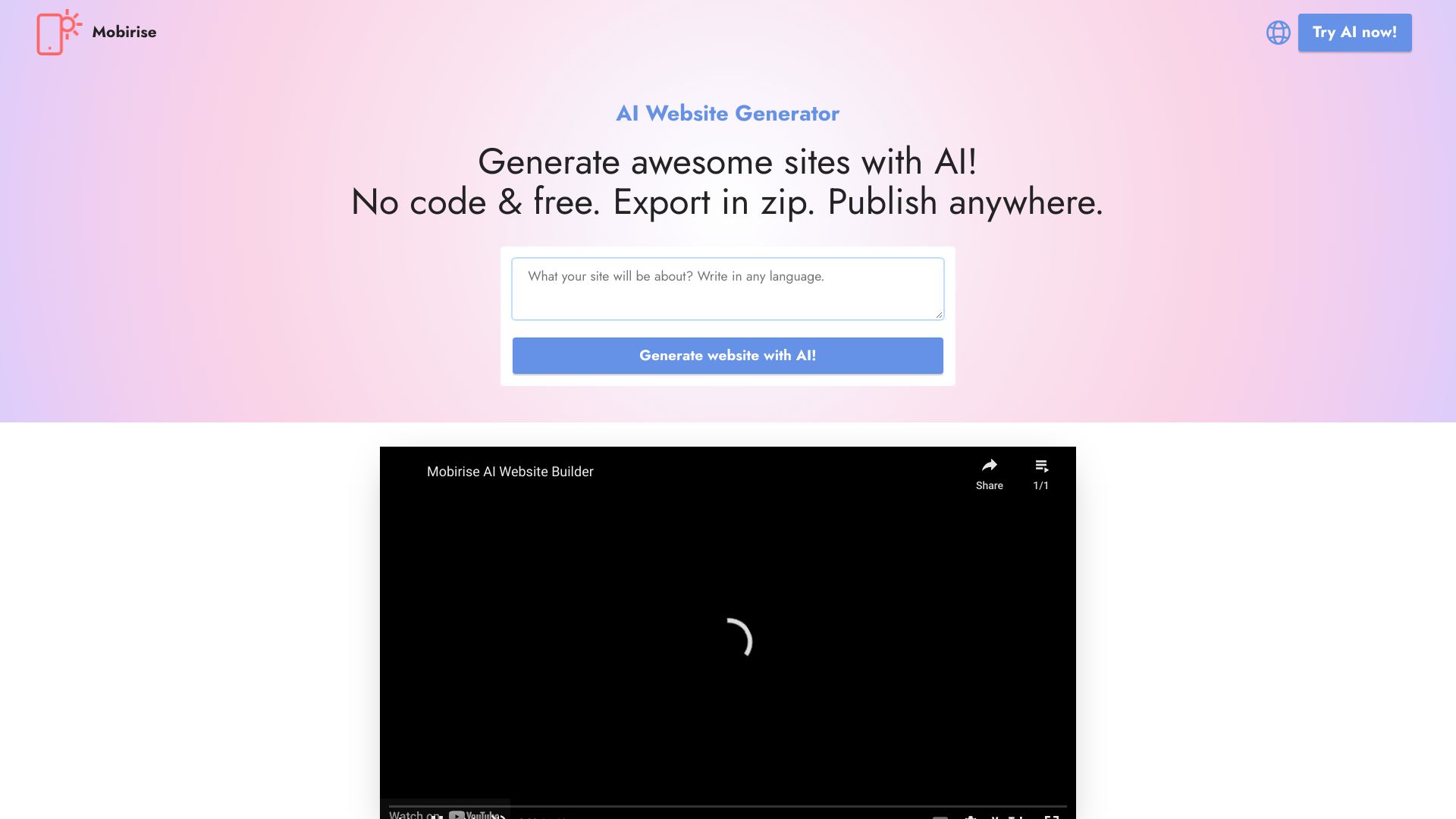
Mobirise earns the top spot by keeping the core workflow straightforward: describe the site, generate it, then continue in a no-code, drag-and-drop environment. That is a sensible combination for a local business, consultant, or service provider that needs a professional starting point without learning HTML or CSS. The ability to export and publish anywhere also matters. You are not limited to treating the builder as the only destination for the finished site.
Its strongest evidence is the AI generation workflow itself, paired with customizable templates. The free-to-use positioning makes it a useful first stop for buyers comparing the best ai website builders, especially when the goal is to test an idea before committing. The trade-off is that the free version has limited advanced features, so more demanding sites may outgrow the first tier.
My take: This is the safest first recommendation for a nontechnical small business owner. It gives you a fast route from blank page to editable site without making the workflow feel like a developer project.
Where it falls short: The free version is not the complete product, and the listed kit price means you should check exactly what is included before publishing a business-critical site.
Key features
AI website generation.
No-code website building.
Drag-and-drop editing.
Customizable templates.
Export and publish anywhere.
Pros
Free to use with no coding required.
Strong fit for small business sites.
Export options reduce dependence on one publishing destination.
Cons
Limited advanced features in the free version.
Choose Mobirise AI Website Builder if: You want a no-code AI-generated business website that you can edit visually and publish without writing code.
2. CodeDesign.ai
CodeDesign.ai
AI website builder for entrepreneurs and conversion-focused projects
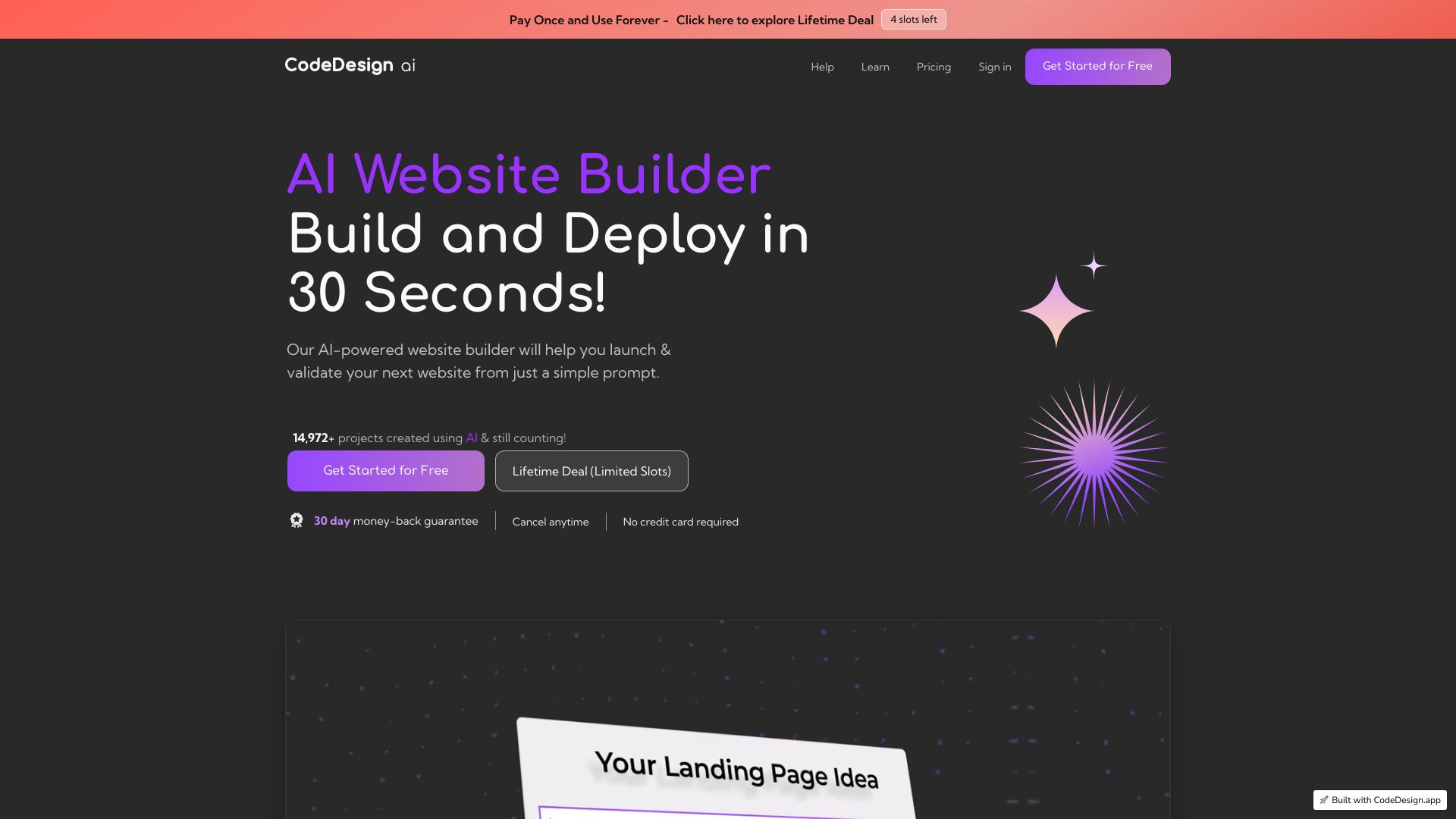
CodeDesign.ai takes a broader view of website creation by pairing an AI website builder with an AI sales funnel builder. That pairing is valuable when the site is not merely an online brochure. Entrepreneurs often need a landing page, a clear conversion path, and a way to shape the experience around an offer. Having both workflows in the same product makes the tool more relevant to that job than a builder focused only on visual design.
The drag-and-drop interface lowers the editing barrier, while the free allowance of three websites gives buyers room to try more than one concept. This is a strong candidate for someone searching for the best ai to build a website for a new service or campaign. The catch is familiar: some features require a paid plan, and the SGD pricing means international buyers should check the current currency and plan details carefully.
My take: I would choose CodeDesign.ai over a generic site generator when the website needs to support a sales process, not just present information.
Where it falls short: The free tier is useful for testing, but paid-plan requirements can appear as the project becomes more ambitious.
Key features
AI website builder.
AI sales funnel builder.
AI-powered website creation.
Drag-and-drop interface.
Pros
Easy to use with a drag-and-drop interface.
Three free websites provide a practical trial path.
Sales funnel tools make the product useful for offer-led sites.
Cons
Some features require a paid plan.
Choose CodeDesign.ai if: You are an entrepreneur who wants AI-generated pages and sales-funnel support in one workflow.
3. STUDIO AI

STUDIO AI
AI-assisted website design for web designers
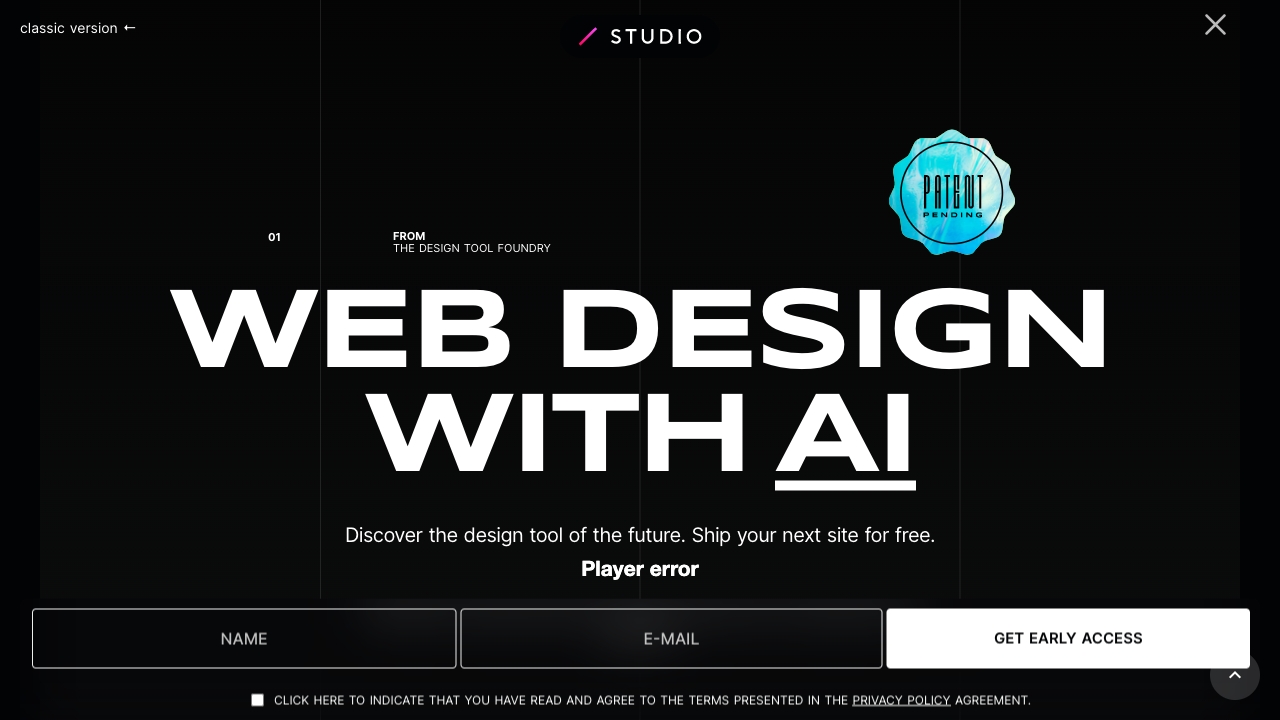
STUDIO AI is aimed at a more design-aware user than the typical one-prompt website generator. Its AI-powered design suggestions are useful when you already have an opinion about composition and need help moving from design thinking to a live website. Automated task completion adds another layer: instead of handling every small implementation step manually, you can use AI assistance to speed up the production process.
Responsive design is part of the stated workflow, which makes the tool more credible for sites that need to work across screen sizes. The free access allowance is framed around 2,000 visitors per month, and the product also includes multi-step task automation. That makes STUDIO AI an intriguing answer for designers looking for the best ai web builder, but it may ask more of the user than a purely beginner-focused tool.
My take: This is one of the strongest choices when the person building the site cares about design decisions and wants AI to accelerate, rather than replace, that work.
Where it falls short: You may need a learning curve to fully use the AI features. Pricing should also be confirmed directly because the current starting-price display is not cleanly established here.
Key features
AI-powered design suggestions.
Automated task completion.
AI-augmented design.
Multi-step task automation.
Responsive design.
Pros
Speeds up the web design process with AI assistance.
Better suited to design-led workflows than a basic prompt-only builder.
Responsive design supports a more complete publishing workflow.
Cons
May require a learning curve to fully utilize AI features.
Vendor pricing should be checked before purchase.
Choose STUDIO AI if: You are a web designer who wants AI to handle repetitive production work while you retain control of the design direction.
4. Aura.build

Aura.build
Export-friendly AI website creation for web designers
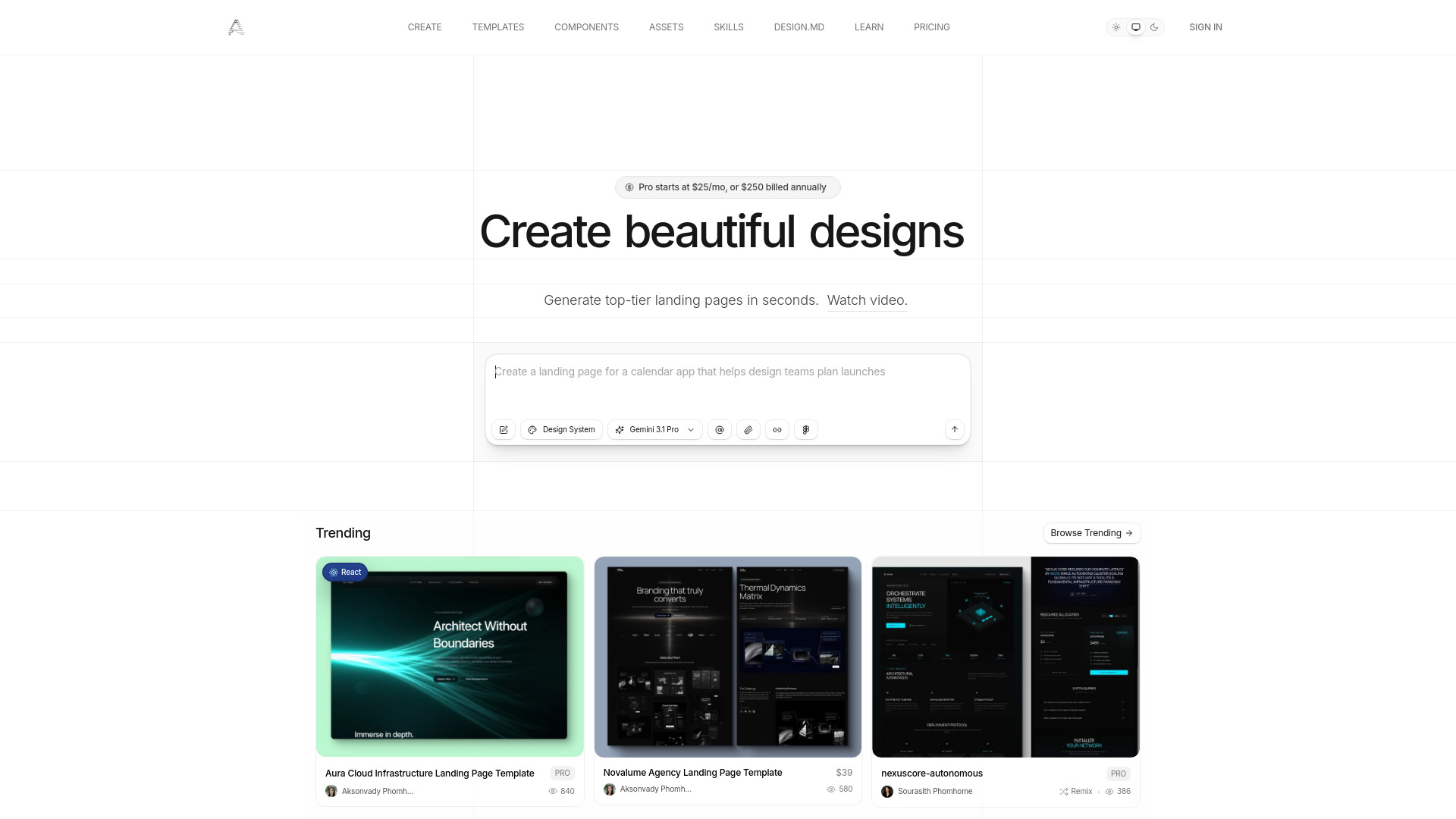
Aura.build appeals to designers who want a fast visual starting point without giving up the ability to take the output elsewhere. It can generate AI landing pages and websites, convert screenshots into responsive HTML, and export to HTML and Figma. That last part is the important distinction: the workflow is not limited to keeping the finished page inside a proprietary editor.
The product generates standard HTML and CSS, which reduces vendor lock-in and gives the result a more portable shape. Screenshot-to-responsive-HTML conversion is particularly useful for turning an existing visual reference into a usable front-end starting point. The three-day trial includes 20 prompts, but the free tier does not include AI prompt usage beyond that trial context, so test your real workflow before assuming the free option will carry a full project.
My take: Aura.build is the most compelling pick here for designers who think in screenshots, exports, and handoff rather than just hosted pages.
Where it falls short: The free tier does not include AI prompt usage, so continued generation requires a paid path. Its $25/month starting figure should be checked against the current plan details.
Key features
AI-powered landing page generation.
AI-powered website generation.
Screenshot-to-responsive-HTML conversion.
HTML export.
Figma export.
Pros
Generates standard HTML and CSS with no vendor lock-in.
Useful bridge from screenshot to responsive page.
Export options support design and development handoffs.
Cons
Free tier does not include AI prompt usage.
The trial is time-limited.
Choose Aura.build if: You need AI-generated pages but want portable HTML or Figma output for the next stage of your workflow.
5. Brizy AI Website Builder

Brizy AI Website Builder
Fast AI website creation for non-techies
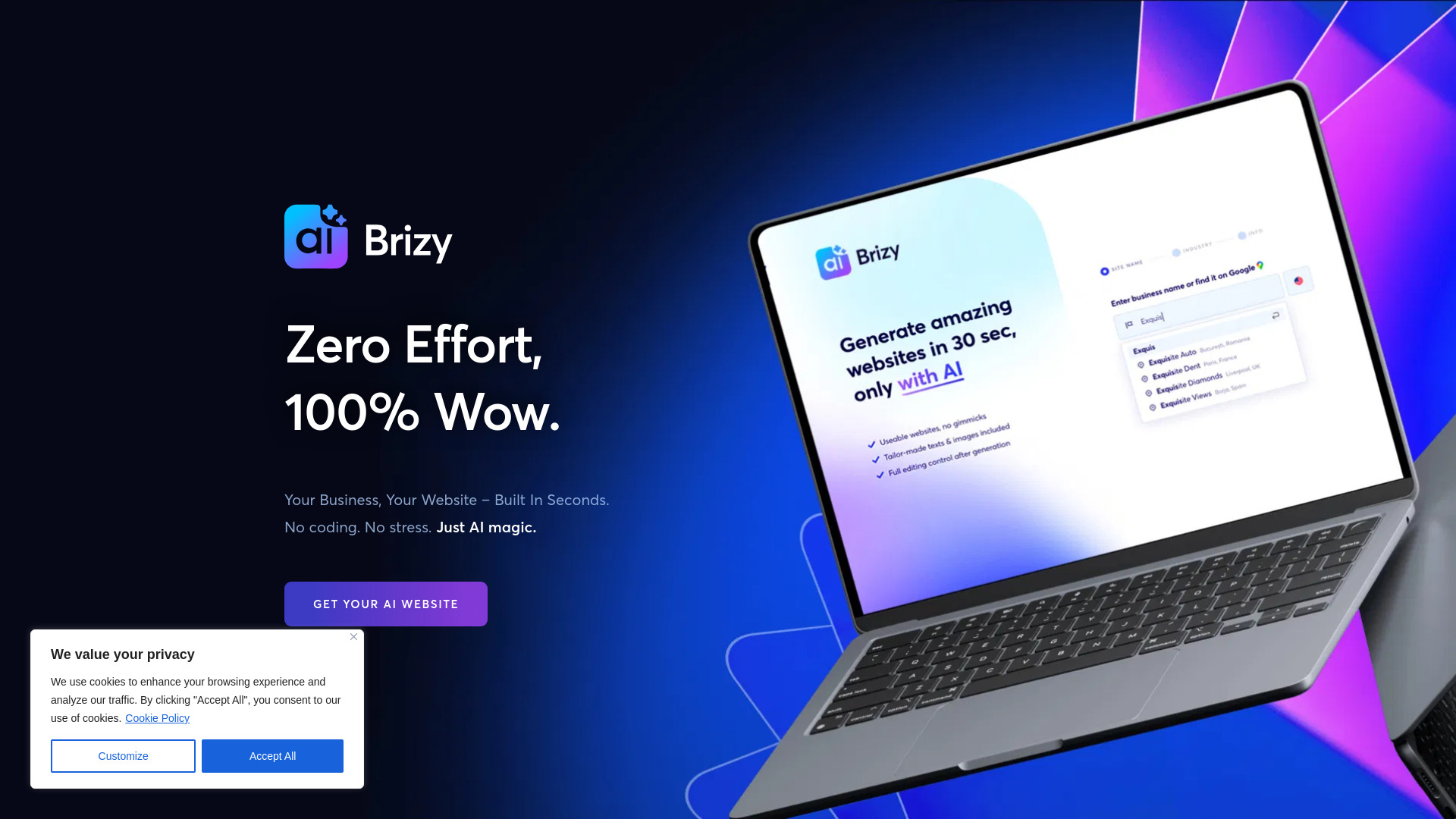
Brizy focuses on the moment many beginners care about most: getting a credible site on screen quickly. Its instant AI website generation is designed for non-techies, so the appeal is speed and reduced setup rather than an extensive technical toolkit. That makes it a natural contender for someone investigating the best ai to build websites without wanting to manage a complicated build process.
Google My Business integration, including automatic import of business details, is a practical touch. It can reduce the amount of repetitive information entry when creating a local or service-based site. The product is described as creating high-converting sites, but the concrete advantage is the fast generation and business-detail workflow. The available pricing starts at $19 per month for a one-month personal option, though you should verify what the current plan includes.
My take: Brizy is a good beginner pick when speed matters more than deep customization and you want business information pulled into the setup process.
Where it falls short: The provided limitation is not specific about which functions may take longer, and there is no clearly stated advanced-feature drawback. Buyers should test the editing and publishing workflow before relying on it for a larger site.
Key features
Instant AI website generation.
Website builder for non-techies.
Google My Business integration.
Automatic import of business details.
Pros
Incredibly fast and easy website creation.
Strong fit for users without technical experience.
Business-detail importing can shorten setup.
Cons
Development may sometimes take its time, according to the noted review limitation.
Confirm plan scope and speed on your own project.
Choose Brizy AI Website Builder if: You are a nontechnical user who wants an AI-generated business site in seconds and values a simple starting workflow.
6. 10Web

10Web
AI website building and managed WordPress for SMBs
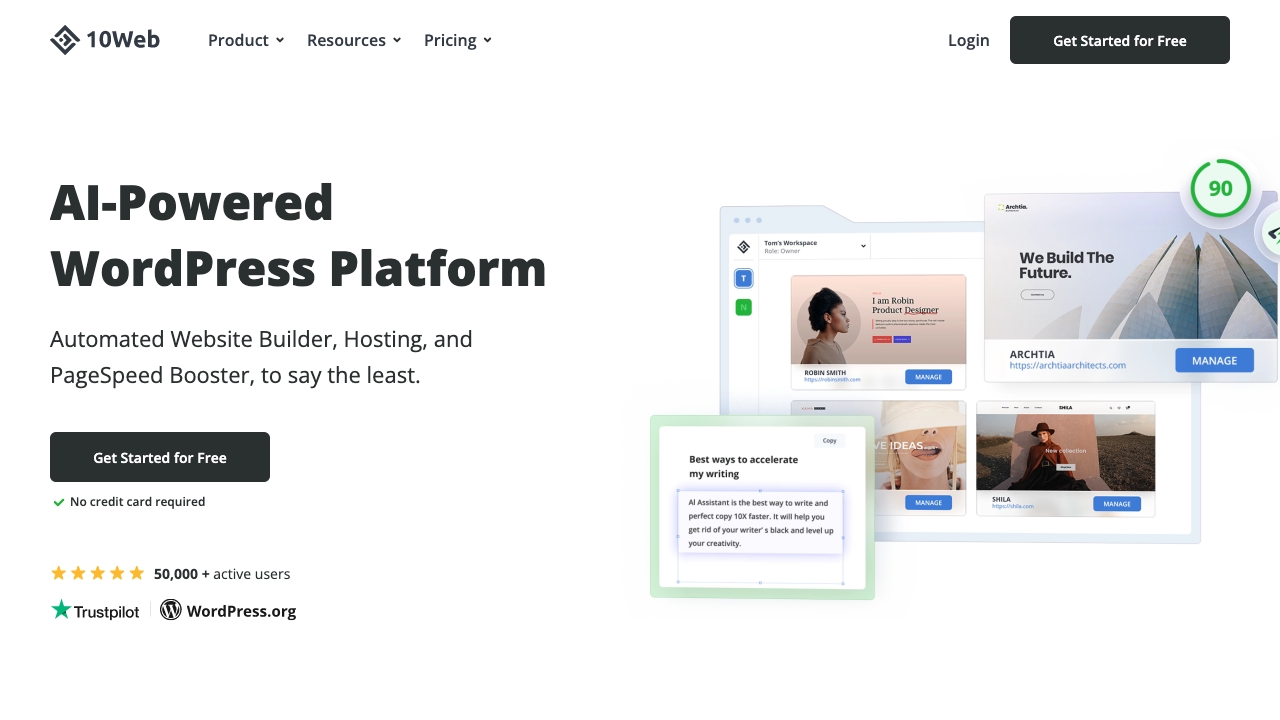
10Web is the practical choice for buyers who want more than a generated front end. Its AI website builder sits alongside managed WordPress hosting, so the product covers creation and hosting in one platform. That makes it a stronger fit for SMBs and teams that already understand the WordPress ecosystem or want the flexibility that comes with it.
Automated WordPress hosting and 90+ PageSpeed optimization are the distinguishing facts here. The one-week free trial is enough to inspect the workflow, but it is short enough that you should arrive with a test brief rather than browsing aimlessly. Pricing can vary with the selected plan and add-ons, so the $10 per month AI Starter figure is a starting reference, not a guaranteed total.
My take: 10Web makes the most sense when hosting and WordPress management are part of the buying decision. It is less appealing if you only want the quickest possible one-page site.
Where it falls short: Plan and add-on variation can complicate the final cost. WordPress also brings more operational responsibility than a simple hosted builder, even when hosting is managed.
Key features
AI website builder.
Managed WordPress hosting.
AI-powered content generation.
Automated WordPress hosting.
90+ PageSpeed optimization.
Pros
Combines AI building and hosting.
Strong fit for SMB websites that need WordPress.
PageSpeed optimization is a useful performance-oriented addition.
Cons
Pricing can vary based on plan and add-ons.
The one-week trial requires focused evaluation.
Choose 10Web if: You want an AI-assisted WordPress site with managed hosting rather than a standalone page generator.
7. WeWeb

WeWeb
AI-assisted no-code web applications for startups
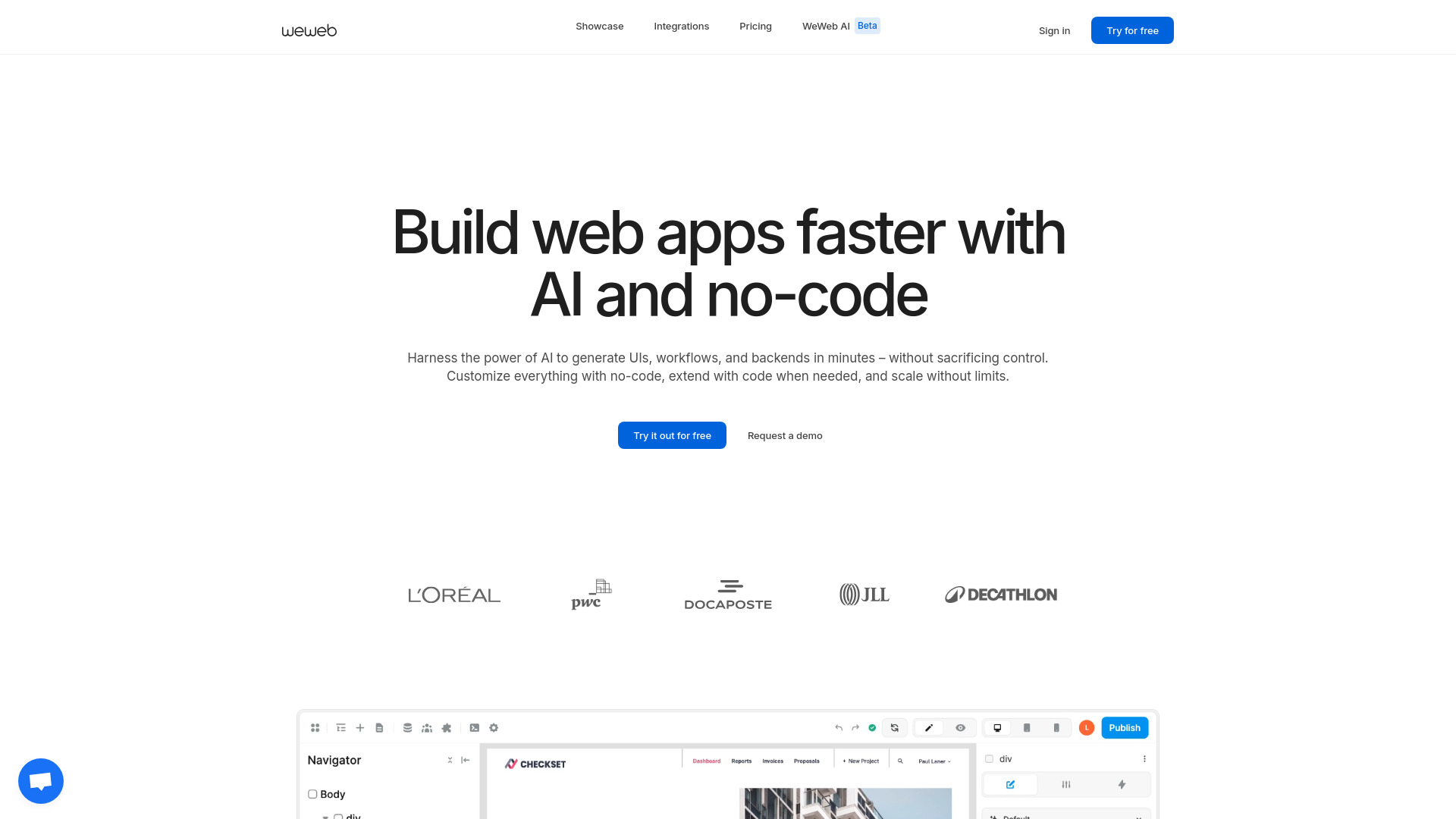
WeWeb is the clearest adjacent alternative in this list: it is positioned for building web applications, not only marketing websites. Startups can use AI-assisted building to move quickly while still working in a visual drag-and-drop editor. That combination gives the tool more room to support interactive products and evolving interfaces than a narrowly focused landing-page builder.
The free allowance of 1 million AI tokens is a meaningful reason to experiment, although tokens alone do not tell you how far a real project will go. The key appeal is speed paired with no-code simplicity. Pricing may vary by plan and add-ons, so the free $0 starting point should not be confused with the eventual cost of a production application.
My take: If your definition of the best website ai builder includes an app-like experience, WeWeb deserves attention. It is overkill for a basic brochure site but much more relevant for a startup product.
Where it falls short: The pricing structure can change with plan choices and add-ons. Buyers should also distinguish between building a public website and building a more involved web application before committing.
Key features
AI-assisted building.
Visual editing.
Drag-and-drop builder.
No-code web application creation.
One million free AI tokens.
Pros
AI-powered speed without abandoning visual editing.
Strong startup fit.
More flexible for web applications than a simple site generator.
Cons
Pricing may vary based on the chosen plan and add-ons.
May be more platform than a simple website requires.
Choose WeWeb if: You are building a startup website or web application and want no-code speed with a visual editor.
8. Solo

Solo
Instant free business websites for coaches
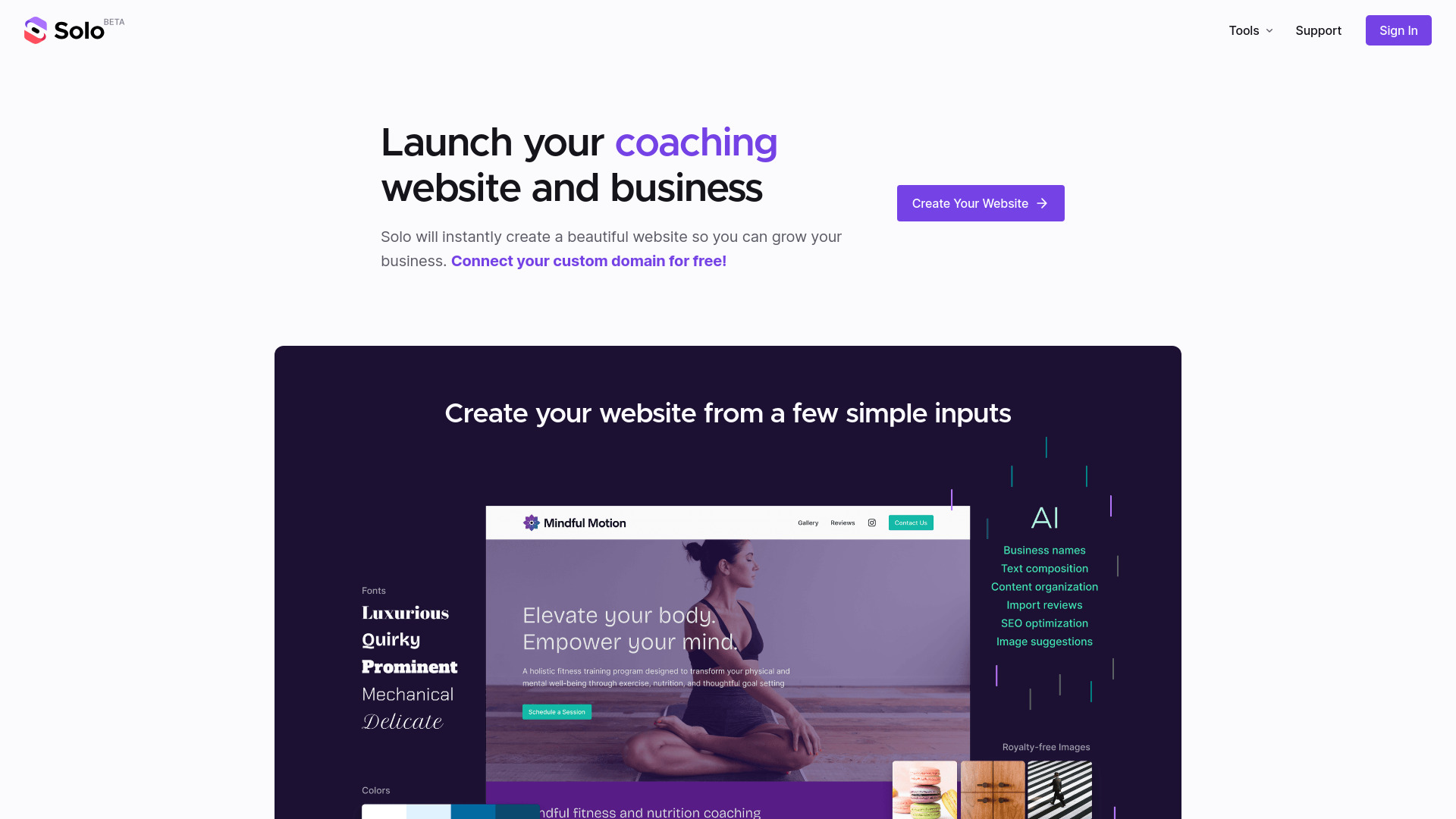
Solo is built around immediacy. Its AI-powered website creation workflow targets coaches and similar professionals who need a polished business presence without turning website production into a project of its own. The free website offering and free custom-domain connection and hosting make it unusually approachable for a first site.
That focus is a strength. Someone comparing the best ai to build a website for a coaching practice may care more about being visible and contactable than about exporting code or building a complex app. Solo addresses that need directly. The limitation is analytics: detailed statistics may require a Google Analytics account, which adds another setup step for users who want to understand traffic.
My take: Solo is the easiest recommendation for a coach who wants to get online first and refine the site later. It is not the pick for a design team that needs export controls.
Where it falls short: Detailed analytics may require a Google Analytics account. Pricing is not presented as a clean starting figure, so confirm the current commercial terms before scaling up.
Key features
AI-powered website creation.
Instant website creation.
Free website.
Free custom-domain connection.
Hosting included with the free site offering.
Pros
Instant website creation using AI.
Free custom-domain connection and hosting.
Clear fit for coaches and solo professionals.
Cons
Detailed statistics may require a Google Analytics account.
Vendor pricing should be checked directly.
Choose Solo if: You are a coach or solo professional who wants a free AI-created website and custom-domain connection with minimal setup.
9. Dorik AI

Dorik AI
Accessible AI website generation for entrepreneurs
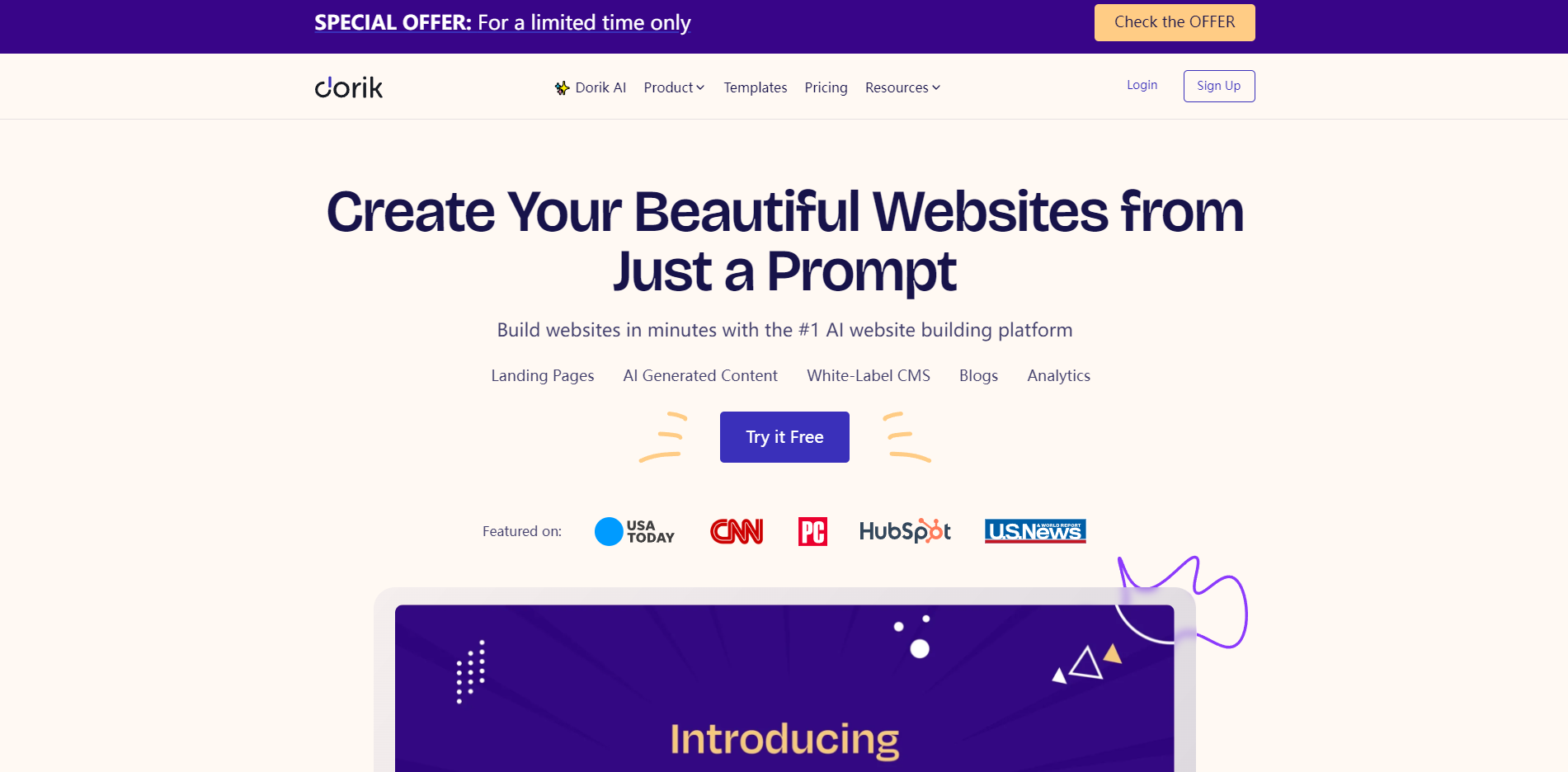
Dorik AI combines AI website generation with a familiar drag-and-drop builder. That pairing gives entrepreneurs a quick first draft while preserving a visual editing path for the inevitable adjustments. The allowance of five free websites is especially useful for testing different businesses, campaign concepts, or layouts before settling on one direction.
The product is also framed as offering advanced business solutions, but the most dependable reason to consider it is its balance of generation and approachable editing. It is a sensible option for users searching for a best ai web builder that does not force them into code. Some advanced features may require paid plans, so free access should be treated as a starting environment rather than a promise that every business workflow is included.
My take: Dorik AI is a strong value-oriented choice for entrepreneurs who want to try several site ideas and keep the editing process simple.
Where it falls short: The free tier may not cover advanced features. Review the paid-plan boundaries before building a site that depends on a specific business function.
Key features
AI website generation.
Drag-and-drop builder.
No-code website building.
Five free websites.
Business-oriented website tools.
Pros
Easy-to-use drag-and-drop builder.
Five free websites create room for experimentation.
Good fit for entrepreneurs without coding skills.
Cons
Some advanced features may require paid plans.
Free and paid capabilities should be compared carefully.
Choose Dorik AI if: You want to generate and edit several no-code websites before choosing the one worth developing further.
10. LandingPage AI

LandingPage AI
Fast AI landing pages and websites for creators
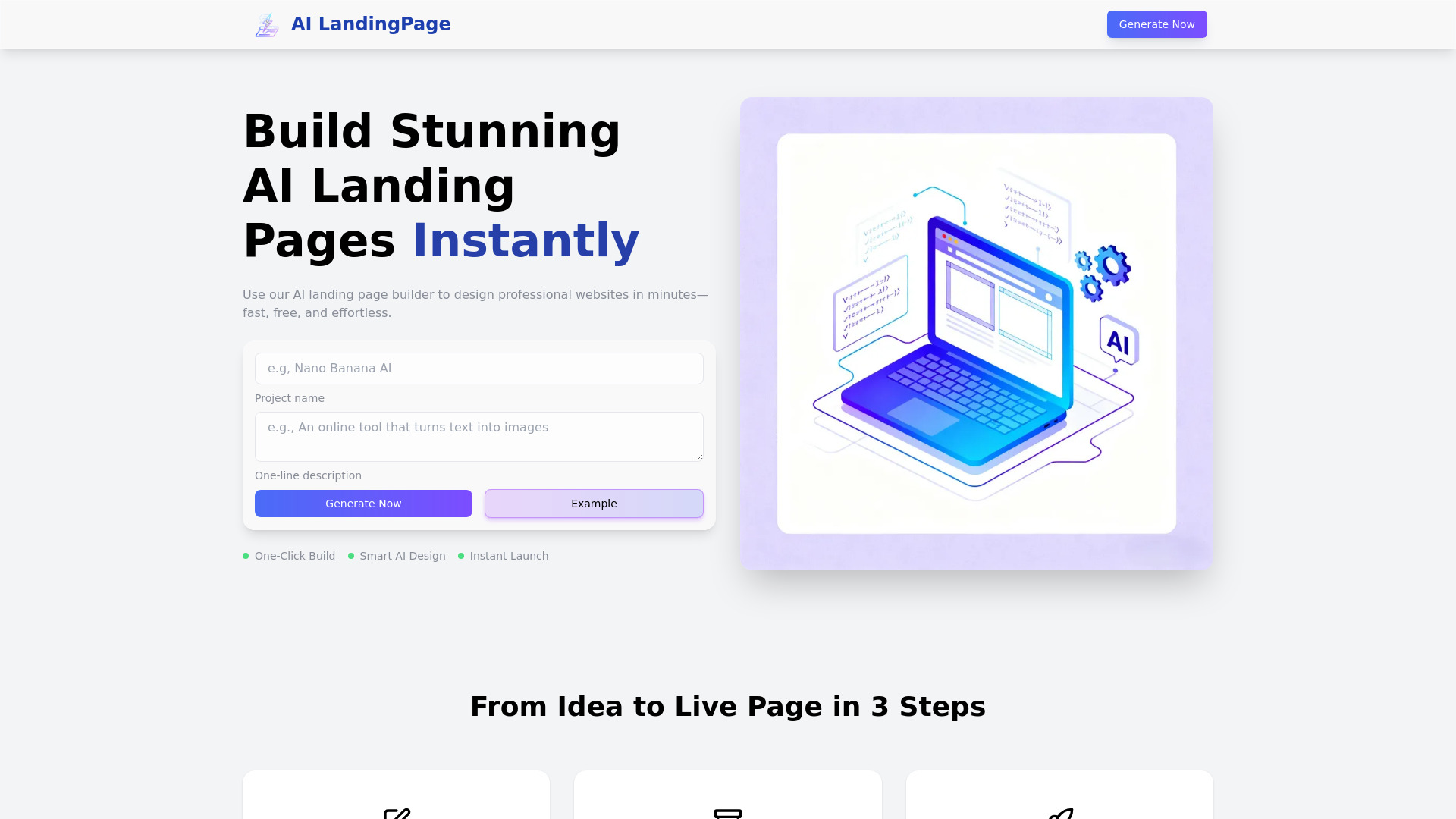
LandingPage AI keeps its promise narrow and useful: generate a landing page or complete website quickly with AI. Creators who need a campaign page, launch page, or simple online home can benefit from that focus. The tool is described as fast, simple, and conversion-optimized, while also offering a full website builder when the project grows beyond a single page.
Free access makes it a low-risk option for testing an idea. It is also a useful answer for buyers who want the best ai to build websites but do not need hosting, WordPress, export, or application features to dominate the decision. The available information does not identify a specific limitation or a clean starting price, so compare the live plan details before treating it as a long-term platform.
My take: LandingPage AI is the focused pick here. I would start with it for a creator campaign or product test, not for a complex site architecture.
Where it falls short: No explicit product limitation is identified, but the lack of a clear starting price means you should verify the commercial details and included publishing features.
Key features
AI landing page builder.
Free AI website builder.
Conversion-optimized page creation.
Full website builder.
Fast AI-driven website creation.
Pros
Fast, simple website and landing-page creation.
Free access lowers the barrier to testing an idea.
Can support both landing pages and fuller websites.
Cons
A specific product drawback is not clearly stated.
Pricing details should be confirmed with the vendor.
Choose LandingPage AI if: You are a creator who needs a quick, conversion-focused landing page or simple website without a long setup process.
More tools to compare

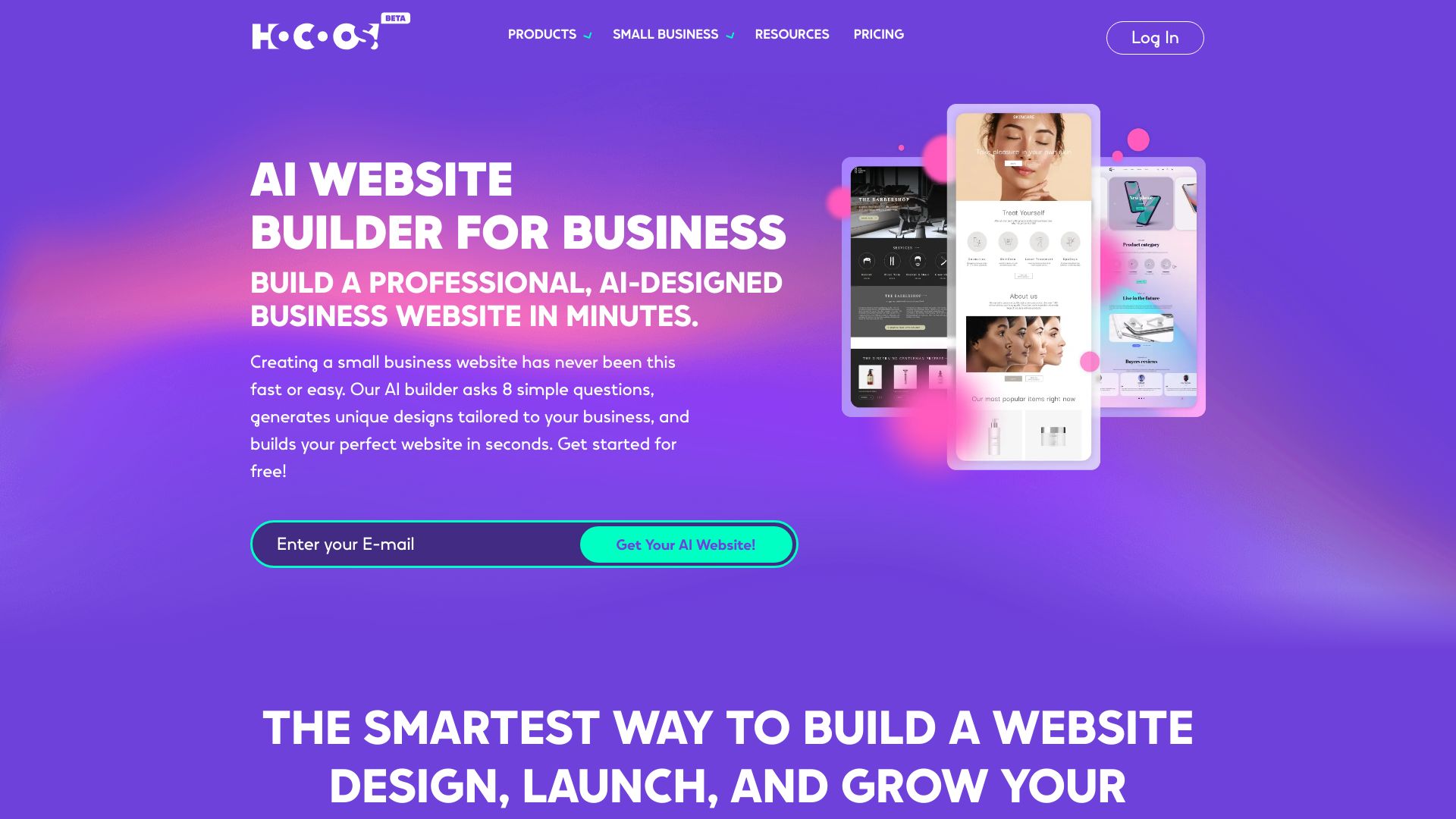
Hocoos AI Website Builder
Small business websites

AI web page translator by pagesection.com
Multilingual HTML webpage editing

AI LandingPage
AI-generated landing pages for small businesses

PageAI
Developers shipping SEO-ready websites

Pineapple Builder
AI-powered business websites

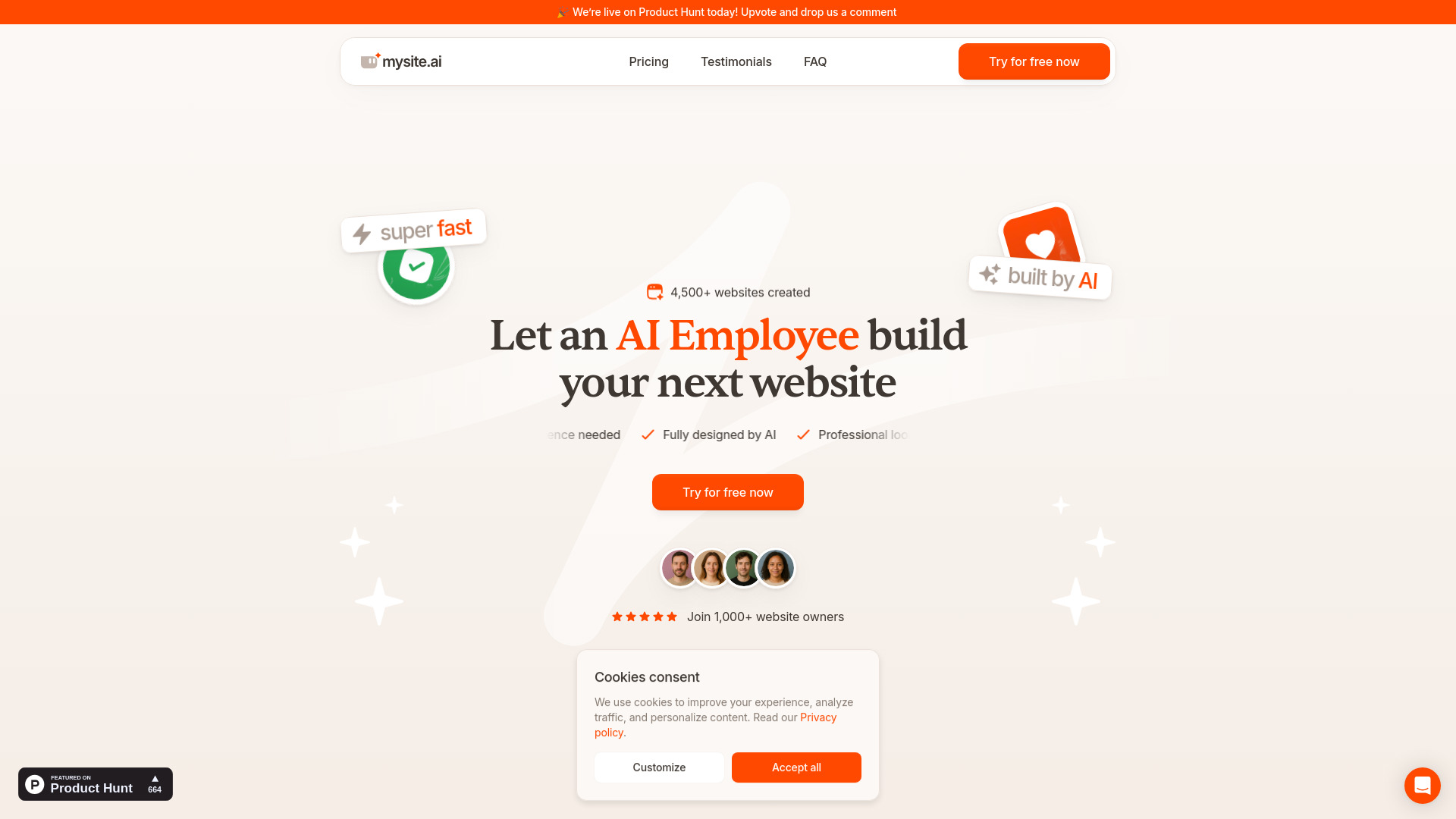
Mysite.ai
Small businesses needing fast AI-built websites

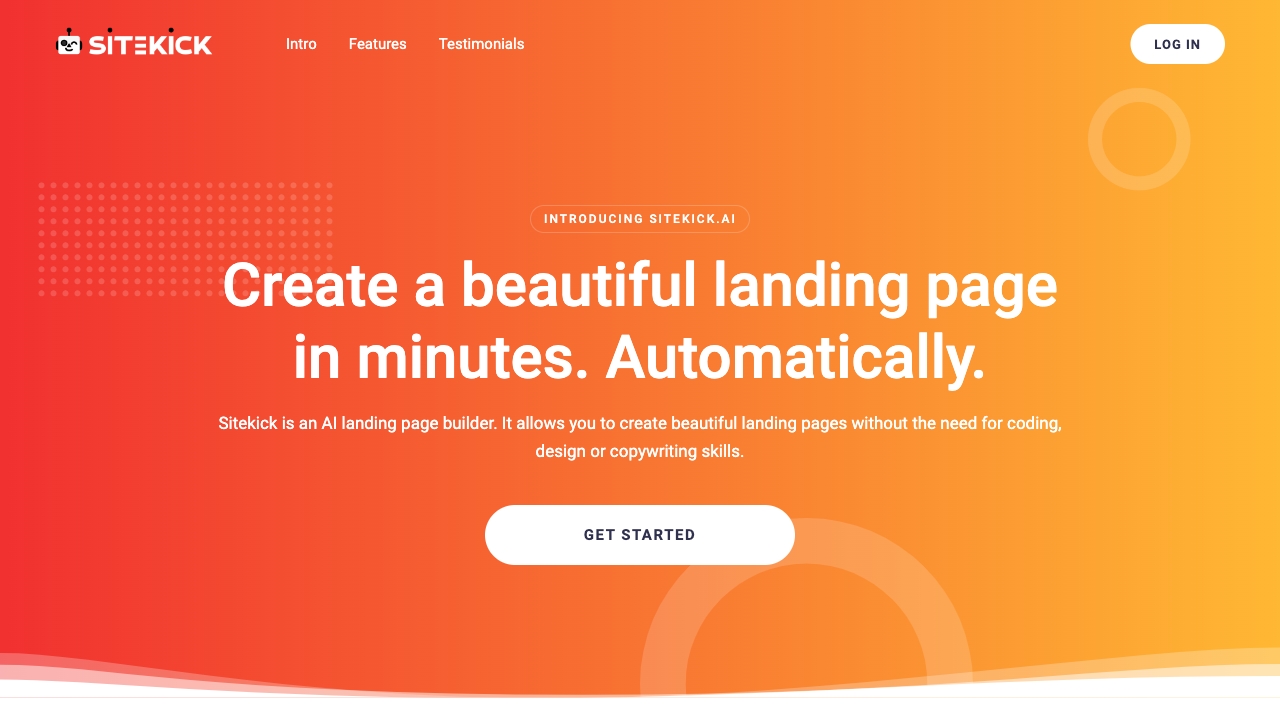
Sitekick AI
AI landing pages and small business websites

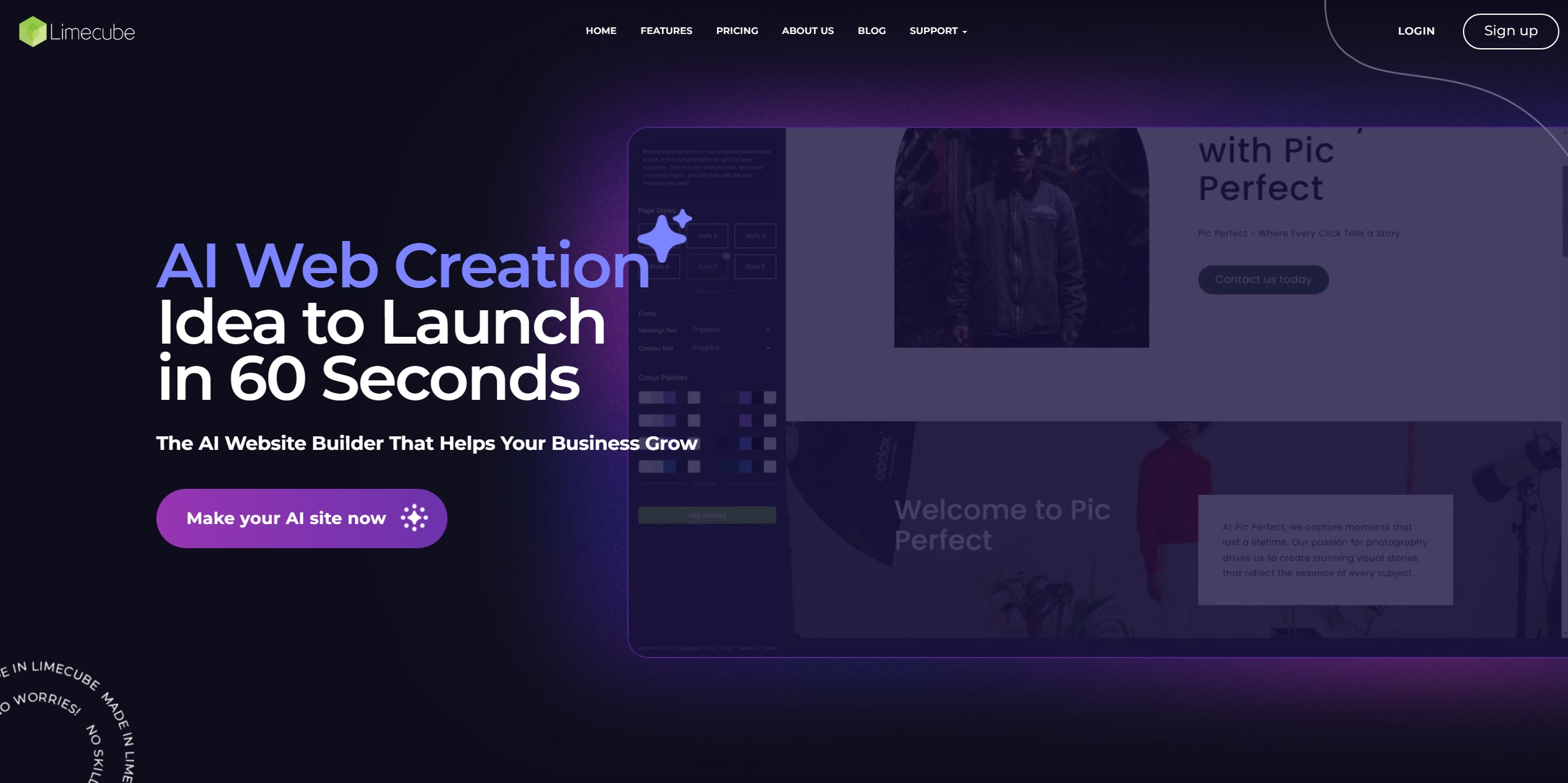
Limecube
Small business website creation

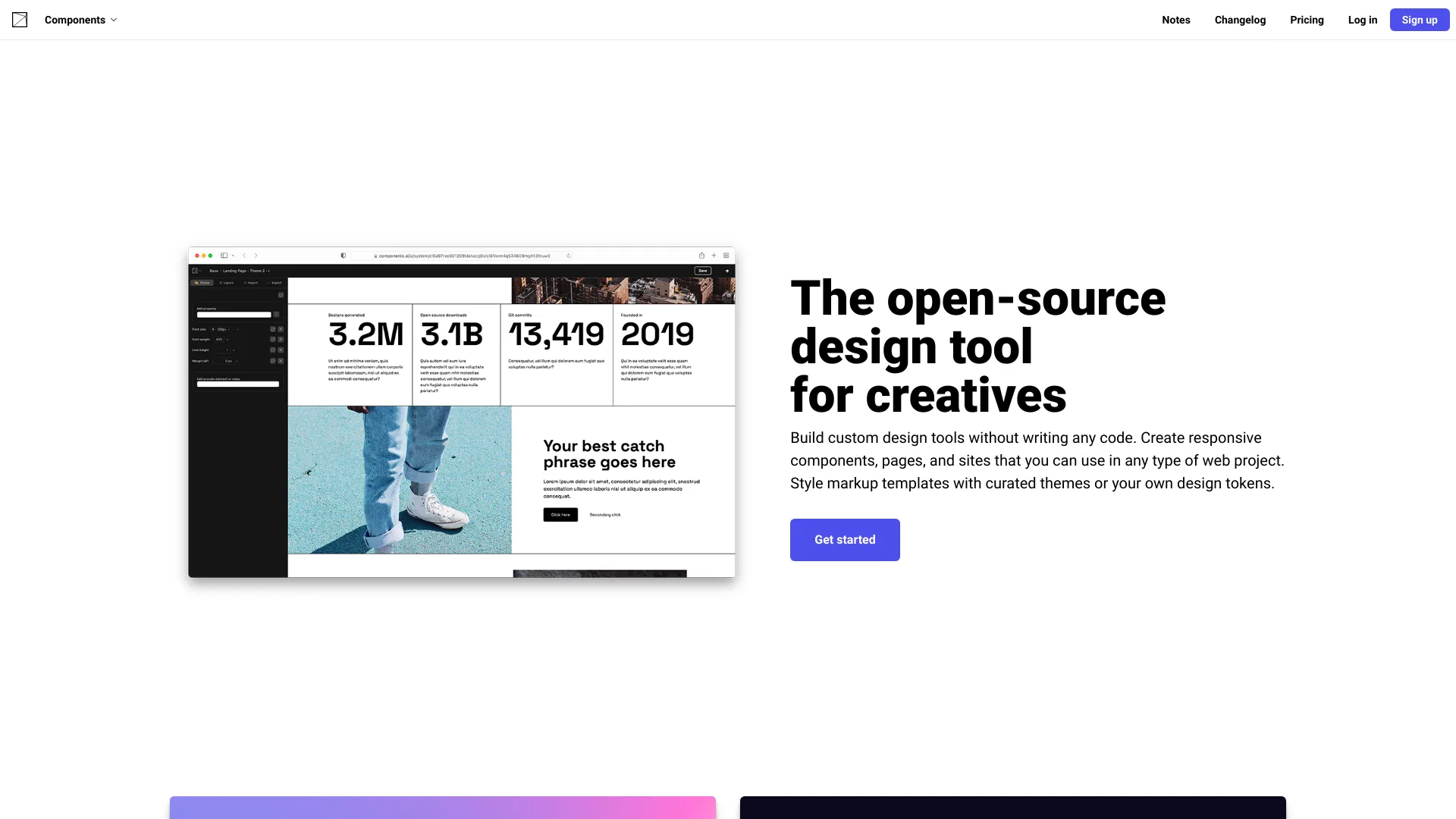
Components AI
No-code generative design tools

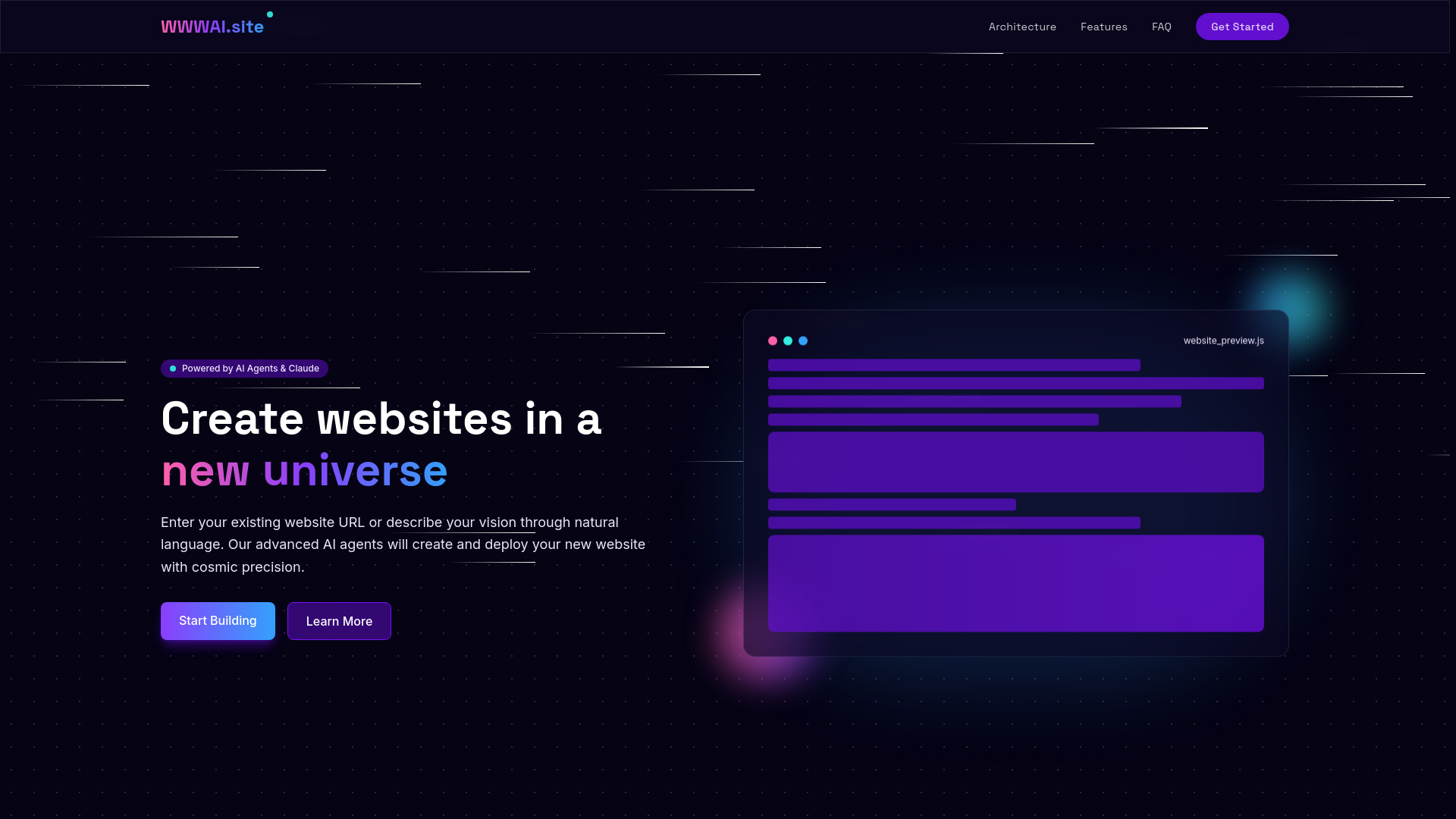
WWWAI.site
Natural-language website creation

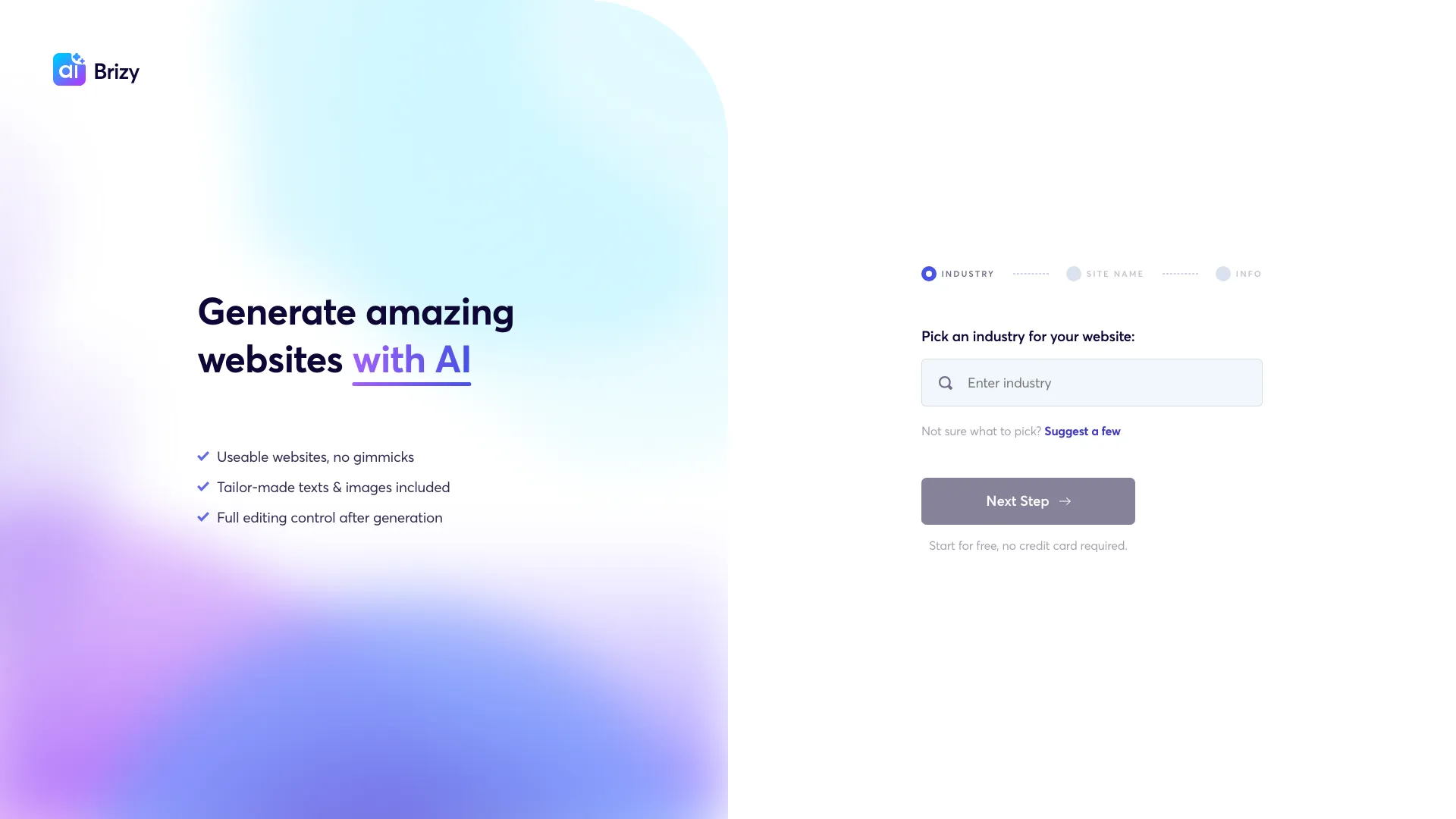
Brizy AI
Guided AI website generation

AIAI.com
AI video and image creators


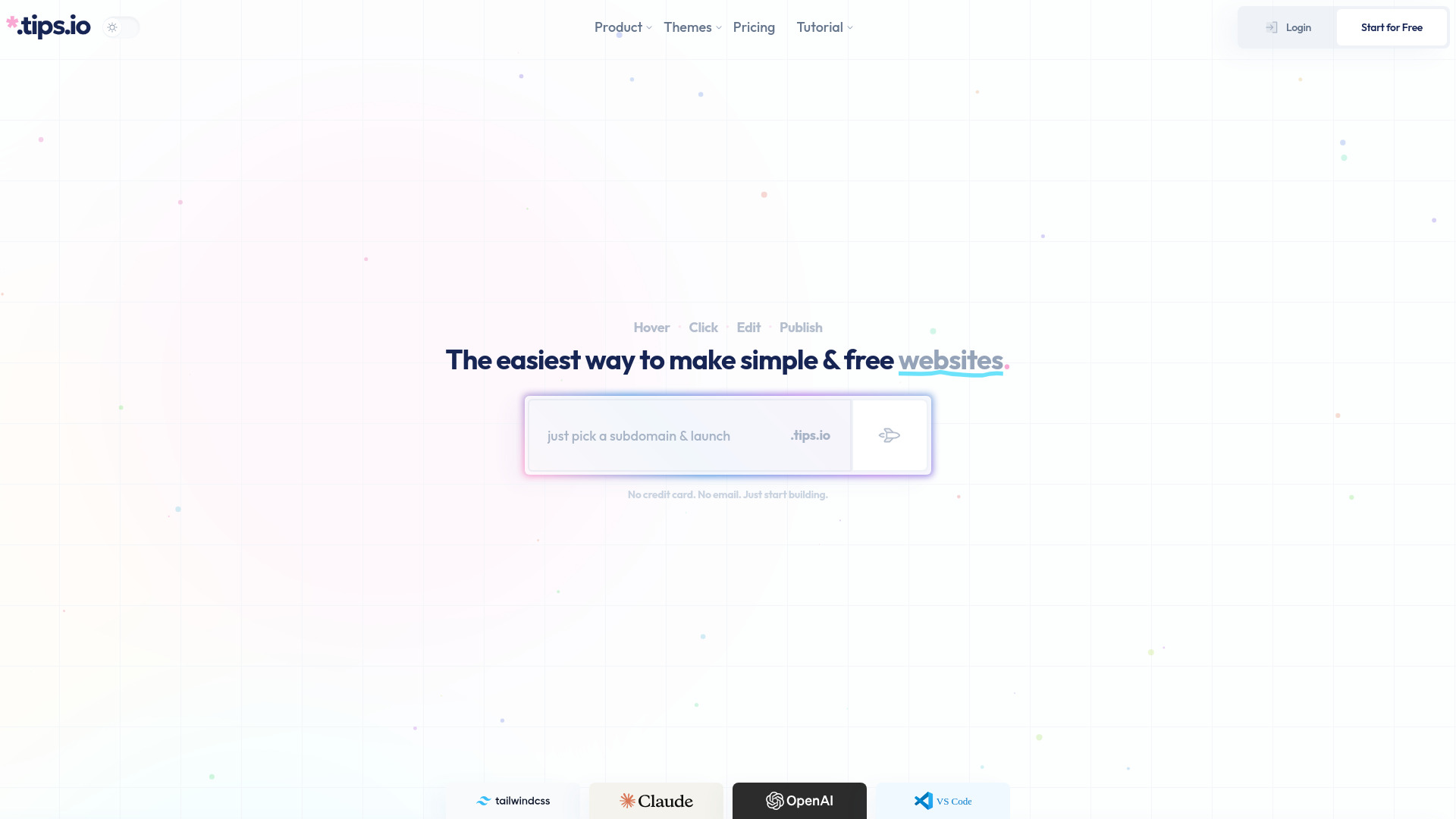
Tips.io
Tailwind-focused marketing sites

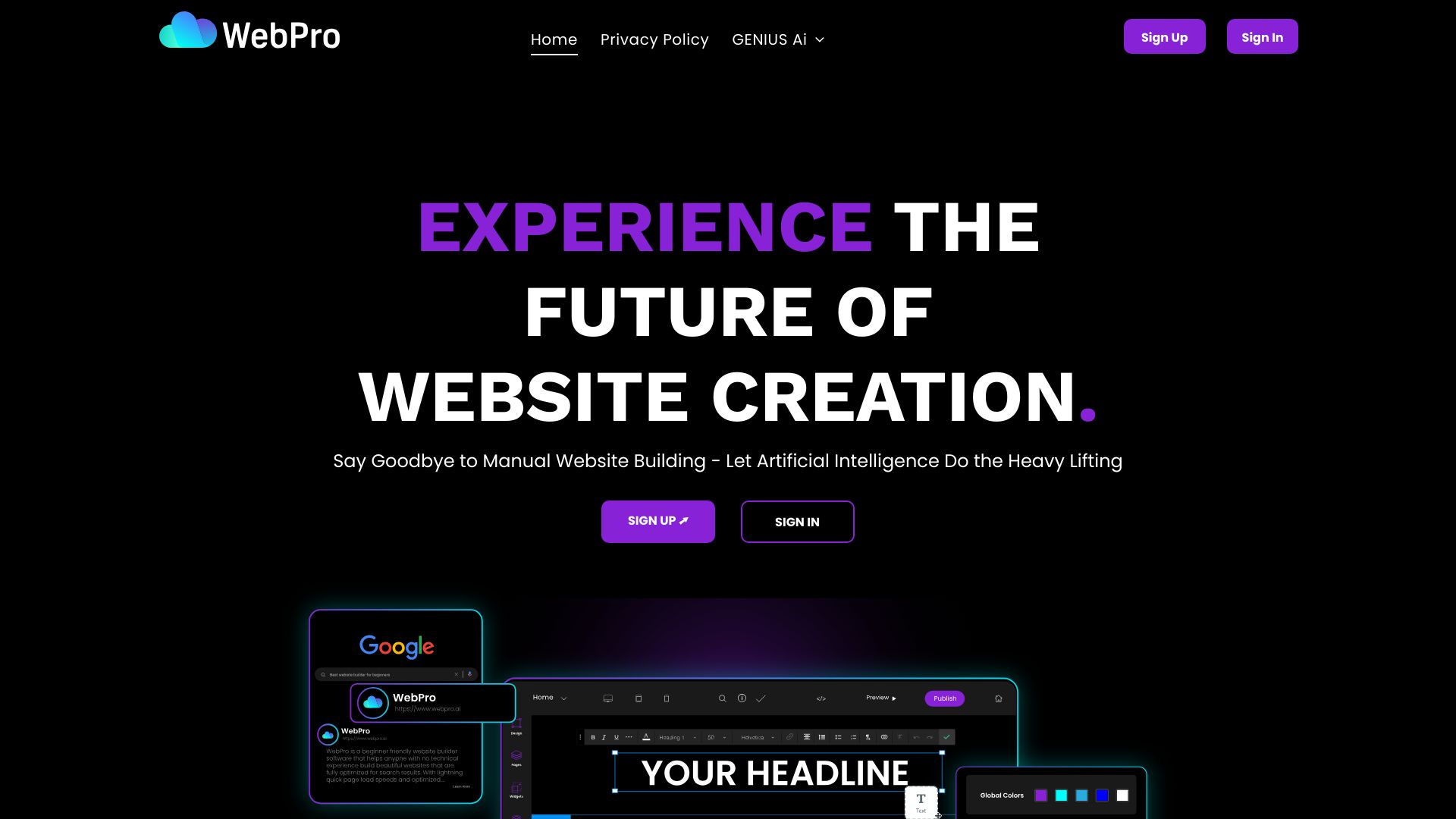
WebPro.ai
Small business website creation

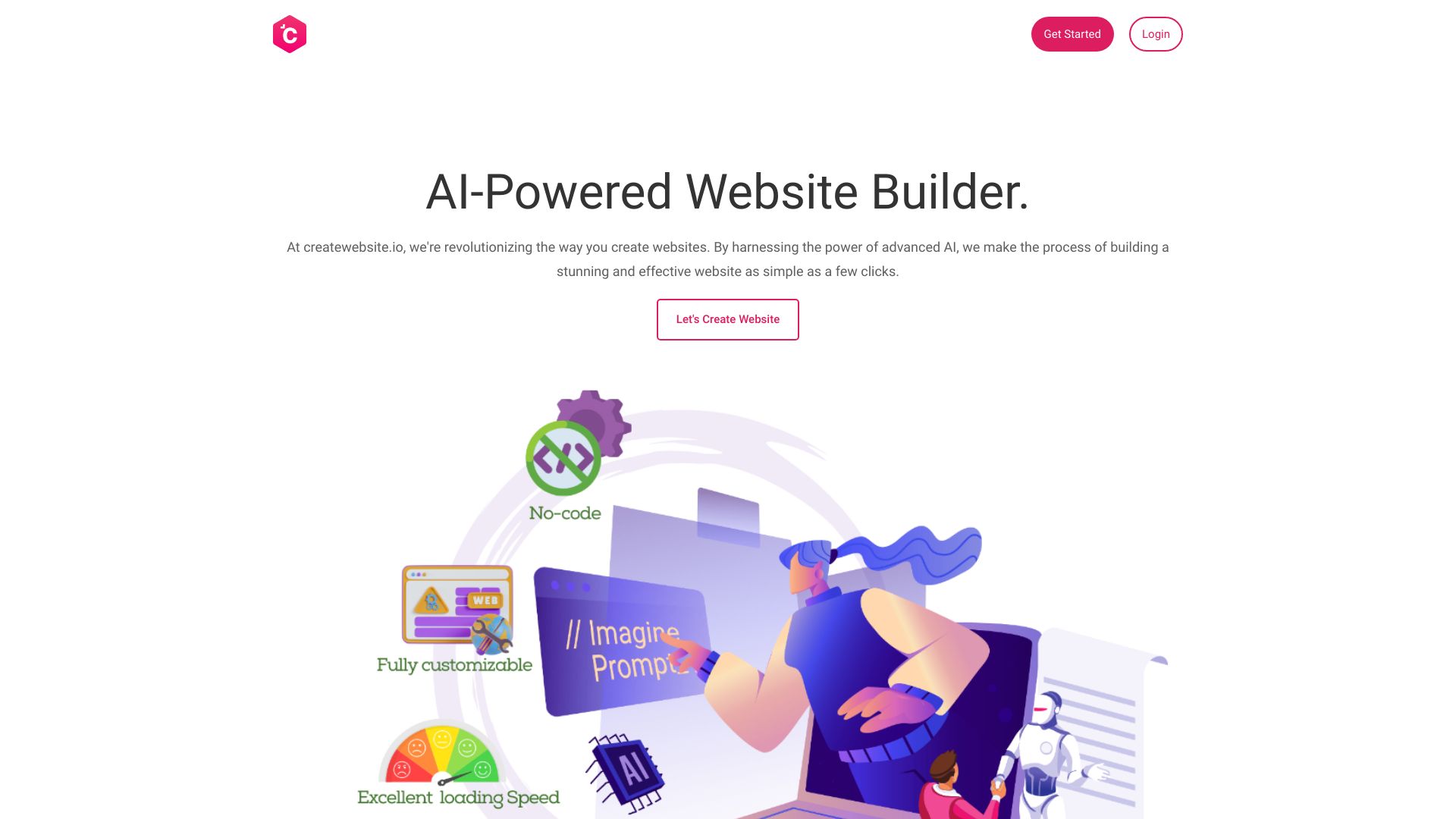
CreateWebsite.io
Personal sites and startups

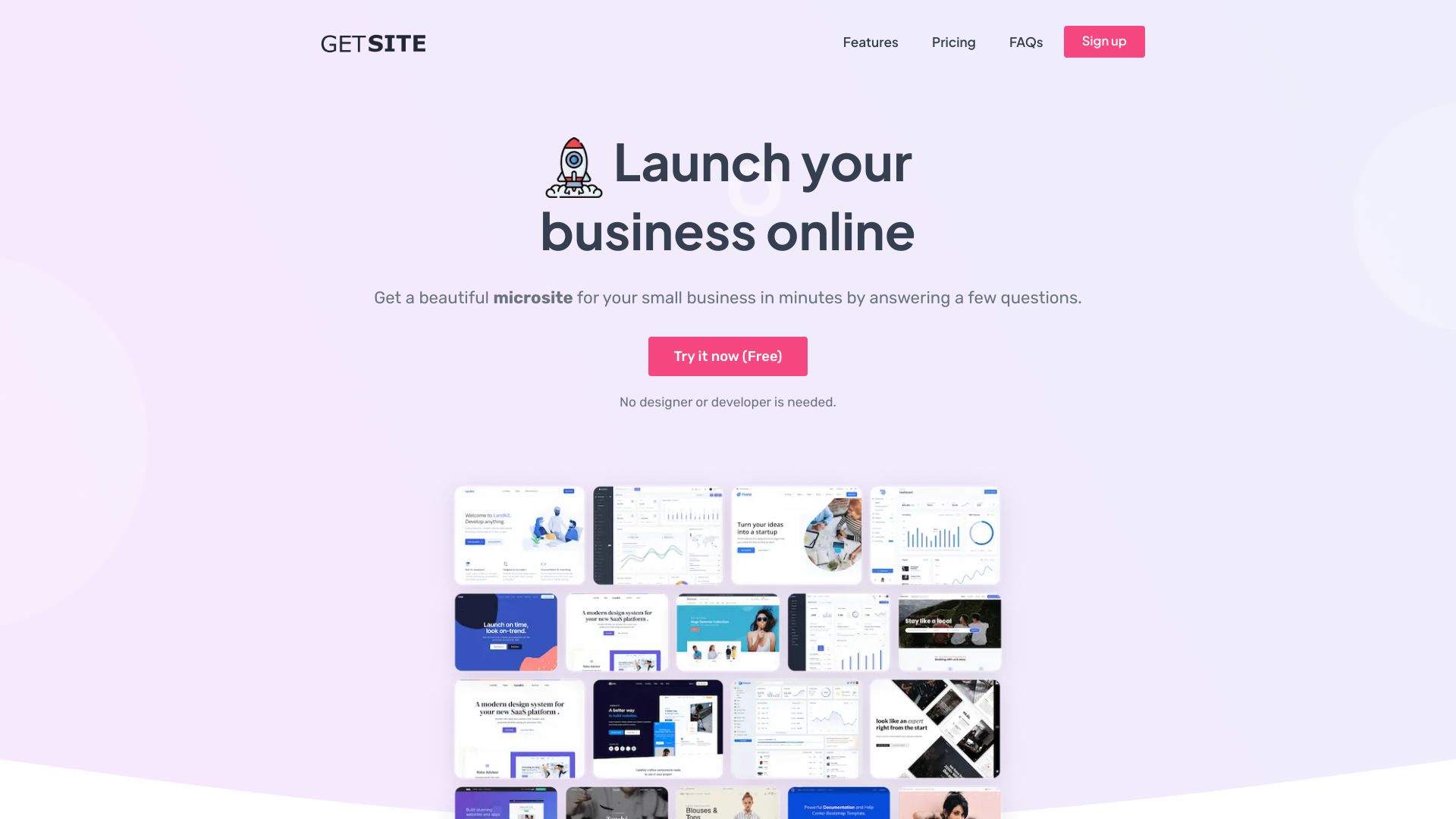
GetSite
AI-powered one-page websites

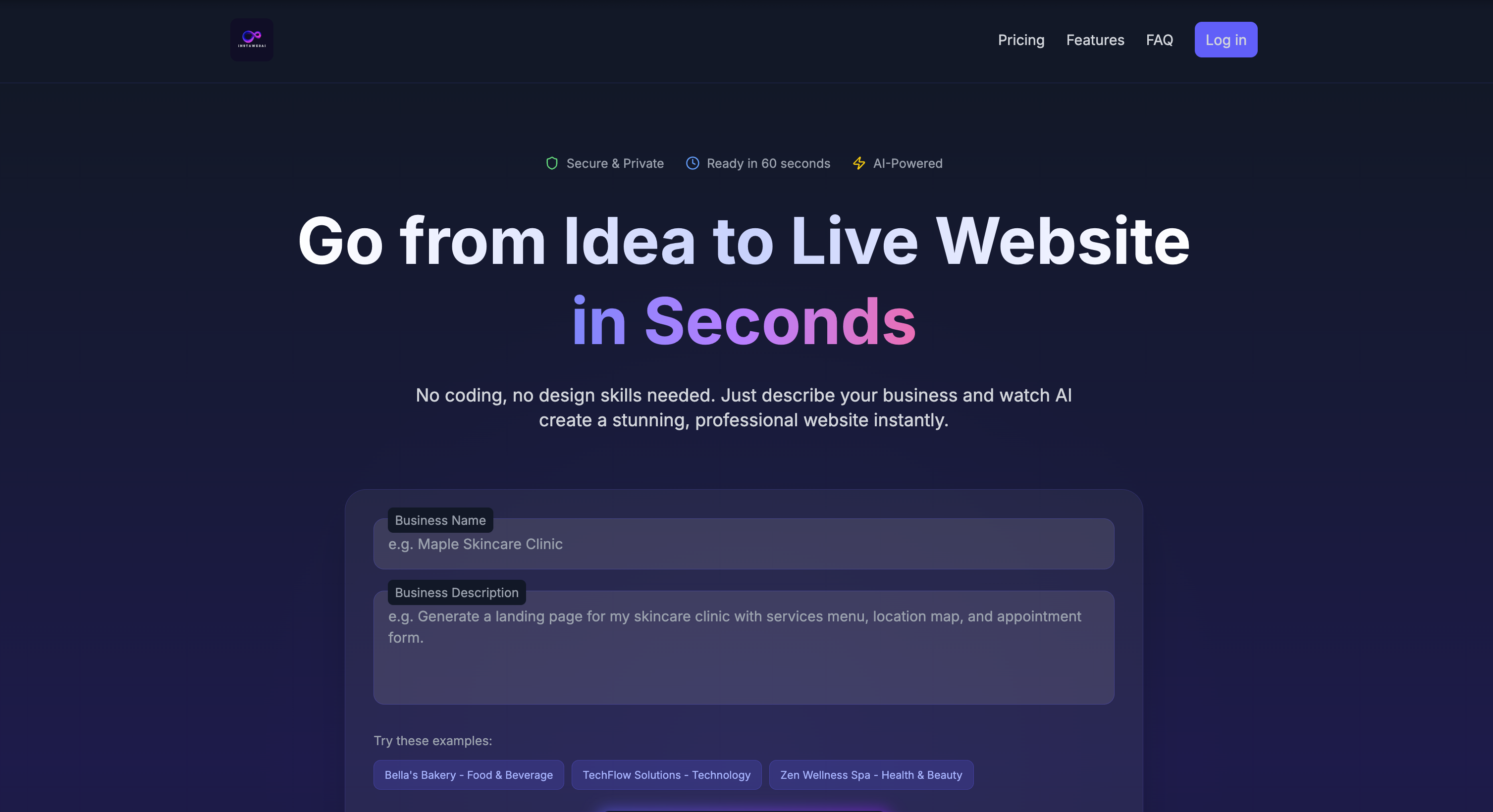
InstaWebAI
AI-powered multipage business websites

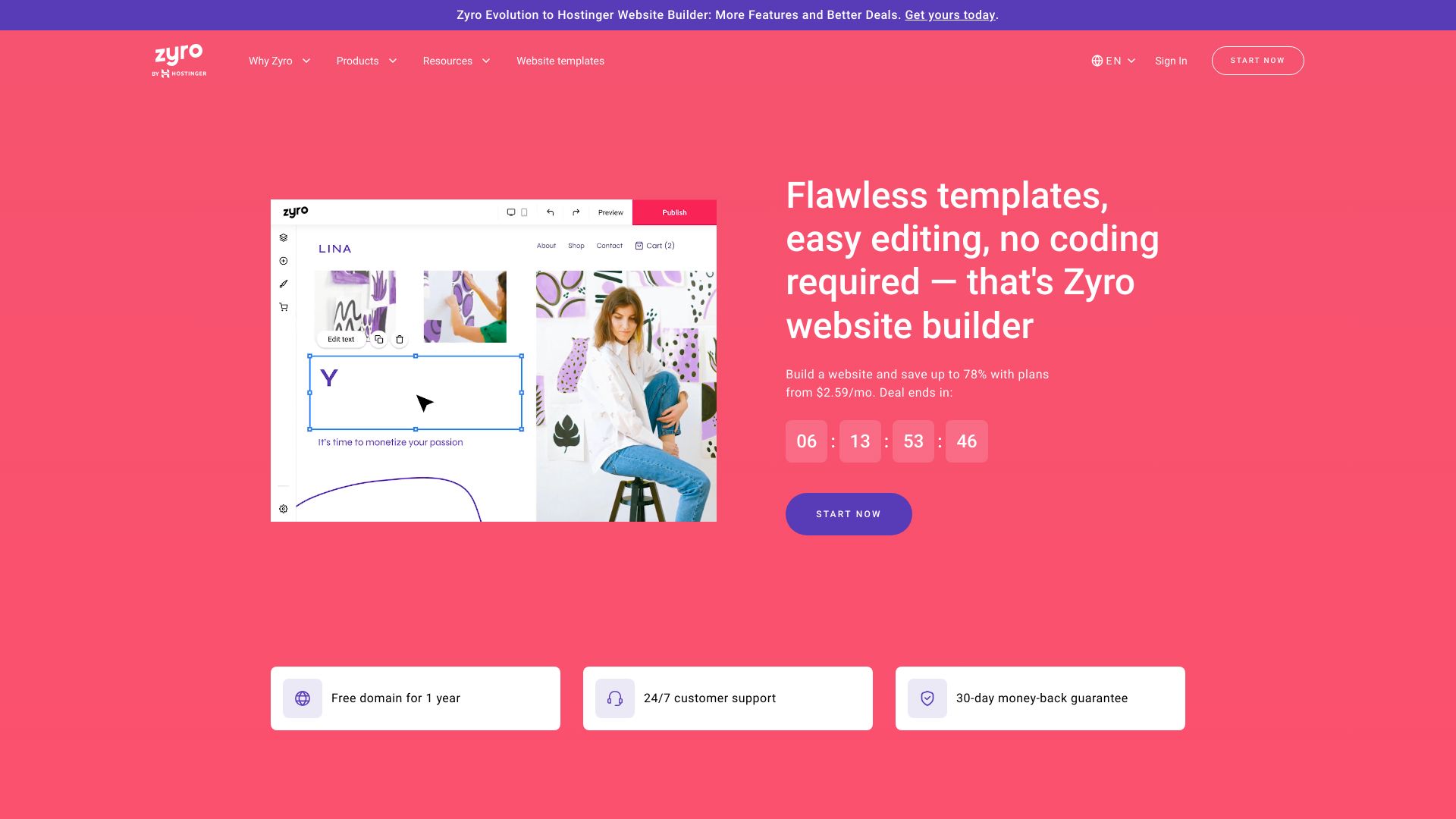
Hostinger Website Builder
AI-assisted small business websites

Neweb.ai
WordPress-based AI website creation

AI Love Code
Developers generating website source code

HeyBoss
Custom websites and apps without coding

EasySite
Database-driven websites and apps

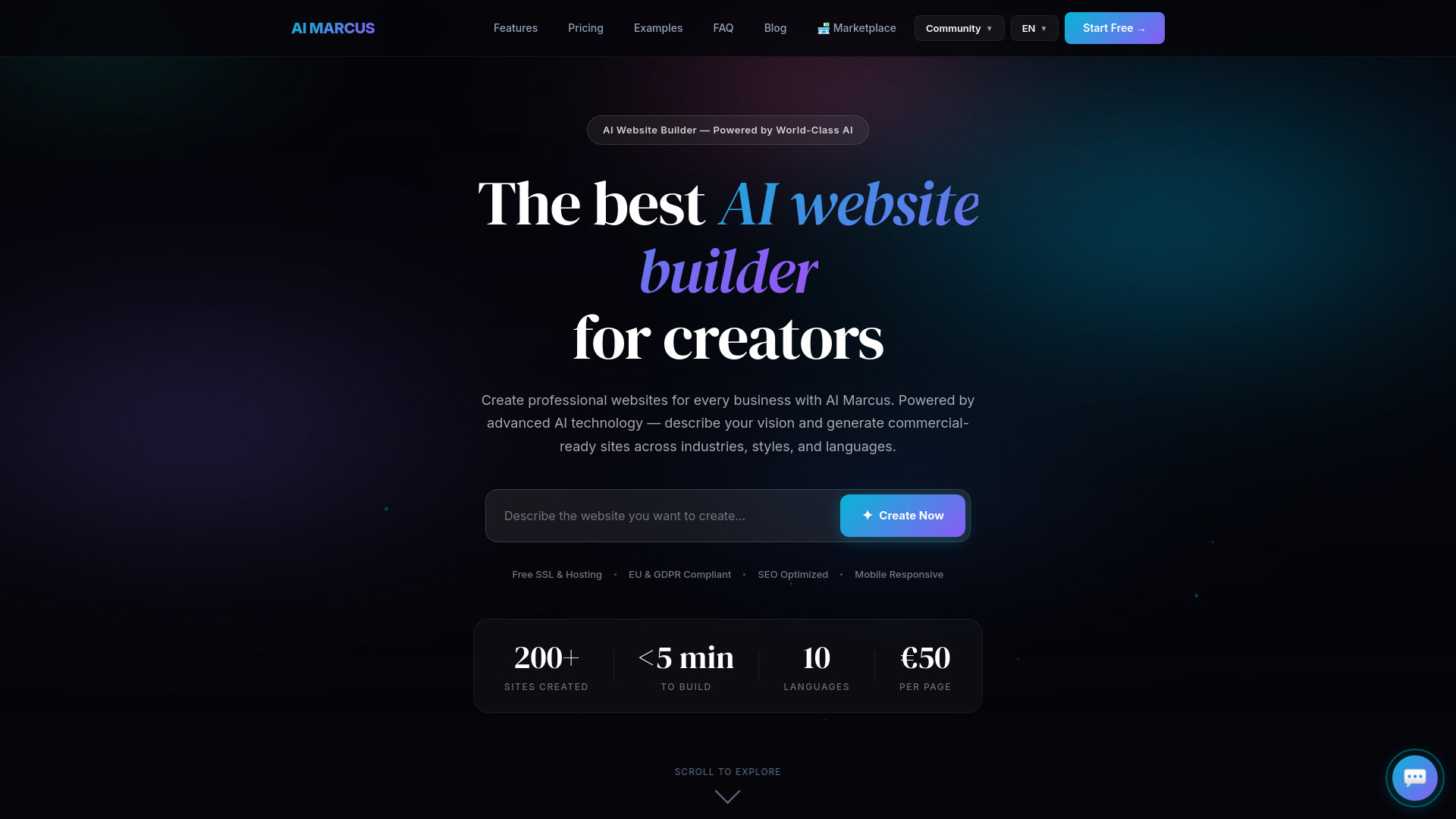
AI Marcus
Multilingual small-business websites

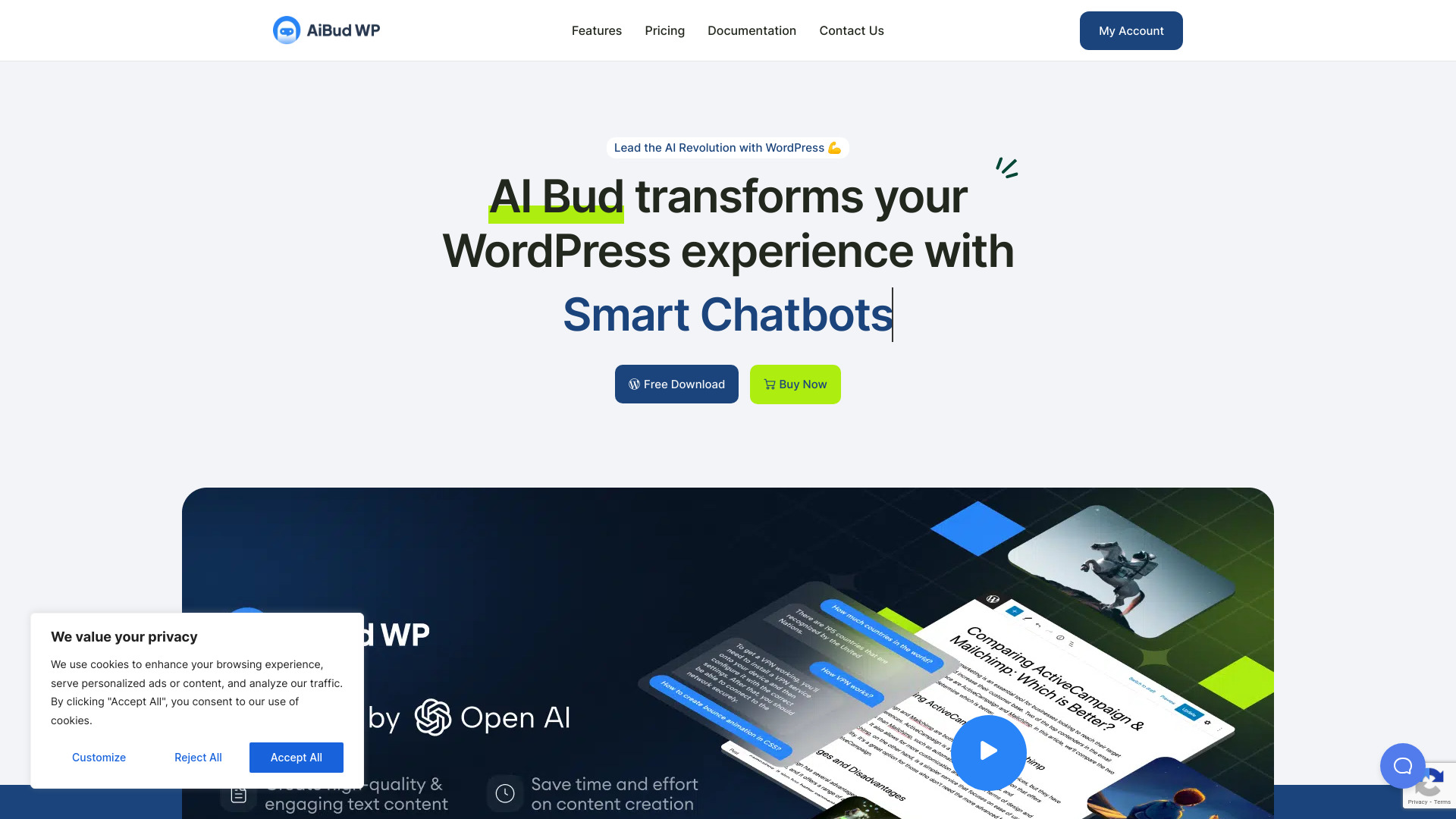
AI Bud
WordPress site owners needing AI content and chatbots

Build It For Me
AI-assisted WordPress management

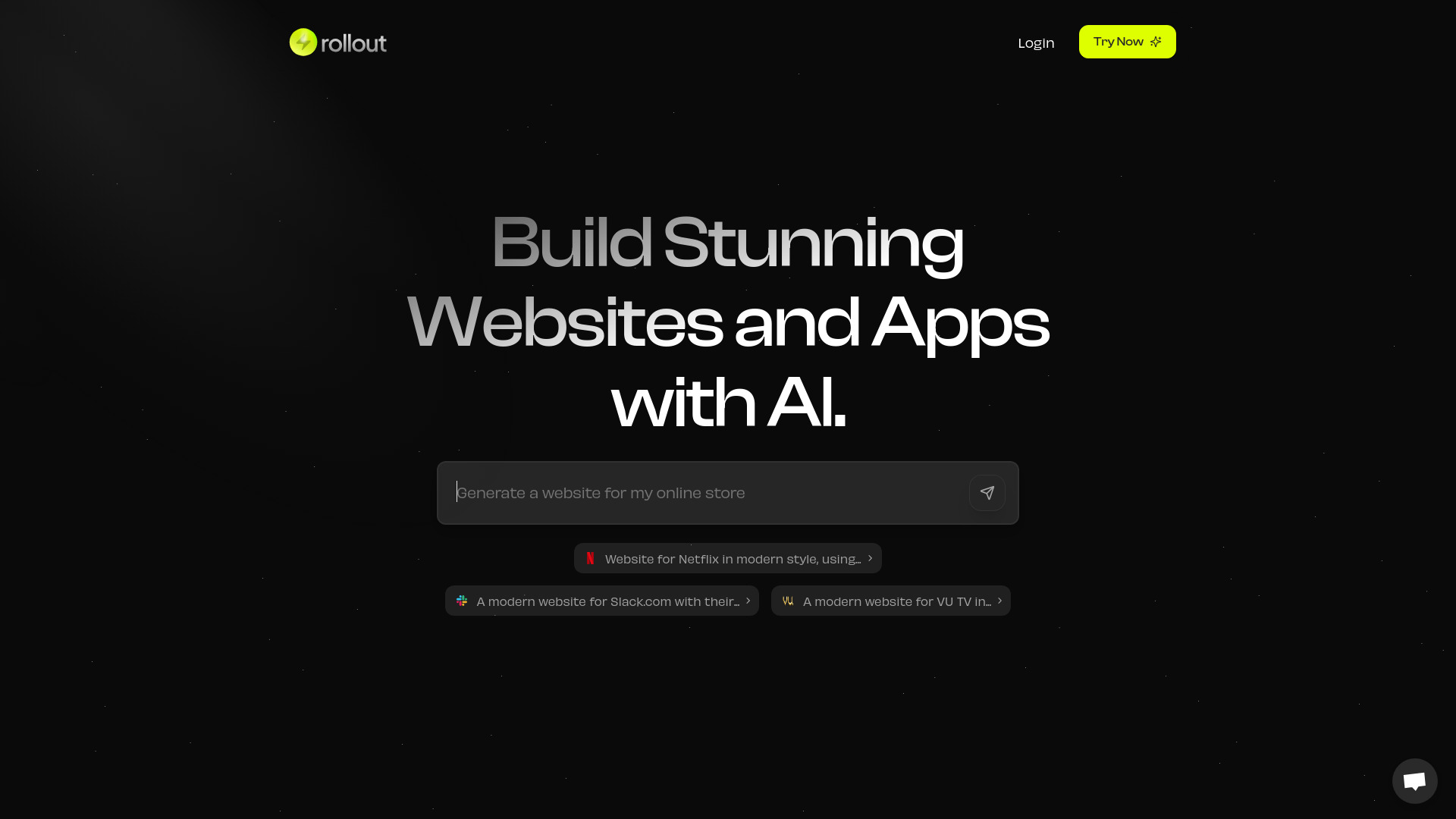
Rollout AI
AI landing pages and websites

Alli AI
Agencies scaling on-page SEO

UI Bakery
AI-generated internal tools and data-driven apps
AI and No Code Platform
AI and no-code digital products

AI Power
WordPress AI content and chatbot tools

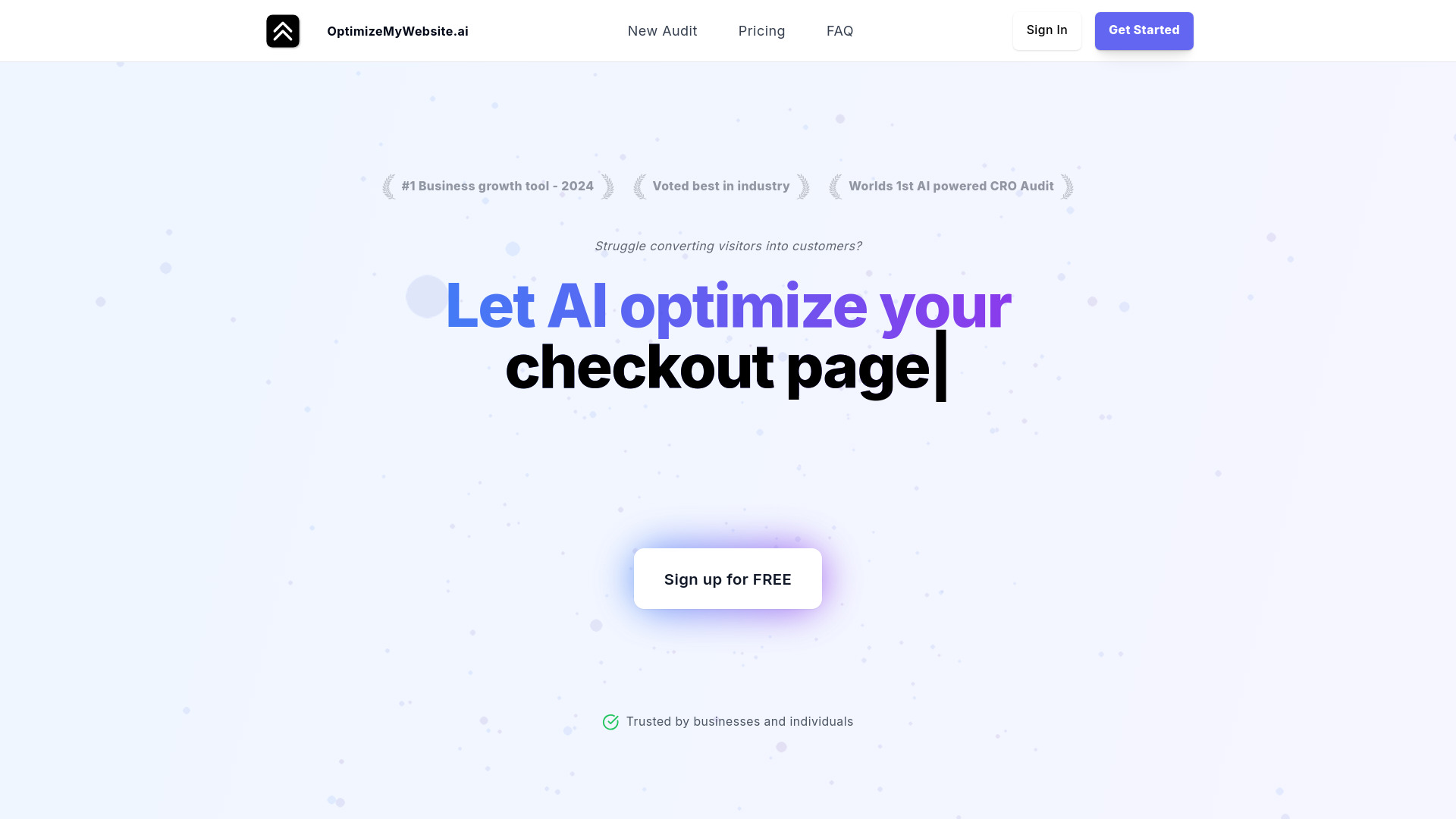
OptimizeMyWebsite.ai
AI-powered CRO audits

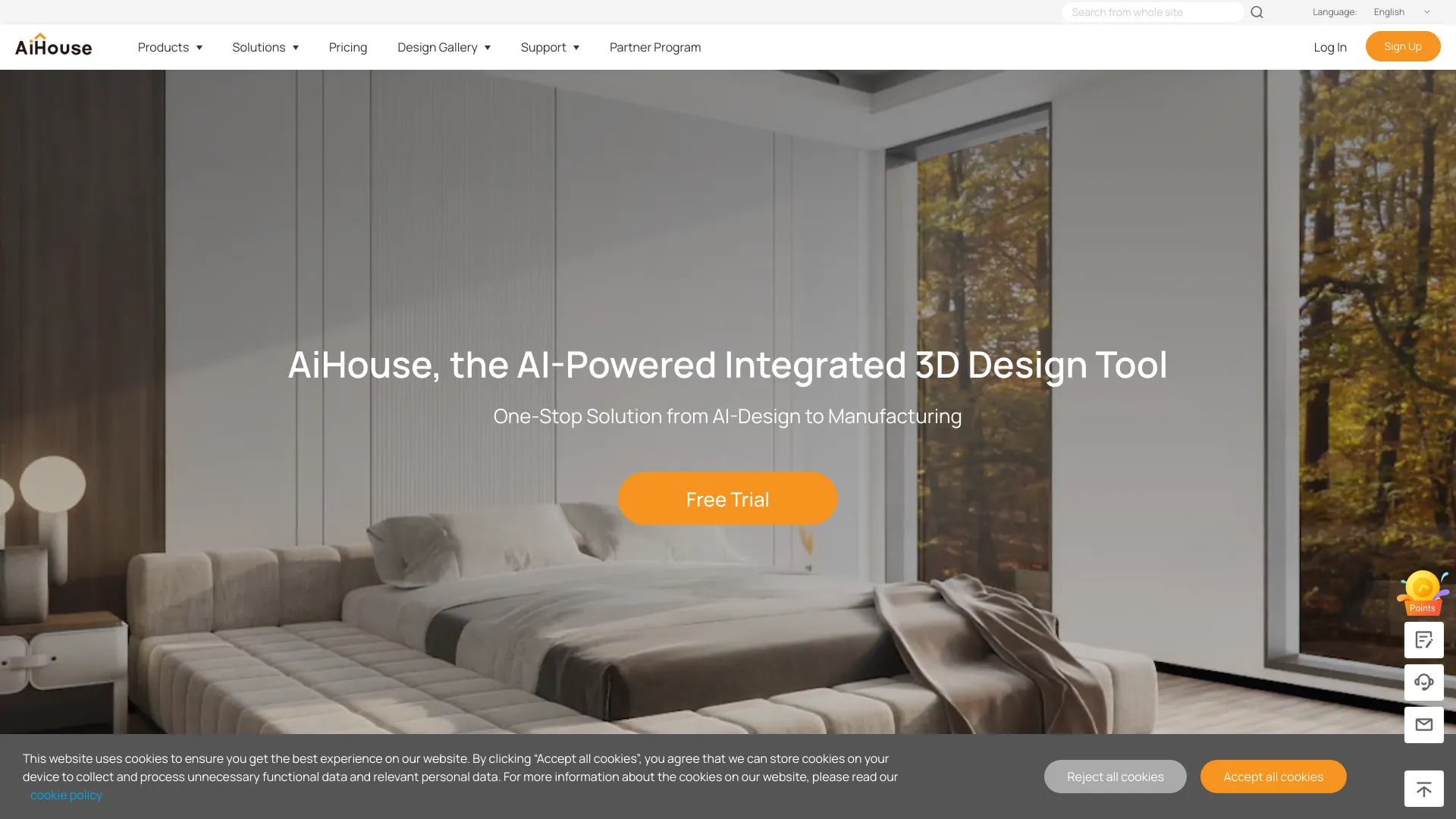
AiHouse
AI-powered interior design and 3D visualization

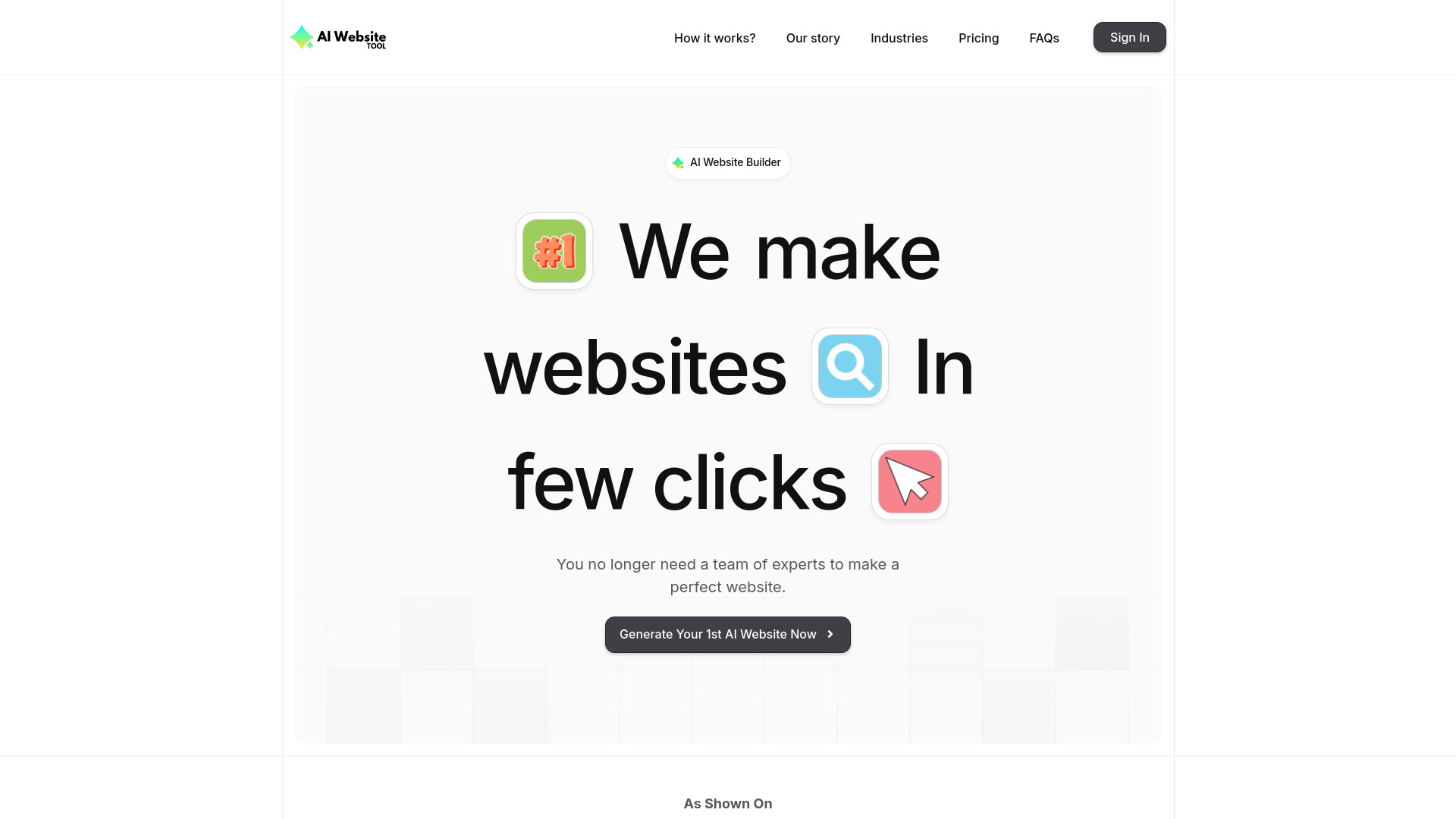
AI Website Tool
Fast AI landing pages for small businesses

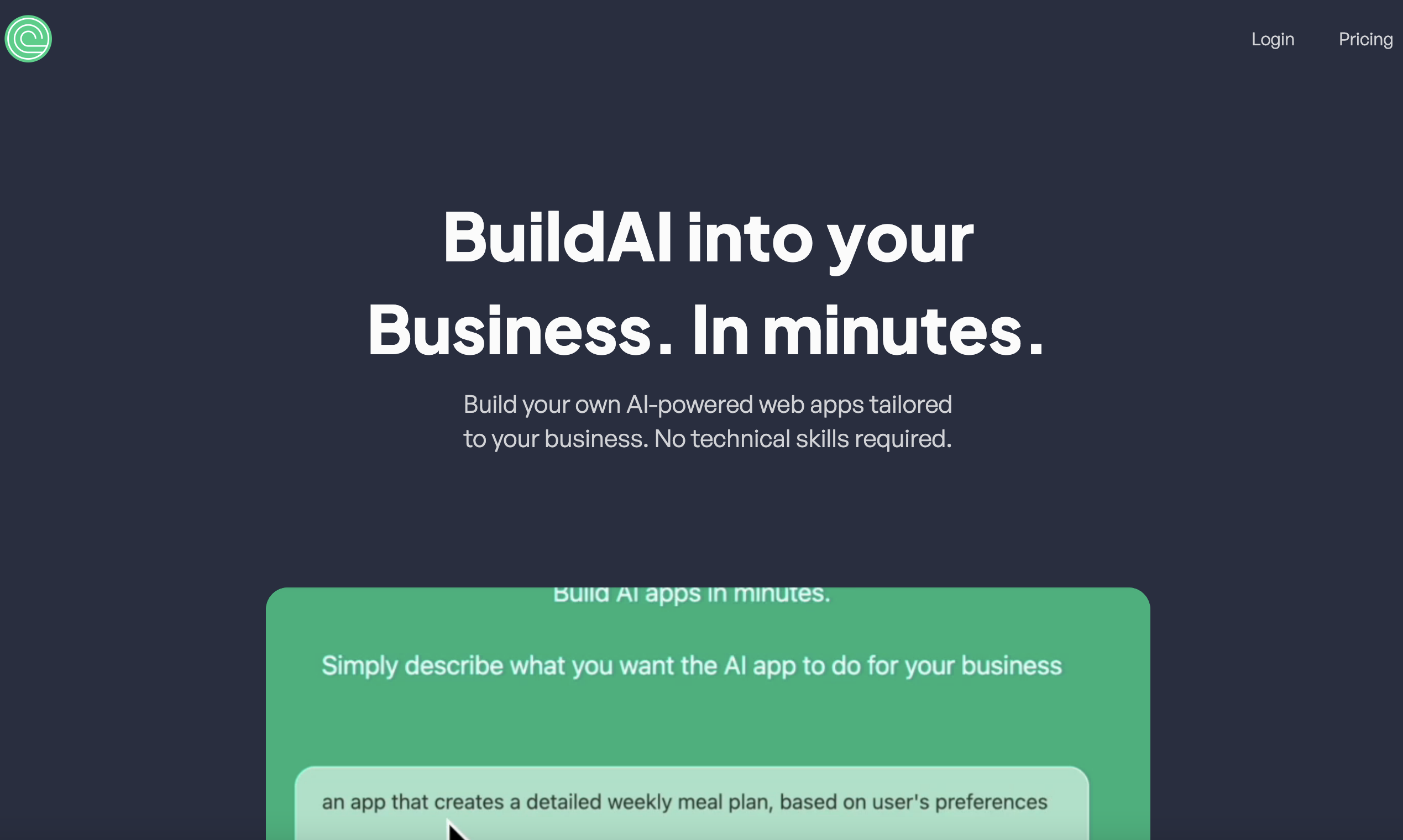
BuildAI
No-code AI app builders
DIY Websites
Small business presentation websites

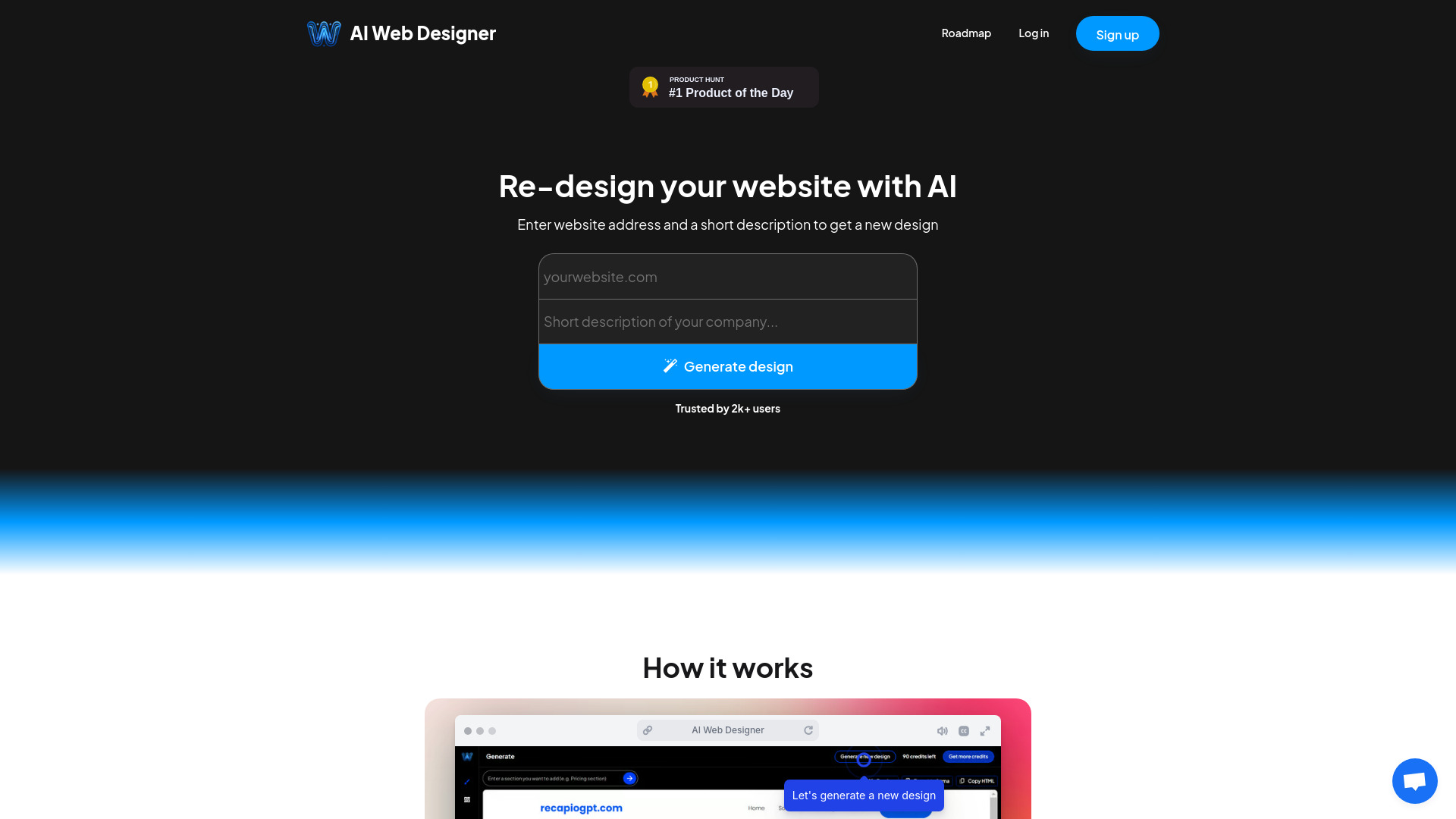
AI Web Designer
Fast AI website creation and redesign

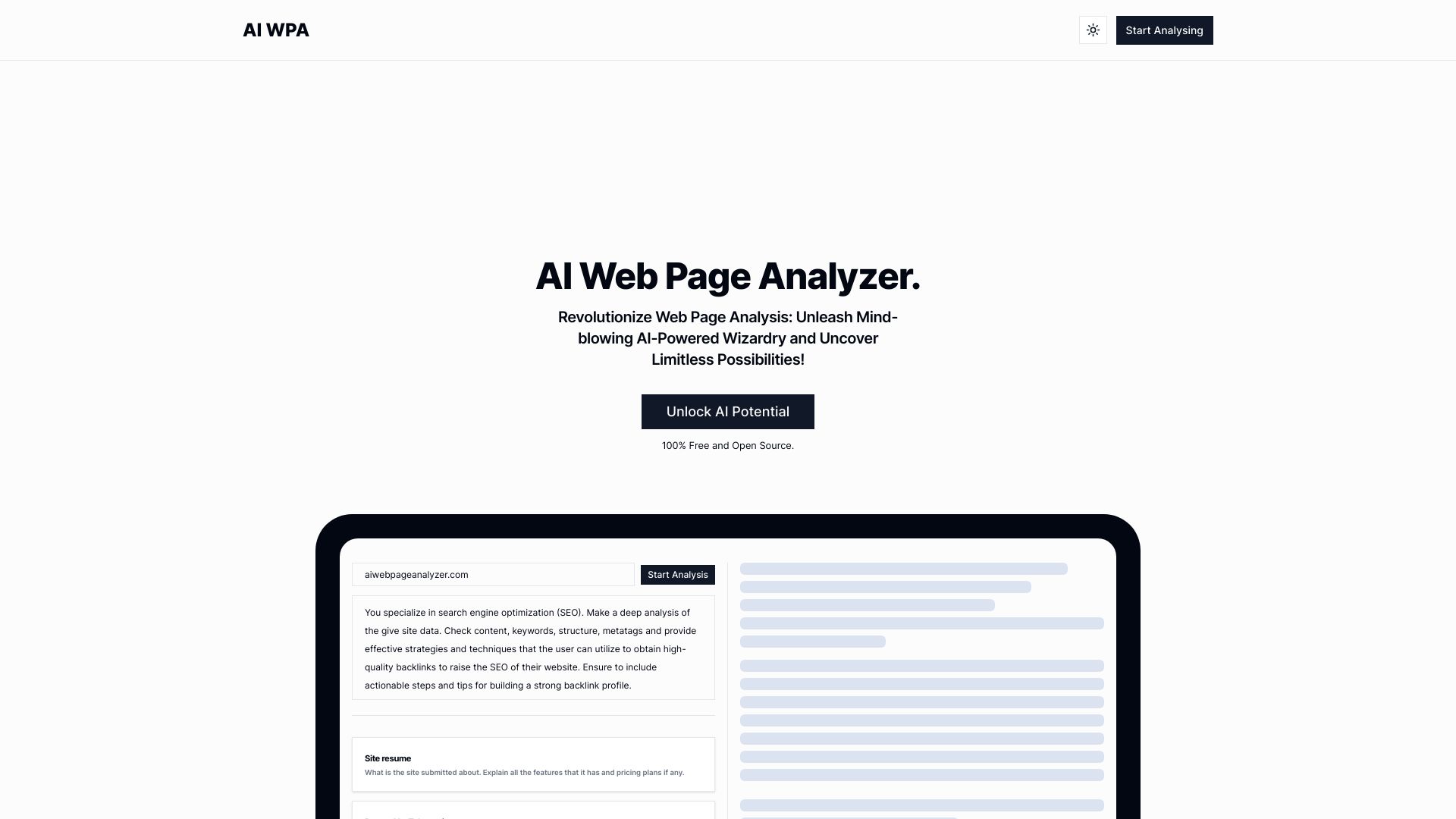
AI WPA
Quick AI-powered SEO and web page analysis
10Web
Fast WordPress sites for small businesses

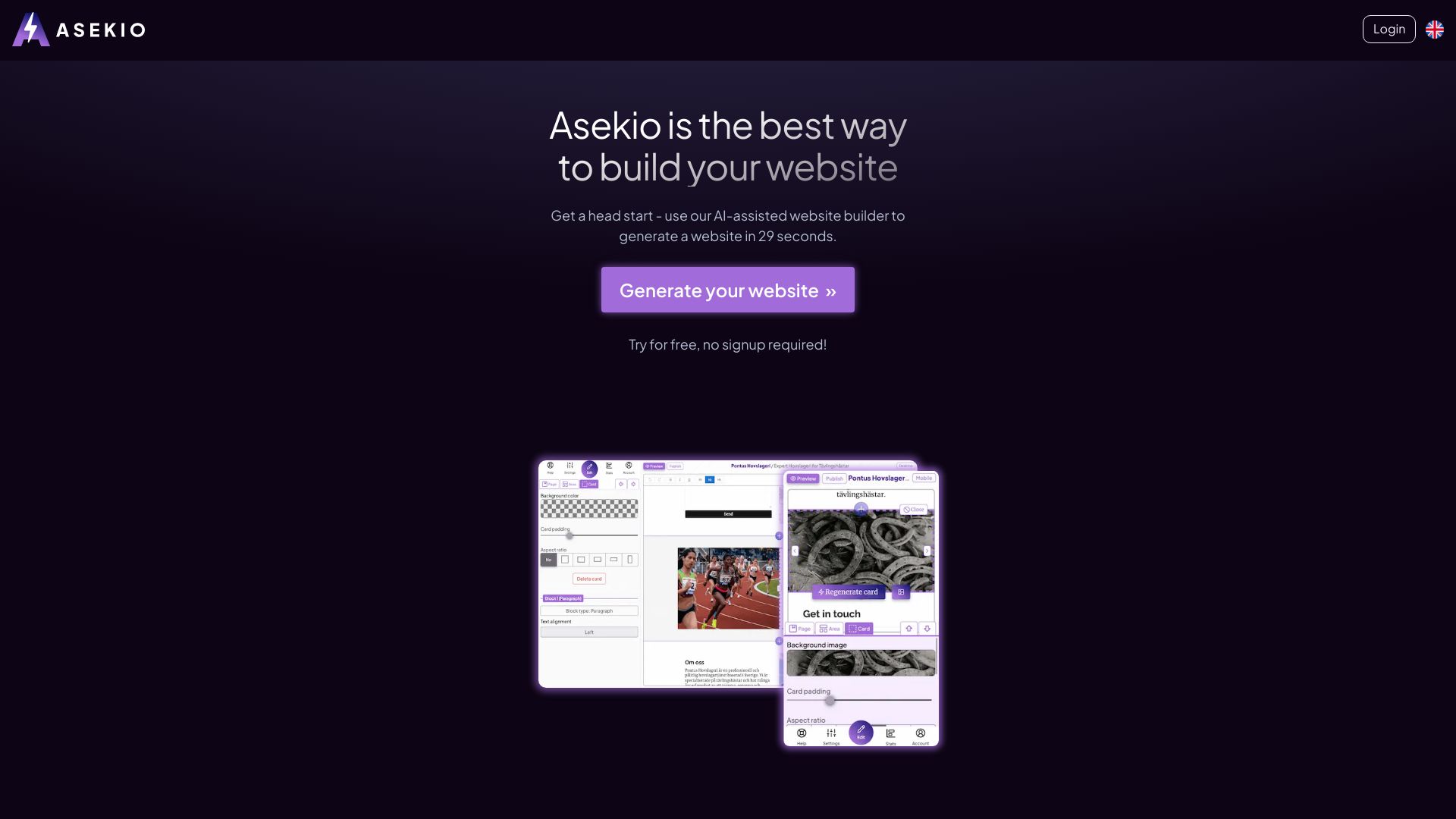
Asekio
Fast small-business websites

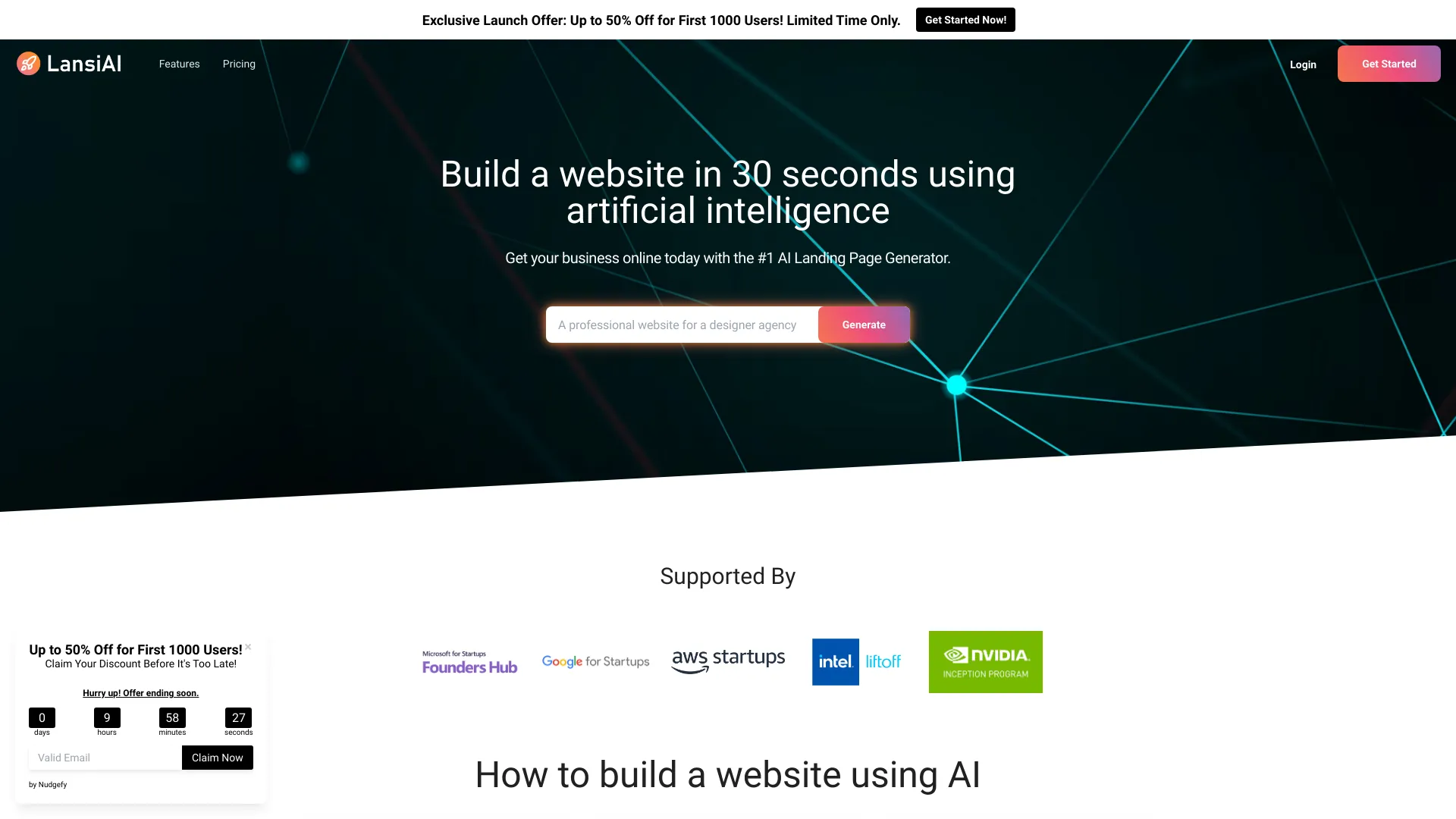
LansiAI
AI landing pages for small businesses

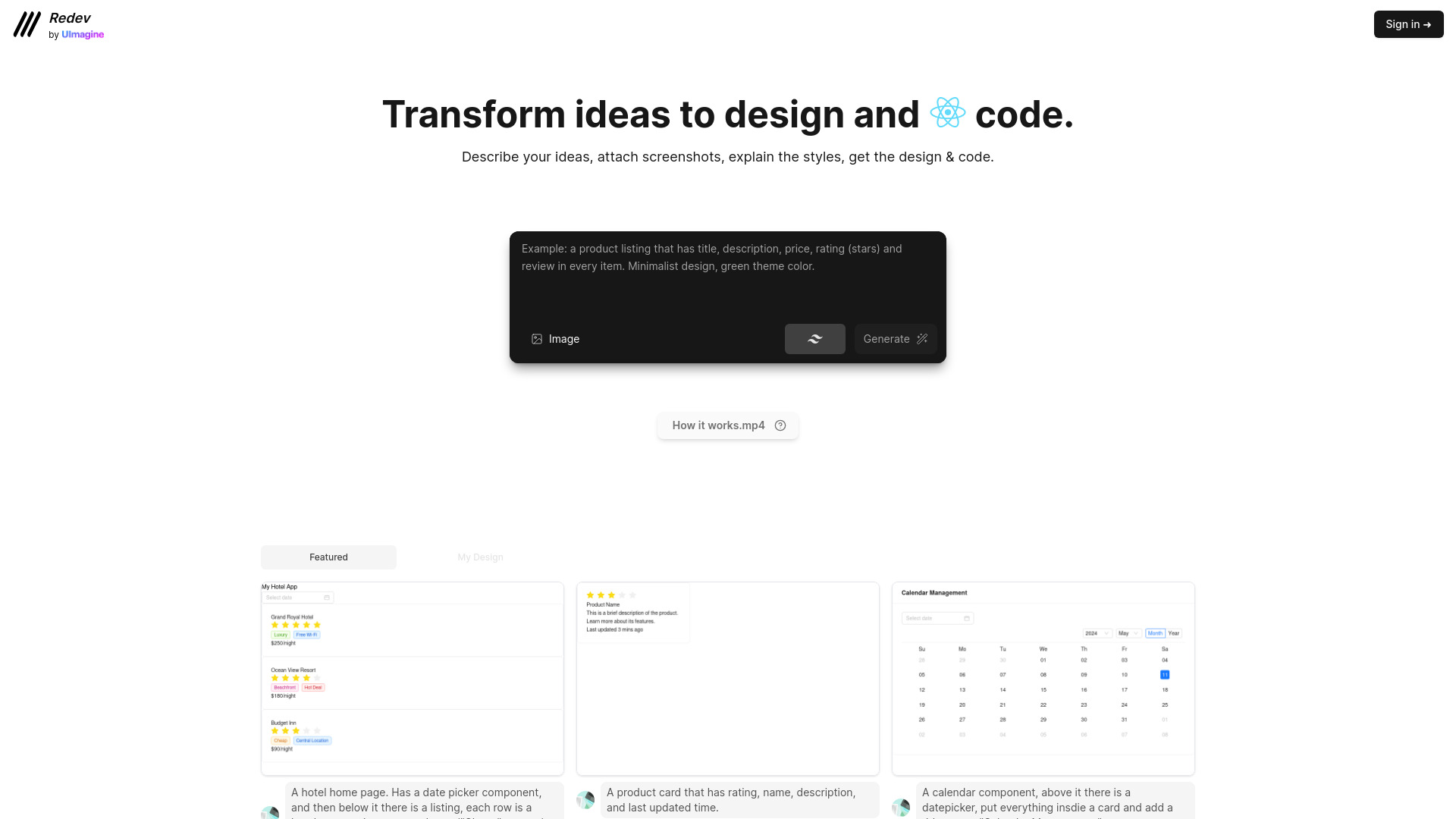
AI Website Builder
Rapid AI website creation
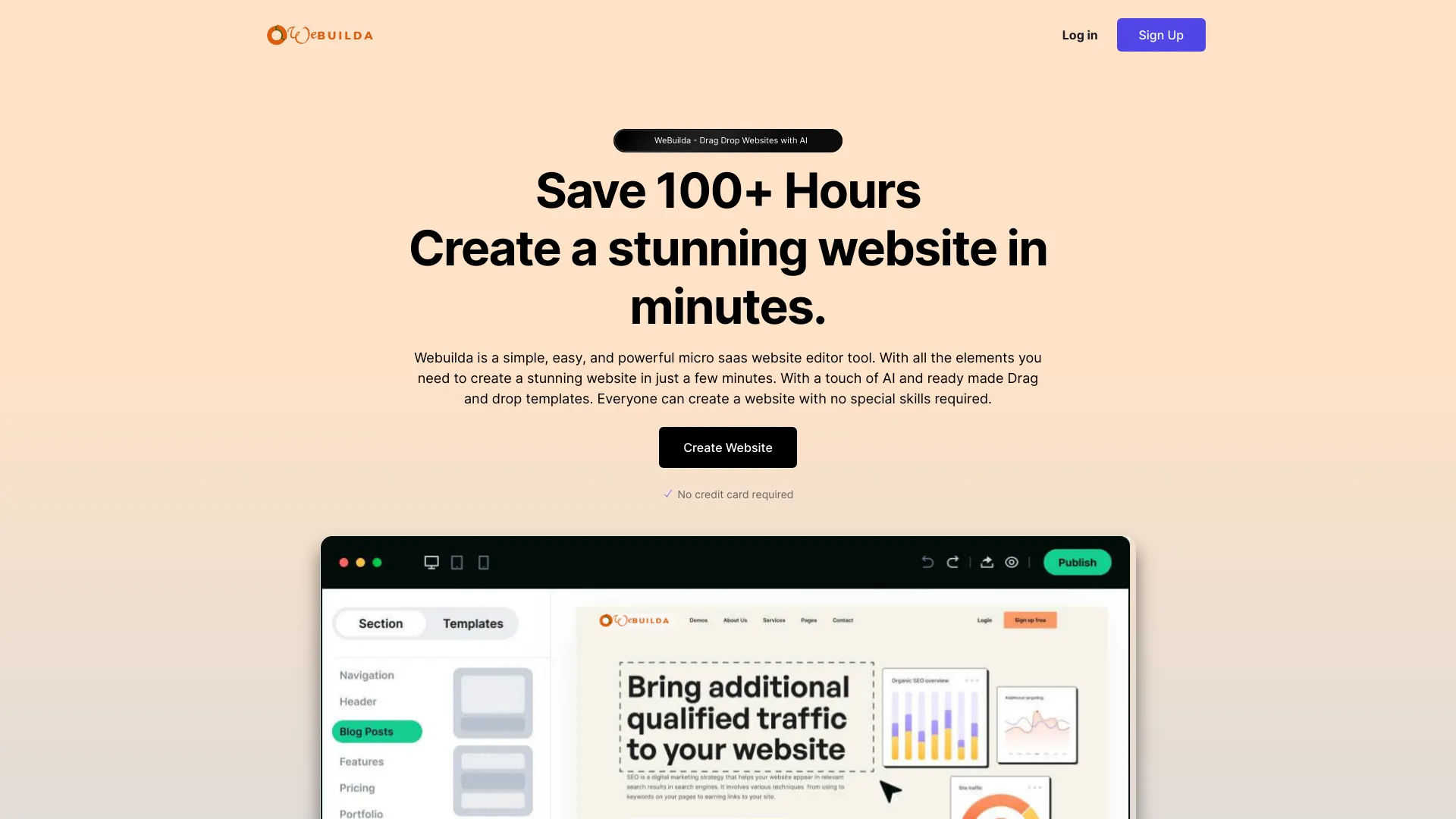
WeBuilda
Drag-and-drop websites with AI

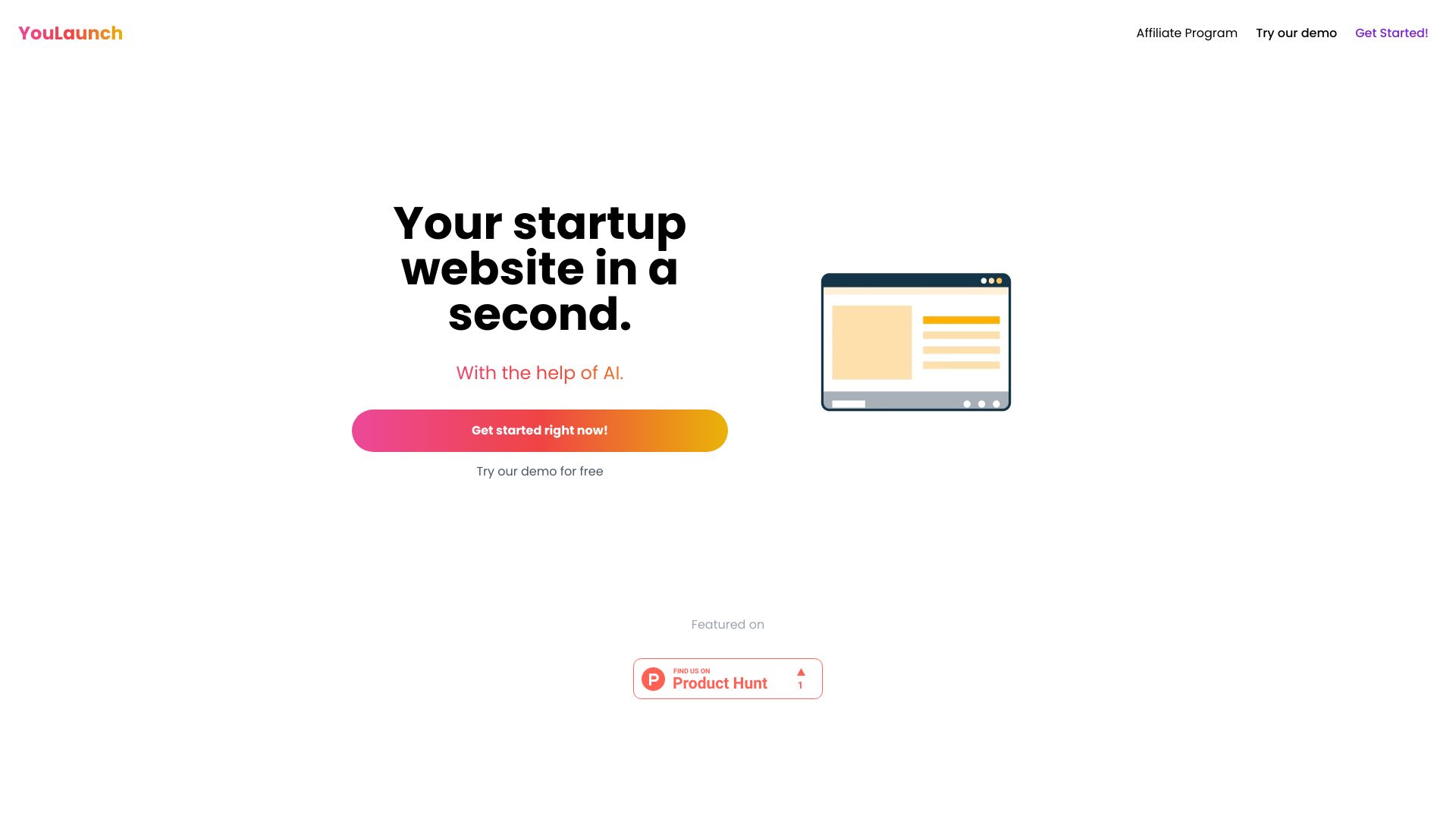
YouLaunch
AI landing page creation

AI Frame
AI-assisted Framer site building

AI Wizard
All-in-one AI marketing asset creation

RapidSite
No-code multi-page website creation
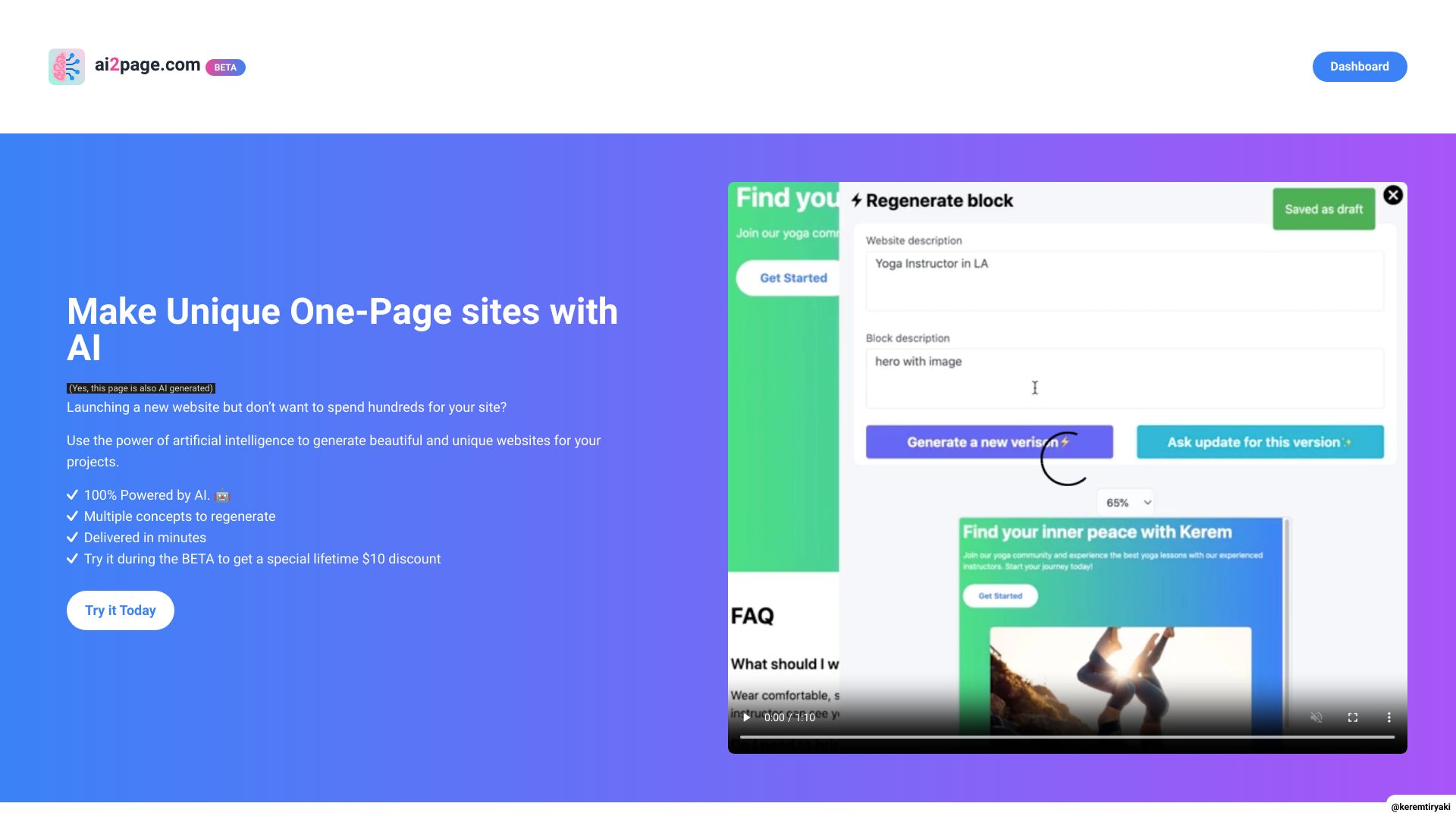
ai2page.com
One-page business websites

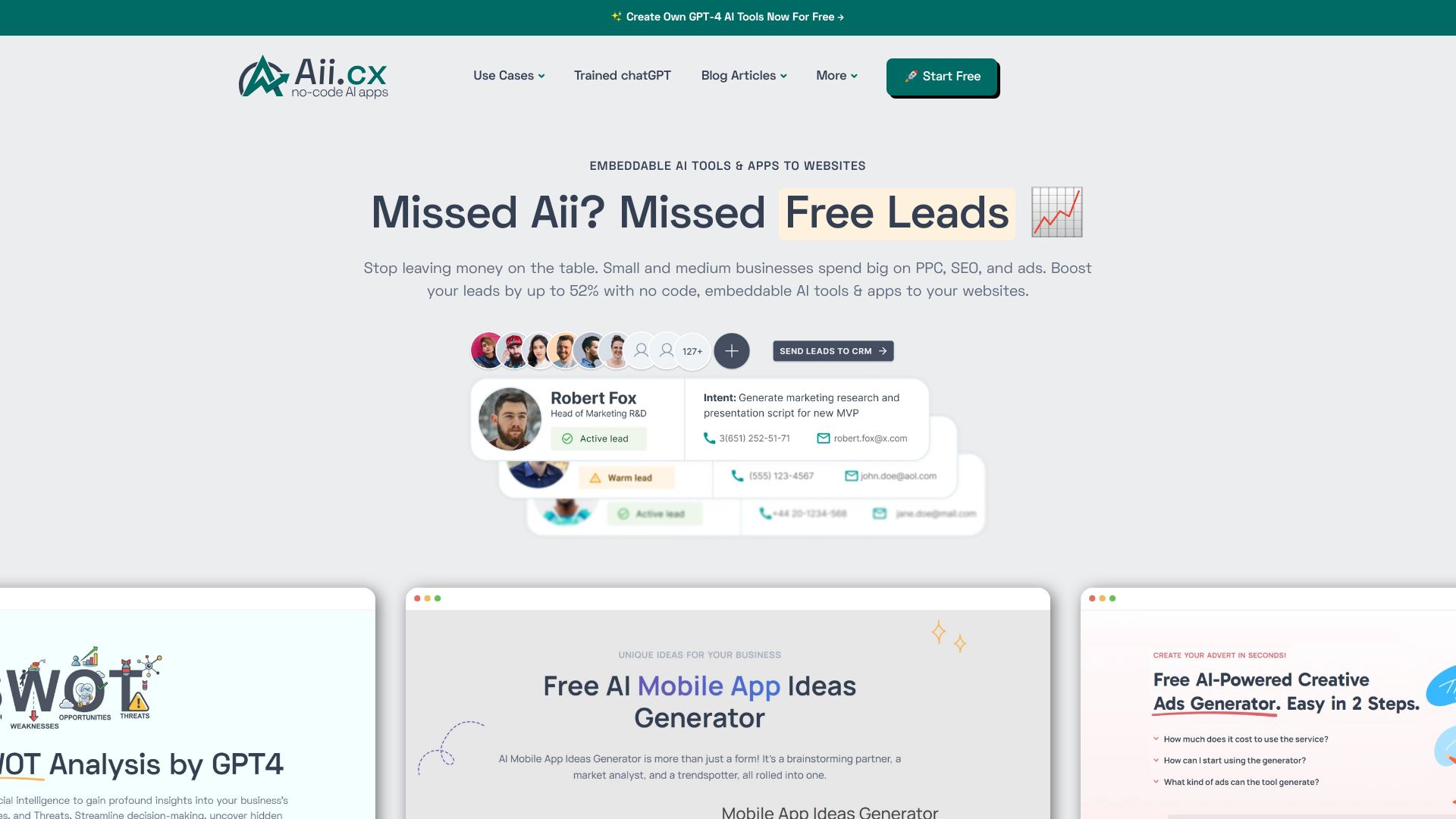
Aii.CX
No-code AI widgets for websites

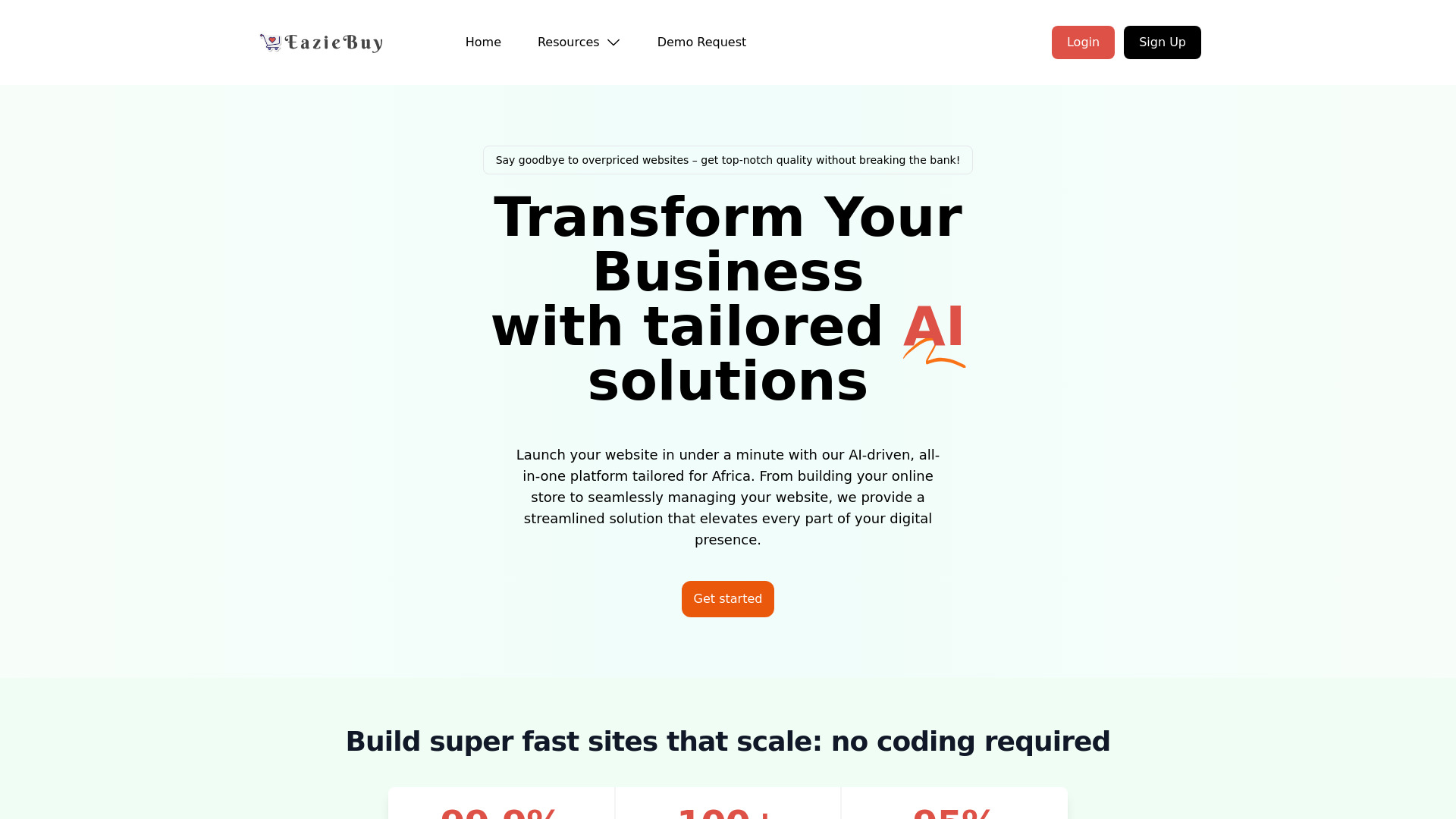
EazieBuy
African ecommerce businesses

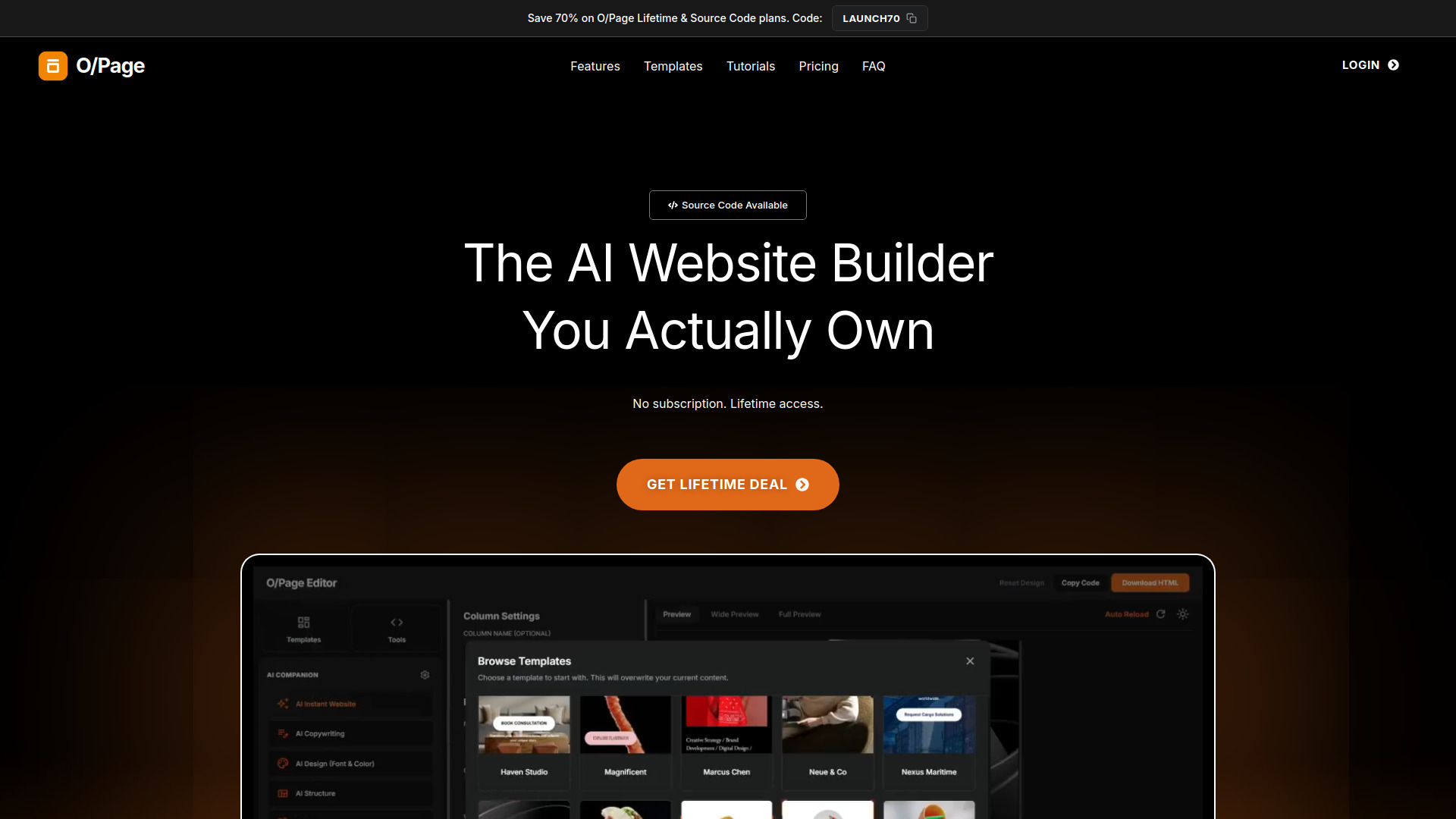
O/Page Website Builder
Portable HTML website creation

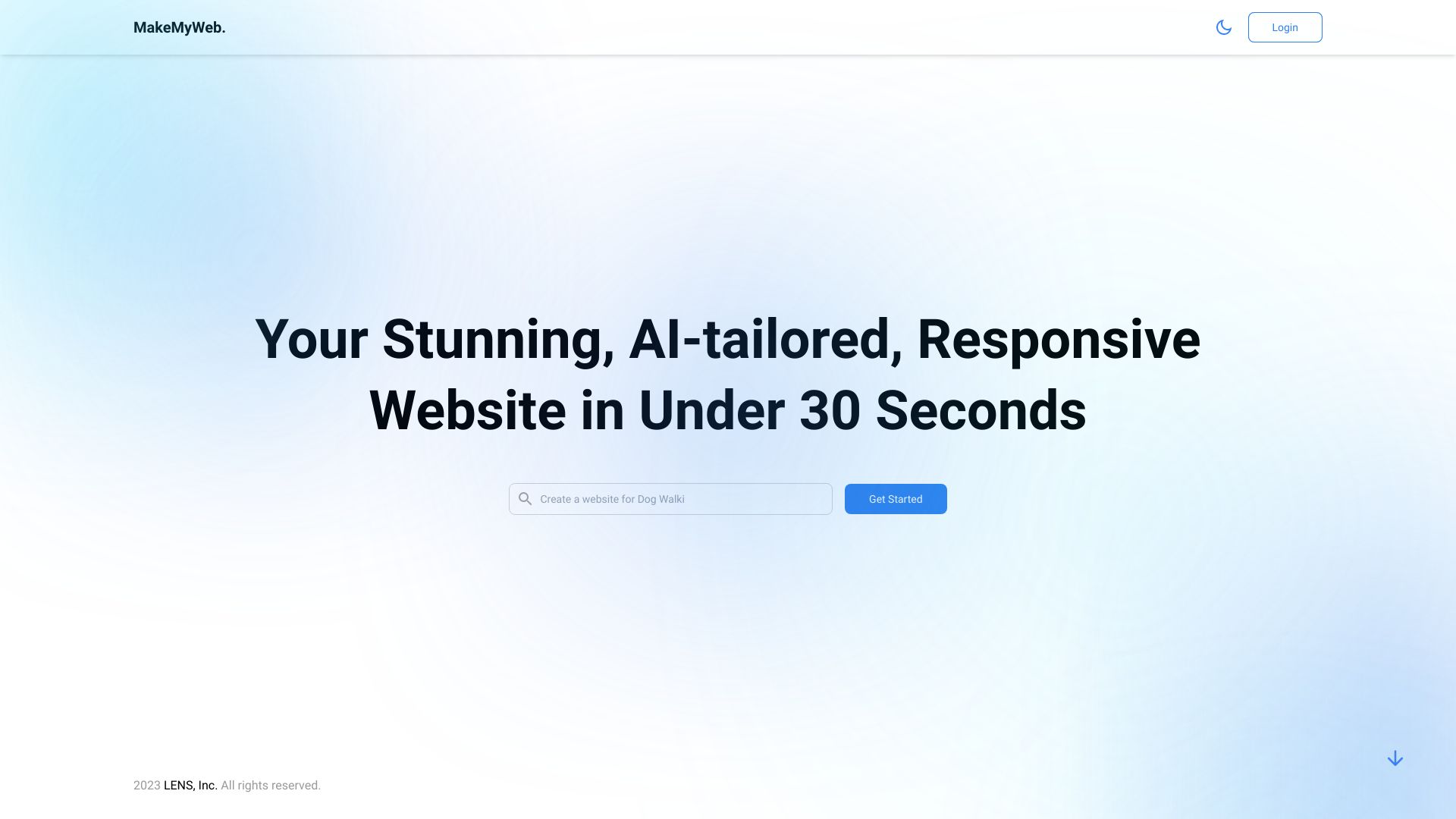
MakeMyWeb.ai
Rapid AI website creation

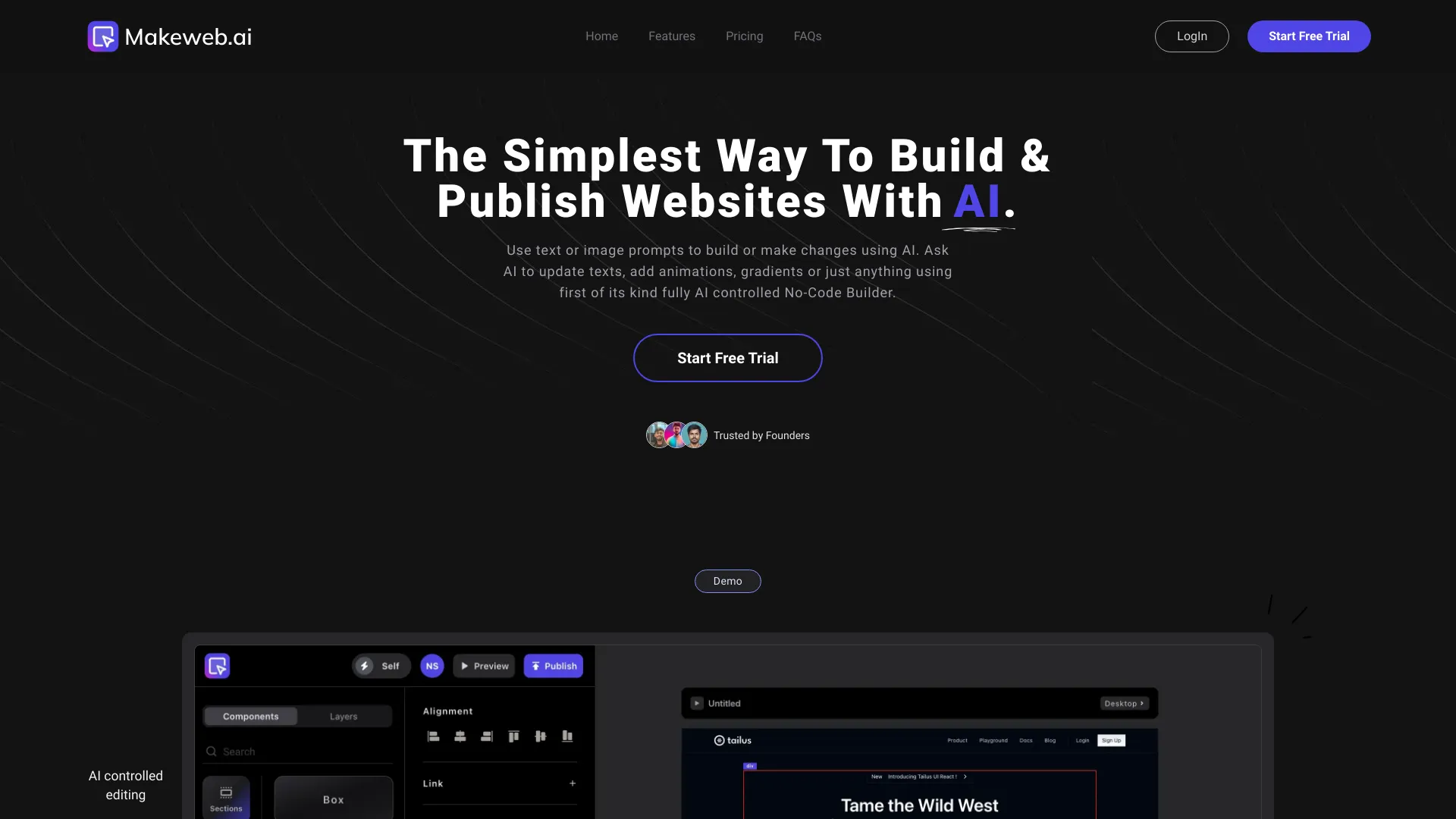
Makeweb.ai
AI website creation from prompts and screenshots

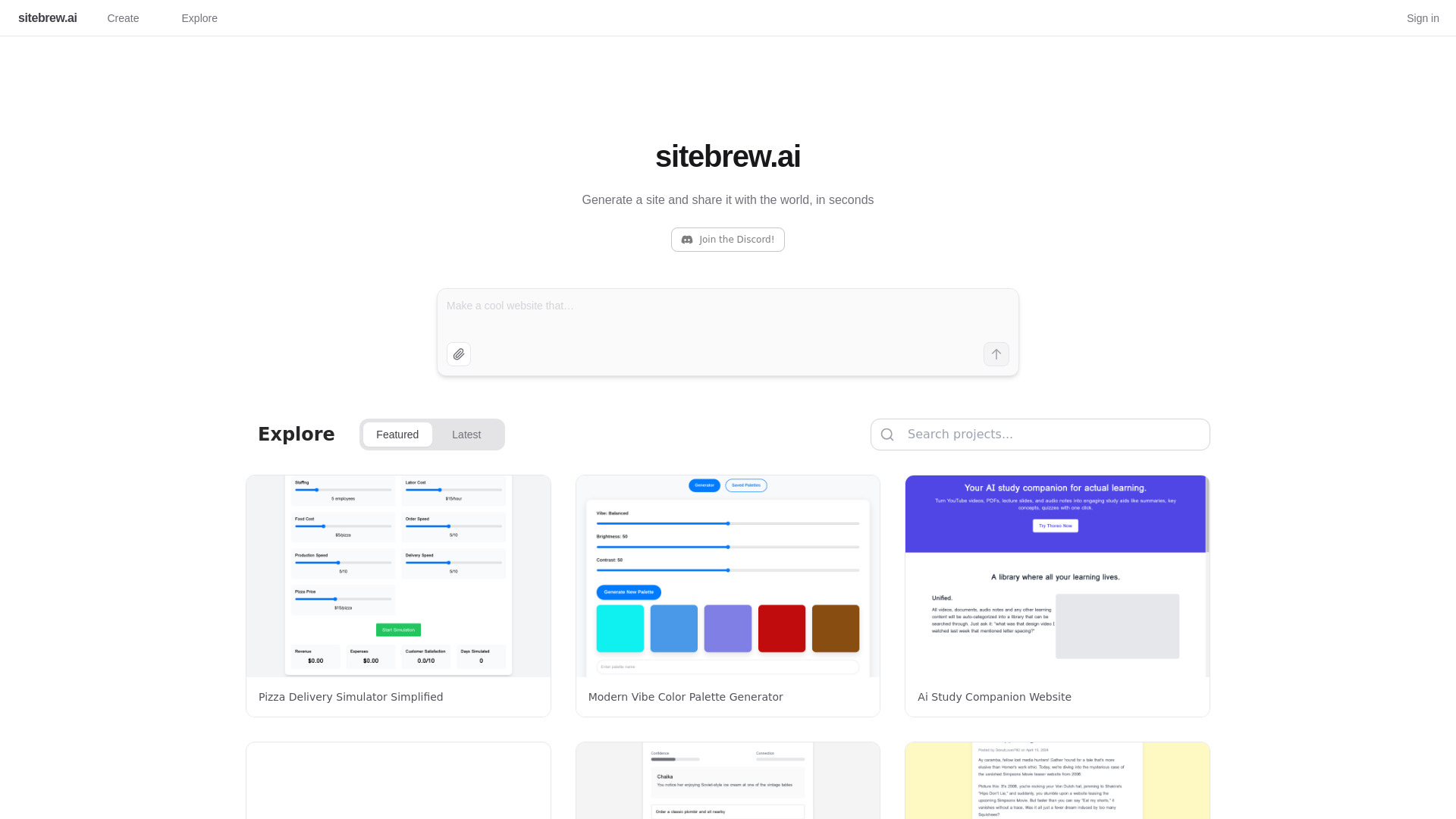
Sitebrew AI
Quick AI-generated site prototypes

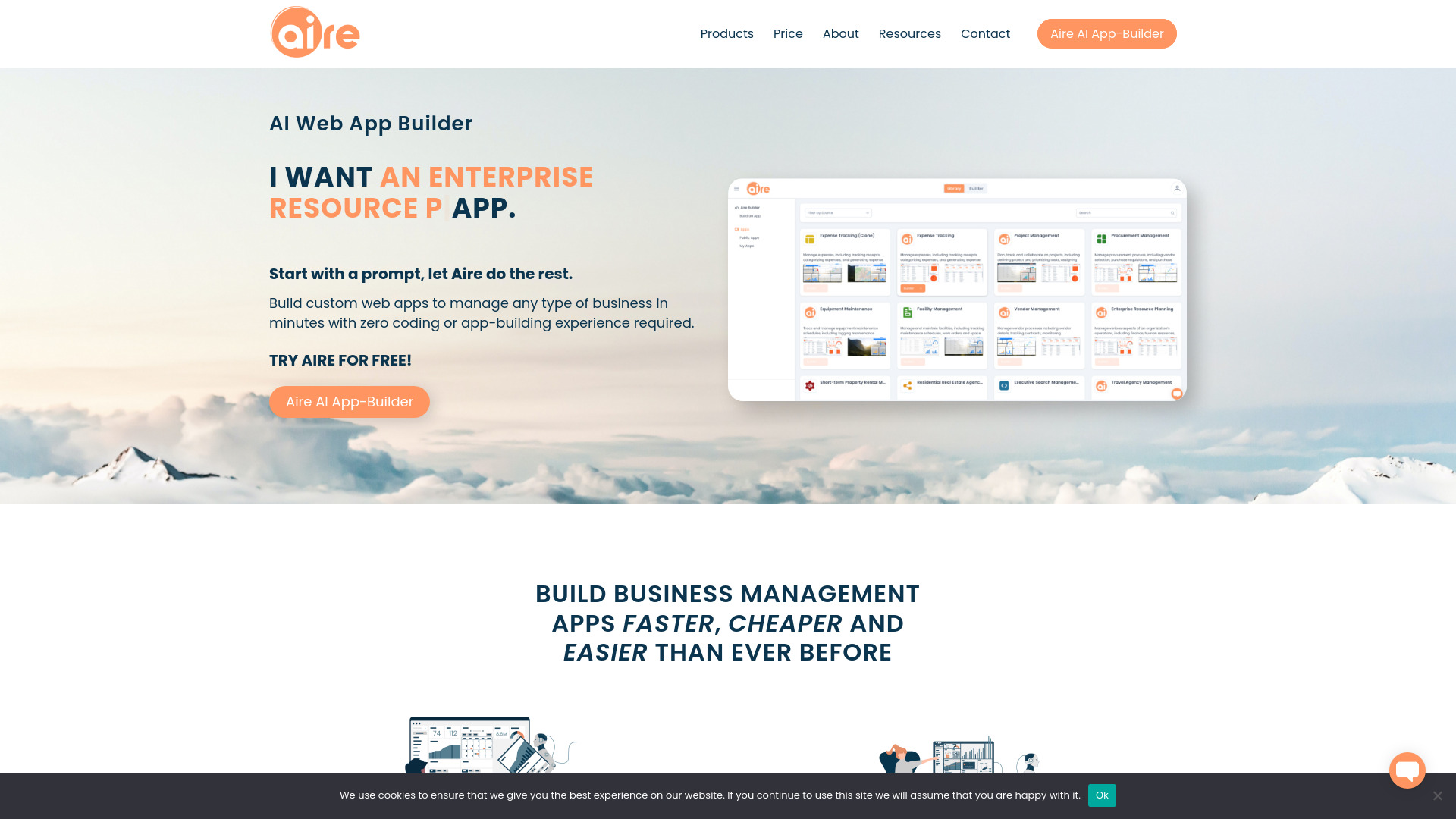
Aire
Prompt-based business app building

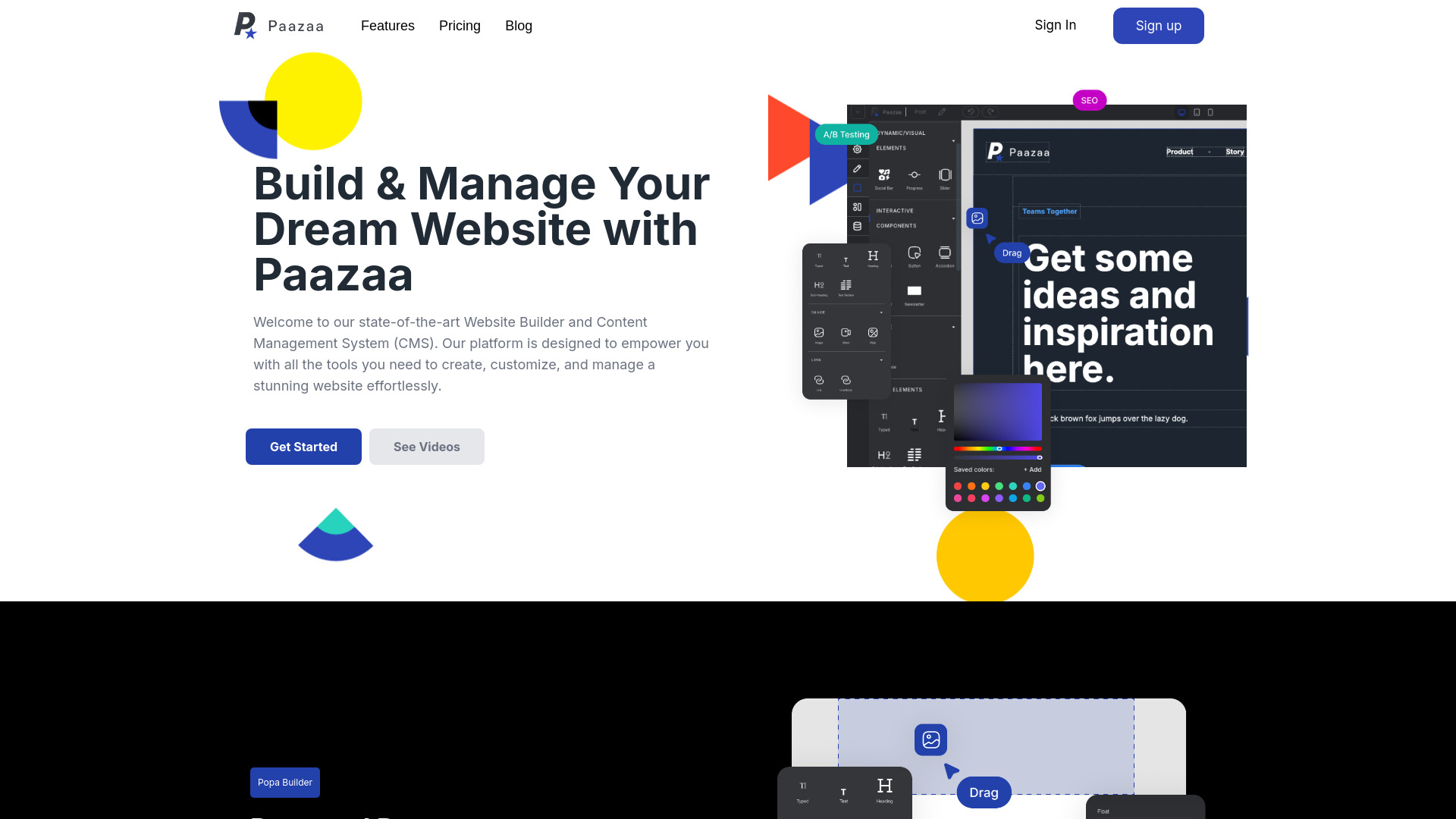
Paazaa
Creators and local businesses

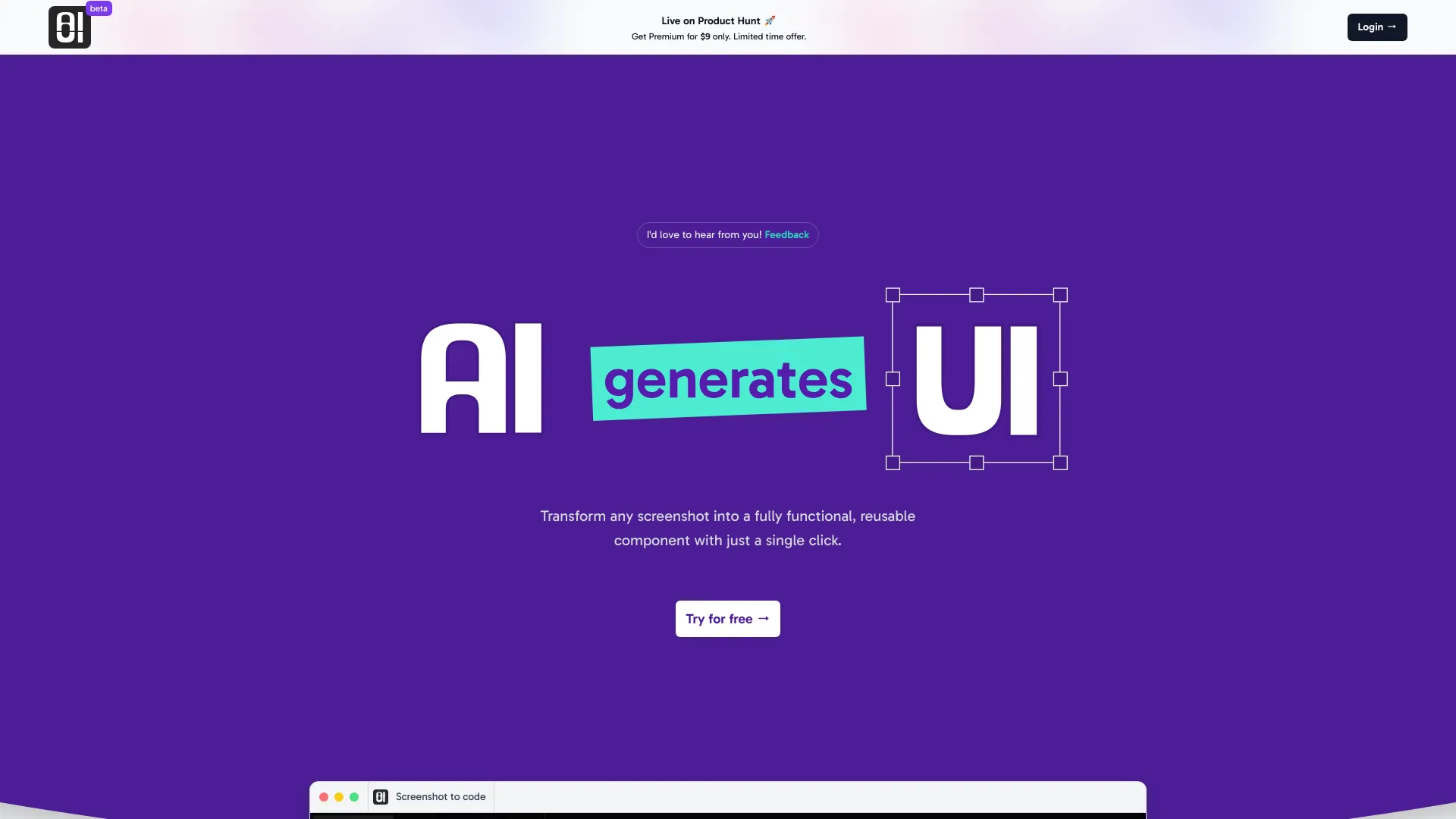
AIUI.me
Screenshot-to-code UI components

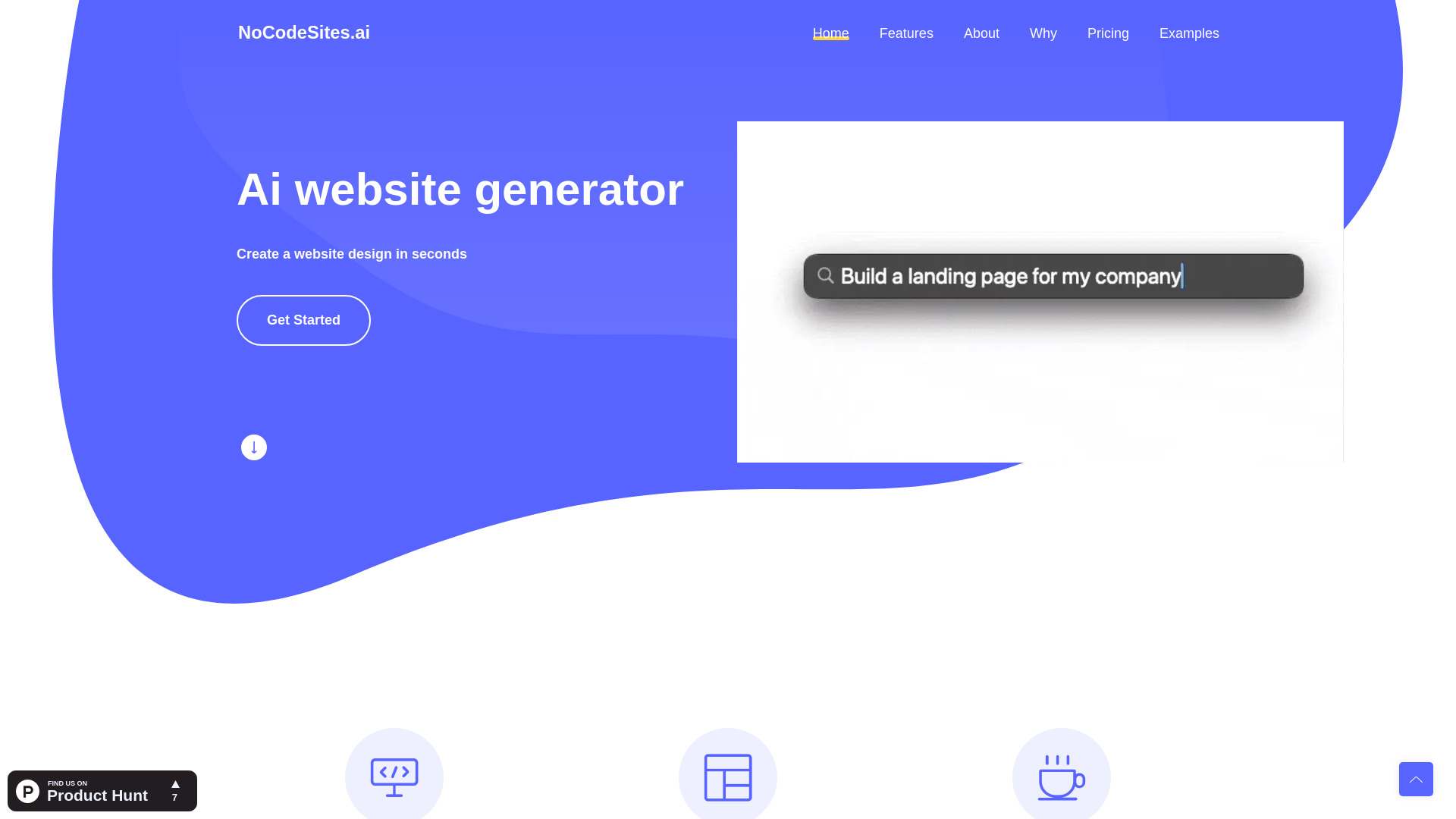
NoCodeSites.ai
Prompt-based one-page sites

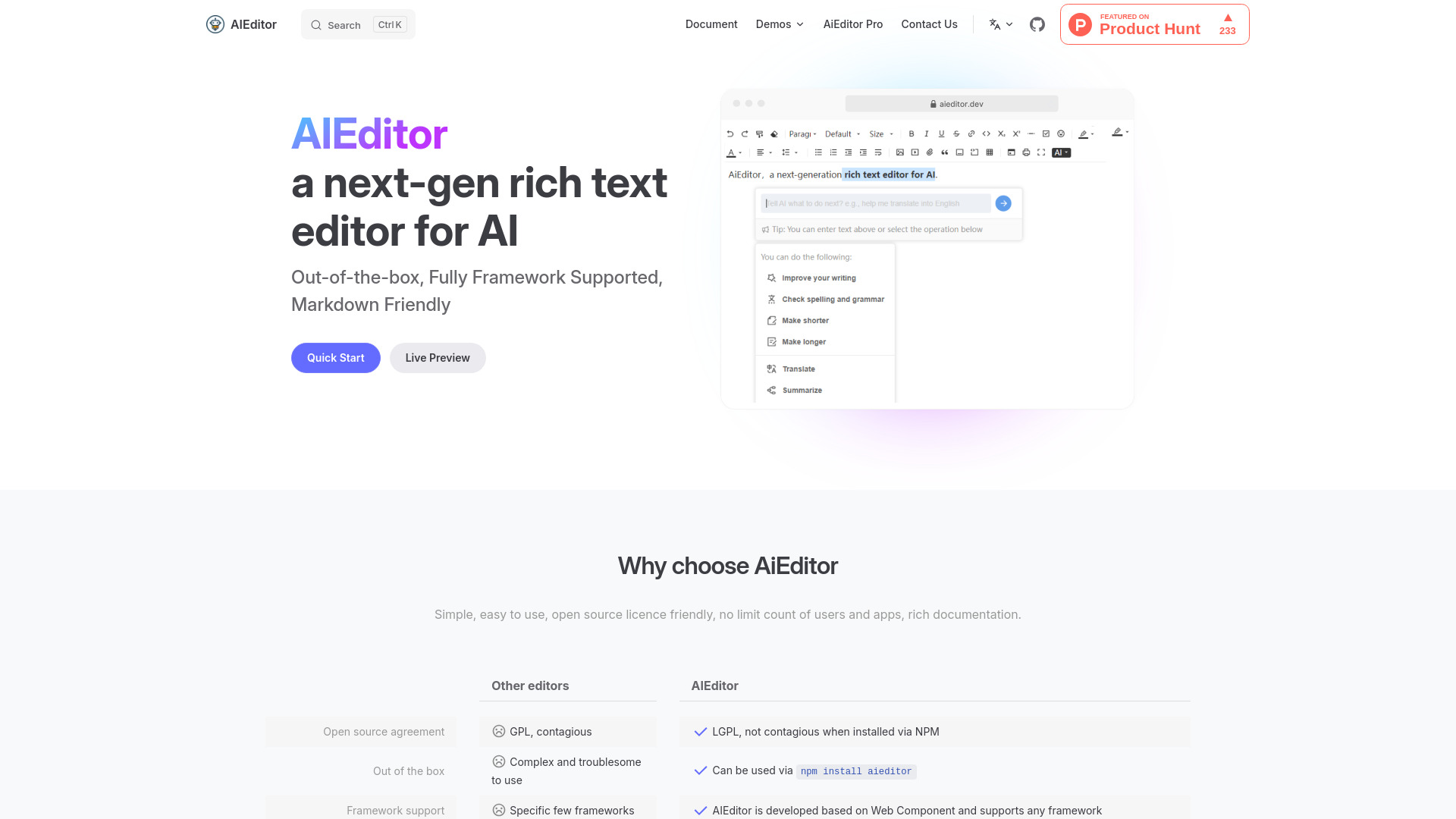
AiEditor
Open-source AI rich text editing

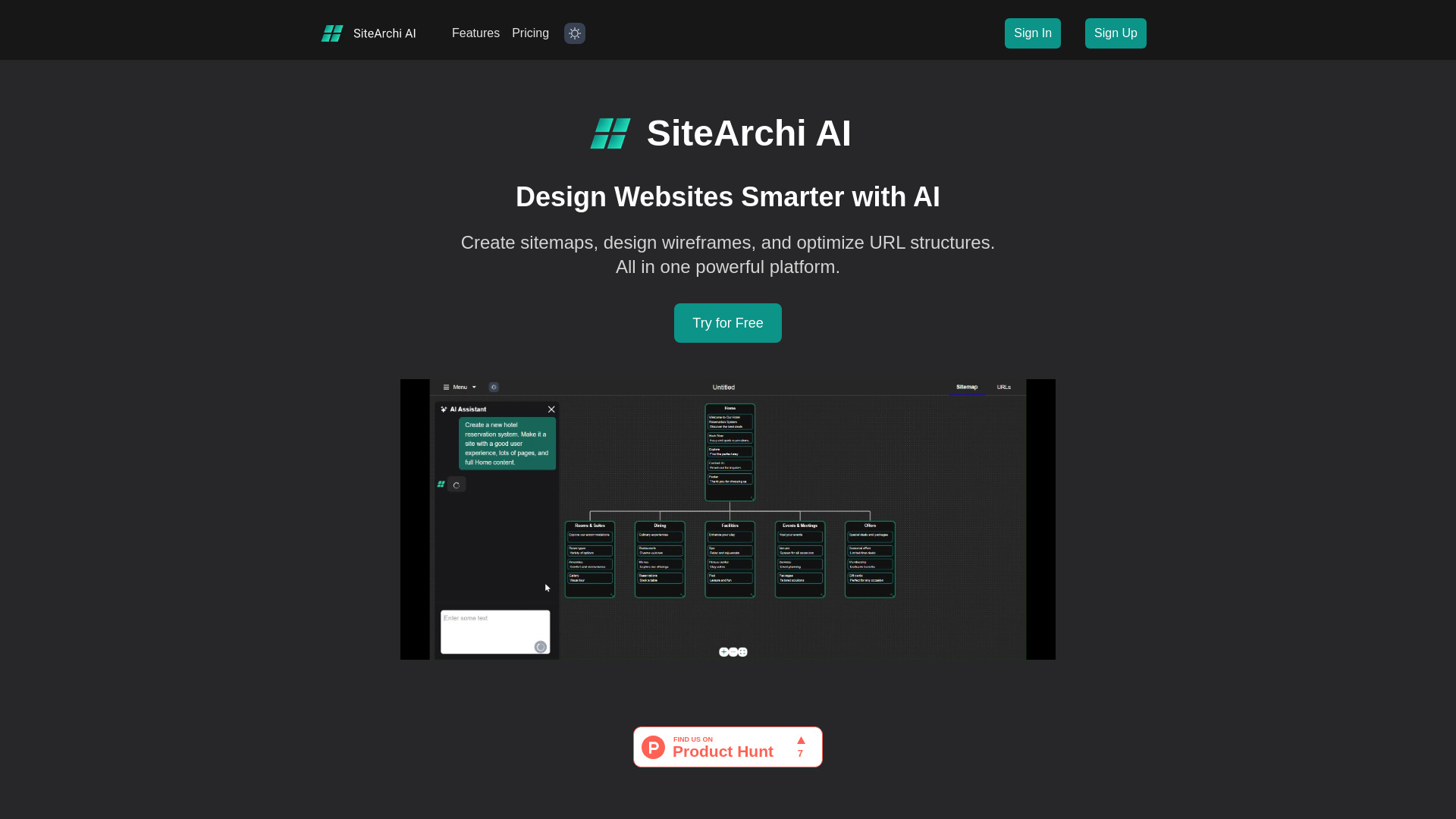
SiteArchi AI
Website planners and developers

AI Landing Page Generator
AI-assisted landing pages

EZAI APP
Small business content creation
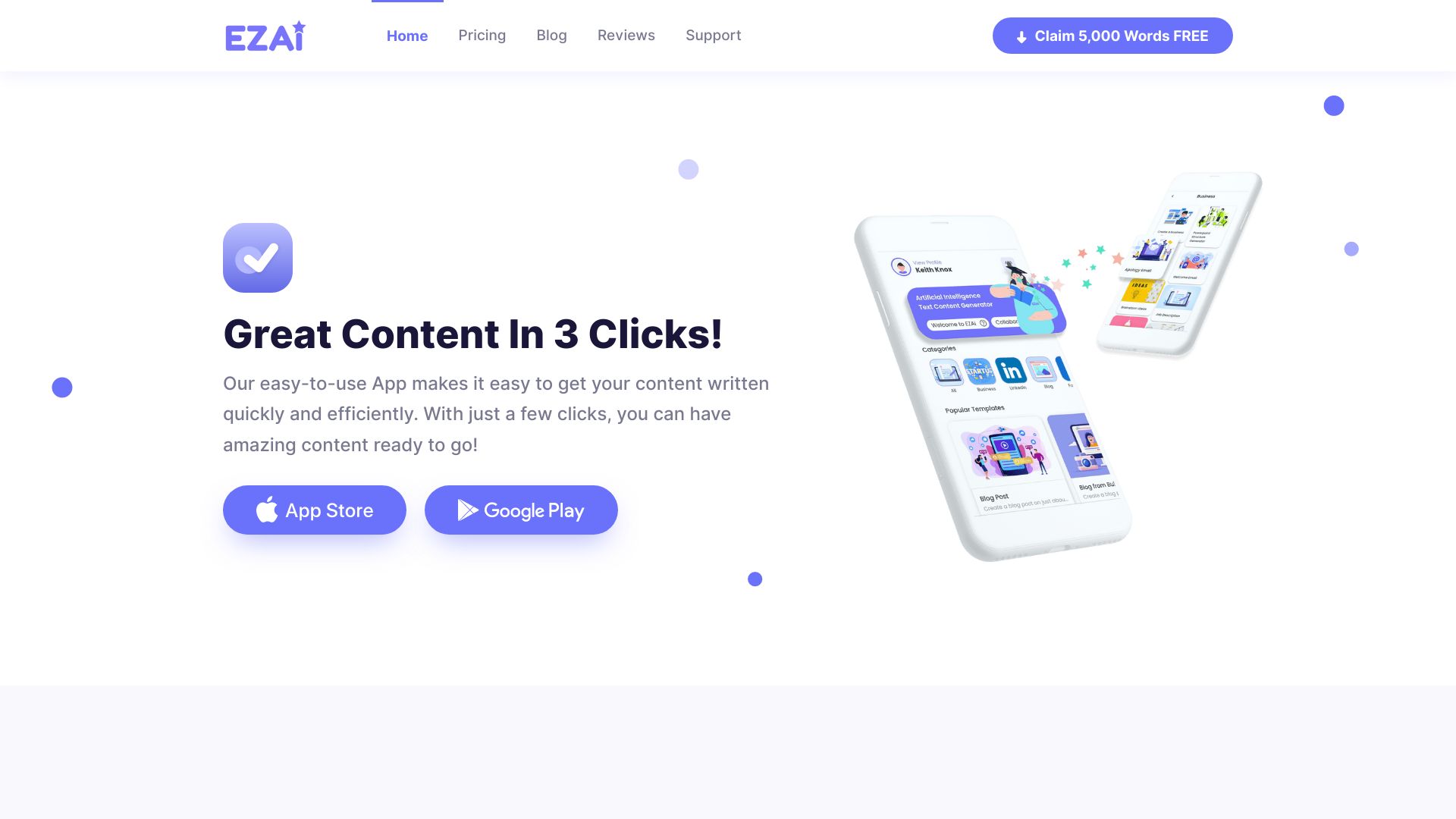

uKit AI
AI website upgrades for SMBs

ThemeAI
AI-powered meaningful website themes

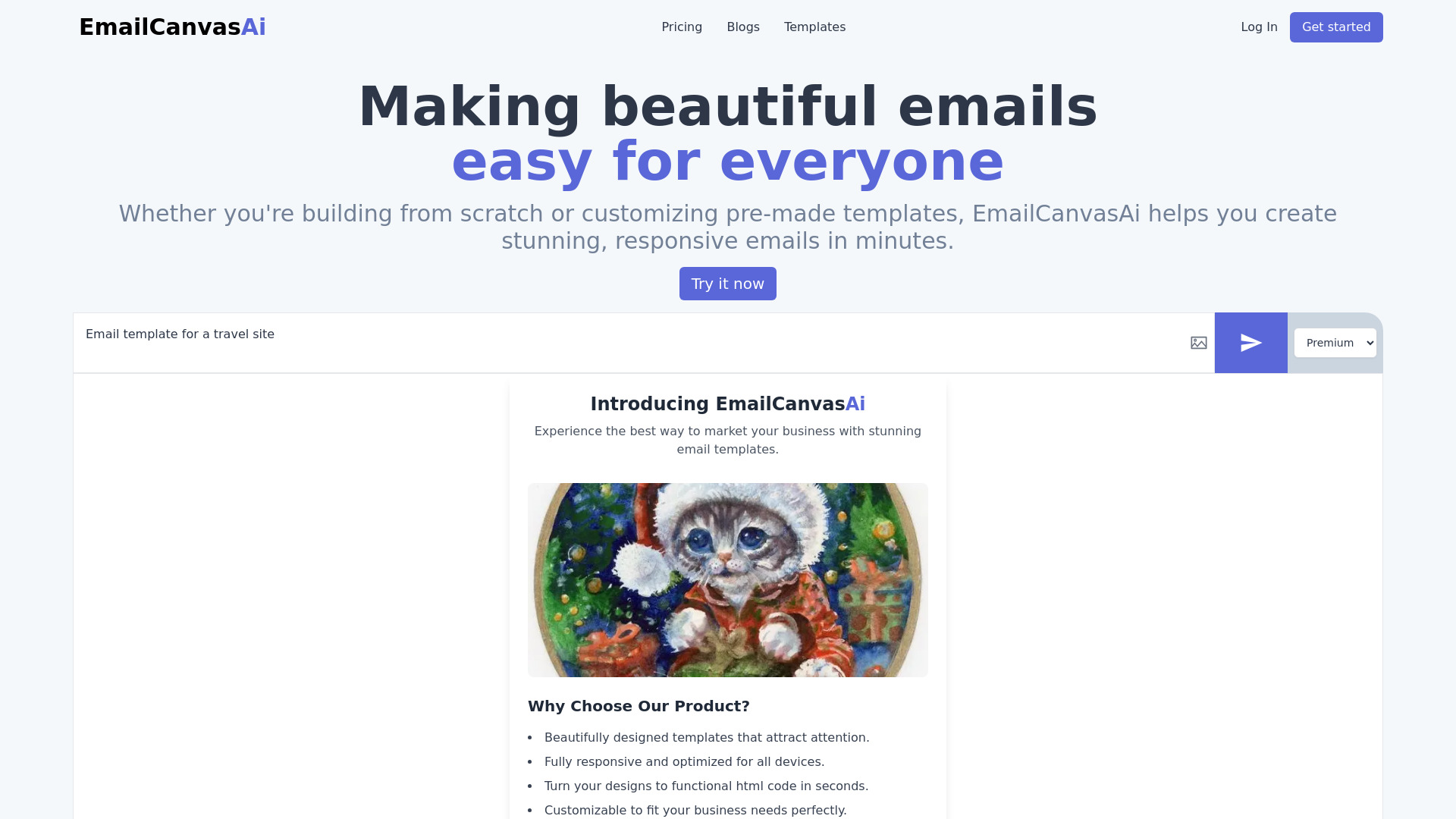
EmailCanvasAi
AI-powered email HTML creation

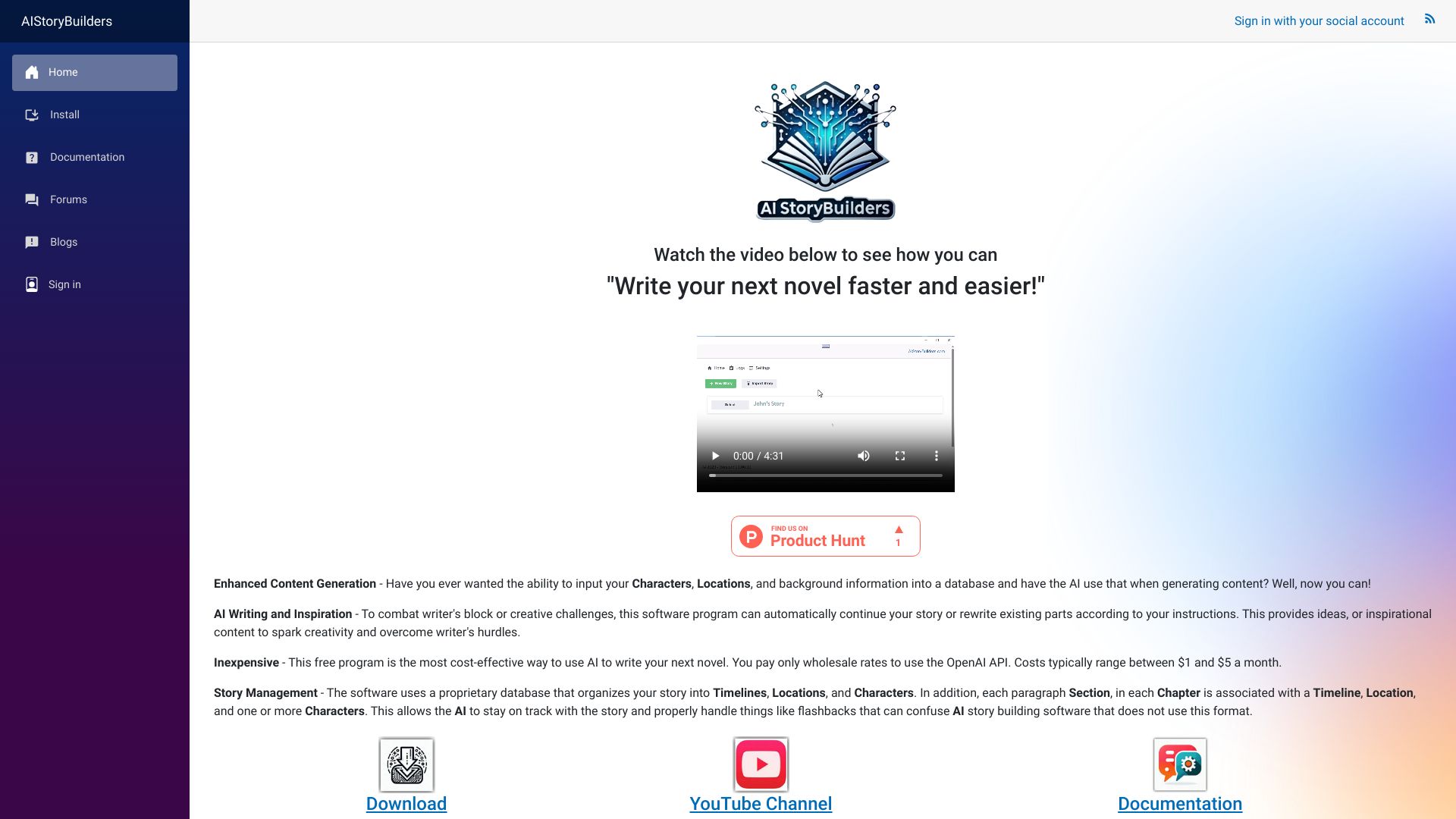
AIStoryBuilders
AI-assisted novel writing
Universe & Bubble
No-code websites and apps

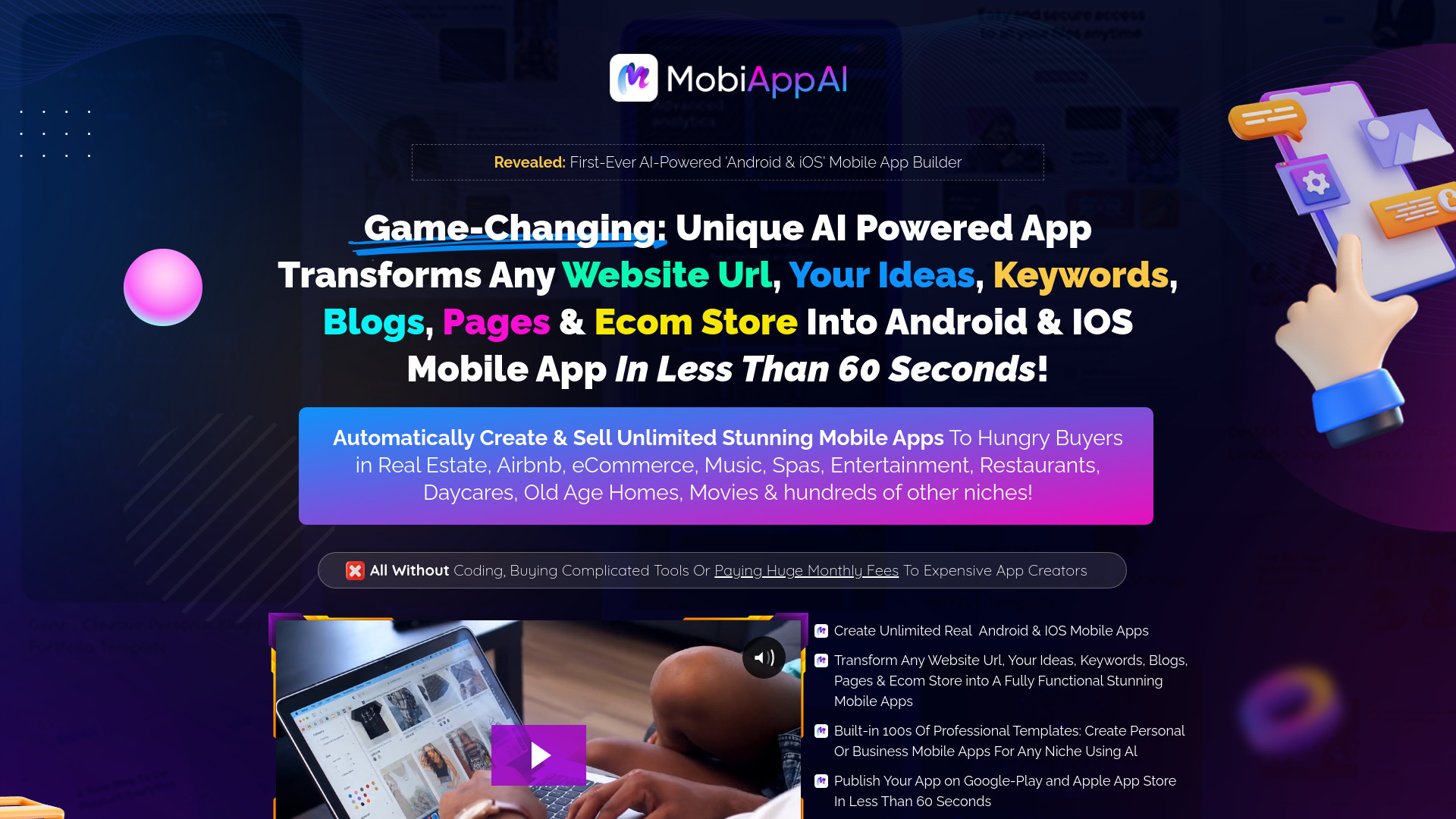
MobiApp AI
Businesses and freelancers building mobile apps

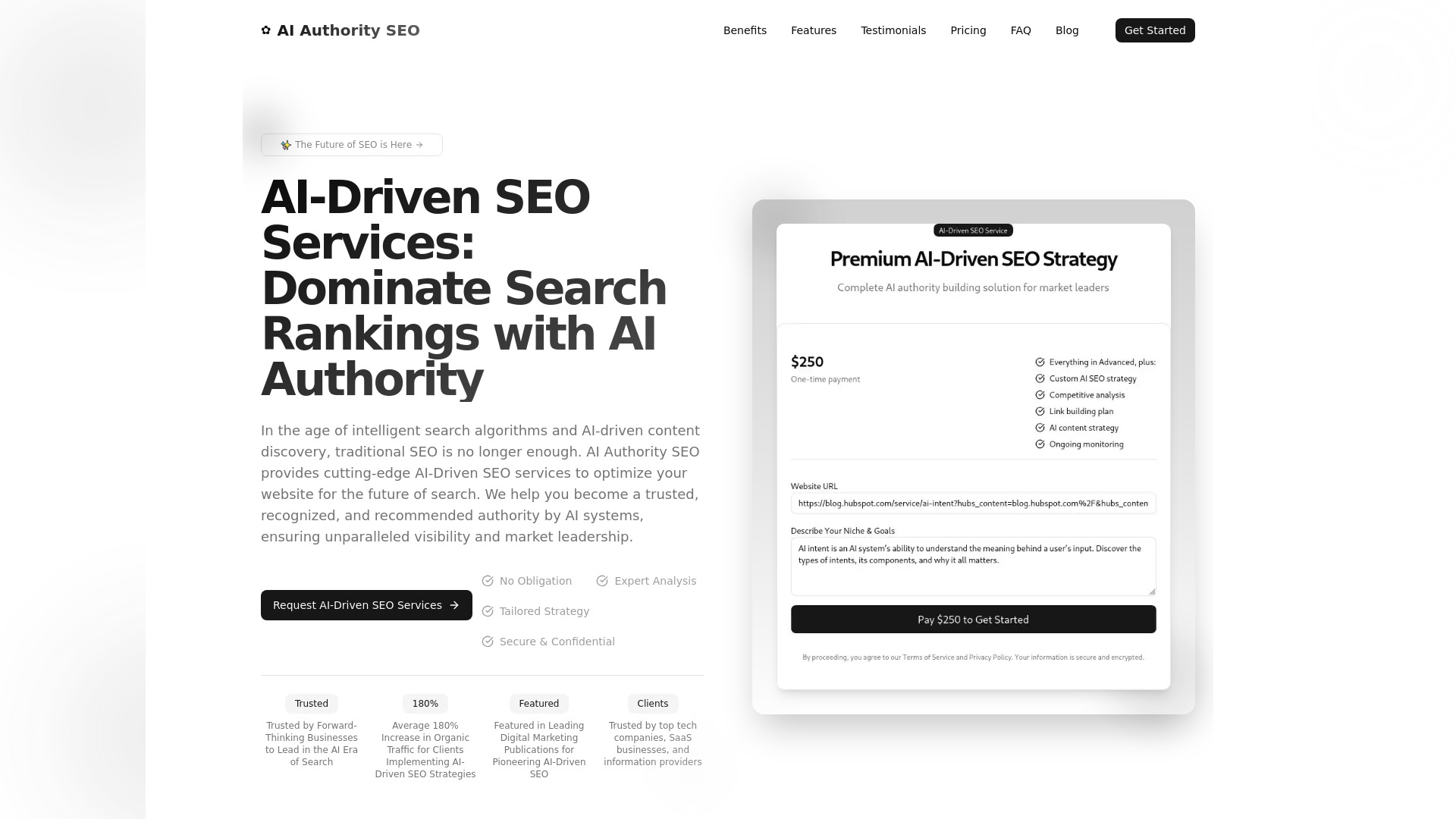
AI Authority SEO
Businesses seeking AI-driven SEO strategy

AiWidgetPro
Website engagement and SEO widgets

AI CSS Animations
AI-generated CSS animations
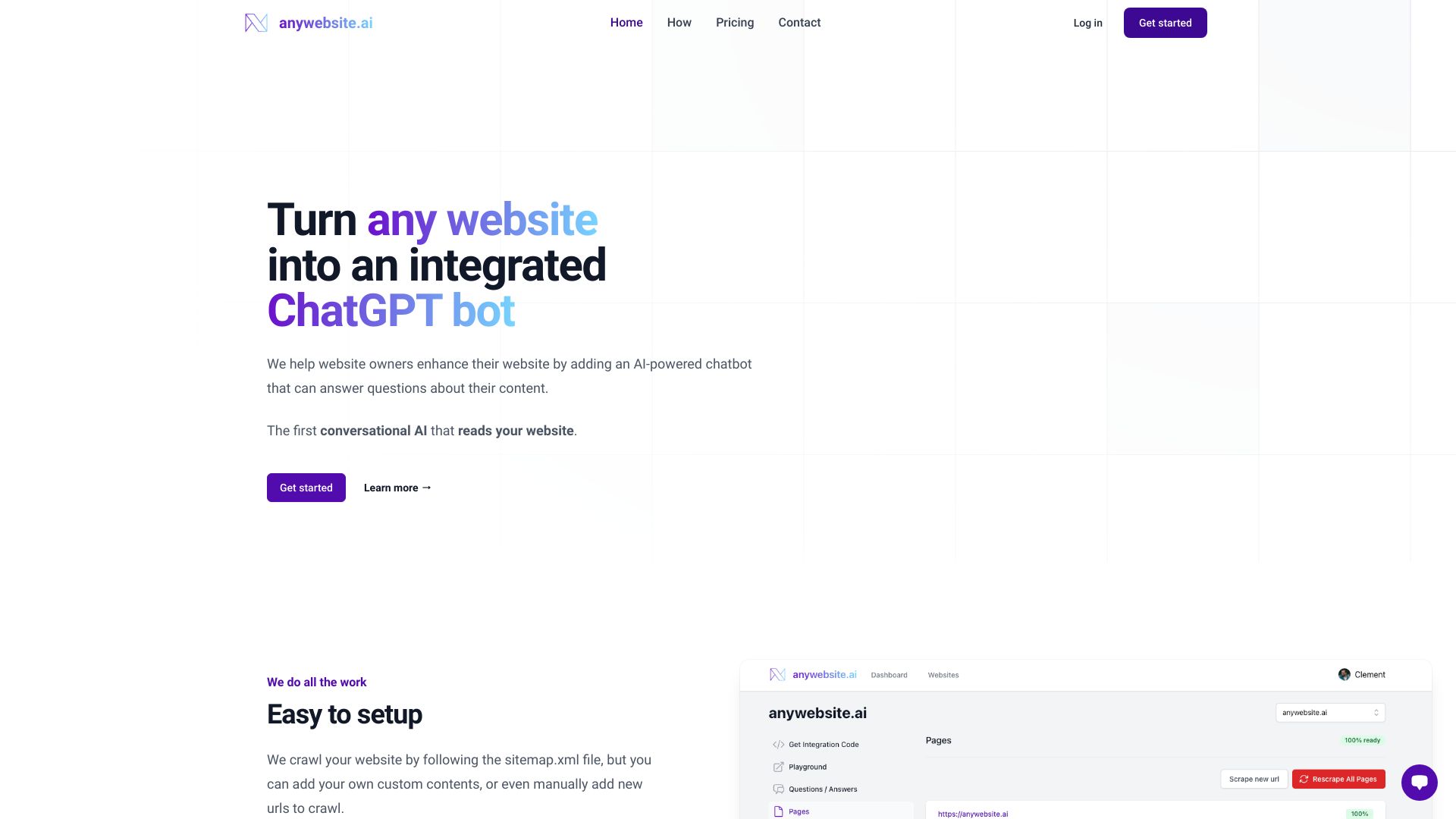
anywebsite.ai
Website owners needing a content-trained chatbot
Ai Scribe Pro
Content and code generation

AppAi
AI marketing copy and content generation

WriteAI.tech
AI copywriting for blogs, ads, and marketing content

EldoraUI
SaaS teams needing a dark-theme website template

AiListz
AI content creation and writing

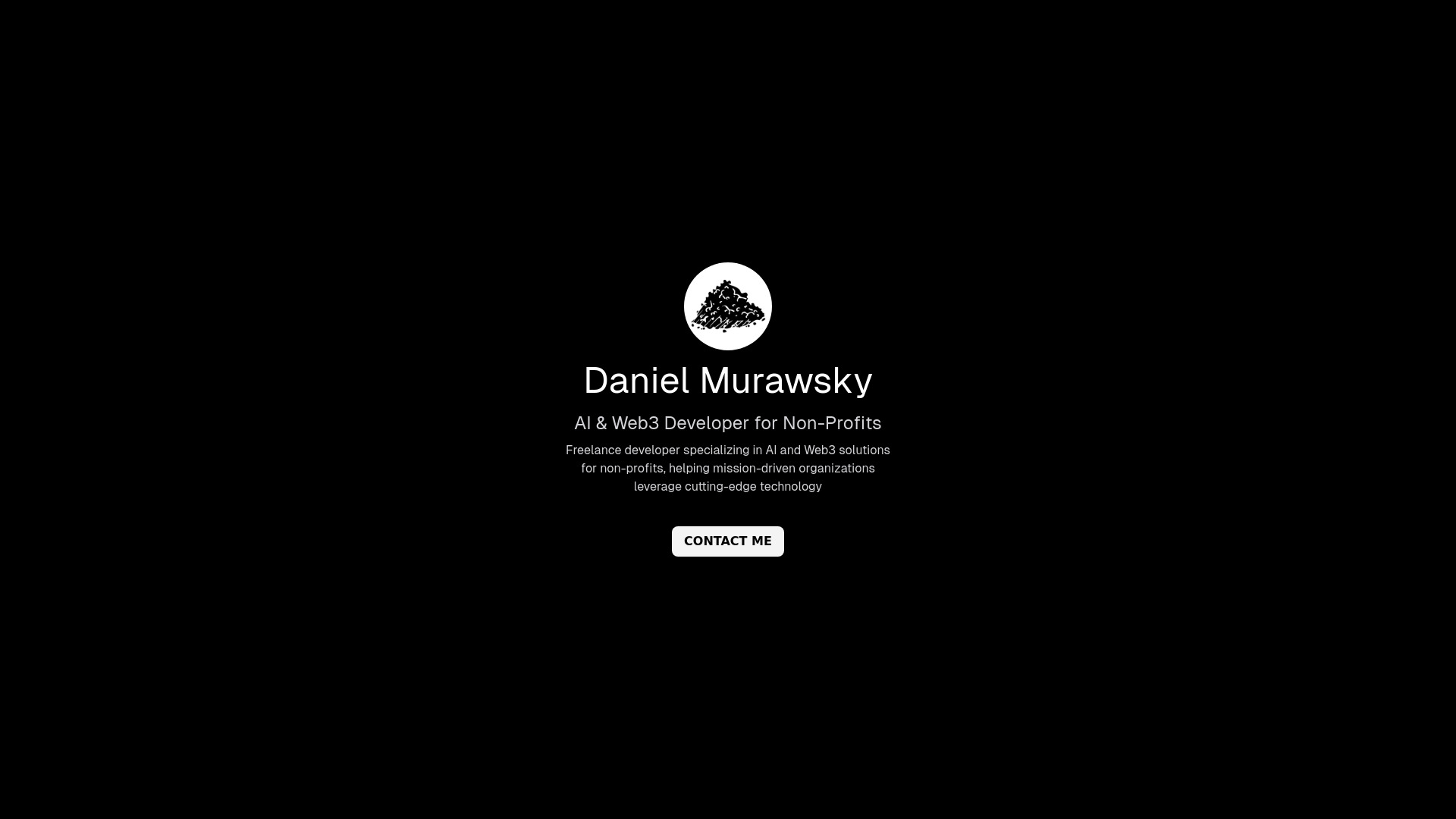
Soil AI
Browser-based website development

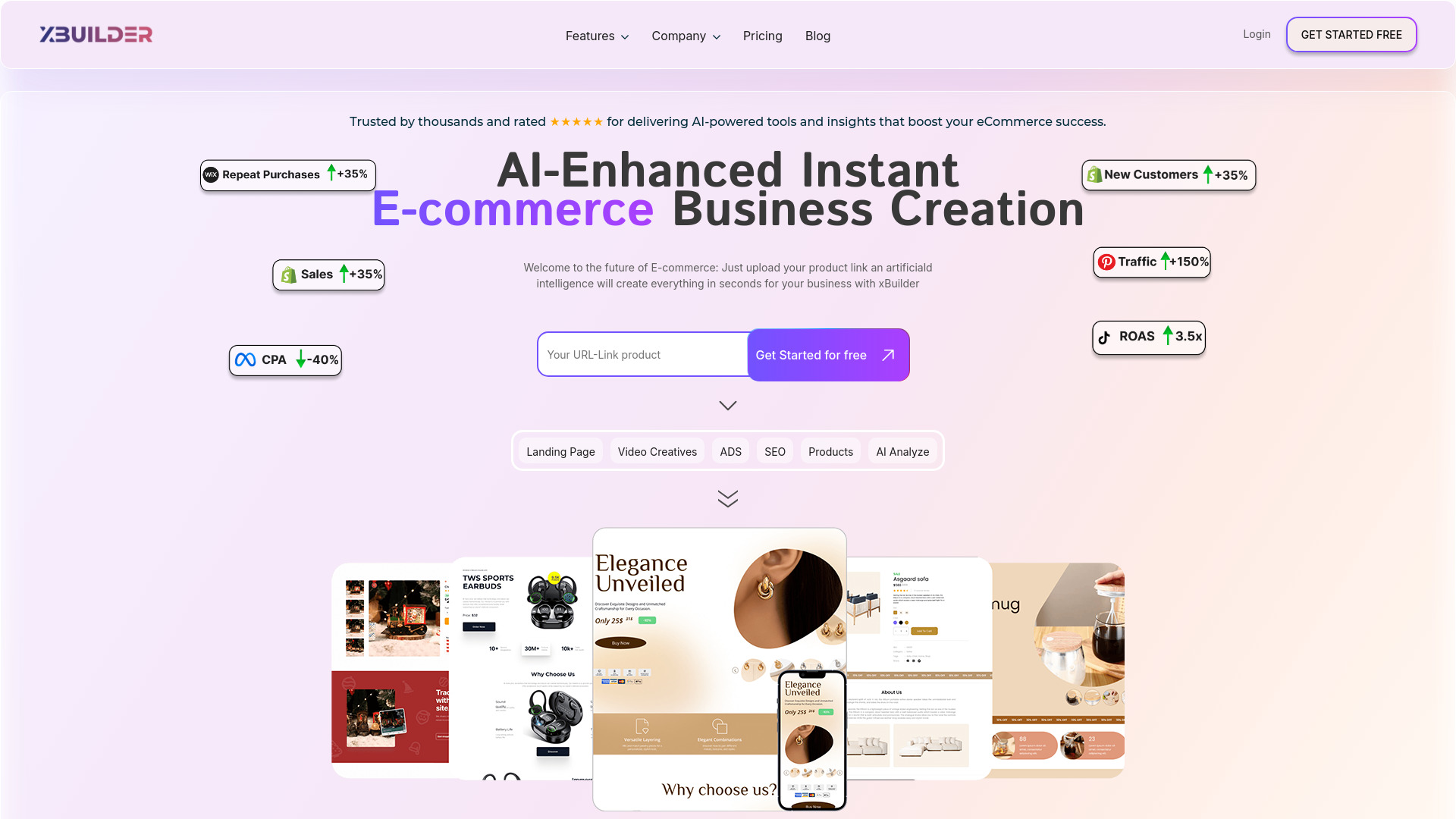
xBuilder.ai
E-commerce sellers building stores and marketing assets

AIEasyUse
AI content and image generation

You AI Tools
Free ChatGPT widgets and prompts

AI Builder Buddy
Vibe coders needing technical guidance

aiWritely
Free AI writing and content creation
AI Content Writer
Customizable content creation

UltimateAI
WordPress users needing broad AI content tools

AI Business MVP Launcher
Launching AI SaaS MVPs
AI Architect
AI-powered cloud architecture planning

Frase.io AI Framewerks
SEO-focused content creators

AItoZee
All-in-one AI content creation
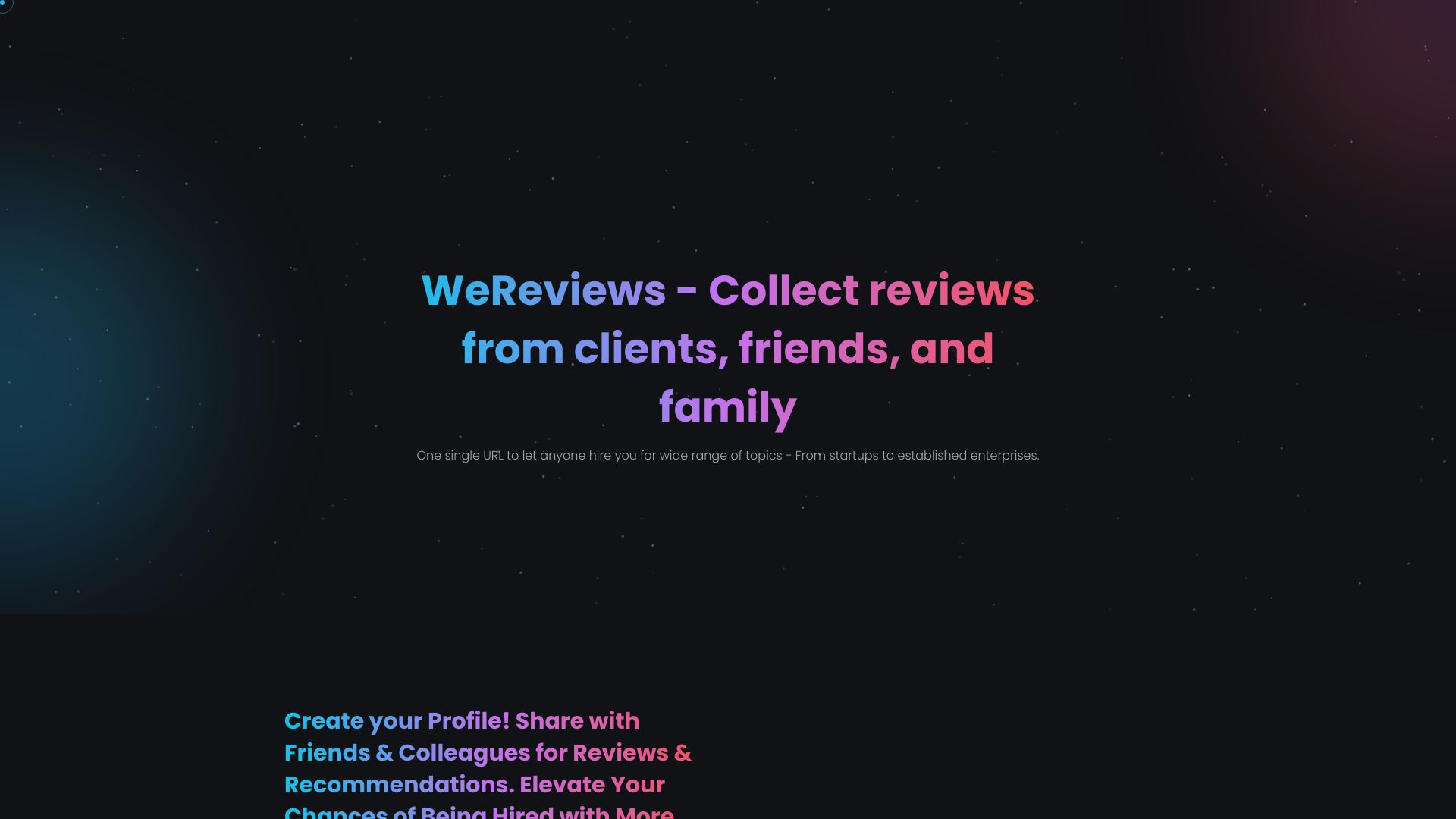
Wereviews
Service marketplaces and hire pages
Which AI website builder should you choose?
The right choice depends on the site you are actually trying to ship, not on which tool produces the most impressive first screenshot.
For most small businesses: Start with Mobirise AI Website Builder. It combines AI generation, no-code editing, templates, and the ability to export and publish anywhere.
For entrepreneurs building around an offer: CodeDesign.ai is the better fit because its AI sales funnel builder sits alongside the website workflow.
For design-led work: Choose STUDIO AI when you want AI suggestions and task automation, or Aura.build when portable HTML and Figma export matter more.
For the fastest beginner setup: Brizy AI Website Builder and Solo both prioritize speed. Brizy is especially approachable for non-techies, while Solo is a natural match for coaches.
For WordPress users: 10Web is the obvious shortlist candidate because it combines an AI website builder with managed WordPress hosting.
For a web application: WeWeb is the strongest match. Its no-code visual editing and AI-assisted building are better aligned with startup products than a basic brochure-site tool.
For multiple free experiments: Dorik AI offers five free websites, making it useful when you are testing several directions.
For a campaign page: LandingPage AI keeps the focus on fast landing-page and website creation.
A useful rule is to separate generation from ownership. Ask whether you can export the output, where the site is hosted, what happens when the free allowance ends, and whether the builder supports the level of editing your project will need. A free website can be ideal for a first test, but it is not automatically the best long-term home for a growing business.
My practical recommendation
For a first-time buyer, I would begin with Mobirise AI Website Builder. It has the broadest combination of no-code accessibility, AI generation, customizable templates, and export or publishing flexibility. That makes it the least awkward recommendation when the project details are still taking shape.
My second path would depend on the workflow. Choose CodeDesign.ai if the site needs sales funnels, 10Web if WordPress hosting is central, STUDIO AI if a designer will direct the work, and Aura.build if export is a deal-breaker. For a coach or solo professional, Solo is simpler than paying for capabilities you may never use. For a startup product, go straight to WeWeb rather than forcing an application-shaped project into a basic website builder.
Before paying, build one representative page and test three things: editing the generated copy, adjusting the layout on mobile, and publishing or exporting the result. Those checks reveal more than a polished template gallery.
Common mistakes when choosing an AI website builder
Choosing from the first draft alone: AI generation gets you started, but editing quality and publishing control determine whether the tool remains useful.
Ignoring the site type: A landing page, WordPress business site, portfolio, and web application have different requirements. WeWeb and 10Web serve very different jobs.
Treating free as unlimited: Free allowances range from a free website or five websites to visitor limits, trials, and AI-token quotas. Read the boundary before building around it.
Forgetting export and portability: Aura.build and Mobirise make portability part of the appeal. Other workflows may keep more of the project inside the platform.
Comparing currencies without checking totals: CodeDesign.ai lists a Singapore-dollar starting plan, while other tools use US-dollar figures. Add-ons and plan differences can change the real cost.
Skipping analytics needs: Solo may require a Google Analytics account for detailed statistics. Decide how you will measure results before launch.
Overbuying for a simple site: If you only need one campaign page, a web-application platform may add complexity instead of value.
What changed in 2026
AI website tools are no longer one uniform category. The strongest products now split into distinct workflows: instant business-site generation, design acceleration, exportable front-end production, managed WordPress, funnel creation, and no-code application building. That is why the best ai website builders cannot be ranked by generation speed alone.
Free access is also more varied. Some products offer a free website or several free sites, while others use visitor limits, prompt allowances, trials, or AI-token quotas. Portability has become a more important buying question too: Aura.build generates standard HTML and CSS, while Mobirise emphasizes export and publishing flexibility. In practice, the best website ai builder is the one whose ownership, editing, and hosting model matches the next stage of your project.
FAQ
Mobirise AI Website Builder is the strongest general recommendation because it combines AI generation, no-code building, drag-and-drop editing, and customizable templates. Brizy and Solo are also good when speed and simplicity matter most.