
Finding the best ai chat app depends less on a flashy demo than on what you actually want to do: compare models, write and research, practice a language, roleplay with characters, or simply chat without installing another app. We compared 100 tools and ranked the 10 most useful matches, with a clear preference for products that make their core workflow obvious and worthwhile.
The shortlist is broader than a conventional chatbot ranking. Chatbox AI and Overchat are strong choices for people who want several models in one place, while Dewy Chat and Status AI serve a more entertainment-focused audience. Praktika is a specialist pick for language learners, and AI Chat takes a remarkably different approach by delivering conversations through SMS.
Top picks
| Pick | Tool | Best for | Why it stands out |
|---|---|---|---|
| 1 | Dewy Chat | Roleplayers | A large selection of AI characters with deep backstories and custom character creation. |
| 2 | Chatbot App | Content creators | Puts 30+ leading AI models in one place with instant model switching. |
| 3 | Chat & Ask AI | Writers | Combines AI chat, search, image generation, and PDF chat. |
| 4 | Chatbox AI | Marketing specialists | Brings GPT, Claude, Gemini, Grok, Sonar, image generation, web search, and document chat together. |
Quick comparison
| Rank | Tool | Score | Best for | Free access | Starting price |
|---|---|---|---|---|---|
| #1 | Dewy Chat | 96/100 | Roleplayers | Free app download; chat and character creation | Check vendor pricing |
| #2 | Chatbot App | 96/100 | Content creators | Writing, image analysis, and summarization | 7-day full access: $1.99 |
| #3 | Chat & Ask AI | 95/100 | Writers | Chatbot, image generator, and PDF chat | Free membership |
| #4 | Chatbox AI | 95/100 | Marketing specialists | Models, image generation, web search, and document chat | Check vendor pricing |
| #5 | Chatbox AI | 95/100 | Students | Document and image chat, code preview, and web search | Lite: $3.5/month |
| #6 | Overchat AI | 95/100 | Writers | 4 messages per day and multiple AI models | Free; paid access from $4.99/month |
| #7 | Praktika App | 95/100 | English learners | AI speaking buddies and 1,000+ lessons | From $8/month |
| #8 | Status AI | 95/100 | Roleplayers | Free-to-play fanfiction roleplay | Check vendor pricing |
| #9 | AI Chat | 95/100 | AI companionship | 10 free messages via SMS | 200 messages: $10 |
| #10 | AIChatting.net | 95/100 | Entrepreneurs | AI chat and AI writer | Weekly plan: $3.99 |
How we ranked these AI chat apps
We ranked the 100 candidates on practical usefulness rather than name recognition alone. Feature depth came first: tools earned attention when they offered a meaningful chat workflow, model choice, document or image handling, search, character interaction, or a focused learning experience. We then weighed audience fit, free access, pricing clarity, usage signal, and the limitations likely to affect day-to-day use. A broad multi-model workspace is not automatically better than a focused app, so specialist tools could rank highly when their experience was unusually clear. The final order reflects the balance of score, distinctive capabilities, and how easily a buyer can identify the right use case before paying.
The best AI chat apps
1. Dewy Chat

Dewy Chat
Best AI character chat for roleplayers
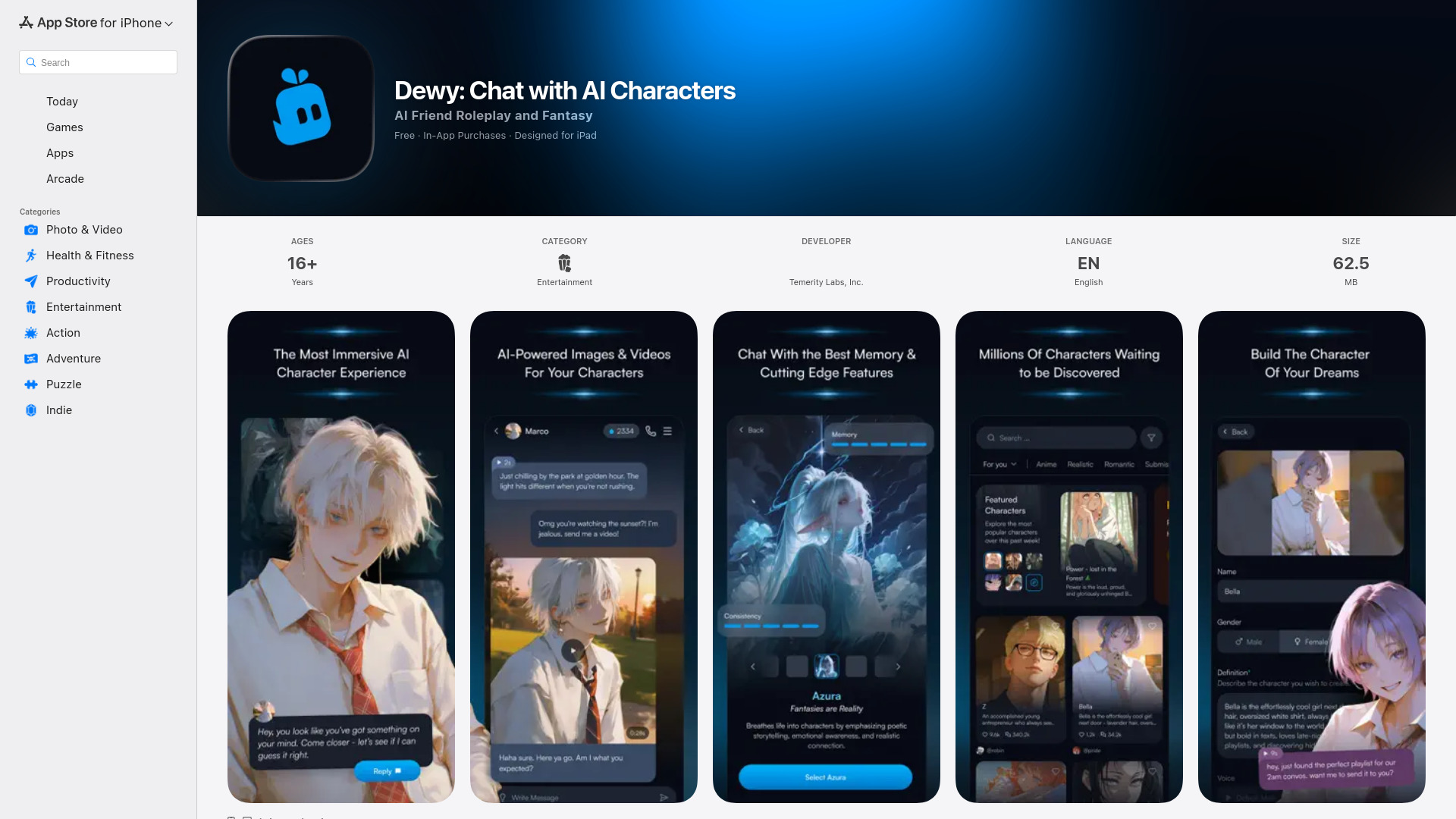
Dewy Chat wins the top spot by making the conversation itself the product. Its focus is AI character chat, with a wide selection of characters and deep backstories rather than a general-purpose assistant interface. That gives it a stronger starting point for roleplayers who want continuity, personality, and a world to explore.
The ability to create custom AI characters makes the experience more flexible than simply choosing from a preset list. It is also the largest usage signal on this shortlist at 152.5M monthly visits, which supports its position as the most compelling entertainment-first option here. This is not the best choice for document analysis or model comparison; it is the best choice when the chat needs to feel like a character-driven exchange.
My take: I like the commitment to one clear job. Dewy Chat does not try to be a research dashboard, and that focus should appeal to anyone who values immersive dialogue over productivity features.
Where it falls short: Full functionality requires in-app purchases, and pricing is not presented as a clean starting price. Budget-conscious users should check the live app listing before building a regular habit around it.
Key features
AI character chats built around distinct personalities.
Dynamic, immersive dialogue for ongoing roleplay.
A large selection of AI characters with deep backstories.
Custom AI character creation.
Pros
Strongest specialist fit for roleplayers.
Broad character selection gives users many starting points.
Custom characters support more personal scenarios.
Cons
Full functionality requires in-app purchases.
Pricing needs to be verified with the vendor.
Choose Dewy Chat if: You want character-led conversations and the ability to explore or create your own fictional worlds.
2. Chatbot App

Chatbot App
Best multi-model chat workspace for content creators
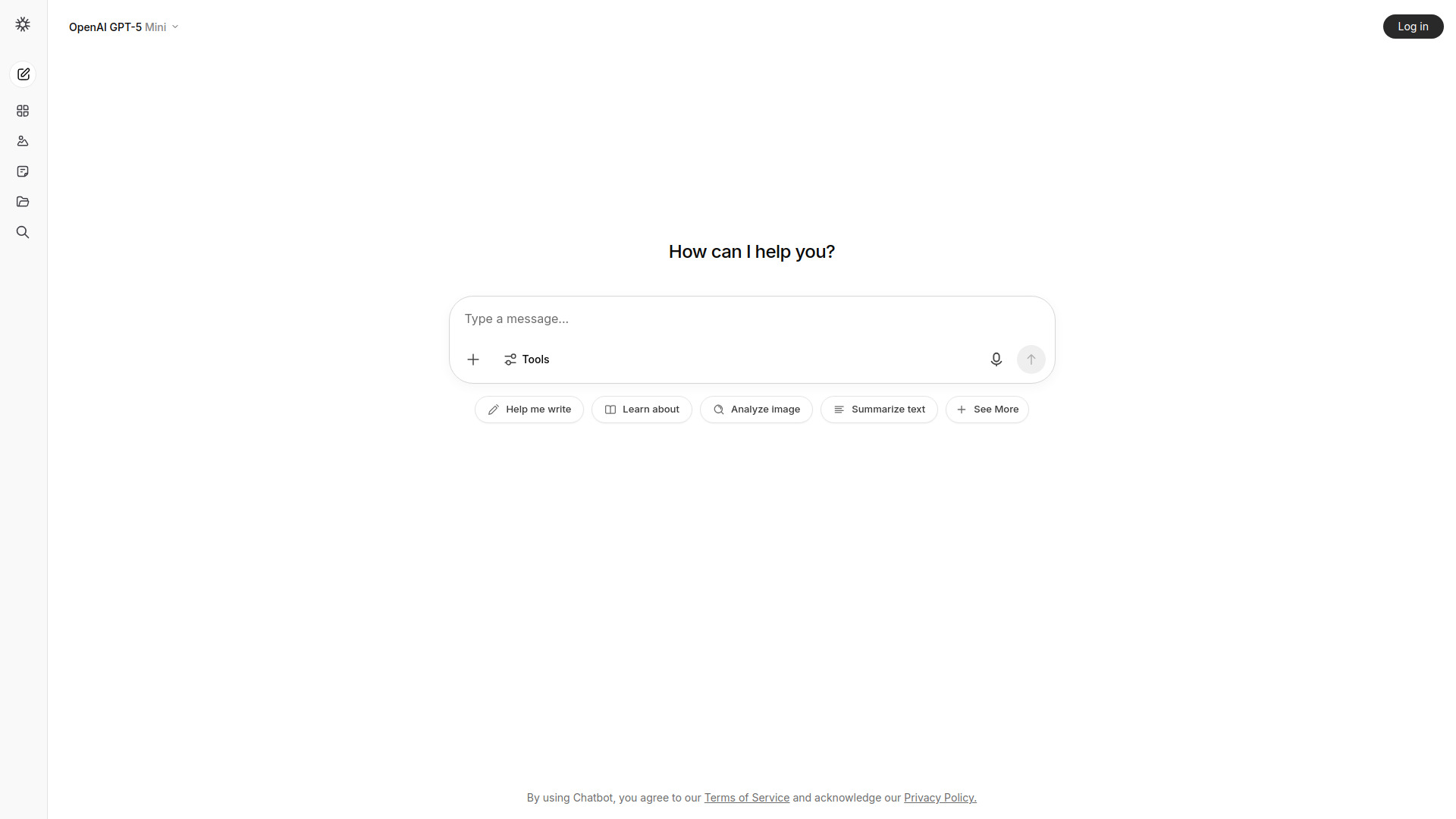
The appeal here is simple: Chatbot App brings more than 30 leading AI models into one place and lets you switch between them instantly. For content creators, that can remove the friction of opening several services just to compare how different models handle a draft, summary, or visual prompt.
Its toolset covers both text and image processing, including AI writing assistance, image analysis, and text summarization. That makes it more versatile than a character-only app, although the breadth also means buyers should pay attention to which model or workflow they are actually using. The 7-day full-access offer is easy to understand, but full access requires a login and the listed starting offer is not the same thing as a long-term free plan.
My take: This is one of the clearest answers for someone who wants a best chat ai app with model choice instead of a single fixed assistant.
Where it falls short: Full access requires a login, and the low-cost 7-day offer should be evaluated carefully if you need ongoing use rather than a short trial.
Key features
Access to 30+ leading AI models in one place.
Instant switching between models.
AI writing assistance for content workflows.
Image analysis and text summarization.
Pros
Versatile toolset across text and image processing.
Model switching is a practical advantage for comparison work.
Strong fit for creators who use AI for several content tasks.
Cons
Full feature access requires a login.
The short full-access offer may not suit users seeking a permanent free tier.
Choose Chatbot App if: You create content and want to compare or switch among many AI models without maintaining separate chat workspaces.
3. Chat & Ask AI

Chat & Ask AI
Best AI chat and search toolkit for writers
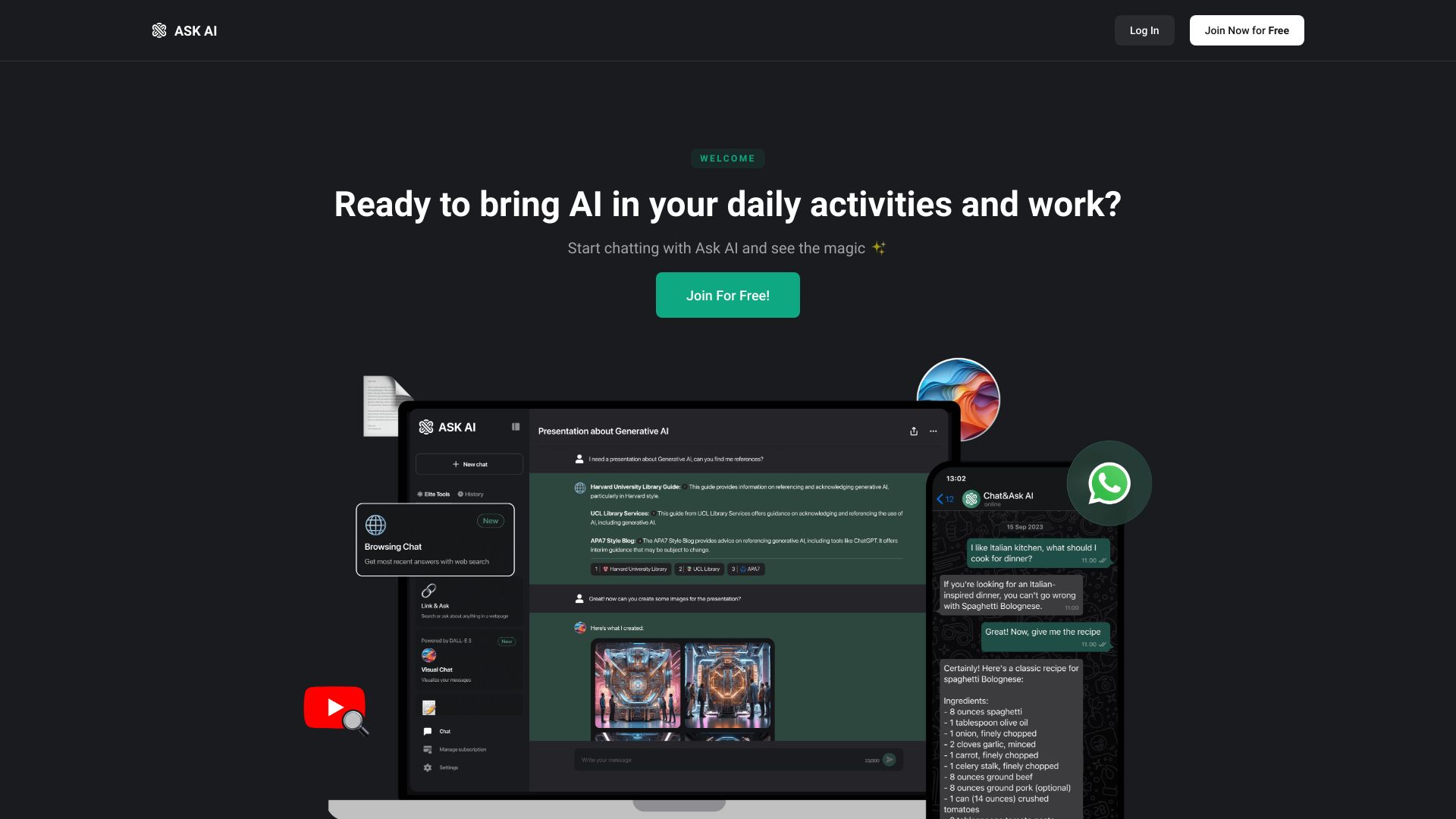
Writers will appreciate how Chat & Ask AI extends beyond a blank chat box. The platform combines an AI search engine, an AI image generator, and AI chat PDF, giving users several ways to move from question to working material. Its free membership also makes it one of the easier tools on this list to try before committing.
The platform is described as an advanced chatbot with GPT-4o, along with WhatsApp integration. Those adjacent tools make it more interesting than a basic writing assistant, especially when a project involves researching, drafting, and working with visual or PDF content. The trade-off is that some features sit behind premium membership, so free access should be treated as an entry point rather than a promise that every workflow is unlimited.
My take: Among the best ai chatbot apps, this is a strong pick for writers who want a compact collection of supporting tools around the conversation.
Where it falls short: Premium restrictions can split the experience between what is available immediately and what requires an upgrade. Check the feature you need before assuming the free membership covers it.
Key features
AI search engine for question-led research.
AI image generation.
AI chat PDF for working with PDF content.
GPT-4o chatbot experience.
WhatsApp integration.
Pros
Broad range of AI-powered tools in one platform.
Free membership provides a straightforward starting point.
Useful combination of chat, search, image, and PDF workflows.
Cons
Some features are limited to premium members.
The broad feature set may be more than users who only want simple chat need.
Choose Chat & Ask AI if: You write, research, and work with PDFs or images and want those tasks beside your AI conversations.
4. Chatbox AI

Chatbox AI
Best all-in-one AI workspace for marketing specialists
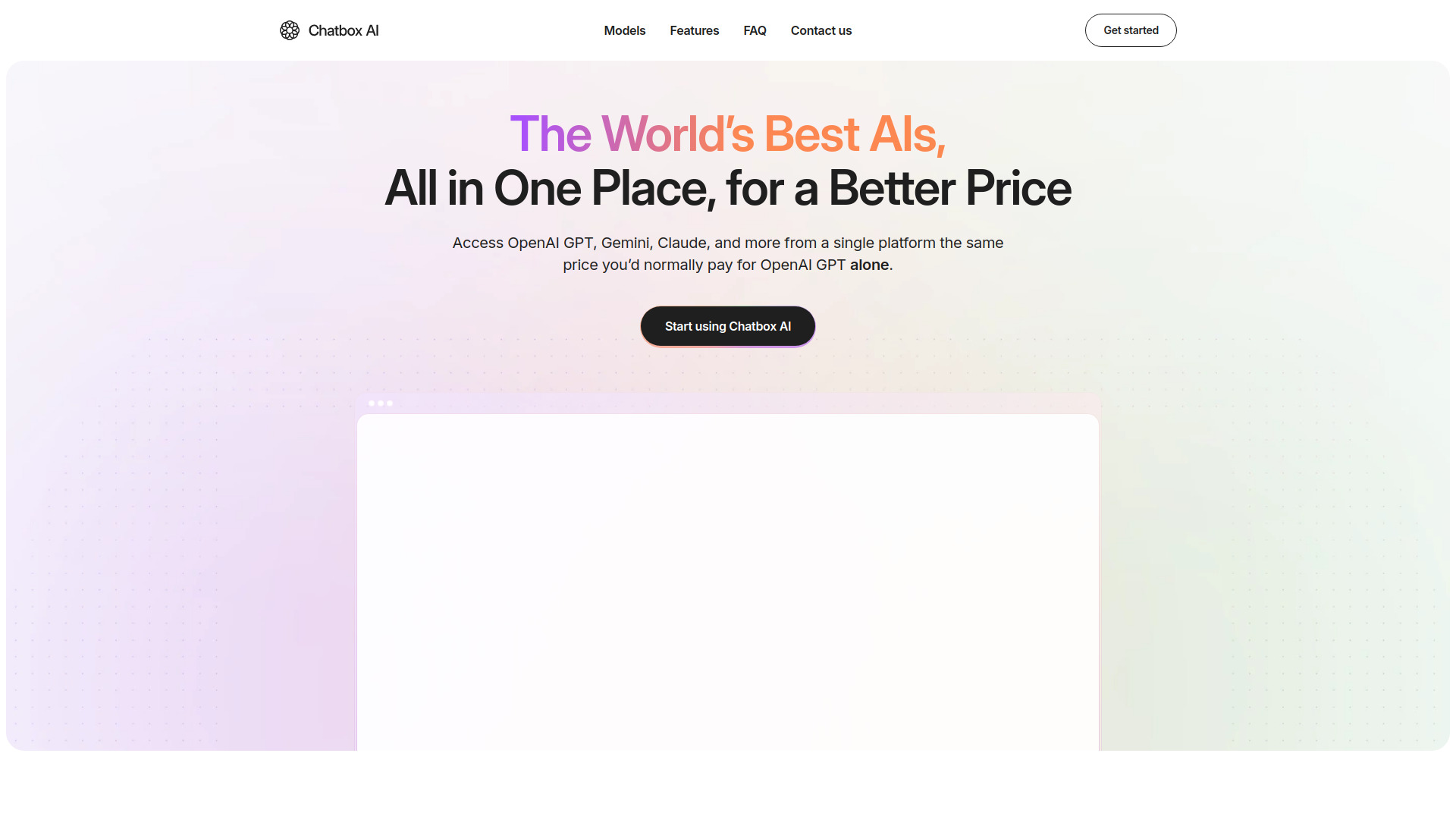
Marketing specialists often need several kinds of assistance in the same session: draft copy, check an idea, search the web, inspect a document, and produce a visual. This Chatbox AI listing is built around that broader workflow. It supports multiple models, including GPT, Claude, Google Gemini, Grok, and Sonar, while also adding image generation and AI filters.
Web search and document chat make the product more useful for work that depends on source material rather than pure brainstorming. The 3.3M monthly-visit signal is also the strongest among the multi-purpose workspaces in this ranking. The catch is important: the service is not free and requires a subscription, while the starting price is not presented clearly enough to use as a reliable budget figure.
My take: If your work moves between copy, research, documents, and images, this is more practical than a single-model chat app.
Where it falls short: Subscription access is required, and buyers should verify current pricing before treating it as a low-cost replacement for several individual tools.
Key features
Access to GPT, Claude, Google Gemini, Grok, and Sonar.
Image generation from text prompts.
AI filters for generated or existing images.
Web search for research-oriented chats.
Document assistance through document chat.
Pros
Several leading models in one interface.
Covers text, image, web search, and document workflows.
Strong fit for marketing teams with mixed daily tasks.
Cons
Requires a subscription rather than being free.
Starting price is not clear enough for a precise cost comparison.
Choose Chatbox AI if: You need one paid workspace for model comparison, marketing drafts, web research, image generation, and document assistance.
5. Chatbox AI
Chatbox AI
Best cross-platform AI study assistant for students
This second Chatbox AI entry points to a different product angle: an AI client and smart assistant that works with various AI models and APIs across multiple platforms. Students get a practical mix of document and image chat, code generation with preview, and real-time web search and browsing.
That combination is especially useful when studying does not stay inside one format. A student might ask questions about a document, inspect an image, test generated code, and browse for current information. The Lite plan is listed at $3.5 per month, while some features require a paid subscription. It is therefore a budget-friendly-looking option, but the exact limits of the free access should still be checked before choosing it for a full semester.
My take: This is the more study-oriented Chatbox listing, and its cross-platform positioning gives it a useful edge for students who work across devices or model providers.
Where it falls short: Paid access is needed for some features, so the apparent low monthly price should not be mistaken for unlimited access to every workflow.
Key features
AI chat interface compatible with different models and APIs.
Document and image chat.
Code generation and preview.
Real-time web search and browsing.
Cross-platform availability.
Pros
Strong combination of study, coding, document, and browsing tools.
Cross-platform access broadens where students can work.
Chatbox AI Lite starts at a clearly stated $3.5 per month.
Cons
Some features require a paid subscription.
Buyers should confirm which capabilities are included in the chosen plan.
Choose Chatbox AI if: You are a student who wants document chat, code preview, image support, and web browsing in a cross-platform assistant.
6. Overchat AI
Overchat AI
Best low-cost multi-model chat app for writers
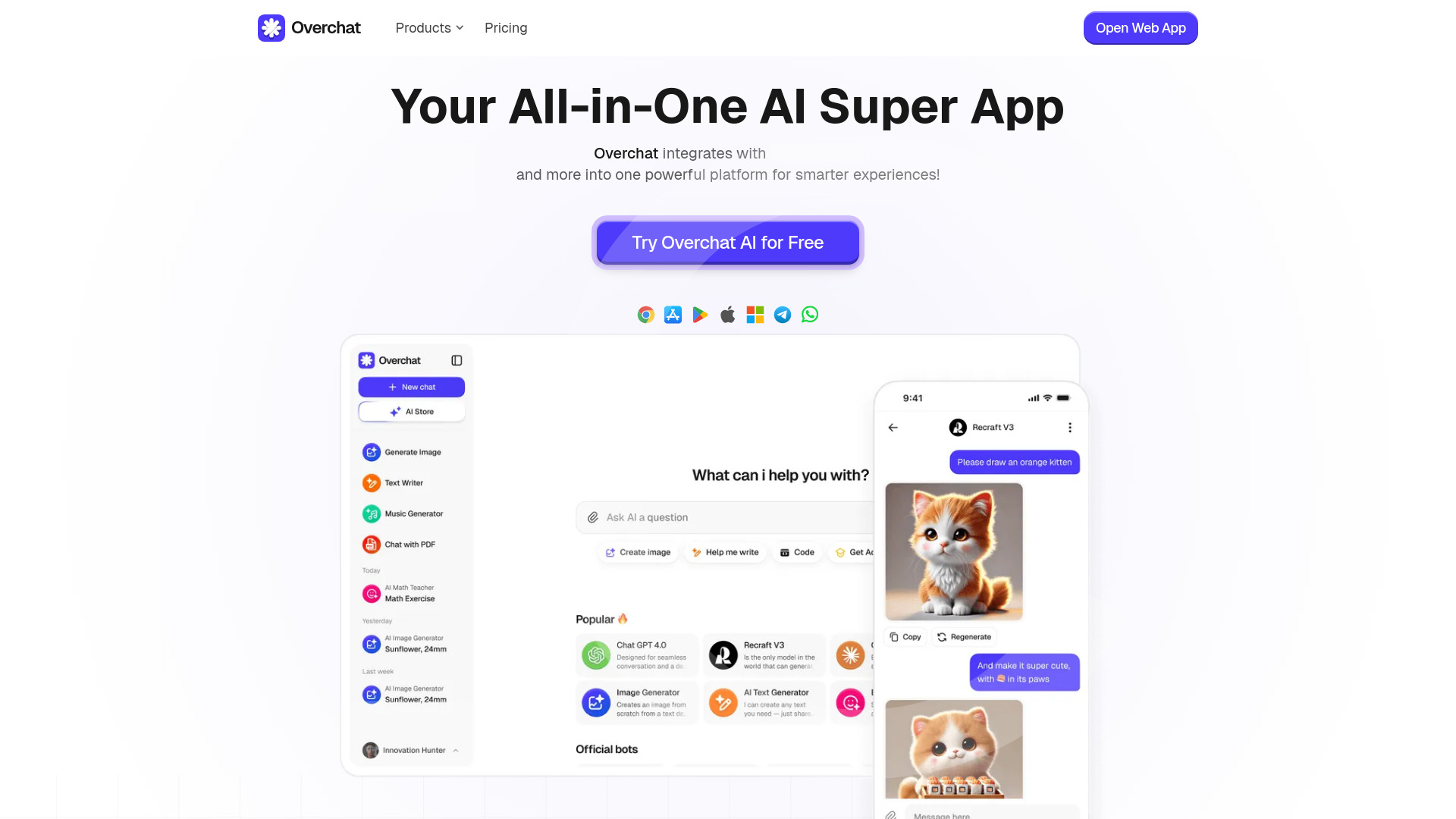
Overchat AI makes a persuasive case for users who want a broad model menu without immediately paying. It brings together ChatGPT, Claude, Gemini, and other models, then wraps that access in writing assistance for drafting and simplifying everyday tasks.
The free plan is genuinely easy to understand: four messages per day. That is enough for a light test or occasional question, but it is not a high-volume writing workflow. Paid access starts from $4.99 per month, and some features remain premium. With 948K monthly visits, Overchat sits in a useful middle ground: more flexible than a single assistant, but more approachable than a large enterprise-style workspace.
My take: This is one of the best chat ai apps for a buyer who wants to test multi-model access on a small budget before committing.
Where it falls short: Four free messages per day is restrictive for sustained drafting, and premium-only features mean the free experience may not represent the full product.
Key features
Access to multiple AI models, including ChatGPT, Claude, and Gemini.
AI-powered writing assistance.
Tools for writing, chatting, and simplifying tasks.
Free access with four messages per day.
Pros
Several major models in one platform.
Clear free entry point.
Paid access starts from a relatively specific monthly price.
Cons
Free usage is limited to four messages per day.
Some features are available only in premium plans.
Choose Overchat AI if: You want to compare several well-known AI models and mainly need writing help, but prefer to start with a small free allowance.
7. Praktika App

Praktika App
Best conversational AI tutor for English learners
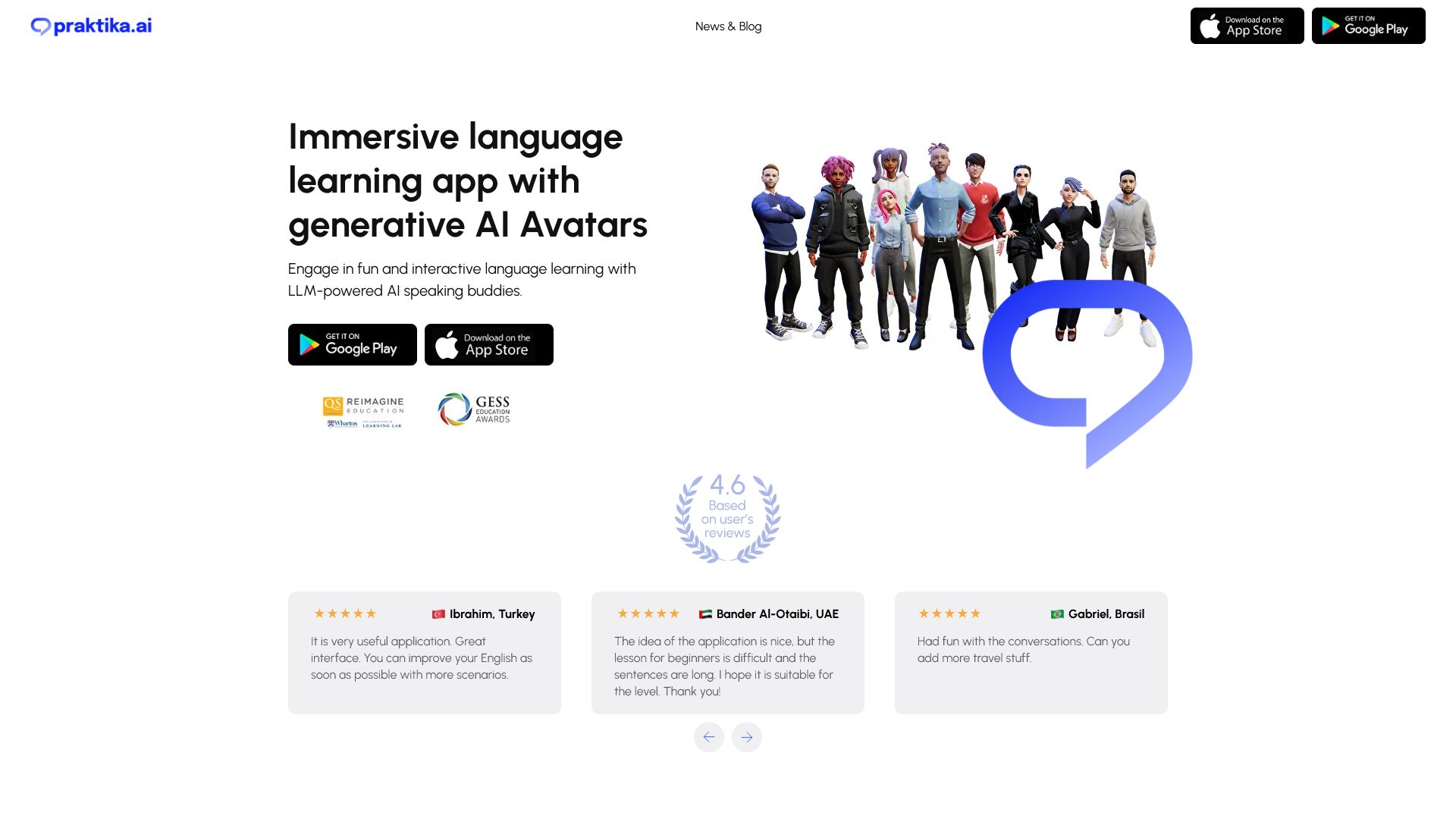
A general chatbot can answer language questions, but Praktika App is designed around the harder part: practicing conversation. It offers AI-powered language tutors, AI speaking buddies, and more than 1,000 conversation-based lessons. That structure gives English learners a clearer path than opening a blank prompt and trying to invent their own curriculum.
The listed price is $8 per month, presented as substantially cheaper than a tutor. The important limitation is also clear: an AI tutor may not fully replicate the nuances of human interaction. That makes Praktika a strong practice companion, not a complete substitute for every kind of teacher feedback. Its 673K monthly visits and focused feature set support its place as the specialist pick in this comparison.
My take: I would choose this over a general best ai chat app when the goal is speaking practice rather than open-ended information retrieval.
Where it falls short: AI conversation cannot fully reproduce the nuance of human interaction, so learners who need detailed human correction may still need another resource.
Key features
AI-powered language tutors.
AI speaking buddies for conversational practice.
More than 1,000 conversation-based lessons.
Personalized language-learning experience.
Pros
Clear focus on language practice.
Conversation-based lessons provide more structure than a blank chat window.
Listed price is $8 per month.
Positioned as a lower-cost alternative to a tutor.
Cons
May not fully replicate human interaction.
It is specialized for language learning rather than general-purpose chat.
Choose Praktika App if: You are learning English and want guided AI conversations, speaking buddies, and structured lessons instead of a general chatbot.
8. Status AI

Status AI
Best free fanfiction roleplay chat for roleplayers
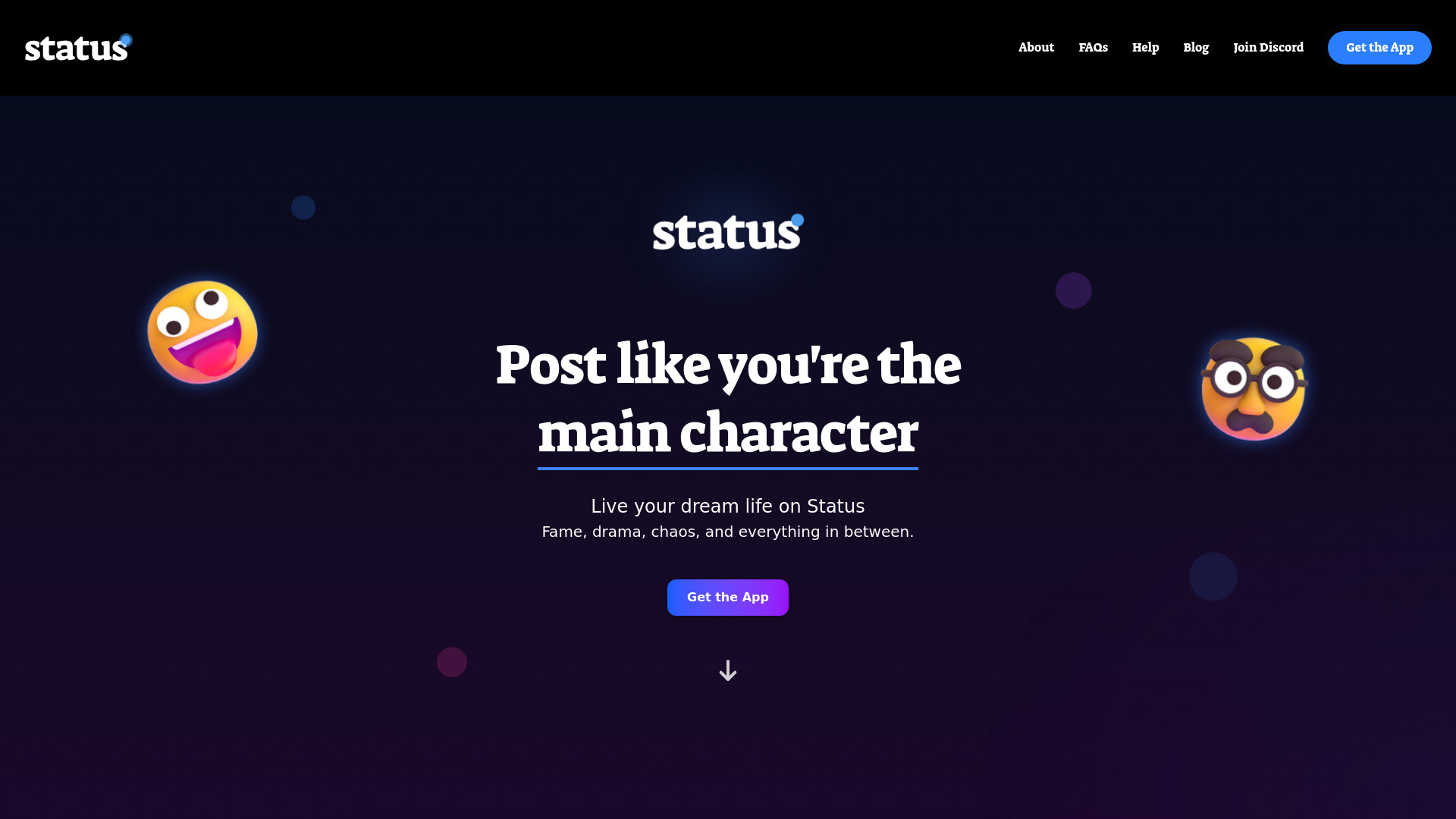
Status AI takes AI chat into game-like fanfiction territory. Users can choose from thousands of characters or create their own, then express themselves as any character inside dream storylines. That makes the app a strong alternative for roleplayers who want a free-to-play experience rather than a productivity assistant.
The biggest advantage is also the easiest to understand: it is completely free to use. The limitation is an energy system that restricts daily actions to approximately 60-64 actions per day. That cap matters if you expect long, uninterrupted sessions, but it is less concerning for casual story exploration. With 395K monthly visits, Status AI has a clear audience and a distinct reason to exist beside general chat products.
My take: This is a better fit for interactive storytelling than for open-ended companion chat, and its free-to-play model makes it easy to try.
Where it falls short: The daily energy system limits activity, so frequent roleplayers may run into the ceiling during longer sessions.
Key features
Fanfiction roleplay game format.
Thousands of characters to choose from.
Custom character creation.
Ability to express yourself as any character.
Pros
Completely free to use.
Strong fit for fanfiction and interactive storylines.
Large character selection plus custom creation.
Cons
Energy system limits daily actions to approximately 60-64.
The game-like format may not suit users seeking a conventional assistant.
Choose Status AI if: You want free character roleplay and fanfiction-style storylines, and a daily action limit is acceptable.
9. AI Chat

AI Chat
Best no-app AI companion through SMS
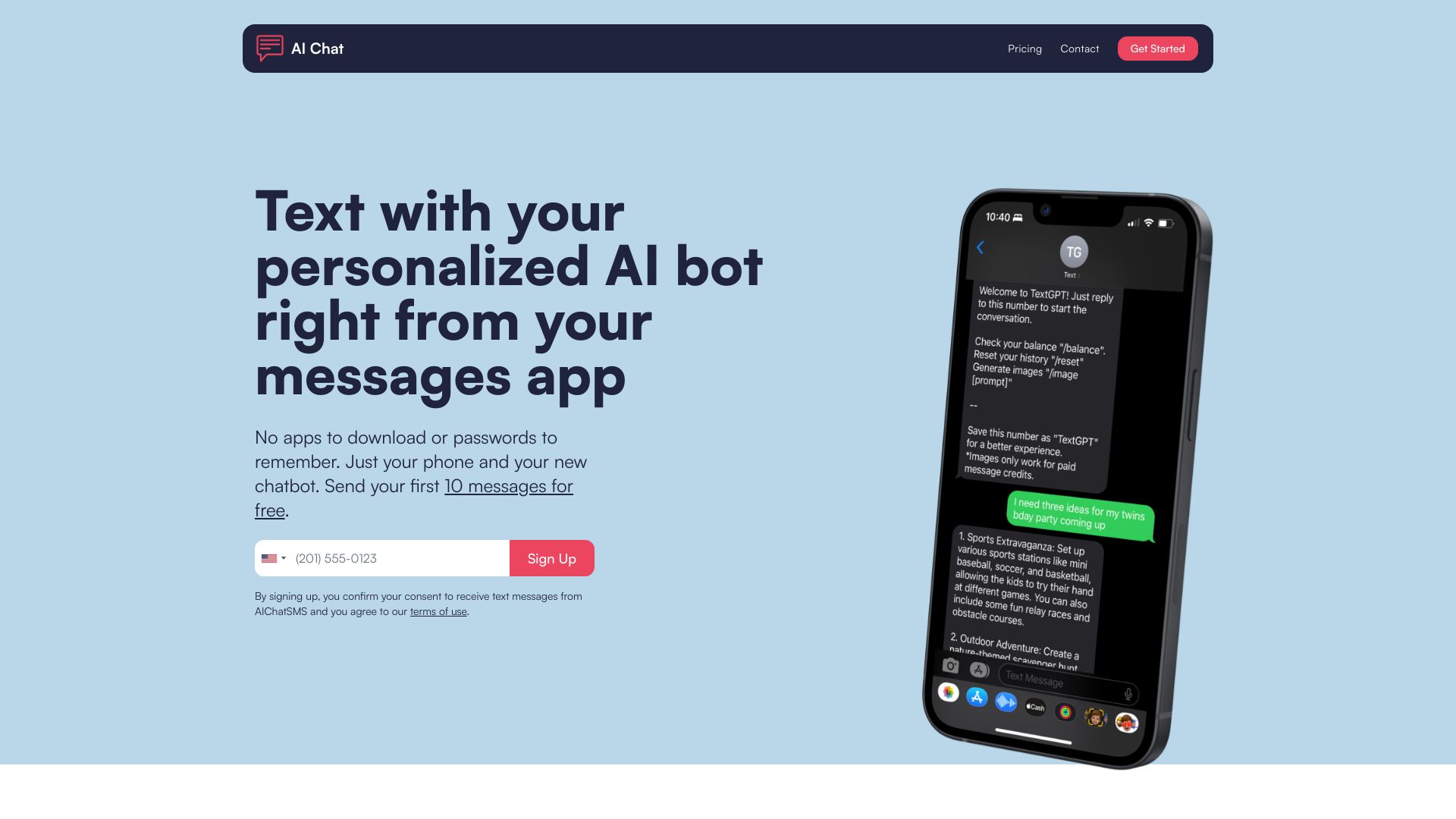
AI Chat is the outlier in this ranking because it does not ask you to download an app or create a password. Conversations happen through SMS, with a customizable AI bot personality. For someone who wants a lightweight companion available from the same place as ordinary text messages, that simplicity is the entire appeal.
The free allowance is 10 messages, and the listed price is $10 for 200 messages. The trade-off is that SMS may incur message costs, depending on the user's mobile arrangement. Its 3.4K monthly-visit signal is much smaller than the other featured tools, so this is a niche recommendation rather than a default pick. Still, the no-login, no-app workflow is genuinely distinct.
My take: When convenience means avoiding another account and interface, AI Chat offers the cleanest route from idea to conversation.
Where it falls short: SMS costs can complicate the real price, and message-based access is less suitable for people who want rich files, images, or long-form productivity features.
Key features
AI-powered conversations through SMS.
Customizable AI bot personality.
No app download required.
No password, login, or API token required.
10 free messages to try the service.
Pros
Very easy to start.
Works through familiar text messages.
Avoids app installation and account-password friction.
Cons
SMS may incur message costs.
The workflow is less suited to document, image, or research-heavy tasks.
Free access is limited to 10 messages.
Choose AI Chat if: You want AI companionship by text message and value no app download, password, or login more than advanced workspace features.
10. AIChatting.net
AIChatting.net
Best affordable AI chat and writing site for entrepreneurs
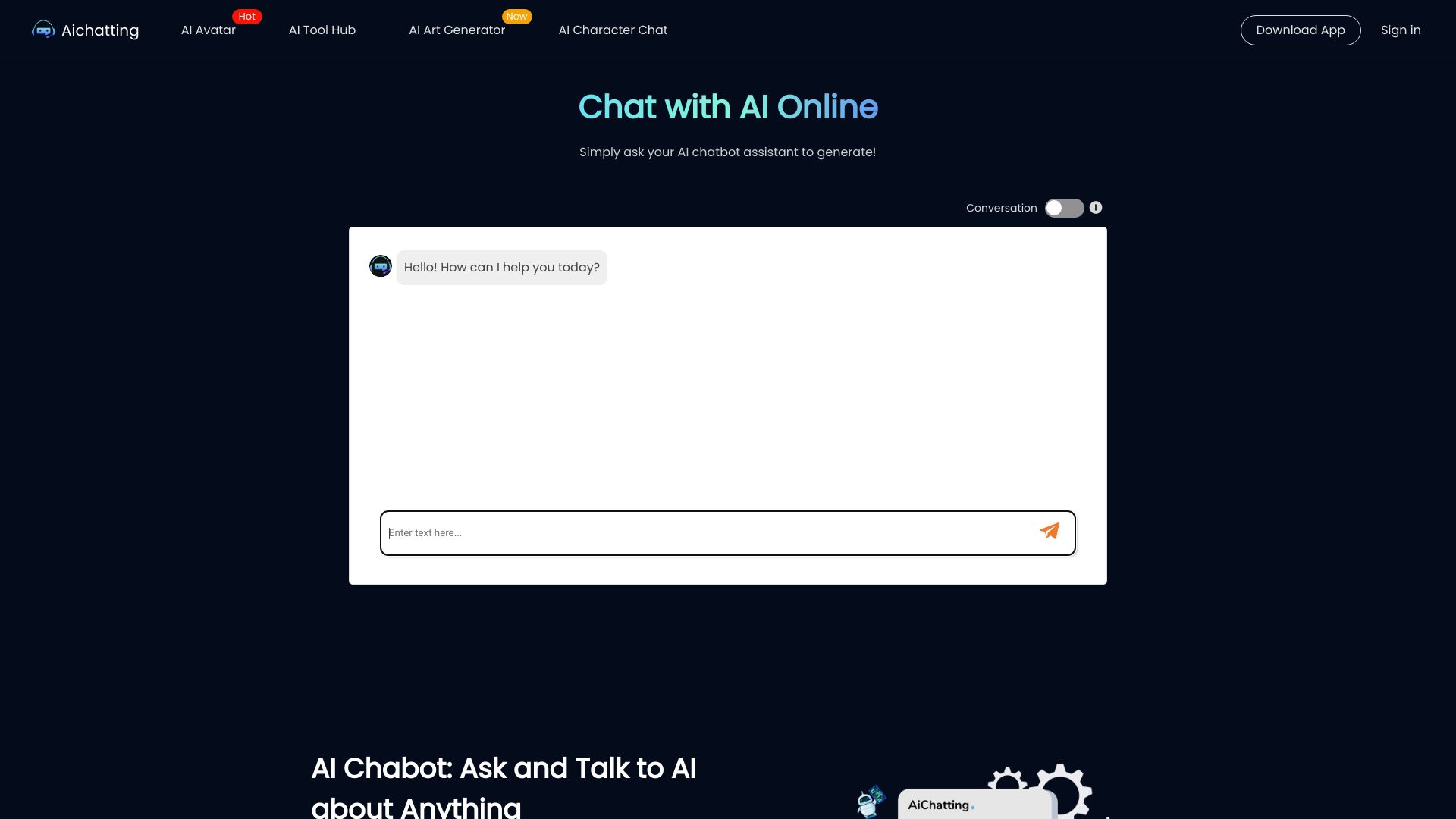
AIChatting.net keeps its proposition direct: free AI chat paired with an AI writer. That combination suits entrepreneurs who need quick help with ideas, drafts, and routine writing without signing up for a more elaborate multi-model workspace. The $3.99 weekly plan also gives buyers a concrete low-cost entry point, although weekly billing deserves closer attention than a simple monthly comparison.
The product is less specialized than Praktika or Status AI and less model-focused than Chatbot App or Overchat. That is not necessarily a weakness. For an entrepreneur who wants a straightforward chat-and-writing website, fewer moving parts can make the first session easier. The limitation is that free usage may be restricted, so frequent users should confirm the current allowance before relying on it for production work.
My take: This is a sensible first stop for lightweight writing support, particularly when you want to try a free tool before exploring more complex best ai chatbot apps.
Where it falls short: Free usage may be limited, and the weekly plan should be compared with longer-term pricing before you make it your everyday assistant.
Key features
AI chatbot.
AI writer.
Free AI chat access.
Writing tools for quick business and content tasks.
Pros
Straightforward chat-and-writing focus.
Free to use for initial exploration.
Weekly plan is listed at $3.99.
Good fit for entrepreneurs seeking lightweight assistance.
Cons
Free usage may have limitations.
Less suitable for users who need multiple models, document chat, or specialist learning features.
Weekly pricing can be harder to compare with monthly plans.
Choose AIChatting.net if: You want an accessible AI chat and writing website for everyday business ideas, drafts, and lightweight tasks.
More tools to compare

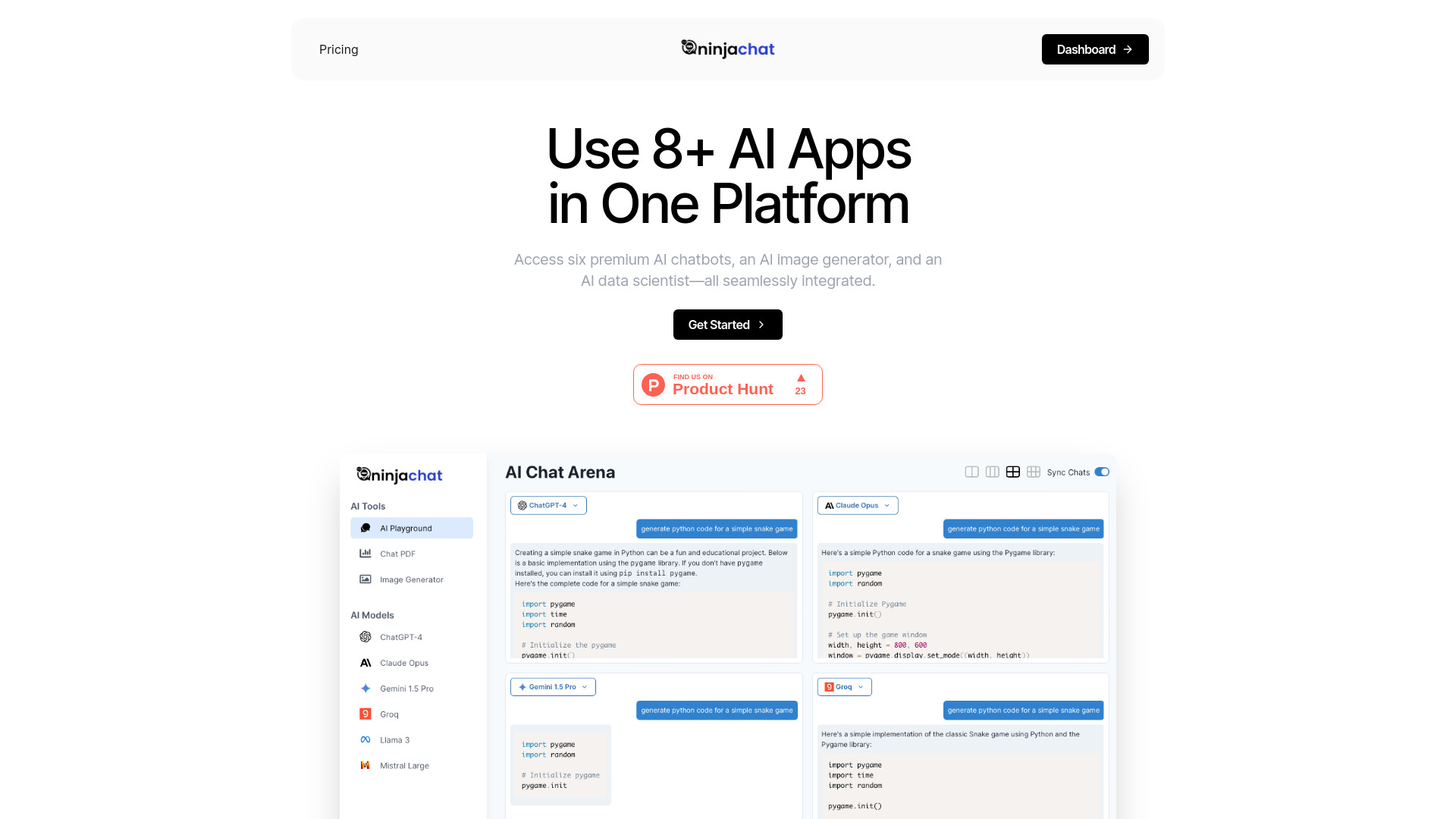
NinjaChat AI
Multi-model AI chat and document analysis

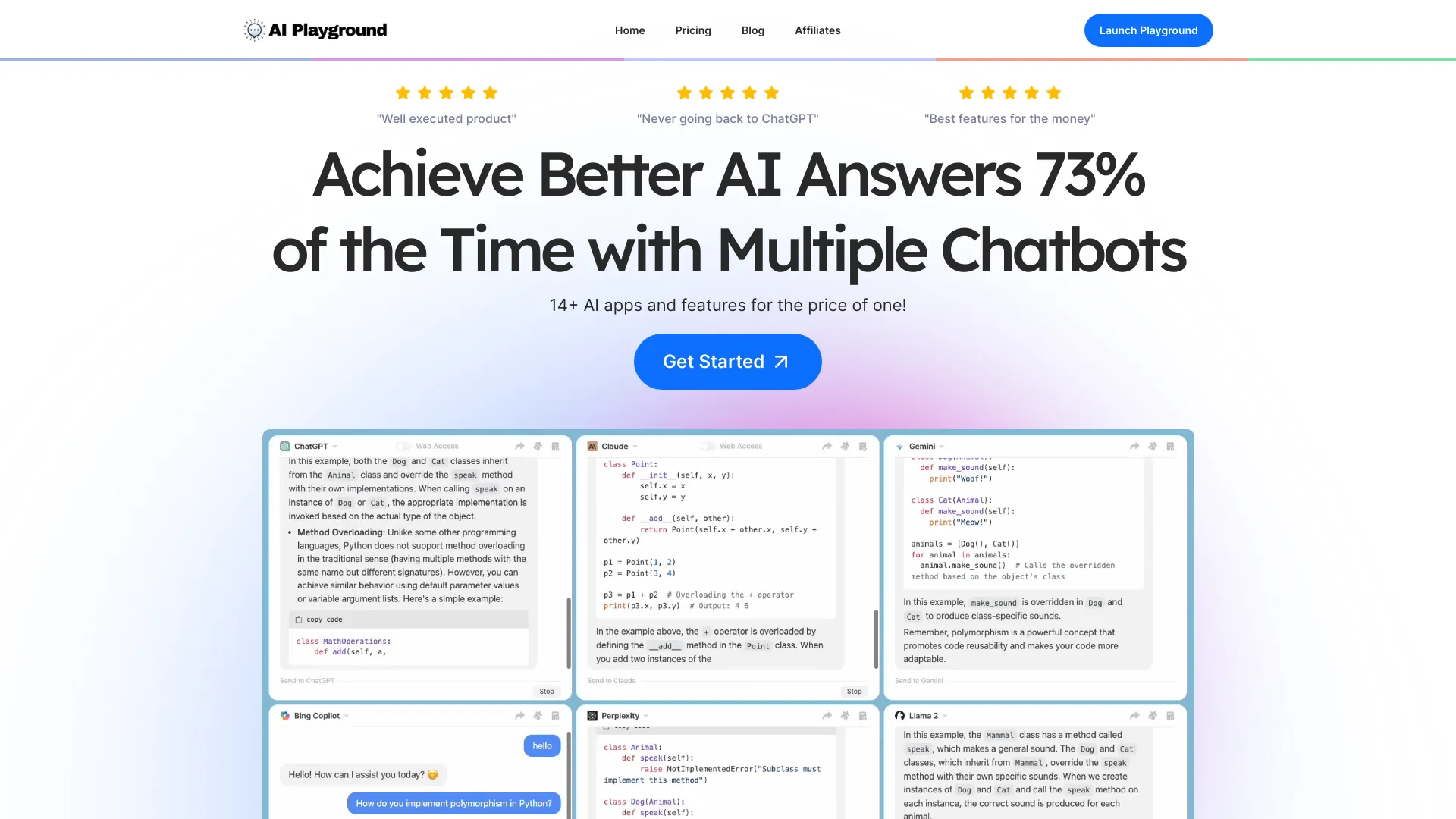
ChatPlayground
Comparing multiple AI models

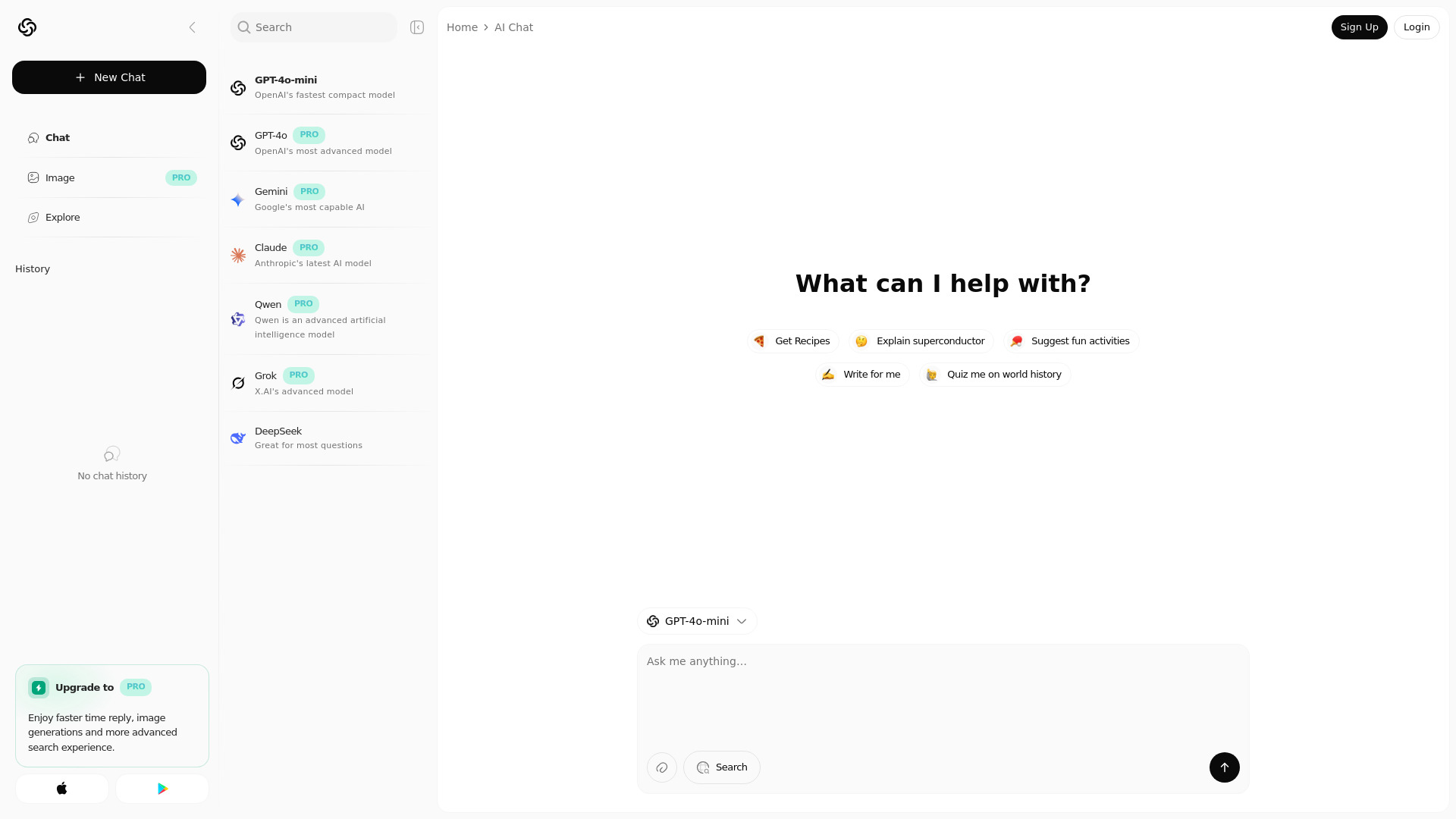
Chatbot AI
Accessing multiple AI models in one chat app

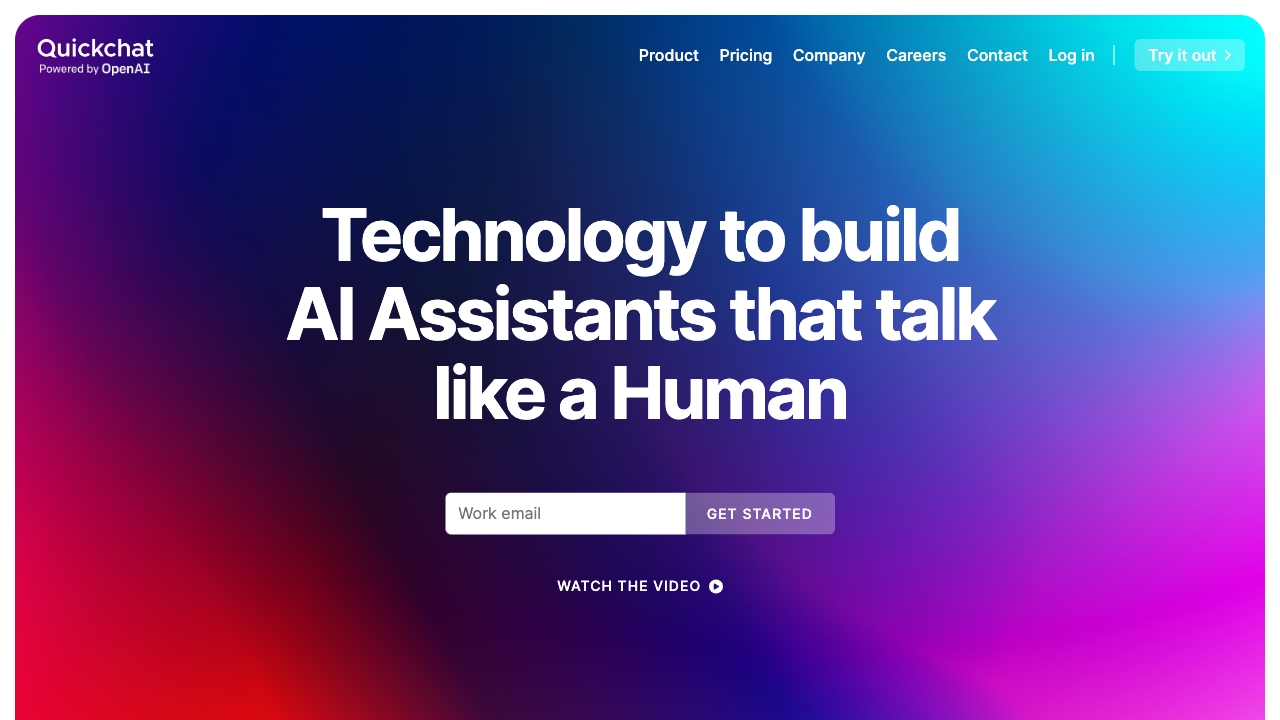
Quickchat AI
Enterprise AI agent deployment
PovChat AI
AI roleplay and character chats
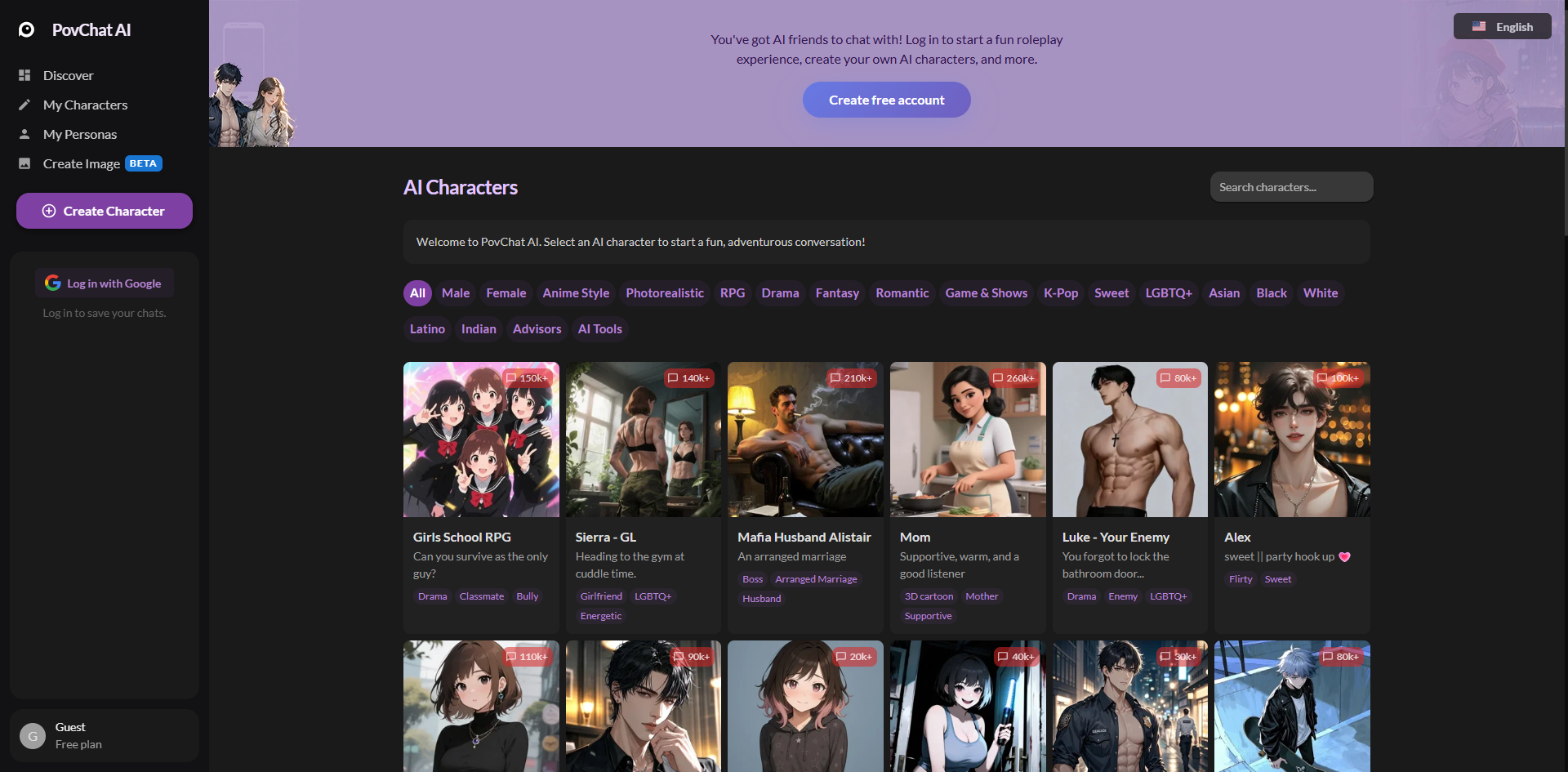

ChatReal AI
Customizable AI companions with immersive interactions
AI Chat
Chatting with multiple AI models in one app

Storychat.app
Interactive AI stories and creator monetization
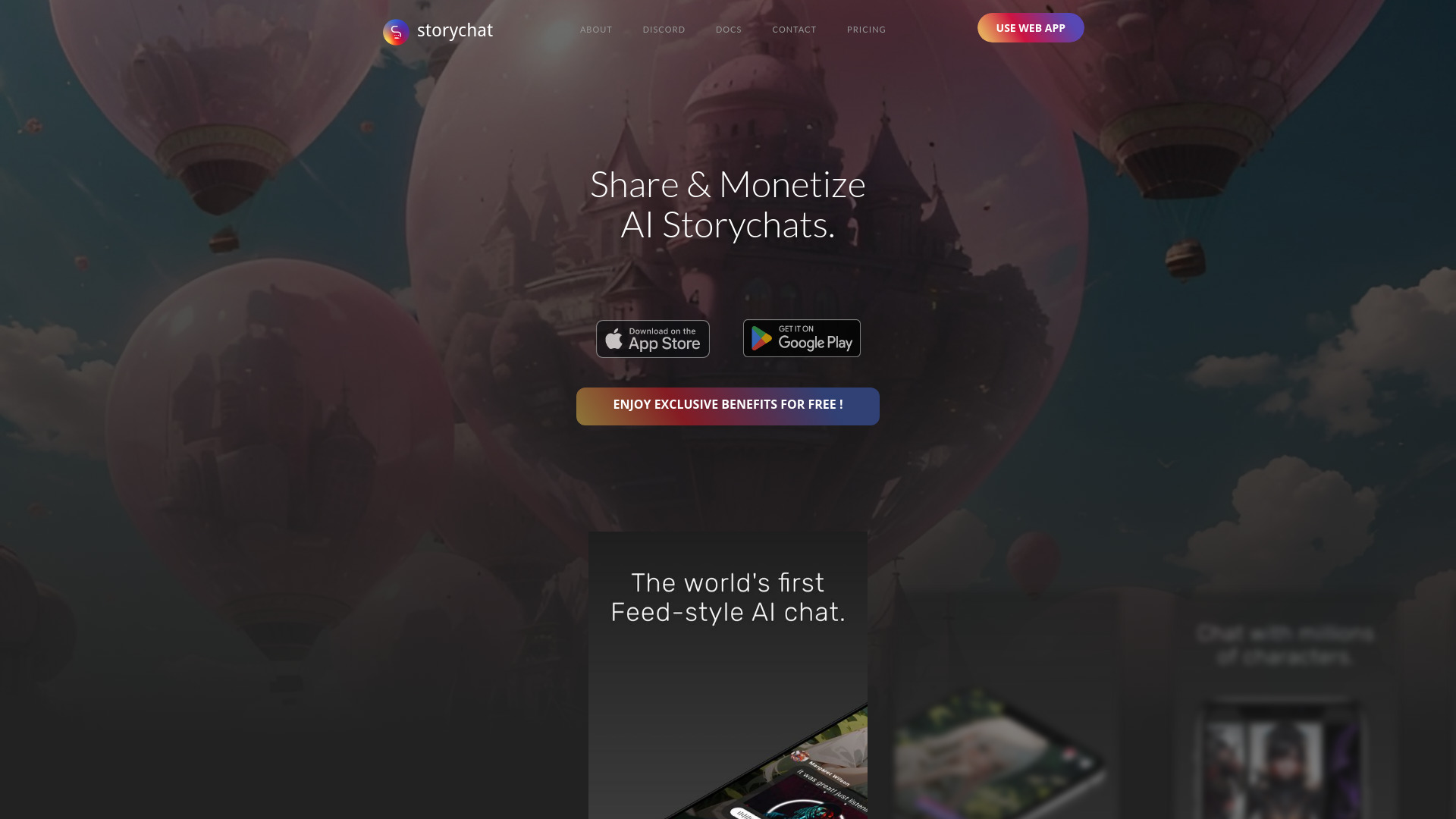

Chatzy AI
Omnichannel customer conversation automation

SoulFun
AI character chats and virtual soulmate roleplay

BOT3 AI
Multilingual AI character roleplay

AI Tutor
Multi-model AI learning

Angel AI
AI companion chat and image generation

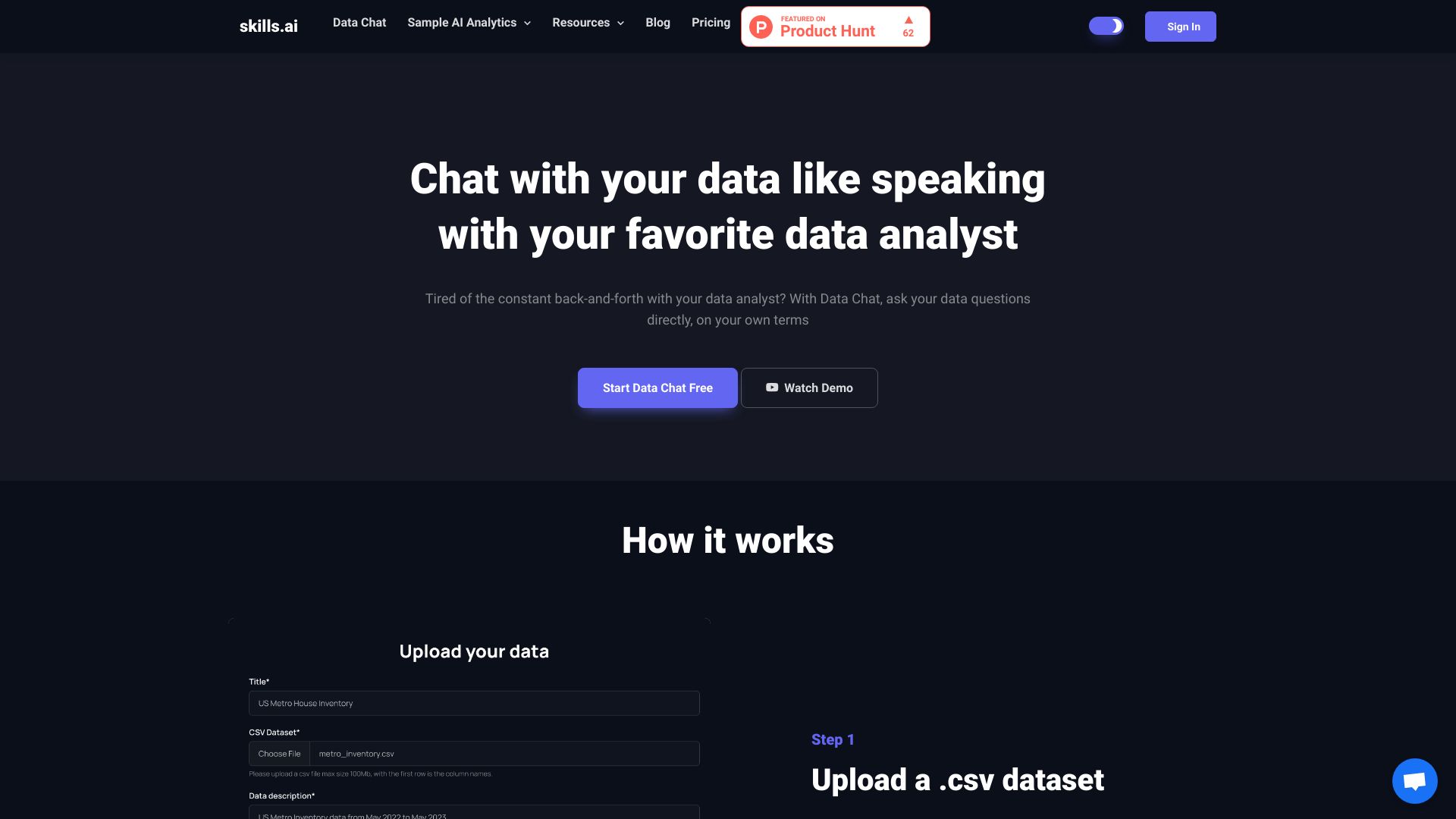
skills.ai
Conversational analysis of business data

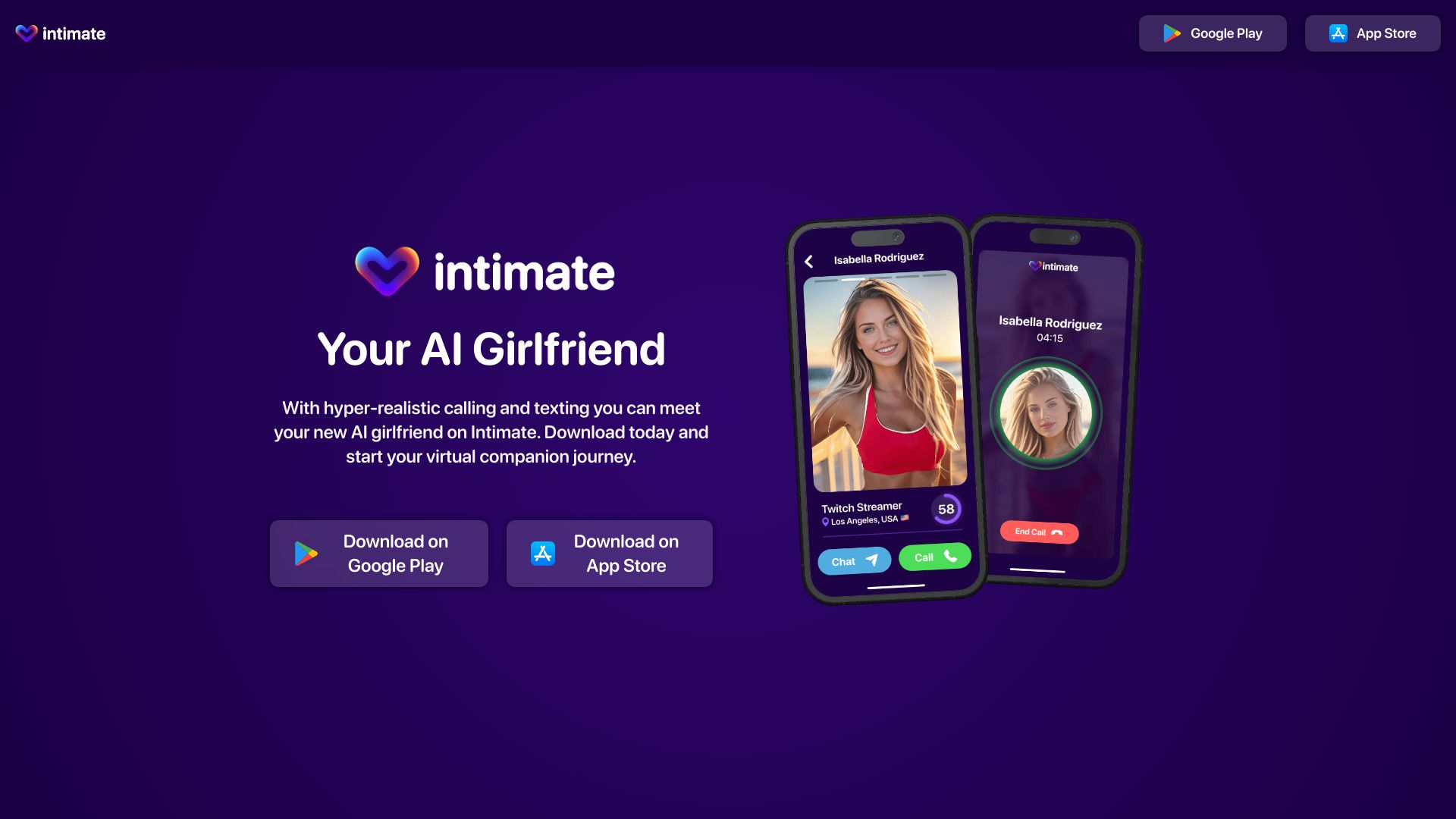
Intimate AI Girlfriend
AI girlfriend roleplay and voice calls

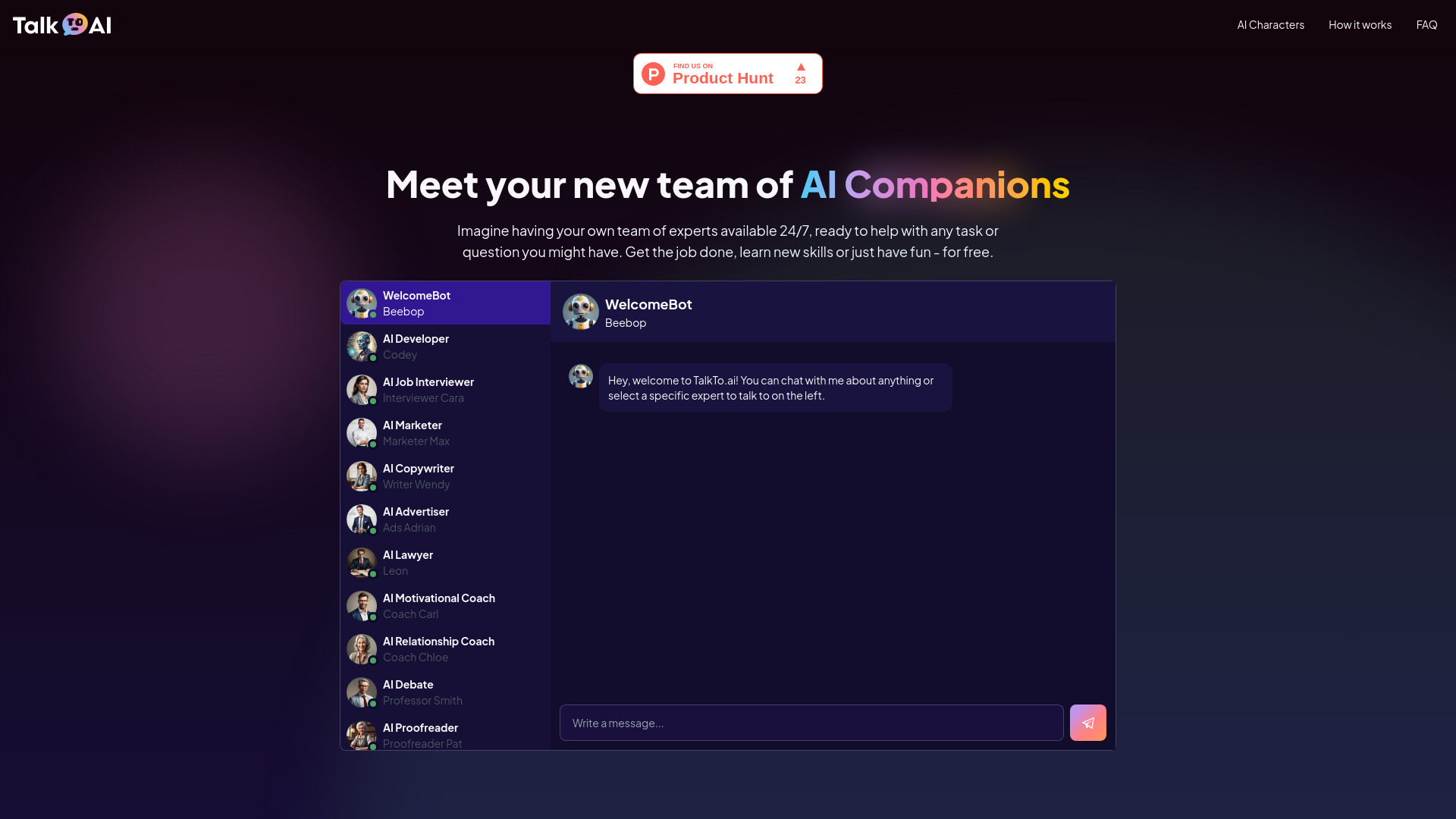
TalkTo.ai
Chatting with diverse AI characters

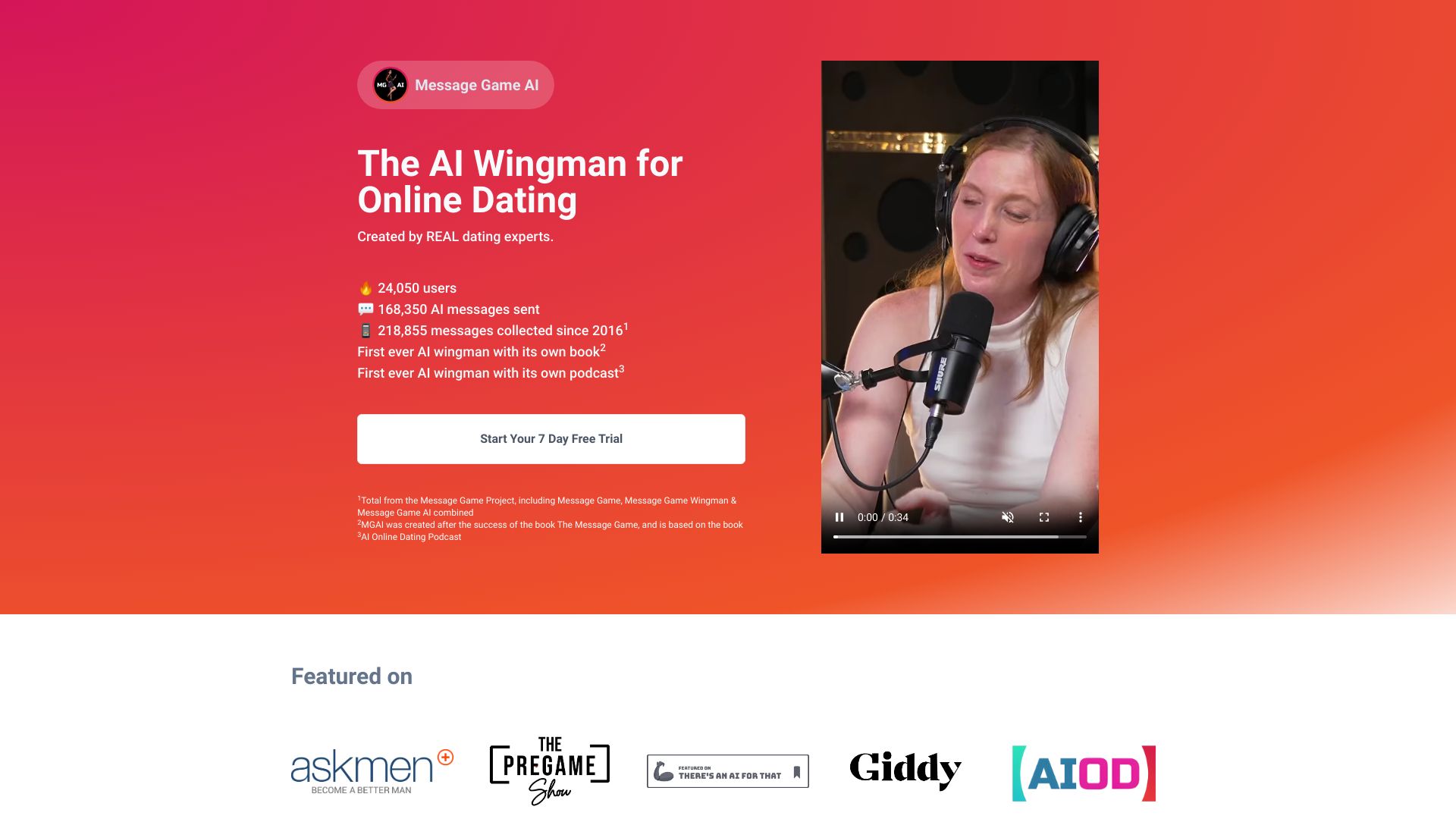
Message Game AI
Online dating message coaching

VMate AI
Unfiltered NSFW AI roleplay chats

Chatmate AI
AI companion and roleplay chats

ChatChit AI
AI assistance in WhatsApp

DreamHoney
AI companionship for loneliness

FLUXY AI
AI chats with customizable personas

WiiChat
Omnichannel business chatbots

DialogAi
WhatsApp chat and voice-note transcription

ChatBoo
Personalized AI companion chats

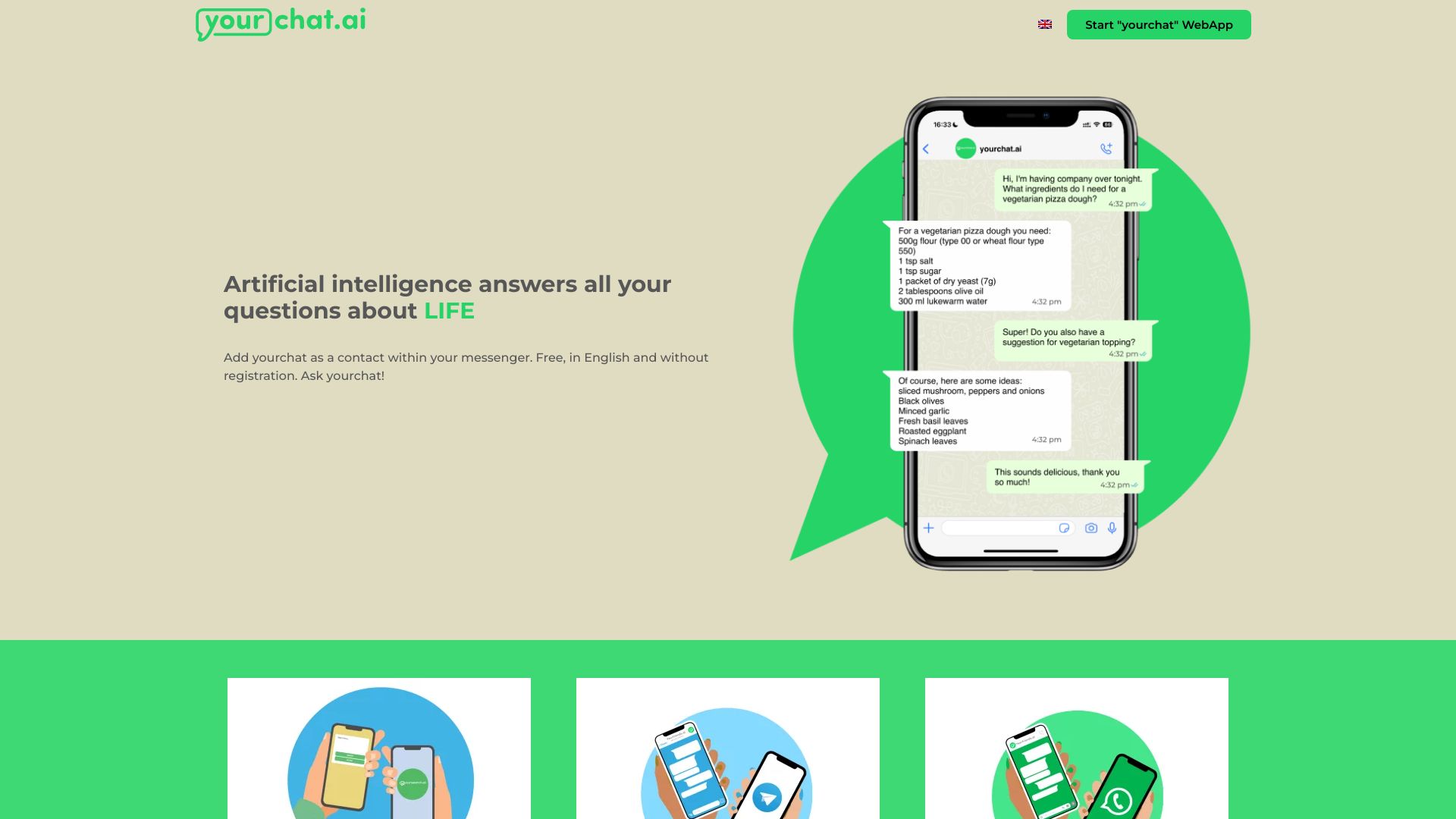
yourchat.ai
German-language AI chat in Messenger
Chatr AI
AI character roleplay chats


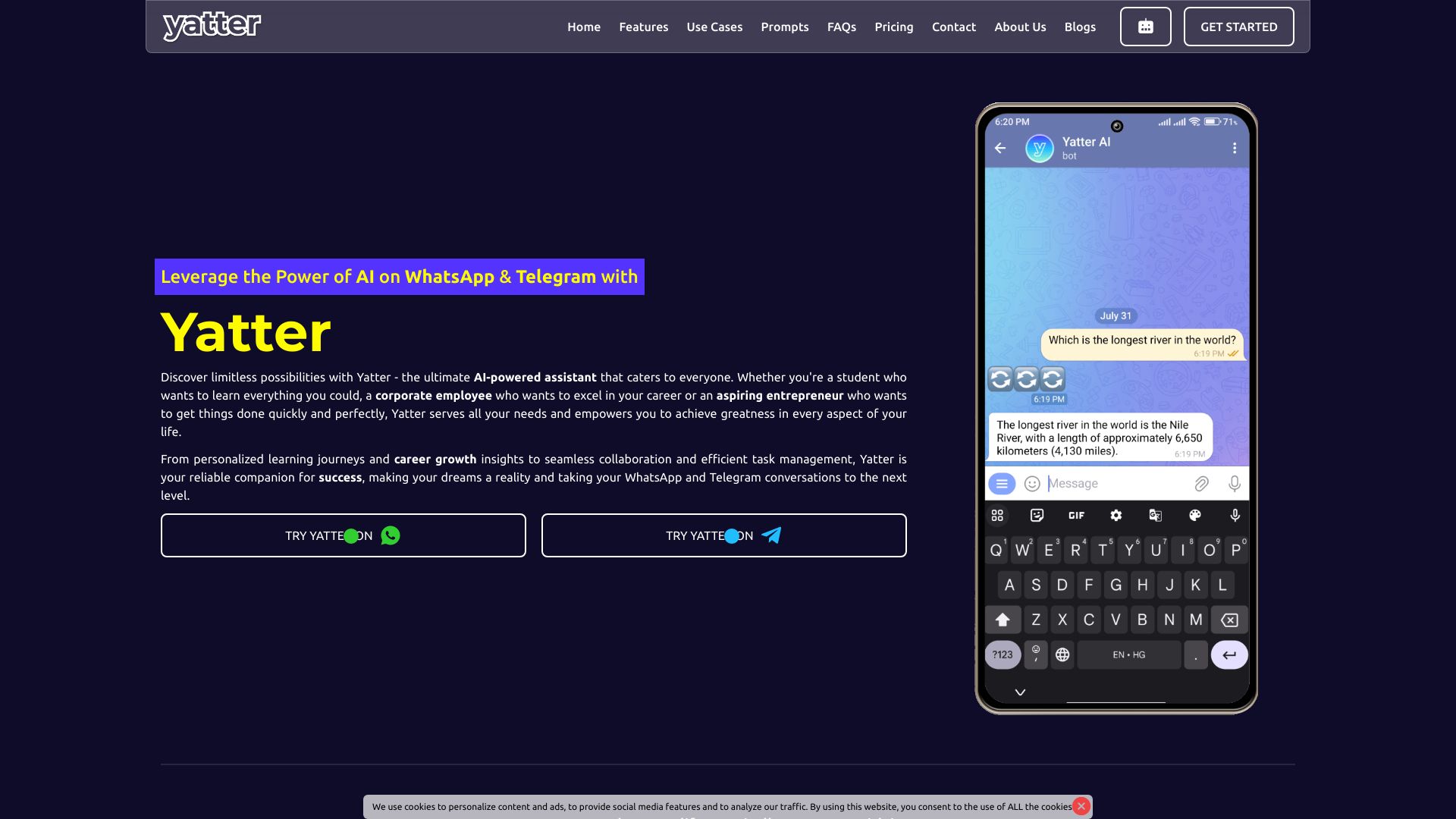
Yatter AI
AI assistance on WhatsApp and Telegram

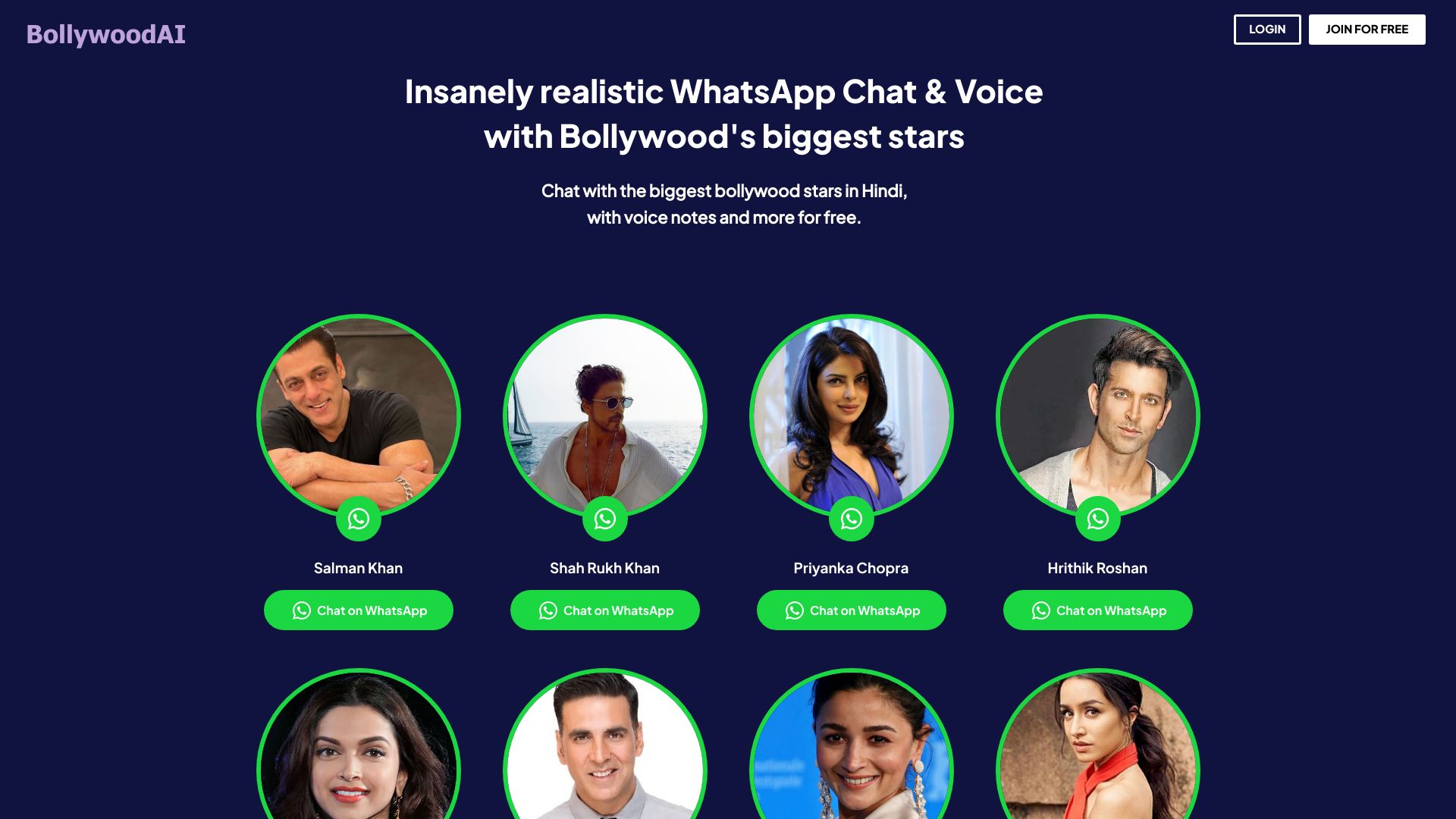
BOLLYWOODAI
Bollywood star character chats

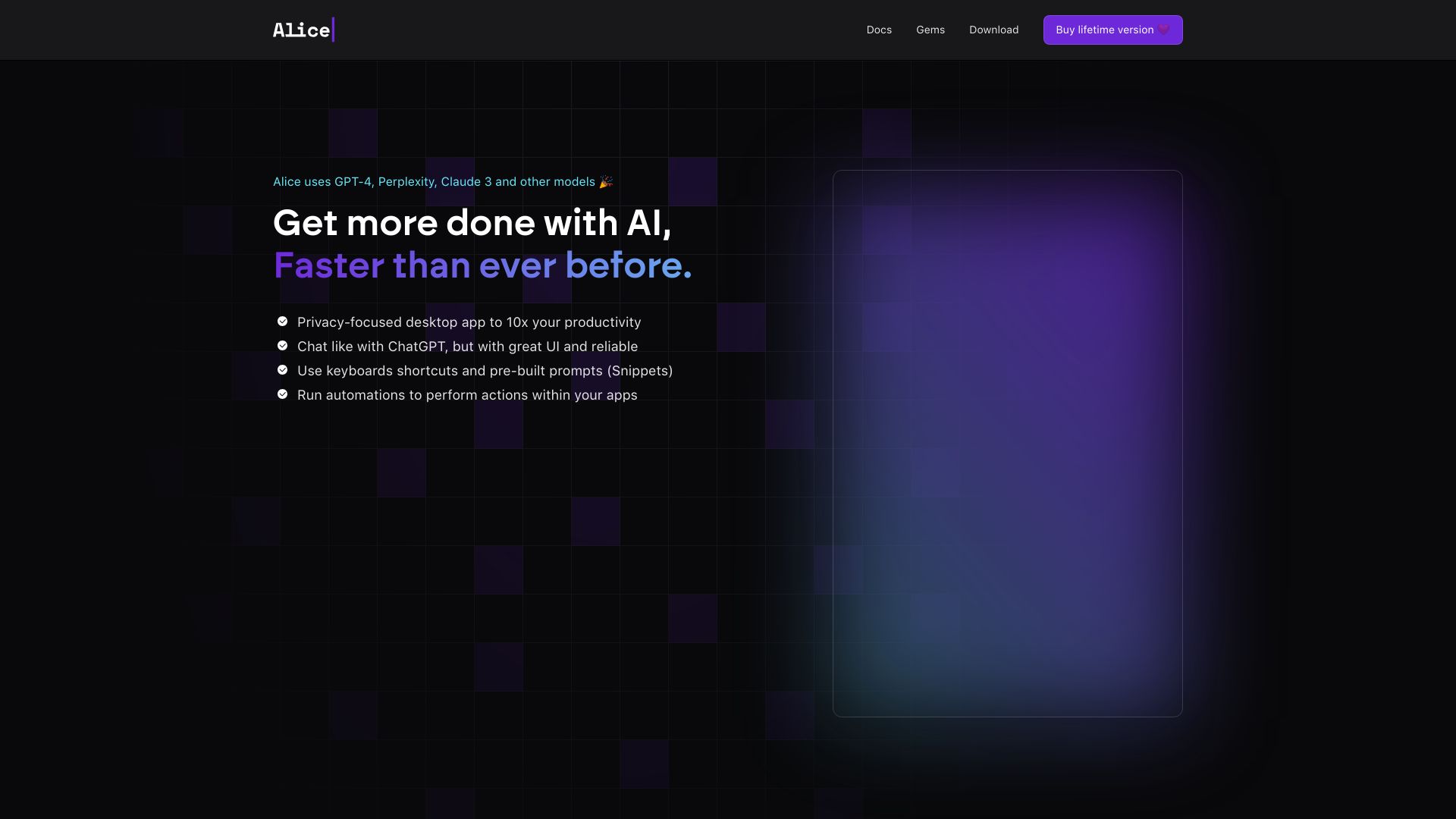
Alice - Your Personal AI Assistant App
Desktop AI chat and workflow automation

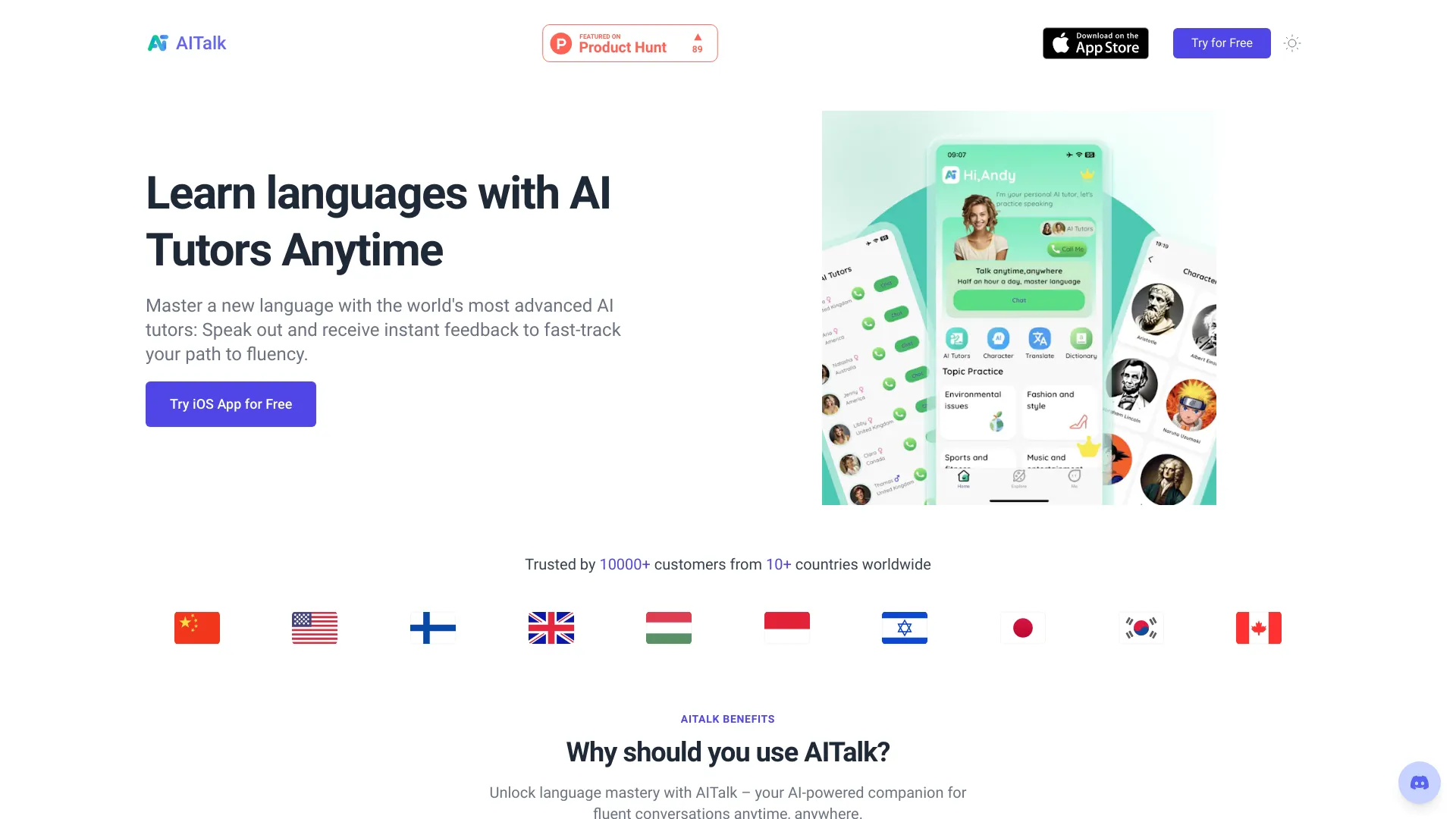
AITalk
Language learners practicing speaking
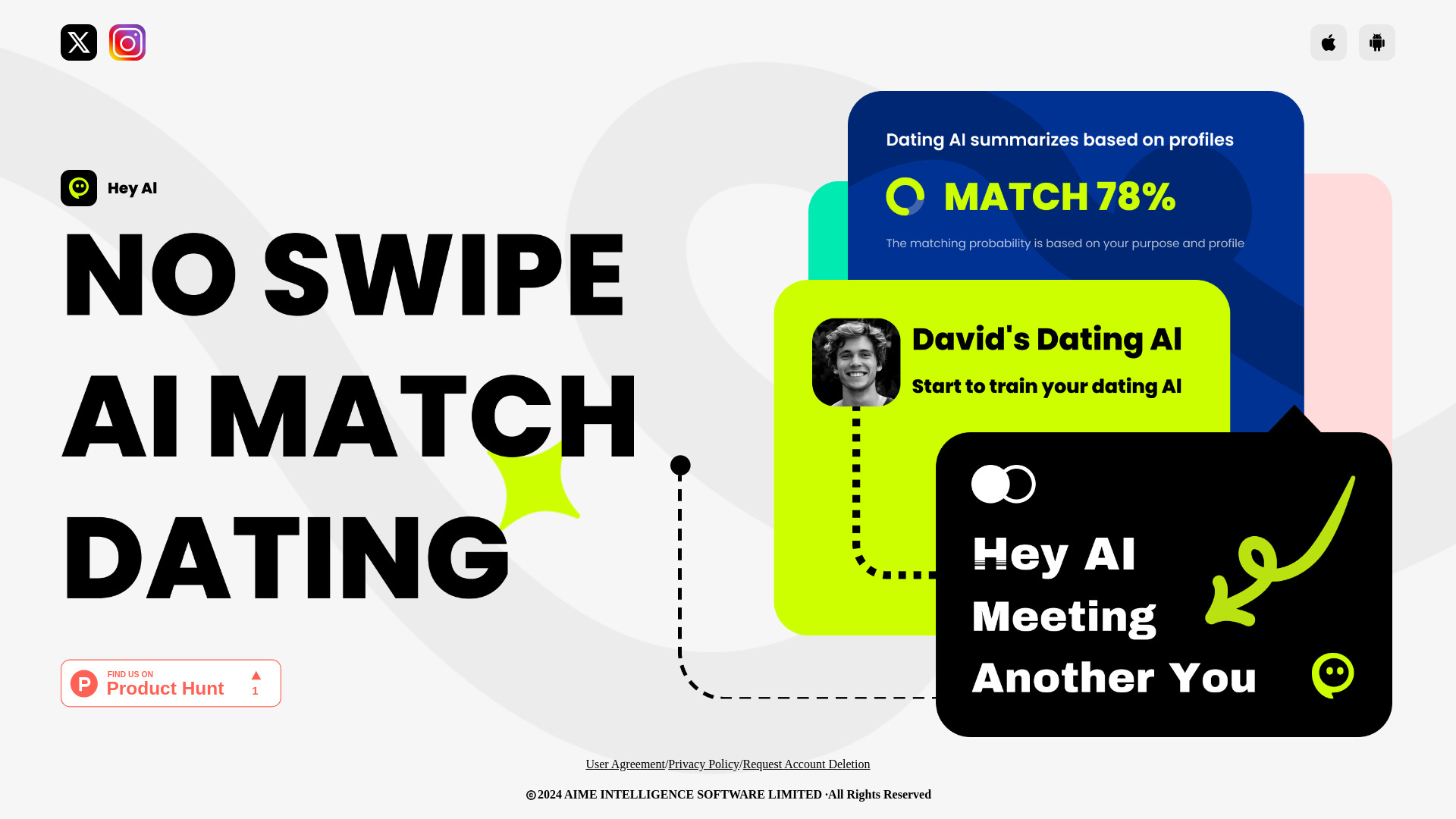
Hey AI
AI-assisted dating matches and opening chats

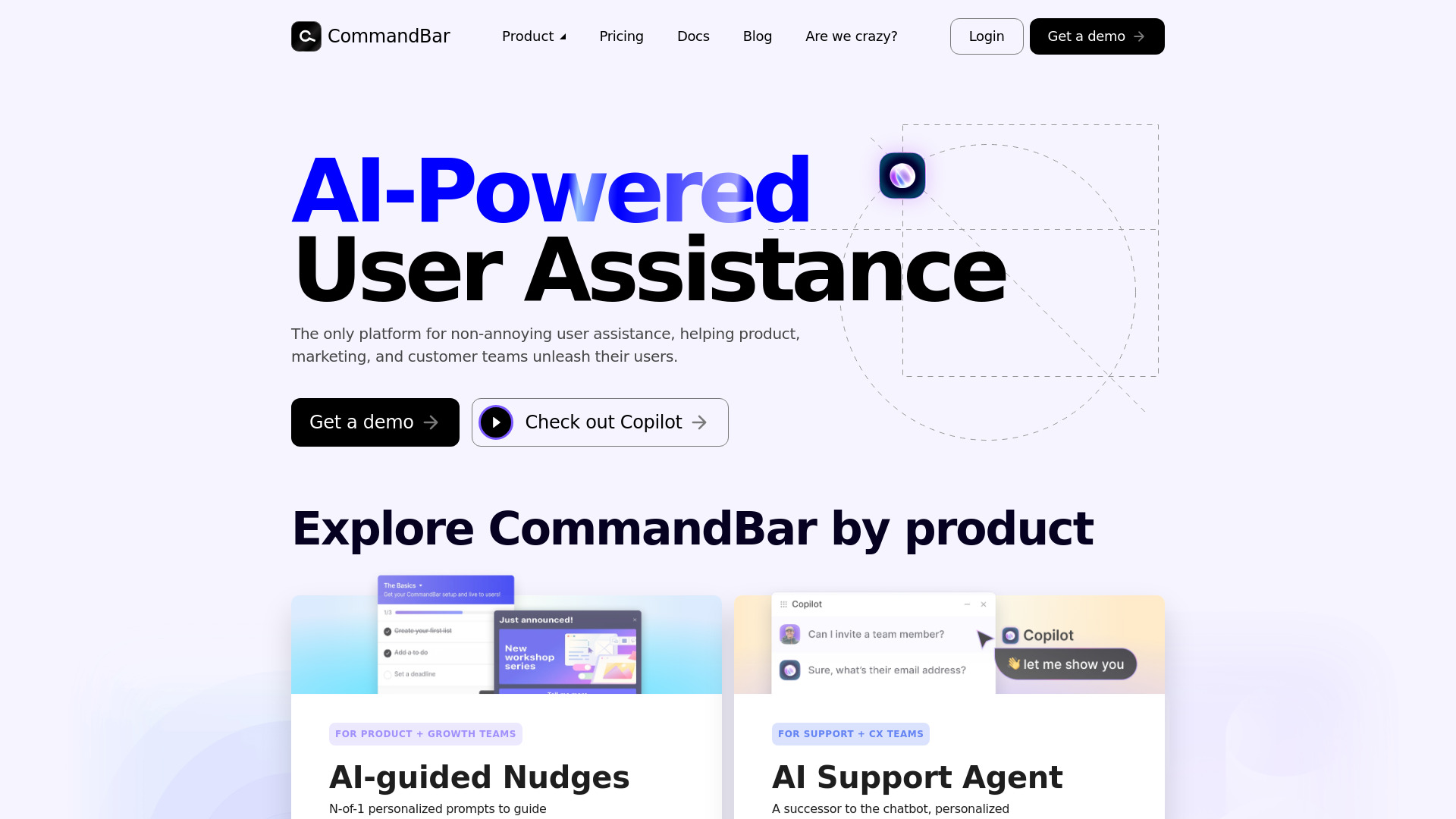
Command AI
In-app onboarding and user assistance

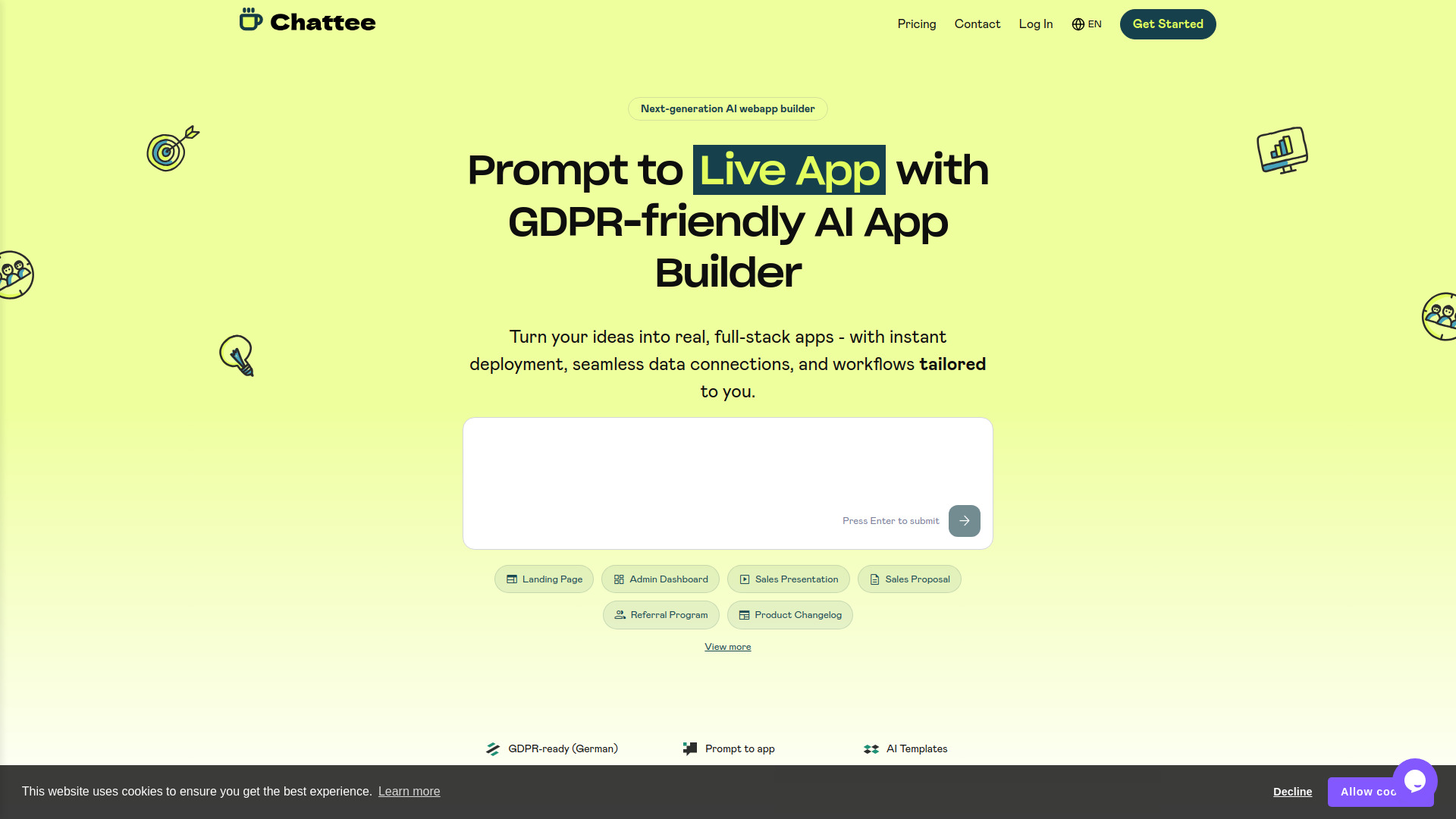
Chattee
Building full-stack apps from prompts

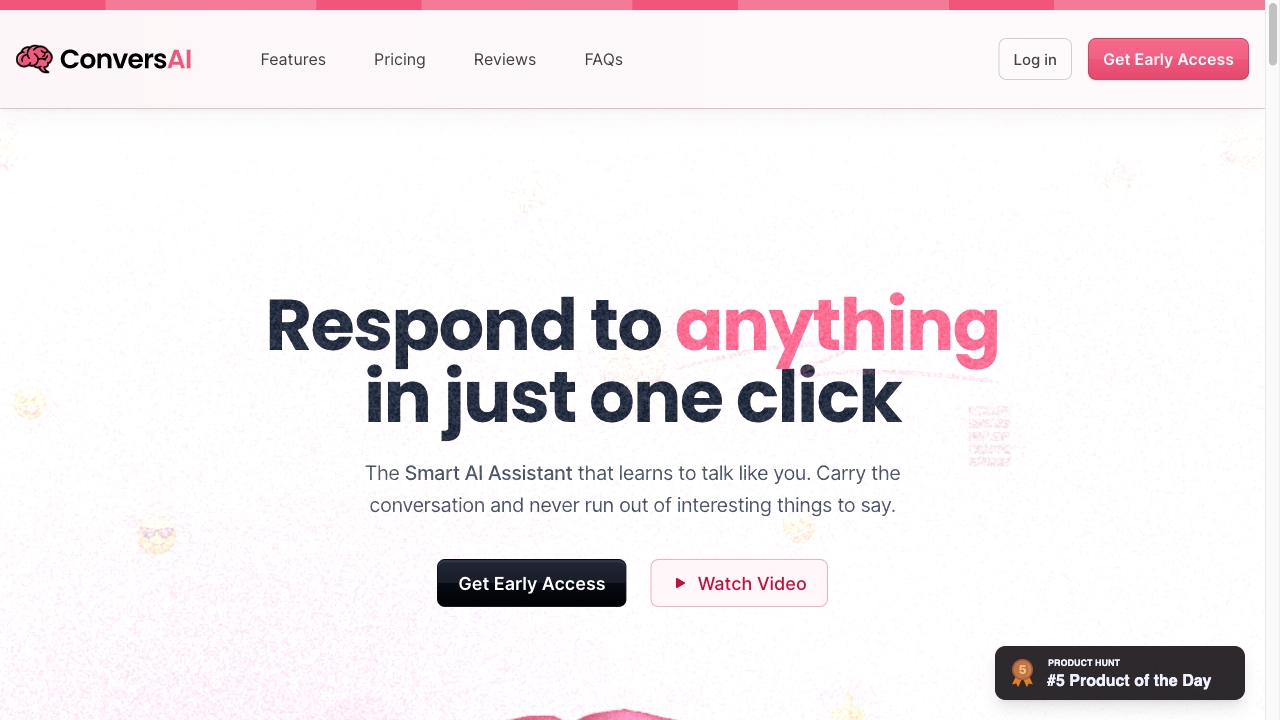
ConversAI
One-click replies across messaging apps

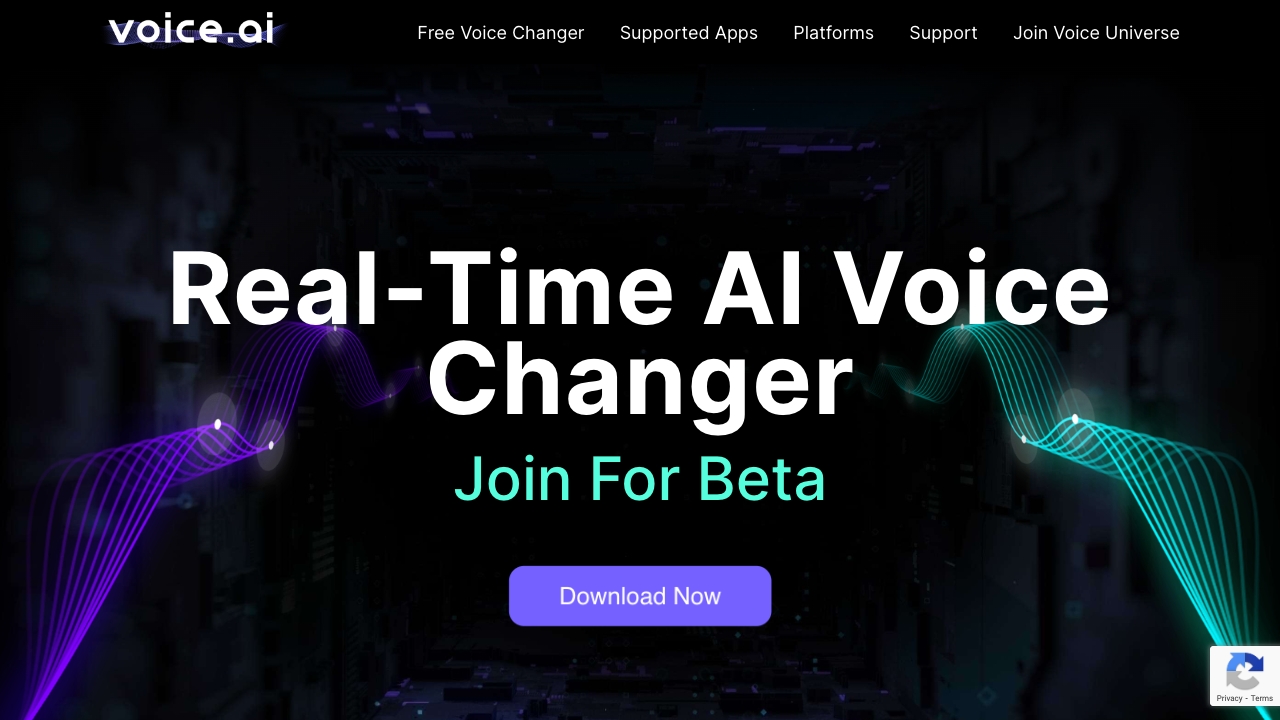
Voice.ai
Streamers and gamers needing real-time voice changes

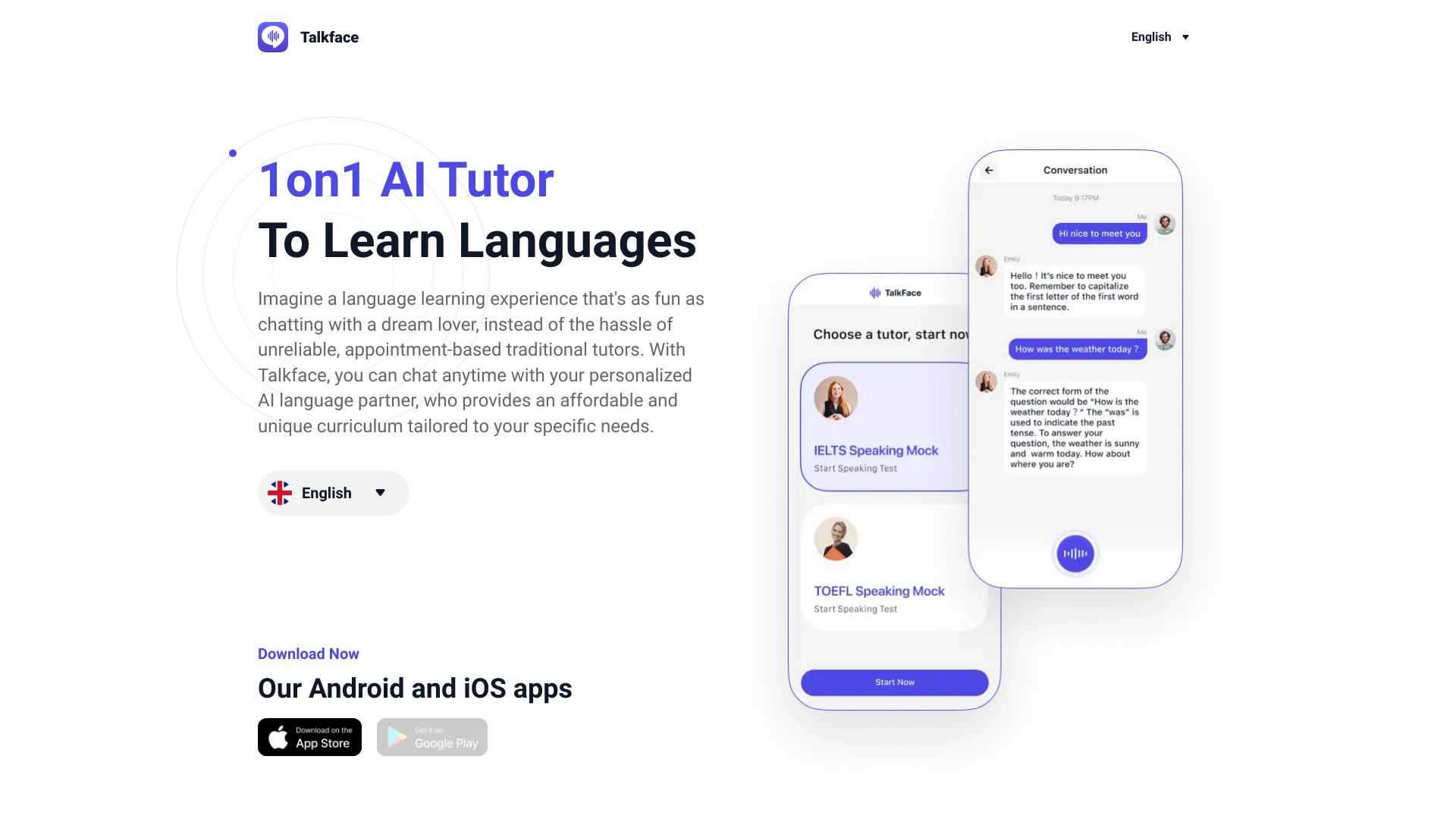
Talkface
English speaking and IELTS practice

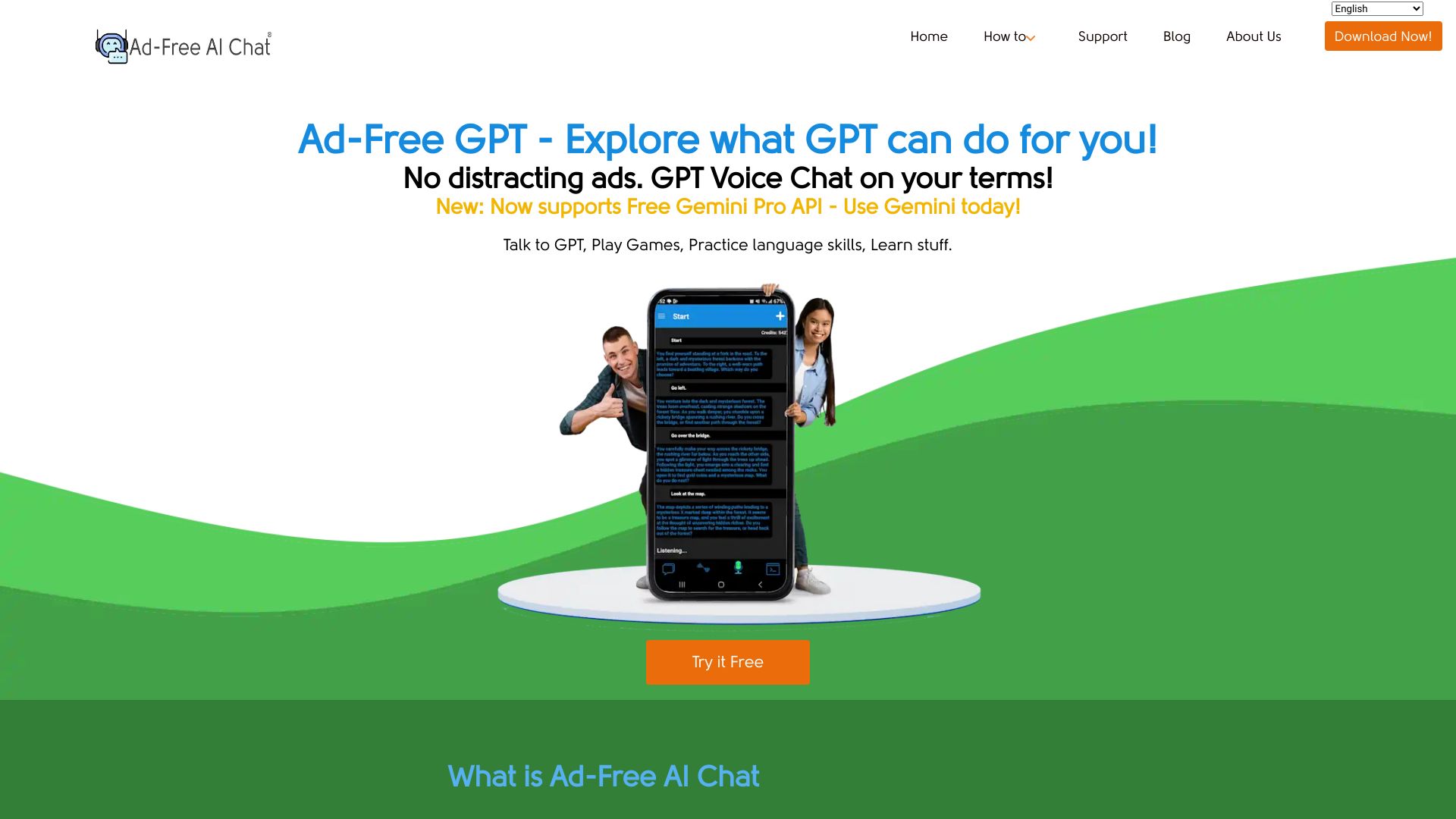
JenAI Chat
Ad-free AI voice chat on Android

Aria - AI Chat&Speak Assistant
Hands-free multilingual conversations

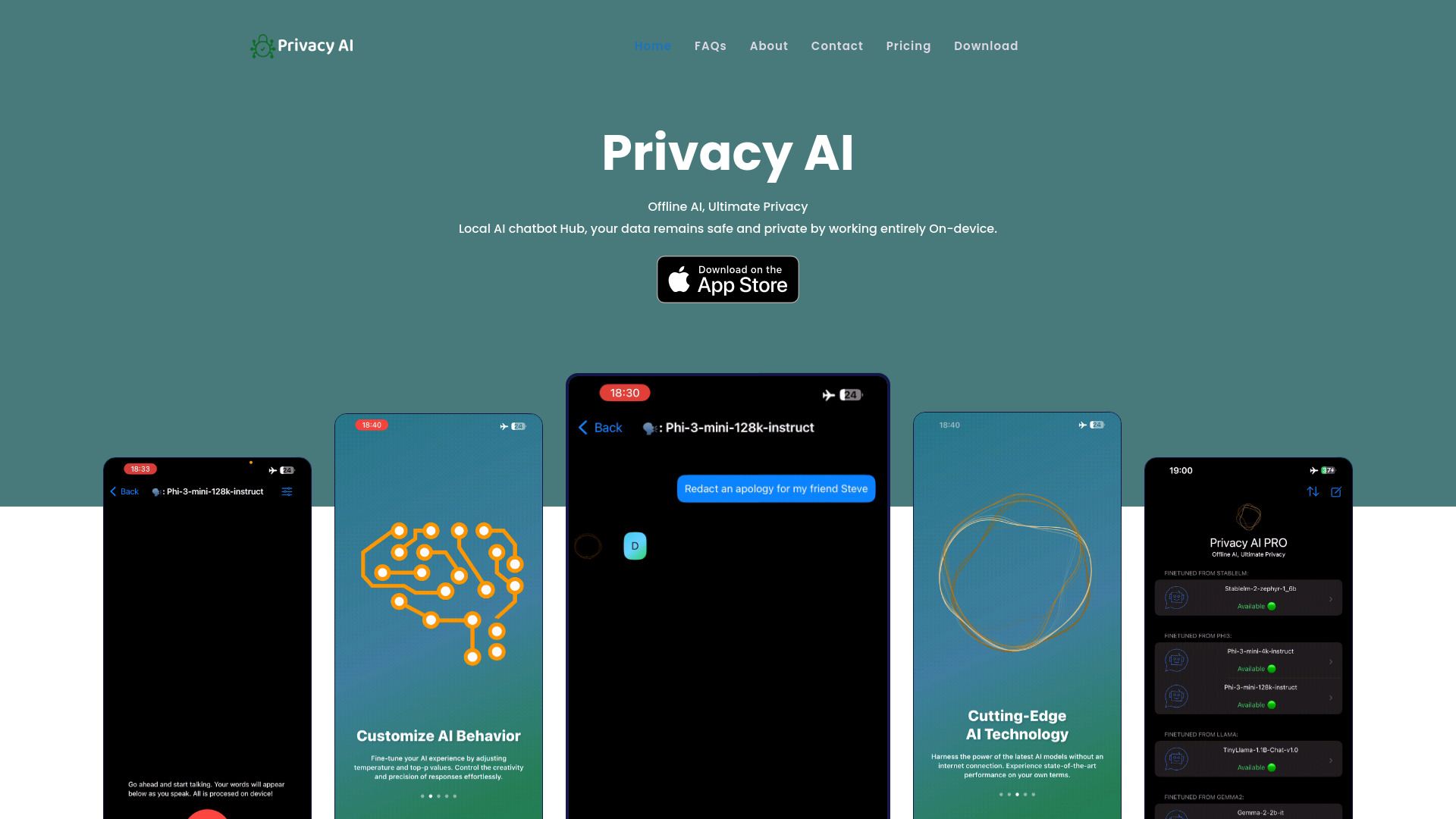
Privacy AI App
Private, offline AI chats on Apple devices

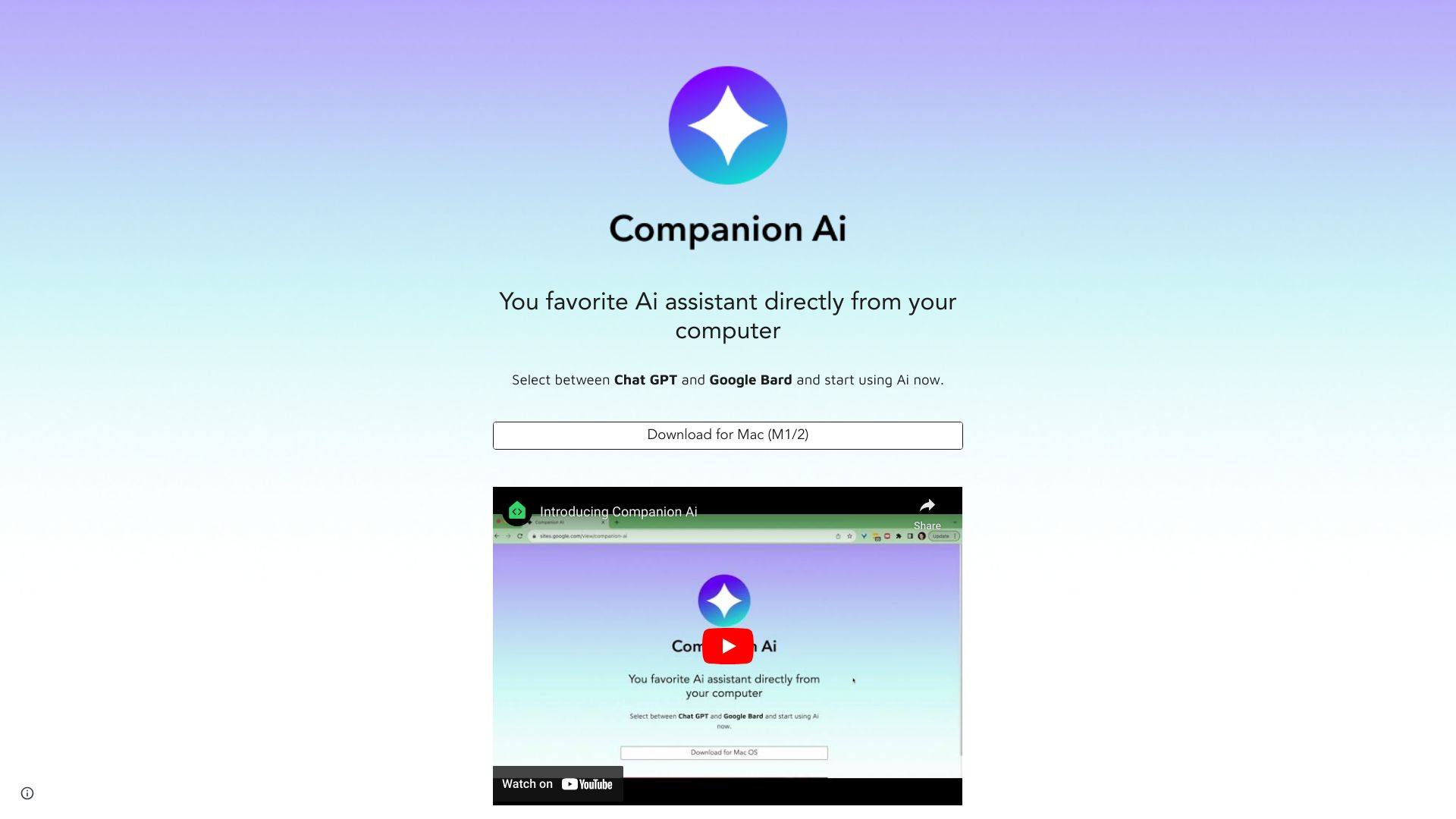
Companion AI
Desktop access to ChatGPT and Google Bard
Chat Tree
Engineers, developers, researchers, and students

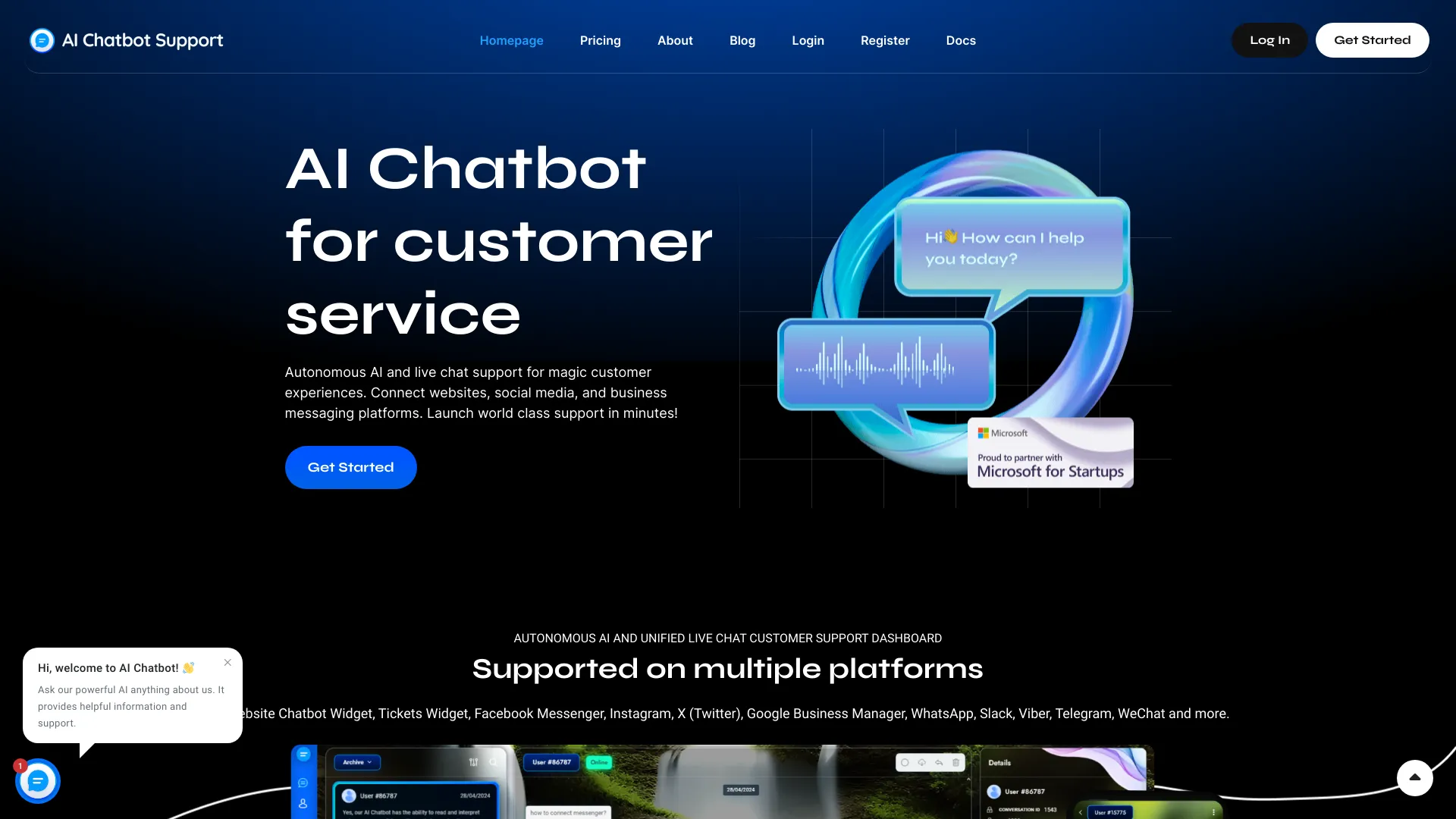
AI Chatbot Support
Multi-platform AI customer support

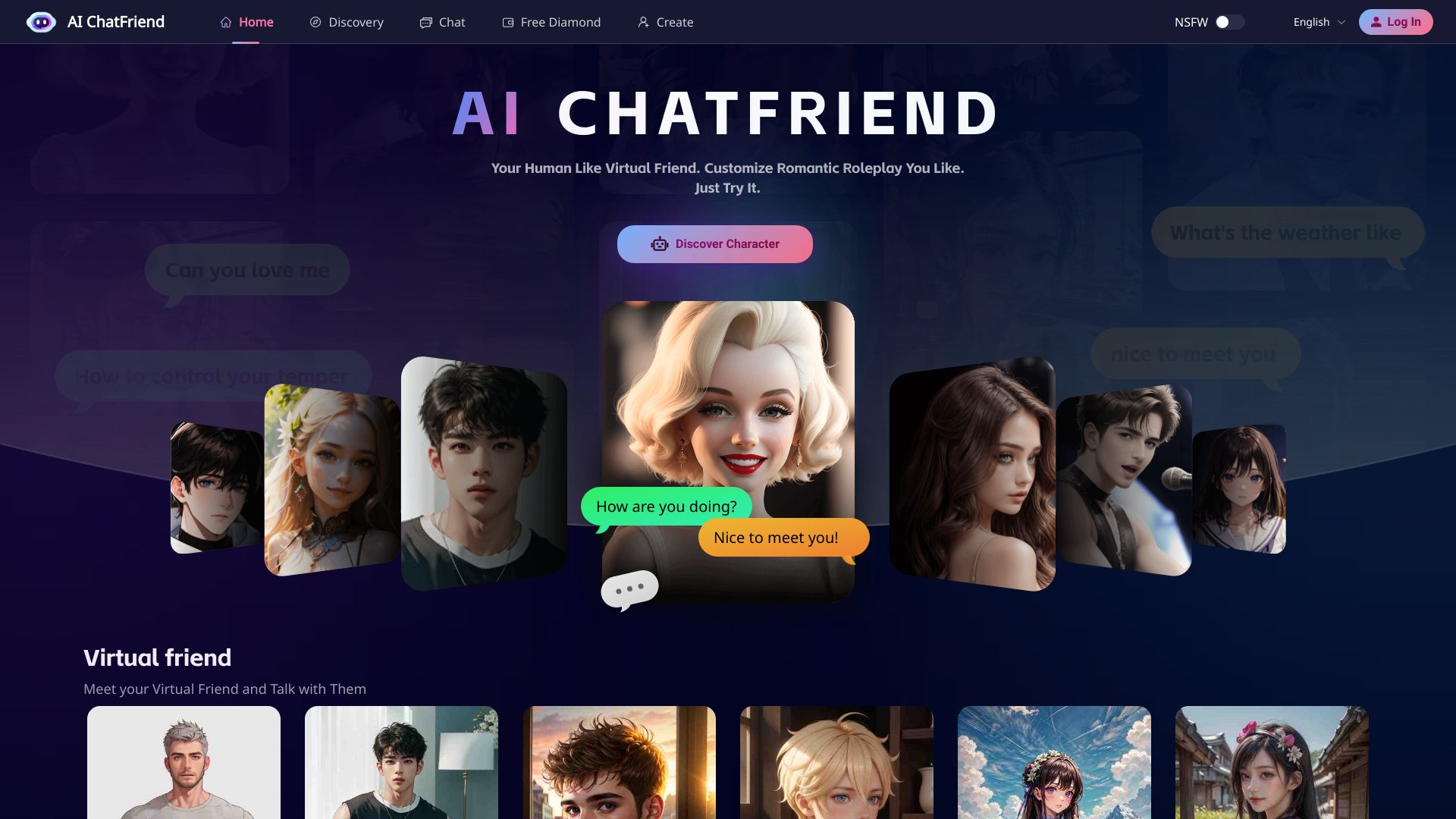
AI ChatFriend
AI character conversations

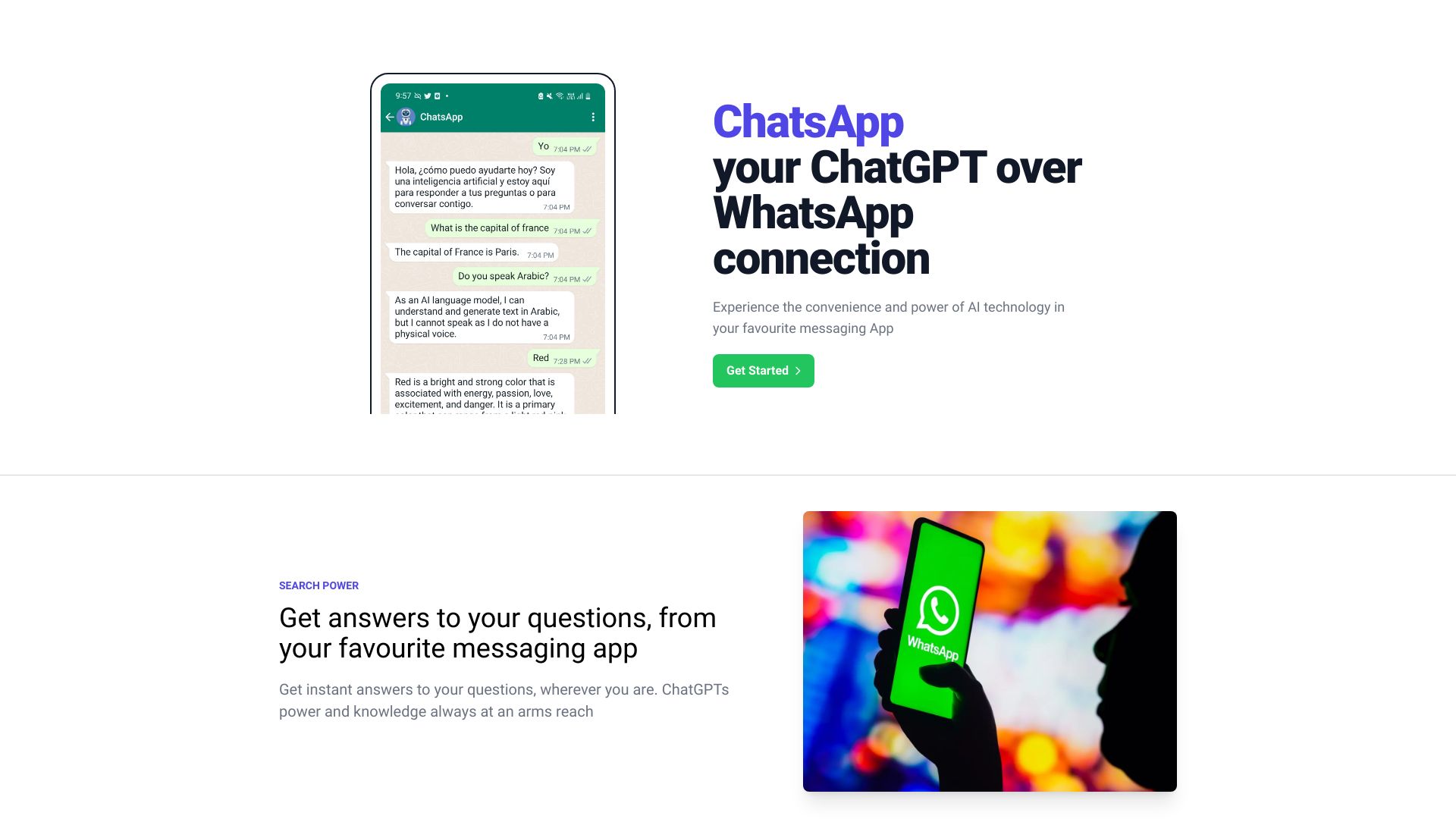
ChatsApp
ChatGPT access through WhatsApp

Assistante.app
AI chat and content creation
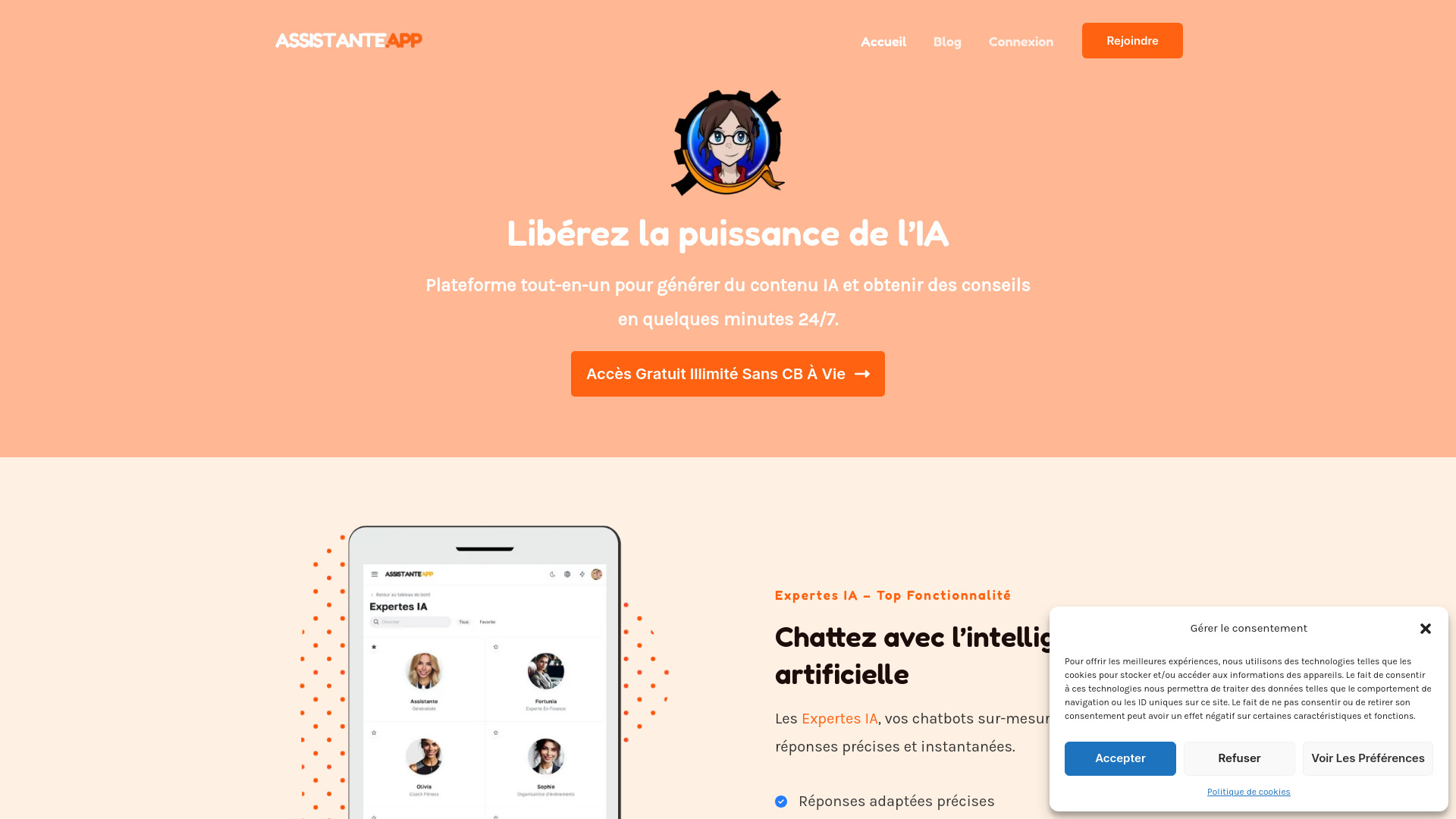

Jinni AI
AI conversations and voice messages in WhatsApp
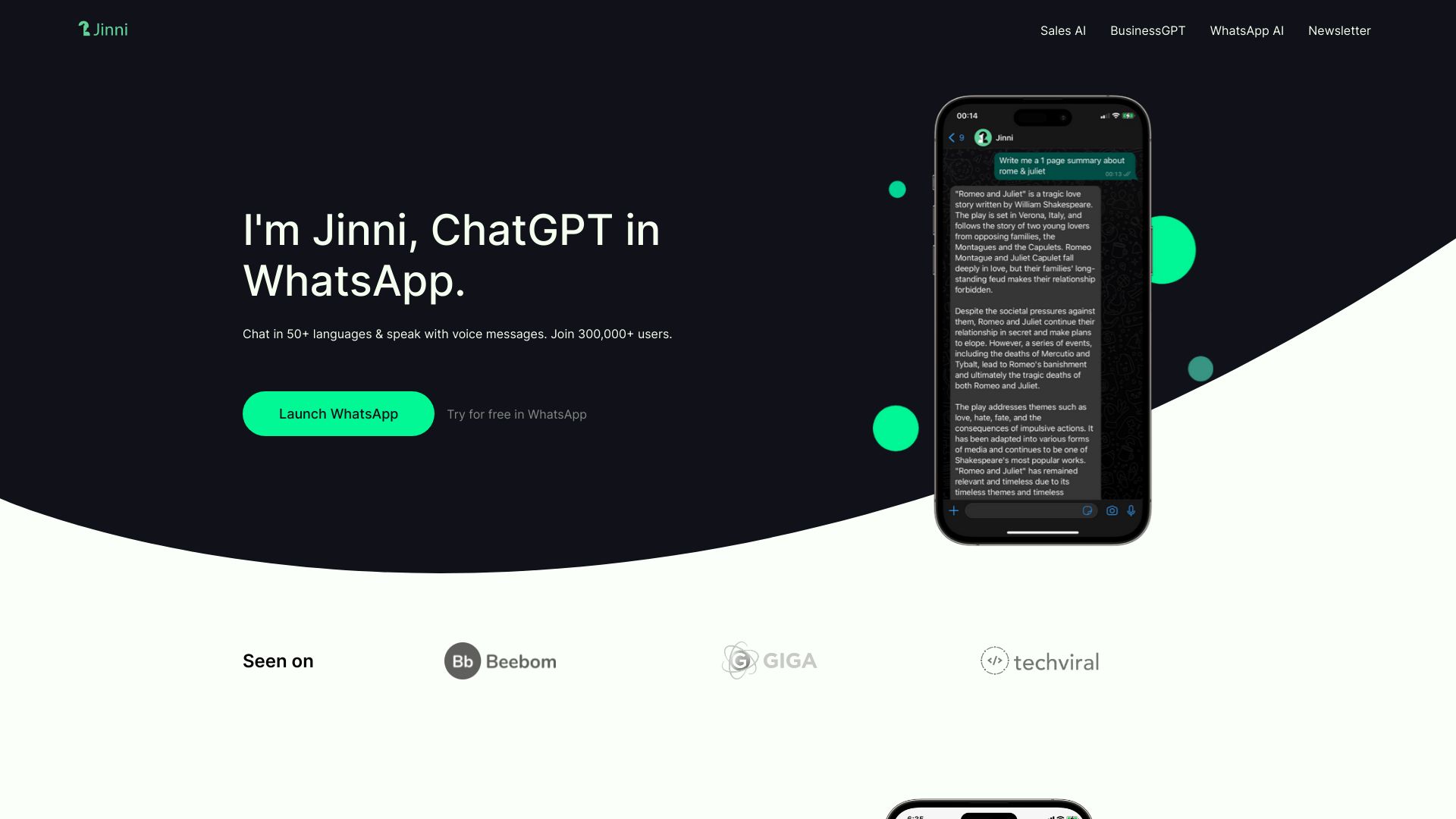

AiryChat
Multi-persona AI assistance
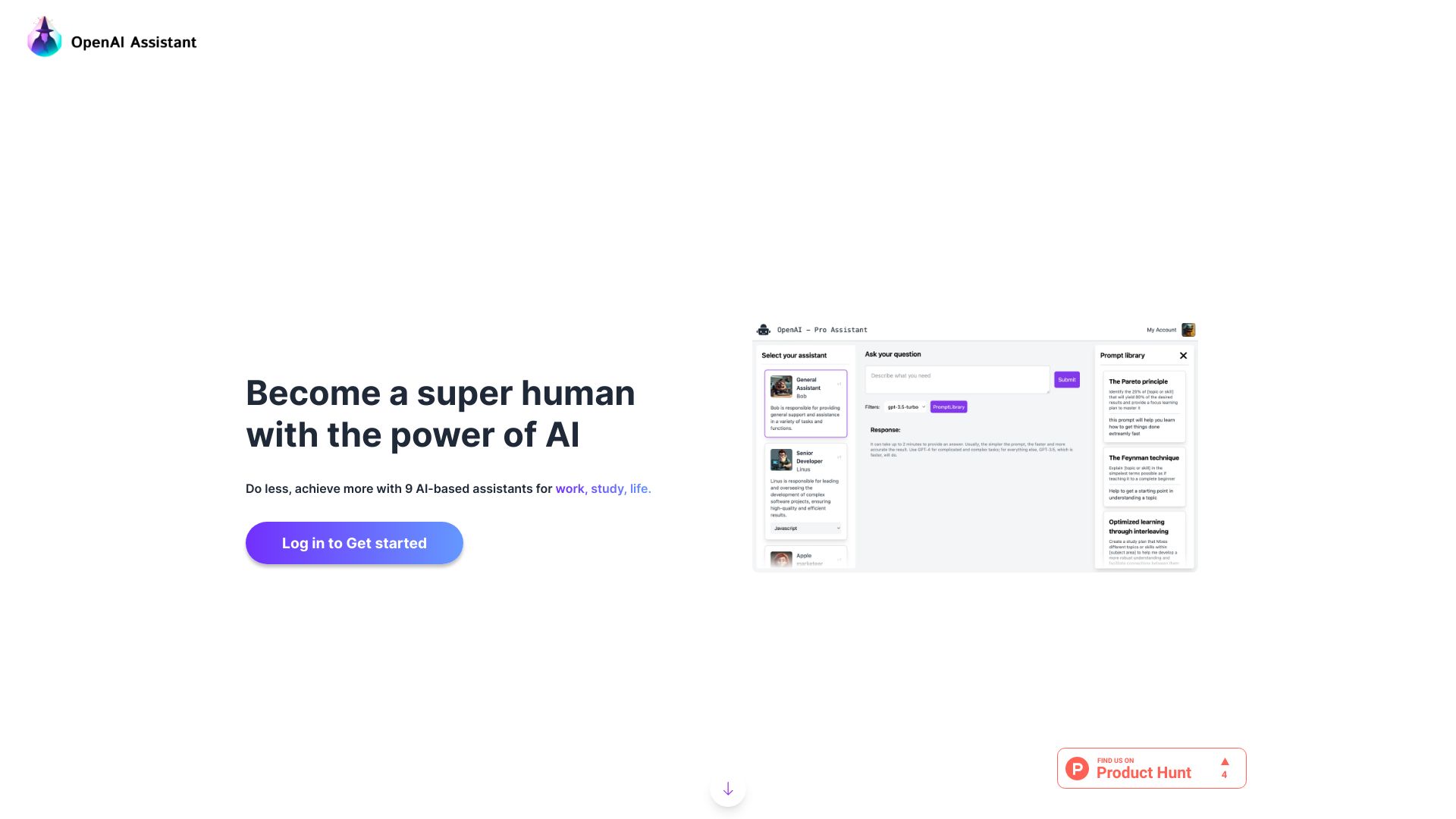
Albert AI
ChatGPT access inside Slack

AI Chatbot Online
Chatting with AI characters

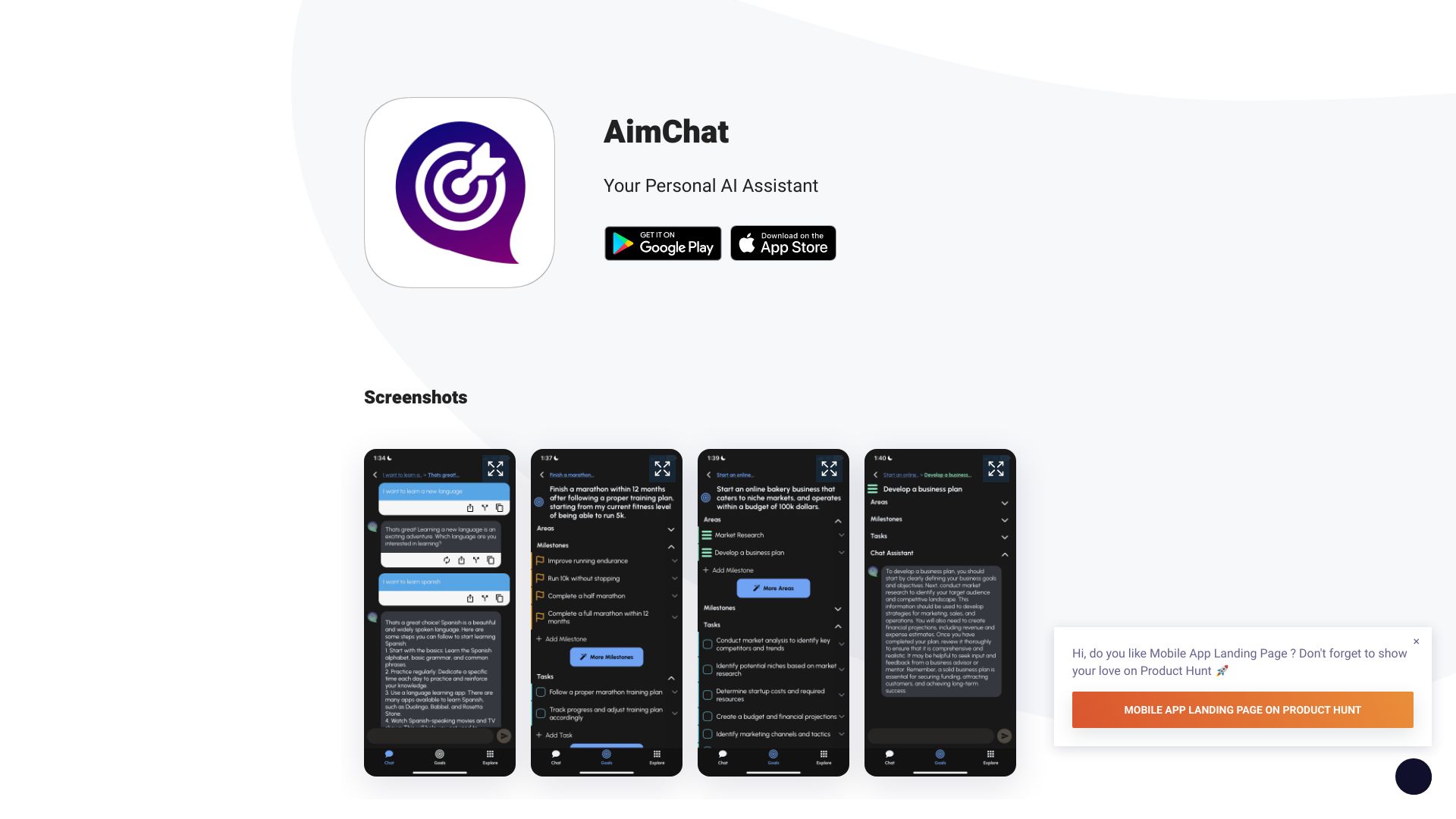
AimChat
AI-assisted goal planning

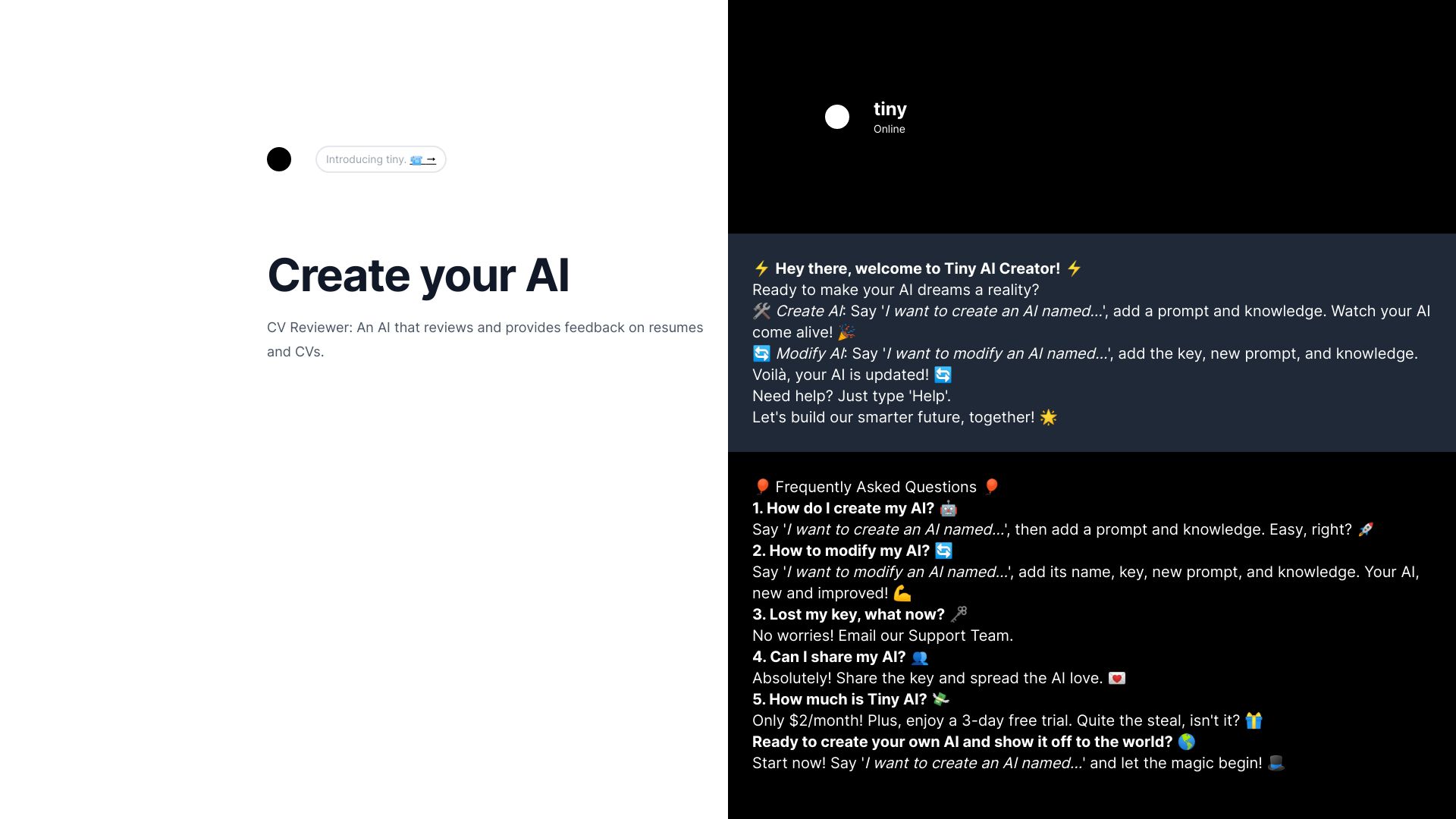
Tiny AI
Creating personal AI assistants by chatting

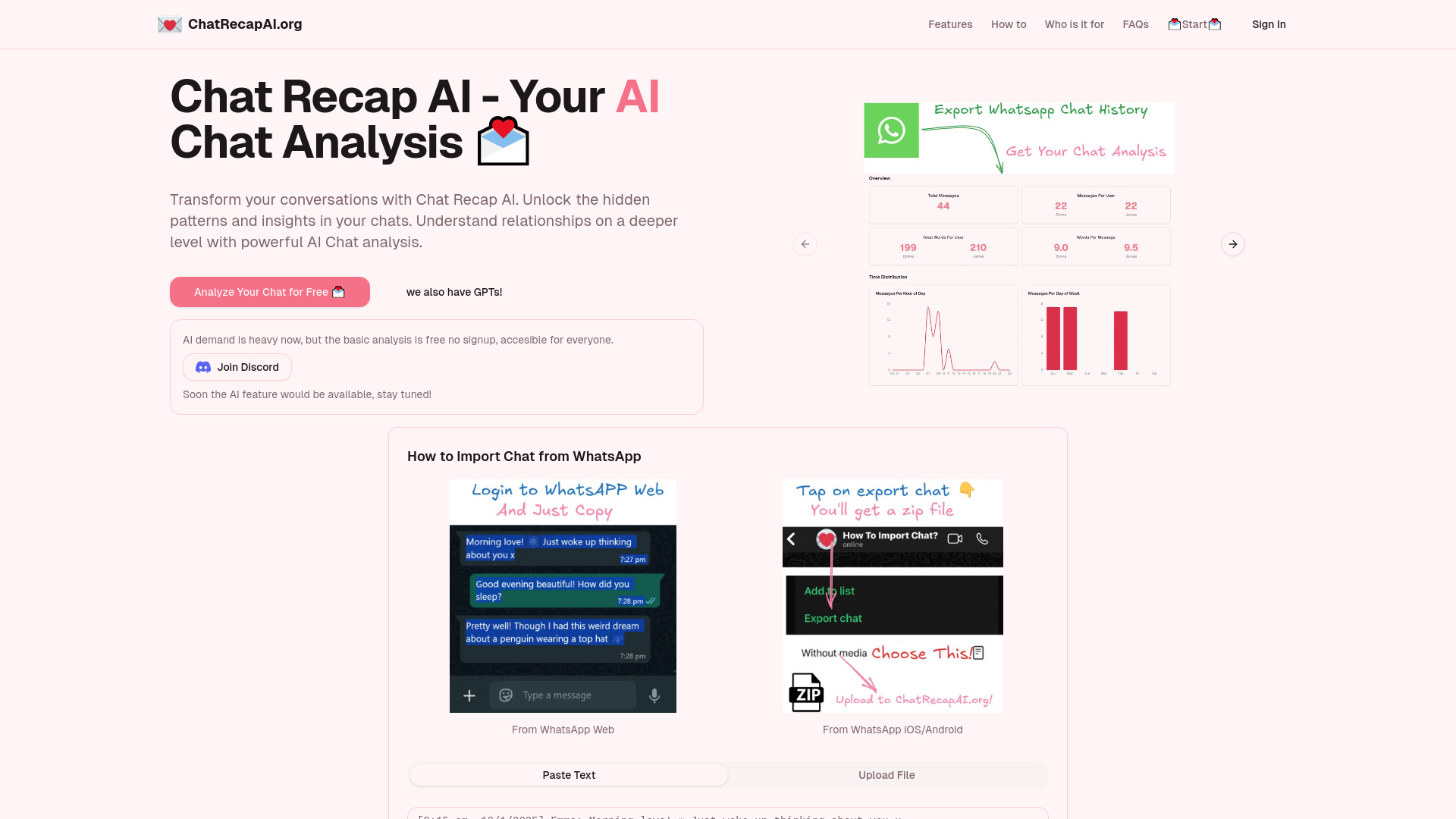
Chat Recap AI
Analyzing relationship chat patterns

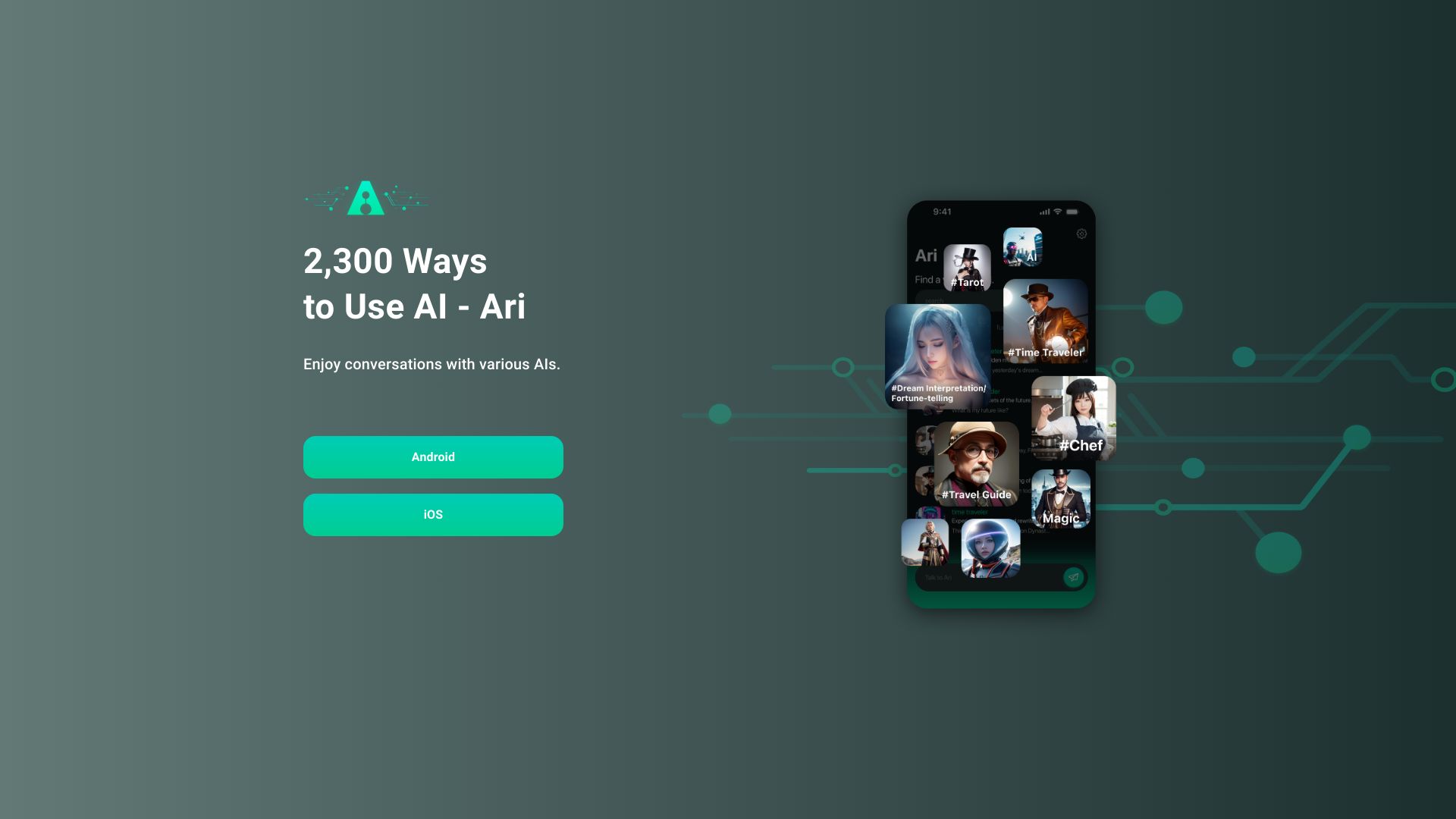
Ari
Exploring a variety of AI chatbots

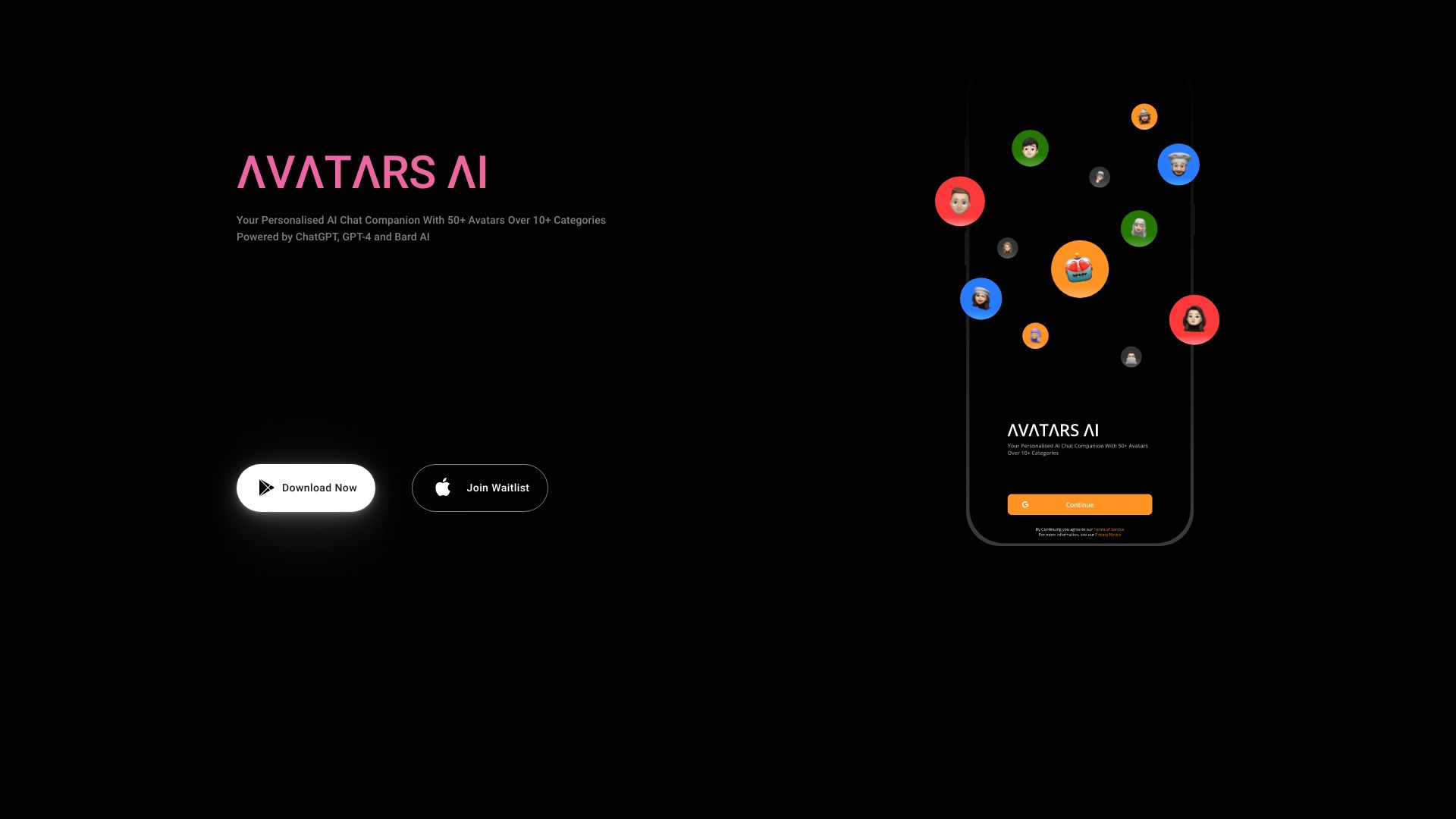
Avatars AI
AI chat with personalized avatars
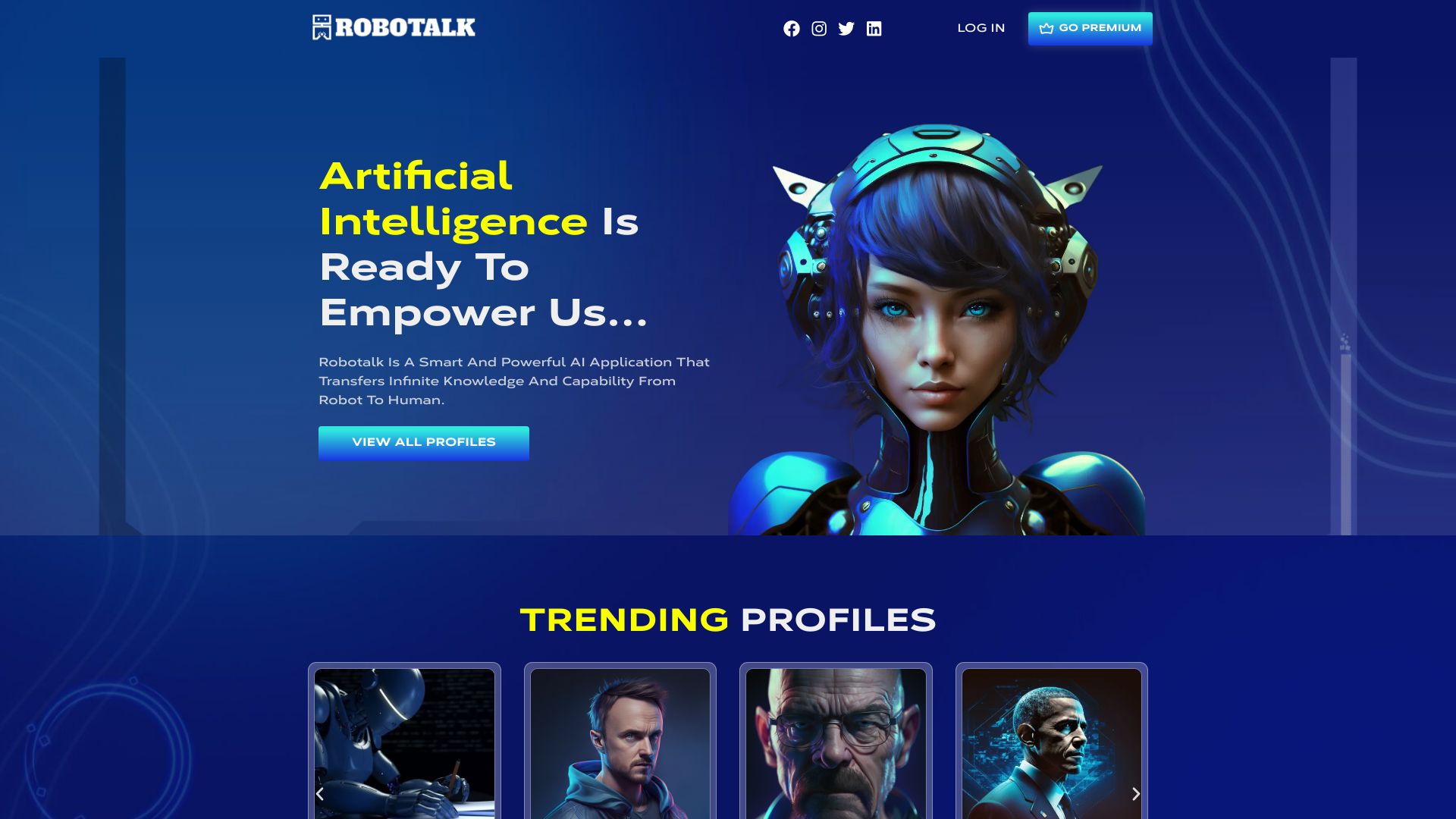
Robotalk
Chatting with AI character profiles
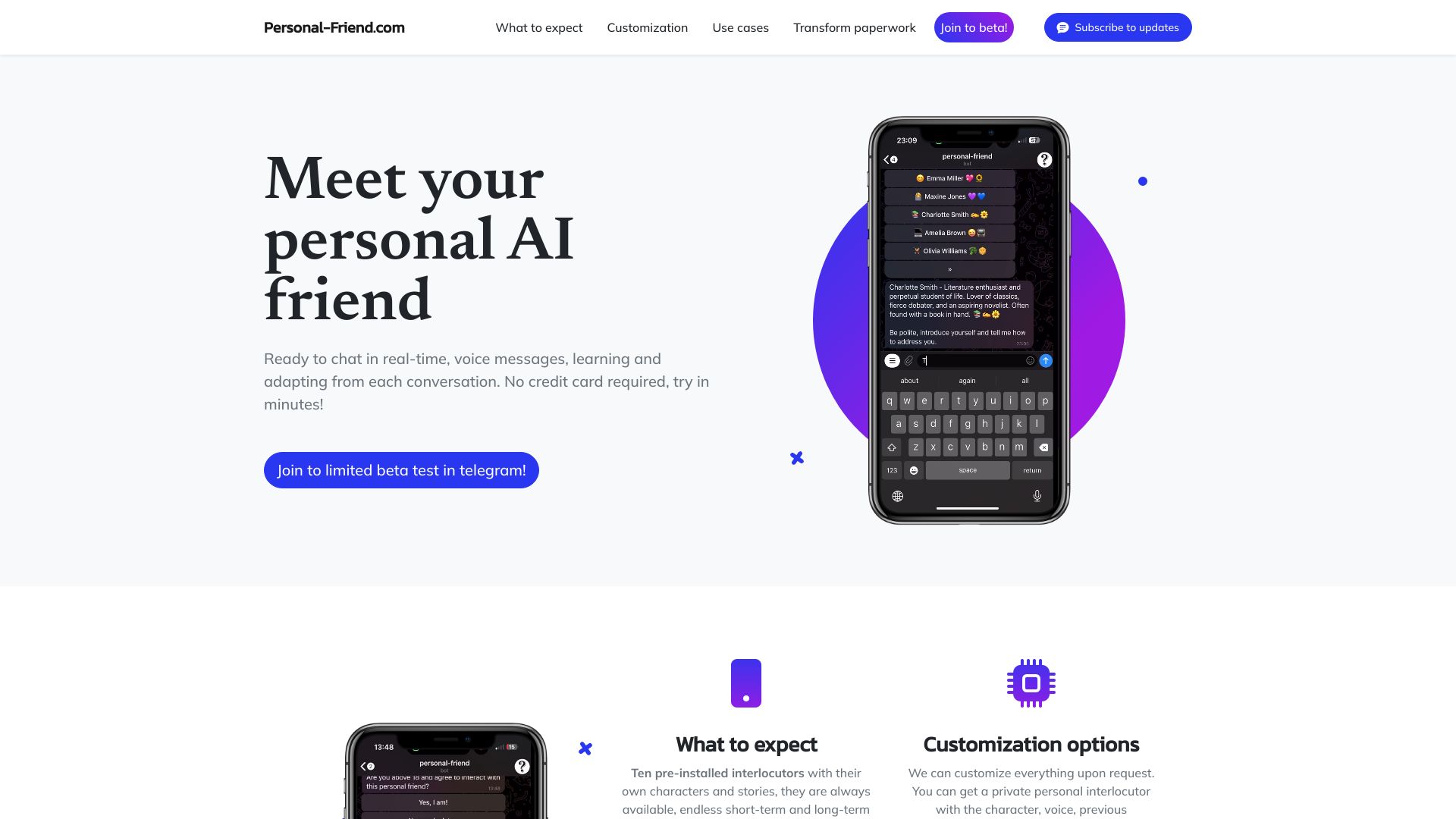
Personal-Friend
Customizable empathetic AI companionship

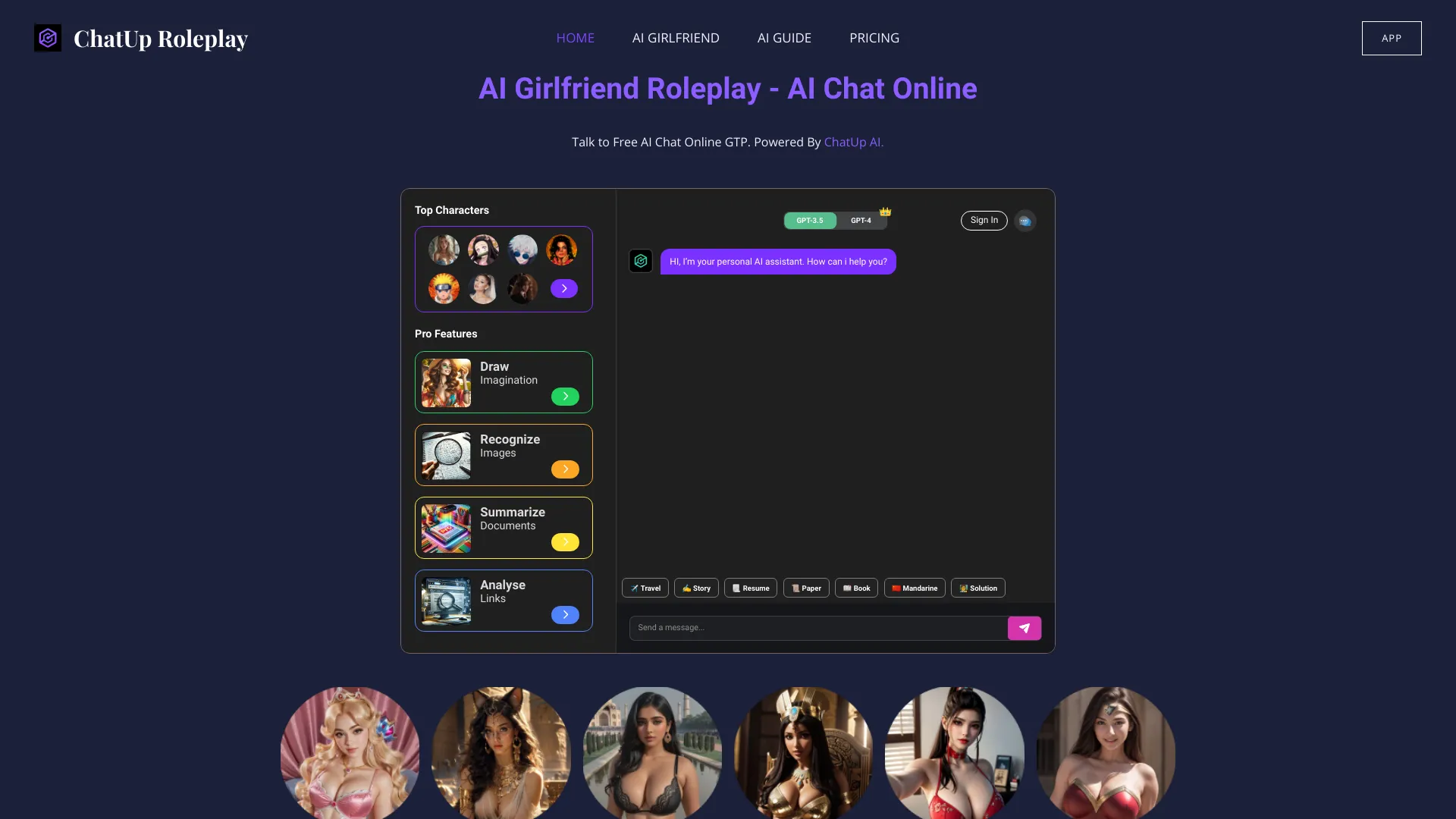
ChatUp Roleplay
AI character and companion roleplay

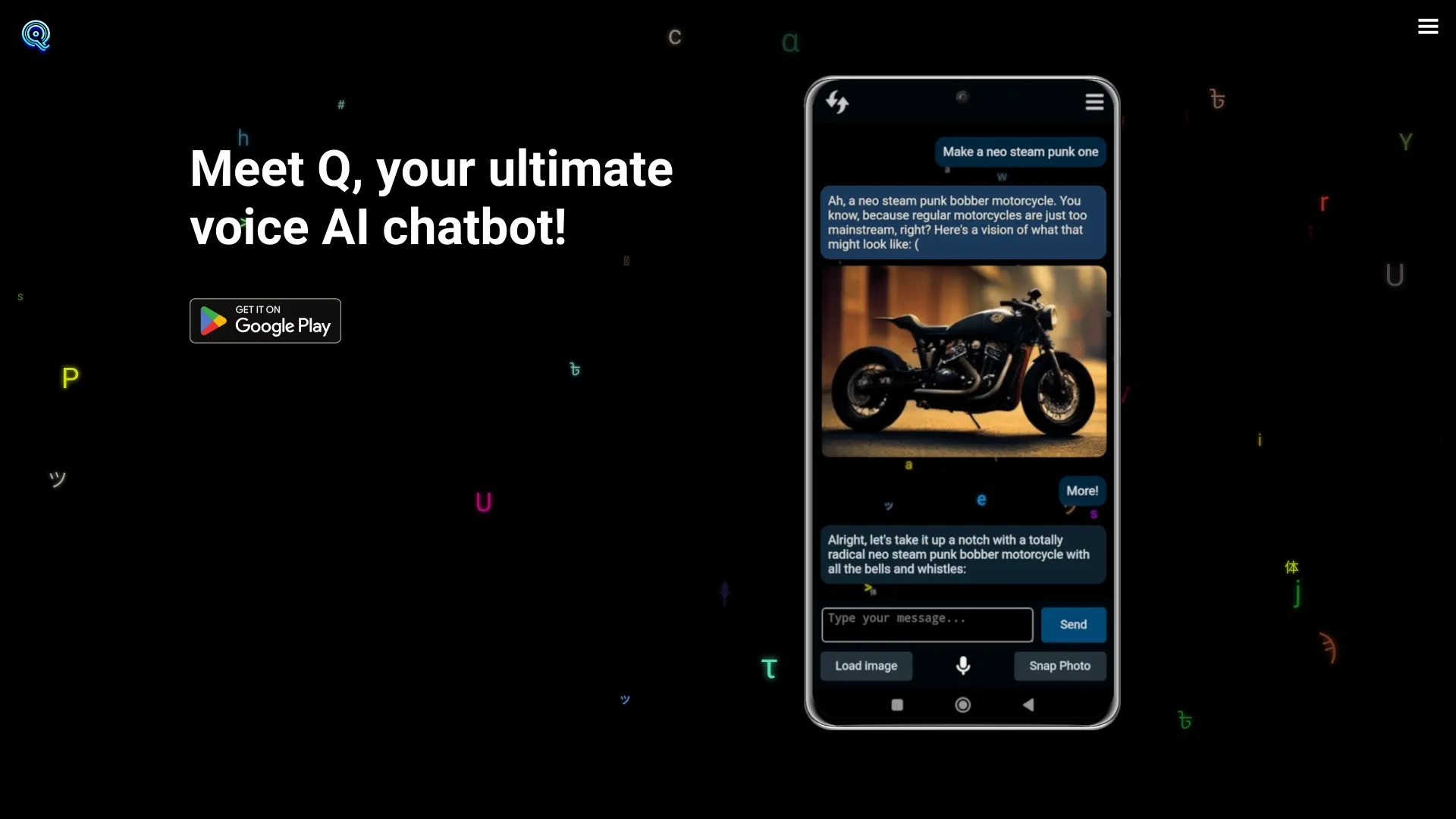
Q AI Chatbot
Personalized AI voice chats

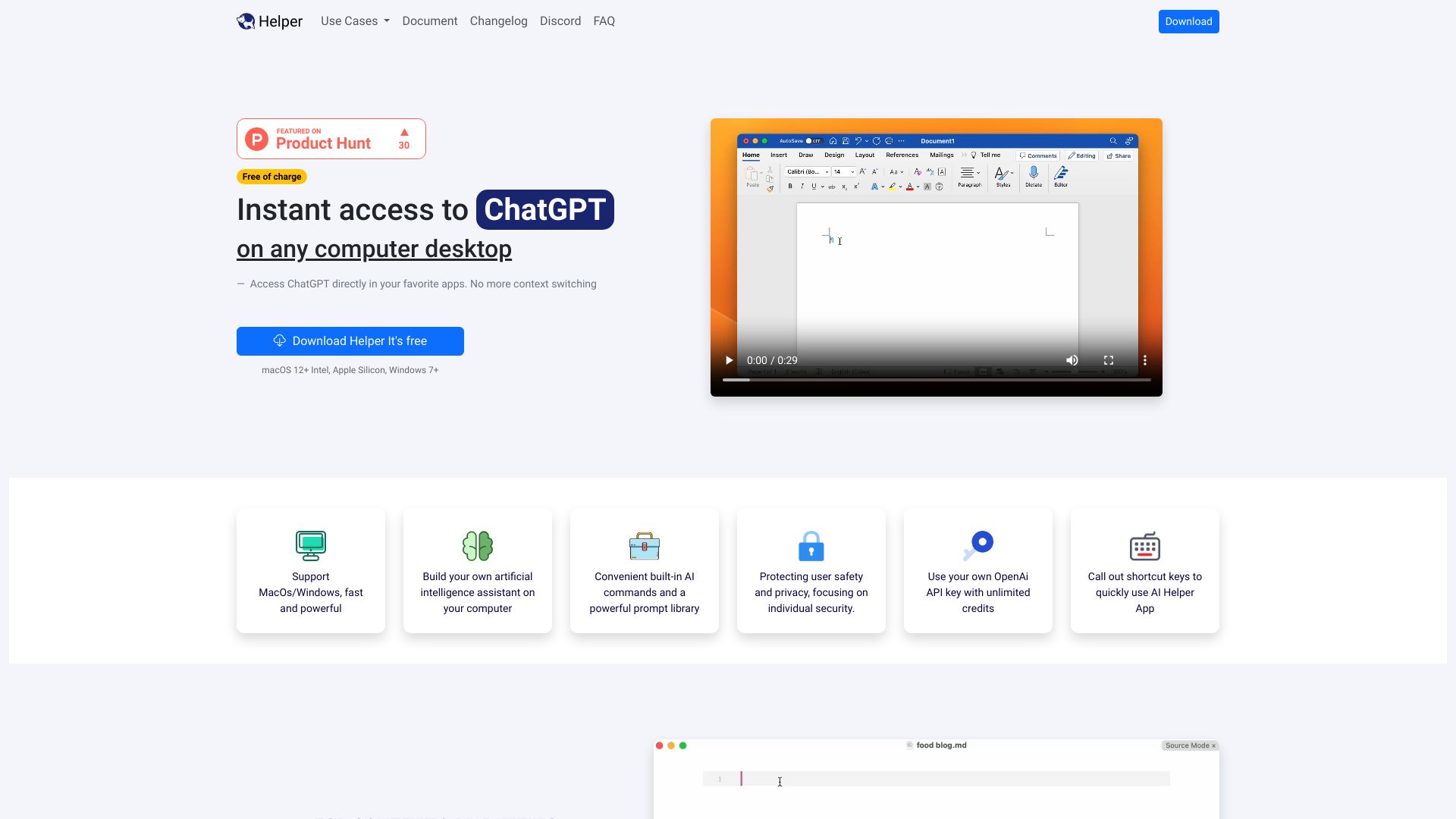
Ai Helper
Native desktop ChatGPT access

AllChat
Multi-model AI chat and productivity tools

Buddies
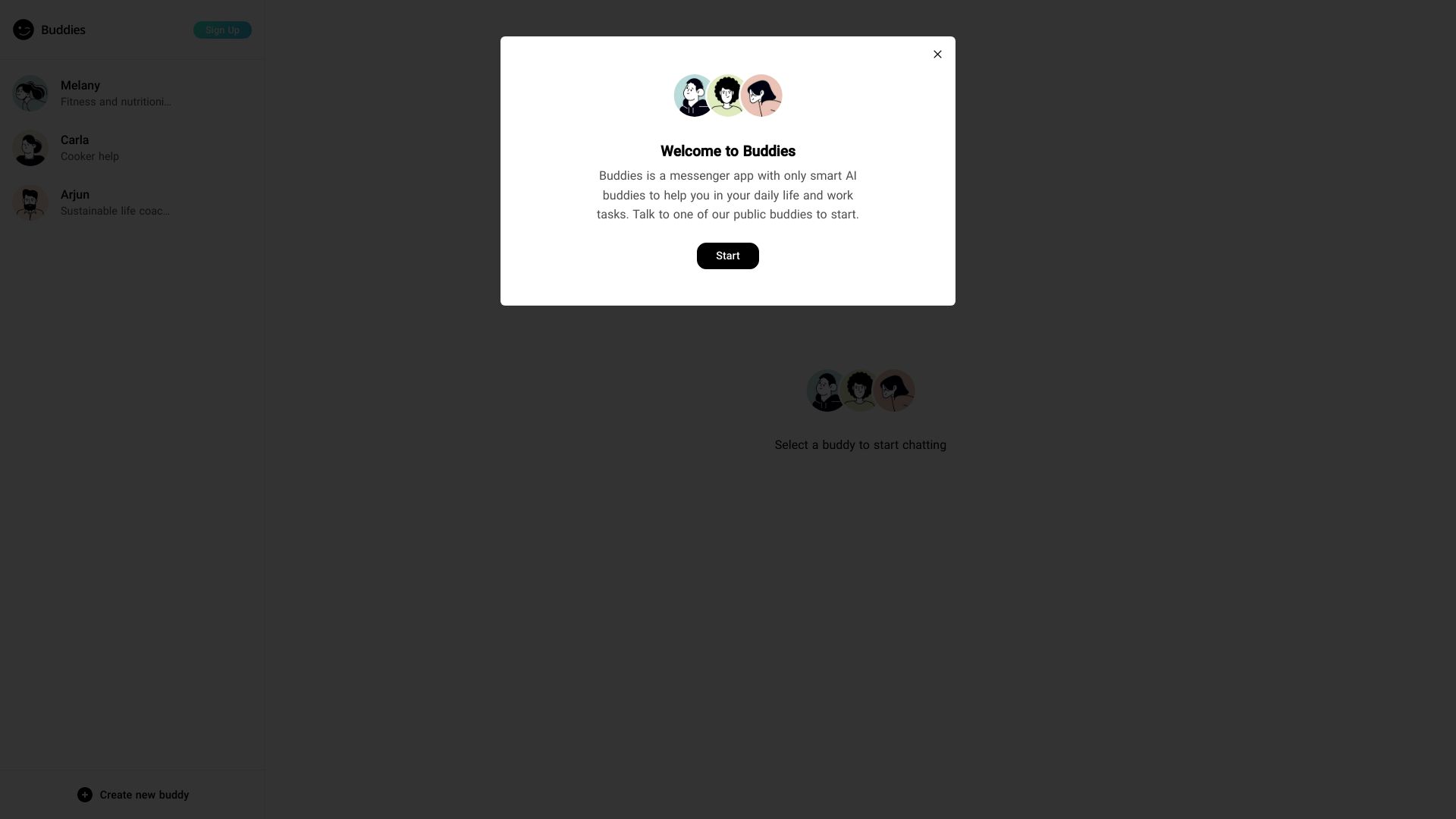
Personalized AI companions
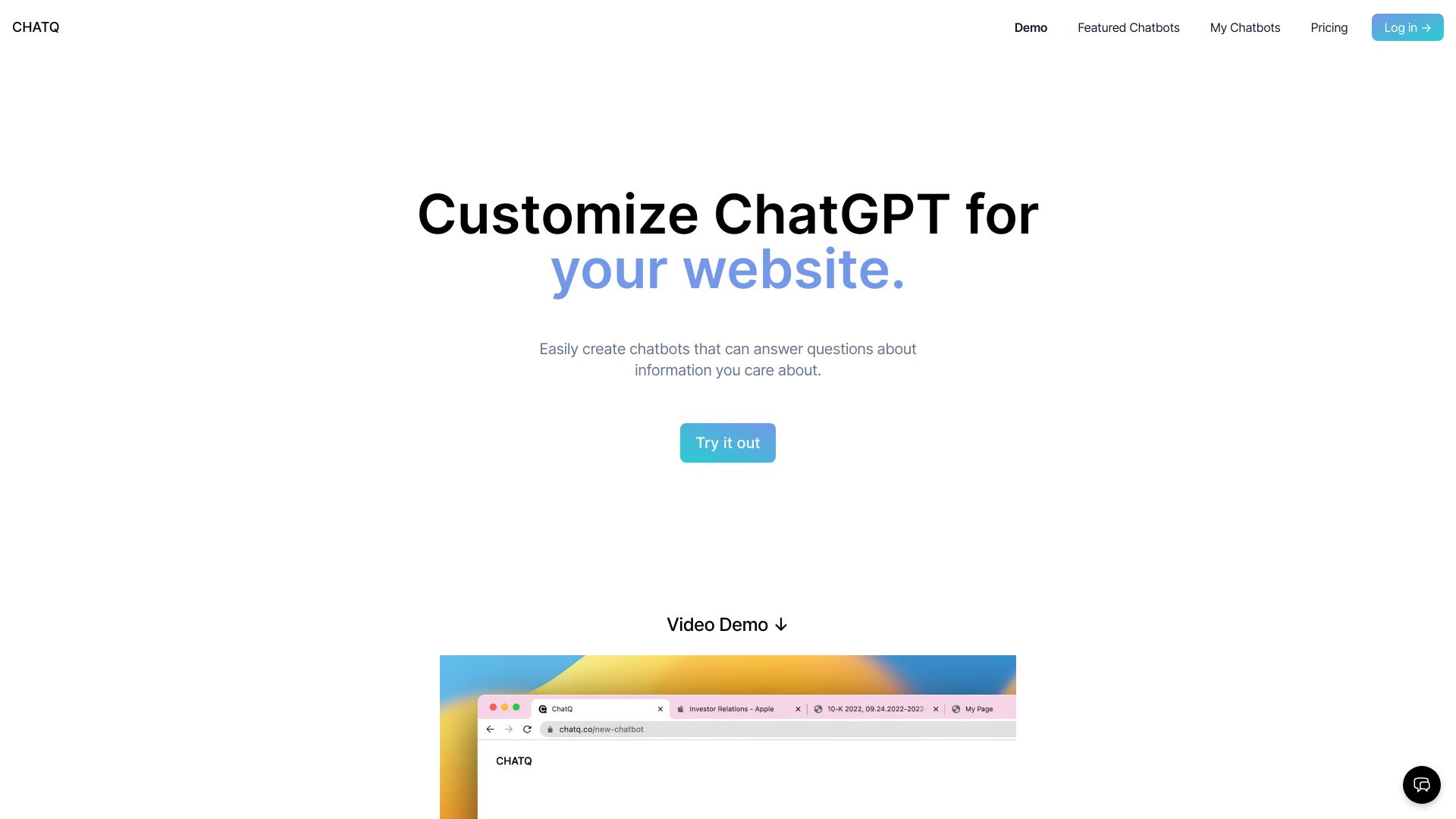
ChatQ AI
AI chat and website Q&A

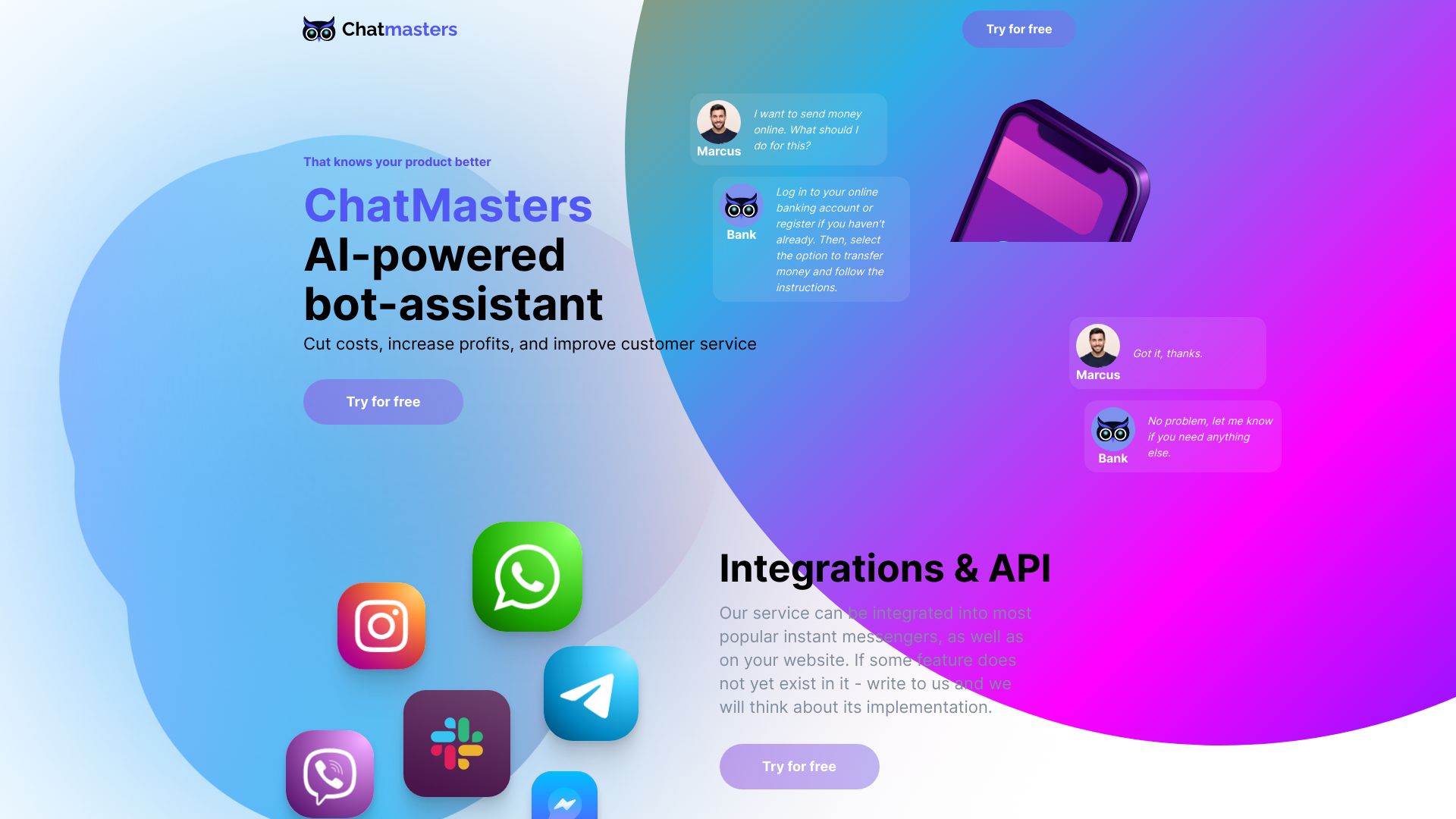
Chatmasters AI
AI customer service for businesses
Flint AI
Building and chatting with custom AI agents
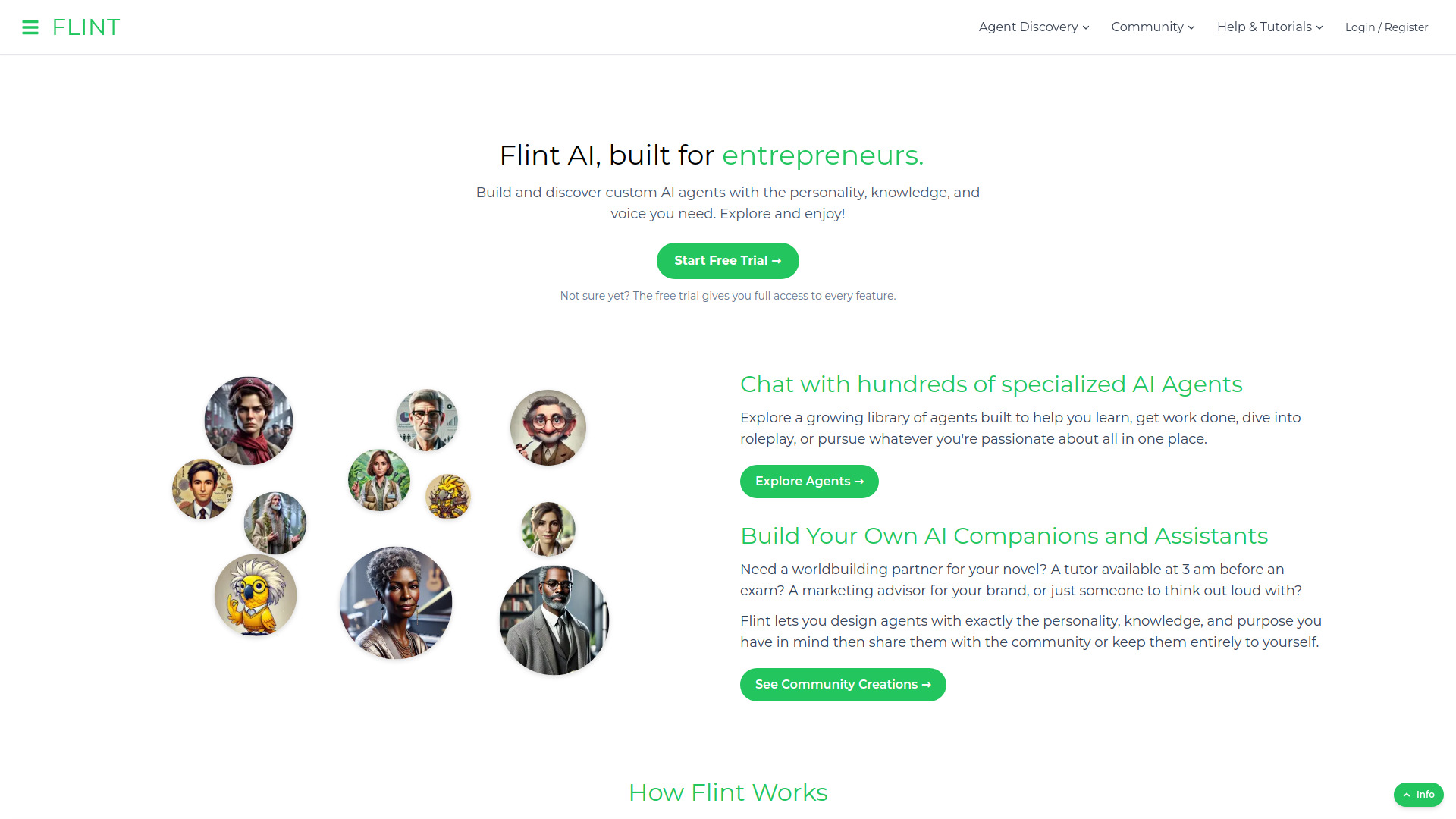
Snowball AI
ChatGPT-style conversations in WhatsApp
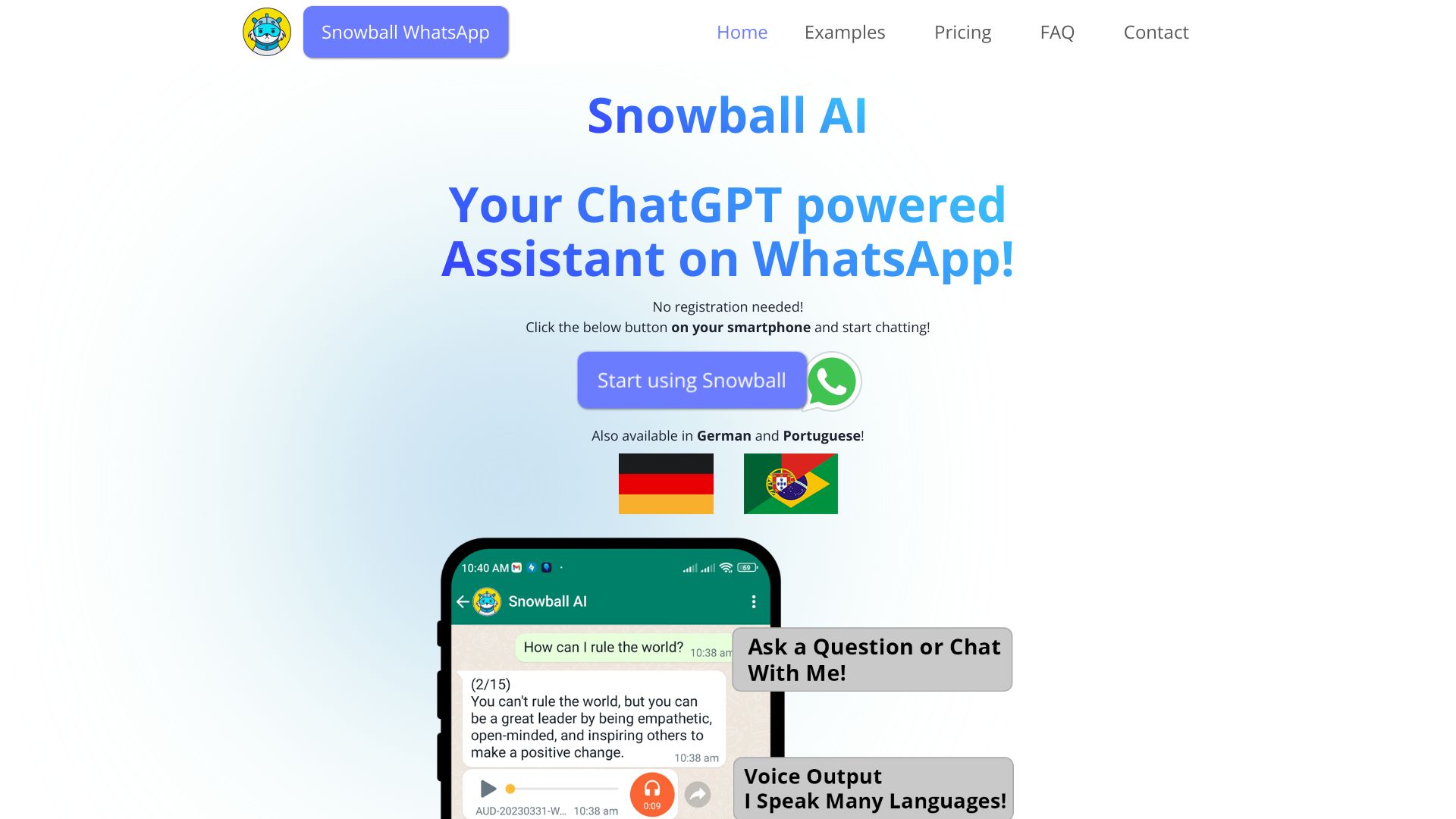

LearChat
AI friends, coaches, and character chats
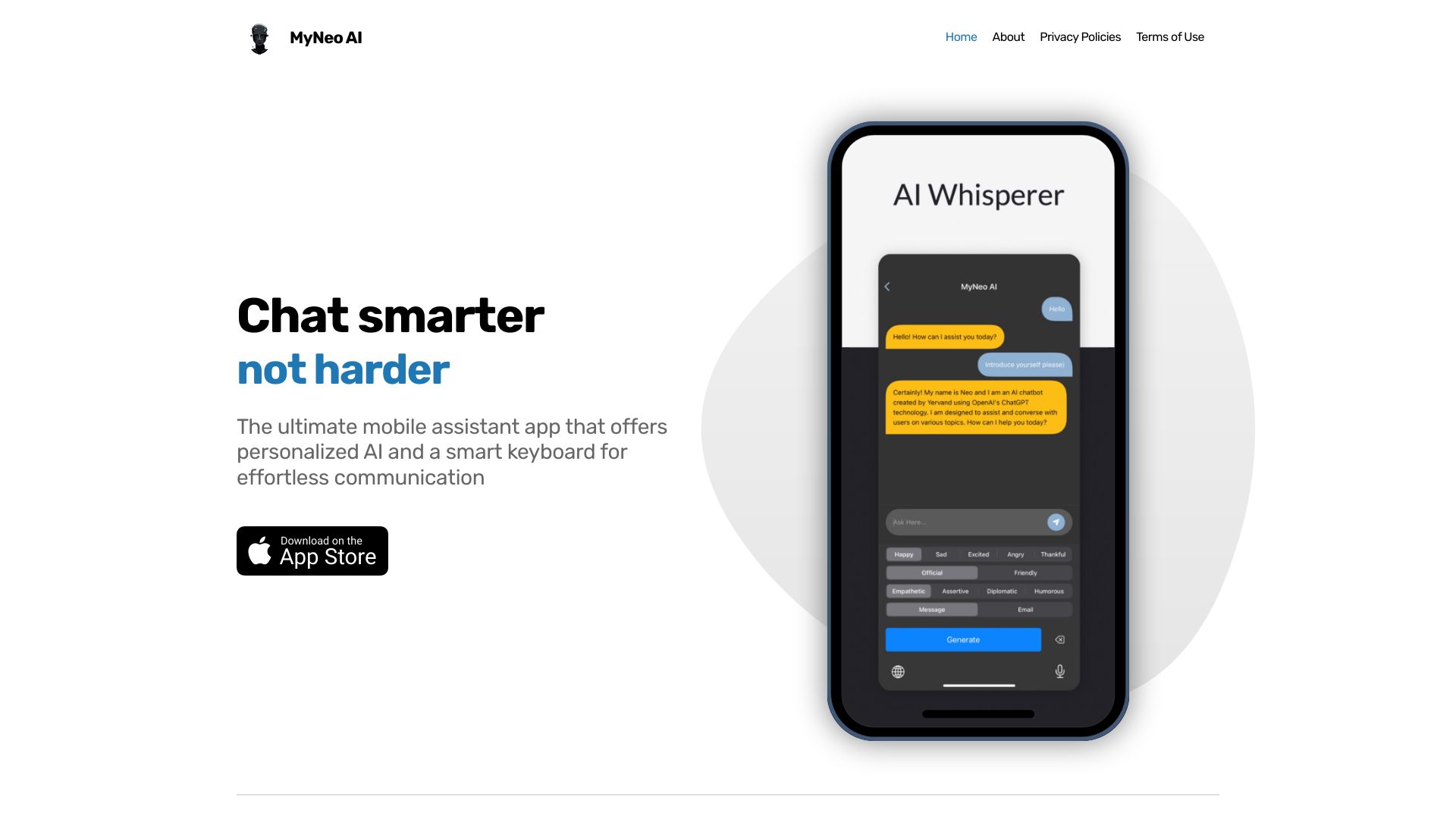
MyNeo AI
Personalized mobile communication
VMate AI
Unfiltered AI character roleplay

ChatCoach.io
Practicing job interviews and difficult conversations
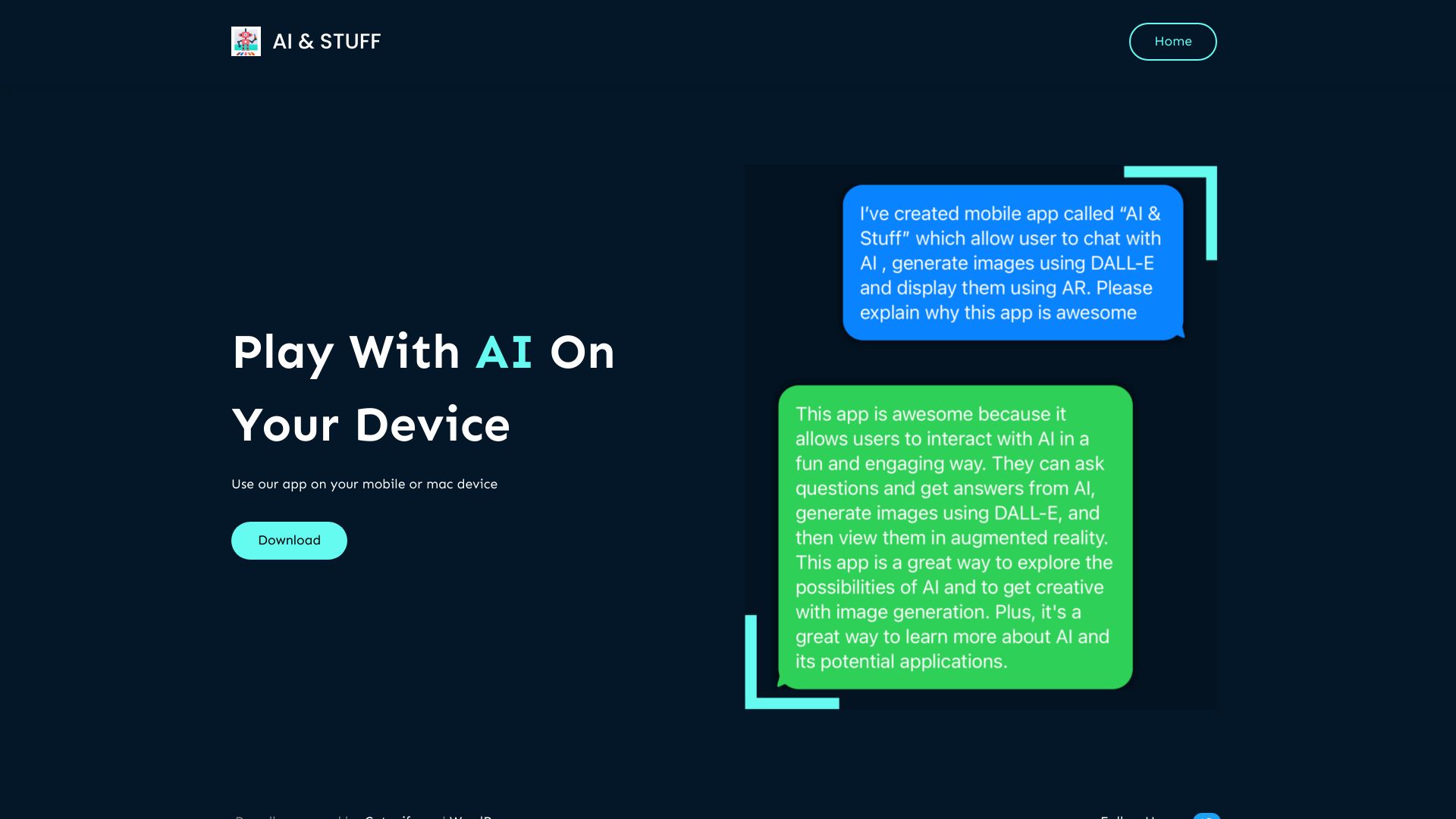
AI & Stuff
Mobile AI chat and AR image viewing

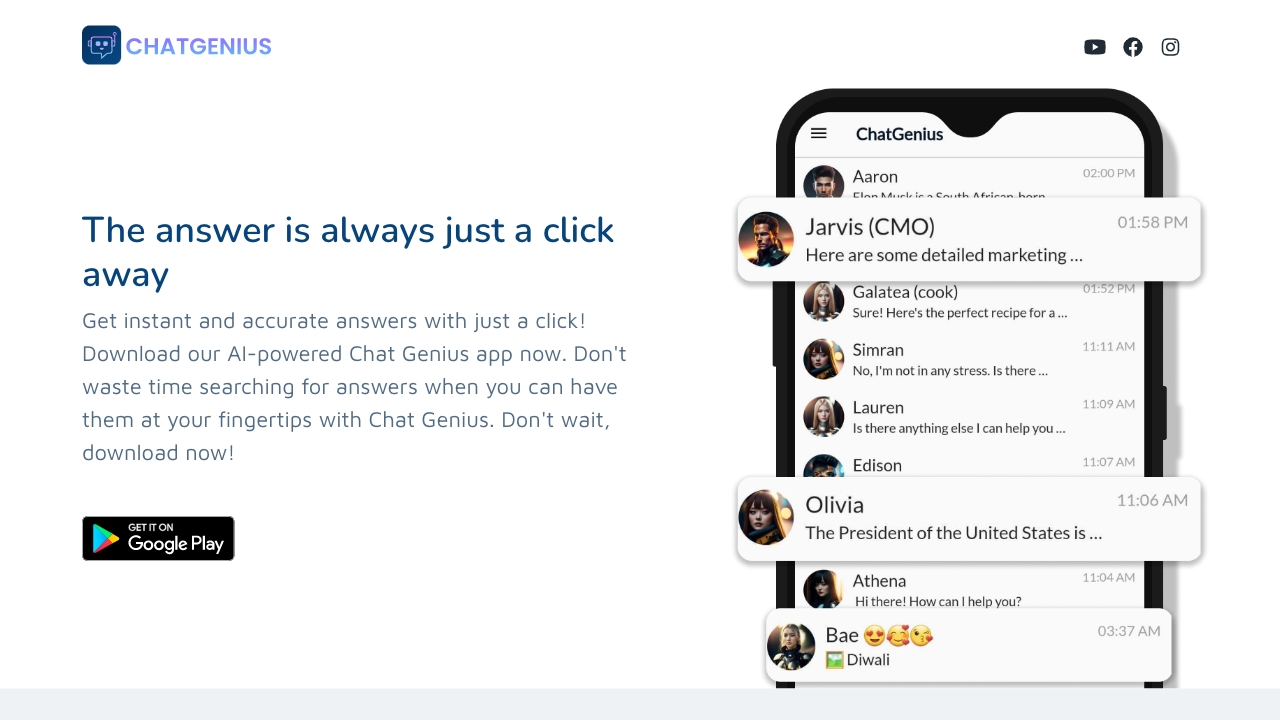
Chat Genius
Personalized AI chat assistants

Ask My AI
Personal AI persona creation
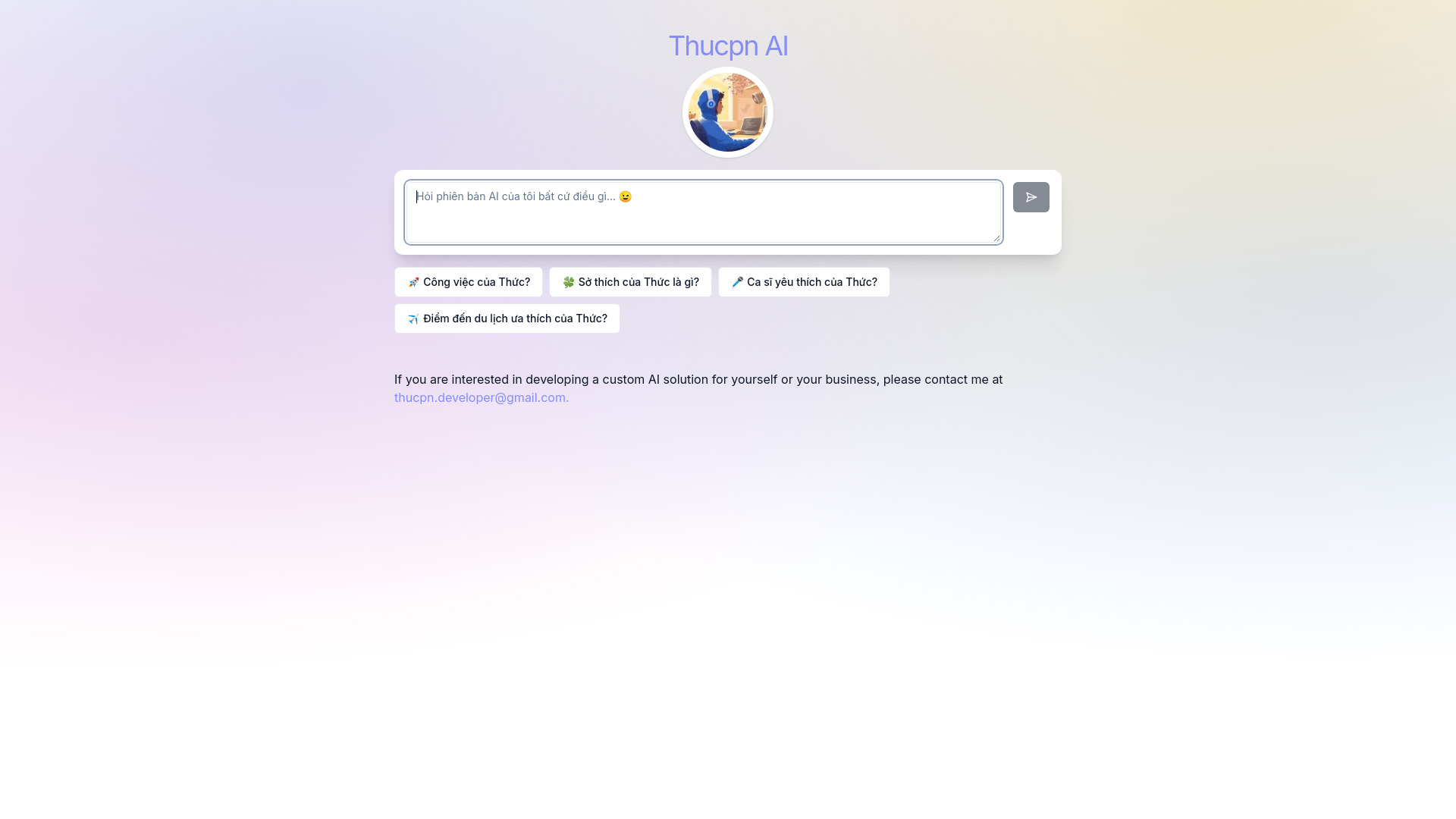

Mate Direct
Multilingual WhatsApp business support
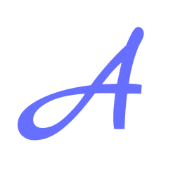
Airfriend
AI companionship on WhatsApp
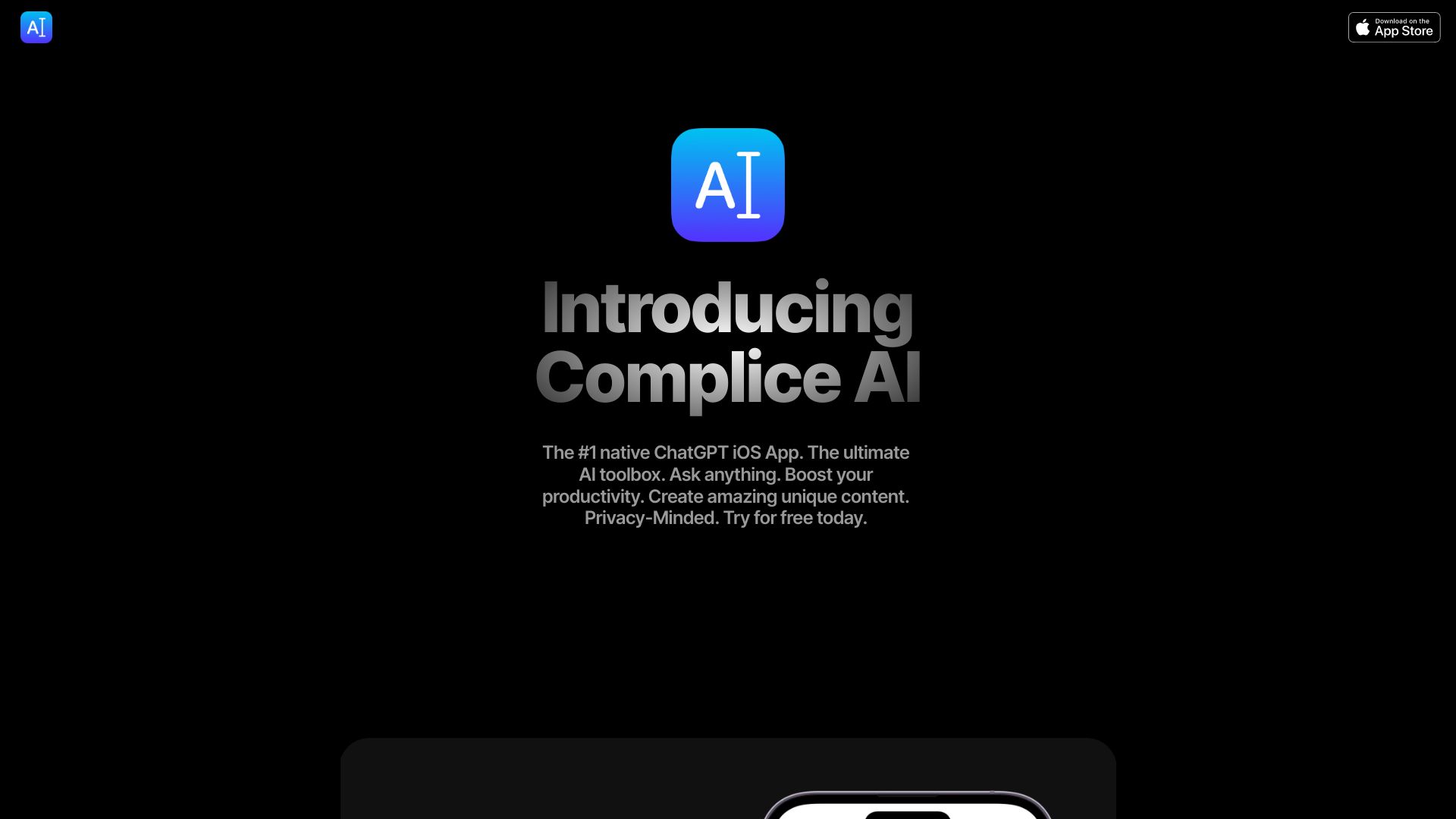
Complice AI
Apple users wanting a native AI toolbox
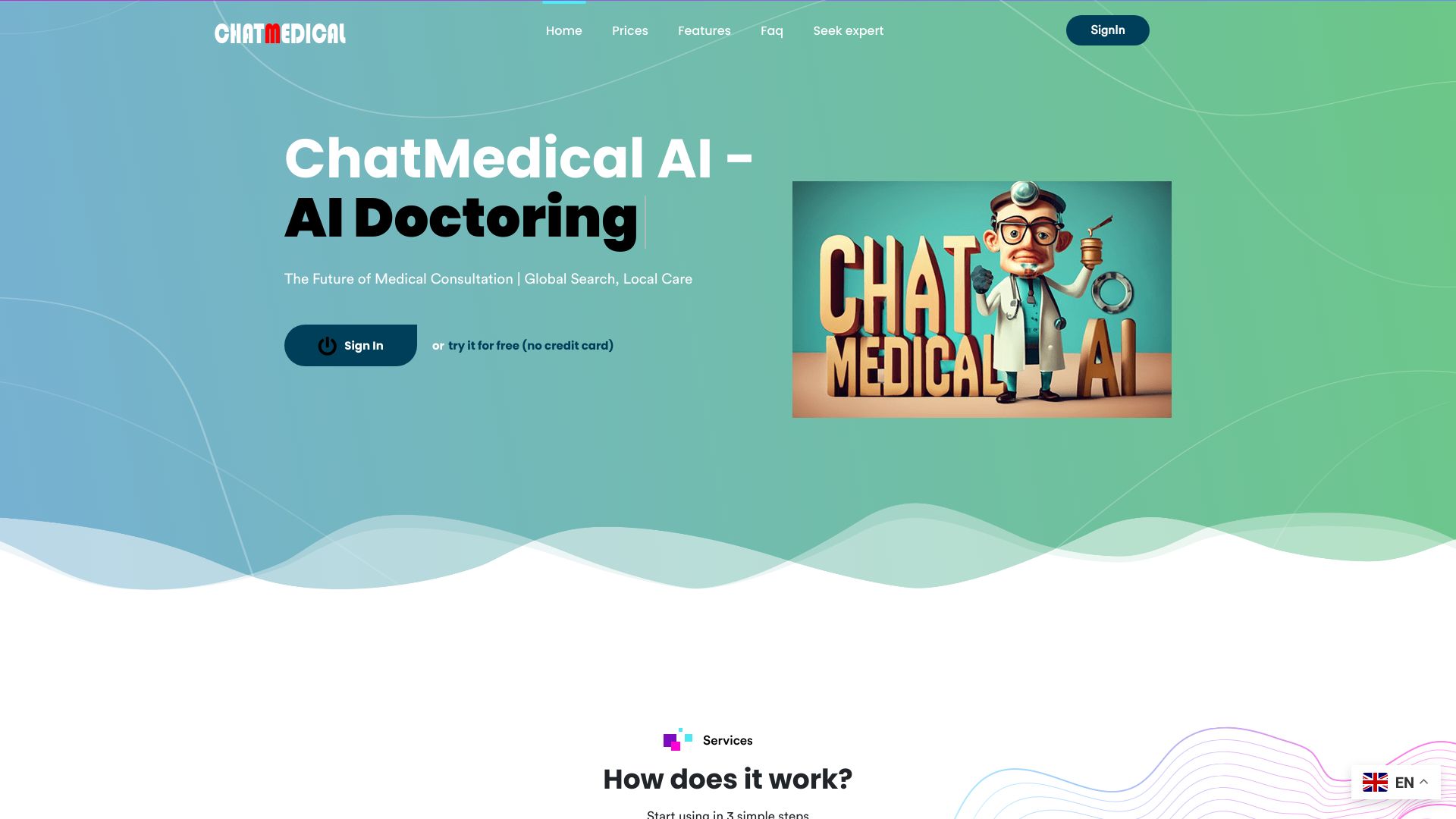
ChatMedical.AI
AI-assisted medical information and specialist tools
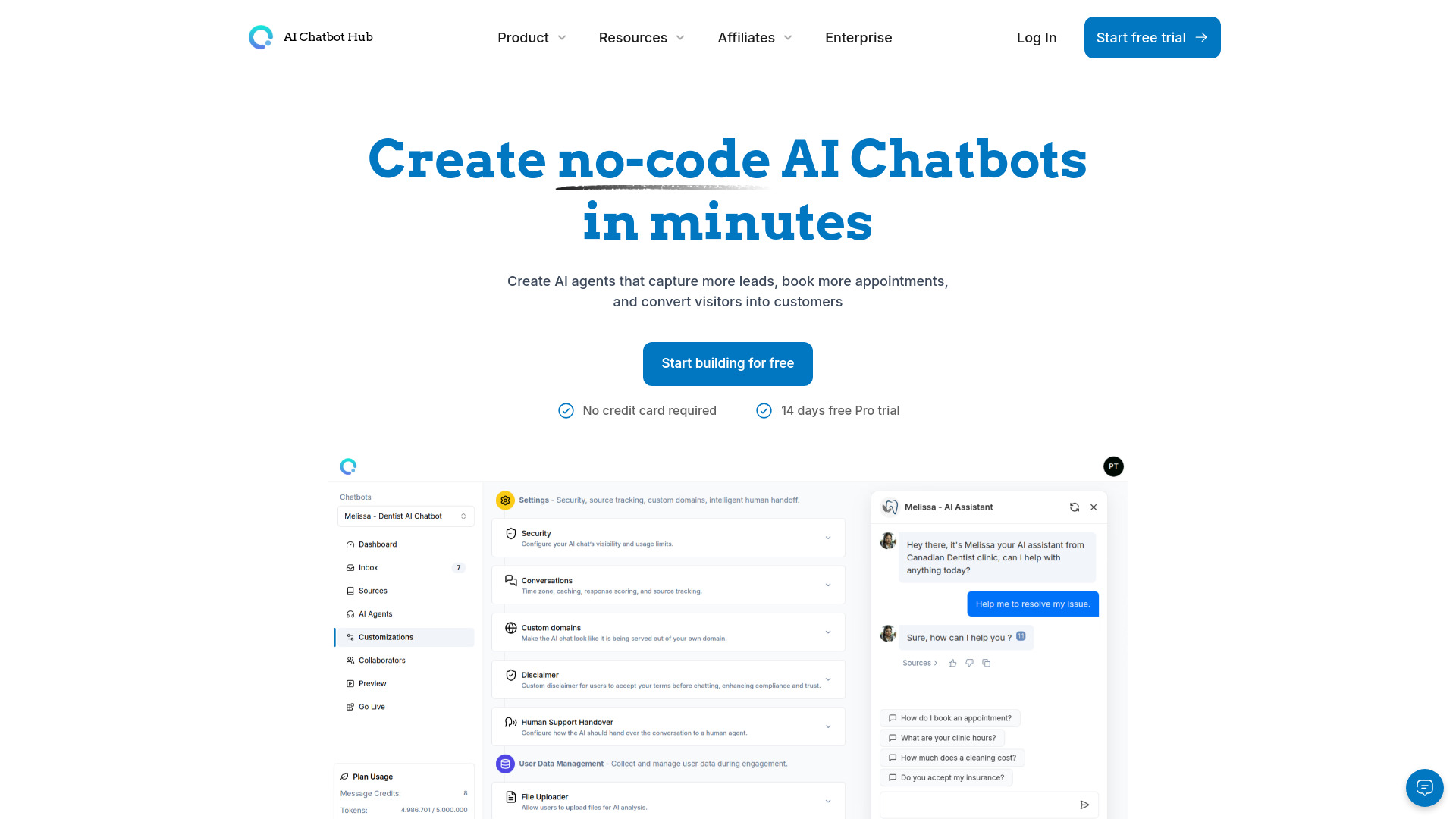
AI Chatbot Hub
No-code customer support and lead-capture chatbots

Lollipop AI Girls
AI girlfriend conversations

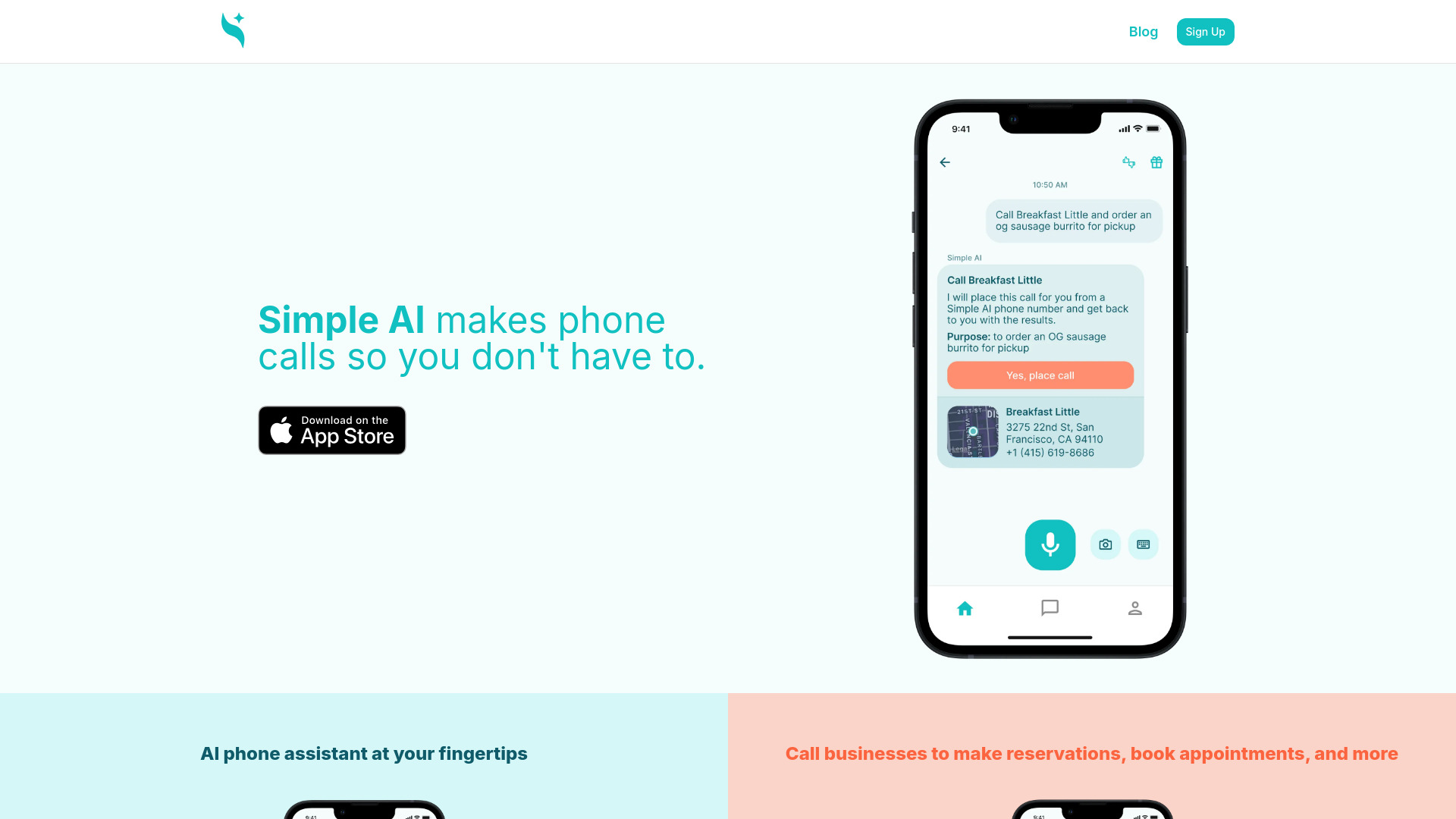
Simple AI
AI-powered phone calls

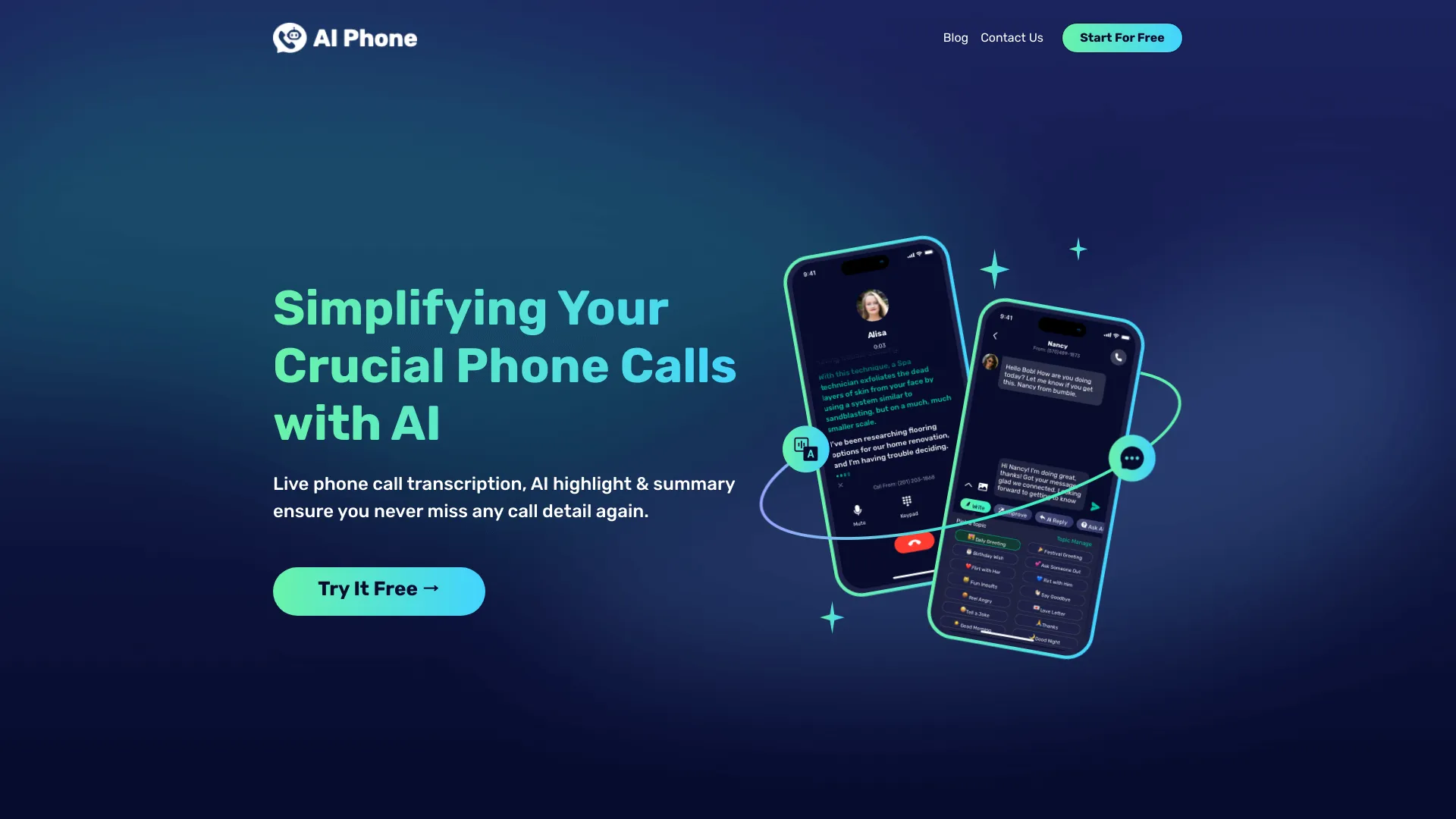
AI Phone
Cross-language phone call translation

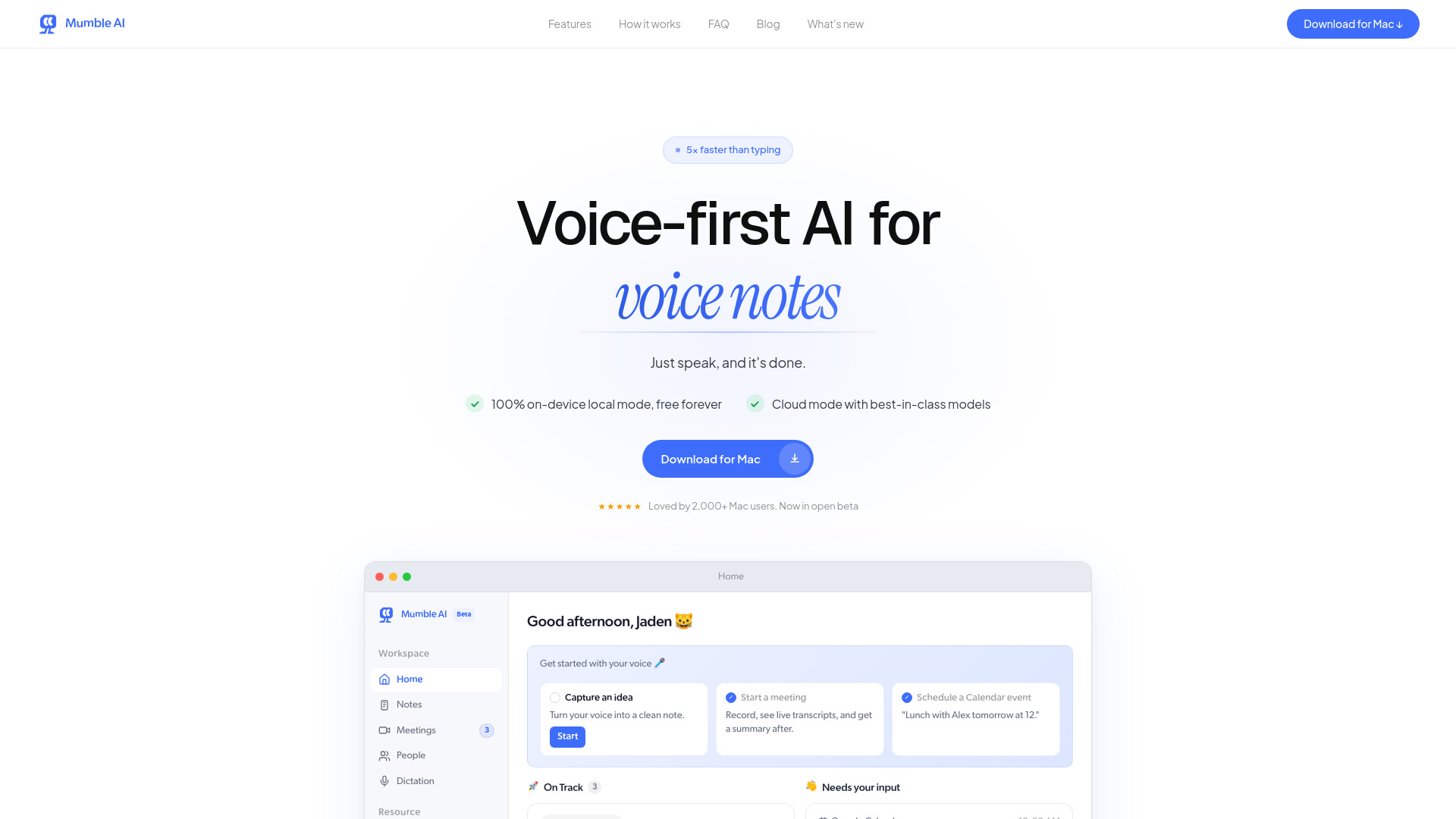
Mumble AI
Mac users capturing meetings and dictating by voice

GAIM.AI
Developers and creative AI users
AIxLab
Custom AI agents for connected workflows

Coachchat
Screen-guided AI tutoring and problem solving

AVA | AI
AI assistance in messaging apps

PlayAI
Real-time conversational voice agents

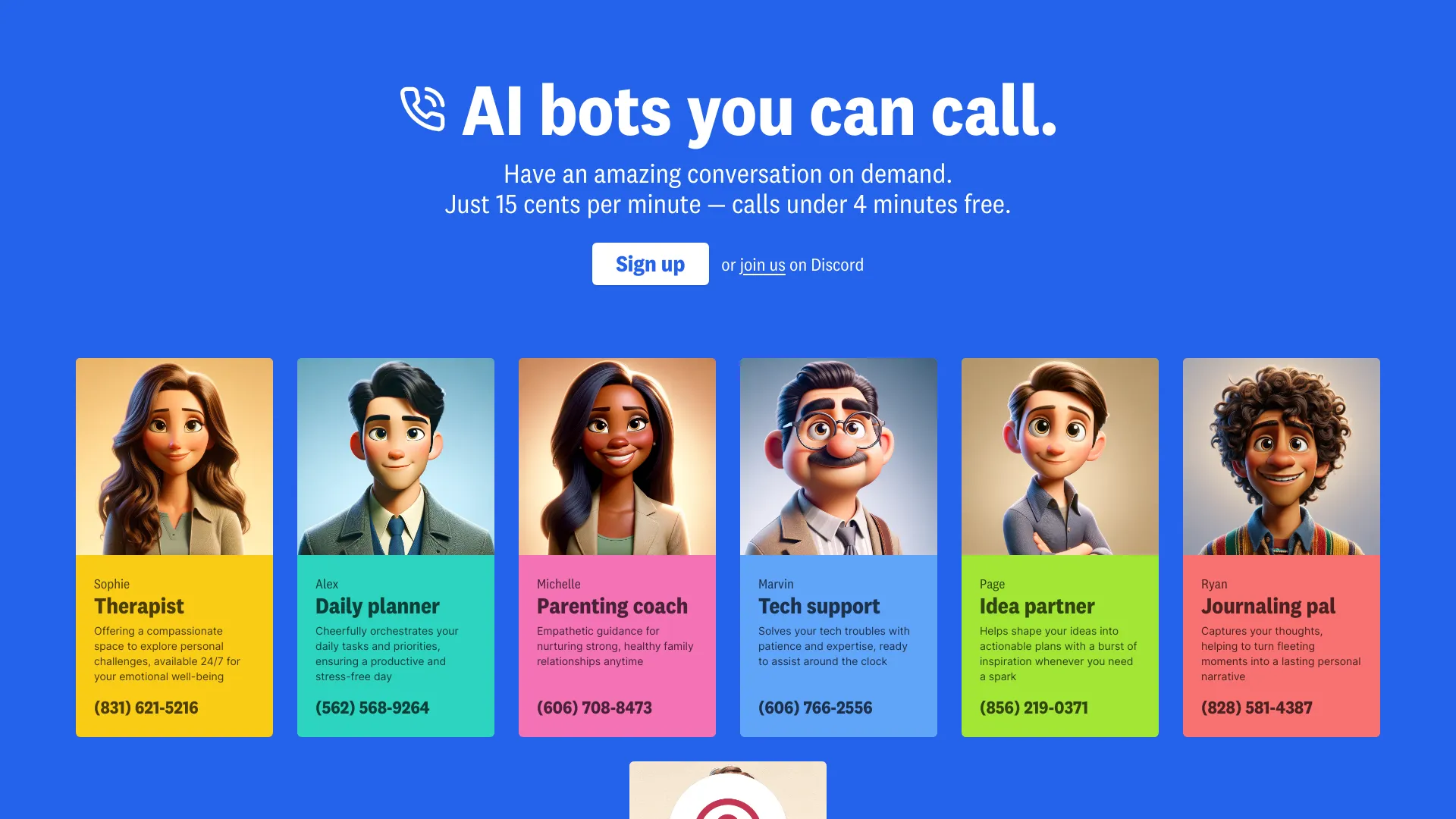
Call an AI
Real-time voice AI by phone

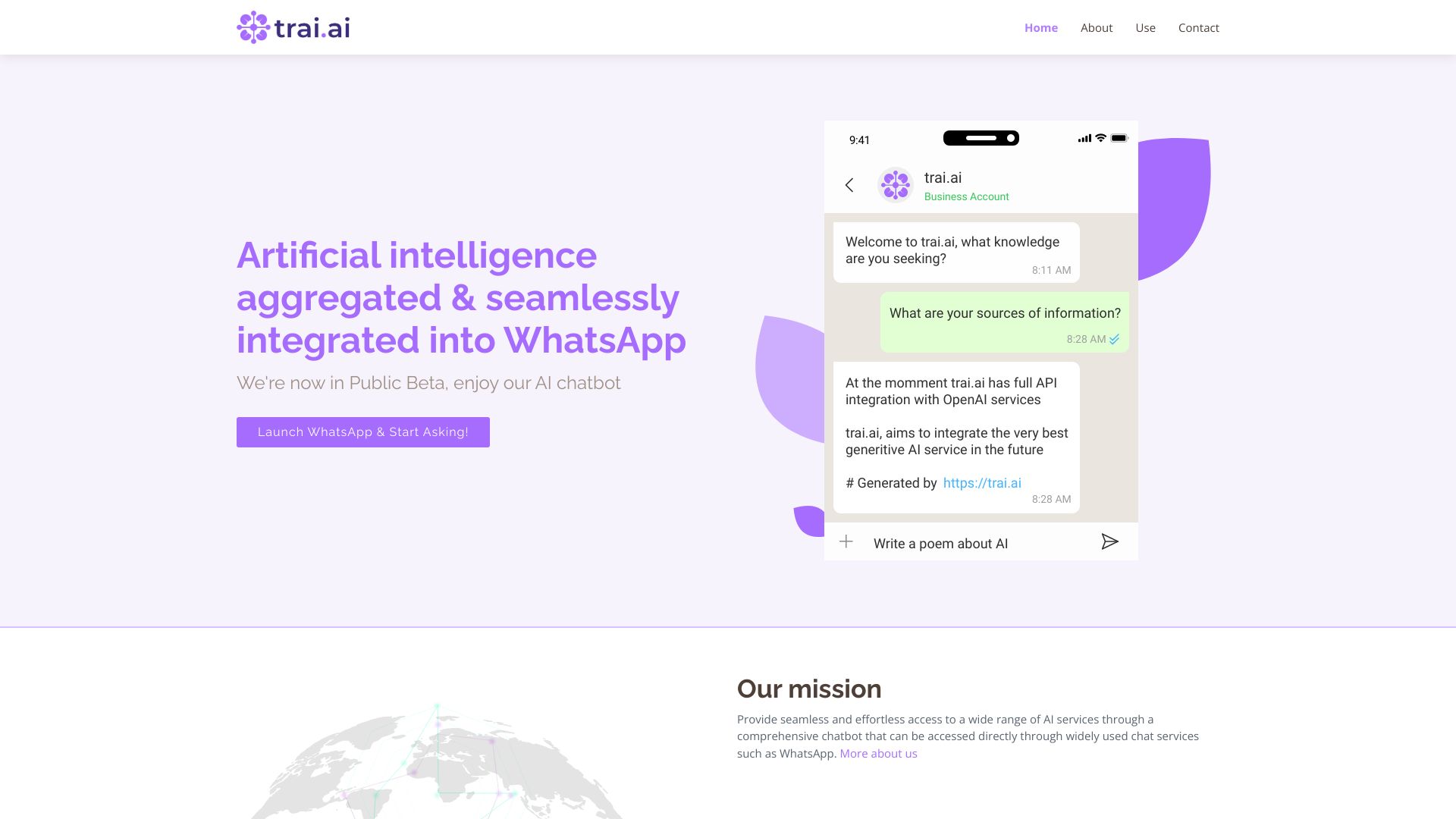
AI Services Platform
AI services through WhatsApp

QuickWit
AI reply ideas for chats
Which AI chat app should you choose?
The right choice depends on the job, not simply the score. Use this shortcut:
For the broadest character experience: Choose Dewy Chat for character selection, deep backstories, and custom AI characters.
For comparing many models: Choose Chatbot App if you want 30+ models and quick switching, or Overchat AI for a smaller, lower-cost starting point.
For marketing and mixed media work: Choose the first Chatbox AI listing for models, image generation, web search, and document chat.
For studying and coding: Choose the second Chatbox AI listing for document and image chat, code preview, and browsing.
For writing and research: Choose Chat & Ask AI for search, PDF chat, image generation, and general chatbot access.
For English practice: Choose Praktika App rather than forcing a general assistant to behave like a tutor.
For free fanfiction roleplay: Choose Status AI, provided its daily energy limit fits your usage.
For no-download conversations: Choose AI Chat if SMS is more convenient than another app.
For simple business writing: Choose AIChatting.net if you want a direct AI chat and writer combination.
The best ai chat apps are not interchangeable. A model hub is valuable when you need options; a specialist app is better when it has already organized the experience around your goal.
My practical recommendation
For most buyers, I would start with Chatbot App if model variety and content work are the priority. Its access to 30+ leading models and instant switching solve a real problem: comparing responses without jumping between services. The 7-day full-access offer makes the first test relatively easy, though you should verify what happens after the offer ends.
If you want a more focused and affordable trial, Overchat AI is the sensible alternative. Four free messages per day is limited, but it gives you a clear way to test multiple models and writing assistance. For a specialist use case, I would skip general-purpose tools altogether: choose Praktika App for language practice, Dewy Chat for immersive character chat, or Status AI for free fanfiction roleplay.
Finally, treat the price field as part of the buying decision. Some products publish a clear starting price, while others require a subscription, app purchase, or vendor check. Verify current pricing, limits, and premium access before moving important work into any tool.
Common mistakes when choosing AI chat apps
Choosing by model count alone: Thirty models sound useful, but only if you will actually compare them. A focused app can be better for a defined task.
Confusing free access with unlimited access: Overchat has four free messages per day, AI Chat has 10 free messages, and Status AI limits daily actions with energy.
Ignoring the workflow format: SMS, character roleplay, document chat, and language lessons are very different experiences from a conventional chatbot.
Skipping the premium boundary: Several tools reserve features for paid members or subscriptions. Test the exact feature you need, not just the landing page.
Overlooking pricing cadence: A weekly plan, a monthly plan, in-app purchases, and message-based pricing are not directly comparable.
Assuming every tool is a research assistant: Some products are optimized for entertainment, companionship, or learning rather than document and web workflows.
What changed in 2026
The strongest AI chat products now fall into distinct lanes instead of competing only on a generic question-and-answer experience. Multi-model workspaces such as Chatbot App, Chatbox AI, and Overchat emphasize switching and breadth. Specialist products focus on character worlds, language practice, fanfiction roleplay, or SMS access.
The practical result is that buyers should compare the workflow around the chat, not just the underlying AI label. Document chat, image analysis, web search, code preview, custom characters, and speaking lessons can matter more than a long model list. Free access has also become highly varied: some tools offer a clear membership, others cap messages or actions, and some require a subscription or in-app purchase for full functionality.
FAQ
Dewy Chat ranks first for its strong character-chat experience, large character selection, and custom character creation. For general productivity and model comparison, Chatbot App is the more practical overall alternative.